# Table of Contents
- [Telnyx](#telnyx)
- [Telnyx](#telnyx)
- [Telnyx](#telnyx)
- [Telnyx](#telnyx)
- [Telnyx](#telnyx)
- [Telnyx](#telnyx)
- [Telnyx](#telnyx)
- [Telnyx](#telnyx)
- [Telnyx](#telnyx)
- [Telnyx](#telnyx)
- [Telnyx](#telnyx)
- [Telnyx](#telnyx)
- [Telnyx](#telnyx)
- [Telnyx](#telnyx)
- [Telnyx](#telnyx)
- [Telnyx](#telnyx)
- [Telnyx](#telnyx)
- [Telnyx](#telnyx)
- [Telnyx](#telnyx)
- [Telnyx](#telnyx)
- [Telnyx](#telnyx)
- [Telnyx](#telnyx)
- [Telnyx](#telnyx)
- [Telnyx](#telnyx)
- [Telnyx](#telnyx)
- [Telnyx](#telnyx)
- [Telnyx](#telnyx)
- [Telnyx](#telnyx)
- [Telnyx](#telnyx)
- [Telnyx](#telnyx)
- [Telnyx](#telnyx)
- [Telnyx](#telnyx)
- [Telnyx](#telnyx)
- [Telnyx](#telnyx)
- [Telnyx](#telnyx)
- [Telnyx](#telnyx)
- [Telnyx](#telnyx)
- [Telnyx](#telnyx)
- [Telnyx](#telnyx)
- [Telnyx](#telnyx)
- [Telnyx](#telnyx)
- [Telnyx](#telnyx)
- [Telnyx](#telnyx)
- [Telnyx](#telnyx)
- [Telnyx](#telnyx)
- [Telnyx](#telnyx)
- [Telnyx](#telnyx)
- [Telnyx](#telnyx)
- [Telnyx](#telnyx)
- [Telnyx](#telnyx)
- [Telnyx](#telnyx)
- [Telnyx](#telnyx)
- [Telnyx](#telnyx)
- [Telnyx](#telnyx)
- [Telnyx](#telnyx)
- [Telnyx](#telnyx)
- [Telnyx](#telnyx)
- [Telnyx](#telnyx)
- [Telnyx](#telnyx)
- [Telnyx](#telnyx)
- [Telnyx](#telnyx)
- [Telnyx](#telnyx)
- [Telnyx](#telnyx)
- [Telnyx](#telnyx)
- [Telnyx](#telnyx)
- [Telnyx](#telnyx)
- [Telnyx](#telnyx)
- [Telnyx](#telnyx)
- [Telnyx](#telnyx)
- [Telnyx](#telnyx)
- [Telnyx](#telnyx)
- [Telnyx](#telnyx)
- [Telnyx](#telnyx)
- [Telnyx](#telnyx)
- [Telnyx](#telnyx)
- [Telnyx](#telnyx)
- [Telnyx](#telnyx)
- [Telnyx](#telnyx)
- [Telnyx](#telnyx)
- [Telnyx](#telnyx)
- [Telnyx](#telnyx)
- [Telnyx](#telnyx)
- [Telnyx](#telnyx)
- [Telnyx](#telnyx)
- [Telnyx](#telnyx)
- [Telnyx](#telnyx)
- [Telnyx](#telnyx)
- [Telnyx](#telnyx)
- [Telnyx](#telnyx)
- [Telnyx](#telnyx)
- [Telnyx](#telnyx)
- [Telnyx](#telnyx)
- [Telnyx](#telnyx)
- [Telnyx](#telnyx)
- [Telnyx](#telnyx)
- [Telnyx](#telnyx)
- [Telnyx](#telnyx)
- [Telnyx](#telnyx)
- [Telnyx](#telnyx)
- [Telnyx](#telnyx)
- [Telnyx](#telnyx)
- [Telnyx](#telnyx)
- [Telnyx](#telnyx)
- [Telnyx](#telnyx)
- [Telnyx](#telnyx)
- [Telnyx](#telnyx)
- [Telnyx](#telnyx)
- [Telnyx](#telnyx)
- [Telnyx](#telnyx)
- [Telnyx](#telnyx)
- [Telnyx](#telnyx)
- [Telnyx](#telnyx)
- [Telnyx](#telnyx)
- [Telnyx](#telnyx)
- [Telnyx](#telnyx)
- [Telnyx](#telnyx)
- [Telnyx](#telnyx)
- [Telnyx](#telnyx)
- [Telnyx](#telnyx)
- [Telnyx](#telnyx)
- [Telnyx](#telnyx)
---
# Telnyx
[Skip to main content](https://developers.telnyx.com/docs/iot-sim/imsi-selection#content-area)
Check out our upcoming events and meetups! [View events →](https://telnyx.com/events)
[Telnyx home page](https://developers.telnyx.com/)
Search...
⌘KAsk AI
Search...
Navigation
Getting Started
IMSI selection
[Development](https://developers.telnyx.com/development)
[AI](https://developers.telnyx.com/docs/inference/ai-assistants/no-code-voice-assistant)
[Phone Numbers](https://developers.telnyx.com/docs/numbers/phone-numbers/getting-started)
[Voice](https://developers.telnyx.com/docs/voice/programmable-voice/voice-api-fundamentals)
[Messaging](https://developers.telnyx.com/docs/messaging/messages/send-message)
[IoT & VoLTE](https://developers.telnyx.com/docs/iot-sim/get-started)
[Other APIs](https://developers.telnyx.com/docs/identity/number-lookup/quickstart)
On this page
* [What are the benefits of multi-IMSI SIMs?](https://developers.telnyx.com/docs/iot-sim/imsi-selection#what-are-the-benefits-of-multi-imsi-sims)
* [What IMSIs are available on the Telnyx SIM profile?](https://developers.telnyx.com/docs/iot-sim/imsi-selection#what-imsis-are-available-on-the-telnyx-sim-profile)
* [Should I use automatic or manual IMSI selection?](https://developers.telnyx.com/docs/iot-sim/imsi-selection#should-i-use-automatic-or-manual-imsi-selection)
* [How can I manually select a specific IMSI?](https://developers.telnyx.com/docs/iot-sim/imsi-selection#how-can-i-manually-select-a-specific-imsi)
The Telnyx SIM profile is built with multi-IMSI technology. It has multiple IMSIs: the Telnyx IMSI along with 4 other IMSIs.
[](https://developers.telnyx.com/docs/iot-sim/imsi-selection#what-are-the-benefits-of-multi-imsi-sims)
What are the benefits of multi-IMSI SIMs?
----------------------------------------------------------------------------------------------------------------------------------------------------
The Telnyx multi-IMSI SIM uses an intelligent applet to select the most appropriate IMSI for each location. For example, when a SIM enters a new country, it will automatically use the IMSI that provides the best coverage and rates in that country. Multi-IMSI technology offers the following benefits:
* Customers benefit from multiple networks without managing multiple MNO providers.
* Better coverage with better rates. Selecting from multiple IMSIs provides the flexibility to avail of the best coverage and rates both locally and globally.
* Local IMSIs ensure devices natively connect to local networks instead of roaming, meaning lower latency connectivity and compliance with roaming regulations.
* An intelligent applet built into the SIM automatically selects the most appropriate IMSI in each location with no change required to the device.
[](https://developers.telnyx.com/docs/iot-sim/imsi-selection#what-imsis-are-available-on-the-telnyx-sim-profile)
What IMSIs are available on the Telnyx SIM profile?
------------------------------------------------------------------------------------------------------------------------------------------------------------------------
1. Telnyx
2. Sparkle
3. BICs
4. T-Mobile
5. US Cellular
[](https://developers.telnyx.com/docs/iot-sim/imsi-selection#should-i-use-automatic-or-manual-imsi-selection)
Should I use automatic or manual IMSI selection?
------------------------------------------------------------------------------------------------------------------------------------------------------------------
By default, IMSI selection is automatic. An intelligent applet on the SIM selects the most appropriate IMSI to use in each location. **This is the recommended setting.** However, it is possible to manually select a specific IMSI. This must be done on the device, and requires the mode to be changed from “Automatic” to “Manual”.
If the mode is changed to “Manual” to enable manual IMSI selection, the SIM will not default to intelligent IMSI selection in the event that the device moves location, unless the mode is changed back to “Automatic”. _**For this reason, it is recommended that the mode be immediately switched back to “Automatic” after an IMSI has been manually selected.**_ This will ensure devices maintain seamless connectivity no matter where they are deployed.
[](https://developers.telnyx.com/docs/iot-sim/imsi-selection#how-can-i-manually-select-a-specific-imsi)
How can I manually select a specific IMSI?
------------------------------------------------------------------------------------------------------------------------------------------------------
**For Android:** On Android devices, there is an app called “Telnyx” or “Telnyx UICC” or “SIM Toolkit” that will appear when the Telnyx SIM is in use. Open the app, then select: Telnyx > Selection mode > “Manual” > IMSI Selection Menu > select the desired IMSI > Selection mode > “Automatic” **For Apple:** On Apple devices: Settings > Mobile Service > select the eSIM > SIM Applications > Telnyx > Selection mode > “Manual” > IMSI Selection Menu > _select the desired IMSI_ > Selection mode > “Automatic”
To ensure seamless coverage, _**switch the mode back to “Automatic” after an IMSI has been manually selected**_ to re-enable automatic IMSI selection via the intelligent applet.
Was this page helpful?
YesNo
[IoT Overview](https://developers.telnyx.com/docs/iot-sim/get-started)
[IoT Pricing](https://developers.telnyx.com/docs/iot-sim/iot-pricing)
⌘I
---
# Telnyx
[Skip to main content](https://developers.telnyx.com/docs/account-setup/signup#content-area)
Check out our upcoming events and meetups! [View events →](https://telnyx.com/events)
[Telnyx home page](https://developers.telnyx.com/)
Search...
⌘KAsk AI
Search...
Navigation
Getting Started
Account Signup
[Development](https://developers.telnyx.com/development)
[AI](https://developers.telnyx.com/docs/inference/ai-assistants/no-code-voice-assistant)
[Phone Numbers](https://developers.telnyx.com/docs/numbers/phone-numbers/getting-started)
[Voice](https://developers.telnyx.com/docs/voice/programmable-voice/voice-api-fundamentals)
[Messaging](https://developers.telnyx.com/docs/messaging/messages/send-message)
[IoT & VoLTE](https://developers.telnyx.com/docs/iot-sim/get-started)
[Other APIs](https://developers.telnyx.com/docs/identity/number-lookup/quickstart)
Every signup attempt is subjected to a battery of trust and safety checks. Among them, in no particular order, are the following:
* Domain age
* Domain reputation
* Host reputation
* IP reputation
* Signup origin
* reCAPTCHA verification
An attempt will be unsuccessful if **any** of the above fails. Some attempts may also be subjected to additional requirements, including:
* Successfully validating a legitimate mobile number
* Successfully passing Know Your Customer (KYC) documentation verification
Telnyx constantly adjusts the logic, sequence, and thresholds to combat signup abuse and fraudulent usage of the platform.
Was this page helpful?
YesNo
[Create Account](https://developers.telnyx.com/docs/account-setup/create-account)
[Account Levels Overview](https://developers.telnyx.com/docs/account-setup/levels-and-capabilities)
⌘I
---
# Telnyx
[Skip to main content](https://developers.telnyx.com/docs/glossary/telecom-glossary#content-area)
Check out our upcoming events and meetups! [View events →](https://telnyx.com/events)
[Telnyx home page](https://developers.telnyx.com/)
Search...
⌘KAsk AI
Search...
Navigation
Glossary
Telecom glossary
[Development](https://developers.telnyx.com/development)
[AI](https://developers.telnyx.com/docs/inference/ai-assistants/no-code-voice-assistant)
[Phone Numbers](https://developers.telnyx.com/docs/numbers/phone-numbers/getting-started)
[Voice](https://developers.telnyx.com/docs/voice/programmable-voice/voice-api-fundamentals)
[Messaging](https://developers.telnyx.com/docs/messaging/messages/send-message)
[IoT & VoLTE](https://developers.telnyx.com/docs/iot-sim/get-started)
[Other APIs](https://developers.telnyx.com/docs/identity/number-lookup/quickstart)
| Term | Definition |
| --- | --- |
| ACD | Average Call Duration — Mean time a call lasts. |
| ANI | Automatic Number Identification — Identifies the caller’s number. |
| ASR | Answer-Seizure Ratio — Ratio of answered to attempted calls. |
| B2BUA | Back-to-Back User Agent — VoIP architecture for media and signaling control. |
| CDR | Call Detail Record — Metadata generated for a telecom transaction. |
| CLD | Calling Line Destination — Identifies the called party’s number in a VoIP call setup. |
| CLI | Calling Line Identification — Displays the caller’s phone number. |
| CNAM | Caller Name — Displays the name associated with the caller’s number. |
| CPE | Customer Premises Equipment — Devices installed at a customer’s location. |
| CPaaS | Communications Platform as a Service — Telecom services offered via cloud. |
| Codec | Audio compression methods (G.711, G.729, Opus) used in VoIP. |
| DID | Direct Inward Dialing — Allows external callers to reach an internal extension. |
| DNIS | Dialed Number Identification Service — Identifies the number dialed by the caller, used for routing inbound VoIP calls. |
| DS0/DS1/DS3 | Digital Signal Levels — T-carrier transmission system levels (e.g., DS1 = T1 line). |
| DTLS | Datagram TLS — Used in WebRTC encryption. |
| DTMF | Dual Tone Multi-Frequency — Signals used for dialing and input (touch-tone). |
| E.164 | Numbering Format — International telephone numbering standard. |
| E911 | Enhanced 911 — Provides caller location info to emergency services. |
| ENUM | Telephone Number Mapping — Converts phone numbers to Internet addresses. |
| FAS | False Answer Supervision — Fraudulent call charge without real connection. |
| ICE | Interactive Connectivity Establishment — Helps with NAT traversal in VoIP. |
| IVR | Interactive Voice Response — Automated telephony system for user interaction. |
| Jitter | Variation in packet arrival time that can affect voice quality. |
| Jitter Buffer | Helps to smooth audio variations in VoIP packets. |
| LATA | Local Access and Transport Area — Geographic area for call routing. |
| LEC | Local Exchange Carrier — Provides local phone service. |
| LNP | Local Number Portability — Keep phone numbers when changing providers. |
| Latency | Delay between sending and receiving data. |
| MOS | Mean Opinion Score — Subjective quality rating of voice (1–5). |
| NPA-NXX | Numbering format: NPA = area code; NXX = central office code. |
| PBX | Private Branch Exchange — Internal phone switching system in organizations. |
| PDD | Post Dial Delay — Time from call initiation to ringing. |
| POTS | Plain Old Telephone Service — Basic analog phone service. |
| PRI | Primary Rate Interface — ISDN line with multiple voice/data channels. |
| PSTN | Public Switched Telephone Network — Traditional circuit-switched network. |
| QoS | Quality of Service — Measures reliability and performance of telecom service. |
| RTP | Real-Time Transport Protocol — Used for transmitting audio/video streams. |
| Rate Center | A geographic area used to determine local vs. long-distance calls. |
| SBC | Session Border Controller — Secures and manages VoIP traffic. |
| SDC | Short Duration Calling — Often used in VoIP fraud detection and SIP trunk analysis. |
| SHAKEN/STIR | Caller ID verification to prevent spoofing. |
| SIP | Session Initiation Protocol — Initiates and manages VoIP calls. |
| SIP Proxy | A SIP server that routes and forwards SIP requests, enforcing policy and facilitating call setup. |
| SIP Trunk | Virtual VoIP trunk line — Replaces traditional PRI. |
| SIPS | SIP over TLS — Secure VoIP signaling. |
| SRTP | Secure RTP — Encrypts RTP media streams. |
| STUN/TURN | Servers to support NAT traversal in real-time communications. |
| T.38 | Protocol for Fax over IP (FoIP). |
| TLS | Transport Layer Security — Encrypts communications over IP. |
| UCaaS | Unified Communications as a Service — Integrated voice, video, messaging. |
| VoIP | Voice over Internet Protocol — Sends voice over IP networks. |
| WebRTC | Web Real-Time Communication — Browser-based real-time media exchange. |
Was this page helpful?
YesNo
[APIs glossary](https://developers.telnyx.com/docs/glossary/api-glossary)
⌘I
---
# Telnyx
[Skip to main content](https://developers.telnyx.com/docs/network/vxc/api#content-area)
Check out our upcoming events and meetups! [View events →](https://telnyx.com/events)
[Telnyx home page](https://developers.telnyx.com/)
Search...
⌘KAsk AI
Search...
Navigation
Virtual Cross Connect (VXC)
VXC API
[Development](https://developers.telnyx.com/development)
[AI](https://developers.telnyx.com/docs/inference/ai-assistants/no-code-voice-assistant)
[Phone Numbers](https://developers.telnyx.com/docs/numbers/phone-numbers/getting-started)
[Voice](https://developers.telnyx.com/docs/voice/programmable-voice/voice-api-fundamentals)
[Messaging](https://developers.telnyx.com/docs/messaging/messages/send-message)
[IoT & VoLTE](https://developers.telnyx.com/docs/iot-sim/get-started)
[Other APIs](https://developers.telnyx.com/docs/identity/number-lookup/quickstart)
The API resource in question is `/v2/virtual_cross_connects`. The following group of parameters needs to be provided regardless of the cloud provider.
| Parameter | Value |
| --- | --- |
| `network_id` | A VXC must be associated with a network. If no network exists on your account, you need to [create one](https://developers.telnyx.com/docs/network/networks)
first. |
| `name` | Human readable text; something meaningful to you. |
The rest of the parameters are cloud provider specific. Please consult the subsequent sections.
Was this page helpful?
YesNo
[Pricing](https://developers.telnyx.com/docs/network/vxc/cost)
[AWS Direct Connect](https://developers.telnyx.com/docs/network/vxc/aws)
⌘I
---
# Telnyx
[Skip to main content](https://developers.telnyx.com/docs/network/vxc/coverage#content-area)
Check out our upcoming events and meetups! [View events →](https://telnyx.com/events)
[Telnyx home page](https://developers.telnyx.com/)
Search...
⌘KAsk AI
Search...
Navigation
Virtual Cross Connect (VXC)
VXC Coverage
[Development](https://developers.telnyx.com/development)
[AI](https://developers.telnyx.com/docs/inference/ai-assistants/no-code-voice-assistant)
[Phone Numbers](https://developers.telnyx.com/docs/numbers/phone-numbers/getting-started)
[Voice](https://developers.telnyx.com/docs/voice/programmable-voice/voice-api-fundamentals)
[Messaging](https://developers.telnyx.com/docs/messaging/messages/send-message)
[IoT & VoLTE](https://developers.telnyx.com/docs/iot-sim/get-started)
[Other APIs](https://developers.telnyx.com/docs/identity/number-lookup/quickstart)
Refer to the [coverage API](https://developers.telnyx.com/docs/network/coverage)
to ensure the desired resource is offered at the desired region.
Was this page helpful?
YesNo
[VXC Introduction](https://developers.telnyx.com/docs/network/vxc/intro)
[Pricing](https://developers.telnyx.com/docs/network/vxc/cost)
⌘I
---
# Telnyx
[Skip to main content](https://developers.telnyx.com/docs/account-setup/create-account#content-area)
Check out our upcoming events and meetups! [View events →](https://telnyx.com/events)
[Telnyx home page](https://developers.telnyx.com/)
Search...
⌘KAsk AI
Search...
Navigation
Getting Started
Create Your Telnyx Account
[Development](https://developers.telnyx.com/development)
[AI](https://developers.telnyx.com/docs/inference/ai-assistants/no-code-voice-assistant)
[Phone Numbers](https://developers.telnyx.com/docs/numbers/phone-numbers/getting-started)
[Voice](https://developers.telnyx.com/docs/voice/programmable-voice/voice-api-fundamentals)
[Messaging](https://developers.telnyx.com/docs/messaging/messages/send-message)
[IoT & VoLTE](https://developers.telnyx.com/docs/iot-sim/get-started)
[Other APIs](https://developers.telnyx.com/docs/identity/number-lookup/quickstart)
On this page
* [Account creation steps](https://developers.telnyx.com/docs/account-setup/create-account#account-creation-steps)
* [Need help?](https://developers.telnyx.com/docs/account-setup/create-account#need-help)
Before you can start using any Telnyx services, you’ll need to create an account to access our APIs and Mission Control Portal.
[](https://developers.telnyx.com/docs/account-setup/create-account#account-creation-steps)
Account creation steps
---------------------------------------------------------------------------------------------------------------------
1
[](https://developers.telnyx.com/docs/account-setup/create-account#)
Open the signup page
Navigate to [telnyx.com/sign-up](https://telnyx.com/sign-up)
to start the signup process.
2
[](https://developers.telnyx.com/docs/account-setup/create-account#)
Complete the signup form
Enter your contact information, company details, and a secure password. This ensures Telnyx can verify who you are.
3
[](https://developers.telnyx.com/docs/account-setup/create-account#)
Verify your email
Look for the confirmation email and click the verification link so we know you’re the owner of the address you used.
4
[](https://developers.telnyx.com/docs/account-setup/create-account#)
Log in to Mission Control
Access the [Mission Control Portal](https://portal.telnyx.com/)
with your new credentials to finish onboarding and explore your dashboard.
New accounts come with free testing credits so you can explore the platform before adding payment methods.
[](https://developers.telnyx.com/docs/account-setup/create-account#need-help)
Need help?
--------------------------------------------------------------------------------------------
If you encounter any issues during account creation:
* Review the [Account Setup FAQ](https://support.telnyx.com/)
* Contact our support team through the Mission Control Portal
* Join the [Telnyx Slack community](https://joinslack.telnyx.com/)
for developer support
Was this page helpful?
YesNo
[Development](https://developers.telnyx.com/development)
[Account Signup](https://developers.telnyx.com/docs/account-setup/signup)
⌘I
---
# Telnyx
[Skip to main content](https://developers.telnyx.com/docs/video/get-started#content-area)
Check out our upcoming events and meetups! [View events →](https://telnyx.com/events)
[Telnyx home page](https://developers.telnyx.com/)
Search...
⌘KAsk AI
Search...
Navigation
Video
Getting Started with Video
[Development](https://developers.telnyx.com/development)
[AI](https://developers.telnyx.com/docs/inference/ai-assistants/no-code-voice-assistant)
[Phone Numbers](https://developers.telnyx.com/docs/numbers/phone-numbers/getting-started)
[Voice](https://developers.telnyx.com/docs/voice/programmable-voice/voice-api-fundamentals)
[Messaging](https://developers.telnyx.com/docs/messaging/messages/send-message)
[IoT & VoLTE](https://developers.telnyx.com/docs/iot-sim/get-started)
[Other APIs](https://developers.telnyx.com/docs/identity/number-lookup/quickstart)
On this page
* [Glossary](https://developers.telnyx.com/docs/video/get-started#glossary)
* [Configuration and usage](https://developers.telnyx.com/docs/video/get-started#configuration-and-usage)
* [Concepts](https://developers.telnyx.com/docs/video/get-started#concepts)
* [Architecture](https://developers.telnyx.com/docs/video/get-started#architecture)
* [Terms](https://developers.telnyx.com/docs/video/get-started#terms)
* [Dive a bit deeper](https://developers.telnyx.com/docs/video/get-started#dive-a-bit-deeper)
* [Client SDKs](https://developers.telnyx.com/docs/video/get-started#client-sdks)
* [Server APIs](https://developers.telnyx.com/docs/video/get-started#server-apis)
Telnyx Video Rooms are enabled using the Rooms API. You can create as many rooms as needed using this API.
To access a Telnyx Video Room, a Client Join Token will first need to be generated in JWT form. You can use our HTTPS API and authenticate using the API Key associated with your Mission Control account under API Keys. Find out more about authenticating with API V2 here.
Adding Telnyx Rooms functionality to your app can be done using our JS SDK (mobile SDKs coming soon). To gain access to a live Video Rooms sample app, reach out to our sales team today!
Check out the full API reference today!
[](https://developers.telnyx.com/docs/video/get-started#glossary)
Glossary
------------------------------------------------------------------------------
| | |
| --- | --- |
| Room | Resource representing a virtual place where multiple endpoints using one of Telnyx’s Programmable Video SDKs can connect. |
| Room Session | Resource representing a moment where multiple Room Participants were communicating within a given Room. |
| Room Participant | Resource representing an endpoint using one of Telnyx’s Programmable Video SDKs to connect to a given Room. |
| JWT | JSON Web Token. A standard method for representing claims. |
| Client Join Token (JWT) | A JWT token which contains grants allowing in the Room usecase to join a Room. |
| Refresh Token (JWT) | A JWT token which permits to obtain a new Client Token with same grants. |
| API Key | Secret API Key generated via Portal and used to authenticate Telnyx API calls. |
| Video SDK | A library used to provide Video features to your application using Telnyx Video platform. |
###
[](https://developers.telnyx.com/docs/video/get-started#configuration-and-usage)
Configuration and usage
Telnyx Video is enabled using **Video Rooms**. A Video Room represents communications session among multiple endpoints using one of Telnyx’s Programmable Video SDKs. Connected users (Participants) can share video and audio Tracks with the Room, and receive video and audio Tracks from other Participants in the Room. You can as many Rooms as you want. For example you could create a long lived Room such as “Daily Standup”, or Rooms that you would delete after it’s been used like “1-1 with X”. To create a Video Room you can use the REST API V2 documented [here](https://developers.telnyx.com/api-reference/rooms/view-a-list-of-rooms)
. A Video Room can only be joined if the client owns a **Client Join Token**, you can create it using the REST API V2 documented [here](https://developers.telnyx.com/api-reference/rooms-client-tokens/create-client-token-to-join-a-room#create-client-token-to-join-a-room)
. The Client Join Token is short lived and you will be able to refresh it using the **Refresh Token** provided with it when you request for a Client Join Token. Once you have a Video Room and an Client Join Token for it, you can then use our Video SDK on your client side to connect your client to the Room you just created.
[](https://developers.telnyx.com/docs/video/get-started#concepts)
Concepts
------------------------------------------------------------------------------
###
[](https://developers.telnyx.com/docs/video/get-started#architecture)
Architecture
`Video Rooms` is a platform that enables developers to add audio and video capability to Web, Android, and iOS applications. The platform consists of REST APIs, Client SDKs, and our mission control portal that makes it really easily to capture, stream, record, and render live audio and video. A video application built with Video Rooms has to parts:
* **Client:** Our client side Javascript, iOS, and Android SDKs used to interact with a `Room` instance
* **Server:** Our REST APIs and portal to create/manage room and session, configuring recording, or leverage our `Participants API` to moderator participants in a `Room`.
###
[](https://developers.telnyx.com/docs/video/get-started#terms)
Terms
Understanding the basic concepts of the video SDK will help you understand how it works. These concepts apply in general across all of our platforms.
* A `Room` represents a real time audio/video/screen share session with other people or participants. It is fundamental to building a video application.
* `Room State` tracks the state of the room as it changes making it extremely easy to understand what’s happened to a `Room`.
* `For example`: Room State could change due to a Local Participant has started publishing a stream or because a Remote Participant left. A Stream represents the audio/video media streams that are shared by Participants in a Room
* A `Participant` represents a person inside a `Room`. Each `Room` has one `Local Participant` and one or more `Remote Participants`.
* A `Stream` represents the audio/video media streams that are shared by `Participants` in a `Room`
* A `Stream` is indentified by it’s `participantId` and `streamKey`
* A `Subscription` is used to subscribe to a `Stream` belonging to a `Remote Participant`
###
[](https://developers.telnyx.com/docs/video/get-started#dive-a-bit-deeper)
Dive a bit deeper
Dive a little bit deeper into our `Video Rooms` platform to get a better understand of what its capable of, and what you can buid. Learn more about our Client SDKs and Server APIs.
###
[](https://developers.telnyx.com/docs/video/get-started#client-sdks)
Client SDKs
Our [Javascript SDK API reference](https://developers.telnyx.com/docs/video/javascript-sdk)
which details the API of our SDK including behaviors of the `Room` class and the `Events` that triggers and how they function.
* [Rooms Class API Reference](https://developers.telnyx.com/docs/video/javascript-sdk/room-events#room)
* [Room Events Reference](https://developers.telnyx.com/docs/video/javascript-sdk/room-events#room-events)
###
[](https://developers.telnyx.com/docs/video/get-started#server-apis)
Server APIs
* [Rooms](https://developers.telnyx.com/api-reference/rooms/view-a-list-of-rooms)
- manage Rooms
* [Client Access Tokens](https://developers.telnyx.com/api-reference/rooms-client-tokens/create-client-token-to-join-a-room#create-client-token-to-join-a-room)
- manage client access tokens needed to interact with a `Room`
* [Sessions](https://developers.telnyx.com/api-reference/room-sessions/view-a-list-of-room-sessions)
- manage room sessions, end a session, and mute/unmute/kick all participants in a given session.
* [Participants](https://developers.telnyx.com/api-reference/room-participants/view-a-list-of-room-participants)
- search for participants based on a number of filters like `session id`
* [Recordings](https://developers.telnyx.com/api-reference/room-recordings/view-a-list-of-room-recordings)
- manage recordings, including bulk delete.
* [Compositions](https://developers.telnyx.com/api-reference/room-compositions/view-a-list-of-room-compositions)
- create and manage compositions.
Was this page helpful?
YesNo
[Delete an integration secret](https://developers.telnyx.com/api-reference/integration-secrets/delete-an-integration-secret)
[Getting Started](https://developers.telnyx.com/docs/video/javascript-sdk)
⌘I
---
# Telnyx
[Skip to main content](https://developers.telnyx.com/docs/iot-sim/connectivity-troubleshooting#content-area)
Check out our upcoming events and meetups! [View events →](https://telnyx.com/events)
[Telnyx home page](https://developers.telnyx.com/)
Search...
⌘KAsk AI
Search...
Navigation
IoT SIM Cards
SIM connectivity troubleshooting guide
[Development](https://developers.telnyx.com/development)
[AI](https://developers.telnyx.com/docs/inference/ai-assistants/no-code-voice-assistant)
[Phone Numbers](https://developers.telnyx.com/docs/numbers/phone-numbers/getting-started)
[Voice](https://developers.telnyx.com/docs/voice/programmable-voice/voice-api-fundamentals)
[Messaging](https://developers.telnyx.com/docs/messaging/messages/send-message)
[IoT & VoLTE](https://developers.telnyx.com/docs/iot-sim/get-started)
[Other APIs](https://developers.telnyx.com/docs/identity/number-lookup/quickstart)
On this page
* [Step 1: Check device configuration](https://developers.telnyx.com/docs/iot-sim/connectivity-troubleshooting#step-1-check-device-configuration)
* [Step 2: View SIM connectivity logs](https://developers.telnyx.com/docs/iot-sim/connectivity-troubleshooting#step-2-view-sim-connectivity-logs)
* [Step 3: Troubleshoot SIM connectivity logs](https://developers.telnyx.com/docs/iot-sim/connectivity-troubleshooting#step-3-troubleshoot-sim-connectivity-logs)
* [1\. No connectivity logs when connecting a SIM](https://developers.telnyx.com/docs/iot-sim/connectivity-troubleshooting#1-no-connectivity-logs-when-connecting-a-sim)
* [2\. Multiple registration attempts in succession](https://developers.telnyx.com/docs/iot-sim/connectivity-troubleshooting#2-multiple-registration-attempts-in-succession)
* [3\. No logs of type “Data”](https://developers.telnyx.com/docs/iot-sim/connectivity-troubleshooting#3-no-logs-of-type-%E2%80%9Cdata%E2%80%9D)
This guide walks you through some simple steps to help you troubleshoot your SIM connectivity.
[](https://developers.telnyx.com/docs/iot-sim/connectivity-troubleshooting#step-1-check-device-configuration)
Step 1: Check device configuration
----------------------------------------------------------------------------------------------------------------------------------------------------
Please complete the following steps to ensure your devices are configured correctly:
1. Enable cellular data
2. Set network preferences to 3G/LTE or 4G/LTE only
1. Some providers do not allow first time registrations to occur via 2G or 3G connections. Please make sure to complete the initial registration via 3G/LTE or 4G/LTE. After successful initial registration the SIM will be usable via 2G and 2G/3G.
3. Enable roaming
4. Set APN as follows (see below for OS specific instructions): 2. Name: Telnyx 3. APN: data00.telnyx 4. Leave all other fields unmodified (even if the fields are blank) 5. Save the new APN.
5. Enable data roaming on your device
6. Update your device with the latest firmware
7. Reboot your device to allow the above changes to take effect
_**How to configure the APN on Android devices:**_
* Navigate to your device settings
* Select: Mobile Networks → Access Point Names
* Select the 3 dots icon at the top right and select “Add”
_**How to configure the APN on iOS devices:**_
* Navigate to your device settings by using the gearbox icon.
* Select: Cellular → Mobile Data → APN
[](https://developers.telnyx.com/docs/iot-sim/connectivity-troubleshooting#step-2-view-sim-connectivity-logs)
Step 2: View SIM connectivity logs
----------------------------------------------------------------------------------------------------------------------------------------------------
You can view your connectivity logs via API or on the portal at: [https://portal.telnyx.com/#/app/wireless/sim-cards](https://portal.telnyx.com/#/app/wireless/sim-cards)
.
* Click on the “SIM Card ICCID” field of the SIM in question, on the next page scroll down to the “Connectivity Logs” section.
* In the Connectivity log table you will see a number of columns. The value in the “Type” column can either be “Registration” or “Data”, this specifies the type of connection the entry represents.
* The Mobile Country Code (MCC) is a unique 3-digit number to identify a country. It represents the country in which the SIM is connecting.
* MNC stands for Mobile Network Code. An MNC is a unique 2 – 3 digit code that identifies a mobile network operator (MNO) in a specific country. Each mobile network has a different MNC for each country.
* Mapping of MCC and MNC codes can be viewed [here](https://en.wikipedia.org/wiki/Mobile_country_code)
.
[](https://developers.telnyx.com/docs/iot-sim/connectivity-troubleshooting#step-3-troubleshoot-sim-connectivity-logs)
Step 3: Troubleshoot SIM connectivity logs
--------------------------------------------------------------------------------------------------------------------------------------------------------------------
Look through the connectivity logs and check for any of the following patterns:
###
[](https://developers.telnyx.com/docs/iot-sim/connectivity-troubleshooting#1-no-connectivity-logs-when-connecting-a-sim)
1\. **No connectivity logs when connecting a SIM**
* _**What this means:**_
* Your connection attempt isn’t reaching Telnyx’s core if there are no logs at the time you’re trying to connect.
* _**Likely reasons:**_
* Your SIM might be trying to connect to a network Telnyx can’t access.
* Your device isn’t configured correctly.
* Your SIM may be in the “deactivated” state, potentially due to reaching a data limit or a payment issue.
* _**What to do:**_
* Scan for networks to find and select a network that Telnyx supports. This can be done in network settings on most devices. Manually select a network from the list of networks resulting from the scan.
* Ensure your device is configured correctly; refer to “Step 1: Check device configuration” above for more details.
* Check your SIM’s status in the Telnyx Mission Control portal to see if it’s active or has been disabled. When you run out of balance in the portal or reach a data limit your SIMs may move to the disabled state. Add more credit or increase the data limit, then re-attempt connecting.
###
[](https://developers.telnyx.com/docs/iot-sim/connectivity-troubleshooting#2-multiple-registration-attempts-in-succession)
2\. **Multiple registration attempts in succession**
* _**What this means:**_
* If you notice many failed attempts to register in a row without any data being logged, it is likely that your SIM card isn’t authenticating with the Telnyx core.
* _**Likely reason:**_
* Usually, this happens because either:
1. Data roaming isn’t enabled on your device
2. The APN settings are incorrect. The correct APN is data00.telnyx.
* _**What to do:**_
* Ensure your device is configured correctly. Please refer to “Step 1: Check device configuration” above for more details.
###
[](https://developers.telnyx.com/docs/iot-sim/connectivity-troubleshooting#3-no-logs-of-type-%E2%80%9Cdata%E2%80%9D)
3\. **No logs of type “Data”**
* _**What this means:**_
* If there are no logs of type “Data”, then data sessions are not being created.
* _**Likely reason:**_
* Similar to above, this usually happens because either:
1. Data roaming isn’t enabled on your device
2. The APN settings are incorrect. The correct APN is data00.telnyx.
* _**What to do**_:
* Ensure your device is configured correctly with roaming enabled and the correct APN . Please refer to “Step 1: Check device configuration” above for more details.
If the problem persists, please reach out to our support team who will assist you in investigating further.
Was this page helpful?
YesNo
[Edge Device Deployment](https://developers.telnyx.com/docs/iot-sim/edge-deployment)
[Get all wireless regions](https://developers.telnyx.com/api-reference/wireless-regions/get-all-wireless-regions)
⌘I
---
# Telnyx
[Skip to main content](https://developers.telnyx.com/docs/iot-sim/private-wireless-gateway-how-to#content-area)
Check out our upcoming events and meetups! [View events →](https://telnyx.com/events)
[Telnyx home page](https://developers.telnyx.com/)
Search...
⌘KAsk AI
Search...
Navigation
Configuration & Management
How to set up a Private Wireless Gateway
[Development](https://developers.telnyx.com/development)
[AI](https://developers.telnyx.com/docs/inference/ai-assistants/no-code-voice-assistant)
[Phone Numbers](https://developers.telnyx.com/docs/numbers/phone-numbers/getting-started)
[Voice](https://developers.telnyx.com/docs/voice/programmable-voice/voice-api-fundamentals)
[Messaging](https://developers.telnyx.com/docs/messaging/messages/send-message)
[IoT & VoLTE](https://developers.telnyx.com/docs/iot-sim/get-started)
[Other APIs](https://developers.telnyx.com/docs/identity/number-lookup/quickstart)
On this page
* [Step 1: Set up Cloud VPN](https://developers.telnyx.com/docs/iot-sim/private-wireless-gateway-how-to#step-1-set-up-cloud-vpn)
* [Step 2: Create a Private Wireless Gateway](https://developers.telnyx.com/docs/iot-sim/private-wireless-gateway-how-to#step-2-create-a-private-wireless-gateway)
* [Step 3: Create a Private Wireless Network](https://developers.telnyx.com/docs/iot-sim/private-wireless-gateway-how-to#step-3-create-a-private-wireless-network)

[](https://developers.telnyx.com/docs/iot-sim/private-wireless-gateway-how-to#step-1-set-up-cloud-vpn)
Step 1: Set up Cloud VPN
-----------------------------------------------------------------------------------------------------------------------------------
1. Before you set up your Private Wireless Gateway you must create a network.
* Navigate to the [Network section](https://portal.telnyx.com/#/app/next/networking/networks)
of the networking menu in the portal. Select “Create Network”:
2. Follow the Network Setup wizard. Set the Network name and click “Create”.
3. Add a VPN Interface and create a name. Click “Create”.
4. Wait for the resources to be provisioned on the Telnyx platform.
5. Click “Next Step”.
6. You will be asked to “Add a peer” for the VPN. Choose a name for your peer and click “Create Peer”.
7. You will be presented with the configuration information for the new peer. Keep the Private Key **private **and** store it safely**.
8. If you do not need to buy global IP click “Skip this step”.
9. Now you are ready to create a Private Wireless Gateway
[](https://developers.telnyx.com/docs/iot-sim/private-wireless-gateway-how-to#step-2-create-a-private-wireless-gateway)
Step 2: Create a Private Wireless Gateway
---------------------------------------------------------------------------------------------------------------------------------------------------------------------

1. Select the “Create PWG Interface” button in the Wireless section of the portal
2. Create a name and choose the network created in the previous section of this tutorial. The Region must be the same region as that of the VPN interface. Confirm by clicking the Create green button.
3. Accept the MRC change to create the PWG Interface
4. Wait until the new PWG Interface has been provisioned and ready. The Status will transition from Provisioning to Provisioned. Depending on the server load, this can take up to a few minutes.
5. You now need to create a SIM Group
6. Choose a name for the group and click “Create”
7. Edit the newly created SIM Group and scroll down to where you see the Connect PWG button.
8. Press “Connect PWG” and select the PWG Interface previously created.
9. It will take a few seconds to be provisioned and ready.
10. You can now add your SIM cards to the SIM Group using the dedicated page SIM Cards.
11. Either set them one by one by editing each SIM detail, or select from the list using the Bulk Action called “Managed SIM Cards Setting”.
[](https://developers.telnyx.com/docs/iot-sim/private-wireless-gateway-how-to#step-3-create-a-private-wireless-network)
Step 3: Create a Private Wireless Network
---------------------------------------------------------------------------------------------------------------------------------------------------------------------

1. At this point, you can set up a network default gateway for the newly created Private Wireless Network: The Telnyx Network team must manually perform this step, which will be automated in the upcoming versions of the product.
2. You now have the flexibility to specify which network destinations outside your private network are reachable by devices connected through the Private Wireless Gateway.
3. Conversely, you can also delineate which destinations are to be blocked, enhancing the security and integrity of your network by preventing unauthorized access or data exfiltration to untrusted or potentially malicious external networks.
Was this page helpful?
YesNo
[Private Wireless Gateways](https://developers.telnyx.com/docs/iot-sim/private-wireless-gateways)
[Raspberry Pi 4G Hat (SIM7600-A)](https://developers.telnyx.com/docs/iot-sim/sim7600-a-rasp-pui-hat)
⌘I
---
# Telnyx
[Skip to main content](https://developers.telnyx.com/docs/iot-sim/at-commands#content-area)
Check out our upcoming events and meetups! [View events →](https://telnyx.com/events)
[Telnyx home page](https://developers.telnyx.com/)
Search...
⌘KAsk AI
Search...
Navigation
Configuration & Management
AT Commands
[Development](https://developers.telnyx.com/development)
[AI](https://developers.telnyx.com/docs/inference/ai-assistants/no-code-voice-assistant)
[Phone Numbers](https://developers.telnyx.com/docs/numbers/phone-numbers/getting-started)
[Voice](https://developers.telnyx.com/docs/voice/programmable-voice/voice-api-fundamentals)
[Messaging](https://developers.telnyx.com/docs/messaging/messages/send-message)
[IoT & VoLTE](https://developers.telnyx.com/docs/iot-sim/get-started)
[Other APIs](https://developers.telnyx.com/docs/identity/number-lookup/quickstart)
On this page
* [Prerequisites to complete before running AT commands:](https://developers.telnyx.com/docs/iot-sim/at-commands#prerequisites-to-complete-before-running-at-commands)
* [Troubleshooting issues with AT commands](https://developers.telnyx.com/docs/iot-sim/at-commands#troubleshooting-issues-with-at-commands)
This document contains some useful AT commands to interact with Raspberry Pi HAT cellular modules.
[](https://developers.telnyx.com/docs/iot-sim/at-commands#prerequisites-to-complete-before-running-at-commands)
Prerequisites to complete before running AT commands:
-------------------------------------------------------------------------------------------------------------------------------------------------------------------------
1. Make sure the raspberry Pi is up-to-date and the serial port is enabled. To enable the serial port run this command and then follow the prompts as shown:
* `sudo raspi-config`
* Choose Interfacing Options (5): 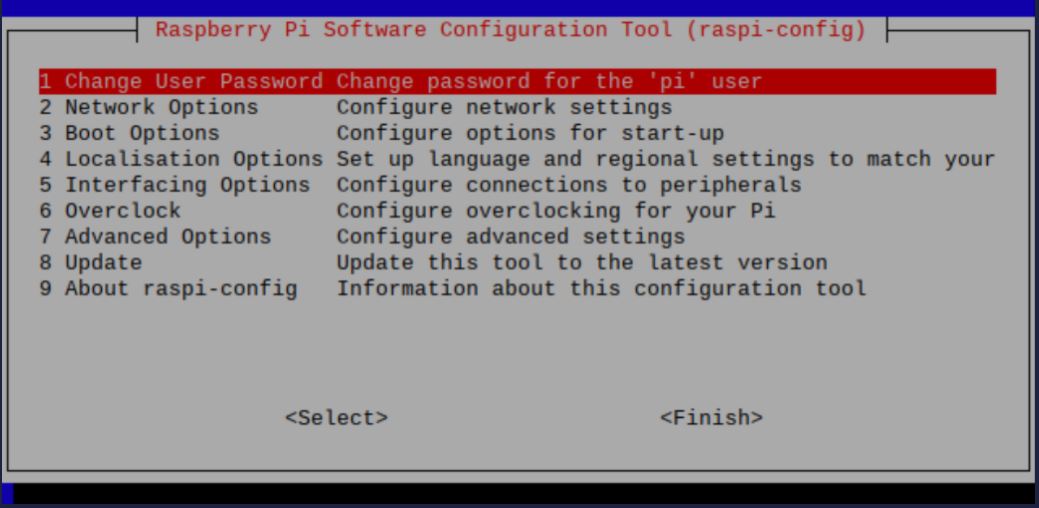
* Choose P6 Serial: 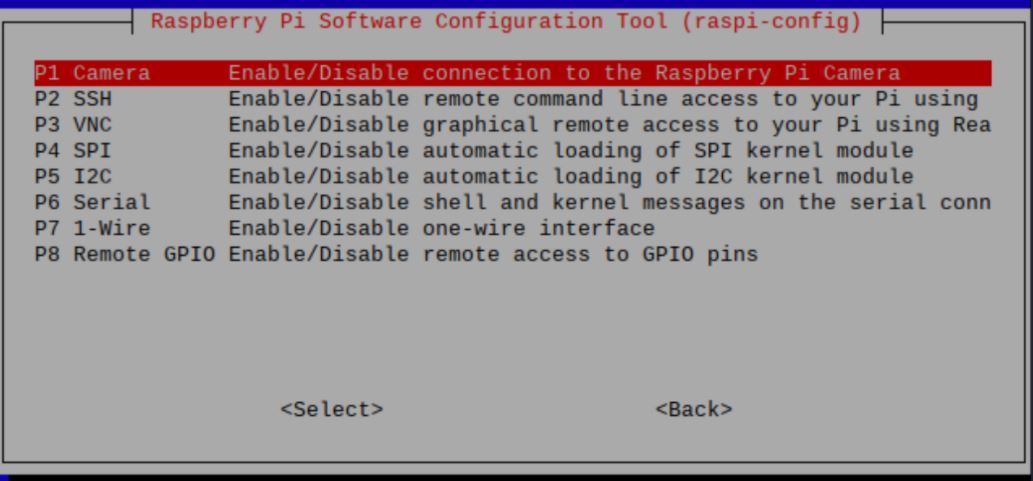
* Press _No_ to the prompt below then _Reboot_. 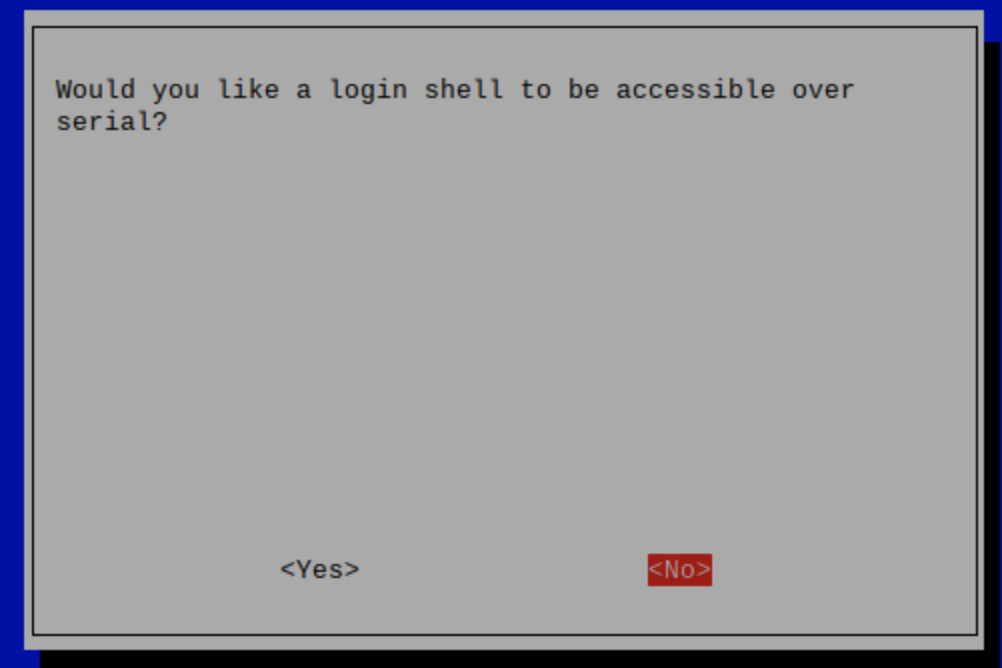
2. The package, `screen`, should be installed by default on your Linux distro. If not, you can install it via, `sudo apt or sudo yum install screen`. You may also use `minicom` if you want additional customization. `screen` defaults to ttyS0 unless otherwise specified.
* Sample Command: `screen ttyUSB3` or `screen ttyS0`
* To see which port your device is connected to, you can run `ls -l /dev`.
* Debian Repository for accessing specific versions:
* [https://packages.debian.org/bullseye/screen](https://packages.debian.org/bullseye/screen)
* [https://launchpad.net/ubuntu/+source/minicom](https://launchpad.net/ubuntu/+source/minicom)
Now that you know how to run AT commands on your device, here are some common commands that you can use.
| | | |
| --- | --- | --- |
| Commands | What does it do? | Sample Reponses |
| AT | Same thing as “Hey!” in real life. This is used to check if you are able to communicate with the device. | OK |
| AT+COPS=? | To see all available carriers. This command will also filter out carriers that are not compatible with the SIM card. | 0, 1, “T-Mobile” or 0, 4, “AT&T” |
| AT+COPS = (#, #) | Check the current network. Obtain two #‘s from the above command. For example, if you want to connect to T-Mobile, you would do AT+COPS=(0,1). | ”T-Mobile” or “AT&T” |
| AT+CCID | Check the SIM ID IMEI NUMBER | OK |
| AT+CREG? | Network Registration Status. You can run the AT+CREG=? for available flags.(#, “Current Network Name”, PLMN #) | OK |
| AT+COPS=? | List of available networks. This response is valuable to switch carriers. | (4, “Network Name”, PLMN #), (2, “Network Name 2”, PLMN #2) … |
| AT+COPS = 1, 0 “Carrier Name” | Manually connect to a network. This is also known as PLMN selection. | If all went well, you should get an OK response. If there is an error, it will reply back with CME ERROR. The error usually occurs if your provider’s SIM does not support the carrier you are connecting to. Please check with your wireless provider on the list of providers that is supported in your area. |
| AT+BANDS | Manually select a cellular band. This shouldn’t be used often unless you are having issues with network congestion. The numbers seen in the sample result is different for every device. | OK 0100004000 B12 045000000 B5 |
[](https://developers.telnyx.com/docs/iot-sim/at-commands#troubleshooting-issues-with-at-commands)
Troubleshooting issues with AT commands
----------------------------------------------------------------------------------------------------------------------------------------------
Raspberry Pi 4 has intermittent issues recognizing which USB port to use for serial communication. Even if you specify ttyUSB3 or ttyS0, the Pi often thinks that there is a separate serial port located on the device. In order to fix this issue, we recommend using a bluetooth keyboard and mouse - this will mitigate the confusion the Pi goes through.
Was this page helpful?
YesNo
[Public IPs for SIMs](https://developers.telnyx.com/docs/iot-sim/public-ips)
[Private Wireless Gateways](https://developers.telnyx.com/docs/iot-sim/private-wireless-gateways)
⌘I
---
# Telnyx
[Skip to main content](https://developers.telnyx.com/docs/account-setup/levels-and-capabilities#content-area)
Check out our upcoming events and meetups! [View events →](https://telnyx.com/events)
[Telnyx home page](https://developers.telnyx.com/)
Search...
⌘KAsk AI
Search...
Navigation
Getting Started
Account Levels and Capabilities
[Development](https://developers.telnyx.com/development)
[AI](https://developers.telnyx.com/docs/inference/ai-assistants/no-code-voice-assistant)
[Phone Numbers](https://developers.telnyx.com/docs/numbers/phone-numbers/getting-started)
[Voice](https://developers.telnyx.com/docs/voice/programmable-voice/voice-api-fundamentals)
[Messaging](https://developers.telnyx.com/docs/messaging/messages/send-message)
[IoT & VoLTE](https://developers.telnyx.com/docs/iot-sim/get-started)
[Other APIs](https://developers.telnyx.com/docs/identity/number-lookup/quickstart)
A successful signup may be placed in one of the following frameworks (**but never both**):
* Level 1 / Level 2 account framework
* Trial-Paid-Verified-Enterprise (TPVE) framework
An account is in the Level 1 / Level 2 framework when the [verification page](https://portal.telnyx.com/#/account/my-account/verifications)
exists in the user’s Mission Control Portal account.
The remainder of this account setup section is only relevant to an account in the TPVE framework.
An account is in the TPVE framework when the [Account Levels page](https://portal.telnyx.com/#/account/account-levels)
exists in the user’s Mission Control Portal account. The level of an account is an organizational attribute. If the account is a paid account, all organization members have the privileges and limits of a paid account. For a holistic understanding of privileges and limits at each account level, consult the corresponding pages in this section, together with the following tables:
* V2 APIs
* S3 Compatible Storage APIs
Was this page helpful?
YesNo
[Account Signup](https://developers.telnyx.com/docs/account-setup/signup)
[Trial Account](https://developers.telnyx.com/docs/account-setup/levels-and-capabilities/trial)
⌘I
---
# Telnyx
[Skip to main content](https://developers.telnyx.com/docs/iot-sim/edge-deployment#content-area)
Check out our upcoming events and meetups! [View events →](https://telnyx.com/events)
[Telnyx home page](https://developers.telnyx.com/)
Search...
⌘KAsk AI
Search...
Navigation
Device Setup Guides
Tutorial: Edge Device Deployment
[Development](https://developers.telnyx.com/development)
[AI](https://developers.telnyx.com/docs/inference/ai-assistants/no-code-voice-assistant)
[Phone Numbers](https://developers.telnyx.com/docs/numbers/phone-numbers/getting-started)
[Voice](https://developers.telnyx.com/docs/voice/programmable-voice/voice-api-fundamentals)
[Messaging](https://developers.telnyx.com/docs/messaging/messages/send-message)
[IoT & VoLTE](https://developers.telnyx.com/docs/iot-sim/get-started)
[Other APIs](https://developers.telnyx.com/docs/identity/number-lookup/quickstart)
On this page
* [SIM Card Setup](https://developers.telnyx.com/docs/iot-sim/edge-deployment#sim-card-setup)
* [Cloud VPN Setup](https://developers.telnyx.com/docs/iot-sim/edge-deployment#cloud-vpn-setup)
* [Cradlepoint IBR200 Setup](https://developers.telnyx.com/docs/iot-sim/edge-deployment#cradlepoint-ibr200-setup)
* [Private Wireless Gateway Setup](https://developers.telnyx.com/docs/iot-sim/edge-deployment#private-wireless-gateway-setup)
* [Cradlepoint SSH Configuration](https://developers.telnyx.com/docs/iot-sim/edge-deployment#cradlepoint-ssh-configuration)
In this tutorial, we are going to deploy a Cradlepoint IBR200 to the edge of our corporate network in Digital Ocean. We will then open the Cradlepoint device up for SSH access via a private IP address from within our network. For this tutorial, the SIM card in the Cradlepoint device will only have access to our corporate network in Digital Ocean and will not have access to the public internet directly. In a follow-up tutorial, we will showcase how to open the SIM up to the public internet. There are 5 main steps in the setup of this deployment:
1. [SIM card setup](https://developers.telnyx.com/docs/iot-sim/edge-deployment#sim-card-setup)
2. [Cloud VPN setup](https://developers.telnyx.com/docs/iot-sim/edge-deployment#cloud-vpn-setup)
3. [Cradlepoint IBR200 setup](https://developers.telnyx.com/docs/iot-sim/edge-deployment#cradlepoint-ibr200-setup)
4. [Private Wireless Gateway setup](https://developers.telnyx.com/docs/iot-sim/edge-deployment#private-wireless-gateway-setup)
5. [Cradlepoint SSH configuration](https://developers.telnyx.com/docs/iot-sim/edge-deployment#cradlepoint-ssh-configuration)
Before we jump into the steps, let’s explore the design of this system first. Below is a diagram of our final setup.  To ensure that we have direct access to the Cradlepoint device via a private IP address in our corporate network, we are going to connect a Digital Ocean Droplet (a Linux server) to a VRF-defined network on the Telnyx MPLS backbone via a Wireguard client. We will then spin up a private packet gateway in the Telnyx mobile core just for this SIM card and add that packet gateway to the same VRF-defined network that the Wireguard client is connected to. We will finally configure the Cradlepoint device to accept SSH access and connect directly into our Cradlepoint CLI via the private IP address that the packet gateway gives the SIM on our VRF-defined network.
[](https://developers.telnyx.com/docs/iot-sim/edge-deployment#sim-card-setup)
SIM Card Setup
------------------------------------------------------------------------------------------------
Our first step is to order and register a Telnyx SIM card. SIM cards can be ordered in the mission Control portal and registered via the registration flow in the wireless section. You can learn more about registering a SIM card in our [quickstart guide](https://developers.telnyx.com/docs/iot-sim/get-started)
. When the SIM is inserted into the Cradlepoint device, the only custom configuration that is required to connect the SIM is to set the APN to `data00.telnyx`.
[](https://developers.telnyx.com/docs/iot-sim/edge-deployment#cloud-vpn-setup)
Cloud VPN Setup
--------------------------------------------------------------------------------------------------
Next, we will configure a Wireguard client in a Digital Ocean Droplet to connect into a Cloud VPN on the Telnyx MPLS backbone. Follow the steps in our Digital Ocean Ubuntu Server to Cloud VPN tutorial. When you can successfully ping the server endpoint on the Telnyx network, you can move to the next step.
[](https://developers.telnyx.com/docs/iot-sim/edge-deployment#cradlepoint-ibr200-setup)
Cradlepoint IBR200 Setup
--------------------------------------------------------------------------------------------------------------------
Before we create and configure a Private Wireless Gateway we will connect our Telnyx SIM card to the internet in our Cradlepoint device. Follow the steps in our [Cradlepoint IBR200 Cellular Router Setup Guide](https://developers.telnyx.com/docs/iot-sim/cradlepoint-ibr200-cellular)
. When you can successfully access the public internet via a connected device to the Cradlepoint network, you can move to the next step.
[](https://developers.telnyx.com/docs/iot-sim/edge-deployment#private-wireless-gateway-setup)
Private Wireless Gateway Setup
--------------------------------------------------------------------------------------------------------------------------------
A Private Wireless Gateway (PWG) must be associated with a Network resource in the portal. The PWG can be created in the [Private Wireless Gateways subsection](https://portal.telnyx.com/#/app/wireless/private-wireless-gateways)
in the Wireless section of the portal. Click the Create PWG button, enter a name and select the Network resource that you used for your Cloud VPN from [step 2](https://developers.telnyx.com/docs/iot-sim/edge-deployment#cloud-vpn-setup)
. 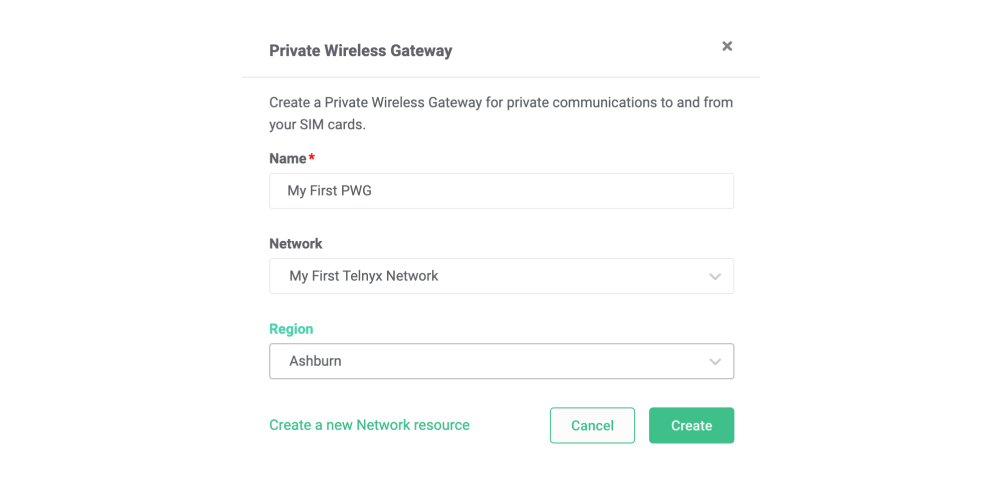 The PWG may take up to 15 minutes to create. This is due to the number of automated network configurations that are required to deploy an entirely new Dockerized PGW instance into our wireless mobile core. When the PWG status changes to **provisioned**, we can associate our SIM Group. This can be done by navigating to the relevant SIM Group and setting the PWG to the one we just created. For the sake of this tutorial, it is best to associate a SIM group with just the SIM that you have inserted into your Cradlepoint device. By default, the SIMs in this SIM group will lose access to the public internet when added to the new PGW in our wireless mobile core. Now that you have your SIM card associated with a new packet gateway via the PWG resource that you created on the same network as your Cloud VPN we can ping the IP of our SIM card from the Digital Ocean Droplet. Log into your Digital Ocean Ubuntu Server and ping the IP that your SIM is showing in the portal. The SIM card IP address can be viewed in the drill-down view for that SIM. When you have a successful ping working between your Digital Ocean server and SIM card in your Cradlepoint device, you can move on to the next step.
[](https://developers.telnyx.com/docs/iot-sim/edge-deployment#cradlepoint-ssh-configuration)
Cradlepoint SSH Configuration
------------------------------------------------------------------------------------------------------------------------------
The final step is to enable SSH access on your Cradlepoint device. This is done via the Administration page in the Cradlepoint configuration console. Connect to your Cradlepoint WiFi network and enter the LAN IP address or hostname of the router (assuming you are connecting from the LAN side) into a web browser’s location field. By default, the LAN IP address is `192.168.0.1` and the router’s hostname is `cp`: Next, navigate to the **System** section on the left nav menu, and then select **Administration**. Select **Local Management** from the drop-down menu. Then check the **Enable SSH Server** entry box. To access the CLI from your corporate network, select **Remote Admin** from the **Administration** drop-down menu, and check **Allow Remote SSH Access**. Click **Save** _(if using Local Management)_ or **Submit** _( if using Remote Admin)_.
_Allow Weak Cipher Support_ is off by default. You may need to enable this depending on the SSH version and encryption algorithm that you are using on your server. It can be enabled by navigating to **System > Administration > Local Management > Allow Weak Cipher Support**.
Now that you have enabled SSH on the Cradlepoint device, you should be able to access the device from your Digital Ocean server. From your Linux server run:
Report incorrect code
Copy
Ask AI
ssh admin@[SIM_CARD_IP]
After pasting the above content, Kindly check and remove any new line added
Enter the password that you used to access the Cradlepoint management console. You should now have access to the Cradlepoint CLI without any internet access.
Was this page helpful?
YesNo
[Mikrotik wAP LTE Kit](https://developers.telnyx.com/docs/iot-sim/mikrotik-wap-lte)
[Troubleshooting Guide](https://developers.telnyx.com/docs/iot-sim/connectivity-troubleshooting)
⌘I
---
# Telnyx
[Skip to main content](https://developers.telnyx.com/docs/account-setup/account-upgrade#content-area)
Check out our upcoming events and meetups! [View events →](https://telnyx.com/events)
[Telnyx home page](https://developers.telnyx.com/)
Search...
⌘KAsk AI
Search...
Navigation
Account Management
Account Upgrade
[Development](https://developers.telnyx.com/development)
[AI](https://developers.telnyx.com/docs/inference/ai-assistants/no-code-voice-assistant)
[Phone Numbers](https://developers.telnyx.com/docs/numbers/phone-numbers/getting-started)
[Voice](https://developers.telnyx.com/docs/voice/programmable-voice/voice-api-fundamentals)
[Messaging](https://developers.telnyx.com/docs/messaging/messages/send-message)
[IoT & VoLTE](https://developers.telnyx.com/docs/iot-sim/get-started)
[Other APIs](https://developers.telnyx.com/docs/identity/number-lookup/quickstart)
| Criteria to meet | Trial | Paid | Verified |
| --- | --- | --- | --- |
| Verified email | X | X | X |
| Verified mobile number | | X | X |
| Made a payment with CC/Debit Card | | X | X |
| Enabled 2FA for the account | | X | X |
| Provided Service Address | | X | X |
| Successfully passed KYC | | | X |
| Successfully passed AI agent eval | | | X |
Identify the desired account level and complete **all** [required actions](https://portal.telnyx.com/#/account/account-levels)
. For enterprise upgrades, qualification by the Telnyx sales team is required. [Contact Telnyx](https://telnyx.com/contact-us)
to begin the process.
Was this page helpful?
YesNo
[Verified Account](https://developers.telnyx.com/docs/account-setup/levels-and-capabilities/verified)
[Create API Keys](https://developers.telnyx.com/development/api-fundamentals/create-api-keys)
⌘I
---
# Telnyx
[Skip to main content](https://developers.telnyx.com/docs/iot-sim/private-wireless-gateways#content-area)
Check out our upcoming events and meetups! [View events →](https://telnyx.com/events)
[Telnyx home page](https://developers.telnyx.com/)
Search...
⌘KAsk AI
Search...
Navigation
Configuration & Management
What is a Private Wireless Gateway?
[Development](https://developers.telnyx.com/development)
[AI](https://developers.telnyx.com/docs/inference/ai-assistants/no-code-voice-assistant)
[Phone Numbers](https://developers.telnyx.com/docs/numbers/phone-numbers/getting-started)
[Voice](https://developers.telnyx.com/docs/voice/programmable-voice/voice-api-fundamentals)
[Messaging](https://developers.telnyx.com/docs/messaging/messages/send-message)
[IoT & VoLTE](https://developers.telnyx.com/docs/iot-sim/get-started)
[Other APIs](https://developers.telnyx.com/docs/identity/number-lookup/quickstart)
On this page
* [Private Wireless Gateways Architecture](https://developers.telnyx.com/docs/iot-sim/private-wireless-gateways#private-wireless-gateways-architecture)
* [Managing Private Wireless Gateways](https://developers.telnyx.com/docs/iot-sim/private-wireless-gateways#managing-private-wireless-gateways)
* [Beta Limitations and Upcoming Features](https://developers.telnyx.com/docs/iot-sim/private-wireless-gateways#beta-limitations-and-upcoming-features)
* [Private Wireless Gateway Regions](https://developers.telnyx.com/docs/iot-sim/private-wireless-gateways#private-wireless-gateway-regions)
* [Customized IP Ranges for Private Wireless Gateways](https://developers.telnyx.com/docs/iot-sim/private-wireless-gateways#customized-ip-ranges-for-private-wireless-gateways)
* [Public Internet Gateways and Private Wireless Gateways](https://developers.telnyx.com/docs/iot-sim/private-wireless-gateways#public-internet-gateways-and-private-wireless-gateways)
A Private Wireless Gateway (PWG) is a tool available via the Telnyx portal and APIs that allows you to deploy physical devices, like an IoT device or a handset, to the edge of your corporate network in a highly secure and accessible manner. This means that you can treat these physical devices similar to any other device that’s connected to your corporate network, like a virtual machine in the cloud or a router in your data center. This is relevant from a security standpoint because your devices are no longer directly connected to the public internet. While the public internet does not lower the quality of communications from IoT devices, it does make them more vulnerable. Security is the most important obstacle to overcome for any IoT deployment, and huge fleets of SIMs deployed onto the public internet are a major attack vector for bad actors. Furthermore, because devices connected via a Private Wireless Gateway sit inside your own private IP address space, they are directly accessible. This means that you have more control, as all traffic to and from your SIM can now be passed through your own firewall or data loss prevention (DLP) platform.
[](https://developers.telnyx.com/docs/iot-sim/private-wireless-gateways#private-wireless-gateways-architecture)
Private Wireless Gateways Architecture
----------------------------------------------------------------------------------------------------------------------------------------------------------
Private Wireless Gateways are a dedicated piece of infrastructure that you can create via the Telnyx API or portal to ensure that the request flow of your data is entirely siloed from all other customers. PWGs connect to a virtual routing and forwarding (VRF) defined network on top of our MPLS backbone, which allows the SIM to connect directly to a variety of network interfaces. You can think of the VRF-defined network as a sliver of Telnyx’s private IP network. Virtual Cross Connects (VXC) or Wireguard Interface (Cloud VPNs) can also be connected to your VRF-defined network on top of our MPLS backbone to your corporate network and cloud infrastructure. All interfaces on the same VRF-defined network can see each other allowing traffic to flow from PWGs to Cloud VPNs and/or VXCs which bridge the Telnyx network to your corporate network. In an upcoming feature release, **Public Internet Gateways** will enable public internet access on SIMs connected to your VRF-defined network. The diagram below illustrates how these components fit together to deploy devices to the edge of your corporate network: 
[](https://developers.telnyx.com/docs/iot-sim/private-wireless-gateways#managing-private-wireless-gateways)
Managing Private Wireless Gateways
--------------------------------------------------------------------------------------------------------------------------------------------------
Private Wireless Gateways can be managed in the [Wireless section](https://portal.telnyx.com/#/app/wireless/private-wireless-gateways)
of the Mission Control Portal. Each Private Wireless Gateway must be associated with a Network. Networks can be created and managed in the [Networking section](https://portal.telnyx.com/#/app/networking/networks)
of the Portal. To create a private Wireless Gateway select the Create PWG button, enter the name of your PWG and associate it with one of your Networks. 
[](https://developers.telnyx.com/docs/iot-sim/private-wireless-gateways#beta-limitations-and-upcoming-features)
Beta Limitations and Upcoming Features
----------------------------------------------------------------------------------------------------------------------------------------------------------
###
[](https://developers.telnyx.com/docs/iot-sim/private-wireless-gateways#private-wireless-gateway-regions)
Private Wireless Gateway Regions
Private Wireless Gateways are currently only available in Ashburn, VA. Adding more regions will empower you to create a PWG within close proximity to your SIM deployments reducing latency when egressing to both the internet and your corporate network. More regions will be released for this feature soon.
###
[](https://developers.telnyx.com/docs/iot-sim/private-wireless-gateways#customized-ip-ranges-for-private-wireless-gateways)
Customized IP Ranges for Private Wireless Gateways
By default, a PWG will get assigned a private IP range of 100.64.199.0/24, allowing you to add 254 concurrently active SIMs to this gateway. The ability to customize this IP range is coming soon.
###
[](https://developers.telnyx.com/docs/iot-sim/private-wireless-gateways#public-internet-gateways-and-private-wireless-gateways)
Public Internet Gateways and Private Wireless Gateways
By default, a Private Wireless Gateway does not have any access to the internet. Opening your VRF-defined network out to the internet can be done manually at the moment. Just reach out to our support team using the chat function in the Mission Control Portal. In the future, another interface called a Public Internet Gateway can be added to your Network, opening it out to the public internet. Stay tuned for these exciting updates!
Was this page helpful?
YesNo
[AT Commands](https://developers.telnyx.com/docs/iot-sim/at-commands)
[Private Gateway Setup](https://developers.telnyx.com/docs/iot-sim/private-wireless-gateway-how-to)
⌘I
---
# Telnyx
[Skip to main content](https://developers.telnyx.com/docs/inference/embeddings#content-area)
Check out our upcoming events and meetups! [View events →](https://telnyx.com/events)
[Telnyx home page](https://developers.telnyx.com/)
Search...
⌘KAsk AI
Search...
Navigation
Analytics
Embeddings
[Development](https://developers.telnyx.com/development)
[AI](https://developers.telnyx.com/docs/inference/ai-assistants/no-code-voice-assistant)
[Phone Numbers](https://developers.telnyx.com/docs/numbers/phone-numbers/getting-started)
[Voice](https://developers.telnyx.com/docs/voice/programmable-voice/voice-api-fundamentals)
[Messaging](https://developers.telnyx.com/docs/messaging/messages/send-message)
[IoT & VoLTE](https://developers.telnyx.com/docs/iot-sim/get-started)
[Other APIs](https://developers.telnyx.com/docs/identity/number-lookup/quickstart)
On this page
* [Upload your documents](https://developers.telnyx.com/docs/inference/embeddings#upload-your-documents)
* [Embed your documents](https://developers.telnyx.com/docs/inference/embeddings#embed-your-documents)
* [Chat over your documents](https://developers.telnyx.com/docs/inference/embeddings#chat-over-your-documents)
In this tutorial, you’ll learn how to:
* Upload documents to [Telnyx Storage](https://telnyx.com/products/cloud-storage)
* Transform these documents into embeddings, enabling a language model to retrieve relevant sections of your documents
* Provide the storage bucket as context for the language model
[](https://developers.telnyx.com/docs/inference/embeddings#upload-your-documents)
Upload your documents
-----------------------------------------------------------------------------------------------------------
You can upload objects to Telnyx’s S3-Compatible storage API using our [quickstart](https://developers.telnyx.com/docs/cloud-storage/quick-start)
or with our [drag-and-drop interface in the portal](https://portal.telnyx.com/#/storage/buckets)
.
[](https://developers.telnyx.com/docs/inference/embeddings#embed-your-documents)
Embed your documents
---------------------------------------------------------------------------------------------------------
Once you’ve uploaded your documents, you can [embed them via API](https://developers.telnyx.com/api-reference/embeddings/embed-url-content#embed-url-content)
or by clicking the “Embed for AI Use” button in the portal while viewing your storage bucket’s contents. Behind the scenes, your documents will be processed into sections and each section will be “embedded” based on its contents. Later, when a user asks a language model a question, it will automatically be provided with the most relevant sections of documents from the bucket to help answer the question.
[](https://developers.telnyx.com/docs/inference/embeddings#chat-over-your-documents)
Chat over your documents
-----------------------------------------------------------------------------------------------------------------
Once your documents are embedded, you can try it out in the [AI Playground in the portal](https://portal.telnyx.com/#/ai/playground)
by selecting your embedded bucket from the storage dropdown. You can also use embeddings via our [chat completions API](https://developers.telnyx.com/api-reference/chat/create-a-chat-completion#create-a-chat-completion)
. Here is a Python example.
Make sure you have set the `TELNYX_API_KEY` environment variable. Also, update the `question` and `bucket` variables in the sample code.
Report incorrect code
Copy
Ask AI
import os
from openai import OpenAI
client = OpenAI(
api_key=os.getenv("TELNYX_API_KEY"),
base_url="https://api.telnyx.com/v2/ai",
)
question = ""
bucket = ""
chat_completion = client.chat.completions.create(
messages=[\
{\
"role": "user",\
"content": question\
}\
],
model="meta-llama/Meta-Llama-3.1-8B-Instruct",
stream=True,
tools=[\
{\
"type": "retrieval",\
"retrieval": {\
"bucket_ids": [bucket]\
}\
}\
]
)
for chunk in chat_completion:
if chunk.choices[0].delta.content:
print(chunk.choices[0].delta.content, end="", flush=True)
Was this page helpful?
YesNo
[Insight groups](https://developers.telnyx.com/docs/inference/ai-insights/insight-groups)
[Clusters](https://developers.telnyx.com/docs/inference/clusters)
⌘I
---
# Telnyx
[Skip to main content](https://developers.telnyx.com/docs/network/coverage#content-area)
Check out our upcoming events and meetups! [View events →](https://telnyx.com/events)
[Telnyx home page](https://developers.telnyx.com/)
Search...
⌘KAsk AI
Search...
Navigation
Getting Started
Coverage
[Development](https://developers.telnyx.com/development)
[AI](https://developers.telnyx.com/docs/inference/ai-assistants/no-code-voice-assistant)
[Phone Numbers](https://developers.telnyx.com/docs/numbers/phone-numbers/getting-started)
[Voice](https://developers.telnyx.com/docs/voice/programmable-voice/voice-api-fundamentals)
[Messaging](https://developers.telnyx.com/docs/messaging/messages/send-message)
[IoT & VoLTE](https://developers.telnyx.com/docs/iot-sim/get-started)
[Other APIs](https://developers.telnyx.com/docs/identity/number-lookup/quickstart)
On this page
* [Generic Coverage](https://developers.telnyx.com/docs/network/coverage#generic-coverage)
* [Querying by the desired product](https://developers.telnyx.com/docs/network/coverage#querying-by-the-desired-product)
* [Querying by the desired product with a location constraint](https://developers.telnyx.com/docs/network/coverage#querying-by-the-desired-product-with-a-location-constraint)
* [Querying by the desired location](https://developers.telnyx.com/docs/network/coverage#querying-by-the-desired-location)
* [Virtual Cross Connects (VXC) Coverage](https://developers.telnyx.com/docs/network/coverage#virtual-cross-connects-vxc-coverage)
[](https://developers.telnyx.com/docs/network/coverage#generic-coverage)
Generic Coverage
---------------------------------------------------------------------------------------------
Individual networking resource availability is not universal across all Telnyx regions. Hence the user must ensure the desired resource is offered at the desired region. To this end, we offer a coverage API (`GET /v2/network_coverage`). The `location` parameter is hierarchical:
| Parameter | Value |
| --- | --- |
| `region` | `EMEA`, `AMER`, `APAC` |
| `site` | a broad geographical area within the region, e.g. `ORD` in `AMER` |
| `pop` | a specific data center within the site, e.g. `CH1` in `ORD` |
| `name` | a human readable name, e.g. `Chicago IL, US` |
| `code` | the unique ID for the site, e.g. `chicago-il` |
The `available_services` parameter is an array of all available resources that can be created at this specific location. Possible values are:
* `virtual_cross_connect`
* `cloud_vpn` aka wireguard interface aka wireguard gateway
* `private_wireless_gateway`
* `public_internet_gateway`
Here are some common usage patterns of this API.
###
[](https://developers.telnyx.com/docs/network/coverage#querying-by-the-desired-product)
Querying by the desired product
Report incorrect code
Copy
Ask AI
GET /v2/network_coverage?filter[available_services][contains]=cloud_vpn
###
[](https://developers.telnyx.com/docs/network/coverage#querying-by-the-desired-product-with-a-location-constraint)
Querying by the desired product with a location constraint
Report incorrect code
Copy
Ask AI
GET /v2/network_coverage?filter[available_services][contains]=cloud_vpn&filter[location.region]=AMER
###
[](https://developers.telnyx.com/docs/network/coverage#querying-by-the-desired-location)
Querying by the desired location
Report incorrect code
Copy
Ask AI
GET /v2/network_coverage?filter[location.region]=EMEA
Here is a sample response:
Report incorrect code
Copy
Ask AI
{
"data": [\
{\
"available_services": [\
"virtual_cross_connect"\
],\
"location": {\
"region": "EMEA",\
"site": "FRA",\
"pop": "FR5",\
"name": "Frankfurt, DE",\
"code": "frankfurt-de"\
},\
"record_type": "network_coverage"\
}\
],
"meta": {
"total_pages": 1,
"total_results": 1,
"page_number": 1,
"page_size": 25
}
}
[](https://developers.telnyx.com/docs/network/coverage#virtual-cross-connects-vxc-coverage)
Virtual Cross Connects (VXC) Coverage
-------------------------------------------------------------------------------------------------------------------------------------
In the case of virtual cross connect (VXC) there are two terminating endpoints to every single connection: a cloud provider endpoint and a Telnyx endpoint. As a result, it’s _**insufficient**_ to simply perform the coverage check. For example, the above API response only indicates that one end of the VXC _**can**_ be terminated at the Telnyx’s FR5 PoP. It provides no information about the other terminating endpoint. To that end, we offer a VXC coverage API (`GET /v2/virtual_cross_connects_coverage`) to augment the generic coverage API. Here are some common usage patterns of this API. Querying by fixing Telnyx endpoint
Report incorrect code
Copy
Ask AI
GET /v2/virtual_cross_connects_coverage?filter[location.pop]=CH1
The response to the above query shows all the possible cloud provider endpoints at which a VXC, whose one end is terminated at Telnyx `CH1` PoP, can be terminated. Querying by fixing cloud provider endpoint
Report incorrect code
Copy
Ask AI
GET /v2/virtual_cross_connects_coverage?filter[cloud_provider]=aws&filter[cloud_provider_region]=us-east-1
The response to the above query shows all the possible Telnyx endpoints at which a VXC, whose one end is terminated at `us-east-1` of AWS, can be terminated. Here is a sample response:
Report incorrect code
Copy
Ask AI
{
"data": [\
{\
"cloud_provider": "aws",\
"cloud_provider_region": "us-east-2",\
"location": {\
"region": "AMER",\
"site": "ORD",\
"pop": "CH1",\
"name": "Chicago IL, US",\
"code": "chicago-il"\
},\
"available_bandwidth": [\
50\
],\
"record_type": "virtual_cross_connects_coverage"\
}\
],
"meta": {
"total_pages": 1,
"total_results": 1,
"page_number": 1,
"page_size": 25
}
}
The `available_bandwidth` is in Mbps.
Was this page helpful?
YesNo
[Network Overview](https://developers.telnyx.com/docs/network/overview)
[Networks Configuration](https://developers.telnyx.com/docs/network/networks)
⌘I
---
# Telnyx
[Skip to main content](https://developers.telnyx.com/docs/iot-sim/glmifi-router#content-area)
Check out our upcoming events and meetups! [View events →](https://telnyx.com/events)
[Telnyx home page](https://developers.telnyx.com/)
Search...
⌘KAsk AI
Search...
Navigation
Routers & Gateways
GL-MiFi 4G Smart Router Setup Guide
[Development](https://developers.telnyx.com/development)
[AI](https://developers.telnyx.com/docs/inference/ai-assistants/no-code-voice-assistant)
[Phone Numbers](https://developers.telnyx.com/docs/numbers/phone-numbers/getting-started)
[Voice](https://developers.telnyx.com/docs/voice/programmable-voice/voice-api-fundamentals)
[Messaging](https://developers.telnyx.com/docs/messaging/messages/send-message)
[IoT & VoLTE](https://developers.telnyx.com/docs/iot-sim/get-started)
[Other APIs](https://developers.telnyx.com/docs/identity/number-lookup/quickstart)
On this page
* [Prerequisites to complete the GL-MiFi 4G Smart Router setup:](https://developers.telnyx.com/docs/iot-sim/glmifi-router#prerequisites-to-complete-the-gl-mifi-4g-smart-router-setup)
* [Instructions for setting up your GL-MiFi 4G device:](https://developers.telnyx.com/docs/iot-sim/glmifi-router#instructions-for-setting-up-your-gl-mifi-4g-device)
This guide will walk you through how to pair a GL-MiFi 4G Smart Router with a Telnyx SIM Card.
[](https://developers.telnyx.com/docs/iot-sim/glmifi-router#prerequisites-to-complete-the-gl-mifi-4g-smart-router-setup)
Prerequisites to complete the GL-MiFi 4G Smart Router setup:
-----------------------------------------------------------------------------------------------------------------------------------------------------------------------------------------
1. A Telnyx Portal account and active Telnyx SIM card with data plan. Check out this [Quickstart Guide](https://developers.telnyx.com/docs/iot-sim/get-started)
to get set up.
2. GL-MiFi device.
3. A computer with a browser.
Alright, let’s get started!
* * *
[](https://developers.telnyx.com/docs/iot-sim/glmifi-router#instructions-for-setting-up-your-gl-mifi-4g-device)
Instructions for setting up your GL-MiFi 4G device:
-----------------------------------------------------------------------------------------------------------------------------------------------------------------------
1. First, insert the SIM card into the device. Look at the picture below for the proper placement of the SIM card, the gold chip should be facing up. 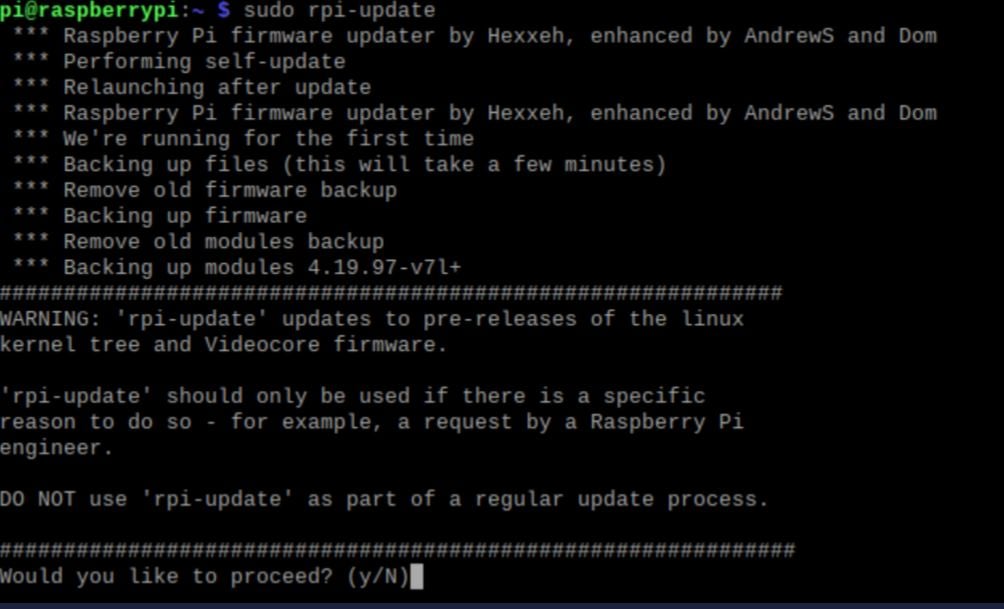
2. Power on the device and connect either via the Ethernet port or WiFi connection.The default WiFi credentials are located on a label at the bottom of the device.
3. Navigate to the device’s default gateway at `192.168.8.1` and log into the device. You’ll be prompted to set an admin password but if you don’t see the prompt, the default password is `admin`.
4. Once you’ve logged in, click on `manual setup` located in the Cellular Modem Overview section. Enter the following details as shown below and click `Apply`.
* Device: `/dev/cdc-wdm0`
* APN: `data00.telnyx`
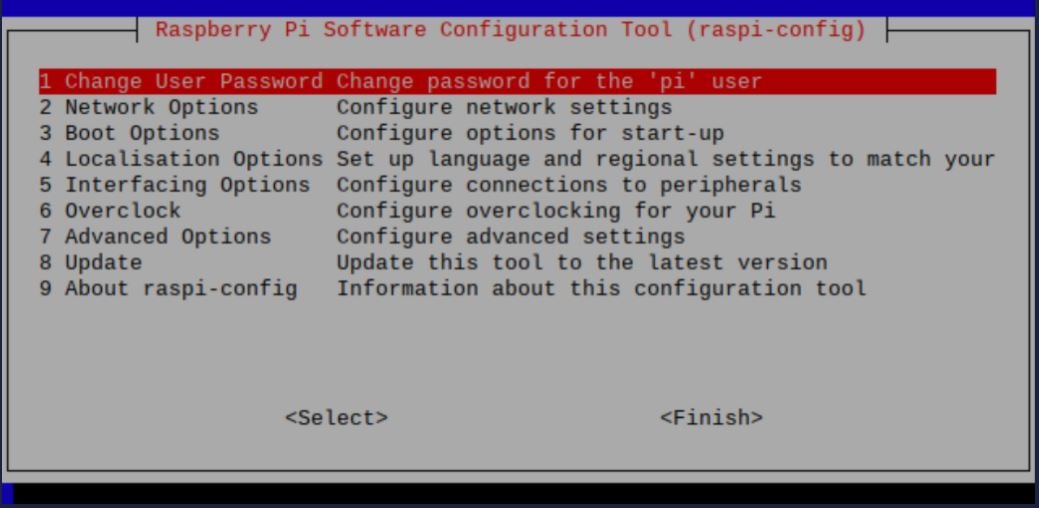
5. The device will now attach to the Telnyx network. You can verify the connectivity by checking the front page of the default gateway as shown below. You’ll notice that the device now shows a `Disconnect` button as well as IP address and data usage. 
6. To check your connectivity, you can also check the fourth icon on the left of the overview diagram. It will indicate `I TIM`. 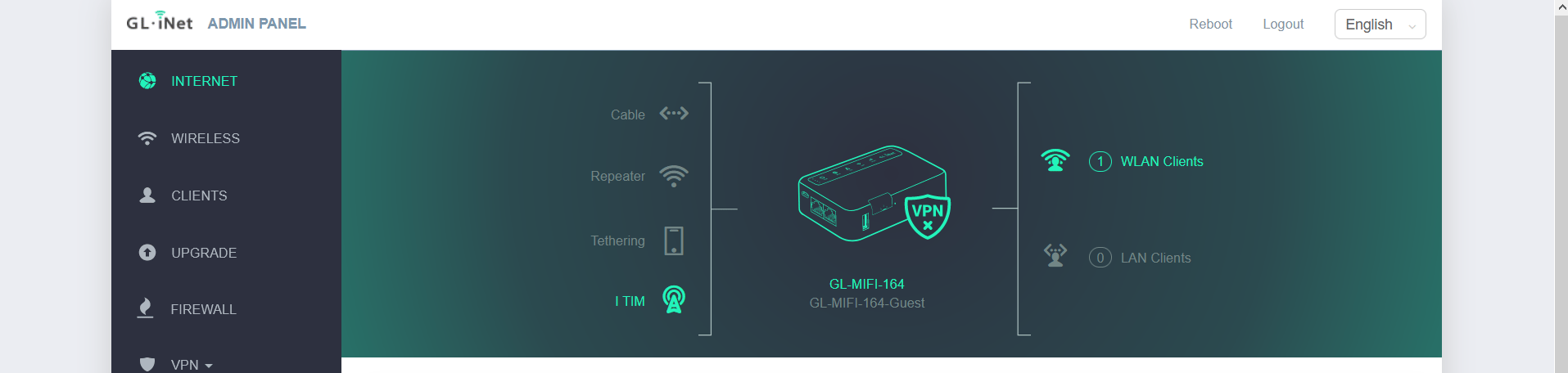
That’s it! Your GL-MiFi 4G Smart Router is all set up with a Telnyx SIM card.
Was this page helpful?
YesNo
[Pepwave Max BR1 Mini LTE](https://developers.telnyx.com/docs/iot-sim/pepwave-max-br1-mini-lte)
[Mikrotik wAP LTE Kit](https://developers.telnyx.com/docs/iot-sim/mikrotik-wap-lte)
⌘I
---
# Telnyx
[Skip to main content](https://developers.telnyx.com/docs/iot-sim/pepwave-max-br1-mini-lte#content-area)
Check out our upcoming events and meetups! [View events →](https://telnyx.com/events)
[Telnyx home page](https://developers.telnyx.com/)
Search...
⌘KAsk AI
Search...
Navigation
Routers & Gateways
Pepwave Max BR1 Mini LTE Setup Guide
[Development](https://developers.telnyx.com/development)
[AI](https://developers.telnyx.com/docs/inference/ai-assistants/no-code-voice-assistant)
[Phone Numbers](https://developers.telnyx.com/docs/numbers/phone-numbers/getting-started)
[Voice](https://developers.telnyx.com/docs/voice/programmable-voice/voice-api-fundamentals)
[Messaging](https://developers.telnyx.com/docs/messaging/messages/send-message)
[IoT & VoLTE](https://developers.telnyx.com/docs/iot-sim/get-started)
[Other APIs](https://developers.telnyx.com/docs/identity/number-lookup/quickstart)
On this page
* [Prerequisites to complete the Pepwave MAX BR1 Mini setup](https://developers.telnyx.com/docs/iot-sim/pepwave-max-br1-mini-lte#prerequisites-to-complete-the-pepwave-max-br1-mini-setup)
* [Instructions for setting up your Pepwave MAX BR1 Mini](https://developers.telnyx.com/docs/iot-sim/pepwave-max-br1-mini-lte#instructions-for-setting-up-your-pepwave-max-br1-mini)
The Pepwave MAX BR1 Mini is the latest industrial-grade, 4G LTE router from Peplink. This capable router is heavy on features while keeping a lightweight, small footprint, suitable for installation just about anywhere. Whether the BR1 Mini is installed in a vehicle, used in M2M deployments, or will provide cellular backup or Out of Band Management to a home or office, it has great performance and works seamlessly with Telnyx Wireless SIMs. This guide will walk you through how to set up the Pepwave Max BRI Mini LTE cellular router with a Telnyx SIM card. Note: this is a standalone setup guide; it does not utilize the InControl Cloud Controller.
[](https://developers.telnyx.com/docs/iot-sim/pepwave-max-br1-mini-lte#prerequisites-to-complete-the-pepwave-max-br1-mini-setup)
Prerequisites to complete the Pepwave MAX BR1 Mini setup
---------------------------------------------------------------------------------------------------------------------------------------------------------------------------------------------
1. A Telnyx Portal account and active Telnyx SIM card with data plan. Check out this [Quickstart Guide](https://developers.telnyx.com/docs/iot-sim/get-started)
to get set up.
2. The Pepwave Max BRI Mini LTE Device.
3. A computer.
4. The latest firmware, which can be obtained [here](https://www.peplink.com/support/downloads)
.
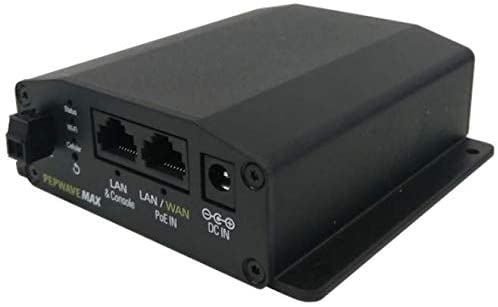 Alright, let’s get started!
* * *
[](https://developers.telnyx.com/docs/iot-sim/pepwave-max-br1-mini-lte#instructions-for-setting-up-your-pepwave-max-br1-mini)
Instructions for setting up your Pepwave MAX BR1 Mini
---------------------------------------------------------------------------------------------------------------------------------------------------------------------------------------
1. To start, insert the Telnyx SIM card into either SIM A or SIM B slot on the device and power on the device.The device only accepts the standard size SIM card (the largest SIM card included in the kit).
2. Connect to the device either via the WiFi credentials listed on the unit below the device or via the WAN/LAN Ethernet port located on the back of the device.
3. Navigate to `192.168.50.1`, this is the default gateway of the device. Now, log in, the default username and password are both `admin`. 
4. Update the device firmware by navigating to `System`, then `Firmware`, and uploading the firmware file. This may take up to 8 minutes. 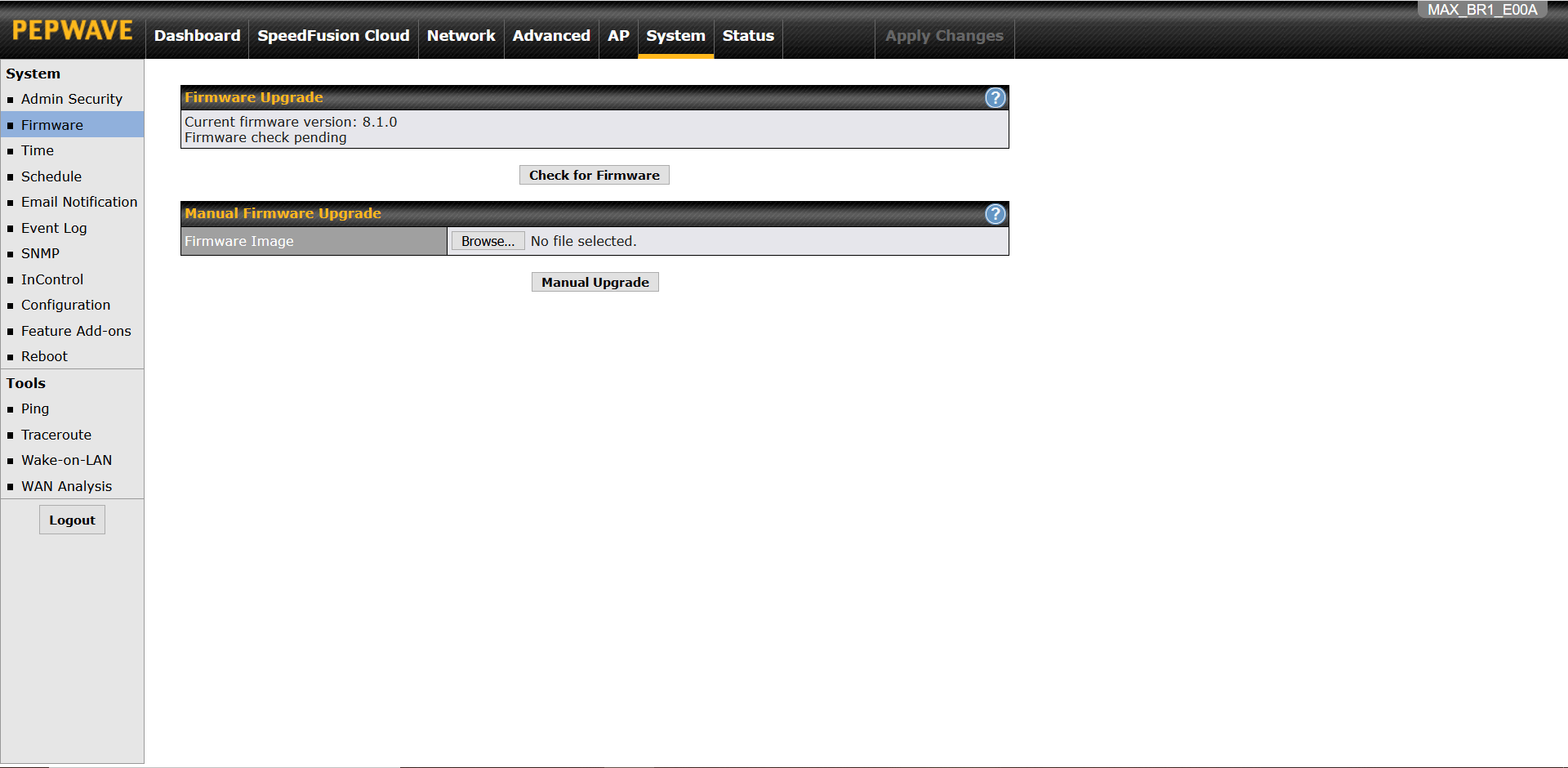
5. Once the update process is complete, you’ll be directed to the `Dashboards` tab. Click on `Details` under WAN Connection Status. Then, scroll down to `Cellular Settings` and make modifications as shown below:
* SIM Card: Specified in Step 1 of this guide
* LTE/3G: Auto
* Band Selection: Auto
* Data Roaming: Checked, Any Countries
* APN: Custom, data00.telnyx
* Username: Leave blank
* Password: Leave blank
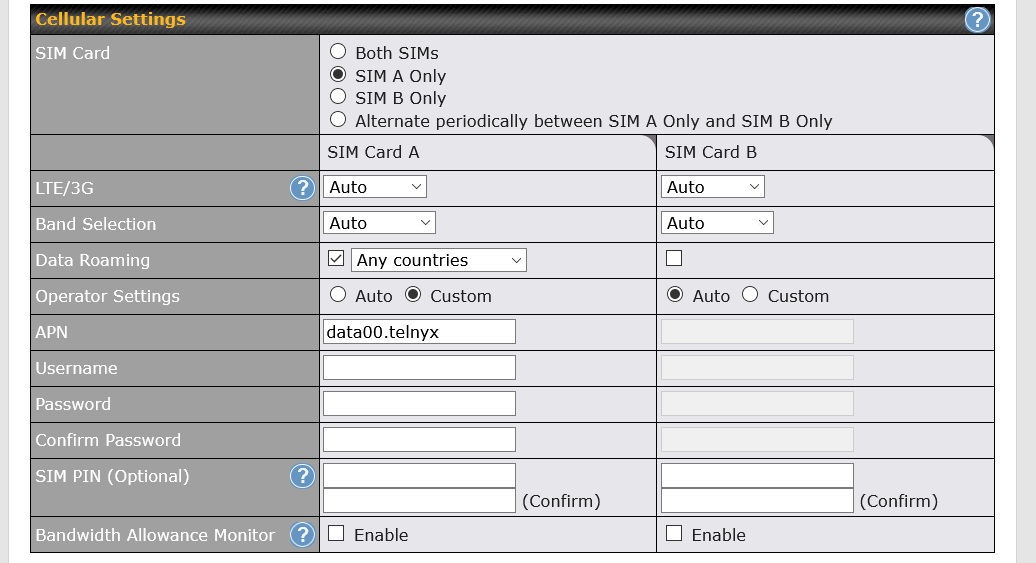
6. Scroll down to the end of this page and press `Save and Apply`.
7. It’ll take about 2 minutes to connect and you can verify connectivity by checking the `WAN Connection Status` under the `Dashboards` tab. This will show that you’re connected to Telecom Italia Mobile.
 That’s it! You’ve just set up your Pepwave Max BRI Mini LTE cellular router with a Telnyx SIM card.
Was this page helpful?
YesNo
[Cradlepoint IBR200](https://developers.telnyx.com/docs/iot-sim/cradlepoint-ibr200-cellular)
[GL-MiFi 4G Smart Router](https://developers.telnyx.com/docs/iot-sim/glmifi-router)
⌘I
---
# Telnyx
[Skip to main content](https://developers.telnyx.com/docs/network/wireguard-peer-config/windows#content-area)
Check out our upcoming events and meetups! [View events →](https://telnyx.com/events)
[Telnyx home page](https://developers.telnyx.com/)
Search...
⌘KAsk AI
Search...
Navigation
Wireguard VPN
Wireguard Peer Config on Windows
[Development](https://developers.telnyx.com/development)
[AI](https://developers.telnyx.com/docs/inference/ai-assistants/no-code-voice-assistant)
[Phone Numbers](https://developers.telnyx.com/docs/numbers/phone-numbers/getting-started)
[Voice](https://developers.telnyx.com/docs/voice/programmable-voice/voice-api-fundamentals)
[Messaging](https://developers.telnyx.com/docs/messaging/messages/send-message)
[IoT & VoLTE](https://developers.telnyx.com/docs/iot-sim/get-started)
[Other APIs](https://developers.telnyx.com/docs/identity/number-lookup/quickstart)
On this page
* [Prerequisite](https://developers.telnyx.com/docs/network/wireguard-peer-config/windows#prerequisite)
* [Step 1: Install Wireguard Client](https://developers.telnyx.com/docs/network/wireguard-peer-config/windows#step-1-install-wireguard-client)
* [Step 2: Create a Tunnel](https://developers.telnyx.com/docs/network/wireguard-peer-config/windows#step-2-create-a-tunnel)
* [Step 3: Validating and Testing](https://developers.telnyx.com/docs/network/wireguard-peer-config/windows#step-3-validating-and-testing)
* [Next Steps](https://developers.telnyx.com/docs/network/wireguard-peer-config/windows#next-steps)
[](https://developers.telnyx.com/docs/network/wireguard-peer-config/windows#prerequisite)
Prerequisite
----------------------------------------------------------------------------------------------------------
You come from [here](https://developers.telnyx.com/docs/network/gateways/wireguard-gateway)
and have a `.conf` file ready.
[](https://developers.telnyx.com/docs/network/wireguard-peer-config/windows#step-1-install-wireguard-client)
Step 1: Install Wireguard Client
-------------------------------------------------------------------------------------------------------------------------------------------------
From [here](https://www.wireguard.com/install/)
, choose and install the Windows Installer.
[](https://developers.telnyx.com/docs/network/wireguard-peer-config/windows#step-2-create-a-tunnel)
Step 2: Create a Tunnel
-------------------------------------------------------------------------------------------------------------------------------
“Import Tunnel(s) from File…” 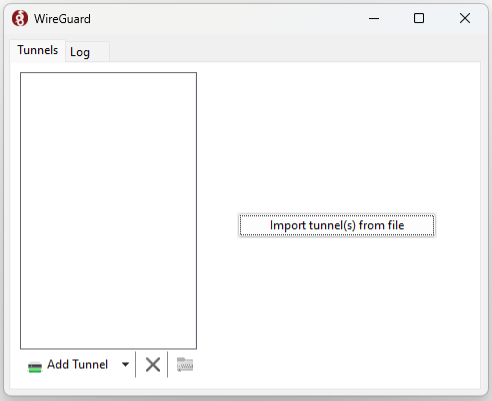 “Activate” 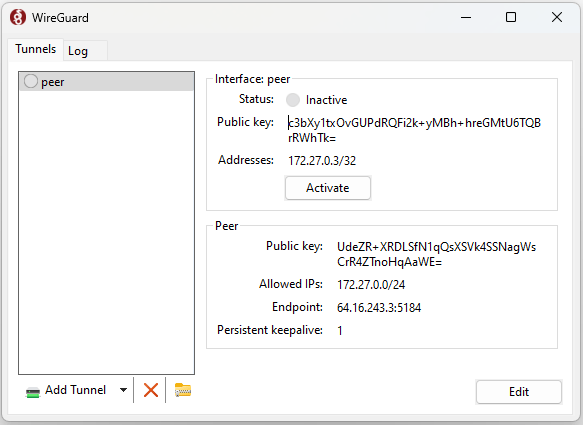 At this point, it should show “Status: Active”
[](https://developers.telnyx.com/docs/network/wireguard-peer-config/windows#step-3-validating-and-testing)
Step 3: Validating and Testing
---------------------------------------------------------------------------------------------------------------------------------------------
You can try pinging to/from a connected peer. If that does not work you can also try to set up a barebones http server and hit it from the connected peer (or vice versa). An example barebones server in python:
Report incorrect code
Copy
Ask AI
import socket
SERVER_HOST = "0.0.0.0"
SERVER_PORT = 8000
server_socket = socket.socket(socket.AF_INET, socket.SOCK_STREAM)
server_socket.setsockopt(socket.SOL_SOCKET, socket.SO_REUSEADDR, 1)
server_socket.bind((SERVER_HOST, SERVER_PORT))
server_socket.listen(1)
while True:
client_connection, client_address = server_socket.accept()
request = client_connection.recv(1024).decode()
response = 'HTTP/1.0 200 OK\n\nIt works!'
client_connection.sendall(response.encode())
client_connection.close()
Run the server in one peer (`python3 server.py` - assuming you saved the above example in a file named `server.py`) and reach it with a client / browser from the other peer:
Report incorrect code
Copy
Ask AI
$ curl --location 'http://172.27.0.4:8000/'
It works!
[](https://developers.telnyx.com/docs/network/wireguard-peer-config/windows#next-steps)
Next Steps
------------------------------------------------------------------------------------------------------
[Wireguard Gateway (WGW) Guide](https://developers.telnyx.com/docs/network/gateways/wireguard-gateway)
outlines many use cases that may be valuable to you.
Was this page helpful?
YesNo
[macOS Configuration](https://developers.telnyx.com/docs/network/wireguard-peer-config/macos)
[Internet Gateway (IGW)](https://developers.telnyx.com/docs/network/gateways/internet-gateway)
⌘I
---
# Telnyx
[Skip to main content](https://developers.telnyx.com/docs/network/networks#content-area)
Check out our upcoming events and meetups! [View events →](https://telnyx.com/events)
[Telnyx home page](https://developers.telnyx.com/)
Search...
⌘KAsk AI
Search...
Navigation
Getting Started
Networks
[Development](https://developers.telnyx.com/development)
[AI](https://developers.telnyx.com/docs/inference/ai-assistants/no-code-voice-assistant)
[Phone Numbers](https://developers.telnyx.com/docs/numbers/phone-numbers/getting-started)
[Voice](https://developers.telnyx.com/docs/voice/programmable-voice/voice-api-fundamentals)
[Messaging](https://developers.telnyx.com/docs/messaging/messages/send-message)
[IoT & VoLTE](https://developers.telnyx.com/docs/iot-sim/get-started)
[Other APIs](https://developers.telnyx.com/docs/identity/number-lookup/quickstart)
On this page
* [Request sample](https://developers.telnyx.com/docs/network/networks#request-sample)
A `network` instance is a prerequisite for the creation of all other elements. Here is a sample request:
[](https://developers.telnyx.com/docs/network/networks#request-sample)
Request sample
-----------------------------------------------------------------------------------------
_Don’t forget to update `YOUR_API_KEY` here._
Report incorrect code
Copy
Ask AI
POST /v2/networks HTTP/1.1
Host: api.telnyx.com
Content-Type: application/json
Authorization: Bearer YOUR_API_KEY
Content-Length: 40
{
"name": "my_first_virtual_network"
}
Here is a sample response:
Report incorrect code
Copy
Ask AI
{
"data": {
"created_at": "2024-07-17T15:19:10.640289Z",
"id": "58b42010-de88-4d9b-a164-d0b8170100bc",
"updated_at": "2024-07-17T15:19:10.640289Z",
"name": "my_first_virtual_network",
"record_type": "network"
}
}
API reference is available [here](https://developers.telnyx.com/api-reference/networks/create-a-network)
.
Was this page helpful?
YesNo
[Coverage](https://developers.telnyx.com/docs/network/coverage)
[Wireguard Gateway Setup](https://developers.telnyx.com/docs/network/gateways/wireguard-gateway)
⌘I
---
# Telnyx
[Skip to main content](https://developers.telnyx.com/docs/cloud-storage/bucket-addressing#content-area)
Check out our upcoming events and meetups! [View events →](https://telnyx.com/events)
[Telnyx home page](https://developers.telnyx.com/)
Search...
⌘KAsk AI
Search...
Navigation
Getting Started
Bucket Addressing
[Development](https://developers.telnyx.com/development)
[AI](https://developers.telnyx.com/docs/inference/ai-assistants/no-code-voice-assistant)
[Phone Numbers](https://developers.telnyx.com/docs/numbers/phone-numbers/getting-started)
[Voice](https://developers.telnyx.com/docs/voice/programmable-voice/voice-api-fundamentals)
[Messaging](https://developers.telnyx.com/docs/messaging/messages/send-message)
[IoT & VoLTE](https://developers.telnyx.com/docs/iot-sim/get-started)
[Other APIs](https://developers.telnyx.com/docs/identity/number-lookup/quickstart)
On this page
* [Path-style requests](https://developers.telnyx.com/docs/cloud-storage/bucket-addressing#path-style-requests)
* [Virtual-hosted-style requests](https://developers.telnyx.com/docs/cloud-storage/bucket-addressing#virtual-hosted-style-requests)
[](https://developers.telnyx.com/docs/cloud-storage/bucket-addressing#path-style-requests)
Path-style requests
------------------------------------------------------------------------------------------------------------------
`https://[region].telnyxcloudstorage.com/[bucketname]/[objectname]`
[](https://developers.telnyx.com/docs/cloud-storage/bucket-addressing#virtual-hosted-style-requests)
Virtual-hosted-style requests
--------------------------------------------------------------------------------------------------------------------------------------
`https://[bucketname].[region].telnyxcloudstorage.com/[objectname]`
Was this page helpful?
YesNo
[Authentication](https://developers.telnyx.com/docs/cloud-storage/authentication)
[AWS S3 Compatibility](https://developers.telnyx.com/docs/cloud-storage/aws-s3-compatibility)
⌘I
---
# Telnyx
[Skip to main content](https://developers.telnyx.com/docs/iot-sim/particle-boron-lte-kit#content-area)
Check out our upcoming events and meetups! [View events →](https://telnyx.com/events)
[Telnyx home page](https://developers.telnyx.com/)
Search...
⌘KAsk AI
Search...
Navigation
Development Boards
Particle Boron LTE Kit Setup Guid
[Development](https://developers.telnyx.com/development)
[AI](https://developers.telnyx.com/docs/inference/ai-assistants/no-code-voice-assistant)
[Phone Numbers](https://developers.telnyx.com/docs/numbers/phone-numbers/getting-started)
[Voice](https://developers.telnyx.com/docs/voice/programmable-voice/voice-api-fundamentals)
[Messaging](https://developers.telnyx.com/docs/messaging/messages/send-message)
[IoT & VoLTE](https://developers.telnyx.com/docs/iot-sim/get-started)
[Other APIs](https://developers.telnyx.com/docs/identity/number-lookup/quickstart)
On this page
* [Prerequisites to complete the Particle Boron LTE Kit setup:](https://developers.telnyx.com/docs/iot-sim/particle-boron-lte-kit#prerequisites-to-complete-the-particle-boron-lte-kit-setup)
* [Instructions for setting up your Particle Boron LTE Kit:](https://developers.telnyx.com/docs/iot-sim/particle-boron-lte-kit#instructions-for-setting-up-your-particle-boron-lte-kit)
The Boron is a powerful LTE Cat M1 or 2G/3G enabled development kit that supports cellular networks and Bluetooth LE (BLE). It is based on the Nordic nRF52840 and has built-in battery charging circuitry so it’s easy to connect a Li-Po and deploy your local network in minutes. This guide will walk you through how to pair a Particle Electron Boron LTE Kit with a Telnyx SIM Card.
[](https://developers.telnyx.com/docs/iot-sim/particle-boron-lte-kit#prerequisites-to-complete-the-particle-boron-lte-kit-setup)
Prerequisites to complete the Particle Boron LTE Kit setup:
------------------------------------------------------------------------------------------------------------------------------------------------------------------------------------------------
1. A Telnyx Portal account and active Telnyx SIM card with data plan. Check out this [Quickstart Guide](https://developers.telnyx.com/docs/iot-sim/get-started)
to get set up.
2. An Android or iOS device with internet acccess.
3. The Particle Electron Boron device.
4. A computer with CLI.
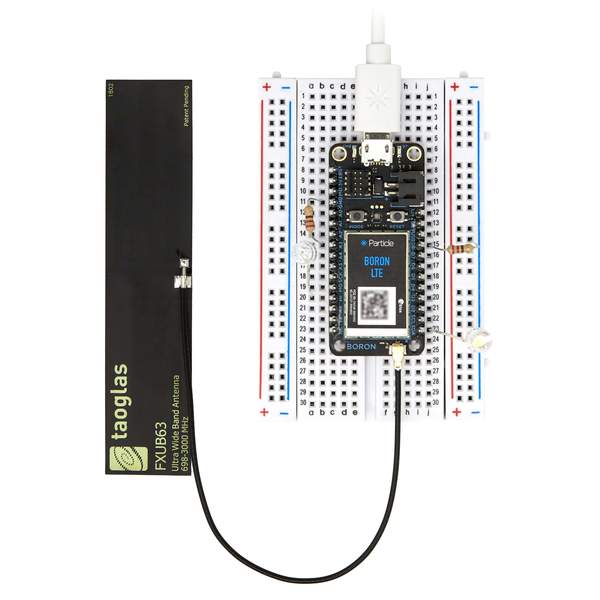 Alright, let’s get started!
* * *
[](https://developers.telnyx.com/docs/iot-sim/particle-boron-lte-kit#instructions-for-setting-up-your-particle-boron-lte-kit)
Instructions for setting up your Particle Boron LTE Kit:
------------------------------------------------------------------------------------------------------------------------------------------------------------------------------------------
1. First, connect the LTE antenna to the port located in the front of the Particle Electron Boron device and connect the device to power. The device will automatically go into pairing mode.
2. Download and install the mobile application on your [Android](https://docs.particle.io/quickstart/boron/)
or [iOS](https://apps.apple.com/us/app/particle-iot/id991459054)
device.
3. Open the Particle Mobile Application and follow the on-screen instructions:
* Click “Get Started”.
* Log into your Particle.io account or create an account.
* Press the + button located at the top right of the page and select the device name (i.e. boron-ij3).
Your device will now activate its eSIM and you’ll be able to see the device by logging into console.particle.io. Particle.io offers a 3-month free trial with limited free data.
4. Now, let’s enable third-party SIM capability on the device. To begin, insert the Telnyx SIM card into the device.
5. Set up CLI environment on your computer using this [Particle guide](https://docs.particle.io/tutorials/developer-tools/cli)
.
6. Place your device in DFU mode. This mode allows you to interact with the device using a computer.
7. Press and hold the “Mode” button then press the “Reset” button once. Keep holding the “Mode” button until the device flashes yellow.
8. Connect your device to the computer via the provided micro-USB cable. Then run the following commands in your CLI environment:
* `particle update`
* This command updates the device’s firmware (1.5.2 as of this guide).
* `particle flash --usb tinker`
* The device, by default, receives commands from the Particle Cloud via a network connection.
* This command allows your computer to control the device instead of the cloud.
9. Repeat Step 6 to place your device into DFU mode.
10. Download this file [TelnyxSIM](https://assets.ctfassets.net/4b49ta6b3nwj/2UDzHa6KD1Uf6OkKidxtxD/a620b9e24f5c0997be7e593ae39180ec/TelnyxSIM.cpp)
and navigate to the saved location. Then, run the following commands:
* `particle compile boron`
* This command will compile the .cpp file into a binary file.
* `particle compile boron TelnyxSIM.cpp --saveTo firmware.bin`
* This command will create a firmware.bin file that you will tell the device to use the Telnyx SIM card.
* `particle flash --usb firmware.bin`
* This command will flash the firmware.bin on to the device. The device will start using the Telnyx SIM card next time it reboots.
11. Repeat Step 6 to place your device into DFU mode and run this command to give back your device its control:
* `particle flash --usb tinker`
12. Once you connect your device into a power adapter, you’ll connect to the Telnyx network. It may take up to 2 minutes to reflect network connectivity. You can also verify the connectivity by clicking on your device name in console.particle.io.
That’s it! Your Particle Electron Boron LTE device is all set up with a Telnyx SIM card.
Was this page helpful?
YesNo
[Sixfab Cellular IoT HAT](https://developers.telnyx.com/docs/iot-sim/sixfab-cellular-iot-hat)
[Nordic nRF9160 DK](https://developers.telnyx.com/docs/iot-sim/nordic-semiconductor)
⌘I
---
# Telnyx
[Skip to main content](https://developers.telnyx.com/docs/cloud-storage/limits#content-area)
Check out our upcoming events and meetups! [View events →](https://telnyx.com/events)
[Telnyx home page](https://developers.telnyx.com/)
Search...
⌘KAsk AI
Search...
Navigation
Management & Operations
Limits
[Development](https://developers.telnyx.com/development)
[AI](https://developers.telnyx.com/docs/inference/ai-assistants/no-code-voice-assistant)
[Phone Numbers](https://developers.telnyx.com/docs/numbers/phone-numbers/getting-started)
[Voice](https://developers.telnyx.com/docs/voice/programmable-voice/voice-api-fundamentals)
[Messaging](https://developers.telnyx.com/docs/messaging/messages/send-message)
[IoT & VoLTE](https://developers.telnyx.com/docs/iot-sim/get-started)
[Other APIs](https://developers.telnyx.com/docs/identity/number-lookup/quickstart)
On this page
* [General API limits](https://developers.telnyx.com/docs/cloud-storage/limits#general-api-limits)
* [Specific limits](https://developers.telnyx.com/docs/cloud-storage/limits#specific-limits)
[](https://developers.telnyx.com/docs/cloud-storage/limits#general-api-limits)
General API limits
-----------------------------------------------------------------------------------------------------
* 1500 requests per second per account
* 10 concurrent PUT or COPY requests to any individual object in a bucket
* 800 total requests per second per bucket
[](https://developers.telnyx.com/docs/cloud-storage/limits#specific-limits)
Specific limits
-----------------------------------------------------------------------------------------------
* Max count of buckets per account is 100
* Max size of single object upload via PUT request is 5 GB
* Max size of single part upload of a multi-part upload is 5 GB
* Min size of single part upload of a multi-part upload is 5 MiB, except for the final part
* Max count of parts of a multi-part upload is 10,000
* Max size of a completed multi-part upload is 5 TiB
* Max count of objects per bucket is 50 million
Was this page helpful?
YesNo
[Emptying Buckets](https://developers.telnyx.com/docs/cloud-storage/emptying-bucket)
[Billing & Pricing](https://developers.telnyx.com/docs/cloud-storage/billing)
⌘I
---
# Telnyx
[Skip to main content](https://developers.telnyx.com/docs/cloud-storage/authentication#content-area)
Check out our upcoming events and meetups! [View events →](https://telnyx.com/events)
[Telnyx home page](https://developers.telnyx.com/)
Search...
⌘KAsk AI
Search...
Navigation
Getting Started
Authentication
[Development](https://developers.telnyx.com/development)
[AI](https://developers.telnyx.com/docs/inference/ai-assistants/no-code-voice-assistant)
[Phone Numbers](https://developers.telnyx.com/docs/numbers/phone-numbers/getting-started)
[Voice](https://developers.telnyx.com/docs/voice/programmable-voice/voice-api-fundamentals)
[Messaging](https://developers.telnyx.com/docs/messaging/messages/send-message)
[IoT & VoLTE](https://developers.telnyx.com/docs/iot-sim/get-started)
[Other APIs](https://developers.telnyx.com/docs/identity/number-lookup/quickstart)
On this page
* [AWS CLI and S3 third party applications](https://developers.telnyx.com/docs/cloud-storage/authentication#aws-cli-and-s3-third-party-applications)
API requests are authenticated with [API Keys](https://portal.telnyx.com/#/api-keys)
. Telnyx Storage requires passing an [AWS Signature Version 4 authorization header](https://docs.aws.amazon.com/AmazonS3/latest/API/sigv4-auth-using-authorization-header.html)
in the API request. Telnyx Storage also requires that the Telnyx API key is substituted into the authorization header as the `access-key-id`. When an API request is made, Telnyx will parse the API key from the header, validate it, and then authorize the request. The remaining components of the authorization header (`date`, `aws-region`, `aws-service`, `secret-key`) are irrelevant to us. These values, as well as the generated signature from the secret key are all ignored. They only remain in the authorization header to maintain S3 compatibility. As long as you are passing an AWS Signature Version 4 authorization header, and the Telnyx API key is substituted into the header as the `access-key-id`, the request can be authenticated. An example is shown below, where `{{your_telnyx_api_key_here}}` is where you will substitute in your Telnyx API Key:
Report incorrect code
Copy
Ask AI
Authorization: AWS4-HMAC-SHA256
Credential={{your_telnyx_api_key_here}}/20221129/us-east-1/s3/aws4_request,
SignedHeaders=host;range;x-amz-date,
Signature=d82d11938fe5edf39a778ec710ac79899bae1d9a46ae36607be30fb55f655a3c
After pasting the above content, remove any new line added.
[](https://developers.telnyx.com/docs/cloud-storage/authentication#aws-cli-and-s3-third-party-applications)
AWS CLI and S3 third party applications
-------------------------------------------------------------------------------------------------------------------------------------------------------
A general rule of thumb when trying to use Telnyx Storage with a third party application is:
* `Access Key` → substitute in the Telnyx API token
* `Secret Access Key` → either leave blank, or type something random in as a placeholder, or duplicate Telnyx API tokens
Was this page helpful?
YesNo
[API Endpoints & Organization](https://developers.telnyx.com/docs/cloud-storage/api-endpoints)
[Bucket Addressing](https://developers.telnyx.com/docs/cloud-storage/bucket-addressing)
⌘I
---
# Telnyx
[Skip to main content](https://developers.telnyx.com/docs/network/vxc/cost#content-area)
Check out our upcoming events and meetups! [View events →](https://telnyx.com/events)
[Telnyx home page](https://developers.telnyx.com/)
Search...
⌘KAsk AI
Search...
Navigation
Virtual Cross Connect (VXC)
VXC Cost
[Development](https://developers.telnyx.com/development)
[AI](https://developers.telnyx.com/docs/inference/ai-assistants/no-code-voice-assistant)
[Phone Numbers](https://developers.telnyx.com/docs/numbers/phone-numbers/getting-started)
[Voice](https://developers.telnyx.com/docs/voice/programmable-voice/voice-api-fundamentals)
[Messaging](https://developers.telnyx.com/docs/messaging/messages/send-message)
[IoT & VoLTE](https://developers.telnyx.com/docs/iot-sim/get-started)
[Other APIs](https://developers.telnyx.com/docs/identity/number-lookup/quickstart)
On this page
* [AWS](https://developers.telnyx.com/docs/network/vxc/cost#aws)
* [GCP](https://developers.telnyx.com/docs/network/vxc/cost#gcp)
* [Azure](https://developers.telnyx.com/docs/network/vxc/cost#azure)
You will be charged by Telnyx AND your cloud provider. Telnyx charges an MRC for each VXC instance according to the following schedule, which may change at our discretion according to the general T&C. We can neither interpret nor advise how your cloud provider may charge your account. Please consult your cloud provider’s documentation.
[](https://developers.telnyx.com/docs/network/vxc/cost#aws)
AWS
-------------------------------------------------------------------
| Virtual Cross Connects | Monthly Recurring Charge (USD) |
| --- | --- |
| 50 Mbps | 100 |
| 100 Mbps | 125 |
| 200 Mbps | 150 |
| 300 Mbps | 175 |
| 400 Mbps | 200 |
| 500 Mbps | 225 |
| 1 Gbps | 450 |
[](https://developers.telnyx.com/docs/network/vxc/cost#gcp)
GCP
-------------------------------------------------------------------
| Virtual Cross Connects | Monthly Recurring Charge (USD) |
| --- | --- |
| 50 Mbps | 100 |
| 100 Mbps | 125 |
| 200 Mbps | 150 |
| 300 Mbps | 175 |
| 400 Mbps | 200 |
| 500 Mbps | 225 |
| 1 Gbps | 450 |
[](https://developers.telnyx.com/docs/network/vxc/cost#azure)
Azure
-----------------------------------------------------------------------
| Virtual Cross Connects | Monthly Recurring Charge (USD) |
| --- | --- |
| 50 Mbps | 200 |
| 100 Mbps | 250 |
| 200 Mbps | 300 |
| 300 Mbps | 400 |
| 400 Mbps | 500 |
| 500 Mbps | 600 |
| 1 Gbps | 1000 |
Was this page helpful?
YesNo
[Coverage & Availability](https://developers.telnyx.com/docs/network/vxc/coverage)
[VXC API](https://developers.telnyx.com/docs/network/vxc/api)
⌘I
---
# Telnyx
[Skip to main content](https://developers.telnyx.com/docs/inference/clusters#content-area)
Check out our upcoming events and meetups! [View events →](https://telnyx.com/events)
[Telnyx home page](https://developers.telnyx.com/)
Search...
⌘KAsk AI
Search...
Navigation
Analytics
Identifying themes in your data with Clusters
[Development](https://developers.telnyx.com/development)
[AI](https://developers.telnyx.com/docs/inference/ai-assistants/no-code-voice-assistant)
[Phone Numbers](https://developers.telnyx.com/docs/numbers/phone-numbers/getting-started)
[Voice](https://developers.telnyx.com/docs/voice/programmable-voice/voice-api-fundamentals)
[Messaging](https://developers.telnyx.com/docs/messaging/messages/send-message)
[IoT & VoLTE](https://developers.telnyx.com/docs/iot-sim/get-started)
[Other APIs](https://developers.telnyx.com/docs/identity/number-lookup/quickstart)
On this page
* [Embeddings and Clusters](https://developers.telnyx.com/docs/inference/clusters#embeddings-and-clusters)
* [Clustering content with Telnyx](https://developers.telnyx.com/docs/inference/clusters#clustering-content-with-telnyx)
* [Embed your documents](https://developers.telnyx.com/docs/inference/clusters#embed-your-documents)
* [Identify clusters](https://developers.telnyx.com/docs/inference/clusters#identify-clusters)
* [Identifying themes in The Great Gatsby](https://developers.telnyx.com/docs/inference/clusters#identifying-themes-in-the-great-gatsby)
* [Upload to Telnyx Storage](https://developers.telnyx.com/docs/inference/clusters#upload-to-telnyx-storage)
* [Embed your documents](https://developers.telnyx.com/docs/inference/clusters#embed-your-documents-2)
* [Compute clusters](https://developers.telnyx.com/docs/inference/clusters#compute-clusters)
* [Inspect clusters](https://developers.telnyx.com/docs/inference/clusters#inspect-clusters)
In this tutorial, you’ll learn:
* How [Embeddings](https://developers.telnyx.com/api-reference/embeddings/embed-url-content#embed-url-content)
and [Clusters](https://developers.telnyx.com/api-reference/clusters/compute-new-clusters#compute-new-clusters)
work
* How to leverage them to identify common themes in your data
[](https://developers.telnyx.com/docs/inference/clusters#embeddings-and-clusters)
Embeddings and Clusters
=============================================================================================================
Embeddings are numerical representations of concepts within text, image, or audio data. [The representation is a real-valued vector that encodes the meaning of the word in such a way that the words that are closer in the vector space are expected to be similar in meaning](https://en.wikipedia.org/wiki/Word_embedding)
Quantifying the semantic similarity of your data opens up several possibilities. For instance, by embedding a Telnyx storage bucket, you can [search for similar content](https://developers.telnyx.com/api-reference/embeddings/embed-url-content#embed-url-content)
within your bucket. This tutorial is focused on another application of embeddings: analyzing how your semantic data is [clustered](https://en.wikipedia.org/wiki/Cluster_analysis)
, which provides insight into common themes and niche subtopics. For example, pictured below are clusters of embeddings computed for the novel The Great Gatsby. 
[](https://developers.telnyx.com/docs/inference/clusters#clustering-content-with-telnyx)
Clustering content with Telnyx
===========================================================================================================================
[](https://developers.telnyx.com/docs/inference/clusters#embed-your-documents)
Embed your documents
-------------------------------------------------------------------------------------------------------
Embedding your content in a Telnyx storage bucket is a prerequisite for computing these clusters. For more information, check out our [Embeddings](https://developers.telnyx.com/docs/inference/embeddings)
tutorial.
[](https://developers.telnyx.com/docs/inference/clusters#identify-clusters)
Identify clusters
-------------------------------------------------------------------------------------------------
Once your documents are embedded, you can [compute clusters](https://developers.telnyx.com/api-reference/clusters/compute-new-clusters#compute-new-clusters)
via API. The optional `prefix` and `files` parameters allow you to specfiy a subset of your bucket you would like to cluster. The `min_cluster_size` and `min_subcluster_size` parameters control how clusters are identified. Top-level clusters should be thought of as identifying broad themes in your data. Choose `min_cluster_size` based on the minimum data points you would like to constitute a broader theme. Sub-clusters should be thought of as identifying more specific topics within a broader theme. Choose `min_subcluster_size` based on the minimum data points you would like to constitute a more niche subtopic.
[](https://developers.telnyx.com/docs/inference/clusters#identifying-themes-in-the-great-gatsby)
Identifying themes in The Great Gatsby
-------------------------------------------------------------------------------------------------------------------------------------------
To demonstrate embedding and clustering a Telnyx storage bucket, we will be using the text from The Great Gatsby.
###
[](https://developers.telnyx.com/docs/inference/clusters#upload-to-telnyx-storage)
Upload to Telnyx Storage
You can upload objects to Telnyx’s S3-Compatible storage API using our [quickstart](https://developers.telnyx.com/docs/cloud-storage/quick-start)
or with our [drag-and-drop interface in the portal](https://portal.telnyx.com/#/storage/buckets)
.
###
[](https://developers.telnyx.com/docs/inference/clusters#embed-your-documents-2)
Embed your documents
Once you’ve uploaded your documents, you can [embed them via API](https://developers.telnyx.com/api-reference/embeddings/embed-url-content#embed-url-content)
or by clicking the “Embed for AI Use” button in the portal while viewing your storage bucket’s contents. Behind the scenes, your documents will be processed into chunks and each chunk will be “embedded” based on its contents. Each chunk will be a single data point used in the clustering step.
###
[](https://developers.telnyx.com/docs/inference/clusters#compute-clusters)
Compute clusters
You can compute multiple clusterings on the same data. This is helpful to tweak the parameters to find the best clusters for your data. Below is an example API request
Report incorrect code
Copy
Ask AI
$ curl --request POST \
--url https://api.telnyx.com/v2/ai/clusters \
--header "Authorization: Bearer $TELNYX_API_KEY" \
--header 'Content-Type: application/json' \
--data '{
"bucket": "cluster-gatsby",
"min_cluster_size": 50,
"min_subcluster_size": 10
}'
And the response
Report incorrect code
Copy
Ask AI
{"data":{"task_id":"04dd624f-c9b3-4fc8-8cec-492c8696e9ea"}}
###
[](https://developers.telnyx.com/docs/inference/clusters#inspect-clusters)
Inspect clusters
You can then take that `task_id` and view the clusters structured as JSON via
Report incorrect code
Copy
Ask AI
$ curl --request GET \
--url "https://api.telnyx.com/v2/ai/clusters/04dd624f-c9b3-4fc8-8cec-492c8696e9ea?show_subclusters=true" \
--header "Authorization: Bearer $TELNYX_API_KEY"
If you want to see example data from each cluster, you can also pass the `top_n_nodes` query parameter which will include the top N most central data points for each cluster. You can also view a simple graph of the clusters via
Report incorrect code
Copy
Ask AI
$ curl --request GET \
--url "https://api.telnyx.com/v2/ai/clusters/04dd624f-c9b3-4fc8-8cec-492c8696e9ea/graph" \
--header "Authorization: Bearer $TELNYX_API_KEY" --output clusters.png
If you want to look at a cluster’s subclusters, you can pass the `cluster_id` query parameter. Here is a closer look at the sub-clusters related to the cluster for “Daisy’s Past” using this endpoint 
The initial parameters can have a large effect on the computed clusters, and the “right” clusters depend heavily on your data set and your goals, so you may have to play around a bit to find what works best. The general idea is that raising `min_cluster_size` will result in broader, more generic clusters.
You can also compute as many configurations over your data as you like so you have multiple ways of clustering your data if you’d like.
Was this page helpful?
YesNo
[Embeddings](https://developers.telnyx.com/docs/inference/embeddings)
[List conversations](https://developers.telnyx.com/api-reference/conversations/list-conversations)
⌘I
---
# Telnyx
[Skip to main content](https://developers.telnyx.com/docs/iot-sim/sim7600-a-rasp-pui-hat#content-area)
Check out our upcoming events and meetups! [View events →](https://telnyx.com/events)
[Telnyx home page](https://developers.telnyx.com/)
Search...
⌘KAsk AI
Search...
Navigation
Development Boards
SIM7600-A Raspberry Pi 4G Hat Setup
[Development](https://developers.telnyx.com/development)
[AI](https://developers.telnyx.com/docs/inference/ai-assistants/no-code-voice-assistant)
[Phone Numbers](https://developers.telnyx.com/docs/numbers/phone-numbers/getting-started)
[Voice](https://developers.telnyx.com/docs/voice/programmable-voice/voice-api-fundamentals)
[Messaging](https://developers.telnyx.com/docs/messaging/messages/send-message)
[IoT & VoLTE](https://developers.telnyx.com/docs/iot-sim/get-started)
[Other APIs](https://developers.telnyx.com/docs/identity/number-lookup/quickstart)
On this page
* [Prerequisites to complete the SIM7600 4G HAT setup](https://developers.telnyx.com/docs/iot-sim/sim7600-a-rasp-pui-hat#prerequisites-to-complete-the-sim7600-4g-hat-setup)
* [Preparation steps for the SIM7600 Raspberry Pi 4G HAT setup](https://developers.telnyx.com/docs/iot-sim/sim7600-a-rasp-pui-hat#preparation-steps-for-the-sim7600-raspberry-pi-4g-hat-setup)
* [Configuration of the SIM7600 module](https://developers.telnyx.com/docs/iot-sim/sim7600-a-rasp-pui-hat#configuration-of-the-sim7600-module)
The SIM7600A 4G HAT is a 4G communication and GNSS positioning module, which supports LTE CAT4 up to 150Mbps for downlink data transfer. It is pretty low power consumption and can be attached to a Raspberry Pi to empower connectivity for IoT applications. You can also connect this 4G module with a computer to surf the Internet. It has functionality for sending SMS, global positioning, and high speed internet connections via 4G.
[](https://developers.telnyx.com/docs/iot-sim/sim7600-a-rasp-pui-hat#prerequisites-to-complete-the-sim7600-4g-hat-setup)
Prerequisites to complete the SIM7600 4G HAT setup
-------------------------------------------------------------------------------------------------------------------------------------------------------------------------------
1. Sign up for a [free Telnyx Portal account](https://telnyx.com/sign-up "Sign Up")
and purchase an active Telnyx SIM card with data plan. Check out this [Quickstart Guide](https://developers.telnyx.com/docs/iot-sim/get-started)
to get set up.
2. Raspberry Pi 3 Model B or Raspberry Pi 4 (this guide will use 4 but the steps are the same).
3. Internet connection for initial setup and configuration.
Alright, let’s get started!
* * *
[](https://developers.telnyx.com/docs/iot-sim/sim7600-a-rasp-pui-hat#preparation-steps-for-the-sim7600-raspberry-pi-4g-hat-setup)
Preparation steps for the SIM7600 Raspberry Pi 4G HAT setup
-------------------------------------------------------------------------------------------------------------------------------------------------------------------------------------------------
First, we are going to start by updating the Raspberry Pi so let’s run these commands:
* `sudo apt update -y`
* `sudo apt dist-upgrade -y`
* `sudo rpi-update`
* You may see a prompt like this. Press `Y` and press `enter`: 
Once all of the steps are complete, reboot your Pi using `sudo reboot` command. With the updates out of the way, let’s start on installing prerequisite software and libraries: _libqmi-utils_ and _udhcpc_ are first up. Install them by running this command: `sudo apt install libqmi-utils && udhcpc` _libqmi-utils_ installs libraries that allow you to interact with Qualcomm-based modems. SIM7600 comes with a Qualcomm MDM9607 chipset. _udhcpc_ is used for modem DHCP leasing. The cellular network gives a unique IP to the HAT and the Pi will have its own IP. This is used to solve IP addressing conflicts between the Pi and the HAT. Now we will enable UART to communicate with the device. To do that, run this command and then follow the prompts as shown:
* `sudo raspi-config`
* Choose Interfacing Options (5): 
* Choose P6 Serial: 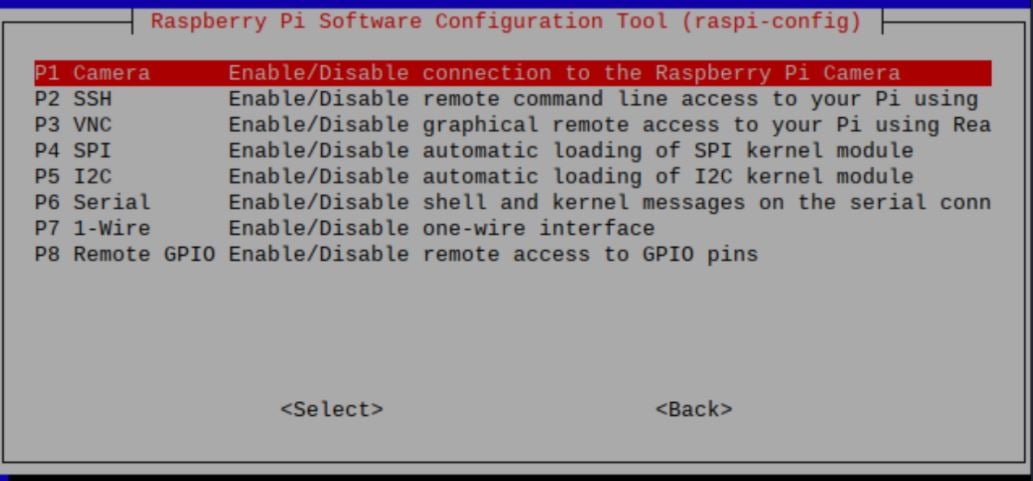
* Press _No_ to the prompt below then _Reboot_. 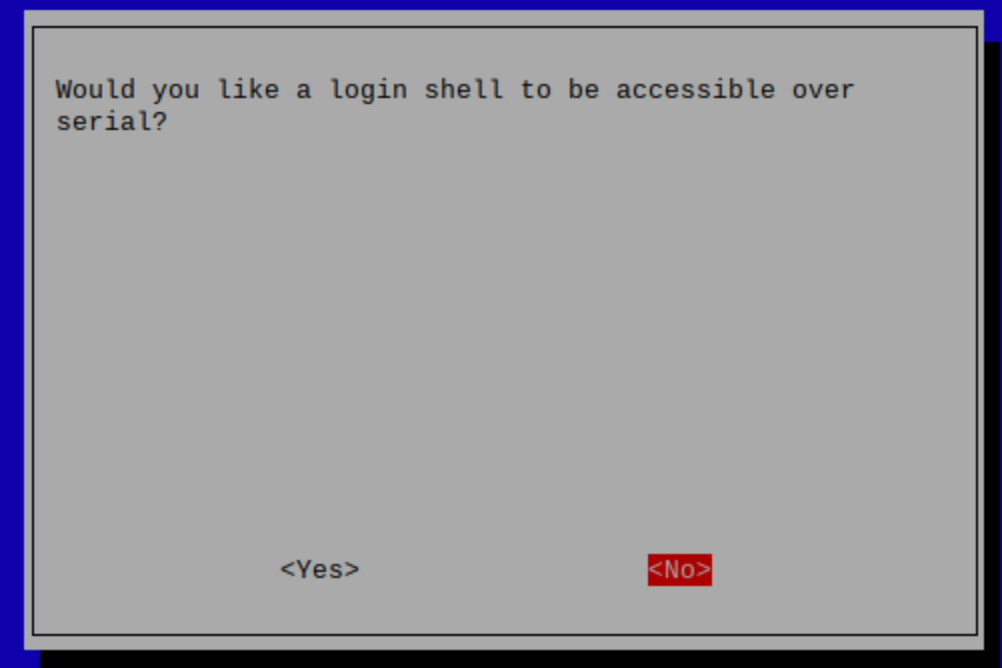
[](https://developers.telnyx.com/docs/iot-sim/sim7600-a-rasp-pui-hat#configuration-of-the-sim7600-module)
Configuration of the SIM7600 module
-------------------------------------------------------------------------------------------------------------------------------------------------
Next, we’re going to configure the SIM7600A module. To turn on the module we will be using the qmicli commands which are used to control Qualcomm devices. This command will activate the device: `sudo qmicli -d /dev/cdc-wdm0 --dms-set-operating-mode='online'` Now let’s verify that the module is online. These are sample commands you can send to the device:
* `qmicli -d /dev/cdc-wdm0 --dms-get-operating-mode`
* Response: Online or Offline
* `qmicli -d /dev/cdc-wdm0 --nas-get-signal-strength`
* Response: Signal strength and signal quality values
* `qmicli -d /dev/cdc-wdm0 --nas-get-home-network`
* Response: Carrier name or carrier PLMN
You should now see a WWAN0 interface in net-stats (`ifconfig`). Unless specified by user, WWAN0 is the default interface this device uses. We’re now going to configure the module to use raw-ip protocol with the following commands:
* `sudo ip link set wwan0 down`
* `echo 'Y' | sudo tee /sys/class/net/wwan0/qmi/raw_ip`
* `sudo ip link set wwan0 up`
And connecting to a mobile network:
Report incorrect code
Copy
Ask AI
sudo qmicli --device=/dev/cdc-wdm0 --device-open-proxy --wds-start-network="ip-type=4,apn=data00.telnyx" --client-no-release-cid
After pasting the above content, Kindly check and remove any new line added
Finally, let’s set the default route and IP using udhcpc: `sudo udhcpc -i wwan0` And tell the udhcpc library to receive a DHCP lease from the network using WWAN0: `ip a s wwan0`
> The Telnyx SIM has access to all network types and many different operators. As a result, it can take them a while to attach to a network for the first time. Once it connects to a network, that network will be added to the list of priority operators so as to ensure a fast connection going forward. Please note that the first attach can take up to 30 minutes.
You are connected to the Internet! Open up your web browser and browse away!
* * *
Make sure to [sign up for a free Telnyx account](https://telnyx.com/sign-up "Sign Up")
to get started with SIM7600-A Raspberry Pi 4G!
Was this page helpful?
YesNo
[Private Gateway Setup](https://developers.telnyx.com/docs/iot-sim/private-wireless-gateway-how-to)
[Sixfab Raspberry Pi 3G/4G Hat](https://developers.telnyx.com/docs/iot-sim/sixfab-rasp-pi-hat)
⌘I
---
# Telnyx
[Skip to main content](https://developers.telnyx.com/docs/cloud-storage/third-party#content-area)
Check out our upcoming events and meetups! [View events →](https://telnyx.com/events)
[Telnyx home page](https://developers.telnyx.com/)
Search...
⌘KAsk AI
Search...
Navigation
Compatibility & Migration
Third Party S3 Compatible Applications
[Development](https://developers.telnyx.com/development)
[AI](https://developers.telnyx.com/docs/inference/ai-assistants/no-code-voice-assistant)
[Phone Numbers](https://developers.telnyx.com/docs/numbers/phone-numbers/getting-started)
[Voice](https://developers.telnyx.com/docs/voice/programmable-voice/voice-api-fundamentals)
[Messaging](https://developers.telnyx.com/docs/messaging/messages/send-message)
[IoT & VoLTE](https://developers.telnyx.com/docs/iot-sim/get-started)
[Other APIs](https://developers.telnyx.com/docs/identity/number-lookup/quickstart)
All S3 third-party tools, applications, clients, and libraries can be used to interact with Telnyx Cloud Storage. This includes popular applications like Cyberduck, S3 Browser, Wal-G, and many others. Visit our [support page](https://support.telnyx.com/en/collections/3840515-telnyx-storage)
to find configuration guides for many of these commonly used third-party tools. If you don’t see a guide for a particular application, please don’t hesitate to reach out to us through our [contact page](https://telnyx.com/contact-us)
. We would be happy to create a configuration guide for you.
Was this page helpful?
YesNo
[Migration from AWS S3](https://developers.telnyx.com/docs/cloud-storage/migrating-from-aws)
[Node.js](https://developers.telnyx.com/docs/cloud-storage/sdk/node)
⌘I
---
# Telnyx
[Skip to main content](https://developers.telnyx.com/docs/iot-sim/sixfab-rasp-pi-hat#content-area)
Check out our upcoming events and meetups! [View events →](https://telnyx.com/events)
[Telnyx home page](https://developers.telnyx.com/)
Search...
⌘KAsk AI
Search...
Navigation
Development Boards
Sixfab Raspberry Pi 3G/4G Hat
[Development](https://developers.telnyx.com/development)
[AI](https://developers.telnyx.com/docs/inference/ai-assistants/no-code-voice-assistant)
[Phone Numbers](https://developers.telnyx.com/docs/numbers/phone-numbers/getting-started)
[Voice](https://developers.telnyx.com/docs/voice/programmable-voice/voice-api-fundamentals)
[Messaging](https://developers.telnyx.com/docs/messaging/messages/send-message)
[IoT & VoLTE](https://developers.telnyx.com/docs/iot-sim/get-started)
[Other APIs](https://developers.telnyx.com/docs/identity/number-lookup/quickstart)
On this page
* [Instructions for setting up your Sixfab Raspberry Pi 3G/4G HAT](https://developers.telnyx.com/docs/iot-sim/sixfab-rasp-pi-hat#instructions-for-setting-up-your-sixfab-raspberry-pi-3g%2F4g-hat)
* [Troubleshooting your Sixfab Raspberry Pi 3G/4G HAT](https://developers.telnyx.com/docs/iot-sim/sixfab-rasp-pi-hat#troubleshooting-your-sixfab-raspberry-pi-3g%2F4g-hat)
The Sixfab 3G/4G & LTE Base HAT grants your Raspberry Pi or 40-pin Pi compatible single-board-computer a super-simple interface bridge between mini PCIe cellular modems. If you’re looking for a Raspberry Pi LTE HAT for IoT applications like location tracking or global device deployments this is a great device. This add-on also board allows you to create a remote controllable LTE Wi-Fi Hotspot, high-speed GPS tracking and more. From low-power consumption LTE-M to ultra-high-speed LTE-Advanced mini PCIe cards supported by this HAT. Both UART and USB communication with modules are available on the shield. This guide assumes that you have a fresh installation of Raspbian OS. Some parts of this guide were obtained from [Sixfab’s official tutorial website](https://sixfab.com/shop/)
.
[](https://developers.telnyx.com/docs/iot-sim/sixfab-rasp-pi-hat#instructions-for-setting-up-your-sixfab-raspberry-pi-3g/4g-hat)
Instructions for setting up your Sixfab Raspberry Pi 3G/4G HAT
---------------------------------------------------------------------------------------------------------------------------------------------------------------------------------------------------
1. First, let’s make sure that the Raspberry Pi is up to date. You can do that by running the below commands:
After pasting the below content, Kindly check and remove any new line added
Report incorrect code
Copy
Ask AI
sudo apt update && sudo apt upgrade
sudo apt dist-upgrade
sudo apt install raspberrypi-kernel-headers
reboot
2. Next, we’re going to obtain the required repository from the Sixfab quickstart script: `wget https://raw.githubusercontent.com/sixfab/Sixfab_RPi_3G-4G-LTE_Base_Shield/master/tutorials/QMI_tutorial/qmi_install.sh`
3. Now let’s take ownership of the script and install it. In this step, you may be prompted to enter an APN. Enter `data00.telnyx` as the APN and you are good to go!
Report incorrect code
Copy
Ask AI
chmod +x qmi_install.sh
sudo ./qmi_install.sh
After pasting the above content, Kindly check and remove any new line added
4. Reboot your device and then let’s get connected.
5. To get connected to the internet, navigate to the following directory: `cd /files/quectel-CM`
6. Then mark the device as “online” with the below command. This tells the device to relay its initial “online” status message to the network. Once the network acknowledges the message, your device should obtain a valid IP address from the network; thus, have an internet connection.
Report incorrect code
Copy
Ask AI
sudo ./quectel-CM -s internet
After pasting the above content, Kindly check and remove any new line added
> The Telnyx SIM has access to all network types and many different operators. As a result, it can take them a while to attach to a network for the first time. Once it connects to a network, that network will be added to the list of priority operators so as to ensure a fast connection going forward. Please note that the first attach can take up to 30 minutes.
* * *
[](https://developers.telnyx.com/docs/iot-sim/sixfab-rasp-pi-hat#troubleshooting-your-sixfab-raspberry-pi-3g/4g-hat)
Troubleshooting your Sixfab Raspberry Pi 3G/4G HAT
---------------------------------------------------------------------------------------------------------------------------------------------------------------------------
If the device doesn’t connect to the internet, this means that the device either doesn’t know which APN to use or the Raspberry Pi has trouble communicating with the device. In this case, we are going to let the device handle the disconnect/reconnect process automatically. To set up this auto-connect process follow this steps:
1. Make sure the sixfab hat is connected.
2. Obtain required repository: `wget https://raw.githubusercontent.com/sixfab/Sixfab_RPi_3G-4G-LTE_Base_Shield/master/tutorials/QMI_tutorial/install_auto_connect.sh`
3. Take ownership of the script and install.
Report incorrect code
Copy
Ask AI
chmod +x install_auto_connect.sh
sudo ./install_auto_connect.sh
After pasting the above content, Kindly check and remove any new line added
4. Now, it will ask for an APN. Please make sure to double check the APN as a misspelling in this step may cause connectivity issues.
5. Verify that the module is active and online: `sudo systemctl status qmi_reconnect.service`
Was this page helpful?
YesNo
[Raspberry Pi 4G Hat (SIM7600-A)](https://developers.telnyx.com/docs/iot-sim/sim7600-a-rasp-pui-hat)
[Sixfab Cellular IoT HAT](https://developers.telnyx.com/docs/iot-sim/sixfab-cellular-iot-hat)
⌘I
---
# Telnyx
[Skip to main content](https://developers.telnyx.com/docs/programmable-fax/sending-commands#content-area)
Check out our upcoming events and meetups! [View events →](https://telnyx.com/events)
[Telnyx home page](https://developers.telnyx.com/)
Search...
⌘KAsk AI
Search...
Navigation
Core Features
Sending Commands
[Development](https://developers.telnyx.com/development)
[AI](https://developers.telnyx.com/docs/inference/ai-assistants/no-code-voice-assistant)
[Phone Numbers](https://developers.telnyx.com/docs/numbers/phone-numbers/getting-started)
[Voice](https://developers.telnyx.com/docs/voice/programmable-voice/voice-api-fundamentals)
[Messaging](https://developers.telnyx.com/docs/messaging/messages/send-message)
[IoT & VoLTE](https://developers.telnyx.com/docs/iot-sim/get-started)
[Other APIs](https://developers.telnyx.com/docs/identity/number-lookup/quickstart)
On this page
* [Authentication](https://developers.telnyx.com/docs/programmable-fax/sending-commands#authentication)
* [Available commands and their expected Webhooks](https://developers.telnyx.com/docs/programmable-fax/sending-commands#available-commands-and-their-expected-webhooks)
* [Response when sending command](https://developers.telnyx.com/docs/programmable-fax/sending-commands#response-when-sending-command)
* [Example: Sending commands](https://developers.telnyx.com/docs/programmable-fax/sending-commands#example-sending-commands)
* [WITH A API V2 KEY](https://developers.telnyx.com/docs/programmable-fax/sending-commands#with-a-api-v2-key)
A Programmable Fax API command is sent with a fax\_id. The fax\_id allows a user to communicate to Telnyx the fax the user wants to take an action on. The Telnys Programmable Fax API supports PDF files. To initiate sending the fax, we need to send the request to the Telnyx Programmable Fax API endpoint [https://api.telnyx.com/v2/faxes](https://api.telnyx.com/v2/faxes)
.
[](https://developers.telnyx.com/docs/programmable-fax/sending-commands#authentication)
Authentication
----------------------------------------------------------------------------------------------------------
With the request we need to send additional parameters containing authentication information so Telnyx knows which account to send the fax from and information about the destination and file being sent.
| | |
| --- | --- |
| HEADER | DESCRIPTION |
| media\_url | Authorization: Bearer YOUR\_API\_KEY |
| connection\_id | Authorization: Bearer YOUR\_API\_KEY |
| to | Authorization: Bearer YOUR\_API\_KEY |
| from | Authorization: Bearer YOUR\_API\_KEY |
| Authorization: Bearer | The prefix to your API V2 key created in Step 2. |
[](https://developers.telnyx.com/docs/programmable-fax/sending-commands#available-commands-and-their-expected-webhooks)
Available commands and their expected Webhooks
--------------------------------------------------------------------------------------------------------------------------------------------------------------------------
Telnyx sends webhooks to update on the status of Programmable Fax. Webhooks will also be sent in response to requests to list and delete faxes.
| | |
| --- | --- |
| COMMAND | ASSOCIATED WEBHOOKS |
| Send a fax | fax.queued
fax.media.processed
fax.sending.started
fax.delivered
fax.failed |
[](https://developers.telnyx.com/docs/programmable-fax/sending-commands#response-when-sending-command)
Response when sending command
----------------------------------------------------------------------------------------------------------------------------------------
When you send a Programmable Fax API Command, you will immediately receive an http response. Responses include, but are not limited to:
| | | |
| --- | --- | --- |
| HTTP STATUS CODE | MESSAGE | DESCRIPTION |
| 202 | OK | The request succeeded. |
| 403 | Forbidden | The request was valid, however the user is not authorized to perform this action. |
| 404 | Not Found | The requested resource could not be found. |
| 422 | Invalid Parameters | The request has invalid parameters. |
[](https://developers.telnyx.com/docs/programmable-fax/sending-commands#example-sending-commands)
Example: Sending commands
-------------------------------------------------------------------------------------------------------------------------------
To send a fax, send a POST request to the [https://api.telnyx.com/v2/faxes](https://api.telnyx.com/v2/faxes)
endpoint as shown in the example below.
[](https://developers.telnyx.com/docs/programmable-fax/sending-commands#with-a-api-v2-key)
WITH A API V2 KEY
----------------------------------------------------------------------------------------------------------------
Report incorrect code
Copy
Ask AI
curl -X POST https://api.telnyx.com/v2/faxes \
--data-urlencode "media_url=https://www.w3.org/WAI/ER/tests/xhtml/testfiles/resources/pdf/dummy.pdf" \
--data-urlencode "connection_id=1232154810234" \
--data-urlencode "to=+13129457420" \
--data-urlencode "from=+19459457421" \
--header "Authorization: Bearer APIAuthKey_fromPortal"
After pasting the above content, Kindly check and remove any new line added
Was this page helpful?
YesNo
[Receiving Webhooks](https://developers.telnyx.com/docs/programmable-fax/receiving-webhooks)
[Send a fax via API](https://developers.telnyx.com/docs/programmable-fax/send-a-fax-api)
⌘I
---
# Telnyx
[Skip to main content](https://developers.telnyx.com/docs/network/wireguard-peer-config/linux#content-area)
Check out our upcoming events and meetups! [View events →](https://telnyx.com/events)
[Telnyx home page](https://developers.telnyx.com/)
Search...
⌘KAsk AI
Search...
Navigation
Wireguard VPN
Wireguard Peer Config on Linux
[Development](https://developers.telnyx.com/development)
[AI](https://developers.telnyx.com/docs/inference/ai-assistants/no-code-voice-assistant)
[Phone Numbers](https://developers.telnyx.com/docs/numbers/phone-numbers/getting-started)
[Voice](https://developers.telnyx.com/docs/voice/programmable-voice/voice-api-fundamentals)
[Messaging](https://developers.telnyx.com/docs/messaging/messages/send-message)
[IoT & VoLTE](https://developers.telnyx.com/docs/iot-sim/get-started)
[Other APIs](https://developers.telnyx.com/docs/identity/number-lookup/quickstart)
On this page
* [Prerequisite](https://developers.telnyx.com/docs/network/wireguard-peer-config/linux#prerequisite)
* [Step 1: Install Wireguard](https://developers.telnyx.com/docs/network/wireguard-peer-config/linux#step-1-install-wireguard)
* [Step 2: Bring up the Interface](https://developers.telnyx.com/docs/network/wireguard-peer-config/linux#step-2-bring-up-the-interface)
* [Step 3: Validating and Testing](https://developers.telnyx.com/docs/network/wireguard-peer-config/linux#step-3-validating-and-testing)
* [Next Steps](https://developers.telnyx.com/docs/network/wireguard-peer-config/linux#next-steps)
[](https://developers.telnyx.com/docs/network/wireguard-peer-config/linux#prerequisite)
Prerequisite
--------------------------------------------------------------------------------------------------------
You come from [here](https://developers.telnyx.com/docs/network/gateways/wireguard-gateway)
and have a `.conf` file ready.
[](https://developers.telnyx.com/docs/network/wireguard-peer-config/linux#step-1-install-wireguard)
Step 1: Install Wireguard
---------------------------------------------------------------------------------------------------------------------------------
`ubuntu@ip-10-10-11-10:~$ sudo apt install wireguard`
[](https://developers.telnyx.com/docs/network/wireguard-peer-config/linux#step-2-bring-up-the-interface)
Step 2: Bring up the Interface
-------------------------------------------------------------------------------------------------------------------------------------------
Assuming the correct config file is located at `/etc/wireguard/peer1.conf`
Report incorrect code
Copy
Ask AI
ubuntu@ip-10-10-11-10:~$ sudo wg-quick up peer1
[#] ip link add peer1 type wireguard
[#] wg setconf peer1 /dev/fd/63
[#] ip -4 address add 172.27.0.2/32 dev peer1
[#] ip link set mtu 8921 up dev peer1
[#] ip -4 route add 172.27.0.0/24 dev peer1
[](https://developers.telnyx.com/docs/network/wireguard-peer-config/linux#step-3-validating-and-testing)
Step 3: Validating and Testing
-------------------------------------------------------------------------------------------------------------------------------------------
Report incorrect code
Copy
Ask AI
ubuntu@ip-10-10-11-10:~$ sudo wg show
interface: peer1
public key: Jt1zAJD6W2BZgOwtUsNY2KrMO0oRfUmfAEZGNEUZKiQ=
private key: (hidden)
listening port: 43548
peer: XYy8e5EKtE1F0fwwMgr792/9noYs53uRZBX5O3XJ4Eg=
endpoint: 64.16.243.3:5107
allowed ips: 172.27.0.0/24
latest handshake: 1 minute, 28 seconds ago
transfer: 92 B received, 2.86 KiB sent
persistent keepalive: every 1 second
If another peer is connected to the network, it should be pingable.
Report incorrect code
Copy
Ask AI
ubuntu@ip-10-10-11-10:~$ ping 172.27.0.3
PING 172.27.0.3 (172.27.0.3) 56(84) bytes of data.
64 bytes from 172.27.0.3: icmp_seq=1 ttl=63 time=25.8 ms
64 bytes from 172.27.0.3: icmp_seq=2 ttl=63 time=25.6 ms
64 bytes from 172.27.0.3: icmp_seq=3 ttl=63 time=25.5 ms
^C
--- 172.27.0.3 ping statistics ---
3 packets transmitted, 3 received, 0% packet loss, time 2004ms
rtt min/avg/max/mdev = 25.493/25.610/25.751/0.106 ms
[](https://developers.telnyx.com/docs/network/wireguard-peer-config/linux#next-steps)
Next Steps
----------------------------------------------------------------------------------------------------
[Wireguard Gateway (WGW) Guide](https://developers.telnyx.com/docs/network/gateways/wireguard-gateway)
outlines many use cases that may be valuable to you.
Was this page helpful?
YesNo
[Wireguard Gateway Setup](https://developers.telnyx.com/docs/network/gateways/wireguard-gateway)
[macOS Configuration](https://developers.telnyx.com/docs/network/wireguard-peer-config/macos)
⌘I
---
# Telnyx
[Skip to main content](https://developers.telnyx.com/docs/glossary/ai-glossary#content-area)
Check out our upcoming events and meetups! [View events →](https://telnyx.com/events)
[Telnyx home page](https://developers.telnyx.com/)
Search...
⌘KAsk AI
Search...
Navigation
Glossary
AI glossary
[Development](https://developers.telnyx.com/development)
[AI](https://developers.telnyx.com/docs/inference/ai-assistants/no-code-voice-assistant)
[Phone Numbers](https://developers.telnyx.com/docs/numbers/phone-numbers/getting-started)
[Voice](https://developers.telnyx.com/docs/voice/programmable-voice/voice-api-fundamentals)
[Messaging](https://developers.telnyx.com/docs/messaging/messages/send-message)
[IoT & VoLTE](https://developers.telnyx.com/docs/iot-sim/get-started)
[Other APIs](https://developers.telnyx.com/docs/identity/number-lookup/quickstart)
| Term | Definition |
| --- | --- |
| AI Alignment | Ensuring AI behavior aligns with human goals and values. |
| API Latency | Time delay between request and response in a deployed AI service. |
| AUC (Area Under Curve) | Measure of model’s ability to distinguish between classes. |
| Accuracy | Proportion of correct predictions made by a model. |
| Activation Function | Function that introduces non-linearity into a neural network (e.g., ReLU, Sigmoid). |
| Artificial Intelligence (AI) | Simulation of human intelligence in machines programmed to think and learn. |
| Attention Mechanism | Mechanism that enables models to focus on relevant parts of the input. |
| Backpropagation | Algorithm for updating neural network weights. |
| Batch Normalization | Normalizes activations to improve training speed and stability. |
| Bias | Systematic error introduced by assumptions in data or model. |
| Chain-of-Thought (CoT) | Technique where models generate intermediate reasoning steps. |
| Computer Vision | AI field that enables machines to interpret and make decisions based on visual data. |
| Confusion Matrix | Table showing true vs predicted classifications. |
| Data Privacy | Protection of sensitive user data during model training and usage. |
| Deep Learning | Subset of ML using neural networks with many layers to model complex patterns. |
| Dropout | Regularization technique that randomly drops units in a neural network during training. |
| Embedding | Numerical representation of data, often used for similarity or search. |
| Epoch | One complete pass through the training dataset. |
| Explainable AI (XAI) | Techniques to interpret and understand model predictions. |
| F1 Score | Harmonic mean of precision and recall. |
| Few-shot Learning | Model learns from a few labeled examples. |
| Fine-Tuning | Training a pre-trained model on a specific task or dataset. |
| Generative AI | AI models that can generate new content like text, images, audio, or code. |
| Gradient Descent | Optimization algorithm for minimizing loss function. |
| Hallucination | Generated output that is fluent but factually incorrect. |
| HuggingFace | Ecosystem for pretrained NLP models and transformers. |
| Inference | Running a trained model to make predictions. |
| LangChain | Framework for building LLM-powered applications using composable chains. |
| Large Language Model (LLM) | A transformer-based model trained on large corpora of text data. |
| LlamaIndex | Tool for indexing and querying external data with LLMs. |
| LoRA (Low-Rank Adaptation) | Efficient method for fine-tuning large models with fewer parameters. |
| Loss Function | Function that measures error between predicted and actual values. |
| Machine Learning (ML) | Subset of AI that allows systems to learn from data without explicit programming. |
| Mixture of Experts | Model architecture that routes input through subsets of expert networks. |
| Model Checkpointing | Saving model states during training to resume or analyze progress. |
| Model Fairness | Ensuring model performance does not discriminate against subgroups. |
| Model Serving | Hosting and providing access to ML models for inference. |
| Multimodal AI | Models that process and generate across multiple data types (e.g., text, image, audio). |
| Natural Language Processing (NLP) | AI branch that deals with understanding and generation of human language. |
| Neural Network | Computational model inspired by the human brain, used in deep learning. |
| ONNX | Open Neural Network Exchange; format for model interoperability. |
| Open Weight Model | AI model with publicly available weights for reuse and fine-tuning. |
| Overfitting | Model learns training data too well and fails to generalize. |
| Positional Encoding | Adds information about the position of tokens in sequences to transformer models. |
| Pre-training | Initial training of a model on a large generic dataset. |
| Precision | Proportion of true positive predictions among all positive predictions. |
| Prompt Engineering | Crafting effective prompts to guide LLM responses. |
| Proprietary Model | Model with restricted access, typically hosted and maintained by a company. |
| PyTorch | Popular deep learning library developed by Facebook. |
| ROC Curve | Graphical plot showing performance of classification model. |
| Recall | Proportion of true positives among all actual positives. |
| Reinforcement Learning | Learning method where agents learn by taking actions and receiving rewards. |
| Residual Connection | Skip connections in neural networks that help prevent vanishing gradients. |
| Responsible AI | Ethical and accountable development and deployment of AI. |
| Retrieval-Augmented Generation (RAG) | LLM approach that augments prompts with relevant context from a document store. |
| Scikit-learn | Python library for traditional machine learning. |
| Self-Attention | Mechanism allowing models to weigh importance of different parts of input. |
| Semi-Supervised Learning | Uses a small amount of labeled data with a large amount of unlabeled data. |
| Supervised Learning | Training a model on labeled data. |
| TensorFlow | Google’s open-source deep learning framework. |
| TensorRT | NVIDIA platform for optimizing and deploying deep learning models. |
| Tokenization | Breaking text into smaller units (tokens) for processing. |
| Transformer | Deep learning model architecture that uses self-attention for sequence tasks. |
| Underfitting | Model is too simple to capture underlying patterns in data. |
| Unsupervised Learning | Training a model on data without labels to find patterns. |
| Variance | Model’s sensitivity to small fluctuations in training data. |
| Vector Database | Database optimized for storing and querying high-dimensional embeddings. |
| Zero-shot Learning | Model predicts on tasks without having seen labeled examples. |
Was this page helpful?
YesNo
[Twilio Migration](https://developers.telnyx.com/development/migration/twilio-migration-guide)
[APIs glossary](https://developers.telnyx.com/docs/glossary/api-glossary)
⌘I
---
# Telnyx
[Skip to main content](https://developers.telnyx.com/docs/numbers/phone-numbers/portal-search-guide#content-area)
Check out our upcoming events and meetups! [View events →](https://telnyx.com/events)
[Telnyx home page](https://developers.telnyx.com/)
Search...
⌘KAsk AI
Search...
Navigation
Searching
Portal Search Guide
[Development](https://developers.telnyx.com/development)
[AI](https://developers.telnyx.com/docs/inference/ai-assistants/no-code-voice-assistant)
[Phone Numbers](https://developers.telnyx.com/docs/numbers/phone-numbers/getting-started)
[Voice](https://developers.telnyx.com/docs/voice/programmable-voice/voice-api-fundamentals)
[Messaging](https://developers.telnyx.com/docs/messaging/messages/send-message)
[IoT & VoLTE](https://developers.telnyx.com/docs/iot-sim/get-started)
[Other APIs](https://developers.telnyx.com/docs/identity/number-lookup/quickstart)
On this page
* [Standard Filters](https://developers.telnyx.com/docs/numbers/phone-numbers/portal-search-guide#standard-filters)
* [Advanced Search Filters](https://developers.telnyx.com/docs/numbers/phone-numbers/portal-search-guide#advanced-search-filters)
* [Best Practices](https://developers.telnyx.com/docs/numbers/phone-numbers/portal-search-guide#best-practices)
There are a variety of filters to help you find the perfect phone number. Below is a list of the search filters we made available [in the Portal](https://portal.telnyx.com/#/home)
with examples of when you may use them. At the end of this guide is a couple of “best practices” for searching as well. You can find the API reference for the `GET v2/available_phone_numbers` endpoint [here](https://developers.telnyx.com/api-reference/phone-number-search/list-available-phone-numbers)
.
[](https://developers.telnyx.com/docs/numbers/phone-numbers/portal-search-guide#standard-filters)
Standard Filters
----------------------------------------------------------------------------------------------------------------------
**Feature**: Phone numbers have varying capabilities. Filter for phone numbers that have the features to satisfy your use case. I.e. “sms” will return phone numbers that support SMS, “emergency” will return phone numbers capable of placing emergency calls, etc. **Type**: Filter for a specific type of phone number. I.e. “local” will return local/geographic phone numbers, “toll-free” will return toll-free phone numbers only, etc. **Area Code**: Search for phone numbers in a given area code. I.e. “205” will return phone numbers with a “205” area code **City / Region**: Search for phone numbers in a given city / region / rate center. I.e. “Boston” would return phone numbers in or near Boston, MA. **\[US/CA only\] State / Province**: Search for phone numbers in a given state / province. I.e. filtering for “MA” will return phone numbers in Massachusetts.
[](https://developers.telnyx.com/docs/numbers/phone-numbers/portal-search-guide#advanced-search-filters)
Advanced Search Filters
------------------------------------------------------------------------------------------------------------------------------------
**Starts with**: “56” will return numbers starting with “56”, i.e. +1-312-562-0011. Couple of things to note:
* Never include the country code (i.e. “+1”) in the search filter.
* If you are using the `Area Code` filter in conjunction with the `Starts with` filter, do not include the area code digits in the starts with filter. I.e. if you wanted to find +1-312-562-0011, you would use `Area Code = 312` and `Starts With = 562`.
* If you are not using the `Area Code` filter, include the area code digits in the starts with filter. I.e. if you wanted to find +1-312-562-0011, you would use `Starts With = 312562`.
**Ends with**: “356” will return numbers ending with “356”, i.e. +1-312-562-0356. **Contains**: “56” will return numbers matching “5” and ”6” anywhere, i.e. +1-312-622-0533. **Consecutive Numbers**: Range of successive phone numbers. I.e. entering “3” will return +1-312-562-0011, +1-312-562-0012, and +1-312-562-0013 in the search results **Results Limit**: Define the maximum quantity of phone numbers in the search results. I.e. “2” will return a maximum of 2 phone numbers in your search results **\[US / CA only\] Best Effort**: Telnyx may not have phone numbers that meet your exact search criteria. If that’s the case and “Best Effort” is toggled on, Telnyx will return similar results that meet some of your criteria. **\[US toll-free only\] Quickship**: When “Quickship” is toggled on, the toll-free phone numbers returned in search are pre-provisioned and ready for immediate activation. When “Quickship” is toggled off, a phone number may be returned that is not pre-provisioned. If that phone number is purchased, it can take up to 2 business days for provisioning to complete and the phone number to be usable. If the filter is toggled on and you are searching for something that isn’t a `US` `toll-free` phone number, then the filter will be ignored. **Reservable Numbers**: Returns phone numbers that are eligible to be reserved. When a phone number is reserved, you will have exclusive rights to search and order the phone number for a period of 30 minutes. More details [here](https://developers.telnyx.com/docs/numbers/phone-numbers/number-reservations)
. **Exclude Held Numbers**: A phone number can be on “hold” in two instances. Either the phone number was recently deleted and is in the process of being recycled. Or the phone number was placed on hold by Telnyx’s Number Ops team for you to search and purchase. Enabling this filter will exclude any phone numbers in a “hold” status from the search results. **Telnyx Bundle**: Only returns phone numbers that are eligible for [Telnyx Bundles](https://portal.telnyx.com/#/bundles/order)
. **Exclude Previously Owned Numbers**: Enabling this filter will exclude any phone numbers that you owned previously from the search results. I.e. if you had previously bought a phone number and deleted it, that phone number would not be returned in the search results.
[](https://developers.telnyx.com/docs/numbers/phone-numbers/portal-search-guide#best-practices)
Best Practices
------------------------------------------------------------------------------------------------------------------
The only required search filter is “country\_code”. The “phone\_number\_type” filter isn’t required, but we generally recommend using it. The remaining filters can be used to further narrow down your search results as needed. If you need phone numbers that are emergency capable, please include the `features` filter with `emergency` as a feature. If you need phone numbers that are SMS capable, please include the `features` filter with `sms` as a feature. Any phone number with `sms` as a feature should be capable and ready to immediately leverage SMS. Wildcard characters (\*, %, etc.) are not supported in any of the filters. If a wildcard character is included in a filter, the search will yield 0 results. For US toll-free phone numbers, we recommend using the `quickship` filter in your initial search requests. In doing so, you will be purchasing a phone number that is usable immediately. If you can’t find what you are looking for, you can disable the `quickship` filter to expand the possible search results. Just be aware that it could take up to 2 business days for a non-quickship toll-free phone number to be active after purchase.
Was this page helpful?
YesNo
[Number search](https://developers.telnyx.com/docs/numbers/phone-numbers/number-search)
[List available phone number blocks](https://developers.telnyx.com/api-reference/phone-number-search/list-available-phone-number-blocks)
⌘I
---
# Telnyx
[Skip to main content](https://developers.telnyx.com/docs/account-setup/using-trial-account#content-area)
Check out our upcoming events and meetups! [View events →](https://telnyx.com/events)
[Telnyx home page](https://developers.telnyx.com/)
Search...
⌘KAsk AI
Search...
Navigation
Account Types & Capabilities
Using Your Trial Account
[Development](https://developers.telnyx.com/development)
[AI](https://developers.telnyx.com/docs/inference/ai-assistants/no-code-voice-assistant)
[Phone Numbers](https://developers.telnyx.com/docs/numbers/phone-numbers/getting-started)
[Voice](https://developers.telnyx.com/docs/voice/programmable-voice/voice-api-fundamentals)
[Messaging](https://developers.telnyx.com/docs/messaging/messages/send-message)
[IoT & VoLTE](https://developers.telnyx.com/docs/iot-sim/get-started)
[Other APIs](https://developers.telnyx.com/docs/identity/number-lookup/quickstart)
Follow this process to make the most of your trial credit and stay within trial limitations.
1
[](https://developers.telnyx.com/docs/account-setup/using-trial-account#)
Verify a phone number
A [verified number](https://portal.telnyx.com/#/numbers/verified-numbers)
is essential to test Voice and Messaging. Use a mobile phone number that you control.Keep in mind that trial accounts have limits on delivery attempts and the number of changes allowed. Once the allowance is depleted, [upgrade your account](https://developers.telnyx.com/docs/account-setup/account-upgrade)
.
2
[](https://developers.telnyx.com/docs/account-setup/using-trial-account#)
Search for and purchase a phone number
Search results show only local (to the signup origin) numbers in full +E164; other results appear partially redacted.A successful purchase depends on inventory availability, sufficient account balance, and local jurisdiction [documentation rules](https://portal.telnyx.com/#/numbers/requirements)
. Only **one** phone number order is allowed during the trial, regardless of the outcome.
3
[](https://developers.telnyx.com/docs/account-setup/using-trial-account#)
Test calling workflows
Use one of the following tutorials to place calls:
* [SIP Trunking](https://developers.telnyx.com/docs/voice/sip-trunking/get-started)
* [Programmable Voice](https://developers.telnyx.com/docs/voice/programmable-voice/get-started)
* [TeXML](https://developers.telnyx.com/docs/voice/programmable-voice/texml-setup)
Regardless of how the call is created, the destination is limited to the verified phone number from Step 1, and inbound calls must also originate from that number. Check [trial voice limits](https://developers.telnyx.com/docs/account-setup/levels-and-capabilities/trial)
.
4
[](https://developers.telnyx.com/docs/account-setup/using-trial-account#)
Test messaging workflows
Use the [Send Message](https://developers.telnyx.com/docs/messaging/messages/send-message)
tutorial to send SMS.Outbound messages must target the verified phone number you configured, and inbound messages must also originate from that number. Check [trial messaging limits](https://developers.telnyx.com/docs/account-setup/levels-and-capabilities/trial)
.
Was this page helpful?
YesNo
[Trial Account](https://developers.telnyx.com/docs/account-setup/levels-and-capabilities/trial)
[Paid Account](https://developers.telnyx.com/docs/account-setup/levels-and-capabilities/paid)
⌘I
---
# Telnyx
[Skip to main content](https://developers.telnyx.com/docs/iot-sim/nordic-semiconductor#content-area)
Check out our upcoming events and meetups! [View events →](https://telnyx.com/events)
[Telnyx home page](https://developers.telnyx.com/)
Search...
⌘KAsk AI
Search...
Navigation
Development Boards
Nordic Semiconductor nRF9160 DK Setup Guide
[Development](https://developers.telnyx.com/development)
[AI](https://developers.telnyx.com/docs/inference/ai-assistants/no-code-voice-assistant)
[Phone Numbers](https://developers.telnyx.com/docs/numbers/phone-numbers/getting-started)
[Voice](https://developers.telnyx.com/docs/voice/programmable-voice/voice-api-fundamentals)
[Messaging](https://developers.telnyx.com/docs/messaging/messages/send-message)
[IoT & VoLTE](https://developers.telnyx.com/docs/iot-sim/get-started)
[Other APIs](https://developers.telnyx.com/docs/identity/number-lookup/quickstart)
On this page
* [Updating the firmware of the nRF9160:](https://developers.telnyx.com/docs/iot-sim/nordic-semiconductor#updating-the-firmware-of-the-nrf9160)
* [Connecting the nRF9160 device to your Telnyx SIM:](https://developers.telnyx.com/docs/iot-sim/nordic-semiconductor#connecting-the-nrf9160-device-to-your-telnyx-sim)
The nRF9160 DK is an affordable, pre-certified single-board development kit for evaluation and development on the nRF9160 SiP for LTE-M, NB-IoT and GPS. This guide will walk through the steps to take in order to connect a Telnyx SIM to the nRF9160 development kit.
[](https://developers.telnyx.com/docs/iot-sim/nordic-semiconductor#updating-the-firmware-of-the-nrf9160)
Updating the firmware of the nRF9160:
--------------------------------------------------------------------------------------------------------------------------------------------------
1. Download the latest board and SIP modem firmware for this device [here](https://www.nordicsemi.com/Products/Development-hardware/nrf9160-dk/download)
.
2. Once both firmwares are downloaded, open up your file manager and extract the board firmware. The zip file has the file name: `nrf9160dk_fw_0000-00-00_xxxxxxx.zip.` Do NOT extract the SIP modem firmware labeled `mfw_nrf9160_x.x.x.zip.`
3. Download and install the latest nRF Connect application for your operating system [here](https://www.nordicsemi.com/Products/Development-tools/nrf-connect-for-desktop/download#infotabs)
.
4. Once installed, open up the application and install the following modules:
* LTE Link Monitor
* Programmer
* Trace Collector
5. Look at the front of the device and make sure it’s in debug mode as shown below.
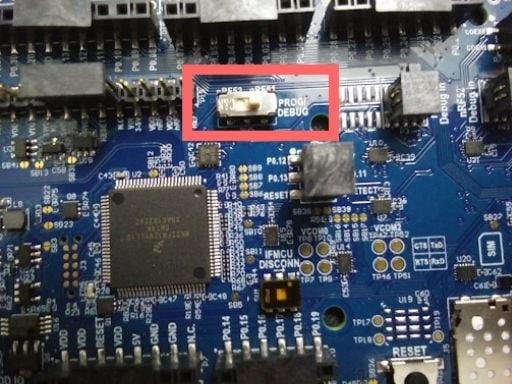
6. Connect the device to the computer via a microUSB cable and turn on the device using the power switch located at the bottom left corner of the device.
7. Open up the `Programmer` application and select the device denoted `PCA10090`.
8. Drag and drop the firmware file into the file memory layout box then select `Erase & write` to update the firmware. The left box will show patterns when the update is in progress. Once the update is complete, the left box will display a `Device is connected` message.
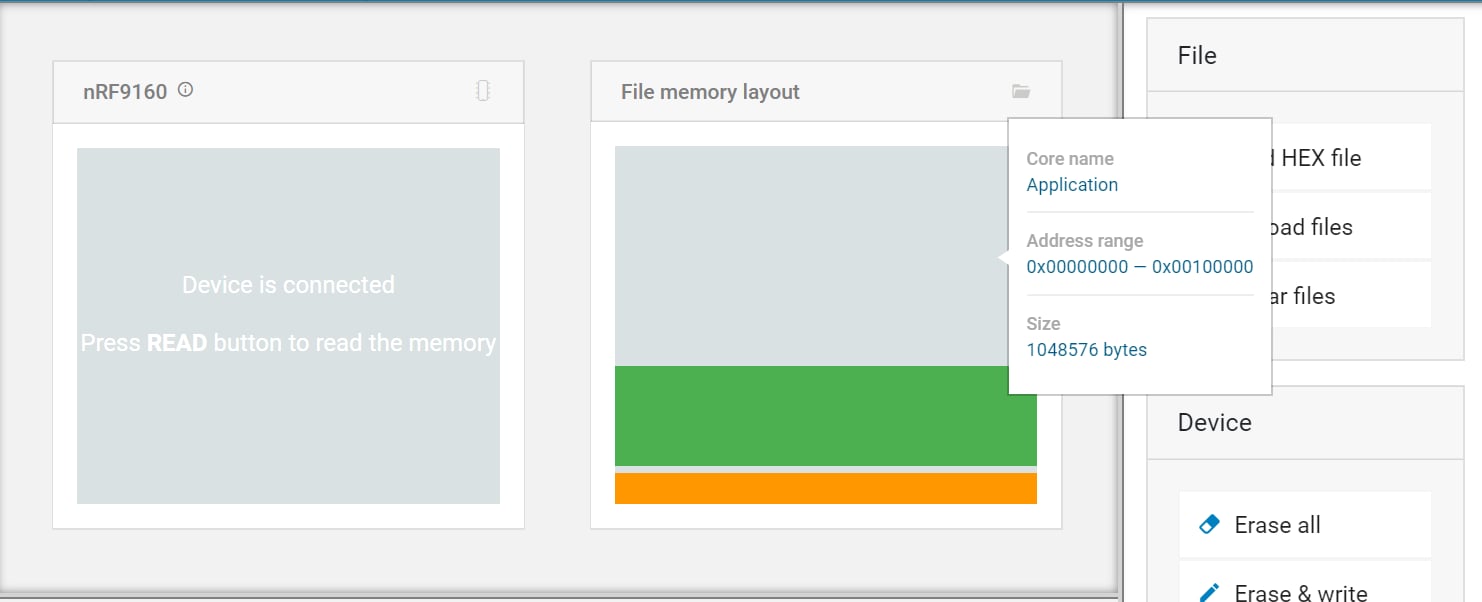
9. Now, we’ll update the modem firmware. Scroll the right toolbar to the bottom of the screen. Select `Update modem` under the Cellular Modem section and click on the SIP modem firmware that was downloaded in step 1. Then click `Write`.
* The zip file has the following filename: `mfw_nrf9160_x.x.x.zip.`
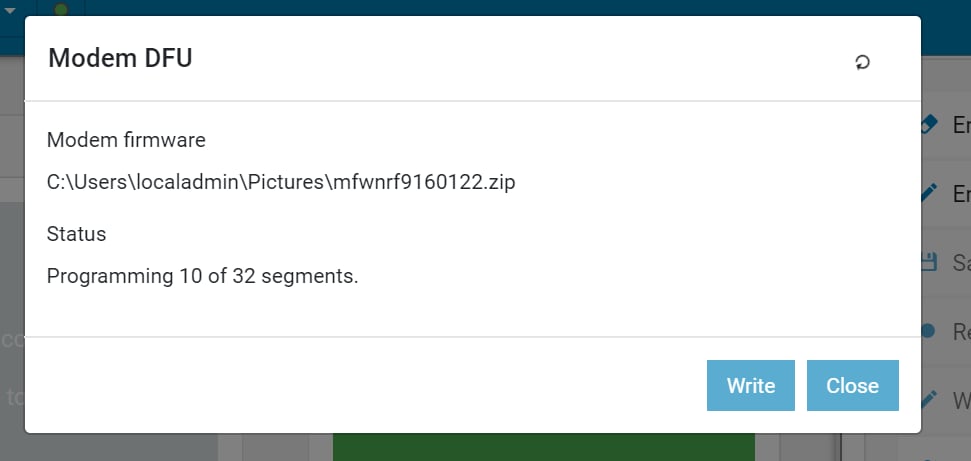
10. Once the modem updates are complete, turn off the device by using the power switch located at the bottom left corner and disconnect the device from the computer.
[](https://developers.telnyx.com/docs/iot-sim/nordic-semiconductor#connecting-the-nrf9160-device-to-your-telnyx-sim)
Connecting the nRF9160 device to your Telnyx SIM:
--------------------------------------------------------------------------------------------------------------------------------------------------------------------------
1. Insert your Telnyx SIM card into the nRF9160 device (this device uses nano-sim). Make sure to insert in the correct orientation as notated on the development kit.
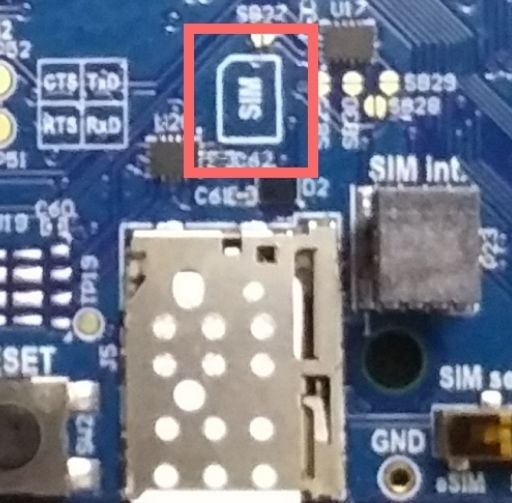
2. Connect the nRF9160 device to the computer and power on the device.
3. Open up the nRF Connect application and launch `LTE Link Monitor`.
4. In the `Select Device` dropdown menu, select `PCA10090`. The LTE Link Monitor display will update and run preselected AT commands. Allow 10-15 seconds for it to complete and the device will automatically connect to the network. Verify connectivity in the information tab located on the right side of your display.
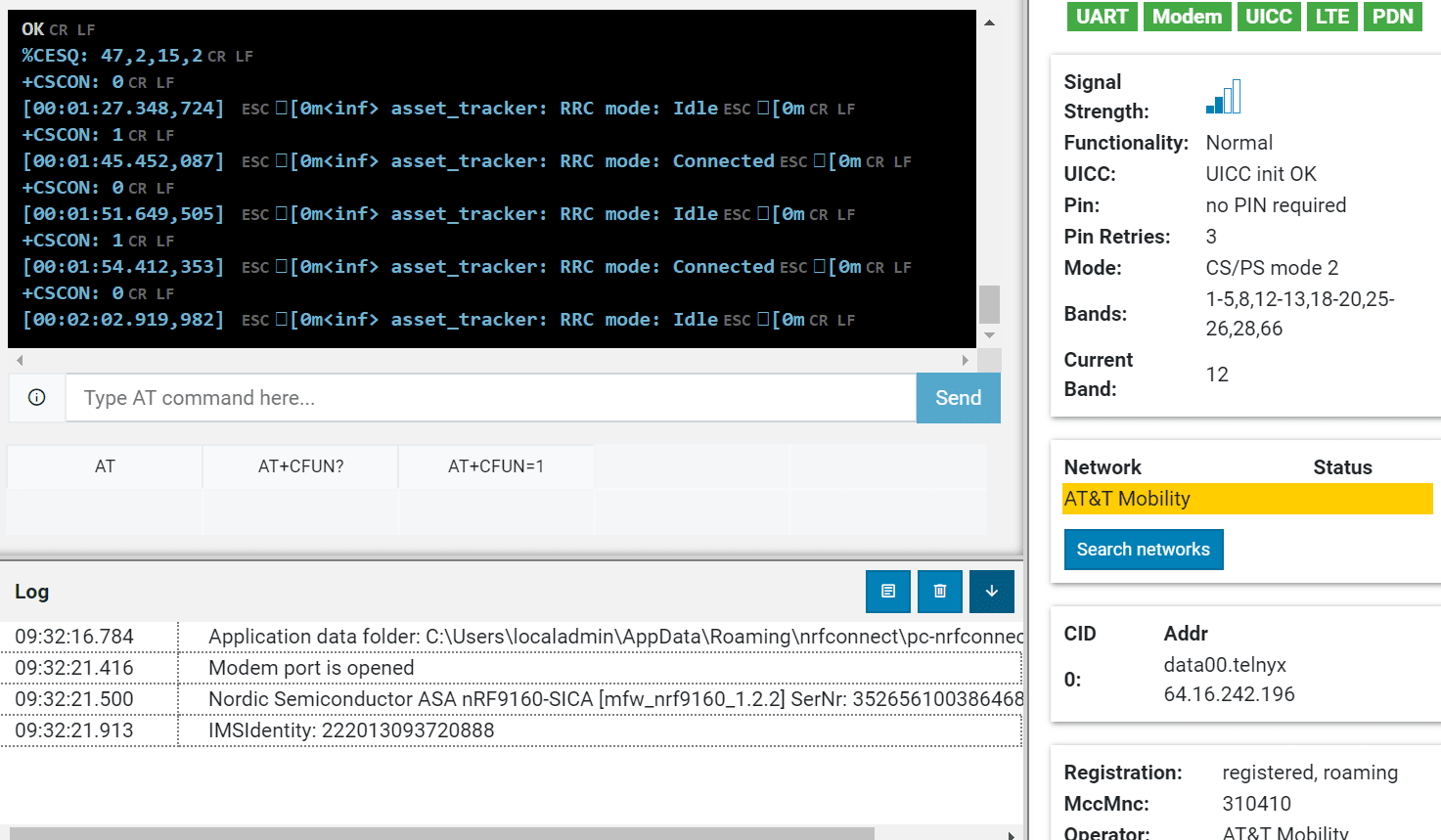 That’s it! You’ve connected the Telnyx SIM to the nRF9160 development kit.
Was this page helpful?
YesNo
[Particle Boron LTE Kit](https://developers.telnyx.com/docs/iot-sim/particle-boron-lte-kit)
[Cradlepoint IBR200](https://developers.telnyx.com/docs/iot-sim/cradlepoint-ibr200-cellular)
⌘I
---
# Telnyx
[Skip to main content](https://developers.telnyx.com/docs/iot-sim/sixfab-cellular-iot-hat#content-area)
Check out our upcoming events and meetups! [View events →](https://telnyx.com/events)
[Telnyx home page](https://developers.telnyx.com/)
Search...
⌘KAsk AI
Search...
Navigation
Development Boards
Sixfab Cellular IoT HAT Setup
[Development](https://developers.telnyx.com/development)
[AI](https://developers.telnyx.com/docs/inference/ai-assistants/no-code-voice-assistant)
[Phone Numbers](https://developers.telnyx.com/docs/numbers/phone-numbers/getting-started)
[Voice](https://developers.telnyx.com/docs/voice/programmable-voice/voice-api-fundamentals)
[Messaging](https://developers.telnyx.com/docs/messaging/messages/send-message)
[IoT & VoLTE](https://developers.telnyx.com/docs/iot-sim/get-started)
[Other APIs](https://developers.telnyx.com/docs/identity/number-lookup/quickstart)
On this page
* [Prerequisites to complete the Sixfab Cellular IoT HAT setup](https://developers.telnyx.com/docs/iot-sim/sixfab-cellular-iot-hat#prerequisites-to-complete-the-sixfab-cellular-iot-hat-setup)
* [Instructions for setting up your Sixfab Cellular IoT HAT](https://developers.telnyx.com/docs/iot-sim/sixfab-cellular-iot-hat#instructions-for-setting-up-your-sixfab-cellular-iot-hat)
* [Troubleshooting your Sixfab Cellular IoT HAT](https://developers.telnyx.com/docs/iot-sim/sixfab-cellular-iot-hat#troubleshooting-your-sixfab-cellular-iot-hat)
Sixfab Raspberry Pi Cellular IoT HAT allows you to send or receive data over LTE-M cellular networks that the Telnyx SIM has access to without needing gateways. LTE-M (Cat M1) is a must-have for those looking to make the most of Low Power Wide Area Network (LPWAN) technology. Meanwhile, some countries already started to shut down 2G networks. The Quectel BG96, lies on the middle of the Raspberry Pi Cellular IoT HAT. It is an LTE Cat M1/Cat NB1/EGPRS module offering a maximum data rate of 375Kbps downlink and uplink with worldwide coverage. This LTE add-on for Raspberry Pi also supports GNSS and GPS for the need of building location, navigation, tracking, mapping and timing applications.
[](https://developers.telnyx.com/docs/iot-sim/sixfab-cellular-iot-hat#prerequisites-to-complete-the-sixfab-cellular-iot-hat-setup)
Prerequisites to complete the Sixfab Cellular IoT HAT setup
--------------------------------------------------------------------------------------------------------------------------------------------------------------------------------------------------
1. A Telnyx Portal account and active Telnyx SIM card with data plan. Check out this [Quickstart Guide](https://developers.telnyx.com/docs/iot-sim/get-started)
to get set up.
2. Raspberry Pi 3 Model B or Raspberry Pi 4 (this guide will use 4 but the steps are the same).
3. Make sure both the firmware and software are up-to-date on your Pi.
4. Install the Sixfab IoT HAT on the Pi using the 40-pin connector and connect the HAT to the Pi’s USB port as shown below.
 Alright, let’s get started!
* * *
[](https://developers.telnyx.com/docs/iot-sim/sixfab-cellular-iot-hat#instructions-for-setting-up-your-sixfab-cellular-iot-hat)
Instructions for setting up your Sixfab Cellular IoT HAT
--------------------------------------------------------------------------------------------------------------------------------------------------------------------------------------------
1. First, we will enable UART. This will allow us to communicate directly with the device using AT commands. To do that, run this command and then follow the prompts as shown:
* `sudo raspi-config`
* Choose Interfacing Options (5):

* Choose P6 Serial:

* Press _No_ to the prompt below then _Reboot_.

2. Now, let’s retreive necessary repository from Sixfab to begin the dependency installation: `git clone https://github.com/sixfab/Sixfab_RPi_CellularIoT_Library.git`
3. Navigate to the directory, take ownership of the script, and begin the installation:
Report incorrect code
Copy
Ask AI
cd Sixfab_RPi_CellularIoT_Library
sudo python3 setup.py install
After pasting the above content, Kindly check and remove any new line added
4. We will now work on activating the module and specifying the APN.
Report incorrect code
Copy
Ask AI
wget https://raw.githubusercontent.com/sixfab/Sixfab_PPP_Installer/master/ppp_install_standalone.sh
sudo chmod +x ppp_install_standalone.sh
sudo ./ppp_install_standalone.sh
After pasting the above content, Kindly check and remove any new line added
5. Once the installation begins, you will be prompted several options. Select the options as follows:
* Choose your HAT —> Cellular IoT HAT
* What is your carrier APN? —> data00.telnyx
* Does your carrier need an username or password? —> n
* What is your device communication PORT? —> ttyUSB3
* Would you like to reconnect automatically on boot? —> This step is optional. We will select “n” for this guide.
6. Once the Pi reboots, use the following commands to connect/disconnect from the internet. If you have selected “y” to the reconnect prompt during configuration, your HAT will automatically connect to the network.
`sudo pon` to connect `sudo poff` to disconnect
> The Telnyx SIM has access to all network types and many different operators. As a result, it can take them a while to attach to a network for the first time. Once it connects to a network, that network will be added to the list of priority operators so as to ensure a fast connection going forward. Please note that the first attach can take up to 30 minutes.
* * *
[](https://developers.telnyx.com/docs/iot-sim/sixfab-cellular-iot-hat#troubleshooting-your-sixfab-cellular-iot-hat)
Troubleshooting your Sixfab Cellular IoT HAT
--------------------------------------------------------------------------------------------------------------------------------------------------------------------
If you have issues with network connectivity, check `ifconfig` to see if interface PPP0 is visible (it should be located at the very bottom). If you do not see this entry, repeat step 3 above. Sixfab’s script is designed to skip items when there is an error or a part doesn’t run properly. If you see the PPP0 interface but there is no data connection please try the following steps.
1. Try pinging Google DNS at 8.8.8.8.
2. If this doesn’t work, reboot the Pi and reset the interface.
Report incorrect code
Copy
Ask AI
sudo reboot
sudo ifconfig ppp0 down
sudo ifconfig ppp0 up
After pasting the above content, Kindly check and remove any new line added
3. If this step fails, run step 3 and 4 from the original setup again with a blank APN, then run the script again with the correct APN (`data00.telnyx`).
4. Check the antenna connection - main & GPS. An improperly seated connection will cause the device to reboot.
5. Check if the antenna supports your HAT model.
6. Check the Pi’s power supply - the HAT itself uses 2 - 6 watts of power. Make sure you are using a sufficient power supply for your Pi. Raspberry Pi 3 requires at least 12W of power. Raspberry Pi 4 requires at least 15W of power.
7. Slow internet may cause issues in your setup too. The theoratical speed max for this HAT is about 350 Kbps range as this is the limitation of the CATM1 network. This is normal.
Was this page helpful?
YesNo
[Sixfab Raspberry Pi 3G/4G Hat](https://developers.telnyx.com/docs/iot-sim/sixfab-rasp-pi-hat)
[Particle Boron LTE Kit](https://developers.telnyx.com/docs/iot-sim/particle-boron-lte-kit)
⌘I
---
# Telnyx
[Skip to main content](https://developers.telnyx.com/docs/network/wireguard-peer-config/macos#content-area)
Check out our upcoming events and meetups! [View events →](https://telnyx.com/events)
[Telnyx home page](https://developers.telnyx.com/)
Search...
⌘KAsk AI
Search...
Navigation
Wireguard VPN
Wireguard Peer Config on MacOS
[Development](https://developers.telnyx.com/development)
[AI](https://developers.telnyx.com/docs/inference/ai-assistants/no-code-voice-assistant)
[Phone Numbers](https://developers.telnyx.com/docs/numbers/phone-numbers/getting-started)
[Voice](https://developers.telnyx.com/docs/voice/programmable-voice/voice-api-fundamentals)
[Messaging](https://developers.telnyx.com/docs/messaging/messages/send-message)
[IoT & VoLTE](https://developers.telnyx.com/docs/iot-sim/get-started)
[Other APIs](https://developers.telnyx.com/docs/identity/number-lookup/quickstart)
On this page
* [Prerequisite](https://developers.telnyx.com/docs/network/wireguard-peer-config/macos#prerequisite)
* [Step 1: Install Wireguard Client](https://developers.telnyx.com/docs/network/wireguard-peer-config/macos#step-1-install-wireguard-client)
* [Step 2: Create a Tunnel](https://developers.telnyx.com/docs/network/wireguard-peer-config/macos#step-2-create-a-tunnel)
* [Step 3: Validating and Testing](https://developers.telnyx.com/docs/network/wireguard-peer-config/macos#step-3-validating-and-testing)
* [Next Steps](https://developers.telnyx.com/docs/network/wireguard-peer-config/macos#next-steps)
[](https://developers.telnyx.com/docs/network/wireguard-peer-config/macos#prerequisite)
Prerequisite
--------------------------------------------------------------------------------------------------------
You come from [here](https://developers.telnyx.com/docs/network/gateways/wireguard-gateway)
and have a `.conf` file ready.
[](https://developers.telnyx.com/docs/network/wireguard-peer-config/macos#step-1-install-wireguard-client)
Step 1: Install Wireguard Client
-----------------------------------------------------------------------------------------------------------------------------------------------
From [here](https://www.wireguard.com/install/)
, choose and install the macOS client.
[](https://developers.telnyx.com/docs/network/wireguard-peer-config/macos#step-2-create-a-tunnel)
Step 2: Create a Tunnel
-----------------------------------------------------------------------------------------------------------------------------
“Import Tunnel(s) from File…” 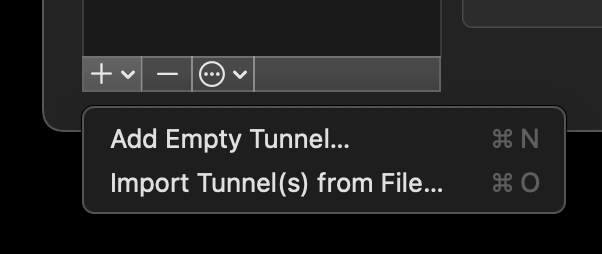 “Activate” 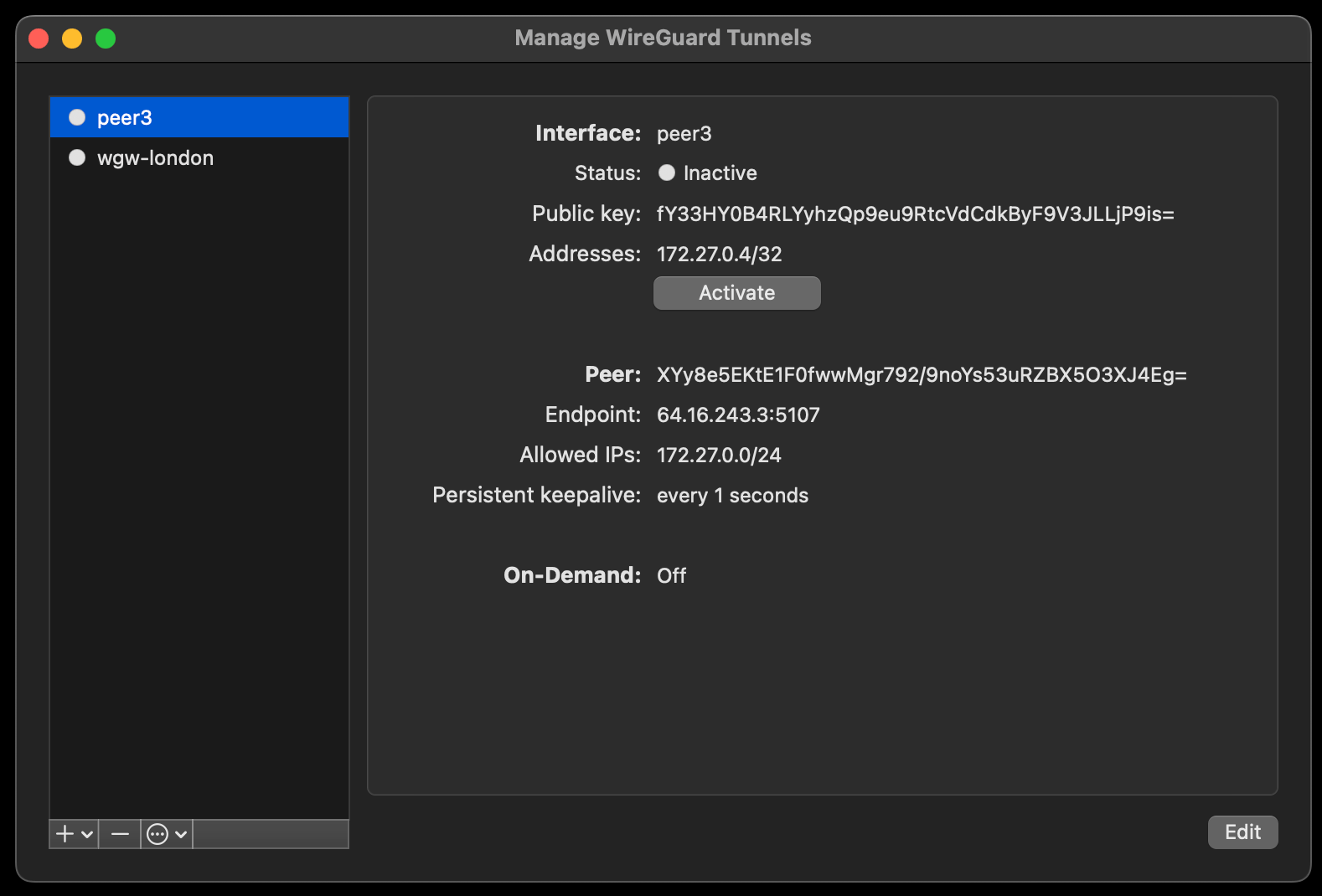 At this point, it should show “Status: Active” 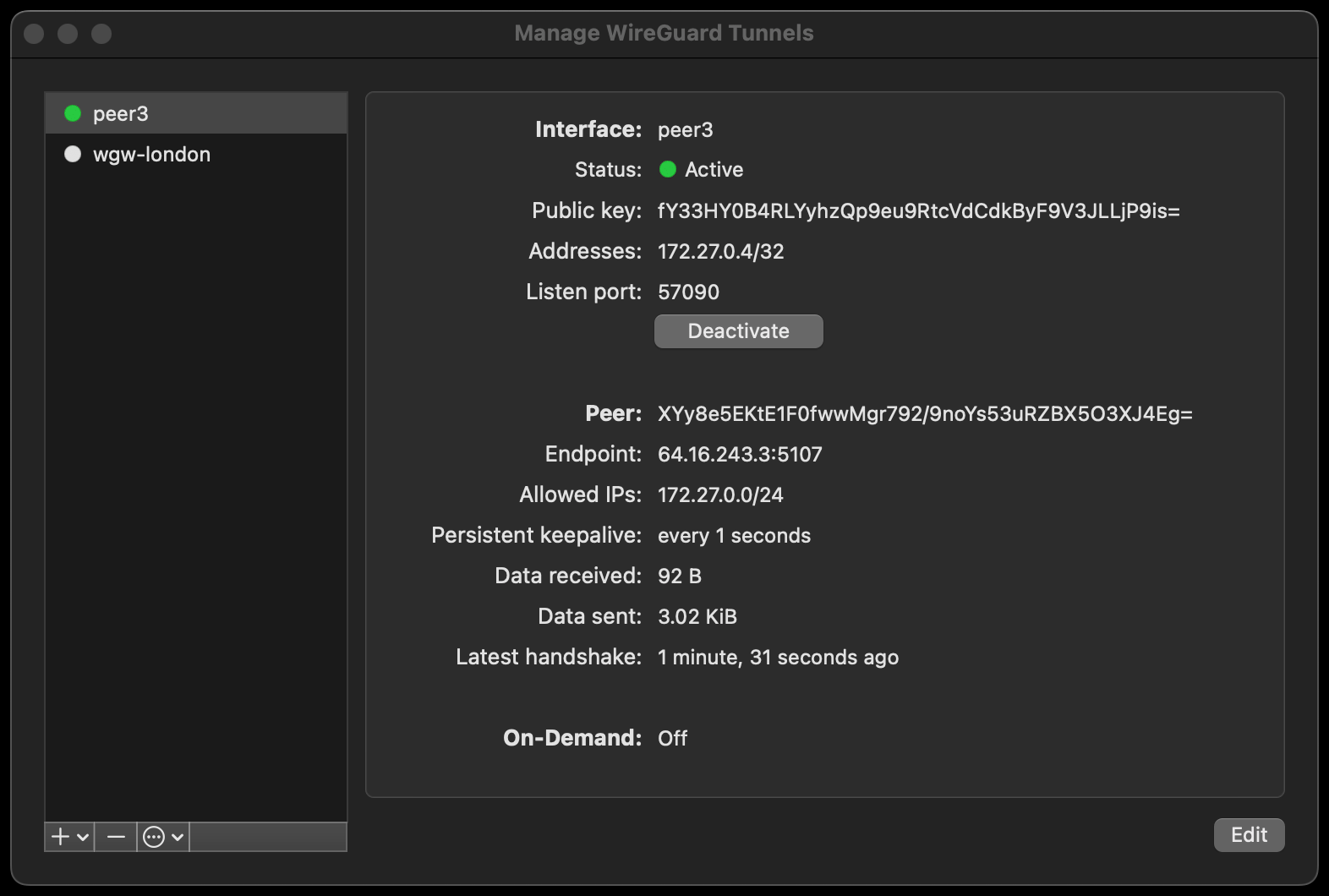
[](https://developers.telnyx.com/docs/network/wireguard-peer-config/macos#step-3-validating-and-testing)
Step 3: Validating and Testing
-------------------------------------------------------------------------------------------------------------------------------------------
A connected peer should be pingable.
Report incorrect code
Copy
Ask AI
user@macbook-pro wireguard % ping 172.27.0.3
PING 172.27.0.3 (172.27.0.3): 56 data bytes
64 bytes from 172.27.0.3: icmp_seq=0 ttl=63 time=35.006 ms
64 bytes from 172.27.0.3: icmp_seq=1 ttl=63 time=32.528 ms
64 bytes from 172.27.0.3: icmp_seq=2 ttl=63 time=33.376 ms
^C
--- 172.27.0.3 ping statistics ---
3 packets transmitted, 3 packets received, 0.0% packet loss
round-trip min/avg/max/stddev = 32.528/33.637/35.006/1.028 ms
[](https://developers.telnyx.com/docs/network/wireguard-peer-config/macos#next-steps)
Next Steps
----------------------------------------------------------------------------------------------------
[Wireguard Gateway (WGW) Guide](https://developers.telnyx.com/docs/network/gateways/wireguard-gateway)
outlines many use cases that may be valuable to you.
Was this page helpful?
YesNo
[Linux Configuration](https://developers.telnyx.com/docs/network/wireguard-peer-config/linux)
[Windows Configuration](https://developers.telnyx.com/docs/network/wireguard-peer-config/windows)
⌘I
---
# Telnyx
[Skip to main content](https://developers.telnyx.com/docs/cloud-storage/aws-s3-compatibility#content-area)
Check out our upcoming events and meetups! [View events →](https://telnyx.com/events)
[Telnyx home page](https://developers.telnyx.com/)
Search...
⌘KAsk AI
Search...
Navigation
Compatibility & Migration
Compatibility with AWS S3
[Development](https://developers.telnyx.com/development)
[AI](https://developers.telnyx.com/docs/inference/ai-assistants/no-code-voice-assistant)
[Phone Numbers](https://developers.telnyx.com/docs/numbers/phone-numbers/getting-started)
[Voice](https://developers.telnyx.com/docs/voice/programmable-voice/voice-api-fundamentals)
[Messaging](https://developers.telnyx.com/docs/messaging/messages/send-message)
[IoT & VoLTE](https://developers.telnyx.com/docs/iot-sim/get-started)
[Other APIs](https://developers.telnyx.com/docs/identity/number-lookup/quickstart)
On this page
* [AWS S3 PutObject](https://developers.telnyx.com/docs/cloud-storage/aws-s3-compatibility#aws-s3-putobject)
[This table](https://developers.telnyx.com/docs/cloud-storage/supported)
documents all the supported S3 APIs. When an unsupported API method is invoked, an S3-compatible, XML-formated `NotImplemented` error response is returned. For the _**supported**_ API methods documented, not all of the AWS S3 parameters, headers, and body XML elements are supported.
[](https://developers.telnyx.com/docs/cloud-storage/aws-s3-compatibility#aws-s3-putobject)
AWS S3 PutObject
---------------------------------------------------------------------------------------------------------------
For example, AWS S3 PutObject supports many headers. However, we only support what’s documented under the [PutObject](https://developers.telnyx.com/docs/cloud-storage/api-reference/object-operations/put-object/index#put-object)
section.
_They are unsupported by default unless otherwise explicitly specified._
Report incorrect code
Copy
Ask AI
PUT /Key+ HTTP/1.1
Host: Bucket.s3.amazonaws.com
x-amz-acl: ACL
Cache-Control: CacheControl
Content-Disposition: ContentDisposition
Content-Encoding: ContentEncoding
Content-Language: ContentLanguage
Content-Length: ContentLength
Content-MD5: ContentMD5
Content-Type: ContentType
x-amz-sdk-checksum-algorithm: ChecksumAlgorithm
x-amz-checksum-crc32: ChecksumCRC32
x-amz-checksum-crc32c: ChecksumCRC32C
x-amz-checksum-sha1: ChecksumSHA1
x-amz-checksum-sha256: ChecksumSHA256
Expires: Expires
x-amz-grant-full-control: GrantFullControl
x-amz-grant-read: GrantRead
x-amz-grant-read-acp: GrantReadACP
x-amz-grant-write-acp: GrantWriteACP
x-amz-server-side-encryption: ServerSideEncryption
x-amz-storage-class: StorageClass
x-amz-website-redirect-location: WebsiteRedirectLocation
x-amz-server-side-encryption-customer-algorithm: SSECustomerAlgorithm
x-amz-server-side-encryption-customer-key: SSECustomerKey
x-amz-server-side-encryption-customer-key-MD5: SSECustomerKeyMD5
x-amz-server-side-encryption-aws-kms-key-id: SSEKMSKeyId
x-amz-server-side-encryption-context: SSEKMSEncryptionContext
x-amz-server-side-encryption-bucket-key-enabled: BucketKeyEnabled
x-amz-request-payer: RequestPayer
x-amz-tagging: Tagging
x-amz-object-lock-mode: ObjectLockMode
x-amz-object-lock-retain-until-date: ObjectLockRetainUntilDate
x-amz-object-lock-legal-hold: ObjectLockLegalHoldStatus
x-amz-expected-bucket-owner: ExpectedBucketOwner
Body
Was this page helpful?
YesNo
[Bucket Addressing](https://developers.telnyx.com/docs/cloud-storage/bucket-addressing)
[Compatibility Matrix](https://developers.telnyx.com/docs/cloud-storage/supported)
⌘I
---
# Telnyx
[Skip to main content](https://developers.telnyx.com/docs/iot-sim/public-ips#content-area)
Check out our upcoming events and meetups! [View events →](https://telnyx.com/events)
[Telnyx home page](https://developers.telnyx.com/)
Search...
⌘KAsk AI
Search...
Navigation
Configuration & Management
Public IPs
[Development](https://developers.telnyx.com/development)
[AI](https://developers.telnyx.com/docs/inference/ai-assistants/no-code-voice-assistant)
[Phone Numbers](https://developers.telnyx.com/docs/numbers/phone-numbers/getting-started)
[Voice](https://developers.telnyx.com/docs/voice/programmable-voice/voice-api-fundamentals)
[Messaging](https://developers.telnyx.com/docs/messaging/messages/send-message)
[IoT & VoLTE](https://developers.telnyx.com/docs/iot-sim/get-started)
[Other APIs](https://developers.telnyx.com/docs/identity/number-lookup/quickstart)
On this page
* [API](https://developers.telnyx.com/docs/iot-sim/public-ips#api)
* [Private IP vs Public Static IP for SIMs](https://developers.telnyx.com/docs/iot-sim/public-ips#private-ip-vs-public-static-ip-for-sims)
* [1\. Add Public IP to SIM Cards](https://developers.telnyx.com/docs/iot-sim/public-ips#1-add-public-ip-to-sim-cards)
* [2\. Delete Public IPs](https://developers.telnyx.com/docs/iot-sim/public-ips#2-delete-public-ips)
* [Portal](https://developers.telnyx.com/docs/iot-sim/public-ips#portal)
* [Understanding Private IP vs Public Static IP for SIMs](https://developers.telnyx.com/docs/iot-sim/public-ips#understanding-private-ip-vs-public-static-ip-for-sims)
* [1\. Add Public IP to SIM Cards](https://developers.telnyx.com/docs/iot-sim/public-ips#1-add-public-ip-to-sim-cards-2)
* [2\. Delete Public IPs](https://developers.telnyx.com/docs/iot-sim/public-ips#2-delete-public-ips-2)
* [3\. View Public IP Charges](https://developers.telnyx.com/docs/iot-sim/public-ips#3-view-public-ip-charges)
| [API](https://developers.telnyx.com/docs/iot-sim/public-ips#api)
| [Portal](https://developers.telnyx.com/docs/iot-sim/public-ips#portal)
|
* * *
[](https://developers.telnyx.com/docs/iot-sim/public-ips#api)
API
---------------------------------------------------------------------
With Telnyx Wireless you can map public static IPs to Telnyx SIMs with a few requests to the Telnyx API. An internet protocol (IP) address is an identifier that is assigned to a specific device connected to a network that uses IP for communication. In short, IP addresses are used to identify and locate devices so that they can communicate with one another. There are four types of IP addresses:
1. Public IP address - A globally unique address that is given to a device, which allows them to be advertised to the public internet.
2. Private IP address - Not globally unique, and can be shared by several devices within a single local network, which is not directly accessible from the internet. For example, if I have 4 computers in my house, each one could have a private IP address and can connect to each other, but not to networks outside of it.
3. Dynamic IP address - A temporary address associated with a device, which changes each time it connects to the web. Dynamic IP addresses are active for a specific period of time, then they expire.
4. Static IP address - An IP address that is associated with a device and which cannot be changed.
###
[](https://developers.telnyx.com/docs/iot-sim/public-ips#private-ip-vs-public-static-ip-for-sims)
Private IP vs Public Static IP for SIMs
When you buy a Telnyx SIM, it is associated with a dynamic private IP address by default. While private IPs can make requests to the internet, they cannot be reached from other places on the internet — this means that you can connect from your SIM but not to your SIM, which limits your usability. If you would like to be able to connect **to** your SIM, and not just **from** your SIM, you will need a public static IP address. Public static IPs give the SIMs an address on the public internet so they can be reached from anywhere else that has internet access.  With this public IP feature, you can purchase a public static IP address for your SIMs. Specifically, in the API you can:
1. upgrade SIM cards to using a public static IP for $3 per month.
2. delete public IP addresses on SIMs.
####
[](https://developers.telnyx.com/docs/iot-sim/public-ips#1-add-public-ip-to-sim-cards)
1\. Add Public IP to SIM Cards
Public static IPs can be added to SIM cards via the API simply by creating a `public_ip` resource on your `sim_card` resource. This will provision a public IP to the SIM card and set up a $3 monthly recurring charge on your account. A `public_ip` resource can be created using the below cURL request:
Report incorrect code
Copy
Ask AI
curl -X POST \
--header "Content-Type: application/json" \
--header "Accept: application/json" \
--header "Authorization: Bearer YOUR_API_KEY" \
--data '{}' \
https://api.telnyx.com/v2/sim_cards/SIM_CARD_ID/public_ip
After pasting the above content, Kindly check and remove any new line added
####
[](https://developers.telnyx.com/docs/iot-sim/public-ips#2-delete-public-ips)
2\. Delete Public IPs
In the same way that a public IP can be added by creating a `public_ip` resource, the `public_ip` resource can be viewed on a per SIM card basis via the below cURL request:
Report incorrect code
Copy
Ask AI
curl -X GET \
--header "Content-Type: application/json" \
--header "Accept: application/json" \
--header "Authorization: Bearer YOUR_API_KEY" \
--globoff "https://api.telnyx.com/v2/sim_cards/SIM_CARD_ID/public_ip"
After pasting the above content, Kindly check and remove any new line added
And the resource can be deleted via the below cURL request:
Report incorrect code
Copy
Ask AI
curl -X DELETE \
--header "Content-Type: application/json" \
--header "Accept: application/json" \
--header "Authorization: Bearer YOUR_API_KEY" \
"https://api.telnyx.com/v2/sim_cards/SIM_CARD_ID/public_ip"
After pasting the above content, Kindly check and remove any new line added
The API Reference for public IPs can be viewed in more detail [here](https://developers.telnyx.com/api-reference/sim-cards/get-sim-card-public-ip-definition#get-sim-card-public-ip-definition)
.
[](https://developers.telnyx.com/docs/iot-sim/public-ips#portal)
Portal
---------------------------------------------------------------------------
With Telnyx Wireless you can map public static IPs to Telnyx SIMs with a few simple clicks via the Mission Control Portal. An internet protocol (IP) address is an identifier that is assigned to a specific device connected to a network that uses IP for communication. In short, IP addresses are used to identify and locate devices so that they can communicate with one another. There are four types of IP addresses:
1. Public IP address - A globally unique address that is given to a device, which allows them to be advertised to the public internet.
2. Private IP address - Not globally unique, and can be shared by several devices within a single local network, which is not directly accessible from the internet. For example, if I have 4 computers in my house, each one could have a private IP address and can connect to each other, but not to networks outside of it.
3. Dynamic IP address - A temporary address associated with a device, which changes each time it connects to the web. Dynamic IP addresses are active for a specific period of time, then they expire.
4. Static IP address - An IP address that is associated with a device and which cannot be changed.
###
[](https://developers.telnyx.com/docs/iot-sim/public-ips#understanding-private-ip-vs-public-static-ip-for-sims)
Understanding Private IP vs Public Static IP for SIMs
When you buy a Telnyx SIM, it is associated with a dynamic private IP address by default. While private IPs can make requests to the internet, they cannot be reached from other places on the internet — this means that you can connect from your SIM but not to your SIM, which limits your usability. If you would like to be able to connect **to** your SIM, and not just **from** your SIM, you will need a public static IP address. Public static IPs give the SIMs an address on the public internet so they can be reached from anywhere else that has internet access.  With this public IP feature, you can purchase a public static IP address for your SIMs. Specifically, in the Mission Control Portal you can:
1. upgrade SIM cards to using a public static IP for $3 per month.
2. delete public IP addresses on SIMs.
3. view public IP address costs in your invoice.
####
[](https://developers.telnyx.com/docs/iot-sim/public-ips#1-add-public-ip-to-sim-cards-2)
1\. Add Public IP to SIM Cards
Public static IPs can be added to SIM cards in the Portal simply by clicking into the SIM card and clicking the “Add a Public IP” button. This will provision a public IP to the SIM card and set up a $3 monthly recurring charge on your account. 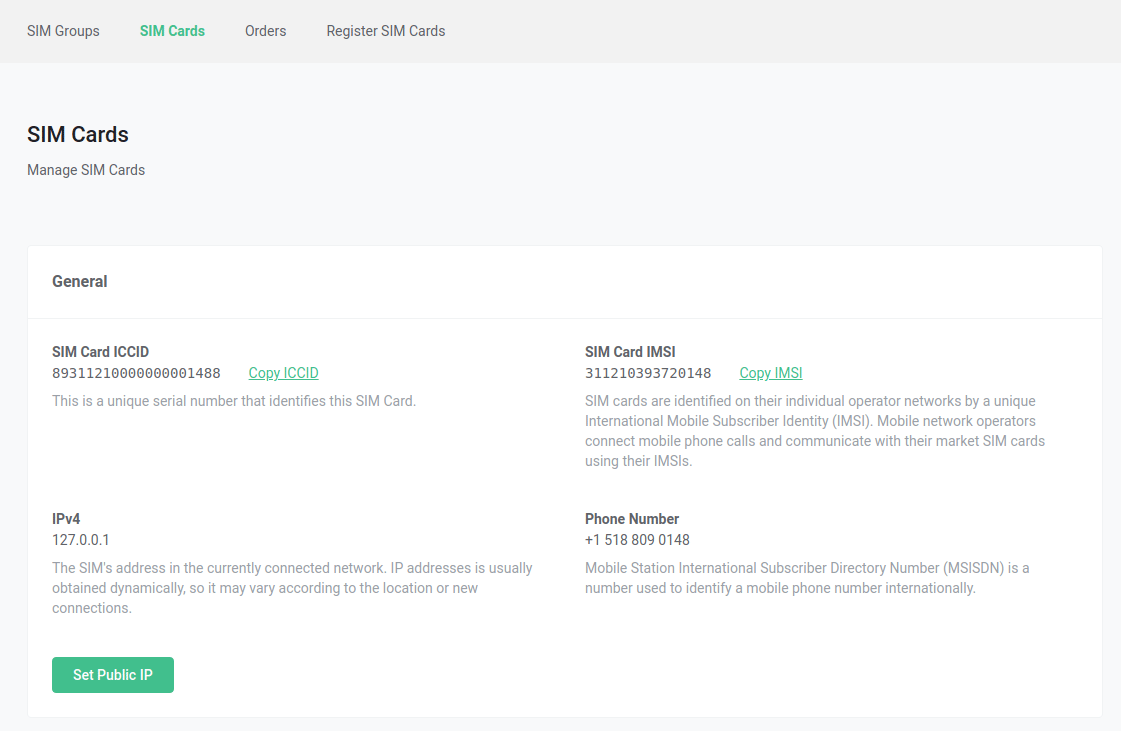
####
[](https://developers.telnyx.com/docs/iot-sim/public-ips#2-delete-public-ips-2)
2\. Delete Public IPs
In the same way that a public IP can be added via the SIM card drilldown view, public IPs can be deleted by clicking on the “Delete Public IP” button. 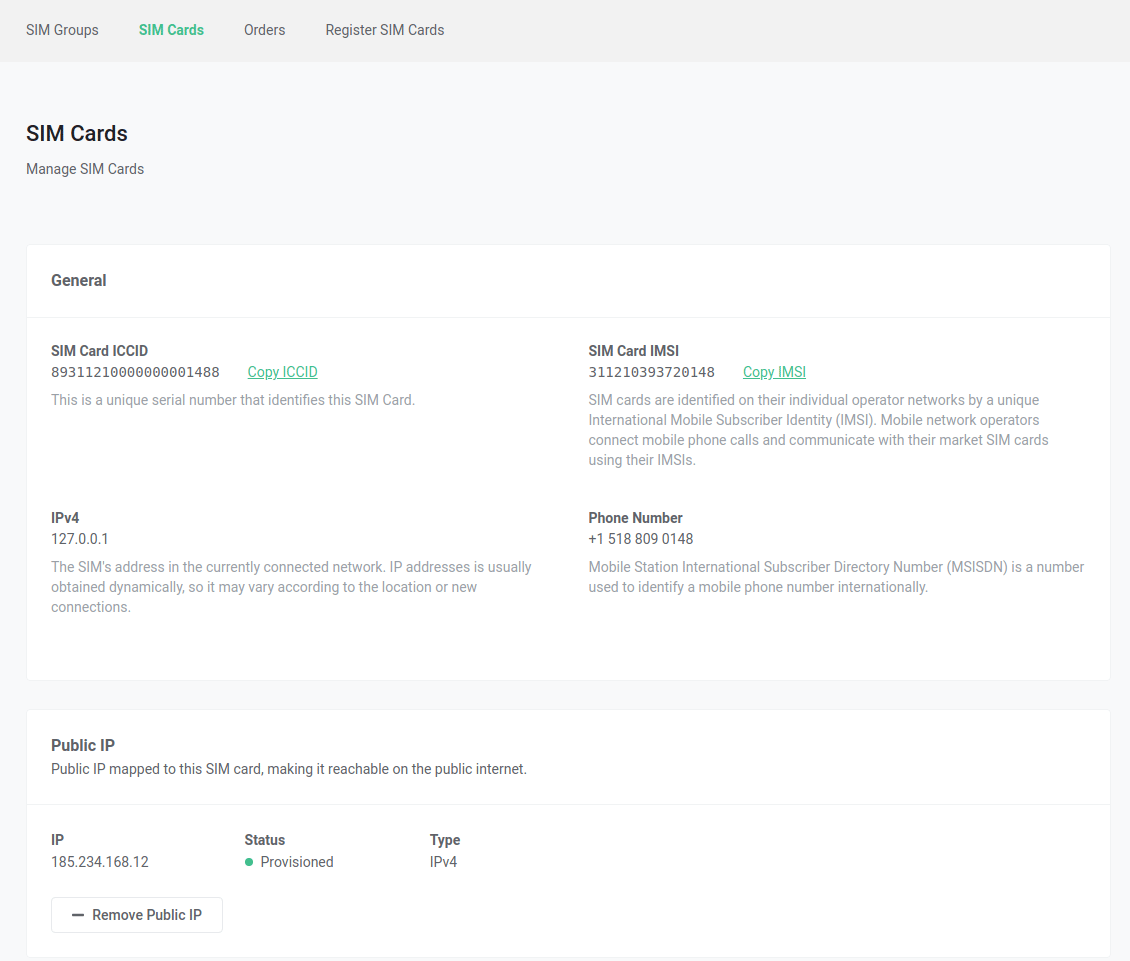
####
[](https://developers.telnyx.com/docs/iot-sim/public-ips#3-view-public-ip-charges)
3\. View Public IP Charges
Public IP charges can be viewed in your invoice under the `WIRELESS - SIM CARDS SUMMARY` section.
Was this page helpful?
YesNo
[IoT Pricing](https://developers.telnyx.com/docs/iot-sim/iot-pricing)
[AT Commands](https://developers.telnyx.com/docs/iot-sim/at-commands)
⌘I
---
# Telnyx
[Skip to main content](https://developers.telnyx.com/docs/identity/verify/receiving-webhooks#content-area)
Check out our upcoming events and meetups! [View events →](https://telnyx.com/events)
[Telnyx home page](https://developers.telnyx.com/)
Search...
⌘KAsk AI
Search...
Navigation
Tutorials
Receiving Webhooks for Telnyx Verify
[Development](https://developers.telnyx.com/development)
[AI](https://developers.telnyx.com/docs/inference/ai-assistants/no-code-voice-assistant)
[Phone Numbers](https://developers.telnyx.com/docs/numbers/phone-numbers/getting-started)
[Voice](https://developers.telnyx.com/docs/voice/programmable-voice/voice-api-fundamentals)
[Messaging](https://developers.telnyx.com/docs/messaging/messages/send-message)
[IoT & VoLTE](https://developers.telnyx.com/docs/iot-sim/get-started)
[Other APIs](https://developers.telnyx.com/docs/identity/number-lookup/quickstart)
On this page
* [Verify delivery status updates](https://developers.telnyx.com/docs/identity/verify/receiving-webhooks#verify-delivery-status-updates)
* [Delivery status Payload](https://developers.telnyx.com/docs/identity/verify/receiving-webhooks#delivery-status-payload)
* [Delivery statuses](https://developers.telnyx.com/docs/identity/verify/receiving-webhooks#delivery-statuses)
* [Real-time verification status updates](https://developers.telnyx.com/docs/identity/verify/receiving-webhooks#real-time-verification-status-updates)
* [Benefits](https://developers.telnyx.com/docs/identity/verify/receiving-webhooks#benefits)
* [Telnyx Webhook IPs](https://developers.telnyx.com/docs/identity/verify/receiving-webhooks#telnyx-webhook-ips)
You can choose to be notified about events on your send verifications by configuring webhooks on your verify profile.
* * *
[](https://developers.telnyx.com/docs/identity/verify/receiving-webhooks#verify-delivery-status-updates)
Verify delivery status updates
-------------------------------------------------------------------------------------------------------------------------------------------
The Telnyx Verify Service will attempt to notify you about the following delivery events for the send verification request:
* verify.sent
* verify.failed
* verify.delivered
####
[](https://developers.telnyx.com/docs/identity/verify/receiving-webhooks#delivery-status-payload)
Delivery status Payload
Here is an example of a webhook event where a delivery receipt is returned to the sender after sending a verification:
Report incorrect code
Copy
Ask AI
{
"data": {
"event_type": "verify.delivered",
"id": "3bb6321b-abd5-4d60-8cf8-1e6026bb1c41",
"occurred_at": "2025-10-08T17:16:09.602+00:00",
"payload": {
"created_at": "2025-10-08T17:16:08.436941",
"custom_code": "25565",
"delivery_status": "delivered",
"extension": null,
"failed_attempts": 0,
"id": "010d9dee-d86d-47d0-8d6c-20c0f95a79ec",
"mccmnc": null,
"phone_number": "+13125000000",
"profile_id": "49000192-1bdb-c56f-3de7-e008ef6da16b",
"record_type": "verification",
"status": "pending",
"timeout_secs": null,
"type": "sms",
"updated_at": "2025-10-08T17:16:09.592765"
},
"record_type": "event"
},
"meta": {
"attempt": 1,
"delivered_to": "https://webhook.site/af3a92e7-e150-442c-9fe6-61658ce26b1a"
}
}
####
[](https://developers.telnyx.com/docs/identity/verify/receiving-webhooks#delivery-statuses)
Delivery statuses
| | |
| --- | --- |
| Delivery Status | Description |
| sent | The verification has been sent to the upstream provider. |
| delivered | The upstream provider has confirmed delivery of the verification. |
| sending\_failed | Telnyx has failed to send the verification to the upstream provider. Please reach out to our support if you have received this status. |
| delivery\_failed | The upstream provider has failed to send the verification to the receiver. Please reach out to our support if you have received this status. |
| delivery\_unconfirmed | There is no indication whether or not the verification has reached the receiver. Please reach out to our support if you have received this status |
[](https://developers.telnyx.com/docs/identity/verify/receiving-webhooks#real-time-verification-status-updates)
Real-time verification status updates
---------------------------------------------------------------------------------------------------------------------------------------------------------
Telnyx Verify now supports webhooks for instant verification status notifications, eliminating the need to poll the API for verification completion.
###
[](https://developers.telnyx.com/docs/identity/verify/receiving-webhooks#benefits)
Benefits
* **Eliminates polling** - No need to repeatedly check verification status through API calls.
* **Event-driven workflow** - React immediately to verification state changes in real-time.
* **Faster user experience** - Process verification completions instantly without delays.
* **Improved efficiency** - Reduces server load and unnecessary API requests.
Configure webhooks on your Verify profile to receive real-time updates when verifications complete. For specific webhook event types, payload structures, and configuration details, refer to the [Telnyx API documentation](https://developers.telnyx.com/api-reference/profiles/list-messaging-profiles#list-messaging-profiles)
or contact Telnyx support.
###
[](https://developers.telnyx.com/docs/identity/verify/receiving-webhooks#telnyx-webhook-ips)
Telnyx Webhook IPs
If you use an ACL or Firewall on your network, make sure you whitelist the following subnet(s):
| |
| --- |
| |
| _192.76.120.192/27_ |
Was this page helpful?
YesNo
[Custom templates](https://developers.telnyx.com/docs/identity/verify/custom-templates)
[Trigger Call verification](https://developers.telnyx.com/api-reference/verify/trigger-call-verification)
⌘I
---
# Telnyx
[Skip to main content](https://developers.telnyx.com/docs/iot-sim/get-started#content-area)
Check out our upcoming events and meetups! [View events →](https://telnyx.com/events)
[Telnyx home page](https://developers.telnyx.com/)
Search...
⌘KAsk AI
Search...
Navigation
Getting Started
Getting started with Telnyx IoT
[Development](https://developers.telnyx.com/development)
[AI](https://developers.telnyx.com/docs/inference/ai-assistants/no-code-voice-assistant)
[Phone Numbers](https://developers.telnyx.com/docs/numbers/phone-numbers/getting-started)
[Voice](https://developers.telnyx.com/docs/voice/programmable-voice/voice-api-fundamentals)
[Messaging](https://developers.telnyx.com/docs/messaging/messages/send-message)
[IoT & VoLTE](https://developers.telnyx.com/docs/iot-sim/get-started)
[Other APIs](https://developers.telnyx.com/docs/identity/number-lookup/quickstart)
On this page
* [Prerequisites](https://developers.telnyx.com/docs/iot-sim/get-started#prerequisites)
* [Starting out with Telnyx IoT](https://developers.telnyx.com/docs/iot-sim/get-started#starting-out-with-telnyx-iot)
* [Buy a SIM card](https://developers.telnyx.com/docs/iot-sim/get-started#buy-a-sim-card)
* [Buy an eSIM](https://developers.telnyx.com/docs/iot-sim/get-started#buy-an-esim)
* [Register your SIMs](https://developers.telnyx.com/docs/iot-sim/get-started#register-your-sims)
* [Device setup](https://developers.telnyx.com/docs/iot-sim/get-started#device-setup)
Welcome to Telnyx IoT, your gateway to out of the box global connectivity and simplified management for your IoT devices. This guide is designed to help you quickly get up and running with our SIM solutions, offering global connectivity, enhanced security, and intelligent device management via our Mission Control Portal or APIs. Boost your IoT deployments with the tools and resources you need to build and scale fast:
* All [Telnyx SIMs](https://telnyx.com/products/iot-sim-card)
are eUICC enabled and are available in different form-factors:
* IoT SIM Card (traditional triple-cut plastic SIM cards)
* IoT eSIM Chip (embedded MFF2 SIM chip)
* [eSIM](https://support.telnyx.com/en/articles/8117401-how-to-setup-a-telnyx-esim)
(download over-the-air, 100% software)
* Leverage Telnyx’s transparent and affordable [pricing structure](https://telnyx.com/pricing/iot-data-plans)
with options to pay-as-you-go or avail of discounted volume pricing.
* Start with a single SIM and enjoy frictionless scalability based on your needs.
* Access enterprise level network security via [Private Wireless Gateways](https://developers.telnyx.com/docs/iot-sim/private-wireless-gateways)
.
* Map [public IP addresses](https://developers.telnyx.com/docs/iot-sim/public-ips)
to your SIMs to expand their usability.
* Enjoy [global coverage](https://telnyx.com/iot-global-coverage)
with multi-network redundancy built on top of the Telnyx Global IP Network.
[](https://developers.telnyx.com/docs/iot-sim/get-started#prerequisites)
Prerequisites
------------------------------------------------------------------------------------------
* **Telnyx account**: Ensure you have an active account. [Sign up for one](https://telnyx.com/sign-up)
if you haven’t already.
* **Add a payment method**: Ensure you’ve added a payment method to your account in the [Telnyx Mission Control Portal](https://portal.telnyx.com/)
so that you can buy SIMs and use data.
[](https://developers.telnyx.com/docs/iot-sim/get-started#starting-out-with-telnyx-iot)
Starting out with Telnyx IoT
------------------------------------------------------------------------------------------------------------------------
###
[](https://developers.telnyx.com/docs/iot-sim/get-started#buy-a-sim-card)
Buy a SIM card
1. Navigate to the [Wireless page](https://portal.telnyx.com/#/app/wireless/dashboard)
in the portal.
2. Select “Add SIM to cart”
3. Edit the SIM quantity.
4. Add your shipping address and select from the dropdown.
5. Ensure you have enough credit on your account.
6. Select “Place Order”.
###
[](https://developers.telnyx.com/docs/iot-sim/get-started#buy-an-esim)
Buy an eSIM
1. Navigate to the [Wireless page](https://portal.telnyx.com/#/app/wireless/dashboard)
in the portal.
2. Select “Purchase eSIM”.
3. Choose your desired status for the SIM (Disabled, Enabled, Standby).
4. Select “Purchase”.
###
[](https://developers.telnyx.com/docs/iot-sim/get-started#register-your-sims)
Register your SIMs
When you receive your SIM card, follow the following steps to get connected:
1. Go to the [SIM registration page](https://portal.telnyx.com/#/app/wireless/register-sims)
.
2. Type in the 10 digit registration code (the code is printed on the SIM card). If you have multiple SIM cards you can register them together by uploading the registration codes in a CSV file.
3. Click _Register SIM._
###
[](https://developers.telnyx.com/docs/iot-sim/get-started#device-setup)
Device setup
Insert the SIM card into your device and configure the APN to the following:
1. Name: Telnyx
2. APN: data00.telnyx
3. Leave all other fields unmodified (even if the fields are blank)
4. Save the new APN.
5. Enable data roaming on your device
6. Some devices may require you to reboot in order for the changes to take effect. _**How to configure the APN on Android devices:**_
* Navigate to your device settings
* Select: Mobile Networks → Access Point Names
* Select the 3 dots icon at the top right and select “Add”
_**How to configure the APN on iOS devices:**_
* Navigate to your device settings by using the gearbox icon.
* Select: Cellular → Mobile Data → APN
Was this page helpful?
YesNo
[IMSI Selection](https://developers.telnyx.com/docs/iot-sim/imsi-selection)
⌘I
---
# Telnyx
[Skip to main content](https://developers.telnyx.com/docs/cloud-storage/performance-benchmarks#content-area)
Check out our upcoming events and meetups! [View events →](https://telnyx.com/events)
[Telnyx home page](https://developers.telnyx.com/)
Search...
⌘KAsk AI
Search...
Navigation
Management & Operations
Performance Benchmarks
[Development](https://developers.telnyx.com/development)
[AI](https://developers.telnyx.com/docs/inference/ai-assistants/no-code-voice-assistant)
[Phone Numbers](https://developers.telnyx.com/docs/numbers/phone-numbers/getting-started)
[Voice](https://developers.telnyx.com/docs/voice/programmable-voice/voice-api-fundamentals)
[Messaging](https://developers.telnyx.com/docs/messaging/messages/send-message)
[IoT & VoLTE](https://developers.telnyx.com/docs/iot-sim/get-started)
[Other APIs](https://developers.telnyx.com/docs/identity/number-lookup/quickstart)
On this page
* [Storage benchmark summary](https://developers.telnyx.com/docs/cloud-storage/performance-benchmarks#storage-benchmark-summary)
* [Benchmark environment explained](https://developers.telnyx.com/docs/cloud-storage/performance-benchmarks#benchmark-environment-explained)
* [Client hardware](https://developers.telnyx.com/docs/cloud-storage/performance-benchmarks#client-hardware)
* [Benchmark Software](https://developers.telnyx.com/docs/cloud-storage/performance-benchmarks#benchmark-software)
* [Client Setup](https://developers.telnyx.com/docs/cloud-storage/performance-benchmarks#client-setup)
* [Results](https://developers.telnyx.com/docs/cloud-storage/performance-benchmarks#results)
[](https://developers.telnyx.com/docs/cloud-storage/performance-benchmarks#storage-benchmark-summary)
Storage benchmark summary
-----------------------------------------------------------------------------------------------------------------------------------
We achieved the following throughput results given the bench test setup described in the subsequent sections.
* **PutObject Aggregate: 2.029 GiB/s**
* **GetObject Aggregate: 2.714 GiB/s**
A few disclaimers
* We did not exhaustively search the client configuration that produces the highest achievable throughputs.
* This result is only indicative of what can be achieved with the available testbed hardware specifications and arrangement.
* The test clients are not subjected to the limits outlined in the previous section.
* As we launch new sites, we will continuously update our test results and methodology.
[](https://developers.telnyx.com/docs/cloud-storage/performance-benchmarks#benchmark-environment-explained)
Benchmark environment explained
-----------------------------------------------------------------------------------------------------------------------------------------------
###
[](https://developers.telnyx.com/docs/cloud-storage/performance-benchmarks#client-hardware)
Client hardware
(8) of the following bare metal machines are used as clients initiating requests to one of the regional endpoints. They are located off network with 100 Gbps uplink to the public internet.
| | | | | | |
| --- | --- | --- | --- | --- | --- |
| Type | Count of nodes | CPU | Mem | Storage | Network |
| Type 1 | 4 | 64 | 2 TiB | 4 x 6.4TiB NVMe | 100 Gbps |
| Type 2 | 4 | 32 | 2 TiB | 1 x 960GiB NVMe | 100 Gbps |
No special optimizations are made on the client OS.
###
[](https://developers.telnyx.com/docs/cloud-storage/performance-benchmarks#benchmark-software)
Benchmark Software
[https://github.com/wasabi-tech/s3-benchmark](https://github.com/wasabi-tech/s3-benchmark)
###
[](https://developers.telnyx.com/docs/cloud-storage/performance-benchmarks#client-setup)
Client Setup
Each client bare metal reads and writes to their individual bucket.
###
[](https://developers.telnyx.com/docs/cloud-storage/performance-benchmarks#results)
Results
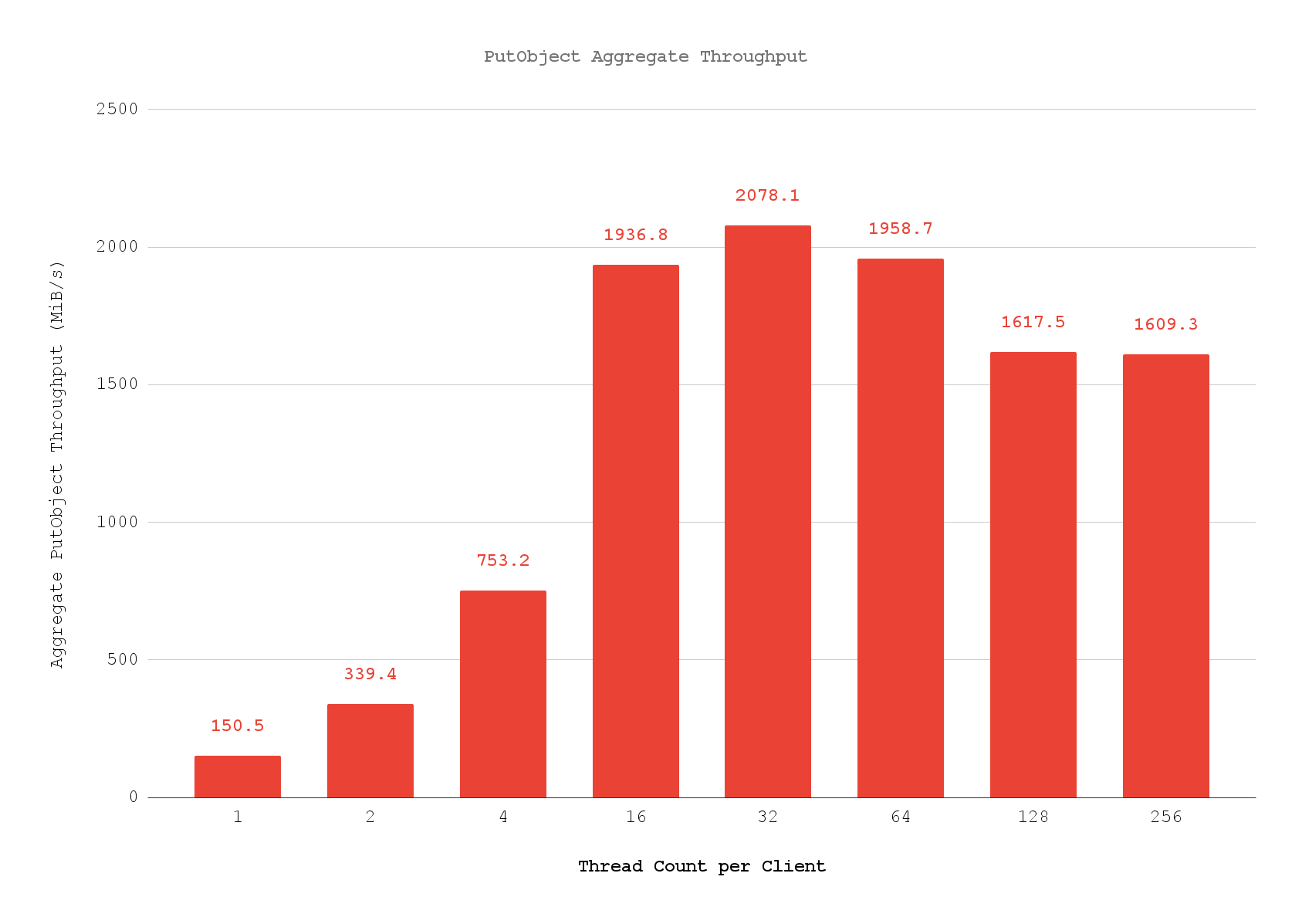 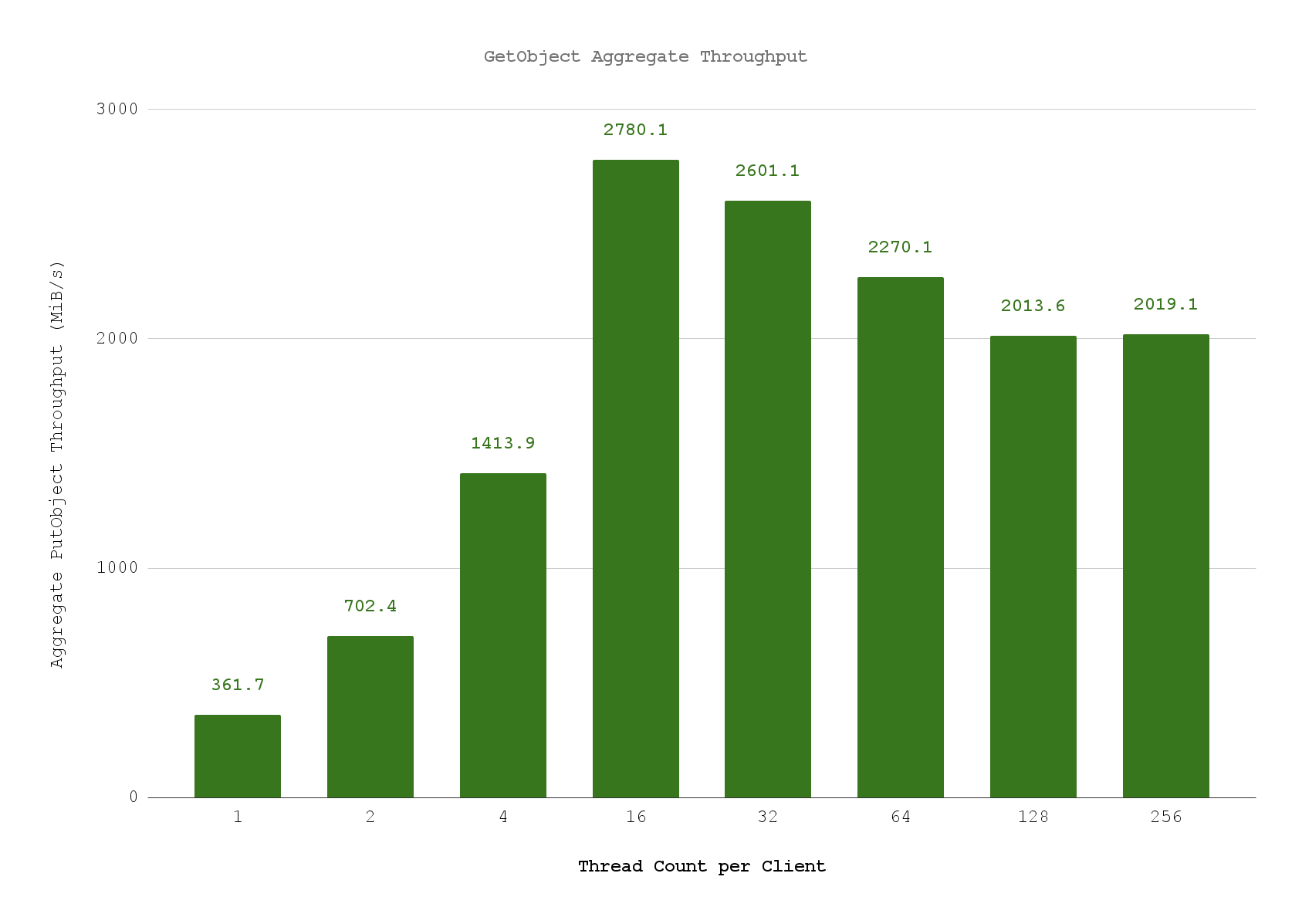
Was this page helpful?
YesNo
[Billing & Pricing](https://developers.telnyx.com/docs/cloud-storage/billing)
[Create bucket](https://developers.telnyx.com/docs/cloud-storage/api-reference/bucket-operations/create-bucket)
⌘I
---
# Telnyx
[Skip to main content](https://developers.telnyx.com/docs/account-setup/levels-and-capabilities/trial#content-area)
Check out our upcoming events and meetups! [View events →](https://telnyx.com/events)
[Telnyx home page](https://developers.telnyx.com/)
Search...
⌘KAsk AI
Search...
Navigation
Account Types & Capabilities
Trial Account Privileges & Limitations
[Development](https://developers.telnyx.com/development)
[AI](https://developers.telnyx.com/docs/inference/ai-assistants/no-code-voice-assistant)
[Phone Numbers](https://developers.telnyx.com/docs/numbers/phone-numbers/getting-started)
[Voice](https://developers.telnyx.com/docs/voice/programmable-voice/voice-api-fundamentals)
[Messaging](https://developers.telnyx.com/docs/messaging/messages/send-message)
[IoT & VoLTE](https://developers.telnyx.com/docs/iot-sim/get-started)
[Other APIs](https://developers.telnyx.com/docs/identity/number-lookup/quickstart)
On this page
* [Testing credit](https://developers.telnyx.com/docs/account-setup/levels-and-capabilities/trial#testing-credit)
* [Access](https://developers.telnyx.com/docs/account-setup/levels-and-capabilities/trial#access)
* [Numbers](https://developers.telnyx.com/docs/account-setup/levels-and-capabilities/trial#numbers)
* [Verified numbers](https://developers.telnyx.com/docs/account-setup/levels-and-capabilities/trial#verified-numbers)
* [Number searching](https://developers.telnyx.com/docs/account-setup/levels-and-capabilities/trial#number-searching)
* [Number reservation](https://developers.telnyx.com/docs/account-setup/levels-and-capabilities/trial#number-reservation)
* [Number ordering](https://developers.telnyx.com/docs/account-setup/levels-and-capabilities/trial#number-ordering)
* [Number porting](https://developers.telnyx.com/docs/account-setup/levels-and-capabilities/trial#number-porting)
* [Bundles](https://developers.telnyx.com/docs/account-setup/levels-and-capabilities/trial#bundles)
* [Messaging](https://developers.telnyx.com/docs/account-setup/levels-and-capabilities/trial#messaging)
* [Verify](https://developers.telnyx.com/docs/account-setup/levels-and-capabilities/trial#verify)
* [Voice](https://developers.telnyx.com/docs/account-setup/levels-and-capabilities/trial#voice)
* [General limits](https://developers.telnyx.com/docs/account-setup/levels-and-capabilities/trial#general-limits)
* [Programmable Voice](https://developers.telnyx.com/docs/account-setup/levels-and-capabilities/trial#programmable-voice)
* [Microsoft Operator Connect](https://developers.telnyx.com/docs/account-setup/levels-and-capabilities/trial#microsoft-operator-connect)
* [Microsoft Direct Routing](https://developers.telnyx.com/docs/account-setup/levels-and-capabilities/trial#microsoft-direct-routing)
* [Zoom Phone Provider Exchange](https://developers.telnyx.com/docs/account-setup/levels-and-capabilities/trial#zoom-phone-provider-exchange)
* [LRN / Number Lookup](https://developers.telnyx.com/docs/account-setup/levels-and-capabilities/trial#lrn-%2F-number-lookup)
* [Cloud Storage](https://developers.telnyx.com/docs/account-setup/levels-and-capabilities/trial#cloud-storage)
* [Wireless](https://developers.telnyx.com/docs/account-setup/levels-and-capabilities/trial#wireless)
* [Account features](https://developers.telnyx.com/docs/account-setup/levels-and-capabilities/trial#account-features)
* [Organizations and sub-users](https://developers.telnyx.com/docs/account-setup/levels-and-capabilities/trial#organizations-and-sub-users)
* [ManagED Accounts](https://developers.telnyx.com/docs/account-setup/levels-and-capabilities/trial#managed-accounts)
* [Payment methods](https://developers.telnyx.com/docs/account-setup/levels-and-capabilities/trial#payment-methods)
* [Billing groups](https://developers.telnyx.com/docs/account-setup/levels-and-capabilities/trial#billing-groups)
* [API keys](https://developers.telnyx.com/docs/account-setup/levels-and-capabilities/trial#api-keys)
* [DDoS mitigation](https://developers.telnyx.com/docs/account-setup/levels-and-capabilities/trial#ddos-mitigation)
[](https://developers.telnyx.com/docs/account-setup/levels-and-capabilities/trial#testing-credit)
Testing credit
--------------------------------------------------------------------------------------------------------------------
**USD $5** in testing credit is provided.
[](https://developers.telnyx.com/docs/account-setup/levels-and-capabilities/trial#access)
Access
----------------------------------------------------------------------------------------------------
* Full access except otherwise specified below.
* Telnyx reserves the right to modify limitations without notification.
[](https://developers.telnyx.com/docs/account-setup/levels-and-capabilities/trial#numbers)
Numbers
------------------------------------------------------------------------------------------------------
###
[](https://developers.telnyx.com/docs/account-setup/levels-and-capabilities/trial#verified-numbers)
Verified numbers
* Limited to **1 verified number** at any one time.
* Limited to **10 changes** per **trial account lifetime**.
* Limited to **15 delivery attempts** regardless of conversion outcome per **trial account lifetime**.
###
[](https://developers.telnyx.com/docs/account-setup/levels-and-capabilities/trial#number-searching)
Number searching
* Full number display limited to **local numbers** of the account’s country of origin.
* All other numbers will be shown redacted (e.g., +49351xxxxxxx).
* No access to other APIs or features in this category.
###
[](https://developers.telnyx.com/docs/account-setup/levels-and-capabilities/trial#number-reservation)
Number reservation
* No access to APIs or features in this category.
###
[](https://developers.telnyx.com/docs/account-setup/levels-and-capabilities/trial#number-ordering)
Number ordering
* Limited to **1 local number** of the account’s country of origin per **trial account lifetime**.
* Successful number activation is subject to inventory availability, sufficient account balance, and local jurisdiction documentation rules.
* This number will be reclaimed within 30 days of purchase if the account has not upgraded.
* No port out is allowed on this number.
* No access to other APIs or features in this category.
###
[](https://developers.telnyx.com/docs/account-setup/levels-and-capabilities/trial#number-porting)
Number porting
* Limited to **50 portability check attempts** per **trial account lifetime**.
* No access to other APIs or features in this category.
* Users do not have proprietary rights to their trial telephone number, and Telnyx reserves the right to make reasonable changes to them with reasonable notice. Users cannot port out their trial number.
###
[](https://developers.telnyx.com/docs/account-setup/levels-and-capabilities/trial#bundles)
Bundles
* No access to APIs or features in this category.
[](https://developers.telnyx.com/docs/account-setup/levels-and-capabilities/trial#messaging)
Messaging
----------------------------------------------------------------------------------------------------------
* Limited to **1 messaging profile** at any one time.
* **Outbound:** Limited to long code sending, destination limited to verified number, and capped at **100 messages a day**.
* **Inbound:** Limited to receiving from the verified number.
* No access to other APIs or features in this category.
[](https://developers.telnyx.com/docs/account-setup/levels-and-capabilities/trial#verify)
Verify
----------------------------------------------------------------------------------------------------
* Limited to **1 verified profile** at any one time.
* Only SMS is allowed.
* Destination limited to verified number.
* Limited to a max of **50 verifications a day**.
* No access to other APIs or features in this category.
[](https://developers.telnyx.com/docs/account-setup/levels-and-capabilities/trial#voice)
Voice
--------------------------------------------------------------------------------------------------
###
[](https://developers.telnyx.com/docs/account-setup/levels-and-capabilities/trial#general-limits)
General limits
* Limited to **1 instance per connection type** at any one time.
* Limited to **1 outbound voice profile** at any one time.
* **Outbound** limited to dialing only the verified phone number.
* **Inbound** limited to receiving from the verified phone number.
* Limited to **2 concurrent outbound calls** across all connection instances.
* Limited to a maximum of **10 minutes per call**.
###
[](https://developers.telnyx.com/docs/account-setup/levels-and-capabilities/trial#programmable-voice)
Programmable Voice
* All machine-generated voices are prepended with: “_This is an automated call generated on the Telnyx platform, please report any abuse to [\[email protected\]](https://developers.telnyx.com/cdn-cgi/l/email-protection#bbddc9dacedffbcfded7d5c2c395d8d4d6)
_”.
* This applies to:
* `/v2/calls`
* `/v2/calls/:call_control_id/actions/transfer`
* `/v2/calls/:call_control_id/actions/gather_using_audio`
* `/v2/calls/:call_control_id/actions/gather_using_speak`
* `/v2/calls/:call_control_id/actions/playback_start`
* `/v2/calls/:call_control_id/actions/speak`
* `/v2/calls/:call_control_id/actions/gather_using_ai`
* `/v2/calls/:call_control_id/actions/ai_assistant_start`
* TeXML verb `Play`
* TeXML verb `Say`
* TeXML verb `AIGather`
* Limited to a maximum of **100 outbound calls a day**.
* Limited to **10 outbound calls per hour**.
###
[](https://developers.telnyx.com/docs/account-setup/levels-and-capabilities/trial#microsoft-operator-connect)
Microsoft Operator Connect
* No access to APIs or features in this category.
###
[](https://developers.telnyx.com/docs/account-setup/levels-and-capabilities/trial#microsoft-direct-routing)
Microsoft Direct Routing
* No access to APIs or features in this category.
###
[](https://developers.telnyx.com/docs/account-setup/levels-and-capabilities/trial#zoom-phone-provider-exchange)
Zoom Phone Provider Exchange
* No access to APIs or features in this category.
[](https://developers.telnyx.com/docs/account-setup/levels-and-capabilities/trial#lrn-/-number-lookup)
LRN / Number Lookup
------------------------------------------------------------------------------------------------------------------------------
* No access to APIs or features in this category.
[](https://developers.telnyx.com/docs/account-setup/levels-and-capabilities/trial#cloud-storage)
Cloud Storage
------------------------------------------------------------------------------------------------------------------
* Limited to non-public policy or ACL on buckets or objects.
* Limited to **5 minutes of TTL** on pre-signed URLs.
* Limited to the documented free tier of used capacity across all buckets and regions.
[](https://developers.telnyx.com/docs/account-setup/levels-and-capabilities/trial#wireless)
Wireless
--------------------------------------------------------------------------------------------------------
* No access to physical SIM registration.
* No access to eSIM purchase.
[](https://developers.telnyx.com/docs/account-setup/levels-and-capabilities/trial#account-features)
Account features
------------------------------------------------------------------------------------------------------------------------
###
[](https://developers.telnyx.com/docs/account-setup/levels-and-capabilities/trial#organizations-and-sub-users)
Organizations and sub-users
* No access to APIs or features in this category.
###
[](https://developers.telnyx.com/docs/account-setup/levels-and-capabilities/trial#managed-accounts)
ManagED Accounts
* No access to APIs or features in this category.
###
[](https://developers.telnyx.com/docs/account-setup/levels-and-capabilities/trial#payment-methods)
Payment methods
* Limited to credit cards.
###
[](https://developers.telnyx.com/docs/account-setup/levels-and-capabilities/trial#billing-groups)
Billing groups
* No access to APIs or features in this category.
###
[](https://developers.telnyx.com/docs/account-setup/levels-and-capabilities/trial#api-keys)
API keys
* Limited to **1 API key** at any one time.
* No access to other APIs or features in this category.
###
[](https://developers.telnyx.com/docs/account-setup/levels-and-capabilities/trial#ddos-mitigation)
DDoS mitigation
* No access to APIs or features in this category.
Was this page helpful?
YesNo
[Account Levels Overview](https://developers.telnyx.com/docs/account-setup/levels-and-capabilities)
[Using Your Trial Account](https://developers.telnyx.com/docs/account-setup/using-trial-account)
⌘I
---
# Telnyx
[Skip to main content](https://developers.telnyx.com/docs/account-setup/levels-and-capabilities/paid#content-area)
Check out our upcoming events and meetups! [View events →](https://telnyx.com/events)
[Telnyx home page](https://developers.telnyx.com/)
Search...
⌘KAsk AI
Search...
Navigation
Account Types & Capabilities
Paid Account Privileges & Limitations
[Development](https://developers.telnyx.com/development)
[AI](https://developers.telnyx.com/docs/inference/ai-assistants/no-code-voice-assistant)
[Phone Numbers](https://developers.telnyx.com/docs/numbers/phone-numbers/getting-started)
[Voice](https://developers.telnyx.com/docs/voice/programmable-voice/voice-api-fundamentals)
[Messaging](https://developers.telnyx.com/docs/messaging/messages/send-message)
[IoT & VoLTE](https://developers.telnyx.com/docs/iot-sim/get-started)
[Other APIs](https://developers.telnyx.com/docs/identity/number-lookup/quickstart)
On this page
* [Access](https://developers.telnyx.com/docs/account-setup/levels-and-capabilities/paid#access)
* [Numbers](https://developers.telnyx.com/docs/account-setup/levels-and-capabilities/paid#numbers)
* [Number searching](https://developers.telnyx.com/docs/account-setup/levels-and-capabilities/paid#number-searching)
* [Number ordering](https://developers.telnyx.com/docs/account-setup/levels-and-capabilities/paid#number-ordering)
* [Number porting](https://developers.telnyx.com/docs/account-setup/levels-and-capabilities/paid#number-porting)
* [Messaging](https://developers.telnyx.com/docs/account-setup/levels-and-capabilities/paid#messaging)
* [Voice](https://developers.telnyx.com/docs/account-setup/levels-and-capabilities/paid#voice)
* [General limits](https://developers.telnyx.com/docs/account-setup/levels-and-capabilities/paid#general-limits)
* [Programmable Voice](https://developers.telnyx.com/docs/account-setup/levels-and-capabilities/paid#programmable-voice)
* [Cloud Storage](https://developers.telnyx.com/docs/account-setup/levels-and-capabilities/paid#cloud-storage)
* [Account features](https://developers.telnyx.com/docs/account-setup/levels-and-capabilities/paid#account-features)
* [ManagED Accounts](https://developers.telnyx.com/docs/account-setup/levels-and-capabilities/paid#managed-accounts)
* [Payment methods](https://developers.telnyx.com/docs/account-setup/levels-and-capabilities/paid#payment-methods)
* [DDoS mitigation](https://developers.telnyx.com/docs/account-setup/levels-and-capabilities/paid#ddos-mitigation)
[](https://developers.telnyx.com/docs/account-setup/levels-and-capabilities/paid#access)
Access
---------------------------------------------------------------------------------------------------
* Full access except otherwise specified below.
* Telnyx reserves the right to modify limitations without notification.
[](https://developers.telnyx.com/docs/account-setup/levels-and-capabilities/paid#numbers)
Numbers
-----------------------------------------------------------------------------------------------------
###
[](https://developers.telnyx.com/docs/account-setup/levels-and-capabilities/paid#number-searching)
Number searching
* No access to number blocks.
###
[](https://developers.telnyx.com/docs/account-setup/levels-and-capabilities/paid#number-ordering)
Number ordering
* Limited to local numbers whose country code matches the account’s country of origin.
###
[](https://developers.telnyx.com/docs/account-setup/levels-and-capabilities/paid#number-porting)
Number porting
* No access to LRN migration.
[](https://developers.telnyx.com/docs/account-setup/levels-and-capabilities/paid#messaging)
Messaging
---------------------------------------------------------------------------------------------------------
* No access to 10DLC.
* No access to Toll-Free verification.
* No access to hosted messaging.
[](https://developers.telnyx.com/docs/account-setup/levels-and-capabilities/paid#voice)
Voice
-------------------------------------------------------------------------------------------------
###
[](https://developers.telnyx.com/docs/account-setup/levels-and-capabilities/paid#general-limits)
General limits
* Limited set of outbound destination country codes.
* Limited to **5 concurrent outbound calls** across all connection types.
###
[](https://developers.telnyx.com/docs/account-setup/levels-and-capabilities/paid#programmable-voice)
Programmable Voice
* All machine-generated voices are prepended with: “_This is an automated call generated on the Telnyx platform, please report any abuse to [\[email protected\]](https://developers.telnyx.com/cdn-cgi/l/email-protection#1375617266775367767f7d6a6b3d707c7e)
_”.
* This applies to:
* `/v2/calls`
* `/v2/calls/:call_control_id/actions/transfer`
* `/v2/calls/:call_control_id/actions/gather_using_audio`
* `/v2/calls/:call_control_id/actions/gather_using_speak`
* `/v2/calls/:call_control_id/actions/playback_start`
* `/v2/calls/:call_control_id/actions/speak`
* `/v2/calls/:call_control_id/actions/gather_using_ai`
* `/v2/calls/:call_control_id/actions/ai_assistant_start`
* TeXML verb `Play`
* TeXML verb `Say`
* TeXML verb `AIGather`
* Limited to a maximum of **100 outbound calls a day**.
* Limited to **10 outbound calls per hour**.
[](https://developers.telnyx.com/docs/account-setup/levels-and-capabilities/paid#cloud-storage)
Cloud Storage
-----------------------------------------------------------------------------------------------------------------
* Limited to non-public policy or ACL on buckets or objects.
* Limited to **5 minutes of TTL** on pre-signed URLs.
[](https://developers.telnyx.com/docs/account-setup/levels-and-capabilities/paid#account-features)
Account features
-----------------------------------------------------------------------------------------------------------------------
###
[](https://developers.telnyx.com/docs/account-setup/levels-and-capabilities/paid#managed-accounts)
ManagED Accounts
* No access to APIs or features in this category.
###
[](https://developers.telnyx.com/docs/account-setup/levels-and-capabilities/paid#payment-methods)
Payment methods
* Credit card
* PayPal
###
[](https://developers.telnyx.com/docs/account-setup/levels-and-capabilities/paid#ddos-mitigation)
DDoS mitigation
* No access to APIs or features in this category.
Was this page helpful?
YesNo
[Using Your Trial Account](https://developers.telnyx.com/docs/account-setup/using-trial-account)
[Verified Account](https://developers.telnyx.com/docs/account-setup/levels-and-capabilities/verified)
⌘I
---
# Telnyx
[Skip to main content](https://developers.telnyx.com/docs/programmable-fax/email-to-fax#content-area)
Check out our upcoming events and meetups! [View events →](https://telnyx.com/events)
[Telnyx home page](https://developers.telnyx.com/)
Search...
⌘KAsk AI
Search...
Navigation
Tutorials
Email to Fax
[Development](https://developers.telnyx.com/development)
[AI](https://developers.telnyx.com/docs/inference/ai-assistants/no-code-voice-assistant)
[Phone Numbers](https://developers.telnyx.com/docs/numbers/phone-numbers/getting-started)
[Voice](https://developers.telnyx.com/docs/voice/programmable-voice/voice-api-fundamentals)
[Messaging](https://developers.telnyx.com/docs/messaging/messages/send-message)
[IoT & VoLTE](https://developers.telnyx.com/docs/iot-sim/get-started)
[Other APIs](https://developers.telnyx.com/docs/identity/number-lookup/quickstart)
On this page
* [What you’ll need to get started with email to fax](https://developers.telnyx.com/docs/programmable-fax/email-to-fax#what-you%E2%80%99ll-need-to-get-started-with-email-to-fax)
* [Create a Telnyx Mission Control Portal account](https://developers.telnyx.com/docs/programmable-fax/email-to-fax#create-a-telnyx-mission-control-portal-account)
* [Usage](https://developers.telnyx.com/docs/programmable-fax/email-to-fax#usage)
* [.env file](https://developers.telnyx.com/docs/programmable-fax/email-to-fax#env-file)
* [Callback URLs for Telnyx application](https://developers.telnyx.com/docs/programmable-fax/email-to-fax#callback-urls-for-telnyx-application)
* [Install](https://developers.telnyx.com/docs/programmable-fax/email-to-fax#install)
* [Ngrok](https://developers.telnyx.com/docs/programmable-fax/email-to-fax#ngrok)
* [Run](https://developers.telnyx.com/docs/programmable-fax/email-to-fax#run)
* [High level code overview](https://developers.telnyx.com/docs/programmable-fax/email-to-fax#high-level-code-overview)
* [Receiving fax, sending email](https://developers.telnyx.com/docs/programmable-fax/email-to-fax#receiving-fax-sending-email)
* [Sending fax](https://developers.telnyx.com/docs/programmable-fax/email-to-fax#sending-fax)
* [Update “DB”](https://developers.telnyx.com/docs/programmable-fax/email-to-fax#update-%E2%80%9Cdb%E2%80%9D)
* [Receiving faxes](https://developers.telnyx.com/docs/programmable-fax/email-to-fax#receiving-faxes)
* [Sending faxes](https://developers.telnyx.com/docs/programmable-fax/email-to-fax#sending-faxes)
* [Launch the app and update callbacks](https://developers.telnyx.com/docs/programmable-fax/email-to-fax#launch-the-app-and-update-callbacks)
* [Fax follow-Ons](https://developers.telnyx.com/docs/programmable-fax/email-to-fax#fax-follow-ons)
**⏱ 60 minutes build time.** **🧰 Clone the sample application from our [GitHub repo](https://github.com/team-telnyx/demo-python-telnyx/tree/master/flask-fax-email-webinar)** In this tutorial, you’ll learn how to use the Telnyx Fax API to receieve faxes to your email in Python. Our Programmable Fax API, combined with our Numbers API, provides everything you need to build a robust call tracking application: The Numbers API enables you to search the Telnyx phone number inventory in real time; filtering by Area Code, City/State, and more to find the perfect local number for your use-case. Call Control enables you to quickly setup dynamic forwarding numbers, toggle dual-channel recording, join/leave dynamic conferences, and pull post-call analytics. By following this tutorial, you’ll be able to:
> 1. Configure a Telnyx portal account.
> 2. Set up a Telnyx Fax profile and an outbound voice profile.
> 3. How to send a fax to your email using Telnyx.
> 4. How to send a fax using your email and to Telnyx Fax profile.
[](https://developers.telnyx.com/docs/programmable-fax/email-to-fax#what-you%E2%80%99ll-need-to-get-started-with-email-to-fax)
What you’ll need to get started with email to fax
------------------------------------------------------------------------------------------------------------------------------------------------------------------------------------
1. A Telnyx account- take a minute to [sign up](https://telnyx.com/sign-up)
to our self-service portal.
2. A Telnyx phone number that’s enabled with a [Telnyx Fax Appliction](https://portal.telnyx.com/#/app/fax/applications)
and a Telnyx [Outbound Voice profile](https://portal.telnyx.com/#/app/outbound-profiles?utm_source=referral&utm_medium=github_referral&utm_campaign=cross-site-link)
.
3. Ability to receive webhooks (with something like [ngrok](https://developers.telnyx.com/development/development-tools/ngrok-setup/index#ngrok "ngrok")
)
4. [Python and PIP](https://developers.telnyx.com/development/sdk/python "Python and PIP")
installed
5. An AWS Account setup with proper profiles and groups with IAM for S3. Check out the [Quickstart](https://boto3.amazonaws.com/v1/documentation/api/latest/guide/quickstart.html)
for more information.
6. Finally you’ll need a [Mailgun account](https://github.com/team-telnyx/demo-python-telnyx/tree/master/flask-fax-email-webinar)
. If you’re planning on using this guide to build an email to fax application you’ll need an account with the ability to setup [inbound routes](https://app.mailgun.com/app/receiving/routes)
.
###
[](https://developers.telnyx.com/docs/programmable-fax/email-to-fax#create-a-telnyx-mission-control-portal-account)
Create a Telnyx Mission Control Portal account
To get started, you’ll need to [create an account](https://telnyx.com/sign-up)
. Verify your email address and you can log into the [Mission Control Portal](https://portal.telnyx.com/)
to get started.
###
[](https://developers.telnyx.com/docs/programmable-fax/email-to-fax#usage)
Usage
The following environmental variables need to be set:
| | |
| --- | --- |
| Variable | Description |
| TELNYX\_API\_KEY | Your [Telnyx API Key](https://portal.telnyx.com/#/app/api-keys?utm_source=referral&utm_medium=github_referral&utm_campaign=cross-site-link) |
| TELNYX\_PUBLIC\_KEY | [Telnyx Public Key](https://portal.telnyx.com/#/app/account/public-key?utm_source=referral&utm_medium=github_referral&utm_campaign=cross-site-link) |
| TELNYX\_S3\_BUCKET | The name of the bucket to upload the media attachments |
| TELNYX\_FAX\_CONNECTION\_ID | The [connection ID](https://portal.telnyx.com/#/app/fax/applications)
for your Fax Applications |
| MAILGUN\_API\_KEY | Your [Mailgun API](https://www.mailgun.com/)
Key |
| MAILGUN\_DOMAIN | Your [Mailgun](https://app.mailgun.com/app/sending/domains)
Domain. |
| PORT | **Defaults to 8000** The port the app will be served |
###
[](https://developers.telnyx.com/docs/programmable-fax/email-to-fax#env-file)
.env file
This app uses the excellent [python-dotenv](https://github.com/theskumar/python-dotenv)
package to manage environment variables. Make a copy of [.env.sample](https://github.com/team-telnyx/demo-python-telnyx/blob/master/flask-fax-email-webinar/.env.sample)
and save as .env and update the variables to match your creds. TELNYX\_PUBLIC\_KEY=“+kWXUag92mcUMFQopVlff7ctD/m2S/IoXv+AlI1/5a0=” TELNYX\_API\_KEY=“KEYI” TELNYX\_S3\_BUCKET=telnyx-mms-demo TELNYX\_FAX\_CONNECTION\_ID=36092346987 MAILGUN\_API\_KEY=“123-432-123” MAILGUN\_DOMAIN=“sandbox367c5ec1512d458e95f5e5c60f5fe97a.mailgun.org” PORT=8000
###
[](https://developers.telnyx.com/docs/programmable-fax/email-to-fax#callback-urls-for-telnyx-application)
Callback URLs for Telnyx application
| | |
| --- | --- |
| Callback Type | URL |
| Fax Callbacks | `{ngrok-url}/faxes` |
| Email Callbacks | `{ngrok-url}/email/inbound` |
###
[](https://developers.telnyx.com/docs/programmable-fax/email-to-fax#install)
Install
Run the following commands to get started: $ git clone [https://github.com/team-telnyx/demo-python-telnyx.git](https://github.com/team-telnyx/demo-python-telnyx.git)
###
[](https://developers.telnyx.com/docs/programmable-fax/email-to-fax#ngrok)
Ngrok
This application is served on the port defined in the runtime environment (or in the .env file). Be sure to launch ngrok for that port: ./ngrok http 8000 ngrok by @inconshreveable (Ctrl+C to quit) Session Status online Account Little Bobby Tables (Plan: Free) Version 2.3.35 Region United States (us) Web Interface [http://127.0.0.1:4040](http://127.0.0.1:4040/)
Forwarding [http://your-url.ngrok.io](http://your-url.ngrok.io/)
-> [http://localhost:8000](http://localhost:8000/)
Forwarding [https://your-url.ngrok.io](https://your-url.ngrok.io/)
-> [http://localhost:8000](http://localhost:8000/)
Connections ttl opn rt1 rt5 p50 p90 0 0 0.00 0.00 0.00 0.00 At this point you can point your application to generated ngrok URL + path: (Example: `http://{your-url}.ngrok.io/faxes`).
[](https://developers.telnyx.com/docs/programmable-fax/email-to-fax#run)
Run
--------------------------------------------------------------------------------
###
[](https://developers.telnyx.com/docs/programmable-fax/email-to-fax#high-level-code-overview)
High level code overview
####
[](https://developers.telnyx.com/docs/programmable-fax/email-to-fax#receiving-fax-sending-email)
Receiving fax, sending email
1. Receive the webhook from Telnyx indicating fax is incoming
2. We only only care about the `fax.received` webhook for `inbound` faxes
3. Extract the `to/from` and other information about the fax
4. Download the attachment and save locally
5. Lookup the association between phone\_number and email
6. Create and send an email via Mailgun with downloaded media as an attachment
####
[](https://developers.telnyx.com/docs/programmable-fax/email-to-fax#sending-fax)
Sending fax
1. Receive webhook from mailgun for incoming email
2. Extract the prefix of the email `([19198675309@MAILGUN_DOMAIN.com](https://developers.telnyx.com/cdn-cgi/l/email-protection#ab9a929a92939d9c9e989b92ebe6eae2e7ecfee5f4efe4e6eae2e585c8c4c6) `, we want `19198675309)` and prepend the +
3. Lookup the association between email and phone\_number to determine the `from` phone number.
4. Save the first attachment locally
5. Upload the attachment to S3
6. Create and send a fax to the phone number extracted above
###
[](https://developers.telnyx.com/docs/programmable-fax/email-to-fax#update-%E2%80%9Cdb%E2%80%9D)
Update “DB”
The app as provided uses a dumb-hard-coded database to minimize dependencies for the sake of examples. There is an in memory database defined at the top that associates an email to a Telnyx number.
Report incorrect code
Copy
Ask AI
DB = [\
{\
"email": "@telnyx.com",\
"phone_number": "+"\
}\
]
* `phone_number` is a **Telnyx** phone number
* `email` is the email to associate with that phone number
####
[](https://developers.telnyx.com/docs/programmable-fax/email-to-fax#receiving-faxes)
Receiving faxes
Report incorrect code
Copy
Ask AI
{+19198675309} ==(faxes)==> {telnyx_phone_number} ==(emails)==> {email_as_defined}
####
[](https://developers.telnyx.com/docs/programmable-fax/email-to-fax#sending-faxes)
Sending faxes
Report incorrect code
Copy
Ask AI
{email_as_defined} ==(emails)==> {destination_phone_number@MAILGUN_DOMAIN} ==(faxes)==> {destination_phone_number}
###
[](https://developers.telnyx.com/docs/programmable-fax/email-to-fax#launch-the-app-and-update-callbacks)
Launch the app and update callbacks
Start the server `python app.py` When you are able to run the server locally, the final step involves making your application accessible from the Internet. So far, we’ve set up a local web server. This is typically not accessible from the public internet, making testing inbound requests to web applications difficult. The best workaround is a tunneling service. They come with client software that runs on your computer and opens an outgoing permanent connection to a publicly available server in a data center. Then, they assign a public URL (typically on a random or custom subdomain) on that server to your account. The public server acts as a proxy that accepts incoming connections to your URL, forwards (tunnels) them through the already established connection and sends them to the local web server as if they originated from the same machine. The most popular tunneling tool is `ngrok`. Check out the [ngrok setup](https://developers.telnyx.com/development/development-tools/ngrok-setup/index#ngrok "ngrok setup")
walkthrough to set it up on your computer and start receiving webhooks from inbound faxes to your newly created application. Once you’ve set up `ngrok` or another tunneling service you can add the public proxy URL to your Inbound Settings in the Mission Control Portal. To do this, click the edit symbol \[✎\] next to your Fax Profile. In the “Inbound Settings” > “Webhook URL” field, paste the forwarding address from ngrok into the Webhook URL field. Add `faxes` to the end of the URL to direct the request to the webhook endpoint in your server. For now you’ll leave “Failover URL” blank, but if you’d like to have Telnyx resend the webhook in the case where sending to the Webhook URL fails, you can specify an alternate address in this field. Once everything is setup, you should now be able to:
* Fax your phone number and receive an email
* Email `{19198675309}@domain.com` an attachment to send a fax to `{19198675309}`
[](https://developers.telnyx.com/docs/programmable-fax/email-to-fax#fax-follow-ons)
Fax follow-Ons
------------------------------------------------------------------------------------------------------
Now that you’ve successfully sent a fax to your email and phone number, you can explore more fax features and discover ideas to build new applications. Our [developer Slack community](https://joinslack.telnyx.com/)
is full of Python developers like you - be sure to join to see what your fellow developers are building!
Was this page helpful?
YesNo
[Receive a fax via API](https://developers.telnyx.com/docs/programmable-fax/receive-a-fax-api)
[List all Fax Applications](https://developers.telnyx.com/api-reference/programmable-fax-applications/list-all-fax-applications)
⌘I
---
# Telnyx
[Skip to main content](https://developers.telnyx.com/docs/inference/langchain-integration#content-area)
Check out our upcoming events and meetups! [View events →](https://telnyx.com/events)
[Telnyx home page](https://developers.telnyx.com/)
Search...
⌘KAsk AI
Search...
Navigation
Integrations
Langchain Integration
[Development](https://developers.telnyx.com/development)
[AI](https://developers.telnyx.com/docs/inference/ai-assistants/no-code-voice-assistant)
[Phone Numbers](https://developers.telnyx.com/docs/numbers/phone-numbers/getting-started)
[Voice](https://developers.telnyx.com/docs/voice/programmable-voice/voice-api-fundamentals)
[Messaging](https://developers.telnyx.com/docs/messaging/messages/send-message)
[IoT & VoLTE](https://developers.telnyx.com/docs/iot-sim/get-started)
[Other APIs](https://developers.telnyx.com/docs/identity/number-lookup/quickstart)
On this page
* [Langchain](https://developers.telnyx.com/docs/inference/langchain-integration#langchain)
* [Langchain Sample Code](https://developers.telnyx.com/docs/inference/langchain-integration#langchain-sample-code)
* [LlamaIndex](https://developers.telnyx.com/docs/inference/langchain-integration#llamaindex)
[](https://developers.telnyx.com/docs/inference/langchain-integration#langchain)
Langchain
----------------------------------------------------------------------------------------------
_LangChain is a framework for developing applications powered by large language models (LLMs)_ To use Langchain with Telnyx’s OpenAI compatible API run: `pip install langchain-openai` Here’s some sample code to get you started
[](https://developers.telnyx.com/docs/inference/langchain-integration#langchain-sample-code)
Langchain Sample Code
----------------------------------------------------------------------------------------------------------------------
Report incorrect code
Copy
Ask AI
import os
from langchain_openai import ChatOpenAI
llm = ChatOpenAI(
base_url="https://api.telnyx.com/v2/ai",
api_key=os.getenv("TELNYX_API_KEY"),
model="meta-llama/Meta-Llama-3.1-8B-Instruct"
)
for chunk in llm.stream("Help me plan my vacation"):
print(chunk.content, end="", flush=True)
_Note: Make sure you have set the TELNYX\_API\_KEY environment variable_
[](https://developers.telnyx.com/docs/inference/langchain-integration#llamaindex)
LlamaIndex
------------------------------------------------------------------------------------------------
_LlamaIndex is a simple, flexible data framework for connecting custom data sources to large language models (LLMs)_ To use LlamaIndex with Telnyx’s OpenAI compatible API run:
Report incorrect code
Copy
Ask AI
pip install llama-index-core
pip install llama-index-llms-openai-like
Here’s some sample code to get you started
Report incorrect code
Copy
Ask AI
import os
from llama_index.llms.openai_like import OpenAILike
from llama_index.core.llms import ChatMessage
llm = OpenAILike(
api_base="https://api.telnyx.com/v2/ai",
api_key=os.getenv("TELNYX_API_KEY"),
model="meta-llama/Meta-Llama-3.1-8B-Instruct",
is_chat_model=True,
)
chat = llm.stream_chat(
[\
ChatMessage(role="user", content="help me plan my vacation"),\
]
)
for chunk in chat:
print(chunk.delta, end="")
_Note: Make sure you have set the TELNYX\_API\_KEY environment variable_
Was this page helpful?
YesNo
[Fine Tuning](https://developers.telnyx.com/docs/inference/fine-tuning)
[LLamaIndex](https://developers.telnyx.com/docs/inference/llama-index)
⌘I
---
# Telnyx
[Skip to main content](https://developers.telnyx.com/docs/iot-sim/iot-pricing#content-area)
Check out our upcoming events and meetups! [View events →](https://telnyx.com/events)
[Telnyx home page](https://developers.telnyx.com/)
Search...
⌘KAsk AI
Search...
Navigation
Getting Started
IoT Pricing
[Development](https://developers.telnyx.com/development)
[AI](https://developers.telnyx.com/docs/inference/ai-assistants/no-code-voice-assistant)
[Phone Numbers](https://developers.telnyx.com/docs/numbers/phone-numbers/getting-started)
[Voice](https://developers.telnyx.com/docs/voice/programmable-voice/voice-api-fundamentals)
[Messaging](https://developers.telnyx.com/docs/messaging/messages/send-message)
[IoT & VoLTE](https://developers.telnyx.com/docs/iot-sim/get-started)
[Other APIs](https://developers.telnyx.com/docs/identity/number-lookup/quickstart)
On this page
* [One Time Charge](https://developers.telnyx.com/docs/iot-sim/iot-pricing#one-time-charge)
* [Monthly Recurring Charges](https://developers.telnyx.com/docs/iot-sim/iot-pricing#monthly-recurring-charges)
* [Data Usage](https://developers.telnyx.com/docs/iot-sim/iot-pricing#data-usage)
There are 3 components to Telnyx IoT pricing:
1. One time charge (OTC)
2. Monthly recurring charges (MRC)
3. Data usage
[](https://developers.telnyx.com/docs/iot-sim/iot-pricing#one-time-charge)
One Time Charge
----------------------------------------------------------------------------------------------
Each SIM card has a one time charge of 1.IfthedestinationfortheSIMcardisoutsideoftheU.S.mainlandthereisa1\. If the destination for the SIM card is outside of the U.S. mainland there is a 1.IfthedestinationfortheSIMcardisoutsideoftheU.S.mainlandthereisa10 shipping charge. eSIMs have a one time charge of $0.70 and no shipping charge (eSIMs are delivered over-the-air). These costs are incurred upon ordering SIMs in the Mission Control Portal.
[](https://developers.telnyx.com/docs/iot-sim/iot-pricing#monthly-recurring-charges)
Monthly Recurring Charges
------------------------------------------------------------------------------------------------------------------
Once a SIM is registered and showing up in your Mission Control Portal it will incur a monthly charge of $2/SIM.
This charge is reduced to $0.20/SIM for SIMs that are deactivated. You can deactivate a SIM by disabling them in the Portal or using [this endpoint](https://developers.telnyx.com/api-reference/sim-cards/request-a-sim-card-disable)
.
[](https://developers.telnyx.com/docs/iot-sim/iot-pricing#data-usage)
Data Usage
------------------------------------------------------------------------------------
Data usage is billed on a tiered basis (upload and download) and the data rate is determined by the location in which the SIM is in use and the amount of data used across the account. Data usage on Telnyx SIMs is billed at a different rate depending on the country of usage - this is determined by the MCC that is being used by the SIM. Each country that Telnyx Wireless operates in is mapped to a zone. Data usage is charged based on 9 zones and the amount of data consumed across the account. [View a full cost breakdown](https://support.telnyx.com/en/articles/3296669-programmable-wireless-pricing)
of data usage, mapping each country to their relevant zone.
Was this page helpful?
YesNo
[IMSI Selection](https://developers.telnyx.com/docs/iot-sim/imsi-selection)
[Public IPs for SIMs](https://developers.telnyx.com/docs/iot-sim/public-ips)
⌘I
---
# Telnyx
[Skip to main content](https://developers.telnyx.com/docs/voice/programmable-voice/l1-accounts-restirctions#content-area)
Check out our upcoming events and meetups! [View events →](https://telnyx.com/events)
[Telnyx home page](https://developers.telnyx.com/)
Search...
⌘KAsk AI
Search...
Navigation
Regional & Restrictions
Programmable Voice services restrictions for L1 verified accounts
[Development](https://developers.telnyx.com/development)
[AI](https://developers.telnyx.com/docs/inference/ai-assistants/no-code-voice-assistant)
[Phone Numbers](https://developers.telnyx.com/docs/numbers/phone-numbers/getting-started)
[Voice](https://developers.telnyx.com/docs/voice/programmable-voice/voice-api-fundamentals)
[Messaging](https://developers.telnyx.com/docs/messaging/messages/send-message)
[IoT & VoLTE](https://developers.telnyx.com/docs/iot-sim/get-started)
[Other APIs](https://developers.telnyx.com/docs/identity/number-lookup/quickstart)
The accounts with the L1 verification are restricted in the following way:
* All machine-generated speak commands are pre-pended with “This is an automated call generated on the Telnyx platform, please report any abuse to [\[email protected\]](https://developers.telnyx.com/cdn-cgi/l/email-protection#7117031004153105141d1f08095f121e1c)
”. This currently includes:
* /v2/calls
* /v2/calls/:call\_control\_id/actions/transfer
* /v2/calls/:call\_control\_id/actions/gather\_using\_audio
* /v2/calls/:call\_control\_id/actions/gather\_using\_speak
* /v2/calls/:call\_control\_id/actions/playback\_start
* /v2/calls/:call\_control\_id/actions/speak
* /v2/calls/:call\_control\_id/actions/gather\_using\_ai
* /v2/calls/:call\_control\_id/actions/ai\_assistant\_start
* and the TeXML verbs:
* Play
* Say
* AIGather
* Limited to a maximum of 100 outbound calls a day.
* Limited to 10 outbound calls per hour.
Was this page helpful?
YesNo
[Voice API Services in Europe](https://developers.telnyx.com/docs/voice/programmable-voice/voice-api-services-in-europe)
[List call control applications](https://developers.telnyx.com/api-reference/call-control-applications/list-call-control-applications)
⌘I
---
# Telnyx
[Skip to main content](https://developers.telnyx.com/docs/inference/vision#content-area)
Check out our upcoming events and meetups! [View events →](https://telnyx.com/events)
[Telnyx home page](https://developers.telnyx.com/)
Search...
⌘KAsk AI
Search...
Navigation
Guides
Vision Capabilities
[Development](https://developers.telnyx.com/development)
[AI](https://developers.telnyx.com/docs/inference/ai-assistants/no-code-voice-assistant)
[Phone Numbers](https://developers.telnyx.com/docs/numbers/phone-numbers/getting-started)
[Voice](https://developers.telnyx.com/docs/voice/programmable-voice/voice-api-fundamentals)
[Messaging](https://developers.telnyx.com/docs/messaging/messages/send-message)
[IoT & VoLTE](https://developers.telnyx.com/docs/iot-sim/get-started)
[Other APIs](https://developers.telnyx.com/docs/identity/number-lookup/quickstart)
On this page
* [Getting started](https://developers.telnyx.com/docs/inference/vision#getting-started)
In this tutorial, you’ll learn how to:
* Identify which Vision Language Models (VLMs) are available using our [models API](https://developers.telnyx.com/api-reference/chat/get-available-models#get-available-models)
* Chat with open source VLMs using our [chat completions API](https://developers.telnyx.com/api-reference/chat/create-a-chat-completion)
[](https://developers.telnyx.com/docs/inference/vision#getting-started)
Getting started
-------------------------------------------------------------------------------------------
VLMs are identified in our [models API](https://developers.telnyx.com/api-reference/chat/get-available-models#get-available-models)
with a `task` type of `image-text-to-text`. Images are made available to the model in two main ways:
* passing a link to the image in a user message
* passing the base64 encoded image directly in a user message
_Make sure you have set the TELNYX\_API\_KEY environment variable_
Report incorrect code
Copy
Ask AI
import os
from openai import OpenAI
client = OpenAI(
api_key=os.getenv("TELNYX_API_KEY"),
base_url="https://api.telnyx.com/v2/ai"
)
image_url = "https://upload.wikimedia.org/wikipedia/commons/3/3a/Llama%2C_peru%2C_machu_picchu.jpg"
chat_completion = client.chat.completions.create(
model="OpenGVLab/InternVL2-Llama3-76B",
messages=[\
{\
"role": "user",\
"content": [\
{\
"type": "text",\
"text": "What's in this image?"\
},\
{\
"type": "image_url",\
"image_url": {\
"url": image_url,\
},\
},\
],\
}\
],
)
print(chat_completion)
Here’s the same example using base64 encoding
Report incorrect code
Copy
Ask AI
import base64
import os
import requests
from openai import OpenAI
client = OpenAI(
api_key=os.getenv("TELNYX_API_KEY"),
base_url="https://api.telnyx.com/v2/ai"
)
image_url = "https://upload.wikimedia.org/wikipedia/commons/3/3a/Llama%2C_peru%2C_machu_picchu.jpg"
def encode_image_base64_from_url(image_url: str) -> str:
"""Encode an image retrieved from a remote url to base64 format."""
with requests.get(image_url) as response:
response.raise_for_status()
result = base64.b64encode(response.content).decode('utf-8')
return f"data:image/jpeg;base64,{result}"
image_base64 = encode_image_base64_from_url(image_url=image_url)
chat_completion = client.chat.completions.create(
model="OpenGVLab/InternVL2-Llama3-76B",
messages=[\
{\
"role": "user",\
"content": [\
{\
"type": "text",\
"text": "What's in this image?"\
},\
{\
"type": "image_url",\
"image_url": {\
"url": image_base64,\
},\
},\
],\
}\
],
)
print(chat_completion)
Either one of these will output something like the following
Report incorrect code
Copy
Ask AI
The image shows a llama standing on a rocky outcrop overlooking the ruins of Machu Picchu, an ancient Incan city in Peru. The llama is looking out over the ruins, which are surrounded by lush green mountains and vegetation. The scene captures the historic and scenic beauty of the location.

Was this page helpful?
YesNo
[Streaming and Parallel Calls](https://developers.telnyx.com/docs/inference/streaming-functions)
[JSON Mode and Beyond](https://developers.telnyx.com/docs/inference/json-mode)
⌘I
---
# Telnyx
[Skip to main content](https://developers.telnyx.com/docs/cloud-storage/emptying-bucket#content-area)
Check out our upcoming events and meetups! [View events →](https://telnyx.com/events)
[Telnyx home page](https://developers.telnyx.com/)
Search...
⌘KAsk AI
Search...
Navigation
Management & Operations
Emptying Buckets
[Development](https://developers.telnyx.com/development)
[AI](https://developers.telnyx.com/docs/inference/ai-assistants/no-code-voice-assistant)
[Phone Numbers](https://developers.telnyx.com/docs/numbers/phone-numbers/getting-started)
[Voice](https://developers.telnyx.com/docs/voice/programmable-voice/voice-api-fundamentals)
[Messaging](https://developers.telnyx.com/docs/messaging/messages/send-message)
[IoT & VoLTE](https://developers.telnyx.com/docs/iot-sim/get-started)
[Other APIs](https://developers.telnyx.com/docs/identity/number-lookup/quickstart)
On this page
* [Sample lifecycle rule](https://developers.telnyx.com/docs/cloud-storage/emptying-bucket#sample-lifecycle-rule)
When a bucket has more than 1000 objects, it’s burdensome to empty it synchronously. The best solution is to take advantage of lifecycle rules which asynchronously operate on destination bucket. Here is a sample lifecycle rule
* * *
[](https://developers.telnyx.com/docs/cloud-storage/emptying-bucket#sample-lifecycle-rule)
Sample lifecycle rule
--------------------------------------------------------------------------------------------------------------------
Report incorrect code
Copy
Ask AI
{
"Rules": [\
{\
"ID": "delete_all_versions_and_delete_markers",\
"Status": "Enabled",\
"Filter": {\
"Prefix": ""\
},\
"NoncurrentVersionExpiration": {\
"NoncurrentDays": 1\
},\
"AbortIncompleteMultipartUpload": {\
"DaysAfterInitiation": 1\
},\
"Expiration": {\
"Days": 1\
}\
}\
]
}
Name that file as `lifecycle.json` and you can apply that to the bucket you intend to empty ---
Report incorrect code
Copy
Ask AI
aws s3api put-bucket-lifecycle-configuration --bucket mybucketname --lifecycle-configuration file://lifecycle.json --profile mytelnyxprofile --endpoint-url https://us-west-1.telnyxcloudstorage.com
You can verify that it’s applied correctly the following way.
Report incorrect code
Copy
Ask AI
aws s3api get-bucket-lifecycle-configuration --bucket mybucketname --profile mytelnyxprofile --endpoint-url https://us-west-1.telnyxcloudstorage.com
Check on your bucket after 24 hours to validate it’s being cleared.
Was this page helpful?
YesNo
[Data Protection & Retention](https://developers.telnyx.com/docs/cloud-storage/lock-and-retention)
[Limits & Quotas](https://developers.telnyx.com/docs/cloud-storage/limits)
⌘I
---
# Telnyx
[Skip to main content](https://developers.telnyx.com/docs/messaging/10dlc/10dlc-rate-limits#content-area)
Check out our upcoming events and meetups! [View events →](https://telnyx.com/events)
[Telnyx home page](https://developers.telnyx.com/)
Search...
⌘KAsk AI
Search...
Navigation
10 DLC
How to maximize 10DLC rate limits and scores
[Development](https://developers.telnyx.com/development)
[AI](https://developers.telnyx.com/docs/inference/ai-assistants/no-code-voice-assistant)
[Phone Numbers](https://developers.telnyx.com/docs/numbers/phone-numbers/getting-started)
[Voice](https://developers.telnyx.com/docs/voice/programmable-voice/voice-api-fundamentals)
[Messaging](https://developers.telnyx.com/docs/messaging/messages/send-message)
[IoT & VoLTE](https://developers.telnyx.com/docs/iot-sim/get-started)
[Other APIs](https://developers.telnyx.com/docs/identity/number-lookup/quickstart)
On this page
* [10DLC Key aspects](https://developers.telnyx.com/docs/messaging/10dlc/10dlc-rate-limits#10dlc-key-aspects)
In the realm of ATT and T-Mobile throughput, adhering to strict guidelines and checklists is crucial for maintaining a seamless experience for users. Brands must meet a set of criteria for their throughput to be approved, ensuring compliance and upholding industry standards. The Brand score plays a significant role in determining ATT throughput for special use cases, which are subject to ATT approval and may vary depending on the specific use case. To guarantee compliance and uphold industry standards for both ATT and T-Mobile, Brands must ensure that their registration and campaign information is consistent across all platforms.
[](https://developers.telnyx.com/docs/messaging/10dlc/10dlc-rate-limits#10dlc-key-aspects)
10DLC Key aspects
----------------------------------------------------------------------------------------------------------------
* Verifying that the website domain matches the email domain
* Ensuring the customer name aligns with the website
* Confirming that phone numbers are consistent when searched via Google
* Presenting clear opt-in language referencing SMS / MMS on their websites - right next to the submission button
* Providing detailed campaign descriptions
* Following industry regulations
* Avoiding disallowed use cases
* Ensuring messaging is consistent and transparent
**It is important to avoid disallowed use cases, such as**:
* Any kind of unsolicited message. This is seen more frequently in certain categories, such as Lead Generation and Real Estate.
* Non-direct lenders
* Indirect debt collection
* High-risk lending, including 3rd party auto loans, mortgages, payday loans, etc
* SHAFT (Sex, Hate, Alcohol, Firearms, or Tobacco)
* Sweepstakes and “free giveaways”
* Cannabis
By adhering to these guidelines, Brands can enhance their ATT and T-Mobile throughput and contribute to a better overall experience for their end users. As both carriers strive to maintain high-quality user experiences and protect their networks from potential misuse, following these strict checks and criteria is essential for a smooth and reliable messaging experience.
Was this page helpful?
YesNo
[Sole Proprietor](https://developers.telnyx.com/docs/messaging/10dlc/sole-proprietor)
[Event Notifications](https://developers.telnyx.com/docs/messaging/10dlc/event-notifications)
⌘I
---
# Telnyx
[Skip to main content](https://developers.telnyx.com/docs/numbers/phone-numbers/bulk-ordering#content-area)
Check out our upcoming events and meetups! [View events →](https://telnyx.com/events)
[Telnyx home page](https://developers.telnyx.com/)
Search...
⌘KAsk AI
Search...
Navigation
Ordering
Bulk number orders
[Development](https://developers.telnyx.com/development)
[AI](https://developers.telnyx.com/docs/inference/ai-assistants/no-code-voice-assistant)
[Phone Numbers](https://developers.telnyx.com/docs/numbers/phone-numbers/getting-started)
[Voice](https://developers.telnyx.com/docs/voice/programmable-voice/voice-api-fundamentals)
[Messaging](https://developers.telnyx.com/docs/messaging/messages/send-message)
[IoT & VoLTE](https://developers.telnyx.com/docs/iot-sim/get-started)
[Other APIs](https://developers.telnyx.com/docs/identity/number-lookup/quickstart)
On this page
* [Overview](https://developers.telnyx.com/docs/numbers/phone-numbers/bulk-ordering#overview)
* [Constraints](https://developers.telnyx.com/docs/numbers/phone-numbers/bulk-ordering#constraints)
* [Ordering Groups](https://developers.telnyx.com/docs/numbers/phone-numbers/bulk-ordering#ordering-groups)
* [Order Statuses](https://developers.telnyx.com/docs/numbers/phone-numbers/bulk-ordering#order-statuses)
* [How It Works](https://developers.telnyx.com/docs/numbers/phone-numbers/bulk-ordering#how-it-works)
* [Step 1: Create a bulk order](https://developers.telnyx.com/docs/numbers/phone-numbers/bulk-ordering#step-1-create-a-bulk-order)
* [Step 2: Monitor order status](https://developers.telnyx.com/docs/numbers/phone-numbers/bulk-ordering#step-2-monitor-order-status)
* [Step 3: Access the created number orders](https://developers.telnyx.com/docs/numbers/phone-numbers/bulk-ordering#step-3-access-the-created-number-orders)
* [Webhook Notifications](https://developers.telnyx.com/docs/numbers/phone-numbers/bulk-ordering#webhook-notifications)
[](https://developers.telnyx.com/docs/numbers/phone-numbers/bulk-ordering#overview)
Overview
------------------------------------------------------------------------------------------------
Bulk number orders (inexplicit orders) allow you to purchase phone numbers by specifying search criteria and quantity, without needing to identify and select specific phone numbers beforehand. The API automatically searches for available numbers matching your criteria, reserves them, and creates number orders on your account. This differs from the standard ordering workflow where you first [search for available numbers](https://developers.telnyx.com/docs/numbers/phone-numbers/number-search)
, review the results, and then [create orders](https://developers.telnyx.com/docs/numbers/phone-numbers/number-orders)
for specific phone numbers. The bulk ordering process handles the search, reservation, and ordering steps automatically in a single API request. Orders are processed asynchronously, with processing time varying based on your search criteria, quantity requested, and current inventory availability.
[](https://developers.telnyx.com/docs/numbers/phone-numbers/bulk-ordering#constraints)
Constraints
------------------------------------------------------------------------------------------------------
* Bulk orders are only available for phone numbers in the **US and CA**.
* Maximum of 10,000 phone numbers per bulk order.
* The API will only order numbers that are available at the time of processing. Availability is not guaranteed and depends on current inventory levels. You can use the [inventory coverage API](https://developers.telnyx.com/docs/numbers/phone-numbers/getting-started#coverage)
to check inventory levels prior to ordering.
[](https://developers.telnyx.com/docs/numbers/phone-numbers/bulk-ordering#ordering-groups)
Ordering Groups
--------------------------------------------------------------------------------------------------------------
You can include multiple ordering groups in a single bulk order request. Each ordering group is processed independently and can have different search criteria and strategies. For example, you could create one bulk order that includes:
* 5 local phone numbers in California, US with voice features.
* 3 toll-free phone numbers in US with SMS features.
* 10 local phone numbers in area code 212, New York, US.
Each ordering group tracks its own `count_requested`, `count_allocated`, and `status` fields independently.
[](https://developers.telnyx.com/docs/numbers/phone-numbers/bulk-ordering#order-statuses)
Order Statuses
------------------------------------------------------------------------------------------------------------
Each ordering group within a bulk order has a status that indicates its current progress:
| Status | Description |
| --- | --- |
| pending | The bulk order is queued and awaiting processing. |
| processing | The order is actively being processed. |
| success | The order was fully processed without errors. All requested phone numbers were ordered. |
| partial\_success | The order was processed, but only partially completed. Some numbers could not be purchased due to insufficient inventory or errors encountered during number ordering. |
| failed | The order could not be processed successfully. |
[](https://developers.telnyx.com/docs/numbers/phone-numbers/bulk-ordering#how-it-works)
How It Works
--------------------------------------------------------------------------------------------------------
###
[](https://developers.telnyx.com/docs/numbers/phone-numbers/bulk-ordering#step-1-create-a-bulk-order)
Step 1: Create a bulk order
Use the [POST /v2/inexplicit\_number\_orders endpoint](https://developers.telnyx.com/api-reference/inexplicit-number-orders/create-an-inexplicit-number-order)
to create an order. Each `ordering_group` requires `country_iso` (US or CA), `count_requested`, and `phone_number_type`. Optionally include [search filters](https://developers.telnyx.com/docs/numbers/phone-numbers/number-search)
to narrow down results. You can specify a `strategy` that controls behavior when inventory is insufficient: `always` (default) orders whatever quantity is available, while `never` only places the order if the full quantity can be fulfilled. You can also configure `connection_id`, `messaging_profile_id`, `billing_group_id`, or `customer_reference` to automatically apply settings to all ordered phone numbers.
###
[](https://developers.telnyx.com/docs/numbers/phone-numbers/bulk-ordering#step-2-monitor-order-status)
Step 2: Monitor order status
You can check the status of your bulk orders using the following endpoints:
* [GET /v2/inexplicit\_number\_orders](https://developers.telnyx.com/api-reference/inexplicit-number-orders/list-inexplicit-number-orders)
: List all bulk orders with pagination support.
* [GET /v2/inexplicit\_number\_orders/](https://developers.telnyx.com/api-reference/inexplicit-number-orders/retrieve-an-inexplicit-number-order)
: Retrieve a specific bulk order by ID.
Monitor the `status` field to track progress, and compare `count_allocated` to `count_requested` to see how many numbers were successfully ordered in each ordering group.
###
[](https://developers.telnyx.com/docs/numbers/phone-numbers/bulk-ordering#step-3-access-the-created-number-orders)
Step 3: Access the created number orders
When the bulk order completes processing, the `orders` array in the API response shows the number orders that were created to fulfill your request. Each entry includes:
* **number\_order\_id**: The ID of the parent number order.
* **sub\_number\_order\_ids**: An array of sub number order IDs associated with the parent order.
You can retrieve details about these orders using the standard number ordering APIs:
* [GET /v2/number\_orders/](https://developers.telnyx.com/api-reference/phone-number-orders/retrieve-a-number-order)
: Retrieve the parent number order.
* [GET /v2/sub\_number\_orders](https://developers.telnyx.com/api-reference/phone-number-orders/list-sub-number-orders)
: List sub number orders.
From this point, follow the standard [number ordering workflow](https://developers.telnyx.com/docs/numbers/phone-numbers/number-orders)
to complete any remaining steps.
[](https://developers.telnyx.com/docs/numbers/phone-numbers/bulk-ordering#webhook-notifications)
Webhook Notifications
--------------------------------------------------------------------------------------------------------------------------
You can configure webhook notifications to receive updates about your orders. [Follow this support article](https://support.telnyx.com/en/articles/4277896-notification-settings)
to set up webhook notifications. Select the “Number Order Notifications” notification setting to receive webhooks for all number order events. Note that webhook events are generated by the underlying number orders created by the bulk order, not by the bulk order itself.
Was this page helpful?
YesNo
[Advanced Orders](https://developers.telnyx.com/docs/numbers/phone-numbers/advanced-orders)
[List number reservations](https://developers.telnyx.com/api-reference/phone-number-reservations/list-number-reservations)
⌘I
---
# Telnyx
[Skip to main content](https://developers.telnyx.com/docs/cloud-storage/supported#content-area)
Check out our upcoming events and meetups! [View events →](https://telnyx.com/events)
[Telnyx home page](https://developers.telnyx.com/)
Search...
⌘KAsk AI
Search...
Navigation
Compatibility & Migration
Compatibility Matrix
[Development](https://developers.telnyx.com/development)
[AI](https://developers.telnyx.com/docs/inference/ai-assistants/no-code-voice-assistant)
[Phone Numbers](https://developers.telnyx.com/docs/numbers/phone-numbers/getting-started)
[Voice](https://developers.telnyx.com/docs/voice/programmable-voice/voice-api-fundamentals)
[Messaging](https://developers.telnyx.com/docs/messaging/messages/send-message)
[IoT & VoLTE](https://developers.telnyx.com/docs/iot-sim/get-started)
[Other APIs](https://developers.telnyx.com/docs/identity/number-lookup/quickstart)
| API Data Type | API | Supported in US | Supported in EU |
| --- | --- | --- | --- |
| Bucket | CreateBucket | Yes | Yes |
| Bucket | DeleteBucket | Yes | Yes |
| Bucket | HeadBucket | Yes | Yes |
| Bucket | ListBuckets | Yes | Yes |
| BucketAccelerateConfiguration | GetBucketAccelerateConfiguration | No | No |
| BucketAccelerateConfiguration | PutBucketAccelerateConfiguration | No | No |
| BucketAcl | GetBucketAcl | Yes | No |
| BucketAcl | PutBucketAcl | Yes | No |
| BucketAnalyticsConfiguration | DeleteBucketAnalyticsConfiguration | No | No |
| BucketAnalyticsConfiguration | GetBucketAnalyticsConfiguration | No | No |
| BucketAnalyticsConfiguration | PutBucketAnalyticsConfiguration | No | No |
| BucketAnalyticsConfigurations | ListBucketAnalyticsConfigurations | No | No |
| BucketCors | DeleteBucketCors | Yes | No |
| BucketCors | GetBucketCors | Yes | No |
| BucketCors | PutBucketCors | Yes | No |
| BucketEncryption | DeleteBucketEncryption | No | No |
| BucketEncryption | GetBucketEncryption | No | No |
| BucketEncryption | PutBucketEncryption | No | No |
| BucketIntelligentTieringConfiguration | DeleteBucketIntelligentTieringConfiguration | No | No |
| BucketIntelligentTieringConfiguration | GetBucketIntelligentTieringConfiguration | No | No |
| BucketIntelligentTieringConfiguration | PutBucketIntelligentTieringConfiguration | No | No |
| BucketIntelligentTieringConfigurations | ListBucketIntelligentTieringConfigurations | No | No |
| BucketInventoryConfiguration | DeleteBucketInventoryConfiguration | No | No |
| BucketInventoryConfiguration | GetBucketInventoryConfiguration | No | No |
| BucketInventoryConfiguration | PutBucketInventoryConfiguration | No | No |
| BucketInventoryConfigurations | ListBucketInventoryConfigurations | No | No |
| BucketLifecycle | DeleteBucketLifecycle | Yes | No |
| BucketLifecycle | GetBucketLifecycle | No | No |
| BucketLifecycle | PutBucketLifecycle | No | No |
| BucketLifecycleConfiguration | GetBucketLifecycleConfiguration | Yes | No |
| BucketLifecycleConfiguration | PutBucketLifecycleConfiguration | Yes | No |
| BucketLocation | GetBucketLocation | Yes | Yes |
| BucketLogging | GetBucketLogging | No | No |
| BucketLogging | PutBucketLogging | No | No |
| BucketMetricsConfiguration | DeleteBucketMetricsConfiguration | No | No |
| BucketMetricsConfiguration | GetBucketMetricsConfiguration | No | No |
| BucketMetricsConfiguration | PutBucketMetricsConfiguration | No | No |
| BucketMetricsConfigurations | ListBucketMetricsConfigurations | No | No |
| BucketNotification | GetBucketNotification | No | No |
| BucketNotification | PutBucketNotification | No | No |
| BucketNotificationConfiguration | GetBucketNotificationConfiguration | No | No |
| BucketNotificationConfiguration | PutBucketNotificationConfiguration | No | No |
| BucketOwnershipControls | DeleteBucketOwnershipControls | No | No |
| BucketOwnershipControls | GetBucketOwnershipControls | No | No |
| BucketOwnershipControls | PutBucketOwnershipControls | No | No |
| BucketPolicy | DeleteBucketPolicy | Yes | No |
| BucketPolicy | GetBucketPolicy | Yes | No |
| BucketPolicy | PutBucketPolicy | Yes | No |
| BucketPolicyStatus | GetBucketPolicyStatus | Yes | No |
| BucketReplication | DeleteBucketReplication | No | No |
| BucketReplication | GetBucketReplication | No | No |
| BucketReplication | PutBucketReplication | No | No |
| BucketRequestPayment | GetBucketRequestPayment | No | No |
| BucketRequestPayment | PutBucketRequestPayment | No | No |
| BucketTagging | DeleteBucketTagging | Yes | No |
| BucketTagging | GetBucketTagging | Yes | No |
| BucketTagging | PutBucketTagging | Yes | No |
| BucketVersioning | GetBucketVersioning | Yes | No |
| BucketVersioning | PutBucketVersioning | Yes | No |
| BucketWebsite | DeleteBucketWebsite | No | No |
| BucketWebsite | GetBucketWebsite | No | No |
| BucketWebsite | PutBucketWebsite | No | No |
| Multipart | AbortMultipartUpload | Yes | No |
| Multipart | CompleteMultipartUpload | Yes | No |
| Multipart | CreateMultipartUpload | Yes | No |
| Multipart | ListMultipartUploads | Yes | No |
| Multipart | ListParts | Yes | No |
| Multipart | UploadPart | Yes | No |
| Multipart | UploadPartCopy | No | No |
| Object | CopyObject | No | No |
| Object | DeleteObject | Yes | Yes |
| Object | DeleteObjects | Yes | Yes |
| Object | GetObject | Yes | Yes |
| Object | HeadObject | Yes | Yes |
| Object | ListObjects | Yes | Yes |
| Object | ListObjectsV2 | Yes | Yes |
| Object | ListObjectVersions | Yes | No |
| Object | PutObject | Yes | Yes |
| Object | RestoreObject | No | No |
| Object | WriteGetObjectResponse | No | No |
| ObjectAcl | GetObjectAcl | Yes | No |
| ObjectAcl | PutObjectAcl | Yes | No |
| ObjectAttributes | GetObjectAttributes | No | No |
| ObjectContent | SelectObjectContent | No | No |
| ObjectLegalHold | GetObjectLegalHold | No | No |
| ObjectLegalHold | PutObjectLegalHold | No | No |
| ObjectLockConfiguration | GetObjectLockConfiguration | No | No |
| ObjectLockConfiguration | PutObjectLockConfiguration | No | No |
| ObjectRetention | GetObjectRetention | No | No |
| ObjectRetention | PutObjectRetention | No | No |
| ObjectTagging | DeleteObjectTagging | Yes | No |
| ObjectTagging | GetObjectTagging | Yes | No |
| ObjectTagging | PutObjectTagging | Yes | No |
| ObjectTorrent | GetObjectTorrent | No | No |
| PublicAccessBlock | DeletePublicAccessBlock | No | No |
| PublicAccessBlock | GetPublicAccessBlock | No | No |
| PublicAccessBlock | PutPublicAccessBlock | No | No |
Was this page helpful?
YesNo
[AWS S3 Compatibility](https://developers.telnyx.com/docs/cloud-storage/aws-s3-compatibility)
[Migration from AWS S3](https://developers.telnyx.com/docs/cloud-storage/migrating-from-aws)
⌘I
---
# Telnyx
[Skip to main content](https://developers.telnyx.com/docs/network/gateways/internet-gateway#content-area)
Check out our upcoming events and meetups! [View events →](https://telnyx.com/events)
[Telnyx home page](https://developers.telnyx.com/)
Search...
⌘KAsk AI
Search...
Navigation
Gateway Solutions
Internet Gateway (IGW)
[Development](https://developers.telnyx.com/development)
[AI](https://developers.telnyx.com/docs/inference/ai-assistants/no-code-voice-assistant)
[Phone Numbers](https://developers.telnyx.com/docs/numbers/phone-numbers/getting-started)
[Voice](https://developers.telnyx.com/docs/voice/programmable-voice/voice-api-fundamentals)
[Messaging](https://developers.telnyx.com/docs/messaging/messages/send-message)
[IoT & VoLTE](https://developers.telnyx.com/docs/iot-sim/get-started)
[Other APIs](https://developers.telnyx.com/docs/identity/number-lookup/quickstart)
On this page
* [Introduction](https://developers.telnyx.com/docs/network/gateways/internet-gateway#introduction)
* [Creating an IGW](https://developers.telnyx.com/docs/network/gateways/internet-gateway#creating-an-igw)
* [Step 1: Create a Network](https://developers.telnyx.com/docs/network/gateways/internet-gateway#step-1-create-a-network)
* [Step 2: Check for Coverage](https://developers.telnyx.com/docs/network/gateways/internet-gateway#step-2-check-for-coverage)
* [Step 3: Create an IGW](https://developers.telnyx.com/docs/network/gateways/internet-gateway#step-3-create-an-igw)
* [Step 4: Wait for Status Transition](https://developers.telnyx.com/docs/network/gateways/internet-gateway#step-4-wait-for-status-transition)
* [Use Cases](https://developers.telnyx.com/docs/network/gateways/internet-gateway#use-cases)
* [Use Case 1: Pure play VPN](https://developers.telnyx.com/docs/network/gateways/internet-gateway#use-case-1-pure-play-vpn)
* [Use Case 2: IGW + Private Wireless Gateway (PWG)](https://developers.telnyx.com/docs/network/gateways/internet-gateway#use-case-2-igw-%2B-private-wireless-gateway-pwg)
* [Costs](https://developers.telnyx.com/docs/network/gateways/internet-gateway#costs)
* [API References](https://developers.telnyx.com/docs/network/gateways/internet-gateway#api-references)
This is a beta feature
[](https://developers.telnyx.com/docs/network/gateways/internet-gateway#introduction)
Introduction
------------------------------------------------------------------------------------------------------
Internet Gateway (IGW) is an element that routes traffic between your Telnyx network and the internet. It is intended to be used with certain other elements.
[](https://developers.telnyx.com/docs/network/gateways/internet-gateway#creating-an-igw)
Creating an IGW
------------------------------------------------------------------------------------------------------------
###
[](https://developers.telnyx.com/docs/network/gateways/internet-gateway#step-1-create-a-network)
Step 1: Create a Network
Follow [this guide](https://developers.telnyx.com/docs/network/networks)
.
###
[](https://developers.telnyx.com/docs/network/gateways/internet-gateway#step-2-check-for-coverage)
Step 2: Check for Coverage
Follow [this guide](https://developers.telnyx.com/docs/network/coverage)
. Use `filter[available_services][contains]=public_internet_gateway` to look for a desired site at which to deploy the IGW. `frankfurt-de` is chosen for the subsequent steps.
###
[](https://developers.telnyx.com/docs/network/gateways/internet-gateway#step-3-create-an-igw)
Step 3: Create an IGW
Using the network created from Step 1 and the chosen region from Step 2, create the IGW.
Once an IGW is created on a specific network, it cannot be “migrated” to another one; it needs to be recreated on the other network. Double check the correct `network_id` is used in the following API request.
Report incorrect code
Copy
Ask AI
POST /v2/public_internet_gateways HTTP/1.1
Host: api.telnyx.com
Content-Type: application/json
Authorization: Bearer XXX
Content-Length: 125
{
"network_id": "5647b6cf-b204-42d6-9c63-f2fd12253113",
"name": "my_first_igw",
"region_code": "frankfurt-de"
}
It’s not yet ready to be used immediately after the creation since its status is `provisioning`.
Report incorrect code
Copy
Ask AI
{
"data": {
"created_at": "2024-08-01T14:36:39.938006Z",
"region_code": "frankfurt-de",
"name": "my_first_igw",
"network_id": "5647b6cf-b204-42d6-9c63-f2fd12253113",
"id": "06d65677-f1aa-43b6-8a6c-4f1abfe93754",
"status": "provisioning",
"updated_at": "2024-08-01T14:36:41.497785Z",
"record_type": "public_internet_gateway",
"public_ip": "64.16.243.172"
}
}
###
[](https://developers.telnyx.com/docs/network/gateways/internet-gateway#step-4-wait-for-status-transition)
Step 4: Wait for Status Transition
The expected time for status to transition to provisioned is approximately 10 minutes. You can poll the IGW to check for status.
Report incorrect code
Copy
Ask AI
GET /v2/public_internet_gateways/{{igw_uuid}} HTTP/1.1
Host: api.telnyx.com
Authorization: Bearer XXX
[](https://developers.telnyx.com/docs/network/gateways/internet-gateway#use-cases)
Use Cases
------------------------------------------------------------------------------------------------
###
[](https://developers.telnyx.com/docs/network/gateways/internet-gateway#use-case-1-pure-play-vpn)
Use Case 1: Pure play VPN
Internet Gateway (IGW) can be used with Wireguard Gateway (WGW) to create a simple VPN service.
1. Set up an IGW
2. Set up a WGW and a peer.
3. On the peer, amend its config with:
* `DNS` — choose your resolver. In the following example, 8.8.8.8 is chosen.
* `AllowedIPs` — append with `0.0.0.0/0` so that reachability is beyond the private subnet.
Here is an example config of the peer.
Report incorrect code
Copy
Ask AI
[Interface]
PrivateKey = XXX
Address = 172.27.0.2/32
DNS = 8.8.8.8
[Peer]
PublicKey = YYY
AllowedIPs = 172.27.0.0/24, 0.0.0.0/0
Endpoint = 64.16.243.7:5022
PersistentKeepalive = 1
Deactivate and reactivate your Wireguard tunnel. You should see the IGW’s public IP showing up when you query what your public IP is.
Report incorrect code
Copy
Ask AI
user@localhost ~ % dig -4 TXT +short o-o.myaddr.l.google.com @ns1.google.com
"64.16.243.172"
###
[](https://developers.telnyx.com/docs/network/gateways/internet-gateway#use-case-2-igw-+-private-wireless-gateway-pwg)
Use Case 2: IGW + Private Wireless Gateway (PWG)
Coming Soon.
[](https://developers.telnyx.com/docs/network/gateways/internet-gateway#costs)
Costs
----------------------------------------------------------------------------------------
* The monthly recurring cost (MRC) for each instance of IGW is $50.
* Traffic is not currently metered in beta phase. We will meter traffic in GA phase.
[](https://developers.telnyx.com/docs/network/gateways/internet-gateway#api-references)
API References
----------------------------------------------------------------------------------------------------------
* [IGW](https://developers.telnyx.com/api-reference/public-internet-gateways/create-a-public-internet-gateway)
Was this page helpful?
YesNo
[Windows Configuration](https://developers.telnyx.com/docs/network/wireguard-peer-config/windows)
[Private Wireless Gateway (PGW)](https://developers.telnyx.com/docs/network/gateways/private-wireless-gateway)
⌘I
---
# Telnyx
[Skip to main content](https://developers.telnyx.com/docs/voice/programmable-voice/receiving-webhooks#content-area)
Check out our upcoming events and meetups! [View events →](https://telnyx.com/events)
[Telnyx home page](https://developers.telnyx.com/)
Search...
⌘KAsk AI
Search...
Navigation
Voice API Fundamentals
Receiving Webhooks for Programmable Voice
[Development](https://developers.telnyx.com/development)
[AI](https://developers.telnyx.com/docs/inference/ai-assistants/no-code-voice-assistant)
[Phone Numbers](https://developers.telnyx.com/docs/numbers/phone-numbers/getting-started)
[Voice](https://developers.telnyx.com/docs/voice/programmable-voice/voice-api-fundamentals)
[Messaging](https://developers.telnyx.com/docs/messaging/messages/send-message)
[IoT & VoLTE](https://developers.telnyx.com/docs/iot-sim/get-started)
[Other APIs](https://developers.telnyx.com/docs/identity/number-lookup/quickstart)
On this page
* [Example: Receiving a Webhook](https://developers.telnyx.com/docs/voice/programmable-voice/receiving-webhooks#example-receiving-a-webhook)
When you send a Voice API command and receive a successful response (i.e. 200 OK), you can expect to receive a webhook. The webhook will be delivered to the primary URL specified on the Voice API Application associated with the call. If that URL does not resolve, or your application returns a non 200 OK response, the webhook will be delivered to the failover URL, if one has been specified. In order to minimize webhook delivery time, Telnyx:
* does not enforce the order in which webhooks are delivered
* retries webhook delivery if your application does not respond within a certain time threshold.
As a result, you may encounter:
* out-of-order webhooks
* simultaneous (or near simultaneous) webhooks
* duplicate webhooks
Duplicate webhooks may cause your application to issue duplicate commands. You can instruct Telnyx to ignore duplicate commands by sending a `command_id` parameter as part of your commands. Commands with duplicate `command_id`s within 60 seconds will be ignored. Webhooks contain a variety of ID fields which describe them and correlate them with calls.
[](https://developers.telnyx.com/docs/voice/programmable-voice/receiving-webhooks#example-receiving-a-webhook)
Example: Receiving a Webhook
-----------------------------------------------------------------------------------------------------------------------------------------------
When you place an incoming call to a number associated with your Voice API Application, you will receive a callback for the incoming call. It should look something like the JSON below:
Report incorrect code
Copy
Ask AI
{
"data": {
"record_type": "event",
"event_type": "call.initiated",
"id": "0ccc7b54-4df3-4bca-a65a-3da1ecc777f0",
"occurred_at": "2018-02-02T22:25:27.521992Z",
"payload": {
"call_control_id": "d14dbcee-880b-11eb-8204-02420a0f7568",
"connection_id": "7267xxxxxxxxxxxxxx",
"call_leg_id": "d14dbcee-880b-11eb-8204-02420a0f7568",
"call_session_id": "428c31b6-abf3-3bc1-b7f4-5013ef9657c1",
"client_state": "aGF2ZSBhIG5pY2UgZGF5ID1d",
"from": "+1-202-555-0133",
"to": "+12025550131",
"direction": "incoming",
"state": "parked"
}
},
"meta": {
"attempt": 1,
"delivered_to": "http://example.com/webhooks"
}
}
After pasting the above content, Kindly check and remove any new line added
| | |
| --- | --- |
| Field | Value |
| record\_type | Description of the record. |
| event\_type | The type of event detected by the Telnyx system |
| id | unique id for the webhook |
| occurred\_at | ISO-8601 datetime of when event occured |
| call\_control\_id | call id used to issue commands via Voice API |
| connection\_id | Voice API App ID (formerly Telnyx connection ID) used in the call. |
| call\_leg\_id | ID that is unique to the call and can be used to correlate webhook events |
| call\_session\_id | ID that is unique to the call session and can be used to correlate webhook events. Call session is a group of related call legs that logically belong to the same phone call, e.g. an inbound and outbound leg of a transferred call. |
| client\_state | State received from a command |
| from | Number or SIP URI placing the call |
| to | Destination number or SIP URI of the call |
| direction | Whether the call is ‘incoming’ or ‘outgoing’ |
| state | Whether the call is in ‘bridging’ or ‘parked’ state |
Was this page helpful?
YesNo
[Sending Commands](https://developers.telnyx.com/docs/voice/programmable-voice/sending-commands)
[Command Retries](https://developers.telnyx.com/docs/voice/programmable-voice/command-retries)
⌘I
---
# Telnyx
[Skip to main content](https://developers.telnyx.com/docs/cloud-storage/ssl-certificates#content-area)
Check out our upcoming events and meetups! [View events →](https://telnyx.com/events)
[Telnyx home page](https://developers.telnyx.com/)
Search...
⌘KAsk AI
Search...
Navigation
Advanced Features
HTTPS with Custom Domain
[Development](https://developers.telnyx.com/development)
[AI](https://developers.telnyx.com/docs/inference/ai-assistants/no-code-voice-assistant)
[Phone Numbers](https://developers.telnyx.com/docs/numbers/phone-numbers/getting-started)
[Voice](https://developers.telnyx.com/docs/voice/programmable-voice/voice-api-fundamentals)
[Messaging](https://developers.telnyx.com/docs/messaging/messages/send-message)
[IoT & VoLTE](https://developers.telnyx.com/docs/iot-sim/get-started)
[Other APIs](https://developers.telnyx.com/docs/identity/number-lookup/quickstart)
On this page
* [1\. Validate availability of bucket](https://developers.telnyx.com/docs/cloud-storage/ssl-certificates#1-validate-availability-of-bucket)
* [2\. Make the bucket public](https://developers.telnyx.com/docs/cloud-storage/ssl-certificates#2-make-the-bucket-public)
* [3\. Configure DNS](https://developers.telnyx.com/docs/cloud-storage/ssl-certificates#3-configure-dns)
* [4\. Upload Certificate and Matching Key](https://developers.telnyx.com/docs/cloud-storage/ssl-certificates#4-upload-certificate-and-matching-key)
* [5\. Test](https://developers.telnyx.com/docs/cloud-storage/ssl-certificates#5-test)
This is currently supported only for buckets located in the US.
[](https://developers.telnyx.com/docs/cloud-storage/ssl-certificates#1-validate-availability-of-bucket)
1\. Validate availability of bucket
-----------------------------------------------------------------------------------------------------------------------------------------------
You must ensure the subdomain is available as a bucket name. If so, you may create the bucket. In this example, we created asset.gardening-homes.com. 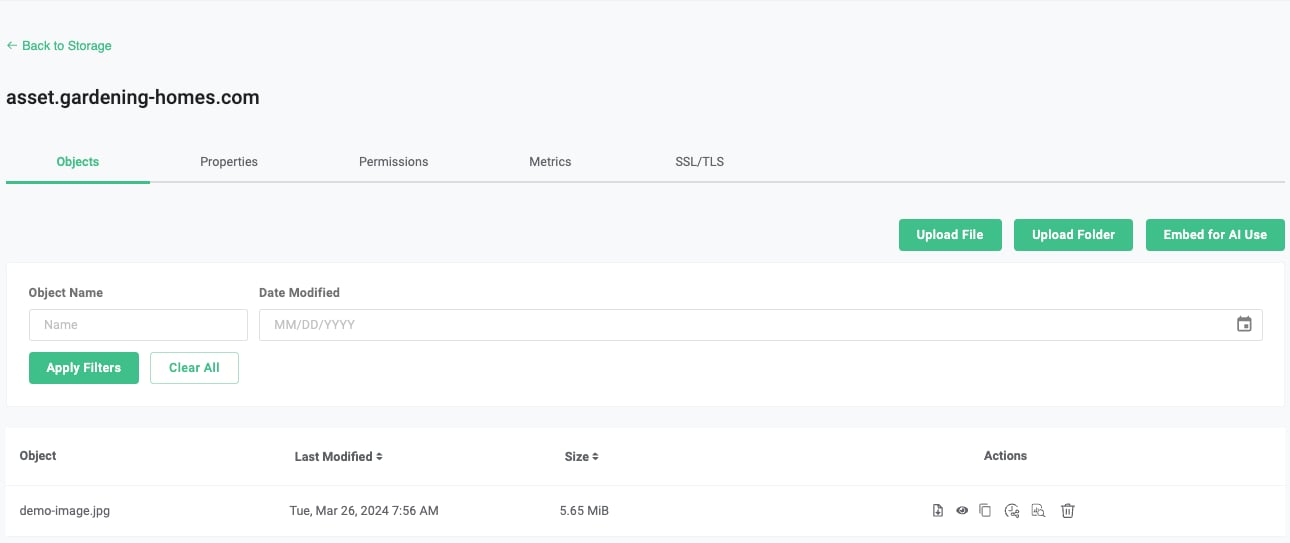
[](https://developers.telnyx.com/docs/cloud-storage/ssl-certificates#2-make-the-bucket-public)
2\. Make the bucket public
-----------------------------------------------------------------------------------------------------------------------------
Since the content of this bucket will be publicly accessible, you need to apply a public read policy to it. Follow the instructions here: [Put Bucket Policy](https://developers.telnyx.com/docs/cloud-storage/api-reference/bucket-operations/put-bucket-policy)
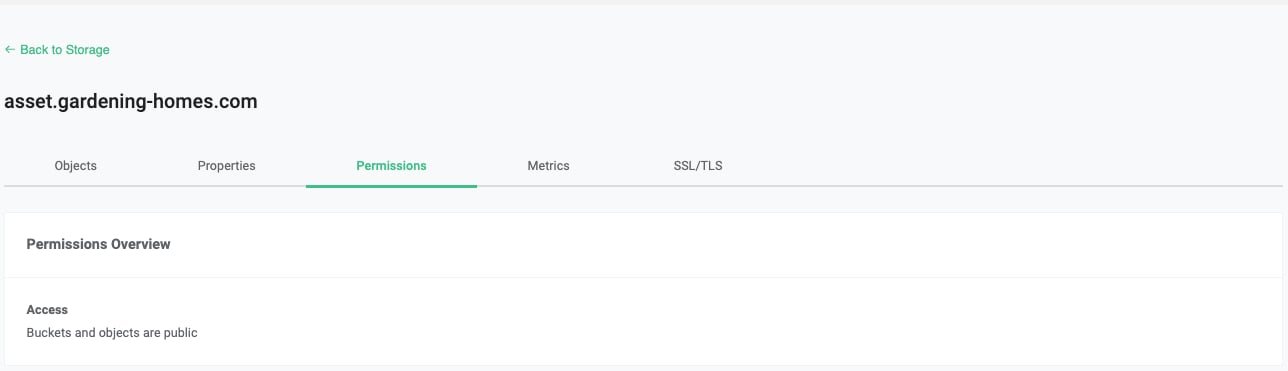
[](https://developers.telnyx.com/docs/cloud-storage/ssl-certificates#3-configure-dns)
3\. Configure DNS
-----------------------------------------------------------------------------------------------------------
Through your domain/DNS provider, you need to set up an alias to the bucket with virtual addressing style ([Bucket Addressing](https://developers.telnyx.com/docs/cloud-storage/bucket-addressing)
) 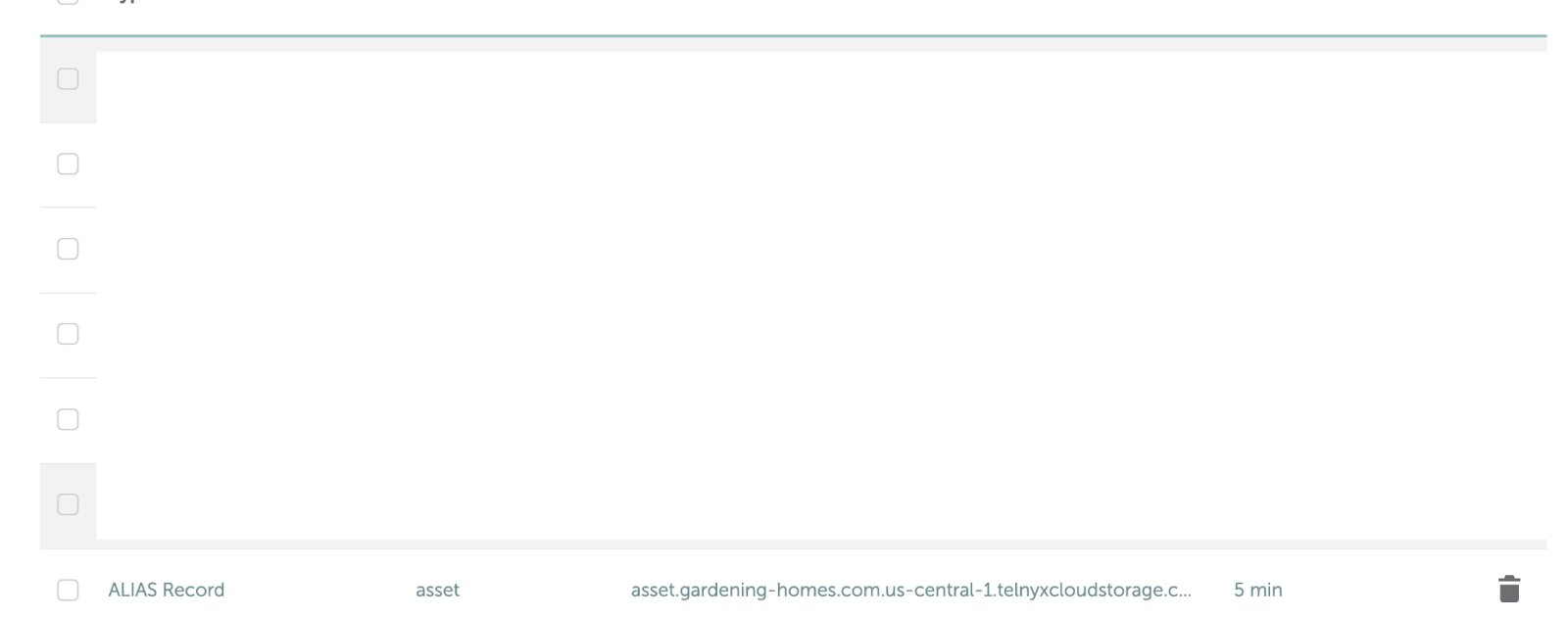
[](https://developers.telnyx.com/docs/cloud-storage/ssl-certificates#4-upload-certificate-and-matching-key)
4\. Upload Certificate and Matching Key
-------------------------------------------------------------------------------------------------------------------------------------------------------
Select the bucket you created, under SSL/TLS, upload the certificate and matching key. 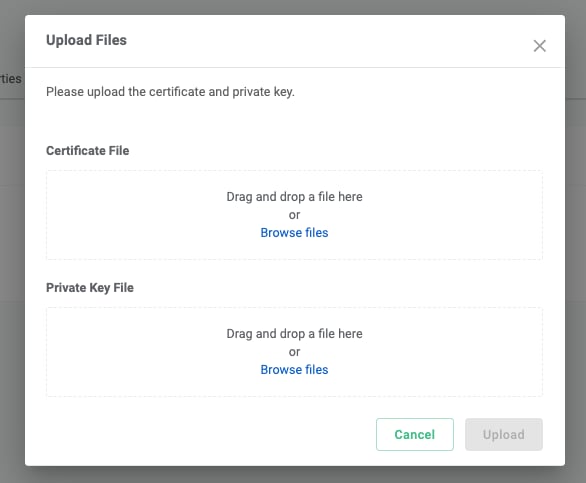 When uploading a certificate file, please ensure the following:
* The bucket name must match one of the certificate SNIs (Server Name Indication) exactly. If you have a wildcard SNI \*.example.com, help.example.com will work, but example.com will not work.
* If you have intermediate certificates, you must include them in the certificate file with the leaf certificate being at the top.
* You may omit the root certificate, as we will verify known root certificates automatically. However, if you’d like to guarantee that your certificate will be accepted, it is better to include it.
[](https://developers.telnyx.com/docs/cloud-storage/ssl-certificates#5-test)
5\. Test
-----------------------------------------------------------------------------------------
Assuming all of the above is successful and there is an object named demo-image.jpg in the bucket, you may put [https://asset.gardening-homes.com/demo-image.jpg](https://asset.gardening-homes.com/demo-image.jpg)
in your browser and expect the following
* The image shows up in your browser, and
* Your browser will show “Connection is secure” and “Certificate is valid”
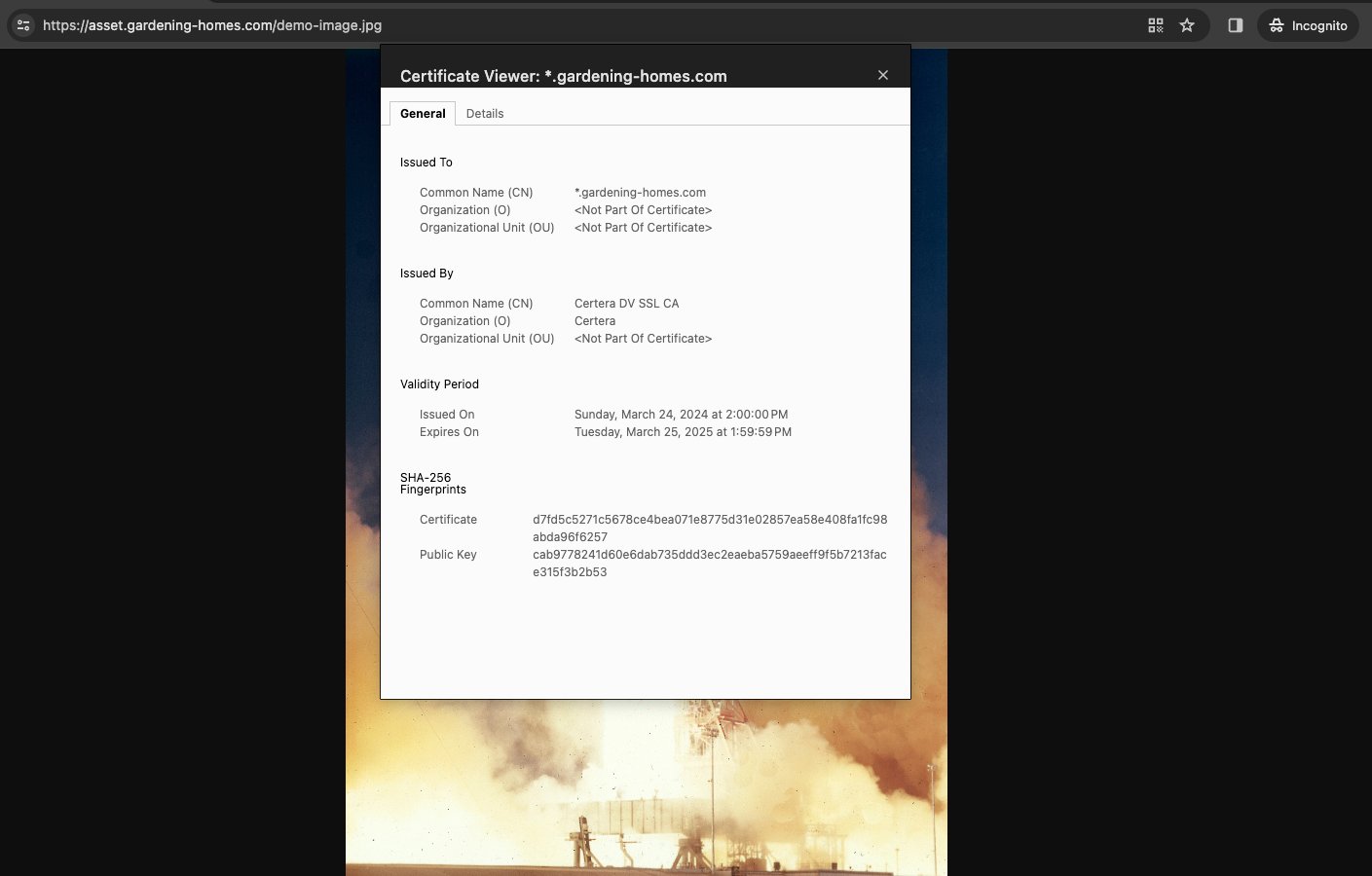
Was this page helpful?
YesNo
[Public Buckets](https://developers.telnyx.com/docs/cloud-storage/public-buckets)
[Data Protection & Retention](https://developers.telnyx.com/docs/cloud-storage/lock-and-retention)
⌘I
---
# Telnyx
[Skip to main content](https://developers.telnyx.com/docs/cloud-storage/api-endpoints#content-area)
Check out our upcoming events and meetups! [View events →](https://telnyx.com/events)
[Telnyx home page](https://developers.telnyx.com/)
Search...
⌘KAsk AI
Search...
Navigation
Getting Started
API Endpoints and Organization
[Development](https://developers.telnyx.com/development)
[AI](https://developers.telnyx.com/docs/inference/ai-assistants/no-code-voice-assistant)
[Phone Numbers](https://developers.telnyx.com/docs/numbers/phone-numbers/getting-started)
[Voice](https://developers.telnyx.com/docs/voice/programmable-voice/voice-api-fundamentals)
[Messaging](https://developers.telnyx.com/docs/messaging/messages/send-message)
[IoT & VoLTE](https://developers.telnyx.com/docs/iot-sim/get-started)
[Other APIs](https://developers.telnyx.com/docs/identity/number-lookup/quickstart)
On this page
* [S3 Compatible APIs](https://developers.telnyx.com/docs/cloud-storage/api-endpoints#s3-compatible-apis)
* [JSON Companion API](https://developers.telnyx.com/docs/cloud-storage/api-endpoints#json-companion-api)
There exists two suites of Storage APIs:
* S3 compatible, and
* JSON companion
[](https://developers.telnyx.com/docs/cloud-storage/api-endpoints#s3-compatible-apis)
S3 Compatible APIs
------------------------------------------------------------------------------------------------------------
This suite of APIs is compatible with AWS S3; as a result, minimal changes to existing integration are needed for migration to Telnyx.
| | |
| --- | --- |
| **Endpoint URL** | Region |
| us-central-1.telnyxcloudstorage.com | us-central-1 |
| us-east-1.telnyxcloudstorage.com | us-east-1 |
| us-west-1.telnyxcloudstorage.com | us-west-1 |
| eu-central-1.telnyxcloudstorage.com | eu-central-1 |
Any US endpoint can be used for `ListBuckets` and `GetBucketLocation` across all US buckets, while the European endpoint (`eu-central-1`) will return only buckets located in Europe. However, all other API methods need to be directed at the regional endpoint that the bucket is homed. Otherwise an error will be returned. Hence, it is advisable to query the location of the bucket first before forming the correct regional endpoint for all subsequent API operations. Supported S3 APIs are documented in [this table](https://developers.telnyx.com/docs/cloud-storage/supported)
.
[](https://developers.telnyx.com/docs/cloud-storage/api-endpoints#json-companion-api)
JSON Companion API
------------------------------------------------------------------------------------------------------------
This suite of APIs is an extension to the S3 API, accommodating the following functionalities:
* [Querying usage](https://developers.telnyx.com/docs/cloud-storage/billing)
* [Create presigned URL](https://developers.telnyx.com/docs/cloud-storage/presigned-urls)
* [Manage SSL](https://developers.telnyx.com/docs/cloud-storage/ssl-certificates)
* [Migrating data from AWS S3](https://developers.telnyx.com/docs/cloud-storage/migrating-from-aws)
API endpoint to be used is `api.telnyx.com`.
Was this page helpful?
YesNo
[Quick Start Guide](https://developers.telnyx.com/docs/cloud-storage/quick-start)
[Authentication](https://developers.telnyx.com/docs/cloud-storage/authentication)
⌘I
---
# Telnyx
[Skip to main content](https://developers.telnyx.com/docs/inference/getting-started#content-area)
Check out our upcoming events and meetups! [View events →](https://telnyx.com/events)
[Telnyx home page](https://developers.telnyx.com/)
Search...
⌘KAsk AI
Search...
Navigation
Guides
Inference API Quickstart
[Development](https://developers.telnyx.com/development)
[AI](https://developers.telnyx.com/docs/inference/ai-assistants/no-code-voice-assistant)
[Phone Numbers](https://developers.telnyx.com/docs/numbers/phone-numbers/getting-started)
[Voice](https://developers.telnyx.com/docs/voice/programmable-voice/voice-api-fundamentals)
[Messaging](https://developers.telnyx.com/docs/messaging/messages/send-message)
[IoT & VoLTE](https://developers.telnyx.com/docs/iot-sim/get-started)
[Other APIs](https://developers.telnyx.com/docs/identity/number-lookup/quickstart)
On this page
* [Introduction](https://developers.telnyx.com/docs/inference/getting-started#introduction)
* [Prerequisites](https://developers.telnyx.com/docs/inference/getting-started#prerequisites)
* [Python Example](https://developers.telnyx.com/docs/inference/getting-started#python-example)
* [Core Concepts](https://developers.telnyx.com/docs/inference/getting-started#core-concepts)
* [Messages](https://developers.telnyx.com/docs/inference/getting-started#messages)
* [Roles](https://developers.telnyx.com/docs/inference/getting-started#roles)
* [Models](https://developers.telnyx.com/docs/inference/getting-started#models)
* [Streaming](https://developers.telnyx.com/docs/inference/getting-started#streaming)
* [Not sure how to get started?](https://developers.telnyx.com/docs/inference/getting-started#not-sure-how-to-get-started)
* [Additional References](https://developers.telnyx.com/docs/inference/getting-started#additional-references)
* [Feedback](https://developers.telnyx.com/docs/inference/getting-started#feedback)
[](https://developers.telnyx.com/docs/inference/getting-started#introduction)
Introduction
----------------------------------------------------------------------------------------------
Welcome to the Telnyx Inference API! This guide will teach you the basics of chatting with open-source language models running on Telnyx GPUs.
[](https://developers.telnyx.com/docs/inference/getting-started#prerequisites)
Prerequisites
------------------------------------------------------------------------------------------------
* [Sign up for a free Telnyx account](https://telnyx.com/sign-up)
* [Create an API Key](https://portal.telnyx.com/#/app/auth/v2)
* \[Optional\] OpenAI SDK
* Our inference API is OpenAI-compatible
* Try using one of their SDKs (`pip install openai` or `npm install openai`)
[](https://developers.telnyx.com/docs/inference/getting-started#python-example)
Python Example
--------------------------------------------------------------------------------------------------
Let’s complete your first chat. Here’s some simple Python to interact with a language model.
_Make sure you have set the TELNYX\_API\_KEY environment variable_
Report incorrect code
Copy
Ask AI
import os
from openai import OpenAI
client = OpenAI(
api_key=os.getenv("TELNYX_API_KEY"),
base_url="https://api.telnyx.com/v2/ai",
)
chat_completion = client.chat.completions.create(
messages=[\
{\
"role": "user",\
"content": "Tell me about Telnyx"\
}\
],
model="meta-llama/Meta-Llama-3.1-8B-Instruct",
stream=True
)
for chunk in chat_completion:
if chunk.choices[0].delta.content:
print(chunk.choices[0].delta.content, end="", flush=True)
[](https://developers.telnyx.com/docs/inference/getting-started#core-concepts)
Core Concepts
------------------------------------------------------------------------------------------------
###
[](https://developers.telnyx.com/docs/inference/getting-started#messages)
Messages
These refer to the history of messages in a chat.
###
[](https://developers.telnyx.com/docs/inference/getting-started#roles)
Roles
Every message has a role: **system**, **user**, **assistant**, or **tool**.
* **System** messages are sent once at the start of a chat, instructing the model how to behave for the duration of the chat. This is a good way to give the model a goal or a set of rules to follow.
* **User** messages refer to what the end-user has input
* **Assistant** messages refer to what the model has output
* **Tool** messages refer to the results of any tool calls. Tools are often referred to as function calls. See our [function calling tutorial](https://developers.telnyx.com/docs/inference/functions)
for more information.
###
[](https://developers.telnyx.com/docs/inference/getting-started#models)
Models
In the context of chat completions, we are talking about [large language models](https://en.wikipedia.org/wiki/Large_language_model)
(LLMs). Your choice of LLM will affect the quality, speed, and price of your chat completions.
###
[](https://developers.telnyx.com/docs/inference/getting-started#streaming)
Streaming
For real-time interactions, you will want the ability to stream partial responses back to a client as they are completed. To achieve this, we follow the same [Server-sent events](https://html.spec.whatwg.org/multipage/server-sent-events.html#server-sent-events)
standard as OpenAI.
[](https://developers.telnyx.com/docs/inference/getting-started#not-sure-how-to-get-started)
Not sure how to get started?
-----------------------------------------------------------------------------------------------------------------------------
| I want to… | Relevant Tutorial |
| --- | --- |
| Build a voice assistant | [No-Code Voice Assistant](https://developers.telnyx.com/docs/inference/ai-assistants/no-code-voice-assistant/index) |
| Enforce structured JSON output | [JSON Mode and Beyond](https://developers.telnyx.com/docs/inference/json-mode) |
| Let a language model invoke my custom code | [Function Calling](https://developers.telnyx.com/docs/inference/functions)
[Function Calling (Streaming + Parallel Calls)](https://developers.telnyx.com/docs/inference/streaming-functions) |
| Send audio to a language model | [Audio Language Models](https://developers.telnyx.com/docs/inference/audio-language-models) |
| Send images to a language model | [Vision Language Models](https://developers.telnyx.com/docs/inference/vision) |
| Give a language model access to relevant documents | [Embeddings](https://developers.telnyx.com/docs/inference/embeddings) |
| Identify themes in my data | [Clusters](https://developers.telnyx.com/docs/inference/clusters) |
| Teach a language model specific and complex tasks | [Fine-tuning](https://developers.telnyx.com/docs/inference/fine-tuning) |
[](https://developers.telnyx.com/docs/inference/getting-started#additional-references)
Additional References
----------------------------------------------------------------------------------------------------------------
* Dive into our [tutorials](https://developers.telnyx.com/docs/inference/functions)
* Explore our our full [API reference](https://developers.telnyx.com/api-reference/chat/create-a-chat-completion)
.
* Review our [OpenAI Compatibility Matrix](https://developers.telnyx.com/docs/inference/openai)
* Check out our [pricing page](https://telnyx.com/pricing/inference-api)
[](https://developers.telnyx.com/docs/inference/getting-started#feedback)
Feedback
--------------------------------------------------------------------------------------
Have questions or need help troubleshooting? Our [support team](https://support.telnyx.com/)
is here to assist you. Join our [Slack community](https://joinslack.telnyx.com/)
to connect with other developers and the Telnyx team.
Was this page helpful?
YesNo
[Fetch a cluster visualization](https://developers.telnyx.com/api-reference/clusters/fetch-a-cluster-visualization)
[OpenAI API Migration Guide](https://developers.telnyx.com/docs/inference/openai)
⌘I
---
# Telnyx
[Skip to main content](https://developers.telnyx.com/docs/cloud-storage/public-buckets#content-area)
Check out our upcoming events and meetups! [View events →](https://telnyx.com/events)
[Telnyx home page](https://developers.telnyx.com/)
Search...
⌘KAsk AI
Search...
Navigation
Advanced Features
Making Bucket Public
[Development](https://developers.telnyx.com/development)
[AI](https://developers.telnyx.com/docs/inference/ai-assistants/no-code-voice-assistant)
[Phone Numbers](https://developers.telnyx.com/docs/numbers/phone-numbers/getting-started)
[Voice](https://developers.telnyx.com/docs/voice/programmable-voice/voice-api-fundamentals)
[Messaging](https://developers.telnyx.com/docs/messaging/messages/send-message)
[IoT & VoLTE](https://developers.telnyx.com/docs/iot-sim/get-started)
[Other APIs](https://developers.telnyx.com/docs/identity/number-lookup/quickstart)
This is currently supported only for buckets located in the US.
Making a bucket public (via [policy](https://developers.telnyx.com/docs/cloud-storage/api-reference/bucket-operations/put-bucket-policy/index#put-bucket-policy)
or [ACL](https://developers.telnyx.com/docs/cloud-storage/api-reference/bucket-operations/put-bucket-acl/index#put-bucket-acl)
) is a privileged action. Follow the following procedure:
1
[](https://developers.telnyx.com/docs/cloud-storage/public-buckets#)
Verify your account
Request and obtain [Level 2 verification](https://portal.telnyx.com/#/account/my-account/verifications)
status.
2
[](https://developers.telnyx.com/docs/cloud-storage/public-buckets#)
Apply bucket policy or ACL
Use the [CLI](https://developers.telnyx.com/docs/cloud-storage/api-reference/bucket-operations/put-bucket-policy/index#put-bucket-policy)
, API, or SDK to apply the desired policy to your bucket.
Was this page helpful?
YesNo
[Object Encryption](https://developers.telnyx.com/docs/cloud-storage/object-encryption)
[HTTPS with Custom Domain](https://developers.telnyx.com/docs/cloud-storage/ssl-certificates)
⌘I
---
# Telnyx
[Skip to main content](https://developers.telnyx.com/docs/inference/livekit#content-area)
Check out our upcoming events and meetups! [View events →](https://telnyx.com/events)
[Telnyx home page](https://developers.telnyx.com/)
Search...
⌘KAsk AI
Search...
Navigation
Integrations
LiveKit Agents
[Development](https://developers.telnyx.com/development)
[AI](https://developers.telnyx.com/docs/inference/ai-assistants/no-code-voice-assistant)
[Phone Numbers](https://developers.telnyx.com/docs/numbers/phone-numbers/getting-started)
[Voice](https://developers.telnyx.com/docs/voice/programmable-voice/voice-api-fundamentals)
[Messaging](https://developers.telnyx.com/docs/messaging/messages/send-message)
[IoT & VoLTE](https://developers.telnyx.com/docs/iot-sim/get-started)
[Other APIs](https://developers.telnyx.com/docs/identity/number-lookup/quickstart)
On this page
* [Voice Assistant Example](https://developers.telnyx.com/docs/inference/livekit#voice-assistant-example)
* [Setup and activate a virtual env:](https://developers.telnyx.com/docs/inference/livekit#setup-and-activate-a-virtual-env)
* [Install requirements:](https://developers.telnyx.com/docs/inference/livekit#install-requirements)
* [Download files (in this case, it downloads the model weights for Voice-activity-detection):](https://developers.telnyx.com/docs/inference/livekit#download-files-in-this-case-it-downloads-the-model-weights-for-voice-activity-detection-)
* [Integrating with Telnyx](https://developers.telnyx.com/docs/inference/livekit#integrating-with-telnyx)
* [Set environment variables:](https://developers.telnyx.com/docs/inference/livekit#set-environment-variables)
* [Run the agent worker:](https://developers.telnyx.com/docs/inference/livekit#run-the-agent-worker)
* [Test with a LiveKit frontend:](https://developers.telnyx.com/docs/inference/livekit#test-with-a-livekit-frontend)
_The LiveKit Agent Framework is designed for building real-time, programmable participants that run on servers. The framework includes plugins for common workflows, such as voice activity detection and speech-to-text._
[](https://developers.telnyx.com/docs/inference/livekit#voice-assistant-example)
Voice Assistant Example
------------------------------------------------------------------------------------------------------------
LiveKit has open-sourced some very helpful voice assistant examples. The following is an example from their [repo](https://github.com/livekit/agents/tree/main/examples)
, with slight modifications required to use Telnyx as your inference provider. After cloning their repo, you can follow these instructions to run their `minimal_assistant.py`
Make sure you have set the `OPENAI_API_KEY` environment variable to use your Telnyx API Key
###
[](https://developers.telnyx.com/docs/inference/livekit#setup-and-activate-a-virtual-env)
Setup and activate a virtual env:
Report incorrect code
Copy
Ask AI
python -m venv venv
source venv/bin/activate
###
[](https://developers.telnyx.com/docs/inference/livekit#install-requirements)
Install requirements:
Report incorrect code
Copy
Ask AI
pip install -r requirements.txt
pip install "livekit-plugins-elevenlabs>=0.7.1"
###
[](https://developers.telnyx.com/docs/inference/livekit#download-files-in-this-case-it-downloads-the-model-weights-for-voice-activity-detection-)
Download files (in this case, it downloads the model weights for Voice-activity-detection):
Report incorrect code
Copy
Ask AI
python minimal_assistant.py download-files
###
[](https://developers.telnyx.com/docs/inference/livekit#integrating-with-telnyx)
Integrating with Telnyx
Here’s their minimal\_assistant.py, modified to integrate with Telnyx for inference.
Report incorrect code
Copy
Ask AI
import asyncio
from dotenv import load_dotenv
from livekit import rtc
from livekit.agents import AutoSubscribe, JobContext, WorkerOptions, cli, llm
from livekit.agents.voice_assistant import VoiceAssistant
from livekit.plugins import deepgram, openai, silero, elevenlabs
load_dotenv()
async def entrypoint(ctx: JobContext):
initial_ctx = llm.ChatContext().append(
role="system",
text=(
"You are a voice assistant created by LiveKit. Your interface with users will be voice. "
"You should use short and concise responses, and avoiding usage of unpronouncable punctuation."
),
)
await ctx.connect(auto_subscribe=AutoSubscribe.AUDIO_ONLY)
# llm_plugin = openai.LLM()
llm_plugin = openai.LLM(
base_url="https://api.telnyx.com/v2/ai",
model="Qwen/Qwen3-235B-A22B"
)
assistant = VoiceAssistant(
vad=silero.VAD.load(),
stt=deepgram.STT(),
llm=llm_plugin,
tts=elevenlabs.TTS(),
chat_ctx=initial_ctx,
)
assistant.start(ctx.room)
# listen to incoming chat messages, only required if you'd like the agent to
# answer incoming messages from Chat
chat = rtc.ChatManager(ctx.room)
async def answer_from_text(txt: str):
chat_ctx = assistant.chat_ctx.copy()
chat_ctx.append(role="user", text=txt)
stream = llm_plugin.chat(chat_ctx=chat_ctx)
await assistant.say(stream)
@chat.on("message_received")
def on_chat_received(msg: rtc.ChatMessage):
if msg.message:
asyncio.create_task(answer_from_text(msg.message))
await asyncio.sleep(1)
await assistant.say("Hey, how can I help you today?", allow_interruptions=True)
if __name__ == "__main__":
cli.run_app(WorkerOptions(entrypoint_fnc=entrypoint))
###
[](https://developers.telnyx.com/docs/inference/livekit#set-environment-variables)
Set environment variables:
Report incorrect code
Copy
Ask AI
export LIVEKIT_URL=
export LIVEKIT_API_KEY=
export LIVEKIT_API_SECRET=
export ELEVEN_API_KEY=
export DEEPGRAM_API_KEY=
export OPENAI_API_KEY=
###
[](https://developers.telnyx.com/docs/inference/livekit#run-the-agent-worker)
Run the agent worker:
Report incorrect code
Copy
Ask AI
python minimal_assistant.py dev
###
[](https://developers.telnyx.com/docs/inference/livekit#test-with-a-livekit-frontend)
Test with a LiveKit frontend:
LiveKit has built [Agents Playground](https://agents-playground.livekit.io/)
so you don’t have to build your own frontend while you iterate on your agent.
Was this page helpful?
YesNo
[LLamaIndex](https://developers.telnyx.com/docs/inference/llama-index)
[Call Summarization](https://developers.telnyx.com/docs/inference/call-summarization)
⌘I
---
# Telnyx
[Skip to main content](https://developers.telnyx.com/docs/voice/programmable-voice/texml-fundamentals#content-area)
Check out our upcoming events and meetups! [View events →](https://telnyx.com/events)
[Telnyx home page](https://developers.telnyx.com/)
Search...
⌘KAsk AI
Search...
Navigation
TeXML
TeXML Fundamentals
[Development](https://developers.telnyx.com/development)
[AI](https://developers.telnyx.com/docs/inference/ai-assistants/no-code-voice-assistant)
[Phone Numbers](https://developers.telnyx.com/docs/numbers/phone-numbers/getting-started)
[Voice](https://developers.telnyx.com/docs/voice/programmable-voice/voice-api-fundamentals)
[Messaging](https://developers.telnyx.com/docs/messaging/messages/send-message)
[IoT & VoLTE](https://developers.telnyx.com/docs/iot-sim/get-started)
[Other APIs](https://developers.telnyx.com/docs/identity/number-lookup/quickstart)
On this page
* [Overview](https://developers.telnyx.com/docs/voice/programmable-voice/texml-fundamentals#overview)
* [TeXML Application](https://developers.telnyx.com/docs/voice/programmable-voice/texml-fundamentals#texml-application)
* [Instruction Fetching](https://developers.telnyx.com/docs/voice/programmable-voice/texml-fundamentals#instruction-fetching)
* [Twilio Compatibility](https://developers.telnyx.com/docs/voice/programmable-voice/texml-fundamentals#twilio-compatibility)
[](https://developers.telnyx.com/docs/voice/programmable-voice/texml-fundamentals#overview)
Overview
--------------------------------------------------------------------------------------------------------
TeXML is an XML-based markup language to define call control and processing instructions. When properly configured, Telnyx will fetch TeXML instructions from the user’s application and process the calls accordingly. See [Verbs & Nouns](https://developers.telnyx.com/docs/voice/programmable-voice/texml-verbs/dial)
.
[](https://developers.telnyx.com/docs/voice/programmable-voice/texml-fundamentals#texml-application)
TeXML Application
--------------------------------------------------------------------------------------------------------------------------
An instance of TeXML Application is a collection of configuration parameters that defines the interaction between Telnyx and the user’s application:
| Field | Description |
| --- | --- |
| **Application Name** | A descriptive name to identify your TeXML application. |
| **AnchorSite** | Defines preferable data center for handling the traffic. In case of `latency` ICMP ping to the webhook URL address will be used to calculate the closed data center. |
| **Voice method** | HTTP method that will be used to interact with your webhooks |
| **Webhook URL** | The URL where Telnyx will fetch TeXML instructions when a call is initiated. The instruction can be served by Telnyx. In that case select `TeXML bin URL`. See [TeXML bin quickstart](https://developers.telnyx.com/docs/voice/programmable-voice/texml-bin-quickstart)
for more details. |
| **Webhook Failover URL** | A backup URL that Telnyx will use if the primary webhook URL fails to respond |
| **Call progress events URL** | URL where Telnyx will send event callbacks related to your calls |
| **Status Callback Method** | HTTP method (GET or POST) used for status callbacks |
| **Hang-up on timeout** | Specifies the number of seconds Telnyx will wait for initial application response before hanging up |
| **DTMF Type** | Configuration for how DTMF (touch-tone) inputs are handled |
| **Enable Call Cost** | Specify if the call cost webhook should be sent |
A TeXML Application can be created through the [Telnyx Mission Control Portal](https://portal.telnyx.com/#/call-control/texml/new)
or via the [Telnyx API](https://developers.telnyx.com/api-reference/texml-applications/creates-a-texml-application#creates-a-texml-application)
.
[](https://developers.telnyx.com/docs/voice/programmable-voice/texml-fundamentals#instruction-fetching)
Instruction Fetching
--------------------------------------------------------------------------------------------------------------------------------
See [Instruction Fetching](https://developers.telnyx.com/docs/voice/programmable-voice/texml-instruction-fetching)
.
[](https://developers.telnyx.com/docs/voice/programmable-voice/texml-fundamentals#twilio-compatibility)
Twilio Compatibility
--------------------------------------------------------------------------------------------------------------------------------
See [Twilio Compatibility](https://developers.telnyx.com/docs/voice/programmable-voice/texml-twiml-compatibility)
.
Was this page helpful?
YesNo
[Speech-to-Text WebSocket Streaming](https://developers.telnyx.com/docs/voice/programmable-voice/stt-standalone)
[Instruction Fetching](https://developers.telnyx.com/docs/voice/programmable-voice/texml-instruction-fetching)
⌘I
---
# Telnyx
[Skip to main content](https://developers.telnyx.com/docs/messaging/10dlc/quickstart#content-area)
Check out our upcoming events and meetups! [View events →](https://telnyx.com/events)
[Telnyx home page](https://developers.telnyx.com/)
Search...
⌘KAsk AI
Search...
Navigation
10 DLC
Getting started with 10DLC
[Development](https://developers.telnyx.com/development)
[AI](https://developers.telnyx.com/docs/inference/ai-assistants/no-code-voice-assistant)
[Phone Numbers](https://developers.telnyx.com/docs/numbers/phone-numbers/getting-started)
[Voice](https://developers.telnyx.com/docs/voice/programmable-voice/voice-api-fundamentals)
[Messaging](https://developers.telnyx.com/docs/messaging/messages/send-message)
[IoT & VoLTE](https://developers.telnyx.com/docs/iot-sim/get-started)
[Other APIs](https://developers.telnyx.com/docs/identity/number-lookup/quickstart)
On this page
* [Setting up your first 10DLC campaign](https://developers.telnyx.com/docs/messaging/10dlc/quickstart#setting-up-your-first-10dlc-campaign)
* [Create a brand](https://developers.telnyx.com/docs/messaging/10dlc/quickstart#create-a-brand)
* [Vet a brand](https://developers.telnyx.com/docs/messaging/10dlc/quickstart#vet-a-brand)
* [Create a campaign](https://developers.telnyx.com/docs/messaging/10dlc/quickstart#create-a-campaign)
* [Associating a campaign to a phone number](https://developers.telnyx.com/docs/messaging/10dlc/quickstart#associating-a-campaign-to-a-phone-number)
* [API access and documentation related to 10DLC](https://developers.telnyx.com/docs/messaging/10dlc/quickstart#api-access-and-documentation-related-to-10dlc)
10DLC A2P is the new standard for A2P traffic on local longcodes. The goal is to provide better throughput and less blocking while at the same time allow the mobile terminating carriers to vet and verify the content traversing through their network. The general steps for accomplishing this are:
1. Create a Brand that identifies the business running the messaging traffic.
2. Create a Campaign that is associated to the Brand.
3. Associate the Campaign to a Phone Number.
Telnyx provides a management UI as well as an API to facilitate the creation of Brands, Campaigns, and the association of Phone Numbers to Campaigns.
[](https://developers.telnyx.com/docs/messaging/10dlc/quickstart#setting-up-your-first-10dlc-campaign)
Setting up your first 10DLC campaign
-----------------------------------------------------------------------------------------------------------------------------------------------
###
[](https://developers.telnyx.com/docs/messaging/10dlc/quickstart#create-a-brand)
Create a brand
1. Navigate to [Brands](https://portal.telnyx.com/#/messaging-10dlc/brands)
in the Mission Control Portal.
2. Click **Create Brand**.
3. Enter your business information.
4. Click **Save**.
###
[](https://developers.telnyx.com/docs/messaging/10dlc/quickstart#vet-a-brand)
Vet a brand
1. Click the brand you want to vet on the [Brands](https://portal.telnyx.com/#/messaging-10dlc/brands)
page.
2. Under the Vetting Request section, choose “Aegis Mobile” as the Provider and “Standard” as the Vetting Class.
3. Click “Apply for Vetting”. Your updated vetting data will appear in the Brand Data section when finished.
###
[](https://developers.telnyx.com/docs/messaging/10dlc/quickstart#create-a-campaign)
Create a campaign
1. Navigate to [Campaigns](https://portal.telnyx.com/#/messaging-10dlc/campaigns)
and click **Create New Campaign**.
2. Select the usecase for the campaign and click Next.
3. You will receive the Carrier Terms as well as the Brand Score on this page. Click Next to continue.
4. Add the Vertical, sample messages, and campaign attributes. Then, accept the terms and conditions.
###
[](https://developers.telnyx.com/docs/messaging/10dlc/quickstart#associating-a-campaign-to-a-phone-number)
Associating a campaign to a phone number
Note: This step assumes that you already have a phone number and a Messaging Profile has been assigned to the number. If you have not done so yet, check out this [guide](https://developers.telnyx.com/docs/messaging/messages/send-message)
.
1. Navigate to the [Campaigns](https://portal.telnyx.com/#/messaging-10dlc/campaigns)
page.
2. Select the Campaign you wish to assign Phone Numbers to. You will be redirected to the Campaign Details page.
3. Navigate to the Assign Numbers panel.
4. Select the Messaging Profile the number is associated with.
5. Type in the number you wish to assign the campaign to.
[](https://developers.telnyx.com/docs/messaging/10dlc/quickstart#api-access-and-documentation-related-to-10dlc)
API access and documentation related to 10DLC
-----------------------------------------------------------------------------------------------------------------------------------------------------------------
All portal UI actions described above are available via HTTP API. Telnyx currently offers an alpha API that is being updated as [The Campaign Registry](https://www.campaignregistry.com/)
updates their offering. Current plans to roll this into the Telnyx V2 API as well as SDK access are underway and will be made available later in the year. If interested, you can also copy and paste the following JSON into this [Swagger Editor](https://editor.swagger.io/)
: [Telnyx 10DLC API Specs](https://assets.ctfassets.net/4b49ta6b3nwj/wPFfqv5zEYGYUQJb202Ec/0ffecd1c98f100c0d55da92e4ccc490e/telnyx_10dlc_api.json)
For more details, see [Frequently asked questions about 10DLC](https://support.telnyx.com/en/articles/3679260-frequently-asked-questions-about-10dlc)
.
Was this page helpful?
YesNo
[Update Verification Request](https://developers.telnyx.com/api-reference/verification-requests/update-verification-request)
[Sole Proprietor](https://developers.telnyx.com/docs/messaging/10dlc/sole-proprietor)
⌘I
---
# Telnyx
[Skip to main content](https://developers.telnyx.com/docs/messaging/messages/short-code#content-area)
Check out our upcoming events and meetups! [View events →](https://telnyx.com/events)
[Telnyx home page](https://developers.telnyx.com/)
Search...
⌘KAsk AI
Search...
Navigation
Short Code
Short Codes
[Development](https://developers.telnyx.com/development)
[AI](https://developers.telnyx.com/docs/inference/ai-assistants/no-code-voice-assistant)
[Phone Numbers](https://developers.telnyx.com/docs/numbers/phone-numbers/getting-started)
[Voice](https://developers.telnyx.com/docs/voice/programmable-voice/voice-api-fundamentals)
[Messaging](https://developers.telnyx.com/docs/messaging/messages/send-message)
[IoT & VoLTE](https://developers.telnyx.com/docs/iot-sim/get-started)
[Other APIs](https://developers.telnyx.com/docs/identity/number-lookup/quickstart)
On this page
* [Prerequisites](https://developers.telnyx.com/docs/messaging/messages/short-code#prerequisites)
* [Setting up a short code](https://developers.telnyx.com/docs/messaging/messages/short-code#setting-up-a-short-code)
* [Automated responses](https://developers.telnyx.com/docs/messaging/messages/short-code#automated-responses)
* [Trigger keywords](https://developers.telnyx.com/docs/messaging/messages/short-code#trigger-keywords)
* [Customizing automated responses](https://developers.telnyx.com/docs/messaging/messages/short-code#customizing-automated-responses)
Short codes (common short code or CSC) are 5- or 6-digit phone numbers used for high-volume, application-to-person (A2P) messaging. They’re commonly used for two-factor authentication, marketing campaigns, alerts, and notifications.
[](https://developers.telnyx.com/docs/messaging/messages/short-code#prerequisites)
Prerequisites
----------------------------------------------------------------------------------------------------
* A Telnyx account in **verified** status
* A messaging profile configured in Mission Control
* * *
[](https://developers.telnyx.com/docs/messaging/messages/short-code#setting-up-a-short-code)
Setting up a short code
------------------------------------------------------------------------------------------------------------------------
1
[](https://developers.telnyx.com/docs/messaging/messages/short-code#)
Request a short code
Navigate to [Short Code](https://portal.telnyx.com/#/messaging-short-code)
in Mission Control and submit your short code request. You can request a **random** short code (carrier-assigned) or a **vanity** code (a memorable number you choose, subject to availability).
2
[](https://developers.telnyx.com/docs/messaging/messages/short-code#)
Complete carrier certification
Once submitted, your short code campaign goes through carrier certification with the major US carriers. This process typically takes 8-12 weeks.
3
[](https://developers.telnyx.com/docs/messaging/messages/short-code#)
Start messaging
After approval, your short code appears under the messaging profile you specified. You can send and receive messages just like you would with long codes.
* * *
[](https://developers.telnyx.com/docs/messaging/messages/short-code#automated-responses)
Automated responses
----------------------------------------------------------------------------------------------------------------
Telnyx sends automated responses from short codes to pass carrier certification tests and handle opt-out requests.
###
[](https://developers.telnyx.com/docs/messaging/messages/short-code#trigger-keywords)
Trigger keywords
Automated responses are generated when the short code receives:
| Keyword | Purpose |
| --- | --- |
| KEYWORD | Campaign-specific keyword response |
| HELP | Provides help information |
| STOP (and similar) | Confirms opt-out |
###
[](https://developers.telnyx.com/docs/messaging/messages/short-code#customizing-automated-responses)
Customizing automated responses
After carrier certification is complete, you can disable automated responses for KEYWORD and HELP to handle them yourself. Contact [\[email protected\]](https://developers.telnyx.com/cdn-cgi/l/email-protection#73000603031c01073307161f1d0a0b5d101c1e)
to make this change.
Opt-out (STOP) responses cannot be disabled. Once a user opts out, they are blocked from receiving messages, which prevents you from sending a custom response.
Was this page helpful?
YesNo
[Delete Auto-Response Setting](https://developers.telnyx.com/api-reference/opt-out-management/delete-auto-response-setting)
[List short codes](https://developers.telnyx.com/api-reference/short-codes/list-short-codes)
⌘I
---
# Telnyx
[Skip to main content](https://developers.telnyx.com/docs/numbers/phone-numbers/number-search#content-area)
Check out our upcoming events and meetups! [View events →](https://telnyx.com/events)
[Telnyx home page](https://developers.telnyx.com/)
Search...
⌘KAsk AI
Search...
Navigation
Searching
Number Search
[Development](https://developers.telnyx.com/development)
[AI](https://developers.telnyx.com/docs/inference/ai-assistants/no-code-voice-assistant)
[Phone Numbers](https://developers.telnyx.com/docs/numbers/phone-numbers/getting-started)
[Voice](https://developers.telnyx.com/docs/voice/programmable-voice/voice-api-fundamentals)
[Messaging](https://developers.telnyx.com/docs/messaging/messages/send-message)
[IoT & VoLTE](https://developers.telnyx.com/docs/iot-sim/get-started)
[Other APIs](https://developers.telnyx.com/docs/identity/number-lookup/quickstart)
On this page
* [Constraints](https://developers.telnyx.com/docs/numbers/phone-numbers/number-search#constraints)
* [Best Practices](https://developers.telnyx.com/docs/numbers/phone-numbers/number-search#best-practices)
* [Filter for specific phone numbers](https://developers.telnyx.com/docs/numbers/phone-numbers/number-search#filter-for-specific-phone-numbers)
* [Required Filters](https://developers.telnyx.com/docs/numbers/phone-numbers/number-search#required-filters)
* [Standard Filters](https://developers.telnyx.com/docs/numbers/phone-numbers/number-search#standard-filters)
* [Advanced Filters](https://developers.telnyx.com/docs/numbers/phone-numbers/number-search#advanced-filters)
Use the [GET v2/available\_phone\_numbers endpoint](https://developers.telnyx.com/api-reference/phone-number-search/list-available-phone-numbers)
to search for phone numbers that are available to purchase.
[](https://developers.telnyx.com/docs/numbers/phone-numbers/number-search#constraints)
Constraints
------------------------------------------------------------------------------------------------------
* To order a phone number, it must have been returned in a recent search request
* Country code is always required in search requests. The rest of the fields are optional
* Wildcard characters (\*, %, etc.) are not supported in any of the filters. If a wildcard character is included in a filter, the search will yield 0 results.
* Depending on your [account verification level](https://developers.telnyx.com/docs/account-setup/levels-and-capabilities/index#account-levels-and-capabilities)
, search results may be limited.
[](https://developers.telnyx.com/docs/numbers/phone-numbers/number-search#best-practices)
Best Practices
------------------------------------------------------------------------------------------------------------
* When supported, use the [inventory coverage API](https://developers.telnyx.com/api-reference/inventory-level/create-an-inventory-coverage-request#create-an-inventory-coverage-request)
to list possible values for a variety of filters, including area code and city.
* Use the `features` filter (filter\[features\]) to search for phone numbers with capabilities that satisfy your use case
* If you need phone numbers that are able to place outbound calls, search for phone numbers with `emergency` as a feature
* If you need phone numbers that are SMS capable, search for phone numbers with `sms` as a feature. Any phone number with `sms` as a feature should be capable and ready to immediately leverage SMS.
* For US toll-free phone numbers, we recommend using the `quickship` filter (filter\[quickship\]=true) in your search request. In doing so, you will be purchasing a phone number that is pre-provisioned and usable immediately. If you can’t find what you are looking for, you can disable the quickship filter to expand the possible search results. Just be aware that it could take up to 2 business days for a non-quickship toll-free phone number to be fully active after purchase.
* Not all phone numbers are the same price. Review the `cost_information` object in the API response to see how much each phone number will cost before purchasing.
[](https://developers.telnyx.com/docs/numbers/phone-numbers/number-search#filter-for-specific-phone-numbers)
Filter for specific phone numbers
--------------------------------------------------------------------------------------------------------------------------------------------------
There are a variety of filters to narrow down your search and find your desired number.
###
[](https://developers.telnyx.com/docs/numbers/phone-numbers/number-search#required-filters)
Required Filters
* **Country Code (**`filter[country_code]`**)**: Search for phone numbers in a specific country. This filter must be included in every search. Use [ISO 3166 2 letter](https://www.iban.com/country-codes)
country codes.
###
[](https://developers.telnyx.com/docs/numbers/phone-numbers/number-search#standard-filters)
Standard Filters
* **Feature (**`filter[features]`**)**: Phone numbers have varying capabilities. Filter for phone numbers that have the features to satisfy your use case. I.e. “sms” will return phone numbers that support SMS, “emergency” will return phone numbers capable of placing emergency calls, etc.
* **Type (**`filter[phone_number_type]`**)**: Filter for a specific type of phone number. I.e. “local” will return local/geographic phone numbers, “toll-free” will return toll-free phone numbers only, etc.
* **Area Code (**`filter[national_destination_code]`**)**: Search for phone numbers in a given area code. I.e. “205” will return phone numbers with a “205” area code
* **City / Region (**`filter[locality]`**)**: Search for phone numbers in a given city / region / rate center. I.e. “Boston” would return phone numbers in or near Boston, MA.
* **\[US/CA only\] State / Province (**`filter[administrative_area]`**)**: Search for phone numbers in a given state / province. I.e. filtering for “MA” will return phone numbers in Massachusetts.
###
[](https://developers.telnyx.com/docs/numbers/phone-numbers/number-search#advanced-filters)
Advanced Filters
* **Starts with (**`filter[starts_with]`**)**: “56” will return numbers starting with “56”, i.e. +1-312-562-0011. Couple of things to note:
* Never include the country code (i.e. “+1”) in the search filter.
* If you are using the Area Code filter in conjunction with the Starts with filter, do not include the area code digits in the starts with filter. I.e. if you wanted to find +1-312-562-0011, you would use Area Code = 312 and Starts With = 562.
* If you are not using the Area Code filter, include the area code digits in the starts with filter. I.e. if you wanted to find +1-312-562-0011, you would use Starts With = 312562.
* **Ends with (**`filter[ends_with]`**)**: “356” will return numbers ending with “356”, i.e. +1-312-562-0356.
* **Contains (**`filter[contains]`**)**: “56” will return numbers matching “5” and ”6” anywhere, i.e. +1-312-622-0533.
* **Consecutive Numbers (**`filter[consecutive]`**)**: Range of successive phone numbers. I.e. entering “3” will return +1-312-562-0011, +1-312-562-0012, and +1-312-562-0013 in the search results
* **Results Limit (**`filter[limit]`**)**: Define the maximum quantity of phone numbers in the search results. I.e. “2” will return a maximum of 2 phone numbers in your search results
* **\[US / CA only\] Best Effort (**`filter[best_effort]`**)**: Telnyx may not have phone numbers that meet your exact search criteria. If that’s the case and “Best Effort” is toggled on, Telnyx will return similar results that meet some of your criteria.
* **\[US toll-free only\] Quickship (**`filter[quickship]`**)**: When “Quickship” is toggled on, the toll-free phone numbers returned in search are pre-provisioned and ready for immediate activation. When “Quickship” is toggled off, a phone number may be returned that is not pre-provisioned. If that phone number is purchased, it can take up to 2 business days for provisioning to complete and the phone number to be usable. If the filter is toggled on and you are searching for something that isn’t a US toll-free phone number, then the filter will be ignored.
* **Reservable Numbers (**`filter[reservable]`**)**: Returns phone numbers that are eligible to be reserved. When a phone number is reserved, you will have exclusive rights to search and order the phone number for a period of 30 minutes. More details here.
* **Exclude Held Numbers (**`filter[exclude_held_numbers]`**)**: A phone number can be on “hold” in two instances. Either the phone number was recently deleted and is in the process of being recycled. Or the phone number was placed on hold by Telnyx’s Number Ops team for you to search and purchase. Enabling this filter will exclude any phone numbers in a “hold” status from the search results.
Was this page helpful?
YesNo
[Submit verification code](https://developers.telnyx.com/api-reference/verified-numbers/submit-verification-code)
[Portal search guide](https://developers.telnyx.com/docs/numbers/phone-numbers/portal-search-guide)
⌘I
---
# Telnyx
[Skip to main content](https://developers.telnyx.com/docs/numbers/porting/port-out-quickstart#content-area)
Check out our upcoming events and meetups! [View events →](https://telnyx.com/events)
[Telnyx home page](https://developers.telnyx.com/)
Search...
⌘KAsk AI
Search...
Navigation
Port Out
Port-out orders
[Development](https://developers.telnyx.com/development)
[AI](https://developers.telnyx.com/docs/inference/ai-assistants/no-code-voice-assistant)
[Phone Numbers](https://developers.telnyx.com/docs/numbers/phone-numbers/getting-started)
[Voice](https://developers.telnyx.com/docs/voice/programmable-voice/voice-api-fundamentals)
[Messaging](https://developers.telnyx.com/docs/messaging/messages/send-message)
[IoT & VoLTE](https://developers.telnyx.com/docs/iot-sim/get-started)
[Other APIs](https://developers.telnyx.com/docs/identity/number-lookup/quickstart)
On this page
* [Overview](https://developers.telnyx.com/docs/numbers/porting/port-out-quickstart#overview)
* [Port-out order statuses](https://developers.telnyx.com/docs/numbers/porting/port-out-quickstart#port-out-order-statuses)
* [How it works](https://developers.telnyx.com/docs/numbers/porting/port-out-quickstart#how-it-works)
* [Step 1: Review incoming port-out orders](https://developers.telnyx.com/docs/numbers/porting/port-out-quickstart#step-1-review-incoming-port-out-orders)
* [Step 2: Authorize or reject the order](https://developers.telnyx.com/docs/numbers/porting/port-out-quickstart#step-2-authorize-or-reject-the-order)
* [Notifications](https://developers.telnyx.com/docs/numbers/porting/port-out-quickstart#notifications)
[](https://developers.telnyx.com/docs/numbers/porting/port-out-quickstart#overview)
Overview
------------------------------------------------------------------------------------------------
A port-out order is created when another carrier requests to transfer phone numbers away from your Telnyx account. This occurs when an end-user authorizes a new carrier to port their number, and that carrier submits a port-in request to Telnyx. When Telnyx receives a port-out request, the system automatically creates a port-out order in your account. You can then review the order details and choose to authorize or reject the request based on the information provided. Port-out orders require a response within 24–48 hours. If you do not respond within this window, the port-out is automatically authorized and will proceed on the requested FOC (Firm Order Commitment) date.
[](https://developers.telnyx.com/docs/numbers/porting/port-out-quickstart#port-out-order-statuses)
Port-out order statuses
------------------------------------------------------------------------------------------------------------------------------
Each port-out order has a `status` field that indicates its current state in the porting process:
| Status | Description |
| --- | --- |
| `pending` | The port-out request has been received and is awaiting your review. |
| `authorized` | You have approved the port-out request. The numbers will port on the FOC date. |
| `rejected-pending` | You have submitted a rejection. The Porting Ops team is reviewing the rejection reason to ensure it is valid. |
| `rejected` | The port-out request has been formally rejected and will not proceed. |
| `canceled` | The port-out request has been canceled by the gaining carrier or Telnyx. |
| `ported` | The phone numbers have successfully ported to the gaining carrier. |
[](https://developers.telnyx.com/docs/numbers/porting/port-out-quickstart#how-it-works)
How it works
--------------------------------------------------------------------------------------------------------
###
[](https://developers.telnyx.com/docs/numbers/porting/port-out-quickstart#step-1-review-incoming-port-out-orders)
Step 1: Review incoming port-out orders
Use the [GET /v2/portouts](https://developers.telnyx.com/api-reference/number-portout/list-portout-requests)
endpoint to list all port-out orders on your account, or use the [GET /v2/portouts/:id](https://developers.telnyx.com/api-reference/number-portout/get-a-portout-request)
endpoint to retrieve a specific order by ID. Review the order details including `phone_numbers`, `carrier_name`, `requested_foc_date`, and any subscriber information to verify the request is valid.
###
[](https://developers.telnyx.com/docs/numbers/porting/port-out-quickstart#step-2-authorize-or-reject-the-order)
Step 2: Authorize or reject the order
After reviewing the port-out order, you must either authorize or reject it. **To authorize a port-out:** Use the [PATCH /v2/portouts/:id/authorized](https://developers.telnyx.com/api-reference/number-portout/update-status)
endpoint where `:id` is the port-out order ID. Once authorized, the phone numbers are cleared to port out on the FOC date. **To reject a port-out:** First, retrieve the available rejection codes for your specific order using the [GET /v2/portouts/rejections/:portout\_id](https://developers.telnyx.com/api-reference/number-portout/list-eligible-port-out-rejection-codes-for-a-specific-order)
endpoint. The available rejection codes vary depending on the phone numbers in the order. Then, use the [PATCH /v2/portouts/:id/rejected-pending](https://developers.telnyx.com/api-reference/number-portout/update-status)
endpoint with the appropriate `rejection_code` in the request body. If you use rejection code `1001` (“Other”), you must include a `reason` field explaining why you are rejecting the order. The Porting Ops team reviews the rejection reason to ensure it is valid. If the reason is not valid, the order is moved back to `pending` and you are notified to review it again.
[](https://developers.telnyx.com/docs/numbers/porting/port-out-quickstart#notifications)
Notifications
----------------------------------------------------------------------------------------------------------
To receive updates when port-out order statuses change or new comments are added, configure port-out notifications in your account. Notifications can be sent via email or webhook. For setup instructions and webhook payload examples, see the [Port-out order notifications](https://developers.telnyx.com/docs/numbers/porting/port-out-notifications)
guide. To view and republish port-out events programmatically, see the [Port-out events API](https://developers.telnyx.com/docs/numbers/porting/port-out-events)
guide.
Was this page helpful?
YesNo
[List available carriers in the UK](https://developers.telnyx.com/api-reference/porting-orders/list-available-carriers-in-the-uk)
[Port out order notifications](https://developers.telnyx.com/docs/numbers/porting/port-out-notifications)
⌘I
---
# Telnyx
[Skip to main content](https://developers.telnyx.com/docs/inference/audio-language-models#content-area)
Check out our upcoming events and meetups! [View events →](https://telnyx.com/events)
[Telnyx home page](https://developers.telnyx.com/)
Search...
⌘KAsk AI
Search...
Navigation
Guides
Audio Language Models
[Development](https://developers.telnyx.com/development)
[AI](https://developers.telnyx.com/docs/inference/ai-assistants/no-code-voice-assistant)
[Phone Numbers](https://developers.telnyx.com/docs/numbers/phone-numbers/getting-started)
[Voice](https://developers.telnyx.com/docs/voice/programmable-voice/voice-api-fundamentals)
[Messaging](https://developers.telnyx.com/docs/messaging/messages/send-message)
[IoT & VoLTE](https://developers.telnyx.com/docs/iot-sim/get-started)
[Other APIs](https://developers.telnyx.com/docs/identity/number-lookup/quickstart)
On this page
* [Getting started](https://developers.telnyx.com/docs/inference/audio-language-models#getting-started)
In this tutorial, you’ll learn how to:
* Identify which Audio Language Models are available using our [models API](https://developers.telnyx.com/api-reference/chat/get-available-models#get-available-models)
* Chat with open source Audio Language Models using our [chat completions API](https://developers.telnyx.com/api-reference/chat/create-a-chat-completion)
[](https://developers.telnyx.com/docs/inference/audio-language-models#getting-started)
Getting started
----------------------------------------------------------------------------------------------------------
Audio Language Models are identified in our [models API](https://developers.telnyx.com/api-reference/chat/get-available-models#get-available-models)
with a `task` type of `audio-text-to-text`. Audio is made available to the model in two main ways:
* passing a link to the audio in a user message
* passing the base64 encoded audio directly in a user message
Make sure you have set the TELNYX\_API\_KEY environment variable
Report incorrect code
Copy
Ask AI
import base64
import os
from openai import OpenAI
import requests
client = OpenAI(
api_key=os.getenv("TELNYX_API_KEY"),
base_url="https://api.telnyx.com/v2/ai"
)
def encode_audio_base64_from_url(audio_url: str) -> str:
"""Encode audio retrieved from a remote url to base64 format."""
with requests.get(audio_url) as response:
response.raise_for_status()
result = base64.b64encode(response.content).decode('utf-8')
return f"data:audio/ogg;base64,{result}"
def process_audio(audio_url, instructions):
chat_completion = client.chat.completions.create(
model="fixie-ai/ultravox-v0_4_1-llama-3_1-8b",
messages=[\
{\
"role": "system",\
"content": instructions\
},\
{\
"role": "user",\
"content": [\
{\
"type": "audio_url",\
"audio_url": {\
"url": audio_url,\
},\
},\
],\
}\
],
)
return chat_completion.choices[0].message.content
audio_url = "https://upload.wikimedia.org/wikipedia/commons/e/e0/Phrase_de_Neil_Armstrong.oga"
audio_base64 = encode_audio_base64_from_url(audio_url)
instructions = "Transcribe this verbatim. Do NOT respond with anything but the transcription."
print(f"Transcribe link: {process_audio(audio_url, instructions)}")
print(f"Transcribe base64: {process_audio(audio_base64, instructions)}")
instructions = "Translate this to French. Be faithful to the original while sounding like a native French speaker. Do NOT respond with anything but the translation."
print(f"Translate link: {process_audio(audio_url, instructions)}")
This will output something like the following for this audio
Report incorrect code
Copy
Ask AI
Transcribe link: That's one small step for man, one giant leap for mankind.
Transcribe base64: That's one small step for man, one giant leap for mankind.
Translate link: C'est un petit pas pour un homme, un grand pas pour l'humanité.
Was this page helpful?
YesNo
[JSON Mode and Beyond](https://developers.telnyx.com/docs/inference/json-mode)
[Fine Tuning](https://developers.telnyx.com/docs/inference/fine-tuning)
⌘I
---
# Telnyx
[Skip to main content](https://developers.telnyx.com/docs/cloud-storage/presigned-urls#content-area)
Check out our upcoming events and meetups! [View events →](https://telnyx.com/events)
[Telnyx home page](https://developers.telnyx.com/)
Search...
⌘KAsk AI
Search...
Navigation
Advanced Features
Presigned URLs
[Development](https://developers.telnyx.com/development)
[AI](https://developers.telnyx.com/docs/inference/ai-assistants/no-code-voice-assistant)
[Phone Numbers](https://developers.telnyx.com/docs/numbers/phone-numbers/getting-started)
[Voice](https://developers.telnyx.com/docs/voice/programmable-voice/voice-api-fundamentals)
[Messaging](https://developers.telnyx.com/docs/messaging/messages/send-message)
[IoT & VoLTE](https://developers.telnyx.com/docs/iot-sim/get-started)
[Other APIs](https://developers.telnyx.com/docs/identity/number-lookup/quickstart)
On this page
* [Examples](https://developers.telnyx.com/docs/cloud-storage/presigned-urls#examples)
* [Downloading an object using a presigned URL](https://developers.telnyx.com/docs/cloud-storage/presigned-urls#downloading-an-object-using-a-presigned-url)
* [Uploading an object using a presigned URL](https://developers.telnyx.com/docs/cloud-storage/presigned-urls#uploading-an-object-using-a-presigned-url)
This is currently supported only for buckets located in the US.
We do NOT follow how AWS does authentication — hence, you _MUST NOT_ use the existing AWS SDK or CLI to generate presigned URLs. Otherwise, you will expose your API key to the public.
Please use the [JSON companion API](https://developers.telnyx.com/api-reference/presigned-object-urls/create-presigned-object-url)
to generate ephemeral presigned URLs to allow anonymous **downloads** and **uploads** of objects to your bucket(s). In addition, creating long-lived presigned URL is a privileged action. Non-verified accounts are limited to presigned URLs with TTL no greater than 5 minutes. To verify your account, [request and obtain Level 2 verification](https://portal.telnyx.com/#/account/my-account/verifications)
status.
[](https://developers.telnyx.com/docs/cloud-storage/presigned-urls#examples)
Examples
-----------------------------------------------------------------------------------------
Considering `8f0nh1jk8qvf` as an example of a presigned URL token, you can perform the following actions:
###
[](https://developers.telnyx.com/docs/cloud-storage/presigned-urls#downloading-an-object-using-a-presigned-url)
Downloading an object using a presigned URL
Report incorrect code
Copy
Ask AI
curl -o my-object.bin https://us-central-1.telnyxcloudstorage.com/my-bucket/my-object.bin\?X-AMZ-Security-Token\=8f0nh1jk8qvf
###
[](https://developers.telnyx.com/docs/cloud-storage/presigned-urls#uploading-an-object-using-a-presigned-url)
Uploading an object using a presigned URL
Report incorrect code
Copy
Ask AI
curl -X PUT -F "[email protected]" https://us-central-1.telnyxcloudstorage.com/my-bucket/a-new-object.bin\?X-AMZ-Security-Token\=8f0nh1jk8qvf
where `a-new-object.bin` is the file you want to upload in `my-bucket`. If the object already exists, it will be overwritten.
Was this page helpful?
YesNo
[Multipart Upload](https://developers.telnyx.com/docs/cloud-storage/multipart-upload)
[Object Encryption](https://developers.telnyx.com/docs/cloud-storage/object-encryption)
⌘I
---
# Telnyx
[Skip to main content](https://developers.telnyx.com/docs/inference/pr-reviewer#content-area)
Check out our upcoming events and meetups! [View events →](https://telnyx.com/events)
[Telnyx home page](https://developers.telnyx.com/)
Search...
⌘KAsk AI
Search...
Navigation
Tutorials
PR Reviewer
[Development](https://developers.telnyx.com/development)
[AI](https://developers.telnyx.com/docs/inference/ai-assistants/no-code-voice-assistant)
[Phone Numbers](https://developers.telnyx.com/docs/numbers/phone-numbers/getting-started)
[Voice](https://developers.telnyx.com/docs/voice/programmable-voice/voice-api-fundamentals)
[Messaging](https://developers.telnyx.com/docs/messaging/messages/send-message)
[IoT & VoLTE](https://developers.telnyx.com/docs/iot-sim/get-started)
[Other APIs](https://developers.telnyx.com/docs/identity/number-lookup/quickstart)
On this page
* [Introduction](https://developers.telnyx.com/docs/inference/pr-reviewer#introduction)
* [Prerequisites](https://developers.telnyx.com/docs/inference/pr-reviewer#prerequisites)
* [Setup guide](https://developers.telnyx.com/docs/inference/pr-reviewer#setup-guide)
* [Step 1: Obtain Your Telnyx API Key](https://developers.telnyx.com/docs/inference/pr-reviewer#step-1-obtain-your-telnyx-api-key)
* [Step 2: Add Your Telnyx API Key as a Secret on GitHub](https://developers.telnyx.com/docs/inference/pr-reviewer#step-2-add-your-telnyx-api-key-as-a-secret-on-github)
* [Step 3: Create the GitHub workflow file](https://developers.telnyx.com/docs/inference/pr-reviewer#step-3-create-the-github-workflow-file)
* [Step 4: Optional Configuration](https://developers.telnyx.com/docs/inference/pr-reviewer#step-4-optional-configuration)
* [Core Concepts](https://developers.telnyx.com/docs/inference/pr-reviewer#core-concepts)
* [GitHub Actions](https://developers.telnyx.com/docs/inference/pr-reviewer#github-actions)
* [Telnyx Inference API](https://developers.telnyx.com/docs/inference/pr-reviewer#telnyx-inference-api)
* [Model Selection](https://developers.telnyx.com/docs/inference/pr-reviewer#model-selection)
* [Automatic PR Reviews](https://developers.telnyx.com/docs/inference/pr-reviewer#automatic-pr-reviews)
* [Not sure how to get started?](https://developers.telnyx.com/docs/inference/pr-reviewer#not-sure-how-to-get-started)
* [Additional references](https://developers.telnyx.com/docs/inference/pr-reviewer#additional-references)
[](https://developers.telnyx.com/docs/inference/pr-reviewer#introduction)
Introduction
------------------------------------------------------------------------------------------
Welcome to the PR Reviewer by Telnyx GitHub Action! This guide will teach you how to set up and use the PR Reviewer By Telnyx, which leverages open-source language models running on Telnyx GPUs to automatically review your pull requests.
[](https://developers.telnyx.com/docs/inference/pr-reviewer#prerequisites)
Prerequisites
--------------------------------------------------------------------------------------------
* [Sign up for a free Telnyx account](https://telnyx.com/sign-up)
if you haven’t already.
[](https://developers.telnyx.com/docs/inference/pr-reviewer#setup-guide)
Setup guide
----------------------------------------------------------------------------------------
###
[](https://developers.telnyx.com/docs/inference/pr-reviewer#step-1-obtain-your-telnyx-api-key)
Step 1: Obtain Your Telnyx API Key
1. Log in to your [Telnyx account](https://portal.telnyx.com/)
.
2. Navigate to the **API Keys** section in the Telnyx portal.
3. Click on **Create API Key**.
4. Copy the generated API key and store it in a secure location.
###
[](https://developers.telnyx.com/docs/inference/pr-reviewer#step-2-add-your-telnyx-api-key-as-a-secret-on-github)
Step 2: Add Your Telnyx API Key as a Secret on GitHub
1. In your GitHub repository, go to **Settings** > **Secrets and variables** > **Actions**.
2. Click on **New repository secret**.
3. Name the secret `TELNYX_API_KEY`.
4. Paste your Telnyx API key in the **Value** field and click **Add secret**.
###
[](https://developers.telnyx.com/docs/inference/pr-reviewer#step-3-create-the-github-workflow-file)
Step 3: Create the GitHub workflow file
To integrate the Telnyx PR Reviewer into your project, follow these steps:
1. In your repository, create a new file at `.github/workflows/review_pr.yml`.
2. Copy and paste the following configuration into the file:
Report incorrect code
Copy
Ask AI
name: PR Review
on:
pull_request:
types: [opened, synchronize, reopened]
permissions:
pull-requests: write
jobs:
review:
runs-on: ubuntu-latest
steps:
- name: PR Review
uses: team-telnyx/reviewpr@main
with:
telnyx_api_key: ${{ secrets.TELNYX_API_KEY }}
model_name: "meta-llama/Meta-Llama-3.1-8B-Instruct"
3. Commit the file to your repository.
###
[](https://developers.telnyx.com/docs/inference/pr-reviewer#step-4-optional-configuration)
Step 4: Optional Configuration
The `model_name` parameter in the workflow file is optional. If omitted, the action will use a default language model. If you wish to specify a different model, replace `'meta-llama/Meta-Llama-3.1-8B-Instruct'` with your desired model from the Telnyx [LLM Library](https://telnyx.com/products/llm-library)
.
[](https://developers.telnyx.com/docs/inference/pr-reviewer#core-concepts)
Core Concepts
--------------------------------------------------------------------------------------------
###
[](https://developers.telnyx.com/docs/inference/pr-reviewer#github-actions)
GitHub Actions
GitHub Actions automate workflows directly in your GitHub repository. In this case, the PR Reviewer By Telnyx is triggered by pull request events, such as when a PR is opened or updated.
###
[](https://developers.telnyx.com/docs/inference/pr-reviewer#telnyx-inference-api)
Telnyx Inference API
The PR Reviewer By Telnyx uses the Telnyx Inference API to analyze and review the content of pull requests. This API allows interaction with large language models (LLMs) hosted on Telnyx infrastructure.
###
[](https://developers.telnyx.com/docs/inference/pr-reviewer#model-selection)
Model Selection
Your choice of LLM will affect the quality and behavior of the reviews. You can experiment with different models from the Telnyx [LLM Library](https://telnyx.com/products/llm-library)
to find the best fit for your project.
###
[](https://developers.telnyx.com/docs/inference/pr-reviewer#automatic-pr-reviews)
Automatic PR Reviews
Once configured, the PR Reviewer By Telnyx automatically generates a review for every pull request based on the content, providing suggestions or feedback powered by the chosen language model.
[](https://developers.telnyx.com/docs/inference/pr-reviewer#not-sure-how-to-get-started)
Not sure how to get started?
-------------------------------------------------------------------------------------------------------------------------
| I want to… | Relevant Tutorial |
| --- | --- |
| Learn more about GitHub Actions | [GitHub Actions Documentation](https://docs.github.com/en/actions) |
| Explore more Telnyx models | [Telnyx LLM Library](https://telnyx.com/products/llm-library) |
[](https://developers.telnyx.com/docs/inference/pr-reviewer#additional-references)
Additional references
------------------------------------------------------------------------------------------------------------
* Dive into our [Telnyx Inference API documentation](https://developers.telnyx.com/docs/inference)
* Explore our full [API reference](https://developers.telnyx.com/api-reference/chat/create-a-chat-completion)
* Review our [OpenAI Compatibility Matrix](https://developers.telnyx.com/docs/inference/openai)
* Check out our [pricing page](https://telnyx.com/pricing/inference-api)
Was this page helpful?
YesNo
[Call Summarization](https://developers.telnyx.com/docs/inference/call-summarization)
[AI SMS Outfit Recommender with OpenMeteo](https://developers.telnyx.com/docs/inference/ai-outfit-recommender)
⌘I
---
# Telnyx
[Skip to main content](https://developers.telnyx.com/docs/voice/programmable-voice/command-retries#content-area)
Check out our upcoming events and meetups! [View events →](https://telnyx.com/events)
[Telnyx home page](https://developers.telnyx.com/)
Search...
⌘KAsk AI
Search...
Navigation
Voice API Fundamentals
Command Retries
[Development](https://developers.telnyx.com/development)
[AI](https://developers.telnyx.com/docs/inference/ai-assistants/no-code-voice-assistant)
[Phone Numbers](https://developers.telnyx.com/docs/numbers/phone-numbers/getting-started)
[Voice](https://developers.telnyx.com/docs/voice/programmable-voice/voice-api-fundamentals)
[Messaging](https://developers.telnyx.com/docs/messaging/messages/send-message)
[IoT & VoLTE](https://developers.telnyx.com/docs/iot-sim/get-started)
[Other APIs](https://developers.telnyx.com/docs/identity/number-lookup/quickstart)
On this page
* [How to use command retries for better reliability](https://developers.telnyx.com/docs/voice/programmable-voice/command-retries#how-to-use-command-retries-for-better-reliability)
User Applications may encounter the following situations:
* 5XX Error: Telnyx actively monitors and alerts on the rate of 500, 501, 503, or 504 errors.
* Duplicate Webhooks: Identical webhooks may occasionally be delivered.
[](https://developers.telnyx.com/docs/voice/programmable-voice/command-retries#how-to-use-command-retries-for-better-reliability)
How to use command retries for better reliability
---------------------------------------------------------------------------------------------------------------------------------------------------------------------------------------
Telnyx carefully monitors the Voice API platform for 5XX errors, latency, and duplicate webhooks, and actively works to keep all of these to a minimum. For added reliability, there are several steps developers can take to handle 5XX errors, latency, and duplicate webhooks, and automatically retry commands when such issues are encountered:
* `command_id`: send a unique `command_id` parameter as part of your commands. The `command_id` must be unique for each command. We suggest using UUIDv4.
* Retry on 5XX Errors: If your application receives a 500 error, immediately retry the command.
* Retry on Latency >500ms: If your application fails to receive a HTTP response from Telnyx within 500ms, send an identical command.
Was this page helpful?
YesNo
[Receiving Webhooks](https://developers.telnyx.com/docs/voice/programmable-voice/receiving-webhooks)
[Speech-to-Text](https://developers.telnyx.com/docs/voice/programmable-voice/speech-to-text)
⌘I
---
# Telnyx
[Skip to main content](https://developers.telnyx.com/docs/voice/programmable-voice/sending-commands#content-area)
Check out our upcoming events and meetups! [View events →](https://telnyx.com/events)
[Telnyx home page](https://developers.telnyx.com/)
Search...
⌘KAsk AI
Search...
Navigation
Voice API Fundamentals
Sending Commands for Programmable Voice
[Development](https://developers.telnyx.com/development)
[AI](https://developers.telnyx.com/docs/inference/ai-assistants/no-code-voice-assistant)
[Phone Numbers](https://developers.telnyx.com/docs/numbers/phone-numbers/getting-started)
[Voice](https://developers.telnyx.com/docs/voice/programmable-voice/voice-api-fundamentals)
[Messaging](https://developers.telnyx.com/docs/messaging/messages/send-message)
[IoT & VoLTE](https://developers.telnyx.com/docs/iot-sim/get-started)
[Other APIs](https://developers.telnyx.com/docs/identity/number-lookup/quickstart)
On this page
* [Authenticating your Voice API command request](https://developers.telnyx.com/docs/voice/programmable-voice/sending-commands#authenticating-your-voice-api-command-request)
* [Example: Sending commands with a key + secret](https://developers.telnyx.com/docs/voice/programmable-voice/sending-commands#example-sending-commands-with-a-key-%2B-secret)
* [Available commands and their expected Webhooks](https://developers.telnyx.com/docs/voice/programmable-voice/sending-commands#available-commands-and-their-expected-webhooks)
* [Response when sending Voice API commands](https://developers.telnyx.com/docs/voice/programmable-voice/sending-commands#response-when-sending-voice-api-commands)
A Voice API command is sent with a `call_control_id`. The `call_control_id` allows a user to communicate to Telnyx the `call_leg` the user wants to control. It also helps Telnyx route the call to the location where the call is being managed, resulting in the lowest possible latency for Call Control interactions.
[](https://developers.telnyx.com/docs/voice/programmable-voice/sending-commands#authenticating-your-voice-api-command-request)
Authenticating your Voice API command request
--------------------------------------------------------------------------------------------------------------------------------------------------------------------------------
Like all other Telnyx API V2 requests, you must authenticate your Voice API command requests by sending the Authorization header with a value of an API Key. You can read more about API Keys [here](https://developers.telnyx.com/development/api-fundamentals/authentication)
.
| | |
| --- | --- |
| Credential Type | HTTP Header Format |
| API Key | Authorization: Bearer YOUR\_API\_KEY |
[](https://developers.telnyx.com/docs/voice/programmable-voice/sending-commands#example-sending-commands-with-a-key-+-secret)
Example: Sending commands with a key + secret
-------------------------------------------------------------------------------------------------------------------------------------------------------------------------------
To answer the call, send a POST request to the `/actions/answer` endpoint as shown in the example below.
_Don’t forget to update `YOUR_API_KEY` here._
Report incorrect code
Copy
Ask AI
curl -X POST \
--header "Content-Type: application/json" \
--header "Accept: application/json" \
--header "Authorization: Bearer YOUR_API_KEY" \
https://api.telnyx.com/v2/calls/428c31b6-7af4-4bcb-b7f5-5013ef9657c1/actions/answer
After pasting the above content, Kindly check and remove any new line added
[](https://developers.telnyx.com/docs/voice/programmable-voice/sending-commands#available-commands-and-their-expected-webhooks)
Available commands and their expected Webhooks
----------------------------------------------------------------------------------------------------------------------------------------------------------------------------------
Telnyx offers a broad range of commands to enable granular control of your call flows. Below are a list of those commands, and the webhooks the Telnyx Voice API platform will always send in response. When multiple webhooks are listed, you can expect to often, though not always, receive webhooks in the order provided.
| | |
| --- | --- |
| Command | Expected Webhooks |
| [Answer call](https://developers.telnyx.com/api-reference/call-commands/answer-call) | `call.answered` |
| [Bridge call](https://developers.telnyx.com/api-reference/call-commands/bridge-calls) | `call.bridged` for Leg A `call.bridged` for Leg B |
| [Dial](https://developers.telnyx.com/api-reference/call-commands/dial) | `call.initiated` `call.answered` or `call.hangup` `call.machine.detection.ended` - if `answering_machine_detection` was requested `call.machine.greeting.ended` - if `answering_machine_detection` was requested to detect the end of machine greeting |
| [Forking start](https://developers.telnyx.com/api-reference/call-commands/forking-start) | `call.fork.started``call.fork.stopped` |
| [Forking stop](https://developers.telnyx.com/api-reference/call-commands/forking-stop) | `call.fork.stopped` |
| [Gather using audio](https://developers.telnyx.com/api-reference/call-commands/gather-using-audio) | `call.playback.started` `call.playback.ended` `call.dtmf.received` - you may receive many of these webhooks `call.gather.ended` |
| [Gather using speak](https://developers.telnyx.com/api-reference/call-commands/gather-using-speak) | `call.dtmf.received` - you may receive many of these webhooks `call.gather.ended` |
| [Hangup](https://developers.telnyx.com/docs/voice/programmable-voice/texml-verbs/hangup/index#hangup) | `call.hangup` `call.recording.saved` - if the call is being recorded |
| [Play audio url](https://developers.telnyx.com/api-reference/call-commands/play-audio-url) | `call.playback.started``call.playback.ended` |
| [Playback stop command](https://developers.telnyx.com/api-reference/call-commands/stop-audio-playback) | `call.playback.ended` or `call.speak.ended` |
| [Recording start](https://developers.telnyx.com/api-reference/call-commands/recording-start) | no webhooks |
| [Recording stop](https://developers.telnyx.com/api-reference/call-commands/recording-stop) | `call.recording.saved` |
| [Reject call](https://developers.telnyx.com/api-reference/call-commands/reject-a-call) | `call.hangup` |
| [Send DTMF](https://developers.telnyx.com/api-reference/call-commands/send-dtmf) | no webhooks |
| [Speak text](https://developers.telnyx.com/api-reference/call-commands/speak-text) | `call.speak.started``call.speak.ended` |
| [Transfer call](https://developers.telnyx.com/api-reference/call-commands/transfer-call) | `call.initiated` `call.bridged` to Leg B `call.answered` or `call.hangup` |
[](https://developers.telnyx.com/docs/voice/programmable-voice/sending-commands#response-when-sending-voice-api-commands)
Response when sending Voice API commands
----------------------------------------------------------------------------------------------------------------------------------------------------------------------
When you send a Voice API Command, you will immediately receive an http response. Responses include, but are not limited to:
| | | |
| --- | --- | --- |
| HTTP Status Code | Message | Description |
| 200 | OK | The request succeeded. |
| 403 | Forbidden | The request was valid, however the user is not authorized to perform this action. |
| 404 | Not Found | The requested resource could not be found. |
| 422 | Invalid Parameters | The request has invalid parameters or the call is no longer active. |
Was this page helpful?
YesNo
[Webhooks](https://developers.telnyx.com/docs/voice/programmable-voice/voice-api-webhooks)
[Receiving Webhooks](https://developers.telnyx.com/docs/voice/programmable-voice/receiving-webhooks)
⌘I
---
# Telnyx
[Skip to main content](https://developers.telnyx.com/docs/numbers/phone-numbers/number-orders#content-area)
Check out our upcoming events and meetups! [View events →](https://telnyx.com/events)
[Telnyx home page](https://developers.telnyx.com/)
Search...
⌘KAsk AI
Search...
Navigation
Ordering
Number Orders
[Development](https://developers.telnyx.com/development)
[AI](https://developers.telnyx.com/docs/inference/ai-assistants/no-code-voice-assistant)
[Phone Numbers](https://developers.telnyx.com/docs/numbers/phone-numbers/getting-started)
[Voice](https://developers.telnyx.com/docs/voice/programmable-voice/voice-api-fundamentals)
[Messaging](https://developers.telnyx.com/docs/messaging/messages/send-message)
[IoT & VoLTE](https://developers.telnyx.com/docs/iot-sim/get-started)
[Other APIs](https://developers.telnyx.com/docs/identity/number-lookup/quickstart)
On this page
* [Ordering Flow](https://developers.telnyx.com/docs/numbers/phone-numbers/number-orders#ordering-flow)
* [Step 1: Search for phone numbers.](https://developers.telnyx.com/docs/numbers/phone-numbers/number-orders#step-1-search-for-phone-numbers)
* [Step 2: Create an order](https://developers.telnyx.com/docs/numbers/phone-numbers/number-orders#step-2-create-an-order)
* [Step 3: Regulatory Requirements](https://developers.telnyx.com/docs/numbers/phone-numbers/number-orders#step-3-regulatory-requirements)
* [Step 4: Handling Regulatory Requirement Rejections](https://developers.telnyx.com/docs/numbers/phone-numbers/number-orders#step-4-handling-regulatory-requirement-rejections)
* [“Number Order” vs “Sub Number Order”](https://developers.telnyx.com/docs/numbers/phone-numbers/number-orders#%E2%80%9Cnumber-order%E2%80%9D-vs-%E2%80%9Csub-number-order%E2%80%9D)
* [Order Statuses](https://developers.telnyx.com/docs/numbers/phone-numbers/number-orders#order-statuses)
* [Deadline + Auto Cancellation](https://developers.telnyx.com/docs/numbers/phone-numbers/number-orders#deadline-%2B-auto-cancellation)
* [Webhook notifications](https://developers.telnyx.com/docs/numbers/phone-numbers/number-orders#webhook-notifications)
This guide will walk you through how to order phone numbers.
[](https://developers.telnyx.com/docs/numbers/phone-numbers/number-orders#ordering-flow)
Ordering Flow
----------------------------------------------------------------------------------------------------------
###
[](https://developers.telnyx.com/docs/numbers/phone-numbers/number-orders#step-1-search-for-phone-numbers)
Step 1: Search for phone numbers.
Use the [GET /available\_phone\_numbers](https://developers.telnyx.com/api-reference/phone-number-search/list-available-phone-numbers)
endpoint to search for phone numbers to purchase. [See this guide](https://developers.telnyx.com/docs/numbers/phone-numbers/number-search)
for more details. Only phone numbers that were previously returned in a search request can be ordered.
###
[](https://developers.telnyx.com/docs/numbers/phone-numbers/number-orders#step-2-create-an-order)
Step 2: Create an order
Use the [POST /number\_orders endpoint](https://developers.telnyx.com/api-reference/phone-number-orders/create-a-number-order)
to create an order. Note: in some countries, a “requirement group” needs to be included in the payload for the `POST /number_orders` API request. For more details, [check out this guide](https://developers.telnyx.com/docs/numbers/phone-numbers/requirement-groups)
.
###
[](https://developers.telnyx.com/docs/numbers/phone-numbers/number-orders#step-3-regulatory-requirements)
Step 3: Regulatory Requirements
If the order does not have regulatory requirements, then it should activate momentarily with no further user action. The rest of the flow outlined (Step 3 and Step 4) is irrelevant in this case. However, phone numbers in most countries have regulatory requirements. Perform a [GET sub\_number\_orders/ request](https://developers.telnyx.com/api-reference/phone-number-orders/retrieve-a-sub-number-order)
to see the regulatory requirements for that order (in the `regulatory_requirements` array). Once you have collected the necessary information, perform a [PATCH /sub\_number\_orders/ request](https://developers.telnyx.com/api-reference/phone-number-orders/update-a-sub-number-orders-requirements)
to associate that information to the number order. For more information on regulatory requirements, check out this guide.
###
[](https://developers.telnyx.com/docs/numbers/phone-numbers/number-orders#step-4-handling-regulatory-requirement-rejections)
Step 4: Handling Regulatory Requirement Rejections
All regulatory requirements on an order are vetted individually. Once all regulatory requirements are vetted and approved, the order will complete. To check on the regulatory requirement vetting status, perform a [GET /number\_order\_phone\_numbers request](https://developers.telnyx.com/api-reference/phone-number-orders/retrieve-a-list-of-phone-numbers-associated-to-orders)
. It is possible that some (or all) of the information provided is rejected. If a rejection occurs:
* Determine which regulatory requirement(s) was rejected
* [Review the comments](https://developers.telnyx.com/api-reference/phone-number-orders/retrieve-all-comments)
on the order to see a more detailed explanation why the regulatory requirement(s) was rejected
* Update the order with any corrections, and resubmit for approval
[](https://developers.telnyx.com/docs/numbers/phone-numbers/number-orders#%E2%80%9Cnumber-order%E2%80%9D-vs-%E2%80%9Csub-number-order%E2%80%9D)
“Number Order” vs “Sub Number Order”
----------------------------------------------------------------------------------------------------------------------------------------------------------------------------------------
“Number Orders” and “Sub Number Orders” share a parent - child relationship:
* “Number Order” = “parent”. Overarching order entity.
* “Sub Number Order” = “child”. Nested within the “number order”.
The `POST /number_orders` request will always create one (1) “number order”. However, it could be split into multiple “sub number orders” depending on the phone numbers you are purchasing. For example, if you created a number order that included the following:
* 5 `local` phone numbers in Country A
* 5 `toll_free` phone numbers in Country A
* 5 `local` phone numbers in Country B
Then the request would be 1 number order with 3 nested sub number orders. Sub number orders are processed independently, even if they are a part of the same number order.
[](https://developers.telnyx.com/docs/numbers/phone-numbers/number-orders#order-statuses)
Order Statuses
------------------------------------------------------------------------------------------------------------
Number orders / sub number orders have a few possible statuses:
| Status | Description |
| --- | --- |
| pending | Order was created and is being processed. Phone numbers are not yet active. |
| success | Order completed successfully. Phone numbers were activated. |
| failure | There was an issue with the order. |
| cancelled | The order was cancelled. [Either by the user](https://developers.telnyx.com/api-reference/phone-number-orders/cancel-a-sub-number-order)
, or by the Telnyx team. |
| deleted | All phone numbers on the order have been deleted from the user account. |
When a number order / sub number order is in a `pending` status, [the phone number status](https://developers.telnyx.com/api-reference/phone-number-orders/retrieve-a-list-of-phone-numbers-associated-to-orders)
will give insight into the vetting process. Phone numbers can have the following statuses while an order is `pending`:
| Status | Description |
| --- | --- |
| requirement-info-pending | Order is missing values for one or more regulatory requirements. Customer needs to provide additional information to fulfill all requirements before vetting can proceed. |
| requirement-info-under-review | Customer has provided values for all regulatory requirements. Order is awaiting vetting by Number Ops |
| requirement-info-exception | One or more of the regulatory requirements have been rejected by Number Ops. Customer needs to review the rejections, make corrections, and resubmit |
| approved | All requirements are approved. |
| deleted | All phone numbers on the order have been deleted from the user account. |
[](https://developers.telnyx.com/docs/numbers/phone-numbers/number-orders#deadline-+-auto-cancellation)
Deadline + Auto Cancellation
----------------------------------------------------------------------------------------------------------------------------------------
Each order has a `deadline` attribute. Users are expected to have all regulatory requirements uploaded by the deadline, at which point the `deadline` is erased. Failure to provide all regulatory requirements by the deadline will result in auto-cancellation of the order. If one or more regulatory requirements are rejected, a new deadline will be set. The user will have until the new deadline to make corrections to avoid auto-cancellation. Deadlines can be extended upon request via comment on the order.
[](https://developers.telnyx.com/docs/numbers/phone-numbers/number-orders#webhook-notifications)
Webhook notifications
--------------------------------------------------------------------------------------------------------------------------
[Follow this support article](https://support.telnyx.com/en/articles/4277896-notification-settings)
to set up webhook notifications for order events. Select the Notification Setting “Number Order Notifications: for all number order notifications”.
Was this page helpful?
YesNo
[Number reservations](https://developers.telnyx.com/docs/numbers/phone-numbers/number-reservations)
[Advanced Orders](https://developers.telnyx.com/docs/numbers/phone-numbers/advanced-orders)
⌘I
---
# Telnyx
[Skip to main content](https://developers.telnyx.com/docs/inference/ai-assistants/version-testing-traffic-distribution#content-area)
Check out our upcoming events and meetups! [View events →](https://telnyx.com/events)
[Telnyx home page](https://developers.telnyx.com/)
Search...
⌘KAsk AI
Search...
Navigation
Guides
Testing and Traffic Distribution for AI Assistants
[Development](https://developers.telnyx.com/development)
[AI](https://developers.telnyx.com/docs/inference/ai-assistants/no-code-voice-assistant)
[Phone Numbers](https://developers.telnyx.com/docs/numbers/phone-numbers/getting-started)
[Voice](https://developers.telnyx.com/docs/voice/programmable-voice/voice-api-fundamentals)
[Messaging](https://developers.telnyx.com/docs/messaging/messages/send-message)
[IoT & VoLTE](https://developers.telnyx.com/docs/iot-sim/get-started)
[Other APIs](https://developers.telnyx.com/docs/identity/number-lookup/quickstart)
On this page
* [Creating Your First Assistant](https://developers.telnyx.com/docs/inference/ai-assistants/version-testing-traffic-distribution#creating-your-first-assistant)
* [Setting Up Your First Test](https://developers.telnyx.com/docs/inference/ai-assistants/version-testing-traffic-distribution#setting-up-your-first-test)
* [Creating a Test](https://developers.telnyx.com/docs/inference/ai-assistants/version-testing-traffic-distribution#creating-a-test)
* [Configuring Test Criteria](https://developers.telnyx.com/docs/inference/ai-assistants/version-testing-traffic-distribution#configuring-test-criteria)
* [Running Your Test](https://developers.telnyx.com/docs/inference/ai-assistants/version-testing-traffic-distribution#running-your-test)
* [Creating Assistant Versions](https://developers.telnyx.com/docs/inference/ai-assistants/version-testing-traffic-distribution#creating-assistant-versions)
* [Modifying the Assistant](https://developers.telnyx.com/docs/inference/ai-assistants/version-testing-traffic-distribution#modifying-the-assistant)
* [Creating a New Version](https://developers.telnyx.com/docs/inference/ai-assistants/version-testing-traffic-distribution#creating-a-new-version)
* [Production Traffic Distribution](https://developers.telnyx.com/docs/inference/ai-assistants/version-testing-traffic-distribution#production-traffic-distribution)
* [Setting Up 50/50 Traffic Split](https://developers.telnyx.com/docs/inference/ai-assistants/version-testing-traffic-distribution#setting-up-50%2F50-traffic-split)
* [Testing Live Traffic Distribution](https://developers.telnyx.com/docs/inference/ai-assistants/version-testing-traffic-distribution#testing-live-traffic-distribution)
This guide walks you through testing your AI assistant before production deployment and managing live traffic distribution between different versions. You’ll learn how to create tests, iterate on your assistant, and safely roll out changes using A/B testing.
* * *
[](https://developers.telnyx.com/docs/inference/ai-assistants/version-testing-traffic-distribution#creating-your-first-assistant)
Creating Your First Assistant
-------------------------------------------------------------------------------------------------------------------------------------------------------------------
Start by creating a new assistant using a template to establish a baseline for testing.
1. Navigate to the [AI Assistants page](https://portal.telnyx.com/#/ai/assistants)
2. Click “Create Assistant” and select the “Weather Assistant” template
3. This template provides a good foundation with a standard greeting and weather functionality
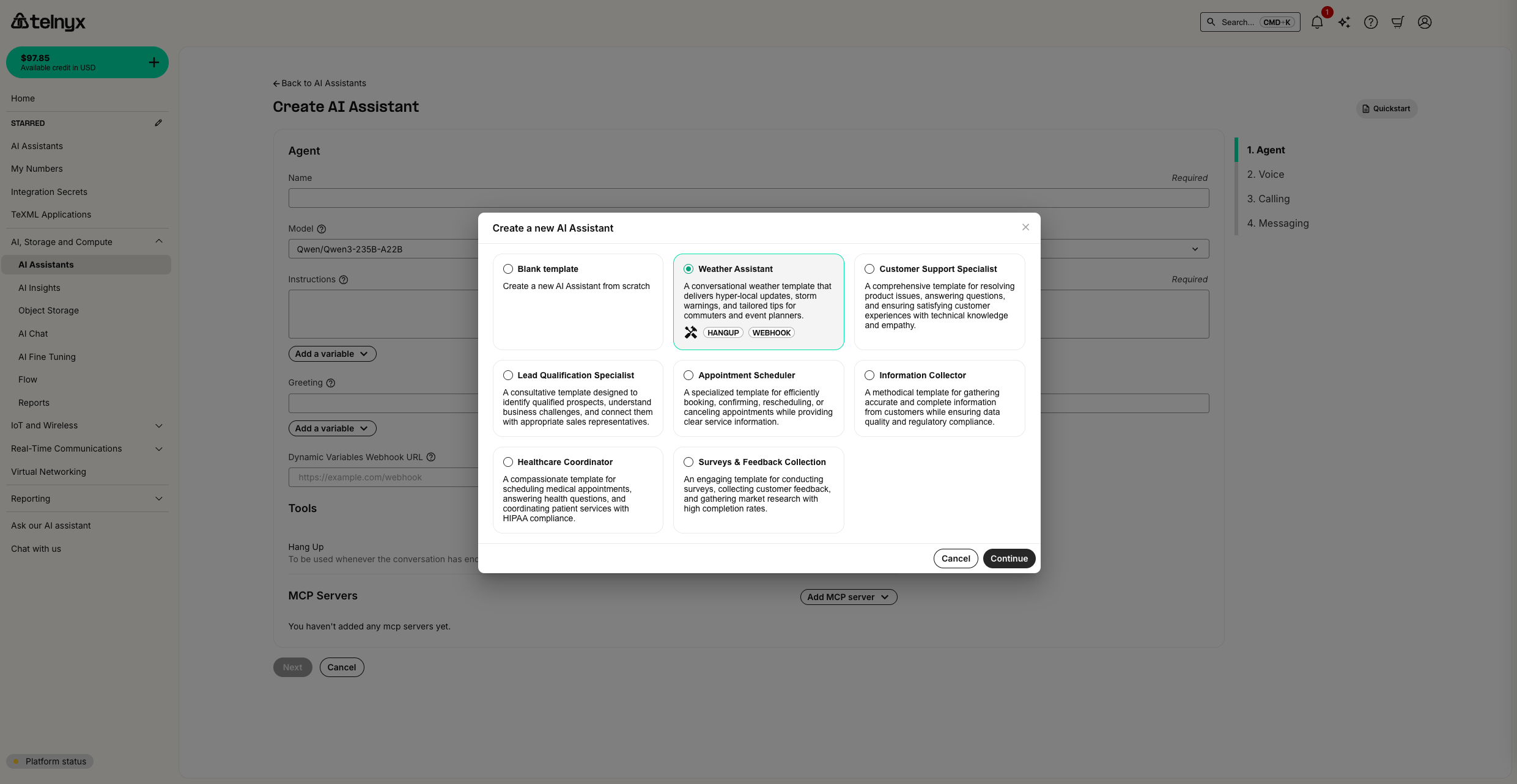 Take note of the default greeting message - we’ll be testing and modifying this later.
* * *
[](https://developers.telnyx.com/docs/inference/ai-assistants/version-testing-traffic-distribution#setting-up-your-first-test)
Setting Up Your First Test
-------------------------------------------------------------------------------------------------------------------------------------------------------------
Testing your assistant ensures it behaves correctly before going live with users.
###
[](https://developers.telnyx.com/docs/inference/ai-assistants/version-testing-traffic-distribution#creating-a-test)
Creating a Test
1. Navigate to the [AI Tests page](https://portal.telnyx.com/#/ai/tests)
2. Click “Create Test” to set up your first test scenario
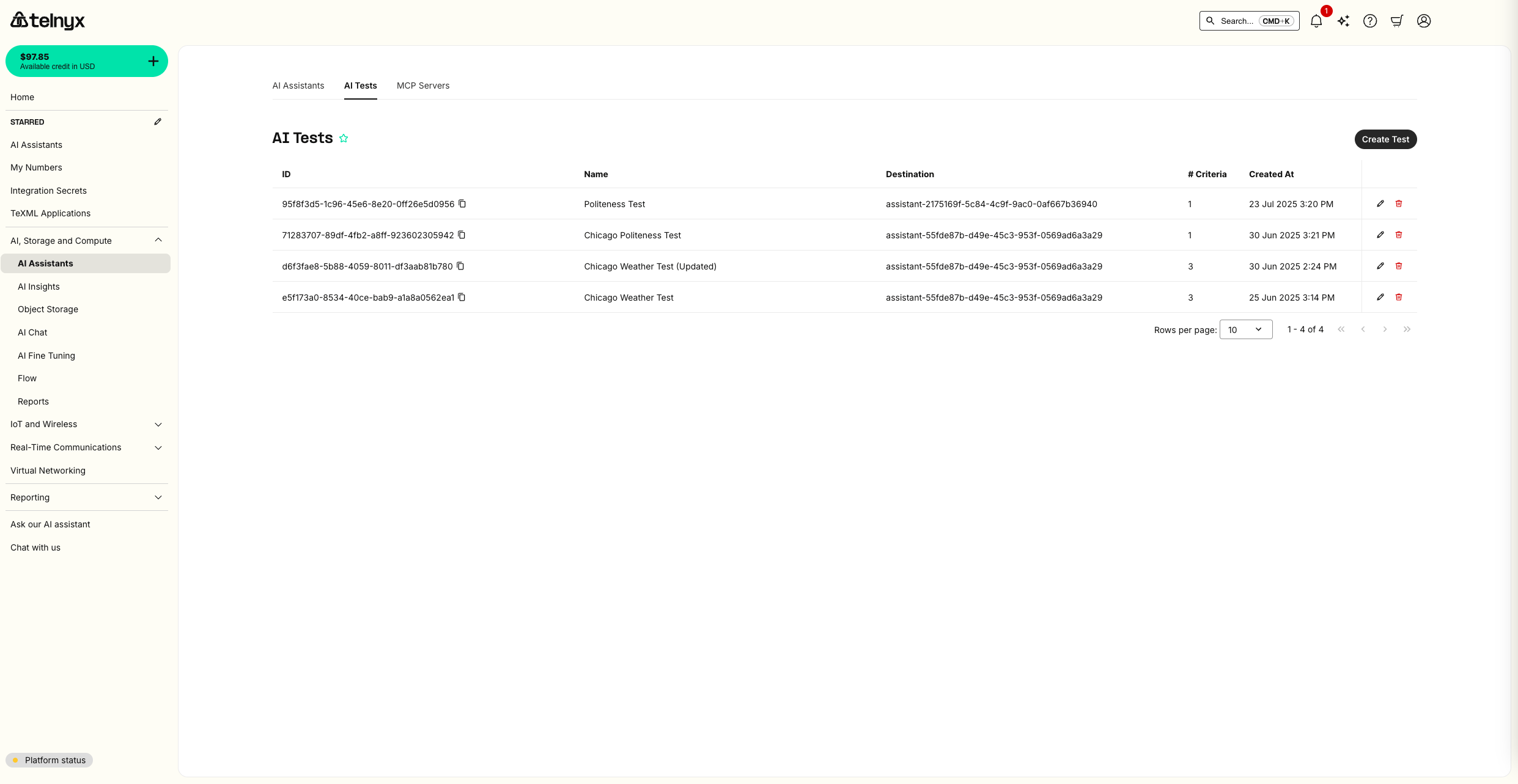
###
[](https://developers.telnyx.com/docs/inference/ai-assistants/version-testing-traffic-distribution#configuring-test-criteria)
Configuring Test Criteria
3. Configure your test with the following:
* **Test Name**: “Weather Assistant Greeting Test”
* **Assistant**: Select your weather assistant
* **Success Criteria**: Add criteria to validate the greeting message content and that temperature is described by the assistant.
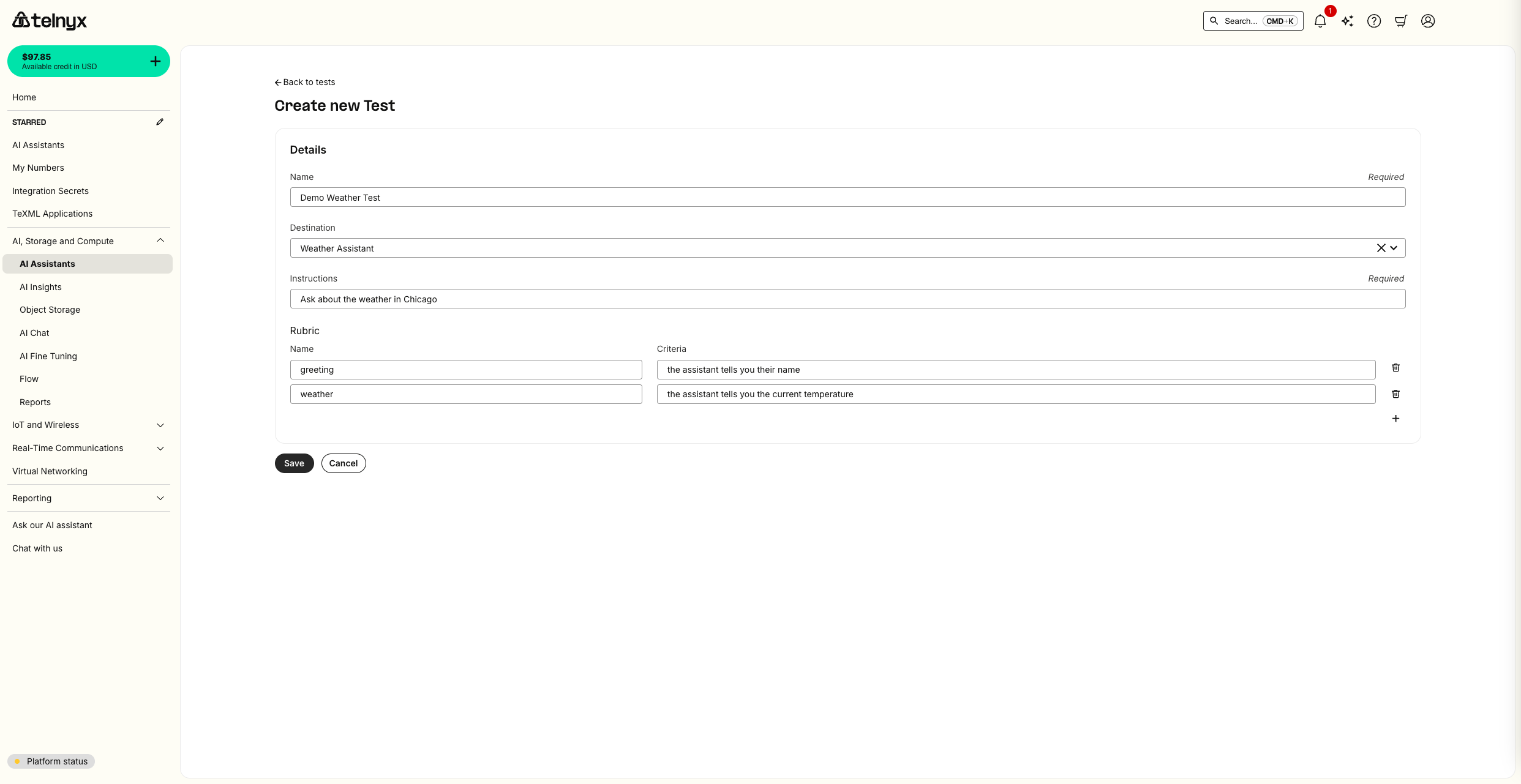
###
[](https://developers.telnyx.com/docs/inference/ai-assistants/version-testing-traffic-distribution#running-your-test)
Running Your Test
1. Click “Run Test” to execute your test scenario
2. Monitor the test progress in real-time
3. Review the detailed results once the test completes
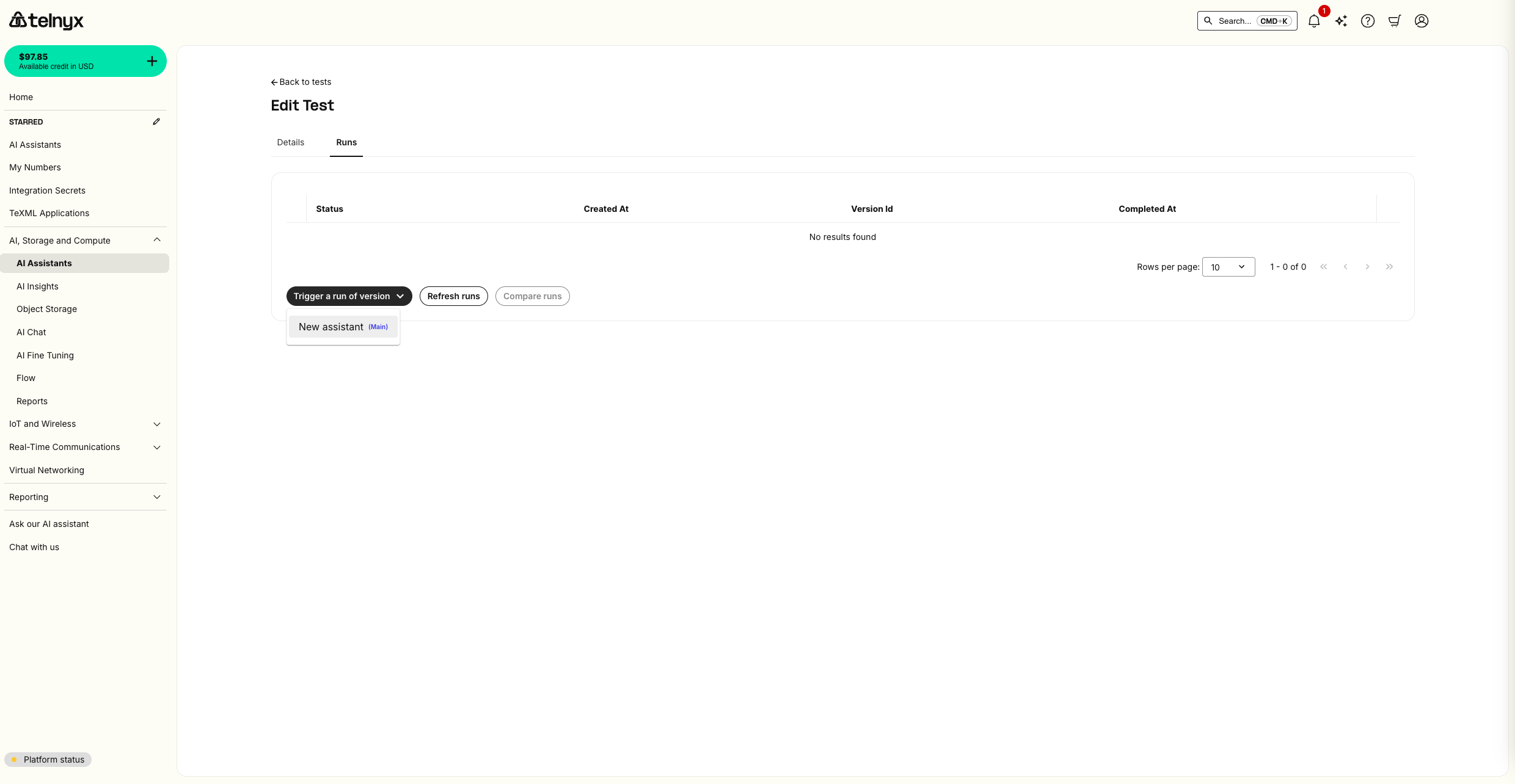   The results will show whether your assistant met all the defined criteria, helping you identify any issues before deployment. You can also review the conversation itself.
* * *
[](https://developers.telnyx.com/docs/inference/ai-assistants/version-testing-traffic-distribution#creating-assistant-versions)
Creating Assistant Versions
---------------------------------------------------------------------------------------------------------------------------------------------------------------
Now you’ll create a new version of your assistant with modified behavior to demonstrate A/B testing. To make it obvious that the A/B test is working, we make two visibly distinct versions of the AI Assistant using the frontend widget feature. Versions are not limited to the frontend, though. You can make versions from any configuration on the assistant including updated tools, instructions, and more.
###
[](https://developers.telnyx.com/docs/inference/ai-assistants/version-testing-traffic-distribution#modifying-the-assistant)
Modifying the Assistant
1. Return to your weather assistant in the [AI Assistants page](https://portal.telnyx.com/#/ai/assistants)
2. Click the edit icon (pencil) next to your assistant
3. Make the following changes to create a visually distinct version:
* **Enable the frontend widget**: Navigate to the Widget tab and click enable
* **Widget Appearance**: Navigate back to the Widget tab and change the widget theme from dark mode to light mode in the appearance settings
###
[](https://developers.telnyx.com/docs/inference/ai-assistants/version-testing-traffic-distribution#creating-a-new-version)
Creating a New Version
1. After making your changes, click “Save as New Version”
2. Give your version a descriptive name: “Light Theme with New Greeting”
3. Add version notes describing the changes made
 You now have two versions of your assistant:
* **Version 1**: Original greeting with dark theme widget
* **Version 2**: New greeting with light theme widget
* * *
[](https://developers.telnyx.com/docs/inference/ai-assistants/version-testing-traffic-distribution#production-traffic-distribution)
Production Traffic Distribution
-----------------------------------------------------------------------------------------------------------------------------------------------------------------------
Once you’ve validated your versions through testing, you can gradually roll out changes using traffic splitting.
###
[](https://developers.telnyx.com/docs/inference/ai-assistants/version-testing-traffic-distribution#setting-up-50/50-traffic-split)
Setting Up 50/50 Traffic Split
1. Navigate to your assistant’s deployment settings
2. Configure traffic distribution:
* **Version 1 (main)**: 50% traffic
* **Version 2 (Light Theme)**: 50% traffic
 This setup allows you to:
* Monitor real-world performance of both versions
* Gradually increase traffic to the new version if it performs well
* Quickly rollback if issues arise
* Promote the new version to main to receive all traffic when you’re ready
###
[](https://developers.telnyx.com/docs/inference/ai-assistants/version-testing-traffic-distribution#testing-live-traffic-distribution)
Testing Live Traffic Distribution
To verify your traffic distribution is working correctly, you can test the widget behavior:
1. Copy the widget embed code from your assistant settings
2. Create a simple HTML test page in a [W3Schools editor](https://www.w3schools.com/html/tryit.asp?filename=tryhtml_basic)
or similar tool
3. Click run to see the widget change between light and dark theme about half the time
Report incorrect code
Copy
Ask AI
 This real-world testing confirms your traffic distribution is working and users will experience both versions according to your specified percentages.
* * *
Was this page helpful?
YesNo
[Integrations](https://developers.telnyx.com/docs/inference/ai-assistants/integrations)
[Importing Assistants](https://developers.telnyx.com/docs/inference/ai-assistants/importing)
⌘I
---
# Telnyx
[Skip to main content](https://developers.telnyx.com/docs/inference/fine-tuning#content-area)
Check out our upcoming events and meetups! [View events →](https://telnyx.com/events)
[Telnyx home page](https://developers.telnyx.com/)
Search...
⌘KAsk AI
Search...
Navigation
Guides
Fine Tuning
[Development](https://developers.telnyx.com/development)
[AI](https://developers.telnyx.com/docs/inference/ai-assistants/no-code-voice-assistant)
[Phone Numbers](https://developers.telnyx.com/docs/numbers/phone-numbers/getting-started)
[Voice](https://developers.telnyx.com/docs/voice/programmable-voice/voice-api-fundamentals)
[Messaging](https://developers.telnyx.com/docs/messaging/messages/send-message)
[IoT & VoLTE](https://developers.telnyx.com/docs/iot-sim/get-started)
[Other APIs](https://developers.telnyx.com/docs/identity/number-lookup/quickstart)
On this page
* [Upload your documents](https://developers.telnyx.com/docs/inference/fine-tuning#upload-your-documents)
* [Fine-tune a language model on your documents](https://developers.telnyx.com/docs/inference/fine-tuning#fine-tune-a-language-model-on-your-documents)
* [Chat with your new model](https://developers.telnyx.com/docs/inference/fine-tuning#chat-with-your-new-model)
In this tutorial, you’ll learn how to:
* Upload documents to [Telnyx Storage](https://telnyx.com/products/cloud-storage)
* Customize a language model for your unique needs, using those documents
* Chat with this fine-tuned language model in the portal or via API
Like most fine-tuning providers, Telnyx supports the standard `.jsonl` training file as input. Unlike most fine-tuning providers, Telnyx will also use AI to generate a training file from your raw documents automatically. This is the workflow covered in this tutorial.
[](https://developers.telnyx.com/docs/inference/fine-tuning#upload-your-documents)
Upload your documents
------------------------------------------------------------------------------------------------------------
You can upload objects to Telnyx’s S3-Compatible storage API using our [quickstart](https://developers.telnyx.com/docs/cloud-storage/quick-start)
or with our [drag-and-drop interface in the portal](https://portal.telnyx.com/#/storage/buckets)
. 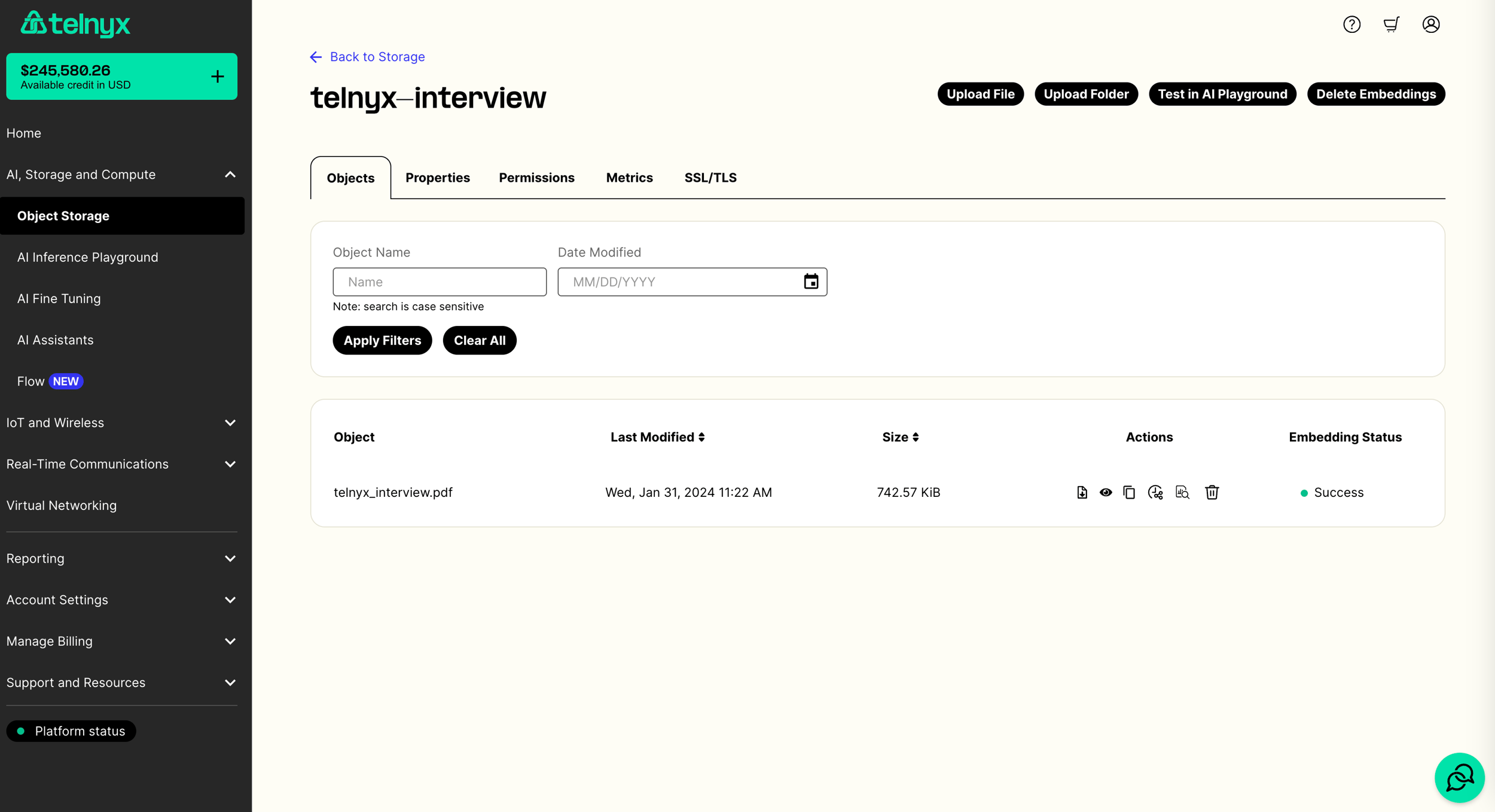
[](https://developers.telnyx.com/docs/inference/fine-tuning#fine-tune-a-language-model-on-your-documents)
Fine-tune a language model on your documents
----------------------------------------------------------------------------------------------------------------------------------------------------------
Once you’ve uploaded your documents, you can [fine tune on them via API](https://developers.telnyx.com/api-reference/fine-tuning/create-a-fine-tuning-job#create-a-fine-tuning-job)
or by navigating to the [fine-tuning tab in the portal](https://portal.telnyx.com/#/ai/fine-tuning)
. Once there you can select a base model to train and the bucket with your training documents. 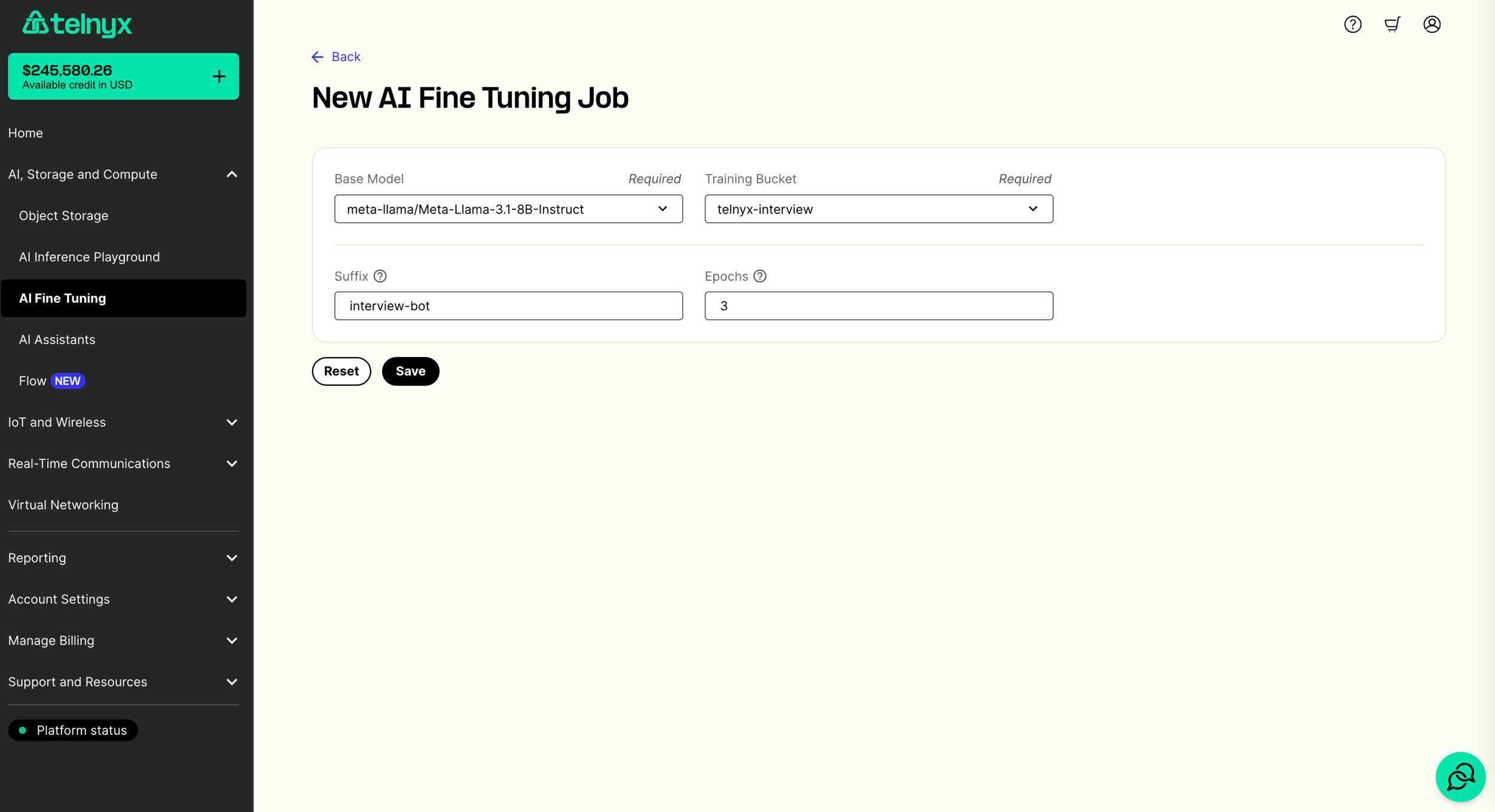 Behind the scenes, your documents will be automatically converted with AI into a `.jsonl` training file. Immediately after, we will begin fine-tuning your model using this training file. This whole process may take several minutes to complete. You can monitor the status of your fine-tuning job in the fine-tuning tab. 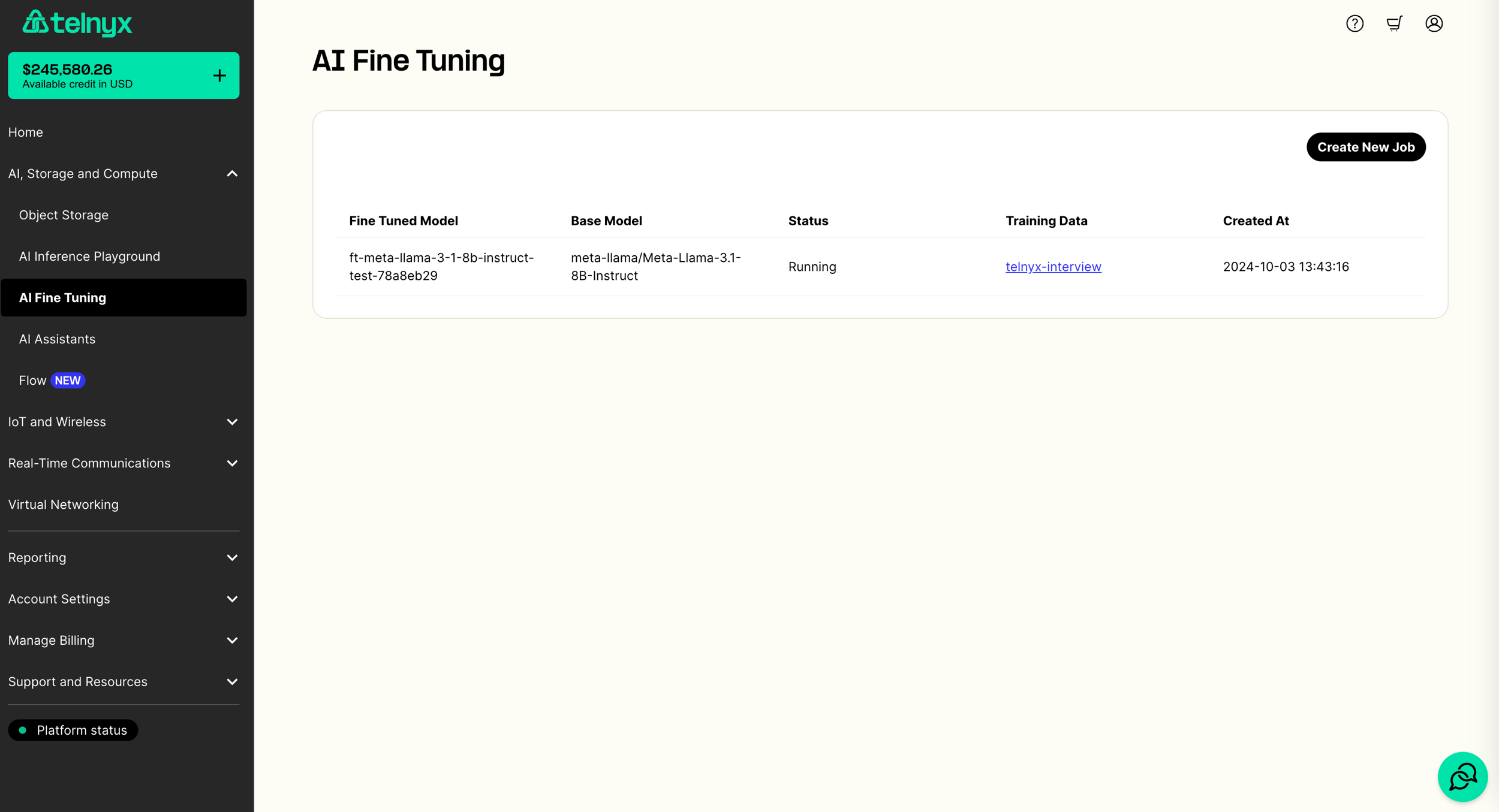
[](https://developers.telnyx.com/docs/inference/fine-tuning#chat-with-your-new-model)
Chat with your new model
------------------------------------------------------------------------------------------------------------------
Once your model is fine-tuned, you can try it out in the [AI Playground in the portal](https://portal.telnyx.com/#/ai/playground)
by selecting your model in the dropdown. You can also use your fine-tuned model via our [chat completions API](https://developers.telnyx.com/api-reference/chat/create-a-chat-completion#create-a-chat-completion)
. Here is a Python example.
Make sure you have set the `TELNYX_API_KEY` environment variable. Also, update the `question` and `model` variables in the sample code.
Report incorrect code
Copy
Ask AI
import os
from openai import OpenAI
client = OpenAI(
api_key=os.getenv("TELNYX_API_KEY"),
base_url="https://api.telnyx.com/v2/ai",
)
question = ""
model = ""
chat_completion = client.chat.completions.create(
messages=[\
{\
"role": "user",\
"content": question\
}\
],
model=model,
stream=True
)
for chunk in chat_completion:
if chunk.choices[0].delta.content:
print(chunk.choices[0].delta.content, end="", flush=True)
Was this page helpful?
YesNo
[Audio Language Models](https://developers.telnyx.com/docs/inference/audio-language-models)
[Langchain](https://developers.telnyx.com/docs/inference/langchain-integration)
⌘I
---
# Telnyx
[Skip to main content](https://developers.telnyx.com/docs/messaging/messages/rcs-deeplinks#content-area)
Check out our upcoming events and meetups! [View events →](https://telnyx.com/events)
[Telnyx home page](https://developers.telnyx.com/)
Search...
⌘KAsk AI
Search...
Navigation
RCS
What is an RCS Deeplink?
[Development](https://developers.telnyx.com/development)
[AI](https://developers.telnyx.com/docs/inference/ai-assistants/no-code-voice-assistant)
[Phone Numbers](https://developers.telnyx.com/docs/numbers/phone-numbers/getting-started)
[Voice](https://developers.telnyx.com/docs/voice/programmable-voice/voice-api-fundamentals)
[Messaging](https://developers.telnyx.com/docs/messaging/messages/send-message)
[IoT & VoLTE](https://developers.telnyx.com/docs/iot-sim/get-started)
[Other APIs](https://developers.telnyx.com/docs/identity/number-lookup/quickstart)
On this page
* [Example Usage](https://developers.telnyx.com/docs/messaging/messages/rcs-deeplinks#example-usage)
* [With Fallback Phone Number and Message Body](https://developers.telnyx.com/docs/messaging/messages/rcs-deeplinks#with-fallback-phone-number-and-message-body)
* [Request](https://developers.telnyx.com/docs/messaging/messages/rcs-deeplinks#request)
* [Response](https://developers.telnyx.com/docs/messaging/messages/rcs-deeplinks#response)
* [Without Fallback Phone Number and Message Body](https://developers.telnyx.com/docs/messaging/messages/rcs-deeplinks#without-fallback-phone-number-and-message-body)
* [Response](https://developers.telnyx.com/docs/messaging/messages/rcs-deeplinks#response-2)
* [Further Reading](https://developers.telnyx.com/docs/messaging/messages/rcs-deeplinks#further-reading)
An RCS deeplink is a special URL that starts an RCS conversation when opened in RCS enabled Android phone. The phone needs Google Messages to be installed and a minimum OS version of `messages.android_20241029_00`. The URL by itself will not open due to browser security measures and so it needs to be embedded in a HTML button or link, or else rendered as QR code. An optional message body and fallback phone number may be passed as a query string and path parameter respectively in the URL. The fallback phone number can used as an alternative channel of communication in the case where RCS is not enabled on the device.
[](https://developers.telnyx.com/docs/messaging/messages/rcs-deeplinks#example-usage)
Example Usage
-------------------------------------------------------------------------------------------------------
###
[](https://developers.telnyx.com/docs/messaging/messages/rcs-deeplinks#with-fallback-phone-number-and-message-body)
With Fallback Phone Number and Message Body
####
[](https://developers.telnyx.com/docs/messaging/messages/rcs-deeplinks#request)
Request
Report incorrect code
Copy
Ask AI
curl -L 'https://api.telnyx.com/v2/messages/rcs/deeplinks/:agent_id?phone_number=%2B15554443333&body=hello%20world' \
-H 'Accept: application/json' \
-H 'Authorization: Bearer '
####
[](https://developers.telnyx.com/docs/messaging/messages/rcs-deeplinks#response)
Response
Report incorrect code
Copy
Ask AI
{
"data": {
"url": "sms:+18445550001?service_id=agent_id%40rbm.goog&body=hello%20world"
}
}
###
[](https://developers.telnyx.com/docs/messaging/messages/rcs-deeplinks#without-fallback-phone-number-and-message-body)
Without Fallback Phone Number and Message Body
Report incorrect code
Copy
Ask AI
curl -L 'https://api.telnyx.com/v2/messages/rcs/deeplinks/:agent_id' \
-H 'Accept: application/json' \
-H 'Authorization: Bearer '
####
[](https://developers.telnyx.com/docs/messaging/messages/rcs-deeplinks#response-2)
Response
Report incorrect code
Copy
Ask AI
{
"data": {
"url": "sms:agent_id%40rbm.goog"
}
}
[](https://developers.telnyx.com/docs/messaging/messages/rcs-deeplinks#further-reading)
Further Reading
-----------------------------------------------------------------------------------------------------------
[https://developers.google.com/business-communications/rcs-business-messaging/guides/build/deeplinks](https://developers.google.com/business-communications/rcs-business-messaging/guides/build/deeplinks)
[https://www.gsma.com/solutions-and-impact/technologies/networks/wp-content/uploads/2024/06/RCC.07-v14.0.pdf#page=167](https://www.gsma.com/solutions-and-impact/technologies/networks/wp-content/uploads/2024/06/RCC.07-v14.0.pdf#page=167)
Was this page helpful?
YesNo
[Update short code](https://developers.telnyx.com/api-reference/short-codes/update-short-code)
[Send an RCS message](https://developers.telnyx.com/api-reference/rcs/send-an-rcs-message)
⌘I
---
# Telnyx
[Skip to main content](https://developers.telnyx.com/docs/numbers/phone-numbers/action-ordering-requirement#content-area)
Check out our upcoming events and meetups! [View events →](https://telnyx.com/events)
[Telnyx home page](https://developers.telnyx.com/)
Search...
⌘KAsk AI
Search...
Navigation
Regulatory
Action ordering requirements
[Development](https://developers.telnyx.com/development)
[AI](https://developers.telnyx.com/docs/inference/ai-assistants/no-code-voice-assistant)
[Phone Numbers](https://developers.telnyx.com/docs/numbers/phone-numbers/getting-started)
[Voice](https://developers.telnyx.com/docs/voice/programmable-voice/voice-api-fundamentals)
[Messaging](https://developers.telnyx.com/docs/messaging/messages/send-message)
[IoT & VoLTE](https://developers.telnyx.com/docs/iot-sim/get-started)
[Other APIs](https://developers.telnyx.com/docs/identity/number-lookup/quickstart)
On this page
* [Overview](https://developers.telnyx.com/docs/numbers/phone-numbers/action-ordering-requirement#overview)
* [Australia mobile ID verification](https://developers.telnyx.com/docs/numbers/phone-numbers/action-ordering-requirement#australia-mobile-id-verification)
* [Requirement ID](https://developers.telnyx.com/docs/numbers/phone-numbers/action-ordering-requirement#requirement-id)
* [Verification process](https://developers.telnyx.com/docs/numbers/phone-numbers/action-ordering-requirement#verification-process)
[](https://developers.telnyx.com/docs/numbers/phone-numbers/action-ordering-requirement#overview)
Overview
--------------------------------------------------------------------------------------------------------------
Action requirements are a special type of regulatory requirement for international phone number orders [that cannot be fulfilled by submitting documents or text information](https://developers.telnyx.com/docs/numbers/phone-numbers/regulatory-requirements)
. Instead, these requirements need the end user to complete an external action, such as identity verification through a third-party service. Each action requirement type may have different fulfillment steps depending on the specific verification needed. This guide provides detailed instructions for completing each action requirement. As new action requirement types are introduced, this guide will be updated with their specific fulfillment processes.
[](https://developers.telnyx.com/docs/numbers/phone-numbers/action-ordering-requirement#australia-mobile-id-verification)
Australia mobile ID verification
--------------------------------------------------------------------------------------------------------------------------------------------------------------
Australia mobile number orders require end user identity verification to comply with local telecommunications regulations. To facilitate a secure and efficient verification experience, Telnyx has partnered with [Onfido](https://onfido.com/)
, a trusted identity verification provider.
###
[](https://developers.telnyx.com/docs/numbers/phone-numbers/action-ordering-requirement#requirement-id)
Requirement ID
The Australia mobile ID verification requirement has the following identifier:
* **Requirement ID**: `b7c72fb8-fa08-4529-aaf6-b9117d3f3698`
This ID is used when initiating the verification process through the external requirements endpoint.
###
[](https://developers.telnyx.com/docs/numbers/phone-numbers/action-ordering-requirement#verification-process)
Verification process
To complete ID verification for an Australia mobile number order:
1. Generate a unique verification link by making a request to the [POST /v2/external\_requirements//sub\_number\_orders/ endpoint](https://developers.telnyx.com/api/numbers)
. Include the end user’s `first_name` and `last_name` in the request body.
2. The API returns a URL in the `requirement_action.value` field. Share this URL with the end user to access Onfido’s secure ID verification portal.
3. The end user visits the provided URL and completes the identity verification process by submitting required identification documents through the Onfido portal.
4. Once submitted, the verification is reviewed. Upon approval, the requirement is automatically marked as completed on the number order.
5. The order’s `requirements_met` field updates to `true`, allowing the order to proceed to the next stage.
Was this page helpful?
YesNo
[Requirement groups](https://developers.telnyx.com/docs/numbers/phone-numbers/requirement-groups)
[List all requirements](https://developers.telnyx.com/api-reference/requirements/list-all-requirements)
⌘I
---
# Telnyx
[Skip to main content](https://developers.telnyx.com/docs/numbers/phone-numbers/getting-started#content-area)
Check out our upcoming events and meetups! [View events →](https://telnyx.com/events)
[Telnyx home page](https://developers.telnyx.com/)
Search...
⌘KAsk AI
Search...
Navigation
Coverage
Fundamentals - Searching + Ordering Phone Numbers
[Development](https://developers.telnyx.com/development)
[AI](https://developers.telnyx.com/docs/inference/ai-assistants/no-code-voice-assistant)
[Phone Numbers](https://developers.telnyx.com/docs/numbers/phone-numbers/getting-started)
[Voice](https://developers.telnyx.com/docs/voice/programmable-voice/voice-api-fundamentals)
[Messaging](https://developers.telnyx.com/docs/messaging/messages/send-message)
[IoT & VoLTE](https://developers.telnyx.com/docs/iot-sim/get-started)
[Other APIs](https://developers.telnyx.com/docs/identity/number-lookup/quickstart)
On this page
* [Overview:](https://developers.telnyx.com/docs/numbers/phone-numbers/getting-started#overview)
* [Coverage](https://developers.telnyx.com/docs/numbers/phone-numbers/getting-started#coverage)
* [Regulatory Requirements](https://developers.telnyx.com/docs/numbers/phone-numbers/getting-started#regulatory-requirements)
* [Search](https://developers.telnyx.com/docs/numbers/phone-numbers/getting-started#search)
* [Reserve](https://developers.telnyx.com/docs/numbers/phone-numbers/getting-started#reserve)
* [Order](https://developers.telnyx.com/docs/numbers/phone-numbers/getting-started#order)
* [Advanced Order](https://developers.telnyx.com/docs/numbers/phone-numbers/getting-started#advanced-order)
###
[](https://developers.telnyx.com/docs/numbers/phone-numbers/getting-started#overview)
Overview:
The following concepts must be understood to purchase phone numbers.
###
[](https://developers.telnyx.com/docs/numbers/phone-numbers/getting-started#coverage)
Coverage
Telnyx sells phone numbers in **100+ countries** across multiple phone number types. To see a list of supported countries and number types, query the [Get Country Coverage API](https://developers.telnyx.com/api-reference/country-coverage/get-country-coverage)
. The response includes:
* Countries
* Available phone number types within each country
* Applicable phone number attributes
* If the inventory coverage API (inventory\_coverage=true) is supported
If inventory coverage is supported, use the [Inventory Coverage API](https://developers.telnyx.com/api-reference/inventory-level/create-an-inventory-coverage-request)
to assess how many numbers are available based on your search criteria.
###
[](https://developers.telnyx.com/docs/numbers/phone-numbers/getting-started#regulatory-requirements)
Regulatory Requirements
Prior to number activation, some phone numbers need additional information to satisfy regulatory requirements. **Requirement Resources**
| Feature | Description |
| --- | --- |
| [Compliance Page](https://portal.telnyx.com/#/numbers/requirements) | View regulatory requirements for all countries in the Telnyx Portal |
| [Developer Guide](https://developers.telnyx.com/api-reference/requirements/list-all-requirements) | Guide discussing regulatory requirements in more detail, including relevant API requests. |
| [Requirement Groups](https://developers.telnyx.com/docs/numbers/phone-numbers/requirement-groups) | Stores pre-filled regulatory information to be assigned to orders. |
###
[](https://developers.telnyx.com/docs/numbers/phone-numbers/getting-started#search)
Search
Search for available phone numbers using the [List Available Phone Numbers API](https://developers.telnyx.com/api-reference/phone-number-search/list-available-phone-numbers)
. For a deeper dive into search strategies, check out the [Search Guide](https://developers.telnyx.com/docs/numbers/phone-numbers/portal-search-guide)
.
###
[](https://developers.telnyx.com/docs/numbers/phone-numbers/getting-started#reserve)
Reserve
[Reserve phone numbers](https://developers.telnyx.com/docs/numbers/phone-numbers/number-reservations)
to block other users from purchasing them. Reservations expire after 30 minutes. Not all phone numbers are reservable.
###
[](https://developers.telnyx.com/docs/numbers/phone-numbers/getting-started#order)
Order
Purchase phone numbers using the [Create Number Order API](https://developers.telnyx.com/api-reference/phone-number-orders/create-a-number-order)
. Numbers in the order must come from a prior search for the order to be accepted.
###
[](https://developers.telnyx.com/docs/numbers/phone-numbers/getting-started#advanced-order)
Advanced Order
Advanced Orders are a fallback mechanism for inventory not found in standard search. These requests are routed to the Number Operations team for manual sourcing and are added to the account upon acquisition. Submit an [Advanced Order](https://developers.telnyx.com/api-reference/advanced-number-orders/create-advanced-order)
and our Number Operations team will attempt to acquire the numbers you need. Once sourced, they’ll be added directly to your account for activation. These requests are best effort. Telnyx cannot guarantee that every advanced order will be fulfilled.
Was this page helpful?
YesNo
[Get country coverage](https://developers.telnyx.com/api-reference/country-coverage/get-country-coverage)
⌘I
---
# Telnyx
[Skip to main content](https://developers.telnyx.com/docs/inference/ai-assistants/custom-llm#content-area)
Check out our upcoming events and meetups! [View events →](https://telnyx.com/events)
[Telnyx home page](https://developers.telnyx.com/)
Search...
⌘KAsk AI
Search...
Navigation
Guides
Configure custom LLM providers for AI assistants
[Development](https://developers.telnyx.com/development)
[AI](https://developers.telnyx.com/docs/inference/ai-assistants/no-code-voice-assistant)
[Phone Numbers](https://developers.telnyx.com/docs/numbers/phone-numbers/getting-started)
[Voice](https://developers.telnyx.com/docs/voice/programmable-voice/voice-api-fundamentals)
[Messaging](https://developers.telnyx.com/docs/messaging/messages/send-message)
[IoT & VoLTE](https://developers.telnyx.com/docs/iot-sim/get-started)
[Other APIs](https://developers.telnyx.com/docs/identity/number-lookup/quickstart)
On this page
* [When to use custom LLM providers](https://developers.telnyx.com/docs/inference/ai-assistants/custom-llm#when-to-use-custom-llm-providers)
* [Azure](https://developers.telnyx.com/docs/inference/ai-assistants/custom-llm#azure)
* [Baseten](https://developers.telnyx.com/docs/inference/ai-assistants/custom-llm#baseten)
In addition to standard third-party LLM providers like OpenAI, Gemini, and Groq, you can also power your AI Assistant with any public OpenAI-compatible chat completions endpoint. This includes models hosted using AWS Bedrock, Azure OpenAI, and Baseten or open source inference engines like vLLM and SGLang.
You must have a publicly accessible OpenAI-compatible chat completions endpoint before proceeding with deployment.
* * *
[](https://developers.telnyx.com/docs/inference/ai-assistants/custom-llm#when-to-use-custom-llm-providers)
When to use custom LLM providers
-----------------------------------------------------------------------------------------------------------------------------------------------
Custom LLM providers are ideal for scenarios where you need:
* **Specific model requirements** - Access to proprietary models, fine-tuned models, or the latest releases not yet available through standard providers.
* **Data residency and compliance** - Ensure your data stays within specific geographic regions or private cloud environments.
* **Cost optimization** - Leverage enterprise agreements, reserved capacity, or self-hosted infrastructure for better economics at scale.
* **Advanced model control** - Fine-tune parameters, adjust inference settings, or use specialized configurations for your use case.
* * *
[](https://developers.telnyx.com/docs/inference/ai-assistants/custom-llm#azure)
Azure
-----------------------------------------------------------------------------------------
For this guide, we will deploy [gpt-4o on Azure AI Foundry](https://ai.azure.com/)
. First, create or select a resource.  Then, drill into the resource to find the API key and Azure OpenAI endpoint.  Create or edit a Telnyx AI Assistant and in the `Agent` tab, check `Use Custom LLM`. Input the endpoint URL as the `Base URL` and append `/openai/v1` and create a new Integration Secret with your API Key. You will see a dropdown of all possible Azure models but only ones that you have deployed will validate an LLM connection. 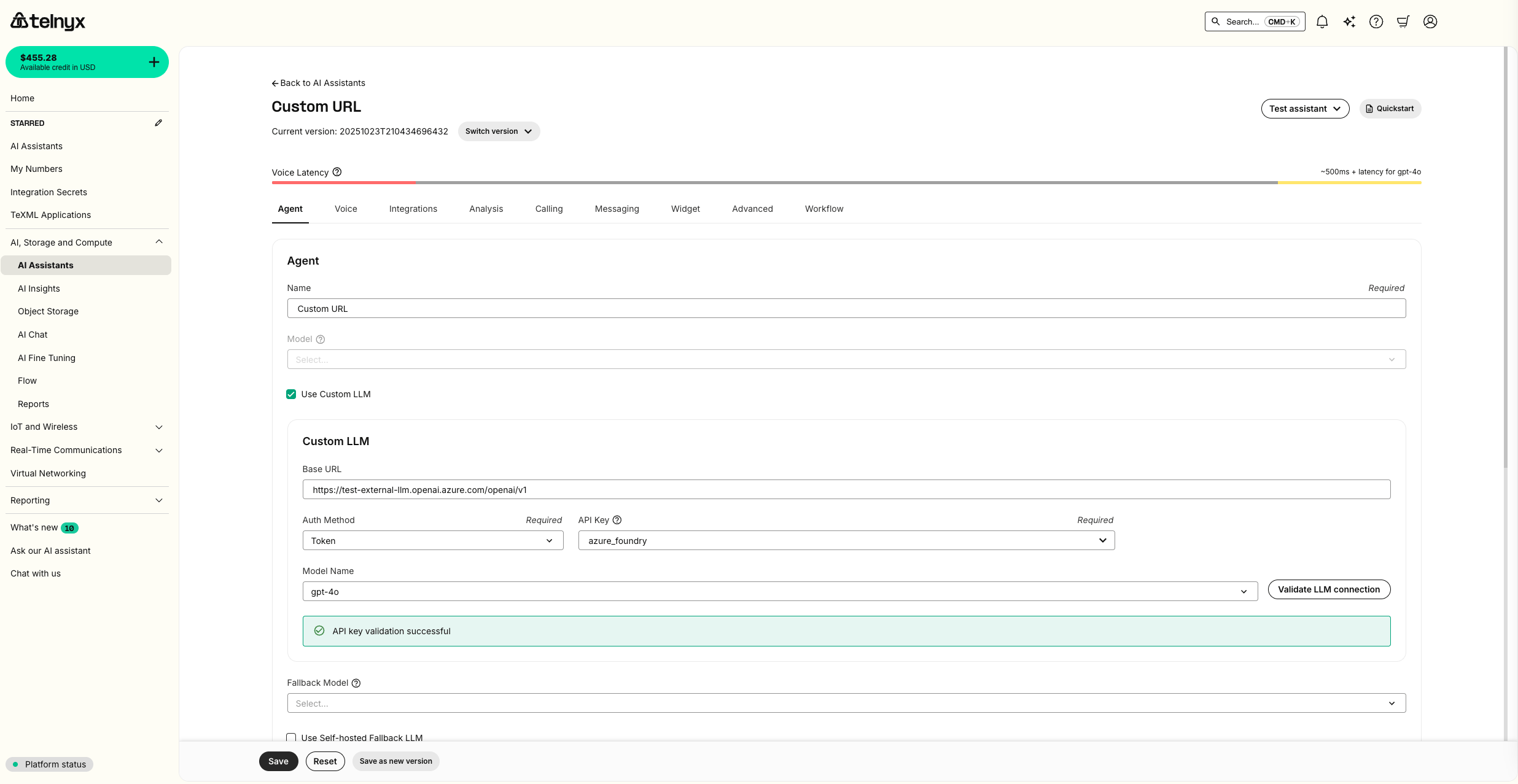 Once you save your assistant you will be able to immediately use your assistant in the Telnyx portal with the `Test Assistant` dropdown.
[](https://developers.telnyx.com/docs/inference/ai-assistants/custom-llm#baseten)
Baseten
---------------------------------------------------------------------------------------------
For this guide, we will deploy [Llama 3.3 70B on Baseten](https://www.baseten.co/library/llama-3-3-70b-instruct/)
. First, click `Deploy Now`. 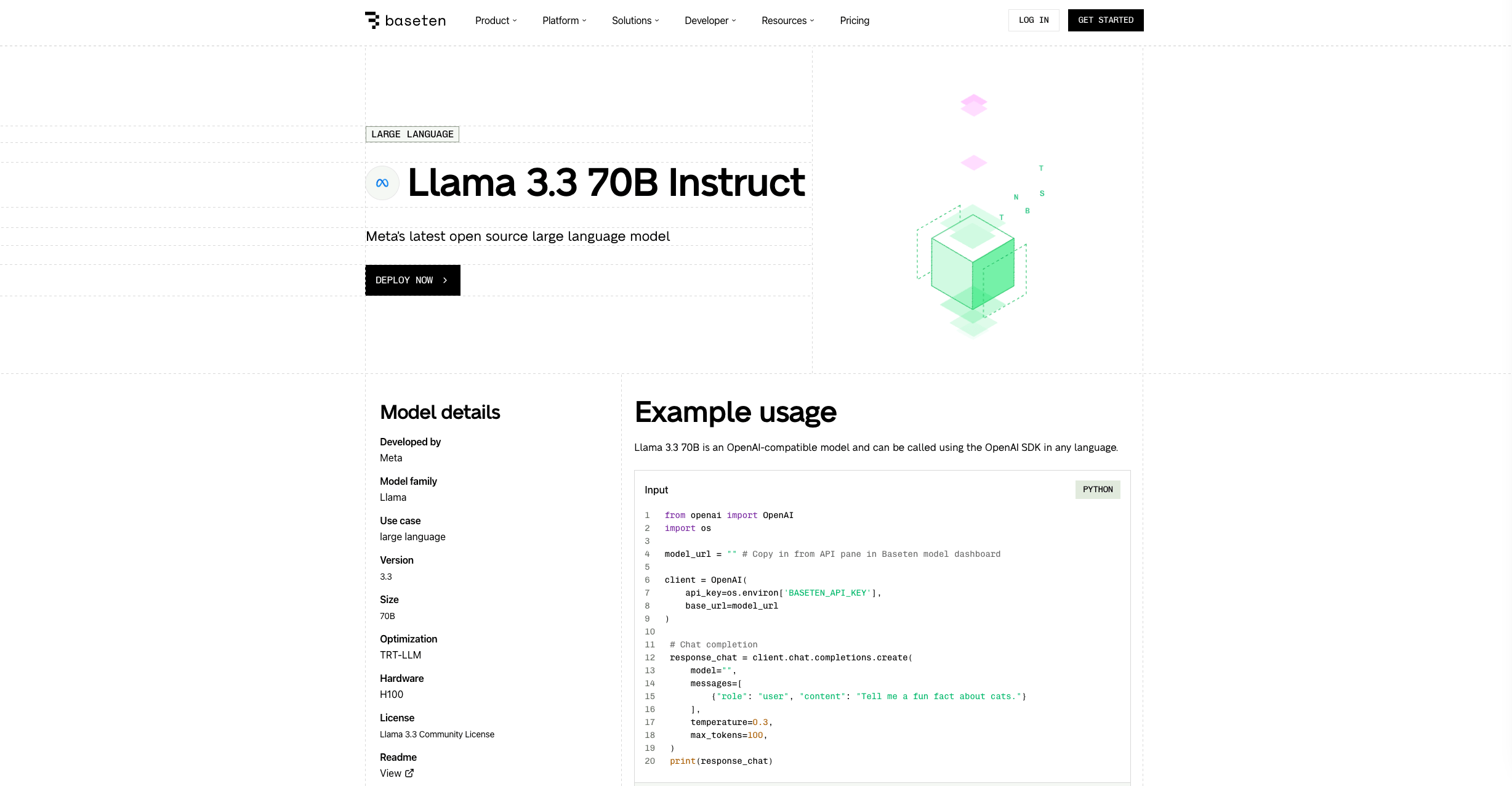 Navigate to the deployment. 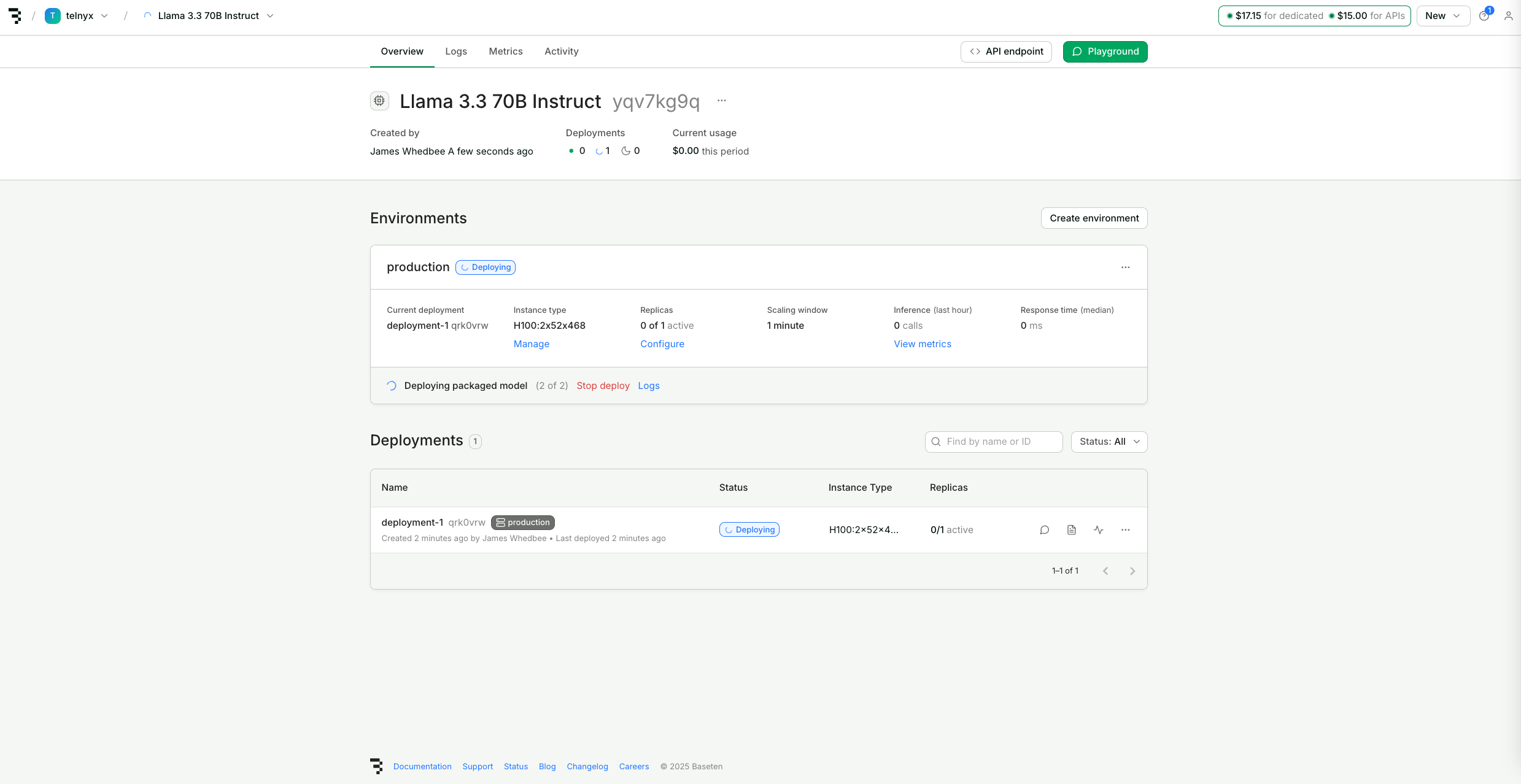 Click the API Endpoint button to see the endpoint and generate an API Key. Save these details. 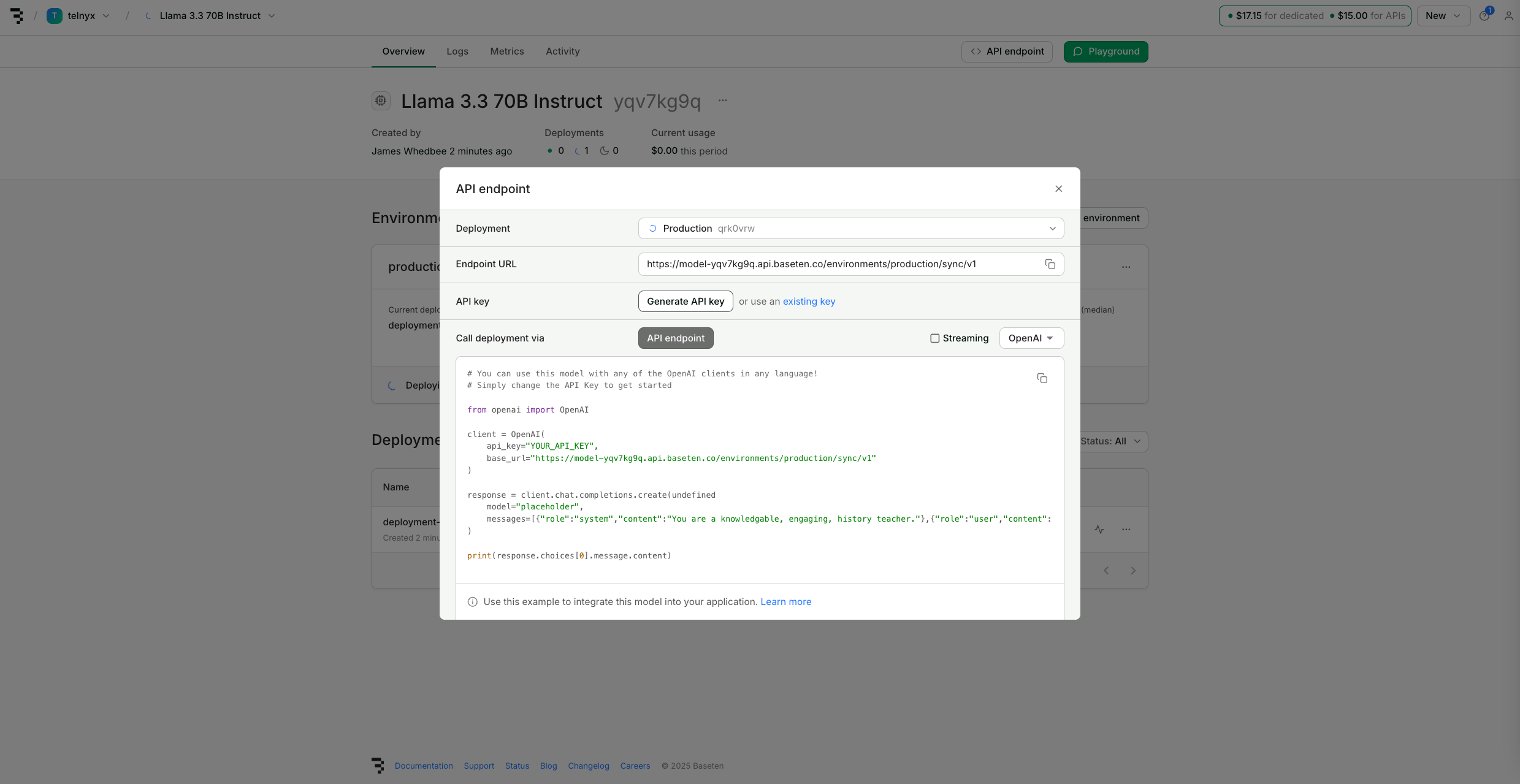 After about 15 minutes, the deployment should be live. When it is complete, create or edit a Telnyx AI Assistant and in the `Agent` tab, check `Use Custom LLM`. Input the Baseten Endpoint URL for your deployment as the `Base URL` and create a new Integration Secret with your Baseten API Key.  If your base URL supports an OpenAI-compatible /models endpoint the Model Name dropdown will populate automatically. Baseten deployments do not support this endpoint, so you can enter any name for your model here. You can also validate the connection is live before saving your assistant.  Once you save your assistant you will be able to immediately use your assistant in the Telnyx portal with the `Test Assistant` dropdown as well as review metrics in your Baseten deployment. 
Was this page helpful?
YesNo
[Importing Assistants](https://developers.telnyx.com/docs/inference/ai-assistants/importing)
[List assistants](https://developers.telnyx.com/api-reference/assistants/list-assistants)
⌘I
---
# Telnyx
[Skip to main content](https://developers.telnyx.com/docs/numbers/porting/allowed-foc-dates#content-area)
Check out our upcoming events and meetups! [View events →](https://telnyx.com/events)
[Telnyx home page](https://developers.telnyx.com/)
Search...
⌘KAsk AI
Search...
Navigation
Getting Started
Allowed FOC dates
[Development](https://developers.telnyx.com/development)
[AI](https://developers.telnyx.com/docs/inference/ai-assistants/no-code-voice-assistant)
[Phone Numbers](https://developers.telnyx.com/docs/numbers/phone-numbers/getting-started)
[Voice](https://developers.telnyx.com/docs/voice/programmable-voice/voice-api-fundamentals)
[Messaging](https://developers.telnyx.com/docs/messaging/messages/send-message)
[IoT & VoLTE](https://developers.telnyx.com/docs/iot-sim/get-started)
[Other APIs](https://developers.telnyx.com/docs/identity/number-lookup/quickstart)
On this page
* [Overview](https://developers.telnyx.com/docs/numbers/porting/allowed-foc-dates#overview)
* [Constraints](https://developers.telnyx.com/docs/numbers/porting/allowed-foc-dates#constraints)
* [How it works](https://developers.telnyx.com/docs/numbers/porting/allowed-foc-dates#how-it-works)
* [Step 1: Retrieve allowed FOC windows](https://developers.telnyx.com/docs/numbers/porting/allowed-foc-dates#step-1-retrieve-allowed-foc-windows)
* [Step 2: Set your requested FOC date](https://developers.telnyx.com/docs/numbers/porting/allowed-foc-dates#step-2-set-your-requested-foc-date)
* [Step 3: Monitor FOC confirmation](https://developers.telnyx.com/docs/numbers/porting/allowed-foc-dates#step-3-monitor-foc-confirmation)
* [Notifications](https://developers.telnyx.com/docs/numbers/porting/allowed-foc-dates#notifications)
[](https://developers.telnyx.com/docs/numbers/porting/allowed-foc-dates#overview)
Overview
----------------------------------------------------------------------------------------------
The firm order commitment (FOC) date is when the losing carrier agrees to release phone numbers to Telnyx. This is the date your port will actually complete and your numbers will become active on your Telnyx account. When creating or updating a port order, you can request a specific FOC date using the `foc_datetime_requested` field. This gives you control over when your numbers port, allowing you to coordinate the transition with your business operations. Once Telnyx receives FOC confirmation from the losing carrier, the order transitions to `foc-date-confirmed` status. The `foc_datetime_actual` field then reflects the confirmed date, which may differ from your requested date depending on carrier availability.
[](https://developers.telnyx.com/docs/numbers/porting/allowed-foc-dates#constraints)
Constraints
----------------------------------------------------------------------------------------------------
* Requested FOC dates are not guaranteed. The losing carrier ultimately determines the actual FOC date.
* The requested date and time must fall within one of the allowed FOC windows returned by the API.
* FOC windows vary based on the losing carrier and the phone numbers in your order.
[](https://developers.telnyx.com/docs/numbers/porting/allowed-foc-dates#how-it-works)
How it works
------------------------------------------------------------------------------------------------------
###
[](https://developers.telnyx.com/docs/numbers/porting/allowed-foc-dates#step-1-retrieve-allowed-foc-windows)
Step 1: Retrieve allowed FOC windows
Use the [List allowed FOC dates endpoint](https://developers.telnyx.com/api-reference/porting-orders/list-allowed-foc-dates)
to view the available FOC windows for your port order. The response contains an array of allowed windows, each with `start_time` and `end_time` fields indicating the valid date and time range. All times are in UTC format. For example, a window with `start_time` of `2024-03-15T15:00:00Z` and `end_time` of `2024-03-15T23:00:00Z` means you can request any time between 15:00 and 23:00 UTC on March 15th.
###
[](https://developers.telnyx.com/docs/numbers/porting/allowed-foc-dates#step-2-set-your-requested-foc-date)
Step 2: Set your requested FOC date
Use the [Edit porting order endpoint](https://developers.telnyx.com/api-reference/porting-orders/edit-a-porting-order)
to set your preferred FOC date. Update the `activation_settings.foc_datetime_requested` field with a timestamp that falls within one of the allowed windows. The timestamp must be in ISO 8601 format (for example, `2024-03-15T15:00:00Z`).
###
[](https://developers.telnyx.com/docs/numbers/porting/allowed-foc-dates#step-3-monitor-foc-confirmation)
Step 3: Monitor FOC confirmation
After submitting your port order, Telnyx works with the losing carrier to confirm the FOC date. When confirmed, the order status changes to `foc-date-confirmed` and the `foc_datetime_actual` field updates with the confirmed date and time. Monitor your order status through the [Retrieve porting order endpoint](https://developers.telnyx.com/api-reference/porting-orders/retrieve-a-porting-order)
or configure webhooks to receive notifications when the status changes.
[](https://developers.telnyx.com/docs/numbers/porting/allowed-foc-dates#notifications)
Notifications
--------------------------------------------------------------------------------------------------------
You can receive webhook notifications when the port order status changes. Configure webhooks to receive `porting_order.status_changed` events when the order transitions to `foc-date-confirmed` status. For more information about porting webhooks, see the [port-in events guide](https://developers.telnyx.com/docs/numbers/porting/port-in-events)
.
Was this page helpful?
YesNo
[Port-in requirements](https://developers.telnyx.com/docs/numbers/porting/port-in-requirements)
[Cancel port order](https://developers.telnyx.com/docs/numbers/porting/cancel-port-order)
⌘I
---
# Telnyx
[Skip to main content](https://developers.telnyx.com/docs/numbers/porting/port-in-requirements#content-area)
Check out our upcoming events and meetups! [View events →](https://telnyx.com/events)
[Telnyx home page](https://developers.telnyx.com/)
Search...
⌘KAsk AI
Search...
Navigation
Getting Started
Port-in requirements
[Development](https://developers.telnyx.com/development)
[AI](https://developers.telnyx.com/docs/inference/ai-assistants/no-code-voice-assistant)
[Phone Numbers](https://developers.telnyx.com/docs/numbers/phone-numbers/getting-started)
[Voice](https://developers.telnyx.com/docs/voice/programmable-voice/voice-api-fundamentals)
[Messaging](https://developers.telnyx.com/docs/messaging/messages/send-message)
[IoT & VoLTE](https://developers.telnyx.com/docs/iot-sim/get-started)
[Other APIs](https://developers.telnyx.com/docs/identity/number-lookup/quickstart)
On this page
* [Overview](https://developers.telnyx.com/docs/numbers/porting/port-in-requirements#overview)
* [How it works](https://developers.telnyx.com/docs/numbers/porting/port-in-requirements#how-it-works)
* [Step 1: View requirements on your port order](https://developers.telnyx.com/docs/numbers/porting/port-in-requirements#step-1-view-requirements-on-your-port-order)
* [Step 2: Fulfill requirements](https://developers.telnyx.com/docs/numbers/porting/port-in-requirements#step-2-fulfill-requirements)
* [Requirement statuses](https://developers.telnyx.com/docs/numbers/porting/port-in-requirements#requirement-statuses)
* [Order-level requirements status](https://developers.telnyx.com/docs/numbers/porting/port-in-requirements#order-level-requirements-status)
[](https://developers.telnyx.com/docs/numbers/porting/port-in-requirements#overview)
Overview
-------------------------------------------------------------------------------------------------
All port-in orders have regulatory requirements that must be fulfilled before the port can be completed. These requirements vary based on the country and phone number type you are porting.
[](https://developers.telnyx.com/docs/numbers/porting/port-in-requirements#how-it-works)
How it works
---------------------------------------------------------------------------------------------------------
###
[](https://developers.telnyx.com/docs/numbers/porting/port-in-requirements#step-1-view-requirements-on-your-port-order)
Step 1: View requirements on your port order
When you create a port order, the `requirements` array is automatically populated based on the country and phone number type being ported. Each requirement includes a `requirement_type_id` that identifies what information is needed. Use the `GET /v2/porting_orders/{id}/requirements` endpoint to view detailed information about all requirements on your port order, including descriptions and acceptance criteria.
###
[](https://developers.telnyx.com/docs/numbers/porting/port-in-requirements#step-2-fulfill-requirements)
Step 2: Fulfill requirements
To fulfill a requirement, submit the appropriate `field_value` for each `requirement_type_id` using the [PATCH /v2/porting\_orders/ endpoint](https://developers.telnyx.com/api-reference/porting-orders/edit-a-porting-order)
. The value you provide depends on the requirement type:
* **Document**: Provide a document ID from the [Documents API](https://developers.telnyx.com/api-reference/documents/upload-a-document)
.
* **Textual**: Provide a string value that meets the acceptance criteria.
* **Address**: Provide an address ID from the [Addresses API](https://developers.telnyx.com/api-reference/addresses/creates-an-address)
.
For detailed fulfillment instructions for each type, see the [regulatory requirements guide](https://developers.telnyx.com/docs/numbers/phone-numbers/regulatory-requirements)
.
[](https://developers.telnyx.com/docs/numbers/porting/port-in-requirements#requirement-statuses)
Requirement statuses
-------------------------------------------------------------------------------------------------------------------------
Each requirement on a port order has a status that indicates its current state:
| Status | Description |
| --- | --- |
| `requirement-info-pending` | Awaiting user submission. You need to provide information to fulfill the requirement. |
| `requirement-info-under-review` | Information has been submitted and is awaiting review by Telnyx Porting Operations. |
| `requirement-info-exception` | The submitted information does not meet the acceptance criteria. You need to resubmit with corrected information. |
| `approved` | The requirement has been reviewed and validated by Telnyx Porting Operations. |
[](https://developers.telnyx.com/docs/numbers/porting/port-in-requirements#order-level-requirements-status)
Order-level requirements status
-----------------------------------------------------------------------------------------------------------------------------------------------
For a high-level view of whether all requirements have been fulfilled and approved, check the `requirements_status` field on the port order:
* `true`: All requirements on the port order have been fulfilled and approved.
* `false`: One or more requirements have not been fulfilled or have not been approved yet.
Use the [GET /v2/porting\_orders/ endpoint](https://developers.telnyx.com/api-reference/porting-orders/retrieve-a-porting-order)
to check this status.
Was this page helpful?
YesNo
[Port in orders](https://developers.telnyx.com/docs/numbers/porting/getting-started)
[Allowed FOC dates](https://developers.telnyx.com/docs/numbers/porting/allowed-foc-dates)
⌘I
---
# Telnyx
[Skip to main content](https://developers.telnyx.com/docs/cloud-storage/multipart-upload#content-area)
Check out our upcoming events and meetups! [View events →](https://telnyx.com/events)
[Telnyx home page](https://developers.telnyx.com/)
Search...
⌘KAsk AI
Search...
Navigation
Advanced Features
Multipart Upload
[Development](https://developers.telnyx.com/development)
[AI](https://developers.telnyx.com/docs/inference/ai-assistants/no-code-voice-assistant)
[Phone Numbers](https://developers.telnyx.com/docs/numbers/phone-numbers/getting-started)
[Voice](https://developers.telnyx.com/docs/voice/programmable-voice/voice-api-fundamentals)
[Messaging](https://developers.telnyx.com/docs/messaging/messages/send-message)
[IoT & VoLTE](https://developers.telnyx.com/docs/iot-sim/get-started)
[Other APIs](https://developers.telnyx.com/docs/identity/number-lookup/quickstart)
On this page
* [Using AWS CLI](https://developers.telnyx.com/docs/cloud-storage/multipart-upload#using-aws-cli)
* [Using AWS API/SDK](https://developers.telnyx.com/docs/cloud-storage/multipart-upload#using-aws-api%2Fsdk)
Large objects should be uploaded to your bucket via multipart upload.
[](https://developers.telnyx.com/docs/cloud-storage/multipart-upload#using-aws-cli)
Using AWS CLI
-----------------------------------------------------------------------------------------------------
Assuming you have [AWS CLI set up](https://developers.telnyx.com/docs/cloud-storage/quick-start#using-aws-cli)
already:
Report incorrect code
Copy
Ask AI
user@localhost ~ % aws s3 cp ~/Projects/s3-test/testdata/10Gfile s3://target-bucket/10Gfile --profile mytelnyxprofile --endpoint-url https://us-west-1.telnyxcloudstorage.com
where
* `~/Projects/s3-test/testdata/10Gfile` is the path to the raw bytes stored locally
* `s3://target-bucket/10Gfile` is the target bucket name and the object key (aka object name)
Depending on your environment, you may achieve throughput between 20 MiB/s (locally on a home network) to upward of 100+ MiB/s (on a lab or production network in a data center.)
[](https://developers.telnyx.com/docs/cloud-storage/multipart-upload#using-aws-api/sdk)
Using AWS API/SDK
-------------------------------------------------------------------------------------------------------------
The general procedure to use the API/SDK is as follows:
1
[](https://developers.telnyx.com/docs/cloud-storage/multipart-upload#)
CreateMultipartUpload
Initiate the upload session with [CreateMultipartUpload](https://developers.telnyx.com/docs/cloud-storage/api-reference/multipart-operations/create-multipart-upload/index#create-multipart-upload)
.
2
[](https://developers.telnyx.com/docs/cloud-storage/multipart-upload#)
UploadPart
Stream each chunk with [UploadPart](https://developers.telnyx.com/docs/cloud-storage/api-reference/multipart-operations/upload-part/index#upload-part)
.
3
[](https://developers.telnyx.com/docs/cloud-storage/multipart-upload#)
CompleteMultipartUpload
Finalize the transfer by calling [CompleteMultipartUpload](https://developers.telnyx.com/docs/cloud-storage/api-reference/multipart-operations/complete-multipart-upload/index#complete-multipart-upload)
.
Was this page helpful?
YesNo
[Elixir](https://developers.telnyx.com/docs/cloud-storage/sdk/elixir)
[Presigned URLs](https://developers.telnyx.com/docs/cloud-storage/presigned-urls)
⌘I
---
# Telnyx
[Skip to main content](https://developers.telnyx.com/docs/numbers/porting/extensions#content-area)
Check out our upcoming events and meetups! [View events →](https://telnyx.com/events)
[Telnyx home page](https://developers.telnyx.com/)
Search...
⌘KAsk AI
Search...
Navigation
Additional Topics
Port in extended numbers
[Development](https://developers.telnyx.com/development)
[AI](https://developers.telnyx.com/docs/inference/ai-assistants/no-code-voice-assistant)
[Phone Numbers](https://developers.telnyx.com/docs/numbers/phone-numbers/getting-started)
[Voice](https://developers.telnyx.com/docs/voice/programmable-voice/voice-api-fundamentals)
[Messaging](https://developers.telnyx.com/docs/messaging/messages/send-message)
[IoT & VoLTE](https://developers.telnyx.com/docs/iot-sim/get-started)
[Other APIs](https://developers.telnyx.com/docs/identity/number-lookup/quickstart)
On this page
* [Overview](https://developers.telnyx.com/docs/numbers/porting/extensions#overview)
* [Constraints](https://developers.telnyx.com/docs/numbers/porting/extensions#constraints)
* [Extension range and activation ranges](https://developers.telnyx.com/docs/numbers/porting/extensions#extension-range-and-activation-ranges)
* [How it works](https://developers.telnyx.com/docs/numbers/porting/extensions#how-it-works)
* [Step 1: Create a porting order with the route number](https://developers.telnyx.com/docs/numbers/porting/extensions#step-1-create-a-porting-order-with-the-route-number)
* [Step 2: Retrieve the porting phone number ID](https://developers.telnyx.com/docs/numbers/porting/extensions#step-2-retrieve-the-porting-phone-number-id)
* [Step 3: Add extensions to the porting order](https://developers.telnyx.com/docs/numbers/porting/extensions#step-3-add-extensions-to-the-porting-order)
* [Step 4: Submit the porting order](https://developers.telnyx.com/docs/numbers/porting/extensions#step-4-submit-the-porting-order)
* [Manage extensions](https://developers.telnyx.com/docs/numbers/porting/extensions#manage-extensions)
* [View extensions](https://developers.telnyx.com/docs/numbers/porting/extensions#view-extensions)
* [Delete extensions](https://developers.telnyx.com/docs/numbers/porting/extensions#delete-extensions)
[](https://developers.telnyx.com/docs/numbers/porting/extensions#overview)
Overview
---------------------------------------------------------------------------------------
Phone number extensions allow multiple phone lines to branch off from a single direct inward dialing (DID) number or main line. This setup is common in offices or call centers where individual desks or employees need unique extensions. The system has two components:
* **Route number**: The primary phone number (also called the “main” number) that serves as the gateway for incoming calls before they are directed to specific extensions.
* **Extended numbers**: Short digit sequences appended to the route number that connect callers directly to specific endpoints like departments or individuals.
For example, if the route number is `+49 20 12345678`, extensions might include `+49 20 123456780` or `+49 20 1234567806`. When porting extended numbers, you first create a porting order with the route number, then attach the extensions to that order before submission.
[](https://developers.telnyx.com/docs/numbers/porting/extensions#constraints)
Constraints
---------------------------------------------------------------------------------------------
* Extended number porting is currently only available for German port orders.
* Extensions can only be added while the porting order is in `draft`, `in-process`, or `exception` status.
* The maximum extension range is `0` to `999`.
* Activation ranges must be equal to or a subset of the extension range.
* Activation ranges cannot overlap.
[](https://developers.telnyx.com/docs/numbers/porting/extensions#extension-range-and-activation-ranges)
Extension range and activation ranges
-------------------------------------------------------------------------------------------------------------------------------------------------
Extensions are created in blocks defined by two parameters:
* **`extension_range`**: Represents the full range of extensions available for the route number. This typically covers 10 numbers (`0`\-`9`), 100 numbers (`0`\-`99`), or 1000 numbers (`0`\-`999`). All extensions within this range will port with the route number.
* **`activation_ranges`**: Specifies which extensions within the `extension_range` should be active immediately upon port completion. Extensions not included in `activation_ranges` will port but remain inactive on your account.
For example, if your route number is `+49 20 12345678` and you want to activate only extension `+49 20 123456784`:
* Set `extension_range` to `0`\-`9` (covering `+49 20 123456780` through `+49 20 123456789`).
* Set `activation_ranges` to `4`\-`4` (activating only `+49 20 123456784`).
For multiple non-contiguous extensions like `+49 20 1234567804`, `+49 20 1234567819`, `+49 20 1234567820`, and `+49 20 1234567842`:
* Set `extension_range` to `0`\-`99`.
* Set `activation_ranges` to include `4`\-`4`, `19`\-`20`, and `42`\-`42`.
[](https://developers.telnyx.com/docs/numbers/porting/extensions#how-it-works)
How it works
-----------------------------------------------------------------------------------------------
###
[](https://developers.telnyx.com/docs/numbers/porting/extensions#step-1-create-a-porting-order-with-the-route-number)
Step 1: Create a porting order with the route number
Create a porting order that includes the route number (the main DID). Do not include the extended numbers in the initial order.
###
[](https://developers.telnyx.com/docs/numbers/porting/extensions#step-2-retrieve-the-porting-phone-number-id)
Step 2: Retrieve the porting phone number ID
Use the [List all porting phone numbers](https://developers.telnyx.com/api-reference/porting-orders/list-all-porting-phone-numbers)
endpoint to retrieve the `porting_phone_number_id` for your route number. You will need this ID to attach extensions.
###
[](https://developers.telnyx.com/docs/numbers/porting/extensions#step-3-add-extensions-to-the-porting-order)
Step 3: Add extensions to the porting order
Use the [Create a phone number extension](https://developers.telnyx.com/api-reference/porting-orders/create-a-phone-number-extension)
endpoint to attach extensions to your porting order. Provide the `porting_phone_number_id`, `extension_range`, and `activation_ranges` in your request.
###
[](https://developers.telnyx.com/docs/numbers/porting/extensions#step-4-submit-the-porting-order)
Step 4: Submit the porting order
Once extensions are attached, submit your porting order through the standard porting workflow. The route number and all extensions within the `extension_range` will port together.
[](https://developers.telnyx.com/docs/numbers/porting/extensions#manage-extensions)
Manage extensions
---------------------------------------------------------------------------------------------------------
###
[](https://developers.telnyx.com/docs/numbers/porting/extensions#view-extensions)
View extensions
The route number appears in the [List all porting phone numbers](https://developers.telnyx.com/api-reference/porting-orders/list-all-porting-phone-numbers)
response, but extended numbers do not. To view extensions attached to a porting order, use the [List all phone number extensions](https://developers.telnyx.com/api-reference/porting-orders/list-all-phone-number-extensions)
endpoint.
###
[](https://developers.telnyx.com/docs/numbers/porting/extensions#delete-extensions)
Delete extensions
To remove extensions from a porting order before submission, use the [Delete a phone number extension](https://developers.telnyx.com/api-reference/porting-orders/delete-a-phone-number-extension)
endpoint. The order must be in `draft`, `in-process`, or `exception` status.
Was this page helpful?
YesNo
[Porting additional steps](https://developers.telnyx.com/docs/numbers/porting/porting-additional-steps)
[Messaging + porting](https://developers.telnyx.com/docs/numbers/porting/messaging-porting)
⌘I
---
# Telnyx
[Skip to main content](https://developers.telnyx.com/docs/numbers/porting/on-demand-activations#content-area)
Check out our upcoming events and meetups! [View events →](https://telnyx.com/events)
[Telnyx home page](https://developers.telnyx.com/)
Search...
⌘KAsk AI
Search...
Navigation
Getting Started
On-demand activations
[Development](https://developers.telnyx.com/development)
[AI](https://developers.telnyx.com/docs/inference/ai-assistants/no-code-voice-assistant)
[Phone Numbers](https://developers.telnyx.com/docs/numbers/phone-numbers/getting-started)
[Voice](https://developers.telnyx.com/docs/voice/programmable-voice/voice-api-fundamentals)
[Messaging](https://developers.telnyx.com/docs/messaging/messages/send-message)
[IoT & VoLTE](https://developers.telnyx.com/docs/iot-sim/get-started)
[Other APIs](https://developers.telnyx.com/docs/identity/number-lookup/quickstart)
On this page
* [Overview](https://developers.telnyx.com/docs/numbers/porting/on-demand-activations#overview)
* [Constraints](https://developers.telnyx.com/docs/numbers/porting/on-demand-activations#constraints)
* [Activation windows](https://developers.telnyx.com/docs/numbers/porting/on-demand-activations#activation-windows)
* [Activation job statuses](https://developers.telnyx.com/docs/numbers/porting/on-demand-activations#activation-job-statuses)
* [How it works](https://developers.telnyx.com/docs/numbers/porting/on-demand-activations#how-it-works)
* [Step 1: Enable on-demand activation](https://developers.telnyx.com/docs/numbers/porting/on-demand-activations#step-1-enable-on-demand-activation)
* [Step 2: View the activation window](https://developers.telnyx.com/docs/numbers/porting/on-demand-activations#step-2-view-the-activation-window)
* [Step 3: Initiate activation](https://developers.telnyx.com/docs/numbers/porting/on-demand-activations#step-3-initiate-activation)
* [Step 4: Monitor activation progress](https://developers.telnyx.com/docs/numbers/porting/on-demand-activations#step-4-monitor-activation-progress)
[](https://developers.telnyx.com/docs/numbers/porting/on-demand-activations#overview)
Overview
--------------------------------------------------------------------------------------------------
On-demand activations give you control over when your ported phone numbers activate. Rather than having numbers activate automatically at a carrier-assigned time, you can trigger the activation yourself within a designated window on the FOC (Firm Order Commitment) date. This differs from scheduled activations where numbers automatically port at the exact FOC date and time assigned by the carrier. With on-demand activation, you choose the precise moment within the activation window that works best for your business operations. If you don’t initiate the activation during the window, the numbers will automatically port at the end of the window. This ensures your port order completes even if you miss the manual activation opportunity.
[](https://developers.telnyx.com/docs/numbers/porting/on-demand-activations#constraints)
Constraints
--------------------------------------------------------------------------------------------------------
* On-demand activation is only available for orders where `fast_port_eligible` is `true`.
* Currently available for phone numbers in the **US** and **Canada** only.
* You can only initiate activation after the order reaches `foc-date-confirmed` status.
* Activation must occur within the designated activation window on the FOC date.
[](https://developers.telnyx.com/docs/numbers/porting/on-demand-activations#activation-windows)
Activation windows
----------------------------------------------------------------------------------------------------------------------
Each country has a specific window during which you can initiate on-demand activation. The window defines the earliest and latest times you can trigger the port.
| Country | Window start | Window end | Duration |
| --- | --- | --- | --- |
| US | 6:00 AM CT | 8:00 PM CT | 14 hours |
| Canada | 8:00 AM CT | 3:00 PM CT | 7 hours |
When your order reaches `foc-date-confirmed` status, an activation job is created. The `activation_windows` array in the activation job response shows the exact start and end times for your specific order. The `activate_at` field indicates when the port will occur. By default, this is set to the end of the activation window. When you initiate on-demand activation, this field updates to reflect when you triggered the request.
[](https://developers.telnyx.com/docs/numbers/porting/on-demand-activations#activation-job-statuses)
Activation job statuses
--------------------------------------------------------------------------------------------------------------------------------
Each activation job has a status indicating its current state:
| Status | Description |
| --- | --- |
| `created` | The activation job exists and is waiting for the activation window to open. |
| `in-process` | The activation has been initiated and numbers are being ported. |
| `completed` | The activation finished successfully and numbers have been ported. |
[](https://developers.telnyx.com/docs/numbers/porting/on-demand-activations#how-it-works)
How it works
----------------------------------------------------------------------------------------------------------
###
[](https://developers.telnyx.com/docs/numbers/porting/on-demand-activations#step-1-enable-on-demand-activation)
Step 1: Enable on-demand activation
By default, all porting orders use scheduled activation (`activation_type: scheduled`). To enable on-demand activation, update the order’s activation settings using the [Edit porting order endpoint](https://developers.telnyx.com/api-reference/porting-orders/edit-a-porting-order)
. Set `activation_settings.activation_type` to `on-demand`. The order must have `fast_port_eligible` set to `true` for this to succeed.
###
[](https://developers.telnyx.com/docs/numbers/porting/on-demand-activations#step-2-view-the-activation-window)
Step 2: View the activation window
Once your order reaches `foc-date-confirmed` status, retrieve the activation job to see your activation window. Use the [List porting activation jobs endpoint](https://developers.telnyx.com/api-reference/porting-orders/list-all-porting-activation-jobs)
to view the `activation_windows` array containing your window’s `start_at` and `end_at` times.
###
[](https://developers.telnyx.com/docs/numbers/porting/on-demand-activations#step-3-initiate-activation)
Step 3: Initiate activation
When the FOC date arrives and you’re within the activation window, trigger the port using the [Activate porting order endpoint](https://developers.telnyx.com/api-reference/porting-orders/activate-every-number-in-a-porting-order-asynchronously)
. The `activate_at` field updates to reflect the time you submitted the request, and the activation process begins.
###
[](https://developers.telnyx.com/docs/numbers/porting/on-demand-activations#step-4-monitor-activation-progress)
Step 4: Monitor activation progress
Track the activation job status to monitor progress. Use the [List porting activation jobs endpoint](https://developers.telnyx.com/api-reference/porting-orders/list-all-porting-activation-jobs)
or [Retrieve a porting activation job endpoint](https://developers.telnyx.com/api-reference/porting-orders/retrieve-a-porting-activation-job)
to check the current `status`. The job progresses from `created` to `in-process` to `completed`. Once the status reaches `completed`, your numbers have finished porting and are active on your Telnyx account. For real-time updates, configure [porting notifications](https://developers.telnyx.com/docs/numbers/porting/port-in-notifications)
to receive webhooks as the activation progresses.
Was this page helpful?
YesNo
[Cancel port order](https://developers.telnyx.com/docs/numbers/porting/cancel-port-order)
[Port-in order notifications](https://developers.telnyx.com/docs/numbers/porting/port-in-notifications)
⌘I
---
# Telnyx
[Skip to main content](https://developers.telnyx.com/docs/numbers/porting/port-in-blocks#content-area)
Check out our upcoming events and meetups! [View events →](https://telnyx.com/events)
[Telnyx home page](https://developers.telnyx.com/)
Search...
⌘KAsk AI
Search...
Navigation
Additional Topics
Port-in blocks
[Development](https://developers.telnyx.com/development)
[AI](https://developers.telnyx.com/docs/inference/ai-assistants/no-code-voice-assistant)
[Phone Numbers](https://developers.telnyx.com/docs/numbers/phone-numbers/getting-started)
[Voice](https://developers.telnyx.com/docs/voice/programmable-voice/voice-api-fundamentals)
[Messaging](https://developers.telnyx.com/docs/messaging/messages/send-message)
[IoT & VoLTE](https://developers.telnyx.com/docs/iot-sim/get-started)
[Other APIs](https://developers.telnyx.com/docs/identity/number-lookup/quickstart)
On this page
* [Overview](https://developers.telnyx.com/docs/numbers/porting/port-in-blocks#overview)
* [Constraints](https://developers.telnyx.com/docs/numbers/porting/port-in-blocks#constraints)
* [Phone number range and activation ranges](https://developers.telnyx.com/docs/numbers/porting/port-in-blocks#phone-number-range-and-activation-ranges)
* [How it works](https://developers.telnyx.com/docs/numbers/porting/port-in-blocks#how-it-works)
* [Step 1: Create a port order with blocks](https://developers.telnyx.com/docs/numbers/porting/port-in-blocks#step-1-create-a-port-order-with-blocks)
* [Step 2: Add blocks to an existing order (if needed)](https://developers.telnyx.com/docs/numbers/porting/port-in-blocks#step-2-add-blocks-to-an-existing-order-if-needed)
* [Step 3: View blocks on your order](https://developers.telnyx.com/docs/numbers/porting/port-in-blocks#step-3-view-blocks-on-your-order)
* [Step 4: Remove a block (if needed)](https://developers.telnyx.com/docs/numbers/porting/port-in-blocks#step-4-remove-a-block-if-needed)
[](https://developers.telnyx.com/docs/numbers/porting/port-in-blocks#overview)
Overview
-------------------------------------------------------------------------------------------
Block porting allows you to port consecutive groups of phone numbers (blocks) from another carrier to Telnyx. Unlike porting individual phone numbers, block porting handles entire ranges of numbers that are assigned together by carriers. Phone number blocks are groups of consecutive phone numbers—typically 10, 100, or 1,000 numbers in sequence—assigned to a specific area or provider. Carriers manage these blocks as units, which means porting rules differ from individual numbers. Some countries require the entire block to be ported even if only some numbers are active. By indicating that you are porting a block (rather than individual numbers), Telnyx can apply the correct processing rules and help you avoid rejections or exceptions during the porting process.
[](https://developers.telnyx.com/docs/numbers/porting/port-in-blocks#constraints)
Constraints
-------------------------------------------------------------------------------------------------
* Block porting is currently only available for **Germany (DE)** port orders.
* The maximum size for a single block is 1,000 phone numbers (`0` - `999`).
* Activation ranges must be equal to or a subset of the phone number range.
* Activation ranges cannot overlap with each other.
* When adding a block to an existing order, the block must match the order’s country and phone number type.
* Blocks can only be added or deleted when the order is in `draft`, `in-process`, or `exception` status.
[](https://developers.telnyx.com/docs/numbers/porting/port-in-blocks#phone-number-range-and-activation-ranges)
Phone number range and activation ranges
-----------------------------------------------------------------------------------------------------------------------------------------------------------
When porting a block, you specify two key components: **Phone number range**: The complete block of consecutive numbers being ported. This defines the full range that will transfer to Telnyx and must be included in the Letter of Authorization (LOA). Block sizes are typically 10, 100, or 1,000 numbers. **Activation ranges**: The subset of numbers within the block that you want active immediately upon port completion. Numbers in the phone number range but not in any activation range will still port to your account but remain inactive. This separation is useful when a country requires full-block porting but you only need certain numbers active. For example, if you own a 1,000-number block but only use 776 of them, you can port the entire block while activating only the numbers you need. You can specify multiple activation ranges within a single block. For instance, if you need numbers `000`\-`064` and number `087` active, you would define two separate activation ranges.
[](https://developers.telnyx.com/docs/numbers/porting/port-in-blocks#how-it-works)
How it works
---------------------------------------------------------------------------------------------------
###
[](https://developers.telnyx.com/docs/numbers/porting/port-in-blocks#step-1-create-a-port-order-with-blocks)
Step 1: Create a port order with blocks
Use the [POST /v2/porting\_orders endpoint](https://developers.telnyx.com/api-reference/porting-orders/create-a-porting-order)
to create an order. Include a `phone_number_blocks` array with:
* `phone_number_range`: The `start_at` and `end_at` values defining the complete block.
* `activation_ranges`: An array specifying which numbers to activate upon completion.
Both range values must be in E.164 format.
###
[](https://developers.telnyx.com/docs/numbers/porting/port-in-blocks#step-2-add-blocks-to-an-existing-order-if-needed)
Step 2: Add blocks to an existing order (if needed)
If you created an order for individual numbers that were rejected because they belong to a block, you can add the block to your existing order rather than starting over. Use the [POST /v2/porting\_orders//phone\_number\_blocks endpoint](https://developers.telnyx.com/api-reference/porting-orders/create-a-phone-number-block)
to add a block. Any phone numbers already on the order that fall within the block range will be incorporated automatically.
###
[](https://developers.telnyx.com/docs/numbers/porting/port-in-blocks#step-3-view-blocks-on-your-order)
Step 3: View blocks on your order
Use the [GET /v2/porting\_orders//phone\_number\_blocks endpoint](https://developers.telnyx.com/api-reference/porting-orders/list-all-phone-number-blocks)
to view all blocks associated with your order. Each block has a unique `id`. When you query porting phone numbers using the [List porting phone numbers endpoint](https://developers.telnyx.com/api-reference/porting-orders/list-all-porting-phone-numbers)
, numbers that belong to a block include a `block_reference_id` field linking them to their block.
###
[](https://developers.telnyx.com/docs/numbers/porting/port-in-blocks#step-4-remove-a-block-if-needed)
Step 4: Remove a block (if needed)
Use the [DELETE /v2/porting\_orders//phone\_number\_blocks/ endpoint](https://developers.telnyx.com/api-reference/porting-orders/delete-a-phone-number-block)
to remove a block from an order. When you delete a block, the individual phone numbers remain on the order—only the block grouping is removed.
Was this page helpful?
YesNo
[Bundles with porting](https://developers.telnyx.com/docs/numbers/porting/bundles-porting)
[Run a portability check](https://developers.telnyx.com/api-reference/phone-number-porting/run-a-portability-check)
⌘I
---
# Telnyx
[Skip to main content](https://developers.telnyx.com/docs/numbers/porting/bundles-porting#content-area)
Check out our upcoming events and meetups! [View events →](https://telnyx.com/events)
[Telnyx home page](https://developers.telnyx.com/)
Search...
⌘KAsk AI
Search...
Navigation
Additional Topics
Bundles with porting orders
[Development](https://developers.telnyx.com/development)
[AI](https://developers.telnyx.com/docs/inference/ai-assistants/no-code-voice-assistant)
[Phone Numbers](https://developers.telnyx.com/docs/numbers/phone-numbers/getting-started)
[Voice](https://developers.telnyx.com/docs/voice/programmable-voice/voice-api-fundamentals)
[Messaging](https://developers.telnyx.com/docs/messaging/messages/send-message)
[IoT & VoLTE](https://developers.telnyx.com/docs/iot-sim/get-started)
[Other APIs](https://developers.telnyx.com/docs/identity/number-lookup/quickstart)
On this page
* [Overview](https://developers.telnyx.com/docs/numbers/porting/bundles-porting#overview)
* [Constraints](https://developers.telnyx.com/docs/numbers/porting/bundles-porting#constraints)
* [How it works](https://developers.telnyx.com/docs/numbers/porting/bundles-porting#how-it-works)
* [Step 1: Verify available bundles](https://developers.telnyx.com/docs/numbers/porting/bundles-porting#step-1-verify-available-bundles)
* [Step 2: Get porting phone number IDs](https://developers.telnyx.com/docs/numbers/porting/bundles-porting#step-2-get-porting-phone-number-ids)
* [Step 3: Pre-configure bundles](https://developers.telnyx.com/docs/numbers/porting/bundles-porting#step-3-pre-configure-bundles)
* [Step 4: Verify configurations](https://developers.telnyx.com/docs/numbers/porting/bundles-porting#step-4-verify-configurations)
[](https://developers.telnyx.com/docs/numbers/porting/bundles-porting#overview)
Overview
--------------------------------------------------------------------------------------------
Bundle pre-configuration allows you to associate [bundles](https://support.telnyx.com/en/articles/8340760-bundles-bundle-pricing)
with phone numbers on a porting order before those numbers are active at Telnyx. When the port completes and the phone numbers become active, the pre-configured bundles are automatically applied. The term “pre-configure” is used because bundles are not actually applied to phone numbers until after the numbers port in and become active at Telnyx. During the porting process, the bundle association exists as a pending configuration that takes effect upon port completion.
[](https://developers.telnyx.com/docs/numbers/porting/bundles-porting#constraints)
Constraints
--------------------------------------------------------------------------------------------------
* Bundle pre-configuration is only available via API.
* Bundles can be pre-configured or updated at any point before the porting order reaches `ported` or `cancelled` status, including shortly before the FOC date.
* Each bundle can only be associated with one phone number. If a pre-configured bundle is used elsewhere before the port completes, the assignment will fail.
* You can pre-configure up to 20 phone numbers per API request.
* The bundle must be valid for the specific phone number type and characteristics. Invalid bundle-number combinations will return an error.
* Pre-configuring bundles is optional. You can pre-configure bundles for some, all, or none of the phone numbers on a porting order.
[](https://developers.telnyx.com/docs/numbers/porting/bundles-porting#how-it-works)
How it works
----------------------------------------------------------------------------------------------------
###
[](https://developers.telnyx.com/docs/numbers/porting/bundles-porting#step-1-verify-available-bundles)
Step 1: Verify available bundles
Use the [GET /v2/bundle-pricing/user\_bundles endpoint](https://developers.telnyx.com/api-reference/user-bundles/get-user-bundles)
to list your bundles, or view them on the [Bundles page](https://portal.telnyx.com/#/app/bundles)
in Mission Control Portal. A bundle is available for pre-configuration if its `resources` array is empty. Each bundle has eligibility criteria for which phone numbers it can be assigned to. To purchase additional bundles, visit the [Bundle Orders page](https://portal.telnyx.com/#/app/bundles/order)
.
###
[](https://developers.telnyx.com/docs/numbers/porting/bundles-porting#step-2-get-porting-phone-number-ids)
Step 2: Get porting phone number IDs
Each phone number on a porting order has a unique `porting_phone_number_id` that you need for pre-configuration. Use the [GET /v2/porting\_phone\_numbers endpoint](https://developers.telnyx.com/api-reference/porting-orders/list-all-porting-phone-numbers)
with a filter for your porting order ID to retrieve the list of phone numbers and their associated IDs.
###
[](https://developers.telnyx.com/docs/numbers/porting/bundles-porting#step-3-pre-configure-bundles)
Step 3: Pre-configure bundles
Use the [POST /v2/porting\_orders/phone\_number\_configurations endpoint](https://developers.telnyx.com/api-reference/porting-orders/create-a-list-of-phone-number-configurations)
to associate bundles with porting phone numbers. Each configuration requires:
* `porting_phone_number_id`: The ID of the phone number on your porting order.
* `user_bundle_id`: The ID of the bundle to pre-configure.
###
[](https://developers.telnyx.com/docs/numbers/porting/bundles-porting#step-4-verify-configurations)
Step 4: Verify configurations
Use the `GET /v2/porting_orders/phone_number_configurations` endpoint with your porting order ID to view which bundles are pre-configured with which phone numbers. When the port completes and phone numbers become active at Telnyx, the pre-configured bundles are automatically applied to the corresponding phone numbers.
Was this page helpful?
YesNo
[Messaging + porting](https://developers.telnyx.com/docs/numbers/porting/messaging-porting)
[Port-in blocks](https://developers.telnyx.com/docs/numbers/porting/port-in-blocks)
⌘I
---
# Telnyx
[Skip to main content](https://developers.telnyx.com/docs/numbers/porting/porting-additional-steps#content-area)
Check out our upcoming events and meetups! [View events →](https://telnyx.com/events)
[Telnyx home page](https://developers.telnyx.com/)
Search...
⌘KAsk AI
Search...
Navigation
Additional Topics
Porting additional steps
[Development](https://developers.telnyx.com/development)
[AI](https://developers.telnyx.com/docs/inference/ai-assistants/no-code-voice-assistant)
[Phone Numbers](https://developers.telnyx.com/docs/numbers/phone-numbers/getting-started)
[Voice](https://developers.telnyx.com/docs/voice/programmable-voice/voice-api-fundamentals)
[Messaging](https://developers.telnyx.com/docs/messaging/messages/send-message)
[IoT & VoLTE](https://developers.telnyx.com/docs/iot-sim/get-started)
[Other APIs](https://developers.telnyx.com/docs/identity/number-lookup/quickstart)
On this page
* [Overview](https://developers.telnyx.com/docs/numbers/porting/porting-additional-steps#overview)
* [Checking for additional steps](https://developers.telnyx.com/docs/numbers/porting/porting-additional-steps#checking-for-additional-steps)
* [Associated phone numbers](https://developers.telnyx.com/docs/numbers/porting/porting-additional-steps#associated-phone-numbers)
* [When this step is required](https://developers.telnyx.com/docs/numbers/porting/porting-additional-steps#when-this-step-is-required)
* [How it works](https://developers.telnyx.com/docs/numbers/porting/porting-additional-steps#how-it-works)
* [Completing this step](https://developers.telnyx.com/docs/numbers/porting/porting-additional-steps#completing-this-step)
* [Managing associated phone numbers](https://developers.telnyx.com/docs/numbers/porting/porting-additional-steps#managing-associated-phone-numbers)
[](https://developers.telnyx.com/docs/numbers/porting/porting-additional-steps#overview)
Overview
-----------------------------------------------------------------------------------------------------
After you create and populate a porting order, Telnyx may require additional steps depending on the phone numbers being ported and the details provided. These steps must be completed before you can submit the order. Additional steps differ from [supplemental port order requirements](https://developers.telnyx.com/docs/numbers/porting/port-in-requirements)
, which cover documents and textual information needed for specific countries or number types. Additional steps involve actions or decisions that affect other phone numbers on your losing carrier’s account.
[](https://developers.telnyx.com/docs/numbers/porting/porting-additional-steps#checking-for-additional-steps)
Checking for additional steps
-----------------------------------------------------------------------------------------------------------------------------------------------
The `additional_steps` array on a porting order indicates whether any additional steps are required.
| Value | Meaning |
| --- | --- |
| `[]` (empty array) | No additional steps required. You can proceed with submission. |
| `["associated_phone_numbers"]` | You must provide a list of phone numbers on your losing carrier’s account that are not porting to Telnyx, and specify whether each should remain active or be deactivated after the port completes. |
Retrieve the porting order using the [GET /v2/porting\_orders/ endpoint](https://developers.telnyx.com/api-reference/porting-orders/retrieve-a-porting-order)
and check the `additional_steps` field in the response.
[](https://developers.telnyx.com/docs/numbers/porting/porting-additional-steps#associated-phone-numbers)
Associated phone numbers
-------------------------------------------------------------------------------------------------------------------------------------
This additional step applies to partial ports of GB local phone numbers. When porting only some phone numbers from an account, you must specify what happens to the remaining phone numbers on the losing carrier’s account.
###
[](https://developers.telnyx.com/docs/numbers/porting/porting-additional-steps#when-this-step-is-required)
When this step is required
The `associated_phone_numbers` step appears when both conditions are met:
* The porting order is for `GB` `local` phone numbers.
* The `port_type` is set to `partial_port`.
###
[](https://developers.telnyx.com/docs/numbers/porting/porting-additional-steps#how-it-works)
How it works
You must provide a list of phone numbers on your losing carrier’s account that are not being ported to Telnyx. For each phone number or range, you must indicate one of two outcomes:
* **Keep**: The phone number remains active with the losing carrier after the port completes.
* **Disconnect**: The phone number is disconnected from the losing carrier after the port completes.
If the billing telephone number (BTN) is included in the port, all remaining number ranges can only be disconnected.
###
[](https://developers.telnyx.com/docs/numbers/porting/porting-additional-steps#completing-this-step)
Completing this step
Use the [POST /v2/porting\_orders//associated\_phone\_numbers endpoint](https://developers.telnyx.com/api-reference/porting-orders/create-an-associated-phone-number)
to specify ranges of phone numbers and their intended outcome (`keep` or `disconnect`). You can associate multiple number ranges by sending separate requests for each range. The phone numbers you specify in this step are not being ported to Telnyx. This endpoint communicates what should happen to other phone numbers on the losing carrier’s account. Without this information, the losing carrier will reject the porting order.
###
[](https://developers.telnyx.com/docs/numbers/porting/porting-additional-steps#managing-associated-phone-numbers)
Managing associated phone numbers
You can manage the phone numbers associated with your porting order using these endpoints:
| Action | Endpoint |
| --- | --- |
| List associated phone numbers | [GET /v2/porting\_orders//associated\_phone\_numbers](https://developers.telnyx.com/api-reference/porting-orders/list-all-associated-phone-numbers) |
| Remove an associated phone number | [DELETE /v2/porting\_orders//associated\_phone\_numbers/](https://developers.telnyx.com/api-reference/porting-orders/delete-an-associated-phone-number) |
Was this page helpful?
YesNo
[Port-in events](https://developers.telnyx.com/docs/numbers/porting/port-in-events)
[Extensions](https://developers.telnyx.com/docs/numbers/porting/extensions)
⌘I
---
# Telnyx
[Skip to main content](https://developers.telnyx.com/docs/messaging/messages/mms-converter#content-area)
Check out our upcoming events and meetups! [View events →](https://telnyx.com/events)
[Telnyx home page](https://developers.telnyx.com/)
Search...
⌘KAsk AI
Search...
Navigation
Advanced Features
MMS converter
[Development](https://developers.telnyx.com/development)
[AI](https://developers.telnyx.com/docs/inference/ai-assistants/no-code-voice-assistant)
[Phone Numbers](https://developers.telnyx.com/docs/numbers/phone-numbers/getting-started)
[Voice](https://developers.telnyx.com/docs/voice/programmable-voice/voice-api-fundamentals)
[Messaging](https://developers.telnyx.com/docs/messaging/messages/send-message)
[IoT & VoLTE](https://developers.telnyx.com/docs/iot-sim/get-started)
[Other APIs](https://developers.telnyx.com/docs/identity/number-lookup/quickstart)
On this page
* [Examples](https://developers.telnyx.com/docs/messaging/messages/mms-converter#examples)
* [Message body and one media URL](https://developers.telnyx.com/docs/messaging/messages/mms-converter#message-body-and-one-media-url)
* [Message body and two media URLs](https://developers.telnyx.com/docs/messaging/messages/mms-converter#message-body-and-two-media-urls)
* [Only one media URL](https://developers.telnyx.com/docs/messaging/messages/mms-converter#only-one-media-url)
* [Enable MMS converter](https://developers.telnyx.com/docs/messaging/messages/mms-converter#enable-mms-converter)
While your message’s source number may support sending MMS, the destination number might not support receiving it. Normally, this will prevent you from sending MMS to this destination. When **MMS converter** is enabled on your messaging profile, however, your MMS will be converted to an SMS message by Telnyx and then sent to the destination. Messages sent as SMS are unaffected by this feature and will be sent as usual. The resultant webhooks for messages sent with this feature enabled will indicate the protocol that was used to send the message. For example: when an MMS message is sent and fallback happens, the webhook will indicate that an SMS message was sent, and when an MMS message is sent and fallback doesn’t happen, the webhook will indicate that an MMS message was sent. If fallback happens, the destination will receive an SMS formatted to contain the media URLs specified in the request. Each media URL will appear on its own line, immediately after the message body, if any.
[](https://developers.telnyx.com/docs/messaging/messages/mms-converter#examples)
Examples
---------------------------------------------------------------------------------------------
Note how the media URL(s) appear on the destination exactly as provided in the request. No shortlinking or other transformations are applied on your behalf.
###
[](https://developers.telnyx.com/docs/messaging/messages/mms-converter#message-body-and-one-media-url)
Message body and one media URL
If your request includes:
* `"text": "message body that\nis potentially spread across multiple lines"`
* `"media_urls": ["https://example.com/image.png"]`
The message received on the destination will look like this:
Report incorrect code
Copy
Ask AI
message body that
is potentially spread across multiple lines
https://example.com/image.png
###
[](https://developers.telnyx.com/docs/messaging/messages/mms-converter#message-body-and-two-media-urls)
Message body and two media URLs
If your request includes:
* `"text": "message body"`
* `"media_urls": ["https://example.com/one.png", "https://example.com/two.png"]`
The message received on the destination will look like this:
Report incorrect code
Copy
Ask AI
message body
https://example.com/one.png
https://example.com/two.png
###
[](https://developers.telnyx.com/docs/messaging/messages/mms-converter#only-one-media-url)
Only one media URL
If your request doesn’t set `text` and includes:
* `"media_urls": ["https://example.com/image.png"]`
The message received on the destination will look like this:
Report incorrect code
Copy
Ask AI
https://example.com/image.png
[](https://developers.telnyx.com/docs/messaging/messages/mms-converter#enable-mms-converter)
Enable MMS converter
---------------------------------------------------------------------------------------------------------------------
This behavior is not enabled by default; if you want to make use of this feature then you must enable it first. This is controlled at the messaging profile level by an optional boolean field called `mms_fall_back_to_sms`, which you can either set at [creation time](https://developers.telnyx.com/api-reference/profiles/create-a-messaging-profile)
or [update later](https://developers.telnyx.com/api-reference/profiles/update-a-messaging-profile)
if you’d like to change an existing messaging profile.
Was this page helpful?
YesNo
[Alphanumeric Sender ID](https://developers.telnyx.com/docs/messaging/messages/alphanumeric-sender-id)
[MMS Transcoding](https://developers.telnyx.com/docs/messaging/messages/mms-transcoding)
⌘I
---
# Telnyx
[Skip to main content](https://developers.telnyx.com/docs/numbers/porting/messaging-porting#content-area)
Check out our upcoming events and meetups! [View events →](https://telnyx.com/events)
[Telnyx home page](https://developers.telnyx.com/)
Search...
⌘KAsk AI
Search...
Navigation
Additional Topics
Messaging + Porting
[Development](https://developers.telnyx.com/development)
[AI](https://developers.telnyx.com/docs/inference/ai-assistants/no-code-voice-assistant)
[Phone Numbers](https://developers.telnyx.com/docs/numbers/phone-numbers/getting-started)
[Voice](https://developers.telnyx.com/docs/voice/programmable-voice/voice-api-fundamentals)
[Messaging](https://developers.telnyx.com/docs/messaging/messages/send-message)
[IoT & VoLTE](https://developers.telnyx.com/docs/iot-sim/get-started)
[Other APIs](https://developers.telnyx.com/docs/identity/number-lookup/quickstart)
On this page
* [Overview](https://developers.telnyx.com/docs/numbers/porting/messaging-porting#overview)
* [Constraints](https://developers.telnyx.com/docs/numbers/porting/messaging-porting#constraints)
* [Messaging port statuses](https://developers.telnyx.com/docs/numbers/porting/messaging-porting#messaging-port-statuses)
* [How it works](https://developers.telnyx.com/docs/numbers/porting/messaging-porting#how-it-works)
* [Step 1: Verify messaging capability](https://developers.telnyx.com/docs/numbers/porting/messaging-porting#step-1-verify-messaging-capability)
* [Step 2: Enable messaging activation](https://developers.telnyx.com/docs/numbers/porting/messaging-porting#step-2-enable-messaging-activation)
* [Step 3: Monitor messaging port status](https://developers.telnyx.com/docs/numbers/porting/messaging-porting#step-3-monitor-messaging-port-status)
* [Step 4: Handle exceptions](https://developers.telnyx.com/docs/numbers/porting/messaging-porting#step-4-handle-exceptions)
* [Webhook notifications](https://developers.telnyx.com/docs/numbers/porting/messaging-porting#webhook-notifications)
* [Partial messaging ports](https://developers.telnyx.com/docs/numbers/porting/messaging-porting#partial-messaging-ports)
* [Hosted SMS alternative](https://developers.telnyx.com/docs/numbers/porting/messaging-porting#hosted-sms-alternative)
* [Troubleshooting](https://developers.telnyx.com/docs/numbers/porting/messaging-porting#troubleshooting)
* [Porting voice only without messaging](https://developers.telnyx.com/docs/numbers/porting/messaging-porting#porting-voice-only-without-messaging)
* [Porting non-US and non-Canada phone numbers](https://developers.telnyx.com/docs/numbers/porting/messaging-porting#porting-non-us-and-non-canada-phone-numbers)
* [Messaging port status shows exception](https://developers.telnyx.com/docs/numbers/porting/messaging-porting#messaging-port-status-shows-exception)
* [Expected messaging port timing](https://developers.telnyx.com/docs/numbers/porting/messaging-porting#expected-messaging-port-timing)
* [Messaging shows ported but messages fail to deliver](https://developers.telnyx.com/docs/numbers/porting/messaging-porting#messaging-shows-ported-but-messages-fail-to-deliver)
* [Unable to enable messaging activation](https://developers.telnyx.com/docs/numbers/porting/messaging-porting#unable-to-enable-messaging-activation)
[](https://developers.telnyx.com/docs/numbers/porting/messaging-porting#overview)
Overview
----------------------------------------------------------------------------------------------
For local and toll-free phone numbers in the US and Canada, porting voice and porting messaging are two separate processes. A porting order transitioning to `ported` status indicates that voice has ported to Telnyx, but this status does not reflect the state of messaging. Messaging routing is controlled by a NetNumber ID (NNID), which identifies the provider that owns SMS routing for a telephone number. At the FOC date and time, the losing carrier is expected to release the NNID so messaging routes through the winning carrier. In most cases, both voice and messaging port simultaneously. However, if the losing carrier fails to release the NNID, messaging continues to route through them even after voice has ported. This can occur due to:
* Internal system errors or delays at the losing carrier.
* Carrier block policies that retain messaging temporarily after a port.
* Intentional hosting of messaging with another carrier.
Telnyx provides visibility into messaging port status and automatically escalates issues when messaging fails to activate at the FOC date and time.
[](https://developers.telnyx.com/docs/numbers/porting/messaging-porting#constraints)
Constraints
----------------------------------------------------------------------------------------------------
* Messaging porting tracking is only applicable to US and Canada local and toll-free phone numbers.
* The `messaging_capable` attribute must be `true` on the porting order to enable messaging tracking.
* A `messaging_profile_id` must be assigned to the porting order when enabling messaging activation.
* Phone numbers ported from other countries have messaging port simultaneously with voice.
[](https://developers.telnyx.com/docs/numbers/porting/messaging-porting#messaging-port-statuses)
Messaging port statuses
----------------------------------------------------------------------------------------------------------------------------
The `messaging_port_status` field tracks messaging activation independently from the porting order’s main `status` field. A porting order can have a `status` of `ported` (voice has ported) while the `messaging_port_status` is still `activating` or `exception`.
| Status | Description |
| --- | --- |
| `pending` | Messaging activation is enabled but the porting order has not yet reached the FOC date and time. |
| `activating` | The porting order has ported and Telnyx is verifying messaging activation. |
| `ported` | Messaging has successfully ported to Telnyx. |
| `exception` | Messaging failed to port automatically and Telnyx is escalating with the losing carrier. |
| `not_applicable` | Messaging activation was not enabled for this porting order. |
[](https://developers.telnyx.com/docs/numbers/porting/messaging-porting#how-it-works)
How it works
------------------------------------------------------------------------------------------------------
###
[](https://developers.telnyx.com/docs/numbers/porting/messaging-porting#step-1-verify-messaging-capability)
Step 1: Verify messaging capability
Check the `messaging_capable` attribute on your porting order or portability check response. Use the [POST /v2/portability\_checks](https://developers.telnyx.com/api-reference/phone-number-porting/run-a-portability-check)
endpoint to verify capability before creating a porting order, or check the `messaging` object on an existing porting order using the [GET /v2/porting\_orders/](https://developers.telnyx.com/api-reference/porting-orders/retrieve-a-porting-order)
endpoint.
* If `messaging_capable` is `true`, Telnyx can support messaging for the phone numbers on the order.
* If `messaging_capable` is `false`, Telnyx cannot support messaging for those phone numbers.
###
[](https://developers.telnyx.com/docs/numbers/porting/messaging-porting#step-2-enable-messaging-activation)
Step 2: Enable messaging activation
To enable messaging tracking and activation, update the porting order using the [PATCH /v2/porting\_orders/](https://developers.telnyx.com/api-reference/porting-orders/edit-a-porting-order)
endpoint. Set `enable_messaging` to `true` in the `messaging` object. You must also assign a `messaging_profile_id` in the `phone_number_configuration` object. This messaging profile is applied to all phone numbers on the order upon porting. The porting order must be in `draft`, `in-process`, or `exception` status to enable this feature.
###
[](https://developers.telnyx.com/docs/numbers/porting/messaging-porting#step-3-monitor-messaging-port-status)
Step 3: Monitor messaging port status
Prior to the FOC date and time, the order reflects `messaging_port_status: pending`. Once the porting order transitions to `ported` status, the messaging port status changes to `activating` while Telnyx verifies messaging activation. In most cases, the losing carrier releases the NNID at the FOC date and time, and the status updates to `ported`.
###
[](https://developers.telnyx.com/docs/numbers/porting/messaging-porting#step-4-handle-exceptions)
Step 4: Handle exceptions
If the losing carrier fails to release messaging, the status changes to `exception`. When this occurs, the Telnyx Messaging Ops team is automatically notified and escalates with the losing carrier. Resolution typically occurs within 72 hours for local numbers and up to 5 business days for toll-free numbers. Once resolved, the `messaging_port_status` updates to `ported`.
[](https://developers.telnyx.com/docs/numbers/porting/messaging-porting#webhook-notifications)
Webhook notifications
------------------------------------------------------------------------------------------------------------------------
[Follow this support article](https://support.telnyx.com/en/articles/4277896-notification-settings)
to set up webhook notifications for messaging port status changes. Select the Notification Setting “Port In Notifications” to receive `porting_order.messaging_changed` events.
[](https://developers.telnyx.com/docs/numbers/porting/messaging-porting#partial-messaging-ports)
Partial messaging ports
----------------------------------------------------------------------------------------------------------------------------
When a porting order contains multiple phone numbers, it is possible for some numbers to port messaging successfully while others do not. If any phone number on the order fails to port messaging, the order-level `messaging_port_status` is `exception`. To check the messaging port status of individual phone numbers, use the [GET /v2/porting\_orders//associated\_phone\_numbers](https://developers.telnyx.com/api-reference/porting-orders/list-all-associated-phone-numbers)
endpoint. Each phone number has its own `messaging_port_status` attribute indicating whether that specific number ported messaging successfully.
[](https://developers.telnyx.com/docs/numbers/porting/messaging-porting#hosted-sms-alternative)
Hosted SMS alternative
--------------------------------------------------------------------------------------------------------------------------
To avoid potential messaging downtime during porting, you can port SMS to Telnyx before porting voice by submitting a Hosted SMS request. This approach ensures messaging is active on Telnyx before the FOC date and time. The hosted SMS workflow involves:
* Submitting a Hosted SMS request for your phone numbers at least 4 business days before the scheduled FOC date.
* Creating a porting order with a FOC date at least 4 business days in the future.
* Once the Hosted SMS request completes, SMS routes through Telnyx while voice remains with the losing carrier.
* When the FOC date arrives, voice ports and both services route through Telnyx with no downtime.
For more information, see the [Hosted SMS messaging process](https://support.telnyx.com/en/articles/5336668-hosted-sms-messaging-process)
support article.
[](https://developers.telnyx.com/docs/numbers/porting/messaging-porting#troubleshooting)
Troubleshooting
------------------------------------------------------------------------------------------------------------
###
[](https://developers.telnyx.com/docs/numbers/porting/messaging-porting#porting-voice-only-without-messaging)
Porting voice only without messaging
To port only voice to Telnyx while hosting messaging elsewhere, do not enable messaging activation on the porting order. Leave `enable_messaging` as `null` and do not assign a `messaging_profile_id`. The `messaging_port_status` remains `not_applicable` and Telnyx does not attempt to override the NNID. If you later decide to activate messaging with Telnyx, see the [Send a message](https://developers.telnyx.com/docs/messaging/messages/send-message)
guide.
###
[](https://developers.telnyx.com/docs/numbers/porting/messaging-porting#porting-non-us-and-non-canada-phone-numbers)
Porting non-US and non-Canada phone numbers
For phone numbers outside of the US and Canada, voice and messaging port simultaneously when the order transitions to `ported` status. Messaging porting tracking is available but not required for these numbers. You can optionally enable messaging activation to receive status updates and webhook notifications.
###
[](https://developers.telnyx.com/docs/numbers/porting/messaging-porting#messaging-port-status-shows-exception)
Messaging port status shows exception
An `exception` status indicates one or more phone numbers on the order are still routing SMS through the losing carrier. Telnyx is automatically escalating with the losing carrier. Continue routing messaging through the losing carrier until you receive notification that messaging has ported.
###
[](https://developers.telnyx.com/docs/numbers/porting/messaging-porting#expected-messaging-port-timing)
Expected messaging port timing
For US and Canada local phone numbers, approximately 90% of orders have messaging activated within 10 minutes of porting. The remaining orders typically complete within 1-2 business days. For US and Canada toll-free phone numbers, messaging usually ports within 10 minutes. If activation does not occur within that window, resolution may take 4-5 business days. For all other phone numbers, messaging ports simultaneously with voice.
###
[](https://developers.telnyx.com/docs/numbers/porting/messaging-porting#messaging-shows-ported-but-messages-fail-to-deliver)
Messaging shows ported but messages fail to deliver
Verify that the phone number has a valid `messaging_profile_id` assigned. If a messaging profile is assigned and messages still fail, contact support for investigation.
###
[](https://developers.telnyx.com/docs/numbers/porting/messaging-porting#unable-to-enable-messaging-activation)
Unable to enable messaging activation
Verify that the porting order shows `messaging_capable: true` and the order status is `draft`, `in-process`, or `exception`. If these conditions are met and you cannot enable messaging activation, contact support for assistance.
Was this page helpful?
YesNo
[Extensions](https://developers.telnyx.com/docs/numbers/porting/extensions)
[Bundles with porting](https://developers.telnyx.com/docs/numbers/porting/bundles-porting)
⌘I
---
# Telnyx
[Skip to main content](https://developers.telnyx.com/docs/messaging/messages/rate-limiting#content-area)
Check out our upcoming events and meetups! [View events →](https://telnyx.com/events)
[Telnyx home page](https://developers.telnyx.com/)
Search...
⌘KAsk AI
Search...
Navigation
Getting Started
Rate Limiting
[Development](https://developers.telnyx.com/development)
[AI](https://developers.telnyx.com/docs/inference/ai-assistants/no-code-voice-assistant)
[Phone Numbers](https://developers.telnyx.com/docs/numbers/phone-numbers/getting-started)
[Voice](https://developers.telnyx.com/docs/voice/programmable-voice/voice-api-fundamentals)
[Messaging](https://developers.telnyx.com/docs/messaging/messages/send-message)
[IoT & VoLTE](https://developers.telnyx.com/docs/iot-sim/get-started)
[Other APIs](https://developers.telnyx.com/docs/identity/number-lookup/quickstart)
On this page
* [Rate Limits](https://developers.telnyx.com/docs/messaging/messages/rate-limiting#rate-limits)
* [Account](https://developers.telnyx.com/docs/messaging/messages/rate-limiting#account)
* [Sender](https://developers.telnyx.com/docs/messaging/messages/rate-limiting#sender)
* [10DLC](https://developers.telnyx.com/docs/messaging/messages/rate-limiting#10dlc)
* [Queuing](https://developers.telnyx.com/docs/messaging/messages/rate-limiting#queuing)
* [How Queuing Works](https://developers.telnyx.com/docs/messaging/messages/rate-limiting#how-queuing-works)
* [Calculating Queue Size](https://developers.telnyx.com/docs/messaging/messages/rate-limiting#calculating-queue-size)
* [Monitoring Queued Messages](https://developers.telnyx.com/docs/messaging/messages/rate-limiting#monitoring-queued-messages)
This guide covers message delivery throughput. For API request limits, see [API Rate Limiting](https://developers.telnyx.com/development/api-fundamentals/reliability/rate-limiting)
.
[](https://developers.telnyx.com/docs/messaging/messages/rate-limiting#rate-limits)
Rate Limits
---------------------------------------------------------------------------------------------------
The following are the default rate limits applied by Telnyx for each message type and sender type.
###
[](https://developers.telnyx.com/docs/messaging/messages/rate-limiting#account)
Account
| Message Type | Default Rate Limit | Max Queue Length |
| --- | --- | --- |
| SMS | 50 messages/second | 720,000 |
| MMS | 15 messages/second | 216,000 |
| RCS | 1 message/second | 14,400 |
###
[](https://developers.telnyx.com/docs/messaging/messages/rate-limiting#sender)
Sender
| Sender Type | Rate Limit | Per | Max Queue Length |
| --- | --- | --- | --- |
| Long Code | 0.1 MPS | Number | 1,440 |
| Toll-Free | 20 MPS | Number | 288,000 |
| Short Code | 1,000 MPS | Number | 14,400,000 |
| Alphanumeric | 0.1 MPS | Sender ID | 1,440 |
The default Long Code rate limit applies to non-US destinations. For US destinations, throughput is determined at the campaign level based on your 10DLC registration. See [10DLC](https://developers.telnyx.com/docs/messaging/messages/rate-limiting#10dlc)
for carrier-specific limits.
If you need an increased rate limit, contact [Telnyx sales](https://developers.telnyx.com/cdn-cgi/l/email-protection#4e3d2f222b3d0e3a2b22203736602d2123)
to discuss your options.
###
[](https://developers.telnyx.com/docs/messaging/messages/rate-limiting#10dlc)
10DLC
When using US long codes for A2P messaging, throughput is determined by mobile network operators (MNOs) based on your registered 10DLC campaign. Each carrier has different throughput systems.
AT&T
AT&T assigns throughput per campaign based on “Message Class,” determined by use case type and vetting score.
| Message Class | Use Case Type | Vetting Score | SMS TPM | MMS TPM |
| --- | --- | --- | --- | --- |
| A | Standard (Dedicated) | 75-100 | 4,500 | 2,400 |
| B | Standard (Mixed/Marketing) | 75-100 | 4,500 | 2,400 |
| C | Standard (Dedicated) | 50-74 | 2,400 | 1,200 |
| D | Standard (Mixed/Marketing) | 50-74 | 2,400 | 1,200 |
| E | Standard (Dedicated) | 1-49 | 240 | 150 |
| F | Standard (Mixed/Marketing) | 1-49 | 240 | 150 |
| T | Low Volume Mixed | \- | 75 | 50 |
| K | Political | \- | 4,500 | 2,400 |
| P | Charity | \- | 2,400 | 1,200 |
| S | Social | \- | 9,000 | 2,400 |
| X | Emergency / Public Safety | \- | 4,500 | 2,400 |
| W | Sole Proprietor | \- | 15 | 50 |
| G | Proxy | \- | 60/number | 50/number |
| N | Agents and Franchises | \- | 60/number | 50/number |
TPM = Throughput Per Minute. For standard use cases, the vetting score from your 10DLC brand registration determines which message class (and throughput) your campaign receives. Special use cases have fixed throughput regardless of vetting score.
T-Mobile
T-Mobile assigns daily message caps at the brand level, shared across all campaigns under that brand.
| Brand Tier | Vetting Score | Daily Cap |
| --- | --- | --- |
| Top | 75-100 | 200,000 |
| High Mid | 50-74 | 40,000 |
| Low Mid | 25-49 | 10,000 |
| Low | 1-24 | 2,000 |
Unvetted brands default to Low tier unless listed on the Russell 3000. Sole Proprietor campaigns have a 1,000 daily cap.
Verizon
Verizon has not published specific throughput limits but uses content filtering for 10DLC traffic.
* * *
[](https://developers.telnyx.com/docs/messaging/messages/rate-limiting#queuing)
Queuing
-------------------------------------------------------------------------------------------
When you send messages faster than your rate limit allows, excess messages are automatically queued for delivery.
###
[](https://developers.telnyx.com/docs/messaging/messages/rate-limiting#how-queuing-works)
How Queuing Works
1. **Message submitted** — Request validated against your Messaging Profile
2. **Rate limit check** — Under limit: sent immediately. Over limit: queued
3. **Queue processing** — Messages held up to 4 hours, released in FIFO order
4. **Delivery** — Sent to carrier, webhook fired, visible in MDR search
###
[](https://developers.telnyx.com/docs/messaging/messages/rate-limiting#calculating-queue-size)
Calculating Queue Size
Each sender type and message type combination has its own queue. The maximum queue length is:
Report incorrect code
Copy
Ask AI
Max Queue Length = Rate Limit (MPS) × 14,400 seconds (4 hours)
The following examples illustrate how sender and account queues interact:
Hitting sender limit
Acme Corp sends SMS from a single Toll-Free number. Their application submits messages at 50 MPS, but the Toll-Free rate limit is 20 MPS.
| Queue | Rate Limit | Max Queue Length |
| --- | --- | --- |
| Toll-Free #1 | 20 MPS | 288,000 segments |
Messages are delivered at 20 MPS, but 30 MPS (50 - 20) accumulates in the queue. After 4 hours of sustained sending, the queue reaches its 288,000 segment limit. Any additional messages return error `40318` (queue full).
Hitting account limit across multiple senders
Acme Corp sends SMS from 5 Toll-Free numbers simultaneously, each at 20 MPS.
| Queue | Rate Limit | Max Queue Length |
| --- | --- | --- |
| Toll-Free #1 | 20 MPS | 288,000 segments |
| Toll-Free #2 | 20 MPS | 288,000 segments |
| Toll-Free #3 | 20 MPS | 288,000 segments |
| Toll-Free #4 | 20 MPS | 288,000 segments |
| Toll-Free #5 | 20 MPS | 288,000 segments |
| **Account SMS** | **50 MPS** | **720,000 segments** |
Combined sender capacity is 100 MPS (5 × 20), but the account limit is 50 MPS. Messages exceeding the account limit queue at the account level. Once the account queue (720,000) fills, additional messages return error `40318`.
Sender limit reached before account limit
Acme Corp sends SMS from 10 Long Code numbers simultaneously, each at 0.1 MPS.
| Queue | Rate Limit | Max Queue Length |
| --- | --- | --- |
| Long Codes (10 total) | 1 MPS combined | 14,400 segments each |
| **Account SMS** | **50 MPS** | **720,000 segments** |
Here, the sender limit (1 MPS combined) is well below the account limit (50 MPS). The sender queues will fill first. Each Long Code queue holds 1,440 segments — once full, messages to that specific number return error `40318`, even though the account has capacity.
When a queue is full, additional messages return error code `40318`. See [API Errors](https://developers.telnyx.com/development/api-fundamentals/api-errors)
for details.
###
[](https://developers.telnyx.com/docs/messaging/messages/rate-limiting#monitoring-queued-messages)
Monitoring Queued Messages
Queued messages return a `queued` status and won’t appear in MDR search until delivered. Monitor queue depth via the [Mission Control Portal](https://portal.telnyx.com/#/reports/messaging-deliverability)
.
To avoid queue buildup, implement client-side rate limiting to match your throughput limits.
Was this page helpful?
YesNo
[Smart Encoding](https://developers.telnyx.com/docs/messaging/messages/smart-encoding)
[Group Messaging](https://developers.telnyx.com/docs/messaging/messages/group-messaging)
⌘I
---
# Telnyx
[Skip to main content](https://developers.telnyx.com/docs/voice/programmable-voice/dialogflow-es#content-area)
Check out our upcoming events and meetups! [View events →](https://telnyx.com/events)
[Telnyx home page](https://developers.telnyx.com/)
Search...
⌘KAsk AI
Search...
Navigation
AI Capabilities
Dialogflow ES
[Development](https://developers.telnyx.com/development)
[AI](https://developers.telnyx.com/docs/inference/ai-assistants/no-code-voice-assistant)
[Phone Numbers](https://developers.telnyx.com/docs/numbers/phone-numbers/getting-started)
[Voice](https://developers.telnyx.com/docs/voice/programmable-voice/voice-api-fundamentals)
[Messaging](https://developers.telnyx.com/docs/messaging/messages/send-message)
[IoT & VoLTE](https://developers.telnyx.com/docs/iot-sim/get-started)
[Other APIs](https://developers.telnyx.com/docs/identity/number-lookup/quickstart)
On this page
* [Getting started](https://developers.telnyx.com/docs/voice/programmable-voice/dialogflow-es#getting-started)
* [Dialogflow Connections request sample](https://developers.telnyx.com/docs/voice/programmable-voice/dialogflow-es#dialogflow-connections-request-sample)
* [Enabling dialogflow for outbound calls](https://developers.telnyx.com/docs/voice/programmable-voice/dialogflow-es#enabling-dialogflow-for-outbound-calls)
* [Enabling dialogflow for inbound calls](https://developers.telnyx.com/docs/voice/programmable-voice/dialogflow-es#enabling-dialogflow-for-inbound-calls)
* [Need some assistance?](https://developers.telnyx.com/docs/voice/programmable-voice/dialogflow-es#need-some-assistance)
Telnyx’s Dialogflow tutorial will teach you how to create and manage sophisticated voice interactions with your customers. In this tutorial, you will learn how to integrate your instance of Dialogflow ES, so that you can send the audio from the call to it and get the response from your bot plated on the call.
[](https://developers.telnyx.com/docs/voice/programmable-voice/dialogflow-es#getting-started)
Getting started
-----------------------------------------------------------------------------------------------------------------
In order to do successfully integrate Dialogflow ES with Telnyx Voice API, you’ll need to start by assigning the Dialogflow configuration to your Voice API application using the following update request.
###
[](https://developers.telnyx.com/docs/voice/programmable-voice/dialogflow-es#dialogflow-connections-request-sample)
Dialogflow Connections request sample
_Don’t forget to update `YOUR_API_KEY` here._
Report incorrect code
Copy
Ask AI
curl -X POST \
--header "Content-Type: application/json" \
--header "Accept: application/json" \
--header "Authorization: Bearer YOUR_API_KEY" \
--data '{ \
service_account: “GOOGLE_APPLICATION_CREDENTIALS”
}' \
https://api.telnyx.com/v2/dialogflow_connections/{connection_id}
_Note that GOOGLE\_APPLICATION\_CREDENTIALS must be provided in a form of encoded json._ [Google Dialogflow Setup](https://cloud.google.com/dialogflow/es/docs/quick/setup#sa-create)
. When the configuration is assigned to the application users can enable the Dialogflow integration for every outbound or inbound call.
[](https://developers.telnyx.com/docs/voice/programmable-voice/dialogflow-es#enabling-dialogflow-for-outbound-calls)
Enabling dialogflow for outbound calls
---------------------------------------------------------------------------------------------------------------------------------------------------------------
Report incorrect code
Copy
Ask AI
curl --location --request POST 'https://api.telnyx.com/v2/calls' \
--header 'Authorization: Bearer YOUR_API_KEY' \
--header 'Content-Type: application/json' \
--data-raw '{
"to":"+48662211095",
"from":"+13127367481",
"connection_id":"1714376719458109299",
"enable_dialogflow": true
}'
[](https://developers.telnyx.com/docs/voice/programmable-voice/dialogflow-es#enabling-dialogflow-for-inbound-calls)
Enabling dialogflow for inbound calls
-------------------------------------------------------------------------------------------------------------------------------------------------------------
Report incorrect code
Copy
Ask AI
curl -X POST \
--header "Content-Type: application/json" \
--header "Accept: application/json" \
--header "Authorization: Bearer YOUR_API_KEY" \
--data '{"enable_dialogflow": true}' \
https://api.telnyx.com/v2/calls/{call_control_id}/actions/answer
When the integration is enabled, users can expect the audio provided by Dialogflow will be played on the call, and the following webhooks will be delivered to the webhook url:
Report incorrect code
Copy
Ask AI
{
"data": {
"event_type": "dialogflow.detectintent.response",
"id": "22cbf929-9a87-43ab-873b-b832ccf05a05",
"occurred_at": "2022-05-23T16:01:53.301413Z",
"payload": {
"call_control_id": "v2:WE_lbN28P-h81n4xeceODATcx9J-FYci6WO4hP3Gp9Sb789WivnkMw",
"call_leg_id": "a3dc0316-dab1-11ec-aaff-02420a0d6669",
"call_session_id": "a3cf4428-dab1-11ec-84a9-02420a0d6669",
"client_state": null,
"confidence": 1,
"connection_id": "1669581837548127492",
"fulfillment_messages": [{\
"text": [\
"Hi! I'm the virtual car rental agent. I can help you start a new car rental reservation. How can I assist you today?"\
]\
}\
],
"is_final": true,
"stream_id": "eb724ae3-4f93-49d0-9ab5-c821b47c4fc5",
"transcript": "hello"
},
"record_type": "event"
},
"meta": {
"attempt": 1,
"delivered_to": "https://webhook.site/e437011a-bb4a-4f34-8060-30e6604c2cf6"
}
}
[](https://developers.telnyx.com/docs/voice/programmable-voice/dialogflow-es#need-some-assistance)
Need some assistance?
----------------------------------------------------------------------------------------------------------------------------
If you need some help, [reach out](https://telnyx.com/contact-us)
to a member of our team through our form or [the portal](https://portal.telnyx.com/)
.
Was this page helpful?
YesNo
[Gather Using AI](https://developers.telnyx.com/docs/voice/programmable-voice/gather-using-ai)
[Real-Time Media Streaming](https://developers.telnyx.com/docs/voice/programmable-voice/media-streaming)
⌘I
---
# Telnyx
[Skip to main content](https://developers.telnyx.com/docs/messaging/messages/schedule-message#content-area)
Check out our upcoming events and meetups! [View events →](https://telnyx.com/events)
[Telnyx home page](https://developers.telnyx.com/)
Search...
⌘KAsk AI
Search...
Navigation
Advanced Features
Scheduling SMS and MMS
[Development](https://developers.telnyx.com/development)
[AI](https://developers.telnyx.com/docs/inference/ai-assistants/no-code-voice-assistant)
[Phone Numbers](https://developers.telnyx.com/docs/numbers/phone-numbers/getting-started)
[Voice](https://developers.telnyx.com/docs/voice/programmable-voice/voice-api-fundamentals)
[Messaging](https://developers.telnyx.com/docs/messaging/messages/send-message)
[IoT & VoLTE](https://developers.telnyx.com/docs/iot-sim/get-started)
[Other APIs](https://developers.telnyx.com/docs/identity/number-lookup/quickstart)
On this page
* [Making a Request](https://developers.telnyx.com/docs/messaging/messages/schedule-message#making-a-request)
* [Retrieving a scheduled message](https://developers.telnyx.com/docs/messaging/messages/schedule-message#retrieving-a-scheduled-message)
* [Canceling a scheduled message](https://developers.telnyx.com/docs/messaging/messages/schedule-message#canceling-a-scheduled-message)
* [Webhooks](https://developers.telnyx.com/docs/messaging/messages/schedule-message#webhooks)
* [Limits](https://developers.telnyx.com/docs/messaging/messages/schedule-message#limits)
* * *
Outbound SMS and MMS can be scheduled to be sent in the future with the `POST /v2/messages` [endpoint](https://developers.telnyx.com/api-reference/messages/send-a-message)
or the `POST /v2/messages/schedule` [endpoint](https://developers.telnyx.com/api-reference/messages/schedule-a-message)
.
[](https://developers.telnyx.com/docs/messaging/messages/schedule-message#making-a-request)
Making a Request
----------------------------------------------------------------------------------------------------------------
The field `send_at` must be set as an ISO 8601 formatted datetime string, e.g. `“2019-01-23T18:30:00Z”`, and cannot be less than 5 minutes or more than 5 days in the future. The actual scheduling time is accurate up till a minute.
Report incorrect code
Copy
Ask AI
curl -L 'https://api.telnyx.com/v2/messages/schedule' \
-H 'Content-Type: application/json' \
-H 'Accept: application/json' \
-H 'Authorization: Bearer ' \
-d '{
"from": "+18445550001",
"messaging_profile_id": "abc85f64-5717-4562-b3fc-2c9600000000",
"to": "+18445550001",
"text": "Hello, World!",
"subject": "From Telnyx!",
"webhook_url": "http://example.com/webhooks",
"webhook_failover_url": "https://backup.example.com/hooks",
"use_profile_webhooks": true,
"type": "SMS",
"send_at": "2019-01-23T18:30:00Z"
}'
[](https://developers.telnyx.com/docs/messaging/messages/schedule-message#retrieving-a-scheduled-message)
Retrieving a scheduled message
--------------------------------------------------------------------------------------------------------------------------------------------
The `GET /v2/messages/:id` [endpoint](https://developers.telnyx.com/api-reference/conversations/get-conversation-messages#get-conversation-messages)
can be used to retrieve a scheduled message.
[](https://developers.telnyx.com/docs/messaging/messages/schedule-message#canceling-a-scheduled-message)
Canceling a scheduled message
------------------------------------------------------------------------------------------------------------------------------------------
The `DELETE /v2/messages/:id` [endpoint](https://developers.telnyx.com/api-reference/messages/cancel-a-scheduled-message)
can be used to cancel a scheduled message. Only messages with `status=scheduled` and `send_at` more than a minute from now can be cancelled.
[](https://developers.telnyx.com/docs/messaging/messages/schedule-message#webhooks)
Webhooks
------------------------------------------------------------------------------------------------
Telnyx [messaging webhooks](https://developers.telnyx.com/docs/messaging/messages/receiving-webhooks)
are sent for scheduled messaging.
[](https://developers.telnyx.com/docs/messaging/messages/schedule-message#limits)
Limits
--------------------------------------------------------------------------------------------
Telnyx [rate limits](https://developers.telnyx.com/docs/messaging/messages/rate-limiting)
are applied in the same way to scheduled messages as a regular message. No more than 1 million messages can be scheduled at given time.
Was this page helpful?
YesNo
[MMS Transcoding](https://developers.telnyx.com/docs/messaging/messages/mms-transcoding)
[Specifying SMIL Template](https://developers.telnyx.com/docs/messaging/messages/smil-template)
⌘I
---
# Telnyx
[Skip to main content](https://developers.telnyx.com/docs/messaging/messages/mms-transcoding#content-area)
Check out our upcoming events and meetups! [View events →](https://telnyx.com/events)
[Telnyx home page](https://developers.telnyx.com/)
Search...
⌘KAsk AI
Search...
Navigation
Advanced Features
MMS transcoding
[Development](https://developers.telnyx.com/development)
[AI](https://developers.telnyx.com/docs/inference/ai-assistants/no-code-voice-assistant)
[Phone Numbers](https://developers.telnyx.com/docs/numbers/phone-numbers/getting-started)
[Voice](https://developers.telnyx.com/docs/voice/programmable-voice/voice-api-fundamentals)
[Messaging](https://developers.telnyx.com/docs/messaging/messages/send-message)
[IoT & VoLTE](https://developers.telnyx.com/docs/iot-sim/get-started)
[Other APIs](https://developers.telnyx.com/docs/identity/number-lookup/quickstart)
On this page
* [Setting mms\_transcoding on messaging profile](https://developers.telnyx.com/docs/messaging/messages/mms-transcoding#setting-mms_transcoding-on-messaging-profile)
* [MMS message size limits](https://developers.telnyx.com/docs/messaging/messages/mms-transcoding#mms-message-size-limits)
Destination carriers impose various restrictions on MMS message sizes (see below), and these restrictions are contingent on both the destination carrier and the type of phone number. To assist our users in complying with these restrictions, we provide a messaging profile setting known as `mms_transcoding`. When this setting is enabled (set to `true`), we will adjust the size of the media to adhere to the size requirements of the destination. However, please take note of the following:
* Only images and videos will undergo resizing. Additionally, please be aware that animated GIFs are not supported. If you intend to send animated GIFs, ensure that they are small enough.
* It’s important to understand that resizing will typically result in a reduction in the quality of the media.
* During the resizing process, images will be converted to JPEG format, while videos will be converted to H.264 MP4.
[](https://developers.telnyx.com/docs/messaging/messages/mms-transcoding#setting-mms_transcoding-on-messaging-profile)
Setting `mms_transcoding` on messaging profile
-------------------------------------------------------------------------------------------------------------------------------------------------------------------------
Report incorrect code
Copy
Ask AI
curl -i -X PATCH \
'https://api.telnyx.com/v2/messaging_profiles/' \
-H 'Authorization: Bearer ' \
-H 'Content-Type: application/json' \
-d '{
"mms_transcoding": true
}'
[](https://developers.telnyx.com/docs/messaging/messages/mms-transcoding#mms-message-size-limits)
MMS message size limits
-----------------------------------------------------------------------------------------------------------------------------
The table below shows the MMS message limits imposed by the destination carriers.
| | | |
| --- | --- | --- |
| Destination Carrier | Source Number Type | Maximum Size |
| AT&T | Long code | 1 MB |
| AT&T | Toll free | 600 KB |
| AT&T | Short code | 600 KB |
| Sprint | Long code | 1.5 MB |
| Sprint | Toll free | 600 KB |
| Sprint | Short code | 1 MB |
| T-Mobile | Long code | 1.5 MB |
| T-Mobile | Toll free | 600 KB |
| T-Mobile | Short code | 1 MB |
| Verizon | Long code | 1 MB |
| Verizon | Toll free | 600 KB |
| Verizon | Short code | 1.2 MB |
Was this page helpful?
YesNo
[MMS Converter](https://developers.telnyx.com/docs/messaging/messages/mms-converter)
[Schedule Messages](https://developers.telnyx.com/docs/messaging/messages/schedule-message)
⌘I
---
# Telnyx
[Skip to main content](https://developers.telnyx.com/docs/messaging/messages/message-encoding#content-area)
Check out our upcoming events and meetups! [View events →](https://telnyx.com/events)
[Telnyx home page](https://developers.telnyx.com/)
Search...
⌘KAsk AI
Search...
Navigation
Getting Started
Message Encoding
[Development](https://developers.telnyx.com/development)
[AI](https://developers.telnyx.com/docs/inference/ai-assistants/no-code-voice-assistant)
[Phone Numbers](https://developers.telnyx.com/docs/numbers/phone-numbers/getting-started)
[Voice](https://developers.telnyx.com/docs/voice/programmable-voice/voice-api-fundamentals)
[Messaging](https://developers.telnyx.com/docs/messaging/messages/send-message)
[IoT & VoLTE](https://developers.telnyx.com/docs/iot-sim/get-started)
[Other APIs](https://developers.telnyx.com/docs/identity/number-lookup/quickstart)
On this page
* [Segment Calculator](https://developers.telnyx.com/docs/messaging/messages/message-encoding#segment-calculator)
* [Encoding by Sender Type](https://developers.telnyx.com/docs/messaging/messages/message-encoding#encoding-by-sender-type)
* [Character Limits](https://developers.telnyx.com/docs/messaging/messages/message-encoding#character-limits)
SMS messages are encoded and split into segments. You are billed per segment.
[](https://developers.telnyx.com/docs/messaging/messages/message-encoding#segment-calculator)
Segment Calculator
--------------------------------------------------------------------------------------------------------------------
Use this interactive tool to check how your message will be encoded and how many segments it will use:
###
[](https://developers.telnyx.com/docs/messaging/messages/message-encoding#encoding-by-sender-type)
Encoding by Sender Type
| Sender Type | Default | Fallback |
| --- | --- | --- |
| Long Code | GSM 7-bit | UTF-16 |
| Toll-Free | GSM 7-bit | UTF-16 |
| Short Code | ASCII 7-bit | UTF-16 |
| Alphanumeric | GSM 7-bit | UTF-16 |
If your message contains characters outside the default encoding’s character set, the fallback encoding will be used automatically.
The text content of MMS and RCS messages use UTF-8 encoding by default.
* * *
[](https://developers.telnyx.com/docs/messaging/messages/message-encoding#character-limits)
Character Limits
----------------------------------------------------------------------------------------------------------------
Messages are split into segments based on encoding. Each segment holds 140 bytes, with 6 bytes reserved for multi-part headers. You are billed per segment, up to a maximum of 10 segments.
| Encoding | Single Segment | Multi-Part Segment |
| --- | --- | --- |
| GSM 7-bit | 160 chars | 153 chars |
| ASCII 7-bit | 160 chars | 153 chars |
| ASCII 8-bit | 140 chars | 134 chars |
| UTF-16 | 70 chars | 67 chars |
UTF-16 characters use 2 bytes each (70 chars/segment). However, emojis use 4 bytes each and count as 2 characters, reducing capacity accordingly.
Telnyx uses a non-standard GSM 7-bit encoding optimized for maximum carrier compatibility. Characters not in this set will fallback to UTF-16.
Report incorrect code
Copy
Ask AI
0123456789ABCDEFGHIJKLMNOPQRSTUVWXYZabcdefghijklmnopqrstuvwxyz
\n\r !"#$%&'()*+,-./:;<=>?@[\]^_{}|~£¥èéùìòØøÅåÆæßÉ¡ÄÖÑÜ¿äöñüà
The characters `~^|\{}[]` require escape codes and count as 2 characters.
Was this page helpful?
YesNo
[Choosing a Sender Type](https://developers.telnyx.com/docs/messaging/getting-started/choosing-your-sender-type)
[Smart Encoding](https://developers.telnyx.com/docs/messaging/messages/smart-encoding)
⌘I
---
# Telnyx
[Skip to main content](https://developers.telnyx.com/docs/messaging/messages/smil-template#content-area)
Check out our upcoming events and meetups! [View events →](https://telnyx.com/events)
[Telnyx home page](https://developers.telnyx.com/)
Search...
⌘KAsk AI
Search...
Navigation
Advanced Features
Modifying MMS SMIL Template
[Development](https://developers.telnyx.com/development)
[AI](https://developers.telnyx.com/docs/inference/ai-assistants/no-code-voice-assistant)
[Phone Numbers](https://developers.telnyx.com/docs/numbers/phone-numbers/getting-started)
[Voice](https://developers.telnyx.com/docs/voice/programmable-voice/voice-api-fundamentals)
[Messaging](https://developers.telnyx.com/docs/messaging/messages/send-message)
[IoT & VoLTE](https://developers.telnyx.com/docs/iot-sim/get-started)
[Other APIs](https://developers.telnyx.com/docs/identity/number-lookup/quickstart)
SMIL specifies how MMS media files are laid out in MMS. Telnyx generates SMIL automatically based on `media_urls` and `text` fields. Advanced users can add a `smil_template` parameter to the MMS message request. This template will then be used to generate a customized SMIL. Example of SMIL template:
Report incorrect code
Copy
Ask AI
 Note that the template has parameters enclosed in double braces `{{ }}`. During the construction of SMIL these parameters will be automatically replaced with locations of text and media contents. In case of media, `{{ 0 }}` will be replaced with the location of the first URL in the `media_urls` list, `{{ 1 }}` will be replaced with the location of the second URL in the `media_urls` list, and so on. `{{ text }}` will be replaced with the location of the `text` content. The SMIL template must be set in `smil_template` parameter of the MMS request. It must be properly JSON-escaped:
Report incorrect code
Copy
Ask AI
{
"from": "+13125551234",
"to": "+18655551234",
"text": "Hello from Telnyx",
"media_urls": ["https://example.com/media.jpg"],
"smil_template": "\n\t\n\t\t`](https://developers.telnyx.com/docs/voice/programmable-voice/texml-verbs/aigather) | ❌ Not supported | ✅ Supported |
| [``](https://developers.telnyx.com/docs/voice/programmable-voice/texml-verbs/dial) | ✅ Supported | ✅ Supported |
| [``](https://developers.telnyx.com/docs/voice/programmable-voice/texml-verbs/enqueue) | ✅ Supported | ✅ Supported |
| [``](https://developers.telnyx.com/docs/voice/programmable-voice/texml-verbs/gather) | ✅ Supported | ✅ Supported |
| [``](https://developers.telnyx.com/docs/voice/programmable-voice/texml-verbs/hangup) | ✅ Supported | ✅ Supported |
| [``](https://developers.telnyx.com/docs/voice/programmable-voice/texml-verbs/httprequest) | ❌ Not supported | ✅ Supported |
| [``](https://developers.telnyx.com/docs/voice/programmable-voice/texml-verbs/leave) | ✅ Supported | ✅ Supported |
| [``](https://developers.telnyx.com/docs/voice/programmable-voice/texml-verbs/pause) | ✅ Supported | ✅ Supported |
| `` | ✅ Supported | ❌ Not supported |
| [``](https://developers.telnyx.com/docs/voice/programmable-voice/texml-verbs/play) | ✅ Supported | ✅ Supported |
| [``](https://developers.telnyx.com/docs/voice/programmable-voice/texml-verbs/record) | ✅ Supported | ✅ Supported |
| [``](https://developers.telnyx.com/docs/voice/programmable-voice/texml-verbs/redirect) | ✅ Supported | ✅ Supported |
| [``](https://developers.telnyx.com/docs/voice/programmable-voice/texml-verbs/refer) | ✅ Supported | ✅ Supported |
| [``](https://developers.telnyx.com/docs/voice/programmable-voice/texml-verbs/reject) | ✅ Supported | ✅ Supported |
| [``](https://developers.telnyx.com/docs/voice/programmable-voice/texml-verbs/say) | ✅ Supported | ✅ Supported |
| [``](https://developers.telnyx.com/docs/voice/programmable-voice/texml-verbs/siprec) | ✅ Supported | ✅ Supported |
| [``](https://developers.telnyx.com/docs/voice/programmable-voice/texml-verbs/stop) | ✅ Supported | ✅ Supported |
| [``](https://developers.telnyx.com/docs/voice/programmable-voice/texml-verbs/stream) | ✅ Supported | ✅ Supported |
| [``](https://developers.telnyx.com/docs/voice/programmable-voice/texml-verbs/suppression) | ✅ Supported | ✅ Supported |
| [``](https://developers.telnyx.com/docs/voice/programmable-voice/texml-verbs/transcription) | ✅ Supported | ✅ Supported |
For detailed information about particular TeXML verb click the link under the name of the verb in the table.
[](https://developers.telnyx.com/docs/voice/programmable-voice/texml-twiml-compatibility#noun-compatibility)
Noun Compatibility
-----------------------------------------------------------------------------------------------------------------------------------
| Noun | TwiML Support | TeXML Support |
| --- | --- | --- |
| `` | ✅ Supported | ❌ Not supported |
| [``](https://developers.telnyx.com/docs/voice/programmable-voice/texml-verbs/conference) | ✅ Supported | ✅ Supported |
| [``](https://developers.telnyx.com/docs/voice/programmable-voice/texml-verbs/dial#child-verbsnouns) | ✅ Supported | ✅ Supported |
| `` | ✅ Supported | ❌ Not supported |
| [``](https://developers.telnyx.com/docs/voice/programmable-voice/texml-verbs/dial#child-verbsnouns) | ✅ Supported | ✅ Supported |
| [``](https://developers.telnyx.com/docs/voice/programmable-voice/texml-verbs/dial#child-verbsnouns) | ✅ Supported | ✅ Supported |
| `` | ✅ Supported | ❌ Not supported |
More information about the nouns can be found on [`` documentation page](https://developers.telnyx.com/docs/voice/programmable-voice/texml-verbs/dial)
[](https://developers.telnyx.com/docs/voice/programmable-voice/texml-twiml-compatibility#rest-api-endpoint-compatibility)
REST API Endpoint Compatibility
-------------------------------------------------------------------------------------------------------------------------------------------------------------
The following table outlines the compatibility between Twilio’s REST API endpoints and Telnyx’s TeXML API endpoints.
| Title | Compatibility | Method | Endpoint |
| --- | --- | --- | --- |
| [Fetch a call](https://developers.telnyx.com/api-reference/texml-rest-commands/fetch-a-call) | ✅ Compatible | GET | `/Accounts/{AccountSid}/Calls/{CallSid}` |
| [Update call](https://developers.telnyx.com/api-reference/texml-rest-commands/update-call) | ✅ Compatible | POST | `/Accounts/{AccountSid}/Calls/{CallSid}` |
| [Fetch multiple call resources](https://developers.telnyx.com/api-reference/texml-rest-commands/fetch-multiple-call-resources) | ✅ Compatible | GET | `/Accounts/{AccountSid}/Calls` |
| [Initiate an outbound call](https://developers.telnyx.com/api-reference/texml-rest-commands/initiate-an-outbound-call) | ✅ Compatible | POST | `/Accounts/{AccountSid}/Calls` |
| [Fetch a conference resource](https://developers.telnyx.com/api-reference/texml-rest-commands/fetch-a-conference-resource) | ✅ Compatible | GET | `/Accounts/{AccountSid}/Conferences/{ConferenceSid}` |
| [Update a conference resource](https://developers.telnyx.com/api-reference/texml-rest-commands/update-a-conference-resource) | ✅ Compatible | POST | `/Accounts/{AccountSid}/Conferences/{ConferenceSid}` |
| [List conference resources](https://developers.telnyx.com/api-reference/texml-rest-commands/list-conference-resources) | ✅ Compatible | GET | `/Accounts/{AccountSid}/Conferences` |
| [List conference participants](https://developers.telnyx.com/api-reference/texml-rest-commands/list-conference-participants) | ✅ Compatible | GET | `/Accounts/{AccountSid}/Conferences/{ConferenceSid}/Participants` |
| [Dial a new conference participant](https://developers.telnyx.com/api-reference/texml-rest-commands/dial-a-new-conference-participant) | ✅ Compatible | POST | `/Accounts/{AccountSid}/Conferences/{ConferenceSid}/Participants` |
| [List conference recordings](https://developers.telnyx.com/api-reference/texml-rest-commands/list-conference-recordings) | ✅ Compatible | GET | `/Accounts/{AccountSid}/Conferences/{ConferenceSid}/Recordings` |
| [Get conference participant resource](https://developers.telnyx.com/api-reference/texml-rest-commands/get-conference-participant-resource) | ✅ Compatible | GET | `/Accounts/{AccountSid}/Conferences/{ConferenceSid}/Participants/{CallSid}` |
| [Update a conference participant](https://developers.telnyx.com/api-reference/texml-rest-commands/update-a-conference-participant) | ✅ Compatible | POST | `/Accounts/{AccountSid}/Conferences/{ConferenceSid}/Participants/{CallSid}` |
| [Delete a conference participant](https://developers.telnyx.com/api-reference/texml-rest-commands/delete-a-conference-participant) | ✅ Compatible | DELETE | `/Accounts/{AccountSid}/Conferences/{ConferenceSid}/Participants/{CallSid}` |
| [Request recording for a call](https://developers.telnyx.com/api-reference/texml-rest-commands/request-recording-for-a-call) | ✅ Compatible | POST | `/Accounts/{AccountSid}/Calls/{CallSid}/Recordings` |
| [Fetch recordings for a call](https://developers.telnyx.com/api-reference/texml-rest-commands/fetch-recordings-for-a-call) | ✅ Compatible | GET | `/Accounts/{AccountSid}/Calls/{CallSid}/Recordings` |
| [Update recording on a call](https://developers.telnyx.com/api-reference/texml-rest-commands/update-recording-on-a-call) | ✅ Compatible | POST | `/Accounts/{AccountSid}/Calls/{CallSid}/Recordings/{RecordingSid}` |
| [Fetch multiple recording resources](https://developers.telnyx.com/api-reference/texml-rest-commands/fetch-multiple-recording-resources) | ✅ Compatible | GET | `/Accounts/{AccountSid}/Recordings` |
| [Fetch recording resource](https://developers.telnyx.com/api-reference/texml-rest-commands/fetch-recording-resource) | ✅ Compatible | GET | `/Accounts/{AccountSid}/Recordings/{RecordingSid}` |
| [Delete recording resource](https://developers.telnyx.com/api-reference/texml-rest-commands/delete-recording-resource) | ✅ Compatible | DELETE | `/Accounts/{AccountSid}/Recordings/{RecordingSid}` |
| [Fetch recordings for a conference](https://developers.telnyx.com/api-reference/texml-rest-commands/fetch-recordings-for-a-conference) | ✅ Compatible | GET | `/Accounts/{AccountSid}/Conferences/{ConferenceSid}/Recordings` |
| [Start streaming media from a call](https://developers.telnyx.com/api-reference/texml-rest-commands/start-streaming-media-from-a-call) | ✅ Compatible | POST | `/Accounts/{AccountSid}/Calls/{CallSid}/Streams` |
| [Update streaming on a call](https://developers.telnyx.com/api-reference/texml-rest-commands/update-streaming-on-a-call) | ✅ Compatible | POST | `/Accounts/{AccountSid}/Calls/{CallSid}/Streams/{StreamSid}` |
| [Request siprec session for a call](https://developers.telnyx.com/api-reference/texml-rest-commands/request-siprec-session-for-a-call) | ✅ Compatible | POST | `/Accounts/{AccountSid}/Calls/{CallSid}/Siprec` |
| [Updates siprec session for a call](https://developers.telnyx.com/api-reference/texml-rest-commands/updates-siprec-session-for-a-call) | ✅ Compatible | POST | `/Accounts/{AccountSid}/Calls/{CallSid}/Siprec/{SiprecSid}` |
| [List recording transcriptions](https://developers.telnyx.com/api-reference/texml-rest-commands/list-recording-transcriptions) | ✅ Compatible | GET | `/Accounts/{AccountSid}/Recordings/{RecordingSid}/Transcriptions` |
| [Fetch a recording transcription resource](https://developers.telnyx.com/api-reference/texml-rest-commands/fetch-a-recording-transcription-resource) | ✅ Compatible | GET | `/Accounts/{AccountSid}/Recordings/{RecordingSid}/Transcriptions/{TranscriptionSid}` |
| [Delete a recording transcription](https://developers.telnyx.com/api-reference/texml-rest-commands/delete-a-recording-transcription) | ✅ Compatible | DELETE | `/Accounts/{AccountSid}/Recordings/{RecordingSid}/Transcriptions/{TranscriptionSid}` |
| Create a Queue resource | ✅ Compatible | POST | `/Accounts/{AccountSid}/Queues.json` |
| Fetch a Queue resource | ✅ Compatible | GET | `/Accounts/{AccountSid}/Queues/{Sid}.json` |
| Read multiple Queue resources | ✅ Compatible | GET | `/Accounts/{AccountSid}/Queues.json` |
| Update a Queue resource | ✅ Compatible | POST | `/Accounts/{AccountSid}/Queues/{Sid}.json` |
| Delete a Queue resource | ✅ Compatible | DELETE | `/Accounts/{AccountSid}/Queues/{Sid}.json` |
| Fetch a Member resource | ✅ Compatible | GET | `/Accounts/{AccountSid}/Queues/{QueueSid}/Members/{CallSid}.json` |
| Read multiple Member resources | ✅ Compatible | GET | `/Accounts/{AccountSid}/Queues/{QueueSid}/Members.json` |
| Start a Real-Time Transcription | ❌ Not supported | POST | `/Accounts/{AccountSid}/Calls/{CallSid}/Transcriptions.json` |
| Stop a Real-Time Transcription | ❌ Not supported | POST | `/Accounts/{AccountSid}/Calls/{CallSid}/Transcriptions/{Sid}.jsonn` |
| Starting a Pay session | ❌ Not supported | POST | `/Accounts/{AccountSid}/Calls/{CallSid}/Payments.json` |
| Update a Pay session | ❌ Not supported | POST | `/Accounts/{AccountSid}/Calls/{CallSid}/Payments/{Sid}.json` |
| Create a UserDefinedMessage | ❌ Not supported | POST | `/Accounts/{AccountSid}/Calls/{CallSid}/UserDefinedMessages.json` |
| Create a UserDefinedMessageSubscription | ❌ Not supported | POST | `Accounts/{AccountSid}/Calls/{CallSid}/UserDefinedMessageSubscriptions.json` |
For detailed information about TeXML REST API endpoints and their usage, please use the links to the documentation from the table.
Was this page helpful?
YesNo
[TeXML Interpreter](https://developers.telnyx.com/docs/voice/programmable-voice/texml-interpreter)
[Dynamic TeXML Bins](https://developers.telnyx.com/docs/voice/programmable-voice/texml-bin-dynamic)
⌘I
---
# Telnyx
[Skip to main content](https://developers.telnyx.com/docs/voice/programmable-voice/texml-verbs/aiassistant#content-area)
Check out our upcoming events and meetups! [View events →](https://telnyx.com/events)
[Telnyx home page](https://developers.telnyx.com/)
Search...
⌘KAsk AI
Search...
Navigation
Markup Language
AIAssistant
[Development](https://developers.telnyx.com/development)
[AI](https://developers.telnyx.com/docs/inference/ai-assistants/no-code-voice-assistant)
[Phone Numbers](https://developers.telnyx.com/docs/numbers/phone-numbers/getting-started)
[Voice](https://developers.telnyx.com/docs/voice/programmable-voice/voice-api-fundamentals)
[Messaging](https://developers.telnyx.com/docs/messaging/messages/send-message)
[IoT & VoLTE](https://developers.telnyx.com/docs/iot-sim/get-started)
[Other APIs](https://developers.telnyx.com/docs/identity/number-lookup/quickstart)
On this page
* [Attributes](https://developers.telnyx.com/docs/voice/programmable-voice/texml-verbs/aiassistant#attributes)
* [Examples](https://developers.telnyx.com/docs/voice/programmable-voice/texml-verbs/aiassistant#examples)
The `` verb allows you to start a voice assistant on the call.
[](https://developers.telnyx.com/docs/voice/programmable-voice/texml-verbs/aiassistant#attributes)
Attributes
-----------------------------------------------------------------------------------------------------------------
| ATTRIBUTE | DESCRIPTION | OPTIONS | DEFAULT |
| --- | --- | --- | --- |
| `id` | The identifier of the AI assistant. The AI assistant can be created using the [AI Assistant API](https://developers.telnyx.com/api-reference/assistants/create-an-assistant#create-an-assistant)
Note that the template has parameters enclosed in double braces `{{ }}`. During the construction of SMIL these parameters will be automatically replaced with locations of text and media contents. In case of media, `{{ 0 }}` will be replaced with the location of the first URL in the `media_urls` list, `{{ 1 }}` will be replaced with the location of the second URL in the `media_urls` list, and so on. `{{ text }}` will be replaced with the location of the `text` content. The SMIL template must be set in `smil_template` parameter of the MMS request. It must be properly JSON-escaped:
Report incorrect code
Copy
Ask AI
{
"from": "+13125551234",
"to": "+18655551234",
"text": "Hello from Telnyx",
"media_urls": ["https://example.com/media.jpg"],
"smil_template": "\n\t\n\t\t`](https://developers.telnyx.com/docs/voice/programmable-voice/texml-verbs/aigather) | ❌ Not supported | ✅ Supported |
| [``](https://developers.telnyx.com/docs/voice/programmable-voice/texml-verbs/dial) | ✅ Supported | ✅ Supported |
| [``](https://developers.telnyx.com/docs/voice/programmable-voice/texml-verbs/enqueue) | ✅ Supported | ✅ Supported |
| [``](https://developers.telnyx.com/docs/voice/programmable-voice/texml-verbs/gather) | ✅ Supported | ✅ Supported |
| [``](https://developers.telnyx.com/docs/voice/programmable-voice/texml-verbs/hangup) | ✅ Supported | ✅ Supported |
| [``](https://developers.telnyx.com/docs/voice/programmable-voice/texml-verbs/httprequest) | ❌ Not supported | ✅ Supported |
| [``](https://developers.telnyx.com/docs/voice/programmable-voice/texml-verbs/leave) | ✅ Supported | ✅ Supported |
| [``](https://developers.telnyx.com/docs/voice/programmable-voice/texml-verbs/pause) | ✅ Supported | ✅ Supported |
| `` | ✅ Supported | ❌ Not supported |
| [``](https://developers.telnyx.com/docs/voice/programmable-voice/texml-verbs/play) | ✅ Supported | ✅ Supported |
| [``](https://developers.telnyx.com/docs/voice/programmable-voice/texml-verbs/record) | ✅ Supported | ✅ Supported |
| [``](https://developers.telnyx.com/docs/voice/programmable-voice/texml-verbs/redirect) | ✅ Supported | ✅ Supported |
| [``](https://developers.telnyx.com/docs/voice/programmable-voice/texml-verbs/refer) | ✅ Supported | ✅ Supported |
| [``](https://developers.telnyx.com/docs/voice/programmable-voice/texml-verbs/reject) | ✅ Supported | ✅ Supported |
| [``](https://developers.telnyx.com/docs/voice/programmable-voice/texml-verbs/say) | ✅ Supported | ✅ Supported |
| [``](https://developers.telnyx.com/docs/voice/programmable-voice/texml-verbs/siprec) | ✅ Supported | ✅ Supported |
| [``](https://developers.telnyx.com/docs/voice/programmable-voice/texml-verbs/stop) | ✅ Supported | ✅ Supported |
| [``](https://developers.telnyx.com/docs/voice/programmable-voice/texml-verbs/stream) | ✅ Supported | ✅ Supported |
| [``](https://developers.telnyx.com/docs/voice/programmable-voice/texml-verbs/suppression) | ✅ Supported | ✅ Supported |
| [``](https://developers.telnyx.com/docs/voice/programmable-voice/texml-verbs/transcription) | ✅ Supported | ✅ Supported |
For detailed information about particular TeXML verb click the link under the name of the verb in the table.
[](https://developers.telnyx.com/docs/voice/programmable-voice/texml-twiml-compatibility#noun-compatibility)
Noun Compatibility
-----------------------------------------------------------------------------------------------------------------------------------
| Noun | TwiML Support | TeXML Support |
| --- | --- | --- |
| `` | ✅ Supported | ❌ Not supported |
| [``](https://developers.telnyx.com/docs/voice/programmable-voice/texml-verbs/conference) | ✅ Supported | ✅ Supported |
| [``](https://developers.telnyx.com/docs/voice/programmable-voice/texml-verbs/dial#child-verbsnouns) | ✅ Supported | ✅ Supported |
| `` | ✅ Supported | ❌ Not supported |
| [``](https://developers.telnyx.com/docs/voice/programmable-voice/texml-verbs/dial#child-verbsnouns) | ✅ Supported | ✅ Supported |
| [``](https://developers.telnyx.com/docs/voice/programmable-voice/texml-verbs/dial#child-verbsnouns) | ✅ Supported | ✅ Supported |
| `` | ✅ Supported | ❌ Not supported |
More information about the nouns can be found on [`` documentation page](https://developers.telnyx.com/docs/voice/programmable-voice/texml-verbs/dial)
[](https://developers.telnyx.com/docs/voice/programmable-voice/texml-twiml-compatibility#rest-api-endpoint-compatibility)
REST API Endpoint Compatibility
-------------------------------------------------------------------------------------------------------------------------------------------------------------
The following table outlines the compatibility between Twilio’s REST API endpoints and Telnyx’s TeXML API endpoints.
| Title | Compatibility | Method | Endpoint |
| --- | --- | --- | --- |
| [Fetch a call](https://developers.telnyx.com/api-reference/texml-rest-commands/fetch-a-call) | ✅ Compatible | GET | `/Accounts/{AccountSid}/Calls/{CallSid}` |
| [Update call](https://developers.telnyx.com/api-reference/texml-rest-commands/update-call) | ✅ Compatible | POST | `/Accounts/{AccountSid}/Calls/{CallSid}` |
| [Fetch multiple call resources](https://developers.telnyx.com/api-reference/texml-rest-commands/fetch-multiple-call-resources) | ✅ Compatible | GET | `/Accounts/{AccountSid}/Calls` |
| [Initiate an outbound call](https://developers.telnyx.com/api-reference/texml-rest-commands/initiate-an-outbound-call) | ✅ Compatible | POST | `/Accounts/{AccountSid}/Calls` |
| [Fetch a conference resource](https://developers.telnyx.com/api-reference/texml-rest-commands/fetch-a-conference-resource) | ✅ Compatible | GET | `/Accounts/{AccountSid}/Conferences/{ConferenceSid}` |
| [Update a conference resource](https://developers.telnyx.com/api-reference/texml-rest-commands/update-a-conference-resource) | ✅ Compatible | POST | `/Accounts/{AccountSid}/Conferences/{ConferenceSid}` |
| [List conference resources](https://developers.telnyx.com/api-reference/texml-rest-commands/list-conference-resources) | ✅ Compatible | GET | `/Accounts/{AccountSid}/Conferences` |
| [List conference participants](https://developers.telnyx.com/api-reference/texml-rest-commands/list-conference-participants) | ✅ Compatible | GET | `/Accounts/{AccountSid}/Conferences/{ConferenceSid}/Participants` |
| [Dial a new conference participant](https://developers.telnyx.com/api-reference/texml-rest-commands/dial-a-new-conference-participant) | ✅ Compatible | POST | `/Accounts/{AccountSid}/Conferences/{ConferenceSid}/Participants` |
| [List conference recordings](https://developers.telnyx.com/api-reference/texml-rest-commands/list-conference-recordings) | ✅ Compatible | GET | `/Accounts/{AccountSid}/Conferences/{ConferenceSid}/Recordings` |
| [Get conference participant resource](https://developers.telnyx.com/api-reference/texml-rest-commands/get-conference-participant-resource) | ✅ Compatible | GET | `/Accounts/{AccountSid}/Conferences/{ConferenceSid}/Participants/{CallSid}` |
| [Update a conference participant](https://developers.telnyx.com/api-reference/texml-rest-commands/update-a-conference-participant) | ✅ Compatible | POST | `/Accounts/{AccountSid}/Conferences/{ConferenceSid}/Participants/{CallSid}` |
| [Delete a conference participant](https://developers.telnyx.com/api-reference/texml-rest-commands/delete-a-conference-participant) | ✅ Compatible | DELETE | `/Accounts/{AccountSid}/Conferences/{ConferenceSid}/Participants/{CallSid}` |
| [Request recording for a call](https://developers.telnyx.com/api-reference/texml-rest-commands/request-recording-for-a-call) | ✅ Compatible | POST | `/Accounts/{AccountSid}/Calls/{CallSid}/Recordings` |
| [Fetch recordings for a call](https://developers.telnyx.com/api-reference/texml-rest-commands/fetch-recordings-for-a-call) | ✅ Compatible | GET | `/Accounts/{AccountSid}/Calls/{CallSid}/Recordings` |
| [Update recording on a call](https://developers.telnyx.com/api-reference/texml-rest-commands/update-recording-on-a-call) | ✅ Compatible | POST | `/Accounts/{AccountSid}/Calls/{CallSid}/Recordings/{RecordingSid}` |
| [Fetch multiple recording resources](https://developers.telnyx.com/api-reference/texml-rest-commands/fetch-multiple-recording-resources) | ✅ Compatible | GET | `/Accounts/{AccountSid}/Recordings` |
| [Fetch recording resource](https://developers.telnyx.com/api-reference/texml-rest-commands/fetch-recording-resource) | ✅ Compatible | GET | `/Accounts/{AccountSid}/Recordings/{RecordingSid}` |
| [Delete recording resource](https://developers.telnyx.com/api-reference/texml-rest-commands/delete-recording-resource) | ✅ Compatible | DELETE | `/Accounts/{AccountSid}/Recordings/{RecordingSid}` |
| [Fetch recordings for a conference](https://developers.telnyx.com/api-reference/texml-rest-commands/fetch-recordings-for-a-conference) | ✅ Compatible | GET | `/Accounts/{AccountSid}/Conferences/{ConferenceSid}/Recordings` |
| [Start streaming media from a call](https://developers.telnyx.com/api-reference/texml-rest-commands/start-streaming-media-from-a-call) | ✅ Compatible | POST | `/Accounts/{AccountSid}/Calls/{CallSid}/Streams` |
| [Update streaming on a call](https://developers.telnyx.com/api-reference/texml-rest-commands/update-streaming-on-a-call) | ✅ Compatible | POST | `/Accounts/{AccountSid}/Calls/{CallSid}/Streams/{StreamSid}` |
| [Request siprec session for a call](https://developers.telnyx.com/api-reference/texml-rest-commands/request-siprec-session-for-a-call) | ✅ Compatible | POST | `/Accounts/{AccountSid}/Calls/{CallSid}/Siprec` |
| [Updates siprec session for a call](https://developers.telnyx.com/api-reference/texml-rest-commands/updates-siprec-session-for-a-call) | ✅ Compatible | POST | `/Accounts/{AccountSid}/Calls/{CallSid}/Siprec/{SiprecSid}` |
| [List recording transcriptions](https://developers.telnyx.com/api-reference/texml-rest-commands/list-recording-transcriptions) | ✅ Compatible | GET | `/Accounts/{AccountSid}/Recordings/{RecordingSid}/Transcriptions` |
| [Fetch a recording transcription resource](https://developers.telnyx.com/api-reference/texml-rest-commands/fetch-a-recording-transcription-resource) | ✅ Compatible | GET | `/Accounts/{AccountSid}/Recordings/{RecordingSid}/Transcriptions/{TranscriptionSid}` |
| [Delete a recording transcription](https://developers.telnyx.com/api-reference/texml-rest-commands/delete-a-recording-transcription) | ✅ Compatible | DELETE | `/Accounts/{AccountSid}/Recordings/{RecordingSid}/Transcriptions/{TranscriptionSid}` |
| Create a Queue resource | ✅ Compatible | POST | `/Accounts/{AccountSid}/Queues.json` |
| Fetch a Queue resource | ✅ Compatible | GET | `/Accounts/{AccountSid}/Queues/{Sid}.json` |
| Read multiple Queue resources | ✅ Compatible | GET | `/Accounts/{AccountSid}/Queues.json` |
| Update a Queue resource | ✅ Compatible | POST | `/Accounts/{AccountSid}/Queues/{Sid}.json` |
| Delete a Queue resource | ✅ Compatible | DELETE | `/Accounts/{AccountSid}/Queues/{Sid}.json` |
| Fetch a Member resource | ✅ Compatible | GET | `/Accounts/{AccountSid}/Queues/{QueueSid}/Members/{CallSid}.json` |
| Read multiple Member resources | ✅ Compatible | GET | `/Accounts/{AccountSid}/Queues/{QueueSid}/Members.json` |
| Start a Real-Time Transcription | ❌ Not supported | POST | `/Accounts/{AccountSid}/Calls/{CallSid}/Transcriptions.json` |
| Stop a Real-Time Transcription | ❌ Not supported | POST | `/Accounts/{AccountSid}/Calls/{CallSid}/Transcriptions/{Sid}.jsonn` |
| Starting a Pay session | ❌ Not supported | POST | `/Accounts/{AccountSid}/Calls/{CallSid}/Payments.json` |
| Update a Pay session | ❌ Not supported | POST | `/Accounts/{AccountSid}/Calls/{CallSid}/Payments/{Sid}.json` |
| Create a UserDefinedMessage | ❌ Not supported | POST | `/Accounts/{AccountSid}/Calls/{CallSid}/UserDefinedMessages.json` |
| Create a UserDefinedMessageSubscription | ❌ Not supported | POST | `Accounts/{AccountSid}/Calls/{CallSid}/UserDefinedMessageSubscriptions.json` |
For detailed information about TeXML REST API endpoints and their usage, please use the links to the documentation from the table.
Was this page helpful?
YesNo
[TeXML Interpreter](https://developers.telnyx.com/docs/voice/programmable-voice/texml-interpreter)
[Dynamic TeXML Bins](https://developers.telnyx.com/docs/voice/programmable-voice/texml-bin-dynamic)
⌘I
---
# Telnyx
[Skip to main content](https://developers.telnyx.com/docs/voice/programmable-voice/texml-verbs/aiassistant#content-area)
Check out our upcoming events and meetups! [View events →](https://telnyx.com/events)
[Telnyx home page](https://developers.telnyx.com/)
Search...
⌘KAsk AI
Search...
Navigation
Markup Language
AIAssistant
[Development](https://developers.telnyx.com/development)
[AI](https://developers.telnyx.com/docs/inference/ai-assistants/no-code-voice-assistant)
[Phone Numbers](https://developers.telnyx.com/docs/numbers/phone-numbers/getting-started)
[Voice](https://developers.telnyx.com/docs/voice/programmable-voice/voice-api-fundamentals)
[Messaging](https://developers.telnyx.com/docs/messaging/messages/send-message)
[IoT & VoLTE](https://developers.telnyx.com/docs/iot-sim/get-started)
[Other APIs](https://developers.telnyx.com/docs/identity/number-lookup/quickstart)
On this page
* [Attributes](https://developers.telnyx.com/docs/voice/programmable-voice/texml-verbs/aiassistant#attributes)
* [Examples](https://developers.telnyx.com/docs/voice/programmable-voice/texml-verbs/aiassistant#examples)
The `` verb allows you to start a voice assistant on the call.
[](https://developers.telnyx.com/docs/voice/programmable-voice/texml-verbs/aiassistant#attributes)
Attributes
-----------------------------------------------------------------------------------------------------------------
| ATTRIBUTE | DESCRIPTION | OPTIONS | DEFAULT |
| --- | --- | --- | --- |
| `id` | The identifier of the AI assistant. The AI assistant can be created using the [AI Assistant API](https://developers.telnyx.com/api-reference/assistants/create-an-assistant#create-an-assistant)
. | | \- |
[](https://developers.telnyx.com/docs/voice/programmable-voice/texml-verbs/aiassistant#examples)
Examples
-------------------------------------------------------------------------------------------------------------
Report incorrect code
Copy
Ask AI
Was this page helpful?
YesNo
[AIGather](https://developers.telnyx.com/docs/voice/programmable-voice/texml-verbs/aigather)
[Record](https://developers.telnyx.com/docs/voice/programmable-voice/texml-verbs/record)
⌘I
---
# Telnyx
[Skip to main content](https://developers.telnyx.com/docs/voice/programmable-voice/texml-verbs/connect#content-area)
Check out our upcoming events and meetups! [View events →](https://telnyx.com/events)
[Telnyx home page](https://developers.telnyx.com/)
Search...
⌘KAsk AI
Search...
Navigation
Markup Language
Connect
[Development](https://developers.telnyx.com/development)
[AI](https://developers.telnyx.com/docs/inference/ai-assistants/no-code-voice-assistant)
[Phone Numbers](https://developers.telnyx.com/docs/numbers/phone-numbers/getting-started)
[Voice](https://developers.telnyx.com/docs/voice/programmable-voice/voice-api-fundamentals)
[Messaging](https://developers.telnyx.com/docs/messaging/messages/send-message)
[IoT & VoLTE](https://developers.telnyx.com/docs/iot-sim/get-started)
[Other APIs](https://developers.telnyx.com/docs/identity/number-lookup/quickstart)
On this page
* [Child verbs/nouns](https://developers.telnyx.com/docs/voice/programmable-voice/texml-verbs/connect#child-verbs%2Fnouns)
The `` verb starts the service defined in the nested noun in synchronous mode. The following instructions will be executed when the service is stopped.
[](https://developers.telnyx.com/docs/voice/programmable-voice/texml-verbs/connect#child-verbs/nouns)
Child verbs/nouns
---------------------------------------------------------------------------------------------------------------------------
| NOUN/VERB | DESCRIPTION |
| --- | --- |
| `Stream` | Start media stream over websocket. See the [Stream documentation](https://developers.telnyx.com/docs/voice/programmable-voice/texml-verbs/stream)
for more information. |
Was this page helpful?
YesNo
[Stream](https://developers.telnyx.com/docs/voice/programmable-voice/texml-verbs/stream)
[HttpRequest](https://developers.telnyx.com/docs/voice/programmable-voice/texml-verbs/httprequest)
⌘I
---
# Telnyx
[Skip to main content](https://developers.telnyx.com/docs/voice/programmable-voice/texml-verbs/enqueue#content-area)
Check out our upcoming events and meetups! [View events →](https://telnyx.com/events)
[Telnyx home page](https://developers.telnyx.com/)
Search...
⌘KAsk AI
Search...
Navigation
Markup Language
Enqueue
[Development](https://developers.telnyx.com/development)
[AI](https://developers.telnyx.com/docs/inference/ai-assistants/no-code-voice-assistant)
[Phone Numbers](https://developers.telnyx.com/docs/numbers/phone-numbers/getting-started)
[Voice](https://developers.telnyx.com/docs/voice/programmable-voice/voice-api-fundamentals)
[Messaging](https://developers.telnyx.com/docs/messaging/messages/send-message)
[IoT & VoLTE](https://developers.telnyx.com/docs/iot-sim/get-started)
[Other APIs](https://developers.telnyx.com/docs/identity/number-lookup/quickstart)
On this page
* [Attributes](https://developers.telnyx.com/docs/voice/programmable-voice/texml-verbs/enqueue#attributes)
* [Examples](https://developers.telnyx.com/docs/voice/programmable-voice/texml-verbs/enqueue#examples)
* [Expected callbacks](https://developers.telnyx.com/docs/voice/programmable-voice/texml-verbs/enqueue#expected-callbacks)
* [Status callback HTTP attributes](https://developers.telnyx.com/docs/voice/programmable-voice/texml-verbs/enqueue#status-callback-http-attributes)
The `` verb enqueues the current call in a call queue.
[](https://developers.telnyx.com/docs/voice/programmable-voice/texml-verbs/enqueue#attributes)
Attributes
-------------------------------------------------------------------------------------------------------------
| ATTRIBUTE | DESCRIPTION | OPTIONS | DEFAULT |
| --- | --- | --- | --- |
| `action` | Defines an absolute or relative URL used to send a request when the call leaves the queue. It will be sent right away when the call is dequeued using `` `` `` verb. When a call is dequeued using `` `` `` verb, the request will be sent once the bridged calls disconnect. | | \- |
| `method` | HTTP request type used for `action`. | `GET`, `POST` | `POST` |
| `waitUrl` | Specifies the URL to the TeXML document that will be executed when the call is waiting in the queue. Once all the commands from the flow are executed, the waitUrl is re-requested, and the TeXML document is run once again. Verbs that are supported in the waitUrl TeXML document: `` `` ``, `` `` ``, `` `` ``, `` `` ``, `` `` ``, `` `` ``, `` `` ``. | | \- |
| `waitUrlMethod` | HTTP request type used for `waitUrl`. | `GET`, `POST` | `POST` |
[](https://developers.telnyx.com/docs/voice/programmable-voice/texml-verbs/enqueue#examples)
Examples
---------------------------------------------------------------------------------------------------------
Report incorrect code
Copy
Ask AI
[](https://developers.telnyx.com/docs/voice/programmable-voice/texml-verbs/enqueue#expected-callbacks)
Expected callbacks
-----------------------------------------------------------------------------------------------------------------------------
If `waitUrl` is set, the following callbacks are expected.
Report incorrect code
Copy
Ask AI
{
"AccountSid": "cb6cfbbc-eb00-41af-a3f3-0d7b32009e4b",
"CallSid": "v2:r3Cj9j-Hx7NAZETtYpdgktVUYKhsc8D1mSmzY8_6r4HHZYViWIs6Fw",
"CallSidLegacy": "v2:r3Cj9j-Hx7NAZETtYpdgktVUYKhsc8D1mSmzY8_6r4HHZYViWIs6Fw",
"QueueSid": "defcfbbc-eb00-41af-a3f3-0d7b32009e4b",
"QueuePosition": 1,
"CurrentQueueSize": 5,
"QueueTime": 0,
"AvgQueueTime": 10
}
####
[](https://developers.telnyx.com/docs/voice/programmable-voice/texml-verbs/enqueue#status-callback-http-attributes)
Status callback HTTP attributes
| | |
| --- | --- |
| ATTRIBUTE | DESCRIPTION |
| `AccountSid` | A unique identifier for the account generating this call. |
| `CallSid` | A unique identifier for this call, generated by Telnyx. |
| `CallSidLegacy` | A unique identifier for the call sent to keep backward compatibility. |
| `QueueSid` | A unique identifier for the queue, generated by Telnyx. |
| `QueuePosition` | A position of the call in the queue |
| `CurrentQueueSize` | A number of the calls in the queue |
| `QueueTime` | Waiting time in the queue. In case of `WaitUrl` callback it is set to `0` always |
Was this page helpful?
YesNo
[Conference](https://developers.telnyx.com/docs/voice/programmable-voice/texml-verbs/conference)
[Hangup](https://developers.telnyx.com/docs/voice/programmable-voice/texml-verbs/hangup)
⌘I
---
# Telnyx
[Skip to main content](https://developers.telnyx.com/docs/voice/programmable-voice/texml-verbs/gather#content-area)
Check out our upcoming events and meetups! [View events →](https://telnyx.com/events)
[Telnyx home page](https://developers.telnyx.com/)
Search...
⌘KAsk AI
Search...
Navigation
Markup Language
Gather
[Development](https://developers.telnyx.com/development)
[AI](https://developers.telnyx.com/docs/inference/ai-assistants/no-code-voice-assistant)
[Phone Numbers](https://developers.telnyx.com/docs/numbers/phone-numbers/getting-started)
[Voice](https://developers.telnyx.com/docs/voice/programmable-voice/voice-api-fundamentals)
[Messaging](https://developers.telnyx.com/docs/messaging/messages/send-message)
[IoT & VoLTE](https://developers.telnyx.com/docs/iot-sim/get-started)
[Other APIs](https://developers.telnyx.com/docs/identity/number-lookup/quickstart)
On this page
* [Attributes](https://developers.telnyx.com/docs/voice/programmable-voice/texml-verbs/gather#attributes)
* [Child verbs/nouns](https://developers.telnyx.com/docs/voice/programmable-voice/texml-verbs/gather#child-verbs%2Fnouns)
* [Examples](https://developers.telnyx.com/docs/voice/programmable-voice/texml-verbs/gather#examples)
* [Expected callbacks](https://developers.telnyx.com/docs/voice/programmable-voice/texml-verbs/gather#expected-callbacks)
* [Action callback attributes](https://developers.telnyx.com/docs/voice/programmable-voice/texml-verbs/gather#action-callback-attributes)
The `` verb collects DTMF tones during a call. `` can be nested within `` to create an interactive IVR with text-to-speech.
[](https://developers.telnyx.com/docs/voice/programmable-voice/texml-verbs/gather#attributes)
Attributes
------------------------------------------------------------------------------------------------------------
| ATTRIBUTE | DESCRIPTION | OPTIONS | DEFAULT |
| --- | --- | --- | --- |
| `action` | URL where TeXML will send the gathered result and message history. Same method (`GET`/`POST`) as set for the TexML application is used. Transfers control of the current call to the TeXML file returned. | | \- |
| `timeout` | Time in seconds between digits before the `` digits are sent to your action URL. Telnyx will wait until all nested verbs have been executed before beginning the timeout period. | `1` - `120` | `5` |
| `input` | The input type for the gather action. | `dtmf`, `speech`, `dtmf speech` | `dtmf` |
| `speechTimeout` | Time in seconds to wait after speech ends before timing out. | | \- |
| `partialResultCallback` | URL for sending partial gather results. | | \- |
| `partialResultCallbackMethod` | HTTP request type used for partialResultCallback. | `GET`, `POST` | `POST` |
| `profanityFilter` | Whether to filter profanity from speech recognition results (camelCase format). | | \- |
| `useEnhanced` | Enables enhanced transcription, this works for models phone\_call and video (camelCase format). | | \- |
| `hints` | Hints to improve transcription accuracy. | | \- |
| `transcriptionEngine` | Engine to use for speech recognition: google, telnyx | `google`, `telnyx` | \- |
| `finishOnKey` | The set of digits, (0-9, \*, #), that indicates the end of the gather. | | `#` |
| `numDigits` | The number of digits to be gathered. | | \- |
| `language` | The language used. See [RESTful API documentation](https://developers.telnyx.com/api-reference/call-commands/speak-text)
for supported values. By default en-US. | | `en-US` |
| `validDigits` | The set of valid digits for the gather action. | | \- |
| `invalidDigitsAction` | URL where TeXML will send the invalid gathered digits. The same method (GET/POST) as set for the TeXML application is used. Transfers control of the current call to the TeXML file returned. | | \- |
| `minDigits` | Minimum number of digits to be gathered. | `1` - `128` | `1` |
| `maxDigits` | Maximum number of digits to be gathered. | `1` - `128` | `128` |
[](https://developers.telnyx.com/docs/voice/programmable-voice/texml-verbs/gather#child-verbs/nouns)
Child verbs/nouns
--------------------------------------------------------------------------------------------------------------------------
| NOUN/VERB | DESCRIPTION |
| --- | --- |
| `Say` | |
| `Play` | |
[](https://developers.telnyx.com/docs/voice/programmable-voice/texml-verbs/gather#examples)
Examples
--------------------------------------------------------------------------------------------------------
Report incorrect code
Copy
Ask AI
Press 1 for sales, press 2 for support.
[](https://developers.telnyx.com/docs/voice/programmable-voice/texml-verbs/gather#expected-callbacks)
Expected callbacks
----------------------------------------------------------------------------------------------------------------------------
If `action` is set, the following callback can be expected with the gathered digits
Report incorrect code
Copy
Ask AI
{
"AccountSid":"cb6cfbbc-eb00-41af-a3f3-0d7b32009e4b",
"CallSid":"v2:DPNqxVjTNtQYaKdcKbU0QgRFrQ3YzuAQrVYC4Ggcuq7zTpDkUB7A4w",
"CallSidLegacy":"v2:DPNqxVjTNtQYaKdcKbU0QgRFrQ3YzuAQrVYC4Ggcuq7zTpDkUB7A4w",
"Digits":"1",
"From":"[email protected]",
"To":"+12132045020"
}
####
[](https://developers.telnyx.com/docs/voice/programmable-voice/texml-verbs/gather#action-callback-attributes)
Action callback attributes
| | |
| --- | --- |
| ATTRIBUTE | DESCRIPTION |
| `AccountSid` | A unique identifier for the account generating this call. |
| `CallSid` | A unique identifier for this call, generated by Telnyx. |
| `CallSidLegacy` | A unique identifier for the call sent for keeping backward compatibility. |
| `From` | The outbound caller number. |
| `To` | The inbound callee number. |
| `Digits` | The digits entered in the gather process by the callee. |
Was this page helpful?
YesNo
[Play](https://developers.telnyx.com/docs/voice/programmable-voice/texml-verbs/play)
[AIGather](https://developers.telnyx.com/docs/voice/programmable-voice/texml-verbs/aigather)
⌘I
---
# Telnyx
[Skip to main content](https://developers.telnyx.com/docs/cloud-storage/api-reference/bucket-operations/delete-bucket-cors#content-area)
Check out our upcoming events and meetups! [View events →](https://telnyx.com/events)
[Telnyx home page](https://developers.telnyx.com/)
Search...
⌘KAsk AI
Search...
Navigation
Storage (S3-Compatible)
Delete bucket CORS
[Development](https://developers.telnyx.com/development)
[AI](https://developers.telnyx.com/docs/inference/ai-assistants/no-code-voice-assistant)
[Phone Numbers](https://developers.telnyx.com/docs/numbers/phone-numbers/getting-started)
[Voice](https://developers.telnyx.com/docs/voice/programmable-voice/voice-api-fundamentals)
[Messaging](https://developers.telnyx.com/docs/messaging/messages/send-message)
[IoT & VoLTE](https://developers.telnyx.com/docs/iot-sim/get-started)
[Other APIs](https://developers.telnyx.com/docs/identity/number-lookup/quickstart)
On this page
* [DeleteBucketCors](https://developers.telnyx.com/docs/cloud-storage/api-reference/bucket-operations/delete-bucket-cors#deletebucketcors)
* [Example DeleteBucketCors request](https://developers.telnyx.com/docs/cloud-storage/api-reference/bucket-operations/delete-bucket-cors#example-deletebucketcors-request)
[](https://developers.telnyx.com/docs/cloud-storage/api-reference/bucket-operations/delete-bucket-cors#deletebucketcors)
DeleteBucketCors
=============================================================================================================================================
[](https://developers.telnyx.com/docs/cloud-storage/api-reference/bucket-operations/delete-bucket-cors#example-deletebucketcors-request)
Example DeleteBucketCors request
-----------------------------------------------------------------------------------------------------------------------------------------------------------------------------
Report incorrect code
Copy
Ask AI
user@host % aws s3api delete-bucket-cors --bucket chatgpt-bucket-1696358562 --profile us-east-1.telnyxcloudstorage.com --endpoint-url https://us-east-1.telnyxcloudstorage.com
Was this page helpful?
YesNo
[Delete bucket](https://developers.telnyx.com/docs/cloud-storage/api-reference/bucket-operations/delete-bucket)
[Delete bucket lifecycle](https://developers.telnyx.com/docs/cloud-storage/api-reference/bucket-operations/delete-bucket-lifecycle)
⌘I
---
# Telnyx
[Skip to main content](https://developers.telnyx.com/docs/cloud-storage/api-reference/bucket-operations/delete-bucket-lifecycle#content-area)
Check out our upcoming events and meetups! [View events →](https://telnyx.com/events)
[Telnyx home page](https://developers.telnyx.com/)
Search...
⌘KAsk AI
Search...
Navigation
Storage (S3-Compatible)
Delete bucket lifecycle
[Development](https://developers.telnyx.com/development)
[AI](https://developers.telnyx.com/docs/inference/ai-assistants/no-code-voice-assistant)
[Phone Numbers](https://developers.telnyx.com/docs/numbers/phone-numbers/getting-started)
[Voice](https://developers.telnyx.com/docs/voice/programmable-voice/voice-api-fundamentals)
[Messaging](https://developers.telnyx.com/docs/messaging/messages/send-message)
[IoT & VoLTE](https://developers.telnyx.com/docs/iot-sim/get-started)
[Other APIs](https://developers.telnyx.com/docs/identity/number-lookup/quickstart)
On this page
* [DeleteBucketLifecycle](https://developers.telnyx.com/docs/cloud-storage/api-reference/bucket-operations/delete-bucket-lifecycle#deletebucketlifecycle)
* [Example DeleteBucketLifecycle request](https://developers.telnyx.com/docs/cloud-storage/api-reference/bucket-operations/delete-bucket-lifecycle#example-deletebucketlifecycle-request)
[](https://developers.telnyx.com/docs/cloud-storage/api-reference/bucket-operations/delete-bucket-lifecycle#deletebucketlifecycle)
DeleteBucketLifecycle
============================================================================================================================================================
[DeleteBucketLifecycle - Amazon Simple Storage Service](https://docs.aws.amazon.com/AmazonS3/latest/API/API_DeleteBucketLifecycle.html)
[](https://developers.telnyx.com/docs/cloud-storage/api-reference/bucket-operations/delete-bucket-lifecycle#example-deletebucketlifecycle-request)
Example DeleteBucketLifecycle request
--------------------------------------------------------------------------------------------------------------------------------------------------------------------------------------------
Report incorrect code
Copy
Ask AI
DELETE /versionedbucket?lifecycle=null HTTP/1.1
Host: [region].telnyxcloudstorage.com
Accept: text/xml
X-Amz-Date: 20230927T173847Z
Authorization: AWS4-HMAC-SHA256 Credential=YOUR_TELNYX_API_KEY/20230927/test/execute-api/aws4_request, SignedHeaders=accept;host;x-amz-date, Signature=63c7e3d367d62488f9eba08ec8fdbe5bf89ef4484772b5fee952a4ac2dcd3362
Was this page helpful?
YesNo
[Delete bucket CORS](https://developers.telnyx.com/docs/cloud-storage/api-reference/bucket-operations/delete-bucket-cors)
[Delete bucket policy](https://developers.telnyx.com/docs/cloud-storage/api-reference/bucket-operations/delete-bucket-policy)
⌘I
---
# Telnyx
[Skip to main content](https://developers.telnyx.com/docs/cloud-storage/api-reference/object-operations/get-object#content-area)
Check out our upcoming events and meetups! [View events →](https://telnyx.com/events)
[Telnyx home page](https://developers.telnyx.com/)
Search...
⌘KAsk AI
Search...
Navigation
Storage (S3-Compatible)
Get object
[Development](https://developers.telnyx.com/development)
[AI](https://developers.telnyx.com/docs/inference/ai-assistants/no-code-voice-assistant)
[Phone Numbers](https://developers.telnyx.com/docs/numbers/phone-numbers/getting-started)
[Voice](https://developers.telnyx.com/docs/voice/programmable-voice/voice-api-fundamentals)
[Messaging](https://developers.telnyx.com/docs/messaging/messages/send-message)
[IoT & VoLTE](https://developers.telnyx.com/docs/iot-sim/get-started)
[Other APIs](https://developers.telnyx.com/docs/identity/number-lookup/quickstart)
On this page
* [GetObject](https://developers.telnyx.com/docs/cloud-storage/api-reference/object-operations/get-object#getobject)
* [Example GetObject request](https://developers.telnyx.com/docs/cloud-storage/api-reference/object-operations/get-object#example-getobject-request)
[](https://developers.telnyx.com/docs/cloud-storage/api-reference/object-operations/get-object#getobject)
GetObject
=======================================================================================================================
[GetObject - Amazon Simple Storage Service](https://docs.aws.amazon.com/AmazonS3/latest/API/API_GetObject.html)
**✅ Supported Headers**
* `If-Match``If-Modified-Since`
* `If-None-Match`
* `If-Unmodified-Since`
* `Range`
[](https://developers.telnyx.com/docs/cloud-storage/api-reference/object-operations/get-object#example-getobject-request)
Example GetObject request
-------------------------------------------------------------------------------------------------------------------------------------------------------
Report incorrect code
Copy
Ask AI
GET /mybucket/myobject HTTP/1.1
Host: [region].telnyxcloudstorage.com
Accept: application/octet-stream
X-Amz-Date: 20230927T152801Z
Authorization: AWS4-HMAC-SHA256 Credential=YOUR_TELNYX_API_KEY/20230927/test/execute-api/aws4_request, SignedHeaders=accept;host;x-amz-date, Signature=41797df5b33f76003806aeb1eba3f25e108ecdb8582e6575e3bb1aaff4ddb839
Was this page helpful?
YesNo
[Delete objects](https://developers.telnyx.com/docs/cloud-storage/api-reference/object-operations/delete-objects)
[Get object ACL](https://developers.telnyx.com/docs/cloud-storage/api-reference/object-operations/get-object-acl)
⌘I
---
# Telnyx
[Skip to main content](https://developers.telnyx.com/docs/cloud-storage/api-reference/object-operations/head-object#content-area)
Check out our upcoming events and meetups! [View events →](https://telnyx.com/events)
[Telnyx home page](https://developers.telnyx.com/)
Search...
⌘KAsk AI
Search...
Navigation
Storage (S3-Compatible)
Head object
[Development](https://developers.telnyx.com/development)
[AI](https://developers.telnyx.com/docs/inference/ai-assistants/no-code-voice-assistant)
[Phone Numbers](https://developers.telnyx.com/docs/numbers/phone-numbers/getting-started)
[Voice](https://developers.telnyx.com/docs/voice/programmable-voice/voice-api-fundamentals)
[Messaging](https://developers.telnyx.com/docs/messaging/messages/send-message)
[IoT & VoLTE](https://developers.telnyx.com/docs/iot-sim/get-started)
[Other APIs](https://developers.telnyx.com/docs/identity/number-lookup/quickstart)
On this page
* [HeadObject](https://developers.telnyx.com/docs/cloud-storage/api-reference/object-operations/head-object#headobject)
* [Example HeadObject request](https://developers.telnyx.com/docs/cloud-storage/api-reference/object-operations/head-object#example-headobject-request)
* [Example HeadObject response](https://developers.telnyx.com/docs/cloud-storage/api-reference/object-operations/head-object#example-headobject-response)
[](https://developers.telnyx.com/docs/cloud-storage/api-reference/object-operations/head-object#headobject)
HeadObject
==========================================================================================================================
[HeadObject - Amazon Simple Storage Service](https://docs.aws.amazon.com/AmazonS3/latest/API/API_HeadObject.html)
**✅ Supported Headers**
* `If-Match`
* `If-Modified-Since`
* `If-None-Match`
* `If-Unmodified-Since`
* `Range`
[](https://developers.telnyx.com/docs/cloud-storage/api-reference/object-operations/head-object#example-headobject-request)
Example HeadObject request
----------------------------------------------------------------------------------------------------------------------------------------------------------
Report incorrect code
Copy
Ask AI
HEAD /mybucket/myobject HTTP/1.1
Host: [region].telnyxcloudstorage.com
X-Amz-Date: 20230927T164456Z
Authorization: AWS4-HMAC-SHA256 Credential=YOUR_TELNYX_API_KEY/20230927/test/execute-api/aws4_request, SignedHeaders=host;x-amz-date, Signature=d198d5440102737bd0dc5753ce6e5a843a673779ece724acd84ae08aedfe8297
[](https://developers.telnyx.com/docs/cloud-storage/api-reference/object-operations/head-object#example-headobject-response)
Example HeadObject response
------------------------------------------------------------------------------------------------------------------------------------------------------------
Report incorrect code
Copy
Ask AI
HTTP/1.1 200 OK
accept-ranges: bytes
content-length: 22905
content-type: image/png
date: Wed, 27 Sep 2023 16:47:00 GMT
etag: "2da8bc8e8133ec2af9268515aae59e7a"
last-modified: Wed, 27 Sep 2023 15:23:52 GMT
x-amz-meta-author: john
x-amz-request-id: tx00000b6702bae22c9729e-0065145c84-e3bf-fl1
x-amz-storage-class: STANDARD
x-rgw-object-type: Normal
server: Telnyx API
Was this page helpful?
YesNo
[Get object tagging](https://developers.telnyx.com/docs/cloud-storage/api-reference/object-operations/get-object-tagging)
[List object versions](https://developers.telnyx.com/docs/cloud-storage/api-reference/object-operations/list-object-versions)
⌘I
---
# Telnyx
[Skip to main content](https://developers.telnyx.com/docs/cloud-storage/api-reference/bucket-operations/get-bucket-policy-status#content-area)
Check out our upcoming events and meetups! [View events →](https://telnyx.com/events)
[Telnyx home page](https://developers.telnyx.com/)
Search...
⌘KAsk AI
Search...
Navigation
Storage (S3-Compatible)
Get bucket policy status
[Development](https://developers.telnyx.com/development)
[AI](https://developers.telnyx.com/docs/inference/ai-assistants/no-code-voice-assistant)
[Phone Numbers](https://developers.telnyx.com/docs/numbers/phone-numbers/getting-started)
[Voice](https://developers.telnyx.com/docs/voice/programmable-voice/voice-api-fundamentals)
[Messaging](https://developers.telnyx.com/docs/messaging/messages/send-message)
[IoT & VoLTE](https://developers.telnyx.com/docs/iot-sim/get-started)
[Other APIs](https://developers.telnyx.com/docs/identity/number-lookup/quickstart)
On this page
* [GetBucketPolicyStatus](https://developers.telnyx.com/docs/cloud-storage/api-reference/bucket-operations/get-bucket-policy-status#getbucketpolicystatus)
* [Example GetBucketPolicyStatus request](https://developers.telnyx.com/docs/cloud-storage/api-reference/bucket-operations/get-bucket-policy-status#example-getbucketpolicystatus-request)
[](https://developers.telnyx.com/docs/cloud-storage/api-reference/bucket-operations/get-bucket-policy-status#getbucketpolicystatus)
GetBucketPolicyStatus
=============================================================================================================================================================
[GetBucketPolicyStatus - Amazon Simple Storage Service](https://docs.aws.amazon.com/AmazonS3/latest/API/API_GetBucketPolicyStatus.html)
[](https://developers.telnyx.com/docs/cloud-storage/api-reference/bucket-operations/get-bucket-policy-status#example-getbucketpolicystatus-request)
Example GetBucketPolicyStatus request
---------------------------------------------------------------------------------------------------------------------------------------------------------------------------------------------
Report incorrect code
Copy
Ask AI
user@host % aws s3api get-bucket-policy-status --bucket pubreadbuc
{
"PolicyStatus": {
"IsPublic": true
}
}
Was this page helpful?
YesNo
[Get bucket policy](https://developers.telnyx.com/docs/cloud-storage/api-reference/bucket-operations/get-bucket-policy)
[Get bucket tagging](https://developers.telnyx.com/docs/cloud-storage/api-reference/bucket-operations/get-bucket-tagging)
⌘I
---
# Telnyx
[Skip to main content](https://developers.telnyx.com/docs/cloud-storage/api-reference/bucket-operations/head-bucket#content-area)
Check out our upcoming events and meetups! [View events →](https://telnyx.com/events)
[Telnyx home page](https://developers.telnyx.com/)
Search...
⌘KAsk AI
Search...
Navigation
Storage (S3-Compatible)
Head bucket
[Development](https://developers.telnyx.com/development)
[AI](https://developers.telnyx.com/docs/inference/ai-assistants/no-code-voice-assistant)
[Phone Numbers](https://developers.telnyx.com/docs/numbers/phone-numbers/getting-started)
[Voice](https://developers.telnyx.com/docs/voice/programmable-voice/voice-api-fundamentals)
[Messaging](https://developers.telnyx.com/docs/messaging/messages/send-message)
[IoT & VoLTE](https://developers.telnyx.com/docs/iot-sim/get-started)
[Other APIs](https://developers.telnyx.com/docs/identity/number-lookup/quickstart)
On this page
* [HeadBucket](https://developers.telnyx.com/docs/cloud-storage/api-reference/bucket-operations/head-bucket#headbucket)
* [Example HeadBucket request](https://developers.telnyx.com/docs/cloud-storage/api-reference/bucket-operations/head-bucket#example-headbucket-request)
* [Example HeadBucket response](https://developers.telnyx.com/docs/cloud-storage/api-reference/bucket-operations/head-bucket#example-headbucket-response)
[](https://developers.telnyx.com/docs/cloud-storage/api-reference/bucket-operations/head-bucket#headbucket)
HeadBucket
==========================================================================================================================
[HeadBucket - Amazon Simple Storage Service](https://docs.aws.amazon.com/AmazonS3/latest/API/API_HeadBucket.html)
[](https://developers.telnyx.com/docs/cloud-storage/api-reference/bucket-operations/head-bucket#example-headbucket-request)
Example HeadBucket request
----------------------------------------------------------------------------------------------------------------------------------------------------------
Report incorrect code
Copy
Ask AI
HEAD /versionedbucket HTTP/1.1
Host: [region].telnyxcloudstorage.com
Accept: text/xml
X-Amz-Date: 20230927T174619Z
Authorization: AWS4-HMAC-SHA256 Credential=YOUR_TELNYX_API_KEY/20230927/test/execute-api/aws4_request, SignedHeaders=accept;host;x-amz-date, Signature=8cf0e5ebf1a74d2607aa36eb085659f696de84dd491a4b62adaf584572c8e90b
[](https://developers.telnyx.com/docs/cloud-storage/api-reference/bucket-operations/head-bucket#example-headbucket-response)
Example HeadBucket response
------------------------------------------------------------------------------------------------------------------------------------------------------------
Report incorrect code
Copy
Ask AI
HTTP/1.1 200 OK
content-length: 0
date: Wed, 27 Sep 2023 17:48:02 GMT
x-amz-request-id: tx000007a82340b0a467215-0065146ad2-e3bf-fl1
x-rgw-bytes-used: 608686
x-rgw-object-count: 4
x-rgw-quota-bucket-objects: -1
x-rgw-quota-bucket-size: -1
x-rgw-quota-max-buckets: 1000
x-rgw-quota-user-objects: -1
x-rgw-quota-user-size: -1
server: Telnyx API
Was this page helpful?
YesNo
[Get bucket versioning](https://developers.telnyx.com/docs/cloud-storage/api-reference/bucket-operations/get-bucket-versioning)
[List buckets](https://developers.telnyx.com/docs/cloud-storage/api-reference/bucket-operations/list-bucket)
⌘I
---
# Telnyx
[Skip to main content](https://developers.telnyx.com/docs/cloud-storage/api-reference/bucket-operations/put-bucket-versioning#content-area)
Check out our upcoming events and meetups! [View events →](https://telnyx.com/events)
[Telnyx home page](https://developers.telnyx.com/)
Search...
⌘KAsk AI
Search...
Navigation
Storage (S3-Compatible)
Put bucket versioning
[Development](https://developers.telnyx.com/development)
[AI](https://developers.telnyx.com/docs/inference/ai-assistants/no-code-voice-assistant)
[Phone Numbers](https://developers.telnyx.com/docs/numbers/phone-numbers/getting-started)
[Voice](https://developers.telnyx.com/docs/voice/programmable-voice/voice-api-fundamentals)
[Messaging](https://developers.telnyx.com/docs/messaging/messages/send-message)
[IoT & VoLTE](https://developers.telnyx.com/docs/iot-sim/get-started)
[Other APIs](https://developers.telnyx.com/docs/identity/number-lookup/quickstart)
On this page
* [PutBucketVersioning](https://developers.telnyx.com/docs/cloud-storage/api-reference/bucket-operations/put-bucket-versioning#putbucketversioning)
* [Example PutBucketVersioning request](https://developers.telnyx.com/docs/cloud-storage/api-reference/bucket-operations/put-bucket-versioning#example-putbucketversioning-request)
[](https://developers.telnyx.com/docs/cloud-storage/api-reference/bucket-operations/put-bucket-versioning#putbucketversioning)
PutBucketVersioning
======================================================================================================================================================
[PutBucketVersioning - Amazon Simple Storage Service](https://docs.aws.amazon.com/AmazonS3/latest/API/API_PutBucketVersioning.html)
**✅ Supported XML element**
* `Status`
[](https://developers.telnyx.com/docs/cloud-storage/api-reference/bucket-operations/put-bucket-versioning#example-putbucketversioning-request)
Example PutBucketVersioning request
--------------------------------------------------------------------------------------------------------------------------------------------------------------------------------------
Report incorrect code
Copy
Ask AI
PUT /versionedbucket?versioning=null HTTP/1.1
Host: [region].telnyxcloudstorage.com
Accept: text/xml
x-amz-acl: private
Content-Type: application/xml
X-Amz-Content-Sha256: beaead3198f7da1e70d03ab969765e0821b24fc913697e929e726aeaebf0eba3
X-Amz-Date: 20230927T165559Z
Authorization: AWS4-HMAC-SHA256 Credential=YOUR_TELNYX_API_KEY/20230927/test/execute-api/aws4_request, SignedHeaders=accept;content-length;content-type;host;x-amz-acl;x-amz-content-sha256;x-amz-date, Signature=b9e0ced3fbf8e42c75b98f84c91758b74916b5bfe2d8a0208a67dffdbcb168e2
Content-Length: 167
Enabled
Was this page helpful?
YesNo
[Put bucket tagging](https://developers.telnyx.com/docs/cloud-storage/api-reference/bucket-operations/put-bucket-tagging)
[Delete object](https://developers.telnyx.com/docs/cloud-storage/api-reference/object-operations/delete-object)
⌘I
---
# Telnyx
[Skip to main content](https://developers.telnyx.com/docs/cloud-storage/api-reference/object-operations/put-object-acl#content-area)
Check out our upcoming events and meetups! [View events →](https://telnyx.com/events)
[Telnyx home page](https://developers.telnyx.com/)
Search...
⌘KAsk AI
Search...
Navigation
Storage (S3-Compatible)
Put object ACL
[Development](https://developers.telnyx.com/development)
[AI](https://developers.telnyx.com/docs/inference/ai-assistants/no-code-voice-assistant)
[Phone Numbers](https://developers.telnyx.com/docs/numbers/phone-numbers/getting-started)
[Voice](https://developers.telnyx.com/docs/voice/programmable-voice/voice-api-fundamentals)
[Messaging](https://developers.telnyx.com/docs/messaging/messages/send-message)
[IoT & VoLTE](https://developers.telnyx.com/docs/iot-sim/get-started)
[Other APIs](https://developers.telnyx.com/docs/identity/number-lookup/quickstart)
On this page
* [PutObjectACL](https://developers.telnyx.com/docs/cloud-storage/api-reference/object-operations/put-object-acl#putobjectacl)
* [Example PutObjectACL request](https://developers.telnyx.com/docs/cloud-storage/api-reference/object-operations/put-object-acl#example-putobjectacl-request)
[](https://developers.telnyx.com/docs/cloud-storage/api-reference/object-operations/put-object-acl#putobjectacl)
PutObjectACL
=================================================================================================================================
**Warning:** Only verified users can update bucket policy. To request KYC on your account, go to [Portal Account Verifications](https://portal.telnyx.com/#/app/account/verifications)
[PutObjectAcl - Amazon Simple Storage Service](https://docs.aws.amazon.com/AmazonS3/latest/API/API_PutObjectAcl.html)
**✅ Supported Headers** `x-amz-acl`
* `private`
* `public-read`
`versionId`
[](https://developers.telnyx.com/docs/cloud-storage/api-reference/object-operations/put-object-acl#example-putobjectacl-request)
Example PutObjectACL request
-----------------------------------------------------------------------------------------------------------------------------------------------------------------
Report incorrect code
Copy
Ask AI
PUT /mybucket/myobject?acl=null HTTP/1.1
Host: [region].telnyxcloudstorage.com
x-amz-acl: public-read
X-Amz-Date: 20230927T175633Z
Authorization: AWS4-HMAC-SHA256 Credential=YOUR_TELNYX_API_KEY/20230927/test/execute-api/aws4_request, SignedHeaders=host;x-amz-acl;x-amz-date, Signature=71b70f25be863194c5d573fdf09ea02139af3cbcaa5e16dc53a0f30d41f7311a
Was this page helpful?
YesNo
[Put object](https://developers.telnyx.com/docs/cloud-storage/api-reference/object-operations/put-object)
[Put object tagging](https://developers.telnyx.com/docs/cloud-storage/api-reference/object-operations/put-object-tagging)
⌘I
---
# Telnyx
[Skip to main content](https://developers.telnyx.com/docs/cloud-storage/api-reference/object-operations/delete-object#content-area)
Check out our upcoming events and meetups! [View events →](https://telnyx.com/events)
[Telnyx home page](https://developers.telnyx.com/)
Search...
⌘KAsk AI
Search...
Navigation
Storage (S3-Compatible)
Delete object
[Development](https://developers.telnyx.com/development)
[AI](https://developers.telnyx.com/docs/inference/ai-assistants/no-code-voice-assistant)
[Phone Numbers](https://developers.telnyx.com/docs/numbers/phone-numbers/getting-started)
[Voice](https://developers.telnyx.com/docs/voice/programmable-voice/voice-api-fundamentals)
[Messaging](https://developers.telnyx.com/docs/messaging/messages/send-message)
[IoT & VoLTE](https://developers.telnyx.com/docs/iot-sim/get-started)
[Other APIs](https://developers.telnyx.com/docs/identity/number-lookup/quickstart)
On this page
* [DeleteObject](https://developers.telnyx.com/docs/cloud-storage/api-reference/object-operations/delete-object#deleteobject)
* [Example DeleteObject Request](https://developers.telnyx.com/docs/cloud-storage/api-reference/object-operations/delete-object#example-deleteobject-request)
[](https://developers.telnyx.com/docs/cloud-storage/api-reference/object-operations/delete-object#deleteobject)
DeleteObject
================================================================================================================================
[DeleteObject - Amazon Simple Storage Service](https://docs.aws.amazon.com/AmazonS3/latest/API/API_DeleteObject.html)
[](https://developers.telnyx.com/docs/cloud-storage/api-reference/object-operations/delete-object#example-deleteobject-request)
Example DeleteObject Request
----------------------------------------------------------------------------------------------------------------------------------------------------------------
Report incorrect code
Copy
Ask AI
DELETE /publicbucket/mymultiloader_1 HTTP/1.1
Host: [region].telnyxcloudstorage.com
X-Amz-Date: 20230927T164329Z
Authorization: AWS4-HMAC-SHA256 Credential=YOUR_TELNYX_API_KEY/20230927/test/execute-api/aws4_request, SignedHeaders=host;x-amz-date, Signature=539be1c5c92d8b89bcc4ea79eccb1f6e8ee3e1bd5c362dbf7b5f9bb2fa5515ca
Was this page helpful?
YesNo
[Put bucket versioning](https://developers.telnyx.com/docs/cloud-storage/api-reference/bucket-operations/put-bucket-versioning)
[Delete object tagging](https://developers.telnyx.com/docs/cloud-storage/api-reference/object-operations/delete-object-tagging)
⌘I
---
# Telnyx
[Skip to main content](https://developers.telnyx.com/docs/cloud-storage/api-reference/bucket-operations/put-bucket-tagging#content-area)
Check out our upcoming events and meetups! [View events →](https://telnyx.com/events)
[Telnyx home page](https://developers.telnyx.com/)
Search...
⌘KAsk AI
Search...
Navigation
Storage (S3-Compatible)
Put bucket tagging
[Development](https://developers.telnyx.com/development)
[AI](https://developers.telnyx.com/docs/inference/ai-assistants/no-code-voice-assistant)
[Phone Numbers](https://developers.telnyx.com/docs/numbers/phone-numbers/getting-started)
[Voice](https://developers.telnyx.com/docs/voice/programmable-voice/voice-api-fundamentals)
[Messaging](https://developers.telnyx.com/docs/messaging/messages/send-message)
[IoT & VoLTE](https://developers.telnyx.com/docs/iot-sim/get-started)
[Other APIs](https://developers.telnyx.com/docs/identity/number-lookup/quickstart)
On this page
* [PutBucketTagging](https://developers.telnyx.com/docs/cloud-storage/api-reference/bucket-operations/put-bucket-tagging#putbuckettagging)
* [Example PutBucketTagging request](https://developers.telnyx.com/docs/cloud-storage/api-reference/bucket-operations/put-bucket-tagging#example-putbuckettagging-request)
[](https://developers.telnyx.com/docs/cloud-storage/api-reference/bucket-operations/put-bucket-tagging#putbuckettagging)
PutBucketTagging
=============================================================================================================================================
[PutBucketTagging - Amazon Simple Storage Service](https://docs.aws.amazon.com/AmazonS3/latest/API/API_PutBucketTagging.html)
[](https://developers.telnyx.com/docs/cloud-storage/api-reference/bucket-operations/put-bucket-tagging#example-putbuckettagging-request)
Example PutBucketTagging request
-----------------------------------------------------------------------------------------------------------------------------------------------------------------------------
Report incorrect code
Copy
Ask AI
PUT /versionedbucket?tagging=null HTTP/1.1
Host: [region].telnyxcloudstorage.com
Accept: text/xml
x-amz-acl: private
Content-Type: application/xml
X-Amz-Content-Sha256: beaead3198f7da1e70d03ab969765e0821b24fc913697e929e726aeaebf0eba3
X-Amz-Date: 20230927T182056Z
Authorization: AWS4-HMAC-SHA256 Credential=YOUR_TELNYX_API_KEY/20230927/test/execute-api/aws4_request, SignedHeaders=accept;content-length;content-type;host;x-amz-acl;x-amz-content-sha256;x-amz-date, Signature=7eb598e87b95668e4502fef0694a515e960a98890c30185fc974bea5d8e72fe6
Content-Length: 310
dimention_1
value_1
dimention_2
value_2
Was this page helpful?
YesNo
[Put bucket policy](https://developers.telnyx.com/docs/cloud-storage/api-reference/bucket-operations/put-bucket-policy)
[Put bucket versioning](https://developers.telnyx.com/docs/cloud-storage/api-reference/bucket-operations/put-bucket-versioning)
⌘I
---
# Telnyx
[Skip to main content](https://developers.telnyx.com/docs/cloud-storage/api-reference/bucket-operations/delete-bucket#content-area)
Check out our upcoming events and meetups! [View events →](https://telnyx.com/events)
[Telnyx home page](https://developers.telnyx.com/)
Search...
⌘KAsk AI
Search...
Navigation
Storage (S3-Compatible)
Delete bucket
[Development](https://developers.telnyx.com/development)
[AI](https://developers.telnyx.com/docs/inference/ai-assistants/no-code-voice-assistant)
[Phone Numbers](https://developers.telnyx.com/docs/numbers/phone-numbers/getting-started)
[Voice](https://developers.telnyx.com/docs/voice/programmable-voice/voice-api-fundamentals)
[Messaging](https://developers.telnyx.com/docs/messaging/messages/send-message)
[IoT & VoLTE](https://developers.telnyx.com/docs/iot-sim/get-started)
[Other APIs](https://developers.telnyx.com/docs/identity/number-lookup/quickstart)
On this page
* [DeleteBucket](https://developers.telnyx.com/docs/cloud-storage/api-reference/bucket-operations/delete-bucket#deletebucket)
* [Example DeleteBucket request](https://developers.telnyx.com/docs/cloud-storage/api-reference/bucket-operations/delete-bucket#example-deletebucket-request)
[](https://developers.telnyx.com/docs/cloud-storage/api-reference/bucket-operations/delete-bucket#deletebucket)
DeleteBucket
================================================================================================================================
[DeleteBucket - Amazon Simple Storage Service](https://docs.aws.amazon.com/AmazonS3/latest/API/API_DeleteBucket.html)
[](https://developers.telnyx.com/docs/cloud-storage/api-reference/bucket-operations/delete-bucket#example-deletebucket-request)
Example DeleteBucket request
----------------------------------------------------------------------------------------------------------------------------------------------------------------
Report incorrect code
Copy
Ask AI
curl --location --request DELETE 'https:// [region].telnyxcloudstorage.com/[bucket_name]' \
--header 'X-Amz-Date: 20230927T175031Z' \
--header 'Authorization: AWS4-HMAC-SHA256 Credential=YOUR_TELNYX_API_KEY/20230927/test/execute-api/aws4_request, SignedHeaders=host;x-amz-date, Signature=06c306e4a75de6aa98a875cfe76ee3977a1c99d60aee86b6db1f53a47539d464'
Was this page helpful?
YesNo
[Create bucket](https://developers.telnyx.com/docs/cloud-storage/api-reference/bucket-operations/create-bucket)
[Delete bucket CORS](https://developers.telnyx.com/docs/cloud-storage/api-reference/bucket-operations/delete-bucket-cors)
⌘I
---
# Telnyx
[Skip to main content](https://developers.telnyx.com/docs/cloud-storage/api-reference/bucket-operations/get-bucket-acl#content-area)
Check out our upcoming events and meetups! [View events →](https://telnyx.com/events)
[Telnyx home page](https://developers.telnyx.com/)
Search...
⌘KAsk AI
Search...
Navigation
Storage (S3-Compatible)
Get bucket ACL
[Development](https://developers.telnyx.com/development)
[AI](https://developers.telnyx.com/docs/inference/ai-assistants/no-code-voice-assistant)
[Phone Numbers](https://developers.telnyx.com/docs/numbers/phone-numbers/getting-started)
[Voice](https://developers.telnyx.com/docs/voice/programmable-voice/voice-api-fundamentals)
[Messaging](https://developers.telnyx.com/docs/messaging/messages/send-message)
[IoT & VoLTE](https://developers.telnyx.com/docs/iot-sim/get-started)
[Other APIs](https://developers.telnyx.com/docs/identity/number-lookup/quickstart)
On this page
* [GetBucketAcl](https://developers.telnyx.com/docs/cloud-storage/api-reference/bucket-operations/get-bucket-acl#getbucketacl)
* [Example GetBucketAcl request](https://developers.telnyx.com/docs/cloud-storage/api-reference/bucket-operations/get-bucket-acl#example-getbucketacl-request)
* [Example GetBucketAcl Response](https://developers.telnyx.com/docs/cloud-storage/api-reference/bucket-operations/get-bucket-acl#example-getbucketacl-response)
[](https://developers.telnyx.com/docs/cloud-storage/api-reference/bucket-operations/get-bucket-acl#getbucketacl)
GetBucketAcl
=================================================================================================================================
[GetBucketAcl - Amazon Simple Storage Service](https://docs.aws.amazon.com/AmazonS3/latest/API/API_GetBucketAcl.html)
[](https://developers.telnyx.com/docs/cloud-storage/api-reference/bucket-operations/get-bucket-acl#example-getbucketacl-request)
Example GetBucketAcl request
-----------------------------------------------------------------------------------------------------------------------------------------------------------------
Report incorrect code
Copy
Ask AI
GET /versionedbucket?acl=null HTTP/1.1
Host: [region].telnyxcloudstorage.com
Accept: text/xml
x-amz-acl: public-read
X-Amz-Date: 20230927T174306Z
Authorization: AWS4-HMAC-SHA256 Credential=YOUR_TELNYX_API_KEY/20230927/test/execute-api/aws4_request, SignedHeaders=accept;host;x-amz-acl;x-amz-date, Signature=050c7795578015f9b3f51bc6d3785d90f7394e5ef7e611ebb6ede54802faa996
[](https://developers.telnyx.com/docs/cloud-storage/api-reference/bucket-operations/get-bucket-acl#example-getbucketacl-response)
Example GetBucketAcl Response
-------------------------------------------------------------------------------------------------------------------------------------------------------------------
Report incorrect code
Copy
Ask AI
27784a49-1f14-4209-a58d-27fe905efe58
27784a49-1f14-4209-a58d-27fe905efe58
http://acs.amazonaws.com/groups/global/AllUsers
READ
27784a49-1f14-4209-a58d-27fe905efe58
27784a49-1f14-4209-a58d-27fe905efe58
FULL_CONTROL
Was this page helpful?
YesNo
[Delete bucket tagging](https://developers.telnyx.com/docs/cloud-storage/api-reference/bucket-operations/delete-bucket-tagging)
[Get bucket CORS](https://developers.telnyx.com/docs/cloud-storage/api-reference/bucket-operations/get-bucket-cors)
⌘I
---
# Telnyx
[Skip to main content](https://developers.telnyx.com/docs/cloud-storage/api-reference/multipart-operations/abort-multipart-upload#content-area)
Check out our upcoming events and meetups! [View events →](https://telnyx.com/events)
[Telnyx home page](https://developers.telnyx.com/)
Search...
⌘KAsk AI
Search...
Navigation
Storage (S3-Compatible)
Abort multipart upload
[Development](https://developers.telnyx.com/development)
[AI](https://developers.telnyx.com/docs/inference/ai-assistants/no-code-voice-assistant)
[Phone Numbers](https://developers.telnyx.com/docs/numbers/phone-numbers/getting-started)
[Voice](https://developers.telnyx.com/docs/voice/programmable-voice/voice-api-fundamentals)
[Messaging](https://developers.telnyx.com/docs/messaging/messages/send-message)
[IoT & VoLTE](https://developers.telnyx.com/docs/iot-sim/get-started)
[Other APIs](https://developers.telnyx.com/docs/identity/number-lookup/quickstart)
On this page
* [AbortMultipartUpload](https://developers.telnyx.com/docs/cloud-storage/api-reference/multipart-operations/abort-multipart-upload#abortmultipartupload)
* [Example AbortMultipartUpload Request](https://developers.telnyx.com/docs/cloud-storage/api-reference/multipart-operations/abort-multipart-upload#example-abortmultipartupload-request)
[](https://developers.telnyx.com/docs/cloud-storage/api-reference/multipart-operations/abort-multipart-upload#abortmultipartupload)
AbortMultipartUpload
============================================================================================================================================================
[AbortMultipartUpload - Amazon Simple Storage Service](https://docs.aws.amazon.com/AmazonS3/latest/API/API_AbortMultipartUpload.html)
**✅ Supported Parameters**
* `uploadId`
[](https://developers.telnyx.com/docs/cloud-storage/api-reference/multipart-operations/abort-multipart-upload#example-abortmultipartupload-request)
Example AbortMultipartUpload Request
--------------------------------------------------------------------------------------------------------------------------------------------------------------------------------------------
Report incorrect code
Copy
Ask AI
DELETE /publicbucket/mymultiloader?uploadId=2~vl8z2yj8-4JWQiQJZ1XiS-gUY9sIkcH HTTP/1.1
Host: [region].telnyxcloudstorage.com
X-Amz-Date: 20230927T161834Z
Authorization: AWS4-HMAC-SHA256 Credential=YOUR_TELNYX_API_KEY/20230927/test/execute-api/aws4_request, SignedHeaders=host;x-amz-date, Signature=9f9271ad23f0d4da20bb880962c217fe6c5b56731bacf96a895da12abeb7fca4
Was this page helpful?
YesNo
[Put object tagging](https://developers.telnyx.com/docs/cloud-storage/api-reference/object-operations/put-object-tagging)
[Complete multipart upload](https://developers.telnyx.com/docs/cloud-storage/api-reference/multipart-operations/complete-multipart-upload)
⌘I
---
# Telnyx
[Skip to main content](https://developers.telnyx.com/docs/cloud-storage/api-reference/bucket-operations/put-bucket-policy#content-area)
Check out our upcoming events and meetups! [View events →](https://telnyx.com/events)
[Telnyx home page](https://developers.telnyx.com/)
Search...
⌘KAsk AI
Search...
Navigation
Storage (S3-Compatible)
Put bucket policy
[Development](https://developers.telnyx.com/development)
[AI](https://developers.telnyx.com/docs/inference/ai-assistants/no-code-voice-assistant)
[Phone Numbers](https://developers.telnyx.com/docs/numbers/phone-numbers/getting-started)
[Voice](https://developers.telnyx.com/docs/voice/programmable-voice/voice-api-fundamentals)
[Messaging](https://developers.telnyx.com/docs/messaging/messages/send-message)
[IoT & VoLTE](https://developers.telnyx.com/docs/iot-sim/get-started)
[Other APIs](https://developers.telnyx.com/docs/identity/number-lookup/quickstart)
On this page
* [PutBucketPolicy](https://developers.telnyx.com/docs/cloud-storage/api-reference/bucket-operations/put-bucket-policy#putbucketpolicy)
* [Example PutBucketPolicy request](https://developers.telnyx.com/docs/cloud-storage/api-reference/bucket-operations/put-bucket-policy#example-putbucketpolicy-request)
* [Prepare a JSON file like this](https://developers.telnyx.com/docs/cloud-storage/api-reference/bucket-operations/put-bucket-policy#prepare-a-json-file-like-this)
* [Then apply that to an existing bucket](https://developers.telnyx.com/docs/cloud-storage/api-reference/bucket-operations/put-bucket-policy#then-apply-that-to-an-existing-bucket)
[](https://developers.telnyx.com/docs/cloud-storage/api-reference/bucket-operations/put-bucket-policy#putbucketpolicy)
PutBucketPolicy
==========================================================================================================================================
[PutBucketPolicy - Amazon Simple Storage Service](https://docs.aws.amazon.com/AmazonS3/latest/API/API_PutBucketPolicy.html)
**Warning:** Only verified users can update bucket policy. To request KYC on your account, go to [Portal Account Verifications](https://portal.telnyx.com/#/app/account/verifications)
[](https://developers.telnyx.com/docs/cloud-storage/api-reference/bucket-operations/put-bucket-policy#example-putbucketpolicy-request)
Example PutBucketPolicy request
--------------------------------------------------------------------------------------------------------------------------------------------------------------------------
Create a bucket where the objects stored in there can be read publicly without authentication Create a JSON file locally, e.g. `public_read_policy.json`
###
[](https://developers.telnyx.com/docs/cloud-storage/api-reference/bucket-operations/put-bucket-policy#prepare-a-json-file-like-this)
Prepare a JSON file like this
Report incorrect code
Copy
Ask AI
{
"Version": "2012-10-17",
"Statement": [\
{\
"Sid": "PublicReadGetObject",\
"Effect": "Allow",\
"Principal": "*",\
"Action": "s3:GetObject",\
"Resource": "arn:aws:s3:::/*"\
}\
]
}
###
[](https://developers.telnyx.com/docs/cloud-storage/api-reference/bucket-operations/put-bucket-policy#then-apply-that-to-an-existing-bucket)
Then apply that to an existing bucket
Report incorrect code
Copy
Ask AI
user@host % aws s3api put-bucket-policy --bucket pubreadbuc --policy file://public_read_policy.json
Was this page helpful?
YesNo
[Put bucket lifecycle configuration](https://developers.telnyx.com/docs/cloud-storage/api-reference/bucket-operations/put-bucket-life-cycle-configuration)
[Put bucket tagging](https://developers.telnyx.com/docs/cloud-storage/api-reference/bucket-operations/put-bucket-tagging)
⌘I
---
# Telnyx
[Skip to main content](https://developers.telnyx.com/docs/cloud-storage/api-reference/bucket-operations/get-bucket-lifecycle-configuration#content-area)
Check out our upcoming events and meetups! [View events →](https://telnyx.com/events)
[Telnyx home page](https://developers.telnyx.com/)
Search...
⌘KAsk AI
Search...
Navigation
Storage (S3-Compatible)
Get bucket lifecycle configuration
[Development](https://developers.telnyx.com/development)
[AI](https://developers.telnyx.com/docs/inference/ai-assistants/no-code-voice-assistant)
[Phone Numbers](https://developers.telnyx.com/docs/numbers/phone-numbers/getting-started)
[Voice](https://developers.telnyx.com/docs/voice/programmable-voice/voice-api-fundamentals)
[Messaging](https://developers.telnyx.com/docs/messaging/messages/send-message)
[IoT & VoLTE](https://developers.telnyx.com/docs/iot-sim/get-started)
[Other APIs](https://developers.telnyx.com/docs/identity/number-lookup/quickstart)
On this page
* [GetBucketLifecycleConfiguration](https://developers.telnyx.com/docs/cloud-storage/api-reference/bucket-operations/get-bucket-lifecycle-configuration#getbucketlifecycleconfiguration)
* [Example GetBucketLifecycleConfiguration request](https://developers.telnyx.com/docs/cloud-storage/api-reference/bucket-operations/get-bucket-lifecycle-configuration#example-getbucketlifecycleconfiguration-request)
* [Example GetBucketLifecycleConfiguration response](https://developers.telnyx.com/docs/cloud-storage/api-reference/bucket-operations/get-bucket-lifecycle-configuration#example-getbucketlifecycleconfiguration-response)
[](https://developers.telnyx.com/docs/cloud-storage/api-reference/bucket-operations/get-bucket-lifecycle-configuration#getbucketlifecycleconfiguration)
GetBucketLifecycleConfiguration
===========================================================================================================================================================================================
[GetBucketLifecycleConfiguration - Amazon Simple Storage Service](https://docs.aws.amazon.com/AmazonS3/latest/API/API_GetBucketLifecycleConfiguration.html)
[](https://developers.telnyx.com/docs/cloud-storage/api-reference/bucket-operations/get-bucket-lifecycle-configuration#example-getbucketlifecycleconfiguration-request)
Example GetBucketLifecycleConfiguration request
---------------------------------------------------------------------------------------------------------------------------------------------------------------------------------------------------------------------------
Report incorrect code
Copy
Ask AI
GET /versionedbucket?lifecycle=null HTTP/1.1
Host: [region].telnyxcloudstorage.com
Accept: text/xml
X-Amz-Date: 20230927T172450Z
Authorization: AWS4-HMAC-SHA256 Credential=YOUR_TELNYX_API_KEY/20230927/test/execute-api/aws4_request, SignedHeaders=accept;host;x-amz-date, Signature=c8e6ec2d0c5c34ea061e4dd47d2e7103fde5a885c25d9dca3ac743d8b6ab3330
[](https://developers.telnyx.com/docs/cloud-storage/api-reference/bucket-operations/get-bucket-lifecycle-configuration#example-getbucketlifecycleconfiguration-response)
Example GetBucketLifecycleConfiguration response
-----------------------------------------------------------------------------------------------------------------------------------------------------------------------------------------------------------------------------
Report incorrect code
Copy
Ask AI
DeleteAfterBecomingNonCurrent
logs/
Enabled
100
Was this page helpful?
YesNo
[Get bucket CORS](https://developers.telnyx.com/docs/cloud-storage/api-reference/bucket-operations/get-bucket-cors)
[Get bucket location](https://developers.telnyx.com/docs/cloud-storage/api-reference/bucket-operations/get-bucket-location)
⌘I
---
# Telnyx
[Skip to main content](https://developers.telnyx.com/docs/cloud-storage/api-reference/multipart-operations/upload-part#content-area)
Check out our upcoming events and meetups! [View events →](https://telnyx.com/events)
[Telnyx home page](https://developers.telnyx.com/)
Search...
⌘KAsk AI
Search...
Navigation
Storage (S3-Compatible)
Upload parts
[Development](https://developers.telnyx.com/development)
[AI](https://developers.telnyx.com/docs/inference/ai-assistants/no-code-voice-assistant)
[Phone Numbers](https://developers.telnyx.com/docs/numbers/phone-numbers/getting-started)
[Voice](https://developers.telnyx.com/docs/voice/programmable-voice/voice-api-fundamentals)
[Messaging](https://developers.telnyx.com/docs/messaging/messages/send-message)
[IoT & VoLTE](https://developers.telnyx.com/docs/iot-sim/get-started)
[Other APIs](https://developers.telnyx.com/docs/identity/number-lookup/quickstart)
On this page
* [UploadPart](https://developers.telnyx.com/docs/cloud-storage/api-reference/multipart-operations/upload-part#uploadpart)
* [Example UploadPart request](https://developers.telnyx.com/docs/cloud-storage/api-reference/multipart-operations/upload-part#example-uploadpart-request)
[](https://developers.telnyx.com/docs/cloud-storage/api-reference/multipart-operations/upload-part#uploadpart)
UploadPart
=============================================================================================================================
[UploadPart - Amazon Simple Storage Service](https://docs.aws.amazon.com/AmazonS3/latest/API/API_UploadPart.html)
**✅Supported Parameters**
* `partNumber`
* `uploadId`
[](https://developers.telnyx.com/docs/cloud-storage/api-reference/multipart-operations/upload-part#example-uploadpart-request)
Example UploadPart request
-------------------------------------------------------------------------------------------------------------------------------------------------------------
Report incorrect code
Copy
Ask AI
PUT /publicbucket/mymultiloader?partNumber=1&uploadId=2~vl8z2yj8-4JWQiQJZ1XiS-gUY9sIkcH HTTP/1.1
Host: [region].telnyxcloudstorage.com
Content-Type: image/png
X-Amz-Date: 20230927T155504Z
Authorization: AWS4-HMAC-SHA256 Credential=YOUR_TELNYX_API_KEY/20230927/test/execute-api/aws4_request, SignedHeaders=content-length;content-type;host;x-amz-date, Signature=7c96230e5ac9b1a3d9fdf95349c5eaadc78157b16321dcc5355727faf8aa1132
Content-Length: 22
""
Was this page helpful?
YesNo
[List multipart uploads](https://developers.telnyx.com/docs/cloud-storage/api-reference/multipart-operations/list-multipart-uploads)
[List parts](https://developers.telnyx.com/docs/cloud-storage/api-reference/multipart-operations/list-parts)
⌘I
---
# Telnyx
[Skip to main content](https://developers.telnyx.com/docs/cloud-storage/api-reference/object-operations/get-object-tagging#content-area)
Check out our upcoming events and meetups! [View events →](https://telnyx.com/events)
[Telnyx home page](https://developers.telnyx.com/)
Search...
⌘KAsk AI
Search...
Navigation
Storage (S3-Compatible)
Get object tagging
[Development](https://developers.telnyx.com/development)
[AI](https://developers.telnyx.com/docs/inference/ai-assistants/no-code-voice-assistant)
[Phone Numbers](https://developers.telnyx.com/docs/numbers/phone-numbers/getting-started)
[Voice](https://developers.telnyx.com/docs/voice/programmable-voice/voice-api-fundamentals)
[Messaging](https://developers.telnyx.com/docs/messaging/messages/send-message)
[IoT & VoLTE](https://developers.telnyx.com/docs/iot-sim/get-started)
[Other APIs](https://developers.telnyx.com/docs/identity/number-lookup/quickstart)
On this page
* [GetObjectTagging](https://developers.telnyx.com/docs/cloud-storage/api-reference/object-operations/get-object-tagging#getobjecttagging)
* [Example GetObjectTagging request](https://developers.telnyx.com/docs/cloud-storage/api-reference/object-operations/get-object-tagging#example-getobjecttagging-request)
* [Example GetObjectTagging response](https://developers.telnyx.com/docs/cloud-storage/api-reference/object-operations/get-object-tagging#example-getobjecttagging-response)
[](https://developers.telnyx.com/docs/cloud-storage/api-reference/object-operations/get-object-tagging#getobjecttagging)
GetObjectTagging
=============================================================================================================================================
[GetObjectTagging - Amazon Simple Storage Service](https://docs.aws.amazon.com/AmazonS3/latest/API/API_GetObjectTagging.html)
[](https://developers.telnyx.com/docs/cloud-storage/api-reference/object-operations/get-object-tagging#example-getobjecttagging-request)
Example GetObjectTagging request
-----------------------------------------------------------------------------------------------------------------------------------------------------------------------------
Report incorrect code
Copy
Ask AI
GET /mybucket/myobject?tagging=null HTTP/1.1
Host: [region].telnyxcloudstorage.com
x-amz-acl: private
X-Amz-Date: 20230927T180458Z
Authorization: AWS4-HMAC-SHA256 Credential=YOUR_TELNYX_API_KEY/20230927/test/execute-api/aws4_request, SignedHeaders=host;x-amz-acl;x-amz-date, Signature=655002dff20fc340dcfb66b4e06595ddfe950b9e091992f4c82ac0777b42ff8e
[](https://developers.telnyx.com/docs/cloud-storage/api-reference/object-operations/get-object-tagging#example-getobjecttagging-response)
Example GetObjectTagging response
-------------------------------------------------------------------------------------------------------------------------------------------------------------------------------
Report incorrect code
Copy
Ask AI
dimention_1
value_1
dimention_2
value_2
Was this page helpful?
YesNo
[Get object ACL](https://developers.telnyx.com/docs/cloud-storage/api-reference/object-operations/get-object-acl)
[Head object](https://developers.telnyx.com/docs/cloud-storage/api-reference/object-operations/head-object)
⌘I
---
# Telnyx
[Skip to main content](https://developers.telnyx.com/docs/cloud-storage/api-reference/bucket-operations/delete-bucket-policy#content-area)
Check out our upcoming events and meetups! [View events →](https://telnyx.com/events)
[Telnyx home page](https://developers.telnyx.com/)
Search...
⌘KAsk AI
Search...
Navigation
Storage (S3-Compatible)
Delete bucket policy
[Development](https://developers.telnyx.com/development)
[AI](https://developers.telnyx.com/docs/inference/ai-assistants/no-code-voice-assistant)
[Phone Numbers](https://developers.telnyx.com/docs/numbers/phone-numbers/getting-started)
[Voice](https://developers.telnyx.com/docs/voice/programmable-voice/voice-api-fundamentals)
[Messaging](https://developers.telnyx.com/docs/messaging/messages/send-message)
[IoT & VoLTE](https://developers.telnyx.com/docs/iot-sim/get-started)
[Other APIs](https://developers.telnyx.com/docs/identity/number-lookup/quickstart)
On this page
* [DeleteBucketPolicy](https://developers.telnyx.com/docs/cloud-storage/api-reference/bucket-operations/delete-bucket-policy#deletebucketpolicy)
* [Example DeleteBucketPolicy request](https://developers.telnyx.com/docs/cloud-storage/api-reference/bucket-operations/delete-bucket-policy#example-deletebucketpolicy-request)
[](https://developers.telnyx.com/docs/cloud-storage/api-reference/bucket-operations/delete-bucket-policy#deletebucketpolicy)
DeleteBucketPolicy
===================================================================================================================================================
[DeleteBucketPolicy - Amazon Simple Storage Service](https://docs.aws.amazon.com/AmazonS3/latest/API/API_DeleteBucketPolicy.html)
[](https://developers.telnyx.com/docs/cloud-storage/api-reference/bucket-operations/delete-bucket-policy#example-deletebucketpolicy-request)
Example DeleteBucketPolicy request
-----------------------------------------------------------------------------------------------------------------------------------------------------------------------------------
Report incorrect code
Copy
Ask AI
user@host % aws s3api delete-bucket-policy --bucket pubreadbuc
Was this page helpful?
YesNo
[Delete bucket lifecycle](https://developers.telnyx.com/docs/cloud-storage/api-reference/bucket-operations/delete-bucket-lifecycle)
[Delete bucket tagging](https://developers.telnyx.com/docs/cloud-storage/api-reference/bucket-operations/delete-bucket-tagging)
⌘I
---
# Telnyx
[Skip to main content](https://developers.telnyx.com/docs/cloud-storage/api-reference/bucket-operations/get-bucket-tagging#content-area)
Check out our upcoming events and meetups! [View events →](https://telnyx.com/events)
[Telnyx home page](https://developers.telnyx.com/)
Search...
⌘KAsk AI
Search...
Navigation
Storage (S3-Compatible)
Get bucket tagging
[Development](https://developers.telnyx.com/development)
[AI](https://developers.telnyx.com/docs/inference/ai-assistants/no-code-voice-assistant)
[Phone Numbers](https://developers.telnyx.com/docs/numbers/phone-numbers/getting-started)
[Voice](https://developers.telnyx.com/docs/voice/programmable-voice/voice-api-fundamentals)
[Messaging](https://developers.telnyx.com/docs/messaging/messages/send-message)
[IoT & VoLTE](https://developers.telnyx.com/docs/iot-sim/get-started)
[Other APIs](https://developers.telnyx.com/docs/identity/number-lookup/quickstart)
On this page
* [GetBucketTagging](https://developers.telnyx.com/docs/cloud-storage/api-reference/bucket-operations/get-bucket-tagging#getbuckettagging)
* [Example GetBucketTagging request](https://developers.telnyx.com/docs/cloud-storage/api-reference/bucket-operations/get-bucket-tagging#example-getbuckettagging-request)
* [Example GetBucketTagging response](https://developers.telnyx.com/docs/cloud-storage/api-reference/bucket-operations/get-bucket-tagging#example-getbuckettagging-response)
[](https://developers.telnyx.com/docs/cloud-storage/api-reference/bucket-operations/get-bucket-tagging#getbuckettagging)
GetBucketTagging
=============================================================================================================================================
[GetBucketTagging - Amazon Simple Storage Service](https://docs.aws.amazon.com/AmazonS3/latest/API/API_GetBucketTagging.html)
[](https://developers.telnyx.com/docs/cloud-storage/api-reference/bucket-operations/get-bucket-tagging#example-getbuckettagging-request)
Example GetBucketTagging request
-----------------------------------------------------------------------------------------------------------------------------------------------------------------------------
Report incorrect code
Copy
Ask AI
GET /versionedbucket?tagging=null HTTP/1.1
Host: [region].telnyxcloudstorage.com
Accept: text/xml
x-amz-acl: private
X-Amz-Date: 20230927T182418Z
Authorization: AWS4-HMAC-SHA256 Credential=YOUR_TELNYX_API_KEY/20230927/test/execute-api/aws4_request, SignedHeaders=accept;host;x-amz-acl;x-amz-date, Signature=94c986f7bf15c5ce04a1cdd83c0ee058d78eabfb8d0bab35caac92b965490b96
[](https://developers.telnyx.com/docs/cloud-storage/api-reference/bucket-operations/get-bucket-tagging#example-getbuckettagging-response)
Example GetBucketTagging response
-------------------------------------------------------------------------------------------------------------------------------------------------------------------------------
Report incorrect code
Copy
Ask AI
dimention_1
value_1
dimention_2
value_2
Was this page helpful?
YesNo
[Get bucket policy status](https://developers.telnyx.com/docs/cloud-storage/api-reference/bucket-operations/get-bucket-policy-status)
[Get bucket versioning](https://developers.telnyx.com/docs/cloud-storage/api-reference/bucket-operations/get-bucket-versioning)
⌘I
---
# Telnyx
[Skip to main content](https://developers.telnyx.com/docs/cloud-storage/api-reference/bucket-operations/get-bucket-location#content-area)
Check out our upcoming events and meetups! [View events →](https://telnyx.com/events)
[Telnyx home page](https://developers.telnyx.com/)
Search...
⌘KAsk AI
Search...
Navigation
Storage (S3-Compatible)
Get bucket location
[Development](https://developers.telnyx.com/development)
[AI](https://developers.telnyx.com/docs/inference/ai-assistants/no-code-voice-assistant)
[Phone Numbers](https://developers.telnyx.com/docs/numbers/phone-numbers/getting-started)
[Voice](https://developers.telnyx.com/docs/voice/programmable-voice/voice-api-fundamentals)
[Messaging](https://developers.telnyx.com/docs/messaging/messages/send-message)
[IoT & VoLTE](https://developers.telnyx.com/docs/iot-sim/get-started)
[Other APIs](https://developers.telnyx.com/docs/identity/number-lookup/quickstart)
On this page
* [GetBucketLocation](https://developers.telnyx.com/docs/cloud-storage/api-reference/bucket-operations/get-bucket-location#getbucketlocation)
* [Example GetBucketLocation request](https://developers.telnyx.com/docs/cloud-storage/api-reference/bucket-operations/get-bucket-location#example-getbucketlocation-request)
* [Example GetBucketLocation response](https://developers.telnyx.com/docs/cloud-storage/api-reference/bucket-operations/get-bucket-location#example-getbucketlocation-response)
[](https://developers.telnyx.com/docs/cloud-storage/api-reference/bucket-operations/get-bucket-location#getbucketlocation)
GetBucketLocation
================================================================================================================================================
[GetBucketLocation - Amazon Simple Storage Service](https://docs.aws.amazon.com/AmazonS3/latest/API/API_GetBucketLocation.html)
[](https://developers.telnyx.com/docs/cloud-storage/api-reference/bucket-operations/get-bucket-location#example-getbucketlocation-request)
Example GetBucketLocation request
--------------------------------------------------------------------------------------------------------------------------------------------------------------------------------
Report incorrect code
Copy
Ask AI
GET /versionedbucket?location=null HTTP/1.1
Host: [region].telnyxcloudstorage.com
Accept: text/xml
x-amz-acl: private
X-Amz-Date: 20230927T170849Z
Authorization: AWS4-HMAC-SHA256 Credential=YOUR_TELNYX_API_KEY/20230927/test/execute-api/aws4_request, SignedHeaders=accept;host;x-amz-acl;x-amz-date, Signature=107fa2b75c0af7f1982923de787b767f407718c4f1eb19937ff3445f2c0be332
[](https://developers.telnyx.com/docs/cloud-storage/api-reference/bucket-operations/get-bucket-location#example-getbucketlocation-response)
Example GetBucketLocation response
----------------------------------------------------------------------------------------------------------------------------------------------------------------------------------
Report incorrect code
Copy
Ask AI
us-east-1
Was this page helpful?
YesNo
[Get bucket lifecycle configuration](https://developers.telnyx.com/docs/cloud-storage/api-reference/bucket-operations/get-bucket-lifecycle-configuration)
[Get bucket policy](https://developers.telnyx.com/docs/cloud-storage/api-reference/bucket-operations/get-bucket-policy)
⌘I
---
# Telnyx
[Skip to main content](https://developers.telnyx.com/docs/cloud-storage/api-reference/bucket-operations/put-bucket-acl#content-area)
Check out our upcoming events and meetups! [View events →](https://telnyx.com/events)
[Telnyx home page](https://developers.telnyx.com/)
Search...
⌘KAsk AI
Search...
Navigation
Storage (S3-Compatible)
Put bucket ACL
[Development](https://developers.telnyx.com/development)
[AI](https://developers.telnyx.com/docs/inference/ai-assistants/no-code-voice-assistant)
[Phone Numbers](https://developers.telnyx.com/docs/numbers/phone-numbers/getting-started)
[Voice](https://developers.telnyx.com/docs/voice/programmable-voice/voice-api-fundamentals)
[Messaging](https://developers.telnyx.com/docs/messaging/messages/send-message)
[IoT & VoLTE](https://developers.telnyx.com/docs/iot-sim/get-started)
[Other APIs](https://developers.telnyx.com/docs/identity/number-lookup/quickstart)
On this page
* [PutBucketAcl](https://developers.telnyx.com/docs/cloud-storage/api-reference/bucket-operations/put-bucket-acl#putbucketacl)
* [Example PutBucketAcl request](https://developers.telnyx.com/docs/cloud-storage/api-reference/bucket-operations/put-bucket-acl#example-putbucketacl-request)
[](https://developers.telnyx.com/docs/cloud-storage/api-reference/bucket-operations/put-bucket-acl#putbucketacl)
PutBucketAcl
=================================================================================================================================
**Warning:** Only verified users can update bucket policy. To request KYC on your account, go to [Portal Account Verifications](https://portal.telnyx.com/#/app/account/verifications)
[PutBucketAcl - Amazon Simple Storage Service](https://docs.aws.amazon.com/AmazonS3/latest/API/API_PutBucketAcl.html)
**✅ Supported Headers** `x-amz-acl`
* `private`
* `public-read`
[](https://developers.telnyx.com/docs/cloud-storage/api-reference/bucket-operations/put-bucket-acl#example-putbucketacl-request)
Example PutBucketAcl request
-----------------------------------------------------------------------------------------------------------------------------------------------------------------
Report incorrect code
Copy
Ask AI
PUT /versionedbucket?acl=null HTTP/1.1
Host: [region].telnyxcloudstorage.com
Accept: text/xml
x-amz-acl: public-read
X-Amz-Date: 20230927T174201Z
Authorization: AWS4-HMAC-SHA256 Credential=YOUR_TELNYX_API_KEY/20230927/test/execute-api/aws4_request, SignedHeaders=accept;host;x-amz-acl;x-amz-date, Signature=3e206ed8dfb07bddf453f4735e4685527f2d7fb207ccaf00826353bb21db2164
Was this page helpful?
YesNo
[List buckets](https://developers.telnyx.com/docs/cloud-storage/api-reference/bucket-operations/list-bucket)
[Put bucket CORS](https://developers.telnyx.com/docs/cloud-storage/api-reference/bucket-operations/put-bucket-cors)
⌘I
---
# Telnyx
[Skip to main content](https://developers.telnyx.com/docs/cloud-storage/api-reference/bucket-operations/put-bucket-cors#content-area)
Check out our upcoming events and meetups! [View events →](https://telnyx.com/events)
[Telnyx home page](https://developers.telnyx.com/)
Search...
⌘KAsk AI
Search...
Navigation
Storage (S3-Compatible)
Put bucket CORS
[Development](https://developers.telnyx.com/development)
[AI](https://developers.telnyx.com/docs/inference/ai-assistants/no-code-voice-assistant)
[Phone Numbers](https://developers.telnyx.com/docs/numbers/phone-numbers/getting-started)
[Voice](https://developers.telnyx.com/docs/voice/programmable-voice/voice-api-fundamentals)
[Messaging](https://developers.telnyx.com/docs/messaging/messages/send-message)
[IoT & VoLTE](https://developers.telnyx.com/docs/iot-sim/get-started)
[Other APIs](https://developers.telnyx.com/docs/identity/number-lookup/quickstart)
On this page
* [PutBucketCors](https://developers.telnyx.com/docs/cloud-storage/api-reference/bucket-operations/put-bucket-cors#putbucketcors)
* [Example PutBucketCors request](https://developers.telnyx.com/docs/cloud-storage/api-reference/bucket-operations/put-bucket-cors#example-putbucketcors-request)
* [Prepare a JSON file like this](https://developers.telnyx.com/docs/cloud-storage/api-reference/bucket-operations/put-bucket-cors#prepare-a-json-file-like-this)
* [Then apply it to the target bucket](https://developers.telnyx.com/docs/cloud-storage/api-reference/bucket-operations/put-bucket-cors#then-apply-it-to-the-target-bucket)
[](https://developers.telnyx.com/docs/cloud-storage/api-reference/bucket-operations/put-bucket-cors#putbucketcors)
PutBucketCors
====================================================================================================================================
[](https://developers.telnyx.com/docs/cloud-storage/api-reference/bucket-operations/put-bucket-cors#example-putbucketcors-request)
Example PutBucketCors request
--------------------------------------------------------------------------------------------------------------------------------------------------------------------
###
[](https://developers.telnyx.com/docs/cloud-storage/api-reference/bucket-operations/put-bucket-cors#prepare-a-json-file-like-this)
Prepare a JSON file like this
Report incorrect code
Copy
Ask AI
{
"CORSRules": [\
{\
"AllowedOrigins": ["http://www.example.com"],\
"AllowedMethods": ["PUT", "POST", "DELETE"],\
"AllowedHeaders": ["*"]\
},\
{\
"AllowedOrigins": ["*"],\
"AllowedMethods": ["GET"]\
}\
]
}
###
[](https://developers.telnyx.com/docs/cloud-storage/api-reference/bucket-operations/put-bucket-cors#then-apply-it-to-the-target-bucket)
Then apply it to the target bucket
Report incorrect code
Copy
Ask AI
user@host % aws s3api put-bucket-cors --bucket my_bucket --cors-configuration file://cors.json
Was this page helpful?
YesNo
[Put bucket ACL](https://developers.telnyx.com/docs/cloud-storage/api-reference/bucket-operations/put-bucket-acl)
[Put bucket lifecycle configuration](https://developers.telnyx.com/docs/cloud-storage/api-reference/bucket-operations/put-bucket-life-cycle-configuration)
⌘I
---