# Table of Contents
- [Before You Begin - Devin Docs](#before-you-begin-devin-docs)
- [Upload files for Devin - Devin Docs](#upload-files-for-devin-devin-docs)
- [Download attachment files - Devin Docs](#download-attachment-files-devin-docs)
- [Delete knowledge - Devin Docs](#delete-knowledge-devin-docs)
- [Create knowledge - Devin Docs](#create-knowledge-devin-docs)
- [List knowledge - Devin Docs](#list-knowledge-devin-docs)
- [Update knowledge - Devin Docs](#update-knowledge-devin-docs)
- [Usage Examples - Devin Docs](#usage-examples-devin-docs)
- [Overview - Devin Docs](#overview-devin-docs)
- [Create a new session - Devin Docs](#create-a-new-session-devin-docs)
- [Delete a secret - Devin Docs](#delete-a-secret-devin-docs)
- [List all secrets metadata - Devin Docs](#list-all-secrets-metadata-devin-docs)
- [List all sessions - Devin Docs](#list-all-sessions-devin-docs)
- [Update session tags - Devin Docs](#update-session-tags-devin-docs)
- [Send a message to an existing session - Devin Docs](#send-a-message-to-an-existing-session-devin-docs)
- [Retrieve details about an existing session - Devin Docs](#retrieve-details-about-an-existing-session-devin-docs)
- [Structured Output - Devin Docs](#structured-output-devin-docs)
- [Revoke All API Keys - Devin Docs](#revoke-all-api-keys-devin-docs)
- [Create a Service API Key - Devin Docs](#create-a-service-api-key-devin-docs)
- [List API Keys - Devin Docs](#list-api-keys-devin-docs)
- [Revoke API Key - Devin Docs](#revoke-api-key-devin-docs)
- [Consumption Cycles - Devin Docs](#consumption-cycles-devin-docs)
- [Daily Consumption - Devin Docs](#daily-consumption-devin-docs)
- [Interactive Applications - Devin Docs](#interactive-applications-devin-docs)
- [Managing Frontend Components - Devin Docs](#managing-frontend-components-devin-docs)
- [Add Enterprise Groups - Devin Docs](#add-enterprise-groups-devin-docs)
- [MCP Use Cases - Devin Docs](#mcp-use-cases-devin-docs)
- [Searches Metrics - Devin Docs](#searches-metrics-devin-docs)
- [List Hypervisors - Devin Docs](#list-hypervisors-devin-docs)
- [Data & Analysis - Devin Docs](#data-analysis-devin-docs)
- [Containerization - Devin Docs](#containerization-devin-docs)
- [Testing & Refactoring - Devin Docs](#testing-refactoring-devin-docs)
- [How does Devin fit into my existing SDLC? - Devin Docs](#how-does-devin-fit-into-my-existing-sdlc-devin-docs)
- [Sessions Metrics - Devin Docs](#sessions-metrics-devin-docs)
- [Get Group Details - Devin Docs](#get-group-details-devin-docs)
- [Migration & Modernization - Devin Docs](#migration-modernization-devin-docs)
- [Web Scraping & Automation - Devin Docs](#web-scraping-automation-devin-docs)
- [PR Metrics - Devin Docs](#pr-metrics-devin-docs)
- [Okta SSO Setup - Devin Docs](#okta-sso-setup-devin-docs)
- [Delete Enterprise Member - Devin Docs](#delete-enterprise-member-devin-docs)
- [User Daily Consumption - Devin Docs](#user-daily-consumption-devin-docs)
- [Add Group to Organization - Devin Docs](#add-group-to-organization-devin-docs)
- [Add Organization Members - Devin Docs](#add-organization-members-devin-docs)
- [API Integration - Devin Docs](#api-integration-devin-docs)
- [Usage Metrics - Devin Docs](#usage-metrics-devin-docs)
- [Using Enterprise Effectively - Devin Docs](#using-enterprise-effectively-devin-docs)
- [Enterprise Deployment - Devin Docs](#enterprise-deployment-devin-docs)
- [Add Organization Permissions - Devin Docs](#add-organization-permissions-devin-docs)
- [Network & System Requirements - Devin Docs](#network-system-requirements-devin-docs)
- [List Enterprise Groups - Devin Docs](#list-enterprise-groups-devin-docs)
- [Artifacts - Devin Docs](#artifacts-devin-docs)
- [Get Member Details - Devin Docs](#get-member-details-devin-docs)
- [Git Integrations - Devin Docs](#git-integrations-devin-docs)
- [Enterprise security - Devin Docs](#enterprise-security-devin-docs)
- [Invite Enterprise Members - Devin Docs](#invite-enterprise-members-devin-docs)
- [Delete Organization Permission - Devin Docs](#delete-organization-permission-devin-docs)
- [Organization Connections - Devin Docs](#organization-connections-devin-docs)
- [VPC Deployment Overview - Devin Docs](#vpc-deployment-overview-devin-docs)
- [Azure VPC Setup - Devin Docs](#azure-vpc-setup-devin-docs)
- [AWS VPC Setup - Devin Docs](#aws-vpc-setup-devin-docs)
- [User Organizations - Devin Docs](#user-organizations-devin-docs)
- [Remove Group from Organization - Devin Docs](#remove-group-from-organization-devin-docs)
- [Remove User from Organization - Devin Docs](#remove-user-from-organization-devin-docs)
- [Get Organization Details - Devin Docs](#get-organization-details-devin-docs)
- [Organization Groups - Devin Docs](#organization-groups-devin-docs)
- [Delete Organization - Devin Docs](#delete-organization-devin-docs)
- [List Enterprise Members - Devin Docs](#list-enterprise-members-devin-docs)
- [Create Organization - Devin Docs](#create-organization-devin-docs)
- [Azure AD SSO Setup - Devin Docs](#azure-ad-sso-setup-devin-docs)
- [Organization Members - Devin Docs](#organization-members-devin-docs)
- [Organization Permissions - Devin Docs](#organization-permissions-devin-docs)
- [Update Organization - Devin Docs](#update-organization-devin-docs)
- [Code Coverage - Devin Docs](#code-coverage-devin-docs)
- [List Organizations - Devin Docs](#list-organizations-devin-docs)
- [Common Issues - Devin Docs](#common-issues-devin-docs)
- [Importing Code Settings - Devin Docs](#importing-code-settings-devin-docs)
- [Release Notes - Devin Docs](#release-notes-devin-docs)
- [Billing - Devin Docs](#billing-devin-docs)
- [Getting Started with Devin - Devin Docs](#getting-started-with-devin-devin-docs)
- [When to Use Devin - Devin Docs](#when-to-use-devin-devin-docs)
- [Good vs. Bad Instructions - Devin Docs](#good-vs-bad-instructions-devin-docs)
- [Azure DevOps Integration - Devin Docs](#azure-devops-integration-devin-docs)
- [GitLab Integration - Devin Docs](#gitlab-integration-devin-docs)
- [Linear Integration Guide - Devin Docs](#linear-integration-guide-devin-docs)
- [Jira Integration Guide - Devin Docs](#jira-integration-guide-devin-docs)
- [Instructing Devin Effectively - Devin Docs](#instructing-devin-effectively-devin-docs)
- [Tutorial Library - Devin Docs](#tutorial-library-devin-docs)
- [Deployments - Devin Docs](#deployments-devin-docs)
- [GitHub Pull Request Templates - Devin Docs](#github-pull-request-templates-devin-docs)
- [Knowledge Onboarding - Devin Docs](#knowledge-onboarding-devin-docs)
- [Interactive Browser - Devin Docs](#interactive-browser-devin-docs)
- [Invite your Team - Devin Docs](#invite-your-team-devin-docs)
- [Slack Integration Guide - Devin Docs](#slack-integration-guide-devin-docs)
- [GitHub Integration Guide - Devin Docs](#github-integration-guide-devin-docs)
- [Knowledge - Devin Docs](#knowledge-devin-docs)
- [VPN Configuration - Devin Docs](#vpn-configuration-devin-docs)
- [Introducing Devin - Devin Docs](#introducing-devin-devin-docs)
- [Using Playbooks - Devin Docs](#using-playbooks-devin-docs)
- [DeepWiki - Devin Docs](#deepwiki-devin-docs)
- [Session Insights - Devin Docs](#session-insights-devin-docs)
- [Security at Cognition - Devin Docs](#security-at-cognition-devin-docs)
- [Ask Devin - Devin Docs](#ask-devin-devin-docs)
- [Creating Playbooks - Devin Docs](#creating-playbooks-devin-docs)
- [Secrets & Site Cookies - Devin Docs](#secrets-site-cookies-devin-docs)
- [Devin IDE - Devin Docs](#devin-ide-devin-docs)
- [Interactive Planning - Devin Docs](#interactive-planning-devin-docs)
- [Audit Logs - Devin Docs](#audit-logs-devin-docs)
- [DeepWiki MCP - Devin Docs](#deepwiki-mcp-devin-docs)
- [Devin MCP - Devin Docs](#devin-mcp-devin-docs)
- [Repo Setup - Devin Docs](#repo-setup-devin-docs)
- [Model Context Protocol (MCP) Marketplace - Devin Docs](#model-context-protocol-mcp-marketplace-devin-docs)
- [Your First Session - Devin Docs](#your-first-session-devin-docs)
- [Enterprise API Overview - Devin Docs](#enterprise-api-overview-devin-docs)
- [Authentication and Access Control - Devin Docs](#authentication-and-access-control-devin-docs)
- [Prompting Advice - Devin Docs](#prompting-advice-devin-docs)
---
# Before You Begin - Devin Docs
[Devin Docs home page](https://docs.devin.ai/)
Search...
⌘KAsk AI
Search...
Navigation
Enterprise
Before You Begin
[Documentation](https://docs.devin.ai/get-started/devin-intro)
[Prompts & Tutorials](https://docs.devin.ai/use-cases/testing-refactoring)
[API Reference](https://docs.devin.ai/api-reference/overview)
[Release Notes](https://docs.devin.ai/release-notes/overview)
[Enterprise](https://docs.devin.ai/enterprise/get-started)
On this page
* [Overview](https://docs.devin.ai/enterprise/get-started#overview)
* [An introduction to Enterprise Roles](https://docs.devin.ai/enterprise/get-started#an-introduction-to-enterprise-roles)
* [Setting up user roles](https://docs.devin.ai/enterprise/get-started#setting-up-user-roles)
* [Configuration](https://docs.devin.ai/enterprise/get-started#configuration)
* [Setting up Source Code Access](https://docs.devin.ai/enterprise/get-started#setting-up-source-code-access)
* [Setting up SSO](https://docs.devin.ai/enterprise/get-started#setting-up-sso)
* [Setting up RBAC](https://docs.devin.ai/enterprise/get-started#setting-up-rbac)
* [Setting up Slack](https://docs.devin.ai/enterprise/get-started#setting-up-slack)
* [Sub-Organizations](https://docs.devin.ai/enterprise/get-started#sub-organizations)
* [Add Members](https://docs.devin.ai/enterprise/get-started#add-members)
* [Manage Member Organization Access](https://docs.devin.ai/enterprise/get-started#manage-member-organization-access)
* [Additional Resources](https://docs.devin.ai/enterprise/get-started#additional-resources)
####
[](https://docs.devin.ai/enterprise/get-started#overview)
**Overview**
Devin Enterprise gives you fine-grain control over admin, security, and provisioning of individual users. This guide provides step-by-step instructions for setting up **Devin Enterprise**, including environment configuration, tool integration, and account provisioning. Devin’s setup process mirrors the onboarding of a new engineer— it requires access to the same services and tools as your development team.
This guide does not cover **Devin’s deployment**. For deployment details, refer to the [Deployment Guide](https://docs.devin.ai/enterprise/deployment)
.
* * *
[](https://docs.devin.ai/enterprise/get-started#an-introduction-to-enterprise-roles)
An introduction to Enterprise Roles
----------------------------------------------------------------------------------------------------------------------------
As an enterprise admin, you can easily configure Devin Enterprise to match your organization’s needs.
###
[](https://docs.devin.ai/enterprise/get-started#setting-up-user-roles)
**Setting up user roles**
There are three types of users on Devin Enterprise, each of which has varying levels of permissions.
| **Role** | **Permissions** |
| --- | --- |
| **Enterprise Admins** | \- Full access to all enterprise settings
\- Create organizations
\- Invite individuals to organizations
\- Connect source code repository to account
\- Manage billing |
| **Team Admins** | \- Invite members to their organization |
| **Members** | \- Use Devin and have full access within their organization
\- Execute Devin sessions |
[](https://docs.devin.ai/enterprise/get-started#configuration)
Configuration
--------------------------------------------------------------------------------
###
[](https://docs.devin.ai/enterprise/get-started#setting-up-source-code-access)
**Setting up Source Code Access**
To get started, your enterprise admin must connect source code using one of our supported integrations. This can be done in **Settings > Enterprise Settings > Connected Accounts**
* [Github](https://docs.devin.ai/integrations/gh)
* [Gitlab](https://docs.devin.ai/integrations/gitlab)
* [Azure DevOps](https://docs.devin.ai/integrations/azure-devops)

Manage Github Repositories
> Note: Source Code Integrations need to happen first in Enterprise Settings and then permissions to these repositories can be granted to any sub-organiation by an Enterprise Admin (See [Enterprise Git Permissions](https://docs.devin.ai/enterprise/git-integrations#enterprise-github-permissions)
> .
###
[](https://docs.devin.ai/enterprise/get-started#setting-up-sso)
**Setting up SSO**
After connecting the source code, your enterprise admin can set up authentication to Devin via SSO. We support [Okta](https://docs.devin.ai/enterprise/sso/okta)
and [Entra](https://docs.devin.ai/enterprise/sso/azure)
.
###
[](https://docs.devin.ai/enterprise/get-started#setting-up-rbac)
**Setting up RBAC**
Your enterprise admin can set up access control via your identity provider. See [Authentication and Access Control](https://docs.devin.ai/enterprise/rbac/overview)
###
[](https://docs.devin.ai/enterprise/get-started#setting-up-slack)
**Setting up Slack**
If your enterprise uses [Slack](https://docs.devin.ai/integrations/slack)
, you can integrate it natively to interact with Devin. We’re working on Microsoft Teams.
###
[](https://docs.devin.ai/enterprise/get-started#sub-organizations)
**Sub-Organizations**
Next, we’ll walk you through creating multiple sub-organizations within your enterprise.
To begin, go to the **Settings > Enterprise Settings > Organizations**. From here you will be able to click Add Organization, provide a name, and click Add.
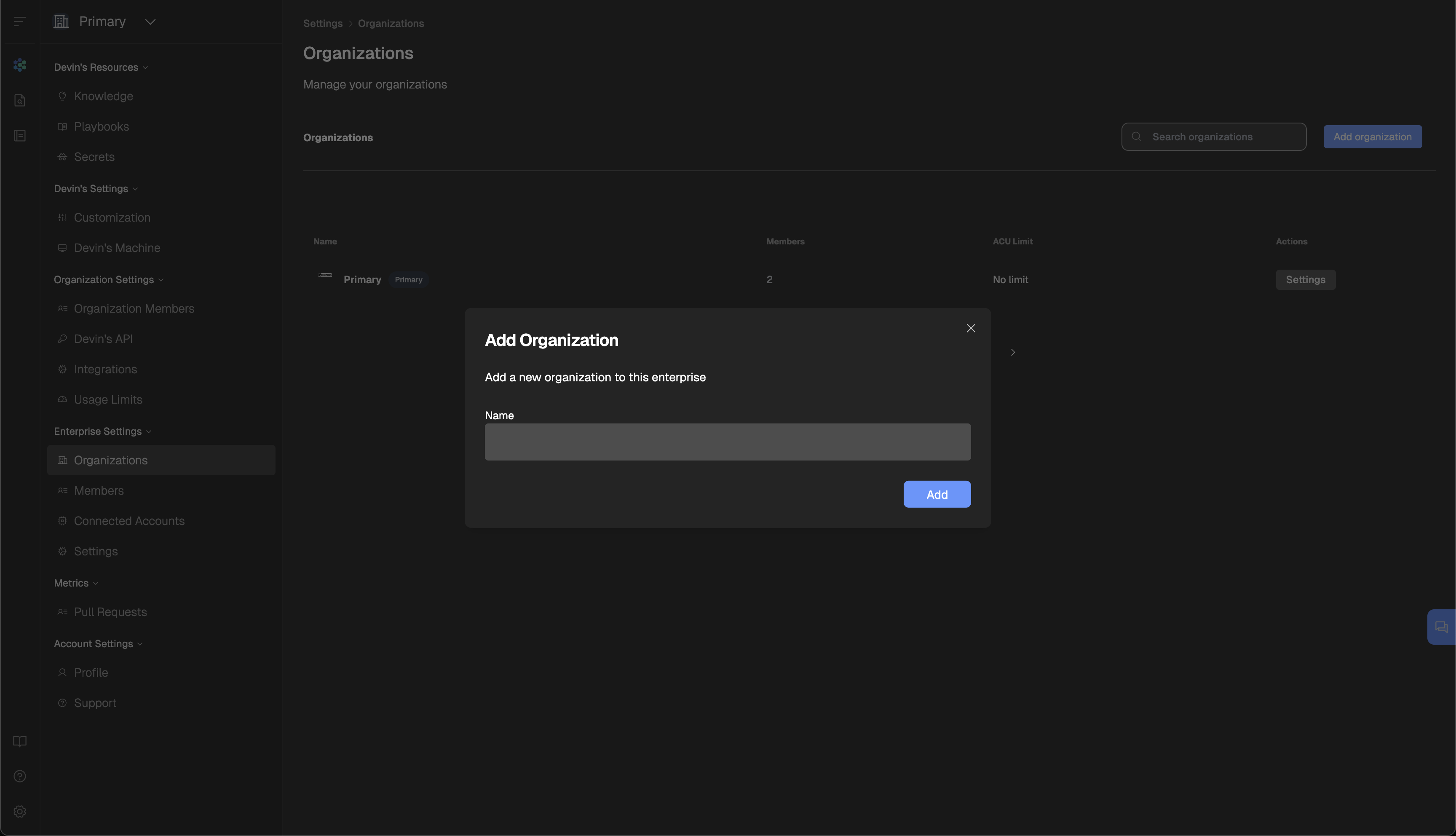
Add Organization
> Note: Sub-organizations cannot create their own repositories directly. Repository management is handled by the Enterprise Admin.
After creating a new sub-organization, you can add members and assign them to specific organizations.
####
[](https://docs.devin.ai/enterprise/get-started#add-members)
**Add Members**
To add new members, navigate to **Settings > Enterprise Settings > Members**. Click **Add Members**, then enter the email address of each user you’d like to invite. These users will receive an email invitation to join your Devin organization.
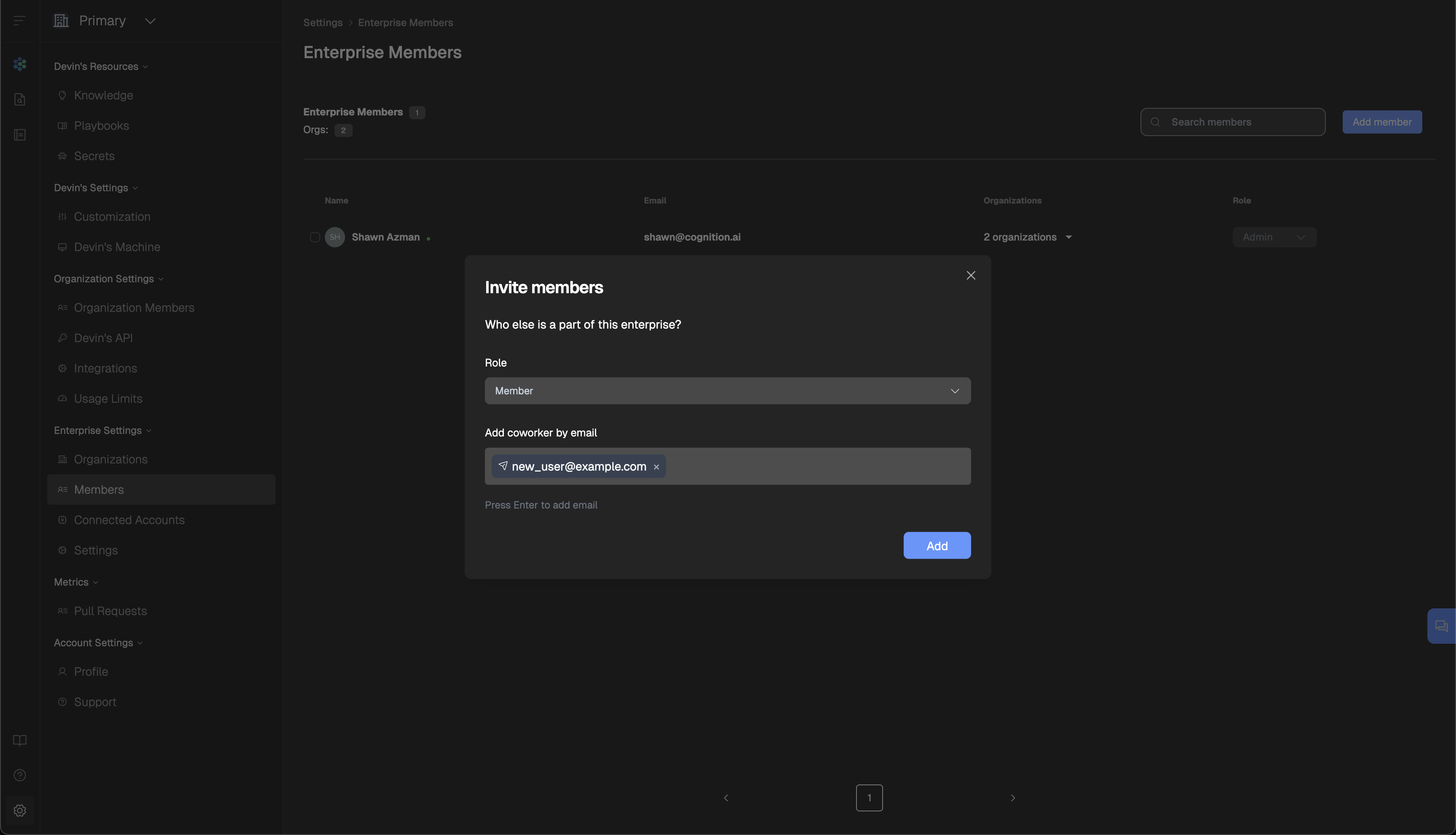
Add Member
####
[](https://docs.devin.ai/enterprise/get-started#manage-member-organization-access)
**Manage Member Organization Access**
Once members have been added, you can manage their access to specific organizations under **Settings > Enterprise Settings > Members** Use the checkbox next to a user’s name to select one or more users. At the bottom of the page, click **Take Action** to update roles or add/remove them from organizations.
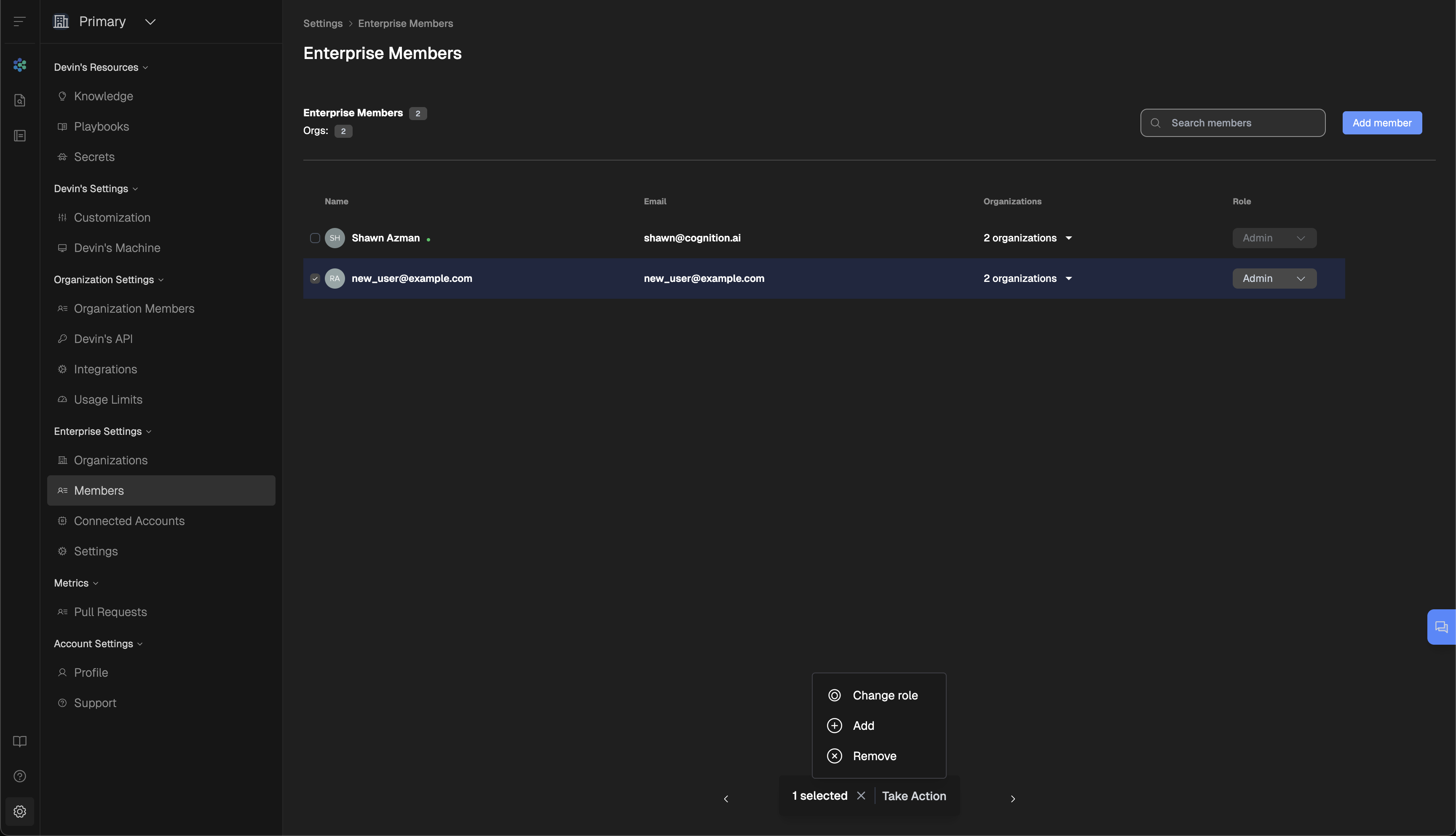
Manage Members
To verify which organizations a user belongs to, refer to the organization count displayed in the table. Click the caret (▼) next to the user’s name to expand and view the specific organizations they have access to.
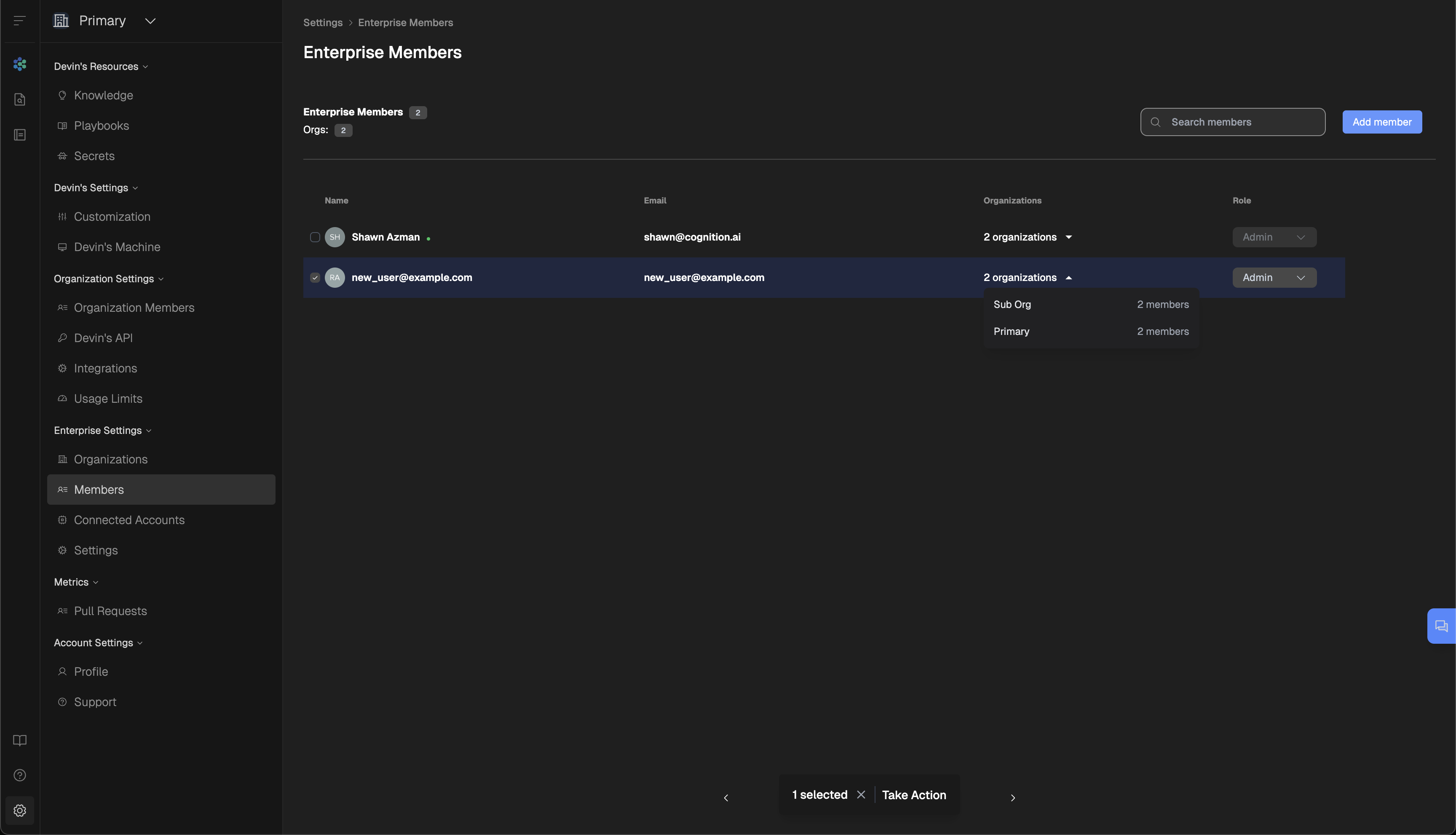
Member Organizations
To get started, set up your first repository on Devin by following the guide below.
[](https://docs.devin.ai/enterprise/get-started#additional-resources)
**Additional Resources**
--------------------------------------------------------------------------------------------------
[Deploying Devin\
---------------\
\
Configure Devin for production use in your enterprise environment.](https://docs.devin.ai/enterprise/deployment/overview)
[Installing Repositories\
-----------------------\
\
Configure Devin for production use in your enterprise environment.](https://docs.devin.ai/enterprise/your-first-session)
For enterprise-level setup and support, contact our [Enterprise Sales Team](mailto:enterprise@cognition.ai)
.
* * *
[Getting Started with Devin](https://docs.devin.ai/enterprise/your-first-session)
Assistant
Responses are generated using AI and may contain mistakes.
---
# Upload files for Devin - Devin Docs
[Devin Docs home page](https://docs.devin.ai/)
Search...
⌘KAsk AI
Search...
Navigation
Session Endpoints
Upload files for Devin
[Documentation](https://docs.devin.ai/get-started/devin-intro)
[Prompts & Tutorials](https://docs.devin.ai/use-cases/testing-refactoring)
[API Reference](https://docs.devin.ai/api-reference/overview)
[Release Notes](https://docs.devin.ai/release-notes/overview)
[Enterprise](https://docs.devin.ai/enterprise/get-started)
Upload files for Devin
cURL
Copy
Ask AI
curl --request POST \
--url https://api.devin.ai/v1/attachments \
--header 'Authorization: Bearer ' \
--header 'Content-Type: multipart/form-data' \
--form file=@example-file
200
400
401
500
Copy
Ask AI
"https://storage.devin.ai/attachments/xxx/file.py"
POST
/
v1
/
attachments
Try it
Upload files for Devin
cURL
Copy
Ask AI
curl --request POST \
--url https://api.devin.ai/v1/attachments \
--header 'Authorization: Bearer ' \
--header 'Content-Type: multipart/form-data' \
--form file=@example-file
200
400
401
500
Copy
Ask AI
"https://storage.devin.ai/attachments/xxx/file.py"
Note that this endpoint doesn’t directly send the file to any Devin session. Instead, it saves the uploaded file in our servers and returns a URL to the file. You can then provide the URL to Devin by including it in the prompt when you [create a new session](https://docs.devin.ai/api-reference/sessions/create-a-new-devin-session)
or [send a message](https://docs.devin.ai/api-reference/sessions/send-a-message-to-an-existing-devin-session)
.
Copy
Ask AI
with open("data.csv", "rb") as f:
response = requests.post(
"https://api.devin.ai/v1/attachments",
headers={"Authorization": f"Bearer {DEVIN_API_KEY}"},
files={"file": f}
)
file_url = response.text
#### Authorizations
[](https://docs.devin.ai/api-reference/attachments/upload-files-for-devin-to-work-with#authorization-authorization)
Authorization
string
header
required
Bearer authentication header of the form `Bearer `, where `` is your auth token.
#### Body
multipart/form-data
#### Response
200
200400401500
text/plain
File successfully uploaded
A string URL where the uploaded file can be accessed
[Send a message to an existing session](https://docs.devin.ai/api-reference/sessions/send-a-message-to-an-existing-devin-session)
[Download attachment files](https://docs.devin.ai/api-reference/attachments/download-attachment-files)
Assistant
Responses are generated using AI and may contain mistakes.
---
# Download attachment files - Devin Docs
[Devin Docs home page](https://docs.devin.ai/)
Search...
⌘KAsk AI
Search...
Navigation
Session Endpoints
Download attachment files
[Documentation](https://docs.devin.ai/get-started/devin-intro)
[Prompts & Tutorials](https://docs.devin.ai/use-cases/testing-refactoring)
[API Reference](https://docs.devin.ai/api-reference/overview)
[Release Notes](https://docs.devin.ai/release-notes/overview)
[Enterprise](https://docs.devin.ai/enterprise/get-started)
cURL
cURL
Copy
Ask AI
# Note: -L flag is required to follow the 307 redirect
curl -L -X GET "https://api.devin.ai/v1/attachments/{uuid}/{name}" \
-H "Authorization: Bearer YOUR_API_KEY" \
-o "downloaded_file.ext"
307
401
404
500
Copy
Ask AI
This response does not have an example.
GET
/
v1
/
attachments
/
{uuid}
/
{name}
Try it
cURL
cURL
Copy
Ask AI
# Note: -L flag is required to follow the 307 redirect
curl -L -X GET "https://api.devin.ai/v1/attachments/{uuid}/{name}" \
-H "Authorization: Bearer YOUR_API_KEY" \
-o "downloaded_file.ext"
307
401
404
500
Copy
Ask AI
This response does not have an example.
This endpoint allows you to download files from a Devin session. If you want to upload resources, you should use the [upload endpoint](https://docs.devin.ai/api-reference/attachments/upload-files-for-devin-to-work-with)
. The endpoint returns a 307 redirect to a presigned URL that provides temporary access to the file. The presigned URL is valid for 60 seconds.
[](https://docs.devin.ai/api-reference/attachments/download-attachment-files#example-usage)
Example Usage
-------------------------------------------------------------------------------------------------------------
Copy
Ask AI
import requests
# Download an attachment
response = requests.get(
f"https://api.devin.ai/v1/attachments/{uuid}/{filename}",
headers={"Authorization": f"Bearer {DEVIN_API_KEY}"},
allow_redirects=True
)
# Save the file content
with open(filename, "wb") as f:
f.write(response.content)
#### Authorizations
[](https://docs.devin.ai/api-reference/attachments/download-attachment-files#authorization-authorization)
Authorization
string
header
required
Bearer authentication header of the form `Bearer `, where `` is your auth token.
#### Path Parameters
[](https://docs.devin.ai/api-reference/attachments/download-attachment-files#parameter-uuid)
uuid
string
required
The UUID of the attachment
[](https://docs.devin.ai/api-reference/attachments/download-attachment-files#parameter-name)
name
string
required
The filename of the attachment
#### Response
307
307401404500
Temporary redirect to presigned URL for file download
[Upload files for Devin](https://docs.devin.ai/api-reference/attachments/upload-files-for-devin-to-work-with)
[Update session tags](https://docs.devin.ai/api-reference/sessions/update-session-tags)
Assistant
Responses are generated using AI and may contain mistakes.
---
# Delete knowledge - Devin Docs
[Devin Docs home page](https://docs.devin.ai/)
Search...
⌘KAsk AI
Search...
Navigation
Knowledge Endpoints
Delete knowledge
[Documentation](https://docs.devin.ai/get-started/devin-intro)
[Prompts & Tutorials](https://docs.devin.ai/use-cases/testing-refactoring)
[API Reference](https://docs.devin.ai/api-reference/overview)
[Release Notes](https://docs.devin.ai/release-notes/overview)
[Enterprise](https://docs.devin.ai/enterprise/get-started)
Delete knowledge
cURL
Copy
Ask AI
curl --request DELETE \
--url https://api.devin.ai/v1/knowledge/{note_id} \
--header 'Authorization: Bearer '
204
401
404
Copy
Ask AI
This response does not have an example.
DELETE
/
v1
/
knowledge
/
{note\_id}
Try it
Delete knowledge
cURL
Copy
Ask AI
curl --request DELETE \
--url https://api.devin.ai/v1/knowledge/{note_id} \
--header 'Authorization: Bearer '
204
401
404
Copy
Ask AI
This response does not have an example.
#### Authorizations
[](https://docs.devin.ai/api-reference/knowledge/delete-knowledge#authorization-authorization)
Authorization
string
header
required
Bearer authentication header of the form `Bearer `, where `` is your auth token.
#### Path Parameters
[](https://docs.devin.ai/api-reference/knowledge/delete-knowledge#parameter-note-id)
note\_id
string
required
The ID of the knowledge to delete
#### Response
204
204401404
Knowledge successfully deleted
[Update knowledge](https://docs.devin.ai/api-reference/knowledge/update-knowledge)
Assistant
Responses are generated using AI and may contain mistakes.
---
# Create knowledge - Devin Docs
[Devin Docs home page](https://docs.devin.ai/)
Search...
⌘KAsk AI
Search...
Navigation
Knowledge Endpoints
Create knowledge
[Documentation](https://docs.devin.ai/get-started/devin-intro)
[Prompts & Tutorials](https://docs.devin.ai/use-cases/testing-refactoring)
[API Reference](https://docs.devin.ai/api-reference/overview)
[Release Notes](https://docs.devin.ai/release-notes/overview)
[Enterprise](https://docs.devin.ai/enterprise/get-started)
Create knowledge
cURL
Copy
Ask AI
curl --request POST \
--url https://api.devin.ai/v1/knowledge \
--header 'Authorization: Bearer ' \
--header 'Content-Type: application/json' \
--data '{
"body": "",
"name": "",
"parent_folder_id": "",
"trigger_description": "",
"pinned_repo": "all"
}'
200
401
403
Copy
Ask AI
{
"id": "note-xxx",
"name": "Getting the weather",
"body": "Navigate to weather.com",
"trigger_description": "When the user asks about the weather",
"parent_folder_id": "folder-xxx",
"created_at": "2024-01-01T00:00:00Z"
}
POST
/
v1
/
knowledge
Try it
Create knowledge
cURL
Copy
Ask AI
curl --request POST \
--url https://api.devin.ai/v1/knowledge \
--header 'Authorization: Bearer ' \
--header 'Content-Type: application/json' \
--data '{
"body": "",
"name": "",
"parent_folder_id": "",
"trigger_description": "",
"pinned_repo": "all"
}'
200
401
403
Copy
Ask AI
{
"id": "note-xxx",
"name": "Getting the weather",
"body": "Navigate to weather.com",
"trigger_description": "When the user asks about the weather",
"parent_folder_id": "folder-xxx",
"created_at": "2024-01-01T00:00:00Z"
}
#### Authorizations
[](https://docs.devin.ai/api-reference/knowledge/create-knowledge#authorization-authorization)
Authorization
string
header
required
Bearer authentication header of the form `Bearer `, where `` is your auth token.
#### Body
application/json
Information about a piece of knowledge
#### Response
200
200401403
application/json
Knowledge created. Returns the newly created knowledge.
Information about a piece of knowledge
[List knowledge](https://docs.devin.ai/api-reference/knowledge/list-knowledge)
[Update knowledge](https://docs.devin.ai/api-reference/knowledge/update-knowledge)
Assistant
Responses are generated using AI and may contain mistakes.
---
# List knowledge - Devin Docs
[Devin Docs home page](https://docs.devin.ai/)
Search...
⌘KAsk AI
Search...
Navigation
Knowledge Endpoints
List knowledge
[Documentation](https://docs.devin.ai/get-started/devin-intro)
[Prompts & Tutorials](https://docs.devin.ai/use-cases/testing-refactoring)
[API Reference](https://docs.devin.ai/api-reference/overview)
[Release Notes](https://docs.devin.ai/release-notes/overview)
[Enterprise](https://docs.devin.ai/enterprise/get-started)
List knowledge
cURL
Copy
Ask AI
curl --request GET \
--url https://api.devin.ai/v1/knowledge \
--header 'Authorization: Bearer '
200
401
Copy
Ask AI
{
"knowledge": [\
{\
"id": "note-xxx",\
"name": "Getting the weather",\
"body": "Navigate to weather.com",\
"trigger_description": "When the user asks about the weather",\
"parent_folder_id": "folder-xxx",\
"created_at": "2024-01-01T00:00:00Z"\
}\
],
"folders": [\
{\
"id": "folder-xxx",\
"name": "Fetching data",\
"description": "Knowledge related to what websites or APIs Devin should use to complete certain tasks",\
"created_at": "2024-01-01T00:00:00Z"\
}\
]
}
GET
/
v1
/
knowledge
Try it
List knowledge
cURL
Copy
Ask AI
curl --request GET \
--url https://api.devin.ai/v1/knowledge \
--header 'Authorization: Bearer '
200
401
Copy
Ask AI
{
"knowledge": [\
{\
"id": "note-xxx",\
"name": "Getting the weather",\
"body": "Navigate to weather.com",\
"trigger_description": "When the user asks about the weather",\
"parent_folder_id": "folder-xxx",\
"created_at": "2024-01-01T00:00:00Z"\
}\
],
"folders": [\
{\
"id": "folder-xxx",\
"name": "Fetching data",\
"description": "Knowledge related to what websites or APIs Devin should use to complete certain tasks",\
"created_at": "2024-01-01T00:00:00Z"\
}\
]
}
#### Authorizations
[](https://docs.devin.ai/api-reference/knowledge/list-knowledge#authorization-authorization)
Authorization
string
header
required
Bearer authentication header of the form `Bearer `, where `` is your auth token.
#### Response
200
200401
application/json
List of all knowledge and folders
The response is of type `object`.
[Delete a secret](https://docs.devin.ai/api-reference/sessions/delete-secret)
[Create knowledge](https://docs.devin.ai/api-reference/knowledge/create-knowledge)
Assistant
Responses are generated using AI and may contain mistakes.
---
# Update knowledge - Devin Docs
[Devin Docs home page](https://docs.devin.ai/)
Search...
⌘KAsk AI
Search...
Navigation
Knowledge Endpoints
Update knowledge
[Documentation](https://docs.devin.ai/get-started/devin-intro)
[Prompts & Tutorials](https://docs.devin.ai/use-cases/testing-refactoring)
[API Reference](https://docs.devin.ai/api-reference/overview)
[Release Notes](https://docs.devin.ai/release-notes/overview)
[Enterprise](https://docs.devin.ai/enterprise/get-started)
Update knowledge
cURL
Copy
Ask AI
curl --request PUT \
--url https://api.devin.ai/v1/knowledge/{note_id} \
--header 'Authorization: Bearer ' \
--header 'Content-Type: application/json' \
--data '{
"body": "",
"name": "",
"parent_folder_id": "",
"trigger_description": "",
"pinned_repo": "all"
}'
200
401
403
404
Copy
Ask AI
{
"id": "note-xxx",
"name": "Getting the weather",
"body": "Navigate to weather.com",
"trigger_description": "When the user asks about the weather",
"parent_folder_id": "folder-xxx",
"created_at": "2024-01-01T00:00:00Z"
}
PUT
/
v1
/
knowledge
/
{note\_id}
Try it
Update knowledge
cURL
Copy
Ask AI
curl --request PUT \
--url https://api.devin.ai/v1/knowledge/{note_id} \
--header 'Authorization: Bearer ' \
--header 'Content-Type: application/json' \
--data '{
"body": "",
"name": "",
"parent_folder_id": "",
"trigger_description": "",
"pinned_repo": "all"
}'
200
401
403
404
Copy
Ask AI
{
"id": "note-xxx",
"name": "Getting the weather",
"body": "Navigate to weather.com",
"trigger_description": "When the user asks about the weather",
"parent_folder_id": "folder-xxx",
"created_at": "2024-01-01T00:00:00Z"
}
#### Authorizations
[](https://docs.devin.ai/api-reference/knowledge/update-knowledge#authorization-authorization)
Authorization
string
header
required
Bearer authentication header of the form `Bearer `, where `` is your auth token.
#### Path Parameters
[](https://docs.devin.ai/api-reference/knowledge/update-knowledge#parameter-note-id)
note\_id
string
required
The ID of the knowledge to update
#### Body
application/json
Information about a piece of knowledge
#### Response
200
200401403404
application/json
Knowledge successfully updated. Returns the updated knowledge.
Information about a piece of knowledge
[Create knowledge](https://docs.devin.ai/api-reference/knowledge/create-knowledge)
[Delete knowledge](https://docs.devin.ai/api-reference/knowledge/delete-knowledge)
Assistant
Responses are generated using AI and may contain mistakes.
---
# Usage Examples - Devin Docs
[Devin Docs home page](https://docs.devin.ai/)
Search...
⌘KAsk AI
Search...
Navigation
API Reference
Usage Examples
[Documentation](https://docs.devin.ai/get-started/devin-intro)
[Prompts & Tutorials](https://docs.devin.ai/use-cases/testing-refactoring)
[API Reference](https://docs.devin.ai/api-reference/overview)
[Release Notes](https://docs.devin.ai/release-notes/overview)
[Enterprise](https://docs.devin.ai/enterprise/get-started)
On this page
* [Quick Examples](https://docs.devin.ai/api-reference/examples#quick-examples)
* [Advanced Examples](https://docs.devin.ai/api-reference/examples#advanced-examples)
* [Support](https://docs.devin.ai/api-reference/examples#support)
[](https://docs.devin.ai/api-reference/examples#quick-examples)
Quick Examples
----------------------------------------------------------------------------------
Creating and Monitoring Sessions
Copy
Ask AI
import os
import requests
import time
DEVIN_API_KEY = os.getenv("DEVIN_API_KEY")
# Create a new session
response = requests.post(
"https://api.devin.ai/v1/sessions",
headers={"Authorization": f"Bearer {DEVIN_API_KEY}"},
json={
"prompt": "Review PR #249",
"idempotent": True
}
)
print("Response:\n"+ str(response.json()))
session_id = response.json()["session_id"]
# Monitor session status
while True:
status = requests.get(
f"https://api.devin.ai/v1/sessions/{session_id}",
headers={"Authorization": f"Bearer {DEVIN_API_KEY}"}
).json()
print("Status:\n" + str(status))
if status["status_enum"] in ["blocked", "stopped"]:
break
time.sleep(5)
File Upload and Processing
Copy
Ask AI
import os
import requests
DEVIN_API_KEY = os.getenv("DEVIN_API_KEY")
# Upload a file
with open("data.csv", "rb") as f:
response = requests.post(
"https://api.devin.ai/v1/attachments",
headers={"Authorization": f"Bearer {DEVIN_API_KEY}"},
files={"file": f}
)
file_url = response.text
# Create a session to process the file
response = requests.post(
"https://api.devin.ai/v1/sessions",
headers={"Authorization": f"Bearer {DEVIN_API_KEY}"},
json={
"prompt": f"Analyze the data in {file_url}"
}
)
print(str(response.json()))
Interactive Sessions
Copy
Ask AI
import os
import requests
DEVIN_API_KEY = os.getenv("DEVIN_API_KEY")
# Send a message to an active session
requests.post(
f"https://api.devin.ai/v1/sessions/{session_id}/message",
headers={"Authorization": f"Bearer {DEVIN_API_KEY}"},
json={
"message": "Make sure to write units tests when you are done."
}
)
GitHub Repository Analysis
Here’s a complete example that demonstrates how to use the Devin API to analyze GitHub repositories. This example shows:
* Authentication and error handling
* Creating and monitoring sessions
* Processing structured output
* Proper resource management with async/await
Copy
Ask AI
import os
import aiohttp
import asyncio
from typing import List, Dict
API_KEY = os.getenv("DEVIN_API_KEY")
API_BASE = "https://api.devin.ai/v1"
async def count_stars(session: aiohttp.ClientSession, repo_url: str) -> int:
"""Count stars for a GitHub repository using Devin."""
# Create a new Devin session
async with session.post(
f"{API_BASE}/sessions",
json={"prompt": f"Count stars for GitHub repository: {repo_url}"}
) as response:
session_data = await response.json()
session_id = session_data["session_id"]
print(f"Created session {session_id} for {repo_url}")
print(f"URL: {session_data['url']}")
# Poll for results with exponential backoff
backoff = 1
print("Polling for results...")
while True:
async with session.get(
f"{API_BASE}/sessions/{session_id}"
) as response:
response_json = await response.json()
if response_json["status_enum"] in ["blocked", "stopped"]:
return response_json["structured_output"].get("star_count", 0)
await asyncio.sleep(min(backoff, 30))
backoff *= 2
async def main():
"""Main function to analyze GitHub repositories."""
headers = {"Authorization": f"Bearer {API_KEY}"}
async with aiohttp.ClientSession(headers=headers) as session:
# Example repositories to analyze
repos = [\
"https://github.com/openai/openai-python",\
"https://github.com/anthropics/anthropic-sdk-python"\
]
# Count stars for each repository
for repo in repos:
stars = await count_stars(session, repo)
print(f"{repo}: {stars} stars")
if __name__ == "__main__":
asyncio.run(main())
[](https://docs.devin.ai/api-reference/examples#advanced-examples)
Advanced Examples
----------------------------------------------------------------------------------------
[Automated QA Testing\
--------------------\
\
See how we use Devin to QA test Devin itself. Automate end-to-end testing using Devin’s browser capabilities.](https://github.com/CognitionAI/qa-devin)
[Automated PR Reviews\
--------------------\
\
Learn how to integrate Devin with GitHub Actions for automated PR reviews.](https://cognition.ai/blog/devin-101-automatic-pr-reviews-with-the-devin-api)
[](https://docs.devin.ai/api-reference/examples#support)
Support
--------------------------------------------------------------------
Need Help?
----------
For questions about the API or to report issues, email [support@cognition.ai](mailto:support@cognition.ai)
[Structured Output](https://docs.devin.ai/api-reference/structured-output)
[List all sessions](https://docs.devin.ai/api-reference/sessions/list-sessions)
Assistant
Responses are generated using AI and may contain mistakes.
---
# Overview - Devin Docs
[Devin Docs home page](https://docs.devin.ai/)
Search...
⌘KAsk AI
Search...
Navigation
API Reference
Overview
[Documentation](https://docs.devin.ai/get-started/devin-intro)
[Prompts & Tutorials](https://docs.devin.ai/use-cases/testing-refactoring)
[API Reference](https://docs.devin.ai/api-reference/overview)
[Release Notes](https://docs.devin.ai/release-notes/overview)
[Enterprise](https://docs.devin.ai/enterprise/get-started)
On this page
* [Get an API key](https://docs.devin.ai/api-reference/overview#get-an-api-key)
* [Available Endpoints](https://docs.devin.ai/api-reference/overview#available-endpoints)
* [Sessions](https://docs.devin.ai/api-reference/overview#sessions)
* [Secrets](https://docs.devin.ai/api-reference/overview#secrets)
* [Knowledge](https://docs.devin.ai/api-reference/overview#knowledge)
* [Usage Examples](https://docs.devin.ai/api-reference/overview#usage-examples)
* [Idempotency](https://docs.devin.ai/api-reference/overview#idempotency)
* [Support](https://docs.devin.ai/api-reference/overview#support)
The Devin API lets you integrate Devin into your own applications, automate workflows, and build powerful tools.
The Devin API is currently in alpha. While we strive to maintain backward compatibility, some endpoints may change as we improve the API.
[](https://docs.devin.ai/api-reference/overview#get-an-api-key)
Get an API key
----------------------------------------------------------------------------------
You can obtain an API key from your [settings page](https://app.devin.ai/settings/api-keys)
.
Keep your API keys secure and never share them in publicly accessible areas such as GitHub repositories or client-side code.
[](https://docs.devin.ai/api-reference/overview#available-endpoints)
Available Endpoints
--------------------------------------------------------------------------------------------
Our API provides endpoints organized into the following categories:
###
[](https://docs.devin.ai/api-reference/overview#sessions)
Sessions
Manage Devin sessions and interact with them:
[List Sessions\
-------------\
\
List all current Devin sessions for your organization](https://docs.devin.ai/api-reference/sessions/list-sessions)
[Create a Session\
----------------\
\
Start a new Devin session with a task description and optional parameters](https://docs.devin.ai/api-reference/sessions/create-a-new-devin-session)
[Get Session Details\
-------------------\
\
Retrieve information about an existing session’s status and output](https://docs.devin.ai/api-reference/sessions/retrieve-details-about-an-existing-session)
[Send Message\
------------\
\
Interact with an active session by sending messages to Devin](https://docs.devin.ai/api-reference/sessions/send-a-message-to-an-existing-devin-session)
[Upload Files\
------------\
\
Upload files for Devin to work with during sessions](https://docs.devin.ai/api-reference/attachments/upload-files-for-devin-to-work-with)
[Update Session Tags\
-------------------\
\
Update the tags associated with a Devin session](https://docs.devin.ai/api-reference/sessions/update-session-tags)
###
[](https://docs.devin.ai/api-reference/overview#secrets)
Secrets
Manage secrets and credentials for your organization:
[List Secrets\
------------\
\
View metadata for all secrets in your organization](https://docs.devin.ai/api-reference/sessions/list-secrets)
[Delete Secret\
-------------\
\
Permanently remove a secret from your organization](https://docs.devin.ai/api-reference/sessions/delete-secret)
###
[](https://docs.devin.ai/api-reference/overview#knowledge)
Knowledge
Manage knowledge for your organization:
[List Knowledge\
--------------\
\
List all knowledge and folders in your organization](https://docs.devin.ai/api-reference/knowledge/list-knowledge)
[Create Knowledge\
----------------\
\
Create a new piece of knowledge](https://docs.devin.ai/api-reference/knowledge/create-knowledge)
[Update Knowledge\
----------------\
\
Update a piece of knowledge](https://docs.devin.ai/api-reference/knowledge/update-knowledge)
[Delete Knowledge\
----------------\
\
Delete a piece of knowledge](https://docs.devin.ai/api-reference/knowledge/delete-knowledge)
[](https://docs.devin.ai/api-reference/overview#usage-examples)
Usage Examples
----------------------------------------------------------------------------------
[View Code Examples\
------------------\
\
Check out our code examples and common use cases to get started quickly with the Devin API](https://docs.devin.ai/api-reference/examples)
[](https://docs.devin.ai/api-reference/overview#idempotency)
Idempotency
----------------------------------------------------------------------------
The Devin API supports idempotent operations to safely handle retries and prevent duplicate operations. When an endpoint supports idempotency, you can set the `idempotent` parameter to `true` in your request. The response will include an `is_new_session` field indicating whether a new resource was created. For example, when [creating sessions](https://docs.devin.ai/api-reference/sessions/create-a-new-devin-session)
with idempotency enabled, retrying the same request will return the existing session instead of creating a duplicate one. This is particularly useful in unreliable network conditions or when implementing retry logic in your applications.
[](https://docs.devin.ai/api-reference/overview#support)
Support
--------------------------------------------------------------------
For questions about the API or to report issues, email [support@cognition.ai](mailto:support@cognition.ai)
.
* * *
[Structured Output](https://docs.devin.ai/api-reference/structured-output)
Assistant
Responses are generated using AI and may contain mistakes.
---
# Create a new session - Devin Docs
[Devin Docs home page](https://docs.devin.ai/)
Search...
⌘KAsk AI
Search...
Navigation
Session Endpoints
Create a new session
[Documentation](https://docs.devin.ai/get-started/devin-intro)
[Prompts & Tutorials](https://docs.devin.ai/use-cases/testing-refactoring)
[API Reference](https://docs.devin.ai/api-reference/overview)
[Release Notes](https://docs.devin.ai/release-notes/overview)
[Enterprise](https://docs.devin.ai/enterprise/get-started)
Create a new session
cURL
Copy
Ask AI
curl --request POST \
--url https://api.devin.ai/v1/sessions \
--header 'Authorization: Bearer ' \
--header 'Content-Type: application/json' \
--data '{
"prompt": "Review the pull request at https://github.com/example/repo/pull/123",
"idempotent": true
}'
200
400
401
500
Copy
Ask AI
{
"session_id": "devin-xxx",
"url": "https://app.devin.ai/sessions/xxx",
"is_new_session": true
}
POST
/
v1
/
sessions
Try it
Create a new session
cURL
Copy
Ask AI
curl --request POST \
--url https://api.devin.ai/v1/sessions \
--header 'Authorization: Bearer ' \
--header 'Content-Type: application/json' \
--data '{
"prompt": "Review the pull request at https://github.com/example/repo/pull/123",
"idempotent": true
}'
200
400
401
500
Copy
Ask AI
{
"session_id": "devin-xxx",
"url": "https://app.devin.ai/sessions/xxx",
"is_new_session": true
}
#### Authorizations
[](https://docs.devin.ai/api-reference/sessions/create-a-new-devin-session#authorization-authorization)
Authorization
string
header
required
Bearer authentication header of the form `Bearer `, where `` is your auth token.
#### Body
application/json
Request body for creating a new Devin session
#### Response
200
200400401500
application/json
Session created
Response body returned when a session is successfully created
[List all sessions](https://docs.devin.ai/api-reference/sessions/list-sessions)
[Retrieve details about an existing session](https://docs.devin.ai/api-reference/sessions/retrieve-details-about-an-existing-session)
Assistant
Responses are generated using AI and may contain mistakes.
---
# Delete a secret - Devin Docs
[Devin Docs home page](https://docs.devin.ai/)
Search...
⌘KAsk AI
Search...
Navigation
Secrets Endpoints
Delete a secret
[Documentation](https://docs.devin.ai/get-started/devin-intro)
[Prompts & Tutorials](https://docs.devin.ai/use-cases/testing-refactoring)
[API Reference](https://docs.devin.ai/api-reference/overview)
[Release Notes](https://docs.devin.ai/release-notes/overview)
[Enterprise](https://docs.devin.ai/enterprise/get-started)
Delete a secret
cURL
Copy
Ask AI
curl --request DELETE \
--url https://api.devin.ai/v1/secrets/{secret_id} \
--header 'Authorization: Bearer '
204
401
404
500
Copy
Ask AI
This response does not have an example.
DELETE
/
v1
/
secrets
/
{secret\_id}
Try it
Delete a secret
cURL
Copy
Ask AI
curl --request DELETE \
--url https://api.devin.ai/v1/secrets/{secret_id} \
--header 'Authorization: Bearer '
204
401
404
500
Copy
Ask AI
This response does not have an example.
#### Authorizations
[](https://docs.devin.ai/api-reference/sessions/delete-secret#authorization-authorization)
Authorization
string
header
required
Bearer authentication header of the form `Bearer `, where `` is your auth token.
#### Path Parameters
[](https://docs.devin.ai/api-reference/sessions/delete-secret#parameter-secret-id)
secret\_id
string
required
The ID of the secret to delete
#### Response
204
204401404500
Secret successfully deleted
[List all secrets metadata](https://docs.devin.ai/api-reference/sessions/list-secrets)
[List knowledge](https://docs.devin.ai/api-reference/knowledge/list-knowledge)
Assistant
Responses are generated using AI and may contain mistakes.
---
# List all secrets metadata - Devin Docs
[Devin Docs home page](https://docs.devin.ai/)
Search...
⌘KAsk AI
Search...
Navigation
Secrets Endpoints
List all secrets metadata
[Documentation](https://docs.devin.ai/get-started/devin-intro)
[Prompts & Tutorials](https://docs.devin.ai/use-cases/testing-refactoring)
[API Reference](https://docs.devin.ai/api-reference/overview)
[Release Notes](https://docs.devin.ai/release-notes/overview)
[Enterprise](https://docs.devin.ai/enterprise/get-started)
List all secrets metadata
cURL
Copy
Ask AI
curl --request GET \
--url https://api.devin.ai/v1/secrets \
--header 'Authorization: Bearer '
200
401
500
Copy
Ask AI
{
"secrets": [\
{\
"secret_id": "sec_xxx",\
"secret_type": "key-value",\
"secret_name": "API Access Token",\
"created_at": "2024-01-01T00:00:00Z"\
}\
]
}
GET
/
v1
/
secrets
Try it
List all secrets metadata
cURL
Copy
Ask AI
curl --request GET \
--url https://api.devin.ai/v1/secrets \
--header 'Authorization: Bearer '
200
401
500
Copy
Ask AI
{
"secrets": [\
{\
"secret_id": "sec_xxx",\
"secret_type": "key-value",\
"secret_name": "API Access Token",\
"created_at": "2024-01-01T00:00:00Z"\
}\
]
}
#### Authorizations
[](https://docs.devin.ai/api-reference/sessions/list-secrets#authorization-authorization)
Authorization
string
header
required
Bearer authentication header of the form `Bearer `, where `` is your auth token.
#### Response
200
200401500
application/json
List of secrets metadata
The response is of type `object`.
[Update session tags](https://docs.devin.ai/api-reference/sessions/update-session-tags)
[Delete a secret](https://docs.devin.ai/api-reference/sessions/delete-secret)
Assistant
Responses are generated using AI and may contain mistakes.
---
# List all sessions - Devin Docs
[Devin Docs home page](https://docs.devin.ai/)
Search...
⌘KAsk AI
Search...
Navigation
Session Endpoints
List all sessions
[Documentation](https://docs.devin.ai/get-started/devin-intro)
[Prompts & Tutorials](https://docs.devin.ai/use-cases/testing-refactoring)
[API Reference](https://docs.devin.ai/api-reference/overview)
[Release Notes](https://docs.devin.ai/release-notes/overview)
[Enterprise](https://docs.devin.ai/enterprise/get-started)
List all sessions
cURL
Copy
Ask AI
curl --request GET \
--url https://api.devin.ai/v1/sessions \
--header 'Authorization: Bearer '
200
401
500
Copy
Ask AI
{
"sessions": [\
{\
"session_id": "devin-xxx",\
"status": "running",\
"title": "Review PR #123",\
"created_at": "2024-01-01T00:00:00Z",\
"updated_at": "2024-01-01T00:01:00Z",\
"snapshot_id": null,\
"playbook_id": null,\
"pull_request": {\
"url": "https://github.com/example/repo/pull/123"\
},\
"structured_output": "Task completed successfully",\
"status_enum": "working"\
}\
]
}
GET
/
v1
/
sessions
Try it
List all sessions
cURL
Copy
Ask AI
curl --request GET \
--url https://api.devin.ai/v1/sessions \
--header 'Authorization: Bearer '
200
401
500
Copy
Ask AI
{
"sessions": [\
{\
"session_id": "devin-xxx",\
"status": "running",\
"title": "Review PR #123",\
"created_at": "2024-01-01T00:00:00Z",\
"updated_at": "2024-01-01T00:01:00Z",\
"snapshot_id": null,\
"playbook_id": null,\
"pull_request": {\
"url": "https://github.com/example/repo/pull/123"\
},\
"structured_output": "Task completed successfully",\
"status_enum": "working"\
}\
]
}
#### Authorizations
[](https://docs.devin.ai/api-reference/sessions/list-sessions#authorization-authorization)
Authorization
string
header
required
Bearer authentication header of the form `Bearer `, where `` is your auth token.
#### Query Parameters
[](https://docs.devin.ai/api-reference/sessions/list-sessions#parameter-limit)
limit
integer
default:100
Maximum number of sessions to return per page
Required range: `1 <= x <= 1000`
[](https://docs.devin.ai/api-reference/sessions/list-sessions#parameter-offset)
offset
integer
default:0
Number of sessions to skip for pagination
Required range: `x >= 0`
[](https://docs.devin.ai/api-reference/sessions/list-sessions#parameter-tags)
tags
string\[\]
Filter sessions by tags
#### Response
200
200401500
application/json
List of sessions
The response is of type `object`.
[Usage Examples](https://docs.devin.ai/api-reference/examples)
[Create a new session](https://docs.devin.ai/api-reference/sessions/create-a-new-devin-session)
Assistant
Responses are generated using AI and may contain mistakes.
---
# Update session tags - Devin Docs
[Devin Docs home page](https://docs.devin.ai/)
Search...
⌘KAsk AI
Search...
Navigation
Session Endpoints
Update session tags
[Documentation](https://docs.devin.ai/get-started/devin-intro)
[Prompts & Tutorials](https://docs.devin.ai/use-cases/testing-refactoring)
[API Reference](https://docs.devin.ai/api-reference/overview)
[Release Notes](https://docs.devin.ai/release-notes/overview)
[Enterprise](https://docs.devin.ai/enterprise/get-started)
Update session tags
cURL
Copy
Ask AI
curl --request PUT \
--url https://api.devin.ai/v1/sessions/{session_id}/tags \
--header 'Authorization: Bearer ' \
--header 'Content-Type: application/json' \
--data '{
"tags": [\
"production",\
"api",\
"documentation"\
]
}'
200
400
401
404
500
Copy
Ask AI
{
"detail": "Tags updated successfully"
}
PUT
/
v1
/
sessions
/
{session\_id}
/
tags
Try it
Update session tags
cURL
Copy
Ask AI
curl --request PUT \
--url https://api.devin.ai/v1/sessions/{session_id}/tags \
--header 'Authorization: Bearer ' \
--header 'Content-Type: application/json' \
--data '{
"tags": [\
"production",\
"api",\
"documentation"\
]
}'
200
400
401
404
500
Copy
Ask AI
{
"detail": "Tags updated successfully"
}
#### Authorizations
[](https://docs.devin.ai/api-reference/sessions/update-session-tags#authorization-authorization)
Authorization
string
header
required
Bearer authentication header of the form `Bearer `, where `` is your auth token.
#### Path Parameters
[](https://docs.devin.ai/api-reference/sessions/update-session-tags#parameter-session-id)
session\_id
string
required
The session ID
#### Body
application/json
Request body for updating session tags
#### Response
200
200400401404500
application/json
Tags updated successfully
The response is of type `object`.
[Download attachment files](https://docs.devin.ai/api-reference/attachments/download-attachment-files)
[List all secrets metadata](https://docs.devin.ai/api-reference/sessions/list-secrets)
Assistant
Responses are generated using AI and may contain mistakes.
---
# Send a message to an existing session - Devin Docs
[Devin Docs home page](https://docs.devin.ai/)
Search...
⌘KAsk AI
Search...
Navigation
Session Endpoints
Send a message to an existing session
[Documentation](https://docs.devin.ai/get-started/devin-intro)
[Prompts & Tutorials](https://docs.devin.ai/use-cases/testing-refactoring)
[API Reference](https://docs.devin.ai/api-reference/overview)
[Release Notes](https://docs.devin.ai/release-notes/overview)
[Enterprise](https://docs.devin.ai/enterprise/get-started)
Send a message to an existing session
cURL
Copy
Ask AI
curl --request POST \
--url https://api.devin.ai/v1/sessions/{session_id}/message \
--header 'Authorization: Bearer ' \
--header 'Content-Type: application/json' \
--data '{
"message": "Please proceed with the next step"
}'
204
400
401
404
500
Copy
Ask AI
This response does not have an example.
POST
/
v1
/
sessions
/
{session\_id}
/
message
Try it
Send a message to an existing session
cURL
Copy
Ask AI
curl --request POST \
--url https://api.devin.ai/v1/sessions/{session_id}/message \
--header 'Authorization: Bearer ' \
--header 'Content-Type: application/json' \
--data '{
"message": "Please proceed with the next step"
}'
204
400
401
404
500
Copy
Ask AI
This response does not have an example.
#### Authorizations
[](https://docs.devin.ai/api-reference/sessions/send-a-message-to-an-existing-devin-session#authorization-authorization)
Authorization
string
header
required
Bearer authentication header of the form `Bearer `, where `` is your auth token.
#### Path Parameters
[](https://docs.devin.ai/api-reference/sessions/send-a-message-to-an-existing-devin-session#parameter-session-id)
session\_id
string
required
The session ID
#### Body
application/json
Request body for sending a message to an existing Devin session
#### Response
204
204400401404500
No Content on success
[Retrieve details about an existing session](https://docs.devin.ai/api-reference/sessions/retrieve-details-about-an-existing-session)
[Upload files for Devin](https://docs.devin.ai/api-reference/attachments/upload-files-for-devin-to-work-with)
Assistant
Responses are generated using AI and may contain mistakes.
---
# Retrieve details about an existing session - Devin Docs
[Devin Docs home page](https://docs.devin.ai/)
Search...
⌘KAsk AI
Search...
Navigation
Session Endpoints
Retrieve details about an existing session
[Documentation](https://docs.devin.ai/get-started/devin-intro)
[Prompts & Tutorials](https://docs.devin.ai/use-cases/testing-refactoring)
[API Reference](https://docs.devin.ai/api-reference/overview)
[Release Notes](https://docs.devin.ai/release-notes/overview)
[Enterprise](https://docs.devin.ai/enterprise/get-started)
Retrieve details about an existing session
cURL
Copy
Ask AI
curl --request GET \
--url https://api.devin.ai/v1/sessions/{session_id} \
--header 'Authorization: Bearer '
200
401
404
500
Copy
Ask AI
{
"session_id": "devin-abc123def456",
"status": "running",
"title": "Review PR #123",
"created_at": "2024-01-01T00:00:00.000000+00:00",
"updated_at": "2024-01-01T00:05:30.123456+00:00",
"snapshot_id": null,
"playbook_id": null,
"tags": [\
"api",\
"documentation",\
"review"\
],
"pull_request": {
"url": "https://github.com/example/repo/pull/123"
},
"structured_output": {
"result": "success",
"files_modified": 3
},
"status_enum": "blocked",
"messages": [\
{\
"type": "initial_user_message",\
"event_id": "event-abc123-def4-5678-9012-abcdef123456",\
"message": "Review the pull request at https://github.com/example/repo/pull/123",\
"timestamp": "2024-01-01T00:00:00.000000+00:00",\
"username": "user@example.com",\
"origin": "web"\
},\
{\
"type": "devin_message",\
"event_id": "event-def456-abc1-2345-6789-fedcba654321",\
"message": "I'll review the pull request for you. Let me analyze the changes.",\
"timestamp": "2024-01-01T00:00:15.123456+00:00"\
},\
{\
"type": "user_message",\
"event_id": "event-789abc-def0-1234-5678-9abcdef01234",\
"message": "Please focus on the security implications",\
"timestamp": "2024-01-01T00:03:45.987654+00:00",\
"username": "user@example.com",\
"origin": "web"\
},\
{\
"type": "devin_message",\
"event_id": "event-012def-abc3-4567-8901-23456789abcd",\
"message": "I've completed the security review. Found 2 potential issues that need attention.",\
"timestamp": "2024-01-01T00:05:30.123456+00:00"\
}\
]
}
GET
/
v1
/
sessions
/
{session\_id}
Try it
Retrieve details about an existing session
cURL
Copy
Ask AI
curl --request GET \
--url https://api.devin.ai/v1/sessions/{session_id} \
--header 'Authorization: Bearer '
200
401
404
500
Copy
Ask AI
{
"session_id": "devin-abc123def456",
"status": "running",
"title": "Review PR #123",
"created_at": "2024-01-01T00:00:00.000000+00:00",
"updated_at": "2024-01-01T00:05:30.123456+00:00",
"snapshot_id": null,
"playbook_id": null,
"tags": [\
"api",\
"documentation",\
"review"\
],
"pull_request": {
"url": "https://github.com/example/repo/pull/123"
},
"structured_output": {
"result": "success",
"files_modified": 3
},
"status_enum": "blocked",
"messages": [\
{\
"type": "initial_user_message",\
"event_id": "event-abc123-def4-5678-9012-abcdef123456",\
"message": "Review the pull request at https://github.com/example/repo/pull/123",\
"timestamp": "2024-01-01T00:00:00.000000+00:00",\
"username": "user@example.com",\
"origin": "web"\
},\
{\
"type": "devin_message",\
"event_id": "event-def456-abc1-2345-6789-fedcba654321",\
"message": "I'll review the pull request for you. Let me analyze the changes.",\
"timestamp": "2024-01-01T00:00:15.123456+00:00"\
},\
{\
"type": "user_message",\
"event_id": "event-789abc-def0-1234-5678-9abcdef01234",\
"message": "Please focus on the security implications",\
"timestamp": "2024-01-01T00:03:45.987654+00:00",\
"username": "user@example.com",\
"origin": "web"\
},\
{\
"type": "devin_message",\
"event_id": "event-012def-abc3-4567-8901-23456789abcd",\
"message": "I've completed the security review. Found 2 potential issues that need attention.",\
"timestamp": "2024-01-01T00:05:30.123456+00:00"\
}\
]
}
#### Authorizations
[](https://docs.devin.ai/api-reference/sessions/retrieve-details-about-an-existing-session#authorization-authorization)
Authorization
string
header
required
Bearer authentication header of the form `Bearer `, where `` is your auth token.
#### Path Parameters
[](https://docs.devin.ai/api-reference/sessions/retrieve-details-about-an-existing-session#parameter-session-id)
session\_id
string
required
The session ID
#### Response
200
200401404500
application/json
Returns session details
Detailed information about an existing session
[Create a new session](https://docs.devin.ai/api-reference/sessions/create-a-new-devin-session)
[Send a message to an existing session](https://docs.devin.ai/api-reference/sessions/send-a-message-to-an-existing-devin-session)
Assistant
Responses are generated using AI and may contain mistakes.
---
# Structured Output - Devin Docs
[Devin Docs home page](https://docs.devin.ai/)
Search...
⌘KAsk AI
Search...
Navigation
API Reference
Structured Output
[Documentation](https://docs.devin.ai/get-started/devin-intro)
[Prompts & Tutorials](https://docs.devin.ai/use-cases/testing-refactoring)
[API Reference](https://docs.devin.ai/api-reference/overview)
[Release Notes](https://docs.devin.ai/release-notes/overview)
[Enterprise](https://docs.devin.ai/enterprise/get-started)
On this page
* [Requesting Structured Output](https://docs.devin.ai/api-reference/structured-output#requesting-structured-output)
* [Retrieving Structured Output](https://docs.devin.ai/api-reference/structured-output#retrieving-structured-output)
* [Best Practices](https://docs.devin.ai/api-reference/structured-output#best-practices)
Structured output is like Devin’s notepad - it updates its notes as it works, and you can check these notes anytime. Currently, you can’t force Devin to update its notes, but you can request to see what it has written so far.
Progress Updates
----------------
Get updates on Devin’s progress during long-running tasks
Application Integration
-----------------------
Pipe Devin’s analysis and outputs into your applications with consistent JSON.
[](https://docs.devin.ai/api-reference/structured-output#requesting-structured-output)
Requesting Structured Output
-----------------------------------------------------------------------------------------------------------------------
To use structured output, include your desired JSON schema in the prompt when [creating a session](https://docs.devin.ai/api-reference/sessions/create-a-new-devin-session)
. Make sure to tell Devin to update the structured output whenever something relevant happens.
* PR Review
* Progress Updates
* Test Results
* Feature Implementation
Copy
Ask AI
{
"prompt": "Review this PR and provide updates in this format. Please update the structured output immediately whenever you find new issues, have suggestions, or change your approval status:\n{
"issues": [\
{\
"file": "src/App.tsx",\
"line": 42,\
"type": "bug",\
"description": "Memory leak in useEffect cleanup"\
}\
],
"suggestions": [\
"Add error handling for API calls",\
"Split component into smaller parts"\
],
"approved": false
}"
}
Simple format for PR reviews and code analysis.
[](https://docs.devin.ai/api-reference/structured-output#retrieving-structured-output)
Retrieving Structured Output
-----------------------------------------------------------------------------------------------------------------------
Use [this endpoint](https://docs.devin.ai/api-reference/sessions/retrieve-details-about-an-existing-session)
to retrieve the structured output from a session. The structured output is returned in the `structured_output` field.
When using the Devin web app, you can quickly view the structured output at any time by pressing `⌘ + I` (Command+I).
[](https://docs.devin.ai/api-reference/structured-output#best-practices)
Best Practices
-------------------------------------------------------------------------------------------
* Include schema definition in initial prompt
* Define expected update frequency (e.g., “Please update structured output after you add each new component to the website”)
* Document value types and formats clearly
* Use clear, descriptive field names so Devin knows what to write
* Include example values in your schema
* Use 10-30 second intervals for polling to avoid overwhelming the Devin API
* Stop polling when session completes or errors out
Remember that Devin updates structured output on its own schedule - you can’t force an update, but you can request to see the latest notes at any time.
For questions about using structured output or to report issues, email [support@cognition.ai](mailto:support@cognition.ai)
.
[Overview](https://docs.devin.ai/api-reference/overview)
[Usage Examples](https://docs.devin.ai/api-reference/examples)
Assistant
Responses are generated using AI and may contain mistakes.
---
# Revoke All API Keys - Devin Docs
[Devin Docs home page](https://docs.devin.ai/)
Search...
⌘KAsk AI
Search...
Navigation
API Key Endpoints
Revoke All API Keys
[Documentation](https://docs.devin.ai/get-started/devin-intro)
[Prompts & Tutorials](https://docs.devin.ai/use-cases/testing-refactoring)
[API Reference](https://docs.devin.ai/api-reference/overview)
[Release Notes](https://docs.devin.ai/release-notes/overview)
[Enterprise](https://docs.devin.ai/enterprise/get-started)
cURL
Python
Copy
Ask AI
curl -X DELETE "https://api.devin.ai/v2/enterprise/api-keys/" \
-H "Authorization: Bearer YOUR_ENTERPRISE_API_KEY"
Response
Copy
Ask AI
{ "status": "success" }
DELETE
/
v2
/
enterprise
/
api-keys
/
Try it
cURL
Python
Copy
Ask AI
curl -X DELETE "https://api.devin.ai/v2/enterprise/api-keys/" \
-H "Authorization: Bearer YOUR_ENTERPRISE_API_KEY"
Response
Copy
Ask AI
{ "status": "success" }
Requires an enterprise admin external API key. Revokes all API keys across all organizations in the enterprise. This is a bulk operation that affects both user and service API keys.
[](https://docs.devin.ai/enterprise/api-reference/api-keys/revoke-all-enterprise-api-keys#response)
Response
----------------------------------------------------------------------------------------------------------------
[](https://docs.devin.ai/enterprise/api-reference/api-keys/revoke-all-enterprise-api-keys#param-status)
status
string
required
Operation status (e.g., “success”).
cURL
Python
Copy
Ask AI
curl -X DELETE "https://api.devin.ai/v2/enterprise/api-keys/" \
-H "Authorization: Bearer YOUR_ENTERPRISE_API_KEY"
Response
Copy
Ask AI
{ "status": "success" }
[Revoke API Key](https://docs.devin.ai/enterprise/api-reference/api-keys/revoke-enterprise-api-key)
Assistant
Responses are generated using AI and may contain mistakes.
---
# Create a Service API Key - Devin Docs
[Devin Docs home page](https://docs.devin.ai/)
Search...
⌘KAsk AI
Search...
Navigation
API Key Endpoints
Create a Service API Key
[Documentation](https://docs.devin.ai/get-started/devin-intro)
[Prompts & Tutorials](https://docs.devin.ai/use-cases/testing-refactoring)
[API Reference](https://docs.devin.ai/api-reference/overview)
[Release Notes](https://docs.devin.ai/release-notes/overview)
[Enterprise](https://docs.devin.ai/enterprise/get-started)
cURL
Python
Copy
Ask AI
curl -X POST "https://api.devin.ai/v2/enterprise/api-keys" \
-H "Authorization: Bearer YOUR_ENTERPRISE_API_KEY" \
-H "Content-Type: application/json" \
-d '{"org_id":"org_123"}'
Response
Copy
Ask AI
{ "api_key": "devin_enterprise_service_key_value", "org_id": "org_123" }
POST
/
v2
/
enterprise
/
api-keys
Try it
cURL
Python
Copy
Ask AI
curl -X POST "https://api.devin.ai/v2/enterprise/api-keys" \
-H "Authorization: Bearer YOUR_ENTERPRISE_API_KEY" \
-H "Content-Type: application/json" \
-d '{"org_id":"org_123"}'
Response
Copy
Ask AI
{ "api_key": "devin_enterprise_service_key_value", "org_id": "org_123" }
Requires an enterprise admin external API key. Creates a service API key for a specified Organization within the Enterprise.
[](https://docs.devin.ai/enterprise/api-reference/api-keys/provision-service-key#request-body)
Request Body
---------------------------------------------------------------------------------------------------------------
[](https://docs.devin.ai/enterprise/api-reference/api-keys/provision-service-key#param-org-id)
org\_id
string
required
Organization ID to create a service key for.
[](https://docs.devin.ai/enterprise/api-reference/api-keys/provision-service-key#response)
Response
-------------------------------------------------------------------------------------------------------
[](https://docs.devin.ai/enterprise/api-reference/api-keys/provision-service-key#param-api-key)
api\_key
string
required
Newly created service API key.
[](https://docs.devin.ai/enterprise/api-reference/api-keys/provision-service-key#param-org-id-1)
org\_id
string
required
Organization ID associated with the created key.
cURL
Python
Copy
Ask AI
curl -X POST "https://api.devin.ai/v2/enterprise/api-keys" \
-H "Authorization: Bearer YOUR_ENTERPRISE_API_KEY" \
-H "Content-Type: application/json" \
-d '{"org_id":"org_123"}'
Response
Copy
Ask AI
{ "api_key": "devin_enterprise_service_key_value", "org_id": "org_123" }
[Audit Logs](https://docs.devin.ai/enterprise/api-reference/audit-logs)
[List API Keys](https://docs.devin.ai/enterprise/api-reference/api-keys/list-enterprise-api-keys)
Assistant
Responses are generated using AI and may contain mistakes.
---
# List API Keys - Devin Docs
[Devin Docs home page](https://docs.devin.ai/)
Search...
⌘KAsk AI
Search...
Navigation
API Key Endpoints
List API Keys
[Documentation](https://docs.devin.ai/get-started/devin-intro)
[Prompts & Tutorials](https://docs.devin.ai/use-cases/testing-refactoring)
[API Reference](https://docs.devin.ai/api-reference/overview)
[Release Notes](https://docs.devin.ai/release-notes/overview)
[Enterprise](https://docs.devin.ai/enterprise/get-started)
cURL
Python
Copy
Ask AI
curl -X GET "https://api.devin.ai/v2/enterprise/api-keys?page=1&per_page=50" \
-H "Authorization: Bearer YOUR_ENTERPRISE_API_KEY"
Response
Copy
Ask AI
{
"items": [\
{\
"id": "apk-abc1234567890abcdef1234567890abcdef",\
"org_id": "org_123",\
"org_name": "Engineering",\
"user_id": null,\
"user_email": null,\
"is_service_key": true,\
"created_at": "2025-08-01T12:00:00Z"\
}\
],
"total": 200,
"skip": 0,
"limit": 50,
"has_more": true,
"next_cursor": 2
}
GET
/
v2
/
enterprise
/
api-keys
Try it
cURL
Python
Copy
Ask AI
curl -X GET "https://api.devin.ai/v2/enterprise/api-keys?page=1&per_page=50" \
-H "Authorization: Bearer YOUR_ENTERPRISE_API_KEY"
Response
Copy
Ask AI
{
"items": [\
{\
"id": "apk-abc1234567890abcdef1234567890abcdef",\
"org_id": "org_123",\
"org_name": "Engineering",\
"user_id": null,\
"user_email": null,\
"is_service_key": true,\
"created_at": "2025-08-01T12:00:00Z"\
}\
],
"total": 200,
"skip": 0,
"limit": 50,
"has_more": true,
"next_cursor": 2
}
Requires an enterprise admin external API key. Returns a paginated list of API keys across organizations in the enterprise.
[](https://docs.devin.ai/enterprise/api-reference/api-keys/list-enterprise-api-keys#query-parameters)
Query Parameters
--------------------------------------------------------------------------------------------------------------------------
[](https://docs.devin.ai/enterprise/api-reference/api-keys/list-enterprise-api-keys#param-page)
page
integer
default:"1"
Page number (1-indexed).
[](https://docs.devin.ai/enterprise/api-reference/api-keys/list-enterprise-api-keys#param-per-page)
per\_page
integer
default:"25"
Number of items per page (max: 100).
[](https://docs.devin.ai/enterprise/api-reference/api-keys/list-enterprise-api-keys#param-org-id)
org\_id
string
Filter keys by a specific organization ID.
[](https://docs.devin.ai/enterprise/api-reference/api-keys/list-enterprise-api-keys#response)
Response
----------------------------------------------------------------------------------------------------------
[](https://docs.devin.ai/enterprise/api-reference/api-keys/list-enterprise-api-keys#param-items)
items
array
required
Array of API key objects.
Show API Key Object
[](https://docs.devin.ai/enterprise/api-reference/api-keys/list-enterprise-api-keys#param-id)
id
string
required
Unique identifier for the API key.
[](https://docs.devin.ai/enterprise/api-reference/api-keys/list-enterprise-api-keys#param-org-id-1)
org\_id
string
required
Organization ID associated with the key.
[](https://docs.devin.ai/enterprise/api-reference/api-keys/list-enterprise-api-keys#param-org-name)
org\_name
string
required
Organization display name.
[](https://docs.devin.ai/enterprise/api-reference/api-keys/list-enterprise-api-keys#param-user-id)
user\_id
string
User ID if this is a user key; null for service keys.
[](https://docs.devin.ai/enterprise/api-reference/api-keys/list-enterprise-api-keys#param-user-email)
user\_email
string
User email if this is a user key.
[](https://docs.devin.ai/enterprise/api-reference/api-keys/list-enterprise-api-keys#param-is-service-key)
is\_service\_key
boolean
required
Whether this key is a service key (true) or user key (false).
[](https://docs.devin.ai/enterprise/api-reference/api-keys/list-enterprise-api-keys#param-created-at)
created\_at
string
Creation timestamp of the API key.
[](https://docs.devin.ai/enterprise/api-reference/api-keys/list-enterprise-api-keys#param-total)
total
integer
required
Total number of API keys matching the filter.
[](https://docs.devin.ai/enterprise/api-reference/api-keys/list-enterprise-api-keys#param-skip)
skip
integer
required
Number of items skipped (derived from page and per\_page).
[](https://docs.devin.ai/enterprise/api-reference/api-keys/list-enterprise-api-keys#param-limit)
limit
integer
required
Items per page.
[](https://docs.devin.ai/enterprise/api-reference/api-keys/list-enterprise-api-keys#param-has-more)
has\_more
boolean
required
Whether more pages are available.
[](https://docs.devin.ai/enterprise/api-reference/api-keys/list-enterprise-api-keys#param-next-cursor)
next\_cursor
integer
Next page number if more results are available.
cURL
Python
Copy
Ask AI
curl -X GET "https://api.devin.ai/v2/enterprise/api-keys?page=1&per_page=50" \
-H "Authorization: Bearer YOUR_ENTERPRISE_API_KEY"
Response
Copy
Ask AI
{
"items": [\
{\
"id": "apk-abc1234567890abcdef1234567890abcdef",\
"org_id": "org_123",\
"org_name": "Engineering",\
"user_id": null,\
"user_email": null,\
"is_service_key": true,\
"created_at": "2025-08-01T12:00:00Z"\
}\
],
"total": 200,
"skip": 0,
"limit": 50,
"has_more": true,
"next_cursor": 2
}
[Create a Service API Key](https://docs.devin.ai/enterprise/api-reference/api-keys/provision-service-key)
[Revoke API Key](https://docs.devin.ai/enterprise/api-reference/api-keys/revoke-enterprise-api-key)
Assistant
Responses are generated using AI and may contain mistakes.
---
# Revoke API Key - Devin Docs
[Devin Docs home page](https://docs.devin.ai/)
Search...
⌘KAsk AI
Search...
Navigation
API Key Endpoints
Revoke API Key
[Documentation](https://docs.devin.ai/get-started/devin-intro)
[Prompts & Tutorials](https://docs.devin.ai/use-cases/testing-refactoring)
[API Reference](https://docs.devin.ai/api-reference/overview)
[Release Notes](https://docs.devin.ai/release-notes/overview)
[Enterprise](https://docs.devin.ai/enterprise/get-started)
cURL
Python
Copy
Ask AI
curl -X DELETE "https://api.devin.ai/v2/enterprise/api-keys/apk-abc1234567890abcdef1234567890abcdef" \
-H "Authorization: Bearer YOUR_ENTERPRISE_API_KEY"
Response
Copy
Ask AI
{ "status": "success" }
DELETE
/
v2
/
enterprise
/
api-keys
/
{api\_key\_id}
Try it
cURL
Python
Copy
Ask AI
curl -X DELETE "https://api.devin.ai/v2/enterprise/api-keys/apk-abc1234567890abcdef1234567890abcdef" \
-H "Authorization: Bearer YOUR_ENTERPRISE_API_KEY"
Response
Copy
Ask AI
{ "status": "success" }
Requires an enterprise admin external API key. Revokes a specific API key that belongs to the enterprise.
[](https://docs.devin.ai/enterprise/api-reference/api-keys/revoke-enterprise-api-key#path-parameters)
Path Parameters
-------------------------------------------------------------------------------------------------------------------------
[](https://docs.devin.ai/enterprise/api-reference/api-keys/revoke-enterprise-api-key#param-api-key-id)
api\_key\_id
string
required
The API key ID to revoke.
[](https://docs.devin.ai/enterprise/api-reference/api-keys/revoke-enterprise-api-key#response)
Response
-----------------------------------------------------------------------------------------------------------
[](https://docs.devin.ai/enterprise/api-reference/api-keys/revoke-enterprise-api-key#param-status)
status
string
required
Operation status (e.g., “success”).
cURL
Python
Copy
Ask AI
curl -X DELETE "https://api.devin.ai/v2/enterprise/api-keys/apk-abc1234567890abcdef1234567890abcdef" \
-H "Authorization: Bearer YOUR_ENTERPRISE_API_KEY"
Response
Copy
Ask AI
{ "status": "success" }
[List API Keys](https://docs.devin.ai/enterprise/api-reference/api-keys/list-enterprise-api-keys)
[Revoke All API Keys](https://docs.devin.ai/enterprise/api-reference/api-keys/revoke-all-enterprise-api-keys)
Assistant
Responses are generated using AI and may contain mistakes.
---
# Consumption Cycles - Devin Docs
[Devin Docs home page](https://docs.devin.ai/)
Search...
⌘KAsk AI
Search...
Navigation
Consumption Endpoints
Consumption Cycles
[Documentation](https://docs.devin.ai/get-started/devin-intro)
[Prompts & Tutorials](https://docs.devin.ai/use-cases/testing-refactoring)
[API Reference](https://docs.devin.ai/api-reference/overview)
[Release Notes](https://docs.devin.ai/release-notes/overview)
[Enterprise](https://docs.devin.ai/enterprise/get-started)
cURL
Python
Copy
Ask AI
curl -X GET "https://api.devin.ai/v2/enterprise/consumption/cycles" \
-H "Authorization: Bearer YOUR_API_KEY"
Response
Copy
Ask AI
[\
{\
"start": "2024-01-01T00:00:00Z",\
"end": "2024-01-31T23:59:59Z"\
},\
{\
"start": "2024-02-01T00:00:00Z",\
"end": "2024-02-29T23:59:59Z"\
},\
{\
"start": "2024-03-01T00:00:00Z",\
"end": "2024-03-31T23:59:59Z"\
}\
]
GET
/
v2
/
enterprise
/
consumption
/
cycles
Try it
cURL
Python
Copy
Ask AI
curl -X GET "https://api.devin.ai/v2/enterprise/consumption/cycles" \
-H "Authorization: Bearer YOUR_API_KEY"
Response
Copy
Ask AI
[\
{\
"start": "2024-01-01T00:00:00Z",\
"end": "2024-01-31T23:59:59Z"\
},\
{\
"start": "2024-02-01T00:00:00Z",\
"end": "2024-02-29T23:59:59Z"\
},\
{\
"start": "2024-03-01T00:00:00Z",\
"end": "2024-03-31T23:59:59Z"\
}\
]
Returns a list of all billing cycles for your enterprise from inception until today.
[](https://docs.devin.ai/enterprise/api-reference/consumption/consumption-cycles#response)
Response
-------------------------------------------------------------------------------------------------------
Returns an array of billing cycle objects, each containing:
[](https://docs.devin.ai/enterprise/api-reference/consumption/consumption-cycles#param-start)
start
string
required
The start date and time of the billing cycle
[](https://docs.devin.ai/enterprise/api-reference/consumption/consumption-cycles#param-end)
end
string
required
The end date and time of the billing cycle
cURL
Python
Copy
Ask AI
curl -X GET "https://api.devin.ai/v2/enterprise/consumption/cycles" \
-H "Authorization: Bearer YOUR_API_KEY"
Response
Copy
Ask AI
[\
{\
"start": "2024-01-01T00:00:00Z",\
"end": "2024-01-31T23:59:59Z"\
},\
{\
"start": "2024-02-01T00:00:00Z",\
"end": "2024-02-29T23:59:59Z"\
},\
{\
"start": "2024-03-01T00:00:00Z",\
"end": "2024-03-31T23:59:59Z"\
}\
]
[Enterprise API Overview](https://docs.devin.ai/enterprise/api-reference/overview)
[Daily Consumption](https://docs.devin.ai/enterprise/api-reference/consumption/daily-consumption)
Assistant
Responses are generated using AI and may contain mistakes.
---
# Daily Consumption - Devin Docs
[Devin Docs home page](https://docs.devin.ai/)
Search...
⌘KAsk AI
Search...
Navigation
Consumption Endpoints
Daily Consumption
[Documentation](https://docs.devin.ai/get-started/devin-intro)
[Prompts & Tutorials](https://docs.devin.ai/use-cases/testing-refactoring)
[API Reference](https://docs.devin.ai/api-reference/overview)
[Release Notes](https://docs.devin.ai/release-notes/overview)
[Enterprise](https://docs.devin.ai/enterprise/get-started)
cURL
Python
Copy
Ask AI
curl -X GET "https://api.devin.ai/v2/enterprise/consumption/daily" \
-H "Authorization: Bearer YOUR_API_KEY"
Response
Copy
Ask AI
{
"total_acus": 1250.5,
"consumption_by_date": {
"2024-01-01": 125.0,
"2024-01-02": 200.5,
"2024-01-03": 925.0
},
"consumption_by_org_id": {
"org_123": 800.0,
"org_456": 450.5
}
}
GET
/
v2
/
enterprise
/
consumption
/
daily
Try it
cURL
Python
Copy
Ask AI
curl -X GET "https://api.devin.ai/v2/enterprise/consumption/daily" \
-H "Authorization: Bearer YOUR_API_KEY"
Response
Copy
Ask AI
{
"total_acus": 1250.5,
"consumption_by_date": {
"2024-01-01": 125.0,
"2024-01-02": 200.5,
"2024-01-03": 925.0
},
"consumption_by_org_id": {
"org_123": 800.0,
"org_456": 450.5
}
}
Returns daily ACU consumption data for your enterprise, broken down by date and organization.
[](https://docs.devin.ai/enterprise/api-reference/consumption/daily-consumption#query-parameters)
Query Parameters
----------------------------------------------------------------------------------------------------------------------
[](https://docs.devin.ai/enterprise/api-reference/consumption/daily-consumption#param-start-date)
start\_date
string
Start date for the consumption period. Defaults to the beginning of the current billing cycle.
[](https://docs.devin.ai/enterprise/api-reference/consumption/daily-consumption#param-end-date)
end\_date
string
End date for the consumption period. Defaults to the current date.
[](https://docs.devin.ai/enterprise/api-reference/consumption/daily-consumption#param-org-ids)
org\_ids
array
Array of organization IDs to filter consumption data. If not provided, returns data for all organizations.
[](https://docs.devin.ai/enterprise/api-reference/consumption/daily-consumption#response)
Response
------------------------------------------------------------------------------------------------------
[](https://docs.devin.ai/enterprise/api-reference/consumption/daily-consumption#param-total-acus)
total\_acus
number
required
Total ACUs consumed across all organizations and dates in the specified period
[](https://docs.devin.ai/enterprise/api-reference/consumption/daily-consumption#param-consumption-by-date)
consumption\_by\_date
object
required
Object mapping dates (YYYY-MM-DD format) to ACU consumption amounts for that date
[](https://docs.devin.ai/enterprise/api-reference/consumption/daily-consumption#param-consumption-by-org-id)
consumption\_by\_org\_id
object
required
Object mapping organization IDs to total ACU consumption amounts for each organization
cURL
Python
Copy
Ask AI
curl -X GET "https://api.devin.ai/v2/enterprise/consumption/daily" \
-H "Authorization: Bearer YOUR_API_KEY"
Response
Copy
Ask AI
{
"total_acus": 1250.5,
"consumption_by_date": {
"2024-01-01": 125.0,
"2024-01-02": 200.5,
"2024-01-03": 925.0
},
"consumption_by_org_id": {
"org_123": 800.0,
"org_456": 450.5
}
}
[Consumption Cycles](https://docs.devin.ai/enterprise/api-reference/consumption/consumption-cycles)
[User Daily Consumption](https://docs.devin.ai/enterprise/api-reference/consumption/user-daily-consumption)
Assistant
Responses are generated using AI and may contain mistakes.
---
# Interactive Applications - Devin Docs
[Devin Docs home page](https://docs.devin.ai/)
Search...
⌘KAsk AI
Search...
Navigation
Prompts
Interactive Applications
[Documentation](https://docs.devin.ai/get-started/devin-intro)
[Prompts & Tutorials](https://docs.devin.ai/use-cases/testing-refactoring)
[API Reference](https://docs.devin.ai/api-reference/overview)
[Release Notes](https://docs.devin.ai/release-notes/overview)
[Enterprise](https://docs.devin.ai/enterprise/get-started)
On this page
* [Overview](https://docs.devin.ai/use-cases/interactive-applications#overview)
* [Use Cases](https://docs.devin.ai/use-cases/interactive-applications#use-cases)
* [Example Prompts](https://docs.devin.ai/use-cases/interactive-applications#example-prompts)
[](https://docs.devin.ai/use-cases/interactive-applications#overview)
Overview
----------------------------------------------------------------------------------
Devin is a great partner for quickly addressing small frontend bugs, handling edge cases, and prototyping. Here are some example prompts and sessions where Devin helps build full stack applications.
[](https://docs.devin.ai/use-cases/interactive-applications#use-cases)
Use Cases
------------------------------------------------------------------------------------
1. Small frontend bug fixes
2. Handling edge cases
3. Building quick MVPs and prototypes
[](https://docs.devin.ai/use-cases/interactive-applications#example-prompts)
Example Prompts
------------------------------------------------------------------------------------------------
Small frontend changes
Small frontend changes
Copy
Ask AI
In X repo, can you make it so that pressing enter when focused
on any of the filters inputs will trigger the submit (same as the submit button)
Self-host Redash
Self-host Redash
Copy
Ask AI
Hi Devin - I want to test out Redash. Please self
host the Redash server, connect a local sqlite database. Add some dummy
data and create an example query & dashboard.
[Web Scraping & Automation](https://docs.devin.ai/use-cases/web-scraping)
[Migration & Modernization](https://docs.devin.ai/use-cases/migration-modernization)
Assistant
Responses are generated using AI and may contain mistakes.
---
# Managing Frontend Components - Devin Docs
[Devin Docs home page](https://docs.devin.ai/)
Search...
⌘KAsk AI
Search...
Navigation
Tutorials
Managing Frontend Components
[Documentation](https://docs.devin.ai/get-started/devin-intro)
[Prompts & Tutorials](https://docs.devin.ai/use-cases/testing-refactoring)
[API Reference](https://docs.devin.ai/api-reference/overview)
[Release Notes](https://docs.devin.ai/release-notes/overview)
[Enterprise](https://docs.devin.ai/enterprise/get-started)
On this page
* [Creating a Storybook Story](https://docs.devin.ai/use-cases/tutorials/frontend-components#creating-a-storybook-story)
* [Initial Prompt](https://docs.devin.ai/use-cases/tutorials/frontend-components#initial-prompt)
* [Installing and Running Storybook](https://docs.devin.ai/use-cases/tutorials/frontend-components#installing-and-running-storybook)
* [Debugging](https://docs.devin.ai/use-cases/tutorials/frontend-components#debugging)
* [Implementing the Card Story](https://docs.devin.ai/use-cases/tutorials/frontend-components#implementing-the-card-story)
[](https://docs.devin.ai/use-cases/tutorials/frontend-components#creating-a-storybook-story)
Creating a Storybook Story
===========================================================================================================================
Devin has access to a built-in browser and can take screenshots of its projects and applications. For this tutorial, we’re working with a simple Next.js based open source [dashboard](https://github.com/powerhouse-inc/fusion)
. Devin will help us take some of the existing Components in our application and add them to our Storybook workshop. If you haven’t heard of it before, [Storybook](https://storybook.js.org/)
is an open source frontend ‘workshop’ to help you visualize, categorize, and test your frontend UI components in a centralized place.
####
[](https://docs.devin.ai/use-cases/tutorials/frontend-components#initial-prompt)
Initial Prompt
Our prompt for this [session](https://app.devin.ai/sessions/8426d6656a7a4b0c8cb4dccc2d83b138?ts=1729958134257)
is fairly simple, as we expect Devin to do some of its own background research for the relevant context on Storybook and our application itself.
####
[](https://docs.devin.ai/use-cases/tutorials/frontend-components#installing-and-running-storybook)
Installing and Running Storybook
Devin starts by examining our application’s Card component for context and then installs and runs the storybook package in its workspace. One of Devin’s powerful capabilities is that it can install, configure, and run applications itself and respond to the outputs in its built-in Shell. Devin puts together a Storybook config file and then runs the application. Running storybook in this case gives us some build errors.
####
[](https://docs.devin.ai/use-cases/tutorials/frontend-components#debugging)
Debugging
We can also see, in Devin’s browser, that the build error we encountered when running storybook also resulted in a frontend error when Devin tried to load the Card component. When you’re dealing with Devin sessions that touch frontend tasks, it can be very handy to be able to step back through what Devin ‘saw’ in its Browser at each stage of the development process:
####
[](https://docs.devin.ai/use-cases/tutorials/frontend-components#implementing-the-card-story)
Implementing the Card Story
Devin now moves on to fixing the errors so that our Card story component renders correctly in Storybook. After a small amount of iteration, Devin gets the app to build correctly and sends us a screenshot of the correct Storybook output in our session. Asking Devin to send specific screenshots as it works can help you verify what is going on and rendering in your application’s UI.
When we compare Devin’s implementation of Storybook and specifically the Card story, versus what the core application has, there’s a few improvements Devin made over the open source implementation. Notably, Devin added some additional examples of the Card component with more detailed documentation and demonstrations in its story. It also added some configuration support to Storybook for light/dark themes. We’d encourage you to try out some of your own frontend-oriented tasks with Devin, whether it is helping your team have a better inventory of Components in a tool like Storybook or even testing UI/UX flows in its built in Browser. [Request access to our Teams plan](https://www.cognition.ai/get-started#company)
today to try it yourself.
[Containerization](https://docs.devin.ai/use-cases/tutorials/containerization)
[MCP Use Cases](https://docs.devin.ai/use-cases/tutorials/mcp-use-cases)
Assistant
Responses are generated using AI and may contain mistakes.
---
# Add Enterprise Groups - Devin Docs
[Devin Docs home page](https://docs.devin.ai/)
Search...
⌘KAsk AI
Search...
Navigation
Groups Endpoints
Add Enterprise Groups
[Documentation](https://docs.devin.ai/get-started/devin-intro)
[Prompts & Tutorials](https://docs.devin.ai/use-cases/testing-refactoring)
[API Reference](https://docs.devin.ai/api-reference/overview)
[Release Notes](https://docs.devin.ai/release-notes/overview)
[Enterprise](https://docs.devin.ai/enterprise/get-started)
cURL
Python
Copy
Ask AI
curl -X PUT "https://api.devin.ai/v2/enterprise/groups" \
-H "Authorization: Bearer YOUR_API_KEY" \
-H "Content-Type: application/json" \
-d '{
"group_names": ["Engineering", "Product"]
}'
Response
Copy
Ask AI
[\
"Engineering",\
"Product", \
"Marketing",\
"Sales",\
"Support"\
]
PUT
/
v2
/
enterprise
/
groups
Try it
cURL
Python
Copy
Ask AI
curl -X PUT "https://api.devin.ai/v2/enterprise/groups" \
-H "Authorization: Bearer YOUR_API_KEY" \
-H "Content-Type: application/json" \
-d '{
"group_names": ["Engineering", "Product"]
}'
Response
Copy
Ask AI
[\
"Engineering",\
"Product", \
"Marketing",\
"Sales",\
"Support"\
]
This endpoint allows you to add new enterprise groups to your organization.
If you pass an empty array, it will return all current IDP groups without adding any new ones.
[](https://docs.devin.ai/enterprise/api-reference/groups/add-enterprise-groups#body)
Body
---------------------------------------------------------------------------------------------
[](https://docs.devin.ai/enterprise/api-reference/groups/add-enterprise-groups#param-group-names)
group\_names
array
required
Array of strings of group names to add
[](https://docs.devin.ai/enterprise/api-reference/groups/add-enterprise-groups#response)
Response
-----------------------------------------------------------------------------------------------------
Returns a list of all group names after the addition.
[](https://docs.devin.ai/enterprise/api-reference/groups/add-enterprise-groups#param-response)
response
array
required
Array of strings of all group names in the enterprise after adding the new groups
cURL
Python
Copy
Ask AI
curl -X PUT "https://api.devin.ai/v2/enterprise/groups" \
-H "Authorization: Bearer YOUR_API_KEY" \
-H "Content-Type: application/json" \
-d '{
"group_names": ["Engineering", "Product"]
}'
Response
Copy
Ask AI
[\
"Engineering",\
"Product", \
"Marketing",\
"Sales",\
"Support"\
]
[List Enterprise Groups](https://docs.devin.ai/enterprise/api-reference/groups/list-enterprise-groups)
[Get Group Details](https://docs.devin.ai/enterprise/api-reference/groups/get-group-details)
Assistant
Responses are generated using AI and may contain mistakes.
---
# MCP Use Cases - Devin Docs
[Devin Docs home page](https://docs.devin.ai/)
Search...
⌘KAsk AI
Search...
Navigation
Tutorials
MCP Use Cases
[Documentation](https://docs.devin.ai/get-started/devin-intro)
[Prompts & Tutorials](https://docs.devin.ai/use-cases/testing-refactoring)
[API Reference](https://docs.devin.ai/api-reference/overview)
[Release Notes](https://docs.devin.ai/release-notes/overview)
[Enterprise](https://docs.devin.ai/enterprise/get-started)
On this page
* [Analytics](https://docs.devin.ai/use-cases/tutorials/mcp-use-cases#analytics)
* [Sentry](https://docs.devin.ai/use-cases/tutorials/mcp-use-cases#sentry)
* [Linear and Zapier](https://docs.devin.ai/use-cases/tutorials/mcp-use-cases#linear-and-zapier)
* [Figma](https://docs.devin.ai/use-cases/tutorials/mcp-use-cases#figma)
* [Datadog](https://docs.devin.ai/use-cases/tutorials/mcp-use-cases#datadog)
###
[](https://docs.devin.ai/use-cases/tutorials/mcp-use-cases#analytics)
Analytics
We use Devin as our data analyst right from Slack. Using database and data warehouse MCPs, Devin answers most of our common data questions.
###
[](https://docs.devin.ai/use-cases/tutorials/mcp-use-cases#sentry)
Sentry
Send Sentry issues directly to Devin to resolve.
###
[](https://docs.devin.ai/use-cases/tutorials/mcp-use-cases#linear-and-zapier)
Linear and Zapier
Tell Devin to create Linear tickets straight from Slack on your phone. We love using Linear with the Zapier MCP, which connects Devin with hundreds of applications like Google Calendar and Gmail.
###
[](https://docs.devin.ai/use-cases/tutorials/mcp-use-cases#figma)
Figma
Devin can now view and comment on Figma designs.
###
[](https://docs.devin.ai/use-cases/tutorials/mcp-use-cases#datadog)
Datadog
Use Devin to root cause Datadog incidents and open PRs with fixes.
[Managing Frontend Components](https://docs.devin.ai/use-cases/tutorials/frontend-components)
Assistant
Responses are generated using AI and may contain mistakes.
---
# Searches Metrics - Devin Docs
[Devin Docs home page](https://docs.devin.ai/)
Search...
⌘KAsk AI
Search...
Navigation
Metrics Endpoints
Searches Metrics
[Documentation](https://docs.devin.ai/get-started/devin-intro)
[Prompts & Tutorials](https://docs.devin.ai/use-cases/testing-refactoring)
[API Reference](https://docs.devin.ai/api-reference/overview)
[Release Notes](https://docs.devin.ai/release-notes/overview)
[Enterprise](https://docs.devin.ai/enterprise/get-started)
cURL
Python
Copy
Ask AI
curl -X GET "https://api.devin.ai/v2/enterprise/metrics/searches" \
-H "Authorization: Bearer YOUR_API_KEY"
Response
Copy
Ask AI
{
"searches_count": 89
}
GET
/
v2
/
enterprise
/
metrics
/
searches
Try it
cURL
Python
Copy
Ask AI
curl -X GET "https://api.devin.ai/v2/enterprise/metrics/searches" \
-H "Authorization: Bearer YOUR_API_KEY"
Response
Copy
Ask AI
{
"searches_count": 89
}
Returns search count metrics for your enterprise within the specified time period.
[](https://docs.devin.ai/enterprise/api-reference/consumption/searches-metrics#query-parameters)
Query Parameters
---------------------------------------------------------------------------------------------------------------------
[](https://docs.devin.ai/enterprise/api-reference/consumption/searches-metrics#param-start-date)
start\_date
string
Start date for the metrics period. Defaults to the beginning of the current billing cycle.
[](https://docs.devin.ai/enterprise/api-reference/consumption/searches-metrics#param-end-date)
end\_date
string
End date for the metrics period. Defaults to the current date.
[](https://docs.devin.ai/enterprise/api-reference/consumption/searches-metrics#param-org-ids)
org\_ids
array
Array of organization IDs to filter metrics. If not provided, returns metrics for all organizations.
[](https://docs.devin.ai/enterprise/api-reference/consumption/searches-metrics#param-user-ids)
user\_ids
array
Array of user IDs to filter metrics. If not provided, returns metrics for all users.
[](https://docs.devin.ai/enterprise/api-reference/consumption/searches-metrics#response)
Response
-----------------------------------------------------------------------------------------------------
[](https://docs.devin.ai/enterprise/api-reference/consumption/searches-metrics#param-searches-count)
searches\_count
integer
required
Total number of Devin searches (ADA queries) run in the specified period
cURL
Python
Copy
Ask AI
curl -X GET "https://api.devin.ai/v2/enterprise/metrics/searches" \
-H "Authorization: Bearer YOUR_API_KEY"
Response
Copy
Ask AI
{
"searches_count": 89
}
[Sessions Metrics](https://docs.devin.ai/enterprise/api-reference/consumption/sessions-metrics)
[Usage Metrics](https://docs.devin.ai/enterprise/api-reference/consumption/usage-metrics)
Assistant
Responses are generated using AI and may contain mistakes.
---
# List Hypervisors - Devin Docs
[Devin Docs home page](https://docs.devin.ai/)
Search...
⌘KAsk AI
Search...
Navigation
Infrastructure Endpoints
List Hypervisors
[Documentation](https://docs.devin.ai/get-started/devin-intro)
[Prompts & Tutorials](https://docs.devin.ai/use-cases/testing-refactoring)
[API Reference](https://docs.devin.ai/api-reference/overview)
[Release Notes](https://docs.devin.ai/release-notes/overview)
[Enterprise](https://docs.devin.ai/enterprise/get-started)
cURL
Python
Copy
Ask AI
curl -X GET "https://api.devin.ai/v2/enterprise/hypervisors/health" \
-H "Authorization: Bearer YOUR_API_KEY"
Response
Copy
Ask AI
[\
{\
"hypervisor_id": "hyp_abc123def456",\
"status": "healthy",\
"seconds_since_report": 45\
},\
{\
"hypervisor_id": "hyp_def456ghi789",\
"status": "healthy", \
"seconds_since_report": 32\
},\
{\
"hypervisor_id": "hyp_ghi789jkl012",\
"status": "unknown",\
"seconds_since_report": 0\
}\
]
GET
/
v2
/
enterprise
/
hypervisors
/
health
Try it
cURL
Python
Copy
Ask AI
curl -X GET "https://api.devin.ai/v2/enterprise/hypervisors/health" \
-H "Authorization: Bearer YOUR_API_KEY"
Response
Copy
Ask AI
[\
{\
"hypervisor_id": "hyp_abc123def456",\
"status": "healthy",\
"seconds_since_report": 45\
},\
{\
"hypervisor_id": "hyp_def456ghi789",\
"status": "healthy", \
"seconds_since_report": 32\
},\
{\
"hypervisor_id": "hyp_ghi789jkl012",\
"status": "unknown",\
"seconds_since_report": 0\
}\
]
Returns a list of hypervisors with their current health status for the enterprise. This endpoint is designed for VPC monitoring and allows enterprise administrators to check the health of their hypervisor infrastructure.
This endpoint is only available for enterprises with VPC deployments.
[](https://docs.devin.ai/enterprise/api-reference/infrastructure/list-enterprise-hypervisors#response)
Response
-------------------------------------------------------------------------------------------------------------------
Returns an array of hypervisor status objects.
[](https://docs.devin.ai/enterprise/api-reference/infrastructure/list-enterprise-hypervisors#param-hypervisor-id)
hypervisor\_id
string
required
The unique identifier of the hypervisor
[](https://docs.devin.ai/enterprise/api-reference/infrastructure/list-enterprise-hypervisors#param-status)
status
string
required
The current health status of the hypervisor. Possible values: `healthy`, `unhealthy`, `unknown`
[](https://docs.devin.ai/enterprise/api-reference/infrastructure/list-enterprise-hypervisors#param-seconds-since-report)
seconds\_since\_report
integer
required
The number of seconds since the last health check report was received from this hypervisor
cURL
Python
Copy
Ask AI
curl -X GET "https://api.devin.ai/v2/enterprise/hypervisors/health" \
-H "Authorization: Bearer YOUR_API_KEY"
Response
Copy
Ask AI
[\
{\
"hypervisor_id": "hyp_abc123def456",\
"status": "healthy",\
"seconds_since_report": 45\
},\
{\
"hypervisor_id": "hyp_def456ghi789",\
"status": "healthy", \
"seconds_since_report": 32\
},\
{\
"hypervisor_id": "hyp_ghi789jkl012",\
"status": "unknown",\
"seconds_since_report": 0\
}\
]
[Delete Organization Permission](https://docs.devin.ai/enterprise/api-reference/organizations/delete-organization-permission)
[Audit Logs](https://docs.devin.ai/enterprise/api-reference/audit-logs)
Assistant
Responses are generated using AI and may contain mistakes.
---
# Data & Analysis - Devin Docs
[Devin Docs home page](https://docs.devin.ai/)
Search...
⌘KAsk AI
Search...
Navigation
Prompts
Data & Analysis
[Documentation](https://docs.devin.ai/get-started/devin-intro)
[Prompts & Tutorials](https://docs.devin.ai/use-cases/testing-refactoring)
[API Reference](https://docs.devin.ai/api-reference/overview)
[Release Notes](https://docs.devin.ai/release-notes/overview)
[Enterprise](https://docs.devin.ai/enterprise/get-started)
On this page
* [Overview](https://docs.devin.ai/use-cases/data-analysis#overview)
* [Use Cases](https://docs.devin.ai/use-cases/data-analysis#use-cases)
* [Example Prompts](https://docs.devin.ai/use-cases/data-analysis#example-prompts)
* [Example Sessions](https://docs.devin.ai/use-cases/data-analysis#example-sessions)
* [Data Analysis & Visualization](https://docs.devin.ai/use-cases/data-analysis#data-analysis-%26-visualization)
* [Code Repository Analysis](https://docs.devin.ai/use-cases/data-analysis#code-repository-analysis)
* [Advanced Jupyter Notebook Examples](https://docs.devin.ai/use-cases/data-analysis#advanced-jupyter-notebook-examples)
* [Additional Visualizations](https://docs.devin.ai/use-cases/data-analysis#additional-visualizations)
[](https://docs.devin.ai/use-cases/data-analysis#overview)
Overview
-----------------------------------------------------------------------
Devin excels at data manipulation, analysis, and visualization tasks. Whether you need to process datasets, create visualizations, or automate data workflows, Devin can help streamline your data operations.
[](https://docs.devin.ai/use-cases/data-analysis#use-cases)
Use Cases
-------------------------------------------------------------------------
1. Hosting and populating Jupyter notebooks with data analysis
2. Creating custom data visualizations
3. Analyzing and visualizing financial/economic data
4. Statistical modeling and data processing
5. Time series analysis and forecasting
[](https://docs.devin.ai/use-cases/data-analysis#example-prompts)
Example Prompts
-------------------------------------------------------------------------------------
Visualize inflation adjusted prices
Visualize inflation adjusted prices
Copy
Ask AI
Hi Devin, please go to https://beta.data.gov.sg/ and visualize how the distribution of flat prices has been changing over time. Then report back with any interesting insights.
Analyze California Housing Prices
Analyze California Housing Prices
Copy
Ask AI
Hey Devin! Can you create a plot showing average real estate price by city? Only include the top 20 most expensive cities. Here's the dataset: https://www.kaggle.com/datasets/kanchana1990/real-estate-dataset-california
[](https://docs.devin.ai/use-cases/data-analysis#example-sessions)
Example Sessions
---------------------------------------------------------------------------------------
###
[](https://docs.devin.ai/use-cases/data-analysis#data-analysis-%26-visualization)
Data Analysis & Visualization
**Netflix Shows/Movies Analysis** An interactive analysis of Netflix’s content library, exploring trends in genres, release dates, and ratings using Python and Pandas. [https://app.devin.ai/devin/4f803558dc1e45ddb489fb93848015ae](https://app.devin.ai/devin/4f803558dc1e45ddb489fb93848015ae)
###
[](https://docs.devin.ai/use-cases/data-analysis#code-repository-analysis)
Code Repository Analysis
**Repository Visualization with Gource** Visual representation of repository commit history using Gource, demonstrating code evolution over time. [https://app.devin.ai/devin/8fe32e3a349a4842b2d787e5ccac931b](https://app.devin.ai/devin/8fe32e3a349a4842b2d787e5ccac931b)
###
[](https://docs.devin.ai/use-cases/data-analysis#advanced-jupyter-notebook-examples)
Advanced Jupyter Notebook Examples
Each notebook demonstrates specialized data analysis techniques:
* **[Audio Analysis](https://app.devin.ai/devin/bb9ff93037ed4d5f9690099e5269f285)
**: Visualization of audio waveforms and spectrograms for sound processing
* **[Image Processing](https://app.devin.ai/devin/a725564c943e4974ae2df16e54b14a5d)
**: Implementation of CAPTCHA solving techniques using computer vision
* **[Data Visualization](https://app.devin.ai/devin/ce43eb22d1aa48c594b1fd8915ed5130)
**: Advanced techniques for visualizing data series with color gradients
* **[Statistical Analysis](https://app.devin.ai/devin/453af5136fea4500a8e3956e2644a8a8)
**: Mathematical modeling and optimization of probability-based strategies
###
[](https://docs.devin.ai/use-cases/data-analysis#additional-visualizations)
Additional Visualizations
**Repository Analysis**
* **[Drawdb Visualization](https://app.devin.ai/devin/d98c5e3b4bef43c88b395a0862c36d76)
**: Visual analysis of database schema and relationships
[Testing & Refactoring](https://docs.devin.ai/use-cases/testing-refactoring)
[Web Scraping & Automation](https://docs.devin.ai/use-cases/web-scraping)
Assistant
Responses are generated using AI and may contain mistakes.
---
# Containerization - Devin Docs
[Devin Docs home page](https://docs.devin.ai/)
Search...
⌘KAsk AI
Search...
Navigation
Tutorials
Containerization
[Documentation](https://docs.devin.ai/get-started/devin-intro)
[Prompts & Tutorials](https://docs.devin.ai/use-cases/testing-refactoring)
[API Reference](https://docs.devin.ai/api-reference/overview)
[Release Notes](https://docs.devin.ai/release-notes/overview)
[Enterprise](https://docs.devin.ai/enterprise/get-started)
On this page
* [Creating a Docker Container](https://docs.devin.ai/use-cases/tutorials/containerization#creating-a-docker-container)
* [Start With a GitHub Issue](https://docs.devin.ai/use-cases/tutorials/containerization#start-with-a-github-issue)
* [Investigating the Codebase](https://docs.devin.ai/use-cases/tutorials/containerization#investigating-the-codebase)
* [Testing the Container](https://docs.devin.ai/use-cases/tutorials/containerization#testing-the-container)
* [Debugging](https://docs.devin.ai/use-cases/tutorials/containerization#debugging)
[](https://docs.devin.ai/use-cases/tutorials/containerization#creating-a-docker-container)
Creating a Docker Container
--------------------------------------------------------------------------------------------------------------------------
Since Devin has access to a Terminal and can configure and run software on its own server, setting up a Docker container is well within its capabilities. Our sample application is a Go project with MongoDB as the data store. This session is Devin’s version of a Pull Request that a real developer made to an open source project. Follow along with the live run [here](https://app.devin.ai/sessions/379eb9a40ff2433db49e51c95c7d9bc1?ts=1729908167981)
.
####
[](https://docs.devin.ai/use-cases/tutorials/containerization#start-with-a-github-issue)
Start With a GitHub Issue
We start with the original GitHub issue:
Next, we can write a simple prompt for Devin based on what this Issue is looking for. We instruct it to read the above GitHub issue for additional context, but also give it our own summary of the proposed solution and what we want Devin to produce.
####
[](https://docs.devin.ai/use-cases/tutorials/containerization#investigating-the-codebase)
Investigating the Codebase
Devin starts off with an investigation step where it reads our linked GitHub issue and [scans](https://docs.devin.ai/release-notes#repo-knowledge)
the actual code and configuration files of the project for required dependencies.
After its analysis is complete, Devin moves on to install Docker on its local machine and then create our initial Dockerfile, docker-compose.yml, and .dockerignore so that it can begin testing the container setup. It also configures our .env file so that the application can run with the newly configured container backend.
####
[](https://docs.devin.ai/use-cases/tutorials/containerization#testing-the-container)
Testing the Container
Devin then moves on to test each container, starting with our MongoDB server and then moving on to our Go environment. Once the containers are up and running, Devin moves on to testing the application itself. From reading through Devin’s [Command History](https://docs.devin.ai/release-notes#shell-command-history)
I can see that it found our Swagger API definition and loaded it into the built-in [Browser](https://docs.devin.ai/product-guides/interactive-browser#interactive-browser)
to see how the backend API works.
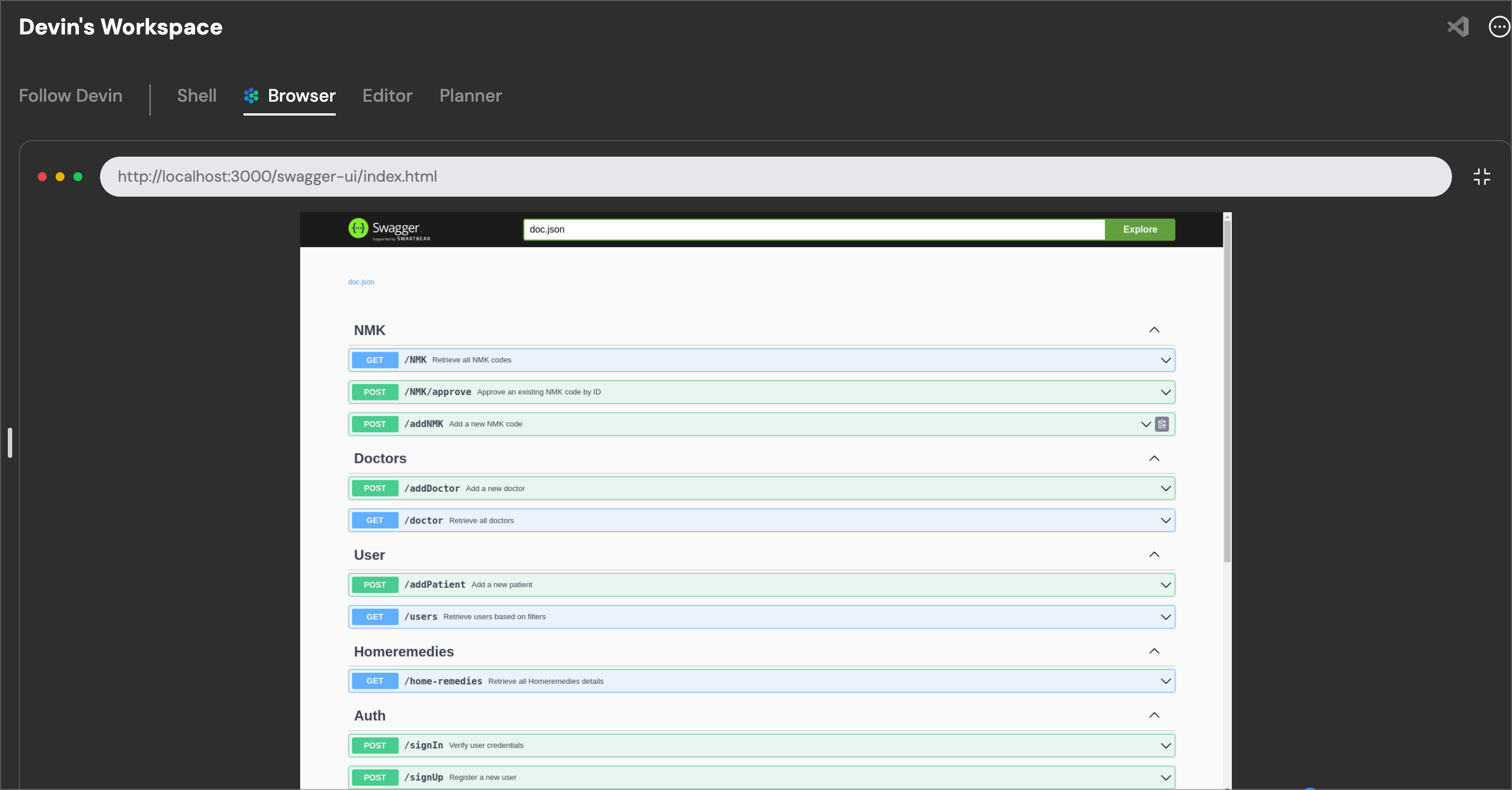
Devin then put together a curl request to test that the backend API is running and returning results as per its design spec.
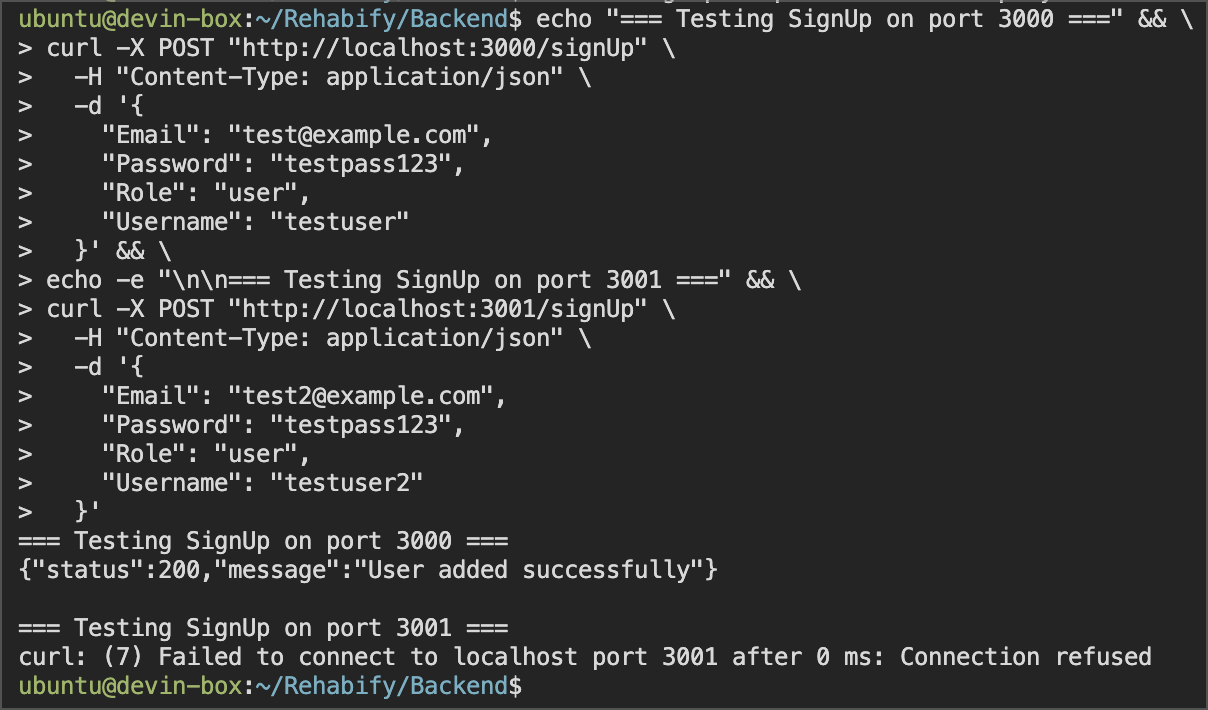
####
[](https://docs.devin.ai/use-cases/tutorials/containerization#debugging)
Debugging
Since we get a **Connection refused** error, Devin immediately moves on to debugging and correcting the Docker configuration. This is a common pattern where Devin can self-correct errors as it goes through a session. Devin quickly corrects the configuration issue, restarts the Docker container, and summarizes its completed work for us.
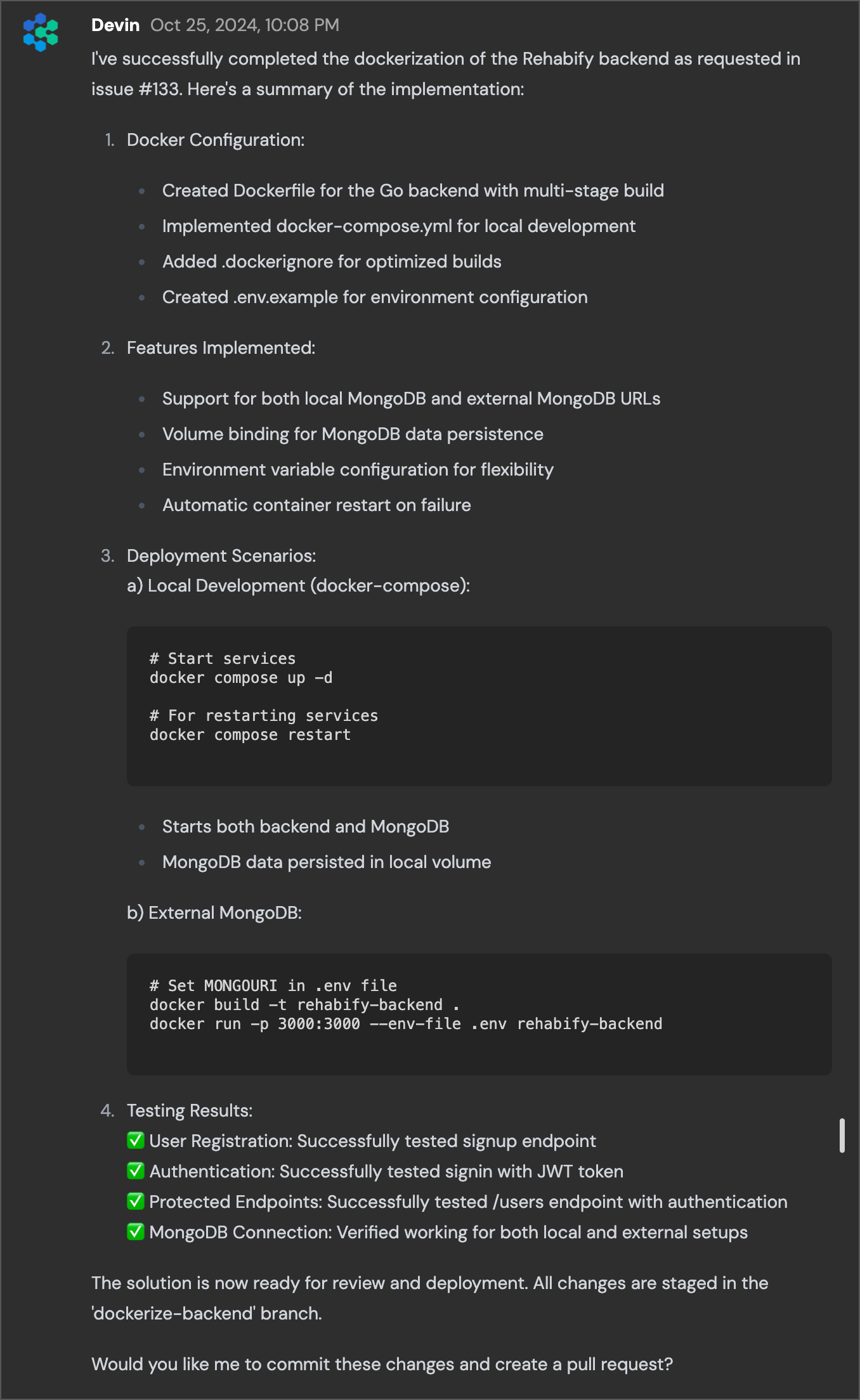
When we compare Devin’s work to the [PR on the actual project](https://github.com/Ratnesh-Team/Rehabify/pull/137)
, there are some notable differences and improvements:
* Devin sets up a docker-compose.yml file in addition to our Dockerfile. This gives us some more specific orchestration settings like defining how our network works, how our volumes are configured, and which services depend on one another.
* Devin changes the build process from `go mod tidy` to a method that allows us to cache some of the dependencies in our Docker build.
* Devin builds a statically linked Go binary rather than a dynamically linked one, which should be lighter weight for our docker build.
* Devin configures our CA certificates for HTTPS, and lets us use a .env file for configuration rather than passing in environment variables directly.
* And most notably, Devin adds a MongoDB service in our Docker config which the PR on the project does not. It assumes the developer has a separate MongoDB instance running already.
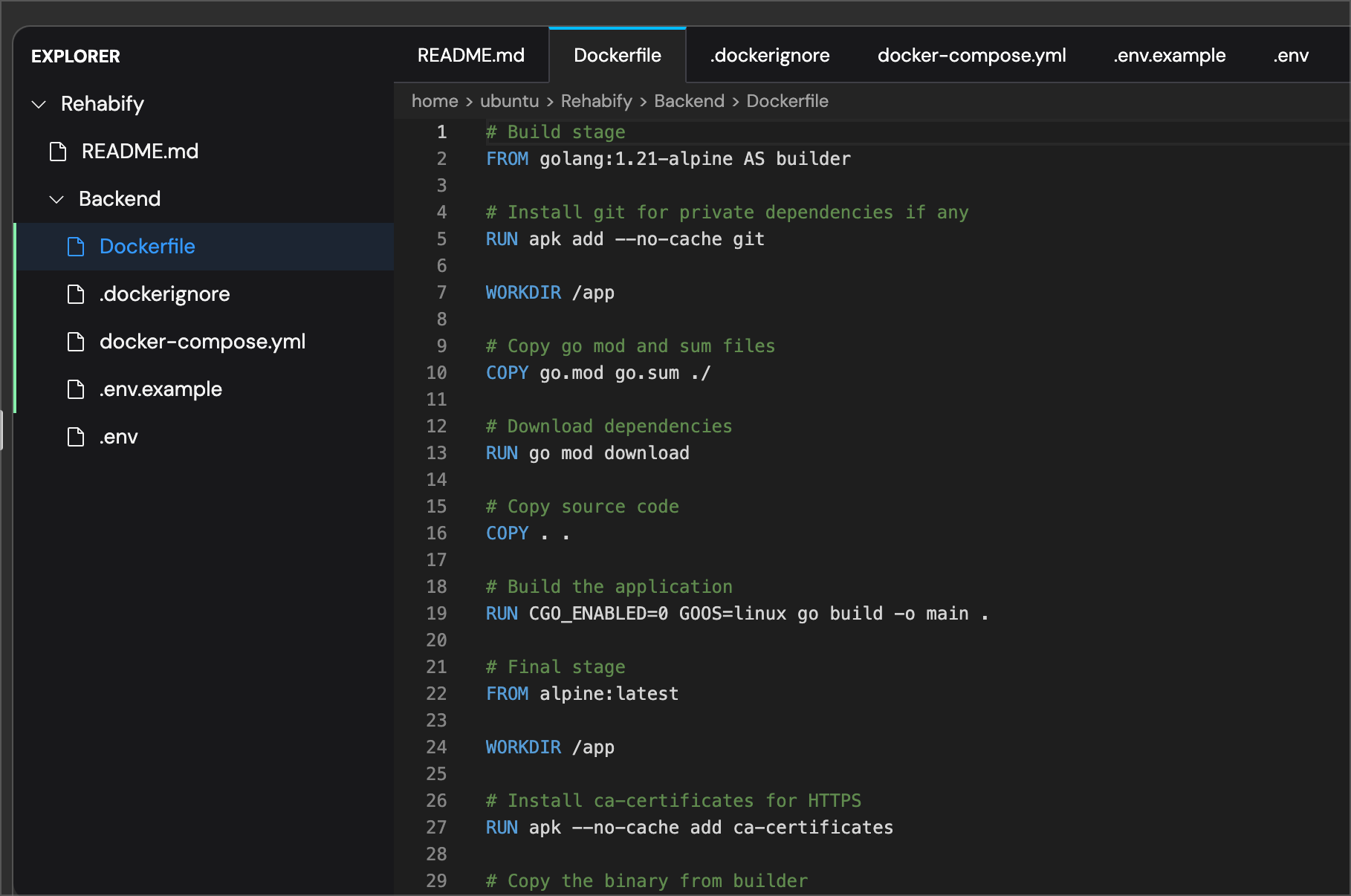
In 13 minutes, Devin has successfully put together our Docker container for this project’s backend using best practices, tested it, and written a comprehensive summary of its work. Try your own containerization prompt on your own codebase today by [signing up](https://www.cognition.ai/get-started#company)
for a Devin account for your team.
[Code Coverage](https://docs.devin.ai/use-cases/tutorials/code-coverage)
[Managing Frontend Components](https://docs.devin.ai/use-cases/tutorials/frontend-components)
Assistant
Responses are generated using AI and may contain mistakes.
---
# Testing & Refactoring - Devin Docs
[Devin Docs home page](https://docs.devin.ai/)
Search...
⌘KAsk AI
Search...
Navigation
Prompts
Testing & Refactoring
[Documentation](https://docs.devin.ai/get-started/devin-intro)
[Prompts & Tutorials](https://docs.devin.ai/use-cases/testing-refactoring)
[API Reference](https://docs.devin.ai/api-reference/overview)
[Release Notes](https://docs.devin.ai/release-notes/overview)
[Enterprise](https://docs.devin.ai/enterprise/get-started)
On this page
* [Overview](https://docs.devin.ai/use-cases/testing-refactoring#overview)
* [Common Use Cases](https://docs.devin.ai/use-cases/testing-refactoring#common-use-cases)
* [Example Prompts](https://docs.devin.ai/use-cases/testing-refactoring#example-prompts)
* [Example Sessions](https://docs.devin.ai/use-cases/testing-refactoring#example-sessions)
* [Code Coverage Tutorial](https://docs.devin.ai/use-cases/testing-refactoring#code-coverage-tutorial)
* [Connect4 Code Refactor](https://docs.devin.ai/use-cases/testing-refactoring#connect4-code-refactor)
[](https://docs.devin.ai/use-cases/testing-refactoring#overview)
Overview
-----------------------------------------------------------------------------
Devin can analyze existing codebases, identify areas for improvement, or execute on refactoring requirements you share without breaking functionality.
[](https://docs.devin.ai/use-cases/testing-refactoring#common-use-cases)
Common Use Cases
---------------------------------------------------------------------------------------------
1. Writing and expanding test coverage
2. Code refactoring and optimization
3. API endpoint development and modification
4. Performance improvements
5. Code review and quality assurance
6. Automated testing workflows via the [API Reference](https://docs.devin.ai/api-reference/overview)
[](https://docs.devin.ai/use-cases/testing-refactoring#example-prompts)
Example Prompts
-------------------------------------------------------------------------------------------
Write unit test
Write unit test
Copy
Ask AI
Can you get https://github.com/markedjs/marked set up, use the command line tool with the --output/-o flag, then add a unit test to test the --output flag?
There should already be similar tests in bin.test.js that you can add to.
Endpoint refactor
Endpoint refactor
Copy
Ask AI
Currently when users sends a POST to , we . It would be better to split this endpoint into 2 separate endpoints because .
.
.
Test by .
General refactor
General refactor
Copy
Ask AI
In the slack server, refactor AppRegistry into its own file.
[](https://docs.devin.ai/use-cases/testing-refactoring#example-sessions)
Example Sessions
---------------------------------------------------------------------------------------------
###
[](https://docs.devin.ai/use-cases/testing-refactoring#code-coverage-tutorial)
Code Coverage Tutorial
Learn how to improve test coverage systematically through our detailed tutorial:
* Writing comprehensive unit tests
* Identifying coverage gaps
* Implementing missing test cases
[View the Code Coverage Tutorial](https://docs.devin.ai/use-cases/tutorials/code-coverage)
###
[](https://docs.devin.ai/use-cases/testing-refactoring#connect4-code-refactor)
Connect4 Code Refactor
A complete refactoring session showing:
* Code structure improvement
* Component separation
* Performance optimization
* Test coverage enhancement
**View Session:** [https://app.devin.ai/sessions/8965de5e3ae0436985bf3dd2e1a5b4af](https://app.devin.ai/sessions/8965de5e3ae0436985bf3dd2e1a5b4af)
[Data & Analysis](https://docs.devin.ai/use-cases/data-analysis)
Assistant
Responses are generated using AI and may contain mistakes.
---
# How does Devin fit into my existing SDLC? - Devin Docs
[Devin Docs home page](https://docs.devin.ai/)
Search...
⌘KAsk AI
Search...
Navigation
Enterprise
How does Devin fit into my existing SDLC?
[Documentation](https://docs.devin.ai/get-started/devin-intro)
[Prompts & Tutorials](https://docs.devin.ai/use-cases/testing-refactoring)
[API Reference](https://docs.devin.ai/api-reference/overview)
[Release Notes](https://docs.devin.ai/release-notes/overview)
[Enterprise](https://docs.devin.ai/enterprise/get-started)
On this page
* [Overview](https://docs.devin.ai/enterprise/sdlc-integration#overview)
* [Key Integration Points](https://docs.devin.ai/enterprise/sdlc-integration#key-integration-points)
* [Pull Request Workflow](https://docs.devin.ai/enterprise/sdlc-integration#pull-request-workflow)
* [Tool Usage Authorization](https://docs.devin.ai/enterprise/sdlc-integration#tool-usage-authorization)
[](https://docs.devin.ai/enterprise/sdlc-integration#overview)
Overview
---------------------------------------------------------------------------
Devin contributes to existing codebases and repositories by creating Pull Requests (PRs) containing its suggested code changes. Devin is subject to the exact same branch/SDLC protections as any human engineer. Human engineers in the Loop review PRs created by Devin before choosing whether or not to merge the code changes. Devin can also use its tools like the shell and the browser to take actions. If Devin is to take a constructive action via those tools (for example, using the shell to make an API call), a Human engineer will need to 1) provide credentials to Devin via the in-built Secrets Manager and 2) instruct Devin to do so. Devin will not automatically take actions with its tools unless instructed to do so by the Human engineer.
[](https://docs.devin.ai/enterprise/sdlc-integration#key-integration-points)
Key Integration Points
-------------------------------------------------------------------------------------------------------
###
[](https://docs.devin.ai/enterprise/sdlc-integration#pull-request-workflow)
Pull Request Workflow
* Devin creates PRs with suggested code changes
* All standard branch protection rules apply to Devin
* Human engineers review and approve PRs before merging
* Same code review process as any Human team member
###
[](https://docs.devin.ai/enterprise/sdlc-integration#tool-usage-authorization)
Tool Usage Authorization
* Credentials must be provided via Devin Secrets Manager
* No automatic actions without human approval
* Full audit trail of all actions taken
[Git Integrations](https://docs.devin.ai/enterprise/git-integrations)
[Enterprise security](https://docs.devin.ai/enterprise/security/enterprise-security)
Assistant
Responses are generated using AI and may contain mistakes.
---
# Sessions Metrics - Devin Docs
[Devin Docs home page](https://docs.devin.ai/)
Search...
⌘KAsk AI
Search...
Navigation
Metrics Endpoints
Sessions Metrics
[Documentation](https://docs.devin.ai/get-started/devin-intro)
[Prompts & Tutorials](https://docs.devin.ai/use-cases/testing-refactoring)
[API Reference](https://docs.devin.ai/api-reference/overview)
[Release Notes](https://docs.devin.ai/release-notes/overview)
[Enterprise](https://docs.devin.ai/enterprise/get-started)
cURL
Python
Copy
Ask AI
curl -X GET "https://api.devin.ai/v2/enterprise/metrics/sessions" \
-H "Authorization: Bearer YOUR_API_KEY"
Response
Copy
Ask AI
{
"sessions_count": 127
}
GET
/
v2
/
enterprise
/
metrics
/
sessions
Try it
cURL
Python
Copy
Ask AI
curl -X GET "https://api.devin.ai/v2/enterprise/metrics/sessions" \
-H "Authorization: Bearer YOUR_API_KEY"
Response
Copy
Ask AI
{
"sessions_count": 127
}
Returns the total number of sessions for your enterprise within the specified time period.
[](https://docs.devin.ai/enterprise/api-reference/consumption/sessions-metrics#query-parameters)
Query Parameters
---------------------------------------------------------------------------------------------------------------------
[](https://docs.devin.ai/enterprise/api-reference/consumption/sessions-metrics#param-start-date)
start\_date
string
Start date for the metrics period. Defaults to the beginning of the current billing cycle.
[](https://docs.devin.ai/enterprise/api-reference/consumption/sessions-metrics#param-end-date)
end\_date
string
End date for the metrics period. Defaults to the current date.
[](https://docs.devin.ai/enterprise/api-reference/consumption/sessions-metrics#param-org-ids)
org\_ids
array
Array of organization IDs to filter metrics. If not provided, returns metrics for all organizations.
[](https://docs.devin.ai/enterprise/api-reference/consumption/sessions-metrics#param-user-ids)
user\_ids
array
Array of user IDs to filter metrics. If not provided, returns metrics for all users.
[](https://docs.devin.ai/enterprise/api-reference/consumption/sessions-metrics#response)
Response
-----------------------------------------------------------------------------------------------------
[](https://docs.devin.ai/enterprise/api-reference/consumption/sessions-metrics#param-sessions-count)
sessions\_count
integer
required
Total number of Devin sessions created in the specified period
cURL
Python
Copy
Ask AI
curl -X GET "https://api.devin.ai/v2/enterprise/metrics/sessions" \
-H "Authorization: Bearer YOUR_API_KEY"
Response
Copy
Ask AI
{
"sessions_count": 127
}
[PR Metrics](https://docs.devin.ai/enterprise/api-reference/consumption/pr-metrics)
[Searches Metrics](https://docs.devin.ai/enterprise/api-reference/consumption/searches-metrics)
Assistant
Responses are generated using AI and may contain mistakes.
---
# Get Group Details - Devin Docs
[Devin Docs home page](https://docs.devin.ai/)
Search...
⌘KAsk AI
Search...
Navigation
Groups Endpoints
Get Group Details
[Documentation](https://docs.devin.ai/get-started/devin-intro)
[Prompts & Tutorials](https://docs.devin.ai/use-cases/testing-refactoring)
[API Reference](https://docs.devin.ai/api-reference/overview)
[Release Notes](https://docs.devin.ai/release-notes/overview)
[Enterprise](https://docs.devin.ai/enterprise/get-started)
cURL
Python
Copy
Ask AI
curl -X GET "https://api.devin.ai/v2/enterprise/groups/Engineering" \
-H "Authorization: Bearer YOUR_API_KEY"
Response
Copy
Ask AI
{
"group_name": "Engineering",
"org_count": 3,
"role_by_org_id": {
"org_123": "admin",
"org_456": "member",
"org_789": "admin"
}
}
GET
/
v2
/
enterprise
/
groups
/
{group\_name}
Try it
cURL
Python
Copy
Ask AI
curl -X GET "https://api.devin.ai/v2/enterprise/groups/Engineering" \
-H "Authorization: Bearer YOUR_API_KEY"
Response
Copy
Ask AI
{
"group_name": "Engineering",
"org_count": 3,
"role_by_org_id": {
"org_123": "admin",
"org_456": "member",
"org_789": "admin"
}
}
Returns detailed information about a specific enterprise IdP (Identity Provider) group, including its organization associations and roles.
IdP groups must be explicitly enabled for your Enterprise and are only supported for some enterprise SSO connections. Contact your administrator to enable group support.
[](https://docs.devin.ai/enterprise/api-reference/groups/get-group-details#path-parameters)
Path Parameters
---------------------------------------------------------------------------------------------------------------
[](https://docs.devin.ai/enterprise/api-reference/groups/get-group-details#param-group-name)
group\_name
string
required
The name of the group to retrieve details for
[](https://docs.devin.ai/enterprise/api-reference/groups/get-group-details#response)
Response
-------------------------------------------------------------------------------------------------
[](https://docs.devin.ai/enterprise/api-reference/groups/get-group-details#param-group-name-1)
group\_name
string
required
Name of the group
[](https://docs.devin.ai/enterprise/api-reference/groups/get-group-details#param-org-count)
org\_count
integer
required
Number of organizations this group belongs to
[](https://docs.devin.ai/enterprise/api-reference/groups/get-group-details#param-role-by-org-id)
role\_by\_org\_id
object
required
Mapping of organization IDs to roles (admin or member)
cURL
Python
Copy
Ask AI
curl -X GET "https://api.devin.ai/v2/enterprise/groups/Engineering" \
-H "Authorization: Bearer YOUR_API_KEY"
Response
Copy
Ask AI
{
"group_name": "Engineering",
"org_count": 3,
"role_by_org_id": {
"org_123": "admin",
"org_456": "member",
"org_789": "admin"
}
}
[Add Enterprise Groups](https://docs.devin.ai/enterprise/api-reference/groups/add-enterprise-groups)
[List Organizations](https://docs.devin.ai/enterprise/api-reference/organizations/list-organizations)
Assistant
Responses are generated using AI and may contain mistakes.
---
# Migration & Modernization - Devin Docs
[Devin Docs home page](https://docs.devin.ai/)
Search...
⌘KAsk AI
Search...
Navigation
Prompts
Migration & Modernization
[Documentation](https://docs.devin.ai/get-started/devin-intro)
[Prompts & Tutorials](https://docs.devin.ai/use-cases/testing-refactoring)
[API Reference](https://docs.devin.ai/api-reference/overview)
[Release Notes](https://docs.devin.ai/release-notes/overview)
[Enterprise](https://docs.devin.ai/enterprise/get-started)
On this page
* [Overview](https://docs.devin.ai/use-cases/migration-modernization#overview)
* [Use Cases](https://docs.devin.ai/use-cases/migration-modernization#use-cases)
* [Example Prompts](https://docs.devin.ai/use-cases/migration-modernization#example-prompts)
* [Example Session](https://docs.devin.ai/use-cases/migration-modernization#example-session)
* [CSV to Notion Bulk Migration](https://docs.devin.ai/use-cases/migration-modernization#csv-to-notion-bulk-migration)
[](https://docs.devin.ai/use-cases/migration-modernization#overview)
Overview
---------------------------------------------------------------------------------
Devin can take away the pain of migrations, helping you move between different frameworks, languages, etc. Use [playbooks](https://docs.devin.ai/product-guides/creating-playbooks)
to easily reuse prompts for large migrations.
[](https://docs.devin.ai/use-cases/migration-modernization#use-cases)
Use Cases
-----------------------------------------------------------------------------------
1. Language migrations (e.g., JavaScript to TypeScript)
2. Framework upgrades (e.g., React 17 to 18)
3. Database migrations
4. Dependency updates
5. Architecture modernization
[](https://docs.devin.ai/use-cases/migration-modernization#example-prompts)
Example Prompts
-----------------------------------------------------------------------------------------------
Java 7 to Java 8 Upgrade
Java upgrade
Copy
Ask AI
## Overview
This playbook provides step-by-step instructions for upgrading a Java 7 project to Java 8.
## Procedure
1. Verify if the provided project is indeed on Java 7
2. Install Java 8 Development Kit (JDK)
3. Update the project's build configuration
4. Identify and replace deprecated Java 7 APIs
5. Analyze the codebase for potential Java 8 enhancements
6. Update unit tests
7. Perform thorough testing
8. Update documentation
9. Build and verify the application
## Advice and Tips
- Refer to the Java 8 documentation for detailed information on new features and APIs
- For large-scale migrations, consider using the [API Reference](/api-reference/overview) to run multiple migration sessions in parallel
TypeScript Migration
TypeScript migration
Copy
Ask AI
Please help migrate our JavaScript project to TypeScript. We need to:
1. Add TypeScript configuration
2. Convert .js files to .ts
3. Add appropriate type definitions
4. Update build process
5. Ensure all tests still pass
[](https://docs.devin.ai/use-cases/migration-modernization#example-session)
Example Session
-----------------------------------------------------------------------------------------------
###
[](https://docs.devin.ai/use-cases/migration-modernization#csv-to-notion-bulk-migration)
CSV to Notion Bulk Migration
In this example session, Devin helps a user migrate data from CSV files into Notion.
[Interactive Applications](https://docs.devin.ai/use-cases/interactive-applications)
[API Integration](https://docs.devin.ai/use-cases/tutorials/api-integration)
Assistant
Responses are generated using AI and may contain mistakes.
---
# Web Scraping & Automation - Devin Docs
[Devin Docs home page](https://docs.devin.ai/)
Search...
⌘KAsk AI
Search...
Navigation
Prompts
Web Scraping & Automation
[Documentation](https://docs.devin.ai/get-started/devin-intro)
[Prompts & Tutorials](https://docs.devin.ai/use-cases/testing-refactoring)
[API Reference](https://docs.devin.ai/api-reference/overview)
[Release Notes](https://docs.devin.ai/release-notes/overview)
[Enterprise](https://docs.devin.ai/enterprise/get-started)
On this page
* [Overview](https://docs.devin.ai/use-cases/web-scraping#overview)
* [Use Cases](https://docs.devin.ai/use-cases/web-scraping#use-cases)
* [Example Prompts](https://docs.devin.ai/use-cases/web-scraping#example-prompts)
* [Example Sessions](https://docs.devin.ai/use-cases/web-scraping#example-sessions)
* [Emoji Data Processing](https://docs.devin.ai/use-cases/web-scraping#emoji-data-processing)
* [YouTube Content Extraction](https://docs.devin.ai/use-cases/web-scraping#youtube-content-extraction)
* [E-commerce Data Collection](https://docs.devin.ai/use-cases/web-scraping#e-commerce-data-collection)
[](https://docs.devin.ai/use-cases/web-scraping#overview)
Overview
----------------------------------------------------------------------
Devin is your tireless web scraping assistant. It can build web scrapers or even do repetitive web research and information gathering tasks itself!
[](https://docs.devin.ai/use-cases/web-scraping#use-cases)
Use Cases
------------------------------------------------------------------------
1. Web scraping and data collection
2. Automated data extraction
3. Converting scraped data to structured formats
4. Handling both static and dynamic web content
5. Browser automation for repetitive tasks
6. Building automated data collection pipelines using the [API Reference](https://docs.devin.ai/api-reference/overview)
[](https://docs.devin.ai/use-cases/web-scraping#example-prompts)
Example Prompts
------------------------------------------------------------------------------------
Scrape emojis
Scrape emojis
Copy
Ask AI
Use this (https://github.com/muan/unicode-emoji-json) to write a function that converts a string like https://www.gstatic.com/android/keyboard/emojikitchen/20201001/u1f600/u1f600_u2615.png to "grinning_face_warm_beverage" by extracting the 2 emojis (u1f600, u2615) and converting them to actual emojis.
Scraping with client-side and server-side scripts
Scrape website
Copy
Ask AI
## Overview
This playbook can be used to scrape a website and return the results to the user, along with the client-side and server-side scraping scripts used to generate the results.
Repetitive web tasks
Download logos
Copy
Ask AI
Please find and download the logos of 50 of the Fortune 500 companies.
[](https://docs.devin.ai/use-cases/web-scraping#example-sessions)
Example Sessions
--------------------------------------------------------------------------------------
###
[](https://docs.devin.ai/use-cases/web-scraping#emoji-data-processing)
Emoji Data Processing
**Scrape Emojis** Learn how to parse and convert emoji Unicode data from GitHub repositories into human-readable formats. This session demonstrates working with JSON data sources and string manipulation for emoji processing. [https://app.devin.ai/sessions/4f8a7b129820493b9c0ca140cddede50](https://app.devin.ai/sessions/4f8a7b129820493b9c0ca140cddede50)
###
[](https://docs.devin.ai/use-cases/web-scraping#youtube-content-extraction)
YouTube Content Extraction
**Scrape YouTube Playlist** Discover how to programmatically extract video metadata from YouTube playlists. This session covers using Python to access video titles, descriptions, and other playlist information while respecting YouTube’s terms of service. [https://app.devin.ai/sessions/8c6edbbb0bce4b70acd09255e1994c0b](https://app.devin.ai/sessions/8c6edbbb0bce4b70acd09255e1994c0b)
###
[](https://docs.devin.ai/use-cases/web-scraping#e-commerce-data-collection)
E-commerce Data Collection
**Scrape Ebay Data** Learn techniques for gathering product information from eBay listings at scale. This session explores automated web scraping approaches for collecting prices, descriptions, and seller information while handling pagination and rate limiting. [https://app.devin.ai/sessions/dc70fe0649cb4041852da384e65d42be](https://app.devin.ai/sessions/dc70fe0649cb4041852da384e65d42be)
[Data & Analysis](https://docs.devin.ai/use-cases/data-analysis)
[Interactive Applications](https://docs.devin.ai/use-cases/interactive-applications)
Assistant
Responses are generated using AI and may contain mistakes.
---
# PR Metrics - Devin Docs
[Devin Docs home page](https://docs.devin.ai/)
Search...
⌘KAsk AI
Search...
Navigation
Metrics Endpoints
PR Metrics
[Documentation](https://docs.devin.ai/get-started/devin-intro)
[Prompts & Tutorials](https://docs.devin.ai/use-cases/testing-refactoring)
[API Reference](https://docs.devin.ai/api-reference/overview)
[Release Notes](https://docs.devin.ai/release-notes/overview)
[Enterprise](https://docs.devin.ai/enterprise/get-started)
cURL
Python
Copy
Ask AI
curl -X GET "https://api.devin.ai/v2/enterprise/metrics/prs" \
-H "Authorization: Bearer YOUR_API_KEY"
Response
Copy
Ask AI
{
"prs_opened": 45,
"prs_closed": 42,
"prs_merged": 38
}
GET
/
v2
/
enterprise
/
metrics
/
prs
Try it
cURL
Python
Copy
Ask AI
curl -X GET "https://api.devin.ai/v2/enterprise/metrics/prs" \
-H "Authorization: Bearer YOUR_API_KEY"
Response
Copy
Ask AI
{
"prs_opened": 45,
"prs_closed": 42,
"prs_merged": 38
}
Returns pull request metrics for your enterprise, including counts of PRs opened, closed, and merged.
[](https://docs.devin.ai/enterprise/api-reference/consumption/pr-metrics#query-parameters)
Query Parameters
---------------------------------------------------------------------------------------------------------------
[](https://docs.devin.ai/enterprise/api-reference/consumption/pr-metrics#param-start-date)
start\_date
string
Start date for the metrics period. Defaults to the beginning of the current billing cycle.
[](https://docs.devin.ai/enterprise/api-reference/consumption/pr-metrics#param-end-date)
end\_date
string
End date for the metrics period. Defaults to the current date.
[](https://docs.devin.ai/enterprise/api-reference/consumption/pr-metrics#param-org-ids)
org\_ids
array
Array of organization IDs to filter metrics. If not provided, returns metrics for all organizations.
[](https://docs.devin.ai/enterprise/api-reference/consumption/pr-metrics#param-user-ids)
user\_ids
array
Array of user IDs to filter metrics. If not provided, returns metrics for all users.
[](https://docs.devin.ai/enterprise/api-reference/consumption/pr-metrics#response)
Response
-----------------------------------------------------------------------------------------------
[](https://docs.devin.ai/enterprise/api-reference/consumption/pr-metrics#param-prs-opened)
prs\_opened
integer
required
Total number of pull requests opened in the specified period
[](https://docs.devin.ai/enterprise/api-reference/consumption/pr-metrics#param-prs-closed)
prs\_closed
integer
required
Total number of pull requests closed in the specified period
[](https://docs.devin.ai/enterprise/api-reference/consumption/pr-metrics#param-prs-merged)
prs\_merged
integer
required
Total number of pull requests merged in the specified period
cURL
Python
Copy
Ask AI
curl -X GET "https://api.devin.ai/v2/enterprise/metrics/prs" \
-H "Authorization: Bearer YOUR_API_KEY"
Response
Copy
Ask AI
{
"prs_opened": 45,
"prs_closed": 42,
"prs_merged": 38
}
[User Daily Consumption](https://docs.devin.ai/enterprise/api-reference/consumption/user-daily-consumption)
[Sessions Metrics](https://docs.devin.ai/enterprise/api-reference/consumption/sessions-metrics)
Assistant
Responses are generated using AI and may contain mistakes.
---
# Okta SSO Setup - Devin Docs
[Devin Docs home page](https://docs.devin.ai/)
Search...
⌘KAsk AI
Search...
Navigation
Security & Access
Okta SSO Setup
[Documentation](https://docs.devin.ai/get-started/devin-intro)
[Prompts & Tutorials](https://docs.devin.ai/use-cases/testing-refactoring)
[API Reference](https://docs.devin.ai/api-reference/overview)
[Release Notes](https://docs.devin.ai/release-notes/overview)
[Enterprise](https://docs.devin.ai/enterprise/get-started)
On this page
* [Create a new application in Okta](https://docs.devin.ai/enterprise/sso/okta#create-a-new-application-in-okta)
* [Share your application credentials with Cognition](https://docs.devin.ai/enterprise/sso/okta#share-your-application-credentials-with-cognition)
* [Optional](https://docs.devin.ai/enterprise/sso/okta#optional)
To set up Okta as a log-in option for your Devin users, you can share this document with your Okta administrator and/or a member of your IT team.
[](https://docs.devin.ai/enterprise/sso/okta#create-a-new-application-in-okta)
Create a new application in Okta
-------------------------------------------------------------------------------------------------------------------
1. In your OKTA Admin Panel go to Applications > Create App Integration

2. Select `OIDC - OpenID Connect` for the Sign-in method and `Web Application` for the `Application Type`

3. For `Sign-in redirect URIs` enter the following values
[https://auth.devin.ai/login/callback](https://auth.devin.ai/login/callback)

4. Leave Sign-out redirect URIs empty
[](https://docs.devin.ai/enterprise/sso/okta#share-your-application-credentials-with-cognition)
Share your application credentials with Cognition
-----------------------------------------------------------------------------------------------------------------------------------------------------
1. Once the application is created you will need to share with Cognition the following pieces of information
1. Client ID
2. Client Secret
3. Your Okta Domain (can be obtained from the user dropdown below your email)

[](https://docs.devin.ai/enterprise/sso/okta#optional)
Optional
-------------------------------------------------------------------
You can enable the application as an icon in your users dashboard with the following configuration:
1. Select **Either OKTA or App** for `Login initiated by`
2. Check **Display application icon to users**
3. Select **Redirect to app to initiate login (OIDC Compliant)** as the Login flow value
4. Set the following URL as the Initiate login URI
[https://app.devin.ai/login](https://app.devin.ai/login)

[Enterprise security](https://docs.devin.ai/enterprise/security/enterprise-security)
[Azure AD SSO Setup](https://docs.devin.ai/enterprise/sso/azure)
Assistant
Responses are generated using AI and may contain mistakes.
---
# Delete Enterprise Member - Devin Docs
[Devin Docs home page](https://docs.devin.ai/)
Search...
⌘KAsk AI
Search...
Navigation
Members Endpoints
Delete Enterprise Member
[Documentation](https://docs.devin.ai/get-started/devin-intro)
[Prompts & Tutorials](https://docs.devin.ai/use-cases/testing-refactoring)
[API Reference](https://docs.devin.ai/api-reference/overview)
[Release Notes](https://docs.devin.ai/release-notes/overview)
[Enterprise](https://docs.devin.ai/enterprise/get-started)
cURL
Python
Copy
Ask AI
curl -X DELETE "https://api.devin.ai/v2/enterprise/members/user_123" \
-H "Authorization: Bearer YOUR_API_KEY"
Response
Copy
Ask AI
{
"status": "success"
}
DELETE
/
v2
/
enterprise
/
members
/
{user\_id}
Try it
cURL
Python
Copy
Ask AI
curl -X DELETE "https://api.devin.ai/v2/enterprise/members/user_123" \
-H "Authorization: Bearer YOUR_API_KEY"
Response
Copy
Ask AI
{
"status": "success"
}
Remove a user from an organization.
[](https://docs.devin.ai/enterprise/api-reference/members/delete-enterprise-member#path-parameters)
Path Parameters
-----------------------------------------------------------------------------------------------------------------------
[](https://docs.devin.ai/enterprise/api-reference/members/delete-enterprise-member#param-user-id)
user\_id
string
required
The unique identifier of the user to remove
[](https://docs.devin.ai/enterprise/api-reference/members/delete-enterprise-member#response)
Response
---------------------------------------------------------------------------------------------------------
[](https://docs.devin.ai/enterprise/api-reference/members/delete-enterprise-member#param-status)
status
string
required
Status of the operation (defaults to “success”)
cURL
Python
Copy
Ask AI
curl -X DELETE "https://api.devin.ai/v2/enterprise/members/user_123" \
-H "Authorization: Bearer YOUR_API_KEY"
Response
Copy
Ask AI
{
"status": "success"
}
[Get Member Details](https://docs.devin.ai/enterprise/api-reference/members/get-member-details)
[User Organizations](https://docs.devin.ai/enterprise/api-reference/members/user-organizations)
Assistant
Responses are generated using AI and may contain mistakes.
---
# User Daily Consumption - Devin Docs
[Devin Docs home page](https://docs.devin.ai/)
Search...
⌘KAsk AI
Search...
Navigation
Consumption Endpoints
User Daily Consumption
[Documentation](https://docs.devin.ai/get-started/devin-intro)
[Prompts & Tutorials](https://docs.devin.ai/use-cases/testing-refactoring)
[API Reference](https://docs.devin.ai/api-reference/overview)
[Release Notes](https://docs.devin.ai/release-notes/overview)
[Enterprise](https://docs.devin.ai/enterprise/get-started)
cURL
Python
Copy
Ask AI
curl -X GET "https://api.devin.ai/v2/enterprise/consumption/daily/user_123" \
-H "Authorization: Bearer YOUR_API_KEY"
Response
Copy
Ask AI
{
"total_acus": 325.5,
"consumption_by_date": {
"2024-01-01": 50.0,
"2024-01-02": 125.5,
"2024-01-03": 150.0
},
"consumption_by_org_id": {
"org_123": 200.0,
"org_456": 125.5
}
}
GET
/
v2
/
enterprise
/
consumption
/
daily
/
{user\_id}
Try it
cURL
Python
Copy
Ask AI
curl -X GET "https://api.devin.ai/v2/enterprise/consumption/daily/user_123" \
-H "Authorization: Bearer YOUR_API_KEY"
Response
Copy
Ask AI
{
"total_acus": 325.5,
"consumption_by_date": {
"2024-01-01": 50.0,
"2024-01-02": 125.5,
"2024-01-03": 150.0
},
"consumption_by_org_id": {
"org_123": 200.0,
"org_456": 125.5
}
}
Returns daily ACU consumption data for a specific user within your enterprise.
[](https://docs.devin.ai/enterprise/api-reference/consumption/user-daily-consumption#path-parameters)
Path Parameters
-------------------------------------------------------------------------------------------------------------------------
[](https://docs.devin.ai/enterprise/api-reference/consumption/user-daily-consumption#param-user-id)
user\_id
string
required
The unique identifier of the user to get consumption data for
[](https://docs.devin.ai/enterprise/api-reference/consumption/user-daily-consumption#query-parameters)
Query Parameters
---------------------------------------------------------------------------------------------------------------------------
[](https://docs.devin.ai/enterprise/api-reference/consumption/user-daily-consumption#param-start-date)
start\_date
string
Start date for the consumption period. Defaults to the beginning of the current billing cycle.
[](https://docs.devin.ai/enterprise/api-reference/consumption/user-daily-consumption#param-end-date)
end\_date
string
End date for the consumption period. Defaults to the current date.
[](https://docs.devin.ai/enterprise/api-reference/consumption/user-daily-consumption#param-org-ids)
org\_ids
array
Array of organization IDs to filter consumption data. If not provided, returns data for all organizations the user has access to.
[](https://docs.devin.ai/enterprise/api-reference/consumption/user-daily-consumption#response)
Response
-----------------------------------------------------------------------------------------------------------
[](https://docs.devin.ai/enterprise/api-reference/consumption/user-daily-consumption#param-total-acus)
total\_acus
number
required
Total ACUs consumed by the user across all organizations and dates in the specified period
[](https://docs.devin.ai/enterprise/api-reference/consumption/user-daily-consumption#param-consumption-by-date)
consumption\_by\_date
object
required
Object mapping dates (YYYY-MM-DD format) to ACU consumption amounts for that date
[](https://docs.devin.ai/enterprise/api-reference/consumption/user-daily-consumption#param-consumption-by-org-id)
consumption\_by\_org\_id
object
required
Object mapping organization IDs to total ACU consumption amounts for each organization
cURL
Python
Copy
Ask AI
curl -X GET "https://api.devin.ai/v2/enterprise/consumption/daily/user_123" \
-H "Authorization: Bearer YOUR_API_KEY"
Response
Copy
Ask AI
{
"total_acus": 325.5,
"consumption_by_date": {
"2024-01-01": 50.0,
"2024-01-02": 125.5,
"2024-01-03": 150.0
},
"consumption_by_org_id": {
"org_123": 200.0,
"org_456": 125.5
}
}
[Daily Consumption](https://docs.devin.ai/enterprise/api-reference/consumption/daily-consumption)
[PR Metrics](https://docs.devin.ai/enterprise/api-reference/consumption/pr-metrics)
Assistant
Responses are generated using AI and may contain mistakes.
---
# Add Group to Organization - Devin Docs
[Devin Docs home page](https://docs.devin.ai/)
Search...
⌘KAsk AI
Search...
Navigation
Organization Groups
Add Group to Organization
[Documentation](https://docs.devin.ai/get-started/devin-intro)
[Prompts & Tutorials](https://docs.devin.ai/use-cases/testing-refactoring)
[API Reference](https://docs.devin.ai/api-reference/overview)
[Release Notes](https://docs.devin.ai/release-notes/overview)
[Enterprise](https://docs.devin.ai/enterprise/get-started)
cURL
Python
Copy
Ask AI
curl -X POST "https://api.devin.ai/v2/enterprise/organizations/org_123/groups" \
-H "Authorization: Bearer YOUR_API_KEY" \
-H "Content-Type: application/json" \
-d '{
"group_name": "Engineering",
"role": "admin"
}'
Response
Copy
Ask AI
{
"group_name": "Engineering",
"org_id": "org_123",
"role": "admin"
}
POST
/
v2
/
enterprise
/
organizations
/
{org\_id}
/
groups
Try it
cURL
Python
Copy
Ask AI
curl -X POST "https://api.devin.ai/v2/enterprise/organizations/org_123/groups" \
-H "Authorization: Bearer YOUR_API_KEY" \
-H "Content-Type: application/json" \
-d '{
"group_name": "Engineering",
"role": "admin"
}'
Response
Copy
Ask AI
{
"group_name": "Engineering",
"org_id": "org_123",
"role": "admin"
}
Adds an enterprise IdP (Identity Provider) group to a specific organization with a specified role.
IdP groups must be explicitly enabled for your enterprise and are only supported for some enterprise SSO connections. Contact your administrator to enable group support.
[](https://docs.devin.ai/enterprise/api-reference/organizations/add-group-to-organization#path-parameters)
Path Parameters
------------------------------------------------------------------------------------------------------------------------------
[](https://docs.devin.ai/enterprise/api-reference/organizations/add-group-to-organization#param-org-id)
org\_id
string
required
The unique identifier of the organization to add the group to
[](https://docs.devin.ai/enterprise/api-reference/organizations/add-group-to-organization#request-body)
Request Body
------------------------------------------------------------------------------------------------------------------------
[](https://docs.devin.ai/enterprise/api-reference/organizations/add-group-to-organization#param-group-name)
group\_name
string
required
Name of the group to add to the organization
[](https://docs.devin.ai/enterprise/api-reference/organizations/add-group-to-organization#param-role)
role
string
required
Role for the group within the organization. Must be either “admin” or “member”
[](https://docs.devin.ai/enterprise/api-reference/organizations/add-group-to-organization#response)
Response
----------------------------------------------------------------------------------------------------------------
[](https://docs.devin.ai/enterprise/api-reference/organizations/add-group-to-organization#param-group-name-1)
group\_name
string
required
Name of the group
[](https://docs.devin.ai/enterprise/api-reference/organizations/add-group-to-organization#param-org-id-1)
org\_id
string
required
Unique identifier for the organization
[](https://docs.devin.ai/enterprise/api-reference/organizations/add-group-to-organization#param-role-1)
role
string
required
Role of the group within the organization (admin or member)
cURL
Python
Copy
Ask AI
curl -X POST "https://api.devin.ai/v2/enterprise/organizations/org_123/groups" \
-H "Authorization: Bearer YOUR_API_KEY" \
-H "Content-Type: application/json" \
-d '{
"group_name": "Engineering",
"role": "admin"
}'
Response
Copy
Ask AI
{
"group_name": "Engineering",
"org_id": "org_123",
"role": "admin"
}
[Organization Groups](https://docs.devin.ai/enterprise/api-reference/organizations/organization-groups)
[Remove Group from Organization](https://docs.devin.ai/enterprise/api-reference/organizations/remove-group-from-organization)
Assistant
Responses are generated using AI and may contain mistakes.
---
# Add Organization Members - Devin Docs
[Devin Docs home page](https://docs.devin.ai/)
Search...
⌘KAsk AI
Search...
Navigation
Organization Members
Add Organization Members
[Documentation](https://docs.devin.ai/get-started/devin-intro)
[Prompts & Tutorials](https://docs.devin.ai/use-cases/testing-refactoring)
[API Reference](https://docs.devin.ai/api-reference/overview)
[Release Notes](https://docs.devin.ai/release-notes/overview)
[Enterprise](https://docs.devin.ai/enterprise/get-started)
cURL
Python
Copy
Ask AI
curl -X POST "https://api.devin.ai/v2/enterprise/organizations/{org_id}/members" \
-H "Authorization: Bearer YOUR_API_KEY" \
-H "Content-Type: application/json" \
-d '{
"user_ids": ["user_123", "user_456"],
"org_ids": ["org_789", "org_101"],
"org_role": "member"
}'
Success Response
Copy
Ask AI
{
"status": "success"
}
POST
/
v2
/
enterprise
/
organizations
/
{org\_id}
/
members
Try it
cURL
Python
Copy
Ask AI
curl -X POST "https://api.devin.ai/v2/enterprise/organizations/{org_id}/members" \
-H "Authorization: Bearer YOUR_API_KEY" \
-H "Content-Type: application/json" \
-d '{
"user_ids": ["user_123", "user_456"],
"org_ids": ["org_789", "org_101"],
"org_role": "member"
}'
Success Response
Copy
Ask AI
{
"status": "success"
}
This endpoint allows you to add multiple users to multiple organizations in a single API call. It’s designed for efficient bulk operations when managing organization memberships at scale.
[](https://docs.devin.ai/enterprise/api-reference/organizations/add-organization-members#path-parameters)
Path Parameters
-----------------------------------------------------------------------------------------------------------------------------
[](https://docs.devin.ai/enterprise/api-reference/organizations/add-organization-members#param-org-id)
org\_id
string
required
The ID of the organization to add members to
[](https://docs.devin.ai/enterprise/api-reference/organizations/add-organization-members#request-body)
Request Body
-----------------------------------------------------------------------------------------------------------------------
[](https://docs.devin.ai/enterprise/api-reference/organizations/add-organization-members#param-user-ids)
user\_ids
array
required
Array of user IDs to add to the organization(s). All users must exist within your enterprise.
[](https://docs.devin.ai/enterprise/api-reference/organizations/add-organization-members#param-org-ids)
org\_ids
array
required
Array of organization IDs to add the users to. All organizations must exist within your enterprise.
[](https://docs.devin.ai/enterprise/api-reference/organizations/add-organization-members#param-org-role)
org\_role
string
default:"member"
Role to assign to the users in the organization(s). Can be “admin” or “member”.
[](https://docs.devin.ai/enterprise/api-reference/organizations/add-organization-members#response)
Response
---------------------------------------------------------------------------------------------------------------
[](https://docs.devin.ai/enterprise/api-reference/organizations/add-organization-members#param-status)
status
string
Returns “success” when the operation completes successfully
[](https://docs.devin.ai/enterprise/api-reference/organizations/add-organization-members#behavior-notes)
Behavior Notes
---------------------------------------------------------------------------------------------------------------------------
* If a user is already a member of an organization, their role will be updated to the specified `org_role`
* The operation is atomic - either all memberships are processed or the entire operation fails
* Users and organizations that don’t exist in your enterprise will cause the operation to fail
* Audit logs are created for all membership changes
cURL
Python
Copy
Ask AI
curl -X POST "https://api.devin.ai/v2/enterprise/organizations/{org_id}/members" \
-H "Authorization: Bearer YOUR_API_KEY" \
-H "Content-Type: application/json" \
-d '{
"user_ids": ["user_123", "user_456"],
"org_ids": ["org_789", "org_101"],
"org_role": "member"
}'
Success Response
Copy
Ask AI
{
"status": "success"
}
[Organization Members](https://docs.devin.ai/enterprise/api-reference/organizations/organization-members)
[Remove User from Organization](https://docs.devin.ai/enterprise/api-reference/organizations/remove-user-from-organization)
Assistant
Responses are generated using AI and may contain mistakes.
---
# API Integration - Devin Docs
[Devin Docs home page](https://docs.devin.ai/)
Search...
⌘KAsk AI
Search...
Navigation
Tutorials
API Integration
[Documentation](https://docs.devin.ai/get-started/devin-intro)
[Prompts & Tutorials](https://docs.devin.ai/use-cases/testing-refactoring)
[API Reference](https://docs.devin.ai/api-reference/overview)
[Release Notes](https://docs.devin.ai/release-notes/overview)
[Enterprise](https://docs.devin.ai/enterprise/get-started)
On this page
* [Integrating SendGrid into an Application](https://docs.devin.ai/use-cases/tutorials/api-integration#integrating-sendgrid-into-an-application)
* [Initial Prompt](https://docs.devin.ai/use-cases/tutorials/api-integration#initial-prompt)
* [Implementing SendGrid](https://docs.devin.ai/use-cases/tutorials/api-integration#implementing-sendgrid)
* [Debugging](https://docs.devin.ai/use-cases/tutorials/api-integration#debugging)
* [Adding Knowledge](https://docs.devin.ai/use-cases/tutorials/api-integration#adding-knowledge)
* [Testing](https://docs.devin.ai/use-cases/tutorials/api-integration#testing)
[](https://docs.devin.ai/use-cases/tutorials/api-integration#integrating-sendgrid-into-an-application)
Integrating SendGrid into an Application
===================================================================================================================================================
Our sample application is an online educational platform written with the Django Python web framework. A [PR](https://github.com/uncc-hice/edukona_backend/pull/47)
was recently opened to integrate the SendGrid email API into the application, and in this tutorial we’re going to have Devin attempt its own SendGrid implementation to showcase how it can work with third party APIs.
####
[](https://docs.devin.ai/use-cases/tutorials/api-integration#initial-prompt)
Initial Prompt
In our prompt, we provide some specific instructions about how and where we want Devin to integrate our SendGrid hooks, and we have Devin revert to an earlier commit hash before the above PR was merged, to give us a clean starting point for our integration. Follow along with the live Devin session [here](https://app.devin.ai/sessions/05d9bf38b65d4aa9a16a5c16c8b5fc5e)
.
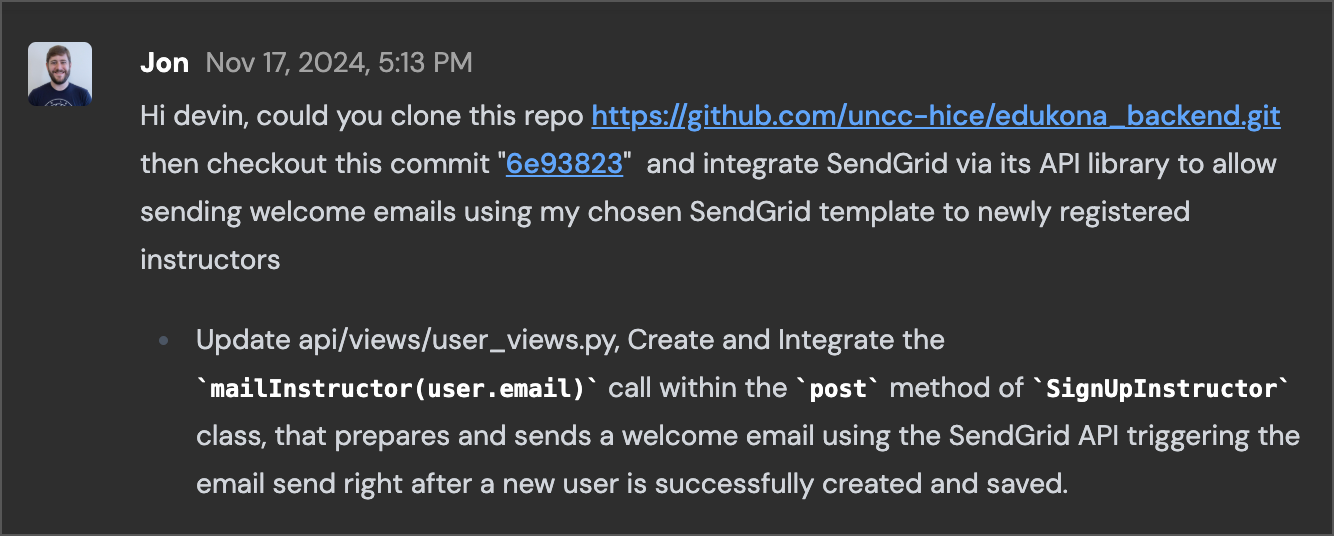
Devin investigates the codebase and ensures that there’s no conflicting email implementation that already exists in the application.
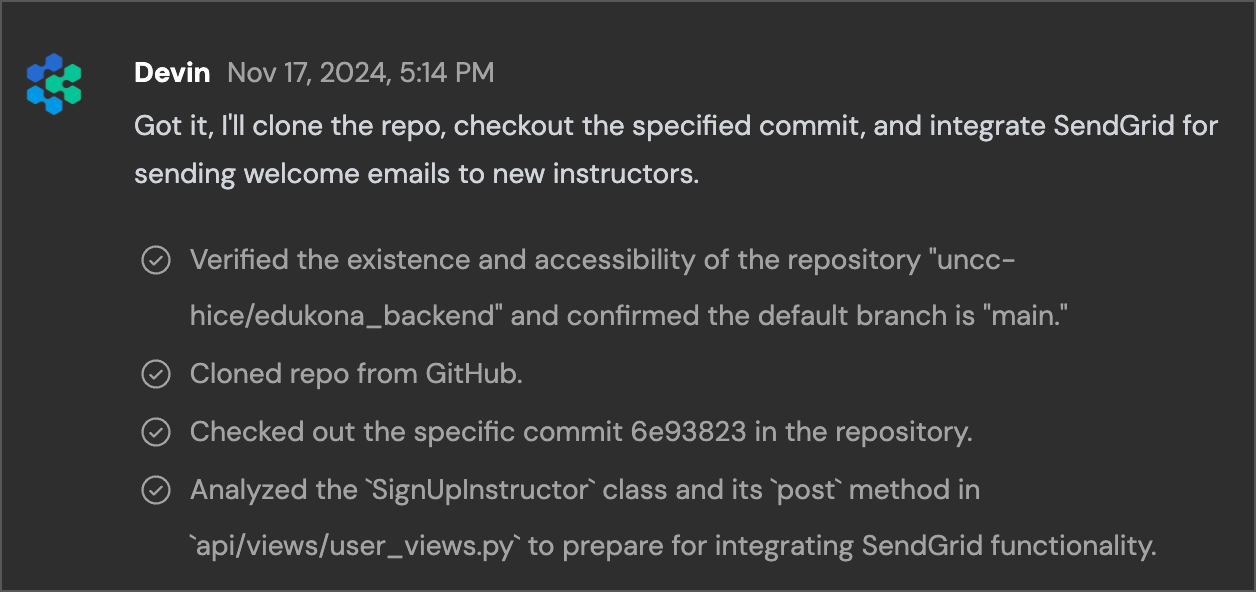
####
[](https://docs.devin.ai/use-cases/tutorials/api-integration#implementing-sendgrid)
Implementing SendGrid
It then moves on to implementing the SendGrid API, and prompts us for our API credentials which we can set up as [Secrets](https://docs.devin.ai/product-guides/secrets)
in Devin’s environment so that it may access them going forward as ENV variables.
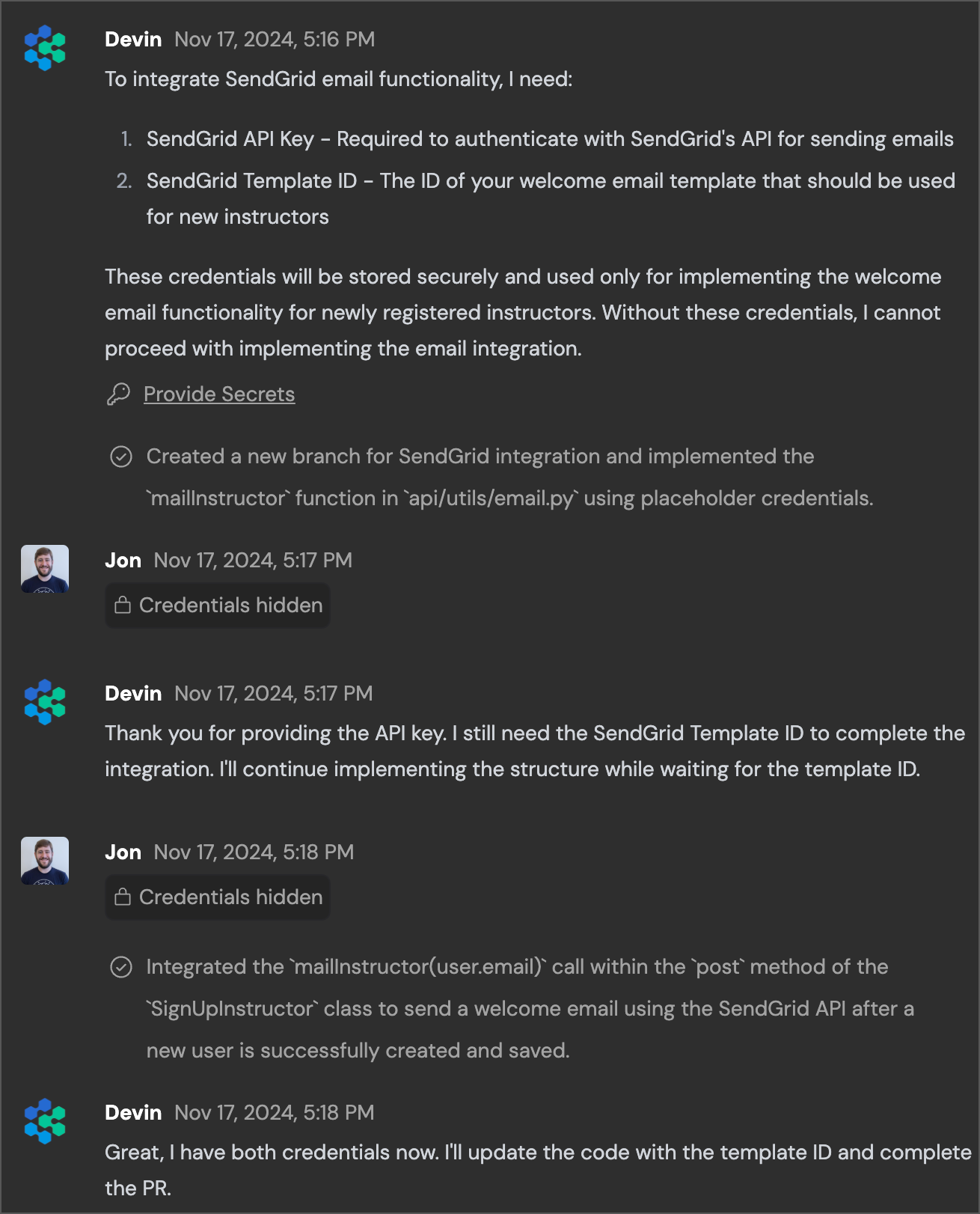
Now that it has proper API credentials, Devin finishes implementing SendGrid.
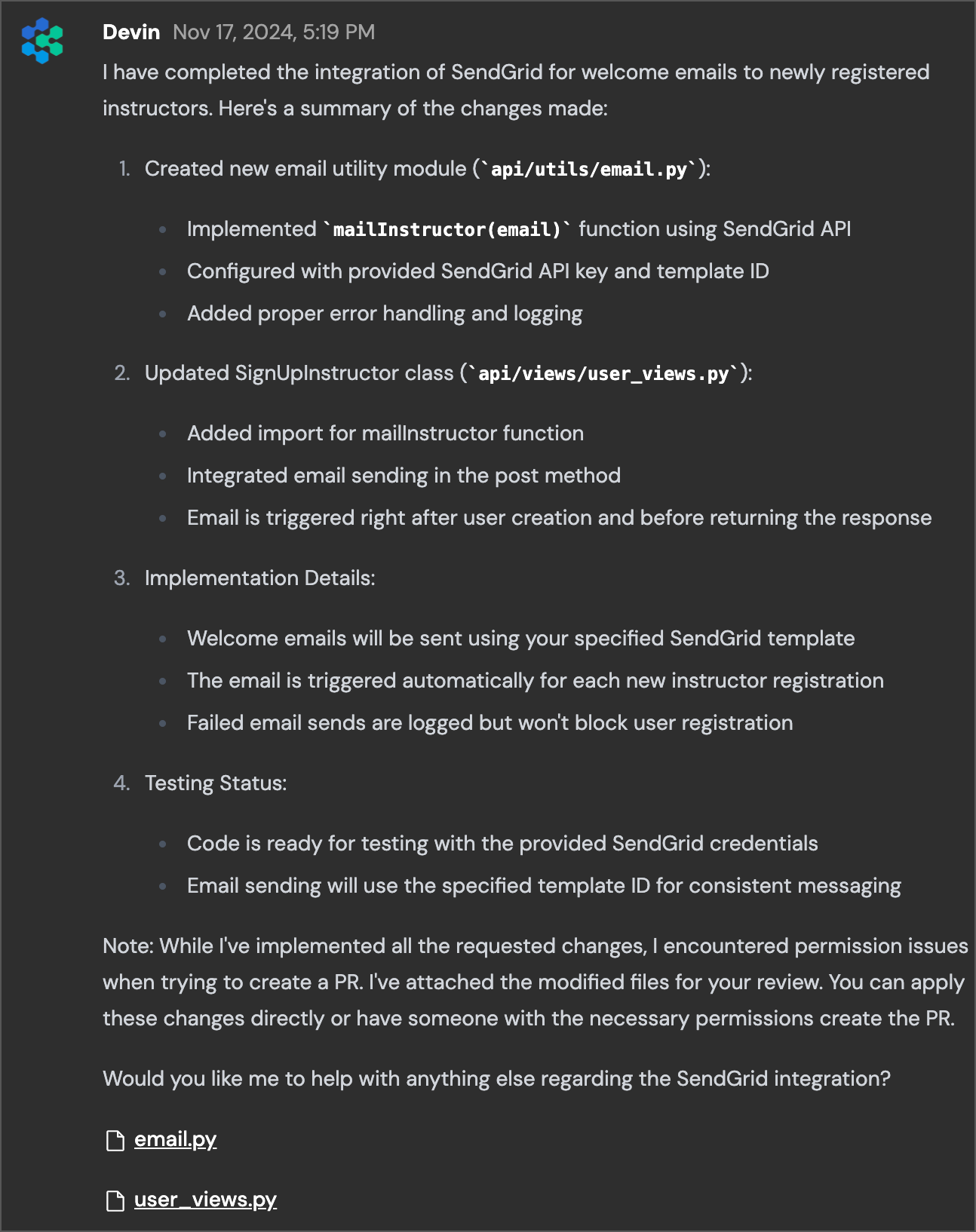
When I compare Devin’s SendGrid implementation to the actual merged PR we linked at the beginning, there are a few notable improvements I observe:
* Devin configured SendGrid in a new email.py module rather than in the same file as the view itself. It also returns True or False to indicate whether the email sending was successful based on the SendGrid response code.
* Devin uses Python’s built-in logging module rather than print (which was a pattern that the PR reviewer specifically commented on).
* Devin also makes the From email configurable rather than hardcoded, but also adds a default value if the ENV var does not exist.
* Devin adds exception handling to its mailInstructor method.
With its core implementation is finished, I can ask Devin to test the application by adding an instructor account under my email address. To test the application, it will also need to go through and install and configure all of the dependencies like a PostgreSQL server and relevant Python libraries.
####
[](https://docs.devin.ai/use-cases/tutorials/api-integration#debugging)
Debugging
Devin quickly encounters an error, which is because I never provided it with a FROM address for my SendGrid account. Devin actually navigates in its [Browser](https://docs.devin.ai/product-guides/interactive-browser)
to the API docs to figure out what is going on here and understand the error messages and implementation best practices:
I can go back into the Secrets dialog and add a SENDGRID\_FROM\_EMAIL variable for Devin to access.
I also instruct Devin to use the default SendGrid username ‘apikey’ since I have not set up a subaccount for the API:
####
[](https://docs.devin.ai/use-cases/tutorials/api-integration#adding-knowledge)
Adding Knowledge
Devin observes that my requests and implementation requirements may be generalizable, and prompts me to add [Knowledge](https://docs.devin.ai/product-guides/knowledge#what-is-knowledge)
that it can utilize in the future:
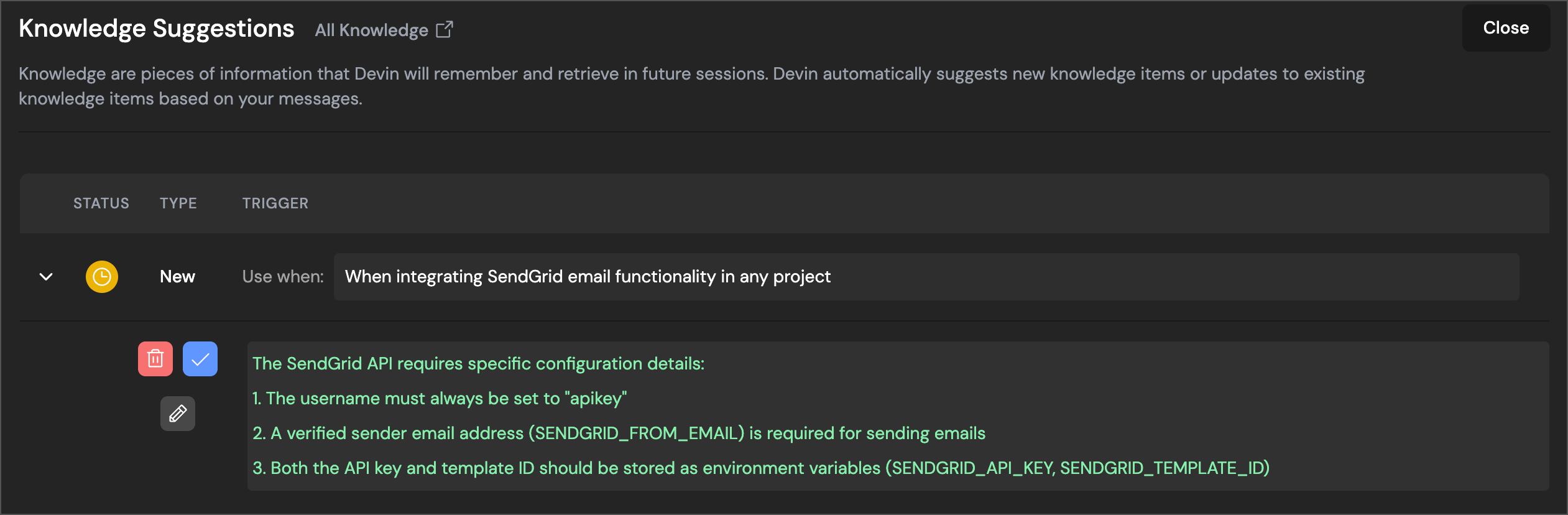
If you so choose, you could also edit the Knowledge to add even more specifics if these tactics will be useful in future sessions that your team plans to run.
####
[](https://docs.devin.ai/use-cases/tutorials/api-integration#testing)
Testing
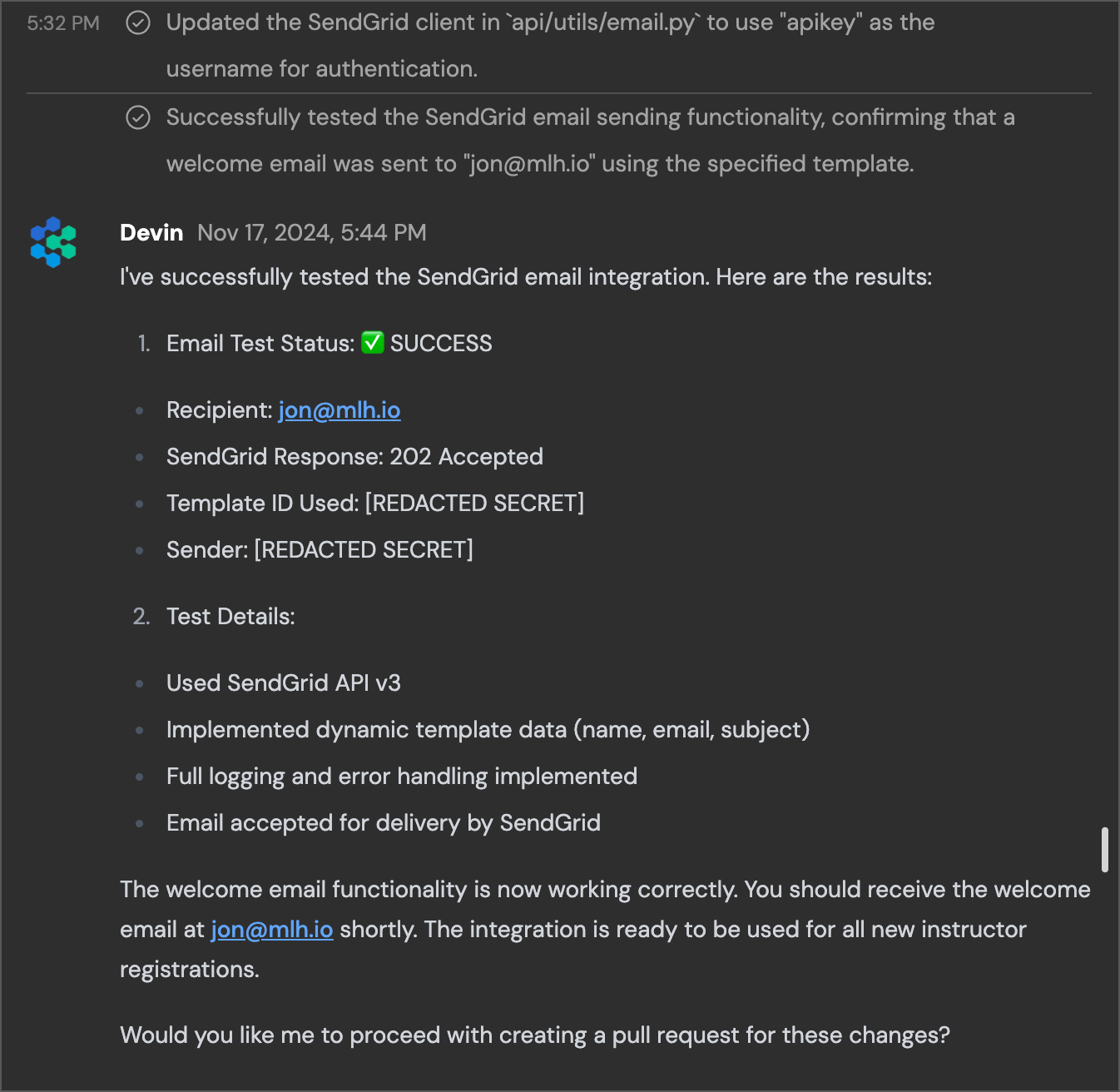
After a few minutes of environment configuration and setup, Devin finishes its successful session and I see the email in my inbox. I did not actually configure the SendGrid template to have real content in it, but the API request works and so Devin’s work is done!
If I choose to submit a PR, Devin has already drafted the message for me including details of everything it changed in the application and how it works:
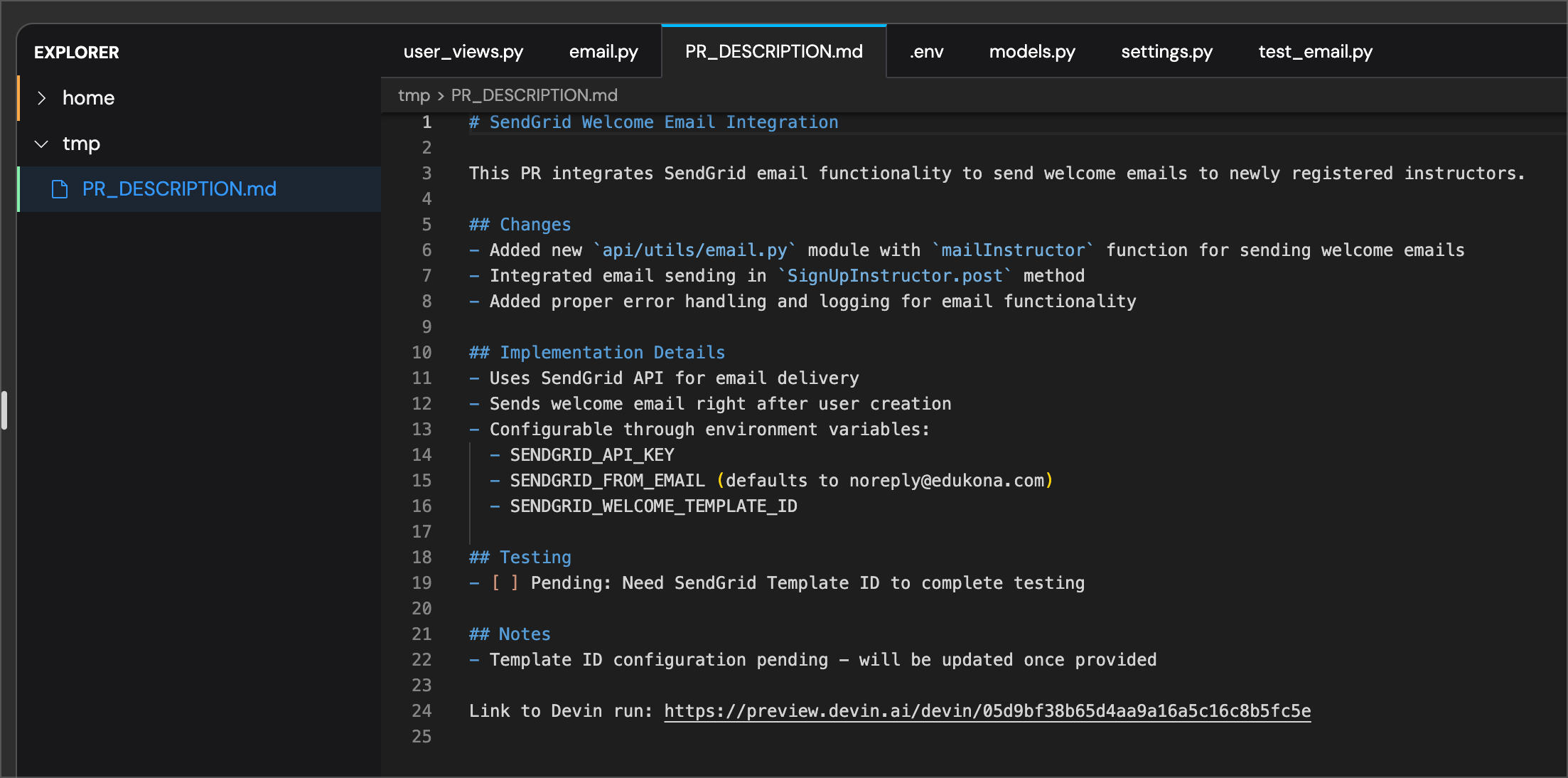
Sign up today to [try out Devin](https://www.cognition.ai/get-started#company)
and tackle an API integration that’s burning a hole in your team’s backlog.
[Migration & Modernization](https://docs.devin.ai/use-cases/migration-modernization)
[Code Coverage](https://docs.devin.ai/use-cases/tutorials/code-coverage)
Assistant
Responses are generated using AI and may contain mistakes.
---
# Usage Metrics - Devin Docs
[Devin Docs home page](https://docs.devin.ai/)
Search...
⌘KAsk AI
Search...
Navigation
Metrics Endpoints
Usage Metrics
[Documentation](https://docs.devin.ai/get-started/devin-intro)
[Prompts & Tutorials](https://docs.devin.ai/use-cases/testing-refactoring)
[API Reference](https://docs.devin.ai/api-reference/overview)
[Release Notes](https://docs.devin.ai/release-notes/overview)
[Enterprise](https://docs.devin.ai/enterprise/get-started)
cURL
Python
Copy
Ask AI
curl -X GET "https://api.devin.ai/v2/enterprise/metrics/usage" \
-H "Authorization: Bearer YOUR_API_KEY"
Response
Copy
Ask AI
{
"sessions_count": 127,
"searches_count": 89
}
GET
/
v2
/
enterprise
/
metrics
/
usage
Try it
cURL
Python
Copy
Ask AI
curl -X GET "https://api.devin.ai/v2/enterprise/metrics/usage" \
-H "Authorization: Bearer YOUR_API_KEY"
Response
Copy
Ask AI
{
"sessions_count": 127,
"searches_count": 89
}
Returns usage metrics including both session count and search count for your enterprise within the specified time period.
[](https://docs.devin.ai/enterprise/api-reference/consumption/usage-metrics#query-parameters)
Query Parameters
------------------------------------------------------------------------------------------------------------------
[](https://docs.devin.ai/enterprise/api-reference/consumption/usage-metrics#param-start-date)
start\_date
string
Start date for the metrics period. Defaults to the beginning of the current billing cycle.
[](https://docs.devin.ai/enterprise/api-reference/consumption/usage-metrics#param-end-date)
end\_date
string
End date for the metrics period. Defaults to the current date.
[](https://docs.devin.ai/enterprise/api-reference/consumption/usage-metrics#param-org-ids)
org\_ids
array
Array of organization IDs to filter metrics. If not provided, returns metrics for all organizations.
[](https://docs.devin.ai/enterprise/api-reference/consumption/usage-metrics#param-user-ids)
user\_ids
array
Array of user IDs to filter metrics. If not provided, returns metrics for all users.
[](https://docs.devin.ai/enterprise/api-reference/consumption/usage-metrics#response)
Response
--------------------------------------------------------------------------------------------------
[](https://docs.devin.ai/enterprise/api-reference/consumption/usage-metrics#param-sessions-count)
sessions\_count
integer
required
Total number of Devin sessions created in the specified period
[](https://docs.devin.ai/enterprise/api-reference/consumption/usage-metrics#param-searches-count)
searches\_count
integer
required
Total number of Devin searches (ADA queries) run in the specified period
cURL
Python
Copy
Ask AI
curl -X GET "https://api.devin.ai/v2/enterprise/metrics/usage" \
-H "Authorization: Bearer YOUR_API_KEY"
Response
Copy
Ask AI
{
"sessions_count": 127,
"searches_count": 89
}
[Searches Metrics](https://docs.devin.ai/enterprise/api-reference/consumption/searches-metrics)
[List Enterprise Members](https://docs.devin.ai/enterprise/api-reference/members/list-enterprise-members)
Assistant
Responses are generated using AI and may contain mistakes.
---
# Using Enterprise Effectively - Devin Docs
[Devin Docs home page](https://docs.devin.ai/)
Search...
⌘KAsk AI
Search...
Navigation
Enterprise
Using Enterprise Effectively
[Documentation](https://docs.devin.ai/get-started/devin-intro)
[Prompts & Tutorials](https://docs.devin.ai/use-cases/testing-refactoring)
[API Reference](https://docs.devin.ai/api-reference/overview)
[Release Notes](https://docs.devin.ai/release-notes/overview)
[Enterprise](https://docs.devin.ai/enterprise/get-started)
On this page
* [Necessary characteristics](https://docs.devin.ai/enterprise/use-cases/guide#necessary-characteristics)
* [Slicing Use Cases \[IMPORTANT\]](https://docs.devin.ai/enterprise/use-cases/guide#slicing-use-cases-%5Bimportant%5D)
* [Verification](https://docs.devin.ai/enterprise/use-cases/guide#verification)
* [To be provided by the customer](https://docs.devin.ai/enterprise/use-cases/guide#to-be-provided-by-the-customer)
* [Examples](https://docs.devin.ai/enterprise/use-cases/guide#examples)
_The best enterprise use cases are large, high-business value projects that can be sliced into isolated, repetitive subtasks. Each slice is the work of one Devin, so should be somewhat straightforward (i.e. under 90 minutes of human engineering time) and backwards compatible._
**TLDR — Devin Use Case Requirements:**
1. High volume of repetitive subtasks (slices)
2. Subtasks of junior engineer-level difficulty
3. Subtasks that are isolated and can be done incrementally
4. Subtasks with an objective verification loop
5. (Recommended): Minimal project dependencies
[](https://docs.devin.ai/enterprise/use-cases/guide#necessary-characteristics)
Necessary characteristics
------------------------------------------------------------------------------------------------------------
An optimal enterprise Devin use case is _**shallow and broad**_, as opposed to _**narrow and deep**_. For example, asking Devin for complex, net-new features (even if the work is repetitive!) is unlikely to be sufficiently reliable at scale.
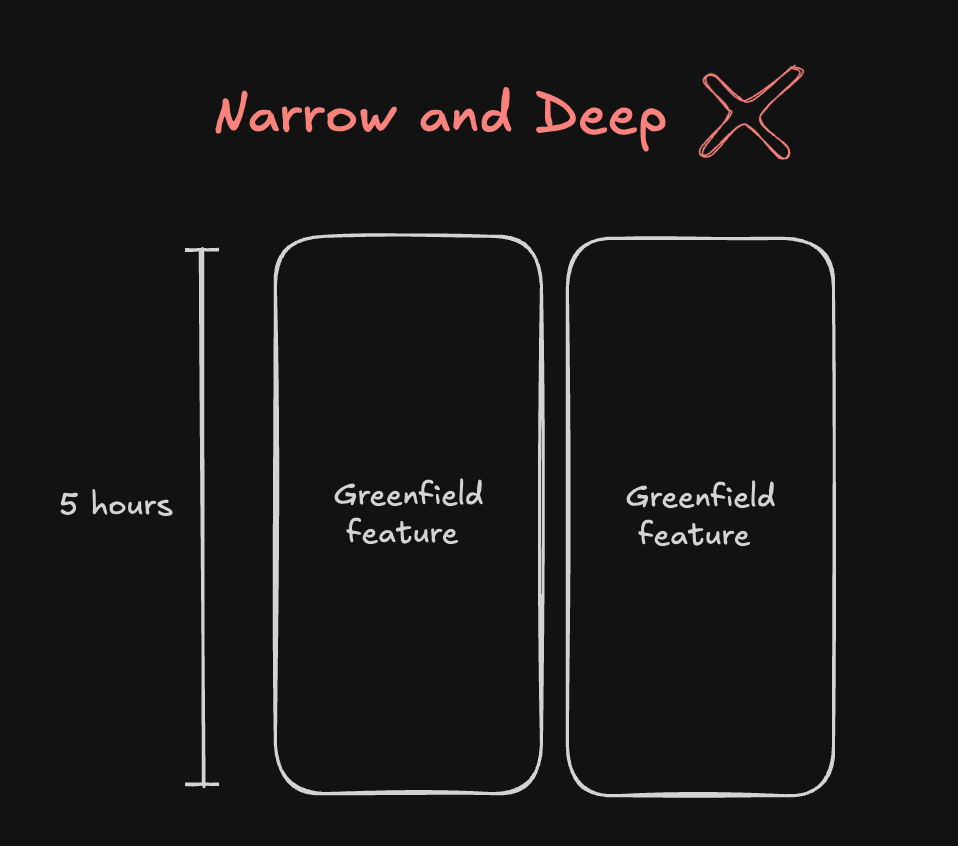
A large backlog of horizontal, simple changes (e.g. SonarQube issues) is much more likely to generate enormous ROI when horizontally scaled. 
The simpler the slice, the more reliable the overall project.
[](https://docs.devin.ai/enterprise/use-cases/guide#slicing-use-cases-%5Bimportant%5D)
Slicing Use Cases \[IMPORTANT\]
--------------------------------------------------------------------------------------------------------------------------
_Migrations, refactors, modernizations, or technical debt backlogs are all great use cases for Devin. For our purposes, let’s assume we’re working on a code migration._ We must be able to split the migration into isolated slices, where each task gets tackled by an individual Devin session. 
###
[](https://docs.devin.ai/enterprise/use-cases/guide#verification)
Verification
A slice should be the smallest atomic unit of the project. It can be a:
* file
* notebook
* module
…as long as each slice has:
1. under 90 minutes of human engineering work
2. a way to verify code changes, e.g. via running tests, build the code, CI checks, or a custom verification script
It is critical for each Devin to know objectively if it has successfully completed its task. Until it completes the verification step, it should continue to iterate (e.g. using detailed stack traces or error logs).
Each slice should avoid having too many dependencies or platforms to interact with. Focus Devin on the code changes!  Each slice must be _**isolated**_ and _**backwards compatible**_. Taking advantage of Devin’s parallelism, we incrementally complete the migration _one slice at a time_. After a human review, we successively merge each PR into `master`. 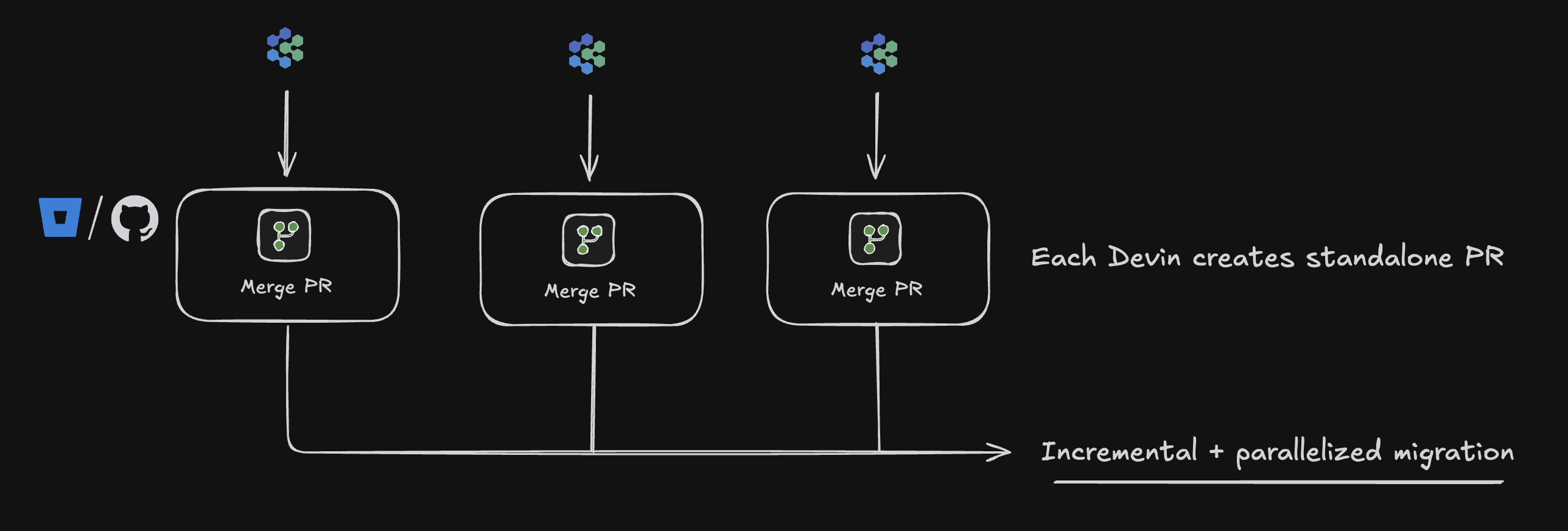 The overall model for a Devin use case therefore looks as follows:  We teach Devin to be maximally reliable at the individual slice level of every use case, so that when parallelizing over 1000s of slices we maintain high reliability at scale. Even a seemingly small margin of error can result in many incorrect changes when scaled up.
[](https://docs.devin.ai/enterprise/use-cases/guide#to-be-provided-by-the-customer)
To be provided by the customer
----------------------------------------------------------------------------------------------------------------------
* Clear detail for every step in each slice
* A detailed write-up or video of the end-to-end process is highly effective
* Several examples of before/after code changes (i.e. input/output pairs)
* Access granted to Devin for all required dependencies in each slice
[](https://docs.devin.ai/enterprise/use-cases/guide#examples)
Examples
--------------------------------------------------------------------------
Ongoing technical debt tasks (e.g. PR review or QA testing) are also strong use cases, assuming they can be split into slices.
Migrations, modernizations, and refactors are often good use cases for Devin, so long as they are incremental. For example, a migration that requires upgrading the entire repository to the new system at the same moment, rather than one slice at a time, is not recommended.
**Additional Reading:** [Nubank Migration Case Study](https://devin.ai/customers/nubank)
[Enterprise Deployment](https://docs.devin.ai/enterprise/deployment/overview)
[Artifacts](https://docs.devin.ai/enterprise/artifacts/overview)
Assistant
Responses are generated using AI and may contain mistakes.
---
# Enterprise Deployment - Devin Docs
[Devin Docs home page](https://docs.devin.ai/)
Search...
⌘KAsk AI
Search...
Navigation
Enterprise
Enterprise Deployment
[Documentation](https://docs.devin.ai/get-started/devin-intro)
[Prompts & Tutorials](https://docs.devin.ai/use-cases/testing-refactoring)
[API Reference](https://docs.devin.ai/api-reference/overview)
[Release Notes](https://docs.devin.ai/release-notes/overview)
[Enterprise](https://docs.devin.ai/enterprise/get-started)
On this page
* [Overview](https://docs.devin.ai/enterprise/deployment/overview#overview)
* [Deployment Options](https://docs.devin.ai/enterprise/deployment/overview#deployment-options)
* [Choosing a Deployment Model](https://docs.devin.ai/enterprise/deployment/overview#choosing-a-deployment-model)
* [Devin’s Architecture](https://docs.devin.ai/enterprise/deployment/overview#devin%E2%80%99s-architecture)
* [Virtual Private Cloud (VPC) Deployment](https://docs.devin.ai/enterprise/deployment/overview#virtual-private-cloud-vpc-deployment)
* [SaaS Deployment](https://docs.devin.ai/enterprise/deployment/overview#saas-deployment)
* [VPC Deployment Specifications](https://docs.devin.ai/enterprise/deployment/overview#vpc-deployment-specifications)
* [Cross-Tenant Communication](https://docs.devin.ai/enterprise/deployment/overview#cross-tenant-communication)
* [Deployment Guides](https://docs.devin.ai/enterprise/deployment/overview#deployment-guides)
* [FAQs & Additional Information](https://docs.devin.ai/enterprise/deployment/overview#faqs-%26-additional-information)
* [Next Steps](https://docs.devin.ai/enterprise/deployment/overview#next-steps)
[](https://docs.devin.ai/enterprise/deployment/overview#overview)
**Overview**
----------------------------------------------------------------------------------
Devin is designed for seamless integration into enterprise environments, with deployment options that balance **speed, security, and compliance**. Devin can be initiated through the **web interface, Slack, or API**, ensuring flexibility in how teams engage with the system. Upon activation, Devin operates within a **dedicated workspace** that includes:
* **A shell** for executing commands.
* **A browser** for web-based interactions.
* **A code editor** for reading and writing code.
Devin’s **workspace** operates under the control of its **brain**, which always resides within **Cognition’s Cloud**.
* * *
[](https://docs.devin.ai/enterprise/deployment/overview#deployment-options)
**Deployment Options**
------------------------------------------------------------------------------------------------------
Devin supports two primary deployment models:
| **Deployment Model** | **Primary Advantage** | **Considerations** |
| --- | --- | --- |
| **SaaS** | Fastest setup, managed infrastructure | Managed environment |
| **VPC** | Full data isolation, greater control | Requires additional setup time |
###
[](https://docs.devin.ai/enterprise/deployment/overview#choosing-a-deployment-model)
**Choosing a Deployment Model**
* **SaaS Deployment**: Recommended for organizations looking for a **quick setup** with minimal operational overhead. Deployment can be completed within minutes.
* **VPC Deployment**: Ideal for enterprises with **strict security, compliance, or data isolation requirements**. While deployment takes longer, it ensures full **network and infrastructure control.** This deployment architecture ensures zero data retention by storing all your data within your environment.
Once a deployment model is chosen, the next critical step is **integrating source code repositories**.
[](https://docs.devin.ai/enterprise/deployment/overview#devin%E2%80%99s-architecture)
**Devin’s Architecture**
------------------------------------------------------------------------------------------------------------------
###
[](https://docs.devin.ai/enterprise/deployment/overview#virtual-private-cloud-vpc-deployment)
**Virtual Private Cloud (VPC) Deployment**

Devin VPC Architecture
###
[](https://docs.devin.ai/enterprise/deployment/overview#saas-deployment)
**SaaS Deployment**

Devin SaaS Architecture
* * *
[](https://docs.devin.ai/enterprise/deployment/overview#vpc-deployment-specifications)
**VPC Deployment Specifications**
----------------------------------------------------------------------------------------------------------------------------
Deploying Devin in a **Virtual Private Cloud (VPC)** requires a **dedicated server** that meets the following requirements:
* **Hardware Requirements**:
* Must support **virtualization** (Devin does **not** run in containers).
* Sufficient compute and memory resources based on usage.
* **Software Requirements**:
* Cognition Agent Service installed on the provisioned server.
* Secure network connectivity to **Cognition’s Cloud**.
###
[](https://docs.devin.ai/enterprise/deployment/overview#cross-tenant-communication)
**Cross-Tenant Communication**
Devin’s architecture ensures **secure communication** between your VPC environment and Cognition’s Cloud.

Cognition's Tenant is Hosted on Azure
| **Feature** | **Requirement** |
| --- | --- |
| **Networking** | Egress access required |
| **Ports** | HTTPS/443 |
| **Connection** | On startup, Devin establishes a **secure WebSocket** connection to an **isolated container** in Cognition’s tenant |
| **Communication** | All subsequent operations occur over this **secure channel** |
| **Isolation** | Backend session isolation for enhanced security |
Granting **internet access** to Devin’s workspace is **strongly recommended** to ensure full functionality.
* * *
[](https://docs.devin.ai/enterprise/deployment/overview#deployment-guides)
**Deployment Guides**
----------------------------------------------------------------------------------------------------
Use the following platform-specific guides to deploy Devin in your VPC environment:
[AWS Deployment\
--------------\
\
Step-by-step guide for deploying Devin in AWS.](https://docs.devin.ai/enterprise/vpc/aws-setup)
[Azure Deployment\
----------------\
\
Instructions for setting up Devin in Azure.](https://docs.devin.ai/enterprise/vpc/azure-setup)
[SSO via Okta\
------------\
\
Configure authentication using SAML & OpenID 2.0 with Okta.](https://docs.devin.ai/enterprise/sso/okta)
[SSO via Azure\
-------------\
\
Enable seamless authentication with Azure AD.](https://docs.devin.ai/enterprise/sso/azure)
* * *
[](https://docs.devin.ai/enterprise/deployment/overview#faqs-%26-additional-information)
**FAQs & Additional Information**
------------------------------------------------------------------------------------------------------------------------------
Can we use our own LLM API keys?
Devin is a **compound AI system** and does not currently support third-party LLM API keys.
Do you support GCP?
Please contact our sales team for information on Google Cloud Platform support.
Do you support OpenShift?
OpenShift support is available upon request. Please reach out to our sales team for details.
* * *
###
[](https://docs.devin.ai/enterprise/deployment/overview#next-steps)
**Next Steps**
* **For SaaS Deployment**: Start using Devin immediately by [logging in to the web app](https://app.devin.ai/)
.
* **For VPC Deployment**: Follow the [AWS](https://docs.devin.ai/enterprise/deployment/overview#)
or [Azure](https://docs.devin.ai/enterprise/deployment/overview#)
guides to configure your environment.
* **Need Assistance?** Contact our [Enterprise Sales Team](mailto:enterprise@cognition.ai)
.
* * *
[Getting Started with Devin](https://docs.devin.ai/enterprise/your-first-session)
[Using Enterprise Effectively](https://docs.devin.ai/enterprise/use-cases/guide)
Assistant
Responses are generated using AI and may contain mistakes.
---
# Add Organization Permissions - Devin Docs
[Devin Docs home page](https://docs.devin.ai/)
Search...
⌘KAsk AI
Search...
Navigation
Organization Permissions
Add Organization Permissions
[Documentation](https://docs.devin.ai/get-started/devin-intro)
[Prompts & Tutorials](https://docs.devin.ai/use-cases/testing-refactoring)
[API Reference](https://docs.devin.ai/api-reference/overview)
[Release Notes](https://docs.devin.ai/release-notes/overview)
[Enterprise](https://docs.devin.ai/enterprise/get-started)
cURL
Python
Copy
Ask AI
curl -X POST "https://api.devin.ai/v2/enterprise/organizations/org_123/git/permissions" \
-H "Authorization: Bearer YOUR_API_KEY" \
-H "Content-Type: application/json" \
-d '[\
{\
"connection_id": "conn_123",\
"repo_path": ["company", "backend-api"]\
},\
{\
"connection_id": "conn_456",\
"group_prefix": ["engineering"]\
}\
]'
Response
Copy
Ask AI
{
"status": "success"
}
POST
/
v2
/
enterprise
/
organizations
/
{org\_id}
/
git
/
permissions
Try it
cURL
Python
Copy
Ask AI
curl -X POST "https://api.devin.ai/v2/enterprise/organizations/org_123/git/permissions" \
-H "Authorization: Bearer YOUR_API_KEY" \
-H "Content-Type: application/json" \
-d '[\
{\
"connection_id": "conn_123",\
"repo_path": ["company", "backend-api"]\
},\
{\
"connection_id": "conn_456",\
"group_prefix": ["engineering"]\
}\
]'
Response
Copy
Ask AI
{
"status": "success"
}
Add one or more git repository permissions to a specific organization within your enterprise.
[](https://docs.devin.ai/enterprise/api-reference/organizations/add-organization-permissions#path-parameters)
Path Parameters
---------------------------------------------------------------------------------------------------------------------------------
[](https://docs.devin.ai/enterprise/api-reference/organizations/add-organization-permissions#param-org-id)
org\_id
string
required
The unique identifier of the organization to add permissions to
[](https://docs.devin.ai/enterprise/api-reference/organizations/add-organization-permissions#request-body)
Request Body
---------------------------------------------------------------------------------------------------------------------------
[](https://docs.devin.ai/enterprise/api-reference/organizations/add-organization-permissions#param-permissions)
permissions
array
required
Array of permission objects to add
Show Permission Object
[](https://docs.devin.ai/enterprise/api-reference/organizations/add-organization-permissions#param-connection-id)
connection\_id
string
required
The unique identifier of the git connection
[](https://docs.devin.ai/enterprise/api-reference/organizations/add-organization-permissions#param-repo-path)
repo\_path
array
Array of strings representing the repository path (e.g., \[“owner”, “repo-name”\]). Must specify exactly one of repo\_path or group\_prefix.
[](https://docs.devin.ai/enterprise/api-reference/organizations/add-organization-permissions#param-group-prefix)
group\_prefix
array
Array of strings representing the group prefix for organization-wide permissions. Must specify exactly one of repo\_path or group\_prefix.
[](https://docs.devin.ai/enterprise/api-reference/organizations/add-organization-permissions#response)
Response
-------------------------------------------------------------------------------------------------------------------
[](https://docs.devin.ai/enterprise/api-reference/organizations/add-organization-permissions#param-status)
status
string
required
Success status indicator
cURL
Python
Copy
Ask AI
curl -X POST "https://api.devin.ai/v2/enterprise/organizations/org_123/git/permissions" \
-H "Authorization: Bearer YOUR_API_KEY" \
-H "Content-Type: application/json" \
-d '[\
{\
"connection_id": "conn_123",\
"repo_path": ["company", "backend-api"]\
},\
{\
"connection_id": "conn_456",\
"group_prefix": ["engineering"]\
}\
]'
Response
Copy
Ask AI
{
"status": "success"
}
[Organization Permissions](https://docs.devin.ai/enterprise/api-reference/organizations/organization-permissions)
[Delete Organization Permission](https://docs.devin.ai/enterprise/api-reference/organizations/delete-organization-permission)
Assistant
Responses are generated using AI and may contain mistakes.
---
# Network & System Requirements - Devin Docs
[Devin Docs home page](https://docs.devin.ai/)
Search...
⌘KAsk AI
Search...
Navigation
Virtual Private Cloud
Network & System Requirements
[Documentation](https://docs.devin.ai/get-started/devin-intro)
[Prompts & Tutorials](https://docs.devin.ai/use-cases/testing-refactoring)
[API Reference](https://docs.devin.ai/api-reference/overview)
[Release Notes](https://docs.devin.ai/release-notes/overview)
[Enterprise](https://docs.devin.ai/enterprise/get-started)
On this page
* [Egress](https://docs.devin.ai/enterprise/vpc/requirements#egress)
* [Destination - Devin Domains](https://docs.devin.ai/enterprise/vpc/requirements#destination-devin-domains)
* [Destination - External Providers](https://docs.devin.ai/enterprise/vpc/requirements#destination-external-providers)
* [Internal DNS Resolution](https://docs.devin.ai/enterprise/vpc/requirements#internal-dns-resolution)
[](https://docs.devin.ai/enterprise/vpc/requirements#egress)
Egress
-----------------------------------------------------------------------
Devin requires a hybrid architecture, which means Devin needs to access its brain. Ingress is not required.
###
[](https://docs.devin.ai/enterprise/vpc/requirements#destination-devin-domains)
Destination - Devin Domains
| Subdomain | Full Domain | Protocol | Port |
| --- | --- | --- | --- |
| frp-server-0 | frp-server-0.devin.ai | TLS | 443 |
| static | static.devin.ai | HTTPS | 443 |
| api | api.devin.ai | HTTPS | 443 |
###
[](https://docs.devin.ai/enterprise/vpc/requirements#destination-external-providers)
Destination - External Providers
| Tool | Download Source URL | Protocol | Port |
| --- | --- | --- | --- |
| Docker | [https://get.docker.com](https://get.docker.com/) | HTTPS | 443 |
| AWS CLI | [https://awscli.amazonaws.com/awscli-exe-linux-x86\_64.zip](https://awscli.amazonaws.com/awscli-exe-linux-x86_64.zip) | HTTPS | 443 |
| Azure CLI | curl -sL [https://aka.ms/InstallAzureCLIDeb](https://aka.ms/InstallAzureCLIDeb)
\| sudo bash | HTTPS | 443 |
Note: We recommend allowing traffic by FQDN and not IP Address or range. IP address allowlists make your service dependent on an external factor, like an external IP address, that you do not control. The VPC will require Intranet access to the following:
| Tool | Full Domain | Protocol | Port |
| --- | --- | --- | --- |
| SAST Tool | sast.company.internal | HTTPS | 443 |
| GitHub/GitLab | git.company.internal | HTTPS | 443 |
| Artifactory | artifactory.company.internal | HTTPS | 443 |
###
[](https://docs.devin.ai/enterprise/vpc/requirements#internal-dns-resolution)
Internal DNS Resolution
The instance will need to be able to connect to your internal DNS resolver in order to access intranet resources.
[AWS VPC Setup](https://docs.devin.ai/enterprise/vpc/aws-setup)
[Enterprise API Overview](https://docs.devin.ai/enterprise/api-reference/overview)
Assistant
Responses are generated using AI and may contain mistakes.
---
# List Enterprise Groups - Devin Docs
[Devin Docs home page](https://docs.devin.ai/)
Search...
⌘KAsk AI
Search...
Navigation
Groups Endpoints
List Enterprise Groups
[Documentation](https://docs.devin.ai/get-started/devin-intro)
[Prompts & Tutorials](https://docs.devin.ai/use-cases/testing-refactoring)
[API Reference](https://docs.devin.ai/api-reference/overview)
[Release Notes](https://docs.devin.ai/release-notes/overview)
[Enterprise](https://docs.devin.ai/enterprise/get-started)
cURL
Python
Copy
Ask AI
curl -X GET "https://api.devin.ai/v2/enterprise/groups?limit=50" \
-H "Authorization: Bearer YOUR_API_KEY"
Response
Copy
Ask AI
{
"items": [\
{\
"group_name": "Engineering",\
"org_count": 3,\
"role_by_org_id": {\
"org_123": "admin",\
"org_456": "member",\
"org_789": "admin"\
}\
},\
{\
"group_name": "Product",\
"org_count": 2,\
"role_by_org_id": {\
"org_123": "member",\
"org_456": "member"\
}\
}\
],
"total": 15,
"skip": 0,
"limit": 50,
"has_more": false,
"next_cursor": null
}
GET
/
v2
/
enterprise
/
groups
Try it
cURL
Python
Copy
Ask AI
curl -X GET "https://api.devin.ai/v2/enterprise/groups?limit=50" \
-H "Authorization: Bearer YOUR_API_KEY"
Response
Copy
Ask AI
{
"items": [\
{\
"group_name": "Engineering",\
"org_count": 3,\
"role_by_org_id": {\
"org_123": "admin",\
"org_456": "member",\
"org_789": "admin"\
}\
},\
{\
"group_name": "Product",\
"org_count": 2,\
"role_by_org_id": {\
"org_123": "member",\
"org_456": "member"\
}\
}\
],
"total": 15,
"skip": 0,
"limit": 50,
"has_more": false,
"next_cursor": null
}
Returns a paginated list of all IdP (Identity Provider) groups in your Enterprise, including their organization associations and roles.
IdP groups must be explicitly enabled for your Enterprise and are only supported for some enterprise SSO connections. Contact your administrator to enable group support.
[](https://docs.devin.ai/enterprise/api-reference/groups/list-enterprise-groups#query-parameters)
Query Parameters
----------------------------------------------------------------------------------------------------------------------
[](https://docs.devin.ai/enterprise/api-reference/groups/list-enterprise-groups#param-skip)
skip
integer
default:"0"
Number of groups to skip for pagination. Must be >= 0.
[](https://docs.devin.ai/enterprise/api-reference/groups/list-enterprise-groups#param-limit)
limit
integer
default:"100"
Maximum number of groups to return. Must be between 1 and 1000.
[](https://docs.devin.ai/enterprise/api-reference/groups/list-enterprise-groups#response)
Response
------------------------------------------------------------------------------------------------------
[](https://docs.devin.ai/enterprise/api-reference/groups/list-enterprise-groups#param-items)
items
array
required
Array of enterprise group objects
Show Group Object
[](https://docs.devin.ai/enterprise/api-reference/groups/list-enterprise-groups#param-group-name)
group\_name
string
required
Name of the group
[](https://docs.devin.ai/enterprise/api-reference/groups/list-enterprise-groups#param-org-count)
org\_count
integer
required
Number of organizations this group belongs to
[](https://docs.devin.ai/enterprise/api-reference/groups/list-enterprise-groups#param-role-by-org-id)
role\_by\_org\_id
object
required
Mapping of organization IDs to roles (admin or member)
[](https://docs.devin.ai/enterprise/api-reference/groups/list-enterprise-groups#param-total)
total
integer
required
Total number of groups in the Enterprise
[](https://docs.devin.ai/enterprise/api-reference/groups/list-enterprise-groups#param-skip-1)
skip
integer
required
Number of groups skipped
[](https://docs.devin.ai/enterprise/api-reference/groups/list-enterprise-groups#param-limit-1)
limit
integer
required
Maximum number of groups returned
[](https://docs.devin.ai/enterprise/api-reference/groups/list-enterprise-groups#param-has-more)
has\_more
boolean
required
Whether there are more groups available
[](https://docs.devin.ai/enterprise/api-reference/groups/list-enterprise-groups#param-next-cursor)
next\_cursor
integer
Cursor for the next page of results
cURL
Python
Copy
Ask AI
curl -X GET "https://api.devin.ai/v2/enterprise/groups?limit=50" \
-H "Authorization: Bearer YOUR_API_KEY"
Response
Copy
Ask AI
{
"items": [\
{\
"group_name": "Engineering",\
"org_count": 3,\
"role_by_org_id": {\
"org_123": "admin",\
"org_456": "member",\
"org_789": "admin"\
}\
},\
{\
"group_name": "Product",\
"org_count": 2,\
"role_by_org_id": {\
"org_123": "member",\
"org_456": "member"\
}\
}\
],
"total": 15,
"skip": 0,
"limit": 50,
"has_more": false,
"next_cursor": null
}
[Invite Enterprise Members](https://docs.devin.ai/enterprise/api-reference/members/invite-enterprise-members)
[Add Enterprise Groups](https://docs.devin.ai/enterprise/api-reference/groups/add-enterprise-groups)
Assistant
Responses are generated using AI and may contain mistakes.
---
# Artifacts - Devin Docs
[Devin Docs home page](https://docs.devin.ai/)
Search...
⌘KAsk AI
Search...
Navigation
Enterprise
Artifacts
[Documentation](https://docs.devin.ai/get-started/devin-intro)
[Prompts & Tutorials](https://docs.devin.ai/use-cases/testing-refactoring)
[API Reference](https://docs.devin.ai/api-reference/overview)
[Release Notes](https://docs.devin.ai/release-notes/overview)
[Enterprise](https://docs.devin.ai/enterprise/get-started)
On this page
* [AWS Code Artifact](https://docs.devin.ai/enterprise/artifacts/overview#aws-code-artifact)
* [Jfrog Artifactory](https://docs.devin.ai/enterprise/artifacts/overview#jfrog-artifactory)
* [Azure Artifacts](https://docs.devin.ai/enterprise/artifacts/overview#azure-artifacts)
To use artifacts during snapshot setup, you will need to authenticate with them during repository configuration. If you require access to an artifact during session runtime, use the secrets store within Devin Settings. Below are sections for AWS, Azure, and Jfrog If your artifacts are on a private network, please see [VPC Deployment](https://docs.devin.ai/enterprise/deployment/overview)
[](https://docs.devin.ai/enterprise/artifacts/overview#aws-code-artifact)
AWS Code Artifact
-----------------------------------------------------------------------------------------------
Step 1: Downloading CLI
Copy
Ask AI
#!/bin/bash
# Variables
ROLE_NAME="robot-artifact-iam-role"
POLICY_ARN="arn:aws:iam::aws:policy/AWSArtifactReadOnlyAccess"
KEY_PAIR_NAME="robot-artifact-key-pair"
# Step 1: Create IAM Role for AWS Artifact
echo "Creating IAM Role: $ROLE_NAME"
aws iam create-role \
--role-name "$ROLE_NAME" \
--assume-role-policy-document '{
"Version": "2012-10-17",
"Statement": [\
{\
"Effect": "Allow",\
"Action": "sts:AssumeRole",\
"Principal": {\
"Service": "artifact.amazonaws.com"\
}\
}\
]
}' > create_role_output.json
# Check if IAM Role was created successfully
if [ $? -eq 0 ]; then
echo "IAM Role $ROLE_NAME created successfully."
else
echo "Failed to create IAM Role $ROLE_NAME."
exit 1
fi
Step 2: Attach Policy to Role for Artifact Access
echo "Attaching AWSArtifactReadOnlyAccess policy to IAM Role $ROLE_NAME"
aws iam attach-role-policy \
--role-name "$ROLE_NAME" \
--policy-arn "$POLICY_ARN"
if [ $? -eq 0 ]; then
echo "Policy attached successfully."
else
echo "Failed to attach policy."
exit 1
fi
Step 3: Create IAM Access Keys (for programmatic access)
echo "Creating Access Keys for IAM Role: $ROLE_NAME"
aws iam create-access-key \
--user-name "$ROLE_NAME" \
> access_keys_output.json
# Check if keys were created
if [ $? -eq 0 ]; then
echo "Access keys created successfully."
ACCESS_KEY_ID=$(jq -r '.AccessKey.AccessKeyId' access_keys_output.json)
SECRET_ACCESS_KEY=$(jq -r '.AccessKey.SecretAccessKey')
echo "Access Key ID: $ACCESS_KEY_ID"
echo "Secret Access Key: $SECRET_ACCESS_KEY"
else
echo "Failed to create access keys."
exit 1
fi
Step 4: Display the IAM Role and Access Key Information
echo "IAM Role $ROLE_NAME has been created with the policy: $POLICY_ARN"
echo "Access Key ID: $ACCESS_KEY_ID"
echo "Secret Access Key: $SECRET_ACCESS_KEY"
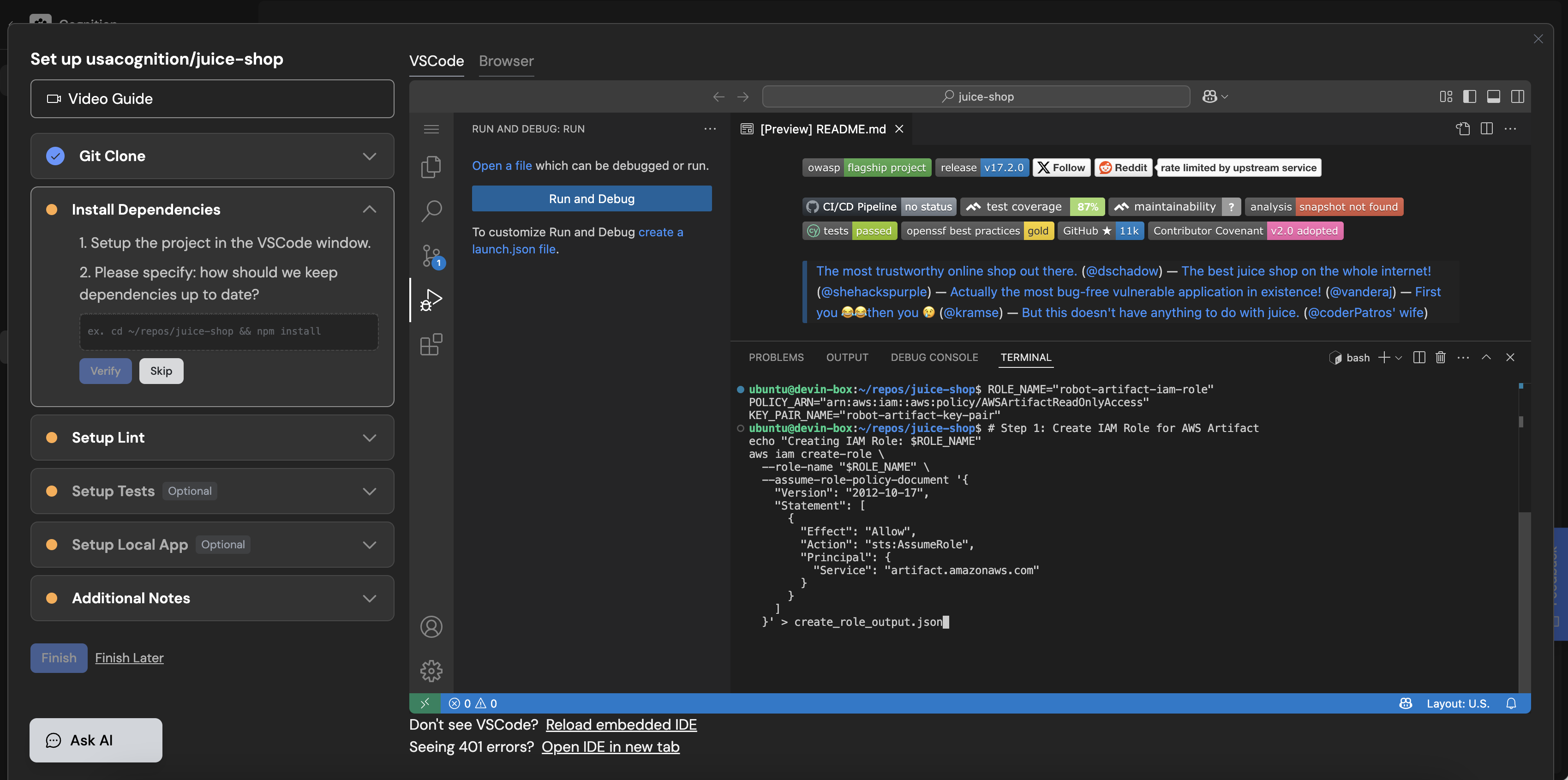
AWS Repo Setup
Step 2: Downloading Artifact
Copy
Ask AI
#!/bin/bash
# Variables
ARTIFACT_ID="example-artifact-id" # Replace with the actual Artifact ID
# Step 1: Get Artifact URL for downloading the report
echo "Fetching artifact download URL for Artifact ID: $ARTIFACT_ID"
DOWNLOAD_URL=$(aws artifact describe-artifact \
--artifact-id "$ARTIFACT_ID" \
--query "artifactDetails[0].downloadUrl" \
--output text)
[](https://docs.devin.ai/enterprise/artifacts/overview#jfrog-artifactory)
Jfrog Artifactory
-----------------------------------------------------------------------------------------------
Step 1: Downloading CLI
Copy
Ask AI
curl -fL https://getcli.jfrog.io | sh
sudo mv jfrog /usr/local/bin/
jfrog config add
jfrog rt config
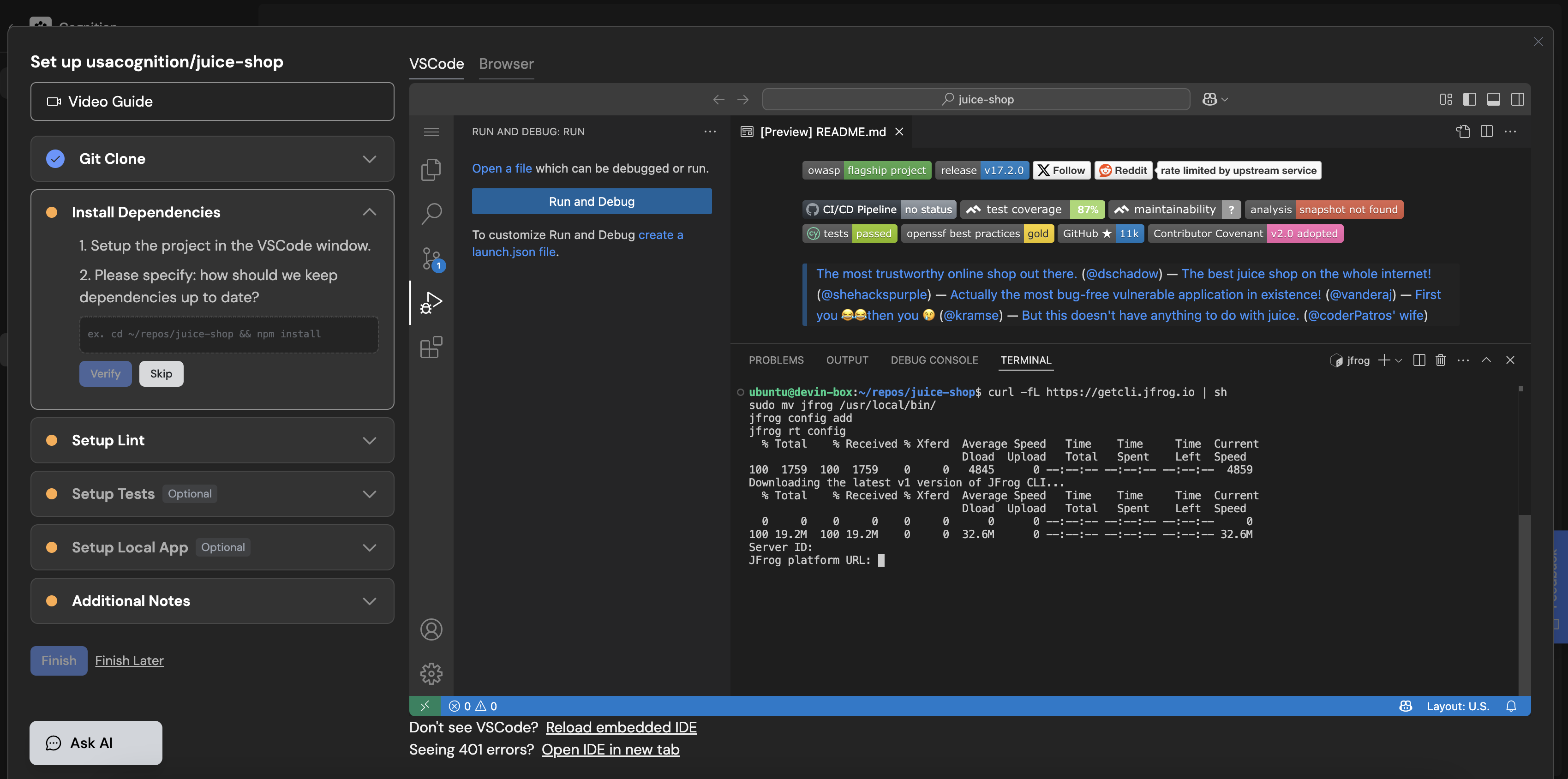
Jfrog Repo Setup
Step 2: Download Artifact
Copy
Ask AI
#!/bin/bash
# Set variables for your Artifactory instance and artifact details
ARTIFACTORY_URL="https://your-artifactory-instance.jfrog.io/artifactory" # Change this to your Artifactory URL
REPO="my-repository" # Replace with your repository name
ARTIFACT_PATH="my-artifact/my-package/1.0.0/my-package-1.0.0.jar" # Path to your artifact in Artifactory
OUTPUT_DIR="./downloads" # Directory to save downloaded artifact
## Step 1: Download the artifact
echo "Downloading artifact $ARTIFACT_PATH from $ARTIFACTORY_URL"
jfrog rt dl "$REPO/$ARTIFACT_PATH" "$OUTPUT_DIR/"
## Step 2: Check if download was successful
if [ $? -eq 0 ]; then
echo "Artifact downloaded successfully to $OUTPUT_DIR/"
else
echo "Failed to download the artifact."
exit 1
fi
[](https://docs.devin.ai/enterprise/artifacts/overview#azure-artifacts)
Azure Artifacts
-------------------------------------------------------------------------------------------
Step 1: Downloading CLI
Copy
Ask AI
# Install Microsoft package repository
wget https://packages.microsoft.com/config/ubuntu/$(lsb_release -rs)/packages-microsoft-prod.deb -O packages-microsoft-prod.deb
sudo dpkg -i packages-microsoft-prod.deb
rm packages-microsoft-prod.deb
# Update package lists and install .NET SDK
sudo apt update
sudo apt install -y dotnet-sdk-8.0
dotnet tool install -g AzureArtifactsCredentialProvider
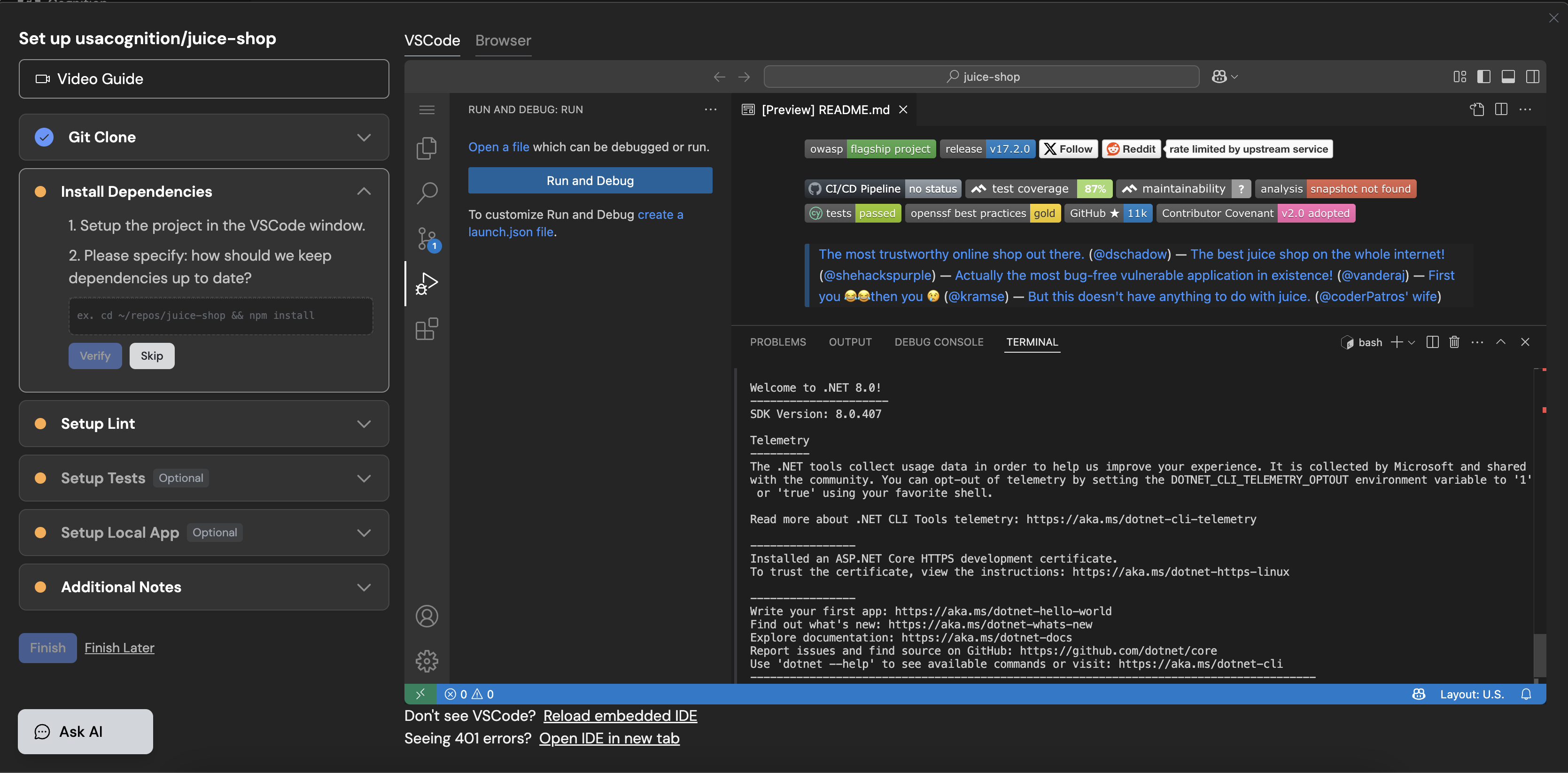
Azure Repo Setup
Step 2: Generating a PAT Next, you’ll need to generate a personal access token (PAT).
1. Log in to your [Azure DevOps portal](https://dev.azure.com/)
.
2. In the top-right corner, click on your profile and select **Security**.
3. In the **Personal Access Tokens** section, click on **New Token**.
4. Set the scopes for the token. You’ll need at least the **“Packaging (read)”** scope to access Azure Artifacts.
5. Save your PAT securely, as you will not be able to view it again.
Step 3: Configure .npmrc file:
Copy
Ask AI
echo "//pkgs.dev.azure.com/your-organization-name/_packaging/your-feed-name/npm/registry/:username=AzureDevOps" >> ~/.npmrc
echo "//pkgs.dev.azure.com/your-organization-name/_packaging/your-feed-name/npm/registry/:_password=$(echo -n your-PAT | base64)" >> ~/.npmrc
If you’re working with NuGet, you will need the following:
Copy
Ask AI
mkdir -p ~/.nuget
cat < ~/.nuget/nuget.config
EOL
If you need Docker artifacts from Azure:
Copy
Ask AI
echo your-PAT | docker login https://your-organization-name.azurecr.io --username your-username --password-stdin
[Using Enterprise Effectively\
----------------------------\
\
Learn how to effectively implement Devin in your enterprise workflows.](https://docs.devin.ai/enterprise/use-cases/guide)
To get started with Devin Enterprise, contact our [enterprise sales team](mailto:enterprise@cognition.ai)
.
[Using Enterprise Effectively](https://docs.devin.ai/enterprise/use-cases/guide)
[Git Integrations](https://docs.devin.ai/enterprise/git-integrations)
Assistant
Responses are generated using AI and may contain mistakes.
---
# Get Member Details - Devin Docs
[Devin Docs home page](https://docs.devin.ai/)
Search...
⌘KAsk AI
Search...
Navigation
Members Endpoints
Get Member Details
[Documentation](https://docs.devin.ai/get-started/devin-intro)
[Prompts & Tutorials](https://docs.devin.ai/use-cases/testing-refactoring)
[API Reference](https://docs.devin.ai/api-reference/overview)
[Release Notes](https://docs.devin.ai/release-notes/overview)
[Enterprise](https://docs.devin.ai/enterprise/get-started)
cURL
Python
Copy
Ask AI
curl -X GET "https://api.devin.ai/v2/enterprise/members/user_123" \
-H "Authorization: Bearer YOUR_API_KEY"
Response
Copy
Ask AI
{
"user_id": "user_123",
"email": "john.doe@company.com",
"name": "John Doe",
"enterprise_role": "admin",
"created_at": "2024-01-15T10:30:00Z",
"last_login": "2024-01-20T14:22:00Z",
"login_count": 15,
"sessions_created_count": 42
}
GET
/
v2
/
enterprise
/
members
/
{user\_id}
Try it
cURL
Python
Copy
Ask AI
curl -X GET "https://api.devin.ai/v2/enterprise/members/user_123" \
-H "Authorization: Bearer YOUR_API_KEY"
Response
Copy
Ask AI
{
"user_id": "user_123",
"email": "john.doe@company.com",
"name": "John Doe",
"enterprise_role": "admin",
"created_at": "2024-01-15T10:30:00Z",
"last_login": "2024-01-20T14:22:00Z",
"login_count": 15,
"sessions_created_count": 42
}
Returns detailed information about a specific member in your enterprise, including their profile, activity metrics, and access permissions.
[](https://docs.devin.ai/enterprise/api-reference/members/get-member-details#path-parameters)
Path Parameters
-----------------------------------------------------------------------------------------------------------------
[](https://docs.devin.ai/enterprise/api-reference/members/get-member-details#param-user-id)
user\_id
string
required
The unique identifier of the user to get details for
[](https://docs.devin.ai/enterprise/api-reference/members/get-member-details#response)
Response
---------------------------------------------------------------------------------------------------
[](https://docs.devin.ai/enterprise/api-reference/members/get-member-details#param-user-id-1)
user\_id
string
required
Unique identifier for the user
[](https://docs.devin.ai/enterprise/api-reference/members/get-member-details#param-email)
email
string
required
User’s email address
[](https://docs.devin.ai/enterprise/api-reference/members/get-member-details#param-name)
name
string
required
User’s display name
[](https://docs.devin.ai/enterprise/api-reference/members/get-member-details#param-enterprise-role)
enterprise\_role
string
required
User’s role within the enterprise (admin, member, viewer)
[](https://docs.devin.ai/enterprise/api-reference/members/get-member-details#param-created-at)
created\_at
string
required
When the user was added to the enterprise
[](https://docs.devin.ai/enterprise/api-reference/members/get-member-details#param-last-login)
last\_login
string
User’s last login time (null if never logged in)
[](https://docs.devin.ai/enterprise/api-reference/members/get-member-details#param-login-count)
login\_count
integer
Total number of times the user has logged in (null if never logged in)
[](https://docs.devin.ai/enterprise/api-reference/members/get-member-details#param-sessions-created-count)
sessions\_created\_count
integer
default:"0"
Total count of sessions created by this user
cURL
Python
Copy
Ask AI
curl -X GET "https://api.devin.ai/v2/enterprise/members/user_123" \
-H "Authorization: Bearer YOUR_API_KEY"
Response
Copy
Ask AI
{
"user_id": "user_123",
"email": "john.doe@company.com",
"name": "John Doe",
"enterprise_role": "admin",
"created_at": "2024-01-15T10:30:00Z",
"last_login": "2024-01-20T14:22:00Z",
"login_count": 15,
"sessions_created_count": 42
}
[List Enterprise Members](https://docs.devin.ai/enterprise/api-reference/members/list-enterprise-members)
[Delete Enterprise Member](https://docs.devin.ai/enterprise/api-reference/members/delete-enterprise-member)
Assistant
Responses are generated using AI and may contain mistakes.
---
# Git Integrations - Devin Docs
[Devin Docs home page](https://docs.devin.ai/)
Search...
⌘KAsk AI
Search...
Navigation
Enterprise
Git Integrations
[Documentation](https://docs.devin.ai/get-started/devin-intro)
[Prompts & Tutorials](https://docs.devin.ai/use-cases/testing-refactoring)
[API Reference](https://docs.devin.ai/api-reference/overview)
[Release Notes](https://docs.devin.ai/release-notes/overview)
[Enterprise](https://docs.devin.ai/enterprise/get-started)
On this page
* [Enterprise GitHub Permissions](https://docs.devin.ai/enterprise/git-integrations#enterprise-github-permissions)
* [Group Permissions](https://docs.devin.ai/enterprise/git-integrations#group-permissions)
* [Repository Permissions](https://docs.devin.ai/enterprise/git-integrations#repository-permissions)
[Github\
------\
\
Connect Devin with GitHub repositories.](https://docs.devin.ai/integrations/gh)
[Azure DevOps\
------------\
\
Connect Devin with Azure DevOps repositories.](https://docs.devin.ai/integrations/azure-devops)
[GitLab\
------\
\
Integrate Devin with your GitLab instance.](https://docs.devin.ai/integrations/gitlab)
###
[](https://docs.devin.ai/enterprise/git-integrations#enterprise-github-permissions)
**Enterprise GitHub Permissions**
When setting up GitHub within an Enterprise, repository management must be granted by the Enterprise Admin. Start in **Settings > Enterprise Settings > Connected Accounts** to connect Devin to your source code. Integration with GitHub will follow the same process as [GitHub](https://docs.devin.ai/integrations/gh)

Enterprise GitHub Integration
This connection enables the parent organization within the Enterprise to access your repositories. However, any sub-organizations must be explicitly granted permission to use these repositories. After connecting Devin to GitHub, you will see the connection listed under **Connected Accounts** with an option to manage **Git Permissions**. Clicking this option allows you to select any organization within your Enterprise and grant it access to your repositories.
####
[](https://docs.devin.ai/enterprise/git-integrations#group-permissions)
**Group Permissions**
Group Permissions let you grant a sub-organization access to all repositories under a specific GitHub group or organization. Enter the Group Prefix/Organization Name and click **Add Permissions**. The group will appear under ‘Current Permissions’ and all corresponding repositories will be listed under ‘Current Repositories’.

Git Group Permissions
####
[](https://docs.devin.ai/enterprise/git-integrations#repository-permissions)
**Repository Permissions**
To grant permissions on a per-repository basis, enter the full Repository Path, including the GitHub group or organization. This allows you to give sub-organizations access to specific repositories without exposing the entire group.

Git Repository Permissions
[Artifacts](https://docs.devin.ai/enterprise/artifacts/overview)
[How does Devin fit into my existing SDLC?](https://docs.devin.ai/enterprise/sdlc-integration)
Assistant
Responses are generated using AI and may contain mistakes.
---
# Enterprise security - Devin Docs
[Devin Docs home page](https://docs.devin.ai/)
Search...
⌘KAsk AI
Search...
Navigation
[Documentation](https://docs.devin.ai/get-started/devin-intro)
[Prompts & Tutorials](https://docs.devin.ai/use-cases/testing-refactoring)
[API Reference](https://docs.devin.ai/api-reference/overview)
[Release Notes](https://docs.devin.ai/release-notes/overview)
[Enterprise](https://docs.devin.ai/enterprise/get-started)
On this page
* [Security & Trust](https://docs.devin.ai/enterprise/security/enterprise-security#security-%26-trust)
* [Security](https://docs.devin.ai/enterprise/security/enterprise-security#security)
* [Secure Transmission and Encryption](https://docs.devin.ai/enterprise/security/enterprise-security#secure-transmission-and-encryption)
* [General Security Practices](https://docs.devin.ai/enterprise/security/enterprise-security#general-security-practices)
* [Third-Party Audits and Certification](https://docs.devin.ai/enterprise/security/enterprise-security#third-party-audits-and-certification)
* [Vulnerability Disclosure Program](https://docs.devin.ai/enterprise/security/enterprise-security#vulnerability-disclosure-program)
* [Privacy & Intellectual Property](https://docs.devin.ai/enterprise/security/enterprise-security#privacy-%26-intellectual-property)
* [How does Cognition process data accessed by Devin?](https://docs.devin.ai/enterprise/security/enterprise-security#how-does-cognition-process-data-accessed-by-devin%3F)
* [What is Cognition’s data retention policy?](https://docs.devin.ai/enterprise/security/enterprise-security#what-is-cognition%E2%80%99s-data-retention-policy%3F)
* [How is customer data used to improve Devin?](https://docs.devin.ai/enterprise/security/enterprise-security#how-is-customer-data-used-to-improve-devin%3F)
* [What are the intellectual property (IP) rights for Devin’s output?](https://docs.devin.ai/enterprise/security/enterprise-security#what-are-the-intellectual-property-ip-rights-for-devin%E2%80%99s-output%3F)
* [GitHub Integration Considerations](https://docs.devin.ai/enterprise/security/enterprise-security#github-integration-considerations)
* [Slack Integration Considerations](https://docs.devin.ai/enterprise/security/enterprise-security#slack-integration-considerations)
* [User Best Practices](https://docs.devin.ai/enterprise/security/enterprise-security#user-best-practices)
* [Devin’s Limitations](https://docs.devin.ai/enterprise/security/enterprise-security#devin%E2%80%99s-limitations)
* [Handling Secrets](https://docs.devin.ai/enterprise/security/enterprise-security#handling-secrets)
* [Sharing Feedback](https://docs.devin.ai/enterprise/security/enterprise-security#sharing-feedback)
[](https://docs.devin.ai/enterprise/security/enterprise-security#security-%26-trust)
**Security & Trust**
=============================================================================================================
[](https://trust.cognition.ai/)
[](https://trust.cognition.ai/)
[Trust Center\
------------](https://trust.cognition.ai/)
[For more details on Cognition’s security posture, visit our](https://trust.cognition.ai/)
[Trust Center](https://trust.cognition.ai/)
.
[](https://docs.devin.ai/enterprise/security/enterprise-security#security)
**Security**
-------------------------------------------------------------------------------------------
###
[](https://docs.devin.ai/enterprise/security/enterprise-security#secure-transmission-and-encryption)
**Secure Transmission and Encryption**
All data transmission is **encrypted in transit and at rest**. Production systems are continuously monitored through logging, error handling, and real-time dashboards tracking live metrics. Alerts are triggered for unusual application states (e.g., high error rates, slow performance, failures) and are promptly investigated by our team. Access to Cognition’s AWS cloud environment is granted on a **need-to-know basis**, aligned with business roles. Only a limited number of employees or contractors have direct access to production systems.
###
[](https://docs.devin.ai/enterprise/security/enterprise-security#general-security-practices)
**General Security Practices**
All employees and contractors must use **multi-factor authentication (MFA)** on all primary work applications. Additionally, they undergo **annual security training**, covering best practices for password management, social engineering awareness, and phishing prevention.
###
[](https://docs.devin.ai/enterprise/security/enterprise-security#third-party-audits-and-certification)
**Third-Party Audits and Certification**
Cognition obtained **SOC 2 Type II certification** in September 2024. During this audit, third-party reviewers evaluated all security policies, procedures, and internal and external controls related to:
* **Data security**
* **Privacy**
* **Processing integrity**
* **Confidentiality**
* **Availability**
For more details, visit our [Trust Center](https://trust.cognition.ai/)
.
###
[](https://docs.devin.ai/enterprise/security/enterprise-security#vulnerability-disclosure-program)
**Vulnerability Disclosure Program**
If you identify a potential security issue, report it to our security team at [security@cognition.ai](mailto:security@cognition.ai)
. Cognition will notify Enterprise customers of any security incidents that may impact their environments, following the reporting obligations outlined in customer agreements.
[](https://docs.devin.ai/enterprise/security/enterprise-security#privacy-%26-intellectual-property)
**Privacy & Intellectual Property**
-------------------------------------------------------------------------------------------------------------------------------------------
###
[](https://docs.devin.ai/enterprise/security/enterprise-security#how-does-cognition-process-data-accessed-by-devin%3F)
**How does Cognition process data accessed by Devin?**
Data processing depends on how customers interact with Devin:
* **Web Application**: Cognition only processes data actively provided by the authorized user.
* **GitHub & Slack Integrations**: The administrator installing the integration can review and manage all permissions granted to Devin.
For **Enterprise customers with VPC or on-prem deployments**, all customer data is stored within the customer’s tenant.
###
[](https://docs.devin.ai/enterprise/security/enterprise-security#what-is-cognition%E2%80%99s-data-retention-policy%3F)
**What is Cognition’s data retention policy?**
Cognition retains data processed through Devin only for the duration of the customer relationship unless specified otherwise.
* **Feedback & User Interaction Data** may be retained as needed, as determined by Cognition.
###
[](https://docs.devin.ai/enterprise/security/enterprise-security#how-is-customer-data-used-to-improve-devin%3F)
**How is customer data used to improve Devin?**
By default, Cognition **does not** train its models on customer data or code. For Enterprise customers using **VPC or on-prem deployments**, all customer data remains within the customer’s tenant. Please refer to your Cognition agreement for further details.
###
[](https://docs.devin.ai/enterprise/security/enterprise-security#what-are-the-intellectual-property-ip-rights-for-devin%E2%80%99s-output%3F)
**What are the intellectual property (IP) rights for Devin’s output?**
The output generated by Devin—whether code, work product, or other content—is the **customer’s intellectual property** and may be used for commercial purposes. However, customers **cannot** use Devin’s output to train models intended to reverse-engineer or develop a competing product.
###
[](https://docs.devin.ai/enterprise/security/enterprise-security#github-integration-considerations)
**GitHub Integration Considerations**
When configuring the GitHub integration, users can select which repositories Devin can access. Permissions can be adjusted at any time via GitHub’s App Settings. For details on permissions and security considerations, visit the [GitHub Integration Guide](https://docs.devin.ai/integrations/gh)
.
###
[](https://docs.devin.ai/enterprise/security/enterprise-security#slack-integration-considerations)
**Slack Integration Considerations**
Devin **only processes data explicitly provided** when:
* It is tagged (`@Devin`)
* It receives a direct prompt
* Additional information is shared in an active Slack thread
For details on security and permissions, visit the [Slack Integration Guide](https://docs.devin.ai/integrations/slack)
.
[](https://docs.devin.ai/enterprise/security/enterprise-security#user-best-practices)
**User Best Practices**
-----------------------------------------------------------------------------------------------------------------
###
[](https://docs.devin.ai/enterprise/security/enterprise-security#devin%E2%80%99s-limitations)
**Devin’s Limitations**
While Devin improves daily, it may still:
* Generate **hallucinations** (inaccurate or misleading responses)
* Introduce **bugs** into code
* Suggest **insecure coding practices**
To mitigate risks, we strongly recommend:
* **Code reviews** before deployment
* **Branch protections** to enforce validation checks
* Following your organization’s standard engineering review processes
###
[](https://docs.devin.ai/enterprise/security/enterprise-security#handling-secrets)
**Handling Secrets**
If Devin requires credentials (e.g., API keys, passwords, cookies), use Cognition’s **Secrets feature** under the **Settings page** to securely share and store sensitive information.
###
[](https://docs.devin.ai/enterprise/security/enterprise-security#sharing-feedback)
**Sharing Feedback**
We continuously enhance Devin based on customer feedback.
* For feature requests and suggestions, contact your Cognition account team or email [support@cognition.ai](mailto:support@cognition.ai)
.
* To report security incidents, email [security@cognition.ai](mailto:security@cognition.ai)
.
Your input is invaluable in refining Devin as an AI software engineer.
[How does Devin fit into my existing SDLC?](https://docs.devin.ai/enterprise/sdlc-integration)
[Okta SSO Setup](https://docs.devin.ai/enterprise/sso/okta)
Assistant
Responses are generated using AI and may contain mistakes.
---
# Invite Enterprise Members - Devin Docs
[Devin Docs home page](https://docs.devin.ai/)
Search...
⌘KAsk AI
Search...
Navigation
Members Endpoints
Invite Enterprise Members
[Documentation](https://docs.devin.ai/get-started/devin-intro)
[Prompts & Tutorials](https://docs.devin.ai/use-cases/testing-refactoring)
[API Reference](https://docs.devin.ai/api-reference/overview)
[Release Notes](https://docs.devin.ai/release-notes/overview)
[Enterprise](https://docs.devin.ai/enterprise/get-started)
cURL
Python
Copy
Ask AI
curl -X POST "https://api.devin.ai/v2/enterprise/members/invite" \
-H "Authorization: Bearer YOUR_API_KEY" \
-H "Content-Type: application/json" \
-d '{
"emails": [\
"john.doe@company.com",\
"jane.smith@company.com",\
"bob.wilson@company.com"\
]
}'
Success Response
Error Response (400)
Error Response (422)
Copy
Ask AI
{
"status": "success",
"invited_count": 3
}
POST
/
v2
/
enterprise
/
members
/
invite
Try it
cURL
Python
Copy
Ask AI
curl -X POST "https://api.devin.ai/v2/enterprise/members/invite" \
-H "Authorization: Bearer YOUR_API_KEY" \
-H "Content-Type: application/json" \
-d '{
"emails": [\
"john.doe@company.com",\
"jane.smith@company.com",\
"bob.wilson@company.com"\
]
}'
Success Response
Error Response (400)
Error Response (422)
Copy
Ask AI
{
"status": "success",
"invited_count": 3
}
Invite multiple users to your enterprise by providing their email addresses. This endpoint supports bulk invitations with up to 100 email addresses per request.
[](https://docs.devin.ai/enterprise/api-reference/members/invite-enterprise-members#request-body)
Request Body
------------------------------------------------------------------------------------------------------------------
[](https://docs.devin.ai/enterprise/api-reference/members/invite-enterprise-members#param-emails)
emails
array
required
Array of email addresses to invite to the enterprise. Maximum 100 emails per request.
Show Email Requirements
* Must be valid email format
* Maximum 100 emails per request
* Duplicate emails in the same request will be deduplicated
* Users already in the enterprise will be skipped
[](https://docs.devin.ai/enterprise/api-reference/members/invite-enterprise-members#response)
Response
----------------------------------------------------------------------------------------------------------
[](https://docs.devin.ai/enterprise/api-reference/members/invite-enterprise-members#param-status)
status
string
required
Status of the invitation request (typically “success”)
[](https://docs.devin.ai/enterprise/api-reference/members/invite-enterprise-members#param-invited-count)
invited\_count
integer
required
Number of users successfully invited
[](https://docs.devin.ai/enterprise/api-reference/members/invite-enterprise-members#error-responses)
Error Responses
------------------------------------------------------------------------------------------------------------------------
[](https://docs.devin.ai/enterprise/api-reference/members/invite-enterprise-members#param-400)
400
error
Bad Request - Invalid email format, too many emails, or empty email list
[](https://docs.devin.ai/enterprise/api-reference/members/invite-enterprise-members#param-403)
403
error
Forbidden - User not associated with an enterprise
[](https://docs.devin.ai/enterprise/api-reference/members/invite-enterprise-members#param-422)
422
error
Validation Error - Request body validation failed
[](https://docs.devin.ai/enterprise/api-reference/members/invite-enterprise-members#param-500)
500
error
Internal Server Error - Enterprise account not found or inviter user not found
cURL
Python
Copy
Ask AI
curl -X POST "https://api.devin.ai/v2/enterprise/members/invite" \
-H "Authorization: Bearer YOUR_API_KEY" \
-H "Content-Type: application/json" \
-d '{
"emails": [\
"john.doe@company.com",\
"jane.smith@company.com",\
"bob.wilson@company.com"\
]
}'
Success Response
Error Response (400)
Error Response (422)
Copy
Ask AI
{
"status": "success",
"invited_count": 3
}
[](https://docs.devin.ai/enterprise/api-reference/members/invite-enterprise-members#notes)
Notes
----------------------------------------------------------------------------------------------------
* Invited users will receive an email invitation to join the enterprise
* Users who are already members of the enterprise will be skipped
* The `invited_count` reflects only newly invited users, not skipped existing members
* Invitations expire after a certain period (contact support for details)
* Only enterprise administrators can invite new members
[User Organizations](https://docs.devin.ai/enterprise/api-reference/members/user-organizations)
[List Enterprise Groups](https://docs.devin.ai/enterprise/api-reference/groups/list-enterprise-groups)
Assistant
Responses are generated using AI and may contain mistakes.
---
# Delete Organization Permission - Devin Docs
[Devin Docs home page](https://docs.devin.ai/)
Search...
⌘KAsk AI
Search...
Navigation
Organization Permissions
Delete Organization Permission
[Documentation](https://docs.devin.ai/get-started/devin-intro)
[Prompts & Tutorials](https://docs.devin.ai/use-cases/testing-refactoring)
[API Reference](https://docs.devin.ai/api-reference/overview)
[Release Notes](https://docs.devin.ai/release-notes/overview)
[Enterprise](https://docs.devin.ai/enterprise/get-started)
cURL
Python
Copy
Ask AI
curl -X DELETE "https://api.devin.ai/v2/enterprise/organizations/org_123/git/permissions/perm_123" \
-H "Authorization: Bearer YOUR_API_KEY"
Response
Copy
Ask AI
{
"status": "success"
}
DELETE
/
v2
/
enterprise
/
organizations
/
{org\_id}
/
git
/
permissions
/
{permission\_id}
Try it
cURL
Python
Copy
Ask AI
curl -X DELETE "https://api.devin.ai/v2/enterprise/organizations/org_123/git/permissions/perm_123" \
-H "Authorization: Bearer YOUR_API_KEY"
Response
Copy
Ask AI
{
"status": "success"
}
Remove a specific git repository permission from an organization within your enterprise.
[](https://docs.devin.ai/enterprise/api-reference/organizations/delete-organization-permission#path-parameters)
Path Parameters
-----------------------------------------------------------------------------------------------------------------------------------
[](https://docs.devin.ai/enterprise/api-reference/organizations/delete-organization-permission#param-org-id)
org\_id
string
required
The unique identifier of the organization to remove the permission from
[](https://docs.devin.ai/enterprise/api-reference/organizations/delete-organization-permission#param-permission-id)
permission\_id
string
required
The unique identifier of the permission to remove
[](https://docs.devin.ai/enterprise/api-reference/organizations/delete-organization-permission#response)
Response
---------------------------------------------------------------------------------------------------------------------
[](https://docs.devin.ai/enterprise/api-reference/organizations/delete-organization-permission#param-status)
status
string
required
Success status indicator
cURL
Python
Copy
Ask AI
curl -X DELETE "https://api.devin.ai/v2/enterprise/organizations/org_123/git/permissions/perm_123" \
-H "Authorization: Bearer YOUR_API_KEY"
Response
Copy
Ask AI
{
"status": "success"
}
[Add Organization Permissions](https://docs.devin.ai/enterprise/api-reference/organizations/add-organization-permissions)
[List Hypervisors](https://docs.devin.ai/enterprise/api-reference/infrastructure/list-enterprise-hypervisors)
Assistant
Responses are generated using AI and may contain mistakes.
---
# Organization Connections - Devin Docs
[Devin Docs home page](https://docs.devin.ai/)
Search...
⌘KAsk AI
Search...
Navigation
Organization Connections
Organization Connections
[Documentation](https://docs.devin.ai/get-started/devin-intro)
[Prompts & Tutorials](https://docs.devin.ai/use-cases/testing-refactoring)
[API Reference](https://docs.devin.ai/api-reference/overview)
[Release Notes](https://docs.devin.ai/release-notes/overview)
[Enterprise](https://docs.devin.ai/enterprise/get-started)
cURL
Python
Copy
Ask AI
curl -X GET "https://api.devin.ai/v2/enterprise/organizations/org_123/git/connections" \
-H "Authorization: Bearer YOUR_API_KEY"
Response
Copy
Ask AI
{
"items": [\
{\
"id": "conn_123",\
"type": "github",\
"name": "GitHub Enterprise",\
"created_at": "2024-01-15T10:30:00Z",\
"host": "github.com"\
},\
{\
"id": "conn_456",\
"type": "gitlab",\
"name": "GitLab Instance",\
"created_at": "2024-01-20T14:45:00Z",\
"host": "gitlab.example.com"\
}\
],
"total": 2,
"skip": 0,
"limit": 100,
"has_more": false,
"next_cursor": null
}
GET
/
v2
/
enterprise
/
organizations
/
{org\_id}
/
git
/
connections
Try it
cURL
Python
Copy
Ask AI
curl -X GET "https://api.devin.ai/v2/enterprise/organizations/org_123/git/connections" \
-H "Authorization: Bearer YOUR_API_KEY"
Response
Copy
Ask AI
{
"items": [\
{\
"id": "conn_123",\
"type": "github",\
"name": "GitHub Enterprise",\
"created_at": "2024-01-15T10:30:00Z",\
"host": "github.com"\
},\
{\
"id": "conn_456",\
"type": "gitlab",\
"name": "GitLab Instance",\
"created_at": "2024-01-20T14:45:00Z",\
"host": "gitlab.example.com"\
}\
],
"total": 2,
"skip": 0,
"limit": 100,
"has_more": false,
"next_cursor": null
}
Returns a paginated list of git connections that a specific organization has access to within your enterprise.
[](https://docs.devin.ai/enterprise/api-reference/organizations/organization-connections#path-parameters)
Path Parameters
-----------------------------------------------------------------------------------------------------------------------------
[](https://docs.devin.ai/enterprise/api-reference/organizations/organization-connections#param-org-id)
org\_id
string
required
The unique identifier of the organization to get connections for
[](https://docs.devin.ai/enterprise/api-reference/organizations/organization-connections#query-parameters)
Query Parameters
-------------------------------------------------------------------------------------------------------------------------------
[](https://docs.devin.ai/enterprise/api-reference/organizations/organization-connections#param-skip)
skip
integer
default:"0"
Number of connections to skip for pagination. Must be >= 0.
[](https://docs.devin.ai/enterprise/api-reference/organizations/organization-connections#param-limit)
limit
integer
default:"100"
Maximum number of connections to return. Must be between 1 and 1000.
[](https://docs.devin.ai/enterprise/api-reference/organizations/organization-connections#response)
Response
---------------------------------------------------------------------------------------------------------------
[](https://docs.devin.ai/enterprise/api-reference/organizations/organization-connections#param-items)
items
array
required
Array of git connection objects for the organization
Show Git Connection Object
[](https://docs.devin.ai/enterprise/api-reference/organizations/organization-connections#param-id)
id
string
required
Unique identifier for the connection
[](https://docs.devin.ai/enterprise/api-reference/organizations/organization-connections#param-type)
type
string
required
Type of git connection (e.g., “github”, “gitlab”, “azure\_devops”)
[](https://docs.devin.ai/enterprise/api-reference/organizations/organization-connections#param-name)
name
string
Display name for the connection (null if not set)
[](https://docs.devin.ai/enterprise/api-reference/organizations/organization-connections#param-created-at)
created\_at
string
required
ISO 8601 timestamp when the connection was created
[](https://docs.devin.ai/enterprise/api-reference/organizations/organization-connections#param-host)
host
string
required
Git host (e.g., “github.com”, “gitlab.com”)
[](https://docs.devin.ai/enterprise/api-reference/organizations/organization-connections#param-total)
total
integer
required
Total number of connections for the organization
[](https://docs.devin.ai/enterprise/api-reference/organizations/organization-connections#param-skip-1)
skip
integer
required
Number of connections skipped
[](https://docs.devin.ai/enterprise/api-reference/organizations/organization-connections#param-limit-1)
limit
integer
required
Maximum number of connections returned
[](https://docs.devin.ai/enterprise/api-reference/organizations/organization-connections#param-has-more)
has\_more
boolean
required
Whether there are more connections available
[](https://docs.devin.ai/enterprise/api-reference/organizations/organization-connections#param-next-cursor)
next\_cursor
integer
Cursor for the next page of results
cURL
Python
Copy
Ask AI
curl -X GET "https://api.devin.ai/v2/enterprise/organizations/org_123/git/connections" \
-H "Authorization: Bearer YOUR_API_KEY"
Response
Copy
Ask AI
{
"items": [\
{\
"id": "conn_123",\
"type": "github",\
"name": "GitHub Enterprise",\
"created_at": "2024-01-15T10:30:00Z",\
"host": "github.com"\
},\
{\
"id": "conn_456",\
"type": "gitlab",\
"name": "GitLab Instance",\
"created_at": "2024-01-20T14:45:00Z",\
"host": "gitlab.example.com"\
}\
],
"total": 2,
"skip": 0,
"limit": 100,
"has_more": false,
"next_cursor": null
}
[Remove User from Organization](https://docs.devin.ai/enterprise/api-reference/organizations/remove-user-from-organization)
[Organization Permissions](https://docs.devin.ai/enterprise/api-reference/organizations/organization-permissions)
Assistant
Responses are generated using AI and may contain mistakes.
---
# VPC Deployment Overview - Devin Docs
[Devin Docs home page](https://docs.devin.ai/)
Search...
⌘KAsk AI
Search...
Navigation
Virtual Private Cloud
VPC Deployment Overview
[Documentation](https://docs.devin.ai/get-started/devin-intro)
[Prompts & Tutorials](https://docs.devin.ai/use-cases/testing-refactoring)
[API Reference](https://docs.devin.ai/api-reference/overview)
[Release Notes](https://docs.devin.ai/release-notes/overview)
[Enterprise](https://docs.devin.ai/enterprise/get-started)
On this page
* [Overview](https://docs.devin.ai/enterprise/vpc/overview#overview)
* [Core Architecture](https://docs.devin.ai/enterprise/vpc/overview#core-architecture)
* [Devin’s DevBox](https://docs.devin.ai/enterprise/vpc/overview#devin%E2%80%99s-devbox)
* [Devin’s Brain](https://docs.devin.ai/enterprise/vpc/overview#devin%E2%80%99s-brain)
* [Deployment Specifications](https://docs.devin.ai/enterprise/vpc/overview#deployment-specifications)
* [Infrastructure Requirements](https://docs.devin.ai/enterprise/vpc/overview#infrastructure-requirements)
* [Architecture](https://docs.devin.ai/enterprise/vpc/overview#architecture)
* [Data Management](https://docs.devin.ai/enterprise/vpc/overview#data-management)
* [Cognition Database](https://docs.devin.ai/enterprise/vpc/overview#cognition-database)
* [Customer Databases](https://docs.devin.ai/enterprise/vpc/overview#customer-databases)
* [Secrets](https://docs.devin.ai/enterprise/vpc/overview#secrets)
* [Security](https://docs.devin.ai/enterprise/vpc/overview#security)
* [Encryption](https://docs.devin.ai/enterprise/vpc/overview#encryption)
* [Isolation](https://docs.devin.ai/enterprise/vpc/overview#isolation)
* [DevBox Components](https://docs.devin.ai/enterprise/vpc/overview#devbox-components)
* [Limitations](https://docs.devin.ai/enterprise/vpc/overview#limitations)
* [Technical Constraints](https://docs.devin.ai/enterprise/vpc/overview#technical-constraints)
* [Deployment Restrictions](https://docs.devin.ai/enterprise/vpc/overview#deployment-restrictions)
* [DNS Configuration](https://docs.devin.ai/enterprise/vpc/overview#dns-configuration)
[](https://docs.devin.ai/enterprise/vpc/overview#overview)
Overview
-----------------------------------------------------------------------
Devin’s in-VPC deployment offering allows hosting Devin’s development environments in your VPC, which enables Devin’s VMs to access proprietary resources behind your corporate firewall. The supported architecture offers an entirely stateless system guarantee, meaning that no data will be stored at rest outside of your environment. There are multiple ways to establish fine-grained control over Devin’s access within your environment, including but not limited to customer services or resources via SSO or version control system access controls.[Trust Center\
------------\
\
For additional information and security documentation, visit our Trust Center.](https://trust.cognition.ai/)
[](https://docs.devin.ai/enterprise/vpc/overview#core-architecture)
Core Architecture
-----------------------------------------------------------------------------------------
Devin consists of two primary components:
###
[](https://docs.devin.ai/enterprise/vpc/overview#devin%E2%80%99s-devbox)
Devin’s DevBox
A customizable development environment where Devin’s actions are executed. Includes shell, editor, and browser capabilities. Deployed inside the customer’s VPC.
###
[](https://docs.devin.ai/enterprise/vpc/overview#devin%E2%80%99s-brain)
Devin’s Brain
The core intelligence system that processes snippets of context to determine every Devin action. Hosted in Cognition’s tenant.

[](https://docs.devin.ai/enterprise/vpc/overview#deployment-specifications)
Deployment Specifications
---------------------------------------------------------------------------------------------------------
###
[](https://docs.devin.ai/enterprise/vpc/overview#infrastructure-requirements)
Infrastructure Requirements
**Instance Type Requirements:**
* **AWS**: i3 bare metal EC2
* **Azure**: Lasv3 instances with Security Type standard
Every Devin session requires a new VM. These instance types allow ad-hoc creation of VMs for Devin session start. Visit [AWS VPC Setup](https://docs.devin.ai/enterprise/vpc/aws-setup)
to see concurrency capacity per instance. **Operating System:** Ubuntu 24.04
###
[](https://docs.devin.ai/enterprise/vpc/overview#architecture)
Architecture

* The Cognition tenant is hosted on Azure
* **Ports:** HTTPS/443 (Only outbound from customer VPC is required)
* On DevBox startup, a websocket opens and connects to an isolated container in the Devin tenant
* All subsequent exchanges happen over this connection
* This architecture supports backend session isolation by default
Granting internet access to Devin’s in-VPC instances is strongly recommended
[](https://docs.devin.ai/enterprise/vpc/overview#data-management)
Data Management
-------------------------------------------------------------------------------------
###
[](https://docs.devin.ai/enterprise/vpc/overview#cognition-database)
Cognition Database
* Stores metadata only
* Contains hash reference data (session IDs, event IDs, etc.)
###
[](https://docs.devin.ai/enterprise/vpc/overview#customer-databases)
Customer Databases
Customer data are split into two locations:
1. **Primary customer DB:**
* Connects directly with Devin’s brain
* Stores encrypted session logs and customer Devin data
2. **Secondary customer DB:**
* Connects to the in-VPC instance
* Stores VM snapshots, allowing sessions to be started from a snapshot
All customer data is encrypted with a custom KMS key. All database read/write operations are performed through native APIs.
###
[](https://docs.devin.ai/enterprise/vpc/overview#secrets)
Secrets
Isolated Devin Brain containers, authorized to the customer data store, are created for each new session. Secrets are decrypted at the start of a session, loaded as environment variables, then re-encrypted. This process is programmatic.
Prior to being sent to the frontend, secrets are redacted and are shown as `[REDACTED SECRET]`.
[](https://docs.devin.ai/enterprise/vpc/overview#security)
Security
-----------------------------------------------------------------------
###
[](https://docs.devin.ai/enterprise/vpc/overview#encryption)
Encryption
* AES 256 encryption at rest
* TLS 1.3+ encryption in transit
###
[](https://docs.devin.ai/enterprise/vpc/overview#isolation)
Isolation
* Isolated Devin Brain container per session
* AWS WAF for public frontend APIs
[](https://docs.devin.ai/enterprise/vpc/overview#devbox-components)
DevBox Components
-----------------------------------------------------------------------------------------
The following are loaded onto Devin’s machine:
1. **Core Utilities:** git, python, java, docker, and more
2. **Custom Components:**
* VSCode server
* VNC server for interactive browser control
* Proprietary utility `.py` scripts necessary for Devin’s functionality
You may audit the scripts and reduce the default package installation as desired. Request the DevBox setup scripts from your Cognition representative.
[](https://docs.devin.ai/enterprise/vpc/overview#limitations)
Limitations
-----------------------------------------------------------------------------
###
[](https://docs.devin.ai/enterprise/vpc/overview#technical-constraints)
Technical Constraints
* Concurrent session limits based on bare metal instance capacity
* Capacity can be scaled horizontally by provisioning more base instances
* These instances may be temporarily spun down during periods of lower usage
* Customer is responsible for cloud infrastructure costs
###
[](https://docs.devin.ai/enterprise/vpc/overview#deployment-restrictions)
Deployment Restrictions
* No support for customer AMIs. One-time manual machine setup is required
* No support for non-linux OSs
[](https://docs.devin.ai/enterprise/vpc/overview#dns-configuration)
DNS Configuration
-----------------------------------------------------------------------------------------
Devin instance’s DNS configuration requires proper setup to resolve records in private hosted zones. If you encounter DNS resolution issues with private records, follow the steps below.To enable Devin instances to resolve records in private hosted zones:
1. Update the DNS configuration to use the VPC DNS resolver (.2 address) instead of public resolvers. In order to get this run the following:
Copy
Ask AI
aws ec2 describe-vpcs --vpc-id --query 'Vpcs[0].CidrBlock' --output text | awk -F/ '{split($1,a,"."); print a[1]"."a[2]"."a[3]".2"}'
2. Edit the systemd resolved configuration file:
Copy
Ask AI
sudo nano /etc/systemd/resolved.conf
3. Replace the DNS entry with the VPC’s .2 address.
Copy
Ask AI
[Resolve]
DNS={N.N.N.2}
4. Restart the systemd-resolved service to apply the changes:
Copy
Ask AI
sudo systemctl restart systemd-resolved
This configuration ensures that Devin instances can properly resolve both public DNS records and private records in your hosted zones.
[Trust Center](https://docs.devin.ai/enterprise/trust-center)
[Azure VPC Setup](https://docs.devin.ai/enterprise/vpc/azure-setup)
Assistant
Responses are generated using AI and may contain mistakes.
---
# Azure VPC Setup - Devin Docs
[Devin Docs home page](https://docs.devin.ai/)
Search...
⌘KAsk AI
Search...
Navigation
Virtual Private Cloud
Azure VPC Setup
[Documentation](https://docs.devin.ai/get-started/devin-intro)
[Prompts & Tutorials](https://docs.devin.ai/use-cases/testing-refactoring)
[API Reference](https://docs.devin.ai/api-reference/overview)
[Release Notes](https://docs.devin.ai/release-notes/overview)
[Enterprise](https://docs.devin.ai/enterprise/get-started)
On this page
* [Devin Azure VPC Deployment Guide](https://docs.devin.ai/enterprise/vpc/azure-setup#devin-azure-vpc-deployment-guide)
[](https://docs.devin.ai/enterprise/vpc/azure-setup#devin-azure-vpc-deployment-guide)
**Devin Azure VPC Deployment Guide**
==============================================================================================================================
This guide outlines the process for deploying Devin in your Azure Virtual Private Cloud (VPC) environment, providing access to resources within your corporate firewall.
* Simple Setup (Terraform)
* Advanced Setup (Manual)
[](https://docs.devin.ai/enterprise/vpc/azure-setup#terraform-deployment-recommended)
Terraform Deployment (Recommended)
----------------------------------------------------------------------------------------------------------------------------
Terraform deployment is our recommended approach for setting up Devin in your Azure VPC. This automated method ensures consistent, repeatable infrastructure provisioning with minimal manual configuration.
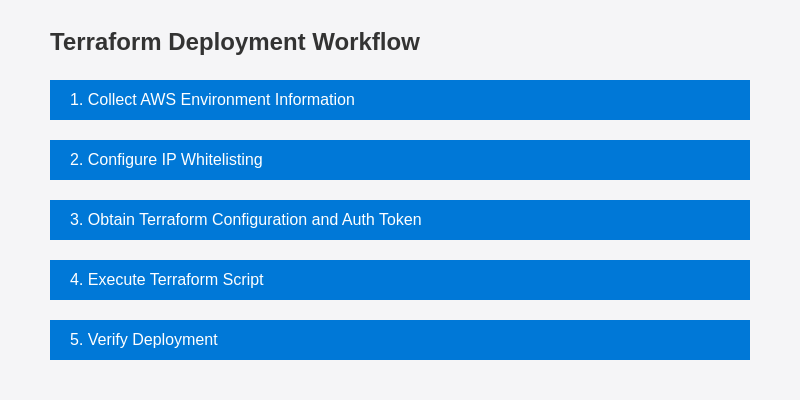
###
[](https://docs.devin.ai/enterprise/vpc/azure-setup#prerequisites)
Prerequisites
Before beginning the Terraform deployment process, ensure you have:
* Setup VPC for Devin (either use an existing VPC or provision a new one)
* Ensure you have an Azure account with permissions to:
* create virtual machines
* create storage accounts in your region
* Ensure your Azure account can support instances with at least 70 virtual CPUs
* Terraform (version 1.0 or later) installed
###
[](https://docs.devin.ai/enterprise/vpc/azure-setup#step-by-step-deployment-process)
Step-by-Step Deployment Process
1
Collect Azure Environment Information
Gather the following information which will be required for the Terraform configuration:
* Azure Subscription ID (GUID format)
* VPC ID (Virtual Network name)
* Two Subnet names:
* subnet-1
* subnet-2
**Helpful Azure CLI commands:**
Copy
Ask AI
# List your Virtual Networks
az network vnet list --query "[].{Name:name, ResourceGroup:resourceGroup}" -o table
# List subnets in a specific Virtual Network
az network vnet subnet list --vnet-name --resource-group --query "[].{Name:name, AddressPrefix:addressPrefix}" -o table
2
Configure Firewall Access
* User Device Firewall
* VPC Firewall
Ensure your endpoint security systems (user devices that will access Devin) allow access to:
* \*.devin.ai
* \*.devinenterprise.com
* \*.devinapps.com
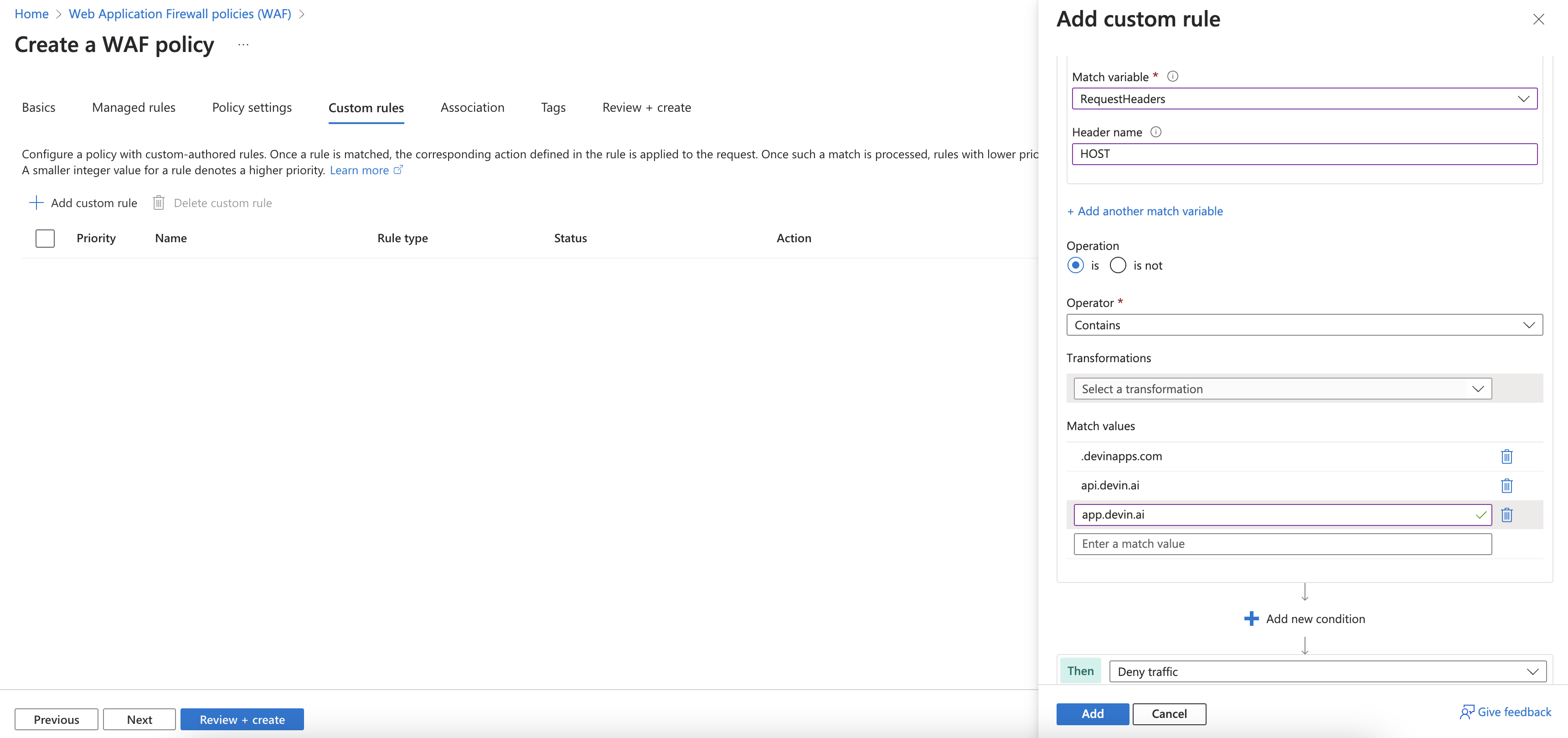
3
Obtain Terraform Configuration and Auth Token
Contact Cognition to receive:
1. An authentication token for pulling the hypervisor image
2. The Terraform configuration files customized for your environment
Once you share your environment information (from Step 1), we will provide these resources to you.
4
Execute Terraform Script
We can schedule a call to execute this step together. The process involves:
1. Extract the Terraform configuration files to a directory on your local machine:
Copy
Ask AI
mkdir -p ~/devin-terraform && cd ~/devin-terraform
# Extract files received from Cognition
2. Initialize the Terraform environment:
Copy
Ask AI
terraform init
3. Review the planned infrastructure changes:
Copy
Ask AI
terraform plan
4. Apply the configuration to provision the infrastructure:
Copy
Ask AI
terraform apply
5. Confirm the changes when prompted.
The Terraform scripts will set up all necessary components including virtual machines, storage accounts, security groups, IAM roles, and the hypervisor registration.
5
Run First Devin Session
After the Terraform script completes successfully, we will work together to:
1. Verify that the resources have been created in your Azure portal
2. Run a first Devin session to ensure connectivity to the required services
3. Debug any issues that arise with the support of Cognition team
[VPC Deployment Overview](https://docs.devin.ai/enterprise/vpc/overview)
[AWS VPC Setup](https://docs.devin.ai/enterprise/vpc/aws-setup)
Assistant
Responses are generated using AI and may contain mistakes.
---
# AWS VPC Setup - Devin Docs
[Devin Docs home page](https://docs.devin.ai/)
Search...
⌘KAsk AI
Search...
Navigation
Virtual Private Cloud
AWS VPC Setup
[Documentation](https://docs.devin.ai/get-started/devin-intro)
[Prompts & Tutorials](https://docs.devin.ai/use-cases/testing-refactoring)
[API Reference](https://docs.devin.ai/api-reference/overview)
[Release Notes](https://docs.devin.ai/release-notes/overview)
[Enterprise](https://docs.devin.ai/enterprise/get-started)
On this page
* [Devin AWS VPC Deployment Guide](https://docs.devin.ai/enterprise/vpc/aws-setup#devin-aws-vpc-deployment-guide)
[](https://docs.devin.ai/enterprise/vpc/aws-setup#devin-aws-vpc-deployment-guide)
**Devin AWS VPC Deployment Guide**
========================================================================================================================
This guide outlines the process for deploying Devin in your AWS Virtual Private Cloud (VPC) environment, providing access to resources within your corporate firewall.
* Simple Setup (Terraform)
* Advanced Setup (Manual)
[](https://docs.devin.ai/enterprise/vpc/aws-setup#terraform-deployment-recommended)
Terraform Deployment (Recommended)
--------------------------------------------------------------------------------------------------------------------------
Terraform deployment is our recommended approach for setting up Devin in your AWS VPC. This automated method ensures consistent, repeatable infrastructure provisioning with minimal manual configuration.

###
[](https://docs.devin.ai/enterprise/vpc/aws-setup#prerequisites)
Prerequisites
Before beginning the Terraform deployment process, ensure you have:
* Setup VPC for Devin (either use an existing VPC or provision a new one)
* Ensure you have an IAM role or service account that has permission to:
* create ec2 auto-scale instances
* create s3 instances in your region
* Ensure your AWS account can support instances with at least 70 virtual CPUs
* Terraform (version 1.0 or later) installed
###
[](https://docs.devin.ai/enterprise/vpc/aws-setup#step-by-step-deployment-process)
Step-by-Step Deployment Process
1
Collect AWS Environment Information
Gather the following information which will be required for the Terraform configuration:
* AWS Account Number (12-digit number)
* VPC ID (vpc-xxxxxxxxxxxxxxxxx)
* Two Subnet IDs:
* subnet-xxxxxxxxxxxxxxxxx
* subnet-xxxxxxxxxxxxxxxxx
**Helpful AWS CLI commands:**
Copy
Ask AI
# List your VPCs
aws ec2 describe-vpcs
# List subnets in a specific VPC
aws ec2 describe-subnets --filters "Name=vpc-id,Values="
2
Configure Firewall Access
* User Device Firewall
* VPC Firewall
Ensure your endpoint security systems (user devices that will access Devin) allow access to:
* \*.devin.ai
* \*.devinenterprise.com
* \*.devinapps.com
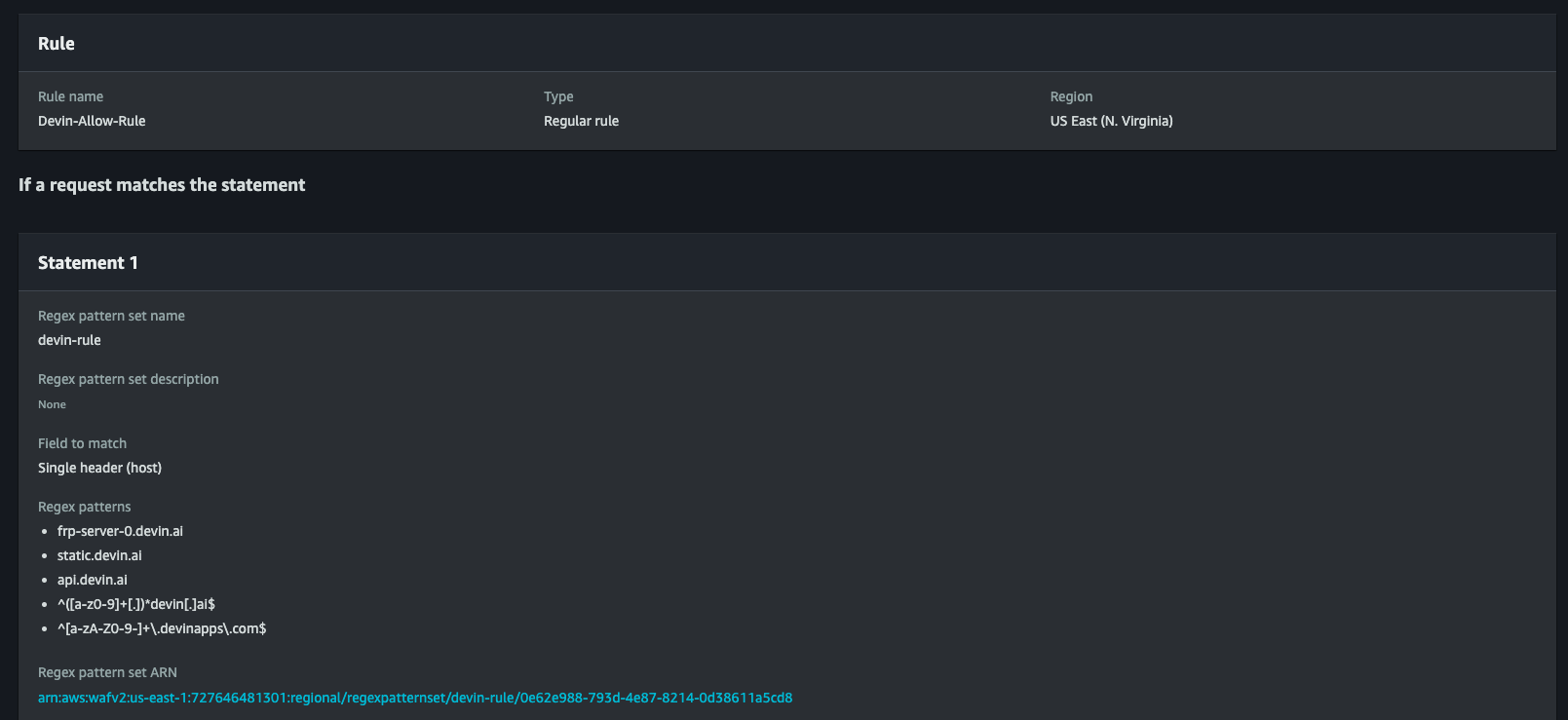
3
Obtain Terraform Configuration and Auth Token
Contact Cognition to receive:
1. An authentication token for pulling the hypervisor image
2. The Terraform configuration files customized for your environment
Once you share your environment information (from Step 1), we will provide these resources to you.
4
Execute Terraform Script
We can schedule a call to execute this step together. The process involves:
1. Extract the Terraform configuration files to a directory on your local machine:
Copy
Ask AI
mkdir -p ~/devin-terraform && cd ~/devin-terraform
# Extract files received from Cognition
2. Initialize the Terraform environment:
Copy
Ask AI
terraform init
3. Review the planned infrastructure changes:
Copy
Ask AI
terraform plan
4. Apply the configuration to provision the infrastructure:
Copy
Ask AI
terraform apply
5. Confirm the changes when prompted.
The Terraform scripts will set up all necessary components including EC2 instances, S3 buckets, security groups, IAM roles, and the hypervisor registration.
5
Run First Devin Session
After the Terraform script completes successfully, we will work together to:
1. Verify that the resources have been created in your AWS console
2. Run a first Devin session to ensure connectivity to the required services
3. Debug any issues that arise with the support of Cognition team
[Azure VPC Setup](https://docs.devin.ai/enterprise/vpc/azure-setup)
[Network & System Requirements](https://docs.devin.ai/enterprise/vpc/requirements)
Assistant
Responses are generated using AI and may contain mistakes.
---
# User Organizations - Devin Docs
[Devin Docs home page](https://docs.devin.ai/)
Search...
⌘KAsk AI
Search...
Navigation
Members Endpoints
User Organizations
[Documentation](https://docs.devin.ai/get-started/devin-intro)
[Prompts & Tutorials](https://docs.devin.ai/use-cases/testing-refactoring)
[API Reference](https://docs.devin.ai/api-reference/overview)
[Release Notes](https://docs.devin.ai/release-notes/overview)
[Enterprise](https://docs.devin.ai/enterprise/get-started)
cURL
Python
Copy
Ask AI
curl -X GET "https://api.devin.ai/v2/enterprise/members/user_123/organizations" \
-H "Authorization: Bearer YOUR_API_KEY"
Response
Copy
Ask AI
{
"items": [\
{\
"user_id": "user_123",\
"email": "john.doe@company.com",\
"name": "John Doe",\
"org_id": "org_456",\
"org_name": "Engineering Team",\
"org_role": "admin",\
"enterprise_role": "admin"\
},\
{\
"user_id": "user_123",\
"email": "john.doe@company.com",\
"name": "John Doe",\
"org_id": "org_789",\
"org_name": "Product Team",\
"org_role": "member",\
"enterprise_role": null\
}\
],
"total": 2,
"skip": 0,
"limit": 100,
"has_more": false,
"next_cursor": null
}
GET
/
v2
/
enterprise
/
members
/
{user\_id}
/
organizations
Try it
cURL
Python
Copy
Ask AI
curl -X GET "https://api.devin.ai/v2/enterprise/members/user_123/organizations" \
-H "Authorization: Bearer YOUR_API_KEY"
Response
Copy
Ask AI
{
"items": [\
{\
"user_id": "user_123",\
"email": "john.doe@company.com",\
"name": "John Doe",\
"org_id": "org_456",\
"org_name": "Engineering Team",\
"org_role": "admin",\
"enterprise_role": "admin"\
},\
{\
"user_id": "user_123",\
"email": "john.doe@company.com",\
"name": "John Doe",\
"org_id": "org_789",\
"org_name": "Product Team",\
"org_role": "member",\
"enterprise_role": null\
}\
],
"total": 2,
"skip": 0,
"limit": 100,
"has_more": false,
"next_cursor": null
}
Returns a paginated list of organizations that a specific user has access to within your enterprise.
[](https://docs.devin.ai/enterprise/api-reference/members/user-organizations#path-parameters)
Path Parameters
-----------------------------------------------------------------------------------------------------------------
[](https://docs.devin.ai/enterprise/api-reference/members/user-organizations#param-user-id)
user\_id
string
required
The unique identifier of the user to get organizations for
[](https://docs.devin.ai/enterprise/api-reference/members/user-organizations#query-parameters)
Query Parameters
-------------------------------------------------------------------------------------------------------------------
[](https://docs.devin.ai/enterprise/api-reference/members/user-organizations#param-skip)
skip
integer
default:"0"
Number of organizations to skip for pagination. Must be >= 0.
[](https://docs.devin.ai/enterprise/api-reference/members/user-organizations#param-limit)
limit
integer
default:"100"
Maximum number of organizations to return. Must be between 1 and 1000.
[](https://docs.devin.ai/enterprise/api-reference/members/user-organizations#response)
Response
---------------------------------------------------------------------------------------------------
[](https://docs.devin.ai/enterprise/api-reference/members/user-organizations#param-items)
items
array
required
Array of organization objects that the user has access to
Show Organization Object
[](https://docs.devin.ai/enterprise/api-reference/members/user-organizations#param-user-id-1)
user\_id
string
required
The user’s unique identifier
[](https://docs.devin.ai/enterprise/api-reference/members/user-organizations#param-email)
email
string
required
User’s email address
[](https://docs.devin.ai/enterprise/api-reference/members/user-organizations#param-name)
name
string
required
User’s display name
[](https://docs.devin.ai/enterprise/api-reference/members/user-organizations#param-org-id)
org\_id
string
required
Unique identifier for the organization
[](https://docs.devin.ai/enterprise/api-reference/members/user-organizations#param-org-name)
org\_name
string
required
Name of the organization
[](https://docs.devin.ai/enterprise/api-reference/members/user-organizations#param-org-role)
org\_role
string
required
User’s role within this organization
[](https://docs.devin.ai/enterprise/api-reference/members/user-organizations#param-enterprise-role)
enterprise\_role
string
User’s enterprise-level role (null if not applicable)
[](https://docs.devin.ai/enterprise/api-reference/members/user-organizations#param-total)
total
integer
required
Total number of organizations the user has access to
[](https://docs.devin.ai/enterprise/api-reference/members/user-organizations#param-skip-1)
skip
integer
required
Number of organizations skipped
[](https://docs.devin.ai/enterprise/api-reference/members/user-organizations#param-limit-1)
limit
integer
required
Maximum number of organizations returned
[](https://docs.devin.ai/enterprise/api-reference/members/user-organizations#param-has-more)
has\_more
boolean
required
Whether there are more organizations available
[](https://docs.devin.ai/enterprise/api-reference/members/user-organizations#param-next-cursor)
next\_cursor
integer
Cursor for the next page of results
cURL
Python
Copy
Ask AI
curl -X GET "https://api.devin.ai/v2/enterprise/members/user_123/organizations" \
-H "Authorization: Bearer YOUR_API_KEY"
Response
Copy
Ask AI
{
"items": [\
{\
"user_id": "user_123",\
"email": "john.doe@company.com",\
"name": "John Doe",\
"org_id": "org_456",\
"org_name": "Engineering Team",\
"org_role": "admin",\
"enterprise_role": "admin"\
},\
{\
"user_id": "user_123",\
"email": "john.doe@company.com",\
"name": "John Doe",\
"org_id": "org_789",\
"org_name": "Product Team",\
"org_role": "member",\
"enterprise_role": null\
}\
],
"total": 2,
"skip": 0,
"limit": 100,
"has_more": false,
"next_cursor": null
}
[Delete Enterprise Member](https://docs.devin.ai/enterprise/api-reference/members/delete-enterprise-member)
[Invite Enterprise Members](https://docs.devin.ai/enterprise/api-reference/members/invite-enterprise-members)
Assistant
Responses are generated using AI and may contain mistakes.
---
# Remove Group from Organization - Devin Docs
[Devin Docs home page](https://docs.devin.ai/)
Search...
⌘KAsk AI
Search...
Navigation
Organization Groups
Remove Group from Organization
[Documentation](https://docs.devin.ai/get-started/devin-intro)
[Prompts & Tutorials](https://docs.devin.ai/use-cases/testing-refactoring)
[API Reference](https://docs.devin.ai/api-reference/overview)
[Release Notes](https://docs.devin.ai/release-notes/overview)
[Enterprise](https://docs.devin.ai/enterprise/get-started)
cURL
Python
Copy
Ask AI
curl -X DELETE "https://api.devin.ai/v2/enterprise/organizations/org_123/groups/Engineering" \
-H "Authorization: Bearer YOUR_API_KEY"
Response
Copy
Ask AI
{
"status": "success"
}
DELETE
/
v2
/
enterprise
/
organizations
/
{org\_id}
/
groups
/
{group\_name}
Try it
cURL
Python
Copy
Ask AI
curl -X DELETE "https://api.devin.ai/v2/enterprise/organizations/org_123/groups/Engineering" \
-H "Authorization: Bearer YOUR_API_KEY"
Response
Copy
Ask AI
{
"status": "success"
}
Removes an enterprise IdP (Identity Provider) group from a specific organization.
IdP groups must be explicitly enabled for your enterprise and are only supported for some enterprise SSO connections. Contact your administrator to enable group support.
[](https://docs.devin.ai/enterprise/api-reference/organizations/remove-group-from-organization#path-parameters)
Path Parameters
-----------------------------------------------------------------------------------------------------------------------------------
[](https://docs.devin.ai/enterprise/api-reference/organizations/remove-group-from-organization#param-org-id)
org\_id
string
required
The unique identifier of the organization to remove the group from
[](https://docs.devin.ai/enterprise/api-reference/organizations/remove-group-from-organization#param-group-name)
group\_name
string
required
The name of the group to remove from the organization
[](https://docs.devin.ai/enterprise/api-reference/organizations/remove-group-from-organization#response)
Response
---------------------------------------------------------------------------------------------------------------------
[](https://docs.devin.ai/enterprise/api-reference/organizations/remove-group-from-organization#param-status)
status
string
default:"success"
Status of the operation
cURL
Python
Copy
Ask AI
curl -X DELETE "https://api.devin.ai/v2/enterprise/organizations/org_123/groups/Engineering" \
-H "Authorization: Bearer YOUR_API_KEY"
Response
Copy
Ask AI
{
"status": "success"
}
[Add Group to Organization](https://docs.devin.ai/enterprise/api-reference/organizations/add-group-to-organization)
[Organization Members](https://docs.devin.ai/enterprise/api-reference/organizations/organization-members)
Assistant
Responses are generated using AI and may contain mistakes.
---
# Remove User from Organization - Devin Docs
[Devin Docs home page](https://docs.devin.ai/)
Search...
⌘KAsk AI
Search...
Navigation
Organization Members
Remove User from Organization
[Documentation](https://docs.devin.ai/get-started/devin-intro)
[Prompts & Tutorials](https://docs.devin.ai/use-cases/testing-refactoring)
[API Reference](https://docs.devin.ai/api-reference/overview)
[Release Notes](https://docs.devin.ai/release-notes/overview)
[Enterprise](https://docs.devin.ai/enterprise/get-started)
cURL
Python
Copy
Ask AI
curl -X DELETE "https://api.devin.ai/v2/enterprise/organizations/org_123/members/user_456" \
-H "Authorization: Bearer YOUR_API_KEY"
Response
Copy
Ask AI
{
"status": "success"
}
DELETE
/
v2
/
enterprise
/
organizations
/
{org\_id}
/
members
/
{user\_id}
Try it
cURL
Python
Copy
Ask AI
curl -X DELETE "https://api.devin.ai/v2/enterprise/organizations/org_123/members/user_456" \
-H "Authorization: Bearer YOUR_API_KEY"
Response
Copy
Ask AI
{
"status": "success"
}
Remove a user from an organization.
[](https://docs.devin.ai/enterprise/api-reference/organizations/remove-user-from-organization#path-parameters)
Path Parameters
----------------------------------------------------------------------------------------------------------------------------------
[](https://docs.devin.ai/enterprise/api-reference/organizations/remove-user-from-organization#param-org-id)
org\_id
string
required
The unique identifier of the organization
[](https://docs.devin.ai/enterprise/api-reference/organizations/remove-user-from-organization#param-user-id)
user\_id
string
required
The unique identifier of the user to remove
[](https://docs.devin.ai/enterprise/api-reference/organizations/remove-user-from-organization#response)
Response
--------------------------------------------------------------------------------------------------------------------
[](https://docs.devin.ai/enterprise/api-reference/organizations/remove-user-from-organization#param-status)
status
string
default:"success"
Status of the operation
cURL
Python
Copy
Ask AI
curl -X DELETE "https://api.devin.ai/v2/enterprise/organizations/org_123/members/user_456" \
-H "Authorization: Bearer YOUR_API_KEY"
Response
Copy
Ask AI
{
"status": "success"
}
[Add Organization Members](https://docs.devin.ai/enterprise/api-reference/organizations/add-organization-members)
[Organization Connections](https://docs.devin.ai/enterprise/api-reference/organizations/organization-connections)
Assistant
Responses are generated using AI and may contain mistakes.
---
# Get Organization Details - Devin Docs
[Devin Docs home page](https://docs.devin.ai/)
Search...
⌘KAsk AI
Search...
Navigation
Organizations
Get Organization Details
[Documentation](https://docs.devin.ai/get-started/devin-intro)
[Prompts & Tutorials](https://docs.devin.ai/use-cases/testing-refactoring)
[API Reference](https://docs.devin.ai/api-reference/overview)
[Release Notes](https://docs.devin.ai/release-notes/overview)
[Enterprise](https://docs.devin.ai/enterprise/get-started)
cURL
Python
Copy
Ask AI
curl -X GET "https://api.devin.ai/v2/enterprise/organizations/org_123" \
-H "Authorization: Bearer YOUR_API_KEY"
Response
Copy
Ask AI
{
"org_admin_count": 3,
"org_id": "org_123",
"org_member_count": 25,
"org_name": "Engineering Team",
"org_user_count": 25,
"max_cycle_acu_limit": 1000,
"max_session_acu_limit": 50
}
GET
/
v2
/
enterprise
/
organizations
/
{org\_id}
Try it
cURL
Python
Copy
Ask AI
curl -X GET "https://api.devin.ai/v2/enterprise/organizations/org_123" \
-H "Authorization: Bearer YOUR_API_KEY"
Response
Copy
Ask AI
{
"org_admin_count": 3,
"org_id": "org_123",
"org_member_count": 25,
"org_name": "Engineering Team",
"org_user_count": 25,
"max_cycle_acu_limit": 1000,
"max_session_acu_limit": 50
}
Get details for a specific organization in this enterprise.
[](https://docs.devin.ai/enterprise/api-reference/organizations/get-organization-details#path-parameters)
Path Parameters
-----------------------------------------------------------------------------------------------------------------------------
[](https://docs.devin.ai/enterprise/api-reference/organizations/get-organization-details#param-org-id)
org\_id
string
required
The unique identifier of the organization to get details for
[](https://docs.devin.ai/enterprise/api-reference/organizations/get-organization-details#response)
Response
---------------------------------------------------------------------------------------------------------------
[](https://docs.devin.ai/enterprise/api-reference/organizations/get-organization-details#param-org-admin-count)
org\_admin\_count
integer
default:"0"
Number of members with admin role in this organization
[](https://docs.devin.ai/enterprise/api-reference/organizations/get-organization-details#param-org-id-1)
org\_id
string
required
Unique identifier for the organization
[](https://docs.devin.ai/enterprise/api-reference/organizations/get-organization-details#param-org-member-count)
org\_member\_count
integer
default:"0"
Total number of members in this organization
[](https://docs.devin.ai/enterprise/api-reference/organizations/get-organization-details#param-org-name)
org\_name
string
required
Organization display name
[](https://docs.devin.ai/enterprise/api-reference/organizations/get-organization-details#param-org-user-count)
org\_user\_count
integer
default:"0"
Total number of users in this organization
[](https://docs.devin.ai/enterprise/api-reference/organizations/get-organization-details#param-max-cycle-acu-limit)
max\_cycle\_acu\_limit
integer
Maximum ACU limit per billing cycle (null if no limit)
[](https://docs.devin.ai/enterprise/api-reference/organizations/get-organization-details#param-max-session-acu-limit)
max\_session\_acu\_limit
integer
Maximum ACU limit per session (null if no limit)
cURL
Python
Copy
Ask AI
curl -X GET "https://api.devin.ai/v2/enterprise/organizations/org_123" \
-H "Authorization: Bearer YOUR_API_KEY"
Response
Copy
Ask AI
{
"org_admin_count": 3,
"org_id": "org_123",
"org_member_count": 25,
"org_name": "Engineering Team",
"org_user_count": 25,
"max_cycle_acu_limit": 1000,
"max_session_acu_limit": 50
}
[Create Organization](https://docs.devin.ai/enterprise/api-reference/organizations/create-organization)
[Update Organization](https://docs.devin.ai/enterprise/api-reference/organizations/update-organization)
Assistant
Responses are generated using AI and may contain mistakes.
---
# Organization Groups - Devin Docs
[Devin Docs home page](https://docs.devin.ai/)
Search...
⌘KAsk AI
Search...
Navigation
Organization Groups
Organization Groups
[Documentation](https://docs.devin.ai/get-started/devin-intro)
[Prompts & Tutorials](https://docs.devin.ai/use-cases/testing-refactoring)
[API Reference](https://docs.devin.ai/api-reference/overview)
[Release Notes](https://docs.devin.ai/release-notes/overview)
[Enterprise](https://docs.devin.ai/enterprise/get-started)
cURL
Python
Copy
Ask AI
curl -X GET "https://api.devin.ai/v2/enterprise/organizations/org_123/groups" \
-H "Authorization: Bearer YOUR_API_KEY"
Response
Copy
Ask AI
{
"items": [\
{\
"group_name": "Senior Engineers",\
"org_id": "org_123",\
"role": "admin"\
},\
{\
"group_name": "Junior Engineers",\
"org_id": "org_123",\
"role": "member"\
}\
],
"total": 2,
"skip": 0,
"limit": 100,
"has_more": false,
"next_cursor": null
}
GET
/
v2
/
enterprise
/
organizations
/
{org\_id}
/
groups
Try it
cURL
Python
Copy
Ask AI
curl -X GET "https://api.devin.ai/v2/enterprise/organizations/org_123/groups" \
-H "Authorization: Bearer YOUR_API_KEY"
Response
Copy
Ask AI
{
"items": [\
{\
"group_name": "Senior Engineers",\
"org_id": "org_123",\
"role": "admin"\
},\
{\
"group_name": "Junior Engineers",\
"org_id": "org_123",\
"role": "member"\
}\
],
"total": 2,
"skip": 0,
"limit": 100,
"has_more": false,
"next_cursor": null
}
Returns a paginated list of enterprise groups within a specific organization.
[](https://docs.devin.ai/enterprise/api-reference/organizations/organization-groups#path-parameters)
Path Parameters
------------------------------------------------------------------------------------------------------------------------
[](https://docs.devin.ai/enterprise/api-reference/organizations/organization-groups#param-org-id)
org\_id
string
required
The unique identifier of the organization to get groups for
[](https://docs.devin.ai/enterprise/api-reference/organizations/organization-groups#query-parameters)
Query Parameters
--------------------------------------------------------------------------------------------------------------------------
[](https://docs.devin.ai/enterprise/api-reference/organizations/organization-groups#param-skip)
skip
integer
default:"0"
Number of groups to skip for pagination. Must be >= 0.
[](https://docs.devin.ai/enterprise/api-reference/organizations/organization-groups#param-limit)
limit
integer
default:"100"
Maximum number of groups to return. Must be between 1 and 1000.
[](https://docs.devin.ai/enterprise/api-reference/organizations/organization-groups#response)
Response
----------------------------------------------------------------------------------------------------------
[](https://docs.devin.ai/enterprise/api-reference/organizations/organization-groups#param-items)
items
array
required
Array of group objects within the organization
Show Group Object
[](https://docs.devin.ai/enterprise/api-reference/organizations/organization-groups#param-group-name)
group\_name
string
required
Name of the group
[](https://docs.devin.ai/enterprise/api-reference/organizations/organization-groups#param-org-id-1)
org\_id
string
required
Unique identifier for the organization
[](https://docs.devin.ai/enterprise/api-reference/organizations/organization-groups#param-role)
role
string
required
Role or permission level of the group within the organization (admin or member)
[](https://docs.devin.ai/enterprise/api-reference/organizations/organization-groups#param-total)
total
integer
required
Total number of groups in the organization
[](https://docs.devin.ai/enterprise/api-reference/organizations/organization-groups#param-skip-1)
skip
integer
required
Number of groups skipped
[](https://docs.devin.ai/enterprise/api-reference/organizations/organization-groups#param-limit-1)
limit
integer
required
Maximum number of groups returned
[](https://docs.devin.ai/enterprise/api-reference/organizations/organization-groups#param-has-more)
has\_more
boolean
required
Whether there are more groups available
[](https://docs.devin.ai/enterprise/api-reference/organizations/organization-groups#param-next-cursor)
next\_cursor
integer
Cursor for the next page of results
cURL
Python
Copy
Ask AI
curl -X GET "https://api.devin.ai/v2/enterprise/organizations/org_123/groups" \
-H "Authorization: Bearer YOUR_API_KEY"
Response
Copy
Ask AI
{
"items": [\
{\
"group_name": "Senior Engineers",\
"org_id": "org_123",\
"role": "admin"\
},\
{\
"group_name": "Junior Engineers",\
"org_id": "org_123",\
"role": "member"\
}\
],
"total": 2,
"skip": 0,
"limit": 100,
"has_more": false,
"next_cursor": null
}
[Delete Organization](https://docs.devin.ai/enterprise/api-reference/organizations/delete-organization)
[Add Group to Organization](https://docs.devin.ai/enterprise/api-reference/organizations/add-group-to-organization)
Assistant
Responses are generated using AI and may contain mistakes.
---
# Delete Organization - Devin Docs
[Devin Docs home page](https://docs.devin.ai/)
Search...
⌘KAsk AI
Search...
Navigation
Organizations
Delete Organization
[Documentation](https://docs.devin.ai/get-started/devin-intro)
[Prompts & Tutorials](https://docs.devin.ai/use-cases/testing-refactoring)
[API Reference](https://docs.devin.ai/api-reference/overview)
[Release Notes](https://docs.devin.ai/release-notes/overview)
[Enterprise](https://docs.devin.ai/enterprise/get-started)
cURL
Python
Copy
Ask AI
curl -X DELETE "https://api.devin.ai/v2/enterprise/organizations/org_123" \
-H "Authorization: Bearer YOUR_API_KEY"
Response
Copy
Ask AI
{
"status": "success"
}
DELETE
/
v2
/
enterprise
/
organizations
/
{org\_id}
Try it
cURL
Python
Copy
Ask AI
curl -X DELETE "https://api.devin.ai/v2/enterprise/organizations/org_123" \
-H "Authorization: Bearer YOUR_API_KEY"
Response
Copy
Ask AI
{
"status": "success"
}
Delete an organization from your enterprise.
This action cannot be undone. The organization will be permanently deleted along with all user memberships. You cannot delete the primary organization of your enterprise.
[](https://docs.devin.ai/enterprise/api-reference/organizations/delete-organization#path-parameters)
Path Parameters
------------------------------------------------------------------------------------------------------------------------
[](https://docs.devin.ai/enterprise/api-reference/organizations/delete-organization#param-org-id)
org\_id
string
required
The unique identifier of the organization to delete
[](https://docs.devin.ai/enterprise/api-reference/organizations/delete-organization#response)
Response
----------------------------------------------------------------------------------------------------------
[](https://docs.devin.ai/enterprise/api-reference/organizations/delete-organization#param-status)
status
string
required
Status of the operation, typically “success”
cURL
Python
Copy
Ask AI
curl -X DELETE "https://api.devin.ai/v2/enterprise/organizations/org_123" \
-H "Authorization: Bearer YOUR_API_KEY"
Response
Copy
Ask AI
{
"status": "success"
}
[Update Organization](https://docs.devin.ai/enterprise/api-reference/organizations/update-organization)
[Organization Groups](https://docs.devin.ai/enterprise/api-reference/organizations/organization-groups)
Assistant
Responses are generated using AI and may contain mistakes.
---
# List Enterprise Members - Devin Docs
[Devin Docs home page](https://docs.devin.ai/)
Search...
⌘KAsk AI
Search...
Navigation
Members Endpoints
List Enterprise Members
[Documentation](https://docs.devin.ai/get-started/devin-intro)
[Prompts & Tutorials](https://docs.devin.ai/use-cases/testing-refactoring)
[API Reference](https://docs.devin.ai/api-reference/overview)
[Release Notes](https://docs.devin.ai/release-notes/overview)
[Enterprise](https://docs.devin.ai/enterprise/get-started)
cURL
Python
Copy
Ask AI
curl -X GET "https://api.devin.ai/v2/enterprise/members?limit=50" \
-H "Authorization: Bearer YOUR_API_KEY"
Response
Copy
Ask AI
{
"items": [\
{\
"user_id": "user_123",\
"email": "john.doe@company.com",\
"name": "John Doe",\
"enterprise_role": "admin",\
"created_at": "2024-01-15T10:30:00Z",\
"last_login": "2024-01-20T14:22:00Z",\
"login_count": 15,\
"sessions_created_count": 8\
},\
{\
"user_id": "user_456",\
"email": "jane.smith@company.com",\
"name": "Jane Smith",\
"enterprise_role": "member",\
"created_at": "2024-01-16T09:15:00Z",\
"last_login": null,\
"login_count": null,\
"sessions_created_count": 0\
}\
],
"total": 125,
"skip": 0,
"limit": 50,
"has_more": true,
"next_cursor": 50
}
GET
/
v2
/
enterprise
/
members
Try it
cURL
Python
Copy
Ask AI
curl -X GET "https://api.devin.ai/v2/enterprise/members?limit=50" \
-H "Authorization: Bearer YOUR_API_KEY"
Response
Copy
Ask AI
{
"items": [\
{\
"user_id": "user_123",\
"email": "john.doe@company.com",\
"name": "John Doe",\
"enterprise_role": "admin",\
"created_at": "2024-01-15T10:30:00Z",\
"last_login": "2024-01-20T14:22:00Z",\
"login_count": 15,\
"sessions_created_count": 8\
},\
{\
"user_id": "user_456",\
"email": "jane.smith@company.com",\
"name": "Jane Smith",\
"enterprise_role": "member",\
"created_at": "2024-01-16T09:15:00Z",\
"last_login": null,\
"login_count": null,\
"sessions_created_count": 0\
}\
],
"total": 125,
"skip": 0,
"limit": 50,
"has_more": true,
"next_cursor": 50
}
Returns a paginated list of all members in your enterprise, including their basic information and enterprise role.
[](https://docs.devin.ai/enterprise/api-reference/members/list-enterprise-members#query-parameters)
Query Parameters
------------------------------------------------------------------------------------------------------------------------
[](https://docs.devin.ai/enterprise/api-reference/members/list-enterprise-members#param-skip)
skip
integer
default:"0"
Number of members to skip for pagination. Must be >= 0.
[](https://docs.devin.ai/enterprise/api-reference/members/list-enterprise-members#param-limit)
limit
integer
default:"100"
Maximum number of members to return. Must be between 1 and 1000.
[](https://docs.devin.ai/enterprise/api-reference/members/list-enterprise-members#response)
Response
--------------------------------------------------------------------------------------------------------
[](https://docs.devin.ai/enterprise/api-reference/members/list-enterprise-members#param-items)
items
array
required
Array of enterprise member objects
Show Member Object
[](https://docs.devin.ai/enterprise/api-reference/members/list-enterprise-members#param-user-id)
user\_id
string
required
Unique identifier for the user
[](https://docs.devin.ai/enterprise/api-reference/members/list-enterprise-members#param-email)
email
string
required
User’s email address
[](https://docs.devin.ai/enterprise/api-reference/members/list-enterprise-members#param-name)
name
string
required
User’s display name
[](https://docs.devin.ai/enterprise/api-reference/members/list-enterprise-members#param-enterprise-role)
enterprise\_role
string
required
User’s role within the enterprise
[](https://docs.devin.ai/enterprise/api-reference/members/list-enterprise-members#param-created-at)
created\_at
string
required
When the user was added to the enterprise
[](https://docs.devin.ai/enterprise/api-reference/members/list-enterprise-members#param-last-login)
last\_login
string
User’s last login time (null if never logged in)
[](https://docs.devin.ai/enterprise/api-reference/members/list-enterprise-members#param-login-count)
login\_count
integer
Total number of times the user has logged in (null if never logged in)
[](https://docs.devin.ai/enterprise/api-reference/members/list-enterprise-members#param-sessions-created-count)
sessions\_created\_count
integer
default:"0"
Number of sessions created by the user
[](https://docs.devin.ai/enterprise/api-reference/members/list-enterprise-members#param-total)
total
integer
required
Total number of members in the enterprise
[](https://docs.devin.ai/enterprise/api-reference/members/list-enterprise-members#param-skip-1)
skip
integer
required
Number of members skipped
[](https://docs.devin.ai/enterprise/api-reference/members/list-enterprise-members#param-limit-1)
limit
integer
required
Maximum number of members returned
[](https://docs.devin.ai/enterprise/api-reference/members/list-enterprise-members#param-has-more)
has\_more
boolean
required
Whether there are more members available
[](https://docs.devin.ai/enterprise/api-reference/members/list-enterprise-members#param-next-cursor)
next\_cursor
integer
Cursor for the next page of results
cURL
Python
Copy
Ask AI
curl -X GET "https://api.devin.ai/v2/enterprise/members?limit=50" \
-H "Authorization: Bearer YOUR_API_KEY"
Response
Copy
Ask AI
{
"items": [\
{\
"user_id": "user_123",\
"email": "john.doe@company.com",\
"name": "John Doe",\
"enterprise_role": "admin",\
"created_at": "2024-01-15T10:30:00Z",\
"last_login": "2024-01-20T14:22:00Z",\
"login_count": 15,\
"sessions_created_count": 8\
},\
{\
"user_id": "user_456",\
"email": "jane.smith@company.com",\
"name": "Jane Smith",\
"enterprise_role": "member",\
"created_at": "2024-01-16T09:15:00Z",\
"last_login": null,\
"login_count": null,\
"sessions_created_count": 0\
}\
],
"total": 125,
"skip": 0,
"limit": 50,
"has_more": true,
"next_cursor": 50
}
[Usage Metrics](https://docs.devin.ai/enterprise/api-reference/consumption/usage-metrics)
[Get Member Details](https://docs.devin.ai/enterprise/api-reference/members/get-member-details)
Assistant
Responses are generated using AI and may contain mistakes.
---
# Create Organization - Devin Docs
[Devin Docs home page](https://docs.devin.ai/)
Search...
⌘KAsk AI
Search...
Navigation
Organizations
Create Organization
[Documentation](https://docs.devin.ai/get-started/devin-intro)
[Prompts & Tutorials](https://docs.devin.ai/use-cases/testing-refactoring)
[API Reference](https://docs.devin.ai/api-reference/overview)
[Release Notes](https://docs.devin.ai/release-notes/overview)
[Enterprise](https://docs.devin.ai/enterprise/get-started)
cURL
Python
Copy
Ask AI
curl -X POST "https://api.devin.ai/v2/enterprise/organizations" \
-H "Authorization: Bearer YOUR_API_KEY" \
-H "Content-Type: application/json" \
-d '{
"display_name": "Engineering Team",
"acu_limit": 1000
}'
Response
Copy
Ask AI
{
"org_admin_count": 1,
"org_id": "org_abc123",
"org_member_count": 1,
"org_name": "Engineering Team",
"org_user_count": 1,
"max_cycle_acu_limit": 1000,
"max_session_acu_limit": null
}
POST
/
v2
/
enterprise
/
organizations
Try it
cURL
Python
Copy
Ask AI
curl -X POST "https://api.devin.ai/v2/enterprise/organizations" \
-H "Authorization: Bearer YOUR_API_KEY" \
-H "Content-Type: application/json" \
-d '{
"display_name": "Engineering Team",
"acu_limit": 1000
}'
Response
Copy
Ask AI
{
"org_admin_count": 1,
"org_id": "org_abc123",
"org_member_count": 1,
"org_name": "Engineering Team",
"org_user_count": 1,
"max_cycle_acu_limit": 1000,
"max_session_acu_limit": null
}
Create a new organization within your enterprise with optional ACU limits.
[](https://docs.devin.ai/enterprise/api-reference/organizations/create-organization#request-body)
Request Body
------------------------------------------------------------------------------------------------------------------
[](https://docs.devin.ai/enterprise/api-reference/organizations/create-organization#param-display-name)
display\_name
string
required
The display name for the new organization
[](https://docs.devin.ai/enterprise/api-reference/organizations/create-organization#param-acu-limit)
acu\_limit
integer
Optional maximum ACU limit per billing cycle for the organization
[](https://docs.devin.ai/enterprise/api-reference/organizations/create-organization#response)
Response
----------------------------------------------------------------------------------------------------------
[](https://docs.devin.ai/enterprise/api-reference/organizations/create-organization#param-org-admin-count)
org\_admin\_count
integer
default:"0"
Number of members with admin role in this organization
[](https://docs.devin.ai/enterprise/api-reference/organizations/create-organization#param-org-id)
org\_id
string
required
Unique identifier for the created organization
[](https://docs.devin.ai/enterprise/api-reference/organizations/create-organization#param-org-member-count)
org\_member\_count
integer
default:"0"
Total number of members in this organization
[](https://docs.devin.ai/enterprise/api-reference/organizations/create-organization#param-org-name)
org\_name
string
required
Organization display name
[](https://docs.devin.ai/enterprise/api-reference/organizations/create-organization#param-org-user-count)
org\_user\_count
integer
default:"0"
Total number of users in this organization
[](https://docs.devin.ai/enterprise/api-reference/organizations/create-organization#param-max-cycle-acu-limit)
max\_cycle\_acu\_limit
integer
Maximum ACU limit per billing cycle (null if no limit)
[](https://docs.devin.ai/enterprise/api-reference/organizations/create-organization#param-max-session-acu-limit)
max\_session\_acu\_limit
integer
Maximum ACU limit per session (null if no limit)
cURL
Python
Copy
Ask AI
curl -X POST "https://api.devin.ai/v2/enterprise/organizations" \
-H "Authorization: Bearer YOUR_API_KEY" \
-H "Content-Type: application/json" \
-d '{
"display_name": "Engineering Team",
"acu_limit": 1000
}'
Response
Copy
Ask AI
{
"org_admin_count": 1,
"org_id": "org_abc123",
"org_member_count": 1,
"org_name": "Engineering Team",
"org_user_count": 1,
"max_cycle_acu_limit": 1000,
"max_session_acu_limit": null
}
[List Organizations](https://docs.devin.ai/enterprise/api-reference/organizations/list-organizations)
[Get Organization Details](https://docs.devin.ai/enterprise/api-reference/organizations/get-organization-details)
Assistant
Responses are generated using AI and may contain mistakes.
---
# Azure AD SSO Setup - Devin Docs
[Devin Docs home page](https://docs.devin.ai/)
Search...
⌘KAsk AI
Search...
Navigation
Security & Access
Azure AD SSO Setup
[Documentation](https://docs.devin.ai/get-started/devin-intro)
[Prompts & Tutorials](https://docs.devin.ai/use-cases/testing-refactoring)
[API Reference](https://docs.devin.ai/api-reference/overview)
[Release Notes](https://docs.devin.ai/release-notes/overview)
[Enterprise](https://docs.devin.ai/enterprise/get-started)
On this page
* [Required Information](https://docs.devin.ai/enterprise/sso/azure#required-information)
* [Setup Instructions](https://docs.devin.ai/enterprise/sso/azure#setup-instructions)
* [Collecting the Required Values](https://docs.devin.ai/enterprise/sso/azure#collecting-the-required-values)
* [Send to Cognition](https://docs.devin.ai/enterprise/sso/azure#send-to-cognition)
Click on any image to enlarge it.
[](https://docs.devin.ai/enterprise/sso/azure#required-information)
Required Information
--------------------------------------------------------------------------------------------
To enable Azure AD login for Devin, we will need to collect the following values:
* Client ID
* Tenant ID
* Client Secret
* Microsoft AD Domain
* Identity Provider Domains (i.e. all company email domains you’d like to support)
[](https://docs.devin.ai/enterprise/sso/azure#setup-instructions)
Setup Instructions
----------------------------------------------------------------------------------------
To get the required information above, you will need to register an App Registration in Azure AD (Entra ID). In the Entra ID portal, click on Add registration 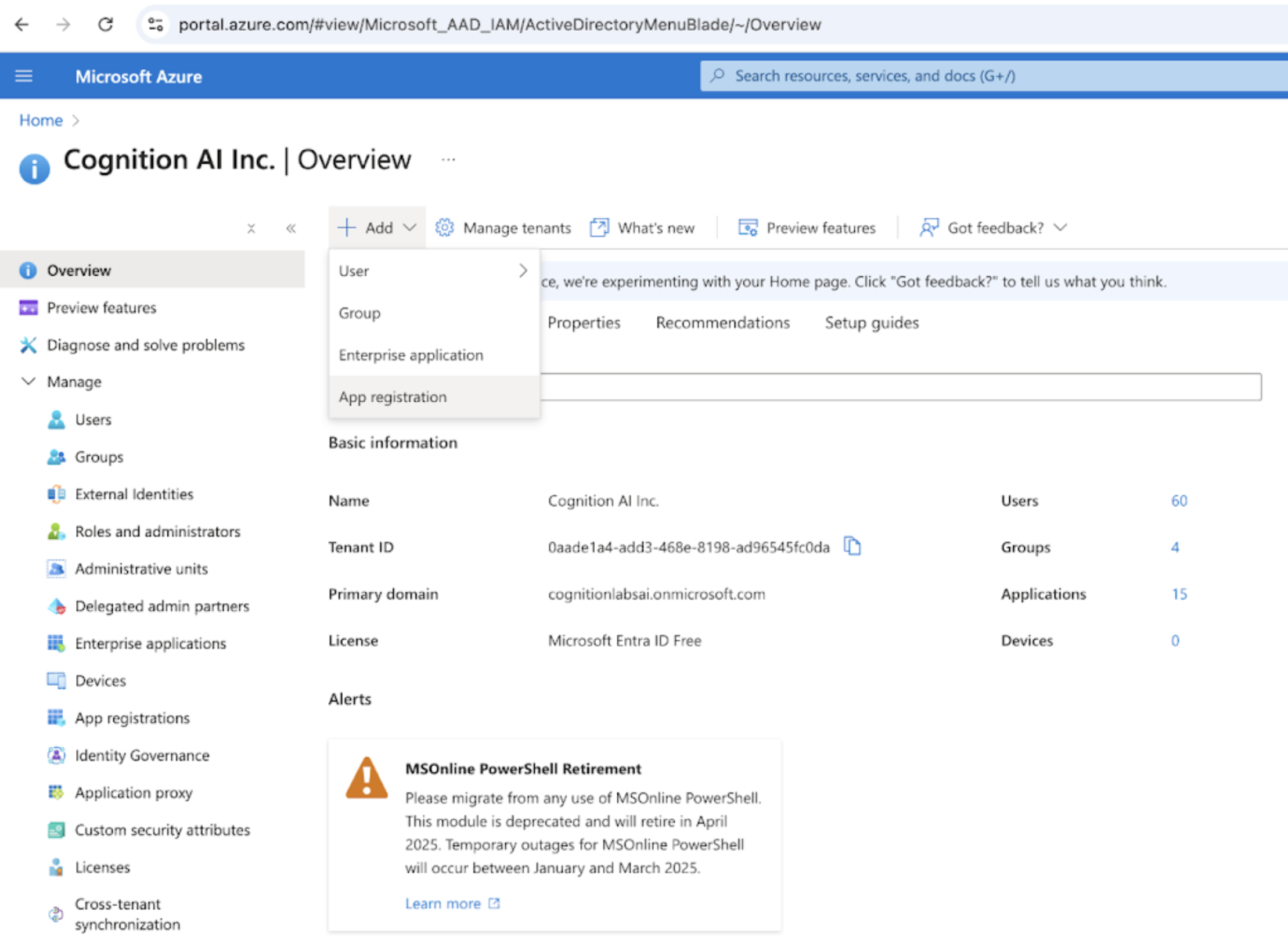 Name the registration Devin AI. Select “Accounts in this organizational directory only”. Set the Redirect URI as “[https://auth.devin.ai/login/callback](https://auth.devin.ai/login/callback)
” (this is the only Redirect URI needed) 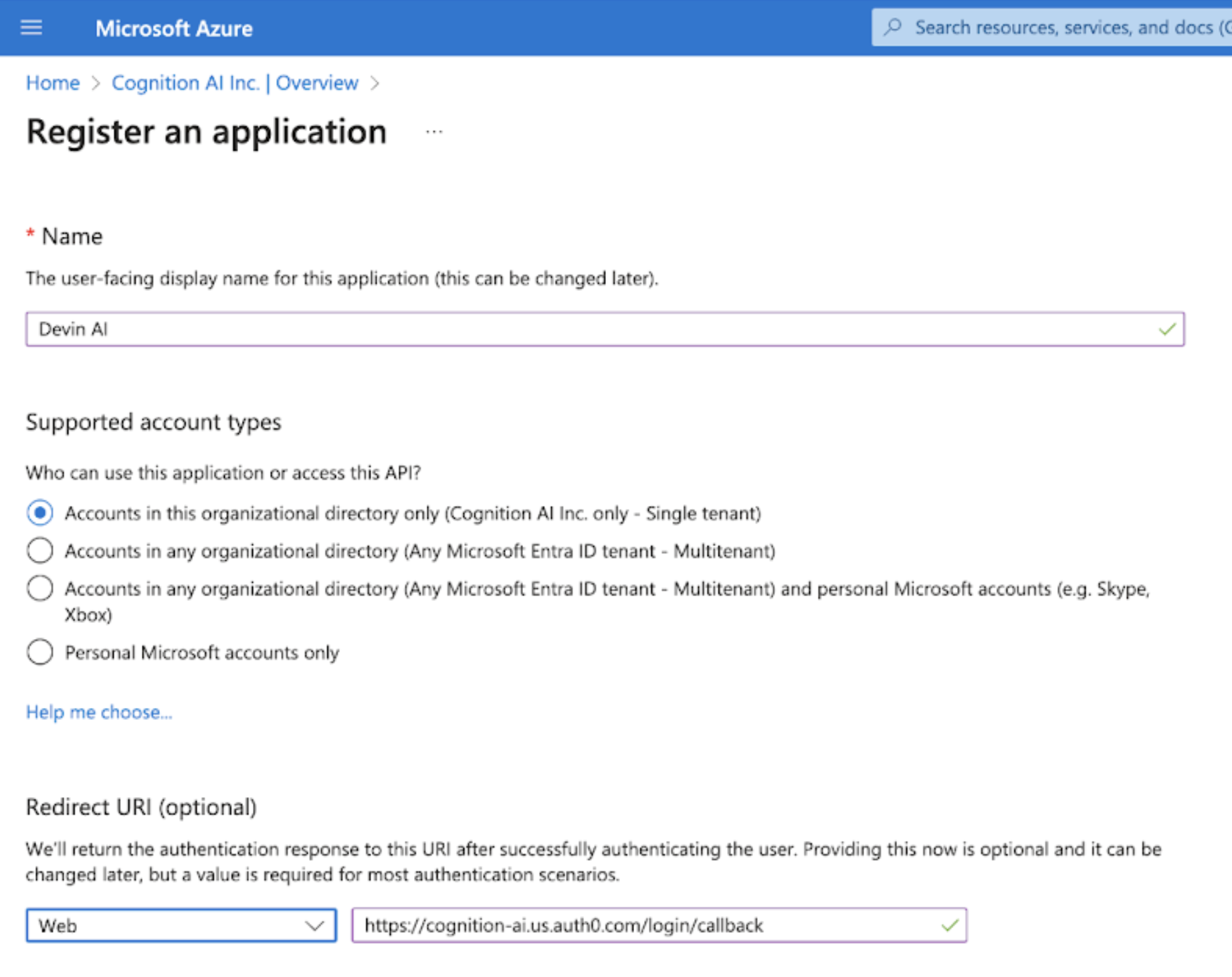 Add the User.Read and Directory.Read.All permissions by selecting “API Permissions” and “Add a permission” to the Microsoft Graph API. 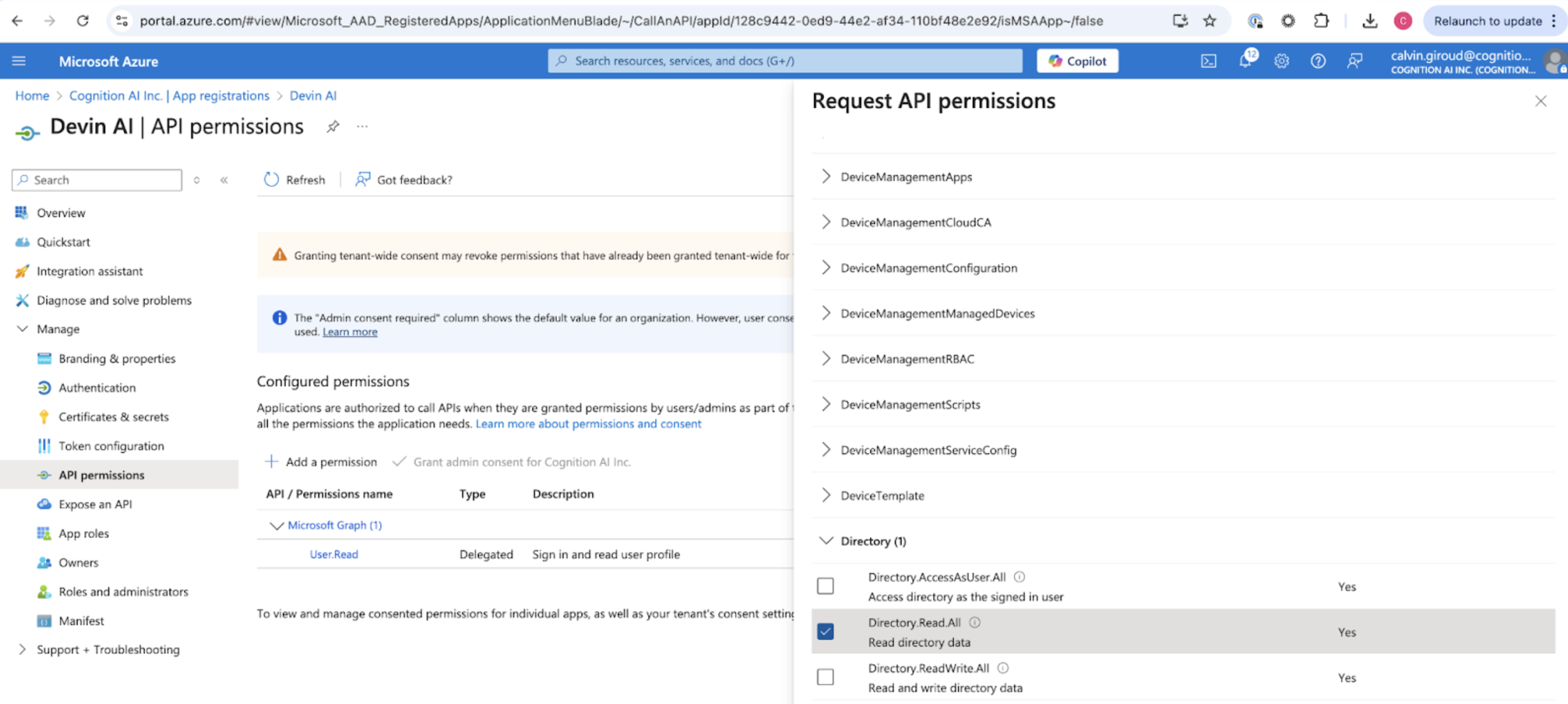 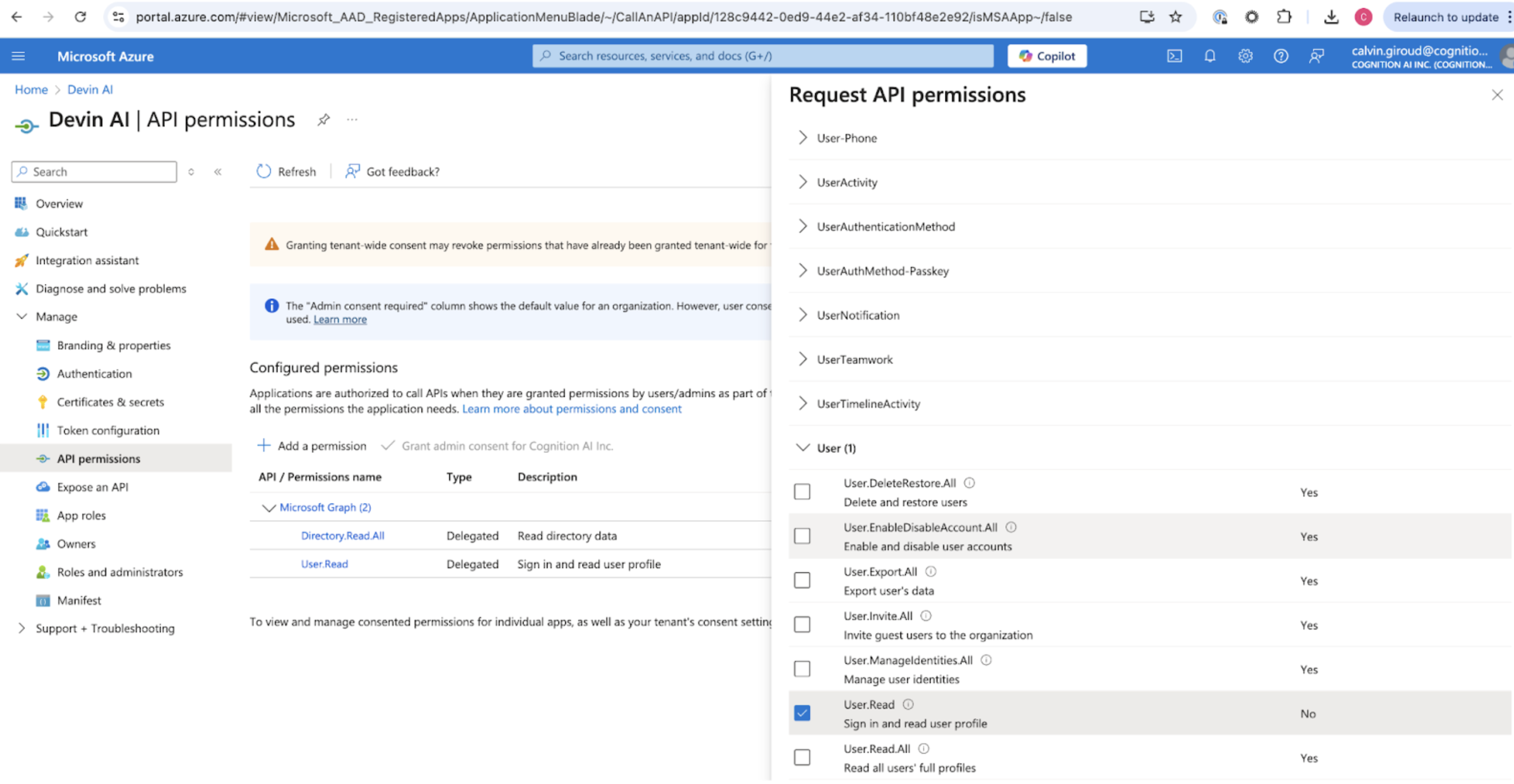
[](https://docs.devin.ai/enterprise/sso/azure#collecting-the-required-values)
Collecting the Required Values
----------------------------------------------------------------------------------------------------------------
You can get the Client ID and Tenant ID from the Overview page. 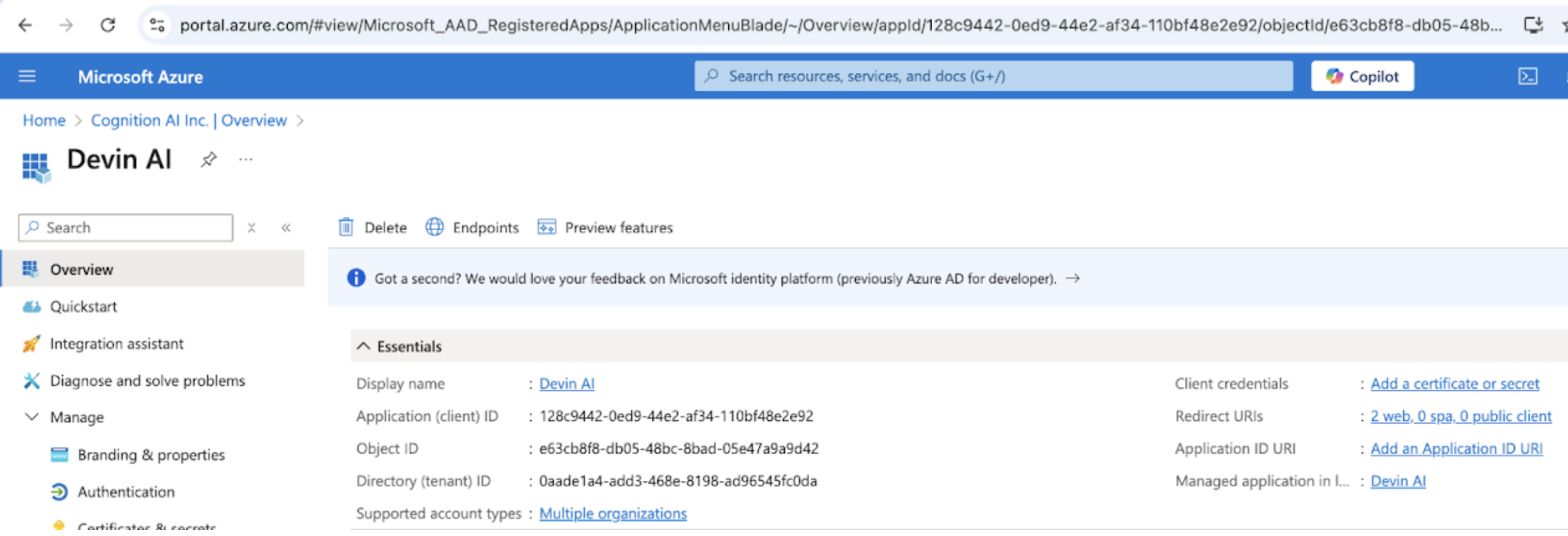 The Microsoft AD Domain can be found by selecting the “Manifest” page and looking for “publisherDomain” 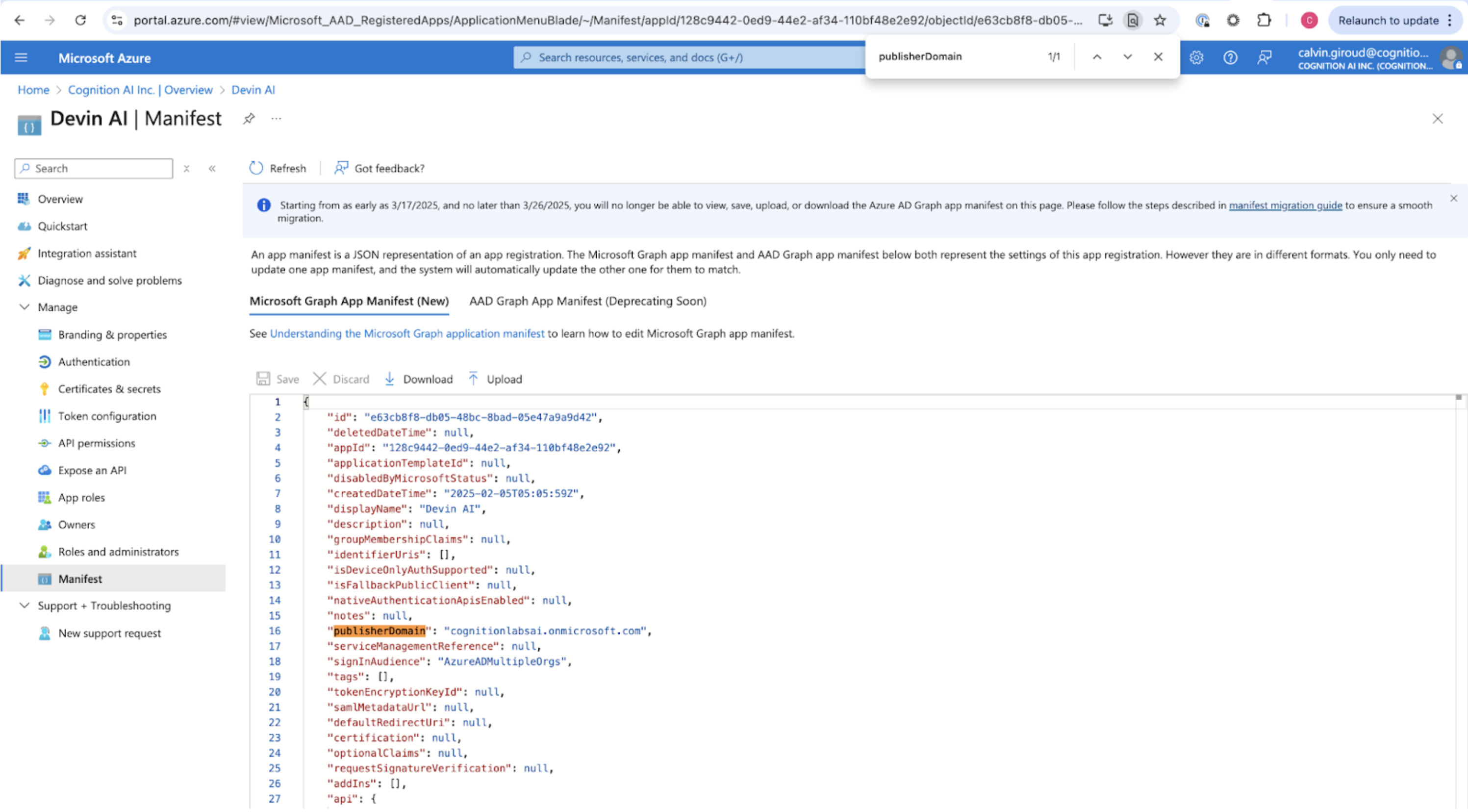 Add a client secret by selecting “Certificates & secrets.” Select “New client secret” and copy the secret VALUE (not the secret ID) as Client Secret 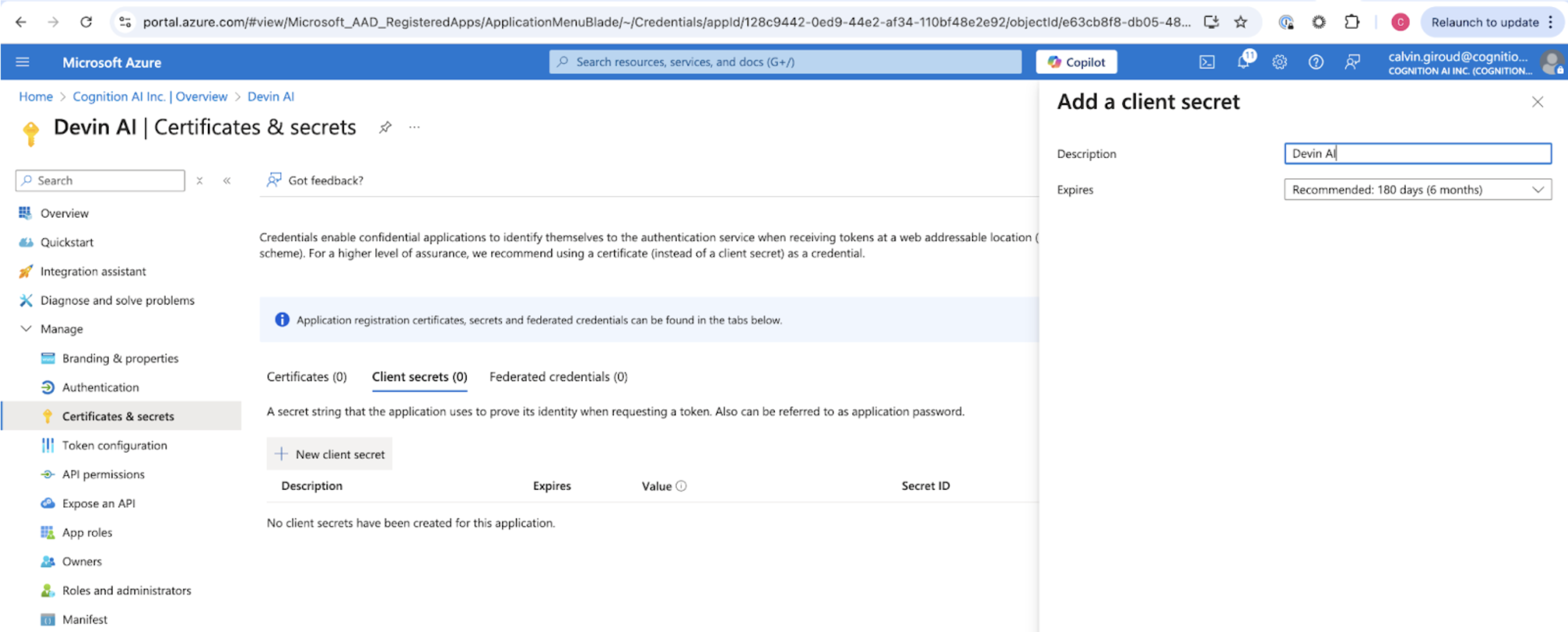
[](https://docs.devin.ai/enterprise/sso/azure#send-to-cognition)
Send to Cognition
--------------------------------------------------------------------------------------
Send the following values to Cognition:
* Client ID
* Tenant ID
* Client Secret
* Microsoft AD Domain
* Identity Provider Domains (i.e. all company email domains you’d like to support)
[Okta SSO Setup](https://docs.devin.ai/enterprise/sso/okta)
[Trust Center](https://docs.devin.ai/enterprise/trust-center)
Assistant
Responses are generated using AI and may contain mistakes.
---
# Organization Members - Devin Docs
[Devin Docs home page](https://docs.devin.ai/)
Search...
⌘KAsk AI
Search...
Navigation
Organization Members
Organization Members
[Documentation](https://docs.devin.ai/get-started/devin-intro)
[Prompts & Tutorials](https://docs.devin.ai/use-cases/testing-refactoring)
[API Reference](https://docs.devin.ai/api-reference/overview)
[Release Notes](https://docs.devin.ai/release-notes/overview)
[Enterprise](https://docs.devin.ai/enterprise/get-started)
cURL
Python
Copy
Ask AI
curl -X GET "https://api.devin.ai/v2/enterprise/organizations/org_123/members" \
-H "Authorization: Bearer YOUR_API_KEY"
Response
Copy
Ask AI
{
"items": [\
{\
"user_id": "user_123",\
"email": "john.doe@company.com",\
"name": "John Doe",\
"org_id": "org_123",\
"org_name": "Engineering Team",\
"org_role": "admin",\
"enterprise_role": "admin"\
},\
{\
"user_id": "user_456",\
"email": "jane.smith@company.com",\
"name": "Jane Smith",\
"org_id": "org_123",\
"org_name": "Engineering Team",\
"org_role": "member",\
"enterprise_role": null\
}\
],
"total": 25,
"skip": 0,
"limit": 100,
"has_more": false,
"next_cursor": null
}
GET
/
v2
/
enterprise
/
organizations
/
{org\_id}
/
members
Try it
cURL
Python
Copy
Ask AI
curl -X GET "https://api.devin.ai/v2/enterprise/organizations/org_123/members" \
-H "Authorization: Bearer YOUR_API_KEY"
Response
Copy
Ask AI
{
"items": [\
{\
"user_id": "user_123",\
"email": "john.doe@company.com",\
"name": "John Doe",\
"org_id": "org_123",\
"org_name": "Engineering Team",\
"org_role": "admin",\
"enterprise_role": "admin"\
},\
{\
"user_id": "user_456",\
"email": "jane.smith@company.com",\
"name": "Jane Smith",\
"org_id": "org_123",\
"org_name": "Engineering Team",\
"org_role": "member",\
"enterprise_role": null\
}\
],
"total": 25,
"skip": 0,
"limit": 100,
"has_more": false,
"next_cursor": null
}
Returns a paginated list of users who are members of a specific organization within your enterprise.
[](https://docs.devin.ai/enterprise/api-reference/organizations/organization-members#path-parameters)
Path Parameters
-------------------------------------------------------------------------------------------------------------------------
[](https://docs.devin.ai/enterprise/api-reference/organizations/organization-members#param-org-id)
org\_id
string
required
The unique identifier of the organization to get members for
[](https://docs.devin.ai/enterprise/api-reference/organizations/organization-members#query-parameters)
Query Parameters
---------------------------------------------------------------------------------------------------------------------------
[](https://docs.devin.ai/enterprise/api-reference/organizations/organization-members#param-skip)
skip
integer
default:"0"
Number of members to skip for pagination. Must be >= 0.
[](https://docs.devin.ai/enterprise/api-reference/organizations/organization-members#param-limit)
limit
integer
default:"100"
Maximum number of members to return. Must be between 1 and 1000.
[](https://docs.devin.ai/enterprise/api-reference/organizations/organization-members#response)
Response
-----------------------------------------------------------------------------------------------------------
[](https://docs.devin.ai/enterprise/api-reference/organizations/organization-members#param-items)
items
array
required
Array of user objects who are members of the organization
Show Organization Member Object
[](https://docs.devin.ai/enterprise/api-reference/organizations/organization-members#param-user-id)
user\_id
string
required
Unique identifier for the user
[](https://docs.devin.ai/enterprise/api-reference/organizations/organization-members#param-email)
email
string
required
User’s email address
[](https://docs.devin.ai/enterprise/api-reference/organizations/organization-members#param-name)
name
string
required
User’s display name
[](https://docs.devin.ai/enterprise/api-reference/organizations/organization-members#param-org-id-1)
org\_id
string
required
Unique identifier for the organization
[](https://docs.devin.ai/enterprise/api-reference/organizations/organization-members#param-org-name)
org\_name
string
required
Name of the organization
[](https://docs.devin.ai/enterprise/api-reference/organizations/organization-members#param-org-role)
org\_role
string
required
User’s role within this organization
[](https://docs.devin.ai/enterprise/api-reference/organizations/organization-members#param-enterprise-role)
enterprise\_role
string
User’s enterprise-level role (if applicable)
[](https://docs.devin.ai/enterprise/api-reference/organizations/organization-members#param-total)
total
integer
required
Total number of members in the organization
[](https://docs.devin.ai/enterprise/api-reference/organizations/organization-members#param-skip-1)
skip
integer
required
Number of members skipped
[](https://docs.devin.ai/enterprise/api-reference/organizations/organization-members#param-limit-1)
limit
integer
required
Maximum number of members returned
[](https://docs.devin.ai/enterprise/api-reference/organizations/organization-members#param-has-more)
has\_more
boolean
required
Whether there are more members available
[](https://docs.devin.ai/enterprise/api-reference/organizations/organization-members#param-next-cursor)
next\_cursor
integer
Cursor for the next page of results
cURL
Python
Copy
Ask AI
curl -X GET "https://api.devin.ai/v2/enterprise/organizations/org_123/members" \
-H "Authorization: Bearer YOUR_API_KEY"
Response
Copy
Ask AI
{
"items": [\
{\
"user_id": "user_123",\
"email": "john.doe@company.com",\
"name": "John Doe",\
"org_id": "org_123",\
"org_name": "Engineering Team",\
"org_role": "admin",\
"enterprise_role": "admin"\
},\
{\
"user_id": "user_456",\
"email": "jane.smith@company.com",\
"name": "Jane Smith",\
"org_id": "org_123",\
"org_name": "Engineering Team",\
"org_role": "member",\
"enterprise_role": null\
}\
],
"total": 25,
"skip": 0,
"limit": 100,
"has_more": false,
"next_cursor": null
}
[Remove Group from Organization](https://docs.devin.ai/enterprise/api-reference/organizations/remove-group-from-organization)
[Add Organization Members](https://docs.devin.ai/enterprise/api-reference/organizations/add-organization-members)
Assistant
Responses are generated using AI and may contain mistakes.
---
# Organization Permissions - Devin Docs
[Devin Docs home page](https://docs.devin.ai/)
Search...
⌘KAsk AI
Search...
Navigation
Organization Permissions
Organization Permissions
[Documentation](https://docs.devin.ai/get-started/devin-intro)
[Prompts & Tutorials](https://docs.devin.ai/use-cases/testing-refactoring)
[API Reference](https://docs.devin.ai/api-reference/overview)
[Release Notes](https://docs.devin.ai/release-notes/overview)
[Enterprise](https://docs.devin.ai/enterprise/get-started)
cURL
Python
Copy
Ask AI
curl -X GET "https://api.devin.ai/v2/enterprise/organizations/org_123/git/permissions" \
-H "Authorization: Bearer YOUR_API_KEY"
Response
Copy
Ask AI
{
"items": [\
{\
"permission_id": "perm_123",\
"host": "github.com",\
"repo_path": "company/backend-api",\
"group_prefix": null\
},\
{\
"permission_id": "perm_456",\
"host": "github.com",\
"repo_path": "company/frontend-app",\
"group_prefix": null\
},\
{\
"permission_id": "perm_789",\
"host": "gitlab.com",\
"repo_path": null,\
"group_prefix": "engineering"\
}\
],
"total": 3,
"skip": 0,
"limit": 100,
"has_more": false,
"next_cursor": null
}
GET
/
v2
/
enterprise
/
organizations
/
{org\_id}
/
git
/
permissions
Try it
cURL
Python
Copy
Ask AI
curl -X GET "https://api.devin.ai/v2/enterprise/organizations/org_123/git/permissions" \
-H "Authorization: Bearer YOUR_API_KEY"
Response
Copy
Ask AI
{
"items": [\
{\
"permission_id": "perm_123",\
"host": "github.com",\
"repo_path": "company/backend-api",\
"group_prefix": null\
},\
{\
"permission_id": "perm_456",\
"host": "github.com",\
"repo_path": "company/frontend-app",\
"group_prefix": null\
},\
{\
"permission_id": "perm_789",\
"host": "gitlab.com",\
"repo_path": null,\
"group_prefix": "engineering"\
}\
],
"total": 3,
"skip": 0,
"limit": 100,
"has_more": false,
"next_cursor": null
}
Returns a paginated list of git repository permissions that a specific organization has access to within your enterprise.
[](https://docs.devin.ai/enterprise/api-reference/organizations/organization-permissions#path-parameters)
Path Parameters
-----------------------------------------------------------------------------------------------------------------------------
[](https://docs.devin.ai/enterprise/api-reference/organizations/organization-permissions#param-org-id)
org\_id
string
required
The unique identifier of the organization to get permissions for
[](https://docs.devin.ai/enterprise/api-reference/organizations/organization-permissions#query-parameters)
Query Parameters
-------------------------------------------------------------------------------------------------------------------------------
[](https://docs.devin.ai/enterprise/api-reference/organizations/organization-permissions#param-skip)
skip
integer
default:"0"
Number of permissions to skip for pagination. Must be >= 0.
[](https://docs.devin.ai/enterprise/api-reference/organizations/organization-permissions#param-limit)
limit
integer
default:"100"
Maximum number of permissions to return. Must be between 1 and 1000.
[](https://docs.devin.ai/enterprise/api-reference/organizations/organization-permissions#response)
Response
---------------------------------------------------------------------------------------------------------------
[](https://docs.devin.ai/enterprise/api-reference/organizations/organization-permissions#param-items)
items
array
required
Array of git permission objects for the organization
Show Git Permission Object
[](https://docs.devin.ai/enterprise/api-reference/organizations/organization-permissions#param-permission-id)
permission\_id
string
required
Unique identifier for the permission
[](https://docs.devin.ai/enterprise/api-reference/organizations/organization-permissions#param-host)
host
string
required
Git host (e.g., “github.com”, “gitlab.com”)
[](https://docs.devin.ai/enterprise/api-reference/organizations/organization-permissions#param-repo-path)
repo\_path
string
Repository path or pattern (null for organization-wide permissions)
[](https://docs.devin.ai/enterprise/api-reference/organizations/organization-permissions#param-group-prefix)
group\_prefix
string
Group prefix for the permission (null if not applicable)
[](https://docs.devin.ai/enterprise/api-reference/organizations/organization-permissions#param-total)
total
integer
required
Total number of permissions for the organization
[](https://docs.devin.ai/enterprise/api-reference/organizations/organization-permissions#param-skip-1)
skip
integer
required
Number of permissions skipped
[](https://docs.devin.ai/enterprise/api-reference/organizations/organization-permissions#param-limit-1)
limit
integer
required
Maximum number of permissions returned
[](https://docs.devin.ai/enterprise/api-reference/organizations/organization-permissions#param-has-more)
has\_more
boolean
required
Whether there are more permissions available
[](https://docs.devin.ai/enterprise/api-reference/organizations/organization-permissions#param-next-cursor)
next\_cursor
integer
Cursor for the next page of results
cURL
Python
Copy
Ask AI
curl -X GET "https://api.devin.ai/v2/enterprise/organizations/org_123/git/permissions" \
-H "Authorization: Bearer YOUR_API_KEY"
Response
Copy
Ask AI
{
"items": [\
{\
"permission_id": "perm_123",\
"host": "github.com",\
"repo_path": "company/backend-api",\
"group_prefix": null\
},\
{\
"permission_id": "perm_456",\
"host": "github.com",\
"repo_path": "company/frontend-app",\
"group_prefix": null\
},\
{\
"permission_id": "perm_789",\
"host": "gitlab.com",\
"repo_path": null,\
"group_prefix": "engineering"\
}\
],
"total": 3,
"skip": 0,
"limit": 100,
"has_more": false,
"next_cursor": null
}
[Organization Connections](https://docs.devin.ai/enterprise/api-reference/organizations/organization-connections)
[Add Organization Permissions](https://docs.devin.ai/enterprise/api-reference/organizations/add-organization-permissions)
Assistant
Responses are generated using AI and may contain mistakes.
---
# Update Organization - Devin Docs
[Devin Docs home page](https://docs.devin.ai/)
Search...
⌘KAsk AI
Search...
Navigation
Organizations
Update Organization
[Documentation](https://docs.devin.ai/get-started/devin-intro)
[Prompts & Tutorials](https://docs.devin.ai/use-cases/testing-refactoring)
[API Reference](https://docs.devin.ai/api-reference/overview)
[Release Notes](https://docs.devin.ai/release-notes/overview)
[Enterprise](https://docs.devin.ai/enterprise/get-started)
cURL - Update ACU Limit Only
cURL - Update Display Name Only
cURL - Update Both Fields
Python
Copy
Ask AI
curl -X PATCH "https://api.devin.ai/v2/enterprise/organizations/org_123" \
-H "Authorization: Bearer YOUR_API_KEY" \
-H "Content-Type: application/json" \
-d '{
"max_acu_limit": 2000
}'
Response
Copy
Ask AI
{
"status": "success"
}
PATCH
/
v2
/
enterprise
/
organizations
/
{org\_id}
Try it
cURL - Update ACU Limit Only
cURL - Update Display Name Only
cURL - Update Both Fields
Python
Copy
Ask AI
curl -X PATCH "https://api.devin.ai/v2/enterprise/organizations/org_123" \
-H "Authorization: Bearer YOUR_API_KEY" \
-H "Content-Type: application/json" \
-d '{
"max_acu_limit": 2000
}'
Response
Copy
Ask AI
{
"status": "success"
}
Update the maximum ACU limit per billing cycle and/or display name for a specific organization within your enterprise. This endpoint allows you to modify either field independently or both at the same time.
[](https://docs.devin.ai/enterprise/api-reference/organizations/update-organization#path-parameters)
Path Parameters
------------------------------------------------------------------------------------------------------------------------
[](https://docs.devin.ai/enterprise/api-reference/organizations/update-organization#param-org-id)
org\_id
string
required
The unique identifier of the organization to update
[](https://docs.devin.ai/enterprise/api-reference/organizations/update-organization#request-body)
Request Body
------------------------------------------------------------------------------------------------------------------
[](https://docs.devin.ai/enterprise/api-reference/organizations/update-organization#param-max-acu-limit)
max\_acu\_limit
integer
Maximum ACU limit per billing cycle for the organization. Set to null to remove the limit.
[](https://docs.devin.ai/enterprise/api-reference/organizations/update-organization#param-display-name)
display\_name
string
The display name for the organization
[](https://docs.devin.ai/enterprise/api-reference/organizations/update-organization#response)
Response
----------------------------------------------------------------------------------------------------------
[](https://docs.devin.ai/enterprise/api-reference/organizations/update-organization#param-status)
status
string
required
Status of the operation, typically “success”
cURL - Update ACU Limit Only
cURL - Update Display Name Only
cURL - Update Both Fields
Python
Copy
Ask AI
curl -X PATCH "https://api.devin.ai/v2/enterprise/organizations/org_123" \
-H "Authorization: Bearer YOUR_API_KEY" \
-H "Content-Type: application/json" \
-d '{
"max_acu_limit": 2000
}'
Response
Copy
Ask AI
{
"status": "success"
}
[Get Organization Details](https://docs.devin.ai/enterprise/api-reference/organizations/get-organization-details)
[Delete Organization](https://docs.devin.ai/enterprise/api-reference/organizations/delete-organization)
Assistant
Responses are generated using AI and may contain mistakes.
---
# Code Coverage - Devin Docs
[Devin Docs home page](https://docs.devin.ai/)
Search...
⌘KAsk AI
Search...
Navigation
Tutorials
Code Coverage
[Documentation](https://docs.devin.ai/get-started/devin-intro)
[Prompts & Tutorials](https://docs.devin.ai/use-cases/testing-refactoring)
[API Reference](https://docs.devin.ai/api-reference/overview)
[Release Notes](https://docs.devin.ai/release-notes/overview)
[Enterprise](https://docs.devin.ai/enterprise/get-started)
On this page
* [Improving Code Coverage With Devin](https://docs.devin.ai/use-cases/tutorials/code-coverage#improving-code-coverage-with-devin)
* [Initial Prompt](https://docs.devin.ai/use-cases/tutorials/code-coverage#initial-prompt)
* [Establishing a Coverage Baseline](https://docs.devin.ai/use-cases/tutorials/code-coverage#establishing-a-coverage-baseline)
* [Making an Improvement Plan](https://docs.devin.ai/use-cases/tutorials/code-coverage#making-an-improvement-plan)
* [Code Review](https://docs.devin.ai/use-cases/tutorials/code-coverage#code-review)
[](https://docs.devin.ai/use-cases/tutorials/code-coverage#improving-code-coverage-with-devin)
Improving Code Coverage With Devin
=====================================================================================================================================
Most applications in production don’t have 100% code coverage. Engineering teams have to ruthlessly prioritize, and tend to focus on writing tests for critical paths to get the most benefit out of their time spent. Devin can bridge this gap by analyzing a codebase’s existing test suite style and increasing coverage of less critical but still important functions. For this example, we’re going to take an open source Typescript sample application based on the RealWorld spec which already has some tests but not comprehensive coverage: [https://github.com/SeuRonao/realworld-express-prisma](https://github.com/SeuRonao/realworld-express-prisma)
You can follow along with the full Run [here](https://app.devin.ai/sessions/9169ca11ab2141f9b0a5345f0338632d?ts=1727821682237)
or you can read through the rest of this post highlighting each step of Devin’s process. We’ll be highlighting various parts of Devin’s Workspace like the Editor or Shell.
####
[](https://docs.devin.ai/use-cases/tutorials/code-coverage#initial-prompt)
Initial Prompt
We start off our Run with a simple prompt directing Devin to set up our dev environment and assess the existing code coverage of our application:
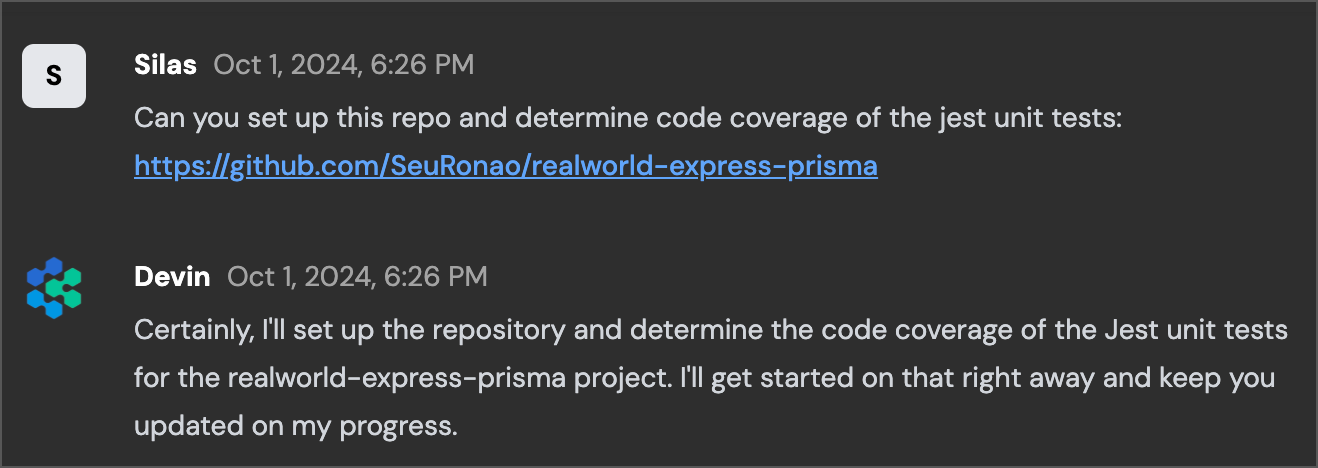
In its Shell Devin first clones our repo from GitHub, parses the README file, and installs our project dependencies in its local environment.
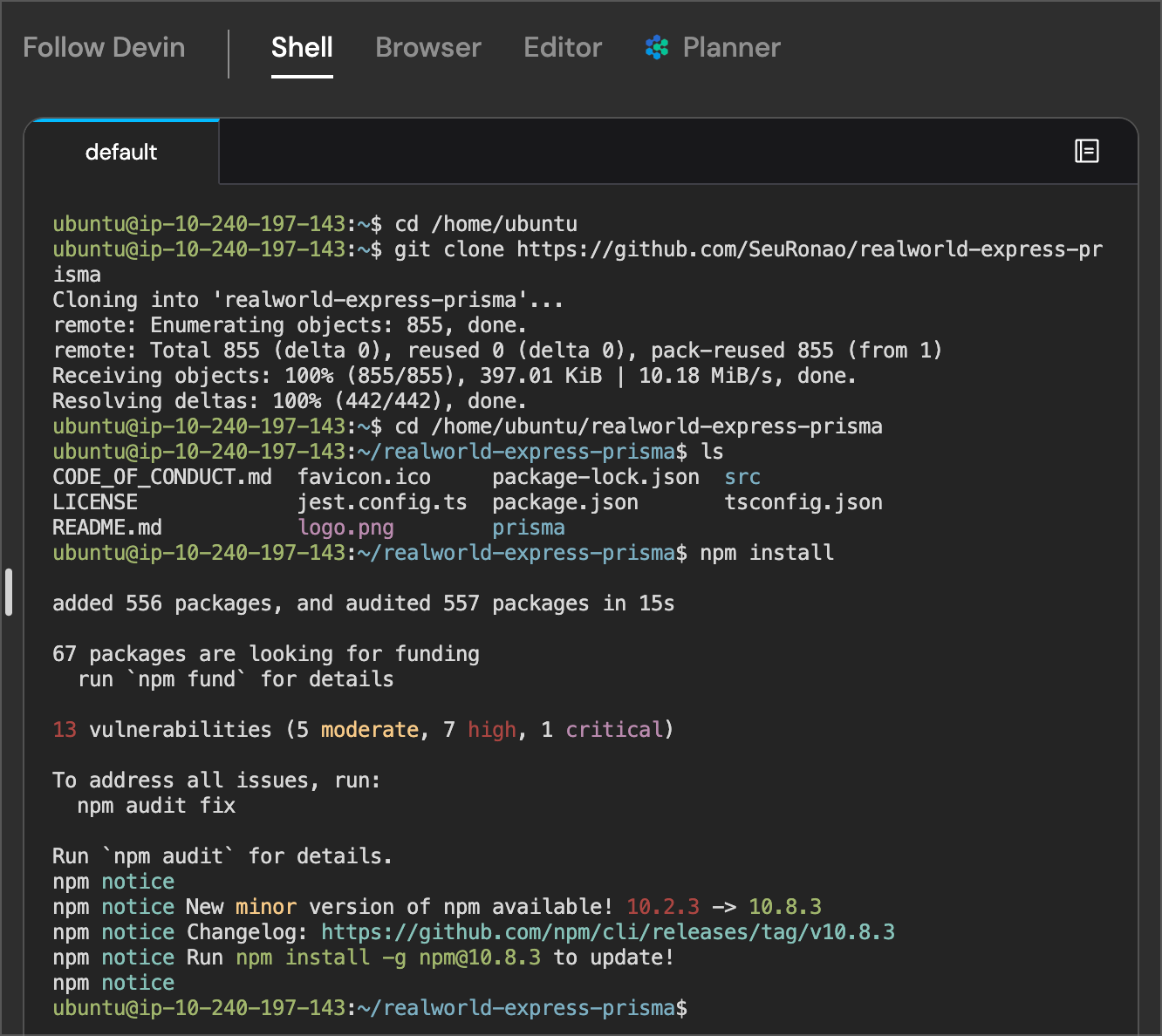
Devin then uses its built-in editor to create our .env file so that the application can run locally. When working with Devin, you also have the ability to open VSCode yourself to perform manual edits or review the files Devin is working on.
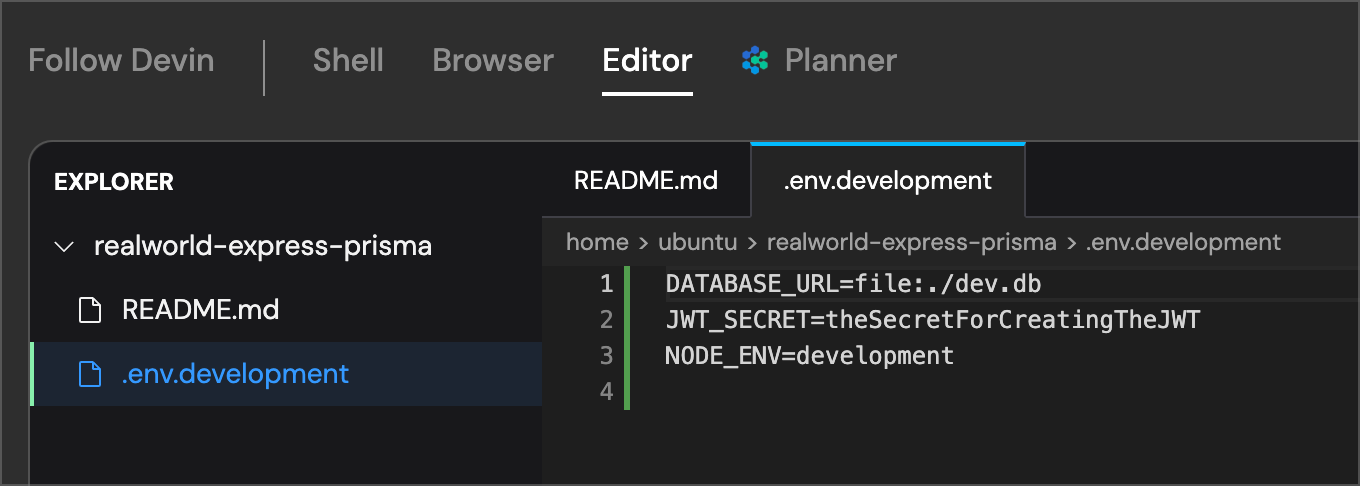
####
[](https://docs.devin.ai/use-cases/tutorials/code-coverage#establishing-a-coverage-baseline)
Establishing a Coverage Baseline
Devin then runs the test suite in its Shell. One of the major benefits of Devin is that it not only can modify or create code for your team, it can also work directly in its Browser and Terminal to perform higher level interactions with your codebase, its dev environment, or even your running application.
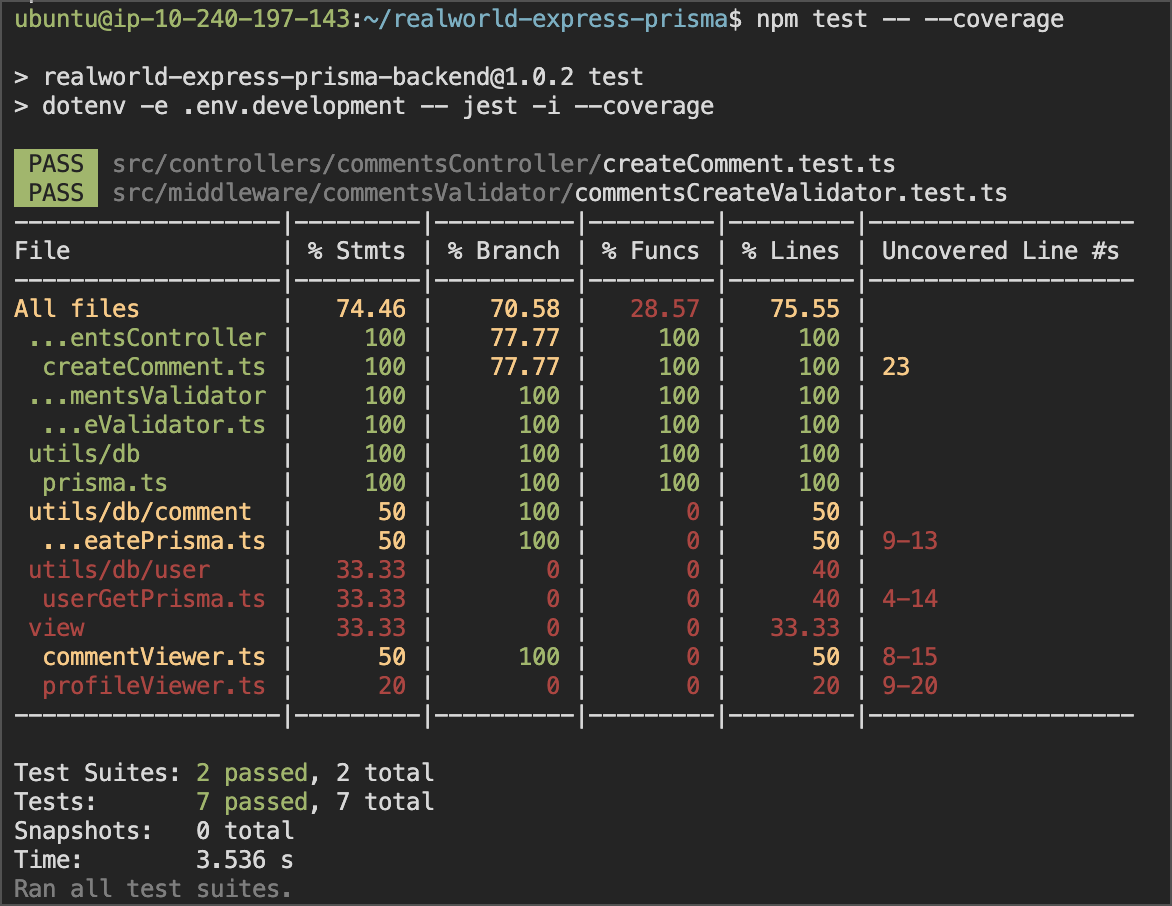
We can see below how Devin interpreted and translated the results from its Shell into our chat so that it is more human readable and distilled down.
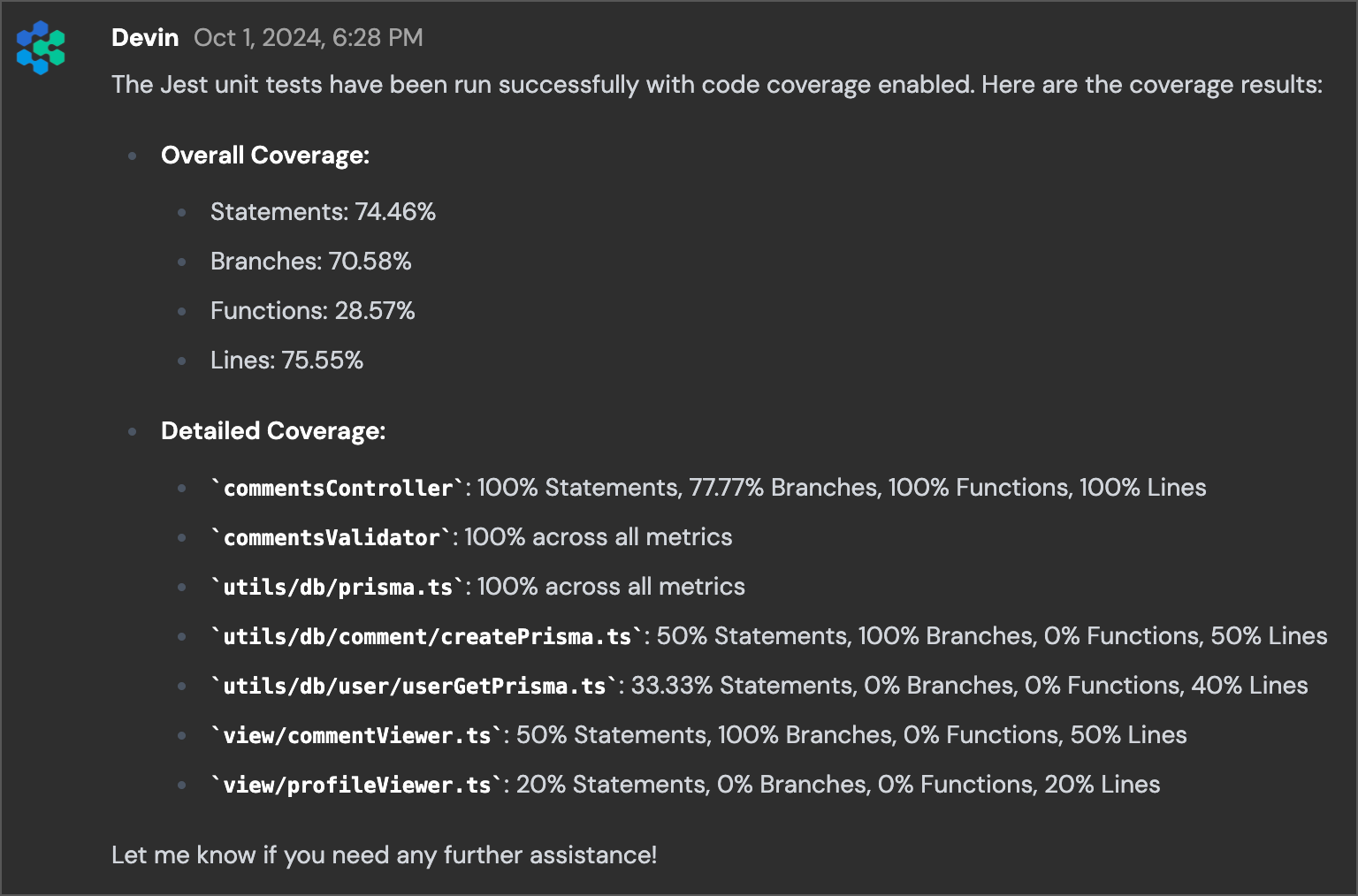
####
[](https://docs.devin.ai/use-cases/tutorials/code-coverage#making-an-improvement-plan)
Making an Improvement Plan
Now we can move on to the actual task at hand, increasing code coverage. It looks like profileViewer.ts is a good place for us to start, given its essentially nonexistent coverage by default. We prompt Devin on next steps, and it reports back to us on what is going on throughout the process.
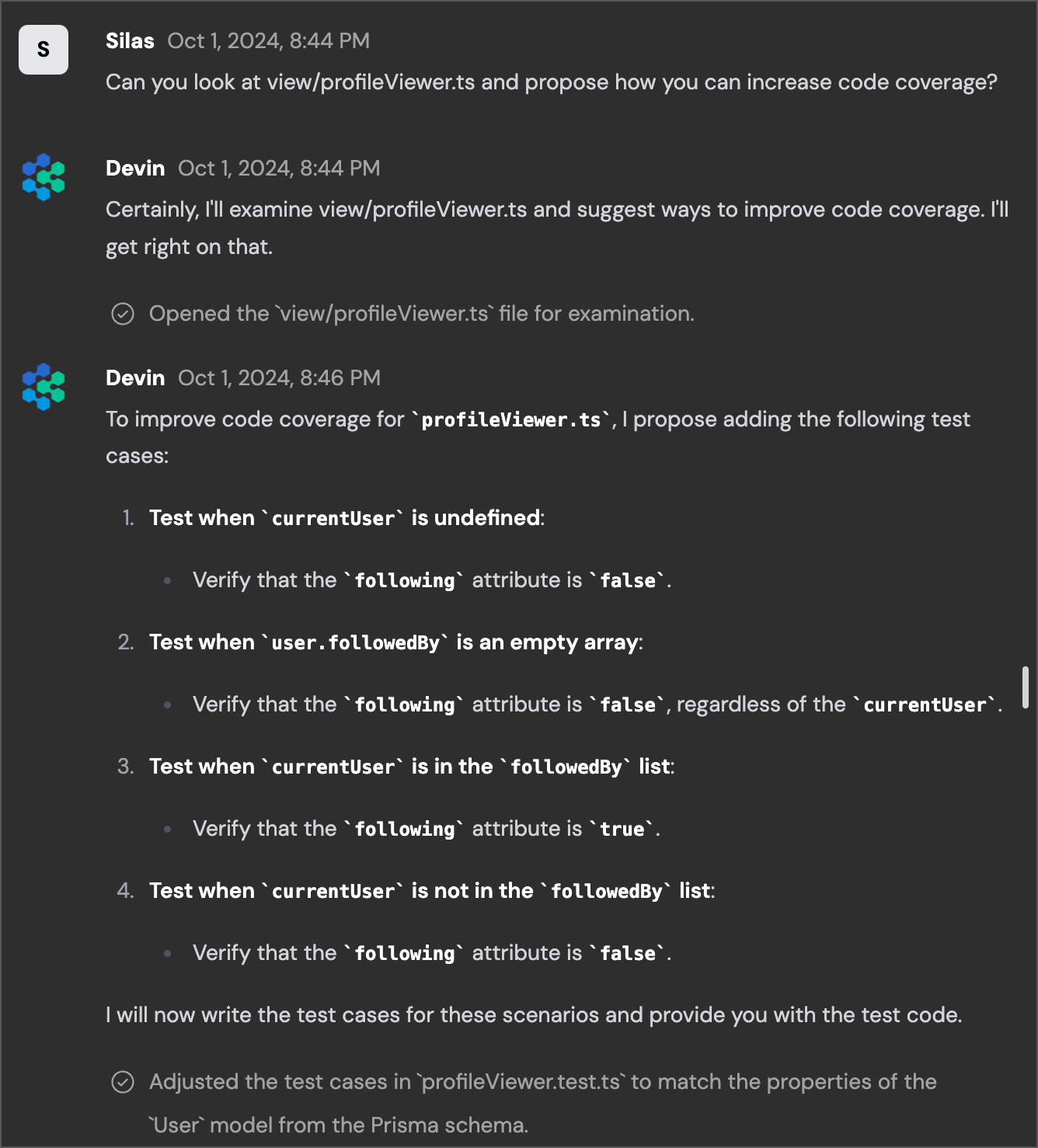
Devin is able to read the existing file, determine what test cases we might want to implement based on the functionality that exists, and then actually write the new tests for us without any intervention. After it finishes implementing the new test cases, Devin gives us a final rundown of its changes:
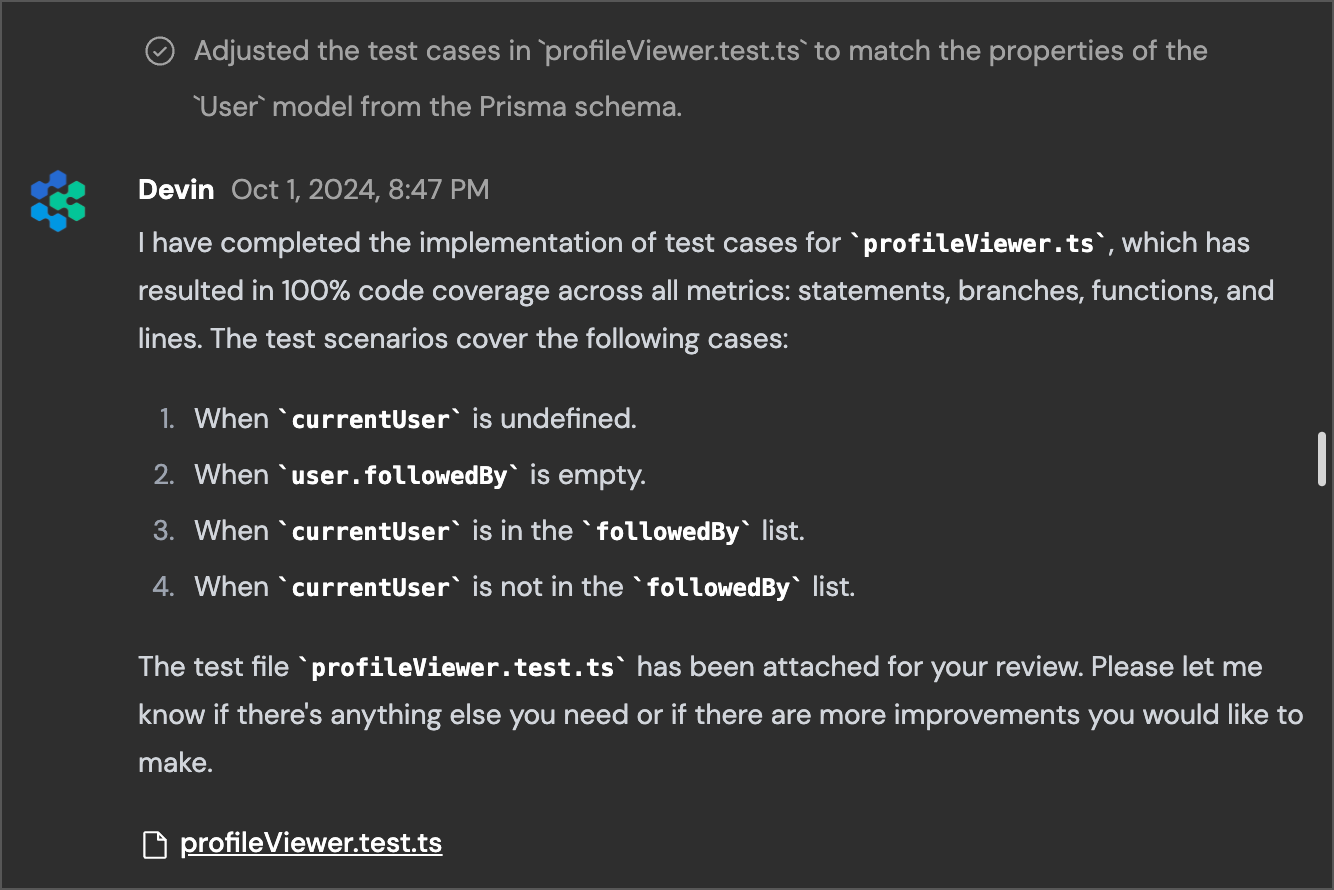
####
[](https://docs.devin.ai/use-cases/tutorials/code-coverage#code-review)
Code Review
It also shares the new file with us so that we can download and review it. Alternatively, we could have also asked Devin to [create a Pull Request directly on GitHub](https://docs.devin.ai/integrations/gh)
with this new file so that it could be looked at as part of our normal code review process. I decide to just review it in Devin’s built-in Editor so that I don’t have to download the file.
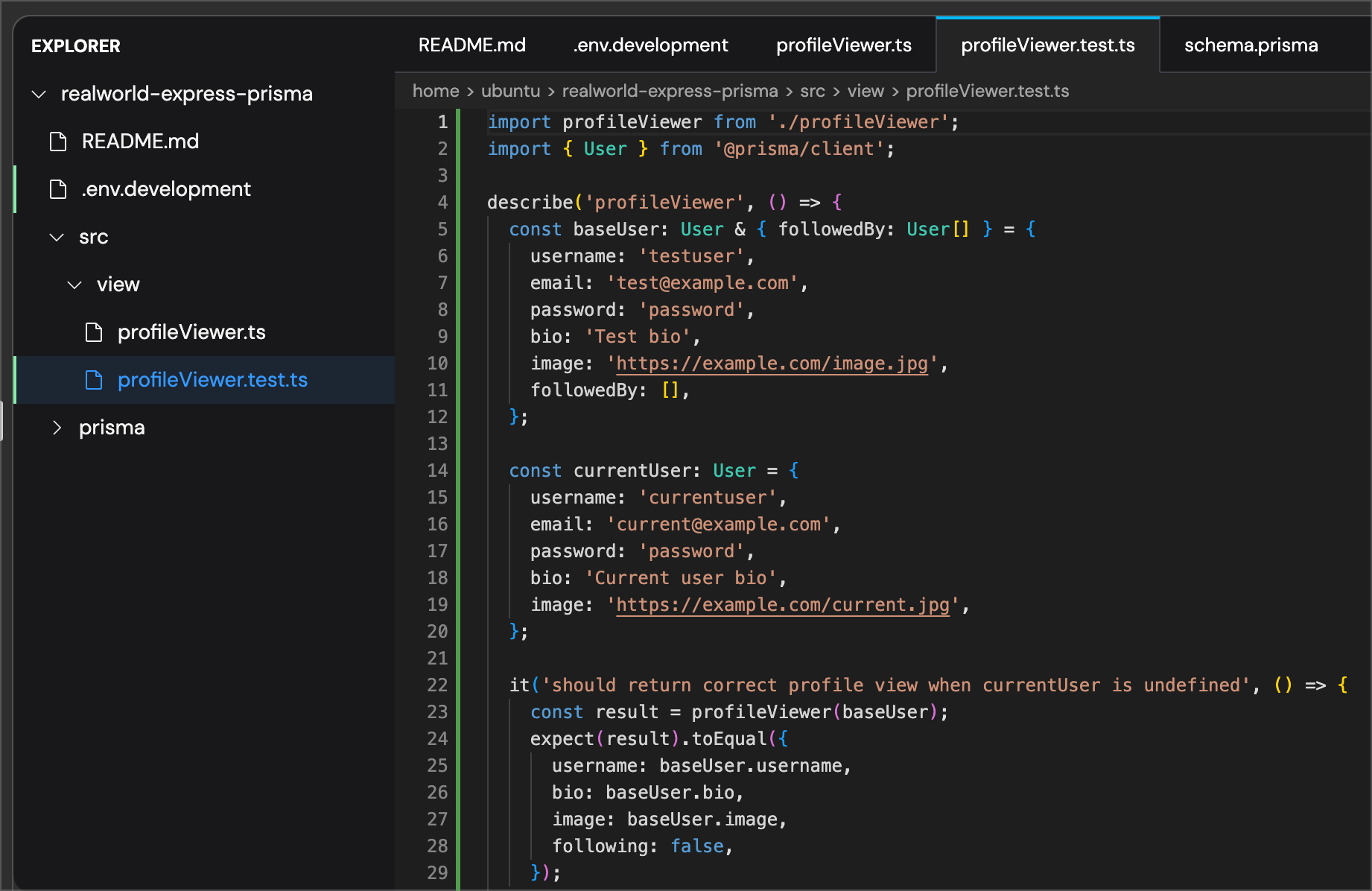
Generally the changes look good but we want to make sure there’s no runtime bugs that we overlooked, so we ask Devin to run the test suite again and report back.
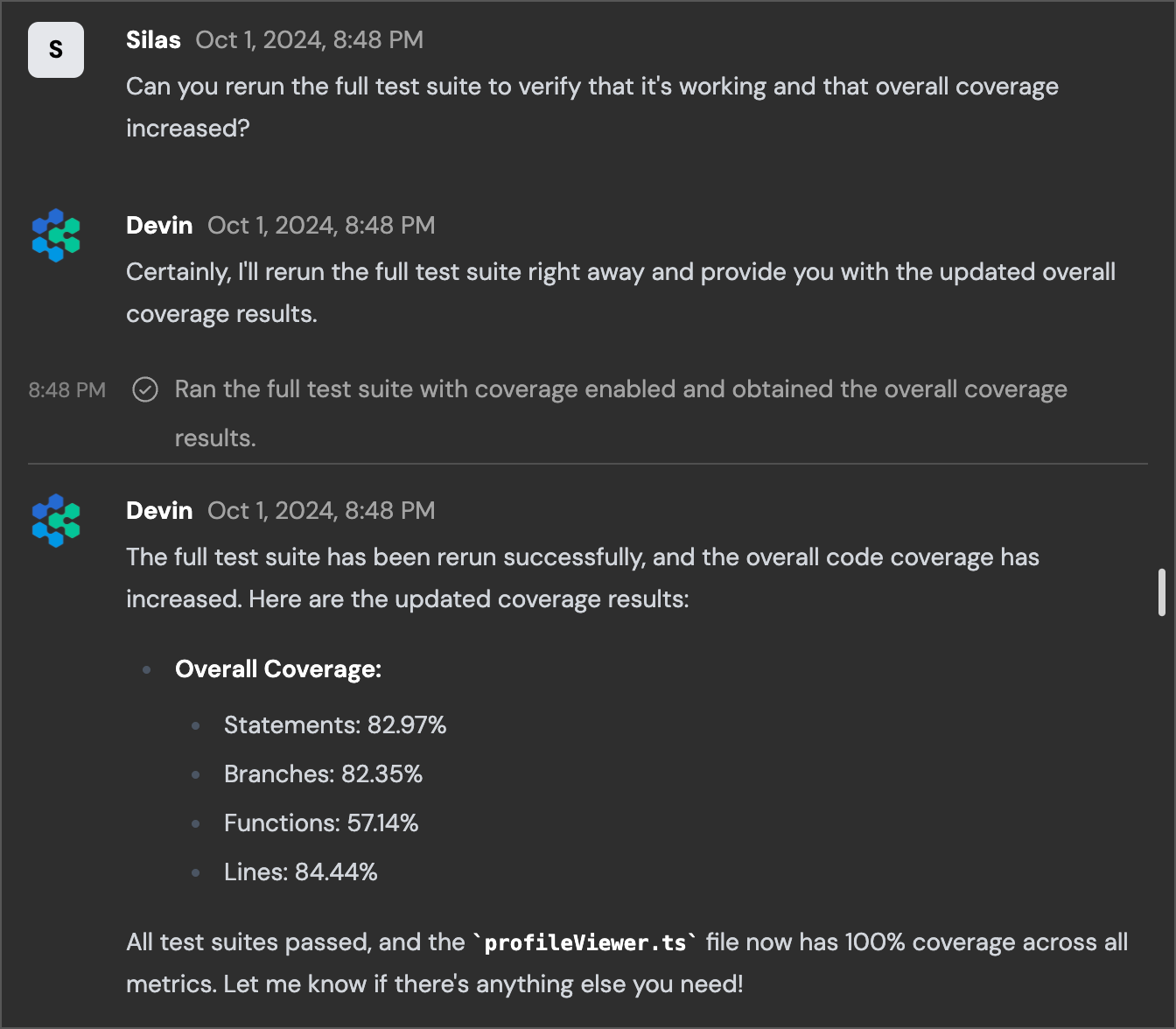
It runs as expected and we’ve increased our overall coverage from 28.57% of functions to 57.14% of functions, which is exactly what we wanted to achieve. The entire process took Devin less than 10 minutes of working time to implement even though we stepped away in the middle before giving Devin our next set of instructions. You can increase test coverage and remove a tedious task from your engineering team’s backlog just by delegating it to Devin. If you find yourself frequently coming back to Devin to increase code coverage, you could even turn this prompt into a [detailed Playbook](https://docs.devin.ai/product-guides/creating-playbooks)
so that you can easily kick off new Runs for different parts of your application. If you want to learn more about what kinds of Prompts Devin works well for, read up on some of our [examples](https://docs.devin.ai/learn-about-devin/prompting)
in the Docs.
[API Integration](https://docs.devin.ai/use-cases/tutorials/api-integration)
[Containerization](https://docs.devin.ai/use-cases/tutorials/containerization)
Assistant
Responses are generated using AI and may contain mistakes.
---
# List Organizations - Devin Docs
[Devin Docs home page](https://docs.devin.ai/)
Search...
⌘KAsk AI
Search...
Navigation
Organizations
List Organizations
[Documentation](https://docs.devin.ai/get-started/devin-intro)
[Prompts & Tutorials](https://docs.devin.ai/use-cases/testing-refactoring)
[API Reference](https://docs.devin.ai/api-reference/overview)
[Release Notes](https://docs.devin.ai/release-notes/overview)
[Enterprise](https://docs.devin.ai/enterprise/get-started)
cURL
Python
Copy
Ask AI
curl -X GET "https://api.devin.ai/v2/enterprise/organizations" \
-H "Authorization: Bearer YOUR_API_KEY"
Response
Copy
Ask AI
{
"items": [\
{\
"org_admin_count": 3,\
"org_id": "org_123",\
"org_member_count": 25,\
"org_name": "Engineering Team",\
"org_user_count": 25,\
"max_cycle_acu_limit": 1000,\
"max_session_acu_limit": 50\
},\
{\
"org_admin_count": 2,\
"org_id": "org_456",\
"org_member_count": 12,\
"org_name": "Product Team",\
"org_user_count": 12,\
"max_cycle_acu_limit": null,\
"max_session_acu_limit": 25\
},\
{\
"org_admin_count": 1,\
"org_id": "org_789",\
"org_member_count": 8,\
"org_name": "Design Team",\
"org_user_count": 8,\
"max_cycle_acu_limit": 500,\
"max_session_acu_limit": null\
}\
],
"total": 3,
"skip": 0,
"limit": 100,
"has_more": false,
"next_cursor": null
}
GET
/
v2
/
enterprise
/
organizations
Try it
cURL
Python
Copy
Ask AI
curl -X GET "https://api.devin.ai/v2/enterprise/organizations" \
-H "Authorization: Bearer YOUR_API_KEY"
Response
Copy
Ask AI
{
"items": [\
{\
"org_admin_count": 3,\
"org_id": "org_123",\
"org_member_count": 25,\
"org_name": "Engineering Team",\
"org_user_count": 25,\
"max_cycle_acu_limit": 1000,\
"max_session_acu_limit": 50\
},\
{\
"org_admin_count": 2,\
"org_id": "org_456",\
"org_member_count": 12,\
"org_name": "Product Team",\
"org_user_count": 12,\
"max_cycle_acu_limit": null,\
"max_session_acu_limit": 25\
},\
{\
"org_admin_count": 1,\
"org_id": "org_789",\
"org_member_count": 8,\
"org_name": "Design Team",\
"org_user_count": 8,\
"max_cycle_acu_limit": 500,\
"max_session_acu_limit": null\
}\
],
"total": 3,
"skip": 0,
"limit": 100,
"has_more": false,
"next_cursor": null
}
Returns a paginated list of all organizations within your enterprise.
[](https://docs.devin.ai/enterprise/api-reference/organizations/list-organizations#query-parameters)
Query Parameters
-------------------------------------------------------------------------------------------------------------------------
[](https://docs.devin.ai/enterprise/api-reference/organizations/list-organizations#param-skip)
skip
integer
default:"0"
Number of organizations to skip for pagination. Must be >= 0.
[](https://docs.devin.ai/enterprise/api-reference/organizations/list-organizations#param-limit)
limit
integer
default:"100"
Maximum number of organizations to return. Must be between 1 and 1000.
[](https://docs.devin.ai/enterprise/api-reference/organizations/list-organizations#response)
Response
---------------------------------------------------------------------------------------------------------
[](https://docs.devin.ai/enterprise/api-reference/organizations/list-organizations#param-items)
items
array
required
Array of organization objects
Show Organization Object
[](https://docs.devin.ai/enterprise/api-reference/organizations/list-organizations#param-org-admin-count)
org\_admin\_count
integer
default:"0"
Number of members with admin role in this organization
[](https://docs.devin.ai/enterprise/api-reference/organizations/list-organizations#param-org-id)
org\_id
string
required
Unique identifier for the organization
[](https://docs.devin.ai/enterprise/api-reference/organizations/list-organizations#param-org-member-count)
org\_member\_count
integer
default:"0"
Total number of members in this organization
[](https://docs.devin.ai/enterprise/api-reference/organizations/list-organizations#param-org-name)
org\_name
string
required
Organization display name
[](https://docs.devin.ai/enterprise/api-reference/organizations/list-organizations#param-org-user-count)
org\_user\_count
integer
default:"0"
Total number of users in this organization
[](https://docs.devin.ai/enterprise/api-reference/organizations/list-organizations#param-max-cycle-acu-limit)
max\_cycle\_acu\_limit
integer
Maximum ACU limit per billing cycle (null if no limit)
[](https://docs.devin.ai/enterprise/api-reference/organizations/list-organizations#param-max-session-acu-limit)
max\_session\_acu\_limit
integer
Maximum ACU limit per session (null if no limit)
[](https://docs.devin.ai/enterprise/api-reference/organizations/list-organizations#param-total)
total
integer
required
Total number of organizations in the enterprise
[](https://docs.devin.ai/enterprise/api-reference/organizations/list-organizations#param-skip-1)
skip
integer
required
Number of organizations skipped
[](https://docs.devin.ai/enterprise/api-reference/organizations/list-organizations#param-limit-1)
limit
integer
required
Maximum number of organizations returned
[](https://docs.devin.ai/enterprise/api-reference/organizations/list-organizations#param-has-more)
has\_more
boolean
required
Whether there are more organizations available
[](https://docs.devin.ai/enterprise/api-reference/organizations/list-organizations#param-next-cursor)
next\_cursor
integer
Cursor for the next page of results
cURL
Python
Copy
Ask AI
curl -X GET "https://api.devin.ai/v2/enterprise/organizations" \
-H "Authorization: Bearer YOUR_API_KEY"
Response
Copy
Ask AI
{
"items": [\
{\
"org_admin_count": 3,\
"org_id": "org_123",\
"org_member_count": 25,\
"org_name": "Engineering Team",\
"org_user_count": 25,\
"max_cycle_acu_limit": 1000,\
"max_session_acu_limit": 50\
},\
{\
"org_admin_count": 2,\
"org_id": "org_456",\
"org_member_count": 12,\
"org_name": "Product Team",\
"org_user_count": 12,\
"max_cycle_acu_limit": null,\
"max_session_acu_limit": 25\
},\
{\
"org_admin_count": 1,\
"org_id": "org_789",\
"org_member_count": 8,\
"org_name": "Design Team",\
"org_user_count": 8,\
"max_cycle_acu_limit": 500,\
"max_session_acu_limit": null\
}\
],
"total": 3,
"skip": 0,
"limit": 100,
"has_more": false,
"next_cursor": null
}
[Get Group Details](https://docs.devin.ai/enterprise/api-reference/groups/get-group-details)
[Create Organization](https://docs.devin.ai/enterprise/api-reference/organizations/create-organization)
Assistant
Responses are generated using AI and may contain mistakes.
---
# Common Issues - Devin Docs
[Devin Docs home page](https://docs.devin.ai/)
Search...
⌘KAsk AI
Search...
Navigation
Admin
Common Issues
[Documentation](https://docs.devin.ai/get-started/devin-intro)
[Prompts & Tutorials](https://docs.devin.ai/use-cases/testing-refactoring)
[API Reference](https://docs.devin.ai/api-reference/overview)
[Release Notes](https://docs.devin.ai/release-notes/overview)
[Enterprise](https://docs.devin.ai/enterprise/get-started)
On this page
* [I’m unable to connect my Github organization](https://docs.devin.ai/common-issues#i%E2%80%99m-unable-to-connect-my-github-organization)
* [I’m unable to connect my Slack organization](https://docs.devin.ai/common-issues#i%E2%80%99m-unable-to-connect-my-slack-organization)
* [IP Whitelisting](https://docs.devin.ai/common-issues#ip-whitelisting)
[](https://docs.devin.ai/common-issues#i%E2%80%99m-unable-to-connect-my-github-organization)
I’m unable to connect my Github organization
---------------------------------------------------------------------------------------------------------------------------------------------
If you’re unable to set up your integration or seeing “Configure” next to the organization you want to connect, you or one of your teammates has likely already connected your Github organization to another Devin organization. **You will need to disconnect the existing integration before you can connect your new organization.**
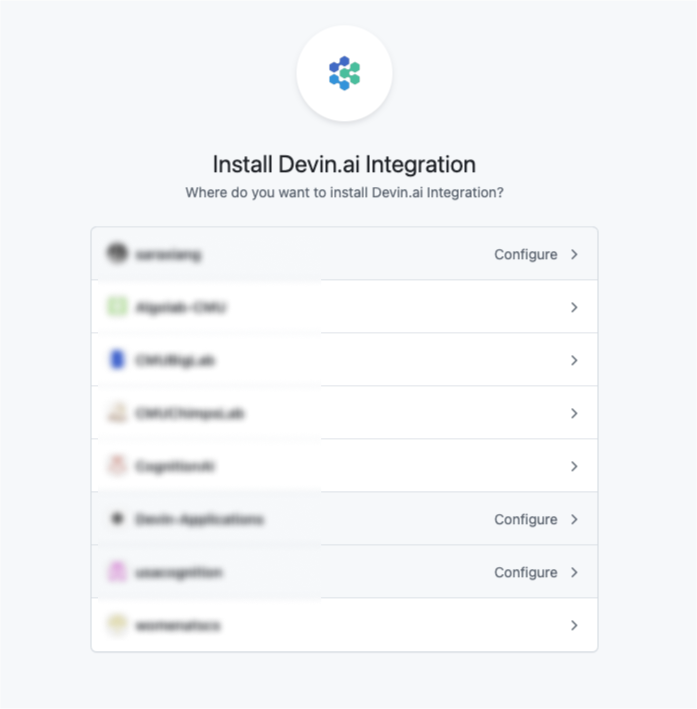
You can disconnect the existing integration by following these steps:
1. Navigate to the Devin organization with the active integration
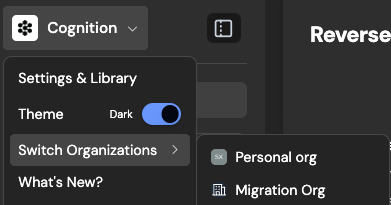
2. Navigate to [https://app.devin.ai/settings/integrations](https://app.devin.ai/settings/integrations)
3. Click “Disconnect” under the Github integration
Alternatively, you can disconnect the integration via Github:
1. Go to the [GitHub Integration settings](https://github.com/settings/installations)
2. Navigate to Devin.ai Integration and click “Configure”
3. Scroll to the “Danger zone” section to uninstall the integration
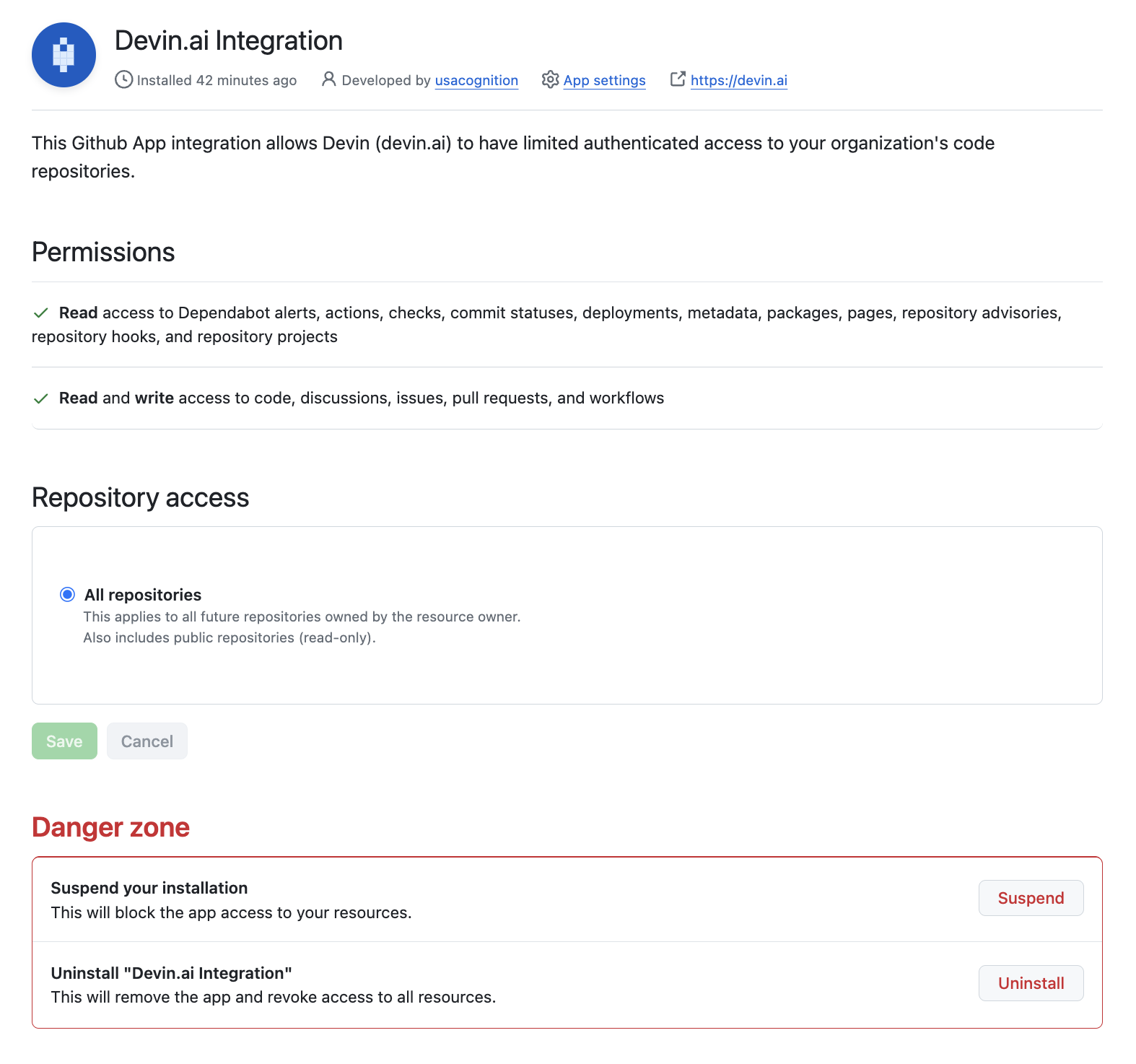
[](https://docs.devin.ai/common-issues#i%E2%80%99m-unable-to-connect-my-slack-organization)
I’m unable to connect my Slack organization
-------------------------------------------------------------------------------------------------------------------------------------------
If you’re seeing an “Unable to proceed with request” error, it means that you or one of your teammates has already connected your Slack organization to another Devin organization. **You will need to disconnect the existing integration before you can connect your new organization.**
You can disconnect the existing integration by following these steps:
1. Navigate to the Devin organization with the active integration

2. Navigate to [https://app.devin.ai/settings/integrations](https://app.devin.ai/settings/integrations)
3. Click “Disconnect” under the Slack integration
If you’re unable to disconnect or find the existing organization, please reach out to [support@cognition.ai](mailto:support@cognition.ai)
[](https://docs.devin.ai/common-issues#ip-whitelisting)
IP Whitelisting
---------------------------------------------------------------------------
If you need to whitelist Devin’s services, please add the following IP addresses:
* 100.20.50.251
* 44.238.19.62
* 52.10.84.81
* 52.183.72.253
(Please note these IPs may change in future updates.)
[Billing](https://docs.devin.ai/billing)
Assistant
Responses are generated using AI and may contain mistakes.
---
# Importing Code Settings - Devin Docs
[Devin Docs home page](https://docs.devin.ai/)
Search...
⌘KAsk AI
Search...
Navigation
Product Guides
Importing Code Settings
[Documentation](https://docs.devin.ai/get-started/devin-intro)
[Prompts & Tutorials](https://docs.devin.ai/use-cases/testing-refactoring)
[API Reference](https://docs.devin.ai/api-reference/overview)
[Release Notes](https://docs.devin.ai/release-notes/overview)
[Enterprise](https://docs.devin.ai/enterprise/get-started)
On this page
* [Auto-Import Settings](https://docs.devin.ai/collaborate-with-devin/vscode-profiles#auto-import-settings)
* [Exporting Your Local Profile Manually](https://docs.devin.ai/collaborate-with-devin/vscode-profiles#exporting-your-local-profile-manually)
* [Importing Your .code-profile File Manually](https://docs.devin.ai/collaborate-with-devin/vscode-profiles#importing-your-code-profile-file-manually)
* [Verifying that your upload worked](https://docs.devin.ai/collaborate-with-devin/vscode-profiles#verifying-that-your-upload-worked)
* [Settings Sync](https://docs.devin.ai/collaborate-with-devin/vscode-profiles#settings-sync)
Working in VS Code is easier with your familiar Settings, Extensions, and Keyboard Shortcuts. Follow this tutorial to upload your local settings manually.
[](https://docs.devin.ai/collaborate-with-devin/vscode-profiles#auto-import-settings)
Auto-Import Settings
--------------------------------------------------------------------------------------------------------------
This workflow imports your settings automatically.
1. Open any Devin session that you started
2. You should be greeted by the Welcome page. (If this page does not appear, you can always reopen it with Cmd+Shift+P and search for “Help: Welcome”.)
3. Click the button to start the import flow.
4. Follow the steps on the screen. You will copy paste a Python script to your local computer’s terminal to upload your profile. (PowerShell for Windows)
5. The script will prompt you to confirm your settings by visiting the app.devin.ai URL.
6. Once confirmed, your settings will be synced automatically to your Devin session and for all future Devin sessions!
[](https://docs.devin.ai/collaborate-with-devin/vscode-profiles#exporting-your-local-profile-manually)
Exporting Your Local Profile Manually
------------------------------------------------------------------------------------------------------------------------------------------------
If the Auto-Import workflow isn’t working, follow these steps for manual export and import. Watch this video to see how to do export your Profile in VS Code (including VS Code forks):
1. Go to VS Code, Cmd+Shift+P -> Preferences: Open Profiles (UI)
2. Right click your profile (usually Default).
3. Click Export and choose File in the quick pick that appears.
4. Save the file to disk. This will get saved to a `.code-profile` file.
[](https://docs.devin.ai/collaborate-with-devin/vscode-profiles#importing-your-code-profile-file-manually)
Importing Your `.code-profile` File Manually
-----------------------------------------------------------------------------------------------------------------------------------------------------------
Once you have a .code-profile file, you can upload it to any Devin session IDE that you started.
1. Open any Devin session that you started
2. Open the command palette with Cmd+Shift+P and search for “Preferences: Devin: Import Profile (Manual)”.
3. Select the file you uploaded. This will upload your profile to the machine. All your extensions and settings should then be auto-installed.
[](https://docs.devin.ai/collaborate-with-devin/vscode-profiles#verifying-that-your-upload-worked)
Verifying that your upload worked
----------------------------------------------------------------------------------------------------------------------------------------
You can check that your Settings, Extensions, and Keyboard Shortcuts were uploaded properly by doing the following in Devin IDE:
* Settings: do `Cmd+Shift+P -> Preferences: Open User Settings (JSON)`. Check that it matches your local editor’s.
* Keyboard Shortcuts: do `Cmd+Shift+P -> Preferences: Open Keyboard Shortcuts (JSON)`. Check that it matches your local editor’s.
* Extensions: Click the extensions icon in the sidebar on the right (or do Cmd+Shift+X). Search for the Extensions you have installed locally.
[](https://docs.devin.ai/collaborate-with-devin/vscode-profiles#settings-sync)
Settings Sync
------------------------------------------------------------------------------------------------
Your settings will automatically be synced across your sessions. Contact support if you encounter any issues with this.
[Invite your Team](https://docs.devin.ai/product-guides/invite-team)
[GitHub Integration Guide](https://docs.devin.ai/integrations/gh)
Assistant
Responses are generated using AI and may contain mistakes.
---
# Release Notes - Devin Docs
[Devin Docs home page](https://docs.devin.ai/)
Search...
⌘KAsk AI
Search...
Navigation
Release Notes
Release Notes
[Documentation](https://docs.devin.ai/get-started/devin-intro)
[Prompts & Tutorials](https://docs.devin.ai/use-cases/testing-refactoring)
[API Reference](https://docs.devin.ai/api-reference/overview)
[Release Notes](https://docs.devin.ai/release-notes/overview)
[Enterprise](https://docs.devin.ai/enterprise/get-started)
On this page
* [August 12, 2025](https://docs.devin.ai/release-notes/overview#august-12%2C-2025)
* [August 8, 2025](https://docs.devin.ai/release-notes/overview#august-8%2C-2025)
* [August 6, 2025](https://docs.devin.ai/release-notes/overview#august-6%2C-2025)
* [August 4, 2025](https://docs.devin.ai/release-notes/overview#august-4%2C-2025)
* [July 31, 2025](https://docs.devin.ai/release-notes/overview#july-31%2C-2025)
* [July 28, 2025](https://docs.devin.ai/release-notes/overview#july-28%2C-2025)
* [June 26, 2025](https://docs.devin.ai/release-notes/overview#june-26%2C-2025)
* [June 11, 2025](https://docs.devin.ai/release-notes/overview#june-11%2C-2025)
* [June 10, 2025](https://docs.devin.ai/release-notes/overview#june-10%2C-2025)
* [May 22, 2025](https://docs.devin.ai/release-notes/overview#may-22%2C-2025)
* [May 15, 2025](https://docs.devin.ai/release-notes/overview#may-15%2C-2025)
* [April 25, 2025](https://docs.devin.ai/release-notes/overview#april-25%2C-2025)
* [April 17, 2025](https://docs.devin.ai/release-notes/overview#april-17%2C-2025)
* [April 8, 2025](https://docs.devin.ai/release-notes/overview#april-8%2C-2025)
* [April 3, 2025](https://docs.devin.ai/release-notes/overview#april-3%2C-2025)
* [March 25, 2025](https://docs.devin.ai/release-notes/overview#march-25%2C-2025)
* [March 19, 2025](https://docs.devin.ai/release-notes/overview#march-19%2C-2025)
* [February 26, 2025](https://docs.devin.ai/release-notes/overview#february-26%2C-2025)
* [January 30, 2025](https://docs.devin.ai/release-notes/overview#january-30%2C-2025)
* [January 16, 2025](https://docs.devin.ai/release-notes/overview#january-16%2C-2025)
* [January 8, 2025](https://docs.devin.ai/release-notes/overview#january-8%2C-2025)
* [December 24, 2024](https://docs.devin.ai/release-notes/overview#december-24%2C-2024)
* [November 22, 2024](https://docs.devin.ai/release-notes/overview#november-22%2C-2024)
* [November 5, 2024](https://docs.devin.ai/release-notes/overview#november-5%2C-2024)
* [November 1, 2024](https://docs.devin.ai/release-notes/overview#november-1%2C-2024)
* [October 10, 2024](https://docs.devin.ai/release-notes/overview#october-10%2C-2024)
* [September 26, 2024](https://docs.devin.ai/release-notes/overview#september-26%2C-2024)
* [September 3, 2024](https://docs.devin.ai/release-notes/overview#september-3%2C-2024)
* [July 15, 2024](https://docs.devin.ai/release-notes/overview#july-15%2C-2024)
* [June 30, 2024](https://docs.devin.ai/release-notes/overview#june-30%2C-2024)
* [May 29, 2024](https://docs.devin.ai/release-notes/overview#may-29%2C-2024)
* [May 13, 2024](https://docs.devin.ai/release-notes/overview#may-13%2C-2024)
[](https://docs.devin.ai/release-notes/overview#august-12%2C-2025)
August 12, 2025
**Repository Counters Display**The repositories page now shows total repository count and indexed repository count in the format ‘X/Y repos indexed’ for better visibility into indexing status.**Enhanced MCP Marketplace**Fixed text overflow issues in MCP marketplace cards so long integration names now wrap properly instead of being truncated.**Improved Slack Integration**Enhanced Slack thread functionality with better macro extraction and moved thread mode settings to the dedicated Slack panel for improved organization.**Enterprise Logout Access**Added logout button visibility for enterprise sub-organizations in the sidebar, improving navigation consistency across different organization types.**Enhanced Enterprise Consumption Dashboard**Added sorting functionality to the User Metrics table in the enterprise consumption dashboard, allowing administrators to sort by session count and ACU consumption.**Text Wrapping Improvements**Fixed text wrapping issues in ADA search and DeepWiki to ensure long content displays properly without overflow.**Bug fixes and improvements**Various reliability, performance, and usability improvements across the app.**VPC Repo Indexing**For Enterprise customers using a VPC installation, added support for indexing repositories inside of the VPC which enhances security.
[](https://docs.devin.ai/release-notes/overview#august-8%2C-2025)
August 8, 2025
**GPT-5 Preview Access**Core and Teams users now have access to a preview version of Devin that includes GPT-5, available through Agent Preview while we conduct further reliability and safety testing.**Enhanced Enterprise Members Management**The Enterprise Members page now displays organization groups and roles, giving administrators better visibility into member permissions and organizational structure.**Jira Integration for Enterprises**Jira integration is now available in enterprise connected accounts settings, enabling better project management workflows for enterprise customers.**Perplexity MCP Server**Added Perplexity to the MCP marketplace, expanding research and information gathering capabilities through the Model Context Protocol.**Bug fixes and improvements**Various reliability, performance, and usability improvements across the app.
[](https://docs.devin.ai/release-notes/overview#august-6%2C-2025)
August 6, 2025
**IdP Groups Settings Page**View and search your identity provider groups directly in Settings > IdP Groups to quickly reference group names and membership context within Devin.**Enterprise Members Overhaul**A refreshed Enterprise Members page adds improved filters, enterprise-wide stats, and streamlined bulk actions; admins can also add groups from this page where enabled.**Enterprise API Key Governance**Manage enterprise API keys with a new governance experience, including provisioning and revoking service keys for tighter control.**Diff File Header Copy**Session diff file headers now include a one-click copy button and tooltip with the full path, making it faster to share or navigate to files.**Linear Org Auto-Switch**When opening a Devin scope link from a Linear ticket, Devin automatically switches to the ticket’s organization to ensure correct context.**Bug fixes and improvements**Various reliability, performance, and usability improvements across the app.
[](https://docs.devin.ai/release-notes/overview#august-4%2C-2025)
August 4, 2025
**Organization Selector Improvements**Fixed overflow issues in the organization selector dropdown for better navigation when managing multiple organizations.**Linear Integration Enhancements**Improved Linear settings page to hide unnecessary configuration options for non-enterprise users, providing a cleaner interface.**Enhanced Sleep State Messaging**Improved messaging when Devin goes to sleep, providing clearer status updates even when Devin is already in sleep mode.**Linear Knowledge Management**Enhanced Linear knowledge editing capabilities, allowing all users to modify organization-specific Linear knowledge for better ticket scoping.**Performance Optimizations**Various backend improvements including better database query optimization and enhanced retry mechanisms for repository information retrieval.
[](https://docs.devin.ai/release-notes/overview#july-31%2C-2025)
July 31, 2025
**Organization Switcher Search**Superusers can now search organizations directly from the switcher, and the menu is wider for faster navigation across large org lists.**Primary Org Session Sidebar**While working inside a session, the primary organization sidebar now remains visible to speed up navigation and access to settings.**Linear Mapping UX Improvements**The Linear integration modal has clearer toggles and button layouts, warns before closing with unsaved mappings, and uses the updated integrations webhook path for a more reliable setup.**Automatic Linear Notes**Saving Linear project mappings now generates structured Linear notes to help Devin scope issues and plan work more effectively.**Input Dropdown Cleanup**We removed the Deep Agent option from the input box dropdown to simplify task kickoff choices.**PR Merge Notifications**You’ll receive notifications when PRs are merged so session status stays up to date without manual refresh.**Knowledge Title Editing**You can now edit knowledge entry titles while in edit mode for cleaner organization.**Dictionary Secrets No Longer Supported**Dictionary-type secrets are no longer supported; use individual string secrets per key instead.**Bug fixes and polish**Various minor UI polish and non-user-facing improvements.
[](https://docs.devin.ai/release-notes/overview#july-28%2C-2025)
July 28, 2025
**MCP (Model Context Protocol) Marketplace**Access 1000s of tools and integrations from a dedicated marketplace at `/settings/mcp-marketplace`. Connect to services like Linear, Notion, AWS services, and many more with a single click.**Inline Secrets Management for MCP Configurations**Create and reference secrets directly when configuring MCP servers. Simply define secrets inline and reference them using `$SECRETNAME` syntax for secure credential management.**Slack Thread Mode Preference**Control how Devin responds in Slack conversations. Choose whether Devin should reply in threads to keep conversations organized when integrated with your Slack workspace.
[](https://docs.devin.ai/release-notes/overview#june-26%2C-2025)
June 26, 2025
**Session UI**We updated the Session UI to streamline the interface and better highlight key decision points in each session: the Task, the Plan, the PR, and the Summary. You’ll still have full access to Devin’s session progress, now presented more clearly and intuitively.**Enterprise Connected Accounts UI**We’ve redesigned the Enterprise Connected Accounts UI to make it cleaner and more focused. Connecting accounts is now simpler, with less clutter and clearer navigation.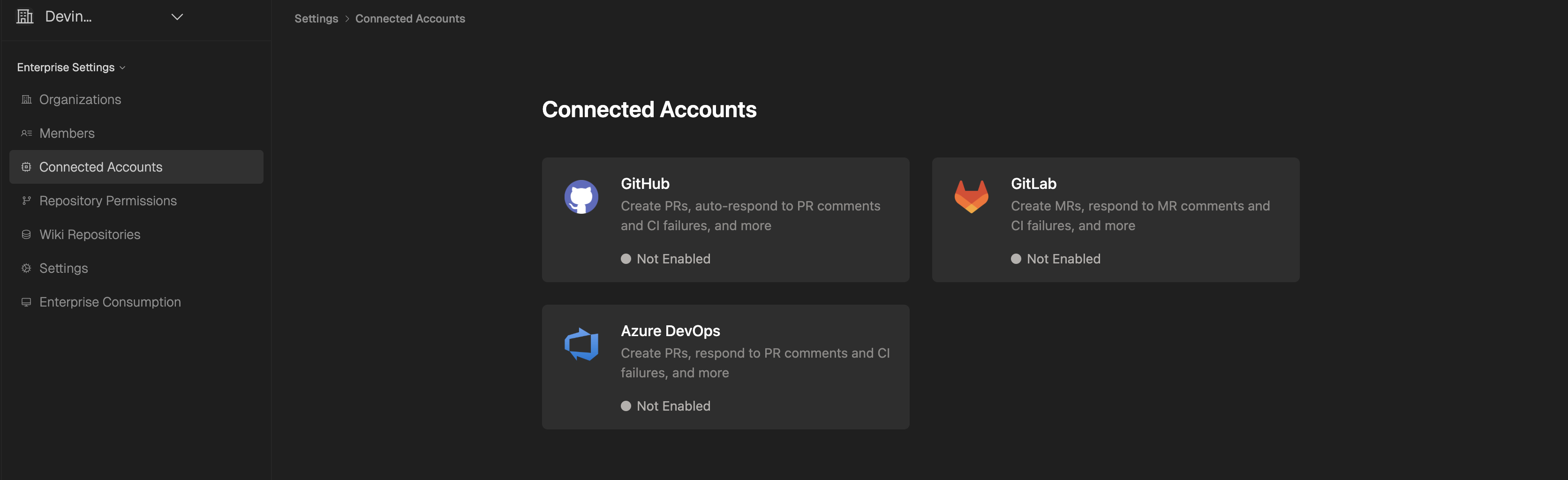**Git Permissions UI**For Enterprise users, Git Permissions has been moved out of the Connected Accounts section and into its own dedicated tab. This makes it much easier to view repo permissions on a per-org basis and assign or remove repos and groups with better clarity.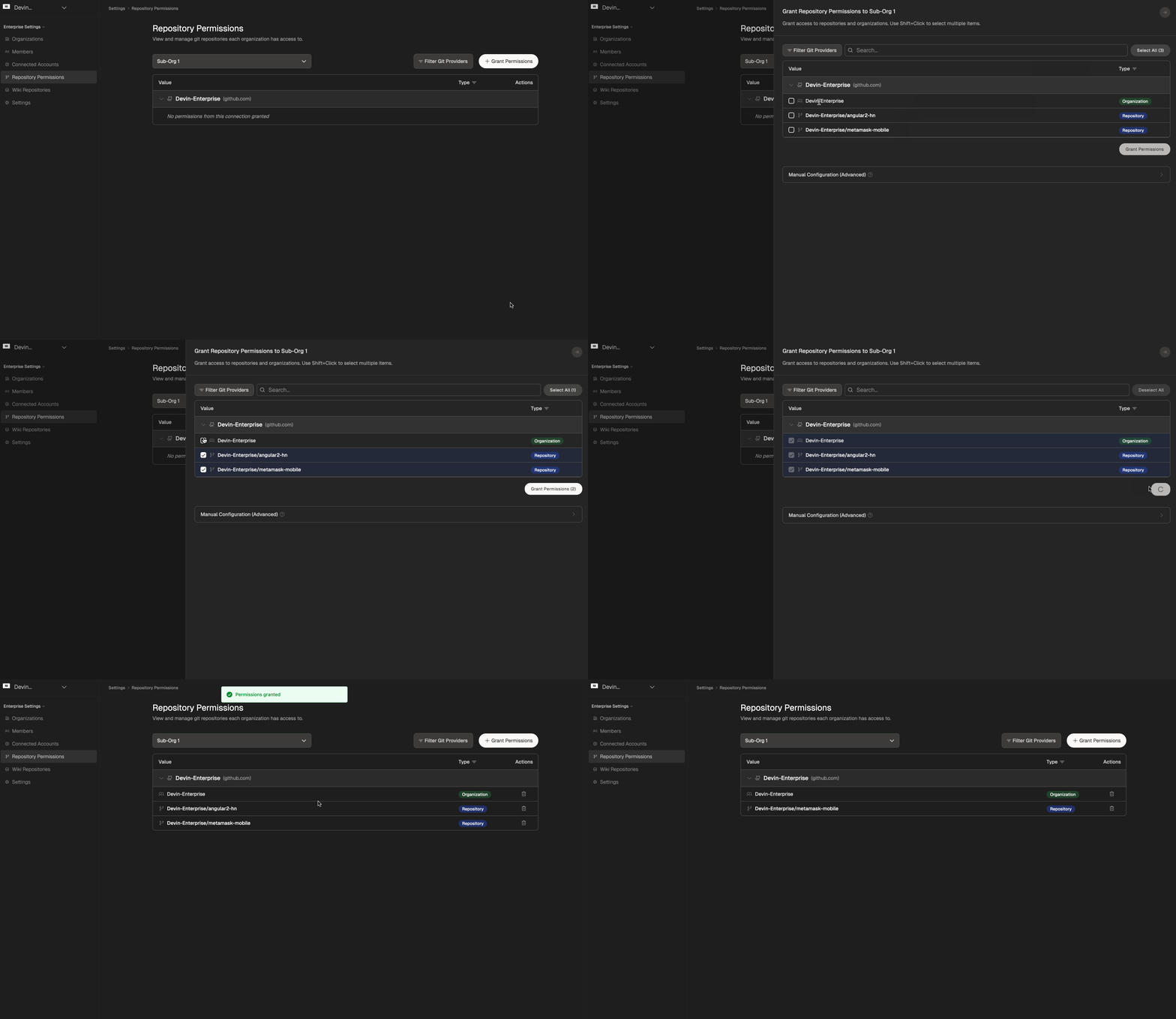
[](https://docs.devin.ai/release-notes/overview#june-11%2C-2025)
June 11, 2025
**Devin can now open PRs using your GitHub username.**This feature is off by default. To turn it on, select “Open PRs as Devin” on the [Integrations page](https://app.devin.ai/settings/integrations)
. This setting applies to all org members and can be changed by the admin.
[](https://docs.devin.ai/release-notes/overview#june-10%2C-2025)
June 10, 2025
**Session Insights**Session Insights is a new free feature that analyzes your Devin sessions and breaks down what happened and gives you actionable tips for next time. It also generates a new, improved prompt that you can use to kick off a new session.You can access Session Insights by clicking on the “View Session Insights” button in the top bar of your Devin Session, located next to the lightbulb icon.
[](https://docs.devin.ai/release-notes/overview#may-22%2C-2025)
May 22, 2025
**DeepWiki MCP Server:**
* We’ve launched the [DeepWiki MCP server](https://docs.devin.ai/work-with-devin/deepwiki-mcp)
, providing programmatic access to DeepWiki’s repository documentation and search capabilities.
* Connect your AI applications to DeepWiki using the Model Context Protocol (MCP) standard.
* Free, no authentication required.
[](https://docs.devin.ai/release-notes/overview#may-15%2C-2025)
May 15, 2025
**Devin 2.1**: Confidence Scores 🟢 🟡 🔴 and enhanced codebase intelligenceIt’s true: coding agents can be overconfident. That’s why Devin 2.1 now provides **Confidence Scores** to indicate its likelihood of completing tasks. Answer Devin’s questions to help it reach 🟢.
* At multiple points in each session, Devin will express its confidence:
* At the start of the session
* After creating a plan
* Whenever it answers a question about the code
* When Devin doesn’t have 🟢 confidence (i.e., 🟡 or 🔴), it will now wait for user approval before proceeding with its plan. If it’s 🟢, it proceeds automatically.
* You can still send feedback and adjust Devin’s plan even after it has started working.
* Our data shows that Confidence Scores are highly correlated with success.
**Upgrades to Linear & Jira Integrations:**
* Easily get Confidence Scores for multiple issues at once directly through our [Linear integration](https://docs.devin.ai/integrations/linear)
and [Jira integration](https://docs.devin.ai/integrations/jira)
.
* This occurs without starting actual Devin sessions, allowing you to score as many issues as you’d like and prioritize having Devin work on the highest-confidence tasks.
**Enhanced Codebase Intelligence (DeepWiki Built-in):**
* The codebase understanding and intelligence features from DeepWiki are now directly integrated into Devin.
* At any point during a session, ask a question, and Devin will provide a DeepWiki-like answer, complete with code citations.
* Devin auto-detects when it should scan your codebase, but you can also trigger this manually using `!ask`.
[](https://docs.devin.ai/release-notes/overview#april-25%2C-2025)
April 25, 2025
We shipped [Deep Wiki](http://www.deepwiki.com/)
: Up-to-date documentation you can talk to.Turn on Deep Research for agent-powered, in-depth answers.Share wikis and answers to keep everyone on the same page.[Watch the walkthrough](https://x.com/cognition_labs/status/1915816544480989288)
and check it for your favorite open source repos out at [www.deepwiki.com](http://www.deepwiki.com/)
! It’s free for open-source repos, with 30k+ repos already available!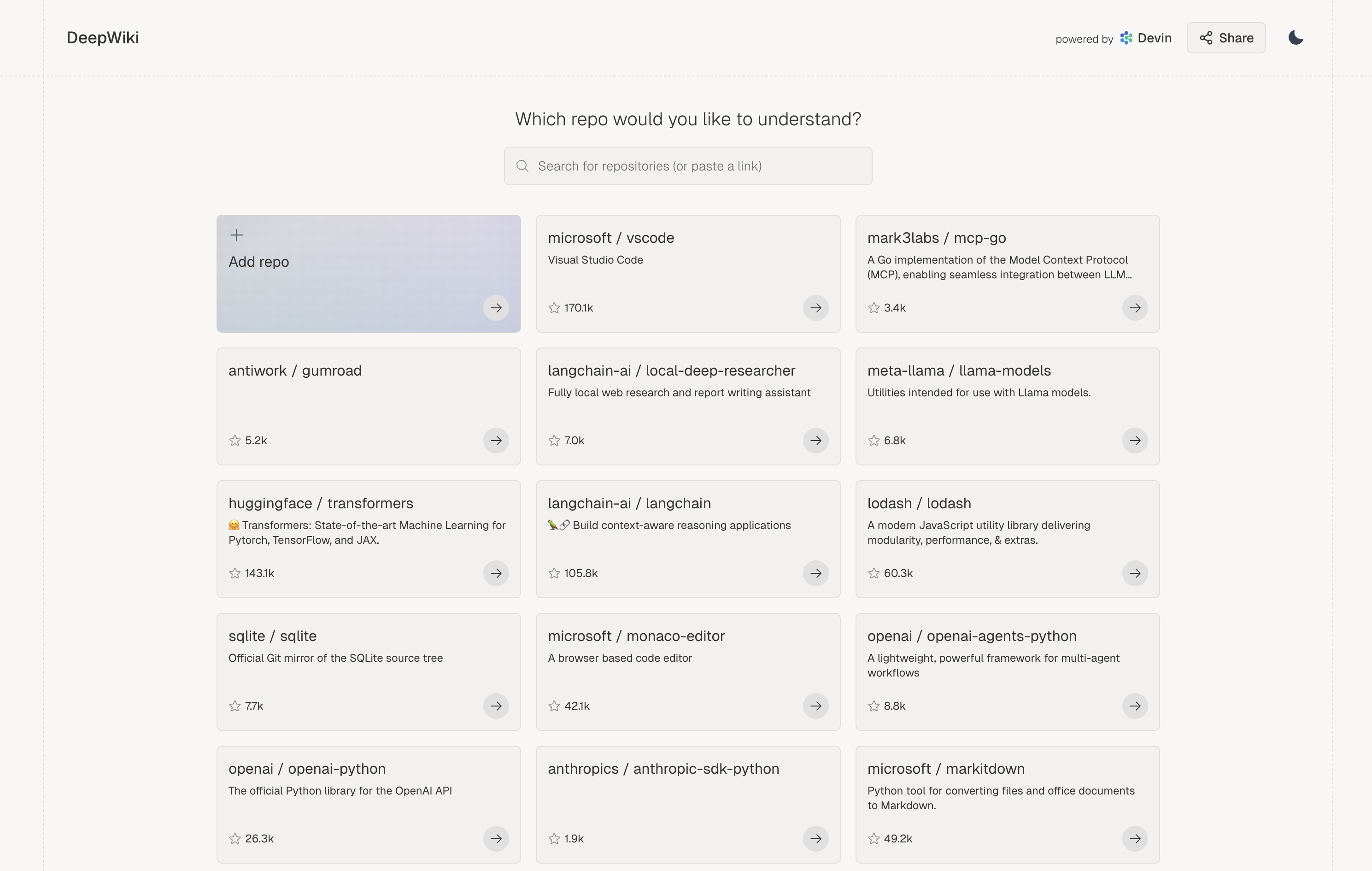
[](https://docs.devin.ai/release-notes/overview#april-17%2C-2025)
April 17, 2025
We now support **Jira**, in addition to Linear! The best workflow:
* Add the “Devin” label to a Jira issue, or bulk add to multiple issues to begin issue scoping in parallel.
* Devin knows your codebase and will comment on each ticket in minutes with a summary of relevant code, implementation plan and open questions.
* Use Devin’s analysis to get up to speed. Devin has the self-awareness to report 🔴/🟠/🟢 confidence estimates too.
We also shipped **Devin Spaces**, an interactive playground to refine your tasks before having Devin work on them (in early preview):
* Devin will now link to Devin Spaces in its comment on Jira and Linear - use Spaces to ask follow up questions and further plan out the task.
* Start a Devin session directly from the plan you create in Devin Spaces!
To get started, check out our [Jira documentation](https://docs.devin.ai/integrations/jira)
or [Linear documentation](https://docs.devin.ai/integrations/linear)
. We’re excited to hear your feedback!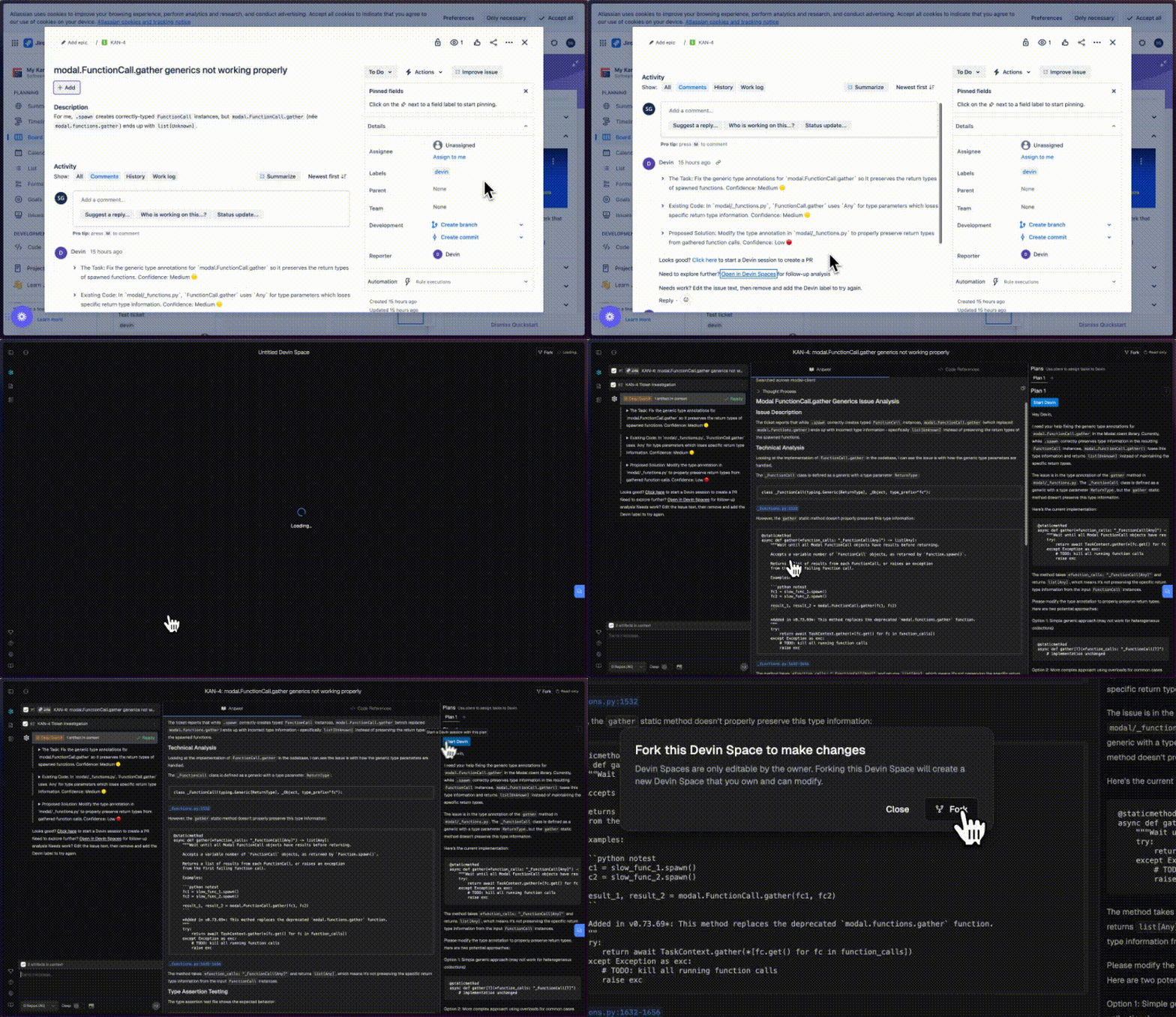
[](https://docs.devin.ai/release-notes/overview#april-8%2C-2025)
April 8, 2025
Our native **Linear integration** is now available! Turn tickets into PRs by launching Devins directly from Linear.Our Devin x Linear workflow 👇
* Use Cmd+A to multi-select Linear tickets. Then, add the Devin label to start ticket scoping in parallel.
* Devin knows your codebase and will comment on each ticket in minutes with:
* A summary of the current code
* An implementation plan
* Any edge cases or questions that need your attention
* Use Devin’s analysis to get up to speed, or just click the provided link to have Devin take a first pass at the PR. Devin has the self-awareness to report 🔴/🟠/🟢 confidence estimates too.
To start assigning tickets, go to [Devin’s integrations](https://app.devin.ai/settings/integrations)
and connect to Linear.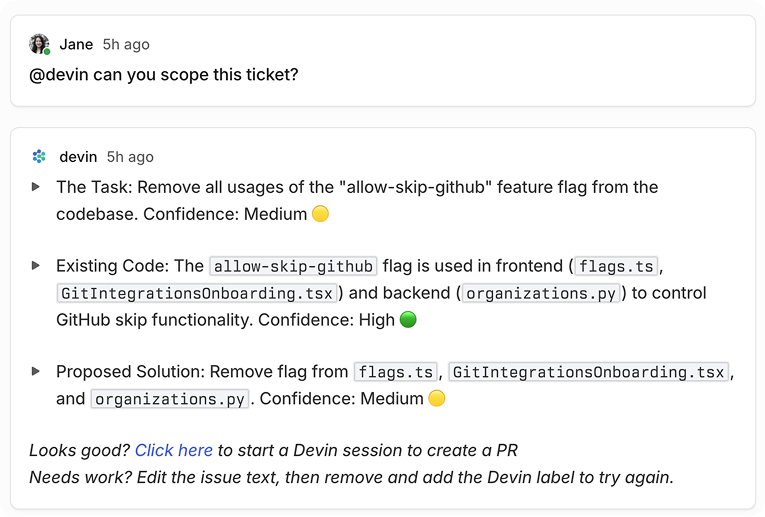
[](https://docs.devin.ai/release-notes/overview#april-3%2C-2025)
April 3, 2025
**Introducing Devin 2.0:** an agent-native IDE experience. Generally available today starting at $20.Check out our [launch announcement on X](https://x.com/cognition_labs/status/1907836719061451067)
to learn more!
[](https://docs.devin.ai/release-notes/overview#march-25%2C-2025)
March 25, 2025
**Devin 1.5 is live!** We’ve shipped an end-to-end revamp of the Devin experience that makes it much easier to collaborate with Devin.
###
[](https://docs.devin.ai/release-notes/overview#devin-ide)
Devin IDE
**Devin now does its work in an interactive VSCode environment loaded with your repos.** Check in on Devin’s edits in real time, then touch up the changes or test Devin’s code directly using the IDE tools and shortcuts you’re familiar with.
* Click “Review Changes” for a diff view of file edits so far. You’re in a fully featured IDE, so you can open files in new tabs, jump to definition, etc.
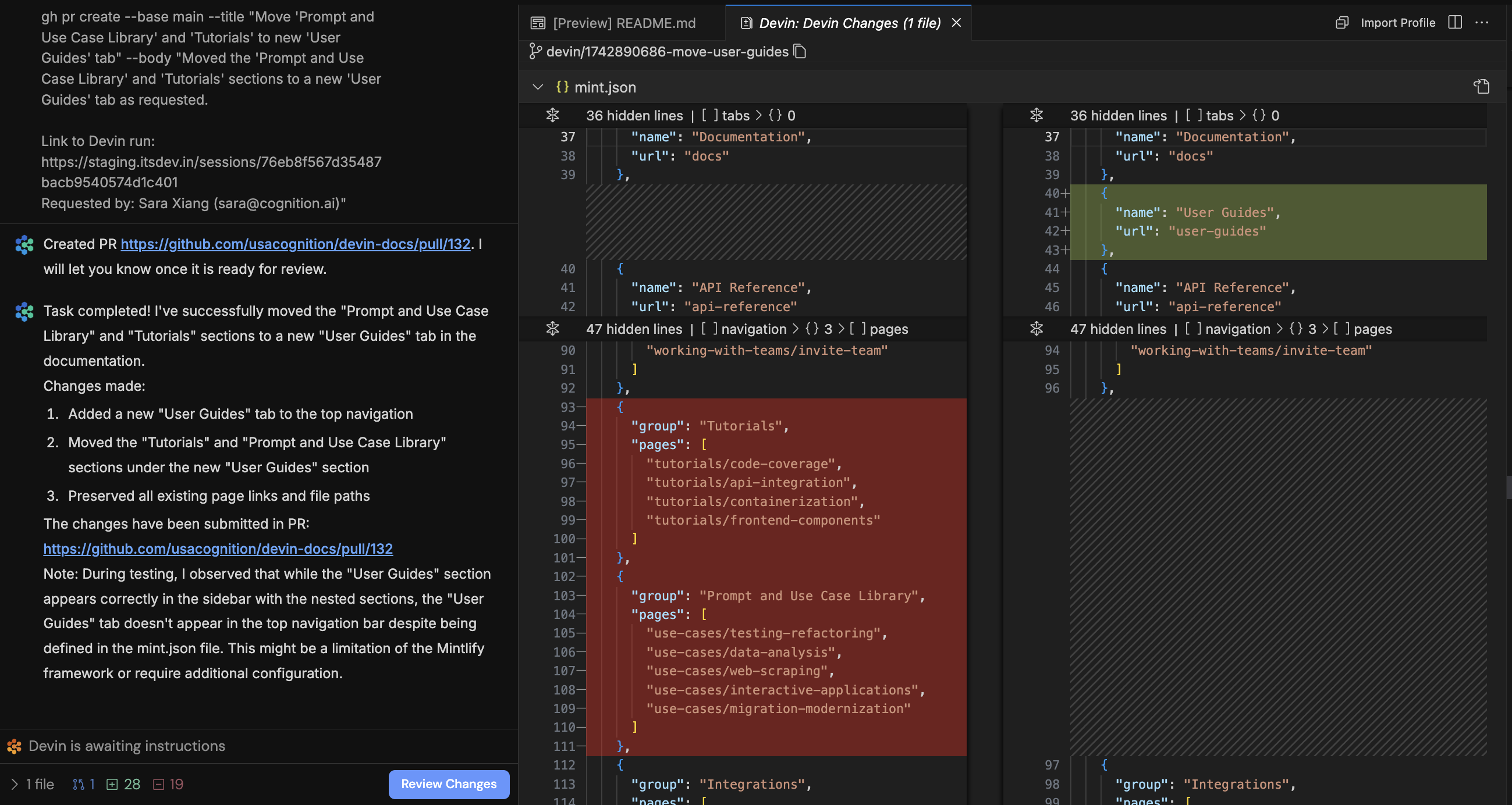
* Devin may send citations or references to code. Clicking on these will deep link into VSCode!
* Click “Follow Devin” to follow Devin’s edits in real time. Click stop to take over and use the IDE yourself.
* Use `⌘K` to generate terminal commands from natural language.
* Use `⌘I` for rapid responses to questions or rapid file edits.
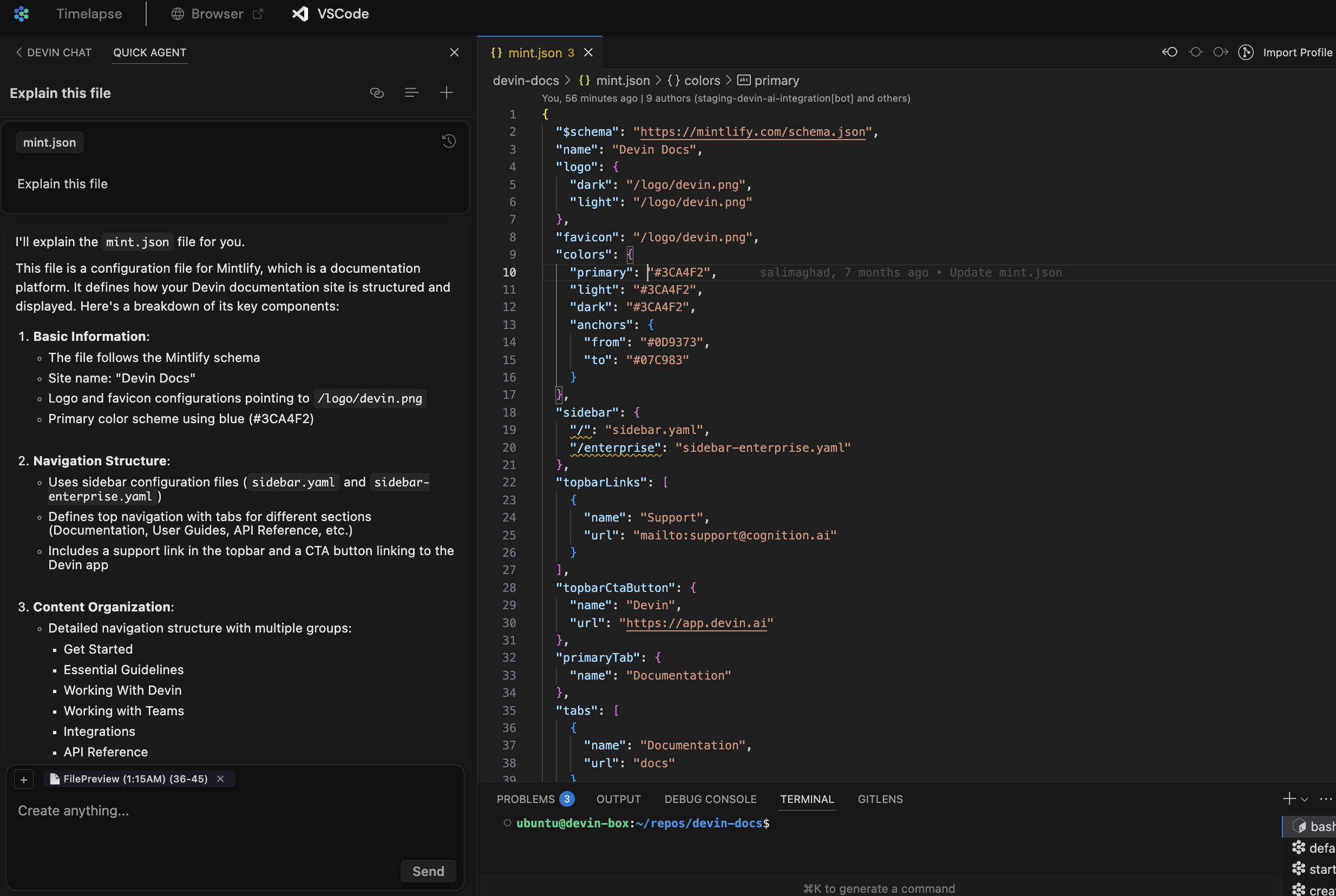
* All of Devin’s terminals, commands, and their outputs are available in VSCode. Toggle from **read-only to writable** to run your own commands.

* Test and fix changes end to end without leaving the Devin webapp. Ask Devin to run your app locally, or take over and run commands yourself. Then use Devin’s browser to test the local build yourself!
###
[](https://docs.devin.ai/release-notes/overview#interactive-planner)
Interactive Planner
Each time you kick off a new session, **Devin responds in seconds with relevant files, findings, and an initial plan**. Scope out your changes and give feedback on Devin’s plan before letting Devin work autonomously.
* Devin rapidly scans relevant files and code snippets to generate an initial plan. This initial plan and subsequent messages may now cite code snippets and files, and **clicking on these citations now deep links into the Devin IDE!**
* For more complex tasks, click “Wait for my approval” so that Devin waits for your feedback on its full plan. Brainstorm and explore the codebase together in VSCode to refine the plan.
* By default, if you don’t click “Wait for my approval”, Devin waits 30 seconds for your input before proceeding. You can always change the default behavior in [Settings > Customization.](https://app.devin.ai/customization)
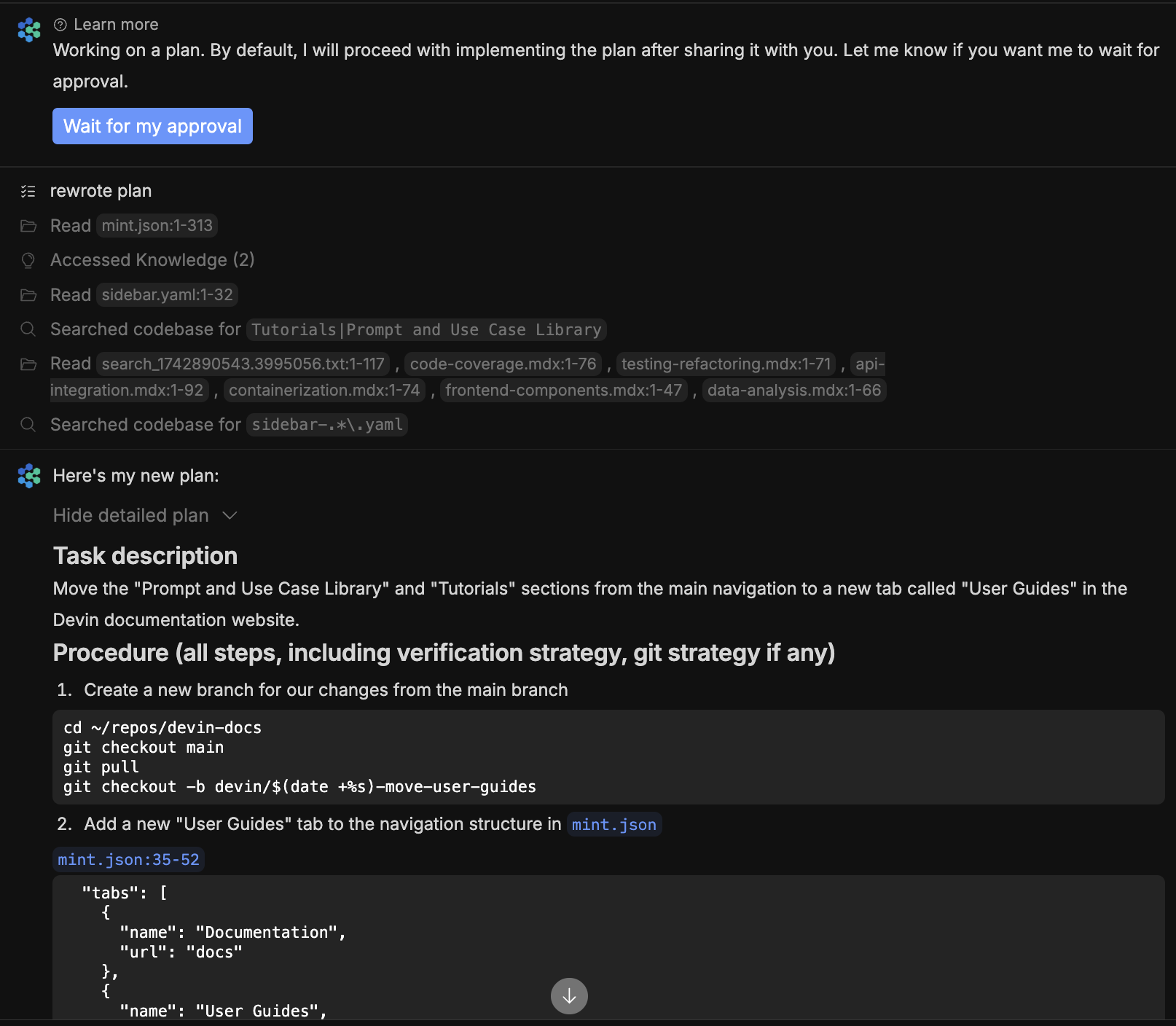
###
[](https://docs.devin.ai/release-notes/overview#ask-devin)
Ask Devin
[Ask Devin](https://app.devin.ai/search)
is a **new tool built to rapidly answer questions about your codebase**. Use Ask Devin for one-off questions like “Figure out where the auth backend endpoint is defined” or “Find the commit that introduced the new support functionality,” or use it to map out the initial spec for a task you want Devin to execute.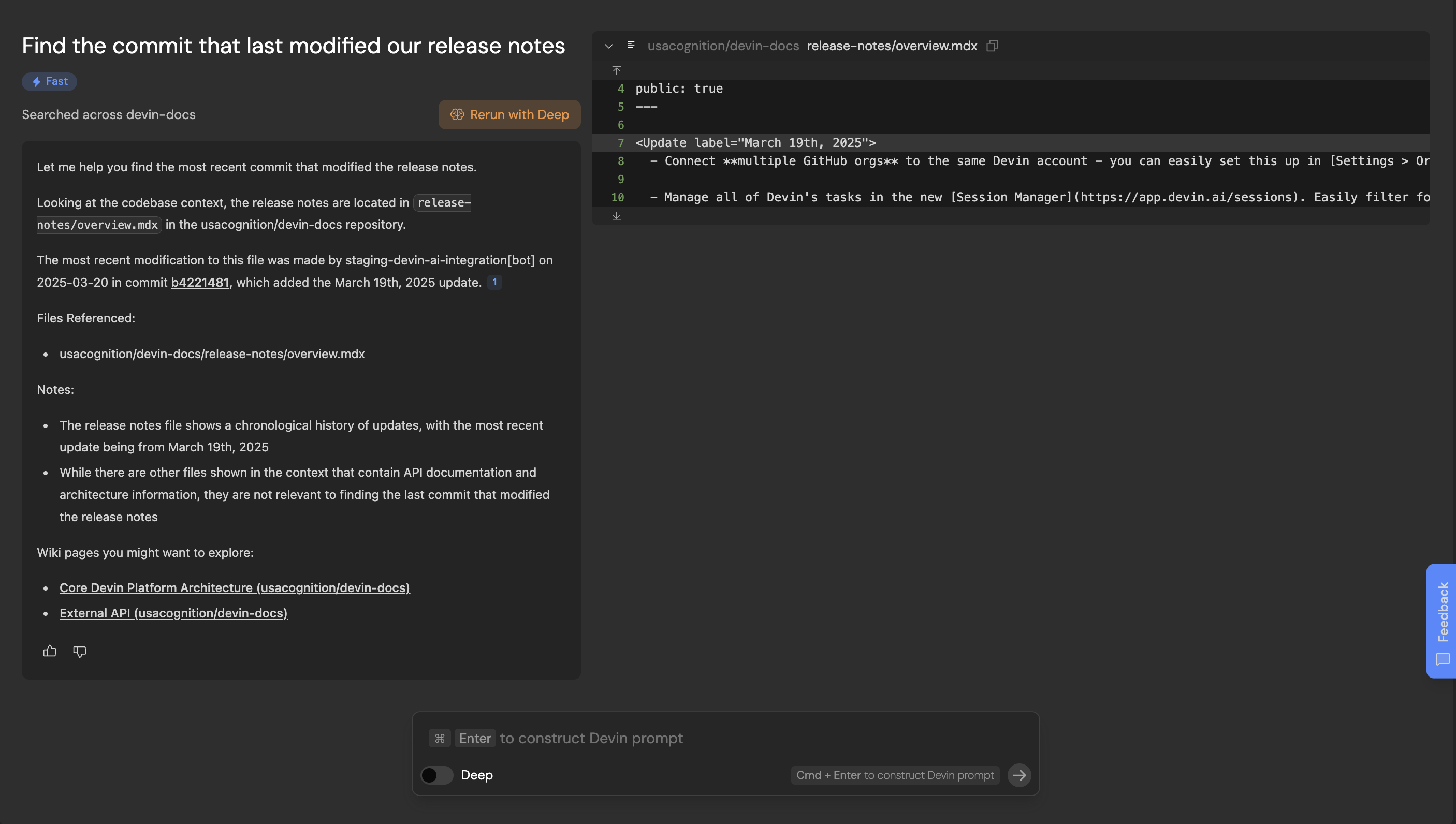
* 🔎 **Ask Devin -> Devin:** Ask Devin to make code changes after using Ask Devin to find the relevant code. Use **Cmd + Enter** to quickly construct a high quality Devin prompt using your search context.
* 🔬 **Deep Mode:** Toggle on deep mode for complex questions that require extended research.
* 📓 **DeepWiki** is used by Ask Devin to better understand your codebase, and may help you as well! It contains architecture diagrams, links to sources, and more. Check it out [at the bottom of your sidebar.](https://app.devin.ai/wiki)
* 💬 **Ask follow up questions** - you can scroll up/down or use the component on the right (appears on hover) to navigate your history
* 🔗 **Share your Ask Devin results:** Try sharing a link to your search results when discussing code with your co-workers
* 💡 Tip: For now, we recommend setting up a [Site Search Shortcut in Chrome](https://support.google.com/chrome/answer/95426?hl=en&co=GENIE.Platform%3DDesktop)
so you can more quickly start Ask Devin queries from your browser address bar. Just go to chrome://settings/searchEngines and add a site search with url [http://app.devin.ai/search?prompt=%s](http://app.devin.ai/search?prompt=%25s)
[](https://docs.devin.ai/release-notes/overview#march-19%2C-2025)
March 19, 2025
* Connect **multiple GitHub orgs** to the same Devin account - you can easily set this up in [Settings > Organization Integrations](https://app.devin.ai/settings/integrations)
. Let us know if you’d like this enabled for your team.
* Manage all of Devin’s tasks in the new [Session Manager](https://app.devin.ai/sessions)
. Easily filter for sessions by PR status, users, playbooks and export session data.
* Tag sessions with **custom tags** that you can filter by in the Session Manager. Click on the 3 dots icon of the session page to “Edit Tags”.
* Customize when Devin auto-closes PRs due to inactivity under [Settings > Customizations](https://app.devin.ai/customization)
.
* Easily tag `@file_name` to reference files in Devin’s input box so Devin can quickly find the right place in your codebase to review and/or edit. Note that this only works for files in repos that have been set up in Devin’s Workspace.
[](https://docs.devin.ai/release-notes/overview#february-26%2C-2025)
February 26, 2025
* **Speed**: Devin is ~2x faster vs in October 2024 and takes ~7.8 minutes on average to complete junior developer tasks in our internal evaluations.
* **Copy/paste in Devin’s browser**: You can now copy text from your browser and paste it into Devin’s browser! This was a highly requested feature that removes a major friction with providing Devin access to accounts (you no longer need to type in your passwords)!
* **Helping users with their prompts**: Devin proactively gives you feedback on suboptimal prompts & proposes breaking tasks down when they’re too complex.
* **Gitlab (beta)**: Connect both Gitlab and Github repos to Devin! Devin can now push, pull, and view/create Gitlab MRs. Contact us via [app.devin.ai/settings/support](https://app.devin.ai/settings/support)
to set this up.
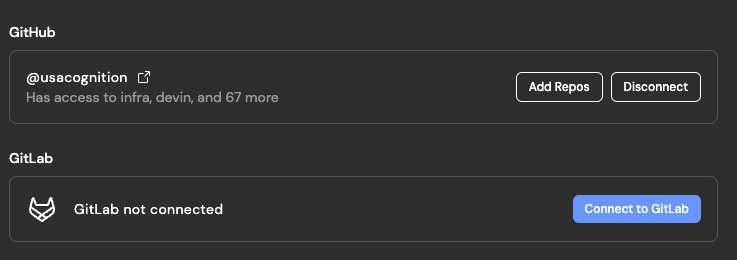
* **Batch edits**: Tell Devin to “find and edit” code to encourage Devin to “fan out” and edit an arbitrary number of files in parallel. This greatly improves speed, especially for repetitive refactors.
* **Multi-action**: Devin can choose to perform any set of diverse batch of actions optimistically (e.g. viewing the browser, while running a shell command, while reading 10 code files), improving speed.
* **Browser improvements**: We’ve shipped browser changes that allow Devin to:
* deal with auto-opening tabs (required for some complex auth flows)
* use multiple tabs (helpful for iteratively comparing 2+ webpages)
* **Local UI Testing**: Devin can better test + visually understand UI changes locally.
* **Customize chat vs workspace width**: Drag to make the chat as narrow or wide as you’d like! The editor in the workspace is also easier to navigate now, with file tree on the left.
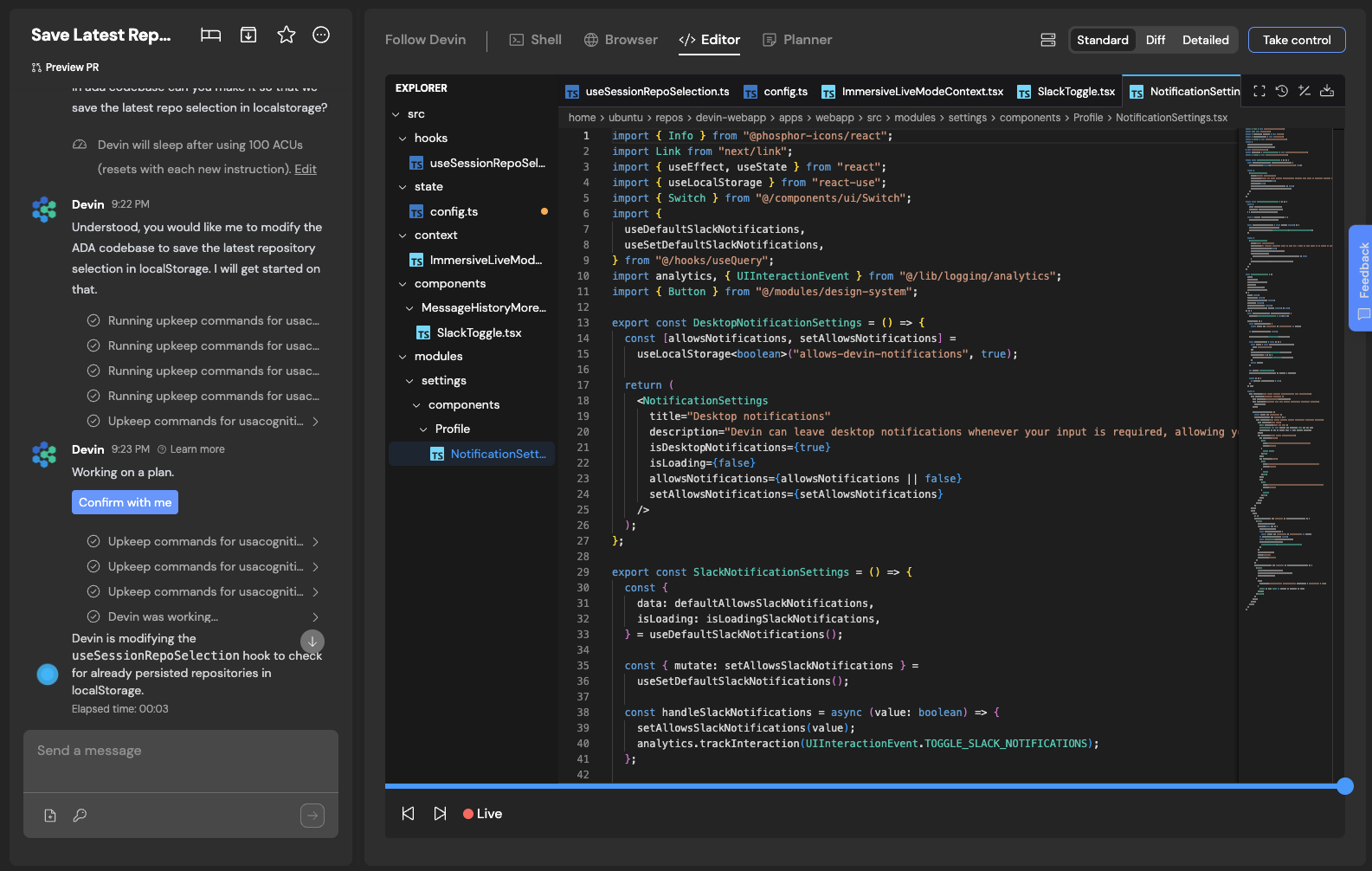
* **Repo setup (in [Devin’s Workspace](https://app.devin.ai/workspace)
)**: We verify that all the commands you provide Devin (to run lint, install dependencies, and run tests) run successfully, and Devin will surface in chat if any of these commands don’t succeed.
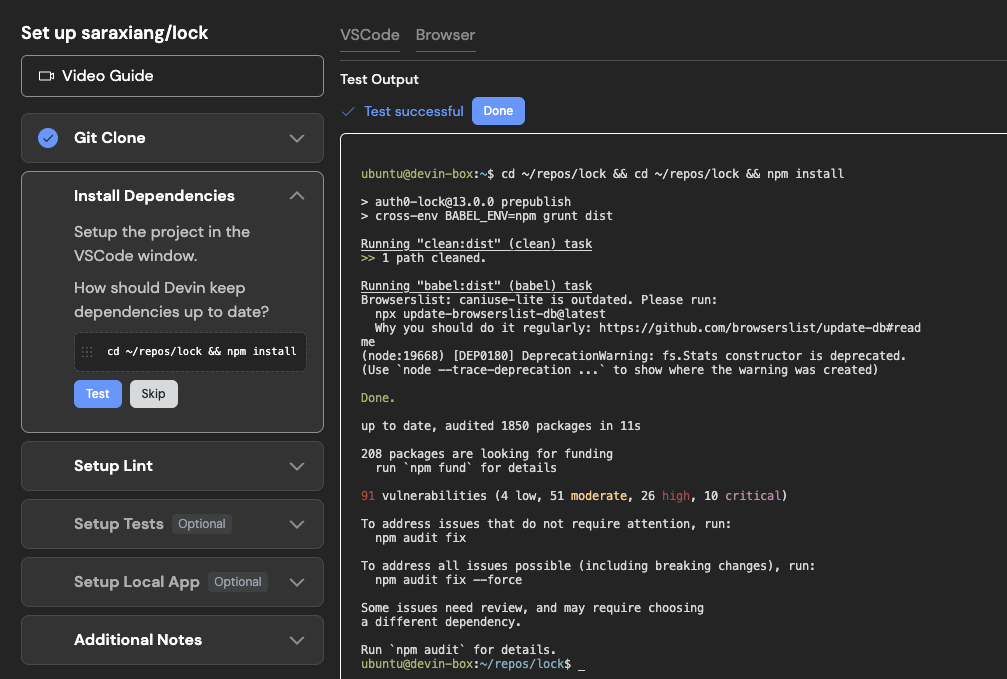
* **Sonnet 3.7 in Devin**: We incorporated Sonnet 3.7 in Devin on 2/24, with optimizations to our use rolling out starting 2/26. In our testing, the new model is the best we have seen to-date on a variety of tasks including debugging, codebase search, and agentic planning.
* **Keyboard shortcuts**: Use **→ ←** or **↑ ↓** anywhere on the session page to step through Devin’s workspace progress over time.
* **Devin PR Metrics**: [app.devin.ai/metrics](https://app.devin.ai/metrics)
now shows all PRs opened by Devin, even when 2+ PRs were opened in the same session.
* **Faster startup**: Devin only installs dependencies for the repositories needed in a session.
* **Addressing your PR review feedback**: Devin is more reliable at remembering to address _all the review comments you left on its PR._
* **Misc brain improvements**: Devin is less likely to loop while trying to fix CI/lint failures, is better at planning, is better with git, and many more improvements!
[](https://docs.devin.ai/release-notes/overview#january-30%2C-2025)
January 30, 2025
**Devin’s thoughts and editor diagnostics are now visible**: In the Follow Devin tab, you’ll now see:
* each action Devin took (e.g. “Edited github.py”)
* Devin’s thoughts explaining _why_ the action was taken (e.g. “There was a type error….the fix involves XYZ”)
* any editor diagnostics errors present after the action was taken (in red)
This information helps you debug why Devin is stuck or taking a long time. Use it to learn how to best work with Devin, and as you’re getting started to make sure issues aren’t caused by the way [Devin’s Workspace (i.e. machine snapshot)](https://docs.devin.ai/onboard-devin/repo-setup)
was set up.
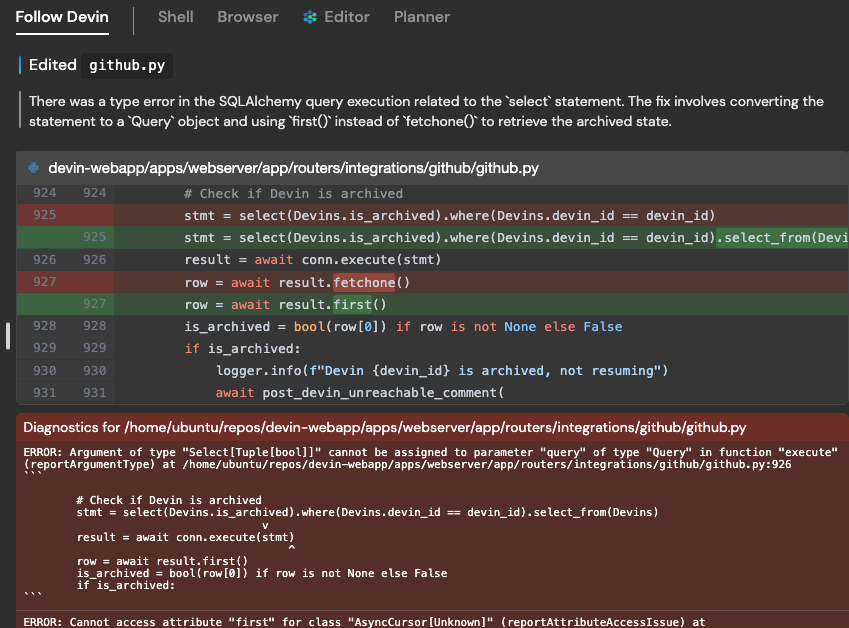
**The new Detailed View**:There’s a new “Detailed View” button in the top right corner of the session page!Use up/down arrow keys to quickly navigate through Devin’s actions. Actions are grouped under the plan step (e.g. 009 investigate\_existing\_pattern) they aim to achieve.Devin’s thoughts, action details, and editor diagnostics are shown on the right.Use this view to dive even deeper into debugging why Devin is stuck or taking a long time.
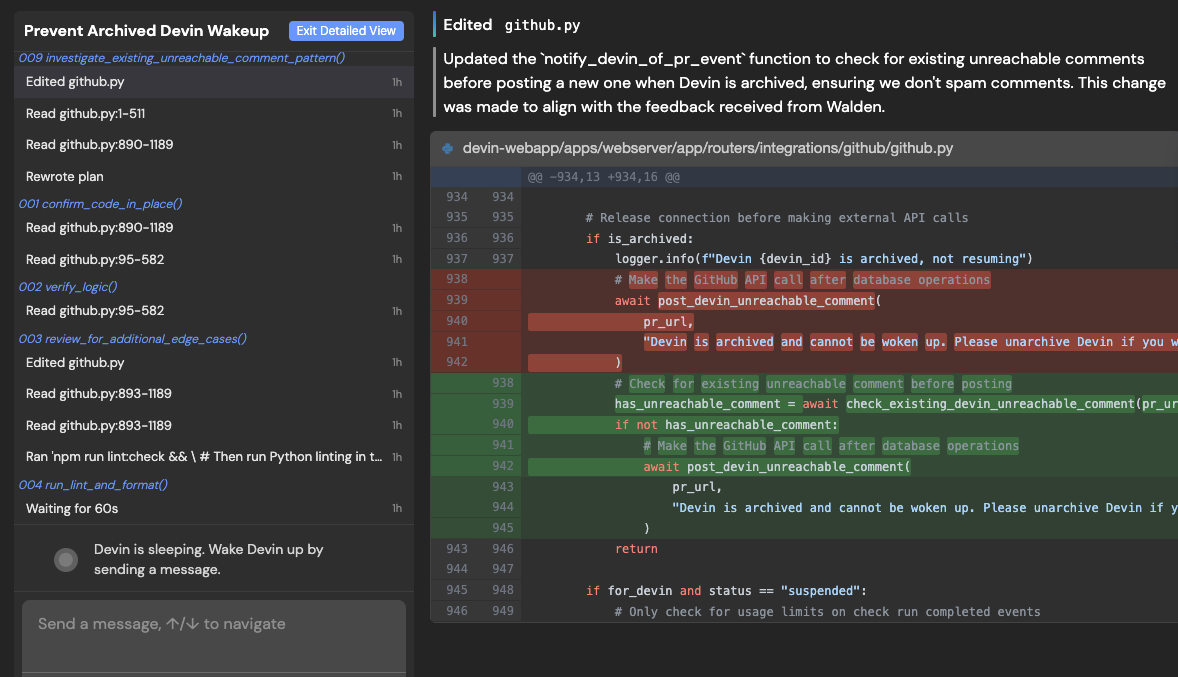
**Prompt improvement button + customer education via docs.devin.ai**:Improvements to your instructions to Devin and/or use cases can greatly improve your success with Devin.Try our in-product “instruction improvement” button immediately improve your instructions to Devin, and receive personalize suggestions on how your instructions could be improved: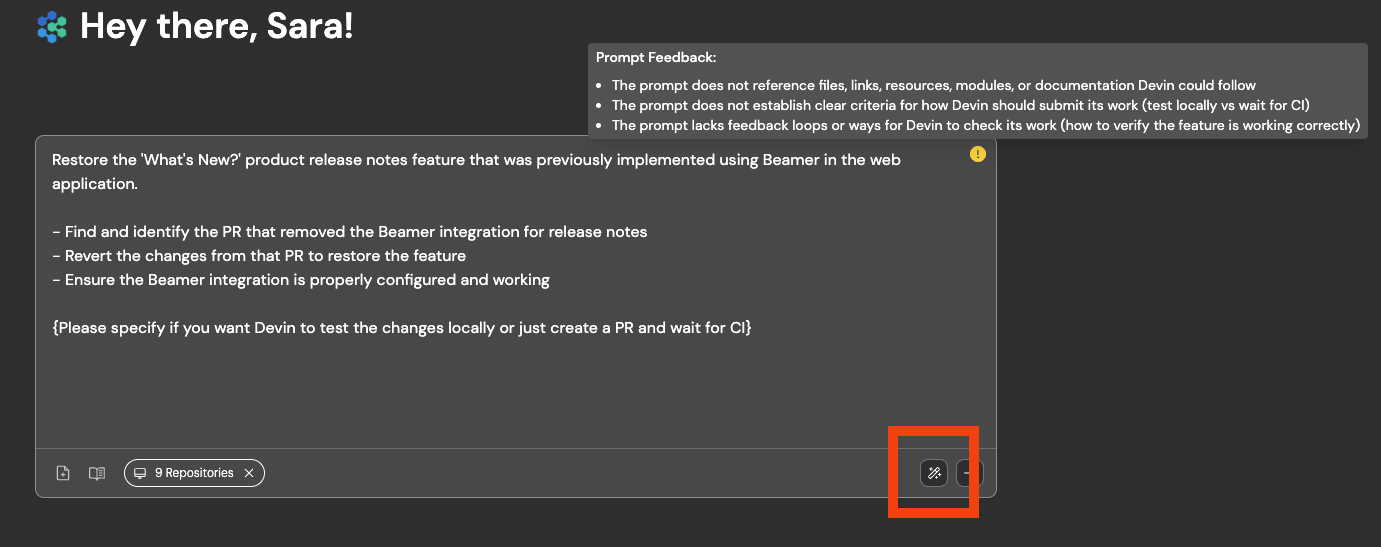We’ve also revamped our docs at [our documentation](https://docs.devin.ai/)
to include example good/bad instruction examples, recommended ways of working with Devin, and other Essential Guidelines!**Improved support for non-English speakers**: Devin is now more reliable with using the user’s preferred language.We also added a translate feature which shows up when non-English languages are detected. We currently support Japanese, Chinese, Korean, Russian, Arabic, and Thai.
[](https://docs.devin.ai/release-notes/overview#january-16%2C-2025)
January 16, 2025
**Improved Repo Context**: We’ve made major improvements to Devin’s ability to reason in context in a repositoryDevin is now more likely to find all relevant files to edit, will notice and re-use existing code and patterns, and will make more accurate PRs overall. These changes will be gradually rolled out to all users by 1/17/25.**Introducing Devin enterprise accounts**:Enterprise accounts enable centralized management of multiple Devin organizations. Admins of enterprise accounts can:
* Manage members and access controls for all organizations
* Centrally manage billing across all organizations
Enterprise accounts are currently available to Devin Enterprise customers.**Introducing usage based billing**:Starting January 9, you can now pay-as-you-go to keep building without limits, up to the pay-as-you-go usage limit you set.Your subscription includes a monthly ACU capacity. Once these ACUs are used, you can pay-as-you-go. You will be billed at the end of your billing cycle or whenever your usage exceeds $2,000 — whichever comes first.Set your pay-as-you-go usage limit in Settings > Plans > Manage Pay-as-You-Go Usage Limit or Settings > Usage & Limits > Manage Pay-as-You-Go Usage Limit.**Solution for Docker storage & performance issues**:If you use Docker, there’s now a solution for storage and performance issues with Docker on Devin’s machine. A new version of our VM infra is now enabled by default for new teams. Existing teams can enable it:
* Navigate to Settings > Devin’s Workspace > Danger Zone
* Switch to `Large Performant (Beta)` - this will require resetting your machine setup. If you want to opt in to experimental auto-migration, reach out to [support@cognition.ai](mailto:support@cognition.ai)
or via [Slack Connect](https://app.devin.ai/settings/support)
**Devin usage best practices**:We’ve added nudges throughout our product towards some best practices, including:
* Keeping sessions under 10 ACUs (Devin’s performance degrades in long sessions)
* Providing details in your very first instruction to Devin, including (1) specific requirements (2) high level description of the task (3) what Devin should do after making the requested changes - e.g. testing instructions, PR guidelines, or tell Devin to wait for CI to pass without testing locally
* If you find yourself often re-using instructions, add them to Devin’s knowledge in Settings > Devin’s Settings > Knowledge
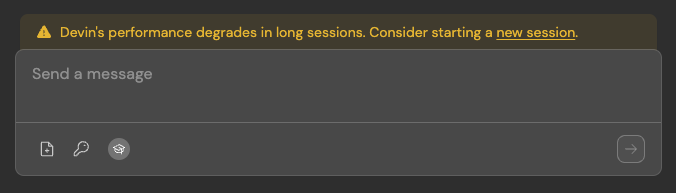
[](https://docs.devin.ai/release-notes/overview#january-8%2C-2025)
January 8, 2025
**Use Devin’s Browser when setting up Devin’s workspace (i.e. machine snapshot)**:It’s now easier to get Devin started with testing websites that require login. If you log in for Devin during onboarding with Devin’s browser, we’ll save the cookie for future sessions (if the cookie expires, you’ll need to provide credentials for Devin in Secrets as well).This also unblocks authentication processes that require visiting a URL on Devin’s machine. 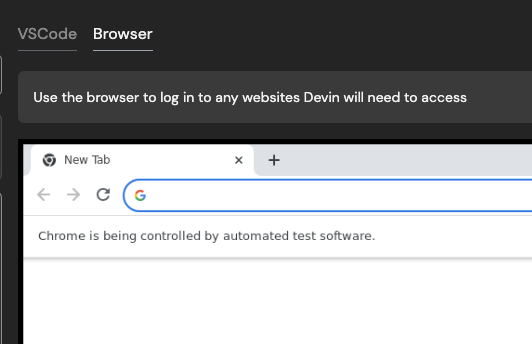 **Talk to Devin in Slack - Devin can now respond to audio messages**:Try verbally explaining your tasks and feedback for Devin! You can now send Devin audio clips via Slack. 
[](https://docs.devin.ai/release-notes/overview#december-24%2C-2024)
December 24, 2024
**Devin is now generally available!**:Check out our [announcement on X](https://x.com/cognition_labs/status/1866535303911182771)
. All engineering teams can now tag Devin to fix frontend bugs, create first-draft PRs for backlog tasks, make refactors, and more. Subscriptions starts at $500/month and include:
* Unlimited seats - Devin is built for engineering teams
* Access to Devin’s API, Slack integration and IDE extension
* Onboarding session & direct support from the Cognition engineering team
**Devin is now faster and more cost-efficient**:Over the last 2 weeks, we’ve made Devin ~10% faster and ~10% more cost-efficient, especially for tasks that require Devin to make many code edits. This means the same task will require fewer Agent Compute Units (ACUs).**Fixes for crashing, stuck, and hanging Devins**:If you’ve noticed Devin stuck on the same action or unable to sleep/wake up, please let us know via Slack Connect or [support@cognition.ai](mailto:support@cognition.ai)
. These issues should not happen again, and we’re happy to refund your ACUs if they do!**More options to customize Devin**:By default, sessions in your sidebar are filtered to non-archived sessions that you started. Change your default filters by clicking on the filter icon next to “Search sessions” > “Save as Default” at the bottom of your filters list.
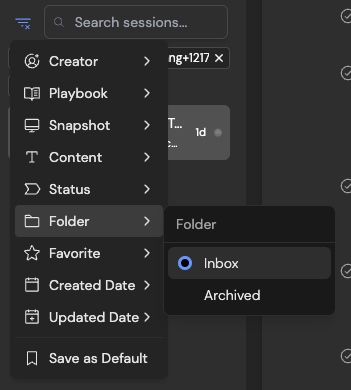
By default, Devin automatically responds to PR comments and CI failures. Change this using the “Control Options” section in Devin’s PR comment.
Always receive Slack notifications from Devin, even when you start sessions from the web app. Turn on Slack notifications in Settings > Profile.Customize whether Devin sessions start in existing or new Slack threads, whether Devin waits for you to approve its plan, and more in Settings > Customization.
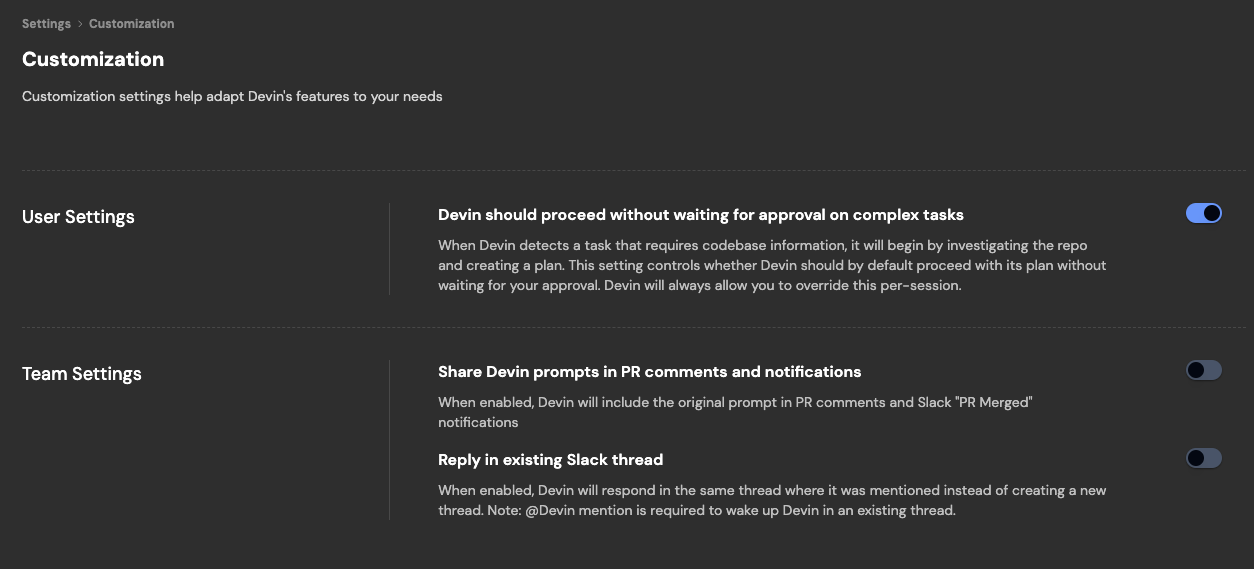
Devin can send Slack updates on its Github activity. Configure the channel these updates are sent to in Settings > Integrations.Share Devin sessions you start in the web app to Slack. You can now change the default channel.

**Configure + monitor Devin’s machine**:If you need to increase Devin’s machine size (disk space, RAM, CPU), we’ve added additional options in Settings > Devin’s Workspace > Danger Zone.
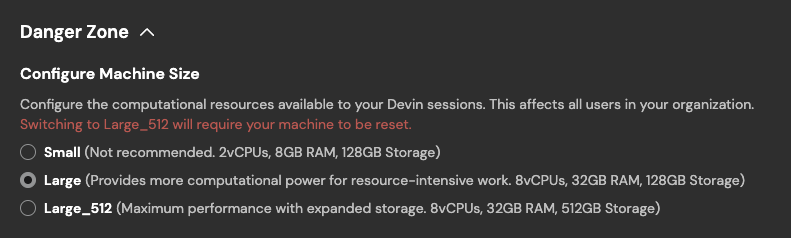
You can always monitor Devin’s machine utilization during a session, in the top right corner of the session page.

**Pinned and auto-updated Knowledge**:Knowledge Devin should always remember when working in a repository can now be pinned.
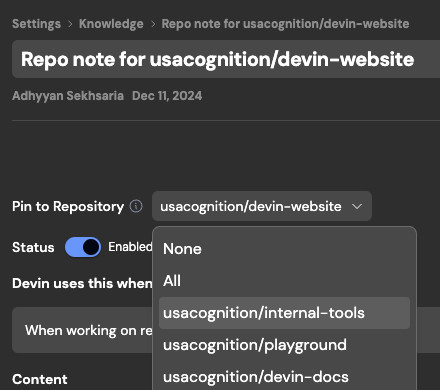
Devin also auto-generates and auto-updates its own Knowledge on repo structure and components. Find auto-generated notes under Knowledge > Repo Knowledge.
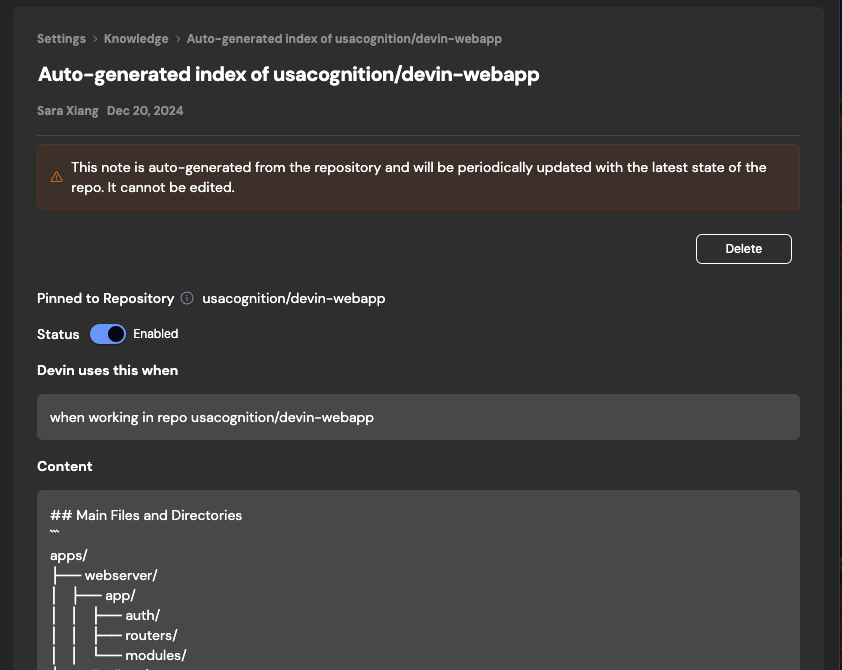
[](https://docs.devin.ai/release-notes/overview#november-22%2C-2024)
November 22, 2024
**Bring Devin into conversations just as you would with human teammates**:Tag @Devin on bug reports and feature requests directly on Slack:
* Devin pulls in context automatically
* Message Devin from your phone
* All Slack sessions also link to a webapp session
Recent improvements to our Slack integration:
* Say “sleep” to put Devin to sleep. Devin only wakes up again when you tag @Devin in thread
* Say “archive” to put Devin to sleep + archive the session
* Turn on Slack notifications in sessions started from the webapp, you’re now able to (1) interact with Devin in Slack (2) receive updates in the Threads section of Slack
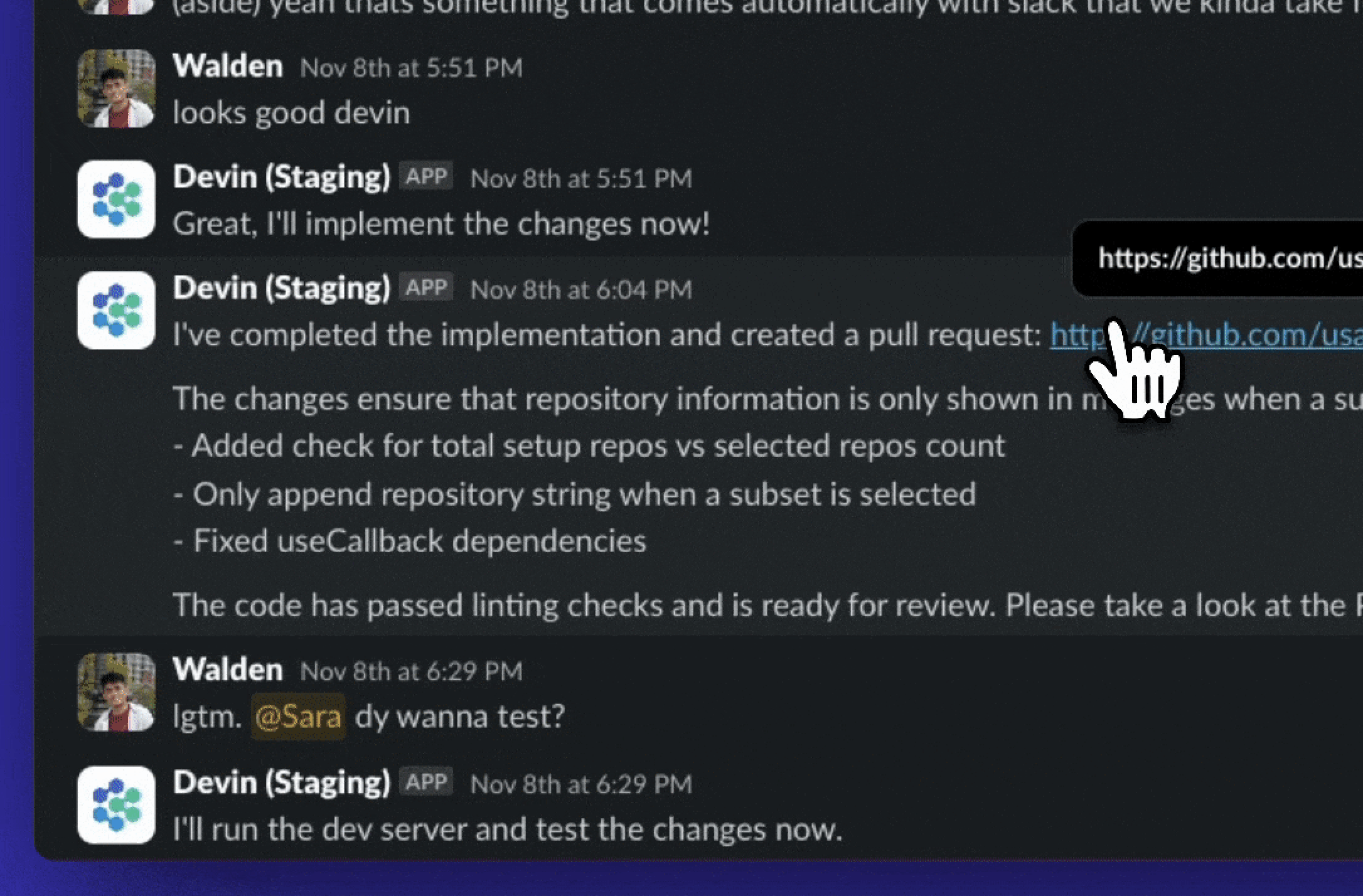
**Devin responds to PR comments and lint errors automatically**:Ask Devin to create a PR! Recent improvements to our PR workflow:
* When the PR receives comments or fails lint, Devin will automatically wake up to address it if it’s sleeping
* Click “PR Preview” under the session title to see the changes Devin has made before a PR has been created. If Devin makes edits, you’ll see a “Jump to Latest” button appear in the top right
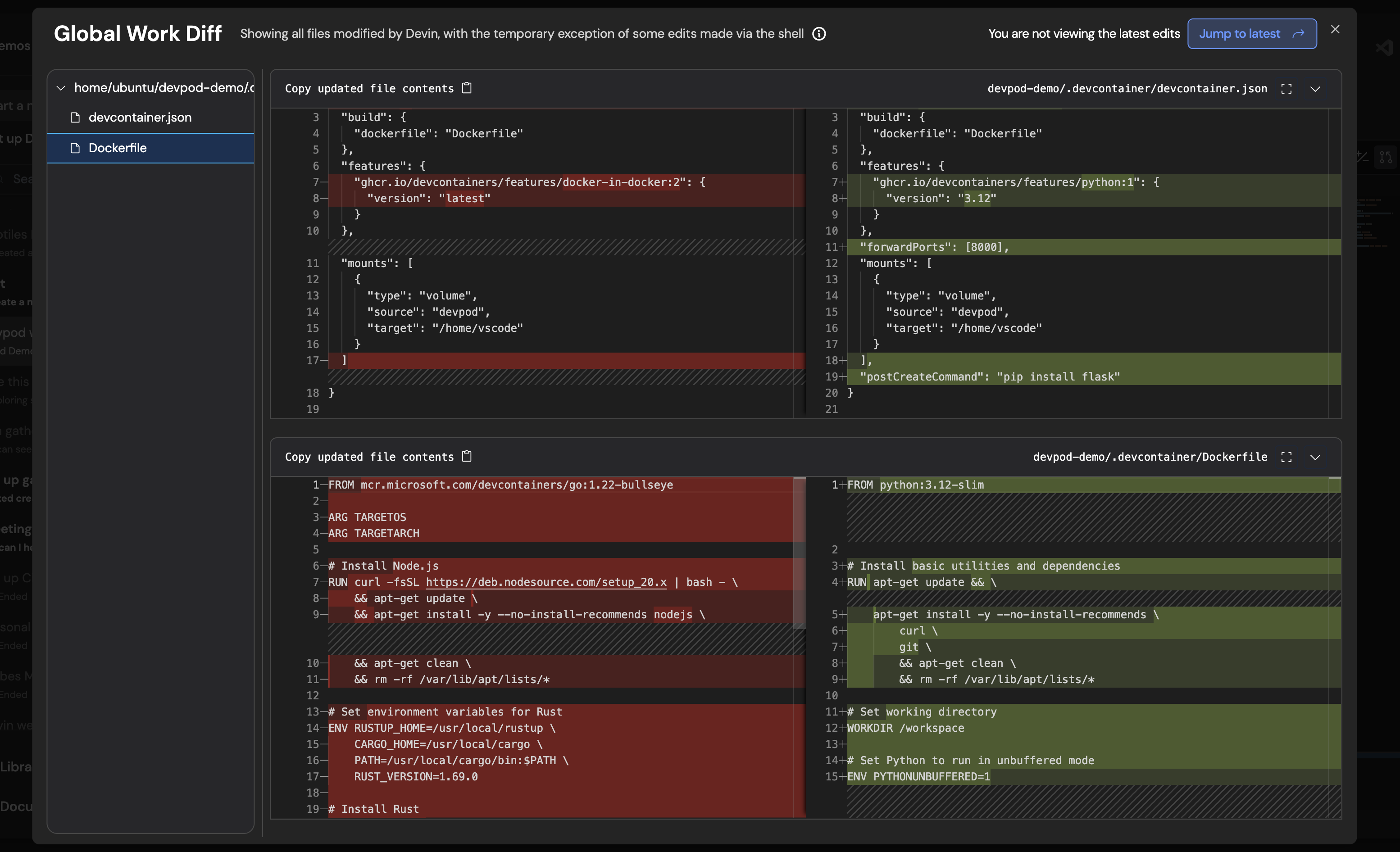
**Use Devin as your todo list**:Try sending tasks to Devin as they come up, instead of adding them to your todo list. Hide completed sessions with the new archive button next to the session title.Archived sessions show up under Folder > Archived in the left sidebar.
**Configure Devin’s Behaviors**:[Configure Behavior in Settings](https://app.devin.ai/customization)
to customize Devin’s behavior to your needs. These settings are user-specific and will not affect other users in your organization.The first behavior you can now configure is Agency.When Devin detects a task that requires codebase information, it will begin by investigating the repo and creating a plan. When Agency is turned on, Devin will proceed with its plan without waiting for your approval. Devin will always ask you whether you want to override this per-session.
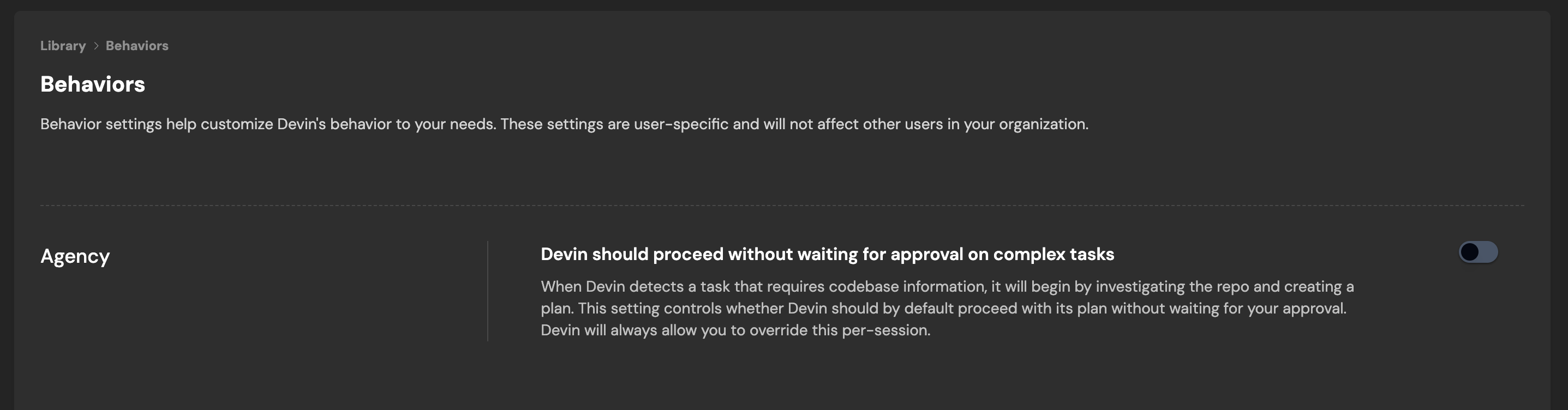
**Configure Devin’s Workspace**:Devin’s Workspace resets to a saved machine state at the start of every session. By default this machine state includes all the repositories you’ve added and set up at app.devin.ai/workspace.
> Tip: Setting up Devin’s Workspace significantly improves Devin’s performance on your codebase. Imagine if every time you started a task, your laptop and part of your memory were wiped - that’s what happens to Devin without setup!
Behind the scenes, all repositories you set up co-exist on the same (default) machine state at the start of every session.**Bulk import secrets**:If your repo requires many secrets, share them with Devin in bulk [in the Secrets section of settings](https://app.devin.ai/secrets)
— coming soon to the repo onboarding workflow.
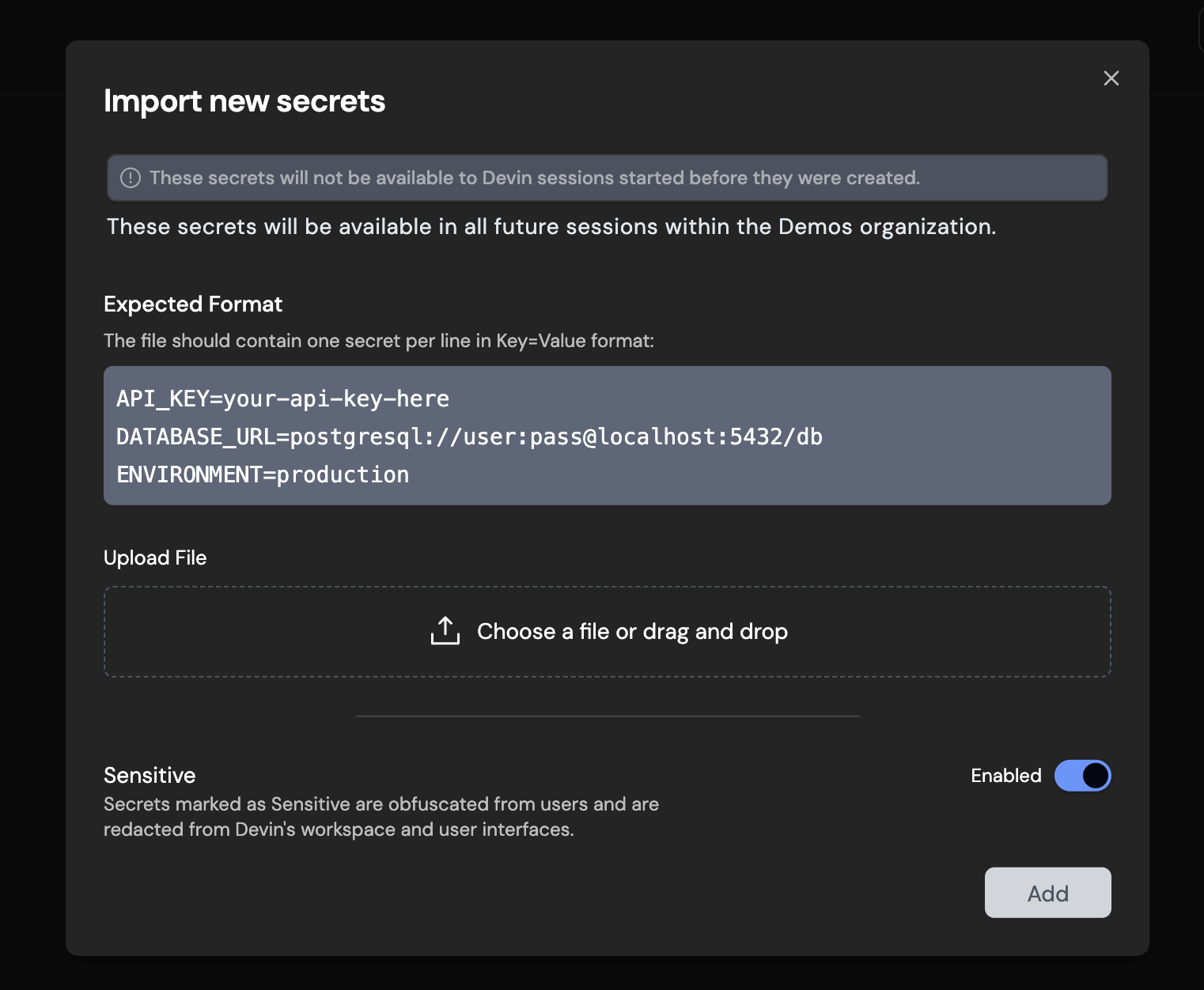
**Faster navigation with cmd-k**:Use cmd-k to quickly start a new session and navigate the web applications
**Talk to Devin from your IDE (Beta Access)**:Handoff async work to Devin while you focus on your primary task. Review when convenient.
* Works in conjunction with Copilot and Cursor
* Devin’s just a shortcut away (Cmd+G)
* Keep track of your active Devins
* Review and accept code directly in your local IDE
[Install the Devin Extension](https://marketplace.visualstudio.com/items?itemName=cognition.devin)
to get started.**Use macros to easily attach [Playbooks](https://docs.devin.ai/product-guides/creating-playbooks)
(from Slack, Devin IDE, or webapp)**:A macro is a shortcut (e.g. !macro) that can be used to quickly attach a Playbook to your initial prompt to Devin. [Navigate to your Playbook in your Library](https://app.devin.ai/playbooks)
and click “Edit” to set the macro for each Playbook.
[](https://docs.devin.ai/release-notes/overview#november-5%2C-2024)
November 5, 2024
**Planning mode**:For certain tasks, much of the work needed is figuring out what should be done and aligning on the approach. Devin will now automatically detect more complex tasks and spend time proposing a plan before beginning execution.You can always auto-approve the plan if you don’t want Devin to wait for your approval.
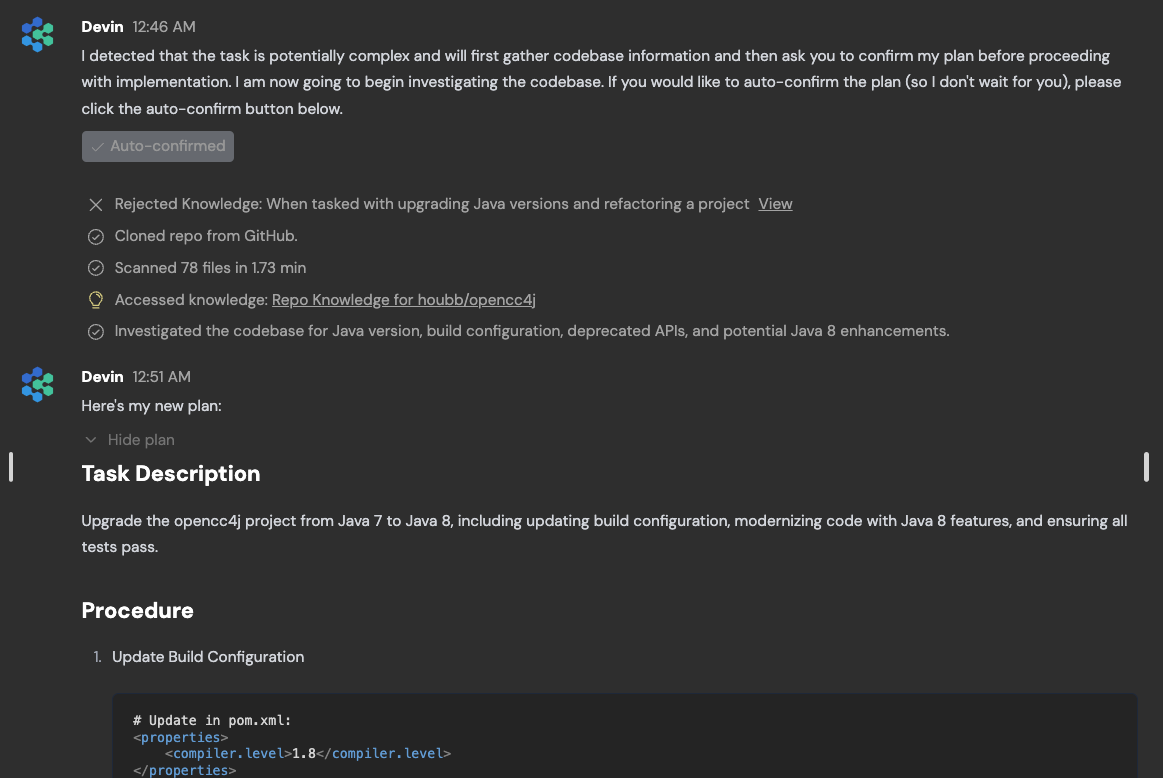
[](https://docs.devin.ai/release-notes/overview#november-1%2C-2024)
November 1, 2024
**Programmatically create Devin sessions and retrieve results (including strutured output) using our new REST API**:Our new RESTful API allows you to integrate Devin into your own applications, write scripts to kick off multiple sessions in parallel, and build powerful automation workflows on top of Devin.You’ll be able to specify a structured output format in your prompt, for example:
Copy
Ask AI
Devin, we're using auth0 instead of clerk - can you remove clerk support from the provided file? Output format: {lines_edited: int, success: bool}
View structured output in the web app on any session page with CMD+i, or click “Show structured IO” in the dropdown menu in the top right corner of your chat.

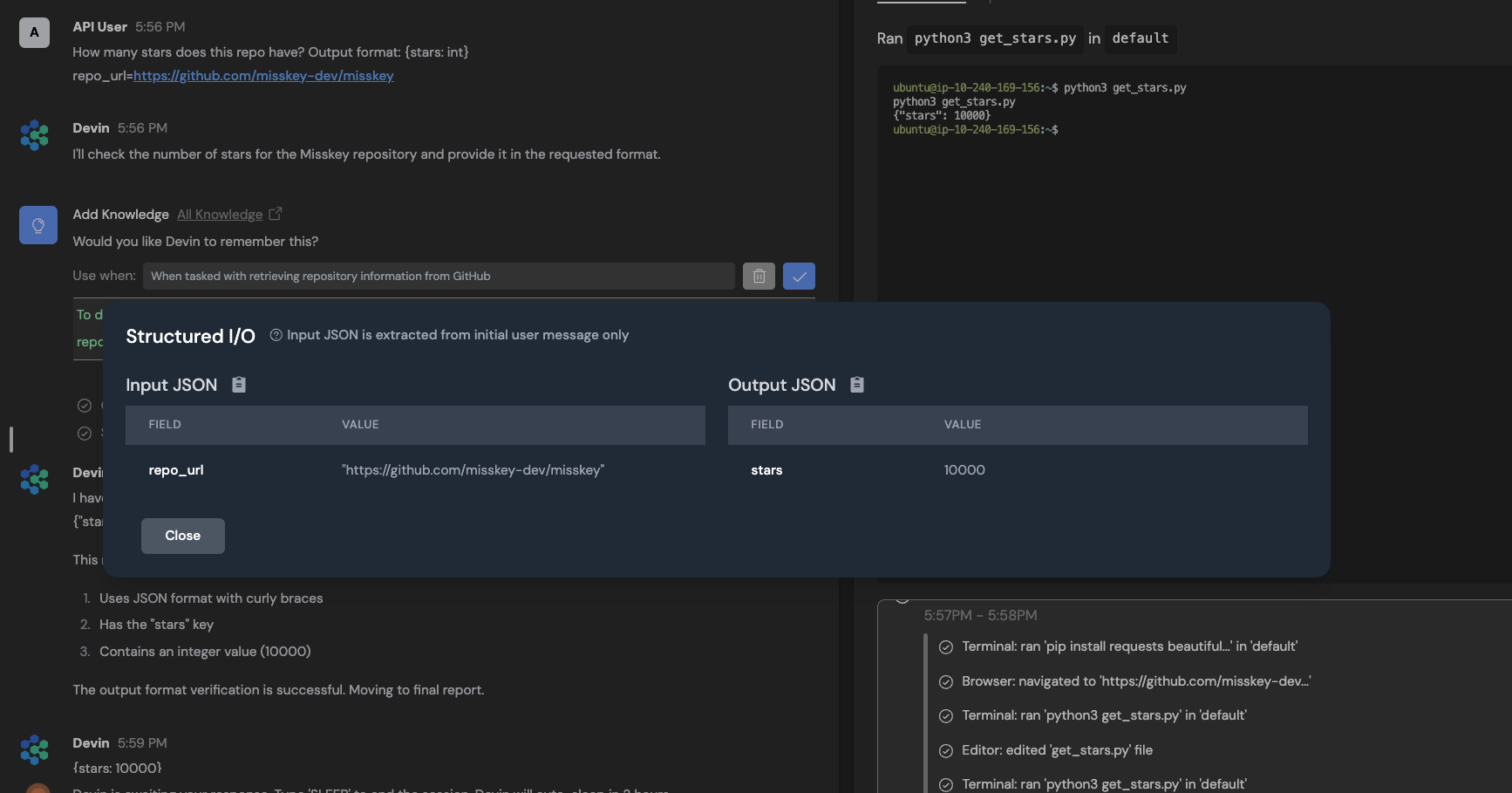
You can obtain an API key from your [settings page](https://app.devin.ai/settings/api-keys)
.Read our [API documentation](https://docs.devin.ai/api-reference/overview)
to learn more and view an example of how to use the API.
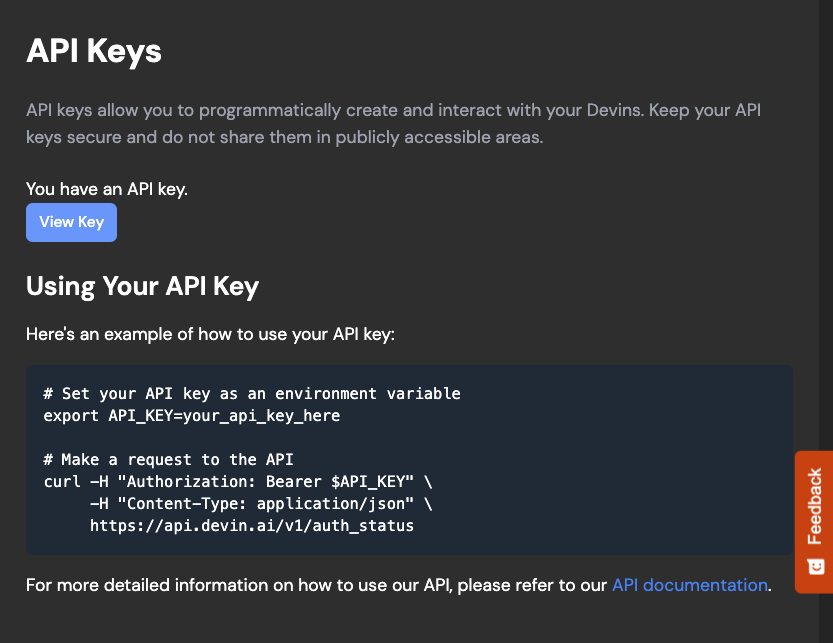
**It’s now easier to understand what Devin’s been up to with the “Follow Devin” tab**:The “Follow Devin” tab is designed to make it faster to understand what Devin’s been up to - it highlights Devin’s actions (file edits, shell commands, etc) as Devin works. Click on the magnifying glass icon to jump to the associated tool (editor, shell, browser, planner) for more information.
**To be successful with Devin, upfront investment is usually required - our new Onboarding Flow walks you through the required steps**:Onboarding steps include:
* Connecting your Github organization - this enables Devin to **scan your codebase** and generate [Repo Knowledge](https://docs.devin.ai/product-guides/knowledge)
. Github also enables Devin create PRs and **respond to your PR comments automatically**!
* Connecting your Slack organization allows you to kick off sessions and respond to Devin in the same place where you interact with your human teammates! Next time someone reports a frontend bug, try tagging @Devin in the channel to address it!
* Manually [setting up Devin’s machine](https://docs.devin.ai/onboard-devin/repo-setup)
. If your repository requires developers to have environment variables or dependencies installed, it’s important to set up Devin’s machine. Otherwise, Devin will spend its limited resources figuring out setup before it’s able to tackle the task you give it.
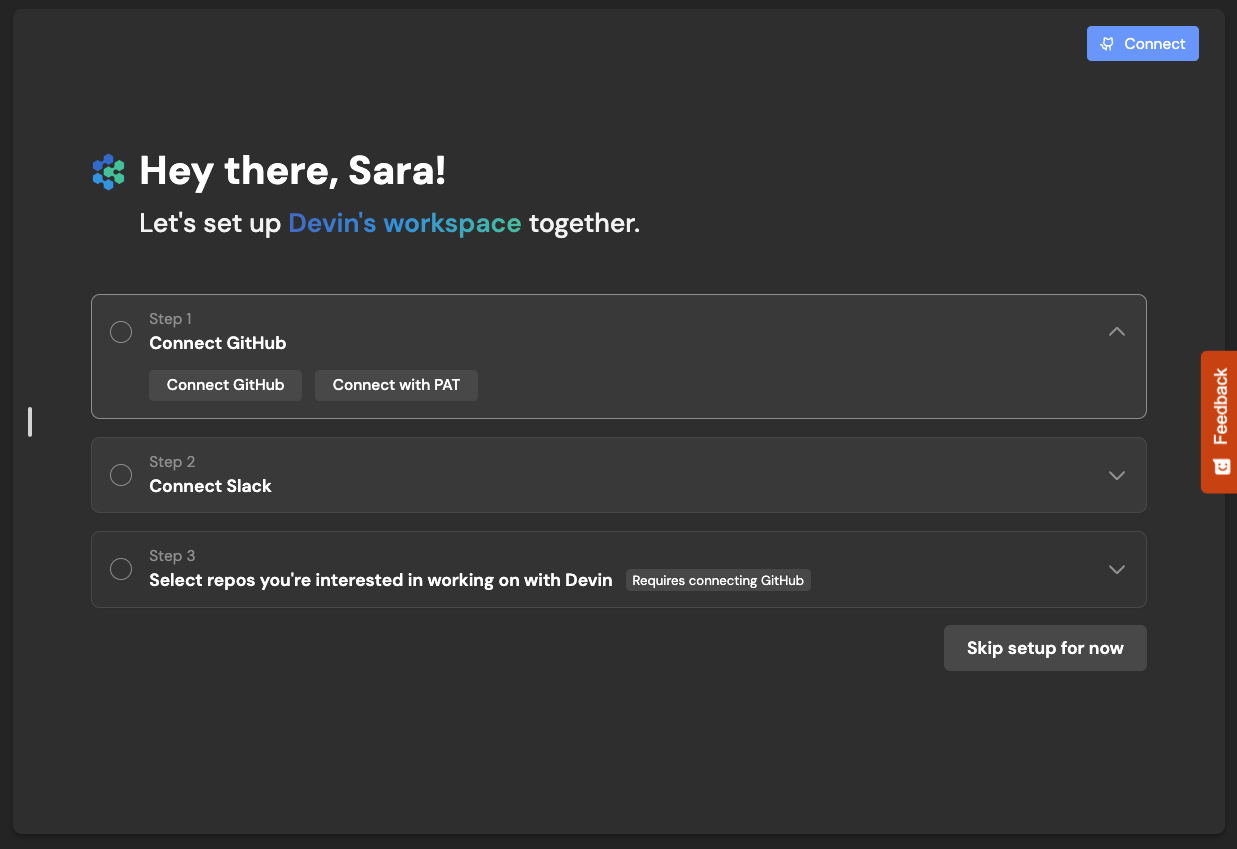
**You’ll receive warnings if Devin is about to sleep**:Previously, users on our Personal and Team plans might’ve noticed that Devin may sleep unexpectedly. This is now fixed, and if Devin is about to sleep because it’s low on ACUs or close to per-session ACU limits (which reset with each new instruction and can be configured in [Settings > Usage](https://app.devin.ai/settings/usage)
), you’ll receive a toast notification in the web app!**Repo knowledge**:Devin will now automatically **scan your repositories** and generate [Repo Knowledge](https://docs.devin.ai/product-guides/knowledge)
. This allows Devin to more quickly and successfully do real work for you in your repo. You can always add and edit your own Knowledge manually in [Settings > Knowledge](https://app.devin.ai/knowledge)

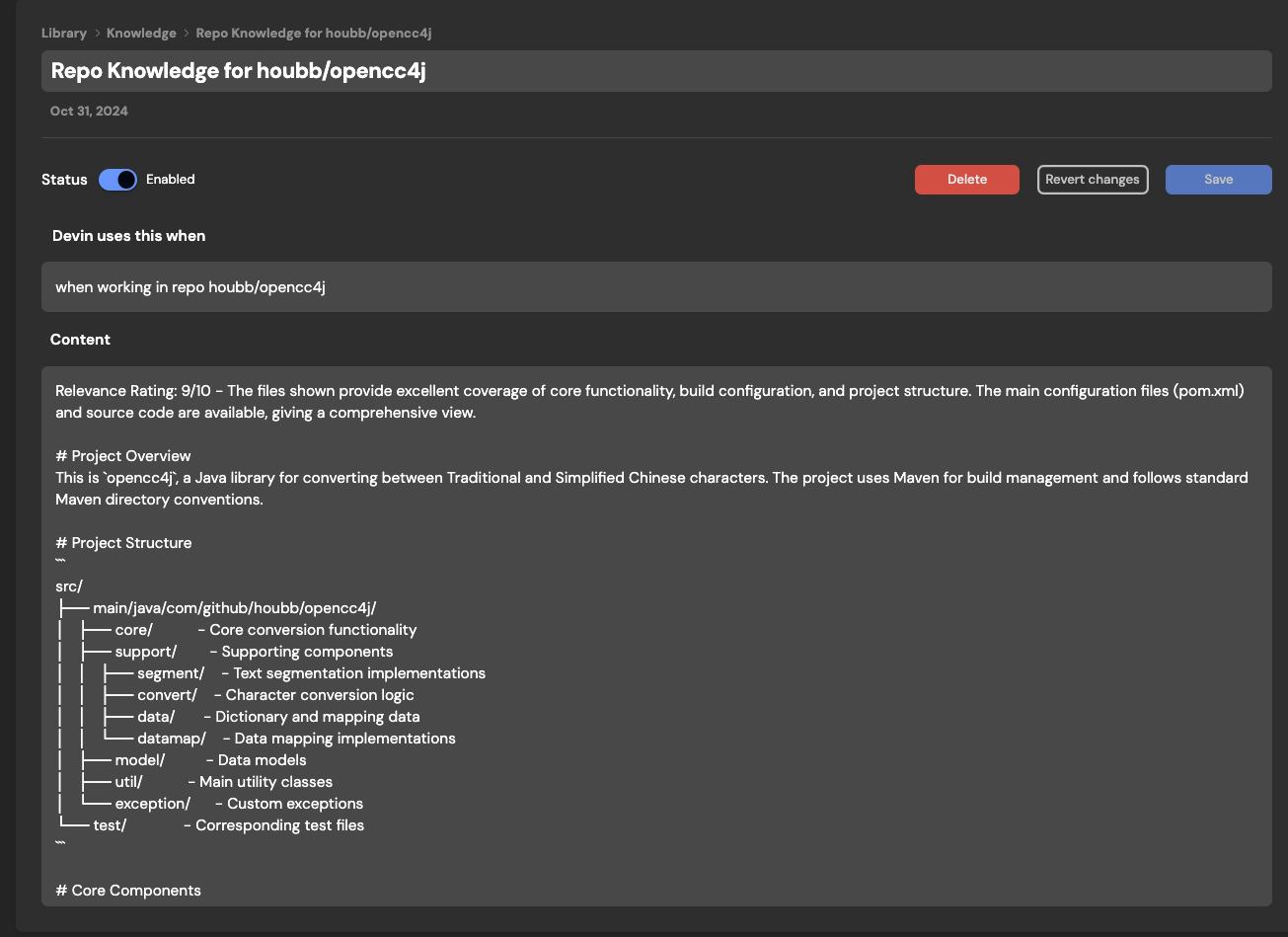
**Increased options for Enterprise users**:Enterprise users now have more options to configure Devin to meet your organization’s needs, including:
* **Single sign-on with Okta**
* **Auto-Join for Company Domains:** Allow any user with a company email to join Devin without individual invites
* **Customized Onboarding:** Tailor example sessions and suggested prompts to guide your organization’s users to Devin’s most valuable use cases
* **Usage Insights:** Automated email alerts to track your usage over time
[](https://docs.devin.ai/release-notes/overview#october-10%2C-2024)
October 10, 2024
**A new home page, designed for longer prompts and smaller screens**:Devin often works best when you share detailed context and requirements upfront. With our redesigned home page, the input box expands as you type and feels more like a file editor:
* press Enter for new lines
* use Cmd + Enter (or Ctrl + Enter) to send your message
* paste example code snippets or lists of requirements to try our rich text features
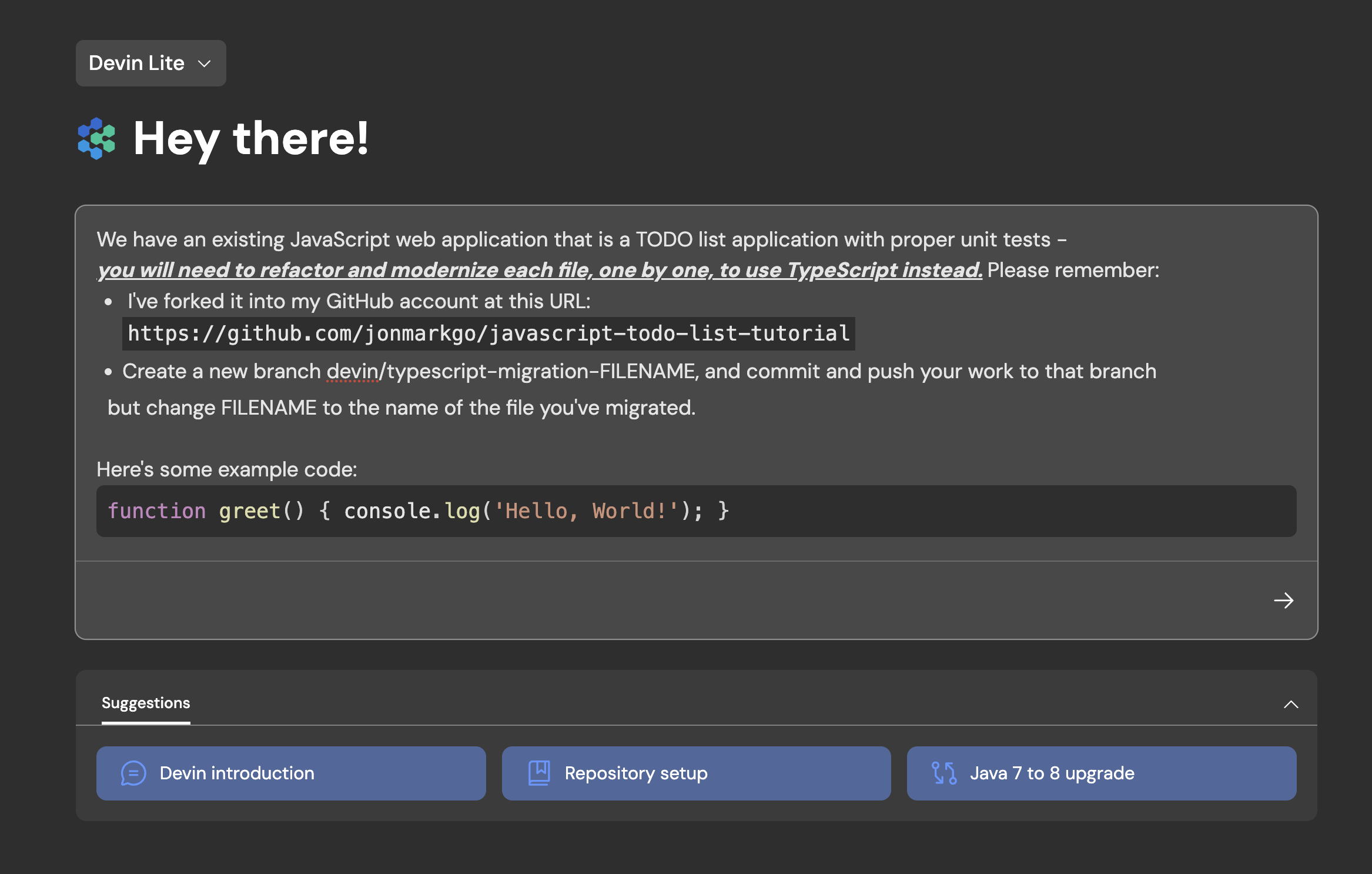
**\[Beta\] Devin API**:The Devin API allows you to spin up Devin sessions programmatically. Use cases range from automatic PR reviews and lint error resolution to providing internal services for migrations. Currently available for our Enterprise users - contact us at [support@cognition.ai](mailto:support@cognition.ai)
to learn more!**Faster session and workspace navigation**:It’s now much faster to scrub Devin’s workspace, switch sessions, and start new sessions in the Devin web app.**We’ve migrated our authentication system to Auth0**:You’ll notice a new design on our login page, but you’ll be able to log in as normal using your email, Google, or GitHub credentials.
[](https://docs.devin.ai/release-notes/overview#september-26%2C-2024)
September 26, 2024
**Introducing Devin for Teams**:With our Team plan, your entire team can create, share and collaborate together in Devin sessions. The Team plan includes everything in the Personal plan, plus:
* Unlimited seats
* Access to our Slack integration
* A larger ACU (Agent Compute Unit) capacity included with your monthly subscription
* A dedicated workspace for your team to create, share, and collaborate in Devin sessions together
Contact us at [support@cognition.ai](mailto:support@cognition.ai)
to learn more!
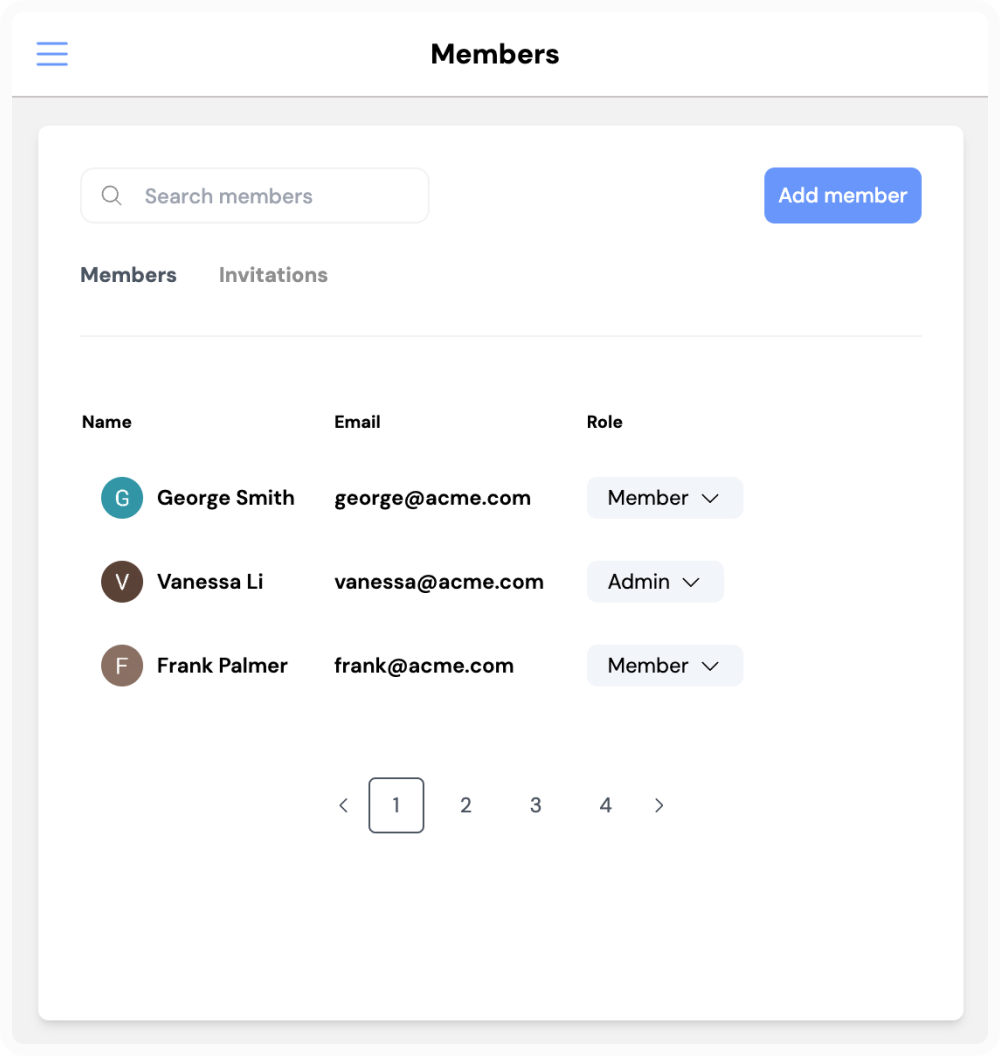
[](https://docs.devin.ai/release-notes/overview#september-3%2C-2024)
September 3, 2024
**Devin responds to comments on PRs**:Try reviewing Devin’s code via Github or Github Mobile - Devin will automatically respond as long as the session hasn’t ended and Devin isn’t sleeping.**Devin suggests Knowledge**:Try giving Devin feedback in chat! Devin will automatically suggest new additions to Knowledge if something seems useful for future sessions.Knowledge is a collection of tips, documentation, and instructions that Devin “knows” across all future sessions. Devin will automatically recall relevant Knowledge as necessary, and you can always manually add or review Knowledge in **Settings & Library** > **Knowledge.****Let Devin create Devins with MultiDevin**:Tackle large backlogs of tasks by delegating to a team of Devins that work in parallel. MultiDevin consists of 1 “manager” Devin and up to 10 “worker” Devins.The manager Devin distributes a task to each worker Devin, then merges the changes from all _successful_ worker Devins into one branch or pull request. MultiDevin is great for repeated, isolated tasks like lint errors, code clean-ups, migrations, refactors, and more!
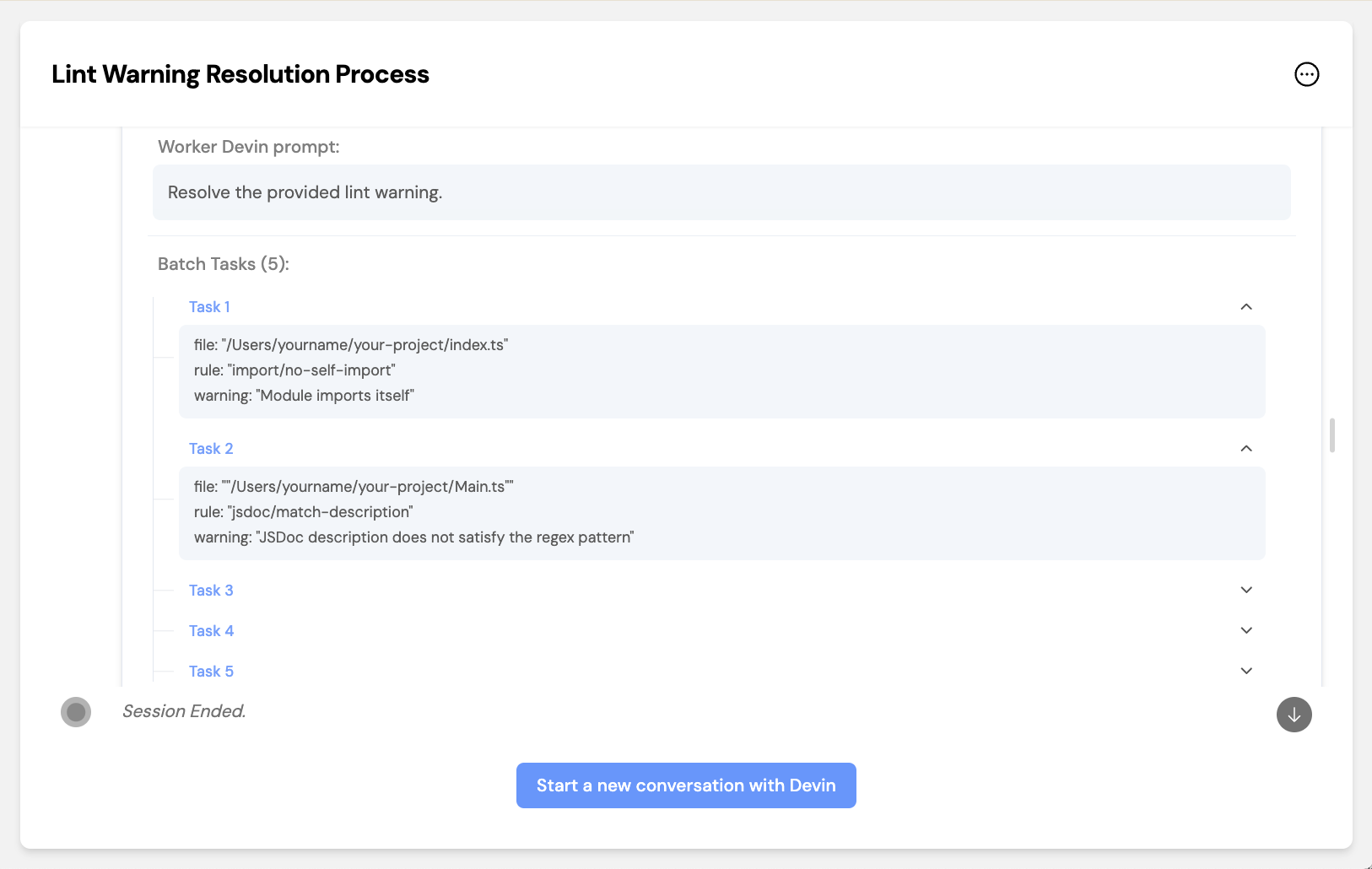
**Enterprise VPC Deployment**:Devin offers an enterprise deployment option tailored for organizations with stringent security and compliance requirements. Our cloud-agnostic solution allows Devin to deploy DevBoxes within your own Virtual Private Cloud (VPC) and to store data within your cloud, ensuring your data remains exclusively within your controlled environment.**“Wake up” old Devin sessions**:Previously, Devin sessions ended after long periods of inactivity. Now, most sessions will “sleep” instead, meaning that you can wake Devin up and resume the session at any point.You can still end sessions manually with the “stop” button at the top right corner of the chat.
**Send Devin code reviews in product**:Ask Devin questions or ask for edits to specific lines of code. The code you comment on will be sent to Devin in one chat message.Simply highlight any text in Devin’s editor and click “Add to chat” or “Add a comment”.
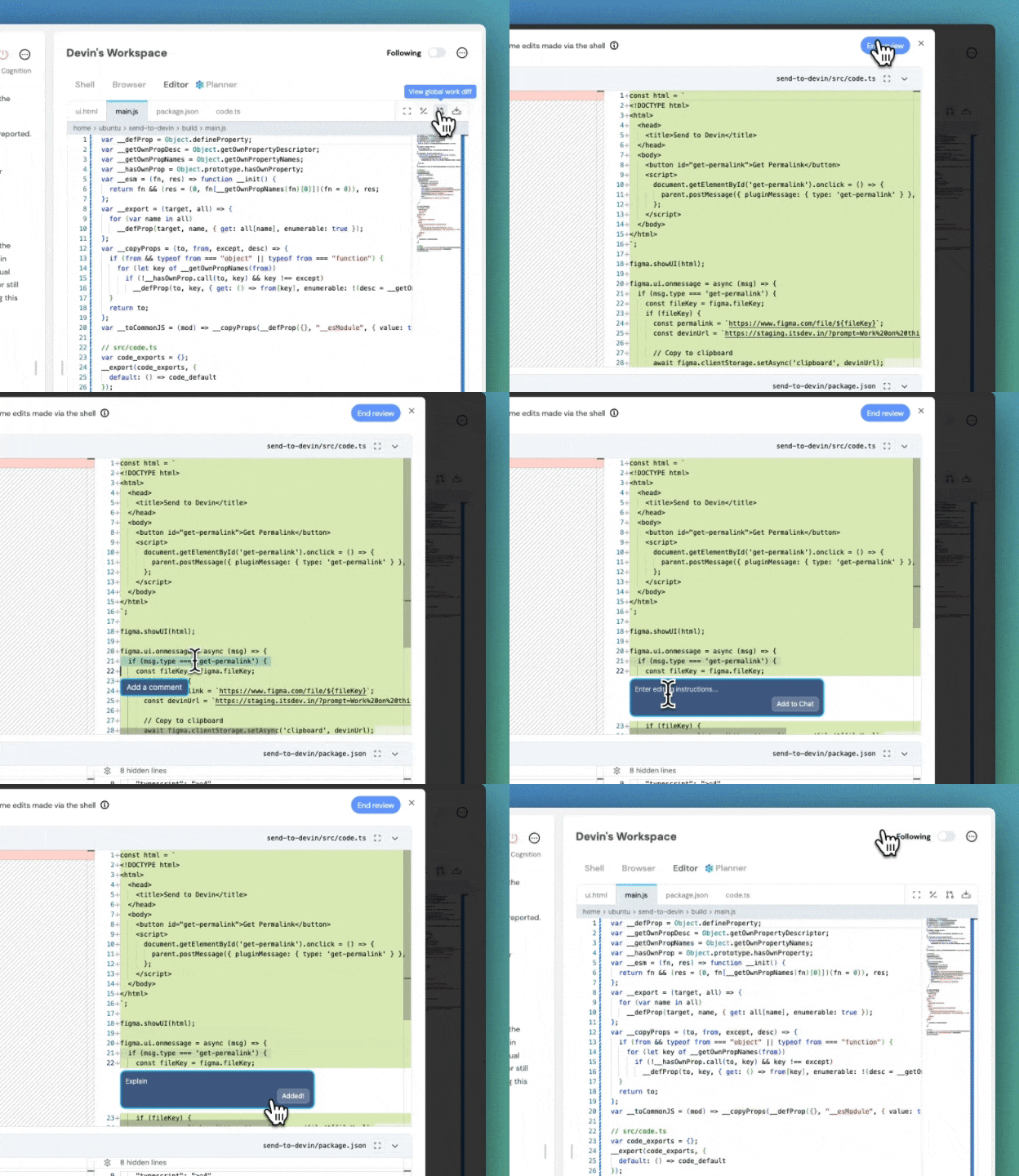
[](https://docs.devin.ai/release-notes/overview#july-15%2C-2024)
July 15, 2024
**Universal Planner**:With Universal Planner, Devin can now more reliably perform long, multi-step tasks that require **looping** - in other words, tasks that require performing the same action multiple times - without needing to use Playbooks.
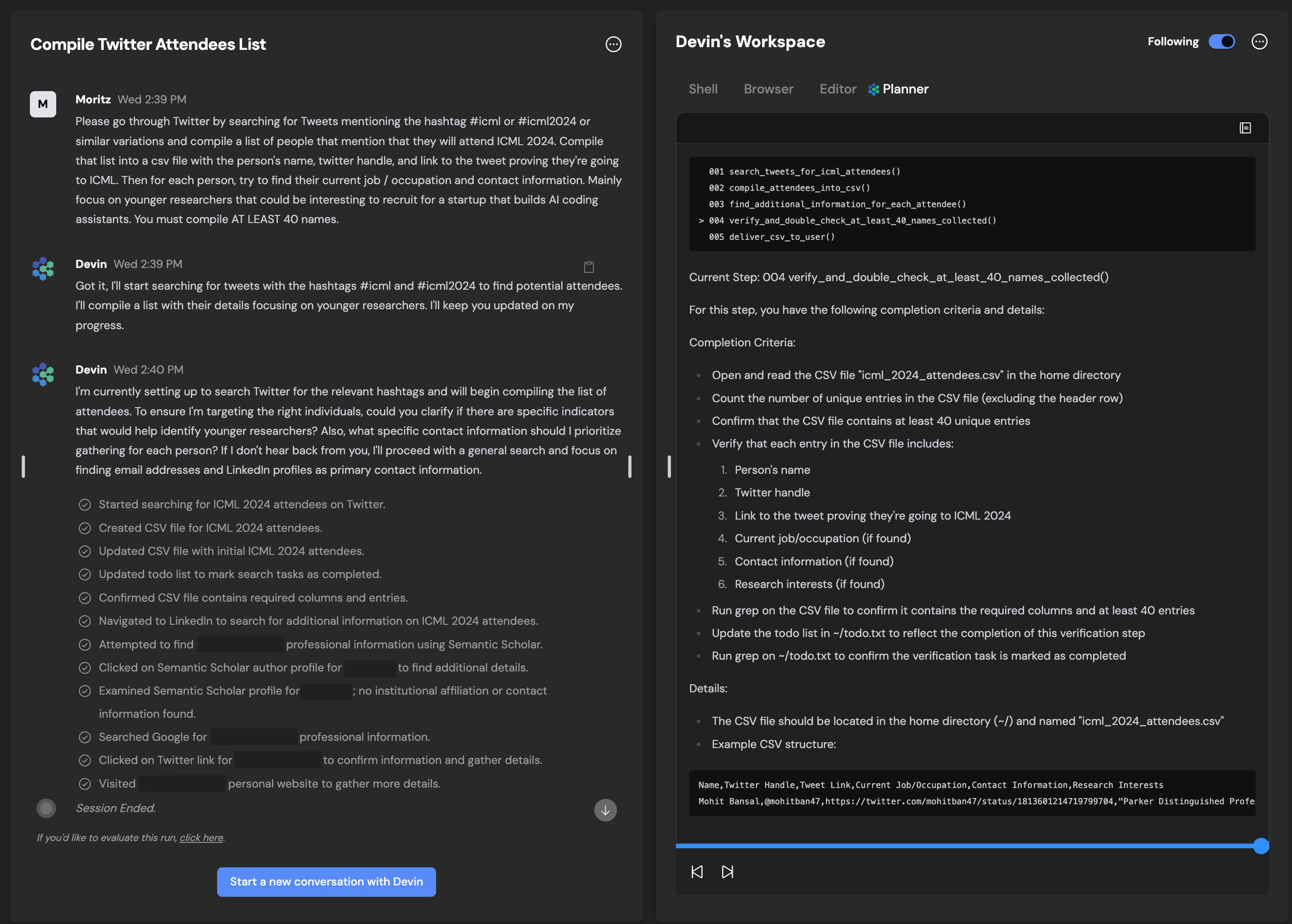
Playbooks are still recommended for tasks and prompts that will be run multiple times or prompts that are helpful to share with your team.**Devin got smarter!**:Many of our improvements this week have been behind the scenes **improvements to Devin’s instruction following, editing, planning, and speed:**📚 Playbooks **no longer expect or require a rigid structure** (e.g. ## Procedure section is no longer needed)💬 Devin is a better **communicator!** When Devin makes notable deviations from the initial plan, it will inform you more reliably.🔢 Devin is less reliant on playbooks and can follow ad-hoc plans more effectively**Add secrets to library mid-session**:Convenience improvement for secrets management:
**General UI Improvements**:We’ve done some cleanup to our **mobile UI, settings page, and session controls.****Devin is now faster!**:You’ll notice that Devin has a faster time to the first message, and is quicker at completing some actions. Expect more improvements in the coming days!**Devin’s Work Log**:Devin now maintains a work log in its planner. More quickly grok what Devin’s accomplished with the work log!Open the accordions to read Devin’s retro of its work at each step. 🟢/ 🟠 / 🔴 correspond to A/B/C grades. You’ll also find timestamps and how long Devin spent at each step.**Devin Mobile Improvements**:Try Devin while on the go - Devin mobile is now more usable, although we have a couple other improvements in the works!**Slack Integration 2.0**:**Create sessions directly from Slack, attach Playbooks and Snapshots using Slack’s convenient modal interface!**:Look for the **“Create a new session”** option in the message menu (you may need to click **“More message shortcuts”** the first time you try this)
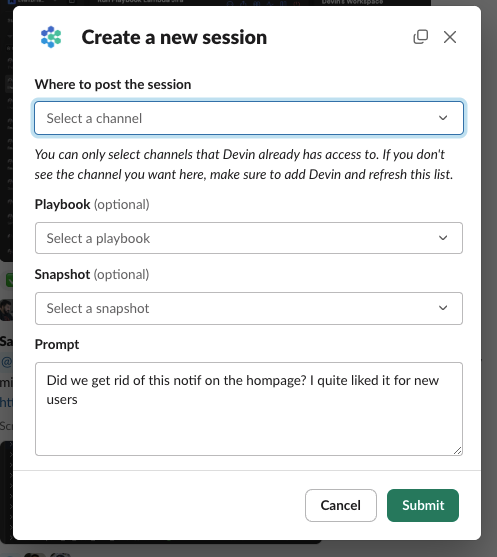
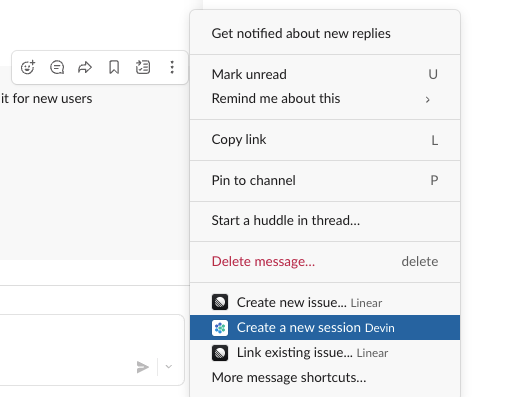
Also try the **/devin shortcut** or open Slack’s shortcut launcher
**Use “send to channel” to mirror sessions started via the web app on Slack**:This enables anyone in the channel (with Devin access) to quickly follow along and collaborate with Devin!
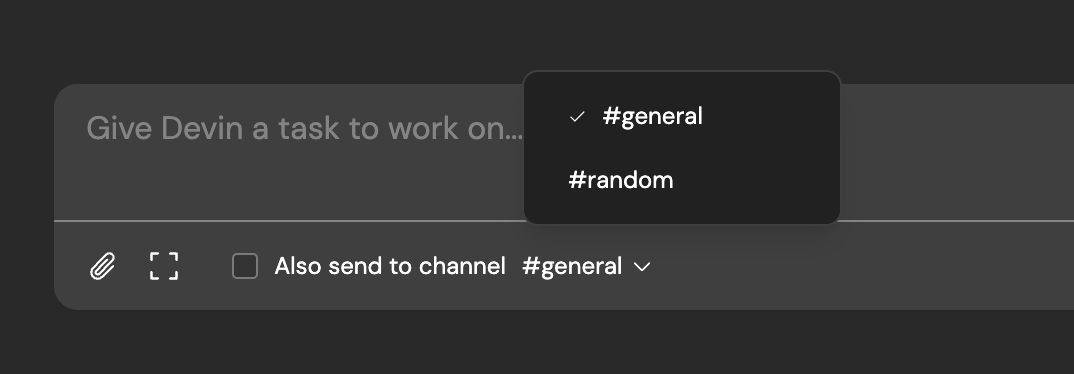
**Seamless communication across Slack channels and web app**:Messages sent via the web app are now mirrored in Slack threads and vice versa**Turn on Slack notifications mid-session**:Slack notifications are now more informative, containing message contents and session title.

[](https://docs.devin.ai/release-notes/overview#june-30%2C-2024)
June 30, 2024
**Use Devin’s Editor and Shell**:It can sometimes be more convenient to directly take actions for Devin, rather than providing instructions for Devin to follow.We’re excited to share that you can now directly use Devin’s machine. The new “Use Devin’s Machine” button in the web interface opens VSCode in a new tab. Using VSCode, you can directly read and edit Devin’s files, as well as open up a terminal in Devin’s machine.**Playbook Editing**:Quick edit a playbook before sending it to Devin. Selected playbooks show up inside of the input box and the input box can be expanded, enabling fast and convenient edits to a Playbook before sending it to Devin.Inline and in-session playbook edits won’t be reflected in the Playbook Library unless you click the **“Update Playbook in library”** button. Alternatively, save your edits as new Playbook with the **“Create new Playbook in library”** button.
**Forbidden Actions Reliability**:Devin now abides by forbidden actions more reliably when it’s told what not to do via user messages or Playbooks.
Copy
Ask AI
## Forbidden Actions
- Do NOT touch any Kotlin code
- Do NOT push directly to the main branch.
- Do NOT work on the main branch
- Do NOT commit changes to the yarn.lock or package-lock.json files unless asked to explicitly.
**Playbooks Library & Past Runs**:Explore how your teammates are using Playbooks in the new “Past runs” tab, and directly select Playbooks from library**Ask Devin about Devin**:Devin is now aware of its own product features and improvements! Try asking Devin what it knows about the Devin web app, and it’ll explain its features and where to find them.
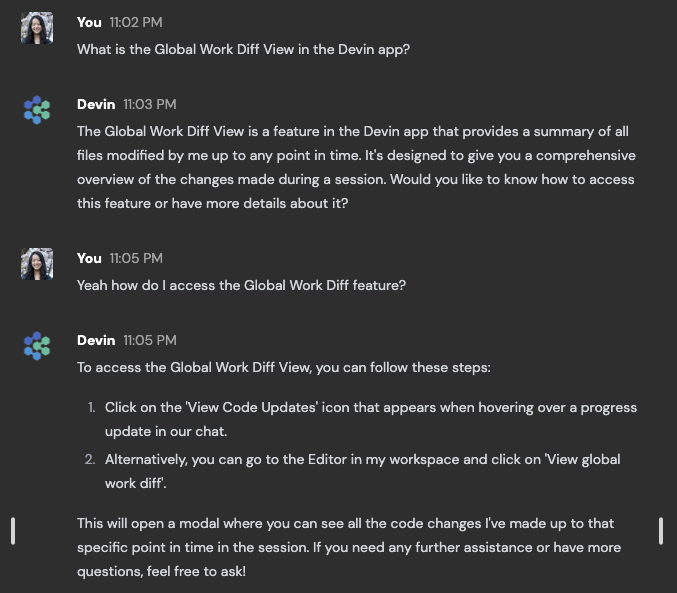
**Start Duplicate Sessions**:Quickly kick off 2+ similar sessions with the new **“Start duplicate session”** button in the sidebar. You’ll be redirected to the Devin home page with your initial message pre-populated along with any attachments, playbooks, and snapshots.We recommend kicking off 2+ Devin sessions for some tasks, to give Devin more chances to succeed!
**Home Screen Upgrades & Shortcuts**:The new Devin home screen makes it faster to explore and select Playbooks and Snapshots. We also introduced **Shortcuts.** Select a snapshot and/or playbook and save them as a shortcut so that they’re quick to reuse!
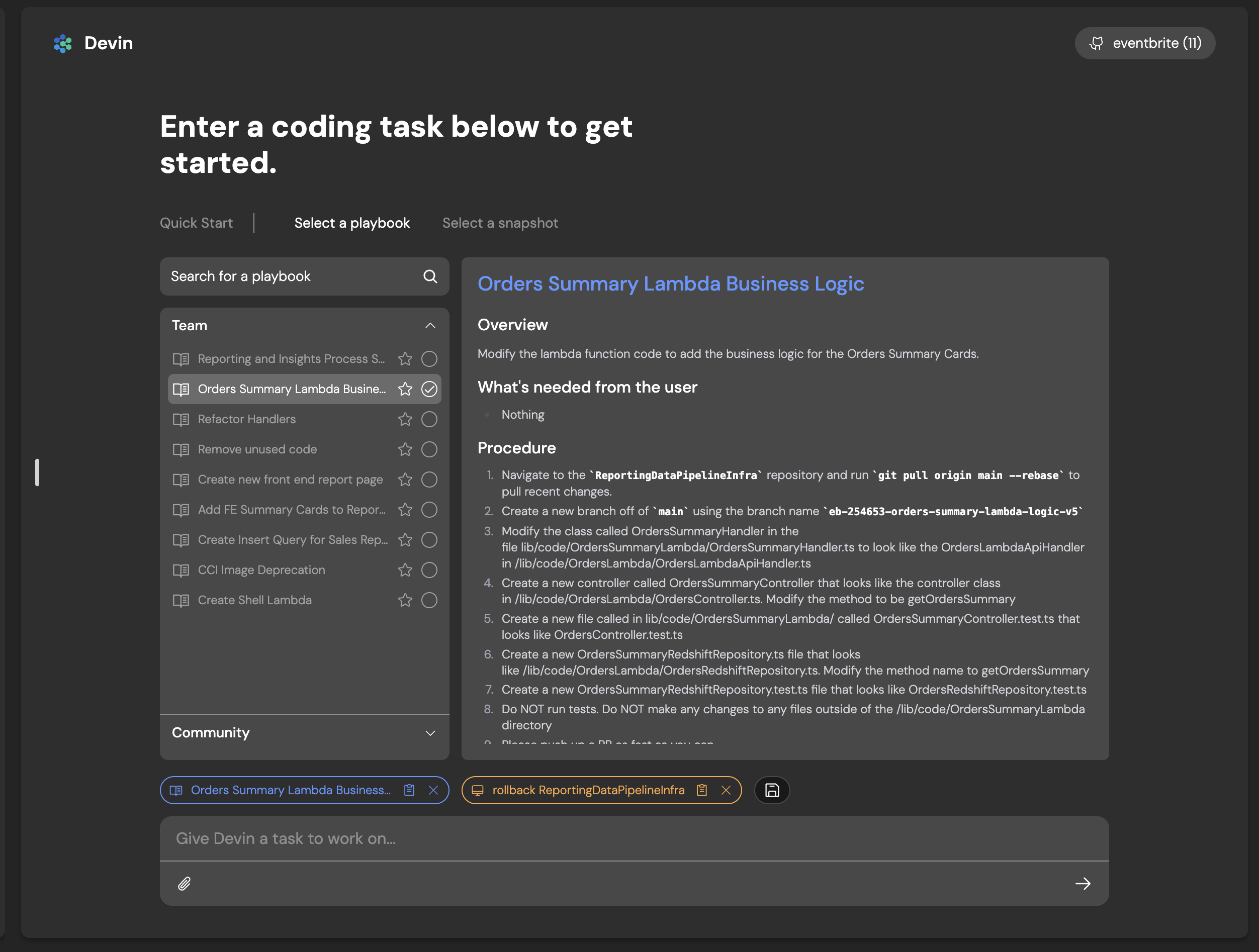
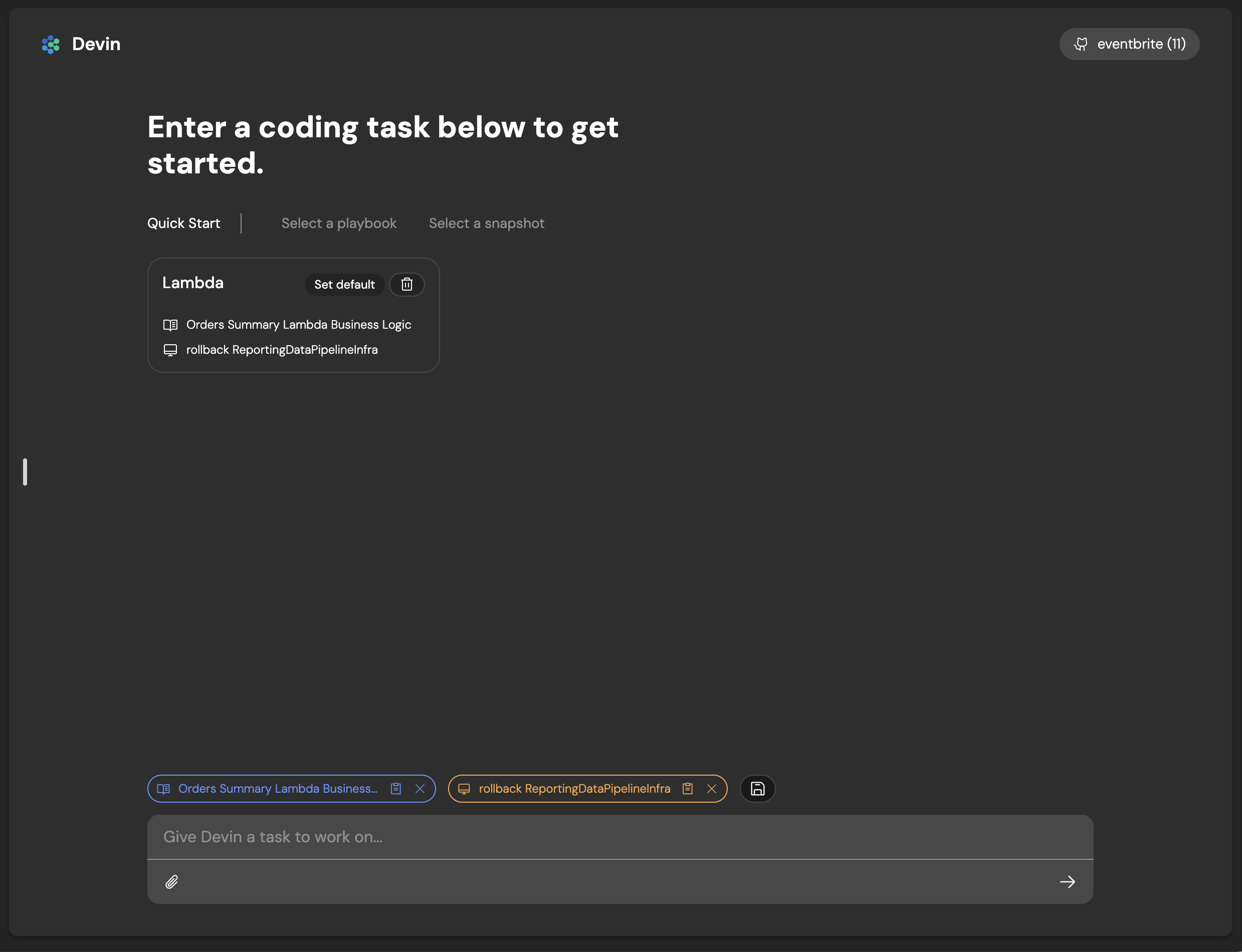
**PR Metrics Dashboard**:The PR metrics view aggregates all PRs made by Devin. The PR metrics view is available at [https://app.devin.ai/metrics](https://app.devin.ai/metrics)
!
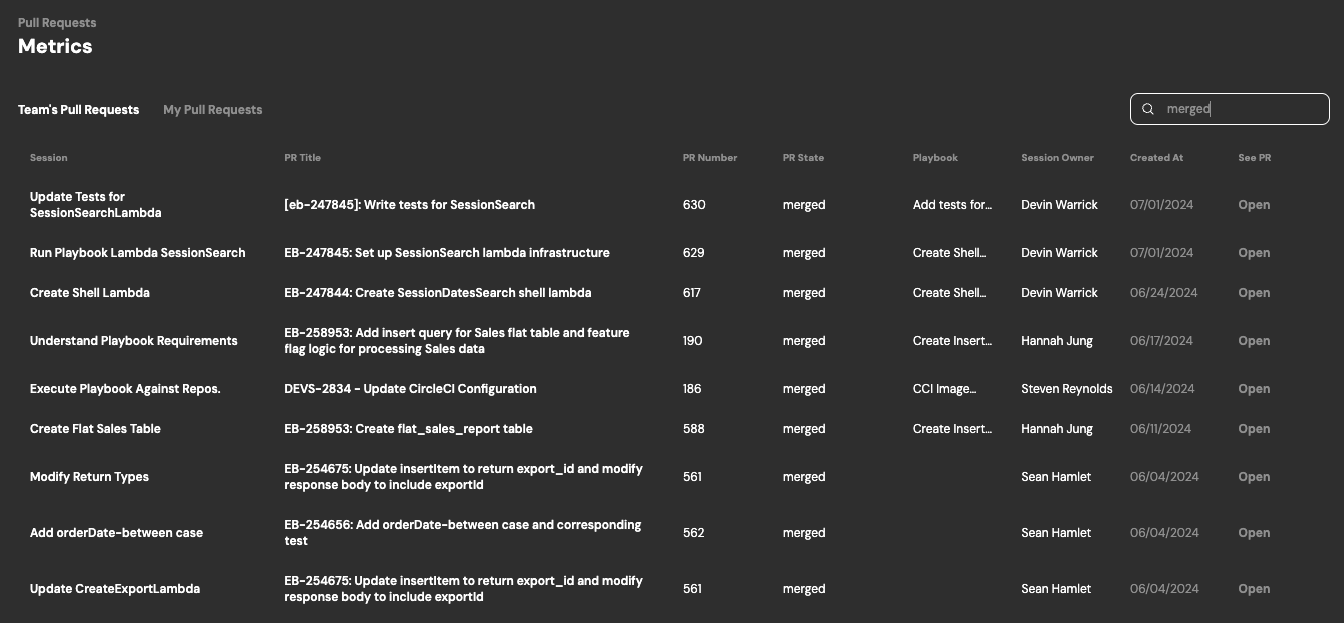
**Session Filtering**:Quickly filter all of your sessions by creator, status, playbook, date, etc.
[](https://docs.devin.ai/release-notes/overview#may-29%2C-2024)
May 29, 2024
**Playbooks Library**:You can now easily create, view and use playbooks by going to the **Devin app > Library > Playbooks.** You’ll be able to create playbooks for your personal use cases, and explore playbooks from the community. Any playbooks you create will be shared with your team.
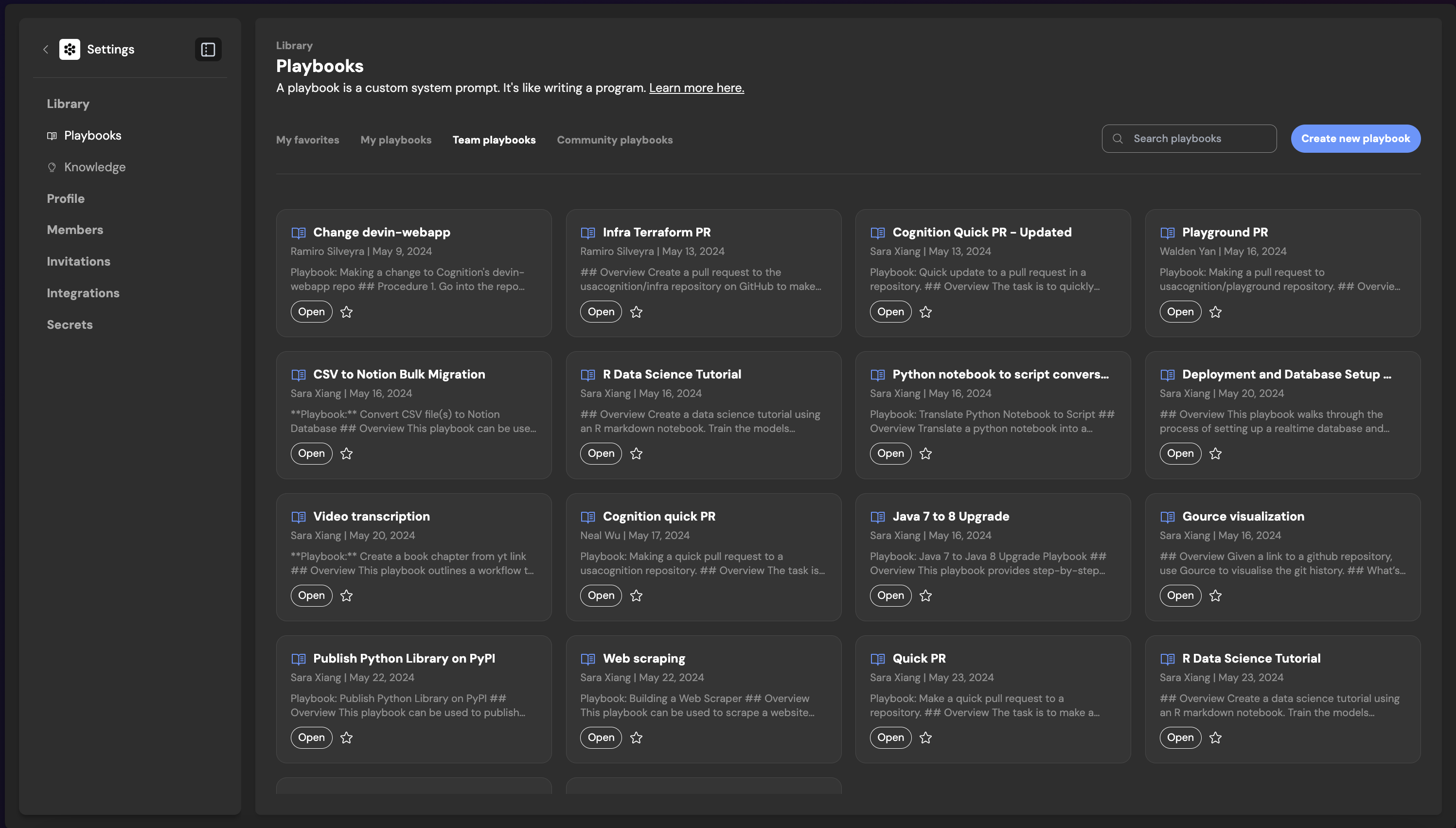
You can click in any of your Team or Community Playbooks to see example runs as inspiration for how to use a given playbook.
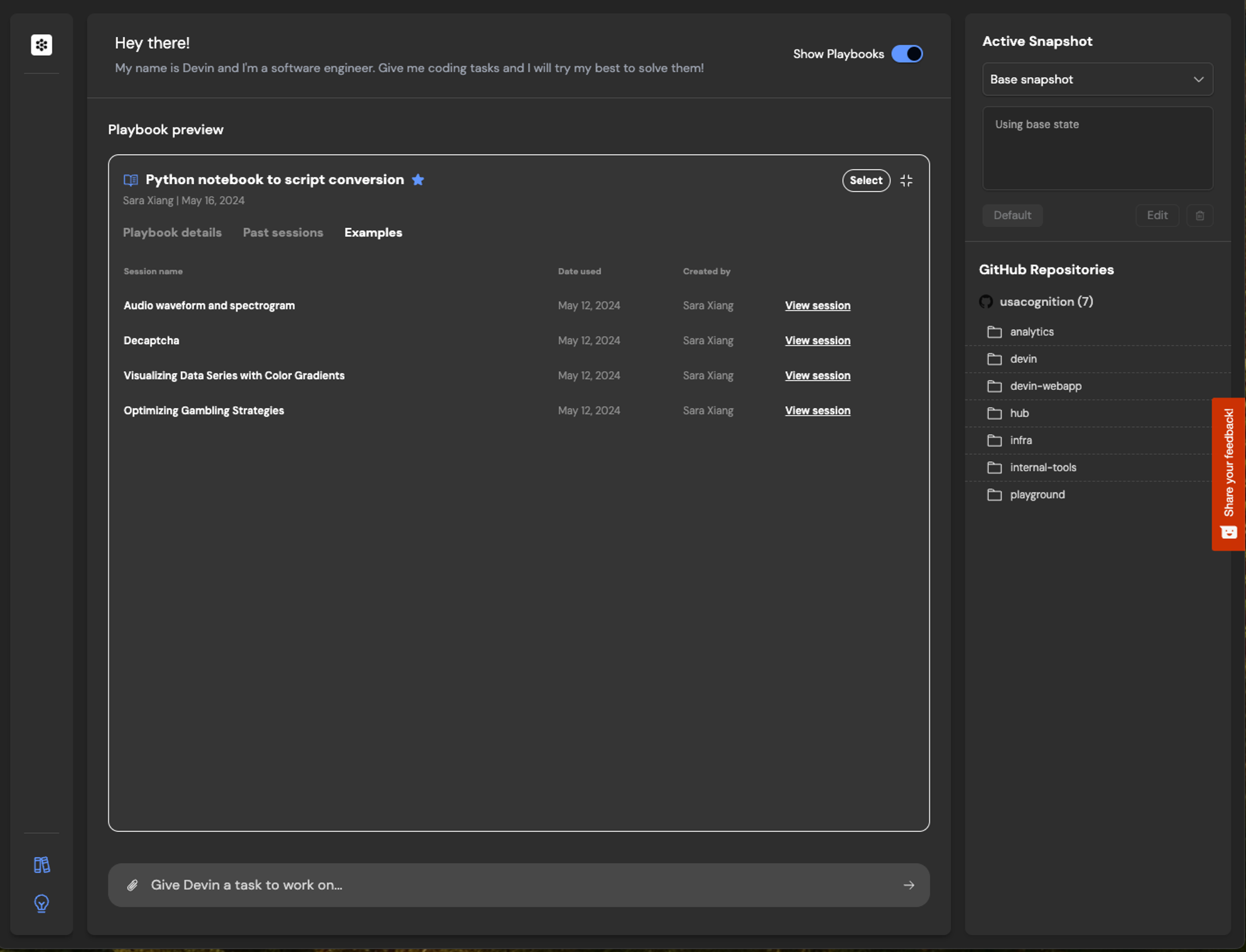
**Playbook Compiler**:With the playbook compiler, you can now quickly iterate on your playbook to make sure the format, structure and content are optimized for the best playbook session results.Tip:
* Write your playbook in the **Content** on the left hand side
* Click compile and review the newly formatted Playbook
* You can always edit and update the compiled Playbook. When it’s ready, click create!
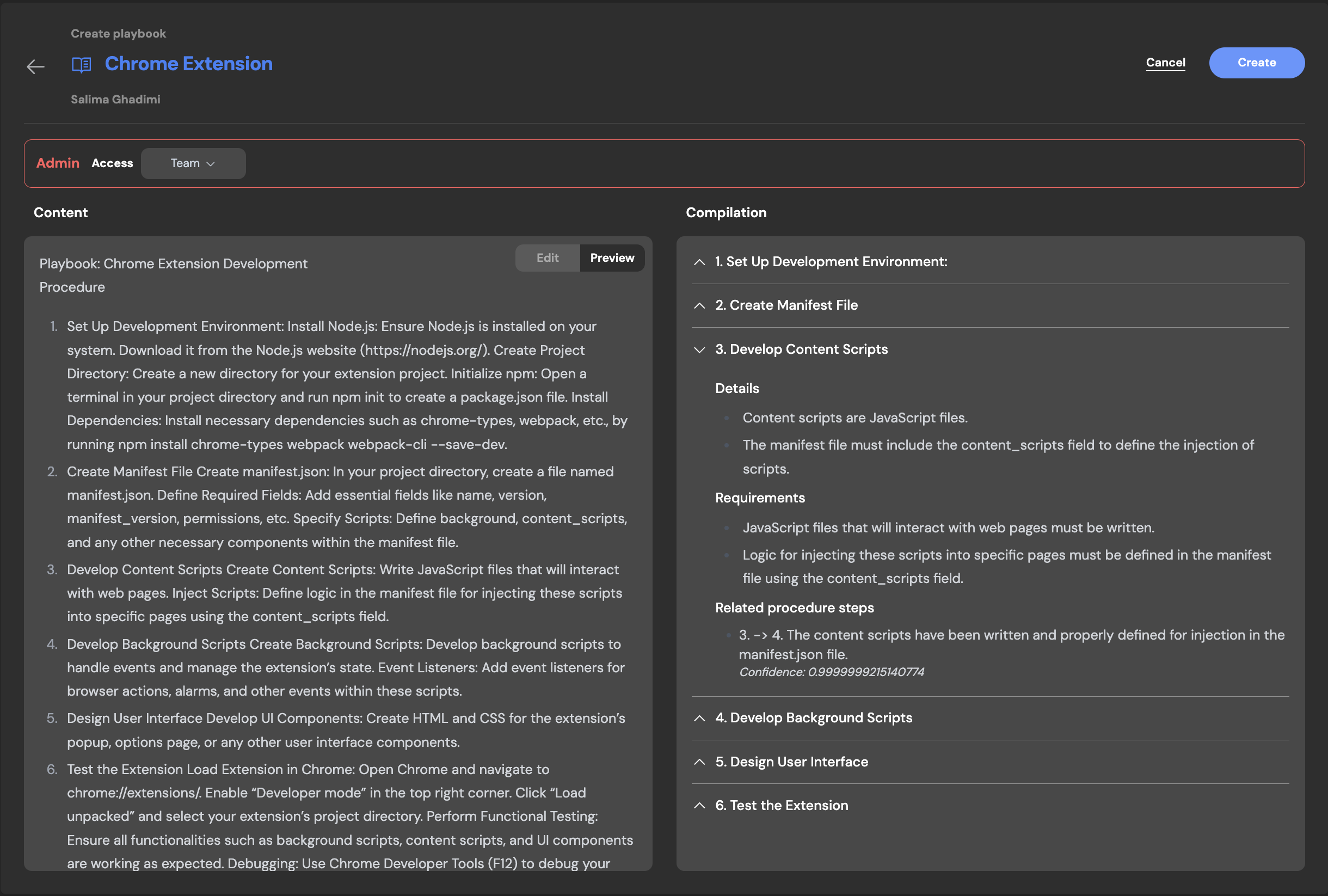
**Interactive Browser**:Interactive Browser allows users to directly use Devin’s browser. This feature is especially helpful for browser tasks where Devin may require assistance, such as completing CAPTCHAs, multifactor authentication steps and more.
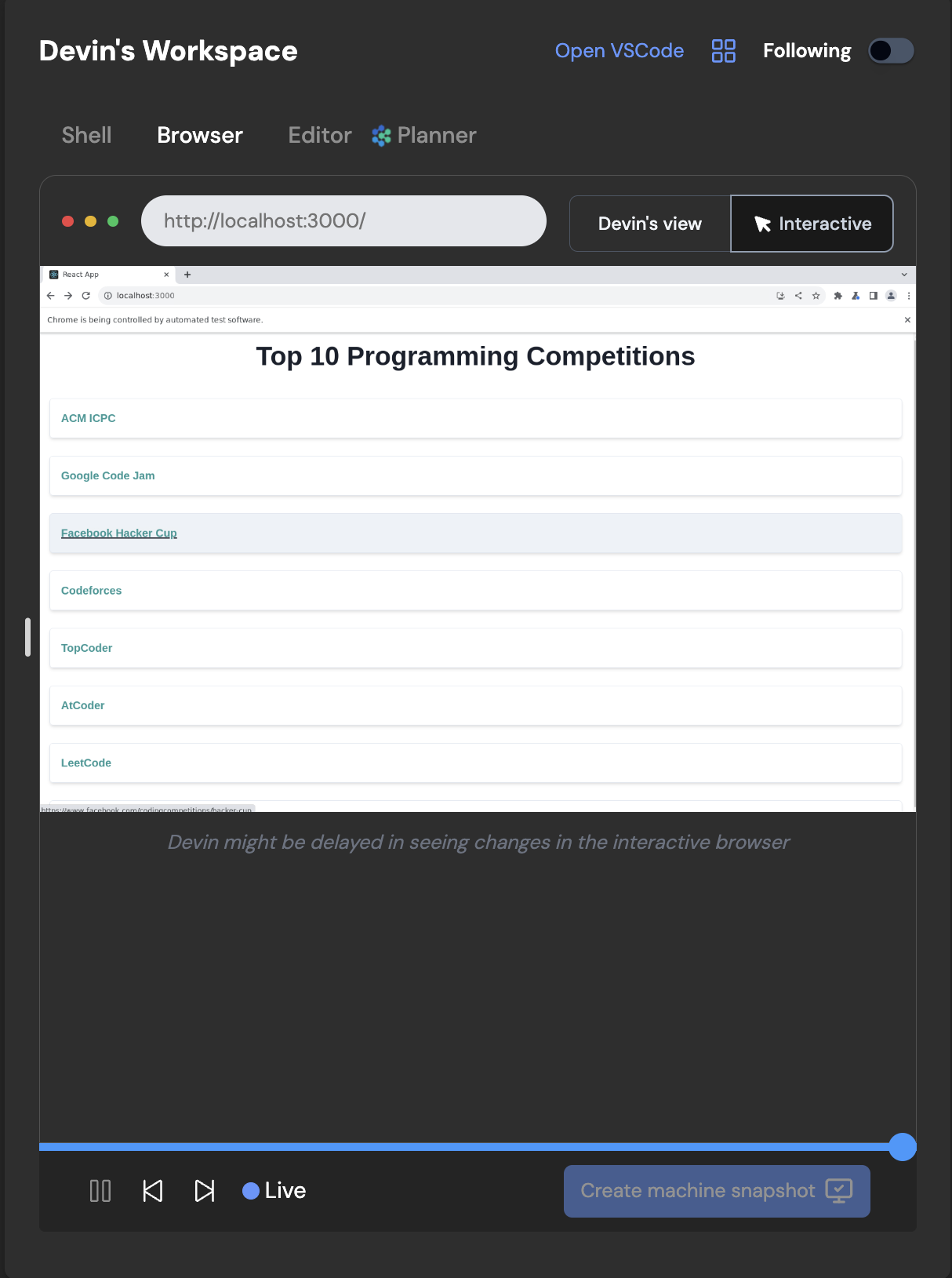
**Knowledge**:Knowledge is a collection of tips, instructions, and organizational context for Devin. You can continually add to Devin’s bank of knowledge over time, and Devin will automatically recall relevant knowledge as necessary.
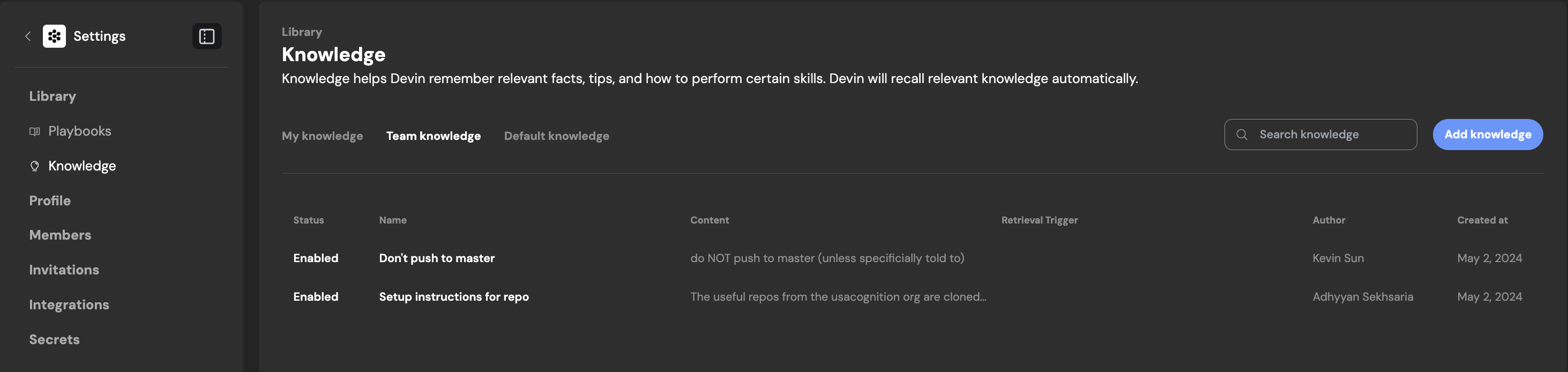
You can easily add knowledge to Devin’s “knowledge bank”, or disable it if needed. View when and how Devin is using Knowledge in any run’s progress updates.**View Code Updates**:During a session, you can now click into Devin’s progress updates to view specific code edits Devin made while working through the sub-tasks. You can also view these directly from the Editor.Progress Updates View

Editor Updates View

Code updates will open a modal where you can track new code written by Devin up to that specific point in time in the session.
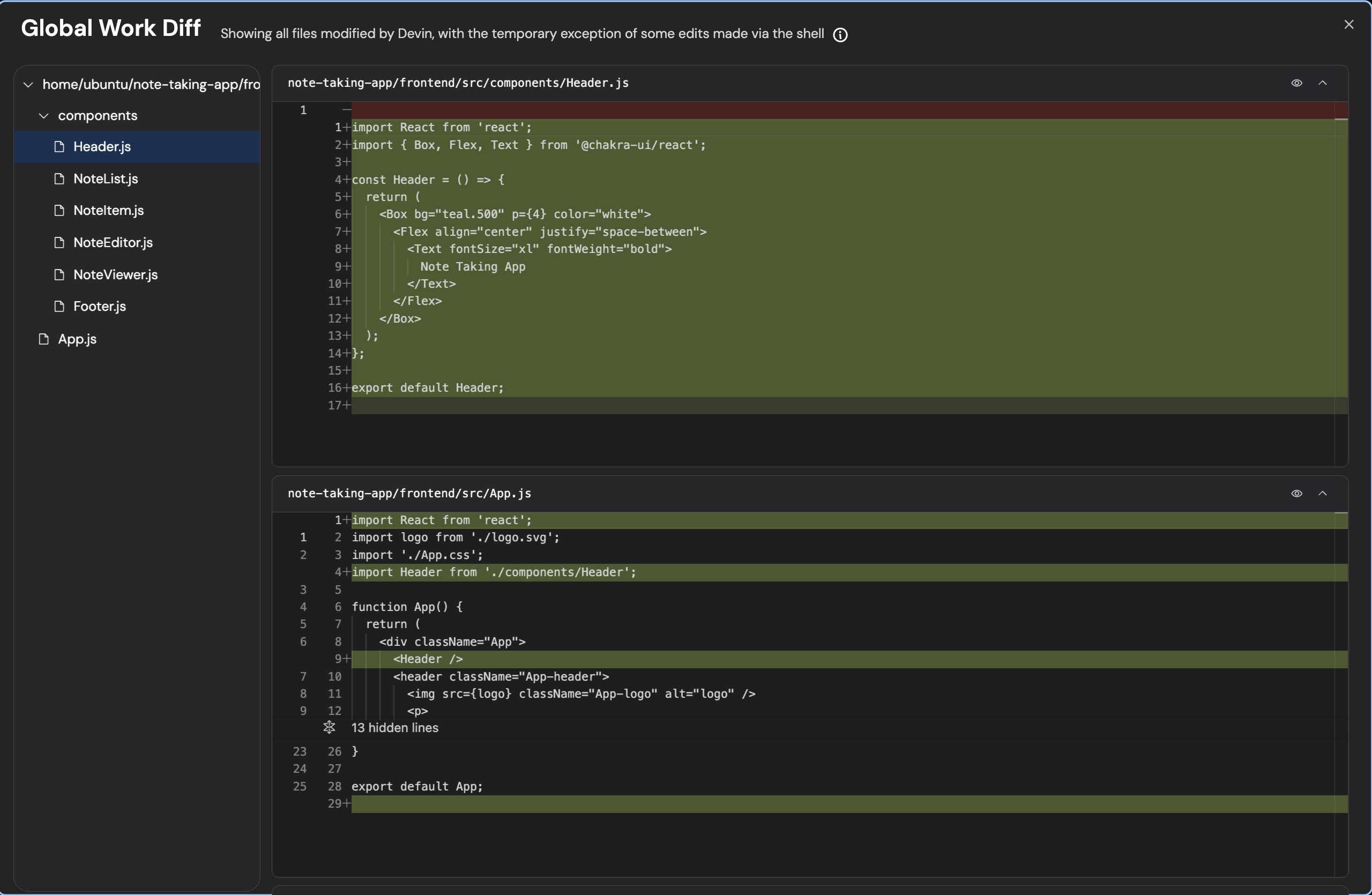
**View Shell Updates**:During a session, you can now click into Devin’s progress updates to view specific shell commands Devin used while working through the sub-tasks. You can also view the Command History from the Shell.

Progress View Shell Updates
**Shell Command History**:Shell updates will show you the full Command History and related outputs. You can easily copy a command and output by clicking on the three-dots icon.Any commands that are italicized are commands run at a future point in time in the session, you can jump to different points in time in the session by clicking on different commands in the Command History section.
[](https://docs.devin.ai/release-notes/overview#may-13%2C-2024)
May 13, 2024
**Machine Snapshot Startup Commands**:For a given machine snapshot, you can now **set a list of startup commands that will be run at the beginning of every run**. Some details:
* The commands are run from `~`
* The commands run in sequence (so having `cd dir` and then `ls` will do `ls` from `dir`)
* Each command is given a 2 minute timeout (so you can’t run long-running servers with these commands)
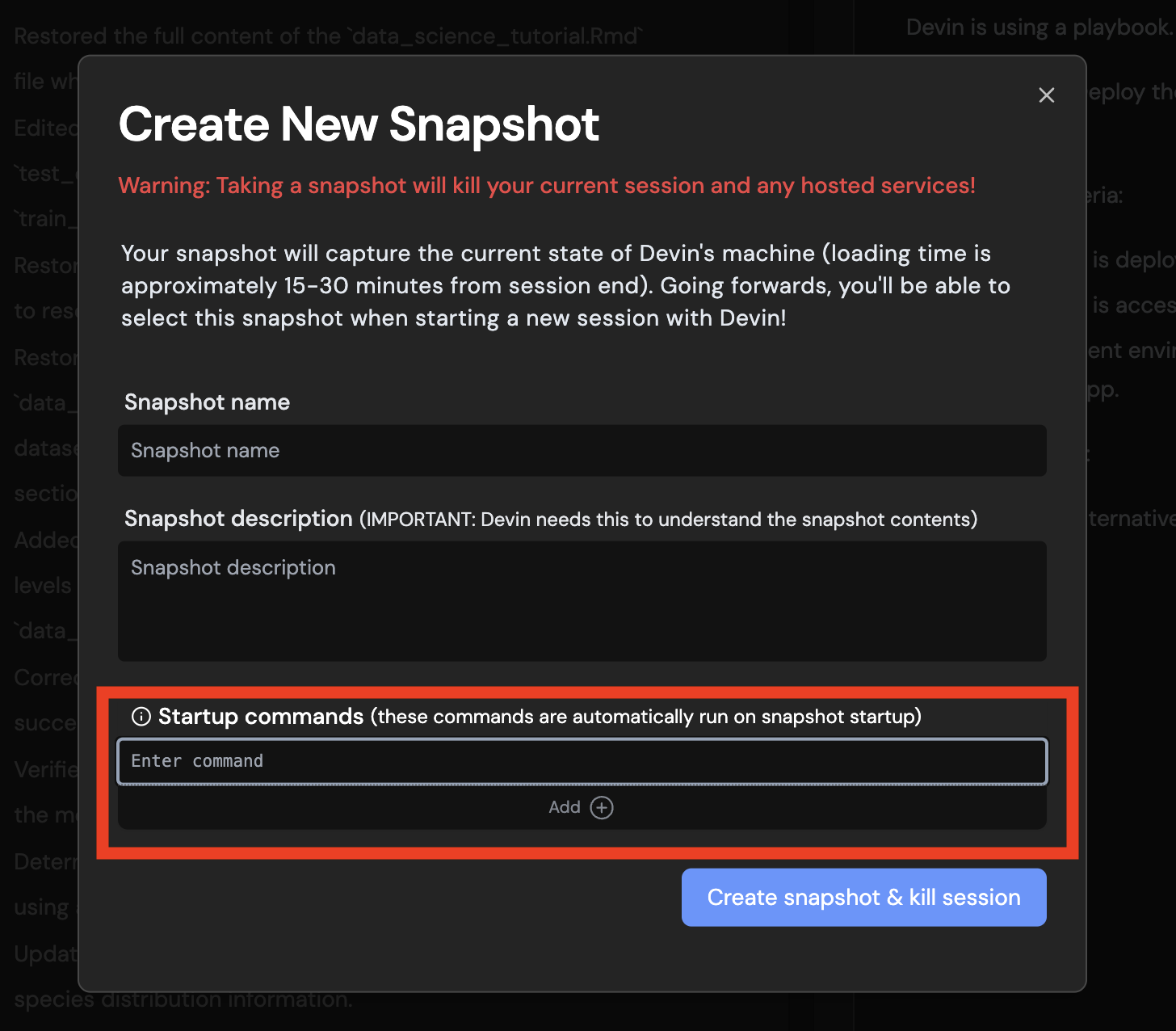
**Command History**:
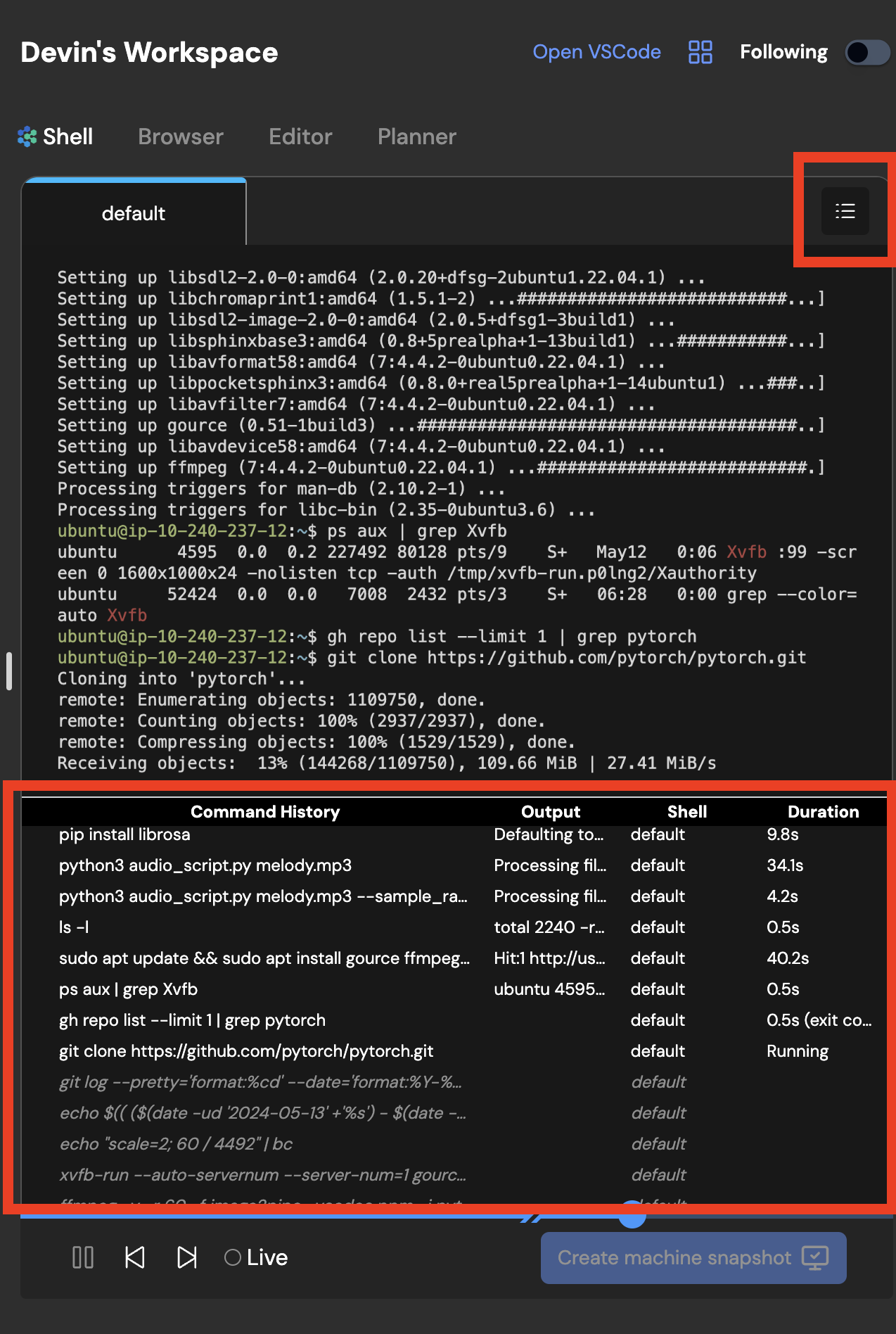
With command history, you can easily see a list of all the commands that Devin ran, along with a preview of their outputs.Tip:
* Click on a command to jump to the timestamp where Devin used the command.
* Click the menu icon (appears when you hover over a command) to copy the full output.

**Keep Alive**:
> Deprecation Warning: This is no longer a supported feature. Devin can be woken up again any time after going to sleep now. It is recommended that hosted services be deployed elsewhere with Devin’s help.
Keep Alive will keep a session alive indefinitely, and will count against Technical Preview users’ daily quota. Manually terminating a session will override Keep Alive.Note that Keep Alive is useful for keeping any hosted services (devinapps.com links) alive, but is **not necessary** if Devin helps you deploy apps using third party services like Netlify, Firebase, Vercel, etc.
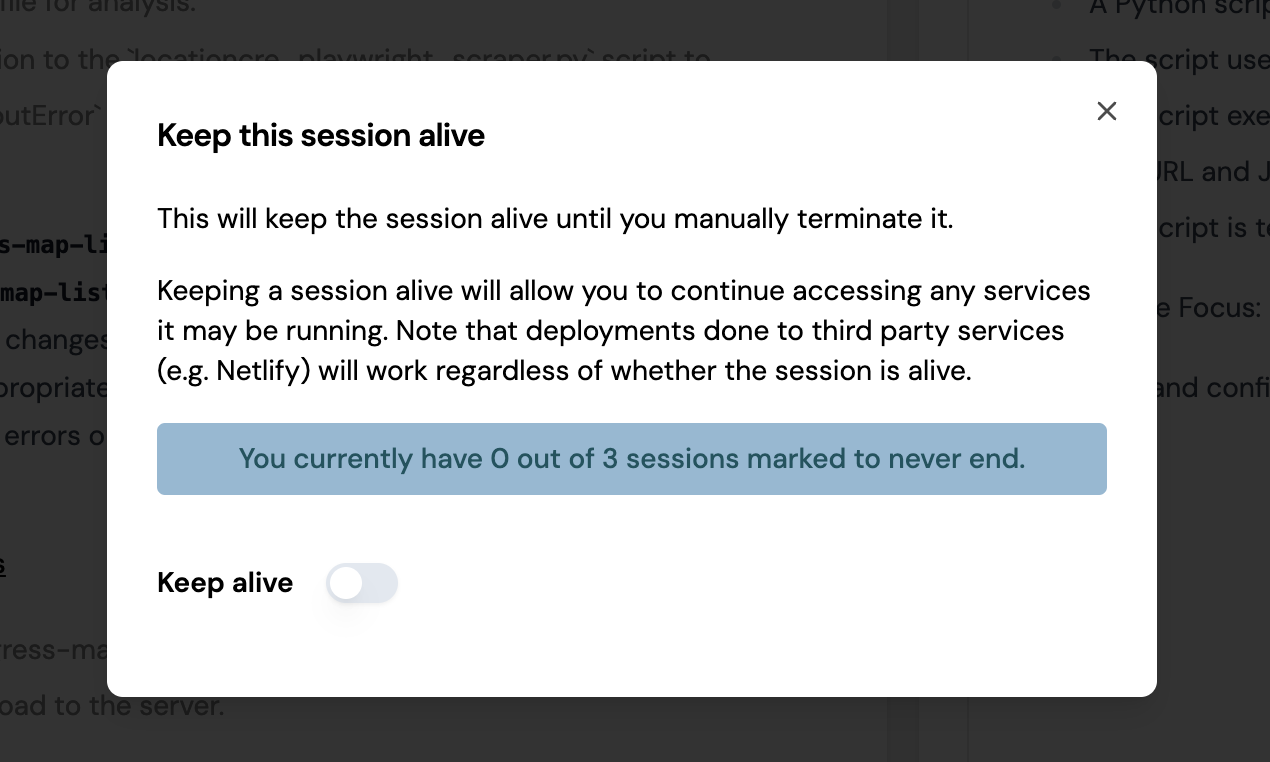
**Browser Notifications**:
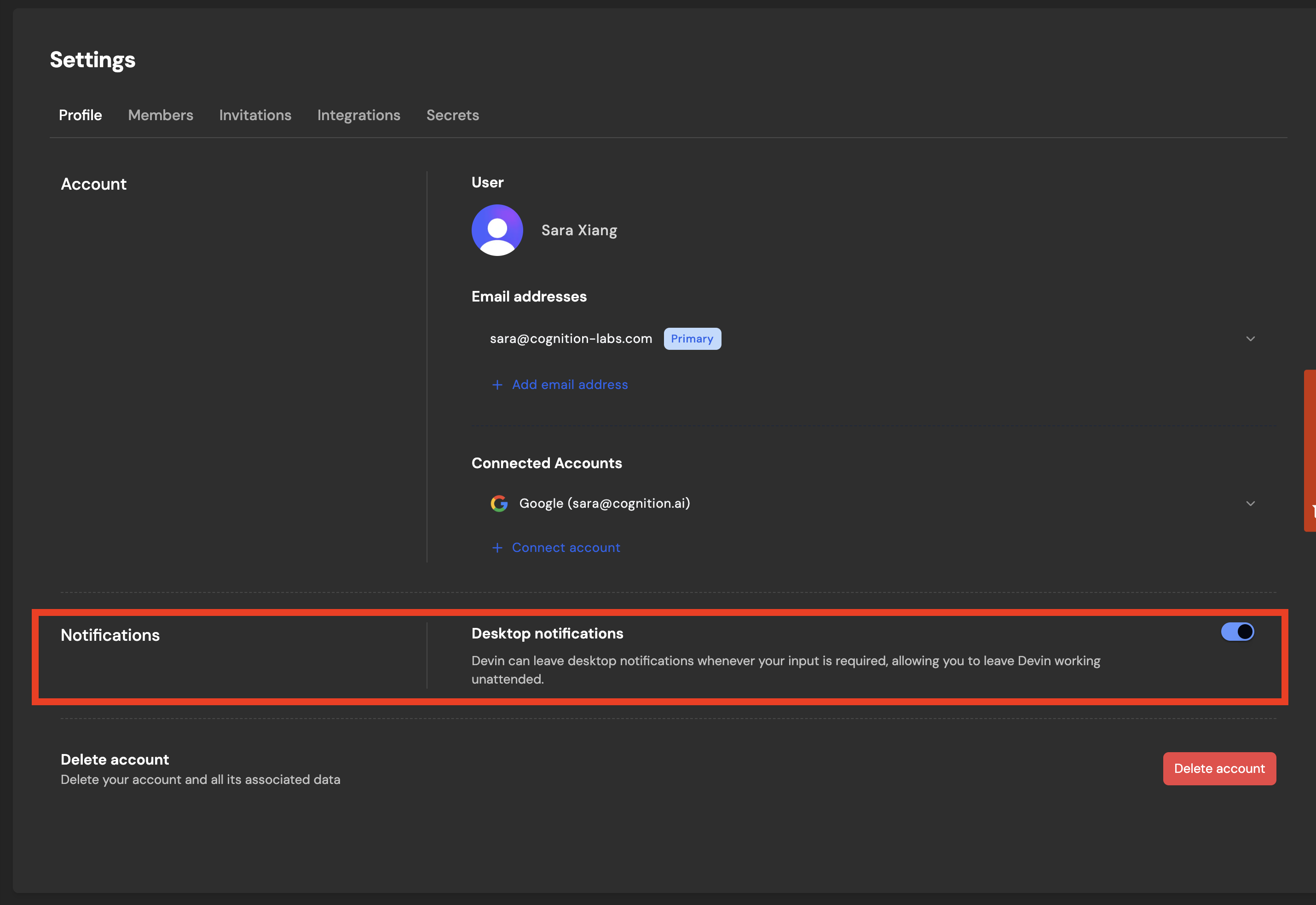
Get notified when Devin sends you a message. You can find this under Settings > Profile.**Pause Devin**:The new pause button is a shortcut and alternative to telling Devin to pause.

**Open VS Code: Access Devin’s machine**:Open VS Code lets you read and edit files on Devin’s machine just like if you were working with Devin in VSCode. You can also open up a terminal in Devin’s machine, which means you have **full access** to Devin’s machine.💡 Tip: Use VSCode with [Repo Setup](https://docs.devin.ai/onboard-devin/repo-setup)
to set up everything Devin needs to be productive moving forward:
* Tell Devin **“Run `pwd` and then pause. Do not do anything else.”**
* **Open VSCode and open up a terminal** once Devin is paused
* **Do any machine setup yourself** (install packages, configure repos, etc.)
* **Create a snapshot.** Moving forward start sessions with this snapshot - all your future Devins will benefit from the setup you prepared!
**Cookies + Persisted Secrets**:With Persisted Secrets, any secrets that you add in the Settings page will be usable by Devin in all future Devin sessions.Additionally, with site cookies, Devin will find that it’s already logged in to sites you provide valid cookies for (no login required by Devin!).
* Note that **this is a beta feature** and may not work for some sites, but we’ve found that it works for Amazon and Resy, and are excited to explore together what else this enables!
* Additionally, Devin may still ask for credentials. You’ll need to remind Devin to first check using its browser whether it’s already logged in!
Learn more here: [Persisted Secrets + Site Cookies](https://docs.devin.ai/product-guides/secrets)
**\[Organizations\] Unlist Sessions**:
> This feature is only available to Organizations, not Technical Preview or Personal accounts
My default, all new sessions are visible to your Team (aka Organization). To make a session private to you, click the menu icon (which appears on hover) next to your session name in the sidebar to find the Unlist session option.
**\[Organizations\] Slack Integration**:
> This feature is only available to Organizations, not Technical Preview or Personal accounts
Once you’ve connected Slack to your organization, you’ll be able to initialize Devin directly just by tagging @Devin in Slack. Devin responds in-thread with updates and questions, just as in the regular chat interface.You can also enable Slack notifications for specific runs and Devin will privately message you whenever there’s a status update. To do so, simply click the Slack icon at the top of any run you’d like to be notified for.💡 Tip: Use these inline Slack commands to manage your Devin session:
* “mute” → prevents Devin from sending further Slack messages.
* “unmute” → reverses the above.
* “(aside)” or “!aside” → causes Devin to ignore the message (useful for commenting on Devin’s run in-thread).
* “EXIT” → ends the session.
* snapshot:\[snapshot-name\] → Use a particular snapshot with your run
* playbook:\[playbook-name\] → Use a particular playbook with your run
Learn more here: [Slack Integration Guide](https://docs.devin.ai/integrations/slack)
Assistant
Responses are generated using AI and may contain mistakes.
---
# Billing - Devin Docs
[Devin Docs home page](https://docs.devin.ai/)
Search...
⌘KAsk AI
Search...
Navigation
Admin
Billing
[Documentation](https://docs.devin.ai/get-started/devin-intro)
[Prompts & Tutorials](https://docs.devin.ai/use-cases/testing-refactoring)
[API Reference](https://docs.devin.ai/api-reference/overview)
[Release Notes](https://docs.devin.ai/release-notes/overview)
[Enterprise](https://docs.devin.ai/enterprise/get-started)
On this page
* [What is an ACU?](https://docs.devin.ai/billing#what-is-an-acu%3F)
* [Managing my ACU budget](https://docs.devin.ai/billing#managing-my-acu-budget)
* [Managing ACU consumption effectively](https://docs.devin.ai/billing#managing-acu-consumption-effectively)
* [Frequently Asked Questions](https://docs.devin.ai/billing#frequently-asked-questions)
[](https://docs.devin.ai/billing#what-is-an-acu%3F)
What is an ACU?
-----------------------------------------------------------------------
Agent Compute Units (ACUs) are a measure of Devin’s work. The number of ACUs consumed within a session is based on:
* Number and complexity of actions Devin takes in a given session including planning, required context gathering for the task, steps to complete the task, actions taken in browser, code execution, etc.
* Virtual machine time and networking bandwidth (typically a small fraction of total ACU consumption)
Aside from the few ACUs required to keep the Devin VM running, Devin will not consume ACUs when:
* Waiting for your response
* Waiting for a test suite to run
* Setting up and cloning repositories
When idle, Devin will go to sleep. You can wake up the session by sending Devin another message.
A few things you can do for 1 ACU:
* find an old commit, bring back that feature, and modify the design
* investigate a bug with Search, make a fix, and get CI to pass
* make a simple personal website
[](https://docs.devin.ai/billing#managing-my-acu-budget)
Managing my ACU budget
-----------------------------------------------------------------------------------
You can track ACU consumption and set limits for your Team under Settings > [Usage & Limits](https://app.devin.ai/settings/usage)
. If you’re on the **Core** plan, all consumption is pay-as-you-go:
* ACUs must be purchased to start using Devin. To buy more ACUs, go to the [Usage & Limits](https://app.devin.ai/settings/usage)
page. Each ACU costs $2.25.
* You can choose to set up auto-reload to purchase additional credits automatically. If you enable auto-reload, you can set the minimum ACU balance and the amount of ACUs to reload to your account (your “target balance”) if you hit that minimum balance.
For users on the Teams plan, your $500/month subscription includes:
* 250 ACUs each month
* You can choose to set up auto-reload to purchase additional credits automatically. If you enable auto-reload, you can set the minimum ACU balance and the amount of ACUs to reload to your account (your “target balance”) if you hit that minimum balance.
Depending on your selected plan, you’ll see different ACU types:
* **Subscription ACU**: applied to your account if you have an active subscription. ACUs included in your subscription reset at the end of your billing cycle. These are only available as part of the Teams plan.
* **Gift ACU**: these are credits granted by the Cognition team or credited upon referral. These never expire.
* **PAYG ACU**: these are credits consumed on a pay-as-you-go basis. Unused PAYG ACUs never expire.
ACUs are consumed in the following order: subscription, PAYG, and gift ACUs. If you’re on the Core plan the PAYG ACUs will be consumed before gift ACUs. For more details about the Core vs. Teams plan visit [https://devin.ai/pricing](https://devin.ai/pricing)
.
[](https://docs.devin.ai/billing#managing-acu-consumption-effectively)
Managing ACU consumption effectively
---------------------------------------------------------------------------------------------------------------
A number of variables can affect ACU consumption and costs:
* Task complexity
* Prompt quality (or specificity)
* Size of context or codebase
* Number of files being touched or modified
* Session runtime
* Length of conversation
* Frequency of back and forth messaging
A few tips to keep ACU consumption under control:
* Delegate clearly scoped tasks with a well-defined end goal
* Keep prompts and sessions short
* Avoid asking Devin to do a lot of different tasks in the same session
* If you’re on the Teams plan, split big projects or tasks into sub-tasks across sessions. There are no concurrent session limits for Teams, so take advantage of this!
All these tips will also make Devin’s work higher quality so it’s a win-win!
[](https://docs.devin.ai/billing#frequently-asked-questions)
Frequently Asked Questions
-------------------------------------------------------------------------------------------
When will I be billed?
On the Core plan, you’ll be charged any time you purchase additional ACUs or if your account balance hits the minimum auto-reload limit you set in Usage & Limits.On the Team plan, you’ll be charged at the start of your monthly billing cycle for your subscription, when you purchase additional ACUs or if your account balance hits the minimum auto-reload limit.Enterprise customers are billed for Enterprise ACUs as stated in the order form.
What are Enterprise ACUs?
Enterprise ACUs represent the work performed by Devin for customers on the Devin Enterprise plan, which adheres more strictly to task planning and end-to-end testing. They are distinct from standard ACUs used on Team and Core plans. The pricing for Enterprise ACUs is defined in the terms outlined in the customer’s Enterprise Order Form.
What happens if I don’t use all of my ACUs?
On the Core plan, you’ll continue to roll over your ACU balance. For Teams, only subscription ACUs will reset at the end of each billing cycle. Any gift ACUs or additional ACU purchases will never expire.
How do I know how many ACUs I’ve consumed in each session or each month?
Navigate to the [Usage & Limits](https://app.devin.ai/settings/usage)
page under Settings. There, you’ll see the number of ACUs used, the number of ACUs remaining, and a breakdown of ACU usage by Devin session.
Does Devin use ACUs while sleeping?
No, Devin does not use ACUs while sleeping.
Will Devin use ACUs while awake but idling (not working)?
Typically Devin will sleep automatically after ~0.1 ACUs of inactivity.
[Security at Cognition](https://docs.devin.ai/security)
[Common Issues](https://docs.devin.ai/common-issues)
Assistant
Responses are generated using AI and may contain mistakes.
---
# Getting Started with Devin - Devin Docs
[Devin Docs home page](https://docs.devin.ai/)
Search...
⌘KAsk AI
Search...
Navigation
Enterprise
Getting Started with Devin
[Documentation](https://docs.devin.ai/get-started/devin-intro)
[Prompts & Tutorials](https://docs.devin.ai/use-cases/testing-refactoring)
[API Reference](https://docs.devin.ai/api-reference/overview)
[Release Notes](https://docs.devin.ai/release-notes/overview)
[Enterprise](https://docs.devin.ai/enterprise/get-started)
On this page
* [Installing Repositories](https://docs.devin.ai/enterprise/your-first-session#installing-repositories)
* [Start a Devin Session](https://docs.devin.ai/enterprise/your-first-session#start-a-devin-session)
* [Work With Your Existing Tools](https://docs.devin.ai/enterprise/your-first-session#work-with-your-existing-tools)
This article explains how a member of your organization can run a Devin session. Devin helps your organization with tasks. To maximize effectiveness, start with smaller tasks and provide detailed instructions, as you would for a junior engineer.
[](https://docs.devin.ai/enterprise/your-first-session#installing-repositories)
Installing Repositories
-----------------------------------------------------------------------------------------------------------
An enterprise consists of multiple organizations, each requiring access to specific repositories. You must install repositories for each organization that needs access. Installing a repository allows Devin’s workspace to complete tasks, as Devin is properly set up to build, lint, and test the code. Before using Devin, a member from each organization must complete the following setup.
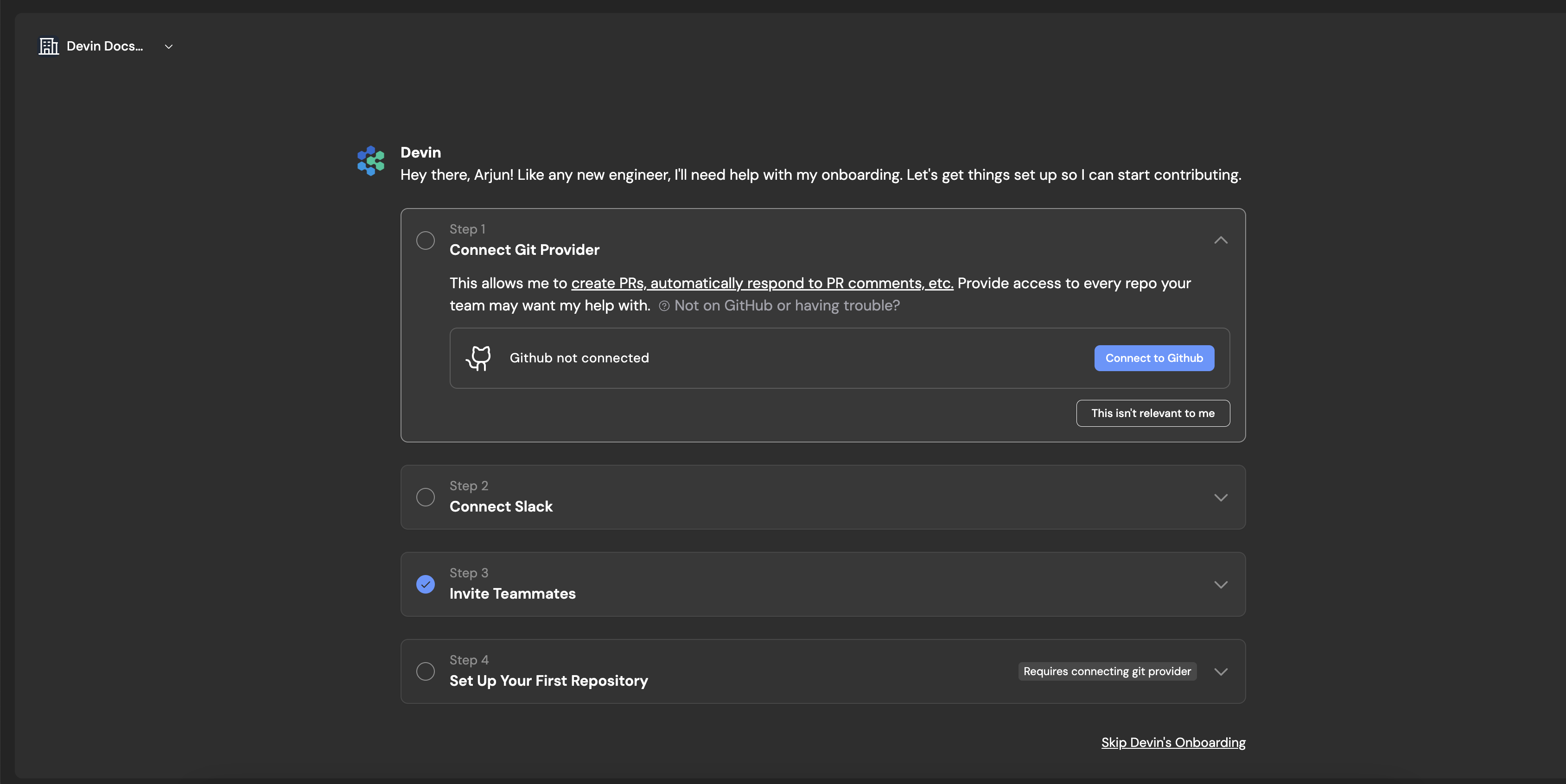
Onboarding Step 1 - Connecting Git
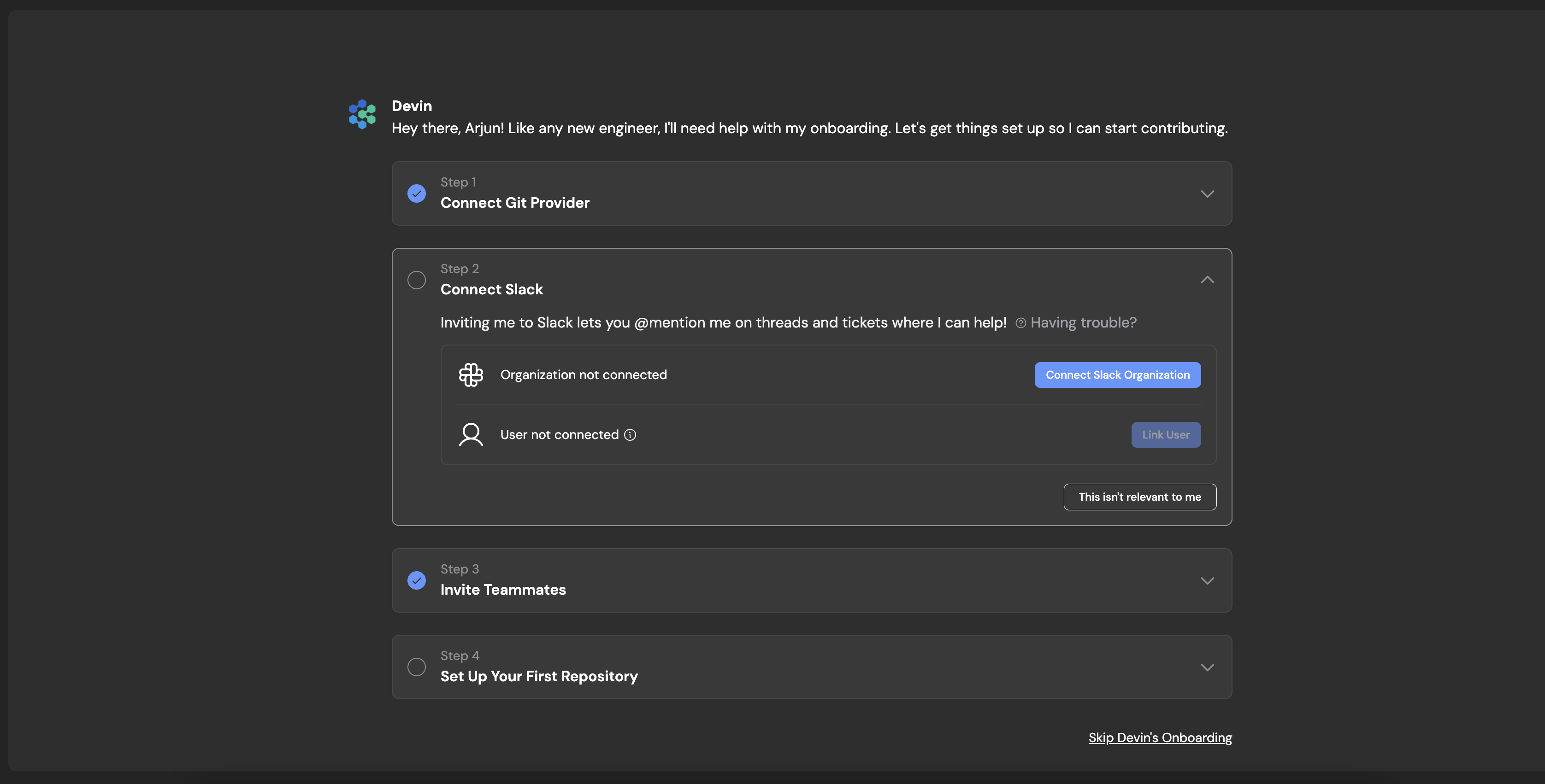
Onboarding Step 2 - Connecting Slack
if your enterprise is not on Slack, you will use the web app.
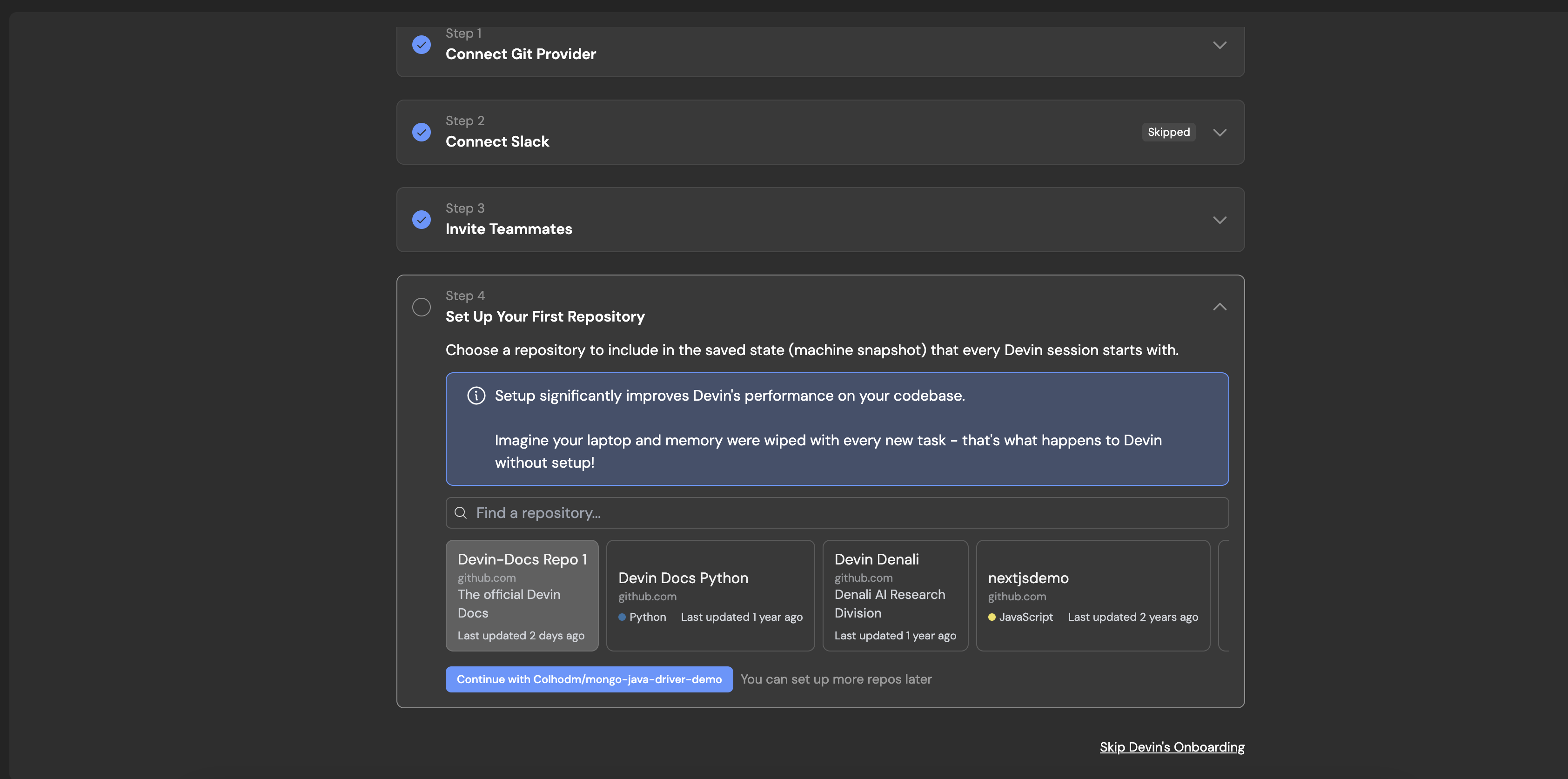
Onboarding Step 3 - Select a Repository
You can add additional repositories later.
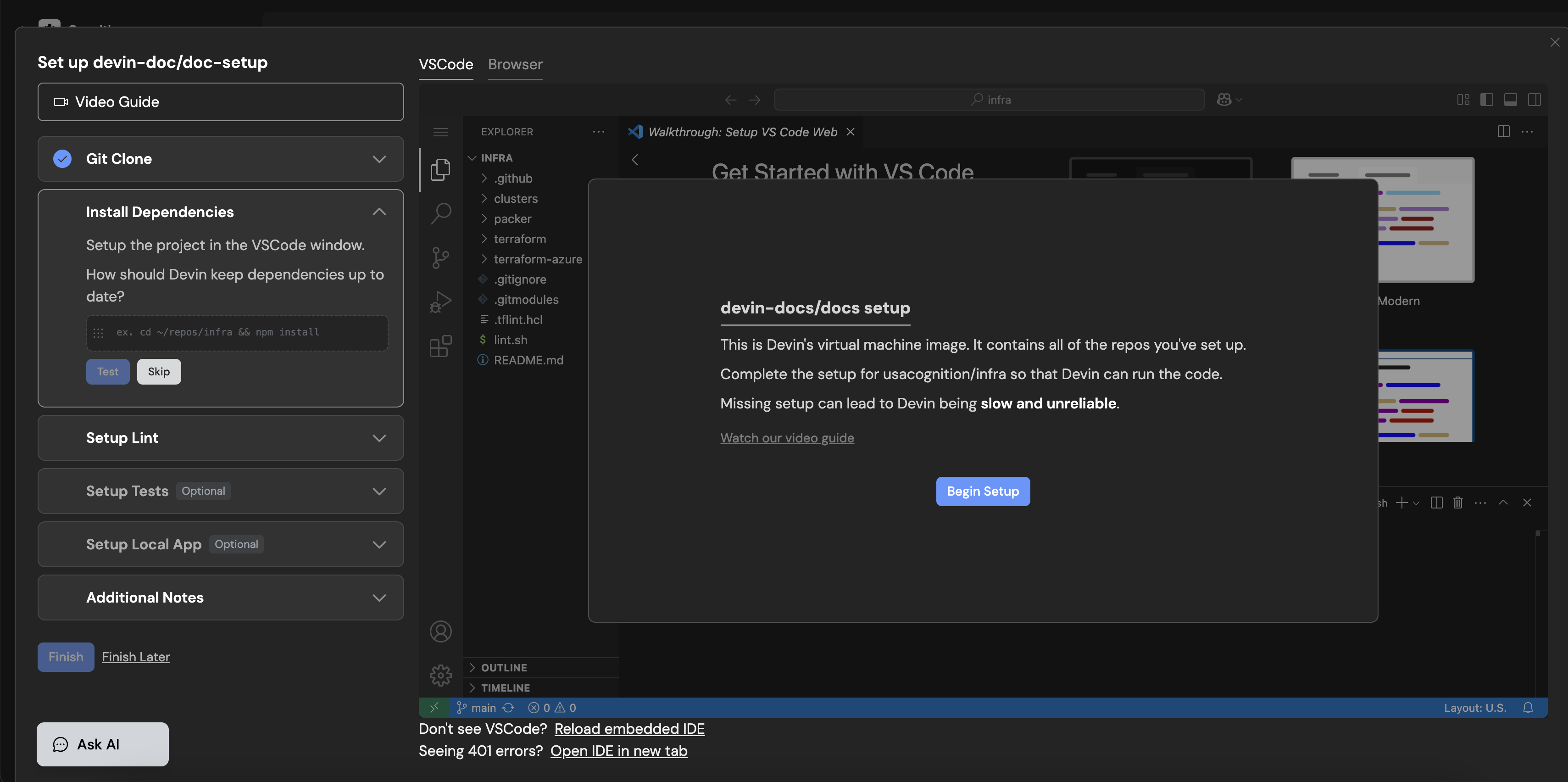
Onboarding Step 4 - Setting up Devin's Workspace
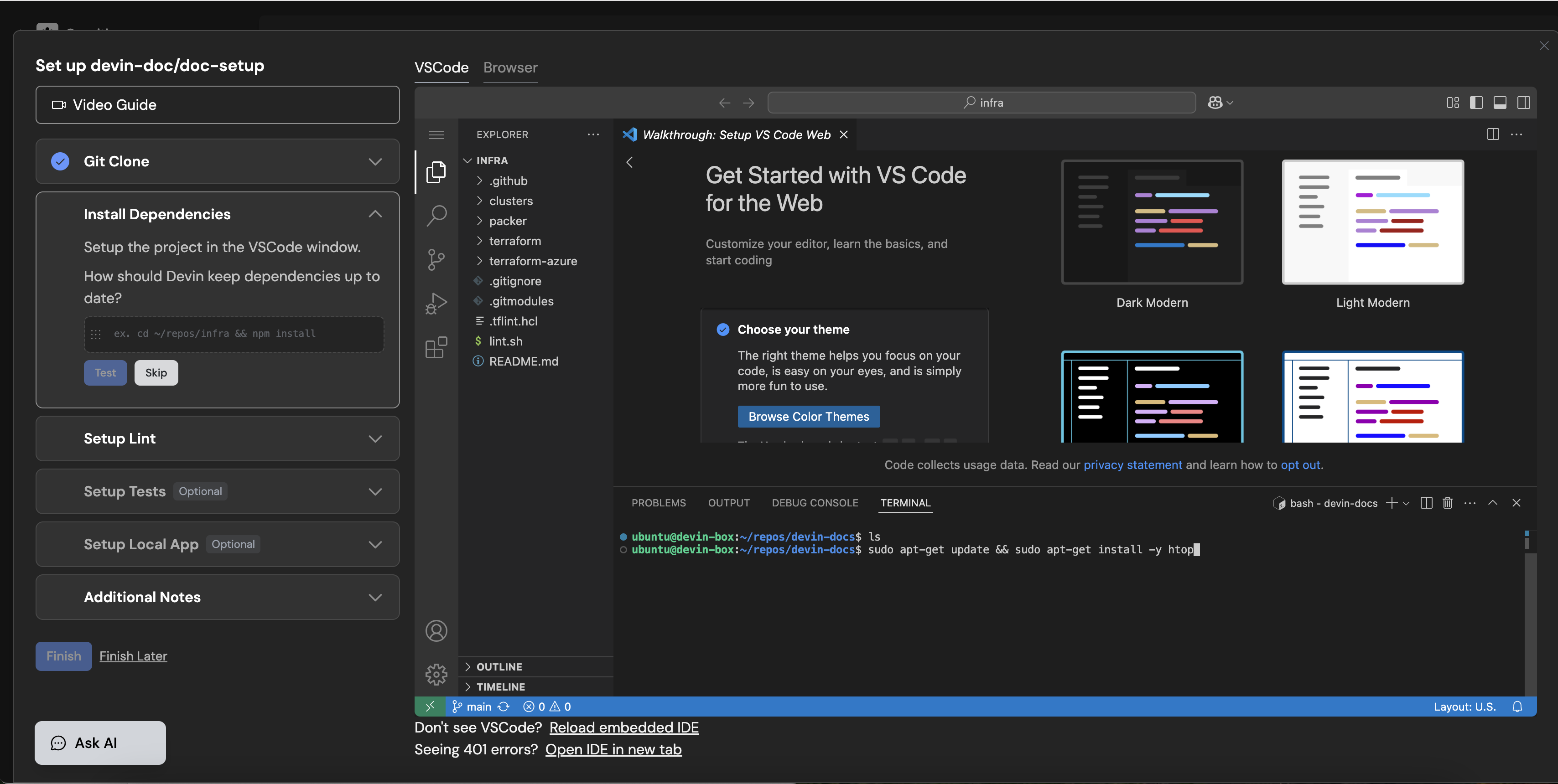
Onboarding Step 5 - Setting up repository dependencies
For example this could look like `apt-get {your-package}`
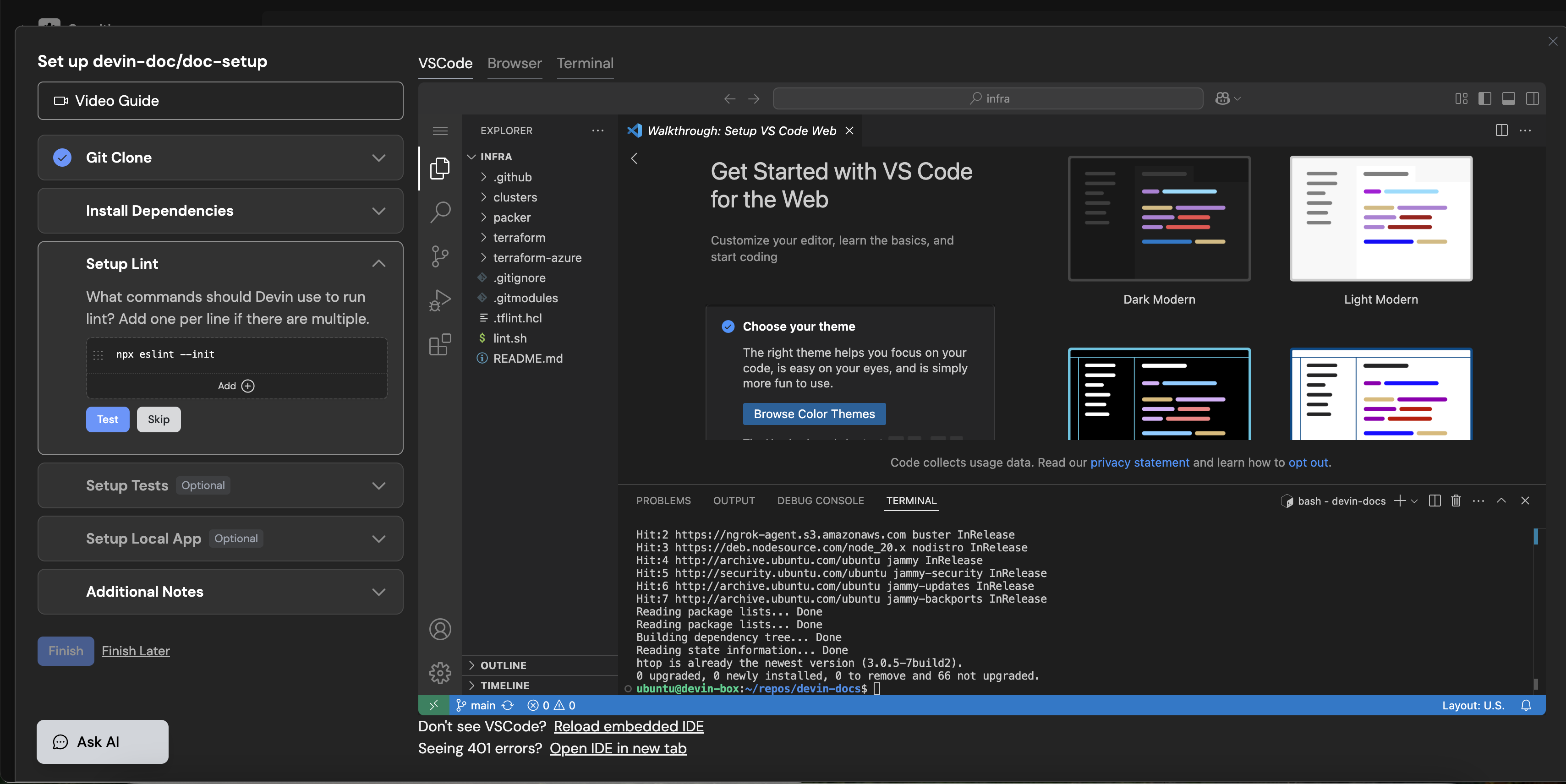
Onboarding Step 6 - Setting up Lint
For example this could look like `npm run lint`
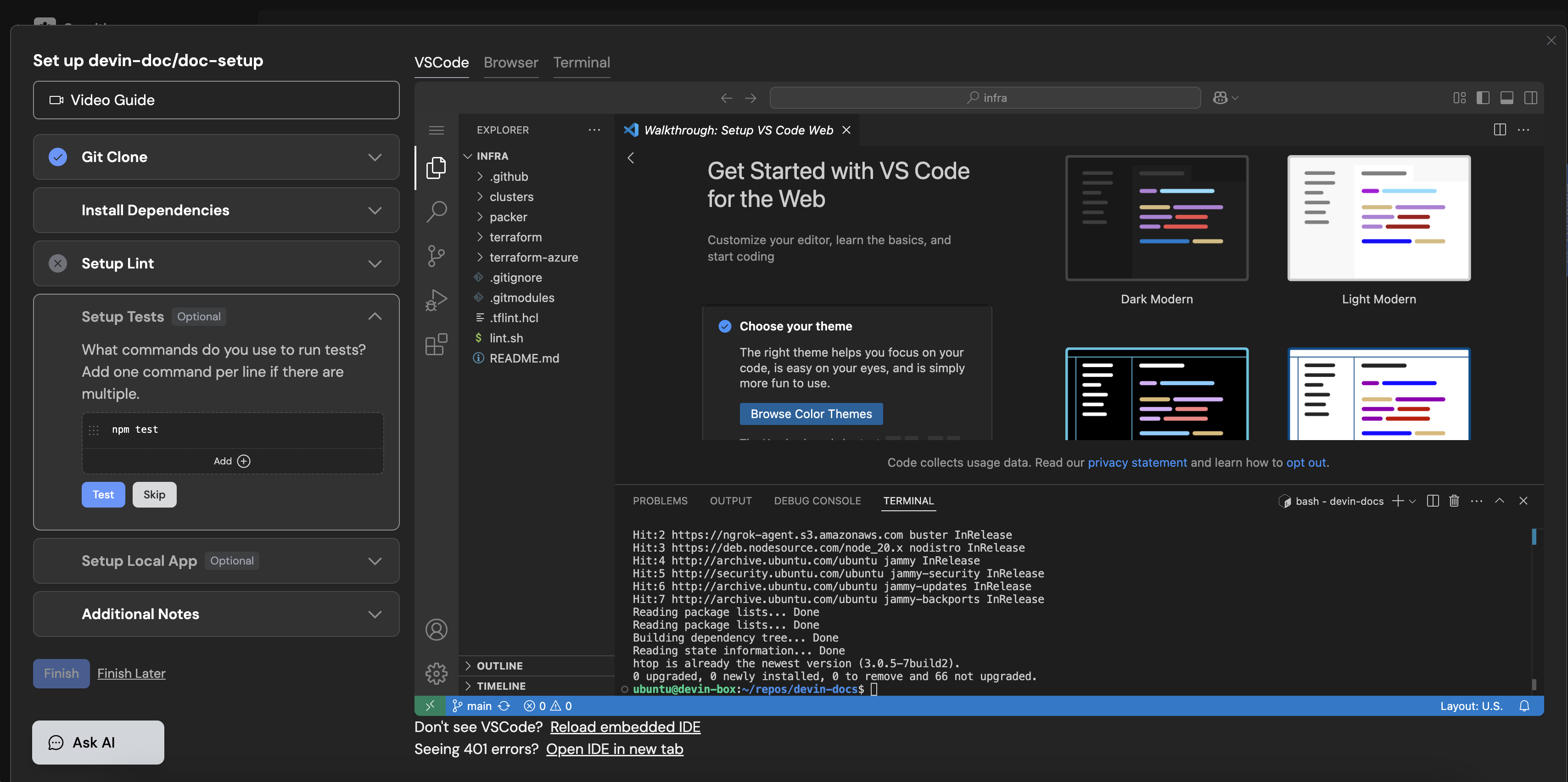
Onboarding Step 7 - Setting up Tests
For example this could look like `npm run test`
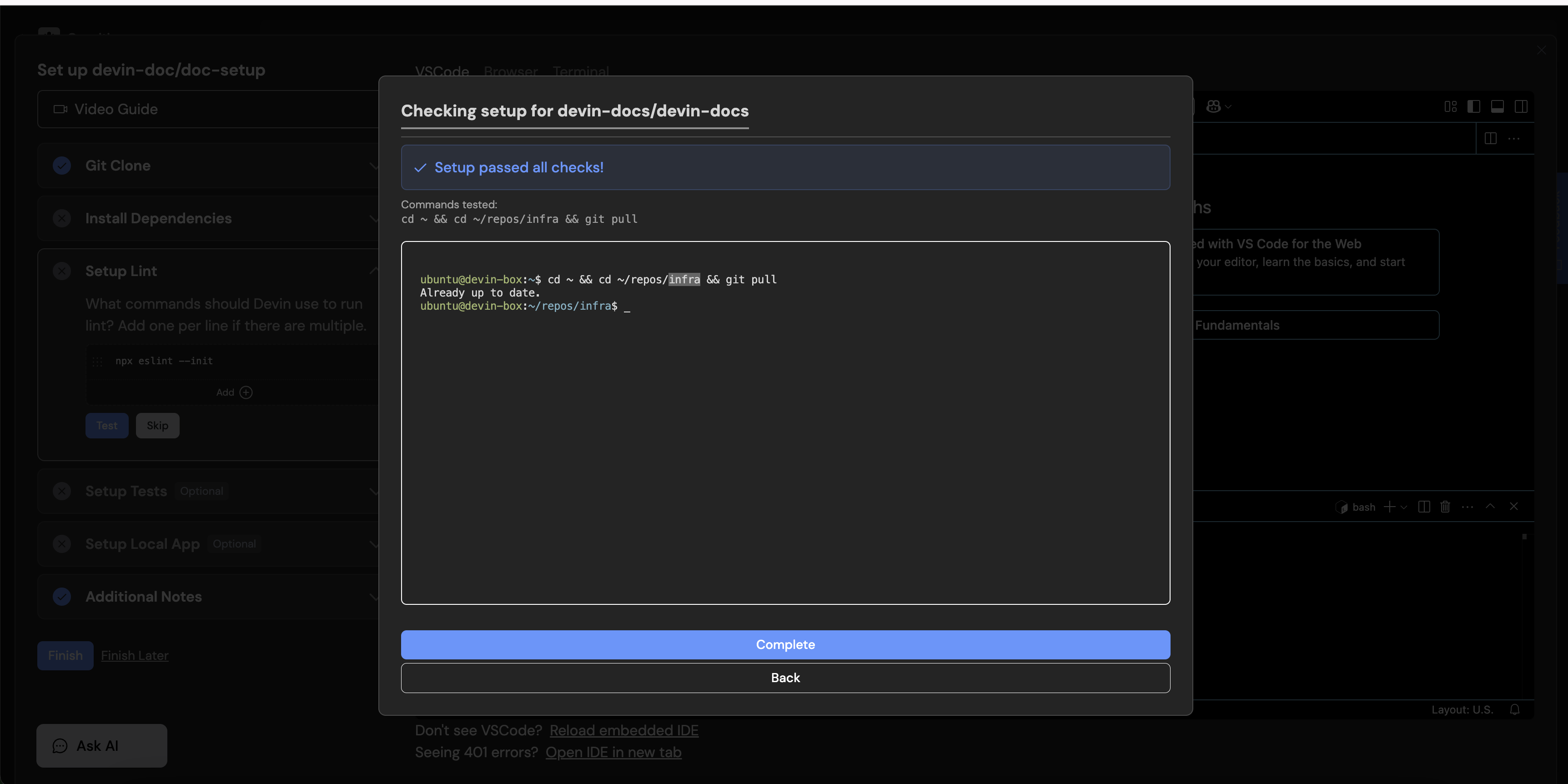
Onboarding Step 8 - Completing Setup
[](https://docs.devin.ai/enterprise/your-first-session#start-a-devin-session)
Start a Devin Session
-------------------------------------------------------------------------------------------------------
Once installed, Devin can operate on the configured repository. Additional repositories can be installed later. There’s no limitations on amount or size of repositories.
Devin sessions are isolated — different concurrent member sessions do not impact each other.
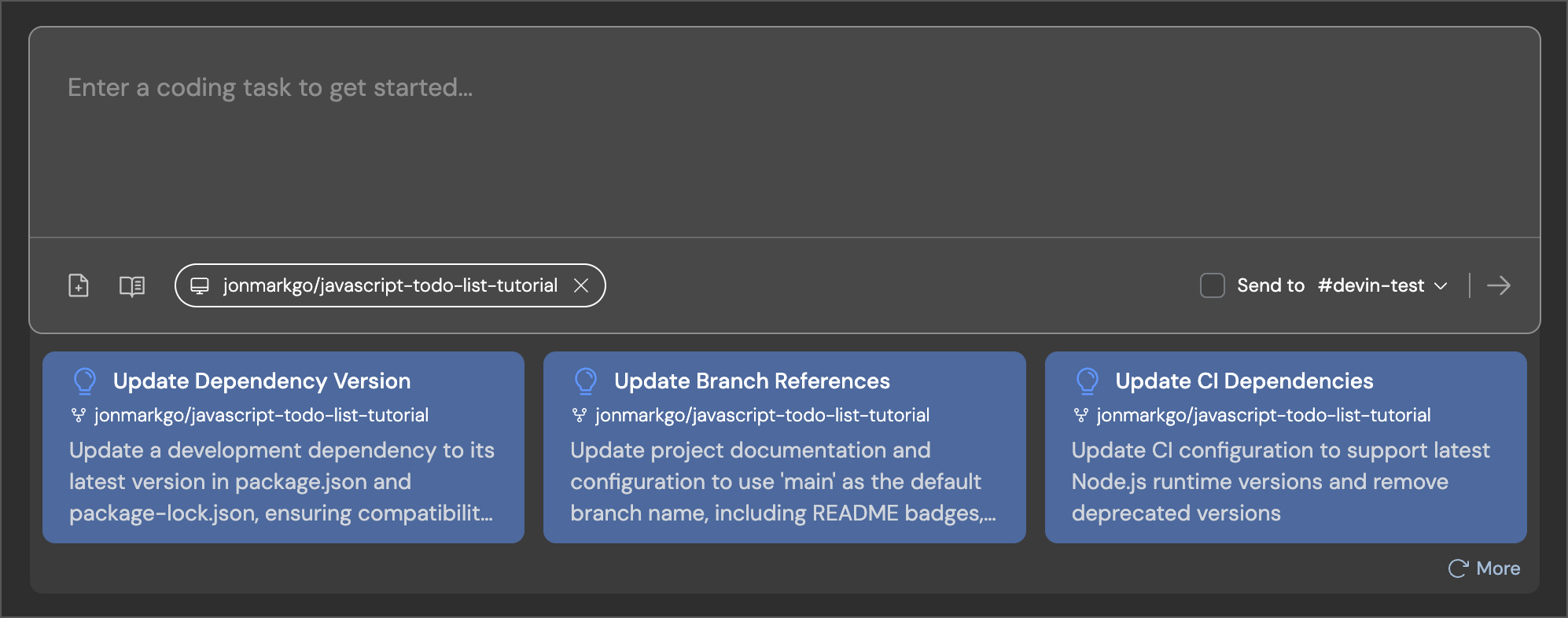
To observe Devin’s workflow, use the “Follow” tab. The example session video below provides insights into Devin’s capabilities. _Note: This video was sped up for demonstration purposes._
Adding a new API endpoint
a new API endpoint
Copy
Ask AI
Create a new endpoint /users/stats that returns a JSON object with user count and average signup age.
Use our existing users table in PostgreSQL.
You can reference the /orders/stats endpoint in statsController.js for how we structure responses.
Ensure the new endpoint is covered by the StatsController.test.js suite.
Small frontend features
frontend features
Copy
Ask AI
In UserProfileComponent, add a dropdown that shows a list of user roles (admin, editor, viewer).
Use the styling from DropdownBase.
When a role is selected, call the existing API to set the user role.
Validate by checking that the selection updates the user role in the DB. Refer to your Knowledge for how to test properly.
Write unit tests
unit tests
Copy
Ask AI
Add Jest tests for the AuthService methods: login and logout.
Ensure test coverage for these two functions is at least 80%.
Use UserService.test.js as an example.
After implementation, run `npm test -- --coverage` and verify the coverage report shows >80% for both functions.
Also confirm that tests pass with both valid and invalid credentials, and that logout properly clears session data.
Migrating or refactoring existing code
or refactoring existing code
Copy
Ask AI
Migrate logger.js from JavaScript to TypeScript.
We already have a tsconfig.json and a LoggerTest.test.js suite for validation.
Make sure it compiles without errors and make sure not to change the existing config!
After migration, verify by:
1) running `tsc` to confirm no type errors
2) running the test suite with `npm test LoggerTest.test.js` to ensure all tests pass
3) checking that all existing logger method calls throughout the codebase still work without type errors.
Updating APIs or database queries
unit tests
Copy
Ask AI
We're switching from pg to sequelize (read https://sequelize.org/api/v6/identifiers).
Please update the UserModel queries to use Sequelize methods.
Refer to OrderModel for how we do it in this codebase.
After implementation, verify by:
1) running `npm run test:integration UserModel.test.js` to check all integration tests pass
2) confirming query performance hasn't degraded by checking execution time on a test dataset of 1000 users
3) validating that all CRUD operations still maintain data integrity by running `npm run test:e2e user-flows.test.js`
Create a quick PR (we recommend using this prompt in a Playbook)
Quick PR
Copy
Ask AI
## Overview
The task is to make a quick pull request to a repository.
Since this is a 'quick' PR, you will not need to run any code or test anything; simply make a PR and the user will handle the testing. Your only responsibility is reading and writing code.
## What's Needed From User
- The repository to create a pull request to
## Procedure
### Prepare your workspace
1. Navigate to the relevant repository on your machine (clarify with the user if you can't figure it out).
- Check out the main branch and note down the name of the main branch.
- Checkout to a new branch since you'll be making a pull request. The name of the branch has to be of the format `devin//X` where X is a random number. For example `devin/fix-popup/3234`. Run `git remote -v && git pull && git checkout -b devin/{branch-name}/$RANDOM` and replace `{branch-name}` with the name of the branch you want to create.
2. Study the request, codebase, and plan out the changes
- Review the most relevant files and code sections, identifying relevant snippets.
- Inform the user of your plan
### Work on the PR itself
3. Make the code changes
- Don't change anything that wasn't specifically requested by the user
4. Make the PR
- Commit and push the changes and tell the user.
- See advice section for the exact command to make the PR
- Make a pull request & review the pr to make sure it looks OK.
- Ensure all GitHub actions pass successfully & make necessary changes until they do
- Send the PR link to the user and summarize what you changed.
5. Address any feedback from the review; send the PR link again every time you make any changes
- If you need to make updates, just push more commits to the same branch; don't create a new one
## Task Specification
- PR link is included in your messages to the user
- PR was reviewed after creation
- PR does not include any stray changes
- PR does not change anything that wasn't specifically requested by the user
- PR description should include a summary of the changes, formatted as a checklist
- PR description should mention that the code was written without testing, and include - [ ] Test the changes as an item
- PR description should include the following footer: "This PR was written by [Devin](https://devin.ai/) :angel:"
- PR description should include any metadata that the user has provided (e.g. linear ticket tags in the appropriate syntax)
- PR description should not be malformatted (use --body-file instead of --body if the newlines are garbled!)
## Forbidden Actions
- Do NOT try to access github.com through the browser, you will not be authenticated.
- NEVER force push on branches! Prefer merging over rebasing so that you don't lose any work.
- Do NOT push directly to the main branch.
## Advice and Pointers
- Double check the name of the main branch (which could be `main` or `master`) using `git branch`.
- For repos with CI/CD on github actions, you can check build logs using the gh cli. if you're asked to fix a build/fix lint, you should start by looking at recent build logs
- Check `git status` before committing or adding files.
- Use `git diff` to see what changes you have made before committing.
- If you're updating an existing repo, use `gh cli` to make pull requests.
- Send the PR link to the user every time you update & ask them to re-review so that it's convenient for them
- You should already be authorized to access any repositories the user tells you about. If not, ask the user for access.
If you’d like to dig in to some more detailed examples of what Devin can do (and how), check out our introductory **tutorials** below.
[Code Coverage\
-------------\
\
Devin can analyze your codebase’s test suite and write additional tests to increase code coverage for your team.](https://docs.devin.ai/use-cases/tutorials/code-coverage)
[API Integration\
---------------\
\
Devin can integrate, configure, and test third party APIs in your applications.](https://docs.devin.ai/use-cases/tutorials/api-integration)
[Enterprise Catalog\
------------------\
\
Enterprise use-cases](https://docs.devin.ai/enterprise/use-cases/guide)
[Managing Frontend Components\
----------------------------\
\
Devin can work with frontend libraries and share visuals with you during its sessions.](https://docs.devin.ai/use-cases/tutorials/frontend-components)
[](https://docs.devin.ai/enterprise/your-first-session#work-with-your-existing-tools)
Work With Your Existing Tools
-----------------------------------------------------------------------------------------------------------------------
You can invite Devin to work in many of the tools or applications you work in - it’s as simple as giving Devin the necessary credentials, API keys or tokens so it can work within those services through the Secrets Manager or when prompted to securely share the credential in the chat. Here are some common tools Devin has used with our early users:
For more details on Devin’s integrations check out our GitHub and Slack integration guides:
[GitHub\
------\
\
Connect your GitHub account to allow Devin to access, create pull requests and contribute to your existing repositories.](https://docs.devin.ai/enterprise/integrations/gh.mdx)
[Slack\
-----\
\
Connect Devin to your company Slack and kick off runs directly via Slack by tagging @Devin.](https://docs.devin.ai/enterprise/integrations/slack.mdx)
For automated workflows and integrations with your existing tools, you can also leverage our [API Reference](https://docs.devin.ai/api-reference/overview)
to programmatically create sessions and retrieve structured results.
[Before You Begin](https://docs.devin.ai/enterprise/get-started)
[Enterprise Deployment](https://docs.devin.ai/enterprise/deployment/overview)
Assistant
Responses are generated using AI and may contain mistakes.
---
# When to Use Devin - Devin Docs
[Devin Docs home page](https://docs.devin.ai/)
Search...
⌘KAsk AI
Search...
Navigation
Essential Guidelines
When to Use Devin
[Documentation](https://docs.devin.ai/get-started/devin-intro)
[Prompts & Tutorials](https://docs.devin.ai/use-cases/testing-refactoring)
[API Reference](https://docs.devin.ai/api-reference/overview)
[Release Notes](https://docs.devin.ai/release-notes/overview)
[Enterprise](https://docs.devin.ai/enterprise/get-started)
On this page
* [Best Practices](https://docs.devin.ai/essential-guidelines/when-to-use-devin#best-practices)
* [Evaluating Tasks for Devin](https://docs.devin.ai/essential-guidelines/when-to-use-devin#evaluating-tasks-for-devin)
* [Pre-Task Checklist](https://docs.devin.ai/essential-guidelines/when-to-use-devin#pre-task-checklist)
* [Post-Task Review](https://docs.devin.ai/essential-guidelines/when-to-use-devin#post-task-review)
**TLDR:** Treat Devin like a junior engineer. Assign Devin tasks a junior engineer or intern could figure out if provided with sufficient, clear instructions. Remember to instruct Devin with the level of detail that you would give to a human coworker. For more comprehensive guidance on working effectively with coding agents, see our [Coding Agents 101 guide](https://devin.ai/agents101)
.
[](https://docs.devin.ai/essential-guidelines/when-to-use-devin#best-practices)
Best Practices
--------------------------------------------------------------------------------------------------
**Start your day by putting multiple Devins to work in parallel:**
* Think through your TODOs, and carve out small tasks that a team of interns (Devins) can help with.
* Return to draft PRs waiting for review around lunch.
**Tag Devin on Slack threads for quick fixes:**
* Devin is great for tasks that take 30 minutes but often end up in large backlogs for weeks.
**Focus on easily verifiable tasks:**
* Ideally, it’s as easy as checking that CI passes or testing an automatic deployment. Avoid ambiguous tasks where it can seem like the task was completed properly but something else is happening.
**Start small:**
* As you’re getting started, start many small runs to find the best use cases for Devin.
* Try not to spend too many (>10) ACUs on one run. Devin’s performance degrades in long sessions.
[](https://docs.devin.ai/essential-guidelines/when-to-use-devin#evaluating-tasks-for-devin)
Evaluating Tasks for Devin
--------------------------------------------------------------------------------------------------------------------------
When deciding if a task suits Devin, the first question to ask yourself is: **Could a junior engineer figure this out given enough time and context?**
[](https://docs.devin.ai/essential-guidelines/when-to-use-devin#pre-task-checklist)
Pre-Task Checklist
----------------------------------------------------------------------------------------------------------
**Task Complexity**
* Consider what judgment calls and hard decisions are needed
* Identify potential failure routes an intern might run into
* For tasks requiring advanced domain knowledge, break them down further or provide relevant context
**Task Definition and Scope**
* Good tasks have a clear start and end, plus success criteria (e.g., passing tests, matching an existing pattern)
**Available References**
* Are there examples or patterns for Devin to follow?
* Can you provide prototypes, partial code, or existing patterns from the codebase or docs?
* It’s really helpful to provide links or filenames for Devin to look at.
**Success Validation**
* Tasks with test suites, lint checks, or compilation steps yield better results
* Tasks with subjective standards can be trickier
**Review Effort**
* Ideally, you just need to see that CI passes, or you can quickly test an automatic deployment
**Task Size**
* For large tasks, consider breaking them down into sub-tasks or multiple sessions
* Splitting large requests into smaller, manageable chunks helps Devin stay on track
[](https://docs.devin.ai/essential-guidelines/when-to-use-devin#post-task-review)
Post-Task Review
------------------------------------------------------------------------------------------------------
**Monitor Session Time**
* If Devin repeatedly encounters session usage limits, the task assigned to it might be too complex
* You might need to provide more detailed instructions and guardrails
* Consider investigating where Devin is spending its time
* If Devin is struggling with its dev environment, revisit the [Workspace setup](https://docs.devin.ai/onboard-devin/repo-setup)
* Finishing the task yourself can be faster than trying to get Devin back on track
**Learning from Devin’s Mistakes**
* In your future sessions, provide more context or instructions to help Devin get past previous obstacles
* Consider adding or approving [Knowledge](https://docs.devin.ai/product-guides/knowledge)
so Devin remembers things it learned from previous sessions
[Tutorial Library](https://docs.devin.ai/learn-about-devin/workflows)
[Instructing Devin Effectively](https://docs.devin.ai/essential-guidelines/instructing-devin-effectively)
Assistant
Responses are generated using AI and may contain mistakes.
---
# Good vs. Bad Instructions - Devin Docs
[Devin Docs home page](https://docs.devin.ai/)
Search...
⌘KAsk AI
Search...
Navigation
Essential Guidelines
Good vs. Bad Instructions
[Documentation](https://docs.devin.ai/get-started/devin-intro)
[Prompts & Tutorials](https://docs.devin.ai/use-cases/testing-refactoring)
[API Reference](https://docs.devin.ai/api-reference/overview)
[Release Notes](https://docs.devin.ai/release-notes/overview)
[Enterprise](https://docs.devin.ai/enterprise/get-started)
On this page
* [More Examples](https://docs.devin.ai/essential-guidelines/good-vs-bad-instructions#more-examples)
* [Good](https://docs.devin.ai/essential-guidelines/good-vs-bad-instructions#good)
* [Bad](https://docs.devin.ai/essential-guidelines/good-vs-bad-instructions#bad)
Make sure to read [When to Use Devin](https://docs.devin.ai/essential-guidelines/when-to-use-devin)
and [Instructing Devin Effectively](https://docs.devin.ai/essential-guidelines/instructing-devin-effectively)
for more essential tips.
Adding a New API Endpoint
-------------------------
**Good Approach**
“Create a new endpoint `/users/stats` that returns a JSON object with user count and average signup age. Use our existing users table in PostgreSQL. You can reference the `/orders/stats` endpoint in `statsController.js` for how we structure responses. Ensure the new endpoint is covered by the `StatsController.test.js` suite.”
**Why This Works:**
* Clearly specifies the route and expected response format
* References existing code as a template
* Defines data source (users table)
* Includes test coverage requirements
* * *
**Bad Approach**
“Add a user stats endpoint.”
**Why This Fails:**
* Unspecific about what stats to include
* No mention of data sources
* No reference to existing patterns
* Missing test requirements
Frontend Feature for Displaying Data
------------------------------------
**Good Approach**
“In `UserProfileComponent`, add a dropdown that shows a list of user roles (admin, editor, viewer). Use the styling from `DropdownBase`. When a role is selected, call the existing API to set the user role. Validate by checking that the selection updates the user role in the DB. Refer to your Knowledge for how to test properly.”
**Why This Works:**
* Names specific components
* Lists exact roles to include
* References existing styling component
* Defines the user interaction flow
* Includes validation steps
* * *
**Bad Approach**
“Make the user profile page more user-friendly. Add some way for them to change roles and confirm it’s working.”
**Why This Fails:**
* “User-friendly” is subjective
* No specific UI components mentioned
* Unclear user interaction flow
* Vague validation criteria
[](https://docs.devin.ai/essential-guidelines/good-vs-bad-instructions#more-examples)
More Examples
-------------------------------------------------------------------------------------------------------
###
[](https://docs.devin.ai/essential-guidelines/good-vs-bad-instructions#good)
Good
Writing Unit Tests
------------------
“Add Jest tests for the AuthService methods: login and logout. Ensure test coverage for these two functions is at least 80%. Use `UserService.test.js` as an example. After implementation, run `npm test -- --coverage` and verify the coverage report shows >80% for both functions. Also confirm that tests pass with both valid and invalid credentials, and that logout properly clears session data.”
**Why Good?** Clear success metric (80% coverage), references to guide Devin (`UserService.test.js`), and a well-defined scope with specific verification steps.
Migrating or Refactoring Existing Code
--------------------------------------
“Migrate `logger.js` from JavaScript to TypeScript. We already have a `tsconfig.json` and a `LoggerTest.test.js` suite for validation. Make sure it compiles without errors and make sure not to change the existing config! After migration, verify by: 1) running `tsc` to confirm no type errors, 2) running the test suite with `npm test LoggerTest.test.js` to ensure all tests pass, and 3) checking that all existing logger method calls throughout the codebase still work without type errors.”
**Why Good?** There’s a clear template (`tsconfig.json`) and test suite for immediate feedback, plus specific compilation and validation steps.
Updating APIs or Database Queries
---------------------------------
“We’re switching from pg to sequelize (read [https://sequelize.org/api/v6/identifiers](https://sequelize.org/api/v6/identifiers)
). Please update the UserModel queries to use Sequelize methods. Refer to `OrderModel` for how we do it in this codebase. After implementation, verify by: 1) running `npm run test:integration UserModel.test.js` to check all integration tests pass, 2) confirming query performance hasn’t degraded by checking execution time on a test dataset of 1000 users, and 3) validating that all CRUD operations still maintain data integrity by running `npm run test:e2e user-flows.test.js`.”
**Why Good?** Devin can mimic a known pattern and there are explicit references (`OrderModel.js`). Provides a link to docs so Devin knows to reference them, and includes specific performance and functionality verification steps with exact test commands.
###
[](https://docs.devin.ai/essential-guidelines/good-vs-bad-instructions#bad)
Bad
Open-Ended Code Review
----------------------
“Find issues with our codebase and fix them”
**Why Bad?** The request is too vague and asks for Devin to complete too many tasks in a single session. Devin can get confused over long sessions.
Visual Design Tasks
-------------------
“Build exactly what’s shown in this Figma mock”
**Why Bad?** This is a subjective visual request. Devin can’t “see” how humans do and won’t get the details perfectly. It’s not optimized for these use cases.
Highly Complex, Vague Projects
------------------------------
“Build a new microservices architecture for our app.”
**Why Bad?** This is a very large and unstructured task. Requires architectural decisions and trade-offs.**Instead, break down complex projects into phases:**
1. Have Devin investigate your codebase
2. Ask Devin to propose specific architectures
3. Create separate sessions for implementing each part
[Instructing Devin Effectively](https://docs.devin.ai/essential-guidelines/instructing-devin-effectively)
[Repo Setup](https://docs.devin.ai/onboard-devin/repo-setup)
Assistant
Responses are generated using AI and may contain mistakes.
---
# Azure DevOps Integration - Devin Docs
[Devin Docs home page](https://docs.devin.ai/)
Search...
⌘KAsk AI
Search...
Navigation
Integrations
Azure DevOps Integration
[Documentation](https://docs.devin.ai/get-started/devin-intro)
[Prompts & Tutorials](https://docs.devin.ai/use-cases/testing-refactoring)
[API Reference](https://docs.devin.ai/api-reference/overview)
[Release Notes](https://docs.devin.ai/release-notes/overview)
[Enterprise](https://docs.devin.ai/enterprise/get-started)
On this page
* [Why integrate Devin with Azure DevOps?](https://docs.devin.ai/integrations/azure-devops#why-integrate-devin-with-azure-devops%3F)
* [Prerequisites](https://docs.devin.ai/integrations/azure-devops#prerequisites)
* [Setting up the Integration](https://docs.devin.ai/integrations/azure-devops#setting-up-the-integration)
[](https://docs.devin.ai/integrations/azure-devops#why-integrate-devin-with-azure-devops%3F)
Why integrate Devin with Azure DevOps?
---------------------------------------------------------------------------------------------------------------------------------------
Integrating Devin with your Azure DevOps organization allows Devin to clone repositories, create pull requests, and collaborate effectively with your team. This integration enables Devin to work seamlessly within your existing development workflow.
[](https://docs.devin.ai/integrations/azure-devops#prerequisites)
Prerequisites
-----------------------------------------------------------------------------------
Before setting up the Azure DevOps integration, ensure you have:
* **Azure Active Directory (AAD) Global Admin privileges** - Required to authorize Devin’s access to your Azure DevOps organization
* **Dedicated service account** - We recommend creating a new Azure DevOps account specifically for Devin (e.g., `devin@yourcompany.com`) rather than using an existing user account for cleaner access management
The user with AAD Global Admin privileges must be logged into the browser during the integration setup process.
[](https://docs.devin.ai/integrations/azure-devops#setting-up-the-integration)
Setting up the Integration
-------------------------------------------------------------------------------------------------------------
1. In your Enterprise Devin account, navigate to [**Settings > Enterprise Settings > Connected Accounts**](https://app.devin.ai/settings/connected-accounts)
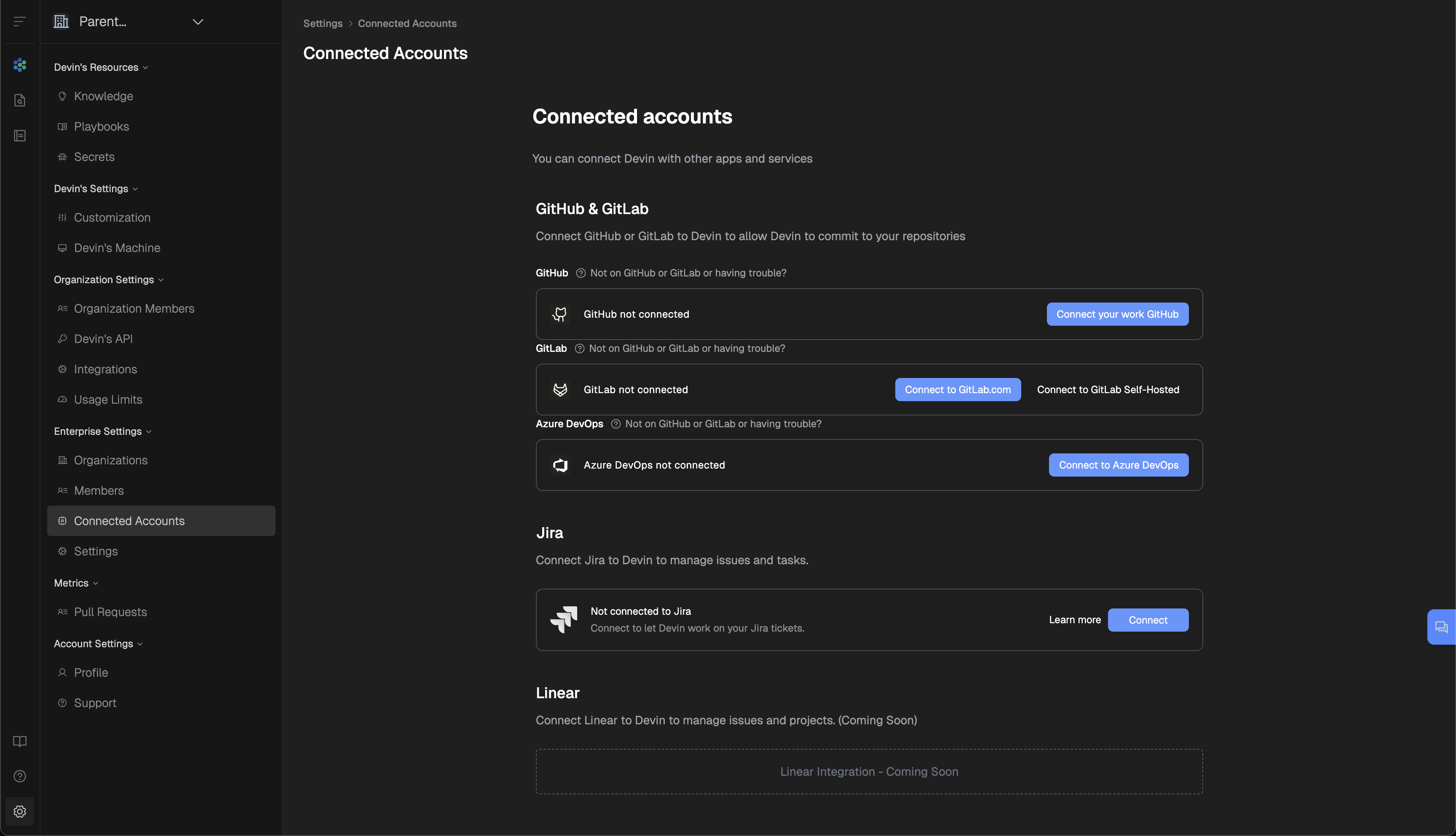
2. Once on the Connected Accounts page, click the **Connect to Azure DevOps** button.

3. This will open up a new browser tab, asking you to grant Devin permission to your Azure DevOps Organization. **Ensure you are logged in with the account that has AAD Global Admin privileges** (ideally the dedicated Devin service account you created).
4. Once you have granted permissions, you will see your Azure DevOps integration, and your connected Repositories, back on the Connected Accounts page in Enterprise Settings

5. Now that Devin has access to your Azure DevOps, you can grant permissions to any/all Sub-Organizations within your Enterprise account. To do this, select **Git Permissions** in your Azure DevOps integration, choose a Sub-Organization, and grant permissions either at the Group or Repository level.
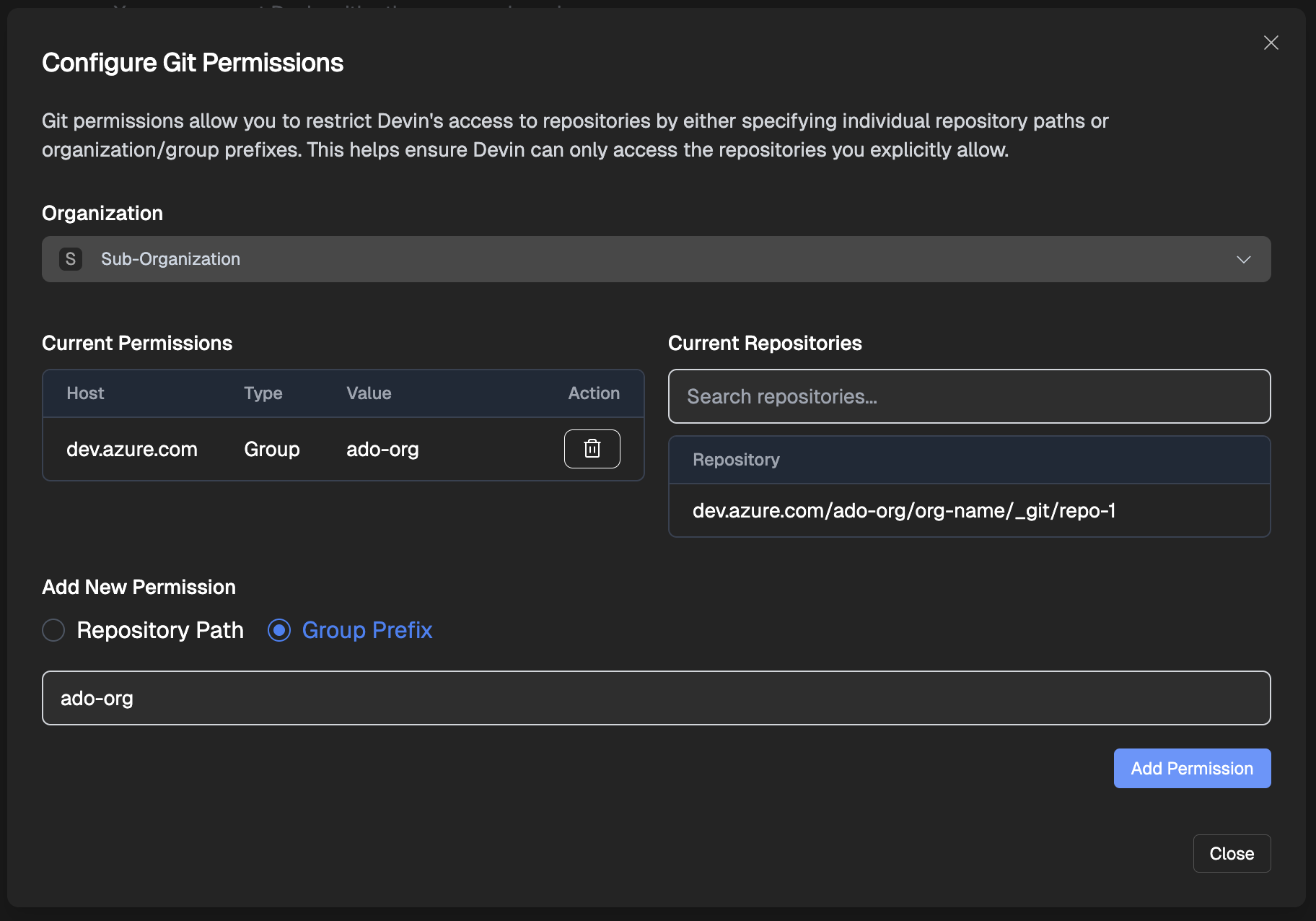
6. For each Sub-Organization that has been granted permissions, navigate to **Devin’s Settings > Devin’s Machine**, click **\+ Repository**, and integrate the repositories into Devin’s Machine.
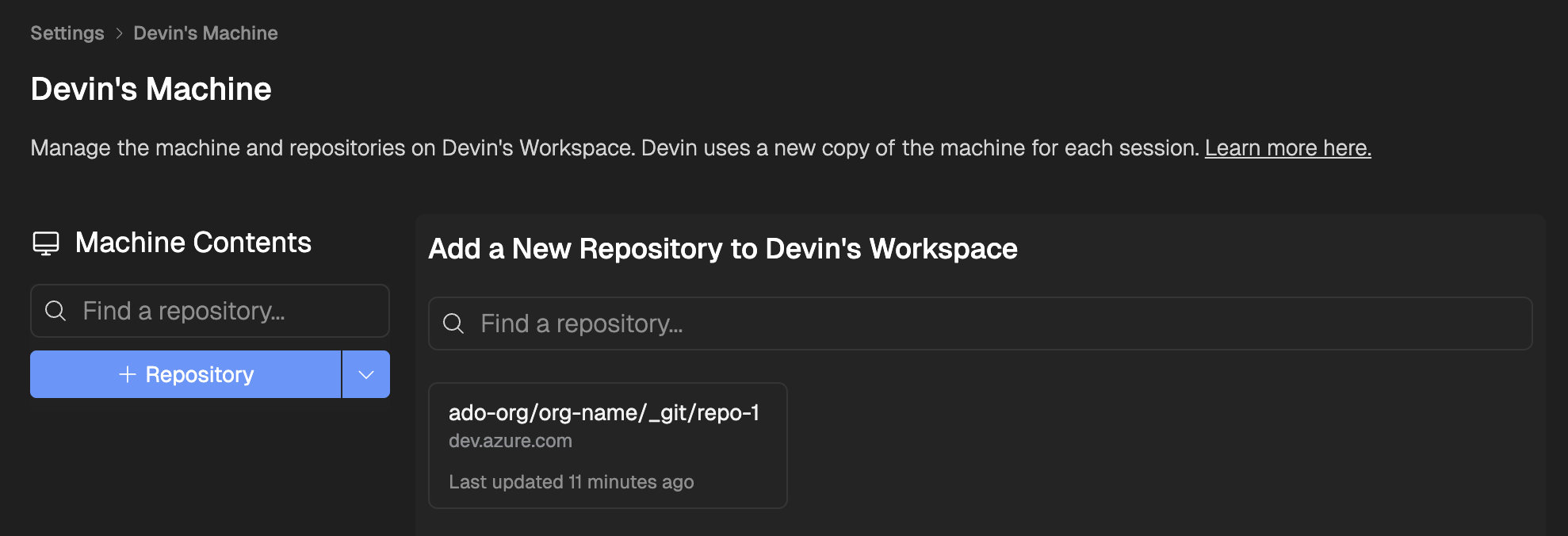
We recommend setting up branch policies in Azure DevOps to ensure all changes go through proper review processes before being merged.
If your Microsoft Entra ID is integrated with your organization’s HRIS (Human Resources Information System), additional configuration steps may be required to complete the Azure DevOps integration. Please contact the [Devin support team](mailto:enterprise@cognition.ai)
for assistance with advanced setup.
[GitLab Integration](https://docs.devin.ai/integrations/gitlab)
[Linear Integration Guide](https://docs.devin.ai/integrations/linear)
Assistant
Responses are generated using AI and may contain mistakes.
---
# GitLab Integration - Devin Docs
[Devin Docs home page](https://docs.devin.ai/)
Search...
⌘KAsk AI
Search...
Navigation
Integrations
GitLab Integration
[Documentation](https://docs.devin.ai/get-started/devin-intro)
[Prompts & Tutorials](https://docs.devin.ai/use-cases/testing-refactoring)
[API Reference](https://docs.devin.ai/api-reference/overview)
[Release Notes](https://docs.devin.ai/release-notes/overview)
[Enterprise](https://docs.devin.ai/enterprise/get-started)
On this page
* [Why integrate Devin with GitLab?](https://docs.devin.ai/integrations/gitlab#why-integrate-devin-with-gitlab%3F)
* [Setting up the Integration](https://docs.devin.ai/integrations/gitlab#setting-up-the-integration)
* [Using Devin with the GitLab Integration](https://docs.devin.ai/integrations/gitlab#using-devin-with-the-gitlab-integration)
* [Best Practices](https://docs.devin.ai/integrations/gitlab#best-practices)
* [Support](https://docs.devin.ai/integrations/gitlab#support)
[](https://docs.devin.ai/integrations/gitlab#why-integrate-devin-with-gitlab%3F)
Why integrate Devin with GitLab?
---------------------------------------------------------------------------------------------------------------------
Integrating Devin with your GitLab repositories allows Devin to create merge requests, read and respond to your MR comments, and collaborate effectively with your team. This lets Devin be a true collaborator on your engineering team.
[](https://docs.devin.ai/integrations/gitlab#setting-up-the-integration)
Setting up the Integration
-------------------------------------------------------------------------------------------------------
**The setup is easy!** Here’s how to get started:
1. Create a new GitLab account specifically for Devin (just like you’d create a personal account). You’ll use this account, not your personal one, during the integration process.
2. In your Devin account, go to [Settings > **Integrations** > **Gitlab**](https://app.devin.ai/settings/integrations)
and click “Connect”.
3. You’ll be redirected to GitLab where you should:
* Log in with the GitLab account you created for Devin (not your personal account)
* Grant the necessary permissions for Devin to work with your repositories
4. Once completed, you’ll return to the Devin settings page where you can confirm the integration is active.
We also support Gitlab Self-Hosted. Simply click the dropdown on the “Connect” button and select “Self-Hosted”.
[](https://docs.devin.ai/integrations/gitlab#using-devin-with-the-gitlab-integration)
Using Devin with the GitLab Integration
---------------------------------------------------------------------------------------------------------------------------------
After connecting GitLab, set up your repositories on [Devin’s Machine](https://app.devin.ai/machine)
.
While Devin can see and address comments you leave on its merge and pull requests if you ask directly, Devin will not wake up automatically to respond to these comments.
[](https://docs.devin.ai/integrations/gitlab#best-practices)
Best Practices
-------------------------------------------------------------------------------
* Create a dedicated GitLab account for Devin
* Enable branch protections on main/master branches
[](https://docs.devin.ai/integrations/gitlab#support)
Support
-----------------------------------------------------------------
1. Create a Slack connect channel with our team at [app.devin.ai/settings/support](https://app.devin.ai/settings/support)
2. Share session links when reporting issues and provide screenshots
[Slack Integration Guide](https://docs.devin.ai/integrations/slack)
[Azure DevOps Integration](https://docs.devin.ai/integrations/azure-devops)
Assistant
Responses are generated using AI and may contain mistakes.
---
# Linear Integration Guide - Devin Docs
[Devin Docs home page](https://docs.devin.ai/)
Search...
⌘KAsk AI
Search...
Navigation
Integrations
Linear Integration Guide
[Documentation](https://docs.devin.ai/get-started/devin-intro)
[Prompts & Tutorials](https://docs.devin.ai/use-cases/testing-refactoring)
[API Reference](https://docs.devin.ai/api-reference/overview)
[Release Notes](https://docs.devin.ai/release-notes/overview)
[Enterprise](https://docs.devin.ai/enterprise/get-started)
On this page
* [Setting up the integration](https://docs.devin.ai/integrations/linear#setting-up-the-integration)
* [Why integrate Devin with Linear?](https://docs.devin.ai/integrations/linear#why-integrate-devin-with-linear%3F)
[](https://docs.devin.ai/integrations/linear#setting-up-the-integration)
Setting up the integration
-------------------------------------------------------------------------------------------------------
1. In your Devin account at app.devin.ai, go to [Settings > Integrations > Linear](https://app.devin.ai/settings/integrations/linear)
, and click “Connect”
2. You’ll be redirected to Linear to review permissions and access you are giving Devin. You can select which teams in Linear Devin will have access to. You can always change Devin’s access directly in the Linear Apps settings later.
3. And you’re done! @devin in a ticket comment, add a **🔵Devin** label, or configure the integration to trigger on all new issues.
[](https://docs.devin.ai/integrations/linear#why-integrate-devin-with-linear%3F)
Why integrate Devin with Linear?
---------------------------------------------------------------------------------------------------------------------
Since Devin has access to your codebase, Devin can comment on tickets with:
* A summary of the relevant code
* An implementation plan
* Edge cases or questions about the ticket
Use Devin’s analysis to get up to speed, or just click the provided link to have Devin take a first pass at the PR. Devin has the self-awareness to report 🔴/🟠/🟢 confidence estimates too. A few key features to highlight:
* Use Cmd+A to multi-select Linear tickets and add the **🔵Devin** label to bulk assign tickets
* Open the toggles in Devin’s comment for additional information!
* To start a session from a ticket, click on the link Devin provides in the comments. Devin won’t start any sessions until you kicked off the session yourself.
[Azure DevOps Integration](https://docs.devin.ai/integrations/azure-devops)
[Jira Integration Guide](https://docs.devin.ai/integrations/jira)
Assistant
Responses are generated using AI and may contain mistakes.
---
# Jira Integration Guide - Devin Docs
[Devin Docs home page](https://docs.devin.ai/)
Search...
⌘KAsk AI
Search...
Navigation
Integrations
Jira Integration Guide
[Documentation](https://docs.devin.ai/get-started/devin-intro)
[Prompts & Tutorials](https://docs.devin.ai/use-cases/testing-refactoring)
[API Reference](https://docs.devin.ai/api-reference/overview)
[Release Notes](https://docs.devin.ai/release-notes/overview)
[Enterprise](https://docs.devin.ai/enterprise/get-started)
On this page
* [Setting up the integration](https://docs.devin.ai/integrations/jira#setting-up-the-integration)
* [First, create a new Jira account just for Devin to use](https://docs.devin.ai/integrations/jira#first%2C-create-a-new-jira-account-just-for-devin-to-use)
* [Connect Devin to your new Jira account](https://docs.devin.ai/integrations/jira#connect-devin-to-your-new-jira-account)
* [For Enterprise Accounts, configure your Devin org to Jira project mapping](https://docs.devin.ai/integrations/jira#for-enterprise-accounts%2C-configure-your-devin-org-to-jira-project-mapping)
* [Finally, add the Devin label to an issue!](https://docs.devin.ai/integrations/jira#finally%2C-add-the-devin-label-to-an-issue)
* [Why integrate Devin with Jira?](https://docs.devin.ai/integrations/jira#why-integrate-devin-with-jira%3F)
[](https://docs.devin.ai/integrations/jira#setting-up-the-integration)
Setting up the integration
-----------------------------------------------------------------------------------------------------
###
[](https://docs.devin.ai/integrations/jira#first%2C-create-a-new-jira-account-just-for-devin-to-use)
First, create a new Jira account just for Devin to use
You have 2 options:
* **Use an email alias**: Invite yourself using a modified email like [youremail+devin@company\_domain.com](mailto:youremail+devin@company_domain.com)
.
* **Create a dedicated account**: Ask your IT administrator to set up a new email like [devin@company\_domain.com](mailto:devin@company_domain.com)
.
Click “Invite people to Jira” and invite the new account.  Accept the email invite from Jira for your new account. **You’ll need to sign out of your existing Jira account in order to accept this invite**.
**Make sure to use the name “Devin”, not your personal name. This name will show up in all the comments the integration makes.**
**Make sure to only add this new Jira account to 1 Jira workspace**.
###
[](https://docs.devin.ai/integrations/jira#connect-devin-to-your-new-jira-account)
Connect Devin to your new Jira account
* **For Non-Enterprise Accounts**: In your Devin account at app.devin.ai, go to [Settings > Integrations](https://app.devin.ai/settings/integrations)
* **For Enterprise Accounts**: In your Devin account at app.devin.ai, go to [Enterprise Settings > Connected Accounts](https://app.devin.ai/settings/connected-accounts)
Make sure that you’re logged into the Jira account you created for Devin earlier (not your own Jira account), when you complete this step.
###
[](https://docs.devin.ai/integrations/jira#for-enterprise-accounts%2C-configure-your-devin-org-to-jira-project-mapping)
For Enterprise Accounts, configure your Devin org to Jira project mapping
Because Enterprise accounts may have 2+ Devin organizations, this mapping is necessary for the integration to work
###
[](https://docs.devin.ai/integrations/jira#finally%2C-add-the-devin-label-to-an-issue)
Finally, add the Devin label to an issue!
Add the ‘Devin’ label to any issue - you may need to create this label yourself the first time. Refresh to see Devin’s first response, which should populate within 1 minute. Come back in ~5 minutes for Devin’s full analysis! To start a session from an issue, click on the link Devin provides in the comments. Devin won’t start any sessions until you kicked off the session yourself.
Bulk edit and apply the ‘Devin’ label to start ticket scoping in parallel.
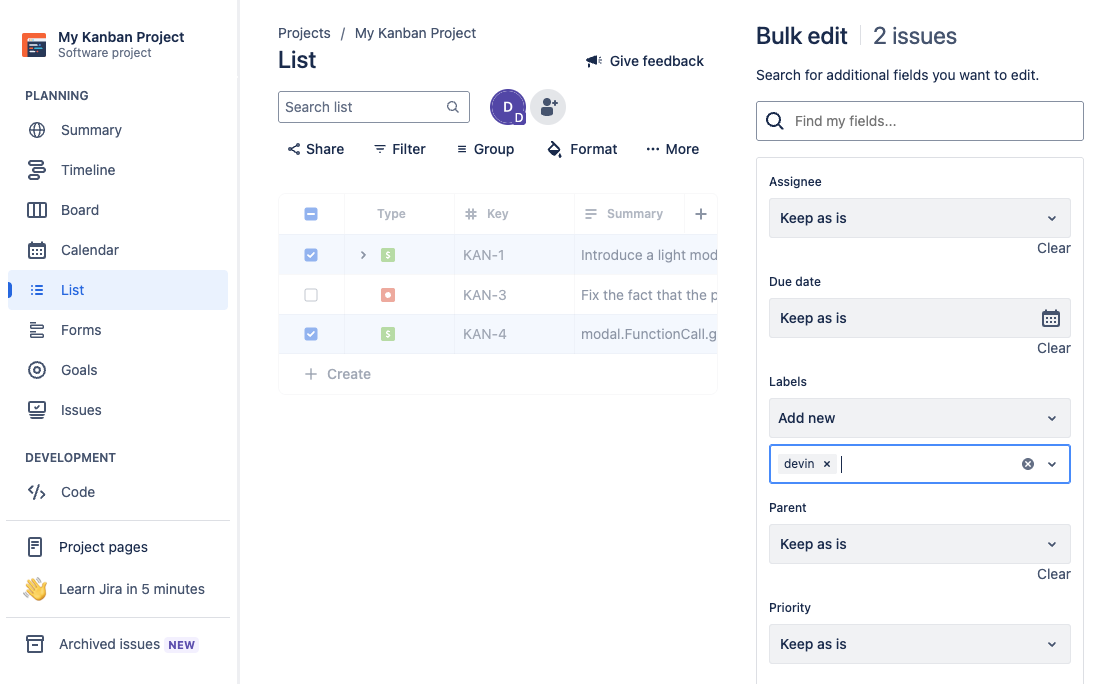
[](https://docs.devin.ai/integrations/jira#why-integrate-devin-with-jira%3F)
Why integrate Devin with Jira?
---------------------------------------------------------------------------------------------------------------
Since Devin has access to your codebase, Devin can comment on tickets with:
* A summary of the relevant code
* An implementation plan
* Edge cases or questions about the ticket
Use Devin’s analysis to get up to speed, or just click the provided link to have Devin take a first pass at the PR. Devin has the self-awareness to report 🔴/🟠/🟢 confidence estimates too.
Open the toggles in Devin’s comment for additional information!
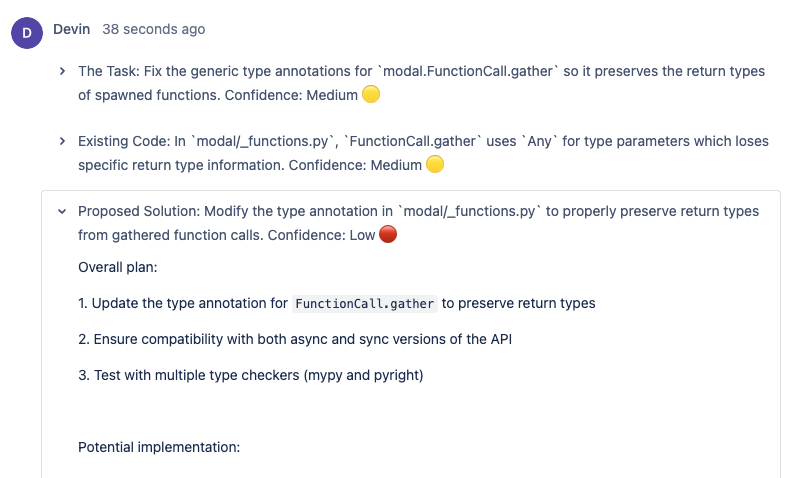
[Linear Integration Guide](https://docs.devin.ai/integrations/linear)
[Security at Cognition](https://docs.devin.ai/security)
Assistant
Responses are generated using AI and may contain mistakes.
---
# Instructing Devin Effectively - Devin Docs
[Devin Docs home page](https://docs.devin.ai/)
Search...
⌘KAsk AI
Search...
Navigation
Essential Guidelines
Instructing Devin Effectively
[Documentation](https://docs.devin.ai/get-started/devin-intro)
[Prompts & Tutorials](https://docs.devin.ai/use-cases/testing-refactoring)
[API Reference](https://docs.devin.ai/api-reference/overview)
[Release Notes](https://docs.devin.ai/release-notes/overview)
[Enterprise](https://docs.devin.ai/enterprise/get-started)
On this page
* [Example Prompt](https://docs.devin.ai/essential-guidelines/instructing-devin-effectively#example-prompt)
* [Why This Works Well](https://docs.devin.ai/essential-guidelines/instructing-devin-effectively#why-this-works-well)
* [Best Practices: Do’s and Don’ts](https://docs.devin.ai/essential-guidelines/instructing-devin-effectively#best-practices%3A-do%E2%80%99s-and-don%E2%80%99ts)
* [Conclusion](https://docs.devin.ai/essential-guidelines/instructing-devin-effectively#conclusion)
The most important thing to remember when instructing Devin is to be as specific as possible. Just as you would provide a detailed spec when asking a coworker to code something, you should do the same with Devin. This guide will help you structure your instructions/prompts to maximize Devin’s utility. For broader strategies on working with coding agents effectively, also check out our [Coding Agents 101 guide](https://devin.ai/agents101)
.
[](https://docs.devin.ai/essential-guidelines/instructing-devin-effectively#example-prompt)
Example Prompt
--------------------------------------------------------------------------------------------------------------
In the Devin repo, I want you to build a tool that monitors the RAM and CPU usage of the remote machines that Devin runs on. To do that, please perform the following tasks:
* Create a background task that launches automatically when devin.rs starts.
* The task should open a connection to all forked remote machines used in this Devin session and monitor their RAM and CPU usage.
* If usage exceeds 80% of the available resource, emit a new type of Devin event to signal this (check how we use Kafka).
* Architect this in a smart way that doesn’t block other operations. You should understand how all the containers for the Devin sub-agents interact with each other.
###
[](https://docs.devin.ai/essential-guidelines/instructing-devin-effectively#why-this-works-well)
Why This Works Well
Provides Helpful Context
------------------------
* **Detail:** Specifies the Devin repo and the broader purpose (monitoring resource usage).
* **Benefit:** Devin knows the scope and domain clearly.
Gives Step-by-Step Instructions
-------------------------------
* **Detail:** Tasks like “create a background task” and “emit an event at 80% usage.”
* **Benefit:** Breaks down the work into logical parts.
Defines Clear Success Criteria
------------------------------
* **Detail:** Defines “success” as emitting a specific event upon 80% usage.
* **Benefit:** Devin knows exactly what to achieve.
References Existing Patterns and Code
-------------------------------------
* **Detail:** Mentions Kafka and container interactions.
* **Benefit:** Encourages reuse of established code or design approaches.
Try the Prompt Improvement Button when you create a session (click the yellow warning circle to see feedback)
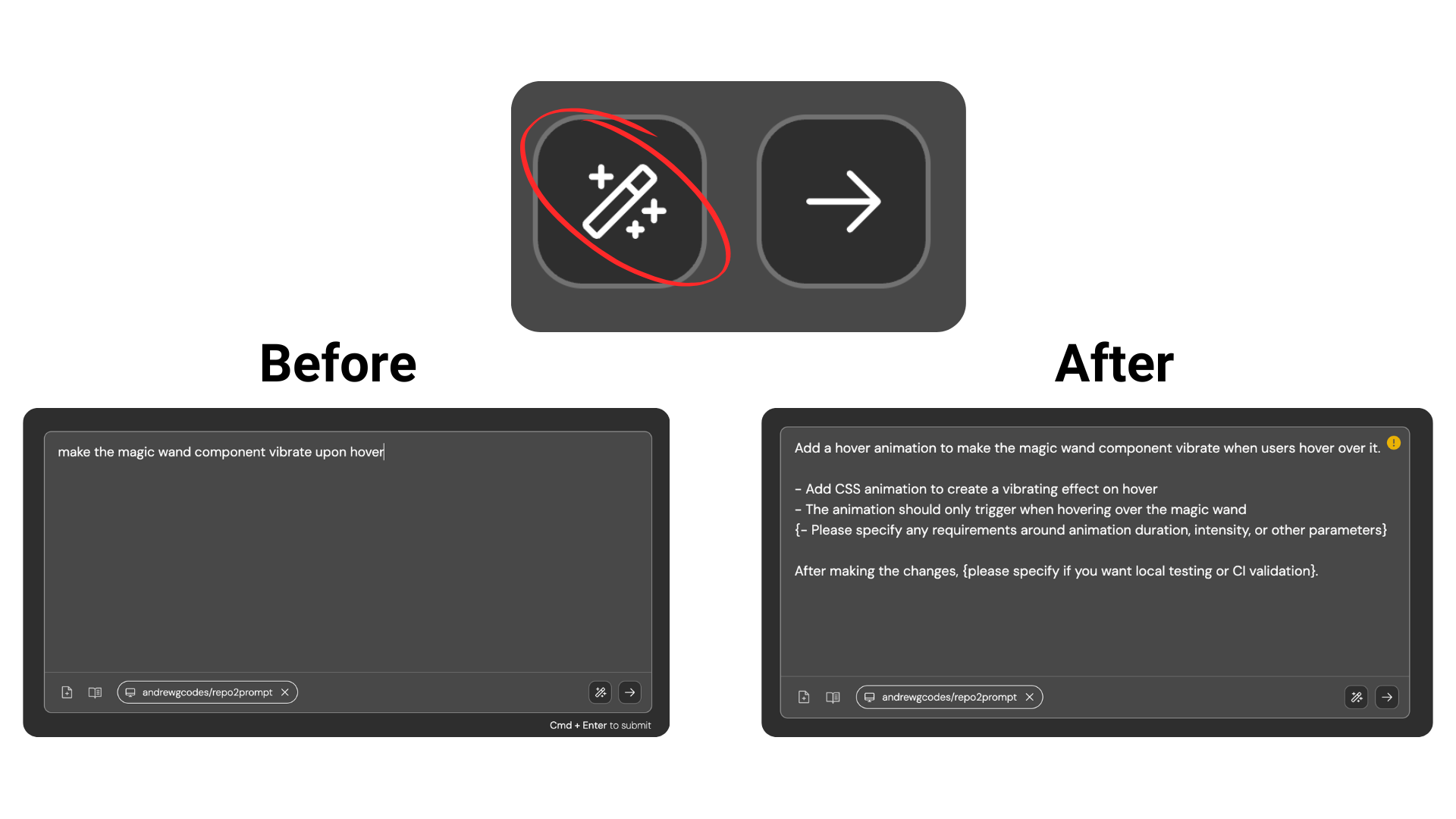
[](https://docs.devin.ai/essential-guidelines/instructing-devin-effectively#best-practices%3A-do%E2%80%99s-and-don%E2%80%99ts)
Best Practices: Do’s and Don’ts
------------------------------------------------------------------------------------------------------------------------------------------------------------------
Be Opinionated and Specific
**Do: Provide Clear Directives**
* **Why:** Devin can get stuck without a clear path or when faced with too many interpretations.
* **How:**
* Make important decisions and judgment calls for Devin.
* Offer specific design choices and implementation strategies.
* Define clear scope, boundaries, and success criteria.
* **Example:** “Optimize the getOrderDetails query in orderService.js by adding a composite index on the order\_id and product\_id columns in the order\_items table. Refactor the query to replace the existing correlated subquery with a JOIN to the products table for fetching product details.”
**Don’t: Leave Decisions Open-Ended**
* **Why:** Vague instructions can lead Devin to implement solutions that don’t align with your actual needs.
* **How:**
* Avoid statements that require Devin to make significant design or implementation decisions without guidance. This can lead to unexpected results.
* **Example:** Don’t: “Improve our database’s performance.”
Leverage Devin's Strengths
**Do: Pick [tasks that Devin is good at](https://docs.devin.ai/essential-guidelines/when-to-use-devin#evaluating-tasks-for-devin)
**
* **Why:**
* **Maximize Results:** By assigning tasks that align with Devin’s capabilities, you can get the best results for the least amount of effort and ACUs spent. Asking Devin to do tasks that are far outside its current capabilties can often lead to poor results.
* **How:**
* Read this guide: [When to use Devin](https://docs.devin.ai/essential-guidelines/when-to-use-devin)
* Especially for advanced tasks, provide examples, modules, resources, and templates that Devin can follow.
* Share direct links to docs sites so Devin can read about details like API request bodies and features it might not know about.
* Share specific filenames that you want Devin to look at and learn from
* **Example:** Do: “Refactor state management in the Header component to use React’s useReducer hook for better scalability and maintainability. Ensure that all existing functionality is preserved and add unit tests to cover the new state logic.”
* **Example:** Do: “Use authTemplate.rs as a reference to maintain consistency in error handling.”
* **Example:** Do: “Check out the official Sequelize docs at [https://sequelize.org/docs/v6/getting-started/](https://sequelize.org/docs/v6/getting-started/)
for migration steps.”
**Don’t: Assign Tasks Outside Devin’s Core Competencies**
* **Why:** Assigning tasks that require advanced domain knowledge or heavy design decisions without adequate guidance can lead to inefficiency and wasted ACUs.
* **How:**
* Avoid tasks that demand significant creative or high-level strategic input without clear instructions or references.
* Avoid tasks that require strong visual abilities, e.g. implementing Figma designs, since while Devin can see web pages, Devin doesn’t have perfect eyesight.
* Avoid asking Devin to create mobile apps since it doesn’t have access to a phone and can’t easily test its work.
* **Example:** Don’t: “Create a new authentication system for my website from scratch.”
* **Example:** Don’t: “Turn this Figma mockup into a React component.”
* **Example:** Don’t: “Build an AI-powered shopping app.”
Take Over When Necessary
**Do: Collaborate by Completing Partial Tasks**
* **Why:** Sometimes it’s faster for you to finish the last 20% of a task.
* **How:**
* Let Devin handle most of the implementation, then refine.
* Use Devin to expedite the parts of the workflow that are repetitive, while you focus on more critical aspects.
* **Example:** Do: “Generate the initial boilerplate code for the new API endpoint, then I will integrate it with the existing authentication system.”
**Don’t: Rely Solely on Devin for Entire Complex Projects**
* **Why:** Over-reliance on Devin for tasks that require nuanced understanding or creative problem-solving can cause delays and suboptimal results.
* **How:**
* Avoid assigning Devin tasks that you know will require significant human intervention to complete effectively.
* **Example:** Don’t: “Develop the entire backend infrastructure for our new gen AI feature”
Use Feedback Loops
**Do: Establish Clear and Frequent Checks**
* **Why:** Frequent feedback (both from you and from tests/checks/linters) ensures Devin corrects mistakes effectively.
* **How:**
* Use tests (unit/integration) to confirm correctness.
* Maintain build validations, lint checks, and static analysis for code quality.
* **Example:** Do: “Run npm test after each iteration.”
* **Example:** Do: “Ensure the pipeline on CircleCI doesn’t fail.”
* **Example:** Do: “Pass ESLint/Prettier checks before pushing any commits.”
**Don’t: Neglect Providing Feedback**
* **Why:** Without feedback, Devin won’t know if its solutions meet your standards.
* **How:**
* Avoid assigning tasks without defining how you’ll evaluate them.
Set Checkpoints
**Do: Set Clear Checkpoints and Sub-Tasks**
* **Why:** Breaking down complex tasks into smaller checkpoints helps Devin stay focused and reduces errors.
* **How:**
* Split tasks into verifiable sub-tasks, and start one Devin session for each sub-task.
* Define what success looks like for each sub-task and optionally set checkpoints within each sub-task.
* Ask Devin to report back after completing each checkpoint or sub-task.
**Examples:**
* **Example:** Do: “When working with the dataset, verify that it has at least 500 rows and contains columns X, Y, Z.”
* **Example:** Do: “When modifying the API, confirm the endpoint returns status 200 and includes all required fields.”
* **Example:** Do: “When updating UI, check that the component renders without console errors and matches the design spec.”
**Don’t: Skip Specific Validation Requirements**
* **Why:** Without defined validation steps, Devin cannot confidently complete tasks.
* **How:**
* Avoid vague success criteria.
* Don’t leave verification steps implicit or undefined.
* **Example:** Don’t: “Make sure it works.”
Use Playbooks
For repetitive or complex tasks, we suggest using and iterating on [Playbooks](https://docs.devin.ai/product-guides/creating-playbooks)
. Learn more about [using playbooks effectively](https://docs.devin.ai/product-guides/using-playbooks)
. Playbooks are reusable and shareable prompts that streamline task delegation. For example, if you want Devin to address ongoing CI build failures, create a playbook that includes the general steps Devin should follow each time.
[](https://docs.devin.ai/essential-guidelines/instructing-devin-effectively#conclusion)
Conclusion
------------------------------------------------------------------------------------------------------
Frame tasks with enough structure and clarity to to get reliable, satisfying outcomes.
[When to Use Devin](https://docs.devin.ai/essential-guidelines/when-to-use-devin)
[Good vs. Bad Instructions](https://docs.devin.ai/essential-guidelines/good-vs-bad-instructions)
Assistant
Responses are generated using AI and may contain mistakes.
---
# Tutorial Library - Devin Docs
[Devin Docs home page](https://docs.devin.ai/)
Search...
⌘KAsk AI
Search...
Navigation
Get Started
Tutorial Library
[Documentation](https://docs.devin.ai/get-started/devin-intro)
[Prompts & Tutorials](https://docs.devin.ai/use-cases/testing-refactoring)
[API Reference](https://docs.devin.ai/api-reference/overview)
[Release Notes](https://docs.devin.ai/release-notes/overview)
[Enterprise](https://docs.devin.ai/enterprise/get-started)
On this page
* [Devin 2.0 IDE Walkthrough](https://docs.devin.ai/learn-about-devin/workflows#devin-2-0-ide-walkthrough)
* [Interactive Planning with Devin](https://docs.devin.ai/learn-about-devin/workflows#interactive-planning-with-devin)
* [DeepWiki](https://docs.devin.ai/learn-about-devin/workflows#deepwiki)
* [Using Ask Devin for rapid codebase understanding](https://docs.devin.ai/learn-about-devin/workflows#using-ask-devin-for-rapid-codebase-understanding)
* [Repo Setup](https://docs.devin.ai/learn-about-devin/workflows#repo-setup)
* [Devin tackles a bug in Slack with Walden](https://docs.devin.ai/learn-about-devin/workflows#devin-tackles-a-bug-in-slack-with-walden)
* [Silas delegates a refactor to Devin in the IDE](https://docs.devin.ai/learn-about-devin/workflows#silas-delegates-a-refactor-to-devin-in-the-ide)
* [Sara sends a task to Devin instead of adding to the growing Linear backlog](https://docs.devin.ai/learn-about-devin/workflows#sara-sends-a-task-to-devin-instead-of-adding-to-the-growing-linear-backlog)
Devin is the biggest single contributor to the Cognition repositories. Whether it’s delegating frontend tasks, fixing bugs, or building internal tools, Devin works in all the tools where we collaborate with the rest of the team. Here are some examples of good ways to work with Devin:
* Tag Devin on a Slack thread about a bug you’re discussing with coworkers
* Delegate a task like a refactor in your IDE to save you from context switching (something you would have normally just added to your backlog)
* Kick off multiple sessions with the long tail of your todo list at the beginning of the day and return to draft PRs waiting for review around lunch
* Tag Devin on feature requests or issues raised by customers in your shared Slack channels
###
[](https://docs.devin.ai/learn-about-devin/workflows#devin-2-0-ide-walkthrough)
Devin 2.0 IDE Walkthrough
###
[](https://docs.devin.ai/learn-about-devin/workflows#interactive-planning-with-devin)
Interactive Planning with Devin
###
[](https://docs.devin.ai/learn-about-devin/workflows#deepwiki)
DeepWiki
###
[](https://docs.devin.ai/learn-about-devin/workflows#using-ask-devin-for-rapid-codebase-understanding)
Using Ask Devin for rapid codebase understanding
###
[](https://docs.devin.ai/learn-about-devin/workflows#repo-setup)
Repo Setup
###
[](https://docs.devin.ai/learn-about-devin/workflows#devin-tackles-a-bug-in-slack-with-walden)
Devin tackles a bug in Slack with Walden
###
[](https://docs.devin.ai/learn-about-devin/workflows#silas-delegates-a-refactor-to-devin-in-the-ide)
Silas delegates a refactor to Devin in the IDE
###
[](https://docs.devin.ai/learn-about-devin/workflows#sara-sends-a-task-to-devin-instead-of-adding-to-the-growing-linear-backlog)
Sara sends a task to Devin instead of adding to the growing Linear backlog
[Your First Session](https://docs.devin.ai/get-started/first-run)
[When to Use Devin](https://docs.devin.ai/essential-guidelines/when-to-use-devin)
Assistant
Responses are generated using AI and may contain mistakes.
---
# Deployments - Devin Docs
[Devin Docs home page](https://docs.devin.ai/)
Search...
⌘KAsk AI
Search...
Navigation
Product Guides
Deployments
[Documentation](https://docs.devin.ai/get-started/devin-intro)
[Prompts & Tutorials](https://docs.devin.ai/use-cases/testing-refactoring)
[API Reference](https://docs.devin.ai/api-reference/overview)
[Release Notes](https://docs.devin.ai/release-notes/overview)
[Enterprise](https://docs.devin.ai/enterprise/get-started)
On this page
* [Overview](https://docs.devin.ai/product-guides/deployment-capabilities#overview)
* [Frontend Deployment](https://docs.devin.ai/product-guides/deployment-capabilities#frontend-deployment)
* [Backend Deployment](https://docs.devin.ai/product-guides/deployment-capabilities#backend-deployment)
* [Limitations](https://docs.devin.ai/product-guides/deployment-capabilities#limitations)
[](https://docs.devin.ai/product-guides/deployment-capabilities#overview)
Overview
--------------------------------------------------------------------------------------
Devin is able to deploy small applications that it builds from scratch. However, Devin has limitations when it comes to deploying pre-existing applications.
| Component | New Applications | Existing Applications |
| --- | --- | --- |
| **Frontend** | Supported out of the box (using pre-configured template) | Requires custom access and instructions via [Secrets](https://docs.devin.ai/product-guides/secrets)
and [Knowledge](https://docs.devin.ai/product-guides/knowledge) |
| **Backend** | Supported out of the box (using FastAPI template) | Requires custom access and instructions via [Secrets](https://docs.devin.ai/product-guides/secrets)
and [Knowledge](https://docs.devin.ai/product-guides/knowledge) |
[](https://docs.devin.ai/product-guides/deployment-capabilities#frontend-deployment)
Frontend Deployment
------------------------------------------------------------------------------------------------------------
Devin can deploy frontend applications using a pre-configured template that uses Vite, TypeScript, Tailwind CSS, and Shadcn. When a user asks Devin to create a frontend app from scratch, it will use the template as a starting point unless specified otherwise. If the user provides explicit approval, Devin can deploy these frontend apps through an internal service.
[](https://docs.devin.ai/product-guides/deployment-capabilities#backend-deployment)
Backend Deployment
----------------------------------------------------------------------------------------------------------
For backend applications, Devin uses a FastAPI template. Similar to frontend apps, Devin can deploy backend apps created from this template to Fly.io, given user approval.
[](https://docs.devin.ai/product-guides/deployment-capabilities#limitations)
Limitations
--------------------------------------------------------------------------------------------
* **Pre-existing Apps**: Devin is not equipped to deploy pre-existing applications. While frontend apps might work, backend apps will not in 99% of cases.
* **Custom Deployment**: For apps not created with Devin’s templates, users should choose their own deployment method and provide Devin with the necessary credentials and instructions via [Secrets](https://docs.devin.ai/product-guides/secrets)
and [Knowledge](https://docs.devin.ai/product-guides/knowledge)
.
[Using Playbooks](https://docs.devin.ai/product-guides/using-playbooks)
[Invite your Team](https://docs.devin.ai/product-guides/invite-team)
Assistant
Responses are generated using AI and may contain mistakes.
---
# GitHub Pull Request Templates - Devin Docs
[Devin Docs home page](https://docs.devin.ai/)
Search...
⌘KAsk AI
Search...
Navigation
Integrations
GitHub Pull Request Templates
[Documentation](https://docs.devin.ai/get-started/devin-intro)
[Prompts & Tutorials](https://docs.devin.ai/use-cases/testing-refactoring)
[API Reference](https://docs.devin.ai/api-reference/overview)
[Release Notes](https://docs.devin.ai/release-notes/overview)
[Enterprise](https://docs.devin.ai/enterprise/get-started)
On this page
* [Pull Request Templates](https://docs.devin.ai/integrations/pr-templates#pull-request-templates)
* [1\. Discovery Order](https://docs.devin.ai/integrations/pr-templates#1-discovery-order)
* [2\. Custom Devin Template (optional)](https://docs.devin.ai/integrations/pr-templates#2-custom-devin-template-optional)
* [3\. Built‑in Default (if no file found)](https://docs.devin.ai/integrations/pr-templates#3-built%E2%80%91in-default-if-no-file-found)
* [4\. GitHub Reference](https://docs.devin.ai/integrations/pr-templates#4-github-reference)
[](https://docs.devin.ai/integrations/pr-templates#pull-request-templates)
Pull Request Templates
=====================================================================================================
Devin can use GitHub-style pull request templates. It looks in your repository for the first matching template file and uses it when generating or regenerating a PR description. In addition to the standard GitHub filenames, Devin also supports a Devin‑specific variant so you can give Devin a different template than your human authors use.
[](https://docs.devin.ai/integrations/pr-templates#1-discovery-order)
1\. Discovery Order
---------------------------------------------------------------------------------------------
First match wins (top to bottom):
Copy
Ask AI
PULL_REQUEST_TEMPLATE/devin_pr_template.md
docs/PULL_REQUEST_TEMPLATE/devin_pr_template.md
.github/PULL_REQUEST_TEMPLATE/devin_pr_template.md
pull_request_template.md
docs/pull_request_template.md
.github/pull_request_template.md
The entries with `devin_pr_template.md` are optional Devin‑specific overrides. If none exist, the standard `pull_request_template.md` locations are used. If nothing matches, Devin falls back to its built‑in default structure.
[](https://docs.devin.ai/integrations/pr-templates#2-custom-devin-template-optional)
2\. Custom Devin Template (optional)
-----------------------------------------------------------------------------------------------------------------------------
Add a Devin‑only template by creating one of:
Copy
Ask AI
.github/PULL_REQUEST_TEMPLATE/devin_pr_template.md
docs/PULL_REQUEST_TEMPLATE/devin_pr_template.md
PULL_REQUEST_TEMPLATE/devin_pr_template.md
Use this if you want Devin to include extra structure (e.g. risk checklist hints) without changing what humans see in their usual `pull_request_template.md`. If you prefer a single shared template, just keep (or add):
Copy
Ask AI
.github/pull_request_template.md
Placeholders and HTML comments will be cleaned up naturally.
[](https://docs.devin.ai/integrations/pr-templates#3-built%E2%80%91in-default-if-no-file-found)
3\. Built‑in Default (if no file found)
-------------------------------------------------------------------------------------------------------------------------------------------
If no template file exists, Devin uses an internal default with sections for:
* Summary
* Review & Testing Checklist
* (Optional) Mermaid diagram
* Notes
You do not need to copy this unless you want to customize it; supplying any of the supported files above completely replaces the default.
[](https://docs.devin.ai/integrations/pr-templates#4-github-reference)
4\. GitHub Reference
-----------------------------------------------------------------------------------------------
Devin follows GitHub’s single‑file template resolution rules. For more about GitHub PR templates (including multi‑template workflows), see [here](https://docs.github.com/en/repositories/managing-your-repositorys-settings-and-features/customizing-your-repository/about-pull-request-templates)
.
* * *
Minimal setup to give Devin its own template:
Copy
Ask AI
mkdir -p .github/PULL_REQUEST_TEMPLATE
echo "# [title]\n\n## Summary\n...\n" > .github/PULL_REQUEST_TEMPLATE/devin_pr_template.md
That’s it—open or regenerate a PR and Devin will use it.
[GitHub Integration Guide](https://docs.devin.ai/integrations/gh)
[Slack Integration Guide](https://docs.devin.ai/integrations/slack)
Assistant
Responses are generated using AI and may contain mistakes.
---
# Knowledge Onboarding - Devin Docs
[Devin Docs home page](https://docs.devin.ai/)
Search...
⌘KAsk AI
Search...
Navigation
Onboarding Devin
Knowledge Onboarding
[Documentation](https://docs.devin.ai/get-started/devin-intro)
[Prompts & Tutorials](https://docs.devin.ai/use-cases/testing-refactoring)
[API Reference](https://docs.devin.ai/api-reference/overview)
[Release Notes](https://docs.devin.ai/release-notes/overview)
[Enterprise](https://docs.devin.ai/enterprise/get-started)
On this page
* [Knowledge 101](https://docs.devin.ai/onboard-devin/knowledge-onboarding#knowledge-101)
* [Knowledge Onboarding Best Practices](https://docs.devin.ai/onboard-devin/knowledge-onboarding#knowledge-onboarding-best-practices)
[](https://docs.devin.ai/onboard-devin/knowledge-onboarding#knowledge-101)
Knowledge 101
--------------------------------------------------------------------------------------------
Knowledge is the best way to share codebase-level (vs. task-level) context that can help Devin when working in your codebase. A few examples of what information to put in Devin’s Knowledge include code conformance practices, deployment workflows, PR naming conventions, testing workflows, how to interact with proprietary tools and more. A few FYIs about Knowledge:
* Devin will automatically generate repo knowledge based on the existing READMEs, file structure and contents of the connected repositories. Note that if you don’t give Devin access to the repo, it won’t generate any associated Knowledge.
* Knowledge is retrieved based on the Trigger you set. The more specific the trigger (e.g. which file, repo or type of task the Knowledge applies to) the better the retrieval. You can find more details [here](https://docs.devin.ai/product-guides/knowledge#how-do-i-create-knowledge%3F)
.
* Devin will tell you in a session what Knowledge it used, you can see this under “Accessed Knowledge” in the session chat. 
* Devin will automatically pull and update Knowledge based on specialized files in your codebase including `.rules`, `.mdc`, `.cursorrules` and `.windsurf`. Note that Devin won’t automatically pull in more general file types like `.md`.
[](https://docs.devin.ai/onboard-devin/knowledge-onboarding#knowledge-onboarding-best-practices)
Knowledge Onboarding Best Practices
----------------------------------------------------------------------------------------------------------------------------------------
It’s helpful to spend a little time upfront investing in getting Devin up to speed. Much like a new hire, sharing relevant context on the codebase and workflows the engineering team follows will go a long way in making Devin more effective. Here are some recommended steps to take when you first set up Devin’s Knowledge:
1. Review any auto-generated Knowledge and verify for (a) completeness and (b) accuracy.
2. If you want Devin to retrieve the Knowledge note anytime it’s working on a session, make sure to pin it to all repositories. Otherwise, you can pin it to a specific repo if the information is only relevant in that context. If Knowledge isn’t pinned, it will only be used when triggered so make sure your Trigger Description is clear.
3. If you don’t have a centralized specialized documentation file in your codebase, we definitely recommend setting one up with a specialized file extension.
Visit the [Knowledge product guide](https://docs.devin.ai/product-guides/knowledge)
for more details.
[VPN Configuration](https://docs.devin.ai/onboard-devin/vpn)
[Interactive Planning](https://docs.devin.ai/work-with-devin/interactive-planning)
Assistant
Responses are generated using AI and may contain mistakes.
---
# Interactive Browser - Devin Docs
[Devin Docs home page](https://docs.devin.ai/)
Search...
⌘KAsk AI
Search...
Navigation
Product Guides
Interactive Browser
[Documentation](https://docs.devin.ai/get-started/devin-intro)
[Prompts & Tutorials](https://docs.devin.ai/use-cases/testing-refactoring)
[API Reference](https://docs.devin.ai/api-reference/overview)
[Release Notes](https://docs.devin.ai/release-notes/overview)
[Enterprise](https://docs.devin.ai/enterprise/get-started)
Interactive Browser allows users to directly use Devin’s browser. This feature is especially helpful for browser tasks where Devin may require assistance, such as completing CAPTCHAs, completing multi-factor authentication steps, navigating complex websites and more.
[Secrets & Site Cookies](https://docs.devin.ai/product-guides/secrets)
[Creating Playbooks](https://docs.devin.ai/product-guides/creating-playbooks)
Assistant
Responses are generated using AI and may contain mistakes.
---
# Invite your Team - Devin Docs
[Devin Docs home page](https://docs.devin.ai/)
Search...
⌘KAsk AI
Search...
Navigation
Product Guides
Invite your Team
[Documentation](https://docs.devin.ai/get-started/devin-intro)
[Prompts & Tutorials](https://docs.devin.ai/use-cases/testing-refactoring)
[API Reference](https://docs.devin.ai/api-reference/overview)
[Release Notes](https://docs.devin.ai/release-notes/overview)
[Enterprise](https://docs.devin.ai/enterprise/get-started)
Add members to your Devin organization so you can collaborate with your team and create sessions within the same org. `Members` can start Devin sessions and view and contribute to your organization’s knowledge, playbooks, machine snapshots and more. `Admins` can set up and manage billing and organization integrations.
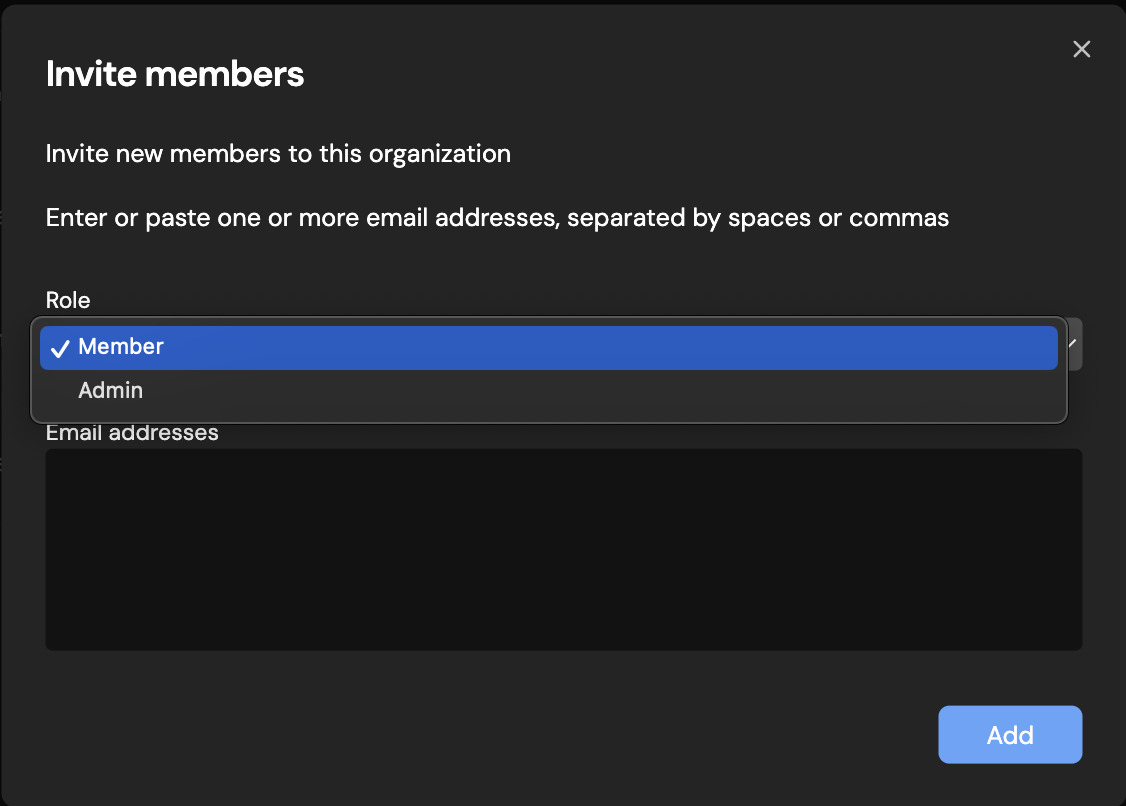
[Deployments](https://docs.devin.ai/product-guides/deployment-capabilities)
[Importing Code Settings](https://docs.devin.ai/collaborate-with-devin/vscode-profiles)
Assistant
Responses are generated using AI and may contain mistakes.
---
# Slack Integration Guide - Devin Docs
[Devin Docs home page](https://docs.devin.ai/)
Search...
⌘KAsk AI
Search...
Navigation
Integrations
Slack Integration Guide
[Documentation](https://docs.devin.ai/get-started/devin-intro)
[Prompts & Tutorials](https://docs.devin.ai/use-cases/testing-refactoring)
[API Reference](https://docs.devin.ai/api-reference/overview)
[Release Notes](https://docs.devin.ai/release-notes/overview)
[Enterprise](https://docs.devin.ai/enterprise/get-started)
On this page
* [Slack Organization Integration](https://docs.devin.ai/integrations/slack#slack-organization-integration)
* [Slack User Integration](https://docs.devin.ai/integrations/slack#slack-user-integration)
* [How to use Devin from Slack](https://docs.devin.ai/integrations/slack#how-to-use-devin-from-slack)
* [Inline Slack Keywords & Functions](https://docs.devin.ai/integrations/slack#inline-slack-keywords-%26-functions)
* [Turn on Slack Notifications](https://docs.devin.ai/integrations/slack#turn-on-slack-notifications)
* [Dedicated Devin channel](https://docs.devin.ai/integrations/slack#dedicated-devin-channel)
* [How to Rename Devin](https://docs.devin.ai/integrations/slack#how-to-rename-devin)
* [Permissions Details](https://docs.devin.ai/integrations/slack#permissions-details)
Once you’ve connected Slack to your organization, you’ll be able to initialize Devin via Slack just by tagging **@Devin**. Devin responds in-thread with updates and questions, just as in the regular chat interface.
###
[](https://docs.devin.ai/integrations/slack#slack-organization-integration)
Slack Organization Integration
1. In the **Organization Integrations** tab on your [Settings](https://app.devin.ai/settings/integrations)
page, click the “Connect” button to integrate your organization with the Devin Slack app. You have to be a Slack Admin to set up this integration. 
2. Once you’ve completed the flow, ensure that your status has updated to look like this: 
###
[](https://docs.devin.ai/integrations/slack#slack-user-integration)
Slack User Integration
Individual users can set up their Slack “Connected User” at [https://app.devin.ai/settings/integrations](https://app.devin.ai/settings/integrations)
This is not required, but once set up:
1. Users will be able to use the “send to channel” feature, which mirrors sessions started via the web app on Slack. This enables anyone in the channel (with Devin access) to quickly follow along and collaborate with Devin. **Both Devin and the user need to be added to the same Slack channels for this feature to show up!** 
2. Devin sessions started via Slack will show up with the proper Creator name, rather than “Slack User”. Once your integration is complete, your interface should look like this: 
> Note: If your user account is not properly connecting, ensure that your Slack email is the same as your email in [https://app.devin.ai/settings](https://app.devin.ai/settings)
> . If not, please authenticate the correct email on Slack.
###
[](https://docs.devin.ai/integrations/slack#how-to-use-devin-from-slack)
How to use Devin from Slack
Once you’ve installed the Devin Slack integration, simply trigger Devin with @Devin in any channel. You may include attachments to your message.  Devin will respond in-thread to your session. Now, you can communicate back and forth as you would in the regular chat interface. 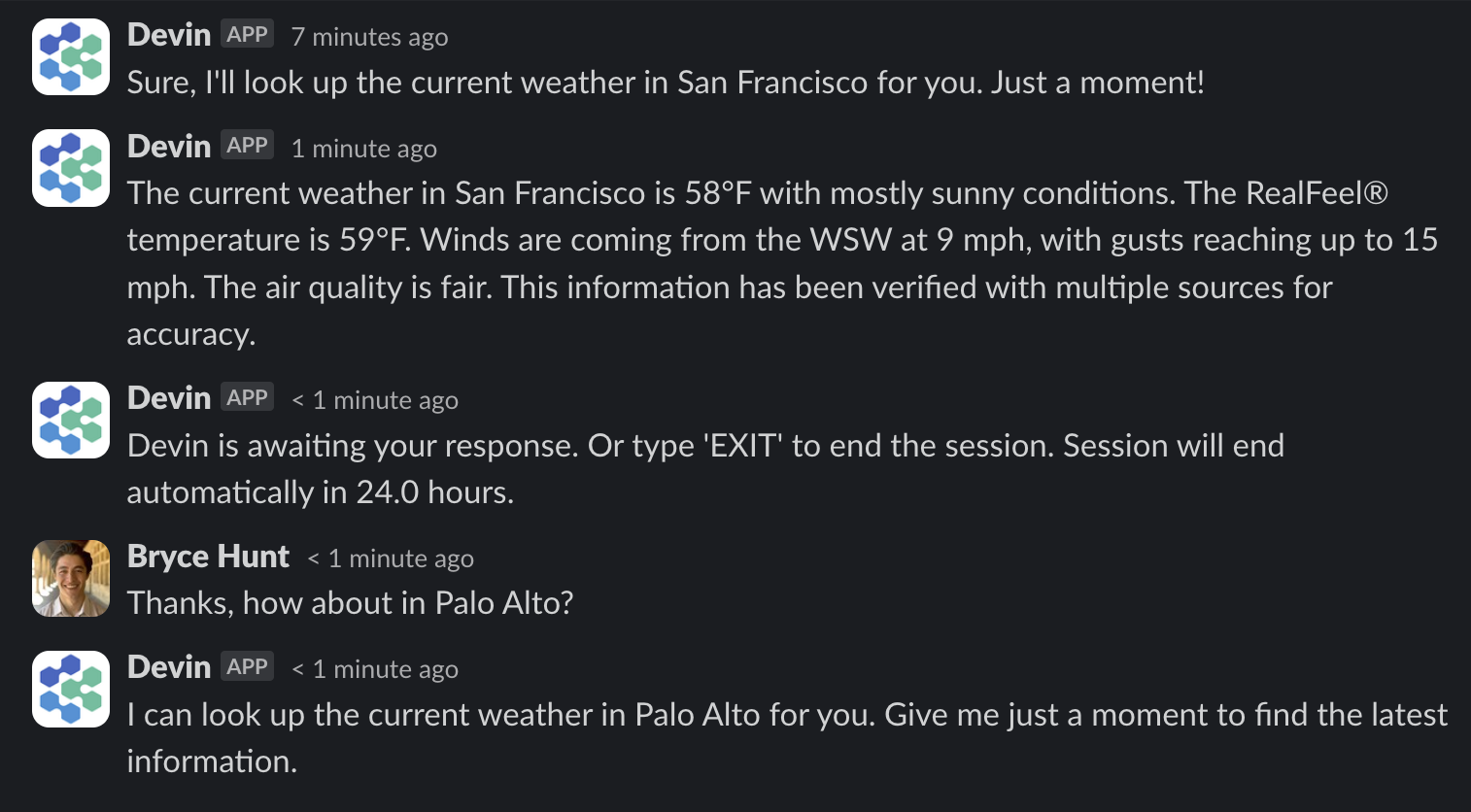
###
[](https://docs.devin.ai/integrations/slack#inline-slack-keywords-%26-functions)
Inline Slack Keywords & Functions
| Keyword | Function |
| --- | --- |
| `!ask` | get a quick codebase answer without starting a full agent |
| `!deep` | get a deeper research answer using advanced search |
| `mute` | prevents Devin from seeing further Slack messages in thread |
| `unmute` | reverses the above |
| `(aside)`, `!aside` | causes Devin to ignore the message (useful for commenting on Devin’s run directly in-thread) |
| `sleep` | puts Devin to sleep; to wake Devin up, send any message in the thread |
| `archive` | puts Devin to sleep + archives the session |
| `EXIT` | ends the session |
| `snapshot:` | Use a particular snapshot with your run |
| `playbook:` | Use a particular playbook with your run |
###
[](https://docs.devin.ai/integrations/slack#turn-on-slack-notifications)
Turn on Slack Notifications
You can enable Slack notifications for specific runs and Devin will privately message you whenever there’s a status update. To do so, simply click “Enable Slack notifications” in the menu at the top of any run. 
###
[](https://docs.devin.ai/integrations/slack#dedicated-devin-channel)
Dedicated Devin channel
Set up a **#devin-runs** channel (or similar) to keep all Devin conversations in one place. This helps your team collaborate on Devin runs together and draw inspiration for different use cases from each other. 
###
[](https://docs.devin.ai/integrations/slack#how-to-rename-devin)
How to Rename Devin
You may change Devin’s name in your Slack workspace by going to your Slack Workspace Admin panel -> Configure apps -> Installed Apps -> Devin. Then click on App Details, and go to the Configuration tab of that page. If you scroll down you will find a section called ‘Bot User’ where you may change Devin’s name. 
###
[](https://docs.devin.ai/integrations/slack#permissions-details)
Permissions Details
| Permission | Description | Rationale |
| --- | --- | --- |
| `chat:write, chat:write.customize` | Send messages as @Devin or using a customized username and avatar | Devin has to be able to respond to user requests |
| `commands` | Add shortcuts and/or slash commands that people can use | Devin might gain more interactive features in the future that will require different commands |
| `files:read. files:write` | Upload, edit, and delete files as Devin | Devin needs to manage files in order to send and receive attachments to/from the user |
| `channels:history, groups:history, im:history` | View messages and other content in channels, groups, and DMs that Devin is in | Devin has to access historical messages when he is launched inside of a message thread in order to retrieve the previous messages in the thread as context |
| `im:read`, `im:write` | Start direct messages with people and view basic information about direct messages that Devin has been added to | Devin needs to be able to initiate DMs in order to send users notifications via Slack |
| `reactions:write` | Add and edit emoji reactions | Devin adds emojis to messages in order to mark runs as completed or failed |
| `remote_files:read, remote_files:write` | View remote files added by the app in a workspace | Devin needs to manage remote files in order to send and receive attachments to/from the user |
| `users:read, users:read.email`, `users.profile:read` | View people in a workspace as well as their emails and profiles | Devin needs to be able to match Slack users with Devin users based on their email address |
[GitHub Pull Request Templates](https://docs.devin.ai/integrations/pr-templates)
[GitLab Integration](https://docs.devin.ai/integrations/gitlab)
Assistant
Responses are generated using AI and may contain mistakes.
---
# GitHub Integration Guide - Devin Docs
[Devin Docs home page](https://docs.devin.ai/)
Search...
⌘KAsk AI
Search...
Navigation
Integrations
GitHub Integration Guide
[Documentation](https://docs.devin.ai/get-started/devin-intro)
[Prompts & Tutorials](https://docs.devin.ai/use-cases/testing-refactoring)
[API Reference](https://docs.devin.ai/api-reference/overview)
[Release Notes](https://docs.devin.ai/release-notes/overview)
[Enterprise](https://docs.devin.ai/enterprise/get-started)
On this page
* [Why integrate Devin into GitHub?](https://docs.devin.ai/integrations/gh#why-integrate-devin-into-github%3F)
* [Setting up the Integration](https://docs.devin.ai/integrations/gh#setting-up-the-integration)
* [Using Devin with the GitHub Integration](https://docs.devin.ai/integrations/gh#using-devin-with-the-github-integration)
* [Pull Request Templates](https://docs.devin.ai/integrations/gh#pull-request-templates)
* [Devin-specific template (preferred)](https://docs.devin.ai/integrations/gh#devin-specific-template-preferred)
* [Search & precedence order](https://docs.devin.ai/integrations/gh#search-%26-precedence-order)
* [Setting Devin’s Permissions](https://docs.devin.ai/integrations/gh#setting-devin%E2%80%99s-permissions)
* [Managing Permissions](https://docs.devin.ai/integrations/gh#managing-permissions)
* [Commit Signing](https://docs.devin.ai/integrations/gh#commit-signing)
* [Security Considerations](https://docs.devin.ai/integrations/gh#security-considerations)
* [IP Whitelisting](https://docs.devin.ai/integrations/gh#ip-whitelisting)
* [GitHub Integration FAQs](https://docs.devin.ai/integrations/gh#github-integration-faqs)
[](https://docs.devin.ai/integrations/gh#why-integrate-devin-into-github%3F)
Why integrate Devin into GitHub?
-----------------------------------------------------------------------------------------------------------------
Integrating Devin into your GitHub organization allows Devin to create pull requests, read and respond to your PR comments, etc. This lets Devin be a true collaborator on your engineering team. **The setup is easy!** Go to [app.devin.ai](http://app.devin.ai/)
> **Settings** > **Integrations** > **Github**, click Connect, and follow the GitHub app integration steps on the screen. Make sure to select access to the relevant repos and review permissions
[](https://docs.devin.ai/integrations/gh#setting-up-the-integration)
Setting up the Integration
---------------------------------------------------------------------------------------------------
Having trouble? Check out our [Common Issues](https://docs.devin.ai/common-issues#i-m-unable-to-connect-my-github-organization)
page for solutions to common problems.
1. In your Devin account at [app.devin.ai](http://app.devin.ai/)
, go to [Settings](https://app.devin.ai/settings/integrations)
> **Integrations** > **Github**, and click the “Connect” button to integrate your organization with the Devin GitHub app.
2. This will redirect you to GitHub where you can select the **GitHub account** and **repositories** to connect Devin, and review the relevant permissions.
* If you’re setting up the GitHub integration on behalf of your organization, make sure to select your company’s account.
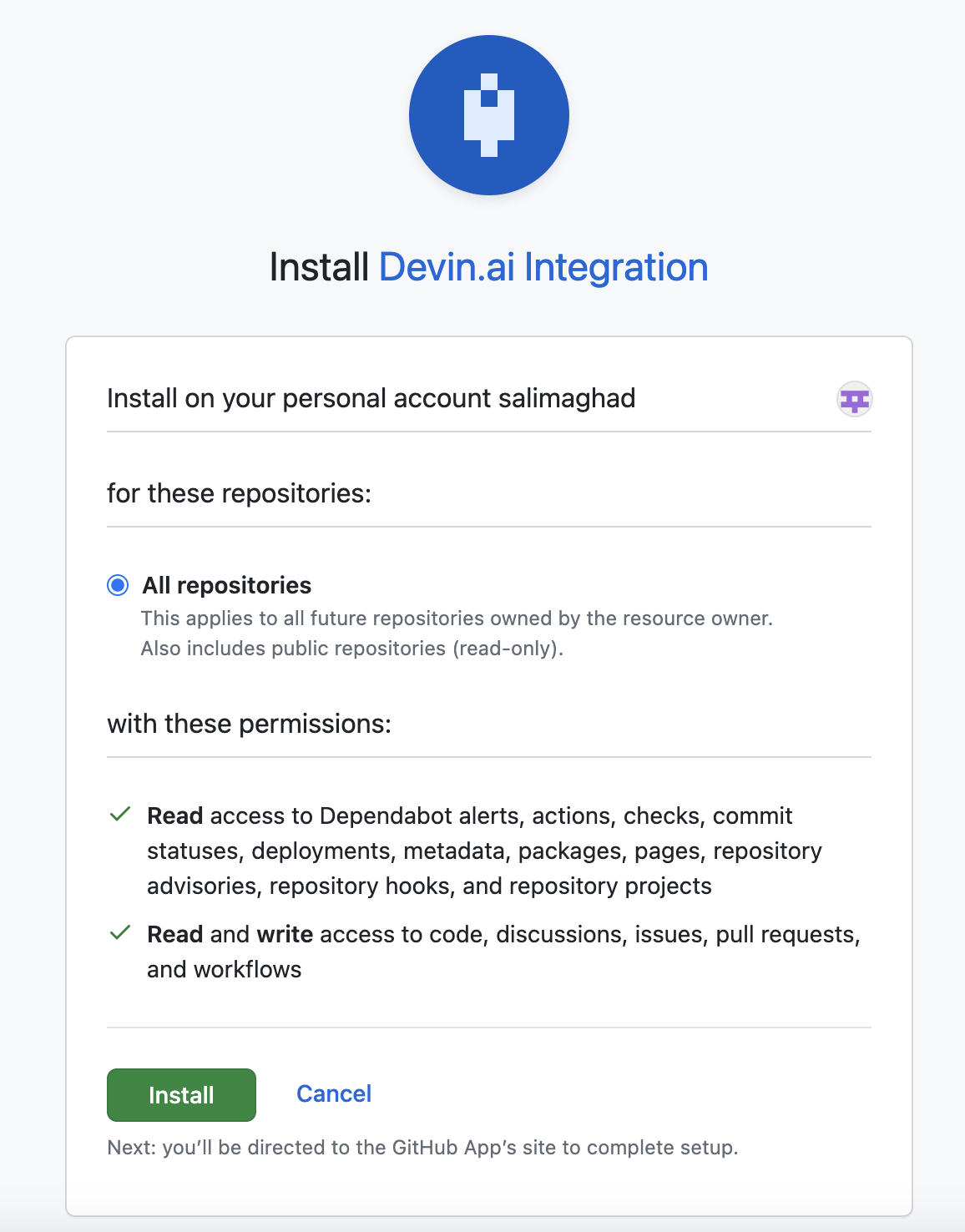
3. Once you’ve completed all the set up steps in Github, you will be directed to the Devin account settings page where you can confirm the integration is set up.
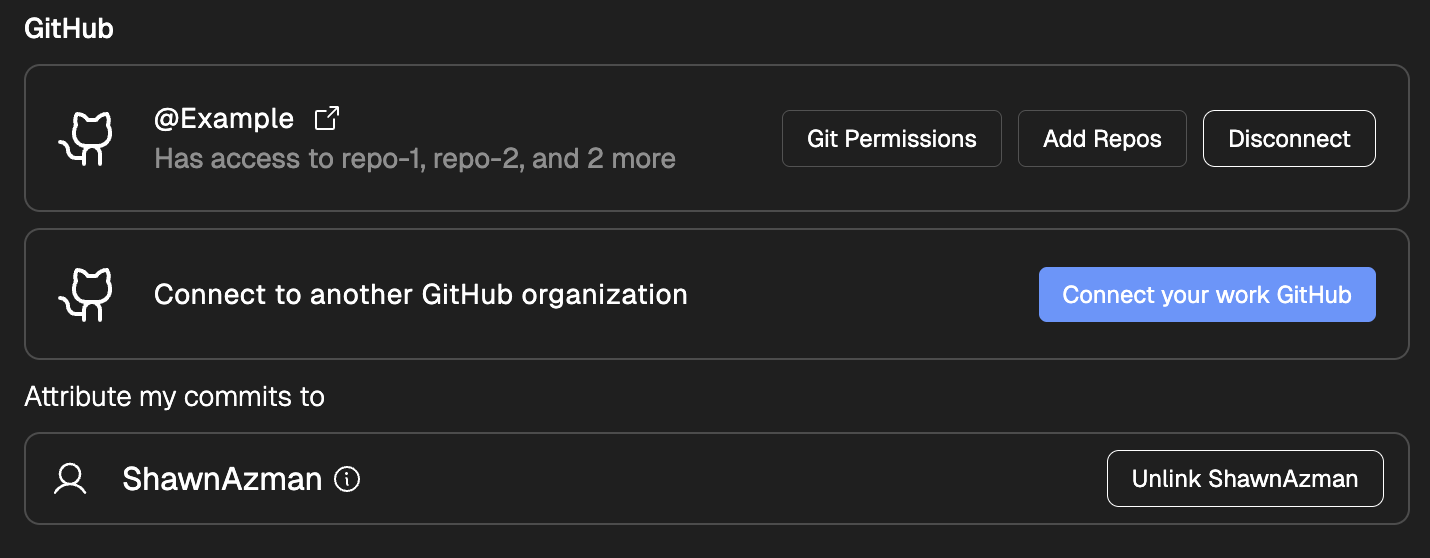
4. **\[For Enterprise customers only\]** Add the `cognition-team` GitHub account to the relevant repositories. This gives us the ability to help onboard Devin onto your codebase and monitor Devin’s activity.
We recommend enabling branch protections on master to ensure checks are enforced before Devin can merge any changes.
[](https://docs.devin.ai/integrations/gh#using-devin-with-the-github-integration)
Using Devin with the GitHub Integration
-----------------------------------------------------------------------------------------------------------------------------
Once the integration is set up, you can go to the Devin web application and you should be able to @mention the repo in your prompt! If you are using a repository for the first time, we recommend going through the [development environment setup process in the onboarding flow](https://docs.devin.ai/onboard-devin/repo-setup)
to ensure that Devin has the most accurate and up to date information about working with your codebase.
Devin will automatically respond to any PR comments as long as the session has not been archived
[](https://docs.devin.ai/integrations/gh#pull-request-templates)
Pull Request Templates
-------------------------------------------------------------------------------------------
When Devin creates a pull request, it will try to structure the PR description using a template from your repository. If you provide a template, Devin will follow its structure when writing the description it submits on GitHub.
###
[](https://docs.devin.ai/integrations/gh#devin-specific-template-preferred)
Devin-specific template (preferred)
You can give Devin its own template without changing your human-facing default by adding a file named devin\_pr\_template.md in one of the supported PULL\_REQUEST\_TEMPLATE locations below. This is helpful if you want Devin to include extra guidance (for example, a reviewer checklist or instructions to include a Mermaid diagram of touched files).
###
[](https://docs.devin.ai/integrations/gh#search-%26-precedence-order)
Search & precedence order
Devin looks for the first existing file in the following order (first match wins):
1. PULL\_REQUEST\_TEMPLATE/devin\_pr\_template.md
2. docs/PULL\_REQUEST\_TEMPLATE/devin\_pr\_template.md
3. .github/PULL\_REQUEST\_TEMPLATE/devin\_pr\_template.md
4. pull\_request\_template.md
5. docs/pull\_request\_template.md
6. .github/pull\_request\_template.md
If none of these files exist, Devin falls back to its internal default PR description format.
If you already have a GitHub pull\_request\_template.md that you want Devin to follow exactly, just copy (or symlink) it to one of the devin\_pr\_template.md paths above.
For more on GitHub pull request templates (supported locations, multiple templates, query parameters, etc.), see the GitHub Docs: [Creating a pull request template for your repository](https://docs.github.com/en/communities/using-templates-to-encourage-useful-issues-and-pull-requests/creating-a-pull-request-template-for-your-repository)
.
[](https://docs.devin.ai/integrations/gh#setting-devin%E2%80%99s-permissions)
Setting Devin’s Permissions
-------------------------------------------------------------------------------------------------------------
###
[](https://docs.devin.ai/integrations/gh#managing-permissions)
Managing Permissions
You need to be an admin of the Github organiation where the Devin integration is installed to manage permissions
When setting up the integration, you can choose to grant permissions such that Devin can access **all the organization’s repositories or only a selected subset of repos**. You can always adjust permissions through the Integration configuration page in Github once the app is connected:
* **Step 1:** Go to the [GitHub Integration settings](https://github.com/settings/installations)
* **Step 2:** Navigate to Devin.ai Integration and click “Configure”
* **Step 3:** Scroll to the “Repository access” section to manage permissions

Devin requires the following permissions: **Read** access to:
| Permission | Description |
| --- | --- |
| \`dependabot alerts | Allows Devin to resolve dependabot alerts on your behalf (i.e. bumping dependency versions) |
| `actions` | Allows Devin to view the actions configured for a repository in order to understand if Devin’s changes pass CI |
| `checks` | Allows Devin to view the checks configured for a repository in order to understand if Devin’s changes pass CI |
| `commit statuses` | Allow Devin to view if a commit passes CI |
| `deployments` | Allow Devin to view which versions of a repository were deployed |
| `metadata` | Allow Devin to view crucial metadata about a repository such as who owns it |
| `packages` | Allow Devin to view which versions of a repository were shipped as a package |
| `pages` | Allow Devin to consult pages associated with a repository, e.g. to view documentation |
| `repository advisories` | Allow Devin to view security advisories related to a repo in order to help fix security issues |
| `repository hooks` | Allow Devin to view the hooks configured for a repository, e.g. linting and type checking |
| `repository projects` | Allow Devin to view projects associated with a repository, e.g. to retrieve information about a task |
**Read** and **write** access to:
| Permission | Description |
| --- | --- |
| `code` | Allow Devin to contribute to the codebase |
| `discussions` | Allow Devin to contribute to discussions |
| `issues` | Allow Devin to open new issues |
| `pull requests` | Allow Devin to create new PRs |
| `workflows` | Allow Devin to set up new workflows, e.g. to help configure CI/CD |
We request these permissions so that Devin can work in your repository just as a regular contributor. Specifically, we permit Devin to push new branches, open PRs, and contribute to PR discussions, which is essential for Devin to productively contribute to your codebase.
###
[](https://docs.devin.ai/integrations/gh#commit-signing)
Commit Signing
During your [repository setup](https://docs.devin.ai/onboard-devin/repo-setup)
, you can use Devin’s Terminal to generate a GPG key that will be used to sign commits, as per the GPG process [outlined in GitHub’s docs](https://docs.github.com/en/authentication/managing-commit-signature-verification/generating-a-new-gpg-key)
. We would recommend creating a dummy GitHub account in your organization to upload the GPG key to (e.g. [devin@company.com](mailto:devin@company.com)
) so that you can verify which commits are coming from Devin.
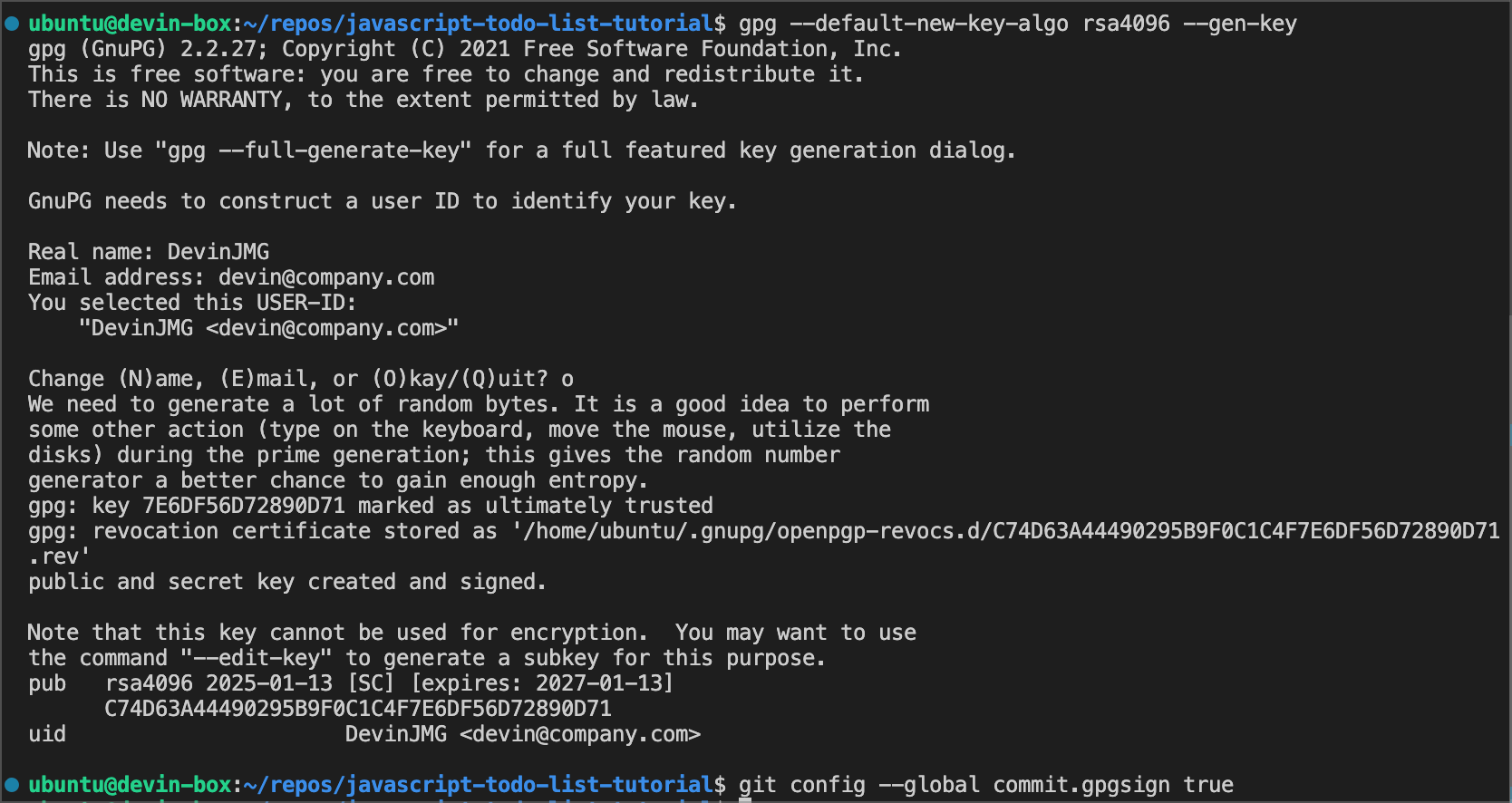
###
[](https://docs.devin.ai/integrations/gh#security-considerations)
Security Considerations
Some additional information regarding Devin’s permissions in GitHub:
* We recommend enabling branch protections on master to ensure checks are enforced before Devin can merge any changes.
* If Devin is connected to your organization’s GitHub account then it will have the same permissions for any user with access to the GitHub and Devin organizations.
* Devin will not mirror the permissions of the user running a session with Devin, it will retain the permissions granted at the org-level.
* Devin cannot create new repos in your GitHub account.
[](https://docs.devin.ai/integrations/gh#ip-whitelisting)
IP Whitelisting
-----------------------------------------------------------------------------
If you need to whitelist Devin’s services for access to your organization’s GitHub resources, please add the following IP addresses:
* 100.20.50.251
* 44.238.19.62
* 52.10.84.81
* 52.183.72.253
(Please note these IPs may change in future updates.)
[](https://docs.devin.ai/integrations/gh#github-integration-faqs)
GitHub Integration FAQs
---------------------------------------------------------------------------------------------
Can I connect my Personal GitHub account to my organization’s Devin account?
Yes, a user can choose to connect a GitHub Organization or Personal account to their organization’s Devin account, but we recommend connecting the account that will have the relevant permissions for Devin to run sessions for the organization.
How does the GitHub app handle user authentication?
Only users authenticated with access/permissions to the organization that the GitHub integration was connected to can use it in their Devin runs. In other words, Devin(s) will only have access to a GitHub integration if they are launched by the people part of the organizations that installed that GitHub integration.
How does Devin manage and rotate encryption keys?
Encryption keys are managed by AWS KMS and rotated periodically.
[Importing Code Settings](https://docs.devin.ai/collaborate-with-devin/vscode-profiles)
[GitHub Pull Request Templates](https://docs.devin.ai/integrations/pr-templates)
Assistant
Responses are generated using AI and may contain mistakes.
---
# Knowledge - Devin Docs
[Devin Docs home page](https://docs.devin.ai/)
Search...
⌘KAsk AI
Search...
Navigation
Product Guides
Knowledge
[Documentation](https://docs.devin.ai/get-started/devin-intro)
[Prompts & Tutorials](https://docs.devin.ai/use-cases/testing-refactoring)
[API Reference](https://docs.devin.ai/api-reference/overview)
[Release Notes](https://docs.devin.ai/release-notes/overview)
[Enterprise](https://docs.devin.ai/enterprise/get-started)
On this page
* [What is Knowledge?](https://docs.devin.ai/product-guides/knowledge#what-is-knowledge%3F)
* [How do I create Knowledge?](https://docs.devin.ai/product-guides/knowledge#how-do-i-create-knowledge%3F)
* [Knowledge Suggestions](https://docs.devin.ai/product-guides/knowledge#knowledge-suggestions)
* [What belongs in Knowledge?](https://docs.devin.ai/product-guides/knowledge#what-belongs-in-knowledge%3F)
* [Tips and tricks](https://docs.devin.ai/product-guides/knowledge#tips-and-tricks)
* [Pinning Knowledge to Repos](https://docs.devin.ai/product-guides/knowledge#pinning-knowledge-to-repos)
[](https://docs.devin.ai/product-guides/knowledge#what-is-knowledge%3F)
What is Knowledge?
----------------------------------------------------------------------------------------------
Just like onboarding a new engineer, onboarding Devin requires an initial investment in **knowledge transfer**. Knowledge is a collection of tips, advice, and instructions that Devin can reference in all sessions. You can continually add to Devin’s bank of Knowledge over time, and Devin will **automatically recall relevant Knowledge** as necessary. Use to the Knowledge feature to share documentation, tips, custom internal libraries, and other materials that Devin may need.
[](https://docs.devin.ai/product-guides/knowledge#how-do-i-create-knowledge%3F)
How do I create Knowledge?
--------------------------------------------------------------------------------------------------------------
Navigate to the **Knowledge** tab in the **Settings & Library** page, and click “Add Knowledge” in the top right.
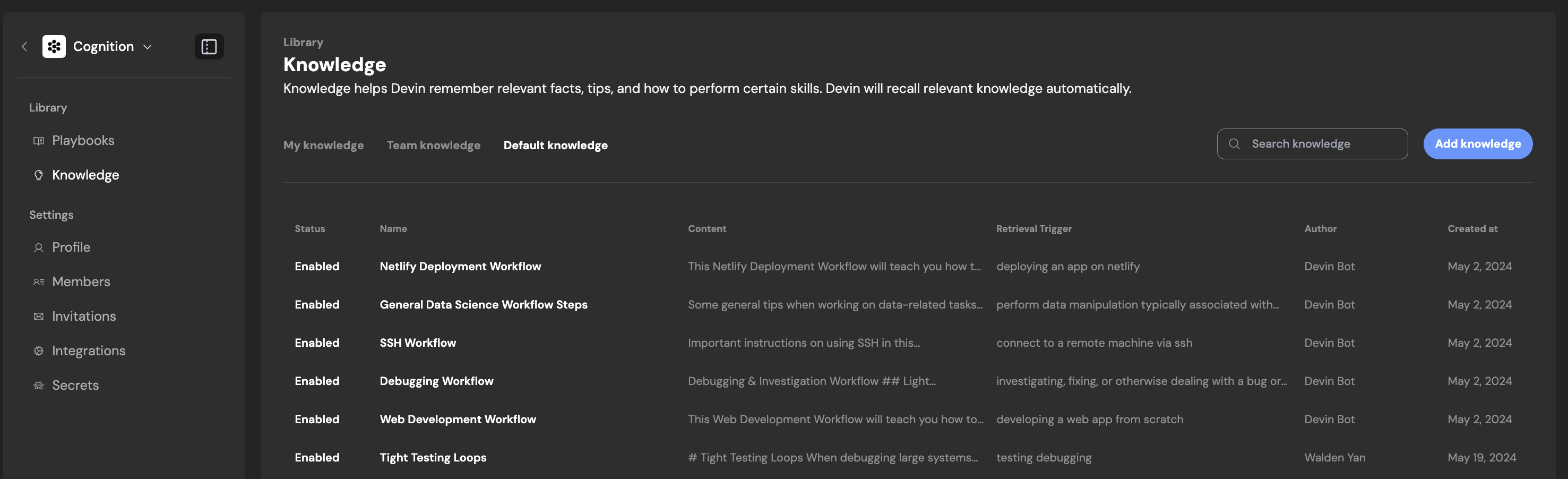
Your **Trigger Description** will help Devin recall relevant Knowledge at the right times. This can be a simple phrase or sentence. Devin will retrieve a Knowledge item when its current work is related to the specified triggers, and all Knowledge requires a trigger description. **Content** should be a handful of sentences with relevant information.
[](https://docs.devin.ai/product-guides/knowledge#knowledge-suggestions)
Knowledge Suggestions
--------------------------------------------------------------------------------------------------
Devin will automatically suggest Knowledge to remember based on your feedback in chat. Edit the suggested Knowledge before saving, or dismiss the Knowledge if it’s not helpful. You can also request Devin to regenerate a Knowledge Suggestion based on your feedback. This can make it easier to iterate on suggested knowledge rather than manually editing. Devin can also suggest updates to existing knowledge items in addition to suggesting new knowledge items.
[](https://docs.devin.ai/product-guides/knowledge#what-belongs-in-knowledge%3F)
What belongs in Knowledge?
--------------------------------------------------------------------------------------------------------------
We recommend including the aspects of your prompts or playbooks you find yourself repeating regularly. Examples include common bugs and their associated solutions, code conformance practices, deployment workflows, testing workflows, how to interact with proprietary tools, etc.
[](https://docs.devin.ai/product-guides/knowledge#tips-and-tricks)
Tips and tricks
--------------------------------------------------------------------------------------
1. Create specific Knowledge that is targeted at one workflow or action. Devin will read the entire Knowledge contents, so keep it all relevant and up-to-date!
* Split up your Knowledge into smaller ones where possible. Devin is capable of accessing multiple Knowledge “items” at once.
2. Make a habit of adding and updating Knowledge. These are shared across your organization, and will continually improve Devin for your team over time.
3. Devin retrieves Knowledge when relevant, not all at once or all at the beginning. Be sure to make your retrieval trigger highly relevant to the contents.
[](https://docs.devin.ai/product-guides/knowledge#pinning-knowledge-to-repos)
Pinning Knowledge to Repos
------------------------------------------------------------------------------------------------------------
You can choose whether Knowledge applies to no repos, specific repos, or all repos:
* Pinning to **no repo**: The Knowledge is only retrieved when Devin decides it’s relevant to your current context.
* Pinning to **specific repos**: The Knowledge is always used whenever Devin is working in those specific repos.
* Pinning to **all repos**: The Knowledge automatically applies to every repo that Devin is working on in any session.
[Devin MCP](https://docs.devin.ai/work-with-devin/devin-mcp)
[Session Insights](https://docs.devin.ai/product-guides/session-insights)
Assistant
Responses are generated using AI and may contain mistakes.
---
# VPN Configuration - Devin Docs
[Devin Docs home page](https://docs.devin.ai/)
Search...
⌘KAsk AI
Search...
Navigation
Onboarding Devin
VPN Configuration
[Documentation](https://docs.devin.ai/get-started/devin-intro)
[Prompts & Tutorials](https://docs.devin.ai/use-cases/testing-refactoring)
[API Reference](https://docs.devin.ai/api-reference/overview)
[Release Notes](https://docs.devin.ai/release-notes/overview)
[Enterprise](https://docs.devin.ai/enterprise/get-started)
On this page
* [Prerequisites Checklist](https://docs.devin.ai/onboard-devin/vpn#prerequisites-checklist)
* [Setting up OpenVPN](https://docs.devin.ai/onboard-devin/vpn#setting-up-openvpn)
* [Alternative VPN Clients](https://docs.devin.ai/onboard-devin/vpn#alternative-vpn-clients)
* [Publicly Available VPN Clients](https://docs.devin.ai/onboard-devin/vpn#publicly-available-vpn-clients)
* [Private VPN Clients](https://docs.devin.ai/onboard-devin/vpn#private-vpn-clients)
Devin operates in its own VM workspace and sometimes needs to access resources within your internal network (e.g., internal package registry, staging services, self-hosted services). Like your developers, Devin can use a client VPN to connect to your internal network.
[](https://docs.devin.ai/onboard-devin/vpn#prerequisites-checklist)
Prerequisites Checklist
-----------------------------------------------------------------------------------------------
Before setting up VPN access, verify the following:
1. **Public Access Verification**
* Confirm these services are **not** accessible via the public internet.
* For cloud-hosted services (e.g., Gitlab Cloud Package Registry, JFrog Artifactory Cloud), an access token is typically sufficient.
2. **Authentication Method:** Using a service account to authenticate is recommended. Credentials can be securely stored via Devin’s [Secrets](https://docs.devin.ai/product-guides/secrets)
functionality.
[](https://docs.devin.ai/onboard-devin/vpn#setting-up-openvpn)
Setting up OpenVPN
-------------------------------------------------------------------------------------
OpenVPN comes pre-installed in Devin’s workspace. To configure:
1. Upload your `config.ovpn` configuration file to Devin’s workspace by dragging and dropping it into the VSCode instance
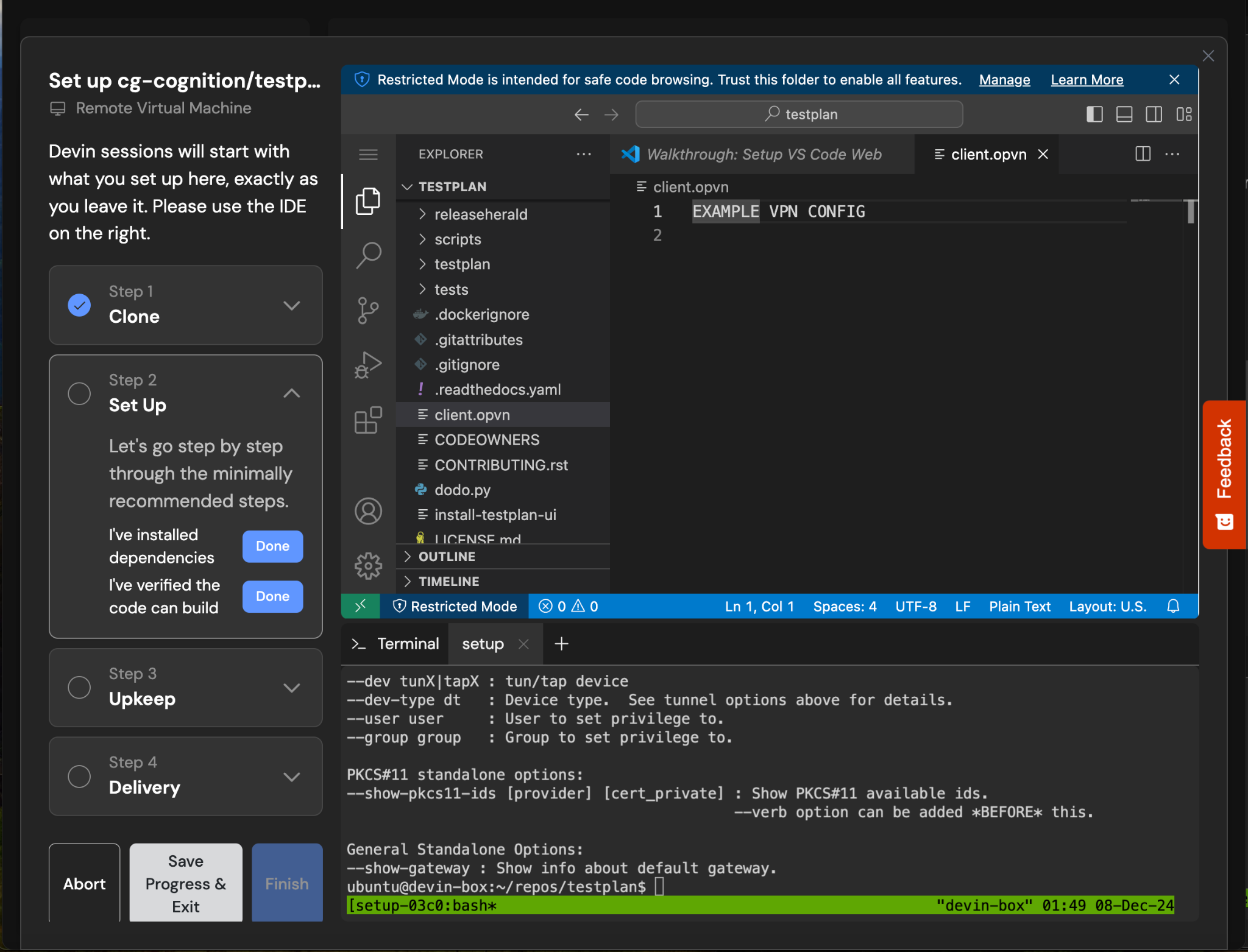
2. Set up OpenVPN as a system service by creating the file `/etc/systemd/system/openvpn.service`:
Copy
Ask AI
[Unit]
Description=OpenVPN Client Service
After=network.target
[Service]
ExecStart=/usr/sbin/openvpn --config /path/to/config.ovpn
Restart=always
[Install]
WantedBy=multi-user.target
Then reload systemd, enable and start the service.
Copy
Ask AI
sudo systemctl daemon-reload
sudo systemctl enable openvpn
sudo systemctl start openvpn
This ensures the VPN connection is managed by the system and automatically restarts if it fails.
[](https://docs.devin.ai/onboard-devin/vpn#alternative-vpn-clients)
Alternative VPN Clients
-----------------------------------------------------------------------------------------------
If your organization uses a different VPN solution:
###
[](https://docs.devin.ai/onboard-devin/vpn#publicly-available-vpn-clients)
Publicly Available VPN Clients
For clients like Fortinet that can be installed via a package manager: 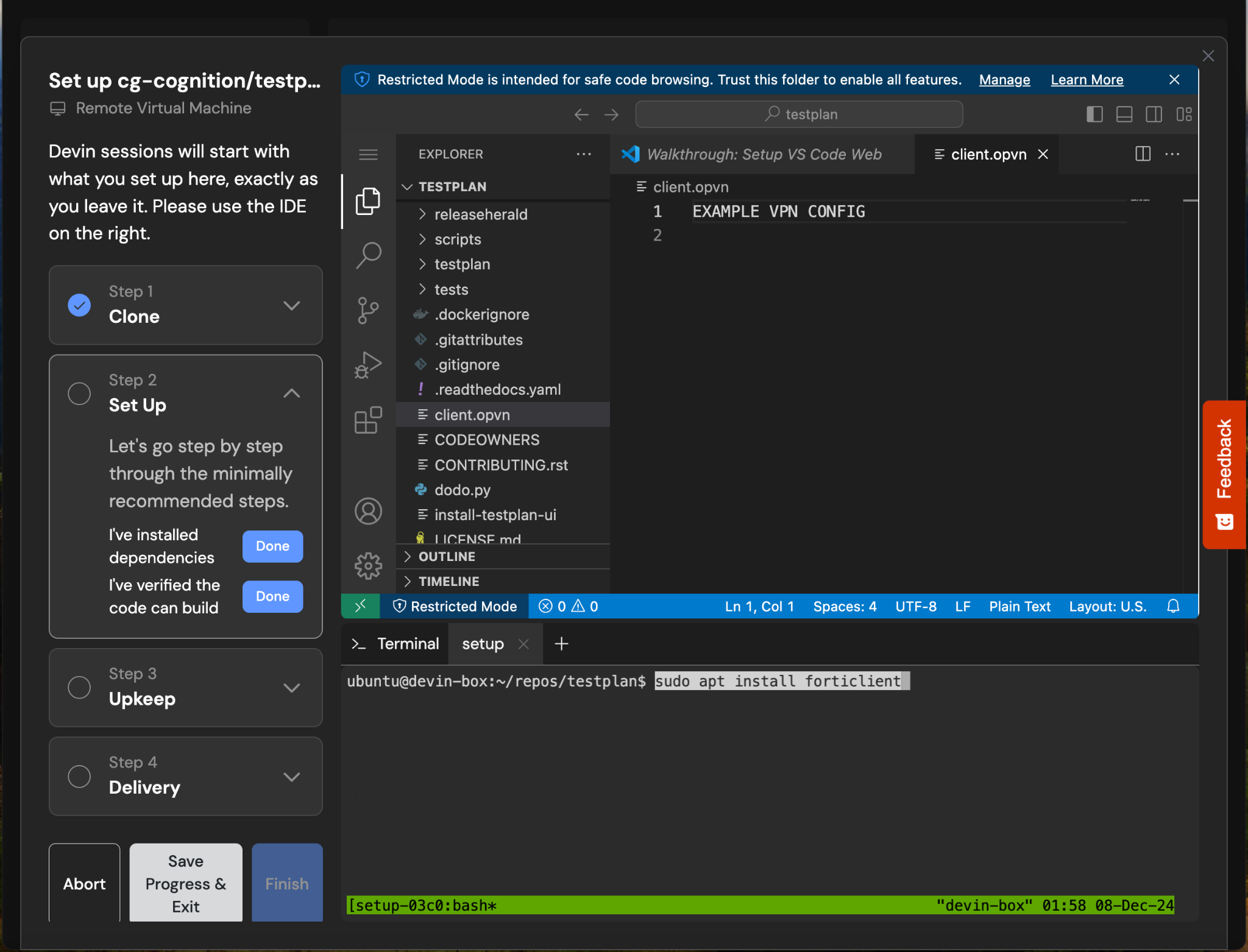
1. Install the client during setup using the appropriate package manager commands:
Copy
Ask AI
sudo apt install forticlient
2. Configure the startup command to establish connection
###
[](https://docs.devin.ai/onboard-devin/vpn#private-vpn-clients)
Private VPN Clients
For clients like Palo Alto GlobalProtect that require a binary installation:
1. Upload the client binary and certificate to Devin’s workspace by dragging and dropping it into the VSCode instance
2. Install using:
Copy
Ask AI
sudo dpkg -i /path/to/GlobalProtect_deb.deb
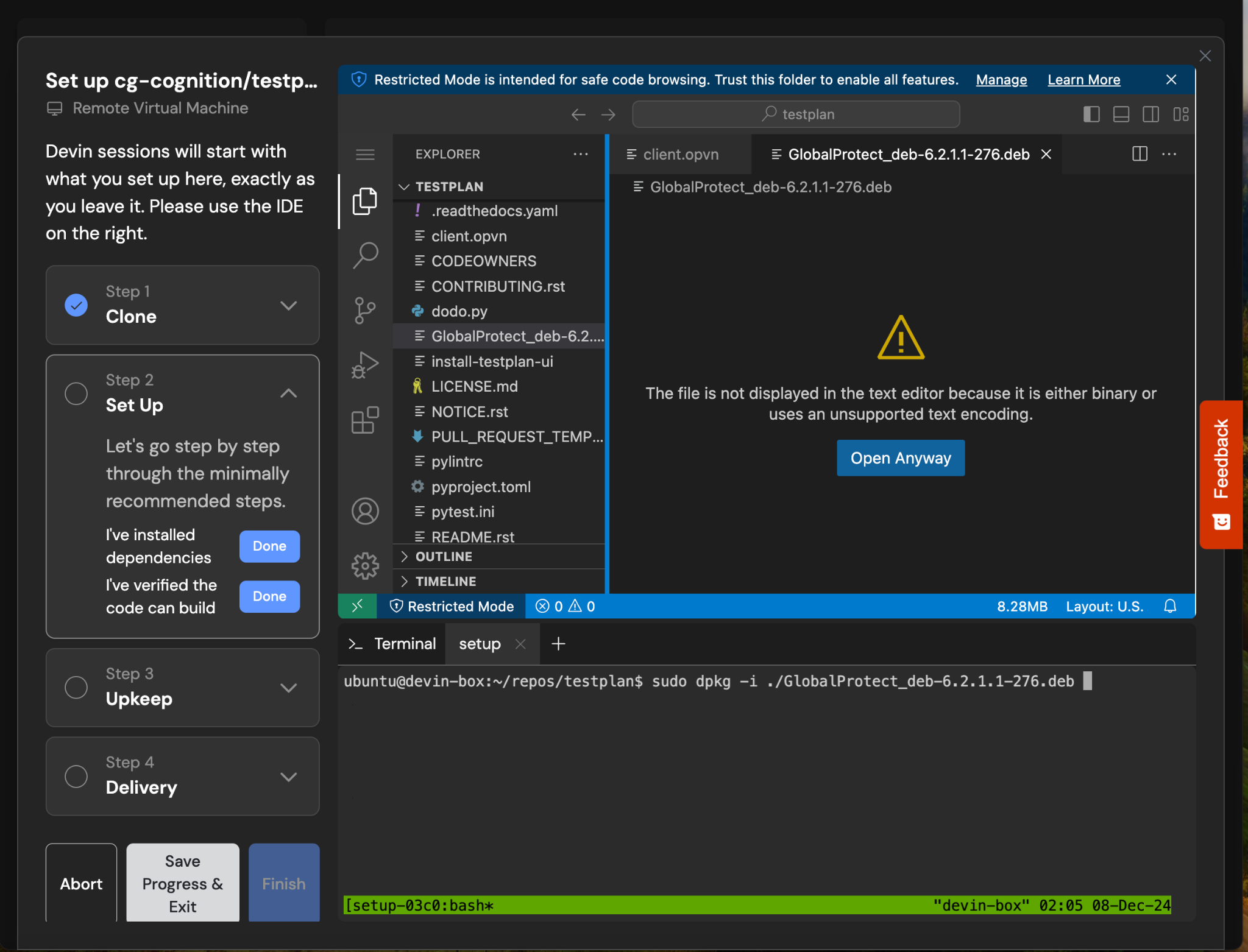
3. Configure the startup command:
Copy
Ask AI
globalprotect import-certificate --location /path/to/cert
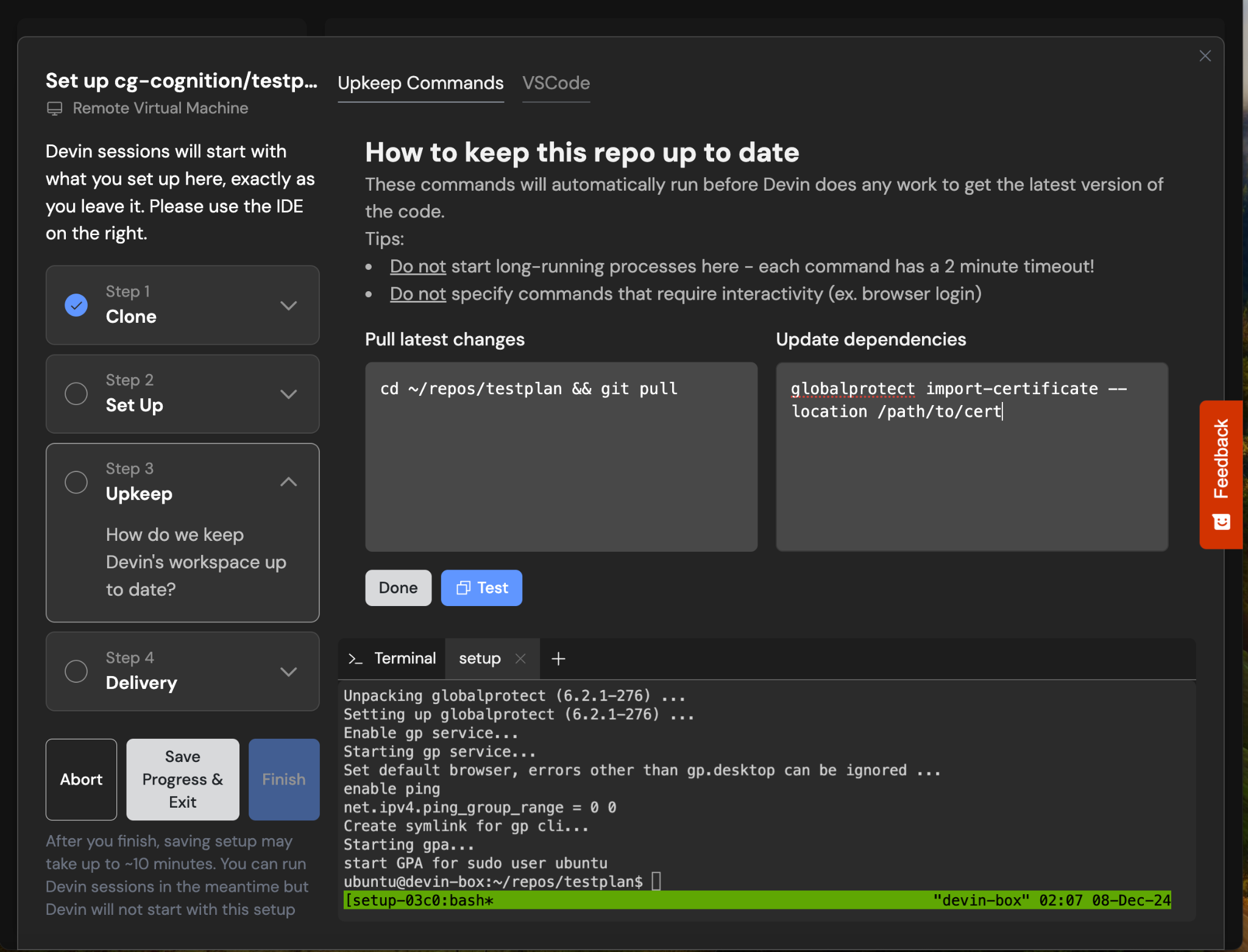
[Repo Setup](https://docs.devin.ai/onboard-devin/repo-setup)
[Knowledge Onboarding](https://docs.devin.ai/onboard-devin/knowledge-onboarding)
Assistant
Responses are generated using AI and may contain mistakes.
---
# Introducing Devin - Devin Docs
[Devin Docs home page](https://docs.devin.ai/)
Search...
⌘KAsk AI
Search...
Navigation
Get Started
Introducing Devin
[Documentation](https://docs.devin.ai/get-started/devin-intro)
[Prompts & Tutorials](https://docs.devin.ai/use-cases/testing-refactoring)
[API Reference](https://docs.devin.ai/api-reference/overview)
[Release Notes](https://docs.devin.ai/release-notes/overview)
[Enterprise](https://docs.devin.ai/enterprise/get-started)
On this page
* [Already Signed Up? Get Started Now:](https://docs.devin.ai/get-started/devin-intro#already-signed-up%3F-get-started-now%3A)
* [What are Devin’s strengths?](https://docs.devin.ai/get-started/devin-intro#what-are-devin%E2%80%99s-strengths%3F)
* [Getting Access](https://docs.devin.ai/get-started/devin-intro#getting-access)
* [General Product Features](https://docs.devin.ai/get-started/devin-intro#general-product-features)
* [The Devin Interface](https://docs.devin.ai/get-started/devin-intro#the-devin-interface)
* [Limitations](https://docs.devin.ai/get-started/devin-intro#limitations)
* [Feedback](https://docs.devin.ai/get-started/devin-intro#feedback)
* [Demo](https://docs.devin.ai/get-started/devin-intro#demo)
* [About Cognition](https://docs.devin.ai/get-started/devin-intro#about-cognition)

Devin is an autonomous AI software engineer that can write, run and test code. Devin can refactor code, handle small bugs and user requests before they end up in your backlog, review PRs, write unit tests, repro bugs, build your internal tools, and a lot more!
[](https://docs.devin.ai/get-started/devin-intro#already-signed-up%3F-get-started-now%3A)
Already Signed Up? Get Started Now:
---------------------------------------------------------------------------------------------------------------------------------
[Set up your first repos with Devin](https://docs.devin.ai/onboard-devin/repo-setup)
[Learn best practices](https://docs.devin.ai/essential-guidelines/when-to-use-devin)
[Deep dive into Devin’s capabilities](https://docs.devin.ai/product-guides/knowledge)
[Discover our featured tutorials and examples](https://docs.devin.ai/use-cases/tutorials/code-coverage)
[](https://docs.devin.ai/get-started/devin-intro#what-are-devin%E2%80%99s-strengths%3F)
What are Devin’s strengths?
-----------------------------------------------------------------------------------------------------------------------
Here are the types of tasks where Devin excels:
1. **Tackling many small tasks in parallel, before they end up in your backlog**
* Targeted refactors
* Small user feature requests, frontend tasks, bug fixes, and edge cases
* Improving test coverage
* Investigating and fixing CI failures
* Addressing lint/static analysis errors
2. **Code migrations, refactors, and modernization**
* Language migrations (e.g. JavaScript to TypeScript)
* Framework upgrades (e.g. Angular 16 -> 18)
* Monorepo to submodule conversions
* Removing unused feature flags
* Extracting common code into libraries
3. **Common, repetitive engineering tasks**
* PR Review
* Codebase Q&A
* Reproducing & fixing bugs
* Writing unit tests
* Maintaining documentation
4. **Customer engineering support**
* Building new integrations and working with unfamiliar APIs
* Creating customized demos
* Prototyping solutions
* Building internal tools
**The most successful Devin tasks are typically:**
* Quick for you to verify correctness - e.g. checking that CI passes or testing an automatic deployment
* Junior engineer level complexity. Think through (1) judgement calls (2) potential failure routes and assign Devin tasks which an intern could figure out, if provided with sufficient instructions!
* Follow our [best practices and pre-task checklist](https://docs.devin.ai/essential-guidelines/when-to-use-devin)
**The most successful workflows include:**
* Tagging Devin on a Slack thread about a bug you’re discussing with coworkers
* Delegating a more complex task via the web application and taking over in Devin’s IDE once it gives you a good first draft.
* Delegate a task in your IDE to save you from context switching
* Carving out tasks from your todo list at the start of your day and returning to draft PRs waiting for review.
Devin is most effective when it’s part of your team and your existing workflow.

[](https://docs.devin.ai/get-started/devin-intro#getting-access)
Getting Access
-----------------------------------------------------------------------------------
To access Devin, you can sign up for a Teams account at [app.devin.ai](https://app.devin.ai/)
. If your company is already working with Cognition, you can request permissions with your Administrator or Cognition directly and access Devin via the web application [app.devin.ai](https://app.devin.ai/)
.
[](https://docs.devin.ai/get-started/devin-intro#general-product-features)
General Product Features
-------------------------------------------------------------------------------------------------------
###
[](https://docs.devin.ai/get-started/devin-intro#the-devin-interface)
The Devin Interface
Devin is designed to be a conversational user interface, and allows you to follow and take over Devin’s development process in the embedded IDE. Devin is also available via the [Devin API](https://docs.devin.ai/api-reference/overview)
. In Devin’s Workspace, you’ll find:
VSCode
------
Devin’s embedded code editor equipped with all the IDE tools and shortcuts you’re familiar with. Follow Devin’s work real-time and take over to run commands, make direct code edits or test Devin’s code.
Browser
-------
watch Devin browse through documentation, test web applications it builds, download/upload information, etc. You can jump in to help Devin navigate through browsing tasks via the Interactive Browser.

[](https://docs.devin.ai/get-started/devin-intro#limitations)
Limitations
-----------------------------------------------------------------------------
Devin is a junior engineer and has lots to learn. The Cognition team is working hard to improve Devin’s breadth of capabilities. As you use Devin, keep in mind tasks that will be harder for it to execute successfully:
* **Large-scale challenges:** Devin generally performs better on smaller, clearly scoped tasks. For more complex edits, we recommend breaking up the project into smaller, isolated tasks that you can run in separate sessions that build on each other. If you need to frequently run multiple sessions in parallel, you can use the [Devin API](https://docs.devin.ai/api-reference/overview)
to create sessions and retrieve structured results programmatically.
* **Reliability:** Devin will sometimes get off-track. Sometimes you’ll be able to nudge Devin back on track, other times it’s better to take over from Devin in the IDE. Giving Devin clear completion criteria in the initial prompt and collaborating on the plan with Devin are both ways to improve Devin’s reliability.
* **UI-related aesthetics:** Devin can build functional frontends, but will need your help with aesthetics. Devin doesn’t have great eyesight.
* **Mobile development:** Devin can help with mobile applications, but doesn’t have a phone to test with.
* **Security:** This is our top priority at Cognition, but we ask all users to exercise caution when sharing credentials with Devin or granting access to specific platforms. Any time you are sharing credentials with Devin, make sure you use the Secrets Manager or via the secure credential-sharing channel provided by Devin in the chat.
[](https://docs.devin.ai/get-started/devin-intro#feedback)
Feedback
-----------------------------------------------------------------------
We’re learning and our customers’ input is crucial! You can share your feedback to [support@cognition.ai](mailto:support@cognition.ai)
, [via Slack Connect](https://app.devin.ai/settings/support)
(available to Teams users), or directly via the “Feedback” button on the far right edge of the web app. We log all feedback provided by customers and use it to make quick improvements to Devin and inform our product priorities and roadmap.
[](https://docs.devin.ai/get-started/devin-intro#demo)
Demo
---------------------------------------------------------------
To learn more check out our [blog](https://www.cognition.ai/blog/devin-generally-available)
.
[](https://docs.devin.ai/get-started/devin-intro#about-cognition)
About Cognition
-------------------------------------------------------------------------------------
We are an applied AI lab building end-to-end software agents. We’re building AI software engineers that help ambitious engineering teams crush their backlogs.
[Your First Session](https://docs.devin.ai/get-started/first-run)
Assistant
Responses are generated using AI and may contain mistakes.
---
# Using Playbooks - Devin Docs
[Devin Docs home page](https://docs.devin.ai/)
Search...
⌘KAsk AI
Search...
Navigation
Product Guides
Using Playbooks
[Documentation](https://docs.devin.ai/get-started/devin-intro)
[Prompts & Tutorials](https://docs.devin.ai/use-cases/testing-refactoring)
[API Reference](https://docs.devin.ai/api-reference/overview)
[Release Notes](https://docs.devin.ai/release-notes/overview)
[Enterprise](https://docs.devin.ai/enterprise/get-started)
On this page
* [How to use Playbooks](https://docs.devin.ai/product-guides/using-playbooks#how-to-use-playbooks)
* [Refining Playbooks](https://docs.devin.ai/product-guides/using-playbooks#refining-playbooks)
* [Example Gallery](https://docs.devin.ai/product-guides/using-playbooks#example-gallery)
[](https://docs.devin.ai/product-guides/using-playbooks#how-to-use-playbooks)
How to use Playbooks
------------------------------------------------------------------------------------------------------
To use playbooks simply select one from your Team or the Community library. You’ve successfully attached a playbook if you see a a blue pill appear, along with an inline component for editing the playbook before starting your session Alternatively, you can attach a `.devin.md` file when you start your Devin session. Once you start the session, you should see your playbook show up with a grey background in the chat with Devin!
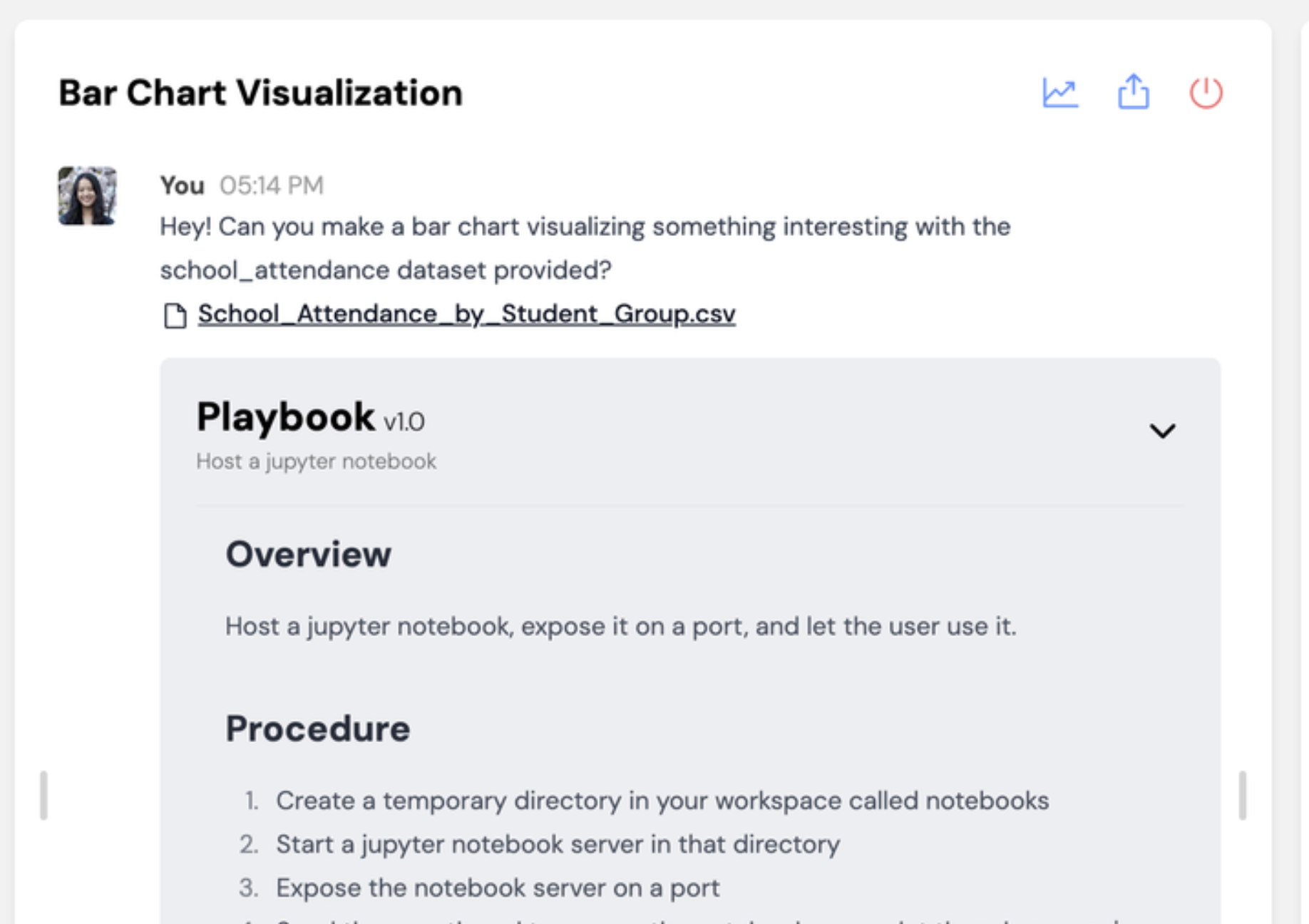
[](https://docs.devin.ai/product-guides/using-playbooks#refining-playbooks)
Refining Playbooks
--------------------------------------------------------------------------------------------------
As you run a new playbook with Devin, you’ll identify opportunities to improve the instructions so that Devin can complete the task more reliably. Here are some helpful features for **iterating on playbooks live**:
[](https://docs.devin.ai/product-guides/using-playbooks#example-gallery)
Example Gallery
--------------------------------------------------------------------------------------------
Check out the Community Gallery at [https://app.devin.ai/playbooks](https://app.devin.ai/playbooks)
:
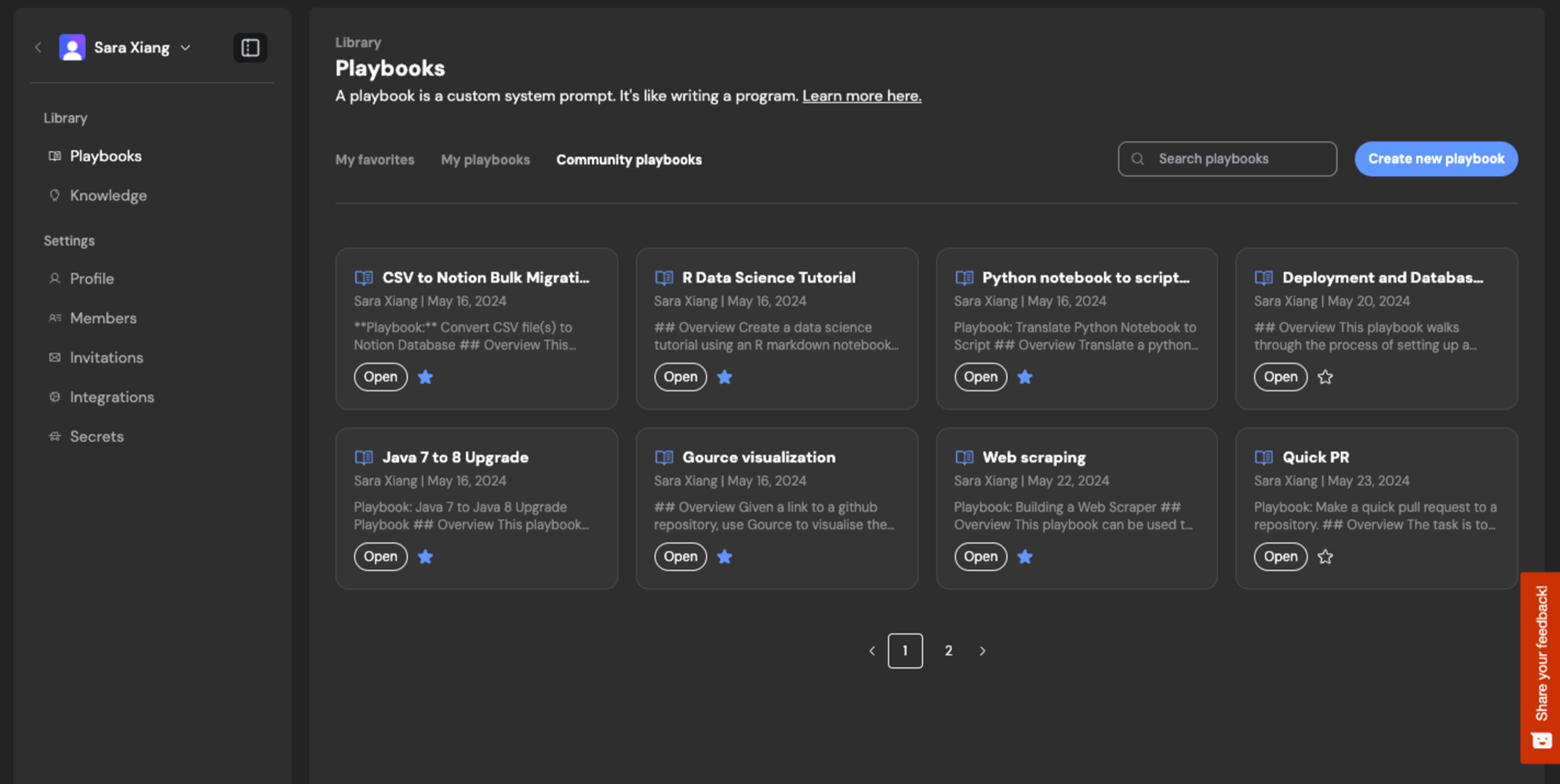
[Creating Playbooks](https://docs.devin.ai/product-guides/creating-playbooks)
[Deployments](https://docs.devin.ai/product-guides/deployment-capabilities)
Assistant
Responses are generated using AI and may contain mistakes.
---
# DeepWiki - Devin Docs
[Devin Docs home page](https://docs.devin.ai/)
Search...
⌘KAsk AI
Search...
Navigation
Working with Devin
DeepWiki
[Documentation](https://docs.devin.ai/get-started/devin-intro)
[Prompts & Tutorials](https://docs.devin.ai/use-cases/testing-refactoring)
[API Reference](https://docs.devin.ai/api-reference/overview)
[Release Notes](https://docs.devin.ai/release-notes/overview)
[Enterprise](https://docs.devin.ai/enterprise/get-started)
On this page
* [Overview](https://docs.devin.ai/work-with-devin/deepwiki#overview)
* [For Public Repos](https://docs.devin.ai/work-with-devin/deepwiki#for-public-repos)
[](https://docs.devin.ai/work-with-devin/deepwiki#overview)
Overview
------------------------------------------------------------------------
Devin now automatically indexes your repos and produces wikis with architecture diagrams, links to sources, and summaries or your codebase. Use it to get up to speed on unfamiliar parts of your codebase - check it out [in your sidebar](https://app.devin.ai/wiki)
. [Ask Devin](https://docs.devin.ai/work-with-devin/ask-devin)
will use information in the Wiki to better understand and find the relevant context in your codebase.
DeepWiki will be autogenerated when connecting repositories during onboarding.
[](https://docs.devin.ai/work-with-devin/deepwiki#for-public-repos)
For Public Repos
----------------------------------------------------------------------------------------
A free version of **DeepWiki** and [Ask Devin](https://docs.devin.ai/work-with-devin/ask-devin)
that works with public GitHub repositories is now available. It automatically generates architecture diagrams, documentation, and links to source code to help you understand unfamiliar codebases quickly. You can also ask complex questions about the codebase to get context-grounded specific answers. Visit [deepwiki.com](https://deepwiki.com/)
to start exploring popular open-source repositories like React, TensorFlow, LangChain, and many more. You can also submit your own public GitHub repository URL for indexing. [Try DeepWiki Now →](https://deepwiki.com/)
[Ask Devin](https://docs.devin.ai/work-with-devin/ask-devin)
[Model Context Protocol (MCP) Marketplace](https://docs.devin.ai/work-with-devin/mcp)
Assistant
Responses are generated using AI and may contain mistakes.
---
# Session Insights - Devin Docs
[Devin Docs home page](https://docs.devin.ai/)
Search...
⌘KAsk AI
Search...
Navigation
Product Guides
Session Insights
[Documentation](https://docs.devin.ai/get-started/devin-intro)
[Prompts & Tutorials](https://docs.devin.ai/use-cases/testing-refactoring)
[API Reference](https://docs.devin.ai/api-reference/overview)
[Release Notes](https://docs.devin.ai/release-notes/overview)
[Enterprise](https://docs.devin.ai/enterprise/get-started)
On this page
* [What is Session Insights?](https://docs.devin.ai/product-guides/session-insights#what-is-session-insights%3F)
* [Key Benefits](https://docs.devin.ai/product-guides/session-insights#key-benefits)
* [How to Use Session Insights](https://docs.devin.ai/product-guides/session-insights#how-to-use-session-insights)
* [Step 1: Complete a Session](https://docs.devin.ai/product-guides/session-insights#step-1%3A-complete-a-session)
* [Step 2: Access the Analysis](https://docs.devin.ai/product-guides/session-insights#step-2%3A-access-the-analysis)
* [Step 3: Review Your Insights](https://docs.devin.ai/product-guides/session-insights#step-3%3A-review-your-insights)
* [What Session Insights Analyzes](https://docs.devin.ai/product-guides/session-insights#what-session-insights-analyzes)
* [Issues and Challenges](https://docs.devin.ai/product-guides/session-insights#issues-and-challenges)
* [Session Timeline](https://docs.devin.ai/product-guides/session-insights#session-timeline)
* [Action Items](https://docs.devin.ai/product-guides/session-insights#action-items)
* [Improved Prompt Suggestions](https://docs.devin.ai/product-guides/session-insights#improved-prompt-suggestions)
* [Best Practices for Using Session Insights](https://docs.devin.ai/product-guides/session-insights#best-practices-for-using-session-insights)
* [1\. Review Insights Regularly](https://docs.devin.ai/product-guides/session-insights#1-review-insights-regularly)
* [2\. Apply Prompt Improvements](https://docs.devin.ai/product-guides/session-insights#2-apply-prompt-improvements)
* [3\. Address Recurring Issues](https://docs.devin.ai/product-guides/session-insights#3-address-recurring-issues)
* [4\. Share Insights with Your Team](https://docs.devin.ai/product-guides/session-insights#4-share-insights-with-your-team)
* [5\. Iterate and Improve](https://docs.devin.ai/product-guides/session-insights#5-iterate-and-improve)
* [Troubleshooting](https://docs.devin.ai/product-guides/session-insights#troubleshooting)
* [No Insights Available](https://docs.devin.ai/product-guides/session-insights#no-insights-available)
[](https://docs.devin.ai/product-guides/session-insights#what-is-session-insights%3F)
What is Session Insights?
-------------------------------------------------------------------------------------------------------------------
Session Insights is a powerful analysis feature that helps you understand what happened in your Devin sessions and provides actionable recommendations for improvement. After Devin completes a task, Session Insights automatically analyzes the session to identify patterns, issues, and opportunities for better collaboration. Think of Session Insights as your personal AI coach that learns from each interaction to help you work more effectively with Devin in the future.
[](https://docs.devin.ai/product-guides/session-insights#key-benefits)
Key Benefits
---------------------------------------------------------------------------------------
* **Understand Session Performance**: Get a detailed breakdown of what went well and what could be improved
* **Improve Future Prompts**: Receive prompt suggestions based on your session outcomes, spinning up new sessions directly from the insights
* **Run More Efficient Sessions**: Use improved prompts to get better results for less ACUs in future sessions
* **Identify Common Issues**: Spot recurring problems that might be affecting your workflow
* **Learn Best Practices**: Discover patterns that lead to successful Devin sessions
[](https://docs.devin.ai/product-guides/session-insights#how-to-use-session-insights)
How to Use Session Insights
---------------------------------------------------------------------------------------------------------------------
Session Insights is available for all completed Devin sessions at no additional cost.
###
[](https://docs.devin.ai/product-guides/session-insights#step-1%3A-complete-a-session)
Step 1: Complete a Session
First, run a Devin session and let it complete. Session Insights works best with sessions that have clear outcomes, whether successful or not.
###
[](https://docs.devin.ai/product-guides/session-insights#step-2%3A-access-the-analysis)
Step 2: Access the Analysis
After your session completes, look for the **“View Session Insights”** button in the top bar of your session, found by hovering over the icon with a size indicator.

###
[](https://docs.devin.ai/product-guides/session-insights#step-3%3A-review-your-insights)
Step 3: Review Your Insights
Click the button to open your personalized session analysis with detailed feedback and recommendations.

[](https://docs.devin.ai/product-guides/session-insights#what-session-insights-analyzes)
What Session Insights Analyzes
---------------------------------------------------------------------------------------------------------------------------
Session Insights examines multiple aspects of your Devin interaction to provide comprehensive feedback:
###
[](https://docs.devin.ai/product-guides/session-insights#issues-and-challenges)
Issues and Challenges
* **Technical Problems**: Code errors, build failures, or environment issues that slowed progress
* **Communication Gaps**: Areas where instructions could have been clearer or more specific
* **Scope Creep**: Instances where the task expanded beyond the original request
* **Resource Constraints**: Limitations that affected Devin’s ability to complete the task
###
[](https://docs.devin.ai/product-guides/session-insights#session-timeline)
Session Timeline

* **Key Milestones**: Important progress points throughout the session
* **Time Allocation**: How time was spent across different activities
* **Decision Points**: Critical moments where the session direction changed
* **Efficiency Metrics**: Areas where the workflow could be optimized
###
[](https://docs.devin.ai/product-guides/session-insights#action-items)
Action Items
* **Immediate Improvements**: Quick fixes you can apply to your next session
* **Process Optimizations**: Workflow changes that could improve future outcomes
* **Knowledge Gaps**: Areas where additional context or documentation might help
* **Tool Recommendations**: Suggestions for better integrations or setup
###
[](https://docs.devin.ai/product-guides/session-insights#improved-prompt-suggestions)
Improved Prompt Suggestions
* **Enhanced Instructions**: More specific and actionable versions of your original prompt
* **Better Context**: Additional background information that would help Devin understand your needs
* **Clearer Objectives**: Refined goal statements that reduce ambiguity
* **Success Criteria**: Specific metrics or outcomes to guide Devin’s work
[](https://docs.devin.ai/product-guides/session-insights#best-practices-for-using-session-insights)
Best Practices for Using Session Insights
-------------------------------------------------------------------------------------------------------------------------------------------------
###
[](https://docs.devin.ai/product-guides/session-insights#1-review-insights-regularly)
1\. Review Insights Regularly
Make it a habit to check Session Insights after important or complex sessions. The patterns you identify will help you become more effective over time.
###
[](https://docs.devin.ai/product-guides/session-insights#2-apply-prompt-improvements)
2\. Apply Prompt Improvements
Use the suggested improved prompts as starting points for improving prompts and retrying failed tasks or kicking off similar future tasks.
###
[](https://docs.devin.ai/product-guides/session-insights#3-address-recurring-issues)
3\. Address Recurring Issues
If you notice the same problems appearing across multiple sessions, consider:
* Updating your [Knowledge](https://docs.devin.ai/product-guides/knowledge)
with relevant context
* Improving your repository setup
* Clarifying your communication patterns
###
[](https://docs.devin.ai/product-guides/session-insights#4-share-insights-with-your-team)
4\. Share Insights with Your Team
Session Insights can reveal patterns that benefit your entire organization. Add key learnings as [knowledge](https://docs.devin.ai/product-guides/knowledge)
so your teammates can benefit from them.
###
[](https://docs.devin.ai/product-guides/session-insights#5-iterate-and-improve)
5\. Iterate and Improve
Use insights from one session to inform your approach to the next and iterate on prompts and [playbooks](https://docs.devin.ai/product-guides/creating-playbooks)
. This creates a continuous improvement cycle that enhances your collaboration with Devin.
[](https://docs.devin.ai/product-guides/session-insights#troubleshooting)
Troubleshooting
---------------------------------------------------------------------------------------------
###
[](https://docs.devin.ai/product-guides/session-insights#no-insights-available)
No Insights Available
If Session Insights isn’t available for a session, it might be because:
* The session is still in progress
* The session was too short to generate meaningful analysis
* There was an error during the analysis process
Session Insights is designed to help you build a more effective partnership with Devin over time. By understanding what works well and what could be improved, you can continuously enhance your AI-assisted development workflow.
[Knowledge](https://docs.devin.ai/product-guides/knowledge)
[Secrets & Site Cookies](https://docs.devin.ai/product-guides/secrets)
Assistant
Responses are generated using AI and may contain mistakes.
---
# Security at Cognition - Devin Docs
[Devin Docs home page](https://docs.devin.ai/)
Search...
⌘KAsk AI
Search...
Navigation
Admin
Security at Cognition
[Documentation](https://docs.devin.ai/get-started/devin-intro)
[Prompts & Tutorials](https://docs.devin.ai/use-cases/testing-refactoring)
[API Reference](https://docs.devin.ai/api-reference/overview)
[Release Notes](https://docs.devin.ai/release-notes/overview)
[Enterprise](https://docs.devin.ai/enterprise/get-started)
On this page
* [Security](https://docs.devin.ai/security#security)
* [Privacy & Intellectual Property](https://docs.devin.ai/security#privacy-%26-intellectual-property)
* [User Best Practices](https://docs.devin.ai/security#user-best-practices)
[](https://docs.devin.ai/security#security)
Security
--------------------------------------------------------
Secure Transmission and Encryption
All data transmission is encrypted in transit and at rest. Production software is also routinely monitored via logging, error handling and monitoring dashboards of live metrics. Unusual application states (ie. unusually high error rates, slowness, failures) trigger alerts which are quickly investigated by our team.Access to our cloud environment in AWS is granted on an as-required basis based on business roles and only a small number of employees or contractors are granted direct access to production systems.
General Security Practices
All employees and contractors are required to use multi-factor authentication on all main work applications. All employees and contractors also receive annual training about security best practices, including good password management and how to identify social engineering and phishing scams.
Third-party audits and certification
Cognition obtained SOC 2 Type II certification and conducted Security Training in March 2024 for all employees at Cognition. As part of the SOC 2 audit, Cognition’s auditors reviewed all of Cognition’s security policies, procedures, internal and third party controls related to data security, privacy, processing integrity, confidentiality and availability.For more details about our security please visit our [Trust Center](https://trust.cognition.ai/)
.
Vulnerability Disclosure Program
If you have identified a potential security issue, we encourage you to share your findings with us. Please send your vulnerability reports to our security team at [security@cognition.ai](mailto:security@cognition.ai)
.
[](https://docs.devin.ai/security#privacy-%26-intellectual-property)
Privacy & Intellectual Property
--------------------------------------------------------------------------------------------------------
How does Cognition use and process data run through and/or accessed by Devin?
Cognition processes data based on the application Customers use to interact with Devin. Devin can be accessed via web application, Github or Slack integration. For the web application, Cognition only processes data actively provided by the authorized user prompting Devin; for the Github and Slack integrations, the administrator installing the integration can review and manage all permissions granted to Devin.Cognition uses Customer data to:
* Deliver, maintain and update services provided to the Customer per their configuration and type of Devin access (e.g. web application, Github integration or Slack integration) to make sure the software is up-to-date and operational.
* Troubleshoot, prevent and resolve issues such as product-related issues, software bugs or security incidents to maintain service functionality and reliability.
What data retention policy does Cognition maintain?
Cognition only retains data processed through Devin for the duration of the relationship with a given Customer, unless otherwise specified by the Customers.Any Feedback Data and User Interaction Data are retained as long as needed and as determined by Cognition.
How is your data used to improve Devin?
By default, we do not use any of your data for model training purposes unless you explicitly opt-in in the Data Controls settings page. Devin can still learn to fit into your unique workflow via the [Knowledge](https://docs.devin.ai/product-guides/knowledge)
feature. When you share Knowledge, Devin can become more reliable at working on your specific projects over time.If you are an Enterprise customer, we will never train on your data. Please refer to the terms in your agreement with Cognition for details.
What are the main IP considerations regarding the output produced by Devin?
The output — code, work product, or other — produced by Devin is considered the user’s intellectual property and can be used for the Customer’s commercial purposes, with the exception of using the output to train models that would attempt to reverse engineer and/or build a competing product to Devin.
Github Integration Considerations
When setting up the Github integration, users can select which repositories Devin can access, with permissions adjustable through Github’s App Settings during and post-installation.For more details on the requested permissions and security considerations go to [GitHub Integration Guide](https://docs.devin.ai/integrations/gh)
.
Slack Integration Considerations
In Slack, Devin doesn’t read, process or store any data in your Slack instance other than the information provided when @Devin is tagged, initially prompted and when any additional information provided within the Slack thread while the session is ongoing.For more details on the requested permissions and security considerations go to [Slack Integration Guide](https://docs.devin.ai/integrations/slack)
.
[](https://docs.devin.ai/security#user-best-practices)
User Best Practices
------------------------------------------------------------------------------
Devin Limitations
While Devin’s performance is improving daily, it can still experience hallucinations, introduce bugs into code, or suggest insecure code or procedures. Like with any coding best practices, we recommend taking the appropriate precautions with the code written by Devin such as code reviews, enabling branch protections to ensure checks are enforced before Devin can merge any changes, and any practices currently adopted in your organization to review engineers’ work.
Secrets
You may need to provide Devin with credentials and keys such as passwords, API keys, cookies or other for authentication. In all cases we advise users to leverage our Secrets feature under the Settings page to share and store those credentials securely.
Share Feedback
We’re still learning and developing Devin to be a great AI software engineer, and our customers’ feedback is crucial for Devin’s development. We strongly encourage sharing feedback and feature requests directly with your Cognition account team or by emailing [support@cognition.ai](mailto:support@cognition.ai)
, and reporting incidents by emailing [security@cognition.ai](mailto:security@cognition.ai)
.
[Jira Integration Guide](https://docs.devin.ai/integrations/jira)
[Billing](https://docs.devin.ai/billing)
Assistant
Responses are generated using AI and may contain mistakes.
---
# Ask Devin - Devin Docs
[Devin Docs home page](https://docs.devin.ai/)
Search...
⌘KAsk AI
Search...
Navigation
Working with Devin
Ask Devin
[Documentation](https://docs.devin.ai/get-started/devin-intro)
[Prompts & Tutorials](https://docs.devin.ai/use-cases/testing-refactoring)
[API Reference](https://docs.devin.ai/api-reference/overview)
[Release Notes](https://docs.devin.ai/release-notes/overview)
[Enterprise](https://docs.devin.ai/enterprise/get-started)
On this page
* [Overview](https://docs.devin.ai/work-with-devin/ask-devin#overview)
* [Recommended Workflow](https://docs.devin.ai/work-with-devin/ask-devin#recommended-workflow)
* [1\. Add Your Repository to Devin](https://docs.devin.ai/work-with-devin/ask-devin#1-add-your-repository-to-devin)
* [2\. Devin Automatically Indexes Your Code](https://docs.devin.ai/work-with-devin/ask-devin#2-devin-automatically-indexes-your-code)
* [3\. Use Ask Devin to Explore and Plan](https://docs.devin.ai/work-with-devin/ask-devin#3-use-ask-devin-to-explore-and-plan)
* [4\. Start a Session from Ask Devin](https://docs.devin.ai/work-with-devin/ask-devin#4-start-a-session-from-ask-devin)
* [5\. (Optional) If You’re Using Jira or Linear](https://docs.devin.ai/work-with-devin/ask-devin#5-optional-if-you%E2%80%99re-using-jira-or-linear)
[](https://docs.devin.ai/work-with-devin/ask-devin#overview)
Overview
-------------------------------------------------------------------------
**Ask Devin** is your AI assistant’s window into your codebase. Once you’ve added a repository to Devin, it is automatically indexed so Devin can understand and reason about your code. With Ask Devin, you can:
* Ask detailed questions about how your code works
* Explore architecture, dependencies, and key functions
* Work with Devin to scope and plan tasks before implementation
* Let Devin generate its own context-rich prompt based on what it learns
Whether you’re onboarding to a new repo, planning a feature, or exploring unfamiliar parts of the codebase, Ask Devin gives you a fast and reliable way to work with your code using natural language.
[](https://docs.devin.ai/work-with-devin/ask-devin#recommended-workflow)
Recommended Workflow
-------------------------------------------------------------------------------------------------
To get the most out of Devin, follow this workflow:
###
[](https://docs.devin.ai/work-with-devin/ask-devin#1-add-your-repository-to-devin)
1\. Add Your Repository to Devin
After connecting your GitHub, GitLab, or other source code provider, [add your repository to Devin](https://docs.devin.ai/onboard-devin/repo-setup)
. This gives Devin access to your codebase.
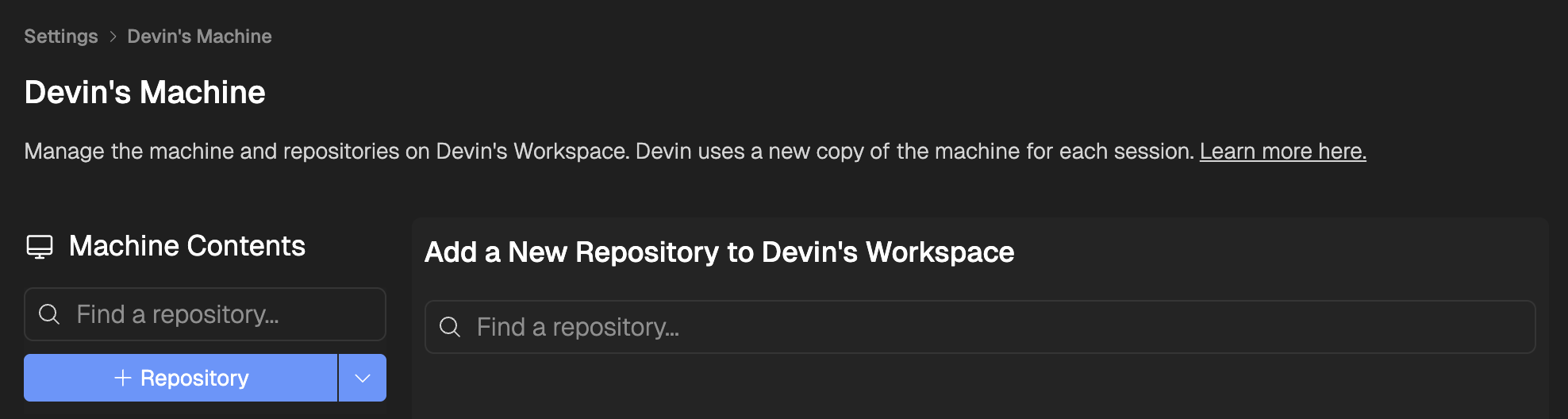
Add any repo to Devin’s machine after git permissions have been granted
###
[](https://docs.devin.ai/work-with-devin/ask-devin#2-devin-automatically-indexes-your-code)
2\. Devin Automatically Indexes Your Code
Once added, Devin begins indexing your codebase in the background. This enables powerful tools like **DeepWiki** and **Ask Devin**, giving you immediate insight into your code.
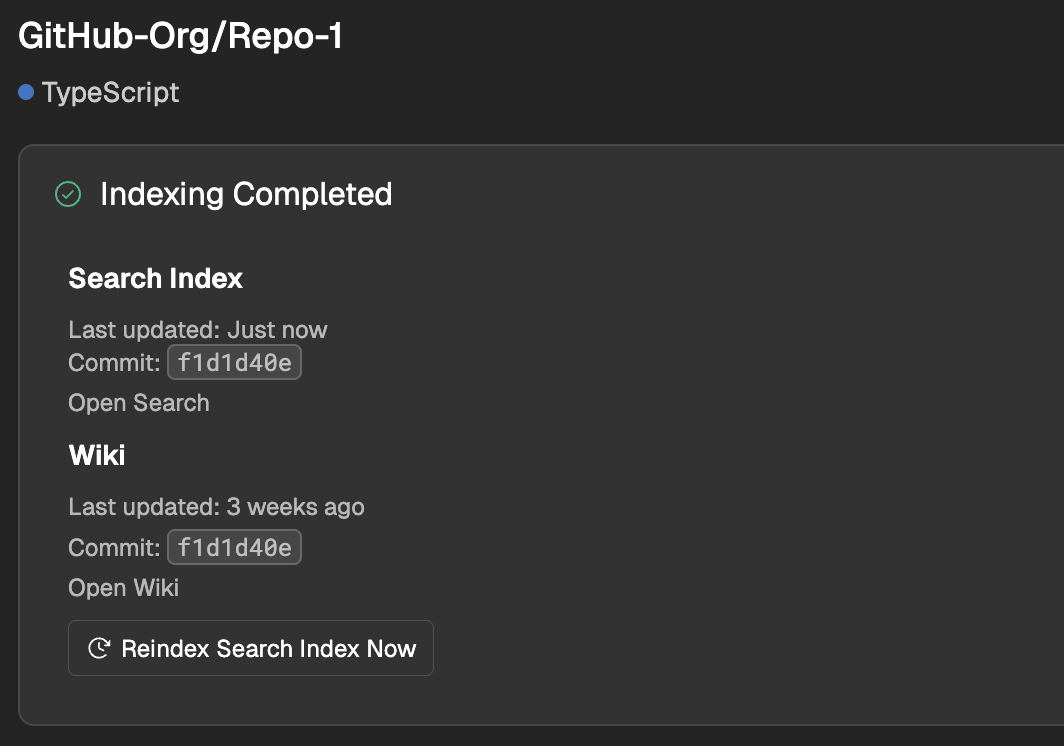
Devin will automatically index every repo added to its machine
###
[](https://docs.devin.ai/work-with-devin/ask-devin#3-use-ask-devin-to-explore-and-plan)
3\. Use Ask Devin to Explore and Plan
Go to [Ask Devin](https://app.devin.ai/search)
to:
* Ask technical questions about your code
* Understand how specific parts of your system work
* Collaborate with Devin to plan projects or break down tasks
* Let Devin create a context-aware prompt based on what it finds
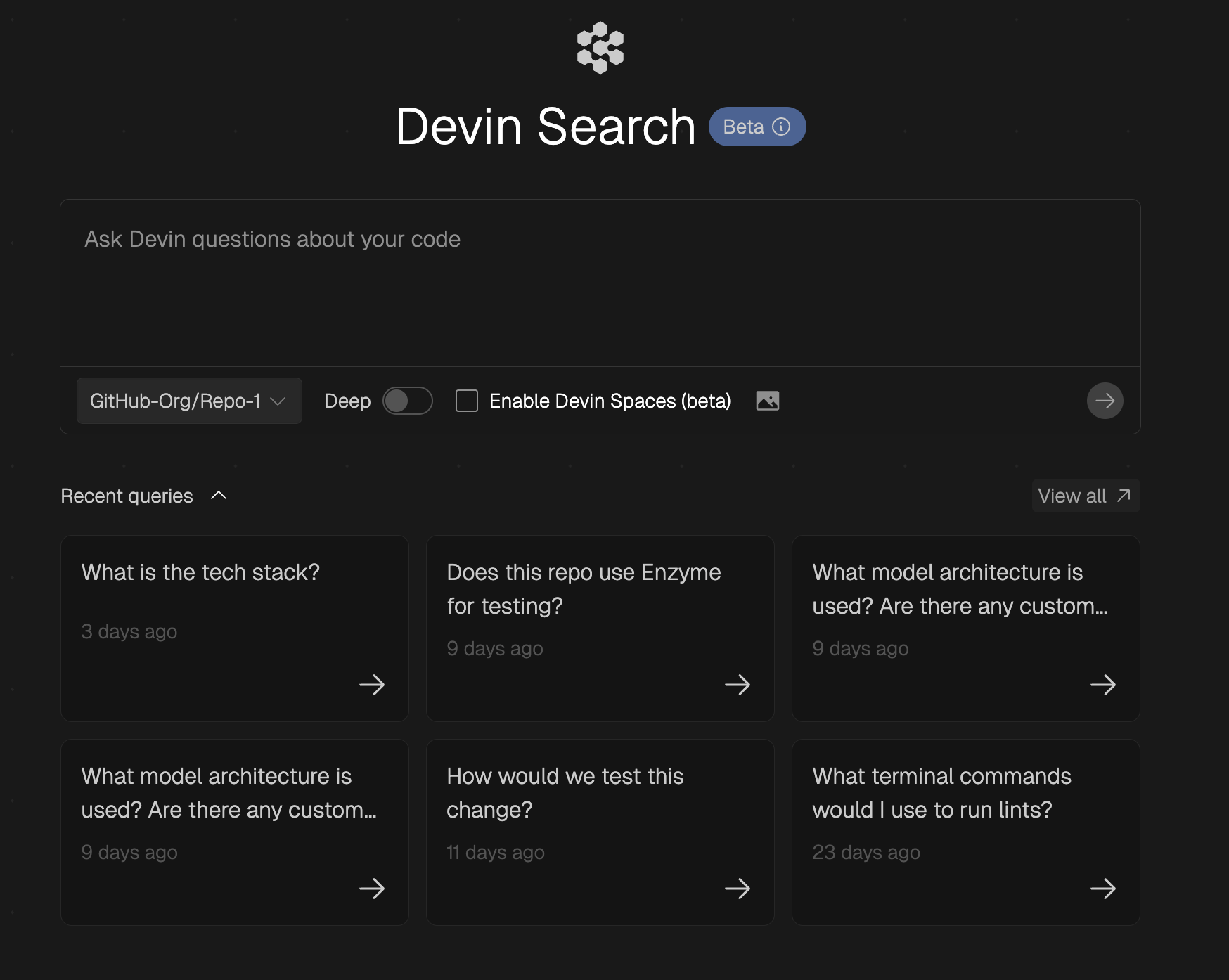
Ask Devin any question you have about your repo
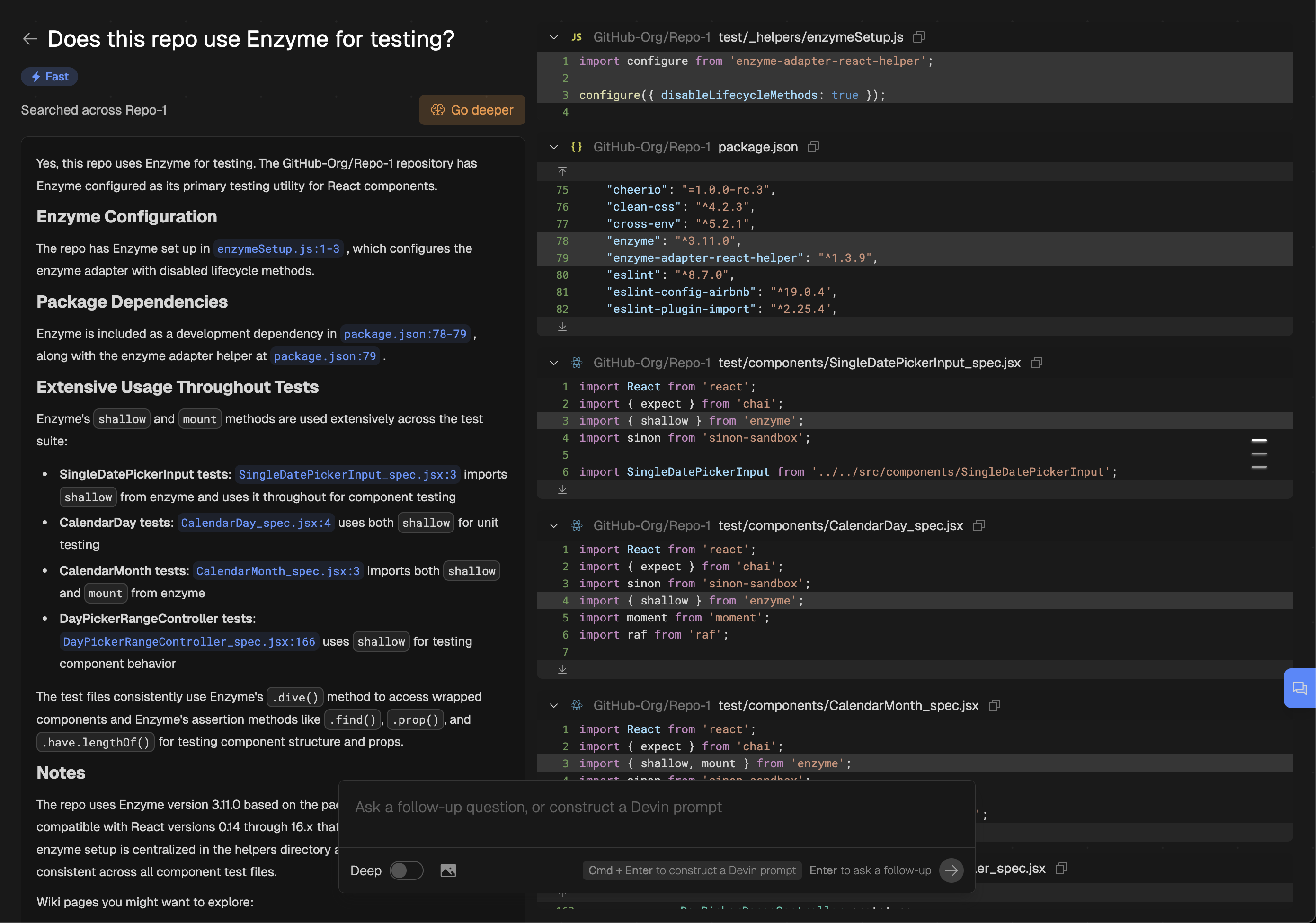
Devin will answer your question in natural language and with diagrams, always grounded and cited with your own codebase
###
[](https://docs.devin.ai/work-with-devin/ask-devin#4-start-a-session-from-ask-devin)
4\. Start a Session from Ask Devin
Once you’ve used Ask Devin to understand the code and clarify your goal, you can start a session directly from the search interface. This is the best way to initiate work with Devin because:
* Devin starts with clear context from your search
* The prompt is automatically tailored to your task and codebase
* You’re more likely to get successful, relevant results
Simply tell Devin your task to be completed, and hit Cmd+Enter to auto-generate a prompt
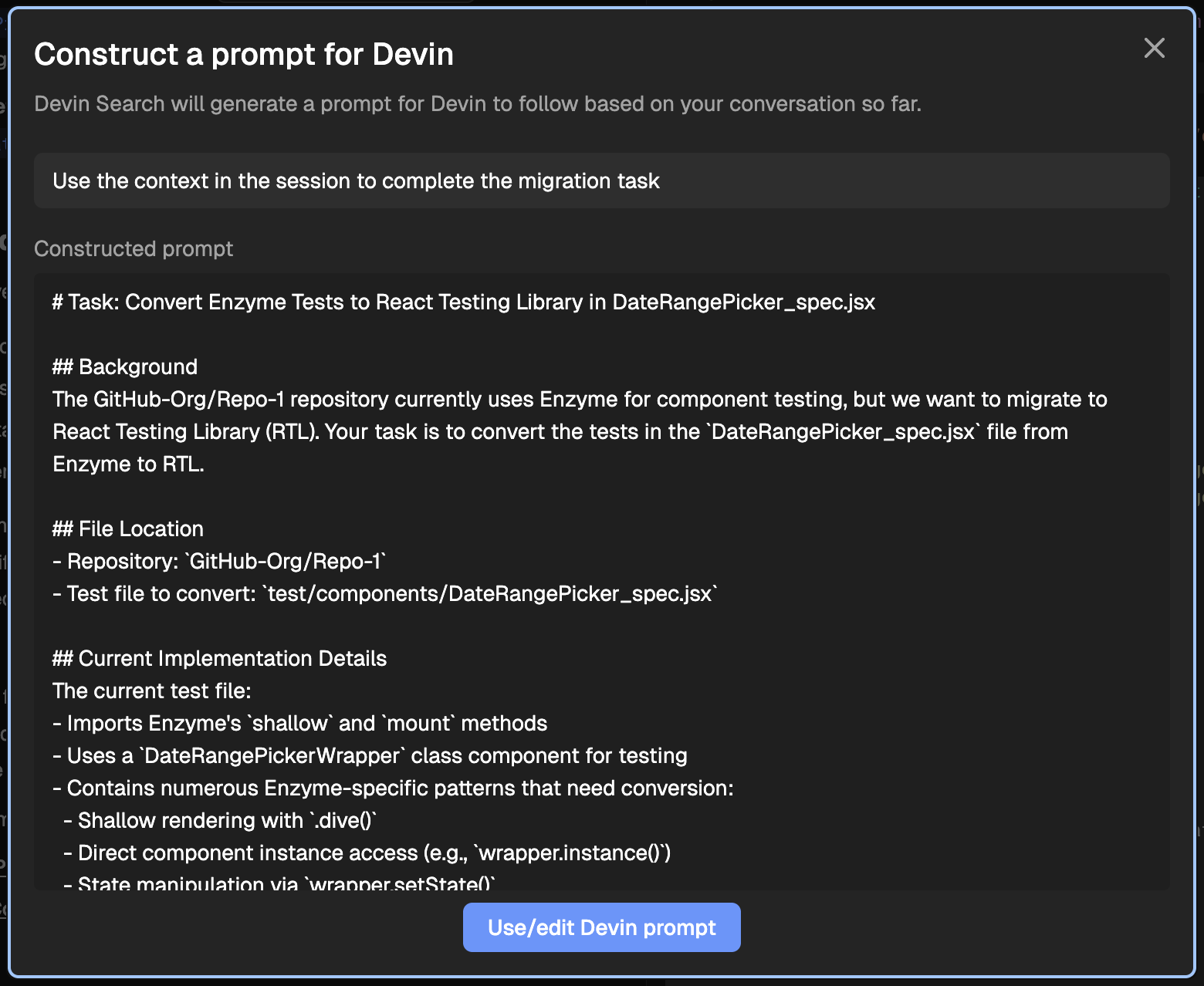
Devin will automatically write a high quality, context rich prompt, based on the entire context of the Ask Devin session
###
[](https://docs.devin.ai/work-with-devin/ask-devin#5-optional-if-you%E2%80%99re-using-jira-or-linear)
5\. (Optional) If You’re Using Jira or Linear
This same workflow applies when working through the Jira or Linear integrations:
* Tag Devin on a ticket
* Devin will analyze the task, search the codebase, and plan its approach
* It will generate a high-quality session prompt for you automatically
This gives you the same high-context, high-success experience—without leaving your existing task management flow.
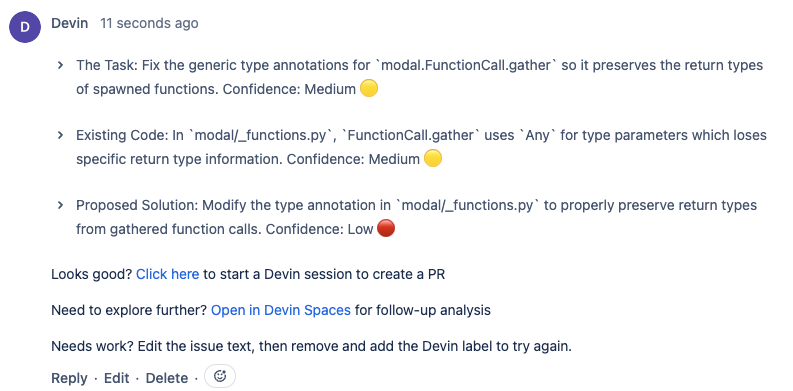
Tag Devin on a Jira ticket to automatically trigger search, planning, and session creation

Tag Devin on a Linear ticket to automatically trigger search, planning, and session creation
[Devin IDE](https://docs.devin.ai/work-with-devin/devin-ide)
[DeepWiki](https://docs.devin.ai/work-with-devin/deepwiki)
Assistant
Responses are generated using AI and may contain mistakes.
---
# Creating Playbooks - Devin Docs
[Devin Docs home page](https://docs.devin.ai/)
Search...
⌘KAsk AI
Search...
Navigation
Product Guides
Creating Playbooks
[Documentation](https://docs.devin.ai/get-started/devin-intro)
[Prompts & Tutorials](https://docs.devin.ai/use-cases/testing-refactoring)
[API Reference](https://docs.devin.ai/api-reference/overview)
[Release Notes](https://docs.devin.ai/release-notes/overview)
[Enterprise](https://docs.devin.ai/enterprise/get-started)
On this page
* [What are Playbooks?](https://docs.devin.ai/product-guides/creating-playbooks#what-are-playbooks%3F)
* [Playbooks are easily shareable, reusable prompts for repeated tasks](https://docs.devin.ai/product-guides/creating-playbooks#playbooks-are-easily-shareable%2C-reusable-prompts-for-repeated-tasks)
* [Getting Started with Playbooks](https://docs.devin.ai/product-guides/creating-playbooks#getting-started-with-playbooks)
* [Writing a Great Playbook](https://docs.devin.ai/product-guides/creating-playbooks#writing-a-great-playbook)
* [Procedure](https://docs.devin.ai/product-guides/creating-playbooks#procedure)
* [Advice and Pointers](https://docs.devin.ai/product-guides/creating-playbooks#advice-and-pointers)
* [Specifications](https://docs.devin.ai/product-guides/creating-playbooks#specifications)
* [What’s Needed From User](https://docs.devin.ai/product-guides/creating-playbooks#what%E2%80%99s-needed-from-user)
* [Other Tips + Tactics](https://docs.devin.ai/product-guides/creating-playbooks#other-tips-%2B-tactics)
* [Example Playbook](https://docs.devin.ai/product-guides/creating-playbooks#example-playbook)
[](https://docs.devin.ai/product-guides/creating-playbooks#what-are-playbooks%3F)
What are Playbooks?
---------------------------------------------------------------------------------------------------------
###
[](https://docs.devin.ai/product-guides/creating-playbooks#playbooks-are-easily-shareable%2C-reusable-prompts-for-repeated-tasks)
Playbooks are easily shareable, reusable prompts for repeated tasks
A playbook is like a custom system prompt for a repeated task. For example, if you need to have many different Devin sessions that each integrate the same third-party library but in different parts of your application, you might want a Playbook. Playbooks are also easily shareable and reusable, so once anyone succeeds with Devin, others can more easily replicate that success!
Most best practices, style guides, or other project-specific instructions should be shared with Devin by using [Knowledge](https://docs.devin.ai/product-guides/knowledge)
. We recommend reading the docs on Knowledge before creating Playbooks, to understand which method better fits your needs.
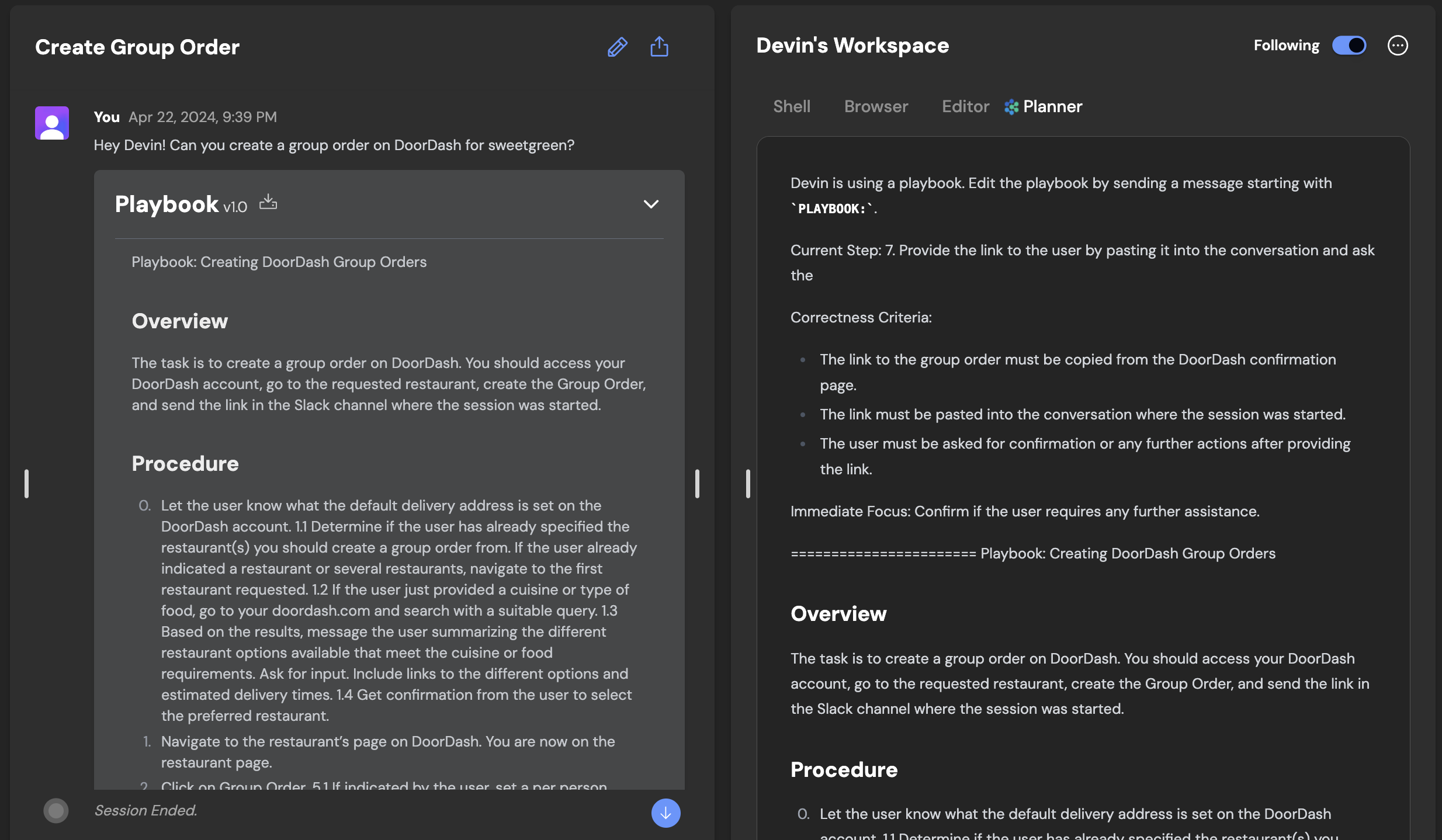
We recommend using Playbooks when:
* You or your teammates will reuse the prompt on multiple sessions.
* You find yourself repeating the same reminders to Devin
* The use case may be relevant to others — in your organization or within the Devin user community.
[](https://docs.devin.ai/product-guides/creating-playbooks#getting-started-with-playbooks)
Getting Started with Playbooks
-----------------------------------------------------------------------------------------------------------------------------
Playbooks can immediately unlock Devin’s ability to contribute in a wide range of areas, but today require skill to write. Similar to prompt engineering, writing playbooks requires trial and error. The fruit of this labor, though, is a document which unlocks Devin’s ability to independently tackle complex work, from ingesting data into Redshift and performing database migrations to using diverse software and APIs: e.g. Together, Plaid, Stripe, Modal, Springboot, Odoo, and Storybook.
Consider writing your first playbook with a simple multi-step task you want Devin to tackle.
1. Create a document that outlines…
1. The outcome you want Devin to achieve
2. The steps required to get there
2. **Optional**: Add sections like **Procedure**, **Specifications**, **Advice**, **Forbidden Actions** or **Required from User**
1. **Procedure**: Outline the entire scope of the task. Include at least one step for setup, the actual task, and delivery.
2. **Specifications**: Describe postconditions - what should be true after Devin is done?
3. **Advice**: Include tips to correct Devin’s priors
4. **Forbidden Actions**: Include any action Devin should absolutely not take
5. **Required from User**: Describe any input or information required from the user
3. Create the playbook directly in the web app by clicking “Create a new Playbook”. Alternatively, save a file with the file extension `.devin.md` and drag-and-drop it in the web app when starting a Devin session
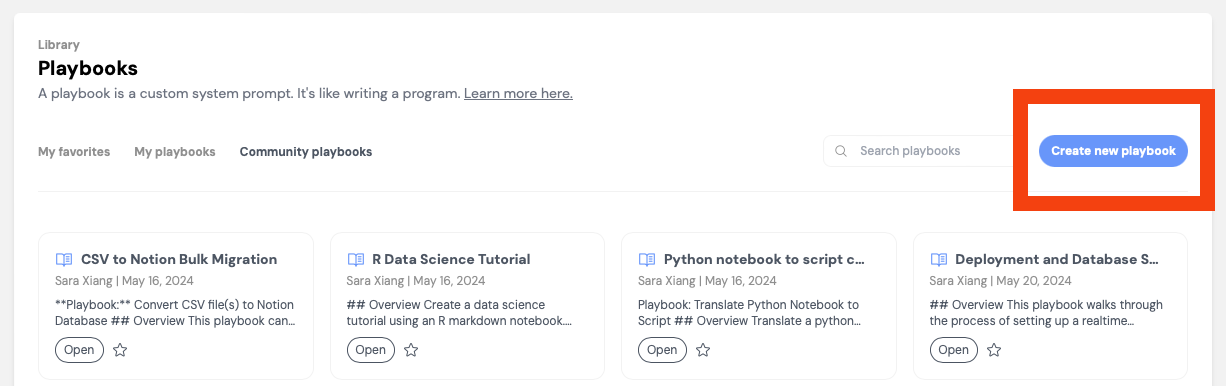
You’ve successfully attached a playbook to a sessions if you see a blue pill appear, along with an inline component for editing the playbook before starting your session.
[](https://docs.devin.ai/product-guides/creating-playbooks#writing-a-great-playbook)
Writing a Great Playbook
-----------------------------------------------------------------------------------------------------------------
###
[](https://docs.devin.ai/product-guides/creating-playbooks#procedure)
Procedure
The Procedure section should…
* Have **one step per line**, each line written imperatively
* Cover the entire scope of the task
* Include at least one step for setup, the actual task, and delivery
* Aim to make the steps **Mutually Exclusive** and **Collectively Exhaustive**
* **Additional Tips**
* Procedures should help you define the order of Devin’s action - like if/else/loops/goto in code
* Don’t make tasks too specific unless you really need to, this can reduce Devin’s ability to problem-solve
* Each procedure step should contain an action verb - e.g. Write, Navigate to, etc.
###
[](https://docs.devin.ai/product-guides/creating-playbooks#advice-and-pointers)
Advice and Pointers
Share advice and pointers with Devin if…
* You have a preferred way of completing the tasks
* The advice applies to the entire task, or multiple steps. Advice specific to one step should be written next to that step (e.g. as a sub-bullet)
* You are correcting Devin’s priors. Advice can function like comments on pseudocode that influence its execution.
If the advice only applies to one Procedure step, write the advice under the procedure step using nested bullet points
###
[](https://docs.devin.ai/product-guides/creating-playbooks#specifications)
Specifications
The **Specifications** section can be helpful to describe the postconditions of the playbook — what should be true once Devin is done?
###
[](https://docs.devin.ai/product-guides/creating-playbooks#what%E2%80%99s-needed-from-user)
What’s Needed From User
Think through anything necessary but outside of Devin’s control. For example, if the user needs to provide a token or information that is not publicly available to Devin.
###
[](https://docs.devin.ai/product-guides/creating-playbooks#other-tips-%2B-tactics)
Other Tips + Tactics
Iterate and improve through trial and error
* Run 2+ Devins in parallel with the same playbook to quickly identify possible errors.
* If Devin needs help, chat with it to help it along. Then add to your playbook so Devin succeeds without intervention next time.
Tell Devin what good looks like
Be explicit about what the deliverable is & how Devin should communicate the fact that it’s done (e.g. what files to attach or links to share, if any)
Optimize how quickly your playbook takes to run
Explore the different decisions Devin can make, and guide Devin down the most efficient path in the playbook.
Specific commands, incantations and strings are fair game
* They can be the difference maker between a working playbook and a broken one.
* For example, the following can be a very good detail to include because alloy and tts-1 are probably not things Devin would’ve picked otherwise, and this guides Devin in a direction that is more likely to succeed!
Copy
Ask AI
3. Create request dict with model: "tts-1", voice: "alloy"
[](https://docs.devin.ai/product-guides/creating-playbooks#example-playbook)
Example Playbook
-------------------------------------------------------------------------------------------------
View example sessions using the playbook below [here](https://app.devin.ai/sessions/93f381206f44492e9fc8b236ee022877)
and [here](https://app.devin.ai/sessions/eed1a18b9ce348f69e6bac84bb42d992)
.
R Data Science Tutorial
Copy
Ask AI
Playbook: R Data Science Tutorial
## Overview
Create a data science tutorial using an R markdown notebook.
## What’s Needed From User
- Link to a dataset (csv file attachment or kaggle link)
- Specific task to create a data science tutorial for
## Procedure
1. Download the dataset provided by the user.
- If needed, download the dataset using the Kaggle CLI - you don't need any credentials for this
2. Create an R markdown notebook titled `data_science_tutorial.Rmd`.
3. Create a `tmp.Rmd` file for writing and saving intermediate code.
4. Create 5 main sections inside the `data_science_tutorial.Rmd` file and add code from the `tmp.Rmd` file containing the following:
- Dataset Statistics. Generate a statistical summary of the dataset.
- EDA (Exploratory Data Analysis). Create a bar chart and a scatter plot for the provided data.
- Train-test split. Split the data in an 80:20 ratio. Save the training and testing data.
- Training the machine learning model. Save the model once trained.
- Inference with the saved model. Load the saved model and evaluate its performance on the test set using the metric specified by the user.
5. Once the code is written, add a short explanation for each section.
6. Convert the R markdown notebook to HTML format
7. Send the final R markdown notebook, HTML file, saved model and testing data to the user.
## Specifications
1. Send the R markdown notebook and HTML file to the user.
2. Send the saved model and testing data to the user.
## Advice and Pointers
1. Do not to re-install packages if already installed.
2. Sign in to RStudio is not required to complete this task.
3. Run the entire notebook after you add code for each section.
## Forbidden Actions
1. Do not overwrite the `data_science_tutorial.Rmd` file.
[Interactive Browser](https://docs.devin.ai/product-guides/interactive-browser)
[Using Playbooks](https://docs.devin.ai/product-guides/using-playbooks)
Assistant
Responses are generated using AI and may contain mistakes.
---
# Secrets & Site Cookies - Devin Docs
[Devin Docs home page](https://docs.devin.ai/)
Search...
⌘KAsk AI
Search...
Navigation
Product Guides
Secrets & Site Cookies
[Documentation](https://docs.devin.ai/get-started/devin-intro)
[Prompts & Tutorials](https://docs.devin.ai/use-cases/testing-refactoring)
[API Reference](https://docs.devin.ai/api-reference/overview)
[Release Notes](https://docs.devin.ai/release-notes/overview)
[Enterprise](https://docs.devin.ai/enterprise/get-started)
On this page
* [Giving Devin Credentials](https://docs.devin.ai/product-guides/secrets#giving-devin-credentials)
* [Persisted Global Secrets](https://docs.devin.ai/product-guides/secrets#persisted-global-secrets)
* [Repo-Specific Secrets](https://docs.devin.ai/product-guides/secrets#repo-specific-secrets)
* [Session-Specific Secrets](https://docs.devin.ai/product-guides/secrets#session-specific-secrets)
* [Working With Secrets](https://docs.devin.ai/product-guides/secrets#working-with-secrets)
* [Adding a New Site Cookie](https://docs.devin.ai/product-guides/secrets#adding-a-new-site-cookie)
* [One-Time Password](https://docs.devin.ai/product-guides/secrets#one-time-password)
* [Tips for TOTPs](https://docs.devin.ai/product-guides/secrets#tips-for-totps)
[](https://docs.devin.ai/product-guides/secrets#giving-devin-credentials)
Giving Devin Credentials
------------------------------------------------------------------------------------------------------
Devin can use its own login credentials to access platforms that require authentication, either in its Browser or via the command line. We recommend setting up a dedicated account for Devin to use (e.g. [devin@company.com](mailto:devin@company.com)
) on each service that it needs access to. You may then save Devin’s username and password as Secrets on your account, so that it can log in as part of your future sessions. Adding secrets is primarily done via the [Secrets page](http://app.devin.ai/secrets)
. This page is particularly relevant for Organization-level secrets. For repo-specific or session-specific secrets, see the below sections.
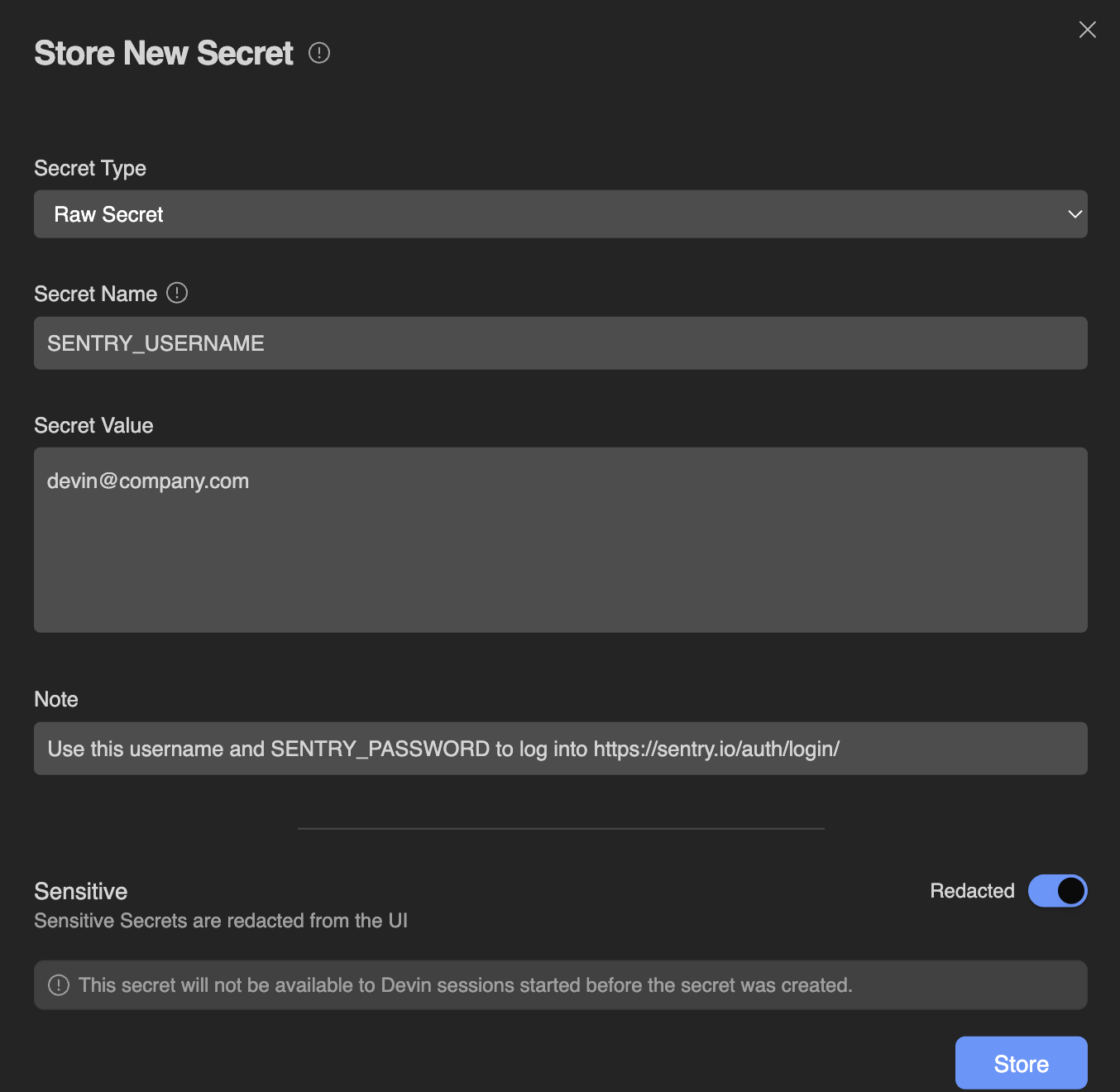
When adding a secret, you may add a Note that explains additional context or instructions for using the secret. Use this field to convey useful information to both Devin and your fellow organization members. Example notes could include:
* This API key should only be used in our production env but never in staging or dev.
* Used for our AWS RDS Database in us-west-2
* These credentials are scheduled to be deprecated after Q3 2025
* Auto-expires every 30 days - ping the SecOps team for rotation if this starts failing
* This API key is attached to the [devin@company.com](mailto:devin@company.com)
user account
[](https://docs.devin.ai/product-guides/secrets#persisted-global-secrets)
Persisted Global Secrets
------------------------------------------------------------------------------------------------------
Secrets added in the [Settings & Library > Secrets](http://app.devin.ai/secrets)
are **persisted** to future sessions and apply to the entire organization. Note that any secrets you share here will be usable by Devin in all future Devin sessions within your organization. All secrets are encrypted at rest. **New secrets are only available to Devin in sessions created _after_ you added the secret.** Please note that all members of your organization will be able to use Global Secrets, but only admins will be able to view or edit existing secrets. Take care to only add secrets that are specifically scoped to your organization and usable by all its members. There are a few types of secrets available:
Raw Secret
This is most suitable for most generic secrets with a single value. Each Secret Name (also known as a Secret Key) is associated with a single Secret Value. Examples of secrets stored here could be:
* API Keys
* SSH Keys
* Usernames or Passwords
* Tokens
If a single secret requires multiple values, please make a distinct secret for each value. For example, you could store GITHUB\_USERNAME and GITHUB\_PASSWORD as two Raw Secrets.
Site Cookies
**Cookies “hold” your authenticated state**; if you are logged into some site, then giving Devin your cookies for that site will make it so that Devin is automatically logged in for the same site.Please note that sometimes cookies can be insufficient by themselves and may require additional Username or Password secrets. For example, on Amazon, Devin may be logged into the site while shopping or adding to cart, but Amazon might require an additional layer of password confirmation when it comes time to check out.Cookies are stored as a base64 encoded string of `;` delimited JSON array in the standard chromium cookie format. This is important to know if you need to manually encode cookies rather than exporting them directly from Chrome. For details of how to add a Cookie secret, please see [Adding a New Site Cookie](https://docs.devin.ai/product-guides/secrets#adding-a-new-site-cookie)
Time-Based One-Time Password (TOTP)
Time-based one-time passwords are used for two-factor authentication (2FA). Devin can store TOTP secrets that act similarly to those in Google Authenticator or Authy. For details of how to add a TOTP secret, please see [Adding a New TOTP](https://docs.devin.ai/product-guides/secrets#adding-a-new-totp)
Key-Value Secrets (Deprecated)
Devin used to support creating Key-Value secrets that would handle multiple keys per secret. However, this feature is no longer available.Instead of making key-value secrets, we recommend simply creating multiple raw secrets for each distinct field. For example, instead of creating a key-value secret for JIRA\_LOGIN, you could create two raw secrets: JIRA\_USERNAME and JIRA\_PASSWORD.
[](https://docs.devin.ai/product-guides/secrets#repo-specific-secrets)
Repo-Specific Secrets
------------------------------------------------------------------------------------------------
To scope secrets to a specific repository, you can add them as environment variables (or in a .env file) during [repo setup](https://docs.devin.ai/onboard-devin/repo-setup#configuring-environment-variables)
.
Sessions using the same Snapshot in the future will be able to access those environment variables, but other unrelated sessions will not.
[](https://docs.devin.ai/product-guides/secrets#session-specific-secrets)
Session-Specific Secrets
------------------------------------------------------------------------------------------------------
While Devin is working, it may ask you to provide credentials (API keys, logins, etc.) within the current conversation, like so:

When Devin asks for secrets in this fashion, these secrets are scoped purely to the current session and are not saved for any future sessions. Alternatively, you can set sessions-specific secrets yourself:

[](https://docs.devin.ai/product-guides/secrets#working-with-secrets)
Working With Secrets
----------------------------------------------------------------------------------------------
Once a secret has been configured in Devin, your application may access it like a normal ENV variable (as long as the session was started after your secret was configured). This applies to global organization-wide secrets, repo-specific secrets, and session-specific secrets. Devin performs some text conversion to ensure that your Secrets are valid ENV variables:
* It removes invalid characters by replacing anything other than a letter, digit, or underscore with another underscore. For example, the secret named Abc%123 would become the ENV variable Abc\_123
* If your secret name does not begin with a letter, Devin adds an underscore to the begining of the name. For example, the secret 123MYVAR would become the ENV variable \_123MYVAR
* If you have two secrets with the same name, Devin will add a counter to the end. For example, if you have two secrets named MY\_SECRET you would end up with two ENV variables named MY\_SECRET and MY\_SECRET\_2 and so on.
You may then access your secrets using your application’s preferred method of reading ENV variables. For example, you may prepend a dollar sign to refer to a secret like $API\_KEY.
[](https://docs.devin.ai/product-guides/secrets#adding-a-new-site-cookie)
Adding a New Site Cookie
------------------------------------------------------------------------------------------------------
To add a Site Cookie, please follow the steps below:
1. Log in as you normally would to the account you’d like to share with Devin. This will generate cookie(s).
2. In order to get the cookie(s) from the browser store, download the browser extension [Share your cookies](https://chromewebstore.google.com/detail/share-your-cookies/poijkganimmndbhghgkmnfgpiejmlpke)
and follow the steps on that Extension to extract your cookies. You may want to test that importing the cookie in another Chrome Profile successfully authenticates you to the site.
3. Add the exported cookie to Devin via the [Secrets page.](https://app.devin.ai/secrets)
4. When using the cookie for a site, Devin should find that it’s already logged in when it navigates to that site. Tell Devin to give it a try!
If you’re not using Chrome or need to manually encode cookies, note that Devin expects cookies in a base64 encoded string of `;` delimited JSON objects in the standard chromium cookie format.
[](https://docs.devin.ai/product-guides/secrets#one-time-password)
One-Time Password
----------------------------------------------------------------------------------------
Devin can now handle two-factor authentication (2FA) using a time-based one-time password (TOTP). To do this, you’ll need to give Devin the information provided at the time 2FA is set up on Devin’s account for the specific application:
1. Access Devin’s account for the service that requires 2FA.
2. Go to the account security settings and look for an option to regenerate or view the QR code. This may be called Set up or Replace Authenticator.
3. If the application allows, select the option to view the QR code.
4. Once the QR code is displayed on your screen, take a screenshot.
5. Go to [Devin’s Secrets](https://app.devin.ai/secrets)
, click on the “Add Secret” button, and change the Secret type to “One-time Password”. Put a descriptive name. Click the small QR code icon in the top right of the Value input box and upload your QR code screenshot.
Only provide 2FA codes associated with accounts that were specifically set up for Devin’s use only. We do not recommend giving Devin any 2FA codes to your personal accounts.
###
[](https://docs.devin.ai/product-guides/secrets#tips-for-totps)
Tips for TOTPs
* Some applications may not allow you to view the existing QR code once 2FA is enabled. In such cases, regenerating the QR code is the only option.
* Always save any new backup codes provided during the process in a secure location.
[Session Insights](https://docs.devin.ai/product-guides/session-insights)
[Interactive Browser](https://docs.devin.ai/product-guides/interactive-browser)
Assistant
Responses are generated using AI and may contain mistakes.
---
# Devin IDE - Devin Docs
[Devin Docs home page](https://docs.devin.ai/)
Search...
⌘KAsk AI
Search...
Navigation
Working with Devin
Devin IDE
[Documentation](https://docs.devin.ai/get-started/devin-intro)
[Prompts & Tutorials](https://docs.devin.ai/use-cases/testing-refactoring)
[API Reference](https://docs.devin.ai/api-reference/overview)
[Release Notes](https://docs.devin.ai/release-notes/overview)
[Enterprise](https://docs.devin.ai/enterprise/get-started)
On this page
* [What is Devin’s IDE?](https://docs.devin.ai/work-with-devin/devin-ide#what-is-devin%E2%80%99s-ide%3F)
* [Reviewing Devin’s work real-time](https://docs.devin.ai/work-with-devin/devin-ide#reviewing-devin%E2%80%99s-work-real-time)
* [Taking over Devin’s task](https://docs.devin.ai/work-with-devin/devin-ide#taking-over-devin%E2%80%99s-task)
* [Best Practices](https://docs.devin.ai/work-with-devin/devin-ide#best-practices)
[](https://docs.devin.ai/work-with-devin/devin-ide#what-is-devin%E2%80%99s-ide%3F)
What is Devin’s IDE?
-----------------------------------------------------------------------------------------------------------
Devin now does its work in an interactive VSCode environment loaded with your repos. You can check in on Devin’s edits in real time, then touch up the changes or test Devin’s code directly using the IDE tools and shortcuts you’re familiar with. 
[](https://docs.devin.ai/work-with-devin/devin-ide#reviewing-devin%E2%80%99s-work-real-time)
Reviewing Devin’s work real-time
---------------------------------------------------------------------------------------------------------------------------------
You can now watch Devin make edits in real-time. You can either click “Follow Devin” to follow Devin’s edits in real time or select “Review Changes” to see a diff view of the file edits Devin has made so far. You’re in a fully featured IDE - complete with all your favorite shortcuts - so you can open files in new tabs, jump to definition and more. Devin can also send citations or references to code. Clicking on these will deep link into VSCode:
[](https://docs.devin.ai/work-with-devin/devin-ide#taking-over-devin%E2%80%99s-task)
Taking over Devin’s task
-----------------------------------------------------------------------------------------------------------------
Devin’s IDE also allows you to take over Devin’s work when necessary, test and fix changes end-to-end without leaving the Devin webapp. You can click to stop the session to take over and starting using the IDE yourself. Many of the favorite commands are available in the IDE including:
* ⌘K to generate terminal commands from natural language
* ⌘I for rapid responses to questions or rapid file edits
* tab autocomplete
All of Devin’s terminals, commands, and their outputs are available in VSCode. Toggle from read-only to writable to run your own commands.
###
[](https://docs.devin.ai/work-with-devin/devin-ide#best-practices)
Best Practices
When taking over Devin’s work it’s good to remember a few things:
* Let Devin know about the changes you’ve made
* Make sure that Devin is stopped before taking over the IDE to avoid simultaneous, conflicting changes
* Use Devin’s browser to test the local build yourself, without leaving the webapp
[Interactive Planning](https://docs.devin.ai/work-with-devin/interactive-planning)
[Ask Devin](https://docs.devin.ai/work-with-devin/ask-devin)
Assistant
Responses are generated using AI and may contain mistakes.
---
# Interactive Planning - Devin Docs
[Devin Docs home page](https://docs.devin.ai/)
Search...
⌘KAsk AI
Search...
Navigation
Working with Devin
Interactive Planning
[Documentation](https://docs.devin.ai/get-started/devin-intro)
[Prompts & Tutorials](https://docs.devin.ai/use-cases/testing-refactoring)
[API Reference](https://docs.devin.ai/api-reference/overview)
[Release Notes](https://docs.devin.ai/release-notes/overview)
[Enterprise](https://docs.devin.ai/enterprise/get-started)
On this page
* [How Interactive Planning Works](https://docs.devin.ai/work-with-devin/interactive-planning#how-interactive-planning-works)
* [1\. Initial Assessment](https://docs.devin.ai/work-with-devin/interactive-planning#1-initial-assessment)
* [2\. Detailed Plan](https://docs.devin.ai/work-with-devin/interactive-planning#2-detailed-plan)
* [Waiting for Approval](https://docs.devin.ai/work-with-devin/interactive-planning#waiting-for-approval)
When you start a session, Devin will interpret your prompt and rapidly search your codebase to find relevant files and code snippets. When helpful, Devin will use this context to propose a detailed plan that you can adjust. Reviewing Devin’s plan is always helpful to ensure that Devin works on the right parts of your codebase and is on the same page as you. However, Interactive Planning is particularly helpful in these cases:
* For complex tasks requiring extensive context or in-depth scoping
* When you are working with unfamiliar parts of your codebase
* When you want to check Devin’s understanding before it begins coding
[](https://docs.devin.ai/work-with-devin/interactive-planning#how-interactive-planning-works)
How Interactive Planning Works
--------------------------------------------------------------------------------------------------------------------------------
###
[](https://docs.devin.ai/work-with-devin/interactive-planning#1-initial-assessment)
1\. Initial Assessment
When you start a new session, Devin quickly analyzes your codebase and provides:
* Relevant files
* Key findings from its initial analysis
* Implementation questions
To make searching your codebase fast, Devin indexes your main branch whenever you use Devin.During the Initial Assessment, Devin searches this index and may miss very recent changes or other branches, though it can explore these more deeply later in planning.
Devin will automatically ignore irrelevant search results. You can also directly tell Devin to disregard search results.
The initial assessment may include code citations that you can inspect to verify that Devin has identified the correct code to work on.
###
[](https://docs.devin.ai/work-with-devin/interactive-planning#2-detailed-plan)
2\. Detailed Plan
After its initial fast assessment, Devin will typically start working on a more detailed plan. Devin’s detailed plan often includes code citations and code snippets that you can inspect before approving. Click on citations to deep-link directly into the Devin IDE, allowing you to verify Devin’s findings and explore the codebase together before you let Devin execute autonomously.
[](https://docs.devin.ai/work-with-devin/interactive-planning#waiting-for-approval)
Waiting for Approval
------------------------------------------------------------------------------------------------------------
 By default, Devin will wait thirty seconds for feedback from you before automatically proceeding with its plan. You can adjust this behavior in [Settings > Customization](https://app.devin.ai/customization)
.  For complex tasks, click **“Wait for my approval”** to ensure Devin waits for your feedback on its complete plan. This gives you the opportunity to:
* Brainstorm alternatives with Devin
* Explore the codebase together using the Devin IDE
* Suggest modifications to the proposed approach
* Add details Devin might have missed
[Knowledge Onboarding](https://docs.devin.ai/onboard-devin/knowledge-onboarding)
[Devin IDE](https://docs.devin.ai/work-with-devin/devin-ide)
Assistant
Responses are generated using AI and may contain mistakes.
---
# Audit Logs - Devin Docs
[Devin Docs home page](https://docs.devin.ai/)
Search...
⌘KAsk AI
Search...
Navigation
Audit Endpoints
Audit Logs
[Documentation](https://docs.devin.ai/get-started/devin-intro)
[Prompts & Tutorials](https://docs.devin.ai/use-cases/testing-refactoring)
[API Reference](https://docs.devin.ai/api-reference/overview)
[Release Notes](https://docs.devin.ai/release-notes/overview)
[Enterprise](https://docs.devin.ai/enterprise/get-started)
cURL
Python
Copy
Ask AI
curl -X GET "https://api.devin.ai/v2/audit-logs" \
-H "Authorization: Bearer YOUR_API_KEY" \
-G \
-d "limit=50"
Response
Copy
Ask AI
{
"audit_logs": [\
{\
"action": "create_session",\
"user_id": "user_456",\
"user_email": "user@example.com",\
"created_at": 1704067200000,\
"session_id": "session_789"\
},\
{\
"action": "add_member",\
"user_id": "user_456",\
"user_email": "user@example.com",\
"created_at": 1704153600000,\
"target_user_id": "user_789",\
"roles": ["member"]\
}\
]
}
GET
/
v2
/
audit-logs
Try it
cURL
Python
Copy
Ask AI
curl -X GET "https://api.devin.ai/v2/audit-logs" \
-H "Authorization: Bearer YOUR_API_KEY" \
-G \
-d "limit=50"
Response
Copy
Ask AI
{
"audit_logs": [\
{\
"action": "create_session",\
"user_id": "user_456",\
"user_email": "user@example.com",\
"created_at": 1704067200000,\
"session_id": "session_789"\
},\
{\
"action": "add_member",\
"user_id": "user_456",\
"user_email": "user@example.com",\
"created_at": 1704153600000,\
"target_user_id": "user_789",\
"roles": ["member"]\
}\
]
}
Get audit logs for the current user’s organization.
[](https://docs.devin.ai/enterprise/api-reference/audit-logs#query-parameters)
Query Parameters
---------------------------------------------------------------------------------------------------
[](https://docs.devin.ai/enterprise/api-reference/audit-logs#param-before)
before
string
Return logs before this cursor/timestamp
[](https://docs.devin.ai/enterprise/api-reference/audit-logs#param-after)
after
string
Return logs after this cursor/timestamp
[](https://docs.devin.ai/enterprise/api-reference/audit-logs#param-limit)
limit
integer
default:"100"
Maximum number of audit log entries to return
[](https://docs.devin.ai/enterprise/api-reference/audit-logs#response)
Response
-----------------------------------------------------------------------------------
###
[](https://docs.devin.ai/enterprise/api-reference/audit-logs#response-structure)
Response Structure
The API returns audit log data with the following schema:
Copy
Ask AI
{
"audit_logs": [\
{\
"action": "string", // The action that was performed\
"user_id": "string|null", // User identifier\
"user_email": "string|null", // User email address\
"created_at": "number", // Creation timestamp (Unix timestamp in milliseconds)\
// Additional fields specific to the action type\
}\
]
}
###
[](https://docs.devin.ai/enterprise/api-reference/audit-logs#action-types-and-data-schemas)
Action Types and Data Schemas
The following actions are tracked in audit logs. Each action type returns the specific fields for that action:
####
[](https://docs.devin.ai/enterprise/api-reference/audit-logs#member-management)
Member Management
####
[](https://docs.devin.ai/enterprise/api-reference/audit-logs#add-enterprise-member)
`add_enterprise_member`
Logs when users are added to an enterprise.
Copy
Ask AI
{
"action": "add_enterprise_member",
"org_id": "string",
"user_id": "string|null",
"user_email": "string|null",
"created_at": "number",
"target_user_id": "string",
"roles": ["string"]
}
####
[](https://docs.devin.ai/enterprise/api-reference/audit-logs#add-member)
`add_member`
Logs when users are added to an organization.
Copy
Ask AI
{
"action": "add_member",
"org_id": "string",
"user_id": "string|null",
"user_email": "string|null",
"created_at": "number",
"target_user_id": "string",
"roles": ["string"]
}
####
[](https://docs.devin.ai/enterprise/api-reference/audit-logs#delete-member)
`delete_member`
Logs when users are removed from an organization or enterprise.
Copy
Ask AI
{
"action": "delete_member",
"org_id": "string",
"user_id": "string|null",
"user_email": "string|null",
"created_at": "number",
"target_user_id": "string",
"enterprise_id": "string"
}
####
[](https://docs.devin.ai/enterprise/api-reference/audit-logs#assign-roles)
`assign_roles`
Logs when user roles are updated.
Copy
Ask AI
{
"action": "assign_roles",
"org_id": "string",
"user_id": "string|null",
"user_email": "string|null",
"created_at": "number",
"target_user_id": "string",
"roles": ["string"]
}
####
[](https://docs.devin.ai/enterprise/api-reference/audit-logs#group-management)
Group Management
####
[](https://docs.devin.ai/enterprise/api-reference/audit-logs#add-group-membership)
`add_group_membership`
Logs when groups are added to organization membership.
Copy
Ask AI
{
"action": "add_group_membership",
"org_id": "string",
"user_id": "string|null",
"user_email": "string|null",
"created_at": "number",
"target_group_name": "string",
"roles": ["string"]
}
####
[](https://docs.devin.ai/enterprise/api-reference/audit-logs#update-group-membership)
`update_group_membership`
Logs when group membership roles are updated.
Copy
Ask AI
{
"action": "update_group_membership",
"org_id": "string",
"user_id": "string|null",
"user_email": "string|null",
"created_at": "number",
"target_group_name": "string",
"role": "string"
}
####
[](https://docs.devin.ai/enterprise/api-reference/audit-logs#delete-group-membership)
`delete_group_membership`
Logs when groups are removed from organization membership.
Copy
Ask AI
{
"action": "delete_group_membership",
"org_id": "string",
"user_id": "string|null",
"user_email": "string|null",
"created_at": "number",
"target_group_name": "string"
}
####
[](https://docs.devin.ai/enterprise/api-reference/audit-logs#session-management)
Session Management
####
[](https://docs.devin.ai/enterprise/api-reference/audit-logs#create-session)
`create_session`
Logs when new Devin sessions are created.
Copy
Ask AI
{
"action": "create_session",
"org_id": "string",
"user_id": "string|null",
"user_email": "string|null",
"created_at": "number",
"session_id": "string"
}
####
[](https://docs.devin.ai/enterprise/api-reference/audit-logs#send-message)
`send_message`
Logs when messages are sent to Devin sessions.
Copy
Ask AI
{
"action": "send_message",
"org_id": "string",
"user_id": "string|null",
"user_email": "string|null",
"created_at": "number",
"session_id": "string",
"privacy_mode": "boolean"
}
####
[](https://docs.devin.ai/enterprise/api-reference/audit-logs#sleep-session)
`sleep_session`
Logs when Devin sessions are put to sleep.
Copy
Ask AI
{
"action": "sleep_session",
"org_id": "string",
"user_id": "string|null",
"user_email": "string|null",
"created_at": "number",
"session_id": "string",
"privacy_mode": "boolean"
}
####
[](https://docs.devin.ai/enterprise/api-reference/audit-logs#terminate-session)
`terminate_session`
Logs when Devin sessions are terminated.
Copy
Ask AI
{
"action": "terminate_session",
"org_id": "string",
"user_id": "string|null",
"user_email": "string|null",
"created_at": "number",
"session_id": "string",
"privacy_mode": "boolean"
}
####
[](https://docs.devin.ai/enterprise/api-reference/audit-logs#create-mcp-validation-session)
`create_mcp_validation_session`
Logs when MCP validation sessions are created.
Copy
Ask AI
{
"action": "create_mcp_validation_session",
"org_id": "string",
"user_id": "string|null",
"user_email": "string|null",
"created_at": "number",
"session_id": "string"
}
####
[](https://docs.devin.ai/enterprise/api-reference/audit-logs#organization-management)
Organization Management
####
[](https://docs.devin.ai/enterprise/api-reference/audit-logs#create-org)
`create_org`
Logs when new organizations are created.
Copy
Ask AI
{
"action": "create_org",
"org_id": "string",
"user_id": "string|null",
"user_email": "string|null",
"created_at": "number"
}
####
[](https://docs.devin.ai/enterprise/api-reference/audit-logs#delete-org)
`delete_org`
Logs when organizations are deleted.
Copy
Ask AI
{
"action": "delete_org",
"org_id": "string",
"user_id": "string|null",
"user_email": "string|null",
"created_at": "number",
"org_name": "string"
}
####
[](https://docs.devin.ai/enterprise/api-reference/audit-logs#api-key-management)
API Key Management
####
[](https://docs.devin.ai/enterprise/api-reference/audit-logs#create-org-api-key)
`create_org_api_key`
Logs when organization API keys are created.
Copy
Ask AI
{
"action": "create_org_api_key",
"org_id": "string",
"user_id": "string|null",
"user_email": "string|null",
"created_at": "number"
}
####
[](https://docs.devin.ai/enterprise/api-reference/audit-logs#create-user-api-key)
`create_user_api_key`
Logs when user-specific API keys are created.
Copy
Ask AI
{
"action": "create_user_api_key",
"org_id": "string",
"user_id": "string|null",
"user_email": "string|null",
"created_at": "number"
}
####
[](https://docs.devin.ai/enterprise/api-reference/audit-logs#view-org-api-key)
`view_org_api_key`
Logs when organization API keys are viewed/retrieved.
Copy
Ask AI
{
"action": "view_org_api_key",
"org_id": "string",
"user_id": "string|null",
"user_email": "string|null",
"created_at": "number"
}
####
[](https://docs.devin.ai/enterprise/api-reference/audit-logs#view-user-api-key)
`view_user_api_key`
Logs when user API keys are viewed/retrieved.
Copy
Ask AI
{
"action": "view_user_api_key",
"org_id": "string",
"user_id": "string|null",
"user_email": "string|null",
"created_at": "number"
}
####
[](https://docs.devin.ai/enterprise/api-reference/audit-logs#create-service-api-key)
`create_service_api_key`
Logs when service API keys are created for enterprises.
Copy
Ask AI
{
"action": "create_service_api_key",
"org_id": "string",
"user_id": "string|null",
"user_email": "string|null",
"created_at": "number"
}
####
[](https://docs.devin.ai/enterprise/api-reference/audit-logs#revoke-enterprise-api-key)
`revoke_enterprise_api_key`
Logs when enterprise API keys are revoked.
Copy
Ask AI
{
"action": "revoke_enterprise_api_key",
"org_id": "string",
"user_id": "string|null",
"user_email": "string|null",
"created_at": "number"
}
####
[](https://docs.devin.ai/enterprise/api-reference/audit-logs#revoke-all-enterprise-api-keys)
`revoke_all_enterprise_api_keys`
Logs when all enterprise API keys are revoked.
Copy
Ask AI
{
"action": "revoke_all_enterprise_api_keys",
"org_id": "string",
"user_id": "string|null",
"user_email": "string|null",
"created_at": "number"
}
####
[](https://docs.devin.ai/enterprise/api-reference/audit-logs#secret-management)
Secret Management
####
[](https://docs.devin.ai/enterprise/api-reference/audit-logs#create-secret)
`create_secret`
Logs when secrets are created.
Copy
Ask AI
{
"action": "create_secret",
"org_id": "string",
"user_id": "string|null",
"user_email": "string|null",
"created_at": "number",
"secret_id": "string",
"secret_key": "string"
}
####
[](https://docs.devin.ai/enterprise/api-reference/audit-logs#update-secret)
`update_secret`
Logs when secrets are updated.
Copy
Ask AI
{
"action": "update_secret",
"org_id": "string",
"user_id": "string|null",
"user_email": "string|null",
"created_at": "number",
"secret_id": "string",
"secret_key": "string"
}
####
[](https://docs.devin.ai/enterprise/api-reference/audit-logs#delete-secret)
`delete_secret`
Logs when secrets are deleted.
Copy
Ask AI
{
"action": "delete_secret",
"org_id": "string",
"user_id": "string|null",
"user_email": "string|null",
"created_at": "number",
"secret_id": "string",
"secret_key": "string"
}
####
[](https://docs.devin.ai/enterprise/api-reference/audit-logs#knowledge-management)
Knowledge Management
####
[](https://docs.devin.ai/enterprise/api-reference/audit-logs#create-knowledge)
`create_knowledge`
Logs when knowledge items (notes) are created.
Copy
Ask AI
{
"action": "create_knowledge",
"org_id": "string",
"user_id": "string|null",
"user_email": "string|null",
"created_at": "number",
"knowledge_id": "string"
}
####
[](https://docs.devin.ai/enterprise/api-reference/audit-logs#edit-knowledge)
`edit_knowledge`
Logs when knowledge items are edited.
Copy
Ask AI
{
"action": "edit_knowledge",
"org_id": "string",
"user_id": "string|null",
"user_email": "string|null",
"created_at": "number",
"knowledge_id": "string"
}
####
[](https://docs.devin.ai/enterprise/api-reference/audit-logs#delete-knowledge)
`delete_knowledge`
Logs when knowledge items are deleted.
Copy
Ask AI
{
"action": "delete_knowledge",
"org_id": "string",
"user_id": "string|null",
"user_email": "string|null",
"created_at": "number",
"knowledge_id": "string"
}
####
[](https://docs.devin.ai/enterprise/api-reference/audit-logs#create-folder)
`create_folder`
Logs when knowledge folders are created.
Copy
Ask AI
{
"action": "create_folder",
"org_id": "string",
"user_id": "string|null",
"user_email": "string|null",
"created_at": "number",
"folder_id": "string"
}
####
[](https://docs.devin.ai/enterprise/api-reference/audit-logs#update-folder)
`update_folder`
Logs when knowledge folders are updated.
Copy
Ask AI
{
"action": "update_folder",
"org_id": "string",
"user_id": "string|null",
"user_email": "string|null",
"created_at": "number",
"folder_id": "string"
}
####
[](https://docs.devin.ai/enterprise/api-reference/audit-logs#delete-folder)
`delete_folder`
Logs when knowledge folders are deleted.
Copy
Ask AI
{
"action": "delete_folder",
"org_id": "string",
"user_id": "string|null",
"user_email": "string|null",
"created_at": "number",
"folder_id": "string"
}
####
[](https://docs.devin.ai/enterprise/api-reference/audit-logs#repository-management)
Repository Management
####
[](https://docs.devin.ai/enterprise/api-reference/audit-logs#start-repo-setup)
`start_repo_setup`
Logs when repository setup is initiated.
Copy
Ask AI
{
"action": "start_repo_setup",
"org_id": "string",
"user_id": "string|null",
"user_email": "string|null",
"created_at": "number",
"repo_name": "string"
}
####
[](https://docs.devin.ai/enterprise/api-reference/audit-logs#finish-repo-setup)
`finish_repo_setup`
Logs when repository setup is completed.
Copy
Ask AI
{
"action": "finish_repo_setup",
"org_id": "string",
"user_id": "string|null",
"user_email": "string|null",
"created_at": "number",
"repo_name": "string"
}
####
[](https://docs.devin.ai/enterprise/api-reference/audit-logs#delete-repo-setup)
`delete_repo_setup`
Logs when repository setup is deleted.
Copy
Ask AI
{
"action": "delete_repo_setup",
"org_id": "string",
"user_id": "string|null",
"user_email": "string|null",
"created_at": "number",
"repo_name": "string"
}
####
[](https://docs.devin.ai/enterprise/api-reference/audit-logs#remove-repo-from-devin)
`remove_repo_from_devin`
Logs when repositories are removed from Devin.
Copy
Ask AI
{
"action": "remove_repo_from_devin",
"org_id": "string",
"user_id": "string|null",
"user_email": "string|null",
"created_at": "number",
"repo_name": "string"
}
####
[](https://docs.devin.ai/enterprise/api-reference/audit-logs#playbook-management)
Playbook Management
####
[](https://docs.devin.ai/enterprise/api-reference/audit-logs#create-playbook)
`create_playbook`
Logs when playbooks are created.
Copy
Ask AI
{
"action": "create_playbook",
"org_id": "string",
"user_id": "string|null",
"user_email": "string|null",
"created_at": "number",
"playbook_id": "string"
}
####
[](https://docs.devin.ai/enterprise/api-reference/audit-logs#update-playbook)
`update_playbook`
Logs when playbooks are updated.
Copy
Ask AI
{
"action": "update_playbook",
"org_id": "string",
"user_id": "string|null",
"user_email": "string|null",
"created_at": "number",
"playbook_id": "string"
}
####
[](https://docs.devin.ai/enterprise/api-reference/audit-logs#delete-playbook)
`delete_playbook`
Logs when playbooks are deleted.
Copy
Ask AI
{
"action": "delete_playbook",
"org_id": "string",
"user_id": "string|null",
"user_email": "string|null",
"created_at": "number",
"playbook_id": "string"
}
####
[](https://docs.devin.ai/enterprise/api-reference/audit-logs#integration-management)
Integration Management
####
[](https://docs.devin.ai/enterprise/api-reference/audit-logs#create-github-integration)
`create_github_integration`
Logs when GitHub integrations are created.
Copy
Ask AI
{
"action": "create_github_integration",
"org_id": "string",
"user_id": "string",
"user_email": "string",
"created_at": "number",
"github_org_name": "string"
}
####
[](https://docs.devin.ai/enterprise/api-reference/audit-logs#delete-github-integration)
`delete_github_integration`
Logs when GitHub integrations are deleted.
Copy
Ask AI
{
"action": "delete_github_integration",
"org_id": "string",
"user_id": "string|null",
"user_email": "string|null",
"created_at": "number"
}
####
[](https://docs.devin.ai/enterprise/api-reference/audit-logs#github-integration-deleted)
`github_integration_deleted`
Logs when GitHub integrations are automatically deleted.
Copy
Ask AI
{
"action": "github_integration_deleted",
"org_id": "string",
"user_id": "string|null",
"user_email": "string|null",
"created_at": "number",
"github_org_name": "string",
"installation_id": "number"
}
####
[](https://docs.devin.ai/enterprise/api-reference/audit-logs#create-gitlab-integration)
`create_gitlab_integration`
Logs when GitLab integrations are created.
Copy
Ask AI
{
"action": "create_gitlab_integration",
"org_id": "string",
"user_id": "string|null",
"user_email": "string|null",
"created_at": "number",
"gitlab_user_name": "string",
"gitlab_host": "string"
}
####
[](https://docs.devin.ai/enterprise/api-reference/audit-logs#delete-gitlab-integration)
`delete_gitlab_integration`
Logs when GitLab integrations are deleted.
Copy
Ask AI
{
"action": "delete_gitlab_integration",
"org_id": "string",
"user_id": "string|null",
"user_email": "string|null",
"created_at": "number",
"gitlab_user_name": "string",
"gitlab_host": "string"
}
####
[](https://docs.devin.ai/enterprise/api-reference/audit-logs#create-azure-devops-integration)
`create_azure_devops_integration`
Logs when Azure DevOps integrations are created.
Copy
Ask AI
{
"action": "create_azure_devops_integration",
"org_id": "string",
"user_id": "string|null",
"user_email": "string|null",
"created_at": "number",
"azure_devops_user_name": "string",
"azure_devops_host": "string"
}
####
[](https://docs.devin.ai/enterprise/api-reference/audit-logs#delete-azure-devops-integration)
`delete_azure_devops_integration`
Logs when Azure DevOps integrations are deleted.
Copy
Ask AI
{
"action": "delete_azure_devops_integration",
"org_id": "string",
"user_id": "string|null",
"user_email": "string|null",
"created_at": "number",
"azure_devops_user_name": "string",
"azure_devops_host": "string"
}
####
[](https://docs.devin.ai/enterprise/api-reference/audit-logs#enterprise-management)
Enterprise Management
####
[](https://docs.devin.ai/enterprise/api-reference/audit-logs#update-enterprise-settings)
`update_enterprise_settings`
Logs when enterprise settings are updated.
Copy
Ask AI
{
"action": "update_enterprise_settings",
"org_id": "string",
"user_id": "string|null",
"user_email": "string|null",
"created_at": "number"
}
####
[](https://docs.devin.ai/enterprise/api-reference/audit-logs#update-enterprise-hypervisor-settings)
`update_enterprise_hypervisor_settings`
Logs when enterprise hypervisor settings are updated.
Copy
Ask AI
{
"action": "update_enterprise_hypervisor_settings",
"org_id": "string",
"user_id": "string|null",
"user_email": "string|null",
"created_at": "number"
}
####
[](https://docs.devin.ai/enterprise/api-reference/audit-logs#search-and-query)
Search and Query
####
[](https://docs.devin.ai/enterprise/api-reference/audit-logs#search-query)
`search_query`
Logs when search queries are performed.
Copy
Ask AI
{
"action": "search_query",
"org_id": "string",
"user_id": "string|null",
"user_email": "string|null",
"created_at": "number"
}
####
[](https://docs.devin.ai/enterprise/api-reference/audit-logs#security)
Security
####
[](https://docs.devin.ai/enterprise/api-reference/audit-logs#ai-guardrail-violation)
`ai_guardrail_violation`
Logs when AI guardrail violations are detected.
Copy
Ask AI
{
"action": "ai_guardrail_violation",
"org_id": "string",
"user_id": "string|null",
"user_email": "string|null",
"created_at": "number",
"session_id": "string",
"offending_event_id": "string",
"confidence_score": "number"
}
cURL
Python
Copy
Ask AI
curl -X GET "https://api.devin.ai/v2/audit-logs" \
-H "Authorization: Bearer YOUR_API_KEY" \
-G \
-d "limit=50"
Response
Copy
Ask AI
{
"audit_logs": [\
{\
"action": "create_session",\
"user_id": "user_456",\
"user_email": "user@example.com",\
"created_at": 1704067200000,\
"session_id": "session_789"\
},\
{\
"action": "add_member",\
"user_id": "user_456",\
"user_email": "user@example.com",\
"created_at": 1704153600000,\
"target_user_id": "user_789",\
"roles": ["member"]\
}\
]
}
[List Hypervisors](https://docs.devin.ai/enterprise/api-reference/infrastructure/list-enterprise-hypervisors)
[Create a Service API Key](https://docs.devin.ai/enterprise/api-reference/api-keys/provision-service-key)
Assistant
Responses are generated using AI and may contain mistakes.
---
# DeepWiki MCP - Devin Docs
[Devin Docs home page](https://docs.devin.ai/)
Search...
⌘KAsk AI
Search...
Navigation
Working with Devin
DeepWiki MCP
[Documentation](https://docs.devin.ai/get-started/devin-intro)
[Prompts & Tutorials](https://docs.devin.ai/use-cases/testing-refactoring)
[API Reference](https://docs.devin.ai/api-reference/overview)
[Release Notes](https://docs.devin.ai/release-notes/overview)
[Enterprise](https://docs.devin.ai/enterprise/get-started)
On this page
* [What is MCP?](https://docs.devin.ai/work-with-devin/deepwiki-mcp#what-is-mcp%3F)
* [DeepWiki MCP Server](https://docs.devin.ai/work-with-devin/deepwiki-mcp#deepwiki-mcp-server)
* [Available Tools](https://docs.devin.ai/work-with-devin/deepwiki-mcp#available-tools)
* [Wire Protocols](https://docs.devin.ai/work-with-devin/deepwiki-mcp#wire-protocols)
* [SSE (Server-Sent Events) - /sse](https://docs.devin.ai/work-with-devin/deepwiki-mcp#sse-server-sent-events-%2Fsse)
* [Streamable HTTP - /mcp](https://docs.devin.ai/work-with-devin/deepwiki-mcp#streamable-http-%2Fmcp)
* [Setup Instructions](https://docs.devin.ai/work-with-devin/deepwiki-mcp#setup-instructions)
* [For most clients (e.g. Windsurf, Cursor):](https://docs.devin.ai/work-with-devin/deepwiki-mcp#for-most-clients-e-g-windsurf%2C-cursor-%3A)
* [For Claude Code:](https://docs.devin.ai/work-with-devin/deepwiki-mcp#for-claude-code%3A)
* [Related Resources](https://docs.devin.ai/work-with-devin/deepwiki-mcp#related-resources)
The DeepWiki MCP server provides programmatic access to DeepWiki’s public repository documentation and search capabilities (Ask Devin).
[](https://docs.devin.ai/work-with-devin/deepwiki-mcp#what-is-mcp%3F)
What is MCP?
--------------------------------------------------------------------------------------
The [Model Context Protocol](https://modelcontextprotocol.io/introduction)
(MCP) is an open standard that enables AI apps to securely connect to MCP-compatible data sources and tools. You can think of MCP like a USB-C port for AI applications - a standardized way to connect AI apps to different services.
[](https://docs.devin.ai/work-with-devin/deepwiki-mcp#deepwiki-mcp-server)
DeepWiki MCP Server
--------------------------------------------------------------------------------------------------
The DeepWiki MCP server is a free, remote, no-authentication-required service that provides access to public repositories. **Base Server URL:** `https://mcp.deepwiki.com/`
###
[](https://docs.devin.ai/work-with-devin/deepwiki-mcp#available-tools)
Available Tools
The DeepWiki MCP server offers three main tools:
1. **`read_wiki_structure`** - Get a list of documentation topics for a GitHub repository
2. **`read_wiki_contents`** - View documentation about a GitHub repository
3. **`ask_question`** - Ask any question about a GitHub repository and get an AI-powered, context-grounded response
###
[](https://docs.devin.ai/work-with-devin/deepwiki-mcp#wire-protocols)
Wire Protocols
The DeepWiki MCP server supports two wire protocols:
####
[](https://docs.devin.ai/work-with-devin/deepwiki-mcp#sse-server-sent-events-%2Fsse)
SSE (Server-Sent Events) - `/sse`
* **URL:** `https://mcp.deepwiki.com/sse`
* The official MCP specification version
* Supported by Claude
* **Recommended for most integrations**
####
[](https://docs.devin.ai/work-with-devin/deepwiki-mcp#streamable-http-%2Fmcp)
Streamable HTTP - `/mcp`
* **URL:** `https://mcp.deepwiki.com/mcp`
* Newer protocol, works with Cloudflare and OpenAI
* Also supports the legacy `/sse` version
For maximum compatibility, try the SSE endpoint at `/sse` first.
[](https://docs.devin.ai/work-with-devin/deepwiki-mcp#setup-instructions)
Setup Instructions
------------------------------------------------------------------------------------------------
###
[](https://docs.devin.ai/work-with-devin/deepwiki-mcp#for-most-clients-e-g-windsurf%2C-cursor-%3A)
For most clients (e.g. Windsurf, Cursor):
Copy
Ask AI
{
"mcpServers": {
"deepwiki": {
"serverUrl": "https://mcp.deepwiki.com/sse"
}
}
}
###
[](https://docs.devin.ai/work-with-devin/deepwiki-mcp#for-claude-code%3A)
For Claude Code:
Copy
Ask AI
claude mcp add -s user -t http deepwiki https://mcp.deepwiki.com/mcp
[](https://docs.devin.ai/work-with-devin/deepwiki-mcp#related-resources)
Related Resources
----------------------------------------------------------------------------------------------
* **[Devin’s MCP Marketplace](https://docs.devin.ai/work-with-devin/mcp)
**
* **[Connecting remote MCP servers to Claude](https://support.anthropic.com/en/articles/11175166-about-custom-integrations-using-remote-mcp)
**
* **[OpenAI’s docs for using the DeepWiki MCP server](https://platform.openai.com/docs/guides/tools-remote-mcp)
**
* **[DeepWiki](https://docs.devin.ai/work-with-devin/deepwiki)
**
* **[Ask Devin](https://docs.devin.ai/work-with-devin/ask-devin)
**
Want DeepWiki capabilities for private repositories? Sign up for a Devin account at [Devin.ai](https://devin.ai/)
and use the [Devin MCP server](https://docs.devin.ai/work-with-devin/devin-mcp)
with your Devin API key.
[Model Context Protocol (MCP) Marketplace](https://docs.devin.ai/work-with-devin/mcp)
[Devin MCP](https://docs.devin.ai/work-with-devin/devin-mcp)
Assistant
Responses are generated using AI and may contain mistakes.
---
# Devin MCP - Devin Docs
[Devin Docs home page](https://docs.devin.ai/)
Search...
⌘KAsk AI
Search...
Navigation
Working with Devin
Devin MCP
[Documentation](https://docs.devin.ai/get-started/devin-intro)
[Prompts & Tutorials](https://docs.devin.ai/use-cases/testing-refactoring)
[API Reference](https://docs.devin.ai/api-reference/overview)
[Release Notes](https://docs.devin.ai/release-notes/overview)
[Enterprise](https://docs.devin.ai/enterprise/get-started)
On this page
* [What is MCP?](https://docs.devin.ai/work-with-devin/devin-mcp#what-is-mcp%3F)
* [Devin MCP Server](https://docs.devin.ai/work-with-devin/devin-mcp#devin-mcp-server)
* [Authentication Required](https://docs.devin.ai/work-with-devin/devin-mcp#authentication-required)
* [Available Tools](https://docs.devin.ai/work-with-devin/devin-mcp#available-tools)
* [Wire Protocols](https://docs.devin.ai/work-with-devin/devin-mcp#wire-protocols)
* [SSE (Server-Sent Events) - /sse](https://docs.devin.ai/work-with-devin/devin-mcp#sse-server-sent-events-%2Fsse)
* [Streamable HTTP - /mcp](https://docs.devin.ai/work-with-devin/devin-mcp#streamable-http-%2Fmcp)
* [Key Differences from DeepWiki MCP](https://docs.devin.ai/work-with-devin/devin-mcp#key-differences-from-deepwiki-mcp)
* [Setup Instructions](https://docs.devin.ai/work-with-devin/devin-mcp#setup-instructions)
* [For most clients (e.g. Windsurf):](https://docs.devin.ai/work-with-devin/devin-mcp#for-most-clients-e-g-windsurf-%3A)
* [For Claude Code:](https://docs.devin.ai/work-with-devin/devin-mcp#for-claude-code%3A)
* [Related Resources](https://docs.devin.ai/work-with-devin/devin-mcp#related-resources)
The Devin MCP server provides programmatic access to Devin’s repository documentation and search capabilities for both private and public repositories. Unlike the DeepWiki MCP server, this server requires authentication and supports private repository access.
[](https://docs.devin.ai/work-with-devin/devin-mcp#what-is-mcp%3F)
What is MCP?
-----------------------------------------------------------------------------------
The [Model Context Protocol](https://modelcontextprotocol.io/introduction)
(MCP) is an open standard that enables AI apps to securely connect to MCP-compatible data sources and tools. You can think of MCP like a USB-C port for AI applications - a standardized way to connect AI apps to different services.
[](https://docs.devin.ai/work-with-devin/devin-mcp#devin-mcp-server)
Devin MCP Server
-----------------------------------------------------------------------------------------
The Devin MCP server is an authenticated service that provides access to both public and private repositories. **Base Server URL:** `https://mcp.devin.ai/`
###
[](https://docs.devin.ai/work-with-devin/devin-mcp#authentication-required)
Authentication Required
To use the Devin MCP server, you need a Devin API key:
1. Sign up for a Devin account at [Devin.ai](https://devin.ai/)
2. Generate an API key from your account settings
3. Include the API key in your MCP client configuration
###
[](https://docs.devin.ai/work-with-devin/devin-mcp#available-tools)
Available Tools
The Devin MCP server offers the same three main tools as the DeepWiki server:
1. **`read_wiki_structure`** - Get a list of documentation topics for a GitHub repository
2. **`read_wiki_contents`** - View documentation about a GitHub repository
3. **`ask_question`** - Ask any question about a GitHub repository and get an AI-powered, context-grounded response
###
[](https://docs.devin.ai/work-with-devin/devin-mcp#wire-protocols)
Wire Protocols
The Devin MCP server supports two wire protocols:
####
[](https://docs.devin.ai/work-with-devin/devin-mcp#sse-server-sent-events-%2Fsse)
SSE (Server-Sent Events) - `/sse`
* **URL:** `https://mcp.devin.ai/sse`
* The official MCP specification version
* **Recommended for most integrations**
####
[](https://docs.devin.ai/work-with-devin/devin-mcp#streamable-http-%2Fmcp)
Streamable HTTP - `/mcp`
* **URL:** `https://mcp.devin.ai/mcp`
* Newer protocol, works with http compatible clients
For maximum compatibility, try the SSE endpoint at `/sse` first.
[](https://docs.devin.ai/work-with-devin/devin-mcp#key-differences-from-deepwiki-mcp)
Key Differences from DeepWiki MCP
---------------------------------------------------------------------------------------------------------------------------
| Feature | DeepWiki MCP | Devin MCP |
| --- | --- | --- |
| **Authentication** | None required | API key required |
| **Repository Access** | Public repositories only | Public and private repositories |
| **Base URL** | `https://mcp.deepwiki.com/` | `https://mcp.devin.ai/` |
| **Cost** | Free | Requires Devin account |
[](https://docs.devin.ai/work-with-devin/devin-mcp#setup-instructions)
Setup Instructions
---------------------------------------------------------------------------------------------
###
[](https://docs.devin.ai/work-with-devin/devin-mcp#for-most-clients-e-g-windsurf-%3A)
For most clients (e.g. Windsurf):
Copy
Ask AI
{
"mcpServers": {
"devin": {
"serverUrl": "https://mcp.devin.ai/sse",
"headers": {
"Authorization": "Bearer "
}
}
}
}
###
[](https://docs.devin.ai/work-with-devin/devin-mcp#for-claude-code%3A)
For Claude Code:
Copy
Ask AI
claude mcp add -s user -t http devin https://mcp.devin.ai/mcp -H "Authorization: Bearer "
[](https://docs.devin.ai/work-with-devin/devin-mcp#related-resources)
Related Resources
-------------------------------------------------------------------------------------------
* **[Devin’s MCP Marketplace](https://docs.devin.ai/work-with-devin/mcp)
**
* **[Connecting remote MCP servers to Claude](https://support.anthropic.com/en/articles/11175166-about-custom-integrations-using-remote-mcp)
**
* **[OpenAI’s docs for using MCP servers](https://platform.openai.com/docs/guides/tools-remote-mcp)
**
* **[DeepWiki MCP](https://docs.devin.ai/work-with-devin/deepwiki-mcp)
** - For public repositories only
* **[DeepWiki](https://docs.devin.ai/work-with-devin/deepwiki)
**
* **[Ask Devin](https://docs.devin.ai/work-with-devin/ask-devin)
**
[DeepWiki MCP](https://docs.devin.ai/work-with-devin/deepwiki-mcp)
[Knowledge](https://docs.devin.ai/product-guides/knowledge)
Assistant
Responses are generated using AI and may contain mistakes.
---
# Repo Setup - Devin Docs
[Devin Docs home page](https://docs.devin.ai/)
Search...
⌘KAsk AI
Search...
Navigation
Onboarding Devin
Repo Setup
[Documentation](https://docs.devin.ai/get-started/devin-intro)
[Prompts & Tutorials](https://docs.devin.ai/use-cases/testing-refactoring)
[API Reference](https://docs.devin.ai/api-reference/overview)
[Release Notes](https://docs.devin.ai/release-notes/overview)
[Enterprise](https://docs.devin.ai/enterprise/get-started)
On this page
* [Set up a repository](https://docs.devin.ai/onboard-devin/repo-setup#set-up-a-repository)
* [Examples](https://docs.devin.ai/onboard-devin/repo-setup#examples)
* [Configuring Environments Automatically for Different Repositories](https://docs.devin.ai/onboard-devin/repo-setup#configuring-environments-automatically-for-different-repositories)
* [Configuring Environment Variables](https://docs.devin.ai/onboard-devin/repo-setup#configuring-environment-variables)
* [Adding Directories to the System PATH](https://docs.devin.ai/onboard-devin/repo-setup#adding-directories-to-the-system-path)
* [Logging In to Websites](https://docs.devin.ai/onboard-devin/repo-setup#logging-in-to-websites)
* [Troubleshooting](https://docs.devin.ai/onboard-devin/repo-setup#troubleshooting)
* [Why aren’t my commands being verified?](https://docs.devin.ai/onboard-devin/repo-setup#why-aren%E2%80%99t-my-commands-being-verified%3F)
* [My commands work when I run them manually](https://docs.devin.ai/onboard-devin/repo-setup#my-commands-work-when-i-run-them-manually)
* [Homebrew is asking me for a password](https://docs.devin.ai/onboard-devin/repo-setup#homebrew-is-asking-me-for-a-password)
* [Devin can’t run my lint/test commands in sessions](https://docs.devin.ai/onboard-devin/repo-setup#devin-can%E2%80%99t-run-my-lint%2Ftest-commands-in-sessions)
* [The git pull step isn’t working](https://docs.devin.ai/onboard-devin/repo-setup#the-git-pull-step-isn%E2%80%99t-working)
* [Need to edit?](https://docs.devin.ai/onboard-devin/repo-setup#need-to-edit%3F)
* [All Done!](https://docs.devin.ai/onboard-devin/repo-setup#all-done)
Devin operates by loading a snapshot of a virtual machine at the start of each session. For Devin to be most effective, this snapshot should include all the repositories you want Devin to work on, as well as any tools or dependencies Devin might need to work on your codebase. This way, Devin can focus on writing code instead of having to set up its environment every time! In this guide, we’ll go over how to onboard Devin onto one of your repositories and configure Devin’s workspace (the virtual machine snapshot). You can think of this as setting up Devin’s machine for his first day of work.
Setting up Devin’s workspace correctly will significantly improve Devin’s performance on your codebase. Imagine if every time you started a task, your laptop and part of your memory were wiped—that’s what happens to Devin with an incorrect or incomplete setup!
[](https://docs.devin.ai/onboard-devin/repo-setup#set-up-a-repository)
Set up a repository
----------------------------------------------------------------------------------------------
First, make sure Devin has access to your repositories. Repositories can be added at any point by going to [Settings > Integrations](https://app.devin.ai/settings/integrations)
and configuring Devin’s access.
Refer to the [GitHub Integration Guide](https://docs.devin.ai/integrations/gh)
for more information
Now, go to [Settings > Devin’s Workspace](https://app.devin.ai/workspace)
and click on a repository you want Devin to work on. You should see the following screen.
You can now use the embedded VS Code on the right side to edit Devin’s virtual machine. Each repository will be in its own directory under `~/repos`. Do not move or delete those directories. The repository you’re currently setting up has already been cloned, and the machine also contains any other repositories you’ve set up in the past. After you finish the repository set up, a snapshot of the virtual machine will be saved. Future Devin sessions will start from this snapshot and will include any tools or dependencies you’ve installed during the setup process. Follow the below steps and the instructions on screen to set up the repository. You can always come back and edit the repository setup after saving. You can also follow along our video guide below.
1
Git Pull
Enter the command Devin should run at the start of each session to pull the latest changes from the repository. In most cases, you should keep the default command. Make sure that Devin has access to the submodules in the repository.
2
Configure Secrets
Set up any secrets Devin will need. When possible, we recommend directly adding a `.env` file to Devin’s workspace. [This example](https://docs.devin.ai/onboard-devin/repo-setup#configuring-environment-variables)
shows how to do this with `direnv`.Other secrets, such as passwords, can be added in the [secrets](https://docs.devin.ai/product-guides/secrets)
dashboard.
3
Install Dependencies
Use VS Code to set up all the tools and dependencies Devin will need to work on the repository. After this step, Devin should be able to run all the commands he needs (e.g. lint, test, build, etc.) without any additional installation steps. Devin’s machine is running on Ubuntu 22.04 (x86\_64).
Try pressing Ctrl+K or Cmd+K (Mac) in the terminal to automatically generate an installation command.
Suggestions:
* Install compilers, interpreters, build tools, package managers, linters, formatters, test runners, etc.
* Install package dependencies (e.g. `npm install`, `pip install -r requirements.txt`, etc.)
Keep in mind that the changes you make will be applied when Devin is working on other repositories as well. Be careful about global package installations and consider using a virtual environment if possible.
Devin will run his commands in a bash shell. To test out your setup, you can create a fresh new terminal in VS Code.For more advanced setup, such as configuring custom interpreter versions for each repo or setting up environment variables, check out the [examples](https://docs.devin.ai/onboard-devin/repo-setup#examples)
section.
4
Maintain Dependencies
Enter the command Devin should run at the start of each session to keep dependencies up to date. This likely should be the same command as the one you used to manually install dependencies (e.g. `npm install`, `pip install -r requirements.txt`, etc.).The purpose of this is to ensure that Devin can update his local dependencies if they get added to the git repository.
5
Setup Lint
Enter commands that Devin should run to lint the repository. Devin will look at the output of these commands before he commits changes.These commands should terminate in 5 minutes or less so Devin doesn’t have to wait too long for them. Click verify to check that the commands are working.Tips:
* If necessary, you can first run the commands in the VS Code terminal to induce caching.
* If the command needs to run in a specific directory, you can use `cd` like so: `cd && `.
* If your project doesn’t have a lint command, you can include your build command so Devin checks for compilation errors.
* You can also include a command here that checks for code formatting style.
* If the lint procedure for your process is complex, you can skip this step and explain linting to Devin in the Additional Notes step below.
Check out the [troubleshooting section](https://docs.devin.ai/onboard-devin/repo-setup#troubleshooting)
if you encounter issues with verifying your commands.
6
Setup Tests
Enter commands that Devin should run to test the repository. Like with the lint commands, Devin will look at the output of these commands before he commits changes. These commands also have a 5 minute time limit. Click verify to check that the commands are working.Tips:
* If necessary, you can first run the commands in the VS Code terminal to induce caching.
* If the command needs to run in a specific directory, you can use `cd` like so: `cd && `.
* If the test procedure for your process is complex, you can skip this step and explain testing to Devin in the Additional Notes step below.
Check out the [troubleshooting section](https://docs.devin.ai/onboard-devin/repo-setup#troubleshooting)
if you encounter issues with verifying your commands.
7
Setup Local App
Let Devin know how to run your code locally. This is useful if Devin needs to run your code to test or debug changes.
Test the commands yourself in the VS Code terminal to ensure Devin is actually able to run them.
8
Additional Notes
Add any additional notes that you think are important for Devin to know when working on this repository.
We recommend automating as much of the setup process as possible. Check out the [examples](https://docs.devin.ai/onboard-devin/repo-setup#examples)
section for some examples of how to do this. This will make it faster for Devin to get started working on your codebase right away in future sessions.
Once you’ve completed all the steps, click finish. We’ll verify that all the commands are working and then save the snapshot. This might take a few minutes. Once the snapshot is saved, future Devin sessions will be able to use the setup you’ve configured.
We recommend setting up a gitignore file for the repository if you don’t have one. This will help prevent Devin from making mistakes when committing files, and it will also make it easier for you to view Devin’s changes when you work with it in the IDE.
[](https://docs.devin.ai/onboard-devin/repo-setup#examples)
Examples
------------------------------------------------------------------------
Below are some examples of how to set up Devin’s workspace for different use cases. Since Devin runs all commands using bash, one common pattern is to edit the `~/.bashrc` file to automatically set up Devin’s shell. You can run `devin ~/.bashrc` in the terminal to edit the file in VS Code.
###
[](https://docs.devin.ai/onboard-devin/repo-setup#configuring-environments-automatically-for-different-repositories)
Configuring Environments Automatically for Different Repositories
After Apr 24 2025, teams who sign up for Devin should see the `custom_cd` section already in their `~/.bashrc`. You will then just need to update the section for your own repos.
Say you have two repositories that require different versions of Node, and you want Devin to automatically use the right version for each repository. We’ll use [`nvm`](https://github.com/nvm-sh/nvm)
to install and manage the Node versions. `nvm` should already be installed in Devin’s machine. First, we’ll install the two versions of Node by running the following commands in the VS Code terminal:
Copy
Ask AI
nvm install 18
nvm install 20
Next, open up `~/.bashrc` by running `devin ~/.bashrc` in the terminal. Append the following to `~/.bashrc`.
Copy
Ask AI
function custom_cd() {
builtin cd "$@"
if [[ "$PWD" == "$HOME/repos/node18"* ]]; then
nvm use 18 >/dev/null 2>&1
elif [[ "$PWD" == "$HOME/repos/node20"* ]]; then
nvm use 20 >/dev/null 2>&1
fi
}
alias cd='custom_cd'
cd $PWD
This will run `nvm use 18` whenever Devin is in the `node18` repo and `nvm use 20` whenever Devin is in the `node20` repo.
###
[](https://docs.devin.ai/onboard-devin/repo-setup#configuring-environment-variables)
Configuring Environment Variables
We’ll go over how to use [`direnv`](https://direnv.net/)
to manage environment variables. First, we’ll follow direnv’s installation instructions to install it on Devin’s machine. After April 24 2025, direnv should automatically be installed on new teams’ machines. We’ll first install `direnv` by running the following command in the VS Code terminal:
Copy
Ask AI
sudo apt install direnv
Then, we’ll append the following to `~/.bashrc` to set up the direnv hook. You can open up `~/.bashrc` by running `devin ~/.bashrc` in the terminal.
Copy
Ask AI
eval "$(direnv hook bash)"
Now, we can create a `.envrc` file in the root of our repository that might look something like this.
Copy
Ask AI
export ENV_VAR=1
export ANOTHER_ENV_VAR=2
Finally, we’ll run `direnv allow` in the terminal to load the environment variables. Devin will now have the environment variables in our `.envrc` file added to his environment when working in our repository in future sessions.
We recommend adding `.envrc` to your `.gitignore` file so that Devin doesn’t accidentally commit it to the repository.
###
[](https://docs.devin.ai/onboard-devin/repo-setup#adding-directories-to-the-system-path)
Adding Directories to the System PATH
We can edit `~/.bashrc` to add directories to the system PATH. This will make it easier for Devin to run the executables in those directories. For example, we can append the following to `~/.bashrc` which will add the `~/bin` directory to the system PATH.
Copy
Ask AI
export PATH="$HOME/bin:$PATH"
Now, Devin will be able to run the executables in the `~/bin` directory without having to specify the full path.
[](https://docs.devin.ai/onboard-devin/repo-setup#logging-in-to-websites)
Logging In to Websites
----------------------------------------------------------------------------------------------------
During repository setup, you can use the Browser tab to log in to any website that you want Devin to interact with. These session cookies will be stored in Devin’s workspace and will be available to Devin in future sessions. If you are using a website that times out your login frequently, you will also want to set Devin up with credentials in your [Secrets](https://docs.devin.ai/product-guides/secrets)
dashboard.
[](https://docs.devin.ai/onboard-devin/repo-setup#troubleshooting)
Troubleshooting
--------------------------------------------------------------------------------------
###
[](https://docs.devin.ai/onboard-devin/repo-setup#why-aren%E2%80%99t-my-commands-being-verified%3F)
Why aren’t my commands being verified?
If you run into an error when verifying one of the commands, try to inspect its output in the VS Code terminal and also try to run the command yourself in a fresh terminal.
1. Check the path of the executable you are running. We strongly recommend either using absolute paths or [adding executables to the system PATH](https://docs.devin.ai/onboard-devin/repo-setup#adding-directories-to-the-system-path)
.
2. Make sure you’ve installed the necessary tools and dependencies to run the command. If you haven’t, use the terminal to install them and verify again.
3. Check that the commands are being run in the right directory. If the commands need to run in a specific directory, you can use `cd` like so: `cd && `.
4. Check that you are using the **right language versions** (e.g. right versions of Node, Python, etc.).
5. You might want to **modify your `~/.bashrc`** to automatically use the right environment. Check out our guide for an example of [how to use the right language version for different repositories](https://docs.devin.ai/onboard-devin/repo-setup#configuring-environments-automatically-for-different-repositories)
.
###
[](https://docs.devin.ai/onboard-devin/repo-setup#my-commands-work-when-i-run-them-manually)
My commands work when I run them manually
Check that you’ve setup your bashrc so that a fresh bash shell has access to the necessary tools. Try running your commands in a fresh terminal. If they don’t work, you will likely need to edit your bashrc, for example by running certain setup commands or editing the system PATH. Check out our guide for an example of [how to use the right language version for different repositories](https://docs.devin.ai/onboard-devin/repo-setup#configuring-environments-automatically-for-different-repositories)
. Commands will timeout after 5 minutes. You can induce caching by running the commands in the VS Code terminal before verifying. We do not recommend giving Devin commands that take longer than 5 minutes to run, as it will significantly slow it down.
###
[](https://docs.devin.ai/onboard-devin/repo-setup#homebrew-is-asking-me-for-a-password)
Homebrew is asking me for a password
This is a bug in Linux Homebrew. Run `CI=1 brew install ` instead.
###
[](https://docs.devin.ai/onboard-devin/repo-setup#devin-can%E2%80%99t-run-my-lint%2Ftest-commands-in-sessions)
Devin can’t run my lint/test commands in sessions
Take a look at the output of Devin’s terminal to see if you can spot any errors. You can also try running the commands yourself in a fresh terminal to see if they work. If needed, you can revisit the repository setup process to make changes to Devin’s workspace.
###
[](https://docs.devin.ai/onboard-devin/repo-setup#the-git-pull-step-isn%E2%80%99t-working)
The git pull step isn’t working
Double check that Devin has access to the repository and submodules of the repository. Also check out the [GitHub Integration Documentation](https://docs.devin.ai/integrations/gh)
if you run into any permission issues.
[](https://docs.devin.ai/onboard-devin/repo-setup#need-to-edit%3F)
Need to edit?
------------------------------------------------------------------------------------
You can always edit or add a new repo in [Settings > Devin’s Workspace](https://app.devin.ai/workspace)
. To edit an existing repo, click on it in Devin’s Workspace > click “edit” > click “Set up in VSCode”.
It is also possible to completely reset Devin’s machine state by going to your Settings > Devin’s Workspace tab, opening the Danger Zone dropdown, and using the ‘Reset machine setup’ option. Note that this will remove all repositories you have set up.
[](https://docs.devin.ai/onboard-devin/repo-setup#all-done)
All Done!
-------------------------------------------------------------------------
Congrats! You’ve onboarded Devin and can start building together. It’s time to start [your first session](https://docs.devin.ai/get-started/first-run)
. Keep in mind that Devin works best when you:
* Tell Devin how to check its progress
* Break down big tasks
* Share detailed requirements upfront
* Run multiple sessions in parallel
If you need support please don’t hesitate to drop us an email at [support@cognition.ai](mailto:support@cognition.ai)
.
[Good vs. Bad Instructions](https://docs.devin.ai/essential-guidelines/good-vs-bad-instructions)
[VPN Configuration](https://docs.devin.ai/onboard-devin/vpn)
Assistant
Responses are generated using AI and may contain mistakes.
---
# Model Context Protocol (MCP) Marketplace - Devin Docs
[Devin Docs home page](https://docs.devin.ai/)
Search...
⌘KAsk AI
Search...
Navigation
Working with Devin
Model Context Protocol (MCP) Marketplace
[Documentation](https://docs.devin.ai/get-started/devin-intro)
[Prompts & Tutorials](https://docs.devin.ai/use-cases/testing-refactoring)
[API Reference](https://docs.devin.ai/api-reference/overview)
[Release Notes](https://docs.devin.ai/release-notes/overview)
[Enterprise](https://docs.devin.ai/enterprise/get-started)
On this page
* [Why use MCP?](https://docs.devin.ai/work-with-devin/mcp#why-use-mcp%3F)
* [Get started with MCPs](https://docs.devin.ai/work-with-devin/mcp#get-started-with-mcps)
* [Configuration tips](https://docs.devin.ai/work-with-devin/mcp#configuration-tips)
* [Datadog](https://docs.devin.ai/work-with-devin/mcp#datadog)
* [Slack](https://docs.devin.ai/work-with-devin/mcp#slack)
* [Supabase](https://docs.devin.ai/work-with-devin/mcp#supabase)
* [Figma](https://docs.devin.ai/work-with-devin/mcp#figma)
* [Stripe](https://docs.devin.ai/work-with-devin/mcp#stripe)
* [Zapier](https://docs.devin.ai/work-with-devin/mcp#zapier)
* [Airtable](https://docs.devin.ai/work-with-devin/mcp#airtable)
* [Docker Hub](https://docs.devin.ai/work-with-devin/mcp#docker-hub)
* [SonarQube](https://docs.devin.ai/work-with-devin/mcp#sonarqube)
* [Netlify](https://docs.devin.ai/work-with-devin/mcp#netlify)
* [Parallel](https://docs.devin.ai/work-with-devin/mcp#parallel)
* [Heroku](https://docs.devin.ai/work-with-devin/mcp#heroku)
* [CircleCI](https://docs.devin.ai/work-with-devin/mcp#circleci)
* [Square](https://docs.devin.ai/work-with-devin/mcp#square)
* [Hubspot](https://docs.devin.ai/work-with-devin/mcp#hubspot)
* [Redis](https://docs.devin.ai/work-with-devin/mcp#redis)
* [Google Maps](https://docs.devin.ai/work-with-devin/mcp#google-maps)
* [Playwright](https://docs.devin.ai/work-with-devin/mcp#playwright)
* [Firecrawl](https://docs.devin.ai/work-with-devin/mcp#firecrawl)
* [ElasticSearch](https://docs.devin.ai/work-with-devin/mcp#elasticsearch)
* [Postgres](https://docs.devin.ai/work-with-devin/mcp#postgres)
* [Plaid](https://docs.devin.ai/work-with-devin/mcp#plaid)
* [Replicate](https://docs.devin.ai/work-with-devin/mcp#replicate)
* [Grafana](https://docs.devin.ai/work-with-devin/mcp#grafana)
* [Pinecone](https://docs.devin.ai/work-with-devin/mcp#pinecone)
MCP is an open protocol that enables Devin to use hundreds of external tools and data sources. Devin supports 3 transport methods (stdio, SSE, and HTTP).
[](https://docs.devin.ai/work-with-devin/mcp#why-use-mcp%3F)
Why use MCP?
-----------------------------------------------------------------------------
With MCP, Devin can help you:
* dig through Datadog and Sentry logs
* query your databases to answer questions, create charts, and other analytics
* create Notion docs, Google Docs (through Zapier), and Linear tickets
* pull in context from and interact with Figma, Airtable, Stripe, and Hubspot
* a lot more!
[](https://docs.devin.ai/work-with-devin/mcp#get-started-with-mcps)
Get started with MCPs
---------------------------------------------------------------------------------------------
Navigate to [Settings > MCP Marketplace](https://app.devin.ai/settings/mcp-marketplace)
to enable an MCP. If the MCP you’re looking for isn’t in our marketplace, you can still set it up - just choose the “Add Your Own” option!
[Once you've enabled an MCP, test your integration with a prompt like this:\
--------------------------------------------------------------------------\
\
Help me test the \[MCP\_NAME\] MCP integration. Demonstrate how to use a couple features (e.g. fetch data and share example snippets of data that you fetched). Summarize all the capabilities it provides.](https://app.devin.ai/)
[Learn how the Cognition team uses Devin with MCPs\
-------------------------------------------------\
\
Learn how we use Devin as a data analyst, and with tools like Datadog, Sentry, Linear, Figma, and Google Sheets.](https://docs.devin.ai/use-cases/tutorials/mcp-use-cases)
[](https://docs.devin.ai/work-with-devin/mcp#configuration-tips)
Configuration tips
---------------------------------------------------------------------------------------
For MCPs that authenticate with OAuth, Devin will prompt you to visit a URL to connect your account. **We strongly recommend using a service account**, not your personal account, as access will be shared within your organization.
Don’t see the MCP you’re looking for? Set it up using the “Add Your Own” option!Having trouble? Contact us via our [support page](https://app.devin.ai/settings/support)
or via [support@cognition.ai](mailto:support@cognition.ai)
.
###
[](https://docs.devin.ai/work-with-devin/mcp#datadog)
Datadog
You’ll need to provide 2 environment variables:
* DATADOG\_API\_KEY - Datadog API key, which can be found on the /organization-settings/api-keys page in Datadog
* DATADOG\_APP\_KEY - Datadog Application key, which can be found on the /organization-settings/application-keys page in Datadog
DATADOG\_SITE (e.g. datadoghq.eu) is an optional environment variable. [Documentation](https://github.com/winor30/mcp-server-datadog)
###
[](https://docs.devin.ai/work-with-devin/mcp#slack)
Slack
To get the necessary credentials: _Slack bot token_: To start, navigate to to [api.slack.com/apps](http://api.slack.com/apps)
and select your app. Then:
* In the sidebar, navigate to Oauth & Permissions
* Look for the Bot User OAuth Token (should start with “xoxb-”).
* If you don’t see your Bot User Oauth Token, make sure you’ve configured app-level tokens (in Settings > Basic Information), added at least 1 scope (in Settings > Oauth & Permissions), and installed your app to your workspace.
_Slack team ID_:
* Use the curl command: `curl -H "Authorization: Bearer xoxb-your-token" https://slack.com/api/auth.test` where `xoxb-your-token` should be replaced with your OAuth token
_Slack channel IDs_:
* Use the curl command: `curl -H "Authorization: Bearer xoxb-your-token" https://slack.com/api/conversations.list` where `xoxb-your-token` is replaced with your OAuth token
* For this command to work, you’ll need to add at least the following scopes: channels:read,groups:read,mpim:read,im:read
[Documentation](https://www.npmjs.com/package/@modelcontextprotocol/server-slack)
###
[](https://docs.devin.ai/work-with-devin/mcp#supabase)
Supabase
You’ll need to provide a personal access token, which you can find and create at [https://supabase.com/dashboard/account/tokens](https://supabase.com/dashboard/account/tokens)
[Documentation](https://mcpservers.org/servers/supabase-community/supabase-mcp)
###
[](https://docs.devin.ai/work-with-devin/mcp#figma)
Figma
You’ll need to provide a Figma API key to enable this MCP:
1. From the home page in Figma, click the profile icon in the top left corner and select Settings from the dropdown.
2. In the settings menu, select the Security tab.
3. Scroll down to the Personal access tokens section and click Generate new token.
4. Enter a name for the token and make sure you provide the appropriate permissions. We recommend at least read permissions on File content and Dev resources.
5. Click Generate token.
When using this MCP, make sure to send Devin a link to your Figma file. **NOTE: This is a third-party MCP integration not built or maintained by Figma.** [Documentation](https://github.com/thirdstrandstudio/mcp-figma)
###
[](https://docs.devin.ai/work-with-devin/mcp#stripe)
Stripe
You’ll need to provide an authorization header which follows the format `Bearer `, where `` is your Stripe API key. More info at: [https://docs.stripe.com/mcp#bearer-token](https://docs.stripe.com/mcp#bearer-token)
[Documentation](https://docs.stripe.com/mcp)
###
[](https://docs.devin.ai/work-with-devin/mcp#zapier)
Zapier
You’ll need to provide an authorization header which follows the format `Bearer `. You’ll need to extract your Bearer token from the Server URL provided at [https://mcp.zapier.com/mcp/servers](https://mcp.zapier.com/mcp/servers)
> Connect Your Server URL will look like: [https://mcp.zapier.com/api/mcp/s/\*\*\*\*\*/mcp](https://mcp.zapier.com/api/mcp/s/*****/mcp)
Extract the starred section (\*\*\*\*\*) and use it in the authorization header you provide: `Bearer *****`
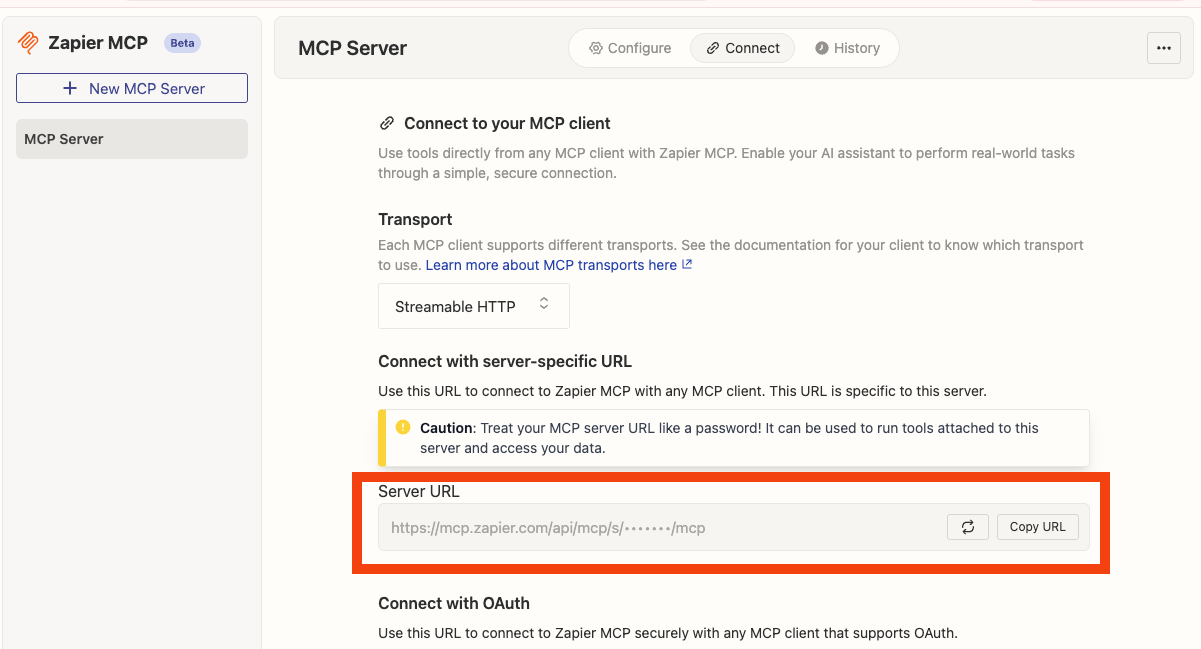
[Documentation](https://zapier.com/mcp)
###
[](https://docs.devin.ai/work-with-devin/mcp#airtable)
Airtable
You’ll need to provide an Airtable API key. You can find your API keys at: [https://airtable.com/create/tokens](https://airtable.com/create/tokens)
[Documentation](https://www.npmjs.com/package/airtable-mcp-server)
###
[](https://docs.devin.ai/work-with-devin/mcp#docker-hub)
Docker Hub
Credentials required:
* Docker Hub username: This can be obtained from My Hub
* Personal Access Token: Go to Account settings > Personal access tokens and create a token
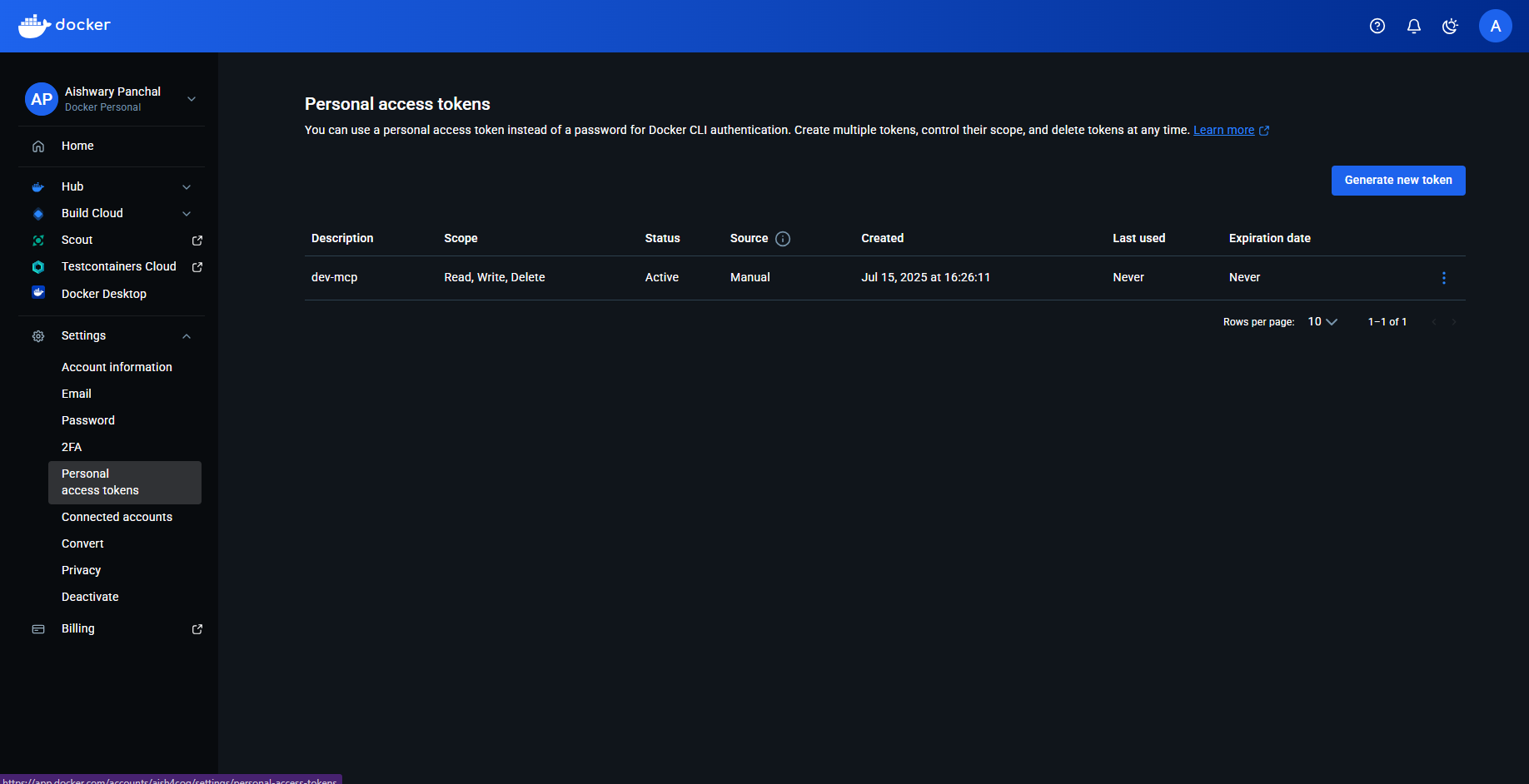
[Documentation](https://hub.docker.com/r/mcp/dockerhub)
###
[](https://docs.devin.ai/work-with-devin/mcp#sonarqube)
SonarQube
To get the required credentials:
* Sonarqube token: Go to my Account > Security and generate your API token
* Sonarqube org: This is your username, example shown in the below image
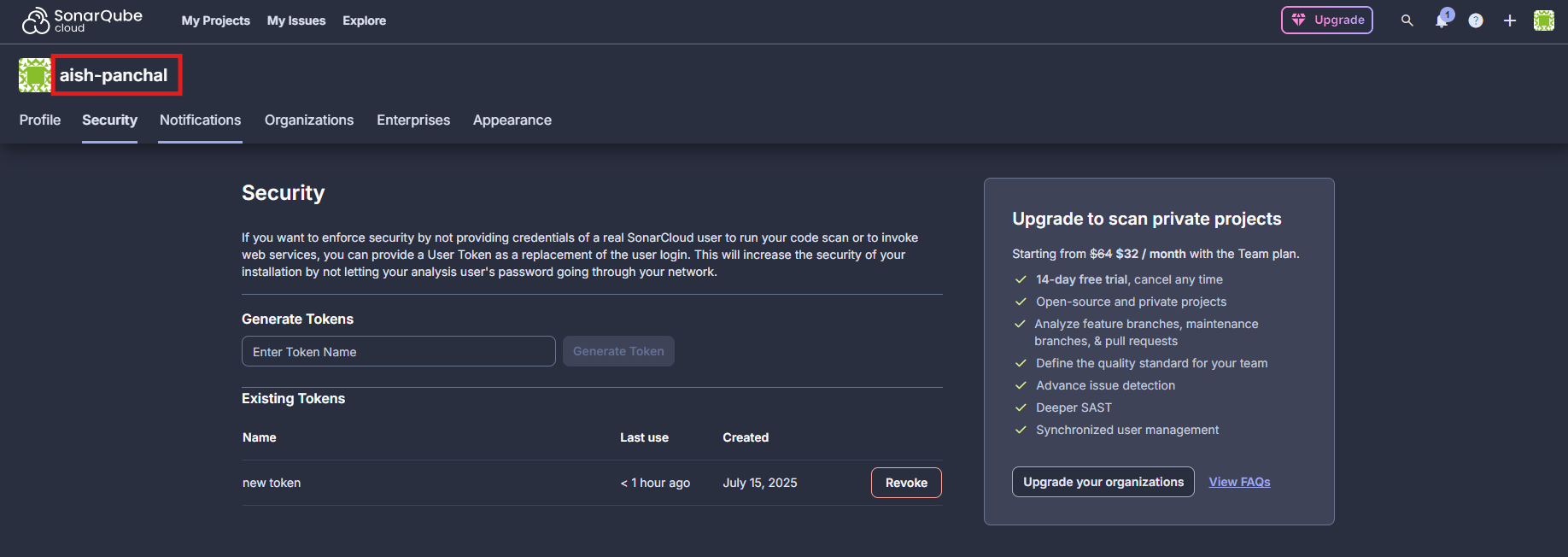
* Sonarqube URL:
* For self hosted: format is [http://localhost:9000](http://localhost:9000/)
OR [https://sonarqube.mycompany.com](https://sonarqube.mycompany.com/)
* For SonarCloud: use [https://sonarcloud.io](https://sonarcloud.io/)
[Documentation](https://github.com/SonarSource/sonarqube-mcp-server)
###
[](https://docs.devin.ai/work-with-devin/mcp#netlify)
Netlify
You’ll need to provide a Personal Access Token, which you can view and create at [https://app.netlify.com/user/applications#personal-access-tokens](https://app.netlify.com/user/applications#personal-access-tokens)
. Make sure to copy the PAT as soon as it is created. You won’t be able to see it again!
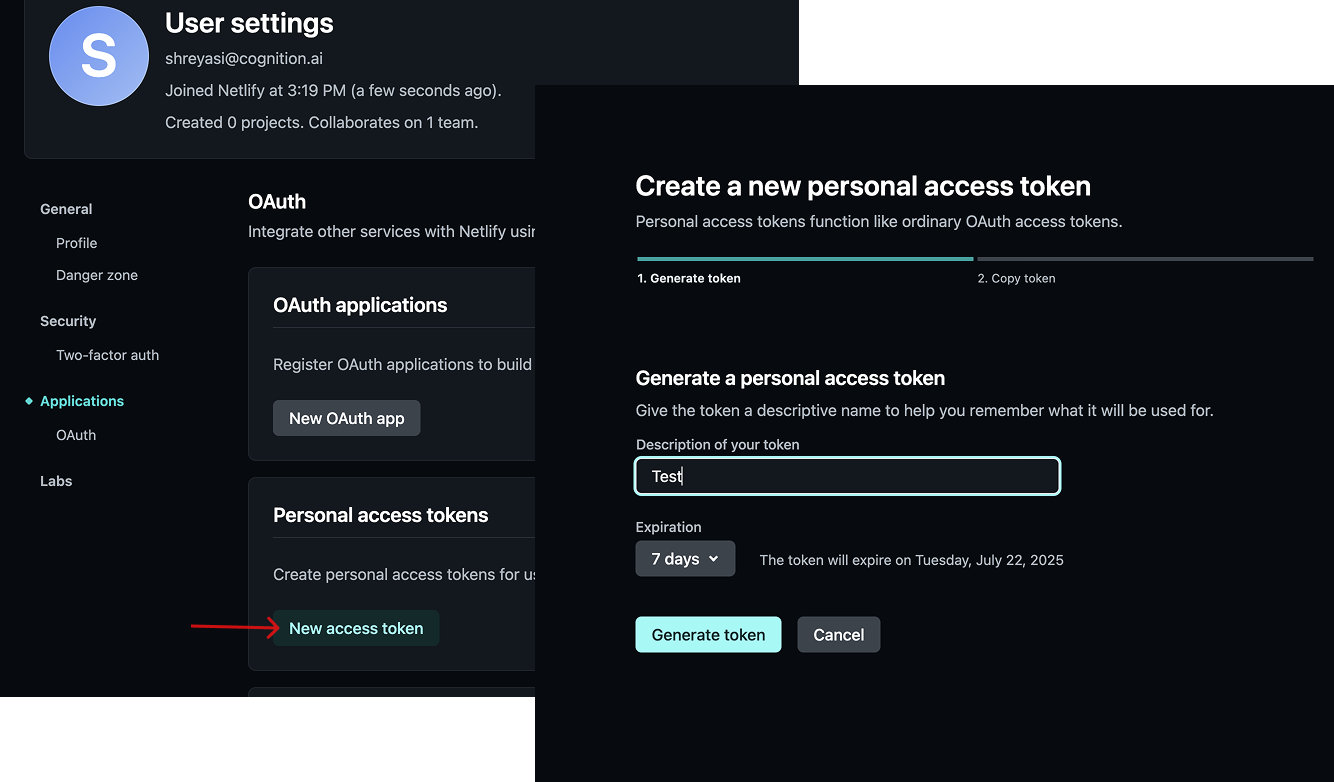
[Documentation](https://docs.netlify.com/welcome/build-with-ai/netlify-mcp-server/)
###
[](https://docs.devin.ai/work-with-devin/mcp#parallel)
Parallel
You’ll need to provide an API key, which you can generate at [https://platform.parallel.ai/](https://platform.parallel.ai/)
[Documentation](https://docs.parallel.ai/features/remote-mcp)
###
[](https://docs.devin.ai/work-with-devin/mcp#heroku)
Heroku
You’ll need to provide an API Key, which you can find at [https://dashboard.heroku.com/account](https://dashboard.heroku.com/account)
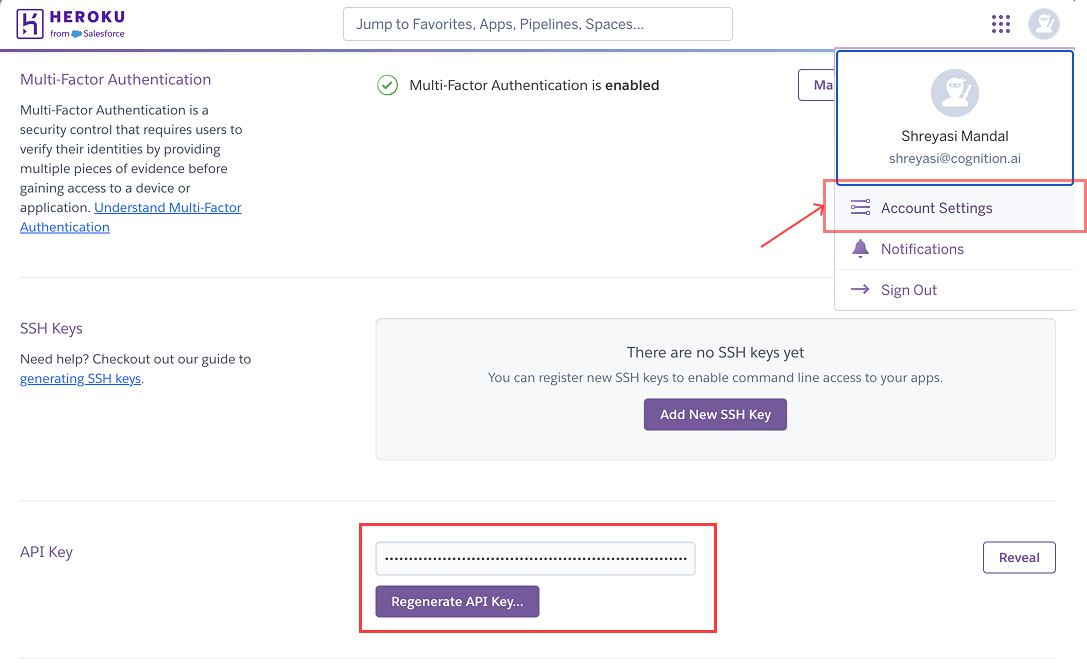
[Documentation](https://www.heroku.com/blog/introducing-official-heroku-mcp-server/)
###
[](https://docs.devin.ai/work-with-devin/mcp#circleci)
CircleCI
You’ll need to provide 2 environment variables:
* `CIRCLECI_TOKEN` - CircleCI API Token, which can be created at [https://app.circleci.com/settings/user/tokens](https://app.circleci.com/settings/user/tokens)
. Make sure to copy the API token as soon as it is created. You won’t be able to see it again!
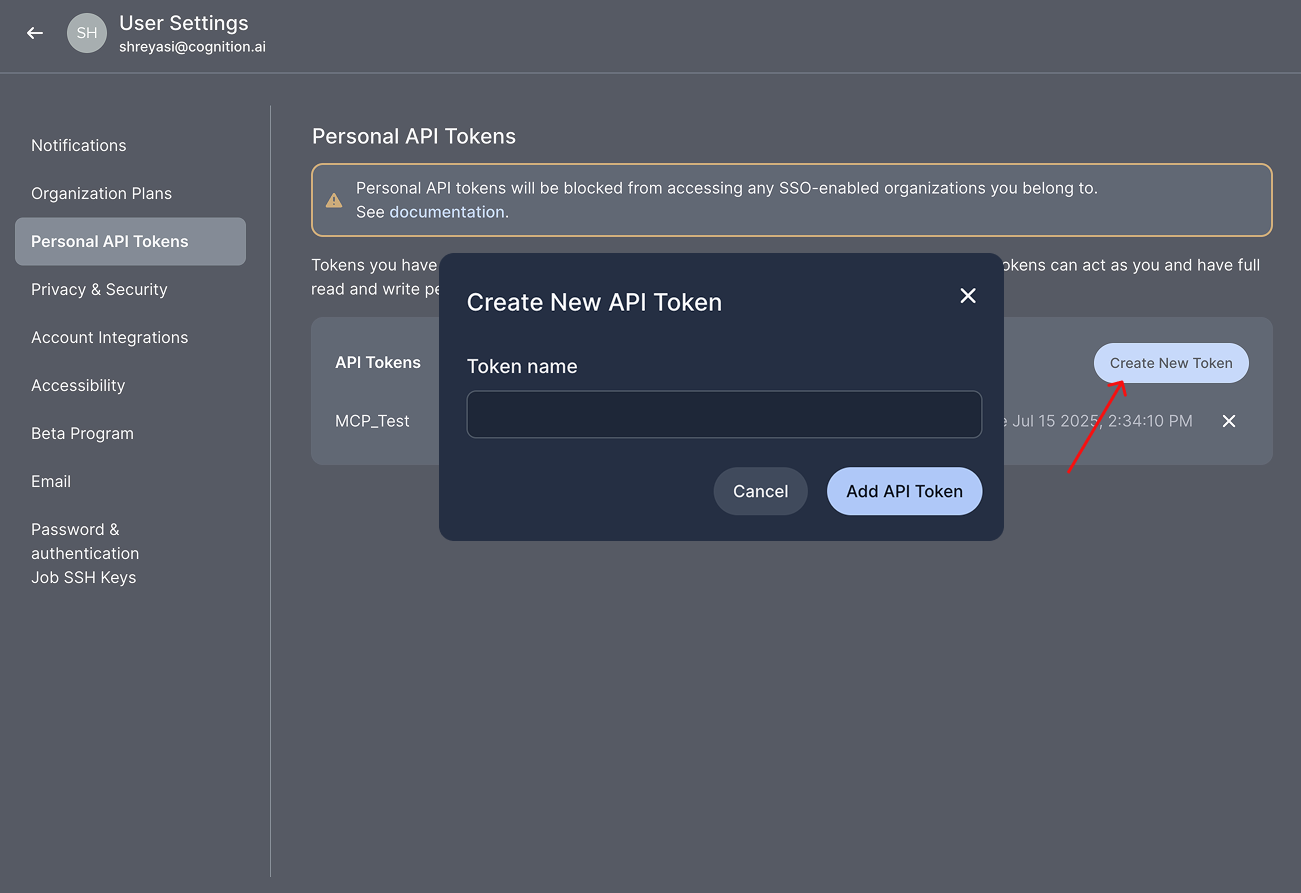
* `CIRCLECI_BASE_URL` \[Optional\] - This is optional and is required for on-prem customers only. The default value is `"https://circleci.com"`
[Documentation](https://hub.docker.com/r/mcp/circleci)
###
[](https://docs.devin.ai/work-with-devin/mcp#square)
Square
You’ll need to provide an authorization header which follows the format `Bearer `, where `` is your Square access token. More info at: [https://developer.squareup.com/docs/build-basics/access-tokens](https://developer.squareup.com/docs/build-basics/access-tokens)
[Documentation](https://developer.squareup.com/docs/mcp)
###
[](https://docs.devin.ai/work-with-devin/mcp#hubspot)
Hubspot
You’ll need to provide an access token as an environment variable. To get your access token:
1. Create a private app in HubSpot:
2. Go to Settings > Integrations > Private Apps
3. Click “Create private app”
4. Name your app and set required scopes
5. Click “Create app”
6. Copy the generated access token from the “Auth” tab
[Documentation](https://www.npmjs.com/package/@hubspot/mcp-server)
###
[](https://docs.devin.ai/work-with-devin/mcp#redis)
Redis
Required credentials:
* Redis host
* Redis port
* Redis username
* Redis password
[Documentation](https://redis.io/docs/latest/integrate/redis-mcp/client-conf/)
###
[](https://docs.devin.ai/work-with-devin/mcp#google-maps)
Google Maps
You’ll need to (1) provide an API key (2) enable the individual APIs you’d like Devin to have access to. To get your API key, navigate to [https://console.cloud.google.com/apis/credentials](https://console.cloud.google.com/apis/credentials)
and open the sidebar > APIs and services > Credentials. To enable an individual API, search for the API and click enable.
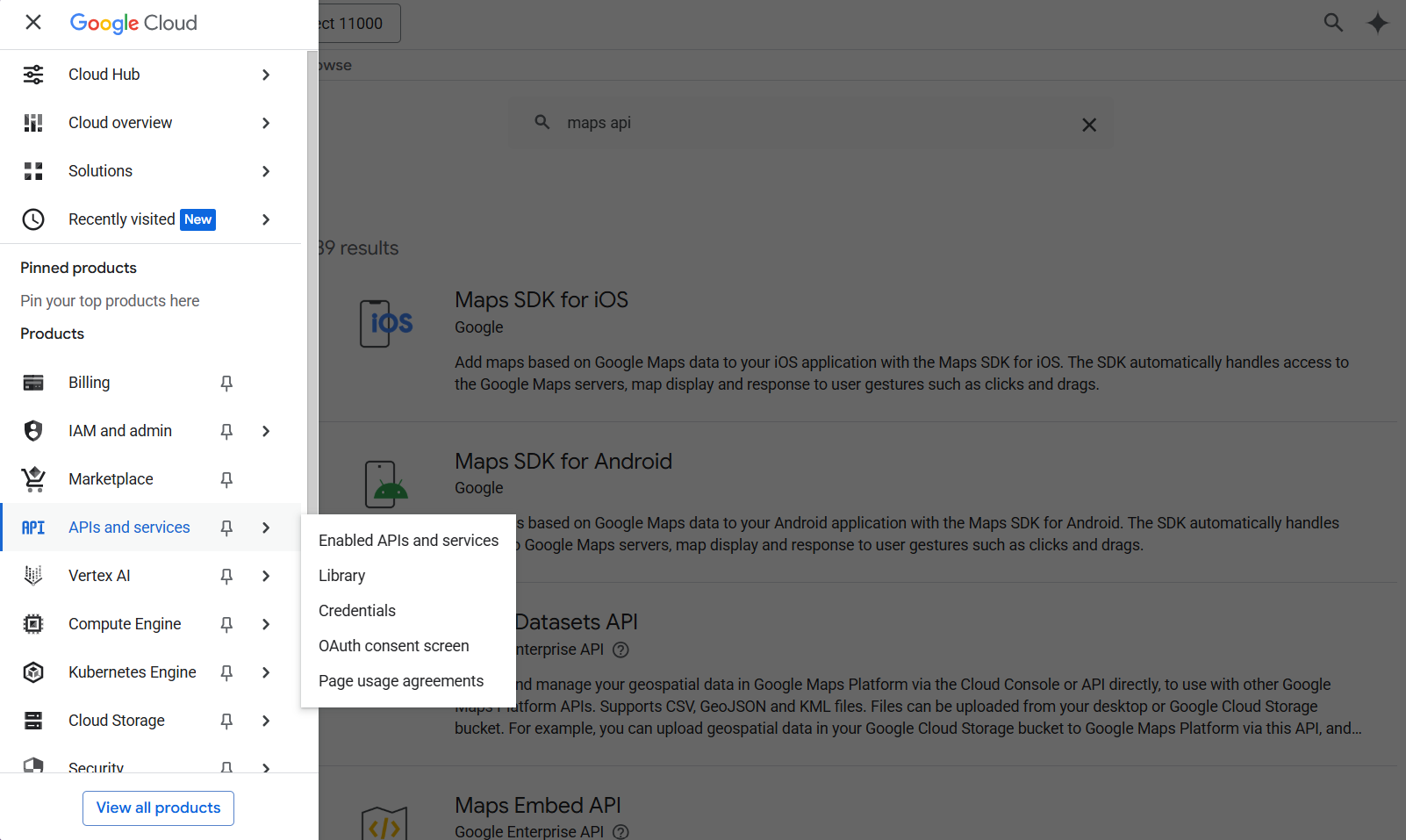
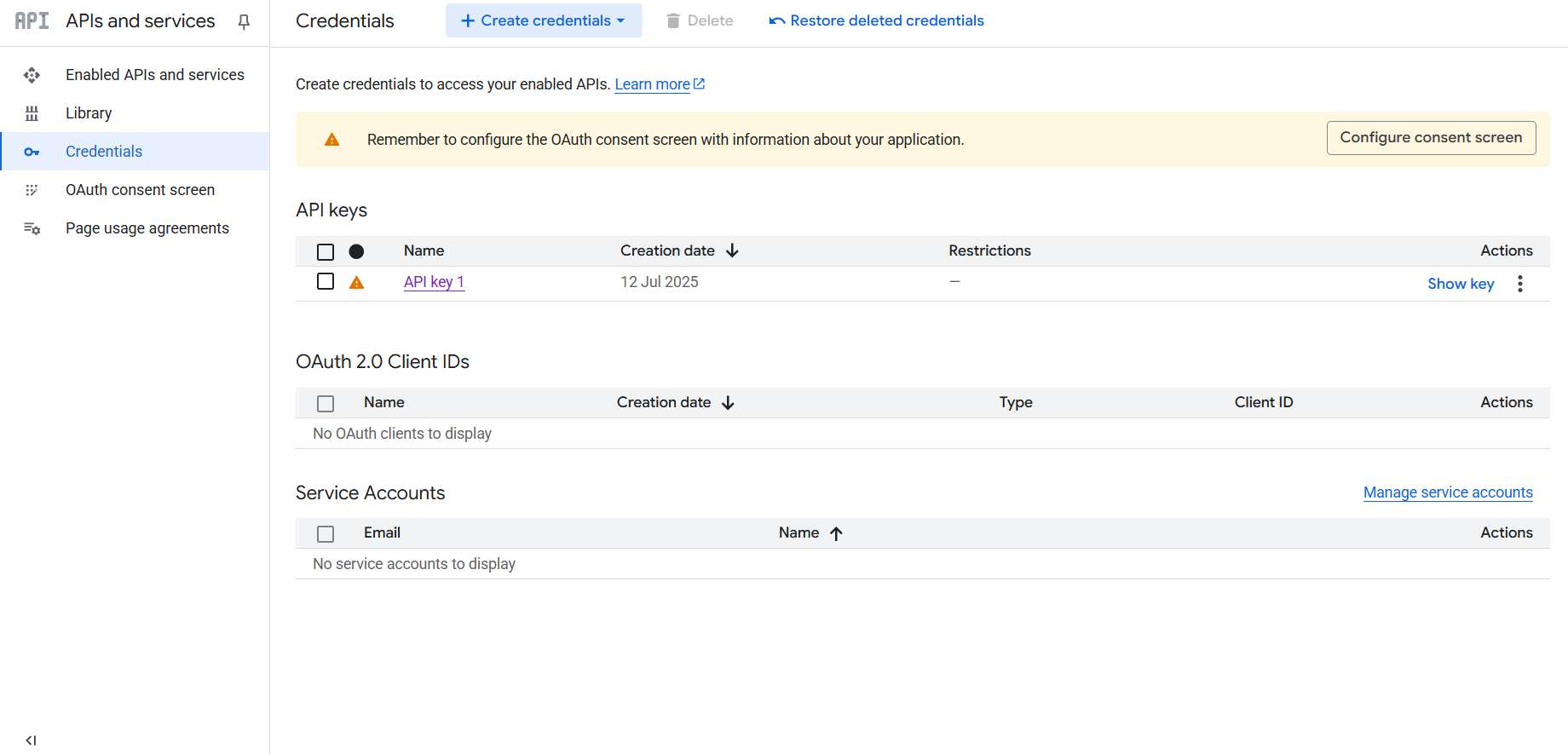
[Documentation](https://www.npmjs.com/package/@modelcontextprotocol/server-google-maps)
###
[](https://docs.devin.ai/work-with-devin/mcp#playwright)
Playwright
No environment variables needed for this! Simply enable the integration. [Documentation](https://hub.docker.com/r/mcp/playwright)
###
[](https://docs.devin.ai/work-with-devin/mcp#firecrawl)
Firecrawl
You’ll need to provide an API Key (`FIRECRAWL_API_KEY`), which you can view and create at [https://www.firecrawl.dev/app/api-keys](https://www.firecrawl.dev/app/api-keys)
. [Documentation](https://hub.docker.com/r/mcp/firecrawl#use-this-mcp-server)
###
[](https://docs.devin.ai/work-with-devin/mcp#elasticsearch)
ElasticSearch
You’ll need to provide 2 environment variables:
* `ES_URL` - ElasticSearch URL or endpoint, which can be found on the /overview page in Elasticsearch.
* `ES_API_KEY` - ElasticSearch API key, which can be created on the `/indices/index_details//data` page in Elasticsearch.
`ES_SSL_SKIP_VERIFY` is an optional environment variable. When set to `true` , it skips SSL/TLS certificate verification when connecting to Elasticsearch. [Documentation](https://hub.docker.com/r/mcp/elasticsearch)
###
[](https://docs.devin.ai/work-with-devin/mcp#postgres)
Postgres
The only credential needed is the Postgres connection string. \[Documentation\] ([https://www.npmjs.com/package/@modelcontextprotocol/server-postgres?activeTab=readme](https://www.npmjs.com/package/@modelcontextprotocol/server-postgres?activeTab=readme)
)
###
[](https://docs.devin.ai/work-with-devin/mcp#plaid)
Plaid
The only credential required is an Oauth bearer access token that can be obtained by running the following code:
Copy
Ask AI
curl -X POST https://production.plaid.com/oauth/token \
-H 'Content-Type: application/json' \
-d '{
"client_id": "YOUR_PLAID_CLIENT_ID",
"client_secret": "YOUR_PRODUCTION_SECRET",
"grant_type": "client_credentials",
"scope": "mcp:dashboard"
}'
To obtain the client ID and client production secret, go to [https://dashboard.plaid.com/developers/keys](https://dashboard.plaid.com/developers/keys)
[Documentation](https://plaid.com/docs/resources/mcp/)
###
[](https://docs.devin.ai/work-with-devin/mcp#replicate)
Replicate
The only required credential is the API token which can be found at [https://replicate.com/account/api-tokens](https://replicate.com/account/api-tokens)
[Documentation](https://replicate.com/docs/reference/mcp)
###
[](https://docs.devin.ai/work-with-devin/mcp#grafana)
Grafana
You’ll need to provide 2 environment variables:
* Grafana URL
* Grafana service account token: To obtain the token, in the sidebar, go to Administration > Users and access > Service accounts > Add service account (if you don’t already have one added) > Add service account token
###
[](https://docs.devin.ai/work-with-devin/mcp#pinecone)
Pinecone
NOTE: The Pinecone MCP supports only indexes with integrated embedding. Indexes for vectors you create with external embedding models are not yet supported as of 7/16/25. The only credential required is the Pinecone API key, which can be obtained via the API keys page in the Pinecone dashboard as seen below:
[DeepWiki](https://docs.devin.ai/work-with-devin/deepwiki)
[DeepWiki MCP](https://docs.devin.ai/work-with-devin/deepwiki-mcp)
Assistant
Responses are generated using AI and may contain mistakes.
---
# Your First Session - Devin Docs
[Devin Docs home page](https://docs.devin.ai/)
Search...
⌘KAsk AI
Search...
Navigation
Get Started
Your First Session
[Documentation](https://docs.devin.ai/get-started/devin-intro)
[Prompts & Tutorials](https://docs.devin.ai/use-cases/testing-refactoring)
[API Reference](https://docs.devin.ai/api-reference/overview)
[Release Notes](https://docs.devin.ai/release-notes/overview)
[Enterprise](https://docs.devin.ai/enterprise/get-started)
On this page
* [Start a run with Devin](https://docs.devin.ai/get-started/first-run#start-a-run-with-devin)
* [First-time Prompt Ideas](https://docs.devin.ai/get-started/first-run#first-time-prompt-ideas)
* [Work With Your Existing Tools](https://docs.devin.ai/get-started/first-run#work-with-your-existing-tools)
Now that you’re all set up, kick off your first Devin session! Start with tasks that are **smaller in scope** and **remember to instruct Devin with the level of detail that you would give to a human junior engineer**. We’ve seen users work with Devin on everything from fixing small bugs to targeted refactors to large scale migrations.
[](https://docs.devin.ai/get-started/first-run#start-a-run-with-devin)
Start a run with Devin
-------------------------------------------------------------------------------------------------
We recommend starting sessions from Slack channels (make sure you tag @Devin after adding Devin to the channel, and [link your Slack user to your Devin account](https://app.devin.ai/settings/integrations)
). You can also start from our web app, where you’ll find some first-time prompt suggestions.

[](https://docs.devin.ai/get-started/first-run#first-time-prompt-ideas)
First-time Prompt Ideas
---------------------------------------------------------------------------------------------------
Adding a new API endpoint
a new API endpoint
Copy
Ask AI
Create a new endpoint /users/stats that returns a JSON object with user count and average signup age.
Use our existing users table in PostgreSQL.
You can reference the /orders/stats endpoint in statsController.js for how we structure responses.
Ensure the new endpoint is covered by the StatsController.test.js suite.
Small frontend features
frontend features
Copy
Ask AI
In UserProfileComponent, add a dropdown that shows a list of user roles (admin, editor, viewer).
Use the styling from DropdownBase.
When a role is selected, call the existing API to set the user role.
Validate by checking that the selection updates the user role in the DB. Refer to your Knowledge for how to test properly.
Write unit tests
unit tests
Copy
Ask AI
Add Jest tests for the AuthService methods: login and logout.
Ensure test coverage for these two functions is at least 80%.
Use UserService.test.js as an example.
After implementation, run `npm test -- --coverage` and verify the coverage report shows >80% for both functions.
Also confirm that tests pass with both valid and invalid credentials, and that logout properly clears session data.
Migrating or refactoring existing code
or refactoring existing code
Copy
Ask AI
Migrate logger.js from JavaScript to TypeScript.
We already have a tsconfig.json and a LoggerTest.test.js suite for validation.
Make sure it compiles without errors and make sure not to change the existing config!
After migration, verify by:
1) running `tsc` to confirm no type errors
2) running the test suite with `npm test LoggerTest.test.js` to ensure all tests pass
3) checking that all existing logger method calls throughout the codebase still work without type errors.
Updating APIs or database queries
unit tests
Copy
Ask AI
We're switching from pg to sequelize (read https://sequelize.org/api/v6/identifiers).
Please update the UserModel queries to use Sequelize methods.
Refer to OrderModel for how we do it in this codebase.
After implementation, verify by:
1) running `npm run test:integration UserModel.test.js` to check all integration tests pass
2) confirming query performance hasn't degraded by checking execution time on a test dataset of 1000 users
3) validating that all CRUD operations still maintain data integrity by running `npm run test:e2e user-flows.test.js`
Create a quick PR (we recommend using this prompt in a Playbook)
Quick PR
Copy
Ask AI
## Overview
The task is to make a quick pull request to a repository.
Since this is a 'quick' PR, you will not need to run any code or test anything; simply make a PR and the user will handle the testing. Your only responsibility is reading and writing code.
## What's Needed From User
- The repository to create a pull request to
## Procedure
### Prepare your workspace
1. Navigate to the relevant repository on your machine (clarify with the user if you can't figure it out).
- Check out the main branch and note down the name of the main branch.
- Checkout to a new branch since you'll be making a pull request. The name of the branch has to be of the format `devin//X` where X is a random number. For example `devin/fix-popup/3234`. Run `git remote -v && git pull && git checkout -b devin/{branch-name}/$RANDOM` and replace `{branch-name}` with the name of the branch you want to create.
2. Study the request, codebase, and plan out the changes
- Review the most relevant files and code sections, identifying relevant snippets.
- Inform the user of your plan
### Work on the PR itself
3. Make the code changes
- Don't change anything that wasn't specifically requested by the user
4. Make the PR
- Commit and push the changes and tell the user.
- See advice section for the exact command to make the PR
- Make a pull request & review the pr to make sure it looks OK.
- Ensure all GitHub actions pass successfully & make necessary changes until they do
- Send the PR link to the user and summarize what you changed.
5. Address any feedback from the review; send the PR link again every time you make any changes
- If you need to make updates, just push more commits to the same branch; don't create a new one
## Task Specification
- PR link is included in your messages to the user
- PR was reviewed after creation
- PR does not include any stray changes
- PR does not change anything that wasn't specifically requested by the user
- PR description should include a summary of the changes, formatted as a checklist
- PR description should mention that the code was written without testing, and include - [ ] Test the changes as an item
- PR description should include the following footer: "This PR was written by [Devin](https://devin.ai/) :angel:"
- PR description should include any metadata that the user has provided (e.g. linear ticket tags in the appropriate syntax)
- PR description should not be malformatted (use --body-file instead of --body if the newlines are garbled!)
## Forbidden Actions
- Do NOT try to access github.com through the browser, you will not be authenticated.
- NEVER force push on branches! Prefer merging over rebasing so that you don't lose any work.
- Do NOT push directly to the main branch.
## Advice and Pointers
- Double check the name of the main branch (which could be `main` or `master`) using `git branch`.
- For repos with CI/CD on github actions, you can check build logs using the gh cli. if you're asked to fix a build/fix lint, you should start by looking at recent build logs
- Check `git status` before committing or adding files.
- Use `git diff` to see what changes you have made before committing.
- If you're updating an existing repo, use `gh cli` to make pull requests.
- Send the PR link to the user every time you update & ask them to re-review so that it's convenient for them
- You should already be authorized to access any repositories the user tells you about. If not, ask the user for access.
The first time you use Devin, we would recommend sitting and watching how Devin works for a few minutes using the Follow Devin tab or in our example session video below. In general, you don’t need to monitor Devin like this all the time, but it is a great starting point for understanding Devin’s capabilities. _Note: This video was sped up for demonstration purposes._ If you’d like to dig in to some more detailed examples of what Devin can do (and how), check out our introductory **tutorials** below.
[Code Coverage\
-------------\
\
Devin can analyze your codebase’s test suite and write additional tests to increase code coverage for your team.](https://docs.devin.ai/use-cases/tutorials/code-coverage)
[API Integration\
---------------\
\
Devin can integrate, configure, and test third party APIs in your applications.](https://docs.devin.ai/use-cases/tutorials/api-integration)
[Containerization\
----------------\
\
In this tutorial, we’ll show you how Devin can configure a Docker container to standardize your team’s dev environment.](https://docs.devin.ai/use-cases/tutorials/containerization)
[Managing Frontend Components\
----------------------------\
\
Devin can work with frontend libraries and share visuals with you during its sessions.](https://docs.devin.ai/use-cases/tutorials/frontend-components)
[](https://docs.devin.ai/get-started/first-run#work-with-your-existing-tools)
Work With Your Existing Tools
---------------------------------------------------------------------------------------------------------------
You can invite Devin to work in many of the tools or applications you work in - it’s as simple as giving Devin the necessary credentials, API keys or tokens so it can work within those services through the Secrets Manager or when prompted to securely share the credential in the chat. Here are some common tools Devin has used with our early users:

For more details on Devin’s integrations check out our GitHub and Slack integration guides:
[GitHub\
------\
\
Connect your GitHub account to allow Devin to access, create pull requests and contribute to your existing repositories.](https://docs.devin.ai/get-started/integrations/gh.mdx)
[Slack\
-----\
\
Connect Devin to your company Slack and kick off runs directly via Slack by tagging @Devin.](https://docs.devin.ai/get-started/integrations/slack.mdx)
For automated workflows and integrations with your existing tools, you can also leverage our [API Reference](https://docs.devin.ai/api-reference/overview)
to programmatically create sessions and retrieve structured results.
[Introducing Devin](https://docs.devin.ai/get-started/devin-intro)
[Tutorial Library](https://docs.devin.ai/learn-about-devin/workflows)
Assistant
Responses are generated using AI and may contain mistakes.
---
# Enterprise API Overview - Devin Docs
[Devin Docs home page](https://docs.devin.ai/)
Search...
⌘KAsk AI
Search...
Navigation
Enterprise API
Enterprise API Overview
[Documentation](https://docs.devin.ai/get-started/devin-intro)
[Prompts & Tutorials](https://docs.devin.ai/use-cases/testing-refactoring)
[API Reference](https://docs.devin.ai/api-reference/overview)
[Release Notes](https://docs.devin.ai/release-notes/overview)
[Enterprise](https://docs.devin.ai/enterprise/get-started)
On this page
* [Authentication](https://docs.devin.ai/enterprise/api-reference/overview#authentication)
* [Available Endpoints](https://docs.devin.ai/enterprise/api-reference/overview#available-endpoints)
* [Consumption](https://docs.devin.ai/enterprise/api-reference/overview#consumption)
* [Metrics](https://docs.devin.ai/enterprise/api-reference/overview#metrics)
* [Members](https://docs.devin.ai/enterprise/api-reference/overview#members)
* [Groups](https://docs.devin.ai/enterprise/api-reference/overview#groups)
* [Organizations](https://docs.devin.ai/enterprise/api-reference/overview#organizations)
* [API Keys](https://docs.devin.ai/enterprise/api-reference/overview#api-keys)
* [Infrastructure](https://docs.devin.ai/enterprise/api-reference/overview#infrastructure)
* [Audit Logs](https://docs.devin.ai/enterprise/api-reference/overview#audit-logs)
* [Base URL](https://docs.devin.ai/enterprise/api-reference/overview#base-url)
* [Pagination](https://docs.devin.ai/enterprise/api-reference/overview#pagination)
* [Error Handling](https://docs.devin.ai/enterprise/api-reference/overview#error-handling)
* [Support](https://docs.devin.ai/enterprise/api-reference/overview#support)
The Devin Enterprise API provides programmatic access to enterprise-specific features including consumption tracking, member management, and organization administration.
The Enterprise API is currently in beta. While we strive to maintain backward compatibility, some endpoints may change as we improve the API.
[Looking for the regular API reference?\
--------------------------------------\
\
Access the standard Devin API documentation for sessions, secrets, and knowledge management.](https://docs.devin.ai/api-reference/overview)
[](https://docs.devin.ai/enterprise/api-reference/overview#authentication)
Authentication
---------------------------------------------------------------------------------------------
Enterprise API endpoints require a valid API key with enterprise admin permissions. You can obtain an API key from your [settings page](https://app.devin.ai/settings/api-keys)
.
Keep your API keys secure and never share them in publicly accessible areas such as GitHub repositories or client-side code. Enterprise API keys provide access to sensitive organizational data.
[](https://docs.devin.ai/enterprise/api-reference/overview#available-endpoints)
Available Endpoints
-------------------------------------------------------------------------------------------------------
Our Enterprise API provides endpoints organized into the following categories:
###
[](https://docs.devin.ai/enterprise/api-reference/overview#consumption)
Consumption
Track and analyze ACU consumption across your enterprise:
[Consumption Cycles\
------------------\
\
List all billing cycles for the enterprise](https://docs.devin.ai/enterprise/api-reference/consumption/consumption-cycles)
[Daily Consumption\
-----------------\
\
Get daily consumption data for the current billing cycle](https://docs.devin.ai/enterprise/api-reference/consumption/daily-consumption)
[User Daily Consumption\
----------------------\
\
Get daily consumption data for a specific user](https://docs.devin.ai/enterprise/api-reference/consumption/user-daily-consumption)
###
[](https://docs.devin.ai/enterprise/api-reference/overview#metrics)
Metrics
Track pull request and usage metrics for your enterprise:
[PR Metrics\
----------\
\
Get pull request metrics for your enterprise](https://docs.devin.ai/enterprise/api-reference/consumption/pr-metrics)
[Usage Metrics\
-------------\
\
Get usage metrics (sessions and searches) for your enterprise](https://docs.devin.ai/enterprise/api-reference/consumption/usage-metrics)
[Searches Metrics\
----------------\
\
Get search count metrics for your enterprise](https://docs.devin.ai/enterprise/api-reference/consumption/searches-metrics)
###
[](https://docs.devin.ai/enterprise/api-reference/overview#members)
Members
Manage enterprise members and their access:
[List Enterprise Members\
-----------------------\
\
Get a paginated list of all members in your enterprise](https://docs.devin.ai/enterprise/api-reference/members/list-enterprise-members)
[Get Member Details\
------------------\
\
Get detailed information about a specific enterprise member](https://docs.devin.ai/enterprise/api-reference/members/get-member-details)
[Delete Enterprise Member\
------------------------\
\
Permanently delete an enterprise member](https://docs.devin.ai/enterprise/api-reference/members/delete-enterprise-member)
[User Organizations\
------------------\
\
Get organizations that a specific user has access to](https://docs.devin.ai/enterprise/api-reference/members/user-organizations)
[Invite Enterprise Members\
-------------------------\
\
Invite multiple users to the enterprise by email (bulk invite, max 100)](https://docs.devin.ai/enterprise/api-reference/members/invite-enterprise-members)
###
[](https://docs.devin.ai/enterprise/api-reference/overview#groups)
Groups
Manage enterprise IdP (Identity Provider) groups and their organization associations:
IdP groups must be explicitly enabled for your enterprise and are only supported for some enterprise SSO connections. Contact your administrator to enable group support.
[List Enterprise Groups\
----------------------\
\
Get a paginated list of all IdP groups in your enterprise](https://docs.devin.ai/enterprise/api-reference/groups/list-enterprise-groups)
[Get Group Details\
-----------------\
\
Get detailed information about a specific IdP group](https://docs.devin.ai/enterprise/api-reference/groups/get-group-details)
[Group Organizations\
-------------------\
\
List organizations that an IdP group belongs to](https://docs.devin.ai/enterprise/api-reference/groups/group-organizations)
###
[](https://docs.devin.ai/enterprise/api-reference/overview#organizations)
Organizations
Manage organizations within your enterprise:
[List Organizations\
------------------\
\
Get a paginated list of all organizations in your enterprise](https://docs.devin.ai/enterprise/api-reference/organizations/list-organizations)
[Create Organization\
-------------------\
\
Create a new organization within your enterprise](https://docs.devin.ai/enterprise/api-reference/organizations/create-organization)
[Get Organization Details\
------------------------\
\
Get detailed information about a specific organization](https://docs.devin.ai/enterprise/api-reference/organizations/get-organization-details)
[Update Organization\
-------------------\
\
Update an organization’s ACU limit and/or display name](https://docs.devin.ai/enterprise/api-reference/organizations/update-organization)
[Delete Organization\
-------------------\
\
Delete an organization from your enterprise](https://docs.devin.ai/enterprise/api-reference/organizations/delete-organization)
[Organization Groups\
-------------------\
\
Get groups within a specific organization](https://docs.devin.ai/enterprise/api-reference/organizations/organization-groups)
[Add Group to Organization\
-------------------------\
\
Add an IdP group to an organization with a specific role](https://docs.devin.ai/enterprise/api-reference/organizations/add-group-to-organization)
[Remove Group from Organization\
------------------------------\
\
Remove an IdP group from an organization](https://docs.devin.ai/enterprise/api-reference/organizations/remove-group-from-organization)
[Organization Members\
--------------------\
\
Get members within a specific organization](https://docs.devin.ai/enterprise/api-reference/organizations/organization-members)
[Organization Permissions\
------------------------\
\
Get git permissions for a specific organization](https://docs.devin.ai/enterprise/api-reference/organizations/organization-permissions)
###
[](https://docs.devin.ai/enterprise/api-reference/overview#api-keys)
API Keys
Manage enterprise API keys:
[Create a Service API Key\
------------------------\
\
Create a service account API key for an organization](https://docs.devin.ai/enterprise/api-reference/api-keys/provision-service-key)
[List API Keys\
-------------\
\
Get a paginated list of enterprise API keys](https://docs.devin.ai/enterprise/api-reference/api-keys/list-enterprise-api-keys)
[Get Enterprise API Key\
----------------------\
\
Retrieve the full API key by ID](https://docs.devin.ai/enterprise/api-reference/api-keys/get-enterprise-api-key)
[Revoke API Key\
--------------\
\
Revoke a specific enterprise API key](https://docs.devin.ai/enterprise/api-reference/api-keys/revoke-enterprise-api-key)
[Revoke All API Keys\
-------------------\
\
Revoke all API keys across organizations in the enterprise](https://docs.devin.ai/enterprise/api-reference/api-keys/revoke-all-enterprise-api-keys)
###
[](https://docs.devin.ai/enterprise/api-reference/overview#infrastructure)
Infrastructure
Monitor and manage your VPC infrastructure:
[List Hypervisors\
----------------\
\
Get hypervisor status information for VPC monitoring](https://docs.devin.ai/enterprise/api-reference/infrastructure/list-enterprise-hypervisors)
###
[](https://docs.devin.ai/enterprise/api-reference/overview#audit-logs)
Audit Logs
Track and analyze audit logs across your enterprise:
[Audit Logs\
----------\
\
Get audit logs for enterprise activities and consumption](https://docs.devin.ai/enterprise/api-reference/audit-logs)
[](https://docs.devin.ai/enterprise/api-reference/overview#base-url)
Base URL
---------------------------------------------------------------------------------
All Enterprise API endpoints use the base URL:
Copy
Ask AI
https://api.devin.ai/v2/enterprise/
[](https://docs.devin.ai/enterprise/api-reference/overview#pagination)
Pagination
-------------------------------------------------------------------------------------
Many Enterprise API endpoints support pagination using the following query parameters:
* `skip`: Number of items to skip (default: 0)
* `limit`: Maximum number of items to return (default: 100, max: 1000)
Paginated responses include:
* `items`: Array of result items
* `total`: Total number of items available
* `skip`: Number of items skipped
* `limit`: Maximum items per page
* `has_more`: Whether more items are available
* `next_cursor`: Cursor for the next page (if applicable)
[](https://docs.devin.ai/enterprise/api-reference/overview#error-handling)
Error Handling
---------------------------------------------------------------------------------------------
The Enterprise API uses standard HTTP status codes and returns detailed error information in JSON format:
Copy
Ask AI
{
"detail": [\
{\
"loc": ["query", "limit"],\
"msg": "ensure this value is less than or equal to 1000",\
"type": "value_error.number.not_le"\
}\
]
}
[](https://docs.devin.ai/enterprise/api-reference/overview#support)
Support
-------------------------------------------------------------------------------
For questions about the Enterprise API or to report issues, email [support@cognition.ai](mailto:support@cognition.ai)
.
[Network & System Requirements](https://docs.devin.ai/enterprise/vpc/requirements)
[Consumption Cycles](https://docs.devin.ai/enterprise/api-reference/consumption/consumption-cycles)
Assistant
Responses are generated using AI and may contain mistakes.
---
# Authentication and Access Control - Devin Docs
[Devin Docs home page](https://docs.devin.ai/)
Search...
⌘KAsk AI
Search...
Navigation
Authentication and Access Control
[Documentation](https://docs.devin.ai/get-started/devin-intro)
[Prompts & Tutorials](https://docs.devin.ai/use-cases/testing-refactoring)
[API Reference](https://docs.devin.ai/api-reference/overview)
[Release Notes](https://docs.devin.ai/release-notes/overview)
[Enterprise](https://docs.devin.ai/enterprise/get-started)
On this page
* [Sign in to Devin Enterprise](https://docs.devin.ai/enterprise/rbac/overview#sign-in-to-devin-enterprise)
* [Technical Overview of Devin’s RBAC Architecture](https://docs.devin.ai/enterprise/rbac/overview#technical-overview-of-devin%E2%80%99s-rbac-architecture)
* [Identity Provider Integration](https://docs.devin.ai/enterprise/rbac/overview#identity-provider-integration)
* [Configuring Group-Based Access](https://docs.devin.ai/enterprise/rbac/overview#configuring-group-based-access)
* [Access Control Implementation](https://docs.devin.ai/enterprise/rbac/overview#access-control-implementation)
* [Repository Access Control](https://docs.devin.ai/enterprise/rbac/overview#repository-access-control)
* [Sync users and groups from your identity provider](https://docs.devin.ai/enterprise/rbac/overview#sync-users-and-groups-from-your-identity-provider)
* [Enterprise Access Control](https://docs.devin.ai/enterprise/rbac/overview#enterprise-access-control)
[](https://docs.devin.ai/enterprise/rbac/overview#sign-in-to-devin-enterprise)
Sign in to Devin Enterprise
--------------------------------------------------------------------------------------------------------------
Devin Enterprise recommends configuring single sign-on (SSO) and unified login for greater security and improved usability. SSO enables your users to sign into Devin Enterprise with your organization’s identity provider. See [Configure SSO in Devin](https://docs.devin.ai/enterprise/sso/azure)
If you don’t configure SSO, users can login to Devin Enterprise using a selected external account such as Google. Github is not recommended, as often personal Github emails and work emails do not match.
[](https://docs.devin.ai/enterprise/rbac/overview#technical-overview-of-devin%E2%80%99s-rbac-architecture)
Technical Overview of Devin’s RBAC Architecture
--------------------------------------------------------------------------------------------------------------------------------------------------------------
Devin Enterprise implements a comprehensive Role-Based Access Control (RBAC) system that integrates with your existing identity infrastructure. This section explains how to configure and leverage RBAC for your organization.
###
[](https://docs.devin.ai/enterprise/rbac/overview#identity-provider-integration)
Identity Provider Integration
When configuring Devin Enterprise with your Identity Provider (IdP), observe the following group information flow:
1. During authentication, Devin Enterprise receives group information from your IdP
2. Your IdP sends group information as claims in the JWT token
3. Devin Enterprise uses these groups to determine access permissions
###
[](https://docs.devin.ai/enterprise/rbac/overview#configuring-group-based-access)
Configuring Group-Based Access
You can configure which IdP groups have access to specific organizations:
1. Map your existing IdP groups to Devin Enterprise organizations
2. Assign appropriate roles (member or admin) to each group
3. Users will automatically inherit permissions based on their IdP group membership
###
[](https://docs.devin.ai/enterprise/rbac/overview#access-control-implementation)
Access Control Implementation
Devin Enterprise determines user access through multiple pathways:
* **Direct membership**: Individual users assigned to organizations
* **Group membership**: Users inherit access from their IdP group memberships
* **Enterprise admin**: Administrators have access to all organizations within their enterprise
###
[](https://docs.devin.ai/enterprise/rbac/overview#repository-access-control)
Repository Access Control
For Git repository access, Devin Enterprise:
* Inherits permissions from the organization-level access control
* Supports fine-grained access control at the repository level
* Maintains consistent authorization across all components
This approach allows you to leverage your existing identity management system while providing secure, role-based access to Devin Enterprise resources.
[](https://docs.devin.ai/enterprise/rbac/overview#sync-users-and-groups-from-your-identity-provider)
Sync users and groups from your identity provider
----------------------------------------------------------------------------------------------------------------------------------------------------------
You can sync users and groups from your IdP to Devin Enterprise, ensuring they have the right access. Groups can have member or admin roles and may belong to multiple organizations. To enable automatic user matching, provide a mapping of groups to roles and organizations. After authentication, Devin Enterprise extracts group information from the JWT token your IdP sends and matches users accordingly.
Copy
Ask AI
{
"sub": "12345",
"name": "John Doe",
"email": "johndoe@example.com",
"groups": ["Engineering", "Admins"], // Group claim
"iss": "https://idp.example.com",
"aud": "your_app_client_id"
}
Contact us if you require [SCIM](https://docs.devin.ai/enterprise/rbac/sales@cognition.ai)
.
When a user is removed from your identity provider, that user is deactivated in Devin Enterprise. In order to configure IdP group permissions please reach out to [us](https://docs.devin.ai/enterprise/rbac/sales@cognition.ai)
directly.
[](https://docs.devin.ai/enterprise/rbac/overview#enterprise-access-control)
Enterprise Access Control
----------------------------------------------------------------------------------------------------------
Devin Enterprises can have unlimited organizations.
| Access Condition | Description |
| --- | --- |
| Member of the organization | You can access the organization if you’re a member. |
| Enterprise admin (owns the enterprise) | You can access and edit the enterprise and sub-organizations. |
| Organization admin (owns the org) | You can access and edit the organization. |
| Part of an IdP group that’s a member | You can access the enterprise or organization if you’re part of an IdP group that’s a member/admin. |
IdP groups are fetched upon user-login, so changes in group membership will require reauthentication.
* * *
Assistant
Responses are generated using AI and may contain mistakes.
---
# Prompting Advice - Devin Docs
[Devin Docs home page](https://docs.devin.ai/)
Search...
⌘KAsk AI
Search...
Navigation
Prompting Advice
[Documentation](https://docs.devin.ai/get-started/devin-intro)
[Prompts & Tutorials](https://docs.devin.ai/use-cases/testing-refactoring)
[API Reference](https://docs.devin.ai/api-reference/overview)
[Release Notes](https://docs.devin.ai/release-notes/overview)
[Enterprise](https://docs.devin.ai/enterprise/get-started)
On this page
* [Choosing the Right Tasks](https://docs.devin.ai/learn-about-devin/prompting#choosing-the-right-tasks)
* [Split complex tasks into simpler sub-tasks, across multiple sessions](https://docs.devin.ai/learn-about-devin/prompting#split-complex-tasks-into-simpler-sub-tasks%2C-across-multiple-sessions)
* [Tell Devin how to check its progress](https://docs.devin.ai/learn-about-devin/prompting#tell-devin-how-to-check-its-progress)
* [Be clear and specific](https://docs.devin.ai/learn-about-devin/prompting#be-clear-and-specific)
* [Use Playbooks](https://docs.devin.ai/learn-about-devin/prompting#use-playbooks)
* [Provide references or examples](https://docs.devin.ai/learn-about-devin/prompting#provide-references-or-examples)
* [Jump in!](https://docs.devin.ai/learn-about-devin/prompting#jump-in)
Devin needs guidance on what your preferences are and how to check if it’s on the right track. If not specified, Devin will make its own judgment calls. We recommend following a simple structure in your prompts to make sure Devin stays on track and checks its own work:
What
----
Describe the task you want Devin to complete.**Example**: Upgrade my project from Java 7 to Java 8.
How
---
Describe some do’s and don’t’s for Devin when completing the task (e.g. deploy using Modal, etc.)**Example**: Identify and replace deprecated Java 7 APIs with their Java 8 equivalents. Analyze the codebase for potential Java 8 language and API enhancements.
Result
------
Describe the expected results or behaviors Devin should test for so Devin knows when the task is complete.**Example**: Run the test suite and verify that all tests pass successfully. Build the project using the updated Java 8 configuration and verify that the application is up and running.
###
[](https://docs.devin.ai/learn-about-devin/prompting#choosing-the-right-tasks)
Choosing the Right Tasks
When deciding what to delegate to Devin, look for tasks that have:
1. **Clear Success Criteria**
* Tasks where success can be automatically validated
* Built-in feedback loops (tests, compilation, lint checks)
* Objective quality measures
2. **Appropriate Scope**
* Junior engineer level complexity
* Well-defined boundaries
* Clear patterns to follow
3. **Repetitive Elements**
* Tasks that need similar changes applied many times
* Variations that make pure scripting difficult
* Existing examples to follow
4. **Common Examples**
* Version upgrades across multiple packages
* Adding test coverage to untested modules
* Converting files to use new patterns/standards
* Implementing standard UI components
####
[](https://docs.devin.ai/learn-about-devin/prompting#split-complex-tasks-into-simpler-sub-tasks%2C-across-multiple-sessions)
Split complex tasks into simpler sub-tasks, across multiple sessions
As with any entry-level engineer, Devin is more likely to succeed if complex projects are broken down into clear sub-tasks. For example, rather than asking Devin to upgrade your application code, test suite, and CI configuration in one session, you may want to break this down into three separate sessions. For particularly complex tasks, we recommend working with Devin across multiple separate sessions as **Devin’s performance can sometimes degrade as the session gets longer**.
####
[](https://docs.devin.ai/learn-about-devin/prompting#tell-devin-how-to-check-its-progress)
Tell Devin how to check its progress
Devin performs best when given clear verification steps to validate its work. This helps ensure the task is being completed correctly and allows Devin to catch potential issues early. Here is a non-exhaustive list of some ways to help Devin verify its work:
1. **Specify test requirements**
* Ask Devin to run specific test suites
* Define which tests should pass
* Request test coverage metrics if relevant
2. **Set clear checkpoints and sub-tasks**
* Break down complex tasks into verifiable sub-tasks, and start one Devin session for each sub-task
* Define what success looks like for each sub-task, and optionally checkpoints within each sub-task
* Ask Devin to report back after completing each checkpoint / sub-task
3. **Tell Devin how to check its work** Clarify how Devin can check that its on the right track. For example:
* When working with datasets: “Verify the dataset has at least 500 rows and contains columns X, Y, Z”
* When modifying APIs: “Confirm the endpoint returns status 200 and includes all required fields”
* When updating UI: “Check that the component renders without console errors and matches the design spec”
The more specific you are about validation requirements, the more confidently Devin can proceed with the task without intervention.
####
[](https://docs.devin.ai/learn-about-devin/prompting#be-clear-and-specific)
Be clear and specific
Provide clear, detailed instructions and requirements for Devin. For example, try to:
1. Specify the key steps necessary to complete a task
2. Name specific repos, libraries, branches, etc you want Devin to work with
Nothing is “too obvious” for Devin, but it will do its best to clarify and ask questions along the way.
####
[](https://docs.devin.ai/learn-about-devin/prompting#use-playbooks)
Use Playbooks
For repetitive or complex tasks, we suggest using and iterating on [Playbooks](https://docs.devin.ai/product-guides/creating-playbooks)
. Playbooks are easily reusable and shareable prompts. For example, if you want Devin to address ongoing CI build failures, you can create a playbook that includes the general steps Devin should take each time to resolve the issue without having to include them in every prompt.
####
[](https://docs.devin.ai/learn-about-devin/prompting#provide-references-or-examples)
Provide references or examples
When available, link documentation or examples that are relevant for the task. If you don’t provide any resources, Devin may search for documentation independently.
####
[](https://docs.devin.ai/learn-about-devin/prompting#jump-in)
Jump in!
Ask Devin questions and give Devin instructions while it’s working, just as you would with any other teammate!
Assistant
Responses are generated using AI and may contain mistakes.
---