# Table of Contents
- [Introduction - Flet](#introduction-flet)
- [BaseAd - Flet](#basead-flet)
- [Ads - Flet](#ads-flet)
- [BannerAd - Flet](#bannerad-flet)
- [Overview - Flet](#overview-flet)
- [InterstitialAd - Flet](#interstitialad-flet)
- [Audio - Flet](#audio-flet)
- [AudioRecorder - Flet](#audiorecorder-flet)
- [Overview - Flet](#overview-flet)
- [Camera - Flet](#camera-flet)
- [PaidAdRequest - Flet](#paidadrequest-flet)
- [MatplotlibChart - Flet](#matplotlibchart-flet)
- [PlotlyChart - Flet](#plotlychart-flet)
- [BarChart - Flet](#barchart-flet)
- [RadarChart - Flet](#radarchart-flet)
- [CandlestickChart - Flet](#candlestickchart-flet)
- [PieChart - Flet](#piechart-flet)
- [ScatterChart - Flet](#scatterchart-flet)
- [MatplotlibChartWithToolbar - Flet](#matplotlibchartwithtoolbar-flet)
- [Overview - Flet](#overview-flet)
- [flet create - Flet](#flet-create-flet)
- [flet doctor - Flet](#flet-doctor-flet)
- [LineChart - Flet](#linechart-flet)
- [flet run - Flet](#flet-run-flet)
- [flet devices - Flet](#flet-devices-flet)
- [flet emulators - Flet](#flet-emulators-flet)
- [flet publish - Flet](#flet-publish-flet)
- [flet serve - Flet](#flet-serve-flet)
- [flet pack - Flet](#flet-pack-flet)
- [AdRequest - Flet](#adrequest-flet)
- [flet build - Flet](#flet-build-flet)
- [flet debug - Flet](#flet-debug-flet)
- [AutofillGroup - Flet](#autofillgroup-flet)
- [CupertinoTintedButton - Flet](#cupertinotintedbutton-flet)
- [AutoComplete - Flet](#autocomplete-flet)
- [CupertinoDialogAction - Flet](#cupertinodialogaction-flet)
- [CupertinoFilledButton - Flet](#cupertinofilledbutton-flet)
- [FilledTonalIconButton - Flet](#filledtonaliconbutton-flet)
- [CupertinoBottomSheet - Flet](#cupertinobottomsheet-flet)
- [CupertinoActionSheetAction - Flet](#cupertinoactionsheetaction-flet)
- [FilledButton - Flet](#filledbutton-flet)
- [FilledTonalButton - Flet](#filledtonalbutton-flet)
- [FilledIconButton - Flet](#fillediconbutton-flet)
- [CircleAvatar - Flet](#circleavatar-flet)
- [BottomAppBar - Flet](#bottomappbar-flet)
- [Color pickers - Flet](#color-pickers-flet)
- [CupertinoActivityIndicator - Flet](#cupertinoactivityindicator-flet)
- [CupertinoContextMenuAction - Flet](#cupertinocontextmenuaction-flet)
- [Divider - Flet](#divider-flet)
- [DragTarget - Flet](#dragtarget-flet)
- [FletApp - Flet](#fletapp-flet)
- [OutlinedIconButton - Flet](#outlinediconbutton-flet)
- [RadioGroup - Flet](#radiogroup-flet)
- [DropdownOption - Flet](#dropdownoption-flet)
- [AnimatedSwitcher - Flet](#animatedswitcher-flet)
- [Banner - Flet](#banner-flet)
- [MergeSemantics - Flet](#mergesemantics-flet)
- [BlockPicker - Flet](#blockpicker-flet)
- [MaterialPicker - Flet](#materialpicker-flet)
- [MultipleChoiceBlockPicker - Flet](#multiplechoiceblockpicker-flet)
- [HueRingPicker - Flet](#hueringpicker-flet)
- [DataColumn - Flet](#datacolumn-flet)
- [DataCell - Flet](#datacell-flet)
- [Card - Flet](#card-flet)
- [CupertinoAlertDialog - Flet](#cupertinoalertdialog-flet)
- [CupertinoTimerPicker - Flet](#cupertinotimerpicker-flet)
- [BottomSheet - Flet](#bottomsheet-flet)
- [CupertinoRadio - Flet](#cupertinoradio-flet)
- [CupertinoSlider - Flet](#cupertinoslider-flet)
- [CupertinoNavigationBar - Flet](#cupertinonavigationbar-flet)
- [CupertinoSlidingSegmentedButton - Flet](#cupertinoslidingsegmentedbutton-flet)
- [ExpansionPanel - Flet](#expansionpanel-flet)
- [Placeholder - Flet](#placeholder-flet)
- [MultiView - Flet](#multiview-flet)
- [DataRow - Flet](#datarow-flet)
- [NavigationBarDestination - Flet](#navigationbardestination-flet)
- [NavigationDrawerDestination - Flet](#navigationdrawerdestination-flet)
- [CupertinoAppBar - Flet](#cupertinoappbar-flet)
- [CupertinoPicker - Flet](#cupertinopicker-flet)
- [CodeEditor - Flet](#codeeditor-flet)
- [CupertinoSegmentedButton - Flet](#cupertinosegmentedbutton-flet)
- [KeyboardListener - Flet](#keyboardlistener-flet)
- [CupertinoListTile - Flet](#cupertinolisttile-flet)
- [CupertinoCheckbox - Flet](#cupertinocheckbox-flet)
- [CupertinoButton - Flet](#cupertinobutton-flet)
- [ContextMenu - Flet](#contextmenu-flet)
- [ExpansionPanelList - Flet](#expansionpanellist-flet)
- [GridView - Flet](#gridview-flet)
- [NavigationRailDestination - Flet](#navigationraildestination-flet)
- [AlertDialog - Flet](#alertdialog-flet)
- [Checkbox - Flet](#checkbox-flet)
- [CupertinoDatePicker - Flet](#cupertinodatepicker-flet)
- [CupertinoSwitch - Flet](#cupertinoswitch-flet)
- [ReorderableDragHandle - Flet](#reorderabledraghandle-flet)
- [Icon - Flet](#icon-flet)
- [Screenshot - Flet](#screenshot-flet)
- [AdaptiveControl - Flet](#adaptivecontrol-flet)
- [SlidePicker - Flet](#slidepicker-flet)
- [ColorPicker - Flet](#colorpicker-flet)
- [ProgressBar - Flet](#progressbar-flet)
- [Draggable - Flet](#draggable-flet)
- [DatePicker - Flet](#datepicker-flet)
- [DateRangePicker - Flet](#daterangepicker-flet)
- [SafeArea - Flet](#safearea-flet)
- [RotatedBox - Flet](#rotatedbox-flet)
- [TransparentPointer - Flet](#transparentpointer-flet)
- [Button - Flet](#button-flet)
- [Chip - Flet](#chip-flet)
- [AppBar - Flet](#appbar-flet)
- [BaseControl - Flet](#basecontrol-flet)
- [Segment - Flet](#segment-flet)
- [Dismissible - Flet](#dismissible-flet)
- [ProgressRing - Flet](#progressring-flet)
- [MenuBar - Flet](#menubar-flet)
- [MenuItemButton - Flet](#menuitembutton-flet)
- [DialogControl - Flet](#dialogcontrol-flet)
- [Tab - Flet](#tab-flet)
- [TabBarView - Flet](#tabbarview-flet)
- [SelectionArea - Flet](#selectionarea-flet)
- [Pagelet - Flet](#pagelet-flet)
- [FloatingActionButton - Flet](#floatingactionbutton-flet)
- [ListView - Flet](#listview-flet)
- [WindowDragArea - Flet](#windowdragarea-flet)
- [Control - Flet](#control-flet)
- [Column - Flet](#column-flet)
- [OutlinedButton - Flet](#outlinedbutton-flet)
- [RangeSlider - Flet](#rangeslider-flet)
- [Radio - Flet](#radio-flet)
- [VerticalDivider - Flet](#verticaldivider-flet)
- [DropdownM2 - Flet](#dropdownm2-flet)
- [PopupMenuButton - Flet](#popupmenubutton-flet)
- [ReorderableListView - Flet](#reorderablelistview-flet)
- [IconButton - Flet](#iconbutton-flet)
- [Segmentedbutton - Flet](#segmentedbutton-flet)
- [PageView - Flet](#pageview-flet)
- [InteractiveViewer - Flet](#interactiveviewer-flet)
- [CupertinoTextField - Flet](#cupertinotextfield-flet)
- [Hero - Flet](#hero-flet)
- [Row - Flet](#row-flet)
- [ListTile - Flet](#listtile-flet)
- [Slider - Flet](#slider-flet)
- [ResponsiveRow - Flet](#responsiverow-flet)
- [Shimmer - Flet](#shimmer-flet)
- [TextButton - Flet](#textbutton-flet)
- [SubmenuButton - Flet](#submenubutton-flet)
- [Service - Flet](#service-flet)
- [View - Flet](#view-flet)
- [Switch - Flet](#switch-flet)
- [ScrollableControl - Flet](#scrollablecontrol-flet)
- [TimePicker - Flet](#timepicker-flet)
- [SnackBar - Flet](#snackbar-flet)
- [PrecisionType - Flet](#precisiontype-flet)
- [AudioDurationChangeEvent - Flet](#audiodurationchangeevent-flet)
- [Markdown - Flet](#markdown-flet)
- [SearchBar - Flet](#searchbar-flet)
- [BasePage - Flet](#basepage-flet)
- [Semantics - Flet](#semantics-flet)
- [Fill - Flet](#fill-flet)
- [Color - Flet](#color-flet)
- [Circle - Flet](#circle-flet)
---
# Introduction - Flet
[Skip to content](https://docs.flet.dev/#flet-app-example)
Introduction
============
Flet is a framework that allows building web, desktop and mobile applications in Python without prior experience in frontend development.
Flet app example[#](https://docs.flet.dev/#flet-app-example "Permanent link")
------------------------------------------------------------------------------
Below is a simple "Counter" app, with a text field and two buttons to increment and decrement the counter value:
counter.py
`[](https://docs.flet.dev/#__codelineno-0-1) import flet as ft [](https://docs.flet.dev/#__codelineno-0-2)[](https://docs.flet.dev/#__codelineno-0-3) def main(page: ft.Page): [](https://docs.flet.dev/#__codelineno-0-4) page.title = "Flet counter example" [](https://docs.flet.dev/#__codelineno-0-5) page.vertical_alignment = ft.MainAxisAlignment.CENTER [](https://docs.flet.dev/#__codelineno-0-6) [](https://docs.flet.dev/#__codelineno-0-7) input = ft.TextField(value="0", text_align=ft.TextAlign.RIGHT, width=100) [](https://docs.flet.dev/#__codelineno-0-8) [](https://docs.flet.dev/#__codelineno-0-9) def minus_click(e): [](https://docs.flet.dev/#__codelineno-0-10) input.value = str(int(input.value) - 1) [](https://docs.flet.dev/#__codelineno-0-11) [](https://docs.flet.dev/#__codelineno-0-12) def plus_click(e): [](https://docs.flet.dev/#__codelineno-0-13) input.value = str(int(input.value) + 1) [](https://docs.flet.dev/#__codelineno-0-14) [](https://docs.flet.dev/#__codelineno-0-15) page.add( [](https://docs.flet.dev/#__codelineno-0-16) ft.Row( [](https://docs.flet.dev/#__codelineno-0-17) alignment=ft.MainAxisAlignment.CENTER, [](https://docs.flet.dev/#__codelineno-0-18) controls=[ [](https://docs.flet.dev/#__codelineno-0-19) ft.IconButton(ft.Icons.REMOVE, on_click=minus_click), [](https://docs.flet.dev/#__codelineno-0-20) input, [](https://docs.flet.dev/#__codelineno-0-21) ft.IconButton(ft.Icons.ADD, on_click=plus_click), [](https://docs.flet.dev/#__codelineno-0-22) ], [](https://docs.flet.dev/#__codelineno-0-23) ) [](https://docs.flet.dev/#__codelineno-0-24) ) [](https://docs.flet.dev/#__codelineno-0-25)[](https://docs.flet.dev/#__codelineno-0-26) ft.run(main)`
To run the app, [install `flet`](https://docs.flet.dev/getting-started/installation/)
:
`[](https://docs.flet.dev/#__codelineno-1-1) pip install 'flet[all]'`
then launch the app:
`[](https://docs.flet.dev/#__codelineno-2-1) flet run counter.py`
This will open the app in a native OS window - what a nice alternative to Electron! 🙂
[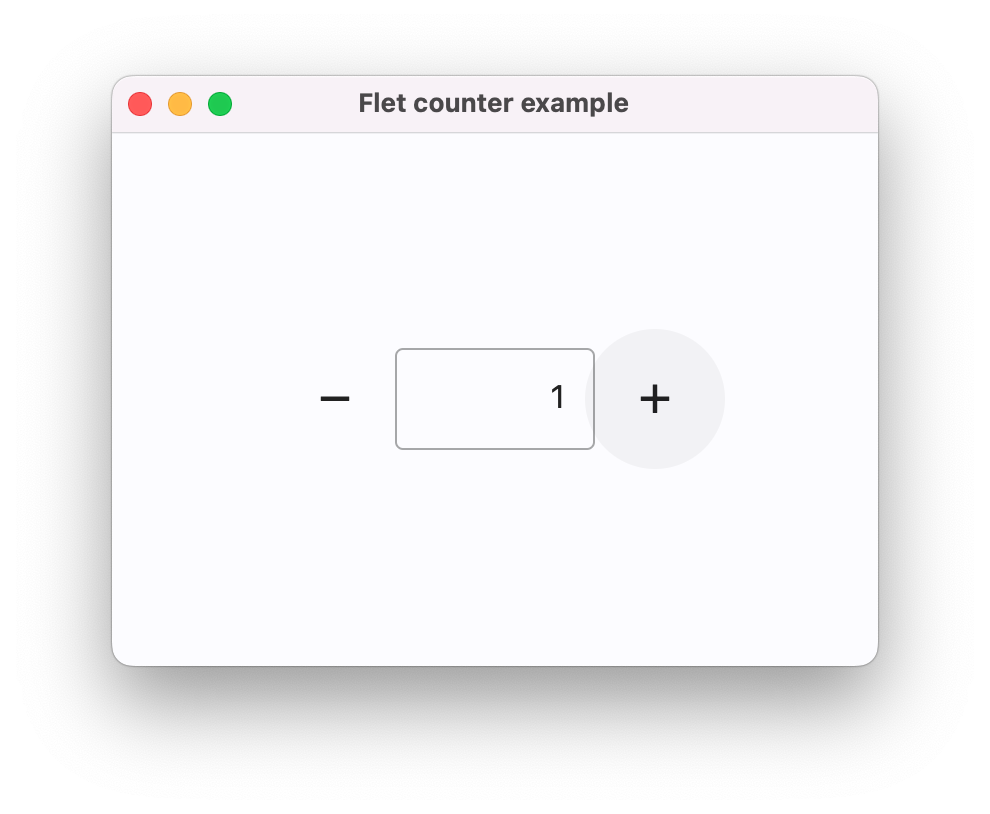](https://docs.flet.dev/assets/getting-started/counter-app/macos.png)
To run the same app as a web app use `--web` option with `flet run` command:
`[](https://docs.flet.dev/#__codelineno-3-1) flet run --web counter.py`
[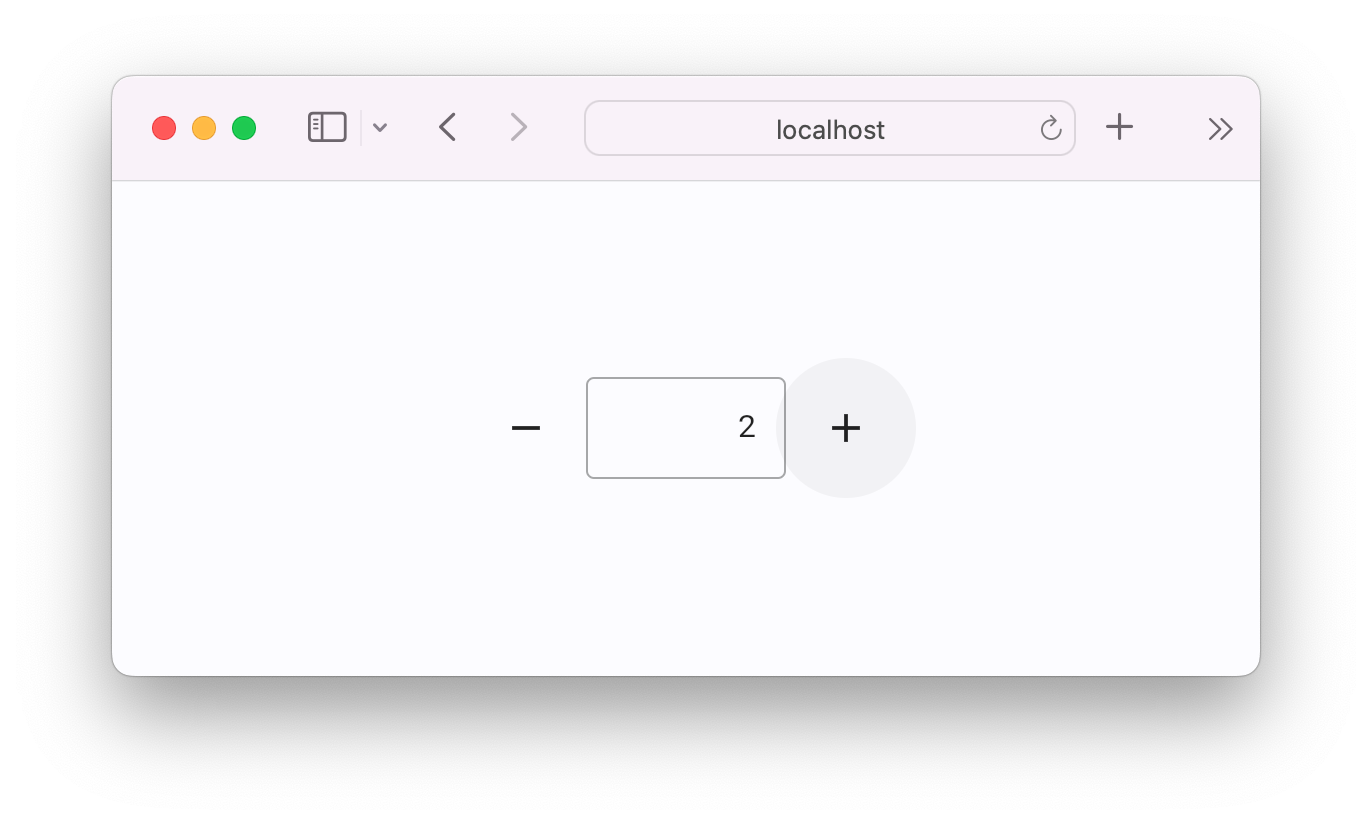](https://docs.flet.dev/assets/getting-started/counter-app/safari.png)
Back to top
---
# BaseAd - Flet
[Skip to content](https://docs.flet.dev/ads/basead/#flet_ads.base_ad.BaseAd)
BaseAd
======
Inherits: `[BaseControl](https://docs.flet.dev/controls/basecontrol/#flet.BaseControl) `
Base class for all Ad controls.
This class defines shared ad request and lifecycle event properties for concrete ad controls/services.
Raises:
* `FletUnsupportedPlatformException` –
When using this control on a web and/or non-mobile platform.
Properties
* **`[request](https://docs.flet.dev/ads/basead/#flet_ads.base_ad.BaseAd.request) `**(`[AdRequest](https://docs.flet.dev/ads/types/adrequest/#flet_ads.types.AdRequest) `) –
Targeting information used to fetch an Ad.
* **`[unit_id](https://docs.flet.dev/ads/basead/#flet_ads.base_ad.BaseAd.unit_id) `**(`[str](https://docs.python.org/3/library/stdtypes.html#str) `) –
Ad unit ID for this ad.
Events
* **`[on_click](https://docs.flet.dev/ads/basead/#flet_ads.base_ad.BaseAd.on_click) `**(`[ControlEventHandler](https://docs.flet.dev/types/aliases/#flet.ControlEventHandler) [[BaseAd](https://docs.flet.dev/ads/basead/#flet_ads.base_ad.BaseAd) ] | None`) –
Called when this ad is clicked.
* **`[on_close](https://docs.flet.dev/ads/basead/#flet_ads.base_ad.BaseAd.on_close) `**(`[ControlEventHandler](https://docs.flet.dev/types/aliases/#flet.ControlEventHandler) [[BaseAd](https://docs.flet.dev/ads/basead/#flet_ads.base_ad.BaseAd) ] | None`) –
Called when the full screen view has been closed. You should restart
* **`[on_error](https://docs.flet.dev/ads/basead/#flet_ads.base_ad.BaseAd.on_error) `**(`[ControlEventHandler](https://docs.flet.dev/types/aliases/#flet.ControlEventHandler) [[BaseAd](https://docs.flet.dev/ads/basead/#flet_ads.base_ad.BaseAd) ] | None`) –
Called when an ad request failed.
* **`[on_impression](https://docs.flet.dev/ads/basead/#flet_ads.base_ad.BaseAd.on_impression) `**(`[ControlEventHandler](https://docs.flet.dev/types/aliases/#flet.ControlEventHandler) [[BaseAd](https://docs.flet.dev/ads/basead/#flet_ads.base_ad.BaseAd) ] | None`) –
Called when an impression occurs on this ad.
* **`[on_load](https://docs.flet.dev/ads/basead/#flet_ads.base_ad.BaseAd.on_load) `**(`[ControlEventHandler](https://docs.flet.dev/types/aliases/#flet.ControlEventHandler) [[BaseAd](https://docs.flet.dev/ads/basead/#flet_ads.base_ad.BaseAd) ] | None`) –
Called when this ad is loaded successfully.
* **`[on_open](https://docs.flet.dev/ads/basead/#flet_ads.base_ad.BaseAd.on_open) `**(`[ControlEventHandler](https://docs.flet.dev/types/aliases/#flet.ControlEventHandler) [[BaseAd](https://docs.flet.dev/ads/basead/#flet_ads.base_ad.BaseAd) ] | None`) –
Called when this ad opens up.
Properties[#](https://docs.flet.dev/ads/basead/#flet_ads.base_ad.BaseAd-properties "Permanent link")
-----------------------------------------------------------------------------------------------------
### request `class-attribute` `instance-attribute` [#](https://docs.flet.dev/ads/basead/#flet_ads.base_ad.BaseAd.request "Permanent link")
`[](https://docs.flet.dev/ads/basead/#__codelineno-0-1) request: [AdRequest](https://docs.flet.dev/ads/types/adrequest/#flet_ads.types.AdRequest) = [field](https://docs.python.org/3/library/dataclasses.html#dataclasses.field "dataclasses.field") ( [](https://docs.flet.dev/ads/basead/#__codelineno-0-2) default_factory=lambda: [AdRequest](https://docs.flet.dev/ads/types/adrequest/#flet_ads.types.AdRequest) () [](https://docs.flet.dev/ads/basead/#__codelineno-0-3) )`
Targeting information used to fetch an Ad.
### unit\_id `instance-attribute` [#](https://docs.flet.dev/ads/basead/#flet_ads.base_ad.BaseAd.unit_id "Permanent link")
`[](https://docs.flet.dev/ads/basead/#__codelineno-0-1) unit_id: [str](https://docs.python.org/3/library/stdtypes.html#str)`
Ad unit ID for this ad.
Events[#](https://docs.flet.dev/ads/basead/#flet_ads.base_ad.BaseAd-events "Permanent link")
---------------------------------------------------------------------------------------------
### on\_click `class-attribute` `instance-attribute` [#](https://docs.flet.dev/ads/basead/#flet_ads.base_ad.BaseAd.on_click "Permanent link")
`[](https://docs.flet.dev/ads/basead/#__codelineno-0-1) on_click: [ControlEventHandler](https://docs.flet.dev/types/aliases/#flet.ControlEventHandler) [[BaseAd](https://docs.flet.dev/ads/basead/#flet_ads.base_ad.BaseAd) ] | None = None`
Called when this ad is clicked.
### on\_close `class-attribute` `instance-attribute` [#](https://docs.flet.dev/ads/basead/#flet_ads.base_ad.BaseAd.on_close "Permanent link")
`[](https://docs.flet.dev/ads/basead/#__codelineno-0-1) on_close: [ControlEventHandler](https://docs.flet.dev/types/aliases/#flet.ControlEventHandler) [[BaseAd](https://docs.flet.dev/ads/basead/#flet_ads.base_ad.BaseAd) ] | None = None`
Called when the full screen view has been closed. You should restart anything paused while handling [`on_open`](https://docs.flet.dev/ads/basead/#flet_ads.base_ad.BaseAd.on_open)
.
### on\_error `class-attribute` `instance-attribute` [#](https://docs.flet.dev/ads/basead/#flet_ads.base_ad.BaseAd.on_error "Permanent link")
`[](https://docs.flet.dev/ads/basead/#__codelineno-0-1) on_error: [ControlEventHandler](https://docs.flet.dev/types/aliases/#flet.ControlEventHandler) [[BaseAd](https://docs.flet.dev/ads/basead/#flet_ads.base_ad.BaseAd) ] | None = None`
Called when an ad request failed.
Event handler argument [`data`](https://docs.flet.dev/types/event/#flet.Event.data)
property contains information about the error.
### on\_impression `class-attribute` `instance-attribute` [#](https://docs.flet.dev/ads/basead/#flet_ads.base_ad.BaseAd.on_impression "Permanent link")
`[](https://docs.flet.dev/ads/basead/#__codelineno-0-1) on_impression: [ControlEventHandler](https://docs.flet.dev/types/aliases/#flet.ControlEventHandler) [[BaseAd](https://docs.flet.dev/ads/basead/#flet_ads.base_ad.BaseAd) ] | None = None`
Called when an impression occurs on this ad.
### on\_load `class-attribute` `instance-attribute` [#](https://docs.flet.dev/ads/basead/#flet_ads.base_ad.BaseAd.on_load "Permanent link")
`[](https://docs.flet.dev/ads/basead/#__codelineno-0-1) on_load: [ControlEventHandler](https://docs.flet.dev/types/aliases/#flet.ControlEventHandler) [[BaseAd](https://docs.flet.dev/ads/basead/#flet_ads.base_ad.BaseAd) ] | None = None`
Called when this ad is loaded successfully.
### on\_open `class-attribute` `instance-attribute` [#](https://docs.flet.dev/ads/basead/#flet_ads.base_ad.BaseAd.on_open "Permanent link")
`[](https://docs.flet.dev/ads/basead/#__codelineno-0-1) on_open: [ControlEventHandler](https://docs.flet.dev/types/aliases/#flet.ControlEventHandler) [[BaseAd](https://docs.flet.dev/ads/basead/#flet_ads.base_ad.BaseAd) ] | None = None`
Called when this ad opens up.
A full screen view/overlay is presented in response to the user clicking on an ad. You may want to pause animations and time sensitive interactions.
Back to top
---
# Ads - Flet
[Skip to content](https://docs.flet.dev/ads/#ads)
Ads[#](https://docs.flet.dev/ads/#ads "Permanent link")
========================================================
Displaying Google Ads in [Flet](https://flet.dev/)
apps.
It is powered by the [google\_mobile\_ads](https://pub.dev/packages/google_mobile_ads)
Flutter package.
Platform Support[#](https://docs.flet.dev/ads/#platform-support "Permanent link")
----------------------------------------------------------------------------------
| Platform | Windows | macOS | Linux | iOS | Android | Web |
| --- | --- | --- | --- | --- | --- | --- |
| Supported | ❌ | ❌ | ❌ | ✅ | ✅ | ❌ |
Usage[#](https://docs.flet.dev/ads/#usage "Permanent link")
------------------------------------------------------------
To use ads controls add `flet-ads` package to your project dependencies:
uvpip
`[](https://docs.flet.dev/ads/#__codelineno-0-1) uv add flet-ads`
`[](https://docs.flet.dev/ads/#__codelineno-1-1) pip install flet-ads # (1)!`
1. After this, you will have to manually add this package to your `requirements.txt` or `pyproject.toml`.
Requirements[#](https://docs.flet.dev/ads/#requirements "Permanent link")
--------------------------------------------------------------------------
The below sections show the required configurations for each platform.
### Android[#](https://docs.flet.dev/ads/#android "Permanent link")
A valid [AdMob app ID](https://support.google.com/admob/answer/7356431)
is required to be specified, otherwise the app might crash on launch or behave unexpectedly.
`flet build``pyproject.toml`
`[](https://docs.flet.dev/ads/#__codelineno-2-1) flet build apk \ [](https://docs.flet.dev/ads/#__codelineno-2-2) --android-meta-data com.google.android.gms.ads.APPLICATION_ID="ca-app-pub-xxxxxxxxxxxxxxxx~yyyyyyyyyy"`
`[](https://docs.flet.dev/ads/#__codelineno-3-1) [tool.flet.android.meta_data] [](https://docs.flet.dev/ads/#__codelineno-3-2) "com.google.android.gms.ads.APPLICATION_ID" = "ca-app-pub-xxxxxxxxxxxxxxxx~yyyyyyyyyy"`
See also:
* [setting Android permissions](https://docs.flet.dev/publish/android/#permissions)
* [AdMob app ID for testing purposes](https://docs.flet.dev/ads/#test-values)
### iOS[#](https://docs.flet.dev/ads/#ios "Permanent link")
A valid [AdMob app ID](https://support.google.com/admob/answer/7356431)
is required to be specified, otherwise the app might crash on launch or behave unexpectedly.
`flet build``pyproject.toml`
`[](https://docs.flet.dev/ads/#__codelineno-4-1) flet build ipa \ [](https://docs.flet.dev/ads/#__codelineno-4-2) --info-plist GADApplicationIdentifier="ca-app-pub-xxxxxxxxxxxxxxxx~yyyyyyyyyy"`
`[](https://docs.flet.dev/ads/#__codelineno-5-1) [tool.flet.ios.info] [](https://docs.flet.dev/ads/#__codelineno-5-2) GADApplicationIdentifier = "ca-app-pub-xxxxxxxxxxxxxxxx~yyyyyyyyyy"`
See also:
* [setting iOS permissions](https://docs.flet.dev/publish/ios/#permissions)
* [AdMob app ID for testing purposes](https://docs.flet.dev/ads/#test-values)
### Test Values[#](https://docs.flet.dev/ads/#test-values "Permanent link")
AdMob [provides](https://developers.google.com/admob/flutter/banner#always_test_with_test_ads)
app and ad unit IDs for testing purposes.
* **AdMob app ID**: `"ca-app-pub-3940256099942544~3347511713"`
* [`BannerAd.unit_id`](https://docs.flet.dev/ads/bannerad/#flet_ads.banner_ad.BannerAd)
* **Android**: `"ca-app-pub-3940256099942544/9214589741"`
* **iOS**: `"ca-app-pub-3940256099942544/2435281174"`
* [`InterstitialAd.unit_id`](https://docs.flet.dev/ads/interstitialad/#flet_ads.interstitial_ad.InterstitialAd)
* **Android**: `"ca-app-pub-3940256099942544/1033173712"`
* **iOS**: `"ca-app-pub-3940256099942544/4411468910"`
**They are not meant to be used in production.**
Example[#](https://docs.flet.dev/ads/#example "Permanent link")
----------------------------------------------------------------
`[](https://docs.flet.dev/ads/#__codelineno-6-1) import flet as ft [](https://docs.flet.dev/ads/#__codelineno-6-2) import flet_ads as fta [](https://docs.flet.dev/ads/#__codelineno-6-3)[](https://docs.flet.dev/ads/#__codelineno-6-4) # Test ad unit IDs [](https://docs.flet.dev/ads/#__codelineno-6-5) ids = { [](https://docs.flet.dev/ads/#__codelineno-6-6) ft.PagePlatform.ANDROID: { [](https://docs.flet.dev/ads/#__codelineno-6-7) "banner": "ca-app-pub-3940256099942544/6300978111", [](https://docs.flet.dev/ads/#__codelineno-6-8) "interstitial": "ca-app-pub-3940256099942544/1033173712", [](https://docs.flet.dev/ads/#__codelineno-6-9) }, [](https://docs.flet.dev/ads/#__codelineno-6-10) ft.PagePlatform.IOS: { [](https://docs.flet.dev/ads/#__codelineno-6-11) "banner": "ca-app-pub-3940256099942544/2934735716", [](https://docs.flet.dev/ads/#__codelineno-6-12) "interstitial": "ca-app-pub-3940256099942544/4411468910", [](https://docs.flet.dev/ads/#__codelineno-6-13) }, [](https://docs.flet.dev/ads/#__codelineno-6-14) } [](https://docs.flet.dev/ads/#__codelineno-6-15) [](https://docs.flet.dev/ads/#__codelineno-6-16)[](https://docs.flet.dev/ads/#__codelineno-6-17) def main(page: ft.Page): [](https://docs.flet.dev/ads/#__codelineno-6-18) page.appbar = ft.AppBar( [](https://docs.flet.dev/ads/#__codelineno-6-19) adaptive=True, [](https://docs.flet.dev/ads/#__codelineno-6-20) title="Mobile Ads Playground", [](https://docs.flet.dev/ads/#__codelineno-6-21) bgcolor=ft.Colors.LIGHT_BLUE_300, [](https://docs.flet.dev/ads/#__codelineno-6-22) ) [](https://docs.flet.dev/ads/#__codelineno-6-23) page.horizontal_alignment = ft.CrossAxisAlignment.CENTER [](https://docs.flet.dev/ads/#__codelineno-6-24) page.scroll = ft.ScrollMode.AUTO [](https://docs.flet.dev/ads/#__codelineno-6-25) [](https://docs.flet.dev/ads/#__codelineno-6-26) def show_new_interstitial_ad(): [](https://docs.flet.dev/ads/#__codelineno-6-27) async def show_iad(e: ft.Event[fta.InterstitialAd]): [](https://docs.flet.dev/ads/#__codelineno-6-28) await iad.show() [](https://docs.flet.dev/ads/#__codelineno-6-29) [](https://docs.flet.dev/ads/#__codelineno-6-30) iad = fta.InterstitialAd( [](https://docs.flet.dev/ads/#__codelineno-6-31) unit_id=ids[page.platform]["interstitial"], [](https://docs.flet.dev/ads/#__codelineno-6-32) on_load=show_iad, [](https://docs.flet.dev/ads/#__codelineno-6-33) on_error=lambda e: print("InterstitialAd error", e.data), [](https://docs.flet.dev/ads/#__codelineno-6-34) on_open=lambda e: print("InterstitialAd opened"), [](https://docs.flet.dev/ads/#__codelineno-6-35) on_close=lambda e: print("InterstitialAd closed"), [](https://docs.flet.dev/ads/#__codelineno-6-36) on_impression=lambda e: print("InterstitialAd impression"), [](https://docs.flet.dev/ads/#__codelineno-6-37) on_click=lambda e: print("InterstitialAd clicked"), [](https://docs.flet.dev/ads/#__codelineno-6-38) ) [](https://docs.flet.dev/ads/#__codelineno-6-39) [](https://docs.flet.dev/ads/#__codelineno-6-40) def get_new_banner_ad() -> fta.BannerAd: [](https://docs.flet.dev/ads/#__codelineno-6-41) return fta.BannerAd( [](https://docs.flet.dev/ads/#__codelineno-6-42) unit_id=ids[page.platform]["banner"], [](https://docs.flet.dev/ads/#__codelineno-6-43) width=320, [](https://docs.flet.dev/ads/#__codelineno-6-44) height=50, [](https://docs.flet.dev/ads/#__codelineno-6-45) on_click=lambda e: print("BannerAd clicked"), [](https://docs.flet.dev/ads/#__codelineno-6-46) on_load=lambda e: print("BannerAd loaded"), [](https://docs.flet.dev/ads/#__codelineno-6-47) on_error=lambda e: print("BannerAd error", e.data), [](https://docs.flet.dev/ads/#__codelineno-6-48) on_open=lambda e: print("BannerAd opened"), [](https://docs.flet.dev/ads/#__codelineno-6-49) on_close=lambda e: print("BannerAd closed"), [](https://docs.flet.dev/ads/#__codelineno-6-50) on_impression=lambda e: print("BannerAd impression"), [](https://docs.flet.dev/ads/#__codelineno-6-51) on_will_dismiss=lambda e: print("BannerAd will dismiss"), [](https://docs.flet.dev/ads/#__codelineno-6-52) ) [](https://docs.flet.dev/ads/#__codelineno-6-53) [](https://docs.flet.dev/ads/#__codelineno-6-54) page.add( [](https://docs.flet.dev/ads/#__codelineno-6-55) ft.OutlinedButton( [](https://docs.flet.dev/ads/#__codelineno-6-56) content="Show InterstitialAd", [](https://docs.flet.dev/ads/#__codelineno-6-57) on_click=show_new_interstitial_ad, [](https://docs.flet.dev/ads/#__codelineno-6-58) disabled=page.web or not page.platform.is_mobile(), # mobile only [](https://docs.flet.dev/ads/#__codelineno-6-59) ), [](https://docs.flet.dev/ads/#__codelineno-6-60) ft.OutlinedButton( [](https://docs.flet.dev/ads/#__codelineno-6-61) content="Show BannerAd", [](https://docs.flet.dev/ads/#__codelineno-6-62) on_click=lambda e: page.add(get_new_banner_ad()), [](https://docs.flet.dev/ads/#__codelineno-6-63) disabled=page.web or not page.platform.is_mobile(), # mobile only [](https://docs.flet.dev/ads/#__codelineno-6-64) ), [](https://docs.flet.dev/ads/#__codelineno-6-65) ) [](https://docs.flet.dev/ads/#__codelineno-6-66) [](https://docs.flet.dev/ads/#__codelineno-6-67)[](https://docs.flet.dev/ads/#__codelineno-6-68) ft.run(main)`
[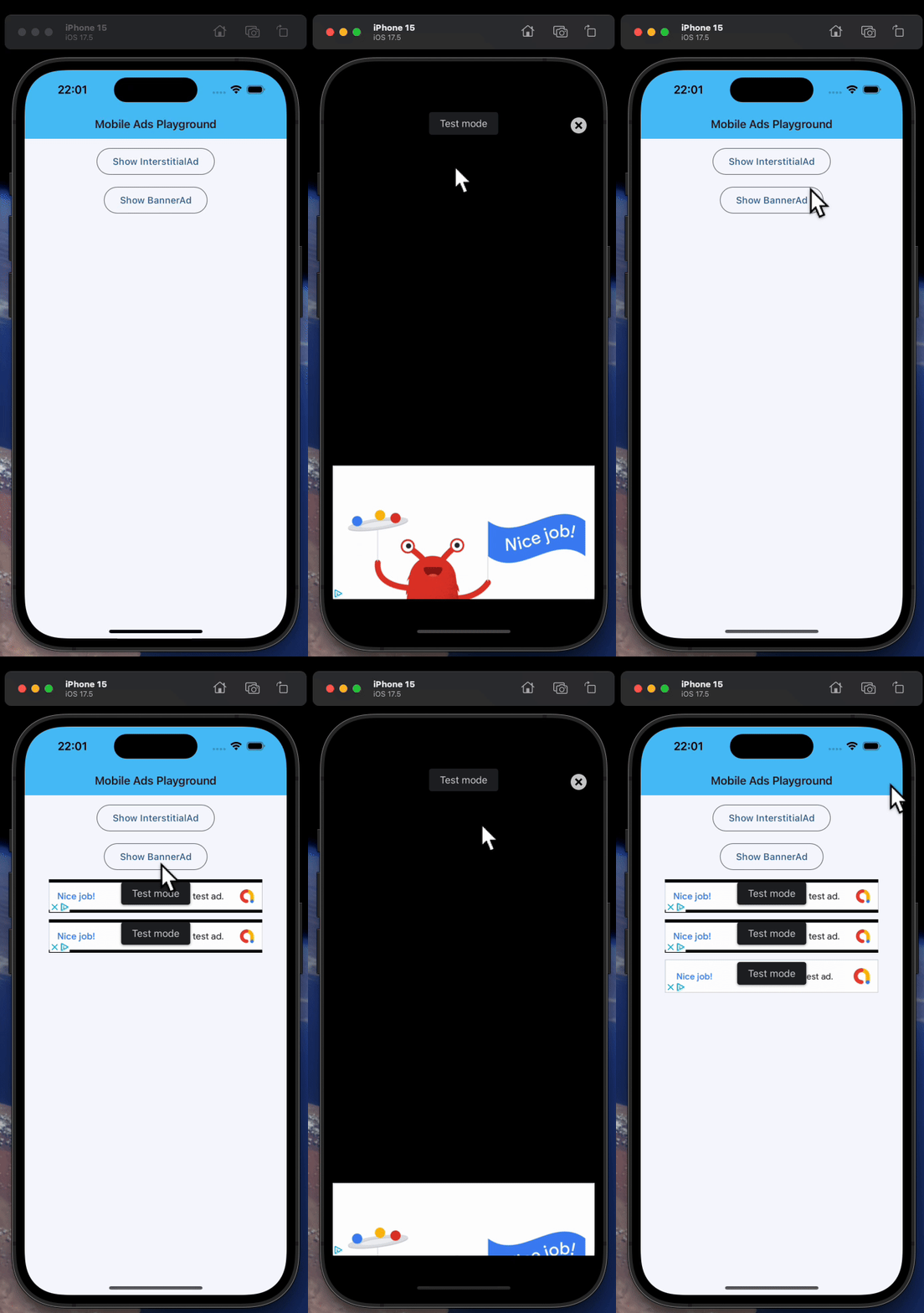](https://docs.flet.dev/examples/controls/ads/media/example_1.gif)
Back to top
---
# BannerAd - Flet
[Skip to content](https://docs.flet.dev/ads/bannerad/#flet_ads.banner_ad.BannerAd)
BannerAd
========
Displays a banner ad.
Test IDs
AdMob [provides](https://developers.google.com/admob/flutter/banner#always_test_with_test_ads)
unit IDs for testing purposes. Set [`unit_id`](https://docs.flet.dev/ads/basead/#flet_ads.base_ad.BaseAd.unit_id)
to the appropriate value based on the platform you're testing on:
* Android: `"ca-app-pub-3940256099942544/9214589741"`
* iOS: `"ca-app-pub-3940256099942544/2435281174"`
Remember to replace them in production.
Raises:
* `FletUnsupportedPlatformException` –
When this control is used on a web and/or non-mobile platform.
Inherits: `[LayoutControl](https://docs.flet.dev/controls/layoutcontrol/#flet.LayoutControl) `, `[BaseAd](https://docs.flet.dev/ads/basead/#flet_ads.base_ad.BaseAd) `
Events
* **`[on_paid](https://docs.flet.dev/ads/bannerad/#flet_ads.banner_ad.BannerAd.on_paid) `**(`[ControlEventHandler](https://docs.flet.dev/types/aliases/#flet.ControlEventHandler) [[PaidAdEvent](https://docs.flet.dev/ads/types/paidadevent/#flet_ads.types.PaidAdEvent) [[BannerAd](https://docs.flet.dev/ads/bannerad/#flet_ads.banner_ad.BannerAd) ]] | None`) –
Called when this ad is estimated to have earned money.
* **`[on_will_dismiss](https://docs.flet.dev/ads/bannerad/#flet_ads.banner_ad.BannerAd.on_will_dismiss) `**(`[ControlEventHandler](https://docs.flet.dev/types/aliases/#flet.ControlEventHandler) [[BannerAd](https://docs.flet.dev/ads/bannerad/#flet_ads.banner_ad.BannerAd) ] | None`) –
Called before dismissing a full screen view.
Examples[#](https://docs.flet.dev/ads/bannerad/#examples "Permanent link")
---------------------------------------------------------------------------
### Example 1[#](https://docs.flet.dev/ads/bannerad/#example-1 "Permanent link")
`[](https://docs.flet.dev/ads/bannerad/#__codelineno-0-1) import flet as ft [](https://docs.flet.dev/ads/bannerad/#__codelineno-0-2) import flet_ads as fta [](https://docs.flet.dev/ads/bannerad/#__codelineno-0-3)[](https://docs.flet.dev/ads/bannerad/#__codelineno-0-4) # Test ad unit IDs [](https://docs.flet.dev/ads/bannerad/#__codelineno-0-5) ids = { [](https://docs.flet.dev/ads/bannerad/#__codelineno-0-6) ft.PagePlatform.ANDROID: { [](https://docs.flet.dev/ads/bannerad/#__codelineno-0-7) "banner": "ca-app-pub-3940256099942544/6300978111", [](https://docs.flet.dev/ads/bannerad/#__codelineno-0-8) "interstitial": "ca-app-pub-3940256099942544/1033173712", [](https://docs.flet.dev/ads/bannerad/#__codelineno-0-9) }, [](https://docs.flet.dev/ads/bannerad/#__codelineno-0-10) ft.PagePlatform.IOS: { [](https://docs.flet.dev/ads/bannerad/#__codelineno-0-11) "banner": "ca-app-pub-3940256099942544/2934735716", [](https://docs.flet.dev/ads/bannerad/#__codelineno-0-12) "interstitial": "ca-app-pub-3940256099942544/4411468910", [](https://docs.flet.dev/ads/bannerad/#__codelineno-0-13) }, [](https://docs.flet.dev/ads/bannerad/#__codelineno-0-14) } [](https://docs.flet.dev/ads/bannerad/#__codelineno-0-15) [](https://docs.flet.dev/ads/bannerad/#__codelineno-0-16)[](https://docs.flet.dev/ads/bannerad/#__codelineno-0-17) def main(page: ft.Page): [](https://docs.flet.dev/ads/bannerad/#__codelineno-0-18) page.appbar = ft.AppBar( [](https://docs.flet.dev/ads/bannerad/#__codelineno-0-19) adaptive=True, [](https://docs.flet.dev/ads/bannerad/#__codelineno-0-20) title="Mobile Ads Playground", [](https://docs.flet.dev/ads/bannerad/#__codelineno-0-21) bgcolor=ft.Colors.LIGHT_BLUE_300, [](https://docs.flet.dev/ads/bannerad/#__codelineno-0-22) ) [](https://docs.flet.dev/ads/bannerad/#__codelineno-0-23) page.horizontal_alignment = ft.CrossAxisAlignment.CENTER [](https://docs.flet.dev/ads/bannerad/#__codelineno-0-24) page.scroll = ft.ScrollMode.AUTO [](https://docs.flet.dev/ads/bannerad/#__codelineno-0-25) [](https://docs.flet.dev/ads/bannerad/#__codelineno-0-26) def show_new_interstitial_ad(): [](https://docs.flet.dev/ads/bannerad/#__codelineno-0-27) async def show_iad(e: ft.Event[fta.InterstitialAd]): [](https://docs.flet.dev/ads/bannerad/#__codelineno-0-28) await iad.show() [](https://docs.flet.dev/ads/bannerad/#__codelineno-0-29) [](https://docs.flet.dev/ads/bannerad/#__codelineno-0-30) iad = fta.InterstitialAd( [](https://docs.flet.dev/ads/bannerad/#__codelineno-0-31) unit_id=ids[page.platform]["interstitial"], [](https://docs.flet.dev/ads/bannerad/#__codelineno-0-32) on_load=show_iad, [](https://docs.flet.dev/ads/bannerad/#__codelineno-0-33) on_error=lambda e: print("InterstitialAd error", e.data), [](https://docs.flet.dev/ads/bannerad/#__codelineno-0-34) on_open=lambda e: print("InterstitialAd opened"), [](https://docs.flet.dev/ads/bannerad/#__codelineno-0-35) on_close=lambda e: print("InterstitialAd closed"), [](https://docs.flet.dev/ads/bannerad/#__codelineno-0-36) on_impression=lambda e: print("InterstitialAd impression"), [](https://docs.flet.dev/ads/bannerad/#__codelineno-0-37) on_click=lambda e: print("InterstitialAd clicked"), [](https://docs.flet.dev/ads/bannerad/#__codelineno-0-38) ) [](https://docs.flet.dev/ads/bannerad/#__codelineno-0-39) [](https://docs.flet.dev/ads/bannerad/#__codelineno-0-40) def get_new_banner_ad() -> fta.BannerAd: [](https://docs.flet.dev/ads/bannerad/#__codelineno-0-41) return fta.BannerAd( [](https://docs.flet.dev/ads/bannerad/#__codelineno-0-42) unit_id=ids[page.platform]["banner"], [](https://docs.flet.dev/ads/bannerad/#__codelineno-0-43) width=320, [](https://docs.flet.dev/ads/bannerad/#__codelineno-0-44) height=50, [](https://docs.flet.dev/ads/bannerad/#__codelineno-0-45) on_click=lambda e: print("BannerAd clicked"), [](https://docs.flet.dev/ads/bannerad/#__codelineno-0-46) on_load=lambda e: print("BannerAd loaded"), [](https://docs.flet.dev/ads/bannerad/#__codelineno-0-47) on_error=lambda e: print("BannerAd error", e.data), [](https://docs.flet.dev/ads/bannerad/#__codelineno-0-48) on_open=lambda e: print("BannerAd opened"), [](https://docs.flet.dev/ads/bannerad/#__codelineno-0-49) on_close=lambda e: print("BannerAd closed"), [](https://docs.flet.dev/ads/bannerad/#__codelineno-0-50) on_impression=lambda e: print("BannerAd impression"), [](https://docs.flet.dev/ads/bannerad/#__codelineno-0-51) on_will_dismiss=lambda e: print("BannerAd will dismiss"), [](https://docs.flet.dev/ads/bannerad/#__codelineno-0-52) ) [](https://docs.flet.dev/ads/bannerad/#__codelineno-0-53) [](https://docs.flet.dev/ads/bannerad/#__codelineno-0-54) page.add( [](https://docs.flet.dev/ads/bannerad/#__codelineno-0-55) ft.OutlinedButton( [](https://docs.flet.dev/ads/bannerad/#__codelineno-0-56) content="Show InterstitialAd", [](https://docs.flet.dev/ads/bannerad/#__codelineno-0-57) on_click=show_new_interstitial_ad, [](https://docs.flet.dev/ads/bannerad/#__codelineno-0-58) disabled=page.web or not page.platform.is_mobile(), # mobile only [](https://docs.flet.dev/ads/bannerad/#__codelineno-0-59) ), [](https://docs.flet.dev/ads/bannerad/#__codelineno-0-60) ft.OutlinedButton( [](https://docs.flet.dev/ads/bannerad/#__codelineno-0-61) content="Show BannerAd", [](https://docs.flet.dev/ads/bannerad/#__codelineno-0-62) on_click=lambda e: page.add(get_new_banner_ad()), [](https://docs.flet.dev/ads/bannerad/#__codelineno-0-63) disabled=page.web or not page.platform.is_mobile(), # mobile only [](https://docs.flet.dev/ads/bannerad/#__codelineno-0-64) ), [](https://docs.flet.dev/ads/bannerad/#__codelineno-0-65) ) [](https://docs.flet.dev/ads/bannerad/#__codelineno-0-66) [](https://docs.flet.dev/ads/bannerad/#__codelineno-0-67)[](https://docs.flet.dev/ads/bannerad/#__codelineno-0-68) ft.run(main)`
[](https://docs.flet.dev/examples/controls/ads/media/example_1.gif)
Events[#](https://docs.flet.dev/ads/bannerad/#flet_ads.banner_ad.BannerAd-events "Permanent link")
---------------------------------------------------------------------------------------------------
### on\_paid `class-attribute` `instance-attribute` [#](https://docs.flet.dev/ads/bannerad/#flet_ads.banner_ad.BannerAd.on_paid "Permanent link")
`[](https://docs.flet.dev/ads/bannerad/#__codelineno-0-1) on_paid: ( [](https://docs.flet.dev/ads/bannerad/#__codelineno-0-2) [ControlEventHandler](https://docs.flet.dev/types/aliases/#flet.ControlEventHandler) [[PaidAdEvent](https://docs.flet.dev/ads/types/paidadevent/#flet_ads.types.PaidAdEvent) [[BannerAd](https://docs.flet.dev/ads/bannerad/#flet_ads.banner_ad.BannerAd) ]] | None [](https://docs.flet.dev/ads/bannerad/#__codelineno-0-3) ) = None`
Called when this ad is estimated to have earned money.
Available for allowlisted accounts only.
### on\_will\_dismiss `class-attribute` `instance-attribute` [#](https://docs.flet.dev/ads/bannerad/#flet_ads.banner_ad.BannerAd.on_will_dismiss "Permanent link")
`[](https://docs.flet.dev/ads/bannerad/#__codelineno-0-1) on_will_dismiss: [ControlEventHandler](https://docs.flet.dev/types/aliases/#flet.ControlEventHandler) [[BannerAd](https://docs.flet.dev/ads/bannerad/#flet_ads.banner_ad.BannerAd) ] | None = None`
Called before dismissing a full screen view.
Note
Only available on iOS.
Back to top
---
# Overview - Flet
[Skip to content](https://docs.flet.dev/api-reference/#api-reference)
API Reference[#](https://docs.flet.dev/api-reference/#api-reference "Permanent link")
======================================================================================
* [Controls](https://docs.flet.dev/controls/)
- UI building blocks with properties, events, and usage examples.
* [Services](https://docs.flet.dev/services/)
- Device and platform capabilities such as sensors, storage, and permissions.
* [CLI](https://docs.flet.dev/cli/)
- `flet` commands for creating, running, packaging, and debugging apps.
* [Types](https://docs.flet.dev/types/)
- Core types, enums, events, exceptions, and utilities shared across the SDK.
* [Built-in binary Python packages for Android and iOS](https://docs.flet.dev/reference/binary-packages-android-ios/)
- Prebuilt wheels available from `https://pypi.flet.dev` for mobile targets.
* [Environment Variables](https://docs.flet.dev/reference/environment-variables/)
- Runtime configuration toggles for apps and the CLI.
Back to top
---
# InterstitialAd - Flet
[Skip to content](https://docs.flet.dev/ads/interstitialad/#flet_ads.interstitial_ad.InterstitialAd)
InterstitialAd
==============
Displays a full-screen interstitial ad.
Note
Each instance is allowed to be shown (using [`show()`](https://docs.flet.dev/ads/interstitialad/#flet_ads.interstitial_ad.InterstitialAd.show)
) only once. To show another ad, create a new instance. Reusing an already-shown instance will result in errors or unexpected behavior.
Test IDs
AdMob [provides](https://developers.google.com/admob/flutter/banner#always_test_with_test_ads)
unit IDs for testing purposes. Set [`unit_id`](https://docs.flet.dev/ads/basead/#flet_ads.base_ad.BaseAd.unit_id)
to the appropriate value based on the platform you're testing on:
* Android: `"ca-app-pub-3940256099942544/1033173712"`
* iOS: `"ca-app-pub-3940256099942544/4411468910"`
Remember to replace them in production.
Raises:
* `FletUnsupportedPlatformException` –
When using this control on a web and/or non-mobile platform.
Inherits: `[Service](https://docs.flet.dev/controls/service/#flet.Service) `, `[BaseAd](https://docs.flet.dev/ads/basead/#flet_ads.base_ad.BaseAd) `
Methods
* **`[show](https://docs.flet.dev/ads/interstitialad/#flet_ads.interstitial_ad.InterstitialAd.show) `** –
Present the loaded interstitial ad as a full-screen overlay.
Examples[#](https://docs.flet.dev/ads/interstitialad/#examples "Permanent link")
---------------------------------------------------------------------------------
### Example 1[#](https://docs.flet.dev/ads/interstitialad/#example-1 "Permanent link")
`[](https://docs.flet.dev/ads/interstitialad/#__codelineno-0-1) import flet as ft [](https://docs.flet.dev/ads/interstitialad/#__codelineno-0-2) import flet_ads as fta [](https://docs.flet.dev/ads/interstitialad/#__codelineno-0-3)[](https://docs.flet.dev/ads/interstitialad/#__codelineno-0-4) # Test ad unit IDs [](https://docs.flet.dev/ads/interstitialad/#__codelineno-0-5) ids = { [](https://docs.flet.dev/ads/interstitialad/#__codelineno-0-6) ft.PagePlatform.ANDROID: { [](https://docs.flet.dev/ads/interstitialad/#__codelineno-0-7) "banner": "ca-app-pub-3940256099942544/6300978111", [](https://docs.flet.dev/ads/interstitialad/#__codelineno-0-8) "interstitial": "ca-app-pub-3940256099942544/1033173712", [](https://docs.flet.dev/ads/interstitialad/#__codelineno-0-9) }, [](https://docs.flet.dev/ads/interstitialad/#__codelineno-0-10) ft.PagePlatform.IOS: { [](https://docs.flet.dev/ads/interstitialad/#__codelineno-0-11) "banner": "ca-app-pub-3940256099942544/2934735716", [](https://docs.flet.dev/ads/interstitialad/#__codelineno-0-12) "interstitial": "ca-app-pub-3940256099942544/4411468910", [](https://docs.flet.dev/ads/interstitialad/#__codelineno-0-13) }, [](https://docs.flet.dev/ads/interstitialad/#__codelineno-0-14) } [](https://docs.flet.dev/ads/interstitialad/#__codelineno-0-15) [](https://docs.flet.dev/ads/interstitialad/#__codelineno-0-16)[](https://docs.flet.dev/ads/interstitialad/#__codelineno-0-17) def main(page: ft.Page): [](https://docs.flet.dev/ads/interstitialad/#__codelineno-0-18) page.appbar = ft.AppBar( [](https://docs.flet.dev/ads/interstitialad/#__codelineno-0-19) adaptive=True, [](https://docs.flet.dev/ads/interstitialad/#__codelineno-0-20) title="Mobile Ads Playground", [](https://docs.flet.dev/ads/interstitialad/#__codelineno-0-21) bgcolor=ft.Colors.LIGHT_BLUE_300, [](https://docs.flet.dev/ads/interstitialad/#__codelineno-0-22) ) [](https://docs.flet.dev/ads/interstitialad/#__codelineno-0-23) page.horizontal_alignment = ft.CrossAxisAlignment.CENTER [](https://docs.flet.dev/ads/interstitialad/#__codelineno-0-24) page.scroll = ft.ScrollMode.AUTO [](https://docs.flet.dev/ads/interstitialad/#__codelineno-0-25) [](https://docs.flet.dev/ads/interstitialad/#__codelineno-0-26) def show_new_interstitial_ad(): [](https://docs.flet.dev/ads/interstitialad/#__codelineno-0-27) async def show_iad(e: ft.Event[fta.InterstitialAd]): [](https://docs.flet.dev/ads/interstitialad/#__codelineno-0-28) await iad.show() [](https://docs.flet.dev/ads/interstitialad/#__codelineno-0-29) [](https://docs.flet.dev/ads/interstitialad/#__codelineno-0-30) iad = fta.InterstitialAd( [](https://docs.flet.dev/ads/interstitialad/#__codelineno-0-31) unit_id=ids[page.platform]["interstitial"], [](https://docs.flet.dev/ads/interstitialad/#__codelineno-0-32) on_load=show_iad, [](https://docs.flet.dev/ads/interstitialad/#__codelineno-0-33) on_error=lambda e: print("InterstitialAd error", e.data), [](https://docs.flet.dev/ads/interstitialad/#__codelineno-0-34) on_open=lambda e: print("InterstitialAd opened"), [](https://docs.flet.dev/ads/interstitialad/#__codelineno-0-35) on_close=lambda e: print("InterstitialAd closed"), [](https://docs.flet.dev/ads/interstitialad/#__codelineno-0-36) on_impression=lambda e: print("InterstitialAd impression"), [](https://docs.flet.dev/ads/interstitialad/#__codelineno-0-37) on_click=lambda e: print("InterstitialAd clicked"), [](https://docs.flet.dev/ads/interstitialad/#__codelineno-0-38) ) [](https://docs.flet.dev/ads/interstitialad/#__codelineno-0-39) [](https://docs.flet.dev/ads/interstitialad/#__codelineno-0-40) def get_new_banner_ad() -> fta.BannerAd: [](https://docs.flet.dev/ads/interstitialad/#__codelineno-0-41) return fta.BannerAd( [](https://docs.flet.dev/ads/interstitialad/#__codelineno-0-42) unit_id=ids[page.platform]["banner"], [](https://docs.flet.dev/ads/interstitialad/#__codelineno-0-43) width=320, [](https://docs.flet.dev/ads/interstitialad/#__codelineno-0-44) height=50, [](https://docs.flet.dev/ads/interstitialad/#__codelineno-0-45) on_click=lambda e: print("BannerAd clicked"), [](https://docs.flet.dev/ads/interstitialad/#__codelineno-0-46) on_load=lambda e: print("BannerAd loaded"), [](https://docs.flet.dev/ads/interstitialad/#__codelineno-0-47) on_error=lambda e: print("BannerAd error", e.data), [](https://docs.flet.dev/ads/interstitialad/#__codelineno-0-48) on_open=lambda e: print("BannerAd opened"), [](https://docs.flet.dev/ads/interstitialad/#__codelineno-0-49) on_close=lambda e: print("BannerAd closed"), [](https://docs.flet.dev/ads/interstitialad/#__codelineno-0-50) on_impression=lambda e: print("BannerAd impression"), [](https://docs.flet.dev/ads/interstitialad/#__codelineno-0-51) on_will_dismiss=lambda e: print("BannerAd will dismiss"), [](https://docs.flet.dev/ads/interstitialad/#__codelineno-0-52) ) [](https://docs.flet.dev/ads/interstitialad/#__codelineno-0-53) [](https://docs.flet.dev/ads/interstitialad/#__codelineno-0-54) page.add( [](https://docs.flet.dev/ads/interstitialad/#__codelineno-0-55) ft.OutlinedButton( [](https://docs.flet.dev/ads/interstitialad/#__codelineno-0-56) content="Show InterstitialAd", [](https://docs.flet.dev/ads/interstitialad/#__codelineno-0-57) on_click=show_new_interstitial_ad, [](https://docs.flet.dev/ads/interstitialad/#__codelineno-0-58) disabled=page.web or not page.platform.is_mobile(), # mobile only [](https://docs.flet.dev/ads/interstitialad/#__codelineno-0-59) ), [](https://docs.flet.dev/ads/interstitialad/#__codelineno-0-60) ft.OutlinedButton( [](https://docs.flet.dev/ads/interstitialad/#__codelineno-0-61) content="Show BannerAd", [](https://docs.flet.dev/ads/interstitialad/#__codelineno-0-62) on_click=lambda e: page.add(get_new_banner_ad()), [](https://docs.flet.dev/ads/interstitialad/#__codelineno-0-63) disabled=page.web or not page.platform.is_mobile(), # mobile only [](https://docs.flet.dev/ads/interstitialad/#__codelineno-0-64) ), [](https://docs.flet.dev/ads/interstitialad/#__codelineno-0-65) ) [](https://docs.flet.dev/ads/interstitialad/#__codelineno-0-66) [](https://docs.flet.dev/ads/interstitialad/#__codelineno-0-67)[](https://docs.flet.dev/ads/interstitialad/#__codelineno-0-68) ft.run(main)`
[](https://docs.flet.dev/examples/controls/ads/media/example_1.gif)
Methods[#](https://docs.flet.dev/ads/interstitialad/#flet_ads.interstitial_ad.InterstitialAd-methods "Permanent link")
-----------------------------------------------------------------------------------------------------------------------
### show `async` [#](https://docs.flet.dev/ads/interstitialad/#flet_ads.interstitial_ad.InterstitialAd.show "Permanent link")
`[](https://docs.flet.dev/ads/interstitialad/#__codelineno-0-1) show()`
Present the loaded interstitial ad as a full-screen overlay.
The ad must be loaded before this method is called.
Back to top
---
# Audio - Flet
[Skip to content](https://docs.flet.dev/audio/#audio)
Audio[#](https://docs.flet.dev/audio/#audio "Permanent link")
==============================================================
Allows playing audio in [Flet](https://flet.dev/)
apps.
Platform Support[#](https://docs.flet.dev/audio/#platform-support "Permanent link")
------------------------------------------------------------------------------------
| Platform | Windows | macOS | Linux | iOS | Android | Web |
| --- | --- | --- | --- | --- | --- | --- |
| Supported | ✅ | ✅ | ✅ | ✅ | ✅ | ✅ |
Usage[#](https://docs.flet.dev/audio/#usage "Permanent link")
--------------------------------------------------------------
To use `Audio` control add `flet-audio` package to your project dependencies:
uvpip
`[](https://docs.flet.dev/audio/#__codelineno-0-1) uv add flet-audio`
`[](https://docs.flet.dev/audio/#__codelineno-1-1) pip install flet-audio # (1)!`
1. After this, you will have to manually add this package to your `requirements.txt` or `pyproject.toml`.
Linux requirements
To play audio on Linux (or [WSL](https://docs.microsoft.com/en-us/windows/wsl/about)
) you need to install [`GStreamer`](https://github.com/GStreamer/gstreamer)
library.
To install the minimal set of GStreamer libs on Ubuntu/Debian, run:
`[](https://docs.flet.dev/audio/#__codelineno-2-1) sudo apt install libgtk-3-dev libgstreamer1.0-dev libgstreamer-plugins-base1.0-dev`
To install the full set:
`[](https://docs.flet.dev/audio/#__codelineno-3-1) sudo apt install \ [](https://docs.flet.dev/audio/#__codelineno-3-2) libgstreamer1.0-dev libgstreamer-plugins-base1.0-dev libgstreamer-plugins-bad1.0-dev \ [](https://docs.flet.dev/audio/#__codelineno-3-3) gstreamer1.0-plugins-base gstreamer1.0-plugins-good gstreamer1.0-plugins-bad \ [](https://docs.flet.dev/audio/#__codelineno-3-4) gstreamer1.0-plugins-ugly gstreamer1.0-libav gstreamer1.0-doc gstreamer1.0-tools \ [](https://docs.flet.dev/audio/#__codelineno-3-5) gstreamer1.0-x gstreamer1.0-alsa gstreamer1.0-gl gstreamer1.0-gtk3 \ [](https://docs.flet.dev/audio/#__codelineno-3-6) gstreamer1.0-qt5 gstreamer1.0-pulseaudio`
If you receive `error while loading shared libraries: libgstapp-1.0.so.0`, it means `GStreamer` is not installed in your WSL environment. Install the full set of GStreamer libs, as shown above.
See [this guide](https://gstreamer.freedesktop.org/documentation/installing/on-linux.html?gi-language=c)
for installing on other Linux distributions.
Examples[#](https://docs.flet.dev/audio/#examples "Permanent link")
--------------------------------------------------------------------
### Basic example[#](https://docs.flet.dev/audio/#basic-example "Permanent link")
`[](https://docs.flet.dev/audio/#__codelineno-4-1) import flet as ft [](https://docs.flet.dev/audio/#__codelineno-4-2) import flet_audio as fta [](https://docs.flet.dev/audio/#__codelineno-4-3) [](https://docs.flet.dev/audio/#__codelineno-4-4)[](https://docs.flet.dev/audio/#__codelineno-4-5) def main(page: ft.Page): [](https://docs.flet.dev/audio/#__codelineno-4-6) url = "https://github.com/mdn/webaudio-examples/blob/main/audio-analyser/viper.mp3?raw=true" [](https://docs.flet.dev/audio/#__codelineno-4-7) [](https://docs.flet.dev/audio/#__codelineno-4-8) async def play(): [](https://docs.flet.dev/audio/#__codelineno-4-9) await audio.play() [](https://docs.flet.dev/audio/#__codelineno-4-10) [](https://docs.flet.dev/audio/#__codelineno-4-11) async def pause(): [](https://docs.flet.dev/audio/#__codelineno-4-12) await audio.pause() [](https://docs.flet.dev/audio/#__codelineno-4-13) [](https://docs.flet.dev/audio/#__codelineno-4-14) async def resume(): [](https://docs.flet.dev/audio/#__codelineno-4-15) await audio.resume() [](https://docs.flet.dev/audio/#__codelineno-4-16) [](https://docs.flet.dev/audio/#__codelineno-4-17) async def release(): [](https://docs.flet.dev/audio/#__codelineno-4-18) await audio.release() [](https://docs.flet.dev/audio/#__codelineno-4-19) [](https://docs.flet.dev/audio/#__codelineno-4-20) def set_volume(value: float): [](https://docs.flet.dev/audio/#__codelineno-4-21) audio.volume += value [](https://docs.flet.dev/audio/#__codelineno-4-22) [](https://docs.flet.dev/audio/#__codelineno-4-23) def set_balance(value: float): [](https://docs.flet.dev/audio/#__codelineno-4-24) audio.balance += value [](https://docs.flet.dev/audio/#__codelineno-4-25) [](https://docs.flet.dev/audio/#__codelineno-4-26) async def seek_2s(): [](https://docs.flet.dev/audio/#__codelineno-4-27) await audio.seek(ft.Duration(seconds=2)) [](https://docs.flet.dev/audio/#__codelineno-4-28) [](https://docs.flet.dev/audio/#__codelineno-4-29) async def get_duration(): [](https://docs.flet.dev/audio/#__codelineno-4-30) duration = await audio.get_duration() [](https://docs.flet.dev/audio/#__codelineno-4-31) print("Duration:", duration) [](https://docs.flet.dev/audio/#__codelineno-4-32) [](https://docs.flet.dev/audio/#__codelineno-4-33) async def on_get_current_position(): [](https://docs.flet.dev/audio/#__codelineno-4-34) position = await audio.get_current_position() [](https://docs.flet.dev/audio/#__codelineno-4-35) print("Current position:", position) [](https://docs.flet.dev/audio/#__codelineno-4-36) [](https://docs.flet.dev/audio/#__codelineno-4-37) audio = fta.Audio( [](https://docs.flet.dev/audio/#__codelineno-4-38) src=url, [](https://docs.flet.dev/audio/#__codelineno-4-39) autoplay=False, [](https://docs.flet.dev/audio/#__codelineno-4-40) volume=1, [](https://docs.flet.dev/audio/#__codelineno-4-41) balance=0, [](https://docs.flet.dev/audio/#__codelineno-4-42) release_mode=fta.ReleaseMode.STOP, [](https://docs.flet.dev/audio/#__codelineno-4-43) on_loaded=lambda _: print("Loaded"), [](https://docs.flet.dev/audio/#__codelineno-4-44) on_duration_change=lambda e: print("Duration changed:", e.duration), [](https://docs.flet.dev/audio/#__codelineno-4-45) on_position_change=lambda e: print("Position changed:", e.position), [](https://docs.flet.dev/audio/#__codelineno-4-46) on_state_change=lambda e: print("State changed:", e.state), [](https://docs.flet.dev/audio/#__codelineno-4-47) on_seek_complete=lambda _: print("Seek complete"), [](https://docs.flet.dev/audio/#__codelineno-4-48) ) [](https://docs.flet.dev/audio/#__codelineno-4-49) [](https://docs.flet.dev/audio/#__codelineno-4-50) page.add( [](https://docs.flet.dev/audio/#__codelineno-4-51) ft.Button("Play", on_click=play), [](https://docs.flet.dev/audio/#__codelineno-4-52) ft.Button("Pause", on_click=pause), [](https://docs.flet.dev/audio/#__codelineno-4-53) ft.Button("Resume", on_click=resume), [](https://docs.flet.dev/audio/#__codelineno-4-54) ft.Button("Release", on_click=release), [](https://docs.flet.dev/audio/#__codelineno-4-55) ft.Button("Seek 2s", on_click=seek_2s), [](https://docs.flet.dev/audio/#__codelineno-4-56) ft.Row( [](https://docs.flet.dev/audio/#__codelineno-4-57) controls=[ [](https://docs.flet.dev/audio/#__codelineno-4-58) ft.Button("Volume down", on_click=lambda _: set_volume(-0.1)), [](https://docs.flet.dev/audio/#__codelineno-4-59) ft.Button("Volume up", on_click=lambda _: set_volume(0.1)), [](https://docs.flet.dev/audio/#__codelineno-4-60) ] [](https://docs.flet.dev/audio/#__codelineno-4-61) ), [](https://docs.flet.dev/audio/#__codelineno-4-62) ft.Row( [](https://docs.flet.dev/audio/#__codelineno-4-63) controls=[ [](https://docs.flet.dev/audio/#__codelineno-4-64) ft.Button("Balance left", on_click=lambda _: set_balance(-0.1)), [](https://docs.flet.dev/audio/#__codelineno-4-65) ft.Button("Balance right", on_click=lambda _: set_balance(0.1)), [](https://docs.flet.dev/audio/#__codelineno-4-66) ] [](https://docs.flet.dev/audio/#__codelineno-4-67) ), [](https://docs.flet.dev/audio/#__codelineno-4-68) ft.Button("Get duration", on_click=get_duration), [](https://docs.flet.dev/audio/#__codelineno-4-69) ft.Button("Get current position", on_click=on_get_current_position), [](https://docs.flet.dev/audio/#__codelineno-4-70) ) [](https://docs.flet.dev/audio/#__codelineno-4-71) [](https://docs.flet.dev/audio/#__codelineno-4-72)[](https://docs.flet.dev/audio/#__codelineno-4-73) ft.run(main)`
Description[#](https://docs.flet.dev/audio/#description "Permanent link")
--------------------------------------------------------------------------
Inherits: `[Service](https://docs.flet.dev/controls/service/#flet.Service) `
A control to simultaneously play multiple audio sources.
Properties
* **`[autoplay](https://docs.flet.dev/audio/#flet_audio.Audio.autoplay) `**(`[bool](https://docs.python.org/3/library/functions.html#bool) `) –
Starts playing audio as soon as audio control is added to a page.
* **`[balance](https://docs.flet.dev/audio/#flet_audio.Audio.balance) `**(`[Number](https://docs.flet.dev/types/aliases/#flet.Number) `) –
Defines the stereo balance.
* **`[playback_rate](https://docs.flet.dev/audio/#flet_audio.Audio.playback_rate) `**(`[Number](https://docs.flet.dev/types/aliases/#flet.Number) `) –
Defines the playback rate.
* **`[release_mode](https://docs.flet.dev/audio/#flet_audio.Audio.release_mode) `**(`[ReleaseMode](https://docs.flet.dev/audio/types/releasemode/#flet_audio.ReleaseMode) `) –
Defines the release mode.
* **`[src](https://docs.flet.dev/audio/#flet_audio.Audio.src) `**(`[str](https://docs.python.org/3/library/stdtypes.html#str) | [bytes](https://docs.python.org/3/library/stdtypes.html#bytes) | None`) –
The audio source.
* **`[volume](https://docs.flet.dev/audio/#flet_audio.Audio.volume) `**(`[Number](https://docs.flet.dev/types/aliases/#flet.Number) `) –
Sets the volume (amplitude).
Events
* **`[on_duration_change](https://docs.flet.dev/audio/#flet_audio.Audio.on_duration_change) `**(`[EventHandler](https://docs.flet.dev/types/aliases/#flet.EventHandler) [[AudioDurationChangeEvent](https://docs.flet.dev/audio/types/audiodurationchangeevent/#flet_audio.AudioDurationChangeEvent) ] | None`) –
Fires as soon as audio duration is available
* **`[on_loaded](https://docs.flet.dev/audio/#flet_audio.Audio.on_loaded) `**(`[ControlEventHandler](https://docs.flet.dev/types/aliases/#flet.ControlEventHandler) [[Audio](https://docs.flet.dev/audio/#flet_audio.Audio) ] | None`) –
Fires when an audio is loaded/buffered.
* **`[on_position_change](https://docs.flet.dev/audio/#flet_audio.Audio.on_position_change) `**(`[EventHandler](https://docs.flet.dev/types/aliases/#flet.EventHandler) [[AudioPositionChangeEvent](https://docs.flet.dev/audio/types/audiopositionchangeevent/#flet_audio.AudioPositionChangeEvent) ] | None`) –
Fires when audio position is changed.
* **`[on_seek_complete](https://docs.flet.dev/audio/#flet_audio.Audio.on_seek_complete) `**(`[ControlEventHandler](https://docs.flet.dev/types/aliases/#flet.ControlEventHandler) [[Audio](https://docs.flet.dev/audio/#flet_audio.Audio) ] | None`) –
Fires on seek completions.
* **`[on_state_change](https://docs.flet.dev/audio/#flet_audio.Audio.on_state_change) `**(`[EventHandler](https://docs.flet.dev/types/aliases/#flet.EventHandler) [[AudioStateChangeEvent](https://docs.flet.dev/audio/types/audiostatechangeevent/#flet_audio.AudioStateChangeEvent) ] | None`) –
Fires when audio player state changes.
Methods
* **`[get_current_position](https://docs.flet.dev/audio/#flet_audio.Audio.get_current_position) `** –
Get the current position of the audio playback.
* **`[get_duration](https://docs.flet.dev/audio/#flet_audio.Audio.get_duration) `** –
Get audio duration of the audio playback.
* **`[pause](https://docs.flet.dev/audio/#flet_audio.Audio.pause) `** –
Pauses the audio that is currently playing.
* **`[play](https://docs.flet.dev/audio/#flet_audio.Audio.play) `** –
Starts playing audio from the specified `position`.
* **`[release](https://docs.flet.dev/audio/#flet_audio.Audio.release) `** –
Releases the resources associated with this media player.
* **`[resume](https://docs.flet.dev/audio/#flet_audio.Audio.resume) `** –
Resumes the audio that has been paused or stopped.
* **`[seek](https://docs.flet.dev/audio/#flet_audio.Audio.seek) `** –
Moves the cursor to the desired position.
Properties[#](https://docs.flet.dev/audio/#flet_audio.Audio-properties "Permanent link")
-----------------------------------------------------------------------------------------
### autoplay `class-attribute` `instance-attribute` [#](https://docs.flet.dev/audio/#flet_audio.Audio.autoplay "Permanent link")
`[](https://docs.flet.dev/audio/#__codelineno-0-1) autoplay: [bool](https://docs.python.org/3/library/functions.html#bool) = False`
Starts playing audio as soon as audio control is added to a page.
Note
Autoplay works in desktop, mobile apps and Safari browser, but doesn't work in Chrome/Edge.
### balance `class-attribute` `instance-attribute` [#](https://docs.flet.dev/audio/#flet_audio.Audio.balance "Permanent link")
`[](https://docs.flet.dev/audio/#__codelineno-0-1) balance: [Number](https://docs.flet.dev/types/aliases/#flet.Number) = 0.0`
Defines the stereo balance.
* `-1` - The left channel is at full volume; the right channel is silent.
* `1` - The right channel is at full volume; the left channel is silent.
* `0` - Both channels are at the same volume.
### playback\_rate `class-attribute` `instance-attribute` [#](https://docs.flet.dev/audio/#flet_audio.Audio.playback_rate "Permanent link")
`[](https://docs.flet.dev/audio/#__codelineno-0-1) playback_rate: [Number](https://docs.flet.dev/types/aliases/#flet.Number) = 1.0`
Defines the playback rate.
Should ideally be set when creating the constructor.
Note
* iOS and macOS have limits between `0.5x` and `2x`.
* Android SDK version should be 23 or higher.
### release\_mode `class-attribute` `instance-attribute` [#](https://docs.flet.dev/audio/#flet_audio.Audio.release_mode "Permanent link")
`[](https://docs.flet.dev/audio/#__codelineno-0-1) release_mode: [ReleaseMode](https://docs.flet.dev/audio/types/releasemode/#flet_audio.ReleaseMode) = [RELEASE](https://docs.flet.dev/audio/types/releasemode/#flet_audio.ReleaseMode.RELEASE)`
Defines the release mode.
### src `class-attribute` `instance-attribute` [#](https://docs.flet.dev/audio/#flet_audio.Audio.src "Permanent link")
`[](https://docs.flet.dev/audio/#__codelineno-0-1) src: [str](https://docs.python.org/3/library/stdtypes.html#str) | [bytes](https://docs.python.org/3/library/stdtypes.html#bytes) | None = None`
The audio source.
It can be one of the following: - A URL or local [asset file](https://docs.flet.dev/cookbook/assets)
path; - A base64 string; - Raw bytes.
Note
[Here](https://github.com/bluefireteam/audioplayers/blob/main/troubleshooting.md#supported-formats--encodings)
is a list of supported audio formats.
### volume `class-attribute` `instance-attribute` [#](https://docs.flet.dev/audio/#flet_audio.Audio.volume "Permanent link")
`[](https://docs.flet.dev/audio/#__codelineno-0-1) volume: [Number](https://docs.flet.dev/types/aliases/#flet.Number) = 1.0`
Sets the volume (amplitude). It's value ranges between `0.0` (mute) and `1.0` (maximum volume). Intermediate values are linearly interpolated.
Events[#](https://docs.flet.dev/audio/#flet_audio.Audio-events "Permanent link")
---------------------------------------------------------------------------------
### on\_duration\_change `class-attribute` `instance-attribute` [#](https://docs.flet.dev/audio/#flet_audio.Audio.on_duration_change "Permanent link")
`[](https://docs.flet.dev/audio/#__codelineno-0-1) on_duration_change: ( [](https://docs.flet.dev/audio/#__codelineno-0-2) [EventHandler](https://docs.flet.dev/types/aliases/#flet.EventHandler) [[AudioDurationChangeEvent](https://docs.flet.dev/audio/types/audiodurationchangeevent/#flet_audio.AudioDurationChangeEvent) ] | None [](https://docs.flet.dev/audio/#__codelineno-0-3) ) = None`
Fires as soon as audio duration is available (it might take a while to download or buffer it).
### on\_loaded `class-attribute` `instance-attribute` [#](https://docs.flet.dev/audio/#flet_audio.Audio.on_loaded "Permanent link")
`[](https://docs.flet.dev/audio/#__codelineno-0-1) on_loaded: [ControlEventHandler](https://docs.flet.dev/types/aliases/#flet.ControlEventHandler) [[Audio](https://docs.flet.dev/audio/#flet_audio.Audio) ] | None = None`
Fires when an audio is loaded/buffered.
### on\_position\_change `class-attribute` `instance-attribute` [#](https://docs.flet.dev/audio/#flet_audio.Audio.on_position_change "Permanent link")
`[](https://docs.flet.dev/audio/#__codelineno-0-1) on_position_change: ( [](https://docs.flet.dev/audio/#__codelineno-0-2) [EventHandler](https://docs.flet.dev/types/aliases/#flet.EventHandler) [[AudioPositionChangeEvent](https://docs.flet.dev/audio/types/audiopositionchangeevent/#flet_audio.AudioPositionChangeEvent) ] | None [](https://docs.flet.dev/audio/#__codelineno-0-3) ) = None`
Fires when audio position is changed. Will continuously update the position of the playback every 1 second if the status is playing.
Can be used for a progress bar.
### on\_seek\_complete `class-attribute` `instance-attribute` [#](https://docs.flet.dev/audio/#flet_audio.Audio.on_seek_complete "Permanent link")
`[](https://docs.flet.dev/audio/#__codelineno-0-1) on_seek_complete: [ControlEventHandler](https://docs.flet.dev/types/aliases/#flet.ControlEventHandler) [[Audio](https://docs.flet.dev/audio/#flet_audio.Audio) ] | None = None`
Fires on seek completions. An event is going to be sent as soon as the audio seek is finished.
### on\_state\_change `class-attribute` `instance-attribute` [#](https://docs.flet.dev/audio/#flet_audio.Audio.on_state_change "Permanent link")
`[](https://docs.flet.dev/audio/#__codelineno-0-1) on_state_change: ( [](https://docs.flet.dev/audio/#__codelineno-0-2) [EventHandler](https://docs.flet.dev/types/aliases/#flet.EventHandler) [[AudioStateChangeEvent](https://docs.flet.dev/audio/types/audiostatechangeevent/#flet_audio.AudioStateChangeEvent) ] | None [](https://docs.flet.dev/audio/#__codelineno-0-3) ) = None`
Fires when audio player state changes.
Methods[#](https://docs.flet.dev/audio/#flet_audio.Audio-methods "Permanent link")
-----------------------------------------------------------------------------------
### get\_current\_position `async` [#](https://docs.flet.dev/audio/#flet_audio.Audio.get_current_position "Permanent link")
`[](https://docs.flet.dev/audio/#__codelineno-0-1) get_current_position() -> [Duration](https://docs.flet.dev/types/duration/#flet.Duration) | None`
Get the current position of the audio playback.
Returns:
* `[Duration](https://docs.flet.dev/types/duration/#flet.Duration) | None` –
The current position of the audio playback.
### get\_duration `async` [#](https://docs.flet.dev/audio/#flet_audio.Audio.get_duration "Permanent link")
`[](https://docs.flet.dev/audio/#__codelineno-0-1) get_duration() -> [Duration](https://docs.flet.dev/types/duration/#flet.Duration) | None`
Get audio duration of the audio playback.
It will be available as soon as the audio duration is available (it might take a while to download or buffer it if file is not local).
Returns:
* `[Duration](https://docs.flet.dev/types/duration/#flet.Duration) | None` –
The duration of audio playback.
### pause `async` [#](https://docs.flet.dev/audio/#flet_audio.Audio.pause "Permanent link")
`[](https://docs.flet.dev/audio/#__codelineno-0-1) pause()`
Pauses the audio that is currently playing.
If you call [`resume()`](https://docs.flet.dev/audio/#flet_audio.Audio.resume)
later, the audio will resume from the point that it has been paused.
### play `async` [#](https://docs.flet.dev/audio/#flet_audio.Audio.play "Permanent link")
`[](https://docs.flet.dev/audio/#__codelineno-0-1) play(position: [DurationValue](https://docs.flet.dev/types/aliases/#flet.DurationValue) = 0)`
Starts playing audio from the specified `position`.
Parameters:
* **`position`** (`[DurationValue](https://docs.flet.dev/types/aliases/#flet.DurationValue) `, default: `0` ) –
The position to start playback from.
### release `async` [#](https://docs.flet.dev/audio/#flet_audio.Audio.release "Permanent link")
`[](https://docs.flet.dev/audio/#__codelineno-0-1) release()`
Releases the resources associated with this media player. These are going to be fetched or buffered again as soon as you change the source or call [`resume()`](https://docs.flet.dev/audio/#flet_audio.Audio.resume)
.
### resume `async` [#](https://docs.flet.dev/audio/#flet_audio.Audio.resume "Permanent link")
`[](https://docs.flet.dev/audio/#__codelineno-0-1) resume()`
Resumes the audio that has been paused or stopped.
### seek `async` [#](https://docs.flet.dev/audio/#flet_audio.Audio.seek "Permanent link")
`[](https://docs.flet.dev/audio/#__codelineno-0-1) seek(position: [DurationValue](https://docs.flet.dev/types/aliases/#flet.DurationValue) )`
Moves the cursor to the desired position.
Parameters:
* **`position`** (`[DurationValue](https://docs.flet.dev/types/aliases/#flet.DurationValue) `) –
The position to seek/move to.
Back to top
---
# AudioRecorder - Flet
[Skip to content](https://docs.flet.dev/audio_recorder/#audio-recorder)
Audio Recorder[#](https://docs.flet.dev/audio_recorder/#audio-recorder "Permanent link")
=========================================================================================
Allows recording audio in [Flet](https://flet.dev/)
apps.
It is based on the [record](https://pub.dev/packages/record)
Flutter package.
Platform Support[#](https://docs.flet.dev/audio_recorder/#platform-support "Permanent link")
---------------------------------------------------------------------------------------------
| Platform | Windows | macOS | Linux | iOS | Android | Web |
| --- | --- | --- | --- | --- | --- | --- |
| Supported | ✅ | ✅ | ✅ | ✅ | ✅ | ✅ |
Usage[#](https://docs.flet.dev/audio_recorder/#usage "Permanent link")
-----------------------------------------------------------------------
To use `AudioRecorder` service add `flet-audio-recorder` package to your project dependencies:
uvpip
`[](https://docs.flet.dev/audio_recorder/#__codelineno-0-1) uv add flet-audio-recorder`
`[](https://docs.flet.dev/audio_recorder/#__codelineno-1-1) pip install flet-audio-recorder # (1)!`
1. After this, you will have to manually add this package to your `requirements.txt` or `pyproject.toml`.
Requirements[#](https://docs.flet.dev/audio_recorder/#requirements "Permanent link")
-------------------------------------------------------------------------------------
The below sections show the required configurations for each platform.
### Android[#](https://docs.flet.dev/audio_recorder/#android "Permanent link")
Configuration to be made to access the microphone:
* [`android.permission.RECORD_AUDIO`](https://developer.android.com/reference/android/Manifest.permission#RECORD_AUDIO)
: Allows audio recording.
* [`android.permission.WRITE_EXTERNAL_STORAGE`](https://developer.android.com/reference/android/Manifest.permission#WRITE_EXTERNAL_STORAGE)
(optional): Allows saving your recordings in public folders.
* [`android.permission.MODIFY_AUDIO_SETTINGS`](https://developer.android.com/reference/android/Manifest.permission#MODIFY_AUDIO_SETTINGS)
(optional): Allows using bluetooth telephony device like headset/earbuds.
`flet build``pyproject.toml`
`[](https://docs.flet.dev/audio_recorder/#__codelineno-2-1) flet build apk \ [](https://docs.flet.dev/audio_recorder/#__codelineno-2-2) --android-permissions android.permission.RECORD_AUDIO=true \ [](https://docs.flet.dev/audio_recorder/#__codelineno-2-3) --android-permissions android.permission.WRITE_EXTERNAL_STORAGE=true \ [](https://docs.flet.dev/audio_recorder/#__codelineno-2-4) --android-permissions android.permission.MODIFY_AUDIO_SETTINGS=true`
`[](https://docs.flet.dev/audio_recorder/#__codelineno-3-1) [tool.flet.android.permission] [](https://docs.flet.dev/audio_recorder/#__codelineno-3-2) "android.permission.RECORD_AUDIO" = true [](https://docs.flet.dev/audio_recorder/#__codelineno-3-3) "android.permission.WRITE_EXTERNAL_STORAGE" = true [](https://docs.flet.dev/audio_recorder/#__codelineno-3-4) "android.permission.MODIFY_AUDIO_SETTINGS" = true`
See also:
* [setting Android permissions](https://docs.flet.dev/publish/android/#permissions)
* [Audio formats sample rate hints](https://developer.android.com/guide/topics/media/media-formats#audio-formats)
### iOS[#](https://docs.flet.dev/audio_recorder/#ios "Permanent link")
Configuration to be made to access the microphone:
* [`NSMicrophoneUsageDescription`](https://developer.apple.com/documentation/BundleResources/Information-Property-List/NSMicrophoneUsageDescription)
: Required for recording audio.
`flet build``pyproject.toml`
`[](https://docs.flet.dev/audio_recorder/#__codelineno-4-1) flet build ipa \ [](https://docs.flet.dev/audio_recorder/#__codelineno-4-2) --info-plist NSMicrophoneUsageDescription="Some message to describe why you need this permission..."`
`[](https://docs.flet.dev/audio_recorder/#__codelineno-5-1) [tool.flet.ios.info] [](https://docs.flet.dev/audio_recorder/#__codelineno-5-2) NSMicrophoneUsageDescription = "Some message to describe why you need this permission..."`
See also:
* [setting iOS permissions](https://docs.flet.dev/publish/ios/#permissions)
.
### macOS[#](https://docs.flet.dev/audio_recorder/#macos "Permanent link")
Configuration to be made to access the microphone:
* [`NSMicrophoneUsageDescription`](https://developer.apple.com/documentation/BundleResources/Information-Property-List/NSMicrophoneUsageDescription)
: Allows recording audio.
* [`com.apple.security.device.audio-input`](https://developer.apple.com/documentation/BundleResources/Entitlements/com.apple.security.device.audio-input)
: Allows recording audio using the built-in microphone and accessing audio input using Core Audio.
`flet build``pyproject.toml`
`[](https://docs.flet.dev/audio_recorder/#__codelineno-6-1) flet build macos \ [](https://docs.flet.dev/audio_recorder/#__codelineno-6-2) --info-plist NSMicrophoneUsageDescription="Some message to describe why you need this permission..." \ [](https://docs.flet.dev/audio_recorder/#__codelineno-6-3) --macos-entitlements com.apple.security.device.audio-input=true`
`[](https://docs.flet.dev/audio_recorder/#__codelineno-7-1) [tool.flet.macos.info] [](https://docs.flet.dev/audio_recorder/#__codelineno-7-2) NSMicrophoneUsageDescription = "Some message to describe why you need this permission..." [](https://docs.flet.dev/audio_recorder/#__codelineno-7-3)[](https://docs.flet.dev/audio_recorder/#__codelineno-7-4) [tool.flet.macos.entitlement] [](https://docs.flet.dev/audio_recorder/#__codelineno-7-5) "com.apple.security.device.audio-input" = true`
See also:
* [setting macOS permissions](https://docs.flet.dev/publish/macos/#permissions)
* [setting macOS entitlements](https://docs.flet.dev/publish/macos/#entitlements)
### Linux[#](https://docs.flet.dev/audio_recorder/#linux "Permanent link")
The following dependencies are required (and widely available on your system):
* `parecord`: Used for audio input.
* `pactl`: Used for utility methods like getting available devices.
* [`ffmpeg`](https://ffmpeg.org/)
: Used for encoding and output.
On Ubuntu 24.04.3 LTS, you can install them using:
`[](https://docs.flet.dev/audio_recorder/#__codelineno-8-1) sudo apt install pulseaudio-utils ffmpeg`
### Cross-platform[#](https://docs.flet.dev/audio_recorder/#cross-platform "Permanent link")
Additionally/alternatively, you can make use of our predefined cross-platform `microphone` [permission bundle](https://docs.flet.dev/publish/#predefined-cross-platform-permission-bundles)
:
`flet build``pyproject.toml`
`[](https://docs.flet.dev/audio_recorder/#__codelineno-9-1) flet build --permissions microphone`
`[](https://docs.flet.dev/audio_recorder/#__codelineno-10-1) [tool.flet] [](https://docs.flet.dev/audio_recorder/#__codelineno-10-2) permissions = ["microphone"]`
Example[#](https://docs.flet.dev/audio_recorder/#example "Permanent link")
---------------------------------------------------------------------------
`[](https://docs.flet.dev/audio_recorder/#__codelineno-11-1) import flet as ft [](https://docs.flet.dev/audio_recorder/#__codelineno-11-2) import flet_audio_recorder as far [](https://docs.flet.dev/audio_recorder/#__codelineno-11-3) [](https://docs.flet.dev/audio_recorder/#__codelineno-11-4)[](https://docs.flet.dev/audio_recorder/#__codelineno-11-5) def main(page: ft.Page): [](https://docs.flet.dev/audio_recorder/#__codelineno-11-6) page.horizontal_alignment = ft.CrossAxisAlignment.CENTER [](https://docs.flet.dev/audio_recorder/#__codelineno-11-7) page.appbar = ft.AppBar(title=ft.Text("Audio Recorder"), center_title=True) [](https://docs.flet.dev/audio_recorder/#__codelineno-11-8) [](https://docs.flet.dev/audio_recorder/#__codelineno-11-9) path = "test-audio-file.wav" [](https://docs.flet.dev/audio_recorder/#__codelineno-11-10) [](https://docs.flet.dev/audio_recorder/#__codelineno-11-11) def show_snackbar(message): [](https://docs.flet.dev/audio_recorder/#__codelineno-11-12) page.show_dialog(ft.SnackBar(ft.Text(message))) [](https://docs.flet.dev/audio_recorder/#__codelineno-11-13) [](https://docs.flet.dev/audio_recorder/#__codelineno-11-14) async def handle_recording_start(e: ft.Event[ft.Button]): [](https://docs.flet.dev/audio_recorder/#__codelineno-11-15) show_snackbar("Starting recording...") [](https://docs.flet.dev/audio_recorder/#__codelineno-11-16) await recorder.start_recording(output_path=path) [](https://docs.flet.dev/audio_recorder/#__codelineno-11-17) [](https://docs.flet.dev/audio_recorder/#__codelineno-11-18) async def handle_recording_stop(e: ft.Event[ft.Button]): [](https://docs.flet.dev/audio_recorder/#__codelineno-11-19) output_path = await recorder.stop_recording() [](https://docs.flet.dev/audio_recorder/#__codelineno-11-20) show_snackbar(f"Stopped recording. Output Path: {output_path}") [](https://docs.flet.dev/audio_recorder/#__codelineno-11-21) if page.web and output_path is not None: [](https://docs.flet.dev/audio_recorder/#__codelineno-11-22) await page.launch_url(output_path) [](https://docs.flet.dev/audio_recorder/#__codelineno-11-23) [](https://docs.flet.dev/audio_recorder/#__codelineno-11-24) async def handle_list_devices(e: ft.Event[ft.Button]): [](https://docs.flet.dev/audio_recorder/#__codelineno-11-25) o = await recorder.get_input_devices() [](https://docs.flet.dev/audio_recorder/#__codelineno-11-26) show_snackbar(f"Input Devices: {', '.join([f'{d.id}:{d.label}' for d in o])}") [](https://docs.flet.dev/audio_recorder/#__codelineno-11-27) [](https://docs.flet.dev/audio_recorder/#__codelineno-11-28) async def handle_has_permission(e: ft.Event[ft.Button]): [](https://docs.flet.dev/audio_recorder/#__codelineno-11-29) try: [](https://docs.flet.dev/audio_recorder/#__codelineno-11-30) status = await recorder.has_permission() [](https://docs.flet.dev/audio_recorder/#__codelineno-11-31) show_snackbar(f"Audio Recording Permission status: {status}") [](https://docs.flet.dev/audio_recorder/#__codelineno-11-32) except Exception as e: [](https://docs.flet.dev/audio_recorder/#__codelineno-11-33) show_snackbar(f"Error checking permission: {e}") [](https://docs.flet.dev/audio_recorder/#__codelineno-11-34) [](https://docs.flet.dev/audio_recorder/#__codelineno-11-35) async def handle_pause(e: ft.Event[ft.Button]): [](https://docs.flet.dev/audio_recorder/#__codelineno-11-36) print(f"isRecording: {await recorder.is_recording()}") [](https://docs.flet.dev/audio_recorder/#__codelineno-11-37) if await recorder.is_recording(): [](https://docs.flet.dev/audio_recorder/#__codelineno-11-38) await recorder.pause_recording() [](https://docs.flet.dev/audio_recorder/#__codelineno-11-39) [](https://docs.flet.dev/audio_recorder/#__codelineno-11-40) async def handle_resume(e: ft.Event[ft.Button]): [](https://docs.flet.dev/audio_recorder/#__codelineno-11-41) print(f"isPaused: {await recorder.is_paused()}") [](https://docs.flet.dev/audio_recorder/#__codelineno-11-42) if await recorder.is_paused(): [](https://docs.flet.dev/audio_recorder/#__codelineno-11-43) await recorder.resume_recording() [](https://docs.flet.dev/audio_recorder/#__codelineno-11-44) [](https://docs.flet.dev/audio_recorder/#__codelineno-11-45) async def handle_audio_encoder_test(e: ft.Event[ft.Button]): [](https://docs.flet.dev/audio_recorder/#__codelineno-11-46) print(await recorder.is_supported_encoder(far.AudioEncoder.WAV)) [](https://docs.flet.dev/audio_recorder/#__codelineno-11-47) [](https://docs.flet.dev/audio_recorder/#__codelineno-11-48) recorder = far.AudioRecorder( [](https://docs.flet.dev/audio_recorder/#__codelineno-11-49) configuration=far.AudioRecorderConfiguration(encoder=far.AudioEncoder.WAV), [](https://docs.flet.dev/audio_recorder/#__codelineno-11-50) on_state_change=lambda e: print(f"State Changed: {e.data}"), [](https://docs.flet.dev/audio_recorder/#__codelineno-11-51) ) [](https://docs.flet.dev/audio_recorder/#__codelineno-11-52) [](https://docs.flet.dev/audio_recorder/#__codelineno-11-53) page.add( [](https://docs.flet.dev/audio_recorder/#__codelineno-11-54) ft.Button(content="Start Audio Recorder", on_click=handle_recording_start), [](https://docs.flet.dev/audio_recorder/#__codelineno-11-55) ft.Button(content="Stop Audio Recorder", on_click=handle_recording_stop), [](https://docs.flet.dev/audio_recorder/#__codelineno-11-56) ft.Button(content="List Devices", on_click=handle_list_devices), [](https://docs.flet.dev/audio_recorder/#__codelineno-11-57) ft.Button(content="Pause Recording", on_click=handle_pause), [](https://docs.flet.dev/audio_recorder/#__codelineno-11-58) ft.Button(content="Resume Recording", on_click=handle_resume), [](https://docs.flet.dev/audio_recorder/#__codelineno-11-59) ft.Button(content="WAV Encoder Support", on_click=handle_audio_encoder_test), [](https://docs.flet.dev/audio_recorder/#__codelineno-11-60) ft.Button( [](https://docs.flet.dev/audio_recorder/#__codelineno-11-61) content="Get Audio Recording Permission Status", [](https://docs.flet.dev/audio_recorder/#__codelineno-11-62) on_click=handle_has_permission, [](https://docs.flet.dev/audio_recorder/#__codelineno-11-63) ), [](https://docs.flet.dev/audio_recorder/#__codelineno-11-64) ) [](https://docs.flet.dev/audio_recorder/#__codelineno-11-65) [](https://docs.flet.dev/audio_recorder/#__codelineno-11-66)[](https://docs.flet.dev/audio_recorder/#__codelineno-11-67) ft.run(main)`
Description[#](https://docs.flet.dev/audio_recorder/#description "Permanent link")
-----------------------------------------------------------------------------------
Inherits: `[Service](https://docs.flet.dev/controls/service/#flet.Service) `
A control that allows you to record audio from your device.
This control can record audio using different audio encoders and also allows configuration of various audio recording parameters such as noise suppression, echo cancellation, and more.
Properties
* **`[configuration](https://docs.flet.dev/audio_recorder/#flet_audio_recorder.AudioRecorder.configuration) `**(`[AudioRecorderConfiguration](https://docs.flet.dev/audio_recorder/types/audiorecorderconfiguration/#flet_audio_recorder.AudioRecorderConfiguration) `) –
The default configuration of the audio recorder.
Events
* **`[on_state_change](https://docs.flet.dev/audio_recorder/#flet_audio_recorder.AudioRecorder.on_state_change) `**(`[EventHandler](https://docs.flet.dev/types/aliases/#flet.EventHandler) [[AudioRecorderStateChangeEvent](https://docs.flet.dev/audio_recorder/types/audiorecorderstatechangeevent/#flet_audio_recorder.AudioRecorderStateChangeEvent) ] | None`) –
Event handler that is called when the state of the audio recorder changes.
Methods
* **`[cancel_recording](https://docs.flet.dev/audio_recorder/#flet_audio_recorder.AudioRecorder.cancel_recording) `** –
Cancels the current audio recording.
* **`[get_input_devices](https://docs.flet.dev/audio_recorder/#flet_audio_recorder.AudioRecorder.get_input_devices) `** –
Retrieves the available input devices for recording.
* **`[has_permission](https://docs.flet.dev/audio_recorder/#flet_audio_recorder.AudioRecorder.has_permission) `** –
Checks if the app has permission to record audio.
* **`[is_paused](https://docs.flet.dev/audio_recorder/#flet_audio_recorder.AudioRecorder.is_paused) `** –
Checks whether the audio recorder is currently paused.
* **`[is_recording](https://docs.flet.dev/audio_recorder/#flet_audio_recorder.AudioRecorder.is_recording) `** –
Checks whether the audio recorder is currently recording.
* **`[is_supported_encoder](https://docs.flet.dev/audio_recorder/#flet_audio_recorder.AudioRecorder.is_supported_encoder) `** –
Checks if the given audio encoder is supported by the recorder.
* **`[pause_recording](https://docs.flet.dev/audio_recorder/#flet_audio_recorder.AudioRecorder.pause_recording) `** –
Pauses the ongoing audio recording.
* **`[resume_recording](https://docs.flet.dev/audio_recorder/#flet_audio_recorder.AudioRecorder.resume_recording) `** –
Resumes a paused audio recording.
* **`[start_recording](https://docs.flet.dev/audio_recorder/#flet_audio_recorder.AudioRecorder.start_recording) `** –
Starts recording audio and saves it to the specified output path.
* **`[stop_recording](https://docs.flet.dev/audio_recorder/#flet_audio_recorder.AudioRecorder.stop_recording) `** –
Stops the audio recording and optionally returns the path to the saved file.
Properties[#](https://docs.flet.dev/audio_recorder/#flet_audio_recorder.AudioRecorder-properties "Permanent link")
-------------------------------------------------------------------------------------------------------------------
### configuration `class-attribute` `instance-attribute` [#](https://docs.flet.dev/audio_recorder/#flet_audio_recorder.AudioRecorder.configuration "Permanent link")
`[](https://docs.flet.dev/audio_recorder/#__codelineno-0-1) configuration: [AudioRecorderConfiguration](https://docs.flet.dev/audio_recorder/types/audiorecorderconfiguration/#flet_audio_recorder.AudioRecorderConfiguration) = [field](https://docs.python.org/3/library/dataclasses.html#dataclasses.field "dataclasses.field") ( [](https://docs.flet.dev/audio_recorder/#__codelineno-0-2) default_factory=lambda: [AudioRecorderConfiguration](https://docs.flet.dev/audio_recorder/types/audiorecorderconfiguration/#flet_audio_recorder.AudioRecorderConfiguration) () [](https://docs.flet.dev/audio_recorder/#__codelineno-0-3) )`
The default configuration of the audio recorder.
Events[#](https://docs.flet.dev/audio_recorder/#flet_audio_recorder.AudioRecorder-events "Permanent link")
-----------------------------------------------------------------------------------------------------------
### on\_state\_change `class-attribute` `instance-attribute` [#](https://docs.flet.dev/audio_recorder/#flet_audio_recorder.AudioRecorder.on_state_change "Permanent link")
`[](https://docs.flet.dev/audio_recorder/#__codelineno-0-1) on_state_change: ( [](https://docs.flet.dev/audio_recorder/#__codelineno-0-2) [EventHandler](https://docs.flet.dev/types/aliases/#flet.EventHandler) [[AudioRecorderStateChangeEvent](https://docs.flet.dev/audio_recorder/types/audiorecorderstatechangeevent/#flet_audio_recorder.AudioRecorderStateChangeEvent) ] | None [](https://docs.flet.dev/audio_recorder/#__codelineno-0-3) ) = None`
Event handler that is called when the state of the audio recorder changes.
Methods[#](https://docs.flet.dev/audio_recorder/#flet_audio_recorder.AudioRecorder-methods "Permanent link")
-------------------------------------------------------------------------------------------------------------
### cancel\_recording `async` [#](https://docs.flet.dev/audio_recorder/#flet_audio_recorder.AudioRecorder.cancel_recording "Permanent link")
`[](https://docs.flet.dev/audio_recorder/#__codelineno-0-1) cancel_recording()`
Cancels the current audio recording.
### get\_input\_devices `async` [#](https://docs.flet.dev/audio_recorder/#flet_audio_recorder.AudioRecorder.get_input_devices "Permanent link")
`[](https://docs.flet.dev/audio_recorder/#__codelineno-0-1) get_input_devices() -> [list](https://docs.python.org/3/glossary.html#term-list) [[InputDevice](https://docs.flet.dev/audio_recorder/types/inputdevice/#flet_audio_recorder.InputDevice) ]`
Retrieves the available input devices for recording.
Returns:
* `[list](https://docs.python.org/3/glossary.html#term-list) [[InputDevice](https://docs.flet.dev/audio_recorder/types/inputdevice/#flet_audio_recorder.InputDevice) ]` –
A list of available input devices.
### has\_permission `async` [#](https://docs.flet.dev/audio_recorder/#flet_audio_recorder.AudioRecorder.has_permission "Permanent link")
`[](https://docs.flet.dev/audio_recorder/#__codelineno-0-1) has_permission() -> [bool](https://docs.python.org/3/library/functions.html#bool)`
Checks if the app has permission to record audio.
Returns:
* `[bool](https://docs.python.org/3/library/functions.html#bool) ` –
`True` if the app has permission, `False` otherwise.
### is\_paused `async` [#](https://docs.flet.dev/audio_recorder/#flet_audio_recorder.AudioRecorder.is_paused "Permanent link")
`[](https://docs.flet.dev/audio_recorder/#__codelineno-0-1) is_paused() -> [bool](https://docs.python.org/3/library/functions.html#bool)`
Checks whether the audio recorder is currently paused.
Returns:
* `[bool](https://docs.python.org/3/library/functions.html#bool) ` –
`True` if the recorder is paused, `False` otherwise.
### is\_recording `async` [#](https://docs.flet.dev/audio_recorder/#flet_audio_recorder.AudioRecorder.is_recording "Permanent link")
`[](https://docs.flet.dev/audio_recorder/#__codelineno-0-1) is_recording() -> [bool](https://docs.python.org/3/library/functions.html#bool)`
Checks whether the audio recorder is currently recording.
Returns:
* `[bool](https://docs.python.org/3/library/functions.html#bool) ` –
`True` if the recorder is currently recording, `False` otherwise.
### is\_supported\_encoder `async` [#](https://docs.flet.dev/audio_recorder/#flet_audio_recorder.AudioRecorder.is_supported_encoder "Permanent link")
`[](https://docs.flet.dev/audio_recorder/#__codelineno-0-1) is_supported_encoder(encoder: [AudioEncoder](https://docs.flet.dev/audio_recorder/types/audioencoder/#flet_audio_recorder.AudioEncoder) ) -> [bool](https://docs.python.org/3/library/functions.html#bool)`
Checks if the given audio encoder is supported by the recorder.
Parameters:
* **`encoder`** (`[AudioEncoder](https://docs.flet.dev/audio_recorder/types/audioencoder/#flet_audio_recorder.AudioEncoder) `) –
The audio encoder to check.
Returns:
* `[bool](https://docs.python.org/3/library/functions.html#bool) ` –
`True` if the encoder is supported, `False` otherwise.
### pause\_recording `async` [#](https://docs.flet.dev/audio_recorder/#flet_audio_recorder.AudioRecorder.pause_recording "Permanent link")
`[](https://docs.flet.dev/audio_recorder/#__codelineno-0-1) pause_recording()`
Pauses the ongoing audio recording.
### resume\_recording `async` [#](https://docs.flet.dev/audio_recorder/#flet_audio_recorder.AudioRecorder.resume_recording "Permanent link")
`[](https://docs.flet.dev/audio_recorder/#__codelineno-0-1) resume_recording()`
Resumes a paused audio recording.
### start\_recording `async` [#](https://docs.flet.dev/audio_recorder/#flet_audio_recorder.AudioRecorder.start_recording "Permanent link")
`[](https://docs.flet.dev/audio_recorder/#__codelineno-0-1) start_recording( [](https://docs.flet.dev/audio_recorder/#__codelineno-0-2) output_path: [str](https://docs.python.org/3/library/stdtypes.html#str) | None = None, [](https://docs.flet.dev/audio_recorder/#__codelineno-0-3) configuration: [AudioRecorderConfiguration](https://docs.flet.dev/audio_recorder/types/audiorecorderconfiguration/#flet_audio_recorder.AudioRecorderConfiguration) | None = None, [](https://docs.flet.dev/audio_recorder/#__codelineno-0-4) ) -> [bool](https://docs.python.org/3/library/functions.html#bool)`
Starts recording audio and saves it to the specified output path.
If not on the web, the `output_path` parameter must be provided.
Parameters:
* **`output_path`** (`[str](https://docs.python.org/3/library/stdtypes.html#str) | None`, default: `None` ) –
The file path where the audio will be saved. It must be specified if not on web.
* **`configuration`** (`[AudioRecorderConfiguration](https://docs.flet.dev/audio_recorder/types/audiorecorderconfiguration/#flet_audio_recorder.AudioRecorderConfiguration) | None`, default: `None` ) –
The configuration for the audio recorder. If `None`, the `AudioRecorder.configuration` will be used.
Returns:
* `[bool](https://docs.python.org/3/library/functions.html#bool) ` –
`True` if recording was successfully started, `False` otherwise.
Raises:
* `[ValueError](https://docs.python.org/3/library/exceptions.html#ValueError) ` –
If `output_path` is not provided on platforms other than web.
### stop\_recording `async` [#](https://docs.flet.dev/audio_recorder/#flet_audio_recorder.AudioRecorder.stop_recording "Permanent link")
`[](https://docs.flet.dev/audio_recorder/#__codelineno-0-1) stop_recording() -> [str](https://docs.python.org/3/library/stdtypes.html#str) | None`
Stops the audio recording and optionally returns the path to the saved file.
Returns:
* `[str](https://docs.python.org/3/library/stdtypes.html#str) | None` –
The file path where the audio was saved or `None` if not applicable.
Back to top
---
# Overview - Flet
[Skip to content](https://docs.flet.dev/charts/#charts)
Charts[#](https://docs.flet.dev/charts/#charts "Permanent link")
=================================================================
Interactive chart controls powered by [flet-charts](https://pypi.org/project/flet-charts/)
let you display data as bar, line, pie, scatter and plotly visualisations directly in your Flet apps.
It is built on top of the [fl\_chart](https://pub.dev/packages/fl_chart)
Flutter package and ships with helper classes for axis labels, tooltips and more.
Platform Support[#](https://docs.flet.dev/charts/#platform-support "Permanent link")
-------------------------------------------------------------------------------------
| Platform | Windows | macOS | Linux | iOS | Android | Web |
| --- | --- | --- | --- | --- | --- | --- |
| Supported | ✅ | ✅ | ✅ | ✅ | ✅ | ✅ |
Usage[#](https://docs.flet.dev/charts/#usage "Permanent link")
---------------------------------------------------------------
Add `flet-charts` to your project dependencies:
uvpip
`[](https://docs.flet.dev/charts/#__codelineno-0-1) uv add flet-charts`
`[](https://docs.flet.dev/charts/#__codelineno-1-1) pip install flet-charts # (1)!`
1. After this, you will have to manually add this package to your `requirements.txt` or `pyproject.toml`.
Available Charts[#](https://docs.flet.dev/charts/#available-charts "Permanent link")
-------------------------------------------------------------------------------------
* [`BarChart`](https://docs.flet.dev/charts/barchart/)
* [`CandlestickChart`](https://docs.flet.dev/charts/candlestickchart/)
* [`LineChart`](https://docs.flet.dev/charts/linechart/)
* [`MatplotlibChart`](https://docs.flet.dev/charts/matplotlibchart/)
* [`PieChart`](https://docs.flet.dev/charts/piechart/)
* [`PlotlyChart`](https://docs.flet.dev/charts/plotlychart/)
* [`RadarChart`](https://docs.flet.dev/charts/radarchart/)
* [`ScatterChart`](https://docs.flet.dev/charts/scatterchart/)
Back to top
---
# Camera - Flet
[Skip to content](https://docs.flet.dev/camera/#camera)
Camera[#](https://docs.flet.dev/camera/#camera "Permanent link")
=================================================================
Display a live camera preview, capture photos and videos, and stream camera frames directly in your Flet apps.
Powered by the [camera](https://pub.dev/packages/camera)
Flutter package.
Platform Support[#](https://docs.flet.dev/camera/#platform-support "Permanent link")
-------------------------------------------------------------------------------------
| Platform | iOS | Android | Web | Windows | macOS | Linux |
| --- | --- | --- | --- | --- | --- | --- |
| Supported | ✅ | ✅ | ✅ | ❌ | ❌ | ❌ |
Usage[#](https://docs.flet.dev/camera/#usage "Permanent link")
---------------------------------------------------------------
Add the `flet-camera` package to your project dependencies:
uvpip
`[](https://docs.flet.dev/camera/#__codelineno-0-1) uv add flet-camera`
`[](https://docs.flet.dev/camera/#__codelineno-1-1) pip install flet-camera # (1)!`
1. After this, you will have to manually add this package to your `requirements.txt` or `pyproject.toml`.
Permissions
Request camera (and microphone if recording video with audio) permissions on mobile platforms before initializing the control. You can use [`PermissionHandler`](https://docs.flet.dev/permission_handler/#flet_permission_handler.PermissionHandler)
to prompt the user. You can also use [predefined cross-platform permission bundles](https://docs.flet.dev/publish/#predefined-cross-platform-permission-bundles)
for camera and microphone permissions.
Requirements[#](https://docs.flet.dev/camera/#requirements "Permanent link")
-----------------------------------------------------------------------------
The below sections show the required configurations for each platform.
### Android[#](https://docs.flet.dev/camera/#android "Permanent link")
Configuration to be made to access the camera and optionally the microphone:
* [`android.permission.CAMERA`](https://developer.android.com/reference/android/Manifest.permission#CAMERA)
: Allows camera usage.
* [`android.permission.RECORD_AUDIO`](https://developer.android.com/reference/android/Manifest.permission#RECORD_AUDIO)
(optional): Allows video recording with audio.
`flet build``pyproject.toml`
`[](https://docs.flet.dev/camera/#__codelineno-2-1) flet build apk \ [](https://docs.flet.dev/camera/#__codelineno-2-2) --android-permissions android.permission.CAMERA=true \ [](https://docs.flet.dev/camera/#__codelineno-2-3) --android-permissions android.permission.RECORD_AUDIO=true`
`[](https://docs.flet.dev/camera/#__codelineno-3-1) [tool.flet.android.permission] [](https://docs.flet.dev/camera/#__codelineno-3-2) "android.permission.CAMERA" = true [](https://docs.flet.dev/camera/#__codelineno-3-3) "android.permission.RECORD_AUDIO" = true`
See also:
* [setting Android permissions](https://docs.flet.dev/publish/android/#permissions)
### iOS[#](https://docs.flet.dev/camera/#ios "Permanent link")
Configuration to be made to access the camera and optionally the microphone:
* [`NSCameraUsageDescription`](https://developer.apple.com/documentation/BundleResources/Information-Property-List/NSCameraUsageDescription)
: Required for camera usage.
* [`NSMicrophoneUsageDescription`](https://developer.apple.com/documentation/BundleResources/Information-Property-List/NSMicrophoneUsageDescription)
(optional): Required only for video recording with audio. For example, when `enable_audio` parameter of [`Camera.initialize`](https://docs.flet.dev/camera/#flet_camera.Camera.initialize)
is set to `True` (default).
`flet build``pyproject.toml`
`[](https://docs.flet.dev/camera/#__codelineno-4-1) flet build ipa \ [](https://docs.flet.dev/camera/#__codelineno-4-2) --info-plist NSCameraUsageDescription="Some message to describe why you need this permission..." \ [](https://docs.flet.dev/camera/#__codelineno-4-3) --info-plist NSMicrophoneUsageDescription="Some message to describe why you need this permission..."`
`[](https://docs.flet.dev/camera/#__codelineno-5-1) [tool.flet.ios.info] [](https://docs.flet.dev/camera/#__codelineno-5-2) NSCameraUsageDescription = "Some message to describe why you need this permission..." [](https://docs.flet.dev/camera/#__codelineno-5-3) NSMicrophoneUsageDescription = "Some message to describe why you need this permission..."`
See also:
* [setting iOS permissions](https://docs.flet.dev/publish/ios/#permissions)
### Cross-platform[#](https://docs.flet.dev/camera/#cross-platform "Permanent link")
Additionally/alternatively, you can make use of our predefined cross-platform `camera` (and optionally `microphone`) [permission bundles](https://docs.flet.dev/publish/#predefined-cross-platform-permission-bundles)
:
`flet build``pyproject.toml`
`[](https://docs.flet.dev/camera/#__codelineno-6-1) flet build --permissions camera microphone`
`[](https://docs.flet.dev/camera/#__codelineno-7-1) [tool.flet] [](https://docs.flet.dev/camera/#__codelineno-7-2) permissions = ["camera", "microphone"]`
Example[#](https://docs.flet.dev/camera/#example "Permanent link")
-------------------------------------------------------------------
`[](https://docs.flet.dev/camera/#__codelineno-8-1) import base64 [](https://docs.flet.dev/camera/#__codelineno-8-2) import logging [](https://docs.flet.dev/camera/#__codelineno-8-3) from dataclasses import dataclass, field [](https://docs.flet.dev/camera/#__codelineno-8-4) from datetime import datetime [](https://docs.flet.dev/camera/#__codelineno-8-5) from math import cos, pi, sin [](https://docs.flet.dev/camera/#__codelineno-8-6)[](https://docs.flet.dev/camera/#__codelineno-8-7) import flet as ft [](https://docs.flet.dev/camera/#__codelineno-8-8) import flet_camera as fc [](https://docs.flet.dev/camera/#__codelineno-8-9) [](https://docs.flet.dev/camera/#__codelineno-8-10)[](https://docs.flet.dev/camera/#__codelineno-8-11) @dataclass [](https://docs.flet.dev/camera/#__codelineno-8-12) class State: [](https://docs.flet.dev/camera/#__codelineno-8-13) cameras: list[fc.CameraDescription] = field(default_factory=list) [](https://docs.flet.dev/camera/#__codelineno-8-14) selected_camera: fc.CameraDescription | None = None [](https://docs.flet.dev/camera/#__codelineno-8-15) camera_labels: dict[str, str] = field(default_factory=dict) [](https://docs.flet.dev/camera/#__codelineno-8-16) is_streaming: bool = False [](https://docs.flet.dev/camera/#__codelineno-8-17) is_streaming_supported: bool = False [](https://docs.flet.dev/camera/#__codelineno-8-18) is_initialized: bool = False [](https://docs.flet.dev/camera/#__codelineno-8-19) is_preview_paused: bool = False [](https://docs.flet.dev/camera/#__codelineno-8-20) is_recording: bool = False [](https://docs.flet.dev/camera/#__codelineno-8-21) is_recording_paused: bool = False [](https://docs.flet.dev/camera/#__codelineno-8-22) device_orientation: ft.DeviceOrientation | None = None [](https://docs.flet.dev/camera/#__codelineno-8-23) last_frame_width: int | None = None [](https://docs.flet.dev/camera/#__codelineno-8-24) last_frame_height: int | None = None [](https://docs.flet.dev/camera/#__codelineno-8-25) [](https://docs.flet.dev/camera/#__codelineno-8-26)[](https://docs.flet.dev/camera/#__codelineno-8-27) async def main(page: ft.Page): [](https://docs.flet.dev/camera/#__codelineno-8-28) image_frame_width = 280 [](https://docs.flet.dev/camera/#__codelineno-8-29) image_frame_height = 200 [](https://docs.flet.dev/camera/#__codelineno-8-30) page.title = "Camera control" [](https://docs.flet.dev/camera/#__codelineno-8-31) page.padding = 16 [](https://docs.flet.dev/camera/#__codelineno-8-32) page.scroll = ft.ScrollMode.AUTO [](https://docs.flet.dev/camera/#__codelineno-8-33) page.horizontal_alignment = ft.CrossAxisAlignment.STRETCH [](https://docs.flet.dev/camera/#__codelineno-8-34) [](https://docs.flet.dev/camera/#__codelineno-8-35) state = State() [](https://docs.flet.dev/camera/#__codelineno-8-36) [](https://docs.flet.dev/camera/#__codelineno-8-37) preview = fc.Camera( [](https://docs.flet.dev/camera/#__codelineno-8-38) expand=True, [](https://docs.flet.dev/camera/#__codelineno-8-39) preview_enabled=True, [](https://docs.flet.dev/camera/#__codelineno-8-40) content=ft.Container( [](https://docs.flet.dev/camera/#__codelineno-8-41) alignment=ft.Alignment.CENTER, [](https://docs.flet.dev/camera/#__codelineno-8-42) content=ft.Icon( [](https://docs.flet.dev/camera/#__codelineno-8-43) ft.Icons.CENTER_FOCUS_STRONG, [](https://docs.flet.dev/camera/#__codelineno-8-44) color=ft.Colors.WHITE_70, [](https://docs.flet.dev/camera/#__codelineno-8-45) size=48, [](https://docs.flet.dev/camera/#__codelineno-8-46) ), [](https://docs.flet.dev/camera/#__codelineno-8-47) ), [](https://docs.flet.dev/camera/#__codelineno-8-48) ) [](https://docs.flet.dev/camera/#__codelineno-8-49) [](https://docs.flet.dev/camera/#__codelineno-8-50) status = ft.Text(value="Select a camera", size=12) [](https://docs.flet.dev/camera/#__codelineno-8-51) last_photo_label = ft.Text("Last photo", visible=False) [](https://docs.flet.dev/camera/#__codelineno-8-52) last_image = ft.Image( [](https://docs.flet.dev/camera/#__codelineno-8-53) src=base64.b64decode( [](https://docs.flet.dev/camera/#__codelineno-8-54) "iVBORw0KGgoAAAANSUhEUgAAAAEAAAABCAQAAAC1HAwCAAAAC0lEQVR42mP8/wIAAgMBAp0YVwAAAABJRU5ErkJggg==" [](https://docs.flet.dev/camera/#__codelineno-8-55) ), [](https://docs.flet.dev/camera/#__codelineno-8-56) width=image_frame_width, [](https://docs.flet.dev/camera/#__codelineno-8-57) height=image_frame_height, [](https://docs.flet.dev/camera/#__codelineno-8-58) fit=ft.BoxFit.CONTAIN, [](https://docs.flet.dev/camera/#__codelineno-8-59) gapless_playback=True, [](https://docs.flet.dev/camera/#__codelineno-8-60) ) [](https://docs.flet.dev/camera/#__codelineno-8-61) last_image_frame = ft.Container( [](https://docs.flet.dev/camera/#__codelineno-8-62) width=image_frame_width, [](https://docs.flet.dev/camera/#__codelineno-8-63) height=image_frame_height, [](https://docs.flet.dev/camera/#__codelineno-8-64) alignment=ft.Alignment.CENTER, [](https://docs.flet.dev/camera/#__codelineno-8-65) content=last_image, [](https://docs.flet.dev/camera/#__codelineno-8-66) visible=False, [](https://docs.flet.dev/camera/#__codelineno-8-67) ) [](https://docs.flet.dev/camera/#__codelineno-8-68) selector = ft.Dropdown(label="Camera", options=[]) [](https://docs.flet.dev/camera/#__codelineno-8-69) recorded_video_path = ft.Text(value="Recorded video: not saved yet", size=12) [](https://docs.flet.dev/camera/#__codelineno-8-70) take_photo_btn = ft.FilledIconButton( [](https://docs.flet.dev/camera/#__codelineno-8-71) icon=ft.Icons.PHOTO_CAMERA, [](https://docs.flet.dev/camera/#__codelineno-8-72) tooltip="Take photo", [](https://docs.flet.dev/camera/#__codelineno-8-73) disabled=True, [](https://docs.flet.dev/camera/#__codelineno-8-74) ) [](https://docs.flet.dev/camera/#__codelineno-8-75) record_btn = ft.FilledTonalIconButton( [](https://docs.flet.dev/camera/#__codelineno-8-76) icon=ft.Icons.VIDEOCAM, [](https://docs.flet.dev/camera/#__codelineno-8-77) selected_icon=ft.Icons.STOP, [](https://docs.flet.dev/camera/#__codelineno-8-78) selected=False, [](https://docs.flet.dev/camera/#__codelineno-8-79) tooltip="Start / stop recording", [](https://docs.flet.dev/camera/#__codelineno-8-80) disabled=True, [](https://docs.flet.dev/camera/#__codelineno-8-81) ) [](https://docs.flet.dev/camera/#__codelineno-8-82) pause_recording_btn = ft.OutlinedIconButton( [](https://docs.flet.dev/camera/#__codelineno-8-83) icon=ft.Icons.PAUSE, [](https://docs.flet.dev/camera/#__codelineno-8-84) selected_icon=ft.Icons.PLAY_ARROW, [](https://docs.flet.dev/camera/#__codelineno-8-85) selected=False, [](https://docs.flet.dev/camera/#__codelineno-8-86) tooltip="Pause / resume recording", [](https://docs.flet.dev/camera/#__codelineno-8-87) disabled=True, [](https://docs.flet.dev/camera/#__codelineno-8-88) ) [](https://docs.flet.dev/camera/#__codelineno-8-89) stream_btn = ft.OutlinedIconButton( [](https://docs.flet.dev/camera/#__codelineno-8-90) icon=ft.Icons.PLAY_ARROW, [](https://docs.flet.dev/camera/#__codelineno-8-91) selected_icon=ft.Icons.STOP, [](https://docs.flet.dev/camera/#__codelineno-8-92) selected=False, [](https://docs.flet.dev/camera/#__codelineno-8-93) tooltip="Start / stop image stream", [](https://docs.flet.dev/camera/#__codelineno-8-94) disabled=True, [](https://docs.flet.dev/camera/#__codelineno-8-95) ) [](https://docs.flet.dev/camera/#__codelineno-8-96) preview_btn = ft.OutlinedIconButton( [](https://docs.flet.dev/camera/#__codelineno-8-97) icon=ft.Icons.VISIBILITY_OFF, [](https://docs.flet.dev/camera/#__codelineno-8-98) selected_icon=ft.Icons.VISIBILITY, [](https://docs.flet.dev/camera/#__codelineno-8-99) selected=True, [](https://docs.flet.dev/camera/#__codelineno-8-100) tooltip="Pause / resume preview", [](https://docs.flet.dev/camera/#__codelineno-8-101) disabled=True, [](https://docs.flet.dev/camera/#__codelineno-8-102) ) [](https://docs.flet.dev/camera/#__codelineno-8-103) [](https://docs.flet.dev/camera/#__codelineno-8-104) def has_human_readable_name(camera: fc.CameraDescription) -> bool: [](https://docs.flet.dev/camera/#__codelineno-8-105) name = camera.name.strip() [](https://docs.flet.dev/camera/#__codelineno-8-106) if not name: [](https://docs.flet.dev/camera/#__codelineno-8-107) return False [](https://docs.flet.dev/camera/#__codelineno-8-108) if name.startswith("com.apple.avfoundation."): [](https://docs.flet.dev/camera/#__codelineno-8-109) return False [](https://docs.flet.dev/camera/#__codelineno-8-110) return not (":" in name and "." in name) [](https://docs.flet.dev/camera/#__codelineno-8-111) [](https://docs.flet.dev/camera/#__codelineno-8-112) def camera_label(camera: fc.CameraDescription) -> str: [](https://docs.flet.dev/camera/#__codelineno-8-113) if has_human_readable_name(camera): [](https://docs.flet.dev/camera/#__codelineno-8-114) return camera.name [](https://docs.flet.dev/camera/#__codelineno-8-115) [](https://docs.flet.dev/camera/#__codelineno-8-116) direction = camera.lens_direction.value.capitalize() [](https://docs.flet.dev/camera/#__codelineno-8-117) lens_map = { [](https://docs.flet.dev/camera/#__codelineno-8-118) "wide": "Wide", [](https://docs.flet.dev/camera/#__codelineno-8-119) "telephoto": "Telephoto", [](https://docs.flet.dev/camera/#__codelineno-8-120) "ultraWide": "Ultra Wide", [](https://docs.flet.dev/camera/#__codelineno-8-121) "unknown": "Unknown", [](https://docs.flet.dev/camera/#__codelineno-8-122) } [](https://docs.flet.dev/camera/#__codelineno-8-123) lens_type = lens_map.get(camera.lens_type.value, camera.lens_type.value) [](https://docs.flet.dev/camera/#__codelineno-8-124) return f"{direction} ({lens_type})" [](https://docs.flet.dev/camera/#__codelineno-8-125) [](https://docs.flet.dev/camera/#__codelineno-8-126) def device_orientation_degrees(orientation: ft.DeviceOrientation | None) -> int: [](https://docs.flet.dev/camera/#__codelineno-8-127) if orientation == ft.DeviceOrientation.PORTRAIT_UP: [](https://docs.flet.dev/camera/#__codelineno-8-128) return 0 [](https://docs.flet.dev/camera/#__codelineno-8-129) if orientation == ft.DeviceOrientation.LANDSCAPE_RIGHT: [](https://docs.flet.dev/camera/#__codelineno-8-130) return 90 [](https://docs.flet.dev/camera/#__codelineno-8-131) if orientation == ft.DeviceOrientation.PORTRAIT_DOWN: [](https://docs.flet.dev/camera/#__codelineno-8-132) return 180 [](https://docs.flet.dev/camera/#__codelineno-8-133) if orientation == ft.DeviceOrientation.LANDSCAPE_LEFT: [](https://docs.flet.dev/camera/#__codelineno-8-134) return 270 [](https://docs.flet.dev/camera/#__codelineno-8-135) return 0 [](https://docs.flet.dev/camera/#__codelineno-8-136) [](https://docs.flet.dev/camera/#__codelineno-8-137) def image_rotation_radians() -> float: [](https://docs.flet.dev/camera/#__codelineno-8-138) camera = state.selected_camera [](https://docs.flet.dev/camera/#__codelineno-8-139) if camera is None: [](https://docs.flet.dev/camera/#__codelineno-8-140) return 0.0 [](https://docs.flet.dev/camera/#__codelineno-8-141) sensor_orientation = camera.sensor_orientation [](https://docs.flet.dev/camera/#__codelineno-8-142) device_degrees = device_orientation_degrees(state.device_orientation) [](https://docs.flet.dev/camera/#__codelineno-8-143) if camera.lens_direction == fc.CameraLensDirection.FRONT: [](https://docs.flet.dev/camera/#__codelineno-8-144) rotation_degrees = (sensor_orientation + device_degrees) % 360 [](https://docs.flet.dev/camera/#__codelineno-8-145) else: [](https://docs.flet.dev/camera/#__codelineno-8-146) rotation_degrees = (sensor_orientation - device_degrees + 360) % 360 [](https://docs.flet.dev/camera/#__codelineno-8-147) return rotation_degrees * pi / 180 [](https://docs.flet.dev/camera/#__codelineno-8-148) [](https://docs.flet.dev/camera/#__codelineno-8-149) def apply_last_image_transform(src_width: int | None, src_height: int | None): [](https://docs.flet.dev/camera/#__codelineno-8-150) _ = (src_width, src_height) [](https://docs.flet.dev/camera/#__codelineno-8-151) last_image.width = image_frame_width [](https://docs.flet.dev/camera/#__codelineno-8-152) last_image.height = image_frame_height [](https://docs.flet.dev/camera/#__codelineno-8-153) [](https://docs.flet.dev/camera/#__codelineno-8-154) if page.platform != ft.PagePlatform.ANDROID: [](https://docs.flet.dev/camera/#__codelineno-8-155) last_image.offset = None [](https://docs.flet.dev/camera/#__codelineno-8-156) last_image.rotate = None [](https://docs.flet.dev/camera/#__codelineno-8-157) return [](https://docs.flet.dev/camera/#__codelineno-8-158) [](https://docs.flet.dev/camera/#__codelineno-8-159) angle = image_rotation_radians() [](https://docs.flet.dev/camera/#__codelineno-8-160) width = float(image_frame_width) [](https://docs.flet.dev/camera/#__codelineno-8-161) height = float(image_frame_height) [](https://docs.flet.dev/camera/#__codelineno-8-162) calc_angle = -angle [](https://docs.flet.dev/camera/#__codelineno-8-163) [](https://docs.flet.dev/camera/#__codelineno-8-164) # Flet uses clockwise radians for Rotate.angle. [](https://docs.flet.dev/camera/#__codelineno-8-165) def rotate_point(x: float, y: float) -> tuple[float, float]: [](https://docs.flet.dev/camera/#__codelineno-8-166) return ( [](https://docs.flet.dev/camera/#__codelineno-8-167) x * cos(calc_angle) + y * sin(calc_angle), [](https://docs.flet.dev/camera/#__codelineno-8-168) -x * sin(calc_angle) + y * cos(calc_angle), [](https://docs.flet.dev/camera/#__codelineno-8-169) ) [](https://docs.flet.dev/camera/#__codelineno-8-170) [](https://docs.flet.dev/camera/#__codelineno-8-171) corners = [ [](https://docs.flet.dev/camera/#__codelineno-8-172) rotate_point(0.0, 0.0), [](https://docs.flet.dev/camera/#__codelineno-8-173) rotate_point(width, 0.0), [](https://docs.flet.dev/camera/#__codelineno-8-174) rotate_point(0.0, height), [](https://docs.flet.dev/camera/#__codelineno-8-175) rotate_point(width, height), [](https://docs.flet.dev/camera/#__codelineno-8-176) ] [](https://docs.flet.dev/camera/#__codelineno-8-177) min_x = min(p[0] for p in corners) [](https://docs.flet.dev/camera/#__codelineno-8-178) min_y = min(p[1] for p in corners) [](https://docs.flet.dev/camera/#__codelineno-8-179) [](https://docs.flet.dev/camera/#__codelineno-8-180) # Control.offset is normalized by control width/height. [](https://docs.flet.dev/camera/#__codelineno-8-181) last_image.offset = ft.Offset( [](https://docs.flet.dev/camera/#__codelineno-8-182) x=(-min_x / width) if width else 0.0, [](https://docs.flet.dev/camera/#__codelineno-8-183) y=(-min_y / height) if height else 0.0, [](https://docs.flet.dev/camera/#__codelineno-8-184) ) [](https://docs.flet.dev/camera/#__codelineno-8-185) last_image.rotate = ft.Rotate(angle=angle, alignment=ft.Alignment.TOP_LEFT) [](https://docs.flet.dev/camera/#__codelineno-8-186) [](https://docs.flet.dev/camera/#__codelineno-8-187) async def get_cameras(): [](https://docs.flet.dev/camera/#__codelineno-8-188) state.cameras = await preview.get_available_cameras() [](https://docs.flet.dev/camera/#__codelineno-8-189) state.camera_labels.clear() [](https://docs.flet.dev/camera/#__codelineno-8-190) seen_labels: dict[str, int] = {} [](https://docs.flet.dev/camera/#__codelineno-8-191) for camera in state.cameras: [](https://docs.flet.dev/camera/#__codelineno-8-192) label = camera_label(camera) [](https://docs.flet.dev/camera/#__codelineno-8-193) seen_labels[label] = seen_labels.get(label, 0) + 1 [](https://docs.flet.dev/camera/#__codelineno-8-194) if seen_labels[label] > 1: [](https://docs.flet.dev/camera/#__codelineno-8-195) label = f"{label} {seen_labels[label]}" [](https://docs.flet.dev/camera/#__codelineno-8-196) state.camera_labels[camera.name] = label [](https://docs.flet.dev/camera/#__codelineno-8-197) [](https://docs.flet.dev/camera/#__codelineno-8-198) selector.options = [ [](https://docs.flet.dev/camera/#__codelineno-8-199) ft.DropdownOption(key=c.name, text=state.camera_labels[c.name]) [](https://docs.flet.dev/camera/#__codelineno-8-200) for c in state.cameras [](https://docs.flet.dev/camera/#__codelineno-8-201) ] [](https://docs.flet.dev/camera/#__codelineno-8-202) if selector.value and selector.value not in state.camera_labels: [](https://docs.flet.dev/camera/#__codelineno-8-203) selector.value = None [](https://docs.flet.dev/camera/#__codelineno-8-204) state.selected_camera = None [](https://docs.flet.dev/camera/#__codelineno-8-205) state.is_initialized = False [](https://docs.flet.dev/camera/#__codelineno-8-206) state.is_streaming = False [](https://docs.flet.dev/camera/#__codelineno-8-207) state.is_recording = False [](https://docs.flet.dev/camera/#__codelineno-8-208) state.is_recording_paused = False [](https://docs.flet.dev/camera/#__codelineno-8-209) state.is_preview_paused = False [](https://docs.flet.dev/camera/#__codelineno-8-210) state.is_streaming_supported = False [](https://docs.flet.dev/camera/#__codelineno-8-211) state.device_orientation = None [](https://docs.flet.dev/camera/#__codelineno-8-212) sync_action_buttons() [](https://docs.flet.dev/camera/#__codelineno-8-213) status.value = "Select a camera" [](https://docs.flet.dev/camera/#__codelineno-8-214) page.update() [](https://docs.flet.dev/camera/#__codelineno-8-215) [](https://docs.flet.dev/camera/#__codelineno-8-216) def sync_action_buttons(): [](https://docs.flet.dev/camera/#__codelineno-8-217) take_photo_btn.disabled = not state.is_initialized [](https://docs.flet.dev/camera/#__codelineno-8-218) record_btn.disabled = not state.is_initialized [](https://docs.flet.dev/camera/#__codelineno-8-219) record_btn.selected = state.is_recording [](https://docs.flet.dev/camera/#__codelineno-8-220) pause_recording_btn.selected = state.is_recording_paused [](https://docs.flet.dev/camera/#__codelineno-8-221) pause_recording_btn.disabled = not state.is_recording [](https://docs.flet.dev/camera/#__codelineno-8-222) stream_btn.selected = state.is_streaming [](https://docs.flet.dev/camera/#__codelineno-8-223) stream_btn.disabled = not ( [](https://docs.flet.dev/camera/#__codelineno-8-224) state.is_initialized and state.is_streaming_supported [](https://docs.flet.dev/camera/#__codelineno-8-225) ) [](https://docs.flet.dev/camera/#__codelineno-8-226) preview_btn.selected = not state.is_preview_paused [](https://docs.flet.dev/camera/#__codelineno-8-227) preview_btn.disabled = not state.is_initialized [](https://docs.flet.dev/camera/#__codelineno-8-228) [](https://docs.flet.dev/camera/#__codelineno-8-229) async def init_camera(e=None): [](https://docs.flet.dev/camera/#__codelineno-8-230) state.selected_camera = next( [](https://docs.flet.dev/camera/#__codelineno-8-231) (c for c in state.cameras if c.name == selector.value), [](https://docs.flet.dev/camera/#__codelineno-8-232) None, [](https://docs.flet.dev/camera/#__codelineno-8-233) ) [](https://docs.flet.dev/camera/#__codelineno-8-234) if not state.selected_camera: [](https://docs.flet.dev/camera/#__codelineno-8-235) status.value = "No camera selected" [](https://docs.flet.dev/camera/#__codelineno-8-236) return [](https://docs.flet.dev/camera/#__codelineno-8-237) [](https://docs.flet.dev/camera/#__codelineno-8-238) selected_label = state.camera_labels.get( [](https://docs.flet.dev/camera/#__codelineno-8-239) state.selected_camera.name, state.selected_camera.name [](https://docs.flet.dev/camera/#__codelineno-8-240) ) [](https://docs.flet.dev/camera/#__codelineno-8-241) status.value = f"Initializing {selected_label}" [](https://docs.flet.dev/camera/#__codelineno-8-242) status.update() [](https://docs.flet.dev/camera/#__codelineno-8-243) await preview.initialize( [](https://docs.flet.dev/camera/#__codelineno-8-244) description=state.selected_camera, [](https://docs.flet.dev/camera/#__codelineno-8-245) resolution_preset=fc.ResolutionPreset.MEDIUM, [](https://docs.flet.dev/camera/#__codelineno-8-246) enable_audio=True, [](https://docs.flet.dev/camera/#__codelineno-8-247) image_format_group=fc.ImageFormatGroup.JPEG, [](https://docs.flet.dev/camera/#__codelineno-8-248) ) [](https://docs.flet.dev/camera/#__codelineno-8-249) if not page.web: [](https://docs.flet.dev/camera/#__codelineno-8-250) try: [](https://docs.flet.dev/camera/#__codelineno-8-251) await preview.lock_capture_orientation() [](https://docs.flet.dev/camera/#__codelineno-8-252) except RuntimeError as ex: [](https://docs.flet.dev/camera/#__codelineno-8-253) logging.warning("Could not lock capture orientation: %s", ex) [](https://docs.flet.dev/camera/#__codelineno-8-254) state.is_initialized = True [](https://docs.flet.dev/camera/#__codelineno-8-255) state.is_streaming = False [](https://docs.flet.dev/camera/#__codelineno-8-256) state.is_streaming_supported = await preview.supports_image_streaming() [](https://docs.flet.dev/camera/#__codelineno-8-257) sync_action_buttons() [](https://docs.flet.dev/camera/#__codelineno-8-258) page.update() [](https://docs.flet.dev/camera/#__codelineno-8-259) [](https://docs.flet.dev/camera/#__codelineno-8-260) async def take_photo(): [](https://docs.flet.dev/camera/#__codelineno-8-261) if not state.is_initialized: [](https://docs.flet.dev/camera/#__codelineno-8-262) status.value = "Initialize camera first" [](https://docs.flet.dev/camera/#__codelineno-8-263) page.update() [](https://docs.flet.dev/camera/#__codelineno-8-264) return [](https://docs.flet.dev/camera/#__codelineno-8-265) data = await preview.take_picture() [](https://docs.flet.dev/camera/#__codelineno-8-266) last_image.src = data [](https://docs.flet.dev/camera/#__codelineno-8-267) apply_last_image_transform(state.last_frame_width, state.last_frame_height) [](https://docs.flet.dev/camera/#__codelineno-8-268) last_photo_label.visible = True [](https://docs.flet.dev/camera/#__codelineno-8-269) last_image_frame.visible = True [](https://docs.flet.dev/camera/#__codelineno-8-270) page.update() [](https://docs.flet.dev/camera/#__codelineno-8-271) [](https://docs.flet.dev/camera/#__codelineno-8-272) async def start_recording(): [](https://docs.flet.dev/camera/#__codelineno-8-273) if not state.is_initialized: [](https://docs.flet.dev/camera/#__codelineno-8-274) status.value = "Initialize camera first" [](https://docs.flet.dev/camera/#__codelineno-8-275) page.update() [](https://docs.flet.dev/camera/#__codelineno-8-276) return [](https://docs.flet.dev/camera/#__codelineno-8-277) await preview.prepare_for_video_recording() [](https://docs.flet.dev/camera/#__codelineno-8-278) await preview.start_video_recording() [](https://docs.flet.dev/camera/#__codelineno-8-279) state.is_recording = True [](https://docs.flet.dev/camera/#__codelineno-8-280) state.is_recording_paused = False [](https://docs.flet.dev/camera/#__codelineno-8-281) sync_action_buttons() [](https://docs.flet.dev/camera/#__codelineno-8-282) status.value = "Recording video..." [](https://docs.flet.dev/camera/#__codelineno-8-283) page.update() [](https://docs.flet.dev/camera/#__codelineno-8-284) [](https://docs.flet.dev/camera/#__codelineno-8-285) async def pause_recording(): [](https://docs.flet.dev/camera/#__codelineno-8-286) if not state.is_initialized or not state.is_recording: [](https://docs.flet.dev/camera/#__codelineno-8-287) return [](https://docs.flet.dev/camera/#__codelineno-8-288) await preview.pause_video_recording() [](https://docs.flet.dev/camera/#__codelineno-8-289) state.is_recording_paused = True [](https://docs.flet.dev/camera/#__codelineno-8-290) sync_action_buttons() [](https://docs.flet.dev/camera/#__codelineno-8-291) status.value = "Recording paused" [](https://docs.flet.dev/camera/#__codelineno-8-292) page.update() [](https://docs.flet.dev/camera/#__codelineno-8-293) [](https://docs.flet.dev/camera/#__codelineno-8-294) async def resume_recording(): [](https://docs.flet.dev/camera/#__codelineno-8-295) if not state.is_initialized or not state.is_recording: [](https://docs.flet.dev/camera/#__codelineno-8-296) return [](https://docs.flet.dev/camera/#__codelineno-8-297) await preview.resume_video_recording() [](https://docs.flet.dev/camera/#__codelineno-8-298) state.is_recording_paused = False [](https://docs.flet.dev/camera/#__codelineno-8-299) sync_action_buttons() [](https://docs.flet.dev/camera/#__codelineno-8-300) status.value = "Recording resumed" [](https://docs.flet.dev/camera/#__codelineno-8-301) page.update() [](https://docs.flet.dev/camera/#__codelineno-8-302) [](https://docs.flet.dev/camera/#__codelineno-8-303) async def stop_recording(): [](https://docs.flet.dev/camera/#__codelineno-8-304) if not state.is_initialized or not state.is_recording: [](https://docs.flet.dev/camera/#__codelineno-8-305) return [](https://docs.flet.dev/camera/#__codelineno-8-306) data = await preview.stop_video_recording() [](https://docs.flet.dev/camera/#__codelineno-8-307) state.is_recording = False [](https://docs.flet.dev/camera/#__codelineno-8-308) state.is_recording_paused = False [](https://docs.flet.dev/camera/#__codelineno-8-309) sync_action_buttons() [](https://docs.flet.dev/camera/#__codelineno-8-310) if not data: [](https://docs.flet.dev/camera/#__codelineno-8-311) status.value = "No video data returned" [](https://docs.flet.dev/camera/#__codelineno-8-312) page.update() [](https://docs.flet.dev/camera/#__codelineno-8-313) return [](https://docs.flet.dev/camera/#__codelineno-8-314) [](https://docs.flet.dev/camera/#__codelineno-8-315) ext = fc.detect_video_extension(data) [](https://docs.flet.dev/camera/#__codelineno-8-316) filename = f"recording_{datetime.now().strftime('%Y%m%d_%H%M%S')}.{ext}" [](https://docs.flet.dev/camera/#__codelineno-8-317) saved_path = await ft.FilePicker().save_file( [](https://docs.flet.dev/camera/#__codelineno-8-318) file_name=filename, [](https://docs.flet.dev/camera/#__codelineno-8-319) src_bytes=data, [](https://docs.flet.dev/camera/#__codelineno-8-320) ) [](https://docs.flet.dev/camera/#__codelineno-8-321) [](https://docs.flet.dev/camera/#__codelineno-8-322) kb_size = len(data) / 1024 [](https://docs.flet.dev/camera/#__codelineno-8-323) status.value = f"Video recorded: {kb_size:.1f} KB" [](https://docs.flet.dev/camera/#__codelineno-8-324) if saved_path: [](https://docs.flet.dev/camera/#__codelineno-8-325) recorded_video_path.value = f"Recorded video: {saved_path}" [](https://docs.flet.dev/camera/#__codelineno-8-326) else: [](https://docs.flet.dev/camera/#__codelineno-8-327) recorded_video_path.value = "Recorded video save canceled" [](https://docs.flet.dev/camera/#__codelineno-8-328) page.update() [](https://docs.flet.dev/camera/#__codelineno-8-329) [](https://docs.flet.dev/camera/#__codelineno-8-330) async def on_state_change(e: fc.CameraStateEvent): [](https://docs.flet.dev/camera/#__codelineno-8-331) if e.description == state.selected_camera: [](https://docs.flet.dev/camera/#__codelineno-8-332) state.device_orientation = e.device_orientation [](https://docs.flet.dev/camera/#__codelineno-8-333) state.is_recording = e.is_recording_video [](https://docs.flet.dev/camera/#__codelineno-8-334) state.is_recording_paused = e.is_recording_paused [](https://docs.flet.dev/camera/#__codelineno-8-335) state.is_streaming = e.is_streaming_images [](https://docs.flet.dev/camera/#__codelineno-8-336) state.is_preview_paused = e.is_preview_paused [](https://docs.flet.dev/camera/#__codelineno-8-337) sync_action_buttons() [](https://docs.flet.dev/camera/#__codelineno-8-338) if e.has_error: [](https://docs.flet.dev/camera/#__codelineno-8-339) status.value = f"Camera error: {e.error_description}" [](https://docs.flet.dev/camera/#__codelineno-8-340) elif e.is_taking_picture: [](https://docs.flet.dev/camera/#__codelineno-8-341) status.value = "Taking picture..." [](https://docs.flet.dev/camera/#__codelineno-8-342) elif e.is_recording_paused: [](https://docs.flet.dev/camera/#__codelineno-8-343) status.value = "Recording paused" [](https://docs.flet.dev/camera/#__codelineno-8-344) elif e.is_recording_video: [](https://docs.flet.dev/camera/#__codelineno-8-345) status.value = "Recording video..." [](https://docs.flet.dev/camera/#__codelineno-8-346) elif e.is_streaming_images: [](https://docs.flet.dev/camera/#__codelineno-8-347) status.value = "Streaming images..." [](https://docs.flet.dev/camera/#__codelineno-8-348) elif e.is_preview_paused: [](https://docs.flet.dev/camera/#__codelineno-8-349) status.value = "Preview paused" [](https://docs.flet.dev/camera/#__codelineno-8-350) else: [](https://docs.flet.dev/camera/#__codelineno-8-351) status.value = "Camera ready" [](https://docs.flet.dev/camera/#__codelineno-8-352) page.update() [](https://docs.flet.dev/camera/#__codelineno-8-353) [](https://docs.flet.dev/camera/#__codelineno-8-354) preview.on_state_change = on_state_change [](https://docs.flet.dev/camera/#__codelineno-8-355) selector.on_select = init_camera [](https://docs.flet.dev/camera/#__codelineno-8-356) [](https://docs.flet.dev/camera/#__codelineno-8-357) async def start_streaming(): [](https://docs.flet.dev/camera/#__codelineno-8-358) if not state.is_initialized: [](https://docs.flet.dev/camera/#__codelineno-8-359) status.value = "Initialize camera first" [](https://docs.flet.dev/camera/#__codelineno-8-360) page.update() [](https://docs.flet.dev/camera/#__codelineno-8-361) return [](https://docs.flet.dev/camera/#__codelineno-8-362) if not state.is_streaming_supported: [](https://docs.flet.dev/camera/#__codelineno-8-363) status.value = "Image streaming is not supported by this camera" [](https://docs.flet.dev/camera/#__codelineno-8-364) page.update() [](https://docs.flet.dev/camera/#__codelineno-8-365) return [](https://docs.flet.dev/camera/#__codelineno-8-366) await preview.start_image_stream() [](https://docs.flet.dev/camera/#__codelineno-8-367) state.is_streaming = True [](https://docs.flet.dev/camera/#__codelineno-8-368) sync_action_buttons() [](https://docs.flet.dev/camera/#__codelineno-8-369) page.update() [](https://docs.flet.dev/camera/#__codelineno-8-370) [](https://docs.flet.dev/camera/#__codelineno-8-371) async def stop_streaming(): [](https://docs.flet.dev/camera/#__codelineno-8-372) if not state.is_initialized: [](https://docs.flet.dev/camera/#__codelineno-8-373) return [](https://docs.flet.dev/camera/#__codelineno-8-374) await preview.stop_image_stream() [](https://docs.flet.dev/camera/#__codelineno-8-375) state.is_streaming = False [](https://docs.flet.dev/camera/#__codelineno-8-376) sync_action_buttons() [](https://docs.flet.dev/camera/#__codelineno-8-377) page.update() [](https://docs.flet.dev/camera/#__codelineno-8-378) [](https://docs.flet.dev/camera/#__codelineno-8-379) def on_stream_image(e: fc.CameraImageEvent): [](https://docs.flet.dev/camera/#__codelineno-8-380) try: [](https://docs.flet.dev/camera/#__codelineno-8-381) state.last_frame_width = e.width [](https://docs.flet.dev/camera/#__codelineno-8-382) state.last_frame_height = e.height [](https://docs.flet.dev/camera/#__codelineno-8-383) last_image.src = e.bytes [](https://docs.flet.dev/camera/#__codelineno-8-384) apply_last_image_transform(e.width, e.height) [](https://docs.flet.dev/camera/#__codelineno-8-385) last_photo_label.visible = True [](https://docs.flet.dev/camera/#__codelineno-8-386) last_image_frame.visible = True [](https://docs.flet.dev/camera/#__codelineno-8-387) page.update() [](https://docs.flet.dev/camera/#__codelineno-8-388) except Exception as ex: [](https://docs.flet.dev/camera/#__codelineno-8-389) logging.exception("Failed to render stream frame: %s", ex) [](https://docs.flet.dev/camera/#__codelineno-8-390) [](https://docs.flet.dev/camera/#__codelineno-8-391) preview.on_stream_image = on_stream_image [](https://docs.flet.dev/camera/#__codelineno-8-392) [](https://docs.flet.dev/camera/#__codelineno-8-393) async def pause_preview(): [](https://docs.flet.dev/camera/#__codelineno-8-394) if not state.is_initialized: [](https://docs.flet.dev/camera/#__codelineno-8-395) return [](https://docs.flet.dev/camera/#__codelineno-8-396) await preview.pause_preview() [](https://docs.flet.dev/camera/#__codelineno-8-397) state.is_preview_paused = True [](https://docs.flet.dev/camera/#__codelineno-8-398) sync_action_buttons() [](https://docs.flet.dev/camera/#__codelineno-8-399) page.update() [](https://docs.flet.dev/camera/#__codelineno-8-400) [](https://docs.flet.dev/camera/#__codelineno-8-401) async def resume_preview(): [](https://docs.flet.dev/camera/#__codelineno-8-402) if not state.is_initialized: [](https://docs.flet.dev/camera/#__codelineno-8-403) return [](https://docs.flet.dev/camera/#__codelineno-8-404) await preview.resume_preview() [](https://docs.flet.dev/camera/#__codelineno-8-405) state.is_preview_paused = False [](https://docs.flet.dev/camera/#__codelineno-8-406) sync_action_buttons() [](https://docs.flet.dev/camera/#__codelineno-8-407) page.update() [](https://docs.flet.dev/camera/#__codelineno-8-408) [](https://docs.flet.dev/camera/#__codelineno-8-409) async def toggle_recording(): [](https://docs.flet.dev/camera/#__codelineno-8-410) if state.is_recording: [](https://docs.flet.dev/camera/#__codelineno-8-411) await stop_recording() [](https://docs.flet.dev/camera/#__codelineno-8-412) else: [](https://docs.flet.dev/camera/#__codelineno-8-413) await start_recording() [](https://docs.flet.dev/camera/#__codelineno-8-414) [](https://docs.flet.dev/camera/#__codelineno-8-415) async def toggle_recording_pause(): [](https://docs.flet.dev/camera/#__codelineno-8-416) if state.is_recording_paused: [](https://docs.flet.dev/camera/#__codelineno-8-417) await resume_recording() [](https://docs.flet.dev/camera/#__codelineno-8-418) else: [](https://docs.flet.dev/camera/#__codelineno-8-419) await pause_recording() [](https://docs.flet.dev/camera/#__codelineno-8-420) [](https://docs.flet.dev/camera/#__codelineno-8-421) async def toggle_streaming(): [](https://docs.flet.dev/camera/#__codelineno-8-422) if state.is_streaming: [](https://docs.flet.dev/camera/#__codelineno-8-423) await stop_streaming() [](https://docs.flet.dev/camera/#__codelineno-8-424) else: [](https://docs.flet.dev/camera/#__codelineno-8-425) await start_streaming() [](https://docs.flet.dev/camera/#__codelineno-8-426) [](https://docs.flet.dev/camera/#__codelineno-8-427) async def toggle_preview(): [](https://docs.flet.dev/camera/#__codelineno-8-428) if state.is_preview_paused: [](https://docs.flet.dev/camera/#__codelineno-8-429) await resume_preview() [](https://docs.flet.dev/camera/#__codelineno-8-430) else: [](https://docs.flet.dev/camera/#__codelineno-8-431) await pause_preview() [](https://docs.flet.dev/camera/#__codelineno-8-432) [](https://docs.flet.dev/camera/#__codelineno-8-433) take_photo_btn.on_click = take_photo [](https://docs.flet.dev/camera/#__codelineno-8-434) record_btn.on_click = toggle_recording [](https://docs.flet.dev/camera/#__codelineno-8-435) pause_recording_btn.on_click = toggle_recording_pause [](https://docs.flet.dev/camera/#__codelineno-8-436) stream_btn.on_click = toggle_streaming [](https://docs.flet.dev/camera/#__codelineno-8-437) preview_btn.on_click = toggle_preview [](https://docs.flet.dev/camera/#__codelineno-8-438) [](https://docs.flet.dev/camera/#__codelineno-8-439) page.on_connect = get_cameras [](https://docs.flet.dev/camera/#__codelineno-8-440) [](https://docs.flet.dev/camera/#__codelineno-8-441) page.add( [](https://docs.flet.dev/camera/#__codelineno-8-442) ft.SafeArea( [](https://docs.flet.dev/camera/#__codelineno-8-443) content=ft.Column( [](https://docs.flet.dev/camera/#__codelineno-8-444) [ [](https://docs.flet.dev/camera/#__codelineno-8-445) ft.Row( [](https://docs.flet.dev/camera/#__codelineno-8-446) [ [](https://docs.flet.dev/camera/#__codelineno-8-447) selector, [](https://docs.flet.dev/camera/#__codelineno-8-448) ft.IconButton(ft.Icons.REFRESH, on_click=get_cameras), [](https://docs.flet.dev/camera/#__codelineno-8-449) ], [](https://docs.flet.dev/camera/#__codelineno-8-450) wrap=True, [](https://docs.flet.dev/camera/#__codelineno-8-451) ), [](https://docs.flet.dev/camera/#__codelineno-8-452) ft.Container( [](https://docs.flet.dev/camera/#__codelineno-8-453) height=320, [](https://docs.flet.dev/camera/#__codelineno-8-454) bgcolor=ft.Colors.BLACK, [](https://docs.flet.dev/camera/#__codelineno-8-455) border_radius=3, [](https://docs.flet.dev/camera/#__codelineno-8-456) content=preview, [](https://docs.flet.dev/camera/#__codelineno-8-457) ), [](https://docs.flet.dev/camera/#__codelineno-8-458) status, [](https://docs.flet.dev/camera/#__codelineno-8-459) ft.Row( [](https://docs.flet.dev/camera/#__codelineno-8-460) [ [](https://docs.flet.dev/camera/#__codelineno-8-461) take_photo_btn, [](https://docs.flet.dev/camera/#__codelineno-8-462) record_btn, [](https://docs.flet.dev/camera/#__codelineno-8-463) pause_recording_btn, [](https://docs.flet.dev/camera/#__codelineno-8-464) stream_btn, [](https://docs.flet.dev/camera/#__codelineno-8-465) preview_btn, [](https://docs.flet.dev/camera/#__codelineno-8-466) ], [](https://docs.flet.dev/camera/#__codelineno-8-467) wrap=True, [](https://docs.flet.dev/camera/#__codelineno-8-468) ), [](https://docs.flet.dev/camera/#__codelineno-8-469) recorded_video_path, [](https://docs.flet.dev/camera/#__codelineno-8-470) last_photo_label, [](https://docs.flet.dev/camera/#__codelineno-8-471) last_image_frame, [](https://docs.flet.dev/camera/#__codelineno-8-472) ] [](https://docs.flet.dev/camera/#__codelineno-8-473) ) [](https://docs.flet.dev/camera/#__codelineno-8-474) ) [](https://docs.flet.dev/camera/#__codelineno-8-475) ) [](https://docs.flet.dev/camera/#__codelineno-8-476) [](https://docs.flet.dev/camera/#__codelineno-8-477) await get_cameras() [](https://docs.flet.dev/camera/#__codelineno-8-478) [](https://docs.flet.dev/camera/#__codelineno-8-479)[](https://docs.flet.dev/camera/#__codelineno-8-480) if __name__ == "__main__": [](https://docs.flet.dev/camera/#__codelineno-8-481) ft.run(main)`
Description[#](https://docs.flet.dev/camera/#description "Permanent link")
---------------------------------------------------------------------------
Inherits: `[LayoutControl](https://docs.flet.dev/controls/layoutcontrol/#flet.LayoutControl) `
A control that provides camera preview and capture capabilities.
Properties
* **`[content](https://docs.flet.dev/camera/#flet_camera.Camera.content) `**(`[Control](https://docs.flet.dev/controls/control/#flet.Control) | None`) –
Optional child to overlay on top of the camera preview.
* **`[preview_enabled](https://docs.flet.dev/camera/#flet_camera.Camera.preview_enabled) `**(`[bool](https://docs.python.org/3/library/functions.html#bool) `) –
Whether the preview surface is shown.
Events
* **`[on_state_change](https://docs.flet.dev/camera/#flet_camera.Camera.on_state_change) `**(`[EventHandler](https://docs.flet.dev/types/aliases/#flet.EventHandler) [[CameraStateEvent](https://docs.flet.dev/camera/types/camerastateevent/#flet_camera.CameraStateEvent) ] | None`) –
Fires when the camera controller state changes.
* **`[on_stream_image](https://docs.flet.dev/camera/#flet_camera.Camera.on_stream_image) `**(`[EventHandler](https://docs.flet.dev/types/aliases/#flet.EventHandler) [[CameraImageEvent](https://docs.flet.dev/camera/types/cameraimageevent/#flet_camera.CameraImageEvent) ] | None`) –
Fires when an image frame is available while streaming.
Methods
* **`[get_available_cameras](https://docs.flet.dev/camera/#flet_camera.Camera.get_available_cameras) `** –
Lists the available camera devices on the current platform.
* **`[get_exposure_offset_step_size](https://docs.flet.dev/camera/#flet_camera.Camera.get_exposure_offset_step_size) `** –
Returns the smallest increment supported for exposure offset changes.
* **`[get_max_exposure_offset](https://docs.flet.dev/camera/#flet_camera.Camera.get_max_exposure_offset) `** –
Maximum exposure offset supported by the current camera.
* **`[get_max_zoom_level](https://docs.flet.dev/camera/#flet_camera.Camera.get_max_zoom_level) `** –
Maximum zoom level supported by the current camera.
* **`[get_min_exposure_offset](https://docs.flet.dev/camera/#flet_camera.Camera.get_min_exposure_offset) `** –
Minimum exposure offset supported by the current camera.
* **`[get_min_zoom_level](https://docs.flet.dev/camera/#flet_camera.Camera.get_min_zoom_level) `** –
Minimum zoom level supported by the current camera.
* **`[initialize](https://docs.flet.dev/camera/#flet_camera.Camera.initialize) `** –
Initializes a new camera controller for the given description.
* **`[lock_capture_orientation](https://docs.flet.dev/camera/#flet_camera.Camera.lock_capture_orientation) `** –
Locks capture orientation to the specified device orientation.
* **`[pause_preview](https://docs.flet.dev/camera/#flet_camera.Camera.pause_preview) `** –
Pauses the camera preview.
* **`[pause_video_recording](https://docs.flet.dev/camera/#flet_camera.Camera.pause_video_recording) `** –
Pauses an active video recording.
* **`[prepare_for_video_recording](https://docs.flet.dev/camera/#flet_camera.Camera.prepare_for_video_recording) `** –
Prepares the capture session for video recording.
* **`[resume_preview](https://docs.flet.dev/camera/#flet_camera.Camera.resume_preview) `** –
Resumes the camera preview.
* **`[resume_video_recording](https://docs.flet.dev/camera/#flet_camera.Camera.resume_video_recording) `** –
Resumes a paused video recording.
* **`[set_description](https://docs.flet.dev/camera/#flet_camera.Camera.set_description) `** –
Switches to another camera description.
* **`[set_exposure_mode](https://docs.flet.dev/camera/#flet_camera.Camera.set_exposure_mode) `** –
Changes the exposure mode.
* **`[set_exposure_offset](https://docs.flet.dev/camera/#flet_camera.Camera.set_exposure_offset) `** –
Sets exposure offset in EV units.
* **`[set_exposure_point](https://docs.flet.dev/camera/#flet_camera.Camera.set_exposure_point) `** –
Sets the exposure metering point.
* **`[set_flash_mode](https://docs.flet.dev/camera/#flet_camera.Camera.set_flash_mode) `** –
Changes the flash mode.
* **`[set_focus_mode](https://docs.flet.dev/camera/#flet_camera.Camera.set_focus_mode) `** –
Changes the focus mode.
* **`[set_focus_point](https://docs.flet.dev/camera/#flet_camera.Camera.set_focus_point) `** –
Sets the focus metering point.
* **`[set_zoom_level](https://docs.flet.dev/camera/#flet_camera.Camera.set_zoom_level) `** –
Applies the provided zoom level.
* **`[start_image_stream](https://docs.flet.dev/camera/#flet_camera.Camera.start_image_stream) `** –
Begins streaming camera image frames.
* **`[start_video_recording](https://docs.flet.dev/camera/#flet_camera.Camera.start_video_recording) `** –
Starts capturing video.
* **`[stop_image_stream](https://docs.flet.dev/camera/#flet_camera.Camera.stop_image_stream) `** –
Stops streaming camera image frames.
* **`[stop_video_recording](https://docs.flet.dev/camera/#flet_camera.Camera.stop_video_recording) `** –
Stops video recording and returns the recorded bytes.
* **`[supports_image_streaming](https://docs.flet.dev/camera/#flet_camera.Camera.supports_image_streaming) `** –
Indicates whether image streaming is supported on the current platform.
* **`[take_picture](https://docs.flet.dev/camera/#flet_camera.Camera.take_picture) `** –
Captures a still image and returns the encoded bytes.
* **`[unlock_capture_orientation](https://docs.flet.dev/camera/#flet_camera.Camera.unlock_capture_orientation) `** –
Unlocks the capture orientation.
Properties[#](https://docs.flet.dev/camera/#flet_camera.Camera-properties "Permanent link")
--------------------------------------------------------------------------------------------
### content `class-attribute` `instance-attribute` [#](https://docs.flet.dev/camera/#flet_camera.Camera.content "Permanent link")
`[](https://docs.flet.dev/camera/#__codelineno-0-1) content: [Control](https://docs.flet.dev/controls/control/#flet.Control) | None = None`
Optional child to overlay on top of the camera preview.
### preview\_enabled `class-attribute` `instance-attribute` [#](https://docs.flet.dev/camera/#flet_camera.Camera.preview_enabled "Permanent link")
`[](https://docs.flet.dev/camera/#__codelineno-0-1) preview_enabled: [bool](https://docs.python.org/3/library/functions.html#bool) = True`
Whether the preview surface is shown.
Events[#](https://docs.flet.dev/camera/#flet_camera.Camera-events "Permanent link")
------------------------------------------------------------------------------------
### on\_state\_change `class-attribute` `instance-attribute` [#](https://docs.flet.dev/camera/#flet_camera.Camera.on_state_change "Permanent link")
`[](https://docs.flet.dev/camera/#__codelineno-0-1) on_state_change: [EventHandler](https://docs.flet.dev/types/aliases/#flet.EventHandler) [[CameraStateEvent](https://docs.flet.dev/camera/types/camerastateevent/#flet_camera.CameraStateEvent) ] | None = ( [](https://docs.flet.dev/camera/#__codelineno-0-2) None [](https://docs.flet.dev/camera/#__codelineno-0-3) )`
Fires when the camera controller state changes.
### on\_stream\_image `class-attribute` `instance-attribute` [#](https://docs.flet.dev/camera/#flet_camera.Camera.on_stream_image "Permanent link")
`[](https://docs.flet.dev/camera/#__codelineno-0-1) on_stream_image: [EventHandler](https://docs.flet.dev/types/aliases/#flet.EventHandler) [[CameraImageEvent](https://docs.flet.dev/camera/types/cameraimageevent/#flet_camera.CameraImageEvent) ] | None = ( [](https://docs.flet.dev/camera/#__codelineno-0-2) None [](https://docs.flet.dev/camera/#__codelineno-0-3) )`
Fires when an image frame is available while streaming.
Methods[#](https://docs.flet.dev/camera/#flet_camera.Camera-methods "Permanent link")
--------------------------------------------------------------------------------------
### get\_available\_cameras `async` [#](https://docs.flet.dev/camera/#flet_camera.Camera.get_available_cameras "Permanent link")
`[](https://docs.flet.dev/camera/#__codelineno-0-1) get_available_cameras() -> [list](https://docs.python.org/3/glossary.html#term-list) [[CameraDescription](https://docs.flet.dev/camera/types/cameradescription/#flet_camera.CameraDescription) ]`
Lists the available camera devices on the current platform.
Returns:
* `[list](https://docs.python.org/3/glossary.html#term-list) [[CameraDescription](https://docs.flet.dev/camera/types/cameradescription/#flet_camera.CameraDescription) ]` –
A list of available camera descriptions.
### get\_exposure\_offset\_step\_size `async` [#](https://docs.flet.dev/camera/#flet_camera.Camera.get_exposure_offset_step_size "Permanent link")
`[](https://docs.flet.dev/camera/#__codelineno-0-1) get_exposure_offset_step_size() -> [float](https://docs.python.org/3/library/functions.html#float)`
Returns the smallest increment supported for exposure offset changes.
### get\_max\_exposure\_offset `async` [#](https://docs.flet.dev/camera/#flet_camera.Camera.get_max_exposure_offset "Permanent link")
`[](https://docs.flet.dev/camera/#__codelineno-0-1) get_max_exposure_offset() -> [float](https://docs.python.org/3/library/functions.html#float)`
Maximum exposure offset supported by the current camera.
### get\_max\_zoom\_level `async` [#](https://docs.flet.dev/camera/#flet_camera.Camera.get_max_zoom_level "Permanent link")
`[](https://docs.flet.dev/camera/#__codelineno-0-1) get_max_zoom_level() -> [float](https://docs.python.org/3/library/functions.html#float)`
Maximum zoom level supported by the current camera.
### get\_min\_exposure\_offset `async` [#](https://docs.flet.dev/camera/#flet_camera.Camera.get_min_exposure_offset "Permanent link")
`[](https://docs.flet.dev/camera/#__codelineno-0-1) get_min_exposure_offset() -> [float](https://docs.python.org/3/library/functions.html#float)`
Minimum exposure offset supported by the current camera.
### get\_min\_zoom\_level `async` [#](https://docs.flet.dev/camera/#flet_camera.Camera.get_min_zoom_level "Permanent link")
`[](https://docs.flet.dev/camera/#__codelineno-0-1) get_min_zoom_level() -> [float](https://docs.python.org/3/library/functions.html#float)`
Minimum zoom level supported by the current camera.
### initialize `async` [#](https://docs.flet.dev/camera/#flet_camera.Camera.initialize "Permanent link")
`[](https://docs.flet.dev/camera/#__codelineno-0-1) initialize( [](https://docs.flet.dev/camera/#__codelineno-0-2) description: [CameraDescription](https://docs.flet.dev/camera/types/cameradescription/#flet_camera.CameraDescription) , [](https://docs.flet.dev/camera/#__codelineno-0-3) resolution_preset: [ResolutionPreset](https://docs.flet.dev/camera/types/resolutionpreset/#flet_camera.ResolutionPreset) , [](https://docs.flet.dev/camera/#__codelineno-0-4) enable_audio: [bool](https://docs.python.org/3/library/functions.html#bool) = True, [](https://docs.flet.dev/camera/#__codelineno-0-5) fps: [int](https://docs.python.org/3/library/functions.html#int) | None = None, [](https://docs.flet.dev/camera/#__codelineno-0-6) video_bitrate: [int](https://docs.python.org/3/library/functions.html#int) | None = None, [](https://docs.flet.dev/camera/#__codelineno-0-7) audio_bitrate: [int](https://docs.python.org/3/library/functions.html#int) | None = None, [](https://docs.flet.dev/camera/#__codelineno-0-8) image_format_group: [ImageFormatGroup](https://docs.flet.dev/camera/types/imageformatgroup/#flet_camera.ImageFormatGroup) | None = None, [](https://docs.flet.dev/camera/#__codelineno-0-9) )`
Initializes a new camera controller for the given description.
Parameters:
* **`description`** (`[CameraDescription](https://docs.flet.dev/camera/types/cameradescription/#flet_camera.CameraDescription) `) –
Camera device to bind to.
* **`resolution_preset`** (`[ResolutionPreset](https://docs.flet.dev/camera/types/resolutionpreset/#flet_camera.ResolutionPreset) `) –
Desired resolution preset.
* **`enable_audio`** (`[bool](https://docs.python.org/3/library/functions.html#bool) `, default: `True` ) –
Whether audio is enabled for recordings.
* **`fps`** (`[int](https://docs.python.org/3/library/functions.html#int) | None`, default: `None` ) –
Optional target frames per second.
* **`video_bitrate`** (`[int](https://docs.python.org/3/library/functions.html#int) | None`, default: `None` ) –
Optional video bitrate.
* **`audio_bitrate`** (`[int](https://docs.python.org/3/library/functions.html#int) | None`, default: `None` ) –
Optional audio bitrate.
* **`image_format_group`** (`[ImageFormatGroup](https://docs.flet.dev/camera/types/imageformatgroup/#flet_camera.ImageFormatGroup) | None`, default: `None` ) –
Optional image format group override.
### lock\_capture\_orientation `async` [#](https://docs.flet.dev/camera/#flet_camera.Camera.lock_capture_orientation "Permanent link")
`[](https://docs.flet.dev/camera/#__codelineno-0-1) lock_capture_orientation( [](https://docs.flet.dev/camera/#__codelineno-0-2) orientation: [DeviceOrientation](https://docs.flet.dev/types/deviceorientation/#flet.DeviceOrientation) | None = None, [](https://docs.flet.dev/camera/#__codelineno-0-3) )`
Locks capture orientation to the specified device orientation.
Parameters:
* **`orientation`** (`[DeviceOrientation](https://docs.flet.dev/types/deviceorientation/#flet.DeviceOrientation) | None`, default: `None` ) –
Specific orientation to lock, or current device orientation if None.
### pause\_preview `async` [#](https://docs.flet.dev/camera/#flet_camera.Camera.pause_preview "Permanent link")
`[](https://docs.flet.dev/camera/#__codelineno-0-1) pause_preview()`
Pauses the camera preview.
### pause\_video\_recording `async` [#](https://docs.flet.dev/camera/#flet_camera.Camera.pause_video_recording "Permanent link")
`[](https://docs.flet.dev/camera/#__codelineno-0-1) pause_video_recording()`
Pauses an active video recording.
### prepare\_for\_video\_recording `async` [#](https://docs.flet.dev/camera/#flet_camera.Camera.prepare_for_video_recording "Permanent link")
`[](https://docs.flet.dev/camera/#__codelineno-0-1) prepare_for_video_recording()`
Prepares the capture session for video recording.
### resume\_preview `async` [#](https://docs.flet.dev/camera/#flet_camera.Camera.resume_preview "Permanent link")
`[](https://docs.flet.dev/camera/#__codelineno-0-1) resume_preview()`
Resumes the camera preview.
### resume\_video\_recording `async` [#](https://docs.flet.dev/camera/#flet_camera.Camera.resume_video_recording "Permanent link")
`[](https://docs.flet.dev/camera/#__codelineno-0-1) resume_video_recording()`
Resumes a paused video recording.
### set\_description `async` [#](https://docs.flet.dev/camera/#flet_camera.Camera.set_description "Permanent link")
`[](https://docs.flet.dev/camera/#__codelineno-0-1) set_description(description: [CameraDescription](https://docs.flet.dev/camera/types/cameradescription/#flet_camera.CameraDescription) )`
Switches to another camera description.
Parameters:
* **`description`** (`[CameraDescription](https://docs.flet.dev/camera/types/cameradescription/#flet_camera.CameraDescription) `) –
Camera to switch to.
### set\_exposure\_mode `async` [#](https://docs.flet.dev/camera/#flet_camera.Camera.set_exposure_mode "Permanent link")
`[](https://docs.flet.dev/camera/#__codelineno-0-1) set_exposure_mode(mode: [ExposureMode](https://docs.flet.dev/camera/types/exposuremode/#flet_camera.ExposureMode) )`
Changes the exposure mode.
Parameters:
* **`mode`** (`[ExposureMode](https://docs.flet.dev/camera/types/exposuremode/#flet_camera.ExposureMode) `) –
Exposure mode to apply.
### set\_exposure\_offset `async` [#](https://docs.flet.dev/camera/#flet_camera.Camera.set_exposure_offset "Permanent link")
`[](https://docs.flet.dev/camera/#__codelineno-0-1) set_exposure_offset(offset: [float](https://docs.python.org/3/library/functions.html#float) ) -> [float](https://docs.python.org/3/library/functions.html#float)`
Sets exposure offset in EV units.
Parameters:
* **`offset`** (`[float](https://docs.python.org/3/library/functions.html#float) `) –
Exposure offset to apply.
Returns:
* `[float](https://docs.python.org/3/library/functions.html#float) ` –
The offset value that was set.
### set\_exposure\_point `async` [#](https://docs.flet.dev/camera/#flet_camera.Camera.set_exposure_point "Permanent link")
`[](https://docs.flet.dev/camera/#__codelineno-0-1) set_exposure_point(point: [OffsetValue](https://docs.flet.dev/types/aliases/#flet.OffsetValue) | None)`
Sets the exposure metering point.
Parameters:
* **`point`** (`[OffsetValue](https://docs.flet.dev/types/aliases/#flet.OffsetValue) | None`) –
Normalized offset (0..1) or None to reset.
### set\_flash\_mode `async` [#](https://docs.flet.dev/camera/#flet_camera.Camera.set_flash_mode "Permanent link")
`[](https://docs.flet.dev/camera/#__codelineno-0-1) set_flash_mode(mode: [FlashMode](https://docs.flet.dev/camera/types/flashmode/#flet_camera.FlashMode) )`
Changes the flash mode.
Parameters:
* **`mode`** (`[FlashMode](https://docs.flet.dev/camera/types/flashmode/#flet_camera.FlashMode) `) –
Flash mode to apply.
### set\_focus\_mode `async` [#](https://docs.flet.dev/camera/#flet_camera.Camera.set_focus_mode "Permanent link")
`[](https://docs.flet.dev/camera/#__codelineno-0-1) set_focus_mode(mode: [FocusMode](https://docs.flet.dev/camera/types/focusmode/#flet_camera.FocusMode) )`
Changes the focus mode.
Parameters:
* **`mode`** (`[FocusMode](https://docs.flet.dev/camera/types/focusmode/#flet_camera.FocusMode) `) –
Focus mode to apply.
### set\_focus\_point `async` [#](https://docs.flet.dev/camera/#flet_camera.Camera.set_focus_point "Permanent link")
`[](https://docs.flet.dev/camera/#__codelineno-0-1) set_focus_point(point: [OffsetValue](https://docs.flet.dev/types/aliases/#flet.OffsetValue) | None)`
Sets the focus metering point.
Parameters:
* **`point`** (`[OffsetValue](https://docs.flet.dev/types/aliases/#flet.OffsetValue) | None`) –
Normalized offset (0..1) or None to reset.
### set\_zoom\_level `async` [#](https://docs.flet.dev/camera/#flet_camera.Camera.set_zoom_level "Permanent link")
`[](https://docs.flet.dev/camera/#__codelineno-0-1) set_zoom_level(zoom: [float](https://docs.python.org/3/library/functions.html#float) )`
Applies the provided zoom level.
Parameters:
* **`zoom`** (`[float](https://docs.python.org/3/library/functions.html#float) `) –
Zoom level to set.
### start\_image\_stream `async` [#](https://docs.flet.dev/camera/#flet_camera.Camera.start_image_stream "Permanent link")
`[](https://docs.flet.dev/camera/#__codelineno-0-1) start_image_stream()`
Begins streaming camera image frames.
### start\_video\_recording `async` [#](https://docs.flet.dev/camera/#flet_camera.Camera.start_video_recording "Permanent link")
`[](https://docs.flet.dev/camera/#__codelineno-0-1) start_video_recording()`
Starts capturing video.
### stop\_image\_stream `async` [#](https://docs.flet.dev/camera/#flet_camera.Camera.stop_image_stream "Permanent link")
`[](https://docs.flet.dev/camera/#__codelineno-0-1) stop_image_stream()`
Stops streaming camera image frames.
### stop\_video\_recording `async` [#](https://docs.flet.dev/camera/#flet_camera.Camera.stop_video_recording "Permanent link")
`[](https://docs.flet.dev/camera/#__codelineno-0-1) stop_video_recording() -> [bytes](https://docs.python.org/3/library/stdtypes.html#bytes)`
Stops video recording and returns the recorded bytes.
Returns:
* `[bytes](https://docs.python.org/3/library/stdtypes.html#bytes) ` –
Encoded video file bytes.
### supports\_image\_streaming `async` [#](https://docs.flet.dev/camera/#flet_camera.Camera.supports_image_streaming "Permanent link")
`[](https://docs.flet.dev/camera/#__codelineno-0-1) supports_image_streaming() -> [bool](https://docs.python.org/3/library/functions.html#bool)`
Indicates whether image streaming is supported on the current platform.
### take\_picture `async` [#](https://docs.flet.dev/camera/#flet_camera.Camera.take_picture "Permanent link")
`[](https://docs.flet.dev/camera/#__codelineno-0-1) take_picture() -> [bytes](https://docs.python.org/3/library/stdtypes.html#bytes)`
Captures a still image and returns the encoded bytes.
Returns:
* `[bytes](https://docs.python.org/3/library/stdtypes.html#bytes) ` –
Encoded image bytes.
### unlock\_capture\_orientation `async` [#](https://docs.flet.dev/camera/#flet_camera.Camera.unlock_capture_orientation "Permanent link")
`[](https://docs.flet.dev/camera/#__codelineno-0-1) unlock_capture_orientation()`
Unlocks the capture orientation.
Back to top
---
# PaidAdRequest - Flet
[Skip to content](https://docs.flet.dev/ads/types/paidadevent/#flet_ads.types.PaidAdEvent)
PaidAdRequest
=============
Inherits: `[Event](https://docs.flet.dev/types/event/#flet.Event) [[EventControlType](https://docs.flet.dev/types/aliases/#flet.EventControlType) ]`
Event data for paid ad events.
Properties
* **`[currency_code](https://docs.flet.dev/ads/types/paidadevent/#flet_ads.types.PaidAdEvent.currency_code) `**(`[str](https://docs.python.org/3/library/stdtypes.html#str) `) –
The currency code of the ad value.
* **`[precision](https://docs.flet.dev/ads/types/paidadevent/#flet_ads.types.PaidAdEvent.precision) `**(`[PrecisionType](https://docs.flet.dev/ads/types/precisiontype/#flet_ads.types.PrecisionType) `) –
The precision of the ad value.
* **`[value](https://docs.flet.dev/ads/types/paidadevent/#flet_ads.types.PaidAdEvent.value) `**(`[float](https://docs.python.org/3/library/functions.html#float) `) –
The monetary value of the ad.
Properties[#](https://docs.flet.dev/ads/types/paidadevent/#flet_ads.types.PaidAdEvent-properties "Permanent link")
-------------------------------------------------------------------------------------------------------------------
### currency\_code `instance-attribute` [#](https://docs.flet.dev/ads/types/paidadevent/#flet_ads.types.PaidAdEvent.currency_code "Permanent link")
`[](https://docs.flet.dev/ads/types/paidadevent/#__codelineno-0-1) currency_code: [str](https://docs.python.org/3/library/stdtypes.html#str)`
The currency code of the ad value.
### precision `instance-attribute` [#](https://docs.flet.dev/ads/types/paidadevent/#flet_ads.types.PaidAdEvent.precision "Permanent link")
`[](https://docs.flet.dev/ads/types/paidadevent/#__codelineno-0-1) precision: [PrecisionType](https://docs.flet.dev/ads/types/precisiontype/#flet_ads.types.PrecisionType)`
The precision of the ad value.
### value `instance-attribute` [#](https://docs.flet.dev/ads/types/paidadevent/#flet_ads.types.PaidAdEvent.value "Permanent link")
`[](https://docs.flet.dev/ads/types/paidadevent/#__codelineno-0-1) value: [float](https://docs.python.org/3/library/functions.html#float)`
The monetary value of the ad.
Back to top
---
# MatplotlibChart - Flet
[Skip to content](https://docs.flet.dev/charts/matplotlibchart/#flet_charts.matplotlib_chart.MatplotlibChart)
MatplotlibChart
===============
Displays a [Matplotlib](https://matplotlib.org/)
chart.
To display a Matplotlib figure with a built-in toolbar UI, use [`MatplotlibChartWithToolbar`](https://docs.flet.dev/charts/matplotlibchartwithtoolbar/#flet_charts.matplotlib_chart_with_toolbar.MatplotlibChartWithToolbar)
.
Warning
This control requires the [`matplotlib`](https://matplotlib.org/)
Python package to be installed.
See this [installation guide](https://docs.flet.dev/charts/#installation)
for more information.
Inherits: `[GestureDetector](https://docs.flet.dev/controls/gesturedetector/#flet.GestureDetector) `
Properties
* **`[figure](https://docs.flet.dev/charts/matplotlibchart/#flet_charts.matplotlib_chart.MatplotlibChart.figure) `**(`Figure`) –
Matplotlib figure to draw - an instance of
Events
* **`[on_message](https://docs.flet.dev/charts/matplotlibchart/#flet_charts.matplotlib_chart.MatplotlibChart.on_message) `**(`[EventHandler](https://docs.flet.dev/types/aliases/#flet.EventHandler) [MatplotlibChartMessageEvent] | None`) –
The event is triggered on figure message update.
* **`[on_toolbar_buttons_update](https://docs.flet.dev/charts/matplotlibchart/#flet_charts.matplotlib_chart.MatplotlibChart.on_toolbar_buttons_update) `**(`[EventHandler](https://docs.flet.dev/types/aliases/#flet.EventHandler) [MatplotlibChartToolbarButtonsUpdateEvent] | None`) –
Triggers when toolbar buttons status is updated.
Methods
* **`[back](https://docs.flet.dev/charts/matplotlibchart/#flet_charts.matplotlib_chart.MatplotlibChart.back) `** –
Goes back to the previous view.
* **`[download](https://docs.flet.dev/charts/matplotlibchart/#flet_charts.matplotlib_chart.MatplotlibChart.download) `** –
Downloads the current figure in the specified format.
* **`[forward](https://docs.flet.dev/charts/matplotlibchart/#flet_charts.matplotlib_chart.MatplotlibChart.forward) `** –
Goes forward to the next view.
* **`[home](https://docs.flet.dev/charts/matplotlibchart/#flet_charts.matplotlib_chart.MatplotlibChart.home) `** –
Resets the view to the original state.
* **`[pan](https://docs.flet.dev/charts/matplotlibchart/#flet_charts.matplotlib_chart.MatplotlibChart.pan) `** –
Activates the pan tool.
* **`[send_binary](https://docs.flet.dev/charts/matplotlibchart/#flet_charts.matplotlib_chart.MatplotlibChart.send_binary) `** –
Sends a binary message to the front end.
* **`[send_json](https://docs.flet.dev/charts/matplotlibchart/#flet_charts.matplotlib_chart.MatplotlibChart.send_json) `** –
Sends a JSON message to the front end.
* **`[send_message](https://docs.flet.dev/charts/matplotlibchart/#flet_charts.matplotlib_chart.MatplotlibChart.send_message) `** –
Sends a message to the figure's canvas manager.
* **`[zoom](https://docs.flet.dev/charts/matplotlibchart/#flet_charts.matplotlib_chart.MatplotlibChart.zoom) `** –
Activates the zoom tool.
Examples[#](https://docs.flet.dev/charts/matplotlibchart/#examples "Permanent link")
-------------------------------------------------------------------------------------
### Bar chart[#](https://docs.flet.dev/charts/matplotlibchart/#bar-chart "Permanent link")
Based on an official [Matplotlib example](https://matplotlib.org/stable/gallery/lines_bars_and_markers/bar_colors.html#sphx-glr-gallery-lines-bars-and-markers-bar-colors-py)
.
`[](https://docs.flet.dev/charts/matplotlibchart/#__codelineno-0-1) import matplotlib.pyplot as plt [](https://docs.flet.dev/charts/matplotlibchart/#__codelineno-0-2)[](https://docs.flet.dev/charts/matplotlibchart/#__codelineno-0-3) import flet as ft [](https://docs.flet.dev/charts/matplotlibchart/#__codelineno-0-4) import flet_charts as fch [](https://docs.flet.dev/charts/matplotlibchart/#__codelineno-0-5) [](https://docs.flet.dev/charts/matplotlibchart/#__codelineno-0-6)[](https://docs.flet.dev/charts/matplotlibchart/#__codelineno-0-7) def main(page: ft.Page): [](https://docs.flet.dev/charts/matplotlibchart/#__codelineno-0-8) fig, ax = plt.subplots() [](https://docs.flet.dev/charts/matplotlibchart/#__codelineno-0-9) [](https://docs.flet.dev/charts/matplotlibchart/#__codelineno-0-10) fruits = ["apple", "blueberry", "cherry", "orange"] [](https://docs.flet.dev/charts/matplotlibchart/#__codelineno-0-11) counts = [40, 100, 30, 55] [](https://docs.flet.dev/charts/matplotlibchart/#__codelineno-0-12) bar_labels = ["red", "blue", "_red", "orange"] [](https://docs.flet.dev/charts/matplotlibchart/#__codelineno-0-13) bar_colors = ["tab:red", "tab:blue", "tab:red", "tab:orange"] [](https://docs.flet.dev/charts/matplotlibchart/#__codelineno-0-14) [](https://docs.flet.dev/charts/matplotlibchart/#__codelineno-0-15) ax.bar(fruits, counts, label=bar_labels, color=bar_colors) [](https://docs.flet.dev/charts/matplotlibchart/#__codelineno-0-16) [](https://docs.flet.dev/charts/matplotlibchart/#__codelineno-0-17) ax.set_ylabel("fruit supply") [](https://docs.flet.dev/charts/matplotlibchart/#__codelineno-0-18) ax.set_title("Fruit supply by kind and color") [](https://docs.flet.dev/charts/matplotlibchart/#__codelineno-0-19) ax.legend(title="Fruit color") [](https://docs.flet.dev/charts/matplotlibchart/#__codelineno-0-20) [](https://docs.flet.dev/charts/matplotlibchart/#__codelineno-0-21) page.add(fch.MatplotlibChart(figure=fig, expand=True)) [](https://docs.flet.dev/charts/matplotlibchart/#__codelineno-0-22) [](https://docs.flet.dev/charts/matplotlibchart/#__codelineno-0-23)[](https://docs.flet.dev/charts/matplotlibchart/#__codelineno-0-24) if __name__ == "__main__": [](https://docs.flet.dev/charts/matplotlibchart/#__codelineno-0-25) ft.run(main)`
[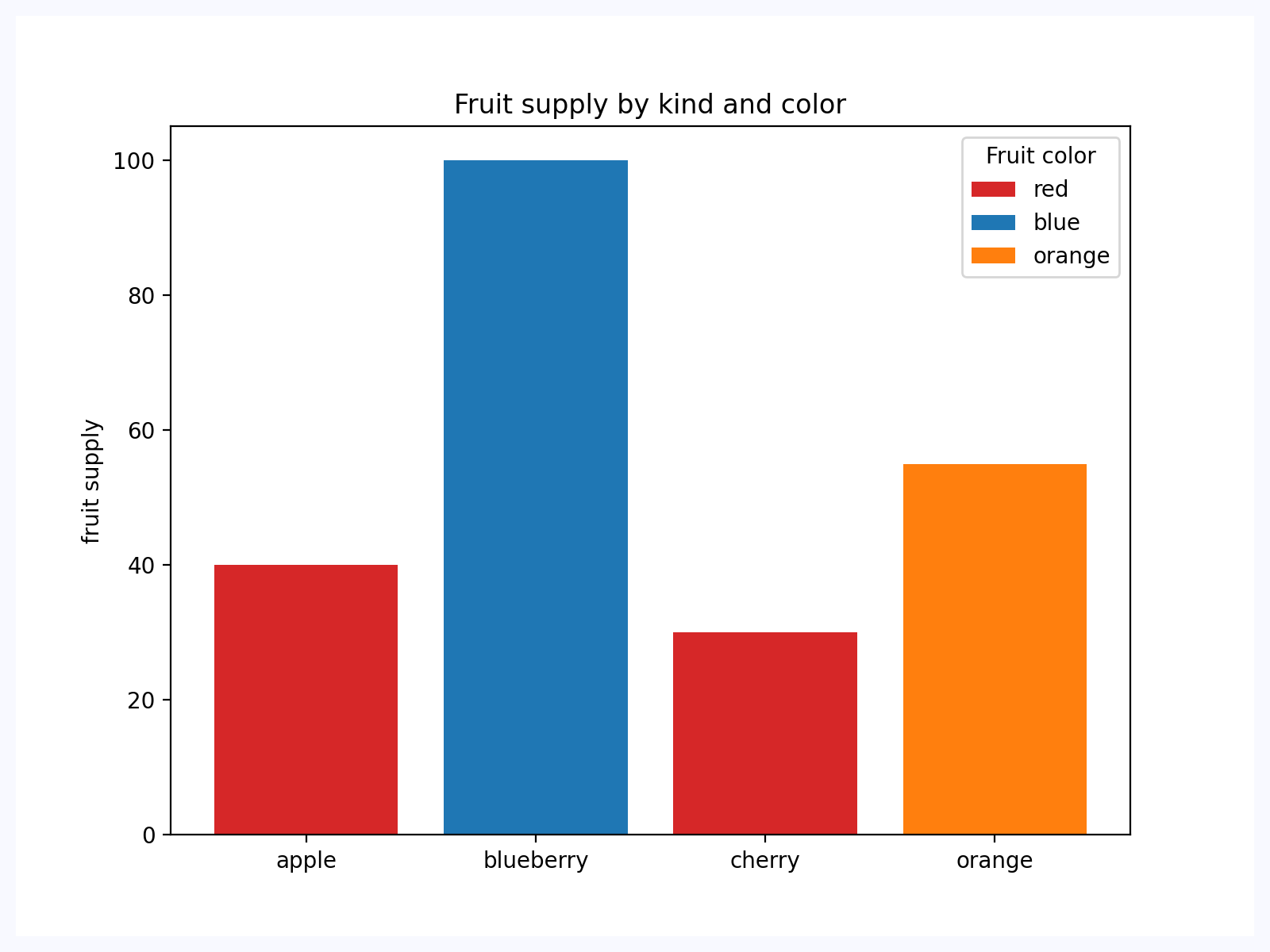](https://docs.flet.dev/test-images-charts/examples/golden/macos/matplotlib_chart/bar_chart.png)
Properties[#](https://docs.flet.dev/charts/matplotlibchart/#flet_charts.matplotlib_chart.MatplotlibChart-properties "Permanent link")
--------------------------------------------------------------------------------------------------------------------------------------
### figure `class-attribute` `instance-attribute` [#](https://docs.flet.dev/charts/matplotlibchart/#flet_charts.matplotlib_chart.MatplotlibChart.figure "Permanent link")
`[](https://docs.flet.dev/charts/matplotlibchart/#__codelineno-0-1) figure: Figure = [field](https://docs.python.org/3/library/dataclasses.html#dataclasses.field "dataclasses.field") (metadata={'skip': True})`
Matplotlib figure to draw - an instance of [`matplotlib.figure.Figure`](https://matplotlib.org/stable/api/_as_gen/matplotlib.figure.Figure.html#matplotlib.figure.Figure)
.
Events[#](https://docs.flet.dev/charts/matplotlibchart/#flet_charts.matplotlib_chart.MatplotlibChart-events "Permanent link")
------------------------------------------------------------------------------------------------------------------------------
### on\_message `class-attribute` `instance-attribute` [#](https://docs.flet.dev/charts/matplotlibchart/#flet_charts.matplotlib_chart.MatplotlibChart.on_message "Permanent link")
`[](https://docs.flet.dev/charts/matplotlibchart/#__codelineno-0-1) on_message: ( [](https://docs.flet.dev/charts/matplotlibchart/#__codelineno-0-2) [EventHandler](https://docs.flet.dev/types/aliases/#flet.EventHandler) [MatplotlibChartMessageEvent] | None [](https://docs.flet.dev/charts/matplotlibchart/#__codelineno-0-3) ) = None`
The event is triggered on figure message update.
### on\_toolbar\_buttons\_update `class-attribute` `instance-attribute` [#](https://docs.flet.dev/charts/matplotlibchart/#flet_charts.matplotlib_chart.MatplotlibChart.on_toolbar_buttons_update "Permanent link")
`[](https://docs.flet.dev/charts/matplotlibchart/#__codelineno-0-1) on_toolbar_buttons_update: ( [](https://docs.flet.dev/charts/matplotlibchart/#__codelineno-0-2) [EventHandler](https://docs.flet.dev/types/aliases/#flet.EventHandler) [MatplotlibChartToolbarButtonsUpdateEvent] [](https://docs.flet.dev/charts/matplotlibchart/#__codelineno-0-3) | None [](https://docs.flet.dev/charts/matplotlibchart/#__codelineno-0-4) ) = None`
Triggers when toolbar buttons status is updated.
Methods[#](https://docs.flet.dev/charts/matplotlibchart/#flet_charts.matplotlib_chart.MatplotlibChart-methods "Permanent link")
--------------------------------------------------------------------------------------------------------------------------------
### back [#](https://docs.flet.dev/charts/matplotlibchart/#flet_charts.matplotlib_chart.MatplotlibChart.back "Permanent link")
`[](https://docs.flet.dev/charts/matplotlibchart/#__codelineno-0-1) back()`
Goes back to the previous view.
### download [#](https://docs.flet.dev/charts/matplotlibchart/#flet_charts.matplotlib_chart.MatplotlibChart.download "Permanent link")
`[](https://docs.flet.dev/charts/matplotlibchart/#__codelineno-0-1) download(format) -> [bytes](https://docs.python.org/3/library/stdtypes.html#bytes)`
Downloads the current figure in the specified format. Args: format (str): The format to download the figure in (e.g., 'png', 'jpg', 'svg', etc.). Returns: bytes: The figure image in the specified format as a byte array.
### forward [#](https://docs.flet.dev/charts/matplotlibchart/#flet_charts.matplotlib_chart.MatplotlibChart.forward "Permanent link")
`[](https://docs.flet.dev/charts/matplotlibchart/#__codelineno-0-1) forward()`
Goes forward to the next view.
### home [#](https://docs.flet.dev/charts/matplotlibchart/#flet_charts.matplotlib_chart.MatplotlibChart.home "Permanent link")
`[](https://docs.flet.dev/charts/matplotlibchart/#__codelineno-0-1) home()`
Resets the view to the original state.
### pan [#](https://docs.flet.dev/charts/matplotlibchart/#flet_charts.matplotlib_chart.MatplotlibChart.pan "Permanent link")
`[](https://docs.flet.dev/charts/matplotlibchart/#__codelineno-0-1) pan()`
Activates the pan tool.
### send\_binary [#](https://docs.flet.dev/charts/matplotlibchart/#flet_charts.matplotlib_chart.MatplotlibChart.send_binary "Permanent link")
`[](https://docs.flet.dev/charts/matplotlibchart/#__codelineno-0-1) send_binary(blob)`
Sends a binary message to the front end.
### send\_json [#](https://docs.flet.dev/charts/matplotlibchart/#flet_charts.matplotlib_chart.MatplotlibChart.send_json "Permanent link")
`[](https://docs.flet.dev/charts/matplotlibchart/#__codelineno-0-1) send_json(content)`
Sends a JSON message to the front end.
### send\_message [#](https://docs.flet.dev/charts/matplotlibchart/#flet_charts.matplotlib_chart.MatplotlibChart.send_message "Permanent link")
`[](https://docs.flet.dev/charts/matplotlibchart/#__codelineno-0-1) send_message(message)`
Sends a message to the figure's canvas manager.
### zoom [#](https://docs.flet.dev/charts/matplotlibchart/#flet_charts.matplotlib_chart.MatplotlibChart.zoom "Permanent link")
`[](https://docs.flet.dev/charts/matplotlibchart/#__codelineno-0-1) zoom()`
Activates the zoom tool.
Back to top
---
# PlotlyChart - Flet
[Skip to content](https://docs.flet.dev/charts/plotlychart/#flet_charts.plotly_chart.PlotlyChart)
PlotlyChart
===========
Displays a [Plotly](https://plotly.com/python/)
chart.
Warning
This control requires the [`plotly`](https://plotly.com/python/)
and [`kaleido`](https://github.com/plotly/Kaleido)
Python packages to be installed.
See this [installation guide](https://docs.flet.dev/charts/#installation)
for more information.
`[](https://docs.flet.dev/charts/plotlychart/#__codelineno-0-1) import plotly.express as px [](https://docs.flet.dev/charts/plotlychart/#__codelineno-0-2)[](https://docs.flet.dev/charts/plotlychart/#__codelineno-0-3) data_canada = px.data.gapminder().query("country == 'Canada'") [](https://docs.flet.dev/charts/plotlychart/#__codelineno-0-4) fig = px.bar(data_canada, x="year", y="pop") [](https://docs.flet.dev/charts/plotlychart/#__codelineno-0-5) fch.PlotlyChart(figure=fig, expand=True)`
[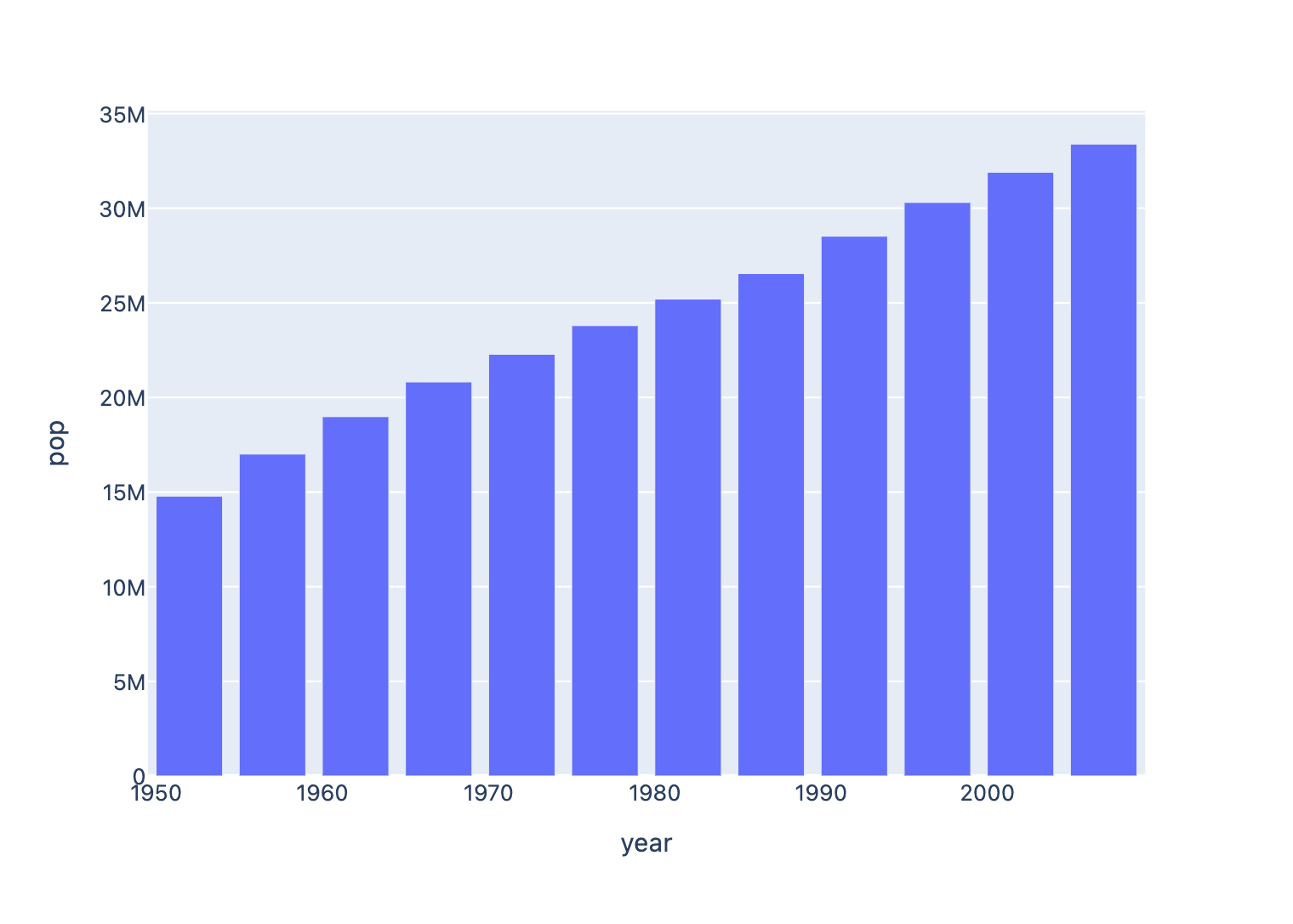](https://docs.flet.dev/test-images-charts/examples/golden/macos/plotly_chart/image_for_docs.png)
Bar chart based on official [Plotly example](https://plotly.com/python/bar-charts)
Inherits: `[Container](https://docs.flet.dev/controls/container/#flet.Container) `
Properties
* **`[figure](https://docs.flet.dev/charts/plotlychart/#flet_charts.plotly_chart.PlotlyChart.figure) `**(`Figure`) –
Plotly figure to draw.
* **`[original_size](https://docs.flet.dev/charts/plotlychart/#flet_charts.plotly_chart.PlotlyChart.original_size) `**(`[bool](https://docs.python.org/3/library/functions.html#bool) `) –
Whether to display this chart in original size.
Examples[#](https://docs.flet.dev/charts/plotlychart/#examples "Permanent link")
---------------------------------------------------------------------------------
### Example 1[#](https://docs.flet.dev/charts/plotlychart/#example-1 "Permanent link")
Based on an official [Plotly example](https://plotly.com/python/line-charts)
.
`[](https://docs.flet.dev/charts/plotlychart/#__codelineno-0-1) import flet_charts as fch [](https://docs.flet.dev/charts/plotlychart/#__codelineno-0-2) import plotly.express as px [](https://docs.flet.dev/charts/plotlychart/#__codelineno-0-3)[](https://docs.flet.dev/charts/plotlychart/#__codelineno-0-4) import flet as ft [](https://docs.flet.dev/charts/plotlychart/#__codelineno-0-5) [](https://docs.flet.dev/charts/plotlychart/#__codelineno-0-6)[](https://docs.flet.dev/charts/plotlychart/#__codelineno-0-7) def main(page: ft.Page): [](https://docs.flet.dev/charts/plotlychart/#__codelineno-0-8) df = px.data.gapminder().query("continent=='Oceania'") [](https://docs.flet.dev/charts/plotlychart/#__codelineno-0-9) fig = px.line(df, x="year", y="lifeExp", color="country") [](https://docs.flet.dev/charts/plotlychart/#__codelineno-0-10) [](https://docs.flet.dev/charts/plotlychart/#__codelineno-0-11) page.add(fch.PlotlyChart(figure=fig, expand=True)) [](https://docs.flet.dev/charts/plotlychart/#__codelineno-0-12) [](https://docs.flet.dev/charts/plotlychart/#__codelineno-0-13)[](https://docs.flet.dev/charts/plotlychart/#__codelineno-0-14) if __name__ == "__main__": [](https://docs.flet.dev/charts/plotlychart/#__codelineno-0-15) ft.run(main)`
[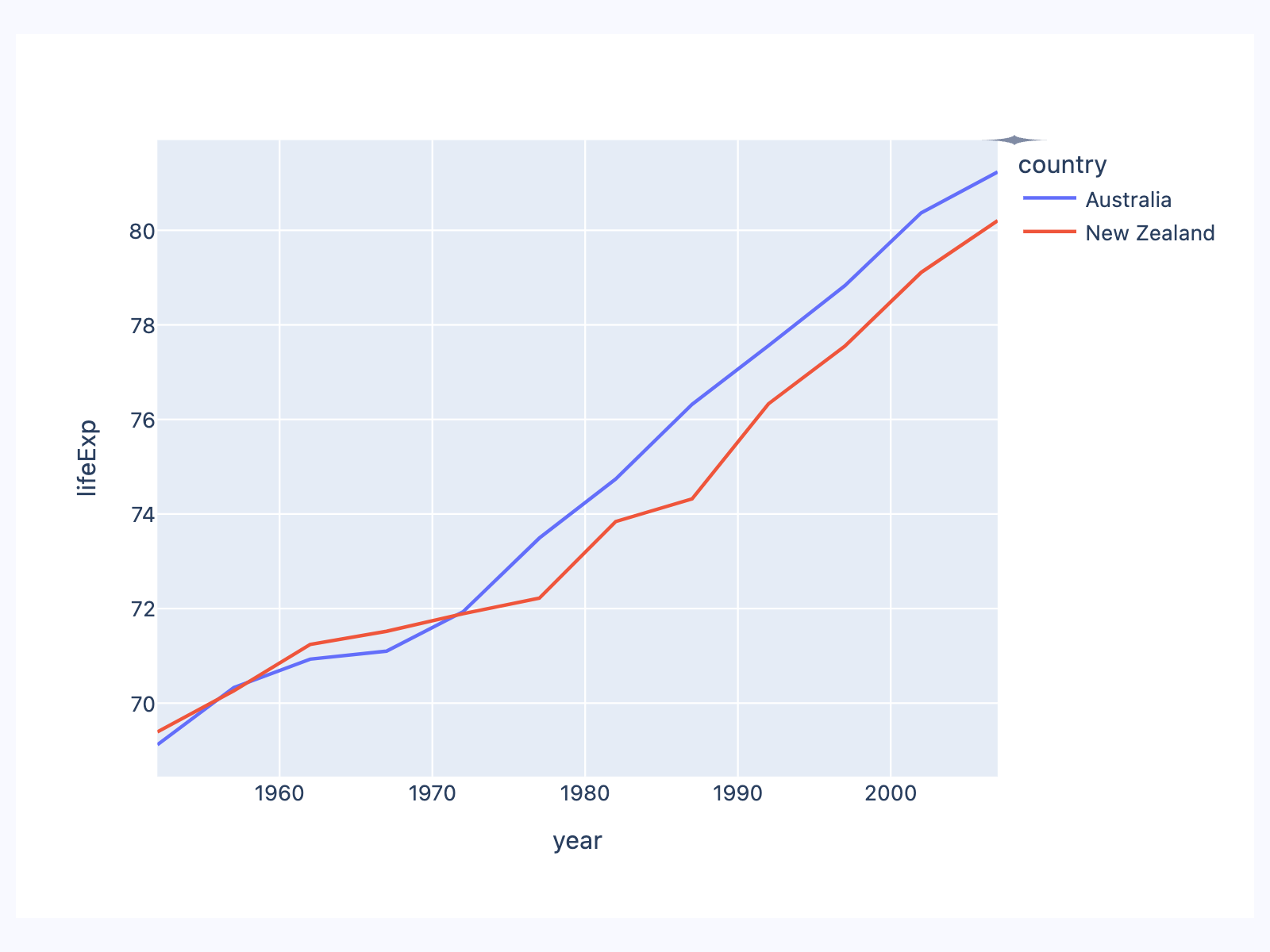](https://docs.flet.dev/test-images-charts/examples/golden/macos/plotly_chart/example_1.png)
### Example 2[#](https://docs.flet.dev/charts/plotlychart/#example-2 "Permanent link")
Based on an official [Plotly example](https://plotly.com/python/bar-charts)
.
`[](https://docs.flet.dev/charts/plotlychart/#__codelineno-1-1) import flet_charts as fch [](https://docs.flet.dev/charts/plotlychart/#__codelineno-1-2) import plotly.express as px [](https://docs.flet.dev/charts/plotlychart/#__codelineno-1-3)[](https://docs.flet.dev/charts/plotlychart/#__codelineno-1-4) import flet as ft [](https://docs.flet.dev/charts/plotlychart/#__codelineno-1-5) [](https://docs.flet.dev/charts/plotlychart/#__codelineno-1-6)[](https://docs.flet.dev/charts/plotlychart/#__codelineno-1-7) def main(page: ft.Page): [](https://docs.flet.dev/charts/plotlychart/#__codelineno-1-8) df = px.data.gapminder().query("continent == 'Oceania'") [](https://docs.flet.dev/charts/plotlychart/#__codelineno-1-9) fig = px.bar( [](https://docs.flet.dev/charts/plotlychart/#__codelineno-1-10) df, [](https://docs.flet.dev/charts/plotlychart/#__codelineno-1-11) x="year", [](https://docs.flet.dev/charts/plotlychart/#__codelineno-1-12) y="pop", [](https://docs.flet.dev/charts/plotlychart/#__codelineno-1-13) hover_data=["lifeExp", "gdpPercap"], [](https://docs.flet.dev/charts/plotlychart/#__codelineno-1-14) color="country", [](https://docs.flet.dev/charts/plotlychart/#__codelineno-1-15) labels={"pop": "population of Canada"}, [](https://docs.flet.dev/charts/plotlychart/#__codelineno-1-16) height=400, [](https://docs.flet.dev/charts/plotlychart/#__codelineno-1-17) ) [](https://docs.flet.dev/charts/plotlychart/#__codelineno-1-18) [](https://docs.flet.dev/charts/plotlychart/#__codelineno-1-19) page.add(fch.PlotlyChart(figure=fig, expand=True)) [](https://docs.flet.dev/charts/plotlychart/#__codelineno-1-20) [](https://docs.flet.dev/charts/plotlychart/#__codelineno-1-21)[](https://docs.flet.dev/charts/plotlychart/#__codelineno-1-22) if __name__ == "__main__": [](https://docs.flet.dev/charts/plotlychart/#__codelineno-1-23) ft.run(main)`
[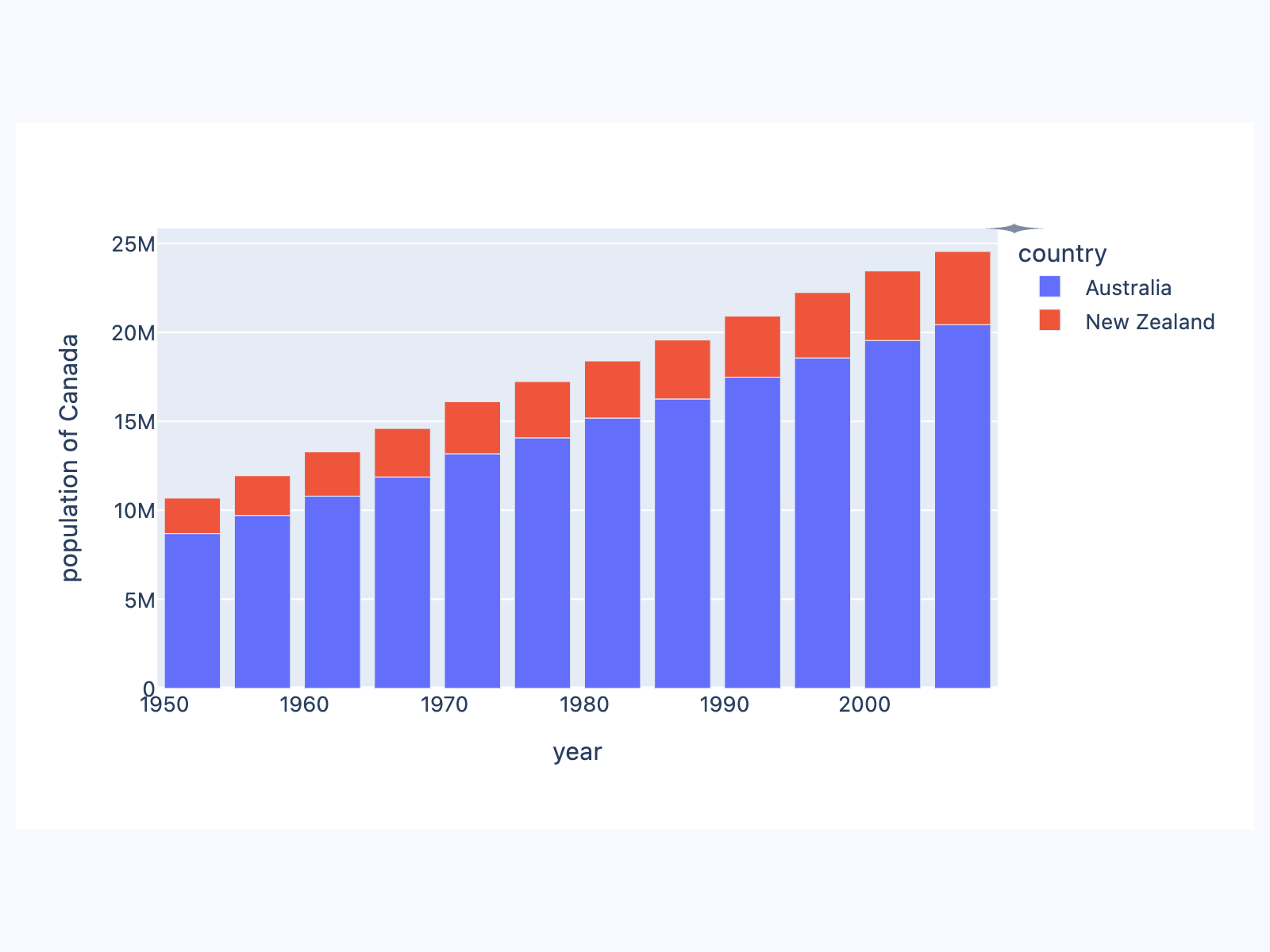](https://docs.flet.dev/test-images-charts/examples/golden/macos/plotly_chart/example_2.png)
### Example 3[#](https://docs.flet.dev/charts/plotlychart/#example-3 "Permanent link")
Based on an official [Plotly example](https://plotly.com/python/pie-charts)
.
`[](https://docs.flet.dev/charts/plotlychart/#__codelineno-2-1) import flet_charts as fch [](https://docs.flet.dev/charts/plotlychart/#__codelineno-2-2) import plotly.graph_objects as go [](https://docs.flet.dev/charts/plotlychart/#__codelineno-2-3)[](https://docs.flet.dev/charts/plotlychart/#__codelineno-2-4) import flet as ft [](https://docs.flet.dev/charts/plotlychart/#__codelineno-2-5) [](https://docs.flet.dev/charts/plotlychart/#__codelineno-2-6)[](https://docs.flet.dev/charts/plotlychart/#__codelineno-2-7) def main(page: ft.Page): [](https://docs.flet.dev/charts/plotlychart/#__codelineno-2-8) labels = ["Oxygen", "Hydrogen", "Carbon_Dioxide", "Nitrogen"] [](https://docs.flet.dev/charts/plotlychart/#__codelineno-2-9) values = [4500, 2500, 1053, 500] [](https://docs.flet.dev/charts/plotlychart/#__codelineno-2-10) [](https://docs.flet.dev/charts/plotlychart/#__codelineno-2-11) fig = go.Figure(data=[go.Pie(labels=labels, values=values)]) [](https://docs.flet.dev/charts/plotlychart/#__codelineno-2-12) [](https://docs.flet.dev/charts/plotlychart/#__codelineno-2-13) page.add(fch.PlotlyChart(figure=fig, expand=True)) [](https://docs.flet.dev/charts/plotlychart/#__codelineno-2-14) [](https://docs.flet.dev/charts/plotlychart/#__codelineno-2-15)[](https://docs.flet.dev/charts/plotlychart/#__codelineno-2-16) if __name__ == "__main__": [](https://docs.flet.dev/charts/plotlychart/#__codelineno-2-17) ft.run(main)`
[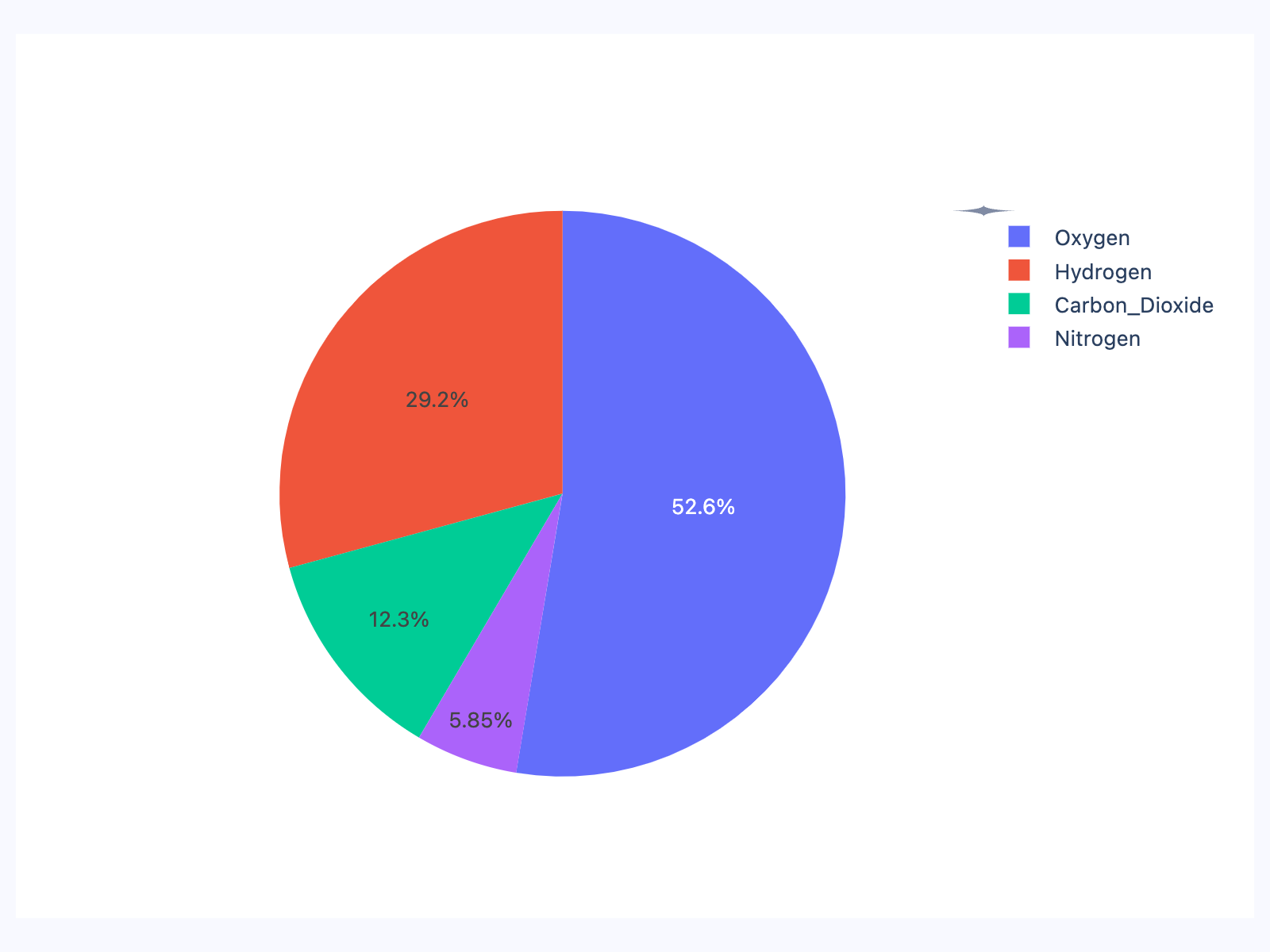](https://docs.flet.dev/test-images-charts/examples/golden/macos/plotly_chart/example_3.png)
### Example 4[#](https://docs.flet.dev/charts/plotlychart/#example-4 "Permanent link")
Based on an official [Plotly example](https://plotly.com/python/box-plots)
.
`[](https://docs.flet.dev/charts/plotlychart/#__codelineno-3-1) import flet_charts as fch [](https://docs.flet.dev/charts/plotlychart/#__codelineno-3-2) import plotly.graph_objects as go [](https://docs.flet.dev/charts/plotlychart/#__codelineno-3-3)[](https://docs.flet.dev/charts/plotlychart/#__codelineno-3-4) import flet as ft [](https://docs.flet.dev/charts/plotlychart/#__codelineno-3-5) [](https://docs.flet.dev/charts/plotlychart/#__codelineno-3-6)[](https://docs.flet.dev/charts/plotlychart/#__codelineno-3-7) def main(page: ft.Page): [](https://docs.flet.dev/charts/plotlychart/#__codelineno-3-8) x = [ [](https://docs.flet.dev/charts/plotlychart/#__codelineno-3-9) "day 1", [](https://docs.flet.dev/charts/plotlychart/#__codelineno-3-10) "day 1", [](https://docs.flet.dev/charts/plotlychart/#__codelineno-3-11) "day 1", [](https://docs.flet.dev/charts/plotlychart/#__codelineno-3-12) "day 1", [](https://docs.flet.dev/charts/plotlychart/#__codelineno-3-13) "day 1", [](https://docs.flet.dev/charts/plotlychart/#__codelineno-3-14) "day 1", [](https://docs.flet.dev/charts/plotlychart/#__codelineno-3-15) "day 2", [](https://docs.flet.dev/charts/plotlychart/#__codelineno-3-16) "day 2", [](https://docs.flet.dev/charts/plotlychart/#__codelineno-3-17) "day 2", [](https://docs.flet.dev/charts/plotlychart/#__codelineno-3-18) "day 2", [](https://docs.flet.dev/charts/plotlychart/#__codelineno-3-19) "day 2", [](https://docs.flet.dev/charts/plotlychart/#__codelineno-3-20) "day 2", [](https://docs.flet.dev/charts/plotlychart/#__codelineno-3-21) ] [](https://docs.flet.dev/charts/plotlychart/#__codelineno-3-22) [](https://docs.flet.dev/charts/plotlychart/#__codelineno-3-23) fig = go.Figure() [](https://docs.flet.dev/charts/plotlychart/#__codelineno-3-24) [](https://docs.flet.dev/charts/plotlychart/#__codelineno-3-25) fig.add_trace( [](https://docs.flet.dev/charts/plotlychart/#__codelineno-3-26) go.Box( [](https://docs.flet.dev/charts/plotlychart/#__codelineno-3-27) y=[0.2, 0.2, 0.6, 1.0, 0.5, 0.4, 0.2, 0.7, 0.9, 0.1, 0.5, 0.3], [](https://docs.flet.dev/charts/plotlychart/#__codelineno-3-28) x=x, [](https://docs.flet.dev/charts/plotlychart/#__codelineno-3-29) name="kale", [](https://docs.flet.dev/charts/plotlychart/#__codelineno-3-30) marker_color="#3D9970", [](https://docs.flet.dev/charts/plotlychart/#__codelineno-3-31) ) [](https://docs.flet.dev/charts/plotlychart/#__codelineno-3-32) ) [](https://docs.flet.dev/charts/plotlychart/#__codelineno-3-33) fig.add_trace( [](https://docs.flet.dev/charts/plotlychart/#__codelineno-3-34) go.Box( [](https://docs.flet.dev/charts/plotlychart/#__codelineno-3-35) y=[0.6, 0.7, 0.3, 0.6, 0.0, 0.5, 0.7, 0.9, 0.5, 0.8, 0.7, 0.2], [](https://docs.flet.dev/charts/plotlychart/#__codelineno-3-36) x=x, [](https://docs.flet.dev/charts/plotlychart/#__codelineno-3-37) name="radishes", [](https://docs.flet.dev/charts/plotlychart/#__codelineno-3-38) marker_color="#FF4136", [](https://docs.flet.dev/charts/plotlychart/#__codelineno-3-39) ) [](https://docs.flet.dev/charts/plotlychart/#__codelineno-3-40) ) [](https://docs.flet.dev/charts/plotlychart/#__codelineno-3-41) fig.add_trace( [](https://docs.flet.dev/charts/plotlychart/#__codelineno-3-42) go.Box( [](https://docs.flet.dev/charts/plotlychart/#__codelineno-3-43) y=[0.1, 0.3, 0.1, 0.9, 0.6, 0.6, 0.9, 1.0, 0.3, 0.6, 0.8, 0.5], [](https://docs.flet.dev/charts/plotlychart/#__codelineno-3-44) x=x, [](https://docs.flet.dev/charts/plotlychart/#__codelineno-3-45) name="carrots", [](https://docs.flet.dev/charts/plotlychart/#__codelineno-3-46) marker_color="#FF851B", [](https://docs.flet.dev/charts/plotlychart/#__codelineno-3-47) ) [](https://docs.flet.dev/charts/plotlychart/#__codelineno-3-48) ) [](https://docs.flet.dev/charts/plotlychart/#__codelineno-3-49) [](https://docs.flet.dev/charts/plotlychart/#__codelineno-3-50) fig.update_layout( [](https://docs.flet.dev/charts/plotlychart/#__codelineno-3-51) yaxis_title="normalized moisture", [](https://docs.flet.dev/charts/plotlychart/#__codelineno-3-52) boxmode="group", # group together boxes of the different traces [](https://docs.flet.dev/charts/plotlychart/#__codelineno-3-53) ) [](https://docs.flet.dev/charts/plotlychart/#__codelineno-3-54) [](https://docs.flet.dev/charts/plotlychart/#__codelineno-3-55) page.add(fch.PlotlyChart(figure=fig, expand=True)) [](https://docs.flet.dev/charts/plotlychart/#__codelineno-3-56) [](https://docs.flet.dev/charts/plotlychart/#__codelineno-3-57)[](https://docs.flet.dev/charts/plotlychart/#__codelineno-3-58) if __name__ == "__main__": [](https://docs.flet.dev/charts/plotlychart/#__codelineno-3-59) ft.run(main)`
[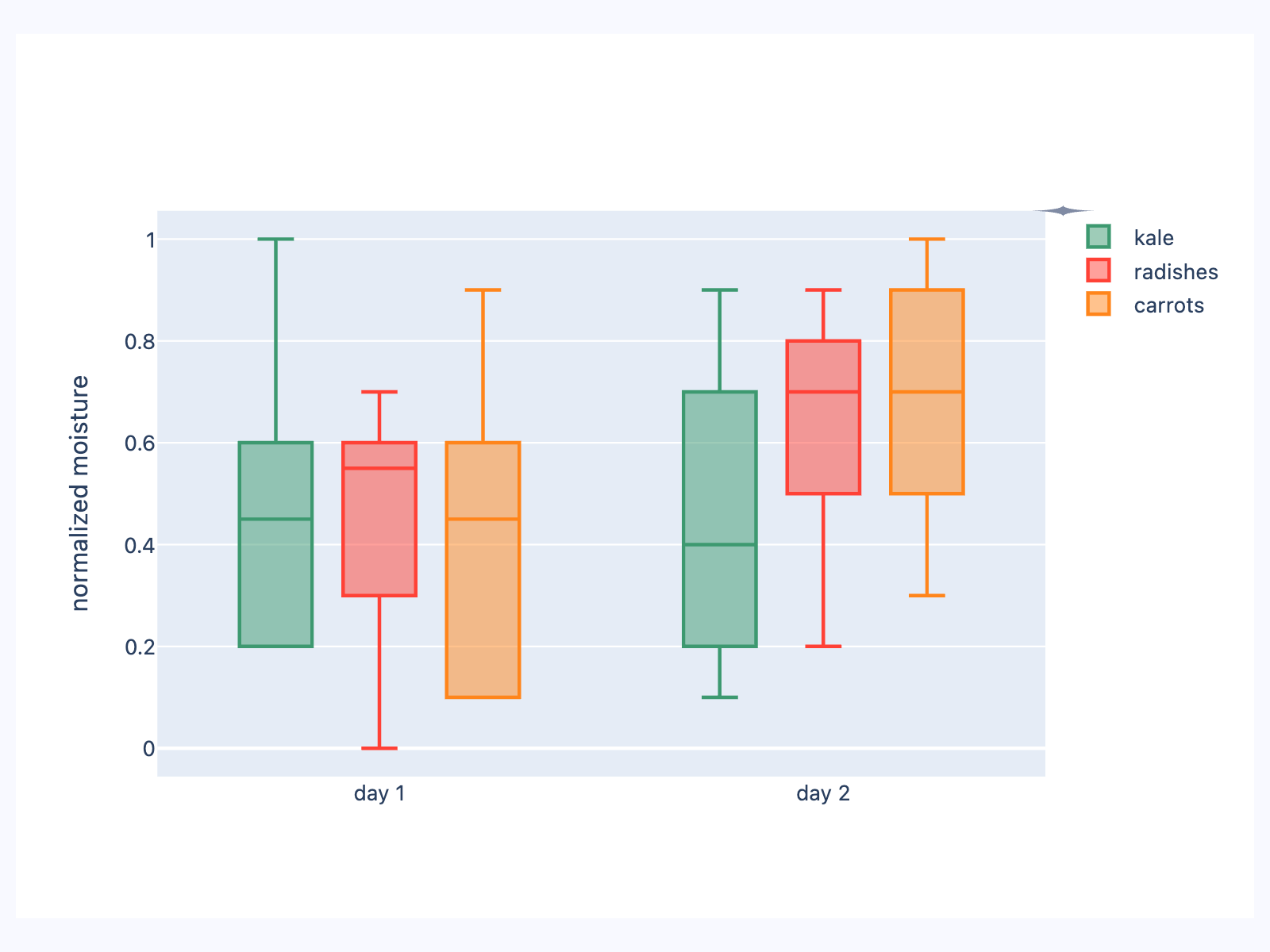](https://docs.flet.dev/test-images-charts/examples/golden/macos/plotly_chart/example_4.png)
Properties[#](https://docs.flet.dev/charts/plotlychart/#flet_charts.plotly_chart.PlotlyChart-properties "Permanent link")
--------------------------------------------------------------------------------------------------------------------------
### figure `class-attribute` `instance-attribute` [#](https://docs.flet.dev/charts/plotlychart/#flet_charts.plotly_chart.PlotlyChart.figure "Permanent link")
`[](https://docs.flet.dev/charts/plotlychart/#__codelineno-0-1) figure: Figure = [field](https://docs.python.org/3/library/dataclasses.html#dataclasses.field "dataclasses.field") (metadata={'skip': True})`
Plotly figure to draw.
The value is an instance of [`plotly.graph_objects.Figure`](https://plotly.com/python-api-reference/generated/plotly.graph_objects.Figure.html)
.
### original\_size `class-attribute` `instance-attribute` [#](https://docs.flet.dev/charts/plotlychart/#flet_charts.plotly_chart.PlotlyChart.original_size "Permanent link")
`[](https://docs.flet.dev/charts/plotlychart/#__codelineno-0-1) original_size: [bool](https://docs.python.org/3/library/functions.html#bool) = False`
Whether to display this chart in original size.
Set to `False` for it to fit it's configured bounds.
Back to top
---
# BarChart - Flet
[Skip to content](https://docs.flet.dev/charts/barchart/#flet_charts.bar_chart.BarChart)
BarChart
========
Draws a bar chart.
`[](https://docs.flet.dev/charts/barchart/#__codelineno-0-1) fch.BarChart( [](https://docs.flet.dev/charts/barchart/#__codelineno-0-2) border=ft.Border.all(1, ft.Colors.GREY_400), [](https://docs.flet.dev/charts/barchart/#__codelineno-0-3) groups=[ [](https://docs.flet.dev/charts/barchart/#__codelineno-0-4) fch.BarChartGroup( [](https://docs.flet.dev/charts/barchart/#__codelineno-0-5) x=0, [](https://docs.flet.dev/charts/barchart/#__codelineno-0-6) rods=[ [](https://docs.flet.dev/charts/barchart/#__codelineno-0-7) fch.BarChartRod( [](https://docs.flet.dev/charts/barchart/#__codelineno-0-8) from_y=0, [](https://docs.flet.dev/charts/barchart/#__codelineno-0-9) to_y=40, [](https://docs.flet.dev/charts/barchart/#__codelineno-0-10) color=ft.Colors.BLUE_GREY_200, [](https://docs.flet.dev/charts/barchart/#__codelineno-0-11) ), [](https://docs.flet.dev/charts/barchart/#__codelineno-0-12) ], [](https://docs.flet.dev/charts/barchart/#__codelineno-0-13) ), [](https://docs.flet.dev/charts/barchart/#__codelineno-0-14) ..., [](https://docs.flet.dev/charts/barchart/#__codelineno-0-15) ], [](https://docs.flet.dev/charts/barchart/#__codelineno-0-16) )`
[](https://docs.flet.dev/test-images-charts/examples/golden/macos/bar_chart/image_for_docs.png)
Basic bar chart
Inherits: `[LayoutControl](https://docs.flet.dev/controls/layoutcontrol/#flet.LayoutControl) `
Properties
* **`[animation](https://docs.flet.dev/charts/barchart/#flet_charts.bar_chart.BarChart.animation) `**(`[AnimationValue](https://docs.flet.dev/types/aliases/#flet.AnimationValue) `) –
Controls chart implicit animation.
* **`[baseline_y](https://docs.flet.dev/charts/barchart/#flet_charts.bar_chart.BarChart.baseline_y) `**(`[Number](https://docs.flet.dev/types/aliases/#flet.Number) | None`) –
Baseline value for Y axis.
* **`[bgcolor](https://docs.flet.dev/charts/barchart/#flet_charts.bar_chart.BarChart.bgcolor) `**(`[ColorValue](https://docs.flet.dev/types/aliases/#flet.ColorValue) | None`) –
Background color of the chart.
* **`[border](https://docs.flet.dev/charts/barchart/#flet_charts.bar_chart.BarChart.border) `**(`[Border](https://docs.flet.dev/types/border/#flet.Border) | None`) –
The border around the chart.
* **`[bottom_axis](https://docs.flet.dev/charts/barchart/#flet_charts.bar_chart.BarChart.bottom_axis) `**(`[ChartAxis](https://docs.flet.dev/charts/types/chartaxis/#flet_charts.chart_axis.ChartAxis) | None`) –
The appearance of the bottom axis, its title and labels.
* **`[group_alignment](https://docs.flet.dev/charts/barchart/#flet_charts.bar_chart.BarChart.group_alignment) `**(`[MainAxisAlignment](https://docs.flet.dev/types/mainaxisalignment/#flet.MainAxisAlignment) `) –
The alignment of the bar [`groups`](https://docs.flet.dev/charts/barchart/#flet_charts.bar_chart.BarChart.groups)
within this chart.
* **`[group_spacing](https://docs.flet.dev/charts/barchart/#flet_charts.bar_chart.BarChart.group_spacing) `**(`[Number](https://docs.flet.dev/types/aliases/#flet.Number) `) –
An amount of space between bar [`groups`](https://docs.flet.dev/charts/barchart/#flet_charts.bar_chart.BarChart.groups)
.
* **`[groups](https://docs.flet.dev/charts/barchart/#flet_charts.bar_chart.BarChart.groups) `**(`[list](https://docs.python.org/3/glossary.html#term-list) [[BarChartGroup](https://docs.flet.dev/charts/types/barchartgroup/#flet_charts.bar_chart_group.BarChartGroup) ]`) –
The list of [`BarChartGroup`](https://docs.flet.dev/charts/types/barchartgroup/#flet_charts.bar_chart_group.BarChartGroup)
s to draw.
* **`[horizontal_grid_lines](https://docs.flet.dev/charts/barchart/#flet_charts.bar_chart.BarChart.horizontal_grid_lines) `**(`[ChartGridLines](https://docs.flet.dev/charts/types/chartgridlines/#flet_charts.types.ChartGridLines) | None`) –
Controls drawing of chart's horizontal lines.
* **`[interactive](https://docs.flet.dev/charts/barchart/#flet_charts.bar_chart.BarChart.interactive) `**(`[bool](https://docs.python.org/3/library/functions.html#bool) `) –
Enables automatic tooltips when hovering chart bars.
* **`[left_axis](https://docs.flet.dev/charts/barchart/#flet_charts.bar_chart.BarChart.left_axis) `**(`[ChartAxis](https://docs.flet.dev/charts/types/chartaxis/#flet_charts.chart_axis.ChartAxis) | None`) –
The appearance of the left axis, its title and labels.
* **`[max_y](https://docs.flet.dev/charts/barchart/#flet_charts.bar_chart.BarChart.max_y) `**(`[Number](https://docs.flet.dev/types/aliases/#flet.Number) | None`) –
The maximum displayed value for Y axis.
* **`[min_y](https://docs.flet.dev/charts/barchart/#flet_charts.bar_chart.BarChart.min_y) `**(`[Number](https://docs.flet.dev/types/aliases/#flet.Number) | None`) –
The minimum displayed value for Y axis.
* **`[right_axis](https://docs.flet.dev/charts/barchart/#flet_charts.bar_chart.BarChart.right_axis) `**(`[ChartAxis](https://docs.flet.dev/charts/types/chartaxis/#flet_charts.chart_axis.ChartAxis) | None`) –
The appearance of the right axis, its title and labels.
* **`[tooltip](https://docs.flet.dev/charts/barchart/#flet_charts.bar_chart.BarChart.tooltip) `**(`[BarChartTooltip](https://docs.flet.dev/charts/types/barcharttooltip/#flet_charts.bar_chart.BarChartTooltip) | None`) –
The tooltip configuration for this chart.
* **`[top_axis](https://docs.flet.dev/charts/barchart/#flet_charts.bar_chart.BarChart.top_axis) `**(`[ChartAxis](https://docs.flet.dev/charts/types/chartaxis/#flet_charts.chart_axis.ChartAxis) | None`) –
The appearance of the top axis, its title and labels.
* **`[vertical_grid_lines](https://docs.flet.dev/charts/barchart/#flet_charts.bar_chart.BarChart.vertical_grid_lines) `**(`[ChartGridLines](https://docs.flet.dev/charts/types/chartgridlines/#flet_charts.types.ChartGridLines) | None`) –
Controls drawing of chart's vertical lines.
Events
* **`[on_event](https://docs.flet.dev/charts/barchart/#flet_charts.bar_chart.BarChart.on_event) `**(`[EventHandler](https://docs.flet.dev/types/aliases/#flet.EventHandler) [[BarChartEvent](https://docs.flet.dev/charts/types/barchartevent/#flet_charts.bar_chart.BarChartEvent) ] | None`) –
Called when an event occurs on this chart, such as a click or hover.
Examples[#](https://docs.flet.dev/charts/barchart/#examples "Permanent link")
------------------------------------------------------------------------------
### Example 1[#](https://docs.flet.dev/charts/barchart/#example-1 "Permanent link")
`[](https://docs.flet.dev/charts/barchart/#__codelineno-0-1) import flet as ft [](https://docs.flet.dev/charts/barchart/#__codelineno-0-2) import flet_charts as fch [](https://docs.flet.dev/charts/barchart/#__codelineno-0-3) [](https://docs.flet.dev/charts/barchart/#__codelineno-0-4)[](https://docs.flet.dev/charts/barchart/#__codelineno-0-5) def main(page: ft.Page): [](https://docs.flet.dev/charts/barchart/#__codelineno-0-6) page.add( [](https://docs.flet.dev/charts/barchart/#__codelineno-0-7) fch.BarChart( [](https://docs.flet.dev/charts/barchart/#__codelineno-0-8) expand=True, [](https://docs.flet.dev/charts/barchart/#__codelineno-0-9) interactive=True, [](https://docs.flet.dev/charts/barchart/#__codelineno-0-10) max_y=110, [](https://docs.flet.dev/charts/barchart/#__codelineno-0-11) border=ft.Border.all(1, ft.Colors.GREY_400), [](https://docs.flet.dev/charts/barchart/#__codelineno-0-12) horizontal_grid_lines=fch.ChartGridLines( [](https://docs.flet.dev/charts/barchart/#__codelineno-0-13) color=ft.Colors.GREY_300, width=1, dash_pattern=[3, 3] [](https://docs.flet.dev/charts/barchart/#__codelineno-0-14) ), [](https://docs.flet.dev/charts/barchart/#__codelineno-0-15) tooltip=fch.BarChartTooltip( [](https://docs.flet.dev/charts/barchart/#__codelineno-0-16) bgcolor=ft.Colors.with_opacity(0.5, ft.Colors.GREY_300), [](https://docs.flet.dev/charts/barchart/#__codelineno-0-17) border_radius=ft.BorderRadius.all(20), [](https://docs.flet.dev/charts/barchart/#__codelineno-0-18) ), [](https://docs.flet.dev/charts/barchart/#__codelineno-0-19) left_axis=fch.ChartAxis( [](https://docs.flet.dev/charts/barchart/#__codelineno-0-20) label_size=40, title=ft.Text("Fruit supply"), title_size=40 [](https://docs.flet.dev/charts/barchart/#__codelineno-0-21) ), [](https://docs.flet.dev/charts/barchart/#__codelineno-0-22) right_axis=fch.ChartAxis(show_labels=False), [](https://docs.flet.dev/charts/barchart/#__codelineno-0-23) bottom_axis=fch.ChartAxis( [](https://docs.flet.dev/charts/barchart/#__codelineno-0-24) label_size=40, [](https://docs.flet.dev/charts/barchart/#__codelineno-0-25) labels=[ [](https://docs.flet.dev/charts/barchart/#__codelineno-0-26) fch.ChartAxisLabel( [](https://docs.flet.dev/charts/barchart/#__codelineno-0-27) value=0, label=ft.Container(ft.Text("Apple"), padding=10) [](https://docs.flet.dev/charts/barchart/#__codelineno-0-28) ), [](https://docs.flet.dev/charts/barchart/#__codelineno-0-29) fch.ChartAxisLabel( [](https://docs.flet.dev/charts/barchart/#__codelineno-0-30) value=1, label=ft.Container(ft.Text("Blueberry"), padding=10) [](https://docs.flet.dev/charts/barchart/#__codelineno-0-31) ), [](https://docs.flet.dev/charts/barchart/#__codelineno-0-32) fch.ChartAxisLabel( [](https://docs.flet.dev/charts/barchart/#__codelineno-0-33) value=2, label=ft.Container(ft.Text("Cherry"), padding=10) [](https://docs.flet.dev/charts/barchart/#__codelineno-0-34) ), [](https://docs.flet.dev/charts/barchart/#__codelineno-0-35) fch.ChartAxisLabel( [](https://docs.flet.dev/charts/barchart/#__codelineno-0-36) value=3, label=ft.Container(ft.Text("Orange"), padding=10) [](https://docs.flet.dev/charts/barchart/#__codelineno-0-37) ), [](https://docs.flet.dev/charts/barchart/#__codelineno-0-38) ], [](https://docs.flet.dev/charts/barchart/#__codelineno-0-39) ), [](https://docs.flet.dev/charts/barchart/#__codelineno-0-40) groups=[ [](https://docs.flet.dev/charts/barchart/#__codelineno-0-41) fch.BarChartGroup( [](https://docs.flet.dev/charts/barchart/#__codelineno-0-42) x=0, [](https://docs.flet.dev/charts/barchart/#__codelineno-0-43) rods=[ [](https://docs.flet.dev/charts/barchart/#__codelineno-0-44) fch.BarChartRod( [](https://docs.flet.dev/charts/barchart/#__codelineno-0-45) from_y=0, [](https://docs.flet.dev/charts/barchart/#__codelineno-0-46) to_y=40, [](https://docs.flet.dev/charts/barchart/#__codelineno-0-47) width=40, [](https://docs.flet.dev/charts/barchart/#__codelineno-0-48) color=ft.Colors.GREEN, [](https://docs.flet.dev/charts/barchart/#__codelineno-0-49) border_radius=0, [](https://docs.flet.dev/charts/barchart/#__codelineno-0-50) ), [](https://docs.flet.dev/charts/barchart/#__codelineno-0-51) ], [](https://docs.flet.dev/charts/barchart/#__codelineno-0-52) ), [](https://docs.flet.dev/charts/barchart/#__codelineno-0-53) fch.BarChartGroup( [](https://docs.flet.dev/charts/barchart/#__codelineno-0-54) x=1, [](https://docs.flet.dev/charts/barchart/#__codelineno-0-55) rods=[ [](https://docs.flet.dev/charts/barchart/#__codelineno-0-56) fch.BarChartRod( [](https://docs.flet.dev/charts/barchart/#__codelineno-0-57) from_y=0, [](https://docs.flet.dev/charts/barchart/#__codelineno-0-58) to_y=100, [](https://docs.flet.dev/charts/barchart/#__codelineno-0-59) width=40, [](https://docs.flet.dev/charts/barchart/#__codelineno-0-60) color=ft.Colors.BLUE, [](https://docs.flet.dev/charts/barchart/#__codelineno-0-61) tooltip=fch.BarChartRodTooltip("Blueberry"), [](https://docs.flet.dev/charts/barchart/#__codelineno-0-62) border_radius=0, [](https://docs.flet.dev/charts/barchart/#__codelineno-0-63) ), [](https://docs.flet.dev/charts/barchart/#__codelineno-0-64) ], [](https://docs.flet.dev/charts/barchart/#__codelineno-0-65) ), [](https://docs.flet.dev/charts/barchart/#__codelineno-0-66) fch.BarChartGroup( [](https://docs.flet.dev/charts/barchart/#__codelineno-0-67) x=2, [](https://docs.flet.dev/charts/barchart/#__codelineno-0-68) rods=[ [](https://docs.flet.dev/charts/barchart/#__codelineno-0-69) fch.BarChartRod( [](https://docs.flet.dev/charts/barchart/#__codelineno-0-70) from_y=0, [](https://docs.flet.dev/charts/barchart/#__codelineno-0-71) to_y=30, [](https://docs.flet.dev/charts/barchart/#__codelineno-0-72) width=40, [](https://docs.flet.dev/charts/barchart/#__codelineno-0-73) color=ft.Colors.RED, [](https://docs.flet.dev/charts/barchart/#__codelineno-0-74) border_radius=0, [](https://docs.flet.dev/charts/barchart/#__codelineno-0-75) ), [](https://docs.flet.dev/charts/barchart/#__codelineno-0-76) ], [](https://docs.flet.dev/charts/barchart/#__codelineno-0-77) ), [](https://docs.flet.dev/charts/barchart/#__codelineno-0-78) fch.BarChartGroup( [](https://docs.flet.dev/charts/barchart/#__codelineno-0-79) x=3, [](https://docs.flet.dev/charts/barchart/#__codelineno-0-80) rods=[ [](https://docs.flet.dev/charts/barchart/#__codelineno-0-81) fch.BarChartRod( [](https://docs.flet.dev/charts/barchart/#__codelineno-0-82) from_y=0, [](https://docs.flet.dev/charts/barchart/#__codelineno-0-83) to_y=60, [](https://docs.flet.dev/charts/barchart/#__codelineno-0-84) width=40, [](https://docs.flet.dev/charts/barchart/#__codelineno-0-85) color=ft.Colors.ORANGE, [](https://docs.flet.dev/charts/barchart/#__codelineno-0-86) tooltip=fch.BarChartRodTooltip("Orange"), [](https://docs.flet.dev/charts/barchart/#__codelineno-0-87) border_radius=0, [](https://docs.flet.dev/charts/barchart/#__codelineno-0-88) ), [](https://docs.flet.dev/charts/barchart/#__codelineno-0-89) ], [](https://docs.flet.dev/charts/barchart/#__codelineno-0-90) ), [](https://docs.flet.dev/charts/barchart/#__codelineno-0-91) ], [](https://docs.flet.dev/charts/barchart/#__codelineno-0-92) ) [](https://docs.flet.dev/charts/barchart/#__codelineno-0-93) ) [](https://docs.flet.dev/charts/barchart/#__codelineno-0-94) [](https://docs.flet.dev/charts/barchart/#__codelineno-0-95)[](https://docs.flet.dev/charts/barchart/#__codelineno-0-96) if __name__ == "__main__": [](https://docs.flet.dev/charts/barchart/#__codelineno-0-97) ft.run(main)`
[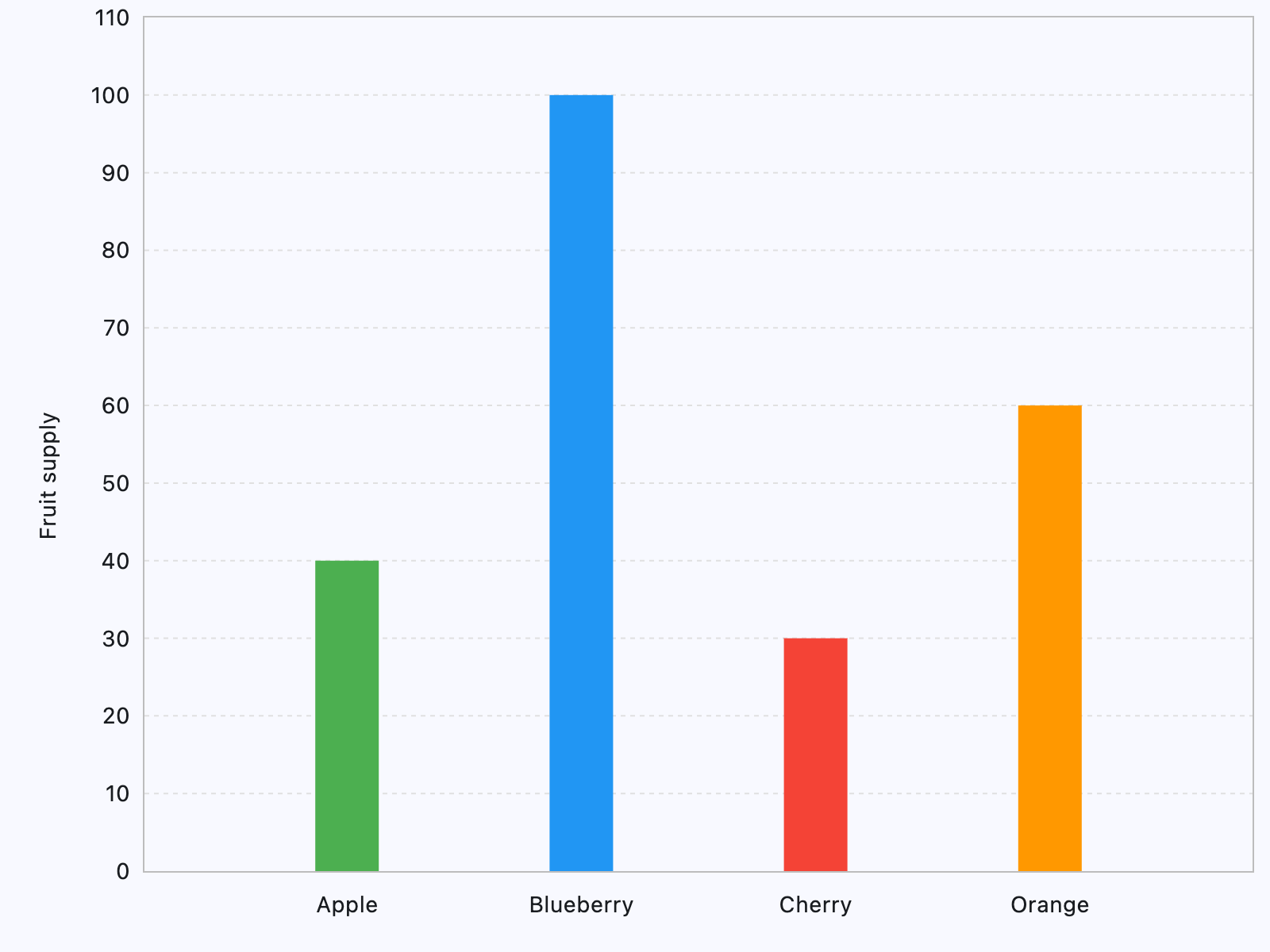](https://docs.flet.dev/test-images-charts/examples/golden/macos/bar_chart/example_1.png)
### Example 2[#](https://docs.flet.dev/charts/barchart/#example-2 "Permanent link")
`[](https://docs.flet.dev/charts/barchart/#__codelineno-1-1) import flet_charts as fch [](https://docs.flet.dev/charts/barchart/#__codelineno-1-2)[](https://docs.flet.dev/charts/barchart/#__codelineno-1-3) import flet as ft [](https://docs.flet.dev/charts/barchart/#__codelineno-1-4) [](https://docs.flet.dev/charts/barchart/#__codelineno-1-5)[](https://docs.flet.dev/charts/barchart/#__codelineno-1-6) class CustomRod(fch.BarChartRod): [](https://docs.flet.dev/charts/barchart/#__codelineno-1-7) def __init__(self, y: float, hovered: bool = False): [](https://docs.flet.dev/charts/barchart/#__codelineno-1-8) super().__init__() [](https://docs.flet.dev/charts/barchart/#__codelineno-1-9) self.hovered = hovered [](https://docs.flet.dev/charts/barchart/#__codelineno-1-10) self.y = y [](https://docs.flet.dev/charts/barchart/#__codelineno-1-11) self.width = 22 [](https://docs.flet.dev/charts/barchart/#__codelineno-1-12) self.color = ft.Colors.WHITE [](https://docs.flet.dev/charts/barchart/#__codelineno-1-13) self.bg_to_y = 20 [](https://docs.flet.dev/charts/barchart/#__codelineno-1-14) self.bg_color = ft.Colors.GREEN_300 [](https://docs.flet.dev/charts/barchart/#__codelineno-1-15) [](https://docs.flet.dev/charts/barchart/#__codelineno-1-16) def before_update(self): [](https://docs.flet.dev/charts/barchart/#__codelineno-1-17) super().before_update() [](https://docs.flet.dev/charts/barchart/#__codelineno-1-18) self.to_y = self.y + 0.5 if self.hovered else self.y [](https://docs.flet.dev/charts/barchart/#__codelineno-1-19) self.color = ft.Colors.YELLOW if self.hovered else ft.Colors.WHITE [](https://docs.flet.dev/charts/barchart/#__codelineno-1-20) self.border_side = ( [](https://docs.flet.dev/charts/barchart/#__codelineno-1-21) ft.BorderSide(width=1, color=ft.Colors.RED) [](https://docs.flet.dev/charts/barchart/#__codelineno-1-22) if self.hovered [](https://docs.flet.dev/charts/barchart/#__codelineno-1-23) else ft.BorderSide(width=1, color=ft.Colors.BLUE) [](https://docs.flet.dev/charts/barchart/#__codelineno-1-24) ) [](https://docs.flet.dev/charts/barchart/#__codelineno-1-25) [](https://docs.flet.dev/charts/barchart/#__codelineno-1-26)[](https://docs.flet.dev/charts/barchart/#__codelineno-1-27) def main(page: ft.Page): [](https://docs.flet.dev/charts/barchart/#__codelineno-1-28) def on_chart_event(e: fch.BarChartEvent): [](https://docs.flet.dev/charts/barchart/#__codelineno-1-29) if e.type == fch.ChartEventType.POINTER_HOVER: [](https://docs.flet.dev/charts/barchart/#__codelineno-1-30) for group_index, group in enumerate(chart.groups): [](https://docs.flet.dev/charts/barchart/#__codelineno-1-31) for rod_index, rod in enumerate(group.rods): [](https://docs.flet.dev/charts/barchart/#__codelineno-1-32) rod.hovered = ( [](https://docs.flet.dev/charts/barchart/#__codelineno-1-33) e.group_index == group_index and e.rod_index == rod_index [](https://docs.flet.dev/charts/barchart/#__codelineno-1-34) ) [](https://docs.flet.dev/charts/barchart/#__codelineno-1-35) chart.update() [](https://docs.flet.dev/charts/barchart/#__codelineno-1-36) [](https://docs.flet.dev/charts/barchart/#__codelineno-1-37) chart = fch.BarChart( [](https://docs.flet.dev/charts/barchart/#__codelineno-1-38) on_event=on_chart_event, [](https://docs.flet.dev/charts/barchart/#__codelineno-1-39) interactive=True, [](https://docs.flet.dev/charts/barchart/#__codelineno-1-40) groups=[ [](https://docs.flet.dev/charts/barchart/#__codelineno-1-41) fch.BarChartGroup(x=0, rods=[CustomRod(5)]), [](https://docs.flet.dev/charts/barchart/#__codelineno-1-42) fch.BarChartGroup(x=1, rods=[CustomRod(6.5)]), [](https://docs.flet.dev/charts/barchart/#__codelineno-1-43) fch.BarChartGroup(x=2, rods=[CustomRod(15)]), [](https://docs.flet.dev/charts/barchart/#__codelineno-1-44) fch.BarChartGroup(x=3, rods=[CustomRod(7.5)]), [](https://docs.flet.dev/charts/barchart/#__codelineno-1-45) fch.BarChartGroup(x=4, rods=[CustomRod(9)]), [](https://docs.flet.dev/charts/barchart/#__codelineno-1-46) fch.BarChartGroup(x=5, rods=[CustomRod(11.5)]), [](https://docs.flet.dev/charts/barchart/#__codelineno-1-47) fch.BarChartGroup(x=6, rods=[CustomRod(6)]), [](https://docs.flet.dev/charts/barchart/#__codelineno-1-48) ], [](https://docs.flet.dev/charts/barchart/#__codelineno-1-49) bottom_axis=fch.ChartAxis( [](https://docs.flet.dev/charts/barchart/#__codelineno-1-50) labels=[ [](https://docs.flet.dev/charts/barchart/#__codelineno-1-51) fch.ChartAxisLabel(value=0, label=ft.Text("M", color=ft.Colors.BLUE)), [](https://docs.flet.dev/charts/barchart/#__codelineno-1-52) fch.ChartAxisLabel(value=1, label=ft.Text("T", color=ft.Colors.YELLOW)), [](https://docs.flet.dev/charts/barchart/#__codelineno-1-53) fch.ChartAxisLabel(value=2, label=ft.Text("W", color=ft.Colors.BLUE)), [](https://docs.flet.dev/charts/barchart/#__codelineno-1-54) fch.ChartAxisLabel(value=3, label=ft.Text("T", color=ft.Colors.YELLOW)), [](https://docs.flet.dev/charts/barchart/#__codelineno-1-55) fch.ChartAxisLabel(value=4, label=ft.Text("F", color=ft.Colors.BLUE)), [](https://docs.flet.dev/charts/barchart/#__codelineno-1-56) fch.ChartAxisLabel(value=5, label=ft.Text("S", color=ft.Colors.YELLOW)), [](https://docs.flet.dev/charts/barchart/#__codelineno-1-57) fch.ChartAxisLabel(value=6, label=ft.Text("S", color=ft.Colors.BLUE)), [](https://docs.flet.dev/charts/barchart/#__codelineno-1-58) ], [](https://docs.flet.dev/charts/barchart/#__codelineno-1-59) ), [](https://docs.flet.dev/charts/barchart/#__codelineno-1-60) ) [](https://docs.flet.dev/charts/barchart/#__codelineno-1-61) [](https://docs.flet.dev/charts/barchart/#__codelineno-1-62) page.add( [](https://docs.flet.dev/charts/barchart/#__codelineno-1-63) ft.Container( [](https://docs.flet.dev/charts/barchart/#__codelineno-1-64) content=chart, [](https://docs.flet.dev/charts/barchart/#__codelineno-1-65) bgcolor=ft.Colors.GREEN_200, [](https://docs.flet.dev/charts/barchart/#__codelineno-1-66) padding=10, [](https://docs.flet.dev/charts/barchart/#__codelineno-1-67) border_radius=5, [](https://docs.flet.dev/charts/barchart/#__codelineno-1-68) expand=True, [](https://docs.flet.dev/charts/barchart/#__codelineno-1-69) ) [](https://docs.flet.dev/charts/barchart/#__codelineno-1-70) ) [](https://docs.flet.dev/charts/barchart/#__codelineno-1-71) [](https://docs.flet.dev/charts/barchart/#__codelineno-1-72)[](https://docs.flet.dev/charts/barchart/#__codelineno-1-73) if __name__ == "__main__": [](https://docs.flet.dev/charts/barchart/#__codelineno-1-74) ft.run(main)`
[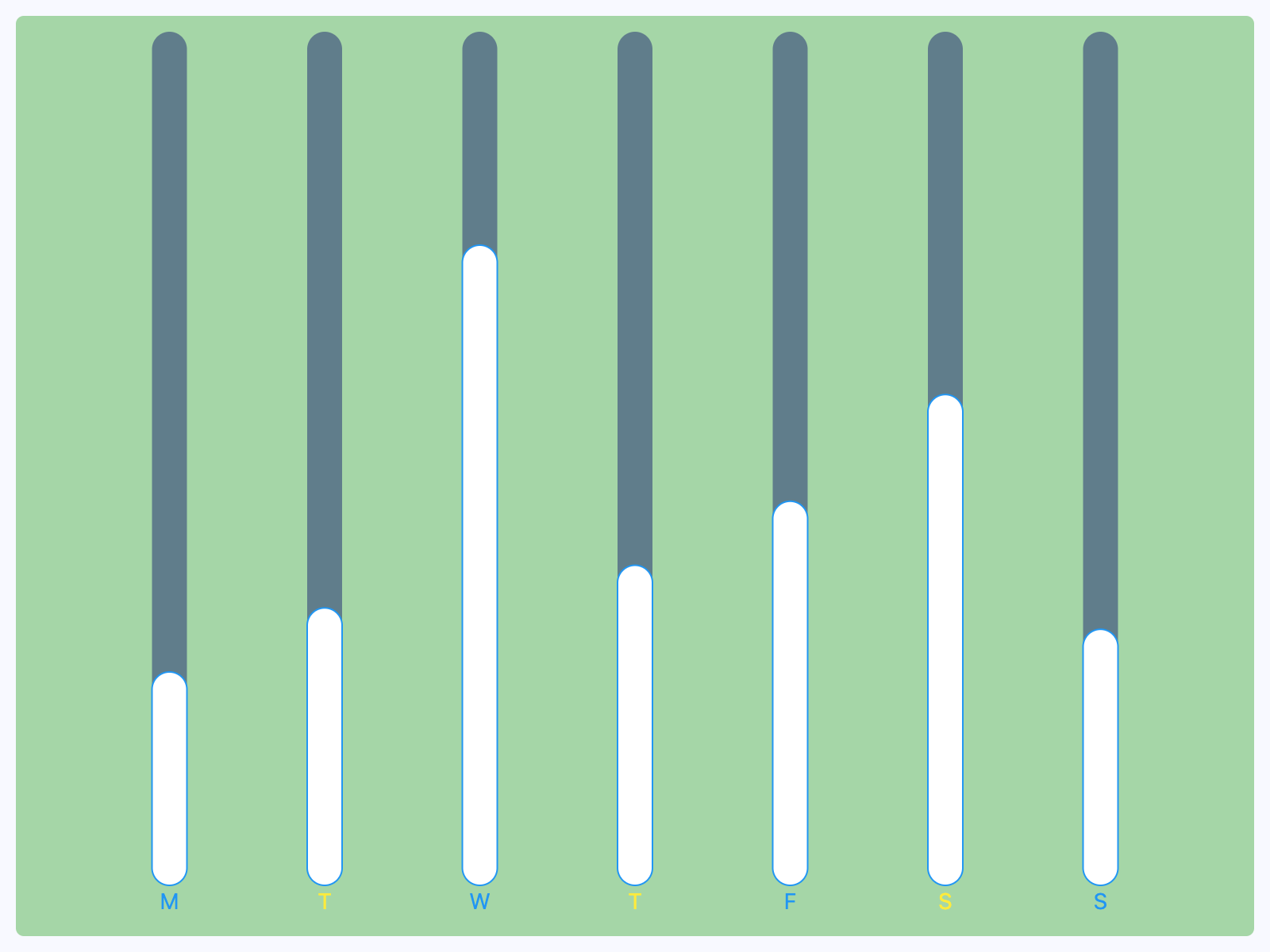](https://docs.flet.dev/test-images-charts/examples/golden/macos/bar_chart/example_2.png)
Properties[#](https://docs.flet.dev/charts/barchart/#flet_charts.bar_chart.BarChart-properties "Permanent link")
-----------------------------------------------------------------------------------------------------------------
### animation `class-attribute` `instance-attribute` [#](https://docs.flet.dev/charts/barchart/#flet_charts.bar_chart.BarChart.animation "Permanent link")
`[](https://docs.flet.dev/charts/barchart/#__codelineno-0-1) animation: [AnimationValue](https://docs.flet.dev/types/aliases/#flet.AnimationValue) = [field](https://docs.python.org/3/library/dataclasses.html#dataclasses.field "dataclasses.field") ( [](https://docs.flet.dev/charts/barchart/#__codelineno-0-2) default_factory=lambda: [Animation](https://docs.flet.dev/types/animation/#flet.Animation) ( [](https://docs.flet.dev/charts/barchart/#__codelineno-0-3) duration=[Duration](https://docs.flet.dev/types/duration/#flet.Duration) (milliseconds=150), curve=[LINEAR](https://docs.flet.dev/types/animationcurve/#flet.AnimationCurve.LINEAR) [](https://docs.flet.dev/charts/barchart/#__codelineno-0-4) ) [](https://docs.flet.dev/charts/barchart/#__codelineno-0-5) )`
Controls chart implicit animation.
### baseline\_y `class-attribute` `instance-attribute` [#](https://docs.flet.dev/charts/barchart/#flet_charts.bar_chart.BarChart.baseline_y "Permanent link")
`[](https://docs.flet.dev/charts/barchart/#__codelineno-0-1) baseline_y: [Number](https://docs.flet.dev/types/aliases/#flet.Number) | None = None`
Baseline value for Y axis.
### bgcolor `class-attribute` `instance-attribute` [#](https://docs.flet.dev/charts/barchart/#flet_charts.bar_chart.BarChart.bgcolor "Permanent link")
`[](https://docs.flet.dev/charts/barchart/#__codelineno-0-1) bgcolor: [ColorValue](https://docs.flet.dev/types/aliases/#flet.ColorValue) | None = None`
Background color of the chart.
### border `class-attribute` `instance-attribute` [#](https://docs.flet.dev/charts/barchart/#flet_charts.bar_chart.BarChart.border "Permanent link")
`[](https://docs.flet.dev/charts/barchart/#__codelineno-0-1) border: [Border](https://docs.flet.dev/types/border/#flet.Border) | None = None`
The border around the chart.
### bottom\_axis `class-attribute` `instance-attribute` [#](https://docs.flet.dev/charts/barchart/#flet_charts.bar_chart.BarChart.bottom_axis "Permanent link")
`[](https://docs.flet.dev/charts/barchart/#__codelineno-0-1) bottom_axis: [ChartAxis](https://docs.flet.dev/charts/types/chartaxis/#flet_charts.chart_axis.ChartAxis) | None = None`
The appearance of the bottom axis, its title and labels.
### group\_alignment `class-attribute` `instance-attribute` [#](https://docs.flet.dev/charts/barchart/#flet_charts.bar_chart.BarChart.group_alignment "Permanent link")
`[](https://docs.flet.dev/charts/barchart/#__codelineno-0-1) group_alignment: [MainAxisAlignment](https://docs.flet.dev/types/mainaxisalignment/#flet.MainAxisAlignment) = [SPACE_EVENLY](https://docs.flet.dev/types/mainaxisalignment/#flet.MainAxisAlignment.SPACE_EVENLY)`
The alignment of the bar [`groups`](https://docs.flet.dev/charts/barchart/#flet_charts.bar_chart.BarChart.groups)
within this chart.
If set to [`MainAxisAlignment.CENTER`](https://docs.flet.dev/types/mainaxisalignment/#flet.MainAxisAlignment.CENTER)
, the space between the `groups` can be specified using [`group_spacing`](https://docs.flet.dev/charts/barchart/#flet_charts.bar_chart.BarChart.group_spacing)
.
### group\_spacing `class-attribute` `instance-attribute` [#](https://docs.flet.dev/charts/barchart/#flet_charts.bar_chart.BarChart.group_spacing "Permanent link")
`[](https://docs.flet.dev/charts/barchart/#__codelineno-0-1) group_spacing: [Number](https://docs.flet.dev/types/aliases/#flet.Number) = 16.0`
An amount of space between bar [`groups`](https://docs.flet.dev/charts/barchart/#flet_charts.bar_chart.BarChart.groups)
.
### groups `class-attribute` `instance-attribute` [#](https://docs.flet.dev/charts/barchart/#flet_charts.bar_chart.BarChart.groups "Permanent link")
`[](https://docs.flet.dev/charts/barchart/#__codelineno-0-1) groups: [list](https://docs.python.org/3/glossary.html#term-list) [[BarChartGroup](https://docs.flet.dev/charts/types/barchartgroup/#flet_charts.bar_chart_group.BarChartGroup) ] = [field](https://docs.python.org/3/library/dataclasses.html#dataclasses.field "dataclasses.field") (default_factory=[list](https://docs.python.org/3/glossary.html#term-list) )`
The list of [`BarChartGroup`](https://docs.flet.dev/charts/types/barchartgroup/#flet_charts.bar_chart_group.BarChartGroup)
s to draw.
### horizontal\_grid\_lines `class-attribute` `instance-attribute` [#](https://docs.flet.dev/charts/barchart/#flet_charts.bar_chart.BarChart.horizontal_grid_lines "Permanent link")
`[](https://docs.flet.dev/charts/barchart/#__codelineno-0-1) horizontal_grid_lines: [ChartGridLines](https://docs.flet.dev/charts/types/chartgridlines/#flet_charts.types.ChartGridLines) | None = None`
Controls drawing of chart's horizontal lines.
### interactive `class-attribute` `instance-attribute` [#](https://docs.flet.dev/charts/barchart/#flet_charts.bar_chart.BarChart.interactive "Permanent link")
`[](https://docs.flet.dev/charts/barchart/#__codelineno-0-1) interactive: [bool](https://docs.python.org/3/library/functions.html#bool) = True`
Enables automatic tooltips when hovering chart bars.
### left\_axis `class-attribute` `instance-attribute` [#](https://docs.flet.dev/charts/barchart/#flet_charts.bar_chart.BarChart.left_axis "Permanent link")
`[](https://docs.flet.dev/charts/barchart/#__codelineno-0-1) left_axis: [ChartAxis](https://docs.flet.dev/charts/types/chartaxis/#flet_charts.chart_axis.ChartAxis) | None = None`
The appearance of the left axis, its title and labels.
### max\_y `class-attribute` `instance-attribute` [#](https://docs.flet.dev/charts/barchart/#flet_charts.bar_chart.BarChart.max_y "Permanent link")
`[](https://docs.flet.dev/charts/barchart/#__codelineno-0-1) max_y: [Number](https://docs.flet.dev/types/aliases/#flet.Number) | None = None`
The maximum displayed value for Y axis.
### min\_y `class-attribute` `instance-attribute` [#](https://docs.flet.dev/charts/barchart/#flet_charts.bar_chart.BarChart.min_y "Permanent link")
`[](https://docs.flet.dev/charts/barchart/#__codelineno-0-1) min_y: [Number](https://docs.flet.dev/types/aliases/#flet.Number) | None = None`
The minimum displayed value for Y axis.
### right\_axis `class-attribute` `instance-attribute` [#](https://docs.flet.dev/charts/barchart/#flet_charts.bar_chart.BarChart.right_axis "Permanent link")
`[](https://docs.flet.dev/charts/barchart/#__codelineno-0-1) right_axis: [ChartAxis](https://docs.flet.dev/charts/types/chartaxis/#flet_charts.chart_axis.ChartAxis) | None = None`
The appearance of the right axis, its title and labels.
### tooltip `class-attribute` `instance-attribute` [#](https://docs.flet.dev/charts/barchart/#flet_charts.bar_chart.BarChart.tooltip "Permanent link")
`[](https://docs.flet.dev/charts/barchart/#__codelineno-0-1) tooltip: [BarChartTooltip](https://docs.flet.dev/charts/types/barcharttooltip/#flet_charts.bar_chart.BarChartTooltip) | None = [field](https://docs.python.org/3/library/dataclasses.html#dataclasses.field "dataclasses.field") ( [](https://docs.flet.dev/charts/barchart/#__codelineno-0-2) default_factory=lambda: [BarChartTooltip](https://docs.flet.dev/charts/types/barcharttooltip/#flet_charts.bar_chart.BarChartTooltip) () [](https://docs.flet.dev/charts/barchart/#__codelineno-0-3) )`
The tooltip configuration for this chart.
If set to `None`, tooltips will not shown throughout this chart.
### top\_axis `class-attribute` `instance-attribute` [#](https://docs.flet.dev/charts/barchart/#flet_charts.bar_chart.BarChart.top_axis "Permanent link")
`[](https://docs.flet.dev/charts/barchart/#__codelineno-0-1) top_axis: [ChartAxis](https://docs.flet.dev/charts/types/chartaxis/#flet_charts.chart_axis.ChartAxis) | None = None`
The appearance of the top axis, its title and labels.
### vertical\_grid\_lines `class-attribute` `instance-attribute` [#](https://docs.flet.dev/charts/barchart/#flet_charts.bar_chart.BarChart.vertical_grid_lines "Permanent link")
`[](https://docs.flet.dev/charts/barchart/#__codelineno-0-1) vertical_grid_lines: [ChartGridLines](https://docs.flet.dev/charts/types/chartgridlines/#flet_charts.types.ChartGridLines) | None = None`
Controls drawing of chart's vertical lines.
Events[#](https://docs.flet.dev/charts/barchart/#flet_charts.bar_chart.BarChart-events "Permanent link")
---------------------------------------------------------------------------------------------------------
### on\_event `class-attribute` `instance-attribute` [#](https://docs.flet.dev/charts/barchart/#flet_charts.bar_chart.BarChart.on_event "Permanent link")
`[](https://docs.flet.dev/charts/barchart/#__codelineno-0-1) on_event: [EventHandler](https://docs.flet.dev/types/aliases/#flet.EventHandler) [[BarChartEvent](https://docs.flet.dev/charts/types/barchartevent/#flet_charts.bar_chart.BarChartEvent) ] | None = None`
Called when an event occurs on this chart, such as a click or hover.
Back to top
---
# RadarChart - Flet
[Skip to content](https://docs.flet.dev/charts/radarchart/#flet_charts.radar_chart.RadarChart)
RadarChart
==========
A radar chart made of multiple datasets.
`[](https://docs.flet.dev/charts/radarchart/#__codelineno-0-1) fch.RadarChart( [](https://docs.flet.dev/charts/radarchart/#__codelineno-0-2) titles=[fch.RadarChartTitle(text="winter"), ...], [](https://docs.flet.dev/charts/radarchart/#__codelineno-0-3) radar_shape=fch.RadarShape.CIRCLE, [](https://docs.flet.dev/charts/radarchart/#__codelineno-0-4) data_sets=[ [](https://docs.flet.dev/charts/radarchart/#__codelineno-0-5) fch.RadarDataSet( [](https://docs.flet.dev/charts/radarchart/#__codelineno-0-6) fill_color=ft.Colors.with_opacity(0.2, ft.Colors.BLUE_GREY_700), [](https://docs.flet.dev/charts/radarchart/#__codelineno-0-7) entries=[fch.RadarDataSetEntry(130), ...], [](https://docs.flet.dev/charts/radarchart/#__codelineno-0-8) ), [](https://docs.flet.dev/charts/radarchart/#__codelineno-0-9) ..., [](https://docs.flet.dev/charts/radarchart/#__codelineno-0-10) ], [](https://docs.flet.dev/charts/radarchart/#__codelineno-0-11) )`
[](https://docs.flet.dev/test-images-charts/examples/golden/macos/radar_chart/image_for_docs.png)
Basic radar chart
Inherits: `[LayoutControl](https://docs.flet.dev/controls/layoutcontrol/#flet.LayoutControl) `
Properties
* **`[animation](https://docs.flet.dev/charts/radarchart/#flet_charts.radar_chart.RadarChart.animation) `**(`[AnimationValue](https://docs.flet.dev/types/aliases/#flet.AnimationValue) `) –
Controls the implicit animation applied when updating this chart.
* **`[border](https://docs.flet.dev/charts/radarchart/#flet_charts.radar_chart.RadarChart.border) `**(`[Border](https://docs.flet.dev/types/border/#flet.Border) | None`) –
The border drawn around this chart.
* **`[center_min_value](https://docs.flet.dev/charts/radarchart/#flet_charts.radar_chart.RadarChart.center_min_value) `**(`[bool](https://docs.python.org/3/library/functions.html#bool) `) –
Whether minimum entry values should be positioned at the center of this chart.
* **`[data_sets](https://docs.flet.dev/charts/radarchart/#flet_charts.radar_chart.RadarChart.data_sets) `**(`[list](https://docs.python.org/3/glossary.html#term-list) [[RadarDataSet](https://docs.flet.dev/charts/types/radardataset/#flet_charts.radar_data_set.RadarDataSet) ]`) –
A list of [`RadarDataSet`](https://docs.flet.dev/charts/types/radardataset/#flet_charts.radar_data_set.RadarDataSet)
controls rendered on the chart.
* **`[grid_border_side](https://docs.flet.dev/charts/radarchart/#flet_charts.radar_chart.RadarChart.grid_border_side) `**(`[BorderSide](https://docs.flet.dev/types/borderside/#flet.BorderSide) `) –
The style of the radar grid lines.
* **`[interactive](https://docs.flet.dev/charts/radarchart/#flet_charts.radar_chart.RadarChart.interactive) `**(`[bool](https://docs.python.org/3/library/functions.html#bool) `) –
Enables touch interactions and event notifications.
* **`[long_press_duration](https://docs.flet.dev/charts/radarchart/#flet_charts.radar_chart.RadarChart.long_press_duration) `**(`[DurationValue](https://docs.flet.dev/types/aliases/#flet.DurationValue) | None`) –
The duration before a long-press event fires.
* **`[radar_bgcolor](https://docs.flet.dev/charts/radarchart/#flet_charts.radar_chart.RadarChart.radar_bgcolor) `**(`[ColorValue](https://docs.flet.dev/types/aliases/#flet.ColorValue) `) –
The background color of the radar area.
* **`[radar_border_side](https://docs.flet.dev/charts/radarchart/#flet_charts.radar_chart.RadarChart.radar_border_side) `**(`[BorderSide](https://docs.flet.dev/types/borderside/#flet.BorderSide) `) –
The outline drawn around the radar area.
* **`[radar_shape](https://docs.flet.dev/charts/radarchart/#flet_charts.radar_chart.RadarChart.radar_shape) `**(`[RadarShape](https://docs.flet.dev/charts/types/radarshape/#flet_charts.radar_chart.RadarShape) `) –
The shape of the radar area.
* **`[tick_border_side](https://docs.flet.dev/charts/radarchart/#flet_charts.radar_chart.RadarChart.tick_border_side) `**(`[BorderSide](https://docs.flet.dev/types/borderside/#flet.BorderSide) `) –
The style of the tick rings.
* **`[tick_count](https://docs.flet.dev/charts/radarchart/#flet_charts.radar_chart.RadarChart.tick_count) `**(`[Number](https://docs.flet.dev/types/aliases/#flet.Number) `) –
Number of tick rings drawn from the centre to the edge.
* **`[ticks_text_style](https://docs.flet.dev/charts/radarchart/#flet_charts.radar_chart.RadarChart.ticks_text_style) `**(`[TextStyle](https://docs.flet.dev/types/textstyle/#flet.TextStyle) | None`) –
The text style used to draw tick labels.
* **`[title_position_percentage_offset](https://docs.flet.dev/charts/radarchart/#flet_charts.radar_chart.RadarChart.title_position_percentage_offset) `**(`[Number](https://docs.flet.dev/types/aliases/#flet.Number) `) –
Defines the relative distance of titles from the chart center.
* **`[title_text_style](https://docs.flet.dev/charts/radarchart/#flet_charts.radar_chart.RadarChart.title_text_style) `**(`[TextStyle](https://docs.flet.dev/types/textstyle/#flet.TextStyle) | None`) –
The text style applied to titles around this chart.
* **`[titles](https://docs.flet.dev/charts/radarchart/#flet_charts.radar_chart.RadarChart.titles) `**(`[list](https://docs.python.org/3/glossary.html#term-list) [[RadarChartTitle](https://docs.flet.dev/charts/types/radarcharttitle/#flet_charts.radar_chart.RadarChartTitle) ]`) –
The titles shown around this chart, matching the number of entries per set.
* **`[touch_spot_threshold](https://docs.flet.dev/charts/radarchart/#flet_charts.radar_chart.RadarChart.touch_spot_threshold) `**(`[Number](https://docs.flet.dev/types/aliases/#flet.Number) `) –
The radius (in logical pixels) used to detect nearby entries for touches.
Events
* **`[on_event](https://docs.flet.dev/charts/radarchart/#flet_charts.radar_chart.RadarChart.on_event) `**(`[EventHandler](https://docs.flet.dev/types/aliases/#flet.EventHandler) [[RadarChartEvent](https://docs.flet.dev/charts/types/radarchartevent/#flet_charts.radar_chart.RadarChartEvent) ] | None`) –
Called when the chart is interacted with.
Examples[#](https://docs.flet.dev/charts/radarchart/#examples "Permanent link")
--------------------------------------------------------------------------------
### Example 1[#](https://docs.flet.dev/charts/radarchart/#example-1 "Permanent link")
`[](https://docs.flet.dev/charts/radarchart/#__codelineno-0-1) import flet as ft [](https://docs.flet.dev/charts/radarchart/#__codelineno-0-2) import flet_charts as fch [](https://docs.flet.dev/charts/radarchart/#__codelineno-0-3) [](https://docs.flet.dev/charts/radarchart/#__codelineno-0-4)[](https://docs.flet.dev/charts/radarchart/#__codelineno-0-5) def main(page: ft.Page): [](https://docs.flet.dev/charts/radarchart/#__codelineno-0-6) page.title = "Radar chart" [](https://docs.flet.dev/charts/radarchart/#__codelineno-0-7) page.padding = 20 [](https://docs.flet.dev/charts/radarchart/#__codelineno-0-8) # page.vertical_alignment = page.horizontal_alignment = "center" [](https://docs.flet.dev/charts/radarchart/#__codelineno-0-9) page.theme_mode = ft.ThemeMode.LIGHT [](https://docs.flet.dev/charts/radarchart/#__codelineno-0-10) [](https://docs.flet.dev/charts/radarchart/#__codelineno-0-11) categories = ["macOS", "Linux", "Windows"] [](https://docs.flet.dev/charts/radarchart/#__codelineno-0-12) [](https://docs.flet.dev/charts/radarchart/#__codelineno-0-13) page.add( [](https://docs.flet.dev/charts/radarchart/#__codelineno-0-14) fch.RadarChart( [](https://docs.flet.dev/charts/radarchart/#__codelineno-0-15) expand=True, [](https://docs.flet.dev/charts/radarchart/#__codelineno-0-16) titles=[fch.RadarChartTitle(text=label) for label in categories], [](https://docs.flet.dev/charts/radarchart/#__codelineno-0-17) center_min_value=True, [](https://docs.flet.dev/charts/radarchart/#__codelineno-0-18) tick_count=4, [](https://docs.flet.dev/charts/radarchart/#__codelineno-0-19) ticks_text_style=ft.TextStyle(size=20, color=ft.Colors.ON_SURFACE), [](https://docs.flet.dev/charts/radarchart/#__codelineno-0-20) title_text_style=ft.TextStyle( [](https://docs.flet.dev/charts/radarchart/#__codelineno-0-21) size=24, weight=ft.FontWeight.BOLD, color=ft.Colors.ON_SURFACE [](https://docs.flet.dev/charts/radarchart/#__codelineno-0-22) ), [](https://docs.flet.dev/charts/radarchart/#__codelineno-0-23) on_event=lambda e: print(e.type), [](https://docs.flet.dev/charts/radarchart/#__codelineno-0-24) data_sets=[ [](https://docs.flet.dev/charts/radarchart/#__codelineno-0-25) fch.RadarDataSet( [](https://docs.flet.dev/charts/radarchart/#__codelineno-0-26) fill_color=ft.Colors.with_opacity(0.2, ft.Colors.DEEP_PURPLE), [](https://docs.flet.dev/charts/radarchart/#__codelineno-0-27) border_color=ft.Colors.DEEP_PURPLE, [](https://docs.flet.dev/charts/radarchart/#__codelineno-0-28) entry_radius=4, [](https://docs.flet.dev/charts/radarchart/#__codelineno-0-29) entries=[ [](https://docs.flet.dev/charts/radarchart/#__codelineno-0-30) fch.RadarDataSetEntry(300), [](https://docs.flet.dev/charts/radarchart/#__codelineno-0-31) fch.RadarDataSetEntry(50), [](https://docs.flet.dev/charts/radarchart/#__codelineno-0-32) fch.RadarDataSetEntry(250), [](https://docs.flet.dev/charts/radarchart/#__codelineno-0-33) ], [](https://docs.flet.dev/charts/radarchart/#__codelineno-0-34) ), [](https://docs.flet.dev/charts/radarchart/#__codelineno-0-35) fch.RadarDataSet( [](https://docs.flet.dev/charts/radarchart/#__codelineno-0-36) fill_color=ft.Colors.with_opacity(0.15, ft.Colors.PINK), [](https://docs.flet.dev/charts/radarchart/#__codelineno-0-37) border_color=ft.Colors.PINK, [](https://docs.flet.dev/charts/radarchart/#__codelineno-0-38) entry_radius=4, [](https://docs.flet.dev/charts/radarchart/#__codelineno-0-39) entries=[ [](https://docs.flet.dev/charts/radarchart/#__codelineno-0-40) fch.RadarDataSetEntry(250), [](https://docs.flet.dev/charts/radarchart/#__codelineno-0-41) fch.RadarDataSetEntry(100), [](https://docs.flet.dev/charts/radarchart/#__codelineno-0-42) fch.RadarDataSetEntry(200), [](https://docs.flet.dev/charts/radarchart/#__codelineno-0-43) ], [](https://docs.flet.dev/charts/radarchart/#__codelineno-0-44) ), [](https://docs.flet.dev/charts/radarchart/#__codelineno-0-45) fch.RadarDataSet( [](https://docs.flet.dev/charts/radarchart/#__codelineno-0-46) fill_color=ft.Colors.with_opacity(0.12, ft.Colors.CYAN), [](https://docs.flet.dev/charts/radarchart/#__codelineno-0-47) border_color=ft.Colors.CYAN, [](https://docs.flet.dev/charts/radarchart/#__codelineno-0-48) entry_radius=4, [](https://docs.flet.dev/charts/radarchart/#__codelineno-0-49) entries=[ [](https://docs.flet.dev/charts/radarchart/#__codelineno-0-50) fch.RadarDataSetEntry(200), [](https://docs.flet.dev/charts/radarchart/#__codelineno-0-51) fch.RadarDataSetEntry(150), [](https://docs.flet.dev/charts/radarchart/#__codelineno-0-52) fch.RadarDataSetEntry(50), [](https://docs.flet.dev/charts/radarchart/#__codelineno-0-53) ], [](https://docs.flet.dev/charts/radarchart/#__codelineno-0-54) ), [](https://docs.flet.dev/charts/radarchart/#__codelineno-0-55) ], [](https://docs.flet.dev/charts/radarchart/#__codelineno-0-56) ) [](https://docs.flet.dev/charts/radarchart/#__codelineno-0-57) ) [](https://docs.flet.dev/charts/radarchart/#__codelineno-0-58) [](https://docs.flet.dev/charts/radarchart/#__codelineno-0-59)[](https://docs.flet.dev/charts/radarchart/#__codelineno-0-60) if __name__ == "__main__": [](https://docs.flet.dev/charts/radarchart/#__codelineno-0-61) ft.run(main)`
[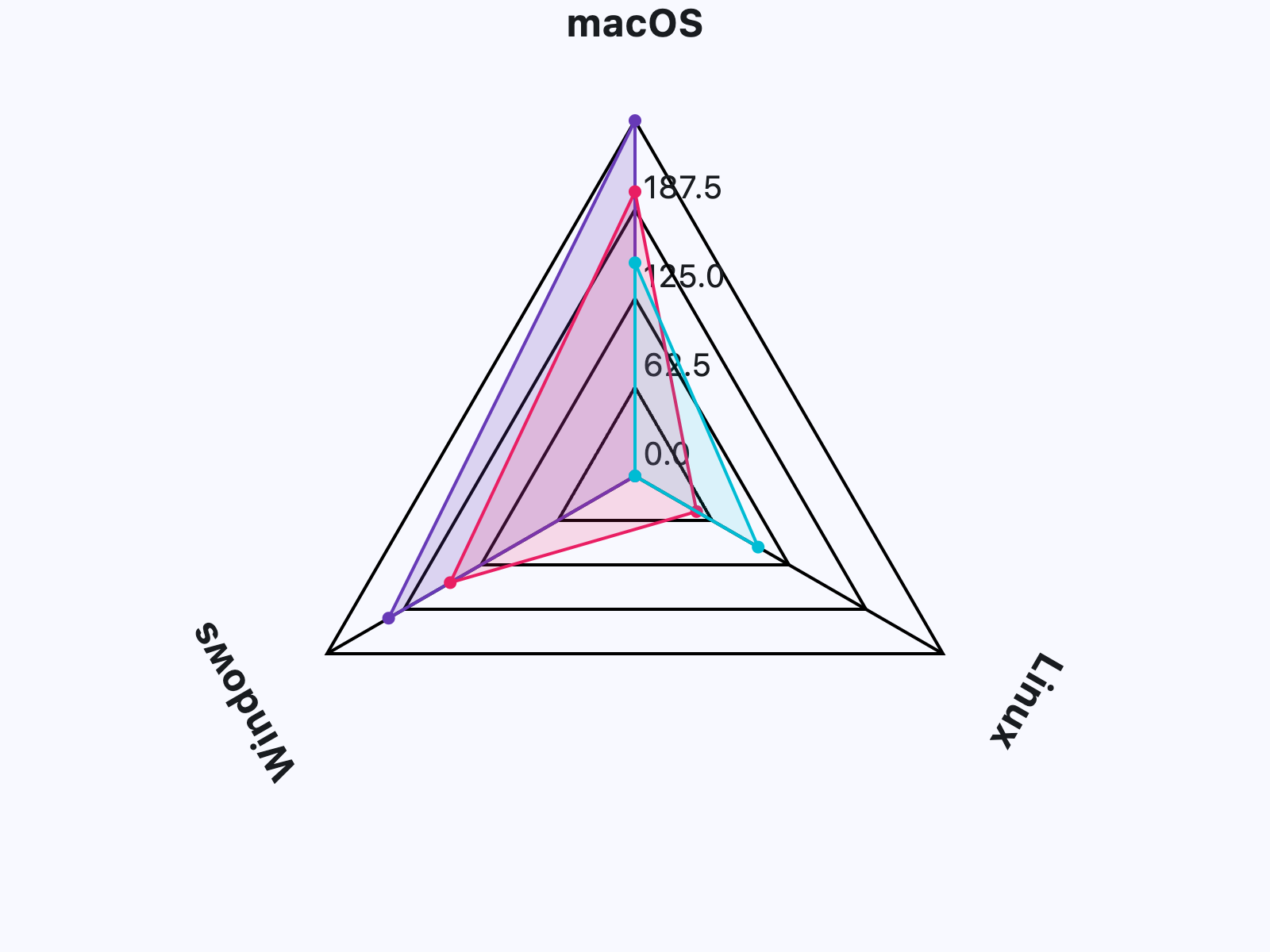](https://docs.flet.dev/test-images-charts/examples/golden/macos/radar_chart/example_1.png)
Properties[#](https://docs.flet.dev/charts/radarchart/#flet_charts.radar_chart.RadarChart-properties "Permanent link")
-----------------------------------------------------------------------------------------------------------------------
### animation `class-attribute` `instance-attribute` [#](https://docs.flet.dev/charts/radarchart/#flet_charts.radar_chart.RadarChart.animation "Permanent link")
`[](https://docs.flet.dev/charts/radarchart/#__codelineno-0-1) animation: [AnimationValue](https://docs.flet.dev/types/aliases/#flet.AnimationValue) = [field](https://docs.python.org/3/library/dataclasses.html#dataclasses.field "dataclasses.field") ( [](https://docs.flet.dev/charts/radarchart/#__codelineno-0-2) default_factory=lambda: [Animation](https://docs.flet.dev/types/animation/#flet.Animation) ( [](https://docs.flet.dev/charts/radarchart/#__codelineno-0-3) duration=[Duration](https://docs.flet.dev/types/duration/#flet.Duration) (milliseconds=150), curve=[LINEAR](https://docs.flet.dev/types/animationcurve/#flet.AnimationCurve.LINEAR) [](https://docs.flet.dev/charts/radarchart/#__codelineno-0-4) ) [](https://docs.flet.dev/charts/radarchart/#__codelineno-0-5) )`
Controls the implicit animation applied when updating this chart.
### border `class-attribute` `instance-attribute` [#](https://docs.flet.dev/charts/radarchart/#flet_charts.radar_chart.RadarChart.border "Permanent link")
`[](https://docs.flet.dev/charts/radarchart/#__codelineno-0-1) border: [Border](https://docs.flet.dev/types/border/#flet.Border) | None = None`
The border drawn around this chart.
### center\_min\_value `class-attribute` `instance-attribute` [#](https://docs.flet.dev/charts/radarchart/#flet_charts.radar_chart.RadarChart.center_min_value "Permanent link")
`[](https://docs.flet.dev/charts/radarchart/#__codelineno-0-1) center_min_value: [bool](https://docs.python.org/3/library/functions.html#bool) = False`
Whether minimum entry values should be positioned at the center of this chart.
### data\_sets `class-attribute` `instance-attribute` [#](https://docs.flet.dev/charts/radarchart/#flet_charts.radar_chart.RadarChart.data_sets "Permanent link")
`[](https://docs.flet.dev/charts/radarchart/#__codelineno-0-1) data_sets: [list](https://docs.python.org/3/glossary.html#term-list) [[RadarDataSet](https://docs.flet.dev/charts/types/radardataset/#flet_charts.radar_data_set.RadarDataSet) ] = [field](https://docs.python.org/3/library/dataclasses.html#dataclasses.field "dataclasses.field") (default_factory=[list](https://docs.python.org/3/glossary.html#term-list) )`
A list of [`RadarDataSet`](https://docs.flet.dev/charts/types/radardataset/#flet_charts.radar_data_set.RadarDataSet)
controls rendered on the chart.
### grid\_border\_side `class-attribute` `instance-attribute` [#](https://docs.flet.dev/charts/radarchart/#flet_charts.radar_chart.RadarChart.grid_border_side "Permanent link")
`[](https://docs.flet.dev/charts/radarchart/#__codelineno-0-1) grid_border_side: [BorderSide](https://docs.flet.dev/types/borderside/#flet.BorderSide) = [field](https://docs.python.org/3/library/dataclasses.html#dataclasses.field "dataclasses.field") ( [](https://docs.flet.dev/charts/radarchart/#__codelineno-0-2) default_factory=lambda: [BorderSide](https://docs.flet.dev/types/borderside/#flet.BorderSide) (width=2.0) [](https://docs.flet.dev/charts/radarchart/#__codelineno-0-3) )`
The style of the radar grid lines.
### interactive `class-attribute` `instance-attribute` [#](https://docs.flet.dev/charts/radarchart/#flet_charts.radar_chart.RadarChart.interactive "Permanent link")
`[](https://docs.flet.dev/charts/radarchart/#__codelineno-0-1) interactive: [bool](https://docs.python.org/3/library/functions.html#bool) = True`
Enables touch interactions and event notifications.
### long\_press\_duration `class-attribute` `instance-attribute` [#](https://docs.flet.dev/charts/radarchart/#flet_charts.radar_chart.RadarChart.long_press_duration "Permanent link")
`[](https://docs.flet.dev/charts/radarchart/#__codelineno-0-1) long_press_duration: [DurationValue](https://docs.flet.dev/types/aliases/#flet.DurationValue) | None = None`
The duration before a long-press event fires.
### radar\_bgcolor `class-attribute` `instance-attribute` [#](https://docs.flet.dev/charts/radarchart/#flet_charts.radar_chart.RadarChart.radar_bgcolor "Permanent link")
`[](https://docs.flet.dev/charts/radarchart/#__codelineno-0-1) radar_bgcolor: [ColorValue](https://docs.flet.dev/types/aliases/#flet.ColorValue) = [TRANSPARENT](https://docs.flet.dev/types/colors/#flet.Colors.TRANSPARENT)`
The background color of the radar area.
### radar\_border\_side `class-attribute` `instance-attribute` [#](https://docs.flet.dev/charts/radarchart/#flet_charts.radar_chart.RadarChart.radar_border_side "Permanent link")
`[](https://docs.flet.dev/charts/radarchart/#__codelineno-0-1) radar_border_side: [BorderSide](https://docs.flet.dev/types/borderside/#flet.BorderSide) = [field](https://docs.python.org/3/library/dataclasses.html#dataclasses.field "dataclasses.field") ( [](https://docs.flet.dev/charts/radarchart/#__codelineno-0-2) default_factory=lambda: [BorderSide](https://docs.flet.dev/types/borderside/#flet.BorderSide) (width=2.0) [](https://docs.flet.dev/charts/radarchart/#__codelineno-0-3) )`
The outline drawn around the radar area.
### radar\_shape `class-attribute` `instance-attribute` [#](https://docs.flet.dev/charts/radarchart/#flet_charts.radar_chart.RadarChart.radar_shape "Permanent link")
`[](https://docs.flet.dev/charts/radarchart/#__codelineno-0-1) radar_shape: [RadarShape](https://docs.flet.dev/charts/types/radarshape/#flet_charts.radar_chart.RadarShape) = [POLYGON](https://docs.flet.dev/charts/types/radarshape/#flet_charts.radar_chart.RadarShape.POLYGON)`
The shape of the radar area.
### tick\_border\_side `class-attribute` `instance-attribute` [#](https://docs.flet.dev/charts/radarchart/#flet_charts.radar_chart.RadarChart.tick_border_side "Permanent link")
`[](https://docs.flet.dev/charts/radarchart/#__codelineno-0-1) tick_border_side: [BorderSide](https://docs.flet.dev/types/borderside/#flet.BorderSide) = [field](https://docs.python.org/3/library/dataclasses.html#dataclasses.field "dataclasses.field") ( [](https://docs.flet.dev/charts/radarchart/#__codelineno-0-2) default_factory=lambda: [BorderSide](https://docs.flet.dev/types/borderside/#flet.BorderSide) (width=2.0) [](https://docs.flet.dev/charts/radarchart/#__codelineno-0-3) )`
The style of the tick rings.
### tick\_count `class-attribute` `instance-attribute` [#](https://docs.flet.dev/charts/radarchart/#flet_charts.radar_chart.RadarChart.tick_count "Permanent link")
`[](https://docs.flet.dev/charts/radarchart/#__codelineno-0-1) tick_count: [Number](https://docs.flet.dev/types/aliases/#flet.Number) = 1`
Number of tick rings drawn from the centre to the edge.
Must be greater than or equal to `1`.
Raises:
* `[ValueError](https://docs.python.org/3/library/exceptions.html#ValueError) ` –
If set to a value less than `1`.
### ticks\_text\_style `class-attribute` `instance-attribute` [#](https://docs.flet.dev/charts/radarchart/#flet_charts.radar_chart.RadarChart.ticks_text_style "Permanent link")
`[](https://docs.flet.dev/charts/radarchart/#__codelineno-0-1) ticks_text_style: [TextStyle](https://docs.flet.dev/types/textstyle/#flet.TextStyle) | None = None`
The text style used to draw tick labels.
### title\_position\_percentage\_offset `class-attribute` `instance-attribute` [#](https://docs.flet.dev/charts/radarchart/#flet_charts.radar_chart.RadarChart.title_position_percentage_offset "Permanent link")
`[](https://docs.flet.dev/charts/radarchart/#__codelineno-0-1) title_position_percentage_offset: [Number](https://docs.flet.dev/types/aliases/#flet.Number) = 0.2`
Defines the relative distance of titles from the chart center.
* `0` draws titles near the inside edge of each section.
* `1` draws titles near the outside edge of each section.
Must be between `0` and `1` (inclusive).
Raises:
* `[ValueError](https://docs.python.org/3/library/exceptions.html#ValueError) ` –
If set to a value less than `0` or greater than `1`.
### title\_text\_style `class-attribute` `instance-attribute` [#](https://docs.flet.dev/charts/radarchart/#flet_charts.radar_chart.RadarChart.title_text_style "Permanent link")
`[](https://docs.flet.dev/charts/radarchart/#__codelineno-0-1) title_text_style: [TextStyle](https://docs.flet.dev/types/textstyle/#flet.TextStyle) | None = None`
The text style applied to titles around this chart.
### titles `class-attribute` `instance-attribute` [#](https://docs.flet.dev/charts/radarchart/#flet_charts.radar_chart.RadarChart.titles "Permanent link")
`[](https://docs.flet.dev/charts/radarchart/#__codelineno-0-1) titles: [list](https://docs.python.org/3/glossary.html#term-list) [[RadarChartTitle](https://docs.flet.dev/charts/types/radarcharttitle/#flet_charts.radar_chart.RadarChartTitle) ] = [field](https://docs.python.org/3/library/dataclasses.html#dataclasses.field "dataclasses.field") (default_factory=[list](https://docs.python.org/3/glossary.html#term-list) )`
The titles shown around this chart, matching the number of entries per set.
### touch\_spot\_threshold `class-attribute` `instance-attribute` [#](https://docs.flet.dev/charts/radarchart/#flet_charts.radar_chart.RadarChart.touch_spot_threshold "Permanent link")
`[](https://docs.flet.dev/charts/radarchart/#__codelineno-0-1) touch_spot_threshold: [Number](https://docs.flet.dev/types/aliases/#flet.Number) = 10`
The radius (in logical pixels) used to detect nearby entries for touches.
Events[#](https://docs.flet.dev/charts/radarchart/#flet_charts.radar_chart.RadarChart-events "Permanent link")
---------------------------------------------------------------------------------------------------------------
### on\_event `class-attribute` `instance-attribute` [#](https://docs.flet.dev/charts/radarchart/#flet_charts.radar_chart.RadarChart.on_event "Permanent link")
`[](https://docs.flet.dev/charts/radarchart/#__codelineno-0-1) on_event: [EventHandler](https://docs.flet.dev/types/aliases/#flet.EventHandler) [[RadarChartEvent](https://docs.flet.dev/charts/types/radarchartevent/#flet_charts.radar_chart.RadarChartEvent) ] | None = None`
Called when the chart is interacted with.
Back to top
---
# CandlestickChart - Flet
[Skip to content](https://docs.flet.dev/charts/candlestickchart/#flet_charts.candlestick_chart.CandlestickChart)
CandlestickChart
================
Draws a candlestick chart representing OHLC values.
`[](https://docs.flet.dev/charts/candlestickchart/#__codelineno-0-1) fch.CandlestickChart( [](https://docs.flet.dev/charts/candlestickchart/#__codelineno-0-2) min_x=-1, [](https://docs.flet.dev/charts/candlestickchart/#__codelineno-0-3) max_x=2, [](https://docs.flet.dev/charts/candlestickchart/#__codelineno-0-4) min_y=20, [](https://docs.flet.dev/charts/candlestickchart/#__codelineno-0-5) max_y=30, [](https://docs.flet.dev/charts/candlestickchart/#__codelineno-0-6) bgcolor=ft.Colors.AMBER_200, [](https://docs.flet.dev/charts/candlestickchart/#__codelineno-0-7) spots=[ [](https://docs.flet.dev/charts/candlestickchart/#__codelineno-0-8) fch.CandlestickChartSpot( [](https://docs.flet.dev/charts/candlestickchart/#__codelineno-0-9) x=0, [](https://docs.flet.dev/charts/candlestickchart/#__codelineno-0-10) open=22.6, [](https://docs.flet.dev/charts/candlestickchart/#__codelineno-0-11) high=28.3, [](https://docs.flet.dev/charts/candlestickchart/#__codelineno-0-12) low=21.4, [](https://docs.flet.dev/charts/candlestickchart/#__codelineno-0-13) close=24.1, [](https://docs.flet.dev/charts/candlestickchart/#__codelineno-0-14) ), [](https://docs.flet.dev/charts/candlestickchart/#__codelineno-0-15) ..., [](https://docs.flet.dev/charts/candlestickchart/#__codelineno-0-16) ], [](https://docs.flet.dev/charts/candlestickchart/#__codelineno-0-17) )`
[](https://docs.flet.dev/test-images-charts/examples/golden/macos/candlestick_chart/image_for_docs.png)
Basic candlestick chart
Inherits: `[LayoutControl](https://docs.flet.dev/controls/layoutcontrol/#flet.LayoutControl) `
Properties
* **`[animation](https://docs.flet.dev/charts/candlestickchart/#flet_charts.candlestick_chart.CandlestickChart.animation) `**(`[AnimationValue](https://docs.flet.dev/types/aliases/#flet.AnimationValue) `) –
Controls chart implicit animations.
* **`[baseline_x](https://docs.flet.dev/charts/candlestickchart/#flet_charts.candlestick_chart.CandlestickChart.baseline_x) `**(`[Number](https://docs.flet.dev/types/aliases/#flet.Number) | None`) –
Baseline value on the X axis.
* **`[baseline_y](https://docs.flet.dev/charts/candlestickchart/#flet_charts.candlestick_chart.CandlestickChart.baseline_y) `**(`[Number](https://docs.flet.dev/types/aliases/#flet.Number) | None`) –
Baseline value on the Y axis.
* **`[bgcolor](https://docs.flet.dev/charts/candlestickchart/#flet_charts.candlestick_chart.CandlestickChart.bgcolor) `**(`[ColorValue](https://docs.flet.dev/types/aliases/#flet.ColorValue) | None`) –
Background color of the chart.
* **`[border](https://docs.flet.dev/charts/candlestickchart/#flet_charts.candlestick_chart.CandlestickChart.border) `**(`[Border](https://docs.flet.dev/types/border/#flet.Border) | None`) –
Border drawn around the chart.
* **`[bottom_axis](https://docs.flet.dev/charts/candlestickchart/#flet_charts.candlestick_chart.CandlestickChart.bottom_axis) `**(`[ChartAxis](https://docs.flet.dev/charts/types/chartaxis/#flet_charts.chart_axis.ChartAxis) | None`) –
Appearance of the bottom axis, its title and labels.
* **`[horizontal_grid_lines](https://docs.flet.dev/charts/candlestickchart/#flet_charts.candlestick_chart.CandlestickChart.horizontal_grid_lines) `**(`[ChartGridLines](https://docs.flet.dev/charts/types/chartgridlines/#flet_charts.types.ChartGridLines) | None`) –
Horizontal grid lines configuration.
* **`[interactive](https://docs.flet.dev/charts/candlestickchart/#flet_charts.candlestick_chart.CandlestickChart.interactive) `**(`[bool](https://docs.python.org/3/library/functions.html#bool) `) –
Enables automatic tooltips and highlighting when hovering the chart.
* **`[left_axis](https://docs.flet.dev/charts/candlestickchart/#flet_charts.candlestick_chart.CandlestickChart.left_axis) `**(`[ChartAxis](https://docs.flet.dev/charts/types/chartaxis/#flet_charts.chart_axis.ChartAxis) | None`) –
Appearance of the left axis, its title and labels.
* **`[long_press_duration](https://docs.flet.dev/charts/candlestickchart/#flet_charts.candlestick_chart.CandlestickChart.long_press_duration) `**(`[DurationValue](https://docs.flet.dev/types/aliases/#flet.DurationValue) | None`) –
The duration of a long press on the chart.
* **`[max_x](https://docs.flet.dev/charts/candlestickchart/#flet_charts.candlestick_chart.CandlestickChart.max_x) `**(`[Number](https://docs.flet.dev/types/aliases/#flet.Number) | None`) –
Maximum value displayed on the X axis.
* **`[max_y](https://docs.flet.dev/charts/candlestickchart/#flet_charts.candlestick_chart.CandlestickChart.max_y) `**(`[Number](https://docs.flet.dev/types/aliases/#flet.Number) | None`) –
Maximum value displayed on the Y axis.
* **`[min_x](https://docs.flet.dev/charts/candlestickchart/#flet_charts.candlestick_chart.CandlestickChart.min_x) `**(`[Number](https://docs.flet.dev/types/aliases/#flet.Number) | None`) –
Minimum value displayed on the X axis.
* **`[min_y](https://docs.flet.dev/charts/candlestickchart/#flet_charts.candlestick_chart.CandlestickChart.min_y) `**(`[Number](https://docs.flet.dev/types/aliases/#flet.Number) | None`) –
Minimum value displayed on the Y axis.
* **`[right_axis](https://docs.flet.dev/charts/candlestickchart/#flet_charts.candlestick_chart.CandlestickChart.right_axis) `**(`[ChartAxis](https://docs.flet.dev/charts/types/chartaxis/#flet_charts.chart_axis.ChartAxis) | None`) –
Appearance of the right axis, its title and labels.
* **`[rotation_quarter_turns](https://docs.flet.dev/charts/candlestickchart/#flet_charts.candlestick_chart.CandlestickChart.rotation_quarter_turns) `**(`[Number](https://docs.flet.dev/types/aliases/#flet.Number) `) –
Number of quarter turns (90-degree increments) to rotate the chart.
* **`[show_tooltips_for_selected_spots_only](https://docs.flet.dev/charts/candlestickchart/#flet_charts.candlestick_chart.CandlestickChart.show_tooltips_for_selected_spots_only) `**(`[bool](https://docs.python.org/3/library/functions.html#bool) `) –
Whether to permanently and only show the tooltips of spots with their
* **`[spots](https://docs.flet.dev/charts/candlestickchart/#flet_charts.candlestick_chart.CandlestickChart.spots) `**(`[list](https://docs.python.org/3/glossary.html#term-list) [[CandlestickChartSpot](https://docs.flet.dev/charts/types/candlestickchartspot/#flet_charts.candlestick_chart_spot.CandlestickChartSpot) ]`) –
Candlesticks to display on the chart.
* **`[tooltip](https://docs.flet.dev/charts/candlestickchart/#flet_charts.candlestick_chart.CandlestickChart.tooltip) `**(`[CandlestickChartTooltip](https://docs.flet.dev/charts/types/candlestickcharttooltip/#flet_charts.candlestick_chart.CandlestickChartTooltip) | None`) –
Tooltip configuration for the chart.
* **`[top_axis](https://docs.flet.dev/charts/candlestickchart/#flet_charts.candlestick_chart.CandlestickChart.top_axis) `**(`[ChartAxis](https://docs.flet.dev/charts/types/chartaxis/#flet_charts.chart_axis.ChartAxis) | None`) –
Appearance of the top axis, its title and labels.
* **`[touch_spot_threshold](https://docs.flet.dev/charts/candlestickchart/#flet_charts.candlestick_chart.CandlestickChart.touch_spot_threshold) `**(`[Number](https://docs.flet.dev/types/aliases/#flet.Number) `) –
The distance threshold to consider a touch near a candlestick.
* **`[vertical_grid_lines](https://docs.flet.dev/charts/candlestickchart/#flet_charts.candlestick_chart.CandlestickChart.vertical_grid_lines) `**(`[ChartGridLines](https://docs.flet.dev/charts/types/chartgridlines/#flet_charts.types.ChartGridLines) | None`) –
Vertical grid lines configuration.
Events
* **`[on_event](https://docs.flet.dev/charts/candlestickchart/#flet_charts.candlestick_chart.CandlestickChart.on_event) `**(`[EventHandler](https://docs.flet.dev/types/aliases/#flet.EventHandler) [[CandlestickChartEvent](https://docs.flet.dev/charts/types/candlestickchartevent/#flet_charts.candlestick_chart.CandlestickChartEvent) ] | None`) –
Called when an event occurs on this chart.
Examples[#](https://docs.flet.dev/charts/candlestickchart/#examples "Permanent link")
--------------------------------------------------------------------------------------
### Basic Candlestick Chart[#](https://docs.flet.dev/charts/candlestickchart/#basic-candlestick-chart "Permanent link")
`[](https://docs.flet.dev/charts/candlestickchart/#__codelineno-0-1) import flet as ft [](https://docs.flet.dev/charts/candlestickchart/#__codelineno-0-2) import flet_charts as fch [](https://docs.flet.dev/charts/candlestickchart/#__codelineno-0-3)[](https://docs.flet.dev/charts/candlestickchart/#__codelineno-0-4) CANDLE_DATA = [ [](https://docs.flet.dev/charts/candlestickchart/#__codelineno-0-5) ("Mon", 24.8, 28.6, 23.9, 27.2), [](https://docs.flet.dev/charts/candlestickchart/#__codelineno-0-6) ("Tue", 27.2, 30.1, 25.8, 28.4), [](https://docs.flet.dev/charts/candlestickchart/#__codelineno-0-7) ("Wed", 28.4, 31.2, 26.5, 29.1), [](https://docs.flet.dev/charts/candlestickchart/#__codelineno-0-8) ("Thu", 29.1, 32.4, 27.9, 31.8), [](https://docs.flet.dev/charts/candlestickchart/#__codelineno-0-9) ("Fri", 31.8, 34.0, 29.7, 30.2), [](https://docs.flet.dev/charts/candlestickchart/#__codelineno-0-10) ("Sat", 30.2, 33.6, 28.3, 32.7), [](https://docs.flet.dev/charts/candlestickchart/#__codelineno-0-11) ("Sun", 32.7, 35.5, 30.1, 34.6), [](https://docs.flet.dev/charts/candlestickchart/#__codelineno-0-12) ] [](https://docs.flet.dev/charts/candlestickchart/#__codelineno-0-13) [](https://docs.flet.dev/charts/candlestickchart/#__codelineno-0-14)[](https://docs.flet.dev/charts/candlestickchart/#__codelineno-0-15) def build_spots() -> list[fch.CandlestickChartSpot]: [](https://docs.flet.dev/charts/candlestickchart/#__codelineno-0-16) """Create candlestick spots from the static data.""" [](https://docs.flet.dev/charts/candlestickchart/#__codelineno-0-17) spots: list[fch.CandlestickChartSpot] = [] [](https://docs.flet.dev/charts/candlestickchart/#__codelineno-0-18) for index, (label, open_, high, low, close) in enumerate(CANDLE_DATA): [](https://docs.flet.dev/charts/candlestickchart/#__codelineno-0-19) spots.append( [](https://docs.flet.dev/charts/candlestickchart/#__codelineno-0-20) fch.CandlestickChartSpot( [](https://docs.flet.dev/charts/candlestickchart/#__codelineno-0-21) x=float(index), [](https://docs.flet.dev/charts/candlestickchart/#__codelineno-0-22) open=open_, [](https://docs.flet.dev/charts/candlestickchart/#__codelineno-0-23) high=high, [](https://docs.flet.dev/charts/candlestickchart/#__codelineno-0-24) low=low, [](https://docs.flet.dev/charts/candlestickchart/#__codelineno-0-25) close=close, [](https://docs.flet.dev/charts/candlestickchart/#__codelineno-0-26) selected=index == len(CANDLE_DATA) - 1, [](https://docs.flet.dev/charts/candlestickchart/#__codelineno-0-27) tooltip=fch.CandlestickChartSpotTooltip( [](https://docs.flet.dev/charts/candlestickchart/#__codelineno-0-28) text=( [](https://docs.flet.dev/charts/candlestickchart/#__codelineno-0-29) f"{label}\n" [](https://docs.flet.dev/charts/candlestickchart/#__codelineno-0-30) f"Open: {open_:0.1f}\n" [](https://docs.flet.dev/charts/candlestickchart/#__codelineno-0-31) f"High: {high:0.1f}\n" [](https://docs.flet.dev/charts/candlestickchart/#__codelineno-0-32) f"Low : {low:0.1f}\n" [](https://docs.flet.dev/charts/candlestickchart/#__codelineno-0-33) f"Close: {close:0.1f}" [](https://docs.flet.dev/charts/candlestickchart/#__codelineno-0-34) ), [](https://docs.flet.dev/charts/candlestickchart/#__codelineno-0-35) bottom_margin=12, [](https://docs.flet.dev/charts/candlestickchart/#__codelineno-0-36) ), [](https://docs.flet.dev/charts/candlestickchart/#__codelineno-0-37) ) [](https://docs.flet.dev/charts/candlestickchart/#__codelineno-0-38) ) [](https://docs.flet.dev/charts/candlestickchart/#__codelineno-0-39) return spots [](https://docs.flet.dev/charts/candlestickchart/#__codelineno-0-40) [](https://docs.flet.dev/charts/candlestickchart/#__codelineno-0-41)[](https://docs.flet.dev/charts/candlestickchart/#__codelineno-0-42) def main(page: ft.Page): [](https://docs.flet.dev/charts/candlestickchart/#__codelineno-0-43) page.title = "Candlestick chart" [](https://docs.flet.dev/charts/candlestickchart/#__codelineno-0-44) page.padding = 24 [](https://docs.flet.dev/charts/candlestickchart/#__codelineno-0-45) page.theme_mode = ft.ThemeMode.DARK [](https://docs.flet.dev/charts/candlestickchart/#__codelineno-0-46) [](https://docs.flet.dev/charts/candlestickchart/#__codelineno-0-47) info = ft.Text("Interact with the chart to see event details.") [](https://docs.flet.dev/charts/candlestickchart/#__codelineno-0-48) [](https://docs.flet.dev/charts/candlestickchart/#__codelineno-0-49) spots = build_spots() [](https://docs.flet.dev/charts/candlestickchart/#__codelineno-0-50) min_x = -0.5 [](https://docs.flet.dev/charts/candlestickchart/#__codelineno-0-51) max_x = len(spots) - 0.5 [](https://docs.flet.dev/charts/candlestickchart/#__codelineno-0-52) min_y = min(low for _, _, _, low, _ in CANDLE_DATA) - 1 [](https://docs.flet.dev/charts/candlestickchart/#__codelineno-0-53) max_y = max(high for _, _, _, _, high in CANDLE_DATA) + 1 [](https://docs.flet.dev/charts/candlestickchart/#__codelineno-0-54) [](https://docs.flet.dev/charts/candlestickchart/#__codelineno-0-55) def handle_event(e: fch.CandlestickChartEvent): [](https://docs.flet.dev/charts/candlestickchart/#__codelineno-0-56) if e.spot_index is not None and e.spot_index >= 0: [](https://docs.flet.dev/charts/candlestickchart/#__codelineno-0-57) label, open_, high, low, close = CANDLE_DATA[e.spot_index] [](https://docs.flet.dev/charts/candlestickchart/#__codelineno-0-58) info.value = ( [](https://docs.flet.dev/charts/candlestickchart/#__codelineno-0-59) f"{e.type.value} • {label}: " [](https://docs.flet.dev/charts/candlestickchart/#__codelineno-0-60) f"O {open_:0.1f} H {high:0.1f} L {low:0.1f} C {close:0.1f}" [](https://docs.flet.dev/charts/candlestickchart/#__codelineno-0-61) ) [](https://docs.flet.dev/charts/candlestickchart/#__codelineno-0-62) else: [](https://docs.flet.dev/charts/candlestickchart/#__codelineno-0-63) info.value = f"{e.type.value} • outside candlesticks" [](https://docs.flet.dev/charts/candlestickchart/#__codelineno-0-64) info.update() [](https://docs.flet.dev/charts/candlestickchart/#__codelineno-0-65) [](https://docs.flet.dev/charts/candlestickchart/#__codelineno-0-66) chart = fch.CandlestickChart( [](https://docs.flet.dev/charts/candlestickchart/#__codelineno-0-67) expand=True, [](https://docs.flet.dev/charts/candlestickchart/#__codelineno-0-68) min_x=min_x, [](https://docs.flet.dev/charts/candlestickchart/#__codelineno-0-69) max_x=max_x, [](https://docs.flet.dev/charts/candlestickchart/#__codelineno-0-70) min_y=min_y, [](https://docs.flet.dev/charts/candlestickchart/#__codelineno-0-71) max_y=max_y, [](https://docs.flet.dev/charts/candlestickchart/#__codelineno-0-72) baseline_x=0, [](https://docs.flet.dev/charts/candlestickchart/#__codelineno-0-73) baseline_y=min_y, [](https://docs.flet.dev/charts/candlestickchart/#__codelineno-0-74) bgcolor=ft.Colors.with_opacity(0.2, ft.Colors.BLUE_GREY_900), [](https://docs.flet.dev/charts/candlestickchart/#__codelineno-0-75) horizontal_grid_lines=fch.ChartGridLines(interval=2, dash_pattern=[2, 2]), [](https://docs.flet.dev/charts/candlestickchart/#__codelineno-0-76) vertical_grid_lines=fch.ChartGridLines(interval=1, dash_pattern=[2, 2]), [](https://docs.flet.dev/charts/candlestickchart/#__codelineno-0-77) left_axis=fch.ChartAxis( [](https://docs.flet.dev/charts/candlestickchart/#__codelineno-0-78) label_spacing=2, [](https://docs.flet.dev/charts/candlestickchart/#__codelineno-0-79) label_size=60, [](https://docs.flet.dev/charts/candlestickchart/#__codelineno-0-80) title=ft.Text("Price (k USD)", color=ft.Colors.GREY_300), [](https://docs.flet.dev/charts/candlestickchart/#__codelineno-0-81) show_min=False, [](https://docs.flet.dev/charts/candlestickchart/#__codelineno-0-82) ), [](https://docs.flet.dev/charts/candlestickchart/#__codelineno-0-83) bottom_axis=fch.ChartAxis( [](https://docs.flet.dev/charts/candlestickchart/#__codelineno-0-84) labels=[ [](https://docs.flet.dev/charts/candlestickchart/#__codelineno-0-85) fch.ChartAxisLabel( [](https://docs.flet.dev/charts/candlestickchart/#__codelineno-0-86) value=index, [](https://docs.flet.dev/charts/candlestickchart/#__codelineno-0-87) label=ft.Text(name, color=ft.Colors.GREY_300), [](https://docs.flet.dev/charts/candlestickchart/#__codelineno-0-88) ) [](https://docs.flet.dev/charts/candlestickchart/#__codelineno-0-89) for index, (name, *_rest) in enumerate(CANDLE_DATA) [](https://docs.flet.dev/charts/candlestickchart/#__codelineno-0-90) ], [](https://docs.flet.dev/charts/candlestickchart/#__codelineno-0-91) label_spacing=1, [](https://docs.flet.dev/charts/candlestickchart/#__codelineno-0-92) label_size=40, [](https://docs.flet.dev/charts/candlestickchart/#__codelineno-0-93) show_min=False, [](https://docs.flet.dev/charts/candlestickchart/#__codelineno-0-94) show_max=False, [](https://docs.flet.dev/charts/candlestickchart/#__codelineno-0-95) ), [](https://docs.flet.dev/charts/candlestickchart/#__codelineno-0-96) spots=spots, [](https://docs.flet.dev/charts/candlestickchart/#__codelineno-0-97) tooltip=fch.CandlestickChartTooltip( [](https://docs.flet.dev/charts/candlestickchart/#__codelineno-0-98) bgcolor=ft.Colors.BLUE_GREY_800, [](https://docs.flet.dev/charts/candlestickchart/#__codelineno-0-99) horizontal_alignment=fch.HorizontalAlignment.CENTER, [](https://docs.flet.dev/charts/candlestickchart/#__codelineno-0-100) fit_inside_horizontally=True, [](https://docs.flet.dev/charts/candlestickchart/#__codelineno-0-101) ), [](https://docs.flet.dev/charts/candlestickchart/#__codelineno-0-102) on_event=handle_event, [](https://docs.flet.dev/charts/candlestickchart/#__codelineno-0-103) ) [](https://docs.flet.dev/charts/candlestickchart/#__codelineno-0-104) [](https://docs.flet.dev/charts/candlestickchart/#__codelineno-0-105) page.add( [](https://docs.flet.dev/charts/candlestickchart/#__codelineno-0-106) ft.Container( [](https://docs.flet.dev/charts/candlestickchart/#__codelineno-0-107) expand=True, [](https://docs.flet.dev/charts/candlestickchart/#__codelineno-0-108) border_radius=16, [](https://docs.flet.dev/charts/candlestickchart/#__codelineno-0-109) padding=20, [](https://docs.flet.dev/charts/candlestickchart/#__codelineno-0-110) content=ft.Column( [](https://docs.flet.dev/charts/candlestickchart/#__codelineno-0-111) expand=True, [](https://docs.flet.dev/charts/candlestickchart/#__codelineno-0-112) spacing=20, [](https://docs.flet.dev/charts/candlestickchart/#__codelineno-0-113) controls=[ [](https://docs.flet.dev/charts/candlestickchart/#__codelineno-0-114) ft.Text( [](https://docs.flet.dev/charts/candlestickchart/#__codelineno-0-115) "Weekly OHLC snapshot (demo data)", [](https://docs.flet.dev/charts/candlestickchart/#__codelineno-0-116) size=20, [](https://docs.flet.dev/charts/candlestickchart/#__codelineno-0-117) weight=ft.FontWeight.BOLD, [](https://docs.flet.dev/charts/candlestickchart/#__codelineno-0-118) ), [](https://docs.flet.dev/charts/candlestickchart/#__codelineno-0-119) chart, [](https://docs.flet.dev/charts/candlestickchart/#__codelineno-0-120) info, [](https://docs.flet.dev/charts/candlestickchart/#__codelineno-0-121) ], [](https://docs.flet.dev/charts/candlestickchart/#__codelineno-0-122) ), [](https://docs.flet.dev/charts/candlestickchart/#__codelineno-0-123) ) [](https://docs.flet.dev/charts/candlestickchart/#__codelineno-0-124) ) [](https://docs.flet.dev/charts/candlestickchart/#__codelineno-0-125) [](https://docs.flet.dev/charts/candlestickchart/#__codelineno-0-126)[](https://docs.flet.dev/charts/candlestickchart/#__codelineno-0-127) if __name__ == "__main__": [](https://docs.flet.dev/charts/candlestickchart/#__codelineno-0-128) ft.run(main)`
[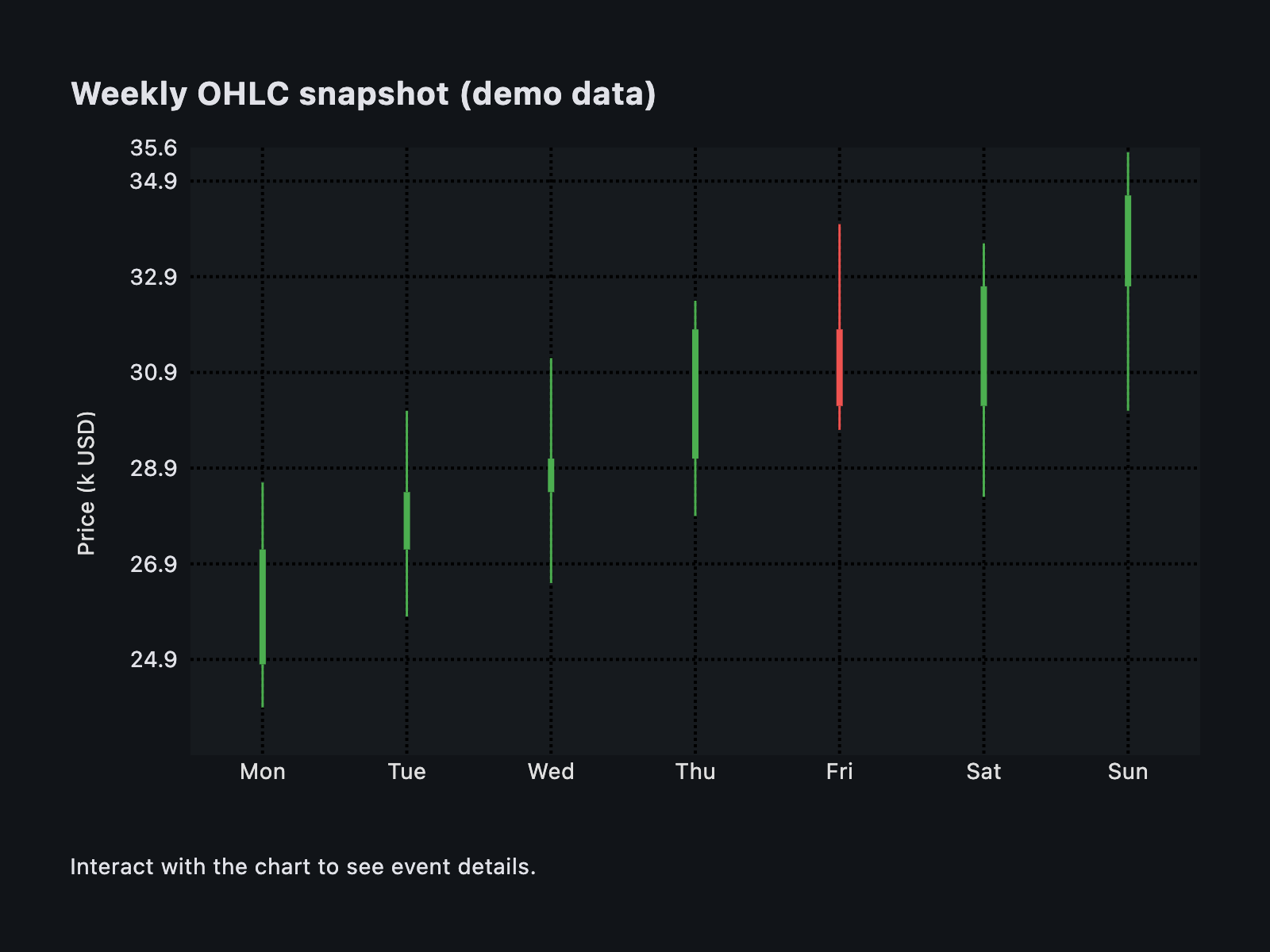](https://docs.flet.dev/test-images-charts/examples/golden/macos/candlestick_chart/example_1.png)
Properties[#](https://docs.flet.dev/charts/candlestickchart/#flet_charts.candlestick_chart.CandlestickChart-properties "Permanent link")
-----------------------------------------------------------------------------------------------------------------------------------------
### animation `class-attribute` `instance-attribute` [#](https://docs.flet.dev/charts/candlestickchart/#flet_charts.candlestick_chart.CandlestickChart.animation "Permanent link")
`[](https://docs.flet.dev/charts/candlestickchart/#__codelineno-0-1) animation: [AnimationValue](https://docs.flet.dev/types/aliases/#flet.AnimationValue) = [field](https://docs.python.org/3/library/dataclasses.html#dataclasses.field "dataclasses.field") ( [](https://docs.flet.dev/charts/candlestickchart/#__codelineno-0-2) default_factory=lambda: [Animation](https://docs.flet.dev/types/animation/#flet.Animation) ( [](https://docs.flet.dev/charts/candlestickchart/#__codelineno-0-3) duration=[Duration](https://docs.flet.dev/types/duration/#flet.Duration) (milliseconds=150), curve=[LINEAR](https://docs.flet.dev/types/animationcurve/#flet.AnimationCurve.LINEAR) [](https://docs.flet.dev/charts/candlestickchart/#__codelineno-0-4) ) [](https://docs.flet.dev/charts/candlestickchart/#__codelineno-0-5) )`
Controls chart implicit animations.
### baseline\_x `class-attribute` `instance-attribute` [#](https://docs.flet.dev/charts/candlestickchart/#flet_charts.candlestick_chart.CandlestickChart.baseline_x "Permanent link")
`[](https://docs.flet.dev/charts/candlestickchart/#__codelineno-0-1) baseline_x: [Number](https://docs.flet.dev/types/aliases/#flet.Number) | None = None`
Baseline value on the X axis.
### baseline\_y `class-attribute` `instance-attribute` [#](https://docs.flet.dev/charts/candlestickchart/#flet_charts.candlestick_chart.CandlestickChart.baseline_y "Permanent link")
`[](https://docs.flet.dev/charts/candlestickchart/#__codelineno-0-1) baseline_y: [Number](https://docs.flet.dev/types/aliases/#flet.Number) | None = None`
Baseline value on the Y axis.
### bgcolor `class-attribute` `instance-attribute` [#](https://docs.flet.dev/charts/candlestickchart/#flet_charts.candlestick_chart.CandlestickChart.bgcolor "Permanent link")
`[](https://docs.flet.dev/charts/candlestickchart/#__codelineno-0-1) bgcolor: [ColorValue](https://docs.flet.dev/types/aliases/#flet.ColorValue) | None = None`
Background color of the chart.
### border `class-attribute` `instance-attribute` [#](https://docs.flet.dev/charts/candlestickchart/#flet_charts.candlestick_chart.CandlestickChart.border "Permanent link")
`[](https://docs.flet.dev/charts/candlestickchart/#__codelineno-0-1) border: [Border](https://docs.flet.dev/types/border/#flet.Border) | None = None`
Border drawn around the chart.
### bottom\_axis `class-attribute` `instance-attribute` [#](https://docs.flet.dev/charts/candlestickchart/#flet_charts.candlestick_chart.CandlestickChart.bottom_axis "Permanent link")
`[](https://docs.flet.dev/charts/candlestickchart/#__codelineno-0-1) bottom_axis: [ChartAxis](https://docs.flet.dev/charts/types/chartaxis/#flet_charts.chart_axis.ChartAxis) | None = None`
Appearance of the bottom axis, its title and labels.
### horizontal\_grid\_lines `class-attribute` `instance-attribute` [#](https://docs.flet.dev/charts/candlestickchart/#flet_charts.candlestick_chart.CandlestickChart.horizontal_grid_lines "Permanent link")
`[](https://docs.flet.dev/charts/candlestickchart/#__codelineno-0-1) horizontal_grid_lines: [ChartGridLines](https://docs.flet.dev/charts/types/chartgridlines/#flet_charts.types.ChartGridLines) | None = None`
Horizontal grid lines configuration.
### interactive `class-attribute` `instance-attribute` [#](https://docs.flet.dev/charts/candlestickchart/#flet_charts.candlestick_chart.CandlestickChart.interactive "Permanent link")
`[](https://docs.flet.dev/charts/candlestickchart/#__codelineno-0-1) interactive: [bool](https://docs.python.org/3/library/functions.html#bool) = True`
Enables automatic tooltips and highlighting when hovering the chart.
### left\_axis `class-attribute` `instance-attribute` [#](https://docs.flet.dev/charts/candlestickchart/#flet_charts.candlestick_chart.CandlestickChart.left_axis "Permanent link")
`[](https://docs.flet.dev/charts/candlestickchart/#__codelineno-0-1) left_axis: [ChartAxis](https://docs.flet.dev/charts/types/chartaxis/#flet_charts.chart_axis.ChartAxis) | None = None`
Appearance of the left axis, its title and labels.
### long\_press\_duration `class-attribute` `instance-attribute` [#](https://docs.flet.dev/charts/candlestickchart/#flet_charts.candlestick_chart.CandlestickChart.long_press_duration "Permanent link")
`[](https://docs.flet.dev/charts/candlestickchart/#__codelineno-0-1) long_press_duration: [DurationValue](https://docs.flet.dev/types/aliases/#flet.DurationValue) | None = None`
The duration of a long press on the chart.
### max\_x `class-attribute` `instance-attribute` [#](https://docs.flet.dev/charts/candlestickchart/#flet_charts.candlestick_chart.CandlestickChart.max_x "Permanent link")
`[](https://docs.flet.dev/charts/candlestickchart/#__codelineno-0-1) max_x: [Number](https://docs.flet.dev/types/aliases/#flet.Number) | None = None`
Maximum value displayed on the X axis.
### max\_y `class-attribute` `instance-attribute` [#](https://docs.flet.dev/charts/candlestickchart/#flet_charts.candlestick_chart.CandlestickChart.max_y "Permanent link")
`[](https://docs.flet.dev/charts/candlestickchart/#__codelineno-0-1) max_y: [Number](https://docs.flet.dev/types/aliases/#flet.Number) | None = None`
Maximum value displayed on the Y axis.
### min\_x `class-attribute` `instance-attribute` [#](https://docs.flet.dev/charts/candlestickchart/#flet_charts.candlestick_chart.CandlestickChart.min_x "Permanent link")
`[](https://docs.flet.dev/charts/candlestickchart/#__codelineno-0-1) min_x: [Number](https://docs.flet.dev/types/aliases/#flet.Number) | None = None`
Minimum value displayed on the X axis.
### min\_y `class-attribute` `instance-attribute` [#](https://docs.flet.dev/charts/candlestickchart/#flet_charts.candlestick_chart.CandlestickChart.min_y "Permanent link")
`[](https://docs.flet.dev/charts/candlestickchart/#__codelineno-0-1) min_y: [Number](https://docs.flet.dev/types/aliases/#flet.Number) | None = None`
Minimum value displayed on the Y axis.
### right\_axis `class-attribute` `instance-attribute` [#](https://docs.flet.dev/charts/candlestickchart/#flet_charts.candlestick_chart.CandlestickChart.right_axis "Permanent link")
`[](https://docs.flet.dev/charts/candlestickchart/#__codelineno-0-1) right_axis: [ChartAxis](https://docs.flet.dev/charts/types/chartaxis/#flet_charts.chart_axis.ChartAxis) | None = None`
Appearance of the right axis, its title and labels.
### rotation\_quarter\_turns `class-attribute` `instance-attribute` [#](https://docs.flet.dev/charts/candlestickchart/#flet_charts.candlestick_chart.CandlestickChart.rotation_quarter_turns "Permanent link")
`[](https://docs.flet.dev/charts/candlestickchart/#__codelineno-0-1) rotation_quarter_turns: [Number](https://docs.flet.dev/types/aliases/#flet.Number) = 0`
Number of quarter turns (90-degree increments) to rotate the chart.
### show\_tooltips\_for\_selected\_spots\_only `class-attribute` `instance-attribute` [#](https://docs.flet.dev/charts/candlestickchart/#flet_charts.candlestick_chart.CandlestickChart.show_tooltips_for_selected_spots_only "Permanent link")
`[](https://docs.flet.dev/charts/candlestickchart/#__codelineno-0-1) show_tooltips_for_selected_spots_only: [bool](https://docs.python.org/3/library/functions.html#bool) = False`
Whether to permanently and only show the tooltips of spots with their [`selected`](https://docs.flet.dev/charts/types/candlestickchartspot/#flet_charts.candlestick_chart_spot.CandlestickChartSpot.selected)
property set to `True`.
### spots `class-attribute` `instance-attribute` [#](https://docs.flet.dev/charts/candlestickchart/#flet_charts.candlestick_chart.CandlestickChart.spots "Permanent link")
`[](https://docs.flet.dev/charts/candlestickchart/#__codelineno-0-1) spots: [list](https://docs.python.org/3/glossary.html#term-list) [[CandlestickChartSpot](https://docs.flet.dev/charts/types/candlestickchartspot/#flet_charts.candlestick_chart_spot.CandlestickChartSpot) ] = [field](https://docs.python.org/3/library/dataclasses.html#dataclasses.field "dataclasses.field") ( [](https://docs.flet.dev/charts/candlestickchart/#__codelineno-0-2) default_factory=[list](https://docs.python.org/3/glossary.html#term-list) [](https://docs.flet.dev/charts/candlestickchart/#__codelineno-0-3) )`
Candlesticks to display on the chart.
### tooltip `class-attribute` `instance-attribute` [#](https://docs.flet.dev/charts/candlestickchart/#flet_charts.candlestick_chart.CandlestickChart.tooltip "Permanent link")
`[](https://docs.flet.dev/charts/candlestickchart/#__codelineno-0-1) tooltip: [CandlestickChartTooltip](https://docs.flet.dev/charts/types/candlestickcharttooltip/#flet_charts.candlestick_chart.CandlestickChartTooltip) | None = [field](https://docs.python.org/3/library/dataclasses.html#dataclasses.field "dataclasses.field") ( [](https://docs.flet.dev/charts/candlestickchart/#__codelineno-0-2) default_factory=lambda: [CandlestickChartTooltip](https://docs.flet.dev/charts/types/candlestickcharttooltip/#flet_charts.candlestick_chart.CandlestickChartTooltip) () [](https://docs.flet.dev/charts/candlestickchart/#__codelineno-0-3) )`
Tooltip configuration for the chart.
### top\_axis `class-attribute` `instance-attribute` [#](https://docs.flet.dev/charts/candlestickchart/#flet_charts.candlestick_chart.CandlestickChart.top_axis "Permanent link")
`[](https://docs.flet.dev/charts/candlestickchart/#__codelineno-0-1) top_axis: [ChartAxis](https://docs.flet.dev/charts/types/chartaxis/#flet_charts.chart_axis.ChartAxis) | None = None`
Appearance of the top axis, its title and labels.
### touch\_spot\_threshold `class-attribute` `instance-attribute` [#](https://docs.flet.dev/charts/candlestickchart/#flet_charts.candlestick_chart.CandlestickChart.touch_spot_threshold "Permanent link")
`[](https://docs.flet.dev/charts/candlestickchart/#__codelineno-0-1) touch_spot_threshold: [Number](https://docs.flet.dev/types/aliases/#flet.Number) = 4`
The distance threshold to consider a touch near a candlestick.
### vertical\_grid\_lines `class-attribute` `instance-attribute` [#](https://docs.flet.dev/charts/candlestickchart/#flet_charts.candlestick_chart.CandlestickChart.vertical_grid_lines "Permanent link")
`[](https://docs.flet.dev/charts/candlestickchart/#__codelineno-0-1) vertical_grid_lines: [ChartGridLines](https://docs.flet.dev/charts/types/chartgridlines/#flet_charts.types.ChartGridLines) | None = None`
Vertical grid lines configuration.
Events[#](https://docs.flet.dev/charts/candlestickchart/#flet_charts.candlestick_chart.CandlestickChart-events "Permanent link")
---------------------------------------------------------------------------------------------------------------------------------
### on\_event `class-attribute` `instance-attribute` [#](https://docs.flet.dev/charts/candlestickchart/#flet_charts.candlestick_chart.CandlestickChart.on_event "Permanent link")
`[](https://docs.flet.dev/charts/candlestickchart/#__codelineno-0-1) on_event: [EventHandler](https://docs.flet.dev/types/aliases/#flet.EventHandler) [[CandlestickChartEvent](https://docs.flet.dev/charts/types/candlestickchartevent/#flet_charts.candlestick_chart.CandlestickChartEvent) ] | None = None`
Called when an event occurs on this chart.
Back to top
---
# PieChart - Flet
[Skip to content](https://docs.flet.dev/charts/piechart/#flet_charts.pie_chart.PieChart)
PieChart
========
A pie chart control displaying multiple sections as slices of a circle.
[](https://docs.flet.dev/charts/assets/pie-chart-diagram.svg)
Inherits: `[LayoutControl](https://docs.flet.dev/controls/layoutcontrol/#flet.LayoutControl) `
Properties
* **`[animation](https://docs.flet.dev/charts/piechart/#flet_charts.pie_chart.PieChart.animation) `**(`[AnimationValue](https://docs.flet.dev/types/aliases/#flet.AnimationValue) `) –
Controls chart implicit animation.
* **`[center_space_color](https://docs.flet.dev/charts/piechart/#flet_charts.pie_chart.PieChart.center_space_color) `**(`[ColorValue](https://docs.flet.dev/types/aliases/#flet.ColorValue) | None`) –
Free space color in the middle of a chart.
* **`[center_space_radius](https://docs.flet.dev/charts/piechart/#flet_charts.pie_chart.PieChart.center_space_radius) `**(`[Number](https://docs.flet.dev/types/aliases/#flet.Number) | None`) –
Free space radius in the middle of a chart.
* **`[sections](https://docs.flet.dev/charts/piechart/#flet_charts.pie_chart.PieChart.sections) `**(`[list](https://docs.python.org/3/glossary.html#term-list) [[PieChartSection](https://docs.flet.dev/charts/types/piechartsection/#flet_charts.pie_chart_section.PieChartSection) ]`) –
A list of [`PieChartSection`](https://docs.flet.dev/charts/types/piechartsection/#flet_charts.pie_chart_section.PieChartSection)
* **`[sections_space](https://docs.flet.dev/charts/piechart/#flet_charts.pie_chart.PieChart.sections_space) `**(`[Number](https://docs.flet.dev/types/aliases/#flet.Number) | None`) –
A gap between `sections`.
* **`[start_degree_offset](https://docs.flet.dev/charts/piechart/#flet_charts.pie_chart.PieChart.start_degree_offset) `**(`[Number](https://docs.flet.dev/types/aliases/#flet.Number) | None`) –
By default, `sections` are drawn from zero degree (right side of the circle)
Events
* **`[on_event](https://docs.flet.dev/charts/piechart/#flet_charts.pie_chart.PieChart.on_event) `**(`[EventHandler](https://docs.flet.dev/types/aliases/#flet.EventHandler) [[PieChartEvent](https://docs.flet.dev/charts/types/piechartevent/#flet_charts.pie_chart.PieChartEvent) ] | None`) –
Fires when a chart section is hovered or clicked.
Examples[#](https://docs.flet.dev/charts/piechart/#examples "Permanent link")
------------------------------------------------------------------------------
### Example 1[#](https://docs.flet.dev/charts/piechart/#example-1 "Permanent link")
`[](https://docs.flet.dev/charts/piechart/#__codelineno-0-1) import flet_charts as fch [](https://docs.flet.dev/charts/piechart/#__codelineno-0-2)[](https://docs.flet.dev/charts/piechart/#__codelineno-0-3) import flet as ft [](https://docs.flet.dev/charts/piechart/#__codelineno-0-4) [](https://docs.flet.dev/charts/piechart/#__codelineno-0-5)[](https://docs.flet.dev/charts/piechart/#__codelineno-0-6) def main(page: ft.Page): [](https://docs.flet.dev/charts/piechart/#__codelineno-0-7) normal_border = ft.BorderSide(0, ft.Colors.with_opacity(0, ft.Colors.WHITE)) [](https://docs.flet.dev/charts/piechart/#__codelineno-0-8) hovered_border = ft.BorderSide(6, ft.Colors.SECONDARY) [](https://docs.flet.dev/charts/piechart/#__codelineno-0-9) [](https://docs.flet.dev/charts/piechart/#__codelineno-0-10) def on_chart_event(e: fch.PieChartEvent): [](https://docs.flet.dev/charts/piechart/#__codelineno-0-11) for idx, section in enumerate(chart.sections): [](https://docs.flet.dev/charts/piechart/#__codelineno-0-12) section.border_side = ( [](https://docs.flet.dev/charts/piechart/#__codelineno-0-13) hovered_border if idx == e.section_index else normal_border [](https://docs.flet.dev/charts/piechart/#__codelineno-0-14) ) [](https://docs.flet.dev/charts/piechart/#__codelineno-0-15) chart.update() [](https://docs.flet.dev/charts/piechart/#__codelineno-0-16) [](https://docs.flet.dev/charts/piechart/#__codelineno-0-17) chart = fch.PieChart( [](https://docs.flet.dev/charts/piechart/#__codelineno-0-18) sections_space=1, [](https://docs.flet.dev/charts/piechart/#__codelineno-0-19) center_space_radius=0, [](https://docs.flet.dev/charts/piechart/#__codelineno-0-20) on_event=on_chart_event, [](https://docs.flet.dev/charts/piechart/#__codelineno-0-21) expand=True, [](https://docs.flet.dev/charts/piechart/#__codelineno-0-22) sections=[ [](https://docs.flet.dev/charts/piechart/#__codelineno-0-23) fch.PieChartSection( [](https://docs.flet.dev/charts/piechart/#__codelineno-0-24) value=25, [](https://docs.flet.dev/charts/piechart/#__codelineno-0-25) color=ft.Colors.BLUE, [](https://docs.flet.dev/charts/piechart/#__codelineno-0-26) radius=80, [](https://docs.flet.dev/charts/piechart/#__codelineno-0-27) border_side=normal_border, [](https://docs.flet.dev/charts/piechart/#__codelineno-0-28) ), [](https://docs.flet.dev/charts/piechart/#__codelineno-0-29) fch.PieChartSection( [](https://docs.flet.dev/charts/piechart/#__codelineno-0-30) value=25, [](https://docs.flet.dev/charts/piechart/#__codelineno-0-31) color=ft.Colors.YELLOW, [](https://docs.flet.dev/charts/piechart/#__codelineno-0-32) radius=65, [](https://docs.flet.dev/charts/piechart/#__codelineno-0-33) border_side=normal_border, [](https://docs.flet.dev/charts/piechart/#__codelineno-0-34) ), [](https://docs.flet.dev/charts/piechart/#__codelineno-0-35) fch.PieChartSection( [](https://docs.flet.dev/charts/piechart/#__codelineno-0-36) value=25, [](https://docs.flet.dev/charts/piechart/#__codelineno-0-37) color=ft.Colors.PINK, [](https://docs.flet.dev/charts/piechart/#__codelineno-0-38) radius=60, [](https://docs.flet.dev/charts/piechart/#__codelineno-0-39) border_side=normal_border, [](https://docs.flet.dev/charts/piechart/#__codelineno-0-40) ), [](https://docs.flet.dev/charts/piechart/#__codelineno-0-41) fch.PieChartSection( [](https://docs.flet.dev/charts/piechart/#__codelineno-0-42) value=25, [](https://docs.flet.dev/charts/piechart/#__codelineno-0-43) color=ft.Colors.GREEN, [](https://docs.flet.dev/charts/piechart/#__codelineno-0-44) radius=70, [](https://docs.flet.dev/charts/piechart/#__codelineno-0-45) border_side=normal_border, [](https://docs.flet.dev/charts/piechart/#__codelineno-0-46) ), [](https://docs.flet.dev/charts/piechart/#__codelineno-0-47) ], [](https://docs.flet.dev/charts/piechart/#__codelineno-0-48) ) [](https://docs.flet.dev/charts/piechart/#__codelineno-0-49) [](https://docs.flet.dev/charts/piechart/#__codelineno-0-50) page.add(chart) [](https://docs.flet.dev/charts/piechart/#__codelineno-0-51) [](https://docs.flet.dev/charts/piechart/#__codelineno-0-52)[](https://docs.flet.dev/charts/piechart/#__codelineno-0-53) if __name__ == "__main__": [](https://docs.flet.dev/charts/piechart/#__codelineno-0-54) ft.run(main)`
[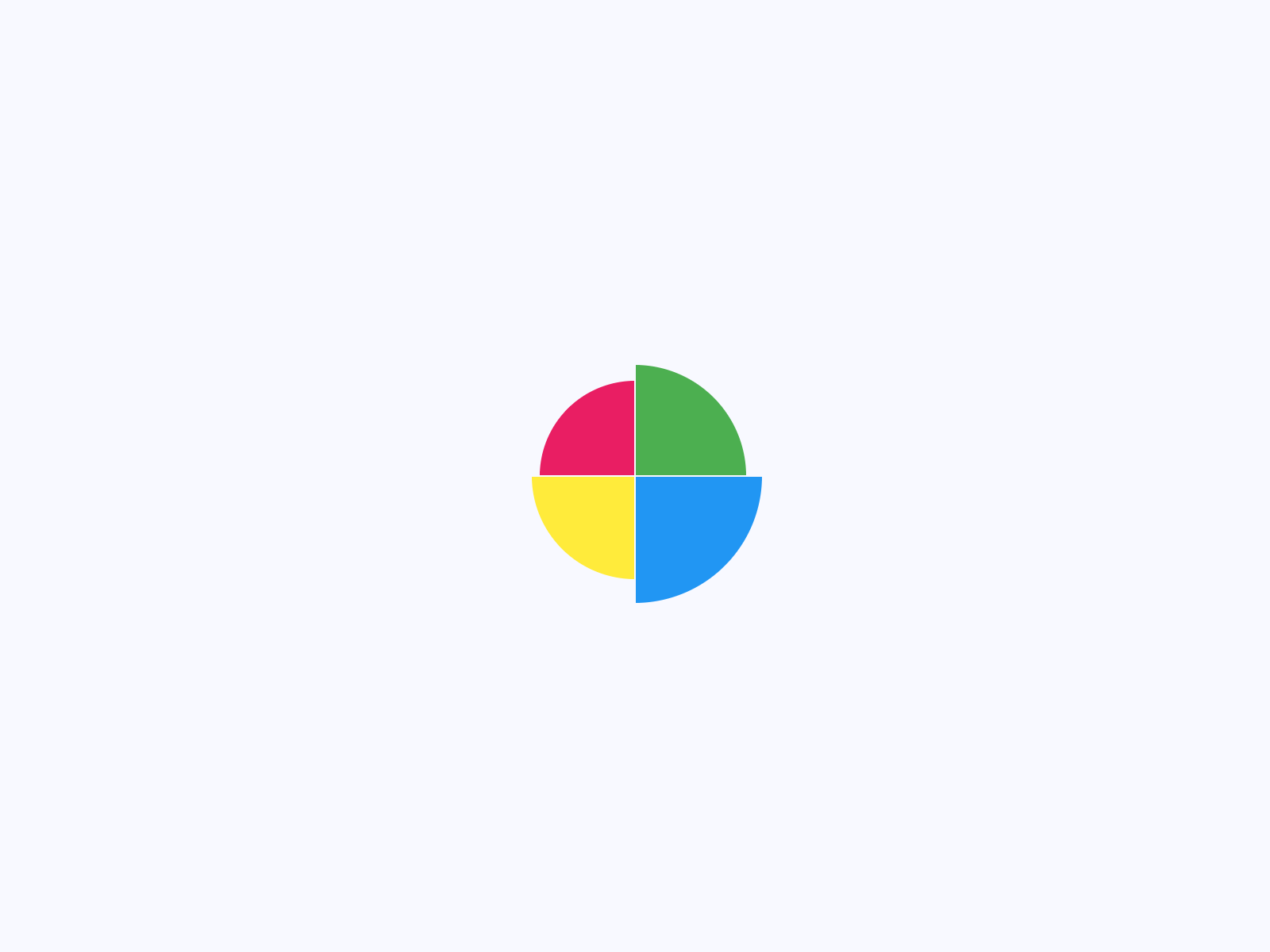](https://docs.flet.dev/test-images-charts/examples/golden/macos/pie_chart/example_1.png)
### Example 2[#](https://docs.flet.dev/charts/piechart/#example-2 "Permanent link")
`[](https://docs.flet.dev/charts/piechart/#__codelineno-1-1) import flet as ft [](https://docs.flet.dev/charts/piechart/#__codelineno-1-2) import flet_charts as fch [](https://docs.flet.dev/charts/piechart/#__codelineno-1-3)[](https://docs.flet.dev/charts/piechart/#__codelineno-1-4) NORMAL_RADIUS = 50 [](https://docs.flet.dev/charts/piechart/#__codelineno-1-5) HOVER_RADIUS = 60 [](https://docs.flet.dev/charts/piechart/#__codelineno-1-6) NORMAL_TITLE_STYLE = ft.TextStyle( [](https://docs.flet.dev/charts/piechart/#__codelineno-1-7) size=16, color=ft.Colors.WHITE, weight=ft.FontWeight.BOLD [](https://docs.flet.dev/charts/piechart/#__codelineno-1-8) ) [](https://docs.flet.dev/charts/piechart/#__codelineno-1-9) HOVER_TITLE_STYLE = ft.TextStyle( [](https://docs.flet.dev/charts/piechart/#__codelineno-1-10) size=22, [](https://docs.flet.dev/charts/piechart/#__codelineno-1-11) color=ft.Colors.WHITE, [](https://docs.flet.dev/charts/piechart/#__codelineno-1-12) weight=ft.FontWeight.BOLD, [](https://docs.flet.dev/charts/piechart/#__codelineno-1-13) shadow=ft.BoxShadow(blur_radius=2, color=ft.Colors.BLACK_54), [](https://docs.flet.dev/charts/piechart/#__codelineno-1-14) ) [](https://docs.flet.dev/charts/piechart/#__codelineno-1-15) [](https://docs.flet.dev/charts/piechart/#__codelineno-1-16)[](https://docs.flet.dev/charts/piechart/#__codelineno-1-17) def main(page: ft.Page): [](https://docs.flet.dev/charts/piechart/#__codelineno-1-18) def on_chart_event(e: fch.PieChartEvent): [](https://docs.flet.dev/charts/piechart/#__codelineno-1-19) for idx, section in enumerate(chart.sections): [](https://docs.flet.dev/charts/piechart/#__codelineno-1-20) if idx == e.section_index: [](https://docs.flet.dev/charts/piechart/#__codelineno-1-21) section.radius = HOVER_RADIUS [](https://docs.flet.dev/charts/piechart/#__codelineno-1-22) section.title_style = HOVER_TITLE_STYLE [](https://docs.flet.dev/charts/piechart/#__codelineno-1-23) else: [](https://docs.flet.dev/charts/piechart/#__codelineno-1-24) section.radius = NORMAL_RADIUS [](https://docs.flet.dev/charts/piechart/#__codelineno-1-25) section.title_style = NORMAL_TITLE_STYLE [](https://docs.flet.dev/charts/piechart/#__codelineno-1-26) chart.update() [](https://docs.flet.dev/charts/piechart/#__codelineno-1-27) [](https://docs.flet.dev/charts/piechart/#__codelineno-1-28) chart = fch.PieChart( [](https://docs.flet.dev/charts/piechart/#__codelineno-1-29) expand=True, [](https://docs.flet.dev/charts/piechart/#__codelineno-1-30) sections_space=0, [](https://docs.flet.dev/charts/piechart/#__codelineno-1-31) center_space_radius=40, [](https://docs.flet.dev/charts/piechart/#__codelineno-1-32) on_event=on_chart_event, [](https://docs.flet.dev/charts/piechart/#__codelineno-1-33) sections=[ [](https://docs.flet.dev/charts/piechart/#__codelineno-1-34) fch.PieChartSection( [](https://docs.flet.dev/charts/piechart/#__codelineno-1-35) value=40, [](https://docs.flet.dev/charts/piechart/#__codelineno-1-36) title="40%", [](https://docs.flet.dev/charts/piechart/#__codelineno-1-37) title_style=NORMAL_TITLE_STYLE, [](https://docs.flet.dev/charts/piechart/#__codelineno-1-38) color=ft.Colors.BLUE, [](https://docs.flet.dev/charts/piechart/#__codelineno-1-39) radius=NORMAL_RADIUS, [](https://docs.flet.dev/charts/piechart/#__codelineno-1-40) ), [](https://docs.flet.dev/charts/piechart/#__codelineno-1-41) fch.PieChartSection( [](https://docs.flet.dev/charts/piechart/#__codelineno-1-42) value=30, [](https://docs.flet.dev/charts/piechart/#__codelineno-1-43) title="30%", [](https://docs.flet.dev/charts/piechart/#__codelineno-1-44) title_style=NORMAL_TITLE_STYLE, [](https://docs.flet.dev/charts/piechart/#__codelineno-1-45) color=ft.Colors.YELLOW, [](https://docs.flet.dev/charts/piechart/#__codelineno-1-46) radius=NORMAL_RADIUS, [](https://docs.flet.dev/charts/piechart/#__codelineno-1-47) ), [](https://docs.flet.dev/charts/piechart/#__codelineno-1-48) fch.PieChartSection( [](https://docs.flet.dev/charts/piechart/#__codelineno-1-49) value=15, [](https://docs.flet.dev/charts/piechart/#__codelineno-1-50) title="15%", [](https://docs.flet.dev/charts/piechart/#__codelineno-1-51) title_style=NORMAL_TITLE_STYLE, [](https://docs.flet.dev/charts/piechart/#__codelineno-1-52) color=ft.Colors.PURPLE, [](https://docs.flet.dev/charts/piechart/#__codelineno-1-53) radius=NORMAL_RADIUS, [](https://docs.flet.dev/charts/piechart/#__codelineno-1-54) ), [](https://docs.flet.dev/charts/piechart/#__codelineno-1-55) fch.PieChartSection( [](https://docs.flet.dev/charts/piechart/#__codelineno-1-56) value=15, [](https://docs.flet.dev/charts/piechart/#__codelineno-1-57) title="15%", [](https://docs.flet.dev/charts/piechart/#__codelineno-1-58) title_style=NORMAL_TITLE_STYLE, [](https://docs.flet.dev/charts/piechart/#__codelineno-1-59) color=ft.Colors.GREEN, [](https://docs.flet.dev/charts/piechart/#__codelineno-1-60) radius=NORMAL_RADIUS, [](https://docs.flet.dev/charts/piechart/#__codelineno-1-61) ), [](https://docs.flet.dev/charts/piechart/#__codelineno-1-62) ], [](https://docs.flet.dev/charts/piechart/#__codelineno-1-63) ) [](https://docs.flet.dev/charts/piechart/#__codelineno-1-64) [](https://docs.flet.dev/charts/piechart/#__codelineno-1-65) page.add(chart) [](https://docs.flet.dev/charts/piechart/#__codelineno-1-66) [](https://docs.flet.dev/charts/piechart/#__codelineno-1-67)[](https://docs.flet.dev/charts/piechart/#__codelineno-1-68) if __name__ == "__main__": [](https://docs.flet.dev/charts/piechart/#__codelineno-1-69) ft.run(main)`
[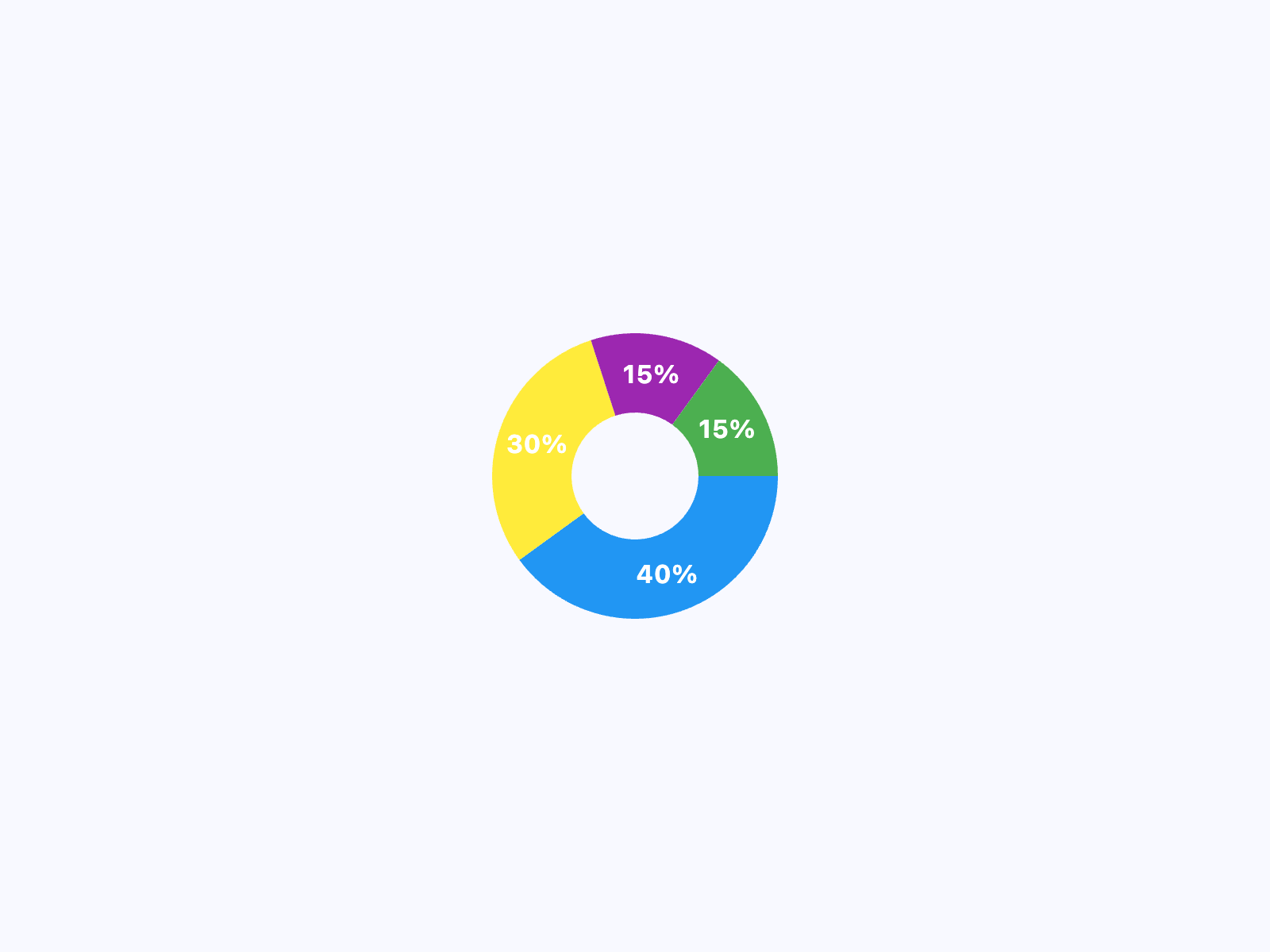](https://docs.flet.dev/test-images-charts/examples/golden/macos/pie_chart/example_2.png)
### Example 3[#](https://docs.flet.dev/charts/piechart/#example-3 "Permanent link")
`[](https://docs.flet.dev/charts/piechart/#__codelineno-2-1) import flet as ft [](https://docs.flet.dev/charts/piechart/#__codelineno-2-2) import flet_charts as fch [](https://docs.flet.dev/charts/piechart/#__codelineno-2-3)[](https://docs.flet.dev/charts/piechart/#__codelineno-2-4) NORMAL_RADIUS = 100 [](https://docs.flet.dev/charts/piechart/#__codelineno-2-5) HOVER_RADIUS = 110 [](https://docs.flet.dev/charts/piechart/#__codelineno-2-6) NORMAL_TITLE_STYLE = ft.TextStyle( [](https://docs.flet.dev/charts/piechart/#__codelineno-2-7) size=12, color=ft.Colors.WHITE, weight=ft.FontWeight.BOLD [](https://docs.flet.dev/charts/piechart/#__codelineno-2-8) ) [](https://docs.flet.dev/charts/piechart/#__codelineno-2-9) HOVER_TITLE_STYLE = ft.TextStyle( [](https://docs.flet.dev/charts/piechart/#__codelineno-2-10) size=16, [](https://docs.flet.dev/charts/piechart/#__codelineno-2-11) color=ft.Colors.WHITE, [](https://docs.flet.dev/charts/piechart/#__codelineno-2-12) weight=ft.FontWeight.BOLD, [](https://docs.flet.dev/charts/piechart/#__codelineno-2-13) shadow=ft.BoxShadow(blur_radius=2, color=ft.Colors.BLACK_54), [](https://docs.flet.dev/charts/piechart/#__codelineno-2-14) ) [](https://docs.flet.dev/charts/piechart/#__codelineno-2-15) NORMAL_BADGE_SIZE = 40 [](https://docs.flet.dev/charts/piechart/#__codelineno-2-16) HOVER_BADGE_SIZE = 50 [](https://docs.flet.dev/charts/piechart/#__codelineno-2-17) [](https://docs.flet.dev/charts/piechart/#__codelineno-2-18)[](https://docs.flet.dev/charts/piechart/#__codelineno-2-19) class SectionBadge(ft.Container): [](https://docs.flet.dev/charts/piechart/#__codelineno-2-20) def __init__(self, icon: ft.IconData, size: int = NORMAL_BADGE_SIZE): [](https://docs.flet.dev/charts/piechart/#__codelineno-2-21) super().__init__( [](https://docs.flet.dev/charts/piechart/#__codelineno-2-22) content=ft.Icon(icon), [](https://docs.flet.dev/charts/piechart/#__codelineno-2-23) width=size, [](https://docs.flet.dev/charts/piechart/#__codelineno-2-24) height=size, [](https://docs.flet.dev/charts/piechart/#__codelineno-2-25) border=ft.Border.all(1, ft.Colors.BROWN), [](https://docs.flet.dev/charts/piechart/#__codelineno-2-26) border_radius=size / 2, [](https://docs.flet.dev/charts/piechart/#__codelineno-2-27) bgcolor=ft.Colors.WHITE, [](https://docs.flet.dev/charts/piechart/#__codelineno-2-28) ) [](https://docs.flet.dev/charts/piechart/#__codelineno-2-29) [](https://docs.flet.dev/charts/piechart/#__codelineno-2-30)[](https://docs.flet.dev/charts/piechart/#__codelineno-2-31) def main(page: ft.Page): [](https://docs.flet.dev/charts/piechart/#__codelineno-2-32) def on_chart_event(e: fch.PieChartEvent): [](https://docs.flet.dev/charts/piechart/#__codelineno-2-33) for idx, section in enumerate(chart.sections): [](https://docs.flet.dev/charts/piechart/#__codelineno-2-34) if idx == e.section_index: [](https://docs.flet.dev/charts/piechart/#__codelineno-2-35) section.radius = HOVER_RADIUS [](https://docs.flet.dev/charts/piechart/#__codelineno-2-36) section.title_style = HOVER_TITLE_STYLE [](https://docs.flet.dev/charts/piechart/#__codelineno-2-37) else: [](https://docs.flet.dev/charts/piechart/#__codelineno-2-38) section.radius = NORMAL_RADIUS [](https://docs.flet.dev/charts/piechart/#__codelineno-2-39) section.title_style = NORMAL_TITLE_STYLE [](https://docs.flet.dev/charts/piechart/#__codelineno-2-40) chart.update() [](https://docs.flet.dev/charts/piechart/#__codelineno-2-41) [](https://docs.flet.dev/charts/piechart/#__codelineno-2-42) chart = fch.PieChart( [](https://docs.flet.dev/charts/piechart/#__codelineno-2-43) sections_space=0, [](https://docs.flet.dev/charts/piechart/#__codelineno-2-44) center_space_radius=0, [](https://docs.flet.dev/charts/piechart/#__codelineno-2-45) on_event=on_chart_event, [](https://docs.flet.dev/charts/piechart/#__codelineno-2-46) expand=True, [](https://docs.flet.dev/charts/piechart/#__codelineno-2-47) sections=[ [](https://docs.flet.dev/charts/piechart/#__codelineno-2-48) fch.PieChartSection( [](https://docs.flet.dev/charts/piechart/#__codelineno-2-49) value=40, [](https://docs.flet.dev/charts/piechart/#__codelineno-2-50) title="40%", [](https://docs.flet.dev/charts/piechart/#__codelineno-2-51) title_style=NORMAL_TITLE_STYLE, [](https://docs.flet.dev/charts/piechart/#__codelineno-2-52) color=ft.Colors.BLUE, [](https://docs.flet.dev/charts/piechart/#__codelineno-2-53) radius=NORMAL_RADIUS, [](https://docs.flet.dev/charts/piechart/#__codelineno-2-54) badge=SectionBadge(ft.Icons.AC_UNIT), [](https://docs.flet.dev/charts/piechart/#__codelineno-2-55) badge_position=0.98, [](https://docs.flet.dev/charts/piechart/#__codelineno-2-56) ), [](https://docs.flet.dev/charts/piechart/#__codelineno-2-57) fch.PieChartSection( [](https://docs.flet.dev/charts/piechart/#__codelineno-2-58) value=30, [](https://docs.flet.dev/charts/piechart/#__codelineno-2-59) title="30%", [](https://docs.flet.dev/charts/piechart/#__codelineno-2-60) title_style=NORMAL_TITLE_STYLE, [](https://docs.flet.dev/charts/piechart/#__codelineno-2-61) color=ft.Colors.YELLOW, [](https://docs.flet.dev/charts/piechart/#__codelineno-2-62) radius=NORMAL_RADIUS, [](https://docs.flet.dev/charts/piechart/#__codelineno-2-63) badge=SectionBadge(ft.Icons.ACCESS_ALARM), [](https://docs.flet.dev/charts/piechart/#__codelineno-2-64) badge_position=0.98, [](https://docs.flet.dev/charts/piechart/#__codelineno-2-65) ), [](https://docs.flet.dev/charts/piechart/#__codelineno-2-66) fch.PieChartSection( [](https://docs.flet.dev/charts/piechart/#__codelineno-2-67) value=15, [](https://docs.flet.dev/charts/piechart/#__codelineno-2-68) title="15%", [](https://docs.flet.dev/charts/piechart/#__codelineno-2-69) title_style=NORMAL_TITLE_STYLE, [](https://docs.flet.dev/charts/piechart/#__codelineno-2-70) color=ft.Colors.PURPLE, [](https://docs.flet.dev/charts/piechart/#__codelineno-2-71) radius=NORMAL_RADIUS, [](https://docs.flet.dev/charts/piechart/#__codelineno-2-72) badge=SectionBadge(ft.Icons.APPLE), [](https://docs.flet.dev/charts/piechart/#__codelineno-2-73) badge_position=0.98, [](https://docs.flet.dev/charts/piechart/#__codelineno-2-74) ), [](https://docs.flet.dev/charts/piechart/#__codelineno-2-75) fch.PieChartSection( [](https://docs.flet.dev/charts/piechart/#__codelineno-2-76) value=15, [](https://docs.flet.dev/charts/piechart/#__codelineno-2-77) title="15%", [](https://docs.flet.dev/charts/piechart/#__codelineno-2-78) title_style=NORMAL_TITLE_STYLE, [](https://docs.flet.dev/charts/piechart/#__codelineno-2-79) color=ft.Colors.GREEN, [](https://docs.flet.dev/charts/piechart/#__codelineno-2-80) radius=NORMAL_RADIUS, [](https://docs.flet.dev/charts/piechart/#__codelineno-2-81) badge=SectionBadge(ft.Icons.PEDAL_BIKE), [](https://docs.flet.dev/charts/piechart/#__codelineno-2-82) badge_position=0.98, [](https://docs.flet.dev/charts/piechart/#__codelineno-2-83) ), [](https://docs.flet.dev/charts/piechart/#__codelineno-2-84) ], [](https://docs.flet.dev/charts/piechart/#__codelineno-2-85) ) [](https://docs.flet.dev/charts/piechart/#__codelineno-2-86) [](https://docs.flet.dev/charts/piechart/#__codelineno-2-87) page.add(chart) [](https://docs.flet.dev/charts/piechart/#__codelineno-2-88) [](https://docs.flet.dev/charts/piechart/#__codelineno-2-89)[](https://docs.flet.dev/charts/piechart/#__codelineno-2-90) if __name__ == "__main__": [](https://docs.flet.dev/charts/piechart/#__codelineno-2-91) ft.run(main)`
[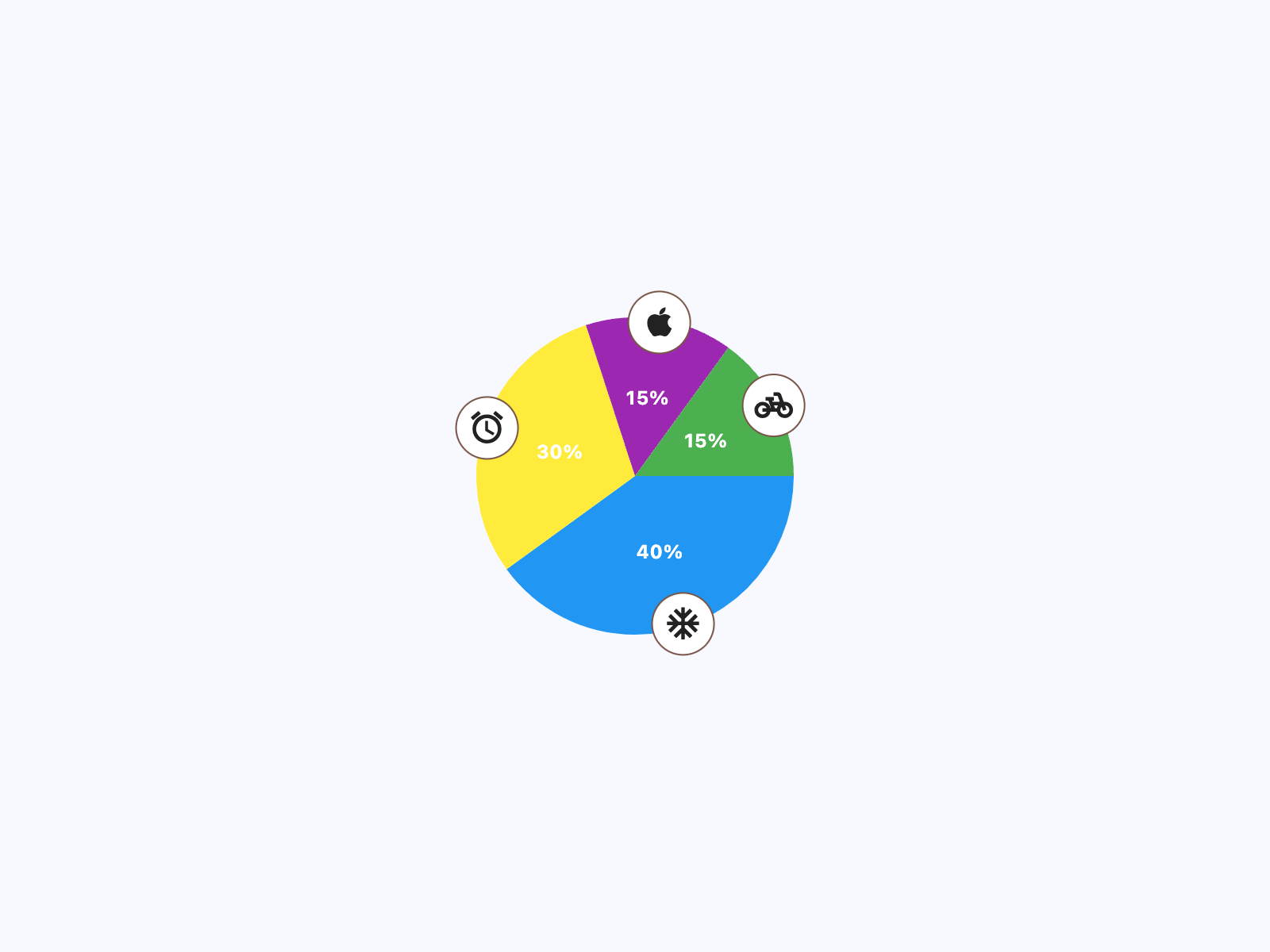](https://docs.flet.dev/test-images-charts/examples/golden/macos/pie_chart/example_3.png)
Properties[#](https://docs.flet.dev/charts/piechart/#flet_charts.pie_chart.PieChart-properties "Permanent link")
-----------------------------------------------------------------------------------------------------------------
### animation `class-attribute` `instance-attribute` [#](https://docs.flet.dev/charts/piechart/#flet_charts.pie_chart.PieChart.animation "Permanent link")
`[](https://docs.flet.dev/charts/piechart/#__codelineno-0-1) animation: [AnimationValue](https://docs.flet.dev/types/aliases/#flet.AnimationValue) = [field](https://docs.python.org/3/library/dataclasses.html#dataclasses.field "dataclasses.field") ( [](https://docs.flet.dev/charts/piechart/#__codelineno-0-2) default_factory=lambda: [Animation](https://docs.flet.dev/types/animation/#flet.Animation) ( [](https://docs.flet.dev/charts/piechart/#__codelineno-0-3) duration=[Duration](https://docs.flet.dev/types/duration/#flet.Duration) (milliseconds=150), curve=[LINEAR](https://docs.flet.dev/types/animationcurve/#flet.AnimationCurve.LINEAR) [](https://docs.flet.dev/charts/piechart/#__codelineno-0-4) ) [](https://docs.flet.dev/charts/piechart/#__codelineno-0-5) )`
Controls chart implicit animation.
### center\_space\_color `class-attribute` `instance-attribute` [#](https://docs.flet.dev/charts/piechart/#flet_charts.pie_chart.PieChart.center_space_color "Permanent link")
`[](https://docs.flet.dev/charts/piechart/#__codelineno-0-1) center_space_color: [ColorValue](https://docs.flet.dev/types/aliases/#flet.ColorValue) | None = None`
Free space color in the middle of a chart.
### center\_space\_radius `class-attribute` `instance-attribute` [#](https://docs.flet.dev/charts/piechart/#flet_charts.pie_chart.PieChart.center_space_radius "Permanent link")
`[](https://docs.flet.dev/charts/piechart/#__codelineno-0-1) center_space_radius: [Number](https://docs.flet.dev/types/aliases/#flet.Number) | None = None`
Free space radius in the middle of a chart.
### sections `class-attribute` `instance-attribute` [#](https://docs.flet.dev/charts/piechart/#flet_charts.pie_chart.PieChart.sections "Permanent link")
`[](https://docs.flet.dev/charts/piechart/#__codelineno-0-1) sections: [list](https://docs.python.org/3/glossary.html#term-list) [[PieChartSection](https://docs.flet.dev/charts/types/piechartsection/#flet_charts.pie_chart_section.PieChartSection) ] = [field](https://docs.python.org/3/library/dataclasses.html#dataclasses.field "dataclasses.field") ( [](https://docs.flet.dev/charts/piechart/#__codelineno-0-2) default_factory=[list](https://docs.python.org/3/glossary.html#term-list) [](https://docs.flet.dev/charts/piechart/#__codelineno-0-3) )`
A list of [`PieChartSection`](https://docs.flet.dev/charts/types/piechartsection/#flet_charts.pie_chart_section.PieChartSection)
controls drawn in a circle.
### sections\_space `class-attribute` `instance-attribute` [#](https://docs.flet.dev/charts/piechart/#flet_charts.pie_chart.PieChart.sections_space "Permanent link")
`[](https://docs.flet.dev/charts/piechart/#__codelineno-0-1) sections_space: [Number](https://docs.flet.dev/types/aliases/#flet.Number) | None = None`
A gap between `sections`.
### start\_degree\_offset `class-attribute` `instance-attribute` [#](https://docs.flet.dev/charts/piechart/#flet_charts.pie_chart.PieChart.start_degree_offset "Permanent link")
`[](https://docs.flet.dev/charts/piechart/#__codelineno-0-1) start_degree_offset: [Number](https://docs.flet.dev/types/aliases/#flet.Number) | None = None`
By default, `sections` are drawn from zero degree (right side of the circle) clockwise. You can change the starting point by setting `start_degree_offset` (in degrees).
Events[#](https://docs.flet.dev/charts/piechart/#flet_charts.pie_chart.PieChart-events "Permanent link")
---------------------------------------------------------------------------------------------------------
### on\_event `class-attribute` `instance-attribute` [#](https://docs.flet.dev/charts/piechart/#flet_charts.pie_chart.PieChart.on_event "Permanent link")
`[](https://docs.flet.dev/charts/piechart/#__codelineno-0-1) on_event: [EventHandler](https://docs.flet.dev/types/aliases/#flet.EventHandler) [[PieChartEvent](https://docs.flet.dev/charts/types/piechartevent/#flet_charts.pie_chart.PieChartEvent) ] | None = None`
Fires when a chart section is hovered or clicked.
Back to top
---
# ScatterChart - Flet
[Skip to content](https://docs.flet.dev/charts/scatterchart/#flet_charts.scatter_chart.ScatterChart)
ScatterChart
============
A scatter chart control.
ScatterChart draws some points in a square space, points are defined by [`ScatterChartSpot`](https://docs.flet.dev/charts/types/scatterchartspot/#flet_charts.scatter_chart_spot.ScatterChartSpot)
s.
`[](https://docs.flet.dev/charts/scatterchart/#__codelineno-0-1) fch.ScatterChart( [](https://docs.flet.dev/charts/scatterchart/#__codelineno-0-2) aspect_ratio=1.0, [](https://docs.flet.dev/charts/scatterchart/#__codelineno-0-3) spots=[ [](https://docs.flet.dev/charts/scatterchart/#__codelineno-0-4) fch.ScatterChartSpot( [](https://docs.flet.dev/charts/scatterchart/#__codelineno-0-5) x=random.uniform(4, 50), [](https://docs.flet.dev/charts/scatterchart/#__codelineno-0-6) y=random.uniform(4, 50), [](https://docs.flet.dev/charts/scatterchart/#__codelineno-0-7) ) [](https://docs.flet.dev/charts/scatterchart/#__codelineno-0-8) for _ in range(30) [](https://docs.flet.dev/charts/scatterchart/#__codelineno-0-9) ], [](https://docs.flet.dev/charts/scatterchart/#__codelineno-0-10) )`
[](https://docs.flet.dev/test-images-charts/examples/golden/macos/scatter_chart/image_for_docs.png)
Basic scatter chart
Inherits: `[LayoutControl](https://docs.flet.dev/controls/layoutcontrol/#flet.LayoutControl) `
Properties
* **`[animation](https://docs.flet.dev/charts/scatterchart/#flet_charts.scatter_chart.ScatterChart.animation) `**(`[AnimationValue](https://docs.flet.dev/types/aliases/#flet.AnimationValue) `) –
Controls chart implicit animation.
* **`[baseline_x](https://docs.flet.dev/charts/scatterchart/#flet_charts.scatter_chart.ScatterChart.baseline_x) `**(`[Number](https://docs.flet.dev/types/aliases/#flet.Number) | None`) –
The baseline value for X axis.
* **`[baseline_y](https://docs.flet.dev/charts/scatterchart/#flet_charts.scatter_chart.ScatterChart.baseline_y) `**(`[Number](https://docs.flet.dev/types/aliases/#flet.Number) | None`) –
Baseline value for Y axis.
* **`[bgcolor](https://docs.flet.dev/charts/scatterchart/#flet_charts.scatter_chart.ScatterChart.bgcolor) `**(`[ColorValue](https://docs.flet.dev/types/aliases/#flet.ColorValue) | None`) –
The chart's background color.
* **`[border](https://docs.flet.dev/charts/scatterchart/#flet_charts.scatter_chart.ScatterChart.border) `**(`[Border](https://docs.flet.dev/types/border/#flet.Border) | None`) –
The border around the chart.
* **`[bottom_axis](https://docs.flet.dev/charts/scatterchart/#flet_charts.scatter_chart.ScatterChart.bottom_axis) `**(`[ChartAxis](https://docs.flet.dev/charts/types/chartaxis/#flet_charts.chart_axis.ChartAxis) | None`) –
Configures the appearance of the bottom axis, its title and labels.
* **`[horizontal_grid_lines](https://docs.flet.dev/charts/scatterchart/#flet_charts.scatter_chart.ScatterChart.horizontal_grid_lines) `**(`[ChartGridLines](https://docs.flet.dev/charts/types/chartgridlines/#flet_charts.types.ChartGridLines) | None`) –
Controls drawing of chart's horizontal lines.
* **`[interactive](https://docs.flet.dev/charts/scatterchart/#flet_charts.scatter_chart.ScatterChart.interactive) `**(`[bool](https://docs.python.org/3/library/functions.html#bool) `) –
Enables automatic tooltips when hovering chart bars.
* **`[left_axis](https://docs.flet.dev/charts/scatterchart/#flet_charts.scatter_chart.ScatterChart.left_axis) `**(`[ChartAxis](https://docs.flet.dev/charts/types/chartaxis/#flet_charts.chart_axis.ChartAxis) | None`) –
Configures the appearance of the left axis, its title and labels.
* **`[long_press_duration](https://docs.flet.dev/charts/scatterchart/#flet_charts.scatter_chart.ScatterChart.long_press_duration) `**(`[DurationValue](https://docs.flet.dev/types/aliases/#flet.DurationValue) | None`) –
The duration of a long press on the chart.
* **`[max_x](https://docs.flet.dev/charts/scatterchart/#flet_charts.scatter_chart.ScatterChart.max_x) `**(`[Number](https://docs.flet.dev/types/aliases/#flet.Number) | None`) –
The maximum displayed value for X axis.
* **`[max_y](https://docs.flet.dev/charts/scatterchart/#flet_charts.scatter_chart.ScatterChart.max_y) `**(`[Number](https://docs.flet.dev/types/aliases/#flet.Number) | None`) –
The maximum displayed value for Y axis.
* **`[min_x](https://docs.flet.dev/charts/scatterchart/#flet_charts.scatter_chart.ScatterChart.min_x) `**(`[Number](https://docs.flet.dev/types/aliases/#flet.Number) | None`) –
The minimum displayed value for X axis.
* **`[min_y](https://docs.flet.dev/charts/scatterchart/#flet_charts.scatter_chart.ScatterChart.min_y) `**(`[Number](https://docs.flet.dev/types/aliases/#flet.Number) | None`) –
The minimum displayed value for Y axis.
* **`[right_axis](https://docs.flet.dev/charts/scatterchart/#flet_charts.scatter_chart.ScatterChart.right_axis) `**(`[ChartAxis](https://docs.flet.dev/charts/types/chartaxis/#flet_charts.chart_axis.ChartAxis) | None`) –
Configures the appearance of the right axis, its title and labels.
* **`[rotation_quarter_turns](https://docs.flet.dev/charts/scatterchart/#flet_charts.scatter_chart.ScatterChart.rotation_quarter_turns) `**(`[Number](https://docs.flet.dev/types/aliases/#flet.Number) `) –
Number of quarter turns (90-degree increments) to rotate the chart.
* **`[show_tooltips_for_selected_spots_only](https://docs.flet.dev/charts/scatterchart/#flet_charts.scatter_chart.ScatterChart.show_tooltips_for_selected_spots_only) `**(`[bool](https://docs.python.org/3/library/functions.html#bool) `) –
Whether to permanently and only show the tooltips of spots with their
* **`[spots](https://docs.flet.dev/charts/scatterchart/#flet_charts.scatter_chart.ScatterChart.spots) `**(`[list](https://docs.python.org/3/glossary.html#term-list) [[ScatterChartSpot](https://docs.flet.dev/charts/types/scatterchartspot/#flet_charts.scatter_chart_spot.ScatterChartSpot) ]`) –
List of [`ScatterChartSpot`](https://docs.flet.dev/charts/types/scatterchartspot/#flet_charts.scatter_chart_spot.ScatterChartSpot)
s to show on the chart.
* **`[tooltip](https://docs.flet.dev/charts/scatterchart/#flet_charts.scatter_chart.ScatterChart.tooltip) `**(`[ScatterChartTooltip](https://docs.flet.dev/charts/types/scattercharttooltip/#flet_charts.scatter_chart.ScatterChartTooltip) `) –
The tooltip configuration for the chart.
* **`[top_axis](https://docs.flet.dev/charts/scatterchart/#flet_charts.scatter_chart.ScatterChart.top_axis) `**(`[ChartAxis](https://docs.flet.dev/charts/types/chartaxis/#flet_charts.chart_axis.ChartAxis) | None`) –
Configures the appearance of the top axis, its title and labels.
* **`[vertical_grid_lines](https://docs.flet.dev/charts/scatterchart/#flet_charts.scatter_chart.ScatterChart.vertical_grid_lines) `**(`[ChartGridLines](https://docs.flet.dev/charts/types/chartgridlines/#flet_charts.types.ChartGridLines) | None`) –
Controls drawing of chart's vertical lines.
Events
* **`[on_event](https://docs.flet.dev/charts/scatterchart/#flet_charts.scatter_chart.ScatterChart.on_event) `**(`[EventHandler](https://docs.flet.dev/types/aliases/#flet.EventHandler) [[ScatterChartEvent](https://docs.flet.dev/charts/types/scatterchartevent/#flet_charts.scatter_chart.ScatterChartEvent) ] | None`) –
Called when an event occurs on this chart.
Examples[#](https://docs.flet.dev/charts/scatterchart/#examples "Permanent link")
----------------------------------------------------------------------------------
### Basic Scatter Chart[#](https://docs.flet.dev/charts/scatterchart/#basic-scatter-chart "Permanent link")
`[](https://docs.flet.dev/charts/scatterchart/#__codelineno-0-1) import random [](https://docs.flet.dev/charts/scatterchart/#__codelineno-0-2)[](https://docs.flet.dev/charts/scatterchart/#__codelineno-0-3) import flet as ft [](https://docs.flet.dev/charts/scatterchart/#__codelineno-0-4) import flet_charts as fch [](https://docs.flet.dev/charts/scatterchart/#__codelineno-0-5) [](https://docs.flet.dev/charts/scatterchart/#__codelineno-0-6)[](https://docs.flet.dev/charts/scatterchart/#__codelineno-0-7) class MySpot(fch.ScatterChartSpot): [](https://docs.flet.dev/charts/scatterchart/#__codelineno-0-8) def __init__( [](https://docs.flet.dev/charts/scatterchart/#__codelineno-0-9) self, [](https://docs.flet.dev/charts/scatterchart/#__codelineno-0-10) x: float, [](https://docs.flet.dev/charts/scatterchart/#__codelineno-0-11) y: float, [](https://docs.flet.dev/charts/scatterchart/#__codelineno-0-12) radius: float = 8.0, [](https://docs.flet.dev/charts/scatterchart/#__codelineno-0-13) color: ft.Colors = None, [](https://docs.flet.dev/charts/scatterchart/#__codelineno-0-14) show_tooltip: bool = False, [](https://docs.flet.dev/charts/scatterchart/#__codelineno-0-15) ): [](https://docs.flet.dev/charts/scatterchart/#__codelineno-0-16) super().__init__( [](https://docs.flet.dev/charts/scatterchart/#__codelineno-0-17) x=x, [](https://docs.flet.dev/charts/scatterchart/#__codelineno-0-18) y=y, [](https://docs.flet.dev/charts/scatterchart/#__codelineno-0-19) radius=radius, [](https://docs.flet.dev/charts/scatterchart/#__codelineno-0-20) color=color, [](https://docs.flet.dev/charts/scatterchart/#__codelineno-0-21) show_tooltip=show_tooltip, [](https://docs.flet.dev/charts/scatterchart/#__codelineno-0-22) selected=y == 43, [](https://docs.flet.dev/charts/scatterchart/#__codelineno-0-23) ) [](https://docs.flet.dev/charts/scatterchart/#__codelineno-0-24) [](https://docs.flet.dev/charts/scatterchart/#__codelineno-0-25)[](https://docs.flet.dev/charts/scatterchart/#__codelineno-0-26) flutter_logo_spots = [ [](https://docs.flet.dev/charts/scatterchart/#__codelineno-0-27) MySpot(20, 14.5), [](https://docs.flet.dev/charts/scatterchart/#__codelineno-0-28) MySpot(20, 14.5), [](https://docs.flet.dev/charts/scatterchart/#__codelineno-0-29) MySpot(22, 16.5), [](https://docs.flet.dev/charts/scatterchart/#__codelineno-0-30) MySpot(24, 18.5), [](https://docs.flet.dev/charts/scatterchart/#__codelineno-0-31) MySpot(22, 12.5), [](https://docs.flet.dev/charts/scatterchart/#__codelineno-0-32) MySpot(24, 14.5), [](https://docs.flet.dev/charts/scatterchart/#__codelineno-0-33) MySpot(26, 16.5), [](https://docs.flet.dev/charts/scatterchart/#__codelineno-0-34) MySpot(24, 10.5), [](https://docs.flet.dev/charts/scatterchart/#__codelineno-0-35) MySpot(26, 12.5), [](https://docs.flet.dev/charts/scatterchart/#__codelineno-0-36) MySpot(28, 14.5), [](https://docs.flet.dev/charts/scatterchart/#__codelineno-0-37) MySpot(26, 8.5), [](https://docs.flet.dev/charts/scatterchart/#__codelineno-0-38) MySpot(28, 10.5), [](https://docs.flet.dev/charts/scatterchart/#__codelineno-0-39) MySpot(30, 12.5), [](https://docs.flet.dev/charts/scatterchart/#__codelineno-0-40) MySpot(28, 6.5), [](https://docs.flet.dev/charts/scatterchart/#__codelineno-0-41) MySpot(30, 8.5), [](https://docs.flet.dev/charts/scatterchart/#__codelineno-0-42) MySpot(32, 10.5), [](https://docs.flet.dev/charts/scatterchart/#__codelineno-0-43) MySpot(30, 4.5), [](https://docs.flet.dev/charts/scatterchart/#__codelineno-0-44) MySpot(32, 6.5), [](https://docs.flet.dev/charts/scatterchart/#__codelineno-0-45) MySpot(34, 8.5), [](https://docs.flet.dev/charts/scatterchart/#__codelineno-0-46) MySpot(34, 4.5), [](https://docs.flet.dev/charts/scatterchart/#__codelineno-0-47) MySpot(36, 6.5), [](https://docs.flet.dev/charts/scatterchart/#__codelineno-0-48) MySpot(38, 4.5), [](https://docs.flet.dev/charts/scatterchart/#__codelineno-0-49) # section 2 [](https://docs.flet.dev/charts/scatterchart/#__codelineno-0-50) MySpot(20, 14.5), [](https://docs.flet.dev/charts/scatterchart/#__codelineno-0-51) MySpot(22, 12.5), [](https://docs.flet.dev/charts/scatterchart/#__codelineno-0-52) MySpot(24, 10.5), [](https://docs.flet.dev/charts/scatterchart/#__codelineno-0-53) MySpot(22, 16.5), [](https://docs.flet.dev/charts/scatterchart/#__codelineno-0-54) MySpot(24, 14.5), [](https://docs.flet.dev/charts/scatterchart/#__codelineno-0-55) MySpot(26, 12.5), [](https://docs.flet.dev/charts/scatterchart/#__codelineno-0-56) MySpot(24, 18.5), [](https://docs.flet.dev/charts/scatterchart/#__codelineno-0-57) MySpot(26, 16.5), [](https://docs.flet.dev/charts/scatterchart/#__codelineno-0-58) MySpot(28, 14.5), [](https://docs.flet.dev/charts/scatterchart/#__codelineno-0-59) MySpot(26, 20.5), [](https://docs.flet.dev/charts/scatterchart/#__codelineno-0-60) MySpot(28, 18.5), [](https://docs.flet.dev/charts/scatterchart/#__codelineno-0-61) MySpot(30, 16.5), [](https://docs.flet.dev/charts/scatterchart/#__codelineno-0-62) MySpot(28, 22.5), [](https://docs.flet.dev/charts/scatterchart/#__codelineno-0-63) MySpot(30, 20.5), [](https://docs.flet.dev/charts/scatterchart/#__codelineno-0-64) MySpot(32, 18.5), [](https://docs.flet.dev/charts/scatterchart/#__codelineno-0-65) MySpot(30, 24.5), [](https://docs.flet.dev/charts/scatterchart/#__codelineno-0-66) MySpot(32, 22.5), [](https://docs.flet.dev/charts/scatterchart/#__codelineno-0-67) MySpot(34, 20.5), [](https://docs.flet.dev/charts/scatterchart/#__codelineno-0-68) MySpot(34, 24.5), [](https://docs.flet.dev/charts/scatterchart/#__codelineno-0-69) MySpot(36, 22.5), [](https://docs.flet.dev/charts/scatterchart/#__codelineno-0-70) MySpot(38, 24.5), [](https://docs.flet.dev/charts/scatterchart/#__codelineno-0-71) # section 3 [](https://docs.flet.dev/charts/scatterchart/#__codelineno-0-72) MySpot(10, 25), [](https://docs.flet.dev/charts/scatterchart/#__codelineno-0-73) MySpot(12, 23), [](https://docs.flet.dev/charts/scatterchart/#__codelineno-0-74) MySpot(14, 21), [](https://docs.flet.dev/charts/scatterchart/#__codelineno-0-75) MySpot(12, 27), [](https://docs.flet.dev/charts/scatterchart/#__codelineno-0-76) MySpot(14, 25), [](https://docs.flet.dev/charts/scatterchart/#__codelineno-0-77) MySpot(16, 23), [](https://docs.flet.dev/charts/scatterchart/#__codelineno-0-78) MySpot(14, 29), [](https://docs.flet.dev/charts/scatterchart/#__codelineno-0-79) MySpot(16, 27), [](https://docs.flet.dev/charts/scatterchart/#__codelineno-0-80) MySpot(18, 25), [](https://docs.flet.dev/charts/scatterchart/#__codelineno-0-81) MySpot(16, 31), [](https://docs.flet.dev/charts/scatterchart/#__codelineno-0-82) MySpot(18, 29), [](https://docs.flet.dev/charts/scatterchart/#__codelineno-0-83) MySpot(20, 27), [](https://docs.flet.dev/charts/scatterchart/#__codelineno-0-84) MySpot(18, 33), [](https://docs.flet.dev/charts/scatterchart/#__codelineno-0-85) MySpot(20, 31), [](https://docs.flet.dev/charts/scatterchart/#__codelineno-0-86) MySpot(22, 29), [](https://docs.flet.dev/charts/scatterchart/#__codelineno-0-87) MySpot(20, 35), [](https://docs.flet.dev/charts/scatterchart/#__codelineno-0-88) MySpot(22, 33), [](https://docs.flet.dev/charts/scatterchart/#__codelineno-0-89) MySpot(24, 31), [](https://docs.flet.dev/charts/scatterchart/#__codelineno-0-90) MySpot(22, 37), [](https://docs.flet.dev/charts/scatterchart/#__codelineno-0-91) MySpot(24, 35), [](https://docs.flet.dev/charts/scatterchart/#__codelineno-0-92) MySpot(26, 33), [](https://docs.flet.dev/charts/scatterchart/#__codelineno-0-93) MySpot(24, 39), [](https://docs.flet.dev/charts/scatterchart/#__codelineno-0-94) MySpot(26, 37), [](https://docs.flet.dev/charts/scatterchart/#__codelineno-0-95) MySpot(28, 35), [](https://docs.flet.dev/charts/scatterchart/#__codelineno-0-96) MySpot(26, 41), [](https://docs.flet.dev/charts/scatterchart/#__codelineno-0-97) MySpot(28, 39), [](https://docs.flet.dev/charts/scatterchart/#__codelineno-0-98) MySpot(30, 37), [](https://docs.flet.dev/charts/scatterchart/#__codelineno-0-99) MySpot(28, 43), [](https://docs.flet.dev/charts/scatterchart/#__codelineno-0-100) MySpot(30, 41), [](https://docs.flet.dev/charts/scatterchart/#__codelineno-0-101) MySpot(32, 39), [](https://docs.flet.dev/charts/scatterchart/#__codelineno-0-102) MySpot(30, 45), [](https://docs.flet.dev/charts/scatterchart/#__codelineno-0-103) MySpot(32, 43), [](https://docs.flet.dev/charts/scatterchart/#__codelineno-0-104) MySpot(34, 41), [](https://docs.flet.dev/charts/scatterchart/#__codelineno-0-105) MySpot(34, 45), [](https://docs.flet.dev/charts/scatterchart/#__codelineno-0-106) MySpot(36, 43), [](https://docs.flet.dev/charts/scatterchart/#__codelineno-0-107) MySpot(38, 45), [](https://docs.flet.dev/charts/scatterchart/#__codelineno-0-108) ] [](https://docs.flet.dev/charts/scatterchart/#__codelineno-0-109) [](https://docs.flet.dev/charts/scatterchart/#__codelineno-0-110)[](https://docs.flet.dev/charts/scatterchart/#__codelineno-0-111) def get_random_spots(): [](https://docs.flet.dev/charts/scatterchart/#__codelineno-0-112) """Generates random spots for the scatter chart.""" [](https://docs.flet.dev/charts/scatterchart/#__codelineno-0-113) return [ [](https://docs.flet.dev/charts/scatterchart/#__codelineno-0-114) MySpot( [](https://docs.flet.dev/charts/scatterchart/#__codelineno-0-115) x=random.uniform(4, 50), [](https://docs.flet.dev/charts/scatterchart/#__codelineno-0-116) y=random.uniform(4, 50), [](https://docs.flet.dev/charts/scatterchart/#__codelineno-0-117) radius=random.uniform(4, 20), [](https://docs.flet.dev/charts/scatterchart/#__codelineno-0-118) ) [](https://docs.flet.dev/charts/scatterchart/#__codelineno-0-119) for _ in range(len(flutter_logo_spots)) [](https://docs.flet.dev/charts/scatterchart/#__codelineno-0-120) ] [](https://docs.flet.dev/charts/scatterchart/#__codelineno-0-121) [](https://docs.flet.dev/charts/scatterchart/#__codelineno-0-122)[](https://docs.flet.dev/charts/scatterchart/#__codelineno-0-123) def main(page: ft.Page): [](https://docs.flet.dev/charts/scatterchart/#__codelineno-0-124) page.horizontal_alignment = ft.CrossAxisAlignment.CENTER [](https://docs.flet.dev/charts/scatterchart/#__codelineno-0-125) [](https://docs.flet.dev/charts/scatterchart/#__codelineno-0-126) def handle_event(e: fch.ScatterChartEvent): [](https://docs.flet.dev/charts/scatterchart/#__codelineno-0-127) if e.type == fch.ChartEventType.TAP_DOWN: [](https://docs.flet.dev/charts/scatterchart/#__codelineno-0-128) e.control.spots = ( [](https://docs.flet.dev/charts/scatterchart/#__codelineno-0-129) flutter_logo_spots [](https://docs.flet.dev/charts/scatterchart/#__codelineno-0-130) if (e.control.spots != flutter_logo_spots) [](https://docs.flet.dev/charts/scatterchart/#__codelineno-0-131) else get_random_spots() [](https://docs.flet.dev/charts/scatterchart/#__codelineno-0-132) ) [](https://docs.flet.dev/charts/scatterchart/#__codelineno-0-133) [](https://docs.flet.dev/charts/scatterchart/#__codelineno-0-134) page.add( [](https://docs.flet.dev/charts/scatterchart/#__codelineno-0-135) ft.Text( [](https://docs.flet.dev/charts/scatterchart/#__codelineno-0-136) "Tap on the chart to toggle between random spots and Flutter logo spots." [](https://docs.flet.dev/charts/scatterchart/#__codelineno-0-137) ), [](https://docs.flet.dev/charts/scatterchart/#__codelineno-0-138) fch.ScatterChart( [](https://docs.flet.dev/charts/scatterchart/#__codelineno-0-139) expand=True, [](https://docs.flet.dev/charts/scatterchart/#__codelineno-0-140) aspect_ratio=1.0, [](https://docs.flet.dev/charts/scatterchart/#__codelineno-0-141) min_x=0.0, [](https://docs.flet.dev/charts/scatterchart/#__codelineno-0-142) max_x=50.0, [](https://docs.flet.dev/charts/scatterchart/#__codelineno-0-143) min_y=0.0, [](https://docs.flet.dev/charts/scatterchart/#__codelineno-0-144) max_y=50.0, [](https://docs.flet.dev/charts/scatterchart/#__codelineno-0-145) left_axis=fch.ChartAxis(show_labels=False), [](https://docs.flet.dev/charts/scatterchart/#__codelineno-0-146) right_axis=fch.ChartAxis(show_labels=False), [](https://docs.flet.dev/charts/scatterchart/#__codelineno-0-147) top_axis=fch.ChartAxis(show_labels=False), [](https://docs.flet.dev/charts/scatterchart/#__codelineno-0-148) bottom_axis=fch.ChartAxis(show_labels=False), [](https://docs.flet.dev/charts/scatterchart/#__codelineno-0-149) show_tooltips_for_selected_spots_only=False, [](https://docs.flet.dev/charts/scatterchart/#__codelineno-0-150) on_event=handle_event, [](https://docs.flet.dev/charts/scatterchart/#__codelineno-0-151) animation=ft.Animation( [](https://docs.flet.dev/charts/scatterchart/#__codelineno-0-152) duration=ft.Duration(milliseconds=600), [](https://docs.flet.dev/charts/scatterchart/#__codelineno-0-153) curve=ft.AnimationCurve.FAST_OUT_SLOWIN, [](https://docs.flet.dev/charts/scatterchart/#__codelineno-0-154) ), [](https://docs.flet.dev/charts/scatterchart/#__codelineno-0-155) spots=flutter_logo_spots, [](https://docs.flet.dev/charts/scatterchart/#__codelineno-0-156) ), [](https://docs.flet.dev/charts/scatterchart/#__codelineno-0-157) ) [](https://docs.flet.dev/charts/scatterchart/#__codelineno-0-158) [](https://docs.flet.dev/charts/scatterchart/#__codelineno-0-159)[](https://docs.flet.dev/charts/scatterchart/#__codelineno-0-160) if __name__ == "__main__": [](https://docs.flet.dev/charts/scatterchart/#__codelineno-0-161) ft.run(main)`
[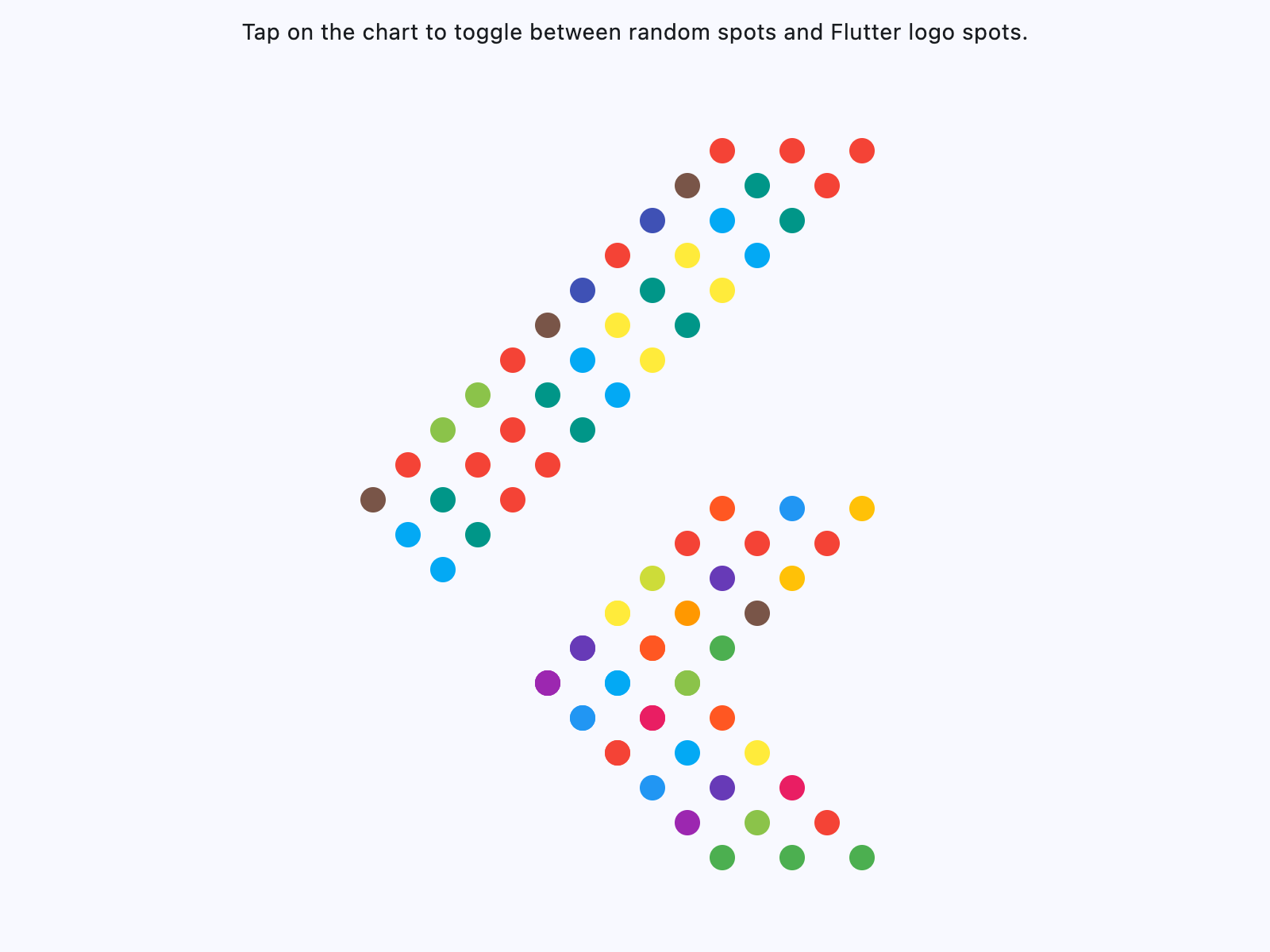](https://docs.flet.dev/test-images-charts/examples/golden/macos/scatter_chart/example_1.png)
Properties[#](https://docs.flet.dev/charts/scatterchart/#flet_charts.scatter_chart.ScatterChart-properties "Permanent link")
-----------------------------------------------------------------------------------------------------------------------------
### animation `class-attribute` `instance-attribute` [#](https://docs.flet.dev/charts/scatterchart/#flet_charts.scatter_chart.ScatterChart.animation "Permanent link")
`[](https://docs.flet.dev/charts/scatterchart/#__codelineno-0-1) animation: [AnimationValue](https://docs.flet.dev/types/aliases/#flet.AnimationValue) = [field](https://docs.python.org/3/library/dataclasses.html#dataclasses.field "dataclasses.field") ( [](https://docs.flet.dev/charts/scatterchart/#__codelineno-0-2) default_factory=lambda: [Animation](https://docs.flet.dev/types/animation/#flet.Animation) ( [](https://docs.flet.dev/charts/scatterchart/#__codelineno-0-3) duration=[Duration](https://docs.flet.dev/types/duration/#flet.Duration) (milliseconds=150), curve=[LINEAR](https://docs.flet.dev/types/animationcurve/#flet.AnimationCurve.LINEAR) [](https://docs.flet.dev/charts/scatterchart/#__codelineno-0-4) ) [](https://docs.flet.dev/charts/scatterchart/#__codelineno-0-5) )`
Controls chart implicit animation.
### baseline\_x `class-attribute` `instance-attribute` [#](https://docs.flet.dev/charts/scatterchart/#flet_charts.scatter_chart.ScatterChart.baseline_x "Permanent link")
`[](https://docs.flet.dev/charts/scatterchart/#__codelineno-0-1) baseline_x: [Number](https://docs.flet.dev/types/aliases/#flet.Number) | None = None`
The baseline value for X axis.
### baseline\_y `class-attribute` `instance-attribute` [#](https://docs.flet.dev/charts/scatterchart/#flet_charts.scatter_chart.ScatterChart.baseline_y "Permanent link")
`[](https://docs.flet.dev/charts/scatterchart/#__codelineno-0-1) baseline_y: [Number](https://docs.flet.dev/types/aliases/#flet.Number) | None = None`
Baseline value for Y axis.
### bgcolor `class-attribute` `instance-attribute` [#](https://docs.flet.dev/charts/scatterchart/#flet_charts.scatter_chart.ScatterChart.bgcolor "Permanent link")
`[](https://docs.flet.dev/charts/scatterchart/#__codelineno-0-1) bgcolor: [ColorValue](https://docs.flet.dev/types/aliases/#flet.ColorValue) | None = None`
The chart's background color.
### border `class-attribute` `instance-attribute` [#](https://docs.flet.dev/charts/scatterchart/#flet_charts.scatter_chart.ScatterChart.border "Permanent link")
`[](https://docs.flet.dev/charts/scatterchart/#__codelineno-0-1) border: [Border](https://docs.flet.dev/types/border/#flet.Border) | None = None`
The border around the chart.
### bottom\_axis `class-attribute` `instance-attribute` [#](https://docs.flet.dev/charts/scatterchart/#flet_charts.scatter_chart.ScatterChart.bottom_axis "Permanent link")
`[](https://docs.flet.dev/charts/scatterchart/#__codelineno-0-1) bottom_axis: [ChartAxis](https://docs.flet.dev/charts/types/chartaxis/#flet_charts.chart_axis.ChartAxis) | None = None`
Configures the appearance of the bottom axis, its title and labels.
### horizontal\_grid\_lines `class-attribute` `instance-attribute` [#](https://docs.flet.dev/charts/scatterchart/#flet_charts.scatter_chart.ScatterChart.horizontal_grid_lines "Permanent link")
`[](https://docs.flet.dev/charts/scatterchart/#__codelineno-0-1) horizontal_grid_lines: [ChartGridLines](https://docs.flet.dev/charts/types/chartgridlines/#flet_charts.types.ChartGridLines) | None = None`
Controls drawing of chart's horizontal lines.
### interactive `class-attribute` `instance-attribute` [#](https://docs.flet.dev/charts/scatterchart/#flet_charts.scatter_chart.ScatterChart.interactive "Permanent link")
`[](https://docs.flet.dev/charts/scatterchart/#__codelineno-0-1) interactive: [bool](https://docs.python.org/3/library/functions.html#bool) = True`
Enables automatic tooltips when hovering chart bars.
### left\_axis `class-attribute` `instance-attribute` [#](https://docs.flet.dev/charts/scatterchart/#flet_charts.scatter_chart.ScatterChart.left_axis "Permanent link")
`[](https://docs.flet.dev/charts/scatterchart/#__codelineno-0-1) left_axis: [ChartAxis](https://docs.flet.dev/charts/types/chartaxis/#flet_charts.chart_axis.ChartAxis) | None = None`
Configures the appearance of the left axis, its title and labels.
### long\_press\_duration `class-attribute` `instance-attribute` [#](https://docs.flet.dev/charts/scatterchart/#flet_charts.scatter_chart.ScatterChart.long_press_duration "Permanent link")
`[](https://docs.flet.dev/charts/scatterchart/#__codelineno-0-1) long_press_duration: [DurationValue](https://docs.flet.dev/types/aliases/#flet.DurationValue) | None = None`
The duration of a long press on the chart.
### max\_x `class-attribute` `instance-attribute` [#](https://docs.flet.dev/charts/scatterchart/#flet_charts.scatter_chart.ScatterChart.max_x "Permanent link")
`[](https://docs.flet.dev/charts/scatterchart/#__codelineno-0-1) max_x: [Number](https://docs.flet.dev/types/aliases/#flet.Number) | None = None`
The maximum displayed value for X axis.
### max\_y `class-attribute` `instance-attribute` [#](https://docs.flet.dev/charts/scatterchart/#flet_charts.scatter_chart.ScatterChart.max_y "Permanent link")
`[](https://docs.flet.dev/charts/scatterchart/#__codelineno-0-1) max_y: [Number](https://docs.flet.dev/types/aliases/#flet.Number) | None = None`
The maximum displayed value for Y axis.
### min\_x `class-attribute` `instance-attribute` [#](https://docs.flet.dev/charts/scatterchart/#flet_charts.scatter_chart.ScatterChart.min_x "Permanent link")
`[](https://docs.flet.dev/charts/scatterchart/#__codelineno-0-1) min_x: [Number](https://docs.flet.dev/types/aliases/#flet.Number) | None = None`
The minimum displayed value for X axis.
### min\_y `class-attribute` `instance-attribute` [#](https://docs.flet.dev/charts/scatterchart/#flet_charts.scatter_chart.ScatterChart.min_y "Permanent link")
`[](https://docs.flet.dev/charts/scatterchart/#__codelineno-0-1) min_y: [Number](https://docs.flet.dev/types/aliases/#flet.Number) | None = None`
The minimum displayed value for Y axis.
### right\_axis `class-attribute` `instance-attribute` [#](https://docs.flet.dev/charts/scatterchart/#flet_charts.scatter_chart.ScatterChart.right_axis "Permanent link")
`[](https://docs.flet.dev/charts/scatterchart/#__codelineno-0-1) right_axis: [ChartAxis](https://docs.flet.dev/charts/types/chartaxis/#flet_charts.chart_axis.ChartAxis) | None = None`
Configures the appearance of the right axis, its title and labels.
### rotation\_quarter\_turns `class-attribute` `instance-attribute` [#](https://docs.flet.dev/charts/scatterchart/#flet_charts.scatter_chart.ScatterChart.rotation_quarter_turns "Permanent link")
`[](https://docs.flet.dev/charts/scatterchart/#__codelineno-0-1) rotation_quarter_turns: [Number](https://docs.flet.dev/types/aliases/#flet.Number) = 0`
Number of quarter turns (90-degree increments) to rotate the chart. Ex: `1` rotates the chart `90` degrees clockwise, `2` rotates `180` degrees and `0` for no rotation.
### show\_tooltips\_for\_selected\_spots\_only `class-attribute` `instance-attribute` [#](https://docs.flet.dev/charts/scatterchart/#flet_charts.scatter_chart.ScatterChart.show_tooltips_for_selected_spots_only "Permanent link")
`[](https://docs.flet.dev/charts/scatterchart/#__codelineno-0-1) show_tooltips_for_selected_spots_only: [bool](https://docs.python.org/3/library/functions.html#bool) = False`
Whether to permanently and only show the tooltips of spots with their [`selected`](https://docs.flet.dev/charts/types/scatterchartspot/#flet_charts.scatter_chart_spot.ScatterChartSpot.selected)
property set to `True`.
### spots `class-attribute` `instance-attribute` [#](https://docs.flet.dev/charts/scatterchart/#flet_charts.scatter_chart.ScatterChart.spots "Permanent link")
`[](https://docs.flet.dev/charts/scatterchart/#__codelineno-0-1) spots: [list](https://docs.python.org/3/glossary.html#term-list) [[ScatterChartSpot](https://docs.flet.dev/charts/types/scatterchartspot/#flet_charts.scatter_chart_spot.ScatterChartSpot) ] = [field](https://docs.python.org/3/library/dataclasses.html#dataclasses.field "dataclasses.field") (default_factory=[list](https://docs.python.org/3/glossary.html#term-list) )`
List of [`ScatterChartSpot`](https://docs.flet.dev/charts/types/scatterchartspot/#flet_charts.scatter_chart_spot.ScatterChartSpot)
s to show on the chart.
### tooltip `class-attribute` `instance-attribute` [#](https://docs.flet.dev/charts/scatterchart/#flet_charts.scatter_chart.ScatterChart.tooltip "Permanent link")
`[](https://docs.flet.dev/charts/scatterchart/#__codelineno-0-1) tooltip: [ScatterChartTooltip](https://docs.flet.dev/charts/types/scattercharttooltip/#flet_charts.scatter_chart.ScatterChartTooltip) = [field](https://docs.python.org/3/library/dataclasses.html#dataclasses.field "dataclasses.field") ( [](https://docs.flet.dev/charts/scatterchart/#__codelineno-0-2) default_factory=lambda: [ScatterChartTooltip](https://docs.flet.dev/charts/types/scattercharttooltip/#flet_charts.scatter_chart.ScatterChartTooltip) () [](https://docs.flet.dev/charts/scatterchart/#__codelineno-0-3) )`
The tooltip configuration for the chart.
### top\_axis `class-attribute` `instance-attribute` [#](https://docs.flet.dev/charts/scatterchart/#flet_charts.scatter_chart.ScatterChart.top_axis "Permanent link")
`[](https://docs.flet.dev/charts/scatterchart/#__codelineno-0-1) top_axis: [ChartAxis](https://docs.flet.dev/charts/types/chartaxis/#flet_charts.chart_axis.ChartAxis) | None = None`
Configures the appearance of the top axis, its title and labels.
### vertical\_grid\_lines `class-attribute` `instance-attribute` [#](https://docs.flet.dev/charts/scatterchart/#flet_charts.scatter_chart.ScatterChart.vertical_grid_lines "Permanent link")
`[](https://docs.flet.dev/charts/scatterchart/#__codelineno-0-1) vertical_grid_lines: [ChartGridLines](https://docs.flet.dev/charts/types/chartgridlines/#flet_charts.types.ChartGridLines) | None = None`
Controls drawing of chart's vertical lines.
Events[#](https://docs.flet.dev/charts/scatterchart/#flet_charts.scatter_chart.ScatterChart-events "Permanent link")
---------------------------------------------------------------------------------------------------------------------
### on\_event `class-attribute` `instance-attribute` [#](https://docs.flet.dev/charts/scatterchart/#flet_charts.scatter_chart.ScatterChart.on_event "Permanent link")
`[](https://docs.flet.dev/charts/scatterchart/#__codelineno-0-1) on_event: [EventHandler](https://docs.flet.dev/types/aliases/#flet.EventHandler) [[ScatterChartEvent](https://docs.flet.dev/charts/types/scatterchartevent/#flet_charts.scatter_chart.ScatterChartEvent) ] | None = None`
Called when an event occurs on this chart.
Back to top
---
# MatplotlibChartWithToolbar - Flet
[Skip to content](https://docs.flet.dev/charts/matplotlibchartwithtoolbar/#flet_charts.matplotlib_chart_with_toolbar.MatplotlibChartWithToolbar)
MatplotlibChartWithToolbar
==========================
Composite control that combines a `MatplotlibChart` with a ready-made toolbar UI.
Warning
This control requires the [`matplotlib`](https://matplotlib.org/)
Python package to be installed.
See this [installation guide](https://docs.flet.dev/charts/#installation)
for more information.
[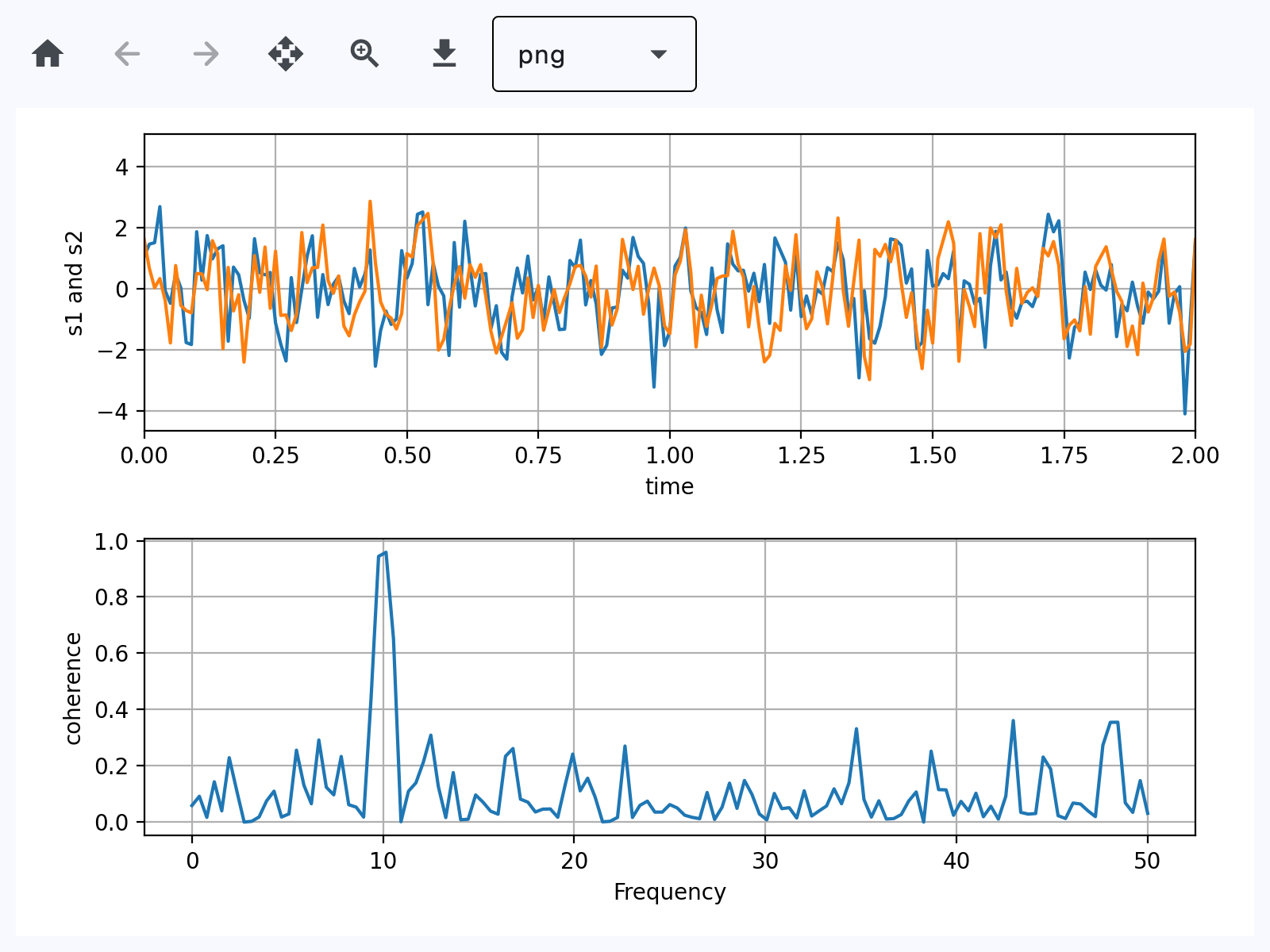](https://docs.flet.dev/test-images-charts/examples/golden/macos/matplotlib_chart/toolbar.png)
Inherits: `[Column](https://docs.flet.dev/controls/column/#flet.Column) `
Properties
* **`[figure](https://docs.flet.dev/charts/matplotlibchartwithtoolbar/#flet_charts.matplotlib_chart_with_toolbar.MatplotlibChartWithToolbar.figure) `**(`Figure`) –
Matplotlib figure to draw - an instance of
Methods
* **`[download_click](https://docs.flet.dev/charts/matplotlibchartwithtoolbar/#flet_charts.matplotlib_chart_with_toolbar.MatplotlibChartWithToolbar.download_click) `** –
Export the figure in the selected format and prompt user to save it.
* **`[on_message](https://docs.flet.dev/charts/matplotlibchartwithtoolbar/#flet_charts.matplotlib_chart_with_toolbar.MatplotlibChartWithToolbar.on_message) `** –
Show status text produced by the underlying chart toolbar backend.
* **`[on_toolbar_update](https://docs.flet.dev/charts/matplotlibchartwithtoolbar/#flet_charts.matplotlib_chart_with_toolbar.MatplotlibChartWithToolbar.on_toolbar_update) `** –
Synchronize back/forward button enabled state with chart history.
* **`[pan_click](https://docs.flet.dev/charts/matplotlibchartwithtoolbar/#flet_charts.matplotlib_chart_with_toolbar.MatplotlibChartWithToolbar.pan_click) `** –
Toggle pan mode and ensure zoom mode is turned off.
* **`[zoom_click](https://docs.flet.dev/charts/matplotlibchartwithtoolbar/#flet_charts.matplotlib_chart_with_toolbar.MatplotlibChartWithToolbar.zoom_click) `** –
Toggle zoom mode and ensure pan mode is turned off.
Examples[#](https://docs.flet.dev/charts/matplotlibchartwithtoolbar/#examples "Permanent link")
------------------------------------------------------------------------------------------------
### Basic[#](https://docs.flet.dev/charts/matplotlibchartwithtoolbar/#basic "Permanent link")
Based on an official [Matplotlib example](https://matplotlib.org/stable/gallery/lines_bars_and_markers/cohere.html#sphx-glr-gallery-lines-bars-and-markers-cohere-py)
.
`[](https://docs.flet.dev/charts/matplotlibchartwithtoolbar/#__codelineno-0-1) import matplotlib.pyplot as plt [](https://docs.flet.dev/charts/matplotlibchartwithtoolbar/#__codelineno-0-2) import numpy as np [](https://docs.flet.dev/charts/matplotlibchartwithtoolbar/#__codelineno-0-3)[](https://docs.flet.dev/charts/matplotlibchartwithtoolbar/#__codelineno-0-4) import flet as ft [](https://docs.flet.dev/charts/matplotlibchartwithtoolbar/#__codelineno-0-5) import flet_charts as fch [](https://docs.flet.dev/charts/matplotlibchartwithtoolbar/#__codelineno-0-6) [](https://docs.flet.dev/charts/matplotlibchartwithtoolbar/#__codelineno-0-7)[](https://docs.flet.dev/charts/matplotlibchartwithtoolbar/#__codelineno-0-8) def main(page: ft.Page): [](https://docs.flet.dev/charts/matplotlibchartwithtoolbar/#__codelineno-0-9) # Fixing random state for reproducibility [](https://docs.flet.dev/charts/matplotlibchartwithtoolbar/#__codelineno-0-10) np.random.seed(19680801) [](https://docs.flet.dev/charts/matplotlibchartwithtoolbar/#__codelineno-0-11) [](https://docs.flet.dev/charts/matplotlibchartwithtoolbar/#__codelineno-0-12) dt = 0.01 [](https://docs.flet.dev/charts/matplotlibchartwithtoolbar/#__codelineno-0-13) t = np.arange(0, 30, dt) [](https://docs.flet.dev/charts/matplotlibchartwithtoolbar/#__codelineno-0-14) nse1 = np.random.randn(len(t)) # white noise 1 [](https://docs.flet.dev/charts/matplotlibchartwithtoolbar/#__codelineno-0-15) nse2 = np.random.randn(len(t)) # white noise 2 [](https://docs.flet.dev/charts/matplotlibchartwithtoolbar/#__codelineno-0-16) [](https://docs.flet.dev/charts/matplotlibchartwithtoolbar/#__codelineno-0-17) # Two signals with a coherent part at 10Hz and a random part [](https://docs.flet.dev/charts/matplotlibchartwithtoolbar/#__codelineno-0-18) s1 = np.sin(2 * np.pi * 10 * t) + nse1 [](https://docs.flet.dev/charts/matplotlibchartwithtoolbar/#__codelineno-0-19) s2 = np.sin(2 * np.pi * 10 * t) + nse2 [](https://docs.flet.dev/charts/matplotlibchartwithtoolbar/#__codelineno-0-20) [](https://docs.flet.dev/charts/matplotlibchartwithtoolbar/#__codelineno-0-21) fig, axs = plt.subplots(2, 1) [](https://docs.flet.dev/charts/matplotlibchartwithtoolbar/#__codelineno-0-22) axs[0].plot(t, s1, t, s2) [](https://docs.flet.dev/charts/matplotlibchartwithtoolbar/#__codelineno-0-23) axs[0].set_xlim(0, 2) [](https://docs.flet.dev/charts/matplotlibchartwithtoolbar/#__codelineno-0-24) axs[0].set_xlabel("time") [](https://docs.flet.dev/charts/matplotlibchartwithtoolbar/#__codelineno-0-25) axs[0].set_ylabel("s1 and s2") [](https://docs.flet.dev/charts/matplotlibchartwithtoolbar/#__codelineno-0-26) axs[0].grid(True) [](https://docs.flet.dev/charts/matplotlibchartwithtoolbar/#__codelineno-0-27) [](https://docs.flet.dev/charts/matplotlibchartwithtoolbar/#__codelineno-0-28) cxy, f = axs[1].cohere(s1, s2, 256, 1.0 / dt) [](https://docs.flet.dev/charts/matplotlibchartwithtoolbar/#__codelineno-0-29) axs[1].set_ylabel("coherence") [](https://docs.flet.dev/charts/matplotlibchartwithtoolbar/#__codelineno-0-30) [](https://docs.flet.dev/charts/matplotlibchartwithtoolbar/#__codelineno-0-31) fig.tight_layout() [](https://docs.flet.dev/charts/matplotlibchartwithtoolbar/#__codelineno-0-32) [](https://docs.flet.dev/charts/matplotlibchartwithtoolbar/#__codelineno-0-33) page.add(fch.MatplotlibChartWithToolbar(figure=fig, expand=True)) [](https://docs.flet.dev/charts/matplotlibchartwithtoolbar/#__codelineno-0-34) [](https://docs.flet.dev/charts/matplotlibchartwithtoolbar/#__codelineno-0-35)[](https://docs.flet.dev/charts/matplotlibchartwithtoolbar/#__codelineno-0-36) if __name__ == "__main__": [](https://docs.flet.dev/charts/matplotlibchartwithtoolbar/#__codelineno-0-37) ft.run(main)`
[](https://docs.flet.dev/test-images-charts/examples/golden/macos/matplotlib_chart/toolbar.png)
### 3D chart[#](https://docs.flet.dev/charts/matplotlibchartwithtoolbar/#3d-chart "Permanent link")
`[](https://docs.flet.dev/charts/matplotlibchartwithtoolbar/#__codelineno-1-1) import logging [](https://docs.flet.dev/charts/matplotlibchartwithtoolbar/#__codelineno-1-2)[](https://docs.flet.dev/charts/matplotlibchartwithtoolbar/#__codelineno-1-3) import matplotlib.pyplot as plt [](https://docs.flet.dev/charts/matplotlibchartwithtoolbar/#__codelineno-1-4) import numpy as np [](https://docs.flet.dev/charts/matplotlibchartwithtoolbar/#__codelineno-1-5)[](https://docs.flet.dev/charts/matplotlibchartwithtoolbar/#__codelineno-1-6) import flet as ft [](https://docs.flet.dev/charts/matplotlibchartwithtoolbar/#__codelineno-1-7) import flet_charts [](https://docs.flet.dev/charts/matplotlibchartwithtoolbar/#__codelineno-1-8)[](https://docs.flet.dev/charts/matplotlibchartwithtoolbar/#__codelineno-1-9) logging.basicConfig(level=logging.INFO) [](https://docs.flet.dev/charts/matplotlibchartwithtoolbar/#__codelineno-1-10) [](https://docs.flet.dev/charts/matplotlibchartwithtoolbar/#__codelineno-1-11)[](https://docs.flet.dev/charts/matplotlibchartwithtoolbar/#__codelineno-1-12) def main(page: ft.Page): [](https://docs.flet.dev/charts/matplotlibchartwithtoolbar/#__codelineno-1-13) plt.style.use("_mpl-gallery") [](https://docs.flet.dev/charts/matplotlibchartwithtoolbar/#__codelineno-1-14) [](https://docs.flet.dev/charts/matplotlibchartwithtoolbar/#__codelineno-1-15) # Make data for a double helix [](https://docs.flet.dev/charts/matplotlibchartwithtoolbar/#__codelineno-1-16) n = 50 [](https://docs.flet.dev/charts/matplotlibchartwithtoolbar/#__codelineno-1-17) theta = np.linspace(0, 2 * np.pi, n) [](https://docs.flet.dev/charts/matplotlibchartwithtoolbar/#__codelineno-1-18) x1 = np.cos(theta) [](https://docs.flet.dev/charts/matplotlibchartwithtoolbar/#__codelineno-1-19) y1 = np.sin(theta) [](https://docs.flet.dev/charts/matplotlibchartwithtoolbar/#__codelineno-1-20) z1 = np.linspace(0, 1, n) [](https://docs.flet.dev/charts/matplotlibchartwithtoolbar/#__codelineno-1-21) x2 = np.cos(theta + np.pi) [](https://docs.flet.dev/charts/matplotlibchartwithtoolbar/#__codelineno-1-22) y2 = np.sin(theta + np.pi) [](https://docs.flet.dev/charts/matplotlibchartwithtoolbar/#__codelineno-1-23) z2 = z1 [](https://docs.flet.dev/charts/matplotlibchartwithtoolbar/#__codelineno-1-24) [](https://docs.flet.dev/charts/matplotlibchartwithtoolbar/#__codelineno-1-25) # Plot with defined figure size [](https://docs.flet.dev/charts/matplotlibchartwithtoolbar/#__codelineno-1-26) fig, ax = plt.subplots(subplot_kw={"projection": "3d"}, figsize=(8, 6)) [](https://docs.flet.dev/charts/matplotlibchartwithtoolbar/#__codelineno-1-27) ax.fill_between(x1, y1, z1, x2, y2, z2, alpha=0.5) [](https://docs.flet.dev/charts/matplotlibchartwithtoolbar/#__codelineno-1-28) ax.plot(x1, y1, z1, linewidth=2, color="C0") [](https://docs.flet.dev/charts/matplotlibchartwithtoolbar/#__codelineno-1-29) ax.plot(x2, y2, z2, linewidth=2, color="C0") [](https://docs.flet.dev/charts/matplotlibchartwithtoolbar/#__codelineno-1-30) [](https://docs.flet.dev/charts/matplotlibchartwithtoolbar/#__codelineno-1-31) ax.set(xticklabels=[], yticklabels=[], zticklabels=[]) [](https://docs.flet.dev/charts/matplotlibchartwithtoolbar/#__codelineno-1-32) [](https://docs.flet.dev/charts/matplotlibchartwithtoolbar/#__codelineno-1-33) page.add(flet_charts.MatplotlibChartWithToolbar(figure=fig)) [](https://docs.flet.dev/charts/matplotlibchartwithtoolbar/#__codelineno-1-34) [](https://docs.flet.dev/charts/matplotlibchartwithtoolbar/#__codelineno-1-35)[](https://docs.flet.dev/charts/matplotlibchartwithtoolbar/#__codelineno-1-36) if __name__ == "__main__": [](https://docs.flet.dev/charts/matplotlibchartwithtoolbar/#__codelineno-1-37) ft.run(main)`
[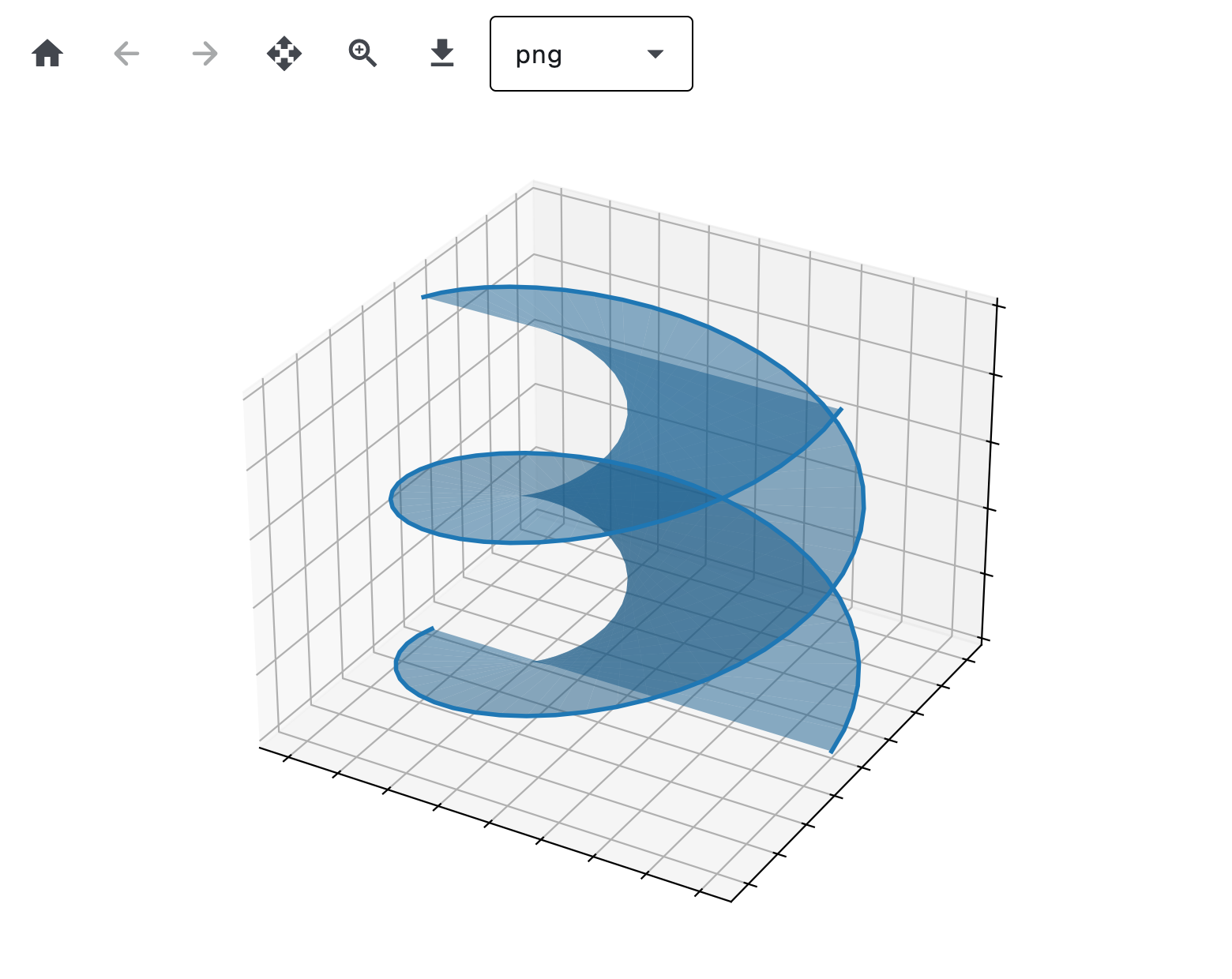](https://docs.flet.dev/test-images-charts/examples/golden/macos/matplotlib_chart/three_d.png)
### Handle events[#](https://docs.flet.dev/charts/matplotlibchartwithtoolbar/#handle-events "Permanent link")
`[](https://docs.flet.dev/charts/matplotlibchartwithtoolbar/#__codelineno-2-1) import matplotlib.pyplot as plt [](https://docs.flet.dev/charts/matplotlibchartwithtoolbar/#__codelineno-2-2) import numpy as np [](https://docs.flet.dev/charts/matplotlibchartwithtoolbar/#__codelineno-2-3)[](https://docs.flet.dev/charts/matplotlibchartwithtoolbar/#__codelineno-2-4) import flet as ft [](https://docs.flet.dev/charts/matplotlibchartwithtoolbar/#__codelineno-2-5) import flet_charts as fch [](https://docs.flet.dev/charts/matplotlibchartwithtoolbar/#__codelineno-2-6)[](https://docs.flet.dev/charts/matplotlibchartwithtoolbar/#__codelineno-2-7) state = {} [](https://docs.flet.dev/charts/matplotlibchartwithtoolbar/#__codelineno-2-8) [](https://docs.flet.dev/charts/matplotlibchartwithtoolbar/#__codelineno-2-9)[](https://docs.flet.dev/charts/matplotlibchartwithtoolbar/#__codelineno-2-10) def main(page: ft.Page): [](https://docs.flet.dev/charts/matplotlibchartwithtoolbar/#__codelineno-2-11) # Fixing random state for reproducibility [](https://docs.flet.dev/charts/matplotlibchartwithtoolbar/#__codelineno-2-12) np.random.seed(19680801) [](https://docs.flet.dev/charts/matplotlibchartwithtoolbar/#__codelineno-2-13) [](https://docs.flet.dev/charts/matplotlibchartwithtoolbar/#__codelineno-2-14) X = np.random.rand(100, 200) [](https://docs.flet.dev/charts/matplotlibchartwithtoolbar/#__codelineno-2-15) xs = np.mean(X, axis=1) [](https://docs.flet.dev/charts/matplotlibchartwithtoolbar/#__codelineno-2-16) ys = np.std(X, axis=1) [](https://docs.flet.dev/charts/matplotlibchartwithtoolbar/#__codelineno-2-17) [](https://docs.flet.dev/charts/matplotlibchartwithtoolbar/#__codelineno-2-18) fig, (ax, ax2) = plt.subplots(2, 1) [](https://docs.flet.dev/charts/matplotlibchartwithtoolbar/#__codelineno-2-19) ax.set_title("click on point to plot time series") [](https://docs.flet.dev/charts/matplotlibchartwithtoolbar/#__codelineno-2-20) (line,) = ax.plot(xs, ys, "o", picker=True, pickradius=5) [](https://docs.flet.dev/charts/matplotlibchartwithtoolbar/#__codelineno-2-21) [](https://docs.flet.dev/charts/matplotlibchartwithtoolbar/#__codelineno-2-22) class PointBrowser: [](https://docs.flet.dev/charts/matplotlibchartwithtoolbar/#__codelineno-2-23) """ [](https://docs.flet.dev/charts/matplotlibchartwithtoolbar/#__codelineno-2-24) Click on a point to select and highlight it -- the data that [](https://docs.flet.dev/charts/matplotlibchartwithtoolbar/#__codelineno-2-25) generated the point will be shown in the lower Axes. Use the 'n' [](https://docs.flet.dev/charts/matplotlibchartwithtoolbar/#__codelineno-2-26) and 'p' keys to browse through the next and previous points [](https://docs.flet.dev/charts/matplotlibchartwithtoolbar/#__codelineno-2-27) """ [](https://docs.flet.dev/charts/matplotlibchartwithtoolbar/#__codelineno-2-28) [](https://docs.flet.dev/charts/matplotlibchartwithtoolbar/#__codelineno-2-29) def __init__(self): [](https://docs.flet.dev/charts/matplotlibchartwithtoolbar/#__codelineno-2-30) self.lastind = 0 [](https://docs.flet.dev/charts/matplotlibchartwithtoolbar/#__codelineno-2-31) [](https://docs.flet.dev/charts/matplotlibchartwithtoolbar/#__codelineno-2-32) self.text = ax.text( [](https://docs.flet.dev/charts/matplotlibchartwithtoolbar/#__codelineno-2-33) 0.05, 0.95, "selected: none", transform=ax.transAxes, va="top" [](https://docs.flet.dev/charts/matplotlibchartwithtoolbar/#__codelineno-2-34) ) [](https://docs.flet.dev/charts/matplotlibchartwithtoolbar/#__codelineno-2-35) (self.selected,) = ax.plot( [](https://docs.flet.dev/charts/matplotlibchartwithtoolbar/#__codelineno-2-36) [xs[0]], [ys[0]], "o", ms=12, alpha=0.4, color="yellow", visible=False [](https://docs.flet.dev/charts/matplotlibchartwithtoolbar/#__codelineno-2-37) ) [](https://docs.flet.dev/charts/matplotlibchartwithtoolbar/#__codelineno-2-38) [](https://docs.flet.dev/charts/matplotlibchartwithtoolbar/#__codelineno-2-39) def on_press(self, event): [](https://docs.flet.dev/charts/matplotlibchartwithtoolbar/#__codelineno-2-40) if self.lastind is None: [](https://docs.flet.dev/charts/matplotlibchartwithtoolbar/#__codelineno-2-41) return [](https://docs.flet.dev/charts/matplotlibchartwithtoolbar/#__codelineno-2-42) if event.key not in ("n", "p"): [](https://docs.flet.dev/charts/matplotlibchartwithtoolbar/#__codelineno-2-43) return [](https://docs.flet.dev/charts/matplotlibchartwithtoolbar/#__codelineno-2-44) inc = 1 if event.key == "n" else -1 [](https://docs.flet.dev/charts/matplotlibchartwithtoolbar/#__codelineno-2-45) [](https://docs.flet.dev/charts/matplotlibchartwithtoolbar/#__codelineno-2-46) self.lastind += inc [](https://docs.flet.dev/charts/matplotlibchartwithtoolbar/#__codelineno-2-47) self.lastind = np.clip(self.lastind, 0, len(xs) - 1) [](https://docs.flet.dev/charts/matplotlibchartwithtoolbar/#__codelineno-2-48) self.update() [](https://docs.flet.dev/charts/matplotlibchartwithtoolbar/#__codelineno-2-49) [](https://docs.flet.dev/charts/matplotlibchartwithtoolbar/#__codelineno-2-50) def on_pick(self, event): [](https://docs.flet.dev/charts/matplotlibchartwithtoolbar/#__codelineno-2-51) if event.artist != line: [](https://docs.flet.dev/charts/matplotlibchartwithtoolbar/#__codelineno-2-52) return True [](https://docs.flet.dev/charts/matplotlibchartwithtoolbar/#__codelineno-2-53) [](https://docs.flet.dev/charts/matplotlibchartwithtoolbar/#__codelineno-2-54) N = len(event.ind) [](https://docs.flet.dev/charts/matplotlibchartwithtoolbar/#__codelineno-2-55) if not N: [](https://docs.flet.dev/charts/matplotlibchartwithtoolbar/#__codelineno-2-56) return True [](https://docs.flet.dev/charts/matplotlibchartwithtoolbar/#__codelineno-2-57) [](https://docs.flet.dev/charts/matplotlibchartwithtoolbar/#__codelineno-2-58) # the click locations [](https://docs.flet.dev/charts/matplotlibchartwithtoolbar/#__codelineno-2-59) x = event.mouseevent.xdata [](https://docs.flet.dev/charts/matplotlibchartwithtoolbar/#__codelineno-2-60) y = event.mouseevent.ydata [](https://docs.flet.dev/charts/matplotlibchartwithtoolbar/#__codelineno-2-61) [](https://docs.flet.dev/charts/matplotlibchartwithtoolbar/#__codelineno-2-62) distances = np.hypot(x - xs[event.ind], y - ys[event.ind]) [](https://docs.flet.dev/charts/matplotlibchartwithtoolbar/#__codelineno-2-63) indmin = distances.argmin() [](https://docs.flet.dev/charts/matplotlibchartwithtoolbar/#__codelineno-2-64) dataind = event.ind[indmin] [](https://docs.flet.dev/charts/matplotlibchartwithtoolbar/#__codelineno-2-65) [](https://docs.flet.dev/charts/matplotlibchartwithtoolbar/#__codelineno-2-66) self.lastind = dataind [](https://docs.flet.dev/charts/matplotlibchartwithtoolbar/#__codelineno-2-67) self.update() [](https://docs.flet.dev/charts/matplotlibchartwithtoolbar/#__codelineno-2-68) [](https://docs.flet.dev/charts/matplotlibchartwithtoolbar/#__codelineno-2-69) def update(self): [](https://docs.flet.dev/charts/matplotlibchartwithtoolbar/#__codelineno-2-70) if self.lastind is None: [](https://docs.flet.dev/charts/matplotlibchartwithtoolbar/#__codelineno-2-71) return [](https://docs.flet.dev/charts/matplotlibchartwithtoolbar/#__codelineno-2-72) [](https://docs.flet.dev/charts/matplotlibchartwithtoolbar/#__codelineno-2-73) dataind = self.lastind [](https://docs.flet.dev/charts/matplotlibchartwithtoolbar/#__codelineno-2-74) [](https://docs.flet.dev/charts/matplotlibchartwithtoolbar/#__codelineno-2-75) ax2.clear() [](https://docs.flet.dev/charts/matplotlibchartwithtoolbar/#__codelineno-2-76) ax2.plot(X[dataind]) [](https://docs.flet.dev/charts/matplotlibchartwithtoolbar/#__codelineno-2-77) [](https://docs.flet.dev/charts/matplotlibchartwithtoolbar/#__codelineno-2-78) ax2.text( [](https://docs.flet.dev/charts/matplotlibchartwithtoolbar/#__codelineno-2-79) 0.05, [](https://docs.flet.dev/charts/matplotlibchartwithtoolbar/#__codelineno-2-80) 0.9, [](https://docs.flet.dev/charts/matplotlibchartwithtoolbar/#__codelineno-2-81) f"mu={xs[dataind]:1.3f}\nsigma={ys[dataind]:1.3f}", [](https://docs.flet.dev/charts/matplotlibchartwithtoolbar/#__codelineno-2-82) transform=ax2.transAxes, [](https://docs.flet.dev/charts/matplotlibchartwithtoolbar/#__codelineno-2-83) va="top", [](https://docs.flet.dev/charts/matplotlibchartwithtoolbar/#__codelineno-2-84) ) [](https://docs.flet.dev/charts/matplotlibchartwithtoolbar/#__codelineno-2-85) ax2.set_ylim(-0.5, 1.5) [](https://docs.flet.dev/charts/matplotlibchartwithtoolbar/#__codelineno-2-86) self.selected.set_visible(True) [](https://docs.flet.dev/charts/matplotlibchartwithtoolbar/#__codelineno-2-87) self.selected.set_data([xs[dataind]], [ys[dataind]]) [](https://docs.flet.dev/charts/matplotlibchartwithtoolbar/#__codelineno-2-88) [](https://docs.flet.dev/charts/matplotlibchartwithtoolbar/#__codelineno-2-89) self.text.set_text(f"selected: {dataind:d}") [](https://docs.flet.dev/charts/matplotlibchartwithtoolbar/#__codelineno-2-90) fig.canvas.draw() [](https://docs.flet.dev/charts/matplotlibchartwithtoolbar/#__codelineno-2-91) [](https://docs.flet.dev/charts/matplotlibchartwithtoolbar/#__codelineno-2-92) browser = PointBrowser() [](https://docs.flet.dev/charts/matplotlibchartwithtoolbar/#__codelineno-2-93) state["browser"] = browser [](https://docs.flet.dev/charts/matplotlibchartwithtoolbar/#__codelineno-2-94) [](https://docs.flet.dev/charts/matplotlibchartwithtoolbar/#__codelineno-2-95) fig.canvas.mpl_connect("pick_event", browser.on_pick) [](https://docs.flet.dev/charts/matplotlibchartwithtoolbar/#__codelineno-2-96) fig.canvas.mpl_connect("key_press_event", browser.on_press) [](https://docs.flet.dev/charts/matplotlibchartwithtoolbar/#__codelineno-2-97) [](https://docs.flet.dev/charts/matplotlibchartwithtoolbar/#__codelineno-2-98) # plt.show() [](https://docs.flet.dev/charts/matplotlibchartwithtoolbar/#__codelineno-2-99) [](https://docs.flet.dev/charts/matplotlibchartwithtoolbar/#__codelineno-2-100) page.add(fch.MatplotlibChartWithToolbar(figure=fig, expand=True)) [](https://docs.flet.dev/charts/matplotlibchartwithtoolbar/#__codelineno-2-101) [](https://docs.flet.dev/charts/matplotlibchartwithtoolbar/#__codelineno-2-102)[](https://docs.flet.dev/charts/matplotlibchartwithtoolbar/#__codelineno-2-103) if __name__ == "__main__": [](https://docs.flet.dev/charts/matplotlibchartwithtoolbar/#__codelineno-2-104) ft.run(main)`
[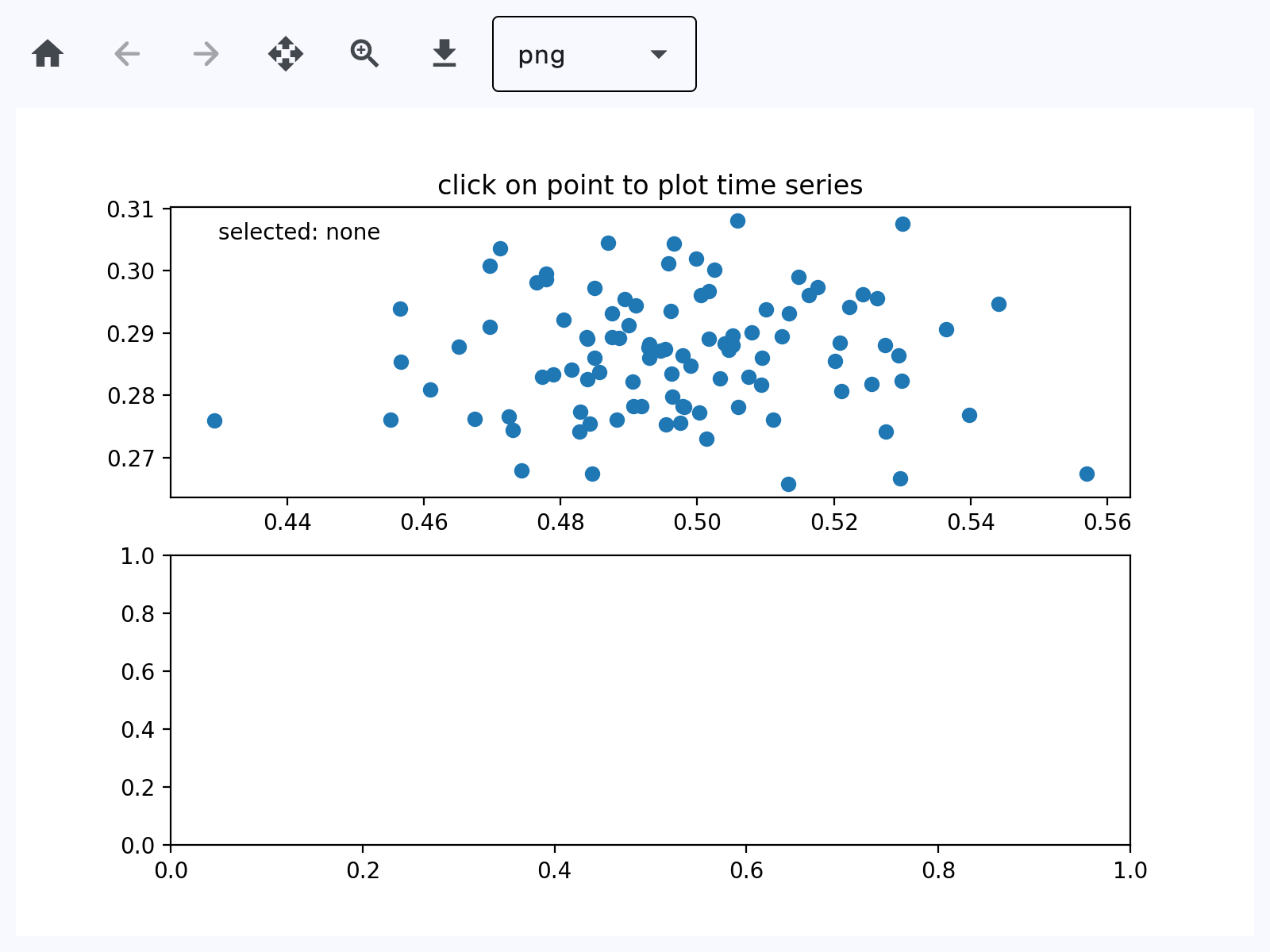](https://docs.flet.dev/test-images-charts/examples/golden/macos/matplotlib_chart/handle_events.png)
### Animated chart[#](https://docs.flet.dev/charts/matplotlibchartwithtoolbar/#animated-chart "Permanent link")
`[](https://docs.flet.dev/charts/matplotlibchartwithtoolbar/#__codelineno-3-1) import logging [](https://docs.flet.dev/charts/matplotlibchartwithtoolbar/#__codelineno-3-2)[](https://docs.flet.dev/charts/matplotlibchartwithtoolbar/#__codelineno-3-3) import matplotlib.pyplot as plt [](https://docs.flet.dev/charts/matplotlibchartwithtoolbar/#__codelineno-3-4) import numpy as np [](https://docs.flet.dev/charts/matplotlibchartwithtoolbar/#__codelineno-3-5)[](https://docs.flet.dev/charts/matplotlibchartwithtoolbar/#__codelineno-3-6) import flet as ft [](https://docs.flet.dev/charts/matplotlibchartwithtoolbar/#__codelineno-3-7) import flet_charts [](https://docs.flet.dev/charts/matplotlibchartwithtoolbar/#__codelineno-3-8)[](https://docs.flet.dev/charts/matplotlibchartwithtoolbar/#__codelineno-3-9) logging.basicConfig(level=logging.INFO) [](https://docs.flet.dev/charts/matplotlibchartwithtoolbar/#__codelineno-3-10)[](https://docs.flet.dev/charts/matplotlibchartwithtoolbar/#__codelineno-3-11) state = {} [](https://docs.flet.dev/charts/matplotlibchartwithtoolbar/#__codelineno-3-12) [](https://docs.flet.dev/charts/matplotlibchartwithtoolbar/#__codelineno-3-13)[](https://docs.flet.dev/charts/matplotlibchartwithtoolbar/#__codelineno-3-14) def main(page: ft.Page): [](https://docs.flet.dev/charts/matplotlibchartwithtoolbar/#__codelineno-3-15) import matplotlib.animation as animation [](https://docs.flet.dev/charts/matplotlibchartwithtoolbar/#__codelineno-3-16) [](https://docs.flet.dev/charts/matplotlibchartwithtoolbar/#__codelineno-3-17) # Fixing random state for reproducibility [](https://docs.flet.dev/charts/matplotlibchartwithtoolbar/#__codelineno-3-18) np.random.seed(19680801) [](https://docs.flet.dev/charts/matplotlibchartwithtoolbar/#__codelineno-3-19) [](https://docs.flet.dev/charts/matplotlibchartwithtoolbar/#__codelineno-3-20) def random_walk(num_steps, max_step=0.05): [](https://docs.flet.dev/charts/matplotlibchartwithtoolbar/#__codelineno-3-21) """Return a 3D random walk as (num_steps, 3) array.""" [](https://docs.flet.dev/charts/matplotlibchartwithtoolbar/#__codelineno-3-22) start_pos = np.random.random(3) [](https://docs.flet.dev/charts/matplotlibchartwithtoolbar/#__codelineno-3-23) steps = np.random.uniform(-max_step, max_step, size=(num_steps, 3)) [](https://docs.flet.dev/charts/matplotlibchartwithtoolbar/#__codelineno-3-24) walk = start_pos + np.cumsum(steps, axis=0) [](https://docs.flet.dev/charts/matplotlibchartwithtoolbar/#__codelineno-3-25) return walk [](https://docs.flet.dev/charts/matplotlibchartwithtoolbar/#__codelineno-3-26) [](https://docs.flet.dev/charts/matplotlibchartwithtoolbar/#__codelineno-3-27) def update_lines(num, walks, lines): [](https://docs.flet.dev/charts/matplotlibchartwithtoolbar/#__codelineno-3-28) for line, walk in zip(lines, walks): [](https://docs.flet.dev/charts/matplotlibchartwithtoolbar/#__codelineno-3-29) line.set_data_3d(walk[:num, :].T) [](https://docs.flet.dev/charts/matplotlibchartwithtoolbar/#__codelineno-3-30) return lines [](https://docs.flet.dev/charts/matplotlibchartwithtoolbar/#__codelineno-3-31) [](https://docs.flet.dev/charts/matplotlibchartwithtoolbar/#__codelineno-3-32) # Data: 40 random walks as (num_steps, 3) arrays [](https://docs.flet.dev/charts/matplotlibchartwithtoolbar/#__codelineno-3-33) num_steps = 30 [](https://docs.flet.dev/charts/matplotlibchartwithtoolbar/#__codelineno-3-34) walks = [random_walk(num_steps) for index in range(40)] [](https://docs.flet.dev/charts/matplotlibchartwithtoolbar/#__codelineno-3-35) [](https://docs.flet.dev/charts/matplotlibchartwithtoolbar/#__codelineno-3-36) # Attaching 3D axis to the figure [](https://docs.flet.dev/charts/matplotlibchartwithtoolbar/#__codelineno-3-37) fig = plt.figure() [](https://docs.flet.dev/charts/matplotlibchartwithtoolbar/#__codelineno-3-38) ax = fig.add_subplot(projection="3d") [](https://docs.flet.dev/charts/matplotlibchartwithtoolbar/#__codelineno-3-39) [](https://docs.flet.dev/charts/matplotlibchartwithtoolbar/#__codelineno-3-40) # Create lines initially without data [](https://docs.flet.dev/charts/matplotlibchartwithtoolbar/#__codelineno-3-41) lines = [ax.plot([], [], [])[0] for _ in walks] [](https://docs.flet.dev/charts/matplotlibchartwithtoolbar/#__codelineno-3-42) [](https://docs.flet.dev/charts/matplotlibchartwithtoolbar/#__codelineno-3-43) # Setting the Axes properties [](https://docs.flet.dev/charts/matplotlibchartwithtoolbar/#__codelineno-3-44) ax.set(xlim3d=(0, 1), xlabel="X") [](https://docs.flet.dev/charts/matplotlibchartwithtoolbar/#__codelineno-3-45) ax.set(ylim3d=(0, 1), ylabel="Y") [](https://docs.flet.dev/charts/matplotlibchartwithtoolbar/#__codelineno-3-46) ax.set(zlim3d=(0, 1), zlabel="Z") [](https://docs.flet.dev/charts/matplotlibchartwithtoolbar/#__codelineno-3-47) [](https://docs.flet.dev/charts/matplotlibchartwithtoolbar/#__codelineno-3-48) # Creating the Animation object [](https://docs.flet.dev/charts/matplotlibchartwithtoolbar/#__codelineno-3-49) state["anim"] = animation.FuncAnimation( [](https://docs.flet.dev/charts/matplotlibchartwithtoolbar/#__codelineno-3-50) fig, update_lines, num_steps, fargs=(walks, lines), interval=100 [](https://docs.flet.dev/charts/matplotlibchartwithtoolbar/#__codelineno-3-51) ) [](https://docs.flet.dev/charts/matplotlibchartwithtoolbar/#__codelineno-3-52) [](https://docs.flet.dev/charts/matplotlibchartwithtoolbar/#__codelineno-3-53) page.add(flet_charts.MatplotlibChartWithToolbar(figure=fig, expand=True)) [](https://docs.flet.dev/charts/matplotlibchartwithtoolbar/#__codelineno-3-54) [](https://docs.flet.dev/charts/matplotlibchartwithtoolbar/#__codelineno-3-55)[](https://docs.flet.dev/charts/matplotlibchartwithtoolbar/#__codelineno-3-56) if __name__ == "__main__": [](https://docs.flet.dev/charts/matplotlibchartwithtoolbar/#__codelineno-3-57) ft.run(main)`
[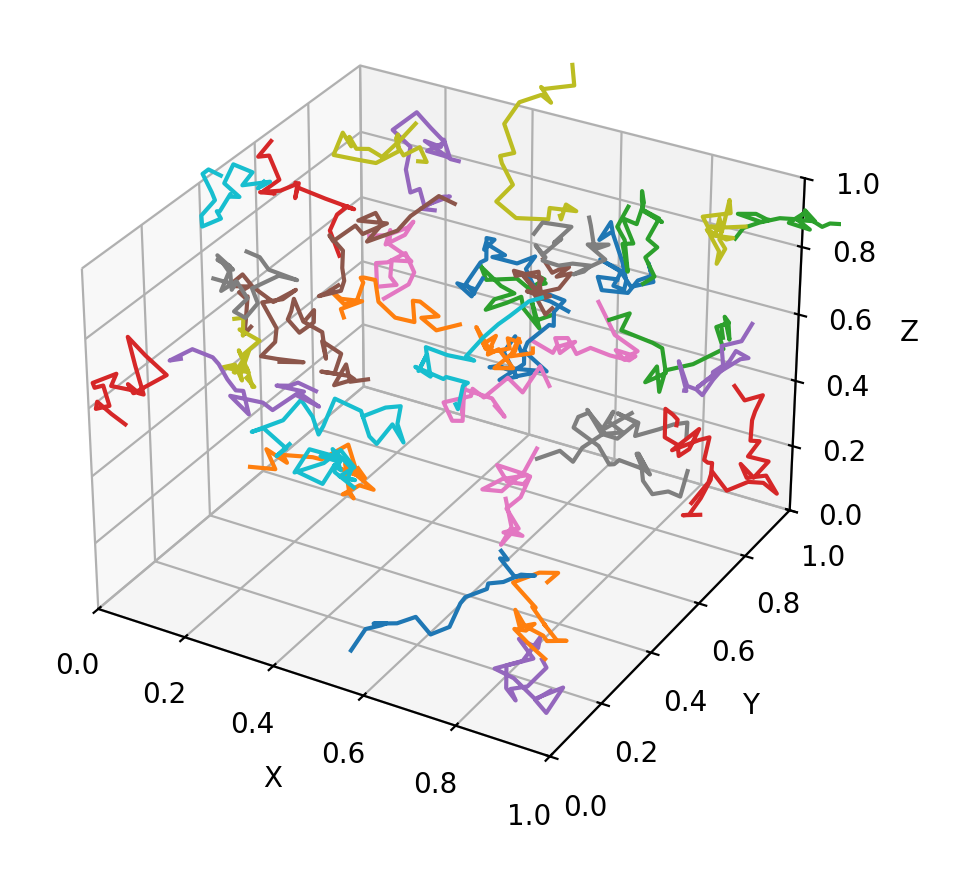](https://docs.flet.dev/examples/controls/charts/matplotlib_chart/media/animate.png)
Properties[#](https://docs.flet.dev/charts/matplotlibchartwithtoolbar/#flet_charts.matplotlib_chart_with_toolbar.MatplotlibChartWithToolbar-properties "Permanent link")
-------------------------------------------------------------------------------------------------------------------------------------------------------------------------
### figure `class-attribute` `instance-attribute` [#](https://docs.flet.dev/charts/matplotlibchartwithtoolbar/#flet_charts.matplotlib_chart_with_toolbar.MatplotlibChartWithToolbar.figure "Permanent link")
`[](https://docs.flet.dev/charts/matplotlibchartwithtoolbar/#__codelineno-0-1) figure: Figure = [field](https://docs.python.org/3/library/dataclasses.html#dataclasses.field "dataclasses.field") (metadata={'skip': True})`
Matplotlib figure to draw - an instance of [`matplotlib.figure.Figure`](https://matplotlib.org/stable/api/_as_gen/matplotlib.figure.Figure.html#matplotlib.figure.Figure)
.
Methods[#](https://docs.flet.dev/charts/matplotlibchartwithtoolbar/#flet_charts.matplotlib_chart_with_toolbar.MatplotlibChartWithToolbar-methods "Permanent link")
-------------------------------------------------------------------------------------------------------------------------------------------------------------------
### download\_click `async` [#](https://docs.flet.dev/charts/matplotlibchartwithtoolbar/#flet_charts.matplotlib_chart_with_toolbar.MatplotlibChartWithToolbar.download_click "Permanent link")
`[](https://docs.flet.dev/charts/matplotlibchartwithtoolbar/#__codelineno-0-1) download_click()`
Export the figure in the selected format and prompt user to save it.
### on\_message [#](https://docs.flet.dev/charts/matplotlibchartwithtoolbar/#flet_charts.matplotlib_chart_with_toolbar.MatplotlibChartWithToolbar.on_message "Permanent link")
`[](https://docs.flet.dev/charts/matplotlibchartwithtoolbar/#__codelineno-0-1) on_message(e: MatplotlibChartMessageEvent)`
Show status text produced by the underlying chart toolbar backend.
Parameters:
* **`e`** (`MatplotlibChartMessageEvent`) –
Message event emitted by [`MatplotlibChart`](https://docs.flet.dev/charts/matplotlibchart/#flet_charts.matplotlib_chart.MatplotlibChart)
.
### on\_toolbar\_update [#](https://docs.flet.dev/charts/matplotlibchartwithtoolbar/#flet_charts.matplotlib_chart_with_toolbar.MatplotlibChartWithToolbar.on_toolbar_update "Permanent link")
`[](https://docs.flet.dev/charts/matplotlibchartwithtoolbar/#__codelineno-0-1) on_toolbar_update( [](https://docs.flet.dev/charts/matplotlibchartwithtoolbar/#__codelineno-0-2) e: MatplotlibChartToolbarButtonsUpdateEvent, [](https://docs.flet.dev/charts/matplotlibchartwithtoolbar/#__codelineno-0-3) )`
Synchronize back/forward button enabled state with chart history.
Parameters:
* **`e`** (`MatplotlibChartToolbarButtonsUpdateEvent`) –
Toolbar state update event from [`MatplotlibChart`](https://docs.flet.dev/charts/matplotlibchart/#flet_charts.matplotlib_chart.MatplotlibChart)
.
### pan\_click [#](https://docs.flet.dev/charts/matplotlibchartwithtoolbar/#flet_charts.matplotlib_chart_with_toolbar.MatplotlibChartWithToolbar.pan_click "Permanent link")
`[](https://docs.flet.dev/charts/matplotlibchartwithtoolbar/#__codelineno-0-1) pan_click()`
Toggle pan mode and ensure zoom mode is turned off.
### zoom\_click [#](https://docs.flet.dev/charts/matplotlibchartwithtoolbar/#flet_charts.matplotlib_chart_with_toolbar.MatplotlibChartWithToolbar.zoom_click "Permanent link")
`[](https://docs.flet.dev/charts/matplotlibchartwithtoolbar/#__codelineno-0-1) zoom_click()`
Toggle zoom mode and ensure pan mode is turned off.
Back to top
---
# Overview - Flet
[Skip to content](https://docs.flet.dev/cli/#flet-cli)
Flet CLI[#](https://docs.flet.dev/cli/#flet-cli "Permanent link")
==================================================================
Flet command-line interface (CLI) provides an easy way to create, run, test and package Flet apps.
Usage[#](https://docs.flet.dev/cli/#usage "Permanent link")
------------------------------------------------------------
`[](https://docs.flet.dev/cli/#__codelineno-0-1) flet [-h] [--version] [](https://docs.flet.dev/cli/#__codelineno-0-2) {create,run,build,debug,pack,publish,serve,emulators,devices,doctor} [](https://docs.flet.dev/cli/#__codelineno-0-3) ...`
Options[#](https://docs.flet.dev/cli/#options "Permanent link")
----------------------------------------------------------------
### `--help`[#](https://docs.flet.dev/cli/#-help "Permanent link")
Show this help message and exit.
**Aliases:** `-h`
### `--version`[#](https://docs.flet.dev/cli/#-version "Permanent link")
Show program's version number and exit.
**Aliases:** `-V`
Subcommands[#](https://docs.flet.dev/cli/#subcommands "Permanent link")
------------------------------------------------------------------------
* [`build`](https://docs.flet.dev/cli/flet-build/)
: Build a Flet Python app into a platform-specific executable or.
* [`create`](https://docs.flet.dev/cli/flet-create/)
: Create a new Flet project using a predefined template.
* [`debug`](https://docs.flet.dev/cli/flet-debug/)
: Run a Flet Python app in debug mode on a specified platform (desktop, web, mobile).
* [`devices`](https://docs.flet.dev/cli/flet-devices/)
: List all connected iOS and Android devices.
* [`doctor`](https://docs.flet.dev/cli/flet-doctor/)
: Get information about the system and environment setup.
* [`emulators`](https://docs.flet.dev/cli/flet-emulators/)
: List, create, and launch available emulators.
* [`pack`](https://docs.flet.dev/cli/flet-pack/)
: Package a Flet application into a standalone desktop executable or app bundle.
* [`publish`](https://docs.flet.dev/cli/flet-publish/)
: Compile and package a Flet app as a standalone static web application.
* [`run`](https://docs.flet.dev/cli/flet-run/)
: Run a Flet application in hot reload mode.
* [`serve`](https://docs.flet.dev/cli/flet-serve/)
: Serve static files from a directory with a lightweight web server,.
Back to top
---
# flet create - Flet
[Skip to content](https://docs.flet.dev/cli/flet-create/#usage)
flet create
===========
Create a new Flet project using a predefined template. It sets up the initial directory structure, metadata, and required files to help you get started quickly.
Usage[#](https://docs.flet.dev/cli/flet-create/#usage "Permanent link")
------------------------------------------------------------------------
`[](https://docs.flet.dev/cli/flet-create/#__codelineno-0-1) flet create [-h] [-v] [--project-name PROJECT_NAME] [](https://docs.flet.dev/cli/flet-create/#__codelineno-0-2) [--description DESCRIPTION] [--template {app,extension}] [](https://docs.flet.dev/cli/flet-create/#__codelineno-0-3) [--template-ref TEMPLATE_REF] [](https://docs.flet.dev/cli/flet-create/#__codelineno-0-4) [output_directory]`
Positional arguments[#](https://docs.flet.dev/cli/flet-create/#positional-arguments "Permanent link")
------------------------------------------------------------------------------------------------------
### `output_directory`[#](https://docs.flet.dev/cli/flet-create/#output_directory "Permanent link")
Directory where the new Flet project will be created. If omitted, the project is created in the current directory.
**Default:** `.`
Options[#](https://docs.flet.dev/cli/flet-create/#options "Permanent link")
----------------------------------------------------------------------------
### `--description`[#](https://docs.flet.dev/cli/flet-create/#-description "Permanent link")
Short description of the new Flet project. This will appear in generated metadata.
### `--help`[#](https://docs.flet.dev/cli/flet-create/#-help "Permanent link")
Show this help message and exit.
**Aliases:** `-h`
### `--project-name`[#](https://docs.flet.dev/cli/flet-create/#-project-name "Permanent link")
Name of the new Flet project. This will be used in metadata files such as `pyproject.toml`.
### `--template`[#](https://docs.flet.dev/cli/flet-create/#-template "Permanent link")
The template to use (or type of project to create) for new Flet project.
**Possible values:** `app`, `extension`
**Default:** `app`
### `--template-ref`[#](https://docs.flet.dev/cli/flet-create/#-template-ref "Permanent link")
Git reference (branch, tag, or commit ID) of the Flet template repository (flet-dev/flet-app-templates) to use. Useful when using a custom or development version of templates.
### `--verbose`[#](https://docs.flet.dev/cli/flet-create/#-verbose "Permanent link")
Enable verbose output. Use -v for standard verbose logging and -vv for more detailed output.
**Aliases:** `-v`
Back to top
---
# flet doctor - Flet
[Skip to content](https://docs.flet.dev/cli/flet-doctor/#usage)
flet doctor
===========
Get information about the system and environment setup.
Usage[#](https://docs.flet.dev/cli/flet-doctor/#usage "Permanent link")
------------------------------------------------------------------------
`[](https://docs.flet.dev/cli/flet-doctor/#__codelineno-0-1) flet doctor [-h] [-v]`
Options[#](https://docs.flet.dev/cli/flet-doctor/#options "Permanent link")
----------------------------------------------------------------------------
### `--help`[#](https://docs.flet.dev/cli/flet-doctor/#-help "Permanent link")
Show this help message and exit.
**Aliases:** `-h`
### `--verbose`[#](https://docs.flet.dev/cli/flet-doctor/#-verbose "Permanent link")
Enable verbose output. Use -v for standard verbose logging and -vv for more detailed output.
**Aliases:** `-v`
Back to top
---
# LineChart - Flet
[Skip to content](https://docs.flet.dev/charts/linechart/#flet_charts.line_chart.LineChart)
LineChart
=========
Draws a line chart.
Example:
`[](https://docs.flet.dev/charts/linechart/#__codelineno-0-1) fch.LineChart( [](https://docs.flet.dev/charts/linechart/#__codelineno-0-2) min_y=0, [](https://docs.flet.dev/charts/linechart/#__codelineno-0-3) max_y=3, [](https://docs.flet.dev/charts/linechart/#__codelineno-0-4) min_x=0, [](https://docs.flet.dev/charts/linechart/#__codelineno-0-5) max_x=5, [](https://docs.flet.dev/charts/linechart/#__codelineno-0-6) data_series=[ [](https://docs.flet.dev/charts/linechart/#__codelineno-0-7) fch.LineChartData( [](https://docs.flet.dev/charts/linechart/#__codelineno-0-8) color=ft.Colors.BLUE_GREY_500, [](https://docs.flet.dev/charts/linechart/#__codelineno-0-9) curved=True, [](https://docs.flet.dev/charts/linechart/#__codelineno-0-10) points=[ [](https://docs.flet.dev/charts/linechart/#__codelineno-0-11) fch.LineChartDataPoint(1, 0.5), [](https://docs.flet.dev/charts/linechart/#__codelineno-0-12) fch.LineChartDataPoint(2, 1.5), [](https://docs.flet.dev/charts/linechart/#__codelineno-0-13) fch.LineChartDataPoint(3, 1), [](https://docs.flet.dev/charts/linechart/#__codelineno-0-14) ], [](https://docs.flet.dev/charts/linechart/#__codelineno-0-15) ), [](https://docs.flet.dev/charts/linechart/#__codelineno-0-16) ..., [](https://docs.flet.dev/charts/linechart/#__codelineno-0-17) ], [](https://docs.flet.dev/charts/linechart/#__codelineno-0-18) )`
[](https://docs.flet.dev/test-images-charts/examples/golden/macos/line_chart/image_for_docs.png)
Basic line chart
Inherits: `[LayoutControl](https://docs.flet.dev/controls/layoutcontrol/#flet.LayoutControl) `
Properties
* **`[animation](https://docs.flet.dev/charts/linechart/#flet_charts.line_chart.LineChart.animation) `**(`[AnimationValue](https://docs.flet.dev/types/aliases/#flet.AnimationValue) `) –
Controls chart implicit animation.
* **`[baseline_x](https://docs.flet.dev/charts/linechart/#flet_charts.line_chart.LineChart.baseline_x) `**(`[Number](https://docs.flet.dev/types/aliases/#flet.Number) | None`) –
Baseline value for X axis.
* **`[baseline_y](https://docs.flet.dev/charts/linechart/#flet_charts.line_chart.LineChart.baseline_y) `**(`[Number](https://docs.flet.dev/types/aliases/#flet.Number) | None`) –
Baseline value for Y axis.
* **`[bgcolor](https://docs.flet.dev/charts/linechart/#flet_charts.line_chart.LineChart.bgcolor) `**(`[ColorValue](https://docs.flet.dev/types/aliases/#flet.ColorValue) | None`) –
Background color of the chart.
* **`[border](https://docs.flet.dev/charts/linechart/#flet_charts.line_chart.LineChart.border) `**(`[Border](https://docs.flet.dev/types/border/#flet.Border) | None`) –
The border around the chart.
* **`[bottom_axis](https://docs.flet.dev/charts/linechart/#flet_charts.line_chart.LineChart.bottom_axis) `**(`[ChartAxis](https://docs.flet.dev/charts/types/chartaxis/#flet_charts.chart_axis.ChartAxis) | None`) –
Defines the appearance of the bottom axis, its title and labels.
* **`[data_series](https://docs.flet.dev/charts/linechart/#flet_charts.line_chart.LineChart.data_series) `**(`[list](https://docs.python.org/3/glossary.html#term-list) [[LineChartData](https://docs.flet.dev/charts/types/linechartdata/#flet_charts.line_chart_data.LineChartData) ]`) –
A list of [`LineChartData`](https://docs.flet.dev/charts/types/linechartdata/#flet_charts.line_chart_data.LineChartData)
* **`[horizontal_grid_lines](https://docs.flet.dev/charts/linechart/#flet_charts.line_chart.LineChart.horizontal_grid_lines) `**(`[ChartGridLines](https://docs.flet.dev/charts/types/chartgridlines/#flet_charts.types.ChartGridLines) | None`) –
Controls drawing of chart's horizontal lines.
* **`[interactive](https://docs.flet.dev/charts/linechart/#flet_charts.line_chart.LineChart.interactive) `**(`[bool](https://docs.python.org/3/library/functions.html#bool) `) –
Enables automatic tooltips and points highlighting when hovering over the chart.
* **`[left_axis](https://docs.flet.dev/charts/linechart/#flet_charts.line_chart.LineChart.left_axis) `**(`[ChartAxis](https://docs.flet.dev/charts/types/chartaxis/#flet_charts.chart_axis.ChartAxis) | None`) –
Defines the appearance of the left axis, its title and labels.
* **`[max_x](https://docs.flet.dev/charts/linechart/#flet_charts.line_chart.LineChart.max_x) `**(`[Number](https://docs.flet.dev/types/aliases/#flet.Number) | None`) –
Defines the maximum displayed value for X axis.
* **`[max_y](https://docs.flet.dev/charts/linechart/#flet_charts.line_chart.LineChart.max_y) `**(`[Number](https://docs.flet.dev/types/aliases/#flet.Number) | None`) –
Defines the maximum displayed value for Y axis.
* **`[min_x](https://docs.flet.dev/charts/linechart/#flet_charts.line_chart.LineChart.min_x) `**(`[Number](https://docs.flet.dev/types/aliases/#flet.Number) | None`) –
Defines the minimum displayed value for X axis.
* **`[min_y](https://docs.flet.dev/charts/linechart/#flet_charts.line_chart.LineChart.min_y) `**(`[Number](https://docs.flet.dev/types/aliases/#flet.Number) | None`) –
Defines the minimum displayed value for Y axis.
* **`[point_line_end](https://docs.flet.dev/charts/linechart/#flet_charts.line_chart.LineChart.point_line_end) `**(`[Number](https://docs.flet.dev/types/aliases/#flet.Number) | None`) –
The end of the vertical line drawn at selected point position.
* **`[point_line_start](https://docs.flet.dev/charts/linechart/#flet_charts.line_chart.LineChart.point_line_start) `**(`[Number](https://docs.flet.dev/types/aliases/#flet.Number) | None`) –
The start of the vertical line drawn under the selected point.
* **`[right_axis](https://docs.flet.dev/charts/linechart/#flet_charts.line_chart.LineChart.right_axis) `**(`[ChartAxis](https://docs.flet.dev/charts/types/chartaxis/#flet_charts.chart_axis.ChartAxis) | None`) –
Defines the appearance of the right axis, its title and labels.
* **`[tooltip](https://docs.flet.dev/charts/linechart/#flet_charts.line_chart.LineChart.tooltip) `**(`[LineChartTooltip](https://docs.flet.dev/charts/types/linecharttooltip/#flet_charts.line_chart.LineChartTooltip) | None`) –
The tooltip configuration for this chart.
* **`[top_axis](https://docs.flet.dev/charts/linechart/#flet_charts.line_chart.LineChart.top_axis) `**(`[ChartAxis](https://docs.flet.dev/charts/types/chartaxis/#flet_charts.chart_axis.ChartAxis) | None`) –
Defines the appearance of the top axis, its title and labels.
* **`[vertical_grid_lines](https://docs.flet.dev/charts/linechart/#flet_charts.line_chart.LineChart.vertical_grid_lines) `**(`[ChartGridLines](https://docs.flet.dev/charts/types/chartgridlines/#flet_charts.types.ChartGridLines) | None`) –
Controls drawing of chart's vertical lines.
Events
* **`[on_event](https://docs.flet.dev/charts/linechart/#flet_charts.line_chart.LineChart.on_event) `**(`[EventHandler](https://docs.flet.dev/types/aliases/#flet.EventHandler) [[LineChartEvent](https://docs.flet.dev/charts/types/linechartevent/#flet_charts.line_chart.LineChartEvent) ] | None`) –
Fires when a chart line is hovered or clicked.
Examples[#](https://docs.flet.dev/charts/linechart/#examples "Permanent link")
-------------------------------------------------------------------------------
### Example 1[#](https://docs.flet.dev/charts/linechart/#example-1 "Permanent link")
`[](https://docs.flet.dev/charts/linechart/#__codelineno-0-1) import flet_charts as fch [](https://docs.flet.dev/charts/linechart/#__codelineno-0-2)[](https://docs.flet.dev/charts/linechart/#__codelineno-0-3) import flet as ft [](https://docs.flet.dev/charts/linechart/#__codelineno-0-4) [](https://docs.flet.dev/charts/linechart/#__codelineno-0-5)[](https://docs.flet.dev/charts/linechart/#__codelineno-0-6) class State: [](https://docs.flet.dev/charts/linechart/#__codelineno-0-7) toggled = True [](https://docs.flet.dev/charts/linechart/#__codelineno-0-8) [](https://docs.flet.dev/charts/linechart/#__codelineno-0-9)[](https://docs.flet.dev/charts/linechart/#__codelineno-0-10) state = State() [](https://docs.flet.dev/charts/linechart/#__codelineno-0-11) [](https://docs.flet.dev/charts/linechart/#__codelineno-0-12)[](https://docs.flet.dev/charts/linechart/#__codelineno-0-13) def main(page: ft.Page): [](https://docs.flet.dev/charts/linechart/#__codelineno-0-14) data_1 = [ [](https://docs.flet.dev/charts/linechart/#__codelineno-0-15) fch.LineChartData( [](https://docs.flet.dev/charts/linechart/#__codelineno-0-16) stroke_width=8, [](https://docs.flet.dev/charts/linechart/#__codelineno-0-17) color=ft.Colors.LIGHT_GREEN, [](https://docs.flet.dev/charts/linechart/#__codelineno-0-18) curved=True, [](https://docs.flet.dev/charts/linechart/#__codelineno-0-19) rounded_stroke_cap=True, [](https://docs.flet.dev/charts/linechart/#__codelineno-0-20) points=[ [](https://docs.flet.dev/charts/linechart/#__codelineno-0-21) fch.LineChartDataPoint(1, 1), [](https://docs.flet.dev/charts/linechart/#__codelineno-0-22) fch.LineChartDataPoint(3, 1.5), [](https://docs.flet.dev/charts/linechart/#__codelineno-0-23) fch.LineChartDataPoint(5, 1.4), [](https://docs.flet.dev/charts/linechart/#__codelineno-0-24) fch.LineChartDataPoint(7, 3.4), [](https://docs.flet.dev/charts/linechart/#__codelineno-0-25) fch.LineChartDataPoint(10, 2), [](https://docs.flet.dev/charts/linechart/#__codelineno-0-26) fch.LineChartDataPoint(12, 2.2), [](https://docs.flet.dev/charts/linechart/#__codelineno-0-27) fch.LineChartDataPoint(13, 1.8), [](https://docs.flet.dev/charts/linechart/#__codelineno-0-28) ], [](https://docs.flet.dev/charts/linechart/#__codelineno-0-29) ), [](https://docs.flet.dev/charts/linechart/#__codelineno-0-30) fch.LineChartData( [](https://docs.flet.dev/charts/linechart/#__codelineno-0-31) color=ft.Colors.PINK, [](https://docs.flet.dev/charts/linechart/#__codelineno-0-32) below_line_bgcolor=ft.Colors.with_opacity(0, ft.Colors.PINK), [](https://docs.flet.dev/charts/linechart/#__codelineno-0-33) stroke_width=8, [](https://docs.flet.dev/charts/linechart/#__codelineno-0-34) curved=True, [](https://docs.flet.dev/charts/linechart/#__codelineno-0-35) rounded_stroke_cap=True, [](https://docs.flet.dev/charts/linechart/#__codelineno-0-36) points=[ [](https://docs.flet.dev/charts/linechart/#__codelineno-0-37) fch.LineChartDataPoint(1, 1), [](https://docs.flet.dev/charts/linechart/#__codelineno-0-38) fch.LineChartDataPoint(3, 2.8), [](https://docs.flet.dev/charts/linechart/#__codelineno-0-39) fch.LineChartDataPoint(7, 1.2), [](https://docs.flet.dev/charts/linechart/#__codelineno-0-40) fch.LineChartDataPoint(10, 2.8), [](https://docs.flet.dev/charts/linechart/#__codelineno-0-41) fch.LineChartDataPoint(12, 2.6), [](https://docs.flet.dev/charts/linechart/#__codelineno-0-42) fch.LineChartDataPoint(13, 3.9), [](https://docs.flet.dev/charts/linechart/#__codelineno-0-43) ], [](https://docs.flet.dev/charts/linechart/#__codelineno-0-44) ), [](https://docs.flet.dev/charts/linechart/#__codelineno-0-45) fch.LineChartData( [](https://docs.flet.dev/charts/linechart/#__codelineno-0-46) color=ft.Colors.CYAN, [](https://docs.flet.dev/charts/linechart/#__codelineno-0-47) stroke_width=8, [](https://docs.flet.dev/charts/linechart/#__codelineno-0-48) curved=True, [](https://docs.flet.dev/charts/linechart/#__codelineno-0-49) rounded_stroke_cap=True, [](https://docs.flet.dev/charts/linechart/#__codelineno-0-50) points=[ [](https://docs.flet.dev/charts/linechart/#__codelineno-0-51) fch.LineChartDataPoint(1, 2.8), [](https://docs.flet.dev/charts/linechart/#__codelineno-0-52) fch.LineChartDataPoint(3, 1.9), [](https://docs.flet.dev/charts/linechart/#__codelineno-0-53) fch.LineChartDataPoint(6, 3), [](https://docs.flet.dev/charts/linechart/#__codelineno-0-54) fch.LineChartDataPoint(10, 1.3), [](https://docs.flet.dev/charts/linechart/#__codelineno-0-55) fch.LineChartDataPoint(13, 2.5), [](https://docs.flet.dev/charts/linechart/#__codelineno-0-56) ], [](https://docs.flet.dev/charts/linechart/#__codelineno-0-57) ), [](https://docs.flet.dev/charts/linechart/#__codelineno-0-58) ] [](https://docs.flet.dev/charts/linechart/#__codelineno-0-59) [](https://docs.flet.dev/charts/linechart/#__codelineno-0-60) data_2 = [ [](https://docs.flet.dev/charts/linechart/#__codelineno-0-61) fch.LineChartData( [](https://docs.flet.dev/charts/linechart/#__codelineno-0-62) stroke_width=4, [](https://docs.flet.dev/charts/linechart/#__codelineno-0-63) color=ft.Colors.with_opacity(0.5, ft.Colors.LIGHT_GREEN), [](https://docs.flet.dev/charts/linechart/#__codelineno-0-64) rounded_stroke_cap=True, [](https://docs.flet.dev/charts/linechart/#__codelineno-0-65) points=[ [](https://docs.flet.dev/charts/linechart/#__codelineno-0-66) fch.LineChartDataPoint(1, 1), [](https://docs.flet.dev/charts/linechart/#__codelineno-0-67) fch.LineChartDataPoint(3, 4), [](https://docs.flet.dev/charts/linechart/#__codelineno-0-68) fch.LineChartDataPoint(5, 1.8), [](https://docs.flet.dev/charts/linechart/#__codelineno-0-69) fch.LineChartDataPoint(7, 5), [](https://docs.flet.dev/charts/linechart/#__codelineno-0-70) fch.LineChartDataPoint(10, 2), [](https://docs.flet.dev/charts/linechart/#__codelineno-0-71) fch.LineChartDataPoint(12, 2.2), [](https://docs.flet.dev/charts/linechart/#__codelineno-0-72) fch.LineChartDataPoint(13, 1.8), [](https://docs.flet.dev/charts/linechart/#__codelineno-0-73) ], [](https://docs.flet.dev/charts/linechart/#__codelineno-0-74) ), [](https://docs.flet.dev/charts/linechart/#__codelineno-0-75) fch.LineChartData( [](https://docs.flet.dev/charts/linechart/#__codelineno-0-76) color=ft.Colors.with_opacity(0.5, ft.Colors.PINK), [](https://docs.flet.dev/charts/linechart/#__codelineno-0-77) below_line_bgcolor=ft.Colors.with_opacity(0.2, ft.Colors.PINK), [](https://docs.flet.dev/charts/linechart/#__codelineno-0-78) stroke_width=4, [](https://docs.flet.dev/charts/linechart/#__codelineno-0-79) curved=True, [](https://docs.flet.dev/charts/linechart/#__codelineno-0-80) rounded_stroke_cap=True, [](https://docs.flet.dev/charts/linechart/#__codelineno-0-81) points=[ [](https://docs.flet.dev/charts/linechart/#__codelineno-0-82) fch.LineChartDataPoint(1, 1), [](https://docs.flet.dev/charts/linechart/#__codelineno-0-83) fch.LineChartDataPoint(3, 2.8), [](https://docs.flet.dev/charts/linechart/#__codelineno-0-84) fch.LineChartDataPoint(7, 1.2), [](https://docs.flet.dev/charts/linechart/#__codelineno-0-85) fch.LineChartDataPoint(10, 2.8), [](https://docs.flet.dev/charts/linechart/#__codelineno-0-86) fch.LineChartDataPoint(12, 2.6), [](https://docs.flet.dev/charts/linechart/#__codelineno-0-87) fch.LineChartDataPoint(13, 3.9), [](https://docs.flet.dev/charts/linechart/#__codelineno-0-88) ], [](https://docs.flet.dev/charts/linechart/#__codelineno-0-89) ), [](https://docs.flet.dev/charts/linechart/#__codelineno-0-90) fch.LineChartData( [](https://docs.flet.dev/charts/linechart/#__codelineno-0-91) color=ft.Colors.with_opacity(0.5, ft.Colors.CYAN), [](https://docs.flet.dev/charts/linechart/#__codelineno-0-92) stroke_width=4, [](https://docs.flet.dev/charts/linechart/#__codelineno-0-93) rounded_stroke_cap=True, [](https://docs.flet.dev/charts/linechart/#__codelineno-0-94) points=[ [](https://docs.flet.dev/charts/linechart/#__codelineno-0-95) fch.LineChartDataPoint(1, 3.8), [](https://docs.flet.dev/charts/linechart/#__codelineno-0-96) fch.LineChartDataPoint(3, 1.9), [](https://docs.flet.dev/charts/linechart/#__codelineno-0-97) fch.LineChartDataPoint(6, 5), [](https://docs.flet.dev/charts/linechart/#__codelineno-0-98) fch.LineChartDataPoint(10, 3.3), [](https://docs.flet.dev/charts/linechart/#__codelineno-0-99) fch.LineChartDataPoint(13, 4.5), [](https://docs.flet.dev/charts/linechart/#__codelineno-0-100) ], [](https://docs.flet.dev/charts/linechart/#__codelineno-0-101) ), [](https://docs.flet.dev/charts/linechart/#__codelineno-0-102) ] [](https://docs.flet.dev/charts/linechart/#__codelineno-0-103) [](https://docs.flet.dev/charts/linechart/#__codelineno-0-104) chart = fch.LineChart( [](https://docs.flet.dev/charts/linechart/#__codelineno-0-105) data_series=data_1, [](https://docs.flet.dev/charts/linechart/#__codelineno-0-106) border=ft.Border( [](https://docs.flet.dev/charts/linechart/#__codelineno-0-107) bottom=ft.BorderSide(4, ft.Colors.with_opacity(0.5, ft.Colors.ON_SURFACE)) [](https://docs.flet.dev/charts/linechart/#__codelineno-0-108) ), [](https://docs.flet.dev/charts/linechart/#__codelineno-0-109) tooltip=fch.LineChartTooltip( [](https://docs.flet.dev/charts/linechart/#__codelineno-0-110) bgcolor=ft.Colors.with_opacity(0.8, ft.Colors.BLUE_GREY) [](https://docs.flet.dev/charts/linechart/#__codelineno-0-111) ), [](https://docs.flet.dev/charts/linechart/#__codelineno-0-112) min_y=0, [](https://docs.flet.dev/charts/linechart/#__codelineno-0-113) max_y=4, [](https://docs.flet.dev/charts/linechart/#__codelineno-0-114) min_x=0, [](https://docs.flet.dev/charts/linechart/#__codelineno-0-115) max_x=14, [](https://docs.flet.dev/charts/linechart/#__codelineno-0-116) expand=True, [](https://docs.flet.dev/charts/linechart/#__codelineno-0-117) right_axis=fch.ChartAxis(show_labels=False), [](https://docs.flet.dev/charts/linechart/#__codelineno-0-118) left_axis=fch.ChartAxis( [](https://docs.flet.dev/charts/linechart/#__codelineno-0-119) label_size=40, [](https://docs.flet.dev/charts/linechart/#__codelineno-0-120) labels=[ [](https://docs.flet.dev/charts/linechart/#__codelineno-0-121) fch.ChartAxisLabel( [](https://docs.flet.dev/charts/linechart/#__codelineno-0-122) value=1, [](https://docs.flet.dev/charts/linechart/#__codelineno-0-123) label=ft.Text("1m", size=14, weight=ft.FontWeight.BOLD), [](https://docs.flet.dev/charts/linechart/#__codelineno-0-124) ), [](https://docs.flet.dev/charts/linechart/#__codelineno-0-125) fch.ChartAxisLabel( [](https://docs.flet.dev/charts/linechart/#__codelineno-0-126) value=2, [](https://docs.flet.dev/charts/linechart/#__codelineno-0-127) label=ft.Text("2m", size=14, weight=ft.FontWeight.BOLD), [](https://docs.flet.dev/charts/linechart/#__codelineno-0-128) ), [](https://docs.flet.dev/charts/linechart/#__codelineno-0-129) fch.ChartAxisLabel( [](https://docs.flet.dev/charts/linechart/#__codelineno-0-130) value=3, [](https://docs.flet.dev/charts/linechart/#__codelineno-0-131) label=ft.Text("3m", size=14, weight=ft.FontWeight.BOLD), [](https://docs.flet.dev/charts/linechart/#__codelineno-0-132) ), [](https://docs.flet.dev/charts/linechart/#__codelineno-0-133) fch.ChartAxisLabel( [](https://docs.flet.dev/charts/linechart/#__codelineno-0-134) value=4, [](https://docs.flet.dev/charts/linechart/#__codelineno-0-135) label=ft.Text("4m", size=14, weight=ft.FontWeight.BOLD), [](https://docs.flet.dev/charts/linechart/#__codelineno-0-136) ), [](https://docs.flet.dev/charts/linechart/#__codelineno-0-137) fch.ChartAxisLabel( [](https://docs.flet.dev/charts/linechart/#__codelineno-0-138) value=5, [](https://docs.flet.dev/charts/linechart/#__codelineno-0-139) label=ft.Text("5m", size=14, weight=ft.FontWeight.BOLD), [](https://docs.flet.dev/charts/linechart/#__codelineno-0-140) ), [](https://docs.flet.dev/charts/linechart/#__codelineno-0-141) fch.ChartAxisLabel( [](https://docs.flet.dev/charts/linechart/#__codelineno-0-142) value=6, [](https://docs.flet.dev/charts/linechart/#__codelineno-0-143) label=ft.Text("6m", size=14, weight=ft.FontWeight.BOLD), [](https://docs.flet.dev/charts/linechart/#__codelineno-0-144) ), [](https://docs.flet.dev/charts/linechart/#__codelineno-0-145) ], [](https://docs.flet.dev/charts/linechart/#__codelineno-0-146) ), [](https://docs.flet.dev/charts/linechart/#__codelineno-0-147) bottom_axis=fch.ChartAxis( [](https://docs.flet.dev/charts/linechart/#__codelineno-0-148) label_size=32, [](https://docs.flet.dev/charts/linechart/#__codelineno-0-149) labels=[ [](https://docs.flet.dev/charts/linechart/#__codelineno-0-150) fch.ChartAxisLabel( [](https://docs.flet.dev/charts/linechart/#__codelineno-0-151) value=2, [](https://docs.flet.dev/charts/linechart/#__codelineno-0-152) label=ft.Container( [](https://docs.flet.dev/charts/linechart/#__codelineno-0-153) margin=ft.Margin(top=10), [](https://docs.flet.dev/charts/linechart/#__codelineno-0-154) content=ft.Text( [](https://docs.flet.dev/charts/linechart/#__codelineno-0-155) value="SEP", [](https://docs.flet.dev/charts/linechart/#__codelineno-0-156) size=16, [](https://docs.flet.dev/charts/linechart/#__codelineno-0-157) weight=ft.FontWeight.BOLD, [](https://docs.flet.dev/charts/linechart/#__codelineno-0-158) color=ft.Colors.with_opacity(0.5, ft.Colors.ON_SURFACE), [](https://docs.flet.dev/charts/linechart/#__codelineno-0-159) ), [](https://docs.flet.dev/charts/linechart/#__codelineno-0-160) ), [](https://docs.flet.dev/charts/linechart/#__codelineno-0-161) ), [](https://docs.flet.dev/charts/linechart/#__codelineno-0-162) fch.ChartAxisLabel( [](https://docs.flet.dev/charts/linechart/#__codelineno-0-163) value=7, [](https://docs.flet.dev/charts/linechart/#__codelineno-0-164) label=ft.Container( [](https://docs.flet.dev/charts/linechart/#__codelineno-0-165) margin=ft.Margin(top=10), [](https://docs.flet.dev/charts/linechart/#__codelineno-0-166) content=ft.Text( [](https://docs.flet.dev/charts/linechart/#__codelineno-0-167) value="OCT", [](https://docs.flet.dev/charts/linechart/#__codelineno-0-168) size=16, [](https://docs.flet.dev/charts/linechart/#__codelineno-0-169) weight=ft.FontWeight.BOLD, [](https://docs.flet.dev/charts/linechart/#__codelineno-0-170) color=ft.Colors.with_opacity(0.5, ft.Colors.ON_SURFACE), [](https://docs.flet.dev/charts/linechart/#__codelineno-0-171) ), [](https://docs.flet.dev/charts/linechart/#__codelineno-0-172) ), [](https://docs.flet.dev/charts/linechart/#__codelineno-0-173) ), [](https://docs.flet.dev/charts/linechart/#__codelineno-0-174) fch.ChartAxisLabel( [](https://docs.flet.dev/charts/linechart/#__codelineno-0-175) value=12, [](https://docs.flet.dev/charts/linechart/#__codelineno-0-176) label=ft.Container( [](https://docs.flet.dev/charts/linechart/#__codelineno-0-177) margin=ft.Margin(top=10), [](https://docs.flet.dev/charts/linechart/#__codelineno-0-178) content=ft.Text( [](https://docs.flet.dev/charts/linechart/#__codelineno-0-179) value="DEC", [](https://docs.flet.dev/charts/linechart/#__codelineno-0-180) size=16, [](https://docs.flet.dev/charts/linechart/#__codelineno-0-181) weight=ft.FontWeight.BOLD, [](https://docs.flet.dev/charts/linechart/#__codelineno-0-182) color=ft.Colors.with_opacity(0.5, ft.Colors.ON_SURFACE), [](https://docs.flet.dev/charts/linechart/#__codelineno-0-183) ), [](https://docs.flet.dev/charts/linechart/#__codelineno-0-184) ), [](https://docs.flet.dev/charts/linechart/#__codelineno-0-185) ), [](https://docs.flet.dev/charts/linechart/#__codelineno-0-186) ], [](https://docs.flet.dev/charts/linechart/#__codelineno-0-187) ), [](https://docs.flet.dev/charts/linechart/#__codelineno-0-188) ) [](https://docs.flet.dev/charts/linechart/#__codelineno-0-189) [](https://docs.flet.dev/charts/linechart/#__codelineno-0-190) def toggle_data(e: ft.Event[ft.IconButton]): [](https://docs.flet.dev/charts/linechart/#__codelineno-0-191) if state.toggled: [](https://docs.flet.dev/charts/linechart/#__codelineno-0-192) chart.data_series = data_2 [](https://docs.flet.dev/charts/linechart/#__codelineno-0-193) chart.data_series[2].point = True [](https://docs.flet.dev/charts/linechart/#__codelineno-0-194) chart.max_y = 6 [](https://docs.flet.dev/charts/linechart/#__codelineno-0-195) chart.interactive = False [](https://docs.flet.dev/charts/linechart/#__codelineno-0-196) else: [](https://docs.flet.dev/charts/linechart/#__codelineno-0-197) chart.data_series = data_1 [](https://docs.flet.dev/charts/linechart/#__codelineno-0-198) chart.max_y = 4 [](https://docs.flet.dev/charts/linechart/#__codelineno-0-199) chart.interactive = True [](https://docs.flet.dev/charts/linechart/#__codelineno-0-200) state.toggled = not state.toggled [](https://docs.flet.dev/charts/linechart/#__codelineno-0-201) chart.update() [](https://docs.flet.dev/charts/linechart/#__codelineno-0-202) [](https://docs.flet.dev/charts/linechart/#__codelineno-0-203) page.add(ft.IconButton(ft.Icons.REFRESH, on_click=toggle_data), chart) [](https://docs.flet.dev/charts/linechart/#__codelineno-0-204) [](https://docs.flet.dev/charts/linechart/#__codelineno-0-205)[](https://docs.flet.dev/charts/linechart/#__codelineno-0-206) if __name__ == "__main__": [](https://docs.flet.dev/charts/linechart/#__codelineno-0-207) ft.run(main)`
[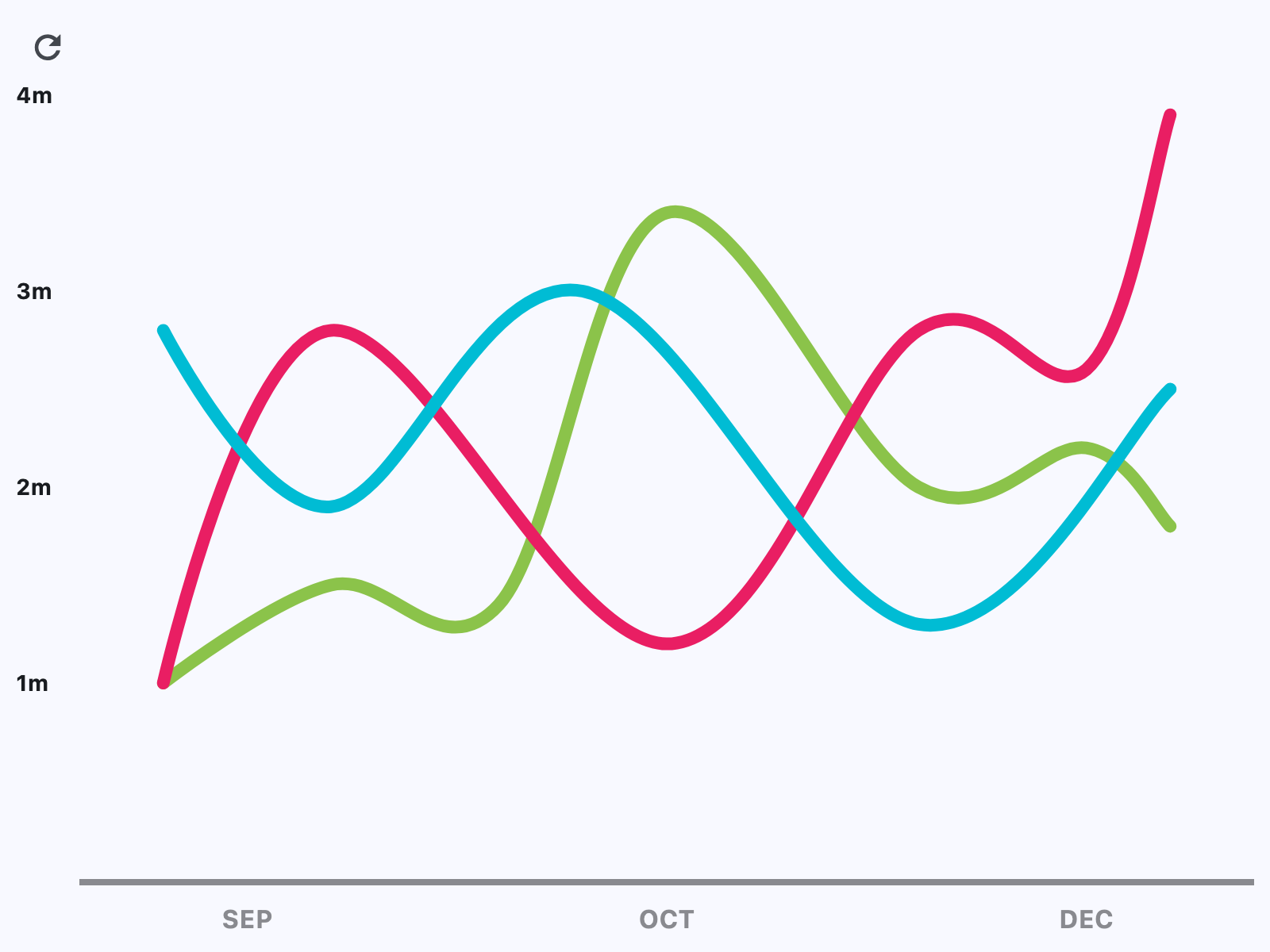](https://docs.flet.dev/test-images-charts/examples/golden/macos/line_chart/example_1.png)
### Example 2[#](https://docs.flet.dev/charts/linechart/#example-2 "Permanent link")
`[](https://docs.flet.dev/charts/linechart/#__codelineno-1-1) import flet as ft [](https://docs.flet.dev/charts/linechart/#__codelineno-1-2) import flet_charts as fch [](https://docs.flet.dev/charts/linechart/#__codelineno-1-3) [](https://docs.flet.dev/charts/linechart/#__codelineno-1-4)[](https://docs.flet.dev/charts/linechart/#__codelineno-1-5) class State: [](https://docs.flet.dev/charts/linechart/#__codelineno-1-6) toggled = True [](https://docs.flet.dev/charts/linechart/#__codelineno-1-7) [](https://docs.flet.dev/charts/linechart/#__codelineno-1-8)[](https://docs.flet.dev/charts/linechart/#__codelineno-1-9) state = State() [](https://docs.flet.dev/charts/linechart/#__codelineno-1-10) [](https://docs.flet.dev/charts/linechart/#__codelineno-1-11)[](https://docs.flet.dev/charts/linechart/#__codelineno-1-12) def main(page: ft.Page): [](https://docs.flet.dev/charts/linechart/#__codelineno-1-13) data_1 = [ [](https://docs.flet.dev/charts/linechart/#__codelineno-1-14) fch.LineChartData( [](https://docs.flet.dev/charts/linechart/#__codelineno-1-15) stroke_width=5, [](https://docs.flet.dev/charts/linechart/#__codelineno-1-16) color=ft.Colors.CYAN, [](https://docs.flet.dev/charts/linechart/#__codelineno-1-17) curved=True, [](https://docs.flet.dev/charts/linechart/#__codelineno-1-18) rounded_stroke_cap=True, [](https://docs.flet.dev/charts/linechart/#__codelineno-1-19) points=[ [](https://docs.flet.dev/charts/linechart/#__codelineno-1-20) fch.LineChartDataPoint(0, 3), [](https://docs.flet.dev/charts/linechart/#__codelineno-1-21) fch.LineChartDataPoint(2.6, 2), [](https://docs.flet.dev/charts/linechart/#__codelineno-1-22) fch.LineChartDataPoint(4.9, 5), [](https://docs.flet.dev/charts/linechart/#__codelineno-1-23) fch.LineChartDataPoint(6.8, 3.1), [](https://docs.flet.dev/charts/linechart/#__codelineno-1-24) fch.LineChartDataPoint(8, 4), [](https://docs.flet.dev/charts/linechart/#__codelineno-1-25) fch.LineChartDataPoint(9.5, 3), [](https://docs.flet.dev/charts/linechart/#__codelineno-1-26) fch.LineChartDataPoint(11, 4), [](https://docs.flet.dev/charts/linechart/#__codelineno-1-27) ], [](https://docs.flet.dev/charts/linechart/#__codelineno-1-28) ) [](https://docs.flet.dev/charts/linechart/#__codelineno-1-29) ] [](https://docs.flet.dev/charts/linechart/#__codelineno-1-30) [](https://docs.flet.dev/charts/linechart/#__codelineno-1-31) data_2 = [ [](https://docs.flet.dev/charts/linechart/#__codelineno-1-32) fch.LineChartData( [](https://docs.flet.dev/charts/linechart/#__codelineno-1-33) stroke_width=5, [](https://docs.flet.dev/charts/linechart/#__codelineno-1-34) color=ft.Colors.CYAN, [](https://docs.flet.dev/charts/linechart/#__codelineno-1-35) curved=True, [](https://docs.flet.dev/charts/linechart/#__codelineno-1-36) rounded_stroke_cap=True, [](https://docs.flet.dev/charts/linechart/#__codelineno-1-37) points=[ [](https://docs.flet.dev/charts/linechart/#__codelineno-1-38) fch.LineChartDataPoint(0, 3.44), [](https://docs.flet.dev/charts/linechart/#__codelineno-1-39) fch.LineChartDataPoint(2.6, 3.44), [](https://docs.flet.dev/charts/linechart/#__codelineno-1-40) fch.LineChartDataPoint(4.9, 3.44), [](https://docs.flet.dev/charts/linechart/#__codelineno-1-41) fch.LineChartDataPoint(6.8, 3.44), [](https://docs.flet.dev/charts/linechart/#__codelineno-1-42) fch.LineChartDataPoint(8, 3.44), [](https://docs.flet.dev/charts/linechart/#__codelineno-1-43) fch.LineChartDataPoint(9.5, 3.44), [](https://docs.flet.dev/charts/linechart/#__codelineno-1-44) fch.LineChartDataPoint(11, 3.44), [](https://docs.flet.dev/charts/linechart/#__codelineno-1-45) ], [](https://docs.flet.dev/charts/linechart/#__codelineno-1-46) ) [](https://docs.flet.dev/charts/linechart/#__codelineno-1-47) ] [](https://docs.flet.dev/charts/linechart/#__codelineno-1-48) [](https://docs.flet.dev/charts/linechart/#__codelineno-1-49) chart = fch.LineChart( [](https://docs.flet.dev/charts/linechart/#__codelineno-1-50) expand=True, [](https://docs.flet.dev/charts/linechart/#__codelineno-1-51) data_series=data_1, [](https://docs.flet.dev/charts/linechart/#__codelineno-1-52) min_y=0, [](https://docs.flet.dev/charts/linechart/#__codelineno-1-53) max_y=6, [](https://docs.flet.dev/charts/linechart/#__codelineno-1-54) min_x=0, [](https://docs.flet.dev/charts/linechart/#__codelineno-1-55) max_x=11, [](https://docs.flet.dev/charts/linechart/#__codelineno-1-56) border=ft.Border.all(3, ft.Colors.with_opacity(0.2, ft.Colors.ON_SURFACE)), [](https://docs.flet.dev/charts/linechart/#__codelineno-1-57) horizontal_grid_lines=fch.ChartGridLines( [](https://docs.flet.dev/charts/linechart/#__codelineno-1-58) interval=1, color=ft.Colors.with_opacity(0.2, ft.Colors.ON_SURFACE), width=1 [](https://docs.flet.dev/charts/linechart/#__codelineno-1-59) ), [](https://docs.flet.dev/charts/linechart/#__codelineno-1-60) vertical_grid_lines=fch.ChartGridLines( [](https://docs.flet.dev/charts/linechart/#__codelineno-1-61) interval=1, color=ft.Colors.with_opacity(0.2, ft.Colors.ON_SURFACE), width=1 [](https://docs.flet.dev/charts/linechart/#__codelineno-1-62) ), [](https://docs.flet.dev/charts/linechart/#__codelineno-1-63) tooltip=fch.LineChartTooltip( [](https://docs.flet.dev/charts/linechart/#__codelineno-1-64) bgcolor=ft.Colors.with_opacity(0.8, ft.Colors.BLUE_GREY) [](https://docs.flet.dev/charts/linechart/#__codelineno-1-65) ), [](https://docs.flet.dev/charts/linechart/#__codelineno-1-66) left_axis=fch.ChartAxis( [](https://docs.flet.dev/charts/linechart/#__codelineno-1-67) label_size=40, [](https://docs.flet.dev/charts/linechart/#__codelineno-1-68) labels=[ [](https://docs.flet.dev/charts/linechart/#__codelineno-1-69) fch.ChartAxisLabel( [](https://docs.flet.dev/charts/linechart/#__codelineno-1-70) value=1, [](https://docs.flet.dev/charts/linechart/#__codelineno-1-71) label=ft.Text("10K", size=14, weight=ft.FontWeight.BOLD), [](https://docs.flet.dev/charts/linechart/#__codelineno-1-72) ), [](https://docs.flet.dev/charts/linechart/#__codelineno-1-73) fch.ChartAxisLabel( [](https://docs.flet.dev/charts/linechart/#__codelineno-1-74) value=3, [](https://docs.flet.dev/charts/linechart/#__codelineno-1-75) label=ft.Text("30K", size=14, weight=ft.FontWeight.BOLD), [](https://docs.flet.dev/charts/linechart/#__codelineno-1-76) ), [](https://docs.flet.dev/charts/linechart/#__codelineno-1-77) fch.ChartAxisLabel( [](https://docs.flet.dev/charts/linechart/#__codelineno-1-78) value=5, [](https://docs.flet.dev/charts/linechart/#__codelineno-1-79) label=ft.Text("50K", size=14, weight=ft.FontWeight.BOLD), [](https://docs.flet.dev/charts/linechart/#__codelineno-1-80) ), [](https://docs.flet.dev/charts/linechart/#__codelineno-1-81) ], [](https://docs.flet.dev/charts/linechart/#__codelineno-1-82) ), [](https://docs.flet.dev/charts/linechart/#__codelineno-1-83) bottom_axis=fch.ChartAxis( [](https://docs.flet.dev/charts/linechart/#__codelineno-1-84) label_size=32, [](https://docs.flet.dev/charts/linechart/#__codelineno-1-85) labels=[ [](https://docs.flet.dev/charts/linechart/#__codelineno-1-86) fch.ChartAxisLabel( [](https://docs.flet.dev/charts/linechart/#__codelineno-1-87) value=2, [](https://docs.flet.dev/charts/linechart/#__codelineno-1-88) label=ft.Container( [](https://docs.flet.dev/charts/linechart/#__codelineno-1-89) margin=ft.Margin(top=10), [](https://docs.flet.dev/charts/linechart/#__codelineno-1-90) content=ft.Text( [](https://docs.flet.dev/charts/linechart/#__codelineno-1-91) value="MAR", [](https://docs.flet.dev/charts/linechart/#__codelineno-1-92) size=16, [](https://docs.flet.dev/charts/linechart/#__codelineno-1-93) weight=ft.FontWeight.BOLD, [](https://docs.flet.dev/charts/linechart/#__codelineno-1-94) color=ft.Colors.with_opacity(0.5, ft.Colors.ON_SURFACE), [](https://docs.flet.dev/charts/linechart/#__codelineno-1-95) ), [](https://docs.flet.dev/charts/linechart/#__codelineno-1-96) ), [](https://docs.flet.dev/charts/linechart/#__codelineno-1-97) ), [](https://docs.flet.dev/charts/linechart/#__codelineno-1-98) fch.ChartAxisLabel( [](https://docs.flet.dev/charts/linechart/#__codelineno-1-99) value=5, [](https://docs.flet.dev/charts/linechart/#__codelineno-1-100) label=ft.Container( [](https://docs.flet.dev/charts/linechart/#__codelineno-1-101) margin=ft.Margin(top=10), [](https://docs.flet.dev/charts/linechart/#__codelineno-1-102) content=ft.Text( [](https://docs.flet.dev/charts/linechart/#__codelineno-1-103) value="JUN", [](https://docs.flet.dev/charts/linechart/#__codelineno-1-104) size=16, [](https://docs.flet.dev/charts/linechart/#__codelineno-1-105) weight=ft.FontWeight.BOLD, [](https://docs.flet.dev/charts/linechart/#__codelineno-1-106) color=ft.Colors.with_opacity(0.5, ft.Colors.ON_SURFACE), [](https://docs.flet.dev/charts/linechart/#__codelineno-1-107) ), [](https://docs.flet.dev/charts/linechart/#__codelineno-1-108) ), [](https://docs.flet.dev/charts/linechart/#__codelineno-1-109) ), [](https://docs.flet.dev/charts/linechart/#__codelineno-1-110) fch.ChartAxisLabel( [](https://docs.flet.dev/charts/linechart/#__codelineno-1-111) value=8, [](https://docs.flet.dev/charts/linechart/#__codelineno-1-112) label=ft.Container( [](https://docs.flet.dev/charts/linechart/#__codelineno-1-113) margin=ft.Margin(top=10), [](https://docs.flet.dev/charts/linechart/#__codelineno-1-114) content=ft.Text( [](https://docs.flet.dev/charts/linechart/#__codelineno-1-115) value="SEP", [](https://docs.flet.dev/charts/linechart/#__codelineno-1-116) size=16, [](https://docs.flet.dev/charts/linechart/#__codelineno-1-117) weight=ft.FontWeight.BOLD, [](https://docs.flet.dev/charts/linechart/#__codelineno-1-118) color=ft.Colors.with_opacity(0.5, ft.Colors.ON_SURFACE), [](https://docs.flet.dev/charts/linechart/#__codelineno-1-119) ), [](https://docs.flet.dev/charts/linechart/#__codelineno-1-120) ), [](https://docs.flet.dev/charts/linechart/#__codelineno-1-121) ), [](https://docs.flet.dev/charts/linechart/#__codelineno-1-122) ], [](https://docs.flet.dev/charts/linechart/#__codelineno-1-123) ), [](https://docs.flet.dev/charts/linechart/#__codelineno-1-124) ) [](https://docs.flet.dev/charts/linechart/#__codelineno-1-125) [](https://docs.flet.dev/charts/linechart/#__codelineno-1-126) def toggle_data(e: ft.Event[ft.ElevatedButton]): [](https://docs.flet.dev/charts/linechart/#__codelineno-1-127) if state.toggled: [](https://docs.flet.dev/charts/linechart/#__codelineno-1-128) chart.data_series = data_2 [](https://docs.flet.dev/charts/linechart/#__codelineno-1-129) chart.interactive = False [](https://docs.flet.dev/charts/linechart/#__codelineno-1-130) else: [](https://docs.flet.dev/charts/linechart/#__codelineno-1-131) chart.data_series = data_1 [](https://docs.flet.dev/charts/linechart/#__codelineno-1-132) chart.interactive = True [](https://docs.flet.dev/charts/linechart/#__codelineno-1-133) state.toggled = not state.toggled [](https://docs.flet.dev/charts/linechart/#__codelineno-1-134) chart.update() [](https://docs.flet.dev/charts/linechart/#__codelineno-1-135) [](https://docs.flet.dev/charts/linechart/#__codelineno-1-136) page.add(ft.Button("avg", on_click=toggle_data), chart) [](https://docs.flet.dev/charts/linechart/#__codelineno-1-137) [](https://docs.flet.dev/charts/linechart/#__codelineno-1-138)[](https://docs.flet.dev/charts/linechart/#__codelineno-1-139) if __name__ == "__main__": [](https://docs.flet.dev/charts/linechart/#__codelineno-1-140) ft.run(main)`
[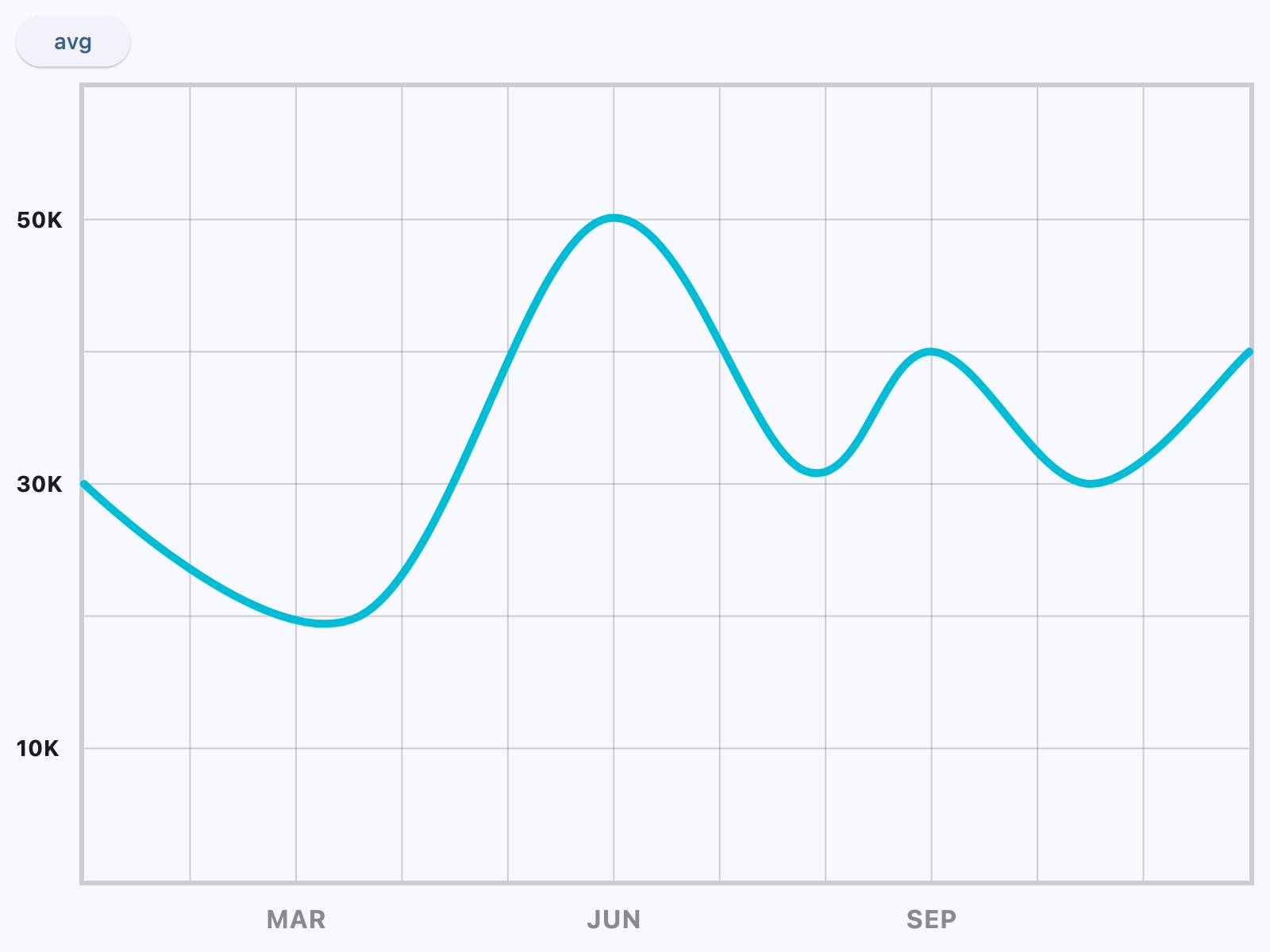](https://docs.flet.dev/test-images-charts/examples/golden/macos/line_chart/example_2.png)
Properties[#](https://docs.flet.dev/charts/linechart/#flet_charts.line_chart.LineChart-properties "Permanent link")
--------------------------------------------------------------------------------------------------------------------
### animation `class-attribute` `instance-attribute` [#](https://docs.flet.dev/charts/linechart/#flet_charts.line_chart.LineChart.animation "Permanent link")
`[](https://docs.flet.dev/charts/linechart/#__codelineno-0-1) animation: [AnimationValue](https://docs.flet.dev/types/aliases/#flet.AnimationValue) = [field](https://docs.python.org/3/library/dataclasses.html#dataclasses.field "dataclasses.field") ( [](https://docs.flet.dev/charts/linechart/#__codelineno-0-2) default_factory=lambda: [Animation](https://docs.flet.dev/types/animation/#flet.Animation) ( [](https://docs.flet.dev/charts/linechart/#__codelineno-0-3) duration=[Duration](https://docs.flet.dev/types/duration/#flet.Duration) (milliseconds=150), curve=[LINEAR](https://docs.flet.dev/types/animationcurve/#flet.AnimationCurve.LINEAR) [](https://docs.flet.dev/charts/linechart/#__codelineno-0-4) ) [](https://docs.flet.dev/charts/linechart/#__codelineno-0-5) )`
Controls chart implicit animation.
### baseline\_x `class-attribute` `instance-attribute` [#](https://docs.flet.dev/charts/linechart/#flet_charts.line_chart.LineChart.baseline_x "Permanent link")
`[](https://docs.flet.dev/charts/linechart/#__codelineno-0-1) baseline_x: [Number](https://docs.flet.dev/types/aliases/#flet.Number) | None = None`
Baseline value for X axis.
### baseline\_y `class-attribute` `instance-attribute` [#](https://docs.flet.dev/charts/linechart/#flet_charts.line_chart.LineChart.baseline_y "Permanent link")
`[](https://docs.flet.dev/charts/linechart/#__codelineno-0-1) baseline_y: [Number](https://docs.flet.dev/types/aliases/#flet.Number) | None = None`
Baseline value for Y axis.
### bgcolor `class-attribute` `instance-attribute` [#](https://docs.flet.dev/charts/linechart/#flet_charts.line_chart.LineChart.bgcolor "Permanent link")
`[](https://docs.flet.dev/charts/linechart/#__codelineno-0-1) bgcolor: [ColorValue](https://docs.flet.dev/types/aliases/#flet.ColorValue) | None = None`
Background color of the chart.
### border `class-attribute` `instance-attribute` [#](https://docs.flet.dev/charts/linechart/#flet_charts.line_chart.LineChart.border "Permanent link")
`[](https://docs.flet.dev/charts/linechart/#__codelineno-0-1) border: [Border](https://docs.flet.dev/types/border/#flet.Border) | None = None`
The border around the chart.
### bottom\_axis `class-attribute` `instance-attribute` [#](https://docs.flet.dev/charts/linechart/#flet_charts.line_chart.LineChart.bottom_axis "Permanent link")
`[](https://docs.flet.dev/charts/linechart/#__codelineno-0-1) bottom_axis: [ChartAxis](https://docs.flet.dev/charts/types/chartaxis/#flet_charts.chart_axis.ChartAxis) | None = None`
Defines the appearance of the bottom axis, its title and labels.
### data\_series `class-attribute` `instance-attribute` [#](https://docs.flet.dev/charts/linechart/#flet_charts.line_chart.LineChart.data_series "Permanent link")
`[](https://docs.flet.dev/charts/linechart/#__codelineno-0-1) data_series: [list](https://docs.python.org/3/glossary.html#term-list) [[LineChartData](https://docs.flet.dev/charts/types/linechartdata/#flet_charts.line_chart_data.LineChartData) ] = [field](https://docs.python.org/3/library/dataclasses.html#dataclasses.field "dataclasses.field") ( [](https://docs.flet.dev/charts/linechart/#__codelineno-0-2) default_factory=[list](https://docs.python.org/3/glossary.html#term-list) [](https://docs.flet.dev/charts/linechart/#__codelineno-0-3) )`
A list of [`LineChartData`](https://docs.flet.dev/charts/types/linechartdata/#flet_charts.line_chart_data.LineChartData)
controls drawn as separate lines on a chart.
### horizontal\_grid\_lines `class-attribute` `instance-attribute` [#](https://docs.flet.dev/charts/linechart/#flet_charts.line_chart.LineChart.horizontal_grid_lines "Permanent link")
`[](https://docs.flet.dev/charts/linechart/#__codelineno-0-1) horizontal_grid_lines: [ChartGridLines](https://docs.flet.dev/charts/types/chartgridlines/#flet_charts.types.ChartGridLines) | None = None`
Controls drawing of chart's horizontal lines.
### interactive `class-attribute` `instance-attribute` [#](https://docs.flet.dev/charts/linechart/#flet_charts.line_chart.LineChart.interactive "Permanent link")
`[](https://docs.flet.dev/charts/linechart/#__codelineno-0-1) interactive: [bool](https://docs.python.org/3/library/functions.html#bool) = True`
Enables automatic tooltips and points highlighting when hovering over the chart.
### left\_axis `class-attribute` `instance-attribute` [#](https://docs.flet.dev/charts/linechart/#flet_charts.line_chart.LineChart.left_axis "Permanent link")
`[](https://docs.flet.dev/charts/linechart/#__codelineno-0-1) left_axis: [ChartAxis](https://docs.flet.dev/charts/types/chartaxis/#flet_charts.chart_axis.ChartAxis) | None = None`
Defines the appearance of the left axis, its title and labels.
### max\_x `class-attribute` `instance-attribute` [#](https://docs.flet.dev/charts/linechart/#flet_charts.line_chart.LineChart.max_x "Permanent link")
`[](https://docs.flet.dev/charts/linechart/#__codelineno-0-1) max_x: [Number](https://docs.flet.dev/types/aliases/#flet.Number) | None = None`
Defines the maximum displayed value for X axis.
### max\_y `class-attribute` `instance-attribute` [#](https://docs.flet.dev/charts/linechart/#flet_charts.line_chart.LineChart.max_y "Permanent link")
`[](https://docs.flet.dev/charts/linechart/#__codelineno-0-1) max_y: [Number](https://docs.flet.dev/types/aliases/#flet.Number) | None = None`
Defines the maximum displayed value for Y axis.
### min\_x `class-attribute` `instance-attribute` [#](https://docs.flet.dev/charts/linechart/#flet_charts.line_chart.LineChart.min_x "Permanent link")
`[](https://docs.flet.dev/charts/linechart/#__codelineno-0-1) min_x: [Number](https://docs.flet.dev/types/aliases/#flet.Number) | None = None`
Defines the minimum displayed value for X axis.
### min\_y `class-attribute` `instance-attribute` [#](https://docs.flet.dev/charts/linechart/#flet_charts.line_chart.LineChart.min_y "Permanent link")
`[](https://docs.flet.dev/charts/linechart/#__codelineno-0-1) min_y: [Number](https://docs.flet.dev/types/aliases/#flet.Number) | None = None`
Defines the minimum displayed value for Y axis.
### point\_line\_end `class-attribute` `instance-attribute` [#](https://docs.flet.dev/charts/linechart/#flet_charts.line_chart.LineChart.point_line_end "Permanent link")
`[](https://docs.flet.dev/charts/linechart/#__codelineno-0-1) point_line_end: [Number](https://docs.flet.dev/types/aliases/#flet.Number) | None = None`
The end of the vertical line drawn at selected point position.
Defaults to data point's `y` value.
### point\_line\_start `class-attribute` `instance-attribute` [#](https://docs.flet.dev/charts/linechart/#flet_charts.line_chart.LineChart.point_line_start "Permanent link")
`[](https://docs.flet.dev/charts/linechart/#__codelineno-0-1) point_line_start: [Number](https://docs.flet.dev/types/aliases/#flet.Number) | None = None`
The start of the vertical line drawn under the selected point.
Defaults to chart's bottom edge.
### right\_axis `class-attribute` `instance-attribute` [#](https://docs.flet.dev/charts/linechart/#flet_charts.line_chart.LineChart.right_axis "Permanent link")
`[](https://docs.flet.dev/charts/linechart/#__codelineno-0-1) right_axis: [ChartAxis](https://docs.flet.dev/charts/types/chartaxis/#flet_charts.chart_axis.ChartAxis) | None = None`
Defines the appearance of the right axis, its title and labels.
### tooltip `class-attribute` `instance-attribute` [#](https://docs.flet.dev/charts/linechart/#flet_charts.line_chart.LineChart.tooltip "Permanent link")
`[](https://docs.flet.dev/charts/linechart/#__codelineno-0-1) tooltip: [LineChartTooltip](https://docs.flet.dev/charts/types/linecharttooltip/#flet_charts.line_chart.LineChartTooltip) | None = [field](https://docs.python.org/3/library/dataclasses.html#dataclasses.field "dataclasses.field") ( [](https://docs.flet.dev/charts/linechart/#__codelineno-0-2) default_factory=lambda: [LineChartTooltip](https://docs.flet.dev/charts/types/linecharttooltip/#flet_charts.line_chart.LineChartTooltip) () [](https://docs.flet.dev/charts/linechart/#__codelineno-0-3) )`
The tooltip configuration for this chart.
If set to `None`, no tooltips will be shown throughout this chart.
### top\_axis `class-attribute` `instance-attribute` [#](https://docs.flet.dev/charts/linechart/#flet_charts.line_chart.LineChart.top_axis "Permanent link")
`[](https://docs.flet.dev/charts/linechart/#__codelineno-0-1) top_axis: [ChartAxis](https://docs.flet.dev/charts/types/chartaxis/#flet_charts.chart_axis.ChartAxis) | None = None`
Defines the appearance of the top axis, its title and labels.
### vertical\_grid\_lines `class-attribute` `instance-attribute` [#](https://docs.flet.dev/charts/linechart/#flet_charts.line_chart.LineChart.vertical_grid_lines "Permanent link")
`[](https://docs.flet.dev/charts/linechart/#__codelineno-0-1) vertical_grid_lines: [ChartGridLines](https://docs.flet.dev/charts/types/chartgridlines/#flet_charts.types.ChartGridLines) | None = None`
Controls drawing of chart's vertical lines.
Events[#](https://docs.flet.dev/charts/linechart/#flet_charts.line_chart.LineChart-events "Permanent link")
------------------------------------------------------------------------------------------------------------
### on\_event `class-attribute` `instance-attribute` [#](https://docs.flet.dev/charts/linechart/#flet_charts.line_chart.LineChart.on_event "Permanent link")
`[](https://docs.flet.dev/charts/linechart/#__codelineno-0-1) on_event: [EventHandler](https://docs.flet.dev/types/aliases/#flet.EventHandler) [[LineChartEvent](https://docs.flet.dev/charts/types/linechartevent/#flet_charts.line_chart.LineChartEvent) ] | None = None`
Fires when a chart line is hovered or clicked.
Back to top
---
# flet run - Flet
[Skip to content](https://docs.flet.dev/cli/flet-run/#usage)
flet run
========
Run a Flet application in hot reload mode.
Usage[#](https://docs.flet.dev/cli/flet-run/#usage "Permanent link")
---------------------------------------------------------------------
`[](https://docs.flet.dev/cli/flet-run/#__codelineno-0-1) flet run [-h] [-v] [-p PORT] [--host HOST] [--name APP_NAME] [-m] [](https://docs.flet.dev/cli/flet-run/#__codelineno-0-2) [-d] [-r] [-n] [-w] [--ios] [--android] [-a ASSETS_DIR] [](https://docs.flet.dev/cli/flet-run/#__codelineno-0-3) [--ignore-dirs IGNORE_DIRS] [](https://docs.flet.dev/cli/flet-run/#__codelineno-0-4) [script]`
Positional arguments[#](https://docs.flet.dev/cli/flet-run/#positional-arguments "Permanent link")
---------------------------------------------------------------------------------------------------
### `script`[#](https://docs.flet.dev/cli/flet-run/#script "Permanent link")
Path to the Python script that starts your Flet app.
**Default:** `.`
Options[#](https://docs.flet.dev/cli/flet-run/#options "Permanent link")
-------------------------------------------------------------------------
### `--android`[#](https://docs.flet.dev/cli/flet-run/#-android "Permanent link")
Launch the app on an Android device.
### `--assets`[#](https://docs.flet.dev/cli/flet-run/#-assets "Permanent link")
Path to a directory containing static assets used by the app (e.g. images, fonts).
**Default:** `assets`
**Aliases:** `-a`
### `--directory`[#](https://docs.flet.dev/cli/flet-run/#-directory "Permanent link")
Watch the directory of the script for changes and hot reload the app accordingly.
**Aliases:** `-d`
### `--help`[#](https://docs.flet.dev/cli/flet-run/#-help "Permanent link")
Show this help message and exit.
**Aliases:** `-h`
### `--hidden`[#](https://docs.flet.dev/cli/flet-run/#-hidden "Permanent link")
Start the application with the window hidden.
**Aliases:** `-n`
### `--host`[#](https://docs.flet.dev/cli/flet-run/#-host "Permanent link")
The host to run Flet web app on. Use "\*" to listen on all IPs.
### `--ignore-dirs`[#](https://docs.flet.dev/cli/flet-run/#-ignore-dirs "Permanent link")
Comma-separated list of directory names to ignore when watching for file changes.
### `--ios`[#](https://docs.flet.dev/cli/flet-run/#-ios "Permanent link")
Launch the app on an iOS device.
### `--module`[#](https://docs.flet.dev/cli/flet-run/#-module "Permanent link")
Treat the script as a python module path instead of a file path. Example: flet run -m my\_app.main.
**Aliases:** `-m`
### `--name`[#](https://docs.flet.dev/cli/flet-run/#-name "Permanent link")
A unique name for your app. Useful when running multiple apps on the same port.
### `--port`[#](https://docs.flet.dev/cli/flet-run/#-port "Permanent link")
Custom TCP or HTTP (if `--web` option is used) port to run the Flet app on. If not specified, a random port will be chosen.
**Value:** `PORT `
**Aliases:** `-p`
### `--recursive`[#](https://docs.flet.dev/cli/flet-run/#-recursive "Permanent link")
Watch script directory and all its sub-directories recursively for file changes.
**Aliases:** `-r`
### `--verbose`[#](https://docs.flet.dev/cli/flet-run/#-verbose "Permanent link")
Enable verbose output. Use -v for standard verbose logging and -vv for more detailed output.
**Aliases:** `-v`
### `--web`[#](https://docs.flet.dev/cli/flet-run/#-web "Permanent link")
Launch the Flet app as a dynamic website and automatically open it in your web browser after startup.
**Aliases:** `-w`
Back to top
---
# flet devices - Flet
[Skip to content](https://docs.flet.dev/cli/flet-devices/#usage)
flet devices
============
List all connected iOS and Android devices.
Usage[#](https://docs.flet.dev/cli/flet-devices/#usage "Permanent link")
-------------------------------------------------------------------------
`[](https://docs.flet.dev/cli/flet-devices/#__codelineno-0-1) flet devices [-h] [-v] [--device-timeout DEVICE_TIMEOUT] [](https://docs.flet.dev/cli/flet-devices/#__codelineno-0-2) [--device-connection {both,attached,wireless}] [](https://docs.flet.dev/cli/flet-devices/#__codelineno-0-3) [--no-rich-output] [--yes] [--skip-flutter-doctor] [](https://docs.flet.dev/cli/flet-devices/#__codelineno-0-4) [{ios,android}]`
Positional arguments[#](https://docs.flet.dev/cli/flet-devices/#positional-arguments "Permanent link")
-------------------------------------------------------------------------------------------------------
### `platform`[#](https://docs.flet.dev/cli/flet-devices/#platform "Permanent link")
The target platform to list devices for. If not specified, lists all platforms.
**Possible values:** `android`, `ios`
**Required:** false
Options[#](https://docs.flet.dev/cli/flet-devices/#options "Permanent link")
-----------------------------------------------------------------------------
### `--device-connection`[#](https://docs.flet.dev/cli/flet-devices/#-device-connection "Permanent link")
Filter devices by connection type: attached (USB) or wireless.
**Possible values:** `attached`, `both`, `wireless`
**Default:** `both`
### `--device-timeout`[#](https://docs.flet.dev/cli/flet-devices/#-device-timeout "Permanent link")
Time (in seconds) to wait for devices to attach.
**Value:** `DEVICE_TIMEOUT `
**Default:** `10`
### `--help`[#](https://docs.flet.dev/cli/flet-devices/#-help "Permanent link")
Show this help message and exit.
**Aliases:** `-h`
### `--no-rich-output`[#](https://docs.flet.dev/cli/flet-devices/#-no-rich-output "Permanent link")
Disable rich output and prefer plain text. Useful on Windows builds.
**Environment variable:** [`FLET_CLI_NO_RICH_OUTPUT`](https://docs.flet.dev/reference/environment-variables/#flet_cli_no_rich_output)
### `--skip-flutter-doctor`[#](https://docs.flet.dev/cli/flet-devices/#-skip-flutter-doctor "Permanent link")
Skip running Flutter doctor upon failed builds.
**Environment variable:** [`FLET_CLI_SKIP_FLUTTER_DOCTOR`](https://docs.flet.dev/reference/environment-variables/#flet_cli_skip_flutter_doctor)
### `--verbose`[#](https://docs.flet.dev/cli/flet-devices/#-verbose "Permanent link")
Enable verbose output. Use -v for standard verbose logging and -vv for more detailed output.
**Aliases:** `-v`
### `--yes`[#](https://docs.flet.dev/cli/flet-devices/#-yes "Permanent link")
Answer yes to all prompts (install dependencies without confirmation).
Back to top
---
# flet emulators - Flet
[Skip to content](https://docs.flet.dev/cli/flet-emulators/#usage)
flet emulators
==============
List, create, and launch available emulators.
Usage[#](https://docs.flet.dev/cli/flet-emulators/#usage "Permanent link")
---------------------------------------------------------------------------
`[](https://docs.flet.dev/cli/flet-emulators/#__codelineno-0-1) flet emulators [-h] [-v] [--cold] [--no-rich-output] [--yes] [](https://docs.flet.dev/cli/flet-emulators/#__codelineno-0-2) [--skip-flutter-doctor] [](https://docs.flet.dev/cli/flet-emulators/#__codelineno-0-3) [{start,create,delete}] [emulator]`
Positional arguments[#](https://docs.flet.dev/cli/flet-emulators/#positional-arguments "Permanent link")
---------------------------------------------------------------------------------------------------------
### `action`[#](https://docs.flet.dev/cli/flet-emulators/#action "Permanent link")
Action to perform: start an emulator, create a new one, or delete it.
**Possible values:** `create`, `delete`, `start`
**Required:** false
### `emulator`[#](https://docs.flet.dev/cli/flet-emulators/#emulator "Permanent link")
Emulator ID or name (required for start, create, and delete).
**Required:** false
Options[#](https://docs.flet.dev/cli/flet-emulators/#options "Permanent link")
-------------------------------------------------------------------------------
### `--cold`[#](https://docs.flet.dev/cli/flet-emulators/#-cold "Permanent link")
Cold boot the emulator when starting.
### `--help`[#](https://docs.flet.dev/cli/flet-emulators/#-help "Permanent link")
Show this help message and exit.
**Aliases:** `-h`
### `--no-rich-output`[#](https://docs.flet.dev/cli/flet-emulators/#-no-rich-output "Permanent link")
Disable rich output and prefer plain text. Useful on Windows builds.
**Environment variable:** [`FLET_CLI_NO_RICH_OUTPUT`](https://docs.flet.dev/reference/environment-variables/#flet_cli_no_rich_output)
### `--skip-flutter-doctor`[#](https://docs.flet.dev/cli/flet-emulators/#-skip-flutter-doctor "Permanent link")
Skip running Flutter doctor upon failed builds.
**Environment variable:** [`FLET_CLI_SKIP_FLUTTER_DOCTOR`](https://docs.flet.dev/reference/environment-variables/#flet_cli_skip_flutter_doctor)
### `--verbose`[#](https://docs.flet.dev/cli/flet-emulators/#-verbose "Permanent link")
Enable verbose output. Use -v for standard verbose logging and -vv for more detailed output.
**Aliases:** `-v`
### `--yes`[#](https://docs.flet.dev/cli/flet-emulators/#-yes "Permanent link")
Answer yes to all prompts (install dependencies without confirmation).
Back to top
---
# flet publish - Flet
[Skip to content](https://docs.flet.dev/cli/flet-publish/#usage)
flet publish
============
Compile and package a Flet app as a standalone static web application.
Usage[#](https://docs.flet.dev/cli/flet-publish/#usage "Permanent link")
-------------------------------------------------------------------------
`[](https://docs.flet.dev/cli/flet-publish/#__codelineno-0-1) flet publish [-h] [-v] [--pre] [-a ASSETS_DIR] [--distpath DISTPATH] [](https://docs.flet.dev/cli/flet-publish/#__codelineno-0-2) [--app-name APP_NAME] [--app-short-name APP_SHORT_NAME] [](https://docs.flet.dev/cli/flet-publish/#__codelineno-0-3) [--app-description APP_DESCRIPTION] [](https://docs.flet.dev/cli/flet-publish/#__codelineno-0-4) [--base-url BASE_URL] [](https://docs.flet.dev/cli/flet-publish/#__codelineno-0-5) [--web-renderer {auto,canvaskit,skwasm}] [](https://docs.flet.dev/cli/flet-publish/#__codelineno-0-6) [--route-url-strategy {path,hash}] [](https://docs.flet.dev/cli/flet-publish/#__codelineno-0-7) [--pwa-background-color PWA_BACKGROUND_COLOR] [](https://docs.flet.dev/cli/flet-publish/#__codelineno-0-8) [--pwa-theme-color PWA_THEME_COLOR] [--no-cdn] [](https://docs.flet.dev/cli/flet-publish/#__codelineno-0-9) [script]`
Positional arguments[#](https://docs.flet.dev/cli/flet-publish/#positional-arguments "Permanent link")
-------------------------------------------------------------------------------------------------------
### `script`[#](https://docs.flet.dev/cli/flet-publish/#script "Permanent link")
Path to the Python script that starts your Flet app.
**Default:** `.`
Options[#](https://docs.flet.dev/cli/flet-publish/#options "Permanent link")
-----------------------------------------------------------------------------
### `--app-description`[#](https://docs.flet.dev/cli/flet-publish/#-app-description "Permanent link")
Short description of the application. Used in PWA manifests and metadata.
### `--app-name`[#](https://docs.flet.dev/cli/flet-publish/#-app-name "Permanent link")
Full name of the application. This is used in PWA metadata and may appear in the install prompt.
### `--app-short-name`[#](https://docs.flet.dev/cli/flet-publish/#-app-short-name "Permanent link")
A shorter version of the application name, often used in homescreen icons or install prompts.
### `--assets`[#](https://docs.flet.dev/cli/flet-publish/#-assets "Permanent link")
Path to a directory containing static assets used by the app (e.g., images, fonts, icons).
**Environment variable:** [`FLET_ASSETS_DIR`](https://docs.flet.dev/reference/environment-variables/#flet_assets_dir)
**Aliases:** `-a`
### `--base-url`[#](https://docs.flet.dev/cli/flet-publish/#-base-url "Permanent link")
Base URL path to serve the app from. Useful if the app is hosted in a subdirectory.
### `--distpath`[#](https://docs.flet.dev/cli/flet-publish/#-distpath "Permanent link")
Directory where the published web app should be placed.
**Default:** `dist`
### `--help`[#](https://docs.flet.dev/cli/flet-publish/#-help "Permanent link")
Show this help message and exit.
**Aliases:** `-h`
### `--no-cdn`[#](https://docs.flet.dev/cli/flet-publish/#-no-cdn "Permanent link")
Disable loading of CanvasKit, Pyodide, and fonts from CDNs. Use this for full offline deployments or air-gapped environments.
### `--pre`[#](https://docs.flet.dev/cli/flet-publish/#-pre "Permanent link")
Allow micropip to install pre-release Python packages. Use this if your app depends on a prerelease version of a package.
### `--pwa-background-color`[#](https://docs.flet.dev/cli/flet-publish/#-pwa-background-color "Permanent link")
Initial background color of your web app during the loading phase (used in splash screens).
### `--pwa-theme-color`[#](https://docs.flet.dev/cli/flet-publish/#-pwa-theme-color "Permanent link")
Default color of the browser UI (e.g., address bar) when your app is installed as a PWA.
### `--route-url-strategy`[#](https://docs.flet.dev/cli/flet-publish/#-route-url-strategy "Permanent link")
Controls how routes are handled in the browser.
**Possible values:** `hash`, `path`
**Default:** `path`
**Environment variable:** [`FLET_WEB_ROUTE_URL_STRATEGY`](https://docs.flet.dev/reference/environment-variables/#flet_web_route_url_strategy)
### `--verbose`[#](https://docs.flet.dev/cli/flet-publish/#-verbose "Permanent link")
Enable verbose output. Use -v for standard verbose logging and -vv for more detailed output.
**Aliases:** `-v`
### `--web-renderer`[#](https://docs.flet.dev/cli/flet-publish/#-web-renderer "Permanent link")
Flutter web renderer to use.
**Possible values:** `auto`, `canvaskit`, `skwasm`
**Default:** `auto`
**Environment variable:** [`FLET_WEB_RENDERER`](https://docs.flet.dev/reference/environment-variables/#flet_web_renderer)
Back to top
---
# flet serve - Flet
[Skip to content](https://docs.flet.dev/cli/flet-serve/#usage)
flet serve
==========
Serve static files from a directory with a lightweight web server, optionally adding WebAssembly-related headers for Flet web apps.
Usage[#](https://docs.flet.dev/cli/flet-serve/#usage "Permanent link")
-----------------------------------------------------------------------
`[](https://docs.flet.dev/cli/flet-serve/#__codelineno-0-1) flet serve [-h] [-v] [-p PORT] [web_root]`
Positional arguments[#](https://docs.flet.dev/cli/flet-serve/#positional-arguments "Permanent link")
-----------------------------------------------------------------------------------------------------
### `web_root`[#](https://docs.flet.dev/cli/flet-serve/#web_root "Permanent link")
Directory to serve.
**Default:** `./build/web`
Options[#](https://docs.flet.dev/cli/flet-serve/#options "Permanent link")
---------------------------------------------------------------------------
### `--help`[#](https://docs.flet.dev/cli/flet-serve/#-help "Permanent link")
Show this help message and exit.
**Aliases:** `-h`
### `--port`[#](https://docs.flet.dev/cli/flet-serve/#-port "Permanent link")
Port number to serve the files on. Use this to customize the port if the default is already in use or needs to be changed.
**Value:** `PORT `
**Default:** `8000`
**Aliases:** `-p`
### `--verbose`[#](https://docs.flet.dev/cli/flet-serve/#-verbose "Permanent link")
Enable verbose output. Use -v for standard verbose logging and -vv for more detailed output.
**Aliases:** `-v`
Back to top
---
# flet pack - Flet
[Skip to content](https://docs.flet.dev/cli/flet-pack/#usage)
flet pack
=========
Package a Flet application into a standalone desktop executable or app bundle using PyInstaller.
Usage[#](https://docs.flet.dev/cli/flet-pack/#usage "Permanent link")
----------------------------------------------------------------------
`[](https://docs.flet.dev/cli/flet-pack/#__codelineno-0-1) flet pack [-h] [-v] [-i ICON] [-n NAME] [-D] [--distpath DISTPATH] [](https://docs.flet.dev/cli/flet-pack/#__codelineno-0-2) [--add-data [ADD_DATA ...]] [--add-binary [ADD_BINARY ...]] [](https://docs.flet.dev/cli/flet-pack/#__codelineno-0-3) [--hidden-import [HIDDEN_IMPORT ...]] [](https://docs.flet.dev/cli/flet-pack/#__codelineno-0-4) [--product-name PRODUCT_NAME] [](https://docs.flet.dev/cli/flet-pack/#__codelineno-0-5) [--file-description FILE_DESCRIPTION] [](https://docs.flet.dev/cli/flet-pack/#__codelineno-0-6) [--product-version PRODUCT_VERSION] [](https://docs.flet.dev/cli/flet-pack/#__codelineno-0-7) [--file-version FILE_VERSION] [--company-name COMPANY_NAME] [](https://docs.flet.dev/cli/flet-pack/#__codelineno-0-8) [--copyright COPYRIGHT] [](https://docs.flet.dev/cli/flet-pack/#__codelineno-0-9) [--codesign-identity CODESIGN_IDENTITY] [](https://docs.flet.dev/cli/flet-pack/#__codelineno-0-10) [--bundle-id BUNDLE_ID] [--debug-console DEBUG_CONSOLE] [](https://docs.flet.dev/cli/flet-pack/#__codelineno-0-11) [--uac-admin] [](https://docs.flet.dev/cli/flet-pack/#__codelineno-0-12) [--pyinstaller-build-args [PYINSTALLER_BUILD_ARGS ...]] [](https://docs.flet.dev/cli/flet-pack/#__codelineno-0-13) [-y] [](https://docs.flet.dev/cli/flet-pack/#__codelineno-0-14) script`
Positional arguments[#](https://docs.flet.dev/cli/flet-pack/#positional-arguments "Permanent link")
----------------------------------------------------------------------------------------------------
### `script`[#](https://docs.flet.dev/cli/flet-pack/#script "Permanent link")
Path to the Python script that launches your Flet app.
**Required:** true
Options[#](https://docs.flet.dev/cli/flet-pack/#options "Permanent link")
--------------------------------------------------------------------------
### `--add-binary`[#](https://docs.flet.dev/cli/flet-pack/#-add-binary "Permanent link")
Additional binary files to be added to the executable.Format: `source:destination[:platform]`.
**Value:** `ADD_BINARY*`
### `--add-data`[#](https://docs.flet.dev/cli/flet-pack/#-add-data "Permanent link")
Add additional non-binary files or folders to the bundle. Accepts one or more arguments in the form `source:destination`.
**Value:** `ADD_DATA*`
### `--bundle-id`[#](https://docs.flet.dev/cli/flet-pack/#-bundle-id "Permanent link")
Bundle identifier used for macOS app packaging.
### `--codesign-identity`[#](https://docs.flet.dev/cli/flet-pack/#-codesign-identity "Permanent link")
Code signing identity to sign the app bundle (macOS only).
### `--company-name`[#](https://docs.flet.dev/cli/flet-pack/#-company-name "Permanent link")
Company name metadata for the Windows executable.
### `--copyright`[#](https://docs.flet.dev/cli/flet-pack/#-copyright "Permanent link")
Copyright string embedded in the executable (Windows) or bundle (macOS).
### `--debug-console`[#](https://docs.flet.dev/cli/flet-pack/#-debug-console "Permanent link")
Show python debug console window (ensure correct DEBUG level). Useful for troubleshooting runtime errors.
### `--distpath`[#](https://docs.flet.dev/cli/flet-pack/#-distpath "Permanent link")
Directory where the packaged app will be placed.
**Default:** `dist`
### `--file-description`[#](https://docs.flet.dev/cli/flet-pack/#-file-description "Permanent link")
File description to embed in the executable (Windows).
### `--file-version`[#](https://docs.flet.dev/cli/flet-pack/#-file-version "Permanent link")
File version for the executable in `n.n.n.n` format (Windows only).
### `--help`[#](https://docs.flet.dev/cli/flet-pack/#-help "Permanent link")
Show this help message and exit.
**Aliases:** `-h`
### `--hidden-import`[#](https://docs.flet.dev/cli/flet-pack/#-hidden-import "Permanent link")
Add Python modules that are dynamically imported and not detected by static analysis.
**Value:** `HIDDEN_IMPORT*`
### `--icon`[#](https://docs.flet.dev/cli/flet-pack/#-icon "Permanent link")
Path to an icon file for your executable or app bundle. Supported formats: `.ico` (Windows), `.png` (Linux) and `.icns` (macOS).
**Aliases:** `-i`
### `--name`[#](https://docs.flet.dev/cli/flet-pack/#-name "Permanent link")
Name for the generated executable (Windows) or app bundle (macOS).
**Aliases:** `-n`
### `--onedir`[#](https://docs.flet.dev/cli/flet-pack/#-onedir "Permanent link")
Create a one-folder bundle instead of a single-file executable (Windows only).
**Aliases:** `-D`
### `--product-name`[#](https://docs.flet.dev/cli/flet-pack/#-product-name "Permanent link")
Product name to be embedded in the executable (Windows) or bundle (macOS).
### `--product-version`[#](https://docs.flet.dev/cli/flet-pack/#-product-version "Permanent link")
Product version for the executable (Windows) or bundle (macOS).
### `--pyinstaller-build-args`[#](https://docs.flet.dev/cli/flet-pack/#-pyinstaller-build-args "Permanent link")
Additional raw arguments to the underlying pyinstaller build command.
**Value:** `PYINSTALLER_BUILD_ARGS*`
### `--uac-admin`[#](https://docs.flet.dev/cli/flet-pack/#-uac-admin "Permanent link")
Request elevated (admin) permissions on application start (Windows only). Adds a UAC manifest to the executable.
### `--verbose`[#](https://docs.flet.dev/cli/flet-pack/#-verbose "Permanent link")
Enable verbose output. Use -v for standard verbose logging and -vv for more detailed output.
**Aliases:** `-v`
### `--yes`[#](https://docs.flet.dev/cli/flet-pack/#-yes "Permanent link")
Enable non-interactive mode. All prompts will be skipped.
**Aliases:** `-y`
Back to top
---
# AdRequest - Flet
[Skip to content](https://docs.flet.dev/ads/types/adrequest/#flet_ads.types.AdRequest)
AdRequest
=========
Targeting info per the AdMob API.
This class's properties mirror the native AdRequest API. See for example: [AdRequest.Builder for Android](https://developers.google.com/android/reference/com/google/android/gms/ads/AdRequest.Builder)
.
Properties
* **`[content_url](https://docs.flet.dev/ads/types/adrequest/#flet_ads.types.AdRequest.content_url) `**(`[str](https://docs.python.org/3/library/stdtypes.html#str) | None`) –
URL string for a webpage whose content matches the app’s primary content.
* **`[extras](https://docs.flet.dev/ads/types/adrequest/#flet_ads.types.AdRequest.extras) `**(`[dict](https://docs.python.org/3/reference/expressions.html#dict) [[str](https://docs.python.org/3/library/stdtypes.html#str) , [str](https://docs.python.org/3/library/stdtypes.html#str) ] | None`) –
Extras to pass to the AdMob adapter.
* **`[http_timeout](https://docs.flet.dev/ads/types/adrequest/#flet_ads.types.AdRequest.http_timeout) `**(`[int](https://docs.python.org/3/library/functions.html#int) | None`) –
A custom timeout (in milliseconds) for HTTPS calls during an ad request.
* **`[keywords](https://docs.flet.dev/ads/types/adrequest/#flet_ads.types.AdRequest.keywords) `**(`[list](https://docs.python.org/3/glossary.html#term-list) [[str](https://docs.python.org/3/library/stdtypes.html#str) ] | None`) –
Words or phrases describing the current user activity.
* **`[neighboring_content_urls](https://docs.flet.dev/ads/types/adrequest/#flet_ads.types.AdRequest.neighboring_content_urls) `**(`[list](https://docs.python.org/3/glossary.html#term-list) [[str](https://docs.python.org/3/library/stdtypes.html#str) ] | None`) –
URLs representing web content near an ad.
* **`[non_personalized_ads](https://docs.flet.dev/ads/types/adrequest/#flet_ads.types.AdRequest.non_personalized_ads) `**(`[bool](https://docs.python.org/3/library/functions.html#bool) | None`) –
Non-personalized ads are ads that are not based on a user’s past behavior.
Properties[#](https://docs.flet.dev/ads/types/adrequest/#flet_ads.types.AdRequest-properties "Permanent link")
---------------------------------------------------------------------------------------------------------------
### content\_url `class-attribute` `instance-attribute` [#](https://docs.flet.dev/ads/types/adrequest/#flet_ads.types.AdRequest.content_url "Permanent link")
`[](https://docs.flet.dev/ads/types/adrequest/#__codelineno-0-1) content_url: [str](https://docs.python.org/3/library/stdtypes.html#str) | None = None`
URL string for a webpage whose content matches the app’s primary content.
This webpage content is used for targeting and brand safety purposes.
### extras `class-attribute` `instance-attribute` [#](https://docs.flet.dev/ads/types/adrequest/#flet_ads.types.AdRequest.extras "Permanent link")
`[](https://docs.flet.dev/ads/types/adrequest/#__codelineno-0-1) extras: [dict](https://docs.python.org/3/reference/expressions.html#dict) [[str](https://docs.python.org/3/library/stdtypes.html#str) , [str](https://docs.python.org/3/library/stdtypes.html#str) ] | None = None`
Extras to pass to the AdMob adapter.
### http\_timeout `class-attribute` `instance-attribute` [#](https://docs.flet.dev/ads/types/adrequest/#flet_ads.types.AdRequest.http_timeout "Permanent link")
`[](https://docs.flet.dev/ads/types/adrequest/#__codelineno-0-1) http_timeout: [int](https://docs.python.org/3/library/functions.html#int) | None = None`
A custom timeout (in milliseconds) for HTTPS calls during an ad request.
Note
This is only supported in Android. (ignored on iOS)
### keywords `class-attribute` `instance-attribute` [#](https://docs.flet.dev/ads/types/adrequest/#flet_ads.types.AdRequest.keywords "Permanent link")
`[](https://docs.flet.dev/ads/types/adrequest/#__codelineno-0-1) keywords: [list](https://docs.python.org/3/glossary.html#term-list) [[str](https://docs.python.org/3/library/stdtypes.html#str) ] | None = None`
Words or phrases describing the current user activity.
### neighboring\_content\_urls `class-attribute` `instance-attribute` [#](https://docs.flet.dev/ads/types/adrequest/#flet_ads.types.AdRequest.neighboring_content_urls "Permanent link")
`[](https://docs.flet.dev/ads/types/adrequest/#__codelineno-0-1) neighboring_content_urls: [list](https://docs.python.org/3/glossary.html#term-list) [[str](https://docs.python.org/3/library/stdtypes.html#str) ] | None = None`
URLs representing web content near an ad.
### non\_personalized\_ads `class-attribute` `instance-attribute` [#](https://docs.flet.dev/ads/types/adrequest/#flet_ads.types.AdRequest.non_personalized_ads "Permanent link")
`[](https://docs.flet.dev/ads/types/adrequest/#__codelineno-0-1) non_personalized_ads: [bool](https://docs.python.org/3/library/functions.html#bool) | None = None`
Non-personalized ads are ads that are not based on a user’s past behavior.
For more information: [https://support.google.com/admob/answer/7676680?hl=en](https://support.google.com/admob/answer/7676680?hl=en)
Back to top
---
# flet build - Flet
[Skip to content](https://docs.flet.dev/cli/flet-build/#usage)
flet build
==========
Build a Flet Python app into a platform-specific executable or installable bundle. It supports building for desktop (macOS, Linux, Windows), web, Android (APK/AAB), and iOS (IPA and simulator .app), with a wide range of customization options for metadata, assets, splash screens, and signing.
Detailed guide with usage examples: [https://docs.flet.dev/publish](https://docs.flet.dev/publish)
.
Usage[#](https://docs.flet.dev/cli/flet-build/#usage "Permanent link")
-----------------------------------------------------------------------
`[](https://docs.flet.dev/cli/flet-build/#__codelineno-0-1) flet build [-h] [-v] [-o OUTPUT_DIR] [](https://docs.flet.dev/cli/flet-build/#__codelineno-0-2) [--arch TARGET_ARCH [TARGET_ARCH ...]] [](https://docs.flet.dev/cli/flet-build/#__codelineno-0-3) [--exclude EXCLUDE [EXCLUDE ...]] [--clear-cache] [](https://docs.flet.dev/cli/flet-build/#__codelineno-0-4) [--project PROJECT_NAME] [--artifact ARTIFACT_NAME] [](https://docs.flet.dev/cli/flet-build/#__codelineno-0-5) [--description DESCRIPTION] [--product PRODUCT_NAME] [](https://docs.flet.dev/cli/flet-build/#__codelineno-0-6) [--org ORG_NAME] [--bundle-id BUNDLE_ID] [](https://docs.flet.dev/cli/flet-build/#__codelineno-0-7) [--company COMPANY_NAME] [--copyright COPYRIGHT] [](https://docs.flet.dev/cli/flet-build/#__codelineno-0-8) [--android-adaptive-icon-background ANDROID_ADAPTIVE_ICON_BACKGROUND] [](https://docs.flet.dev/cli/flet-build/#__codelineno-0-9) [--splash-color SPLASH_COLOR] [](https://docs.flet.dev/cli/flet-build/#__codelineno-0-10) [--splash-dark-color SPLASH_DARK_COLOR] [--no-web-splash] [](https://docs.flet.dev/cli/flet-build/#__codelineno-0-11) [--no-ios-splash] [--no-android-splash] [](https://docs.flet.dev/cli/flet-build/#__codelineno-0-12) [--ios-team-id IOS_TEAM_ID] [](https://docs.flet.dev/cli/flet-build/#__codelineno-0-13) [--ios-export-method IOS_EXPORT_METHOD] [](https://docs.flet.dev/cli/flet-build/#__codelineno-0-14) [--ios-provisioning-profile IOS_PROVISIONING_PROFILE] [](https://docs.flet.dev/cli/flet-build/#__codelineno-0-15) [--ios-signing-certificate IOS_SIGNING_CERTIFICATE] [](https://docs.flet.dev/cli/flet-build/#__codelineno-0-16) [--base-url BASE_URL] [](https://docs.flet.dev/cli/flet-build/#__codelineno-0-17) [--web-renderer {auto,canvaskit,skwasm}] [](https://docs.flet.dev/cli/flet-build/#__codelineno-0-18) [--route-url-strategy {path,hash}] [](https://docs.flet.dev/cli/flet-build/#__codelineno-0-19) [--pwa-background-color PWA_BACKGROUND_COLOR] [](https://docs.flet.dev/cli/flet-build/#__codelineno-0-20) [--pwa-theme-color PWA_THEME_COLOR] [--no-wasm] [--no-cdn] [](https://docs.flet.dev/cli/flet-build/#__codelineno-0-21) [--split-per-abi] [--compile-app] [--compile-packages] [](https://docs.flet.dev/cli/flet-build/#__codelineno-0-22) [--cleanup-app] [](https://docs.flet.dev/cli/flet-build/#__codelineno-0-23) [--cleanup-app-files CLEANUP_APP_FILES [CLEANUP_APP_FILES ...]] [](https://docs.flet.dev/cli/flet-build/#__codelineno-0-24) [--cleanup-packages] [](https://docs.flet.dev/cli/flet-build/#__codelineno-0-25) [--cleanup-package-files CLEANUP_PACKAGE_FILES [CLEANUP_PACKAGE_FILES ...]] [](https://docs.flet.dev/cli/flet-build/#__codelineno-0-26) [--flutter-build-args [FLUTTER_BUILD_ARGS ...]] [](https://docs.flet.dev/cli/flet-build/#__codelineno-0-27) [--source-packages SOURCE_PACKAGES [SOURCE_PACKAGES ...]] [](https://docs.flet.dev/cli/flet-build/#__codelineno-0-28) [--info-plist INFO_PLIST [INFO_PLIST ...]] [](https://docs.flet.dev/cli/flet-build/#__codelineno-0-29) [--macos-entitlements MACOS_ENTITLEMENTS [MACOS_ENTITLEMENTS ...]] [](https://docs.flet.dev/cli/flet-build/#__codelineno-0-30) [--android-features ANDROID_FEATURES [ANDROID_FEATURES ...]] [](https://docs.flet.dev/cli/flet-build/#__codelineno-0-31) [--android-permissions ANDROID_PERMISSIONS [ANDROID_PERMISSIONS ...]] [](https://docs.flet.dev/cli/flet-build/#__codelineno-0-32) [--android-meta-data ANDROID_META_DATA [ANDROID_META_DATA ...]] [](https://docs.flet.dev/cli/flet-build/#__codelineno-0-33) [--permissions {location,camera,microphone,photo_library} [{location,camera,microphone,photo_library} ...]] [](https://docs.flet.dev/cli/flet-build/#__codelineno-0-34) [--deep-linking-scheme DEEP_LINKING_SCHEME] [](https://docs.flet.dev/cli/flet-build/#__codelineno-0-35) [--deep-linking-host DEEP_LINKING_HOST] [](https://docs.flet.dev/cli/flet-build/#__codelineno-0-36) [--android-signing-key-store ANDROID_SIGNING_KEY_STORE] [](https://docs.flet.dev/cli/flet-build/#__codelineno-0-37) [--android-signing-key-store-password ANDROID_SIGNING_KEY_STORE_PASSWORD] [](https://docs.flet.dev/cli/flet-build/#__codelineno-0-38) [--android-signing-key-password ANDROID_SIGNING_KEY_PASSWORD] [](https://docs.flet.dev/cli/flet-build/#__codelineno-0-39) [--android-signing-key-alias ANDROID_SIGNING_KEY_ALIAS] [](https://docs.flet.dev/cli/flet-build/#__codelineno-0-40) [--build-number BUILD_NUMBER] [](https://docs.flet.dev/cli/flet-build/#__codelineno-0-41) [--build-version BUILD_VERSION] [](https://docs.flet.dev/cli/flet-build/#__codelineno-0-42) [--module-name MODULE_NAME] [--template TEMPLATE] [](https://docs.flet.dev/cli/flet-build/#__codelineno-0-43) [--template-dir TEMPLATE_DIR] [](https://docs.flet.dev/cli/flet-build/#__codelineno-0-44) [--template-ref TEMPLATE_REF] [--show-platform-matrix] [](https://docs.flet.dev/cli/flet-build/#__codelineno-0-45) [--no-rich-output] [--yes] [--skip-flutter-doctor] [](https://docs.flet.dev/cli/flet-build/#__codelineno-0-46) {macos,linux,windows,web,apk,aab,ipa,ios-simulator} [](https://docs.flet.dev/cli/flet-build/#__codelineno-0-47) [python_app_path]`
Positional arguments[#](https://docs.flet.dev/cli/flet-build/#positional-arguments "Permanent link")
-----------------------------------------------------------------------------------------------------
### `target_platform`[#](https://docs.flet.dev/cli/flet-build/#target_platform "Permanent link")
The target platform or type of package to build.
**Possible values:** `aab`, `apk`, `ios-simulator`, `ipa`, `linux`, `macos`, `web`, `windows`
**Required:** true
### `python_app_path`[#](https://docs.flet.dev/cli/flet-build/#python_app_path "Permanent link")
Path to a directory with a Flet Python program.
**Default:** `.`
Options[#](https://docs.flet.dev/cli/flet-build/#options "Permanent link")
---------------------------------------------------------------------------
### `--android-adaptive-icon-background`[#](https://docs.flet.dev/cli/flet-build/#-android-adaptive-icon-background "Permanent link")
The color to be used to fill out the background of Android adaptive icons.
### `--android-features`[#](https://docs.flet.dev/cli/flet-build/#-android-features "Permanent link")
The list of `=true|false` features to add to AndroidManifest.xml (android only); can be used multiple times.
**Value:** `ANDROID_FEATURES+`
### `--android-meta-data`[#](https://docs.flet.dev/cli/flet-build/#-android-meta-data "Permanent link")
The list of `=` app meta-data entries to add to AndroidManifest.xml (android only); can be used multiple times.
**Value:** `ANDROID_META_DATA+`
### `--android-permissions`[#](https://docs.flet.dev/cli/flet-build/#-android-permissions "Permanent link")
The list of `=true|false` permissions to add to AndroidManifest.xml (android only); can be used multiple times.
**Value:** `ANDROID_PERMISSIONS+`
### `--android-signing-key-alias`[#](https://docs.flet.dev/cli/flet-build/#-android-signing-key-alias "Permanent link")
Android signing key alias.
**Environment variable:** [`FLET_ANDROID_SIGNING_KEY_ALIAS`](https://docs.flet.dev/reference/environment-variables/#flet_android_signing_key_alias)
### `--android-signing-key-password`[#](https://docs.flet.dev/cli/flet-build/#-android-signing-key-password "Permanent link")
Android signing key password.
**Environment variable:** [`FLET_ANDROID_SIGNING_KEY_PASSWORD`](https://docs.flet.dev/reference/environment-variables/#flet_android_signing_key_password)
### `--android-signing-key-store`[#](https://docs.flet.dev/cli/flet-build/#-android-signing-key-store "Permanent link")
Path to an upload keystore `.jks` file for Android apps.
**Environment variable:** [`FLET_ANDROID_SIGNING_KEY_STORE`](https://docs.flet.dev/reference/environment-variables/#flet_android_signing_key_store)
### `--android-signing-key-store-password`[#](https://docs.flet.dev/cli/flet-build/#-android-signing-key-store-password "Permanent link")
Android signing store password.
**Environment variable:** [`FLET_ANDROID_SIGNING_KEY_STORE_PASSWORD`](https://docs.flet.dev/reference/environment-variables/#flet_android_signing_key_store_password)
### `--arch`[#](https://docs.flet.dev/cli/flet-build/#-arch "Permanent link")
Build for specific CPU architectures (used in macOS and Android builds only). Example: `--arch arm64 x64`.
**Value:** `TARGET_ARCH+`
### `--artifact`[#](https://docs.flet.dev/cli/flet-build/#-artifact "Permanent link")
Executable or bundle name on disk.
### `--base-url`[#](https://docs.flet.dev/cli/flet-build/#-base-url "Permanent link")
Base URL from which the app is served (web only).
### `--build-number`[#](https://docs.flet.dev/cli/flet-build/#-build-number "Permanent link")
Build number - an identifier used as an internal version number.
**Value:** `BUILD_NUMBER `
### `--build-version`[#](https://docs.flet.dev/cli/flet-build/#-build-version "Permanent link")
Build version - a `x.y.z` string used as the version number shown to users.
### `--bundle-id`[#](https://docs.flet.dev/cli/flet-build/#-bundle-id "Permanent link")
Bundle ID for the application, e.g. `com.mycompany.app-name`. It is used as an iOS, Android, macOS and Linux bundle ID.
### `--cleanup-app`[#](https://docs.flet.dev/cli/flet-build/#-cleanup-app "Permanent link")
Remove unnecessary app files upon packaging.
### `--cleanup-app-files`[#](https://docs.flet.dev/cli/flet-build/#-cleanup-app-files "Permanent link")
The list of globs to delete extra app files and directories.
**Value:** `CLEANUP_APP_FILES+`
### `--cleanup-package-files`[#](https://docs.flet.dev/cli/flet-build/#-cleanup-package-files "Permanent link")
The list of globs to delete extra package files and directories.
**Value:** `CLEANUP_PACKAGE_FILES+`
### `--cleanup-packages`[#](https://docs.flet.dev/cli/flet-build/#-cleanup-packages "Permanent link")
Remove unnecessary package files upon packaging.
### `--clear-cache`[#](https://docs.flet.dev/cli/flet-build/#-clear-cache "Permanent link")
Remove any existing build cache before starting the build process.
### `--company`[#](https://docs.flet.dev/cli/flet-build/#-company "Permanent link")
Company name to display in about app dialogs.
### `--compile-app`[#](https://docs.flet.dev/cli/flet-build/#-compile-app "Permanent link")
Pre-compile app's `.py` files to `.pyc`.
### `--compile-packages`[#](https://docs.flet.dev/cli/flet-build/#-compile-packages "Permanent link")
Pre-compile site packages' `.py` files to `.pyc`.
### `--copyright`[#](https://docs.flet.dev/cli/flet-build/#-copyright "Permanent link")
Copyright text to display in about app dialogs.
### `--deep-linking-host`[#](https://docs.flet.dev/cli/flet-build/#-deep-linking-host "Permanent link")
Deep linking URL host for iOS and Android builds.
### `--deep-linking-scheme`[#](https://docs.flet.dev/cli/flet-build/#-deep-linking-scheme "Permanent link")
Deep linking URL scheme to configure for iOS and Android builds, i.g. `https` or `myapp`.
### `--description`[#](https://docs.flet.dev/cli/flet-build/#-description "Permanent link")
Short description of the application.
### `--exclude`[#](https://docs.flet.dev/cli/flet-build/#-exclude "Permanent link")
Files and/or directories to exclude from the package; can be used multiple times.
**Value:** `EXCLUDE+`
### `--flutter-build-args`[#](https://docs.flet.dev/cli/flet-build/#-flutter-build-args "Permanent link")
Additional arguments for flutter build command.
**Value:** `FLUTTER_BUILD_ARGS*`
### `--help`[#](https://docs.flet.dev/cli/flet-build/#-help "Permanent link")
Show this help message and exit.
**Aliases:** `-h`
### `--info-plist`[#](https://docs.flet.dev/cli/flet-build/#-info-plist "Permanent link")
The list of `=` pairs to add to Info.plist. Values can be booleans, strings, numbers, TOML arrays, or TOML inline tables (macos, ipa and ios-simulator only); can be used multiple times.
**Value:** `INFO_PLIST+`
### `--ios-export-method`[#](https://docs.flet.dev/cli/flet-build/#-ios-export-method "Permanent link")
Export method for iOS app bundle (default: debugging).
### `--ios-provisioning-profile`[#](https://docs.flet.dev/cli/flet-build/#-ios-provisioning-profile "Permanent link")
Provisioning profile name or UUID that should be used to sign and export iOS app bundle.
### `--ios-signing-certificate`[#](https://docs.flet.dev/cli/flet-build/#-ios-signing-certificate "Permanent link")
Signing certificate name, SHA-1 hash, or automatic selector to use for signing iOS app bundle.
### `--ios-team-id`[#](https://docs.flet.dev/cli/flet-build/#-ios-team-id "Permanent link")
Apple developer team ID for signing iOS app bundle (ipa only).
### `--macos-entitlements`[#](https://docs.flet.dev/cli/flet-build/#-macos-entitlements "Permanent link")
The list of `=` entitlements. Values can be booleans, strings, numbers, TOML arrays, or TOML inline tables (macos only); can be used multiple times.
**Value:** `MACOS_ENTITLEMENTS+`
### `--module-name`[#](https://docs.flet.dev/cli/flet-build/#-module-name "Permanent link")
Python module name with an app entry point.
### `--no-android-splash`[#](https://docs.flet.dev/cli/flet-build/#-no-android-splash "Permanent link")
Disable splash screen on Android platform.
### `--no-cdn`[#](https://docs.flet.dev/cli/flet-build/#-no-cdn "Permanent link")
Disable loading of CanvasKit, Pyodide and fonts from CDN.
**Environment variable:** [`FLET_WEB_NO_CDN`](https://docs.flet.dev/reference/environment-variables/#flet_web_no_cdn)
### `--no-ios-splash`[#](https://docs.flet.dev/cli/flet-build/#-no-ios-splash "Permanent link")
Disable splash screen on iOS platform.
### `--no-rich-output`[#](https://docs.flet.dev/cli/flet-build/#-no-rich-output "Permanent link")
Disable rich output and prefer plain text. Useful on Windows builds.
**Environment variable:** [`FLET_CLI_NO_RICH_OUTPUT`](https://docs.flet.dev/reference/environment-variables/#flet_cli_no_rich_output)
### `--no-wasm`[#](https://docs.flet.dev/cli/flet-build/#-no-wasm "Permanent link")
Disable WASM target for web build (web only).
### `--no-web-splash`[#](https://docs.flet.dev/cli/flet-build/#-no-web-splash "Permanent link")
Disable splash screen on web platform.
### `--org`[#](https://docs.flet.dev/cli/flet-build/#-org "Permanent link")
Organization name in reverse domain name notation, e.g. `com.mycompany`, combined with project name and used in bundle IDs and signing.
### `--output`[#](https://docs.flet.dev/cli/flet-build/#-output "Permanent link")
Output directory for the final executable/bundle (default: /build/).
**Aliases:** `-o`
### `--permissions`[#](https://docs.flet.dev/cli/flet-build/#-permissions "Permanent link")
The list of pre-defined cross-platform permissions for iOS, Android and macOS builds.
**Possible values:** `camera`, `location`, `microphone`, `photo_library`
### `--product`[#](https://docs.flet.dev/cli/flet-build/#-product "Permanent link")
Display name shown in app launchers, window titles, and about dialogs.
### `--project`[#](https://docs.flet.dev/cli/flet-build/#-project "Permanent link")
Project name for bundle IDs and identifiers; used as the default for artifact and product names.
### `--pwa-background-color`[#](https://docs.flet.dev/cli/flet-build/#-pwa-background-color "Permanent link")
Initial background color for your web app (web only).
### `--pwa-theme-color`[#](https://docs.flet.dev/cli/flet-build/#-pwa-theme-color "Permanent link")
Default color for your web app's user interface (web only).
### `--route-url-strategy`[#](https://docs.flet.dev/cli/flet-build/#-route-url-strategy "Permanent link")
Base URL path to serve the app from. Useful if the app is hosted in a subdirectory (web only).
**Possible values:** `hash`, `path`
**Environment variable:** [`FLET_WEB_ROUTE_URL_STRATEGY`](https://docs.flet.dev/reference/environment-variables/#flet_web_route_url_strategy)
### `--show-platform-matrix`[#](https://docs.flet.dev/cli/flet-build/#-show-platform-matrix "Permanent link")
Display the build platform matrix in a table, then exit.
### `--skip-flutter-doctor`[#](https://docs.flet.dev/cli/flet-build/#-skip-flutter-doctor "Permanent link")
Skip running Flutter doctor upon failed builds.
**Environment variable:** [`FLET_CLI_SKIP_FLUTTER_DOCTOR`](https://docs.flet.dev/reference/environment-variables/#flet_cli_skip_flutter_doctor)
### `--source-packages`[#](https://docs.flet.dev/cli/flet-build/#-source-packages "Permanent link")
The list of Python packages to install from source distributions.
**Value:** `SOURCE_PACKAGES+`
### `--splash-color`[#](https://docs.flet.dev/cli/flet-build/#-splash-color "Permanent link")
Background color of app splash screen on iOS, Android and web.
### `--splash-dark-color`[#](https://docs.flet.dev/cli/flet-build/#-splash-dark-color "Permanent link")
Background color in dark mode of app splash screen on iOS, Android and web.
### `--split-per-abi`[#](https://docs.flet.dev/cli/flet-build/#-split-per-abi "Permanent link")
Split the APKs per ABIs (Android only).
### `--template`[#](https://docs.flet.dev/cli/flet-build/#-template "Permanent link")
Directory containing Flutter bootstrap template, or a URL to a git repository template.
### `--template-dir`[#](https://docs.flet.dev/cli/flet-build/#-template-dir "Permanent link")
Relative path to a Flutter bootstrap template in a repository.
### `--template-ref`[#](https://docs.flet.dev/cli/flet-build/#-template-ref "Permanent link")
The branch, tag or commit ID to checkout after cloning the repository with Flutter bootstrap template.
### `--verbose`[#](https://docs.flet.dev/cli/flet-build/#-verbose "Permanent link")
Enable verbose output. Use -v for standard verbose logging and -vv for more detailed output.
**Aliases:** `-v`
### `--web-renderer`[#](https://docs.flet.dev/cli/flet-build/#-web-renderer "Permanent link")
Flutter web renderer to use (web only).
**Possible values:** `auto`, `canvaskit`, `skwasm`
**Environment variable:** [`FLET_WEB_RENDERER`](https://docs.flet.dev/reference/environment-variables/#flet_web_renderer)
### `--yes`[#](https://docs.flet.dev/cli/flet-build/#-yes "Permanent link")
Answer yes to all prompts (install dependencies without confirmation).
Back to top
---
# flet debug - Flet
[Skip to content](https://docs.flet.dev/cli/flet-debug/#usage)
flet debug
==========
Run a Flet Python app in debug mode on a specified platform (desktop, web, mobile).
Usage[#](https://docs.flet.dev/cli/flet-debug/#usage "Permanent link")
-----------------------------------------------------------------------
`[](https://docs.flet.dev/cli/flet-debug/#__codelineno-0-1) flet debug [-h] [-v] [--device-id DEVICE_ID] [--show-devices] [](https://docs.flet.dev/cli/flet-debug/#__codelineno-0-2) [--release] [--route ROUTE] [](https://docs.flet.dev/cli/flet-debug/#__codelineno-0-3) [--arch TARGET_ARCH [TARGET_ARCH ...]] [](https://docs.flet.dev/cli/flet-debug/#__codelineno-0-4) [--exclude EXCLUDE [EXCLUDE ...]] [--clear-cache] [](https://docs.flet.dev/cli/flet-debug/#__codelineno-0-5) [--project PROJECT_NAME] [--artifact ARTIFACT_NAME] [](https://docs.flet.dev/cli/flet-debug/#__codelineno-0-6) [--description DESCRIPTION] [--product PRODUCT_NAME] [](https://docs.flet.dev/cli/flet-debug/#__codelineno-0-7) [--org ORG_NAME] [--bundle-id BUNDLE_ID] [](https://docs.flet.dev/cli/flet-debug/#__codelineno-0-8) [--company COMPANY_NAME] [--copyright COPYRIGHT] [](https://docs.flet.dev/cli/flet-debug/#__codelineno-0-9) [--android-adaptive-icon-background ANDROID_ADAPTIVE_ICON_BACKGROUND] [](https://docs.flet.dev/cli/flet-debug/#__codelineno-0-10) [--splash-color SPLASH_COLOR] [](https://docs.flet.dev/cli/flet-debug/#__codelineno-0-11) [--splash-dark-color SPLASH_DARK_COLOR] [--no-web-splash] [](https://docs.flet.dev/cli/flet-debug/#__codelineno-0-12) [--no-ios-splash] [--no-android-splash] [](https://docs.flet.dev/cli/flet-debug/#__codelineno-0-13) [--ios-team-id IOS_TEAM_ID] [](https://docs.flet.dev/cli/flet-debug/#__codelineno-0-14) [--ios-export-method IOS_EXPORT_METHOD] [](https://docs.flet.dev/cli/flet-debug/#__codelineno-0-15) [--ios-provisioning-profile IOS_PROVISIONING_PROFILE] [](https://docs.flet.dev/cli/flet-debug/#__codelineno-0-16) [--ios-signing-certificate IOS_SIGNING_CERTIFICATE] [](https://docs.flet.dev/cli/flet-debug/#__codelineno-0-17) [--base-url BASE_URL] [](https://docs.flet.dev/cli/flet-debug/#__codelineno-0-18) [--web-renderer {auto,canvaskit,skwasm}] [](https://docs.flet.dev/cli/flet-debug/#__codelineno-0-19) [--route-url-strategy {path,hash}] [](https://docs.flet.dev/cli/flet-debug/#__codelineno-0-20) [--pwa-background-color PWA_BACKGROUND_COLOR] [](https://docs.flet.dev/cli/flet-debug/#__codelineno-0-21) [--pwa-theme-color PWA_THEME_COLOR] [--no-wasm] [--no-cdn] [](https://docs.flet.dev/cli/flet-debug/#__codelineno-0-22) [--split-per-abi] [--compile-app] [--compile-packages] [](https://docs.flet.dev/cli/flet-debug/#__codelineno-0-23) [--cleanup-app] [](https://docs.flet.dev/cli/flet-debug/#__codelineno-0-24) [--cleanup-app-files CLEANUP_APP_FILES [CLEANUP_APP_FILES ...]] [](https://docs.flet.dev/cli/flet-debug/#__codelineno-0-25) [--cleanup-packages] [](https://docs.flet.dev/cli/flet-debug/#__codelineno-0-26) [--cleanup-package-files CLEANUP_PACKAGE_FILES [CLEANUP_PACKAGE_FILES ...]] [](https://docs.flet.dev/cli/flet-debug/#__codelineno-0-27) [--flutter-build-args [FLUTTER_BUILD_ARGS ...]] [](https://docs.flet.dev/cli/flet-debug/#__codelineno-0-28) [--source-packages SOURCE_PACKAGES [SOURCE_PACKAGES ...]] [](https://docs.flet.dev/cli/flet-debug/#__codelineno-0-29) [--info-plist INFO_PLIST [INFO_PLIST ...]] [](https://docs.flet.dev/cli/flet-debug/#__codelineno-0-30) [--macos-entitlements MACOS_ENTITLEMENTS [MACOS_ENTITLEMENTS ...]] [](https://docs.flet.dev/cli/flet-debug/#__codelineno-0-31) [--android-features ANDROID_FEATURES [ANDROID_FEATURES ...]] [](https://docs.flet.dev/cli/flet-debug/#__codelineno-0-32) [--android-permissions ANDROID_PERMISSIONS [ANDROID_PERMISSIONS ...]] [](https://docs.flet.dev/cli/flet-debug/#__codelineno-0-33) [--android-meta-data ANDROID_META_DATA [ANDROID_META_DATA ...]] [](https://docs.flet.dev/cli/flet-debug/#__codelineno-0-34) [--permissions {location,camera,microphone,photo_library} [{location,camera,microphone,photo_library} ...]] [](https://docs.flet.dev/cli/flet-debug/#__codelineno-0-35) [--deep-linking-scheme DEEP_LINKING_SCHEME] [](https://docs.flet.dev/cli/flet-debug/#__codelineno-0-36) [--deep-linking-host DEEP_LINKING_HOST] [](https://docs.flet.dev/cli/flet-debug/#__codelineno-0-37) [--android-signing-key-store ANDROID_SIGNING_KEY_STORE] [](https://docs.flet.dev/cli/flet-debug/#__codelineno-0-38) [--android-signing-key-store-password ANDROID_SIGNING_KEY_STORE_PASSWORD] [](https://docs.flet.dev/cli/flet-debug/#__codelineno-0-39) [--android-signing-key-password ANDROID_SIGNING_KEY_PASSWORD] [](https://docs.flet.dev/cli/flet-debug/#__codelineno-0-40) [--android-signing-key-alias ANDROID_SIGNING_KEY_ALIAS] [](https://docs.flet.dev/cli/flet-debug/#__codelineno-0-41) [--build-number BUILD_NUMBER] [](https://docs.flet.dev/cli/flet-debug/#__codelineno-0-42) [--build-version BUILD_VERSION] [](https://docs.flet.dev/cli/flet-debug/#__codelineno-0-43) [--module-name MODULE_NAME] [--template TEMPLATE] [](https://docs.flet.dev/cli/flet-debug/#__codelineno-0-44) [--template-dir TEMPLATE_DIR] [](https://docs.flet.dev/cli/flet-debug/#__codelineno-0-45) [--template-ref TEMPLATE_REF] [--show-platform-matrix] [](https://docs.flet.dev/cli/flet-debug/#__codelineno-0-46) [--no-rich-output] [--yes] [--skip-flutter-doctor] [](https://docs.flet.dev/cli/flet-debug/#__codelineno-0-47) [{macos,linux,windows,web,ios,android}] [python_app_path]`
Positional arguments[#](https://docs.flet.dev/cli/flet-debug/#positional-arguments "Permanent link")
-----------------------------------------------------------------------------------------------------
### `platform`[#](https://docs.flet.dev/cli/flet-debug/#platform "Permanent link")
The target platform to run the app on.
**Possible values:** `android`, `ios`, `linux`, `macos`, `web`, `windows`
**Required:** false
### `python_app_path`[#](https://docs.flet.dev/cli/flet-debug/#python_app_path "Permanent link")
Path to a directory with a Flet Python program.
**Default:** `.`
Options[#](https://docs.flet.dev/cli/flet-debug/#options "Permanent link")
---------------------------------------------------------------------------
### `--android-adaptive-icon-background`[#](https://docs.flet.dev/cli/flet-debug/#-android-adaptive-icon-background "Permanent link")
The color to be used to fill out the background of Android adaptive icons.
### `--android-features`[#](https://docs.flet.dev/cli/flet-debug/#-android-features "Permanent link")
The list of `=true|false` features to add to AndroidManifest.xml (android only); can be used multiple times.
**Value:** `ANDROID_FEATURES+`
### `--android-meta-data`[#](https://docs.flet.dev/cli/flet-debug/#-android-meta-data "Permanent link")
The list of `=` app meta-data entries to add to AndroidManifest.xml (android only); can be used multiple times.
**Value:** `ANDROID_META_DATA+`
### `--android-permissions`[#](https://docs.flet.dev/cli/flet-debug/#-android-permissions "Permanent link")
The list of `=true|false` permissions to add to AndroidManifest.xml (android only); can be used multiple times.
**Value:** `ANDROID_PERMISSIONS+`
### `--android-signing-key-alias`[#](https://docs.flet.dev/cli/flet-debug/#-android-signing-key-alias "Permanent link")
Android signing key alias.
**Environment variable:** [`FLET_ANDROID_SIGNING_KEY_ALIAS`](https://docs.flet.dev/reference/environment-variables/#flet_android_signing_key_alias)
### `--android-signing-key-password`[#](https://docs.flet.dev/cli/flet-debug/#-android-signing-key-password "Permanent link")
Android signing key password.
**Environment variable:** [`FLET_ANDROID_SIGNING_KEY_PASSWORD`](https://docs.flet.dev/reference/environment-variables/#flet_android_signing_key_password)
### `--android-signing-key-store`[#](https://docs.flet.dev/cli/flet-debug/#-android-signing-key-store "Permanent link")
Path to an upload keystore `.jks` file for Android apps.
**Environment variable:** [`FLET_ANDROID_SIGNING_KEY_STORE`](https://docs.flet.dev/reference/environment-variables/#flet_android_signing_key_store)
### `--android-signing-key-store-password`[#](https://docs.flet.dev/cli/flet-debug/#-android-signing-key-store-password "Permanent link")
Android signing store password.
**Environment variable:** [`FLET_ANDROID_SIGNING_KEY_STORE_PASSWORD`](https://docs.flet.dev/reference/environment-variables/#flet_android_signing_key_store_password)
### `--arch`[#](https://docs.flet.dev/cli/flet-debug/#-arch "Permanent link")
Build for specific CPU architectures (used in macOS and Android builds only). Example: `--arch arm64 x64`.
**Value:** `TARGET_ARCH+`
### `--artifact`[#](https://docs.flet.dev/cli/flet-debug/#-artifact "Permanent link")
Executable or bundle name on disk.
### `--base-url`[#](https://docs.flet.dev/cli/flet-debug/#-base-url "Permanent link")
Base URL from which the app is served (web only).
### `--build-number`[#](https://docs.flet.dev/cli/flet-debug/#-build-number "Permanent link")
Build number - an identifier used as an internal version number.
**Value:** `BUILD_NUMBER `
### `--build-version`[#](https://docs.flet.dev/cli/flet-debug/#-build-version "Permanent link")
Build version - a `x.y.z` string used as the version number shown to users.
### `--bundle-id`[#](https://docs.flet.dev/cli/flet-debug/#-bundle-id "Permanent link")
Bundle ID for the application, e.g. `com.mycompany.app-name`. It is used as an iOS, Android, macOS and Linux bundle ID.
### `--cleanup-app`[#](https://docs.flet.dev/cli/flet-debug/#-cleanup-app "Permanent link")
Remove unnecessary app files upon packaging.
### `--cleanup-app-files`[#](https://docs.flet.dev/cli/flet-debug/#-cleanup-app-files "Permanent link")
The list of globs to delete extra app files and directories.
**Value:** `CLEANUP_APP_FILES+`
### `--cleanup-package-files`[#](https://docs.flet.dev/cli/flet-debug/#-cleanup-package-files "Permanent link")
The list of globs to delete extra package files and directories.
**Value:** `CLEANUP_PACKAGE_FILES+`
### `--cleanup-packages`[#](https://docs.flet.dev/cli/flet-debug/#-cleanup-packages "Permanent link")
Remove unnecessary package files upon packaging.
### `--clear-cache`[#](https://docs.flet.dev/cli/flet-debug/#-clear-cache "Permanent link")
Remove any existing build cache before starting the build process.
### `--company`[#](https://docs.flet.dev/cli/flet-debug/#-company "Permanent link")
Company name to display in about app dialogs.
### `--compile-app`[#](https://docs.flet.dev/cli/flet-debug/#-compile-app "Permanent link")
Pre-compile app's `.py` files to `.pyc`.
### `--compile-packages`[#](https://docs.flet.dev/cli/flet-debug/#-compile-packages "Permanent link")
Pre-compile site packages' `.py` files to `.pyc`.
### `--copyright`[#](https://docs.flet.dev/cli/flet-debug/#-copyright "Permanent link")
Copyright text to display in about app dialogs.
### `--deep-linking-host`[#](https://docs.flet.dev/cli/flet-debug/#-deep-linking-host "Permanent link")
Deep linking URL host for iOS and Android builds.
### `--deep-linking-scheme`[#](https://docs.flet.dev/cli/flet-debug/#-deep-linking-scheme "Permanent link")
Deep linking URL scheme to configure for iOS and Android builds, i.g. `https` or `myapp`.
### `--description`[#](https://docs.flet.dev/cli/flet-debug/#-description "Permanent link")
Short description of the application.
### `--device-id`[#](https://docs.flet.dev/cli/flet-debug/#-device-id "Permanent link")
Device ID to run the app on for iOS and Android builds.
**Aliases:** `-d`
### `--exclude`[#](https://docs.flet.dev/cli/flet-debug/#-exclude "Permanent link")
Files and/or directories to exclude from the package; can be used multiple times.
**Value:** `EXCLUDE+`
### `--flutter-build-args`[#](https://docs.flet.dev/cli/flet-debug/#-flutter-build-args "Permanent link")
Additional arguments for flutter build command.
**Value:** `FLUTTER_BUILD_ARGS*`
### `--help`[#](https://docs.flet.dev/cli/flet-debug/#-help "Permanent link")
Show this help message and exit.
**Aliases:** `-h`
### `--info-plist`[#](https://docs.flet.dev/cli/flet-debug/#-info-plist "Permanent link")
The list of `=` pairs to add to Info.plist. Values can be booleans, strings, numbers, TOML arrays, or TOML inline tables (macos, ipa and ios-simulator only); can be used multiple times.
**Value:** `INFO_PLIST+`
### `--ios-export-method`[#](https://docs.flet.dev/cli/flet-debug/#-ios-export-method "Permanent link")
Export method for iOS app bundle (default: debugging).
### `--ios-provisioning-profile`[#](https://docs.flet.dev/cli/flet-debug/#-ios-provisioning-profile "Permanent link")
Provisioning profile name or UUID that should be used to sign and export iOS app bundle.
### `--ios-signing-certificate`[#](https://docs.flet.dev/cli/flet-debug/#-ios-signing-certificate "Permanent link")
Signing certificate name, SHA-1 hash, or automatic selector to use for signing iOS app bundle.
### `--ios-team-id`[#](https://docs.flet.dev/cli/flet-debug/#-ios-team-id "Permanent link")
Apple developer team ID for signing iOS app bundle (ipa only).
### `--macos-entitlements`[#](https://docs.flet.dev/cli/flet-debug/#-macos-entitlements "Permanent link")
The list of `=` entitlements. Values can be booleans, strings, numbers, TOML arrays, or TOML inline tables (macos only); can be used multiple times.
**Value:** `MACOS_ENTITLEMENTS+`
### `--module-name`[#](https://docs.flet.dev/cli/flet-debug/#-module-name "Permanent link")
Python module name with an app entry point.
### `--no-android-splash`[#](https://docs.flet.dev/cli/flet-debug/#-no-android-splash "Permanent link")
Disable splash screen on Android platform.
### `--no-cdn`[#](https://docs.flet.dev/cli/flet-debug/#-no-cdn "Permanent link")
Disable loading of CanvasKit, Pyodide and fonts from CDN.
**Environment variable:** [`FLET_WEB_NO_CDN`](https://docs.flet.dev/reference/environment-variables/#flet_web_no_cdn)
### `--no-ios-splash`[#](https://docs.flet.dev/cli/flet-debug/#-no-ios-splash "Permanent link")
Disable splash screen on iOS platform.
### `--no-rich-output`[#](https://docs.flet.dev/cli/flet-debug/#-no-rich-output "Permanent link")
Disable rich output and prefer plain text. Useful on Windows builds.
**Environment variable:** [`FLET_CLI_NO_RICH_OUTPUT`](https://docs.flet.dev/reference/environment-variables/#flet_cli_no_rich_output)
### `--no-wasm`[#](https://docs.flet.dev/cli/flet-debug/#-no-wasm "Permanent link")
Disable WASM target for web build (web only).
### `--no-web-splash`[#](https://docs.flet.dev/cli/flet-debug/#-no-web-splash "Permanent link")
Disable splash screen on web platform.
### `--org`[#](https://docs.flet.dev/cli/flet-debug/#-org "Permanent link")
Organization name in reverse domain name notation, e.g. `com.mycompany`, combined with project name and used in bundle IDs and signing.
### `--permissions`[#](https://docs.flet.dev/cli/flet-debug/#-permissions "Permanent link")
The list of pre-defined cross-platform permissions for iOS, Android and macOS builds.
**Possible values:** `camera`, `location`, `microphone`, `photo_library`
### `--product`[#](https://docs.flet.dev/cli/flet-debug/#-product "Permanent link")
Display name shown in app launchers, window titles, and about dialogs.
### `--project`[#](https://docs.flet.dev/cli/flet-debug/#-project "Permanent link")
Project name for bundle IDs and identifiers; used as the default for artifact and product names.
### `--pwa-background-color`[#](https://docs.flet.dev/cli/flet-debug/#-pwa-background-color "Permanent link")
Initial background color for your web app (web only).
### `--pwa-theme-color`[#](https://docs.flet.dev/cli/flet-debug/#-pwa-theme-color "Permanent link")
Default color for your web app's user interface (web only).
### `--release`[#](https://docs.flet.dev/cli/flet-debug/#-release "Permanent link")
Build the app in release mode.
### `--route`[#](https://docs.flet.dev/cli/flet-debug/#-route "Permanent link")
Route to open the app on for web, iOS and Android builds.
### `--route-url-strategy`[#](https://docs.flet.dev/cli/flet-debug/#-route-url-strategy "Permanent link")
Base URL path to serve the app from. Useful if the app is hosted in a subdirectory (web only).
**Possible values:** `hash`, `path`
**Environment variable:** [`FLET_WEB_ROUTE_URL_STRATEGY`](https://docs.flet.dev/reference/environment-variables/#flet_web_route_url_strategy)
### `--show-devices`[#](https://docs.flet.dev/cli/flet-debug/#-show-devices "Permanent link")
Show connected devices for iOS and Android builds.
### `--show-platform-matrix`[#](https://docs.flet.dev/cli/flet-debug/#-show-platform-matrix "Permanent link")
Display the build platform matrix in a table, then exit.
### `--skip-flutter-doctor`[#](https://docs.flet.dev/cli/flet-debug/#-skip-flutter-doctor "Permanent link")
Skip running Flutter doctor upon failed builds.
**Environment variable:** [`FLET_CLI_SKIP_FLUTTER_DOCTOR`](https://docs.flet.dev/reference/environment-variables/#flet_cli_skip_flutter_doctor)
### `--source-packages`[#](https://docs.flet.dev/cli/flet-debug/#-source-packages "Permanent link")
The list of Python packages to install from source distributions.
**Value:** `SOURCE_PACKAGES+`
### `--splash-color`[#](https://docs.flet.dev/cli/flet-debug/#-splash-color "Permanent link")
Background color of app splash screen on iOS, Android and web.
### `--splash-dark-color`[#](https://docs.flet.dev/cli/flet-debug/#-splash-dark-color "Permanent link")
Background color in dark mode of app splash screen on iOS, Android and web.
### `--split-per-abi`[#](https://docs.flet.dev/cli/flet-debug/#-split-per-abi "Permanent link")
Split the APKs per ABIs (Android only).
### `--template`[#](https://docs.flet.dev/cli/flet-debug/#-template "Permanent link")
Directory containing Flutter bootstrap template, or a URL to a git repository template.
### `--template-dir`[#](https://docs.flet.dev/cli/flet-debug/#-template-dir "Permanent link")
Relative path to a Flutter bootstrap template in a repository.
### `--template-ref`[#](https://docs.flet.dev/cli/flet-debug/#-template-ref "Permanent link")
The branch, tag or commit ID to checkout after cloning the repository with Flutter bootstrap template.
### `--verbose`[#](https://docs.flet.dev/cli/flet-debug/#-verbose "Permanent link")
Enable verbose output. Use -v for standard verbose logging and -vv for more detailed output.
**Aliases:** `-v`
### `--web-renderer`[#](https://docs.flet.dev/cli/flet-debug/#-web-renderer "Permanent link")
Flutter web renderer to use (web only).
**Possible values:** `auto`, `canvaskit`, `skwasm`
**Environment variable:** [`FLET_WEB_RENDERER`](https://docs.flet.dev/reference/environment-variables/#flet_web_renderer)
### `--yes`[#](https://docs.flet.dev/cli/flet-debug/#-yes "Permanent link")
Answer yes to all prompts (install dependencies without confirmation).
Back to top
---
# AutofillGroup - Flet
[Skip to content](https://docs.flet.dev/controls/autofillgroup/#flet.AutofillGroup)
AutofillGroup
=============
Used to group autofill controls together.
Inherits: `[Control](https://docs.flet.dev/controls/control/#flet.Control) `
Properties
* **`[content](https://docs.flet.dev/controls/autofillgroup/#flet.AutofillGroup.content) `**(`[Control](https://docs.flet.dev/controls/control/#flet.Control) `) –
The content of this group.
* **`[dispose_action](https://docs.flet.dev/controls/autofillgroup/#flet.AutofillGroup.dispose_action) `**(`[AutofillGroupDisposeAction](https://docs.flet.dev/types/autofillgroupdisposeaction/#flet.AutofillGroupDisposeAction) `) –
The action to be run when this group is the topmost and it's being disposed, in order to clean up the current autofill context.
Examples[#](https://docs.flet.dev/controls/autofillgroup/#examples "Permanent link")
-------------------------------------------------------------------------------------
[Live example](https://flet-controls-gallery.fly.dev/input/autofillgroup)
### Basic example[#](https://docs.flet.dev/controls/autofillgroup/#basic-example "Permanent link")
`[](https://docs.flet.dev/controls/autofillgroup/#__codelineno-0-1) import flet as ft [](https://docs.flet.dev/controls/autofillgroup/#__codelineno-0-2) [](https://docs.flet.dev/controls/autofillgroup/#__codelineno-0-3)[](https://docs.flet.dev/controls/autofillgroup/#__codelineno-0-4) def main(page: ft.Page): [](https://docs.flet.dev/controls/autofillgroup/#__codelineno-0-5) page.add( [](https://docs.flet.dev/controls/autofillgroup/#__codelineno-0-6) ft.AutofillGroup( [](https://docs.flet.dev/controls/autofillgroup/#__codelineno-0-7) content=ft.Column( [](https://docs.flet.dev/controls/autofillgroup/#__codelineno-0-8) controls=[ [](https://docs.flet.dev/controls/autofillgroup/#__codelineno-0-9) ft.TextField( [](https://docs.flet.dev/controls/autofillgroup/#__codelineno-0-10) label="Name", [](https://docs.flet.dev/controls/autofillgroup/#__codelineno-0-11) autofill_hints=ft.AutofillHint.NAME, [](https://docs.flet.dev/controls/autofillgroup/#__codelineno-0-12) ), [](https://docs.flet.dev/controls/autofillgroup/#__codelineno-0-13) ft.TextField( [](https://docs.flet.dev/controls/autofillgroup/#__codelineno-0-14) label="Email", [](https://docs.flet.dev/controls/autofillgroup/#__codelineno-0-15) autofill_hints=[ft.AutofillHint.EMAIL], [](https://docs.flet.dev/controls/autofillgroup/#__codelineno-0-16) ), [](https://docs.flet.dev/controls/autofillgroup/#__codelineno-0-17) ft.TextField( [](https://docs.flet.dev/controls/autofillgroup/#__codelineno-0-18) label="Phone Number", [](https://docs.flet.dev/controls/autofillgroup/#__codelineno-0-19) autofill_hints=[ft.AutofillHint.TELEPHONE_NUMBER], [](https://docs.flet.dev/controls/autofillgroup/#__codelineno-0-20) ), [](https://docs.flet.dev/controls/autofillgroup/#__codelineno-0-21) ft.TextField( [](https://docs.flet.dev/controls/autofillgroup/#__codelineno-0-22) label="Street Address", [](https://docs.flet.dev/controls/autofillgroup/#__codelineno-0-23) autofill_hints=ft.AutofillHint.FULL_STREET_ADDRESS, [](https://docs.flet.dev/controls/autofillgroup/#__codelineno-0-24) ), [](https://docs.flet.dev/controls/autofillgroup/#__codelineno-0-25) ft.TextField( [](https://docs.flet.dev/controls/autofillgroup/#__codelineno-0-26) label="Postal Code", [](https://docs.flet.dev/controls/autofillgroup/#__codelineno-0-27) autofill_hints=ft.AutofillHint.POSTAL_CODE, [](https://docs.flet.dev/controls/autofillgroup/#__codelineno-0-28) ), [](https://docs.flet.dev/controls/autofillgroup/#__codelineno-0-29) ] [](https://docs.flet.dev/controls/autofillgroup/#__codelineno-0-30) ) [](https://docs.flet.dev/controls/autofillgroup/#__codelineno-0-31) ) [](https://docs.flet.dev/controls/autofillgroup/#__codelineno-0-32) ) [](https://docs.flet.dev/controls/autofillgroup/#__codelineno-0-33) [](https://docs.flet.dev/controls/autofillgroup/#__codelineno-0-34)[](https://docs.flet.dev/controls/autofillgroup/#__codelineno-0-35) ft.run(main)`
[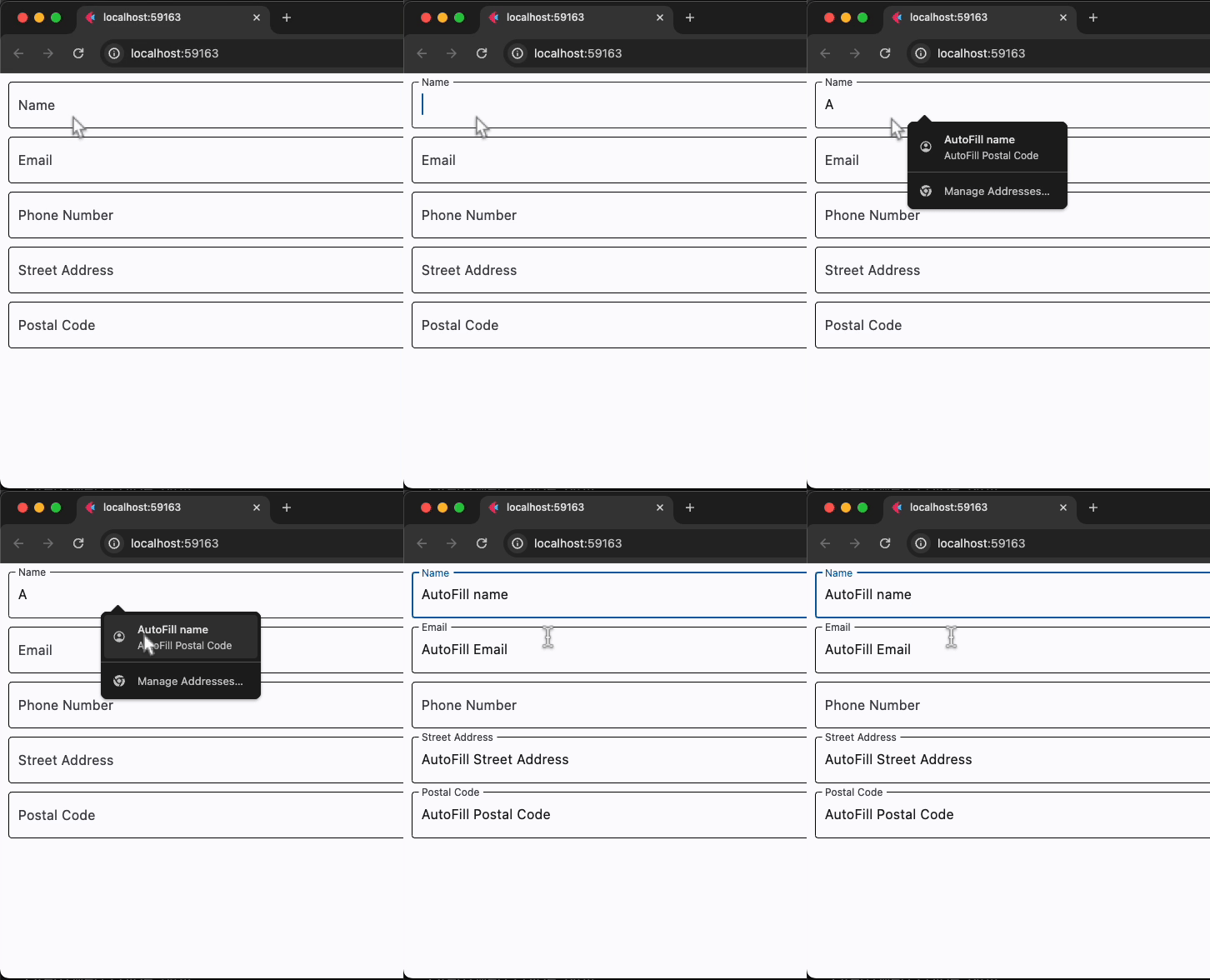](https://docs.flet.dev/examples/controls/autofill_group/media/basic.gif)
Properties[#](https://docs.flet.dev/controls/autofillgroup/#flet.AutofillGroup-properties "Permanent link")
------------------------------------------------------------------------------------------------------------
### content `instance-attribute` [#](https://docs.flet.dev/controls/autofillgroup/#flet.AutofillGroup.content "Permanent link")
`[](https://docs.flet.dev/controls/autofillgroup/#__codelineno-0-1) content: [Control](https://docs.flet.dev/controls/control/#flet.Control)`
The content of this group.
Raises:
* `[ValueError](https://docs.python.org/3/library/exceptions.html#ValueError) ` –
If it is not visible.
### dispose\_action `class-attribute` `instance-attribute` [#](https://docs.flet.dev/controls/autofillgroup/#flet.AutofillGroup.dispose_action "Permanent link")
`[](https://docs.flet.dev/controls/autofillgroup/#__codelineno-0-1) dispose_action: [AutofillGroupDisposeAction](https://docs.flet.dev/types/autofillgroupdisposeaction/#flet.AutofillGroupDisposeAction) = [COMMIT](https://docs.flet.dev/types/autofillgroupdisposeaction/#flet.AutofillGroupDisposeAction.COMMIT)`
The action to be run when this group is the topmost and it's being disposed, in order to clean up the current autofill context.
Back to top
---
# CupertinoTintedButton - Flet
[Skip to content](https://docs.flet.dev/controls/cupertinotintedbutton/#flet.CupertinoTintedButton)
CupertinoTintedButton
=====================
An iOS-style button filled with default background color.
`[](https://docs.flet.dev/controls/cupertinotintedbutton/#__codelineno-0-1) ft.CupertinoTintedButton("Tap me")`
[](https://docs.flet.dev/test-images/examples/cupertino/golden/macos/cupertino_tinted_button/image_for_docs.png)
Basic CupertinoTintedButton
Inherits: `[CupertinoButton](https://docs.flet.dev/controls/cupertinobutton/#flet.CupertinoButton) `
Back to top
---
# AutoComplete - Flet
[Skip to content](https://docs.flet.dev/controls/autocomplete/#flet.AutoComplete)
AutoComplete
============
Helps the user make a selection by entering some text and choosing from among a list of displayed options.
Inherits: `[LayoutControl](https://docs.flet.dev/controls/layoutcontrol/#flet.LayoutControl) `
Properties
* **`[selected_index](https://docs.flet.dev/controls/autocomplete/#flet.AutoComplete.selected_index) `**(`[int](https://docs.python.org/3/library/functions.html#int) | None`) –
The index of the (last) selected suggestion.
* **`[suggestions](https://docs.flet.dev/controls/autocomplete/#flet.AutoComplete.suggestions) `**(`[list](https://docs.python.org/3/glossary.html#term-list) [[AutoCompleteSuggestion](https://docs.flet.dev/types/autocompletesuggestion/#flet.AutoCompleteSuggestion) ]`) –
A list of [`AutoCompleteSuggestion`](https://docs.flet.dev/types/autocompletesuggestion/#flet.AutoCompleteSuggestion)
* **`[suggestions_max_height](https://docs.flet.dev/controls/autocomplete/#flet.AutoComplete.suggestions_max_height) `**(`[Number](https://docs.flet.dev/types/aliases/#flet.Number) `) –
The maximum - visual - height of the suggestions list.
* **`[value](https://docs.flet.dev/controls/autocomplete/#flet.AutoComplete.value) `**(`[str](https://docs.python.org/3/library/stdtypes.html#str) `) –
Current text displayed in the input field.
Events
* **`[on_change](https://docs.flet.dev/controls/autocomplete/#flet.AutoComplete.on_change) `**(`[ControlEventHandler](https://docs.flet.dev/types/aliases/#flet.ControlEventHandler) [[AutoComplete](https://docs.flet.dev/controls/autocomplete/#flet.AutoComplete) ] | None`) –
Called when the input text changes.
* **`[on_select](https://docs.flet.dev/controls/autocomplete/#flet.AutoComplete.on_select) `**(`[EventHandler](https://docs.flet.dev/types/aliases/#flet.EventHandler) [[AutoCompleteSelectEvent](https://docs.flet.dev/types/autocompleteselectevent/#flet.AutoCompleteSelectEvent) ] | None`) –
Called when a suggestion is selected.
Examples[#](https://docs.flet.dev/controls/autocomplete/#examples "Permanent link")
------------------------------------------------------------------------------------
[Live example](https://flet-controls-gallery.fly.dev/input/autocomplete)
### Basic example[#](https://docs.flet.dev/controls/autocomplete/#basic-example "Permanent link")
`[](https://docs.flet.dev/controls/autocomplete/#__codelineno-0-1) import flet as ft [](https://docs.flet.dev/controls/autocomplete/#__codelineno-0-2)[](https://docs.flet.dev/controls/autocomplete/#__codelineno-0-3) numbers = [ [](https://docs.flet.dev/controls/autocomplete/#__codelineno-0-4) ("one 1", "One"), [](https://docs.flet.dev/controls/autocomplete/#__codelineno-0-5) ("two 2", "Two"), [](https://docs.flet.dev/controls/autocomplete/#__codelineno-0-6) ("three 3", "Three"), [](https://docs.flet.dev/controls/autocomplete/#__codelineno-0-7) ("four 4", "Four"), [](https://docs.flet.dev/controls/autocomplete/#__codelineno-0-8) ("five 5", "Five"), [](https://docs.flet.dev/controls/autocomplete/#__codelineno-0-9) ("six 6", "Six"), [](https://docs.flet.dev/controls/autocomplete/#__codelineno-0-10) ("seven 7", "Seven"), [](https://docs.flet.dev/controls/autocomplete/#__codelineno-0-11) ("eight 8", "Eight"), [](https://docs.flet.dev/controls/autocomplete/#__codelineno-0-12) ("nine 9", "Nine"), [](https://docs.flet.dev/controls/autocomplete/#__codelineno-0-13) ("ten 10", "Ten"), [](https://docs.flet.dev/controls/autocomplete/#__codelineno-0-14) ] [](https://docs.flet.dev/controls/autocomplete/#__codelineno-0-15) [](https://docs.flet.dev/controls/autocomplete/#__codelineno-0-16)[](https://docs.flet.dev/controls/autocomplete/#__codelineno-0-17) def main(page: ft.Page): [](https://docs.flet.dev/controls/autocomplete/#__codelineno-0-18) page.theme_mode = ft.ThemeMode.LIGHT [](https://docs.flet.dev/controls/autocomplete/#__codelineno-0-19) page.horizontal_alignment = ft.CrossAxisAlignment.CENTER [](https://docs.flet.dev/controls/autocomplete/#__codelineno-0-20) page.vertical_alignment = ft.MainAxisAlignment.CENTER [](https://docs.flet.dev/controls/autocomplete/#__codelineno-0-21) [](https://docs.flet.dev/controls/autocomplete/#__codelineno-0-22) def handle_change(e: ft.Event[ft.AutoComplete]): [](https://docs.flet.dev/controls/autocomplete/#__codelineno-0-23) info.value = f"Current input 👀: {e.data!r} \n" [](https://docs.flet.dev/controls/autocomplete/#__codelineno-0-24) [](https://docs.flet.dev/controls/autocomplete/#__codelineno-0-25) def handle_select(e: ft.AutoCompleteSelectEvent): [](https://docs.flet.dev/controls/autocomplete/#__codelineno-0-26) info.value = ( [](https://docs.flet.dev/controls/autocomplete/#__codelineno-0-27) f"Current input 👀: {e.control.value!r} \n" [](https://docs.flet.dev/controls/autocomplete/#__codelineno-0-28) f"Your selection: {e.selection.value}" [](https://docs.flet.dev/controls/autocomplete/#__codelineno-0-29) ) [](https://docs.flet.dev/controls/autocomplete/#__codelineno-0-30) [](https://docs.flet.dev/controls/autocomplete/#__codelineno-0-31) page.add( [](https://docs.flet.dev/controls/autocomplete/#__codelineno-0-32) ft.AutoComplete( [](https://docs.flet.dev/controls/autocomplete/#__codelineno-0-33) value="One", [](https://docs.flet.dev/controls/autocomplete/#__codelineno-0-34) width=200, [](https://docs.flet.dev/controls/autocomplete/#__codelineno-0-35) on_change=handle_change, [](https://docs.flet.dev/controls/autocomplete/#__codelineno-0-36) on_select=handle_select, [](https://docs.flet.dev/controls/autocomplete/#__codelineno-0-37) suggestions=[ [](https://docs.flet.dev/controls/autocomplete/#__codelineno-0-38) ft.AutoCompleteSuggestion(key=key, value=value) [](https://docs.flet.dev/controls/autocomplete/#__codelineno-0-39) for key, value in numbers [](https://docs.flet.dev/controls/autocomplete/#__codelineno-0-40) ], [](https://docs.flet.dev/controls/autocomplete/#__codelineno-0-41) ), [](https://docs.flet.dev/controls/autocomplete/#__codelineno-0-42) info := ft.Text("Enter a number (in words or digits) to get suggestions."), [](https://docs.flet.dev/controls/autocomplete/#__codelineno-0-43) ) [](https://docs.flet.dev/controls/autocomplete/#__codelineno-0-44) [](https://docs.flet.dev/controls/autocomplete/#__codelineno-0-45)[](https://docs.flet.dev/controls/autocomplete/#__codelineno-0-46) ft.run(main)`
Properties[#](https://docs.flet.dev/controls/autocomplete/#flet.AutoComplete-properties "Permanent link")
----------------------------------------------------------------------------------------------------------
### selected\_index `property` [#](https://docs.flet.dev/controls/autocomplete/#flet.AutoComplete.selected_index "Permanent link")
`[](https://docs.flet.dev/controls/autocomplete/#__codelineno-0-1) selected_index: [int](https://docs.python.org/3/library/functions.html#int) | None`
The index of the (last) selected suggestion.
It is `None` until a suggestion has been selected from the UI.
Note
This property is read-only.
### suggestions `class-attribute` `instance-attribute` [#](https://docs.flet.dev/controls/autocomplete/#flet.AutoComplete.suggestions "Permanent link")
`[](https://docs.flet.dev/controls/autocomplete/#__codelineno-0-1) suggestions: [list](https://docs.python.org/3/glossary.html#term-list) [[AutoCompleteSuggestion](https://docs.flet.dev/types/autocompletesuggestion/#flet.AutoCompleteSuggestion) ] = [field](https://docs.python.org/3/library/dataclasses.html#dataclasses.field "dataclasses.field") ( [](https://docs.flet.dev/controls/autocomplete/#__codelineno-0-2) default_factory=[list](https://docs.python.org/3/glossary.html#term-list) [](https://docs.flet.dev/controls/autocomplete/#__codelineno-0-3) )`
A list of [`AutoCompleteSuggestion`](https://docs.flet.dev/types/autocompletesuggestion/#flet.AutoCompleteSuggestion)
controls representing the suggestions to be displayed.
Note
* A valid [`AutoCompleteSuggestion`](https://docs.flet.dev/types/autocompletesuggestion/#flet.AutoCompleteSuggestion)
must have at least a [`key`](https://docs.flet.dev/types/autocompletesuggestion/#flet.AutoCompleteSuggestion.key)
or [`value`](https://docs.flet.dev/types/autocompletesuggestion/#flet.AutoCompleteSuggestion.value)
specified, else it will be ignored. If only `key` is provided, `value` will be set to `key` as fallback and vice versa.
* The internal filtration process of the suggestions (based on their `key`s) with respect to the user's input is case-insensitive because the comparison is done in lowercase.
### suggestions\_max\_height `class-attribute` `instance-attribute` [#](https://docs.flet.dev/controls/autocomplete/#flet.AutoComplete.suggestions_max_height "Permanent link")
`[](https://docs.flet.dev/controls/autocomplete/#__codelineno-0-1) suggestions_max_height: [Number](https://docs.flet.dev/types/aliases/#flet.Number) = 200`
The maximum - visual - height of the suggestions list.
### value `class-attribute` `instance-attribute` [#](https://docs.flet.dev/controls/autocomplete/#flet.AutoComplete.value "Permanent link")
`[](https://docs.flet.dev/controls/autocomplete/#__codelineno-0-1) value: [str](https://docs.python.org/3/library/stdtypes.html#str) = ''`
Current text displayed in the input field.
This value reflects user input even if it does not match any provided suggestion.
Events[#](https://docs.flet.dev/controls/autocomplete/#flet.AutoComplete-events "Permanent link")
--------------------------------------------------------------------------------------------------
### on\_change `class-attribute` `instance-attribute` [#](https://docs.flet.dev/controls/autocomplete/#flet.AutoComplete.on_change "Permanent link")
`[](https://docs.flet.dev/controls/autocomplete/#__codelineno-0-1) on_change: [ControlEventHandler](https://docs.flet.dev/types/aliases/#flet.ControlEventHandler) [[AutoComplete](https://docs.flet.dev/controls/autocomplete/#flet.AutoComplete) ] | None = None`
Called when the input text changes.
### on\_select `class-attribute` `instance-attribute` [#](https://docs.flet.dev/controls/autocomplete/#flet.AutoComplete.on_select "Permanent link")
`[](https://docs.flet.dev/controls/autocomplete/#__codelineno-0-1) on_select: [EventHandler](https://docs.flet.dev/types/aliases/#flet.EventHandler) [[AutoCompleteSelectEvent](https://docs.flet.dev/types/autocompleteselectevent/#flet.AutoCompleteSelectEvent) ] | None = ( [](https://docs.flet.dev/controls/autocomplete/#__codelineno-0-2) None [](https://docs.flet.dev/controls/autocomplete/#__codelineno-0-3) )`
Called when a suggestion is selected.
Back to top
---
# CupertinoDialogAction - Flet
[Skip to content](https://docs.flet.dev/controls/cupertinodialogaction/#examples)
CupertinoDialogAction
=====================
Examples[#](https://docs.flet.dev/controls/cupertinodialogaction/#examples "Permanent link")
---------------------------------------------------------------------------------------------
See [these](https://docs.flet.dev/controls/cupertinoalertdialog/#examples)
.
Inherits: `[Control](https://docs.flet.dev/controls/control/#flet.Control) `
A dialog action button.
Typically used as a child of [`CupertinoAlertDialog.actions`](https://docs.flet.dev/controls/cupertinoalertdialog/#flet.CupertinoAlertDialog.actions)
.
Properties
* **`[content](https://docs.flet.dev/controls/cupertinodialogaction/#flet.CupertinoDialogAction.content) `**(`[StrOrControl](https://docs.flet.dev/types/aliases/#flet.StrOrControl) `) –
The content of this action button.
* **`[default](https://docs.flet.dev/controls/cupertinodialogaction/#flet.CupertinoDialogAction.default) `**(`[bool](https://docs.python.org/3/library/functions.html#bool) `) –
Whether this action is a default action.
* **`[destructive](https://docs.flet.dev/controls/cupertinodialogaction/#flet.CupertinoDialogAction.destructive) `**(`[bool](https://docs.python.org/3/library/functions.html#bool) `) –
If set to `True`, this button's text color will be red.
* **`[text_style](https://docs.flet.dev/controls/cupertinodialogaction/#flet.CupertinoDialogAction.text_style) `**(`[TextStyle](https://docs.flet.dev/types/textstyle/#flet.TextStyle) | None`) –
The text style to use for text in this button.
Events
* **`[on_click](https://docs.flet.dev/controls/cupertinodialogaction/#flet.CupertinoDialogAction.on_click) `**(`[ControlEventHandler](https://docs.flet.dev/types/aliases/#flet.ControlEventHandler) [[CupertinoDialogAction](https://docs.flet.dev/controls/cupertinodialogaction/#flet.CupertinoDialogAction) ] | None`) –
Called when a user clicks this button.
Properties[#](https://docs.flet.dev/controls/cupertinodialogaction/#flet.CupertinoDialogAction-properties "Permanent link")
----------------------------------------------------------------------------------------------------------------------------
### content `instance-attribute` [#](https://docs.flet.dev/controls/cupertinodialogaction/#flet.CupertinoDialogAction.content "Permanent link")
`[](https://docs.flet.dev/controls/cupertinodialogaction/#__codelineno-0-1) content: [StrOrControl](https://docs.flet.dev/types/aliases/#flet.StrOrControl)`
The content of this action button.
Raises:
* `[ValueError](https://docs.python.org/3/library/exceptions.html#ValueError) ` –
If it is neither a string nor a visible `Control`.
### default `class-attribute` `instance-attribute` [#](https://docs.flet.dev/controls/cupertinodialogaction/#flet.CupertinoDialogAction.default "Permanent link")
`[](https://docs.flet.dev/controls/cupertinodialogaction/#__codelineno-0-1) default: [bool](https://docs.python.org/3/library/functions.html#bool) = False`
Whether this action is a default action. In this case, the button will have bold text.
Info
Multiple actions can have this property set to `True` in a [`CupertinoAlertDialog`](https://docs.flet.dev/controls/cupertinoalertdialog/#flet.CupertinoAlertDialog)
.
### destructive `class-attribute` `instance-attribute` [#](https://docs.flet.dev/controls/cupertinodialogaction/#flet.CupertinoDialogAction.destructive "Permanent link")
`[](https://docs.flet.dev/controls/cupertinodialogaction/#__codelineno-0-1) destructive: [bool](https://docs.python.org/3/library/functions.html#bool) = False`
If set to `True`, this button's text color will be red.
Typically used for actions that destroy objects, such as an delete that deletes an email etc.
### text\_style `class-attribute` `instance-attribute` [#](https://docs.flet.dev/controls/cupertinodialogaction/#flet.CupertinoDialogAction.text_style "Permanent link")
`[](https://docs.flet.dev/controls/cupertinodialogaction/#__codelineno-0-1) text_style: [TextStyle](https://docs.flet.dev/types/textstyle/#flet.TextStyle) | None = None`
The text style to use for text in this button.
Can be useful when [`content`](https://docs.flet.dev/controls/cupertinodialogaction/#flet.CupertinoDialogAction.content)
is a string.
Events[#](https://docs.flet.dev/controls/cupertinodialogaction/#flet.CupertinoDialogAction-events "Permanent link")
--------------------------------------------------------------------------------------------------------------------
### on\_click `class-attribute` `instance-attribute` [#](https://docs.flet.dev/controls/cupertinodialogaction/#flet.CupertinoDialogAction.on_click "Permanent link")
`[](https://docs.flet.dev/controls/cupertinodialogaction/#__codelineno-0-1) on_click: ( [](https://docs.flet.dev/controls/cupertinodialogaction/#__codelineno-0-2) [ControlEventHandler](https://docs.flet.dev/types/aliases/#flet.ControlEventHandler) [[CupertinoDialogAction](https://docs.flet.dev/controls/cupertinodialogaction/#flet.CupertinoDialogAction) ] | None [](https://docs.flet.dev/controls/cupertinodialogaction/#__codelineno-0-3) ) = None`
Called when a user clicks this button.
Back to top
---
# CupertinoFilledButton - Flet
[Skip to content](https://docs.flet.dev/controls/cupertinofilledbutton/#flet.CupertinoFilledButton)
CupertinoFilledButton
=====================
An iOS-style button filled with default background color.
`[](https://docs.flet.dev/controls/cupertinofilledbutton/#__codelineno-0-1) ft.CupertinoFilledButton("Tap me")`
[](https://docs.flet.dev/test-images/examples/cupertino/golden/macos/cupertino_filled_button/image_for_docs.png)
Basic CupertinoFilledButton
Inherits: `[CupertinoButton](https://docs.flet.dev/controls/cupertinobutton/#flet.CupertinoButton) `
Examples[#](https://docs.flet.dev/controls/cupertinofilledbutton/#examples "Permanent link")
---------------------------------------------------------------------------------------------
[Live example](https://flet-controls-gallery.fly.dev/buttons/cupertinofilledbutton)
### Basic Example[#](https://docs.flet.dev/controls/cupertinofilledbutton/#basic-example "Permanent link")
`[](https://docs.flet.dev/controls/cupertinofilledbutton/#__codelineno-0-1) import flet as ft [](https://docs.flet.dev/controls/cupertinofilledbutton/#__codelineno-0-2) [](https://docs.flet.dev/controls/cupertinofilledbutton/#__codelineno-0-3)[](https://docs.flet.dev/controls/cupertinofilledbutton/#__codelineno-0-4) def main(page: ft.Page): [](https://docs.flet.dev/controls/cupertinofilledbutton/#__codelineno-0-5) page.add( [](https://docs.flet.dev/controls/cupertinofilledbutton/#__codelineno-0-6) ft.CupertinoFilledButton( [](https://docs.flet.dev/controls/cupertinofilledbutton/#__codelineno-0-7) content=ft.Text("CupertinoFilledButton"), [](https://docs.flet.dev/controls/cupertinofilledbutton/#__codelineno-0-8) opacity_on_click=0.3, [](https://docs.flet.dev/controls/cupertinofilledbutton/#__codelineno-0-9) on_click=lambda e: print("CupertinoFilledButton clicked!"), [](https://docs.flet.dev/controls/cupertinofilledbutton/#__codelineno-0-10) ), [](https://docs.flet.dev/controls/cupertinofilledbutton/#__codelineno-0-11) ) [](https://docs.flet.dev/controls/cupertinofilledbutton/#__codelineno-0-12) [](https://docs.flet.dev/controls/cupertinofilledbutton/#__codelineno-0-13)[](https://docs.flet.dev/controls/cupertinofilledbutton/#__codelineno-0-14) ft.run(main)`
[](https://docs.flet.dev/examples/controls/cupertino_filled_button/media/basic.png)
Back to top
---
# FilledTonalIconButton - Flet
[Skip to content](https://docs.flet.dev/controls/filledtonaliconbutton/#flet.FilledTonalIconButton)
FilledTonalIconButton
=====================
A filled tonal variant of [`IconButton`](https://docs.flet.dev/controls/iconbutton/#flet.IconButton)
.
Filled tonal icon buttons are a middle ground between filled and outlined icon buttons. They're useful in contexts where the button requires slightly more emphasis than an outline would give, such as a secondary action paired with a high emphasis action.
`[](https://docs.flet.dev/controls/filledtonaliconbutton/#__codelineno-0-1) ft.FilledTonalIconButton(icon=ft.Icons.CHECK)`
[](https://docs.flet.dev/test-images/examples/material/golden/macos/filled_tonal_icon_button/image_for_docs.png)
Basic FilledTonalIconButton
Inherits: `[IconButton](https://docs.flet.dev/controls/iconbutton/#flet.IconButton) `
Back to top
---
# CupertinoBottomSheet - Flet
[Skip to content](https://docs.flet.dev/controls/cupertinobottomsheet/#flet.CupertinoBottomSheet)
CupertinoBottomSheet
====================
A Cupertino bottom sheet.
Inherits: `[DialogControl](https://docs.flet.dev/controls/dialogcontrol/#flet.DialogControl) `
Properties
* **`[bgcolor](https://docs.flet.dev/controls/cupertinobottomsheet/#flet.CupertinoBottomSheet.bgcolor) `**(`[ColorValue](https://docs.flet.dev/types/aliases/#flet.ColorValue) | None`) –
The background color of this bottom sheet.
* **`[content](https://docs.flet.dev/controls/cupertinobottomsheet/#flet.CupertinoBottomSheet.content) `**(`[Control](https://docs.flet.dev/controls/control/#flet.Control) `) –
The control to be displayed in this bottom sheet.
* **`[height](https://docs.flet.dev/controls/cupertinobottomsheet/#flet.CupertinoBottomSheet.height) `**(`[Number](https://docs.flet.dev/types/aliases/#flet.Number) | None`) –
The height of this bottom sheet.
* **`[modal](https://docs.flet.dev/controls/cupertinobottomsheet/#flet.CupertinoBottomSheet.modal) `**(`[bool](https://docs.python.org/3/library/functions.html#bool) `) –
Whether this bottom sheet can be dismissed/closed by clicking the area outside of it.
* **`[padding](https://docs.flet.dev/controls/cupertinobottomsheet/#flet.CupertinoBottomSheet.padding) `**(`[PaddingValue](https://docs.flet.dev/types/aliases/#flet.PaddingValue) | None`) –
The sheet's padding.
Examples[#](https://docs.flet.dev/controls/cupertinobottomsheet/#examples "Permanent link")
--------------------------------------------------------------------------------------------
[Live example](https://flet-controls-gallery.fly.dev/dialogs/cupertinobottomsheet)
### Displaying a `CupertinoActionSheet`[#](https://docs.flet.dev/controls/cupertinobottomsheet/#displaying-a-cupertinoactionsheet "Permanent link")
`[](https://docs.flet.dev/controls/cupertinobottomsheet/#__codelineno-0-1) import flet as ft [](https://docs.flet.dev/controls/cupertinobottomsheet/#__codelineno-0-2) [](https://docs.flet.dev/controls/cupertinobottomsheet/#__codelineno-0-3)[](https://docs.flet.dev/controls/cupertinobottomsheet/#__codelineno-0-4) def main(page: ft.Page): [](https://docs.flet.dev/controls/cupertinobottomsheet/#__codelineno-0-5) page.horizontal_alignment = ft.CrossAxisAlignment.CENTER [](https://docs.flet.dev/controls/cupertinobottomsheet/#__codelineno-0-6) [](https://docs.flet.dev/controls/cupertinobottomsheet/#__codelineno-0-7) def handle_click(e): [](https://docs.flet.dev/controls/cupertinobottomsheet/#__codelineno-0-8) page.add(ft.Text(f"Action clicked: {e.control.content.value}")) [](https://docs.flet.dev/controls/cupertinobottomsheet/#__codelineno-0-9) page.pop_dialog() [](https://docs.flet.dev/controls/cupertinobottomsheet/#__codelineno-0-10) [](https://docs.flet.dev/controls/cupertinobottomsheet/#__codelineno-0-11) action_sheet = ft.CupertinoActionSheet( [](https://docs.flet.dev/controls/cupertinobottomsheet/#__codelineno-0-12) title=ft.Row( [](https://docs.flet.dev/controls/cupertinobottomsheet/#__codelineno-0-13) controls=[ft.Text("Title"), ft.Icon(ft.Icons.BEDTIME)], [](https://docs.flet.dev/controls/cupertinobottomsheet/#__codelineno-0-14) alignment=ft.MainAxisAlignment.CENTER, [](https://docs.flet.dev/controls/cupertinobottomsheet/#__codelineno-0-15) ), [](https://docs.flet.dev/controls/cupertinobottomsheet/#__codelineno-0-16) message=ft.Row( [](https://docs.flet.dev/controls/cupertinobottomsheet/#__codelineno-0-17) controls=[ft.Text("Description"), ft.Icon(ft.Icons.AUTO_AWESOME)], [](https://docs.flet.dev/controls/cupertinobottomsheet/#__codelineno-0-18) alignment=ft.MainAxisAlignment.CENTER, [](https://docs.flet.dev/controls/cupertinobottomsheet/#__codelineno-0-19) ), [](https://docs.flet.dev/controls/cupertinobottomsheet/#__codelineno-0-20) cancel=ft.CupertinoActionSheetAction( [](https://docs.flet.dev/controls/cupertinobottomsheet/#__codelineno-0-21) content=ft.Text("Cancel"), [](https://docs.flet.dev/controls/cupertinobottomsheet/#__codelineno-0-22) on_click=handle_click, [](https://docs.flet.dev/controls/cupertinobottomsheet/#__codelineno-0-23) ), [](https://docs.flet.dev/controls/cupertinobottomsheet/#__codelineno-0-24) actions=[ [](https://docs.flet.dev/controls/cupertinobottomsheet/#__codelineno-0-25) ft.CupertinoActionSheetAction( [](https://docs.flet.dev/controls/cupertinobottomsheet/#__codelineno-0-26) content=ft.Text("Default Action"), [](https://docs.flet.dev/controls/cupertinobottomsheet/#__codelineno-0-27) default=True, [](https://docs.flet.dev/controls/cupertinobottomsheet/#__codelineno-0-28) on_click=handle_click, [](https://docs.flet.dev/controls/cupertinobottomsheet/#__codelineno-0-29) ), [](https://docs.flet.dev/controls/cupertinobottomsheet/#__codelineno-0-30) ft.CupertinoActionSheetAction( [](https://docs.flet.dev/controls/cupertinobottomsheet/#__codelineno-0-31) content=ft.Text("Normal Action"), [](https://docs.flet.dev/controls/cupertinobottomsheet/#__codelineno-0-32) on_click=handle_click, [](https://docs.flet.dev/controls/cupertinobottomsheet/#__codelineno-0-33) ), [](https://docs.flet.dev/controls/cupertinobottomsheet/#__codelineno-0-34) ft.CupertinoActionSheetAction( [](https://docs.flet.dev/controls/cupertinobottomsheet/#__codelineno-0-35) content=ft.Text("Destructive Action"), [](https://docs.flet.dev/controls/cupertinobottomsheet/#__codelineno-0-36) destructive=True, [](https://docs.flet.dev/controls/cupertinobottomsheet/#__codelineno-0-37) on_click=handle_click, [](https://docs.flet.dev/controls/cupertinobottomsheet/#__codelineno-0-38) ), [](https://docs.flet.dev/controls/cupertinobottomsheet/#__codelineno-0-39) ], [](https://docs.flet.dev/controls/cupertinobottomsheet/#__codelineno-0-40) ) [](https://docs.flet.dev/controls/cupertinobottomsheet/#__codelineno-0-41) [](https://docs.flet.dev/controls/cupertinobottomsheet/#__codelineno-0-42) bottom_sheet = ft.CupertinoBottomSheet(action_sheet) [](https://docs.flet.dev/controls/cupertinobottomsheet/#__codelineno-0-43) [](https://docs.flet.dev/controls/cupertinobottomsheet/#__codelineno-0-44) page.add( [](https://docs.flet.dev/controls/cupertinobottomsheet/#__codelineno-0-45) ft.CupertinoFilledButton( [](https://docs.flet.dev/controls/cupertinobottomsheet/#__codelineno-0-46) content="Open CupertinoBottomSheet", [](https://docs.flet.dev/controls/cupertinobottomsheet/#__codelineno-0-47) on_click=lambda e: page.show_dialog(bottom_sheet), [](https://docs.flet.dev/controls/cupertinobottomsheet/#__codelineno-0-48) ) [](https://docs.flet.dev/controls/cupertinobottomsheet/#__codelineno-0-49) ) [](https://docs.flet.dev/controls/cupertinobottomsheet/#__codelineno-0-50) [](https://docs.flet.dev/controls/cupertinobottomsheet/#__codelineno-0-51)[](https://docs.flet.dev/controls/cupertinobottomsheet/#__codelineno-0-52) ft.run(main)`
[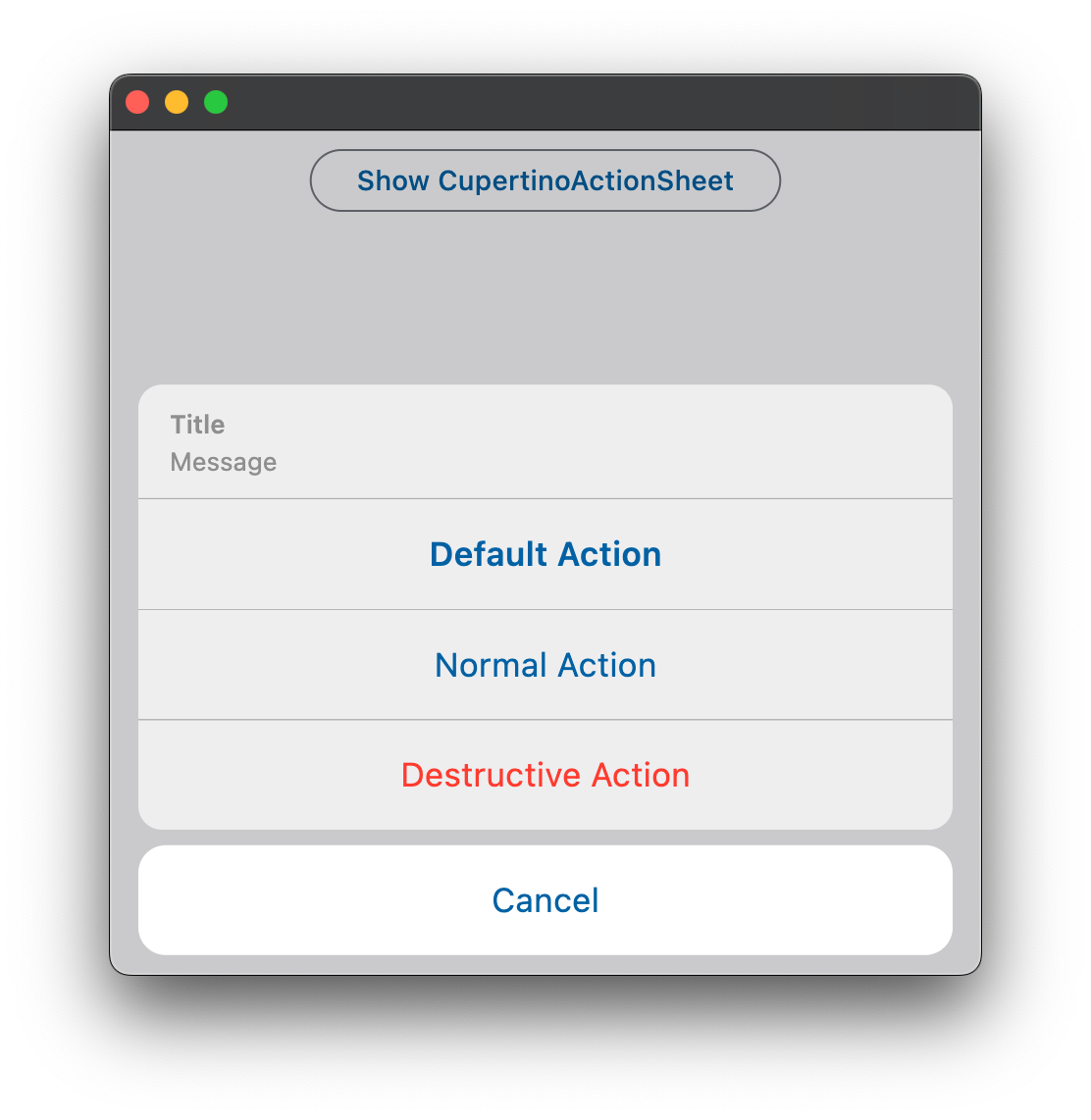](https://docs.flet.dev/examples/controls/cupertino_action_sheet/media/basic.png)
Properties[#](https://docs.flet.dev/controls/cupertinobottomsheet/#flet.CupertinoBottomSheet-properties "Permanent link")
--------------------------------------------------------------------------------------------------------------------------
### bgcolor `class-attribute` `instance-attribute` [#](https://docs.flet.dev/controls/cupertinobottomsheet/#flet.CupertinoBottomSheet.bgcolor "Permanent link")
`[](https://docs.flet.dev/controls/cupertinobottomsheet/#__codelineno-0-1) bgcolor: [ColorValue](https://docs.flet.dev/types/aliases/#flet.ColorValue) | None = None`
The background color of this bottom sheet.
### content `instance-attribute` [#](https://docs.flet.dev/controls/cupertinobottomsheet/#flet.CupertinoBottomSheet.content "Permanent link")
`[](https://docs.flet.dev/controls/cupertinobottomsheet/#__codelineno-0-1) content: [Control](https://docs.flet.dev/controls/control/#flet.Control)`
The control to be displayed in this bottom sheet.
### height `class-attribute` `instance-attribute` [#](https://docs.flet.dev/controls/cupertinobottomsheet/#flet.CupertinoBottomSheet.height "Permanent link")
`[](https://docs.flet.dev/controls/cupertinobottomsheet/#__codelineno-0-1) height: [Number](https://docs.flet.dev/types/aliases/#flet.Number) | None = None`
The height of this bottom sheet.
### modal `class-attribute` `instance-attribute` [#](https://docs.flet.dev/controls/cupertinobottomsheet/#flet.CupertinoBottomSheet.modal "Permanent link")
`[](https://docs.flet.dev/controls/cupertinobottomsheet/#__codelineno-0-1) modal: [bool](https://docs.python.org/3/library/functions.html#bool) = False`
Whether this bottom sheet can be dismissed/closed by clicking the area outside of it.
### padding `class-attribute` `instance-attribute` [#](https://docs.flet.dev/controls/cupertinobottomsheet/#flet.CupertinoBottomSheet.padding "Permanent link")
`[](https://docs.flet.dev/controls/cupertinobottomsheet/#__codelineno-0-1) padding: [PaddingValue](https://docs.flet.dev/types/aliases/#flet.PaddingValue) | None = None`
The sheet's padding.
Back to top
---
# CupertinoActionSheetAction - Flet
[Skip to content](https://docs.flet.dev/controls/cupertinoactionsheetaction/#flet.CupertinoActionSheetAction)
CupertinoActionSheetAction
==========================
Inherits: `[LayoutControl](https://docs.flet.dev/controls/layoutcontrol/#flet.LayoutControl) `
An action button typically used in a CupertinoActionSheet.
Properties
* **`[content](https://docs.flet.dev/controls/cupertinoactionsheetaction/#flet.CupertinoActionSheetAction.content) `**(`[StrOrControl](https://docs.flet.dev/types/aliases/#flet.StrOrControl) `) –
The child control to be shown in this action button.
* **`[default](https://docs.flet.dev/controls/cupertinoactionsheetaction/#flet.CupertinoActionSheetAction.default) `**(`[bool](https://docs.python.org/3/library/functions.html#bool) `) –
Whether this action should receive the style of an emphasized, default action.
* **`[destructive](https://docs.flet.dev/controls/cupertinoactionsheetaction/#flet.CupertinoActionSheetAction.destructive) `**(`[bool](https://docs.python.org/3/library/functions.html#bool) `) –
Whether this action should receive the style of a destructive action.
* **`[mouse_cursor](https://docs.flet.dev/controls/cupertinoactionsheetaction/#flet.CupertinoActionSheetAction.mouse_cursor) `**(`[MouseCursor](https://docs.flet.dev/types/mousecursor/#flet.MouseCursor) | None`) –
Defines the mouse cursor for this action button.
Events
* **`[on_click](https://docs.flet.dev/controls/cupertinoactionsheetaction/#flet.CupertinoActionSheetAction.on_click) `**(`[ControlEventHandler](https://docs.flet.dev/types/aliases/#flet.ControlEventHandler) [[CupertinoActionSheetAction](https://docs.flet.dev/controls/cupertinoactionsheetaction/#flet.CupertinoActionSheetAction) ] | None`) –
Called when this action button is clicked.
Properties[#](https://docs.flet.dev/controls/cupertinoactionsheetaction/#flet.CupertinoActionSheetAction-properties "Permanent link")
--------------------------------------------------------------------------------------------------------------------------------------
### content `instance-attribute` [#](https://docs.flet.dev/controls/cupertinoactionsheetaction/#flet.CupertinoActionSheetAction.content "Permanent link")
`[](https://docs.flet.dev/controls/cupertinoactionsheetaction/#__codelineno-0-1) content: [StrOrControl](https://docs.flet.dev/types/aliases/#flet.StrOrControl)`
The child control to be shown in this action button.
Raises:
* `[ValueError](https://docs.python.org/3/library/exceptions.html#ValueError) ` –
If it is neither a string nor a visible `Control`.
### default `class-attribute` `instance-attribute` [#](https://docs.flet.dev/controls/cupertinoactionsheetaction/#flet.CupertinoActionSheetAction.default "Permanent link")
`[](https://docs.flet.dev/controls/cupertinoactionsheetaction/#__codelineno-0-1) default: [bool](https://docs.python.org/3/library/functions.html#bool) = False`
Whether this action should receive the style of an emphasized, default action.
### destructive `class-attribute` `instance-attribute` [#](https://docs.flet.dev/controls/cupertinoactionsheetaction/#flet.CupertinoActionSheetAction.destructive "Permanent link")
`[](https://docs.flet.dev/controls/cupertinoactionsheetaction/#__codelineno-0-1) destructive: [bool](https://docs.python.org/3/library/functions.html#bool) = False`
Whether this action should receive the style of a destructive action.
### mouse\_cursor `class-attribute` `instance-attribute` [#](https://docs.flet.dev/controls/cupertinoactionsheetaction/#flet.CupertinoActionSheetAction.mouse_cursor "Permanent link")
`[](https://docs.flet.dev/controls/cupertinoactionsheetaction/#__codelineno-0-1) mouse_cursor: [MouseCursor](https://docs.flet.dev/types/mousecursor/#flet.MouseCursor) | None = None`
Defines the mouse cursor for this action button.
Events[#](https://docs.flet.dev/controls/cupertinoactionsheetaction/#flet.CupertinoActionSheetAction-events "Permanent link")
------------------------------------------------------------------------------------------------------------------------------
### on\_click `class-attribute` `instance-attribute` [#](https://docs.flet.dev/controls/cupertinoactionsheetaction/#flet.CupertinoActionSheetAction.on_click "Permanent link")
`[](https://docs.flet.dev/controls/cupertinoactionsheetaction/#__codelineno-0-1) on_click: ( [](https://docs.flet.dev/controls/cupertinoactionsheetaction/#__codelineno-0-2) [ControlEventHandler](https://docs.flet.dev/types/aliases/#flet.ControlEventHandler) [[CupertinoActionSheetAction](https://docs.flet.dev/controls/cupertinoactionsheetaction/#flet.CupertinoActionSheetAction) ] | None [](https://docs.flet.dev/controls/cupertinoactionsheetaction/#__codelineno-0-3) ) = None`
Called when this action button is clicked.
Back to top
---
# FilledButton - Flet
[Skip to content](https://docs.flet.dev/controls/filledbutton/#flet.FilledButton)
FilledButton
============
Filled buttons have the most visual impact after the [`FloatingActionButton`](https://docs.flet.dev/controls/floatingactionbutton/#flet.FloatingActionButton)
, and is typically used for important, final actions that complete a flow, like "Save", "Join now", or "Confirm".
`[](https://docs.flet.dev/controls/filledbutton/#__codelineno-0-1) ft.FilledButton(content="Tap me")`
[](https://docs.flet.dev/test-images/examples/material/golden/macos/filled_button/image_for_docs.png)
Basic FilledButton
Inherits: `[Button](https://docs.flet.dev/controls/button/#flet.Button) `
Examples[#](https://docs.flet.dev/controls/filledbutton/#examples "Permanent link")
------------------------------------------------------------------------------------
[Live example](https://flet-controls-gallery.fly.dev/buttons/filledbutton)
### Basic Example[#](https://docs.flet.dev/controls/filledbutton/#basic-example "Permanent link")
`[](https://docs.flet.dev/controls/filledbutton/#__codelineno-0-1) import flet as ft [](https://docs.flet.dev/controls/filledbutton/#__codelineno-0-2) [](https://docs.flet.dev/controls/filledbutton/#__codelineno-0-3)[](https://docs.flet.dev/controls/filledbutton/#__codelineno-0-4) def main(page: ft.Page): [](https://docs.flet.dev/controls/filledbutton/#__codelineno-0-5) page.title = "FilledButton Example" [](https://docs.flet.dev/controls/filledbutton/#__codelineno-0-6) [](https://docs.flet.dev/controls/filledbutton/#__codelineno-0-7) page.add( [](https://docs.flet.dev/controls/filledbutton/#__codelineno-0-8) ft.FilledButton(content="Filled button"), [](https://docs.flet.dev/controls/filledbutton/#__codelineno-0-9) ft.FilledButton(content="Disabled button", disabled=True), [](https://docs.flet.dev/controls/filledbutton/#__codelineno-0-10) ft.FilledButton(content="Button with icon", icon=ft.Icons.ADD_OUTLINED), [](https://docs.flet.dev/controls/filledbutton/#__codelineno-0-11) ) [](https://docs.flet.dev/controls/filledbutton/#__codelineno-0-12) [](https://docs.flet.dev/controls/filledbutton/#__codelineno-0-13)[](https://docs.flet.dev/controls/filledbutton/#__codelineno-0-14) ft.run(main)`
[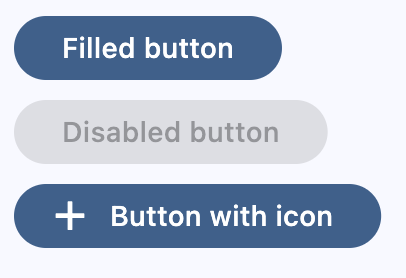](https://docs.flet.dev/examples/controls/filled_button/media/basic.png)
Back to top
---
# FilledTonalButton - Flet
[Skip to content](https://docs.flet.dev/controls/filledtonalbutton/#flet.FilledTonalButton)
FilledTonalButton
=================
A filled tonal button is an alternative middle ground between FilledButton and OutlinedButton buttons. They're useful in contexts where a lower-priority button requires slightly more emphasis than an outline would give, such as "Next" in an onboarding flow. Tonal buttons use the secondary color mapping.
`[](https://docs.flet.dev/controls/filledtonalbutton/#__codelineno-0-1) ft.FilledTonalButton(content="Tap me")`
[](https://docs.flet.dev/test-images/examples/material/golden/macos/filled_tonal_button/image_for_docs.png)
Basic FilledTonalButton
Inherits: `[Button](https://docs.flet.dev/controls/button/#flet.Button) `
Examples[#](https://docs.flet.dev/controls/filledtonalbutton/#examples "Permanent link")
-----------------------------------------------------------------------------------------
[Live example](https://flet-controls-gallery.fly.dev/buttons/filledtonalbutton)
### Basic Example[#](https://docs.flet.dev/controls/filledtonalbutton/#basic-example "Permanent link")
`[](https://docs.flet.dev/controls/filledtonalbutton/#__codelineno-0-1) import flet as ft [](https://docs.flet.dev/controls/filledtonalbutton/#__codelineno-0-2) [](https://docs.flet.dev/controls/filledtonalbutton/#__codelineno-0-3)[](https://docs.flet.dev/controls/filledtonalbutton/#__codelineno-0-4) def main(page: ft.Page): [](https://docs.flet.dev/controls/filledtonalbutton/#__codelineno-0-5) page.title = "FilledTonalButton Example" [](https://docs.flet.dev/controls/filledtonalbutton/#__codelineno-0-6) [](https://docs.flet.dev/controls/filledtonalbutton/#__codelineno-0-7) page.add( [](https://docs.flet.dev/controls/filledtonalbutton/#__codelineno-0-8) ft.FilledTonalButton(content="Filled tonal button"), [](https://docs.flet.dev/controls/filledtonalbutton/#__codelineno-0-9) ft.FilledTonalButton(content="Disabled button", disabled=True), [](https://docs.flet.dev/controls/filledtonalbutton/#__codelineno-0-10) ft.FilledTonalButton(content="Button with icon", icon=ft.Icons.ADD_OUTLINED), [](https://docs.flet.dev/controls/filledtonalbutton/#__codelineno-0-11) ) [](https://docs.flet.dev/controls/filledtonalbutton/#__codelineno-0-12) [](https://docs.flet.dev/controls/filledtonalbutton/#__codelineno-0-13)[](https://docs.flet.dev/controls/filledtonalbutton/#__codelineno-0-14) ft.run(main)`
[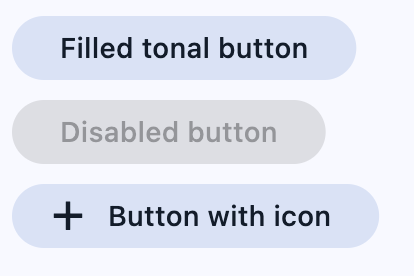](https://docs.flet.dev/examples/controls/filled_tonal_button/media/basic.png)
Back to top
---
# FilledIconButton - Flet
[Skip to content](https://docs.flet.dev/controls/fillediconbutton/#flet.FilledIconButton)
FilledIconButton
================
A filled variant of [`IconButton`](https://docs.flet.dev/controls/iconbutton/#flet.IconButton)
.
Filled icon buttons have higher visual impact and should be used for high emphasis actions, such as turning off a microphone or camera.
`[](https://docs.flet.dev/controls/fillediconbutton/#__codelineno-0-1) ft.FilledIconButton(icon=ft.Icons.CHECK)`
[](https://docs.flet.dev/test-images/examples/material/golden/macos/filled_icon_button/image_for_docs.png)
Basic FilledIconButton
Inherits: `[IconButton](https://docs.flet.dev/controls/iconbutton/#flet.IconButton) `
Back to top
---
# CircleAvatar - Flet
[Skip to content](https://docs.flet.dev/controls/circleavatar/#flet.CircleAvatar)
CircleAvatar
============
A circle that represents a user.
If [`foreground_image_src`](https://docs.flet.dev/controls/circleavatar/#flet.CircleAvatar.foreground_image_src)
fails then [`background_image_src`](https://docs.flet.dev/controls/circleavatar/#flet.CircleAvatar.background_image_src)
is used, and if this also fails, then [`bgcolor`](https://docs.flet.dev/controls/circleavatar/#flet.CircleAvatar.bgcolor)
is used.
Example:
`[](https://docs.flet.dev/controls/circleavatar/#__codelineno-0-1) ft.CircleAvatar( [](https://docs.flet.dev/controls/circleavatar/#__codelineno-0-2) content=ft.Text("AB"), [](https://docs.flet.dev/controls/circleavatar/#__codelineno-0-3) bgcolor=ft.Colors.PRIMARY, [](https://docs.flet.dev/controls/circleavatar/#__codelineno-0-4) color=ft.Colors.ON_PRIMARY, [](https://docs.flet.dev/controls/circleavatar/#__codelineno-0-5) )`
[](https://docs.flet.dev/test-images/examples/material/golden/macos/circle_avatar/image_for_docs.png)
Basic CircleAvatar
Inherits: `[LayoutControl](https://docs.flet.dev/controls/layoutcontrol/#flet.LayoutControl) `
Properties
* **`[background_image_src](https://docs.flet.dev/controls/circleavatar/#flet.CircleAvatar.background_image_src) `**(`[str](https://docs.python.org/3/library/stdtypes.html#str) | [bytes](https://docs.python.org/3/library/stdtypes.html#bytes) | None`) –
The source (local asset file or URL) of the background image in the circle.
* **`[bgcolor](https://docs.flet.dev/controls/circleavatar/#flet.CircleAvatar.bgcolor) `**(`[ColorValue](https://docs.flet.dev/types/aliases/#flet.ColorValue) | None`) –
The color with which to fill the circle.
* **`[color](https://docs.flet.dev/controls/circleavatar/#flet.CircleAvatar.color) `**(`[ColorValue](https://docs.flet.dev/types/aliases/#flet.ColorValue) | None`) –
The default color for text in this avatar.
* **`[content](https://docs.flet.dev/controls/circleavatar/#flet.CircleAvatar.content) `**(`[StrOrControl](https://docs.flet.dev/types/aliases/#flet.StrOrControl) | None`) –
The content of this avatar.
* **`[foreground_image_src](https://docs.flet.dev/controls/circleavatar/#flet.CircleAvatar.foreground_image_src) `**(`[str](https://docs.python.org/3/library/stdtypes.html#str) | [bytes](https://docs.python.org/3/library/stdtypes.html#bytes) | None`) –
The source (local asset file or URL) of the foreground image in the circle.
* **`[max_radius](https://docs.flet.dev/controls/circleavatar/#flet.CircleAvatar.max_radius) `**(`[Number](https://docs.flet.dev/types/aliases/#flet.Number) | None`) –
The maximum size of the avatar, expressed as the radius (half the diameter).
* **`[min_radius](https://docs.flet.dev/controls/circleavatar/#flet.CircleAvatar.min_radius) `**(`[Number](https://docs.flet.dev/types/aliases/#flet.Number) | None`) –
The minimum size of the avatar, expressed as the radius (half the diameter).
* **`[radius](https://docs.flet.dev/controls/circleavatar/#flet.CircleAvatar.radius) `**(`[Number](https://docs.flet.dev/types/aliases/#flet.Number) | None`) –
The size of the avatar, expressed as the radius (half the diameter).
Events
* **`[on_image_error](https://docs.flet.dev/controls/circleavatar/#flet.CircleAvatar.on_image_error) `**(`[ControlEventHandler](https://docs.flet.dev/types/aliases/#flet.ControlEventHandler) [[CircleAvatar](https://docs.flet.dev/controls/circleavatar/#flet.CircleAvatar) ] | None`) –
Called when an error occurs while loading the [`background_image_src`](https://docs.flet.dev/controls/circleavatar/#flet.CircleAvatar.background_image_src)
or [`foreground_image_src`](https://docs.flet.dev/controls/circleavatar/#flet.CircleAvatar.foreground_image_src)
.
Examples[#](https://docs.flet.dev/controls/circleavatar/#examples "Permanent link")
------------------------------------------------------------------------------------
[Live example](https://flet-controls-gallery.fly.dev/displays/circleavatar)
### User avatars[#](https://docs.flet.dev/controls/circleavatar/#user-avatars "Permanent link")
`[](https://docs.flet.dev/controls/circleavatar/#__codelineno-0-1) import flet as ft [](https://docs.flet.dev/controls/circleavatar/#__codelineno-0-2) [](https://docs.flet.dev/controls/circleavatar/#__codelineno-0-3)[](https://docs.flet.dev/controls/circleavatar/#__codelineno-0-4) def main(page: ft.Page): [](https://docs.flet.dev/controls/circleavatar/#__codelineno-0-5) page.add( [](https://docs.flet.dev/controls/circleavatar/#__codelineno-0-6) # a "normal" avatar with background image [](https://docs.flet.dev/controls/circleavatar/#__codelineno-0-7) ft.CircleAvatar( [](https://docs.flet.dev/controls/circleavatar/#__codelineno-0-8) foreground_image_src="https://avatars.githubusercontent.com/u/5041459?s=88&v=4", [](https://docs.flet.dev/controls/circleavatar/#__codelineno-0-9) content=ft.Text("FF"), [](https://docs.flet.dev/controls/circleavatar/#__codelineno-0-10) ), [](https://docs.flet.dev/controls/circleavatar/#__codelineno-0-11) # avatar with failing foreground image and fallback text [](https://docs.flet.dev/controls/circleavatar/#__codelineno-0-12) ft.CircleAvatar( [](https://docs.flet.dev/controls/circleavatar/#__codelineno-0-13) foreground_image_src="https://avatars.githubusercontent.com/u/_5041459?s=88&v=4", [](https://docs.flet.dev/controls/circleavatar/#__codelineno-0-14) content=ft.Text("FF"), [](https://docs.flet.dev/controls/circleavatar/#__codelineno-0-15) ), [](https://docs.flet.dev/controls/circleavatar/#__codelineno-0-16) # avatar with icon, aka icon with inverse background [](https://docs.flet.dev/controls/circleavatar/#__codelineno-0-17) ft.CircleAvatar(content=ft.Icon(ft.Icons.ABC)), [](https://docs.flet.dev/controls/circleavatar/#__codelineno-0-18) # avatar with icon and custom colors [](https://docs.flet.dev/controls/circleavatar/#__codelineno-0-19) ft.CircleAvatar( [](https://docs.flet.dev/controls/circleavatar/#__codelineno-0-20) content=ft.Icon(ft.Icons.WARNING_ROUNDED), [](https://docs.flet.dev/controls/circleavatar/#__codelineno-0-21) color=ft.Colors.YELLOW_200, [](https://docs.flet.dev/controls/circleavatar/#__codelineno-0-22) bgcolor=ft.Colors.AMBER_700, [](https://docs.flet.dev/controls/circleavatar/#__codelineno-0-23) ), [](https://docs.flet.dev/controls/circleavatar/#__codelineno-0-24) # avatar with online status [](https://docs.flet.dev/controls/circleavatar/#__codelineno-0-25) ft.Stack( [](https://docs.flet.dev/controls/circleavatar/#__codelineno-0-26) width=40, [](https://docs.flet.dev/controls/circleavatar/#__codelineno-0-27) height=40, [](https://docs.flet.dev/controls/circleavatar/#__codelineno-0-28) controls=[ [](https://docs.flet.dev/controls/circleavatar/#__codelineno-0-29) ft.CircleAvatar( [](https://docs.flet.dev/controls/circleavatar/#__codelineno-0-30) foreground_image_src="https://avatars.githubusercontent.com/u/5041459?s=88&v=4" [](https://docs.flet.dev/controls/circleavatar/#__codelineno-0-31) ), [](https://docs.flet.dev/controls/circleavatar/#__codelineno-0-32) ft.Container( [](https://docs.flet.dev/controls/circleavatar/#__codelineno-0-33) content=ft.CircleAvatar(bgcolor=ft.Colors.GREEN, radius=5), [](https://docs.flet.dev/controls/circleavatar/#__codelineno-0-34) alignment=ft.Alignment.BOTTOM_LEFT, [](https://docs.flet.dev/controls/circleavatar/#__codelineno-0-35) ), [](https://docs.flet.dev/controls/circleavatar/#__codelineno-0-36) ], [](https://docs.flet.dev/controls/circleavatar/#__codelineno-0-37) ), [](https://docs.flet.dev/controls/circleavatar/#__codelineno-0-38) ) [](https://docs.flet.dev/controls/circleavatar/#__codelineno-0-39) [](https://docs.flet.dev/controls/circleavatar/#__codelineno-0-40)[](https://docs.flet.dev/controls/circleavatar/#__codelineno-0-41) ft.run(main)`
[](https://docs.flet.dev/examples/controls/circle_avatar/media/user_avatars.png)
Properties[#](https://docs.flet.dev/controls/circleavatar/#flet.CircleAvatar-properties "Permanent link")
----------------------------------------------------------------------------------------------------------
### background\_image\_src `class-attribute` `instance-attribute` [#](https://docs.flet.dev/controls/circleavatar/#flet.CircleAvatar.background_image_src "Permanent link")
`[](https://docs.flet.dev/controls/circleavatar/#__codelineno-0-1) background_image_src: [str](https://docs.python.org/3/library/stdtypes.html#str) | [bytes](https://docs.python.org/3/library/stdtypes.html#bytes) | None = None`
The source (local asset file or URL) of the background image in the circle. Changing the background image will cause the avatar to animate to the new image.
If this avatar is to have the user's initials, use [`content`](https://docs.flet.dev/controls/circleavatar/#flet.CircleAvatar.content)
instead.
Typically used as a fallback image for [`foreground_image_src`](https://docs.flet.dev/controls/circleavatar/#flet.CircleAvatar.foreground_image_src)
.
### bgcolor `class-attribute` `instance-attribute` [#](https://docs.flet.dev/controls/circleavatar/#flet.CircleAvatar.bgcolor "Permanent link")
`[](https://docs.flet.dev/controls/circleavatar/#__codelineno-0-1) bgcolor: [ColorValue](https://docs.flet.dev/types/aliases/#flet.ColorValue) | None = None`
The color with which to fill the circle.
Changing the background color will cause this avatar to animate to the new color.
### color `class-attribute` `instance-attribute` [#](https://docs.flet.dev/controls/circleavatar/#flet.CircleAvatar.color "Permanent link")
`[](https://docs.flet.dev/controls/circleavatar/#__codelineno-0-1) color: [ColorValue](https://docs.flet.dev/types/aliases/#flet.ColorValue) | None = None`
The default color for text in this avatar.
Defaults to the primary text theme color if no [`bgcolor`](https://docs.flet.dev/controls/circleavatar/#flet.CircleAvatar.bgcolor)
is specified.
### content `class-attribute` `instance-attribute` [#](https://docs.flet.dev/controls/circleavatar/#flet.CircleAvatar.content "Permanent link")
`[](https://docs.flet.dev/controls/circleavatar/#__codelineno-0-1) content: [StrOrControl](https://docs.flet.dev/types/aliases/#flet.StrOrControl) | None = None`
The content of this avatar.
Typically a [`Text`](https://docs.flet.dev/controls/text/#flet.Text)
control.
Tip
If this avatar is to have an image, use [`background_image_src`](https://docs.flet.dev/controls/circleavatar/#flet.CircleAvatar.background_image_src)
instead.
### foreground\_image\_src `class-attribute` `instance-attribute` [#](https://docs.flet.dev/controls/circleavatar/#flet.CircleAvatar.foreground_image_src "Permanent link")
`[](https://docs.flet.dev/controls/circleavatar/#__codelineno-0-1) foreground_image_src: [str](https://docs.python.org/3/library/stdtypes.html#str) | [bytes](https://docs.python.org/3/library/stdtypes.html#bytes) | None = None`
The source (local asset file or URL) of the foreground image in the circle.
Fallbacks to [`background_image_src`](https://docs.flet.dev/controls/circleavatar/#flet.CircleAvatar.background_image_src)
.
Typically used as profile image.
### max\_radius `class-attribute` `instance-attribute` [#](https://docs.flet.dev/controls/circleavatar/#flet.CircleAvatar.max_radius "Permanent link")
`[](https://docs.flet.dev/controls/circleavatar/#__codelineno-0-1) max_radius: [Number](https://docs.flet.dev/types/aliases/#flet.Number) | None = None`
The maximum size of the avatar, expressed as the radius (half the diameter). If set to a non `None` value, then [`radius`](https://docs.flet.dev/controls/circleavatar/#flet.CircleAvatar.radius)
must be `None` (default).
Defaults to `float('inf')` i.e. infinity.
Raises:
* `[ValueError](https://docs.python.org/3/library/exceptions.html#ValueError) ` –
If it is not greater than or equal to `0.0`.
* `[ValueError](https://docs.python.org/3/library/exceptions.html#ValueError) ` –
If it is set while [`radius`](https://docs.flet.dev/controls/circleavatar/#flet.CircleAvatar.radius)
is set.
### min\_radius `class-attribute` `instance-attribute` [#](https://docs.flet.dev/controls/circleavatar/#flet.CircleAvatar.min_radius "Permanent link")
`[](https://docs.flet.dev/controls/circleavatar/#__codelineno-0-1) min_radius: [Number](https://docs.flet.dev/types/aliases/#flet.Number) | None = None`
The minimum size of the avatar, expressed as the radius (half the diameter). If set to a non `None` value, then [`radius`](https://docs.flet.dev/controls/circleavatar/#flet.CircleAvatar.radius)
must be `None` (default).
Defaults to `0.0`.
Raises:
* `[ValueError](https://docs.python.org/3/library/exceptions.html#ValueError) ` –
If it is not greater than or equal to `0.0`.
* `[ValueError](https://docs.python.org/3/library/exceptions.html#ValueError) ` –
If it is set while [`radius`](https://docs.flet.dev/controls/circleavatar/#flet.CircleAvatar.radius)
is set.
### radius `class-attribute` `instance-attribute` [#](https://docs.flet.dev/controls/circleavatar/#flet.CircleAvatar.radius "Permanent link")
`[](https://docs.flet.dev/controls/circleavatar/#__codelineno-0-1) radius: [Number](https://docs.flet.dev/types/aliases/#flet.Number) | None = None`
The size of the avatar, expressed as the radius (half the diameter).
If set to a non `None` value, then neither [`min_radius`](https://docs.flet.dev/controls/circleavatar/#flet.CircleAvatar.min_radius)
nor [`max_radius`](https://docs.flet.dev/controls/circleavatar/#flet.CircleAvatar.max_radius)
may be specified.
Raises:
* `[ValueError](https://docs.python.org/3/library/exceptions.html#ValueError) ` –
If it is not greater than or equal to `0`.
* `[ValueError](https://docs.python.org/3/library/exceptions.html#ValueError) ` –
If it is set while [`min_radius`](https://docs.flet.dev/controls/circleavatar/#flet.CircleAvatar.min_radius)
or [`max_radius`](https://docs.flet.dev/controls/circleavatar/#flet.CircleAvatar.max_radius)
is set.
Events[#](https://docs.flet.dev/controls/circleavatar/#flet.CircleAvatar-events "Permanent link")
--------------------------------------------------------------------------------------------------
### on\_image\_error `class-attribute` `instance-attribute` [#](https://docs.flet.dev/controls/circleavatar/#flet.CircleAvatar.on_image_error "Permanent link")
`[](https://docs.flet.dev/controls/circleavatar/#__codelineno-0-1) on_image_error: [ControlEventHandler](https://docs.flet.dev/types/aliases/#flet.ControlEventHandler) [[CircleAvatar](https://docs.flet.dev/controls/circleavatar/#flet.CircleAvatar) ] | None = ( [](https://docs.flet.dev/controls/circleavatar/#__codelineno-0-2) None [](https://docs.flet.dev/controls/circleavatar/#__codelineno-0-3) )`
Called when an error occurs while loading the [`background_image_src`](https://docs.flet.dev/controls/circleavatar/#flet.CircleAvatar.background_image_src)
or [`foreground_image_src`](https://docs.flet.dev/controls/circleavatar/#flet.CircleAvatar.foreground_image_src)
.
The [`data`](https://docs.flet.dev/types/event/#flet.Event.data)
property of the event handler argument is a string whose value is either `"background"` or `"foreground"` indicating the error's origin.
Back to top
---
# BottomAppBar - Flet
[Skip to content](https://docs.flet.dev/controls/bottomappbar/#flet.BottomAppBar)
BottomAppBar
============
A material design bottom app bar.
`[](https://docs.flet.dev/controls/bottomappbar/#__codelineno-0-1) ft.BottomAppBar( [](https://docs.flet.dev/controls/bottomappbar/#__codelineno-0-2) bgcolor=ft.Colors.SURFACE_CONTAINER_LOW, [](https://docs.flet.dev/controls/bottomappbar/#__codelineno-0-3) content=ft.Row( [](https://docs.flet.dev/controls/bottomappbar/#__codelineno-0-4) alignment=ft.MainAxisAlignment.SPACE_AROUND, [](https://docs.flet.dev/controls/bottomappbar/#__codelineno-0-5) controls=[ [](https://docs.flet.dev/controls/bottomappbar/#__codelineno-0-6) ft.IconButton(ft.Icons.MENU), [](https://docs.flet.dev/controls/bottomappbar/#__codelineno-0-7) ft.IconButton(ft.Icons.SEARCH), [](https://docs.flet.dev/controls/bottomappbar/#__codelineno-0-8) ft.IconButton(ft.Icons.SETTINGS), [](https://docs.flet.dev/controls/bottomappbar/#__codelineno-0-9) ], [](https://docs.flet.dev/controls/bottomappbar/#__codelineno-0-10) ), [](https://docs.flet.dev/controls/bottomappbar/#__codelineno-0-11) )`
[](https://docs.flet.dev/test-images/examples/material/golden/macos/bottom_app_bar/image_for_docs.png)
Basic BottomAppBar
Inherits: `[LayoutControl](https://docs.flet.dev/controls/layoutcontrol/#flet.LayoutControl) `
Properties
* **`[bgcolor](https://docs.flet.dev/controls/bottomappbar/#flet.BottomAppBar.bgcolor) `**(`[ColorValue](https://docs.flet.dev/types/aliases/#flet.ColorValue) | None`) –
The fill color to use for this app bar.
* **`[border_radius](https://docs.flet.dev/controls/bottomappbar/#flet.BottomAppBar.border_radius) `**(`[BorderRadiusValue](https://docs.flet.dev/types/aliases/#flet.BorderRadiusValue) | None`) –
The border radius to apply when clipping and painting this app bar.
* **`[clip_behavior](https://docs.flet.dev/controls/bottomappbar/#flet.BottomAppBar.clip_behavior) `**(`[ClipBehavior](https://docs.flet.dev/types/clipbehavior/#flet.ClipBehavior) | None`) –
Defines how the [`content`](https://docs.flet.dev/controls/bottomappbar/#flet.BottomAppBar.content)
of this app bar should be clipped.
* **`[content](https://docs.flet.dev/controls/bottomappbar/#flet.BottomAppBar.content) `**(`[Control](https://docs.flet.dev/controls/control/#flet.Control) | None`) –
The content of this bottom app bar.
* **`[elevation](https://docs.flet.dev/controls/bottomappbar/#flet.BottomAppBar.elevation) `**(`[Number](https://docs.flet.dev/types/aliases/#flet.Number) | None`) –
The z-coordinate at which to place this bottom app bar relative to its parent. It controls the size of the shadow below this app bar.
* **`[notch_margin](https://docs.flet.dev/controls/bottomappbar/#flet.BottomAppBar.notch_margin) `**(`[Number](https://docs.flet.dev/types/aliases/#flet.Number) `) –
The margin between the [`FloatingActionButton`](https://docs.flet.dev/controls/floatingactionbutton/#flet.FloatingActionButton)
and this app bar's notch.
* **`[padding](https://docs.flet.dev/controls/bottomappbar/#flet.BottomAppBar.padding) `**(`[PaddingValue](https://docs.flet.dev/types/aliases/#flet.PaddingValue) | None`) –
Empty space to inscribe inside a container decoration (background, border).
* **`[shadow_color](https://docs.flet.dev/controls/bottomappbar/#flet.BottomAppBar.shadow_color) `**(`[ColorValue](https://docs.flet.dev/types/aliases/#flet.ColorValue) | None`) –
The color of the shadow below this app bar.
* **`[shape](https://docs.flet.dev/controls/bottomappbar/#flet.BottomAppBar.shape) `**(`[NotchShape](https://docs.flet.dev/types/notchshape/#flet.NotchShape) | None`) –
The notch that is made for the floating action button.
Examples[#](https://docs.flet.dev/controls/bottomappbar/#examples "Permanent link")
------------------------------------------------------------------------------------
[Live example](https://flet-controls-gallery.fly.dev/navigation/bottomappbar)
### Notched `FloatingActionButton`[#](https://docs.flet.dev/controls/bottomappbar/#notched-floatingactionbutton "Permanent link")
`[](https://docs.flet.dev/controls/bottomappbar/#__codelineno-0-1) import flet as ft [](https://docs.flet.dev/controls/bottomappbar/#__codelineno-0-2) [](https://docs.flet.dev/controls/bottomappbar/#__codelineno-0-3)[](https://docs.flet.dev/controls/bottomappbar/#__codelineno-0-4) def main(page: ft.Page): [](https://docs.flet.dev/controls/bottomappbar/#__codelineno-0-5) page.vertical_alignment = ft.MainAxisAlignment.CENTER [](https://docs.flet.dev/controls/bottomappbar/#__codelineno-0-6) page.horizontal_alignment = ft.CrossAxisAlignment.CENTER [](https://docs.flet.dev/controls/bottomappbar/#__codelineno-0-7) [](https://docs.flet.dev/controls/bottomappbar/#__codelineno-0-8) page.floating_action_button = ft.FloatingActionButton( [](https://docs.flet.dev/controls/bottomappbar/#__codelineno-0-9) icon=ft.Icons.ADD, [](https://docs.flet.dev/controls/bottomappbar/#__codelineno-0-10) shape=ft.CircleBorder(), [](https://docs.flet.dev/controls/bottomappbar/#__codelineno-0-11) ) [](https://docs.flet.dev/controls/bottomappbar/#__codelineno-0-12) page.floating_action_button_location = ft.FloatingActionButtonLocation.CENTER_DOCKED [](https://docs.flet.dev/controls/bottomappbar/#__codelineno-0-13) [](https://docs.flet.dev/controls/bottomappbar/#__codelineno-0-14) page.bottom_appbar = ft.BottomAppBar( [](https://docs.flet.dev/controls/bottomappbar/#__codelineno-0-15) bgcolor=ft.Colors.BLUE, [](https://docs.flet.dev/controls/bottomappbar/#__codelineno-0-16) shape=ft.CircularRectangleNotchShape(), [](https://docs.flet.dev/controls/bottomappbar/#__codelineno-0-17) content=ft.Row( [](https://docs.flet.dev/controls/bottomappbar/#__codelineno-0-18) controls=[ [](https://docs.flet.dev/controls/bottomappbar/#__codelineno-0-19) ft.IconButton(icon=ft.Icons.MENU, icon_color=ft.Colors.WHITE), [](https://docs.flet.dev/controls/bottomappbar/#__codelineno-0-20) ft.Container(expand=True), [](https://docs.flet.dev/controls/bottomappbar/#__codelineno-0-21) ft.IconButton(icon=ft.Icons.SEARCH, icon_color=ft.Colors.WHITE), [](https://docs.flet.dev/controls/bottomappbar/#__codelineno-0-22) ft.IconButton(icon=ft.Icons.FAVORITE, icon_color=ft.Colors.WHITE), [](https://docs.flet.dev/controls/bottomappbar/#__codelineno-0-23) ] [](https://docs.flet.dev/controls/bottomappbar/#__codelineno-0-24) ), [](https://docs.flet.dev/controls/bottomappbar/#__codelineno-0-25) ) [](https://docs.flet.dev/controls/bottomappbar/#__codelineno-0-26) [](https://docs.flet.dev/controls/bottomappbar/#__codelineno-0-27) page.add(ft.Text("Content goes here...")) [](https://docs.flet.dev/controls/bottomappbar/#__codelineno-0-28) [](https://docs.flet.dev/controls/bottomappbar/#__codelineno-0-29)[](https://docs.flet.dev/controls/bottomappbar/#__codelineno-0-30) if __name__ == "__main__": [](https://docs.flet.dev/controls/bottomappbar/#__codelineno-0-31) ft.run(main)`
[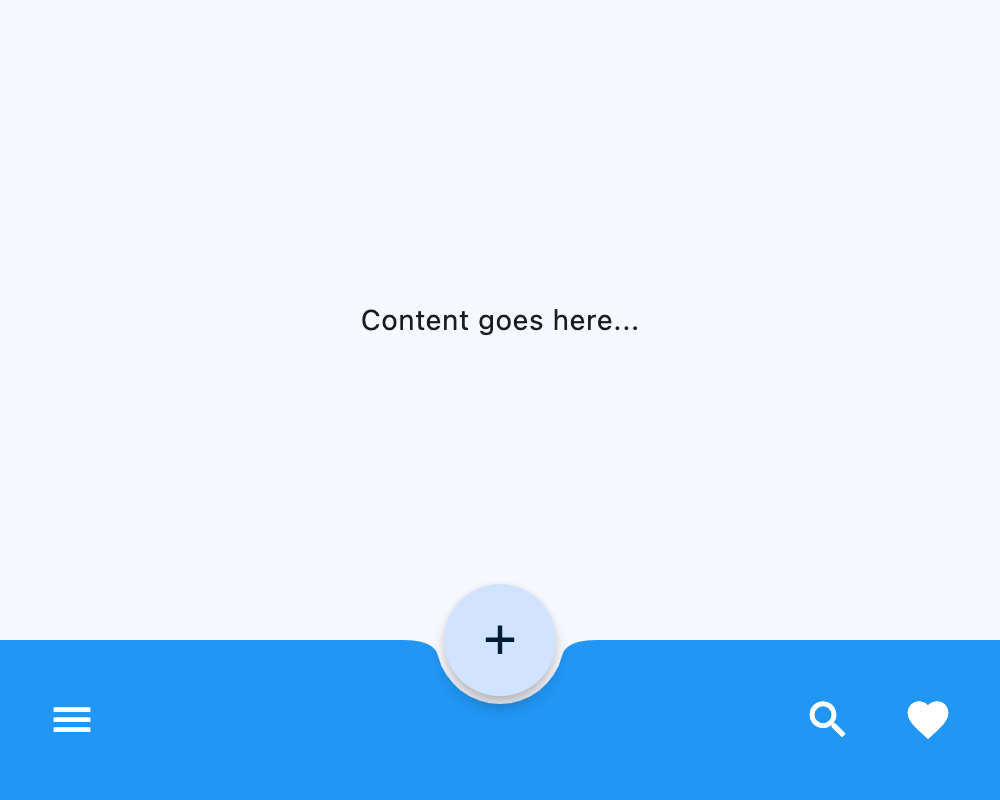](https://docs.flet.dev/test-images/examples/material/golden/macos/bottom_app_bar/notched_fab.png)
### Custom border radius[#](https://docs.flet.dev/controls/bottomappbar/#custom-border-radius "Permanent link")
`[](https://docs.flet.dev/controls/bottomappbar/#__codelineno-1-1) import flet as ft [](https://docs.flet.dev/controls/bottomappbar/#__codelineno-1-2) [](https://docs.flet.dev/controls/bottomappbar/#__codelineno-1-3)[](https://docs.flet.dev/controls/bottomappbar/#__codelineno-1-4) def main(page: ft.Page): [](https://docs.flet.dev/controls/bottomappbar/#__codelineno-1-5) page.vertical_alignment = ft.MainAxisAlignment.CENTER [](https://docs.flet.dev/controls/bottomappbar/#__codelineno-1-6) page.horizontal_alignment = ft.CrossAxisAlignment.CENTER [](https://docs.flet.dev/controls/bottomappbar/#__codelineno-1-7) [](https://docs.flet.dev/controls/bottomappbar/#__codelineno-1-8) page.bottom_appbar = ft.BottomAppBar( [](https://docs.flet.dev/controls/bottomappbar/#__codelineno-1-9) border_radius=ft.BorderRadius.all(20), [](https://docs.flet.dev/controls/bottomappbar/#__codelineno-1-10) bgcolor=ft.Colors.BLUE, [](https://docs.flet.dev/controls/bottomappbar/#__codelineno-1-11) content=ft.Row( [](https://docs.flet.dev/controls/bottomappbar/#__codelineno-1-12) controls=[ [](https://docs.flet.dev/controls/bottomappbar/#__codelineno-1-13) ft.IconButton(icon=ft.Icons.MENU, icon_color=ft.Colors.WHITE), [](https://docs.flet.dev/controls/bottomappbar/#__codelineno-1-14) ft.Container(expand=True), [](https://docs.flet.dev/controls/bottomappbar/#__codelineno-1-15) ft.IconButton(icon=ft.Icons.SEARCH, icon_color=ft.Colors.WHITE), [](https://docs.flet.dev/controls/bottomappbar/#__codelineno-1-16) ft.IconButton(icon=ft.Icons.FAVORITE, icon_color=ft.Colors.WHITE), [](https://docs.flet.dev/controls/bottomappbar/#__codelineno-1-17) ] [](https://docs.flet.dev/controls/bottomappbar/#__codelineno-1-18) ), [](https://docs.flet.dev/controls/bottomappbar/#__codelineno-1-19) ) [](https://docs.flet.dev/controls/bottomappbar/#__codelineno-1-20) [](https://docs.flet.dev/controls/bottomappbar/#__codelineno-1-21) page.add(ft.Text("Content goes here...")) [](https://docs.flet.dev/controls/bottomappbar/#__codelineno-1-22) [](https://docs.flet.dev/controls/bottomappbar/#__codelineno-1-23)[](https://docs.flet.dev/controls/bottomappbar/#__codelineno-1-24) if __name__ == "__main__": [](https://docs.flet.dev/controls/bottomappbar/#__codelineno-1-25) ft.run(main)`
[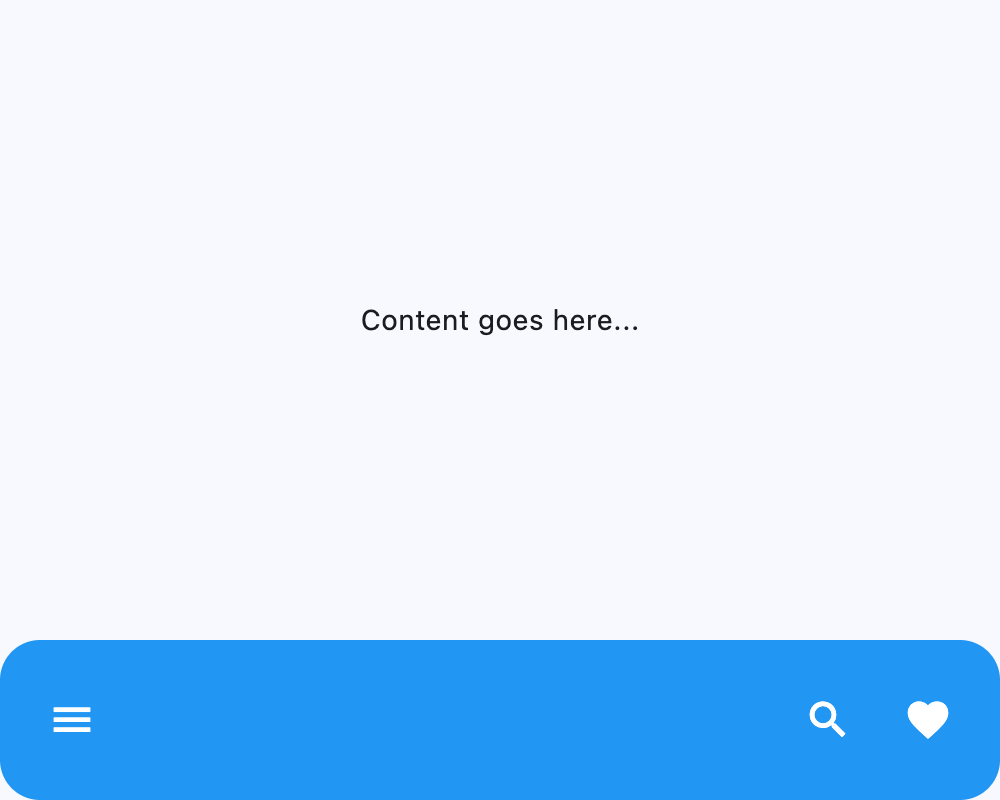](https://docs.flet.dev/test-images/examples/material/golden/macos/bottom_app_bar/border_radius.png)
Properties[#](https://docs.flet.dev/controls/bottomappbar/#flet.BottomAppBar-properties "Permanent link")
----------------------------------------------------------------------------------------------------------
### bgcolor `class-attribute` `instance-attribute` [#](https://docs.flet.dev/controls/bottomappbar/#flet.BottomAppBar.bgcolor "Permanent link")
`[](https://docs.flet.dev/controls/bottomappbar/#__codelineno-0-1) bgcolor: [ColorValue](https://docs.flet.dev/types/aliases/#flet.ColorValue) | None = None`
The fill color to use for this app bar.
If `None`, [`BottomAppBarTheme.bgcolor`](https://docs.flet.dev/types/bottomappbartheme/#flet.BottomAppBarTheme.bgcolor)
is used; if that is also `None`, then defaults to [`ColorScheme.surface`](https://docs.flet.dev/types/colorscheme/#flet.ColorScheme.surface)
.
### border\_radius `class-attribute` `instance-attribute` [#](https://docs.flet.dev/controls/bottomappbar/#flet.BottomAppBar.border_radius "Permanent link")
`[](https://docs.flet.dev/controls/bottomappbar/#__codelineno-0-1) border_radius: [BorderRadiusValue](https://docs.flet.dev/types/aliases/#flet.BorderRadiusValue) | None = None`
The border radius to apply when clipping and painting this app bar.
### clip\_behavior `class-attribute` `instance-attribute` [#](https://docs.flet.dev/controls/bottomappbar/#flet.BottomAppBar.clip_behavior "Permanent link")
`[](https://docs.flet.dev/controls/bottomappbar/#__codelineno-0-1) clip_behavior: [ClipBehavior](https://docs.flet.dev/types/clipbehavior/#flet.ClipBehavior) | None = None`
Defines how the [`content`](https://docs.flet.dev/controls/bottomappbar/#flet.BottomAppBar.content)
of this app bar should be clipped.
If `None`, defaults to: - [`ClipBehavior.ANTI_ALIAS`](https://docs.flet.dev/types/clipbehavior/#flet.ClipBehavior.ANTI_ALIAS)
if [`border_radius`](https://docs.flet.dev/controls/bottomappbar/#flet.BottomAppBar.border_radius)
is set and not equal to [`BorderRadius.all(0)`](https://docs.flet.dev/types/borderradius/#flet.BorderRadius.all)
; - Else [`ClipBehavior.NONE`](https://docs.flet.dev/types/clipbehavior/#flet.ClipBehavior.NONE)
.
### content `class-attribute` `instance-attribute` [#](https://docs.flet.dev/controls/bottomappbar/#flet.BottomAppBar.content "Permanent link")
`[](https://docs.flet.dev/controls/bottomappbar/#__codelineno-0-1) content: [Control](https://docs.flet.dev/controls/control/#flet.Control) | None = None`
The content of this bottom app bar.
### elevation `class-attribute` `instance-attribute` [#](https://docs.flet.dev/controls/bottomappbar/#flet.BottomAppBar.elevation "Permanent link")
`[](https://docs.flet.dev/controls/bottomappbar/#__codelineno-0-1) elevation: [Number](https://docs.flet.dev/types/aliases/#flet.Number) | None = None`
The z-coordinate at which to place this bottom app bar relative to its parent. It controls the size of the shadow below this app bar.
If `None`, [`BottomAppBarTheme.elevation`](https://docs.flet.dev/types/bottomappbartheme/#flet.BottomAppBarTheme.elevation)
is used; if that is also `None`, then defaults to `3`.
Raises:
* `[ValueError](https://docs.python.org/3/library/exceptions.html#ValueError) ` –
If it is not greater than or equal to `0`.
### notch\_margin `class-attribute` `instance-attribute` [#](https://docs.flet.dev/controls/bottomappbar/#flet.BottomAppBar.notch_margin "Permanent link")
`[](https://docs.flet.dev/controls/bottomappbar/#__codelineno-0-1) notch_margin: [Number](https://docs.flet.dev/types/aliases/#flet.Number) = 4.0`
The margin between the [`FloatingActionButton`](https://docs.flet.dev/controls/floatingactionbutton/#flet.FloatingActionButton)
and this app bar's notch.
Note
Has effect only if [`shape`](https://docs.flet.dev/controls/bottomappbar/#flet.BottomAppBar.shape)
is not `None`.
### padding `class-attribute` `instance-attribute` [#](https://docs.flet.dev/controls/bottomappbar/#flet.BottomAppBar.padding "Permanent link")
`[](https://docs.flet.dev/controls/bottomappbar/#__codelineno-0-1) padding: [PaddingValue](https://docs.flet.dev/types/aliases/#flet.PaddingValue) | None = None`
Empty space to inscribe inside a container decoration (background, border).
If `None`, [`BottomAppBarTheme.padding`](https://docs.flet.dev/types/bottomappbartheme/#flet.BottomAppBarTheme.padding)
is used; if that is also `None`, then defaults to `Padding.symmetric(vertical=12.0, horizontal=16.0)`.
### shadow\_color `class-attribute` `instance-attribute` [#](https://docs.flet.dev/controls/bottomappbar/#flet.BottomAppBar.shadow_color "Permanent link")
`[](https://docs.flet.dev/controls/bottomappbar/#__codelineno-0-1) shadow_color: [ColorValue](https://docs.flet.dev/types/aliases/#flet.ColorValue) | None = None`
The color of the shadow below this app bar.
If `None`, [`BottomAppBarTheme.shadow_color`](https://docs.flet.dev/types/bottomappbartheme/#flet.BottomAppBarTheme.shadow_color)
is used; if that is also `None`, then defaults to [`Colors.TRANSPARENT`](https://docs.flet.dev/types/colors/#flet.Colors.TRANSPARENT)
.
### shape `class-attribute` `instance-attribute` [#](https://docs.flet.dev/controls/bottomappbar/#flet.BottomAppBar.shape "Permanent link")
`[](https://docs.flet.dev/controls/bottomappbar/#__codelineno-0-1) shape: [NotchShape](https://docs.flet.dev/types/notchshape/#flet.NotchShape) | None = None`
The notch that is made for the floating action button.
If `None`, [`BottomAppBarTheme.shape`](https://docs.flet.dev/types/bottomappbartheme/#flet.BottomAppBarTheme.shape)
is used; if that is also `None`, then the shape will be rectangular with no notch.
Back to top
---
# Color pickers - Flet
[Skip to content](https://docs.flet.dev/colorpickers/#color-pickers)
Color pickers[#](https://docs.flet.dev/colorpickers/#color-pickers "Permanent link")
=====================================================================================
Multiple color picker controls built on Flutter's [`flutter_colorpicker`](https://pub.dev/packages/flutter_colorpicker)
package.
Usage[#](https://docs.flet.dev/colorpickers/#usage "Permanent link")
---------------------------------------------------------------------
Add `flet-color-pickers` to your project dependencies:
uvpip
`[](https://docs.flet.dev/colorpickers/#__codelineno-0-1) uv add flet-color-pickers`
`[](https://docs.flet.dev/colorpickers/#__codelineno-1-1) pip install flet-color-pickers # (1)!`
1. After this, you will have to manually add this package to your `requirements.txt` or `pyproject.toml`.
Available color pickers[#](https://docs.flet.dev/colorpickers/#available-color-pickers "Permanent link")
---------------------------------------------------------------------------------------------------------
* [ColorPicker](https://docs.flet.dev/colorpickers/colorpicker/)
* [BlockPicker](https://docs.flet.dev/colorpickers/blockpicker/)
* [HueRingPicker](https://docs.flet.dev/colorpickers/hueringpicker/)
* [MaterialPicker](https://docs.flet.dev/colorpickers/materialpicker/)
* [MultipleChoiceBlockPicker](https://docs.flet.dev/colorpickers/multiplechoiceblockpicker/)
* [SlidePicker](https://docs.flet.dev/colorpickers/slidepicker/)
Back to top
---
# CupertinoActivityIndicator - Flet
[Skip to content](https://docs.flet.dev/controls/cupertinoactivityindicator/#flet.CupertinoActivityIndicator)
CupertinoActivityIndicator
==========================
An iOS-style activity indicator that spins clockwise.
`[](https://docs.flet.dev/controls/cupertinoactivityindicator/#__codelineno-0-1) ft.CupertinoActivityIndicator( [](https://docs.flet.dev/controls/cupertinoactivityindicator/#__codelineno-0-2) radius=30, [](https://docs.flet.dev/controls/cupertinoactivityindicator/#__codelineno-0-3) color=ft.CupertinoColors.DARK_BACKGROUND_GRAY, [](https://docs.flet.dev/controls/cupertinoactivityindicator/#__codelineno-0-4) )`
[](https://docs.flet.dev/test-images/examples/cupertino/golden/macos/cupertino_activity_indicator/image_for_docs.png)
Basic CupertinoActivityIndicator
Inherits: `[LayoutControl](https://docs.flet.dev/controls/layoutcontrol/#flet.LayoutControl) `
Properties
* **`[animating](https://docs.flet.dev/controls/cupertinoactivityindicator/#flet.CupertinoActivityIndicator.animating) `**(`[bool](https://docs.python.org/3/library/functions.html#bool) `) –
Whether this indicator is running its animation.
* **`[color](https://docs.flet.dev/controls/cupertinoactivityindicator/#flet.CupertinoActivityIndicator.color) `**(`[ColorValue](https://docs.flet.dev/types/aliases/#flet.ColorValue) | None`) –
Defines the color of this indicator.
* **`[progress](https://docs.flet.dev/controls/cupertinoactivityindicator/#flet.CupertinoActivityIndicator.progress) `**(`[Number](https://docs.flet.dev/types/aliases/#flet.Number) | None`) –
Determines the percentage of spinner ticks that will be shown.
* **`[radius](https://docs.flet.dev/controls/cupertinoactivityindicator/#flet.CupertinoActivityIndicator.radius) `**(`[Number](https://docs.flet.dev/types/aliases/#flet.Number) `) –
The radius of this indicator.
Examples[#](https://docs.flet.dev/controls/cupertinoactivityindicator/#examples "Permanent link")
--------------------------------------------------------------------------------------------------
[Live example](https://flet-controls-gallery.fly.dev/displays/cupertinoactivityindicator)
### Basic Example[#](https://docs.flet.dev/controls/cupertinoactivityindicator/#basic-example "Permanent link")
`[](https://docs.flet.dev/controls/cupertinoactivityindicator/#__codelineno-0-1) import flet as ft [](https://docs.flet.dev/controls/cupertinoactivityindicator/#__codelineno-0-2) [](https://docs.flet.dev/controls/cupertinoactivityindicator/#__codelineno-0-3)[](https://docs.flet.dev/controls/cupertinoactivityindicator/#__codelineno-0-4) def main(page: ft.Page): [](https://docs.flet.dev/controls/cupertinoactivityindicator/#__codelineno-0-5) page.add( [](https://docs.flet.dev/controls/cupertinoactivityindicator/#__codelineno-0-6) ft.CupertinoActivityIndicator( [](https://docs.flet.dev/controls/cupertinoactivityindicator/#__codelineno-0-7) animating=True, [](https://docs.flet.dev/controls/cupertinoactivityindicator/#__codelineno-0-8) color=ft.Colors.RED, [](https://docs.flet.dev/controls/cupertinoactivityindicator/#__codelineno-0-9) radius=50, [](https://docs.flet.dev/controls/cupertinoactivityindicator/#__codelineno-0-10) ) [](https://docs.flet.dev/controls/cupertinoactivityindicator/#__codelineno-0-11) ) [](https://docs.flet.dev/controls/cupertinoactivityindicator/#__codelineno-0-12) [](https://docs.flet.dev/controls/cupertinoactivityindicator/#__codelineno-0-13)[](https://docs.flet.dev/controls/cupertinoactivityindicator/#__codelineno-0-14) ft.run(main)`
[](https://docs.flet.dev/examples/controls/cupertino_activity_indicator/media/basic.png)
Properties[#](https://docs.flet.dev/controls/cupertinoactivityindicator/#flet.CupertinoActivityIndicator-properties "Permanent link")
--------------------------------------------------------------------------------------------------------------------------------------
### animating `class-attribute` `instance-attribute` [#](https://docs.flet.dev/controls/cupertinoactivityindicator/#flet.CupertinoActivityIndicator.animating "Permanent link")
`[](https://docs.flet.dev/controls/cupertinoactivityindicator/#__codelineno-0-1) animating: [bool](https://docs.python.org/3/library/functions.html#bool) = True`
Whether this indicator is running its animation.
Note
Has no effect if [`progress`](https://docs.flet.dev/controls/cupertinoactivityindicator/#flet.CupertinoActivityIndicator.progress)
is not `None`.
### color `class-attribute` `instance-attribute` [#](https://docs.flet.dev/controls/cupertinoactivityindicator/#flet.CupertinoActivityIndicator.color "Permanent link")
`[](https://docs.flet.dev/controls/cupertinoactivityindicator/#__codelineno-0-1) color: [ColorValue](https://docs.flet.dev/types/aliases/#flet.ColorValue) | None = None`
Defines the color of this indicator.
### progress `class-attribute` `instance-attribute` [#](https://docs.flet.dev/controls/cupertinoactivityindicator/#flet.CupertinoActivityIndicator.progress "Permanent link")
`[](https://docs.flet.dev/controls/cupertinoactivityindicator/#__codelineno-0-1) progress: [Number](https://docs.flet.dev/types/aliases/#flet.Number) | None = None`
Determines the percentage of spinner ticks that will be shown.
Typical usage would display all ticks, however, this allows for more fine-grained control such as during pull-to-refresh when the drag-down action shows one tick at a time as the user continues to drag down.
Note
If not `None`, then [`animating`](https://docs.flet.dev/controls/cupertinoactivityindicator/#flet.CupertinoActivityIndicator.animating)
will be ignored.
Raises:
* `[ValueError](https://docs.python.org/3/library/exceptions.html#ValueError) ` –
If it is not between `0.0` and `1.0`, inclusive.
### radius `class-attribute` `instance-attribute` [#](https://docs.flet.dev/controls/cupertinoactivityindicator/#flet.CupertinoActivityIndicator.radius "Permanent link")
`[](https://docs.flet.dev/controls/cupertinoactivityindicator/#__codelineno-0-1) radius: [Number](https://docs.flet.dev/types/aliases/#flet.Number) = 10`
The radius of this indicator.
Raises:
* `[ValueError](https://docs.python.org/3/library/exceptions.html#ValueError) ` –
If it is not strictly greater than `0`.
Back to top
---
# CupertinoContextMenuAction - Flet
[Skip to content](https://docs.flet.dev/controls/cupertinocontextmenuaction/#flet.CupertinoContextMenuAction)
CupertinoContextMenuAction
==========================
Inherits: `[AdaptiveControl](https://docs.flet.dev/controls/adaptivecontrol/#flet.AdaptiveControl) `
A cupertino context menu action.
Typically used as a child of [`CupertinoContextMenu.actions`](https://docs.flet.dev/controls/cupertinocontextmenu/#flet.CupertinoContextMenu.actions)
.
Properties
* **`[content](https://docs.flet.dev/controls/cupertinocontextmenuaction/#flet.CupertinoContextMenuAction.content) `**(`[StrOrControl](https://docs.flet.dev/types/aliases/#flet.StrOrControl) `) –
The content of this action button.
* **`[default](https://docs.flet.dev/controls/cupertinocontextmenuaction/#flet.CupertinoContextMenuAction.default) `**(`[bool](https://docs.python.org/3/library/functions.html#bool) `) –
Whether this action should receive the style of an emphasized, default action.
* **`[destructive](https://docs.flet.dev/controls/cupertinocontextmenuaction/#flet.CupertinoContextMenuAction.destructive) `**(`[bool](https://docs.python.org/3/library/functions.html#bool) `) –
Whether this action should receive the style of a destructive action.
* **`[trailing_icon](https://docs.flet.dev/controls/cupertinocontextmenuaction/#flet.CupertinoContextMenuAction.trailing_icon) `**(`[IconData](https://docs.flet.dev/types/aliases/#flet.IconData) | None`) –
An icon to display at the right of the [`content`](https://docs.flet.dev/controls/cupertinocontextmenuaction/#flet.CupertinoContextMenuAction.content)
control.
Events
* **`[on_click](https://docs.flet.dev/controls/cupertinocontextmenuaction/#flet.CupertinoContextMenuAction.on_click) `**(`[ControlEventHandler](https://docs.flet.dev/types/aliases/#flet.ControlEventHandler) [[CupertinoContextMenuAction](https://docs.flet.dev/controls/cupertinocontextmenuaction/#flet.CupertinoContextMenuAction) ] | None`) –
Called when this action button is clicked.
Properties[#](https://docs.flet.dev/controls/cupertinocontextmenuaction/#flet.CupertinoContextMenuAction-properties "Permanent link")
--------------------------------------------------------------------------------------------------------------------------------------
### content `instance-attribute` [#](https://docs.flet.dev/controls/cupertinocontextmenuaction/#flet.CupertinoContextMenuAction.content "Permanent link")
`[](https://docs.flet.dev/controls/cupertinocontextmenuaction/#__codelineno-0-1) content: [StrOrControl](https://docs.flet.dev/types/aliases/#flet.StrOrControl)`
The content of this action button.
Raises:
* `[ValueError](https://docs.python.org/3/library/exceptions.html#ValueError) ` –
If it is neither a string nor a visible `Control`.
### default `class-attribute` `instance-attribute` [#](https://docs.flet.dev/controls/cupertinocontextmenuaction/#flet.CupertinoContextMenuAction.default "Permanent link")
`[](https://docs.flet.dev/controls/cupertinocontextmenuaction/#__codelineno-0-1) default: [bool](https://docs.python.org/3/library/functions.html#bool) = False`
Whether this action should receive the style of an emphasized, default action.
### destructive `class-attribute` `instance-attribute` [#](https://docs.flet.dev/controls/cupertinocontextmenuaction/#flet.CupertinoContextMenuAction.destructive "Permanent link")
`[](https://docs.flet.dev/controls/cupertinocontextmenuaction/#__codelineno-0-1) destructive: [bool](https://docs.python.org/3/library/functions.html#bool) = False`
Whether this action should receive the style of a destructive action.
### trailing\_icon `class-attribute` `instance-attribute` [#](https://docs.flet.dev/controls/cupertinocontextmenuaction/#flet.CupertinoContextMenuAction.trailing_icon "Permanent link")
`[](https://docs.flet.dev/controls/cupertinocontextmenuaction/#__codelineno-0-1) trailing_icon: [IconData](https://docs.flet.dev/types/aliases/#flet.IconData) | None = None`
An icon to display at the right of the [`content`](https://docs.flet.dev/controls/cupertinocontextmenuaction/#flet.CupertinoContextMenuAction.content)
control.
Events[#](https://docs.flet.dev/controls/cupertinocontextmenuaction/#flet.CupertinoContextMenuAction-events "Permanent link")
------------------------------------------------------------------------------------------------------------------------------
### on\_click `class-attribute` `instance-attribute` [#](https://docs.flet.dev/controls/cupertinocontextmenuaction/#flet.CupertinoContextMenuAction.on_click "Permanent link")
`[](https://docs.flet.dev/controls/cupertinocontextmenuaction/#__codelineno-0-1) on_click: ( [](https://docs.flet.dev/controls/cupertinocontextmenuaction/#__codelineno-0-2) [ControlEventHandler](https://docs.flet.dev/types/aliases/#flet.ControlEventHandler) [[CupertinoContextMenuAction](https://docs.flet.dev/controls/cupertinocontextmenuaction/#flet.CupertinoContextMenuAction) ] | None [](https://docs.flet.dev/controls/cupertinocontextmenuaction/#__codelineno-0-3) ) = None`
Called when this action button is clicked.
Back to top
---
# Divider - Flet
[Skip to content](https://docs.flet.dev/controls/divider/#flet.Divider)
Divider
=======
A thin horizontal line (divider), with padding on either side.
`[](https://docs.flet.dev/controls/divider/#__codelineno-0-1) ft.Column( [](https://docs.flet.dev/controls/divider/#__codelineno-0-2) width=240, [](https://docs.flet.dev/controls/divider/#__codelineno-0-3) spacing=10, [](https://docs.flet.dev/controls/divider/#__codelineno-0-4) controls=[ [](https://docs.flet.dev/controls/divider/#__codelineno-0-5) ft.Text("Section A", weight=ft.FontWeight.W_600), [](https://docs.flet.dev/controls/divider/#__codelineno-0-6) ft.Divider(), [](https://docs.flet.dev/controls/divider/#__codelineno-0-7) ft.Text("Section B"), [](https://docs.flet.dev/controls/divider/#__codelineno-0-8) ], [](https://docs.flet.dev/controls/divider/#__codelineno-0-9) )`
[](https://docs.flet.dev/test-images/examples/material/golden/macos/divider/image_for_docs.png)
Basic Divider
Inherits: `[Control](https://docs.flet.dev/controls/control/#flet.Control) `
Properties
* **`[color](https://docs.flet.dev/controls/divider/#flet.Divider.color) `**(`[ColorValue](https://docs.flet.dev/types/aliases/#flet.ColorValue) | None`) –
The color to use when painting the line.
* **`[height](https://docs.flet.dev/controls/divider/#flet.Divider.height) `**(`[Number](https://docs.flet.dev/types/aliases/#flet.Number) | None`) –
The divider's height extent. The divider itself is always drawn as a horizontal line that is centered within the height specified by this value.
* **`[leading_indent](https://docs.flet.dev/controls/divider/#flet.Divider.leading_indent) `**(`[Number](https://docs.flet.dev/types/aliases/#flet.Number) | None`) –
The amount of empty space to the leading edge of the divider.
* **`[radius](https://docs.flet.dev/controls/divider/#flet.Divider.radius) `**(`[BorderRadiusValue](https://docs.flet.dev/types/aliases/#flet.BorderRadiusValue) | None`) –
The border radius of the divider.
* **`[thickness](https://docs.flet.dev/controls/divider/#flet.Divider.thickness) `**(`[Number](https://docs.flet.dev/types/aliases/#flet.Number) | None`) –
The thickness of the line drawn within the divider.
* **`[trailing_indent](https://docs.flet.dev/controls/divider/#flet.Divider.trailing_indent) `**(`[Number](https://docs.flet.dev/types/aliases/#flet.Number) | None`) –
The amount of empty space to the trailing edge of the divider.
Examples[#](https://docs.flet.dev/controls/divider/#examples "Permanent link")
-------------------------------------------------------------------------------
[Live example](https://flet-controls-gallery.fly.dev/layout/divider)
### Basic Example[#](https://docs.flet.dev/controls/divider/#basic-example "Permanent link")
`[](https://docs.flet.dev/controls/divider/#__codelineno-0-1) import flet as ft [](https://docs.flet.dev/controls/divider/#__codelineno-0-2) [](https://docs.flet.dev/controls/divider/#__codelineno-0-3)[](https://docs.flet.dev/controls/divider/#__codelineno-0-4) def main(page: ft.Page): [](https://docs.flet.dev/controls/divider/#__codelineno-0-5) page.add( [](https://docs.flet.dev/controls/divider/#__codelineno-0-6) ft.Column( [](https://docs.flet.dev/controls/divider/#__codelineno-0-7) spacing=0, [](https://docs.flet.dev/controls/divider/#__codelineno-0-8) expand=True, [](https://docs.flet.dev/controls/divider/#__codelineno-0-9) controls=[ [](https://docs.flet.dev/controls/divider/#__codelineno-0-10) ft.Container( [](https://docs.flet.dev/controls/divider/#__codelineno-0-11) expand=True, [](https://docs.flet.dev/controls/divider/#__codelineno-0-12) bgcolor=ft.Colors.AMBER, [](https://docs.flet.dev/controls/divider/#__codelineno-0-13) alignment=ft.Alignment.CENTER, [](https://docs.flet.dev/controls/divider/#__codelineno-0-14) ), [](https://docs.flet.dev/controls/divider/#__codelineno-0-15) ft.Divider(), [](https://docs.flet.dev/controls/divider/#__codelineno-0-16) ft.Container( [](https://docs.flet.dev/controls/divider/#__codelineno-0-17) expand=True, [](https://docs.flet.dev/controls/divider/#__codelineno-0-18) bgcolor=ft.Colors.PINK, [](https://docs.flet.dev/controls/divider/#__codelineno-0-19) alignment=ft.Alignment.CENTER, [](https://docs.flet.dev/controls/divider/#__codelineno-0-20) ), [](https://docs.flet.dev/controls/divider/#__codelineno-0-21) ft.Divider(height=1, color=ft.Colors.WHITE), [](https://docs.flet.dev/controls/divider/#__codelineno-0-22) ft.Container( [](https://docs.flet.dev/controls/divider/#__codelineno-0-23) expand=True, [](https://docs.flet.dev/controls/divider/#__codelineno-0-24) bgcolor=ft.Colors.BLUE_300, [](https://docs.flet.dev/controls/divider/#__codelineno-0-25) alignment=ft.Alignment.CENTER, [](https://docs.flet.dev/controls/divider/#__codelineno-0-26) ), [](https://docs.flet.dev/controls/divider/#__codelineno-0-27) ft.Divider(height=9, thickness=3), [](https://docs.flet.dev/controls/divider/#__codelineno-0-28) ft.Container( [](https://docs.flet.dev/controls/divider/#__codelineno-0-29) expand=True, [](https://docs.flet.dev/controls/divider/#__codelineno-0-30) bgcolor=ft.Colors.DEEP_PURPLE_200, [](https://docs.flet.dev/controls/divider/#__codelineno-0-31) alignment=ft.Alignment.CENTER, [](https://docs.flet.dev/controls/divider/#__codelineno-0-32) ), [](https://docs.flet.dev/controls/divider/#__codelineno-0-33) ], [](https://docs.flet.dev/controls/divider/#__codelineno-0-34) ), [](https://docs.flet.dev/controls/divider/#__codelineno-0-35) ) [](https://docs.flet.dev/controls/divider/#__codelineno-0-36) [](https://docs.flet.dev/controls/divider/#__codelineno-0-37)[](https://docs.flet.dev/controls/divider/#__codelineno-0-38) ft.run(main)`
[](https://docs.flet.dev/examples/controls/divider/media/basic.png)
Properties[#](https://docs.flet.dev/controls/divider/#flet.Divider-properties "Permanent link")
------------------------------------------------------------------------------------------------
### color `class-attribute` `instance-attribute` [#](https://docs.flet.dev/controls/divider/#flet.Divider.color "Permanent link")
`[](https://docs.flet.dev/controls/divider/#__codelineno-0-1) color: [ColorValue](https://docs.flet.dev/types/aliases/#flet.ColorValue) | None = None`
The color to use when painting the line.
If `None`, [`DividerTheme.color`](https://docs.flet.dev/types/dividertheme/#flet.DividerTheme.color)
is used.
### height `class-attribute` `instance-attribute` [#](https://docs.flet.dev/controls/divider/#flet.Divider.height "Permanent link")
`[](https://docs.flet.dev/controls/divider/#__codelineno-0-1) height: [Number](https://docs.flet.dev/types/aliases/#flet.Number) | None = None`
The divider's height extent. The divider itself is always drawn as a horizontal line that is centered within the height specified by this value.
If `None`, [`DividerTheme.space`](https://docs.flet.dev/types/dividertheme/#flet.DividerTheme.space)
is used. If that's is also `None`, defaults to `16.0`.
Raises:
* `[ValueError](https://docs.python.org/3/library/exceptions.html#ValueError) ` –
If [`height`](https://docs.flet.dev/controls/divider/#flet.Divider.height)
is negative.
### leading\_indent `class-attribute` `instance-attribute` [#](https://docs.flet.dev/controls/divider/#flet.Divider.leading_indent "Permanent link")
`[](https://docs.flet.dev/controls/divider/#__codelineno-0-1) leading_indent: [Number](https://docs.flet.dev/types/aliases/#flet.Number) | None = None`
The amount of empty space to the leading edge of the divider.
If `None`, [`DividerTheme.leading_indent`](https://docs.flet.dev/types/dividertheme/#flet.DividerTheme.leading_indent)
is used. If that's is also `None`, defaults to `0.0`.
Raises:
* `[ValueError](https://docs.python.org/3/library/exceptions.html#ValueError) ` –
If it is not greater than or equal to `0`.
### radius `class-attribute` `instance-attribute` [#](https://docs.flet.dev/controls/divider/#flet.Divider.radius "Permanent link")
`[](https://docs.flet.dev/controls/divider/#__codelineno-0-1) radius: [BorderRadiusValue](https://docs.flet.dev/types/aliases/#flet.BorderRadiusValue) | None = None`
The border radius of the divider.
### thickness `class-attribute` `instance-attribute` [#](https://docs.flet.dev/controls/divider/#flet.Divider.thickness "Permanent link")
`[](https://docs.flet.dev/controls/divider/#__codelineno-0-1) thickness: [Number](https://docs.flet.dev/types/aliases/#flet.Number) | None = None`
The thickness of the line drawn within the divider.
A divider with a thickness of `0.0` is always drawn as a line with a height of exactly one device pixel.
If `None`, [`DividerTheme.thickness`](https://docs.flet.dev/types/dividertheme/#flet.DividerTheme.thickness)
is used. If that is also `None`, defaults to `0.0`.
Raises:
* `[ValueError](https://docs.python.org/3/library/exceptions.html#ValueError) ` –
If [`thickness`](https://docs.flet.dev/controls/divider/#flet.Divider.thickness)
is negative.
### trailing\_indent `class-attribute` `instance-attribute` [#](https://docs.flet.dev/controls/divider/#flet.Divider.trailing_indent "Permanent link")
`[](https://docs.flet.dev/controls/divider/#__codelineno-0-1) trailing_indent: [Number](https://docs.flet.dev/types/aliases/#flet.Number) | None = None`
The amount of empty space to the trailing edge of the divider.
If `None`, [`DividerTheme.trailing_indent`](https://docs.flet.dev/types/dividertheme/#flet.DividerTheme.trailing_indent)
is used. If that is also `None`, defaults to `0.0`.
Raises:
* `[ValueError](https://docs.python.org/3/library/exceptions.html#ValueError) ` –
If it is not greater than or equal to `0`.
Back to top
---
# DragTarget - Flet
[Skip to content](https://docs.flet.dev/controls/dragtarget/#examples)
DragTarget
==========
Examples[#](https://docs.flet.dev/controls/dragtarget/#examples "Permanent link")
----------------------------------------------------------------------------------
See [these](https://docs.flet.dev/controls/draggable/#examples)
.
Inherits: `[Control](https://docs.flet.dev/controls/control/#flet.Control) `
A control that completes drag operation when a [`Draggable`](https://docs.flet.dev/controls/draggable/#flet.Draggable)
control is dropped.
When a `Draggable` is dragged on top of a `DragTarget`, the `DragTarget` is asked whether it will accept the data the `Draggable` is carrying. The `DragTarget` will accept incoming drag if it belongs to the same `group` as `Draggable`. If the user does drop the `Draggable` on top of the `DragTarget` (and the `DragTarget` has indicated that it will accept the `Draggable`'s data), then the `DragTarget` is asked to accept the `Draggable`'s data.
Properties
* **`[content](https://docs.flet.dev/controls/dragtarget/#flet.DragTarget.content) `**(`[Control](https://docs.flet.dev/controls/control/#flet.Control) `) –
The content of this control.
* **`[group](https://docs.flet.dev/controls/dragtarget/#flet.DragTarget.group) `**(`[str](https://docs.python.org/3/library/stdtypes.html#str) `) –
The group this target belongs to.
Events
* **`[on_accept](https://docs.flet.dev/controls/dragtarget/#flet.DragTarget.on_accept) `**(`[EventHandler](https://docs.flet.dev/types/aliases/#flet.EventHandler) [[DragTargetEvent](https://docs.flet.dev/types/dragtargetevent/#flet.DragTargetEvent) ] | None`) –
Called when the user does drop an acceptable (same [`group`](https://docs.flet.dev/controls/dragtarget/#flet.DragTarget.group)
) draggable on this target.
* **`[on_leave](https://docs.flet.dev/controls/dragtarget/#flet.DragTarget.on_leave) `**(`[EventHandler](https://docs.flet.dev/types/aliases/#flet.EventHandler) [[DragTargetLeaveEvent](https://docs.flet.dev/types/dragtargetleaveevent/#flet.DragTargetLeaveEvent) ] | None`) –
Called when a draggable leaves this target.
* **`[on_move](https://docs.flet.dev/controls/dragtarget/#flet.DragTarget.on_move) `**(`[EventHandler](https://docs.flet.dev/types/aliases/#flet.EventHandler) [[DragTargetEvent](https://docs.flet.dev/types/dragtargetevent/#flet.DragTargetEvent) ] | None`) –
Called when a draggable moves within this target.
* **`[on_will_accept](https://docs.flet.dev/controls/dragtarget/#flet.DragTarget.on_will_accept) `**(`[EventHandler](https://docs.flet.dev/types/aliases/#flet.EventHandler) [[DragWillAcceptEvent](https://docs.flet.dev/types/dragwillacceptevent/#flet.DragWillAcceptEvent) ] | None`) –
Called when a draggable is dragged on this target.
Properties[#](https://docs.flet.dev/controls/dragtarget/#flet.DragTarget-properties "Permanent link")
------------------------------------------------------------------------------------------------------
### content `instance-attribute` [#](https://docs.flet.dev/controls/dragtarget/#flet.DragTarget.content "Permanent link")
`[](https://docs.flet.dev/controls/dragtarget/#__codelineno-0-1) content: [Control](https://docs.flet.dev/controls/control/#flet.Control)`
The content of this control.
Raises:
* `[ValueError](https://docs.python.org/3/library/exceptions.html#ValueError) ` –
If it is not visible.
### group `class-attribute` `instance-attribute` [#](https://docs.flet.dev/controls/dragtarget/#flet.DragTarget.group "Permanent link")
`[](https://docs.flet.dev/controls/dragtarget/#__codelineno-0-1) group: [str](https://docs.python.org/3/library/stdtypes.html#str) = 'default'`
The group this target belongs to.
Note
For a `DragTarget` to accept an incoming drop from a [`Draggable`](https://docs.flet.dev/controls/draggable/#flet.Draggable)
, they must both be in the same `group`.
Events[#](https://docs.flet.dev/controls/dragtarget/#flet.DragTarget-events "Permanent link")
----------------------------------------------------------------------------------------------
### on\_accept `class-attribute` `instance-attribute` [#](https://docs.flet.dev/controls/dragtarget/#flet.DragTarget.on_accept "Permanent link")
`[](https://docs.flet.dev/controls/dragtarget/#__codelineno-0-1) on_accept: [EventHandler](https://docs.flet.dev/types/aliases/#flet.EventHandler) [[DragTargetEvent](https://docs.flet.dev/types/dragtargetevent/#flet.DragTargetEvent) ] | None = None`
Called when the user does drop an acceptable (same [`group`](https://docs.flet.dev/controls/dragtarget/#flet.DragTarget.group)
) draggable on this target.
Use `page.get_control(e.src_id)` to retrieve Control reference by its ID.
### on\_leave `class-attribute` `instance-attribute` [#](https://docs.flet.dev/controls/dragtarget/#flet.DragTarget.on_leave "Permanent link")
`[](https://docs.flet.dev/controls/dragtarget/#__codelineno-0-1) on_leave: [EventHandler](https://docs.flet.dev/types/aliases/#flet.EventHandler) [[DragTargetLeaveEvent](https://docs.flet.dev/types/dragtargetleaveevent/#flet.DragTargetLeaveEvent) ] | None = None`
Called when a draggable leaves this target.
### on\_move `class-attribute` `instance-attribute` [#](https://docs.flet.dev/controls/dragtarget/#flet.DragTarget.on_move "Permanent link")
`[](https://docs.flet.dev/controls/dragtarget/#__codelineno-0-1) on_move: [EventHandler](https://docs.flet.dev/types/aliases/#flet.EventHandler) [[DragTargetEvent](https://docs.flet.dev/types/dragtargetevent/#flet.DragTargetEvent) ] | None = None`
Called when a draggable moves within this target.
### on\_will\_accept `class-attribute` `instance-attribute` [#](https://docs.flet.dev/controls/dragtarget/#flet.DragTarget.on_will_accept "Permanent link")
`[](https://docs.flet.dev/controls/dragtarget/#__codelineno-0-1) on_will_accept: [EventHandler](https://docs.flet.dev/types/aliases/#flet.EventHandler) [[DragWillAcceptEvent](https://docs.flet.dev/types/dragwillacceptevent/#flet.DragWillAcceptEvent) ] | None = ( [](https://docs.flet.dev/controls/dragtarget/#__codelineno-0-2) None [](https://docs.flet.dev/controls/dragtarget/#__codelineno-0-3) )`
Called when a draggable is dragged on this target.
Back to top
---
# FletApp - Flet
[Skip to content](https://docs.flet.dev/controls/fletapp/#flet.FletApp)
FletApp
=======
Inherits: `[LayoutControl](https://docs.flet.dev/controls/layoutcontrol/#flet.LayoutControl) `
Renders another Flet app in the current app, similar to HTML IFrame, but for Flet.
Properties
* **`[app_error_message](https://docs.flet.dev/controls/fletapp/#flet.FletApp.app_error_message) `**(`[str](https://docs.python.org/3/library/stdtypes.html#str) | None`) –
Template message to display when the app fails to load.
* **`[app_startup_screen_message](https://docs.flet.dev/controls/fletapp/#flet.FletApp.app_startup_screen_message) `**(`[str](https://docs.python.org/3/library/stdtypes.html#str) | None`) –
Message to display on the app startup screen.
* **`[args](https://docs.flet.dev/controls/fletapp/#flet.FletApp.args) `**(`[dict](https://docs.python.org/3/reference/expressions.html#dict) [[str](https://docs.python.org/3/library/stdtypes.html#str) , [Any](https://docs.python.org/3/library/typing.html#typing.Any "typing.Any") ] | None`) –
Optional dictionary of arguments to pass to the Flet app.
* **`[force_pyodide](https://docs.flet.dev/controls/fletapp/#flet.FletApp.force_pyodide) `**(`[bool](https://docs.python.org/3/library/functions.html#bool) `) –
Whether to force the use of Pyodide.
* **`[reconnect_interval_ms](https://docs.flet.dev/controls/fletapp/#flet.FletApp.reconnect_interval_ms) `**(`[int](https://docs.python.org/3/library/functions.html#int) | None`) –
Delay, in milliseconds, between reconnection attempts.
* **`[reconnect_timeout_ms](https://docs.flet.dev/controls/fletapp/#flet.FletApp.reconnect_timeout_ms) `**(`[int](https://docs.python.org/3/library/functions.html#int) | None`) –
Total time to try reconnecting.
* **`[show_app_startup_screen](https://docs.flet.dev/controls/fletapp/#flet.FletApp.show_app_startup_screen) `**(`[bool](https://docs.python.org/3/library/functions.html#bool) `) –
Whether to show the app startup screen.
* **`[url](https://docs.flet.dev/controls/fletapp/#flet.FletApp.url) `**(`[str](https://docs.python.org/3/library/stdtypes.html#str) | None`) –
Flet app URL, e.g. `http://localhost:8550` or `flet.sock`.
Events
* **`[on_error](https://docs.flet.dev/controls/fletapp/#flet.FletApp.on_error) `**(`[ControlEventHandler](https://docs.flet.dev/types/aliases/#flet.ControlEventHandler) [[FletApp](https://docs.flet.dev/controls/fletapp/#flet.FletApp) ] | None`) –
Called when a connection or any unhandled error occurs.
Properties[#](https://docs.flet.dev/controls/fletapp/#flet.FletApp-properties "Permanent link")
------------------------------------------------------------------------------------------------
### app\_error\_message `class-attribute` `instance-attribute` [#](https://docs.flet.dev/controls/fletapp/#flet.FletApp.app_error_message "Permanent link")
`[](https://docs.flet.dev/controls/fletapp/#__codelineno-0-1) app_error_message: [str](https://docs.python.org/3/library/stdtypes.html#str) | None = None`
Template message to display when the app fails to load. Use `{message}` placeholder to include the error message and `{details}` to include error details.
### app\_startup\_screen\_message `class-attribute` `instance-attribute` [#](https://docs.flet.dev/controls/fletapp/#flet.FletApp.app_startup_screen_message "Permanent link")
`[](https://docs.flet.dev/controls/fletapp/#__codelineno-0-1) app_startup_screen_message: [str](https://docs.python.org/3/library/stdtypes.html#str) | None = None`
Message to display on the app startup screen.
### args `class-attribute` `instance-attribute` [#](https://docs.flet.dev/controls/fletapp/#flet.FletApp.args "Permanent link")
`[](https://docs.flet.dev/controls/fletapp/#__codelineno-0-1) args: [dict](https://docs.python.org/3/reference/expressions.html#dict) [[str](https://docs.python.org/3/library/stdtypes.html#str) , [Any](https://docs.python.org/3/library/typing.html#typing.Any "typing.Any") ] | None = None`
Optional dictionary of arguments to pass to the Flet app.
### force\_pyodide `class-attribute` `instance-attribute` [#](https://docs.flet.dev/controls/fletapp/#flet.FletApp.force_pyodide "Permanent link")
`[](https://docs.flet.dev/controls/fletapp/#__codelineno-0-1) force_pyodide: [bool](https://docs.python.org/3/library/functions.html#bool) = False`
Whether to force the use of Pyodide.
### reconnect\_interval\_ms `class-attribute` `instance-attribute` [#](https://docs.flet.dev/controls/fletapp/#flet.FletApp.reconnect_interval_ms "Permanent link")
`[](https://docs.flet.dev/controls/fletapp/#__codelineno-0-1) reconnect_interval_ms: [int](https://docs.python.org/3/library/functions.html#int) | None = None`
Delay, in milliseconds, between reconnection attempts.
### reconnect\_timeout\_ms `class-attribute` `instance-attribute` [#](https://docs.flet.dev/controls/fletapp/#flet.FletApp.reconnect_timeout_ms "Permanent link")
`[](https://docs.flet.dev/controls/fletapp/#__codelineno-0-1) reconnect_timeout_ms: [int](https://docs.python.org/3/library/functions.html#int) | None = None`
Total time to try reconnecting.
### show\_app\_startup\_screen `class-attribute` `instance-attribute` [#](https://docs.flet.dev/controls/fletapp/#flet.FletApp.show_app_startup_screen "Permanent link")
`[](https://docs.flet.dev/controls/fletapp/#__codelineno-0-1) show_app_startup_screen: [bool](https://docs.python.org/3/library/functions.html#bool) = False`
Whether to show the app startup screen.
### url `class-attribute` `instance-attribute` [#](https://docs.flet.dev/controls/fletapp/#flet.FletApp.url "Permanent link")
`[](https://docs.flet.dev/controls/fletapp/#__codelineno-0-1) url: [str](https://docs.python.org/3/library/stdtypes.html#str) | None = None`
Flet app URL, e.g. `http://localhost:8550` or `flet.sock`.
Events[#](https://docs.flet.dev/controls/fletapp/#flet.FletApp-events "Permanent link")
----------------------------------------------------------------------------------------
### on\_error `class-attribute` `instance-attribute` [#](https://docs.flet.dev/controls/fletapp/#flet.FletApp.on_error "Permanent link")
`[](https://docs.flet.dev/controls/fletapp/#__codelineno-0-1) on_error: [ControlEventHandler](https://docs.flet.dev/types/aliases/#flet.ControlEventHandler) [[FletApp](https://docs.flet.dev/controls/fletapp/#flet.FletApp) ] | None = None`
Called when a connection or any unhandled error occurs.
Back to top
---
# OutlinedIconButton - Flet
[Skip to content](https://docs.flet.dev/controls/outlinediconbutton/#examples)
OutlinedIconButton
==================
Examples[#](https://docs.flet.dev/controls/outlinediconbutton/#examples "Permanent link")
------------------------------------------------------------------------------------------
See `IconButton` [examples](https://docs.flet.dev/controls/iconbutton/#examples)
.
Inherits: `[IconButton](https://docs.flet.dev/controls/iconbutton/#flet.IconButton) `
An outlined variant of [`IconButton`](https://docs.flet.dev/controls/iconbutton/#flet.IconButton)
.
Outlined icon buttons are medium-emphasis buttons. They're useful when an icon button needs more emphasis than a standard icon button but less than a filled or filled tonal icon button.
Back to top
---
# RadioGroup - Flet
[Skip to content](https://docs.flet.dev/controls/radiogroup/#examples)
RadioGroup
==========
Examples[#](https://docs.flet.dev/controls/radiogroup/#examples "Permanent link")
----------------------------------------------------------------------------------
See [these](https://docs.flet.dev/controls/radio/#examples)
.
Inherits: `[Control](https://docs.flet.dev/controls/control/#flet.Control) `
Radio buttons let people select a single option from two or more choices.
Properties
* **`[content](https://docs.flet.dev/controls/radiogroup/#flet.RadioGroup.content) `**(`[Control](https://docs.flet.dev/controls/control/#flet.Control) `) –
The content of the RadioGroup.
* **`[value](https://docs.flet.dev/controls/radiogroup/#flet.RadioGroup.value) `**(`[str](https://docs.python.org/3/library/stdtypes.html#str) | None`) –
Current value of the RadioGroup.
Events
* **`[on_change](https://docs.flet.dev/controls/radiogroup/#flet.RadioGroup.on_change) `**(`[ControlEventHandler](https://docs.flet.dev/types/aliases/#flet.ControlEventHandler) [[RadioGroup](https://docs.flet.dev/controls/radiogroup/#flet.RadioGroup) ] | None`) –
Called when the state of the RadioGroup is changed.
Properties[#](https://docs.flet.dev/controls/radiogroup/#flet.RadioGroup-properties "Permanent link")
------------------------------------------------------------------------------------------------------
### content `instance-attribute` [#](https://docs.flet.dev/controls/radiogroup/#flet.RadioGroup.content "Permanent link")
`[](https://docs.flet.dev/controls/radiogroup/#__codelineno-0-1) content: [Control](https://docs.flet.dev/controls/control/#flet.Control)`
The content of the RadioGroup.
Typically a list of `Radio` controls nested in a container control, e.g. `Column`, `Row`.
Raises:
* `[ValueError](https://docs.python.org/3/library/exceptions.html#ValueError) ` –
If [`content`](https://docs.flet.dev/controls/radiogroup/#flet.RadioGroup.content)
is not visible.
### value `class-attribute` `instance-attribute` [#](https://docs.flet.dev/controls/radiogroup/#flet.RadioGroup.value "Permanent link")
`[](https://docs.flet.dev/controls/radiogroup/#__codelineno-0-1) value: [str](https://docs.python.org/3/library/stdtypes.html#str) | None = None`
Current value of the RadioGroup.
Events[#](https://docs.flet.dev/controls/radiogroup/#flet.RadioGroup-events "Permanent link")
----------------------------------------------------------------------------------------------
### on\_change `class-attribute` `instance-attribute` [#](https://docs.flet.dev/controls/radiogroup/#flet.RadioGroup.on_change "Permanent link")
`[](https://docs.flet.dev/controls/radiogroup/#__codelineno-0-1) on_change: [ControlEventHandler](https://docs.flet.dev/types/aliases/#flet.ControlEventHandler) [[RadioGroup](https://docs.flet.dev/controls/radiogroup/#flet.RadioGroup) ] | None = None`
Called when the state of the RadioGroup is changed.
Back to top
---
# DropdownOption - Flet
[Skip to content](https://docs.flet.dev/controls/dropdownoption/#flet.DropdownOption)
DropdownOption
==============
Inherits: `[Control](https://docs.flet.dev/controls/control/#flet.Control) `
Represents an item in a dropdown.
Properties
* **`[content](https://docs.flet.dev/controls/dropdownoption/#flet.DropdownOption.content) `**(`[Control](https://docs.flet.dev/controls/control/#flet.Control) | None`) –
A `Control` to display in this option. If not specified, `text` will be used as fallback, else `text` will be ignored.
* **`[key](https://docs.flet.dev/controls/dropdownoption/#flet.DropdownOption.key) `**(`[str](https://docs.python.org/3/library/stdtypes.html#str) | None`) –
Option's key.
* **`[leading_icon](https://docs.flet.dev/controls/dropdownoption/#flet.DropdownOption.leading_icon) `**(`[IconDataOrControl](https://docs.flet.dev/types/aliases/#flet.IconDataOrControl) | None`) –
An optional icon to display before the content or text.
* **`[style](https://docs.flet.dev/controls/dropdownoption/#flet.DropdownOption.style) `**(`[ButtonStyle](https://docs.flet.dev/types/buttonstyle/#flet.ButtonStyle) | None`) –
Customizes this menu item's appearance.
* **`[text](https://docs.flet.dev/controls/dropdownoption/#flet.DropdownOption.text) `**(`[str](https://docs.python.org/3/library/stdtypes.html#str) | None`) –
Option's display text.
* **`[trailing_icon](https://docs.flet.dev/controls/dropdownoption/#flet.DropdownOption.trailing_icon) `**(`[IconDataOrControl](https://docs.flet.dev/types/aliases/#flet.IconDataOrControl) | None`) –
An optional icon to display after the content or text.
Properties[#](https://docs.flet.dev/controls/dropdownoption/#flet.DropdownOption-properties "Permanent link")
--------------------------------------------------------------------------------------------------------------
### content `class-attribute` `instance-attribute` [#](https://docs.flet.dev/controls/dropdownoption/#flet.DropdownOption.content "Permanent link")
`[](https://docs.flet.dev/controls/dropdownoption/#__codelineno-0-1) content: [Control](https://docs.flet.dev/controls/control/#flet.Control) | None = None`
A `Control` to display in this option. If not specified, `text` will be used as fallback, else `text` will be ignored.
### key `class-attribute` `instance-attribute` [#](https://docs.flet.dev/controls/dropdownoption/#flet.DropdownOption.key "Permanent link")
`[](https://docs.flet.dev/controls/dropdownoption/#__codelineno-0-1) key: [str](https://docs.python.org/3/library/stdtypes.html#str) | None = None`
Option's key.
If not specified [`text`](https://docs.flet.dev/controls/dropdownoption/#flet.DropdownOption.text)
will be used as fallback.
Raises:
* `[ValueError](https://docs.python.org/3/library/exceptions.html#ValueError) ` –
If neither `key` nor [`text`](https://docs.flet.dev/controls/dropdownoption/#flet.DropdownOption.text)
is provided.
### leading\_icon `class-attribute` `instance-attribute` [#](https://docs.flet.dev/controls/dropdownoption/#flet.DropdownOption.leading_icon "Permanent link")
`[](https://docs.flet.dev/controls/dropdownoption/#__codelineno-0-1) leading_icon: [IconDataOrControl](https://docs.flet.dev/types/aliases/#flet.IconDataOrControl) | None = None`
An optional icon to display before the content or text.
### style `class-attribute` `instance-attribute` [#](https://docs.flet.dev/controls/dropdownoption/#flet.DropdownOption.style "Permanent link")
`[](https://docs.flet.dev/controls/dropdownoption/#__codelineno-0-1) style: [ButtonStyle](https://docs.flet.dev/types/buttonstyle/#flet.ButtonStyle) | None = None`
Customizes this menu item's appearance.
### text `class-attribute` `instance-attribute` [#](https://docs.flet.dev/controls/dropdownoption/#flet.DropdownOption.text "Permanent link")
`[](https://docs.flet.dev/controls/dropdownoption/#__codelineno-0-1) text: [str](https://docs.python.org/3/library/stdtypes.html#str) | None = None`
Option's display text.
If not specified [`key`](https://docs.flet.dev/controls/dropdownoption/#flet.DropdownOption.key)
will be used as fallback.
Raises:
* `[ValueError](https://docs.python.org/3/library/exceptions.html#ValueError) ` –
If neither [`key`](https://docs.flet.dev/controls/dropdownoption/#flet.DropdownOption.key)
nor `text` is provided.
### trailing\_icon `class-attribute` `instance-attribute` [#](https://docs.flet.dev/controls/dropdownoption/#flet.DropdownOption.trailing_icon "Permanent link")
`[](https://docs.flet.dev/controls/dropdownoption/#__codelineno-0-1) trailing_icon: [IconDataOrControl](https://docs.flet.dev/types/aliases/#flet.IconDataOrControl) | None = None`
An optional icon to display after the content or text.
Back to top
---
# AnimatedSwitcher - Flet
[Skip to content](https://docs.flet.dev/controls/animatedswitcher/#flet.AnimatedSwitcher)
AnimatedSwitcher
================
Used to switch between controls with an animation.
Inherits: `[LayoutControl](https://docs.flet.dev/controls/layoutcontrol/#flet.LayoutControl) `
Properties
* **`[content](https://docs.flet.dev/controls/animatedswitcher/#flet.AnimatedSwitcher.content) `**(`[Control](https://docs.flet.dev/controls/control/#flet.Control) `) –
The content to display.
* **`[duration](https://docs.flet.dev/controls/animatedswitcher/#flet.AnimatedSwitcher.duration) `**(`[DurationValue](https://docs.flet.dev/types/aliases/#flet.DurationValue) `) –
The duration of the transition from the old [`content`](https://docs.flet.dev/controls/animatedswitcher/#flet.AnimatedSwitcher.content)
to the new one.
* **`[reverse_duration](https://docs.flet.dev/controls/animatedswitcher/#flet.AnimatedSwitcher.reverse_duration) `**(`[DurationValue](https://docs.flet.dev/types/aliases/#flet.DurationValue) `) –
The duration of the transition from the new [`content`](https://docs.flet.dev/controls/animatedswitcher/#flet.AnimatedSwitcher.content)
to the old one.
* **`[switch_in_curve](https://docs.flet.dev/controls/animatedswitcher/#flet.AnimatedSwitcher.switch_in_curve) `**(`[AnimationCurve](https://docs.flet.dev/types/animationcurve/#flet.AnimationCurve) `) –
The animation curve to use when transitioning in a new [`content`](https://docs.flet.dev/controls/animatedswitcher/#flet.AnimatedSwitcher.content)
.
* **`[switch_out_curve](https://docs.flet.dev/controls/animatedswitcher/#flet.AnimatedSwitcher.switch_out_curve) `**(`[AnimationCurve](https://docs.flet.dev/types/animationcurve/#flet.AnimationCurve) `) –
The animation curve to use when transitioning an old [`content`](https://docs.flet.dev/controls/animatedswitcher/#flet.AnimatedSwitcher.content)
out.
* **`[transition](https://docs.flet.dev/controls/animatedswitcher/#flet.AnimatedSwitcher.transition) `**(`[AnimatedSwitcherTransition](https://docs.flet.dev/types/animatedswitchertransition/#flet.AnimatedSwitcherTransition) `) –
An animation type to transition between new and old [`content`](https://docs.flet.dev/controls/animatedswitcher/#flet.AnimatedSwitcher.content)
.
Examples[#](https://docs.flet.dev/controls/animatedswitcher/#examples "Permanent link")
----------------------------------------------------------------------------------------
[Live example](https://flet-controls-gallery.fly.dev/animations/animated_switcher)
### Animated switching between two containers with scale effect[#](https://docs.flet.dev/controls/animatedswitcher/#animated-switching-between-two-containers-with-scale-effect "Permanent link")
`[](https://docs.flet.dev/controls/animatedswitcher/#__codelineno-0-1) import flet as ft [](https://docs.flet.dev/controls/animatedswitcher/#__codelineno-0-2) [](https://docs.flet.dev/controls/animatedswitcher/#__codelineno-0-3)[](https://docs.flet.dev/controls/animatedswitcher/#__codelineno-0-4) def main(page: ft.Page): [](https://docs.flet.dev/controls/animatedswitcher/#__codelineno-0-5) c1 = ft.Container( [](https://docs.flet.dev/controls/animatedswitcher/#__codelineno-0-6) content=ft.Text("Hello!", theme_style=ft.TextThemeStyle.HEADLINE_MEDIUM), [](https://docs.flet.dev/controls/animatedswitcher/#__codelineno-0-7) alignment=ft.Alignment.CENTER, [](https://docs.flet.dev/controls/animatedswitcher/#__codelineno-0-8) width=200, [](https://docs.flet.dev/controls/animatedswitcher/#__codelineno-0-9) height=200, [](https://docs.flet.dev/controls/animatedswitcher/#__codelineno-0-10) bgcolor=ft.Colors.GREEN, [](https://docs.flet.dev/controls/animatedswitcher/#__codelineno-0-11) ) [](https://docs.flet.dev/controls/animatedswitcher/#__codelineno-0-12) c2 = ft.Container( [](https://docs.flet.dev/controls/animatedswitcher/#__codelineno-0-13) content=ft.Text("Bye!", size=50), [](https://docs.flet.dev/controls/animatedswitcher/#__codelineno-0-14) alignment=ft.Alignment.CENTER, [](https://docs.flet.dev/controls/animatedswitcher/#__codelineno-0-15) width=200, [](https://docs.flet.dev/controls/animatedswitcher/#__codelineno-0-16) height=200, [](https://docs.flet.dev/controls/animatedswitcher/#__codelineno-0-17) bgcolor=ft.Colors.YELLOW, [](https://docs.flet.dev/controls/animatedswitcher/#__codelineno-0-18) ) [](https://docs.flet.dev/controls/animatedswitcher/#__codelineno-0-19) switcher = ft.AnimatedSwitcher( [](https://docs.flet.dev/controls/animatedswitcher/#__codelineno-0-20) content=c1, [](https://docs.flet.dev/controls/animatedswitcher/#__codelineno-0-21) transition=ft.AnimatedSwitcherTransition.SCALE, [](https://docs.flet.dev/controls/animatedswitcher/#__codelineno-0-22) duration=500, [](https://docs.flet.dev/controls/animatedswitcher/#__codelineno-0-23) reverse_duration=100, [](https://docs.flet.dev/controls/animatedswitcher/#__codelineno-0-24) switch_in_curve=ft.AnimationCurve.BOUNCE_OUT, [](https://docs.flet.dev/controls/animatedswitcher/#__codelineno-0-25) switch_out_curve=ft.AnimationCurve.BOUNCE_IN, [](https://docs.flet.dev/controls/animatedswitcher/#__codelineno-0-26) ) [](https://docs.flet.dev/controls/animatedswitcher/#__codelineno-0-27) [](https://docs.flet.dev/controls/animatedswitcher/#__codelineno-0-28) def scale(e): [](https://docs.flet.dev/controls/animatedswitcher/#__codelineno-0-29) switcher.content = c2 if switcher.content == c1 else c1 [](https://docs.flet.dev/controls/animatedswitcher/#__codelineno-0-30) switcher.transition = ft.AnimatedSwitcherTransition.SCALE [](https://docs.flet.dev/controls/animatedswitcher/#__codelineno-0-31) switcher.update() [](https://docs.flet.dev/controls/animatedswitcher/#__codelineno-0-32) [](https://docs.flet.dev/controls/animatedswitcher/#__codelineno-0-33) def fade(e): [](https://docs.flet.dev/controls/animatedswitcher/#__codelineno-0-34) switcher.content = c2 if switcher.content == c1 else c1 [](https://docs.flet.dev/controls/animatedswitcher/#__codelineno-0-35) switcher.transition = ft.AnimatedSwitcherTransition.FADE [](https://docs.flet.dev/controls/animatedswitcher/#__codelineno-0-36) switcher.update() [](https://docs.flet.dev/controls/animatedswitcher/#__codelineno-0-37) [](https://docs.flet.dev/controls/animatedswitcher/#__codelineno-0-38) def rotate(e): [](https://docs.flet.dev/controls/animatedswitcher/#__codelineno-0-39) switcher.content = c2 if switcher.content == c1 else c1 [](https://docs.flet.dev/controls/animatedswitcher/#__codelineno-0-40) switcher.transition = ft.AnimatedSwitcherTransition.ROTATION [](https://docs.flet.dev/controls/animatedswitcher/#__codelineno-0-41) switcher.update() [](https://docs.flet.dev/controls/animatedswitcher/#__codelineno-0-42) [](https://docs.flet.dev/controls/animatedswitcher/#__codelineno-0-43) page.add( [](https://docs.flet.dev/controls/animatedswitcher/#__codelineno-0-44) switcher, [](https://docs.flet.dev/controls/animatedswitcher/#__codelineno-0-45) ft.Button("Scale", on_click=scale), [](https://docs.flet.dev/controls/animatedswitcher/#__codelineno-0-46) ft.Button("Fade", on_click=fade), [](https://docs.flet.dev/controls/animatedswitcher/#__codelineno-0-47) ft.Button("Rotate", on_click=rotate), [](https://docs.flet.dev/controls/animatedswitcher/#__codelineno-0-48) ) [](https://docs.flet.dev/controls/animatedswitcher/#__codelineno-0-49) [](https://docs.flet.dev/controls/animatedswitcher/#__codelineno-0-50)[](https://docs.flet.dev/controls/animatedswitcher/#__codelineno-0-51) ft.run(main)`
[](https://docs.flet.dev/examples/controls/animated_switcher/media/scale_effect.gif)
### Animate Image switch[#](https://docs.flet.dev/controls/animatedswitcher/#animate-image-switch "Permanent link")
`[](https://docs.flet.dev/controls/animatedswitcher/#__codelineno-1-1) import time [](https://docs.flet.dev/controls/animatedswitcher/#__codelineno-1-2)[](https://docs.flet.dev/controls/animatedswitcher/#__codelineno-1-3) import flet as ft [](https://docs.flet.dev/controls/animatedswitcher/#__codelineno-1-4) [](https://docs.flet.dev/controls/animatedswitcher/#__codelineno-1-5)[](https://docs.flet.dev/controls/animatedswitcher/#__codelineno-1-6) def main(page: ft.Page): [](https://docs.flet.dev/controls/animatedswitcher/#__codelineno-1-7) def animate(e: ft.Event[ft.Button]): [](https://docs.flet.dev/controls/animatedswitcher/#__codelineno-1-8) switcher.content = ft.Image( [](https://docs.flet.dev/controls/animatedswitcher/#__codelineno-1-9) src=f"https://picsum.photos/200/300?{time.time()}", [](https://docs.flet.dev/controls/animatedswitcher/#__codelineno-1-10) width=200, [](https://docs.flet.dev/controls/animatedswitcher/#__codelineno-1-11) height=300, [](https://docs.flet.dev/controls/animatedswitcher/#__codelineno-1-12) ) [](https://docs.flet.dev/controls/animatedswitcher/#__codelineno-1-13) page.update() [](https://docs.flet.dev/controls/animatedswitcher/#__codelineno-1-14) [](https://docs.flet.dev/controls/animatedswitcher/#__codelineno-1-15) page.add( [](https://docs.flet.dev/controls/animatedswitcher/#__codelineno-1-16) switcher := ft.AnimatedSwitcher( [](https://docs.flet.dev/controls/animatedswitcher/#__codelineno-1-17) content=ft.Image( [](https://docs.flet.dev/controls/animatedswitcher/#__codelineno-1-18) src="https://picsum.photos/200/300", [](https://docs.flet.dev/controls/animatedswitcher/#__codelineno-1-19) width=200, [](https://docs.flet.dev/controls/animatedswitcher/#__codelineno-1-20) height=300, [](https://docs.flet.dev/controls/animatedswitcher/#__codelineno-1-21) ), [](https://docs.flet.dev/controls/animatedswitcher/#__codelineno-1-22) transition=ft.AnimatedSwitcherTransition.SCALE, [](https://docs.flet.dev/controls/animatedswitcher/#__codelineno-1-23) duration=500, [](https://docs.flet.dev/controls/animatedswitcher/#__codelineno-1-24) reverse_duration=100, [](https://docs.flet.dev/controls/animatedswitcher/#__codelineno-1-25) switch_in_curve=ft.AnimationCurve.BOUNCE_OUT, [](https://docs.flet.dev/controls/animatedswitcher/#__codelineno-1-26) switch_out_curve=ft.AnimationCurve.BOUNCE_IN, [](https://docs.flet.dev/controls/animatedswitcher/#__codelineno-1-27) ), [](https://docs.flet.dev/controls/animatedswitcher/#__codelineno-1-28) ft.Button("Animate!", on_click=animate), [](https://docs.flet.dev/controls/animatedswitcher/#__codelineno-1-29) ) [](https://docs.flet.dev/controls/animatedswitcher/#__codelineno-1-30) [](https://docs.flet.dev/controls/animatedswitcher/#__codelineno-1-31)[](https://docs.flet.dev/controls/animatedswitcher/#__codelineno-1-32) ft.run(main)`
### Animate Image switch buffered[#](https://docs.flet.dev/controls/animatedswitcher/#animate-image-switch-buffered "Permanent link")
`[](https://docs.flet.dev/controls/animatedswitcher/#__codelineno-2-1) import base64 [](https://docs.flet.dev/controls/animatedswitcher/#__codelineno-2-2) import time [](https://docs.flet.dev/controls/animatedswitcher/#__codelineno-2-3)[](https://docs.flet.dev/controls/animatedswitcher/#__codelineno-2-4) import httpx [](https://docs.flet.dev/controls/animatedswitcher/#__codelineno-2-5)[](https://docs.flet.dev/controls/animatedswitcher/#__codelineno-2-6) import flet as ft [](https://docs.flet.dev/controls/animatedswitcher/#__codelineno-2-7) [](https://docs.flet.dev/controls/animatedswitcher/#__codelineno-2-8)[](https://docs.flet.dev/controls/animatedswitcher/#__codelineno-2-9) class BufferingSwitcher(ft.AnimatedSwitcher): [](https://docs.flet.dev/controls/animatedswitcher/#__codelineno-2-10) image_queue = [] [](https://docs.flet.dev/controls/animatedswitcher/#__codelineno-2-11) [](https://docs.flet.dev/controls/animatedswitcher/#__codelineno-2-12) def __init__(self, image: ft.Image): [](https://docs.flet.dev/controls/animatedswitcher/#__codelineno-2-13) super().__init__(image) [](https://docs.flet.dev/controls/animatedswitcher/#__codelineno-2-14) self.transition = ft.AnimatedSwitcherTransition.SCALE [](https://docs.flet.dev/controls/animatedswitcher/#__codelineno-2-15) self.duration = 500 [](https://docs.flet.dev/controls/animatedswitcher/#__codelineno-2-16) self.reverse_duration = 100 [](https://docs.flet.dev/controls/animatedswitcher/#__codelineno-2-17) self.switch_in_curve = ft.AnimationCurve.EASE_IN [](https://docs.flet.dev/controls/animatedswitcher/#__codelineno-2-18) self.switch_out_curve = ft.AnimationCurve.EASE_OUT [](https://docs.flet.dev/controls/animatedswitcher/#__codelineno-2-19) self.image_queue.append(image) [](https://docs.flet.dev/controls/animatedswitcher/#__codelineno-2-20) [](https://docs.flet.dev/controls/animatedswitcher/#__codelineno-2-21) def animate(self, e): [](https://docs.flet.dev/controls/animatedswitcher/#__codelineno-2-22) self.content = ft.Image( [](https://docs.flet.dev/controls/animatedswitcher/#__codelineno-2-23) src=self.image_queue.pop(), [](https://docs.flet.dev/controls/animatedswitcher/#__codelineno-2-24) width=200, [](https://docs.flet.dev/controls/animatedswitcher/#__codelineno-2-25) height=300, [](https://docs.flet.dev/controls/animatedswitcher/#__codelineno-2-26) gapless_playback=True, [](https://docs.flet.dev/controls/animatedswitcher/#__codelineno-2-27) ) [](https://docs.flet.dev/controls/animatedswitcher/#__codelineno-2-28) self.update() [](https://docs.flet.dev/controls/animatedswitcher/#__codelineno-2-29) [](https://docs.flet.dev/controls/animatedswitcher/#__codelineno-2-30) async def fill_queue(self): [](https://docs.flet.dev/controls/animatedswitcher/#__codelineno-2-31) while len(self.image_queue) < 10: [](https://docs.flet.dev/controls/animatedswitcher/#__codelineno-2-32) self.image_queue.append( [](https://docs.flet.dev/controls/animatedswitcher/#__codelineno-2-33) await self.image_to_base64( [](https://docs.flet.dev/controls/animatedswitcher/#__codelineno-2-34) f"https://picsum.photos/200/300?{time.time()}" [](https://docs.flet.dev/controls/animatedswitcher/#__codelineno-2-35) ) [](https://docs.flet.dev/controls/animatedswitcher/#__codelineno-2-36) ) [](https://docs.flet.dev/controls/animatedswitcher/#__codelineno-2-37) [](https://docs.flet.dev/controls/animatedswitcher/#__codelineno-2-38) async def image_to_base64(self, url): [](https://docs.flet.dev/controls/animatedswitcher/#__codelineno-2-39) response = await httpx.AsyncClient(follow_redirects=True).get(url) [](https://docs.flet.dev/controls/animatedswitcher/#__codelineno-2-40) if response.status_code == 200: [](https://docs.flet.dev/controls/animatedswitcher/#__codelineno-2-41) base64_str = ( [](https://docs.flet.dev/controls/animatedswitcher/#__codelineno-2-42) base64.standard_b64encode(response.content).decode("utf-8").strip() [](https://docs.flet.dev/controls/animatedswitcher/#__codelineno-2-43) ) [](https://docs.flet.dev/controls/animatedswitcher/#__codelineno-2-44) return base64_str [](https://docs.flet.dev/controls/animatedswitcher/#__codelineno-2-45) else: [](https://docs.flet.dev/controls/animatedswitcher/#__codelineno-2-46) print(f"Image request failed with {response.status_code}") [](https://docs.flet.dev/controls/animatedswitcher/#__codelineno-2-47) return None [](https://docs.flet.dev/controls/animatedswitcher/#__codelineno-2-48) [](https://docs.flet.dev/controls/animatedswitcher/#__codelineno-2-49) def before_update(self): [](https://docs.flet.dev/controls/animatedswitcher/#__codelineno-2-50) self.page.run_task(self.fill_queue) [](https://docs.flet.dev/controls/animatedswitcher/#__codelineno-2-51) [](https://docs.flet.dev/controls/animatedswitcher/#__codelineno-2-52)[](https://docs.flet.dev/controls/animatedswitcher/#__codelineno-2-53) def main(page: ft.Page): [](https://docs.flet.dev/controls/animatedswitcher/#__codelineno-2-54) switcher = BufferingSwitcher( [](https://docs.flet.dev/controls/animatedswitcher/#__codelineno-2-55) ft.Image( [](https://docs.flet.dev/controls/animatedswitcher/#__codelineno-2-56) src=f"https://picsum.photos/200/300?{time.time()}", width=200, height=300 [](https://docs.flet.dev/controls/animatedswitcher/#__codelineno-2-57) ) [](https://docs.flet.dev/controls/animatedswitcher/#__codelineno-2-58) ) [](https://docs.flet.dev/controls/animatedswitcher/#__codelineno-2-59) [](https://docs.flet.dev/controls/animatedswitcher/#__codelineno-2-60) page.add( [](https://docs.flet.dev/controls/animatedswitcher/#__codelineno-2-61) switcher, [](https://docs.flet.dev/controls/animatedswitcher/#__codelineno-2-62) ft.Button("Animate!", on_click=switcher.animate), [](https://docs.flet.dev/controls/animatedswitcher/#__codelineno-2-63) ) [](https://docs.flet.dev/controls/animatedswitcher/#__codelineno-2-64) [](https://docs.flet.dev/controls/animatedswitcher/#__codelineno-2-65)[](https://docs.flet.dev/controls/animatedswitcher/#__codelineno-2-66) ft.run(main)`
Properties[#](https://docs.flet.dev/controls/animatedswitcher/#flet.AnimatedSwitcher-properties "Permanent link")
------------------------------------------------------------------------------------------------------------------
### content `instance-attribute` [#](https://docs.flet.dev/controls/animatedswitcher/#flet.AnimatedSwitcher.content "Permanent link")
`[](https://docs.flet.dev/controls/animatedswitcher/#__codelineno-0-1) content: [Control](https://docs.flet.dev/controls/control/#flet.Control)`
The content to display.
When it changes, this switcher will animate the transition from the old/previous `content` to the new one.
Raises:
* `[ValueError](https://docs.python.org/3/library/exceptions.html#ValueError) ` –
If it is not visible.
### duration `class-attribute` `instance-attribute` [#](https://docs.flet.dev/controls/animatedswitcher/#flet.AnimatedSwitcher.duration "Permanent link")
`[](https://docs.flet.dev/controls/animatedswitcher/#__codelineno-0-1) duration: [DurationValue](https://docs.flet.dev/types/aliases/#flet.DurationValue) = [field](https://docs.python.org/3/library/dataclasses.html#dataclasses.field "dataclasses.field") ( [](https://docs.flet.dev/controls/animatedswitcher/#__codelineno-0-2) default_factory=lambda: [Duration](https://docs.flet.dev/types/duration/#flet.Duration) (seconds=1) [](https://docs.flet.dev/controls/animatedswitcher/#__codelineno-0-3) )`
The duration of the transition from the old [`content`](https://docs.flet.dev/controls/animatedswitcher/#flet.AnimatedSwitcher.content)
to the new one.
### reverse\_duration `class-attribute` `instance-attribute` [#](https://docs.flet.dev/controls/animatedswitcher/#flet.AnimatedSwitcher.reverse_duration "Permanent link")
`[](https://docs.flet.dev/controls/animatedswitcher/#__codelineno-0-1) reverse_duration: [DurationValue](https://docs.flet.dev/types/aliases/#flet.DurationValue) = [field](https://docs.python.org/3/library/dataclasses.html#dataclasses.field "dataclasses.field") ( [](https://docs.flet.dev/controls/animatedswitcher/#__codelineno-0-2) default_factory=lambda: [Duration](https://docs.flet.dev/types/duration/#flet.Duration) (seconds=1) [](https://docs.flet.dev/controls/animatedswitcher/#__codelineno-0-3) )`
The duration of the transition from the new [`content`](https://docs.flet.dev/controls/animatedswitcher/#flet.AnimatedSwitcher.content)
to the old one.
### switch\_in\_curve `class-attribute` `instance-attribute` [#](https://docs.flet.dev/controls/animatedswitcher/#flet.AnimatedSwitcher.switch_in_curve "Permanent link")
`[](https://docs.flet.dev/controls/animatedswitcher/#__codelineno-0-1) switch_in_curve: [AnimationCurve](https://docs.flet.dev/types/animationcurve/#flet.AnimationCurve) = [LINEAR](https://docs.flet.dev/types/animationcurve/#flet.AnimationCurve.LINEAR)`
The animation curve to use when transitioning in a new [`content`](https://docs.flet.dev/controls/animatedswitcher/#flet.AnimatedSwitcher.content)
.
### switch\_out\_curve `class-attribute` `instance-attribute` [#](https://docs.flet.dev/controls/animatedswitcher/#flet.AnimatedSwitcher.switch_out_curve "Permanent link")
`[](https://docs.flet.dev/controls/animatedswitcher/#__codelineno-0-1) switch_out_curve: [AnimationCurve](https://docs.flet.dev/types/animationcurve/#flet.AnimationCurve) = [LINEAR](https://docs.flet.dev/types/animationcurve/#flet.AnimationCurve.LINEAR)`
The animation curve to use when transitioning an old [`content`](https://docs.flet.dev/controls/animatedswitcher/#flet.AnimatedSwitcher.content)
out.
### transition `class-attribute` `instance-attribute` [#](https://docs.flet.dev/controls/animatedswitcher/#flet.AnimatedSwitcher.transition "Permanent link")
`[](https://docs.flet.dev/controls/animatedswitcher/#__codelineno-0-1) transition: [AnimatedSwitcherTransition](https://docs.flet.dev/types/animatedswitchertransition/#flet.AnimatedSwitcherTransition) = [FADE](https://docs.flet.dev/types/animatedswitchertransition/#flet.AnimatedSwitcherTransition.FADE)`
An animation type to transition between new and old [`content`](https://docs.flet.dev/controls/animatedswitcher/#flet.AnimatedSwitcher.content)
.
Back to top
---
# Banner - Flet
[Skip to content](https://docs.flet.dev/controls/banner/#flet.Banner)
Banner
======
A banner displays an important, succinct message, and provides actions for users to address (or dismiss the banner). A user action is required for it to be dismissed.
Banners are displayed at the top of the screen, below a top app bar. They are persistent and non-modal, allowing the user to either ignore them or interact with them at any time.
Example:
`[](https://docs.flet.dev/controls/banner/#__codelineno-0-1) banner = ft.Banner( [](https://docs.flet.dev/controls/banner/#__codelineno-0-2) leading=ft.Icon(ft.Icons.INFO_OUTLINED, color=ft.Colors.PRIMARY), [](https://docs.flet.dev/controls/banner/#__codelineno-0-3) content=ft.Text("Backup completed successfully."), [](https://docs.flet.dev/controls/banner/#__codelineno-0-4) actions=[ft.TextButton("Dismiss")], [](https://docs.flet.dev/controls/banner/#__codelineno-0-5) bgcolor=ft.Colors.SURFACE_CONTAINER_LOW, [](https://docs.flet.dev/controls/banner/#__codelineno-0-6) open=True, [](https://docs.flet.dev/controls/banner/#__codelineno-0-7) ) [](https://docs.flet.dev/controls/banner/#__codelineno-0-8) page.show_dialog(banner)`
[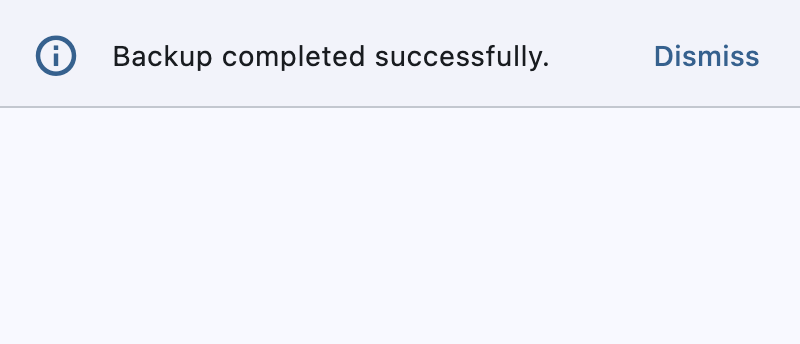](https://docs.flet.dev/test-images/examples/material/golden/macos/banner/image_for_docs.png)
Basic Banner
Inherits: `[DialogControl](https://docs.flet.dev/controls/dialogcontrol/#flet.DialogControl) `
Properties
* **`[actions](https://docs.flet.dev/controls/banner/#flet.Banner.actions) `**(`[list](https://docs.python.org/3/glossary.html#term-list) [[Control](https://docs.flet.dev/controls/control/#flet.Control) ]`) –
The set of actions that are displayed at the bottom or trailing side of this banner.
* **`[bgcolor](https://docs.flet.dev/controls/banner/#flet.Banner.bgcolor) `**(`[ColorValue](https://docs.flet.dev/types/aliases/#flet.ColorValue) | None`) –
The color of the surface of this banner.
* **`[content](https://docs.flet.dev/controls/banner/#flet.Banner.content) `**(`[StrOrControl](https://docs.flet.dev/types/aliases/#flet.StrOrControl) `) –
The content of this banner.
* **`[content_padding](https://docs.flet.dev/controls/banner/#flet.Banner.content_padding) `**(`[PaddingValue](https://docs.flet.dev/types/aliases/#flet.PaddingValue) | None`) –
The amount of space by which to inset the [`content`](https://docs.flet.dev/controls/banner/#flet.Banner.content)
.
* **`[content_text_style](https://docs.flet.dev/controls/banner/#flet.Banner.content_text_style) `**(`[TextStyle](https://docs.flet.dev/types/textstyle/#flet.TextStyle) | None`) –
The style to be used for the [`Text`](https://docs.flet.dev/controls/text/#flet.Text)
controls in the [`content`](https://docs.flet.dev/controls/banner/#flet.Banner.content)
.
* **`[divider_color](https://docs.flet.dev/controls/banner/#flet.Banner.divider_color) `**(`[ColorValue](https://docs.flet.dev/types/aliases/#flet.ColorValue) | None`) –
The color of the divider.
* **`[elevation](https://docs.flet.dev/controls/banner/#flet.Banner.elevation) `**(`[Number](https://docs.flet.dev/types/aliases/#flet.Number) | None`) –
The elevation of this banner.
* **`[force_actions_below](https://docs.flet.dev/controls/banner/#flet.Banner.force_actions_below) `**(`[bool](https://docs.python.org/3/library/functions.html#bool) `) –
An override to force the [`actions`](https://docs.flet.dev/controls/banner/#flet.Banner.actions)
to be below the [`content`](https://docs.flet.dev/controls/banner/#flet.Banner.content)
regardless of how many there are.
* **`[leading](https://docs.flet.dev/controls/banner/#flet.Banner.leading) `**(`[IconDataOrControl](https://docs.flet.dev/types/aliases/#flet.IconDataOrControl) | None`) –
The leading Control of this banner.
* **`[leading_padding](https://docs.flet.dev/controls/banner/#flet.Banner.leading_padding) `**(`[PaddingValue](https://docs.flet.dev/types/aliases/#flet.PaddingValue) | None`) –
The amount of space by which to inset the [`leading`](https://docs.flet.dev/controls/banner/#flet.Banner.leading)
control.
* **`[margin](https://docs.flet.dev/controls/banner/#flet.Banner.margin) `**(`[MarginValue](https://docs.flet.dev/types/aliases/#flet.MarginValue) | None`) –
The amount of space surrounding this banner.
* **`[min_action_bar_height](https://docs.flet.dev/controls/banner/#flet.Banner.min_action_bar_height) `**(`[Number](https://docs.flet.dev/types/aliases/#flet.Number) `) –
The minimum action bar height.
* **`[shadow_color](https://docs.flet.dev/controls/banner/#flet.Banner.shadow_color) `**(`[ColorValue](https://docs.flet.dev/types/aliases/#flet.ColorValue) | None`) –
The color of the shadow below this banner.
Events
* **`[on_visible](https://docs.flet.dev/controls/banner/#flet.Banner.on_visible) `**(`[ControlEventHandler](https://docs.flet.dev/types/aliases/#flet.ControlEventHandler) [[Banner](https://docs.flet.dev/controls/banner/#flet.Banner) ] | None`) –
Called when this banner is shown or made visible for the first time.
Examples[#](https://docs.flet.dev/controls/banner/#examples "Permanent link")
------------------------------------------------------------------------------
[Live example](https://flet-controls-gallery.fly.dev/dialogs/banner)
### Basic example[#](https://docs.flet.dev/controls/banner/#basic-example "Permanent link")
`[](https://docs.flet.dev/controls/banner/#__codelineno-0-1) import flet as ft [](https://docs.flet.dev/controls/banner/#__codelineno-0-2) [](https://docs.flet.dev/controls/banner/#__codelineno-0-3)[](https://docs.flet.dev/controls/banner/#__codelineno-0-4) def main(page: ft.Page): [](https://docs.flet.dev/controls/banner/#__codelineno-0-5) page.horizontal_alignment = ft.CrossAxisAlignment.CENTER [](https://docs.flet.dev/controls/banner/#__codelineno-0-6) [](https://docs.flet.dev/controls/banner/#__codelineno-0-7) def handle_banner_close(e: ft.Event[ft.TextButton]): [](https://docs.flet.dev/controls/banner/#__codelineno-0-8) page.pop_dialog() [](https://docs.flet.dev/controls/banner/#__codelineno-0-9) page.add(ft.Text("Action clicked: " + e.control.data)) [](https://docs.flet.dev/controls/banner/#__codelineno-0-10) [](https://docs.flet.dev/controls/banner/#__codelineno-0-11) action_button_style = ft.ButtonStyle(color=ft.Colors.BLUE) [](https://docs.flet.dev/controls/banner/#__codelineno-0-12) banner = ft.Banner( [](https://docs.flet.dev/controls/banner/#__codelineno-0-13) bgcolor=ft.Colors.AMBER_100, [](https://docs.flet.dev/controls/banner/#__codelineno-0-14) leading=ft.Icon(ft.Icons.WARNING_AMBER_ROUNDED, color=ft.Colors.AMBER, size=40), [](https://docs.flet.dev/controls/banner/#__codelineno-0-15) content=ft.Text( [](https://docs.flet.dev/controls/banner/#__codelineno-0-16) value="Oops, there were some errors while trying to delete the file. " [](https://docs.flet.dev/controls/banner/#__codelineno-0-17) "What would you like to do?", [](https://docs.flet.dev/controls/banner/#__codelineno-0-18) color=ft.Colors.BLACK, [](https://docs.flet.dev/controls/banner/#__codelineno-0-19) ), [](https://docs.flet.dev/controls/banner/#__codelineno-0-20) actions=[ [](https://docs.flet.dev/controls/banner/#__codelineno-0-21) ft.TextButton( [](https://docs.flet.dev/controls/banner/#__codelineno-0-22) content="Retry", [](https://docs.flet.dev/controls/banner/#__codelineno-0-23) style=action_button_style, [](https://docs.flet.dev/controls/banner/#__codelineno-0-24) on_click=handle_banner_close, [](https://docs.flet.dev/controls/banner/#__codelineno-0-25) data="retry", [](https://docs.flet.dev/controls/banner/#__codelineno-0-26) ), [](https://docs.flet.dev/controls/banner/#__codelineno-0-27) ft.TextButton( [](https://docs.flet.dev/controls/banner/#__codelineno-0-28) content="Ignore", [](https://docs.flet.dev/controls/banner/#__codelineno-0-29) style=action_button_style, [](https://docs.flet.dev/controls/banner/#__codelineno-0-30) on_click=handle_banner_close, [](https://docs.flet.dev/controls/banner/#__codelineno-0-31) data="ignore", [](https://docs.flet.dev/controls/banner/#__codelineno-0-32) ), [](https://docs.flet.dev/controls/banner/#__codelineno-0-33) ft.TextButton( [](https://docs.flet.dev/controls/banner/#__codelineno-0-34) content="Cancel", [](https://docs.flet.dev/controls/banner/#__codelineno-0-35) style=action_button_style, [](https://docs.flet.dev/controls/banner/#__codelineno-0-36) on_click=handle_banner_close, [](https://docs.flet.dev/controls/banner/#__codelineno-0-37) data="cancel", [](https://docs.flet.dev/controls/banner/#__codelineno-0-38) ), [](https://docs.flet.dev/controls/banner/#__codelineno-0-39) ], [](https://docs.flet.dev/controls/banner/#__codelineno-0-40) ) [](https://docs.flet.dev/controls/banner/#__codelineno-0-41) [](https://docs.flet.dev/controls/banner/#__codelineno-0-42) page.add(ft.Button("Show Banner", on_click=lambda e: page.show_dialog(banner))) [](https://docs.flet.dev/controls/banner/#__codelineno-0-43) [](https://docs.flet.dev/controls/banner/#__codelineno-0-44)[](https://docs.flet.dev/controls/banner/#__codelineno-0-45) ft.run(main)`
[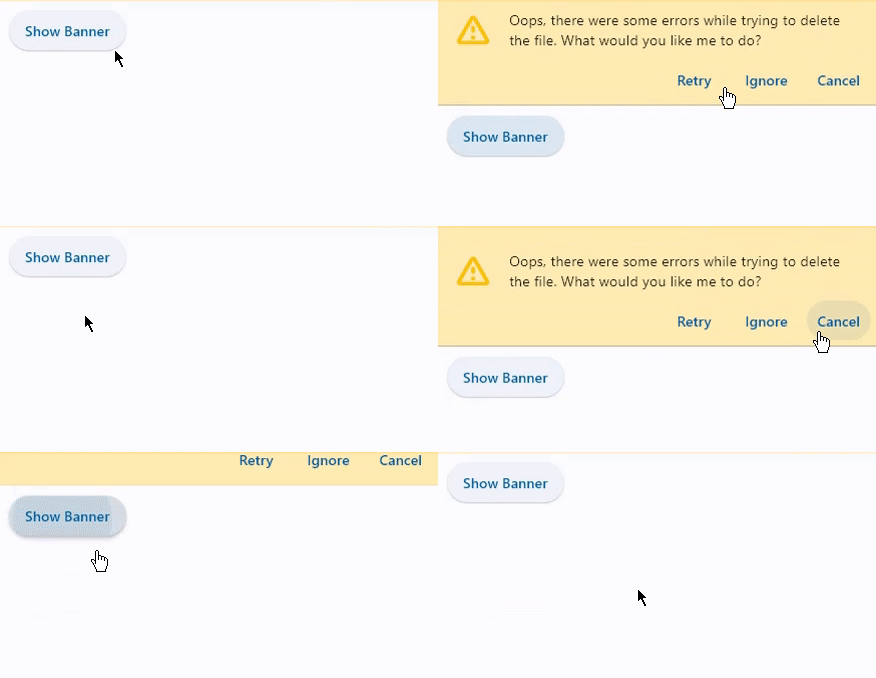](https://docs.flet.dev/examples/controls/banner/media/basic.gif)
Properties[#](https://docs.flet.dev/controls/banner/#flet.Banner-properties "Permanent link")
----------------------------------------------------------------------------------------------
### actions `instance-attribute` [#](https://docs.flet.dev/controls/banner/#flet.Banner.actions "Permanent link")
`[](https://docs.flet.dev/controls/banner/#__codelineno-0-1) actions: [list](https://docs.python.org/3/glossary.html#term-list) [[Control](https://docs.flet.dev/controls/control/#flet.Control) ]`
The set of actions that are displayed at the bottom or trailing side of this banner.
Typically this is a list of [`TextButton`](https://docs.flet.dev/controls/textbutton/#flet.TextButton)
controls.
Raises:
* `[ValueError](https://docs.python.org/3/library/exceptions.html#ValueError) ` –
If it does not contain at least one visible `Control`.
### bgcolor `class-attribute` `instance-attribute` [#](https://docs.flet.dev/controls/banner/#flet.Banner.bgcolor "Permanent link")
`[](https://docs.flet.dev/controls/banner/#__codelineno-0-1) bgcolor: [ColorValue](https://docs.flet.dev/types/aliases/#flet.ColorValue) | None = None`
The color of the surface of this banner.
### content `instance-attribute` [#](https://docs.flet.dev/controls/banner/#flet.Banner.content "Permanent link")
`[](https://docs.flet.dev/controls/banner/#__codelineno-0-1) content: [StrOrControl](https://docs.flet.dev/types/aliases/#flet.StrOrControl)`
The content of this banner.
Typically a [`Text`](https://docs.flet.dev/controls/text/#flet.Text)
control.
Raises:
* `[ValueError](https://docs.python.org/3/library/exceptions.html#ValueError) ` –
If [`content`](https://docs.flet.dev/controls/banner/#flet.Banner.content)
is not visible.
### content\_padding `class-attribute` `instance-attribute` [#](https://docs.flet.dev/controls/banner/#flet.Banner.content_padding "Permanent link")
`[](https://docs.flet.dev/controls/banner/#__codelineno-0-1) content_padding: [PaddingValue](https://docs.flet.dev/types/aliases/#flet.PaddingValue) | None = None`
The amount of space by which to inset the [`content`](https://docs.flet.dev/controls/banner/#flet.Banner.content)
.
If the actions are below the content, this defaults to `Padding.only(left=16.0, top=24.0, right=16.0, bottom=4.0)`.
If the actions are trailing the `content`, this defaults to `Padding.only(left=16.0, top=2.0)`.
### content\_text\_style `class-attribute` `instance-attribute` [#](https://docs.flet.dev/controls/banner/#flet.Banner.content_text_style "Permanent link")
`[](https://docs.flet.dev/controls/banner/#__codelineno-0-1) content_text_style: [TextStyle](https://docs.flet.dev/types/textstyle/#flet.TextStyle) | None = None`
The style to be used for the [`Text`](https://docs.flet.dev/controls/text/#flet.Text)
controls in the [`content`](https://docs.flet.dev/controls/banner/#flet.Banner.content)
.
### divider\_color `class-attribute` `instance-attribute` [#](https://docs.flet.dev/controls/banner/#flet.Banner.divider_color "Permanent link")
`[](https://docs.flet.dev/controls/banner/#__codelineno-0-1) divider_color: [ColorValue](https://docs.flet.dev/types/aliases/#flet.ColorValue) | None = None`
The color of the divider.
### elevation `class-attribute` `instance-attribute` [#](https://docs.flet.dev/controls/banner/#flet.Banner.elevation "Permanent link")
`[](https://docs.flet.dev/controls/banner/#__codelineno-0-1) elevation: [Number](https://docs.flet.dev/types/aliases/#flet.Number) | None = None`
The elevation of this banner.
Raises:
* `[ValueError](https://docs.python.org/3/library/exceptions.html#ValueError) ` –
If it is not greater than or equal to `0`.
### force\_actions\_below `class-attribute` `instance-attribute` [#](https://docs.flet.dev/controls/banner/#flet.Banner.force_actions_below "Permanent link")
`[](https://docs.flet.dev/controls/banner/#__codelineno-0-1) force_actions_below: [bool](https://docs.python.org/3/library/functions.html#bool) = False`
An override to force the [`actions`](https://docs.flet.dev/controls/banner/#flet.Banner.actions)
to be below the [`content`](https://docs.flet.dev/controls/banner/#flet.Banner.content)
regardless of how many there are.
If this is `True`, the [`actions`](https://docs.flet.dev/controls/banner/#flet.Banner.actions)
will be placed below the content. If this is `False`, the [`actions`](https://docs.flet.dev/controls/banner/#flet.Banner.actions)
will be placed on the trailing side of the [`content`](https://docs.flet.dev/controls/banner/#flet.Banner.content)
if `actions` length is `1` and below the `content` if greater than `1`.
### leading `class-attribute` `instance-attribute` [#](https://docs.flet.dev/controls/banner/#flet.Banner.leading "Permanent link")
`[](https://docs.flet.dev/controls/banner/#__codelineno-0-1) leading: [IconDataOrControl](https://docs.flet.dev/types/aliases/#flet.IconDataOrControl) | None = None`
The leading Control of this banner.
Typically an [`Icon`](https://docs.flet.dev/controls/icon/#flet.Icon)
control.
### leading\_padding `class-attribute` `instance-attribute` [#](https://docs.flet.dev/controls/banner/#flet.Banner.leading_padding "Permanent link")
`[](https://docs.flet.dev/controls/banner/#__codelineno-0-1) leading_padding: [PaddingValue](https://docs.flet.dev/types/aliases/#flet.PaddingValue) | None = None`
The amount of space by which to inset the [`leading`](https://docs.flet.dev/controls/banner/#flet.Banner.leading)
control.
Defaults to [`BannerTheme.leading_padding`](https://docs.flet.dev/types/bannertheme/#flet.BannerTheme.leading_padding)
, or if that is `None`, falls back to `Padding.only(end=16)`.
### margin `class-attribute` `instance-attribute` [#](https://docs.flet.dev/controls/banner/#flet.Banner.margin "Permanent link")
`[](https://docs.flet.dev/controls/banner/#__codelineno-0-1) margin: [MarginValue](https://docs.flet.dev/types/aliases/#flet.MarginValue) | None = None`
The amount of space surrounding this banner.
### min\_action\_bar\_height `class-attribute` `instance-attribute` [#](https://docs.flet.dev/controls/banner/#flet.Banner.min_action_bar_height "Permanent link")
`[](https://docs.flet.dev/controls/banner/#__codelineno-0-1) min_action_bar_height: [Number](https://docs.flet.dev/types/aliases/#flet.Number) = 52.0`
The minimum action bar height.
### shadow\_color `class-attribute` `instance-attribute` [#](https://docs.flet.dev/controls/banner/#flet.Banner.shadow_color "Permanent link")
`[](https://docs.flet.dev/controls/banner/#__codelineno-0-1) shadow_color: [ColorValue](https://docs.flet.dev/types/aliases/#flet.ColorValue) | None = None`
The color of the shadow below this banner.
Events[#](https://docs.flet.dev/controls/banner/#flet.Banner-events "Permanent link")
--------------------------------------------------------------------------------------
### on\_visible `class-attribute` `instance-attribute` [#](https://docs.flet.dev/controls/banner/#flet.Banner.on_visible "Permanent link")
`[](https://docs.flet.dev/controls/banner/#__codelineno-0-1) on_visible: [ControlEventHandler](https://docs.flet.dev/types/aliases/#flet.ControlEventHandler) [[Banner](https://docs.flet.dev/controls/banner/#flet.Banner) ] | None = None`
Called when this banner is shown or made visible for the first time.
Back to top
---
# MergeSemantics - Flet
[Skip to content](https://docs.flet.dev/controls/mergesemantics/#flet.MergeSemantics)
MergeSemantics
==============
Inherits: `[Control](https://docs.flet.dev/controls/control/#flet.Control) `
A control that merges the semantics of its descendants.
Causes all the semantics of the subtree rooted at this node to be merged into one node in the semantics tree.
Used by accessibility tools, search engines, and other semantic analysis software to determine the meaning of the application.
Properties
* **`[content](https://docs.flet.dev/controls/mergesemantics/#flet.MergeSemantics.content) `**(`[Control](https://docs.flet.dev/controls/control/#flet.Control) | None`) –
The `Control` to annotate.
Properties[#](https://docs.flet.dev/controls/mergesemantics/#flet.MergeSemantics-properties "Permanent link")
--------------------------------------------------------------------------------------------------------------
### content `class-attribute` `instance-attribute` [#](https://docs.flet.dev/controls/mergesemantics/#flet.MergeSemantics.content "Permanent link")
`[](https://docs.flet.dev/controls/mergesemantics/#__codelineno-0-1) content: [Control](https://docs.flet.dev/controls/control/#flet.Control) | None = None`
The `Control` to annotate.
Back to top
---
# BlockPicker - Flet
[Skip to content](https://docs.flet.dev/colorpickers/blockpicker/#blockpicker)
BlockPicker[#](https://docs.flet.dev/colorpickers/blockpicker/#blockpicker "Permanent link")
=============================================================================================
A color picker that lets users choose a color from a grid of available colors.
[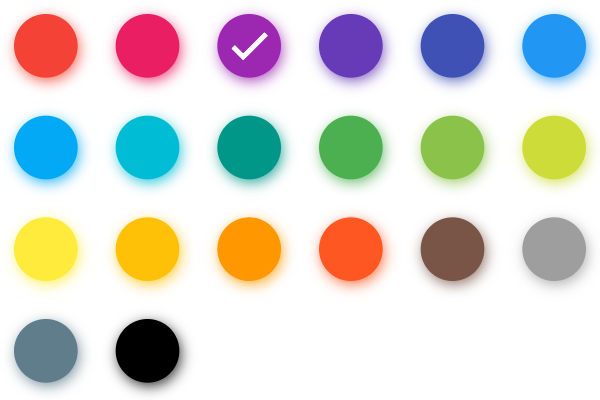](https://docs.flet.dev/test-images/examples/extensions/color_pickers/golden/macos/color_pickers/block_picker.png)
Basic BlockPicker
Inherits: `[LayoutControl](https://docs.flet.dev/controls/layoutcontrol/#flet.LayoutControl) `
Properties
* **`[available_colors](https://docs.flet.dev/colorpickers/blockpicker/#flet_color_pickers.BlockPicker.available_colors) `**(`[list](https://docs.python.org/3/glossary.html#term-list) [[ColorValue](https://docs.flet.dev/types/aliases/#flet.ColorValue) ] | None`) –
A list of available colors to pick from.
* **`[color](https://docs.flet.dev/colorpickers/blockpicker/#flet_color_pickers.BlockPicker.color) `**(`[ColorValue](https://docs.flet.dev/types/aliases/#flet.ColorValue) | None`) –
The currently selected color.
Events
* **`[on_color_change](https://docs.flet.dev/colorpickers/blockpicker/#flet_color_pickers.BlockPicker.on_color_change) `**(`[ControlEventHandler](https://docs.flet.dev/types/aliases/#flet.ControlEventHandler) [[BlockPicker](https://docs.flet.dev/colorpickers/blockpicker/#flet_color_pickers.BlockPicker) ] | None`) –
Called when the picker color is changed.
Example[#](https://docs.flet.dev/colorpickers/blockpicker/#example "Permanent link")
-------------------------------------------------------------------------------------
`[](https://docs.flet.dev/colorpickers/blockpicker/#__codelineno-0-1) import flet as ft [](https://docs.flet.dev/colorpickers/blockpicker/#__codelineno-0-2) from flet_color_pickers import BlockPicker [](https://docs.flet.dev/colorpickers/blockpicker/#__codelineno-0-3) [](https://docs.flet.dev/colorpickers/blockpicker/#__codelineno-0-4)[](https://docs.flet.dev/colorpickers/blockpicker/#__codelineno-0-5) def main(page: ft.Page): [](https://docs.flet.dev/colorpickers/blockpicker/#__codelineno-0-6) page.title = "BlockPicker" [](https://docs.flet.dev/colorpickers/blockpicker/#__codelineno-0-7) page.padding = 20 [](https://docs.flet.dev/colorpickers/blockpicker/#__codelineno-0-8) [](https://docs.flet.dev/colorpickers/blockpicker/#__codelineno-0-9) def on_color_change(e: ft.ControlEvent): [](https://docs.flet.dev/colorpickers/blockpicker/#__codelineno-0-10) print(f"color: {e.data}") [](https://docs.flet.dev/colorpickers/blockpicker/#__codelineno-0-11) [](https://docs.flet.dev/colorpickers/blockpicker/#__codelineno-0-12) dialog_picker = BlockPicker( [](https://docs.flet.dev/colorpickers/blockpicker/#__codelineno-0-13) color="#9c27b0", [](https://docs.flet.dev/colorpickers/blockpicker/#__codelineno-0-14) available_colors=[ [](https://docs.flet.dev/colorpickers/blockpicker/#__codelineno-0-15) "#f44336", [](https://docs.flet.dev/colorpickers/blockpicker/#__codelineno-0-16) "#e91e63", [](https://docs.flet.dev/colorpickers/blockpicker/#__codelineno-0-17) "#9c27b0", [](https://docs.flet.dev/colorpickers/blockpicker/#__codelineno-0-18) "#3f51b5", [](https://docs.flet.dev/colorpickers/blockpicker/#__codelineno-0-19) "#2196f3", [](https://docs.flet.dev/colorpickers/blockpicker/#__codelineno-0-20) "#009688", [](https://docs.flet.dev/colorpickers/blockpicker/#__codelineno-0-21) "#4caf50", [](https://docs.flet.dev/colorpickers/blockpicker/#__codelineno-0-22) "#795548", [](https://docs.flet.dev/colorpickers/blockpicker/#__codelineno-0-23) ], [](https://docs.flet.dev/colorpickers/blockpicker/#__codelineno-0-24) on_color_change=on_color_change, [](https://docs.flet.dev/colorpickers/blockpicker/#__codelineno-0-25) ) [](https://docs.flet.dev/colorpickers/blockpicker/#__codelineno-0-26) [](https://docs.flet.dev/colorpickers/blockpicker/#__codelineno-0-27) dialog = ft.AlertDialog( [](https://docs.flet.dev/colorpickers/blockpicker/#__codelineno-0-28) modal=True, [](https://docs.flet.dev/colorpickers/blockpicker/#__codelineno-0-29) title=ft.Text("Pick a color"), [](https://docs.flet.dev/colorpickers/blockpicker/#__codelineno-0-30) content=dialog_picker, [](https://docs.flet.dev/colorpickers/blockpicker/#__codelineno-0-31) actions=[ [](https://docs.flet.dev/colorpickers/blockpicker/#__codelineno-0-32) ft.TextButton("Close", on_click=lambda e: page.pop_dialog()), [](https://docs.flet.dev/colorpickers/blockpicker/#__codelineno-0-33) ], [](https://docs.flet.dev/colorpickers/blockpicker/#__codelineno-0-34) ) [](https://docs.flet.dev/colorpickers/blockpicker/#__codelineno-0-35) [](https://docs.flet.dev/colorpickers/blockpicker/#__codelineno-0-36) page.add( [](https://docs.flet.dev/colorpickers/blockpicker/#__codelineno-0-37) ft.IconButton(icon=ft.Icons.BRUSH, on_click=lambda e: page.show_dialog(dialog)), [](https://docs.flet.dev/colorpickers/blockpicker/#__codelineno-0-38) ) [](https://docs.flet.dev/colorpickers/blockpicker/#__codelineno-0-39) [](https://docs.flet.dev/colorpickers/blockpicker/#__codelineno-0-40)[](https://docs.flet.dev/colorpickers/blockpicker/#__codelineno-0-41) ft.run(main)`
Properties[#](https://docs.flet.dev/colorpickers/blockpicker/#flet_color_pickers.BlockPicker-properties "Permanent link")
--------------------------------------------------------------------------------------------------------------------------
### available\_colors `class-attribute` `instance-attribute` [#](https://docs.flet.dev/colorpickers/blockpicker/#flet_color_pickers.BlockPicker.available_colors "Permanent link")
`[](https://docs.flet.dev/colorpickers/blockpicker/#__codelineno-0-1) available_colors: [list](https://docs.python.org/3/glossary.html#term-list) [[ColorValue](https://docs.flet.dev/types/aliases/#flet.ColorValue) ] | None = None`
A list of available colors to pick from.
### color `class-attribute` `instance-attribute` [#](https://docs.flet.dev/colorpickers/blockpicker/#flet_color_pickers.BlockPicker.color "Permanent link")
`[](https://docs.flet.dev/colorpickers/blockpicker/#__codelineno-0-1) color: [ColorValue](https://docs.flet.dev/types/aliases/#flet.ColorValue) | None = None`
The currently selected color.
Events[#](https://docs.flet.dev/colorpickers/blockpicker/#flet_color_pickers.BlockPicker-events "Permanent link")
------------------------------------------------------------------------------------------------------------------
### on\_color\_change `class-attribute` `instance-attribute` [#](https://docs.flet.dev/colorpickers/blockpicker/#flet_color_pickers.BlockPicker.on_color_change "Permanent link")
`[](https://docs.flet.dev/colorpickers/blockpicker/#__codelineno-0-1) on_color_change: [ControlEventHandler](https://docs.flet.dev/types/aliases/#flet.ControlEventHandler) [[BlockPicker](https://docs.flet.dev/colorpickers/blockpicker/#flet_color_pickers.BlockPicker) ] | None = ( [](https://docs.flet.dev/colorpickers/blockpicker/#__codelineno-0-2) None [](https://docs.flet.dev/colorpickers/blockpicker/#__codelineno-0-3) )`
Called when the picker color is changed.
The [`data`](https://docs.flet.dev/types/event/#flet.Event.data)
property of the event handler argument contains the color value as a hex string.
Back to top
---
# MaterialPicker - Flet
[Skip to content](https://docs.flet.dev/colorpickers/materialpicker/#materialpicker)
MaterialPicker[#](https://docs.flet.dev/colorpickers/materialpicker/#materialpicker "Permanent link")
======================================================================================================
A material palette picker for selecting primary and shade colors, with optional shade labels.
[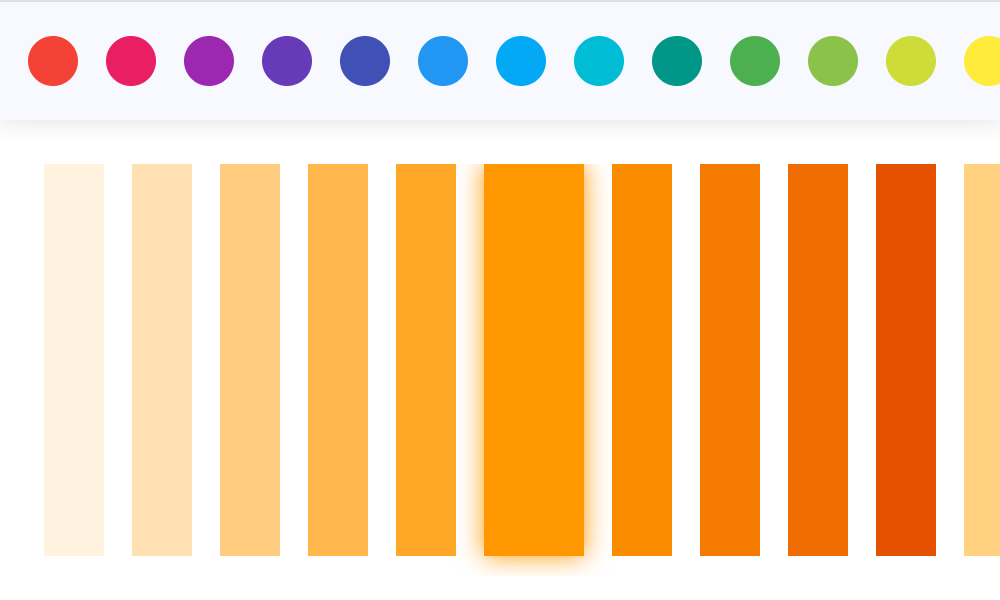](https://docs.flet.dev/test-images/examples/extensions/color_pickers/golden/macos/color_pickers/material_picker.png)
Basic MaterialPicker
Inherits: `[LayoutControl](https://docs.flet.dev/controls/layoutcontrol/#flet.LayoutControl) `
Properties
* **`[color](https://docs.flet.dev/colorpickers/materialpicker/#flet_color_pickers.MaterialPicker.color) `**(`[ColorValue](https://docs.flet.dev/types/aliases/#flet.ColorValue) | None`) –
The currently selected color.
* **`[enable_label](https://docs.flet.dev/colorpickers/materialpicker/#flet_color_pickers.MaterialPicker.enable_label) `**(`[bool](https://docs.python.org/3/library/functions.html#bool) `) –
Whether to show color shade labels.
* **`[portrait_only](https://docs.flet.dev/colorpickers/materialpicker/#flet_color_pickers.MaterialPicker.portrait_only) `**(`[bool](https://docs.python.org/3/library/functions.html#bool) `) –
Whether to force portrait layout.
Events
* **`[on_color_change](https://docs.flet.dev/colorpickers/materialpicker/#flet_color_pickers.MaterialPicker.on_color_change) `**(`[ControlEventHandler](https://docs.flet.dev/types/aliases/#flet.ControlEventHandler) [[MaterialPicker](https://docs.flet.dev/colorpickers/materialpicker/#flet_color_pickers.MaterialPicker) ] | None`) –
Called when the picker color is changed.
* **`[on_primary_change](https://docs.flet.dev/colorpickers/materialpicker/#flet_color_pickers.MaterialPicker.on_primary_change) `**(`[ControlEventHandler](https://docs.flet.dev/types/aliases/#flet.ControlEventHandler) [[MaterialPicker](https://docs.flet.dev/colorpickers/materialpicker/#flet_color_pickers.MaterialPicker) ] | None`) –
Called when the primary color is changed.
Example[#](https://docs.flet.dev/colorpickers/materialpicker/#example "Permanent link")
----------------------------------------------------------------------------------------
`[](https://docs.flet.dev/colorpickers/materialpicker/#__codelineno-0-1) import flet as ft [](https://docs.flet.dev/colorpickers/materialpicker/#__codelineno-0-2) from flet_color_pickers import MaterialPicker [](https://docs.flet.dev/colorpickers/materialpicker/#__codelineno-0-3) [](https://docs.flet.dev/colorpickers/materialpicker/#__codelineno-0-4)[](https://docs.flet.dev/colorpickers/materialpicker/#__codelineno-0-5) def main(page: ft.Page): [](https://docs.flet.dev/colorpickers/materialpicker/#__codelineno-0-6) page.title = "MaterialPicker" [](https://docs.flet.dev/colorpickers/materialpicker/#__codelineno-0-7) page.padding = 20 [](https://docs.flet.dev/colorpickers/materialpicker/#__codelineno-0-8) [](https://docs.flet.dev/colorpickers/materialpicker/#__codelineno-0-9) def on_color_change(e: ft.ControlEvent): [](https://docs.flet.dev/colorpickers/materialpicker/#__codelineno-0-10) print(f"color: {e.data}") [](https://docs.flet.dev/colorpickers/materialpicker/#__codelineno-0-11) [](https://docs.flet.dev/colorpickers/materialpicker/#__codelineno-0-12) def on_primary_change(e: ft.ControlEvent): [](https://docs.flet.dev/colorpickers/materialpicker/#__codelineno-0-13) print(f"primary: {e.data}") [](https://docs.flet.dev/colorpickers/materialpicker/#__codelineno-0-14) [](https://docs.flet.dev/colorpickers/materialpicker/#__codelineno-0-15) picker = MaterialPicker( [](https://docs.flet.dev/colorpickers/materialpicker/#__codelineno-0-16) color="#ff9800", [](https://docs.flet.dev/colorpickers/materialpicker/#__codelineno-0-17) on_color_change=on_color_change, [](https://docs.flet.dev/colorpickers/materialpicker/#__codelineno-0-18) on_primary_change=on_primary_change, [](https://docs.flet.dev/colorpickers/materialpicker/#__codelineno-0-19) ) [](https://docs.flet.dev/colorpickers/materialpicker/#__codelineno-0-20) [](https://docs.flet.dev/colorpickers/materialpicker/#__codelineno-0-21) page.add(picker) [](https://docs.flet.dev/colorpickers/materialpicker/#__codelineno-0-22) [](https://docs.flet.dev/colorpickers/materialpicker/#__codelineno-0-23)[](https://docs.flet.dev/colorpickers/materialpicker/#__codelineno-0-24) ft.run(main)`
Properties[#](https://docs.flet.dev/colorpickers/materialpicker/#flet_color_pickers.MaterialPicker-properties "Permanent link")
--------------------------------------------------------------------------------------------------------------------------------
### color `class-attribute` `instance-attribute` [#](https://docs.flet.dev/colorpickers/materialpicker/#flet_color_pickers.MaterialPicker.color "Permanent link")
`[](https://docs.flet.dev/colorpickers/materialpicker/#__codelineno-0-1) color: [ColorValue](https://docs.flet.dev/types/aliases/#flet.ColorValue) | None = None`
The currently selected color.
### enable\_label `class-attribute` `instance-attribute` [#](https://docs.flet.dev/colorpickers/materialpicker/#flet_color_pickers.MaterialPicker.enable_label "Permanent link")
`[](https://docs.flet.dev/colorpickers/materialpicker/#__codelineno-0-1) enable_label: [bool](https://docs.python.org/3/library/functions.html#bool) = False`
Whether to show color shade labels.
### portrait\_only `class-attribute` `instance-attribute` [#](https://docs.flet.dev/colorpickers/materialpicker/#flet_color_pickers.MaterialPicker.portrait_only "Permanent link")
`[](https://docs.flet.dev/colorpickers/materialpicker/#__codelineno-0-1) portrait_only: [bool](https://docs.python.org/3/library/functions.html#bool) = False`
Whether to force portrait layout.
Events[#](https://docs.flet.dev/colorpickers/materialpicker/#flet_color_pickers.MaterialPicker-events "Permanent link")
------------------------------------------------------------------------------------------------------------------------
### on\_color\_change `class-attribute` `instance-attribute` [#](https://docs.flet.dev/colorpickers/materialpicker/#flet_color_pickers.MaterialPicker.on_color_change "Permanent link")
`[](https://docs.flet.dev/colorpickers/materialpicker/#__codelineno-0-1) on_color_change: ( [](https://docs.flet.dev/colorpickers/materialpicker/#__codelineno-0-2) [ControlEventHandler](https://docs.flet.dev/types/aliases/#flet.ControlEventHandler) [[MaterialPicker](https://docs.flet.dev/colorpickers/materialpicker/#flet_color_pickers.MaterialPicker) ] | None [](https://docs.flet.dev/colorpickers/materialpicker/#__codelineno-0-3) ) = None`
Called when the picker color is changed.
The [`data`](https://docs.flet.dev/types/event/#flet.Event.data)
property of the event handler argument contains the color value as a hex string.
### on\_primary\_change `class-attribute` `instance-attribute` [#](https://docs.flet.dev/colorpickers/materialpicker/#flet_color_pickers.MaterialPicker.on_primary_change "Permanent link")
`[](https://docs.flet.dev/colorpickers/materialpicker/#__codelineno-0-1) on_primary_change: ( [](https://docs.flet.dev/colorpickers/materialpicker/#__codelineno-0-2) [ControlEventHandler](https://docs.flet.dev/types/aliases/#flet.ControlEventHandler) [[MaterialPicker](https://docs.flet.dev/colorpickers/materialpicker/#flet_color_pickers.MaterialPicker) ] | None [](https://docs.flet.dev/colorpickers/materialpicker/#__codelineno-0-3) ) = None`
Called when the primary color is changed.
The [`data`](https://docs.flet.dev/types/event/#flet.Event.data)
property of the event handler argument contains the color value as a hex string.
Back to top
---
# MultipleChoiceBlockPicker - Flet
[Skip to content](https://docs.flet.dev/colorpickers/multiplechoiceblockpicker/#multiplechoiceblockpicker)
MultipleChoiceBlockPicker[#](https://docs.flet.dev/colorpickers/multiplechoiceblockpicker/#multiplechoiceblockpicker "Permanent link")
=======================================================================================================================================
A color picker that lets users choose multiple colors from a grid of available colors.
[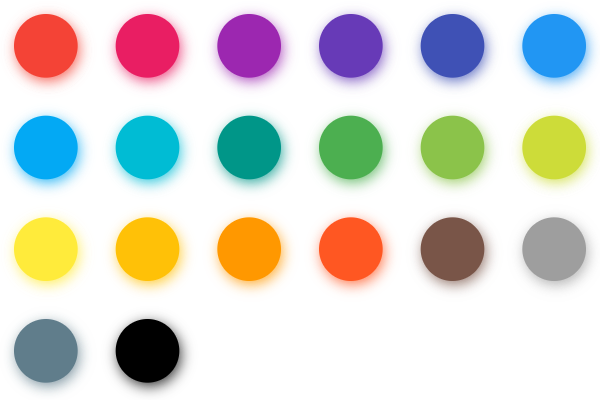](https://docs.flet.dev/test-images/examples/extensions/color_pickers/golden/macos/color_pickers/multiple_choice_block_picker.png)
Basic MultipleChoiceBlockPicker
Inherits: `[LayoutControl](https://docs.flet.dev/controls/layoutcontrol/#flet.LayoutControl) `
Properties
* **`[available_colors](https://docs.flet.dev/colorpickers/multiplechoiceblockpicker/#flet_color_pickers.MultipleChoiceBlockPicker.available_colors) `**(`[list](https://docs.python.org/3/glossary.html#term-list) [[ColorValue](https://docs.flet.dev/types/aliases/#flet.ColorValue) ] | None`) –
A list of available colors to pick from.
* **`[colors](https://docs.flet.dev/colorpickers/multiplechoiceblockpicker/#flet_color_pickers.MultipleChoiceBlockPicker.colors) `**(`[list](https://docs.python.org/3/glossary.html#term-list) [[ColorValue](https://docs.flet.dev/types/aliases/#flet.ColorValue) ] | None`) –
The currently selected colors.
Events
* **`[on_colors_change](https://docs.flet.dev/colorpickers/multiplechoiceblockpicker/#flet_color_pickers.MultipleChoiceBlockPicker.on_colors_change) `**(`[ControlEventHandler](https://docs.flet.dev/types/aliases/#flet.ControlEventHandler) [[MultipleChoiceBlockPicker](https://docs.flet.dev/colorpickers/multiplechoiceblockpicker/#flet_color_pickers.MultipleChoiceBlockPicker) ] | None`) –
Called when the picker colors are changed.
Example[#](https://docs.flet.dev/colorpickers/multiplechoiceblockpicker/#example "Permanent link")
---------------------------------------------------------------------------------------------------
`[](https://docs.flet.dev/colorpickers/multiplechoiceblockpicker/#__codelineno-0-1) import flet as ft [](https://docs.flet.dev/colorpickers/multiplechoiceblockpicker/#__codelineno-0-2) from flet_color_pickers import MultipleChoiceBlockPicker [](https://docs.flet.dev/colorpickers/multiplechoiceblockpicker/#__codelineno-0-3) [](https://docs.flet.dev/colorpickers/multiplechoiceblockpicker/#__codelineno-0-4)[](https://docs.flet.dev/colorpickers/multiplechoiceblockpicker/#__codelineno-0-5) def main(page: ft.Page): [](https://docs.flet.dev/colorpickers/multiplechoiceblockpicker/#__codelineno-0-6) page.title = "MultipleChoiceBlockPicker" [](https://docs.flet.dev/colorpickers/multiplechoiceblockpicker/#__codelineno-0-7) page.padding = 20 [](https://docs.flet.dev/colorpickers/multiplechoiceblockpicker/#__codelineno-0-8) [](https://docs.flet.dev/colorpickers/multiplechoiceblockpicker/#__codelineno-0-9) def on_colors_change(e: ft.ControlEvent): [](https://docs.flet.dev/colorpickers/multiplechoiceblockpicker/#__codelineno-0-10) print(f"colors: {e.data}") [](https://docs.flet.dev/colorpickers/multiplechoiceblockpicker/#__codelineno-0-11) [](https://docs.flet.dev/colorpickers/multiplechoiceblockpicker/#__codelineno-0-12) dialog_picker = MultipleChoiceBlockPicker( [](https://docs.flet.dev/colorpickers/multiplechoiceblockpicker/#__codelineno-0-13) colors=["#03a9f4", "#4caf50"], [](https://docs.flet.dev/colorpickers/multiplechoiceblockpicker/#__codelineno-0-14) available_colors=[ [](https://docs.flet.dev/colorpickers/multiplechoiceblockpicker/#__codelineno-0-15) "#f44336", [](https://docs.flet.dev/colorpickers/multiplechoiceblockpicker/#__codelineno-0-16) "#e91e63", [](https://docs.flet.dev/colorpickers/multiplechoiceblockpicker/#__codelineno-0-17) "#9c27b0", [](https://docs.flet.dev/colorpickers/multiplechoiceblockpicker/#__codelineno-0-18) "#3f51b5", [](https://docs.flet.dev/colorpickers/multiplechoiceblockpicker/#__codelineno-0-19) "#2196f3", [](https://docs.flet.dev/colorpickers/multiplechoiceblockpicker/#__codelineno-0-20) "#03a9f4", [](https://docs.flet.dev/colorpickers/multiplechoiceblockpicker/#__codelineno-0-21) "#009688", [](https://docs.flet.dev/colorpickers/multiplechoiceblockpicker/#__codelineno-0-22) "#4caf50", [](https://docs.flet.dev/colorpickers/multiplechoiceblockpicker/#__codelineno-0-23) "#ff9800", [](https://docs.flet.dev/colorpickers/multiplechoiceblockpicker/#__codelineno-0-24) "#795548", [](https://docs.flet.dev/colorpickers/multiplechoiceblockpicker/#__codelineno-0-25) ], [](https://docs.flet.dev/colorpickers/multiplechoiceblockpicker/#__codelineno-0-26) on_colors_change=on_colors_change, [](https://docs.flet.dev/colorpickers/multiplechoiceblockpicker/#__codelineno-0-27) ) [](https://docs.flet.dev/colorpickers/multiplechoiceblockpicker/#__codelineno-0-28) [](https://docs.flet.dev/colorpickers/multiplechoiceblockpicker/#__codelineno-0-29) dialog = ft.AlertDialog( [](https://docs.flet.dev/colorpickers/multiplechoiceblockpicker/#__codelineno-0-30) modal=True, [](https://docs.flet.dev/colorpickers/multiplechoiceblockpicker/#__codelineno-0-31) title=ft.Text("Pick colors"), [](https://docs.flet.dev/colorpickers/multiplechoiceblockpicker/#__codelineno-0-32) content=dialog_picker, [](https://docs.flet.dev/colorpickers/multiplechoiceblockpicker/#__codelineno-0-33) actions=[ [](https://docs.flet.dev/colorpickers/multiplechoiceblockpicker/#__codelineno-0-34) ft.TextButton("Close", on_click=lambda e: page.pop_dialog()), [](https://docs.flet.dev/colorpickers/multiplechoiceblockpicker/#__codelineno-0-35) ], [](https://docs.flet.dev/colorpickers/multiplechoiceblockpicker/#__codelineno-0-36) ) [](https://docs.flet.dev/colorpickers/multiplechoiceblockpicker/#__codelineno-0-37) [](https://docs.flet.dev/colorpickers/multiplechoiceblockpicker/#__codelineno-0-38) page.add( [](https://docs.flet.dev/colorpickers/multiplechoiceblockpicker/#__codelineno-0-39) ft.IconButton(icon=ft.Icons.BRUSH, on_click=lambda e: page.show_dialog(dialog)), [](https://docs.flet.dev/colorpickers/multiplechoiceblockpicker/#__codelineno-0-40) ) [](https://docs.flet.dev/colorpickers/multiplechoiceblockpicker/#__codelineno-0-41) [](https://docs.flet.dev/colorpickers/multiplechoiceblockpicker/#__codelineno-0-42)[](https://docs.flet.dev/colorpickers/multiplechoiceblockpicker/#__codelineno-0-43) ft.run(main)`
Properties[#](https://docs.flet.dev/colorpickers/multiplechoiceblockpicker/#flet_color_pickers.MultipleChoiceBlockPicker-properties "Permanent link")
------------------------------------------------------------------------------------------------------------------------------------------------------
### available\_colors `class-attribute` `instance-attribute` [#](https://docs.flet.dev/colorpickers/multiplechoiceblockpicker/#flet_color_pickers.MultipleChoiceBlockPicker.available_colors "Permanent link")
`[](https://docs.flet.dev/colorpickers/multiplechoiceblockpicker/#__codelineno-0-1) available_colors: [list](https://docs.python.org/3/glossary.html#term-list) [[ColorValue](https://docs.flet.dev/types/aliases/#flet.ColorValue) ] | None = None`
A list of available colors to pick from.
### colors `class-attribute` `instance-attribute` [#](https://docs.flet.dev/colorpickers/multiplechoiceblockpicker/#flet_color_pickers.MultipleChoiceBlockPicker.colors "Permanent link")
`[](https://docs.flet.dev/colorpickers/multiplechoiceblockpicker/#__codelineno-0-1) colors: [list](https://docs.python.org/3/glossary.html#term-list) [[ColorValue](https://docs.flet.dev/types/aliases/#flet.ColorValue) ] | None = None`
The currently selected colors.
Events[#](https://docs.flet.dev/colorpickers/multiplechoiceblockpicker/#flet_color_pickers.MultipleChoiceBlockPicker-events "Permanent link")
----------------------------------------------------------------------------------------------------------------------------------------------
### on\_colors\_change `class-attribute` `instance-attribute` [#](https://docs.flet.dev/colorpickers/multiplechoiceblockpicker/#flet_color_pickers.MultipleChoiceBlockPicker.on_colors_change "Permanent link")
`[](https://docs.flet.dev/colorpickers/multiplechoiceblockpicker/#__codelineno-0-1) on_colors_change: ( [](https://docs.flet.dev/colorpickers/multiplechoiceblockpicker/#__codelineno-0-2) [ControlEventHandler](https://docs.flet.dev/types/aliases/#flet.ControlEventHandler) [[MultipleChoiceBlockPicker](https://docs.flet.dev/colorpickers/multiplechoiceblockpicker/#flet_color_pickers.MultipleChoiceBlockPicker) ] | None [](https://docs.flet.dev/colorpickers/multiplechoiceblockpicker/#__codelineno-0-3) ) = None`
Called when the picker colors are changed.
The [`data`](https://docs.flet.dev/types/event/#flet.Event.data)
property of the event handler argument contains the list of color values as hex strings.
Back to top
---
# HueRingPicker - Flet
[Skip to content](https://docs.flet.dev/colorpickers/hueringpicker/#hueringpicker)
HueRingPicker[#](https://docs.flet.dev/colorpickers/hueringpicker/#hueringpicker "Permanent link")
===================================================================================================
A hue ring color picker that lets users select a hue on a circular ring, with an optional alpha slider.
[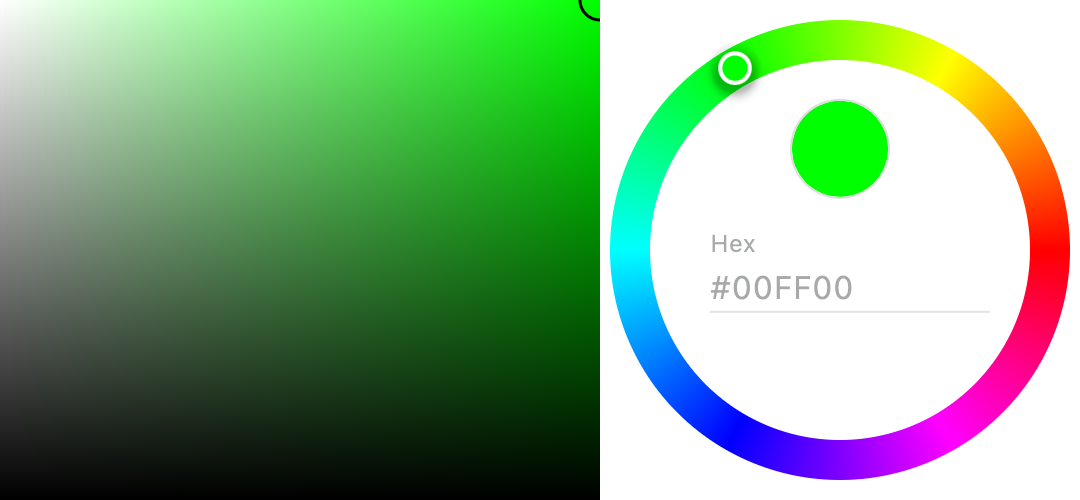](https://docs.flet.dev/test-images/examples/extensions/color_pickers/golden/macos/color_pickers/hue_ring_picker.png)
Basic HueRingPicker
Inherits: `[LayoutControl](https://docs.flet.dev/controls/layoutcontrol/#flet.LayoutControl) `
Properties
* **`[color](https://docs.flet.dev/colorpickers/hueringpicker/#flet_color_pickers.HueRingPicker.color) `**(`[ColorValue](https://docs.flet.dev/types/aliases/#flet.ColorValue) | None`) –
The currently selected color.
* **`[color_picker_height](https://docs.flet.dev/colorpickers/hueringpicker/#flet_color_pickers.HueRingPicker.color_picker_height) `**(`[Number](https://docs.flet.dev/types/aliases/#flet.Number) | None`) –
Height of the color picker in virtual pixels.
* **`[enable_alpha](https://docs.flet.dev/colorpickers/hueringpicker/#flet_color_pickers.HueRingPicker.enable_alpha) `**(`[bool](https://docs.python.org/3/library/functions.html#bool) `) –
Whether to enable alpha (opacity) slider.
* **`[hue_ring_stroke_width](https://docs.flet.dev/colorpickers/hueringpicker/#flet_color_pickers.HueRingPicker.hue_ring_stroke_width) `**(`[Number](https://docs.flet.dev/types/aliases/#flet.Number) | None`) –
Stroke width for the hue ring.
* **`[picker_area_border_radius](https://docs.flet.dev/colorpickers/hueringpicker/#flet_color_pickers.HueRingPicker.picker_area_border_radius) `**(`[BorderRadiusValue](https://docs.flet.dev/types/aliases/#flet.BorderRadiusValue) | None`) –
Border radius for the picker area.
* **`[portrait_only](https://docs.flet.dev/colorpickers/hueringpicker/#flet_color_pickers.HueRingPicker.portrait_only) `**(`[bool](https://docs.python.org/3/library/functions.html#bool) `) –
Whether to force portrait layout.
Events
* **`[on_color_change](https://docs.flet.dev/colorpickers/hueringpicker/#flet_color_pickers.HueRingPicker.on_color_change) `**(`[ControlEventHandler](https://docs.flet.dev/types/aliases/#flet.ControlEventHandler) [[HueRingPicker](https://docs.flet.dev/colorpickers/hueringpicker/#flet_color_pickers.HueRingPicker) ] | None`) –
Called when the picker color is changed.
Example[#](https://docs.flet.dev/colorpickers/hueringpicker/#example "Permanent link")
---------------------------------------------------------------------------------------
`[](https://docs.flet.dev/colorpickers/hueringpicker/#__codelineno-0-1) import flet as ft [](https://docs.flet.dev/colorpickers/hueringpicker/#__codelineno-0-2) from flet_color_pickers import HueRingPicker [](https://docs.flet.dev/colorpickers/hueringpicker/#__codelineno-0-3) [](https://docs.flet.dev/colorpickers/hueringpicker/#__codelineno-0-4)[](https://docs.flet.dev/colorpickers/hueringpicker/#__codelineno-0-5) def main(page: ft.Page): [](https://docs.flet.dev/colorpickers/hueringpicker/#__codelineno-0-6) page.title = "HueRingPicker" [](https://docs.flet.dev/colorpickers/hueringpicker/#__codelineno-0-7) page.padding = 20 [](https://docs.flet.dev/colorpickers/hueringpicker/#__codelineno-0-8) [](https://docs.flet.dev/colorpickers/hueringpicker/#__codelineno-0-9) def on_color_change(e: ft.ControlEvent): [](https://docs.flet.dev/colorpickers/hueringpicker/#__codelineno-0-10) print(f"color: {e.data}") [](https://docs.flet.dev/colorpickers/hueringpicker/#__codelineno-0-11) [](https://docs.flet.dev/colorpickers/hueringpicker/#__codelineno-0-12) picker = HueRingPicker( [](https://docs.flet.dev/colorpickers/hueringpicker/#__codelineno-0-13) color="#00ff00", [](https://docs.flet.dev/colorpickers/hueringpicker/#__codelineno-0-14) hue_ring_stroke_width=20, [](https://docs.flet.dev/colorpickers/hueringpicker/#__codelineno-0-15) picker_area_border_radius=ft.BorderRadius.all(5), [](https://docs.flet.dev/colorpickers/hueringpicker/#__codelineno-0-16) on_color_change=on_color_change, [](https://docs.flet.dev/colorpickers/hueringpicker/#__codelineno-0-17) ) [](https://docs.flet.dev/colorpickers/hueringpicker/#__codelineno-0-18) [](https://docs.flet.dev/colorpickers/hueringpicker/#__codelineno-0-19) page.add(picker) [](https://docs.flet.dev/colorpickers/hueringpicker/#__codelineno-0-20) [](https://docs.flet.dev/colorpickers/hueringpicker/#__codelineno-0-21)[](https://docs.flet.dev/colorpickers/hueringpicker/#__codelineno-0-22) ft.run(main)`
Properties[#](https://docs.flet.dev/colorpickers/hueringpicker/#flet_color_pickers.HueRingPicker-properties "Permanent link")
------------------------------------------------------------------------------------------------------------------------------
### color `class-attribute` `instance-attribute` [#](https://docs.flet.dev/colorpickers/hueringpicker/#flet_color_pickers.HueRingPicker.color "Permanent link")
`[](https://docs.flet.dev/colorpickers/hueringpicker/#__codelineno-0-1) color: [ColorValue](https://docs.flet.dev/types/aliases/#flet.ColorValue) | None = None`
The currently selected color.
### color\_picker\_height `class-attribute` `instance-attribute` [#](https://docs.flet.dev/colorpickers/hueringpicker/#flet_color_pickers.HueRingPicker.color_picker_height "Permanent link")
`[](https://docs.flet.dev/colorpickers/hueringpicker/#__codelineno-0-1) color_picker_height: [Number](https://docs.flet.dev/types/aliases/#flet.Number) | None = None`
Height of the color picker in virtual pixels.
### enable\_alpha `class-attribute` `instance-attribute` [#](https://docs.flet.dev/colorpickers/hueringpicker/#flet_color_pickers.HueRingPicker.enable_alpha "Permanent link")
`[](https://docs.flet.dev/colorpickers/hueringpicker/#__codelineno-0-1) enable_alpha: [bool](https://docs.python.org/3/library/functions.html#bool) = False`
Whether to enable alpha (opacity) slider.
### hue\_ring\_stroke\_width `class-attribute` `instance-attribute` [#](https://docs.flet.dev/colorpickers/hueringpicker/#flet_color_pickers.HueRingPicker.hue_ring_stroke_width "Permanent link")
`[](https://docs.flet.dev/colorpickers/hueringpicker/#__codelineno-0-1) hue_ring_stroke_width: [Number](https://docs.flet.dev/types/aliases/#flet.Number) | None = None`
Stroke width for the hue ring.
### picker\_area\_border\_radius `class-attribute` `instance-attribute` [#](https://docs.flet.dev/colorpickers/hueringpicker/#flet_color_pickers.HueRingPicker.picker_area_border_radius "Permanent link")
`[](https://docs.flet.dev/colorpickers/hueringpicker/#__codelineno-0-1) picker_area_border_radius: [BorderRadiusValue](https://docs.flet.dev/types/aliases/#flet.BorderRadiusValue) | None = None`
Border radius for the picker area.
### portrait\_only `class-attribute` `instance-attribute` [#](https://docs.flet.dev/colorpickers/hueringpicker/#flet_color_pickers.HueRingPicker.portrait_only "Permanent link")
`[](https://docs.flet.dev/colorpickers/hueringpicker/#__codelineno-0-1) portrait_only: [bool](https://docs.python.org/3/library/functions.html#bool) = False`
Whether to force portrait layout.
Events[#](https://docs.flet.dev/colorpickers/hueringpicker/#flet_color_pickers.HueRingPicker-events "Permanent link")
----------------------------------------------------------------------------------------------------------------------
### on\_color\_change `class-attribute` `instance-attribute` [#](https://docs.flet.dev/colorpickers/hueringpicker/#flet_color_pickers.HueRingPicker.on_color_change "Permanent link")
`[](https://docs.flet.dev/colorpickers/hueringpicker/#__codelineno-0-1) on_color_change: ( [](https://docs.flet.dev/colorpickers/hueringpicker/#__codelineno-0-2) [ControlEventHandler](https://docs.flet.dev/types/aliases/#flet.ControlEventHandler) [[HueRingPicker](https://docs.flet.dev/colorpickers/hueringpicker/#flet_color_pickers.HueRingPicker) ] | None [](https://docs.flet.dev/colorpickers/hueringpicker/#__codelineno-0-3) ) = None`
Called when the picker color is changed.
The [`data`](https://docs.flet.dev/types/event/#flet.Event.data)
property of the event handler argument contains the color value as a hex string.
Back to top
---
# DataColumn - Flet
[Skip to content](https://docs.flet.dev/controls/datacolumn/#examples)
DataColumn
==========
Examples[#](https://docs.flet.dev/controls/datacolumn/#examples "Permanent link")
----------------------------------------------------------------------------------
See [these](https://docs.flet.dev/controls/datatable/#examples)
.
Inherits: `[Control](https://docs.flet.dev/controls/control/#flet.Control) `
Column configuration for a [`DataTable`](https://docs.flet.dev/controls/datatable/#flet.DataTable)
.
Properties
* **`[heading_row_alignment](https://docs.flet.dev/controls/datacolumn/#flet.DataColumn.heading_row_alignment) `**(`[MainAxisAlignment](https://docs.flet.dev/types/mainaxisalignment/#flet.MainAxisAlignment) | None`) –
Defines the horizontal layout of the label and sort indicator in the heading row.
* **`[label](https://docs.flet.dev/controls/datacolumn/#flet.DataColumn.label) `**(`[StrOrControl](https://docs.flet.dev/types/aliases/#flet.StrOrControl) `) –
The column heading.
* **`[numeric](https://docs.flet.dev/controls/datacolumn/#flet.DataColumn.numeric) `**(`[bool](https://docs.python.org/3/library/functions.html#bool) `) –
Whether this column represents numeric data or not.
* **`[tooltip](https://docs.flet.dev/controls/datacolumn/#flet.DataColumn.tooltip) `**(`[str](https://docs.python.org/3/library/stdtypes.html#str) | None`) –
The column heading's tooltip.
Events
* **`[on_sort](https://docs.flet.dev/controls/datacolumn/#flet.DataColumn.on_sort) `**(`[EventHandler](https://docs.flet.dev/types/aliases/#flet.EventHandler) [[DataColumnSortEvent](https://docs.flet.dev/types/datacolumnsortevent/#flet.DataColumnSortEvent) ] | None`) –
Called when the user asks to sort the table using this column.
Properties[#](https://docs.flet.dev/controls/datacolumn/#flet.DataColumn-properties "Permanent link")
------------------------------------------------------------------------------------------------------
### heading\_row\_alignment `class-attribute` `instance-attribute` [#](https://docs.flet.dev/controls/datacolumn/#flet.DataColumn.heading_row_alignment "Permanent link")
`[](https://docs.flet.dev/controls/datacolumn/#__codelineno-0-1) heading_row_alignment: [MainAxisAlignment](https://docs.flet.dev/types/mainaxisalignment/#flet.MainAxisAlignment) | None = None`
Defines the horizontal layout of the label and sort indicator in the heading row.
### label `instance-attribute` [#](https://docs.flet.dev/controls/datacolumn/#flet.DataColumn.label "Permanent link")
`[](https://docs.flet.dev/controls/datacolumn/#__codelineno-0-1) label: [StrOrControl](https://docs.flet.dev/types/aliases/#flet.StrOrControl)`
The column heading.
Typically, this will be a [`Text`](https://docs.flet.dev/controls/text/#flet.Text)
control. It could also be an [`Icon`](https://docs.flet.dev/controls/icon/#flet.Icon)
(typically using size 18), or a combination of both in a [`Row`](https://docs.flet.dev/controls/row/#flet.Row)
.
Raises:
* `[ValueError](https://docs.python.org/3/library/exceptions.html#ValueError) ` –
If it is neither a string nor a visible `Control`.
### numeric `class-attribute` `instance-attribute` [#](https://docs.flet.dev/controls/datacolumn/#flet.DataColumn.numeric "Permanent link")
`[](https://docs.flet.dev/controls/datacolumn/#__codelineno-0-1) numeric: [bool](https://docs.python.org/3/library/functions.html#bool) = False`
Whether this column represents numeric data or not.
The contents of cells of columns containing numeric data are right-aligned.
### tooltip `class-attribute` `instance-attribute` [#](https://docs.flet.dev/controls/datacolumn/#flet.DataColumn.tooltip "Permanent link")
`[](https://docs.flet.dev/controls/datacolumn/#__codelineno-0-1) tooltip: [str](https://docs.python.org/3/library/stdtypes.html#str) | None = [field](https://docs.python.org/3/library/dataclasses.html#dataclasses.field "dataclasses.field") (default=None, kw_only=True)`
The column heading's tooltip.
This is a longer description of the column heading, for cases where the heading might have been abbreviated to keep the column width to a reasonable size.
Events[#](https://docs.flet.dev/controls/datacolumn/#flet.DataColumn-events "Permanent link")
----------------------------------------------------------------------------------------------
### on\_sort `class-attribute` `instance-attribute` [#](https://docs.flet.dev/controls/datacolumn/#flet.DataColumn.on_sort "Permanent link")
`[](https://docs.flet.dev/controls/datacolumn/#__codelineno-0-1) on_sort: [EventHandler](https://docs.flet.dev/types/aliases/#flet.EventHandler) [[DataColumnSortEvent](https://docs.flet.dev/types/datacolumnsortevent/#flet.DataColumnSortEvent) ] | None = None`
Called when the user asks to sort the table using this column.
If not set, the column will not be considered sortable.
Back to top
---
# DataCell - Flet
[Skip to content](https://docs.flet.dev/controls/datacell/#examples)
DataCell
========
Examples[#](https://docs.flet.dev/controls/datacell/#examples "Permanent link")
--------------------------------------------------------------------------------
See [these](https://docs.flet.dev/controls/datatable/#examples)
.
Inherits: `[Control](https://docs.flet.dev/controls/control/#flet.Control) `
The data for a cell of a [`DataTable`](https://docs.flet.dev/controls/datatable/#flet.DataTable)
.
Properties
* **`[content](https://docs.flet.dev/controls/datacell/#flet.DataCell.content) `**(`[StrOrControl](https://docs.flet.dev/types/aliases/#flet.StrOrControl) `) –
The content of this cell.
* **`[placeholder](https://docs.flet.dev/controls/datacell/#flet.DataCell.placeholder) `**(`[bool](https://docs.python.org/3/library/functions.html#bool) `) –
Whether the [`content`](https://docs.flet.dev/controls/datacell/#flet.DataCell.content)
is actually a placeholder.
* **`[show_edit_icon](https://docs.flet.dev/controls/datacell/#flet.DataCell.show_edit_icon) `**(`[bool](https://docs.python.org/3/library/functions.html#bool) `) –
Whether to show an edit icon at the end of this cell.
Events
* **`[on_double_tap](https://docs.flet.dev/controls/datacell/#flet.DataCell.on_double_tap) `**(`[ControlEventHandler](https://docs.flet.dev/types/aliases/#flet.ControlEventHandler) [[DataCell](https://docs.flet.dev/controls/datacell/#flet.DataCell) ] | None`) –
Called when this cell is double tapped.
* **`[on_long_press](https://docs.flet.dev/controls/datacell/#flet.DataCell.on_long_press) `**(`[ControlEventHandler](https://docs.flet.dev/types/aliases/#flet.ControlEventHandler) [[DataCell](https://docs.flet.dev/controls/datacell/#flet.DataCell) ] | None`) –
Called if this cell is long-pressed.
* **`[on_tap](https://docs.flet.dev/controls/datacell/#flet.DataCell.on_tap) `**(`[ControlEventHandler](https://docs.flet.dev/types/aliases/#flet.ControlEventHandler) [[DataCell](https://docs.flet.dev/controls/datacell/#flet.DataCell) ] | None`) –
Called if this cell is tapped.
* **`[on_tap_cancel](https://docs.flet.dev/controls/datacell/#flet.DataCell.on_tap_cancel) `**(`[ControlEventHandler](https://docs.flet.dev/types/aliases/#flet.ControlEventHandler) [[DataCell](https://docs.flet.dev/controls/datacell/#flet.DataCell) ] | None`) –
Called if the user cancels a tap was started on cell.
* **`[on_tap_down](https://docs.flet.dev/controls/datacell/#flet.DataCell.on_tap_down) `**(`[EventHandler](https://docs.flet.dev/types/aliases/#flet.EventHandler) [[TapEvent](https://docs.flet.dev/types/tapevent/#flet.TapEvent) [[DataCell](https://docs.flet.dev/controls/datacell/#flet.DataCell) ]] | None`) –
Called if this cell is tapped down.
Properties[#](https://docs.flet.dev/controls/datacell/#flet.DataCell-properties "Permanent link")
--------------------------------------------------------------------------------------------------
### content `instance-attribute` [#](https://docs.flet.dev/controls/datacell/#flet.DataCell.content "Permanent link")
`[](https://docs.flet.dev/controls/datacell/#__codelineno-0-1) content: [StrOrControl](https://docs.flet.dev/types/aliases/#flet.StrOrControl)`
The content of this cell.
Typically a [`Text`](https://docs.flet.dev/controls/text/#flet.Text)
control or a [`Dropdown`](https://docs.flet.dev/controls/dropdown/#flet.Dropdown)
control.
If the cell has no data, then a [`Text`](https://docs.flet.dev/controls/text/#flet.Text)
control with placeholder text should be provided instead, and [`placeholder`](https://docs.flet.dev/controls/datacell/#flet.DataCell.placeholder)
should be set to `True`.
Tip
To lay out multiple children, set the [`content`](https://docs.flet.dev/controls/datacell/#flet.DataCell.content)
to a container-like control such as [`Row`](https://docs.flet.dev/controls/row/#flet.Row)
, [`Column`](https://docs.flet.dev/controls/column/#flet.Column)
, or [`Stack`](https://docs.flet.dev/controls/stack/#flet.Stack)
, which have a `controls` property.
Raises:
* `[ValueError](https://docs.python.org/3/library/exceptions.html#ValueError) ` –
If it is neither a string nor a visible `Control`.
### placeholder `class-attribute` `instance-attribute` [#](https://docs.flet.dev/controls/datacell/#flet.DataCell.placeholder "Permanent link")
`[](https://docs.flet.dev/controls/datacell/#__codelineno-0-1) placeholder: [bool](https://docs.python.org/3/library/functions.html#bool) = False`
Whether the [`content`](https://docs.flet.dev/controls/datacell/#flet.DataCell.content)
is actually a placeholder.
If this is `True`, the default text style for the cell is changed to be appropriate for placeholder text.
### show\_edit\_icon `class-attribute` `instance-attribute` [#](https://docs.flet.dev/controls/datacell/#flet.DataCell.show_edit_icon "Permanent link")
`[](https://docs.flet.dev/controls/datacell/#__codelineno-0-1) show_edit_icon: [bool](https://docs.python.org/3/library/functions.html#bool) = False`
Whether to show an edit icon at the end of this cell.
This does not make the cell actually editable; the caller must implement editing behavior if desired (initiated from the [`on_tap`](https://docs.flet.dev/controls/datacell/#flet.DataCell.on_tap)
callback).
Note
If this is set, [`on_tap`](https://docs.flet.dev/controls/datacell/#flet.DataCell.on_tap)
should also be set, otherwise tapping the icon will have no effect.
Events[#](https://docs.flet.dev/controls/datacell/#flet.DataCell-events "Permanent link")
------------------------------------------------------------------------------------------
### on\_double\_tap `class-attribute` `instance-attribute` [#](https://docs.flet.dev/controls/datacell/#flet.DataCell.on_double_tap "Permanent link")
`[](https://docs.flet.dev/controls/datacell/#__codelineno-0-1) on_double_tap: [ControlEventHandler](https://docs.flet.dev/types/aliases/#flet.ControlEventHandler) [[DataCell](https://docs.flet.dev/controls/datacell/#flet.DataCell) ] | None = None`
Called when this cell is double tapped.
Note
If this is `None` (including [`on_tap`](https://docs.flet.dev/controls/datacell/#flet.DataCell.on_tap)
, [`on_long_press`](https://docs.flet.dev/controls/datacell/#flet.DataCell.on_long_press)
, [`on_tap_cancel`](https://docs.flet.dev/controls/datacell/#flet.DataCell.on_tap_cancel)
, [`on_tap_down`](https://docs.flet.dev/controls/datacell/#flet.DataCell.on_tap_down)
), tapping this cell will attempt to select its row (if [`DataRow.on_select_change`](https://docs.flet.dev/controls/datarow/#flet.DataRow.on_select_change)
is provided).
### on\_long\_press `class-attribute` `instance-attribute` [#](https://docs.flet.dev/controls/datacell/#flet.DataCell.on_long_press "Permanent link")
`[](https://docs.flet.dev/controls/datacell/#__codelineno-0-1) on_long_press: [ControlEventHandler](https://docs.flet.dev/types/aliases/#flet.ControlEventHandler) [[DataCell](https://docs.flet.dev/controls/datacell/#flet.DataCell) ] | None = None`
Called if this cell is long-pressed.
Note
If this is `None` (including [`on_tap`](https://docs.flet.dev/controls/datacell/#flet.DataCell.on_tap)
, [`on_double_tap`](https://docs.flet.dev/controls/datacell/#flet.DataCell.on_double_tap)
, [`on_tap_cancel`](https://docs.flet.dev/controls/datacell/#flet.DataCell.on_tap_cancel)
, [`on_tap_down`](https://docs.flet.dev/controls/datacell/#flet.DataCell.on_tap_down)
), tapping this cell will attempt to select its row (if [`DataRow.on_select_change`](https://docs.flet.dev/controls/datarow/#flet.DataRow.on_select_change)
is provided).
### on\_tap `class-attribute` `instance-attribute` [#](https://docs.flet.dev/controls/datacell/#flet.DataCell.on_tap "Permanent link")
`[](https://docs.flet.dev/controls/datacell/#__codelineno-0-1) on_tap: [ControlEventHandler](https://docs.flet.dev/types/aliases/#flet.ControlEventHandler) [[DataCell](https://docs.flet.dev/controls/datacell/#flet.DataCell) ] | None = None`
Called if this cell is tapped.
Note
If this is `None` (including [`on_double_tap`](https://docs.flet.dev/controls/datacell/#flet.DataCell.on_double_tap)
, [`on_long_press`](https://docs.flet.dev/controls/datacell/#flet.DataCell.on_long_press)
, [`on_tap_cancel`](https://docs.flet.dev/controls/datacell/#flet.DataCell.on_tap_cancel)
, [`on_tap_down`](https://docs.flet.dev/controls/datacell/#flet.DataCell.on_tap_down)
), tapping this cell will attempt to select its row (if [`DataRow.on_select_change`](https://docs.flet.dev/controls/datarow/#flet.DataRow.on_select_change)
is provided).
### on\_tap\_cancel `class-attribute` `instance-attribute` [#](https://docs.flet.dev/controls/datacell/#flet.DataCell.on_tap_cancel "Permanent link")
`[](https://docs.flet.dev/controls/datacell/#__codelineno-0-1) on_tap_cancel: [ControlEventHandler](https://docs.flet.dev/types/aliases/#flet.ControlEventHandler) [[DataCell](https://docs.flet.dev/controls/datacell/#flet.DataCell) ] | None = None`
Called if the user cancels a tap was started on cell.
Note
If this is `None` (including [`on_tap`](https://docs.flet.dev/controls/datacell/#flet.DataCell.on_tap)
, [`on_double_tap`](https://docs.flet.dev/controls/datacell/#flet.DataCell.on_double_tap)
, [`on_long_press`](https://docs.flet.dev/controls/datacell/#flet.DataCell.on_long_press)
, [`on_tap_down`](https://docs.flet.dev/controls/datacell/#flet.DataCell.on_tap_down)
), tapping this cell will attempt to select its row (if [`DataRow.on_select_change`](https://docs.flet.dev/controls/datarow/#flet.DataRow.on_select_change)
is provided).
### on\_tap\_down `class-attribute` `instance-attribute` [#](https://docs.flet.dev/controls/datacell/#flet.DataCell.on_tap_down "Permanent link")
`[](https://docs.flet.dev/controls/datacell/#__codelineno-0-1) on_tap_down: [EventHandler](https://docs.flet.dev/types/aliases/#flet.EventHandler) [[TapEvent](https://docs.flet.dev/types/tapevent/#flet.TapEvent) [[DataCell](https://docs.flet.dev/controls/datacell/#flet.DataCell) ]] | None = None`
Called if this cell is tapped down.
Note
If this is `None` (including [`on_tap`](https://docs.flet.dev/controls/datacell/#flet.DataCell.on_tap)
, [`on_double_tap`](https://docs.flet.dev/controls/datacell/#flet.DataCell.on_double_tap)
, [`on_long_press`](https://docs.flet.dev/controls/datacell/#flet.DataCell.on_long_press)
, [`on_tap_cancel`](https://docs.flet.dev/controls/datacell/#flet.DataCell.on_tap_cancel)
), tapping this cell will attempt to select its row (if [`DataRow.on_select_change`](https://docs.flet.dev/controls/datarow/#flet.DataRow.on_select_change)
is provided).
Back to top
---
# Card - Flet
[Skip to content](https://docs.flet.dev/controls/card/#flet.Card)
Card
====
A material design card: a panel with slightly rounded corners and an elevation shadow.
`[](https://docs.flet.dev/controls/card/#__codelineno-0-1) ft.Card( [](https://docs.flet.dev/controls/card/#__codelineno-0-2) shadow_color=ft.Colors.ON_SURFACE_VARIANT, [](https://docs.flet.dev/controls/card/#__codelineno-0-3) content=ft.Container( [](https://docs.flet.dev/controls/card/#__codelineno-0-4) width=400, [](https://docs.flet.dev/controls/card/#__codelineno-0-5) padding=10, [](https://docs.flet.dev/controls/card/#__codelineno-0-6) content=ft.ListTile( [](https://docs.flet.dev/controls/card/#__codelineno-0-7) bgcolor=ft.Colors.GREY_400, [](https://docs.flet.dev/controls/card/#__codelineno-0-8) leading=ft.Icon(ft.Icons.FOREST), [](https://docs.flet.dev/controls/card/#__codelineno-0-9) title=ft.Text("Card Name"), [](https://docs.flet.dev/controls/card/#__codelineno-0-10) ), [](https://docs.flet.dev/controls/card/#__codelineno-0-11) ), [](https://docs.flet.dev/controls/card/#__codelineno-0-12) )`
[](https://docs.flet.dev/test-images/examples/material/golden/macos/card/image_for_docs.png)
Basic card
Inherits: `[LayoutControl](https://docs.flet.dev/controls/layoutcontrol/#flet.LayoutControl) `, `[AdaptiveControl](https://docs.flet.dev/controls/adaptivecontrol/#flet.AdaptiveControl) `
Properties
* **`[bgcolor](https://docs.flet.dev/controls/card/#flet.Card.bgcolor) `**(`[ColorValue](https://docs.flet.dev/types/aliases/#flet.ColorValue) | None`) –
The card's background color.
* **`[clip_behavior](https://docs.flet.dev/controls/card/#flet.Card.clip_behavior) `**(`[ClipBehavior](https://docs.flet.dev/types/clipbehavior/#flet.ClipBehavior) | None`) –
Defines how the [`content`](https://docs.flet.dev/controls/card/#flet.Card.content)
will be clipped.
* **`[content](https://docs.flet.dev/controls/card/#flet.Card.content) `**(`[Control](https://docs.flet.dev/controls/control/#flet.Control) | None`) –
The Control to display inside the card.
* **`[elevation](https://docs.flet.dev/controls/card/#flet.Card.elevation) `**(`[Number](https://docs.flet.dev/types/aliases/#flet.Number) | None`) –
The z-coordinate at which to place this card.
* **`[semantic_container](https://docs.flet.dev/controls/card/#flet.Card.semantic_container) `**(`[bool](https://docs.python.org/3/library/functions.html#bool) `) –
Whether this card represents a single semantic container, or if it instead represents a collection of individual semantic nodes (different types of content).
* **`[shadow_color](https://docs.flet.dev/controls/card/#flet.Card.shadow_color) `**(`[ColorValue](https://docs.flet.dev/types/aliases/#flet.ColorValue) | None`) –
The color to paint the shadow below this card.
* **`[shape](https://docs.flet.dev/controls/card/#flet.Card.shape) `**(`[OutlinedBorder](https://docs.flet.dev/types/outlinedborder/#flet.OutlinedBorder) | None`) –
The shape of this card.
* **`[show_border_on_foreground](https://docs.flet.dev/controls/card/#flet.Card.show_border_on_foreground) `**(`[bool](https://docs.python.org/3/library/functions.html#bool) `) –
Whether the shape of the border should be painted in front of the [`content`](https://docs.flet.dev/controls/card/#flet.Card.content)
or behind.
* **`[variant](https://docs.flet.dev/controls/card/#flet.Card.variant) `**(`[CardVariant](https://docs.flet.dev/types/cardvariant/#flet.CardVariant) `) –
Defines the card variant to be used.
Examples[#](https://docs.flet.dev/controls/card/#examples "Permanent link")
----------------------------------------------------------------------------
[Live example](https://flet-controls-gallery.fly.dev/layout/card)
`[](https://docs.flet.dev/controls/card/#__codelineno-0-1) import flet as ft [](https://docs.flet.dev/controls/card/#__codelineno-0-2) [](https://docs.flet.dev/controls/card/#__codelineno-0-3)[](https://docs.flet.dev/controls/card/#__codelineno-0-4) def main(page: ft.Page): [](https://docs.flet.dev/controls/card/#__codelineno-0-5) page.title = "Card Example" [](https://docs.flet.dev/controls/card/#__codelineno-0-6) page.theme_mode = ft.ThemeMode.LIGHT [](https://docs.flet.dev/controls/card/#__codelineno-0-7) [](https://docs.flet.dev/controls/card/#__codelineno-0-8) page.add( [](https://docs.flet.dev/controls/card/#__codelineno-0-9) ft.Card( [](https://docs.flet.dev/controls/card/#__codelineno-0-10) shadow_color=ft.Colors.ON_SURFACE_VARIANT, [](https://docs.flet.dev/controls/card/#__codelineno-0-11) content=ft.Container( [](https://docs.flet.dev/controls/card/#__codelineno-0-12) width=400, [](https://docs.flet.dev/controls/card/#__codelineno-0-13) padding=10, [](https://docs.flet.dev/controls/card/#__codelineno-0-14) content=ft.Column( [](https://docs.flet.dev/controls/card/#__codelineno-0-15) controls=[ [](https://docs.flet.dev/controls/card/#__codelineno-0-16) ft.ListTile( [](https://docs.flet.dev/controls/card/#__codelineno-0-17) bgcolor=ft.Colors.GREY_400, [](https://docs.flet.dev/controls/card/#__codelineno-0-18) leading=ft.Icon(ft.Icons.ALBUM), [](https://docs.flet.dev/controls/card/#__codelineno-0-19) title=ft.Text("The Enchanted Nightingale"), [](https://docs.flet.dev/controls/card/#__codelineno-0-20) subtitle=ft.Text( [](https://docs.flet.dev/controls/card/#__codelineno-0-21) "Music by Julie Gable. Lyrics by Sidney Stein." [](https://docs.flet.dev/controls/card/#__codelineno-0-22) ), [](https://docs.flet.dev/controls/card/#__codelineno-0-23) ), [](https://docs.flet.dev/controls/card/#__codelineno-0-24) ft.Row( [](https://docs.flet.dev/controls/card/#__codelineno-0-25) alignment=ft.MainAxisAlignment.END, [](https://docs.flet.dev/controls/card/#__codelineno-0-26) controls=[ [](https://docs.flet.dev/controls/card/#__codelineno-0-27) ft.TextButton("Buy tickets"), [](https://docs.flet.dev/controls/card/#__codelineno-0-28) ft.TextButton("Listen"), [](https://docs.flet.dev/controls/card/#__codelineno-0-29) ], [](https://docs.flet.dev/controls/card/#__codelineno-0-30) ), [](https://docs.flet.dev/controls/card/#__codelineno-0-31) ] [](https://docs.flet.dev/controls/card/#__codelineno-0-32) ), [](https://docs.flet.dev/controls/card/#__codelineno-0-33) ), [](https://docs.flet.dev/controls/card/#__codelineno-0-34) ) [](https://docs.flet.dev/controls/card/#__codelineno-0-35) ) [](https://docs.flet.dev/controls/card/#__codelineno-0-36) [](https://docs.flet.dev/controls/card/#__codelineno-0-37)[](https://docs.flet.dev/controls/card/#__codelineno-0-38) if __name__ == "__main__": [](https://docs.flet.dev/controls/card/#__codelineno-0-39) ft.run(main)`
[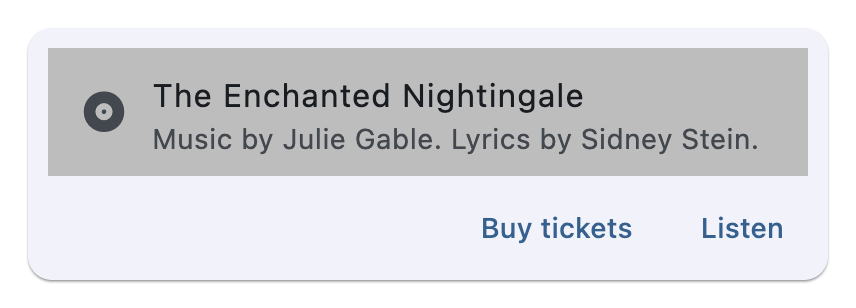](https://docs.flet.dev/test-images/examples/material/golden/macos/card/music_info.png)
Properties[#](https://docs.flet.dev/controls/card/#flet.Card-properties "Permanent link")
------------------------------------------------------------------------------------------
### bgcolor `class-attribute` `instance-attribute` [#](https://docs.flet.dev/controls/card/#flet.Card.bgcolor "Permanent link")
`[](https://docs.flet.dev/controls/card/#__codelineno-0-1) bgcolor: [ColorValue](https://docs.flet.dev/types/aliases/#flet.ColorValue) | None = None`
The card's background color.
### clip\_behavior `class-attribute` `instance-attribute` [#](https://docs.flet.dev/controls/card/#flet.Card.clip_behavior "Permanent link")
`[](https://docs.flet.dev/controls/card/#__codelineno-0-1) clip_behavior: [ClipBehavior](https://docs.flet.dev/types/clipbehavior/#flet.ClipBehavior) | None = None`
Defines how the [`content`](https://docs.flet.dev/controls/card/#flet.Card.content)
will be clipped.
Defaults to [`CardTheme.clip_behavior`](https://docs.flet.dev/types/cardtheme/#flet.CardTheme.clip_behavior)
, or if that is `None`, falls back to `ClipBehavior.NONE`.
### content `class-attribute` `instance-attribute` [#](https://docs.flet.dev/controls/card/#flet.Card.content "Permanent link")
`[](https://docs.flet.dev/controls/card/#__codelineno-0-1) content: [Control](https://docs.flet.dev/controls/control/#flet.Control) | None = None`
The Control to display inside the card.
Tip
To display multiple children, wrap them in a control like [`Row`](https://docs.flet.dev/controls/row/#flet.Row)
, [`Column`](https://docs.flet.dev/controls/column/#flet.Column)
, or [`Stack`](https://docs.flet.dev/controls/stack/#flet.Stack)
, which accept a `controls` list.
### elevation `class-attribute` `instance-attribute` [#](https://docs.flet.dev/controls/card/#flet.Card.elevation "Permanent link")
`[](https://docs.flet.dev/controls/card/#__codelineno-0-1) elevation: [Number](https://docs.flet.dev/types/aliases/#flet.Number) | None = None`
The z-coordinate at which to place this card. Defines the size of the shadow below the card.
Defaults to [`CardTheme.elevation`](https://docs.flet.dev/types/cardtheme/#flet.CardTheme.elevation)
, or if that is `None`, falls back to `1.0`.
### semantic\_container `class-attribute` `instance-attribute` [#](https://docs.flet.dev/controls/card/#flet.Card.semantic_container "Permanent link")
`[](https://docs.flet.dev/controls/card/#__codelineno-0-1) semantic_container: [bool](https://docs.python.org/3/library/functions.html#bool) = True`
Whether this card represents a single semantic container, or if it instead represents a collection of individual semantic nodes (different types of content).
### shadow\_color `class-attribute` `instance-attribute` [#](https://docs.flet.dev/controls/card/#flet.Card.shadow_color "Permanent link")
`[](https://docs.flet.dev/controls/card/#__codelineno-0-1) shadow_color: [ColorValue](https://docs.flet.dev/types/aliases/#flet.ColorValue) | None = None`
The color to paint the shadow below this card.
Defaults to [`CardTheme.shadow_color`](https://docs.flet.dev/types/cardtheme/#flet.CardTheme.shadow_color)
### shape `class-attribute` `instance-attribute` [#](https://docs.flet.dev/controls/card/#flet.Card.shape "Permanent link")
`[](https://docs.flet.dev/controls/card/#__codelineno-0-1) shape: [OutlinedBorder](https://docs.flet.dev/types/outlinedborder/#flet.OutlinedBorder) | None = None`
The shape of this card.
Defaults to [`CardTheme.shape`](https://docs.flet.dev/types/cardtheme/#flet.CardTheme.shape)
, or if that is `None`, falls back to `RoundedRectangleBorder(radius=12.0)`.
### show\_border\_on\_foreground `class-attribute` `instance-attribute` [#](https://docs.flet.dev/controls/card/#flet.Card.show_border_on_foreground "Permanent link")
`[](https://docs.flet.dev/controls/card/#__codelineno-0-1) show_border_on_foreground: [bool](https://docs.python.org/3/library/functions.html#bool) = True`
Whether the shape of the border should be painted in front of the [`content`](https://docs.flet.dev/controls/card/#flet.Card.content)
or behind.
### variant `class-attribute` `instance-attribute` [#](https://docs.flet.dev/controls/card/#flet.Card.variant "Permanent link")
`[](https://docs.flet.dev/controls/card/#__codelineno-0-1) variant: [CardVariant](https://docs.flet.dev/types/cardvariant/#flet.CardVariant) = [ELEVATED](https://docs.flet.dev/types/cardvariant/#flet.CardVariant.ELEVATED)`
Defines the card variant to be used.
Back to top
---
# CupertinoAlertDialog - Flet
[Skip to content](https://docs.flet.dev/controls/cupertinoalertdialog/#flet.CupertinoAlertDialog)
CupertinoAlertDialog
====================
An iOS-style alert dialog.
An alert dialog informs the user about situations that require acknowledgement. An alert dialog has an optional title and an optional list of actions. The title is displayed above the content and the actions are displayed below the content.
Inherits: `[DialogControl](https://docs.flet.dev/controls/dialogcontrol/#flet.DialogControl) `
Properties
* **`[actions](https://docs.flet.dev/controls/cupertinoalertdialog/#flet.CupertinoAlertDialog.actions) `**(`[list](https://docs.python.org/3/glossary.html#term-list) [[Control](https://docs.flet.dev/controls/control/#flet.Control) ]`) –
A set of actions that are displayed at the bottom of the dialog.
* **`[barrier_color](https://docs.flet.dev/controls/cupertinoalertdialog/#flet.CupertinoAlertDialog.barrier_color) `**(`[ColorValue](https://docs.flet.dev/types/aliases/#flet.ColorValue) | None`) –
The color of the modal barrier below this dialog.
* **`[content](https://docs.flet.dev/controls/cupertinoalertdialog/#flet.CupertinoAlertDialog.content) `**(`[Control](https://docs.flet.dev/controls/control/#flet.Control) | None`) –
The content of this dialog, displayed in a light font at the center of this dialog.
* **`[inset_animation](https://docs.flet.dev/controls/cupertinoalertdialog/#flet.CupertinoAlertDialog.inset_animation) `**(`[Animation](https://docs.flet.dev/types/animation/#flet.Animation) `) –
The animation style to be used when the system keyboard intrudes into the space that the dialog is placed in.
* **`[modal](https://docs.flet.dev/controls/cupertinoalertdialog/#flet.CupertinoAlertDialog.modal) `**(`[bool](https://docs.python.org/3/library/functions.html#bool) `) –
Whether this dialog cannot be dismissed by clicking the area outside of it.
* **`[title](https://docs.flet.dev/controls/cupertinoalertdialog/#flet.CupertinoAlertDialog.title) `**(`[StrOrControl](https://docs.flet.dev/types/aliases/#flet.StrOrControl) | None`) –
The title of this dialog, displayed in a large font at the top of this dialog.
Examples[#](https://docs.flet.dev/controls/cupertinoalertdialog/#examples "Permanent link")
--------------------------------------------------------------------------------------------
[Live example](https://flet-controls-gallery.fly.dev/dialogs/cupertinoalertdialog)
### File deletion confirmation[#](https://docs.flet.dev/controls/cupertinoalertdialog/#file-deletion-confirmation "Permanent link")
`[](https://docs.flet.dev/controls/cupertinoalertdialog/#__codelineno-0-1) import flet as ft [](https://docs.flet.dev/controls/cupertinoalertdialog/#__codelineno-0-2) [](https://docs.flet.dev/controls/cupertinoalertdialog/#__codelineno-0-3)[](https://docs.flet.dev/controls/cupertinoalertdialog/#__codelineno-0-4) def main(page: ft.Page): [](https://docs.flet.dev/controls/cupertinoalertdialog/#__codelineno-0-5) page.horizontal_alignment = ft.CrossAxisAlignment.CENTER [](https://docs.flet.dev/controls/cupertinoalertdialog/#__codelineno-0-6) [](https://docs.flet.dev/controls/cupertinoalertdialog/#__codelineno-0-7) def handle_dialog_dismissal(e: ft.Event[ft.DialogControl]): [](https://docs.flet.dev/controls/cupertinoalertdialog/#__codelineno-0-8) page.add(ft.Text("Dialog dismissed")) [](https://docs.flet.dev/controls/cupertinoalertdialog/#__codelineno-0-9) [](https://docs.flet.dev/controls/cupertinoalertdialog/#__codelineno-0-10) def handle_action_click(e: ft.Event[ft.CupertinoDialogAction]): [](https://docs.flet.dev/controls/cupertinoalertdialog/#__codelineno-0-11) page.add(ft.Text(f"Action clicked: {e.control.content}")) [](https://docs.flet.dev/controls/cupertinoalertdialog/#__codelineno-0-12) page.pop_dialog() [](https://docs.flet.dev/controls/cupertinoalertdialog/#__codelineno-0-13) [](https://docs.flet.dev/controls/cupertinoalertdialog/#__codelineno-0-14) cupertino_alert_dialog = ft.CupertinoAlertDialog( [](https://docs.flet.dev/controls/cupertinoalertdialog/#__codelineno-0-15) title=ft.Text("Cupertino Alert Dialog"), [](https://docs.flet.dev/controls/cupertinoalertdialog/#__codelineno-0-16) content=ft.Text("Do you want to delete this file?"), [](https://docs.flet.dev/controls/cupertinoalertdialog/#__codelineno-0-17) on_dismiss=handle_dialog_dismissal, [](https://docs.flet.dev/controls/cupertinoalertdialog/#__codelineno-0-18) actions=[ [](https://docs.flet.dev/controls/cupertinoalertdialog/#__codelineno-0-19) ft.CupertinoDialogAction( [](https://docs.flet.dev/controls/cupertinoalertdialog/#__codelineno-0-20) content="Yes", [](https://docs.flet.dev/controls/cupertinoalertdialog/#__codelineno-0-21) destructive=True, [](https://docs.flet.dev/controls/cupertinoalertdialog/#__codelineno-0-22) on_click=handle_action_click, [](https://docs.flet.dev/controls/cupertinoalertdialog/#__codelineno-0-23) ), [](https://docs.flet.dev/controls/cupertinoalertdialog/#__codelineno-0-24) ft.CupertinoDialogAction( [](https://docs.flet.dev/controls/cupertinoalertdialog/#__codelineno-0-25) content="No", default=True, on_click=handle_action_click [](https://docs.flet.dev/controls/cupertinoalertdialog/#__codelineno-0-26) ), [](https://docs.flet.dev/controls/cupertinoalertdialog/#__codelineno-0-27) ], [](https://docs.flet.dev/controls/cupertinoalertdialog/#__codelineno-0-28) ) [](https://docs.flet.dev/controls/cupertinoalertdialog/#__codelineno-0-29) [](https://docs.flet.dev/controls/cupertinoalertdialog/#__codelineno-0-30) page.add( [](https://docs.flet.dev/controls/cupertinoalertdialog/#__codelineno-0-31) ft.CupertinoFilledButton( [](https://docs.flet.dev/controls/cupertinoalertdialog/#__codelineno-0-32) content="Open CupertinoAlertDialog", [](https://docs.flet.dev/controls/cupertinoalertdialog/#__codelineno-0-33) on_click=lambda e: page.show_dialog(cupertino_alert_dialog), [](https://docs.flet.dev/controls/cupertinoalertdialog/#__codelineno-0-34) ) [](https://docs.flet.dev/controls/cupertinoalertdialog/#__codelineno-0-35) ) [](https://docs.flet.dev/controls/cupertinoalertdialog/#__codelineno-0-36) [](https://docs.flet.dev/controls/cupertinoalertdialog/#__codelineno-0-37)[](https://docs.flet.dev/controls/cupertinoalertdialog/#__codelineno-0-38) ft.run(main)`
[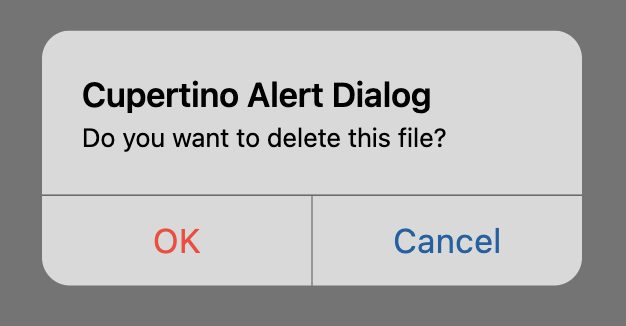](https://docs.flet.dev/examples/controls/cupertino_alert_dialog/media/file_deletion_confirmation.png)
### Cupertino, material and adaptive alert dialogs[#](https://docs.flet.dev/controls/cupertinoalertdialog/#cupertino-material-and-adaptive-alert-dialogs "Permanent link")
`[](https://docs.flet.dev/controls/cupertinoalertdialog/#__codelineno-1-1) from typing import Union [](https://docs.flet.dev/controls/cupertinoalertdialog/#__codelineno-1-2)[](https://docs.flet.dev/controls/cupertinoalertdialog/#__codelineno-1-3) import flet as ft [](https://docs.flet.dev/controls/cupertinoalertdialog/#__codelineno-1-4) [](https://docs.flet.dev/controls/cupertinoalertdialog/#__codelineno-1-5)[](https://docs.flet.dev/controls/cupertinoalertdialog/#__codelineno-1-6) def main(page: ft.Page): [](https://docs.flet.dev/controls/cupertinoalertdialog/#__codelineno-1-7) page.horizontal_alignment = ft.CrossAxisAlignment.CENTER [](https://docs.flet.dev/controls/cupertinoalertdialog/#__codelineno-1-8) page.scroll = ft.ScrollMode.AUTO [](https://docs.flet.dev/controls/cupertinoalertdialog/#__codelineno-1-9) [](https://docs.flet.dev/controls/cupertinoalertdialog/#__codelineno-1-10) def handle_action_click( [](https://docs.flet.dev/controls/cupertinoalertdialog/#__codelineno-1-11) e: ft.Event[Union[ft.TextButton, ft.CupertinoDialogAction]], [](https://docs.flet.dev/controls/cupertinoalertdialog/#__codelineno-1-12) ): [](https://docs.flet.dev/controls/cupertinoalertdialog/#__codelineno-1-13) page.add(ft.Text(f"Action clicked: {e.control.content}")) [](https://docs.flet.dev/controls/cupertinoalertdialog/#__codelineno-1-14) page.pop_dialog() [](https://docs.flet.dev/controls/cupertinoalertdialog/#__codelineno-1-15) [](https://docs.flet.dev/controls/cupertinoalertdialog/#__codelineno-1-16) cupertino_actions = [ [](https://docs.flet.dev/controls/cupertinoalertdialog/#__codelineno-1-17) ft.CupertinoDialogAction( [](https://docs.flet.dev/controls/cupertinoalertdialog/#__codelineno-1-18) content="Yes", [](https://docs.flet.dev/controls/cupertinoalertdialog/#__codelineno-1-19) destructive=True, [](https://docs.flet.dev/controls/cupertinoalertdialog/#__codelineno-1-20) on_click=handle_action_click, [](https://docs.flet.dev/controls/cupertinoalertdialog/#__codelineno-1-21) ), [](https://docs.flet.dev/controls/cupertinoalertdialog/#__codelineno-1-22) ft.CupertinoDialogAction( [](https://docs.flet.dev/controls/cupertinoalertdialog/#__codelineno-1-23) content="No", [](https://docs.flet.dev/controls/cupertinoalertdialog/#__codelineno-1-24) default=False, [](https://docs.flet.dev/controls/cupertinoalertdialog/#__codelineno-1-25) on_click=handle_action_click, [](https://docs.flet.dev/controls/cupertinoalertdialog/#__codelineno-1-26) ), [](https://docs.flet.dev/controls/cupertinoalertdialog/#__codelineno-1-27) ] [](https://docs.flet.dev/controls/cupertinoalertdialog/#__codelineno-1-28) [](https://docs.flet.dev/controls/cupertinoalertdialog/#__codelineno-1-29) material_actions = [ [](https://docs.flet.dev/controls/cupertinoalertdialog/#__codelineno-1-30) ft.TextButton(content="Yes", on_click=handle_action_click), [](https://docs.flet.dev/controls/cupertinoalertdialog/#__codelineno-1-31) ft.TextButton(content="No", on_click=handle_action_click), [](https://docs.flet.dev/controls/cupertinoalertdialog/#__codelineno-1-32) ] [](https://docs.flet.dev/controls/cupertinoalertdialog/#__codelineno-1-33) [](https://docs.flet.dev/controls/cupertinoalertdialog/#__codelineno-1-34) page.add( [](https://docs.flet.dev/controls/cupertinoalertdialog/#__codelineno-1-35) ft.FilledButton( [](https://docs.flet.dev/controls/cupertinoalertdialog/#__codelineno-1-36) content="Open Material Dialog", [](https://docs.flet.dev/controls/cupertinoalertdialog/#__codelineno-1-37) on_click=lambda e: page.show_dialog( [](https://docs.flet.dev/controls/cupertinoalertdialog/#__codelineno-1-38) ft.AlertDialog( [](https://docs.flet.dev/controls/cupertinoalertdialog/#__codelineno-1-39) title=ft.Text("Material Alert Dialog"), [](https://docs.flet.dev/controls/cupertinoalertdialog/#__codelineno-1-40) content=ft.Text("Do you want to delete this file?"), [](https://docs.flet.dev/controls/cupertinoalertdialog/#__codelineno-1-41) actions=material_actions, [](https://docs.flet.dev/controls/cupertinoalertdialog/#__codelineno-1-42) ) [](https://docs.flet.dev/controls/cupertinoalertdialog/#__codelineno-1-43) ), [](https://docs.flet.dev/controls/cupertinoalertdialog/#__codelineno-1-44) ), [](https://docs.flet.dev/controls/cupertinoalertdialog/#__codelineno-1-45) ft.CupertinoFilledButton( [](https://docs.flet.dev/controls/cupertinoalertdialog/#__codelineno-1-46) content="Open Cupertino Dialog", [](https://docs.flet.dev/controls/cupertinoalertdialog/#__codelineno-1-47) on_click=lambda e: page.show_dialog( [](https://docs.flet.dev/controls/cupertinoalertdialog/#__codelineno-1-48) ft.CupertinoAlertDialog( [](https://docs.flet.dev/controls/cupertinoalertdialog/#__codelineno-1-49) title=ft.Text("Cupertino Alert Dialog"), [](https://docs.flet.dev/controls/cupertinoalertdialog/#__codelineno-1-50) content=ft.Text("Do you want to delete this file?"), [](https://docs.flet.dev/controls/cupertinoalertdialog/#__codelineno-1-51) actions=cupertino_actions, [](https://docs.flet.dev/controls/cupertinoalertdialog/#__codelineno-1-52) ) [](https://docs.flet.dev/controls/cupertinoalertdialog/#__codelineno-1-53) ), [](https://docs.flet.dev/controls/cupertinoalertdialog/#__codelineno-1-54) ), [](https://docs.flet.dev/controls/cupertinoalertdialog/#__codelineno-1-55) ft.FilledButton( [](https://docs.flet.dev/controls/cupertinoalertdialog/#__codelineno-1-56) content="Open Adaptive Dialog", [](https://docs.flet.dev/controls/cupertinoalertdialog/#__codelineno-1-57) adaptive=True, [](https://docs.flet.dev/controls/cupertinoalertdialog/#__codelineno-1-58) bgcolor=ft.Colors.BLUE_ACCENT, [](https://docs.flet.dev/controls/cupertinoalertdialog/#__codelineno-1-59) on_click=lambda e: page.show_dialog( [](https://docs.flet.dev/controls/cupertinoalertdialog/#__codelineno-1-60) ft.AlertDialog( [](https://docs.flet.dev/controls/cupertinoalertdialog/#__codelineno-1-61) adaptive=True, [](https://docs.flet.dev/controls/cupertinoalertdialog/#__codelineno-1-62) title=ft.Text("Adaptive Alert Dialog"), [](https://docs.flet.dev/controls/cupertinoalertdialog/#__codelineno-1-63) content=ft.Text("Do you want to delete this file?"), [](https://docs.flet.dev/controls/cupertinoalertdialog/#__codelineno-1-64) actions=( [](https://docs.flet.dev/controls/cupertinoalertdialog/#__codelineno-1-65) cupertino_actions [](https://docs.flet.dev/controls/cupertinoalertdialog/#__codelineno-1-66) if page.platform.is_apple() [](https://docs.flet.dev/controls/cupertinoalertdialog/#__codelineno-1-67) else material_actions [](https://docs.flet.dev/controls/cupertinoalertdialog/#__codelineno-1-68) ), [](https://docs.flet.dev/controls/cupertinoalertdialog/#__codelineno-1-69) ) [](https://docs.flet.dev/controls/cupertinoalertdialog/#__codelineno-1-70) ), [](https://docs.flet.dev/controls/cupertinoalertdialog/#__codelineno-1-71) ), [](https://docs.flet.dev/controls/cupertinoalertdialog/#__codelineno-1-72) ) [](https://docs.flet.dev/controls/cupertinoalertdialog/#__codelineno-1-73) [](https://docs.flet.dev/controls/cupertinoalertdialog/#__codelineno-1-74)[](https://docs.flet.dev/controls/cupertinoalertdialog/#__codelineno-1-75) ft.run(main)`
Properties[#](https://docs.flet.dev/controls/cupertinoalertdialog/#flet.CupertinoAlertDialog-properties "Permanent link")
--------------------------------------------------------------------------------------------------------------------------
### actions `class-attribute` `instance-attribute` [#](https://docs.flet.dev/controls/cupertinoalertdialog/#flet.CupertinoAlertDialog.actions "Permanent link")
`[](https://docs.flet.dev/controls/cupertinoalertdialog/#__codelineno-0-1) actions: [list](https://docs.python.org/3/glossary.html#term-list) [[Control](https://docs.flet.dev/controls/control/#flet.Control) ] = [field](https://docs.python.org/3/library/dataclasses.html#dataclasses.field "dataclasses.field") (default_factory=[list](https://docs.python.org/3/glossary.html#term-list) )`
A set of actions that are displayed at the bottom of the dialog.
Typically this is a list of [`CupertinoDialogAction`](https://docs.flet.dev/controls/cupertinodialogaction/#flet.CupertinoDialogAction)
controls.
### barrier\_color `class-attribute` `instance-attribute` [#](https://docs.flet.dev/controls/cupertinoalertdialog/#flet.CupertinoAlertDialog.barrier_color "Permanent link")
`[](https://docs.flet.dev/controls/cupertinoalertdialog/#__codelineno-0-1) barrier_color: [ColorValue](https://docs.flet.dev/types/aliases/#flet.ColorValue) | None = None`
The color of the modal barrier below this dialog.
If `None`, then [`DialogTheme.barrier_color`](https://docs.flet.dev/types/dialogtheme/#flet.DialogTheme.barrier_color)
is used. If that is also `None`, the default is `Colors.BLACK_54`.
### content `class-attribute` `instance-attribute` [#](https://docs.flet.dev/controls/cupertinoalertdialog/#flet.CupertinoAlertDialog.content "Permanent link")
`[](https://docs.flet.dev/controls/cupertinoalertdialog/#__codelineno-0-1) content: [Control](https://docs.flet.dev/controls/control/#flet.Control) | None = None`
The content of this dialog, displayed in a light font at the center of this dialog.
Typically a [`Column`](https://docs.flet.dev/controls/column/#flet.Column)
that contains the dialog's [`Text`](https://docs.flet.dev/controls/text/#flet.Text)
message.
### inset\_animation `class-attribute` `instance-attribute` [#](https://docs.flet.dev/controls/cupertinoalertdialog/#flet.CupertinoAlertDialog.inset_animation "Permanent link")
`[](https://docs.flet.dev/controls/cupertinoalertdialog/#__codelineno-0-1) inset_animation: [Animation](https://docs.flet.dev/types/animation/#flet.Animation) = [field](https://docs.python.org/3/library/dataclasses.html#dataclasses.field "dataclasses.field") ( [](https://docs.flet.dev/controls/cupertinoalertdialog/#__codelineno-0-2) default_factory=lambda: [Animation](https://docs.flet.dev/types/animation/#flet.Animation) ( [](https://docs.flet.dev/controls/cupertinoalertdialog/#__codelineno-0-3) curve=[DECELERATE](https://docs.flet.dev/types/animationcurve/#flet.AnimationCurve.DECELERATE) , [](https://docs.flet.dev/controls/cupertinoalertdialog/#__codelineno-0-4) duration=[Duration](https://docs.flet.dev/types/duration/#flet.Duration) (milliseconds=100), [](https://docs.flet.dev/controls/cupertinoalertdialog/#__codelineno-0-5) ) [](https://docs.flet.dev/controls/cupertinoalertdialog/#__codelineno-0-6) )`
The animation style to be used when the system keyboard intrudes into the space that the dialog is placed in.
### modal `class-attribute` `instance-attribute` [#](https://docs.flet.dev/controls/cupertinoalertdialog/#flet.CupertinoAlertDialog.modal "Permanent link")
`[](https://docs.flet.dev/controls/cupertinoalertdialog/#__codelineno-0-1) modal: [bool](https://docs.python.org/3/library/functions.html#bool) = False`
Whether this dialog cannot be dismissed by clicking the area outside of it.
### title `class-attribute` `instance-attribute` [#](https://docs.flet.dev/controls/cupertinoalertdialog/#flet.CupertinoAlertDialog.title "Permanent link")
`[](https://docs.flet.dev/controls/cupertinoalertdialog/#__codelineno-0-1) title: [StrOrControl](https://docs.flet.dev/types/aliases/#flet.StrOrControl) | None = None`
The title of this dialog, displayed in a large font at the top of this dialog.
Typically a [`Text`](https://docs.flet.dev/controls/text/#flet.Text)
control.
Back to top
---
# CupertinoTimerPicker - Flet
[Skip to content](https://docs.flet.dev/controls/cupertinotimerpicker/#flet.CupertinoTimerPicker)
CupertinoTimerPicker
====================
A countdown timer picker in iOS style.
It can show a countdown duration with hour, minute and second spinners. The duration is bound between `0` and `23` hours `59` minutes `59` seconds.
Example:
`[](https://docs.flet.dev/controls/cupertinotimerpicker/#__codelineno-0-1) ft.CupertinoTimerPicker(value=1000)`
[](https://docs.flet.dev/test-images/examples/cupertino/golden/macos/cupertino_timer_picker/image_for_docs.png)
Simple Cupertino timer picker
Inherits: `[LayoutControl](https://docs.flet.dev/controls/layoutcontrol/#flet.LayoutControl) `
Properties
* **`[alignment](https://docs.flet.dev/controls/cupertinotimerpicker/#flet.CupertinoTimerPicker.alignment) `**(`[Alignment](https://docs.flet.dev/types/alignment/#flet.Alignment) `) –
Defines how this picker should be positioned within its parent.
* **`[bgcolor](https://docs.flet.dev/controls/cupertinotimerpicker/#flet.CupertinoTimerPicker.bgcolor) `**(`[ColorValue](https://docs.flet.dev/types/aliases/#flet.ColorValue) | None`) –
The background color of this picker.
* **`[item_extent](https://docs.flet.dev/controls/cupertinotimerpicker/#flet.CupertinoTimerPicker.item_extent) `**(`[Number](https://docs.flet.dev/types/aliases/#flet.Number) `) –
The uniform height of all children.
* **`[minute_interval](https://docs.flet.dev/controls/cupertinotimerpicker/#flet.CupertinoTimerPicker.minute_interval) `**(`[int](https://docs.python.org/3/library/functions.html#int) `) –
The granularity of the minute spinner.
* **`[mode](https://docs.flet.dev/controls/cupertinotimerpicker/#flet.CupertinoTimerPicker.mode) `**(`[CupertinoTimerPickerMode](https://docs.flet.dev/types/cupertinotimerpickermode/#flet.CupertinoTimerPickerMode) `) –
The mode of this picker.
* **`[second_interval](https://docs.flet.dev/controls/cupertinotimerpicker/#flet.CupertinoTimerPicker.second_interval) `**(`[int](https://docs.python.org/3/library/functions.html#int) `) –
The granularity of the second spinner.
* **`[value](https://docs.flet.dev/controls/cupertinotimerpicker/#flet.CupertinoTimerPicker.value) `**(`[DurationValue](https://docs.flet.dev/types/aliases/#flet.DurationValue) `) –
The initial duration of the countdown timer.
Events
* **`[on_change](https://docs.flet.dev/controls/cupertinotimerpicker/#flet.CupertinoTimerPicker.on_change) `**(`[ControlEventHandler](https://docs.flet.dev/types/aliases/#flet.ControlEventHandler) [[CupertinoTimerPicker](https://docs.flet.dev/controls/cupertinotimerpicker/#flet.CupertinoTimerPicker) ] | None`) –
Called when the timer's duration changes.
Examples[#](https://docs.flet.dev/controls/cupertinotimerpicker/#examples "Permanent link")
--------------------------------------------------------------------------------------------
[Live example](https://flet-controls-gallery.fly.dev/dialogs/cupertinotimerpicker)
### Basic Example[#](https://docs.flet.dev/controls/cupertinotimerpicker/#basic-example "Permanent link")
`[](https://docs.flet.dev/controls/cupertinotimerpicker/#__codelineno-0-1) import time [](https://docs.flet.dev/controls/cupertinotimerpicker/#__codelineno-0-2)[](https://docs.flet.dev/controls/cupertinotimerpicker/#__codelineno-0-3) import flet as ft [](https://docs.flet.dev/controls/cupertinotimerpicker/#__codelineno-0-4) [](https://docs.flet.dev/controls/cupertinotimerpicker/#__codelineno-0-5)[](https://docs.flet.dev/controls/cupertinotimerpicker/#__codelineno-0-6) def main(page: ft.Page): [](https://docs.flet.dev/controls/cupertinotimerpicker/#__codelineno-0-7) page.horizontal_alignment = ft.CrossAxisAlignment.CENTER [](https://docs.flet.dev/controls/cupertinotimerpicker/#__codelineno-0-8) [](https://docs.flet.dev/controls/cupertinotimerpicker/#__codelineno-0-9) timer_value_text = ft.Text( [](https://docs.flet.dev/controls/cupertinotimerpicker/#__codelineno-0-10) value="00:01:10", [](https://docs.flet.dev/controls/cupertinotimerpicker/#__codelineno-0-11) size=23, [](https://docs.flet.dev/controls/cupertinotimerpicker/#__codelineno-0-12) color=ft.CupertinoColors.DESTRUCTIVE_RED, [](https://docs.flet.dev/controls/cupertinotimerpicker/#__codelineno-0-13) ) [](https://docs.flet.dev/controls/cupertinotimerpicker/#__codelineno-0-14) [](https://docs.flet.dev/controls/cupertinotimerpicker/#__codelineno-0-15) def handle_timer_picker_change(e: ft.Event[ft.CupertinoTimerPicker]): [](https://docs.flet.dev/controls/cupertinotimerpicker/#__codelineno-0-16) timer_value_text.value = time.strftime("%H:%M:%S", time.gmtime(e.data)) [](https://docs.flet.dev/controls/cupertinotimerpicker/#__codelineno-0-17) page.update() [](https://docs.flet.dev/controls/cupertinotimerpicker/#__codelineno-0-18) [](https://docs.flet.dev/controls/cupertinotimerpicker/#__codelineno-0-19) timer_picker = ft.CupertinoTimerPicker( [](https://docs.flet.dev/controls/cupertinotimerpicker/#__codelineno-0-20) value=300, [](https://docs.flet.dev/controls/cupertinotimerpicker/#__codelineno-0-21) second_interval=10, [](https://docs.flet.dev/controls/cupertinotimerpicker/#__codelineno-0-22) minute_interval=1, [](https://docs.flet.dev/controls/cupertinotimerpicker/#__codelineno-0-23) mode=ft.CupertinoTimerPickerMode.HOUR_MINUTE_SECONDS, [](https://docs.flet.dev/controls/cupertinotimerpicker/#__codelineno-0-24) on_change=handle_timer_picker_change, [](https://docs.flet.dev/controls/cupertinotimerpicker/#__codelineno-0-25) ) [](https://docs.flet.dev/controls/cupertinotimerpicker/#__codelineno-0-26) [](https://docs.flet.dev/controls/cupertinotimerpicker/#__codelineno-0-27) page.add( [](https://docs.flet.dev/controls/cupertinotimerpicker/#__codelineno-0-28) ft.Row( [](https://docs.flet.dev/controls/cupertinotimerpicker/#__codelineno-0-29) tight=True, [](https://docs.flet.dev/controls/cupertinotimerpicker/#__codelineno-0-30) controls=[ [](https://docs.flet.dev/controls/cupertinotimerpicker/#__codelineno-0-31) ft.Text("TimerPicker Value:", size=23), [](https://docs.flet.dev/controls/cupertinotimerpicker/#__codelineno-0-32) ft.CupertinoButton( [](https://docs.flet.dev/controls/cupertinotimerpicker/#__codelineno-0-33) content=timer_value_text, [](https://docs.flet.dev/controls/cupertinotimerpicker/#__codelineno-0-34) on_click=lambda e: page.show_dialog( [](https://docs.flet.dev/controls/cupertinotimerpicker/#__codelineno-0-35) ft.CupertinoBottomSheet( [](https://docs.flet.dev/controls/cupertinotimerpicker/#__codelineno-0-36) content=timer_picker, [](https://docs.flet.dev/controls/cupertinotimerpicker/#__codelineno-0-37) height=216, [](https://docs.flet.dev/controls/cupertinotimerpicker/#__codelineno-0-38) padding=ft.Padding.only(top=6), [](https://docs.flet.dev/controls/cupertinotimerpicker/#__codelineno-0-39) ) [](https://docs.flet.dev/controls/cupertinotimerpicker/#__codelineno-0-40) ), [](https://docs.flet.dev/controls/cupertinotimerpicker/#__codelineno-0-41) ), [](https://docs.flet.dev/controls/cupertinotimerpicker/#__codelineno-0-42) ], [](https://docs.flet.dev/controls/cupertinotimerpicker/#__codelineno-0-43) ), [](https://docs.flet.dev/controls/cupertinotimerpicker/#__codelineno-0-44) ) [](https://docs.flet.dev/controls/cupertinotimerpicker/#__codelineno-0-45) [](https://docs.flet.dev/controls/cupertinotimerpicker/#__codelineno-0-46)[](https://docs.flet.dev/controls/cupertinotimerpicker/#__codelineno-0-47) if __name__ == "__main__": [](https://docs.flet.dev/controls/cupertinotimerpicker/#__codelineno-0-48) ft.run(main)`
[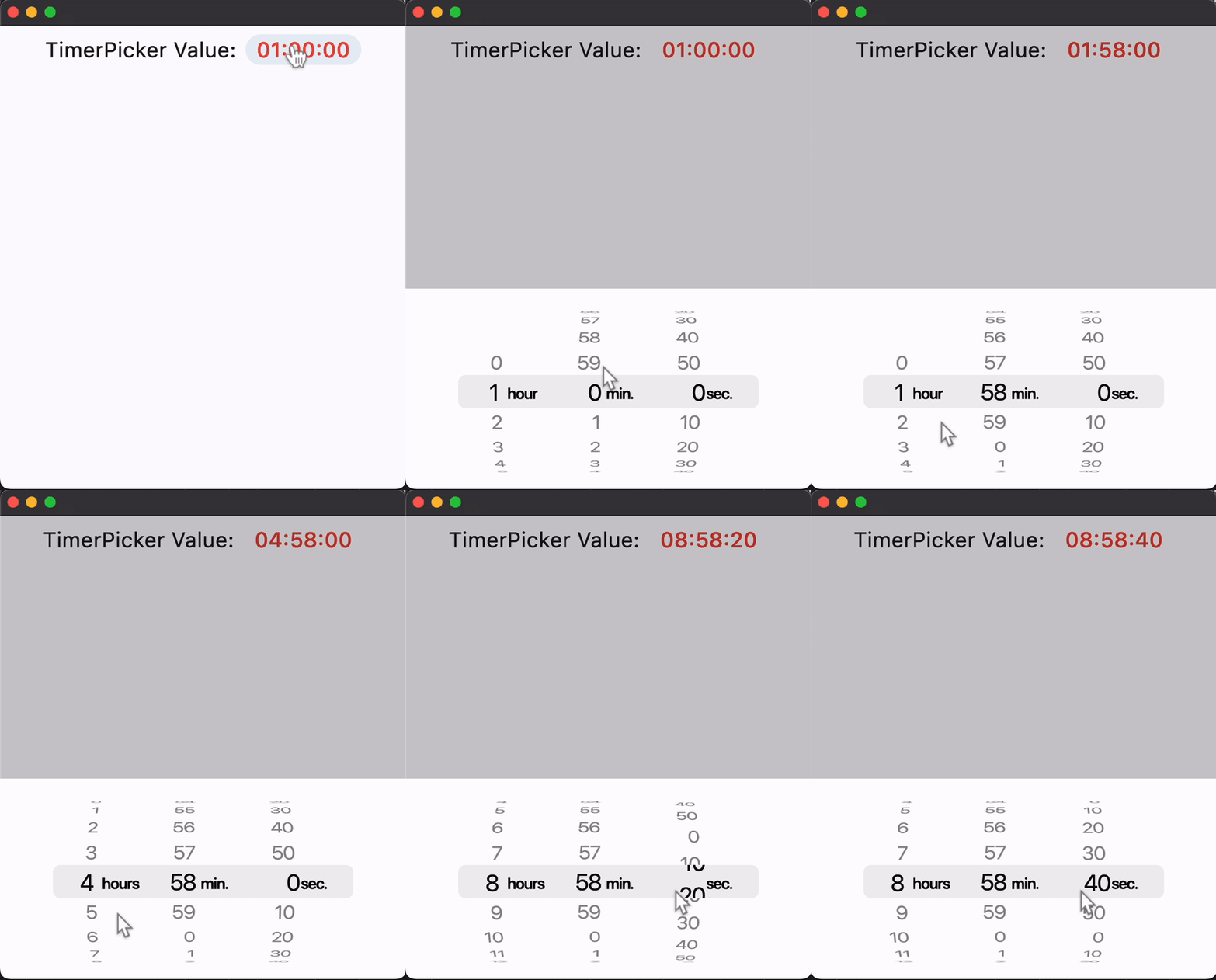](https://docs.flet.dev/examples/controls/cupertino_timer_picker/media/basic.gif)
Properties[#](https://docs.flet.dev/controls/cupertinotimerpicker/#flet.CupertinoTimerPicker-properties "Permanent link")
--------------------------------------------------------------------------------------------------------------------------
### alignment `class-attribute` `instance-attribute` [#](https://docs.flet.dev/controls/cupertinotimerpicker/#flet.CupertinoTimerPicker.alignment "Permanent link")
`[](https://docs.flet.dev/controls/cupertinotimerpicker/#__codelineno-0-1) alignment: [Alignment](https://docs.flet.dev/types/alignment/#flet.Alignment) = [field](https://docs.python.org/3/library/dataclasses.html#dataclasses.field "dataclasses.field") (default_factory=lambda: [CENTER](https://docs.flet.dev/types/alignment/#flet.Alignment.CENTER) )`
Defines how this picker should be positioned within its parent.
### bgcolor `class-attribute` `instance-attribute` [#](https://docs.flet.dev/controls/cupertinotimerpicker/#flet.CupertinoTimerPicker.bgcolor "Permanent link")
`[](https://docs.flet.dev/controls/cupertinotimerpicker/#__codelineno-0-1) bgcolor: [ColorValue](https://docs.flet.dev/types/aliases/#flet.ColorValue) | None = None`
The background color of this picker.
### item\_extent `class-attribute` `instance-attribute` [#](https://docs.flet.dev/controls/cupertinotimerpicker/#flet.CupertinoTimerPicker.item_extent "Permanent link")
`[](https://docs.flet.dev/controls/cupertinotimerpicker/#__codelineno-0-1) item_extent: [Number](https://docs.flet.dev/types/aliases/#flet.Number) = 32.0`
The uniform height of all children.
Raises:
* `[ValueError](https://docs.python.org/3/library/exceptions.html#ValueError) ` –
If it is not strictly greater than `0.0`.
### minute\_interval `class-attribute` `instance-attribute` [#](https://docs.flet.dev/controls/cupertinotimerpicker/#flet.CupertinoTimerPicker.minute_interval "Permanent link")
`[](https://docs.flet.dev/controls/cupertinotimerpicker/#__codelineno-0-1) minute_interval: [int](https://docs.python.org/3/library/functions.html#int) = 1`
The granularity of the minute spinner.
Raises:
* `[ValueError](https://docs.python.org/3/library/exceptions.html#ValueError) ` –
If it is not strictly greater than `0`.
* `[ValueError](https://docs.python.org/3/library/exceptions.html#ValueError) ` –
If it is not a factor of `60`.
### mode `class-attribute` `instance-attribute` [#](https://docs.flet.dev/controls/cupertinotimerpicker/#flet.CupertinoTimerPicker.mode "Permanent link")
`[](https://docs.flet.dev/controls/cupertinotimerpicker/#__codelineno-0-1) mode: [CupertinoTimerPickerMode](https://docs.flet.dev/types/cupertinotimerpickermode/#flet.CupertinoTimerPickerMode) = [HOUR_MINUTE_SECONDS](https://docs.flet.dev/types/cupertinotimerpickermode/#flet.CupertinoTimerPickerMode.HOUR_MINUTE_SECONDS)`
The mode of this picker.
### second\_interval `class-attribute` `instance-attribute` [#](https://docs.flet.dev/controls/cupertinotimerpicker/#flet.CupertinoTimerPicker.second_interval "Permanent link")
`[](https://docs.flet.dev/controls/cupertinotimerpicker/#__codelineno-0-1) second_interval: [int](https://docs.python.org/3/library/functions.html#int) = 1`
The granularity of the second spinner.
Raises:
* `[ValueError](https://docs.python.org/3/library/exceptions.html#ValueError) ` –
If it is not strictly greater than `0`.
* `[ValueError](https://docs.python.org/3/library/exceptions.html#ValueError) ` –
If it is not a factor of `60`.
### value `class-attribute` `instance-attribute` [#](https://docs.flet.dev/controls/cupertinotimerpicker/#flet.CupertinoTimerPicker.value "Permanent link")
`[](https://docs.flet.dev/controls/cupertinotimerpicker/#__codelineno-0-1) value: [DurationValue](https://docs.flet.dev/types/aliases/#flet.DurationValue) = [field](https://docs.python.org/3/library/dataclasses.html#dataclasses.field "dataclasses.field") ( [](https://docs.flet.dev/controls/cupertinotimerpicker/#__codelineno-0-2) default_factory=lambda: [Duration](https://docs.flet.dev/types/duration/#flet.Duration) () [](https://docs.flet.dev/controls/cupertinotimerpicker/#__codelineno-0-3) )`
The initial duration of the countdown timer.
If specified as an integer, it will be assumed to be in seconds.
Raises:
* `[ValueError](https://docs.python.org/3/library/exceptions.html#ValueError) ` –
If it is not greater than or equal to `0`.
* `[ValueError](https://docs.python.org/3/library/exceptions.html#ValueError) ` –
If it is not strictly less than `24` hours.
* `[ValueError](https://docs.python.org/3/library/exceptions.html#ValueError) ` –
If it is not a multiple of [`minute_interval`](https://docs.flet.dev/controls/cupertinotimerpicker/#flet.CupertinoTimerPicker.minute_interval)
.
* `[ValueError](https://docs.python.org/3/library/exceptions.html#ValueError) ` –
If it is not a multiple of [`second_interval`](https://docs.flet.dev/controls/cupertinotimerpicker/#flet.CupertinoTimerPicker.second_interval)
.
Events[#](https://docs.flet.dev/controls/cupertinotimerpicker/#flet.CupertinoTimerPicker-events "Permanent link")
------------------------------------------------------------------------------------------------------------------
### on\_change `class-attribute` `instance-attribute` [#](https://docs.flet.dev/controls/cupertinotimerpicker/#flet.CupertinoTimerPicker.on_change "Permanent link")
`[](https://docs.flet.dev/controls/cupertinotimerpicker/#__codelineno-0-1) on_change: ( [](https://docs.flet.dev/controls/cupertinotimerpicker/#__codelineno-0-2) [ControlEventHandler](https://docs.flet.dev/types/aliases/#flet.ControlEventHandler) [[CupertinoTimerPicker](https://docs.flet.dev/controls/cupertinotimerpicker/#flet.CupertinoTimerPicker) ] | None [](https://docs.flet.dev/controls/cupertinotimerpicker/#__codelineno-0-3) ) = None`
Called when the timer's duration changes.
The [`data`](https://docs.flet.dev/types/event/#flet.Event.data)
property of the event handler contains the new duration value. Its type matches [`value`](https://docs.flet.dev/controls/cupertinotimerpicker/#flet.CupertinoTimerPicker.value)
: if `value` is a `Duration`, then `data` is also a `Duration`; otherwise, it is an `int` (seconds).
Back to top
---
# BottomSheet - Flet
[Skip to content](https://docs.flet.dev/controls/bottomsheet/#flet.BottomSheet)
BottomSheet
===========
A modal bottom sheet.
Displays a temporary surface anchored to the bottom of the screen that presents supplemental content or actions. Prevents interaction with the underlying app while visible.
Example:
`[](https://docs.flet.dev/controls/bottomsheet/#__codelineno-0-1) sheet = ft.BottomSheet( [](https://docs.flet.dev/controls/bottomsheet/#__codelineno-0-2) content=ft.Column( [](https://docs.flet.dev/controls/bottomsheet/#__codelineno-0-3) width=150, [](https://docs.flet.dev/controls/bottomsheet/#__codelineno-0-4) alignment=ft.MainAxisAlignment.CENTER, [](https://docs.flet.dev/controls/bottomsheet/#__codelineno-0-5) horizontal_alignment=ft.CrossAxisAlignment.CENTER, [](https://docs.flet.dev/controls/bottomsheet/#__codelineno-0-6) controls=[ [](https://docs.flet.dev/controls/bottomsheet/#__codelineno-0-7) ft.Text("Choose an option"), [](https://docs.flet.dev/controls/bottomsheet/#__codelineno-0-8) ft.TextButton("Dismiss"), [](https://docs.flet.dev/controls/bottomsheet/#__codelineno-0-9) ], [](https://docs.flet.dev/controls/bottomsheet/#__codelineno-0-10) ) [](https://docs.flet.dev/controls/bottomsheet/#__codelineno-0-11) ) [](https://docs.flet.dev/controls/bottomsheet/#__codelineno-0-12) page.show_dialog(sheet)`
[](https://docs.flet.dev/test-images/examples/material/golden/macos/bottom_sheet/image_for_docs.png)
Basic BottomSheet
Inherits: `[DialogControl](https://docs.flet.dev/controls/dialogcontrol/#flet.DialogControl) `
Properties
* **`[animation_style](https://docs.flet.dev/controls/bottomsheet/#flet.BottomSheet.animation_style) `**(`[AnimationStyle](https://docs.flet.dev/types/animationstyle/#flet.AnimationStyle) | None`) –
The animation style of this bottom sheet.
* **`[barrier_color](https://docs.flet.dev/controls/bottomsheet/#flet.BottomSheet.barrier_color) `**(`[ColorValue](https://docs.flet.dev/types/aliases/#flet.ColorValue) | None`) –
The color of the scrim that obscures content behind this bottom sheet.
* **`[bgcolor](https://docs.flet.dev/controls/bottomsheet/#flet.BottomSheet.bgcolor) `**(`[ColorValue](https://docs.flet.dev/types/aliases/#flet.ColorValue) | None`) –
The background color of this bottom sheet.
* **`[clip_behavior](https://docs.flet.dev/controls/bottomsheet/#flet.BottomSheet.clip_behavior) `**(`[ClipBehavior](https://docs.flet.dev/types/clipbehavior/#flet.ClipBehavior) | None`) –
Defines how the content of this bottom sheet should be clipped.
* **`[content](https://docs.flet.dev/controls/bottomsheet/#flet.BottomSheet.content) `**(`[Control](https://docs.flet.dev/controls/control/#flet.Control) `) –
The content of this bottom sheet.
* **`[dismissible](https://docs.flet.dev/controls/bottomsheet/#flet.BottomSheet.dismissible) `**(`[bool](https://docs.python.org/3/library/functions.html#bool) `) –
Specifies whether this bottom sheet will be dismissed when user taps on the scrim.
* **`[draggable](https://docs.flet.dev/controls/bottomsheet/#flet.BottomSheet.draggable) `**(`[bool](https://docs.python.org/3/library/functions.html#bool) `) –
Specifies whether this bottom sheet can be dragged up and down and dismissed by swiping downwards.
* **`[elevation](https://docs.flet.dev/controls/bottomsheet/#flet.BottomSheet.elevation) `**(`[Number](https://docs.flet.dev/types/aliases/#flet.Number) | None`) –
Defines the size of the shadow below this bottom sheet.
* **`[fullscreen](https://docs.flet.dev/controls/bottomsheet/#flet.BottomSheet.fullscreen) `**(`[bool](https://docs.python.org/3/library/functions.html#bool) `) –
Expands the sheet to fill the window/page height.
* **`[maintain_bottom_view_insets_padding](https://docs.flet.dev/controls/bottomsheet/#flet.BottomSheet.maintain_bottom_view_insets_padding) `**(`[bool](https://docs.python.org/3/library/functions.html#bool) `) –
Adds a padding at the bottom to avoid obstructing this bottom sheet's [`content`](https://docs.flet.dev/controls/bottomsheet/#flet.BottomSheet.content)
with on-screen keyboard or other system elements.
* **`[scrollable](https://docs.flet.dev/controls/bottomsheet/#flet.BottomSheet.scrollable) `**(`[bool](https://docs.python.org/3/library/functions.html#bool) `) –
Removes the half-height cap so the sheet can grow with its content.
* **`[shape](https://docs.flet.dev/controls/bottomsheet/#flet.BottomSheet.shape) `**(`[OutlinedBorder](https://docs.flet.dev/types/outlinedborder/#flet.OutlinedBorder) | None`) –
Defines the shape of this bottom sheet.
* **`[show_drag_handle](https://docs.flet.dev/controls/bottomsheet/#flet.BottomSheet.show_drag_handle) `**(`[bool](https://docs.python.org/3/library/functions.html#bool) `) –
Whether to display drag handle at the top of sheet or not.
* **`[size_constraints](https://docs.flet.dev/controls/bottomsheet/#flet.BottomSheet.size_constraints) `**(`[BoxConstraints](https://docs.flet.dev/types/boxconstraints/#flet.BoxConstraints) | None`) –
The size constraints to apply to this bottom sheet.
* **`[use_safe_area](https://docs.flet.dev/controls/bottomsheet/#flet.BottomSheet.use_safe_area) `**(`[bool](https://docs.python.org/3/library/functions.html#bool) `) –
Specifies whether the sheet will avoid system intrusions on the top, left, and right.
Examples[#](https://docs.flet.dev/controls/bottomsheet/#examples "Permanent link")
-----------------------------------------------------------------------------------
[Live example](https://flet-controls-gallery.fly.dev/dialogs/bottomsheet)
### Basic example[#](https://docs.flet.dev/controls/bottomsheet/#basic-example "Permanent link")
`[](https://docs.flet.dev/controls/bottomsheet/#__codelineno-0-1) import flet as ft [](https://docs.flet.dev/controls/bottomsheet/#__codelineno-0-2) [](https://docs.flet.dev/controls/bottomsheet/#__codelineno-0-3)[](https://docs.flet.dev/controls/bottomsheet/#__codelineno-0-4) def main(page: ft.Page): [](https://docs.flet.dev/controls/bottomsheet/#__codelineno-0-5) page.title = "BottomSheet Example" [](https://docs.flet.dev/controls/bottomsheet/#__codelineno-0-6) page.horizontal_alignment = ft.CrossAxisAlignment.CENTER [](https://docs.flet.dev/controls/bottomsheet/#__codelineno-0-7) [](https://docs.flet.dev/controls/bottomsheet/#__codelineno-0-8) def handle_sheet_dismissal(e: ft.Event[ft.DialogControl]): [](https://docs.flet.dev/controls/bottomsheet/#__codelineno-0-9) page.add(ft.Text("Bottom sheet dismissed")) [](https://docs.flet.dev/controls/bottomsheet/#__codelineno-0-10) [](https://docs.flet.dev/controls/bottomsheet/#__codelineno-0-11) sheet = ft.BottomSheet( [](https://docs.flet.dev/controls/bottomsheet/#__codelineno-0-12) on_dismiss=handle_sheet_dismissal, [](https://docs.flet.dev/controls/bottomsheet/#__codelineno-0-13) content=ft.Container( [](https://docs.flet.dev/controls/bottomsheet/#__codelineno-0-14) padding=50, [](https://docs.flet.dev/controls/bottomsheet/#__codelineno-0-15) content=ft.Column( [](https://docs.flet.dev/controls/bottomsheet/#__codelineno-0-16) horizontal_alignment=ft.CrossAxisAlignment.CENTER, [](https://docs.flet.dev/controls/bottomsheet/#__codelineno-0-17) tight=True, [](https://docs.flet.dev/controls/bottomsheet/#__codelineno-0-18) controls=[ [](https://docs.flet.dev/controls/bottomsheet/#__codelineno-0-19) ft.Text("Here is a bottom sheet!"), [](https://docs.flet.dev/controls/bottomsheet/#__codelineno-0-20) ft.Button("Dismiss", on_click=lambda _: page.pop_dialog()), [](https://docs.flet.dev/controls/bottomsheet/#__codelineno-0-21) ], [](https://docs.flet.dev/controls/bottomsheet/#__codelineno-0-22) ), [](https://docs.flet.dev/controls/bottomsheet/#__codelineno-0-23) ), [](https://docs.flet.dev/controls/bottomsheet/#__codelineno-0-24) ) [](https://docs.flet.dev/controls/bottomsheet/#__codelineno-0-25) [](https://docs.flet.dev/controls/bottomsheet/#__codelineno-0-26) page.add( [](https://docs.flet.dev/controls/bottomsheet/#__codelineno-0-27) ft.Button( [](https://docs.flet.dev/controls/bottomsheet/#__codelineno-0-28) content="Display bottom sheet", [](https://docs.flet.dev/controls/bottomsheet/#__codelineno-0-29) on_click=lambda e: page.show_dialog(sheet), [](https://docs.flet.dev/controls/bottomsheet/#__codelineno-0-30) ) [](https://docs.flet.dev/controls/bottomsheet/#__codelineno-0-31) ) [](https://docs.flet.dev/controls/bottomsheet/#__codelineno-0-32) [](https://docs.flet.dev/controls/bottomsheet/#__codelineno-0-33)[](https://docs.flet.dev/controls/bottomsheet/#__codelineno-0-34) if __name__ == "__main__": [](https://docs.flet.dev/controls/bottomsheet/#__codelineno-0-35) ft.run(main)`
[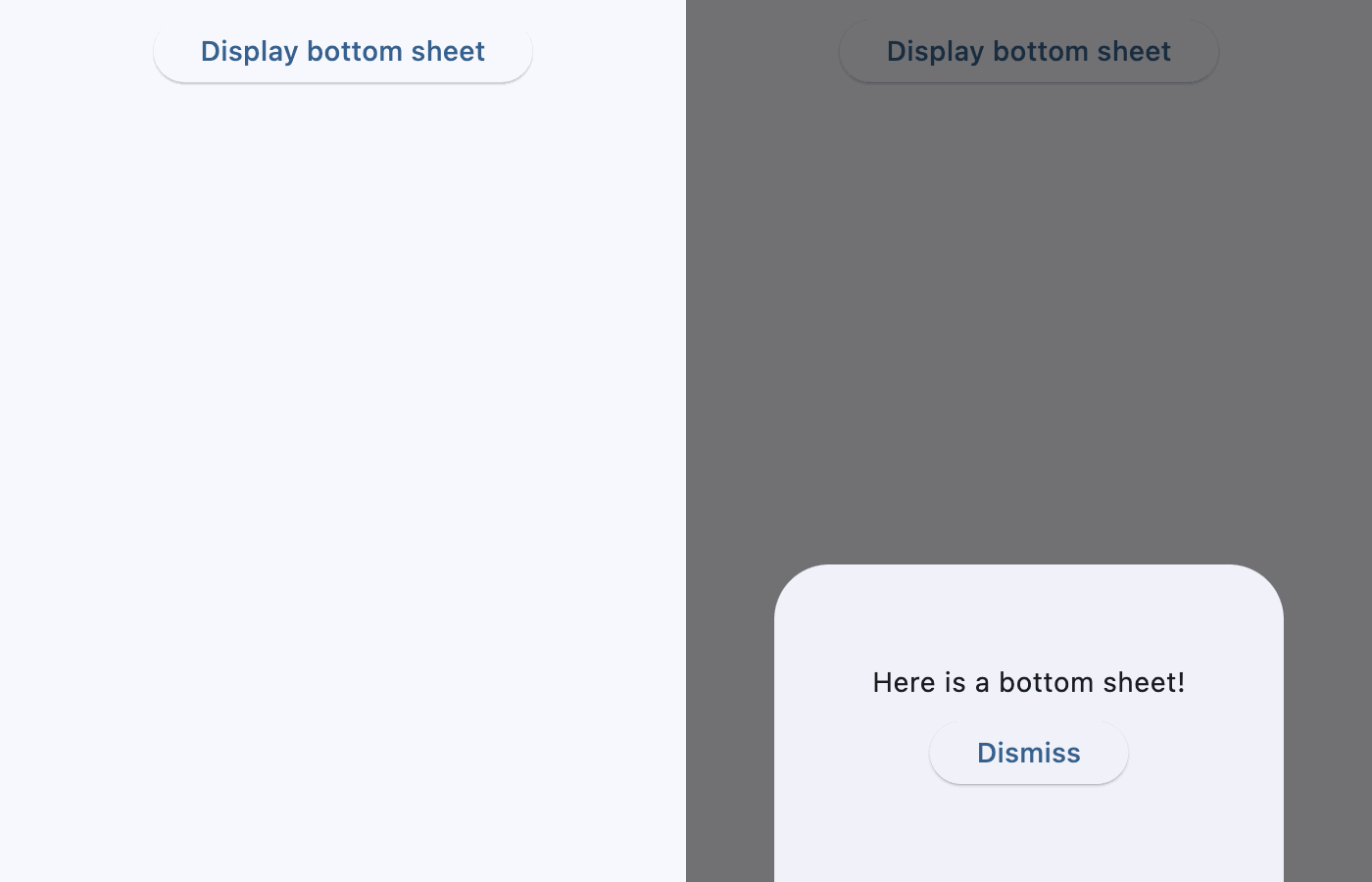](https://docs.flet.dev/test-images/examples/material/golden/macos/bottom_sheet/basic.gif)
### Fullscreen[#](https://docs.flet.dev/controls/bottomsheet/#fullscreen "Permanent link")
`[](https://docs.flet.dev/controls/bottomsheet/#__codelineno-1-1) import flet as ft [](https://docs.flet.dev/controls/bottomsheet/#__codelineno-1-2) [](https://docs.flet.dev/controls/bottomsheet/#__codelineno-1-3)[](https://docs.flet.dev/controls/bottomsheet/#__codelineno-1-4) def main(page: ft.Page): [](https://docs.flet.dev/controls/bottomsheet/#__codelineno-1-5) page.horizontal_alignment = ft.CrossAxisAlignment.CENTER [](https://docs.flet.dev/controls/bottomsheet/#__codelineno-1-6) [](https://docs.flet.dev/controls/bottomsheet/#__codelineno-1-7) def handle_switch_change(e: ft.Event[ft.Switch]): [](https://docs.flet.dev/controls/bottomsheet/#__codelineno-1-8) sheet.fullscreen = e.control.value [](https://docs.flet.dev/controls/bottomsheet/#__codelineno-1-9) [](https://docs.flet.dev/controls/bottomsheet/#__codelineno-1-10) sheet = ft.BottomSheet( [](https://docs.flet.dev/controls/bottomsheet/#__codelineno-1-11) fullscreen=True, [](https://docs.flet.dev/controls/bottomsheet/#__codelineno-1-12) show_drag_handle=True, [](https://docs.flet.dev/controls/bottomsheet/#__codelineno-1-13) content=ft.Container( [](https://docs.flet.dev/controls/bottomsheet/#__codelineno-1-14) padding=ft.Padding.all(10), [](https://docs.flet.dev/controls/bottomsheet/#__codelineno-1-15) content=ft.Column( [](https://docs.flet.dev/controls/bottomsheet/#__codelineno-1-16) horizontal_alignment=ft.CrossAxisAlignment.CENTER, [](https://docs.flet.dev/controls/bottomsheet/#__codelineno-1-17) controls=[ [](https://docs.flet.dev/controls/bottomsheet/#__codelineno-1-18) ft.Text("This is bottom sheet's content!"), [](https://docs.flet.dev/controls/bottomsheet/#__codelineno-1-19) ft.Button("Close bottom sheet", on_click=lambda: page.pop_dialog()), [](https://docs.flet.dev/controls/bottomsheet/#__codelineno-1-20) ], [](https://docs.flet.dev/controls/bottomsheet/#__codelineno-1-21) ), [](https://docs.flet.dev/controls/bottomsheet/#__codelineno-1-22) ), [](https://docs.flet.dev/controls/bottomsheet/#__codelineno-1-23) ) [](https://docs.flet.dev/controls/bottomsheet/#__codelineno-1-24) [](https://docs.flet.dev/controls/bottomsheet/#__codelineno-1-25) page.add( [](https://docs.flet.dev/controls/bottomsheet/#__codelineno-1-26) ft.Button( [](https://docs.flet.dev/controls/bottomsheet/#__codelineno-1-27) content="Display bottom sheet", [](https://docs.flet.dev/controls/bottomsheet/#__codelineno-1-28) on_click=lambda e: page.show_dialog(sheet), [](https://docs.flet.dev/controls/bottomsheet/#__codelineno-1-29) ), [](https://docs.flet.dev/controls/bottomsheet/#__codelineno-1-30) ft.Switch(value=True, label="Fullscreen", on_change=handle_switch_change), [](https://docs.flet.dev/controls/bottomsheet/#__codelineno-1-31) ) [](https://docs.flet.dev/controls/bottomsheet/#__codelineno-1-32) [](https://docs.flet.dev/controls/bottomsheet/#__codelineno-1-33)[](https://docs.flet.dev/controls/bottomsheet/#__codelineno-1-34) if __name__ == "__main__": [](https://docs.flet.dev/controls/bottomsheet/#__codelineno-1-35) ft.run(main)`
[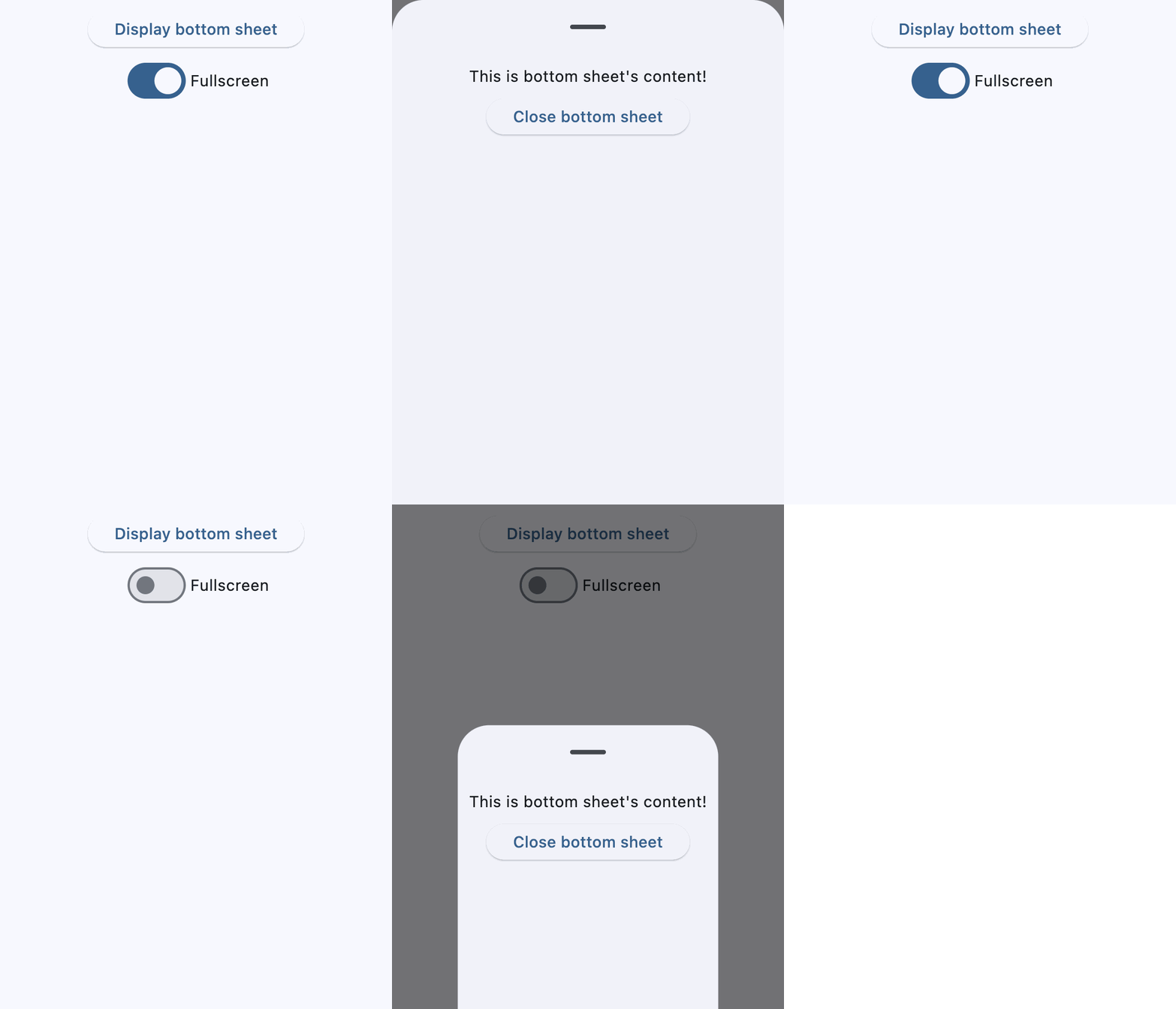](https://docs.flet.dev/test-images/examples/material/golden/macos/bottom_sheet/fullscreen.gif)
Properties[#](https://docs.flet.dev/controls/bottomsheet/#flet.BottomSheet-properties "Permanent link")
--------------------------------------------------------------------------------------------------------
### animation\_style `class-attribute` `instance-attribute` [#](https://docs.flet.dev/controls/bottomsheet/#flet.BottomSheet.animation_style "Permanent link")
`[](https://docs.flet.dev/controls/bottomsheet/#__codelineno-0-1) animation_style: [AnimationStyle](https://docs.flet.dev/types/animationstyle/#flet.AnimationStyle) | None = None`
The animation style of this bottom sheet.
### barrier\_color `class-attribute` `instance-attribute` [#](https://docs.flet.dev/controls/bottomsheet/#flet.BottomSheet.barrier_color "Permanent link")
`[](https://docs.flet.dev/controls/bottomsheet/#__codelineno-0-1) barrier_color: [ColorValue](https://docs.flet.dev/types/aliases/#flet.ColorValue) | None = None`
The color of the scrim that obscures content behind this bottom sheet.
### bgcolor `class-attribute` `instance-attribute` [#](https://docs.flet.dev/controls/bottomsheet/#flet.BottomSheet.bgcolor "Permanent link")
`[](https://docs.flet.dev/controls/bottomsheet/#__codelineno-0-1) bgcolor: [ColorValue](https://docs.flet.dev/types/aliases/#flet.ColorValue) | None = None`
The background color of this bottom sheet.
### clip\_behavior `class-attribute` `instance-attribute` [#](https://docs.flet.dev/controls/bottomsheet/#flet.BottomSheet.clip_behavior "Permanent link")
`[](https://docs.flet.dev/controls/bottomsheet/#__codelineno-0-1) clip_behavior: [ClipBehavior](https://docs.flet.dev/types/clipbehavior/#flet.ClipBehavior) | None = None`
Defines how the content of this bottom sheet should be clipped.
### content `instance-attribute` [#](https://docs.flet.dev/controls/bottomsheet/#flet.BottomSheet.content "Permanent link")
`[](https://docs.flet.dev/controls/bottomsheet/#__codelineno-0-1) content: [Control](https://docs.flet.dev/controls/control/#flet.Control)`
The content of this bottom sheet.
Tip
Set [`scrollable`](https://docs.flet.dev/controls/bottomsheet/#flet.BottomSheet.scrollable)
`True` if this content is or contains scrollable controls (e.g., [`ListView`](https://docs.flet.dev/controls/listview/#flet.ListView)
, [`GridView`](https://docs.flet.dev/controls/gridview/#flet.GridView)
) or you plan to `expand` the [`content`](https://docs.flet.dev/controls/bottomsheet/#flet.BottomSheet.content)
or give it a custom height, else the bottom sheet might ignore the custom height and stop around mid-screen.
### dismissible `class-attribute` `instance-attribute` [#](https://docs.flet.dev/controls/bottomsheet/#flet.BottomSheet.dismissible "Permanent link")
`[](https://docs.flet.dev/controls/bottomsheet/#__codelineno-0-1) dismissible: [bool](https://docs.python.org/3/library/functions.html#bool) = True`
Specifies whether this bottom sheet will be dismissed when user taps on the scrim.
### draggable `class-attribute` `instance-attribute` [#](https://docs.flet.dev/controls/bottomsheet/#flet.BottomSheet.draggable "Permanent link")
`[](https://docs.flet.dev/controls/bottomsheet/#__codelineno-0-1) draggable: [bool](https://docs.python.org/3/library/functions.html#bool) = False`
Specifies whether this bottom sheet can be dragged up and down and dismissed by swiping downwards.
### elevation `class-attribute` `instance-attribute` [#](https://docs.flet.dev/controls/bottomsheet/#flet.BottomSheet.elevation "Permanent link")
`[](https://docs.flet.dev/controls/bottomsheet/#__codelineno-0-1) elevation: [Number](https://docs.flet.dev/types/aliases/#flet.Number) | None = None`
Defines the size of the shadow below this bottom sheet.
Raises:
* `[ValueError](https://docs.python.org/3/library/exceptions.html#ValueError) ` –
If it is not greater than or equal to `0`.
### fullscreen `class-attribute` `instance-attribute` [#](https://docs.flet.dev/controls/bottomsheet/#flet.BottomSheet.fullscreen "Permanent link")
`[](https://docs.flet.dev/controls/bottomsheet/#__codelineno-0-1) fullscreen: [bool](https://docs.python.org/3/library/functions.html#bool) = False`
Expands the sheet to fill the window/page height.
If set to `True`, [`scrollable`](https://docs.flet.dev/controls/bottomsheet/#flet.BottomSheet.scrollable)
is internally set to `True` equally, so the sheet can grow freely to fill the page.
### maintain\_bottom\_view\_insets\_padding `class-attribute` `instance-attribute` [#](https://docs.flet.dev/controls/bottomsheet/#flet.BottomSheet.maintain_bottom_view_insets_padding "Permanent link")
`[](https://docs.flet.dev/controls/bottomsheet/#__codelineno-0-1) maintain_bottom_view_insets_padding: [bool](https://docs.python.org/3/library/functions.html#bool) = True`
Adds a padding at the bottom to avoid obstructing this bottom sheet's [`content`](https://docs.flet.dev/controls/bottomsheet/#flet.BottomSheet.content)
with on-screen keyboard or other system elements.
### scrollable `class-attribute` `instance-attribute` [#](https://docs.flet.dev/controls/bottomsheet/#flet.BottomSheet.scrollable "Permanent link")
`[](https://docs.flet.dev/controls/bottomsheet/#__codelineno-0-1) scrollable: [bool](https://docs.python.org/3/library/functions.html#bool) = False`
Removes the half-height cap so the sheet can grow with its content.
Set this to `True` whenever the sheet body contains scrollable controls (e.g., [`ListView`](https://docs.flet.dev/controls/listview/#flet.ListView)
, [`GridView`](https://docs.flet.dev/controls/gridview/#flet.GridView)
) or you plan to `expand` the [`content`](https://docs.flet.dev/controls/bottomsheet/#flet.BottomSheet.content)
or give it a custom height, else the bottom sheet might ignore the custom height and stop around mid-screen.
### shape `class-attribute` `instance-attribute` [#](https://docs.flet.dev/controls/bottomsheet/#flet.BottomSheet.shape "Permanent link")
`[](https://docs.flet.dev/controls/bottomsheet/#__codelineno-0-1) shape: [OutlinedBorder](https://docs.flet.dev/types/outlinedborder/#flet.OutlinedBorder) | None = None`
Defines the shape of this bottom sheet.
### show\_drag\_handle `class-attribute` `instance-attribute` [#](https://docs.flet.dev/controls/bottomsheet/#flet.BottomSheet.show_drag_handle "Permanent link")
`[](https://docs.flet.dev/controls/bottomsheet/#__codelineno-0-1) show_drag_handle: [bool](https://docs.python.org/3/library/functions.html#bool) = False`
Whether to display drag handle at the top of sheet or not.
### size\_constraints `class-attribute` `instance-attribute` [#](https://docs.flet.dev/controls/bottomsheet/#flet.BottomSheet.size_constraints "Permanent link")
`[](https://docs.flet.dev/controls/bottomsheet/#__codelineno-0-1) size_constraints: [BoxConstraints](https://docs.flet.dev/types/boxconstraints/#flet.BoxConstraints) | None = None`
The size constraints to apply to this bottom sheet.
### use\_safe\_area `class-attribute` `instance-attribute` [#](https://docs.flet.dev/controls/bottomsheet/#flet.BottomSheet.use_safe_area "Permanent link")
`[](https://docs.flet.dev/controls/bottomsheet/#__codelineno-0-1) use_safe_area: [bool](https://docs.python.org/3/library/functions.html#bool) = True`
Specifies whether the sheet will avoid system intrusions on the top, left, and right.
Back to top
---
# CupertinoRadio - Flet
[Skip to content](https://docs.flet.dev/controls/cupertinoradio/#flet.CupertinoRadio)
CupertinoRadio
==============
A macOS-styled radio button, allowing the user to select a single option from two or more choices.
`[](https://docs.flet.dev/controls/cupertinoradio/#__codelineno-0-1) ft.RadioGroup( [](https://docs.flet.dev/controls/cupertinoradio/#__codelineno-0-2) value="option_2", [](https://docs.flet.dev/controls/cupertinoradio/#__codelineno-0-3) content=ft.Column( [](https://docs.flet.dev/controls/cupertinoradio/#__codelineno-0-4) intrinsic_width=True, [](https://docs.flet.dev/controls/cupertinoradio/#__codelineno-0-5) controls=[ [](https://docs.flet.dev/controls/cupertinoradio/#__codelineno-0-6) ft.CupertinoRadio(value="option_1", label="Option 1"), [](https://docs.flet.dev/controls/cupertinoradio/#__codelineno-0-7) ft.CupertinoRadio(value="option_2", label="Option 2"), [](https://docs.flet.dev/controls/cupertinoradio/#__codelineno-0-8) ft.CupertinoRadio(value="option_3", label="Option 3"), [](https://docs.flet.dev/controls/cupertinoradio/#__codelineno-0-9) ], [](https://docs.flet.dev/controls/cupertinoradio/#__codelineno-0-10) ), [](https://docs.flet.dev/controls/cupertinoradio/#__codelineno-0-11) )`
[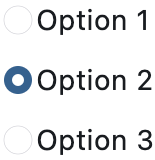](https://docs.flet.dev/test-images/examples/cupertino/golden/macos/cupertino_radio/image_for_docs.png)
Basic CupertinoRadios
Inherits: `[LayoutControl](https://docs.flet.dev/controls/layoutcontrol/#flet.LayoutControl) `
Properties
* **`[active_color](https://docs.flet.dev/controls/cupertinoradio/#flet.CupertinoRadio.active_color) `**(`[ColorValue](https://docs.flet.dev/types/aliases/#flet.ColorValue) | None`) –
The color used to fill this radio when it is selected.
* **`[autofocus](https://docs.flet.dev/controls/cupertinoradio/#flet.CupertinoRadio.autofocus) `**(`[bool](https://docs.python.org/3/library/functions.html#bool) `) –
Whether this radio will be selected as the initial focus.
* **`[fill_color](https://docs.flet.dev/controls/cupertinoradio/#flet.CupertinoRadio.fill_color) `**(`[ColorValue](https://docs.flet.dev/types/aliases/#flet.ColorValue) | None`) –
The color that fills this radio.
* **`[focus_color](https://docs.flet.dev/controls/cupertinoradio/#flet.CupertinoRadio.focus_color) `**(`[ColorValue](https://docs.flet.dev/types/aliases/#flet.ColorValue) | None`) –
The color for the radio's border when it has the input focus.
* **`[inactive_color](https://docs.flet.dev/controls/cupertinoradio/#flet.CupertinoRadio.inactive_color) `**(`[ColorValue](https://docs.flet.dev/types/aliases/#flet.ColorValue) | None`) –
The color used to fill this radio when it is not selected.
* **`[label](https://docs.flet.dev/controls/cupertinoradio/#flet.CupertinoRadio.label) `**(`[str](https://docs.python.org/3/library/stdtypes.html#str) | None`) –
The clickable label to display on the right of this radio.
* **`[label_position](https://docs.flet.dev/controls/cupertinoradio/#flet.CupertinoRadio.label_position) `**(`[LabelPosition](https://docs.flet.dev/types/labelposition/#flet.LabelPosition) `) –
The position of the label relative to this radio.
* **`[mouse_cursor](https://docs.flet.dev/controls/cupertinoradio/#flet.CupertinoRadio.mouse_cursor) `**(`[MouseCursor](https://docs.flet.dev/types/mousecursor/#flet.MouseCursor) | None`) –
The cursor for a mouse pointer when it enters or is hovering over this radio.
* **`[toggleable](https://docs.flet.dev/controls/cupertinoradio/#flet.CupertinoRadio.toggleable) `**(`[bool](https://docs.python.org/3/library/functions.html#bool) `) –
Whether this radio button can return to an indeterminate state by selecting it again when already selected.
* **`[use_checkmark_style](https://docs.flet.dev/controls/cupertinoradio/#flet.CupertinoRadio.use_checkmark_style) `**(`[bool](https://docs.python.org/3/library/functions.html#bool) `) –
Whether the radio displays in a checkbox style instead of the default radio style.
* **`[value](https://docs.flet.dev/controls/cupertinoradio/#flet.CupertinoRadio.value) `**(`[str](https://docs.python.org/3/library/stdtypes.html#str) `) –
The value to set to [`RadioGroup`](https://docs.flet.dev/controls/radiogroup/#flet.RadioGroup)
ancestor/parent when this radio is selected.
Events
* **`[on_blur](https://docs.flet.dev/controls/cupertinoradio/#flet.CupertinoRadio.on_blur) `**(`[ControlEventHandler](https://docs.flet.dev/types/aliases/#flet.ControlEventHandler) [[CupertinoRadio](https://docs.flet.dev/controls/cupertinoradio/#flet.CupertinoRadio) ] | None`) –
Called when this radio has lost focus.
* **`[on_focus](https://docs.flet.dev/controls/cupertinoradio/#flet.CupertinoRadio.on_focus) `**(`[ControlEventHandler](https://docs.flet.dev/types/aliases/#flet.ControlEventHandler) [[CupertinoRadio](https://docs.flet.dev/controls/cupertinoradio/#flet.CupertinoRadio) ] | None`) –
Called when this radio has received focus.
Examples[#](https://docs.flet.dev/controls/cupertinoradio/#examples "Permanent link")
--------------------------------------------------------------------------------------
[Live example](https://flet-controls-gallery.fly.dev/input/cupertinoradio)
### Cupertino, Material and Adaptive Radios[#](https://docs.flet.dev/controls/cupertinoradio/#cupertino-material-and-adaptive-radios "Permanent link")
`[](https://docs.flet.dev/controls/cupertinoradio/#__codelineno-0-1) import flet as ft [](https://docs.flet.dev/controls/cupertinoradio/#__codelineno-0-2) [](https://docs.flet.dev/controls/cupertinoradio/#__codelineno-0-3)[](https://docs.flet.dev/controls/cupertinoradio/#__codelineno-0-4) def main(page: ft.Page): [](https://docs.flet.dev/controls/cupertinoradio/#__codelineno-0-5) def handle_button_click(e: ft.Event[ft.Button]): [](https://docs.flet.dev/controls/cupertinoradio/#__codelineno-0-6) message.value = f"Your favorite color is: {group.value}" [](https://docs.flet.dev/controls/cupertinoradio/#__codelineno-0-7) page.update() [](https://docs.flet.dev/controls/cupertinoradio/#__codelineno-0-8) [](https://docs.flet.dev/controls/cupertinoradio/#__codelineno-0-9) page.add( [](https://docs.flet.dev/controls/cupertinoradio/#__codelineno-0-10) ft.Text("Select your favorite color:"), [](https://docs.flet.dev/controls/cupertinoradio/#__codelineno-0-11) group := ft.RadioGroup( [](https://docs.flet.dev/controls/cupertinoradio/#__codelineno-0-12) content=ft.Column( [](https://docs.flet.dev/controls/cupertinoradio/#__codelineno-0-13) controls=[ [](https://docs.flet.dev/controls/cupertinoradio/#__codelineno-0-14) ft.CupertinoRadio( [](https://docs.flet.dev/controls/cupertinoradio/#__codelineno-0-15) value="red", [](https://docs.flet.dev/controls/cupertinoradio/#__codelineno-0-16) label="Red - Cupertino Radio", [](https://docs.flet.dev/controls/cupertinoradio/#__codelineno-0-17) active_color=ft.Colors.RED, [](https://docs.flet.dev/controls/cupertinoradio/#__codelineno-0-18) inactive_color=ft.Colors.RED, [](https://docs.flet.dev/controls/cupertinoradio/#__codelineno-0-19) ), [](https://docs.flet.dev/controls/cupertinoradio/#__codelineno-0-20) ft.Radio( [](https://docs.flet.dev/controls/cupertinoradio/#__codelineno-0-21) value="green", [](https://docs.flet.dev/controls/cupertinoradio/#__codelineno-0-22) label="Green - Material Radio", [](https://docs.flet.dev/controls/cupertinoradio/#__codelineno-0-23) fill_color=ft.Colors.GREEN, [](https://docs.flet.dev/controls/cupertinoradio/#__codelineno-0-24) ), [](https://docs.flet.dev/controls/cupertinoradio/#__codelineno-0-25) ft.Radio( [](https://docs.flet.dev/controls/cupertinoradio/#__codelineno-0-26) value="blue", [](https://docs.flet.dev/controls/cupertinoradio/#__codelineno-0-27) label="Blue - Adaptive Radio", [](https://docs.flet.dev/controls/cupertinoradio/#__codelineno-0-28) adaptive=True, [](https://docs.flet.dev/controls/cupertinoradio/#__codelineno-0-29) active_color=ft.Colors.BLUE, [](https://docs.flet.dev/controls/cupertinoradio/#__codelineno-0-30) ), [](https://docs.flet.dev/controls/cupertinoradio/#__codelineno-0-31) ] [](https://docs.flet.dev/controls/cupertinoradio/#__codelineno-0-32) ) [](https://docs.flet.dev/controls/cupertinoradio/#__codelineno-0-33) ), [](https://docs.flet.dev/controls/cupertinoradio/#__codelineno-0-34) ft.Button(content="Submit", on_click=handle_button_click), [](https://docs.flet.dev/controls/cupertinoradio/#__codelineno-0-35) message := ft.Text(), [](https://docs.flet.dev/controls/cupertinoradio/#__codelineno-0-36) ) [](https://docs.flet.dev/controls/cupertinoradio/#__codelineno-0-37) [](https://docs.flet.dev/controls/cupertinoradio/#__codelineno-0-38)[](https://docs.flet.dev/controls/cupertinoradio/#__codelineno-0-39) ft.run(main)`
[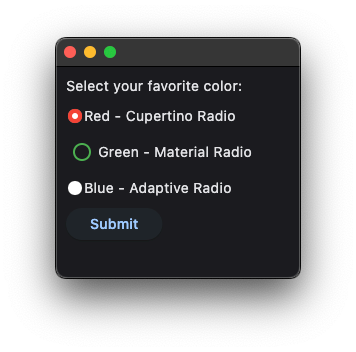](https://docs.flet.dev/examples/controls/cupertino_radio/media/cupertino_material_and_adaptive.png)
Properties[#](https://docs.flet.dev/controls/cupertinoradio/#flet.CupertinoRadio-properties "Permanent link")
--------------------------------------------------------------------------------------------------------------
### active\_color `class-attribute` `instance-attribute` [#](https://docs.flet.dev/controls/cupertinoradio/#flet.CupertinoRadio.active_color "Permanent link")
`[](https://docs.flet.dev/controls/cupertinoradio/#__codelineno-0-1) active_color: [ColorValue](https://docs.flet.dev/types/aliases/#flet.ColorValue) | None = [PRIMARY](https://docs.flet.dev/types/colors/#flet.Colors.PRIMARY)`
The color used to fill this radio when it is selected.
### autofocus `class-attribute` `instance-attribute` [#](https://docs.flet.dev/controls/cupertinoradio/#flet.CupertinoRadio.autofocus "Permanent link")
`[](https://docs.flet.dev/controls/cupertinoradio/#__codelineno-0-1) autofocus: [bool](https://docs.python.org/3/library/functions.html#bool) = False`
Whether this radio will be selected as the initial focus.
If there is more than one control on a page with autofocus set, then the first one added to the page will get focus.
### fill\_color `class-attribute` `instance-attribute` [#](https://docs.flet.dev/controls/cupertinoradio/#flet.CupertinoRadio.fill_color "Permanent link")
`[](https://docs.flet.dev/controls/cupertinoradio/#__codelineno-0-1) fill_color: [ColorValue](https://docs.flet.dev/types/aliases/#flet.ColorValue) | None = None`
The color that fills this radio.
### focus\_color `class-attribute` `instance-attribute` [#](https://docs.flet.dev/controls/cupertinoradio/#flet.CupertinoRadio.focus_color "Permanent link")
`[](https://docs.flet.dev/controls/cupertinoradio/#__codelineno-0-1) focus_color: [ColorValue](https://docs.flet.dev/types/aliases/#flet.ColorValue) | None = None`
The color for the radio's border when it has the input focus.
### inactive\_color `class-attribute` `instance-attribute` [#](https://docs.flet.dev/controls/cupertinoradio/#flet.CupertinoRadio.inactive_color "Permanent link")
`[](https://docs.flet.dev/controls/cupertinoradio/#__codelineno-0-1) inactive_color: [ColorValue](https://docs.flet.dev/types/aliases/#flet.ColorValue) | None = None`
The color used to fill this radio when it is not selected.
### label `class-attribute` `instance-attribute` [#](https://docs.flet.dev/controls/cupertinoradio/#flet.CupertinoRadio.label "Permanent link")
`[](https://docs.flet.dev/controls/cupertinoradio/#__codelineno-0-1) label: [str](https://docs.python.org/3/library/stdtypes.html#str) | None = None`
The clickable label to display on the right of this radio.
### label\_position `class-attribute` `instance-attribute` [#](https://docs.flet.dev/controls/cupertinoradio/#flet.CupertinoRadio.label_position "Permanent link")
`[](https://docs.flet.dev/controls/cupertinoradio/#__codelineno-0-1) label_position: [LabelPosition](https://docs.flet.dev/types/labelposition/#flet.LabelPosition) = [RIGHT](https://docs.flet.dev/types/labelposition/#flet.LabelPosition.RIGHT)`
The position of the label relative to this radio.
### mouse\_cursor `class-attribute` `instance-attribute` [#](https://docs.flet.dev/controls/cupertinoradio/#flet.CupertinoRadio.mouse_cursor "Permanent link")
`[](https://docs.flet.dev/controls/cupertinoradio/#__codelineno-0-1) mouse_cursor: [MouseCursor](https://docs.flet.dev/types/mousecursor/#flet.MouseCursor) | None = None`
The cursor for a mouse pointer when it enters or is hovering over this radio.
### toggleable `class-attribute` `instance-attribute` [#](https://docs.flet.dev/controls/cupertinoradio/#flet.CupertinoRadio.toggleable "Permanent link")
`[](https://docs.flet.dev/controls/cupertinoradio/#__codelineno-0-1) toggleable: [bool](https://docs.python.org/3/library/functions.html#bool) = False`
Whether this radio button can return to an indeterminate state by selecting it again when already selected.
### use\_checkmark\_style `class-attribute` `instance-attribute` [#](https://docs.flet.dev/controls/cupertinoradio/#flet.CupertinoRadio.use_checkmark_style "Permanent link")
`[](https://docs.flet.dev/controls/cupertinoradio/#__codelineno-0-1) use_checkmark_style: [bool](https://docs.python.org/3/library/functions.html#bool) = False`
Whether the radio displays in a checkbox style instead of the default radio style.
### value `class-attribute` `instance-attribute` [#](https://docs.flet.dev/controls/cupertinoradio/#flet.CupertinoRadio.value "Permanent link")
`[](https://docs.flet.dev/controls/cupertinoradio/#__codelineno-0-1) value: [str](https://docs.python.org/3/library/stdtypes.html#str) = ''`
The value to set to [`RadioGroup`](https://docs.flet.dev/controls/radiogroup/#flet.RadioGroup)
ancestor/parent when this radio is selected.
Events[#](https://docs.flet.dev/controls/cupertinoradio/#flet.CupertinoRadio-events "Permanent link")
------------------------------------------------------------------------------------------------------
### on\_blur `class-attribute` `instance-attribute` [#](https://docs.flet.dev/controls/cupertinoradio/#flet.CupertinoRadio.on_blur "Permanent link")
`[](https://docs.flet.dev/controls/cupertinoradio/#__codelineno-0-1) on_blur: [ControlEventHandler](https://docs.flet.dev/types/aliases/#flet.ControlEventHandler) [[CupertinoRadio](https://docs.flet.dev/controls/cupertinoradio/#flet.CupertinoRadio) ] | None = None`
Called when this radio has lost focus.
### on\_focus `class-attribute` `instance-attribute` [#](https://docs.flet.dev/controls/cupertinoradio/#flet.CupertinoRadio.on_focus "Permanent link")
`[](https://docs.flet.dev/controls/cupertinoradio/#__codelineno-0-1) on_focus: [ControlEventHandler](https://docs.flet.dev/types/aliases/#flet.ControlEventHandler) [[CupertinoRadio](https://docs.flet.dev/controls/cupertinoradio/#flet.CupertinoRadio) ] | None = None`
Called when this radio has received focus.
Back to top
---
# CupertinoSlider - Flet
[Skip to content](https://docs.flet.dev/controls/cupertinoslider/#flet.CupertinoSlider)
CupertinoSlider
===============
An iOS-type slider.
It provides a visual indication of adjustable content, as well as the current setting in the total range of content.
Use a slider when you want people to set defined values (such as volume or brightness), or when people would benefit from instant feedback on the effect of setting changes.
Example:
`[](https://docs.flet.dev/controls/cupertinoslider/#__codelineno-0-1) ft.CupertinoSlider(value=0.6)`
[](https://docs.flet.dev/test-images/examples/cupertino/golden/macos/cupertino_slider/image_for_docs.png)
Basic CupertinoSlider
Inherits: `[LayoutControl](https://docs.flet.dev/controls/layoutcontrol/#flet.LayoutControl) `
Properties
* **`[active_color](https://docs.flet.dev/controls/cupertinoslider/#flet.CupertinoSlider.active_color) `**(`[ColorValue](https://docs.flet.dev/types/aliases/#flet.ColorValue) | None`) –
The color to use for the portion of the slider track that is active.
* **`[divisions](https://docs.flet.dev/controls/cupertinoslider/#flet.CupertinoSlider.divisions) `**(`[int](https://docs.python.org/3/library/functions.html#int) | None`) –
The number of discrete divisions.
* **`[max](https://docs.flet.dev/controls/cupertinoslider/#flet.CupertinoSlider.max) `**(`[Number](https://docs.flet.dev/types/aliases/#flet.Number) `) –
The maximum value the user can select.
* **`[min](https://docs.flet.dev/controls/cupertinoslider/#flet.CupertinoSlider.min) `**(`[Number](https://docs.flet.dev/types/aliases/#flet.Number) `) –
The minimum value the user can select.
* **`[thumb_color](https://docs.flet.dev/controls/cupertinoslider/#flet.CupertinoSlider.thumb_color) `**(`[ColorValue](https://docs.flet.dev/types/aliases/#flet.ColorValue) | None`) –
The color of this slider's thumb.
* **`[value](https://docs.flet.dev/controls/cupertinoslider/#flet.CupertinoSlider.value) `**(`[Number](https://docs.flet.dev/types/aliases/#flet.Number) | None`) –
The currently selected value for this slider.
Events
* **`[on_blur](https://docs.flet.dev/controls/cupertinoslider/#flet.CupertinoSlider.on_blur) `**(`[ControlEventHandler](https://docs.flet.dev/types/aliases/#flet.ControlEventHandler) [[CupertinoSlider](https://docs.flet.dev/controls/cupertinoslider/#flet.CupertinoSlider) ] | None`) –
Called when this slider has lost focus.
* **`[on_change](https://docs.flet.dev/controls/cupertinoslider/#flet.CupertinoSlider.on_change) `**(`[ControlEventHandler](https://docs.flet.dev/types/aliases/#flet.ControlEventHandler) [[CupertinoSlider](https://docs.flet.dev/controls/cupertinoslider/#flet.CupertinoSlider) ] | None`) –
Called when the state of this slider changed.
* **`[on_change_end](https://docs.flet.dev/controls/cupertinoslider/#flet.CupertinoSlider.on_change_end) `**(`[ControlEventHandler](https://docs.flet.dev/types/aliases/#flet.ControlEventHandler) [[CupertinoSlider](https://docs.flet.dev/controls/cupertinoslider/#flet.CupertinoSlider) ] | None`) –
Called when the user is done selecting a new value for this slider.
* **`[on_change_start](https://docs.flet.dev/controls/cupertinoslider/#flet.CupertinoSlider.on_change_start) `**(`[ControlEventHandler](https://docs.flet.dev/types/aliases/#flet.ControlEventHandler) [[CupertinoSlider](https://docs.flet.dev/controls/cupertinoslider/#flet.CupertinoSlider) ] | None`) –
Called when the user starts selecting a new value for this slider.
* **`[on_focus](https://docs.flet.dev/controls/cupertinoslider/#flet.CupertinoSlider.on_focus) `**(`[ControlEventHandler](https://docs.flet.dev/types/aliases/#flet.ControlEventHandler) [[CupertinoSlider](https://docs.flet.dev/controls/cupertinoslider/#flet.CupertinoSlider) ] | None`) –
Called when this slider has received focus.
Examples[#](https://docs.flet.dev/controls/cupertinoslider/#examples "Permanent link")
---------------------------------------------------------------------------------------
[Live example](https://flet-controls-gallery.fly.dev/input/cupertinoslider)
### Handling events[#](https://docs.flet.dev/controls/cupertinoslider/#handling-events "Permanent link")
`[](https://docs.flet.dev/controls/cupertinoslider/#__codelineno-0-1) import flet as ft [](https://docs.flet.dev/controls/cupertinoslider/#__codelineno-0-2) [](https://docs.flet.dev/controls/cupertinoslider/#__codelineno-0-3)[](https://docs.flet.dev/controls/cupertinoslider/#__codelineno-0-4) def main(page: ft.Page): [](https://docs.flet.dev/controls/cupertinoslider/#__codelineno-0-5) page.horizontal_alignment = ft.CrossAxisAlignment.CENTER [](https://docs.flet.dev/controls/cupertinoslider/#__codelineno-0-6) page.vertical_alignment = ft.MainAxisAlignment.CENTER [](https://docs.flet.dev/controls/cupertinoslider/#__codelineno-0-7) page.theme_mode = ft.ThemeMode.LIGHT [](https://docs.flet.dev/controls/cupertinoslider/#__codelineno-0-8) [](https://docs.flet.dev/controls/cupertinoslider/#__codelineno-0-9) def handle_change_start(e: ft.Event[ft.CupertinoSlider]): [](https://docs.flet.dev/controls/cupertinoslider/#__codelineno-0-10) slider_status.value = "Sliding" [](https://docs.flet.dev/controls/cupertinoslider/#__codelineno-0-11) page.update() [](https://docs.flet.dev/controls/cupertinoslider/#__codelineno-0-12) [](https://docs.flet.dev/controls/cupertinoslider/#__codelineno-0-13) def handle_change(e: ft.Event[ft.CupertinoSlider]): [](https://docs.flet.dev/controls/cupertinoslider/#__codelineno-0-14) slider_value.value = str(e.control.value) [](https://docs.flet.dev/controls/cupertinoslider/#__codelineno-0-15) page.update() [](https://docs.flet.dev/controls/cupertinoslider/#__codelineno-0-16) [](https://docs.flet.dev/controls/cupertinoslider/#__codelineno-0-17) def handle_change_end(e: ft.Event[ft.CupertinoSlider]): [](https://docs.flet.dev/controls/cupertinoslider/#__codelineno-0-18) slider_status.value = "Finished sliding" [](https://docs.flet.dev/controls/cupertinoslider/#__codelineno-0-19) page.update() [](https://docs.flet.dev/controls/cupertinoslider/#__codelineno-0-20) [](https://docs.flet.dev/controls/cupertinoslider/#__codelineno-0-21) page.add( [](https://docs.flet.dev/controls/cupertinoslider/#__codelineno-0-22) slider_value := ft.Text("0.0"), [](https://docs.flet.dev/controls/cupertinoslider/#__codelineno-0-23) ft.CupertinoSlider( [](https://docs.flet.dev/controls/cupertinoslider/#__codelineno-0-24) divisions=20, [](https://docs.flet.dev/controls/cupertinoslider/#__codelineno-0-25) min=0, [](https://docs.flet.dev/controls/cupertinoslider/#__codelineno-0-26) max=100, [](https://docs.flet.dev/controls/cupertinoslider/#__codelineno-0-27) active_color=ft.Colors.PURPLE, [](https://docs.flet.dev/controls/cupertinoslider/#__codelineno-0-28) thumb_color=ft.Colors.PURPLE, [](https://docs.flet.dev/controls/cupertinoslider/#__codelineno-0-29) on_change_start=handle_change_start, [](https://docs.flet.dev/controls/cupertinoslider/#__codelineno-0-30) on_change_end=handle_change_end, [](https://docs.flet.dev/controls/cupertinoslider/#__codelineno-0-31) on_change=handle_change, [](https://docs.flet.dev/controls/cupertinoslider/#__codelineno-0-32) ), [](https://docs.flet.dev/controls/cupertinoslider/#__codelineno-0-33) slider_status := ft.Text(), [](https://docs.flet.dev/controls/cupertinoslider/#__codelineno-0-34) ) [](https://docs.flet.dev/controls/cupertinoslider/#__codelineno-0-35) [](https://docs.flet.dev/controls/cupertinoslider/#__codelineno-0-36)[](https://docs.flet.dev/controls/cupertinoslider/#__codelineno-0-37) ft.run(main)`
[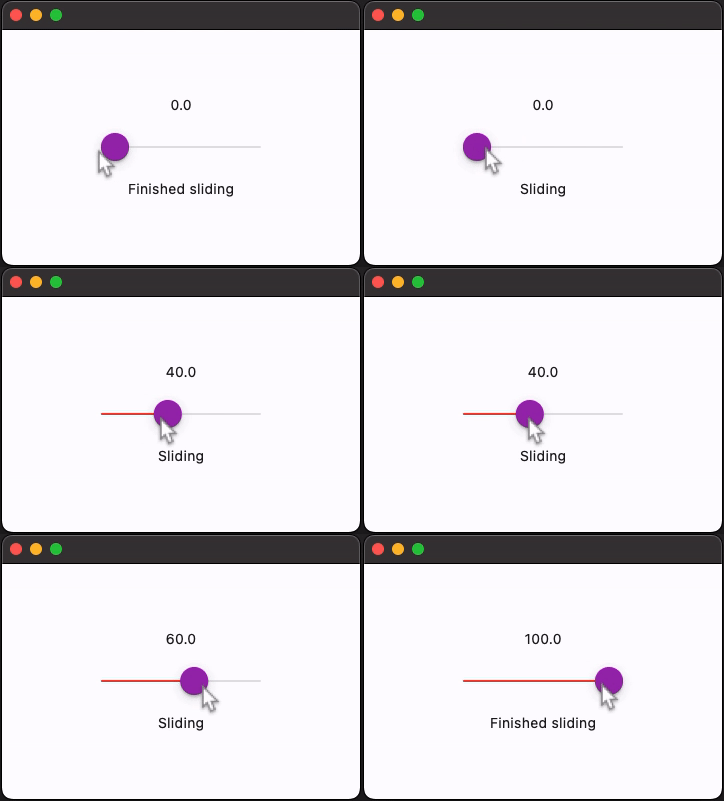](https://docs.flet.dev/examples/controls/cupertino_slider/media/handling_events.gif)
Properties[#](https://docs.flet.dev/controls/cupertinoslider/#flet.CupertinoSlider-properties "Permanent link")
----------------------------------------------------------------------------------------------------------------
### active\_color `class-attribute` `instance-attribute` [#](https://docs.flet.dev/controls/cupertinoslider/#flet.CupertinoSlider.active_color "Permanent link")
`[](https://docs.flet.dev/controls/cupertinoslider/#__codelineno-0-1) active_color: [ColorValue](https://docs.flet.dev/types/aliases/#flet.ColorValue) | None = None`
The color to use for the portion of the slider track that is active.
The "active" side of the slider is the side between the thumb and the minimum value.
### divisions `class-attribute` `instance-attribute` [#](https://docs.flet.dev/controls/cupertinoslider/#flet.CupertinoSlider.divisions "Permanent link")
`[](https://docs.flet.dev/controls/cupertinoslider/#__codelineno-0-1) divisions: [int](https://docs.python.org/3/library/functions.html#int) | None = None`
The number of discrete divisions.
If `None`, the slider is continuous.
### max `class-attribute` `instance-attribute` [#](https://docs.flet.dev/controls/cupertinoslider/#flet.CupertinoSlider.max "Permanent link")
`[](https://docs.flet.dev/controls/cupertinoslider/#__codelineno-0-1) max: [Number](https://docs.flet.dev/types/aliases/#flet.Number) = 1.0`
The maximum value the user can select.
If [`min`](https://docs.flet.dev/controls/cupertinoslider/#flet.CupertinoSlider.min)
is equal to the `max`, then this slider is disabled.
Raises:
* `[ValueError](https://docs.python.org/3/library/exceptions.html#ValueError) ` –
If it is not greater than or equal to [`min`](https://docs.flet.dev/controls/cupertinoslider/#flet.CupertinoSlider.min)
.
* `[ValueError](https://docs.python.org/3/library/exceptions.html#ValueError) ` –
If it is not greater than or equal to [`value`](https://docs.flet.dev/controls/cupertinoslider/#flet.CupertinoSlider.value)
, when [`value`](https://docs.flet.dev/controls/cupertinoslider/#flet.CupertinoSlider.value)
is set.
### min `class-attribute` `instance-attribute` [#](https://docs.flet.dev/controls/cupertinoslider/#flet.CupertinoSlider.min "Permanent link")
`[](https://docs.flet.dev/controls/cupertinoslider/#__codelineno-0-1) min: [Number](https://docs.flet.dev/types/aliases/#flet.Number) = 0.0`
The minimum value the user can select.
If [`max`](https://docs.flet.dev/controls/cupertinoslider/#flet.CupertinoSlider.max)
is equal to the `min`, then this slider is disabled.
Raises:
* `[ValueError](https://docs.python.org/3/library/exceptions.html#ValueError) ` –
If it is not less than or equal to [`max`](https://docs.flet.dev/controls/cupertinoslider/#flet.CupertinoSlider.max)
.
* `[ValueError](https://docs.python.org/3/library/exceptions.html#ValueError) ` –
If it is not less than or equal to [`value`](https://docs.flet.dev/controls/cupertinoslider/#flet.CupertinoSlider.value)
, when [`value`](https://docs.flet.dev/controls/cupertinoslider/#flet.CupertinoSlider.value)
is set.
### thumb\_color `class-attribute` `instance-attribute` [#](https://docs.flet.dev/controls/cupertinoslider/#flet.CupertinoSlider.thumb_color "Permanent link")
`[](https://docs.flet.dev/controls/cupertinoslider/#__codelineno-0-1) thumb_color: [ColorValue](https://docs.flet.dev/types/aliases/#flet.ColorValue) | None = None`
The color of this slider's thumb.
### value `class-attribute` `instance-attribute` [#](https://docs.flet.dev/controls/cupertinoslider/#flet.CupertinoSlider.value "Permanent link")
`[](https://docs.flet.dev/controls/cupertinoslider/#__codelineno-0-1) value: [Number](https://docs.flet.dev/types/aliases/#flet.Number) | None = None`
The currently selected value for this slider.
The slider's thumb is drawn at a position that corresponds to this value.
Raises:
* `[ValueError](https://docs.python.org/3/library/exceptions.html#ValueError) ` –
If it is not greater than or equal to [`min`](https://docs.flet.dev/controls/cupertinoslider/#flet.CupertinoSlider.min)
.
* `[ValueError](https://docs.python.org/3/library/exceptions.html#ValueError) ` –
If it is not less than or equal to [`max`](https://docs.flet.dev/controls/cupertinoslider/#flet.CupertinoSlider.max)
.
Events[#](https://docs.flet.dev/controls/cupertinoslider/#flet.CupertinoSlider-events "Permanent link")
--------------------------------------------------------------------------------------------------------
### on\_blur `class-attribute` `instance-attribute` [#](https://docs.flet.dev/controls/cupertinoslider/#flet.CupertinoSlider.on_blur "Permanent link")
`[](https://docs.flet.dev/controls/cupertinoslider/#__codelineno-0-1) on_blur: [ControlEventHandler](https://docs.flet.dev/types/aliases/#flet.ControlEventHandler) [[CupertinoSlider](https://docs.flet.dev/controls/cupertinoslider/#flet.CupertinoSlider) ] | None = None`
Called when this slider has lost focus.
### on\_change `class-attribute` `instance-attribute` [#](https://docs.flet.dev/controls/cupertinoslider/#flet.CupertinoSlider.on_change "Permanent link")
`[](https://docs.flet.dev/controls/cupertinoslider/#__codelineno-0-1) on_change: [ControlEventHandler](https://docs.flet.dev/types/aliases/#flet.ControlEventHandler) [[CupertinoSlider](https://docs.flet.dev/controls/cupertinoslider/#flet.CupertinoSlider) ] | None = ( [](https://docs.flet.dev/controls/cupertinoslider/#__codelineno-0-2) None [](https://docs.flet.dev/controls/cupertinoslider/#__codelineno-0-3) )`
Called when the state of this slider changed.
### on\_change\_end `class-attribute` `instance-attribute` [#](https://docs.flet.dev/controls/cupertinoslider/#flet.CupertinoSlider.on_change_end "Permanent link")
`[](https://docs.flet.dev/controls/cupertinoslider/#__codelineno-0-1) on_change_end: ( [](https://docs.flet.dev/controls/cupertinoslider/#__codelineno-0-2) [ControlEventHandler](https://docs.flet.dev/types/aliases/#flet.ControlEventHandler) [[CupertinoSlider](https://docs.flet.dev/controls/cupertinoslider/#flet.CupertinoSlider) ] | None [](https://docs.flet.dev/controls/cupertinoslider/#__codelineno-0-3) ) = None`
Called when the user is done selecting a new value for this slider.
### on\_change\_start `class-attribute` `instance-attribute` [#](https://docs.flet.dev/controls/cupertinoslider/#flet.CupertinoSlider.on_change_start "Permanent link")
`[](https://docs.flet.dev/controls/cupertinoslider/#__codelineno-0-1) on_change_start: ( [](https://docs.flet.dev/controls/cupertinoslider/#__codelineno-0-2) [ControlEventHandler](https://docs.flet.dev/types/aliases/#flet.ControlEventHandler) [[CupertinoSlider](https://docs.flet.dev/controls/cupertinoslider/#flet.CupertinoSlider) ] | None [](https://docs.flet.dev/controls/cupertinoslider/#__codelineno-0-3) ) = None`
Called when the user starts selecting a new value for this slider.
### on\_focus `class-attribute` `instance-attribute` [#](https://docs.flet.dev/controls/cupertinoslider/#flet.CupertinoSlider.on_focus "Permanent link")
`[](https://docs.flet.dev/controls/cupertinoslider/#__codelineno-0-1) on_focus: [ControlEventHandler](https://docs.flet.dev/types/aliases/#flet.ControlEventHandler) [[CupertinoSlider](https://docs.flet.dev/controls/cupertinoslider/#flet.CupertinoSlider) ] | None = None`
Called when this slider has received focus.
Back to top
---
# CupertinoNavigationBar - Flet
[Skip to content](https://docs.flet.dev/controls/cupertinonavigationbar/#flet.CupertinoNavigationBar)
CupertinoNavigationBar
======================
An iOS-styled bottom navigation tab bar.
Navigation bars offer a persistent and convenient way to switch between primary destinations in an app.
Inherits: `[LayoutControl](https://docs.flet.dev/controls/layoutcontrol/#flet.LayoutControl) `
Properties
* **`[active_color](https://docs.flet.dev/controls/cupertinonavigationbar/#flet.CupertinoNavigationBar.active_color) `**(`[ColorValue](https://docs.flet.dev/types/aliases/#flet.ColorValue) | None`) –
The foreground color of the icon and title of the selected [`destination`](https://docs.flet.dev/controls/cupertinonavigationbar/#flet.CupertinoNavigationBar.destinations)
.
* **`[bgcolor](https://docs.flet.dev/controls/cupertinonavigationbar/#flet.CupertinoNavigationBar.bgcolor) `**(`[ColorValue](https://docs.flet.dev/types/aliases/#flet.ColorValue) | None`) –
The color of the navigation bar itself.
* **`[border](https://docs.flet.dev/controls/cupertinonavigationbar/#flet.CupertinoNavigationBar.border) `**(`[Border](https://docs.flet.dev/types/border/#flet.Border) | None`) –
Defines the border of this navigation bar.
* **`[destinations](https://docs.flet.dev/controls/cupertinonavigationbar/#flet.CupertinoNavigationBar.destinations) `**(`[list](https://docs.python.org/3/glossary.html#term-list) [[NavigationBarDestination](https://docs.flet.dev/controls/navigationbardestination/#flet.NavigationBarDestination) ]`) –
The destinations of this navigation bar.
* **`[icon_size](https://docs.flet.dev/controls/cupertinonavigationbar/#flet.CupertinoNavigationBar.icon_size) `**(`[Number](https://docs.flet.dev/types/aliases/#flet.Number) `) –
The size of all destination icons.
* **`[inactive_color](https://docs.flet.dev/controls/cupertinonavigationbar/#flet.CupertinoNavigationBar.inactive_color) `**(`[ColorValue](https://docs.flet.dev/types/aliases/#flet.ColorValue) `) –
The foreground color of the icon and title of the unselected [`destinations`](https://docs.flet.dev/controls/cupertinonavigationbar/#flet.CupertinoNavigationBar.destinations)
.
* **`[selected_index](https://docs.flet.dev/controls/cupertinonavigationbar/#flet.CupertinoNavigationBar.selected_index) `**(`[int](https://docs.python.org/3/library/functions.html#int) `) –
The index into [`destinations`](https://docs.flet.dev/controls/cupertinonavigationbar/#flet.CupertinoNavigationBar.destinations)
for the currently selected [`NavigationBarDestination`](https://docs.flet.dev/controls/navigationbardestination/#flet.NavigationBarDestination)
.
Events
* **`[on_change](https://docs.flet.dev/controls/cupertinonavigationbar/#flet.CupertinoNavigationBar.on_change) `**(`[ControlEventHandler](https://docs.flet.dev/types/aliases/#flet.ControlEventHandler) [[CupertinoNavigationBar](https://docs.flet.dev/controls/cupertinonavigationbar/#flet.CupertinoNavigationBar) ] | None`) –
Called when selected destination changed.
Examples[#](https://docs.flet.dev/controls/cupertinonavigationbar/#examples "Permanent link")
----------------------------------------------------------------------------------------------
[Live example](https://flet-controls-gallery.fly.dev/navigation/cupertinonavigationbar)
### Basic Example[#](https://docs.flet.dev/controls/cupertinonavigationbar/#basic-example "Permanent link")
`[](https://docs.flet.dev/controls/cupertinonavigationbar/#__codelineno-0-1) import flet as ft [](https://docs.flet.dev/controls/cupertinonavigationbar/#__codelineno-0-2) [](https://docs.flet.dev/controls/cupertinonavigationbar/#__codelineno-0-3)[](https://docs.flet.dev/controls/cupertinonavigationbar/#__codelineno-0-4) def main(page: ft.Page): [](https://docs.flet.dev/controls/cupertinonavigationbar/#__codelineno-0-5) page.title = "CupertinoNavigationBar Example" [](https://docs.flet.dev/controls/cupertinonavigationbar/#__codelineno-0-6) [](https://docs.flet.dev/controls/cupertinonavigationbar/#__codelineno-0-7) page.navigation_bar = ft.CupertinoNavigationBar( [](https://docs.flet.dev/controls/cupertinonavigationbar/#__codelineno-0-8) bgcolor=ft.Colors.AMBER_100, [](https://docs.flet.dev/controls/cupertinonavigationbar/#__codelineno-0-9) inactive_color=ft.Colors.GREY, [](https://docs.flet.dev/controls/cupertinonavigationbar/#__codelineno-0-10) active_color=ft.Colors.BLACK, [](https://docs.flet.dev/controls/cupertinonavigationbar/#__codelineno-0-11) on_change=lambda e: print("Selected tab:", e.control.selected_index), [](https://docs.flet.dev/controls/cupertinonavigationbar/#__codelineno-0-12) destinations=[ [](https://docs.flet.dev/controls/cupertinonavigationbar/#__codelineno-0-13) ft.NavigationBarDestination( [](https://docs.flet.dev/controls/cupertinonavigationbar/#__codelineno-0-14) icon=ft.Icons.EXPLORE_OUTLINED, [](https://docs.flet.dev/controls/cupertinonavigationbar/#__codelineno-0-15) selected_icon=ft.Icons.EXPLORE, [](https://docs.flet.dev/controls/cupertinonavigationbar/#__codelineno-0-16) label="Explore", [](https://docs.flet.dev/controls/cupertinonavigationbar/#__codelineno-0-17) ), [](https://docs.flet.dev/controls/cupertinonavigationbar/#__codelineno-0-18) ft.NavigationBarDestination( [](https://docs.flet.dev/controls/cupertinonavigationbar/#__codelineno-0-19) icon=ft.Icons.COMMUTE_OUTLINED, [](https://docs.flet.dev/controls/cupertinonavigationbar/#__codelineno-0-20) selected_icon=ft.Icons.COMMUTE, [](https://docs.flet.dev/controls/cupertinonavigationbar/#__codelineno-0-21) label="Commute", [](https://docs.flet.dev/controls/cupertinonavigationbar/#__codelineno-0-22) ), [](https://docs.flet.dev/controls/cupertinonavigationbar/#__codelineno-0-23) ft.NavigationBarDestination( [](https://docs.flet.dev/controls/cupertinonavigationbar/#__codelineno-0-24) icon=ft.Icons.BOOKMARK_BORDER, [](https://docs.flet.dev/controls/cupertinonavigationbar/#__codelineno-0-25) selected_icon=ft.Icons.BOOKMARK, [](https://docs.flet.dev/controls/cupertinonavigationbar/#__codelineno-0-26) label="Favorites", [](https://docs.flet.dev/controls/cupertinonavigationbar/#__codelineno-0-27) ), [](https://docs.flet.dev/controls/cupertinonavigationbar/#__codelineno-0-28) ], [](https://docs.flet.dev/controls/cupertinonavigationbar/#__codelineno-0-29) ) [](https://docs.flet.dev/controls/cupertinonavigationbar/#__codelineno-0-30) [](https://docs.flet.dev/controls/cupertinonavigationbar/#__codelineno-0-31) page.add(ft.SafeArea(content=ft.Text("Body!"))) [](https://docs.flet.dev/controls/cupertinonavigationbar/#__codelineno-0-32) [](https://docs.flet.dev/controls/cupertinonavigationbar/#__codelineno-0-33)[](https://docs.flet.dev/controls/cupertinonavigationbar/#__codelineno-0-34) ft.run(main)`
[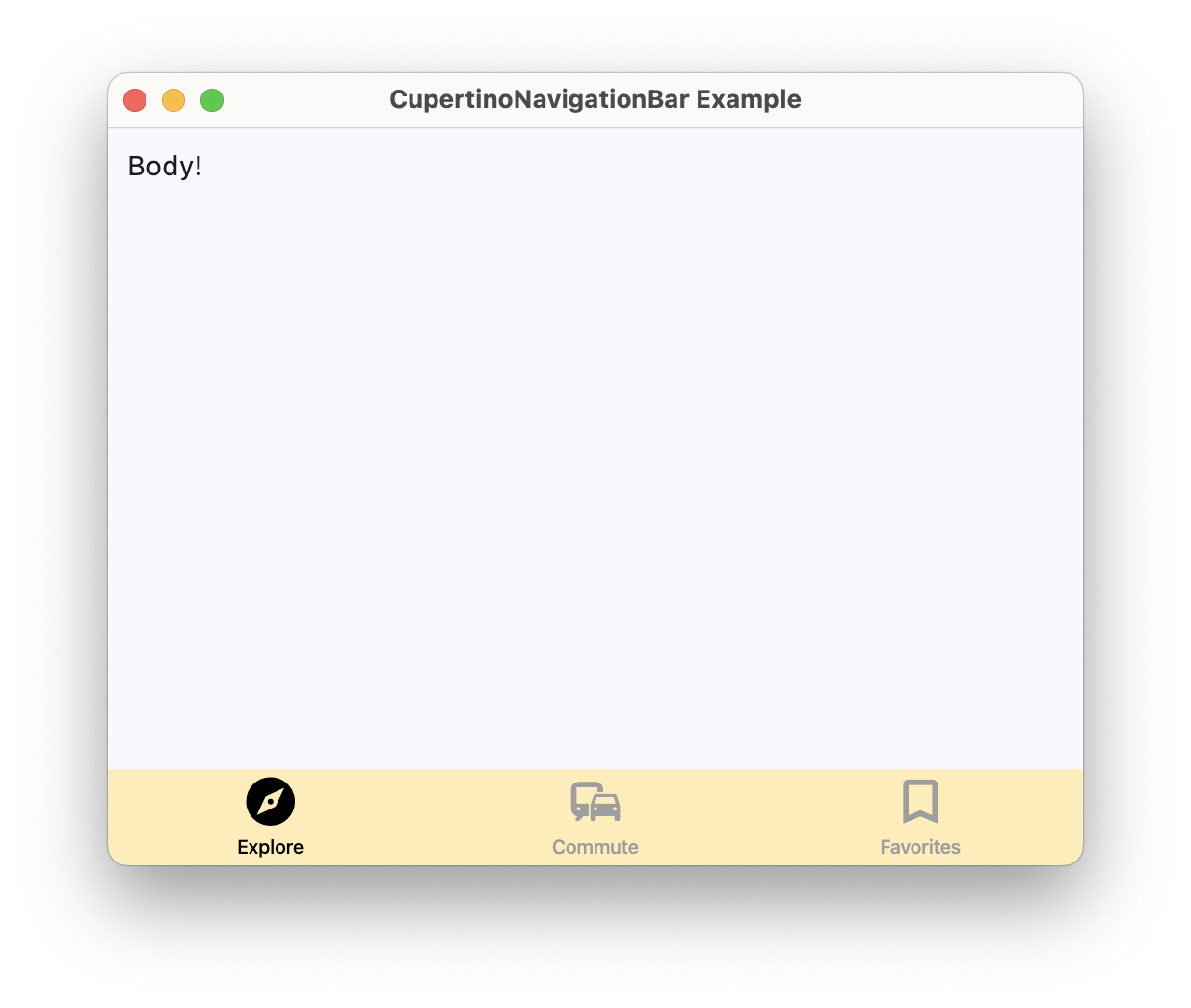](https://docs.flet.dev/examples/controls/cupertino_navigation_bar/media/basic.png)
### Wired navigation bar[#](https://docs.flet.dev/controls/cupertinonavigationbar/#wired-navigation-bar "Permanent link")
`[](https://docs.flet.dev/controls/cupertinonavigationbar/#__codelineno-1-1) import flet as ft [](https://docs.flet.dev/controls/cupertinonavigationbar/#__codelineno-1-2) [](https://docs.flet.dev/controls/cupertinonavigationbar/#__codelineno-1-3)[](https://docs.flet.dev/controls/cupertinonavigationbar/#__codelineno-1-4) def main(page: ft.Page): [](https://docs.flet.dev/controls/cupertinonavigationbar/#__codelineno-1-5) page.title = "CupertinoNavigationBar Example" [](https://docs.flet.dev/controls/cupertinonavigationbar/#__codelineno-1-6) [](https://docs.flet.dev/controls/cupertinonavigationbar/#__codelineno-1-7) def handle_nav_destination_change(e: ft.Event[ft.CupertinoNavigationBar]): [](https://docs.flet.dev/controls/cupertinonavigationbar/#__codelineno-1-8) if e.control.selected_index == 0: [](https://docs.flet.dev/controls/cupertinonavigationbar/#__codelineno-1-9) body.content.value = "Explore!" [](https://docs.flet.dev/controls/cupertinonavigationbar/#__codelineno-1-10) elif e.control.selected_index == 1: [](https://docs.flet.dev/controls/cupertinonavigationbar/#__codelineno-1-11) body.content.value = "Find Your Way!" [](https://docs.flet.dev/controls/cupertinonavigationbar/#__codelineno-1-12) else: [](https://docs.flet.dev/controls/cupertinonavigationbar/#__codelineno-1-13) body.content.value = "Your Favorites!" [](https://docs.flet.dev/controls/cupertinonavigationbar/#__codelineno-1-14) page.update() [](https://docs.flet.dev/controls/cupertinonavigationbar/#__codelineno-1-15) [](https://docs.flet.dev/controls/cupertinonavigationbar/#__codelineno-1-16) page.navigation_bar = ft.CupertinoNavigationBar( [](https://docs.flet.dev/controls/cupertinonavigationbar/#__codelineno-1-17) bgcolor=ft.Colors.AMBER_100, [](https://docs.flet.dev/controls/cupertinonavigationbar/#__codelineno-1-18) inactive_color=ft.Colors.GREY, [](https://docs.flet.dev/controls/cupertinonavigationbar/#__codelineno-1-19) active_color=ft.Colors.BLACK, [](https://docs.flet.dev/controls/cupertinonavigationbar/#__codelineno-1-20) on_change=handle_nav_destination_change, [](https://docs.flet.dev/controls/cupertinonavigationbar/#__codelineno-1-21) destinations=[ [](https://docs.flet.dev/controls/cupertinonavigationbar/#__codelineno-1-22) ft.NavigationBarDestination( [](https://docs.flet.dev/controls/cupertinonavigationbar/#__codelineno-1-23) icon=ft.Icons.EXPLORE_OUTLINED, [](https://docs.flet.dev/controls/cupertinonavigationbar/#__codelineno-1-24) selected_icon=ft.Icons.EXPLORE, [](https://docs.flet.dev/controls/cupertinonavigationbar/#__codelineno-1-25) label="Explore", [](https://docs.flet.dev/controls/cupertinonavigationbar/#__codelineno-1-26) ), [](https://docs.flet.dev/controls/cupertinonavigationbar/#__codelineno-1-27) ft.NavigationBarDestination( [](https://docs.flet.dev/controls/cupertinonavigationbar/#__codelineno-1-28) icon=ft.Icons.COMMUTE_OUTLINED, [](https://docs.flet.dev/controls/cupertinonavigationbar/#__codelineno-1-29) selected_icon=ft.Icons.COMMUTE, [](https://docs.flet.dev/controls/cupertinonavigationbar/#__codelineno-1-30) label="Commute", [](https://docs.flet.dev/controls/cupertinonavigationbar/#__codelineno-1-31) ), [](https://docs.flet.dev/controls/cupertinonavigationbar/#__codelineno-1-32) ft.NavigationBarDestination( [](https://docs.flet.dev/controls/cupertinonavigationbar/#__codelineno-1-33) icon=ft.Icons.BOOKMARK_BORDER, [](https://docs.flet.dev/controls/cupertinonavigationbar/#__codelineno-1-34) selected_icon=ft.Icons.BOOKMARK, [](https://docs.flet.dev/controls/cupertinonavigationbar/#__codelineno-1-35) label="Favorites", [](https://docs.flet.dev/controls/cupertinonavigationbar/#__codelineno-1-36) ), [](https://docs.flet.dev/controls/cupertinonavigationbar/#__codelineno-1-37) ], [](https://docs.flet.dev/controls/cupertinonavigationbar/#__codelineno-1-38) ) [](https://docs.flet.dev/controls/cupertinonavigationbar/#__codelineno-1-39) [](https://docs.flet.dev/controls/cupertinonavigationbar/#__codelineno-1-40) page.add( [](https://docs.flet.dev/controls/cupertinonavigationbar/#__codelineno-1-41) body := ft.SafeArea(content=ft.Text("Explore!")), [](https://docs.flet.dev/controls/cupertinonavigationbar/#__codelineno-1-42) ) [](https://docs.flet.dev/controls/cupertinonavigationbar/#__codelineno-1-43) [](https://docs.flet.dev/controls/cupertinonavigationbar/#__codelineno-1-44)[](https://docs.flet.dev/controls/cupertinonavigationbar/#__codelineno-1-45) ft.run(main)`
Properties[#](https://docs.flet.dev/controls/cupertinonavigationbar/#flet.CupertinoNavigationBar-properties "Permanent link")
------------------------------------------------------------------------------------------------------------------------------
### active\_color `class-attribute` `instance-attribute` [#](https://docs.flet.dev/controls/cupertinonavigationbar/#flet.CupertinoNavigationBar.active_color "Permanent link")
`[](https://docs.flet.dev/controls/cupertinonavigationbar/#__codelineno-0-1) active_color: [ColorValue](https://docs.flet.dev/types/aliases/#flet.ColorValue) | None = None`
The foreground color of the icon and title of the selected [`destination`](https://docs.flet.dev/controls/cupertinonavigationbar/#flet.CupertinoNavigationBar.destinations)
.
### bgcolor `class-attribute` `instance-attribute` [#](https://docs.flet.dev/controls/cupertinonavigationbar/#flet.CupertinoNavigationBar.bgcolor "Permanent link")
`[](https://docs.flet.dev/controls/cupertinonavigationbar/#__codelineno-0-1) bgcolor: [ColorValue](https://docs.flet.dev/types/aliases/#flet.ColorValue) | None = None`
The color of the navigation bar itself.
### border `class-attribute` `instance-attribute` [#](https://docs.flet.dev/controls/cupertinonavigationbar/#flet.CupertinoNavigationBar.border "Permanent link")
`[](https://docs.flet.dev/controls/cupertinonavigationbar/#__codelineno-0-1) border: [Border](https://docs.flet.dev/types/border/#flet.Border) | None = None`
Defines the border of this navigation bar.
### destinations `instance-attribute` [#](https://docs.flet.dev/controls/cupertinonavigationbar/#flet.CupertinoNavigationBar.destinations "Permanent link")
`[](https://docs.flet.dev/controls/cupertinonavigationbar/#__codelineno-0-1) destinations: [list](https://docs.python.org/3/glossary.html#term-list) [[NavigationBarDestination](https://docs.flet.dev/controls/navigationbardestination/#flet.NavigationBarDestination) ]`
The destinations of this navigation bar.
Raises:
* `[ValueError](https://docs.python.org/3/library/exceptions.html#ValueError) ` –
If it does not contain at least two visible `NavigationBarDestination`s.
### icon\_size `class-attribute` `instance-attribute` [#](https://docs.flet.dev/controls/cupertinonavigationbar/#flet.CupertinoNavigationBar.icon_size "Permanent link")
`[](https://docs.flet.dev/controls/cupertinonavigationbar/#__codelineno-0-1) icon_size: [Number](https://docs.flet.dev/types/aliases/#flet.Number) = 30`
The size of all destination icons.
### inactive\_color `class-attribute` `instance-attribute` [#](https://docs.flet.dev/controls/cupertinonavigationbar/#flet.CupertinoNavigationBar.inactive_color "Permanent link")
`[](https://docs.flet.dev/controls/cupertinonavigationbar/#__codelineno-0-1) inactive_color: [ColorValue](https://docs.flet.dev/types/aliases/#flet.ColorValue) = [INACTIVE_GRAY](https://docs.flet.dev/types/cupertinocolors/#flet.CupertinoColors.INACTIVE_GRAY)`
The foreground color of the icon and title of the unselected [`destinations`](https://docs.flet.dev/controls/cupertinonavigationbar/#flet.CupertinoNavigationBar.destinations)
.
### selected\_index `class-attribute` `instance-attribute` [#](https://docs.flet.dev/controls/cupertinonavigationbar/#flet.CupertinoNavigationBar.selected_index "Permanent link")
`[](https://docs.flet.dev/controls/cupertinonavigationbar/#__codelineno-0-1) selected_index: [int](https://docs.python.org/3/library/functions.html#int) = 0`
The index into [`destinations`](https://docs.flet.dev/controls/cupertinonavigationbar/#flet.CupertinoNavigationBar.destinations)
for the currently selected [`NavigationBarDestination`](https://docs.flet.dev/controls/navigationbardestination/#flet.NavigationBarDestination)
.
Raises:
* `[IndexError](https://docs.python.org/3/library/exceptions.html#IndexError) ` –
If it is not greater than or equal to `0`.
* `[IndexError](https://docs.python.org/3/library/exceptions.html#IndexError) ` –
If it is not less than the length of visible [`destinations`](https://docs.flet.dev/controls/cupertinonavigationbar/#flet.CupertinoNavigationBar.destinations)
.
Events[#](https://docs.flet.dev/controls/cupertinonavigationbar/#flet.CupertinoNavigationBar-events "Permanent link")
----------------------------------------------------------------------------------------------------------------------
### on\_change `class-attribute` `instance-attribute` [#](https://docs.flet.dev/controls/cupertinonavigationbar/#flet.CupertinoNavigationBar.on_change "Permanent link")
`[](https://docs.flet.dev/controls/cupertinonavigationbar/#__codelineno-0-1) on_change: ( [](https://docs.flet.dev/controls/cupertinonavigationbar/#__codelineno-0-2) [ControlEventHandler](https://docs.flet.dev/types/aliases/#flet.ControlEventHandler) [[CupertinoNavigationBar](https://docs.flet.dev/controls/cupertinonavigationbar/#flet.CupertinoNavigationBar) ] | None [](https://docs.flet.dev/controls/cupertinonavigationbar/#__codelineno-0-3) ) = None`
Called when selected destination changed.
Back to top
---
# CupertinoSlidingSegmentedButton - Flet
[Skip to content](https://docs.flet.dev/controls/cupertinoslidingsegmentedbutton/#flet.CupertinoSlidingSegmentedButton)
CupertinoSlidingSegmentedButton
===============================
A cupertino sliding segmented button.
Example:
`[](https://docs.flet.dev/controls/cupertinoslidingsegmentedbutton/#__codelineno-0-1) ft.CupertinoSlidingSegmentedButton( [](https://docs.flet.dev/controls/cupertinoslidingsegmentedbutton/#__codelineno-0-2) selected_index=1, [](https://docs.flet.dev/controls/cupertinoslidingsegmentedbutton/#__codelineno-0-3) controls=[ [](https://docs.flet.dev/controls/cupertinoslidingsegmentedbutton/#__codelineno-0-4) ft.Text("One"), [](https://docs.flet.dev/controls/cupertinoslidingsegmentedbutton/#__codelineno-0-5) ft.Text("Two"), [](https://docs.flet.dev/controls/cupertinoslidingsegmentedbutton/#__codelineno-0-6) ft.Text("Three"), [](https://docs.flet.dev/controls/cupertinoslidingsegmentedbutton/#__codelineno-0-7) ], [](https://docs.flet.dev/controls/cupertinoslidingsegmentedbutton/#__codelineno-0-8) )`
[](https://docs.flet.dev/test-images/examples/cupertino/golden/macos/cupertino_sliding_segmented_button/image_for_docs.png)
Basic CupertinoSlidingSegmentedButton
Inherits: `[LayoutControl](https://docs.flet.dev/controls/layoutcontrol/#flet.LayoutControl) `
Properties
* **`[bgcolor](https://docs.flet.dev/controls/cupertinoslidingsegmentedbutton/#flet.CupertinoSlidingSegmentedButton.bgcolor) `**(`[ColorValue](https://docs.flet.dev/types/aliases/#flet.ColorValue) `) –
The background color of this button.
* **`[controls](https://docs.flet.dev/controls/cupertinoslidingsegmentedbutton/#flet.CupertinoSlidingSegmentedButton.controls) `**(`[list](https://docs.python.org/3/glossary.html#term-list) [[Control](https://docs.flet.dev/controls/control/#flet.Control) ]`) –
The list of segments to be displayed.
* **`[padding](https://docs.flet.dev/controls/cupertinoslidingsegmentedbutton/#flet.CupertinoSlidingSegmentedButton.padding) `**(`[PaddingValue](https://docs.flet.dev/types/aliases/#flet.PaddingValue) `) –
The amount of space by which to inset the [`controls`](https://docs.flet.dev/controls/cupertinoslidingsegmentedbutton/#flet.CupertinoSlidingSegmentedButton.controls)
.
* **`[proportional_width](https://docs.flet.dev/controls/cupertinoslidingsegmentedbutton/#flet.CupertinoSlidingSegmentedButton.proportional_width) `**(`[bool](https://docs.python.org/3/library/functions.html#bool) `) –
Determine whether segments have proportional widths based on their content.
* **`[selected_index](https://docs.flet.dev/controls/cupertinoslidingsegmentedbutton/#flet.CupertinoSlidingSegmentedButton.selected_index) `**(`[int](https://docs.python.org/3/library/functions.html#int) `) –
The index (starting from 0) of the selected segment in the [`controls`](https://docs.flet.dev/controls/cupertinoslidingsegmentedbutton/#flet.CupertinoSlidingSegmentedButton.controls)
list.
* **`[thumb_color](https://docs.flet.dev/controls/cupertinoslidingsegmentedbutton/#flet.CupertinoSlidingSegmentedButton.thumb_color) `**(`[ColorValue](https://docs.flet.dev/types/aliases/#flet.ColorValue) | None`) –
The color of this button when it is not selected.
Events
* **`[on_change](https://docs.flet.dev/controls/cupertinoslidingsegmentedbutton/#flet.CupertinoSlidingSegmentedButton.on_change) `**(`[ControlEventHandler](https://docs.flet.dev/types/aliases/#flet.ControlEventHandler) [[CupertinoSlidingSegmentedButton](https://docs.flet.dev/controls/cupertinoslidingsegmentedbutton/#flet.CupertinoSlidingSegmentedButton) ] | None`) –
Called when the state of the button is changed - when one of the [`controls`](https://docs.flet.dev/controls/cupertinoslidingsegmentedbutton/#flet.CupertinoSlidingSegmentedButton.controls)
is clicked.
Examples[#](https://docs.flet.dev/controls/cupertinoslidingsegmentedbutton/#examples "Permanent link")
-------------------------------------------------------------------------------------------------------
[Live example](https://flet-controls-gallery.fly.dev/buttons/cupertinoslidingsegmentedbutton)
### Basic Example[#](https://docs.flet.dev/controls/cupertinoslidingsegmentedbutton/#basic-example "Permanent link")
`[](https://docs.flet.dev/controls/cupertinoslidingsegmentedbutton/#__codelineno-0-1) import flet as ft [](https://docs.flet.dev/controls/cupertinoslidingsegmentedbutton/#__codelineno-0-2) [](https://docs.flet.dev/controls/cupertinoslidingsegmentedbutton/#__codelineno-0-3)[](https://docs.flet.dev/controls/cupertinoslidingsegmentedbutton/#__codelineno-0-4) def main(page: ft.Page): [](https://docs.flet.dev/controls/cupertinoslidingsegmentedbutton/#__codelineno-0-5) page.title = "CupertinoSlidingSegmentedButton Example" [](https://docs.flet.dev/controls/cupertinoslidingsegmentedbutton/#__codelineno-0-6) page.theme_mode = ft.ThemeMode.LIGHT [](https://docs.flet.dev/controls/cupertinoslidingsegmentedbutton/#__codelineno-0-7) [](https://docs.flet.dev/controls/cupertinoslidingsegmentedbutton/#__codelineno-0-8) def handle_selection_change(e: ft.Event[ft.CupertinoSlidingSegmentedButton]): [](https://docs.flet.dev/controls/cupertinoslidingsegmentedbutton/#__codelineno-0-9) page.show_dialog( [](https://docs.flet.dev/controls/cupertinoslidingsegmentedbutton/#__codelineno-0-10) ft.SnackBar(ft.Text(f"Segment {e.control.selected_index + 1} was chosen!")) [](https://docs.flet.dev/controls/cupertinoslidingsegmentedbutton/#__codelineno-0-11) ) [](https://docs.flet.dev/controls/cupertinoslidingsegmentedbutton/#__codelineno-0-12) [](https://docs.flet.dev/controls/cupertinoslidingsegmentedbutton/#__codelineno-0-13) page.add( [](https://docs.flet.dev/controls/cupertinoslidingsegmentedbutton/#__codelineno-0-14) ft.CupertinoSlidingSegmentedButton( [](https://docs.flet.dev/controls/cupertinoslidingsegmentedbutton/#__codelineno-0-15) selected_index=1, [](https://docs.flet.dev/controls/cupertinoslidingsegmentedbutton/#__codelineno-0-16) thumb_color=ft.Colors.BLUE_400, [](https://docs.flet.dev/controls/cupertinoslidingsegmentedbutton/#__codelineno-0-17) on_change=handle_selection_change, [](https://docs.flet.dev/controls/cupertinoslidingsegmentedbutton/#__codelineno-0-18) controls=[ [](https://docs.flet.dev/controls/cupertinoslidingsegmentedbutton/#__codelineno-0-19) ft.Text("One"), [](https://docs.flet.dev/controls/cupertinoslidingsegmentedbutton/#__codelineno-0-20) ft.Text("Two"), [](https://docs.flet.dev/controls/cupertinoslidingsegmentedbutton/#__codelineno-0-21) ft.Text("Three"), [](https://docs.flet.dev/controls/cupertinoslidingsegmentedbutton/#__codelineno-0-22) ], [](https://docs.flet.dev/controls/cupertinoslidingsegmentedbutton/#__codelineno-0-23) ), [](https://docs.flet.dev/controls/cupertinoslidingsegmentedbutton/#__codelineno-0-24) ) [](https://docs.flet.dev/controls/cupertinoslidingsegmentedbutton/#__codelineno-0-25) [](https://docs.flet.dev/controls/cupertinoslidingsegmentedbutton/#__codelineno-0-26)[](https://docs.flet.dev/controls/cupertinoslidingsegmentedbutton/#__codelineno-0-27) ft.run(main)`
[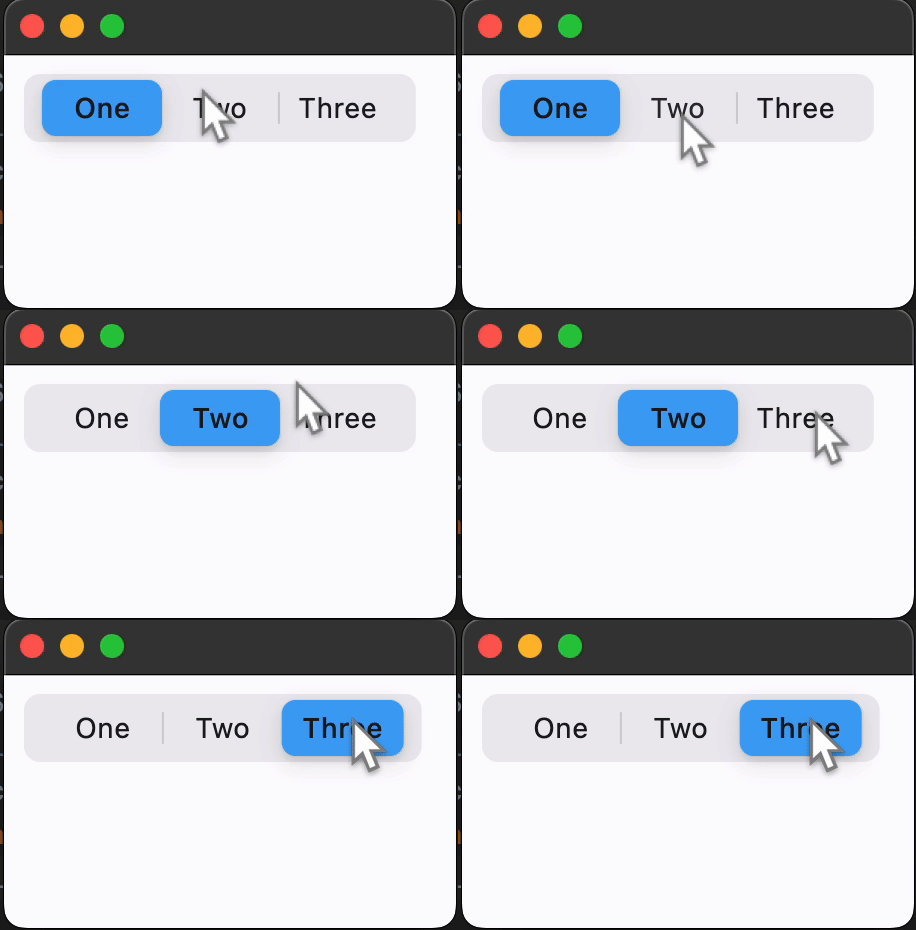](https://docs.flet.dev/examples/controls/cupertino_sliding_segmented_button/media/basic.gif)
Properties[#](https://docs.flet.dev/controls/cupertinoslidingsegmentedbutton/#flet.CupertinoSlidingSegmentedButton-properties "Permanent link")
------------------------------------------------------------------------------------------------------------------------------------------------
### bgcolor `class-attribute` `instance-attribute` [#](https://docs.flet.dev/controls/cupertinoslidingsegmentedbutton/#flet.CupertinoSlidingSegmentedButton.bgcolor "Permanent link")
`[](https://docs.flet.dev/controls/cupertinoslidingsegmentedbutton/#__codelineno-0-1) bgcolor: [ColorValue](https://docs.flet.dev/types/aliases/#flet.ColorValue) = [TERTIARY_SYSTEM_FILL](https://docs.flet.dev/types/cupertinocolors/#flet.CupertinoColors.TERTIARY_SYSTEM_FILL)`
The background color of this button.
### controls `instance-attribute` [#](https://docs.flet.dev/controls/cupertinoslidingsegmentedbutton/#flet.CupertinoSlidingSegmentedButton.controls "Permanent link")
`[](https://docs.flet.dev/controls/cupertinoslidingsegmentedbutton/#__codelineno-0-1) controls: [list](https://docs.python.org/3/glossary.html#term-list) [[Control](https://docs.flet.dev/controls/control/#flet.Control) ]`
The list of segments to be displayed.
Raises:
* `[ValueError](https://docs.python.org/3/library/exceptions.html#ValueError) ` –
If it does not contain at least two visible `Control`s.
### padding `class-attribute` `instance-attribute` [#](https://docs.flet.dev/controls/cupertinoslidingsegmentedbutton/#flet.CupertinoSlidingSegmentedButton.padding "Permanent link")
`[](https://docs.flet.dev/controls/cupertinoslidingsegmentedbutton/#__codelineno-0-1) padding: [PaddingValue](https://docs.flet.dev/types/aliases/#flet.PaddingValue) = [field](https://docs.python.org/3/library/dataclasses.html#dataclasses.field "dataclasses.field") ( [](https://docs.flet.dev/controls/cupertinoslidingsegmentedbutton/#__codelineno-0-2) default_factory=lambda: [symmetric](https://docs.flet.dev/types/padding/#flet.Padding.symmetric) ( [](https://docs.flet.dev/controls/cupertinoslidingsegmentedbutton/#__codelineno-0-3) vertical=2, horizontal=3 [](https://docs.flet.dev/controls/cupertinoslidingsegmentedbutton/#__codelineno-0-4) ) [](https://docs.flet.dev/controls/cupertinoslidingsegmentedbutton/#__codelineno-0-5) )`
The amount of space by which to inset the [`controls`](https://docs.flet.dev/controls/cupertinoslidingsegmentedbutton/#flet.CupertinoSlidingSegmentedButton.controls)
.
### proportional\_width `class-attribute` `instance-attribute` [#](https://docs.flet.dev/controls/cupertinoslidingsegmentedbutton/#flet.CupertinoSlidingSegmentedButton.proportional_width "Permanent link")
`[](https://docs.flet.dev/controls/cupertinoslidingsegmentedbutton/#__codelineno-0-1) proportional_width: [bool](https://docs.python.org/3/library/functions.html#bool) = False`
Determine whether segments have proportional widths based on their content.
If `False`, all segments will have the same width, determined by the longest segment. If `True`, each segment's width will be determined by its individual content.
If the max width of parent constraints is smaller than the width that this control needs, the segment widths will scale down proportionally to ensure this control fits within the boundaries; similarly, if the min width of parent constraints is larger, the segment width will scales up to meet the min width requirement.
### selected\_index `class-attribute` `instance-attribute` [#](https://docs.flet.dev/controls/cupertinoslidingsegmentedbutton/#flet.CupertinoSlidingSegmentedButton.selected_index "Permanent link")
`[](https://docs.flet.dev/controls/cupertinoslidingsegmentedbutton/#__codelineno-0-1) selected_index: [int](https://docs.python.org/3/library/functions.html#int) = 0`
The index (starting from 0) of the selected segment in the [`controls`](https://docs.flet.dev/controls/cupertinoslidingsegmentedbutton/#flet.CupertinoSlidingSegmentedButton.controls)
list.
Raises:
* `[IndexError](https://docs.python.org/3/library/exceptions.html#IndexError) ` –
If it is not between `0` and the length of visible [`controls`](https://docs.flet.dev/controls/cupertinoslidingsegmentedbutton/#flet.CupertinoSlidingSegmentedButton.controls)
, inclusive.
### thumb\_color `class-attribute` `instance-attribute` [#](https://docs.flet.dev/controls/cupertinoslidingsegmentedbutton/#flet.CupertinoSlidingSegmentedButton.thumb_color "Permanent link")
`[](https://docs.flet.dev/controls/cupertinoslidingsegmentedbutton/#__codelineno-0-1) thumb_color: [ColorValue](https://docs.flet.dev/types/aliases/#flet.ColorValue) | None = None`
The color of this button when it is not selected.
Events[#](https://docs.flet.dev/controls/cupertinoslidingsegmentedbutton/#flet.CupertinoSlidingSegmentedButton-events "Permanent link")
----------------------------------------------------------------------------------------------------------------------------------------
### on\_change `class-attribute` `instance-attribute` [#](https://docs.flet.dev/controls/cupertinoslidingsegmentedbutton/#flet.CupertinoSlidingSegmentedButton.on_change "Permanent link")
`[](https://docs.flet.dev/controls/cupertinoslidingsegmentedbutton/#__codelineno-0-1) on_change: ( [](https://docs.flet.dev/controls/cupertinoslidingsegmentedbutton/#__codelineno-0-2) [ControlEventHandler](https://docs.flet.dev/types/aliases/#flet.ControlEventHandler) [[CupertinoSlidingSegmentedButton](https://docs.flet.dev/controls/cupertinoslidingsegmentedbutton/#flet.CupertinoSlidingSegmentedButton) ] [](https://docs.flet.dev/controls/cupertinoslidingsegmentedbutton/#__codelineno-0-3) | None [](https://docs.flet.dev/controls/cupertinoslidingsegmentedbutton/#__codelineno-0-4) ) = None`
Called when the state of the button is changed - when one of the [`controls`](https://docs.flet.dev/controls/cupertinoslidingsegmentedbutton/#flet.CupertinoSlidingSegmentedButton.controls)
is clicked.
Back to top
---
# ExpansionPanel - Flet
[Skip to content](https://docs.flet.dev/controls/expansionpanel/#flet.ExpansionPanel)
ExpansionPanel
==============
A material expansion panel. It can either be expanded or collapsed. Its body is only visible when it is expanded.
Example:
`[](https://docs.flet.dev/controls/expansionpanel/#__codelineno-0-1) ft.ExpansionPanelList( [](https://docs.flet.dev/controls/expansionpanel/#__codelineno-0-2) width=400, [](https://docs.flet.dev/controls/expansionpanel/#__codelineno-0-3) controls=[ [](https://docs.flet.dev/controls/expansionpanel/#__codelineno-0-4) ft.ExpansionPanel( [](https://docs.flet.dev/controls/expansionpanel/#__codelineno-0-5) header=ft.Text("Shipping address"), [](https://docs.flet.dev/controls/expansionpanel/#__codelineno-0-6) content=ft.Text("123 Market Street, Springfield"), [](https://docs.flet.dev/controls/expansionpanel/#__codelineno-0-7) expanded=True, [](https://docs.flet.dev/controls/expansionpanel/#__codelineno-0-8) ), [](https://docs.flet.dev/controls/expansionpanel/#__codelineno-0-9) ft.ExpansionPanel( [](https://docs.flet.dev/controls/expansionpanel/#__codelineno-0-10) header=ft.Text("Billing address"), [](https://docs.flet.dev/controls/expansionpanel/#__codelineno-0-11) content=ft.Text("Same as shipping"), [](https://docs.flet.dev/controls/expansionpanel/#__codelineno-0-12) ), [](https://docs.flet.dev/controls/expansionpanel/#__codelineno-0-13) ], [](https://docs.flet.dev/controls/expansionpanel/#__codelineno-0-14) )`
[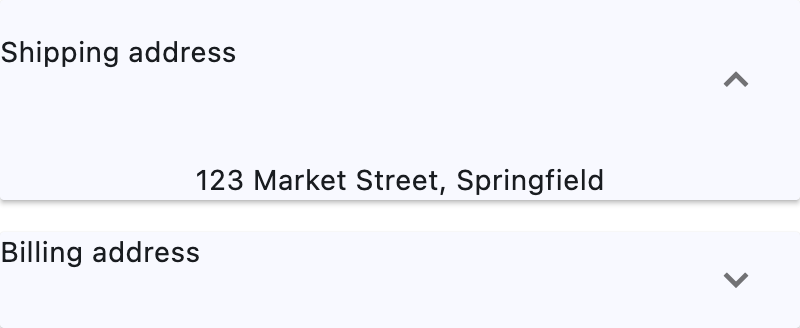](https://docs.flet.dev/test-images/examples/material/golden/macos/expansion_panel/image_for_docs.png)
Basic ExpansionPanel
Inherits: `[LayoutControl](https://docs.flet.dev/controls/layoutcontrol/#flet.LayoutControl) `, `[AdaptiveControl](https://docs.flet.dev/controls/adaptivecontrol/#flet.AdaptiveControl) `
Properties
* **`[bgcolor](https://docs.flet.dev/controls/expansionpanel/#flet.ExpansionPanel.bgcolor) `**(`[ColorValue](https://docs.flet.dev/types/aliases/#flet.ColorValue) | None`) –
The background color of this panel.
* **`[can_tap_header](https://docs.flet.dev/controls/expansionpanel/#flet.ExpansionPanel.can_tap_header) `**(`[bool](https://docs.python.org/3/library/functions.html#bool) `) –
Whether tapping on this panel's [`header`](https://docs.flet.dev/controls/expansionpanel/#flet.ExpansionPanel.header)
will expand or collapse it.
* **`[content](https://docs.flet.dev/controls/expansionpanel/#flet.ExpansionPanel.content) `**(`[Control](https://docs.flet.dev/controls/control/#flet.Control) | None`) –
The control to be found in the body of this panel.
* **`[expanded](https://docs.flet.dev/controls/expansionpanel/#flet.ExpansionPanel.expanded) `**(`[bool](https://docs.python.org/3/library/functions.html#bool) `) –
Whether this panel is in expanded (`True`) or collapsed (`False`) state.
* **`[header](https://docs.flet.dev/controls/expansionpanel/#flet.ExpansionPanel.header) `**(`[Control](https://docs.flet.dev/controls/control/#flet.Control) | None`) –
The control to be found in the header of this panel.
* **`[highlight_color](https://docs.flet.dev/controls/expansionpanel/#flet.ExpansionPanel.highlight_color) `**(`[ColorValue](https://docs.flet.dev/types/aliases/#flet.ColorValue) | None`) –
Defines the highlight color of this panel if [`can_tap_header`](https://docs.flet.dev/controls/expansionpanel/#flet.ExpansionPanel.can_tap_header)
is `True`, or the highlight color of the expand/collapse `IconButton` if [`can_tap_header`](https://docs.flet.dev/controls/expansionpanel/#flet.ExpansionPanel.can_tap_header)
is `False`.
* **`[splash_color](https://docs.flet.dev/controls/expansionpanel/#flet.ExpansionPanel.splash_color) `**(`[ColorValue](https://docs.flet.dev/types/aliases/#flet.ColorValue) | None`) –
Defines the splash color of this panel if [`can_tap_header`](https://docs.flet.dev/controls/expansionpanel/#flet.ExpansionPanel.can_tap_header)
is `True`, or the splash color of the expand/collapse `IconButton` if [`can_tap_header`](https://docs.flet.dev/controls/expansionpanel/#flet.ExpansionPanel.can_tap_header)
is `False`.
Properties[#](https://docs.flet.dev/controls/expansionpanel/#flet.ExpansionPanel-properties "Permanent link")
--------------------------------------------------------------------------------------------------------------
### bgcolor `class-attribute` `instance-attribute` [#](https://docs.flet.dev/controls/expansionpanel/#flet.ExpansionPanel.bgcolor "Permanent link")
`[](https://docs.flet.dev/controls/expansionpanel/#__codelineno-0-1) bgcolor: [ColorValue](https://docs.flet.dev/types/aliases/#flet.ColorValue) | None = None`
The background color of this panel.
### can\_tap\_header `class-attribute` `instance-attribute` [#](https://docs.flet.dev/controls/expansionpanel/#flet.ExpansionPanel.can_tap_header "Permanent link")
`[](https://docs.flet.dev/controls/expansionpanel/#__codelineno-0-1) can_tap_header: [bool](https://docs.python.org/3/library/functions.html#bool) = False`
Whether tapping on this panel's [`header`](https://docs.flet.dev/controls/expansionpanel/#flet.ExpansionPanel.header)
will expand or collapse it.
### content `class-attribute` `instance-attribute` [#](https://docs.flet.dev/controls/expansionpanel/#flet.ExpansionPanel.content "Permanent link")
`[](https://docs.flet.dev/controls/expansionpanel/#__codelineno-0-1) content: [Control](https://docs.flet.dev/controls/control/#flet.Control) | None = None`
The control to be found in the body of this panel.
It is displayed below the [`header`](https://docs.flet.dev/controls/expansionpanel/#flet.ExpansionPanel.header)
when this panel is [`expanded`](https://docs.flet.dev/controls/expansionpanel/#flet.ExpansionPanel.expanded)
.
If this property is `None`, this panel will have a placeholder `Text` as content.
### expanded `class-attribute` `instance-attribute` [#](https://docs.flet.dev/controls/expansionpanel/#flet.ExpansionPanel.expanded "Permanent link")
`[](https://docs.flet.dev/controls/expansionpanel/#__codelineno-0-1) expanded: [bool](https://docs.python.org/3/library/functions.html#bool) = False`
Whether this panel is in expanded (`True`) or collapsed (`False`) state.
### header `class-attribute` `instance-attribute` [#](https://docs.flet.dev/controls/expansionpanel/#flet.ExpansionPanel.header "Permanent link")
`[](https://docs.flet.dev/controls/expansionpanel/#__codelineno-0-1) header: [Control](https://docs.flet.dev/controls/control/#flet.Control) | None = None`
The control to be found in the header of this panel.
It is always visible, regardless of whether this panel is expanded or collapsed. If [`can_tap_header`](https://docs.flet.dev/controls/expansionpanel/#flet.ExpansionPanel.can_tap_header)
is `True`, tapping on this `header` will expand or collapse this panel.
If this property is `None`, this panel will have a placeholder `Text` as header.
### highlight\_color `class-attribute` `instance-attribute` [#](https://docs.flet.dev/controls/expansionpanel/#flet.ExpansionPanel.highlight_color "Permanent link")
`[](https://docs.flet.dev/controls/expansionpanel/#__codelineno-0-1) highlight_color: [ColorValue](https://docs.flet.dev/types/aliases/#flet.ColorValue) | None = None`
Defines the highlight color of this panel if [`can_tap_header`](https://docs.flet.dev/controls/expansionpanel/#flet.ExpansionPanel.can_tap_header)
is `True`, or the highlight color of the expand/collapse `IconButton` if [`can_tap_header`](https://docs.flet.dev/controls/expansionpanel/#flet.ExpansionPanel.can_tap_header)
is `False`.
If this is `None`, then the icon button will use its default highlight color [`Theme.highlight_color`](https://docs.flet.dev/types/theme/#flet.Theme.highlight_color)
, and this panel will use its default highlight color [`Theme.highlight_color`](https://docs.flet.dev/types/theme/#flet.Theme.highlight_color)
(if [`can_tap_header`](https://docs.flet.dev/controls/expansionpanel/#flet.ExpansionPanel.can_tap_header)
is `True`).
### splash\_color `class-attribute` `instance-attribute` [#](https://docs.flet.dev/controls/expansionpanel/#flet.ExpansionPanel.splash_color "Permanent link")
`[](https://docs.flet.dev/controls/expansionpanel/#__codelineno-0-1) splash_color: [ColorValue](https://docs.flet.dev/types/aliases/#flet.ColorValue) | None = None`
Defines the splash color of this panel if [`can_tap_header`](https://docs.flet.dev/controls/expansionpanel/#flet.ExpansionPanel.can_tap_header)
is `True`, or the splash color of the expand/collapse `IconButton` if [`can_tap_header`](https://docs.flet.dev/controls/expansionpanel/#flet.ExpansionPanel.can_tap_header)
is `False`.
If [`can_tap_header`](https://docs.flet.dev/controls/expansionpanel/#flet.ExpansionPanel.can_tap_header)
is `False`, and [`Theme.use_material3`](https://docs.flet.dev/types/theme/#flet.Theme.use_material3)
is `True`, this field will be ignored, as [`IconButton.splash_color`](https://docs.flet.dev/controls/iconbutton/#flet.IconButton.splash_color)
will be ignored, and you should use [`highlight_color`](https://docs.flet.dev/controls/expansionpanel/#flet.ExpansionPanel.highlight_color)
instead.
If this is `None`, then the icon button will use its default splash color [`Theme.splash_color`](https://docs.flet.dev/types/theme/#flet.Theme.splash_color)
, and this panel will use its default splash color [`Theme.splash_color`](https://docs.flet.dev/types/theme/#flet.Theme.splash_color)
(if [`can_tap_header`](https://docs.flet.dev/controls/expansionpanel/#flet.ExpansionPanel.can_tap_header)
is `True`).
Back to top
---
# Placeholder - Flet
[Skip to content](https://docs.flet.dev/controls/placeholder/#flet.Placeholder)
Placeholder
===========
A placeholder box.
`[](https://docs.flet.dev/controls/placeholder/#__codelineno-0-1) ft.Placeholder( [](https://docs.flet.dev/controls/placeholder/#__codelineno-0-2) expand=True, [](https://docs.flet.dev/controls/placeholder/#__codelineno-0-3) color=ft.Colors.RED_500, [](https://docs.flet.dev/controls/placeholder/#__codelineno-0-4) )`
[](https://docs.flet.dev/test-images/examples/core/golden/macos/placeholder/image_for_docs.png)
Placeholder
Inherits: `[LayoutControl](https://docs.flet.dev/controls/layoutcontrol/#flet.LayoutControl) `
Properties
* **`[color](https://docs.flet.dev/controls/placeholder/#flet.Placeholder.color) `**(`[ColorValue](https://docs.flet.dev/types/aliases/#flet.ColorValue) `) –
The color of the placeholder box.
* **`[content](https://docs.flet.dev/controls/placeholder/#flet.Placeholder.content) `**(`[Control](https://docs.flet.dev/controls/control/#flet.Control) | None`) –
An optional `Control` to display inside the placeholder.
* **`[fallback_height](https://docs.flet.dev/controls/placeholder/#flet.Placeholder.fallback_height) `**(`[Number](https://docs.flet.dev/types/aliases/#flet.Number) `) –
The height to use when the placeholder is in a situation with an unbounded height.
* **`[fallback_width](https://docs.flet.dev/controls/placeholder/#flet.Placeholder.fallback_width) `**(`[Number](https://docs.flet.dev/types/aliases/#flet.Number) `) –
The width to use when the placeholder is in a situation with an unbounded width.
* **`[stroke_width](https://docs.flet.dev/controls/placeholder/#flet.Placeholder.stroke_width) `**(`[Number](https://docs.flet.dev/types/aliases/#flet.Number) | None`) –
The width of the lines in the placeholder box.
Examples[#](https://docs.flet.dev/controls/placeholder/#examples "Permanent link")
-----------------------------------------------------------------------------------
[Live example](https://flet-controls-gallery.fly.dev/layout/placeholder)
### Basic Example[#](https://docs.flet.dev/controls/placeholder/#basic-example "Permanent link")
`[](https://docs.flet.dev/controls/placeholder/#__codelineno-0-1) import flet as ft [](https://docs.flet.dev/controls/placeholder/#__codelineno-0-2) [](https://docs.flet.dev/controls/placeholder/#__codelineno-0-3)[](https://docs.flet.dev/controls/placeholder/#__codelineno-0-4) def main(page: ft.Page): [](https://docs.flet.dev/controls/placeholder/#__codelineno-0-5) page.add( [](https://docs.flet.dev/controls/placeholder/#__codelineno-0-6) ft.Placeholder( [](https://docs.flet.dev/controls/placeholder/#__codelineno-0-7) expand=True, [](https://docs.flet.dev/controls/placeholder/#__codelineno-0-8) color=ft.Colors.GREEN_ACCENT, [](https://docs.flet.dev/controls/placeholder/#__codelineno-0-9) fallback_height=200, [](https://docs.flet.dev/controls/placeholder/#__codelineno-0-10) fallback_width=300, [](https://docs.flet.dev/controls/placeholder/#__codelineno-0-11) stroke_width=20, [](https://docs.flet.dev/controls/placeholder/#__codelineno-0-12) ) [](https://docs.flet.dev/controls/placeholder/#__codelineno-0-13) ) [](https://docs.flet.dev/controls/placeholder/#__codelineno-0-14) [](https://docs.flet.dev/controls/placeholder/#__codelineno-0-15)[](https://docs.flet.dev/controls/placeholder/#__codelineno-0-16) if __name__ == "__main__": [](https://docs.flet.dev/controls/placeholder/#__codelineno-0-17) ft.run(main)`
[](https://docs.flet.dev/test-images/examples/core/golden/macos/placeholder/basic.png)
Properties[#](https://docs.flet.dev/controls/placeholder/#flet.Placeholder-properties "Permanent link")
--------------------------------------------------------------------------------------------------------
### color `class-attribute` `instance-attribute` [#](https://docs.flet.dev/controls/placeholder/#flet.Placeholder.color "Permanent link")
`[](https://docs.flet.dev/controls/placeholder/#__codelineno-0-1) color: [ColorValue](https://docs.flet.dev/types/aliases/#flet.ColorValue) = [BLUE_GREY_700](https://docs.flet.dev/types/colors/#flet.Colors.BLUE_GREY_700)`
The color of the placeholder box.
### content `class-attribute` `instance-attribute` [#](https://docs.flet.dev/controls/placeholder/#flet.Placeholder.content "Permanent link")
`[](https://docs.flet.dev/controls/placeholder/#__codelineno-0-1) content: [Control](https://docs.flet.dev/controls/control/#flet.Control) | None = None`
An optional `Control` to display inside the placeholder.
### fallback\_height `class-attribute` `instance-attribute` [#](https://docs.flet.dev/controls/placeholder/#flet.Placeholder.fallback_height "Permanent link")
`[](https://docs.flet.dev/controls/placeholder/#__codelineno-0-1) fallback_height: [Number](https://docs.flet.dev/types/aliases/#flet.Number) = 400.0`
The height to use when the placeholder is in a situation with an unbounded height.
### fallback\_width `class-attribute` `instance-attribute` [#](https://docs.flet.dev/controls/placeholder/#flet.Placeholder.fallback_width "Permanent link")
`[](https://docs.flet.dev/controls/placeholder/#__codelineno-0-1) fallback_width: [Number](https://docs.flet.dev/types/aliases/#flet.Number) = 400.0`
The width to use when the placeholder is in a situation with an unbounded width.
### stroke\_width `class-attribute` `instance-attribute` [#](https://docs.flet.dev/controls/placeholder/#flet.Placeholder.stroke_width "Permanent link")
`[](https://docs.flet.dev/controls/placeholder/#__codelineno-0-1) stroke_width: [Number](https://docs.flet.dev/types/aliases/#flet.Number) | None = 2.0`
The width of the lines in the placeholder box.
Back to top
---
# MultiView - Flet
[Skip to content](https://docs.flet.dev/controls/multiview/#flet.MultiView)
MultiView
=========
Inherits: `[BasePage](https://docs.flet.dev/controls/basepage/#flet.BasePage) `
TBD
Properties
* **`[initial_data](https://docs.flet.dev/controls/multiview/#flet.MultiView.initial_data) `**(`[dict](https://docs.python.org/3/reference/expressions.html#dict) [[str](https://docs.python.org/3/library/stdtypes.html#str) , [Any](https://docs.python.org/3/library/typing.html#typing.Any "typing.Any") ]`) –
TBD
* **`[view_id](https://docs.flet.dev/controls/multiview/#flet.MultiView.view_id) `**(`[int](https://docs.python.org/3/library/functions.html#int) `) –
TBD
Properties[#](https://docs.flet.dev/controls/multiview/#flet.MultiView-properties "Permanent link")
----------------------------------------------------------------------------------------------------
### initial\_data `instance-attribute` [#](https://docs.flet.dev/controls/multiview/#flet.MultiView.initial_data "Permanent link")
`[](https://docs.flet.dev/controls/multiview/#__codelineno-0-1) initial_data: [dict](https://docs.python.org/3/reference/expressions.html#dict) [[str](https://docs.python.org/3/library/stdtypes.html#str) , [Any](https://docs.python.org/3/library/typing.html#typing.Any "typing.Any") ]`
TBD
### view\_id `instance-attribute` [#](https://docs.flet.dev/controls/multiview/#flet.MultiView.view_id "Permanent link")
`[](https://docs.flet.dev/controls/multiview/#__codelineno-0-1) view_id: [int](https://docs.python.org/3/library/functions.html#int)`
TBD
Back to top
---
# DataRow - Flet
[Skip to content](https://docs.flet.dev/controls/datarow/#examples)
DataRow
=======
Examples[#](https://docs.flet.dev/controls/datarow/#examples "Permanent link")
-------------------------------------------------------------------------------
See [these](https://docs.flet.dev/controls/datatable/#examples)
.
Inherits: `[Control](https://docs.flet.dev/controls/control/#flet.Control) `
Row configuration and cell data for a [`DataTable`](https://docs.flet.dev/controls/datatable/#flet.DataTable)
.
One row configuration must be provided for each row to display in the table.
The data for this row of the table is provided in the [`cells`](https://docs.flet.dev/controls/datarow/#flet.DataRow.cells)
property.
Properties
* **`[cells](https://docs.flet.dev/controls/datarow/#flet.DataRow.cells) `**(`[list](https://docs.python.org/3/glossary.html#term-list) [[DataCell](https://docs.flet.dev/controls/datacell/#flet.DataCell) ]`) –
The data for this row: a list of [`DataCell`](https://docs.flet.dev/controls/datacell/#flet.DataCell)
controls.
* **`[color](https://docs.flet.dev/controls/datarow/#flet.DataRow.color) `**(`[ControlStateValue](https://docs.flet.dev/types/aliases/#flet.ControlStateValue) [[ColorValue](https://docs.flet.dev/types/aliases/#flet.ColorValue) ] | None`) –
The color of this row.
* **`[selected](https://docs.flet.dev/controls/datarow/#flet.DataRow.selected) `**(`[bool](https://docs.python.org/3/library/functions.html#bool) `) –
Whether the row is selected.
Events
* **`[on_long_press](https://docs.flet.dev/controls/datarow/#flet.DataRow.on_long_press) `**(`[ControlEventHandler](https://docs.flet.dev/types/aliases/#flet.ControlEventHandler) [[DataRow](https://docs.flet.dev/controls/datarow/#flet.DataRow) ] | None`) –
Called when this row is long-pressed.
* **`[on_select_change](https://docs.flet.dev/controls/datarow/#flet.DataRow.on_select_change) `**(`[ControlEventHandler](https://docs.flet.dev/types/aliases/#flet.ControlEventHandler) [[DataRow](https://docs.flet.dev/controls/datarow/#flet.DataRow) ] | None`) –
Called when the user selects or unselects a selectable row.
Properties[#](https://docs.flet.dev/controls/datarow/#flet.DataRow-properties "Permanent link")
------------------------------------------------------------------------------------------------
### cells `class-attribute` `instance-attribute` [#](https://docs.flet.dev/controls/datarow/#flet.DataRow.cells "Permanent link")
`[](https://docs.flet.dev/controls/datarow/#__codelineno-0-1) cells: [list](https://docs.python.org/3/glossary.html#term-list) [[DataCell](https://docs.flet.dev/controls/datacell/#flet.DataCell) ] = [field](https://docs.python.org/3/library/dataclasses.html#dataclasses.field "dataclasses.field") (default_factory=[list](https://docs.python.org/3/glossary.html#term-list) )`
The data for this row: a list of [`DataCell`](https://docs.flet.dev/controls/datacell/#flet.DataCell)
controls.
Note
There must be exactly as many cells as there are visible [`columns`](https://docs.flet.dev/controls/datatable/#flet.DataTable.columns)
in the table.
Raises:
* `[ValueError](https://docs.python.org/3/library/exceptions.html#ValueError) ` –
If it does not contain at least one visible [`DataCell`](https://docs.flet.dev/controls/datacell/#flet.DataCell)
.
### color `class-attribute` `instance-attribute` [#](https://docs.flet.dev/controls/datarow/#flet.DataRow.color "Permanent link")
`[](https://docs.flet.dev/controls/datarow/#__codelineno-0-1) color: [ControlStateValue](https://docs.flet.dev/types/aliases/#flet.ControlStateValue) [[ColorValue](https://docs.flet.dev/types/aliases/#flet.ColorValue) ] | None = None`
The color of this row.
By default, the color is transparent unless selected. Selected rows has a grey translucent color.
The effective color can depend on the [`ControlState`](https://docs.flet.dev/types/controlstate/#flet.ControlState)
state, if the row is selected, pressed, hovered, focused, disabled or enabled. The color is painted as an overlay to the row. To make sure that the row's InkWell is visible (when pressed, hovered and focused), it is recommended to use a translucent color.
### selected `class-attribute` `instance-attribute` [#](https://docs.flet.dev/controls/datarow/#flet.DataRow.selected "Permanent link")
`[](https://docs.flet.dev/controls/datarow/#__codelineno-0-1) selected: [bool](https://docs.python.org/3/library/functions.html#bool) = False`
Whether the row is selected.
If `on_select_change` is non-null for any row in the table, then a checkbox is shown at the start of each row. If the row is selected (`True`), the checkbox will be checked and the row will be highlighted.
Otherwise, the checkbox, if present, will not be checked.
Events[#](https://docs.flet.dev/controls/datarow/#flet.DataRow-events "Permanent link")
----------------------------------------------------------------------------------------
### on\_long\_press `class-attribute` `instance-attribute` [#](https://docs.flet.dev/controls/datarow/#flet.DataRow.on_long_press "Permanent link")
`[](https://docs.flet.dev/controls/datarow/#__codelineno-0-1) on_long_press: [ControlEventHandler](https://docs.flet.dev/types/aliases/#flet.ControlEventHandler) [[DataRow](https://docs.flet.dev/controls/datarow/#flet.DataRow) ] | None = None`
Called when this row is long-pressed.
If a [`DataCell`](https://docs.flet.dev/controls/datacell/#flet.DataCell)
in the row has its [`DataCell.on_tap`](https://docs.flet.dev/controls/datacell/#flet.DataCell.on_tap)
, [`DataCell.on_double_tap`](https://docs.flet.dev/controls/datacell/#flet.DataCell.on_double_tap)
, [`DataCell.on_long_press`](https://docs.flet.dev/controls/datacell/#flet.DataCell.on_long_press)
, [`DataCell.on_tap_cancel`](https://docs.flet.dev/controls/datacell/#flet.DataCell.on_tap_cancel)
or [`DataCell.on_tap_down`](https://docs.flet.dev/controls/datacell/#flet.DataCell.on_tap_down)
callback defined, that callback behavior overrides the gesture behavior of the row for that particular cell.
### on\_select\_change `class-attribute` `instance-attribute` [#](https://docs.flet.dev/controls/datarow/#flet.DataRow.on_select_change "Permanent link")
`[](https://docs.flet.dev/controls/datarow/#__codelineno-0-1) on_select_change: [ControlEventHandler](https://docs.flet.dev/types/aliases/#flet.ControlEventHandler) [[DataRow](https://docs.flet.dev/controls/datarow/#flet.DataRow) ] | None = None`
Called when the user selects or unselects a selectable row.
If this is not null, then this row is selectable. The current selection state of this row is given by selected.
If any row is selectable, then the table's heading row will have a checkbox that can be checked to select all selectable rows (and which is checked if all the rows are selected), and each subsequent row will have a checkbox to toggle just that row.
A row whose `on_select_change` callback is null is ignored for the purposes of determining the state of the "all" checkbox, and its checkbox is disabled.
If a [`DataCell`](https://docs.flet.dev/controls/datacell/#flet.DataCell)
in the row has its [`DataCell.on_tap`](https://docs.flet.dev/controls/datacell/#flet.DataCell.on_tap)
callback defined, that callback behavior overrides the gesture behavior of the row for that particular cell.
Back to top
---
# NavigationBarDestination - Flet
[Skip to content](https://docs.flet.dev/controls/navigationbardestination/#flet.NavigationBarDestination)
NavigationBarDestination
========================
Inherits: `[AdaptiveControl](https://docs.flet.dev/controls/adaptivecontrol/#flet.AdaptiveControl) `
Defines the appearance of the button items that are arrayed within the navigation bar.
The value must be a list of two or more NavigationBarDestination instances.
Properties
* **`[bgcolor](https://docs.flet.dev/controls/navigationbardestination/#flet.NavigationBarDestination.bgcolor) `**(`[ColorValue](https://docs.flet.dev/types/aliases/#flet.ColorValue) | None`) –
The color of this destination.
* **`[icon](https://docs.flet.dev/controls/navigationbardestination/#flet.NavigationBarDestination.icon) `**(`[IconDataOrControl](https://docs.flet.dev/types/aliases/#flet.IconDataOrControl) `) –
The [name of the icon](https://docs.flet.dev/types/icons)
or `Control` of the destination.
* **`[label](https://docs.flet.dev/controls/navigationbardestination/#flet.NavigationBarDestination.label) `**(`[str](https://docs.python.org/3/library/stdtypes.html#str) | None`) –
The text label that appears below the icon of this `NavigationBarDestination`.
* **`[selected_icon](https://docs.flet.dev/controls/navigationbardestination/#flet.NavigationBarDestination.selected_icon) `**(`[IconDataOrControl](https://docs.flet.dev/types/aliases/#flet.IconDataOrControl) | None`) –
The [name](https://docs.flet.dev/types/icons)
of alternative icon or `Control` displayed when this destination is selected.
Properties[#](https://docs.flet.dev/controls/navigationbardestination/#flet.NavigationBarDestination-properties "Permanent link")
----------------------------------------------------------------------------------------------------------------------------------
### bgcolor `class-attribute` `instance-attribute` [#](https://docs.flet.dev/controls/navigationbardestination/#flet.NavigationBarDestination.bgcolor "Permanent link")
`[](https://docs.flet.dev/controls/navigationbardestination/#__codelineno-0-1) bgcolor: [ColorValue](https://docs.flet.dev/types/aliases/#flet.ColorValue) | None = None`
The color of this destination.
### icon `instance-attribute` [#](https://docs.flet.dev/controls/navigationbardestination/#flet.NavigationBarDestination.icon "Permanent link")
`[](https://docs.flet.dev/controls/navigationbardestination/#__codelineno-0-1) icon: [IconDataOrControl](https://docs.flet.dev/types/aliases/#flet.IconDataOrControl)`
The [name of the icon](https://docs.flet.dev/types/icons)
or `Control` of the destination.
Example with icon name:
`[](https://docs.flet.dev/controls/navigationbardestination/#__codelineno-0-1) icon=ft.Icons.BOOKMARK`
Example with Control:
`[](https://docs.flet.dev/controls/navigationbardestination/#__codelineno-1-1) icon=ft.Icon(ft.Icons.BOOKMARK)`
If `selected_icon` is provided, this will only be displayed when the destination is not selected.
To make the NavigationBar more accessible, consider choosing an icon with a stroked and filled version, such as `ft.Icons.CLOUD` and `ft.Icons.CLOUD_QUEUE`. The icon should be set to the stroked version and `selected_icon` to the filled version.
### label `class-attribute` `instance-attribute` [#](https://docs.flet.dev/controls/navigationbardestination/#flet.NavigationBarDestination.label "Permanent link")
`[](https://docs.flet.dev/controls/navigationbardestination/#__codelineno-0-1) label: [str](https://docs.python.org/3/library/stdtypes.html#str) | None = None`
The text label that appears below the icon of this `NavigationBarDestination`.
### selected\_icon `class-attribute` `instance-attribute` [#](https://docs.flet.dev/controls/navigationbardestination/#flet.NavigationBarDestination.selected_icon "Permanent link")
`[](https://docs.flet.dev/controls/navigationbardestination/#__codelineno-0-1) selected_icon: [IconDataOrControl](https://docs.flet.dev/types/aliases/#flet.IconDataOrControl) | None = None`
The [name](https://docs.flet.dev/types/icons)
of alternative icon or `Control` displayed when this destination is selected.
Example with icon name:
`[](https://docs.flet.dev/controls/navigationbardestination/#__codelineno-0-1) selected_icon=ft.Icons.BOOKMARK`
Example with Control:
`[](https://docs.flet.dev/controls/navigationbardestination/#__codelineno-1-1) selected_icon=ft.Icon(ft.Icons.BOOKMARK)`
If this icon is not provided, the NavigationBar will display `icon` in either state.
Back to top
---
# NavigationDrawerDestination - Flet
[Skip to content](https://docs.flet.dev/controls/navigationdrawerdestination/#flet.NavigationDrawerDestination)
NavigationDrawerDestination
===========================
Inherits: `[Control](https://docs.flet.dev/controls/control/#flet.Control) `
Displays an icon with a label, for use in NavigationDrawer destinations.
Properties
* **`[bgcolor](https://docs.flet.dev/controls/navigationdrawerdestination/#flet.NavigationDrawerDestination.bgcolor) `**(`[ColorValue](https://docs.flet.dev/types/aliases/#flet.ColorValue) | None`) –
The color of this destination.
* **`[icon](https://docs.flet.dev/controls/navigationdrawerdestination/#flet.NavigationDrawerDestination.icon) `**(`[IconDataOrControl](https://docs.flet.dev/types/aliases/#flet.IconDataOrControl) | None`) –
The [name of the icon](https://docs.flet.dev/types/icons)
or `Control` of the destination.
* **`[label](https://docs.flet.dev/controls/navigationdrawerdestination/#flet.NavigationDrawerDestination.label) `**(`[str](https://docs.python.org/3/library/stdtypes.html#str) | None`) –
The text label that appears below the icon of this `NavigationDrawerDestination`.
* **`[selected_icon](https://docs.flet.dev/controls/navigationdrawerdestination/#flet.NavigationDrawerDestination.selected_icon) `**(`[IconDataOrControl](https://docs.flet.dev/types/aliases/#flet.IconDataOrControl) | None`) –
The [name](https://docs.flet.dev/types/icons)
of alternative icon or `Control` displayed when this destination is selected.
Properties[#](https://docs.flet.dev/controls/navigationdrawerdestination/#flet.NavigationDrawerDestination-properties "Permanent link")
----------------------------------------------------------------------------------------------------------------------------------------
### bgcolor `class-attribute` `instance-attribute` [#](https://docs.flet.dev/controls/navigationdrawerdestination/#flet.NavigationDrawerDestination.bgcolor "Permanent link")
`[](https://docs.flet.dev/controls/navigationdrawerdestination/#__codelineno-0-1) bgcolor: [ColorValue](https://docs.flet.dev/types/aliases/#flet.ColorValue) | None = None`
The color of this destination.
### icon `class-attribute` `instance-attribute` [#](https://docs.flet.dev/controls/navigationdrawerdestination/#flet.NavigationDrawerDestination.icon "Permanent link")
`[](https://docs.flet.dev/controls/navigationdrawerdestination/#__codelineno-0-1) icon: [IconDataOrControl](https://docs.flet.dev/types/aliases/#flet.IconDataOrControl) | None = None`
The [name of the icon](https://docs.flet.dev/types/icons)
or `Control` of the destination.
Example with icon name:
`[](https://docs.flet.dev/controls/navigationdrawerdestination/#__codelineno-0-1) icon=ft.Icons.BOOKMARK`
Example with Control:
`[](https://docs.flet.dev/controls/navigationdrawerdestination/#__codelineno-1-1) icon=ft.Icon(ft.Icons.BOOKMARK)`
If `selected_icon` is provided, this will only be displayed when the destination is not selected.
### label `class-attribute` `instance-attribute` [#](https://docs.flet.dev/controls/navigationdrawerdestination/#flet.NavigationDrawerDestination.label "Permanent link")
`[](https://docs.flet.dev/controls/navigationdrawerdestination/#__codelineno-0-1) label: [str](https://docs.python.org/3/library/stdtypes.html#str) | None = None`
The text label that appears below the icon of this `NavigationDrawerDestination`.
### selected\_icon `class-attribute` `instance-attribute` [#](https://docs.flet.dev/controls/navigationdrawerdestination/#flet.NavigationDrawerDestination.selected_icon "Permanent link")
`[](https://docs.flet.dev/controls/navigationdrawerdestination/#__codelineno-0-1) selected_icon: [IconDataOrControl](https://docs.flet.dev/types/aliases/#flet.IconDataOrControl) | None = None`
The [name](https://docs.flet.dev/types/icons)
of alternative icon or `Control` displayed when this destination is selected.
Example with icon name:
`[](https://docs.flet.dev/controls/navigationdrawerdestination/#__codelineno-0-1) selected_icon=ft.Icons.BOOKMARK`
Example with Control:
`[](https://docs.flet.dev/controls/navigationdrawerdestination/#__codelineno-1-1) selected_icon=ft.Icon(ft.Icons.BOOKMARK)`
If this icon is not provided, the NavigationDrawer will display `icon` in either state.
Back to top
---
# CupertinoAppBar - Flet
[Skip to content](https://docs.flet.dev/controls/cupertinoappbar/#flet.CupertinoAppBar)
CupertinoAppBar
===============
An iOS-styled app bar.
Note
The alignment of the [`title`](https://docs.flet.dev/controls/cupertinoappbar/#flet.CupertinoAppBar.title)
depends on whether this app bar is [`large`](https://docs.flet.dev/controls/cupertinoappbar/#flet.CupertinoAppBar.large)
or not. If it is `True`, the [`title`](https://docs.flet.dev/controls/cupertinoappbar/#flet.CupertinoAppBar.title)
is left-aligned and if it is `False` (the default), the [`title`](https://docs.flet.dev/controls/cupertinoappbar/#flet.CupertinoAppBar.title)
is centered.
Inherits: `[Control](https://docs.flet.dev/controls/control/#flet.Control) `
Properties
* **`[automatic_background_visibility](https://docs.flet.dev/controls/cupertinoappbar/#flet.CupertinoAppBar.automatic_background_visibility) `**(`[bool](https://docs.python.org/3/library/functions.html#bool) | None`) –
Whether the navigation bar should appear transparent when content is scrolled under it.
* **`[automatically_imply_leading](https://docs.flet.dev/controls/cupertinoappbar/#flet.CupertinoAppBar.automatically_imply_leading) `**(`[bool](https://docs.python.org/3/library/functions.html#bool) | None`) –
Whether we should try to imply the [`leading`](https://docs.flet.dev/controls/cupertinoappbar/#flet.CupertinoAppBar.leading)
control if `None`.
* **`[automatically_imply_title](https://docs.flet.dev/controls/cupertinoappbar/#flet.CupertinoAppBar.automatically_imply_title) `**(`[bool](https://docs.python.org/3/library/functions.html#bool) | None`) –
Whether we should try to imply the `title` control if `None`.
* **`[bgcolor](https://docs.flet.dev/controls/cupertinoappbar/#flet.CupertinoAppBar.bgcolor) `**(`[ColorValue](https://docs.flet.dev/types/aliases/#flet.ColorValue) | None`) –
The fill color to use for this app bar.
* **`[border](https://docs.flet.dev/controls/cupertinoappbar/#flet.CupertinoAppBar.border) `**(`[Border](https://docs.flet.dev/types/border/#flet.Border) | None`) –
The border of the app bar. By default, a single pixel bottom border side is rendered.
* **`[brightness](https://docs.flet.dev/controls/cupertinoappbar/#flet.CupertinoAppBar.brightness) `**(`[Brightness](https://docs.flet.dev/types/brightness/#flet.Brightness) | None`) –
The brightness of the specified [`bgcolor`](https://docs.flet.dev/controls/cupertinoappbar/#flet.CupertinoAppBar.bgcolor)
.
* **`[enable_background_filter_blur](https://docs.flet.dev/controls/cupertinoappbar/#flet.CupertinoAppBar.enable_background_filter_blur) `**(`[bool](https://docs.python.org/3/library/functions.html#bool) | None`) –
Whether to have a blur effect when a non-opaque [`bgcolor`](https://docs.flet.dev/controls/cupertinoappbar/#flet.CupertinoAppBar.bgcolor)
is used.
* **`[large](https://docs.flet.dev/controls/cupertinoappbar/#flet.CupertinoAppBar.large) `**(`[bool](https://docs.python.org/3/library/functions.html#bool) `) –
Whether to use a large app bar layout.
* **`[leading](https://docs.flet.dev/controls/cupertinoappbar/#flet.CupertinoAppBar.leading) `**(`[Control](https://docs.flet.dev/controls/control/#flet.Control) | None`) –
A control to display at the start of this app bar.
* **`[padding](https://docs.flet.dev/controls/cupertinoappbar/#flet.CupertinoAppBar.padding) `**(`[PaddingValue](https://docs.flet.dev/types/aliases/#flet.PaddingValue) | None`) –
Defines the padding for the contents of the app bar.
* **`[previous_page_title](https://docs.flet.dev/controls/cupertinoappbar/#flet.CupertinoAppBar.previous_page_title) `**(`[str](https://docs.python.org/3/library/stdtypes.html#str) | None`) –
Manually specify the previous route's title when automatically implying the leading back button.
* **`[title](https://docs.flet.dev/controls/cupertinoappbar/#flet.CupertinoAppBar.title) `**(`[StrOrControl](https://docs.flet.dev/types/aliases/#flet.StrOrControl) | None`) –
A string or a control to display in the middle of this app bar.
* **`[trailing](https://docs.flet.dev/controls/cupertinoappbar/#flet.CupertinoAppBar.trailing) `**(`[Control](https://docs.flet.dev/controls/control/#flet.Control) | None`) –
A Control to place at the end of the app bar.
* **`[transition_between_routes](https://docs.flet.dev/controls/cupertinoappbar/#flet.CupertinoAppBar.transition_between_routes) `**(`[bool](https://docs.python.org/3/library/functions.html#bool) `) –
Determines whether the app bar transitions between routes.
Examples[#](https://docs.flet.dev/controls/cupertinoappbar/#examples "Permanent link")
---------------------------------------------------------------------------------------
[Live example](https://flet-controls-gallery.fly.dev/navigation/cupertinoappbar)
### Basic Example[#](https://docs.flet.dev/controls/cupertinoappbar/#basic-example "Permanent link")
`[](https://docs.flet.dev/controls/cupertinoappbar/#__codelineno-0-1) import flet as ft [](https://docs.flet.dev/controls/cupertinoappbar/#__codelineno-0-2) [](https://docs.flet.dev/controls/cupertinoappbar/#__codelineno-0-3)[](https://docs.flet.dev/controls/cupertinoappbar/#__codelineno-0-4) def main(page: ft.Page): [](https://docs.flet.dev/controls/cupertinoappbar/#__codelineno-0-5) page.theme_mode = ft.ThemeMode.LIGHT [](https://docs.flet.dev/controls/cupertinoappbar/#__codelineno-0-6) [](https://docs.flet.dev/controls/cupertinoappbar/#__codelineno-0-7) page.appbar = ft.CupertinoAppBar( [](https://docs.flet.dev/controls/cupertinoappbar/#__codelineno-0-8) leading=ft.Icon(ft.Icons.PALETTE, color=ft.Colors.ON_SECONDARY), [](https://docs.flet.dev/controls/cupertinoappbar/#__codelineno-0-9) title=ft.Text("CupertinoAppBar Example"), [](https://docs.flet.dev/controls/cupertinoappbar/#__codelineno-0-10) trailing=ft.Icon(ft.Icons.WB_SUNNY_OUTLINED, color=ft.Colors.ON_SECONDARY), [](https://docs.flet.dev/controls/cupertinoappbar/#__codelineno-0-11) automatic_background_visibility=False, [](https://docs.flet.dev/controls/cupertinoappbar/#__codelineno-0-12) bgcolor=ft.Colors.SECONDARY, [](https://docs.flet.dev/controls/cupertinoappbar/#__codelineno-0-13) brightness=ft.Brightness.LIGHT, [](https://docs.flet.dev/controls/cupertinoappbar/#__codelineno-0-14) ) [](https://docs.flet.dev/controls/cupertinoappbar/#__codelineno-0-15) [](https://docs.flet.dev/controls/cupertinoappbar/#__codelineno-0-16) page.add(ft.Text("Body!")) [](https://docs.flet.dev/controls/cupertinoappbar/#__codelineno-0-17) [](https://docs.flet.dev/controls/cupertinoappbar/#__codelineno-0-18)[](https://docs.flet.dev/controls/cupertinoappbar/#__codelineno-0-19) ft.run(main)`
[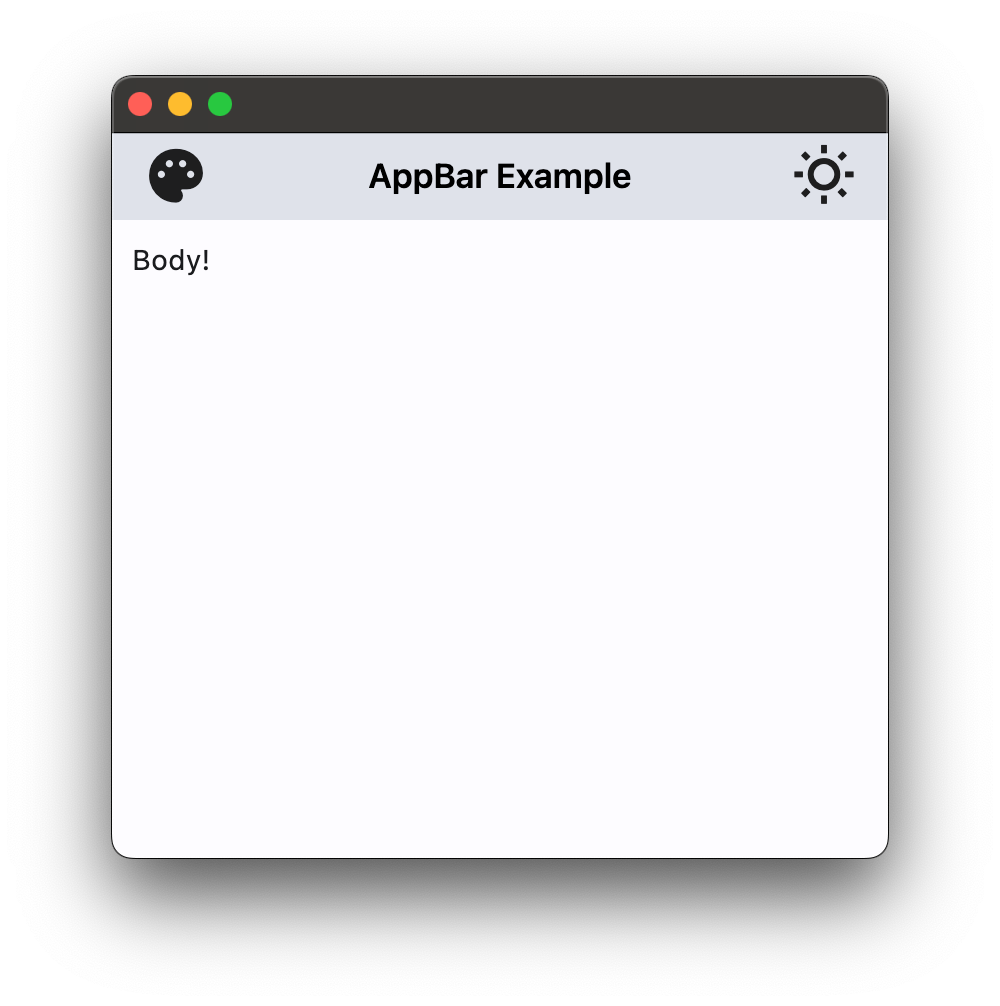](https://docs.flet.dev/examples/controls/cupertino_app_bar/media/basic.png)
### App bar with theme mode toggle[#](https://docs.flet.dev/controls/cupertinoappbar/#app-bar-with-theme-mode-toggle "Permanent link")
`[](https://docs.flet.dev/controls/cupertinoappbar/#__codelineno-1-1) import flet as ft [](https://docs.flet.dev/controls/cupertinoappbar/#__codelineno-1-2) [](https://docs.flet.dev/controls/cupertinoappbar/#__codelineno-1-3)[](https://docs.flet.dev/controls/cupertinoappbar/#__codelineno-1-4) def main(page: ft.Page): [](https://docs.flet.dev/controls/cupertinoappbar/#__codelineno-1-5) page.theme_mode = ft.ThemeMode.LIGHT [](https://docs.flet.dev/controls/cupertinoappbar/#__codelineno-1-6) [](https://docs.flet.dev/controls/cupertinoappbar/#__codelineno-1-7) def handle_theme_mode_toggle(e: ft.Event[ft.IconButton]): [](https://docs.flet.dev/controls/cupertinoappbar/#__codelineno-1-8) page.theme_mode = ( [](https://docs.flet.dev/controls/cupertinoappbar/#__codelineno-1-9) ft.ThemeMode.DARK [](https://docs.flet.dev/controls/cupertinoappbar/#__codelineno-1-10) if page.theme_mode == ft.ThemeMode.LIGHT [](https://docs.flet.dev/controls/cupertinoappbar/#__codelineno-1-11) else ft.ThemeMode.LIGHT [](https://docs.flet.dev/controls/cupertinoappbar/#__codelineno-1-12) ) [](https://docs.flet.dev/controls/cupertinoappbar/#__codelineno-1-13) theme_mode_button.icon = ( [](https://docs.flet.dev/controls/cupertinoappbar/#__codelineno-1-14) ft.Icons.WB_SUNNY_OUTLINED [](https://docs.flet.dev/controls/cupertinoappbar/#__codelineno-1-15) if page.theme_mode == ft.ThemeMode.LIGHT [](https://docs.flet.dev/controls/cupertinoappbar/#__codelineno-1-16) else ft.Icons.WB_SUNNY [](https://docs.flet.dev/controls/cupertinoappbar/#__codelineno-1-17) ) [](https://docs.flet.dev/controls/cupertinoappbar/#__codelineno-1-18) page.update() [](https://docs.flet.dev/controls/cupertinoappbar/#__codelineno-1-19) [](https://docs.flet.dev/controls/cupertinoappbar/#__codelineno-1-20) theme_mode_button = ft.IconButton( [](https://docs.flet.dev/controls/cupertinoappbar/#__codelineno-1-21) icon=( [](https://docs.flet.dev/controls/cupertinoappbar/#__codelineno-1-22) ft.Icons.WB_SUNNY_OUTLINED [](https://docs.flet.dev/controls/cupertinoappbar/#__codelineno-1-23) if page.theme_mode == ft.ThemeMode.LIGHT [](https://docs.flet.dev/controls/cupertinoappbar/#__codelineno-1-24) else ft.Icons.WB_SUNNY [](https://docs.flet.dev/controls/cupertinoappbar/#__codelineno-1-25) ), [](https://docs.flet.dev/controls/cupertinoappbar/#__codelineno-1-26) icon_color=ft.Colors.ON_INVERSE_SURFACE, [](https://docs.flet.dev/controls/cupertinoappbar/#__codelineno-1-27) on_click=handle_theme_mode_toggle, [](https://docs.flet.dev/controls/cupertinoappbar/#__codelineno-1-28) ) [](https://docs.flet.dev/controls/cupertinoappbar/#__codelineno-1-29) [](https://docs.flet.dev/controls/cupertinoappbar/#__codelineno-1-30) page.appbar = ft.CupertinoAppBar( [](https://docs.flet.dev/controls/cupertinoappbar/#__codelineno-1-31) automatic_background_visibility=False, [](https://docs.flet.dev/controls/cupertinoappbar/#__codelineno-1-32) leading=ft.Icon(ft.Icons.PALETTE, color=ft.Colors.ON_INVERSE_SURFACE), [](https://docs.flet.dev/controls/cupertinoappbar/#__codelineno-1-33) bgcolor=ft.Colors.INVERSE_SURFACE, [](https://docs.flet.dev/controls/cupertinoappbar/#__codelineno-1-34) trailing=theme_mode_button, [](https://docs.flet.dev/controls/cupertinoappbar/#__codelineno-1-35) title=ft.Text("CupertinoAppBar Example", color=ft.Colors.ON_INVERSE_SURFACE), [](https://docs.flet.dev/controls/cupertinoappbar/#__codelineno-1-36) ) [](https://docs.flet.dev/controls/cupertinoappbar/#__codelineno-1-37) [](https://docs.flet.dev/controls/cupertinoappbar/#__codelineno-1-38) page.add(ft.Text("Body!")) [](https://docs.flet.dev/controls/cupertinoappbar/#__codelineno-1-39) [](https://docs.flet.dev/controls/cupertinoappbar/#__codelineno-1-40)[](https://docs.flet.dev/controls/cupertinoappbar/#__codelineno-1-41) ft.run(main)`
Properties[#](https://docs.flet.dev/controls/cupertinoappbar/#flet.CupertinoAppBar-properties "Permanent link")
----------------------------------------------------------------------------------------------------------------
### automatic\_background\_visibility `class-attribute` `instance-attribute` [#](https://docs.flet.dev/controls/cupertinoappbar/#flet.CupertinoAppBar.automatic_background_visibility "Permanent link")
`[](https://docs.flet.dev/controls/cupertinoappbar/#__codelineno-0-1) automatic_background_visibility: [bool](https://docs.python.org/3/library/functions.html#bool) | None = None`
Whether the navigation bar should appear transparent when content is scrolled under it.
If `False`, the navigation bar will display its [`bgcolor`](https://docs.flet.dev/controls/cupertinoappbar/#flet.CupertinoAppBar.bgcolor)
.
### automatically\_imply\_leading `class-attribute` `instance-attribute` [#](https://docs.flet.dev/controls/cupertinoappbar/#flet.CupertinoAppBar.automatically_imply_leading "Permanent link")
`[](https://docs.flet.dev/controls/cupertinoappbar/#__codelineno-0-1) automatically_imply_leading: [bool](https://docs.python.org/3/library/functions.html#bool) | None = None`
Whether we should try to imply the [`leading`](https://docs.flet.dev/controls/cupertinoappbar/#flet.CupertinoAppBar.leading)
control if `None`.
* If `True` and [`leading`](https://docs.flet.dev/controls/cupertinoappbar/#flet.CupertinoAppBar.leading)
is `None`, the app bar will automatically determine an appropriate leading control.
* If `False` and [`leading`](https://docs.flet.dev/controls/cupertinoappbar/#flet.CupertinoAppBar.leading)
is `None`, the space is allocated to the [`title`](https://docs.flet.dev/controls/cupertinoappbar/#flet.CupertinoAppBar.title)
.
* If a [`leading`](https://docs.flet.dev/controls/cupertinoappbar/#flet.CupertinoAppBar.leading)
control is provided, this parameter has no effect.
### automatically\_imply\_title `class-attribute` `instance-attribute` [#](https://docs.flet.dev/controls/cupertinoappbar/#flet.CupertinoAppBar.automatically_imply_title "Permanent link")
`[](https://docs.flet.dev/controls/cupertinoappbar/#__codelineno-0-1) automatically_imply_title: [bool](https://docs.python.org/3/library/functions.html#bool) | None = None`
Whether we should try to imply the `title` control if `None`.
* If True and `title` is `None`, a [`Text`](https://docs.flet.dev/controls/text/#flet.Text)
control containing the current route's title will be automatically filled in.
* If the `title` is not `None`, this parameter has no effect.
### bgcolor `class-attribute` `instance-attribute` [#](https://docs.flet.dev/controls/cupertinoappbar/#flet.CupertinoAppBar.bgcolor "Permanent link")
`[](https://docs.flet.dev/controls/cupertinoappbar/#__codelineno-0-1) bgcolor: [ColorValue](https://docs.flet.dev/types/aliases/#flet.ColorValue) | None = None`
The fill color to use for this app bar.
Default color is defined by current theme.
### border `class-attribute` `instance-attribute` [#](https://docs.flet.dev/controls/cupertinoappbar/#flet.CupertinoAppBar.border "Permanent link")
`[](https://docs.flet.dev/controls/cupertinoappbar/#__codelineno-0-1) border: [Border](https://docs.flet.dev/types/border/#flet.Border) | None = None`
The border of the app bar. By default, a single pixel bottom border side is rendered.
### brightness `class-attribute` `instance-attribute` [#](https://docs.flet.dev/controls/cupertinoappbar/#flet.CupertinoAppBar.brightness "Permanent link")
`[](https://docs.flet.dev/controls/cupertinoappbar/#__codelineno-0-1) brightness: [Brightness](https://docs.flet.dev/types/brightness/#flet.Brightness) | None = None`
The brightness of the specified [`bgcolor`](https://docs.flet.dev/controls/cupertinoappbar/#flet.CupertinoAppBar.bgcolor)
.
Setting this value changes the style of the system status bar. It is typically used to increase the contrast ratio of the system status bar over [`bgcolor`](https://docs.flet.dev/controls/cupertinoappbar/#flet.CupertinoAppBar.bgcolor)
.
If `None` (the default), its value will be inferred from the relative luminance of the [`bgcolor`](https://docs.flet.dev/controls/cupertinoappbar/#flet.CupertinoAppBar.bgcolor)
.
### enable\_background\_filter\_blur `class-attribute` `instance-attribute` [#](https://docs.flet.dev/controls/cupertinoappbar/#flet.CupertinoAppBar.enable_background_filter_blur "Permanent link")
`[](https://docs.flet.dev/controls/cupertinoappbar/#__codelineno-0-1) enable_background_filter_blur: [bool](https://docs.python.org/3/library/functions.html#bool) | None = None`
Whether to have a blur effect when a non-opaque [`bgcolor`](https://docs.flet.dev/controls/cupertinoappbar/#flet.CupertinoAppBar.bgcolor)
is used.
This will only be respected when [`automatic_background_visibility`](https://docs.flet.dev/controls/cupertinoappbar/#flet.CupertinoAppBar.automatic_background_visibility)
is `False` or until content scrolls under the navigation bar.
### large `class-attribute` `instance-attribute` [#](https://docs.flet.dev/controls/cupertinoappbar/#flet.CupertinoAppBar.large "Permanent link")
`[](https://docs.flet.dev/controls/cupertinoappbar/#__codelineno-0-1) large: [bool](https://docs.python.org/3/library/functions.html#bool) = False`
Whether to use a large app bar layout.
If `True`, the [`title`](https://docs.flet.dev/controls/cupertinoappbar/#flet.CupertinoAppBar.title)
is left-aligned; if `False`, the [`title`](https://docs.flet.dev/controls/cupertinoappbar/#flet.CupertinoAppBar.title)
is centered.
### leading `class-attribute` `instance-attribute` [#](https://docs.flet.dev/controls/cupertinoappbar/#flet.CupertinoAppBar.leading "Permanent link")
`[](https://docs.flet.dev/controls/cupertinoappbar/#__codelineno-0-1) leading: [Control](https://docs.flet.dev/controls/control/#flet.Control) | None = None`
A control to display at the start of this app bar.
Typically the leading control is an [`Icon`](https://docs.flet.dev/controls/icon/#flet.Icon)
or an [`IconButton`](https://docs.flet.dev/controls/iconbutton/#flet.IconButton)
.
If it is `None` and [`automatically_imply_leading`](https://docs.flet.dev/controls/cupertinoappbar/#flet.CupertinoAppBar.automatically_imply_leading)
is `True`, an appropriate button will be automatically created.
### padding `class-attribute` `instance-attribute` [#](https://docs.flet.dev/controls/cupertinoappbar/#flet.CupertinoAppBar.padding "Permanent link")
`[](https://docs.flet.dev/controls/cupertinoappbar/#__codelineno-0-1) padding: [PaddingValue](https://docs.flet.dev/types/aliases/#flet.PaddingValue) | None = None`
Defines the padding for the contents of the app bar.
If `None`, the app bar will adopt the following defaults:
* vertically, contents will be sized to the same height as the app bar itself minus the status bar.
* horizontally, padding will be `16` pixels according to iOS specifications unless the leading widget is an automatically inserted back button, in which case the padding will be `0`.
Note
Vertical padding (`top` and `bottom`) won't change the height of this app bar.
### previous\_page\_title `class-attribute` `instance-attribute` [#](https://docs.flet.dev/controls/cupertinoappbar/#flet.CupertinoAppBar.previous_page_title "Permanent link")
`[](https://docs.flet.dev/controls/cupertinoappbar/#__codelineno-0-1) previous_page_title: [str](https://docs.python.org/3/library/stdtypes.html#str) | None = None`
Manually specify the previous route's title when automatically implying the leading back button.
Overrides the text shown with the back chevron instead of automatically showing the previous route's title when [`automatically_imply_leading`](https://docs.flet.dev/controls/cupertinoappbar/#flet.CupertinoAppBar.automatically_imply_leading)
is `True`.
Note
Has no effect if `leading` is not `None` or if [`automatically_imply_leading`](https://docs.flet.dev/controls/cupertinoappbar/#flet.CupertinoAppBar.automatically_imply_leading)
is `False`.
### title `class-attribute` `instance-attribute` [#](https://docs.flet.dev/controls/cupertinoappbar/#flet.CupertinoAppBar.title "Permanent link")
`[](https://docs.flet.dev/controls/cupertinoappbar/#__codelineno-0-1) title: [StrOrControl](https://docs.flet.dev/types/aliases/#flet.StrOrControl) | None = None`
A string or a control to display in the middle of this app bar.
Typically a [`Text`](https://docs.flet.dev/controls/text/#flet.Text)
.
### trailing `class-attribute` `instance-attribute` [#](https://docs.flet.dev/controls/cupertinoappbar/#flet.CupertinoAppBar.trailing "Permanent link")
`[](https://docs.flet.dev/controls/cupertinoappbar/#__codelineno-0-1) trailing: [Control](https://docs.flet.dev/controls/control/#flet.Control) | None = None`
A Control to place at the end of the app bar.
Typically used for actions such as searching or editing.
### transition\_between\_routes `class-attribute` `instance-attribute` [#](https://docs.flet.dev/controls/cupertinoappbar/#flet.CupertinoAppBar.transition_between_routes "Permanent link")
`[](https://docs.flet.dev/controls/cupertinoappbar/#__codelineno-0-1) transition_between_routes: [bool](https://docs.python.org/3/library/functions.html#bool) = True`
Determines whether the app bar transitions between routes.
If `True`, this app bar will animate on top of route transitions when the destination route also contains a `CupertinoAppBar` or `CupertinoSliverAppBar` with `transition_between_routes` set to `True`.
This transition also occurs during edge back swipe gestures, mimicking native iOS behavior.
Note
When enabled, only one app bar can be present per route unless a `hero_tag` is specified.
Back to top
---
# CupertinoPicker - Flet
[Skip to content](https://docs.flet.dev/controls/cupertinopicker/#flet.CupertinoPicker)
CupertinoPicker
===============
An iOS-styled picker.
Inherits: `[LayoutControl](https://docs.flet.dev/controls/layoutcontrol/#flet.LayoutControl) `
Properties
* **`[bgcolor](https://docs.flet.dev/controls/cupertinopicker/#flet.CupertinoPicker.bgcolor) `**(`[ColorValue](https://docs.flet.dev/types/aliases/#flet.ColorValue) | None`) –
The background color of this timer picker.
* **`[controls](https://docs.flet.dev/controls/cupertinopicker/#flet.CupertinoPicker.controls) `**(`[list](https://docs.python.org/3/glossary.html#term-list) [[Control](https://docs.flet.dev/controls/control/#flet.Control) ]`) –
A list of controls representing items in this picker.
* **`[default_selection_overlay_bgcolor](https://docs.flet.dev/controls/cupertinopicker/#flet.CupertinoPicker.default_selection_overlay_bgcolor) `**(`[ColorValue](https://docs.flet.dev/types/aliases/#flet.ColorValue) `) –
The default background color of the [`selection_overlay`](https://docs.flet.dev/controls/cupertinopicker/#flet.CupertinoPicker.selection_overlay)
.
* **`[diameter_ratio](https://docs.flet.dev/controls/cupertinopicker/#flet.CupertinoPicker.diameter_ratio) `**(`[Number](https://docs.flet.dev/types/aliases/#flet.Number) `) –
Relative ratio between this picker's height and the simulated cylinder's diameter.
* **`[item_extent](https://docs.flet.dev/controls/cupertinopicker/#flet.CupertinoPicker.item_extent) `**(`[Number](https://docs.flet.dev/types/aliases/#flet.Number) `) –
The uniform height of all [`controls`](https://docs.flet.dev/controls/cupertinopicker/#flet.CupertinoPicker.controls)
.
* **`[looping](https://docs.flet.dev/controls/cupertinopicker/#flet.CupertinoPicker.looping) `**(`[bool](https://docs.python.org/3/library/functions.html#bool) `) –
If `True`, children on a wheel can be scrolled in a loop.
* **`[magnification](https://docs.flet.dev/controls/cupertinopicker/#flet.CupertinoPicker.magnification) `**(`[Number](https://docs.flet.dev/types/aliases/#flet.Number) `) –
The zoomed-in or magnification rate of the magnifier.
* **`[off_axis_fraction](https://docs.flet.dev/controls/cupertinopicker/#flet.CupertinoPicker.off_axis_fraction) `**(`[Number](https://docs.flet.dev/types/aliases/#flet.Number) `) –
How much the wheel is horizontally off-center, as a fraction of its width.
* **`[selected_index](https://docs.flet.dev/controls/cupertinopicker/#flet.CupertinoPicker.selected_index) `**(`[int](https://docs.python.org/3/library/functions.html#int) `) –
The index (starting from `0`) of the selected item in the [`controls`](https://docs.flet.dev/controls/cupertinopicker/#flet.CupertinoPicker.controls)
list.
* **`[selection_overlay](https://docs.flet.dev/controls/cupertinopicker/#flet.CupertinoPicker.selection_overlay) `**(`[Control](https://docs.flet.dev/controls/control/#flet.Control) | None`) –
A control overlaid on the picker to highlight the selected entry, centered and matching the height of the center row.
* **`[squeeze](https://docs.flet.dev/controls/cupertinopicker/#flet.CupertinoPicker.squeeze) `**(`[Number](https://docs.flet.dev/types/aliases/#flet.Number) `) –
The angular compactness of the children on the wheel.
* **`[use_magnifier](https://docs.flet.dev/controls/cupertinopicker/#flet.CupertinoPicker.use_magnifier) `**(`[bool](https://docs.python.org/3/library/functions.html#bool) `) –
Whether to use the magnifier for the center item of this picker's wheel.
Events
* **`[on_change](https://docs.flet.dev/controls/cupertinopicker/#flet.CupertinoPicker.on_change) `**(`[ControlEventHandler](https://docs.flet.dev/types/aliases/#flet.ControlEventHandler) [[CupertinoPicker](https://docs.flet.dev/controls/cupertinopicker/#flet.CupertinoPicker) ] | None`) –
Called when the selection changes.
Examples[#](https://docs.flet.dev/controls/cupertinopicker/#examples "Permanent link")
---------------------------------------------------------------------------------------
[Live example](https://flet-controls-gallery.fly.dev/dialogs/cupertinotimerpicker)
### Fruit selection[#](https://docs.flet.dev/controls/cupertinopicker/#fruit-selection "Permanent link")
`[](https://docs.flet.dev/controls/cupertinopicker/#__codelineno-0-1) import flet as ft [](https://docs.flet.dev/controls/cupertinopicker/#__codelineno-0-2)[](https://docs.flet.dev/controls/cupertinopicker/#__codelineno-0-3) FRUITS = [ [](https://docs.flet.dev/controls/cupertinopicker/#__codelineno-0-4) "Apple", [](https://docs.flet.dev/controls/cupertinopicker/#__codelineno-0-5) "Mango", [](https://docs.flet.dev/controls/cupertinopicker/#__codelineno-0-6) "Banana", [](https://docs.flet.dev/controls/cupertinopicker/#__codelineno-0-7) "Orange", [](https://docs.flet.dev/controls/cupertinopicker/#__codelineno-0-8) "Pineapple", [](https://docs.flet.dev/controls/cupertinopicker/#__codelineno-0-9) "Strawberry", [](https://docs.flet.dev/controls/cupertinopicker/#__codelineno-0-10) ] [](https://docs.flet.dev/controls/cupertinopicker/#__codelineno-0-11) [](https://docs.flet.dev/controls/cupertinopicker/#__codelineno-0-12)[](https://docs.flet.dev/controls/cupertinopicker/#__codelineno-0-13) def main(page: ft.Page): [](https://docs.flet.dev/controls/cupertinopicker/#__codelineno-0-14) page.horizontal_alignment = ft.CrossAxisAlignment.CENTER [](https://docs.flet.dev/controls/cupertinopicker/#__codelineno-0-15) [](https://docs.flet.dev/controls/cupertinopicker/#__codelineno-0-16) selected_fruit_ref = ft.Ref[ft.Text]() [](https://docs.flet.dev/controls/cupertinopicker/#__codelineno-0-17) [](https://docs.flet.dev/controls/cupertinopicker/#__codelineno-0-18) def handle_selection_change(e: ft.Event[ft.CupertinoPicker]): [](https://docs.flet.dev/controls/cupertinopicker/#__codelineno-0-19) selected_fruit_ref.current.value = FRUITS[int(e.data)] [](https://docs.flet.dev/controls/cupertinopicker/#__codelineno-0-20) page.update() [](https://docs.flet.dev/controls/cupertinopicker/#__codelineno-0-21) [](https://docs.flet.dev/controls/cupertinopicker/#__codelineno-0-22) cupertino_picker = ft.CupertinoPicker( [](https://docs.flet.dev/controls/cupertinopicker/#__codelineno-0-23) selected_index=3, [](https://docs.flet.dev/controls/cupertinopicker/#__codelineno-0-24) magnification=1.22, [](https://docs.flet.dev/controls/cupertinopicker/#__codelineno-0-25) squeeze=1.2, [](https://docs.flet.dev/controls/cupertinopicker/#__codelineno-0-26) use_magnifier=True, [](https://docs.flet.dev/controls/cupertinopicker/#__codelineno-0-27) on_change=handle_selection_change, [](https://docs.flet.dev/controls/cupertinopicker/#__codelineno-0-28) controls=[ft.Text(value=f) for f in FRUITS], [](https://docs.flet.dev/controls/cupertinopicker/#__codelineno-0-29) ) [](https://docs.flet.dev/controls/cupertinopicker/#__codelineno-0-30) [](https://docs.flet.dev/controls/cupertinopicker/#__codelineno-0-31) page.add( [](https://docs.flet.dev/controls/cupertinopicker/#__codelineno-0-32) ft.Row( [](https://docs.flet.dev/controls/cupertinopicker/#__codelineno-0-33) tight=True, [](https://docs.flet.dev/controls/cupertinopicker/#__codelineno-0-34) controls=[ [](https://docs.flet.dev/controls/cupertinopicker/#__codelineno-0-35) ft.Text("Selected Fruit:", size=23), [](https://docs.flet.dev/controls/cupertinopicker/#__codelineno-0-36) ft.TextButton( [](https://docs.flet.dev/controls/cupertinopicker/#__codelineno-0-37) content=ft.Text(value=FRUITS[3], ref=selected_fruit_ref, size=23), [](https://docs.flet.dev/controls/cupertinopicker/#__codelineno-0-38) style=ft.ButtonStyle(color=ft.Colors.BLUE), [](https://docs.flet.dev/controls/cupertinopicker/#__codelineno-0-39) on_click=lambda e: page.show_dialog( [](https://docs.flet.dev/controls/cupertinopicker/#__codelineno-0-40) ft.CupertinoBottomSheet( [](https://docs.flet.dev/controls/cupertinopicker/#__codelineno-0-41) content=cupertino_picker, [](https://docs.flet.dev/controls/cupertinopicker/#__codelineno-0-42) height=216, [](https://docs.flet.dev/controls/cupertinopicker/#__codelineno-0-43) padding=ft.Padding.only(top=6), [](https://docs.flet.dev/controls/cupertinopicker/#__codelineno-0-44) ) [](https://docs.flet.dev/controls/cupertinopicker/#__codelineno-0-45) ), [](https://docs.flet.dev/controls/cupertinopicker/#__codelineno-0-46) ), [](https://docs.flet.dev/controls/cupertinopicker/#__codelineno-0-47) ], [](https://docs.flet.dev/controls/cupertinopicker/#__codelineno-0-48) ), [](https://docs.flet.dev/controls/cupertinopicker/#__codelineno-0-49) ) [](https://docs.flet.dev/controls/cupertinopicker/#__codelineno-0-50) [](https://docs.flet.dev/controls/cupertinopicker/#__codelineno-0-51)[](https://docs.flet.dev/controls/cupertinopicker/#__codelineno-0-52) ft.run(main)`
[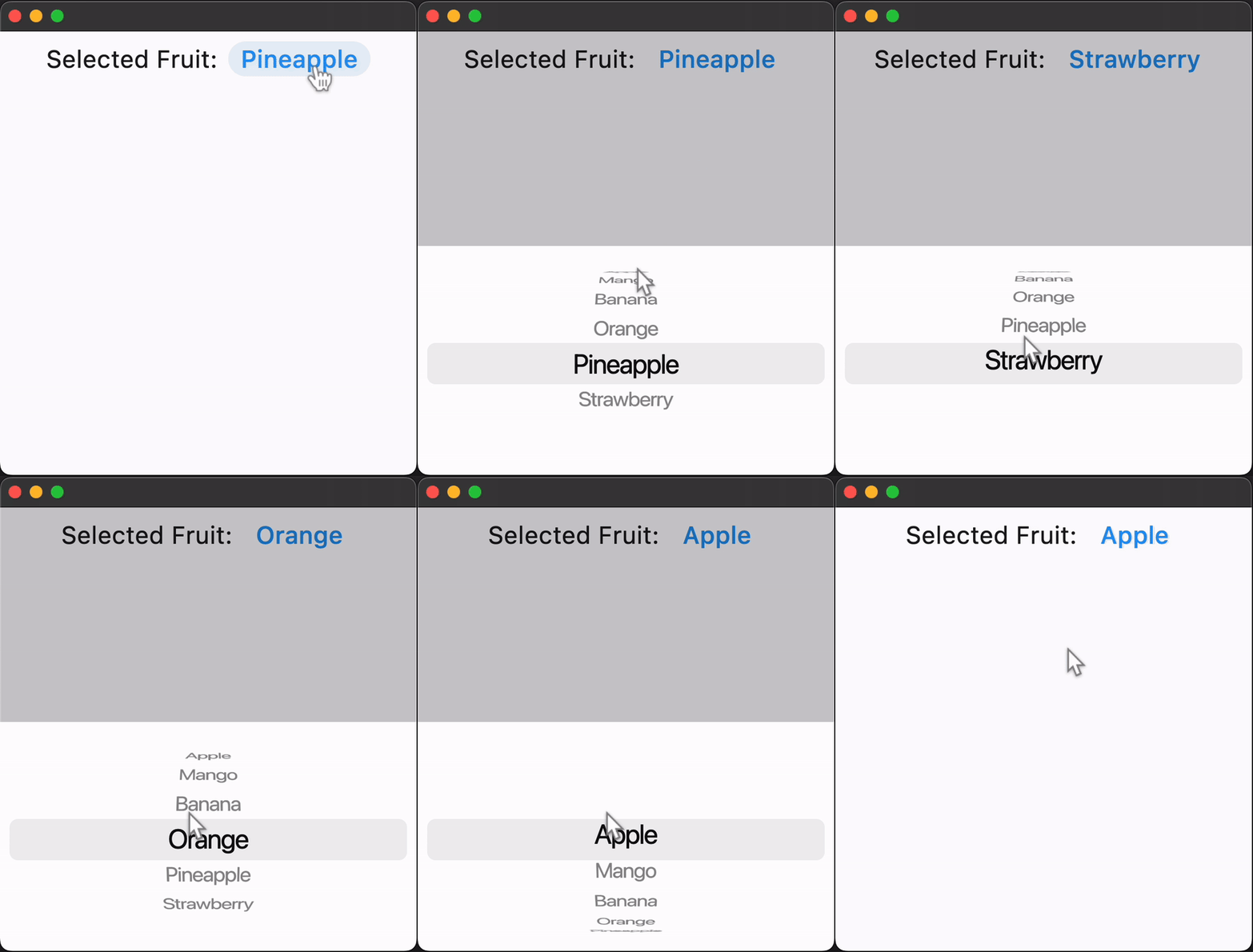](https://docs.flet.dev/examples/controls/cupertino_picker/media/fruit_selection.gif)
Properties[#](https://docs.flet.dev/controls/cupertinopicker/#flet.CupertinoPicker-properties "Permanent link")
----------------------------------------------------------------------------------------------------------------
### bgcolor `class-attribute` `instance-attribute` [#](https://docs.flet.dev/controls/cupertinopicker/#flet.CupertinoPicker.bgcolor "Permanent link")
`[](https://docs.flet.dev/controls/cupertinopicker/#__codelineno-0-1) bgcolor: [ColorValue](https://docs.flet.dev/types/aliases/#flet.ColorValue) | None = None`
The background color of this timer picker.
### controls `class-attribute` `instance-attribute` [#](https://docs.flet.dev/controls/cupertinopicker/#flet.CupertinoPicker.controls "Permanent link")
`[](https://docs.flet.dev/controls/cupertinopicker/#__codelineno-0-1) controls: [list](https://docs.python.org/3/glossary.html#term-list) [[Control](https://docs.flet.dev/controls/control/#flet.Control) ] = [field](https://docs.python.org/3/library/dataclasses.html#dataclasses.field "dataclasses.field") (default_factory=[list](https://docs.python.org/3/glossary.html#term-list) )`
A list of controls representing items in this picker.
### default\_selection\_overlay\_bgcolor `class-attribute` `instance-attribute` [#](https://docs.flet.dev/controls/cupertinopicker/#flet.CupertinoPicker.default_selection_overlay_bgcolor "Permanent link")
`[](https://docs.flet.dev/controls/cupertinopicker/#__codelineno-0-1) default_selection_overlay_bgcolor: [ColorValue](https://docs.flet.dev/types/aliases/#flet.ColorValue) = ( [](https://docs.flet.dev/controls/cupertinopicker/#__codelineno-0-2) [TERTIARY_SYSTEM_FILL](https://docs.flet.dev/types/cupertinocolors/#flet.CupertinoColors.TERTIARY_SYSTEM_FILL) [](https://docs.flet.dev/controls/cupertinopicker/#__codelineno-0-3) )`
The default background color of the [`selection_overlay`](https://docs.flet.dev/controls/cupertinopicker/#flet.CupertinoPicker.selection_overlay)
.
### diameter\_ratio `class-attribute` `instance-attribute` [#](https://docs.flet.dev/controls/cupertinopicker/#flet.CupertinoPicker.diameter_ratio "Permanent link")
`[](https://docs.flet.dev/controls/cupertinopicker/#__codelineno-0-1) diameter_ratio: [Number](https://docs.flet.dev/types/aliases/#flet.Number) = 1.07`
Relative ratio between this picker's height and the simulated cylinder's diameter.
Smaller values create more pronounced curvatures in the scrollable wheel.
### item\_extent `class-attribute` `instance-attribute` [#](https://docs.flet.dev/controls/cupertinopicker/#flet.CupertinoPicker.item_extent "Permanent link")
`[](https://docs.flet.dev/controls/cupertinopicker/#__codelineno-0-1) item_extent: [Number](https://docs.flet.dev/types/aliases/#flet.Number) = 32.0`
The uniform height of all [`controls`](https://docs.flet.dev/controls/cupertinopicker/#flet.CupertinoPicker.controls)
.
Raises:
* `[ValueError](https://docs.python.org/3/library/exceptions.html#ValueError) ` –
If it is not strictly greater than `0.0`.
### looping `class-attribute` `instance-attribute` [#](https://docs.flet.dev/controls/cupertinopicker/#flet.CupertinoPicker.looping "Permanent link")
`[](https://docs.flet.dev/controls/cupertinopicker/#__codelineno-0-1) looping: [bool](https://docs.python.org/3/library/functions.html#bool) = False`
If `True`, children on a wheel can be scrolled in a loop.
### magnification `class-attribute` `instance-attribute` [#](https://docs.flet.dev/controls/cupertinopicker/#flet.CupertinoPicker.magnification "Permanent link")
`[](https://docs.flet.dev/controls/cupertinopicker/#__codelineno-0-1) magnification: [Number](https://docs.flet.dev/types/aliases/#flet.Number) = 1.0`
The zoomed-in or magnification rate of the magnifier.
If the value is greater than `1.0`, the item in the center will be zoomed in by that rate, and it will also be rendered as flat, not cylindrical like the rest of the list. The item will be zoomed-out if magnification is less than `1.0`.
Note
Has effect only if [`use_magnifier`](https://docs.flet.dev/controls/cupertinopicker/#flet.CupertinoPicker.use_magnifier)
is `True`.
Raises:
* `[ValueError](https://docs.python.org/3/library/exceptions.html#ValueError) ` –
If it is not strictly greater than `0.0`.
### off\_axis\_fraction `class-attribute` `instance-attribute` [#](https://docs.flet.dev/controls/cupertinopicker/#flet.CupertinoPicker.off_axis_fraction "Permanent link")
`[](https://docs.flet.dev/controls/cupertinopicker/#__codelineno-0-1) off_axis_fraction: [Number](https://docs.flet.dev/types/aliases/#flet.Number) = 0.0`
How much the wheel is horizontally off-center, as a fraction of its width.
### selected\_index `class-attribute` `instance-attribute` [#](https://docs.flet.dev/controls/cupertinopicker/#flet.CupertinoPicker.selected_index "Permanent link")
`[](https://docs.flet.dev/controls/cupertinopicker/#__codelineno-0-1) selected_index: [int](https://docs.python.org/3/library/functions.html#int) = 0`
The index (starting from `0`) of the selected item in the [`controls`](https://docs.flet.dev/controls/cupertinopicker/#flet.CupertinoPicker.controls)
list.
### selection\_overlay `class-attribute` `instance-attribute` [#](https://docs.flet.dev/controls/cupertinopicker/#flet.CupertinoPicker.selection_overlay "Permanent link")
`[](https://docs.flet.dev/controls/cupertinopicker/#__codelineno-0-1) selection_overlay: [Control](https://docs.flet.dev/controls/control/#flet.Control) | None = None`
A control overlaid on the picker to highlight the selected entry, centered and matching the height of the center row.
Defaults to a rounded rectangle in iOS 14 style with [`default_selection_overlay_bgcolor`](https://docs.flet.dev/controls/cupertinopicker/#flet.CupertinoPicker.default_selection_overlay_bgcolor)
as background color.
### squeeze `class-attribute` `instance-attribute` [#](https://docs.flet.dev/controls/cupertinopicker/#flet.CupertinoPicker.squeeze "Permanent link")
`[](https://docs.flet.dev/controls/cupertinopicker/#__codelineno-0-1) squeeze: [Number](https://docs.flet.dev/types/aliases/#flet.Number) = 1.45`
The angular compactness of the children on the wheel.
Raises:
* `[ValueError](https://docs.python.org/3/library/exceptions.html#ValueError) ` –
If it is not strictly greater than `0.0`.
### use\_magnifier `class-attribute` `instance-attribute` [#](https://docs.flet.dev/controls/cupertinopicker/#flet.CupertinoPicker.use_magnifier "Permanent link")
`[](https://docs.flet.dev/controls/cupertinopicker/#__codelineno-0-1) use_magnifier: [bool](https://docs.python.org/3/library/functions.html#bool) = False`
Whether to use the magnifier for the center item of this picker's wheel.
Events[#](https://docs.flet.dev/controls/cupertinopicker/#flet.CupertinoPicker-events "Permanent link")
--------------------------------------------------------------------------------------------------------
### on\_change `class-attribute` `instance-attribute` [#](https://docs.flet.dev/controls/cupertinopicker/#flet.CupertinoPicker.on_change "Permanent link")
`[](https://docs.flet.dev/controls/cupertinopicker/#__codelineno-0-1) on_change: [ControlEventHandler](https://docs.flet.dev/types/aliases/#flet.ControlEventHandler) [[CupertinoPicker](https://docs.flet.dev/controls/cupertinopicker/#flet.CupertinoPicker) ] | None = ( [](https://docs.flet.dev/controls/cupertinopicker/#__codelineno-0-2) None [](https://docs.flet.dev/controls/cupertinopicker/#__codelineno-0-3) )`
Called when the selection changes.
Back to top
---
# CodeEditor - Flet
[Skip to content](https://docs.flet.dev/codeeditor/#flet_code_editor.CodeEditor)
CodeEditor
==========
Edit and highlight source code.
[](https://docs.flet.dev/test-images/examples/extensions/code_editor/golden/macos/code_editor/image_for_docs.png)
Basic CodeEditor
Inherits: `[LayoutControl](https://docs.flet.dev/controls/layoutcontrol/#flet.LayoutControl) `
Properties
* **`[autocomplete](https://docs.flet.dev/codeeditor/#flet_code_editor.CodeEditor.autocomplete) `**(`[bool](https://docs.python.org/3/library/functions.html#bool) | None`) –
Whether autocomplete is enabled.
* **`[autocomplete_words](https://docs.flet.dev/codeeditor/#flet_code_editor.CodeEditor.autocomplete_words) `**(`[list](https://docs.python.org/3/glossary.html#term-list) [[str](https://docs.python.org/3/library/stdtypes.html#str) ] | None`) –
Words offered by autocomplete.
* **`[autofocus](https://docs.flet.dev/codeeditor/#flet_code_editor.CodeEditor.autofocus) `**(`[bool](https://docs.python.org/3/library/functions.html#bool) | None`) –
Whether this editor should focus itself if nothing else is focused.
* **`[code_theme](https://docs.flet.dev/codeeditor/#flet_code_editor.CodeEditor.code_theme) `**(`[CodeTheme](https://docs.flet.dev/codeeditor/types/codetheme/#flet_code_editor.CodeTheme) | [CustomCodeTheme](https://docs.flet.dev/codeeditor/types/customcodetheme/#flet_code_editor.CustomCodeTheme) | None`) –
Syntax highlighting theme.
* **`[gutter_style](https://docs.flet.dev/codeeditor/#flet_code_editor.CodeEditor.gutter_style) `**(`[GutterStyle](https://docs.flet.dev/codeeditor/types/gutterstyle/#flet_code_editor.GutterStyle) | None`) –
Gutter styling.
* **`[language](https://docs.flet.dev/codeeditor/#flet_code_editor.CodeEditor.language) `**(`[CodeLanguage](https://docs.flet.dev/codeeditor/types/codelanguage/#flet_code_editor.CodeLanguage) | None`) –
Syntax highlighting language.
* **`[padding](https://docs.flet.dev/codeeditor/#flet_code_editor.CodeEditor.padding) `**(`[PaddingValue](https://docs.flet.dev/types/aliases/#flet.PaddingValue) | None`) –
Padding around the editor.
* **`[read_only](https://docs.flet.dev/codeeditor/#flet_code_editor.CodeEditor.read_only) `**(`[bool](https://docs.python.org/3/library/functions.html#bool) | None`) –
Whether the editor is read-only.
* **`[selection](https://docs.flet.dev/codeeditor/#flet_code_editor.CodeEditor.selection) `**(`[TextSelection](https://docs.flet.dev/types/textselection/#flet.TextSelection) | None`) –
Represents the current text selection or caret position in the editor.
* **`[text_style](https://docs.flet.dev/codeeditor/#flet_code_editor.CodeEditor.text_style) `**(`[TextStyle](https://docs.flet.dev/types/textstyle/#flet.TextStyle) | None`) –
Text style for the editor content.
* **`[value](https://docs.flet.dev/codeeditor/#flet_code_editor.CodeEditor.value) `**(`[str](https://docs.python.org/3/library/stdtypes.html#str) | None`) –
Full text including folded sections and service comments.
Events
* **`[on_blur](https://docs.flet.dev/codeeditor/#flet_code_editor.CodeEditor.on_blur) `**(`[ControlEventHandler](https://docs.flet.dev/types/aliases/#flet.ControlEventHandler) [[CodeEditor](https://docs.flet.dev/codeeditor/#flet_code_editor.CodeEditor) ] | None`) –
Called when the editor loses focus.
* **`[on_change](https://docs.flet.dev/codeeditor/#flet_code_editor.CodeEditor.on_change) `**(`[ControlEventHandler](https://docs.flet.dev/types/aliases/#flet.ControlEventHandler) [[CodeEditor](https://docs.flet.dev/codeeditor/#flet_code_editor.CodeEditor) ] | None`) –
Called when the editor text changes.
* **`[on_focus](https://docs.flet.dev/codeeditor/#flet_code_editor.CodeEditor.on_focus) `**(`[ControlEventHandler](https://docs.flet.dev/types/aliases/#flet.ControlEventHandler) [[CodeEditor](https://docs.flet.dev/codeeditor/#flet_code_editor.CodeEditor) ] | None`) –
Called when the editor receives focus.
* **`[on_selection_change](https://docs.flet.dev/codeeditor/#flet_code_editor.CodeEditor.on_selection_change) `**(`[EventHandler](https://docs.flet.dev/types/aliases/#flet.EventHandler) [[TextSelectionChangeEvent](https://docs.flet.dev/types/textselectionchangeevent/#flet.TextSelectionChangeEvent) [[CodeEditor](https://docs.flet.dev/codeeditor/#flet_code_editor.CodeEditor) ]] | None`) –
Called when the text selection or caret position changes.
Methods
* **`[focus](https://docs.flet.dev/codeeditor/#flet_code_editor.CodeEditor.focus) `** –
Request focus for this editor.
* **`[fold_at](https://docs.flet.dev/codeeditor/#flet_code_editor.CodeEditor.fold_at) `** –
Fold the block starting at the given line number.
* **`[fold_comment_at_line_zero](https://docs.flet.dev/codeeditor/#flet_code_editor.CodeEditor.fold_comment_at_line_zero) `** –
Fold the comment block at line 0.
* **`[fold_imports](https://docs.flet.dev/codeeditor/#flet_code_editor.CodeEditor.fold_imports) `** –
Fold import sections.
Usage[#](https://docs.flet.dev/codeeditor/#usage "Permanent link")
-------------------------------------------------------------------
Add `flet-code-editor` to your project dependencies:
uvpip
`[](https://docs.flet.dev/codeeditor/#__codelineno-0-1) uv add flet-code-editor`
`[](https://docs.flet.dev/codeeditor/#__codelineno-1-1) pip install flet-code-editor # (1)!`
1. After this, you will have to manually add this package to your `requirements.txt` or `pyproject.toml`.
Examples[#](https://docs.flet.dev/codeeditor/#examples "Permanent link")
-------------------------------------------------------------------------
### Basic example[#](https://docs.flet.dev/codeeditor/#basic-example "Permanent link")
`[](https://docs.flet.dev/codeeditor/#__codelineno-2-1) import flet_code_editor as fce [](https://docs.flet.dev/codeeditor/#__codelineno-2-2)[](https://docs.flet.dev/codeeditor/#__codelineno-2-3) import flet as ft [](https://docs.flet.dev/codeeditor/#__codelineno-2-4)[](https://docs.flet.dev/codeeditor/#__codelineno-2-5) CODE = """import flet as ft [](https://docs.flet.dev/codeeditor/#__codelineno-2-6)[](https://docs.flet.dev/codeeditor/#__codelineno-2-7) def main(page: ft.Page): [](https://docs.flet.dev/codeeditor/#__codelineno-2-8) counter = ft.Text("0", size=50, data=0) [](https://docs.flet.dev/codeeditor/#__codelineno-2-9) [](https://docs.flet.dev/codeeditor/#__codelineno-2-10) def btn_click(e): [](https://docs.flet.dev/codeeditor/#__codelineno-2-11) counter.data += 1 [](https://docs.flet.dev/codeeditor/#__codelineno-2-12) counter.value = str(counter.data) [](https://docs.flet.dev/codeeditor/#__codelineno-2-13) counter.update() [](https://docs.flet.dev/codeeditor/#__codelineno-2-14) [](https://docs.flet.dev/codeeditor/#__codelineno-2-15) page.floating_action_button = ft.FloatingActionButton( [](https://docs.flet.dev/codeeditor/#__codelineno-2-16) icon=ft.Icons.ADD, on_click=btn_click [](https://docs.flet.dev/codeeditor/#__codelineno-2-17) ) [](https://docs.flet.dev/codeeditor/#__codelineno-2-18) page.add( [](https://docs.flet.dev/codeeditor/#__codelineno-2-19) ft.SafeArea( [](https://docs.flet.dev/codeeditor/#__codelineno-2-20) ft.Container( [](https://docs.flet.dev/codeeditor/#__codelineno-2-21) counter, [](https://docs.flet.dev/codeeditor/#__codelineno-2-22) alignment=ft.Alignment.CENTER, [](https://docs.flet.dev/codeeditor/#__codelineno-2-23) expand=True, [](https://docs.flet.dev/codeeditor/#__codelineno-2-24) ), [](https://docs.flet.dev/codeeditor/#__codelineno-2-25) expand=True, [](https://docs.flet.dev/codeeditor/#__codelineno-2-26) ), [](https://docs.flet.dev/codeeditor/#__codelineno-2-27) ) [](https://docs.flet.dev/codeeditor/#__codelineno-2-28)[](https://docs.flet.dev/codeeditor/#__codelineno-2-29) ft.run(main) [](https://docs.flet.dev/codeeditor/#__codelineno-2-30) """ [](https://docs.flet.dev/codeeditor/#__codelineno-2-31) [](https://docs.flet.dev/codeeditor/#__codelineno-2-32)[](https://docs.flet.dev/codeeditor/#__codelineno-2-33) def main(page: ft.Page): [](https://docs.flet.dev/codeeditor/#__codelineno-2-34) page.add( [](https://docs.flet.dev/codeeditor/#__codelineno-2-35) fce.CodeEditor( [](https://docs.flet.dev/codeeditor/#__codelineno-2-36) language=fce.CodeLanguage.PYTHON, [](https://docs.flet.dev/codeeditor/#__codelineno-2-37) code_theme=fce.CodeTheme.ATOM_ONE_LIGHT, [](https://docs.flet.dev/codeeditor/#__codelineno-2-38) value=CODE, [](https://docs.flet.dev/codeeditor/#__codelineno-2-39) expand=True, [](https://docs.flet.dev/codeeditor/#__codelineno-2-40) on_change=lambda e: print("Changed:", e.data), [](https://docs.flet.dev/codeeditor/#__codelineno-2-41) ) [](https://docs.flet.dev/codeeditor/#__codelineno-2-42) ) [](https://docs.flet.dev/codeeditor/#__codelineno-2-43) [](https://docs.flet.dev/codeeditor/#__codelineno-2-44)[](https://docs.flet.dev/codeeditor/#__codelineno-2-45) if __name__ == "__main__": [](https://docs.flet.dev/codeeditor/#__codelineno-2-46) ft.run(main)`
[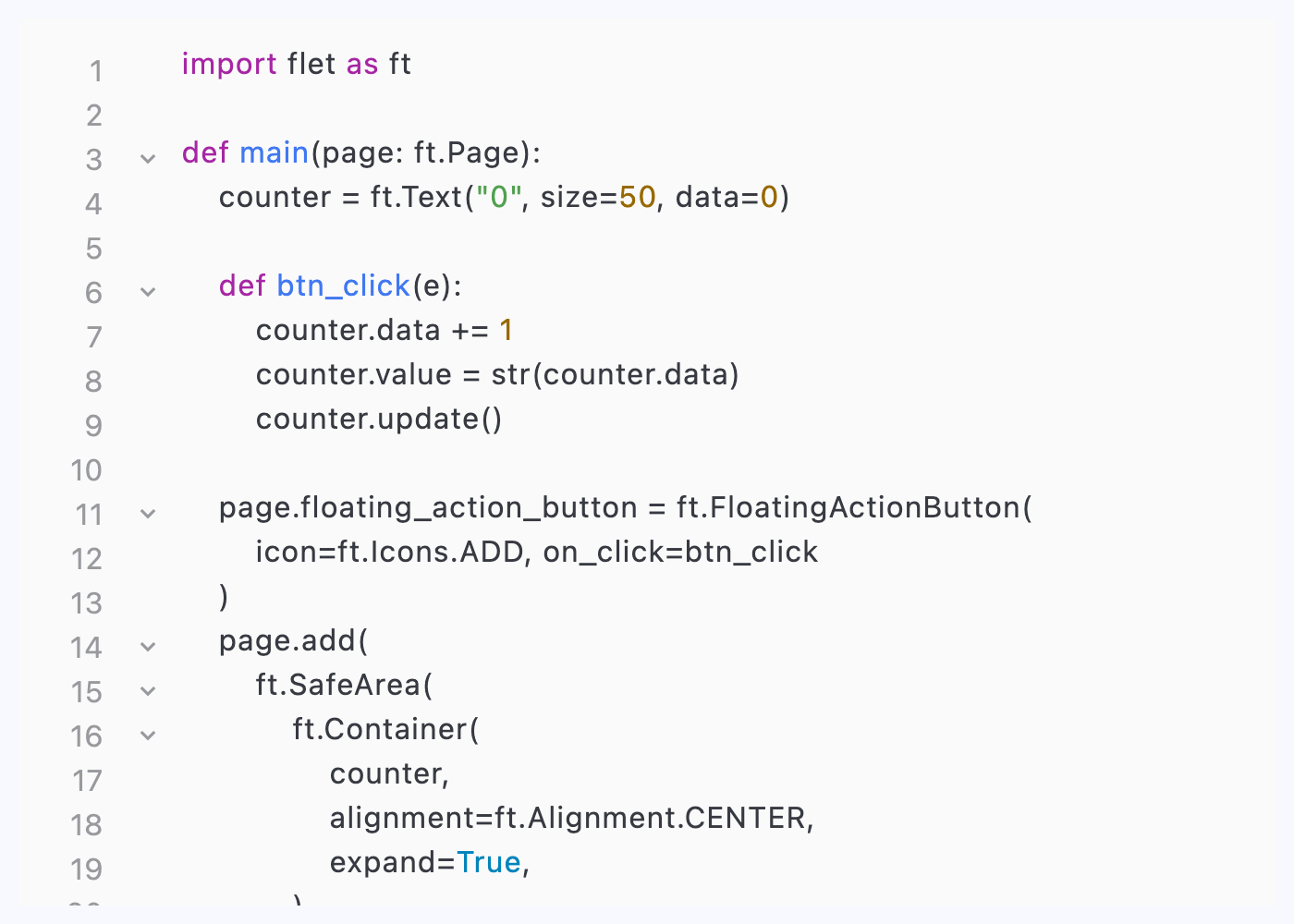](https://docs.flet.dev/test-images/examples/extensions/code_editor/golden/macos/code_editor/example_1.png)
### Selection handling[#](https://docs.flet.dev/codeeditor/#selection-handling "Permanent link")
`[](https://docs.flet.dev/codeeditor/#__codelineno-3-1) import flet_code_editor as fce [](https://docs.flet.dev/codeeditor/#__codelineno-3-2)[](https://docs.flet.dev/codeeditor/#__codelineno-3-3) import flet as ft [](https://docs.flet.dev/codeeditor/#__codelineno-3-4)[](https://docs.flet.dev/codeeditor/#__codelineno-3-5) CODE = """import flet as ft [](https://docs.flet.dev/codeeditor/#__codelineno-3-6)[](https://docs.flet.dev/codeeditor/#__codelineno-3-7) def main(page: ft.Page): [](https://docs.flet.dev/codeeditor/#__codelineno-3-8) counter = ft.Text("0", size=50, data=0) [](https://docs.flet.dev/codeeditor/#__codelineno-3-9) [](https://docs.flet.dev/codeeditor/#__codelineno-3-10) def btn_click(e): [](https://docs.flet.dev/codeeditor/#__codelineno-3-11) counter.data += 1 [](https://docs.flet.dev/codeeditor/#__codelineno-3-12) counter.value = str(counter.data) [](https://docs.flet.dev/codeeditor/#__codelineno-3-13) counter.update() [](https://docs.flet.dev/codeeditor/#__codelineno-3-14) [](https://docs.flet.dev/codeeditor/#__codelineno-3-15) page.floating_action_button = ft.FloatingActionButton( [](https://docs.flet.dev/codeeditor/#__codelineno-3-16) icon=ft.Icons.ADD, on_click=btn_click [](https://docs.flet.dev/codeeditor/#__codelineno-3-17) ) [](https://docs.flet.dev/codeeditor/#__codelineno-3-18) page.add( [](https://docs.flet.dev/codeeditor/#__codelineno-3-19) ft.SafeArea( [](https://docs.flet.dev/codeeditor/#__codelineno-3-20) ft.Container( [](https://docs.flet.dev/codeeditor/#__codelineno-3-21) counter, [](https://docs.flet.dev/codeeditor/#__codelineno-3-22) alignment=ft.Alignment.CENTER, [](https://docs.flet.dev/codeeditor/#__codelineno-3-23) expand=True, [](https://docs.flet.dev/codeeditor/#__codelineno-3-24) ), [](https://docs.flet.dev/codeeditor/#__codelineno-3-25) expand=True, [](https://docs.flet.dev/codeeditor/#__codelineno-3-26) ), [](https://docs.flet.dev/codeeditor/#__codelineno-3-27) ) [](https://docs.flet.dev/codeeditor/#__codelineno-3-28)[](https://docs.flet.dev/codeeditor/#__codelineno-3-29) ft.run(main) [](https://docs.flet.dev/codeeditor/#__codelineno-3-30) """ [](https://docs.flet.dev/codeeditor/#__codelineno-3-31)[](https://docs.flet.dev/codeeditor/#__codelineno-3-32) font_families = [ [](https://docs.flet.dev/codeeditor/#__codelineno-3-33) # Apple platforms [](https://docs.flet.dev/codeeditor/#__codelineno-3-34) "SF Mono", [](https://docs.flet.dev/codeeditor/#__codelineno-3-35) "Menlo", [](https://docs.flet.dev/codeeditor/#__codelineno-3-36) # Android [](https://docs.flet.dev/codeeditor/#__codelineno-3-37) "Roboto Mono", [](https://docs.flet.dev/codeeditor/#__codelineno-3-38) # Windows [](https://docs.flet.dev/codeeditor/#__codelineno-3-39) "Consolas", [](https://docs.flet.dev/codeeditor/#__codelineno-3-40) # Linux [](https://docs.flet.dev/codeeditor/#__codelineno-3-41) "Ubuntu Mono", [](https://docs.flet.dev/codeeditor/#__codelineno-3-42) # Universal fallbacks [](https://docs.flet.dev/codeeditor/#__codelineno-3-43) "Courier New", [](https://docs.flet.dev/codeeditor/#__codelineno-3-44) ] [](https://docs.flet.dev/codeeditor/#__codelineno-3-45) [](https://docs.flet.dev/codeeditor/#__codelineno-3-46)[](https://docs.flet.dev/codeeditor/#__codelineno-3-47) def main(page: ft.Page): [](https://docs.flet.dev/codeeditor/#__codelineno-3-48) page.title = "CodeEditor selection" [](https://docs.flet.dev/codeeditor/#__codelineno-3-49) max_selection_preview = 80 [](https://docs.flet.dev/codeeditor/#__codelineno-3-50) [](https://docs.flet.dev/codeeditor/#__codelineno-3-51) theme = fce.CustomCodeTheme( [](https://docs.flet.dev/codeeditor/#__codelineno-3-52) keyword=ft.TextStyle(color=ft.Colors.INDIGO_600, weight=ft.FontWeight.W_600), [](https://docs.flet.dev/codeeditor/#__codelineno-3-53) string=ft.TextStyle(color=ft.Colors.RED_700), [](https://docs.flet.dev/codeeditor/#__codelineno-3-54) comment=ft.TextStyle(color=ft.Colors.GREY_600, italic=True), [](https://docs.flet.dev/codeeditor/#__codelineno-3-55) ) [](https://docs.flet.dev/codeeditor/#__codelineno-3-56) [](https://docs.flet.dev/codeeditor/#__codelineno-3-57) text_style = ft.TextStyle( [](https://docs.flet.dev/codeeditor/#__codelineno-3-58) font_family="monospace", font_family_fallback=font_families, size=12 [](https://docs.flet.dev/codeeditor/#__codelineno-3-59) ) [](https://docs.flet.dev/codeeditor/#__codelineno-3-60) [](https://docs.flet.dev/codeeditor/#__codelineno-3-61) gutter_style = fce.GutterStyle( [](https://docs.flet.dev/codeeditor/#__codelineno-3-62) text_style=ft.TextStyle( [](https://docs.flet.dev/codeeditor/#__codelineno-3-63) font_family="monospace", font_family_fallback=font_families, size=12 [](https://docs.flet.dev/codeeditor/#__codelineno-3-64) ), [](https://docs.flet.dev/codeeditor/#__codelineno-3-65) show_line_numbers=True, [](https://docs.flet.dev/codeeditor/#__codelineno-3-66) show_folding_handles=True, [](https://docs.flet.dev/codeeditor/#__codelineno-3-67) width=80, [](https://docs.flet.dev/codeeditor/#__codelineno-3-68) ) [](https://docs.flet.dev/codeeditor/#__codelineno-3-69) [](https://docs.flet.dev/codeeditor/#__codelineno-3-70) def handle_selection_change(e: ft.TextSelectionChangeEvent[fce.CodeEditor]): [](https://docs.flet.dev/codeeditor/#__codelineno-3-71) if e.selected_text: [](https://docs.flet.dev/codeeditor/#__codelineno-3-72) normalized = " ".join(e.selected_text.split()) [](https://docs.flet.dev/codeeditor/#__codelineno-3-73) suffix = "..." if len(normalized) > max_selection_preview else "" [](https://docs.flet.dev/codeeditor/#__codelineno-3-74) preview = normalized[:max_selection_preview] [](https://docs.flet.dev/codeeditor/#__codelineno-3-75) selection.value = ( [](https://docs.flet.dev/codeeditor/#__codelineno-3-76) f"Selection ({len(e.selected_text)} chars): '{preview}{suffix}'" [](https://docs.flet.dev/codeeditor/#__codelineno-3-77) ) [](https://docs.flet.dev/codeeditor/#__codelineno-3-78) else: [](https://docs.flet.dev/codeeditor/#__codelineno-3-79) selection.value = "No selection." [](https://docs.flet.dev/codeeditor/#__codelineno-3-80) selection_details.value = f"start={e.selection.start}, end={e.selection.end}" [](https://docs.flet.dev/codeeditor/#__codelineno-3-81) caret.value = f"Caret position: {e.selection.end}" [](https://docs.flet.dev/codeeditor/#__codelineno-3-82) [](https://docs.flet.dev/codeeditor/#__codelineno-3-83) async def select_all(e: ft.Event[ft.Button]): [](https://docs.flet.dev/codeeditor/#__codelineno-3-84) await editor.focus() [](https://docs.flet.dev/codeeditor/#__codelineno-3-85) editor.selection = ft.TextSelection( [](https://docs.flet.dev/codeeditor/#__codelineno-3-86) base_offset=0, [](https://docs.flet.dev/codeeditor/#__codelineno-3-87) extent_offset=len(editor.value or ""), [](https://docs.flet.dev/codeeditor/#__codelineno-3-88) ) [](https://docs.flet.dev/codeeditor/#__codelineno-3-89) [](https://docs.flet.dev/codeeditor/#__codelineno-3-90) async def move_caret_to_start(e: ft.Event[ft.Button]): [](https://docs.flet.dev/codeeditor/#__codelineno-3-91) await editor.focus() [](https://docs.flet.dev/codeeditor/#__codelineno-3-92) editor.selection = ft.TextSelection(base_offset=0, extent_offset=0) [](https://docs.flet.dev/codeeditor/#__codelineno-3-93) [](https://docs.flet.dev/codeeditor/#__codelineno-3-94) page.add( [](https://docs.flet.dev/codeeditor/#__codelineno-3-95) ft.Column( [](https://docs.flet.dev/codeeditor/#__codelineno-3-96) expand=True, [](https://docs.flet.dev/codeeditor/#__codelineno-3-97) spacing=10, [](https://docs.flet.dev/codeeditor/#__codelineno-3-98) controls=[ [](https://docs.flet.dev/codeeditor/#__codelineno-3-99) editor := fce.CodeEditor( [](https://docs.flet.dev/codeeditor/#__codelineno-3-100) language=fce.CodeLanguage.PYTHON, [](https://docs.flet.dev/codeeditor/#__codelineno-3-101) code_theme=theme, [](https://docs.flet.dev/codeeditor/#__codelineno-3-102) autocomplete=True, [](https://docs.flet.dev/codeeditor/#__codelineno-3-103) autocomplete_words=[ [](https://docs.flet.dev/codeeditor/#__codelineno-3-104) "Container", [](https://docs.flet.dev/codeeditor/#__codelineno-3-105) "Button", [](https://docs.flet.dev/codeeditor/#__codelineno-3-106) "Text", [](https://docs.flet.dev/codeeditor/#__codelineno-3-107) "Row", [](https://docs.flet.dev/codeeditor/#__codelineno-3-108) "Column", [](https://docs.flet.dev/codeeditor/#__codelineno-3-109) ], [](https://docs.flet.dev/codeeditor/#__codelineno-3-110) value=CODE, [](https://docs.flet.dev/codeeditor/#__codelineno-3-111) text_style=text_style, [](https://docs.flet.dev/codeeditor/#__codelineno-3-112) gutter_style=gutter_style, [](https://docs.flet.dev/codeeditor/#__codelineno-3-113) padding=10, [](https://docs.flet.dev/codeeditor/#__codelineno-3-114) on_selection_change=handle_selection_change, [](https://docs.flet.dev/codeeditor/#__codelineno-3-115) expand=True, [](https://docs.flet.dev/codeeditor/#__codelineno-3-116) ), [](https://docs.flet.dev/codeeditor/#__codelineno-3-117) selection := ft.Text("Select some text from the editor."), [](https://docs.flet.dev/codeeditor/#__codelineno-3-118) selection_details := ft.Text(), [](https://docs.flet.dev/codeeditor/#__codelineno-3-119) caret := ft.Text("Caret position: -"), [](https://docs.flet.dev/codeeditor/#__codelineno-3-120) ft.Row( [](https://docs.flet.dev/codeeditor/#__codelineno-3-121) spacing=10, [](https://docs.flet.dev/codeeditor/#__codelineno-3-122) controls=[ [](https://docs.flet.dev/codeeditor/#__codelineno-3-123) ft.Button("Select all text", on_click=select_all), [](https://docs.flet.dev/codeeditor/#__codelineno-3-124) ft.Button("Move caret to start", on_click=move_caret_to_start), [](https://docs.flet.dev/codeeditor/#__codelineno-3-125) ], [](https://docs.flet.dev/codeeditor/#__codelineno-3-126) ), [](https://docs.flet.dev/codeeditor/#__codelineno-3-127) ], [](https://docs.flet.dev/codeeditor/#__codelineno-3-128) ) [](https://docs.flet.dev/codeeditor/#__codelineno-3-129) ) [](https://docs.flet.dev/codeeditor/#__codelineno-3-130) [](https://docs.flet.dev/codeeditor/#__codelineno-3-131)[](https://docs.flet.dev/codeeditor/#__codelineno-3-132) if __name__ == "__main__": [](https://docs.flet.dev/codeeditor/#__codelineno-3-133) ft.run(main)`
[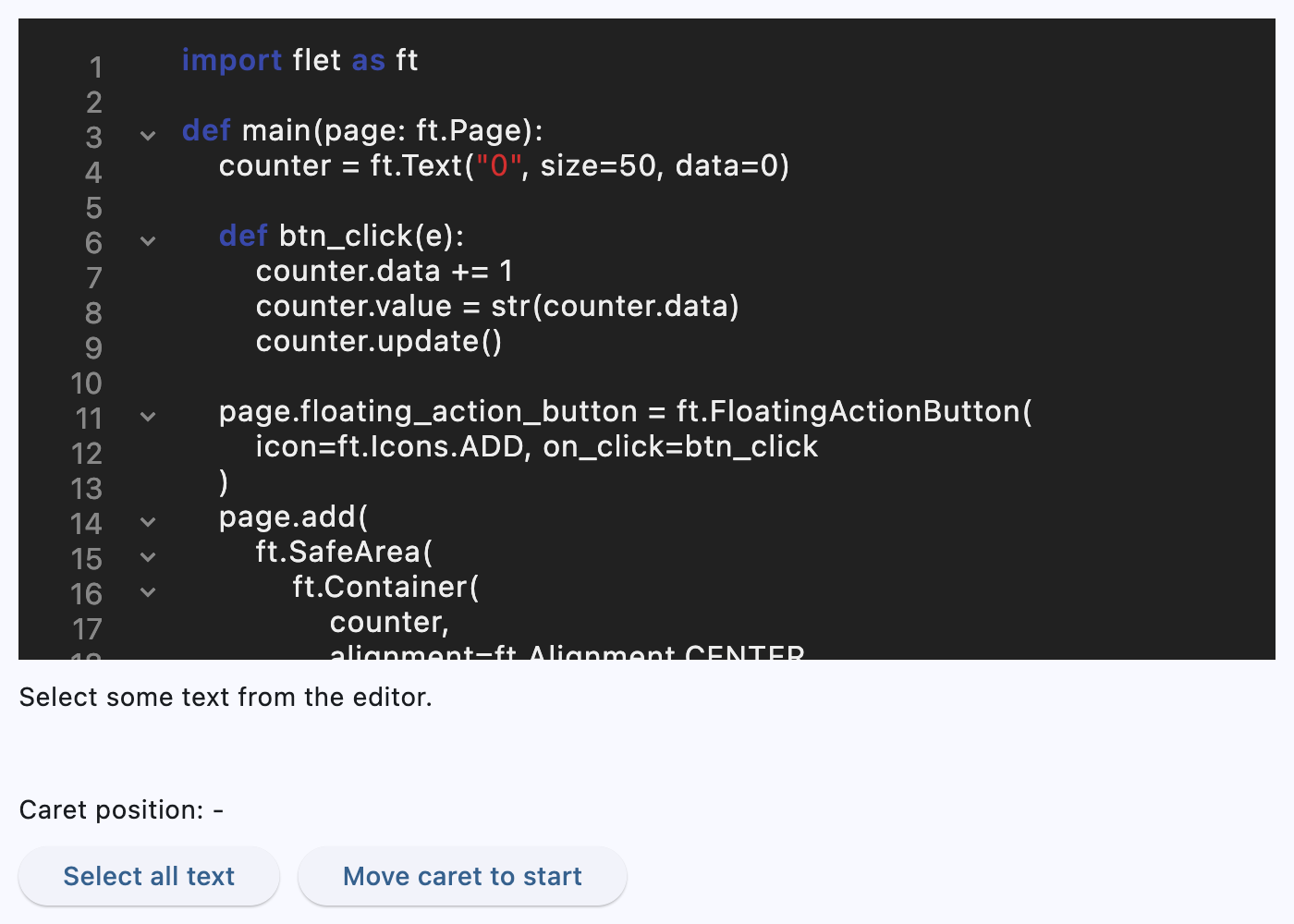](https://docs.flet.dev/test-images/examples/extensions/code_editor/golden/macos/code_editor/example_2.png)
### Folding and initial selection[#](https://docs.flet.dev/codeeditor/#folding-and-initial-selection "Permanent link")
`[](https://docs.flet.dev/codeeditor/#__codelineno-4-1) import flet_code_editor as fce [](https://docs.flet.dev/codeeditor/#__codelineno-4-2)[](https://docs.flet.dev/codeeditor/#__codelineno-4-3) import flet as ft [](https://docs.flet.dev/codeeditor/#__codelineno-4-4)[](https://docs.flet.dev/codeeditor/#__codelineno-4-5) CODE = """# 1 [](https://docs.flet.dev/codeeditor/#__codelineno-4-6) # 2 [](https://docs.flet.dev/codeeditor/#__codelineno-4-7) # 3 [](https://docs.flet.dev/codeeditor/#__codelineno-4-8) import json [](https://docs.flet.dev/codeeditor/#__codelineno-4-9) import textwrap [](https://docs.flet.dev/codeeditor/#__codelineno-4-10)[](https://docs.flet.dev/codeeditor/#__codelineno-4-11) print("Folding demo") [](https://docs.flet.dev/codeeditor/#__codelineno-4-12) """ [](https://docs.flet.dev/codeeditor/#__codelineno-4-13) [](https://docs.flet.dev/codeeditor/#__codelineno-4-14)[](https://docs.flet.dev/codeeditor/#__codelineno-4-15) def main(page: ft.Page): [](https://docs.flet.dev/codeeditor/#__codelineno-4-16) editor = fce.CodeEditor( [](https://docs.flet.dev/codeeditor/#__codelineno-4-17) language=fce.CodeLanguage.PYTHON, [](https://docs.flet.dev/codeeditor/#__codelineno-4-18) value=CODE, [](https://docs.flet.dev/codeeditor/#__codelineno-4-19) selection=ft.TextSelection(base_offset=41, extent_offset=62), [](https://docs.flet.dev/codeeditor/#__codelineno-4-20) autofocus=True, [](https://docs.flet.dev/codeeditor/#__codelineno-4-21) expand=True, [](https://docs.flet.dev/codeeditor/#__codelineno-4-22) on_selection_change=lambda e: print("Selection:", e), [](https://docs.flet.dev/codeeditor/#__codelineno-4-23) ) [](https://docs.flet.dev/codeeditor/#__codelineno-4-24) [](https://docs.flet.dev/codeeditor/#__codelineno-4-25) async def fold_imports(): [](https://docs.flet.dev/codeeditor/#__codelineno-4-26) await editor.fold_imports() [](https://docs.flet.dev/codeeditor/#__codelineno-4-27) [](https://docs.flet.dev/codeeditor/#__codelineno-4-28) async def fold_comment(): [](https://docs.flet.dev/codeeditor/#__codelineno-4-29) await editor.fold_comment_at_line_zero() [](https://docs.flet.dev/codeeditor/#__codelineno-4-30) [](https://docs.flet.dev/codeeditor/#__codelineno-4-31) page.add( [](https://docs.flet.dev/codeeditor/#__codelineno-4-32) ft.Row( [](https://docs.flet.dev/codeeditor/#__codelineno-4-33) [ [](https://docs.flet.dev/codeeditor/#__codelineno-4-34) ft.Button("Fold imports", on_click=fold_imports), [](https://docs.flet.dev/codeeditor/#__codelineno-4-35) ft.Button("Fold comment", on_click=fold_comment), [](https://docs.flet.dev/codeeditor/#__codelineno-4-36) ] [](https://docs.flet.dev/codeeditor/#__codelineno-4-37) ), [](https://docs.flet.dev/codeeditor/#__codelineno-4-38) editor, [](https://docs.flet.dev/codeeditor/#__codelineno-4-39) ) [](https://docs.flet.dev/codeeditor/#__codelineno-4-40) [](https://docs.flet.dev/codeeditor/#__codelineno-4-41)[](https://docs.flet.dev/codeeditor/#__codelineno-4-42) if __name__ == "__main__": [](https://docs.flet.dev/codeeditor/#__codelineno-4-43) ft.run(main)`
[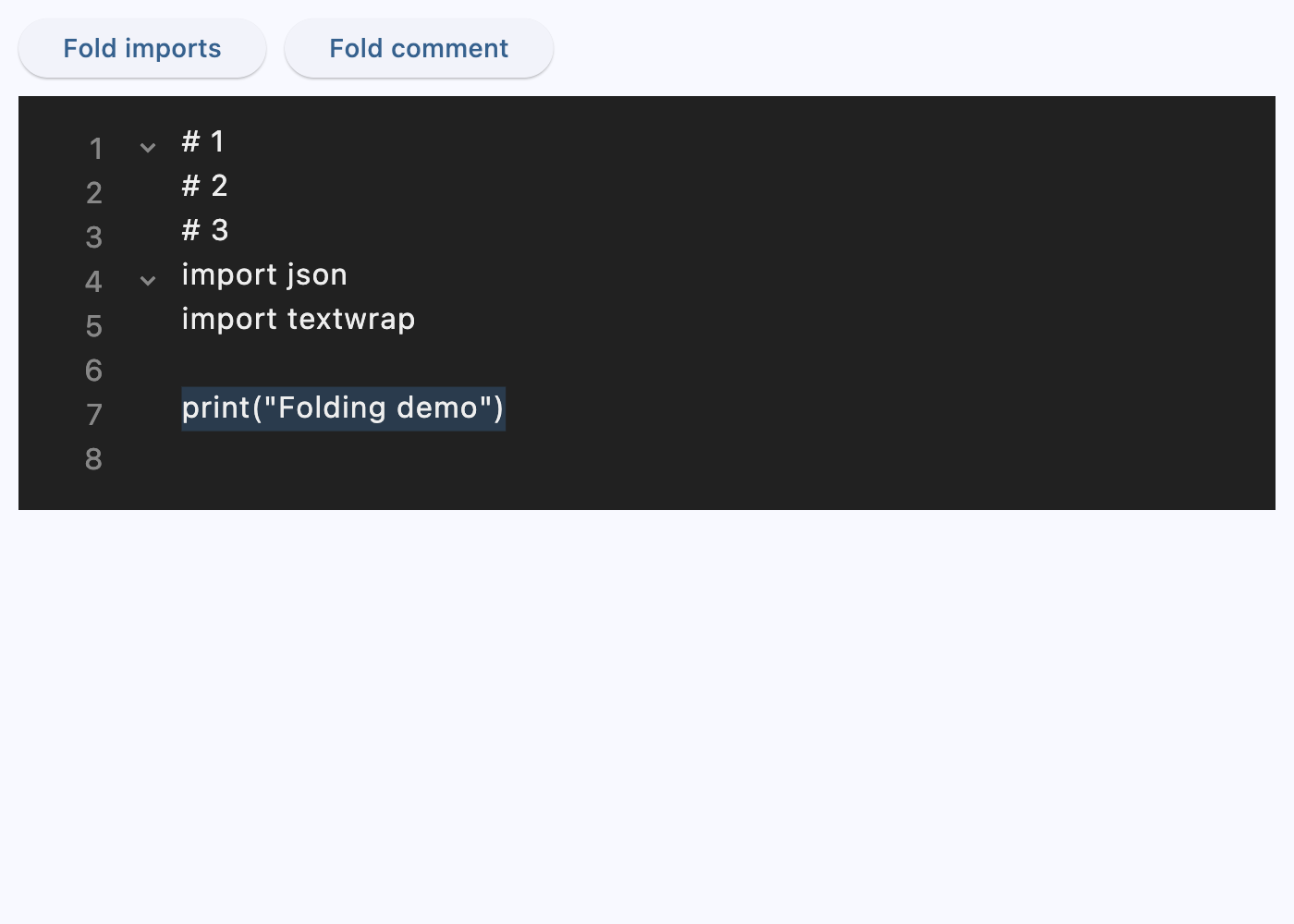](https://docs.flet.dev/test-images/examples/extensions/code_editor/golden/macos/code_editor/example_3.png)
Properties[#](https://docs.flet.dev/codeeditor/#flet_code_editor.CodeEditor-properties "Permanent link")
---------------------------------------------------------------------------------------------------------
### autocomplete `class-attribute` `instance-attribute` [#](https://docs.flet.dev/codeeditor/#flet_code_editor.CodeEditor.autocomplete "Permanent link")
`[](https://docs.flet.dev/codeeditor/#__codelineno-0-1) autocomplete: [bool](https://docs.python.org/3/library/functions.html#bool) | None = False`
Whether autocomplete is enabled.
### autocomplete\_words `class-attribute` `instance-attribute` [#](https://docs.flet.dev/codeeditor/#flet_code_editor.CodeEditor.autocomplete_words "Permanent link")
`[](https://docs.flet.dev/codeeditor/#__codelineno-0-1) autocomplete_words: [list](https://docs.python.org/3/glossary.html#term-list) [[str](https://docs.python.org/3/library/stdtypes.html#str) ] | None = None`
Words offered by autocomplete.
### autofocus `class-attribute` `instance-attribute` [#](https://docs.flet.dev/codeeditor/#flet_code_editor.CodeEditor.autofocus "Permanent link")
`[](https://docs.flet.dev/codeeditor/#__codelineno-0-1) autofocus: [bool](https://docs.python.org/3/library/functions.html#bool) | None = False`
Whether this editor should focus itself if nothing else is focused.
### code\_theme `class-attribute` `instance-attribute` [#](https://docs.flet.dev/codeeditor/#flet_code_editor.CodeEditor.code_theme "Permanent link")
`[](https://docs.flet.dev/codeeditor/#__codelineno-0-1) code_theme: [CodeTheme](https://docs.flet.dev/codeeditor/types/codetheme/#flet_code_editor.CodeTheme) | [CustomCodeTheme](https://docs.flet.dev/codeeditor/types/customcodetheme/#flet_code_editor.CustomCodeTheme) | None = None`
Syntax highlighting theme.
### gutter\_style `class-attribute` `instance-attribute` [#](https://docs.flet.dev/codeeditor/#flet_code_editor.CodeEditor.gutter_style "Permanent link")
`[](https://docs.flet.dev/codeeditor/#__codelineno-0-1) gutter_style: [GutterStyle](https://docs.flet.dev/codeeditor/types/gutterstyle/#flet_code_editor.GutterStyle) | None = None`
Gutter styling.
### language `class-attribute` `instance-attribute` [#](https://docs.flet.dev/codeeditor/#flet_code_editor.CodeEditor.language "Permanent link")
`[](https://docs.flet.dev/codeeditor/#__codelineno-0-1) language: [CodeLanguage](https://docs.flet.dev/codeeditor/types/codelanguage/#flet_code_editor.CodeLanguage) | None = None`
Syntax highlighting language.
### padding `class-attribute` `instance-attribute` [#](https://docs.flet.dev/codeeditor/#flet_code_editor.CodeEditor.padding "Permanent link")
`[](https://docs.flet.dev/codeeditor/#__codelineno-0-1) padding: [PaddingValue](https://docs.flet.dev/types/aliases/#flet.PaddingValue) | None = None`
Padding around the editor.
### read\_only `class-attribute` `instance-attribute` [#](https://docs.flet.dev/codeeditor/#flet_code_editor.CodeEditor.read_only "Permanent link")
`[](https://docs.flet.dev/codeeditor/#__codelineno-0-1) read_only: [bool](https://docs.python.org/3/library/functions.html#bool) | None = False`
Whether the editor is read-only.
### selection `class-attribute` `instance-attribute` [#](https://docs.flet.dev/codeeditor/#flet_code_editor.CodeEditor.selection "Permanent link")
`[](https://docs.flet.dev/codeeditor/#__codelineno-0-1) selection: [TextSelection](https://docs.flet.dev/types/textselection/#flet.TextSelection) | None = None`
Represents the current text selection or caret position in the editor.
Setting this property updates the editor selection and may trigger [`on_selection_change`](https://docs.flet.dev/codeeditor/#flet_code_editor.CodeEditor.on_selection_change)
when the editor is focused.
### text\_style `class-attribute` `instance-attribute` [#](https://docs.flet.dev/codeeditor/#flet_code_editor.CodeEditor.text_style "Permanent link")
`[](https://docs.flet.dev/codeeditor/#__codelineno-0-1) text_style: [TextStyle](https://docs.flet.dev/types/textstyle/#flet.TextStyle) | None = None`
Text style for the editor content.
### value `class-attribute` `instance-attribute` [#](https://docs.flet.dev/codeeditor/#flet_code_editor.CodeEditor.value "Permanent link")
`[](https://docs.flet.dev/codeeditor/#__codelineno-0-1) value: [str](https://docs.python.org/3/library/stdtypes.html#str) | None = None`
Full text including folded sections and service comments.
Events[#](https://docs.flet.dev/codeeditor/#flet_code_editor.CodeEditor-events "Permanent link")
-------------------------------------------------------------------------------------------------
### on\_blur `class-attribute` `instance-attribute` [#](https://docs.flet.dev/codeeditor/#flet_code_editor.CodeEditor.on_blur "Permanent link")
`[](https://docs.flet.dev/codeeditor/#__codelineno-0-1) on_blur: [ControlEventHandler](https://docs.flet.dev/types/aliases/#flet.ControlEventHandler) [[CodeEditor](https://docs.flet.dev/codeeditor/#flet_code_editor.CodeEditor) ] | None = None`
Called when the editor loses focus.
### on\_change `class-attribute` `instance-attribute` [#](https://docs.flet.dev/codeeditor/#flet_code_editor.CodeEditor.on_change "Permanent link")
`[](https://docs.flet.dev/codeeditor/#__codelineno-0-1) on_change: [ControlEventHandler](https://docs.flet.dev/types/aliases/#flet.ControlEventHandler) [[CodeEditor](https://docs.flet.dev/codeeditor/#flet_code_editor.CodeEditor) ] | None = None`
Called when the editor text changes.
### on\_focus `class-attribute` `instance-attribute` [#](https://docs.flet.dev/codeeditor/#flet_code_editor.CodeEditor.on_focus "Permanent link")
`[](https://docs.flet.dev/codeeditor/#__codelineno-0-1) on_focus: [ControlEventHandler](https://docs.flet.dev/types/aliases/#flet.ControlEventHandler) [[CodeEditor](https://docs.flet.dev/codeeditor/#flet_code_editor.CodeEditor) ] | None = None`
Called when the editor receives focus.
### on\_selection\_change `class-attribute` `instance-attribute` [#](https://docs.flet.dev/codeeditor/#flet_code_editor.CodeEditor.on_selection_change "Permanent link")
`[](https://docs.flet.dev/codeeditor/#__codelineno-0-1) on_selection_change: ( [](https://docs.flet.dev/codeeditor/#__codelineno-0-2) [EventHandler](https://docs.flet.dev/types/aliases/#flet.EventHandler) [[TextSelectionChangeEvent](https://docs.flet.dev/types/textselectionchangeevent/#flet.TextSelectionChangeEvent) [[CodeEditor](https://docs.flet.dev/codeeditor/#flet_code_editor.CodeEditor) ]] [](https://docs.flet.dev/codeeditor/#__codelineno-0-3) | None [](https://docs.flet.dev/codeeditor/#__codelineno-0-4) ) = None`
Called when the text selection or caret position changes.
Methods[#](https://docs.flet.dev/codeeditor/#flet_code_editor.CodeEditor-methods "Permanent link")
---------------------------------------------------------------------------------------------------
### focus `async` [#](https://docs.flet.dev/codeeditor/#flet_code_editor.CodeEditor.focus "Permanent link")
`[](https://docs.flet.dev/codeeditor/#__codelineno-0-1) focus()`
Request focus for this editor.
### fold\_at `async` [#](https://docs.flet.dev/codeeditor/#flet_code_editor.CodeEditor.fold_at "Permanent link")
`[](https://docs.flet.dev/codeeditor/#__codelineno-0-1) fold_at(line_number: [int](https://docs.python.org/3/library/functions.html#int) )`
Fold the block starting at the given line number.
### fold\_comment\_at\_line\_zero `async` [#](https://docs.flet.dev/codeeditor/#flet_code_editor.CodeEditor.fold_comment_at_line_zero "Permanent link")
`[](https://docs.flet.dev/codeeditor/#__codelineno-0-1) fold_comment_at_line_zero()`
Fold the comment block at line 0.
### fold\_imports `async` [#](https://docs.flet.dev/codeeditor/#flet_code_editor.CodeEditor.fold_imports "Permanent link")
`[](https://docs.flet.dev/codeeditor/#__codelineno-0-1) fold_imports()`
Fold import sections.
Back to top
---
# CupertinoSegmentedButton - Flet
[Skip to content](https://docs.flet.dev/controls/cupertinosegmentedbutton/#flet.CupertinoSegmentedButton)
CupertinoSegmentedButton
========================
An iOS-style segmented button.
Example:
`[](https://docs.flet.dev/controls/cupertinosegmentedbutton/#__codelineno-0-1) ft.CupertinoSegmentedButton( [](https://docs.flet.dev/controls/cupertinosegmentedbutton/#__codelineno-0-2) selected_index=1, [](https://docs.flet.dev/controls/cupertinosegmentedbutton/#__codelineno-0-3) controls=[ [](https://docs.flet.dev/controls/cupertinosegmentedbutton/#__codelineno-0-4) ft.Text("One"), [](https://docs.flet.dev/controls/cupertinosegmentedbutton/#__codelineno-0-5) ft.Text("Two"), [](https://docs.flet.dev/controls/cupertinosegmentedbutton/#__codelineno-0-6) ft.Text("Three"), [](https://docs.flet.dev/controls/cupertinosegmentedbutton/#__codelineno-0-7) ], [](https://docs.flet.dev/controls/cupertinosegmentedbutton/#__codelineno-0-8) )`
[](https://docs.flet.dev/test-images/examples/cupertino/golden/macos/cupertino_segmented_button/image_for_docs.png)
Basic CupertinoSegmentedButton
Inherits: `[LayoutControl](https://docs.flet.dev/controls/layoutcontrol/#flet.LayoutControl) `
Properties
* **`[border_color](https://docs.flet.dev/controls/cupertinosegmentedbutton/#flet.CupertinoSegmentedButton.border_color) `**(`[ColorValue](https://docs.flet.dev/types/aliases/#flet.ColorValue) | None`) –
The color of this button's border.
* **`[click_color](https://docs.flet.dev/controls/cupertinosegmentedbutton/#flet.CupertinoSegmentedButton.click_color) `**(`[ColorValue](https://docs.flet.dev/types/aliases/#flet.ColorValue) | None`) –
The color used to fill the background of this control when temporarily interacting with through a long press or drag.
* **`[controls](https://docs.flet.dev/controls/cupertinosegmentedbutton/#flet.CupertinoSegmentedButton.controls) `**(`[list](https://docs.python.org/3/glossary.html#term-list) [[Control](https://docs.flet.dev/controls/control/#flet.Control) ]`) –
The list of segments to be displayed.
* **`[disabled_color](https://docs.flet.dev/controls/cupertinosegmentedbutton/#flet.CupertinoSegmentedButton.disabled_color) `**(`[ColorValue](https://docs.flet.dev/types/aliases/#flet.ColorValue) | None`) –
The color used to fill the background of the segment when it is disabled.
* **`[disabled_text_color](https://docs.flet.dev/controls/cupertinosegmentedbutton/#flet.CupertinoSegmentedButton.disabled_text_color) `**(`[ColorValue](https://docs.flet.dev/types/aliases/#flet.ColorValue) | None`) –
The color used for the text of the segment when it is disabled.
* **`[padding](https://docs.flet.dev/controls/cupertinosegmentedbutton/#flet.CupertinoSegmentedButton.padding) `**(`[PaddingValue](https://docs.flet.dev/types/aliases/#flet.PaddingValue) | None`) –
This button's padding.
* **`[selected_color](https://docs.flet.dev/controls/cupertinosegmentedbutton/#flet.CupertinoSegmentedButton.selected_color) `**(`[ColorValue](https://docs.flet.dev/types/aliases/#flet.ColorValue) | None`) –
The color of this button when it is selected.
* **`[selected_index](https://docs.flet.dev/controls/cupertinosegmentedbutton/#flet.CupertinoSegmentedButton.selected_index) `**(`[int](https://docs.python.org/3/library/functions.html#int) `) –
The index (starting from 0) of the selected segment in the [`controls`](https://docs.flet.dev/controls/cupertinosegmentedbutton/#flet.CupertinoSegmentedButton.controls)
list.
* **`[unselected_color](https://docs.flet.dev/controls/cupertinosegmentedbutton/#flet.CupertinoSegmentedButton.unselected_color) `**(`[ColorValue](https://docs.flet.dev/types/aliases/#flet.ColorValue) | None`) –
The color of this button when it is not selected.
Events
* **`[on_change](https://docs.flet.dev/controls/cupertinosegmentedbutton/#flet.CupertinoSegmentedButton.on_change) `**(`[ControlEventHandler](https://docs.flet.dev/types/aliases/#flet.ControlEventHandler) [[CupertinoSegmentedButton](https://docs.flet.dev/controls/cupertinosegmentedbutton/#flet.CupertinoSegmentedButton) ] | None`) –
Called when the state of the button is changed - when one of the `controls` is clicked.
Examples[#](https://docs.flet.dev/controls/cupertinosegmentedbutton/#examples "Permanent link")
------------------------------------------------------------------------------------------------
[Live example](https://flet-controls-gallery.fly.dev/buttons/cupertinosegmentedbutton)
### Basic Example[#](https://docs.flet.dev/controls/cupertinosegmentedbutton/#basic-example "Permanent link")
`[](https://docs.flet.dev/controls/cupertinosegmentedbutton/#__codelineno-0-1) import flet as ft [](https://docs.flet.dev/controls/cupertinosegmentedbutton/#__codelineno-0-2) [](https://docs.flet.dev/controls/cupertinosegmentedbutton/#__codelineno-0-3)[](https://docs.flet.dev/controls/cupertinosegmentedbutton/#__codelineno-0-4) def main(page: ft.Page): [](https://docs.flet.dev/controls/cupertinosegmentedbutton/#__codelineno-0-5) page.theme_mode = ft.ThemeMode.LIGHT [](https://docs.flet.dev/controls/cupertinosegmentedbutton/#__codelineno-0-6) [](https://docs.flet.dev/controls/cupertinosegmentedbutton/#__codelineno-0-7) page.add( [](https://docs.flet.dev/controls/cupertinosegmentedbutton/#__codelineno-0-8) ft.CupertinoSegmentedButton( [](https://docs.flet.dev/controls/cupertinosegmentedbutton/#__codelineno-0-9) selected_index=1, [](https://docs.flet.dev/controls/cupertinosegmentedbutton/#__codelineno-0-10) selected_color=ft.Colors.RED_400, [](https://docs.flet.dev/controls/cupertinosegmentedbutton/#__codelineno-0-11) on_change=lambda e: print(f"selected_index: {e.data}"), [](https://docs.flet.dev/controls/cupertinosegmentedbutton/#__codelineno-0-12) padding=ft.Padding.symmetric(vertical=20, horizontal=50), [](https://docs.flet.dev/controls/cupertinosegmentedbutton/#__codelineno-0-13) controls=[ [](https://docs.flet.dev/controls/cupertinosegmentedbutton/#__codelineno-0-14) ft.Text("One"), [](https://docs.flet.dev/controls/cupertinosegmentedbutton/#__codelineno-0-15) ft.Container( [](https://docs.flet.dev/controls/cupertinosegmentedbutton/#__codelineno-0-16) padding=ft.Padding.symmetric(vertical=10, horizontal=30), [](https://docs.flet.dev/controls/cupertinosegmentedbutton/#__codelineno-0-17) content=ft.Text("Two"), [](https://docs.flet.dev/controls/cupertinosegmentedbutton/#__codelineno-0-18) ), [](https://docs.flet.dev/controls/cupertinosegmentedbutton/#__codelineno-0-19) ft.Container( [](https://docs.flet.dev/controls/cupertinosegmentedbutton/#__codelineno-0-20) padding=ft.Padding.symmetric(vertical=5, horizontal=10), [](https://docs.flet.dev/controls/cupertinosegmentedbutton/#__codelineno-0-21) content=ft.Text("Three"), [](https://docs.flet.dev/controls/cupertinosegmentedbutton/#__codelineno-0-22) ), [](https://docs.flet.dev/controls/cupertinosegmentedbutton/#__codelineno-0-23) ], [](https://docs.flet.dev/controls/cupertinosegmentedbutton/#__codelineno-0-24) ), [](https://docs.flet.dev/controls/cupertinosegmentedbutton/#__codelineno-0-25) ) [](https://docs.flet.dev/controls/cupertinosegmentedbutton/#__codelineno-0-26) [](https://docs.flet.dev/controls/cupertinosegmentedbutton/#__codelineno-0-27)[](https://docs.flet.dev/controls/cupertinosegmentedbutton/#__codelineno-0-28) ft.run(main)`
[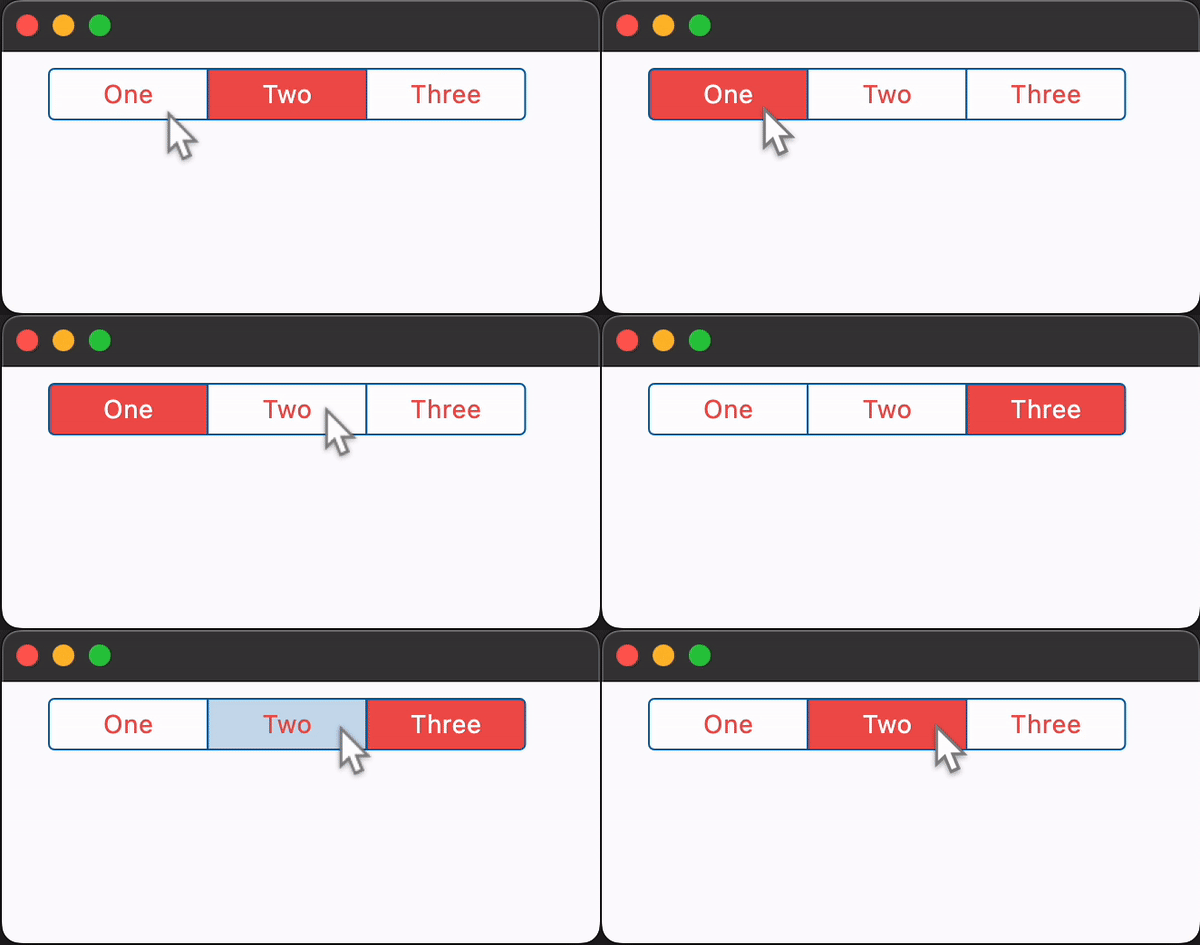](https://docs.flet.dev/examples/controls/cupertino_segmented_button/media/basic.gif)
### Adjusting segments padding[#](https://docs.flet.dev/controls/cupertinosegmentedbutton/#adjusting-segments-padding "Permanent link")
`[](https://docs.flet.dev/controls/cupertinosegmentedbutton/#__codelineno-1-1) import flet as ft [](https://docs.flet.dev/controls/cupertinosegmentedbutton/#__codelineno-1-2) [](https://docs.flet.dev/controls/cupertinosegmentedbutton/#__codelineno-1-3)[](https://docs.flet.dev/controls/cupertinosegmentedbutton/#__codelineno-1-4) def main(page: ft.Page): [](https://docs.flet.dev/controls/cupertinosegmentedbutton/#__codelineno-1-5) page.theme_mode = ft.ThemeMode.LIGHT [](https://docs.flet.dev/controls/cupertinosegmentedbutton/#__codelineno-1-6) [](https://docs.flet.dev/controls/cupertinosegmentedbutton/#__codelineno-1-7) def handle_vertical_change(e: ft.Event[ft.Slider]): [](https://docs.flet.dev/controls/cupertinosegmentedbutton/#__codelineno-1-8) segmented_button.controls[1].padding = ft.Padding.only( [](https://docs.flet.dev/controls/cupertinosegmentedbutton/#__codelineno-1-9) top=e.control.value, bottom=e.control.value [](https://docs.flet.dev/controls/cupertinosegmentedbutton/#__codelineno-1-10) ) [](https://docs.flet.dev/controls/cupertinosegmentedbutton/#__codelineno-1-11) page.update() [](https://docs.flet.dev/controls/cupertinosegmentedbutton/#__codelineno-1-12) [](https://docs.flet.dev/controls/cupertinosegmentedbutton/#__codelineno-1-13) def handle_horizontal_change(e: ft.Event[ft.Slider]): [](https://docs.flet.dev/controls/cupertinosegmentedbutton/#__codelineno-1-14) segmented_button.controls[2].padding = ft.Padding.only( [](https://docs.flet.dev/controls/cupertinosegmentedbutton/#__codelineno-1-15) left=e.control.value, right=e.control.value [](https://docs.flet.dev/controls/cupertinosegmentedbutton/#__codelineno-1-16) ) [](https://docs.flet.dev/controls/cupertinosegmentedbutton/#__codelineno-1-17) page.update() [](https://docs.flet.dev/controls/cupertinosegmentedbutton/#__codelineno-1-18) [](https://docs.flet.dev/controls/cupertinosegmentedbutton/#__codelineno-1-19) page.add( [](https://docs.flet.dev/controls/cupertinosegmentedbutton/#__codelineno-1-20) segmented_button := ft.CupertinoSegmentedButton( [](https://docs.flet.dev/controls/cupertinosegmentedbutton/#__codelineno-1-21) selected_index=1, [](https://docs.flet.dev/controls/cupertinosegmentedbutton/#__codelineno-1-22) selected_color=ft.Colors.RED_400, [](https://docs.flet.dev/controls/cupertinosegmentedbutton/#__codelineno-1-23) unselected_color=ft.Colors.GREY_400, [](https://docs.flet.dev/controls/cupertinosegmentedbutton/#__codelineno-1-24) on_change=lambda e: print(f"selected_index: {e.data}"), [](https://docs.flet.dev/controls/cupertinosegmentedbutton/#__codelineno-1-25) controls=[ [](https://docs.flet.dev/controls/cupertinosegmentedbutton/#__codelineno-1-26) ft.Text("All"), [](https://docs.flet.dev/controls/cupertinosegmentedbutton/#__codelineno-1-27) ft.Container( [](https://docs.flet.dev/controls/cupertinosegmentedbutton/#__codelineno-1-28) padding=ft.Padding.symmetric(vertical=30, horizontal=0), [](https://docs.flet.dev/controls/cupertinosegmentedbutton/#__codelineno-1-29) content=ft.Text("None"), [](https://docs.flet.dev/controls/cupertinosegmentedbutton/#__codelineno-1-30) ), [](https://docs.flet.dev/controls/cupertinosegmentedbutton/#__codelineno-1-31) ft.Container( [](https://docs.flet.dev/controls/cupertinosegmentedbutton/#__codelineno-1-32) padding=ft.Padding.symmetric(vertical=0, horizontal=30), [](https://docs.flet.dev/controls/cupertinosegmentedbutton/#__codelineno-1-33) content=ft.Text("Some"), [](https://docs.flet.dev/controls/cupertinosegmentedbutton/#__codelineno-1-34) ), [](https://docs.flet.dev/controls/cupertinosegmentedbutton/#__codelineno-1-35) ], [](https://docs.flet.dev/controls/cupertinosegmentedbutton/#__codelineno-1-36) ), [](https://docs.flet.dev/controls/cupertinosegmentedbutton/#__codelineno-1-37) ft.Text("Vertical padding button 1: "), [](https://docs.flet.dev/controls/cupertinosegmentedbutton/#__codelineno-1-38) ft.Slider( [](https://docs.flet.dev/controls/cupertinosegmentedbutton/#__codelineno-1-39) label="{value}", [](https://docs.flet.dev/controls/cupertinosegmentedbutton/#__codelineno-1-40) min=0, [](https://docs.flet.dev/controls/cupertinosegmentedbutton/#__codelineno-1-41) max=50, [](https://docs.flet.dev/controls/cupertinosegmentedbutton/#__codelineno-1-42) divisions=50, [](https://docs.flet.dev/controls/cupertinosegmentedbutton/#__codelineno-1-43) value=30, [](https://docs.flet.dev/controls/cupertinosegmentedbutton/#__codelineno-1-44) on_change=handle_vertical_change, [](https://docs.flet.dev/controls/cupertinosegmentedbutton/#__codelineno-1-45) ), [](https://docs.flet.dev/controls/cupertinosegmentedbutton/#__codelineno-1-46) ft.Text("Horizontal padding button 2:"), [](https://docs.flet.dev/controls/cupertinosegmentedbutton/#__codelineno-1-47) ft.Slider( [](https://docs.flet.dev/controls/cupertinosegmentedbutton/#__codelineno-1-48) label="{value}", [](https://docs.flet.dev/controls/cupertinosegmentedbutton/#__codelineno-1-49) min=0, [](https://docs.flet.dev/controls/cupertinosegmentedbutton/#__codelineno-1-50) max=50, [](https://docs.flet.dev/controls/cupertinosegmentedbutton/#__codelineno-1-51) divisions=50, [](https://docs.flet.dev/controls/cupertinosegmentedbutton/#__codelineno-1-52) value=30, [](https://docs.flet.dev/controls/cupertinosegmentedbutton/#__codelineno-1-53) on_change=handle_horizontal_change, [](https://docs.flet.dev/controls/cupertinosegmentedbutton/#__codelineno-1-54) ), [](https://docs.flet.dev/controls/cupertinosegmentedbutton/#__codelineno-1-55) ft.Text( [](https://docs.flet.dev/controls/cupertinosegmentedbutton/#__codelineno-1-56) value="*note that padding changes to one segment can effect padding on other segments*", [](https://docs.flet.dev/controls/cupertinosegmentedbutton/#__codelineno-1-57) theme_style=ft.TextThemeStyle.LABEL_MEDIUM, [](https://docs.flet.dev/controls/cupertinosegmentedbutton/#__codelineno-1-58) color=ft.Colors.ORANGE_ACCENT, [](https://docs.flet.dev/controls/cupertinosegmentedbutton/#__codelineno-1-59) ), [](https://docs.flet.dev/controls/cupertinosegmentedbutton/#__codelineno-1-60) ) [](https://docs.flet.dev/controls/cupertinosegmentedbutton/#__codelineno-1-61) [](https://docs.flet.dev/controls/cupertinosegmentedbutton/#__codelineno-1-62)[](https://docs.flet.dev/controls/cupertinosegmentedbutton/#__codelineno-1-63) ft.run(main)`
Properties[#](https://docs.flet.dev/controls/cupertinosegmentedbutton/#flet.CupertinoSegmentedButton-properties "Permanent link")
----------------------------------------------------------------------------------------------------------------------------------
### border\_color `class-attribute` `instance-attribute` [#](https://docs.flet.dev/controls/cupertinosegmentedbutton/#flet.CupertinoSegmentedButton.border_color "Permanent link")
`[](https://docs.flet.dev/controls/cupertinosegmentedbutton/#__codelineno-0-1) border_color: [ColorValue](https://docs.flet.dev/types/aliases/#flet.ColorValue) | None = None`
The color of this button's border.
### click\_color `class-attribute` `instance-attribute` [#](https://docs.flet.dev/controls/cupertinosegmentedbutton/#flet.CupertinoSegmentedButton.click_color "Permanent link")
`[](https://docs.flet.dev/controls/cupertinosegmentedbutton/#__codelineno-0-1) click_color: [ColorValue](https://docs.flet.dev/types/aliases/#flet.ColorValue) | None = None`
The color used to fill the background of this control when temporarily interacting with through a long press or drag.
Defaults to the [`selected_color`](https://docs.flet.dev/controls/cupertinosegmentedbutton/#flet.CupertinoSegmentedButton.selected_color)
with 20% opacity.
### controls `instance-attribute` [#](https://docs.flet.dev/controls/cupertinosegmentedbutton/#flet.CupertinoSegmentedButton.controls "Permanent link")
`[](https://docs.flet.dev/controls/cupertinosegmentedbutton/#__codelineno-0-1) controls: [list](https://docs.python.org/3/glossary.html#term-list) [[Control](https://docs.flet.dev/controls/control/#flet.Control) ]`
The list of segments to be displayed.
Raises:
* `[ValueError](https://docs.python.org/3/library/exceptions.html#ValueError) ` –
If it does not contain at least two visible `Control`s.
### disabled\_color `class-attribute` `instance-attribute` [#](https://docs.flet.dev/controls/cupertinosegmentedbutton/#flet.CupertinoSegmentedButton.disabled_color "Permanent link")
`[](https://docs.flet.dev/controls/cupertinosegmentedbutton/#__codelineno-0-1) disabled_color: [ColorValue](https://docs.flet.dev/types/aliases/#flet.ColorValue) | None = None`
The color used to fill the background of the segment when it is disabled.
If `None`, this color will be 50% opacity of the [`selected_color`](https://docs.flet.dev/controls/cupertinosegmentedbutton/#flet.CupertinoSegmentedButton.selected_color)
when the segment is selected. If the segment is unselected, this color will be set to the [`unselected_color`](https://docs.flet.dev/controls/cupertinosegmentedbutton/#flet.CupertinoSegmentedButton.unselected_color)
.
### disabled\_text\_color `class-attribute` `instance-attribute` [#](https://docs.flet.dev/controls/cupertinosegmentedbutton/#flet.CupertinoSegmentedButton.disabled_text_color "Permanent link")
`[](https://docs.flet.dev/controls/cupertinosegmentedbutton/#__codelineno-0-1) disabled_text_color: [ColorValue](https://docs.flet.dev/types/aliases/#flet.ColorValue) | None = None`
The color used for the text of the segment when it is disabled.
### padding `class-attribute` `instance-attribute` [#](https://docs.flet.dev/controls/cupertinosegmentedbutton/#flet.CupertinoSegmentedButton.padding "Permanent link")
`[](https://docs.flet.dev/controls/cupertinosegmentedbutton/#__codelineno-0-1) padding: [PaddingValue](https://docs.flet.dev/types/aliases/#flet.PaddingValue) | None = None`
This button's padding.
### selected\_color `class-attribute` `instance-attribute` [#](https://docs.flet.dev/controls/cupertinosegmentedbutton/#flet.CupertinoSegmentedButton.selected_color "Permanent link")
`[](https://docs.flet.dev/controls/cupertinosegmentedbutton/#__codelineno-0-1) selected_color: [ColorValue](https://docs.flet.dev/types/aliases/#flet.ColorValue) | None = None`
The color of this button when it is selected.
### selected\_index `class-attribute` `instance-attribute` [#](https://docs.flet.dev/controls/cupertinosegmentedbutton/#flet.CupertinoSegmentedButton.selected_index "Permanent link")
`[](https://docs.flet.dev/controls/cupertinosegmentedbutton/#__codelineno-0-1) selected_index: [int](https://docs.python.org/3/library/functions.html#int) = 0`
The index (starting from 0) of the selected segment in the [`controls`](https://docs.flet.dev/controls/cupertinosegmentedbutton/#flet.CupertinoSegmentedButton.controls)
list.
Raises:
* `[IndexError](https://docs.python.org/3/library/exceptions.html#IndexError) ` –
If [`selected_index`](https://docs.flet.dev/controls/cupertinosegmentedbutton/#flet.CupertinoSegmentedButton.selected_index)
is out of range relative to the visible controls.
### unselected\_color `class-attribute` `instance-attribute` [#](https://docs.flet.dev/controls/cupertinosegmentedbutton/#flet.CupertinoSegmentedButton.unselected_color "Permanent link")
`[](https://docs.flet.dev/controls/cupertinosegmentedbutton/#__codelineno-0-1) unselected_color: [ColorValue](https://docs.flet.dev/types/aliases/#flet.ColorValue) | None = None`
The color of this button when it is not selected.
Events[#](https://docs.flet.dev/controls/cupertinosegmentedbutton/#flet.CupertinoSegmentedButton-events "Permanent link")
--------------------------------------------------------------------------------------------------------------------------
### on\_change `class-attribute` `instance-attribute` [#](https://docs.flet.dev/controls/cupertinosegmentedbutton/#flet.CupertinoSegmentedButton.on_change "Permanent link")
`[](https://docs.flet.dev/controls/cupertinosegmentedbutton/#__codelineno-0-1) on_change: ( [](https://docs.flet.dev/controls/cupertinosegmentedbutton/#__codelineno-0-2) [ControlEventHandler](https://docs.flet.dev/types/aliases/#flet.ControlEventHandler) [[CupertinoSegmentedButton](https://docs.flet.dev/controls/cupertinosegmentedbutton/#flet.CupertinoSegmentedButton) ] | None [](https://docs.flet.dev/controls/cupertinosegmentedbutton/#__codelineno-0-3) ) = None`
Called when the state of the button is changed - when one of the `controls` is clicked.
Back to top
---
# KeyboardListener - Flet
[Skip to content](https://docs.flet.dev/controls/keyboardlistener/#flet.KeyboardListener)
KeyboardListener
================
A control that calls a callback whenever the user presses or releases a key on a keyboard.
Inherits: `[Control](https://docs.flet.dev/controls/control/#flet.Control) `
Properties
* **`[autofocus](https://docs.flet.dev/controls/keyboardlistener/#flet.KeyboardListener.autofocus) `**(`[bool](https://docs.python.org/3/library/functions.html#bool) `) –
True if this control will be selected as the initial focus when no other node in its scope is currently focused.
* **`[content](https://docs.flet.dev/controls/keyboardlistener/#flet.KeyboardListener.content) `**(`[Control](https://docs.flet.dev/controls/control/#flet.Control) `) –
The content control of the keyboard listener.
* **`[include_semantics](https://docs.flet.dev/controls/keyboardlistener/#flet.KeyboardListener.include_semantics) `**(`[bool](https://docs.python.org/3/library/functions.html#bool) `) –
Include semantics information in this control.
Events
* **`[on_key_down](https://docs.flet.dev/controls/keyboardlistener/#flet.KeyboardListener.on_key_down) `**(`[EventHandler](https://docs.flet.dev/types/aliases/#flet.EventHandler) [[KeyDownEvent](https://docs.flet.dev/types/keydownevent/#flet.KeyDownEvent) ] | None`) –
Fires when a keyboard key is pressed.
* **`[on_key_repeat](https://docs.flet.dev/controls/keyboardlistener/#flet.KeyboardListener.on_key_repeat) `**(`[EventHandler](https://docs.flet.dev/types/aliases/#flet.EventHandler) [[KeyRepeatEvent](https://docs.flet.dev/types/keyrepeatevent/#flet.KeyRepeatEvent) ] | None`) –
Fires when a keyboard key is being hold, causing repeated events.
* **`[on_key_up](https://docs.flet.dev/controls/keyboardlistener/#flet.KeyboardListener.on_key_up) `**(`[EventHandler](https://docs.flet.dev/types/aliases/#flet.EventHandler) [[KeyUpEvent](https://docs.flet.dev/types/keyupevent/#flet.KeyUpEvent) ] | None`) –
Fires when a keyboard key is released.
Methods
* **`[focus](https://docs.flet.dev/controls/keyboardlistener/#flet.KeyboardListener.focus) `** –
Requests focus for this control.
Examples[#](https://docs.flet.dev/controls/keyboardlistener/#examples "Permanent link")
----------------------------------------------------------------------------------------
### Press any keys[#](https://docs.flet.dev/controls/keyboardlistener/#press-any-keys "Permanent link")
`[](https://docs.flet.dev/controls/keyboardlistener/#__codelineno-0-1) import flet as ft [](https://docs.flet.dev/controls/keyboardlistener/#__codelineno-0-2) [](https://docs.flet.dev/controls/keyboardlistener/#__codelineno-0-3)[](https://docs.flet.dev/controls/keyboardlistener/#__codelineno-0-4) async def main(page: ft.Page): [](https://docs.flet.dev/controls/keyboardlistener/#__codelineno-0-5) pressed_keys = set() [](https://docs.flet.dev/controls/keyboardlistener/#__codelineno-0-6) [](https://docs.flet.dev/controls/keyboardlistener/#__codelineno-0-7) def key_down(e: ft.KeyDownEvent): [](https://docs.flet.dev/controls/keyboardlistener/#__codelineno-0-8) pressed_keys.add(e.key) [](https://docs.flet.dev/controls/keyboardlistener/#__codelineno-0-9) keys.controls = [ft.Text(k, size=20) for k in pressed_keys] [](https://docs.flet.dev/controls/keyboardlistener/#__codelineno-0-10) [](https://docs.flet.dev/controls/keyboardlistener/#__codelineno-0-11) def key_up(e: ft.KeyUpEvent): [](https://docs.flet.dev/controls/keyboardlistener/#__codelineno-0-12) pressed_keys.remove(e.key) [](https://docs.flet.dev/controls/keyboardlistener/#__codelineno-0-13) keys.controls = [ft.Text(k, size=20) for k in pressed_keys] [](https://docs.flet.dev/controls/keyboardlistener/#__codelineno-0-14) [](https://docs.flet.dev/controls/keyboardlistener/#__codelineno-0-15) page.add( [](https://docs.flet.dev/controls/keyboardlistener/#__codelineno-0-16) ft.Text("Press any keys..."), [](https://docs.flet.dev/controls/keyboardlistener/#__codelineno-0-17) ft.KeyboardListener( [](https://docs.flet.dev/controls/keyboardlistener/#__codelineno-0-18) content=(keys := ft.Row()), [](https://docs.flet.dev/controls/keyboardlistener/#__codelineno-0-19) autofocus=True, [](https://docs.flet.dev/controls/keyboardlistener/#__codelineno-0-20) on_key_down=key_down, [](https://docs.flet.dev/controls/keyboardlistener/#__codelineno-0-21) on_key_up=key_up, [](https://docs.flet.dev/controls/keyboardlistener/#__codelineno-0-22) ), [](https://docs.flet.dev/controls/keyboardlistener/#__codelineno-0-23) ) [](https://docs.flet.dev/controls/keyboardlistener/#__codelineno-0-24) [](https://docs.flet.dev/controls/keyboardlistener/#__codelineno-0-25)[](https://docs.flet.dev/controls/keyboardlistener/#__codelineno-0-26) ft.run(main)`
Properties[#](https://docs.flet.dev/controls/keyboardlistener/#flet.KeyboardListener-properties "Permanent link")
------------------------------------------------------------------------------------------------------------------
### autofocus `class-attribute` `instance-attribute` [#](https://docs.flet.dev/controls/keyboardlistener/#flet.KeyboardListener.autofocus "Permanent link")
`[](https://docs.flet.dev/controls/keyboardlistener/#__codelineno-0-1) autofocus: [bool](https://docs.python.org/3/library/functions.html#bool) = False`
True if this control will be selected as the initial focus when no other node in its scope is currently focused.
### content `instance-attribute` [#](https://docs.flet.dev/controls/keyboardlistener/#flet.KeyboardListener.content "Permanent link")
`[](https://docs.flet.dev/controls/keyboardlistener/#__codelineno-0-1) content: [Control](https://docs.flet.dev/controls/control/#flet.Control)`
The content control of the keyboard listener.
### include\_semantics `class-attribute` `instance-attribute` [#](https://docs.flet.dev/controls/keyboardlistener/#flet.KeyboardListener.include_semantics "Permanent link")
`[](https://docs.flet.dev/controls/keyboardlistener/#__codelineno-0-1) include_semantics: [bool](https://docs.python.org/3/library/functions.html#bool) = True`
Include semantics information in this control.
Events[#](https://docs.flet.dev/controls/keyboardlistener/#flet.KeyboardListener-events "Permanent link")
----------------------------------------------------------------------------------------------------------
### on\_key\_down `class-attribute` `instance-attribute` [#](https://docs.flet.dev/controls/keyboardlistener/#flet.KeyboardListener.on_key_down "Permanent link")
`[](https://docs.flet.dev/controls/keyboardlistener/#__codelineno-0-1) on_key_down: [EventHandler](https://docs.flet.dev/types/aliases/#flet.EventHandler) [[KeyDownEvent](https://docs.flet.dev/types/keydownevent/#flet.KeyDownEvent) ] | None = None`
Fires when a keyboard key is pressed.
### on\_key\_repeat `class-attribute` `instance-attribute` [#](https://docs.flet.dev/controls/keyboardlistener/#flet.KeyboardListener.on_key_repeat "Permanent link")
`[](https://docs.flet.dev/controls/keyboardlistener/#__codelineno-0-1) on_key_repeat: [EventHandler](https://docs.flet.dev/types/aliases/#flet.EventHandler) [[KeyRepeatEvent](https://docs.flet.dev/types/keyrepeatevent/#flet.KeyRepeatEvent) ] | None = None`
Fires when a keyboard key is being hold, causing repeated events.
### on\_key\_up `class-attribute` `instance-attribute` [#](https://docs.flet.dev/controls/keyboardlistener/#flet.KeyboardListener.on_key_up "Permanent link")
`[](https://docs.flet.dev/controls/keyboardlistener/#__codelineno-0-1) on_key_up: [EventHandler](https://docs.flet.dev/types/aliases/#flet.EventHandler) [[KeyUpEvent](https://docs.flet.dev/types/keyupevent/#flet.KeyUpEvent) ] | None = None`
Fires when a keyboard key is released.
Methods[#](https://docs.flet.dev/controls/keyboardlistener/#flet.KeyboardListener-methods "Permanent link")
------------------------------------------------------------------------------------------------------------
### focus `async` [#](https://docs.flet.dev/controls/keyboardlistener/#flet.KeyboardListener.focus "Permanent link")
`[](https://docs.flet.dev/controls/keyboardlistener/#__codelineno-0-1) focus()`
Requests focus for this control.
Back to top
---
# CupertinoListTile - Flet
[Skip to content](https://docs.flet.dev/controls/cupertinolisttile/#flet.CupertinoListTile)
CupertinoListTile
=================
An iOS-style list tile.
The CupertinoListTile is a Cupertino equivalent of the Material [`ListTile`](https://docs.flet.dev/controls/listtile/#flet.ListTile)
.
`[](https://docs.flet.dev/controls/cupertinolisttile/#__codelineno-0-1) ft.CupertinoListTile( [](https://docs.flet.dev/controls/cupertinolisttile/#__codelineno-0-2) title="Notifications", [](https://docs.flet.dev/controls/cupertinolisttile/#__codelineno-0-3) subtitle="Enabled", [](https://docs.flet.dev/controls/cupertinolisttile/#__codelineno-0-4) width=400, [](https://docs.flet.dev/controls/cupertinolisttile/#__codelineno-0-5) leading=ft.Icon(ft.Icons.NOTIFICATIONS_OUTLINED), [](https://docs.flet.dev/controls/cupertinolisttile/#__codelineno-0-6) trailing=ft.Icon(ft.Icons.CHEVRON_RIGHT), [](https://docs.flet.dev/controls/cupertinolisttile/#__codelineno-0-7) bgcolor=ft.Colors.SURFACE_CONTAINER_LOW, [](https://docs.flet.dev/controls/cupertinolisttile/#__codelineno-0-8) )`
[](https://docs.flet.dev/test-images/examples/cupertino/golden/macos/cupertino_list_tile/image_for_docs.png)
Basic CupertinoListTile
Inherits: `[LayoutControl](https://docs.flet.dev/controls/layoutcontrol/#flet.LayoutControl) `
Properties
* **`[additional_info](https://docs.flet.dev/controls/cupertinolisttile/#flet.CupertinoListTile.additional_info) `**(`[StrOrControl](https://docs.flet.dev/types/aliases/#flet.StrOrControl) | None`) –
A `Control` to display on the right of the list tile, before [`trailing`](https://docs.flet.dev/controls/cupertinolisttile/#flet.CupertinoListTile.trailing)
.
* **`[bgcolor](https://docs.flet.dev/controls/cupertinolisttile/#flet.CupertinoListTile.bgcolor) `**(`[ColorValue](https://docs.flet.dev/types/aliases/#flet.ColorValue) | None`) –
The background color of this list tile.
* **`[bgcolor_activated](https://docs.flet.dev/controls/cupertinolisttile/#flet.CupertinoListTile.bgcolor_activated) `**(`[ColorValue](https://docs.flet.dev/types/aliases/#flet.ColorValue) | None`) –
The background color of this list tile after it was tapped.
* **`[leading](https://docs.flet.dev/controls/cupertinolisttile/#flet.CupertinoListTile.leading) `**(`[IconDataOrControl](https://docs.flet.dev/types/aliases/#flet.IconDataOrControl) | None`) –
A control to display before the [`title`](https://docs.flet.dev/controls/cupertinolisttile/#flet.CupertinoListTile.title)
.
* **`[leading_size](https://docs.flet.dev/controls/cupertinolisttile/#flet.CupertinoListTile.leading_size) `**(`[Number](https://docs.flet.dev/types/aliases/#flet.Number) | None`) –
Used to constrain the width and height of [`leading`](https://docs.flet.dev/controls/cupertinolisttile/#flet.CupertinoListTile.leading)
control.
* **`[leading_to_title](https://docs.flet.dev/controls/cupertinolisttile/#flet.CupertinoListTile.leading_to_title) `**(`[Number](https://docs.flet.dev/types/aliases/#flet.Number) | None`) –
The horizontal space between [`leading`](https://docs.flet.dev/controls/cupertinolisttile/#flet.CupertinoListTile.leading)
and `[`title\`\]\[flet.controls.cupertino.cupertino\_list\_tile.CupertinoListTile.title\].
* **`[notched](https://docs.flet.dev/controls/cupertinolisttile/#flet.CupertinoListTile.notched) `**(`[bool](https://docs.python.org/3/library/functions.html#bool) `) –
Whether this list tile should be created in an "Inset Grouped" form, known from either iOS Notes or Reminders app.
* **`[padding](https://docs.flet.dev/controls/cupertinolisttile/#flet.CupertinoListTile.padding) `**(`[PaddingValue](https://docs.flet.dev/types/aliases/#flet.PaddingValue) | None`) –
The tile's internal padding. Insets a CupertinoListTile's contents: its [`leading`](https://docs.flet.dev/controls/cupertinolisttile/#flet.CupertinoListTile.leading)
, [`title`](https://docs.flet.dev/controls/cupertinolisttile/#flet.CupertinoListTile.title)
, [`subtitle`](https://docs.flet.dev/controls/cupertinolisttile/#flet.CupertinoListTile.subtitle)
, [`additional_info`](https://docs.flet.dev/controls/cupertinolisttile/#flet.CupertinoListTile.additional_info)
and [`trailing`](https://docs.flet.dev/controls/cupertinolisttile/#flet.CupertinoListTile.trailing)
controls.
* **`[subtitle](https://docs.flet.dev/controls/cupertinolisttile/#flet.CupertinoListTile.subtitle) `**(`[StrOrControl](https://docs.flet.dev/types/aliases/#flet.StrOrControl) | None`) –
Additional content displayed below the [`title`](https://docs.flet.dev/controls/cupertinolisttile/#flet.CupertinoListTile.title)
.
* **`[title](https://docs.flet.dev/controls/cupertinolisttile/#flet.CupertinoListTile.title) `**(`[StrOrControl](https://docs.flet.dev/types/aliases/#flet.StrOrControl) `) –
The primary content of this list tile.
* **`[toggle_inputs](https://docs.flet.dev/controls/cupertinolisttile/#flet.CupertinoListTile.toggle_inputs) `**(`[bool](https://docs.python.org/3/library/functions.html#bool) `) –
Whether clicking on this tile should toggle the state of (visible) toggleable controls like [`Radio`](https://docs.flet.dev/controls/radio/#flet.Radio)
, [`Checkbox`](https://docs.flet.dev/controls/checkbox/#flet.Checkbox)
or [`Switch`](https://docs.flet.dev/controls/switch/#flet.Switch)
inside it.
* **`[trailing](https://docs.flet.dev/controls/cupertinolisttile/#flet.CupertinoListTile.trailing) `**(`[IconDataOrControl](https://docs.flet.dev/types/aliases/#flet.IconDataOrControl) | None`) –
A control to display after the [`title`](https://docs.flet.dev/controls/cupertinolisttile/#flet.CupertinoListTile.title)
.
* **`[url](https://docs.flet.dev/controls/cupertinolisttile/#flet.CupertinoListTile.url) `**(`[str](https://docs.python.org/3/library/stdtypes.html#str) | [Url](https://docs.flet.dev/types/url/#flet.Url) | None`) –
The URL to open when this button is clicked.
Events
* **`[on_click](https://docs.flet.dev/controls/cupertinolisttile/#flet.CupertinoListTile.on_click) `**(`[ControlEventHandler](https://docs.flet.dev/types/aliases/#flet.ControlEventHandler) [[CupertinoListTile](https://docs.flet.dev/controls/cupertinolisttile/#flet.CupertinoListTile) ] | None`) –
Called when a user clicks/taps the list tile.
Examples[#](https://docs.flet.dev/controls/cupertinolisttile/#examples "Permanent link")
-----------------------------------------------------------------------------------------
[Live example](https://flet-controls-gallery.fly.dev/layout/cupertinolisttile)
### Notched and non-notched list tiles[#](https://docs.flet.dev/controls/cupertinolisttile/#notched-and-non-notched-list-tiles "Permanent link")
`[](https://docs.flet.dev/controls/cupertinolisttile/#__codelineno-0-1) import flet as ft [](https://docs.flet.dev/controls/cupertinolisttile/#__codelineno-0-2) [](https://docs.flet.dev/controls/cupertinolisttile/#__codelineno-0-3)[](https://docs.flet.dev/controls/cupertinolisttile/#__codelineno-0-4) def main(page: ft.Page): [](https://docs.flet.dev/controls/cupertinolisttile/#__codelineno-0-5) def handle_tile_click(e: ft.Event[ft.CupertinoListTile]): [](https://docs.flet.dev/controls/cupertinolisttile/#__codelineno-0-6) print("Tile clicked") [](https://docs.flet.dev/controls/cupertinolisttile/#__codelineno-0-7) [](https://docs.flet.dev/controls/cupertinolisttile/#__codelineno-0-8) page.add( [](https://docs.flet.dev/controls/cupertinolisttile/#__codelineno-0-9) ft.CupertinoListTile( [](https://docs.flet.dev/controls/cupertinolisttile/#__codelineno-0-10) additional_info=ft.Text("Wed Jan 24"), [](https://docs.flet.dev/controls/cupertinolisttile/#__codelineno-0-11) bgcolor_activated=ft.Colors.AMBER_ACCENT, [](https://docs.flet.dev/controls/cupertinolisttile/#__codelineno-0-12) leading=ft.Icon(ft.CupertinoIcons.GAME_CONTROLLER), [](https://docs.flet.dev/controls/cupertinolisttile/#__codelineno-0-13) title=ft.Text("CupertinoListTile: notched = False"), [](https://docs.flet.dev/controls/cupertinolisttile/#__codelineno-0-14) subtitle=ft.Text("Subtitle"), [](https://docs.flet.dev/controls/cupertinolisttile/#__codelineno-0-15) trailing=ft.Icon(ft.CupertinoIcons.ALARM), [](https://docs.flet.dev/controls/cupertinolisttile/#__codelineno-0-16) on_click=handle_tile_click, [](https://docs.flet.dev/controls/cupertinolisttile/#__codelineno-0-17) ), [](https://docs.flet.dev/controls/cupertinolisttile/#__codelineno-0-18) ft.CupertinoListTile( [](https://docs.flet.dev/controls/cupertinolisttile/#__codelineno-0-19) notched=True, [](https://docs.flet.dev/controls/cupertinolisttile/#__codelineno-0-20) additional_info=ft.Text("Thu Jan 25"), [](https://docs.flet.dev/controls/cupertinolisttile/#__codelineno-0-21) leading=ft.Icon(ft.CupertinoIcons.GAME_CONTROLLER), [](https://docs.flet.dev/controls/cupertinolisttile/#__codelineno-0-22) title=ft.Text("CupertinoListTile: notched = True"), [](https://docs.flet.dev/controls/cupertinolisttile/#__codelineno-0-23) subtitle=ft.Text("Subtitle"), [](https://docs.flet.dev/controls/cupertinolisttile/#__codelineno-0-24) trailing=ft.Icon(ft.CupertinoIcons.ALARM), [](https://docs.flet.dev/controls/cupertinolisttile/#__codelineno-0-25) on_click=handle_tile_click, [](https://docs.flet.dev/controls/cupertinolisttile/#__codelineno-0-26) ), [](https://docs.flet.dev/controls/cupertinolisttile/#__codelineno-0-27) ) [](https://docs.flet.dev/controls/cupertinolisttile/#__codelineno-0-28) [](https://docs.flet.dev/controls/cupertinolisttile/#__codelineno-0-29)[](https://docs.flet.dev/controls/cupertinolisttile/#__codelineno-0-30) ft.run(main)`
[](https://docs.flet.dev/examples/controls/cupertino_list_tile/media/notched.png)
Properties[#](https://docs.flet.dev/controls/cupertinolisttile/#flet.CupertinoListTile-properties "Permanent link")
--------------------------------------------------------------------------------------------------------------------
### additional\_info `class-attribute` `instance-attribute` [#](https://docs.flet.dev/controls/cupertinolisttile/#flet.CupertinoListTile.additional_info "Permanent link")
`[](https://docs.flet.dev/controls/cupertinolisttile/#__codelineno-0-1) additional_info: [StrOrControl](https://docs.flet.dev/types/aliases/#flet.StrOrControl) | None = None`
A `Control` to display on the right of the list tile, before [`trailing`](https://docs.flet.dev/controls/cupertinolisttile/#flet.CupertinoListTile.trailing)
.
Similar to [`subtitle`](https://docs.flet.dev/controls/cupertinolisttile/#flet.CupertinoListTile.subtitle)
, an [`additional_info`](https://docs.flet.dev/controls/cupertinolisttile/#flet.CupertinoListTile.additional_info)
is used to display additional information.
Typically a [`Text`](https://docs.flet.dev/controls/text/#flet.Text)
control.
### bgcolor `class-attribute` `instance-attribute` [#](https://docs.flet.dev/controls/cupertinolisttile/#flet.CupertinoListTile.bgcolor "Permanent link")
`[](https://docs.flet.dev/controls/cupertinolisttile/#__codelineno-0-1) bgcolor: [ColorValue](https://docs.flet.dev/types/aliases/#flet.ColorValue) | None = None`
The background color of this list tile.
### bgcolor\_activated `class-attribute` `instance-attribute` [#](https://docs.flet.dev/controls/cupertinolisttile/#flet.CupertinoListTile.bgcolor_activated "Permanent link")
`[](https://docs.flet.dev/controls/cupertinolisttile/#__codelineno-0-1) bgcolor_activated: [ColorValue](https://docs.flet.dev/types/aliases/#flet.ColorValue) | None = None`
The background color of this list tile after it was tapped.
### leading `class-attribute` `instance-attribute` [#](https://docs.flet.dev/controls/cupertinolisttile/#flet.CupertinoListTile.leading "Permanent link")
`[](https://docs.flet.dev/controls/cupertinolisttile/#__codelineno-0-1) leading: [IconDataOrControl](https://docs.flet.dev/types/aliases/#flet.IconDataOrControl) | None = None`
A control to display before the [`title`](https://docs.flet.dev/controls/cupertinolisttile/#flet.CupertinoListTile.title)
.
### leading\_size `class-attribute` `instance-attribute` [#](https://docs.flet.dev/controls/cupertinolisttile/#flet.CupertinoListTile.leading_size "Permanent link")
`[](https://docs.flet.dev/controls/cupertinolisttile/#__codelineno-0-1) leading_size: [Number](https://docs.flet.dev/types/aliases/#flet.Number) | None = None`
Used to constrain the width and height of [`leading`](https://docs.flet.dev/controls/cupertinolisttile/#flet.CupertinoListTile.leading)
control.
Defaults to `30.0`, if [`notched`](https://docs.flet.dev/controls/cupertinolisttile/#flet.CupertinoListTile.notched)
is `True`, else `28.0`.
### leading\_to\_title `class-attribute` `instance-attribute` [#](https://docs.flet.dev/controls/cupertinolisttile/#flet.CupertinoListTile.leading_to_title "Permanent link")
`[](https://docs.flet.dev/controls/cupertinolisttile/#__codelineno-0-1) leading_to_title: [Number](https://docs.flet.dev/types/aliases/#flet.Number) | None = None`
The horizontal space between [`leading`](https://docs.flet.dev/controls/cupertinolisttile/#flet.CupertinoListTile.leading)
and `[`title\`\]\[flet.controls.cupertino.cupertino\_list\_tile.CupertinoListTile.title\].
Defaults to `12.0`, if [`notched`](https://docs.flet.dev/controls/cupertinolisttile/#flet.CupertinoListTile.notched)
is `True`, else `16.0`.
### notched `class-attribute` `instance-attribute` [#](https://docs.flet.dev/controls/cupertinolisttile/#flet.CupertinoListTile.notched "Permanent link")
`[](https://docs.flet.dev/controls/cupertinolisttile/#__codelineno-0-1) notched: [bool](https://docs.python.org/3/library/functions.html#bool) = False`
Whether this list tile should be created in an "Inset Grouped" form, known from either iOS Notes or Reminders app.
### padding `class-attribute` `instance-attribute` [#](https://docs.flet.dev/controls/cupertinolisttile/#flet.CupertinoListTile.padding "Permanent link")
`[](https://docs.flet.dev/controls/cupertinolisttile/#__codelineno-0-1) padding: [PaddingValue](https://docs.flet.dev/types/aliases/#flet.PaddingValue) | None = None`
The tile's internal padding. Insets a CupertinoListTile's contents: its [`leading`](https://docs.flet.dev/controls/cupertinolisttile/#flet.CupertinoListTile.leading)
, [`title`](https://docs.flet.dev/controls/cupertinolisttile/#flet.CupertinoListTile.title)
, [`subtitle`](https://docs.flet.dev/controls/cupertinolisttile/#flet.CupertinoListTile.subtitle)
, [`additional_info`](https://docs.flet.dev/controls/cupertinolisttile/#flet.CupertinoListTile.additional_info)
and [`trailing`](https://docs.flet.dev/controls/cupertinolisttile/#flet.CupertinoListTile.trailing)
controls.
### subtitle `class-attribute` `instance-attribute` [#](https://docs.flet.dev/controls/cupertinolisttile/#flet.CupertinoListTile.subtitle "Permanent link")
`[](https://docs.flet.dev/controls/cupertinolisttile/#__codelineno-0-1) subtitle: [StrOrControl](https://docs.flet.dev/types/aliases/#flet.StrOrControl) | None = None`
Additional content displayed below the [`title`](https://docs.flet.dev/controls/cupertinolisttile/#flet.CupertinoListTile.title)
.
Typically a [`Text`](https://docs.flet.dev/controls/text/#flet.Text)
control.
### title `instance-attribute` [#](https://docs.flet.dev/controls/cupertinolisttile/#flet.CupertinoListTile.title "Permanent link")
`[](https://docs.flet.dev/controls/cupertinolisttile/#__codelineno-0-1) title: [StrOrControl](https://docs.flet.dev/types/aliases/#flet.StrOrControl)`
The primary content of this list tile.
Typically a [`Text`](https://docs.flet.dev/controls/text/#flet.Text)
control.
Raises:
* `[ValueError](https://docs.python.org/3/library/exceptions.html#ValueError) ` –
If it is neither a string nor a visible `Control`.
### toggle\_inputs `class-attribute` `instance-attribute` [#](https://docs.flet.dev/controls/cupertinolisttile/#flet.CupertinoListTile.toggle_inputs "Permanent link")
`[](https://docs.flet.dev/controls/cupertinolisttile/#__codelineno-0-1) toggle_inputs: [bool](https://docs.python.org/3/library/functions.html#bool) = False`
Whether clicking on this tile should toggle the state of (visible) toggleable controls like [`Radio`](https://docs.flet.dev/controls/radio/#flet.Radio)
, [`Checkbox`](https://docs.flet.dev/controls/checkbox/#flet.Checkbox)
or [`Switch`](https://docs.flet.dev/controls/switch/#flet.Switch)
inside it.
### trailing `class-attribute` `instance-attribute` [#](https://docs.flet.dev/controls/cupertinolisttile/#flet.CupertinoListTile.trailing "Permanent link")
`[](https://docs.flet.dev/controls/cupertinolisttile/#__codelineno-0-1) trailing: [IconDataOrControl](https://docs.flet.dev/types/aliases/#flet.IconDataOrControl) | None = None`
A control to display after the [`title`](https://docs.flet.dev/controls/cupertinolisttile/#flet.CupertinoListTile.title)
.
Typically an [`Icon`](https://docs.flet.dev/controls/icon/#flet.Icon)
control.
### url `class-attribute` `instance-attribute` [#](https://docs.flet.dev/controls/cupertinolisttile/#flet.CupertinoListTile.url "Permanent link")
`[](https://docs.flet.dev/controls/cupertinolisttile/#__codelineno-0-1) url: [str](https://docs.python.org/3/library/stdtypes.html#str) | [Url](https://docs.flet.dev/types/url/#flet.Url) | None = None`
The URL to open when this button is clicked.
Additionally, if [`on_click`](https://docs.flet.dev/controls/cupertinolisttile/#flet.CupertinoListTile.on_click)
event callback is provided, it is fired after that.
Events[#](https://docs.flet.dev/controls/cupertinolisttile/#flet.CupertinoListTile-events "Permanent link")
------------------------------------------------------------------------------------------------------------
### on\_click `class-attribute` `instance-attribute` [#](https://docs.flet.dev/controls/cupertinolisttile/#flet.CupertinoListTile.on_click "Permanent link")
`[](https://docs.flet.dev/controls/cupertinolisttile/#__codelineno-0-1) on_click: [ControlEventHandler](https://docs.flet.dev/types/aliases/#flet.ControlEventHandler) [[CupertinoListTile](https://docs.flet.dev/controls/cupertinolisttile/#flet.CupertinoListTile) ] | None = ( [](https://docs.flet.dev/controls/cupertinolisttile/#__codelineno-0-2) None [](https://docs.flet.dev/controls/cupertinolisttile/#__codelineno-0-3) )`
Called when a user clicks/taps the list tile.
Back to top
---
# CupertinoCheckbox - Flet
[Skip to content](https://docs.flet.dev/controls/cupertinocheckbox/#flet.CupertinoCheckbox)
CupertinoCheckbox
=================
A macOS style checkbox.
Checkbox allows to select one or more items from a group, or switch between two mutually exclusive options (checked or unchecked, on or off).
`[](https://docs.flet.dev/controls/cupertinocheckbox/#__codelineno-0-1) ft.Column( [](https://docs.flet.dev/controls/cupertinocheckbox/#__codelineno-0-2) intrinsic_width=True, [](https://docs.flet.dev/controls/cupertinocheckbox/#__codelineno-0-3) controls=[ [](https://docs.flet.dev/controls/cupertinocheckbox/#__codelineno-0-4) ft.CupertinoCheckbox(), [](https://docs.flet.dev/controls/cupertinocheckbox/#__codelineno-0-5) ft.CupertinoCheckbox(label="Checked", value=True), [](https://docs.flet.dev/controls/cupertinocheckbox/#__codelineno-0-6) ft.CupertinoCheckbox(label="Disabled", disabled=True), [](https://docs.flet.dev/controls/cupertinocheckbox/#__codelineno-0-7) ], [](https://docs.flet.dev/controls/cupertinocheckbox/#__codelineno-0-8) )`
[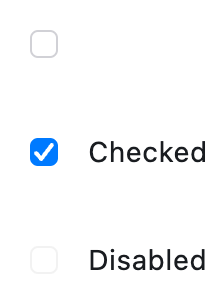](https://docs.flet.dev/test-images/examples/cupertino/golden/macos/cupertino_checkbox/image_for_docs.png)
Basic CupertinoCheckboxes
Inherits: `[LayoutControl](https://docs.flet.dev/controls/layoutcontrol/#flet.LayoutControl) `
Properties
* **`[active_color](https://docs.flet.dev/controls/cupertinocheckbox/#flet.CupertinoCheckbox.active_color) `**(`[ColorValue](https://docs.flet.dev/types/aliases/#flet.ColorValue) | None`) –
The color used to fill checkbox when it is checked/selected.
* **`[autofocus](https://docs.flet.dev/controls/cupertinocheckbox/#flet.CupertinoCheckbox.autofocus) `**(`[bool](https://docs.python.org/3/library/functions.html#bool) `) –
Whether this checkbox will be selected as the initial focus. If there is more than one control on a page with autofocus set, then the first one added to the page will get focus.
* **`[border_side](https://docs.flet.dev/controls/cupertinocheckbox/#flet.CupertinoCheckbox.border_side) `**(`[ControlStateValue](https://docs.flet.dev/types/aliases/#flet.ControlStateValue) [[BorderSide](https://docs.flet.dev/types/borderside/#flet.BorderSide) ] | None`) –
Defines the checkbox's border sides in all or specific [`ControlState`](https://docs.flet.dev/types/controlstate/#flet.ControlState)
states.
* **`[check_color](https://docs.flet.dev/controls/cupertinocheckbox/#flet.CupertinoCheckbox.check_color) `**(`[ColorValue](https://docs.flet.dev/types/aliases/#flet.ColorValue) | None`) –
The color to use for the check icon when this checkbox is checked.
* **`[fill_color](https://docs.flet.dev/controls/cupertinocheckbox/#flet.CupertinoCheckbox.fill_color) `**(`[ControlStateValue](https://docs.flet.dev/types/aliases/#flet.ControlStateValue) [[ColorValue](https://docs.flet.dev/types/aliases/#flet.ColorValue) ] | None`) –
The color used to fill this checkbox in all or specific [`ControlState`](https://docs.flet.dev/types/controlstate/#flet.ControlState)
* **`[focus_color](https://docs.flet.dev/controls/cupertinocheckbox/#flet.CupertinoCheckbox.focus_color) `**(`[ColorValue](https://docs.flet.dev/types/aliases/#flet.ColorValue) | None`) –
The color used for this checkbox's border shadow when it has the input focus.
* **`[label](https://docs.flet.dev/controls/cupertinocheckbox/#flet.CupertinoCheckbox.label) `**(`[str](https://docs.python.org/3/library/stdtypes.html#str) | None`) –
A clickable label to display on the right of this checkbox.
* **`[label_position](https://docs.flet.dev/controls/cupertinocheckbox/#flet.CupertinoCheckbox.label_position) `**(`[LabelPosition](https://docs.flet.dev/types/labelposition/#flet.LabelPosition) `) –
Defines on which side of this checkbox the [`label`](https://docs.flet.dev/controls/cupertinocheckbox/#flet.CupertinoCheckbox.label)
should be shown.
* **`[mouse_cursor](https://docs.flet.dev/controls/cupertinocheckbox/#flet.CupertinoCheckbox.mouse_cursor) `**(`[MouseCursor](https://docs.flet.dev/types/mousecursor/#flet.MouseCursor) | None`) –
The cursor for a mouse pointer entering or hovering over this checkbox.
* **`[semantics_label](https://docs.flet.dev/controls/cupertinocheckbox/#flet.CupertinoCheckbox.semantics_label) `**(`[str](https://docs.python.org/3/library/stdtypes.html#str) | None`) –
The semantic label for this checkbox that will be announced by screen readers.
* **`[shape](https://docs.flet.dev/controls/cupertinocheckbox/#flet.CupertinoCheckbox.shape) `**(`[OutlinedBorder](https://docs.flet.dev/types/outlinedborder/#flet.OutlinedBorder) | None`) –
The shape of this checkbox.
* **`[spacing](https://docs.flet.dev/controls/cupertinocheckbox/#flet.CupertinoCheckbox.spacing) `**(`[Number](https://docs.flet.dev/types/aliases/#flet.Number) | None`) –
The space between this checkbox and the [`label`](https://docs.flet.dev/controls/cupertinocheckbox/#flet.CupertinoCheckbox.label)
.
* **`[tristate](https://docs.flet.dev/controls/cupertinocheckbox/#flet.CupertinoCheckbox.tristate) `**(`[bool](https://docs.python.org/3/library/functions.html#bool) `) –
If `True`, this checkbox's [`value`](https://docs.flet.dev/controls/cupertinocheckbox/#flet.CupertinoCheckbox.value)
can be `True`, `False`, or `None`.
* **`[value](https://docs.flet.dev/controls/cupertinocheckbox/#flet.CupertinoCheckbox.value) `**(`[bool](https://docs.python.org/3/library/functions.html#bool) | None`) –
The value of this checkbox.
Events
* **`[on_blur](https://docs.flet.dev/controls/cupertinocheckbox/#flet.CupertinoCheckbox.on_blur) `**(`[ControlEventHandler](https://docs.flet.dev/types/aliases/#flet.ControlEventHandler) [[CupertinoCheckbox](https://docs.flet.dev/controls/cupertinocheckbox/#flet.CupertinoCheckbox) ] | None`) –
Called when this checkbox has lost focus.
* **`[on_change](https://docs.flet.dev/controls/cupertinocheckbox/#flet.CupertinoCheckbox.on_change) `**(`[ControlEventHandler](https://docs.flet.dev/types/aliases/#flet.ControlEventHandler) [[CupertinoCheckbox](https://docs.flet.dev/controls/cupertinocheckbox/#flet.CupertinoCheckbox) ] | None`) –
Called when the state of this checkbox is changed.
* **`[on_focus](https://docs.flet.dev/controls/cupertinocheckbox/#flet.CupertinoCheckbox.on_focus) `**(`[ControlEventHandler](https://docs.flet.dev/types/aliases/#flet.ControlEventHandler) [[CupertinoCheckbox](https://docs.flet.dev/controls/cupertinocheckbox/#flet.CupertinoCheckbox) ] | None`) –
Called when this checkbox has received focus.
Examples[#](https://docs.flet.dev/controls/cupertinocheckbox/#examples "Permanent link")
-----------------------------------------------------------------------------------------
[Live example](https://flet-controls-gallery.fly.dev/input/cupertinocheckbox)
### Cupertino, Material and Adaptive Checkboxes[#](https://docs.flet.dev/controls/cupertinocheckbox/#cupertino-material-and-adaptive-checkboxes "Permanent link")
`[](https://docs.flet.dev/controls/cupertinocheckbox/#__codelineno-0-1) import flet as ft [](https://docs.flet.dev/controls/cupertinocheckbox/#__codelineno-0-2) [](https://docs.flet.dev/controls/cupertinocheckbox/#__codelineno-0-3)[](https://docs.flet.dev/controls/cupertinocheckbox/#__codelineno-0-4) def main(page: ft.Page): [](https://docs.flet.dev/controls/cupertinocheckbox/#__codelineno-0-5) page.add( [](https://docs.flet.dev/controls/cupertinocheckbox/#__codelineno-0-6) ft.CupertinoCheckbox(label="Cupertino Checkbox", value=True), [](https://docs.flet.dev/controls/cupertinocheckbox/#__codelineno-0-7) ft.Checkbox(label="Material Checkbox", value=True), [](https://docs.flet.dev/controls/cupertinocheckbox/#__codelineno-0-8) ft.Container(height=20), [](https://docs.flet.dev/controls/cupertinocheckbox/#__codelineno-0-9) ft.Text( [](https://docs.flet.dev/controls/cupertinocheckbox/#__codelineno-0-10) value="Adaptive Checkbox shows as CupertinoCheckbox on macOS and iOS and as Checkbox on other platforms:" [](https://docs.flet.dev/controls/cupertinocheckbox/#__codelineno-0-11) ), [](https://docs.flet.dev/controls/cupertinocheckbox/#__codelineno-0-12) ft.Checkbox(adaptive=True, label="Adaptive Checkbox", value=True), [](https://docs.flet.dev/controls/cupertinocheckbox/#__codelineno-0-13) ) [](https://docs.flet.dev/controls/cupertinocheckbox/#__codelineno-0-14) [](https://docs.flet.dev/controls/cupertinocheckbox/#__codelineno-0-15)[](https://docs.flet.dev/controls/cupertinocheckbox/#__codelineno-0-16) ft.run(main)`
[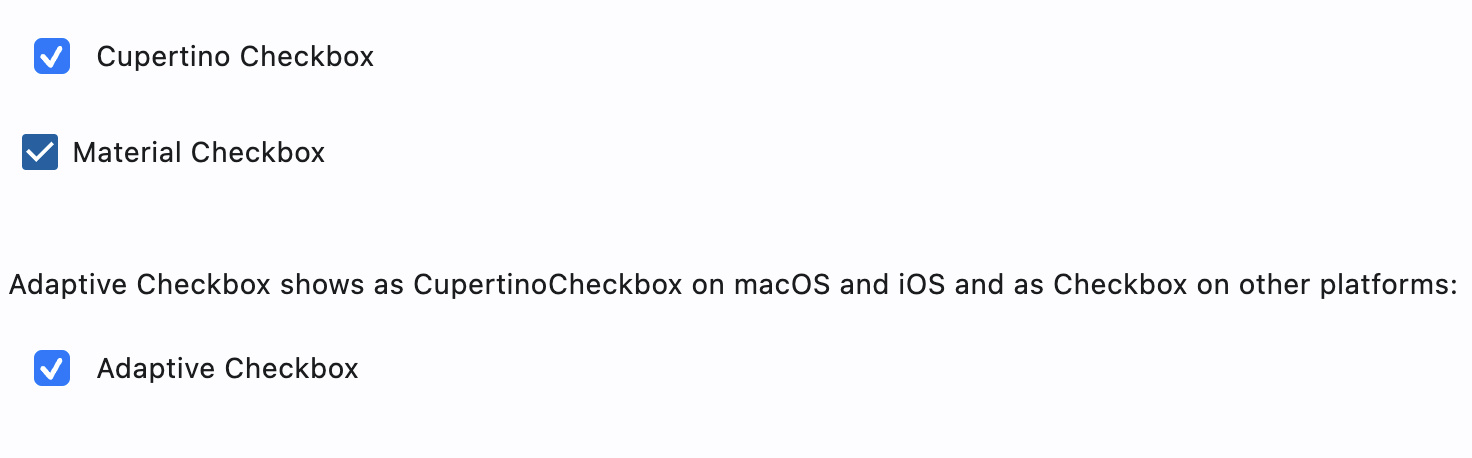](https://docs.flet.dev/examples/controls/cupertino_checkbox/media/cupertino_material_and_adaptive.png)
### Styled checkboxes[#](https://docs.flet.dev/controls/cupertinocheckbox/#styled-checkboxes "Permanent link")
`[](https://docs.flet.dev/controls/cupertinocheckbox/#__codelineno-1-1) import flet as ft [](https://docs.flet.dev/controls/cupertinocheckbox/#__codelineno-1-2) [](https://docs.flet.dev/controls/cupertinocheckbox/#__codelineno-1-3)[](https://docs.flet.dev/controls/cupertinocheckbox/#__codelineno-1-4) def main(page: ft.Page): [](https://docs.flet.dev/controls/cupertinocheckbox/#__codelineno-1-5) page.theme_mode = ft.ThemeMode.LIGHT [](https://docs.flet.dev/controls/cupertinocheckbox/#__codelineno-1-6) [](https://docs.flet.dev/controls/cupertinocheckbox/#__codelineno-1-7) page.add( [](https://docs.flet.dev/controls/cupertinocheckbox/#__codelineno-1-8) ft.Column( [](https://docs.flet.dev/controls/cupertinocheckbox/#__codelineno-1-9) controls=[ [](https://docs.flet.dev/controls/cupertinocheckbox/#__codelineno-1-10) ft.CupertinoCheckbox( [](https://docs.flet.dev/controls/cupertinocheckbox/#__codelineno-1-11) label="Cupertino Checkbox tristate", [](https://docs.flet.dev/controls/cupertinocheckbox/#__codelineno-1-12) value=True, [](https://docs.flet.dev/controls/cupertinocheckbox/#__codelineno-1-13) tristate=True, [](https://docs.flet.dev/controls/cupertinocheckbox/#__codelineno-1-14) check_color=ft.Colors.GREY_900, [](https://docs.flet.dev/controls/cupertinocheckbox/#__codelineno-1-15) fill_color={ [](https://docs.flet.dev/controls/cupertinocheckbox/#__codelineno-1-16) ft.ControlState.HOVERED: ft.Colors.PINK_200, [](https://docs.flet.dev/controls/cupertinocheckbox/#__codelineno-1-17) ft.ControlState.PRESSED: ft.Colors.LIME_ACCENT_200, [](https://docs.flet.dev/controls/cupertinocheckbox/#__codelineno-1-18) ft.ControlState.SELECTED: ft.Colors.DEEP_ORANGE_200, [](https://docs.flet.dev/controls/cupertinocheckbox/#__codelineno-1-19) ft.ControlState.DEFAULT: ft.Colors.TEAL_200, [](https://docs.flet.dev/controls/cupertinocheckbox/#__codelineno-1-20) }, [](https://docs.flet.dev/controls/cupertinocheckbox/#__codelineno-1-21) ), [](https://docs.flet.dev/controls/cupertinocheckbox/#__codelineno-1-22) ft.CupertinoCheckbox( [](https://docs.flet.dev/controls/cupertinocheckbox/#__codelineno-1-23) label="Cupertino Checkbox circle border", [](https://docs.flet.dev/controls/cupertinocheckbox/#__codelineno-1-24) value=True, [](https://docs.flet.dev/controls/cupertinocheckbox/#__codelineno-1-25) shape=ft.CircleBorder(), [](https://docs.flet.dev/controls/cupertinocheckbox/#__codelineno-1-26) # scale=ft.Scale(2, alignment=ft.Alignment(-1, 0)), [](https://docs.flet.dev/controls/cupertinocheckbox/#__codelineno-1-27) ), [](https://docs.flet.dev/controls/cupertinocheckbox/#__codelineno-1-28) ft.CupertinoCheckbox( [](https://docs.flet.dev/controls/cupertinocheckbox/#__codelineno-1-29) label="Cupertino Checkbox border states", [](https://docs.flet.dev/controls/cupertinocheckbox/#__codelineno-1-30) value=True, [](https://docs.flet.dev/controls/cupertinocheckbox/#__codelineno-1-31) # v1 bug - border_side renders grey box [](https://docs.flet.dev/controls/cupertinocheckbox/#__codelineno-1-32) # border_side={ [](https://docs.flet.dev/controls/cupertinocheckbox/#__codelineno-1-33) # ft.ControlState.HOVERED: ft.BorderSide(width=5), [](https://docs.flet.dev/controls/cupertinocheckbox/#__codelineno-1-34) # ft.ControlState.DEFAULT: ft.BorderSide(width=3), [](https://docs.flet.dev/controls/cupertinocheckbox/#__codelineno-1-35) # ft.ControlState.FOCUSED: ft.BorderSide(), [](https://docs.flet.dev/controls/cupertinocheckbox/#__codelineno-1-36) # }, [](https://docs.flet.dev/controls/cupertinocheckbox/#__codelineno-1-37) # scale=ft.Scale(2, alignment=ft.Alignment(-0.9, 0)), [](https://docs.flet.dev/controls/cupertinocheckbox/#__codelineno-1-38) ), [](https://docs.flet.dev/controls/cupertinocheckbox/#__codelineno-1-39) ft.CupertinoCheckbox( [](https://docs.flet.dev/controls/cupertinocheckbox/#__codelineno-1-40) label="Cupertino Checkbox label position", [](https://docs.flet.dev/controls/cupertinocheckbox/#__codelineno-1-41) value=True, [](https://docs.flet.dev/controls/cupertinocheckbox/#__codelineno-1-42) label_position=ft.LabelPosition.LEFT, [](https://docs.flet.dev/controls/cupertinocheckbox/#__codelineno-1-43) ), [](https://docs.flet.dev/controls/cupertinocheckbox/#__codelineno-1-44) ] [](https://docs.flet.dev/controls/cupertinocheckbox/#__codelineno-1-45) ) [](https://docs.flet.dev/controls/cupertinocheckbox/#__codelineno-1-46) ) [](https://docs.flet.dev/controls/cupertinocheckbox/#__codelineno-1-47) [](https://docs.flet.dev/controls/cupertinocheckbox/#__codelineno-1-48)[](https://docs.flet.dev/controls/cupertinocheckbox/#__codelineno-1-49) ft.run(main)`
Properties[#](https://docs.flet.dev/controls/cupertinocheckbox/#flet.CupertinoCheckbox-properties "Permanent link")
--------------------------------------------------------------------------------------------------------------------
### active\_color `class-attribute` `instance-attribute` [#](https://docs.flet.dev/controls/cupertinocheckbox/#flet.CupertinoCheckbox.active_color "Permanent link")
`[](https://docs.flet.dev/controls/cupertinocheckbox/#__codelineno-0-1) active_color: [ColorValue](https://docs.flet.dev/types/aliases/#flet.ColorValue) | None = [ACTIVE_BLUE](https://docs.flet.dev/types/cupertinocolors/#flet.CupertinoColors.ACTIVE_BLUE)`
The color used to fill checkbox when it is checked/selected.
If [`fill_color`](https://docs.flet.dev/controls/cupertinocheckbox/#flet.CupertinoCheckbox.fill_color)
returns a non-null color in the [`ControlState.SELECTED`](https://docs.flet.dev/types/controlstate/#flet.ControlState.SELECTED)
state, it will be used instead of this color.
### autofocus `class-attribute` `instance-attribute` [#](https://docs.flet.dev/controls/cupertinocheckbox/#flet.CupertinoCheckbox.autofocus "Permanent link")
`[](https://docs.flet.dev/controls/cupertinocheckbox/#__codelineno-0-1) autofocus: [bool](https://docs.python.org/3/library/functions.html#bool) = False`
Whether this checkbox will be selected as the initial focus. If there is more than one control on a page with autofocus set, then the first one added to the page will get focus.
### border\_side `class-attribute` `instance-attribute` [#](https://docs.flet.dev/controls/cupertinocheckbox/#flet.CupertinoCheckbox.border_side "Permanent link")
`[](https://docs.flet.dev/controls/cupertinocheckbox/#__codelineno-0-1) border_side: [ControlStateValue](https://docs.flet.dev/types/aliases/#flet.ControlStateValue) [[BorderSide](https://docs.flet.dev/types/borderside/#flet.BorderSide) ] | None = None`
Defines the checkbox's border sides in all or specific [`ControlState`](https://docs.flet.dev/types/controlstate/#flet.ControlState)
states.
Note
Supported states: [`ControlState.SELECTED`](https://docs.flet.dev/types/controlstate/#flet.ControlState.SELECTED)
, [`ControlState.HOVERED`](https://docs.flet.dev/types/controlstate/#flet.ControlState.HOVERED)
, [`ControlState.DISABLED`](https://docs.flet.dev/types/controlstate/#flet.ControlState.DISABLED)
, [`ControlState.FOCUSED`](https://docs.flet.dev/types/controlstate/#flet.ControlState.FOCUSED)
, [`ControlState.PRESSED`](https://docs.flet.dev/types/controlstate/#flet.ControlState.PRESSED)
, [`ControlState.ERROR`](https://docs.flet.dev/types/controlstate/#flet.ControlState.ERROR)
, and [`ControlState.DEFAULT`](https://docs.flet.dev/types/controlstate/#flet.ControlState.DEFAULT)
.
### check\_color `class-attribute` `instance-attribute` [#](https://docs.flet.dev/controls/cupertinocheckbox/#flet.CupertinoCheckbox.check_color "Permanent link")
`[](https://docs.flet.dev/controls/cupertinocheckbox/#__codelineno-0-1) check_color: [ColorValue](https://docs.flet.dev/types/aliases/#flet.ColorValue) | None = None`
The color to use for the check icon when this checkbox is checked.
### fill\_color `class-attribute` `instance-attribute` [#](https://docs.flet.dev/controls/cupertinocheckbox/#flet.CupertinoCheckbox.fill_color "Permanent link")
`[](https://docs.flet.dev/controls/cupertinocheckbox/#__codelineno-0-1) fill_color: [ControlStateValue](https://docs.flet.dev/types/aliases/#flet.ControlStateValue) [[ColorValue](https://docs.flet.dev/types/aliases/#flet.ColorValue) ] | None = None`
The color used to fill this checkbox in all or specific [`ControlState`](https://docs.flet.dev/types/controlstate/#flet.ControlState)
states.
[`active_color`](https://docs.flet.dev/controls/cupertinocheckbox/#flet.CupertinoCheckbox.active_color)
is used as fallback color when the checkbox is in the [`SELECTED`](https://docs.flet.dev/types/controlstate/#flet.ControlState.SELECTED)
state, [`CupertinoColors.WHITE`](https://docs.flet.dev/types/cupertinocolors/#flet.CupertinoColors.WHITE)
at `50%` opacity is used as fallback color when this checkbox is in the [`DISABLED`](https://docs.flet.dev/types/controlstate/#flet.ControlState.DISABLED)
state, and [`CupertinoColors.WHITE`](https://docs.flet.dev/types/cupertinocolors/#flet.CupertinoColors.WHITE)
otherwise.
Note
Supported states: [`ControlState.SELECTED`](https://docs.flet.dev/types/controlstate/#flet.ControlState.SELECTED)
, [`ControlState.HOVERED`](https://docs.flet.dev/types/controlstate/#flet.ControlState.HOVERED)
, [`ControlState.DISABLED`](https://docs.flet.dev/types/controlstate/#flet.ControlState.DISABLED)
, [`ControlState.FOCUSED`](https://docs.flet.dev/types/controlstate/#flet.ControlState.FOCUSED)
, and [`ControlState.DEFAULT`](https://docs.flet.dev/types/controlstate/#flet.ControlState.DEFAULT)
.
### focus\_color `class-attribute` `instance-attribute` [#](https://docs.flet.dev/controls/cupertinocheckbox/#flet.CupertinoCheckbox.focus_color "Permanent link")
`[](https://docs.flet.dev/controls/cupertinocheckbox/#__codelineno-0-1) focus_color: [ColorValue](https://docs.flet.dev/types/aliases/#flet.ColorValue) | None = None`
The color used for this checkbox's border shadow when it has the input focus.
### label `class-attribute` `instance-attribute` [#](https://docs.flet.dev/controls/cupertinocheckbox/#flet.CupertinoCheckbox.label "Permanent link")
`[](https://docs.flet.dev/controls/cupertinocheckbox/#__codelineno-0-1) label: [str](https://docs.python.org/3/library/stdtypes.html#str) | None = None`
A clickable label to display on the right of this checkbox.
### label\_position `class-attribute` `instance-attribute` [#](https://docs.flet.dev/controls/cupertinocheckbox/#flet.CupertinoCheckbox.label_position "Permanent link")
`[](https://docs.flet.dev/controls/cupertinocheckbox/#__codelineno-0-1) label_position: [LabelPosition](https://docs.flet.dev/types/labelposition/#flet.LabelPosition) = [RIGHT](https://docs.flet.dev/types/labelposition/#flet.LabelPosition.RIGHT)`
Defines on which side of this checkbox the [`label`](https://docs.flet.dev/controls/cupertinocheckbox/#flet.CupertinoCheckbox.label)
should be shown.
### mouse\_cursor `class-attribute` `instance-attribute` [#](https://docs.flet.dev/controls/cupertinocheckbox/#flet.CupertinoCheckbox.mouse_cursor "Permanent link")
`[](https://docs.flet.dev/controls/cupertinocheckbox/#__codelineno-0-1) mouse_cursor: [MouseCursor](https://docs.flet.dev/types/mousecursor/#flet.MouseCursor) | None = None`
The cursor for a mouse pointer entering or hovering over this checkbox.
### semantics\_label `class-attribute` `instance-attribute` [#](https://docs.flet.dev/controls/cupertinocheckbox/#flet.CupertinoCheckbox.semantics_label "Permanent link")
`[](https://docs.flet.dev/controls/cupertinocheckbox/#__codelineno-0-1) semantics_label: [str](https://docs.python.org/3/library/stdtypes.html#str) | None = None`
The semantic label for this checkbox that will be announced by screen readers.
This is announced by assistive technologies (e.g TalkBack/VoiceOver) and not shown on the UI.
### shape `class-attribute` `instance-attribute` [#](https://docs.flet.dev/controls/cupertinocheckbox/#flet.CupertinoCheckbox.shape "Permanent link")
`[](https://docs.flet.dev/controls/cupertinocheckbox/#__codelineno-0-1) shape: [OutlinedBorder](https://docs.flet.dev/types/outlinedborder/#flet.OutlinedBorder) | None = None`
The shape of this checkbox.
Internally defaults to `RoundedRectangleBorder(radius=4)`.
### spacing `class-attribute` `instance-attribute` [#](https://docs.flet.dev/controls/cupertinocheckbox/#flet.CupertinoCheckbox.spacing "Permanent link")
`[](https://docs.flet.dev/controls/cupertinocheckbox/#__codelineno-0-1) spacing: [Number](https://docs.flet.dev/types/aliases/#flet.Number) | None = 10`
The space between this checkbox and the [`label`](https://docs.flet.dev/controls/cupertinocheckbox/#flet.CupertinoCheckbox.label)
.
### tristate `class-attribute` `instance-attribute` [#](https://docs.flet.dev/controls/cupertinocheckbox/#flet.CupertinoCheckbox.tristate "Permanent link")
`[](https://docs.flet.dev/controls/cupertinocheckbox/#__codelineno-0-1) tristate: [bool](https://docs.python.org/3/library/functions.html#bool) = False`
If `True`, this checkbox's [`value`](https://docs.flet.dev/controls/cupertinocheckbox/#flet.CupertinoCheckbox.value)
can be `True`, `False`, or `None`.
### value `class-attribute` `instance-attribute` [#](https://docs.flet.dev/controls/cupertinocheckbox/#flet.CupertinoCheckbox.value "Permanent link")
`[](https://docs.flet.dev/controls/cupertinocheckbox/#__codelineno-0-1) value: [bool](https://docs.python.org/3/library/functions.html#bool) | None = False`
The value of this checkbox.
* If `True`, this checkbox is checked.
* If `False`, this checkbox is unchecked.
* If `None` and [`tristate`](https://docs.flet.dev/controls/cupertinocheckbox/#flet.CupertinoCheckbox.tristate)
is `True`, this checkbox is indeterminate (displayed as a dash).
Events[#](https://docs.flet.dev/controls/cupertinocheckbox/#flet.CupertinoCheckbox-events "Permanent link")
------------------------------------------------------------------------------------------------------------
### on\_blur `class-attribute` `instance-attribute` [#](https://docs.flet.dev/controls/cupertinocheckbox/#flet.CupertinoCheckbox.on_blur "Permanent link")
`[](https://docs.flet.dev/controls/cupertinocheckbox/#__codelineno-0-1) on_blur: [ControlEventHandler](https://docs.flet.dev/types/aliases/#flet.ControlEventHandler) [[CupertinoCheckbox](https://docs.flet.dev/controls/cupertinocheckbox/#flet.CupertinoCheckbox) ] | None = ( [](https://docs.flet.dev/controls/cupertinocheckbox/#__codelineno-0-2) None [](https://docs.flet.dev/controls/cupertinocheckbox/#__codelineno-0-3) )`
Called when this checkbox has lost focus.
### on\_change `class-attribute` `instance-attribute` [#](https://docs.flet.dev/controls/cupertinocheckbox/#flet.CupertinoCheckbox.on_change "Permanent link")
`[](https://docs.flet.dev/controls/cupertinocheckbox/#__codelineno-0-1) on_change: [ControlEventHandler](https://docs.flet.dev/types/aliases/#flet.ControlEventHandler) [[CupertinoCheckbox](https://docs.flet.dev/controls/cupertinocheckbox/#flet.CupertinoCheckbox) ] | None = ( [](https://docs.flet.dev/controls/cupertinocheckbox/#__codelineno-0-2) None [](https://docs.flet.dev/controls/cupertinocheckbox/#__codelineno-0-3) )`
Called when the state of this checkbox is changed.
### on\_focus `class-attribute` `instance-attribute` [#](https://docs.flet.dev/controls/cupertinocheckbox/#flet.CupertinoCheckbox.on_focus "Permanent link")
`[](https://docs.flet.dev/controls/cupertinocheckbox/#__codelineno-0-1) on_focus: [ControlEventHandler](https://docs.flet.dev/types/aliases/#flet.ControlEventHandler) [[CupertinoCheckbox](https://docs.flet.dev/controls/cupertinocheckbox/#flet.CupertinoCheckbox) ] | None = ( [](https://docs.flet.dev/controls/cupertinocheckbox/#__codelineno-0-2) None [](https://docs.flet.dev/controls/cupertinocheckbox/#__codelineno-0-3) )`
Called when this checkbox has received focus.
Back to top
---
# CupertinoButton - Flet
[Skip to content](https://docs.flet.dev/controls/cupertinobutton/#flet.CupertinoButton)
CupertinoButton
===============
An iOS-style button.
Example:
`[](https://docs.flet.dev/controls/cupertinobutton/#__codelineno-0-1) ft.CupertinoButton("Tap me")`
[](https://docs.flet.dev/test-images/examples/cupertino/golden/macos/cupertino_button/image_for_docs.png)
Basic CupertinoButton
Inherits: `[LayoutControl](https://docs.flet.dev/controls/layoutcontrol/#flet.LayoutControl) `
Properties
* **`[alignment](https://docs.flet.dev/controls/cupertinobutton/#flet.CupertinoButton.alignment) `**(`[Alignment](https://docs.flet.dev/types/alignment/#flet.Alignment) | None`) –
The alignment of this button's content.
* **`[autofocus](https://docs.flet.dev/controls/cupertinobutton/#flet.CupertinoButton.autofocus) `**(`[bool](https://docs.python.org/3/library/functions.html#bool) `) –
Whether this button should be selected as the initial focus when no other node in its scope is currently focused.
* **`[bgcolor](https://docs.flet.dev/controls/cupertinobutton/#flet.CupertinoButton.bgcolor) `**(`[ColorValue](https://docs.flet.dev/types/aliases/#flet.ColorValue) | None`) –
The background color of this button.
* **`[border_radius](https://docs.flet.dev/controls/cupertinobutton/#flet.CupertinoButton.border_radius) `**(`[BorderRadiusValue](https://docs.flet.dev/types/aliases/#flet.BorderRadiusValue) `) –
The radius of the button's corners when it has a background color.
* **`[color](https://docs.flet.dev/controls/cupertinobutton/#flet.CupertinoButton.color) `**(`[ColorValue](https://docs.flet.dev/types/aliases/#flet.ColorValue) | None`) –
The color of this button's text.
* **`[content](https://docs.flet.dev/controls/cupertinobutton/#flet.CupertinoButton.content) `**(`[StrOrControl](https://docs.flet.dev/types/aliases/#flet.StrOrControl) | None`) –
The content of this button.
* **`[disabled_bgcolor](https://docs.flet.dev/controls/cupertinobutton/#flet.CupertinoButton.disabled_bgcolor) `**(`[ColorValue](https://docs.flet.dev/types/aliases/#flet.ColorValue) | None`) –
The background color of this button when disabled.
* **`[focus_color](https://docs.flet.dev/controls/cupertinobutton/#flet.CupertinoButton.focus_color) `**(`[ColorValue](https://docs.flet.dev/types/aliases/#flet.ColorValue) | None`) –
The color to use for the focus highlight for keyboard interactions.
* **`[icon](https://docs.flet.dev/controls/cupertinobutton/#flet.CupertinoButton.icon) `**(`[IconDataOrControl](https://docs.flet.dev/types/aliases/#flet.IconDataOrControl) | None`) –
An icon shown in this button.
* **`[icon_color](https://docs.flet.dev/controls/cupertinobutton/#flet.CupertinoButton.icon_color) `**(`[ColorValue](https://docs.flet.dev/types/aliases/#flet.ColorValue) | None`) –
The foreground color of the [`icon`](https://docs.flet.dev/controls/cupertinobutton/#flet.CupertinoButton.icon)
.
* **`[min_size](https://docs.flet.dev/controls/cupertinobutton/#flet.CupertinoButton.min_size) `**(`[Size](https://docs.flet.dev/types/size/#flet.Size) | None`) –
The minimum size of this button.
* **`[mouse_cursor](https://docs.flet.dev/controls/cupertinobutton/#flet.CupertinoButton.mouse_cursor) `**(`[MouseCursor](https://docs.flet.dev/types/mousecursor/#flet.MouseCursor) | None`) –
The cursor for a mouse pointer when it enters or is hovering over this button.
* **`[opacity_on_click](https://docs.flet.dev/controls/cupertinobutton/#flet.CupertinoButton.opacity_on_click) `**(`[Number](https://docs.flet.dev/types/aliases/#flet.Number) `) –
Defines the opacity of the button when it is clicked.
* **`[padding](https://docs.flet.dev/controls/cupertinobutton/#flet.CupertinoButton.padding) `**(`[PaddingValue](https://docs.flet.dev/types/aliases/#flet.PaddingValue) | None`) –
The amount of space to surround the `content` control inside the bounds of the button.
* **`[size](https://docs.flet.dev/controls/cupertinobutton/#flet.CupertinoButton.size) `**(`[CupertinoButtonSize](https://docs.flet.dev/types/cupertinobuttonsize/#flet.CupertinoButtonSize) `) –
The size of this button.
* **`[url](https://docs.flet.dev/controls/cupertinobutton/#flet.CupertinoButton.url) `**(`[str](https://docs.python.org/3/library/stdtypes.html#str) | [Url](https://docs.flet.dev/types/url/#flet.Url) | None`) –
The URL to open when this button is clicked.
Events
* **`[on_blur](https://docs.flet.dev/controls/cupertinobutton/#flet.CupertinoButton.on_blur) `**(`[ControlEventHandler](https://docs.flet.dev/types/aliases/#flet.ControlEventHandler) [[CupertinoButton](https://docs.flet.dev/controls/cupertinobutton/#flet.CupertinoButton) ] | None`) –
Called when this button loses focus.
* **`[on_click](https://docs.flet.dev/controls/cupertinobutton/#flet.CupertinoButton.on_click) `**(`[ControlEventHandler](https://docs.flet.dev/types/aliases/#flet.ControlEventHandler) [[CupertinoButton](https://docs.flet.dev/controls/cupertinobutton/#flet.CupertinoButton) ] | None`) –
Called when a user clicks this button.
* **`[on_focus](https://docs.flet.dev/controls/cupertinobutton/#flet.CupertinoButton.on_focus) `**(`[ControlEventHandler](https://docs.flet.dev/types/aliases/#flet.ControlEventHandler) [[CupertinoButton](https://docs.flet.dev/controls/cupertinobutton/#flet.CupertinoButton) ] | None`) –
Called when this button receives focus.
* **`[on_long_press](https://docs.flet.dev/controls/cupertinobutton/#flet.CupertinoButton.on_long_press) `**(`[ControlEventHandler](https://docs.flet.dev/types/aliases/#flet.ControlEventHandler) [[CupertinoButton](https://docs.flet.dev/controls/cupertinobutton/#flet.CupertinoButton) ] | None`) –
Called when a user long-presses this button.
Methods
* **`[focus](https://docs.flet.dev/controls/cupertinobutton/#flet.CupertinoButton.focus) `** –
Requests focus for this control.
Examples[#](https://docs.flet.dev/controls/cupertinobutton/#examples "Permanent link")
---------------------------------------------------------------------------------------
[Live example](https://flet-controls-gallery.fly.dev/buttons/cupertinobutton)
### Basic Example[#](https://docs.flet.dev/controls/cupertinobutton/#basic-example "Permanent link")
`[](https://docs.flet.dev/controls/cupertinobutton/#__codelineno-0-1) import flet as ft [](https://docs.flet.dev/controls/cupertinobutton/#__codelineno-0-2) [](https://docs.flet.dev/controls/cupertinobutton/#__codelineno-0-3)[](https://docs.flet.dev/controls/cupertinobutton/#__codelineno-0-4) def main(page: ft.Page): [](https://docs.flet.dev/controls/cupertinobutton/#__codelineno-0-5) page.add( [](https://docs.flet.dev/controls/cupertinobutton/#__codelineno-0-6) ft.CupertinoButton( [](https://docs.flet.dev/controls/cupertinobutton/#__codelineno-0-7) bgcolor=ft.CupertinoColors.LIGHT_BACKGROUND_GRAY, [](https://docs.flet.dev/controls/cupertinobutton/#__codelineno-0-8) opacity_on_click=0.3, [](https://docs.flet.dev/controls/cupertinobutton/#__codelineno-0-9) on_click=lambda e: print("Normal CupertinoButton clicked!"), [](https://docs.flet.dev/controls/cupertinobutton/#__codelineno-0-10) content=ft.Text( [](https://docs.flet.dev/controls/cupertinobutton/#__codelineno-0-11) value="Normal CupertinoButton", [](https://docs.flet.dev/controls/cupertinobutton/#__codelineno-0-12) color=ft.CupertinoColors.DESTRUCTIVE_RED, [](https://docs.flet.dev/controls/cupertinobutton/#__codelineno-0-13) ), [](https://docs.flet.dev/controls/cupertinobutton/#__codelineno-0-14) ), [](https://docs.flet.dev/controls/cupertinobutton/#__codelineno-0-15) ft.CupertinoButton( [](https://docs.flet.dev/controls/cupertinobutton/#__codelineno-0-16) bgcolor=ft.Colors.PRIMARY, [](https://docs.flet.dev/controls/cupertinobutton/#__codelineno-0-17) alignment=ft.Alignment.TOP_LEFT, [](https://docs.flet.dev/controls/cupertinobutton/#__codelineno-0-18) border_radius=ft.BorderRadius.all(15), [](https://docs.flet.dev/controls/cupertinobutton/#__codelineno-0-19) opacity_on_click=0.5, [](https://docs.flet.dev/controls/cupertinobutton/#__codelineno-0-20) on_click=lambda e: print("Filled CupertinoButton clicked!"), [](https://docs.flet.dev/controls/cupertinobutton/#__codelineno-0-21) content=ft.Text("Filled CupertinoButton", color=ft.Colors.YELLOW), [](https://docs.flet.dev/controls/cupertinobutton/#__codelineno-0-22) ), [](https://docs.flet.dev/controls/cupertinobutton/#__codelineno-0-23) ft.CupertinoButton( [](https://docs.flet.dev/controls/cupertinobutton/#__codelineno-0-24) bgcolor=ft.Colors.PRIMARY, [](https://docs.flet.dev/controls/cupertinobutton/#__codelineno-0-25) disabled=True, [](https://docs.flet.dev/controls/cupertinobutton/#__codelineno-0-26) alignment=ft.Alignment.TOP_LEFT, [](https://docs.flet.dev/controls/cupertinobutton/#__codelineno-0-27) opacity_on_click=0.5, [](https://docs.flet.dev/controls/cupertinobutton/#__codelineno-0-28) content=ft.Text("Disabled CupertinoButton"), [](https://docs.flet.dev/controls/cupertinobutton/#__codelineno-0-29) ), [](https://docs.flet.dev/controls/cupertinobutton/#__codelineno-0-30) ft.Button( [](https://docs.flet.dev/controls/cupertinobutton/#__codelineno-0-31) adaptive=True, [](https://docs.flet.dev/controls/cupertinobutton/#__codelineno-0-32) bgcolor=ft.CupertinoColors.SYSTEM_TEAL, [](https://docs.flet.dev/controls/cupertinobutton/#__codelineno-0-33) content=ft.Row( [](https://docs.flet.dev/controls/cupertinobutton/#__codelineno-0-34) tight=True, [](https://docs.flet.dev/controls/cupertinobutton/#__codelineno-0-35) controls=[ [](https://docs.flet.dev/controls/cupertinobutton/#__codelineno-0-36) ft.Icon(ft.Icons.FAVORITE, color="pink"), [](https://docs.flet.dev/controls/cupertinobutton/#__codelineno-0-37) ft.Text("Button+adaptive"), [](https://docs.flet.dev/controls/cupertinobutton/#__codelineno-0-38) ], [](https://docs.flet.dev/controls/cupertinobutton/#__codelineno-0-39) ), [](https://docs.flet.dev/controls/cupertinobutton/#__codelineno-0-40) ), [](https://docs.flet.dev/controls/cupertinobutton/#__codelineno-0-41) ) [](https://docs.flet.dev/controls/cupertinobutton/#__codelineno-0-42) [](https://docs.flet.dev/controls/cupertinobutton/#__codelineno-0-43)[](https://docs.flet.dev/controls/cupertinobutton/#__codelineno-0-44) ft.run(main)`
[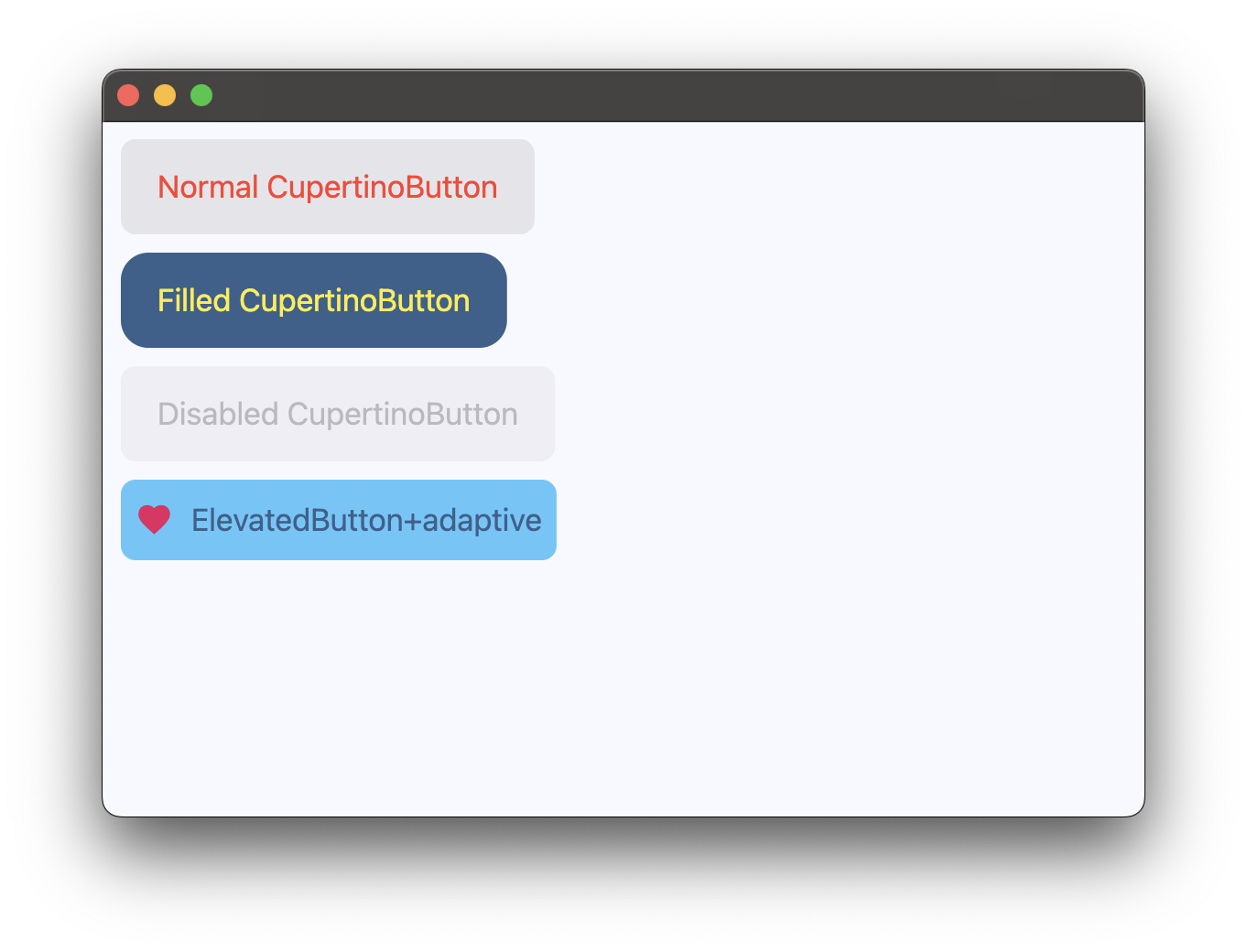](https://docs.flet.dev/examples/controls/cupertino_button/media/basic.png)
Properties[#](https://docs.flet.dev/controls/cupertinobutton/#flet.CupertinoButton-properties "Permanent link")
----------------------------------------------------------------------------------------------------------------
### alignment `class-attribute` `instance-attribute` [#](https://docs.flet.dev/controls/cupertinobutton/#flet.CupertinoButton.alignment "Permanent link")
`[](https://docs.flet.dev/controls/cupertinobutton/#__codelineno-0-1) alignment: [Alignment](https://docs.flet.dev/types/alignment/#flet.Alignment) | None = [field](https://docs.python.org/3/library/dataclasses.html#dataclasses.field "dataclasses.field") ( [](https://docs.flet.dev/controls/cupertinobutton/#__codelineno-0-2) default_factory=lambda: [CENTER](https://docs.flet.dev/types/alignment/#flet.Alignment.CENTER) [](https://docs.flet.dev/controls/cupertinobutton/#__codelineno-0-3) )`
The alignment of this button's content.
Typically buttons are sized to be just big enough to contain the child and its padding. If the button's size is constrained to a fixed size, this property defines how the child is aligned within the available space.
### autofocus `class-attribute` `instance-attribute` [#](https://docs.flet.dev/controls/cupertinobutton/#flet.CupertinoButton.autofocus "Permanent link")
`[](https://docs.flet.dev/controls/cupertinobutton/#__codelineno-0-1) autofocus: [bool](https://docs.python.org/3/library/functions.html#bool) = False`
Whether this button should be selected as the initial focus when no other node in its scope is currently focused.
### bgcolor `class-attribute` `instance-attribute` [#](https://docs.flet.dev/controls/cupertinobutton/#flet.CupertinoButton.bgcolor "Permanent link")
`[](https://docs.flet.dev/controls/cupertinobutton/#__codelineno-0-1) bgcolor: [ColorValue](https://docs.flet.dev/types/aliases/#flet.ColorValue) | None = None`
The background color of this button.
### border\_radius `class-attribute` `instance-attribute` [#](https://docs.flet.dev/controls/cupertinobutton/#flet.CupertinoButton.border_radius "Permanent link")
`[](https://docs.flet.dev/controls/cupertinobutton/#__codelineno-0-1) border_radius: [BorderRadiusValue](https://docs.flet.dev/types/aliases/#flet.BorderRadiusValue) = [field](https://docs.python.org/3/library/dataclasses.html#dataclasses.field "dataclasses.field") ( [](https://docs.flet.dev/controls/cupertinobutton/#__codelineno-0-2) default_factory=lambda: [all](https://docs.flet.dev/types/borderradius/#flet.BorderRadius.all) (8.0) [](https://docs.flet.dev/controls/cupertinobutton/#__codelineno-0-3) )`
The radius of the button's corners when it has a background color.
### color `class-attribute` `instance-attribute` [#](https://docs.flet.dev/controls/cupertinobutton/#flet.CupertinoButton.color "Permanent link")
`[](https://docs.flet.dev/controls/cupertinobutton/#__codelineno-0-1) color: [ColorValue](https://docs.flet.dev/types/aliases/#flet.ColorValue) | None = None`
The color of this button's text.
### content `class-attribute` `instance-attribute` [#](https://docs.flet.dev/controls/cupertinobutton/#flet.CupertinoButton.content "Permanent link")
`[](https://docs.flet.dev/controls/cupertinobutton/#__codelineno-0-1) content: [StrOrControl](https://docs.flet.dev/types/aliases/#flet.StrOrControl) | None = None`
The content of this button.
### disabled\_bgcolor `class-attribute` `instance-attribute` [#](https://docs.flet.dev/controls/cupertinobutton/#flet.CupertinoButton.disabled_bgcolor "Permanent link")
`[](https://docs.flet.dev/controls/cupertinobutton/#__codelineno-0-1) disabled_bgcolor: [ColorValue](https://docs.flet.dev/types/aliases/#flet.ColorValue) | None = None`
The background color of this button when disabled.
### focus\_color `class-attribute` `instance-attribute` [#](https://docs.flet.dev/controls/cupertinobutton/#flet.CupertinoButton.focus_color "Permanent link")
`[](https://docs.flet.dev/controls/cupertinobutton/#__codelineno-0-1) focus_color: [ColorValue](https://docs.flet.dev/types/aliases/#flet.ColorValue) | None = None`
The color to use for the focus highlight for keyboard interactions.
Defaults to a slightly transparent [`bgcolor`](https://docs.flet.dev/controls/cupertinobutton/#flet.CupertinoButton.bgcolor)
. If `bgcolor` is `None`, defaults to a slightly transparent [`CupertinoColors.ACTIVE_BLUE`](https://docs.flet.dev/types/cupertinocolors/#flet.CupertinoColors.ACTIVE_BLUE)
. 'Slightly transparent' in this context means the color is used with an opacity of `0.80`, a brightness of `0.69` and a saturation of `0.835`.
### icon `class-attribute` `instance-attribute` [#](https://docs.flet.dev/controls/cupertinobutton/#flet.CupertinoButton.icon "Permanent link")
`[](https://docs.flet.dev/controls/cupertinobutton/#__codelineno-0-1) icon: [IconDataOrControl](https://docs.flet.dev/types/aliases/#flet.IconDataOrControl) | None = None`
An icon shown in this button.
### icon\_color `class-attribute` `instance-attribute` [#](https://docs.flet.dev/controls/cupertinobutton/#flet.CupertinoButton.icon_color "Permanent link")
`[](https://docs.flet.dev/controls/cupertinobutton/#__codelineno-0-1) icon_color: [ColorValue](https://docs.flet.dev/types/aliases/#flet.ColorValue) | None = None`
The foreground color of the [`icon`](https://docs.flet.dev/controls/cupertinobutton/#flet.CupertinoButton.icon)
.
### min\_size `class-attribute` `instance-attribute` [#](https://docs.flet.dev/controls/cupertinobutton/#flet.CupertinoButton.min_size "Permanent link")
`[](https://docs.flet.dev/controls/cupertinobutton/#__codelineno-0-1) min_size: [Size](https://docs.flet.dev/types/size/#flet.Size) | None = None`
The minimum size of this button.
### mouse\_cursor `class-attribute` `instance-attribute` [#](https://docs.flet.dev/controls/cupertinobutton/#flet.CupertinoButton.mouse_cursor "Permanent link")
`[](https://docs.flet.dev/controls/cupertinobutton/#__codelineno-0-1) mouse_cursor: [MouseCursor](https://docs.flet.dev/types/mousecursor/#flet.MouseCursor) | None = None`
The cursor for a mouse pointer when it enters or is hovering over this button.
### opacity\_on\_click `class-attribute` `instance-attribute` [#](https://docs.flet.dev/controls/cupertinobutton/#flet.CupertinoButton.opacity_on_click "Permanent link")
`[](https://docs.flet.dev/controls/cupertinobutton/#__codelineno-0-1) opacity_on_click: [Number](https://docs.flet.dev/types/aliases/#flet.Number) = 0.4`
Defines the opacity of the button when it is clicked.
When not pressed, the button has an opacity of `1.0`.
Raises:
* `[ValueError](https://docs.python.org/3/library/exceptions.html#ValueError) ` –
If it is not between `0.0` and `1.0`, inclusive.
### padding `class-attribute` `instance-attribute` [#](https://docs.flet.dev/controls/cupertinobutton/#flet.CupertinoButton.padding "Permanent link")
`[](https://docs.flet.dev/controls/cupertinobutton/#__codelineno-0-1) padding: [PaddingValue](https://docs.flet.dev/types/aliases/#flet.PaddingValue) | None = None`
The amount of space to surround the `content` control inside the bounds of the button.
### size `class-attribute` `instance-attribute` [#](https://docs.flet.dev/controls/cupertinobutton/#flet.CupertinoButton.size "Permanent link")
`[](https://docs.flet.dev/controls/cupertinobutton/#__codelineno-0-1) size: [CupertinoButtonSize](https://docs.flet.dev/types/cupertinobuttonsize/#flet.CupertinoButtonSize) = [LARGE](https://docs.flet.dev/types/cupertinobuttonsize/#flet.CupertinoButtonSize.LARGE)`
The size of this button.
### url `class-attribute` `instance-attribute` [#](https://docs.flet.dev/controls/cupertinobutton/#flet.CupertinoButton.url "Permanent link")
`[](https://docs.flet.dev/controls/cupertinobutton/#__codelineno-0-1) url: [str](https://docs.python.org/3/library/stdtypes.html#str) | [Url](https://docs.flet.dev/types/url/#flet.Url) | None = None`
The URL to open when this button is clicked.
Additionally, if [`on_click`](https://docs.flet.dev/controls/cupertinobutton/#flet.CupertinoButton.on_click)
event callback is provided, it is fired after that.
Events[#](https://docs.flet.dev/controls/cupertinobutton/#flet.CupertinoButton-events "Permanent link")
--------------------------------------------------------------------------------------------------------
### on\_blur `class-attribute` `instance-attribute` [#](https://docs.flet.dev/controls/cupertinobutton/#flet.CupertinoButton.on_blur "Permanent link")
`[](https://docs.flet.dev/controls/cupertinobutton/#__codelineno-0-1) on_blur: [ControlEventHandler](https://docs.flet.dev/types/aliases/#flet.ControlEventHandler) [[CupertinoButton](https://docs.flet.dev/controls/cupertinobutton/#flet.CupertinoButton) ] | None = None`
Called when this button loses focus.
### on\_click `class-attribute` `instance-attribute` [#](https://docs.flet.dev/controls/cupertinobutton/#flet.CupertinoButton.on_click "Permanent link")
`[](https://docs.flet.dev/controls/cupertinobutton/#__codelineno-0-1) on_click: [ControlEventHandler](https://docs.flet.dev/types/aliases/#flet.ControlEventHandler) [[CupertinoButton](https://docs.flet.dev/controls/cupertinobutton/#flet.CupertinoButton) ] | None = None`
Called when a user clicks this button.
### on\_focus `class-attribute` `instance-attribute` [#](https://docs.flet.dev/controls/cupertinobutton/#flet.CupertinoButton.on_focus "Permanent link")
`[](https://docs.flet.dev/controls/cupertinobutton/#__codelineno-0-1) on_focus: [ControlEventHandler](https://docs.flet.dev/types/aliases/#flet.ControlEventHandler) [[CupertinoButton](https://docs.flet.dev/controls/cupertinobutton/#flet.CupertinoButton) ] | None = None`
Called when this button receives focus.
### on\_long\_press `class-attribute` `instance-attribute` [#](https://docs.flet.dev/controls/cupertinobutton/#flet.CupertinoButton.on_long_press "Permanent link")
`[](https://docs.flet.dev/controls/cupertinobutton/#__codelineno-0-1) on_long_press: ( [](https://docs.flet.dev/controls/cupertinobutton/#__codelineno-0-2) [ControlEventHandler](https://docs.flet.dev/types/aliases/#flet.ControlEventHandler) [[CupertinoButton](https://docs.flet.dev/controls/cupertinobutton/#flet.CupertinoButton) ] | None [](https://docs.flet.dev/controls/cupertinobutton/#__codelineno-0-3) ) = None`
Called when a user long-presses this button.
Methods[#](https://docs.flet.dev/controls/cupertinobutton/#flet.CupertinoButton-methods "Permanent link")
----------------------------------------------------------------------------------------------------------
### focus `async` [#](https://docs.flet.dev/controls/cupertinobutton/#flet.CupertinoButton.focus "Permanent link")
`[](https://docs.flet.dev/controls/cupertinobutton/#__codelineno-0-1) focus()`
Requests focus for this control.
Back to top
---
# ContextMenu - Flet
[Skip to content](https://docs.flet.dev/controls/contextmenu/#flet.ContextMenu)
ContextMenu
===========
Wraps its [`content`](https://docs.flet.dev/controls/contextmenu/#flet.ContextMenu.content)
and displays contextual menus for specific mouse events.
Tip
On web, call [`disable()`](https://docs.flet.dev/services/browsercontextmenu/#flet.BrowserContextMenu.disable)
method of [`Page.browser_context_menu`](https://docs.flet.dev/controls/page/#flet.Page.browser_context_menu)
to suppress the default browser context menu before relying on custom menus.
[](https://docs.flet.dev/test-images/examples/material/golden/macos/context_menu/image_for_docs.png)
Basic ContextMenu
Inherits: `[LayoutControl](https://docs.flet.dev/controls/layoutcontrol/#flet.LayoutControl) `
Properties
* **`[content](https://docs.flet.dev/controls/contextmenu/#flet.ContextMenu.content) `**(`[Control](https://docs.flet.dev/controls/control/#flet.Control) `) –
The child control that listens for mouse interaction.
* **`[items](https://docs.flet.dev/controls/contextmenu/#flet.ContextMenu.items) `**(`[list](https://docs.python.org/3/glossary.html#term-list) [[PopupMenuItem](https://docs.flet.dev/controls/popupmenubutton/#flet.PopupMenuItem) ]`) –
A list of menu items to display in the context menu, when [`open()`](https://docs.flet.dev/controls/contextmenu/#flet.ContextMenu.open)
is called.
* **`[primary_items](https://docs.flet.dev/controls/contextmenu/#flet.ContextMenu.primary_items) `**(`[list](https://docs.python.org/3/glossary.html#term-list) [[PopupMenuItem](https://docs.flet.dev/controls/popupmenubutton/#flet.PopupMenuItem) ]`) –
A list of menu items to display in the context menu, for primary (usually left) mouse button actions.
* **`[primary_trigger](https://docs.flet.dev/controls/contextmenu/#flet.ContextMenu.primary_trigger) `**(`[ContextMenuTrigger](https://docs.flet.dev/types/contextmenutrigger/#flet.ContextMenuTrigger) | None`) –
Defines a trigger mode for the display of [`primary_items`](https://docs.flet.dev/controls/contextmenu/#flet.ContextMenu.primary_items)
.
* **`[secondary_items](https://docs.flet.dev/controls/contextmenu/#flet.ContextMenu.secondary_items) `**(`[list](https://docs.python.org/3/glossary.html#term-list) [[PopupMenuItem](https://docs.flet.dev/controls/popupmenubutton/#flet.PopupMenuItem) ]`) –
A list of menu items to display in the context menu for secondary (usually right) mouse button actions.
* **`[secondary_trigger](https://docs.flet.dev/controls/contextmenu/#flet.ContextMenu.secondary_trigger) `**(`[ContextMenuTrigger](https://docs.flet.dev/types/contextmenutrigger/#flet.ContextMenuTrigger) | None`) –
Defines a trigger mode for the display of [`secondary_items`](https://docs.flet.dev/controls/contextmenu/#flet.ContextMenu.secondary_items)
.
* **`[tertiary_items](https://docs.flet.dev/controls/contextmenu/#flet.ContextMenu.tertiary_items) `**(`[list](https://docs.python.org/3/glossary.html#term-list) [[PopupMenuItem](https://docs.flet.dev/controls/popupmenubutton/#flet.PopupMenuItem) ]`) –
A list of menu items to display in the context menu for tertiary (usually middle) mouse button actions.
* **`[tertiary_trigger](https://docs.flet.dev/controls/contextmenu/#flet.ContextMenu.tertiary_trigger) `**(`[ContextMenuTrigger](https://docs.flet.dev/types/contextmenutrigger/#flet.ContextMenuTrigger) | None`) –
Defines a trigger mode for the display of [`tertiary_items`](https://docs.flet.dev/controls/contextmenu/#flet.ContextMenu.tertiary_items)
.
Events
* **`[on_dismiss](https://docs.flet.dev/controls/contextmenu/#flet.ContextMenu.on_dismiss) `**(`[EventHandler](https://docs.flet.dev/types/aliases/#flet.EventHandler) [[ContextMenuDismissEvent](https://docs.flet.dev/types/contextmenudismissevent/#flet.ContextMenuDismissEvent) ] | None`) –
Fires when the menu is dismissed without a selection, or when an attempt is made to open the menu but no items are available.
* **`[on_select](https://docs.flet.dev/controls/contextmenu/#flet.ContextMenu.on_select) `**(`[EventHandler](https://docs.flet.dev/types/aliases/#flet.EventHandler) [[ContextMenuSelectEvent](https://docs.flet.dev/types/contextmenuselectevent/#flet.ContextMenuSelectEvent) ] | None`) –
Fires when a context menu item is selected.
Methods
* **`[open](https://docs.flet.dev/controls/contextmenu/#flet.ContextMenu.open) `** –
Opens the context menu programmatically, and displays [`items`](https://docs.flet.dev/controls/contextmenu/#flet.ContextMenu.items)
.
Examples[#](https://docs.flet.dev/controls/contextmenu/#examples "Permanent link")
-----------------------------------------------------------------------------------
### Triggers[#](https://docs.flet.dev/controls/contextmenu/#triggers "Permanent link")
`[](https://docs.flet.dev/controls/contextmenu/#__codelineno-0-1) import flet as ft [](https://docs.flet.dev/controls/contextmenu/#__codelineno-0-2) [](https://docs.flet.dev/controls/contextmenu/#__codelineno-0-3)[](https://docs.flet.dev/controls/contextmenu/#__codelineno-0-4) async def main(page: ft.Page): [](https://docs.flet.dev/controls/contextmenu/#__codelineno-0-5) # on web, disable default browser context menu [](https://docs.flet.dev/controls/contextmenu/#__codelineno-0-6) if page.web: [](https://docs.flet.dev/controls/contextmenu/#__codelineno-0-7) await page.browser_context_menu.disable() [](https://docs.flet.dev/controls/contextmenu/#__codelineno-0-8) [](https://docs.flet.dev/controls/contextmenu/#__codelineno-0-9) def handle_item_click(e: ft.Event[ft.PopupMenuItem]): [](https://docs.flet.dev/controls/contextmenu/#__codelineno-0-10) action = e.control.content [](https://docs.flet.dev/controls/contextmenu/#__codelineno-0-11) page.show_dialog(ft.SnackBar(content=f"Item '{action}' selected.")) [](https://docs.flet.dev/controls/contextmenu/#__codelineno-0-12) [](https://docs.flet.dev/controls/contextmenu/#__codelineno-0-13) page.add( [](https://docs.flet.dev/controls/contextmenu/#__codelineno-0-14) ft.ContextMenu( [](https://docs.flet.dev/controls/contextmenu/#__codelineno-0-15) primary_items=[ [](https://docs.flet.dev/controls/contextmenu/#__codelineno-0-16) ft.PopupMenuItem(content="Primary 1", on_click=handle_item_click), [](https://docs.flet.dev/controls/contextmenu/#__codelineno-0-17) ft.PopupMenuItem(content="Primary 2", on_click=handle_item_click), [](https://docs.flet.dev/controls/contextmenu/#__codelineno-0-18) ], [](https://docs.flet.dev/controls/contextmenu/#__codelineno-0-19) primary_trigger=ft.ContextMenuTrigger.DOWN, [](https://docs.flet.dev/controls/contextmenu/#__codelineno-0-20) secondary_items=[ [](https://docs.flet.dev/controls/contextmenu/#__codelineno-0-21) ft.PopupMenuItem(content="Secondary 1", on_click=handle_item_click), [](https://docs.flet.dev/controls/contextmenu/#__codelineno-0-22) ft.PopupMenuItem(content="Secondary 2", on_click=handle_item_click), [](https://docs.flet.dev/controls/contextmenu/#__codelineno-0-23) ], [](https://docs.flet.dev/controls/contextmenu/#__codelineno-0-24) secondary_trigger=ft.ContextMenuTrigger.DOWN, [](https://docs.flet.dev/controls/contextmenu/#__codelineno-0-25) tertiary_items=[ [](https://docs.flet.dev/controls/contextmenu/#__codelineno-0-26) ft.PopupMenuItem(content="Tertiary 1", on_click=handle_item_click), [](https://docs.flet.dev/controls/contextmenu/#__codelineno-0-27) ft.PopupMenuItem(content="Tertiary 2", on_click=handle_item_click), [](https://docs.flet.dev/controls/contextmenu/#__codelineno-0-28) ], [](https://docs.flet.dev/controls/contextmenu/#__codelineno-0-29) tertiary_trigger=ft.ContextMenuTrigger.DOWN, [](https://docs.flet.dev/controls/contextmenu/#__codelineno-0-30) on_select=lambda e: print(f"Selected item: {e.item.content}"), [](https://docs.flet.dev/controls/contextmenu/#__codelineno-0-31) on_dismiss=lambda e: print("Menu dismissed"), [](https://docs.flet.dev/controls/contextmenu/#__codelineno-0-32) expand=True, [](https://docs.flet.dev/controls/contextmenu/#__codelineno-0-33) content=ft.Container( [](https://docs.flet.dev/controls/contextmenu/#__codelineno-0-34) expand=True, [](https://docs.flet.dev/controls/contextmenu/#__codelineno-0-35) bgcolor=ft.Colors.BLUE, [](https://docs.flet.dev/controls/contextmenu/#__codelineno-0-36) alignment=ft.Alignment.CENTER, [](https://docs.flet.dev/controls/contextmenu/#__codelineno-0-37) border_radius=ft.BorderRadius.all(12), [](https://docs.flet.dev/controls/contextmenu/#__codelineno-0-38) content=ft.Text("Left/middle/right click to open a context menu."), [](https://docs.flet.dev/controls/contextmenu/#__codelineno-0-39) ), [](https://docs.flet.dev/controls/contextmenu/#__codelineno-0-40) ), [](https://docs.flet.dev/controls/contextmenu/#__codelineno-0-41) ) [](https://docs.flet.dev/controls/contextmenu/#__codelineno-0-42) [](https://docs.flet.dev/controls/contextmenu/#__codelineno-0-43)[](https://docs.flet.dev/controls/contextmenu/#__codelineno-0-44) if __name__ == "__main__": [](https://docs.flet.dev/controls/contextmenu/#__codelineno-0-45) ft.run(main)`
Programmatic open[#](https://docs.flet.dev/controls/contextmenu/#programmatic-open "Permanent link")
-----------------------------------------------------------------------------------------------------
`[](https://docs.flet.dev/controls/contextmenu/#__codelineno-1-1) import flet as ft [](https://docs.flet.dev/controls/contextmenu/#__codelineno-1-2) [](https://docs.flet.dev/controls/contextmenu/#__codelineno-1-3)[](https://docs.flet.dev/controls/contextmenu/#__codelineno-1-4) def main(page: ft.Page): [](https://docs.flet.dev/controls/contextmenu/#__codelineno-1-5) page.horizontal_alignment = ft.CrossAxisAlignment.CENTER [](https://docs.flet.dev/controls/contextmenu/#__codelineno-1-6) page.vertical_alignment = ft.MainAxisAlignment.CENTER [](https://docs.flet.dev/controls/contextmenu/#__codelineno-1-7) [](https://docs.flet.dev/controls/contextmenu/#__codelineno-1-8) def handle_select(e: ft.ContextMenuSelectEvent): [](https://docs.flet.dev/controls/contextmenu/#__codelineno-1-9) action = e.item.content [](https://docs.flet.dev/controls/contextmenu/#__codelineno-1-10) page.show_dialog(ft.SnackBar(f"Item '{action}' selected.")) [](https://docs.flet.dev/controls/contextmenu/#__codelineno-1-11) [](https://docs.flet.dev/controls/contextmenu/#__codelineno-1-12) async def open_menu(e: ft.Event[ft.Button]): [](https://docs.flet.dev/controls/contextmenu/#__codelineno-1-13) await menu.open() [](https://docs.flet.dev/controls/contextmenu/#__codelineno-1-14) [](https://docs.flet.dev/controls/contextmenu/#__codelineno-1-15) page.add( [](https://docs.flet.dev/controls/contextmenu/#__codelineno-1-16) menu := ft.ContextMenu( [](https://docs.flet.dev/controls/contextmenu/#__codelineno-1-17) on_select=handle_select, [](https://docs.flet.dev/controls/contextmenu/#__codelineno-1-18) content=ft.Button("Click to open menu", on_click=open_menu), [](https://docs.flet.dev/controls/contextmenu/#__codelineno-1-19) items=[ [](https://docs.flet.dev/controls/contextmenu/#__codelineno-1-20) ft.PopupMenuItem( [](https://docs.flet.dev/controls/contextmenu/#__codelineno-1-21) content="Item 1", [](https://docs.flet.dev/controls/contextmenu/#__codelineno-1-22) on_click=lambda e: print(f"{e.control.content}"), [](https://docs.flet.dev/controls/contextmenu/#__codelineno-1-23) ), [](https://docs.flet.dev/controls/contextmenu/#__codelineno-1-24) ft.PopupMenuItem( [](https://docs.flet.dev/controls/contextmenu/#__codelineno-1-25) content="Item 2", [](https://docs.flet.dev/controls/contextmenu/#__codelineno-1-26) on_click=lambda e: print(f"{e.control.content}"), [](https://docs.flet.dev/controls/contextmenu/#__codelineno-1-27) ), [](https://docs.flet.dev/controls/contextmenu/#__codelineno-1-28) ft.PopupMenuItem( [](https://docs.flet.dev/controls/contextmenu/#__codelineno-1-29) content="Item 3", [](https://docs.flet.dev/controls/contextmenu/#__codelineno-1-30) on_click=lambda e: print(f"{e.control.content}"), [](https://docs.flet.dev/controls/contextmenu/#__codelineno-1-31) ), [](https://docs.flet.dev/controls/contextmenu/#__codelineno-1-32) ], [](https://docs.flet.dev/controls/contextmenu/#__codelineno-1-33) ), [](https://docs.flet.dev/controls/contextmenu/#__codelineno-1-34) ) [](https://docs.flet.dev/controls/contextmenu/#__codelineno-1-35) [](https://docs.flet.dev/controls/contextmenu/#__codelineno-1-36)[](https://docs.flet.dev/controls/contextmenu/#__codelineno-1-37) if __name__ == "__main__": [](https://docs.flet.dev/controls/contextmenu/#__codelineno-1-38) ft.run(main)`
[](https://docs.flet.dev/test-images/examples/material/golden/macos/context_menu/programmatic_open.png)
Programmatic open with custom trigger[#](https://docs.flet.dev/controls/contextmenu/#programmatic-open-with-custom-trigger "Permanent link")
---------------------------------------------------------------------------------------------------------------------------------------------
`[](https://docs.flet.dev/controls/contextmenu/#__codelineno-2-1) import flet as ft [](https://docs.flet.dev/controls/contextmenu/#__codelineno-2-2) [](https://docs.flet.dev/controls/contextmenu/#__codelineno-2-3)[](https://docs.flet.dev/controls/contextmenu/#__codelineno-2-4) def main(page: ft.Page): [](https://docs.flet.dev/controls/contextmenu/#__codelineno-2-5) async def open_menu(e: ft.TapEvent[ft.GestureDetector]): [](https://docs.flet.dev/controls/contextmenu/#__codelineno-2-6) await menu.open( [](https://docs.flet.dev/controls/contextmenu/#__codelineno-2-7) local_position=e.local_position, [](https://docs.flet.dev/controls/contextmenu/#__codelineno-2-8) global_position=e.global_position, [](https://docs.flet.dev/controls/contextmenu/#__codelineno-2-9) ) [](https://docs.flet.dev/controls/contextmenu/#__codelineno-2-10) [](https://docs.flet.dev/controls/contextmenu/#__codelineno-2-11) page.add( [](https://docs.flet.dev/controls/contextmenu/#__codelineno-2-12) menu := ft.ContextMenu( [](https://docs.flet.dev/controls/contextmenu/#__codelineno-2-13) expand=True, [](https://docs.flet.dev/controls/contextmenu/#__codelineno-2-14) items=[ [](https://docs.flet.dev/controls/contextmenu/#__codelineno-2-15) ft.PopupMenuItem( [](https://docs.flet.dev/controls/contextmenu/#__codelineno-2-16) content="Cut", [](https://docs.flet.dev/controls/contextmenu/#__codelineno-2-17) on_click=lambda e: print(f"{e.control.content}"), [](https://docs.flet.dev/controls/contextmenu/#__codelineno-2-18) ), [](https://docs.flet.dev/controls/contextmenu/#__codelineno-2-19) ft.PopupMenuItem( [](https://docs.flet.dev/controls/contextmenu/#__codelineno-2-20) content="Copy", [](https://docs.flet.dev/controls/contextmenu/#__codelineno-2-21) on_click=lambda e: print(f"{e.control.content}"), [](https://docs.flet.dev/controls/contextmenu/#__codelineno-2-22) ), [](https://docs.flet.dev/controls/contextmenu/#__codelineno-2-23) ft.PopupMenuItem( [](https://docs.flet.dev/controls/contextmenu/#__codelineno-2-24) content="Paste", [](https://docs.flet.dev/controls/contextmenu/#__codelineno-2-25) on_click=lambda e: print(f"{e.control.content}"), [](https://docs.flet.dev/controls/contextmenu/#__codelineno-2-26) ), [](https://docs.flet.dev/controls/contextmenu/#__codelineno-2-27) ], [](https://docs.flet.dev/controls/contextmenu/#__codelineno-2-28) content=ft.GestureDetector( [](https://docs.flet.dev/controls/contextmenu/#__codelineno-2-29) expand=True, [](https://docs.flet.dev/controls/contextmenu/#__codelineno-2-30) on_double_tap_down=open_menu, [](https://docs.flet.dev/controls/contextmenu/#__codelineno-2-31) content=ft.Container( [](https://docs.flet.dev/controls/contextmenu/#__codelineno-2-32) content=ft.Text("Double-click to open the context menu."), [](https://docs.flet.dev/controls/contextmenu/#__codelineno-2-33) bgcolor=ft.Colors.BLUE, [](https://docs.flet.dev/controls/contextmenu/#__codelineno-2-34) alignment=ft.Alignment.CENTER, [](https://docs.flet.dev/controls/contextmenu/#__codelineno-2-35) ), [](https://docs.flet.dev/controls/contextmenu/#__codelineno-2-36) ), [](https://docs.flet.dev/controls/contextmenu/#__codelineno-2-37) ), [](https://docs.flet.dev/controls/contextmenu/#__codelineno-2-38) ) [](https://docs.flet.dev/controls/contextmenu/#__codelineno-2-39) [](https://docs.flet.dev/controls/contextmenu/#__codelineno-2-40)[](https://docs.flet.dev/controls/contextmenu/#__codelineno-2-41) if __name__ == "__main__": [](https://docs.flet.dev/controls/contextmenu/#__codelineno-2-42) ft.run(main)`
Properties[#](https://docs.flet.dev/controls/contextmenu/#flet.ContextMenu-properties "Permanent link")
--------------------------------------------------------------------------------------------------------
### content `instance-attribute` [#](https://docs.flet.dev/controls/contextmenu/#flet.ContextMenu.content "Permanent link")
`[](https://docs.flet.dev/controls/contextmenu/#__codelineno-0-1) content: [Control](https://docs.flet.dev/controls/control/#flet.Control)`
The child control that listens for mouse interaction.
Raises:
* `[ValueError](https://docs.python.org/3/library/exceptions.html#ValueError) ` –
If not visible.
### items `class-attribute` `instance-attribute` [#](https://docs.flet.dev/controls/contextmenu/#flet.ContextMenu.items "Permanent link")
`[](https://docs.flet.dev/controls/contextmenu/#__codelineno-0-1) items: [list](https://docs.python.org/3/glossary.html#term-list) [[PopupMenuItem](https://docs.flet.dev/controls/popupmenubutton/#flet.PopupMenuItem) ] = [field](https://docs.python.org/3/library/dataclasses.html#dataclasses.field "dataclasses.field") (default_factory=[list](https://docs.python.org/3/glossary.html#term-list) )`
A list of menu items to display in the context menu, when [`open()`](https://docs.flet.dev/controls/contextmenu/#flet.ContextMenu.open)
is called.
### primary\_items `class-attribute` `instance-attribute` [#](https://docs.flet.dev/controls/contextmenu/#flet.ContextMenu.primary_items "Permanent link")
`[](https://docs.flet.dev/controls/contextmenu/#__codelineno-0-1) primary_items: [list](https://docs.python.org/3/glossary.html#term-list) [[PopupMenuItem](https://docs.flet.dev/controls/popupmenubutton/#flet.PopupMenuItem) ] = [field](https://docs.python.org/3/library/dataclasses.html#dataclasses.field "dataclasses.field") ( [](https://docs.flet.dev/controls/contextmenu/#__codelineno-0-2) default_factory=[list](https://docs.python.org/3/glossary.html#term-list) [](https://docs.flet.dev/controls/contextmenu/#__codelineno-0-3) )`
A list of menu items to display in the context menu, for primary (usually left) mouse button actions.
These items are displayed when the corresponding [`primary_trigger`](https://docs.flet.dev/controls/contextmenu/#flet.ContextMenu.primary_trigger)
is activated.
### primary\_trigger `class-attribute` `instance-attribute` [#](https://docs.flet.dev/controls/contextmenu/#flet.ContextMenu.primary_trigger "Permanent link")
`[](https://docs.flet.dev/controls/contextmenu/#__codelineno-0-1) primary_trigger: [ContextMenuTrigger](https://docs.flet.dev/types/contextmenutrigger/#flet.ContextMenuTrigger) | None = None`
Defines a trigger mode for the display of [`primary_items`](https://docs.flet.dev/controls/contextmenu/#flet.ContextMenu.primary_items)
.
If set to `None`, the trigger is disabled.
### secondary\_items `class-attribute` `instance-attribute` [#](https://docs.flet.dev/controls/contextmenu/#flet.ContextMenu.secondary_items "Permanent link")
`[](https://docs.flet.dev/controls/contextmenu/#__codelineno-0-1) secondary_items: [list](https://docs.python.org/3/glossary.html#term-list) [[PopupMenuItem](https://docs.flet.dev/controls/popupmenubutton/#flet.PopupMenuItem) ] = [field](https://docs.python.org/3/library/dataclasses.html#dataclasses.field "dataclasses.field") ( [](https://docs.flet.dev/controls/contextmenu/#__codelineno-0-2) default_factory=[list](https://docs.python.org/3/glossary.html#term-list) [](https://docs.flet.dev/controls/contextmenu/#__codelineno-0-3) )`
A list of menu items to display in the context menu for secondary (usually right) mouse button actions.
These items are displayed when the corresponding [`secondary_trigger`](https://docs.flet.dev/controls/contextmenu/#flet.ContextMenu.secondary_trigger)
is activated.
### secondary\_trigger `class-attribute` `instance-attribute` [#](https://docs.flet.dev/controls/contextmenu/#flet.ContextMenu.secondary_trigger "Permanent link")
`[](https://docs.flet.dev/controls/contextmenu/#__codelineno-0-1) secondary_trigger: [ContextMenuTrigger](https://docs.flet.dev/types/contextmenutrigger/#flet.ContextMenuTrigger) | None = [DOWN](https://docs.flet.dev/types/contextmenutrigger/#flet.ContextMenuTrigger.DOWN)`
Defines a trigger mode for the display of [`secondary_items`](https://docs.flet.dev/controls/contextmenu/#flet.ContextMenu.secondary_items)
.
If set to `None`, the trigger is disabled.
### tertiary\_items `class-attribute` `instance-attribute` [#](https://docs.flet.dev/controls/contextmenu/#flet.ContextMenu.tertiary_items "Permanent link")
`[](https://docs.flet.dev/controls/contextmenu/#__codelineno-0-1) tertiary_items: [list](https://docs.python.org/3/glossary.html#term-list) [[PopupMenuItem](https://docs.flet.dev/controls/popupmenubutton/#flet.PopupMenuItem) ] = [field](https://docs.python.org/3/library/dataclasses.html#dataclasses.field "dataclasses.field") ( [](https://docs.flet.dev/controls/contextmenu/#__codelineno-0-2) default_factory=[list](https://docs.python.org/3/glossary.html#term-list) [](https://docs.flet.dev/controls/contextmenu/#__codelineno-0-3) )`
A list of menu items to display in the context menu for tertiary (usually middle) mouse button actions.
These items are displayed when the corresponding [`tertiary_trigger`](https://docs.flet.dev/controls/contextmenu/#flet.ContextMenu.tertiary_trigger)
is activated.
### tertiary\_trigger `class-attribute` `instance-attribute` [#](https://docs.flet.dev/controls/contextmenu/#flet.ContextMenu.tertiary_trigger "Permanent link")
`[](https://docs.flet.dev/controls/contextmenu/#__codelineno-0-1) tertiary_trigger: [ContextMenuTrigger](https://docs.flet.dev/types/contextmenutrigger/#flet.ContextMenuTrigger) | None = [DOWN](https://docs.flet.dev/types/contextmenutrigger/#flet.ContextMenuTrigger.DOWN)`
Defines a trigger mode for the display of [`tertiary_items`](https://docs.flet.dev/controls/contextmenu/#flet.ContextMenu.tertiary_items)
.
If set to `None`, the trigger is disabled.
Events[#](https://docs.flet.dev/controls/contextmenu/#flet.ContextMenu-events "Permanent link")
------------------------------------------------------------------------------------------------
### on\_dismiss `class-attribute` `instance-attribute` [#](https://docs.flet.dev/controls/contextmenu/#flet.ContextMenu.on_dismiss "Permanent link")
`[](https://docs.flet.dev/controls/contextmenu/#__codelineno-0-1) on_dismiss: [EventHandler](https://docs.flet.dev/types/aliases/#flet.EventHandler) [[ContextMenuDismissEvent](https://docs.flet.dev/types/contextmenudismissevent/#flet.ContextMenuDismissEvent) ] | None = ( [](https://docs.flet.dev/controls/contextmenu/#__codelineno-0-2) None [](https://docs.flet.dev/controls/contextmenu/#__codelineno-0-3) )`
Fires when the menu is dismissed without a selection, or when an attempt is made to open the menu but no items are available.
### on\_select `class-attribute` `instance-attribute` [#](https://docs.flet.dev/controls/contextmenu/#flet.ContextMenu.on_select "Permanent link")
`[](https://docs.flet.dev/controls/contextmenu/#__codelineno-0-1) on_select: [EventHandler](https://docs.flet.dev/types/aliases/#flet.EventHandler) [[ContextMenuSelectEvent](https://docs.flet.dev/types/contextmenuselectevent/#flet.ContextMenuSelectEvent) ] | None = ( [](https://docs.flet.dev/controls/contextmenu/#__codelineno-0-2) None [](https://docs.flet.dev/controls/contextmenu/#__codelineno-0-3) )`
Fires when a context menu item is selected.
Methods[#](https://docs.flet.dev/controls/contextmenu/#flet.ContextMenu-methods "Permanent link")
--------------------------------------------------------------------------------------------------
### open `async` [#](https://docs.flet.dev/controls/contextmenu/#flet.ContextMenu.open "Permanent link")
`[](https://docs.flet.dev/controls/contextmenu/#__codelineno-0-1) open( [](https://docs.flet.dev/controls/contextmenu/#__codelineno-0-2) global_position: [OffsetValue](https://docs.flet.dev/types/aliases/#flet.OffsetValue) | None = None, [](https://docs.flet.dev/controls/contextmenu/#__codelineno-0-3) local_position: [OffsetValue](https://docs.flet.dev/types/aliases/#flet.OffsetValue) | None = None, [](https://docs.flet.dev/controls/contextmenu/#__codelineno-0-4) ) -> None`
Opens the context menu programmatically, and displays [`items`](https://docs.flet.dev/controls/contextmenu/#flet.ContextMenu.items)
.
Parameters:
* **`global_position`** (`[OffsetValue](https://docs.flet.dev/types/aliases/#flet.OffsetValue) | None`, default: `None` ) –
A global coordinate describing where the menu should appear. If omitted, `local_position` or the center of the [`content`](https://docs.flet.dev/controls/contextmenu/#flet.ContextMenu.content)
is used.
* **`local_position`** (`[OffsetValue](https://docs.flet.dev/types/aliases/#flet.OffsetValue) | None`, default: `None` ) –
A local coordinate relative to the [`content`](https://docs.flet.dev/controls/contextmenu/#flet.ContextMenu.content)
. When provided without `global_position`, the coordinate is translated to global space automatically.
Back to top
---
# ExpansionPanelList - Flet
[Skip to content](https://docs.flet.dev/controls/expansionpanellist/#flet.ExpansionPanelList)
ExpansionPanelList
==================
A material expansion panel list that lays out its children and animates expansions.
Example:
`[](https://docs.flet.dev/controls/expansionpanellist/#__codelineno-0-1) ft.ExpansionPanelList( [](https://docs.flet.dev/controls/expansionpanellist/#__codelineno-0-2) width=400, [](https://docs.flet.dev/controls/expansionpanellist/#__codelineno-0-3) controls=[ [](https://docs.flet.dev/controls/expansionpanellist/#__codelineno-0-4) ft.ExpansionPanel( [](https://docs.flet.dev/controls/expansionpanellist/#__codelineno-0-5) header=ft.Text("Details"), [](https://docs.flet.dev/controls/expansionpanellist/#__codelineno-0-6) content=ft.Text("More information here"), [](https://docs.flet.dev/controls/expansionpanellist/#__codelineno-0-7) expanded=True, [](https://docs.flet.dev/controls/expansionpanellist/#__codelineno-0-8) ), [](https://docs.flet.dev/controls/expansionpanellist/#__codelineno-0-9) ft.ExpansionPanel( [](https://docs.flet.dev/controls/expansionpanellist/#__codelineno-0-10) header=ft.Text("History"), [](https://docs.flet.dev/controls/expansionpanellist/#__codelineno-0-11) content=ft.Text("View previous updates"), [](https://docs.flet.dev/controls/expansionpanellist/#__codelineno-0-12) ), [](https://docs.flet.dev/controls/expansionpanellist/#__codelineno-0-13) ], [](https://docs.flet.dev/controls/expansionpanellist/#__codelineno-0-14) )`
[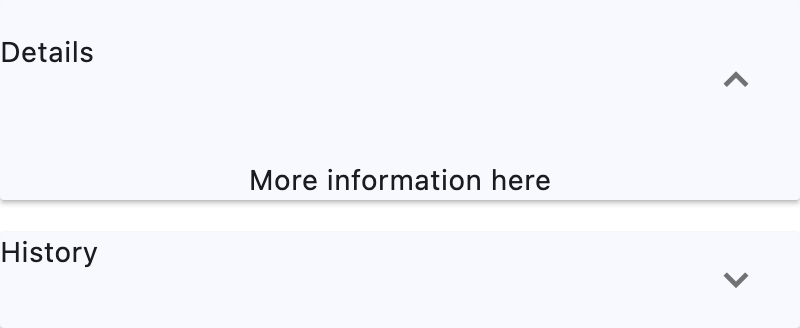](https://docs.flet.dev/test-images/examples/material/golden/macos/expansion_panel_list/image_for_docs.png)
Basic ExpansionPanelList
Inherits: `[LayoutControl](https://docs.flet.dev/controls/layoutcontrol/#flet.LayoutControl) `, `[ScrollableControl](https://docs.flet.dev/controls/scrollablecontrol/#flet.ScrollableControl) `
Properties
* **`[controls](https://docs.flet.dev/controls/expansionpanellist/#flet.ExpansionPanelList.controls) `**(`[list](https://docs.python.org/3/glossary.html#term-list) [[ExpansionPanel](https://docs.flet.dev/controls/expansionpanel/#flet.ExpansionPanel) ]`) –
A list of panels to display.
* **`[divider_color](https://docs.flet.dev/controls/expansionpanellist/#flet.ExpansionPanelList.divider_color) `**(`[ColorValue](https://docs.flet.dev/types/aliases/#flet.ColorValue) | None`) –
The color of the divider when [`ExpansionPanel.expanded`](https://docs.flet.dev/controls/expansionpanel/#flet.ExpansionPanel.expanded)
is `False`.
* **`[elevation](https://docs.flet.dev/controls/expansionpanellist/#flet.ExpansionPanelList.elevation) `**(`[Number](https://docs.flet.dev/types/aliases/#flet.Number) `) –
Defines the elevation of the [`controls`](https://docs.flet.dev/controls/expansionpanellist/#flet.ExpansionPanelList.controls)
, when expanded.
* **`[expand_icon_color](https://docs.flet.dev/controls/expansionpanellist/#flet.ExpansionPanelList.expand_icon_color) `**(`[ColorValue](https://docs.flet.dev/types/aliases/#flet.ColorValue) | None`) –
The color of the icon.
* **`[expanded_header_padding](https://docs.flet.dev/controls/expansionpanellist/#flet.ExpansionPanelList.expanded_header_padding) `**(`[PaddingValue](https://docs.flet.dev/types/aliases/#flet.PaddingValue) `) –
Defines the padding around the header when expanded.
* **`[spacing](https://docs.flet.dev/controls/expansionpanellist/#flet.ExpansionPanelList.spacing) `**(`[Number](https://docs.flet.dev/types/aliases/#flet.Number) | None`) –
The size of the gap between the [`controls`](https://docs.flet.dev/controls/expansionpanellist/#flet.ExpansionPanelList.controls)
s when expanded.
Events
* **`[on_change](https://docs.flet.dev/controls/expansionpanellist/#flet.ExpansionPanelList.on_change) `**(`[EventHandler](https://docs.flet.dev/types/aliases/#flet.EventHandler) [[ExpansionPanelListChangeEvent](https://docs.flet.dev/types/expansionpanellistchangeevent/#flet.ExpansionPanelListChangeEvent) ] | None`) –
Called when an item of [`controls`](https://docs.flet.dev/controls/expansionpanellist/#flet.ExpansionPanelList.controls)
is expanded or collapsed.
Examples[#](https://docs.flet.dev/controls/expansionpanellist/#examples "Permanent link")
------------------------------------------------------------------------------------------
[Live example](https://flet-controls-gallery.fly.dev/layout/expansionpanellist)
### Basic Example[#](https://docs.flet.dev/controls/expansionpanellist/#basic-example "Permanent link")
`[](https://docs.flet.dev/controls/expansionpanellist/#__codelineno-0-1) import flet as ft [](https://docs.flet.dev/controls/expansionpanellist/#__codelineno-0-2) [](https://docs.flet.dev/controls/expansionpanellist/#__codelineno-0-3)[](https://docs.flet.dev/controls/expansionpanellist/#__codelineno-0-4) def main(page: ft.Page): [](https://docs.flet.dev/controls/expansionpanellist/#__codelineno-0-5) page.theme_mode = ft.ThemeMode.LIGHT [](https://docs.flet.dev/controls/expansionpanellist/#__codelineno-0-6) [](https://docs.flet.dev/controls/expansionpanellist/#__codelineno-0-7) def handle_change(e: ft.Event[ft.ExpansionPanelList]): [](https://docs.flet.dev/controls/expansionpanellist/#__codelineno-0-8) print(f"change on panel with index {e.data}") [](https://docs.flet.dev/controls/expansionpanellist/#__codelineno-0-9) [](https://docs.flet.dev/controls/expansionpanellist/#__codelineno-0-10) def handle_delete(e: ft.Event[ft.IconButton]): [](https://docs.flet.dev/controls/expansionpanellist/#__codelineno-0-11) icon_button = e.control [](https://docs.flet.dev/controls/expansionpanellist/#__codelineno-0-12) tile = icon_button.parent [](https://docs.flet.dev/controls/expansionpanellist/#__codelineno-0-13) panel = tile.parent [](https://docs.flet.dev/controls/expansionpanellist/#__codelineno-0-14) [](https://docs.flet.dev/controls/expansionpanellist/#__codelineno-0-15) panel_list.controls.remove(panel) [](https://docs.flet.dev/controls/expansionpanellist/#__codelineno-0-16) page.update() [](https://docs.flet.dev/controls/expansionpanellist/#__codelineno-0-17) [](https://docs.flet.dev/controls/expansionpanellist/#__codelineno-0-18) panel_list = ft.ExpansionPanelList( [](https://docs.flet.dev/controls/expansionpanellist/#__codelineno-0-19) expand_icon_color=ft.Colors.AMBER, [](https://docs.flet.dev/controls/expansionpanellist/#__codelineno-0-20) elevation=8, [](https://docs.flet.dev/controls/expansionpanellist/#__codelineno-0-21) divider_color=ft.Colors.AMBER, [](https://docs.flet.dev/controls/expansionpanellist/#__codelineno-0-22) on_change=handle_change, [](https://docs.flet.dev/controls/expansionpanellist/#__codelineno-0-23) controls=[ [](https://docs.flet.dev/controls/expansionpanellist/#__codelineno-0-24) ft.ExpansionPanel( [](https://docs.flet.dev/controls/expansionpanellist/#__codelineno-0-25) # has no header and content - placeholders will be used [](https://docs.flet.dev/controls/expansionpanellist/#__codelineno-0-26) bgcolor=ft.Colors.BLUE_400, [](https://docs.flet.dev/controls/expansionpanellist/#__codelineno-0-27) expanded=True, [](https://docs.flet.dev/controls/expansionpanellist/#__codelineno-0-28) ), [](https://docs.flet.dev/controls/expansionpanellist/#__codelineno-0-29) ], [](https://docs.flet.dev/controls/expansionpanellist/#__codelineno-0-30) ) [](https://docs.flet.dev/controls/expansionpanellist/#__codelineno-0-31) [](https://docs.flet.dev/controls/expansionpanellist/#__codelineno-0-32) colors = [ [](https://docs.flet.dev/controls/expansionpanellist/#__codelineno-0-33) ft.Colors.GREEN_500, [](https://docs.flet.dev/controls/expansionpanellist/#__codelineno-0-34) ft.Colors.BLUE_800, [](https://docs.flet.dev/controls/expansionpanellist/#__codelineno-0-35) ft.Colors.RED_800, [](https://docs.flet.dev/controls/expansionpanellist/#__codelineno-0-36) ] [](https://docs.flet.dev/controls/expansionpanellist/#__codelineno-0-37) [](https://docs.flet.dev/controls/expansionpanellist/#__codelineno-0-38) for i in range(len(colors)): [](https://docs.flet.dev/controls/expansionpanellist/#__codelineno-0-39) bgcolor = colors[i % len(colors)] [](https://docs.flet.dev/controls/expansionpanellist/#__codelineno-0-40) panel_list.controls.append( [](https://docs.flet.dev/controls/expansionpanellist/#__codelineno-0-41) ft.ExpansionPanel( [](https://docs.flet.dev/controls/expansionpanellist/#__codelineno-0-42) bgcolor=bgcolor, [](https://docs.flet.dev/controls/expansionpanellist/#__codelineno-0-43) header=ft.ListTile(title=ft.Text(f"Panel {i}"), bgcolor=bgcolor), [](https://docs.flet.dev/controls/expansionpanellist/#__codelineno-0-44) content=ft.ListTile( [](https://docs.flet.dev/controls/expansionpanellist/#__codelineno-0-45) bgcolor=bgcolor, [](https://docs.flet.dev/controls/expansionpanellist/#__codelineno-0-46) title=ft.Text(f"This is in Panel {i}"), [](https://docs.flet.dev/controls/expansionpanellist/#__codelineno-0-47) subtitle=ft.Text(f"Press the icon to delete panel {i}"), [](https://docs.flet.dev/controls/expansionpanellist/#__codelineno-0-48) trailing=ft.IconButton( [](https://docs.flet.dev/controls/expansionpanellist/#__codelineno-0-49) icon=ft.Icons.DELETE, [](https://docs.flet.dev/controls/expansionpanellist/#__codelineno-0-50) on_click=handle_delete, [](https://docs.flet.dev/controls/expansionpanellist/#__codelineno-0-51) ), [](https://docs.flet.dev/controls/expansionpanellist/#__codelineno-0-52) ), [](https://docs.flet.dev/controls/expansionpanellist/#__codelineno-0-53) ) [](https://docs.flet.dev/controls/expansionpanellist/#__codelineno-0-54) ) [](https://docs.flet.dev/controls/expansionpanellist/#__codelineno-0-55) [](https://docs.flet.dev/controls/expansionpanellist/#__codelineno-0-56) page.add(panel_list) [](https://docs.flet.dev/controls/expansionpanellist/#__codelineno-0-57) [](https://docs.flet.dev/controls/expansionpanellist/#__codelineno-0-58)[](https://docs.flet.dev/controls/expansionpanellist/#__codelineno-0-59) ft.run(main)`
[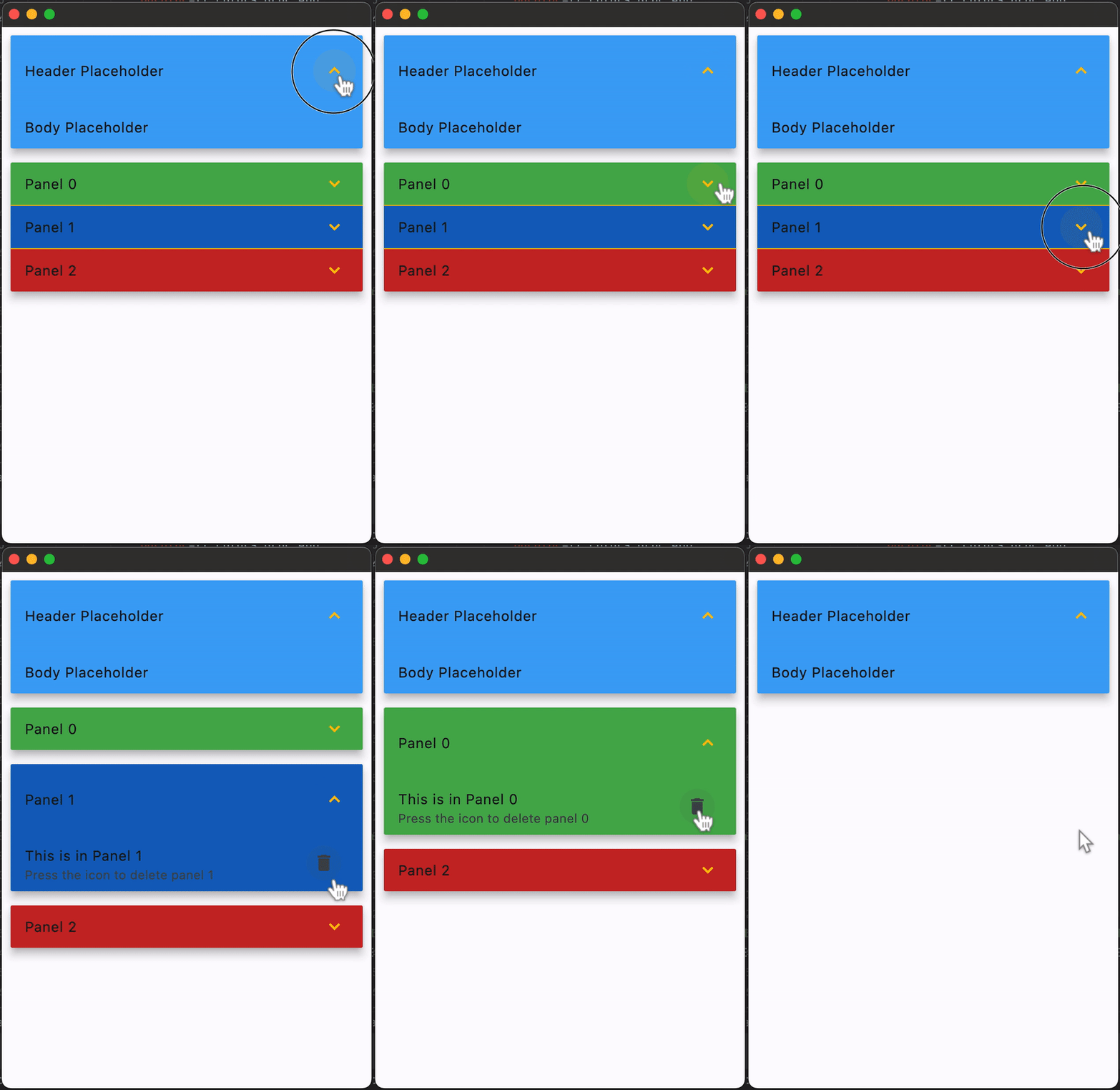](https://docs.flet.dev/examples/controls/expansion_panel_list/media/basic.gif)
### Scrolling[#](https://docs.flet.dev/controls/expansionpanellist/#scrolling "Permanent link")
`ExpansionPanelList` supports scrolling through its [`scroll`](https://docs.flet.dev/controls/scrollablecontrol/#flet.ScrollableControl.scroll)
property.
`[](https://docs.flet.dev/controls/expansionpanellist/#__codelineno-1-1) import flet as ft [](https://docs.flet.dev/controls/expansionpanellist/#__codelineno-1-2) [](https://docs.flet.dev/controls/expansionpanellist/#__codelineno-1-3)[](https://docs.flet.dev/controls/expansionpanellist/#__codelineno-1-4) def main(page: ft.Page): [](https://docs.flet.dev/controls/expansionpanellist/#__codelineno-1-5) page.add( [](https://docs.flet.dev/controls/expansionpanellist/#__codelineno-1-6) ft.SafeArea( [](https://docs.flet.dev/controls/expansionpanellist/#__codelineno-1-7) expand=True, [](https://docs.flet.dev/controls/expansionpanellist/#__codelineno-1-8) content=ft.ExpansionPanelList( [](https://docs.flet.dev/controls/expansionpanellist/#__codelineno-1-9) expand=True, [](https://docs.flet.dev/controls/expansionpanellist/#__codelineno-1-10) scroll=ft.ScrollMode.ALWAYS, [](https://docs.flet.dev/controls/expansionpanellist/#__codelineno-1-11) spacing=8, [](https://docs.flet.dev/controls/expansionpanellist/#__codelineno-1-12) controls=[ [](https://docs.flet.dev/controls/expansionpanellist/#__codelineno-1-13) ft.ExpansionPanel( [](https://docs.flet.dev/controls/expansionpanellist/#__codelineno-1-14) can_tap_header=True, [](https://docs.flet.dev/controls/expansionpanellist/#__codelineno-1-15) header=ft.ListTile(title=ft.Text(f"Panel {i}")), [](https://docs.flet.dev/controls/expansionpanellist/#__codelineno-1-16) content=ft.ListTile( [](https://docs.flet.dev/controls/expansionpanellist/#__codelineno-1-17) title=ft.Text(f"Details for panel {i}"), [](https://docs.flet.dev/controls/expansionpanellist/#__codelineno-1-18) subtitle=ft.Text( [](https://docs.flet.dev/controls/expansionpanellist/#__codelineno-1-19) "This content can be expanded or collapsed." [](https://docs.flet.dev/controls/expansionpanellist/#__codelineno-1-20) ), [](https://docs.flet.dev/controls/expansionpanellist/#__codelineno-1-21) ), [](https://docs.flet.dev/controls/expansionpanellist/#__codelineno-1-22) ) [](https://docs.flet.dev/controls/expansionpanellist/#__codelineno-1-23) for i in range(1, 41) [](https://docs.flet.dev/controls/expansionpanellist/#__codelineno-1-24) ], [](https://docs.flet.dev/controls/expansionpanellist/#__codelineno-1-25) ), [](https://docs.flet.dev/controls/expansionpanellist/#__codelineno-1-26) ), [](https://docs.flet.dev/controls/expansionpanellist/#__codelineno-1-27) ) [](https://docs.flet.dev/controls/expansionpanellist/#__codelineno-1-28) [](https://docs.flet.dev/controls/expansionpanellist/#__codelineno-1-29)[](https://docs.flet.dev/controls/expansionpanellist/#__codelineno-1-30) ft.run(main)`
Properties[#](https://docs.flet.dev/controls/expansionpanellist/#flet.ExpansionPanelList-properties "Permanent link")
----------------------------------------------------------------------------------------------------------------------
### controls `class-attribute` `instance-attribute` [#](https://docs.flet.dev/controls/expansionpanellist/#flet.ExpansionPanelList.controls "Permanent link")
`[](https://docs.flet.dev/controls/expansionpanellist/#__codelineno-0-1) controls: [list](https://docs.python.org/3/glossary.html#term-list) [[ExpansionPanel](https://docs.flet.dev/controls/expansionpanel/#flet.ExpansionPanel) ] = [field](https://docs.python.org/3/library/dataclasses.html#dataclasses.field "dataclasses.field") (default_factory=[list](https://docs.python.org/3/glossary.html#term-list) )`
A list of panels to display.
### divider\_color `class-attribute` `instance-attribute` [#](https://docs.flet.dev/controls/expansionpanellist/#flet.ExpansionPanelList.divider_color "Permanent link")
`[](https://docs.flet.dev/controls/expansionpanellist/#__codelineno-0-1) divider_color: [ColorValue](https://docs.flet.dev/types/aliases/#flet.ColorValue) | None = None`
The color of the divider when [`ExpansionPanel.expanded`](https://docs.flet.dev/controls/expansionpanel/#flet.ExpansionPanel.expanded)
is `False`.
### elevation `class-attribute` `instance-attribute` [#](https://docs.flet.dev/controls/expansionpanellist/#flet.ExpansionPanelList.elevation "Permanent link")
`[](https://docs.flet.dev/controls/expansionpanellist/#__codelineno-0-1) elevation: [Number](https://docs.flet.dev/types/aliases/#flet.Number) = 2`
Defines the elevation of the [`controls`](https://docs.flet.dev/controls/expansionpanellist/#flet.ExpansionPanelList.controls)
, when expanded.
Raises:
* `[ValueError](https://docs.python.org/3/library/exceptions.html#ValueError) ` –
If it is not greater than or equal to `0`.
### expand\_icon\_color `class-attribute` `instance-attribute` [#](https://docs.flet.dev/controls/expansionpanellist/#flet.ExpansionPanelList.expand_icon_color "Permanent link")
`[](https://docs.flet.dev/controls/expansionpanellist/#__codelineno-0-1) expand_icon_color: [ColorValue](https://docs.flet.dev/types/aliases/#flet.ColorValue) | None = None`
The color of the icon.
Defaults to [`Colors.BLACK_54`](https://docs.flet.dev/types/colors/#flet.Colors.BLACK_54)
in light theme mode and [`Colors.WHITE_60`](https://docs.flet.dev/types/colors/#flet.Colors.WHITE_60)
in dark theme mode.
### expanded\_header\_padding `class-attribute` `instance-attribute` [#](https://docs.flet.dev/controls/expansionpanellist/#flet.ExpansionPanelList.expanded_header_padding "Permanent link")
`[](https://docs.flet.dev/controls/expansionpanellist/#__codelineno-0-1) expanded_header_padding: [PaddingValue](https://docs.flet.dev/types/aliases/#flet.PaddingValue) = [field](https://docs.python.org/3/library/dataclasses.html#dataclasses.field "dataclasses.field") ( [](https://docs.flet.dev/controls/expansionpanellist/#__codelineno-0-2) default_factory=lambda: [symmetric](https://docs.flet.dev/types/padding/#flet.Padding.symmetric) (vertical=16.0) [](https://docs.flet.dev/controls/expansionpanellist/#__codelineno-0-3) )`
Defines the padding around the header when expanded.
### spacing `class-attribute` `instance-attribute` [#](https://docs.flet.dev/controls/expansionpanellist/#flet.ExpansionPanelList.spacing "Permanent link")
`[](https://docs.flet.dev/controls/expansionpanellist/#__codelineno-0-1) spacing: [Number](https://docs.flet.dev/types/aliases/#flet.Number) | None = None`
The size of the gap between the [`controls`](https://docs.flet.dev/controls/expansionpanellist/#flet.ExpansionPanelList.controls)
s when expanded.
Events[#](https://docs.flet.dev/controls/expansionpanellist/#flet.ExpansionPanelList-events "Permanent link")
--------------------------------------------------------------------------------------------------------------
### on\_change `class-attribute` `instance-attribute` [#](https://docs.flet.dev/controls/expansionpanellist/#flet.ExpansionPanelList.on_change "Permanent link")
`[](https://docs.flet.dev/controls/expansionpanellist/#__codelineno-0-1) on_change: ( [](https://docs.flet.dev/controls/expansionpanellist/#__codelineno-0-2) [EventHandler](https://docs.flet.dev/types/aliases/#flet.EventHandler) [[ExpansionPanelListChangeEvent](https://docs.flet.dev/types/expansionpanellistchangeevent/#flet.ExpansionPanelListChangeEvent) ] | None [](https://docs.flet.dev/controls/expansionpanellist/#__codelineno-0-3) ) = None`
Called when an item of [`controls`](https://docs.flet.dev/controls/expansionpanellist/#flet.ExpansionPanelList.controls)
is expanded or collapsed.
Back to top
---
# GridView - Flet
[Skip to content](https://docs.flet.dev/controls/gridview/#flet.GridView)
GridView
========
A scrollable, 2D array of controls.
It is very effective for large lists (thousands of items). Prefer it over wrapping [`Column`](https://docs.flet.dev/controls/column/#flet.Column)
s or [`Row`](https://docs.flet.dev/controls/row/#flet.Row)
s for smooth scrolling.
`[](https://docs.flet.dev/controls/gridview/#__codelineno-0-1) ft.GridView( [](https://docs.flet.dev/controls/gridview/#__codelineno-0-2) width=180, [](https://docs.flet.dev/controls/gridview/#__codelineno-0-3) runs_count=2, [](https://docs.flet.dev/controls/gridview/#__codelineno-0-4) spacing=8, [](https://docs.flet.dev/controls/gridview/#__codelineno-0-5) controls=[ [](https://docs.flet.dev/controls/gridview/#__codelineno-0-6) ft.Container( [](https://docs.flet.dev/controls/gridview/#__codelineno-0-7) width=50, height=50, bgcolor=ft.Colors.PRIMARY, border_radius=8 [](https://docs.flet.dev/controls/gridview/#__codelineno-0-8) ), [](https://docs.flet.dev/controls/gridview/#__codelineno-0-9) ft.Container( [](https://docs.flet.dev/controls/gridview/#__codelineno-0-10) width=50, height=50, bgcolor=ft.Colors.SECONDARY, border_radius=8 [](https://docs.flet.dev/controls/gridview/#__codelineno-0-11) ), [](https://docs.flet.dev/controls/gridview/#__codelineno-0-12) ft.Container( [](https://docs.flet.dev/controls/gridview/#__codelineno-0-13) width=50, height=50, bgcolor=ft.Colors.TERTIARY, border_radius=8 [](https://docs.flet.dev/controls/gridview/#__codelineno-0-14) ), [](https://docs.flet.dev/controls/gridview/#__codelineno-0-15) ft.Container( [](https://docs.flet.dev/controls/gridview/#__codelineno-0-16) width=50, height=50, bgcolor=ft.Colors.ERROR, border_radius=8 [](https://docs.flet.dev/controls/gridview/#__codelineno-0-17) ), [](https://docs.flet.dev/controls/gridview/#__codelineno-0-18) ], [](https://docs.flet.dev/controls/gridview/#__codelineno-0-19) )`
[](https://docs.flet.dev/test-images/examples/core/golden/macos/grid_view/image_for_docs.png)
Basic GridView
Inherits: `[LayoutControl](https://docs.flet.dev/controls/layoutcontrol/#flet.LayoutControl) `, `[ScrollableControl](https://docs.flet.dev/controls/scrollablecontrol/#flet.ScrollableControl) `, `[AdaptiveControl](https://docs.flet.dev/controls/adaptivecontrol/#flet.AdaptiveControl) `
Properties
* **`[build_controls_on_demand](https://docs.flet.dev/controls/gridview/#flet.GridView.build_controls_on_demand) `**(`[bool](https://docs.python.org/3/library/functions.html#bool) `) –
TBD
* **`[cache_extent](https://docs.flet.dev/controls/gridview/#flet.GridView.cache_extent) `**(`[Number](https://docs.flet.dev/types/aliases/#flet.Number) | None`) –
Items that fall in the cache area (area before or after the visible area that are about to become visible when the user scrolls) are laid out even though they are not (yet) visible on screen.
* **`[child_aspect_ratio](https://docs.flet.dev/controls/gridview/#flet.GridView.child_aspect_ratio) `**(`[Number](https://docs.flet.dev/types/aliases/#flet.Number) `) –
The ratio of the cross-axis to the main-axis extent of each child.
* **`[clip_behavior](https://docs.flet.dev/controls/gridview/#flet.GridView.clip_behavior) `**(`[ClipBehavior](https://docs.flet.dev/types/clipbehavior/#flet.ClipBehavior) | None`) –
The content will be clipped (or not) according to this option.
* **`[controls](https://docs.flet.dev/controls/gridview/#flet.GridView.controls) `**(`[list](https://docs.python.org/3/glossary.html#term-list) [[Control](https://docs.flet.dev/controls/control/#flet.Control) ]`) –
A list of controls to display inside grid.
* **`[horizontal](https://docs.flet.dev/controls/gridview/#flet.GridView.horizontal) `**(`[bool](https://docs.python.org/3/library/functions.html#bool) `) –
Whether to layout the grid items horizontally.
* **`[max_extent](https://docs.flet.dev/controls/gridview/#flet.GridView.max_extent) `**(`[int](https://docs.python.org/3/library/functions.html#int) | None`) –
The maximum width or height of the grid item.
* **`[padding](https://docs.flet.dev/controls/gridview/#flet.GridView.padding) `**(`[PaddingValue](https://docs.flet.dev/types/aliases/#flet.PaddingValue) | None`) –
The amount of space by which to inset the children.
* **`[reverse](https://docs.flet.dev/controls/gridview/#flet.GridView.reverse) `**(`[bool](https://docs.python.org/3/library/functions.html#bool) `) –
Whether the scroll view scrolls in the reading direction.
* **`[run_spacing](https://docs.flet.dev/controls/gridview/#flet.GridView.run_spacing) `**(`[Number](https://docs.flet.dev/types/aliases/#flet.Number) `) –
The number of logical pixels between each child along the cross axis.
* **`[runs_count](https://docs.flet.dev/controls/gridview/#flet.GridView.runs_count) `**(`[int](https://docs.python.org/3/library/functions.html#int) `) –
The number of children in the cross axis.
* **`[semantic_child_count](https://docs.flet.dev/controls/gridview/#flet.GridView.semantic_child_count) `**(`[int](https://docs.python.org/3/library/functions.html#int) | None`) –
The number of children that will contribute semantic information.
* **`[spacing](https://docs.flet.dev/controls/gridview/#flet.GridView.spacing) `**(`[Number](https://docs.flet.dev/types/aliases/#flet.Number) `) –
The number of logical pixels between each child along the main axis.
Examples[#](https://docs.flet.dev/controls/gridview/#examples "Permanent link")
--------------------------------------------------------------------------------
[Live example](https://flet-controls-gallery.fly.dev/layout/gridview)
### Photo gallery[#](https://docs.flet.dev/controls/gridview/#photo-gallery "Permanent link")
`[](https://docs.flet.dev/controls/gridview/#__codelineno-0-1) import flet as ft [](https://docs.flet.dev/controls/gridview/#__codelineno-0-2) [](https://docs.flet.dev/controls/gridview/#__codelineno-0-3)[](https://docs.flet.dev/controls/gridview/#__codelineno-0-4) def main(page: ft.Page): [](https://docs.flet.dev/controls/gridview/#__codelineno-0-5) page.title = "GridView Example" [](https://docs.flet.dev/controls/gridview/#__codelineno-0-6) page.theme_mode = ft.ThemeMode.DARK [](https://docs.flet.dev/controls/gridview/#__codelineno-0-7) page.padding = 50 [](https://docs.flet.dev/controls/gridview/#__codelineno-0-8) [](https://docs.flet.dev/controls/gridview/#__codelineno-0-9) page.add( [](https://docs.flet.dev/controls/gridview/#__codelineno-0-10) ft.GridView( [](https://docs.flet.dev/controls/gridview/#__codelineno-0-11) expand=1, [](https://docs.flet.dev/controls/gridview/#__codelineno-0-12) runs_count=5, [](https://docs.flet.dev/controls/gridview/#__codelineno-0-13) max_extent=150, [](https://docs.flet.dev/controls/gridview/#__codelineno-0-14) child_aspect_ratio=1.0, [](https://docs.flet.dev/controls/gridview/#__codelineno-0-15) spacing=5, [](https://docs.flet.dev/controls/gridview/#__codelineno-0-16) run_spacing=5, [](https://docs.flet.dev/controls/gridview/#__codelineno-0-17) controls=[ [](https://docs.flet.dev/controls/gridview/#__codelineno-0-18) ft.Image( [](https://docs.flet.dev/controls/gridview/#__codelineno-0-19) src=f"https://picsum.photos/150/150?{i}", [](https://docs.flet.dev/controls/gridview/#__codelineno-0-20) fit=ft.BoxFit.NONE, [](https://docs.flet.dev/controls/gridview/#__codelineno-0-21) repeat=ft.ImageRepeat.NO_REPEAT, [](https://docs.flet.dev/controls/gridview/#__codelineno-0-22) border_radius=ft.BorderRadius.all(10), [](https://docs.flet.dev/controls/gridview/#__codelineno-0-23) ) [](https://docs.flet.dev/controls/gridview/#__codelineno-0-24) for i in range(0, 60) [](https://docs.flet.dev/controls/gridview/#__codelineno-0-25) ], [](https://docs.flet.dev/controls/gridview/#__codelineno-0-26) ) [](https://docs.flet.dev/controls/gridview/#__codelineno-0-27) ) [](https://docs.flet.dev/controls/gridview/#__codelineno-0-28) [](https://docs.flet.dev/controls/gridview/#__codelineno-0-29)[](https://docs.flet.dev/controls/gridview/#__codelineno-0-30) ft.run(main)`
[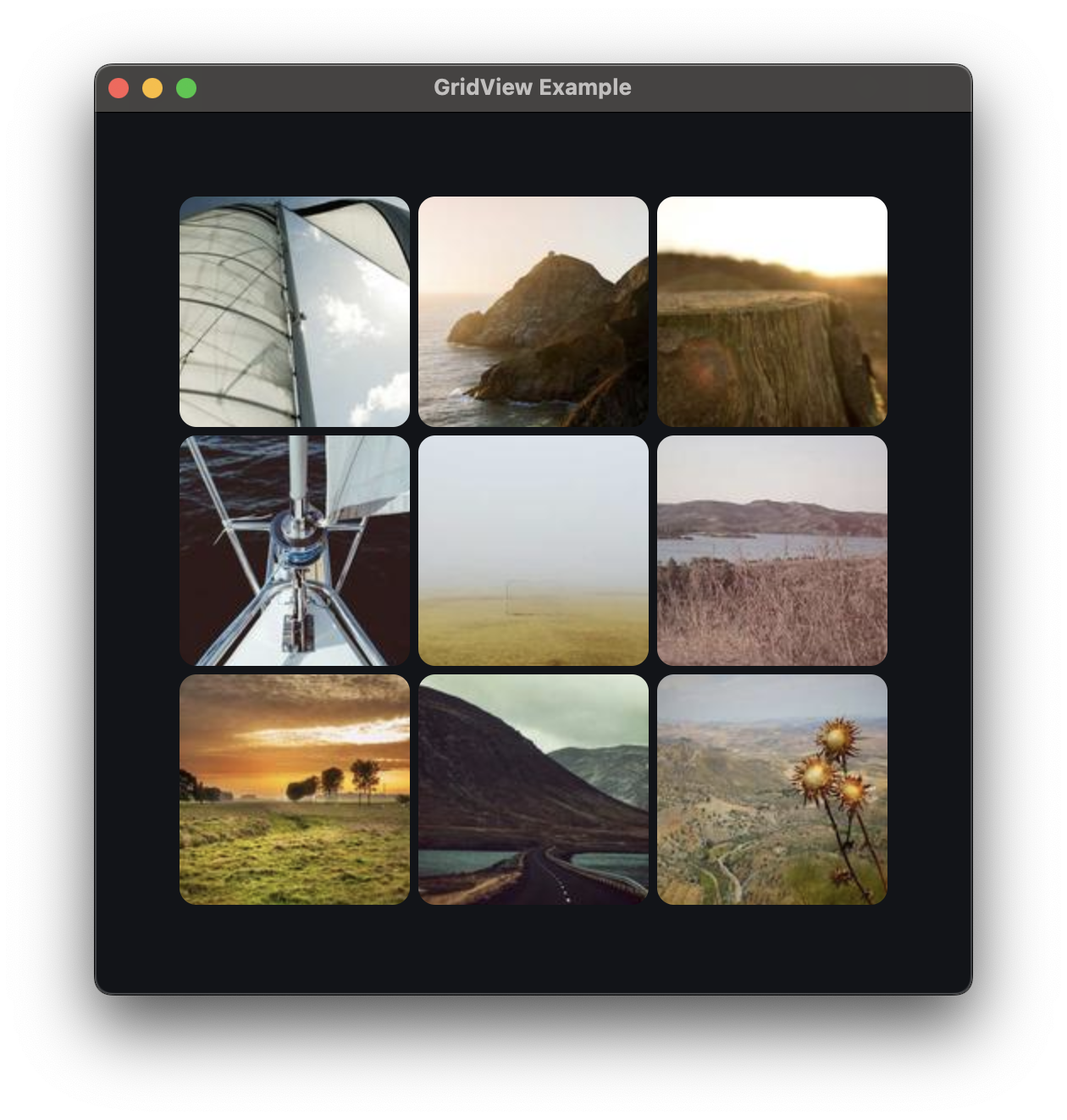](https://docs.flet.dev/examples/controls/grid_view/media/photo_gallery.png)
Properties[#](https://docs.flet.dev/controls/gridview/#flet.GridView-properties "Permanent link")
--------------------------------------------------------------------------------------------------
### build\_controls\_on\_demand `class-attribute` `instance-attribute` [#](https://docs.flet.dev/controls/gridview/#flet.GridView.build_controls_on_demand "Permanent link")
`[](https://docs.flet.dev/controls/gridview/#__codelineno-0-1) build_controls_on_demand: [bool](https://docs.python.org/3/library/functions.html#bool) = True`
TBD
### cache\_extent `class-attribute` `instance-attribute` [#](https://docs.flet.dev/controls/gridview/#flet.GridView.cache_extent "Permanent link")
`[](https://docs.flet.dev/controls/gridview/#__codelineno-0-1) cache_extent: [Number](https://docs.flet.dev/types/aliases/#flet.Number) | None = None`
Items that fall in the cache area (area before or after the visible area that are about to become visible when the user scrolls) are laid out even though they are not (yet) visible on screen.
The cacheExtent describes how many pixels the cache area extends before the leading edge and after the trailing edge of the viewport.
The total extent, which the viewport will try to cover with `controls`, is `cache_extent` before the leading edge + extent of the main axis + `cache_extent` after the trailing edge.
### child\_aspect\_ratio `class-attribute` `instance-attribute` [#](https://docs.flet.dev/controls/gridview/#flet.GridView.child_aspect_ratio "Permanent link")
`[](https://docs.flet.dev/controls/gridview/#__codelineno-0-1) child_aspect_ratio: [Number](https://docs.flet.dev/types/aliases/#flet.Number) = 1.0`
The ratio of the cross-axis to the main-axis extent of each child.
### clip\_behavior `class-attribute` `instance-attribute` [#](https://docs.flet.dev/controls/gridview/#flet.GridView.clip_behavior "Permanent link")
`[](https://docs.flet.dev/controls/gridview/#__codelineno-0-1) clip_behavior: [ClipBehavior](https://docs.flet.dev/types/clipbehavior/#flet.ClipBehavior) | None = None`
The content will be clipped (or not) according to this option.
### controls `class-attribute` `instance-attribute` [#](https://docs.flet.dev/controls/gridview/#flet.GridView.controls "Permanent link")
`[](https://docs.flet.dev/controls/gridview/#__codelineno-0-1) controls: [list](https://docs.python.org/3/glossary.html#term-list) [[Control](https://docs.flet.dev/controls/control/#flet.Control) ] = [field](https://docs.python.org/3/library/dataclasses.html#dataclasses.field "dataclasses.field") (default_factory=[list](https://docs.python.org/3/glossary.html#term-list) )`
A list of controls to display inside grid.
### horizontal `class-attribute` `instance-attribute` [#](https://docs.flet.dev/controls/gridview/#flet.GridView.horizontal "Permanent link")
`[](https://docs.flet.dev/controls/gridview/#__codelineno-0-1) horizontal: [bool](https://docs.python.org/3/library/functions.html#bool) = False`
Whether to layout the grid items horizontally.
### max\_extent `class-attribute` `instance-attribute` [#](https://docs.flet.dev/controls/gridview/#flet.GridView.max_extent "Permanent link")
`[](https://docs.flet.dev/controls/gridview/#__codelineno-0-1) max_extent: [int](https://docs.python.org/3/library/functions.html#int) | None = None`
The maximum width or height of the grid item.
### padding `class-attribute` `instance-attribute` [#](https://docs.flet.dev/controls/gridview/#flet.GridView.padding "Permanent link")
`[](https://docs.flet.dev/controls/gridview/#__codelineno-0-1) padding: [PaddingValue](https://docs.flet.dev/types/aliases/#flet.PaddingValue) | None = None`
The amount of space by which to inset the children.
### reverse `class-attribute` `instance-attribute` [#](https://docs.flet.dev/controls/gridview/#flet.GridView.reverse "Permanent link")
`[](https://docs.flet.dev/controls/gridview/#__codelineno-0-1) reverse: [bool](https://docs.python.org/3/library/functions.html#bool) = False`
Whether the scroll view scrolls in the reading direction.
For example, if the reading direction is left-to-right and `horizontal` is `True`, then the scroll view scrolls from left to right when `reverse` is `False` and from right to left when `reverse` is `True`.
Similarly, if `horizontal` is `False`, then the scroll view scrolls from top to bottom when `reverse` is `False` and from bottom to top when `reverse` is `True`.
### run\_spacing `class-attribute` `instance-attribute` [#](https://docs.flet.dev/controls/gridview/#flet.GridView.run_spacing "Permanent link")
`[](https://docs.flet.dev/controls/gridview/#__codelineno-0-1) run_spacing: [Number](https://docs.flet.dev/types/aliases/#flet.Number) = 10`
The number of logical pixels between each child along the cross axis.
### runs\_count `class-attribute` `instance-attribute` [#](https://docs.flet.dev/controls/gridview/#flet.GridView.runs_count "Permanent link")
`[](https://docs.flet.dev/controls/gridview/#__codelineno-0-1) runs_count: [int](https://docs.python.org/3/library/functions.html#int) = 1`
The number of children in the cross axis.
### semantic\_child\_count `class-attribute` `instance-attribute` [#](https://docs.flet.dev/controls/gridview/#flet.GridView.semantic_child_count "Permanent link")
`[](https://docs.flet.dev/controls/gridview/#__codelineno-0-1) semantic_child_count: [int](https://docs.python.org/3/library/functions.html#int) | None = None`
The number of children that will contribute semantic information.
### spacing `class-attribute` `instance-attribute` [#](https://docs.flet.dev/controls/gridview/#flet.GridView.spacing "Permanent link")
`[](https://docs.flet.dev/controls/gridview/#__codelineno-0-1) spacing: [Number](https://docs.flet.dev/types/aliases/#flet.Number) = 10`
The number of logical pixels between each child along the main axis.
Back to top
---
# NavigationRailDestination - Flet
[Skip to content](https://docs.flet.dev/controls/navigationraildestination/#flet.NavigationRailDestination)
NavigationRailDestination
=========================
Inherits: `[Control](https://docs.flet.dev/controls/control/#flet.Control) `
Represents a destination in a `NavigationRail`.
Properties
* **`[icon](https://docs.flet.dev/controls/navigationraildestination/#flet.NavigationRailDestination.icon) `**(`[IconDataOrControl](https://docs.flet.dev/types/aliases/#flet.IconDataOrControl) | None`) –
The [name of the icon](https://docs.flet.dev/types/icons)
or `Control` of the destination.
* **`[indicator_color](https://docs.flet.dev/controls/navigationraildestination/#flet.NavigationRailDestination.indicator_color) `**(`[ColorValue](https://docs.flet.dev/types/aliases/#flet.ColorValue) | None`) –
The color of the [`indicator_shape`](https://docs.flet.dev/controls/navigationraildestination/#flet.NavigationRailDestination.indicator_shape)
when this destination is selected.
* **`[indicator_shape](https://docs.flet.dev/controls/navigationraildestination/#flet.NavigationRailDestination.indicator_shape) `**(`[OutlinedBorder](https://docs.flet.dev/types/outlinedborder/#flet.OutlinedBorder) | None`) –
The shape of the selection indicator.
* **`[label](https://docs.flet.dev/controls/navigationraildestination/#flet.NavigationRailDestination.label) `**(`[StrOrControl](https://docs.flet.dev/types/aliases/#flet.StrOrControl) | None`) –
A string or Control representing the destination's label.
* **`[padding](https://docs.flet.dev/controls/navigationraildestination/#flet.NavigationRailDestination.padding) `**(`[PaddingValue](https://docs.flet.dev/types/aliases/#flet.PaddingValue) | None`) –
The amount of space to inset the destination item.
* **`[selected_icon](https://docs.flet.dev/controls/navigationraildestination/#flet.NavigationRailDestination.selected_icon) `**(`[IconDataOrControl](https://docs.flet.dev/types/aliases/#flet.IconDataOrControl) | None`) –
The [name](https://docs.flet.dev/types/icons)
of alternative icon or `Control` displayed when this destination is selected.
Properties[#](https://docs.flet.dev/controls/navigationraildestination/#flet.NavigationRailDestination-properties "Permanent link")
------------------------------------------------------------------------------------------------------------------------------------
### icon `class-attribute` `instance-attribute` [#](https://docs.flet.dev/controls/navigationraildestination/#flet.NavigationRailDestination.icon "Permanent link")
`[](https://docs.flet.dev/controls/navigationraildestination/#__codelineno-0-1) icon: [IconDataOrControl](https://docs.flet.dev/types/aliases/#flet.IconDataOrControl) | None = None`
The [name of the icon](https://docs.flet.dev/types/icons)
or `Control` of the destination.
If `selected_icon` is provided, this will only be displayed when the destination is not selected.
To make the NavigationRail more accessible, consider choosing an icon with a stroked and filled version, such as `Icons.CLOUD` and `Icons.CLOUD_QUEUE`. The icon should be set to the stroked version and `selected_icon` to the filled version.
### indicator\_color `class-attribute` `instance-attribute` [#](https://docs.flet.dev/controls/navigationraildestination/#flet.NavigationRailDestination.indicator_color "Permanent link")
`[](https://docs.flet.dev/controls/navigationraildestination/#__codelineno-0-1) indicator_color: [ColorValue](https://docs.flet.dev/types/aliases/#flet.ColorValue) | None = None`
The color of the [`indicator_shape`](https://docs.flet.dev/controls/navigationraildestination/#flet.NavigationRailDestination.indicator_shape)
when this destination is selected.
### indicator\_shape `class-attribute` `instance-attribute` [#](https://docs.flet.dev/controls/navigationraildestination/#flet.NavigationRailDestination.indicator_shape "Permanent link")
`[](https://docs.flet.dev/controls/navigationraildestination/#__codelineno-0-1) indicator_shape: [OutlinedBorder](https://docs.flet.dev/types/outlinedborder/#flet.OutlinedBorder) | None = None`
The shape of the selection indicator.
### label `class-attribute` `instance-attribute` [#](https://docs.flet.dev/controls/navigationraildestination/#flet.NavigationRailDestination.label "Permanent link")
`[](https://docs.flet.dev/controls/navigationraildestination/#__codelineno-0-1) label: [StrOrControl](https://docs.flet.dev/types/aliases/#flet.StrOrControl) | None = None`
A string or Control representing the destination's label.
### padding `class-attribute` `instance-attribute` [#](https://docs.flet.dev/controls/navigationraildestination/#flet.NavigationRailDestination.padding "Permanent link")
`[](https://docs.flet.dev/controls/navigationraildestination/#__codelineno-0-1) padding: [PaddingValue](https://docs.flet.dev/types/aliases/#flet.PaddingValue) | None = None`
The amount of space to inset the destination item.
### selected\_icon `class-attribute` `instance-attribute` [#](https://docs.flet.dev/controls/navigationraildestination/#flet.NavigationRailDestination.selected_icon "Permanent link")
`[](https://docs.flet.dev/controls/navigationraildestination/#__codelineno-0-1) selected_icon: [IconDataOrControl](https://docs.flet.dev/types/aliases/#flet.IconDataOrControl) | None = None`
The [name](https://docs.flet.dev/types/icons)
of alternative icon or `Control` displayed when this destination is selected.
If this icon is not provided, the NavigationRail will display `icon` in either state.
Back to top
---
# AlertDialog - Flet
[Skip to content](https://docs.flet.dev/controls/alertdialog/#flet.AlertDialog)
AlertDialog
===========
Can be used to inform the user about situations that require acknowledgement.
It has an optional [`title`](https://docs.flet.dev/controls/alertdialog/#flet.AlertDialog.title)
and an optional list of [`actions`](https://docs.flet.dev/controls/alertdialog/#flet.AlertDialog.actions)
. The `title` is displayed above the [`content`](https://docs.flet.dev/controls/alertdialog/#flet.AlertDialog.content)
and the `actions` are displayed below the `content`.
`[](https://docs.flet.dev/controls/alertdialog/#__codelineno-0-1) ft.AlertDialog( [](https://docs.flet.dev/controls/alertdialog/#__codelineno-0-2) title=ft.Text("Session expired"), [](https://docs.flet.dev/controls/alertdialog/#__codelineno-0-3) content=ft.Text("Please sign in again to continue."), [](https://docs.flet.dev/controls/alertdialog/#__codelineno-0-4) actions=[ft.TextButton("Dismiss")], [](https://docs.flet.dev/controls/alertdialog/#__codelineno-0-5) open=True, [](https://docs.flet.dev/controls/alertdialog/#__codelineno-0-6) )`
[](https://docs.flet.dev/test-images/examples/material/golden/macos/alert_dialog/image_for_docs.png)
Basic AlertDialog
Inherits: `[DialogControl](https://docs.flet.dev/controls/dialogcontrol/#flet.DialogControl) `
Properties
* **`[action_button_padding](https://docs.flet.dev/controls/alertdialog/#flet.AlertDialog.action_button_padding) `**(`[PaddingValue](https://docs.flet.dev/types/aliases/#flet.PaddingValue) | None`) –
The padding that surrounds each button in [`actions`](https://docs.flet.dev/controls/alertdialog/#flet.AlertDialog.actions)
.
* **`[actions](https://docs.flet.dev/controls/alertdialog/#flet.AlertDialog.actions) `**(`[list](https://docs.python.org/3/glossary.html#term-list) [[Control](https://docs.flet.dev/controls/control/#flet.Control) ]`) –
A set of actions that are displayed at the bottom of this dialog.
* **`[actions_alignment](https://docs.flet.dev/controls/alertdialog/#flet.AlertDialog.actions_alignment) `**(`[MainAxisAlignment](https://docs.flet.dev/types/mainaxisalignment/#flet.MainAxisAlignment) | None`) –
Defines the horizontal layout of the actions.
* **`[actions_overflow_button_spacing](https://docs.flet.dev/controls/alertdialog/#flet.AlertDialog.actions_overflow_button_spacing) `**(`[Number](https://docs.flet.dev/types/aliases/#flet.Number) | None`) –
The spacing between [`actions`](https://docs.flet.dev/controls/alertdialog/#flet.AlertDialog.actions)
when the `OverflowBar` switches to a column layout because the actions don't fit horizontally.
* **`[actions_padding](https://docs.flet.dev/controls/alertdialog/#flet.AlertDialog.actions_padding) `**(`[PaddingValue](https://docs.flet.dev/types/aliases/#flet.PaddingValue) | None`) –
Padding around the set of [`actions`](https://docs.flet.dev/controls/alertdialog/#flet.AlertDialog.actions)
at the bottom of this dialog.
* **`[alignment](https://docs.flet.dev/controls/alertdialog/#flet.AlertDialog.alignment) `**(`[Alignment](https://docs.flet.dev/types/alignment/#flet.Alignment) | None`) –
How to align this dialog.
* **`[barrier_color](https://docs.flet.dev/controls/alertdialog/#flet.AlertDialog.barrier_color) `**(`[ColorValue](https://docs.flet.dev/types/aliases/#flet.ColorValue) | None`) –
The color of the modal barrier below this dialog.
* **`[bgcolor](https://docs.flet.dev/controls/alertdialog/#flet.AlertDialog.bgcolor) `**(`[ColorValue](https://docs.flet.dev/types/aliases/#flet.ColorValue) | None`) –
The background color of this dialog's surface.
* **`[clip_behavior](https://docs.flet.dev/controls/alertdialog/#flet.AlertDialog.clip_behavior) `**(`[ClipBehavior](https://docs.flet.dev/types/clipbehavior/#flet.ClipBehavior) `) –
Defines how the contents of this dialog are clipped (or not) to the given [`shape`](https://docs.flet.dev/controls/alertdialog/#flet.AlertDialog.shape)
.
* **`[content](https://docs.flet.dev/controls/alertdialog/#flet.AlertDialog.content) `**(`[Control](https://docs.flet.dev/controls/control/#flet.Control) | None`) –
The content of this dialog is displayed in the center of this dialog in a lighter font.
* **`[content_padding](https://docs.flet.dev/controls/alertdialog/#flet.AlertDialog.content_padding) `**(`[PaddingValue](https://docs.flet.dev/types/aliases/#flet.PaddingValue) | None`) –
Padding around the [`content`](https://docs.flet.dev/controls/alertdialog/#flet.AlertDialog.content)
.
* **`[content_text_style](https://docs.flet.dev/controls/alertdialog/#flet.AlertDialog.content_text_style) `**(`[TextStyle](https://docs.flet.dev/types/textstyle/#flet.TextStyle) | None`) –
The style for the text in the [`content`](https://docs.flet.dev/controls/alertdialog/#flet.AlertDialog.content)
of this dialog.
* **`[elevation](https://docs.flet.dev/controls/alertdialog/#flet.AlertDialog.elevation) `**(`[Number](https://docs.flet.dev/types/aliases/#flet.Number) | None`) –
Defines the elevation (z-coordinate) at which this dialog should appear.
* **`[icon](https://docs.flet.dev/controls/alertdialog/#flet.AlertDialog.icon) `**(`[Control](https://docs.flet.dev/controls/control/#flet.Control) | None`) –
A control that is displayed at the top of this dialog.
* **`[icon_color](https://docs.flet.dev/controls/alertdialog/#flet.AlertDialog.icon_color) `**(`[ColorValue](https://docs.flet.dev/types/aliases/#flet.ColorValue) | None`) –
The color for the Icon in the [`icon`](https://docs.flet.dev/controls/alertdialog/#flet.AlertDialog.icon)
of this dialog.
* **`[icon_padding](https://docs.flet.dev/controls/alertdialog/#flet.AlertDialog.icon_padding) `**(`[PaddingValue](https://docs.flet.dev/types/aliases/#flet.PaddingValue) | None`) –
Padding around the [`icon`](https://docs.flet.dev/controls/alertdialog/#flet.AlertDialog.icon)
.
* **`[inset_padding](https://docs.flet.dev/controls/alertdialog/#flet.AlertDialog.inset_padding) `**(`[PaddingValue](https://docs.flet.dev/types/aliases/#flet.PaddingValue) | None`) –
Padding around this dialog itself.
* **`[modal](https://docs.flet.dev/controls/alertdialog/#flet.AlertDialog.modal) `**(`[bool](https://docs.python.org/3/library/functions.html#bool) `) –
Whether dialog can be dismissed/closed by clicking the area outside of it.
* **`[scrollable](https://docs.flet.dev/controls/alertdialog/#flet.AlertDialog.scrollable) `**(`[bool](https://docs.python.org/3/library/functions.html#bool) `) –
Determines whether the [`title`](https://docs.flet.dev/controls/alertdialog/#flet.AlertDialog.title)
and [`content`](https://docs.flet.dev/controls/alertdialog/#flet.AlertDialog.content)
controls are wrapped in a scrollable.
* **`[semantics_label](https://docs.flet.dev/controls/alertdialog/#flet.AlertDialog.semantics_label) `**(`[str](https://docs.python.org/3/library/stdtypes.html#str) | None`) –
The semantic label of this dialog used by accessibility frameworks to announce screen transitions when this dialog is opened and closed.
* **`[shadow_color](https://docs.flet.dev/controls/alertdialog/#flet.AlertDialog.shadow_color) `**(`[ColorValue](https://docs.flet.dev/types/aliases/#flet.ColorValue) | None`) –
The color used to paint a drop shadow under this dialog, which reflects this dialog's [`elevation`](https://docs.flet.dev/controls/alertdialog/#flet.AlertDialog.elevation)
.
* **`[shape](https://docs.flet.dev/controls/alertdialog/#flet.AlertDialog.shape) `**(`[OutlinedBorder](https://docs.flet.dev/types/outlinedborder/#flet.OutlinedBorder) | None`) –
The shape of this dialog.
* **`[title](https://docs.flet.dev/controls/alertdialog/#flet.AlertDialog.title) `**(`[StrOrControl](https://docs.flet.dev/types/aliases/#flet.StrOrControl) | None`) –
The title of this dialog is displayed in a large font at its top.
* **`[title_padding](https://docs.flet.dev/controls/alertdialog/#flet.AlertDialog.title_padding) `**(`[PaddingValue](https://docs.flet.dev/types/aliases/#flet.PaddingValue) | None`) –
Padding around the [`title`](https://docs.flet.dev/controls/alertdialog/#flet.AlertDialog.title)
.
* **`[title_text_style](https://docs.flet.dev/controls/alertdialog/#flet.AlertDialog.title_text_style) `**(`[TextStyle](https://docs.flet.dev/types/textstyle/#flet.TextStyle) | None`) –
TBD
Examples[#](https://docs.flet.dev/controls/alertdialog/#examples "Permanent link")
-----------------------------------------------------------------------------------
[Live example](https://flet-controls-gallery.fly.dev/dialogs/alertdialog)
### Modal and non-modal dialogs[#](https://docs.flet.dev/controls/alertdialog/#modal-and-non-modal-dialogs "Permanent link")
`[](https://docs.flet.dev/controls/alertdialog/#__codelineno-0-1) import flet as ft [](https://docs.flet.dev/controls/alertdialog/#__codelineno-0-2) [](https://docs.flet.dev/controls/alertdialog/#__codelineno-0-3)[](https://docs.flet.dev/controls/alertdialog/#__codelineno-0-4) def main(page: ft.Page): [](https://docs.flet.dev/controls/alertdialog/#__codelineno-0-5) page.title = "AlertDialog examples" [](https://docs.flet.dev/controls/alertdialog/#__codelineno-0-6) [](https://docs.flet.dev/controls/alertdialog/#__codelineno-0-7) dialog = ft.AlertDialog( [](https://docs.flet.dev/controls/alertdialog/#__codelineno-0-8) title=ft.Text("Hello"), [](https://docs.flet.dev/controls/alertdialog/#__codelineno-0-9) content=ft.Text("You are notified!"), [](https://docs.flet.dev/controls/alertdialog/#__codelineno-0-10) alignment=ft.Alignment.CENTER, [](https://docs.flet.dev/controls/alertdialog/#__codelineno-0-11) on_dismiss=lambda e: print("Dialog dismissed!"), [](https://docs.flet.dev/controls/alertdialog/#__codelineno-0-12) title_padding=ft.Padding.all(25), [](https://docs.flet.dev/controls/alertdialog/#__codelineno-0-13) ) [](https://docs.flet.dev/controls/alertdialog/#__codelineno-0-14) [](https://docs.flet.dev/controls/alertdialog/#__codelineno-0-15) modal_dialog = ft.AlertDialog( [](https://docs.flet.dev/controls/alertdialog/#__codelineno-0-16) modal=True, [](https://docs.flet.dev/controls/alertdialog/#__codelineno-0-17) title=ft.Text("Please confirm"), [](https://docs.flet.dev/controls/alertdialog/#__codelineno-0-18) content=ft.Text("Do you really want to delete all those files?"), [](https://docs.flet.dev/controls/alertdialog/#__codelineno-0-19) actions=[ [](https://docs.flet.dev/controls/alertdialog/#__codelineno-0-20) ft.TextButton("Yes", on_click=lambda e: page.pop_dialog()), [](https://docs.flet.dev/controls/alertdialog/#__codelineno-0-21) ft.TextButton("No", on_click=lambda e: page.pop_dialog()), [](https://docs.flet.dev/controls/alertdialog/#__codelineno-0-22) ], [](https://docs.flet.dev/controls/alertdialog/#__codelineno-0-23) actions_alignment=ft.MainAxisAlignment.END, [](https://docs.flet.dev/controls/alertdialog/#__codelineno-0-24) on_dismiss=lambda e: print("Modal dialog dismissed!"), [](https://docs.flet.dev/controls/alertdialog/#__codelineno-0-25) ) [](https://docs.flet.dev/controls/alertdialog/#__codelineno-0-26) [](https://docs.flet.dev/controls/alertdialog/#__codelineno-0-27) page.add( [](https://docs.flet.dev/controls/alertdialog/#__codelineno-0-28) ft.Button( [](https://docs.flet.dev/controls/alertdialog/#__codelineno-0-29) content="Open dialog", [](https://docs.flet.dev/controls/alertdialog/#__codelineno-0-30) on_click=lambda e: page.show_dialog(dialog), [](https://docs.flet.dev/controls/alertdialog/#__codelineno-0-31) ), [](https://docs.flet.dev/controls/alertdialog/#__codelineno-0-32) ft.Button( [](https://docs.flet.dev/controls/alertdialog/#__codelineno-0-33) content="Open modal dialog", [](https://docs.flet.dev/controls/alertdialog/#__codelineno-0-34) on_click=lambda e: page.show_dialog(modal_dialog), [](https://docs.flet.dev/controls/alertdialog/#__codelineno-0-35) ), [](https://docs.flet.dev/controls/alertdialog/#__codelineno-0-36) ) [](https://docs.flet.dev/controls/alertdialog/#__codelineno-0-37) [](https://docs.flet.dev/controls/alertdialog/#__codelineno-0-38)[](https://docs.flet.dev/controls/alertdialog/#__codelineno-0-39) if __name__ == "__main__": [](https://docs.flet.dev/controls/alertdialog/#__codelineno-0-40) ft.run(main)`
[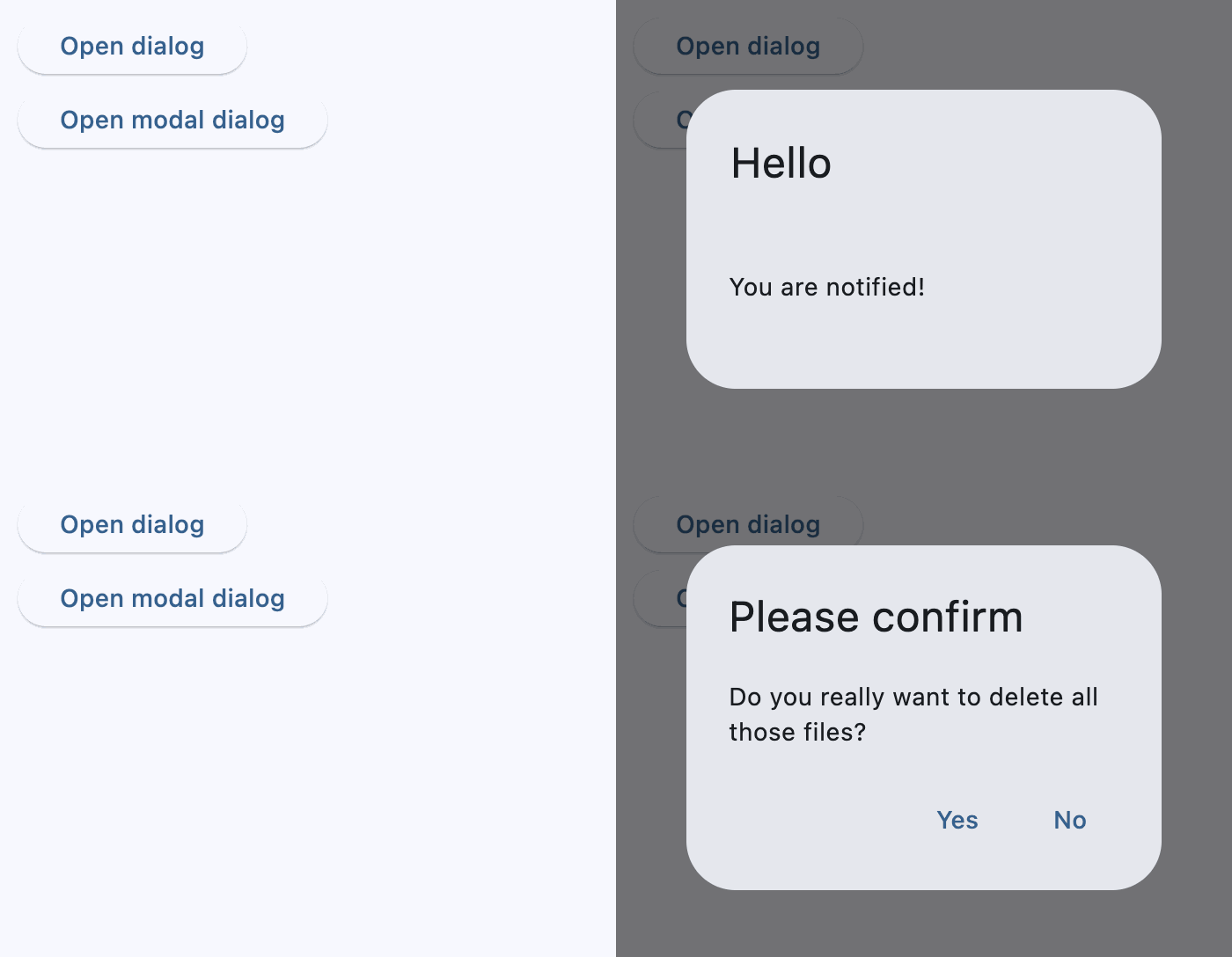](https://docs.flet.dev/test-images/examples/material/golden/macos/alert_dialog/alert_dialog_flow.gif)
Modal and non-modal dialogs
Properties[#](https://docs.flet.dev/controls/alertdialog/#flet.AlertDialog-properties "Permanent link")
--------------------------------------------------------------------------------------------------------
### action\_button\_padding `class-attribute` `instance-attribute` [#](https://docs.flet.dev/controls/alertdialog/#flet.AlertDialog.action_button_padding "Permanent link")
`[](https://docs.flet.dev/controls/alertdialog/#__codelineno-0-1) action_button_padding: [PaddingValue](https://docs.flet.dev/types/aliases/#flet.PaddingValue) | None = None`
The padding that surrounds each button in [`actions`](https://docs.flet.dev/controls/alertdialog/#flet.AlertDialog.actions)
.
### actions `class-attribute` `instance-attribute` [#](https://docs.flet.dev/controls/alertdialog/#flet.AlertDialog.actions "Permanent link")
`[](https://docs.flet.dev/controls/alertdialog/#__codelineno-0-1) actions: [list](https://docs.python.org/3/glossary.html#term-list) [[Control](https://docs.flet.dev/controls/control/#flet.Control) ] = [field](https://docs.python.org/3/library/dataclasses.html#dataclasses.field "dataclasses.field") (default_factory=[list](https://docs.python.org/3/glossary.html#term-list) )`
A set of actions that are displayed at the bottom of this dialog.
Typically this is a list of [`TextButton`](https://docs.flet.dev/controls/textbutton/#flet.TextButton)
controls.
Raises:
* `[ValueError](https://docs.python.org/3/library/exceptions.html#ValueError) ` –
If none of [`title`](https://docs.flet.dev/controls/alertdialog/#flet.AlertDialog.title)
, [`content`](https://docs.flet.dev/controls/alertdialog/#flet.AlertDialog.content)
, or [`actions`](https://docs.flet.dev/controls/alertdialog/#flet.AlertDialog.actions)
are provided, as the dialog would have nothing to display.
### actions\_alignment `class-attribute` `instance-attribute` [#](https://docs.flet.dev/controls/alertdialog/#flet.AlertDialog.actions_alignment "Permanent link")
`[](https://docs.flet.dev/controls/alertdialog/#__codelineno-0-1) actions_alignment: [MainAxisAlignment](https://docs.flet.dev/types/mainaxisalignment/#flet.MainAxisAlignment) | None = None`
Defines the horizontal layout of the actions.
Internally defaults to [`MainAxisAlignment.END`](https://docs.flet.dev/types/mainaxisalignment/#flet.MainAxisAlignment.END)
.
### actions\_overflow\_button\_spacing `class-attribute` `instance-attribute` [#](https://docs.flet.dev/controls/alertdialog/#flet.AlertDialog.actions_overflow_button_spacing "Permanent link")
`[](https://docs.flet.dev/controls/alertdialog/#__codelineno-0-1) actions_overflow_button_spacing: [Number](https://docs.flet.dev/types/aliases/#flet.Number) | None = None`
The spacing between [`actions`](https://docs.flet.dev/controls/alertdialog/#flet.AlertDialog.actions)
when the `OverflowBar` switches to a column layout because the actions don't fit horizontally.
If the controls in `actions` do not fit into a single row, they are arranged into a column. This parameter provides additional vertical space between buttons when it does overflow.
### actions\_padding `class-attribute` `instance-attribute` [#](https://docs.flet.dev/controls/alertdialog/#flet.AlertDialog.actions_padding "Permanent link")
`[](https://docs.flet.dev/controls/alertdialog/#__codelineno-0-1) actions_padding: [PaddingValue](https://docs.flet.dev/types/aliases/#flet.PaddingValue) | None = None`
Padding around the set of [`actions`](https://docs.flet.dev/controls/alertdialog/#flet.AlertDialog.actions)
at the bottom of this dialog.
Typically used to provide padding to the button bar between the button bar and the edges of this dialog.
If are no actions, then no padding will be included. The padding around the button bar defaults to zero.
### alignment `class-attribute` `instance-attribute` [#](https://docs.flet.dev/controls/alertdialog/#flet.AlertDialog.alignment "Permanent link")
`[](https://docs.flet.dev/controls/alertdialog/#__codelineno-0-1) alignment: [Alignment](https://docs.flet.dev/types/alignment/#flet.Alignment) | None = None`
How to align this dialog.
If `None`, then [`DialogTheme.alignment`](https://docs.flet.dev/types/dialogtheme/#flet.DialogTheme.alignment)
is used. If that is also `None`, the default is [`Alignment.CENTER`](https://docs.flet.dev/types/alignment/#flet.Alignment.CENTER)
.
### barrier\_color `class-attribute` `instance-attribute` [#](https://docs.flet.dev/controls/alertdialog/#flet.AlertDialog.barrier_color "Permanent link")
`[](https://docs.flet.dev/controls/alertdialog/#__codelineno-0-1) barrier_color: [ColorValue](https://docs.flet.dev/types/aliases/#flet.ColorValue) | None = None`
The color of the modal barrier below this dialog.
If `None`, then [`DialogTheme.barrier_color`](https://docs.flet.dev/types/dialogtheme/#flet.DialogTheme.barrier_color)
is used. If that is also `None`, the default is `Colors.BLACK_54`.
### bgcolor `class-attribute` `instance-attribute` [#](https://docs.flet.dev/controls/alertdialog/#flet.AlertDialog.bgcolor "Permanent link")
`[](https://docs.flet.dev/controls/alertdialog/#__codelineno-0-1) bgcolor: [ColorValue](https://docs.flet.dev/types/aliases/#flet.ColorValue) | None = None`
The background color of this dialog's surface.
### clip\_behavior `class-attribute` `instance-attribute` [#](https://docs.flet.dev/controls/alertdialog/#flet.AlertDialog.clip_behavior "Permanent link")
`[](https://docs.flet.dev/controls/alertdialog/#__codelineno-0-1) clip_behavior: [ClipBehavior](https://docs.flet.dev/types/clipbehavior/#flet.ClipBehavior) = [NONE](https://docs.flet.dev/types/clipbehavior/#flet.ClipBehavior.NONE)`
Defines how the contents of this dialog are clipped (or not) to the given [`shape`](https://docs.flet.dev/controls/alertdialog/#flet.AlertDialog.shape)
.
### content `class-attribute` `instance-attribute` [#](https://docs.flet.dev/controls/alertdialog/#flet.AlertDialog.content "Permanent link")
`[](https://docs.flet.dev/controls/alertdialog/#__codelineno-0-1) content: [Control](https://docs.flet.dev/controls/control/#flet.Control) | None = None`
The content of this dialog is displayed in the center of this dialog in a lighter font.
Typically this is a [`Column`](https://docs.flet.dev/controls/column/#flet.Column)
that contains this dialog's [`Text`](https://docs.flet.dev/controls/text/#flet.Text)
message.
### content\_padding `class-attribute` `instance-attribute` [#](https://docs.flet.dev/controls/alertdialog/#flet.AlertDialog.content_padding "Permanent link")
`[](https://docs.flet.dev/controls/alertdialog/#__codelineno-0-1) content_padding: [PaddingValue](https://docs.flet.dev/types/aliases/#flet.PaddingValue) | None = None`
Padding around the [`content`](https://docs.flet.dev/controls/alertdialog/#flet.AlertDialog.content)
.
If there is no `content`, no padding will be provided. Otherwise, padding of `20` pixels is provided above the content to separate the [`content`](https://docs.flet.dev/controls/alertdialog/#flet.AlertDialog.content)
from the [`title`](https://docs.flet.dev/controls/alertdialog/#flet.AlertDialog.title)
, and padding of `24` pixels is provided on the left, right, and bottom to separate the [`content`](https://docs.flet.dev/controls/alertdialog/#flet.AlertDialog.content)
from the other edges of this dialog.
### content\_text\_style `class-attribute` `instance-attribute` [#](https://docs.flet.dev/controls/alertdialog/#flet.AlertDialog.content_text_style "Permanent link")
`[](https://docs.flet.dev/controls/alertdialog/#__codelineno-0-1) content_text_style: [TextStyle](https://docs.flet.dev/types/textstyle/#flet.TextStyle) | None = None`
The style for the text in the [`content`](https://docs.flet.dev/controls/alertdialog/#flet.AlertDialog.content)
of this dialog.
If `None`, [`DialogTheme.content_text_style`](https://docs.flet.dev/types/dialogtheme/#flet.DialogTheme.content_text_style)
is used. If that's is also `None`, defaults to [`TextTheme.body_medium`](https://docs.flet.dev/types/texttheme/#flet.TextTheme.body_medium)
(if [`Theme.use_material3`](https://docs.flet.dev/types/theme/#flet.Theme.use_material3)
is `True`; [`TextTheme.title_medium`](https://docs.flet.dev/types/texttheme/#flet.TextTheme.title_medium)
otherwise) of [Theme.text\_theme](https://docs.flet.dev/types/theme/#flet.Theme.text_theme)
.
### elevation `class-attribute` `instance-attribute` [#](https://docs.flet.dev/controls/alertdialog/#flet.AlertDialog.elevation "Permanent link")
`[](https://docs.flet.dev/controls/alertdialog/#__codelineno-0-1) elevation: [Number](https://docs.flet.dev/types/aliases/#flet.Number) | None = None`
Defines the elevation (z-coordinate) at which this dialog should appear.
### icon `class-attribute` `instance-attribute` [#](https://docs.flet.dev/controls/alertdialog/#flet.AlertDialog.icon "Permanent link")
`[](https://docs.flet.dev/controls/alertdialog/#__codelineno-0-1) icon: [Control](https://docs.flet.dev/controls/control/#flet.Control) | None = None`
A control that is displayed at the top of this dialog.
Typically a [`Icon`](https://docs.flet.dev/controls/icon/#flet.Icon)
control.
### icon\_color `class-attribute` `instance-attribute` [#](https://docs.flet.dev/controls/alertdialog/#flet.AlertDialog.icon_color "Permanent link")
`[](https://docs.flet.dev/controls/alertdialog/#__codelineno-0-1) icon_color: [ColorValue](https://docs.flet.dev/types/aliases/#flet.ColorValue) | None = None`
The color for the Icon in the [`icon`](https://docs.flet.dev/controls/alertdialog/#flet.AlertDialog.icon)
of this dialog.
If `None`, [`DialogTheme.icon_color`](https://docs.flet.dev/types/dialogtheme/#flet.DialogTheme.icon_color)
is used. If that is null, defaults to color scheme's [`ColorScheme.secondary`](https://docs.flet.dev/types/colorscheme/#flet.ColorScheme.secondary)
if [`Theme.use_material3`](https://docs.flet.dev/types/theme/#flet.Theme.use_material3)
is `True`, `Colors.BLACK` otherwise.
### icon\_padding `class-attribute` `instance-attribute` [#](https://docs.flet.dev/controls/alertdialog/#flet.AlertDialog.icon_padding "Permanent link")
`[](https://docs.flet.dev/controls/alertdialog/#__codelineno-0-1) icon_padding: [PaddingValue](https://docs.flet.dev/types/aliases/#flet.PaddingValue) | None = None`
Padding around the [`icon`](https://docs.flet.dev/controls/alertdialog/#flet.AlertDialog.icon)
.
### inset\_padding `class-attribute` `instance-attribute` [#](https://docs.flet.dev/controls/alertdialog/#flet.AlertDialog.inset_padding "Permanent link")
`[](https://docs.flet.dev/controls/alertdialog/#__codelineno-0-1) inset_padding: [PaddingValue](https://docs.flet.dev/types/aliases/#flet.PaddingValue) | None = None`
Padding around this dialog itself.
Defaults to `Padding.symmetric(vertical=40, horizontal=24)` - `40` pixels horizontally and `24` pixels vertically outside of this dialog box.
### modal `class-attribute` `instance-attribute` [#](https://docs.flet.dev/controls/alertdialog/#flet.AlertDialog.modal "Permanent link")
`[](https://docs.flet.dev/controls/alertdialog/#__codelineno-0-1) modal: [bool](https://docs.python.org/3/library/functions.html#bool) = False`
Whether dialog can be dismissed/closed by clicking the area outside of it.
### scrollable `class-attribute` `instance-attribute` [#](https://docs.flet.dev/controls/alertdialog/#flet.AlertDialog.scrollable "Permanent link")
`[](https://docs.flet.dev/controls/alertdialog/#__codelineno-0-1) scrollable: [bool](https://docs.python.org/3/library/functions.html#bool) = False`
Determines whether the [`title`](https://docs.flet.dev/controls/alertdialog/#flet.AlertDialog.title)
and [`content`](https://docs.flet.dev/controls/alertdialog/#flet.AlertDialog.content)
controls are wrapped in a scrollable.
This configuration is used when the `title` and `content` are expected to overflow. Both `title` and `content` are wrapped in a scroll view, allowing all overflowed content to be visible while still showing the button bar.
### semantics\_label `class-attribute` `instance-attribute` [#](https://docs.flet.dev/controls/alertdialog/#flet.AlertDialog.semantics_label "Permanent link")
`[](https://docs.flet.dev/controls/alertdialog/#__codelineno-0-1) semantics_label: [str](https://docs.python.org/3/library/stdtypes.html#str) | None = None`
The semantic label of this dialog used by accessibility frameworks to announce screen transitions when this dialog is opened and closed.
On iOS, if this label is not provided, a semantic label will be inferred from the [`title`](https://docs.flet.dev/controls/alertdialog/#flet.AlertDialog.title)
if it is not `None`.
### shadow\_color `class-attribute` `instance-attribute` [#](https://docs.flet.dev/controls/alertdialog/#flet.AlertDialog.shadow_color "Permanent link")
`[](https://docs.flet.dev/controls/alertdialog/#__codelineno-0-1) shadow_color: [ColorValue](https://docs.flet.dev/types/aliases/#flet.ColorValue) | None = None`
The color used to paint a drop shadow under this dialog, which reflects this dialog's [`elevation`](https://docs.flet.dev/controls/alertdialog/#flet.AlertDialog.elevation)
.
### shape `class-attribute` `instance-attribute` [#](https://docs.flet.dev/controls/alertdialog/#flet.AlertDialog.shape "Permanent link")
`[](https://docs.flet.dev/controls/alertdialog/#__codelineno-0-1) shape: [OutlinedBorder](https://docs.flet.dev/types/outlinedborder/#flet.OutlinedBorder) | None = None`
The shape of this dialog.
If `None`, defaults to [`DialogTheme.shape`](https://docs.flet.dev/types/dialogtheme/#flet.DialogTheme.shape)
. If it is also `None`, it defaults to `RoundedRectangleBorder(radius=4.0)`.
### title `class-attribute` `instance-attribute` [#](https://docs.flet.dev/controls/alertdialog/#flet.AlertDialog.title "Permanent link")
`[](https://docs.flet.dev/controls/alertdialog/#__codelineno-0-1) title: [StrOrControl](https://docs.flet.dev/types/aliases/#flet.StrOrControl) | None = None`
The title of this dialog is displayed in a large font at its top.
Typically a [`Text`](https://docs.flet.dev/controls/text/#flet.Text)
control.
### title\_padding `class-attribute` `instance-attribute` [#](https://docs.flet.dev/controls/alertdialog/#flet.AlertDialog.title_padding "Permanent link")
`[](https://docs.flet.dev/controls/alertdialog/#__codelineno-0-1) title_padding: [PaddingValue](https://docs.flet.dev/types/aliases/#flet.PaddingValue) | None = None`
Padding around the [`title`](https://docs.flet.dev/controls/alertdialog/#flet.AlertDialog.title)
.
If there is no title, no padding will be provided. Otherwise, this padding is used.
Defaults to `24` pixels on the top, left, and right of the [`title`](https://docs.flet.dev/controls/alertdialog/#flet.AlertDialog.title)
. If the [`content`](https://docs.flet.dev/controls/alertdialog/#flet.AlertDialog.content)
is not `None`, then no bottom padding is provided (see [`content_padding`](https://docs.flet.dev/controls/alertdialog/#flet.AlertDialog.content_padding)
). If it is not set, then an extra `20` pixels of bottom padding is added to separate the [`title`](https://docs.flet.dev/controls/alertdialog/#flet.AlertDialog.title)
from the [`actions`](https://docs.flet.dev/controls/alertdialog/#flet.AlertDialog.actions)
.
### title\_text\_style `class-attribute` `instance-attribute` [#](https://docs.flet.dev/controls/alertdialog/#flet.AlertDialog.title_text_style "Permanent link")
`[](https://docs.flet.dev/controls/alertdialog/#__codelineno-0-1) title_text_style: [TextStyle](https://docs.flet.dev/types/textstyle/#flet.TextStyle) | None = None`
TBD
Back to top
---
# Checkbox - Flet
[Skip to content](https://docs.flet.dev/controls/checkbox/#flet.Checkbox)
Checkbox
========
Checkbox allows to select one or more items from a group, or switch between two mutually exclusive options (checked or unchecked, on or off).
`[](https://docs.flet.dev/controls/checkbox/#__codelineno-0-1) ft.Checkbox() [](https://docs.flet.dev/controls/checkbox/#__codelineno-0-2) ft.Checkbox(label="Checked", value=True) [](https://docs.flet.dev/controls/checkbox/#__codelineno-0-3) ft.Checkbox(label="Disabled", disabled=True)`
[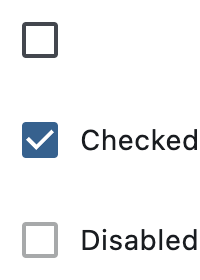](https://docs.flet.dev/test-images/examples/material/golden/macos/checkbox/image_for_docs.png)
Basic checkboxes
Inherits: `[LayoutControl](https://docs.flet.dev/controls/layoutcontrol/#flet.LayoutControl) `, `[AdaptiveControl](https://docs.flet.dev/controls/adaptivecontrol/#flet.AdaptiveControl) `
Properties
* **`[active_color](https://docs.flet.dev/controls/checkbox/#flet.Checkbox.active_color) `**(`[ColorValue](https://docs.flet.dev/types/aliases/#flet.ColorValue) | None`) –
The color to use when this checkbox is checked.
* **`[autofocus](https://docs.flet.dev/controls/checkbox/#flet.Checkbox.autofocus) `**(`[bool](https://docs.python.org/3/library/functions.html#bool) `) –
True if the control will be selected as the initial focus. If there is more than one control on a page with autofocus set, then the first one added to the page will get focus.
* **`[border_side](https://docs.flet.dev/controls/checkbox/#flet.Checkbox.border_side) `**(`[ControlStateValue](https://docs.flet.dev/types/aliases/#flet.ControlStateValue) [[BorderSide](https://docs.flet.dev/types/borderside/#flet.BorderSide) ] | None`) –
The color and width of this checkbox's border in all or specific [`ControlState`](https://docs.flet.dev/types/controlstate/#flet.ControlState)
s.
* **`[check_color](https://docs.flet.dev/controls/checkbox/#flet.Checkbox.check_color) `**(`[ColorValue](https://docs.flet.dev/types/aliases/#flet.ColorValue) | None`) –
The color to use for the check icon when this checkbox is checked.
* **`[error](https://docs.flet.dev/controls/checkbox/#flet.Checkbox.error) `**(`[bool](https://docs.python.org/3/library/functions.html#bool) `) –
Whether this checkbox wants to show an error state.
* **`[fill_color](https://docs.flet.dev/controls/checkbox/#flet.Checkbox.fill_color) `**(`[ControlStateValue](https://docs.flet.dev/types/aliases/#flet.ControlStateValue) [[ColorValue](https://docs.flet.dev/types/aliases/#flet.ColorValue) ] | None`) –
The color that fills this checkbox in all or specific [`ControlState`](https://docs.flet.dev/types/controlstate/#flet.ControlState)
s.
* **`[focus_color](https://docs.flet.dev/controls/checkbox/#flet.Checkbox.focus_color) `**(`[ColorValue](https://docs.flet.dev/types/aliases/#flet.ColorValue) | None`) –
The color for the checkbox's Material when it has the input focus.
* **`[hover_color](https://docs.flet.dev/controls/checkbox/#flet.Checkbox.hover_color) `**(`[ColorValue](https://docs.flet.dev/types/aliases/#flet.ColorValue) | None`) –
The color to use when this checkbox is hovered.
* **`[label](https://docs.flet.dev/controls/checkbox/#flet.Checkbox.label) `**(`[StrOrControl](https://docs.flet.dev/types/aliases/#flet.StrOrControl) | None`) –
The clickable label to display on the right of a checkbox.
* **`[label_position](https://docs.flet.dev/controls/checkbox/#flet.Checkbox.label_position) `**(`[LabelPosition](https://docs.flet.dev/types/labelposition/#flet.LabelPosition) `) –
Defines on which side of the checkbox the [`label`](https://docs.flet.dev/controls/checkbox/#flet.Checkbox.label)
should be shown.
* **`[label_style](https://docs.flet.dev/controls/checkbox/#flet.Checkbox.label_style) `**(`[TextStyle](https://docs.flet.dev/types/textstyle/#flet.TextStyle) | None`) –
The [`label`](https://docs.flet.dev/controls/checkbox/#flet.Checkbox.label)
's text style.
* **`[mouse_cursor](https://docs.flet.dev/controls/checkbox/#flet.Checkbox.mouse_cursor) `**(`[MouseCursor](https://docs.flet.dev/types/mousecursor/#flet.MouseCursor) | None`) –
The cursor to be displayed when a mouse pointer enters or is hovering over this checkbox.
* **`[overlay_color](https://docs.flet.dev/controls/checkbox/#flet.Checkbox.overlay_color) `**(`[ControlStateValue](https://docs.flet.dev/types/aliases/#flet.ControlStateValue) [[ColorValue](https://docs.flet.dev/types/aliases/#flet.ColorValue) ] | None`) –
The color of this checkbox's overlay in various [`ControlState`](https://docs.flet.dev/types/controlstate/#flet.ControlState)
states.
* **`[semantics_label](https://docs.flet.dev/controls/checkbox/#flet.Checkbox.semantics_label) `**(`[str](https://docs.python.org/3/library/stdtypes.html#str) | None`) –
The semantic label for the checkbox that is not shown in the UI, but will be announced by screen readers in accessibility modes (e.g TalkBack/VoiceOver).
* **`[shape](https://docs.flet.dev/controls/checkbox/#flet.Checkbox.shape) `**(`[OutlinedBorder](https://docs.flet.dev/types/outlinedborder/#flet.OutlinedBorder) | None`) –
The shape of the checkbox.
* **`[splash_radius](https://docs.flet.dev/controls/checkbox/#flet.Checkbox.splash_radius) `**(`[Number](https://docs.flet.dev/types/aliases/#flet.Number) | None`) –
The radius of the circular Material ink response (ripple) in logical pixels.
* **`[tristate](https://docs.flet.dev/controls/checkbox/#flet.Checkbox.tristate) `**(`[bool](https://docs.python.org/3/library/functions.html#bool) `) –
If `True` the checkbox's [`value`](https://docs.flet.dev/controls/checkbox/#flet.Checkbox.value)
can be `True`, `False`, or `None`.
* **`[value](https://docs.flet.dev/controls/checkbox/#flet.Checkbox.value) `**(`[bool](https://docs.python.org/3/library/functions.html#bool) | None`) –
The value of this checkbox.
* **`[visual_density](https://docs.flet.dev/controls/checkbox/#flet.Checkbox.visual_density) `**(`[VisualDensity](https://docs.flet.dev/types/visualdensity/#flet.VisualDensity) | None`) –
Defines how compact the checkbox's layout will be.
Events
* **`[on_blur](https://docs.flet.dev/controls/checkbox/#flet.Checkbox.on_blur) `**(`[ControlEventHandler](https://docs.flet.dev/types/aliases/#flet.ControlEventHandler) [[Checkbox](https://docs.flet.dev/controls/checkbox/#flet.Checkbox) ] | None`) –
Called when this checkbox has lost focus.
* **`[on_change](https://docs.flet.dev/controls/checkbox/#flet.Checkbox.on_change) `**(`[ControlEventHandler](https://docs.flet.dev/types/aliases/#flet.ControlEventHandler) [[Checkbox](https://docs.flet.dev/controls/checkbox/#flet.Checkbox) ] | None`) –
Called when the state of this checkbox is changed.
* **`[on_focus](https://docs.flet.dev/controls/checkbox/#flet.Checkbox.on_focus) `**(`[ControlEventHandler](https://docs.flet.dev/types/aliases/#flet.ControlEventHandler) [[Checkbox](https://docs.flet.dev/controls/checkbox/#flet.Checkbox) ] | None`) –
Called when this checkbox has received focus.
Examples[#](https://docs.flet.dev/controls/checkbox/#examples "Permanent link")
--------------------------------------------------------------------------------
[Live example](https://flet-controls-gallery.fly.dev/input/checkbox)
### Basic Example[#](https://docs.flet.dev/controls/checkbox/#basic-example "Permanent link")
`[](https://docs.flet.dev/controls/checkbox/#__codelineno-0-1) import flet as ft [](https://docs.flet.dev/controls/checkbox/#__codelineno-0-2) [](https://docs.flet.dev/controls/checkbox/#__codelineno-0-3)[](https://docs.flet.dev/controls/checkbox/#__codelineno-0-4) def main(page: ft.Page): [](https://docs.flet.dev/controls/checkbox/#__codelineno-0-5) def handle_button_click(e: ft.Event[ft.Button]): [](https://docs.flet.dev/controls/checkbox/#__codelineno-0-6) message.value = ( [](https://docs.flet.dev/controls/checkbox/#__codelineno-0-7) f"Checkboxes values are: {c1.value}, {c2.value}, {c3.value}, " [](https://docs.flet.dev/controls/checkbox/#__codelineno-0-8) f"{c4.value}, {c5.value}." [](https://docs.flet.dev/controls/checkbox/#__codelineno-0-9) ) [](https://docs.flet.dev/controls/checkbox/#__codelineno-0-10) page.update() [](https://docs.flet.dev/controls/checkbox/#__codelineno-0-11) [](https://docs.flet.dev/controls/checkbox/#__codelineno-0-12) page.add( [](https://docs.flet.dev/controls/checkbox/#__codelineno-0-13) c1 := ft.Checkbox(label="Unchecked by default checkbox", value=False), [](https://docs.flet.dev/controls/checkbox/#__codelineno-0-14) c2 := ft.Checkbox( [](https://docs.flet.dev/controls/checkbox/#__codelineno-0-15) label="Undefined by default tristate checkbox", tristate=True [](https://docs.flet.dev/controls/checkbox/#__codelineno-0-16) ), [](https://docs.flet.dev/controls/checkbox/#__codelineno-0-17) c3 := ft.Checkbox(label="Checked by default checkbox", value=True), [](https://docs.flet.dev/controls/checkbox/#__codelineno-0-18) c4 := ft.Checkbox(label="Disabled checkbox", disabled=True), [](https://docs.flet.dev/controls/checkbox/#__codelineno-0-19) c5 := ft.Checkbox( [](https://docs.flet.dev/controls/checkbox/#__codelineno-0-20) label="Checkbox with LEFT label_position", [](https://docs.flet.dev/controls/checkbox/#__codelineno-0-21) label_position=ft.LabelPosition.LEFT, [](https://docs.flet.dev/controls/checkbox/#__codelineno-0-22) ), [](https://docs.flet.dev/controls/checkbox/#__codelineno-0-23) ft.Button(content="Submit", on_click=handle_button_click), [](https://docs.flet.dev/controls/checkbox/#__codelineno-0-24) message := ft.Text(), [](https://docs.flet.dev/controls/checkbox/#__codelineno-0-25) ) [](https://docs.flet.dev/controls/checkbox/#__codelineno-0-26) [](https://docs.flet.dev/controls/checkbox/#__codelineno-0-27)[](https://docs.flet.dev/controls/checkbox/#__codelineno-0-28) if __name__ == "__main__": [](https://docs.flet.dev/controls/checkbox/#__codelineno-0-29) ft.run(main)`
[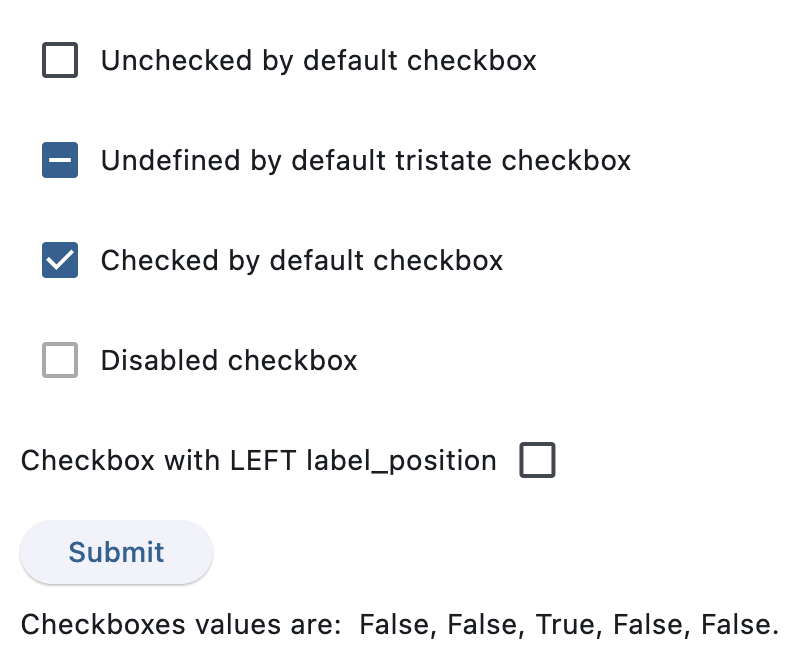](https://docs.flet.dev/test-images/examples/material/golden/macos/checkbox/basic.png)
After clicking Submit
### Handling events[#](https://docs.flet.dev/controls/checkbox/#handling-events "Permanent link")
`[](https://docs.flet.dev/controls/checkbox/#__codelineno-1-1) import flet as ft [](https://docs.flet.dev/controls/checkbox/#__codelineno-1-2) [](https://docs.flet.dev/controls/checkbox/#__codelineno-1-3)[](https://docs.flet.dev/controls/checkbox/#__codelineno-1-4) def main(page: ft.Page): [](https://docs.flet.dev/controls/checkbox/#__codelineno-1-5) def handle_checkbox_change(e: ft.Event[ft.Checkbox]): [](https://docs.flet.dev/controls/checkbox/#__codelineno-1-6) page.add(ft.Text(f"Checkbox value changed to {e.control.value}")) [](https://docs.flet.dev/controls/checkbox/#__codelineno-1-7) page.update() [](https://docs.flet.dev/controls/checkbox/#__codelineno-1-8) [](https://docs.flet.dev/controls/checkbox/#__codelineno-1-9) page.add( [](https://docs.flet.dev/controls/checkbox/#__codelineno-1-10) ft.Checkbox( [](https://docs.flet.dev/controls/checkbox/#__codelineno-1-11) label="Checkbox with 'change' event", [](https://docs.flet.dev/controls/checkbox/#__codelineno-1-12) on_change=handle_checkbox_change, [](https://docs.flet.dev/controls/checkbox/#__codelineno-1-13) ) [](https://docs.flet.dev/controls/checkbox/#__codelineno-1-14) ) [](https://docs.flet.dev/controls/checkbox/#__codelineno-1-15) [](https://docs.flet.dev/controls/checkbox/#__codelineno-1-16)[](https://docs.flet.dev/controls/checkbox/#__codelineno-1-17) if __name__ == "__main__": [](https://docs.flet.dev/controls/checkbox/#__codelineno-1-18) ft.run(main)`
[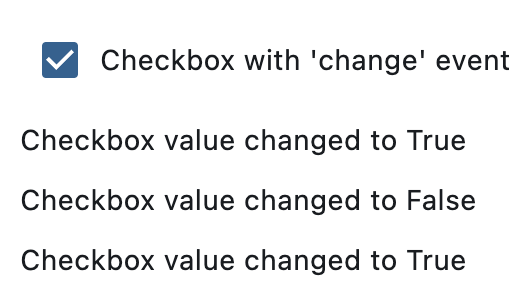](https://docs.flet.dev/test-images/examples/material/golden/macos/checkbox/handling_events.png)
After three clicks
### Styled checkboxes[#](https://docs.flet.dev/controls/checkbox/#styled-checkboxes "Permanent link")
`[](https://docs.flet.dev/controls/checkbox/#__codelineno-2-1) import flet as ft [](https://docs.flet.dev/controls/checkbox/#__codelineno-2-2) [](https://docs.flet.dev/controls/checkbox/#__codelineno-2-3)[](https://docs.flet.dev/controls/checkbox/#__codelineno-2-4) def main(page: ft.Page): [](https://docs.flet.dev/controls/checkbox/#__codelineno-2-5) page.add( [](https://docs.flet.dev/controls/checkbox/#__codelineno-2-6) ft.Checkbox(label="Checkbox with default style"), [](https://docs.flet.dev/controls/checkbox/#__codelineno-2-7) ft.Checkbox( [](https://docs.flet.dev/controls/checkbox/#__codelineno-2-8) label="Checkbox with constant fill color", [](https://docs.flet.dev/controls/checkbox/#__codelineno-2-9) fill_color=ft.Colors.RED, [](https://docs.flet.dev/controls/checkbox/#__codelineno-2-10) check_color=ft.Colors.YELLOW, [](https://docs.flet.dev/controls/checkbox/#__codelineno-2-11) ), [](https://docs.flet.dev/controls/checkbox/#__codelineno-2-12) ft.Checkbox( [](https://docs.flet.dev/controls/checkbox/#__codelineno-2-13) label="Checkbox with dynamic fill color", [](https://docs.flet.dev/controls/checkbox/#__codelineno-2-14) fill_color={ [](https://docs.flet.dev/controls/checkbox/#__codelineno-2-15) ft.ControlState.HOVERED: ft.Colors.BLUE, [](https://docs.flet.dev/controls/checkbox/#__codelineno-2-16) ft.ControlState.SELECTED: ft.Colors.GREEN, [](https://docs.flet.dev/controls/checkbox/#__codelineno-2-17) ft.ControlState.DEFAULT: ft.Colors.RED, [](https://docs.flet.dev/controls/checkbox/#__codelineno-2-18) }, [](https://docs.flet.dev/controls/checkbox/#__codelineno-2-19) # border_side={ft.ControlState.HOVERED: ft.BorderSide(width=1.0)}, [](https://docs.flet.dev/controls/checkbox/#__codelineno-2-20) ), [](https://docs.flet.dev/controls/checkbox/#__codelineno-2-21) ) [](https://docs.flet.dev/controls/checkbox/#__codelineno-2-22) [](https://docs.flet.dev/controls/checkbox/#__codelineno-2-23)[](https://docs.flet.dev/controls/checkbox/#__codelineno-2-24) if __name__ == "__main__": [](https://docs.flet.dev/controls/checkbox/#__codelineno-2-25) ft.run(main)`
[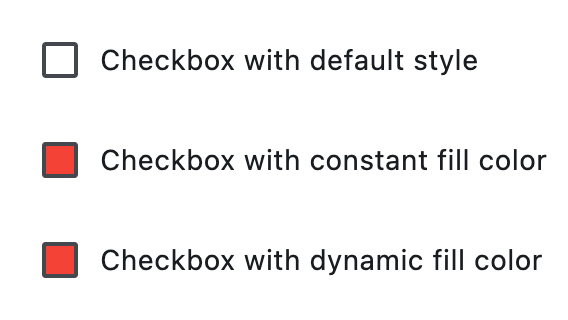](https://docs.flet.dev/test-images/examples/material/golden/macos/checkbox/styled_checkboxes.png)
Properties[#](https://docs.flet.dev/controls/checkbox/#flet.Checkbox-properties "Permanent link")
--------------------------------------------------------------------------------------------------
### active\_color `class-attribute` `instance-attribute` [#](https://docs.flet.dev/controls/checkbox/#flet.Checkbox.active_color "Permanent link")
`[](https://docs.flet.dev/controls/checkbox/#__codelineno-0-1) active_color: [ColorValue](https://docs.flet.dev/types/aliases/#flet.ColorValue) | None = None`
The color to use when this checkbox is checked.
### autofocus `class-attribute` `instance-attribute` [#](https://docs.flet.dev/controls/checkbox/#flet.Checkbox.autofocus "Permanent link")
`[](https://docs.flet.dev/controls/checkbox/#__codelineno-0-1) autofocus: [bool](https://docs.python.org/3/library/functions.html#bool) = False`
True if the control will be selected as the initial focus. If there is more than one control on a page with autofocus set, then the first one added to the page will get focus.
### border\_side `class-attribute` `instance-attribute` [#](https://docs.flet.dev/controls/checkbox/#flet.Checkbox.border_side "Permanent link")
`[](https://docs.flet.dev/controls/checkbox/#__codelineno-0-1) border_side: [ControlStateValue](https://docs.flet.dev/types/aliases/#flet.ControlStateValue) [[BorderSide](https://docs.flet.dev/types/borderside/#flet.BorderSide) ] | None = None`
The color and width of this checkbox's border in all or specific [`ControlState`](https://docs.flet.dev/types/controlstate/#flet.ControlState)
s.
Defaults to [`CheckboxTheme.border_side`](https://docs.flet.dev/types/checkboxtheme/#flet.CheckboxTheme.border_side)
, or if that is `None`, falls back to `BorderSide` with a width of `2.0`.
Note
Supported states: [`ControlState.SELECTED`](https://docs.flet.dev/types/controlstate/#flet.ControlState.SELECTED)
, [`ControlState.HOVERED`](https://docs.flet.dev/types/controlstate/#flet.ControlState.HOVERED)
, [`ControlState.DISABLED`](https://docs.flet.dev/types/controlstate/#flet.ControlState.DISABLED)
, [`ControlState.FOCUSED`](https://docs.flet.dev/types/controlstate/#flet.ControlState.FOCUSED)
, [`ControlState.PRESSED`](https://docs.flet.dev/types/controlstate/#flet.ControlState.PRESSED)
, [`ControlState.ERROR`](https://docs.flet.dev/types/controlstate/#flet.ControlState.ERROR)
, and [`ControlState.DEFAULT`](https://docs.flet.dev/types/controlstate/#flet.ControlState.DEFAULT)
.
### check\_color `class-attribute` `instance-attribute` [#](https://docs.flet.dev/controls/checkbox/#flet.Checkbox.check_color "Permanent link")
`[](https://docs.flet.dev/controls/checkbox/#__codelineno-0-1) check_color: [ColorValue](https://docs.flet.dev/types/aliases/#flet.ColorValue) | None = None`
The color to use for the check icon when this checkbox is checked.
### error `class-attribute` `instance-attribute` [#](https://docs.flet.dev/controls/checkbox/#flet.Checkbox.error "Permanent link")
`[](https://docs.flet.dev/controls/checkbox/#__codelineno-0-1) error: [bool](https://docs.python.org/3/library/functions.html#bool) = False`
Whether this checkbox wants to show an error state.
If `True` this checkbox will have a different default container color and check color.
### fill\_color `class-attribute` `instance-attribute` [#](https://docs.flet.dev/controls/checkbox/#flet.Checkbox.fill_color "Permanent link")
`[](https://docs.flet.dev/controls/checkbox/#__codelineno-0-1) fill_color: [ControlStateValue](https://docs.flet.dev/types/aliases/#flet.ControlStateValue) [[ColorValue](https://docs.flet.dev/types/aliases/#flet.ColorValue) ] | None = None`
The color that fills this checkbox in all or specific [`ControlState`](https://docs.flet.dev/types/controlstate/#flet.ControlState)
s.
Note
Supported states: [`ControlState.SELECTED`](https://docs.flet.dev/types/controlstate/#flet.ControlState.SELECTED)
, [`ControlState.HOVERED`](https://docs.flet.dev/types/controlstate/#flet.ControlState.HOVERED)
, [`ControlState.DISABLED`](https://docs.flet.dev/types/controlstate/#flet.ControlState.DISABLED)
, [`ControlState.FOCUSED`](https://docs.flet.dev/types/controlstate/#flet.ControlState.FOCUSED)
, and [`ControlState.DEFAULT`](https://docs.flet.dev/types/controlstate/#flet.ControlState.DEFAULT)
.
### focus\_color `class-attribute` `instance-attribute` [#](https://docs.flet.dev/controls/checkbox/#flet.Checkbox.focus_color "Permanent link")
`[](https://docs.flet.dev/controls/checkbox/#__codelineno-0-1) focus_color: [ColorValue](https://docs.flet.dev/types/aliases/#flet.ColorValue) | None = None`
The color for the checkbox's Material when it has the input focus. If [`overlay_color`](https://docs.flet.dev/controls/checkbox/#flet.Checkbox.overlay_color)
returns a non-None color in the [`ControlState.FOCUSED`](https://docs.flet.dev/types/controlstate/#flet.ControlState.FOCUSED)
state, it will be used instead.
Defaults to [`CheckboxTheme.overlay_color`](https://docs.flet.dev/types/checkboxtheme/#flet.CheckboxTheme.overlay_color)
in the [`ControlState.FOCUSED`](https://docs.flet.dev/types/controlstate/#flet.ControlState.FOCUSED)
state, or if that is `None`, falls back to [`Theme.focus_color`](https://docs.flet.dev/types/theme/#flet.Theme.focus_color)
.
### hover\_color `class-attribute` `instance-attribute` [#](https://docs.flet.dev/controls/checkbox/#flet.Checkbox.hover_color "Permanent link")
`[](https://docs.flet.dev/controls/checkbox/#__codelineno-0-1) hover_color: [ColorValue](https://docs.flet.dev/types/aliases/#flet.ColorValue) | None = None`
The color to use when this checkbox is hovered.
### label `class-attribute` `instance-attribute` [#](https://docs.flet.dev/controls/checkbox/#flet.Checkbox.label "Permanent link")
`[](https://docs.flet.dev/controls/checkbox/#__codelineno-0-1) label: [StrOrControl](https://docs.flet.dev/types/aliases/#flet.StrOrControl) | None = None`
The clickable label to display on the right of a checkbox.
### label\_position `class-attribute` `instance-attribute` [#](https://docs.flet.dev/controls/checkbox/#flet.Checkbox.label_position "Permanent link")
`[](https://docs.flet.dev/controls/checkbox/#__codelineno-0-1) label_position: [LabelPosition](https://docs.flet.dev/types/labelposition/#flet.LabelPosition) = [RIGHT](https://docs.flet.dev/types/labelposition/#flet.LabelPosition.RIGHT)`
Defines on which side of the checkbox the [`label`](https://docs.flet.dev/controls/checkbox/#flet.Checkbox.label)
should be shown.
### label\_style `class-attribute` `instance-attribute` [#](https://docs.flet.dev/controls/checkbox/#flet.Checkbox.label_style "Permanent link")
`[](https://docs.flet.dev/controls/checkbox/#__codelineno-0-1) label_style: [TextStyle](https://docs.flet.dev/types/textstyle/#flet.TextStyle) | None = None`
The [`label`](https://docs.flet.dev/controls/checkbox/#flet.Checkbox.label)
's text style.
### mouse\_cursor `class-attribute` `instance-attribute` [#](https://docs.flet.dev/controls/checkbox/#flet.Checkbox.mouse_cursor "Permanent link")
`[](https://docs.flet.dev/controls/checkbox/#__codelineno-0-1) mouse_cursor: [MouseCursor](https://docs.flet.dev/types/mousecursor/#flet.MouseCursor) | None = None`
The cursor to be displayed when a mouse pointer enters or is hovering over this checkbox.
Defaults to [`CheckboxTheme.mouse_cursor`](https://docs.flet.dev/types/checkboxtheme/#flet.CheckboxTheme.mouse_cursor)
, or if that is `None`, falls back to `MouseCursor.CLICK`.
### overlay\_color `class-attribute` `instance-attribute` [#](https://docs.flet.dev/controls/checkbox/#flet.Checkbox.overlay_color "Permanent link")
`[](https://docs.flet.dev/controls/checkbox/#__codelineno-0-1) overlay_color: [ControlStateValue](https://docs.flet.dev/types/aliases/#flet.ControlStateValue) [[ColorValue](https://docs.flet.dev/types/aliases/#flet.ColorValue) ] | None = None`
The color of this checkbox's overlay in various [`ControlState`](https://docs.flet.dev/types/controlstate/#flet.ControlState)
states.
Note
Supported states: [`ControlState.PRESSED`](https://docs.flet.dev/types/controlstate/#flet.ControlState.PRESSED)
, [`ControlState.SELECTED`](https://docs.flet.dev/types/controlstate/#flet.ControlState.SELECTED)
, [`ControlState.HOVERED`](https://docs.flet.dev/types/controlstate/#flet.ControlState.HOVERED)
, [`ControlState.FOCUSED`](https://docs.flet.dev/types/controlstate/#flet.ControlState.FOCUSED)
, and [`ControlState.DEFAULT`](https://docs.flet.dev/types/controlstate/#flet.ControlState.DEFAULT)
.
### semantics\_label `class-attribute` `instance-attribute` [#](https://docs.flet.dev/controls/checkbox/#flet.Checkbox.semantics_label "Permanent link")
`[](https://docs.flet.dev/controls/checkbox/#__codelineno-0-1) semantics_label: [str](https://docs.python.org/3/library/stdtypes.html#str) | None = None`
The semantic label for the checkbox that is not shown in the UI, but will be announced by screen readers in accessibility modes (e.g TalkBack/VoiceOver).
### shape `class-attribute` `instance-attribute` [#](https://docs.flet.dev/controls/checkbox/#flet.Checkbox.shape "Permanent link")
`[](https://docs.flet.dev/controls/checkbox/#__codelineno-0-1) shape: [OutlinedBorder](https://docs.flet.dev/types/outlinedborder/#flet.OutlinedBorder) | None = None`
The shape of the checkbox.
Defaults to [`CheckboxTheme.shape`](https://docs.flet.dev/types/checkboxtheme/#flet.CheckboxTheme.shape)
, or if that is `None`, falls back to `RoundedRectangleBorder(radius=2)`.
### splash\_radius `class-attribute` `instance-attribute` [#](https://docs.flet.dev/controls/checkbox/#flet.Checkbox.splash_radius "Permanent link")
`[](https://docs.flet.dev/controls/checkbox/#__codelineno-0-1) splash_radius: [Number](https://docs.flet.dev/types/aliases/#flet.Number) | None = None`
The radius of the circular Material ink response (ripple) in logical pixels.
Defaults to [`CheckboxTheme.splash_radius`](https://docs.flet.dev/types/checkboxtheme/#flet.CheckboxTheme.splash_radius)
, or if that is `None`, falls back to `20.0`.
### tristate `class-attribute` `instance-attribute` [#](https://docs.flet.dev/controls/checkbox/#flet.Checkbox.tristate "Permanent link")
`[](https://docs.flet.dev/controls/checkbox/#__codelineno-0-1) tristate: [bool](https://docs.python.org/3/library/functions.html#bool) = False`
If `True` the checkbox's [`value`](https://docs.flet.dev/controls/checkbox/#flet.Checkbox.value)
can be `True`, `False`, or `None`.
### value `class-attribute` `instance-attribute` [#](https://docs.flet.dev/controls/checkbox/#flet.Checkbox.value "Permanent link")
`[](https://docs.flet.dev/controls/checkbox/#__codelineno-0-1) value: [bool](https://docs.python.org/3/library/functions.html#bool) | None = False`
The value of this checkbox.
* If `True`, this checkbox is checked.
* If `False`, this checkbox is unchecked.
* If `None` and [`tristate`](https://docs.flet.dev/controls/checkbox/#flet.Checkbox.tristate)
is `True`, this checkbox is indeterminate (displayed as a dash).
### visual\_density `class-attribute` `instance-attribute` [#](https://docs.flet.dev/controls/checkbox/#flet.Checkbox.visual_density "Permanent link")
`[](https://docs.flet.dev/controls/checkbox/#__codelineno-0-1) visual_density: [VisualDensity](https://docs.flet.dev/types/visualdensity/#flet.VisualDensity) | None = None`
Defines how compact the checkbox's layout will be.
Events[#](https://docs.flet.dev/controls/checkbox/#flet.Checkbox-events "Permanent link")
------------------------------------------------------------------------------------------
### on\_blur `class-attribute` `instance-attribute` [#](https://docs.flet.dev/controls/checkbox/#flet.Checkbox.on_blur "Permanent link")
`[](https://docs.flet.dev/controls/checkbox/#__codelineno-0-1) on_blur: [ControlEventHandler](https://docs.flet.dev/types/aliases/#flet.ControlEventHandler) [[Checkbox](https://docs.flet.dev/controls/checkbox/#flet.Checkbox) ] | None = None`
Called when this checkbox has lost focus.
### on\_change `class-attribute` `instance-attribute` [#](https://docs.flet.dev/controls/checkbox/#flet.Checkbox.on_change "Permanent link")
`[](https://docs.flet.dev/controls/checkbox/#__codelineno-0-1) on_change: [ControlEventHandler](https://docs.flet.dev/types/aliases/#flet.ControlEventHandler) [[Checkbox](https://docs.flet.dev/controls/checkbox/#flet.Checkbox) ] | None = None`
Called when the state of this checkbox is changed.
### on\_focus `class-attribute` `instance-attribute` [#](https://docs.flet.dev/controls/checkbox/#flet.Checkbox.on_focus "Permanent link")
`[](https://docs.flet.dev/controls/checkbox/#__codelineno-0-1) on_focus: [ControlEventHandler](https://docs.flet.dev/types/aliases/#flet.ControlEventHandler) [[Checkbox](https://docs.flet.dev/controls/checkbox/#flet.Checkbox) ] | None = None`
Called when this checkbox has received focus.
Back to top
---
# CupertinoDatePicker - Flet
[Skip to content](https://docs.flet.dev/controls/cupertinodatepicker/#flet.CupertinoDatePicker)
CupertinoDatePicker
===================
An iOS-styled date picker.
Inherits: `[LayoutControl](https://docs.flet.dev/controls/layoutcontrol/#flet.LayoutControl) `
Properties
* **`[bgcolor](https://docs.flet.dev/controls/cupertinodatepicker/#flet.CupertinoDatePicker.bgcolor) `**(`[ColorValue](https://docs.flet.dev/types/aliases/#flet.ColorValue) | None`) –
The background color of this date picker.
* **`[date_order](https://docs.flet.dev/controls/cupertinodatepicker/#flet.CupertinoDatePicker.date_order) `**(`[CupertinoDatePickerDateOrder](https://docs.flet.dev/types/cupertinodatepickerdateorder/#flet.CupertinoDatePickerDateOrder) | None`) –
The order in which the columns inside this picker are displayed.
* **`[date_picker_mode](https://docs.flet.dev/controls/cupertinodatepicker/#flet.CupertinoDatePicker.date_picker_mode) `**(`[CupertinoDatePickerMode](https://docs.flet.dev/types/cupertinodatepickermode/#flet.CupertinoDatePickerMode) `) –
The mode of the date picker.
* **`[first_date](https://docs.flet.dev/controls/cupertinodatepicker/#flet.CupertinoDatePicker.first_date) `**(`[DateTimeValue](https://docs.flet.dev/types/aliases/#flet.DateTimeValue) | None`) –
The earliest allowable date that the user can select.
* **`[item_extent](https://docs.flet.dev/controls/cupertinodatepicker/#flet.CupertinoDatePicker.item_extent) `**(`[Number](https://docs.flet.dev/types/aliases/#flet.Number) `) –
The uniform height of all children.
* **`[last_date](https://docs.flet.dev/controls/cupertinodatepicker/#flet.CupertinoDatePicker.last_date) `**(`[DateTimeValue](https://docs.flet.dev/types/aliases/#flet.DateTimeValue) | None`) –
The latest allowable date that the user can select.
* **`[locale](https://docs.flet.dev/controls/cupertinodatepicker/#flet.CupertinoDatePicker.locale) `**(`[Locale](https://docs.flet.dev/types/locale/#flet.Locale) | None`) –
The locale for this date picker. It is intended for rare cases where this control should be localized differently from the rest of the page.
* **`[maximum_year](https://docs.flet.dev/controls/cupertinodatepicker/#flet.CupertinoDatePicker.maximum_year) `**(`[int](https://docs.python.org/3/library/functions.html#int) | None`) –
Maximum year to which the picker can be scrolled when in [`CupertinoDatePickerMode.DATE`](https://docs.flet.dev/types/cupertinodatepickermode/#flet.CupertinoDatePickerMode.DATE)
mode.
* **`[minimum_year](https://docs.flet.dev/controls/cupertinodatepicker/#flet.CupertinoDatePicker.minimum_year) `**(`[int](https://docs.python.org/3/library/functions.html#int) `) –
Minimum year to which the picker can be scrolled when in [`CupertinoDatePickerMode.DATE`](https://docs.flet.dev/types/cupertinodatepickermode/#flet.CupertinoDatePickerMode.DATE)
mode.
* **`[minute_interval](https://docs.flet.dev/controls/cupertinodatepicker/#flet.CupertinoDatePicker.minute_interval) `**(`[int](https://docs.python.org/3/library/functions.html#int) `) –
The granularity of the minutes spinner, if it is shown in the current [`date_picker_mode`](https://docs.flet.dev/controls/cupertinodatepicker/#flet.CupertinoDatePicker.date_picker_mode)
.
* **`[show_day_of_week](https://docs.flet.dev/controls/cupertinodatepicker/#flet.CupertinoDatePicker.show_day_of_week) `**(`[bool](https://docs.python.org/3/library/functions.html#bool) `) –
Whether to show day of week alongside day.
* **`[use_24h_format](https://docs.flet.dev/controls/cupertinodatepicker/#flet.CupertinoDatePicker.use_24h_format) `**(`[bool](https://docs.python.org/3/library/functions.html#bool) `) –
Whether to use the 24-hour time format.
* **`[value](https://docs.flet.dev/controls/cupertinodatepicker/#flet.CupertinoDatePicker.value) `**(`[DateTimeValue](https://docs.flet.dev/types/aliases/#flet.DateTimeValue) `) –
The initial date and/or time of the picker.
Events
* **`[on_change](https://docs.flet.dev/controls/cupertinodatepicker/#flet.CupertinoDatePicker.on_change) `**(`[ControlEventHandler](https://docs.flet.dev/types/aliases/#flet.ControlEventHandler) [[CupertinoDatePicker](https://docs.flet.dev/controls/cupertinodatepicker/#flet.CupertinoDatePicker) ] | None`) –
Called when the selected date and/or time changes.
Examples[#](https://docs.flet.dev/controls/cupertinodatepicker/#examples "Permanent link")
-------------------------------------------------------------------------------------------
[Live example](https://flet-controls-gallery.fly.dev/dialogs/cupertinodatepicker)
### Basic Example[#](https://docs.flet.dev/controls/cupertinodatepicker/#basic-example "Permanent link")
`[](https://docs.flet.dev/controls/cupertinodatepicker/#__codelineno-0-1) from datetime import datetime [](https://docs.flet.dev/controls/cupertinodatepicker/#__codelineno-0-2)[](https://docs.flet.dev/controls/cupertinodatepicker/#__codelineno-0-3) import flet as ft [](https://docs.flet.dev/controls/cupertinodatepicker/#__codelineno-0-4) [](https://docs.flet.dev/controls/cupertinodatepicker/#__codelineno-0-5)[](https://docs.flet.dev/controls/cupertinodatepicker/#__codelineno-0-6) def main(page: ft.Page): [](https://docs.flet.dev/controls/cupertinodatepicker/#__codelineno-0-7) page.horizontal_alignment = ft.CrossAxisAlignment.CENTER [](https://docs.flet.dev/controls/cupertinodatepicker/#__codelineno-0-8) [](https://docs.flet.dev/controls/cupertinodatepicker/#__codelineno-0-9) def handle_date_change(e: ft.Event[ft.CupertinoDatePicker]): [](https://docs.flet.dev/controls/cupertinodatepicker/#__codelineno-0-10) message.value = f"Chosen Date: {e.control.value.strftime('%Y-%m-%d %H:%M %p')}" [](https://docs.flet.dev/controls/cupertinodatepicker/#__codelineno-0-11) page.update() [](https://docs.flet.dev/controls/cupertinodatepicker/#__codelineno-0-12) [](https://docs.flet.dev/controls/cupertinodatepicker/#__codelineno-0-13) cupertino_date_picker = ft.CupertinoDatePicker( [](https://docs.flet.dev/controls/cupertinodatepicker/#__codelineno-0-14) value=datetime.now(), [](https://docs.flet.dev/controls/cupertinodatepicker/#__codelineno-0-15) date_picker_mode=ft.CupertinoDatePickerMode.DATE_AND_TIME, [](https://docs.flet.dev/controls/cupertinodatepicker/#__codelineno-0-16) on_change=handle_date_change, [](https://docs.flet.dev/controls/cupertinodatepicker/#__codelineno-0-17) ) [](https://docs.flet.dev/controls/cupertinodatepicker/#__codelineno-0-18) [](https://docs.flet.dev/controls/cupertinodatepicker/#__codelineno-0-19) page.add( [](https://docs.flet.dev/controls/cupertinodatepicker/#__codelineno-0-20) ft.CupertinoFilledButton( [](https://docs.flet.dev/controls/cupertinodatepicker/#__codelineno-0-21) content="Open CupertinoDatePicker", [](https://docs.flet.dev/controls/cupertinodatepicker/#__codelineno-0-22) on_click=lambda e: page.show_dialog( [](https://docs.flet.dev/controls/cupertinodatepicker/#__codelineno-0-23) ft.CupertinoBottomSheet( [](https://docs.flet.dev/controls/cupertinodatepicker/#__codelineno-0-24) content=cupertino_date_picker, [](https://docs.flet.dev/controls/cupertinodatepicker/#__codelineno-0-25) height=216, [](https://docs.flet.dev/controls/cupertinodatepicker/#__codelineno-0-26) padding=ft.Padding.only(top=6), [](https://docs.flet.dev/controls/cupertinodatepicker/#__codelineno-0-27) ) [](https://docs.flet.dev/controls/cupertinodatepicker/#__codelineno-0-28) ), [](https://docs.flet.dev/controls/cupertinodatepicker/#__codelineno-0-29) ), [](https://docs.flet.dev/controls/cupertinodatepicker/#__codelineno-0-30) message := ft.Text("Chosen Time: "), [](https://docs.flet.dev/controls/cupertinodatepicker/#__codelineno-0-31) ) [](https://docs.flet.dev/controls/cupertinodatepicker/#__codelineno-0-32) [](https://docs.flet.dev/controls/cupertinodatepicker/#__codelineno-0-33)[](https://docs.flet.dev/controls/cupertinodatepicker/#__codelineno-0-34) ft.run(main)`
[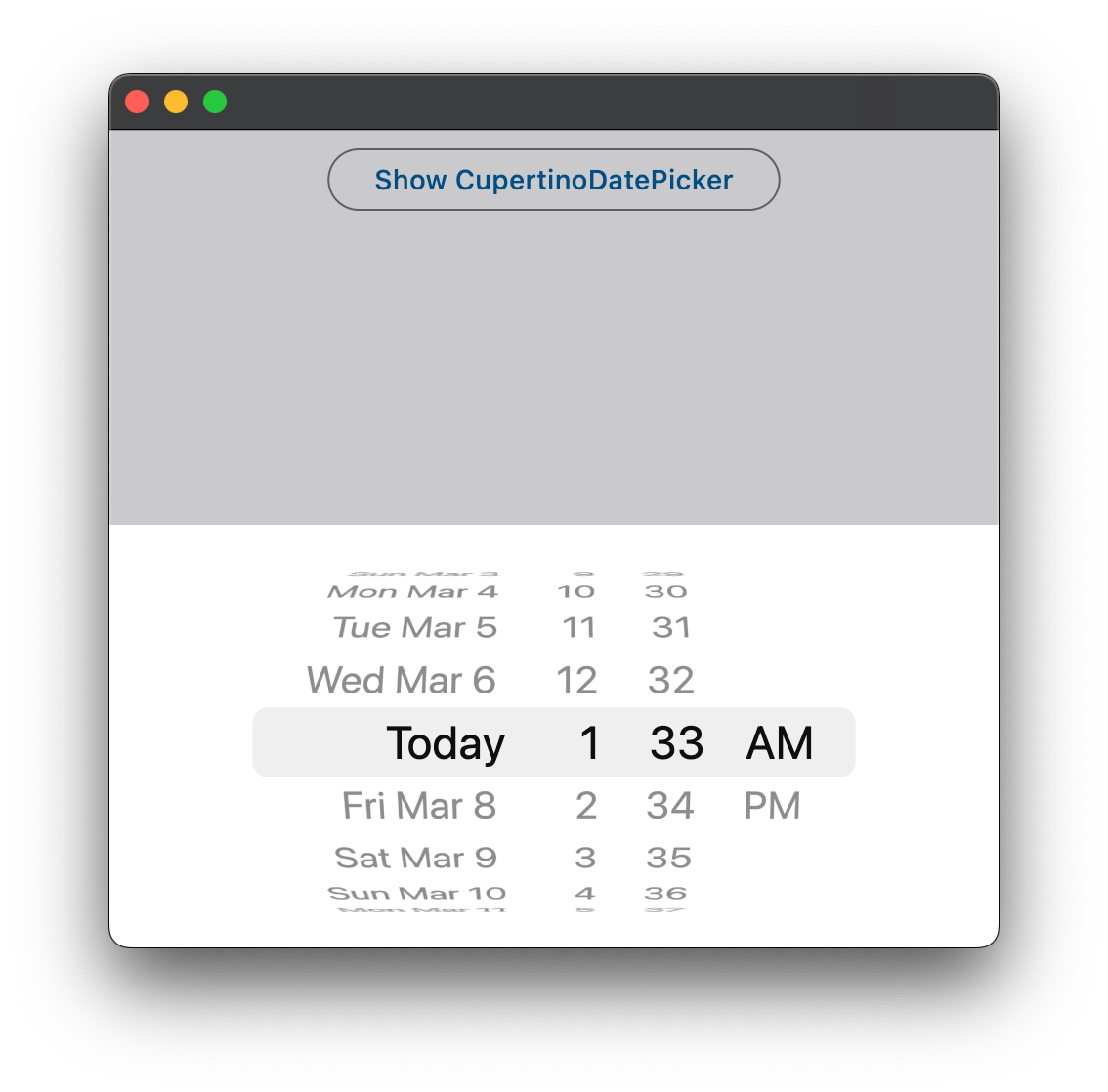](https://docs.flet.dev/examples/controls/cupertino_date_picker/media/basic.png)
Properties[#](https://docs.flet.dev/controls/cupertinodatepicker/#flet.CupertinoDatePicker-properties "Permanent link")
------------------------------------------------------------------------------------------------------------------------
### bgcolor `class-attribute` `instance-attribute` [#](https://docs.flet.dev/controls/cupertinodatepicker/#flet.CupertinoDatePicker.bgcolor "Permanent link")
`[](https://docs.flet.dev/controls/cupertinodatepicker/#__codelineno-0-1) bgcolor: [ColorValue](https://docs.flet.dev/types/aliases/#flet.ColorValue) | None = None`
The background color of this date picker.
### date\_order `class-attribute` `instance-attribute` [#](https://docs.flet.dev/controls/cupertinodatepicker/#flet.CupertinoDatePicker.date_order "Permanent link")
`[](https://docs.flet.dev/controls/cupertinodatepicker/#__codelineno-0-1) date_order: [CupertinoDatePickerDateOrder](https://docs.flet.dev/types/cupertinodatepickerdateorder/#flet.CupertinoDatePickerDateOrder) | None = None`
The order in which the columns inside this picker are displayed.
Note
The final order in which the columns are displayed is also influenced by the [`date_picker_mode`](https://docs.flet.dev/controls/cupertinodatepicker/#flet.CupertinoDatePicker.date_picker_mode)
. For example, if `date_picker_mode` is [`CupertinoDatePickerMode.MONTH_YEAR`](https://docs.flet.dev/types/cupertinodatepickermode/#flet.CupertinoDatePickerMode.MONTH_YEAR)
both [`CupertinoDatePickerDateOrder.DAY_MONTH_YEAR`](https://docs.flet.dev/types/cupertinodatepickerdateorder/#flet.CupertinoDatePickerDateOrder.DAY_MONTH_YEAR)
and [`CupertinoDatePickerDateOrder.MONTH_DAY_YEAR`](https://docs.flet.dev/types/cupertinodatepickerdateorder/#flet.CupertinoDatePickerDateOrder.MONTH_DAY_YEAR)
will result in the `month|year` order.
### date\_picker\_mode `class-attribute` `instance-attribute` [#](https://docs.flet.dev/controls/cupertinodatepicker/#flet.CupertinoDatePicker.date_picker_mode "Permanent link")
`[](https://docs.flet.dev/controls/cupertinodatepicker/#__codelineno-0-1) date_picker_mode: [CupertinoDatePickerMode](https://docs.flet.dev/types/cupertinodatepickermode/#flet.CupertinoDatePickerMode) = [DATE_AND_TIME](https://docs.flet.dev/types/cupertinodatepickermode/#flet.CupertinoDatePickerMode.DATE_AND_TIME)`
The mode of the date picker.
### first\_date `class-attribute` `instance-attribute` [#](https://docs.flet.dev/controls/cupertinodatepicker/#flet.CupertinoDatePicker.first_date "Permanent link")
`[](https://docs.flet.dev/controls/cupertinodatepicker/#__codelineno-0-1) first_date: [DateTimeValue](https://docs.flet.dev/types/aliases/#flet.DateTimeValue) | None = None`
The earliest allowable date that the user can select.
* If set to `None` (the default), there is no lower date limit.
* When not `None`, one can still scroll the picker to dates earlier than `first_date`, with the exception that the [`on_change`](https://docs.flet.dev/controls/cupertinodatepicker/#flet.CupertinoDatePicker.on_change)
will not be called. Once let go, the picker will scroll back to `first_date`.
Note
In [`CupertinoDatePickerMode.TIME`](https://docs.flet.dev/types/cupertinodatepickermode/#flet.CupertinoDatePickerMode.TIME)
mode, a time becomes unselectable if the datetime produced by combining that particular time and the date part of [`value`](https://docs.flet.dev/controls/cupertinodatepicker/#flet.CupertinoDatePicker.value)
is earlier than `last_date`. So typically, `first_date` needs to be set to a datetime that is on the same date as [`value`](https://docs.flet.dev/controls/cupertinodatepicker/#flet.CupertinoDatePicker.value)
.
### item\_extent `class-attribute` `instance-attribute` [#](https://docs.flet.dev/controls/cupertinodatepicker/#flet.CupertinoDatePicker.item_extent "Permanent link")
`[](https://docs.flet.dev/controls/cupertinodatepicker/#__codelineno-0-1) item_extent: [Number](https://docs.flet.dev/types/aliases/#flet.Number) = 32.0`
The uniform height of all children.
Raises:
* `[ValueError](https://docs.python.org/3/library/exceptions.html#ValueError) ` –
If it is not strictly greater than `0`.
### last\_date `class-attribute` `instance-attribute` [#](https://docs.flet.dev/controls/cupertinodatepicker/#flet.CupertinoDatePicker.last_date "Permanent link")
`[](https://docs.flet.dev/controls/cupertinodatepicker/#__codelineno-0-1) last_date: [DateTimeValue](https://docs.flet.dev/types/aliases/#flet.DateTimeValue) | None = None`
The latest allowable date that the user can select.
* If set to `None` (the default), there is no upper date limit.
* When not `None`, one can still scroll the picker to dates later than `last_date`, with the exception that the [`on_change`](https://docs.flet.dev/controls/cupertinodatepicker/#flet.CupertinoDatePicker.on_change)
will not be called. Once let go, the picker will scroll back to `last_date`.
Note
In [`CupertinoDatePickerMode.TIME`](https://docs.flet.dev/types/cupertinodatepickermode/#flet.CupertinoDatePickerMode.TIME)
mode, a time becomes unselectable if the datetime produced by combining that particular time and the date part of [`value`](https://docs.flet.dev/controls/cupertinodatepicker/#flet.CupertinoDatePicker.value)
is later than `last_date`. So typically, `last_date` needs to be set to a datetime that is on the same date as [`value`](https://docs.flet.dev/controls/cupertinodatepicker/#flet.CupertinoDatePicker.value)
.
### locale `class-attribute` `instance-attribute` [#](https://docs.flet.dev/controls/cupertinodatepicker/#flet.CupertinoDatePicker.locale "Permanent link")
`[](https://docs.flet.dev/controls/cupertinodatepicker/#__codelineno-0-1) locale: [Locale](https://docs.flet.dev/types/locale/#flet.Locale) | None = None`
The locale for this date picker. It is intended for rare cases where this control should be localized differently from the rest of the page.
Notes
* The locale must be supported by Flutter's global localization delegates; otherwise the override is ignored and the control uses the page or system locale.
* If `None` (the default), the page or system locale is used.
### maximum\_year `class-attribute` `instance-attribute` [#](https://docs.flet.dev/controls/cupertinodatepicker/#flet.CupertinoDatePicker.maximum_year "Permanent link")
`[](https://docs.flet.dev/controls/cupertinodatepicker/#__codelineno-0-1) maximum_year: [int](https://docs.python.org/3/library/functions.html#int) | None = None`
Maximum year to which the picker can be scrolled when in [`CupertinoDatePickerMode.DATE`](https://docs.flet.dev/types/cupertinodatepickermode/#flet.CupertinoDatePickerMode.DATE)
mode.
Defaults to `None` - no limit.
Raises:
* `[ValueError](https://docs.python.org/3/library/exceptions.html#ValueError) ` –
If it is less than [`value`](https://docs.flet.dev/controls/cupertinodatepicker/#flet.CupertinoDatePicker.value)
year.
### minimum\_year `class-attribute` `instance-attribute` [#](https://docs.flet.dev/controls/cupertinodatepicker/#flet.CupertinoDatePicker.minimum_year "Permanent link")
`[](https://docs.flet.dev/controls/cupertinodatepicker/#__codelineno-0-1) minimum_year: [int](https://docs.python.org/3/library/functions.html#int) = 1`
Minimum year to which the picker can be scrolled when in [`CupertinoDatePickerMode.DATE`](https://docs.flet.dev/types/cupertinodatepickermode/#flet.CupertinoDatePickerMode.DATE)
mode.
Raises:
* `[ValueError](https://docs.python.org/3/library/exceptions.html#ValueError) ` –
If it is greater than [`value`](https://docs.flet.dev/controls/cupertinodatepicker/#flet.CupertinoDatePicker.value)
year.
### minute\_interval `class-attribute` `instance-attribute` [#](https://docs.flet.dev/controls/cupertinodatepicker/#flet.CupertinoDatePicker.minute_interval "Permanent link")
`[](https://docs.flet.dev/controls/cupertinodatepicker/#__codelineno-0-1) minute_interval: [int](https://docs.python.org/3/library/functions.html#int) = 1`
The granularity of the minutes spinner, if it is shown in the current [`date_picker_mode`](https://docs.flet.dev/controls/cupertinodatepicker/#flet.CupertinoDatePicker.date_picker_mode)
.
Raises:
* `[ValueError](https://docs.python.org/3/library/exceptions.html#ValueError) ` –
If it is not strictly greater than `0`.
* `[ValueError](https://docs.python.org/3/library/exceptions.html#ValueError) ` –
If it is not a factor of `60`.
### show\_day\_of\_week `class-attribute` `instance-attribute` [#](https://docs.flet.dev/controls/cupertinodatepicker/#flet.CupertinoDatePicker.show_day_of_week "Permanent link")
`[](https://docs.flet.dev/controls/cupertinodatepicker/#__codelineno-0-1) show_day_of_week: [bool](https://docs.python.org/3/library/functions.html#bool) = False`
Whether to show day of week alongside day.
Raises:
* `[ValueError](https://docs.python.org/3/library/exceptions.html#ValueError) ` –
If it is set when [`date_picker_mode`](https://docs.flet.dev/controls/cupertinodatepicker/#flet.CupertinoDatePicker.date_picker_mode)
is not [`CupertinoDatePickerMode.DATE`](https://docs.flet.dev/types/cupertinodatepickermode/#flet.CupertinoDatePickerMode.DATE)
.
### use\_24h\_format `class-attribute` `instance-attribute` [#](https://docs.flet.dev/controls/cupertinodatepicker/#flet.CupertinoDatePicker.use_24h_format "Permanent link")
`[](https://docs.flet.dev/controls/cupertinodatepicker/#__codelineno-0-1) use_24h_format: [bool](https://docs.python.org/3/library/functions.html#bool) = False`
Whether to use the 24-hour time format.
If `False`, the 12-hour time format is used.
### value `class-attribute` `instance-attribute` [#](https://docs.flet.dev/controls/cupertinodatepicker/#flet.CupertinoDatePicker.value "Permanent link")
`[](https://docs.flet.dev/controls/cupertinodatepicker/#__codelineno-0-1) value: [DateTimeValue](https://docs.flet.dev/types/aliases/#flet.DateTimeValue) = [field](https://docs.python.org/3/library/dataclasses.html#dataclasses.field "dataclasses.field") (default_factory=lambda: [now](https://docs.python.org/3/library/datetime.html#datetime.datetime.now "datetime.datetime.now") ())`
The initial date and/or time of the picker.
Defaults to the present date and time.
Raises:
* `[ValueError](https://docs.python.org/3/library/exceptions.html#ValueError) ` –
If it is not greater than or equal to [`first_date`](https://docs.flet.dev/controls/cupertinodatepicker/#flet.CupertinoDatePicker.first_date)
, when [`first_date`](https://docs.flet.dev/controls/cupertinodatepicker/#flet.CupertinoDatePicker.first_date)
is set.
* `[ValueError](https://docs.python.org/3/library/exceptions.html#ValueError) ` –
If it is not less than or equal to [`last_date`](https://docs.flet.dev/controls/cupertinodatepicker/#flet.CupertinoDatePicker.last_date)
, when [`last_date`](https://docs.flet.dev/controls/cupertinodatepicker/#flet.CupertinoDatePicker.last_date)
is set.
* `[ValueError](https://docs.python.org/3/library/exceptions.html#ValueError) ` –
If its year is not greater than or equal to [`minimum_year`](https://docs.flet.dev/controls/cupertinodatepicker/#flet.CupertinoDatePicker.minimum_year)
, when [`date_picker_mode`](https://docs.flet.dev/controls/cupertinodatepicker/#flet.CupertinoDatePicker.date_picker_mode)
is [`CupertinoDatePickerMode.DATE`](https://docs.flet.dev/types/cupertinodatepickermode/#flet.CupertinoDatePickerMode.DATE)
or [`CupertinoDatePickerMode.MONTH_YEAR`](https://docs.flet.dev/types/cupertinodatepickermode/#flet.CupertinoDatePickerMode.MONTH_YEAR)
.
* `[ValueError](https://docs.python.org/3/library/exceptions.html#ValueError) ` –
If its year is not less than or equal to [`maximum_year`](https://docs.flet.dev/controls/cupertinodatepicker/#flet.CupertinoDatePicker.maximum_year)
, when [`maximum_year`](https://docs.flet.dev/controls/cupertinodatepicker/#flet.CupertinoDatePicker.maximum_year)
is set.
* `[ValueError](https://docs.python.org/3/library/exceptions.html#ValueError) ` –
If its minute is not a multiple of [`minute_interval`](https://docs.flet.dev/controls/cupertinodatepicker/#flet.CupertinoDatePicker.minute_interval)
.
Events[#](https://docs.flet.dev/controls/cupertinodatepicker/#flet.CupertinoDatePicker-events "Permanent link")
----------------------------------------------------------------------------------------------------------------
### on\_change `class-attribute` `instance-attribute` [#](https://docs.flet.dev/controls/cupertinodatepicker/#flet.CupertinoDatePicker.on_change "Permanent link")
`[](https://docs.flet.dev/controls/cupertinodatepicker/#__codelineno-0-1) on_change: ( [](https://docs.flet.dev/controls/cupertinodatepicker/#__codelineno-0-2) [ControlEventHandler](https://docs.flet.dev/types/aliases/#flet.ControlEventHandler) [[CupertinoDatePicker](https://docs.flet.dev/controls/cupertinodatepicker/#flet.CupertinoDatePicker) ] | None [](https://docs.flet.dev/controls/cupertinodatepicker/#__codelineno-0-3) ) = None`
Called when the selected date and/or time changes.
Will not be called if the new selected value is not valid, or is not in the range of [`first_date`](https://docs.flet.dev/controls/cupertinodatepicker/#flet.CupertinoDatePicker.first_date)
and [`last_date`](https://docs.flet.dev/controls/cupertinodatepicker/#flet.CupertinoDatePicker.last_date)
.
Back to top
---
# CupertinoSwitch - Flet
[Skip to content](https://docs.flet.dev/controls/cupertinoswitch/#flet.CupertinoSwitch)
CupertinoSwitch
===============
An iOS-style switch.
Used to toggle the on/off state of a single setting.
Example:
`[](https://docs.flet.dev/controls/cupertinoswitch/#__codelineno-0-1) ft.CupertinoSwitch(value=True)`
[](https://docs.flet.dev/test-images/examples/cupertino/golden/macos/cupertino_switch/image_for_docs.png)
Basic CupertinoSwitch
Inherits: `[LayoutControl](https://docs.flet.dev/controls/layoutcontrol/#flet.LayoutControl) `
Properties
* **`[active_thumb_image_src](https://docs.flet.dev/controls/cupertinoswitch/#flet.CupertinoSwitch.active_thumb_image_src) `**(`[str](https://docs.python.org/3/library/stdtypes.html#str) | [bytes](https://docs.python.org/3/library/stdtypes.html#bytes) | None`) –
An image to use on the thumb of this switch when the switch is on.
* **`[active_track_color](https://docs.flet.dev/controls/cupertinoswitch/#flet.CupertinoSwitch.active_track_color) `**(`[ColorValue](https://docs.flet.dev/types/aliases/#flet.ColorValue) | None`) –
The color to use on the track when this switch is on.
* **`[autofocus](https://docs.flet.dev/controls/cupertinoswitch/#flet.CupertinoSwitch.autofocus) `**(`[bool](https://docs.python.org/3/library/functions.html#bool) `) –
Whether this switch will be selected as the initial focus.
* **`[focus_color](https://docs.flet.dev/controls/cupertinoswitch/#flet.CupertinoSwitch.focus_color) `**(`[ColorValue](https://docs.flet.dev/types/aliases/#flet.ColorValue) | None`) –
The color to use for the focus highlight for keyboard interactions.
* **`[inactive_thumb_color](https://docs.flet.dev/controls/cupertinoswitch/#flet.CupertinoSwitch.inactive_thumb_color) `**(`[ColorValue](https://docs.flet.dev/types/aliases/#flet.ColorValue) | None`) –
The color to use on the thumb when this switch is off.
* **`[inactive_thumb_image_src](https://docs.flet.dev/controls/cupertinoswitch/#flet.CupertinoSwitch.inactive_thumb_image_src) `**(`[str](https://docs.python.org/3/library/stdtypes.html#str) | [bytes](https://docs.python.org/3/library/stdtypes.html#bytes) | None`) –
An image to use on the thumb of this switch when the switch is off.
* **`[inactive_track_color](https://docs.flet.dev/controls/cupertinoswitch/#flet.CupertinoSwitch.inactive_track_color) `**(`[ColorValue](https://docs.flet.dev/types/aliases/#flet.ColorValue) | None`) –
The color to use on the track when this switch is off.
* **`[label](https://docs.flet.dev/controls/cupertinoswitch/#flet.CupertinoSwitch.label) `**(`[str](https://docs.python.org/3/library/stdtypes.html#str) | None`) –
The clickable label to display on the right of this switch.
* **`[label_position](https://docs.flet.dev/controls/cupertinoswitch/#flet.CupertinoSwitch.label_position) `**(`[LabelPosition](https://docs.flet.dev/types/labelposition/#flet.LabelPosition) `) –
The position of the [`label`](https://docs.flet.dev/controls/cupertinoswitch/#flet.CupertinoSwitch.label)
relative to this switch.
* **`[off_label_color](https://docs.flet.dev/controls/cupertinoswitch/#flet.CupertinoSwitch.off_label_color) `**(`[ColorValue](https://docs.flet.dev/types/aliases/#flet.ColorValue) | None`) –
The color to use for the accessibility label when the switch is off.
* **`[thumb_color](https://docs.flet.dev/controls/cupertinoswitch/#flet.CupertinoSwitch.thumb_color) `**(`[ColorValue](https://docs.flet.dev/types/aliases/#flet.ColorValue) | None`) –
The color of this switch's thumb.
* **`[thumb_icon](https://docs.flet.dev/controls/cupertinoswitch/#flet.CupertinoSwitch.thumb_icon) `**(`[ControlStateValue](https://docs.flet.dev/types/aliases/#flet.ControlStateValue) [[IconData](https://docs.flet.dev/types/aliases/#flet.IconData) ] | None`) –
The icon of this Switch's thumb in various [`ControlState`](https://docs.flet.dev/types/controlstate/#flet.ControlState)
s.
* **`[track_outline_color](https://docs.flet.dev/controls/cupertinoswitch/#flet.CupertinoSwitch.track_outline_color) `**(`[ControlStateValue](https://docs.flet.dev/types/aliases/#flet.ControlStateValue) [[ColorValue](https://docs.flet.dev/types/aliases/#flet.ColorValue) ] | None`) –
The outline color of this switch's track in various [`ControlState`](https://docs.flet.dev/types/controlstate/#flet.ControlState)
s.
* **`[track_outline_width](https://docs.flet.dev/controls/cupertinoswitch/#flet.CupertinoSwitch.track_outline_width) `**(`[ControlStateValue](https://docs.flet.dev/types/aliases/#flet.ControlStateValue) [[Number](https://docs.flet.dev/types/aliases/#flet.Number) | None] | None`) –
The outline width of this switch's track in all or specific [`ControlState`](https://docs.flet.dev/types/controlstate/#flet.ControlState)
s.
* **`[value](https://docs.flet.dev/controls/cupertinoswitch/#flet.CupertinoSwitch.value) `**(`[bool](https://docs.python.org/3/library/functions.html#bool) `) –
The current value of this switch.
Events
* **`[on_blur](https://docs.flet.dev/controls/cupertinoswitch/#flet.CupertinoSwitch.on_blur) `**(`[ControlEventHandler](https://docs.flet.dev/types/aliases/#flet.ControlEventHandler) [[CupertinoSwitch](https://docs.flet.dev/controls/cupertinoswitch/#flet.CupertinoSwitch) ] | None`) –
Called when this switch has lost focus.
* **`[on_change](https://docs.flet.dev/controls/cupertinoswitch/#flet.CupertinoSwitch.on_change) `**(`[ControlEventHandler](https://docs.flet.dev/types/aliases/#flet.ControlEventHandler) [[CupertinoSwitch](https://docs.flet.dev/controls/cupertinoswitch/#flet.CupertinoSwitch) ] | None`) –
Called when the state of this switch is changed.
* **`[on_focus](https://docs.flet.dev/controls/cupertinoswitch/#flet.CupertinoSwitch.on_focus) `**(`[ControlEventHandler](https://docs.flet.dev/types/aliases/#flet.ControlEventHandler) [[CupertinoSwitch](https://docs.flet.dev/controls/cupertinoswitch/#flet.CupertinoSwitch) ] | None`) –
Called when this switch has received focus.
* **`[on_image_error](https://docs.flet.dev/controls/cupertinoswitch/#flet.CupertinoSwitch.on_image_error) `**(`[ControlEventHandler](https://docs.flet.dev/types/aliases/#flet.ControlEventHandler) [[CupertinoSwitch](https://docs.flet.dev/controls/cupertinoswitch/#flet.CupertinoSwitch) ] | None`) –
Called when [`active_thumb_image_src`](https://docs.flet.dev/controls/cupertinoswitch/#flet.CupertinoSwitch.active_thumb_image_src)
or [`inactive_thumb_image_src`](https://docs.flet.dev/controls/cupertinoswitch/#flet.CupertinoSwitch.inactive_thumb_image_src)
fails to load.
* **`[on_label_color](https://docs.flet.dev/controls/cupertinoswitch/#flet.CupertinoSwitch.on_label_color) `**(`[ColorValue](https://docs.flet.dev/types/aliases/#flet.ColorValue) | None`) –
The color to use for the accessibility label when the switch is on.
Examples[#](https://docs.flet.dev/controls/cupertinoswitch/#examples "Permanent link")
---------------------------------------------------------------------------------------
[Live example](https://flet-controls-gallery.fly.dev/input/cupertinoswitch)
### Cupertino, Material and Adaptive Switches[#](https://docs.flet.dev/controls/cupertinoswitch/#cupertino-material-and-adaptive-switches "Permanent link")
`[](https://docs.flet.dev/controls/cupertinoswitch/#__codelineno-0-1) import flet as ft [](https://docs.flet.dev/controls/cupertinoswitch/#__codelineno-0-2) [](https://docs.flet.dev/controls/cupertinoswitch/#__codelineno-0-3)[](https://docs.flet.dev/controls/cupertinoswitch/#__codelineno-0-4) def main(page: ft.Page): [](https://docs.flet.dev/controls/cupertinoswitch/#__codelineno-0-5) page.add( [](https://docs.flet.dev/controls/cupertinoswitch/#__codelineno-0-6) ft.CupertinoSwitch( [](https://docs.flet.dev/controls/cupertinoswitch/#__codelineno-0-7) label="Cupertino Switch", [](https://docs.flet.dev/controls/cupertinoswitch/#__codelineno-0-8) value=True, [](https://docs.flet.dev/controls/cupertinoswitch/#__codelineno-0-9) ), [](https://docs.flet.dev/controls/cupertinoswitch/#__codelineno-0-10) ft.Switch( [](https://docs.flet.dev/controls/cupertinoswitch/#__codelineno-0-11) label="Material Switch", [](https://docs.flet.dev/controls/cupertinoswitch/#__codelineno-0-12) value=True, [](https://docs.flet.dev/controls/cupertinoswitch/#__codelineno-0-13) thumb_color={ft.ControlState.SELECTED: ft.Colors.BLUE}, [](https://docs.flet.dev/controls/cupertinoswitch/#__codelineno-0-14) track_color=ft.Colors.YELLOW, [](https://docs.flet.dev/controls/cupertinoswitch/#__codelineno-0-15) focus_color=ft.Colors.PURPLE, [](https://docs.flet.dev/controls/cupertinoswitch/#__codelineno-0-16) ), [](https://docs.flet.dev/controls/cupertinoswitch/#__codelineno-0-17) ft.Container(height=20), [](https://docs.flet.dev/controls/cupertinoswitch/#__codelineno-0-18) ft.Text( [](https://docs.flet.dev/controls/cupertinoswitch/#__codelineno-0-19) value="Adaptive Switch shows as CupertinoSwitch on macOS and iOS and as Switch on other platforms:" [](https://docs.flet.dev/controls/cupertinoswitch/#__codelineno-0-20) ), [](https://docs.flet.dev/controls/cupertinoswitch/#__codelineno-0-21) ft.Switch( [](https://docs.flet.dev/controls/cupertinoswitch/#__codelineno-0-22) adaptive=True, [](https://docs.flet.dev/controls/cupertinoswitch/#__codelineno-0-23) label="Adaptive Switch", [](https://docs.flet.dev/controls/cupertinoswitch/#__codelineno-0-24) value=True, [](https://docs.flet.dev/controls/cupertinoswitch/#__codelineno-0-25) ), [](https://docs.flet.dev/controls/cupertinoswitch/#__codelineno-0-26) ) [](https://docs.flet.dev/controls/cupertinoswitch/#__codelineno-0-27) [](https://docs.flet.dev/controls/cupertinoswitch/#__codelineno-0-28)[](https://docs.flet.dev/controls/cupertinoswitch/#__codelineno-0-29) ft.run(main)`
[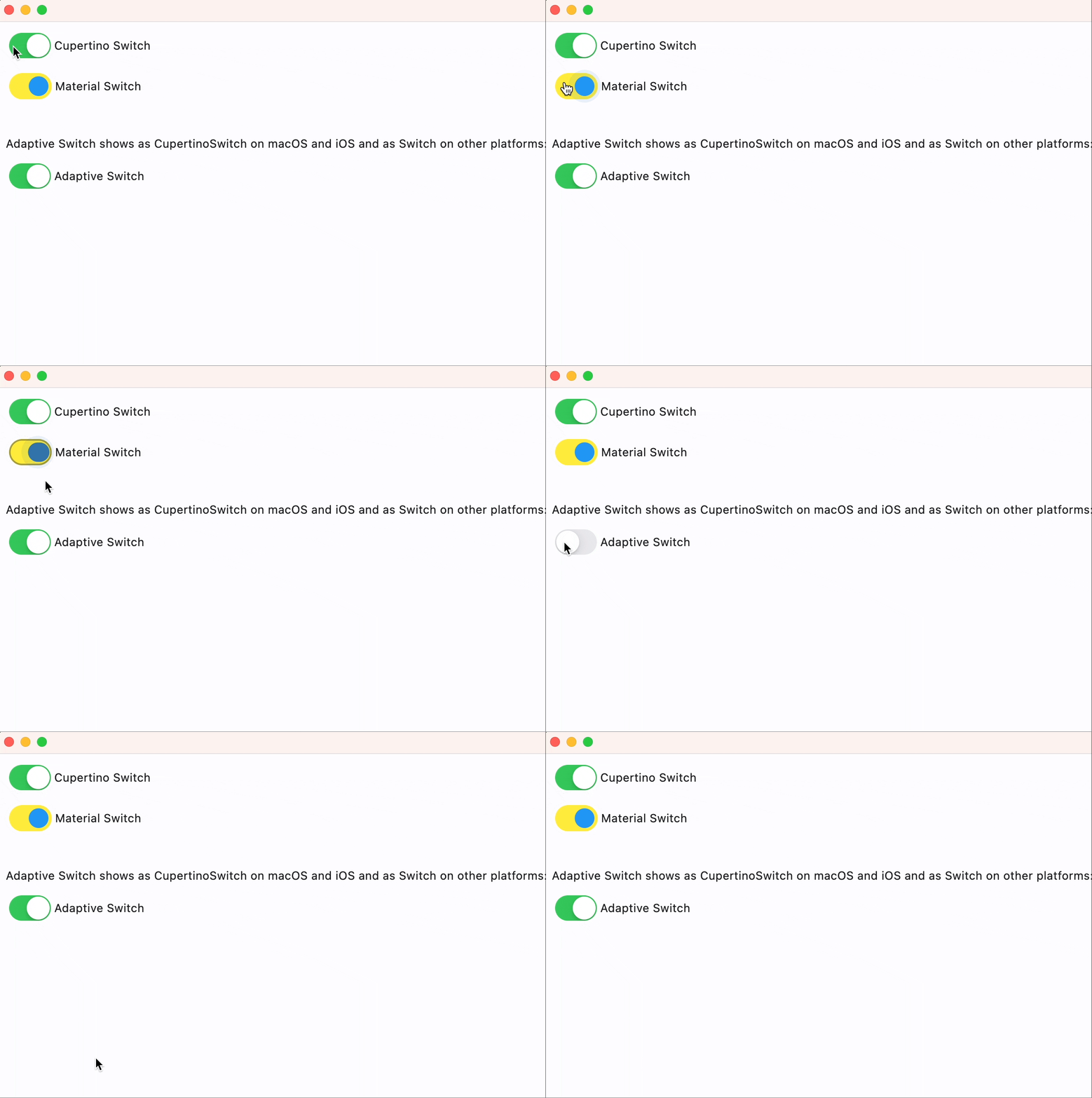](https://docs.flet.dev/examples/controls/cupertino_switch/media/cupertino_material_and_adaptive.gif)
Properties[#](https://docs.flet.dev/controls/cupertinoswitch/#flet.CupertinoSwitch-properties "Permanent link")
----------------------------------------------------------------------------------------------------------------
### active\_thumb\_image\_src `class-attribute` `instance-attribute` [#](https://docs.flet.dev/controls/cupertinoswitch/#flet.CupertinoSwitch.active_thumb_image_src "Permanent link")
`[](https://docs.flet.dev/controls/cupertinoswitch/#__codelineno-0-1) active_thumb_image_src: [str](https://docs.python.org/3/library/stdtypes.html#str) | [bytes](https://docs.python.org/3/library/stdtypes.html#bytes) | None = None`
An image to use on the thumb of this switch when the switch is on.
It can be one of the following: - A URL or local [asset file](https://docs.flet.dev/cookbook/assets)
path; - A base64 string; - Raw bytes.
### active\_track\_color `class-attribute` `instance-attribute` [#](https://docs.flet.dev/controls/cupertinoswitch/#flet.CupertinoSwitch.active_track_color "Permanent link")
`[](https://docs.flet.dev/controls/cupertinoswitch/#__codelineno-0-1) active_track_color: [ColorValue](https://docs.flet.dev/types/aliases/#flet.ColorValue) | None = None`
The color to use on the track when this switch is on.
### autofocus `class-attribute` `instance-attribute` [#](https://docs.flet.dev/controls/cupertinoswitch/#flet.CupertinoSwitch.autofocus "Permanent link")
`[](https://docs.flet.dev/controls/cupertinoswitch/#__codelineno-0-1) autofocus: [bool](https://docs.python.org/3/library/functions.html#bool) = False`
Whether this switch will be selected as the initial focus.
If there is more than one control on a page with autofocus set, then the first one added to the page will get focus.
### focus\_color `class-attribute` `instance-attribute` [#](https://docs.flet.dev/controls/cupertinoswitch/#flet.CupertinoSwitch.focus_color "Permanent link")
`[](https://docs.flet.dev/controls/cupertinoswitch/#__codelineno-0-1) focus_color: [ColorValue](https://docs.flet.dev/types/aliases/#flet.ColorValue) | None = None`
The color to use for the focus highlight for keyboard interactions.
### inactive\_thumb\_color `class-attribute` `instance-attribute` [#](https://docs.flet.dev/controls/cupertinoswitch/#flet.CupertinoSwitch.inactive_thumb_color "Permanent link")
`[](https://docs.flet.dev/controls/cupertinoswitch/#__codelineno-0-1) inactive_thumb_color: [ColorValue](https://docs.flet.dev/types/aliases/#flet.ColorValue) | None = None`
The color to use on the thumb when this switch is off.
If `None`, defaults to [`thumb_color`](https://docs.flet.dev/controls/cupertinoswitch/#flet.CupertinoSwitch.thumb_color)
, and if this is also `None`, defaults to [`CupertinoColors.WHITE`](https://docs.flet.dev/types/cupertinocolors/#flet.CupertinoColors.WHITE)
.
### inactive\_thumb\_image\_src `class-attribute` `instance-attribute` [#](https://docs.flet.dev/controls/cupertinoswitch/#flet.CupertinoSwitch.inactive_thumb_image_src "Permanent link")
`[](https://docs.flet.dev/controls/cupertinoswitch/#__codelineno-0-1) inactive_thumb_image_src: [str](https://docs.python.org/3/library/stdtypes.html#str) | [bytes](https://docs.python.org/3/library/stdtypes.html#bytes) | None = None`
An image to use on the thumb of this switch when the switch is off.
It can be one of the following: - A URL or local [asset file](https://docs.flet.dev/cookbook/assets)
path; - A base64 string; - Raw bytes.
### inactive\_track\_color `class-attribute` `instance-attribute` [#](https://docs.flet.dev/controls/cupertinoswitch/#flet.CupertinoSwitch.inactive_track_color "Permanent link")
`[](https://docs.flet.dev/controls/cupertinoswitch/#__codelineno-0-1) inactive_track_color: [ColorValue](https://docs.flet.dev/types/aliases/#flet.ColorValue) | None = None`
The color to use on the track when this switch is off.
### label `class-attribute` `instance-attribute` [#](https://docs.flet.dev/controls/cupertinoswitch/#flet.CupertinoSwitch.label "Permanent link")
`[](https://docs.flet.dev/controls/cupertinoswitch/#__codelineno-0-1) label: [str](https://docs.python.org/3/library/stdtypes.html#str) | None = None`
The clickable label to display on the right of this switch.
### label\_position `class-attribute` `instance-attribute` [#](https://docs.flet.dev/controls/cupertinoswitch/#flet.CupertinoSwitch.label_position "Permanent link")
`[](https://docs.flet.dev/controls/cupertinoswitch/#__codelineno-0-1) label_position: [LabelPosition](https://docs.flet.dev/types/labelposition/#flet.LabelPosition) = [RIGHT](https://docs.flet.dev/types/labelposition/#flet.LabelPosition.RIGHT)`
The position of the [`label`](https://docs.flet.dev/controls/cupertinoswitch/#flet.CupertinoSwitch.label)
relative to this switch.
### off\_label\_color `class-attribute` `instance-attribute` [#](https://docs.flet.dev/controls/cupertinoswitch/#flet.CupertinoSwitch.off_label_color "Permanent link")
`[](https://docs.flet.dev/controls/cupertinoswitch/#__codelineno-0-1) off_label_color: [ColorValue](https://docs.flet.dev/types/aliases/#flet.ColorValue) | None = None`
The color to use for the accessibility label when the switch is off.
### thumb\_color `class-attribute` `instance-attribute` [#](https://docs.flet.dev/controls/cupertinoswitch/#flet.CupertinoSwitch.thumb_color "Permanent link")
`[](https://docs.flet.dev/controls/cupertinoswitch/#__codelineno-0-1) thumb_color: [ColorValue](https://docs.flet.dev/types/aliases/#flet.ColorValue) | None = None`
The color of this switch's thumb.
### thumb\_icon `class-attribute` `instance-attribute` [#](https://docs.flet.dev/controls/cupertinoswitch/#flet.CupertinoSwitch.thumb_icon "Permanent link")
`[](https://docs.flet.dev/controls/cupertinoswitch/#__codelineno-0-1) thumb_icon: [ControlStateValue](https://docs.flet.dev/types/aliases/#flet.ControlStateValue) [[IconData](https://docs.flet.dev/types/aliases/#flet.IconData) ] | None = None`
The icon of this Switch's thumb in various [`ControlState`](https://docs.flet.dev/types/controlstate/#flet.ControlState)
s.
Supported states: [`ControlState.SELECTED`](https://docs.flet.dev/types/controlstate/#flet.ControlState.SELECTED)
, [`ControlState.HOVERED`](https://docs.flet.dev/types/controlstate/#flet.ControlState.HOVERED)
, [`ControlState.DISABLED`](https://docs.flet.dev/types/controlstate/#flet.ControlState.DISABLED)
, [`ControlState.FOCUSED`](https://docs.flet.dev/types/controlstate/#flet.ControlState.FOCUSED)
, and [`ControlState.DEFAULT`](https://docs.flet.dev/types/controlstate/#flet.ControlState.DEFAULT)
.
### track\_outline\_color `class-attribute` `instance-attribute` [#](https://docs.flet.dev/controls/cupertinoswitch/#flet.CupertinoSwitch.track_outline_color "Permanent link")
`[](https://docs.flet.dev/controls/cupertinoswitch/#__codelineno-0-1) track_outline_color: ( [](https://docs.flet.dev/controls/cupertinoswitch/#__codelineno-0-2) [ControlStateValue](https://docs.flet.dev/types/aliases/#flet.ControlStateValue) [[ColorValue](https://docs.flet.dev/types/aliases/#flet.ColorValue) ] | None [](https://docs.flet.dev/controls/cupertinoswitch/#__codelineno-0-3) ) = None`
The outline color of this switch's track in various [`ControlState`](https://docs.flet.dev/types/controlstate/#flet.ControlState)
s.
Supported states: [`ControlState.SELECTED`](https://docs.flet.dev/types/controlstate/#flet.ControlState.SELECTED)
, [`ControlState.HOVERED`](https://docs.flet.dev/types/controlstate/#flet.ControlState.HOVERED)
, [`ControlState.DISABLED`](https://docs.flet.dev/types/controlstate/#flet.ControlState.DISABLED)
, [`ControlState.FOCUSED`](https://docs.flet.dev/types/controlstate/#flet.ControlState.FOCUSED)
, and [`ControlState.DEFAULT`](https://docs.flet.dev/types/controlstate/#flet.ControlState.DEFAULT)
.
### track\_outline\_width `class-attribute` `instance-attribute` [#](https://docs.flet.dev/controls/cupertinoswitch/#flet.CupertinoSwitch.track_outline_width "Permanent link")
`[](https://docs.flet.dev/controls/cupertinoswitch/#__codelineno-0-1) track_outline_width: ( [](https://docs.flet.dev/controls/cupertinoswitch/#__codelineno-0-2) [ControlStateValue](https://docs.flet.dev/types/aliases/#flet.ControlStateValue) [[Number](https://docs.flet.dev/types/aliases/#flet.Number) | None] | None [](https://docs.flet.dev/controls/cupertinoswitch/#__codelineno-0-3) ) = None`
The outline width of this switch's track in all or specific [`ControlState`](https://docs.flet.dev/types/controlstate/#flet.ControlState)
s.
Supported states: [`ControlState.SELECTED`](https://docs.flet.dev/types/controlstate/#flet.ControlState.SELECTED)
, [`ControlState.HOVERED`](https://docs.flet.dev/types/controlstate/#flet.ControlState.HOVERED)
, [`ControlState.DISABLED`](https://docs.flet.dev/types/controlstate/#flet.ControlState.DISABLED)
, [`ControlState.FOCUSED`](https://docs.flet.dev/types/controlstate/#flet.ControlState.FOCUSED)
, and [`ControlState.DEFAULT`](https://docs.flet.dev/types/controlstate/#flet.ControlState.DEFAULT)
.
### value `class-attribute` `instance-attribute` [#](https://docs.flet.dev/controls/cupertinoswitch/#flet.CupertinoSwitch.value "Permanent link")
`[](https://docs.flet.dev/controls/cupertinoswitch/#__codelineno-0-1) value: [bool](https://docs.python.org/3/library/functions.html#bool) = False`
The current value of this switch.
Events[#](https://docs.flet.dev/controls/cupertinoswitch/#flet.CupertinoSwitch-events "Permanent link")
--------------------------------------------------------------------------------------------------------
### on\_blur `class-attribute` `instance-attribute` [#](https://docs.flet.dev/controls/cupertinoswitch/#flet.CupertinoSwitch.on_blur "Permanent link")
`[](https://docs.flet.dev/controls/cupertinoswitch/#__codelineno-0-1) on_blur: [ControlEventHandler](https://docs.flet.dev/types/aliases/#flet.ControlEventHandler) [[CupertinoSwitch](https://docs.flet.dev/controls/cupertinoswitch/#flet.CupertinoSwitch) ] | None = None`
Called when this switch has lost focus.
### on\_change `class-attribute` `instance-attribute` [#](https://docs.flet.dev/controls/cupertinoswitch/#flet.CupertinoSwitch.on_change "Permanent link")
`[](https://docs.flet.dev/controls/cupertinoswitch/#__codelineno-0-1) on_change: [ControlEventHandler](https://docs.flet.dev/types/aliases/#flet.ControlEventHandler) [[CupertinoSwitch](https://docs.flet.dev/controls/cupertinoswitch/#flet.CupertinoSwitch) ] | None = ( [](https://docs.flet.dev/controls/cupertinoswitch/#__codelineno-0-2) None [](https://docs.flet.dev/controls/cupertinoswitch/#__codelineno-0-3) )`
Called when the state of this switch is changed.
### on\_focus `class-attribute` `instance-attribute` [#](https://docs.flet.dev/controls/cupertinoswitch/#flet.CupertinoSwitch.on_focus "Permanent link")
`[](https://docs.flet.dev/controls/cupertinoswitch/#__codelineno-0-1) on_focus: [ControlEventHandler](https://docs.flet.dev/types/aliases/#flet.ControlEventHandler) [[CupertinoSwitch](https://docs.flet.dev/controls/cupertinoswitch/#flet.CupertinoSwitch) ] | None = None`
Called when this switch has received focus.
### on\_image\_error `class-attribute` `instance-attribute` [#](https://docs.flet.dev/controls/cupertinoswitch/#flet.CupertinoSwitch.on_image_error "Permanent link")
`[](https://docs.flet.dev/controls/cupertinoswitch/#__codelineno-0-1) on_image_error: ( [](https://docs.flet.dev/controls/cupertinoswitch/#__codelineno-0-2) [ControlEventHandler](https://docs.flet.dev/types/aliases/#flet.ControlEventHandler) [[CupertinoSwitch](https://docs.flet.dev/controls/cupertinoswitch/#flet.CupertinoSwitch) ] | None [](https://docs.flet.dev/controls/cupertinoswitch/#__codelineno-0-3) ) = None`
Called when [`active_thumb_image_src`](https://docs.flet.dev/controls/cupertinoswitch/#flet.CupertinoSwitch.active_thumb_image_src)
or [`inactive_thumb_image_src`](https://docs.flet.dev/controls/cupertinoswitch/#flet.CupertinoSwitch.inactive_thumb_image_src)
fails to load.
### on\_label\_color `class-attribute` `instance-attribute` [#](https://docs.flet.dev/controls/cupertinoswitch/#flet.CupertinoSwitch.on_label_color "Permanent link")
`[](https://docs.flet.dev/controls/cupertinoswitch/#__codelineno-0-1) on_label_color: [ColorValue](https://docs.flet.dev/types/aliases/#flet.ColorValue) | None = None`
The color to use for the accessibility label when the switch is on.
Back to top
---
# ReorderableDragHandle - Flet
[Skip to content](https://docs.flet.dev/controls/reorderabledraghandle/#flet.ReorderableDragHandle)
ReorderableDragHandle
=====================
Used to drag an item in a [`ReorderableListView`](https://docs.flet.dev/controls/reorderablelistview/#flet.ReorderableListView)
.
It creates a listener for a drag immediately following a pointer down event over the given [`content`](https://docs.flet.dev/controls/reorderabledraghandle/#flet.ReorderableDragHandle.content)
control.
Example:
`[](https://docs.flet.dev/controls/reorderabledraghandle/#__codelineno-0-1) ft.ReorderableListView( [](https://docs.flet.dev/controls/reorderabledraghandle/#__codelineno-0-2) show_default_drag_handles=False, [](https://docs.flet.dev/controls/reorderabledraghandle/#__codelineno-0-3) controls=[ [](https://docs.flet.dev/controls/reorderabledraghandle/#__codelineno-0-4) ft.ListTile( [](https://docs.flet.dev/controls/reorderabledraghandle/#__codelineno-0-5) title=ft.Text(f"Draggable Item {i}", color=ft.Colors.BLACK), [](https://docs.flet.dev/controls/reorderabledraghandle/#__codelineno-0-6) leading=ft.ReorderableDragHandle( [](https://docs.flet.dev/controls/reorderabledraghandle/#__codelineno-0-7) content=ft.Icon(ft.Icons.DRAG_INDICATOR, color=ft.Colors.RED), [](https://docs.flet.dev/controls/reorderabledraghandle/#__codelineno-0-8) mouse_cursor=ft.MouseCursor.GRAB, [](https://docs.flet.dev/controls/reorderabledraghandle/#__codelineno-0-9) ), [](https://docs.flet.dev/controls/reorderabledraghandle/#__codelineno-0-10) ) [](https://docs.flet.dev/controls/reorderabledraghandle/#__codelineno-0-11) for i in range(10) [](https://docs.flet.dev/controls/reorderabledraghandle/#__codelineno-0-12) ], [](https://docs.flet.dev/controls/reorderabledraghandle/#__codelineno-0-13) )`
Inherits: `[LayoutControl](https://docs.flet.dev/controls/layoutcontrol/#flet.LayoutControl) `, `[AdaptiveControl](https://docs.flet.dev/controls/adaptivecontrol/#flet.AdaptiveControl) `
Properties
* **`[content](https://docs.flet.dev/controls/reorderabledraghandle/#flet.ReorderableDragHandle.content) `**(`[Control](https://docs.flet.dev/controls/control/#flet.Control) `) –
The control for which the application would like to respond to a tap and drag gesture by starting a reordering drag on a reorderable list.
* **`[mouse_cursor](https://docs.flet.dev/controls/reorderabledraghandle/#flet.ReorderableDragHandle.mouse_cursor) `**(`[MouseCursor](https://docs.flet.dev/types/mousecursor/#flet.MouseCursor) | None`) –
The mouse cursor for mouse pointers that are hovering over the control.
Examples[#](https://docs.flet.dev/controls/reorderabledraghandle/#examples "Permanent link")
---------------------------------------------------------------------------------------------
### Basic Example[#](https://docs.flet.dev/controls/reorderabledraghandle/#basic-example "Permanent link")
`[](https://docs.flet.dev/controls/reorderabledraghandle/#__codelineno-0-1) import flet as ft [](https://docs.flet.dev/controls/reorderabledraghandle/#__codelineno-0-2) [](https://docs.flet.dev/controls/reorderabledraghandle/#__codelineno-0-3)[](https://docs.flet.dev/controls/reorderabledraghandle/#__codelineno-0-4) def main(page: ft.Page): [](https://docs.flet.dev/controls/reorderabledraghandle/#__codelineno-0-5) def on_reorder(e: ft.OnReorderEvent): [](https://docs.flet.dev/controls/reorderabledraghandle/#__codelineno-0-6) # Reorder controls list to match the UI change [](https://docs.flet.dev/controls/reorderabledraghandle/#__codelineno-0-7) e.control.controls.insert(e.new_index, e.control.controls.pop(e.old_index)) [](https://docs.flet.dev/controls/reorderabledraghandle/#__codelineno-0-8) [](https://docs.flet.dev/controls/reorderabledraghandle/#__codelineno-0-9) page.add( [](https://docs.flet.dev/controls/reorderabledraghandle/#__codelineno-0-10) ft.ReorderableListView( [](https://docs.flet.dev/controls/reorderabledraghandle/#__codelineno-0-11) expand=True, [](https://docs.flet.dev/controls/reorderabledraghandle/#__codelineno-0-12) show_default_drag_handles=False, [](https://docs.flet.dev/controls/reorderabledraghandle/#__codelineno-0-13) on_reorder=on_reorder, [](https://docs.flet.dev/controls/reorderabledraghandle/#__codelineno-0-14) controls=[ [](https://docs.flet.dev/controls/reorderabledraghandle/#__codelineno-0-15) ft.ListTile( [](https://docs.flet.dev/controls/reorderabledraghandle/#__codelineno-0-16) title=ft.Text(f"Draggable Item {i}", color=ft.Colors.BLACK), [](https://docs.flet.dev/controls/reorderabledraghandle/#__codelineno-0-17) leading=ft.ReorderableDragHandle( [](https://docs.flet.dev/controls/reorderabledraghandle/#__codelineno-0-18) content=ft.Icon(ft.Icons.DRAG_INDICATOR, color=ft.Colors.RED), [](https://docs.flet.dev/controls/reorderabledraghandle/#__codelineno-0-19) mouse_cursor=ft.MouseCursor.GRAB, [](https://docs.flet.dev/controls/reorderabledraghandle/#__codelineno-0-20) ), [](https://docs.flet.dev/controls/reorderabledraghandle/#__codelineno-0-21) bgcolor=ft.Colors.ERROR [](https://docs.flet.dev/controls/reorderabledraghandle/#__codelineno-0-22) if i % 2 == 0 [](https://docs.flet.dev/controls/reorderabledraghandle/#__codelineno-0-23) else ft.Colors.ON_ERROR_CONTAINER, [](https://docs.flet.dev/controls/reorderabledraghandle/#__codelineno-0-24) ) [](https://docs.flet.dev/controls/reorderabledraghandle/#__codelineno-0-25) for i in range(10) [](https://docs.flet.dev/controls/reorderabledraghandle/#__codelineno-0-26) ], [](https://docs.flet.dev/controls/reorderabledraghandle/#__codelineno-0-27) ) [](https://docs.flet.dev/controls/reorderabledraghandle/#__codelineno-0-28) ) [](https://docs.flet.dev/controls/reorderabledraghandle/#__codelineno-0-29) [](https://docs.flet.dev/controls/reorderabledraghandle/#__codelineno-0-30)[](https://docs.flet.dev/controls/reorderabledraghandle/#__codelineno-0-31) ft.run(main)`
Properties[#](https://docs.flet.dev/controls/reorderabledraghandle/#flet.ReorderableDragHandle-properties "Permanent link")
----------------------------------------------------------------------------------------------------------------------------
### content `instance-attribute` [#](https://docs.flet.dev/controls/reorderabledraghandle/#flet.ReorderableDragHandle.content "Permanent link")
`[](https://docs.flet.dev/controls/reorderabledraghandle/#__codelineno-0-1) content: [Control](https://docs.flet.dev/controls/control/#flet.Control)`
The control for which the application would like to respond to a tap and drag gesture by starting a reordering drag on a reorderable list.
Raises:
* `[ValueError](https://docs.python.org/3/library/exceptions.html#ValueError) ` –
If it is not visible.
### mouse\_cursor `class-attribute` `instance-attribute` [#](https://docs.flet.dev/controls/reorderabledraghandle/#flet.ReorderableDragHandle.mouse_cursor "Permanent link")
`[](https://docs.flet.dev/controls/reorderabledraghandle/#__codelineno-0-1) mouse_cursor: [MouseCursor](https://docs.flet.dev/types/mousecursor/#flet.MouseCursor) | None = None`
The mouse cursor for mouse pointers that are hovering over the control.
Back to top
---
# Icon - Flet
[Skip to content](https://docs.flet.dev/controls/icon/#flet.Icon)
Icon
====
A control that displays an icon from a built-in or custom icon set.
Icons can be customized in color, size, and visual style using various parameters such as stroke weight, fill level, and shadows.
Example:
`[](https://docs.flet.dev/controls/icon/#__codelineno-0-1) ft.Icon(ft.Icons.FAVORITE, color=ft.Colors.PRIMARY, size=40)`
[](https://docs.flet.dev/test-images/examples/core/golden/macos/icon/image_for_docs.png)
Basic Icon
Inherits: `[LayoutControl](https://docs.flet.dev/controls/layoutcontrol/#flet.LayoutControl) `
Properties
* **`[apply_text_scaling](https://docs.flet.dev/controls/icon/#flet.Icon.apply_text_scaling) `**(`[bool](https://docs.python.org/3/library/functions.html#bool) | None`) –
Whether to scale the icon based on the system or user's preferred text size.
* **`[blend_mode](https://docs.flet.dev/controls/icon/#flet.Icon.blend_mode) `**(`[BlendMode](https://docs.flet.dev/types/blendmode/#flet.BlendMode) | None`) –
The blend mode used when rendering the icon.
* **`[color](https://docs.flet.dev/controls/icon/#flet.Icon.color) `**(`[ColorValue](https://docs.flet.dev/types/aliases/#flet.ColorValue) | None`) –
The color to use when drawing the icon.
* **`[fill](https://docs.flet.dev/controls/icon/#flet.Icon.fill) `**(`[Number](https://docs.flet.dev/types/aliases/#flet.Number) | None`) –
The fill amount of the icon, between `0.0` (outline) and `1.0` (solid).
* **`[grade](https://docs.flet.dev/controls/icon/#flet.Icon.grade) `**(`[Number](https://docs.flet.dev/types/aliases/#flet.Number) | None`) –
A fine-tuning adjustment for the stroke thickness of the icon.
* **`[icon](https://docs.flet.dev/controls/icon/#flet.Icon.icon) `**(`[IconData](https://docs.flet.dev/types/aliases/#flet.IconData) `) –
The icon to display, selected from a predefined icon set.
* **`[optical_size](https://docs.flet.dev/controls/icon/#flet.Icon.optical_size) `**(`[Number](https://docs.flet.dev/types/aliases/#flet.Number) | None`) –
Adjusts the icon's visual style for different sizes to maintain clarity and balance.
* **`[semantics_label](https://docs.flet.dev/controls/icon/#flet.Icon.semantics_label) `**(`[str](https://docs.python.org/3/library/stdtypes.html#str) | None`) –
An accessibility label for the icon.
* **`[shadows](https://docs.flet.dev/controls/icon/#flet.Icon.shadows) `**(`[BoxShadowValue](https://docs.flet.dev/types/aliases/#flet.BoxShadowValue) | None`) –
A list of shadows to apply beneath the icon.
* **`[size](https://docs.flet.dev/controls/icon/#flet.Icon.size) `**(`[Number](https://docs.flet.dev/types/aliases/#flet.Number) | None`) –
The size (width and height) of the square area the icon will occupy.
* **`[weight](https://docs.flet.dev/controls/icon/#flet.Icon.weight) `**(`[Number](https://docs.flet.dev/types/aliases/#flet.Number) | None`) –
The stroke weight (thickness) of the icon's lines.
Examples[#](https://docs.flet.dev/controls/icon/#examples "Permanent link")
----------------------------------------------------------------------------
To browse and visualize all available icons, visit our [icons browser](https://examples.flet.dev/icons_browser/)
[Live example](https://flet-controls-gallery.fly.dev/displays/icon)
### Basic Example[#](https://docs.flet.dev/controls/icon/#basic-example "Permanent link")
`[](https://docs.flet.dev/controls/icon/#__codelineno-0-1) from typing import cast [](https://docs.flet.dev/controls/icon/#__codelineno-0-2)[](https://docs.flet.dev/controls/icon/#__codelineno-0-3) import flet as ft [](https://docs.flet.dev/controls/icon/#__codelineno-0-4) [](https://docs.flet.dev/controls/icon/#__codelineno-0-5)[](https://docs.flet.dev/controls/icon/#__codelineno-0-6) def main(page: ft.Page): [](https://docs.flet.dev/controls/icon/#__codelineno-0-7) page.add( [](https://docs.flet.dev/controls/icon/#__codelineno-0-8) # material [](https://docs.flet.dev/controls/icon/#__codelineno-0-9) ft.Row( [](https://docs.flet.dev/controls/icon/#__codelineno-0-10) controls=[ [](https://docs.flet.dev/controls/icon/#__codelineno-0-11) ft.Icon(ft.Icons.FAVORITE, color=ft.Colors.PINK), [](https://docs.flet.dev/controls/icon/#__codelineno-0-12) ft.Icon(ft.Icons.AUDIOTRACK, color=ft.Colors.GREEN_400, size=30), [](https://docs.flet.dev/controls/icon/#__codelineno-0-13) ft.Icon(ft.Icons.BEACH_ACCESS, color=ft.Colors.BLUE, size=50), [](https://docs.flet.dev/controls/icon/#__codelineno-0-14) ft.Icon(ft.Icons.SETTINGS, color="#c1c1c1"), [](https://docs.flet.dev/controls/icon/#__codelineno-0-15) ] [](https://docs.flet.dev/controls/icon/#__codelineno-0-16) ), [](https://docs.flet.dev/controls/icon/#__codelineno-0-17) # cupertino [](https://docs.flet.dev/controls/icon/#__codelineno-0-18) ft.Row( [](https://docs.flet.dev/controls/icon/#__codelineno-0-19) controls=[ [](https://docs.flet.dev/controls/icon/#__codelineno-0-20) ft.Icon(ft.CupertinoIcons.PROFILE_CIRCLED, color=ft.Colors.PINK), [](https://docs.flet.dev/controls/icon/#__codelineno-0-21) ft.Icon( [](https://docs.flet.dev/controls/icon/#__codelineno-0-22) icon=cast(ft.CupertinoIcons, ft.CupertinoIcons.random()), [](https://docs.flet.dev/controls/icon/#__codelineno-0-23) color=ft.Colors.GREEN_400, [](https://docs.flet.dev/controls/icon/#__codelineno-0-24) size=30, [](https://docs.flet.dev/controls/icon/#__codelineno-0-25) ), [](https://docs.flet.dev/controls/icon/#__codelineno-0-26) ft.Icon( [](https://docs.flet.dev/controls/icon/#__codelineno-0-27) icon=cast(ft.CupertinoIcons, ft.CupertinoIcons.random()), [](https://docs.flet.dev/controls/icon/#__codelineno-0-28) color=ft.Colors.BLUE, [](https://docs.flet.dev/controls/icon/#__codelineno-0-29) size=50, [](https://docs.flet.dev/controls/icon/#__codelineno-0-30) ), [](https://docs.flet.dev/controls/icon/#__codelineno-0-31) ft.Icon( [](https://docs.flet.dev/controls/icon/#__codelineno-0-32) icon=cast(ft.CupertinoIcons, ft.CupertinoIcons.random()), [](https://docs.flet.dev/controls/icon/#__codelineno-0-33) color="#c1c1c1", [](https://docs.flet.dev/controls/icon/#__codelineno-0-34) ), [](https://docs.flet.dev/controls/icon/#__codelineno-0-35) ] [](https://docs.flet.dev/controls/icon/#__codelineno-0-36) ), [](https://docs.flet.dev/controls/icon/#__codelineno-0-37) ) [](https://docs.flet.dev/controls/icon/#__codelineno-0-38) [](https://docs.flet.dev/controls/icon/#__codelineno-0-39)[](https://docs.flet.dev/controls/icon/#__codelineno-0-40) if __name__ == "__main__": [](https://docs.flet.dev/controls/icon/#__codelineno-0-41) ft.run(main)`
[](https://docs.flet.dev/examples/controls/icon/media/basic.png)
Properties[#](https://docs.flet.dev/controls/icon/#flet.Icon-properties "Permanent link")
------------------------------------------------------------------------------------------
### apply\_text\_scaling `class-attribute` `instance-attribute` [#](https://docs.flet.dev/controls/icon/#flet.Icon.apply_text_scaling "Permanent link")
`[](https://docs.flet.dev/controls/icon/#__codelineno-0-1) apply_text_scaling: [bool](https://docs.python.org/3/library/functions.html#bool) | None = None`
Whether to scale the icon based on the system or user's preferred text size.
Useful when placing icons alongside text, ensuring both scale consistently for better readability and accessibility.
### blend\_mode `class-attribute` `instance-attribute` [#](https://docs.flet.dev/controls/icon/#flet.Icon.blend_mode "Permanent link")
`[](https://docs.flet.dev/controls/icon/#__codelineno-0-1) blend_mode: [BlendMode](https://docs.flet.dev/types/blendmode/#flet.BlendMode) | None = [SRC_OVER](https://docs.flet.dev/types/blendmode/#flet.BlendMode.SRC_OVER)`
The blend mode used when rendering the icon.
Blend modes control how the icon's color interacts with the background.
### color `class-attribute` `instance-attribute` [#](https://docs.flet.dev/controls/icon/#flet.Icon.color "Permanent link")
`[](https://docs.flet.dev/controls/icon/#__codelineno-0-1) color: [ColorValue](https://docs.flet.dev/types/aliases/#flet.ColorValue) | None = None`
The color to use when drawing the icon.
### fill `class-attribute` `instance-attribute` [#](https://docs.flet.dev/controls/icon/#flet.Icon.fill "Permanent link")
`[](https://docs.flet.dev/controls/icon/#__codelineno-0-1) fill: [Number](https://docs.flet.dev/types/aliases/#flet.Number) | None = None`
The fill amount of the icon, between `0.0` (outline) and `1.0` (solid).
This feature requires the icon's font to support fill variation. It can be used to indicate state transitions or selection visually.
Raises:
* `[ValueError](https://docs.python.org/3/library/exceptions.html#ValueError) ` –
If it is not between `0.0` and `1.0`, inclusive.
### grade `class-attribute` `instance-attribute` [#](https://docs.flet.dev/controls/icon/#flet.Icon.grade "Permanent link")
`[](https://docs.flet.dev/controls/icon/#__codelineno-0-1) grade: [Number](https://docs.flet.dev/types/aliases/#flet.Number) | None = None`
A fine-tuning adjustment for the stroke thickness of the icon.
This requires support from the icon's font. Grade values can be negative or positive. It allows precise visual adjustments without changing icon size.
### icon `instance-attribute` [#](https://docs.flet.dev/controls/icon/#flet.Icon.icon "Permanent link")
`[](https://docs.flet.dev/controls/icon/#__codelineno-0-1) icon: [IconData](https://docs.flet.dev/types/aliases/#flet.IconData)`
The icon to display, selected from a predefined icon set.
You can explore available icons using the [Flet Icons Browser](https://examples.flet.dev/icons_browser/)
.
### optical\_size `class-attribute` `instance-attribute` [#](https://docs.flet.dev/controls/icon/#flet.Icon.optical_size "Permanent link")
`[](https://docs.flet.dev/controls/icon/#__codelineno-0-1) optical_size: [Number](https://docs.flet.dev/types/aliases/#flet.Number) | None = None`
Adjusts the icon's visual style for different sizes to maintain clarity and balance.
This requires the icon font to support optical sizing.
Raises:
* `[ValueError](https://docs.python.org/3/library/exceptions.html#ValueError) ` –
If it is not strictly greater than `0.0`.
### semantics\_label `class-attribute` `instance-attribute` [#](https://docs.flet.dev/controls/icon/#flet.Icon.semantics_label "Permanent link")
`[](https://docs.flet.dev/controls/icon/#__codelineno-0-1) semantics_label: [str](https://docs.python.org/3/library/stdtypes.html#str) | None = None`
An accessibility label for the icon.
This text is not displayed visually but may be announced by screen readers or other assistive technologies.
### shadows `class-attribute` `instance-attribute` [#](https://docs.flet.dev/controls/icon/#flet.Icon.shadows "Permanent link")
`[](https://docs.flet.dev/controls/icon/#__codelineno-0-1) shadows: [BoxShadowValue](https://docs.flet.dev/types/aliases/#flet.BoxShadowValue) | None = None`
A list of shadows to apply beneath the icon.
Use multiple shadows to simulate complex lighting effects. The order of shadows matters for how transparency is blended.
### size `class-attribute` `instance-attribute` [#](https://docs.flet.dev/controls/icon/#flet.Icon.size "Permanent link")
`[](https://docs.flet.dev/controls/icon/#__codelineno-0-1) size: [Number](https://docs.flet.dev/types/aliases/#flet.Number) | None = None`
The size (width and height) of the square area the icon will occupy.
If not set, a default size will be used. When placing this icon inside other controls (such as buttons), those controls may also affect sizing.
### weight `class-attribute` `instance-attribute` [#](https://docs.flet.dev/controls/icon/#flet.Icon.weight "Permanent link")
`[](https://docs.flet.dev/controls/icon/#__codelineno-0-1) weight: [Number](https://docs.flet.dev/types/aliases/#flet.Number) | None = None`
The stroke weight (thickness) of the icon's lines.
This requires the icon font to support weight variation.
Raises:
* `[ValueError](https://docs.python.org/3/library/exceptions.html#ValueError) ` –
If it is not strictly greater than `0.0`.
Back to top
---
# Screenshot - Flet
[Skip to content](https://docs.flet.dev/controls/screenshot/#flet.Screenshot)
Screenshot
==========
Takes a screenshot of containing control.
Inherits: `[Control](https://docs.flet.dev/controls/control/#flet.Control) `
Properties
* **`[content](https://docs.flet.dev/controls/screenshot/#flet.Screenshot.content) `**(`[Control](https://docs.flet.dev/controls/control/#flet.Control) `) –
The control to be captured.
Methods
* **`[capture](https://docs.flet.dev/controls/screenshot/#flet.Screenshot.capture) `** –
Captures a screenshot of the enclosed content control.
Examples[#](https://docs.flet.dev/controls/screenshot/#examples "Permanent link")
----------------------------------------------------------------------------------
### Taking control screenshot[#](https://docs.flet.dev/controls/screenshot/#taking-control-screenshot "Permanent link")
`[](https://docs.flet.dev/controls/screenshot/#__codelineno-0-1) from pathlib import Path [](https://docs.flet.dev/controls/screenshot/#__codelineno-0-2)[](https://docs.flet.dev/controls/screenshot/#__codelineno-0-3) import flet as ft [](https://docs.flet.dev/controls/screenshot/#__codelineno-0-4) from flet.utils.files import get_current_script_dir [](https://docs.flet.dev/controls/screenshot/#__codelineno-0-5) [](https://docs.flet.dev/controls/screenshot/#__codelineno-0-6)[](https://docs.flet.dev/controls/screenshot/#__codelineno-0-7) def main(page: ft.Page): [](https://docs.flet.dev/controls/screenshot/#__codelineno-0-8) async def take_screenshot(): [](https://docs.flet.dev/controls/screenshot/#__codelineno-0-9) image = await scr.capture() [](https://docs.flet.dev/controls/screenshot/#__codelineno-0-10) with open(Path(get_current_script_dir(), "screenshot.png"), "wb") as f: [](https://docs.flet.dev/controls/screenshot/#__codelineno-0-11) f.write(image) [](https://docs.flet.dev/controls/screenshot/#__codelineno-0-12) [](https://docs.flet.dev/controls/screenshot/#__codelineno-0-13) page.add( [](https://docs.flet.dev/controls/screenshot/#__codelineno-0-14) scr := ft.Screenshot( [](https://docs.flet.dev/controls/screenshot/#__codelineno-0-15) ft.Container( [](https://docs.flet.dev/controls/screenshot/#__codelineno-0-16) ft.Button("Hello, world!", bgcolor=ft.Colors.BLUE, elevation=10), [](https://docs.flet.dev/controls/screenshot/#__codelineno-0-17) padding=10, [](https://docs.flet.dev/controls/screenshot/#__codelineno-0-18) ) [](https://docs.flet.dev/controls/screenshot/#__codelineno-0-19) ), [](https://docs.flet.dev/controls/screenshot/#__codelineno-0-20) ft.Button("Take screenshot", on_click=take_screenshot), [](https://docs.flet.dev/controls/screenshot/#__codelineno-0-21) ) [](https://docs.flet.dev/controls/screenshot/#__codelineno-0-22) [](https://docs.flet.dev/controls/screenshot/#__codelineno-0-23)[](https://docs.flet.dev/controls/screenshot/#__codelineno-0-24) ft.run(main)`
Properties[#](https://docs.flet.dev/controls/screenshot/#flet.Screenshot-properties "Permanent link")
------------------------------------------------------------------------------------------------------
### content `instance-attribute` [#](https://docs.flet.dev/controls/screenshot/#flet.Screenshot.content "Permanent link")
`[](https://docs.flet.dev/controls/screenshot/#__codelineno-0-1) content: [Control](https://docs.flet.dev/controls/control/#flet.Control)`
The control to be captured.
Methods[#](https://docs.flet.dev/controls/screenshot/#flet.Screenshot-methods "Permanent link")
------------------------------------------------------------------------------------------------
### capture `async` [#](https://docs.flet.dev/controls/screenshot/#flet.Screenshot.capture "Permanent link")
`[](https://docs.flet.dev/controls/screenshot/#__codelineno-0-1) capture( [](https://docs.flet.dev/controls/screenshot/#__codelineno-0-2) pixel_ratio: [Number](https://docs.flet.dev/types/aliases/#flet.Number) | None = None, [](https://docs.flet.dev/controls/screenshot/#__codelineno-0-3) delay: [DurationValue](https://docs.flet.dev/types/aliases/#flet.DurationValue) | None = None, [](https://docs.flet.dev/controls/screenshot/#__codelineno-0-4) ) -> [bytes](https://docs.python.org/3/library/stdtypes.html#bytes)`
Captures a screenshot of the enclosed content control.
Parameters:
* **`pixel_ratio`** (`[Number](https://docs.flet.dev/types/aliases/#flet.Number) | None`, default: `None` ) –
A pixel ratio of the captured screenshot. If `None`, device-specific pixel ratio will be used.
* **`delay`** (`[DurationValue](https://docs.flet.dev/types/aliases/#flet.DurationValue) | None`, default: `None` ) –
A delay before taking a screenshot. The delay will be 20 milliseconds if not specified.
Returns:
* `[bytes](https://docs.python.org/3/library/stdtypes.html#bytes) ` –
Screenshot in PNG format.
Back to top
---
# AdaptiveControl - Flet
[Skip to content](https://docs.flet.dev/controls/adaptivecontrol/#flet.AdaptiveControl)
AdaptiveControl
===============
Inherits: `[Control](https://docs.flet.dev/controls/control/#flet.Control) `
Base class for controls that support adaptive behavior, which allows them to adjust their appearance and behavior based on the target platform (ex: Material design on Android/Windows/Linux, Cupertino design on iOS/macOS).
The [`adaptive`](https://docs.flet.dev/controls/adaptivecontrol/#flet.AdaptiveControl.adaptive)
property is applicable in two common scenarios:
1. **Platform-adaptive controls**: These controls have a corresponding version on both Material and Cupertino platforms. When `adaptive` is set to `True`, the control renders the appropriate platform-specific implementation.
2. **Container controls**: Controls that contain children (ex: [`Row`](https://docs.flet.dev/controls/row/#flet.Row)
, [`Column`](https://docs.flet.dev/controls/column/#flet.Column)
) can pass the `adaptive` value down to their children that do not explicitly define it themselves. This enables nested adaptive behavior in complex layouts.
Extension developers can use this base class to create their own adaptive controls by checking the `adaptive` flag at runtime and rendering accordingly.
Note
This class does not implement any platform-specific rendering itself. It is up to the control inheriting from it to interpret the [`adaptive`](https://docs.flet.dev/controls/adaptivecontrol/#flet.AdaptiveControl.adaptive)
flag and render accordingly.
Properties
* **`[adaptive](https://docs.flet.dev/controls/adaptivecontrol/#flet.AdaptiveControl.adaptive) `**(`[bool](https://docs.python.org/3/library/functions.html#bool) | None`) –
Enables platform-specific rendering or inheritance of adaptiveness from parent controls.
Properties[#](https://docs.flet.dev/controls/adaptivecontrol/#flet.AdaptiveControl-properties "Permanent link")
----------------------------------------------------------------------------------------------------------------
### adaptive `class-attribute` `instance-attribute` [#](https://docs.flet.dev/controls/adaptivecontrol/#flet.AdaptiveControl.adaptive "Permanent link")
`[](https://docs.flet.dev/controls/adaptivecontrol/#__codelineno-0-1) adaptive: [bool](https://docs.python.org/3/library/functions.html#bool) | None = None`
Enables platform-specific rendering or inheritance of adaptiveness from parent controls.
Back to top
---
# SlidePicker - Flet
[Skip to content](https://docs.flet.dev/colorpickers/slidepicker/#slidepicker)
SlidePicker[#](https://docs.flet.dev/colorpickers/slidepicker/#slidepicker "Permanent link")
=============================================================================================
A slider-based color picker that exposes RGB/HSV/HSL channels with optional labels and indicators.
[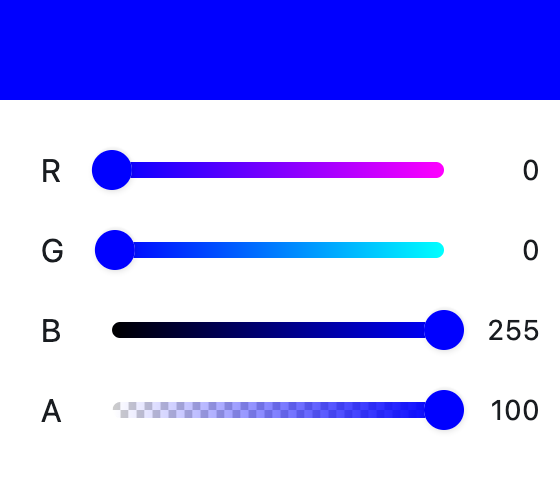](https://docs.flet.dev/test-images/examples/extensions/color_pickers/golden/macos/color_pickers/slide_picker.png)
Basic SlidePicker
Inherits: `[LayoutControl](https://docs.flet.dev/controls/layoutcontrol/#flet.LayoutControl) `
Properties
* **`[color](https://docs.flet.dev/colorpickers/slidepicker/#flet_color_pickers.SlidePicker.color) `**(`[ColorValue](https://docs.flet.dev/types/aliases/#flet.ColorValue) | None`) –
The currently selected color.
* **`[color_model](https://docs.flet.dev/colorpickers/slidepicker/#flet_color_pickers.SlidePicker.color_model) `**(`ColorModel | None`) –
The color model used by the sliders.
* **`[display_thumb_color](https://docs.flet.dev/colorpickers/slidepicker/#flet_color_pickers.SlidePicker.display_thumb_color) `**(`[bool](https://docs.python.org/3/library/functions.html#bool) `) –
Whether to display the thumb color in sliders.
* **`[enable_alpha](https://docs.flet.dev/colorpickers/slidepicker/#flet_color_pickers.SlidePicker.enable_alpha) `**(`[bool](https://docs.python.org/3/library/functions.html#bool) `) –
Whether to enable alpha (opacity) slider.
* **`[indicator_alignment_begin](https://docs.flet.dev/colorpickers/slidepicker/#flet_color_pickers.SlidePicker.indicator_alignment_begin) `**(`[Alignment](https://docs.flet.dev/types/alignment/#flet.Alignment) | None`) –
Alignment for the indicator split begin.
* **`[indicator_alignment_end](https://docs.flet.dev/colorpickers/slidepicker/#flet_color_pickers.SlidePicker.indicator_alignment_end) `**(`[Alignment](https://docs.flet.dev/types/alignment/#flet.Alignment) | None`) –
Alignment for the indicator split end.
* **`[indicator_border_radius](https://docs.flet.dev/colorpickers/slidepicker/#flet_color_pickers.SlidePicker.indicator_border_radius) `**(`[BorderRadiusValue](https://docs.flet.dev/types/aliases/#flet.BorderRadiusValue) | None`) –
Border radius for the indicator.
* **`[indicator_size](https://docs.flet.dev/colorpickers/slidepicker/#flet_color_pickers.SlidePicker.indicator_size) `**(`[Size](https://docs.flet.dev/types/size/#flet.Size) | None`) –
Size of the indicator.
* **`[label_text_style](https://docs.flet.dev/colorpickers/slidepicker/#flet_color_pickers.SlidePicker.label_text_style) `**(`[TextStyle](https://docs.flet.dev/types/textstyle/#flet.TextStyle) | None`) –
Text style for labels.
* **`[label_types](https://docs.flet.dev/colorpickers/slidepicker/#flet_color_pickers.SlidePicker.label_types) `**(`[list](https://docs.python.org/3/glossary.html#term-list) [ColorLabelType] | None`) –
Color label types to display.
* **`[show_indicator](https://docs.flet.dev/colorpickers/slidepicker/#flet_color_pickers.SlidePicker.show_indicator) `**(`[bool](https://docs.python.org/3/library/functions.html#bool) `) –
Whether to show the color indicator.
* **`[show_label](https://docs.flet.dev/colorpickers/slidepicker/#flet_color_pickers.SlidePicker.show_label) `**(`[bool](https://docs.python.org/3/library/functions.html#bool) `) –
Whether to show labels.
* **`[show_params](https://docs.flet.dev/colorpickers/slidepicker/#flet_color_pickers.SlidePicker.show_params) `**(`[bool](https://docs.python.org/3/library/functions.html#bool) `) –
Whether to show parameter values.
* **`[show_slider_text](https://docs.flet.dev/colorpickers/slidepicker/#flet_color_pickers.SlidePicker.show_slider_text) `**(`[bool](https://docs.python.org/3/library/functions.html#bool) `) –
Whether to show slider text.
* **`[slider_size](https://docs.flet.dev/colorpickers/slidepicker/#flet_color_pickers.SlidePicker.slider_size) `**(`[Size](https://docs.flet.dev/types/size/#flet.Size) | None`) –
Size of the sliders.
* **`[slider_text_style](https://docs.flet.dev/colorpickers/slidepicker/#flet_color_pickers.SlidePicker.slider_text_style) `**(`[TextStyle](https://docs.flet.dev/types/textstyle/#flet.TextStyle) | None`) –
Text style for slider text.
Events
* **`[on_color_change](https://docs.flet.dev/colorpickers/slidepicker/#flet_color_pickers.SlidePicker.on_color_change) `**(`[ControlEventHandler](https://docs.flet.dev/types/aliases/#flet.ControlEventHandler) [[SlidePicker](https://docs.flet.dev/colorpickers/slidepicker/#flet_color_pickers.SlidePicker) ] | None`) –
Called when the picker color is changed.
Example[#](https://docs.flet.dev/colorpickers/slidepicker/#example "Permanent link")
-------------------------------------------------------------------------------------
`[](https://docs.flet.dev/colorpickers/slidepicker/#__codelineno-0-1) import flet as ft [](https://docs.flet.dev/colorpickers/slidepicker/#__codelineno-0-2) from flet_color_pickers import ColorModel, SlidePicker [](https://docs.flet.dev/colorpickers/slidepicker/#__codelineno-0-3) [](https://docs.flet.dev/colorpickers/slidepicker/#__codelineno-0-4)[](https://docs.flet.dev/colorpickers/slidepicker/#__codelineno-0-5) def main(page: ft.Page): [](https://docs.flet.dev/colorpickers/slidepicker/#__codelineno-0-6) page.title = "SlidePicker" [](https://docs.flet.dev/colorpickers/slidepicker/#__codelineno-0-7) page.padding = 20 [](https://docs.flet.dev/colorpickers/slidepicker/#__codelineno-0-8) [](https://docs.flet.dev/colorpickers/slidepicker/#__codelineno-0-9) def on_color_change(e: ft.ControlEvent): [](https://docs.flet.dev/colorpickers/slidepicker/#__codelineno-0-10) print(f"color: {e.data}") [](https://docs.flet.dev/colorpickers/slidepicker/#__codelineno-0-11) [](https://docs.flet.dev/colorpickers/slidepicker/#__codelineno-0-12) picker = SlidePicker( [](https://docs.flet.dev/colorpickers/slidepicker/#__codelineno-0-13) color="#0000ff", [](https://docs.flet.dev/colorpickers/slidepicker/#__codelineno-0-14) color_model=ColorModel.RGB, [](https://docs.flet.dev/colorpickers/slidepicker/#__codelineno-0-15) indicator_border_radius=ft.BorderRadius.all(5), [](https://docs.flet.dev/colorpickers/slidepicker/#__codelineno-0-16) on_color_change=on_color_change, [](https://docs.flet.dev/colorpickers/slidepicker/#__codelineno-0-17) ) [](https://docs.flet.dev/colorpickers/slidepicker/#__codelineno-0-18) [](https://docs.flet.dev/colorpickers/slidepicker/#__codelineno-0-19) page.add(picker) [](https://docs.flet.dev/colorpickers/slidepicker/#__codelineno-0-20) [](https://docs.flet.dev/colorpickers/slidepicker/#__codelineno-0-21)[](https://docs.flet.dev/colorpickers/slidepicker/#__codelineno-0-22) ft.run(main)`
Properties[#](https://docs.flet.dev/colorpickers/slidepicker/#flet_color_pickers.SlidePicker-properties "Permanent link")
--------------------------------------------------------------------------------------------------------------------------
### color `class-attribute` `instance-attribute` [#](https://docs.flet.dev/colorpickers/slidepicker/#flet_color_pickers.SlidePicker.color "Permanent link")
`[](https://docs.flet.dev/colorpickers/slidepicker/#__codelineno-0-1) color: [ColorValue](https://docs.flet.dev/types/aliases/#flet.ColorValue) | None = None`
The currently selected color.
### color\_model `class-attribute` `instance-attribute` [#](https://docs.flet.dev/colorpickers/slidepicker/#flet_color_pickers.SlidePicker.color_model "Permanent link")
`[](https://docs.flet.dev/colorpickers/slidepicker/#__codelineno-0-1) color_model: ColorModel | None = None`
The color model used by the sliders.
### display\_thumb\_color `class-attribute` `instance-attribute` [#](https://docs.flet.dev/colorpickers/slidepicker/#flet_color_pickers.SlidePicker.display_thumb_color "Permanent link")
`[](https://docs.flet.dev/colorpickers/slidepicker/#__codelineno-0-1) display_thumb_color: [bool](https://docs.python.org/3/library/functions.html#bool) = True`
Whether to display the thumb color in sliders.
### enable\_alpha `class-attribute` `instance-attribute` [#](https://docs.flet.dev/colorpickers/slidepicker/#flet_color_pickers.SlidePicker.enable_alpha "Permanent link")
`[](https://docs.flet.dev/colorpickers/slidepicker/#__codelineno-0-1) enable_alpha: [bool](https://docs.python.org/3/library/functions.html#bool) = True`
Whether to enable alpha (opacity) slider.
### indicator\_alignment\_begin `class-attribute` `instance-attribute` [#](https://docs.flet.dev/colorpickers/slidepicker/#flet_color_pickers.SlidePicker.indicator_alignment_begin "Permanent link")
`[](https://docs.flet.dev/colorpickers/slidepicker/#__codelineno-0-1) indicator_alignment_begin: [Alignment](https://docs.flet.dev/types/alignment/#flet.Alignment) | None = None`
Alignment for the indicator split begin.
### indicator\_alignment\_end `class-attribute` `instance-attribute` [#](https://docs.flet.dev/colorpickers/slidepicker/#flet_color_pickers.SlidePicker.indicator_alignment_end "Permanent link")
`[](https://docs.flet.dev/colorpickers/slidepicker/#__codelineno-0-1) indicator_alignment_end: [Alignment](https://docs.flet.dev/types/alignment/#flet.Alignment) | None = None`
Alignment for the indicator split end.
### indicator\_border\_radius `class-attribute` `instance-attribute` [#](https://docs.flet.dev/colorpickers/slidepicker/#flet_color_pickers.SlidePicker.indicator_border_radius "Permanent link")
`[](https://docs.flet.dev/colorpickers/slidepicker/#__codelineno-0-1) indicator_border_radius: [BorderRadiusValue](https://docs.flet.dev/types/aliases/#flet.BorderRadiusValue) | None = None`
Border radius for the indicator.
### indicator\_size `class-attribute` `instance-attribute` [#](https://docs.flet.dev/colorpickers/slidepicker/#flet_color_pickers.SlidePicker.indicator_size "Permanent link")
`[](https://docs.flet.dev/colorpickers/slidepicker/#__codelineno-0-1) indicator_size: [Size](https://docs.flet.dev/types/size/#flet.Size) | None = None`
Size of the indicator.
### label\_text\_style `class-attribute` `instance-attribute` [#](https://docs.flet.dev/colorpickers/slidepicker/#flet_color_pickers.SlidePicker.label_text_style "Permanent link")
`[](https://docs.flet.dev/colorpickers/slidepicker/#__codelineno-0-1) label_text_style: [TextStyle](https://docs.flet.dev/types/textstyle/#flet.TextStyle) | None = None`
Text style for labels.
### label\_types `class-attribute` `instance-attribute` [#](https://docs.flet.dev/colorpickers/slidepicker/#flet_color_pickers.SlidePicker.label_types "Permanent link")
`[](https://docs.flet.dev/colorpickers/slidepicker/#__codelineno-0-1) label_types: [list](https://docs.python.org/3/glossary.html#term-list) [ColorLabelType] | None = None`
Color label types to display.
### show\_indicator `class-attribute` `instance-attribute` [#](https://docs.flet.dev/colorpickers/slidepicker/#flet_color_pickers.SlidePicker.show_indicator "Permanent link")
`[](https://docs.flet.dev/colorpickers/slidepicker/#__codelineno-0-1) show_indicator: [bool](https://docs.python.org/3/library/functions.html#bool) = True`
Whether to show the color indicator.
### show\_label `class-attribute` `instance-attribute` [#](https://docs.flet.dev/colorpickers/slidepicker/#flet_color_pickers.SlidePicker.show_label "Permanent link")
`[](https://docs.flet.dev/colorpickers/slidepicker/#__codelineno-0-1) show_label: [bool](https://docs.python.org/3/library/functions.html#bool) = True`
Whether to show labels.
### show\_params `class-attribute` `instance-attribute` [#](https://docs.flet.dev/colorpickers/slidepicker/#flet_color_pickers.SlidePicker.show_params "Permanent link")
`[](https://docs.flet.dev/colorpickers/slidepicker/#__codelineno-0-1) show_params: [bool](https://docs.python.org/3/library/functions.html#bool) = True`
Whether to show parameter values.
### show\_slider\_text `class-attribute` `instance-attribute` [#](https://docs.flet.dev/colorpickers/slidepicker/#flet_color_pickers.SlidePicker.show_slider_text "Permanent link")
`[](https://docs.flet.dev/colorpickers/slidepicker/#__codelineno-0-1) show_slider_text: [bool](https://docs.python.org/3/library/functions.html#bool) = True`
Whether to show slider text.
### slider\_size `class-attribute` `instance-attribute` [#](https://docs.flet.dev/colorpickers/slidepicker/#flet_color_pickers.SlidePicker.slider_size "Permanent link")
`[](https://docs.flet.dev/colorpickers/slidepicker/#__codelineno-0-1) slider_size: [Size](https://docs.flet.dev/types/size/#flet.Size) | None = None`
Size of the sliders.
### slider\_text\_style `class-attribute` `instance-attribute` [#](https://docs.flet.dev/colorpickers/slidepicker/#flet_color_pickers.SlidePicker.slider_text_style "Permanent link")
`[](https://docs.flet.dev/colorpickers/slidepicker/#__codelineno-0-1) slider_text_style: [TextStyle](https://docs.flet.dev/types/textstyle/#flet.TextStyle) | None = None`
Text style for slider text.
Events[#](https://docs.flet.dev/colorpickers/slidepicker/#flet_color_pickers.SlidePicker-events "Permanent link")
------------------------------------------------------------------------------------------------------------------
### on\_color\_change `class-attribute` `instance-attribute` [#](https://docs.flet.dev/colorpickers/slidepicker/#flet_color_pickers.SlidePicker.on_color_change "Permanent link")
`[](https://docs.flet.dev/colorpickers/slidepicker/#__codelineno-0-1) on_color_change: [ControlEventHandler](https://docs.flet.dev/types/aliases/#flet.ControlEventHandler) [[SlidePicker](https://docs.flet.dev/colorpickers/slidepicker/#flet_color_pickers.SlidePicker) ] | None = ( [](https://docs.flet.dev/colorpickers/slidepicker/#__codelineno-0-2) None [](https://docs.flet.dev/colorpickers/slidepicker/#__codelineno-0-3) )`
Called when the picker color is changed.
The [`data`](https://docs.flet.dev/types/event/#flet.Event.data)
property of the event handler argument contains the color value as a hex string.
Back to top
---
# ColorPicker - Flet
[Skip to content](https://docs.flet.dev/colorpickers/colorpicker/#colorpicker)
ColorPicker[#](https://docs.flet.dev/colorpickers/colorpicker/#colorpicker "Permanent link")
=============================================================================================
A full-featured color picker with palette, sliders, labels, and optional history.
[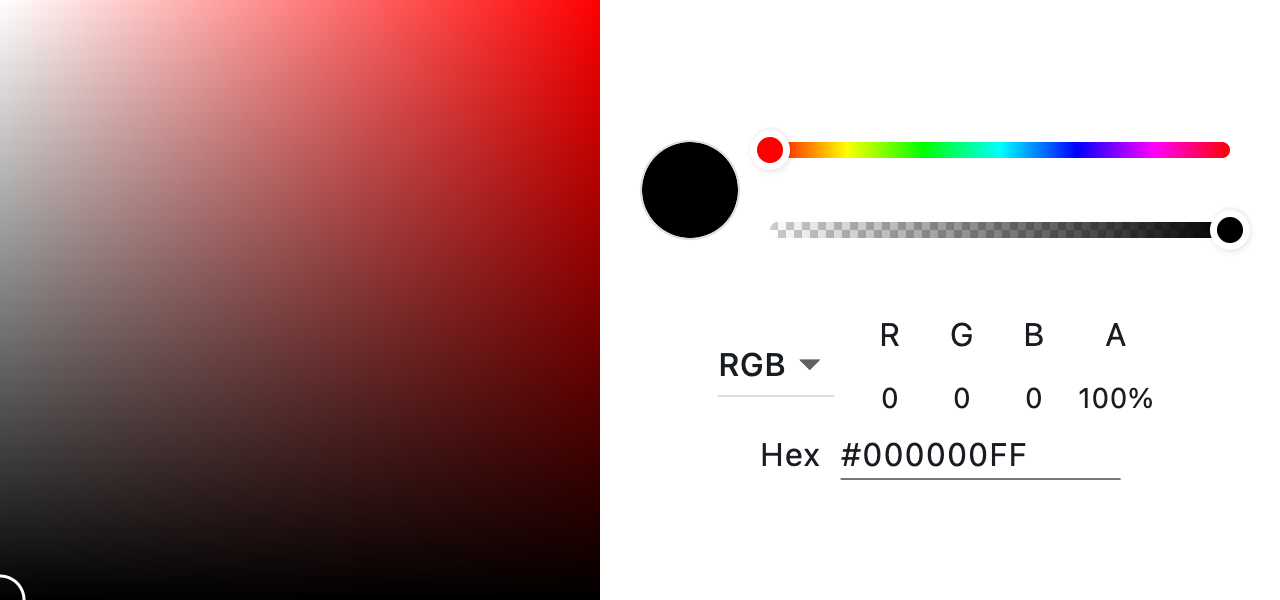](https://docs.flet.dev/test-images/examples/extensions/color_pickers/golden/macos/color_pickers/image_for_docs.png)
Basic ColorPicker
Inherits: `[LayoutControl](https://docs.flet.dev/controls/layoutcontrol/#flet.LayoutControl) `
Properties
* **`[color](https://docs.flet.dev/colorpickers/colorpicker/#flet_color_pickers.ColorPicker.color) `**(`[ColorValue](https://docs.flet.dev/types/aliases/#flet.ColorValue) | None`) –
The currently selected color.
* **`[color_history](https://docs.flet.dev/colorpickers/colorpicker/#flet_color_pickers.ColorPicker.color_history) `**(`[list](https://docs.python.org/3/glossary.html#term-list) [[ColorValue](https://docs.flet.dev/types/aliases/#flet.ColorValue) ] | None`) –
A list of colors to display as a history palette.
* **`[color_picker_width](https://docs.flet.dev/colorpickers/colorpicker/#flet_color_pickers.ColorPicker.color_picker_width) `**(`[Number](https://docs.flet.dev/types/aliases/#flet.Number) | None`) –
Width of the color picker in virtual pixels.
* **`[display_thumb_color](https://docs.flet.dev/colorpickers/colorpicker/#flet_color_pickers.ColorPicker.display_thumb_color) `**(`[bool](https://docs.python.org/3/library/functions.html#bool) `) –
Whether to display the thumb color in slider.
* **`[enable_alpha](https://docs.flet.dev/colorpickers/colorpicker/#flet_color_pickers.ColorPicker.enable_alpha) `**(`[bool](https://docs.python.org/3/library/functions.html#bool) `) –
Whether to enable alpha (opacity) slider.
* **`[hex_input_bar](https://docs.flet.dev/colorpickers/colorpicker/#flet_color_pickers.ColorPicker.hex_input_bar) `**(`[bool](https://docs.python.org/3/library/functions.html#bool) `) –
Whether to show the hex input bar.
* **`[hsv_color](https://docs.flet.dev/colorpickers/colorpicker/#flet_color_pickers.ColorPicker.hsv_color) `**(`HsvColor | None`) –
The currently selected HSV color.
* **`[label_text_style](https://docs.flet.dev/colorpickers/colorpicker/#flet_color_pickers.ColorPicker.label_text_style) `**(`[TextStyle](https://docs.flet.dev/types/textstyle/#flet.TextStyle) | None`) –
Text style for labels.
* **`[label_types](https://docs.flet.dev/colorpickers/colorpicker/#flet_color_pickers.ColorPicker.label_types) `**(`[list](https://docs.python.org/3/glossary.html#term-list) [ColorLabelType] | None`) –
Color label types to display.
* **`[palette_type](https://docs.flet.dev/colorpickers/colorpicker/#flet_color_pickers.ColorPicker.palette_type) `**(`PaletteType | None`) –
Palette type for the picker area.
* **`[picker_area_border_radius](https://docs.flet.dev/colorpickers/colorpicker/#flet_color_pickers.ColorPicker.picker_area_border_radius) `**(`[BorderRadiusValue](https://docs.flet.dev/types/aliases/#flet.BorderRadiusValue) | None`) –
Border radius for the picker area.
* **`[picker_area_height_percent](https://docs.flet.dev/colorpickers/colorpicker/#flet_color_pickers.ColorPicker.picker_area_height_percent) `**(`[Number](https://docs.flet.dev/types/aliases/#flet.Number) | None`) –
Height of the picker area as a percentage of the picker width.
Events
* **`[on_color_change](https://docs.flet.dev/colorpickers/colorpicker/#flet_color_pickers.ColorPicker.on_color_change) `**(`[ControlEventHandler](https://docs.flet.dev/types/aliases/#flet.ControlEventHandler) [[ColorPicker](https://docs.flet.dev/colorpickers/colorpicker/#flet_color_pickers.ColorPicker) ] | None`) –
Called when the picker color is changed.
* **`[on_history_change](https://docs.flet.dev/colorpickers/colorpicker/#flet_color_pickers.ColorPicker.on_history_change) `**(`[ControlEventHandler](https://docs.flet.dev/types/aliases/#flet.ControlEventHandler) [[ColorPicker](https://docs.flet.dev/colorpickers/colorpicker/#flet_color_pickers.ColorPicker) ] | None`) –
Called when the history palette is changed.
* **`[on_hsv_color_change](https://docs.flet.dev/colorpickers/colorpicker/#flet_color_pickers.ColorPicker.on_hsv_color_change) `**(`[ControlEventHandler](https://docs.flet.dev/types/aliases/#flet.ControlEventHandler) [[ColorPicker](https://docs.flet.dev/colorpickers/colorpicker/#flet_color_pickers.ColorPicker) ] | None`) –
Called when the picker HSV color is changed.
Example[#](https://docs.flet.dev/colorpickers/colorpicker/#example "Permanent link")
-------------------------------------------------------------------------------------
`[](https://docs.flet.dev/colorpickers/colorpicker/#__codelineno-0-1) import flet as ft [](https://docs.flet.dev/colorpickers/colorpicker/#__codelineno-0-2) from flet_color_pickers import ColorLabelType, ColorPicker, PaletteType [](https://docs.flet.dev/colorpickers/colorpicker/#__codelineno-0-3) [](https://docs.flet.dev/colorpickers/colorpicker/#__codelineno-0-4)[](https://docs.flet.dev/colorpickers/colorpicker/#__codelineno-0-5) def main(page: ft.Page): [](https://docs.flet.dev/colorpickers/colorpicker/#__codelineno-0-6) page.title = "ColorPicker" [](https://docs.flet.dev/colorpickers/colorpicker/#__codelineno-0-7) page.padding = 20 [](https://docs.flet.dev/colorpickers/colorpicker/#__codelineno-0-8) [](https://docs.flet.dev/colorpickers/colorpicker/#__codelineno-0-9) def on_color_change(e: ft.ControlEvent): [](https://docs.flet.dev/colorpickers/colorpicker/#__codelineno-0-10) print(f"color: {e.data}") [](https://docs.flet.dev/colorpickers/colorpicker/#__codelineno-0-11) [](https://docs.flet.dev/colorpickers/colorpicker/#__codelineno-0-12) def on_history_change(e: ft.ControlEvent): [](https://docs.flet.dev/colorpickers/colorpicker/#__codelineno-0-13) # e.data is a list of hex strings [](https://docs.flet.dev/colorpickers/colorpicker/#__codelineno-0-14) print(f"history: {e.data}") [](https://docs.flet.dev/colorpickers/colorpicker/#__codelineno-0-15) [](https://docs.flet.dev/colorpickers/colorpicker/#__codelineno-0-16) def on_hsv_color_change(e: ft.ControlEvent): [](https://docs.flet.dev/colorpickers/colorpicker/#__codelineno-0-17) print("hsv: ", e.control.hsv_color) [](https://docs.flet.dev/colorpickers/colorpicker/#__codelineno-0-18) [](https://docs.flet.dev/colorpickers/colorpicker/#__codelineno-0-19) picker = ColorPicker( [](https://docs.flet.dev/colorpickers/colorpicker/#__codelineno-0-20) color="#ff0000", [](https://docs.flet.dev/colorpickers/colorpicker/#__codelineno-0-21) # hsv_color=HsvColor(alpha=1, hue=0, saturation=1, value=1), [](https://docs.flet.dev/colorpickers/colorpicker/#__codelineno-0-22) color_history=[ [](https://docs.flet.dev/colorpickers/colorpicker/#__codelineno-0-23) "#ff0000", [](https://docs.flet.dev/colorpickers/colorpicker/#__codelineno-0-24) "#00ff00", [](https://docs.flet.dev/colorpickers/colorpicker/#__codelineno-0-25) "#0000ff", [](https://docs.flet.dev/colorpickers/colorpicker/#__codelineno-0-26) "#ffff00", [](https://docs.flet.dev/colorpickers/colorpicker/#__codelineno-0-27) "#00ffff", [](https://docs.flet.dev/colorpickers/colorpicker/#__codelineno-0-28) "#ff00ff", [](https://docs.flet.dev/colorpickers/colorpicker/#__codelineno-0-29) ], [](https://docs.flet.dev/colorpickers/colorpicker/#__codelineno-0-30) on_color_change=on_color_change, [](https://docs.flet.dev/colorpickers/colorpicker/#__codelineno-0-31) palette_type=PaletteType.RGB_WITH_GREEN, [](https://docs.flet.dev/colorpickers/colorpicker/#__codelineno-0-32) on_history_change=on_history_change, [](https://docs.flet.dev/colorpickers/colorpicker/#__codelineno-0-33) on_hsv_color_change=on_hsv_color_change, [](https://docs.flet.dev/colorpickers/colorpicker/#__codelineno-0-34) label_types=[ [](https://docs.flet.dev/colorpickers/colorpicker/#__codelineno-0-35) ColorLabelType.HEX, [](https://docs.flet.dev/colorpickers/colorpicker/#__codelineno-0-36) ColorLabelType.RGB, [](https://docs.flet.dev/colorpickers/colorpicker/#__codelineno-0-37) ], [](https://docs.flet.dev/colorpickers/colorpicker/#__codelineno-0-38) picker_area_border_radius=ft.BorderRadius.all(20), [](https://docs.flet.dev/colorpickers/colorpicker/#__codelineno-0-39) ) [](https://docs.flet.dev/colorpickers/colorpicker/#__codelineno-0-40) [](https://docs.flet.dev/colorpickers/colorpicker/#__codelineno-0-41) page.add(picker) [](https://docs.flet.dev/colorpickers/colorpicker/#__codelineno-0-42) [](https://docs.flet.dev/colorpickers/colorpicker/#__codelineno-0-43)[](https://docs.flet.dev/colorpickers/colorpicker/#__codelineno-0-44) ft.run(main)`
Properties[#](https://docs.flet.dev/colorpickers/colorpicker/#flet_color_pickers.ColorPicker-properties "Permanent link")
--------------------------------------------------------------------------------------------------------------------------
### color `class-attribute` `instance-attribute` [#](https://docs.flet.dev/colorpickers/colorpicker/#flet_color_pickers.ColorPicker.color "Permanent link")
`[](https://docs.flet.dev/colorpickers/colorpicker/#__codelineno-0-1) color: [ColorValue](https://docs.flet.dev/types/aliases/#flet.ColorValue) | None = None`
The currently selected color.
### color\_history `class-attribute` `instance-attribute` [#](https://docs.flet.dev/colorpickers/colorpicker/#flet_color_pickers.ColorPicker.color_history "Permanent link")
`[](https://docs.flet.dev/colorpickers/colorpicker/#__codelineno-0-1) color_history: [list](https://docs.python.org/3/glossary.html#term-list) [[ColorValue](https://docs.flet.dev/types/aliases/#flet.ColorValue) ] | None = None`
A list of colors to display as a history palette.
To be notified when the palette changes, set `on_history_change`.
### color\_picker\_width `class-attribute` `instance-attribute` [#](https://docs.flet.dev/colorpickers/colorpicker/#flet_color_pickers.ColorPicker.color_picker_width "Permanent link")
`[](https://docs.flet.dev/colorpickers/colorpicker/#__codelineno-0-1) color_picker_width: [Number](https://docs.flet.dev/types/aliases/#flet.Number) | None = None`
Width of the color picker in virtual pixels.
### display\_thumb\_color `class-attribute` `instance-attribute` [#](https://docs.flet.dev/colorpickers/colorpicker/#flet_color_pickers.ColorPicker.display_thumb_color "Permanent link")
`[](https://docs.flet.dev/colorpickers/colorpicker/#__codelineno-0-1) display_thumb_color: [bool](https://docs.python.org/3/library/functions.html#bool) = True`
Whether to display the thumb color in slider.
### enable\_alpha `class-attribute` `instance-attribute` [#](https://docs.flet.dev/colorpickers/colorpicker/#flet_color_pickers.ColorPicker.enable_alpha "Permanent link")
`[](https://docs.flet.dev/colorpickers/colorpicker/#__codelineno-0-1) enable_alpha: [bool](https://docs.python.org/3/library/functions.html#bool) = True`
Whether to enable alpha (opacity) slider.
### hex\_input\_bar `class-attribute` `instance-attribute` [#](https://docs.flet.dev/colorpickers/colorpicker/#flet_color_pickers.ColorPicker.hex_input_bar "Permanent link")
`[](https://docs.flet.dev/colorpickers/colorpicker/#__codelineno-0-1) hex_input_bar: [bool](https://docs.python.org/3/library/functions.html#bool) = True`
Whether to show the hex input bar.
### hsv\_color `class-attribute` `instance-attribute` [#](https://docs.flet.dev/colorpickers/colorpicker/#flet_color_pickers.ColorPicker.hsv_color "Permanent link")
`[](https://docs.flet.dev/colorpickers/colorpicker/#__codelineno-0-1) hsv_color: HsvColor | None = None`
The currently selected HSV color.
Provide an `HsvColor` instance with fields: `alpha`, `hue`, `saturation`, `value`.
### label\_text\_style `class-attribute` `instance-attribute` [#](https://docs.flet.dev/colorpickers/colorpicker/#flet_color_pickers.ColorPicker.label_text_style "Permanent link")
`[](https://docs.flet.dev/colorpickers/colorpicker/#__codelineno-0-1) label_text_style: [TextStyle](https://docs.flet.dev/types/textstyle/#flet.TextStyle) | None = None`
Text style for labels.
### label\_types `class-attribute` `instance-attribute` [#](https://docs.flet.dev/colorpickers/colorpicker/#flet_color_pickers.ColorPicker.label_types "Permanent link")
`[](https://docs.flet.dev/colorpickers/colorpicker/#__codelineno-0-1) label_types: [list](https://docs.python.org/3/glossary.html#term-list) [ColorLabelType] | None = None`
Color label types to display.
### palette\_type `class-attribute` `instance-attribute` [#](https://docs.flet.dev/colorpickers/colorpicker/#flet_color_pickers.ColorPicker.palette_type "Permanent link")
`[](https://docs.flet.dev/colorpickers/colorpicker/#__codelineno-0-1) palette_type: PaletteType | None = None`
Palette type for the picker area.
### picker\_area\_border\_radius `class-attribute` `instance-attribute` [#](https://docs.flet.dev/colorpickers/colorpicker/#flet_color_pickers.ColorPicker.picker_area_border_radius "Permanent link")
`[](https://docs.flet.dev/colorpickers/colorpicker/#__codelineno-0-1) picker_area_border_radius: [BorderRadiusValue](https://docs.flet.dev/types/aliases/#flet.BorderRadiusValue) | None = None`
Border radius for the picker area.
### picker\_area\_height\_percent `class-attribute` `instance-attribute` [#](https://docs.flet.dev/colorpickers/colorpicker/#flet_color_pickers.ColorPicker.picker_area_height_percent "Permanent link")
`[](https://docs.flet.dev/colorpickers/colorpicker/#__codelineno-0-1) picker_area_height_percent: [Number](https://docs.flet.dev/types/aliases/#flet.Number) | None = None`
Height of the picker area as a percentage of the picker width.
Events[#](https://docs.flet.dev/colorpickers/colorpicker/#flet_color_pickers.ColorPicker-events "Permanent link")
------------------------------------------------------------------------------------------------------------------
### on\_color\_change `class-attribute` `instance-attribute` [#](https://docs.flet.dev/colorpickers/colorpicker/#flet_color_pickers.ColorPicker.on_color_change "Permanent link")
`[](https://docs.flet.dev/colorpickers/colorpicker/#__codelineno-0-1) on_color_change: [ControlEventHandler](https://docs.flet.dev/types/aliases/#flet.ControlEventHandler) [[ColorPicker](https://docs.flet.dev/colorpickers/colorpicker/#flet_color_pickers.ColorPicker) ] | None = ( [](https://docs.flet.dev/colorpickers/colorpicker/#__codelineno-0-2) None [](https://docs.flet.dev/colorpickers/colorpicker/#__codelineno-0-3) )`
Called when the picker color is changed.
The [`data`](https://docs.flet.dev/types/event/#flet.Event.data)
property of the event handler argument contains the color value as a hex string.
### on\_history\_change `class-attribute` `instance-attribute` [#](https://docs.flet.dev/colorpickers/colorpicker/#flet_color_pickers.ColorPicker.on_history_change "Permanent link")
`[](https://docs.flet.dev/colorpickers/colorpicker/#__codelineno-0-1) on_history_change: ( [](https://docs.flet.dev/colorpickers/colorpicker/#__codelineno-0-2) [ControlEventHandler](https://docs.flet.dev/types/aliases/#flet.ControlEventHandler) [[ColorPicker](https://docs.flet.dev/colorpickers/colorpicker/#flet_color_pickers.ColorPicker) ] | None [](https://docs.flet.dev/colorpickers/colorpicker/#__codelineno-0-3) ) = None`
Called when the history palette is changed.
The [`data`](https://docs.flet.dev/types/event/#flet.Event.data)
property of the event handler argument contains the list of color values as hex strings.
### on\_hsv\_color\_change `class-attribute` `instance-attribute` [#](https://docs.flet.dev/colorpickers/colorpicker/#flet_color_pickers.ColorPicker.on_hsv_color_change "Permanent link")
`[](https://docs.flet.dev/colorpickers/colorpicker/#__codelineno-0-1) on_hsv_color_change: ( [](https://docs.flet.dev/colorpickers/colorpicker/#__codelineno-0-2) [ControlEventHandler](https://docs.flet.dev/types/aliases/#flet.ControlEventHandler) [[ColorPicker](https://docs.flet.dev/colorpickers/colorpicker/#flet_color_pickers.ColorPicker) ] | None [](https://docs.flet.dev/colorpickers/colorpicker/#__codelineno-0-3) ) = None`
Called when the picker HSV color is changed.
The [`data`](https://docs.flet.dev/types/event/#flet.Event.data)
property of the event handler argument contains the HSV values as a dict with keys: `alpha`, `hue`, `saturation`, `value`.
Back to top
---
# ProgressBar - Flet
[Skip to content](https://docs.flet.dev/controls/progressbar/#flet.ProgressBar)
ProgressBar
===========
A material design linear progress indicator, also known as a progress bar.
A control that shows progress along a line.
Example:
`[](https://docs.flet.dev/controls/progressbar/#__codelineno-0-1) ft.ProgressBar(width=400, value=0.8)`
[](https://docs.flet.dev/test-images/examples/material/golden/macos/progress_bar/image_for_docs.png)
Fixed progress bar
Inherits: `[LayoutControl](https://docs.flet.dev/controls/layoutcontrol/#flet.LayoutControl) `
Properties
* **`[bar_height](https://docs.flet.dev/controls/progressbar/#flet.ProgressBar.bar_height) `**(`[Number](https://docs.flet.dev/types/aliases/#flet.Number) | None`) –
The minimum height of the line used to draw the linear indicator.
* **`[bgcolor](https://docs.flet.dev/controls/progressbar/#flet.ProgressBar.bgcolor) `**(`[ColorValue](https://docs.flet.dev/types/aliases/#flet.ColorValue) | None`) –
Color of the track being filled by the linear indicator.
* **`[border_radius](https://docs.flet.dev/controls/progressbar/#flet.ProgressBar.border_radius) `**(`[BorderRadiusValue](https://docs.flet.dev/types/aliases/#flet.BorderRadiusValue) | None`) –
The border radius of both the indicator and the track.
* **`[color](https://docs.flet.dev/controls/progressbar/#flet.ProgressBar.color) `**(`[ColorValue](https://docs.flet.dev/types/aliases/#flet.ColorValue) | None`) –
The progress indicator's color.
* **`[semantics_label](https://docs.flet.dev/controls/progressbar/#flet.ProgressBar.semantics_label) `**(`[str](https://docs.python.org/3/library/stdtypes.html#str) | None`) –
The semantics label for this progress indicator.
* **`[semantics_value](https://docs.flet.dev/controls/progressbar/#flet.ProgressBar.semantics_value) `**(`[Number](https://docs.flet.dev/types/aliases/#flet.Number) | None`) –
The semantics label for this progress indicator.
* **`[stop_indicator_color](https://docs.flet.dev/controls/progressbar/#flet.ProgressBar.stop_indicator_color) `**(`[ColorValue](https://docs.flet.dev/types/aliases/#flet.ColorValue) | None`) –
The color of the stop indicator.
* **`[stop_indicator_radius](https://docs.flet.dev/controls/progressbar/#flet.ProgressBar.stop_indicator_radius) `**(`[Number](https://docs.flet.dev/types/aliases/#flet.Number) | None`) –
The radius of the stop indicator.
* **`[track_gap](https://docs.flet.dev/controls/progressbar/#flet.ProgressBar.track_gap) `**(`[Number](https://docs.flet.dev/types/aliases/#flet.Number) | None`) –
The gap between the indicator and the track.
* **`[value](https://docs.flet.dev/controls/progressbar/#flet.ProgressBar.value) `**(`[Number](https://docs.flet.dev/types/aliases/#flet.Number) | None`) –
The value of this progress indicator.
* **`[year_2023](https://docs.flet.dev/controls/progressbar/#flet.ProgressBar.year_2023) `**(`[bool](https://docs.python.org/3/library/functions.html#bool) | None`) –
If this is set to `False`, the ProgressBar will use the latest Material Design 3 appearance, which was introduced in December 2023.
Examples[#](https://docs.flet.dev/controls/progressbar/#examples "Permanent link")
-----------------------------------------------------------------------------------
[Live example](https://flet-controls-gallery.fly.dev/displays/progressbar)
### Determinate and indeterminate progress bars[#](https://docs.flet.dev/controls/progressbar/#determinate-and-indeterminate-progress-bars "Permanent link")
`[](https://docs.flet.dev/controls/progressbar/#__codelineno-0-1) import asyncio [](https://docs.flet.dev/controls/progressbar/#__codelineno-0-2)[](https://docs.flet.dev/controls/progressbar/#__codelineno-0-3) import flet as ft [](https://docs.flet.dev/controls/progressbar/#__codelineno-0-4) [](https://docs.flet.dev/controls/progressbar/#__codelineno-0-5)[](https://docs.flet.dev/controls/progressbar/#__codelineno-0-6) async def main(page: ft.Page): [](https://docs.flet.dev/controls/progressbar/#__codelineno-0-7) determinate_bar = ft.ProgressBar(width=400) [](https://docs.flet.dev/controls/progressbar/#__codelineno-0-8) determinate_message = ft.Text("Doing something...") [](https://docs.flet.dev/controls/progressbar/#__codelineno-0-9) [](https://docs.flet.dev/controls/progressbar/#__codelineno-0-10) page.add( [](https://docs.flet.dev/controls/progressbar/#__codelineno-0-11) ft.Text( [](https://docs.flet.dev/controls/progressbar/#__codelineno-0-12) value="Linear progress indicator", [](https://docs.flet.dev/controls/progressbar/#__codelineno-0-13) theme_style=ft.TextThemeStyle.HEADLINE_SMALL, [](https://docs.flet.dev/controls/progressbar/#__codelineno-0-14) ), [](https://docs.flet.dev/controls/progressbar/#__codelineno-0-15) ft.Column(controls=[determinate_message, determinate_bar]), [](https://docs.flet.dev/controls/progressbar/#__codelineno-0-16) ft.Text( [](https://docs.flet.dev/controls/progressbar/#__codelineno-0-17) value="Indeterminate progress bar", [](https://docs.flet.dev/controls/progressbar/#__codelineno-0-18) theme_style=ft.TextThemeStyle.HEADLINE_SMALL, [](https://docs.flet.dev/controls/progressbar/#__codelineno-0-19) ), [](https://docs.flet.dev/controls/progressbar/#__codelineno-0-20) ft.ProgressBar(width=400, color=ft.Colors.AMBER), [](https://docs.flet.dev/controls/progressbar/#__codelineno-0-21) ) [](https://docs.flet.dev/controls/progressbar/#__codelineno-0-22) [](https://docs.flet.dev/controls/progressbar/#__codelineno-0-23) for i in range(0, 101): [](https://docs.flet.dev/controls/progressbar/#__codelineno-0-24) determinate_bar.value = i * 0.01 [](https://docs.flet.dev/controls/progressbar/#__codelineno-0-25) await asyncio.sleep(0.1) [](https://docs.flet.dev/controls/progressbar/#__codelineno-0-26) if i == 100: [](https://docs.flet.dev/controls/progressbar/#__codelineno-0-27) determinate_message.value = "Finished!" [](https://docs.flet.dev/controls/progressbar/#__codelineno-0-28) page.update() [](https://docs.flet.dev/controls/progressbar/#__codelineno-0-29) [](https://docs.flet.dev/controls/progressbar/#__codelineno-0-30)[](https://docs.flet.dev/controls/progressbar/#__codelineno-0-31) if __name__ == "__main__": [](https://docs.flet.dev/controls/progressbar/#__codelineno-0-32) ft.run(main)`
[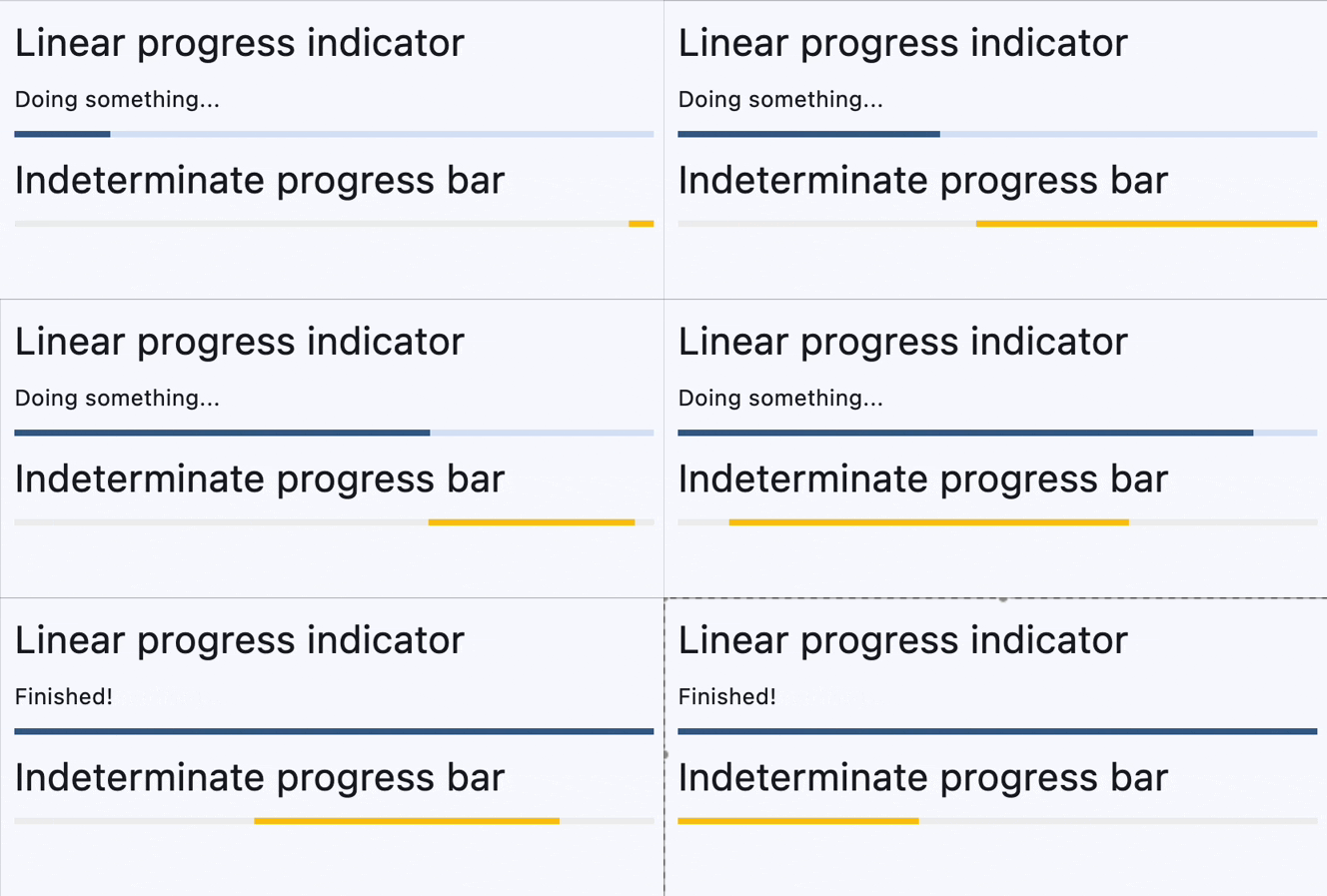](https://docs.flet.dev/examples/controls/progress_bar/media/determinate_and_indeterminate.gif)
Properties[#](https://docs.flet.dev/controls/progressbar/#flet.ProgressBar-properties "Permanent link")
--------------------------------------------------------------------------------------------------------
### bar\_height `class-attribute` `instance-attribute` [#](https://docs.flet.dev/controls/progressbar/#flet.ProgressBar.bar_height "Permanent link")
`[](https://docs.flet.dev/controls/progressbar/#__codelineno-0-1) bar_height: [Number](https://docs.flet.dev/types/aliases/#flet.Number) | None = None`
The minimum height of the line used to draw the linear indicator.
Raises:
* `[ValueError](https://docs.python.org/3/library/exceptions.html#ValueError) ` –
If it is not greater than or equal to `0`.
### bgcolor `class-attribute` `instance-attribute` [#](https://docs.flet.dev/controls/progressbar/#flet.ProgressBar.bgcolor "Permanent link")
`[](https://docs.flet.dev/controls/progressbar/#__codelineno-0-1) bgcolor: [ColorValue](https://docs.flet.dev/types/aliases/#flet.ColorValue) | None = None`
Color of the track being filled by the linear indicator.
### border\_radius `class-attribute` `instance-attribute` [#](https://docs.flet.dev/controls/progressbar/#flet.ProgressBar.border_radius "Permanent link")
`[](https://docs.flet.dev/controls/progressbar/#__codelineno-0-1) border_radius: [BorderRadiusValue](https://docs.flet.dev/types/aliases/#flet.BorderRadiusValue) | None = None`
The border radius of both the indicator and the track.
Defaults to `BorderRadius.all(0)` - rectangular shape.
### color `class-attribute` `instance-attribute` [#](https://docs.flet.dev/controls/progressbar/#flet.ProgressBar.color "Permanent link")
`[](https://docs.flet.dev/controls/progressbar/#__codelineno-0-1) color: [ColorValue](https://docs.flet.dev/types/aliases/#flet.ColorValue) | None = None`
The progress indicator's color.
### semantics\_label `class-attribute` `instance-attribute` [#](https://docs.flet.dev/controls/progressbar/#flet.ProgressBar.semantics_label "Permanent link")
`[](https://docs.flet.dev/controls/progressbar/#__codelineno-0-1) semantics_label: [str](https://docs.python.org/3/library/stdtypes.html#str) | None = None`
The semantics label for this progress indicator.
### semantics\_value `class-attribute` `instance-attribute` [#](https://docs.flet.dev/controls/progressbar/#flet.ProgressBar.semantics_value "Permanent link")
`[](https://docs.flet.dev/controls/progressbar/#__codelineno-0-1) semantics_value: [Number](https://docs.flet.dev/types/aliases/#flet.Number) | None = None`
The semantics label for this progress indicator.
Raises:
* `[ValueError](https://docs.python.org/3/library/exceptions.html#ValueError) ` –
If it is not greater than or equal to `0`.
### stop\_indicator\_color `class-attribute` `instance-attribute` [#](https://docs.flet.dev/controls/progressbar/#flet.ProgressBar.stop_indicator_color "Permanent link")
`[](https://docs.flet.dev/controls/progressbar/#__codelineno-0-1) stop_indicator_color: [ColorValue](https://docs.flet.dev/types/aliases/#flet.ColorValue) | None = None`
The color of the stop indicator.
If [`ProgressBar.year_2023`](https://docs.flet.dev/controls/progressbar/#flet.ProgressBar.year_2023)
is `True` or [`Theme.use_material3`](https://docs.flet.dev/types/theme/#flet.Theme.use_material3)
is `False`, then no stop indicator will be drawn.
If not set, then the [`ProgressIndicatorTheme.stop_indicator_color`](https://docs.flet.dev/types/progressindicatortheme/#flet.ProgressIndicatorTheme.stop_indicator_color)
will be used. If that is not set, then the [`ColorScheme.primary`](https://docs.flet.dev/types/colorscheme/#flet.ColorScheme.primary)
will be used.
### stop\_indicator\_radius `class-attribute` `instance-attribute` [#](https://docs.flet.dev/controls/progressbar/#flet.ProgressBar.stop_indicator_radius "Permanent link")
`[](https://docs.flet.dev/controls/progressbar/#__codelineno-0-1) stop_indicator_radius: [Number](https://docs.flet.dev/types/aliases/#flet.Number) | None = None`
The radius of the stop indicator.
If [`ProgressBar.year_2023`](https://docs.flet.dev/controls/progressbar/#flet.ProgressBar.year_2023)
is `True` or [`Theme.use_material3`](https://docs.flet.dev/types/theme/#flet.Theme.use_material3)
is `False`, then no stop indicator will be drawn.
Set `stop_indicator_radius` to `0` to hide the stop indicator.
If not set, then the [`ProgressIndicatorTheme.stop_indicator_radius`](https://docs.flet.dev/types/progressindicatortheme/#flet.ProgressIndicatorTheme.stop_indicator_radius)
will be used. If that is not set, then defaults to `2`.
### track\_gap `class-attribute` `instance-attribute` [#](https://docs.flet.dev/controls/progressbar/#flet.ProgressBar.track_gap "Permanent link")
`[](https://docs.flet.dev/controls/progressbar/#__codelineno-0-1) track_gap: [Number](https://docs.flet.dev/types/aliases/#flet.Number) | None = None`
The gap between the indicator and the track.
If [`ProgressBar.year_2023`](https://docs.flet.dev/controls/progressbar/#flet.ProgressBar.year_2023)
is `True` or [`Theme.use_material3`](https://docs.flet.dev/types/theme/#flet.Theme.use_material3)
is `False`, then no track gap will be drawn.
If not set, then the [`ProgressIndicatorTheme.track_gap`](https://docs.flet.dev/types/progressindicatortheme/#flet.ProgressIndicatorTheme.track_gap)
will be used. If that is not set, then defaults to `4`.
Tip
Set `track_gap` to `0` to hide the track gap.
### value `class-attribute` `instance-attribute` [#](https://docs.flet.dev/controls/progressbar/#flet.ProgressBar.value "Permanent link")
`[](https://docs.flet.dev/controls/progressbar/#__codelineno-0-1) value: [Number](https://docs.flet.dev/types/aliases/#flet.Number) | None = None`
The value of this progress indicator.
A value of `0.0` means no progress and `1.0` means that progress is complete. The value will be clamped to be in the range `0.0` - `1.0`.
Defaults to `None`, meaning that this progress indicator is indeterminate - displays a predetermined animation that does not indicate how much actual progress is being made.
Raises:
* `[ValueError](https://docs.python.org/3/library/exceptions.html#ValueError) ` –
If it is not greater than or equal to `0`.
### year\_2023 `class-attribute` `instance-attribute` [#](https://docs.flet.dev/controls/progressbar/#flet.ProgressBar.year_2023 "Permanent link")
`[](https://docs.flet.dev/controls/progressbar/#__codelineno-0-1) year_2023: [bool](https://docs.python.org/3/library/functions.html#bool) | None = None`
If this is set to `False`, the ProgressBar will use the latest Material Design 3 appearance, which was introduced in December 2023.
When `True`, the ProgressBar will use the 2023 Material Design 3 appearance.
If not set, then the [`ProgressIndicatorTheme.year_2023`](https://docs.flet.dev/types/progressindicatortheme/#flet.ProgressIndicatorTheme.year_2023)
will be used, which is `False` by default.
If [`Theme.use_material3`](https://docs.flet.dev/types/theme/#flet.Theme.use_material3)
is `False`, then this property is ignored.
Back to top
---
# Draggable - Flet
[Skip to content](https://docs.flet.dev/controls/draggable/#flet.Draggable)
Draggable
=========
A control that can be dragged from to a [`DragTarget`](https://docs.flet.dev/controls/dragtarget/#flet.DragTarget)
.
When a draggable control recognizes the start of a drag gesture, it displays the [`content_feedback`](https://docs.flet.dev/controls/draggable/#flet.Draggable.content_feedback)
control that tracks the user's finger across the screen. If the user lifts their finger while on top of a `DragTarget`, this target is given the opportunity to complete drag-and-drop flow.
Inherits: `[Control](https://docs.flet.dev/controls/control/#flet.Control) `
Properties
* **`[affinity](https://docs.flet.dev/controls/draggable/#flet.Draggable.affinity) `**(`[Axis](https://docs.flet.dev/types/axis/#flet.Axis) | None`) –
Specifies the axis along which this control competes with other gestures to initiate a drag.
* **`[axis](https://docs.flet.dev/controls/draggable/#flet.Draggable.axis) `**(`[Axis](https://docs.flet.dev/types/axis/#flet.Axis) | None`) –
Restricts the draggable's movement to a specific axis.
* **`[content](https://docs.flet.dev/controls/draggable/#flet.Draggable.content) `**(`[Control](https://docs.flet.dev/controls/control/#flet.Control) `) –
The control to display when the draggable is not being dragged.
* **`[content_feedback](https://docs.flet.dev/controls/draggable/#flet.Draggable.content_feedback) `**(`[Control](https://docs.flet.dev/controls/control/#flet.Control) | None`) –
The control to show under the pointer when a drag is under way.
* **`[content_when_dragging](https://docs.flet.dev/controls/draggable/#flet.Draggable.content_when_dragging) `**(`[Control](https://docs.flet.dev/controls/control/#flet.Control) | None`) –
The control to display instead of [`content`](https://docs.flet.dev/controls/draggable/#flet.Draggable.content)
when this draggable is being dragged.
* **`[group](https://docs.flet.dev/controls/draggable/#flet.Draggable.group) `**(`[str](https://docs.python.org/3/library/stdtypes.html#str) `) –
The group this draggable belongs to.
* **`[max_simultaneous_drags](https://docs.flet.dev/controls/draggable/#flet.Draggable.max_simultaneous_drags) `**(`[int](https://docs.python.org/3/library/functions.html#int) | None`) –
Specifies how many simultaneous drag operations are allowed for this draggable.
Events
* **`[on_drag_complete](https://docs.flet.dev/controls/draggable/#flet.Draggable.on_drag_complete) `**(`[ControlEventHandler](https://docs.flet.dev/types/aliases/#flet.ControlEventHandler) [[Draggable](https://docs.flet.dev/controls/draggable/#flet.Draggable) ] | None`) –
Called when this draggable is dropped and accepted by a [`DragTarget`](https://docs.flet.dev/controls/dragtarget/#flet.DragTarget)
.
* **`[on_drag_start](https://docs.flet.dev/controls/draggable/#flet.Draggable.on_drag_start) `**(`[ControlEventHandler](https://docs.flet.dev/types/aliases/#flet.ControlEventHandler) [[Draggable](https://docs.flet.dev/controls/draggable/#flet.Draggable) ] | None`) –
Called when this draggable starts being dragged.
Examples[#](https://docs.flet.dev/controls/draggable/#examples "Permanent link")
---------------------------------------------------------------------------------
[Live example](https://flet-controls-gallery.fly.dev/utility/draggable)
### Drag and drop Containers[#](https://docs.flet.dev/controls/draggable/#drag-and-drop-containers "Permanent link")
#### Imperative[#](https://docs.flet.dev/controls/draggable/#imperative "Permanent link")
`[](https://docs.flet.dev/controls/draggable/#__codelineno-0-1) import flet as ft [](https://docs.flet.dev/controls/draggable/#__codelineno-0-2) [](https://docs.flet.dev/controls/draggable/#__codelineno-0-3)[](https://docs.flet.dev/controls/draggable/#__codelineno-0-4) def main(page: ft.Page): [](https://docs.flet.dev/controls/draggable/#__codelineno-0-5) def handle_drag_will_accept(e: ft.DragWillAcceptEvent): [](https://docs.flet.dev/controls/draggable/#__codelineno-0-6) e.control.content.border = ft.Border.all( [](https://docs.flet.dev/controls/draggable/#__codelineno-0-7) 2, ft.Colors.BLACK_45 if e.accept else ft.Colors.RED [](https://docs.flet.dev/controls/draggable/#__codelineno-0-8) ) [](https://docs.flet.dev/controls/draggable/#__codelineno-0-9) e.control.update() [](https://docs.flet.dev/controls/draggable/#__codelineno-0-10) [](https://docs.flet.dev/controls/draggable/#__codelineno-0-11) def handle_drag_accept(e: ft.DragTargetEvent): [](https://docs.flet.dev/controls/draggable/#__codelineno-0-12) src = page.get_control(e.src_id) [](https://docs.flet.dev/controls/draggable/#__codelineno-0-13) e.control.content.bgcolor = src.content.bgcolor [](https://docs.flet.dev/controls/draggable/#__codelineno-0-14) e.control.content.border = None [](https://docs.flet.dev/controls/draggable/#__codelineno-0-15) e.control.update() [](https://docs.flet.dev/controls/draggable/#__codelineno-0-16) [](https://docs.flet.dev/controls/draggable/#__codelineno-0-17) def handle_drag_leave(e: ft.DragTargetLeaveEvent): [](https://docs.flet.dev/controls/draggable/#__codelineno-0-18) e.control.content.border = None [](https://docs.flet.dev/controls/draggable/#__codelineno-0-19) e.control.update() [](https://docs.flet.dev/controls/draggable/#__codelineno-0-20) [](https://docs.flet.dev/controls/draggable/#__codelineno-0-21) page.add( [](https://docs.flet.dev/controls/draggable/#__codelineno-0-22) ft.Row( [](https://docs.flet.dev/controls/draggable/#__codelineno-0-23) controls=[ [](https://docs.flet.dev/controls/draggable/#__codelineno-0-24) ft.Column( [](https://docs.flet.dev/controls/draggable/#__codelineno-0-25) controls=[ [](https://docs.flet.dev/controls/draggable/#__codelineno-0-26) ft.Draggable( [](https://docs.flet.dev/controls/draggable/#__codelineno-0-27) group="color", [](https://docs.flet.dev/controls/draggable/#__codelineno-0-28) content=ft.Container( [](https://docs.flet.dev/controls/draggable/#__codelineno-0-29) width=50, [](https://docs.flet.dev/controls/draggable/#__codelineno-0-30) height=50, [](https://docs.flet.dev/controls/draggable/#__codelineno-0-31) bgcolor=ft.Colors.CYAN, [](https://docs.flet.dev/controls/draggable/#__codelineno-0-32) border_radius=5, [](https://docs.flet.dev/controls/draggable/#__codelineno-0-33) ), [](https://docs.flet.dev/controls/draggable/#__codelineno-0-34) content_feedback=ft.Container( [](https://docs.flet.dev/controls/draggable/#__codelineno-0-35) width=20, [](https://docs.flet.dev/controls/draggable/#__codelineno-0-36) height=20, [](https://docs.flet.dev/controls/draggable/#__codelineno-0-37) bgcolor=ft.Colors.CYAN, [](https://docs.flet.dev/controls/draggable/#__codelineno-0-38) border_radius=3, [](https://docs.flet.dev/controls/draggable/#__codelineno-0-39) ), [](https://docs.flet.dev/controls/draggable/#__codelineno-0-40) ), [](https://docs.flet.dev/controls/draggable/#__codelineno-0-41) ft.Draggable( [](https://docs.flet.dev/controls/draggable/#__codelineno-0-42) group="color", [](https://docs.flet.dev/controls/draggable/#__codelineno-0-43) content=ft.Container( [](https://docs.flet.dev/controls/draggable/#__codelineno-0-44) width=50, [](https://docs.flet.dev/controls/draggable/#__codelineno-0-45) height=50, [](https://docs.flet.dev/controls/draggable/#__codelineno-0-46) bgcolor=ft.Colors.YELLOW, [](https://docs.flet.dev/controls/draggable/#__codelineno-0-47) border_radius=5, [](https://docs.flet.dev/controls/draggable/#__codelineno-0-48) ), [](https://docs.flet.dev/controls/draggable/#__codelineno-0-49) ), [](https://docs.flet.dev/controls/draggable/#__codelineno-0-50) ft.Draggable( [](https://docs.flet.dev/controls/draggable/#__codelineno-0-51) group="color", [](https://docs.flet.dev/controls/draggable/#__codelineno-0-52) content=ft.Container( [](https://docs.flet.dev/controls/draggable/#__codelineno-0-53) width=50, [](https://docs.flet.dev/controls/draggable/#__codelineno-0-54) height=50, [](https://docs.flet.dev/controls/draggable/#__codelineno-0-55) bgcolor=ft.Colors.GREEN, [](https://docs.flet.dev/controls/draggable/#__codelineno-0-56) border_radius=5, [](https://docs.flet.dev/controls/draggable/#__codelineno-0-57) ), [](https://docs.flet.dev/controls/draggable/#__codelineno-0-58) ), [](https://docs.flet.dev/controls/draggable/#__codelineno-0-59) ] [](https://docs.flet.dev/controls/draggable/#__codelineno-0-60) ), [](https://docs.flet.dev/controls/draggable/#__codelineno-0-61) ft.Container(width=100), [](https://docs.flet.dev/controls/draggable/#__codelineno-0-62) ft.DragTarget( [](https://docs.flet.dev/controls/draggable/#__codelineno-0-63) group="color", [](https://docs.flet.dev/controls/draggable/#__codelineno-0-64) on_will_accept=handle_drag_will_accept, [](https://docs.flet.dev/controls/draggable/#__codelineno-0-65) on_accept=handle_drag_accept, [](https://docs.flet.dev/controls/draggable/#__codelineno-0-66) on_leave=handle_drag_leave, [](https://docs.flet.dev/controls/draggable/#__codelineno-0-67) content=ft.Container( [](https://docs.flet.dev/controls/draggable/#__codelineno-0-68) width=50, [](https://docs.flet.dev/controls/draggable/#__codelineno-0-69) height=50, [](https://docs.flet.dev/controls/draggable/#__codelineno-0-70) bgcolor=ft.Colors.BLUE_GREY_100, [](https://docs.flet.dev/controls/draggable/#__codelineno-0-71) border_radius=5, [](https://docs.flet.dev/controls/draggable/#__codelineno-0-72) ), [](https://docs.flet.dev/controls/draggable/#__codelineno-0-73) ), [](https://docs.flet.dev/controls/draggable/#__codelineno-0-74) ] [](https://docs.flet.dev/controls/draggable/#__codelineno-0-75) ) [](https://docs.flet.dev/controls/draggable/#__codelineno-0-76) ) [](https://docs.flet.dev/controls/draggable/#__codelineno-0-77) [](https://docs.flet.dev/controls/draggable/#__codelineno-0-78)[](https://docs.flet.dev/controls/draggable/#__codelineno-0-79) ft.run(main)`
#### Declarative[#](https://docs.flet.dev/controls/draggable/#declarative "Permanent link")
`[](https://docs.flet.dev/controls/draggable/#__codelineno-1-1) from dataclasses import dataclass [](https://docs.flet.dev/controls/draggable/#__codelineno-1-2)[](https://docs.flet.dev/controls/draggable/#__codelineno-1-3) import flet as ft [](https://docs.flet.dev/controls/draggable/#__codelineno-1-4) [](https://docs.flet.dev/controls/draggable/#__codelineno-1-5)[](https://docs.flet.dev/controls/draggable/#__codelineno-1-6) @dataclass [](https://docs.flet.dev/controls/draggable/#__codelineno-1-7) @ft.observable [](https://docs.flet.dev/controls/draggable/#__codelineno-1-8) class TargetState: [](https://docs.flet.dev/controls/draggable/#__codelineno-1-9) bgcolor: ft.Colors = ft.Colors.BLUE_GREY_100 [](https://docs.flet.dev/controls/draggable/#__codelineno-1-10) is_drag_over: bool = False [](https://docs.flet.dev/controls/draggable/#__codelineno-1-11) [](https://docs.flet.dev/controls/draggable/#__codelineno-1-12)[](https://docs.flet.dev/controls/draggable/#__codelineno-1-13) @ft.component [](https://docs.flet.dev/controls/draggable/#__codelineno-1-14) def App(): [](https://docs.flet.dev/controls/draggable/#__codelineno-1-15) target, _ = ft.use_state(lambda: TargetState()) [](https://docs.flet.dev/controls/draggable/#__codelineno-1-16) [](https://docs.flet.dev/controls/draggable/#__codelineno-1-17) def on_will_accept(e: ft.DragWillAcceptEvent): [](https://docs.flet.dev/controls/draggable/#__codelineno-1-18) target.is_drag_over = True [](https://docs.flet.dev/controls/draggable/#__codelineno-1-19) [](https://docs.flet.dev/controls/draggable/#__codelineno-1-20) def on_accept(e: ft.DragTargetEvent): [](https://docs.flet.dev/controls/draggable/#__codelineno-1-21) target.bgcolor = e.src.data [](https://docs.flet.dev/controls/draggable/#__codelineno-1-22) target.is_drag_over = False [](https://docs.flet.dev/controls/draggable/#__codelineno-1-23) [](https://docs.flet.dev/controls/draggable/#__codelineno-1-24) def on_leave(e: ft.DragTargetLeaveEvent): [](https://docs.flet.dev/controls/draggable/#__codelineno-1-25) target.is_drag_over = False [](https://docs.flet.dev/controls/draggable/#__codelineno-1-26) [](https://docs.flet.dev/controls/draggable/#__codelineno-1-27) return ft.Row( [](https://docs.flet.dev/controls/draggable/#__codelineno-1-28) controls=[ [](https://docs.flet.dev/controls/draggable/#__codelineno-1-29) ft.Column( [](https://docs.flet.dev/controls/draggable/#__codelineno-1-30) controls=[ [](https://docs.flet.dev/controls/draggable/#__codelineno-1-31) ft.Draggable( [](https://docs.flet.dev/controls/draggable/#__codelineno-1-32) group="color", [](https://docs.flet.dev/controls/draggable/#__codelineno-1-33) data=ft.Colors.CYAN, [](https://docs.flet.dev/controls/draggable/#__codelineno-1-34) content=ft.Container( [](https://docs.flet.dev/controls/draggable/#__codelineno-1-35) width=50, [](https://docs.flet.dev/controls/draggable/#__codelineno-1-36) height=50, [](https://docs.flet.dev/controls/draggable/#__codelineno-1-37) bgcolor=ft.Colors.CYAN, [](https://docs.flet.dev/controls/draggable/#__codelineno-1-38) border_radius=5, [](https://docs.flet.dev/controls/draggable/#__codelineno-1-39) ), [](https://docs.flet.dev/controls/draggable/#__codelineno-1-40) content_feedback=ft.Container( [](https://docs.flet.dev/controls/draggable/#__codelineno-1-41) width=20, [](https://docs.flet.dev/controls/draggable/#__codelineno-1-42) height=20, [](https://docs.flet.dev/controls/draggable/#__codelineno-1-43) bgcolor=ft.Colors.CYAN, [](https://docs.flet.dev/controls/draggable/#__codelineno-1-44) border_radius=3, [](https://docs.flet.dev/controls/draggable/#__codelineno-1-45) ), [](https://docs.flet.dev/controls/draggable/#__codelineno-1-46) ), [](https://docs.flet.dev/controls/draggable/#__codelineno-1-47) ft.Draggable( [](https://docs.flet.dev/controls/draggable/#__codelineno-1-48) group="color", [](https://docs.flet.dev/controls/draggable/#__codelineno-1-49) data=ft.Colors.YELLOW, [](https://docs.flet.dev/controls/draggable/#__codelineno-1-50) content=ft.Container( [](https://docs.flet.dev/controls/draggable/#__codelineno-1-51) width=50, [](https://docs.flet.dev/controls/draggable/#__codelineno-1-52) height=50, [](https://docs.flet.dev/controls/draggable/#__codelineno-1-53) bgcolor=ft.Colors.YELLOW, [](https://docs.flet.dev/controls/draggable/#__codelineno-1-54) border_radius=5, [](https://docs.flet.dev/controls/draggable/#__codelineno-1-55) ), [](https://docs.flet.dev/controls/draggable/#__codelineno-1-56) ), [](https://docs.flet.dev/controls/draggable/#__codelineno-1-57) ft.Draggable( [](https://docs.flet.dev/controls/draggable/#__codelineno-1-58) group="color", [](https://docs.flet.dev/controls/draggable/#__codelineno-1-59) data=ft.Colors.GREEN, [](https://docs.flet.dev/controls/draggable/#__codelineno-1-60) content=ft.Container( [](https://docs.flet.dev/controls/draggable/#__codelineno-1-61) width=50, [](https://docs.flet.dev/controls/draggable/#__codelineno-1-62) height=50, [](https://docs.flet.dev/controls/draggable/#__codelineno-1-63) bgcolor=ft.Colors.GREEN, [](https://docs.flet.dev/controls/draggable/#__codelineno-1-64) border_radius=5, [](https://docs.flet.dev/controls/draggable/#__codelineno-1-65) ), [](https://docs.flet.dev/controls/draggable/#__codelineno-1-66) ), [](https://docs.flet.dev/controls/draggable/#__codelineno-1-67) ] [](https://docs.flet.dev/controls/draggable/#__codelineno-1-68) ), [](https://docs.flet.dev/controls/draggable/#__codelineno-1-69) ft.Container(width=100), [](https://docs.flet.dev/controls/draggable/#__codelineno-1-70) ft.DragTarget( [](https://docs.flet.dev/controls/draggable/#__codelineno-1-71) group="color", [](https://docs.flet.dev/controls/draggable/#__codelineno-1-72) on_will_accept=on_will_accept, [](https://docs.flet.dev/controls/draggable/#__codelineno-1-73) on_accept=on_accept, [](https://docs.flet.dev/controls/draggable/#__codelineno-1-74) on_leave=on_leave, [](https://docs.flet.dev/controls/draggable/#__codelineno-1-75) content=ft.Container( [](https://docs.flet.dev/controls/draggable/#__codelineno-1-76) width=50, [](https://docs.flet.dev/controls/draggable/#__codelineno-1-77) height=50, [](https://docs.flet.dev/controls/draggable/#__codelineno-1-78) bgcolor=target.bgcolor, [](https://docs.flet.dev/controls/draggable/#__codelineno-1-79) border=ft.Border.all(2, ft.Colors.BLACK_45) [](https://docs.flet.dev/controls/draggable/#__codelineno-1-80) if target.is_drag_over [](https://docs.flet.dev/controls/draggable/#__codelineno-1-81) else None, [](https://docs.flet.dev/controls/draggable/#__codelineno-1-82) border_radius=5, [](https://docs.flet.dev/controls/draggable/#__codelineno-1-83) ), [](https://docs.flet.dev/controls/draggable/#__codelineno-1-84) ), [](https://docs.flet.dev/controls/draggable/#__codelineno-1-85) ] [](https://docs.flet.dev/controls/draggable/#__codelineno-1-86) ) [](https://docs.flet.dev/controls/draggable/#__codelineno-1-87) [](https://docs.flet.dev/controls/draggable/#__codelineno-1-88)[](https://docs.flet.dev/controls/draggable/#__codelineno-1-89) ft.run(lambda page: page.render(App))`
[](https://docs.flet.dev/examples/controls/drag_target_and_draggable/media/drag_and_drop_containers.gif)
Properties[#](https://docs.flet.dev/controls/draggable/#flet.Draggable-properties "Permanent link")
----------------------------------------------------------------------------------------------------
### affinity `class-attribute` `instance-attribute` [#](https://docs.flet.dev/controls/draggable/#flet.Draggable.affinity "Permanent link")
`[](https://docs.flet.dev/controls/draggable/#__codelineno-0-1) affinity: [Axis](https://docs.flet.dev/types/axis/#flet.Axis) | None = None`
Specifies the axis along which this control competes with other gestures to initiate a drag.
* If `None`, the drag starts as soon as a tap down gesture is recognized, regardless of direction.
* If set to `Axis.HORIZONTAL` or `Axis.VERTICAL`, the control will only initiate a drag when the gesture matches the specified axis, allowing it to compete with other gestures in that direction.
### axis `class-attribute` `instance-attribute` [#](https://docs.flet.dev/controls/draggable/#flet.Draggable.axis "Permanent link")
`[](https://docs.flet.dev/controls/draggable/#__codelineno-0-1) axis: [Axis](https://docs.flet.dev/types/axis/#flet.Axis) | None = None`
Restricts the draggable's movement to a specific axis.
* `Axis.HORIZONTAL`: Only allows horizontal dragging.
* `Axis.VERTICAL`: Only allows vertical dragging.
* `None`: Allows dragging in any direction.
### content `instance-attribute` [#](https://docs.flet.dev/controls/draggable/#flet.Draggable.content "Permanent link")
`[](https://docs.flet.dev/controls/draggable/#__codelineno-0-1) content: [Control](https://docs.flet.dev/controls/control/#flet.Control)`
The control to display when the draggable is not being dragged.
If the draggable is being dragged, the [`content_when_dragging`](https://docs.flet.dev/controls/draggable/#flet.Draggable.content_when_dragging)
is displayed instead.
Raises:
* `[ValueError](https://docs.python.org/3/library/exceptions.html#ValueError) ` –
If it is not visible.
### content\_feedback `class-attribute` `instance-attribute` [#](https://docs.flet.dev/controls/draggable/#flet.Draggable.content_feedback "Permanent link")
`[](https://docs.flet.dev/controls/draggable/#__codelineno-0-1) content_feedback: [Control](https://docs.flet.dev/controls/control/#flet.Control) | None = None`
The control to show under the pointer when a drag is under way.
### content\_when\_dragging `class-attribute` `instance-attribute` [#](https://docs.flet.dev/controls/draggable/#flet.Draggable.content_when_dragging "Permanent link")
`[](https://docs.flet.dev/controls/draggable/#__codelineno-0-1) content_when_dragging: [Control](https://docs.flet.dev/controls/control/#flet.Control) | None = None`
The control to display instead of [`content`](https://docs.flet.dev/controls/draggable/#flet.Draggable.content)
when this draggable is being dragged.
If set, this control visually replaces `content` during an active drag operation, allowing you to show a different appearance or an "empty" placeholder. If `None`, the original `content` remains visible while dragging.
### group `class-attribute` `instance-attribute` [#](https://docs.flet.dev/controls/draggable/#flet.Draggable.group "Permanent link")
`[](https://docs.flet.dev/controls/draggable/#__codelineno-0-1) group: [str](https://docs.python.org/3/library/stdtypes.html#str) = 'default'`
The group this draggable belongs to.
Note
For a [`DragTarget`](https://docs.flet.dev/controls/dragtarget/#flet.DragTarget)
to accept an incoming drop from a `Draggable`, they must both be in the same `group`.
### max\_simultaneous\_drags `class-attribute` `instance-attribute` [#](https://docs.flet.dev/controls/draggable/#flet.Draggable.max_simultaneous_drags "Permanent link")
`[](https://docs.flet.dev/controls/draggable/#__codelineno-0-1) max_simultaneous_drags: [int](https://docs.python.org/3/library/functions.html#int) | None = None`
Specifies how many simultaneous drag operations are allowed for this draggable.
* `0` - disables dragging entirely.
* `1` - allows only one drag at a time. For a better user experience, you may want to provide an "empty" widget for [`content_when_dragging`](https://docs.flet.dev/controls/draggable/#flet.Draggable.content_when_dragging)
to visually indicate the item is being moved.
* any other positive integer - allows that many concurrent drags.
* `None` - no limit on the number of simultaneous drags.
Raises:
* `[ValueError](https://docs.python.org/3/library/exceptions.html#ValueError) ` –
If it is not greater than or equal to `0`.
Events[#](https://docs.flet.dev/controls/draggable/#flet.Draggable-events "Permanent link")
--------------------------------------------------------------------------------------------
### on\_drag\_complete `class-attribute` `instance-attribute` [#](https://docs.flet.dev/controls/draggable/#flet.Draggable.on_drag_complete "Permanent link")
`[](https://docs.flet.dev/controls/draggable/#__codelineno-0-1) on_drag_complete: [ControlEventHandler](https://docs.flet.dev/types/aliases/#flet.ControlEventHandler) [[Draggable](https://docs.flet.dev/controls/draggable/#flet.Draggable) ] | None = ( [](https://docs.flet.dev/controls/draggable/#__codelineno-0-2) None [](https://docs.flet.dev/controls/draggable/#__codelineno-0-3) )`
Called when this draggable is dropped and accepted by a [`DragTarget`](https://docs.flet.dev/controls/dragtarget/#flet.DragTarget)
.
### on\_drag\_start `class-attribute` `instance-attribute` [#](https://docs.flet.dev/controls/draggable/#flet.Draggable.on_drag_start "Permanent link")
`[](https://docs.flet.dev/controls/draggable/#__codelineno-0-1) on_drag_start: [ControlEventHandler](https://docs.flet.dev/types/aliases/#flet.ControlEventHandler) [[Draggable](https://docs.flet.dev/controls/draggable/#flet.Draggable) ] | None = None`
Called when this draggable starts being dragged.
Back to top
---
# DatePicker - Flet
[Skip to content](https://docs.flet.dev/controls/datepicker/#flet.DatePicker)
DatePicker
==========
A Material-style date picker dialog.
It can be opened by calling [`Page.show_dialog()`](https://docs.flet.dev/controls/basepage/#flet.BasePage.show_dialog)
method.
Depending on the [`entry_mode`](https://docs.flet.dev/controls/datepicker/#flet.DatePicker.entry_mode)
, it will show either a Calendar or an Input (TextField) for picking a date.
Inherits: `[DialogControl](https://docs.flet.dev/controls/dialogcontrol/#flet.DialogControl) `
Properties
* **`[barrier_color](https://docs.flet.dev/controls/datepicker/#flet.DatePicker.barrier_color) `**(`[ColorValue](https://docs.flet.dev/types/aliases/#flet.ColorValue) | None`) –
The color of the modal barrier that darkens everything below this picker's dialog.
* **`[cancel_text](https://docs.flet.dev/controls/datepicker/#flet.DatePicker.cancel_text) `**(`[str](https://docs.python.org/3/library/stdtypes.html#str) | None`) –
The text that is displayed on the cancel button.
* **`[confirm_text](https://docs.flet.dev/controls/datepicker/#flet.DatePicker.confirm_text) `**(`[str](https://docs.python.org/3/library/stdtypes.html#str) | None`) –
The text that is displayed on the confirm button.
* **`[current_date](https://docs.flet.dev/controls/datepicker/#flet.DatePicker.current_date) `**(`[DateTimeValue](https://docs.flet.dev/types/aliases/#flet.DateTimeValue) `) –
The date representing today. It will be highlighted in the day grid.
* **`[date_picker_mode](https://docs.flet.dev/controls/datepicker/#flet.DatePicker.date_picker_mode) `**(`[DatePickerMode](https://docs.flet.dev/types/datepickermode/#flet.DatePickerMode) `) –
Initial display mode of this picker.
* **`[entry_mode](https://docs.flet.dev/controls/datepicker/#flet.DatePicker.entry_mode) `**(`[DatePickerEntryMode](https://docs.flet.dev/types/datepickerentrymode/#flet.DatePickerEntryMode) `) –
The initial mode of date entry method for the date picker dialog.
* **`[error_format_text](https://docs.flet.dev/controls/datepicker/#flet.DatePicker.error_format_text) `**(`[str](https://docs.python.org/3/library/stdtypes.html#str) | None`) –
The error message displayed below the text field if the entered date is not in the correct format.
* **`[error_invalid_text](https://docs.flet.dev/controls/datepicker/#flet.DatePicker.error_invalid_text) `**(`[str](https://docs.python.org/3/library/stdtypes.html#str) | None`) –
The error message displayed below the text field if the date is earlier than [`first_date`](https://docs.flet.dev/controls/datepicker/#flet.DatePicker.first_date)
or later than [`last_date`](https://docs.flet.dev/controls/datepicker/#flet.DatePicker.last_date)
.
* **`[field_hint_text](https://docs.flet.dev/controls/datepicker/#flet.DatePicker.field_hint_text) `**(`[str](https://docs.python.org/3/library/stdtypes.html#str) | None`) –
The hint text displayed in the text field.
* **`[field_label_text](https://docs.flet.dev/controls/datepicker/#flet.DatePicker.field_label_text) `**(`[str](https://docs.python.org/3/library/stdtypes.html#str) | None`) –
The label text displayed in the `TextField`.
* **`[first_date](https://docs.flet.dev/controls/datepicker/#flet.DatePicker.first_date) `**(`[DateTimeValue](https://docs.flet.dev/types/aliases/#flet.DateTimeValue) `) –
The earliest allowable date that the user can select.
* **`[help_text](https://docs.flet.dev/controls/datepicker/#flet.DatePicker.help_text) `**(`[str](https://docs.python.org/3/library/stdtypes.html#str) | None`) –
The text that is displayed at the top of the header.
* **`[inset_padding](https://docs.flet.dev/controls/datepicker/#flet.DatePicker.inset_padding) `**(`[PaddingValue](https://docs.flet.dev/types/aliases/#flet.PaddingValue) `) –
The amount of padding added to [`view_insets`](https://docs.flet.dev/types/pagemediadata/#flet.PageMediaData.view_insets)
of the [`Page.media`](https://docs.flet.dev/controls/basepage/#flet.BasePage.media)
on the outside of this picker's dialog.
* **`[keyboard_type](https://docs.flet.dev/controls/datepicker/#flet.DatePicker.keyboard_type) `**(`[KeyboardType](https://docs.flet.dev/types/keyboardtype/#flet.KeyboardType) `) –
The type of keyboard to use for editing the text.
* **`[last_date](https://docs.flet.dev/controls/datepicker/#flet.DatePicker.last_date) `**(`[DateTimeValue](https://docs.flet.dev/types/aliases/#flet.DateTimeValue) `) –
The latest allowable date that the user can select.
* **`[locale](https://docs.flet.dev/controls/datepicker/#flet.DatePicker.locale) `**(`[Locale](https://docs.flet.dev/types/locale/#flet.Locale) | None`) –
The locale for this date picker dialog. It is intended for (rare) cases where this dialog should be localized differently from the rest of the page.
* **`[modal](https://docs.flet.dev/controls/datepicker/#flet.DatePicker.modal) `**(`[bool](https://docs.python.org/3/library/functions.html#bool) `) –
Whether this date picker cannot be dismissed by clicking the area outside of it.
* **`[switch_to_calendar_icon](https://docs.flet.dev/controls/datepicker/#flet.DatePicker.switch_to_calendar_icon) `**(`[IconData](https://docs.flet.dev/types/aliases/#flet.IconData) | None`) –
The icon displayed in the corner of this picker's dialog when [`entry_mode`](https://docs.flet.dev/controls/datepicker/#flet.DatePicker.entry_mode)
is [`DatePickerEntryMode.INPUT`](https://docs.flet.dev/types/datepickerentrymode/#flet.DatePickerEntryMode.INPUT)
.
* **`[switch_to_input_icon](https://docs.flet.dev/controls/datepicker/#flet.DatePicker.switch_to_input_icon) `**(`[IconData](https://docs.flet.dev/types/aliases/#flet.IconData) | None`) –
The icon displayed in the corner of this picker's dialog when [`entry_mode`](https://docs.flet.dev/controls/datepicker/#flet.DatePicker.entry_mode)
is [`DatePickerEntryMode.CALENDAR`](https://docs.flet.dev/types/datepickerentrymode/#flet.DatePickerEntryMode.CALENDAR)
.
* **`[value](https://docs.flet.dev/controls/datepicker/#flet.DatePicker.value) `**(`[DateTimeValue](https://docs.flet.dev/types/aliases/#flet.DateTimeValue) | None`) –
The selected date that the picker should display.
Events
* **`[on_change](https://docs.flet.dev/controls/datepicker/#flet.DatePicker.on_change) `**(`[ControlEventHandler](https://docs.flet.dev/types/aliases/#flet.ControlEventHandler) [[DatePicker](https://docs.flet.dev/controls/datepicker/#flet.DatePicker) ] | None`) –
Called when user clicks confirm button.
* **`[on_entry_mode_change](https://docs.flet.dev/controls/datepicker/#flet.DatePicker.on_entry_mode_change) `**(`[EventHandler](https://docs.flet.dev/types/aliases/#flet.EventHandler) [[DatePickerEntryModeChangeEvent](https://docs.flet.dev/types/datepickerentrymodechangeevent/#flet.DatePickerEntryModeChangeEvent) ] | None`) –
Called when the [`entry_mode`](https://docs.flet.dev/controls/datepicker/#flet.DatePicker.entry_mode)
is changed from the user interface.
Examples[#](https://docs.flet.dev/controls/datepicker/#examples "Permanent link")
----------------------------------------------------------------------------------
[Live example](https://flet-controls-gallery.fly.dev/dialogs/datepicker)
### Basic Example[#](https://docs.flet.dev/controls/datepicker/#basic-example "Permanent link")
`[](https://docs.flet.dev/controls/datepicker/#__codelineno-0-1) import datetime [](https://docs.flet.dev/controls/datepicker/#__codelineno-0-2)[](https://docs.flet.dev/controls/datepicker/#__codelineno-0-3) import flet as ft [](https://docs.flet.dev/controls/datepicker/#__codelineno-0-4) [](https://docs.flet.dev/controls/datepicker/#__codelineno-0-5)[](https://docs.flet.dev/controls/datepicker/#__codelineno-0-6) def main(page: ft.Page): [](https://docs.flet.dev/controls/datepicker/#__codelineno-0-7) page.horizontal_alignment = ft.CrossAxisAlignment.CENTER [](https://docs.flet.dev/controls/datepicker/#__codelineno-0-8) [](https://docs.flet.dev/controls/datepicker/#__codelineno-0-9) def handle_change(e: ft.Event[ft.DatePicker]): [](https://docs.flet.dev/controls/datepicker/#__codelineno-0-10) page.add(ft.Text(f"Date changed: {e.control.value.strftime('%m/%d/%Y')}")) [](https://docs.flet.dev/controls/datepicker/#__codelineno-0-11) [](https://docs.flet.dev/controls/datepicker/#__codelineno-0-12) def handle_dismissal(e: ft.Event[ft.DialogControl]): [](https://docs.flet.dev/controls/datepicker/#__codelineno-0-13) page.add(ft.Text("DatePicker dismissed")) [](https://docs.flet.dev/controls/datepicker/#__codelineno-0-14) [](https://docs.flet.dev/controls/datepicker/#__codelineno-0-15) today = datetime.datetime.now() [](https://docs.flet.dev/controls/datepicker/#__codelineno-0-16) [](https://docs.flet.dev/controls/datepicker/#__codelineno-0-17) d = ft.DatePicker( [](https://docs.flet.dev/controls/datepicker/#__codelineno-0-18) first_date=datetime.datetime(year=today.year - 1, month=1, day=1), [](https://docs.flet.dev/controls/datepicker/#__codelineno-0-19) last_date=datetime.datetime(year=today.year + 1, month=today.month, day=20), [](https://docs.flet.dev/controls/datepicker/#__codelineno-0-20) on_change=handle_change, [](https://docs.flet.dev/controls/datepicker/#__codelineno-0-21) on_dismiss=handle_dismissal, [](https://docs.flet.dev/controls/datepicker/#__codelineno-0-22) ) [](https://docs.flet.dev/controls/datepicker/#__codelineno-0-23) [](https://docs.flet.dev/controls/datepicker/#__codelineno-0-24) page.add( [](https://docs.flet.dev/controls/datepicker/#__codelineno-0-25) ft.Button( [](https://docs.flet.dev/controls/datepicker/#__codelineno-0-26) content="Pick date", [](https://docs.flet.dev/controls/datepicker/#__codelineno-0-27) icon=ft.Icons.CALENDAR_MONTH, [](https://docs.flet.dev/controls/datepicker/#__codelineno-0-28) on_click=lambda e: page.show_dialog(d), [](https://docs.flet.dev/controls/datepicker/#__codelineno-0-29) ) [](https://docs.flet.dev/controls/datepicker/#__codelineno-0-30) ) [](https://docs.flet.dev/controls/datepicker/#__codelineno-0-31) [](https://docs.flet.dev/controls/datepicker/#__codelineno-0-32)[](https://docs.flet.dev/controls/datepicker/#__codelineno-0-33) ft.run(main)`
[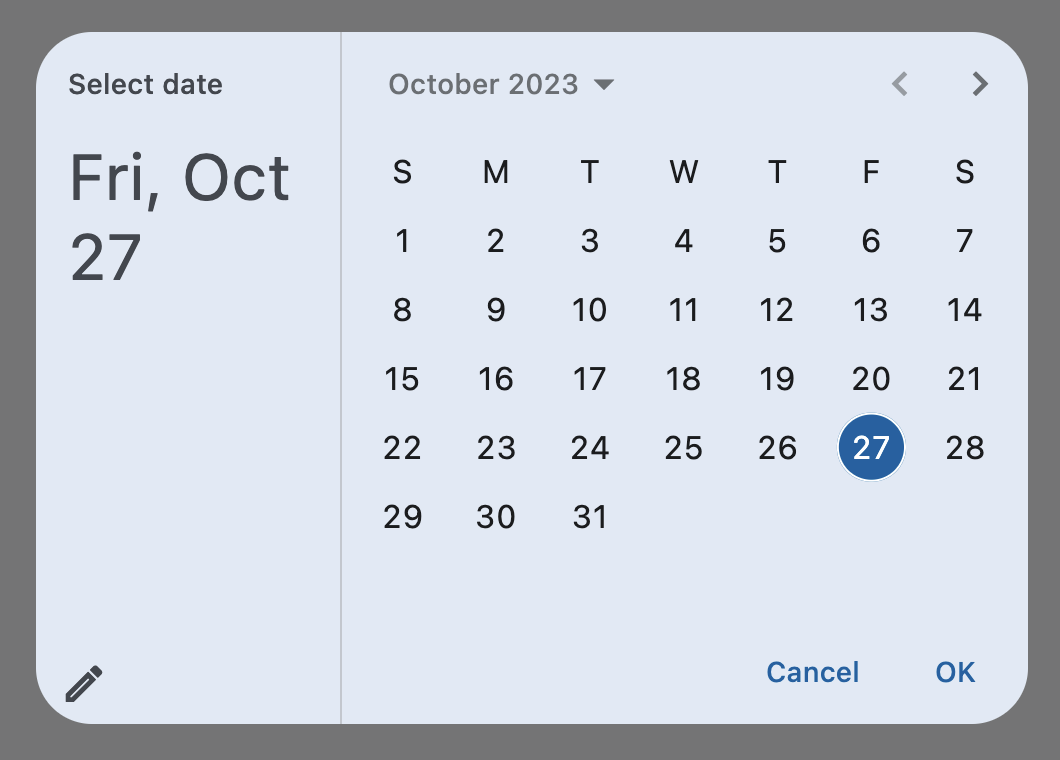](https://docs.flet.dev/examples/controls/date_picker/media/basic.png)
Properties[#](https://docs.flet.dev/controls/datepicker/#flet.DatePicker-properties "Permanent link")
------------------------------------------------------------------------------------------------------
### barrier\_color `class-attribute` `instance-attribute` [#](https://docs.flet.dev/controls/datepicker/#flet.DatePicker.barrier_color "Permanent link")
`[](https://docs.flet.dev/controls/datepicker/#__codelineno-0-1) barrier_color: [ColorValue](https://docs.flet.dev/types/aliases/#flet.ColorValue) | None = None`
The color of the modal barrier that darkens everything below this picker's dialog.
If `None`, the [`DialogTheme.barrier_color`](https://docs.flet.dev/types/dialogtheme/#flet.DialogTheme.barrier_color)
is used. If it is also `None`, then [`Colors.BLACK_54`](https://docs.flet.dev/types/colors/#flet.Colors.BLACK_54)
is used.
### cancel\_text `class-attribute` `instance-attribute` [#](https://docs.flet.dev/controls/datepicker/#flet.DatePicker.cancel_text "Permanent link")
`[](https://docs.flet.dev/controls/datepicker/#__codelineno-0-1) cancel_text: [str](https://docs.python.org/3/library/stdtypes.html#str) | None = None`
The text that is displayed on the cancel button.
Defaults to `"Cancel"`.
### confirm\_text `class-attribute` `instance-attribute` [#](https://docs.flet.dev/controls/datepicker/#flet.DatePicker.confirm_text "Permanent link")
`[](https://docs.flet.dev/controls/datepicker/#__codelineno-0-1) confirm_text: [str](https://docs.python.org/3/library/stdtypes.html#str) | None = None`
The text that is displayed on the confirm button.
Defaults to `"OK"`.
### current\_date `class-attribute` `instance-attribute` [#](https://docs.flet.dev/controls/datepicker/#flet.DatePicker.current_date "Permanent link")
`[](https://docs.flet.dev/controls/datepicker/#__codelineno-0-1) current_date: [DateTimeValue](https://docs.flet.dev/types/aliases/#flet.DateTimeValue) = [field](https://docs.python.org/3/library/dataclasses.html#dataclasses.field "dataclasses.field") ( [](https://docs.flet.dev/controls/datepicker/#__codelineno-0-2) default_factory=lambda: [now](https://docs.python.org/3/library/datetime.html#datetime.datetime.now "datetime.datetime.now") () [](https://docs.flet.dev/controls/datepicker/#__codelineno-0-3) )`
The date representing today. It will be highlighted in the day grid.
### date\_picker\_mode `class-attribute` `instance-attribute` [#](https://docs.flet.dev/controls/datepicker/#flet.DatePicker.date_picker_mode "Permanent link")
`[](https://docs.flet.dev/controls/datepicker/#__codelineno-0-1) date_picker_mode: [DatePickerMode](https://docs.flet.dev/types/datepickermode/#flet.DatePickerMode) = [DAY](https://docs.flet.dev/types/datepickermode/#flet.DatePickerMode.DAY)`
Initial display mode of this picker.
### entry\_mode `class-attribute` `instance-attribute` [#](https://docs.flet.dev/controls/datepicker/#flet.DatePicker.entry_mode "Permanent link")
`[](https://docs.flet.dev/controls/datepicker/#__codelineno-0-1) entry_mode: [DatePickerEntryMode](https://docs.flet.dev/types/datepickerentrymode/#flet.DatePickerEntryMode) = [CALENDAR](https://docs.flet.dev/types/datepickerentrymode/#flet.DatePickerEntryMode.CALENDAR)`
The initial mode of date entry method for the date picker dialog.
### error\_format\_text `class-attribute` `instance-attribute` [#](https://docs.flet.dev/controls/datepicker/#flet.DatePicker.error_format_text "Permanent link")
`[](https://docs.flet.dev/controls/datepicker/#__codelineno-0-1) error_format_text: [str](https://docs.python.org/3/library/stdtypes.html#str) | None = None`
The error message displayed below the text field if the entered date is not in the correct format.
Defaults to `"Invalid format"`.
### error\_invalid\_text `class-attribute` `instance-attribute` [#](https://docs.flet.dev/controls/datepicker/#flet.DatePicker.error_invalid_text "Permanent link")
`[](https://docs.flet.dev/controls/datepicker/#__codelineno-0-1) error_invalid_text: [str](https://docs.python.org/3/library/stdtypes.html#str) | None = None`
The error message displayed below the text field if the date is earlier than [`first_date`](https://docs.flet.dev/controls/datepicker/#flet.DatePicker.first_date)
or later than [`last_date`](https://docs.flet.dev/controls/datepicker/#flet.DatePicker.last_date)
.
Defaults to `"Out of range"`.
### field\_hint\_text `class-attribute` `instance-attribute` [#](https://docs.flet.dev/controls/datepicker/#flet.DatePicker.field_hint_text "Permanent link")
`[](https://docs.flet.dev/controls/datepicker/#__codelineno-0-1) field_hint_text: [str](https://docs.python.org/3/library/stdtypes.html#str) | None = None`
The hint text displayed in the text field.
The default value is the date format string that depends on your locale. For example, `'mm/dd/yyyy'` for en\_US.
### field\_label\_text `class-attribute` `instance-attribute` [#](https://docs.flet.dev/controls/datepicker/#flet.DatePicker.field_label_text "Permanent link")
`[](https://docs.flet.dev/controls/datepicker/#__codelineno-0-1) field_label_text: [str](https://docs.python.org/3/library/stdtypes.html#str) | None = None`
The label text displayed in the `TextField`.
If `None`, defaults to the words representing the date format string. For example, `'Month, Day, Year'` for en\_US.
Defaults to `"Enter Date"`.
### first\_date `class-attribute` `instance-attribute` [#](https://docs.flet.dev/controls/datepicker/#flet.DatePicker.first_date "Permanent link")
`[](https://docs.flet.dev/controls/datepicker/#__codelineno-0-1) first_date: [DateTimeValue](https://docs.flet.dev/types/aliases/#flet.DateTimeValue) = [field](https://docs.python.org/3/library/dataclasses.html#dataclasses.field "dataclasses.field") ( [](https://docs.flet.dev/controls/datepicker/#__codelineno-0-2) default_factory=lambda: [datetime](https://docs.python.org/3/library/datetime.html#datetime.datetime "datetime.datetime") ( [](https://docs.flet.dev/controls/datepicker/#__codelineno-0-3) year=1900, month=1, day=1 [](https://docs.flet.dev/controls/datepicker/#__codelineno-0-4) ) [](https://docs.flet.dev/controls/datepicker/#__codelineno-0-5) )`
The earliest allowable date that the user can select.
Defaults to `January 1, 1900`.
### help\_text `class-attribute` `instance-attribute` [#](https://docs.flet.dev/controls/datepicker/#flet.DatePicker.help_text "Permanent link")
`[](https://docs.flet.dev/controls/datepicker/#__codelineno-0-1) help_text: [str](https://docs.python.org/3/library/stdtypes.html#str) | None = None`
The text that is displayed at the top of the header.
This is used to indicate to the user what they are selecting a date for.
Defaults to `"Select date"`.
### inset\_padding `class-attribute` `instance-attribute` [#](https://docs.flet.dev/controls/datepicker/#flet.DatePicker.inset_padding "Permanent link")
`[](https://docs.flet.dev/controls/datepicker/#__codelineno-0-1) inset_padding: [PaddingValue](https://docs.flet.dev/types/aliases/#flet.PaddingValue) = [field](https://docs.python.org/3/library/dataclasses.html#dataclasses.field "dataclasses.field") ( [](https://docs.flet.dev/controls/datepicker/#__codelineno-0-2) default_factory=lambda: [symmetric](https://docs.flet.dev/types/padding/#flet.Padding.symmetric) ( [](https://docs.flet.dev/controls/datepicker/#__codelineno-0-3) horizontal=16.0, vertical=24.0 [](https://docs.flet.dev/controls/datepicker/#__codelineno-0-4) ) [](https://docs.flet.dev/controls/datepicker/#__codelineno-0-5) )`
The amount of padding added to [`view_insets`](https://docs.flet.dev/types/pagemediadata/#flet.PageMediaData.view_insets)
of the [`Page.media`](https://docs.flet.dev/controls/basepage/#flet.BasePage.media)
on the outside of this picker's dialog.
This defines the minimum space between the screen's edges and the dialog.
### keyboard\_type `class-attribute` `instance-attribute` [#](https://docs.flet.dev/controls/datepicker/#flet.DatePicker.keyboard_type "Permanent link")
`[](https://docs.flet.dev/controls/datepicker/#__codelineno-0-1) keyboard_type: [KeyboardType](https://docs.flet.dev/types/keyboardtype/#flet.KeyboardType) = [DATETIME](https://docs.flet.dev/types/keyboardtype/#flet.KeyboardType.DATETIME)`
The type of keyboard to use for editing the text.
### last\_date `class-attribute` `instance-attribute` [#](https://docs.flet.dev/controls/datepicker/#flet.DatePicker.last_date "Permanent link")
`[](https://docs.flet.dev/controls/datepicker/#__codelineno-0-1) last_date: [DateTimeValue](https://docs.flet.dev/types/aliases/#flet.DateTimeValue) = [field](https://docs.python.org/3/library/dataclasses.html#dataclasses.field "dataclasses.field") ( [](https://docs.flet.dev/controls/datepicker/#__codelineno-0-2) default_factory=lambda: [datetime](https://docs.python.org/3/library/datetime.html#datetime.datetime "datetime.datetime") ( [](https://docs.flet.dev/controls/datepicker/#__codelineno-0-3) year=2050, month=1, day=1 [](https://docs.flet.dev/controls/datepicker/#__codelineno-0-4) ) [](https://docs.flet.dev/controls/datepicker/#__codelineno-0-5) )`
The latest allowable date that the user can select.
Defaults to `January 1, 2050`.
### locale `class-attribute` `instance-attribute` [#](https://docs.flet.dev/controls/datepicker/#flet.DatePicker.locale "Permanent link")
`[](https://docs.flet.dev/controls/datepicker/#__codelineno-0-1) locale: [Locale](https://docs.flet.dev/types/locale/#flet.Locale) | None = None`
The locale for this date picker dialog. It is intended for (rare) cases where this dialog should be localized differently from the rest of the page.
It overrides the locale used by the page (see [`Page.locale_configuration`](https://docs.flet.dev/controls/basepage/#flet.BasePage.locale_configuration)
), but does not participate in page-level locale resolution.
If set to `None` (the default) or an inexistent/unsupported locale, the [`current_locale`](https://docs.flet.dev/types/localeconfiguration/#flet.LocaleConfiguration.current_locale)
of the [`Page.locale_configuration`](https://docs.flet.dev/controls/basepage/#flet.BasePage.locale_configuration)
is used as fallback.
### modal `class-attribute` `instance-attribute` [#](https://docs.flet.dev/controls/datepicker/#flet.DatePicker.modal "Permanent link")
`[](https://docs.flet.dev/controls/datepicker/#__codelineno-0-1) modal: [bool](https://docs.python.org/3/library/functions.html#bool) = False`
Whether this date picker cannot be dismissed by clicking the area outside of it.
### switch\_to\_calendar\_icon `class-attribute` `instance-attribute` [#](https://docs.flet.dev/controls/datepicker/#flet.DatePicker.switch_to_calendar_icon "Permanent link")
`[](https://docs.flet.dev/controls/datepicker/#__codelineno-0-1) switch_to_calendar_icon: [IconData](https://docs.flet.dev/types/aliases/#flet.IconData) | None = None`
The icon displayed in the corner of this picker's dialog when [`entry_mode`](https://docs.flet.dev/controls/datepicker/#flet.DatePicker.entry_mode)
is [`DatePickerEntryMode.INPUT`](https://docs.flet.dev/types/datepickerentrymode/#flet.DatePickerEntryMode.INPUT)
.
Clicking on this icon changes the [`entry_mode`](https://docs.flet.dev/controls/datepicker/#flet.DatePicker.entry_mode)
to [`DatePickerEntryMode.CALENDAR`](https://docs.flet.dev/types/datepickerentrymode/#flet.DatePickerEntryMode.CALENDAR)
.
If `None`, defaults to `Icons.CALENDAR_TODAY`.
### switch\_to\_input\_icon `class-attribute` `instance-attribute` [#](https://docs.flet.dev/controls/datepicker/#flet.DatePicker.switch_to_input_icon "Permanent link")
`[](https://docs.flet.dev/controls/datepicker/#__codelineno-0-1) switch_to_input_icon: [IconData](https://docs.flet.dev/types/aliases/#flet.IconData) | None = None`
The icon displayed in the corner of this picker's dialog when [`entry_mode`](https://docs.flet.dev/controls/datepicker/#flet.DatePicker.entry_mode)
is [`DatePickerEntryMode.CALENDAR`](https://docs.flet.dev/types/datepickerentrymode/#flet.DatePickerEntryMode.CALENDAR)
.
Clicking on icon changes the [`entry_mode`](https://docs.flet.dev/controls/datepicker/#flet.DatePicker.entry_mode)
to [`DatePickerEntryMode.INPUT`](https://docs.flet.dev/types/datepickerentrymode/#flet.DatePickerEntryMode.INPUT)
.
If `None`, defaults to `Icons.EDIT_OUTLINED`.
### value `class-attribute` `instance-attribute` [#](https://docs.flet.dev/controls/datepicker/#flet.DatePicker.value "Permanent link")
`[](https://docs.flet.dev/controls/datepicker/#__codelineno-0-1) value: [DateTimeValue](https://docs.flet.dev/types/aliases/#flet.DateTimeValue) | None = None`
The selected date that the picker should display.
Defaults to [`current_date`](https://docs.flet.dev/controls/datepicker/#flet.DatePicker.current_date)
.
Events[#](https://docs.flet.dev/controls/datepicker/#flet.DatePicker-events "Permanent link")
----------------------------------------------------------------------------------------------
### on\_change `class-attribute` `instance-attribute` [#](https://docs.flet.dev/controls/datepicker/#flet.DatePicker.on_change "Permanent link")
`[](https://docs.flet.dev/controls/datepicker/#__codelineno-0-1) on_change: [ControlEventHandler](https://docs.flet.dev/types/aliases/#flet.ControlEventHandler) [[DatePicker](https://docs.flet.dev/controls/datepicker/#flet.DatePicker) ] | None = None`
Called when user clicks confirm button. [`value`](https://docs.flet.dev/controls/datepicker/#flet.DatePicker.value)
is updated with selected date.
The [`data`](https://docs.flet.dev/types/event/#flet.Event.data)
property of the event handler argument contains the selected date.
### on\_entry\_mode\_change `class-attribute` `instance-attribute` [#](https://docs.flet.dev/controls/datepicker/#flet.DatePicker.on_entry_mode_change "Permanent link")
`[](https://docs.flet.dev/controls/datepicker/#__codelineno-0-1) on_entry_mode_change: ( [](https://docs.flet.dev/controls/datepicker/#__codelineno-0-2) [EventHandler](https://docs.flet.dev/types/aliases/#flet.EventHandler) [[DatePickerEntryModeChangeEvent](https://docs.flet.dev/types/datepickerentrymodechangeevent/#flet.DatePickerEntryModeChangeEvent) ] | None [](https://docs.flet.dev/controls/datepicker/#__codelineno-0-3) ) = None`
Called when the [`entry_mode`](https://docs.flet.dev/controls/datepicker/#flet.DatePicker.entry_mode)
is changed from the user interface.
Back to top
---
# DateRangePicker - Flet
[Skip to content](https://docs.flet.dev/controls/daterangepicker/#flet.DateRangePicker)
DateRangePicker
===============
A Material-style date range picker dialog.
It can be opened by calling [`Page.show_dialog()`](https://docs.flet.dev/controls/basepage/#flet.BasePage.show_dialog)
method.
Depending on the [`entry_mode`](https://docs.flet.dev/controls/daterangepicker/#flet.DateRangePicker.entry_mode)
, it will show either a Calendar or an Input (text field) for picking a date range.
Inherits: `[DialogControl](https://docs.flet.dev/controls/dialogcontrol/#flet.DialogControl) `
Properties
* **`[barrier_color](https://docs.flet.dev/controls/daterangepicker/#flet.DateRangePicker.barrier_color) `**(`[ColorValue](https://docs.flet.dev/types/aliases/#flet.ColorValue) | None`) –
The color of the modal barrier that darkens everything below the date picker.
* **`[cancel_text](https://docs.flet.dev/controls/daterangepicker/#flet.DateRangePicker.cancel_text) `**(`[str](https://docs.python.org/3/library/stdtypes.html#str) | None`) –
The text that is displayed on the cancel button.
* **`[confirm_text](https://docs.flet.dev/controls/daterangepicker/#flet.DateRangePicker.confirm_text) `**(`[str](https://docs.python.org/3/library/stdtypes.html#str) | None`) –
The text that is displayed on the confirm button.
* **`[current_date](https://docs.flet.dev/controls/daterangepicker/#flet.DateRangePicker.current_date) `**(`[DateTimeValue](https://docs.flet.dev/types/aliases/#flet.DateTimeValue) `) –
The date representing today. It will be highlighted in the day grid.
* **`[end_value](https://docs.flet.dev/controls/daterangepicker/#flet.DateRangePicker.end_value) `**(`[DateTimeValue](https://docs.flet.dev/types/aliases/#flet.DateTimeValue) | None`) –
The selected end date that the picker should display.
* **`[entry_mode](https://docs.flet.dev/controls/daterangepicker/#flet.DateRangePicker.entry_mode) `**(`[DatePickerEntryMode](https://docs.flet.dev/types/datepickerentrymode/#flet.DatePickerEntryMode) `) –
The initial mode of date entry method for the date picker dialog.
* **`[error_format_text](https://docs.flet.dev/controls/daterangepicker/#flet.DateRangePicker.error_format_text) `**(`[str](https://docs.python.org/3/library/stdtypes.html#str) | None`) –
The error message displayed below the TextField if the entered date is not in the correct format.
* **`[error_invalid_range_text](https://docs.flet.dev/controls/daterangepicker/#flet.DateRangePicker.error_invalid_range_text) `**(`[str](https://docs.python.org/3/library/stdtypes.html#str) | None`) –
The message used when the date range is invalid (e.g. start date is after end date).
* **`[error_invalid_text](https://docs.flet.dev/controls/daterangepicker/#flet.DateRangePicker.error_invalid_text) `**(`[str](https://docs.python.org/3/library/stdtypes.html#str) | None`) –
The error message displayed below the TextField if the date is earlier than [`first_date`](https://docs.flet.dev/controls/daterangepicker/#flet.DateRangePicker.first_date)
or later than [`last_date`](https://docs.flet.dev/controls/daterangepicker/#flet.DateRangePicker.last_date)
.
* **`[field_end_hint_text](https://docs.flet.dev/controls/daterangepicker/#flet.DateRangePicker.field_end_hint_text) `**(`[str](https://docs.python.org/3/library/stdtypes.html#str) | None`) –
The text used to prompt the user when no text has been entered in the end field.
* **`[field_end_label_text](https://docs.flet.dev/controls/daterangepicker/#flet.DateRangePicker.field_end_label_text) `**(`[str](https://docs.python.org/3/library/stdtypes.html#str) | None`) –
The label for the end date text input field.
* **`[field_start_hint_text](https://docs.flet.dev/controls/daterangepicker/#flet.DateRangePicker.field_start_hint_text) `**(`[str](https://docs.python.org/3/library/stdtypes.html#str) | None`) –
The text used to prompt the user when no text has been entered in the start field.
* **`[field_start_label_text](https://docs.flet.dev/controls/daterangepicker/#flet.DateRangePicker.field_start_label_text) `**(`[str](https://docs.python.org/3/library/stdtypes.html#str) | None`) –
The label for the start date text input field.
* **`[first_date](https://docs.flet.dev/controls/daterangepicker/#flet.DateRangePicker.first_date) `**(`[DateTimeValue](https://docs.flet.dev/types/aliases/#flet.DateTimeValue) `) –
The earliest allowable date on the date range.
* **`[help_text](https://docs.flet.dev/controls/daterangepicker/#flet.DateRangePicker.help_text) `**(`[str](https://docs.python.org/3/library/stdtypes.html#str) | None`) –
The text that is displayed at the top of the header.
* **`[keyboard_type](https://docs.flet.dev/controls/daterangepicker/#flet.DateRangePicker.keyboard_type) `**(`[KeyboardType](https://docs.flet.dev/types/keyboardtype/#flet.KeyboardType) `) –
The type of keyboard to use for editing the text.
* **`[last_date](https://docs.flet.dev/controls/daterangepicker/#flet.DateRangePicker.last_date) `**(`[DateTimeValue](https://docs.flet.dev/types/aliases/#flet.DateTimeValue) `) –
The latest allowable date on the date range.
* **`[locale](https://docs.flet.dev/controls/daterangepicker/#flet.DateRangePicker.locale) `**(`[Locale](https://docs.flet.dev/types/locale/#flet.Locale) | None`) –
The locale for this date picker dialog. It is intended for (rare) cases where this dialog should be localized differently from the rest of the page.
* **`[modal](https://docs.flet.dev/controls/daterangepicker/#flet.DateRangePicker.modal) `**(`[bool](https://docs.python.org/3/library/functions.html#bool) `) –
Whether this date picker cannot be dismissed by clicking the area outside of it.
* **`[save_text](https://docs.flet.dev/controls/daterangepicker/#flet.DateRangePicker.save_text) `**(`[str](https://docs.python.org/3/library/stdtypes.html#str) | None`) –
The label on the save button for the fullscreen calendar mode.
* **`[start_value](https://docs.flet.dev/controls/daterangepicker/#flet.DateRangePicker.start_value) `**(`[DateTimeValue](https://docs.flet.dev/types/aliases/#flet.DateTimeValue) | None`) –
The selected start date that the picker should display.
* **`[switch_to_calendar_icon](https://docs.flet.dev/controls/daterangepicker/#flet.DateRangePicker.switch_to_calendar_icon) `**(`[IconData](https://docs.flet.dev/types/aliases/#flet.IconData) | None`) –
The name of the icon displayed in the corner of the dialog when [`entry_mode`](https://docs.flet.dev/controls/daterangepicker/#flet.DateRangePicker.entry_mode)
is [`DatePickerEntryMode.INPUT`](https://docs.flet.dev/types/datepickerentrymode/#flet.DatePickerEntryMode.INPUT)
.
* **`[switch_to_input_icon](https://docs.flet.dev/controls/daterangepicker/#flet.DateRangePicker.switch_to_input_icon) `**(`[IconData](https://docs.flet.dev/types/aliases/#flet.IconData) | None`) –
The name of the icon displayed in the corner of the dialog when [`entry_mode`](https://docs.flet.dev/controls/daterangepicker/#flet.DateRangePicker.entry_mode)
is [`DatePickerEntryMode.CALENDAR`](https://docs.flet.dev/types/datepickerentrymode/#flet.DatePickerEntryMode.CALENDAR)
.
Events
* **`[on_change](https://docs.flet.dev/controls/daterangepicker/#flet.DateRangePicker.on_change) `**(`[ControlEventHandler](https://docs.flet.dev/types/aliases/#flet.ControlEventHandler) [[DateRangePicker](https://docs.flet.dev/controls/daterangepicker/#flet.DateRangePicker) ] | None`) –
Called when user clicks confirm button.
Examples[#](https://docs.flet.dev/controls/daterangepicker/#examples "Permanent link")
---------------------------------------------------------------------------------------
[Live example](https://flet-controls-gallery.fly.dev/dialogs/daterangepicker)
### Basic Example[#](https://docs.flet.dev/controls/daterangepicker/#basic-example "Permanent link")
`[](https://docs.flet.dev/controls/daterangepicker/#__codelineno-0-1) import datetime [](https://docs.flet.dev/controls/daterangepicker/#__codelineno-0-2)[](https://docs.flet.dev/controls/daterangepicker/#__codelineno-0-3) import flet as ft [](https://docs.flet.dev/controls/daterangepicker/#__codelineno-0-4) [](https://docs.flet.dev/controls/daterangepicker/#__codelineno-0-5)[](https://docs.flet.dev/controls/daterangepicker/#__codelineno-0-6) def main(page: ft.Page): [](https://docs.flet.dev/controls/daterangepicker/#__codelineno-0-7) page.horizontal_alignment = ft.CrossAxisAlignment.CENTER [](https://docs.flet.dev/controls/daterangepicker/#__codelineno-0-8) [](https://docs.flet.dev/controls/daterangepicker/#__codelineno-0-9) def handle_change(e: ft.Event[ft.DateRangePicker]): [](https://docs.flet.dev/controls/daterangepicker/#__codelineno-0-10) page.add( [](https://docs.flet.dev/controls/daterangepicker/#__codelineno-0-11) ft.Text( [](https://docs.flet.dev/controls/daterangepicker/#__codelineno-0-12) f"Start Date changed: {e.control.start_value.strftime('%m/%d/%Y')}" [](https://docs.flet.dev/controls/daterangepicker/#__codelineno-0-13) ), [](https://docs.flet.dev/controls/daterangepicker/#__codelineno-0-14) ft.Text(f"End Date changed: {e.control.end_value.strftime('%m/%d/%Y')}"), [](https://docs.flet.dev/controls/daterangepicker/#__codelineno-0-15) ) [](https://docs.flet.dev/controls/daterangepicker/#__codelineno-0-16) [](https://docs.flet.dev/controls/daterangepicker/#__codelineno-0-17) def handle_dismissal(e: ft.Event[ft.DialogControl]): [](https://docs.flet.dev/controls/daterangepicker/#__codelineno-0-18) page.add(ft.Text("DatePicker dismissed")) [](https://docs.flet.dev/controls/daterangepicker/#__codelineno-0-19) [](https://docs.flet.dev/controls/daterangepicker/#__codelineno-0-20) today = datetime.datetime.now() [](https://docs.flet.dev/controls/daterangepicker/#__codelineno-0-21) [](https://docs.flet.dev/controls/daterangepicker/#__codelineno-0-22) drp = ft.DateRangePicker( [](https://docs.flet.dev/controls/daterangepicker/#__codelineno-0-23) start_value=datetime.datetime(year=today.year, month=today.month, day=1), [](https://docs.flet.dev/controls/daterangepicker/#__codelineno-0-24) end_value=datetime.datetime(year=today.year, month=today.month, day=15), [](https://docs.flet.dev/controls/daterangepicker/#__codelineno-0-25) on_change=handle_change, [](https://docs.flet.dev/controls/daterangepicker/#__codelineno-0-26) on_dismiss=handle_dismissal, [](https://docs.flet.dev/controls/daterangepicker/#__codelineno-0-27) ) [](https://docs.flet.dev/controls/daterangepicker/#__codelineno-0-28) [](https://docs.flet.dev/controls/daterangepicker/#__codelineno-0-29) page.add( [](https://docs.flet.dev/controls/daterangepicker/#__codelineno-0-30) ft.Button( [](https://docs.flet.dev/controls/daterangepicker/#__codelineno-0-31) content=ft.Text("Pick date"), [](https://docs.flet.dev/controls/daterangepicker/#__codelineno-0-32) icon=ft.Icons.PHONE, [](https://docs.flet.dev/controls/daterangepicker/#__codelineno-0-33) on_click=lambda e: page.show_dialog(drp), [](https://docs.flet.dev/controls/daterangepicker/#__codelineno-0-34) ) [](https://docs.flet.dev/controls/daterangepicker/#__codelineno-0-35) ) [](https://docs.flet.dev/controls/daterangepicker/#__codelineno-0-36) [](https://docs.flet.dev/controls/daterangepicker/#__codelineno-0-37)[](https://docs.flet.dev/controls/daterangepicker/#__codelineno-0-38) ft.run(main)`
[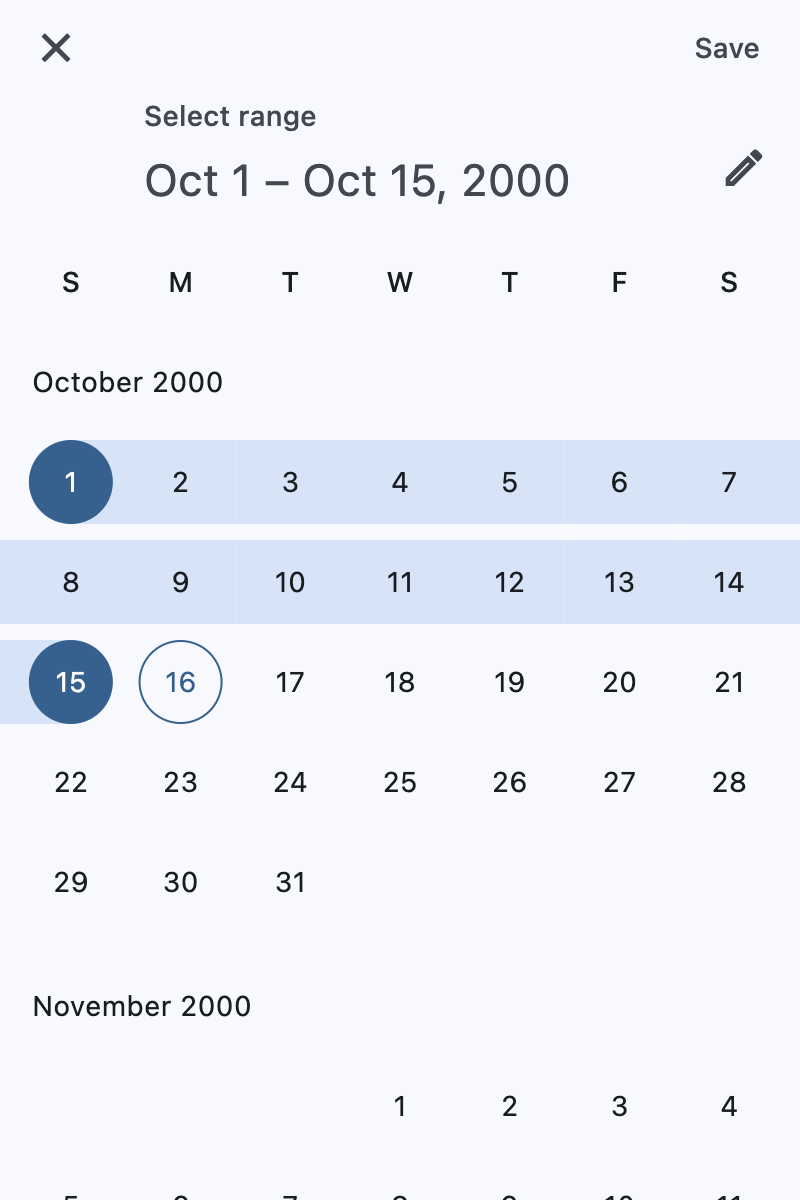](https://docs.flet.dev/test-images/controls/material/golden/macos/date_range_picker/basic.png)
Properties[#](https://docs.flet.dev/controls/daterangepicker/#flet.DateRangePicker-properties "Permanent link")
----------------------------------------------------------------------------------------------------------------
### barrier\_color `class-attribute` `instance-attribute` [#](https://docs.flet.dev/controls/daterangepicker/#flet.DateRangePicker.barrier_color "Permanent link")
`[](https://docs.flet.dev/controls/daterangepicker/#__codelineno-0-1) barrier_color: [ColorValue](https://docs.flet.dev/types/aliases/#flet.ColorValue) | None = None`
The color of the modal barrier that darkens everything below the date picker.
If `None`, the [`DialogTheme.barrier_color`](https://docs.flet.dev/types/dialogtheme/#flet.DialogTheme.barrier_color)
is used. If it is also `None`, then `Colors.BLACK_54` is used.
### cancel\_text `class-attribute` `instance-attribute` [#](https://docs.flet.dev/controls/daterangepicker/#flet.DateRangePicker.cancel_text "Permanent link")
`[](https://docs.flet.dev/controls/daterangepicker/#__codelineno-0-1) cancel_text: [str](https://docs.python.org/3/library/stdtypes.html#str) | None = None`
The text that is displayed on the cancel button.
### confirm\_text `class-attribute` `instance-attribute` [#](https://docs.flet.dev/controls/daterangepicker/#flet.DateRangePicker.confirm_text "Permanent link")
`[](https://docs.flet.dev/controls/daterangepicker/#__codelineno-0-1) confirm_text: [str](https://docs.python.org/3/library/stdtypes.html#str) | None = None`
The text that is displayed on the confirm button.
### current\_date `class-attribute` `instance-attribute` [#](https://docs.flet.dev/controls/daterangepicker/#flet.DateRangePicker.current_date "Permanent link")
`[](https://docs.flet.dev/controls/daterangepicker/#__codelineno-0-1) current_date: [DateTimeValue](https://docs.flet.dev/types/aliases/#flet.DateTimeValue) = [field](https://docs.python.org/3/library/dataclasses.html#dataclasses.field "dataclasses.field") ( [](https://docs.flet.dev/controls/daterangepicker/#__codelineno-0-2) default_factory=lambda: [now](https://docs.python.org/3/library/datetime.html#datetime.datetime.now "datetime.datetime.now") () [](https://docs.flet.dev/controls/daterangepicker/#__codelineno-0-3) )`
The date representing today. It will be highlighted in the day grid.
### end\_value `class-attribute` `instance-attribute` [#](https://docs.flet.dev/controls/daterangepicker/#flet.DateRangePicker.end_value "Permanent link")
`[](https://docs.flet.dev/controls/daterangepicker/#__codelineno-0-1) end_value: [DateTimeValue](https://docs.flet.dev/types/aliases/#flet.DateTimeValue) | None = None`
The selected end date that the picker should display.
Defaults to [`current_date`](https://docs.flet.dev/controls/daterangepicker/#flet.DateRangePicker.current_date)
.
### entry\_mode `class-attribute` `instance-attribute` [#](https://docs.flet.dev/controls/daterangepicker/#flet.DateRangePicker.entry_mode "Permanent link")
`[](https://docs.flet.dev/controls/daterangepicker/#__codelineno-0-1) entry_mode: [DatePickerEntryMode](https://docs.flet.dev/types/datepickerentrymode/#flet.DatePickerEntryMode) = [CALENDAR](https://docs.flet.dev/types/datepickerentrymode/#flet.DatePickerEntryMode.CALENDAR)`
The initial mode of date entry method for the date picker dialog.
### error\_format\_text `class-attribute` `instance-attribute` [#](https://docs.flet.dev/controls/daterangepicker/#flet.DateRangePicker.error_format_text "Permanent link")
`[](https://docs.flet.dev/controls/daterangepicker/#__codelineno-0-1) error_format_text: [str](https://docs.python.org/3/library/stdtypes.html#str) | None = None`
The error message displayed below the TextField if the entered date is not in the correct format.
### error\_invalid\_range\_text `class-attribute` `instance-attribute` [#](https://docs.flet.dev/controls/daterangepicker/#flet.DateRangePicker.error_invalid_range_text "Permanent link")
`[](https://docs.flet.dev/controls/daterangepicker/#__codelineno-0-1) error_invalid_range_text: [str](https://docs.python.org/3/library/stdtypes.html#str) | None = None`
The message used when the date range is invalid (e.g. start date is after end date).
### error\_invalid\_text `class-attribute` `instance-attribute` [#](https://docs.flet.dev/controls/daterangepicker/#flet.DateRangePicker.error_invalid_text "Permanent link")
`[](https://docs.flet.dev/controls/daterangepicker/#__codelineno-0-1) error_invalid_text: [str](https://docs.python.org/3/library/stdtypes.html#str) | None = None`
The error message displayed below the TextField if the date is earlier than [`first_date`](https://docs.flet.dev/controls/daterangepicker/#flet.DateRangePicker.first_date)
or later than [`last_date`](https://docs.flet.dev/controls/daterangepicker/#flet.DateRangePicker.last_date)
.
### field\_end\_hint\_text `class-attribute` `instance-attribute` [#](https://docs.flet.dev/controls/daterangepicker/#flet.DateRangePicker.field_end_hint_text "Permanent link")
`[](https://docs.flet.dev/controls/daterangepicker/#__codelineno-0-1) field_end_hint_text: [str](https://docs.python.org/3/library/stdtypes.html#str) | None = None`
The text used to prompt the user when no text has been entered in the end field.
### field\_end\_label\_text `class-attribute` `instance-attribute` [#](https://docs.flet.dev/controls/daterangepicker/#flet.DateRangePicker.field_end_label_text "Permanent link")
`[](https://docs.flet.dev/controls/daterangepicker/#__codelineno-0-1) field_end_label_text: [str](https://docs.python.org/3/library/stdtypes.html#str) | None = None`
The label for the end date text input field.
### field\_start\_hint\_text `class-attribute` `instance-attribute` [#](https://docs.flet.dev/controls/daterangepicker/#flet.DateRangePicker.field_start_hint_text "Permanent link")
`[](https://docs.flet.dev/controls/daterangepicker/#__codelineno-0-1) field_start_hint_text: [str](https://docs.python.org/3/library/stdtypes.html#str) | None = None`
The text used to prompt the user when no text has been entered in the start field.
### field\_start\_label\_text `class-attribute` `instance-attribute` [#](https://docs.flet.dev/controls/daterangepicker/#flet.DateRangePicker.field_start_label_text "Permanent link")
`[](https://docs.flet.dev/controls/daterangepicker/#__codelineno-0-1) field_start_label_text: [str](https://docs.python.org/3/library/stdtypes.html#str) | None = None`
The label for the start date text input field.
### first\_date `class-attribute` `instance-attribute` [#](https://docs.flet.dev/controls/daterangepicker/#flet.DateRangePicker.first_date "Permanent link")
`[](https://docs.flet.dev/controls/daterangepicker/#__codelineno-0-1) first_date: [DateTimeValue](https://docs.flet.dev/types/aliases/#flet.DateTimeValue) = [field](https://docs.python.org/3/library/dataclasses.html#dataclasses.field "dataclasses.field") ( [](https://docs.flet.dev/controls/daterangepicker/#__codelineno-0-2) default_factory=lambda: [datetime](https://docs.python.org/3/library/datetime.html#datetime.datetime "datetime.datetime") ( [](https://docs.flet.dev/controls/daterangepicker/#__codelineno-0-3) year=1900, month=1, day=1 [](https://docs.flet.dev/controls/daterangepicker/#__codelineno-0-4) ) [](https://docs.flet.dev/controls/daterangepicker/#__codelineno-0-5) )`
The earliest allowable date on the date range.
### help\_text `class-attribute` `instance-attribute` [#](https://docs.flet.dev/controls/daterangepicker/#flet.DateRangePicker.help_text "Permanent link")
`[](https://docs.flet.dev/controls/daterangepicker/#__codelineno-0-1) help_text: [str](https://docs.python.org/3/library/stdtypes.html#str) | None = None`
The text that is displayed at the top of the header.
This is used to indicate to the user what they are selecting a date for.
### keyboard\_type `class-attribute` `instance-attribute` [#](https://docs.flet.dev/controls/daterangepicker/#flet.DateRangePicker.keyboard_type "Permanent link")
`[](https://docs.flet.dev/controls/daterangepicker/#__codelineno-0-1) keyboard_type: [KeyboardType](https://docs.flet.dev/types/keyboardtype/#flet.KeyboardType) = [DATETIME](https://docs.flet.dev/types/keyboardtype/#flet.KeyboardType.DATETIME)`
The type of keyboard to use for editing the text.
### last\_date `class-attribute` `instance-attribute` [#](https://docs.flet.dev/controls/daterangepicker/#flet.DateRangePicker.last_date "Permanent link")
`[](https://docs.flet.dev/controls/daterangepicker/#__codelineno-0-1) last_date: [DateTimeValue](https://docs.flet.dev/types/aliases/#flet.DateTimeValue) = [field](https://docs.python.org/3/library/dataclasses.html#dataclasses.field "dataclasses.field") ( [](https://docs.flet.dev/controls/daterangepicker/#__codelineno-0-2) default_factory=lambda: [datetime](https://docs.python.org/3/library/datetime.html#datetime.datetime "datetime.datetime") ( [](https://docs.flet.dev/controls/daterangepicker/#__codelineno-0-3) year=2050, month=1, day=1 [](https://docs.flet.dev/controls/daterangepicker/#__codelineno-0-4) ) [](https://docs.flet.dev/controls/daterangepicker/#__codelineno-0-5) )`
The latest allowable date on the date range.
### locale `class-attribute` `instance-attribute` [#](https://docs.flet.dev/controls/daterangepicker/#flet.DateRangePicker.locale "Permanent link")
`[](https://docs.flet.dev/controls/daterangepicker/#__codelineno-0-1) locale: [Locale](https://docs.flet.dev/types/locale/#flet.Locale) | None = None`
The locale for this date picker dialog. It is intended for (rare) cases where this dialog should be localized differently from the rest of the page.
It overrides the locale used by the page (see [`Page.locale_configuration`](https://docs.flet.dev/controls/basepage/#flet.BasePage.locale_configuration)
), but does not participate in page-level locale resolution.
If set to `None` (the default) or an inexistent/unsupported locale, the [`current_locale`](https://docs.flet.dev/types/localeconfiguration/#flet.LocaleConfiguration.current_locale)
of the [`Page.locale_configuration`](https://docs.flet.dev/controls/basepage/#flet.BasePage.locale_configuration)
is used as fallback.
### modal `class-attribute` `instance-attribute` [#](https://docs.flet.dev/controls/daterangepicker/#flet.DateRangePicker.modal "Permanent link")
`[](https://docs.flet.dev/controls/daterangepicker/#__codelineno-0-1) modal: [bool](https://docs.python.org/3/library/functions.html#bool) = False`
Whether this date picker cannot be dismissed by clicking the area outside of it.
### save\_text `class-attribute` `instance-attribute` [#](https://docs.flet.dev/controls/daterangepicker/#flet.DateRangePicker.save_text "Permanent link")
`[](https://docs.flet.dev/controls/daterangepicker/#__codelineno-0-1) save_text: [str](https://docs.python.org/3/library/stdtypes.html#str) | None = None`
The label on the save button for the fullscreen calendar mode.
### start\_value `class-attribute` `instance-attribute` [#](https://docs.flet.dev/controls/daterangepicker/#flet.DateRangePicker.start_value "Permanent link")
`[](https://docs.flet.dev/controls/daterangepicker/#__codelineno-0-1) start_value: [DateTimeValue](https://docs.flet.dev/types/aliases/#flet.DateTimeValue) | None = None`
The selected start date that the picker should display.
Defaults to [`current_date`](https://docs.flet.dev/controls/daterangepicker/#flet.DateRangePicker.current_date)
.
### switch\_to\_calendar\_icon `class-attribute` `instance-attribute` [#](https://docs.flet.dev/controls/daterangepicker/#flet.DateRangePicker.switch_to_calendar_icon "Permanent link")
`[](https://docs.flet.dev/controls/daterangepicker/#__codelineno-0-1) switch_to_calendar_icon: [IconData](https://docs.flet.dev/types/aliases/#flet.IconData) | None = None`
The name of the icon displayed in the corner of the dialog when [`entry_mode`](https://docs.flet.dev/controls/daterangepicker/#flet.DateRangePicker.entry_mode)
is [`DatePickerEntryMode.INPUT`](https://docs.flet.dev/types/datepickerentrymode/#flet.DatePickerEntryMode.INPUT)
.
Clicking on this icon changes the `entry_mode` to [`DatePickerEntryMode.CALENDAR`](https://docs.flet.dev/types/datepickerentrymode/#flet.DatePickerEntryMode.CALENDAR)
.
If `None`, `Icons.CALENDAR_TODAY` is used.
### switch\_to\_input\_icon `class-attribute` `instance-attribute` [#](https://docs.flet.dev/controls/daterangepicker/#flet.DateRangePicker.switch_to_input_icon "Permanent link")
`[](https://docs.flet.dev/controls/daterangepicker/#__codelineno-0-1) switch_to_input_icon: [IconData](https://docs.flet.dev/types/aliases/#flet.IconData) | None = None`
The name of the icon displayed in the corner of the dialog when [`entry_mode`](https://docs.flet.dev/controls/daterangepicker/#flet.DateRangePicker.entry_mode)
is [`DatePickerEntryMode.CALENDAR`](https://docs.flet.dev/types/datepickerentrymode/#flet.DatePickerEntryMode.CALENDAR)
.
Clicking on this icon changes the `entry_mode` to [`DatePickerEntryMode.INPUT`](https://docs.flet.dev/types/datepickerentrymode/#flet.DatePickerEntryMode.INPUT)
.
If `None`, `Icons.EDIT_OUTLINED` is used.
Events[#](https://docs.flet.dev/controls/daterangepicker/#flet.DateRangePicker-events "Permanent link")
--------------------------------------------------------------------------------------------------------
### on\_change `class-attribute` `instance-attribute` [#](https://docs.flet.dev/controls/daterangepicker/#flet.DateRangePicker.on_change "Permanent link")
`[](https://docs.flet.dev/controls/daterangepicker/#__codelineno-0-1) on_change: [ControlEventHandler](https://docs.flet.dev/types/aliases/#flet.ControlEventHandler) [[DateRangePicker](https://docs.flet.dev/controls/daterangepicker/#flet.DateRangePicker) ] | None = ( [](https://docs.flet.dev/controls/daterangepicker/#__codelineno-0-2) None [](https://docs.flet.dev/controls/daterangepicker/#__codelineno-0-3) )`
Called when user clicks confirm button.
[`start_value`](https://docs.flet.dev/controls/daterangepicker/#flet.DateRangePicker.start_value)
and [`end_value`](https://docs.flet.dev/controls/daterangepicker/#flet.DateRangePicker.end_value)
are updated with selected dates.
The [`data`](https://docs.flet.dev/types/event/#flet.Event.data)
property of the event handler argument contains the selected dates.
Back to top
---
# SafeArea - Flet
[Skip to content](https://docs.flet.dev/controls/safearea/#flet.SafeArea)
SafeArea
========
A control that insets its [`content`](https://docs.flet.dev/controls/safearea/#flet.SafeArea.content)
by sufficient padding to avoid intrusions by the operating system.
For example, this will indent the `content` by enough to avoid the status bar at the top of the screen.
It will also indent the `content` by the amount necessary to avoid the Notch on the iPhone X, or other similar creative physical features of the display.
When a [`minimum_padding`](https://docs.flet.dev/controls/safearea/#flet.SafeArea.minimum_padding)
is specified, the greater of the minimum padding or the safe area padding will be applied.
Inherits: `[LayoutControl](https://docs.flet.dev/controls/layoutcontrol/#flet.LayoutControl) `, `[AdaptiveControl](https://docs.flet.dev/controls/adaptivecontrol/#flet.AdaptiveControl) `
Properties
* **`[avoid_intrusions_bottom](https://docs.flet.dev/controls/safearea/#flet.SafeArea.avoid_intrusions_bottom) `**(`[bool](https://docs.python.org/3/library/functions.html#bool) `) –
Whether to avoid system intrusions on the bottom side of the screen.
* **`[avoid_intrusions_left](https://docs.flet.dev/controls/safearea/#flet.SafeArea.avoid_intrusions_left) `**(`[bool](https://docs.python.org/3/library/functions.html#bool) `) –
Whether to avoid system intrusions on the left.
* **`[avoid_intrusions_right](https://docs.flet.dev/controls/safearea/#flet.SafeArea.avoid_intrusions_right) `**(`[bool](https://docs.python.org/3/library/functions.html#bool) `) –
Whether to avoid system intrusions on the right.
* **`[avoid_intrusions_top](https://docs.flet.dev/controls/safearea/#flet.SafeArea.avoid_intrusions_top) `**(`[bool](https://docs.python.org/3/library/functions.html#bool) `) –
Whether to avoid system intrusions at the top of the screen, typically the system status bar.
* **`[content](https://docs.flet.dev/controls/safearea/#flet.SafeArea.content) `**(`[Control](https://docs.flet.dev/controls/control/#flet.Control) `) –
The control to display.
* **`[maintain_bottom_view_padding](https://docs.flet.dev/controls/safearea/#flet.SafeArea.maintain_bottom_view_padding) `**(`[bool](https://docs.python.org/3/library/functions.html#bool) `) –
Specifies whether the `SafeArea` should maintain the bottom `MediaQueryData.viewPadding` instead of the bottom `MediaQueryData.padding`.
* **`[minimum_padding](https://docs.flet.dev/controls/safearea/#flet.SafeArea.minimum_padding) `**(`[PaddingValue](https://docs.flet.dev/types/aliases/#flet.PaddingValue) `) –
The minimum padding to apply.
Example[#](https://docs.flet.dev/controls/safearea/#example "Permanent link")
------------------------------------------------------------------------------
[Live example](https://flet-controls-gallery.fly.dev/layout/safearea)
### Basic Example[#](https://docs.flet.dev/controls/safearea/#basic-example "Permanent link")
`[](https://docs.flet.dev/controls/safearea/#__codelineno-0-1) import flet as ft [](https://docs.flet.dev/controls/safearea/#__codelineno-0-2) [](https://docs.flet.dev/controls/safearea/#__codelineno-0-3)[](https://docs.flet.dev/controls/safearea/#__codelineno-0-4) class State: [](https://docs.flet.dev/controls/safearea/#__codelineno-0-5) counter = 0 [](https://docs.flet.dev/controls/safearea/#__codelineno-0-6) [](https://docs.flet.dev/controls/safearea/#__codelineno-0-7)[](https://docs.flet.dev/controls/safearea/#__codelineno-0-8) def main(page: ft.Page): [](https://docs.flet.dev/controls/safearea/#__codelineno-0-9) state = State() [](https://docs.flet.dev/controls/safearea/#__codelineno-0-10) [](https://docs.flet.dev/controls/safearea/#__codelineno-0-11) def handle_button_click(e: ft.Event[ft.FloatingActionButton]): [](https://docs.flet.dev/controls/safearea/#__codelineno-0-12) state.counter += 1 [](https://docs.flet.dev/controls/safearea/#__codelineno-0-13) message.value = str(state.counter) [](https://docs.flet.dev/controls/safearea/#__codelineno-0-14) message.update() [](https://docs.flet.dev/controls/safearea/#__codelineno-0-15) [](https://docs.flet.dev/controls/safearea/#__codelineno-0-16) page.floating_action_button = ft.FloatingActionButton( [](https://docs.flet.dev/controls/safearea/#__codelineno-0-17) icon=ft.Icons.ADD, [](https://docs.flet.dev/controls/safearea/#__codelineno-0-18) on_click=handle_button_click, [](https://docs.flet.dev/controls/safearea/#__codelineno-0-19) ) [](https://docs.flet.dev/controls/safearea/#__codelineno-0-20) [](https://docs.flet.dev/controls/safearea/#__codelineno-0-21) page.add( [](https://docs.flet.dev/controls/safearea/#__codelineno-0-22) ft.SafeArea( [](https://docs.flet.dev/controls/safearea/#__codelineno-0-23) expand=True, [](https://docs.flet.dev/controls/safearea/#__codelineno-0-24) content=ft.Container( [](https://docs.flet.dev/controls/safearea/#__codelineno-0-25) message := ft.Text("0", size=50), [](https://docs.flet.dev/controls/safearea/#__codelineno-0-26) alignment=ft.Alignment.CENTER, [](https://docs.flet.dev/controls/safearea/#__codelineno-0-27) ), [](https://docs.flet.dev/controls/safearea/#__codelineno-0-28) ) [](https://docs.flet.dev/controls/safearea/#__codelineno-0-29) ) [](https://docs.flet.dev/controls/safearea/#__codelineno-0-30) [](https://docs.flet.dev/controls/safearea/#__codelineno-0-31)[](https://docs.flet.dev/controls/safearea/#__codelineno-0-32) ft.run(main)`
Properties[#](https://docs.flet.dev/controls/safearea/#flet.SafeArea-properties "Permanent link")
--------------------------------------------------------------------------------------------------
### avoid\_intrusions\_bottom `class-attribute` `instance-attribute` [#](https://docs.flet.dev/controls/safearea/#flet.SafeArea.avoid_intrusions_bottom "Permanent link")
`[](https://docs.flet.dev/controls/safearea/#__codelineno-0-1) avoid_intrusions_bottom: [bool](https://docs.python.org/3/library/functions.html#bool) = True`
Whether to avoid system intrusions on the bottom side of the screen.
### avoid\_intrusions\_left `class-attribute` `instance-attribute` [#](https://docs.flet.dev/controls/safearea/#flet.SafeArea.avoid_intrusions_left "Permanent link")
`[](https://docs.flet.dev/controls/safearea/#__codelineno-0-1) avoid_intrusions_left: [bool](https://docs.python.org/3/library/functions.html#bool) = True`
Whether to avoid system intrusions on the left.
### avoid\_intrusions\_right `class-attribute` `instance-attribute` [#](https://docs.flet.dev/controls/safearea/#flet.SafeArea.avoid_intrusions_right "Permanent link")
`[](https://docs.flet.dev/controls/safearea/#__codelineno-0-1) avoid_intrusions_right: [bool](https://docs.python.org/3/library/functions.html#bool) = True`
Whether to avoid system intrusions on the right.
### avoid\_intrusions\_top `class-attribute` `instance-attribute` [#](https://docs.flet.dev/controls/safearea/#flet.SafeArea.avoid_intrusions_top "Permanent link")
`[](https://docs.flet.dev/controls/safearea/#__codelineno-0-1) avoid_intrusions_top: [bool](https://docs.python.org/3/library/functions.html#bool) = True`
Whether to avoid system intrusions at the top of the screen, typically the system status bar.
### content `instance-attribute` [#](https://docs.flet.dev/controls/safearea/#flet.SafeArea.content "Permanent link")
`[](https://docs.flet.dev/controls/safearea/#__codelineno-0-1) content: [Control](https://docs.flet.dev/controls/control/#flet.Control)`
The control to display.
Raises:
* `[ValueError](https://docs.python.org/3/library/exceptions.html#ValueError) ` –
If it is not visible.
### maintain\_bottom\_view\_padding `class-attribute` `instance-attribute` [#](https://docs.flet.dev/controls/safearea/#flet.SafeArea.maintain_bottom_view_padding "Permanent link")
`[](https://docs.flet.dev/controls/safearea/#__codelineno-0-1) maintain_bottom_view_padding: [bool](https://docs.python.org/3/library/functions.html#bool) = False`
Specifies whether the `SafeArea` should maintain the bottom `MediaQueryData.viewPadding` instead of the bottom `MediaQueryData.padding`.
This avoids layout shifts caused by keyboard overlays, useful when flexible controls are used.
### minimum\_padding `class-attribute` `instance-attribute` [#](https://docs.flet.dev/controls/safearea/#flet.SafeArea.minimum_padding "Permanent link")
`[](https://docs.flet.dev/controls/safearea/#__codelineno-0-1) minimum_padding: [PaddingValue](https://docs.flet.dev/types/aliases/#flet.PaddingValue) = 0`
The minimum padding to apply.
The greater of the minimum insets and the media padding will be applied.
Back to top
---
# RotatedBox - Flet
[Skip to content](https://docs.flet.dev/controls/rotatedbox/#flet.RotatedBox)
RotatedBox
==========
Rotates its [`content`](https://docs.flet.dev/controls/rotatedbox/#flet.RotatedBox.content)
by an integral number of quarter turns.
Unlike [`LayoutControl.rotate`](https://docs.flet.dev/controls/layoutcontrol/#flet.LayoutControl.rotate)
(which uses `Transform.rotate` and applies the rotation only at paint time), `RotatedBox` applies the rotation before layout. This means the control's rotated dimensions participate in layout and can affect surrounding controls.
Inherits: `[LayoutControl](https://docs.flet.dev/controls/layoutcontrol/#flet.LayoutControl) `
Properties
* **`[content](https://docs.flet.dev/controls/rotatedbox/#flet.RotatedBox.content) `**(`[Control](https://docs.flet.dev/controls/control/#flet.Control) | None`) –
The `Control` to rotate.
* **`[quarter_turns](https://docs.flet.dev/controls/rotatedbox/#flet.RotatedBox.quarter_turns) `**(`[int](https://docs.python.org/3/library/functions.html#int) `) –
The number of clockwise quarter turns.
Example[#](https://docs.flet.dev/controls/rotatedbox/#example "Permanent link")
--------------------------------------------------------------------------------
`[](https://docs.flet.dev/controls/rotatedbox/#__codelineno-0-1) import flet as ft [](https://docs.flet.dev/controls/rotatedbox/#__codelineno-0-2) [](https://docs.flet.dev/controls/rotatedbox/#__codelineno-0-3)[](https://docs.flet.dev/controls/rotatedbox/#__codelineno-0-4) def _demo_control(content: ft.Control) -> ft.Container: [](https://docs.flet.dev/controls/rotatedbox/#__codelineno-0-5) return ft.Container( [](https://docs.flet.dev/controls/rotatedbox/#__codelineno-0-6) padding=10, [](https://docs.flet.dev/controls/rotatedbox/#__codelineno-0-7) border=ft.Border.all(1, ft.Colors.OUTLINE_VARIANT), [](https://docs.flet.dev/controls/rotatedbox/#__codelineno-0-8) border_radius=8, [](https://docs.flet.dev/controls/rotatedbox/#__codelineno-0-9) content=content, [](https://docs.flet.dev/controls/rotatedbox/#__codelineno-0-10) ) [](https://docs.flet.dev/controls/rotatedbox/#__codelineno-0-11) [](https://docs.flet.dev/controls/rotatedbox/#__codelineno-0-12)[](https://docs.flet.dev/controls/rotatedbox/#__codelineno-0-13) def _lane(title: str, controls: list[ft.Control]) -> ft.Container: [](https://docs.flet.dev/controls/rotatedbox/#__codelineno-0-14) return ft.Container( [](https://docs.flet.dev/controls/rotatedbox/#__codelineno-0-15) width=540, [](https://docs.flet.dev/controls/rotatedbox/#__codelineno-0-16) padding=12, [](https://docs.flet.dev/controls/rotatedbox/#__codelineno-0-17) border=ft.Border.all(1, ft.Colors.OUTLINE_VARIANT), [](https://docs.flet.dev/controls/rotatedbox/#__codelineno-0-18) border_radius=12, [](https://docs.flet.dev/controls/rotatedbox/#__codelineno-0-19) content=ft.Column( [](https://docs.flet.dev/controls/rotatedbox/#__codelineno-0-20) spacing=8, [](https://docs.flet.dev/controls/rotatedbox/#__codelineno-0-21) controls=[ [](https://docs.flet.dev/controls/rotatedbox/#__codelineno-0-22) ft.Text(title, size=16, weight=ft.FontWeight.BOLD), [](https://docs.flet.dev/controls/rotatedbox/#__codelineno-0-23) ft.Divider(height=1), [](https://docs.flet.dev/controls/rotatedbox/#__codelineno-0-24) ft.Row( [](https://docs.flet.dev/controls/rotatedbox/#__codelineno-0-25) spacing=14, [](https://docs.flet.dev/controls/rotatedbox/#__codelineno-0-26) vertical_alignment=ft.CrossAxisAlignment.START, [](https://docs.flet.dev/controls/rotatedbox/#__codelineno-0-27) controls=controls, [](https://docs.flet.dev/controls/rotatedbox/#__codelineno-0-28) ), [](https://docs.flet.dev/controls/rotatedbox/#__codelineno-0-29) ], [](https://docs.flet.dev/controls/rotatedbox/#__codelineno-0-30) ), [](https://docs.flet.dev/controls/rotatedbox/#__codelineno-0-31) ) [](https://docs.flet.dev/controls/rotatedbox/#__codelineno-0-32) [](https://docs.flet.dev/controls/rotatedbox/#__codelineno-0-33)[](https://docs.flet.dev/controls/rotatedbox/#__codelineno-0-34) def main(page: ft.Page): [](https://docs.flet.dev/controls/rotatedbox/#__codelineno-0-35) page.padding = 24 [](https://docs.flet.dev/controls/rotatedbox/#__codelineno-0-36) page.scroll = ft.ScrollMode.AUTO [](https://docs.flet.dev/controls/rotatedbox/#__codelineno-0-37) page.add( [](https://docs.flet.dev/controls/rotatedbox/#__codelineno-0-38) ft.Text( [](https://docs.flet.dev/controls/rotatedbox/#__codelineno-0-39) "RotatedBox rotates before layout. Compare occupied space below:", [](https://docs.flet.dev/controls/rotatedbox/#__codelineno-0-40) size=16, [](https://docs.flet.dev/controls/rotatedbox/#__codelineno-0-41) weight=ft.FontWeight.W_500, [](https://docs.flet.dev/controls/rotatedbox/#__codelineno-0-42) ), [](https://docs.flet.dev/controls/rotatedbox/#__codelineno-0-43) ft.Column( [](https://docs.flet.dev/controls/rotatedbox/#__codelineno-0-44) spacing=16, [](https://docs.flet.dev/controls/rotatedbox/#__codelineno-0-45) controls=[ [](https://docs.flet.dev/controls/rotatedbox/#__codelineno-0-46) _lane( [](https://docs.flet.dev/controls/rotatedbox/#__codelineno-0-47) "Normal controls", [](https://docs.flet.dev/controls/rotatedbox/#__codelineno-0-48) [ [](https://docs.flet.dev/controls/rotatedbox/#__codelineno-0-49) _demo_control(ft.Text("Text", size=26)), [](https://docs.flet.dev/controls/rotatedbox/#__codelineno-0-50) _demo_control( [](https://docs.flet.dev/controls/rotatedbox/#__codelineno-0-51) ft.ProgressBar(width=170, value=0.65, color=ft.Colors.GREEN) [](https://docs.flet.dev/controls/rotatedbox/#__codelineno-0-52) ), [](https://docs.flet.dev/controls/rotatedbox/#__codelineno-0-53) _demo_control(ft.Button("Button")), [](https://docs.flet.dev/controls/rotatedbox/#__codelineno-0-54) ], [](https://docs.flet.dev/controls/rotatedbox/#__codelineno-0-55) ), [](https://docs.flet.dev/controls/rotatedbox/#__codelineno-0-56) _lane( [](https://docs.flet.dev/controls/rotatedbox/#__codelineno-0-57) "RotatedBox quarter_turns=1", [](https://docs.flet.dev/controls/rotatedbox/#__codelineno-0-58) [ [](https://docs.flet.dev/controls/rotatedbox/#__codelineno-0-59) _demo_control( [](https://docs.flet.dev/controls/rotatedbox/#__codelineno-0-60) ft.RotatedBox( [](https://docs.flet.dev/controls/rotatedbox/#__codelineno-0-61) quarter_turns=1, [](https://docs.flet.dev/controls/rotatedbox/#__codelineno-0-62) content=ft.Text("Text", size=26), [](https://docs.flet.dev/controls/rotatedbox/#__codelineno-0-63) ) [](https://docs.flet.dev/controls/rotatedbox/#__codelineno-0-64) ), [](https://docs.flet.dev/controls/rotatedbox/#__codelineno-0-65) _demo_control( [](https://docs.flet.dev/controls/rotatedbox/#__codelineno-0-66) ft.RotatedBox( [](https://docs.flet.dev/controls/rotatedbox/#__codelineno-0-67) quarter_turns=1, [](https://docs.flet.dev/controls/rotatedbox/#__codelineno-0-68) content=ft.ProgressBar( [](https://docs.flet.dev/controls/rotatedbox/#__codelineno-0-69) width=170, value=0.65, color=ft.Colors.GREEN [](https://docs.flet.dev/controls/rotatedbox/#__codelineno-0-70) ), [](https://docs.flet.dev/controls/rotatedbox/#__codelineno-0-71) ) [](https://docs.flet.dev/controls/rotatedbox/#__codelineno-0-72) ), [](https://docs.flet.dev/controls/rotatedbox/#__codelineno-0-73) _demo_control( [](https://docs.flet.dev/controls/rotatedbox/#__codelineno-0-74) ft.RotatedBox( [](https://docs.flet.dev/controls/rotatedbox/#__codelineno-0-75) quarter_turns=1, [](https://docs.flet.dev/controls/rotatedbox/#__codelineno-0-76) content=ft.Button("Button"), [](https://docs.flet.dev/controls/rotatedbox/#__codelineno-0-77) ) [](https://docs.flet.dev/controls/rotatedbox/#__codelineno-0-78) ), [](https://docs.flet.dev/controls/rotatedbox/#__codelineno-0-79) ], [](https://docs.flet.dev/controls/rotatedbox/#__codelineno-0-80) ), [](https://docs.flet.dev/controls/rotatedbox/#__codelineno-0-81) ], [](https://docs.flet.dev/controls/rotatedbox/#__codelineno-0-82) ), [](https://docs.flet.dev/controls/rotatedbox/#__codelineno-0-83) ) [](https://docs.flet.dev/controls/rotatedbox/#__codelineno-0-84) [](https://docs.flet.dev/controls/rotatedbox/#__codelineno-0-85)[](https://docs.flet.dev/controls/rotatedbox/#__codelineno-0-86) if __name__ == "__main__": [](https://docs.flet.dev/controls/rotatedbox/#__codelineno-0-87) ft.run(main)`
[](https://docs.flet.dev/test-images/examples/core/golden/macos/rotated_box/rotated_box.png)
Properties[#](https://docs.flet.dev/controls/rotatedbox/#flet.RotatedBox-properties "Permanent link")
------------------------------------------------------------------------------------------------------
### content `class-attribute` `instance-attribute` [#](https://docs.flet.dev/controls/rotatedbox/#flet.RotatedBox.content "Permanent link")
`[](https://docs.flet.dev/controls/rotatedbox/#__codelineno-0-1) content: [Control](https://docs.flet.dev/controls/control/#flet.Control) | None = None`
The `Control` to rotate.
### quarter\_turns `class-attribute` `instance-attribute` [#](https://docs.flet.dev/controls/rotatedbox/#flet.RotatedBox.quarter_turns "Permanent link")
`[](https://docs.flet.dev/controls/rotatedbox/#__codelineno-0-1) quarter_turns: [int](https://docs.python.org/3/library/functions.html#int) = 0`
The number of clockwise quarter turns.
For example, `1` rotates by 90 degrees, `2` by 180 degrees.
Back to top
---
# TransparentPointer - Flet
[Skip to content](https://docs.flet.dev/controls/transparentpointer/#flet.TransparentPointer)
TransparentPointer
==================
TransparentPointer is the solution to ["How to pass through all gestures between two widgets in Stack"](https://stackoverflow.com/questions/65269190/pass-trough-all-gestures-between-two-widgets-in-stack)
problem.
For example, if there is an [`Button`](https://docs.flet.dev/controls/button/#flet.Button)
inside [`Container`](https://docs.flet.dev/controls/container/#flet.Container)
with [`GestureDetector`](https://docs.flet.dev/controls/gesturedetector/#flet.GestureDetector)
then tapping on a button won't be "visible" to a gesture detector behind it. With `TransparentPointer` a tapping event doesn't stop on a button, but goes up to the parent, similar to event bubbling in HTML/JS.
Inherits: `[LayoutControl](https://docs.flet.dev/controls/layoutcontrol/#flet.LayoutControl) `
Properties
* **`[content](https://docs.flet.dev/controls/transparentpointer/#flet.TransparentPointer.content) `**(`[Control](https://docs.flet.dev/controls/control/#flet.Control) | None`) –
The `Control` that should be displayed.
Example[#](https://docs.flet.dev/controls/transparentpointer/#example "Permanent link")
----------------------------------------------------------------------------------------
Basic Example[#](https://docs.flet.dev/controls/transparentpointer/#basic-example "Permanent link")
----------------------------------------------------------------------------------------------------
`[](https://docs.flet.dev/controls/transparentpointer/#__codelineno-0-1) import flet as ft [](https://docs.flet.dev/controls/transparentpointer/#__codelineno-0-2) [](https://docs.flet.dev/controls/transparentpointer/#__codelineno-0-3)[](https://docs.flet.dev/controls/transparentpointer/#__codelineno-0-4) def main(page: ft.Page): [](https://docs.flet.dev/controls/transparentpointer/#__codelineno-0-5) def button_clicked(e): [](https://docs.flet.dev/controls/transparentpointer/#__codelineno-0-6) print("transparent pointer button clicked") [](https://docs.flet.dev/controls/transparentpointer/#__codelineno-0-7) [](https://docs.flet.dev/controls/transparentpointer/#__codelineno-0-8) page.add( [](https://docs.flet.dev/controls/transparentpointer/#__codelineno-0-9) ft.Stack( [](https://docs.flet.dev/controls/transparentpointer/#__codelineno-0-10) expand=True, [](https://docs.flet.dev/controls/transparentpointer/#__codelineno-0-11) controls=[ [](https://docs.flet.dev/controls/transparentpointer/#__codelineno-0-12) ft.GestureDetector( [](https://docs.flet.dev/controls/transparentpointer/#__codelineno-0-13) on_tap=lambda _: print("TAP!"), [](https://docs.flet.dev/controls/transparentpointer/#__codelineno-0-14) multi_tap_touches=3, [](https://docs.flet.dev/controls/transparentpointer/#__codelineno-0-15) on_multi_tap=lambda e: print("MULTI TAP:", e.global_position), [](https://docs.flet.dev/controls/transparentpointer/#__codelineno-0-16) on_multi_long_press=lambda _: print("Multi tap long press"), [](https://docs.flet.dev/controls/transparentpointer/#__codelineno-0-17) ), [](https://docs.flet.dev/controls/transparentpointer/#__codelineno-0-18) ft.TransparentPointer( [](https://docs.flet.dev/controls/transparentpointer/#__codelineno-0-19) content=ft.Container( [](https://docs.flet.dev/controls/transparentpointer/#__codelineno-0-20) content=ft.Button("Test button", on_click=button_clicked), [](https://docs.flet.dev/controls/transparentpointer/#__codelineno-0-21) padding=50, [](https://docs.flet.dev/controls/transparentpointer/#__codelineno-0-22) ) [](https://docs.flet.dev/controls/transparentpointer/#__codelineno-0-23) ), [](https://docs.flet.dev/controls/transparentpointer/#__codelineno-0-24) ], [](https://docs.flet.dev/controls/transparentpointer/#__codelineno-0-25) ) [](https://docs.flet.dev/controls/transparentpointer/#__codelineno-0-26) ) [](https://docs.flet.dev/controls/transparentpointer/#__codelineno-0-27) [](https://docs.flet.dev/controls/transparentpointer/#__codelineno-0-28)[](https://docs.flet.dev/controls/transparentpointer/#__codelineno-0-29) ft.run(main)`
Properties[#](https://docs.flet.dev/controls/transparentpointer/#flet.TransparentPointer-properties "Permanent link")
----------------------------------------------------------------------------------------------------------------------
### content `class-attribute` `instance-attribute` [#](https://docs.flet.dev/controls/transparentpointer/#flet.TransparentPointer.content "Permanent link")
`[](https://docs.flet.dev/controls/transparentpointer/#__codelineno-0-1) content: [Control](https://docs.flet.dev/controls/control/#flet.Control) | None = None`
The `Control` that should be displayed.
Back to top
---
# Button - Flet
[Skip to content](https://docs.flet.dev/controls/button/#flet.Button)
Button
======
A material button.
It supports various styles, colors, event handlers for user interaction, and can be used to display text, icons, etc.
Example:
`[](https://docs.flet.dev/controls/button/#__codelineno-0-1) ft.Button(content="Enabled button") [](https://docs.flet.dev/controls/button/#__codelineno-0-2) ft.Button(content="Disabled button", disabled=True)`
[](https://docs.flet.dev/test-images/examples/material/golden/macos/button/image_for_docs.png)
Enabled and disabled buttons
Inherits: `[LayoutControl](https://docs.flet.dev/controls/layoutcontrol/#flet.LayoutControl) `, `[AdaptiveControl](https://docs.flet.dev/controls/adaptivecontrol/#flet.AdaptiveControl) `
Properties
* **`[autofocus](https://docs.flet.dev/controls/button/#flet.Button.autofocus) `**(`[bool](https://docs.python.org/3/library/functions.html#bool) | None`) –
Whether this button should be focused initially.
* **`[bgcolor](https://docs.flet.dev/controls/button/#flet.Button.bgcolor) `**(`[ColorValue](https://docs.flet.dev/types/aliases/#flet.ColorValue) | None`) –
The button's background color.
* **`[clip_behavior](https://docs.flet.dev/controls/button/#flet.Button.clip_behavior) `**(`[ClipBehavior](https://docs.flet.dev/types/clipbehavior/#flet.ClipBehavior) | None`) –
The button's clip behavior.
* **`[color](https://docs.flet.dev/controls/button/#flet.Button.color) `**(`[ColorValue](https://docs.flet.dev/types/aliases/#flet.ColorValue) | None`) –
The button's foreground color.
* **`[content](https://docs.flet.dev/controls/button/#flet.Button.content) `**(`[StrOrControl](https://docs.flet.dev/types/aliases/#flet.StrOrControl) | None`) –
The button's label.
* **`[elevation](https://docs.flet.dev/controls/button/#flet.Button.elevation) `**(`[Number](https://docs.flet.dev/types/aliases/#flet.Number) `) –
The button's elevation.
* **`[icon](https://docs.flet.dev/controls/button/#flet.Button.icon) `**(`[IconDataOrControl](https://docs.flet.dev/types/aliases/#flet.IconDataOrControl) | None`) –
The icon to display inside the button.
* **`[icon_color](https://docs.flet.dev/controls/button/#flet.Button.icon_color) `**(`[ColorValue](https://docs.flet.dev/types/aliases/#flet.ColorValue) | None`) –
The color of the icon.
* **`[style](https://docs.flet.dev/controls/button/#flet.Button.style) `**(`[ButtonStyle](https://docs.flet.dev/types/buttonstyle/#flet.ButtonStyle) | None`) –
The button's style.
* **`[url](https://docs.flet.dev/controls/button/#flet.Button.url) `**(`[str](https://docs.python.org/3/library/stdtypes.html#str) | [Url](https://docs.flet.dev/types/url/#flet.Url) | None`) –
The URL to open when the button is clicked.
Events
* **`[on_blur](https://docs.flet.dev/controls/button/#flet.Button.on_blur) `**(`[ControlEventHandler](https://docs.flet.dev/types/aliases/#flet.ControlEventHandler) [[Button](https://docs.flet.dev/controls/button/#flet.Button) ] | None`) –
Called when the button loses focus.
* **`[on_click](https://docs.flet.dev/controls/button/#flet.Button.on_click) `**(`[ControlEventHandler](https://docs.flet.dev/types/aliases/#flet.ControlEventHandler) [[Button](https://docs.flet.dev/controls/button/#flet.Button) ] | None`) –
Called when the button is clicked.
* **`[on_focus](https://docs.flet.dev/controls/button/#flet.Button.on_focus) `**(`[ControlEventHandler](https://docs.flet.dev/types/aliases/#flet.ControlEventHandler) [[Button](https://docs.flet.dev/controls/button/#flet.Button) ] | None`) –
Called when the button is focused.
* **`[on_hover](https://docs.flet.dev/controls/button/#flet.Button.on_hover) `**(`[ControlEventHandler](https://docs.flet.dev/types/aliases/#flet.ControlEventHandler) [[Button](https://docs.flet.dev/controls/button/#flet.Button) ] | None`) –
Called when the button is hovered.
* **`[on_long_press](https://docs.flet.dev/controls/button/#flet.Button.on_long_press) `**(`[ControlEventHandler](https://docs.flet.dev/types/aliases/#flet.ControlEventHandler) [[Button](https://docs.flet.dev/controls/button/#flet.Button) ] | None`) –
Called when the button is long-pressed.
Methods
* **`[focus](https://docs.flet.dev/controls/button/#flet.Button.focus) `** –
Requests focus for this control.
Examples[#](https://docs.flet.dev/controls/button/#examples "Permanent link")
------------------------------------------------------------------------------
[Live example](https://flet-controls-gallery.fly.dev/buttons/elevatedbutton)
### Button[#](https://docs.flet.dev/controls/button/#button "Permanent link")
`[](https://docs.flet.dev/controls/button/#__codelineno-0-1) import flet as ft [](https://docs.flet.dev/controls/button/#__codelineno-0-2) [](https://docs.flet.dev/controls/button/#__codelineno-0-3)[](https://docs.flet.dev/controls/button/#__codelineno-0-4) def main(page: ft.Page): [](https://docs.flet.dev/controls/button/#__codelineno-0-5) page.add( [](https://docs.flet.dev/controls/button/#__codelineno-0-6) ft.Button(content="Enabled button"), [](https://docs.flet.dev/controls/button/#__codelineno-0-7) ft.Button(content="Disabled button", disabled=True), [](https://docs.flet.dev/controls/button/#__codelineno-0-8) ) [](https://docs.flet.dev/controls/button/#__codelineno-0-9) [](https://docs.flet.dev/controls/button/#__codelineno-0-10)[](https://docs.flet.dev/controls/button/#__codelineno-0-11) if __name__ == "__main__": [](https://docs.flet.dev/controls/button/#__codelineno-0-12) ft.run(main)`
[](https://docs.flet.dev/test-images/examples/material/golden/macos/button/basic.png)
### Icons[#](https://docs.flet.dev/controls/button/#icons "Permanent link")
`[](https://docs.flet.dev/controls/button/#__codelineno-1-1) import flet as ft [](https://docs.flet.dev/controls/button/#__codelineno-1-2) [](https://docs.flet.dev/controls/button/#__codelineno-1-3)[](https://docs.flet.dev/controls/button/#__codelineno-1-4) def main(page: ft.Page): [](https://docs.flet.dev/controls/button/#__codelineno-1-5) page.add( [](https://docs.flet.dev/controls/button/#__codelineno-1-6) ft.Button(content="Button with icon", icon=ft.Icons.WAVES_ROUNDED), [](https://docs.flet.dev/controls/button/#__codelineno-1-7) ft.Button( [](https://docs.flet.dev/controls/button/#__codelineno-1-8) content="Button with colorful icon", [](https://docs.flet.dev/controls/button/#__codelineno-1-9) icon=ft.Icons.PARK_ROUNDED, [](https://docs.flet.dev/controls/button/#__codelineno-1-10) icon_color=ft.Colors.GREEN_400, [](https://docs.flet.dev/controls/button/#__codelineno-1-11) ), [](https://docs.flet.dev/controls/button/#__codelineno-1-12) ) [](https://docs.flet.dev/controls/button/#__codelineno-1-13) [](https://docs.flet.dev/controls/button/#__codelineno-1-14)[](https://docs.flet.dev/controls/button/#__codelineno-1-15) if __name__ == "__main__": [](https://docs.flet.dev/controls/button/#__codelineno-1-16) ft.run(main)`
[](https://docs.flet.dev/test-images/examples/material/golden/macos/button/icons.png)
### Handling clicks[#](https://docs.flet.dev/controls/button/#handling-clicks "Permanent link")
`[](https://docs.flet.dev/controls/button/#__codelineno-2-1) import flet as ft [](https://docs.flet.dev/controls/button/#__codelineno-2-2) [](https://docs.flet.dev/controls/button/#__codelineno-2-3)[](https://docs.flet.dev/controls/button/#__codelineno-2-4) def main(page: ft.Page): [](https://docs.flet.dev/controls/button/#__codelineno-2-5) def button_clicked(e: ft.Event[ft.Button]): [](https://docs.flet.dev/controls/button/#__codelineno-2-6) button.data += 1 [](https://docs.flet.dev/controls/button/#__codelineno-2-7) message.value = f"Button clicked {button.data} time(s)" [](https://docs.flet.dev/controls/button/#__codelineno-2-8) page.update() [](https://docs.flet.dev/controls/button/#__codelineno-2-9) [](https://docs.flet.dev/controls/button/#__codelineno-2-10) page.add( [](https://docs.flet.dev/controls/button/#__codelineno-2-11) button := ft.Button( [](https://docs.flet.dev/controls/button/#__codelineno-2-12) content="Button with 'click' event", [](https://docs.flet.dev/controls/button/#__codelineno-2-13) data=0, [](https://docs.flet.dev/controls/button/#__codelineno-2-14) on_click=button_clicked, [](https://docs.flet.dev/controls/button/#__codelineno-2-15) ), [](https://docs.flet.dev/controls/button/#__codelineno-2-16) message := ft.Text(), [](https://docs.flet.dev/controls/button/#__codelineno-2-17) ) [](https://docs.flet.dev/controls/button/#__codelineno-2-18) [](https://docs.flet.dev/controls/button/#__codelineno-2-19)[](https://docs.flet.dev/controls/button/#__codelineno-2-20) if __name__ == "__main__": [](https://docs.flet.dev/controls/button/#__codelineno-2-21) ft.run(main)`
[](https://docs.flet.dev/test-images/examples/material/golden/macos/button/handling_clicks.png)
### Custom content[#](https://docs.flet.dev/controls/button/#custom-content "Permanent link")
`[](https://docs.flet.dev/controls/button/#__codelineno-3-1) import flet as ft [](https://docs.flet.dev/controls/button/#__codelineno-3-2) [](https://docs.flet.dev/controls/button/#__codelineno-3-3)[](https://docs.flet.dev/controls/button/#__codelineno-3-4) def main(page: ft.Page): [](https://docs.flet.dev/controls/button/#__codelineno-3-5) page.add( [](https://docs.flet.dev/controls/button/#__codelineno-3-6) ft.Button( [](https://docs.flet.dev/controls/button/#__codelineno-3-7) width=150, [](https://docs.flet.dev/controls/button/#__codelineno-3-8) content=ft.Row( [](https://docs.flet.dev/controls/button/#__codelineno-3-9) alignment=ft.MainAxisAlignment.SPACE_AROUND, [](https://docs.flet.dev/controls/button/#__codelineno-3-10) controls=[ [](https://docs.flet.dev/controls/button/#__codelineno-3-11) ft.Icon(ft.Icons.FAVORITE, color=ft.Colors.PINK), [](https://docs.flet.dev/controls/button/#__codelineno-3-12) ft.Icon(ft.Icons.AUDIOTRACK, color=ft.Colors.GREEN), [](https://docs.flet.dev/controls/button/#__codelineno-3-13) ft.Icon(ft.Icons.BEACH_ACCESS, color=ft.Colors.BLUE), [](https://docs.flet.dev/controls/button/#__codelineno-3-14) ], [](https://docs.flet.dev/controls/button/#__codelineno-3-15) ), [](https://docs.flet.dev/controls/button/#__codelineno-3-16) ), [](https://docs.flet.dev/controls/button/#__codelineno-3-17) ft.Button( [](https://docs.flet.dev/controls/button/#__codelineno-3-18) content=ft.Container( [](https://docs.flet.dev/controls/button/#__codelineno-3-19) padding=ft.Padding.all(10), [](https://docs.flet.dev/controls/button/#__codelineno-3-20) content=ft.Column( [](https://docs.flet.dev/controls/button/#__codelineno-3-21) alignment=ft.MainAxisAlignment.CENTER, [](https://docs.flet.dev/controls/button/#__codelineno-3-22) spacing=5, [](https://docs.flet.dev/controls/button/#__codelineno-3-23) controls=[ [](https://docs.flet.dev/controls/button/#__codelineno-3-24) ft.Text(value="Compound button", size=20), [](https://docs.flet.dev/controls/button/#__codelineno-3-25) ft.Text(value="This is secondary text"), [](https://docs.flet.dev/controls/button/#__codelineno-3-26) ], [](https://docs.flet.dev/controls/button/#__codelineno-3-27) ), [](https://docs.flet.dev/controls/button/#__codelineno-3-28) ), [](https://docs.flet.dev/controls/button/#__codelineno-3-29) ), [](https://docs.flet.dev/controls/button/#__codelineno-3-30) ) [](https://docs.flet.dev/controls/button/#__codelineno-3-31) [](https://docs.flet.dev/controls/button/#__codelineno-3-32)[](https://docs.flet.dev/controls/button/#__codelineno-3-33) if __name__ == "__main__": [](https://docs.flet.dev/controls/button/#__codelineno-3-34) ft.run(main)`
[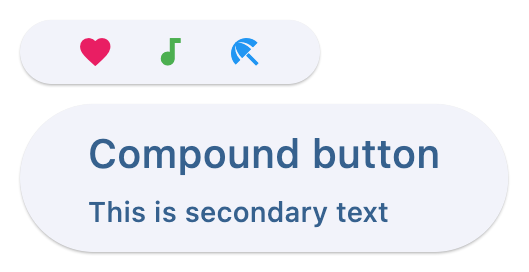](https://docs.flet.dev/test-images/examples/material/golden/macos/button/custom_content.png)
### Shapes[#](https://docs.flet.dev/controls/button/#shapes "Permanent link")
`[](https://docs.flet.dev/controls/button/#__codelineno-4-1) import flet as ft [](https://docs.flet.dev/controls/button/#__codelineno-4-2) [](https://docs.flet.dev/controls/button/#__codelineno-4-3)[](https://docs.flet.dev/controls/button/#__codelineno-4-4) def main(page: ft.Page): [](https://docs.flet.dev/controls/button/#__codelineno-4-5) page.padding = 30 [](https://docs.flet.dev/controls/button/#__codelineno-4-6) page.spacing = 30 [](https://docs.flet.dev/controls/button/#__codelineno-4-7) [](https://docs.flet.dev/controls/button/#__codelineno-4-8) page.add( [](https://docs.flet.dev/controls/button/#__codelineno-4-9) ft.Button( [](https://docs.flet.dev/controls/button/#__codelineno-4-10) content="Stadium", [](https://docs.flet.dev/controls/button/#__codelineno-4-11) style=ft.ButtonStyle(shape=ft.StadiumBorder()), [](https://docs.flet.dev/controls/button/#__codelineno-4-12) ), [](https://docs.flet.dev/controls/button/#__codelineno-4-13) ft.Button( [](https://docs.flet.dev/controls/button/#__codelineno-4-14) content="Rounded rectangle", [](https://docs.flet.dev/controls/button/#__codelineno-4-15) style=ft.ButtonStyle(shape=ft.RoundedRectangleBorder(radius=10)), [](https://docs.flet.dev/controls/button/#__codelineno-4-16) ), [](https://docs.flet.dev/controls/button/#__codelineno-4-17) ft.Button( [](https://docs.flet.dev/controls/button/#__codelineno-4-18) content="Continuous rectangle", [](https://docs.flet.dev/controls/button/#__codelineno-4-19) style=ft.ButtonStyle(shape=ft.ContinuousRectangleBorder(radius=30)), [](https://docs.flet.dev/controls/button/#__codelineno-4-20) ), [](https://docs.flet.dev/controls/button/#__codelineno-4-21) ft.Button( [](https://docs.flet.dev/controls/button/#__codelineno-4-22) content="Beveled rectangle", [](https://docs.flet.dev/controls/button/#__codelineno-4-23) style=ft.ButtonStyle(shape=ft.BeveledRectangleBorder(radius=10)), [](https://docs.flet.dev/controls/button/#__codelineno-4-24) ), [](https://docs.flet.dev/controls/button/#__codelineno-4-25) ft.Button( [](https://docs.flet.dev/controls/button/#__codelineno-4-26) content="Circle", [](https://docs.flet.dev/controls/button/#__codelineno-4-27) style=ft.ButtonStyle(shape=ft.CircleBorder(), padding=30), [](https://docs.flet.dev/controls/button/#__codelineno-4-28) ), [](https://docs.flet.dev/controls/button/#__codelineno-4-29) ) [](https://docs.flet.dev/controls/button/#__codelineno-4-30) [](https://docs.flet.dev/controls/button/#__codelineno-4-31)[](https://docs.flet.dev/controls/button/#__codelineno-4-32) if __name__ == "__main__": [](https://docs.flet.dev/controls/button/#__codelineno-4-33) ft.run(main)`
[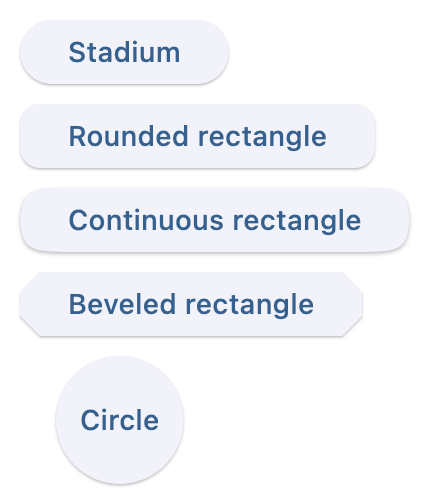](https://docs.flet.dev/test-images/examples/material/golden/macos/button/button_shapes.png)
### Styling[#](https://docs.flet.dev/controls/button/#styling "Permanent link")
`[](https://docs.flet.dev/controls/button/#__codelineno-5-1) import flet as ft [](https://docs.flet.dev/controls/button/#__codelineno-5-2) [](https://docs.flet.dev/controls/button/#__codelineno-5-3)[](https://docs.flet.dev/controls/button/#__codelineno-5-4) def main(page: ft.Page): [](https://docs.flet.dev/controls/button/#__codelineno-5-5) page.add( [](https://docs.flet.dev/controls/button/#__codelineno-5-6) ft.Button( [](https://docs.flet.dev/controls/button/#__codelineno-5-7) content="Styled button 1", [](https://docs.flet.dev/controls/button/#__codelineno-5-8) style=ft.ButtonStyle( [](https://docs.flet.dev/controls/button/#__codelineno-5-9) color={ [](https://docs.flet.dev/controls/button/#__codelineno-5-10) ft.ControlState.HOVERED: ft.Colors.WHITE, [](https://docs.flet.dev/controls/button/#__codelineno-5-11) ft.ControlState.FOCUSED: ft.Colors.BLUE, [](https://docs.flet.dev/controls/button/#__codelineno-5-12) ft.ControlState.DEFAULT: ft.Colors.BLACK, [](https://docs.flet.dev/controls/button/#__codelineno-5-13) }, [](https://docs.flet.dev/controls/button/#__codelineno-5-14) bgcolor={ [](https://docs.flet.dev/controls/button/#__codelineno-5-15) ft.ControlState.FOCUSED: ft.Colors.PINK_200, [](https://docs.flet.dev/controls/button/#__codelineno-5-16) ft.ControlState.DEFAULT: ft.Colors.YELLOW, [](https://docs.flet.dev/controls/button/#__codelineno-5-17) }, [](https://docs.flet.dev/controls/button/#__codelineno-5-18) padding={ft.ControlState.HOVERED: 20}, [](https://docs.flet.dev/controls/button/#__codelineno-5-19) overlay_color=ft.Colors.TRANSPARENT, [](https://docs.flet.dev/controls/button/#__codelineno-5-20) elevation={ [](https://docs.flet.dev/controls/button/#__codelineno-5-21) ft.ControlState.DEFAULT: 0, [](https://docs.flet.dev/controls/button/#__codelineno-5-22) ft.ControlState.HOVERED: 5, [](https://docs.flet.dev/controls/button/#__codelineno-5-23) ft.ControlState.PRESSED: 10, [](https://docs.flet.dev/controls/button/#__codelineno-5-24) }, [](https://docs.flet.dev/controls/button/#__codelineno-5-25) animation_duration=500, [](https://docs.flet.dev/controls/button/#__codelineno-5-26) side={ [](https://docs.flet.dev/controls/button/#__codelineno-5-27) ft.ControlState.DEFAULT: ft.BorderSide(1, color=ft.Colors.BLUE_100), [](https://docs.flet.dev/controls/button/#__codelineno-5-28) ft.ControlState.HOVERED: ft.BorderSide(3, color=ft.Colors.BLUE_400), [](https://docs.flet.dev/controls/button/#__codelineno-5-29) ft.ControlState.PRESSED: ft.BorderSide(6, color=ft.Colors.BLUE_600), [](https://docs.flet.dev/controls/button/#__codelineno-5-30) }, [](https://docs.flet.dev/controls/button/#__codelineno-5-31) shape={ [](https://docs.flet.dev/controls/button/#__codelineno-5-32) ft.ControlState.HOVERED: ft.RoundedRectangleBorder(radius=20), [](https://docs.flet.dev/controls/button/#__codelineno-5-33) ft.ControlState.DEFAULT: ft.RoundedRectangleBorder(radius=2), [](https://docs.flet.dev/controls/button/#__codelineno-5-34) }, [](https://docs.flet.dev/controls/button/#__codelineno-5-35) ), [](https://docs.flet.dev/controls/button/#__codelineno-5-36) ) [](https://docs.flet.dev/controls/button/#__codelineno-5-37) ) [](https://docs.flet.dev/controls/button/#__codelineno-5-38) [](https://docs.flet.dev/controls/button/#__codelineno-5-39)[](https://docs.flet.dev/controls/button/#__codelineno-5-40) if __name__ == "__main__": [](https://docs.flet.dev/controls/button/#__codelineno-5-41) ft.run(main)`
[](https://docs.flet.dev/test-images/examples/material/golden/macos/button/styled_initial.png)
Default state
[](https://docs.flet.dev/test-images/examples/material/golden/macos/button/styled_hovered.png)
Hovered state
### Animate on hover[#](https://docs.flet.dev/controls/button/#animate-on-hover "Permanent link")
`[](https://docs.flet.dev/controls/button/#__codelineno-6-1) import flet as ft [](https://docs.flet.dev/controls/button/#__codelineno-6-2) [](https://docs.flet.dev/controls/button/#__codelineno-6-3)[](https://docs.flet.dev/controls/button/#__codelineno-6-4) def main(page: ft.Page): [](https://docs.flet.dev/controls/button/#__codelineno-6-5) def animate(e: ft.Event[ft.Button]): [](https://docs.flet.dev/controls/button/#__codelineno-6-6) e.control.rotate = 0.1 if e.data else 0 [](https://docs.flet.dev/controls/button/#__codelineno-6-7) page.update() [](https://docs.flet.dev/controls/button/#__codelineno-6-8) [](https://docs.flet.dev/controls/button/#__codelineno-6-9) page.add( [](https://docs.flet.dev/controls/button/#__codelineno-6-10) ft.Button( [](https://docs.flet.dev/controls/button/#__codelineno-6-11) content="Hover over me, I'm animated!", [](https://docs.flet.dev/controls/button/#__codelineno-6-12) rotate=0, [](https://docs.flet.dev/controls/button/#__codelineno-6-13) animate_rotation=100, [](https://docs.flet.dev/controls/button/#__codelineno-6-14) on_hover=animate, [](https://docs.flet.dev/controls/button/#__codelineno-6-15) on_click=lambda e: page.add(ft.Text("Clicked! Try a long press!")), [](https://docs.flet.dev/controls/button/#__codelineno-6-16) on_long_press=lambda e: page.add(ft.Text("I knew you could do it!")), [](https://docs.flet.dev/controls/button/#__codelineno-6-17) ) [](https://docs.flet.dev/controls/button/#__codelineno-6-18) ) [](https://docs.flet.dev/controls/button/#__codelineno-6-19) [](https://docs.flet.dev/controls/button/#__codelineno-6-20)[](https://docs.flet.dev/controls/button/#__codelineno-6-21) if __name__ == "__main__": [](https://docs.flet.dev/controls/button/#__codelineno-6-22) ft.run(main)`
[](https://docs.flet.dev/test-images/examples/material/golden/macos/button/animate_on_hover_initial.png)
Normal button
[](https://docs.flet.dev/test-images/examples/material/golden/macos/button/animate_on_hover_hovered.png)
Hovered button
Properties[#](https://docs.flet.dev/controls/button/#flet.Button-properties "Permanent link")
----------------------------------------------------------------------------------------------
### autofocus `class-attribute` `instance-attribute` [#](https://docs.flet.dev/controls/button/#flet.Button.autofocus "Permanent link")
`[](https://docs.flet.dev/controls/button/#__codelineno-0-1) autofocus: [bool](https://docs.python.org/3/library/functions.html#bool) | None = None`
Whether this button should be focused initially.
### bgcolor `class-attribute` `instance-attribute` [#](https://docs.flet.dev/controls/button/#flet.Button.bgcolor "Permanent link")
`[](https://docs.flet.dev/controls/button/#__codelineno-0-1) bgcolor: [ColorValue](https://docs.flet.dev/types/aliases/#flet.ColorValue) | None = [field](https://docs.python.org/3/library/dataclasses.html#dataclasses.field "dataclasses.field") ( [](https://docs.flet.dev/controls/button/#__codelineno-0-2) default=None, metadata={"skip": True} [](https://docs.flet.dev/controls/button/#__codelineno-0-3) )`
The button's background color. If not specified, defaults to the theme's primary color.
### clip\_behavior `class-attribute` `instance-attribute` [#](https://docs.flet.dev/controls/button/#flet.Button.clip_behavior "Permanent link")
`[](https://docs.flet.dev/controls/button/#__codelineno-0-1) clip_behavior: [ClipBehavior](https://docs.flet.dev/types/clipbehavior/#flet.ClipBehavior) | None = None`
The button's clip behavior.
### color `class-attribute` `instance-attribute` [#](https://docs.flet.dev/controls/button/#flet.Button.color "Permanent link")
`[](https://docs.flet.dev/controls/button/#__codelineno-0-1) color: [ColorValue](https://docs.flet.dev/types/aliases/#flet.ColorValue) | None = [field](https://docs.python.org/3/library/dataclasses.html#dataclasses.field "dataclasses.field") ( [](https://docs.flet.dev/controls/button/#__codelineno-0-2) default=None, metadata={"skip": True} [](https://docs.flet.dev/controls/button/#__codelineno-0-3) )`
The button's foreground color. If not specified, defaults to the theme's primary color.
### content `class-attribute` `instance-attribute` [#](https://docs.flet.dev/controls/button/#flet.Button.content "Permanent link")
`[](https://docs.flet.dev/controls/button/#__codelineno-0-1) content: [StrOrControl](https://docs.flet.dev/types/aliases/#flet.StrOrControl) | None = None`
The button's label. Typically a [`Text`](https://docs.flet.dev/controls/text/#flet.Text)
control or a string. If a string is provided, it will be wrapped in a [`Text`](https://docs.flet.dev/controls/text/#flet.Text)
control.
Raises:
* `[ValueError](https://docs.python.org/3/library/exceptions.html#ValueError) ` –
If neither `content` nor [`icon`](https://docs.flet.dev/controls/button/#flet.Button.icon)
(string or visible control) is provided.
### elevation `class-attribute` `instance-attribute` [#](https://docs.flet.dev/controls/button/#flet.Button.elevation "Permanent link")
`[](https://docs.flet.dev/controls/button/#__codelineno-0-1) elevation: [Number](https://docs.flet.dev/types/aliases/#flet.Number) = [field](https://docs.python.org/3/library/dataclasses.html#dataclasses.field "dataclasses.field") ( [](https://docs.flet.dev/controls/button/#__codelineno-0-2) default=1, metadata={"skip": True} [](https://docs.flet.dev/controls/button/#__codelineno-0-3) )`
The button's elevation. If not specified, defaults to `1`.
### icon `class-attribute` `instance-attribute` [#](https://docs.flet.dev/controls/button/#flet.Button.icon "Permanent link")
`[](https://docs.flet.dev/controls/button/#__codelineno-0-1) icon: [IconDataOrControl](https://docs.flet.dev/types/aliases/#flet.IconDataOrControl) | None = None`
The icon to display inside the button. Typically an [`Icon`](https://docs.flet.dev/controls/icon/#flet.Icon)
control or an `IconData`. If an `IconData` is provided, it will be wrapped in an [`Icon`](https://docs.flet.dev/controls/icon/#flet.Icon)
control.
Raises:
* `[ValueError](https://docs.python.org/3/library/exceptions.html#ValueError) ` –
If neither `icon` nor [`content`](https://docs.flet.dev/controls/button/#flet.Button.content)
(string or visible control) is provided.
### icon\_color `class-attribute` `instance-attribute` [#](https://docs.flet.dev/controls/button/#flet.Button.icon_color "Permanent link")
`[](https://docs.flet.dev/controls/button/#__codelineno-0-1) icon_color: [ColorValue](https://docs.flet.dev/types/aliases/#flet.ColorValue) | None = None`
The color of the icon. If not specified, defaults to the current foreground color.
### style `class-attribute` `instance-attribute` [#](https://docs.flet.dev/controls/button/#flet.Button.style "Permanent link")
`[](https://docs.flet.dev/controls/button/#__codelineno-0-1) style: [ButtonStyle](https://docs.flet.dev/types/buttonstyle/#flet.ButtonStyle) | None = [field](https://docs.python.org/3/library/dataclasses.html#dataclasses.field "dataclasses.field") ( [](https://docs.flet.dev/controls/button/#__codelineno-0-2) default=None, metadata={"skip": True} [](https://docs.flet.dev/controls/button/#__codelineno-0-3) )`
The button's style.
### url `class-attribute` `instance-attribute` [#](https://docs.flet.dev/controls/button/#flet.Button.url "Permanent link")
`[](https://docs.flet.dev/controls/button/#__codelineno-0-1) url: [str](https://docs.python.org/3/library/stdtypes.html#str) | [Url](https://docs.flet.dev/types/url/#flet.Url) | None = None`
The URL to open when the button is clicked.
Events[#](https://docs.flet.dev/controls/button/#flet.Button-events "Permanent link")
--------------------------------------------------------------------------------------
### on\_blur `class-attribute` `instance-attribute` [#](https://docs.flet.dev/controls/button/#flet.Button.on_blur "Permanent link")
`[](https://docs.flet.dev/controls/button/#__codelineno-0-1) on_blur: [ControlEventHandler](https://docs.flet.dev/types/aliases/#flet.ControlEventHandler) [[Button](https://docs.flet.dev/controls/button/#flet.Button) ] | None = None`
Called when the button loses focus.
### on\_click `class-attribute` `instance-attribute` [#](https://docs.flet.dev/controls/button/#flet.Button.on_click "Permanent link")
`[](https://docs.flet.dev/controls/button/#__codelineno-0-1) on_click: [ControlEventHandler](https://docs.flet.dev/types/aliases/#flet.ControlEventHandler) [[Button](https://docs.flet.dev/controls/button/#flet.Button) ] | None = None`
Called when the button is clicked.
### on\_focus `class-attribute` `instance-attribute` [#](https://docs.flet.dev/controls/button/#flet.Button.on_focus "Permanent link")
`[](https://docs.flet.dev/controls/button/#__codelineno-0-1) on_focus: [ControlEventHandler](https://docs.flet.dev/types/aliases/#flet.ControlEventHandler) [[Button](https://docs.flet.dev/controls/button/#flet.Button) ] | None = None`
Called when the button is focused.
### on\_hover `class-attribute` `instance-attribute` [#](https://docs.flet.dev/controls/button/#flet.Button.on_hover "Permanent link")
`[](https://docs.flet.dev/controls/button/#__codelineno-0-1) on_hover: [ControlEventHandler](https://docs.flet.dev/types/aliases/#flet.ControlEventHandler) [[Button](https://docs.flet.dev/controls/button/#flet.Button) ] | None = None`
Called when the button is hovered.
### on\_long\_press `class-attribute` `instance-attribute` [#](https://docs.flet.dev/controls/button/#flet.Button.on_long_press "Permanent link")
`[](https://docs.flet.dev/controls/button/#__codelineno-0-1) on_long_press: [ControlEventHandler](https://docs.flet.dev/types/aliases/#flet.ControlEventHandler) [[Button](https://docs.flet.dev/controls/button/#flet.Button) ] | None = None`
Called when the button is long-pressed.
Methods[#](https://docs.flet.dev/controls/button/#flet.Button-methods "Permanent link")
----------------------------------------------------------------------------------------
### focus `async` [#](https://docs.flet.dev/controls/button/#flet.Button.focus "Permanent link")
`[](https://docs.flet.dev/controls/button/#__codelineno-0-1) focus()`
Requests focus for this control.
Back to top
---
# Chip - Flet
[Skip to content](https://docs.flet.dev/controls/chip/#flet.Chip)
Chip
====
Chips are compact elements that represent an attribute, text, entity, or action.
Example:
`[](https://docs.flet.dev/controls/chip/#__codelineno-0-1) ft.Chip( [](https://docs.flet.dev/controls/chip/#__codelineno-0-2) label="Explore topics", [](https://docs.flet.dev/controls/chip/#__codelineno-0-3) leading=ft.Icon(ft.Icons.EXPLORE_OUTLINED), [](https://docs.flet.dev/controls/chip/#__codelineno-0-4) )`
[](https://docs.flet.dev/test-images/examples/material/golden/macos/chip/image_for_docs.png)
Basic Chip
Inherits: `[LayoutControl](https://docs.flet.dev/controls/layoutcontrol/#flet.LayoutControl) `
Properties
* **`[autofocus](https://docs.flet.dev/controls/chip/#flet.Chip.autofocus) `**(`[bool](https://docs.python.org/3/library/functions.html#bool) `) –
Whether this chip will be selected as the initial focus.
* **`[bgcolor](https://docs.flet.dev/controls/chip/#flet.Chip.bgcolor) `**(`[ColorValue](https://docs.flet.dev/types/aliases/#flet.ColorValue) | None`) –
Color to be used for the unselected, enabled chip's background.
* **`[border_side](https://docs.flet.dev/controls/chip/#flet.Chip.border_side) `**(`[BorderSide](https://docs.flet.dev/types/borderside/#flet.BorderSide) | None`) –
Defines the color and weight of this chip's outline.
* **`[check_color](https://docs.flet.dev/controls/chip/#flet.Chip.check_color) `**(`[ColorValue](https://docs.flet.dev/types/aliases/#flet.ColorValue) | None`) –
The color of this chip's check mark when a check mark is visible.
* **`[clip_behavior](https://docs.flet.dev/controls/chip/#flet.Chip.clip_behavior) `**(`[ClipBehavior](https://docs.flet.dev/types/clipbehavior/#flet.ClipBehavior) `) –
The content will be clipped (or not) according to this option.
* **`[color](https://docs.flet.dev/controls/chip/#flet.Chip.color) `**(`[ControlStateValue](https://docs.flet.dev/types/aliases/#flet.ControlStateValue) [[ColorValue](https://docs.flet.dev/types/aliases/#flet.ColorValue) ] | None`) –
The color that fills this chip in various [`ControlState`](https://docs.flet.dev/types/controlstate/#flet.ControlState)
.
* **`[delete_drawer_animation_style](https://docs.flet.dev/controls/chip/#flet.Chip.delete_drawer_animation_style) `**(`[AnimationStyle](https://docs.flet.dev/types/animationstyle/#flet.AnimationStyle) | None`) –
The animation style for the [`delete_icon`](https://docs.flet.dev/controls/chip/#flet.Chip.delete_icon)
's animations.
* **`[delete_icon](https://docs.flet.dev/controls/chip/#flet.Chip.delete_icon) `**(`[Control](https://docs.flet.dev/controls/control/#flet.Control) | None`) –
A `Control` to display to the right of this chip's [`label`](https://docs.flet.dev/controls/chip/#flet.Chip.label)
* **`[delete_icon_color](https://docs.flet.dev/controls/chip/#flet.Chip.delete_icon_color) `**(`[ColorValue](https://docs.flet.dev/types/aliases/#flet.ColorValue) | None`) –
The color of the [`delete_icon`](https://docs.flet.dev/controls/chip/#flet.Chip.delete_icon)
.
* **`[delete_icon_size_constraints](https://docs.flet.dev/controls/chip/#flet.Chip.delete_icon_size_constraints) `**(`[BoxConstraints](https://docs.flet.dev/types/boxconstraints/#flet.BoxConstraints) | None`) –
The size constraints for the [`delete_icon`](https://docs.flet.dev/controls/chip/#flet.Chip.delete_icon)
control.
* **`[delete_icon_tooltip](https://docs.flet.dev/controls/chip/#flet.Chip.delete_icon_tooltip) `**(`[str](https://docs.python.org/3/library/stdtypes.html#str) | None`) –
The text to be used for this chip's `delete_icon` tooltip. If not provided or provided with an empty string, the tooltip of the delete icon will not be displayed.
* **`[disabled_color](https://docs.flet.dev/controls/chip/#flet.Chip.disabled_color) `**(`[ColorValue](https://docs.flet.dev/types/aliases/#flet.ColorValue) | None`) –
The color used for this chip's background if it is disabled.
* **`[elevation](https://docs.flet.dev/controls/chip/#flet.Chip.elevation) `**(`[Number](https://docs.flet.dev/types/aliases/#flet.Number) | None`) –
A non-negative value which defines the size of the shadow below this chip.
* **`[elevation_on_click](https://docs.flet.dev/controls/chip/#flet.Chip.elevation_on_click) `**(`[Number](https://docs.flet.dev/types/aliases/#flet.Number) | None`) –
The elevation to be applied on this chip relative to its parent during the press motion. This controls the size of the shadow below this chip.
* **`[enable_animation_style](https://docs.flet.dev/controls/chip/#flet.Chip.enable_animation_style) `**(`[AnimationStyle](https://docs.flet.dev/types/animationstyle/#flet.AnimationStyle) | None`) –
The animation style for the enable and disable animations.
* **`[label](https://docs.flet.dev/controls/chip/#flet.Chip.label) `**(`[StrOrControl](https://docs.flet.dev/types/aliases/#flet.StrOrControl) `) –
The primary content of this chip.
* **`[label_padding](https://docs.flet.dev/controls/chip/#flet.Chip.label_padding) `**(`[PaddingValue](https://docs.flet.dev/types/aliases/#flet.PaddingValue) | None`) –
The padding around the [`label`](https://docs.flet.dev/controls/chip/#flet.Chip.label)
.
* **`[label_text_style](https://docs.flet.dev/controls/chip/#flet.Chip.label_text_style) `**(`[TextStyle](https://docs.flet.dev/types/textstyle/#flet.TextStyle) | None`) –
The style to be applied to this chip's [`label`](https://docs.flet.dev/controls/chip/#flet.Chip.label)
.
* **`[leading](https://docs.flet.dev/controls/chip/#flet.Chip.leading) `**(`[Control](https://docs.flet.dev/controls/control/#flet.Control) | None`) –
A `Control` to display to the left of this chip's [`label`](https://docs.flet.dev/controls/chip/#flet.Chip.label)
.
* **`[leading_drawer_animation_style](https://docs.flet.dev/controls/chip/#flet.Chip.leading_drawer_animation_style) `**(`[AnimationStyle](https://docs.flet.dev/types/animationstyle/#flet.AnimationStyle) | None`) –
The animation style for the [`leading`](https://docs.flet.dev/controls/chip/#flet.Chip.leading)
control's animations.
* **`[leading_size_constraints](https://docs.flet.dev/controls/chip/#flet.Chip.leading_size_constraints) `**(`[BoxConstraints](https://docs.flet.dev/types/boxconstraints/#flet.BoxConstraints) | None`) –
The size constraints for the [`leading`](https://docs.flet.dev/controls/chip/#flet.Chip.leading)
control.
* **`[padding](https://docs.flet.dev/controls/chip/#flet.Chip.padding) `**(`[PaddingValue](https://docs.flet.dev/types/aliases/#flet.PaddingValue) | None`) –
The padding between the [`label`](https://docs.flet.dev/controls/chip/#flet.Chip.label)
and the outside shape.
* **`[select_animation_style](https://docs.flet.dev/controls/chip/#flet.Chip.select_animation_style) `**(`[AnimationStyle](https://docs.flet.dev/types/animationstyle/#flet.AnimationStyle) | None`) –
The animation style for the select and unselect animations.
* **`[selected](https://docs.flet.dev/controls/chip/#flet.Chip.selected) `**(`[bool](https://docs.python.org/3/library/functions.html#bool) `) –
If [`on_select`](https://docs.flet.dev/controls/chip/#flet.Chip.on_select)
event is specified, `selected` property is used to determine whether this chip is selected or not.
* **`[selected_color](https://docs.flet.dev/controls/chip/#flet.Chip.selected_color) `**(`[ColorValue](https://docs.flet.dev/types/aliases/#flet.ColorValue) | None`) –
The color used for this chip's background when it is selected.
* **`[selected_shadow_color](https://docs.flet.dev/controls/chip/#flet.Chip.selected_shadow_color) `**(`[ColorValue](https://docs.flet.dev/types/aliases/#flet.ColorValue) | None`) –
The color used for this chip's background when the elevation is greater than `0` and this chip is selected.
* **`[shadow_color](https://docs.flet.dev/controls/chip/#flet.Chip.shadow_color) `**(`[ColorValue](https://docs.flet.dev/types/aliases/#flet.ColorValue) | None`) –
The color used for this chip's background when the elevation is greater than `0` and this chip is not selected.
* **`[shape](https://docs.flet.dev/controls/chip/#flet.Chip.shape) `**(`[OutlinedBorder](https://docs.flet.dev/types/outlinedborder/#flet.OutlinedBorder) | None`) –
The shape of the border around this chip.
* **`[show_checkmark](https://docs.flet.dev/controls/chip/#flet.Chip.show_checkmark) `**(`[bool](https://docs.python.org/3/library/functions.html#bool) `) –
If [`on_select`](https://docs.flet.dev/controls/chip/#flet.Chip.on_select)
event is specified and chip is selected, `show_checkmark` is used to determine whether or not to show a checkmark.
* **`[visual_density](https://docs.flet.dev/controls/chip/#flet.Chip.visual_density) `**(`[VisualDensity](https://docs.flet.dev/types/visualdensity/#flet.VisualDensity) | None`) –
TBD
Events
* **`[on_blur](https://docs.flet.dev/controls/chip/#flet.Chip.on_blur) `**(`[ControlEventHandler](https://docs.flet.dev/types/aliases/#flet.ControlEventHandler) [[Chip](https://docs.flet.dev/controls/chip/#flet.Chip) ] | None`) –
Called when this chip has lost focus.
* **`[on_click](https://docs.flet.dev/controls/chip/#flet.Chip.on_click) `**(`[ControlEventHandler](https://docs.flet.dev/types/aliases/#flet.ControlEventHandler) [[Chip](https://docs.flet.dev/controls/chip/#flet.Chip) ] | None`) –
Called when the user clicks on this chip.
* **`[on_delete](https://docs.flet.dev/controls/chip/#flet.Chip.on_delete) `**(`[ControlEventHandler](https://docs.flet.dev/types/aliases/#flet.ControlEventHandler) [[Chip](https://docs.flet.dev/controls/chip/#flet.Chip) ] | None`) –
Called when the user clicks on the [`delete_icon`](https://docs.flet.dev/controls/chip/#flet.Chip.delete_icon)
.
* **`[on_focus](https://docs.flet.dev/controls/chip/#flet.Chip.on_focus) `**(`[ControlEventHandler](https://docs.flet.dev/types/aliases/#flet.ControlEventHandler) [[Chip](https://docs.flet.dev/controls/chip/#flet.Chip) ] | None`) –
Called when this chip has received focus.
* **`[on_select](https://docs.flet.dev/controls/chip/#flet.Chip.on_select) `**(`[ControlEventHandler](https://docs.flet.dev/types/aliases/#flet.ControlEventHandler) [[Chip](https://docs.flet.dev/controls/chip/#flet.Chip) ] | None`) –
Called when the user clicks on this chip.
Examples[#](https://docs.flet.dev/controls/chip/#examples "Permanent link")
----------------------------------------------------------------------------
[Live example](https://flet-controls-gallery.fly.dev/input/chip)
### Assist chips[#](https://docs.flet.dev/controls/chip/#assist-chips "Permanent link")
Assist chips are chips with [`leading`](https://docs.flet.dev/controls/chip/#flet.Chip.leading)
icon and [`on_click`](https://docs.flet.dev/controls/chip/#flet.Chip.on_click)
event specified.
They represent smart or automated actions that appear dynamically and contextually in a UI.
An alternative to assist chips are buttons, which should appear persistently and consistently.
`[](https://docs.flet.dev/controls/chip/#__codelineno-0-1) import flet as ft [](https://docs.flet.dev/controls/chip/#__codelineno-0-2) [](https://docs.flet.dev/controls/chip/#__codelineno-0-3)[](https://docs.flet.dev/controls/chip/#__codelineno-0-4) def main(page: ft.Page): [](https://docs.flet.dev/controls/chip/#__codelineno-0-5) def handle_chip1_click(e: ft.Event[ft.Chip]): [](https://docs.flet.dev/controls/chip/#__codelineno-0-6) e.control.label.value = "Saved to favorites" [](https://docs.flet.dev/controls/chip/#__codelineno-0-7) e.control.leading = ft.Icon(ft.Icons.FAVORITE_OUTLINED) [](https://docs.flet.dev/controls/chip/#__codelineno-0-8) e.control.disabled = True [](https://docs.flet.dev/controls/chip/#__codelineno-0-9) page.update() [](https://docs.flet.dev/controls/chip/#__codelineno-0-10) [](https://docs.flet.dev/controls/chip/#__codelineno-0-11) async def handle_chip2_click(e: ft.Event[ft.Chip]): [](https://docs.flet.dev/controls/chip/#__codelineno-0-12) await page.launch_url("https://maps.google.com") [](https://docs.flet.dev/controls/chip/#__codelineno-0-13) page.update() [](https://docs.flet.dev/controls/chip/#__codelineno-0-14) [](https://docs.flet.dev/controls/chip/#__codelineno-0-15) page.add( [](https://docs.flet.dev/controls/chip/#__codelineno-0-16) ft.Row( [](https://docs.flet.dev/controls/chip/#__codelineno-0-17) controls=[ [](https://docs.flet.dev/controls/chip/#__codelineno-0-18) ft.Chip( [](https://docs.flet.dev/controls/chip/#__codelineno-0-19) label=ft.Text("Save to favourites"), [](https://docs.flet.dev/controls/chip/#__codelineno-0-20) leading=ft.Icon(ft.Icons.FAVORITE_BORDER_OUTLINED), [](https://docs.flet.dev/controls/chip/#__codelineno-0-21) bgcolor=ft.Colors.GREEN_200, [](https://docs.flet.dev/controls/chip/#__codelineno-0-22) disabled_color=ft.Colors.GREEN_100, [](https://docs.flet.dev/controls/chip/#__codelineno-0-23) autofocus=True, [](https://docs.flet.dev/controls/chip/#__codelineno-0-24) on_click=handle_chip1_click, [](https://docs.flet.dev/controls/chip/#__codelineno-0-25) ), [](https://docs.flet.dev/controls/chip/#__codelineno-0-26) ft.Chip( [](https://docs.flet.dev/controls/chip/#__codelineno-0-27) label=ft.Text("9 min walk"), [](https://docs.flet.dev/controls/chip/#__codelineno-0-28) leading=ft.Icon(ft.Icons.MAP_SHARP), [](https://docs.flet.dev/controls/chip/#__codelineno-0-29) bgcolor=ft.Colors.GREEN_200, [](https://docs.flet.dev/controls/chip/#__codelineno-0-30) on_click=handle_chip2_click, [](https://docs.flet.dev/controls/chip/#__codelineno-0-31) ), [](https://docs.flet.dev/controls/chip/#__codelineno-0-32) ] [](https://docs.flet.dev/controls/chip/#__codelineno-0-33) ) [](https://docs.flet.dev/controls/chip/#__codelineno-0-34) ) [](https://docs.flet.dev/controls/chip/#__codelineno-0-35) [](https://docs.flet.dev/controls/chip/#__codelineno-0-36)[](https://docs.flet.dev/controls/chip/#__codelineno-0-37) if __name__ == "__main__": [](https://docs.flet.dev/controls/chip/#__codelineno-0-38) ft.run(main)`
[](https://docs.flet.dev/examples/controls/chip/media/assist_chips.png)
### Filter chips[#](https://docs.flet.dev/controls/chip/#filter-chips "Permanent link")
Filter chips are chips with [`on_select`](https://docs.flet.dev/controls/chip/#flet.Chip.on_select)
event specified.
They use tags or descriptive words provided in the [`label`](https://docs.flet.dev/controls/chip/#flet.Chip.label)
to filter content. They can be a good alternative to switches or checkboxes.
`[](https://docs.flet.dev/controls/chip/#__codelineno-1-1) import flet as ft [](https://docs.flet.dev/controls/chip/#__codelineno-1-2) [](https://docs.flet.dev/controls/chip/#__codelineno-1-3)[](https://docs.flet.dev/controls/chip/#__codelineno-1-4) def main(page: ft.Page): [](https://docs.flet.dev/controls/chip/#__codelineno-1-5) def handle_amenity_selection(e: ft.Event[ft.Chip]): [](https://docs.flet.dev/controls/chip/#__codelineno-1-6) page.update() [](https://docs.flet.dev/controls/chip/#__codelineno-1-7) [](https://docs.flet.dev/controls/chip/#__codelineno-1-8) amenities = ["Washer / Dryer", "Ramp access", "Dogs OK", "Cats OK", "Smoke-free"] [](https://docs.flet.dev/controls/chip/#__codelineno-1-9) [](https://docs.flet.dev/controls/chip/#__codelineno-1-10) page.add( [](https://docs.flet.dev/controls/chip/#__codelineno-1-11) ft.Row( [](https://docs.flet.dev/controls/chip/#__codelineno-1-12) controls=[ [](https://docs.flet.dev/controls/chip/#__codelineno-1-13) ft.Icon(ft.Icons.HOTEL_CLASS), [](https://docs.flet.dev/controls/chip/#__codelineno-1-14) ft.Text("Amenities"), [](https://docs.flet.dev/controls/chip/#__codelineno-1-15) ] [](https://docs.flet.dev/controls/chip/#__codelineno-1-16) ), [](https://docs.flet.dev/controls/chip/#__codelineno-1-17) ft.Row( [](https://docs.flet.dev/controls/chip/#__codelineno-1-18) controls=[ [](https://docs.flet.dev/controls/chip/#__codelineno-1-19) ft.Chip( [](https://docs.flet.dev/controls/chip/#__codelineno-1-20) label=ft.Text(amenity), [](https://docs.flet.dev/controls/chip/#__codelineno-1-21) bgcolor=ft.Colors.GREEN_200, [](https://docs.flet.dev/controls/chip/#__codelineno-1-22) disabled_color=ft.Colors.GREEN_100, [](https://docs.flet.dev/controls/chip/#__codelineno-1-23) autofocus=True, [](https://docs.flet.dev/controls/chip/#__codelineno-1-24) on_select=handle_amenity_selection, [](https://docs.flet.dev/controls/chip/#__codelineno-1-25) ) [](https://docs.flet.dev/controls/chip/#__codelineno-1-26) for amenity in amenities [](https://docs.flet.dev/controls/chip/#__codelineno-1-27) ] [](https://docs.flet.dev/controls/chip/#__codelineno-1-28) ), [](https://docs.flet.dev/controls/chip/#__codelineno-1-29) ) [](https://docs.flet.dev/controls/chip/#__codelineno-1-30) [](https://docs.flet.dev/controls/chip/#__codelineno-1-31)[](https://docs.flet.dev/controls/chip/#__codelineno-1-32) if __name__ == "__main__": [](https://docs.flet.dev/controls/chip/#__codelineno-1-33) ft.run(main)`
[](https://docs.flet.dev/examples/controls/chip/media/filter_chips.png)
Properties[#](https://docs.flet.dev/controls/chip/#flet.Chip-properties "Permanent link")
------------------------------------------------------------------------------------------
### autofocus `class-attribute` `instance-attribute` [#](https://docs.flet.dev/controls/chip/#flet.Chip.autofocus "Permanent link")
`[](https://docs.flet.dev/controls/chip/#__codelineno-0-1) autofocus: [bool](https://docs.python.org/3/library/functions.html#bool) = False`
Whether this chip will be selected as the initial focus.
If there is more than one control on a page with autofocus set, then the first one added to the page will get focus.
### bgcolor `class-attribute` `instance-attribute` [#](https://docs.flet.dev/controls/chip/#flet.Chip.bgcolor "Permanent link")
`[](https://docs.flet.dev/controls/chip/#__codelineno-0-1) bgcolor: [ColorValue](https://docs.flet.dev/types/aliases/#flet.ColorValue) | None = None`
Color to be used for the unselected, enabled chip's background.
### border\_side `class-attribute` `instance-attribute` [#](https://docs.flet.dev/controls/chip/#flet.Chip.border_side "Permanent link")
`[](https://docs.flet.dev/controls/chip/#__codelineno-0-1) border_side: [BorderSide](https://docs.flet.dev/types/borderside/#flet.BorderSide) | None = None`
Defines the color and weight of this chip's outline.
### check\_color `class-attribute` `instance-attribute` [#](https://docs.flet.dev/controls/chip/#flet.Chip.check_color "Permanent link")
`[](https://docs.flet.dev/controls/chip/#__codelineno-0-1) check_color: [ColorValue](https://docs.flet.dev/types/aliases/#flet.ColorValue) | None = None`
The color of this chip's check mark when a check mark is visible.
### clip\_behavior `class-attribute` `instance-attribute` [#](https://docs.flet.dev/controls/chip/#flet.Chip.clip_behavior "Permanent link")
`[](https://docs.flet.dev/controls/chip/#__codelineno-0-1) clip_behavior: [ClipBehavior](https://docs.flet.dev/types/clipbehavior/#flet.ClipBehavior) = [NONE](https://docs.flet.dev/types/clipbehavior/#flet.ClipBehavior.NONE)`
The content will be clipped (or not) according to this option.
### color `class-attribute` `instance-attribute` [#](https://docs.flet.dev/controls/chip/#flet.Chip.color "Permanent link")
`[](https://docs.flet.dev/controls/chip/#__codelineno-0-1) color: [ControlStateValue](https://docs.flet.dev/types/aliases/#flet.ControlStateValue) [[ColorValue](https://docs.flet.dev/types/aliases/#flet.ColorValue) ] | None = None`
The color that fills this chip in various [`ControlState`](https://docs.flet.dev/types/controlstate/#flet.ControlState)
.
### delete\_drawer\_animation\_style `class-attribute` `instance-attribute` [#](https://docs.flet.dev/controls/chip/#flet.Chip.delete_drawer_animation_style "Permanent link")
`[](https://docs.flet.dev/controls/chip/#__codelineno-0-1) delete_drawer_animation_style: [AnimationStyle](https://docs.flet.dev/types/animationstyle/#flet.AnimationStyle) | None = None`
The animation style for the [`delete_icon`](https://docs.flet.dev/controls/chip/#flet.Chip.delete_icon)
's animations.
### delete\_icon `class-attribute` `instance-attribute` [#](https://docs.flet.dev/controls/chip/#flet.Chip.delete_icon "Permanent link")
`[](https://docs.flet.dev/controls/chip/#__codelineno-0-1) delete_icon: [Control](https://docs.flet.dev/controls/control/#flet.Control) | None = None`
A `Control` to display to the right of this chip's [`label`](https://docs.flet.dev/controls/chip/#flet.Chip.label)
in case [`on_delete`](https://docs.flet.dev/controls/chip/#flet.Chip.on_delete)
event is specified.
### delete\_icon\_color `class-attribute` `instance-attribute` [#](https://docs.flet.dev/controls/chip/#flet.Chip.delete_icon_color "Permanent link")
`[](https://docs.flet.dev/controls/chip/#__codelineno-0-1) delete_icon_color: [ColorValue](https://docs.flet.dev/types/aliases/#flet.ColorValue) | None = None`
The color of the [`delete_icon`](https://docs.flet.dev/controls/chip/#flet.Chip.delete_icon)
.
### delete\_icon\_size\_constraints `class-attribute` `instance-attribute` [#](https://docs.flet.dev/controls/chip/#flet.Chip.delete_icon_size_constraints "Permanent link")
`[](https://docs.flet.dev/controls/chip/#__codelineno-0-1) delete_icon_size_constraints: [BoxConstraints](https://docs.flet.dev/types/boxconstraints/#flet.BoxConstraints) | None = None`
The size constraints for the [`delete_icon`](https://docs.flet.dev/controls/chip/#flet.Chip.delete_icon)
control.
If `None`, it defaults to a minimum size of chip height or label height (whichever is greater) and a padding of 8.0 pixels on all sides.
### delete\_icon\_tooltip `class-attribute` `instance-attribute` [#](https://docs.flet.dev/controls/chip/#flet.Chip.delete_icon_tooltip "Permanent link")
`[](https://docs.flet.dev/controls/chip/#__codelineno-0-1) delete_icon_tooltip: [str](https://docs.python.org/3/library/stdtypes.html#str) | None = None`
The text to be used for this chip's `delete_icon` tooltip. If not provided or provided with an empty string, the tooltip of the delete icon will not be displayed.
### disabled\_color `class-attribute` `instance-attribute` [#](https://docs.flet.dev/controls/chip/#flet.Chip.disabled_color "Permanent link")
`[](https://docs.flet.dev/controls/chip/#__codelineno-0-1) disabled_color: [ColorValue](https://docs.flet.dev/types/aliases/#flet.ColorValue) | None = None`
The color used for this chip's background if it is disabled.
### elevation `class-attribute` `instance-attribute` [#](https://docs.flet.dev/controls/chip/#flet.Chip.elevation "Permanent link")
`[](https://docs.flet.dev/controls/chip/#__codelineno-0-1) elevation: [Number](https://docs.flet.dev/types/aliases/#flet.Number) | None = None`
A non-negative value which defines the size of the shadow below this chip.
Defaults to `0`.
Raises:
* `[ValueError](https://docs.python.org/3/library/exceptions.html#ValueError) ` –
If [`elevation`](https://docs.flet.dev/controls/chip/#flet.Chip.elevation)
is negative.
### elevation\_on\_click `class-attribute` `instance-attribute` [#](https://docs.flet.dev/controls/chip/#flet.Chip.elevation_on_click "Permanent link")
`[](https://docs.flet.dev/controls/chip/#__codelineno-0-1) elevation_on_click: [Number](https://docs.flet.dev/types/aliases/#flet.Number) | None = None`
The elevation to be applied on this chip relative to its parent during the press motion. This controls the size of the shadow below this chip.
Defaults to `8.0`.
Raises:
* `[ValueError](https://docs.python.org/3/library/exceptions.html#ValueError) ` –
If it is not greater than or equal to `0.0`.
### enable\_animation\_style `class-attribute` `instance-attribute` [#](https://docs.flet.dev/controls/chip/#flet.Chip.enable_animation_style "Permanent link")
`[](https://docs.flet.dev/controls/chip/#__codelineno-0-1) enable_animation_style: [AnimationStyle](https://docs.flet.dev/types/animationstyle/#flet.AnimationStyle) | None = None`
The animation style for the enable and disable animations.
### label `instance-attribute` [#](https://docs.flet.dev/controls/chip/#flet.Chip.label "Permanent link")
`[](https://docs.flet.dev/controls/chip/#__codelineno-0-1) label: [StrOrControl](https://docs.flet.dev/types/aliases/#flet.StrOrControl)`
The primary content of this chip.
Typically a [`Text`](https://docs.flet.dev/controls/text/#flet.Text)
control.
### label\_padding `class-attribute` `instance-attribute` [#](https://docs.flet.dev/controls/chip/#flet.Chip.label_padding "Permanent link")
`[](https://docs.flet.dev/controls/chip/#__codelineno-0-1) label_padding: [PaddingValue](https://docs.flet.dev/types/aliases/#flet.PaddingValue) | None = None`
The padding around the [`label`](https://docs.flet.dev/controls/chip/#flet.Chip.label)
.
By default, this is `4` logical pixels at the beginning and the end of the [`label`](https://docs.flet.dev/controls/chip/#flet.Chip.label)
, and zero on `top` and `bottom`.
### label\_text\_style `class-attribute` `instance-attribute` [#](https://docs.flet.dev/controls/chip/#flet.Chip.label_text_style "Permanent link")
`[](https://docs.flet.dev/controls/chip/#__codelineno-0-1) label_text_style: [TextStyle](https://docs.flet.dev/types/textstyle/#flet.TextStyle) | None = None`
The style to be applied to this chip's [`label`](https://docs.flet.dev/controls/chip/#flet.Chip.label)
.
### leading `class-attribute` `instance-attribute` [#](https://docs.flet.dev/controls/chip/#flet.Chip.leading "Permanent link")
`[](https://docs.flet.dev/controls/chip/#__codelineno-0-1) leading: [Control](https://docs.flet.dev/controls/control/#flet.Control) | None = None`
A `Control` to display to the left of this chip's [`label`](https://docs.flet.dev/controls/chip/#flet.Chip.label)
.
Typically the leading control is an [`Icon`](https://docs.flet.dev/controls/icon/#flet.Icon)
or a [`CircleAvatar`](https://docs.flet.dev/controls/circleavatar/#flet.CircleAvatar)
.
### leading\_drawer\_animation\_style `class-attribute` `instance-attribute` [#](https://docs.flet.dev/controls/chip/#flet.Chip.leading_drawer_animation_style "Permanent link")
`[](https://docs.flet.dev/controls/chip/#__codelineno-0-1) leading_drawer_animation_style: [AnimationStyle](https://docs.flet.dev/types/animationstyle/#flet.AnimationStyle) | None = None`
The animation style for the [`leading`](https://docs.flet.dev/controls/chip/#flet.Chip.leading)
control's animations.
### leading\_size\_constraints `class-attribute` `instance-attribute` [#](https://docs.flet.dev/controls/chip/#flet.Chip.leading_size_constraints "Permanent link")
`[](https://docs.flet.dev/controls/chip/#__codelineno-0-1) leading_size_constraints: [BoxConstraints](https://docs.flet.dev/types/boxconstraints/#flet.BoxConstraints) | None = None`
The size constraints for the [`leading`](https://docs.flet.dev/controls/chip/#flet.Chip.leading)
control.
If `None`, it defaults to a minimum size of chip height or label height (whichever is greater) and a padding of `8.0` pixels on all sides.
### padding `class-attribute` `instance-attribute` [#](https://docs.flet.dev/controls/chip/#flet.Chip.padding "Permanent link")
`[](https://docs.flet.dev/controls/chip/#__codelineno-0-1) padding: [PaddingValue](https://docs.flet.dev/types/aliases/#flet.PaddingValue) | None = None`
The padding between the [`label`](https://docs.flet.dev/controls/chip/#flet.Chip.label)
and the outside shape.
Defaults to `8` logical pixels on all sides.
### select\_animation\_style `class-attribute` `instance-attribute` [#](https://docs.flet.dev/controls/chip/#flet.Chip.select_animation_style "Permanent link")
`[](https://docs.flet.dev/controls/chip/#__codelineno-0-1) select_animation_style: [AnimationStyle](https://docs.flet.dev/types/animationstyle/#flet.AnimationStyle) | None = None`
The animation style for the select and unselect animations.
### selected `class-attribute` `instance-attribute` [#](https://docs.flet.dev/controls/chip/#flet.Chip.selected "Permanent link")
`[](https://docs.flet.dev/controls/chip/#__codelineno-0-1) selected: [bool](https://docs.python.org/3/library/functions.html#bool) = False`
If [`on_select`](https://docs.flet.dev/controls/chip/#flet.Chip.on_select)
event is specified, `selected` property is used to determine whether this chip is selected or not.
### selected\_color `class-attribute` `instance-attribute` [#](https://docs.flet.dev/controls/chip/#flet.Chip.selected_color "Permanent link")
`[](https://docs.flet.dev/controls/chip/#__codelineno-0-1) selected_color: [ColorValue](https://docs.flet.dev/types/aliases/#flet.ColorValue) | None = None`
The color used for this chip's background when it is selected.
### selected\_shadow\_color `class-attribute` `instance-attribute` [#](https://docs.flet.dev/controls/chip/#flet.Chip.selected_shadow_color "Permanent link")
`[](https://docs.flet.dev/controls/chip/#__codelineno-0-1) selected_shadow_color: [ColorValue](https://docs.flet.dev/types/aliases/#flet.ColorValue) | None = None`
The color used for this chip's background when the elevation is greater than `0` and this chip is selected.
### shadow\_color `class-attribute` `instance-attribute` [#](https://docs.flet.dev/controls/chip/#flet.Chip.shadow_color "Permanent link")
`[](https://docs.flet.dev/controls/chip/#__codelineno-0-1) shadow_color: [ColorValue](https://docs.flet.dev/types/aliases/#flet.ColorValue) | None = None`
The color used for this chip's background when the elevation is greater than `0` and this chip is not selected.
### shape `class-attribute` `instance-attribute` [#](https://docs.flet.dev/controls/chip/#flet.Chip.shape "Permanent link")
`[](https://docs.flet.dev/controls/chip/#__codelineno-0-1) shape: [OutlinedBorder](https://docs.flet.dev/types/outlinedborder/#flet.OutlinedBorder) | None = None`
The shape of the border around this chip.
Defaults to [`ChipTheme.shape`](https://docs.flet.dev/types/chiptheme/#flet.ChipTheme.shape)
, or if that is resolves to `None`, falls back to `RoundedRectangleBorder(radius=8)`.
### show\_checkmark `class-attribute` `instance-attribute` [#](https://docs.flet.dev/controls/chip/#flet.Chip.show_checkmark "Permanent link")
`[](https://docs.flet.dev/controls/chip/#__codelineno-0-1) show_checkmark: [bool](https://docs.python.org/3/library/functions.html#bool) = True`
If [`on_select`](https://docs.flet.dev/controls/chip/#flet.Chip.on_select)
event is specified and chip is selected, `show_checkmark` is used to determine whether or not to show a checkmark.
### visual\_density `class-attribute` `instance-attribute` [#](https://docs.flet.dev/controls/chip/#flet.Chip.visual_density "Permanent link")
`[](https://docs.flet.dev/controls/chip/#__codelineno-0-1) visual_density: [VisualDensity](https://docs.flet.dev/types/visualdensity/#flet.VisualDensity) | None = None`
TBD
Events[#](https://docs.flet.dev/controls/chip/#flet.Chip-events "Permanent link")
----------------------------------------------------------------------------------
### on\_blur `class-attribute` `instance-attribute` [#](https://docs.flet.dev/controls/chip/#flet.Chip.on_blur "Permanent link")
`[](https://docs.flet.dev/controls/chip/#__codelineno-0-1) on_blur: [ControlEventHandler](https://docs.flet.dev/types/aliases/#flet.ControlEventHandler) [[Chip](https://docs.flet.dev/controls/chip/#flet.Chip) ] | None = None`
Called when this chip has lost focus.
### on\_click `class-attribute` `instance-attribute` [#](https://docs.flet.dev/controls/chip/#flet.Chip.on_click "Permanent link")
`[](https://docs.flet.dev/controls/chip/#__codelineno-0-1) on_click: [ControlEventHandler](https://docs.flet.dev/types/aliases/#flet.ControlEventHandler) [[Chip](https://docs.flet.dev/controls/chip/#flet.Chip) ] | None = None`
Called when the user clicks on this chip.
Raises:
* `[ValueError](https://docs.python.org/3/library/exceptions.html#ValueError) ` –
If specified together with [`on_select`](https://docs.flet.dev/controls/chip/#flet.Chip.on_select)
.
### on\_delete `class-attribute` `instance-attribute` [#](https://docs.flet.dev/controls/chip/#flet.Chip.on_delete "Permanent link")
`[](https://docs.flet.dev/controls/chip/#__codelineno-0-1) on_delete: [ControlEventHandler](https://docs.flet.dev/types/aliases/#flet.ControlEventHandler) [[Chip](https://docs.flet.dev/controls/chip/#flet.Chip) ] | None = None`
Called when the user clicks on the [`delete_icon`](https://docs.flet.dev/controls/chip/#flet.Chip.delete_icon)
.
### on\_focus `class-attribute` `instance-attribute` [#](https://docs.flet.dev/controls/chip/#flet.Chip.on_focus "Permanent link")
`[](https://docs.flet.dev/controls/chip/#__codelineno-0-1) on_focus: [ControlEventHandler](https://docs.flet.dev/types/aliases/#flet.ControlEventHandler) [[Chip](https://docs.flet.dev/controls/chip/#flet.Chip) ] | None = None`
Called when this chip has received focus.
### on\_select `class-attribute` `instance-attribute` [#](https://docs.flet.dev/controls/chip/#flet.Chip.on_select "Permanent link")
`[](https://docs.flet.dev/controls/chip/#__codelineno-0-1) on_select: [ControlEventHandler](https://docs.flet.dev/types/aliases/#flet.ControlEventHandler) [[Chip](https://docs.flet.dev/controls/chip/#flet.Chip) ] | None = None`
Called when the user clicks on this chip.
It internally changes [`selected`](https://docs.flet.dev/controls/chip/#flet.Chip.selected)
property to the opposite value.
Raises:
* `[ValueError](https://docs.python.org/3/library/exceptions.html#ValueError) ` –
If specified together with [`on_click`](https://docs.flet.dev/controls/chip/#flet.Chip.on_click)
.
Back to top
---
# AppBar - Flet
[Skip to content](https://docs.flet.dev/controls/appbar/#flet.AppBar)
AppBar
======
A material design app bar.
Example:
`[](https://docs.flet.dev/controls/appbar/#__codelineno-0-1) ft.AppBar( [](https://docs.flet.dev/controls/appbar/#__codelineno-0-2) leading=ft.Icon(ft.Icons.MENU), [](https://docs.flet.dev/controls/appbar/#__codelineno-0-3) title=ft.Text("Dashboard"), [](https://docs.flet.dev/controls/appbar/#__codelineno-0-4) bgcolor=ft.Colors.SURFACE_CONTAINER, [](https://docs.flet.dev/controls/appbar/#__codelineno-0-5) actions=[ [](https://docs.flet.dev/controls/appbar/#__codelineno-0-6) ft.IconButton(ft.Icons.SEARCH), [](https://docs.flet.dev/controls/appbar/#__codelineno-0-7) ft.IconButton(ft.Icons.MORE_VERT), [](https://docs.flet.dev/controls/appbar/#__codelineno-0-8) ], [](https://docs.flet.dev/controls/appbar/#__codelineno-0-9) )`
[](https://docs.flet.dev/test-images/examples/material/golden/macos/app_bar/image_for_docs.png)
Basic AppBar
Inherits: `[AdaptiveControl](https://docs.flet.dev/controls/adaptivecontrol/#flet.AdaptiveControl) `
Properties
* **`[actions](https://docs.flet.dev/controls/appbar/#flet.AppBar.actions) `**(`[list](https://docs.python.org/3/glossary.html#term-list) [[Control](https://docs.flet.dev/controls/control/#flet.Control) ] | None`) –
A list of `Control`s to display in a row after the title control.
* **`[actions_padding](https://docs.flet.dev/controls/appbar/#flet.AppBar.actions_padding) `**(`[PaddingValue](https://docs.flet.dev/types/aliases/#flet.PaddingValue) | None`) –
The padding between the [`actions`](https://docs.flet.dev/controls/appbar/#flet.AppBar.actions)
and the end of this app bar.
* **`[automatically_imply_leading](https://docs.flet.dev/controls/appbar/#flet.AppBar.automatically_imply_leading) `**(`[bool](https://docs.python.org/3/library/functions.html#bool) `) –
Whether we should try to imply the [`leading`](https://docs.flet.dev/controls/appbar/#flet.AppBar.leading)
control if it is `None`.
* **`[bgcolor](https://docs.flet.dev/controls/appbar/#flet.AppBar.bgcolor) `**(`[ColorValue](https://docs.flet.dev/types/aliases/#flet.ColorValue) | None`) –
The fill color to use for this app bar.
* **`[center_title](https://docs.flet.dev/controls/appbar/#flet.AppBar.center_title) `**(`[bool](https://docs.python.org/3/library/functions.html#bool) | None`) –
Whether the [`title`](https://docs.flet.dev/controls/appbar/#flet.AppBar.title)
should be centered.
* **`[clip_behavior](https://docs.flet.dev/controls/appbar/#flet.AppBar.clip_behavior) `**(`[ClipBehavior](https://docs.flet.dev/types/clipbehavior/#flet.ClipBehavior) | None`) –
The content will be clipped (or not) according to this option.
* **`[color](https://docs.flet.dev/controls/appbar/#flet.AppBar.color) `**(`[ColorValue](https://docs.flet.dev/types/aliases/#flet.ColorValue) | None`) –
The default color for [`Text`](https://docs.flet.dev/controls/text/#flet.Text)
* **`[elevation](https://docs.flet.dev/controls/appbar/#flet.AppBar.elevation) `**(`[Number](https://docs.flet.dev/types/aliases/#flet.Number) | None`) –
The app bar's elevation.
* **`[elevation_on_scroll](https://docs.flet.dev/controls/appbar/#flet.AppBar.elevation_on_scroll) `**(`[Number](https://docs.flet.dev/types/aliases/#flet.Number) | None`) –
The elevation to be used if this app bar has something scrolled underneath it.
* **`[exclude_header_semantics](https://docs.flet.dev/controls/appbar/#flet.AppBar.exclude_header_semantics) `**(`[bool](https://docs.python.org/3/library/functions.html#bool) `) –
Whether the [`title`](https://docs.flet.dev/controls/appbar/#flet.AppBar.title)
should be wrapped with header [`Semantics`](https://docs.flet.dev/controls/semantics/#flet.Semantics)
.
* **`[force_material_transparency](https://docs.flet.dev/controls/appbar/#flet.AppBar.force_material_transparency) `**(`[bool](https://docs.python.org/3/library/functions.html#bool) `) –
Forces this app bar to be transparent (instead of Material's default type).
* **`[leading](https://docs.flet.dev/controls/appbar/#flet.AppBar.leading) `**(`[Control](https://docs.flet.dev/controls/control/#flet.Control) | None`) –
A control to display before the toolbar's [`title`](https://docs.flet.dev/controls/appbar/#flet.AppBar.title)
.
* **`[leading_width](https://docs.flet.dev/controls/appbar/#flet.AppBar.leading_width) `**(`[Number](https://docs.flet.dev/types/aliases/#flet.Number) | None`) –
Defines the width of the [`leading`](https://docs.flet.dev/controls/appbar/#flet.AppBar.leading)
control.
* **`[secondary](https://docs.flet.dev/controls/appbar/#flet.AppBar.secondary) `**(`[bool](https://docs.python.org/3/library/functions.html#bool) `) –
Whether this app bar is not being displayed at the top of the screen.
* **`[shadow_color](https://docs.flet.dev/controls/appbar/#flet.AppBar.shadow_color) `**(`[ColorValue](https://docs.flet.dev/types/aliases/#flet.ColorValue) | None`) –
The color of the shadow below this app bar.
* **`[shape](https://docs.flet.dev/controls/appbar/#flet.AppBar.shape) `**(`[OutlinedBorder](https://docs.flet.dev/types/outlinedborder/#flet.OutlinedBorder) | None`) –
The shape of this app bar's Material as well as its shadow.
* **`[title](https://docs.flet.dev/controls/appbar/#flet.AppBar.title) `**(`[StrOrControl](https://docs.flet.dev/types/aliases/#flet.StrOrControl) | None`) –
The primary Control displayed in this app bar.
* **`[title_spacing](https://docs.flet.dev/controls/appbar/#flet.AppBar.title_spacing) `**(`[Number](https://docs.flet.dev/types/aliases/#flet.Number) | None`) –
The spacing around [`title`](https://docs.flet.dev/controls/appbar/#flet.AppBar.title)
on the horizontal axis.
* **`[title_text_style](https://docs.flet.dev/controls/appbar/#flet.AppBar.title_text_style) `**(`[TextStyle](https://docs.flet.dev/types/textstyle/#flet.TextStyle) | None`) –
The style to be used for the [`Text`](https://docs.flet.dev/controls/text/#flet.Text)
controls in the [`title`](https://docs.flet.dev/controls/appbar/#flet.AppBar.title)
.
* **`[toolbar_height](https://docs.flet.dev/controls/appbar/#flet.AppBar.toolbar_height) `**(`[Number](https://docs.flet.dev/types/aliases/#flet.Number) | None`) –
Defines the height of the toolbar component of this app bar.
* **`[toolbar_opacity](https://docs.flet.dev/controls/appbar/#flet.AppBar.toolbar_opacity) `**(`[Number](https://docs.flet.dev/types/aliases/#flet.Number) `) –
The opacity of the toolbar.
* **`[toolbar_text_style](https://docs.flet.dev/controls/appbar/#flet.AppBar.toolbar_text_style) `**(`[TextStyle](https://docs.flet.dev/types/textstyle/#flet.TextStyle) | None`) –
The style to be used for the [`Text`](https://docs.flet.dev/controls/text/#flet.Text)
controls in the app bar's [`leading`](https://docs.flet.dev/controls/appbar/#flet.AppBar.leading)
and [`actions`](https://docs.flet.dev/controls/appbar/#flet.AppBar.actions)
.
Examples[#](https://docs.flet.dev/controls/appbar/#examples "Permanent link")
------------------------------------------------------------------------------
[Live example](https://flet-controls-gallery.fly.dev/navigation/appbar)
### Actions and Popup Menu[#](https://docs.flet.dev/controls/appbar/#actions-and-popup-menu "Permanent link")
`[](https://docs.flet.dev/controls/appbar/#__codelineno-0-1) import flet as ft [](https://docs.flet.dev/controls/appbar/#__codelineno-0-2)[](https://docs.flet.dev/controls/appbar/#__codelineno-0-3) def main(page: ft.Page): [](https://docs.flet.dev/controls/appbar/#__codelineno-0-4) page.title = "AppBar Example" [](https://docs.flet.dev/controls/appbar/#__codelineno-0-5) [](https://docs.flet.dev/controls/appbar/#__codelineno-0-6) def handle_checked_item_click(e: ft.Event[ft.PopupMenuItem]): [](https://docs.flet.dev/controls/appbar/#__codelineno-0-7) e.control.checked = not e.control.checked [](https://docs.flet.dev/controls/appbar/#__codelineno-0-8) page.update() [](https://docs.flet.dev/controls/appbar/#__codelineno-0-9) [](https://docs.flet.dev/controls/appbar/#__codelineno-0-10) page.appbar = ft.AppBar( [](https://docs.flet.dev/controls/appbar/#__codelineno-0-11) leading=ft.Icon(ft.Icons.PALETTE), [](https://docs.flet.dev/controls/appbar/#__codelineno-0-12) leading_width=40, [](https://docs.flet.dev/controls/appbar/#__codelineno-0-13) title=ft.Text("AppBar Example"), [](https://docs.flet.dev/controls/appbar/#__codelineno-0-14) center_title=False, [](https://docs.flet.dev/controls/appbar/#__codelineno-0-15) bgcolor=ft.Colors.BLUE_GREY_400, [](https://docs.flet.dev/controls/appbar/#__codelineno-0-16) actions=[ [](https://docs.flet.dev/controls/appbar/#__codelineno-0-17) ft.IconButton(ft.Icons.WB_SUNNY_OUTLINED), [](https://docs.flet.dev/controls/appbar/#__codelineno-0-18) ft.IconButton(ft.Icons.FILTER_3), [](https://docs.flet.dev/controls/appbar/#__codelineno-0-19) ft.PopupMenuButton( [](https://docs.flet.dev/controls/appbar/#__codelineno-0-20) items=[ [](https://docs.flet.dev/controls/appbar/#__codelineno-0-21) ft.PopupMenuItem(content="Item 1"), [](https://docs.flet.dev/controls/appbar/#__codelineno-0-22) ft.PopupMenuItem(), # divider [](https://docs.flet.dev/controls/appbar/#__codelineno-0-23) ft.PopupMenuItem( [](https://docs.flet.dev/controls/appbar/#__codelineno-0-24) content="Checked item", [](https://docs.flet.dev/controls/appbar/#__codelineno-0-25) checked=False, [](https://docs.flet.dev/controls/appbar/#__codelineno-0-26) on_click=handle_checked_item_click, [](https://docs.flet.dev/controls/appbar/#__codelineno-0-27) ), [](https://docs.flet.dev/controls/appbar/#__codelineno-0-28) ] [](https://docs.flet.dev/controls/appbar/#__codelineno-0-29) ), [](https://docs.flet.dev/controls/appbar/#__codelineno-0-30) ], [](https://docs.flet.dev/controls/appbar/#__codelineno-0-31) ) [](https://docs.flet.dev/controls/appbar/#__codelineno-0-32) page.add(ft.Text("Body!")) [](https://docs.flet.dev/controls/appbar/#__codelineno-0-33) [](https://docs.flet.dev/controls/appbar/#__codelineno-0-34)[](https://docs.flet.dev/controls/appbar/#__codelineno-0-35) if __name__ == "__main__": [](https://docs.flet.dev/controls/appbar/#__codelineno-0-36) ft.run(main)`
[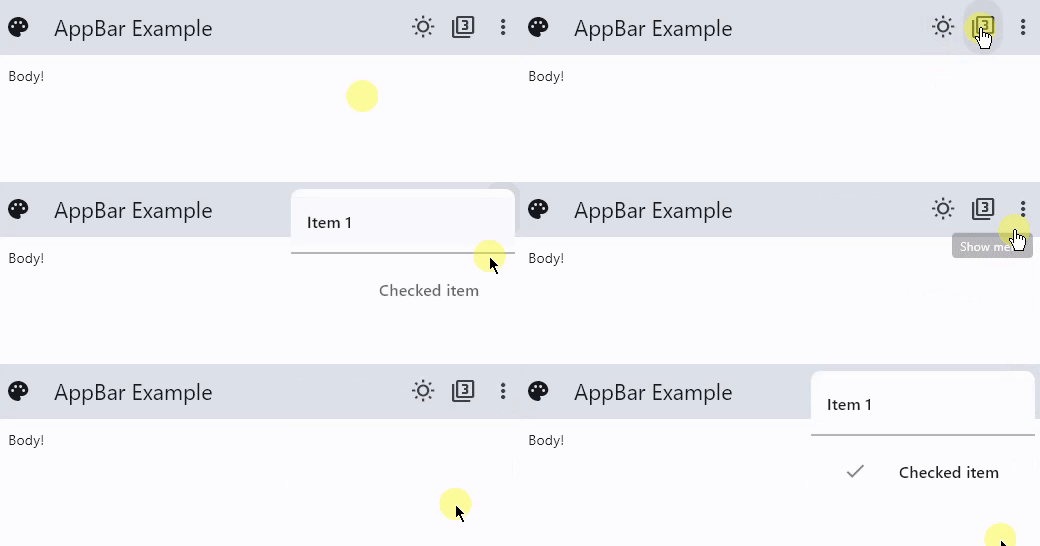](https://docs.flet.dev/examples/controls/app_bar/media/actions_and_popup_menu.gif)
### Theme and Material Mode Toggles[#](https://docs.flet.dev/controls/appbar/#theme-and-material-mode-toggles "Permanent link")
`[](https://docs.flet.dev/controls/appbar/#__codelineno-1-1) import flet as ft [](https://docs.flet.dev/controls/appbar/#__codelineno-1-2)[](https://docs.flet.dev/controls/appbar/#__codelineno-1-3) LIGHT_SEED_COLOR = ft.Colors.DEEP_ORANGE [](https://docs.flet.dev/controls/appbar/#__codelineno-1-4) DARK_SEED_COLOR = ft.Colors.DEEP_PURPLE [](https://docs.flet.dev/controls/appbar/#__codelineno-1-5) [](https://docs.flet.dev/controls/appbar/#__codelineno-1-6)[](https://docs.flet.dev/controls/appbar/#__codelineno-1-7) def main(page: ft.Page): [](https://docs.flet.dev/controls/appbar/#__codelineno-1-8) page.title = "AppBar Example" [](https://docs.flet.dev/controls/appbar/#__codelineno-1-9) [](https://docs.flet.dev/controls/appbar/#__codelineno-1-10) def handle_checked_item_click(e: ft.Event[ft.PopupMenuItem]): [](https://docs.flet.dev/controls/appbar/#__codelineno-1-11) e.control.checked = not e.control.checked [](https://docs.flet.dev/controls/appbar/#__codelineno-1-12) page.update() [](https://docs.flet.dev/controls/appbar/#__codelineno-1-13) [](https://docs.flet.dev/controls/appbar/#__codelineno-1-14) page.theme_mode = ft.ThemeMode.LIGHT [](https://docs.flet.dev/controls/appbar/#__codelineno-1-15) page.theme = ft.Theme(color_scheme_seed=LIGHT_SEED_COLOR, use_material3=False) [](https://docs.flet.dev/controls/appbar/#__codelineno-1-16) page.dark_theme = ft.Theme(color_scheme_seed=DARK_SEED_COLOR, use_material3=False) [](https://docs.flet.dev/controls/appbar/#__codelineno-1-17) page.update() [](https://docs.flet.dev/controls/appbar/#__codelineno-1-18) [](https://docs.flet.dev/controls/appbar/#__codelineno-1-19) def toggle_theme_mode(e: ft.Event[ft.IconButton]): [](https://docs.flet.dev/controls/appbar/#__codelineno-1-20) page.theme_mode = ( [](https://docs.flet.dev/controls/appbar/#__codelineno-1-21) ft.ThemeMode.DARK [](https://docs.flet.dev/controls/appbar/#__codelineno-1-22) if page.theme_mode == ft.ThemeMode.LIGHT [](https://docs.flet.dev/controls/appbar/#__codelineno-1-23) else ft.ThemeMode.LIGHT [](https://docs.flet.dev/controls/appbar/#__codelineno-1-24) ) [](https://docs.flet.dev/controls/appbar/#__codelineno-1-25) theme_mode_toggle.icon = ( [](https://docs.flet.dev/controls/appbar/#__codelineno-1-26) ft.Icons.WB_SUNNY_OUTLINED [](https://docs.flet.dev/controls/appbar/#__codelineno-1-27) if page.theme_mode == ft.ThemeMode.LIGHT [](https://docs.flet.dev/controls/appbar/#__codelineno-1-28) else ft.Icons.WB_SUNNY [](https://docs.flet.dev/controls/appbar/#__codelineno-1-29) ) [](https://docs.flet.dev/controls/appbar/#__codelineno-1-30) page.update() [](https://docs.flet.dev/controls/appbar/#__codelineno-1-31) [](https://docs.flet.dev/controls/appbar/#__codelineno-1-32) theme_mode_toggle = ft.IconButton( [](https://docs.flet.dev/controls/appbar/#__codelineno-1-33) icon=( [](https://docs.flet.dev/controls/appbar/#__codelineno-1-34) ft.Icons.WB_SUNNY_OUTLINED [](https://docs.flet.dev/controls/appbar/#__codelineno-1-35) if page.theme_mode == ft.ThemeMode.LIGHT [](https://docs.flet.dev/controls/appbar/#__codelineno-1-36) else ft.Icons.WB_SUNNY [](https://docs.flet.dev/controls/appbar/#__codelineno-1-37) ), [](https://docs.flet.dev/controls/appbar/#__codelineno-1-38) on_click=toggle_theme_mode, [](https://docs.flet.dev/controls/appbar/#__codelineno-1-39) ) [](https://docs.flet.dev/controls/appbar/#__codelineno-1-40) [](https://docs.flet.dev/controls/appbar/#__codelineno-1-41) def toggle_material(e: ft.Event[ft.IconButton]): [](https://docs.flet.dev/controls/appbar/#__codelineno-1-42) use_material3 = not page.theme.use_material3 [](https://docs.flet.dev/controls/appbar/#__codelineno-1-43) page.theme = ft.Theme( [](https://docs.flet.dev/controls/appbar/#__codelineno-1-44) color_scheme_seed=LIGHT_SEED_COLOR, use_material3=use_material3 [](https://docs.flet.dev/controls/appbar/#__codelineno-1-45) ) [](https://docs.flet.dev/controls/appbar/#__codelineno-1-46) page.dark_theme = ft.Theme( [](https://docs.flet.dev/controls/appbar/#__codelineno-1-47) color_scheme_seed=DARK_SEED_COLOR, use_material3=use_material3 [](https://docs.flet.dev/controls/appbar/#__codelineno-1-48) ) [](https://docs.flet.dev/controls/appbar/#__codelineno-1-49) material_mode_toggle.icon = ( [](https://docs.flet.dev/controls/appbar/#__codelineno-1-50) ft.Icons.FILTER_3 if page.theme.use_material3 else ft.Icons.FILTER_2 [](https://docs.flet.dev/controls/appbar/#__codelineno-1-51) ) [](https://docs.flet.dev/controls/appbar/#__codelineno-1-52) page.update() [](https://docs.flet.dev/controls/appbar/#__codelineno-1-53) [](https://docs.flet.dev/controls/appbar/#__codelineno-1-54) material_mode_toggle = ft.IconButton( [](https://docs.flet.dev/controls/appbar/#__codelineno-1-55) icon=ft.Icons.FILTER_3 if page.theme.use_material3 else ft.Icons.FILTER_2, [](https://docs.flet.dev/controls/appbar/#__codelineno-1-56) on_click=toggle_material, [](https://docs.flet.dev/controls/appbar/#__codelineno-1-57) ) [](https://docs.flet.dev/controls/appbar/#__codelineno-1-58) [](https://docs.flet.dev/controls/appbar/#__codelineno-1-59) page.padding = 50 [](https://docs.flet.dev/controls/appbar/#__codelineno-1-60) page.appbar = ft.AppBar( [](https://docs.flet.dev/controls/appbar/#__codelineno-1-61) # toolbar_height=100, [](https://docs.flet.dev/controls/appbar/#__codelineno-1-62) bgcolor=ft.Colors.SECONDARY_CONTAINER, [](https://docs.flet.dev/controls/appbar/#__codelineno-1-63) leading=ft.Icon(ft.Icons.PALETTE), [](https://docs.flet.dev/controls/appbar/#__codelineno-1-64) leading_width=40, [](https://docs.flet.dev/controls/appbar/#__codelineno-1-65) title=ft.Text("AppBar Example"), [](https://docs.flet.dev/controls/appbar/#__codelineno-1-66) center_title=False, [](https://docs.flet.dev/controls/appbar/#__codelineno-1-67) actions=[ [](https://docs.flet.dev/controls/appbar/#__codelineno-1-68) theme_mode_toggle, [](https://docs.flet.dev/controls/appbar/#__codelineno-1-69) material_mode_toggle, [](https://docs.flet.dev/controls/appbar/#__codelineno-1-70) ft.PopupMenuButton( [](https://docs.flet.dev/controls/appbar/#__codelineno-1-71) items=[ [](https://docs.flet.dev/controls/appbar/#__codelineno-1-72) ft.PopupMenuItem(content="Item 1"), [](https://docs.flet.dev/controls/appbar/#__codelineno-1-73) ft.PopupMenuItem(icon=ft.Icons.POWER_INPUT, content="Check power"), [](https://docs.flet.dev/controls/appbar/#__codelineno-1-74) ft.PopupMenuItem( [](https://docs.flet.dev/controls/appbar/#__codelineno-1-75) on_click=lambda _: print( [](https://docs.flet.dev/controls/appbar/#__codelineno-1-76) "Button with a custom content clicked!" [](https://docs.flet.dev/controls/appbar/#__codelineno-1-77) ), [](https://docs.flet.dev/controls/appbar/#__codelineno-1-78) content=ft.Row( [](https://docs.flet.dev/controls/appbar/#__codelineno-1-79) controls=[ [](https://docs.flet.dev/controls/appbar/#__codelineno-1-80) ft.Icon(ft.Icons.HOURGLASS_TOP_OUTLINED), [](https://docs.flet.dev/controls/appbar/#__codelineno-1-81) ft.Text("Item with a custom content"), [](https://docs.flet.dev/controls/appbar/#__codelineno-1-82) ] [](https://docs.flet.dev/controls/appbar/#__codelineno-1-83) ), [](https://docs.flet.dev/controls/appbar/#__codelineno-1-84) ), [](https://docs.flet.dev/controls/appbar/#__codelineno-1-85) ft.PopupMenuItem(), # divider [](https://docs.flet.dev/controls/appbar/#__codelineno-1-86) ft.PopupMenuItem( [](https://docs.flet.dev/controls/appbar/#__codelineno-1-87) content="Checked item", [](https://docs.flet.dev/controls/appbar/#__codelineno-1-88) checked=False, [](https://docs.flet.dev/controls/appbar/#__codelineno-1-89) on_click=handle_checked_item_click, [](https://docs.flet.dev/controls/appbar/#__codelineno-1-90) ), [](https://docs.flet.dev/controls/appbar/#__codelineno-1-91) ] [](https://docs.flet.dev/controls/appbar/#__codelineno-1-92) ), [](https://docs.flet.dev/controls/appbar/#__codelineno-1-93) ], [](https://docs.flet.dev/controls/appbar/#__codelineno-1-94) ) [](https://docs.flet.dev/controls/appbar/#__codelineno-1-95) page.add( [](https://docs.flet.dev/controls/appbar/#__codelineno-1-96) ft.Text( [](https://docs.flet.dev/controls/appbar/#__codelineno-1-97) value="Flet is a framework that allows building web, desktop and mobile " [](https://docs.flet.dev/controls/appbar/#__codelineno-1-98) "applications in Python without prior experience in frontend development." [](https://docs.flet.dev/controls/appbar/#__codelineno-1-99) "You can build a UI for your program with Flet controls which are based " [](https://docs.flet.dev/controls/appbar/#__codelineno-1-100) "on Flutter by Google. Flet goes beyond merely wrapping Flutter widgets. " [](https://docs.flet.dev/controls/appbar/#__codelineno-1-101) "It adds its own touch by combining smaller widgets, simplifying " [](https://docs.flet.dev/controls/appbar/#__codelineno-1-102) "complexities, implementing UI best practices, and applying sensible " [](https://docs.flet.dev/controls/appbar/#__codelineno-1-103) "defaults. This ensures that your applications look stylish and polished " [](https://docs.flet.dev/controls/appbar/#__codelineno-1-104) "without requiring additional design efforts on your part.", [](https://docs.flet.dev/controls/appbar/#__codelineno-1-105) text_align=ft.TextAlign.END, [](https://docs.flet.dev/controls/appbar/#__codelineno-1-106) ), [](https://docs.flet.dev/controls/appbar/#__codelineno-1-107) ft.Button("Click me!"), [](https://docs.flet.dev/controls/appbar/#__codelineno-1-108) ) [](https://docs.flet.dev/controls/appbar/#__codelineno-1-109) [](https://docs.flet.dev/controls/appbar/#__codelineno-1-110)[](https://docs.flet.dev/controls/appbar/#__codelineno-1-111) ft.run(main)`
Properties[#](https://docs.flet.dev/controls/appbar/#flet.AppBar-properties "Permanent link")
----------------------------------------------------------------------------------------------
### actions `class-attribute` `instance-attribute` [#](https://docs.flet.dev/controls/appbar/#flet.AppBar.actions "Permanent link")
`[](https://docs.flet.dev/controls/appbar/#__codelineno-0-1) actions: [list](https://docs.python.org/3/glossary.html#term-list) [[Control](https://docs.flet.dev/controls/control/#flet.Control) ] | None = None`
A list of `Control`s to display in a row after the title control.
Typically, these controls are [`IconButton`](https://docs.flet.dev/controls/iconbutton/#flet.IconButton)
s representing common operations. For less common operations, consider using a [`PopupMenuButton`](https://docs.flet.dev/controls/popupmenubutton/#flet.PopupMenuButton)
as the last action.
Info
If [`AppBar.adaptive`](https://docs.flet.dev/controls/adaptivecontrol/#flet.AdaptiveControl.adaptive)
is `True` and this app is opened on an iOS or macOS device, these `actions` will be automatically placed in a [`Row`](https://docs.flet.dev/controls/row/#flet.Row)
. This is because [`CupertinoAppBar.trailing`](https://docs.flet.dev/controls/cupertinoappbar/#flet.CupertinoAppBar.trailing)
(which is the counterpart property of `actions`) takes only a single `Control`.
### actions\_padding `class-attribute` `instance-attribute` [#](https://docs.flet.dev/controls/appbar/#flet.AppBar.actions_padding "Permanent link")
`[](https://docs.flet.dev/controls/appbar/#__codelineno-0-1) actions_padding: [PaddingValue](https://docs.flet.dev/types/aliases/#flet.PaddingValue) | None = None`
The padding between the [`actions`](https://docs.flet.dev/controls/appbar/#flet.AppBar.actions)
and the end of this app bar.
### automatically\_imply\_leading `class-attribute` `instance-attribute` [#](https://docs.flet.dev/controls/appbar/#flet.AppBar.automatically_imply_leading "Permanent link")
`[](https://docs.flet.dev/controls/appbar/#__codelineno-0-1) automatically_imply_leading: [bool](https://docs.python.org/3/library/functions.html#bool) = True`
Whether we should try to imply the [`leading`](https://docs.flet.dev/controls/appbar/#flet.AppBar.leading)
control if it is `None`.
* If `True` and `leading` is `None`, this app bar will automatically determine an appropriate leading control.
* If `False` and `leading` is `None`, the space is allocated to the [`title`](https://docs.flet.dev/controls/appbar/#flet.AppBar.title)
.
* If a `leading` control is provided, this parameter has no effect.
### bgcolor `class-attribute` `instance-attribute` [#](https://docs.flet.dev/controls/appbar/#flet.AppBar.bgcolor "Permanent link")
`[](https://docs.flet.dev/controls/appbar/#__codelineno-0-1) bgcolor: [ColorValue](https://docs.flet.dev/types/aliases/#flet.ColorValue) | None = None`
The fill color to use for this app bar.
Default color is defined by [`AppBarTheme.bgcolor`](https://docs.flet.dev/types/appbartheme/#flet.AppBarTheme.bgcolor)
### center\_title `class-attribute` `instance-attribute` [#](https://docs.flet.dev/controls/appbar/#flet.AppBar.center_title "Permanent link")
`[](https://docs.flet.dev/controls/appbar/#__codelineno-0-1) center_title: [bool](https://docs.python.org/3/library/functions.html#bool) | None = None`
Whether the [`title`](https://docs.flet.dev/controls/appbar/#flet.AppBar.title)
should be centered.
Default value is defined by [`AppBarTheme.center_title`](https://docs.flet.dev/types/appbartheme/#flet.AppBarTheme.center_title)
### clip\_behavior `class-attribute` `instance-attribute` [#](https://docs.flet.dev/controls/appbar/#flet.AppBar.clip_behavior "Permanent link")
`[](https://docs.flet.dev/controls/appbar/#__codelineno-0-1) clip_behavior: [ClipBehavior](https://docs.flet.dev/types/clipbehavior/#flet.ClipBehavior) | None = None`
The content will be clipped (or not) according to this option.
### color `class-attribute` `instance-attribute` [#](https://docs.flet.dev/controls/appbar/#flet.AppBar.color "Permanent link")
`[](https://docs.flet.dev/controls/appbar/#__codelineno-0-1) color: [ColorValue](https://docs.flet.dev/types/aliases/#flet.ColorValue) | None = None`
The default color for [`Text`](https://docs.flet.dev/controls/text/#flet.Text)
and [`Icon`](https://docs.flet.dev/controls/icon/#flet.Icon)
controls within this app bar.
Default color is defined by [`AppBarTheme.color`](https://docs.flet.dev/types/appbartheme/#flet.AppBarTheme.color)
### elevation `class-attribute` `instance-attribute` [#](https://docs.flet.dev/controls/appbar/#flet.AppBar.elevation "Permanent link")
`[](https://docs.flet.dev/controls/appbar/#__codelineno-0-1) elevation: [Number](https://docs.flet.dev/types/aliases/#flet.Number) | None = None`
The app bar's elevation.
Note
This effect is only visible when using the Material 2 design (when [`Theme.use_material3`](https://docs.flet.dev/types/theme/#flet.Theme.use_material3)
is `False`).
Raises:
* `[ValueError](https://docs.python.org/3/library/exceptions.html#ValueError) ` –
If it is not greater than or equal to `0`.
### elevation\_on\_scroll `class-attribute` `instance-attribute` [#](https://docs.flet.dev/controls/appbar/#flet.AppBar.elevation_on_scroll "Permanent link")
`[](https://docs.flet.dev/controls/appbar/#__codelineno-0-1) elevation_on_scroll: [Number](https://docs.flet.dev/types/aliases/#flet.Number) | None = None`
The elevation to be used if this app bar has something scrolled underneath it.
Raises:
* `[ValueError](https://docs.python.org/3/library/exceptions.html#ValueError) ` –
If it is not greater than or equal to `0`.
### exclude\_header\_semantics `class-attribute` `instance-attribute` [#](https://docs.flet.dev/controls/appbar/#flet.AppBar.exclude_header_semantics "Permanent link")
`[](https://docs.flet.dev/controls/appbar/#__codelineno-0-1) exclude_header_semantics: [bool](https://docs.python.org/3/library/functions.html#bool) = False`
Whether the [`title`](https://docs.flet.dev/controls/appbar/#flet.AppBar.title)
should be wrapped with header [`Semantics`](https://docs.flet.dev/controls/semantics/#flet.Semantics)
.
### force\_material\_transparency `class-attribute` `instance-attribute` [#](https://docs.flet.dev/controls/appbar/#flet.AppBar.force_material_transparency "Permanent link")
`[](https://docs.flet.dev/controls/appbar/#__codelineno-0-1) force_material_transparency: [bool](https://docs.python.org/3/library/functions.html#bool) = False`
Forces this app bar to be transparent (instead of Material's default type).
This will also remove the visual display of [`bgcolor`](https://docs.flet.dev/controls/appbar/#flet.AppBar.bgcolor)
and [`elevation`](https://docs.flet.dev/controls/appbar/#flet.AppBar.elevation)
, and affect other characteristics of this app bar.
### leading `class-attribute` `instance-attribute` [#](https://docs.flet.dev/controls/appbar/#flet.AppBar.leading "Permanent link")
`[](https://docs.flet.dev/controls/appbar/#__codelineno-0-1) leading: [Control](https://docs.flet.dev/controls/control/#flet.Control) | None = None`
A control to display before the toolbar's [`title`](https://docs.flet.dev/controls/appbar/#flet.AppBar.title)
.
Typically an [`Icon`](https://docs.flet.dev/controls/icon/#flet.Icon)
or [`IconButton`](https://docs.flet.dev/controls/iconbutton/#flet.IconButton)
control.
### leading\_width `class-attribute` `instance-attribute` [#](https://docs.flet.dev/controls/appbar/#flet.AppBar.leading_width "Permanent link")
`[](https://docs.flet.dev/controls/appbar/#__codelineno-0-1) leading_width: [Number](https://docs.flet.dev/types/aliases/#flet.Number) | None = None`
Defines the width of the [`leading`](https://docs.flet.dev/controls/appbar/#flet.AppBar.leading)
control.
### secondary `class-attribute` `instance-attribute` [#](https://docs.flet.dev/controls/appbar/#flet.AppBar.secondary "Permanent link")
`[](https://docs.flet.dev/controls/appbar/#__codelineno-0-1) secondary: [bool](https://docs.python.org/3/library/functions.html#bool) = False`
Whether this app bar is not being displayed at the top of the screen.
### shadow\_color `class-attribute` `instance-attribute` [#](https://docs.flet.dev/controls/appbar/#flet.AppBar.shadow_color "Permanent link")
`[](https://docs.flet.dev/controls/appbar/#__codelineno-0-1) shadow_color: [ColorValue](https://docs.flet.dev/types/aliases/#flet.ColorValue) | None = None`
The color of the shadow below this app bar.
A shadow is only visible and displayed if the [`elevation`](https://docs.flet.dev/controls/appbar/#flet.AppBar.elevation)
is greater than zero.
### shape `class-attribute` `instance-attribute` [#](https://docs.flet.dev/controls/appbar/#flet.AppBar.shape "Permanent link")
`[](https://docs.flet.dev/controls/appbar/#__codelineno-0-1) shape: [OutlinedBorder](https://docs.flet.dev/types/outlinedborder/#flet.OutlinedBorder) | None = None`
The shape of this app bar's Material as well as its shadow.
### title `class-attribute` `instance-attribute` [#](https://docs.flet.dev/controls/appbar/#flet.AppBar.title "Permanent link")
`[](https://docs.flet.dev/controls/appbar/#__codelineno-0-1) title: [StrOrControl](https://docs.flet.dev/types/aliases/#flet.StrOrControl) | None = None`
The primary Control displayed in this app bar.
Typically a [`Text`](https://docs.flet.dev/controls/text/#flet.Text)
control that contains a description of the current contents of this app.
Note
If [`AppBar.adaptive=True`](https://docs.flet.dev/controls/adaptivecontrol/#flet.AdaptiveControl.adaptive)
and this app is opened on an iOS or macOS device, this [`title`](https://docs.flet.dev/controls/appbar/#flet.AppBar.title)
control will be automatically centered, independent of the value of [`center_title`](https://docs.flet.dev/controls/appbar/#flet.AppBar.center_title)
.
### title\_spacing `class-attribute` `instance-attribute` [#](https://docs.flet.dev/controls/appbar/#flet.AppBar.title_spacing "Permanent link")
`[](https://docs.flet.dev/controls/appbar/#__codelineno-0-1) title_spacing: [Number](https://docs.flet.dev/types/aliases/#flet.Number) | None = None`
The spacing around [`title`](https://docs.flet.dev/controls/appbar/#flet.AppBar.title)
on the horizontal axis. It is applied even if there are no [`leading`](https://docs.flet.dev/controls/appbar/#flet.AppBar.leading)
or [`actions`](https://docs.flet.dev/controls/appbar/#flet.AppBar.actions)
controls.
Tip
If you want [`title`](https://docs.flet.dev/controls/appbar/#flet.AppBar.title)
to take all the space available, set `title_spacing` to `0.0`.
### title\_text\_style `class-attribute` `instance-attribute` [#](https://docs.flet.dev/controls/appbar/#flet.AppBar.title_text_style "Permanent link")
`[](https://docs.flet.dev/controls/appbar/#__codelineno-0-1) title_text_style: [TextStyle](https://docs.flet.dev/types/textstyle/#flet.TextStyle) | None = None`
The style to be used for the [`Text`](https://docs.flet.dev/controls/text/#flet.Text)
controls in the [`title`](https://docs.flet.dev/controls/appbar/#flet.AppBar.title)
.
### toolbar\_height `class-attribute` `instance-attribute` [#](https://docs.flet.dev/controls/appbar/#flet.AppBar.toolbar_height "Permanent link")
`[](https://docs.flet.dev/controls/appbar/#__codelineno-0-1) toolbar_height: [Number](https://docs.flet.dev/types/aliases/#flet.Number) | None = None`
Defines the height of the toolbar component of this app bar.
### toolbar\_opacity `class-attribute` `instance-attribute` [#](https://docs.flet.dev/controls/appbar/#flet.AppBar.toolbar_opacity "Permanent link")
`[](https://docs.flet.dev/controls/appbar/#__codelineno-0-1) toolbar_opacity: [Number](https://docs.flet.dev/types/aliases/#flet.Number) = 1.0`
The opacity of the toolbar.
* `0.0`: transparent
* `1.0`: fully opaque
Raises:
* `[ValueError](https://docs.python.org/3/library/exceptions.html#ValueError) ` –
If it is not between `0.0` and `1.0`, inclusive.
### toolbar\_text\_style `class-attribute` `instance-attribute` [#](https://docs.flet.dev/controls/appbar/#flet.AppBar.toolbar_text_style "Permanent link")
`[](https://docs.flet.dev/controls/appbar/#__codelineno-0-1) toolbar_text_style: [TextStyle](https://docs.flet.dev/types/textstyle/#flet.TextStyle) | None = None`
The style to be used for the [`Text`](https://docs.flet.dev/controls/text/#flet.Text)
controls in the app bar's [`leading`](https://docs.flet.dev/controls/appbar/#flet.AppBar.leading)
and [`actions`](https://docs.flet.dev/controls/appbar/#flet.AppBar.actions)
.
Back to top
---
# BaseControl - Flet
[Skip to content](https://docs.flet.dev/controls/basecontrol/#flet.BaseControl)
BaseControl
===========
Base class for all Flet controls and services.
Properties
* **`[data](https://docs.flet.dev/controls/basecontrol/#flet.BaseControl.data) `**(`[Any](https://docs.python.org/3/library/typing.html#typing.Any "typing.Any") `) –
Arbitrary data of any type.
* **`[key](https://docs.flet.dev/controls/basecontrol/#flet.BaseControl.key) `**(`[KeyValue](https://docs.flet.dev/types/aliases/#flet.KeyValue) | None`) –
* **`[page](https://docs.flet.dev/controls/basecontrol/#flet.BaseControl.page) `**(`[Page](https://docs.flet.dev/controls/page/#flet.Page) | [BasePage](https://docs.flet.dev/controls/basepage/#flet.BasePage) `) –
The page to which this control belongs to.
* **`[parent](https://docs.flet.dev/controls/basecontrol/#flet.BaseControl.parent) `**(`[BaseControl](https://docs.flet.dev/controls/basecontrol/#flet.BaseControl) | None`) –
The direct ancestor(parent) of this control.
Methods
* **`[before_event](https://docs.flet.dev/controls/basecontrol/#flet.BaseControl.before_event) `** –
Intercept an event before its handler is executed.
* **`[is_isolated](https://docs.flet.dev/controls/basecontrol/#flet.BaseControl.is_isolated) `** –
Return whether this control is marked as isolated.
* **`[update](https://docs.flet.dev/controls/basecontrol/#flet.BaseControl.update) `** –
Request a UI update for this control.
Properties[#](https://docs.flet.dev/controls/basecontrol/#flet.BaseControl-properties "Permanent link")
--------------------------------------------------------------------------------------------------------
### data `class-attribute` `instance-attribute` [#](https://docs.flet.dev/controls/basecontrol/#flet.BaseControl.data "Permanent link")
`[](https://docs.flet.dev/controls/basecontrol/#__codelineno-0-1) data: [Any](https://docs.python.org/3/library/typing.html#typing.Any "typing.Any") = skip_field()`
Arbitrary data of any type.
### key `class-attribute` `instance-attribute` [#](https://docs.flet.dev/controls/basecontrol/#flet.BaseControl.key "Permanent link")
`[](https://docs.flet.dev/controls/basecontrol/#__codelineno-0-1) key: [KeyValue](https://docs.flet.dev/types/aliases/#flet.KeyValue) | None = None`
### page `property` [#](https://docs.flet.dev/controls/basecontrol/#flet.BaseControl.page "Permanent link")
`[](https://docs.flet.dev/controls/basecontrol/#__codelineno-0-1) page: [Page](https://docs.flet.dev/controls/page/#flet.Page) | [BasePage](https://docs.flet.dev/controls/basepage/#flet.BasePage)`
The page to which this control belongs to.
### parent `property` [#](https://docs.flet.dev/controls/basecontrol/#flet.BaseControl.parent "Permanent link")
`[](https://docs.flet.dev/controls/basecontrol/#__codelineno-0-1) parent: [BaseControl](https://docs.flet.dev/controls/basecontrol/#flet.BaseControl) | None`
The direct ancestor(parent) of this control.
It defaults to `None` and will only have a value when this control is mounted (added to the page tree).
The `Page` control (which is the root of the tree) is an exception - it always has `parent=None`.
Methods[#](https://docs.flet.dev/controls/basecontrol/#flet.BaseControl-methods "Permanent link")
--------------------------------------------------------------------------------------------------
### before\_event [#](https://docs.flet.dev/controls/basecontrol/#flet.BaseControl.before_event "Permanent link")
`[](https://docs.flet.dev/controls/basecontrol/#__codelineno-0-1) before_event(e: [ControlEvent](https://docs.flet.dev/types/aliases/#flet.ControlEvent) )`
Intercept an event before its handler is executed.
Return `False` to cancel dispatch. Return `True` or `None` to continue normal event processing.
### is\_isolated [#](https://docs.flet.dev/controls/basecontrol/#flet.BaseControl.is_isolated "Permanent link")
`[](https://docs.flet.dev/controls/basecontrol/#__codelineno-0-1) is_isolated()`
Return whether this control is marked as isolated.
Isolated controls are excluded from parent-driven update traversal and are expected to manage their own update boundaries.
### update [#](https://docs.flet.dev/controls/basecontrol/#flet.BaseControl.update "Permanent link")
`[](https://docs.flet.dev/controls/basecontrol/#__codelineno-0-1) update() -> None`
Request a UI update for this control.
Call after changing control state or properties. The control must be attached to a page and not marked as frozen.
Back to top
---
# Segment - Flet
[Skip to content](https://docs.flet.dev/controls/segment/#flet.Segment)
Segment
=======
Inherits: `[Control](https://docs.flet.dev/controls/control/#flet.Control) `
A segment for a [`SegmentedButton`](https://docs.flet.dev/controls/segmentedbutton/#flet.SegmentedButton)
.
Properties
* **`[icon](https://docs.flet.dev/controls/segment/#flet.Segment.icon) `**(`[IconDataOrControl](https://docs.flet.dev/types/aliases/#flet.IconDataOrControl) | None`) –
The icon to be displayed in the segment.
* **`[label](https://docs.flet.dev/controls/segment/#flet.Segment.label) `**(`[StrOrControl](https://docs.flet.dev/types/aliases/#flet.StrOrControl) | None`) –
The label (usually a [`Text`](https://docs.flet.dev/controls/text/#flet.Text)
) to be displayed in the segment.
* **`[value](https://docs.flet.dev/controls/segment/#flet.Segment.value) `**(`[str](https://docs.python.org/3/library/stdtypes.html#str) `) –
Used to identify this segment.
Properties[#](https://docs.flet.dev/controls/segment/#flet.Segment-properties "Permanent link")
------------------------------------------------------------------------------------------------
### icon `class-attribute` `instance-attribute` [#](https://docs.flet.dev/controls/segment/#flet.Segment.icon "Permanent link")
`[](https://docs.flet.dev/controls/segment/#__codelineno-0-1) icon: [IconDataOrControl](https://docs.flet.dev/types/aliases/#flet.IconDataOrControl) | None = None`
The icon to be displayed in the segment.
Typically an [`Icon`](https://docs.flet.dev/controls/icon/#flet.Icon)
.
Raises:
* `[ValueError](https://docs.python.org/3/library/exceptions.html#ValueError) ` –
If neither it nor [`label`](https://docs.flet.dev/controls/segment/#flet.Segment.label)
is set and visible.
### label `class-attribute` `instance-attribute` [#](https://docs.flet.dev/controls/segment/#flet.Segment.label "Permanent link")
`[](https://docs.flet.dev/controls/segment/#__codelineno-0-1) label: [StrOrControl](https://docs.flet.dev/types/aliases/#flet.StrOrControl) | None = None`
The label (usually a [`Text`](https://docs.flet.dev/controls/text/#flet.Text)
) to be displayed in the segment.
Raises:
* `[ValueError](https://docs.python.org/3/library/exceptions.html#ValueError) ` –
If neither it nor [`icon`](https://docs.flet.dev/controls/segment/#flet.Segment.icon)
is set and visible.
### value `instance-attribute` [#](https://docs.flet.dev/controls/segment/#flet.Segment.value "Permanent link")
`[](https://docs.flet.dev/controls/segment/#__codelineno-0-1) value: [str](https://docs.python.org/3/library/stdtypes.html#str)`
Used to identify this segment.
Back to top
---
# Dismissible - Flet
[Skip to content](https://docs.flet.dev/controls/dismissible/#flet.Dismissible)
Dismissible
===========
A control that can be dismissed by dragging in the indicated [`dismiss_direction`](https://docs.flet.dev/controls/dismissible/#flet.Dismissible.dismiss_direction)
. When dragged or flung in the specified [`dismiss_direction`](https://docs.flet.dev/controls/dismissible/#flet.Dismissible.dismiss_direction)
, its [`content`](https://docs.flet.dev/controls/dismissible/#flet.Dismissible.content)
smoothly slides out of view.
After completing the sliding animation, if a [`resize_duration`](https://docs.flet.dev/controls/dismissible/#flet.Dismissible.resize_duration)
is provided, this control further animates its height (or width, depending on what is perpendicular to the [`dismiss_direction`](https://docs.flet.dev/controls/dismissible/#flet.Dismissible.dismiss_direction)
), gradually reducing it to zero over the specified [`resize_duration`](https://docs.flet.dev/controls/dismissible/#flet.Dismissible.resize_duration)
.
Inherits: `[LayoutControl](https://docs.flet.dev/controls/layoutcontrol/#flet.LayoutControl) `, `[AdaptiveControl](https://docs.flet.dev/controls/adaptivecontrol/#flet.AdaptiveControl) `
Properties
* **`[background](https://docs.flet.dev/controls/dismissible/#flet.Dismissible.background) `**(`[Control](https://docs.flet.dev/controls/control/#flet.Control) | None`) –
A control that is stacked behind the [`content`](https://docs.flet.dev/controls/dismissible/#flet.Dismissible.content)
.
* **`[content](https://docs.flet.dev/controls/dismissible/#flet.Dismissible.content) `**(`[Control](https://docs.flet.dev/controls/control/#flet.Control) `) –
The control that is being dismissed.
* **`[cross_axis_end_offset](https://docs.flet.dev/controls/dismissible/#flet.Dismissible.cross_axis_end_offset) `**(`[Number](https://docs.flet.dev/types/aliases/#flet.Number) `) –
Specifies the end offset along the main axis once the [`content`](https://docs.flet.dev/controls/dismissible/#flet.Dismissible.content)
has been dismissed.
* **`[dismiss_direction](https://docs.flet.dev/controls/dismissible/#flet.Dismissible.dismiss_direction) `**(`[DismissDirection](https://docs.flet.dev/types/dismissdirection/#flet.DismissDirection) `) –
The direction in which the control can be dismissed.
* **`[dismiss_thresholds](https://docs.flet.dev/controls/dismissible/#flet.Dismissible.dismiss_thresholds) `**(`[dict](https://docs.python.org/3/reference/expressions.html#dict) [[DismissDirection](https://docs.flet.dev/types/dismissdirection/#flet.DismissDirection) , [Number](https://docs.flet.dev/types/aliases/#flet.Number) | None]`) –
The offset threshold the item has to be dragged in order to be considered as dismissed. This is specified as a dictionary where the key is of type [`DismissDirection`](https://docs.flet.dev/types/dismissdirection/#flet.DismissDirection)
and the value is the threshold (a fractional/decimal value between `0.0` and `1.0`, inclusive).
* **`[movement_duration](https://docs.flet.dev/controls/dismissible/#flet.Dismissible.movement_duration) `**(`[DurationValue](https://docs.flet.dev/types/aliases/#flet.DurationValue) `) –
The duration for [`content`](https://docs.flet.dev/controls/dismissible/#flet.Dismissible.content)
to dismiss or to come back to original position if not dismissed.
* **`[resize_duration](https://docs.flet.dev/controls/dismissible/#flet.Dismissible.resize_duration) `**(`[DurationValue](https://docs.flet.dev/types/aliases/#flet.DurationValue) `) –
The amount of time the control will spend contracting before [`on_dismiss`](https://docs.flet.dev/controls/dismissible/#flet.Dismissible.on_dismiss)
is called.
* **`[secondary_background](https://docs.flet.dev/controls/dismissible/#flet.Dismissible.secondary_background) `**(`[Control](https://docs.flet.dev/controls/control/#flet.Control) | None`) –
A control that is stacked behind the [`content`](https://docs.flet.dev/controls/dismissible/#flet.Dismissible.content)
and is exposed when it has been dragged up or to the left.
Events
* **`[on_confirm_dismiss](https://docs.flet.dev/controls/dismissible/#flet.Dismissible.on_confirm_dismiss) `**(`[EventHandler](https://docs.flet.dev/types/aliases/#flet.EventHandler) [[DismissibleDismissEvent](https://docs.flet.dev/types/dismissibledismissevent/#flet.DismissibleDismissEvent) ] | None`) –
Gives the app an opportunity to confirm or veto a pending dismissal.
* **`[on_dismiss](https://docs.flet.dev/controls/dismissible/#flet.Dismissible.on_dismiss) `**(`[EventHandler](https://docs.flet.dev/types/aliases/#flet.EventHandler) [[DismissibleDismissEvent](https://docs.flet.dev/types/dismissibledismissevent/#flet.DismissibleDismissEvent) ] | None`) –
Called when this control has been dismissed, after finishing resizing.
* **`[on_resize](https://docs.flet.dev/controls/dismissible/#flet.Dismissible.on_resize) `**(`[ControlEventHandler](https://docs.flet.dev/types/aliases/#flet.ControlEventHandler) [[Dismissible](https://docs.flet.dev/controls/dismissible/#flet.Dismissible) ] | None`) –
Called when this dismissible changes size, for example, when contracting before being dismissed.
* **`[on_update](https://docs.flet.dev/controls/dismissible/#flet.Dismissible.on_update) `**(`[EventHandler](https://docs.flet.dev/types/aliases/#flet.EventHandler) [[DismissibleUpdateEvent](https://docs.flet.dev/types/dismissibleupdateevent/#flet.DismissibleUpdateEvent) ] | None`) –
Called when this control has been dragged.
Methods
* **`[confirm_dismiss](https://docs.flet.dev/controls/dismissible/#flet.Dismissible.confirm_dismiss) `** –
Resolve a pending dismissal decision triggered by [`on_confirm_dismiss`](https://docs.flet.dev/controls/dismissible/#flet.Dismissible.on_confirm_dismiss)
.
Examples[#](https://docs.flet.dev/controls/dismissible/#examples "Permanent link")
-----------------------------------------------------------------------------------
[Live example](https://flet-controls-gallery.fly.dev/layout/dismissible)
### Dismissible `ListTile`s[#](https://docs.flet.dev/controls/dismissible/#dismissible-listtiles "Permanent link")
`[](https://docs.flet.dev/controls/dismissible/#__codelineno-0-1) import flet as ft [](https://docs.flet.dev/controls/dismissible/#__codelineno-0-2) [](https://docs.flet.dev/controls/dismissible/#__codelineno-0-3)[](https://docs.flet.dev/controls/dismissible/#__codelineno-0-4) def main(page: ft.Page): [](https://docs.flet.dev/controls/dismissible/#__codelineno-0-5) async def handle_dialog_action_click(e: ft.Event[ft.TextButton]): [](https://docs.flet.dev/controls/dismissible/#__codelineno-0-6) page.pop_dialog() [](https://docs.flet.dev/controls/dismissible/#__codelineno-0-7) await dlg.data.confirm_dismiss(e.control.data) [](https://docs.flet.dev/controls/dismissible/#__codelineno-0-8) [](https://docs.flet.dev/controls/dismissible/#__codelineno-0-9) dlg = ft.AlertDialog( [](https://docs.flet.dev/controls/dismissible/#__codelineno-0-10) modal=True, [](https://docs.flet.dev/controls/dismissible/#__codelineno-0-11) title=ft.Text("Please confirm"), [](https://docs.flet.dev/controls/dismissible/#__codelineno-0-12) content=ft.Text("Do you really want to delete this item?"), [](https://docs.flet.dev/controls/dismissible/#__codelineno-0-13) actions=[ [](https://docs.flet.dev/controls/dismissible/#__codelineno-0-14) ft.TextButton("Yes", data=True, on_click=handle_dialog_action_click), [](https://docs.flet.dev/controls/dismissible/#__codelineno-0-15) ft.TextButton("No", data=False, on_click=handle_dialog_action_click), [](https://docs.flet.dev/controls/dismissible/#__codelineno-0-16) ], [](https://docs.flet.dev/controls/dismissible/#__codelineno-0-17) actions_alignment=ft.MainAxisAlignment.CENTER, [](https://docs.flet.dev/controls/dismissible/#__codelineno-0-18) ) [](https://docs.flet.dev/controls/dismissible/#__codelineno-0-19) [](https://docs.flet.dev/controls/dismissible/#__codelineno-0-20) async def handle_confirm_dismiss(e: ft.DismissibleDismissEvent): [](https://docs.flet.dev/controls/dismissible/#__codelineno-0-21) if e.direction == ft.DismissDirection.END_TO_START: # right-to-left slide [](https://docs.flet.dev/controls/dismissible/#__codelineno-0-22) # save current dismissible to dialog's data, for confirmation in [](https://docs.flet.dev/controls/dismissible/#__codelineno-0-23) # handle_dialog_action_click [](https://docs.flet.dev/controls/dismissible/#__codelineno-0-24) dlg.data = e.control [](https://docs.flet.dev/controls/dismissible/#__codelineno-0-25) page.show_dialog(dlg) [](https://docs.flet.dev/controls/dismissible/#__codelineno-0-26) else: # left-to-right slide [](https://docs.flet.dev/controls/dismissible/#__codelineno-0-27) await e.control.confirm_dismiss(True) [](https://docs.flet.dev/controls/dismissible/#__codelineno-0-28) [](https://docs.flet.dev/controls/dismissible/#__codelineno-0-29) def handle_dismiss(e): [](https://docs.flet.dev/controls/dismissible/#__codelineno-0-30) e.control.parent.controls.remove(e.control) [](https://docs.flet.dev/controls/dismissible/#__codelineno-0-31) page.update() [](https://docs.flet.dev/controls/dismissible/#__codelineno-0-32) [](https://docs.flet.dev/controls/dismissible/#__codelineno-0-33) def handle_update(e: ft.DismissibleUpdateEvent): [](https://docs.flet.dev/controls/dismissible/#__codelineno-0-34) print(e) [](https://docs.flet.dev/controls/dismissible/#__codelineno-0-35) [](https://docs.flet.dev/controls/dismissible/#__codelineno-0-36) page.add( [](https://docs.flet.dev/controls/dismissible/#__codelineno-0-37) ft.ListView( [](https://docs.flet.dev/controls/dismissible/#__codelineno-0-38) expand=True, [](https://docs.flet.dev/controls/dismissible/#__codelineno-0-39) controls=[ [](https://docs.flet.dev/controls/dismissible/#__codelineno-0-40) ft.Dismissible( [](https://docs.flet.dev/controls/dismissible/#__codelineno-0-41) content=ft.ListTile(title=ft.Text(f"Item {i}")), [](https://docs.flet.dev/controls/dismissible/#__codelineno-0-42) dismiss_direction=ft.DismissDirection.HORIZONTAL, [](https://docs.flet.dev/controls/dismissible/#__codelineno-0-43) background=ft.Container(bgcolor=ft.Colors.GREEN), [](https://docs.flet.dev/controls/dismissible/#__codelineno-0-44) secondary_background=ft.Container(bgcolor=ft.Colors.RED), [](https://docs.flet.dev/controls/dismissible/#__codelineno-0-45) on_dismiss=handle_dismiss, [](https://docs.flet.dev/controls/dismissible/#__codelineno-0-46) on_update=handle_update, [](https://docs.flet.dev/controls/dismissible/#__codelineno-0-47) on_confirm_dismiss=handle_confirm_dismiss, [](https://docs.flet.dev/controls/dismissible/#__codelineno-0-48) dismiss_thresholds={ [](https://docs.flet.dev/controls/dismissible/#__codelineno-0-49) ft.DismissDirection.END_TO_START: 0.2, [](https://docs.flet.dev/controls/dismissible/#__codelineno-0-50) ft.DismissDirection.START_TO_END: 0.2, [](https://docs.flet.dev/controls/dismissible/#__codelineno-0-51) }, [](https://docs.flet.dev/controls/dismissible/#__codelineno-0-52) ) [](https://docs.flet.dev/controls/dismissible/#__codelineno-0-53) for i in range(10) [](https://docs.flet.dev/controls/dismissible/#__codelineno-0-54) ], [](https://docs.flet.dev/controls/dismissible/#__codelineno-0-55) ) [](https://docs.flet.dev/controls/dismissible/#__codelineno-0-56) ) [](https://docs.flet.dev/controls/dismissible/#__codelineno-0-57) [](https://docs.flet.dev/controls/dismissible/#__codelineno-0-58)[](https://docs.flet.dev/controls/dismissible/#__codelineno-0-59) ft.run(main)`
[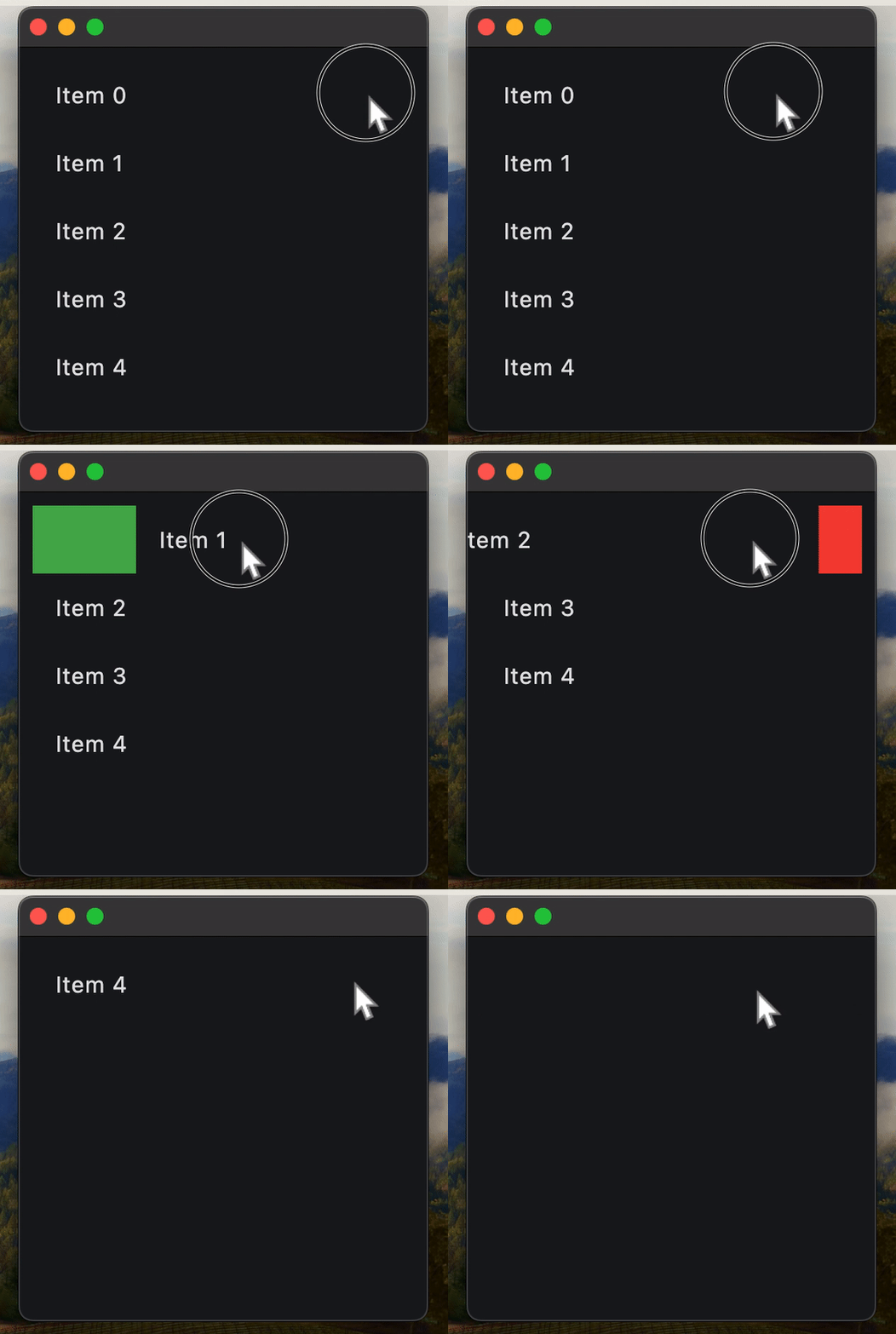](https://docs.flet.dev/examples/controls/dismissible/media/dismissible_list_tiles.gif)
### Remove Dismissible `on_dismiss` inside component[#](https://docs.flet.dev/controls/dismissible/#remove-dismissible-on_dismiss-inside-component "Permanent link")
Important
Always specify a key for `Dismissible` when using inside Flet component.
The issue you may encounter here is specific to the `Dismissible` control used inside Flet component (declarative UI).
When a user swipes (dismisses) an item, that widget is marked as “dismissed” on the Flutter side and effectively removed from the UI. However, when Flet recalculates the UI diff on the Python side, it may attempt to reuse widgets in the list based on their order rather than their identity.
If no key is provided, Flet’s diffing algorithm can’t tell that a particular `Dismissible` corresponds to a specific item — so it assumes the items have merely shifted. That leads to update commands like:
> “Update text in items 0…N-1, then delete the last item (N).”
On Flutter’s side, though, the already-dismissed `Dismissible` widget in the middle of the list can’t be updated — it’s gone — causing runtime errors.
**Always assign a stable, unique key to each `Dismissible`, typically based on the item’s identifier or index.**
Example:
`[](https://docs.flet.dev/controls/dismissible/#__codelineno-1-1) import flet as ft [](https://docs.flet.dev/controls/dismissible/#__codelineno-1-2) [](https://docs.flet.dev/controls/dismissible/#__codelineno-1-3)[](https://docs.flet.dev/controls/dismissible/#__codelineno-1-4) @ft.component [](https://docs.flet.dev/controls/dismissible/#__codelineno-1-5) def App(): [](https://docs.flet.dev/controls/dismissible/#__codelineno-1-6) items, set_items = ft.use_state(list(range(5))) [](https://docs.flet.dev/controls/dismissible/#__codelineno-1-7) [](https://docs.flet.dev/controls/dismissible/#__codelineno-1-8) return ft.ListView( [](https://docs.flet.dev/controls/dismissible/#__codelineno-1-9) controls=[ [](https://docs.flet.dev/controls/dismissible/#__codelineno-1-10) ft.Dismissible( [](https://docs.flet.dev/controls/dismissible/#__codelineno-1-11) key=i, [](https://docs.flet.dev/controls/dismissible/#__codelineno-1-12) content=ft.ListTile(title=ft.Text(f"Item {i}")), [](https://docs.flet.dev/controls/dismissible/#__codelineno-1-13) dismiss_direction=ft.DismissDirection.HORIZONTAL, [](https://docs.flet.dev/controls/dismissible/#__codelineno-1-14) background=ft.Container(bgcolor=ft.Colors.GREEN), [](https://docs.flet.dev/controls/dismissible/#__codelineno-1-15) secondary_background=ft.Container(bgcolor=ft.Colors.RED), [](https://docs.flet.dev/controls/dismissible/#__codelineno-1-16) on_dismiss=lambda e, index=i: set_items( [](https://docs.flet.dev/controls/dismissible/#__codelineno-1-17) [item for item in items if item != index] [](https://docs.flet.dev/controls/dismissible/#__codelineno-1-18) ), [](https://docs.flet.dev/controls/dismissible/#__codelineno-1-19) dismiss_thresholds={ [](https://docs.flet.dev/controls/dismissible/#__codelineno-1-20) ft.DismissDirection.HORIZONTAL: 0.1, [](https://docs.flet.dev/controls/dismissible/#__codelineno-1-21) ft.DismissDirection.START_TO_END: 0.1, [](https://docs.flet.dev/controls/dismissible/#__codelineno-1-22) }, [](https://docs.flet.dev/controls/dismissible/#__codelineno-1-23) ) [](https://docs.flet.dev/controls/dismissible/#__codelineno-1-24) for i in items [](https://docs.flet.dev/controls/dismissible/#__codelineno-1-25) ], [](https://docs.flet.dev/controls/dismissible/#__codelineno-1-26) ) [](https://docs.flet.dev/controls/dismissible/#__codelineno-1-27) [](https://docs.flet.dev/controls/dismissible/#__codelineno-1-28)[](https://docs.flet.dev/controls/dismissible/#__codelineno-1-29) ft.run(lambda page: page.render(App))`
Properties[#](https://docs.flet.dev/controls/dismissible/#flet.Dismissible-properties "Permanent link")
--------------------------------------------------------------------------------------------------------
### background `class-attribute` `instance-attribute` [#](https://docs.flet.dev/controls/dismissible/#flet.Dismissible.background "Permanent link")
`[](https://docs.flet.dev/controls/dismissible/#__codelineno-0-1) background: [Control](https://docs.flet.dev/controls/control/#flet.Control) | None = None`
A control that is stacked behind the [`content`](https://docs.flet.dev/controls/dismissible/#flet.Dismissible.content)
.
If [`secondary_background`](https://docs.flet.dev/controls/dismissible/#flet.Dismissible.secondary_background)
is also specified, then this control only appears when the content has been dragged down or to the right.
### content `instance-attribute` [#](https://docs.flet.dev/controls/dismissible/#flet.Dismissible.content "Permanent link")
`[](https://docs.flet.dev/controls/dismissible/#__codelineno-0-1) content: [Control](https://docs.flet.dev/controls/control/#flet.Control)`
The control that is being dismissed.
Raises:
* `[ValueError](https://docs.python.org/3/library/exceptions.html#ValueError) ` –
If it is not visible.
### cross\_axis\_end\_offset `class-attribute` `instance-attribute` [#](https://docs.flet.dev/controls/dismissible/#flet.Dismissible.cross_axis_end_offset "Permanent link")
`[](https://docs.flet.dev/controls/dismissible/#__codelineno-0-1) cross_axis_end_offset: [Number](https://docs.flet.dev/types/aliases/#flet.Number) = 0.0`
Specifies the end offset along the main axis once the [`content`](https://docs.flet.dev/controls/dismissible/#flet.Dismissible.content)
has been dismissed.
If set to a non-zero value, then this dismissible moves in cross direction depending on whether it is positive or negative.
### dismiss\_direction `class-attribute` `instance-attribute` [#](https://docs.flet.dev/controls/dismissible/#flet.Dismissible.dismiss_direction "Permanent link")
`[](https://docs.flet.dev/controls/dismissible/#__codelineno-0-1) dismiss_direction: [DismissDirection](https://docs.flet.dev/types/dismissdirection/#flet.DismissDirection) = [HORIZONTAL](https://docs.flet.dev/types/dismissdirection/#flet.DismissDirection.HORIZONTAL)`
The direction in which the control can be dismissed.
### dismiss\_thresholds `class-attribute` `instance-attribute` [#](https://docs.flet.dev/controls/dismissible/#flet.Dismissible.dismiss_thresholds "Permanent link")
`[](https://docs.flet.dev/controls/dismissible/#__codelineno-0-1) dismiss_thresholds: [dict](https://docs.python.org/3/reference/expressions.html#dict) [ [](https://docs.flet.dev/controls/dismissible/#__codelineno-0-2) [DismissDirection](https://docs.flet.dev/types/dismissdirection/#flet.DismissDirection) , [Number](https://docs.flet.dev/types/aliases/#flet.Number) | None [](https://docs.flet.dev/controls/dismissible/#__codelineno-0-3) ] = [field](https://docs.python.org/3/library/dataclasses.html#dataclasses.field "dataclasses.field") (default_factory=[dict](https://docs.python.org/3/reference/expressions.html#dict) )`
The offset threshold the item has to be dragged in order to be considered as dismissed. This is specified as a dictionary where the key is of type [`DismissDirection`](https://docs.flet.dev/types/dismissdirection/#flet.DismissDirection)
and the value is the threshold (a fractional/decimal value between `0.0` and `1.0`, inclusive).
Example
`[](https://docs.flet.dev/controls/dismissible/#__codelineno-0-1) ft.Dismissible( [](https://docs.flet.dev/controls/dismissible/#__codelineno-0-2) # ... [](https://docs.flet.dev/controls/dismissible/#__codelineno-0-3) dismiss_thresholds={ [](https://docs.flet.dev/controls/dismissible/#__codelineno-0-4) ft.DismissDirection.VERTICAL: 0.1, [](https://docs.flet.dev/controls/dismissible/#__codelineno-0-5) ft.DismissDirection.START_TO_END: 0.7 [](https://docs.flet.dev/controls/dismissible/#__codelineno-0-6) } [](https://docs.flet.dev/controls/dismissible/#__codelineno-0-7) )`
### movement\_duration `class-attribute` `instance-attribute` [#](https://docs.flet.dev/controls/dismissible/#flet.Dismissible.movement_duration "Permanent link")
`[](https://docs.flet.dev/controls/dismissible/#__codelineno-0-1) movement_duration: [DurationValue](https://docs.flet.dev/types/aliases/#flet.DurationValue) = [field](https://docs.python.org/3/library/dataclasses.html#dataclasses.field "dataclasses.field") ( [](https://docs.flet.dev/controls/dismissible/#__codelineno-0-2) default_factory=lambda: [Duration](https://docs.flet.dev/types/duration/#flet.Duration) (milliseconds=200) [](https://docs.flet.dev/controls/dismissible/#__codelineno-0-3) )`
The duration for [`content`](https://docs.flet.dev/controls/dismissible/#flet.Dismissible.content)
to dismiss or to come back to original position if not dismissed.
### resize\_duration `class-attribute` `instance-attribute` [#](https://docs.flet.dev/controls/dismissible/#flet.Dismissible.resize_duration "Permanent link")
`[](https://docs.flet.dev/controls/dismissible/#__codelineno-0-1) resize_duration: [DurationValue](https://docs.flet.dev/types/aliases/#flet.DurationValue) = [field](https://docs.python.org/3/library/dataclasses.html#dataclasses.field "dataclasses.field") ( [](https://docs.flet.dev/controls/dismissible/#__codelineno-0-2) default_factory=lambda: [Duration](https://docs.flet.dev/types/duration/#flet.Duration) (milliseconds=300) [](https://docs.flet.dev/controls/dismissible/#__codelineno-0-3) )`
The amount of time the control will spend contracting before [`on_dismiss`](https://docs.flet.dev/controls/dismissible/#flet.Dismissible.on_dismiss)
is called.
### secondary\_background `class-attribute` `instance-attribute` [#](https://docs.flet.dev/controls/dismissible/#flet.Dismissible.secondary_background "Permanent link")
`[](https://docs.flet.dev/controls/dismissible/#__codelineno-0-1) secondary_background: [Control](https://docs.flet.dev/controls/control/#flet.Control) | None = None`
A control that is stacked behind the [`content`](https://docs.flet.dev/controls/dismissible/#flet.Dismissible.content)
and is exposed when it has been dragged up or to the left.
Raises:
* `[ValueError](https://docs.python.org/3/library/exceptions.html#ValueError) ` –
If it is provided and visible but the [`background`](https://docs.flet.dev/controls/dismissible/#flet.Dismissible.background)
is not provided and visible.
Events[#](https://docs.flet.dev/controls/dismissible/#flet.Dismissible-events "Permanent link")
------------------------------------------------------------------------------------------------
### on\_confirm\_dismiss `class-attribute` `instance-attribute` [#](https://docs.flet.dev/controls/dismissible/#flet.Dismissible.on_confirm_dismiss "Permanent link")
`[](https://docs.flet.dev/controls/dismissible/#__codelineno-0-1) on_confirm_dismiss: ( [](https://docs.flet.dev/controls/dismissible/#__codelineno-0-2) [EventHandler](https://docs.flet.dev/types/aliases/#flet.EventHandler) [[DismissibleDismissEvent](https://docs.flet.dev/types/dismissibledismissevent/#flet.DismissibleDismissEvent) ] | None [](https://docs.flet.dev/controls/dismissible/#__codelineno-0-3) ) = None`
Gives the app an opportunity to confirm or veto a pending dismissal. This dismissible cannot be dragged again until this pending dismissal is resolved.
To resolve the pending dismissal, call the [`confirm_dismiss()`](https://docs.flet.dev/controls/dismissible/#flet.Dismissible.confirm_dismiss)
method passing it a boolean representing the decision. If `True`, then the control will be dismissed, otherwise it will be moved back to its original location.
### on\_dismiss `class-attribute` `instance-attribute` [#](https://docs.flet.dev/controls/dismissible/#flet.Dismissible.on_dismiss "Permanent link")
`[](https://docs.flet.dev/controls/dismissible/#__codelineno-0-1) on_dismiss: [EventHandler](https://docs.flet.dev/types/aliases/#flet.EventHandler) [[DismissibleDismissEvent](https://docs.flet.dev/types/dismissibledismissevent/#flet.DismissibleDismissEvent) ] | None = ( [](https://docs.flet.dev/controls/dismissible/#__codelineno-0-2) None [](https://docs.flet.dev/controls/dismissible/#__codelineno-0-3) )`
Called when this control has been dismissed, after finishing resizing.
### on\_resize `class-attribute` `instance-attribute` [#](https://docs.flet.dev/controls/dismissible/#flet.Dismissible.on_resize "Permanent link")
`[](https://docs.flet.dev/controls/dismissible/#__codelineno-0-1) on_resize: [ControlEventHandler](https://docs.flet.dev/types/aliases/#flet.ControlEventHandler) [[Dismissible](https://docs.flet.dev/controls/dismissible/#flet.Dismissible) ] | None = None`
Called when this dismissible changes size, for example, when contracting before being dismissed.
### on\_update `class-attribute` `instance-attribute` [#](https://docs.flet.dev/controls/dismissible/#flet.Dismissible.on_update "Permanent link")
`[](https://docs.flet.dev/controls/dismissible/#__codelineno-0-1) on_update: [EventHandler](https://docs.flet.dev/types/aliases/#flet.EventHandler) [[DismissibleUpdateEvent](https://docs.flet.dev/types/dismissibleupdateevent/#flet.DismissibleUpdateEvent) ] | None = ( [](https://docs.flet.dev/controls/dismissible/#__codelineno-0-2) None [](https://docs.flet.dev/controls/dismissible/#__codelineno-0-3) )`
Called when this control has been dragged.
Methods[#](https://docs.flet.dev/controls/dismissible/#flet.Dismissible-methods "Permanent link")
--------------------------------------------------------------------------------------------------
### confirm\_dismiss `async` [#](https://docs.flet.dev/controls/dismissible/#flet.Dismissible.confirm_dismiss "Permanent link")
`[](https://docs.flet.dev/controls/dismissible/#__codelineno-0-1) confirm_dismiss(dismiss: [bool](https://docs.python.org/3/library/functions.html#bool) )`
Resolve a pending dismissal decision triggered by [`on_confirm_dismiss`](https://docs.flet.dev/controls/dismissible/#flet.Dismissible.on_confirm_dismiss)
.
Call this method from your confirmation flow after handling [`on_confirm_dismiss`](https://docs.flet.dev/controls/dismissible/#flet.Dismissible.on_confirm_dismiss)
.
Parameters:
* **`dismiss`** (`[bool](https://docs.python.org/3/library/functions.html#bool) `) –
`True` to continue dismissing the control, `False` to cancel and return it to the original position.
Back to top
---
# ProgressRing - Flet
[Skip to content](https://docs.flet.dev/controls/progressring/#flet.ProgressRing)
ProgressRing
============
A material design circular progress indicator, which spins to indicate that the application is busy.
A control that shows progress along a circle.
`[](https://docs.flet.dev/controls/progressring/#__codelineno-0-1) ft.ProgressRing(value=0.4, padding=ft.Padding.all(10))`
[](https://docs.flet.dev/test-images/examples/material/golden/macos/progress_ring/image_for_docs.png)
Fixed progress ring
Inherits: `[LayoutControl](https://docs.flet.dev/controls/layoutcontrol/#flet.LayoutControl) `
Properties
* **`[bgcolor](https://docs.flet.dev/controls/progressring/#flet.ProgressRing.bgcolor) `**(`[ColorValue](https://docs.flet.dev/types/aliases/#flet.ColorValue) | None`) –
Color of the circular track being filled by the circular indicator.
* **`[color](https://docs.flet.dev/controls/progressring/#flet.ProgressRing.color) `**(`[ColorValue](https://docs.flet.dev/types/aliases/#flet.ColorValue) | None`) –
The progress indicator's color.
* **`[padding](https://docs.flet.dev/controls/progressring/#flet.ProgressRing.padding) `**(`[PaddingValue](https://docs.flet.dev/types/aliases/#flet.PaddingValue) | None`) –
The padding around the indicator track.
* **`[semantics_label](https://docs.flet.dev/controls/progressring/#flet.ProgressRing.semantics_label) `**(`[str](https://docs.python.org/3/library/stdtypes.html#str) | None`) –
Used to identify the purpose of this progress bar for screen reading software.
* **`[semantics_value](https://docs.flet.dev/controls/progressring/#flet.ProgressRing.semantics_value) `**(`[Number](https://docs.flet.dev/types/aliases/#flet.Number) | None`) –
Used for determinate progress indicators to indicate how much progress has been made.
* **`[size_constraints](https://docs.flet.dev/controls/progressring/#flet.ProgressRing.size_constraints) `**(`[BoxConstraints](https://docs.flet.dev/types/boxconstraints/#flet.BoxConstraints) | None`) –
Defines the minimum and maximum size of the progress indicator.
* **`[stroke_align](https://docs.flet.dev/controls/progressring/#flet.ProgressRing.stroke_align) `**(`[Number](https://docs.flet.dev/types/aliases/#flet.Number) | None`) –
The relative position of the stroke.
* **`[stroke_cap](https://docs.flet.dev/controls/progressring/#flet.ProgressRing.stroke_cap) `**(`[StrokeCap](https://docs.flet.dev/types/strokecap/#flet.StrokeCap) | None`) –
The progress indicator's line ending.
* **`[stroke_width](https://docs.flet.dev/controls/progressring/#flet.ProgressRing.stroke_width) `**(`[Number](https://docs.flet.dev/types/aliases/#flet.Number) | None`) –
The width of the line used to draw the circle.
* **`[track_gap](https://docs.flet.dev/controls/progressring/#flet.ProgressRing.track_gap) `**(`[Number](https://docs.flet.dev/types/aliases/#flet.Number) | None`) –
The gap between the active indicator and the background track.
* **`[value](https://docs.flet.dev/controls/progressring/#flet.ProgressRing.value) `**(`[Number](https://docs.flet.dev/types/aliases/#flet.Number) | None`) –
The value of this progress indicator.
* **`[year_2023](https://docs.flet.dev/controls/progressring/#flet.ProgressRing.year_2023) `**(`[bool](https://docs.python.org/3/library/functions.html#bool) | None`) –
If this is set to `False`, the `ProgressRing` will use the latest Material Design 3 appearance, which was introduced in December 2023.
Examples[#](https://docs.flet.dev/controls/progressring/#examples "Permanent link")
------------------------------------------------------------------------------------
[Live example](https://flet-controls-gallery.fly.dev/displays/progressring)
### Determinate and indeterminate progress rings[#](https://docs.flet.dev/controls/progressring/#determinate-and-indeterminate-progress-rings "Permanent link")
`[](https://docs.flet.dev/controls/progressring/#__codelineno-0-1) import asyncio [](https://docs.flet.dev/controls/progressring/#__codelineno-0-2)[](https://docs.flet.dev/controls/progressring/#__codelineno-0-3) import flet as ft [](https://docs.flet.dev/controls/progressring/#__codelineno-0-4) [](https://docs.flet.dev/controls/progressring/#__codelineno-0-5)[](https://docs.flet.dev/controls/progressring/#__codelineno-0-6) async def main(page: ft.Page): [](https://docs.flet.dev/controls/progressring/#__codelineno-0-7) page.add( [](https://docs.flet.dev/controls/progressring/#__codelineno-0-8) ft.Text( [](https://docs.flet.dev/controls/progressring/#__codelineno-0-9) value="Circular progress indicator", [](https://docs.flet.dev/controls/progressring/#__codelineno-0-10) theme_style=ft.TextThemeStyle.HEADLINE_SMALL, [](https://docs.flet.dev/controls/progressring/#__codelineno-0-11) ), [](https://docs.flet.dev/controls/progressring/#__codelineno-0-12) ft.Row( [](https://docs.flet.dev/controls/progressring/#__codelineno-0-13) controls=[ [](https://docs.flet.dev/controls/progressring/#__codelineno-0-14) determinate_ring := ft.ProgressRing( [](https://docs.flet.dev/controls/progressring/#__codelineno-0-15) width=16, height=16, stroke_width=2 [](https://docs.flet.dev/controls/progressring/#__codelineno-0-16) ), [](https://docs.flet.dev/controls/progressring/#__codelineno-0-17) determinate_message := ft.Text("Wait for the completion..."), [](https://docs.flet.dev/controls/progressring/#__codelineno-0-18) ] [](https://docs.flet.dev/controls/progressring/#__codelineno-0-19) ), [](https://docs.flet.dev/controls/progressring/#__codelineno-0-20) ft.Text( [](https://docs.flet.dev/controls/progressring/#__codelineno-0-21) value="Indeterminate cicrular progress", [](https://docs.flet.dev/controls/progressring/#__codelineno-0-22) theme_style=ft.TextThemeStyle.HEADLINE_SMALL, [](https://docs.flet.dev/controls/progressring/#__codelineno-0-23) ), [](https://docs.flet.dev/controls/progressring/#__codelineno-0-24) ft.Column( [](https://docs.flet.dev/controls/progressring/#__codelineno-0-25) horizontal_alignment=ft.CrossAxisAlignment.CENTER, [](https://docs.flet.dev/controls/progressring/#__codelineno-0-26) controls=[ft.ProgressRing(), ft.Text("I'm going to run for ages...")], [](https://docs.flet.dev/controls/progressring/#__codelineno-0-27) ), [](https://docs.flet.dev/controls/progressring/#__codelineno-0-28) ) [](https://docs.flet.dev/controls/progressring/#__codelineno-0-29) [](https://docs.flet.dev/controls/progressring/#__codelineno-0-30) for i in range(0, 101): [](https://docs.flet.dev/controls/progressring/#__codelineno-0-31) determinate_ring.value = i * 0.01 [](https://docs.flet.dev/controls/progressring/#__codelineno-0-32) await asyncio.sleep(0.1) [](https://docs.flet.dev/controls/progressring/#__codelineno-0-33) if i == 100: [](https://docs.flet.dev/controls/progressring/#__codelineno-0-34) determinate_message.value = "Finished!" [](https://docs.flet.dev/controls/progressring/#__codelineno-0-35) page.update() [](https://docs.flet.dev/controls/progressring/#__codelineno-0-36) [](https://docs.flet.dev/controls/progressring/#__codelineno-0-37)[](https://docs.flet.dev/controls/progressring/#__codelineno-0-38) if __name__ == "__main__": [](https://docs.flet.dev/controls/progressring/#__codelineno-0-39) ft.run(main)`
[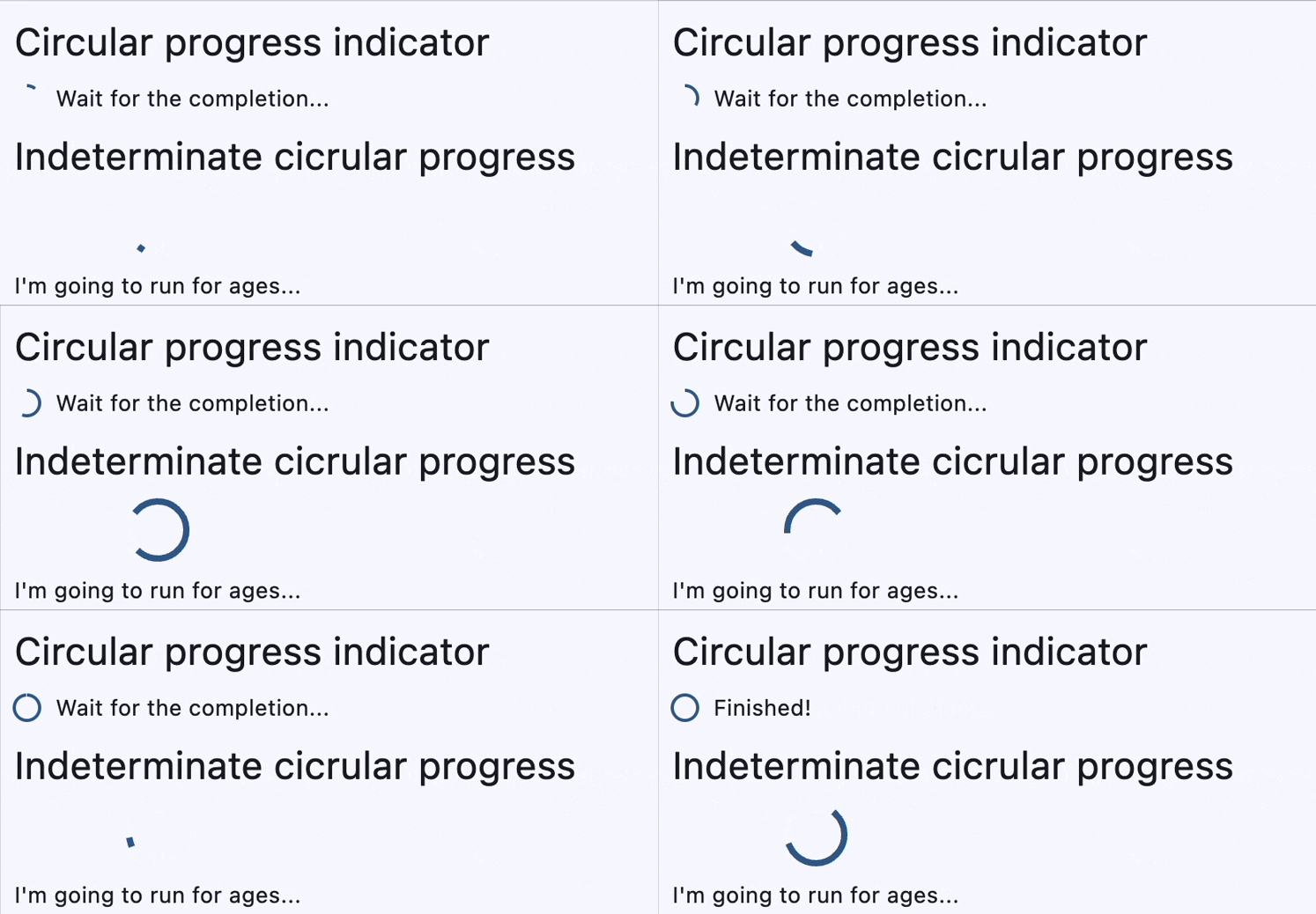](https://docs.flet.dev/examples/controls/progress_ring/media/determinate_and_indeterminate.gif)
### Gauge with progress[#](https://docs.flet.dev/controls/progressring/#gauge-with-progress "Permanent link")
`[](https://docs.flet.dev/controls/progressring/#__codelineno-1-1) import flet as ft [](https://docs.flet.dev/controls/progressring/#__codelineno-1-2) [](https://docs.flet.dev/controls/progressring/#__codelineno-1-3)[](https://docs.flet.dev/controls/progressring/#__codelineno-1-4) def main(page: ft.Page): [](https://docs.flet.dev/controls/progressring/#__codelineno-1-5) page.add( [](https://docs.flet.dev/controls/progressring/#__codelineno-1-6) ft.Stack( [](https://docs.flet.dev/controls/progressring/#__codelineno-1-7) width=100, [](https://docs.flet.dev/controls/progressring/#__codelineno-1-8) height=100, [](https://docs.flet.dev/controls/progressring/#__codelineno-1-9) controls=[ [](https://docs.flet.dev/controls/progressring/#__codelineno-1-10) ft.Container(content=ft.Text("60%"), alignment=ft.Alignment.CENTER), [](https://docs.flet.dev/controls/progressring/#__codelineno-1-11) ft.ProgressRing(value=0.6, width=100, height=100), [](https://docs.flet.dev/controls/progressring/#__codelineno-1-12) ], [](https://docs.flet.dev/controls/progressring/#__codelineno-1-13) ) [](https://docs.flet.dev/controls/progressring/#__codelineno-1-14) ) [](https://docs.flet.dev/controls/progressring/#__codelineno-1-15) [](https://docs.flet.dev/controls/progressring/#__codelineno-1-16)[](https://docs.flet.dev/controls/progressring/#__codelineno-1-17) if __name__ == "__main__": [](https://docs.flet.dev/controls/progressring/#__codelineno-1-18) ft.run(main)`
[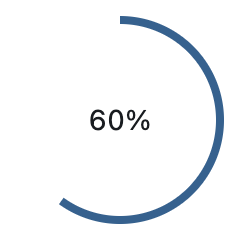](https://docs.flet.dev/test-images/examples/material/golden/macos/progress_ring/gauge_with_progress.png)
Properties[#](https://docs.flet.dev/controls/progressring/#flet.ProgressRing-properties "Permanent link")
----------------------------------------------------------------------------------------------------------
### bgcolor `class-attribute` `instance-attribute` [#](https://docs.flet.dev/controls/progressring/#flet.ProgressRing.bgcolor "Permanent link")
`[](https://docs.flet.dev/controls/progressring/#__codelineno-0-1) bgcolor: [ColorValue](https://docs.flet.dev/types/aliases/#flet.ColorValue) | None = None`
Color of the circular track being filled by the circular indicator.
### color `class-attribute` `instance-attribute` [#](https://docs.flet.dev/controls/progressring/#flet.ProgressRing.color "Permanent link")
`[](https://docs.flet.dev/controls/progressring/#__codelineno-0-1) color: [ColorValue](https://docs.flet.dev/types/aliases/#flet.ColorValue) | None = None`
The progress indicator's color.
### padding `class-attribute` `instance-attribute` [#](https://docs.flet.dev/controls/progressring/#flet.ProgressRing.padding "Permanent link")
`[](https://docs.flet.dev/controls/progressring/#__codelineno-0-1) padding: [PaddingValue](https://docs.flet.dev/types/aliases/#flet.PaddingValue) | None = None`
The padding around the indicator track.
If `None`, [`ProgressIndicatorTheme.circular_track_padding`](https://docs.flet.dev/types/progressindicatortheme/#flet.ProgressIndicatorTheme.circular_track_padding)
is used.
If that's is also `None` and [`year_2023`](https://docs.flet.dev/controls/progressring/#flet.ProgressRing.year_2023)
is `False`, defaults to `Padding.all(4.0)`.
Otherwise, defaults to `Padding.all(0.0)`.
### semantics\_label `class-attribute` `instance-attribute` [#](https://docs.flet.dev/controls/progressring/#flet.ProgressRing.semantics_label "Permanent link")
`[](https://docs.flet.dev/controls/progressring/#__codelineno-0-1) semantics_label: [str](https://docs.python.org/3/library/stdtypes.html#str) | None = None`
Used to identify the purpose of this progress bar for screen reading software.
### semantics\_value `class-attribute` `instance-attribute` [#](https://docs.flet.dev/controls/progressring/#flet.ProgressRing.semantics_value "Permanent link")
`[](https://docs.flet.dev/controls/progressring/#__codelineno-0-1) semantics_value: [Number](https://docs.flet.dev/types/aliases/#flet.Number) | None = None`
Used for determinate progress indicators to indicate how much progress has been made.
### size\_constraints `class-attribute` `instance-attribute` [#](https://docs.flet.dev/controls/progressring/#flet.ProgressRing.size_constraints "Permanent link")
`[](https://docs.flet.dev/controls/progressring/#__codelineno-0-1) size_constraints: [BoxConstraints](https://docs.flet.dev/types/boxconstraints/#flet.BoxConstraints) | None = None`
Defines the minimum and maximum size of the progress indicator.
If `None`, [`ProgressIndicatorTheme.size_constraints`](https://docs.flet.dev/types/progressindicatortheme/#flet.ProgressIndicatorTheme.size_constraints)
is used.
If that's is also `None`, defaults to a minimum width and height of `36`.
### stroke\_align `class-attribute` `instance-attribute` [#](https://docs.flet.dev/controls/progressring/#flet.ProgressRing.stroke_align "Permanent link")
`[](https://docs.flet.dev/controls/progressring/#__codelineno-0-1) stroke_align: [Number](https://docs.flet.dev/types/aliases/#flet.Number) | None = None`
The relative position of the stroke.
Value typically ranges be `-1.0` (inside stroke) and `1.0` (outside stroke).
A value of 0 (center stroke) will center the border on the edge of the control.
If [`ProgressRing.year_2023`](https://docs.flet.dev/controls/progressring/#flet.ProgressRing.year_2023)
is `True`, then the default value is `0`. Otherwise, the default value is `-1`.
### stroke\_cap `class-attribute` `instance-attribute` [#](https://docs.flet.dev/controls/progressring/#flet.ProgressRing.stroke_cap "Permanent link")
`[](https://docs.flet.dev/controls/progressring/#__codelineno-0-1) stroke_cap: [StrokeCap](https://docs.flet.dev/types/strokecap/#flet.StrokeCap) | None = None`
The progress indicator's line ending.
### stroke\_width `class-attribute` `instance-attribute` [#](https://docs.flet.dev/controls/progressring/#flet.ProgressRing.stroke_width "Permanent link")
`[](https://docs.flet.dev/controls/progressring/#__codelineno-0-1) stroke_width: [Number](https://docs.flet.dev/types/aliases/#flet.Number) | None = None`
The width of the line used to draw the circle.
### track\_gap `class-attribute` `instance-attribute` [#](https://docs.flet.dev/controls/progressring/#flet.ProgressRing.track_gap "Permanent link")
`[](https://docs.flet.dev/controls/progressring/#__codelineno-0-1) track_gap: [Number](https://docs.flet.dev/types/aliases/#flet.Number) | None = None`
The gap between the active indicator and the background track.
If [`year_2023`](https://docs.flet.dev/controls/progressring/#flet.ProgressRing.year_2023)
is `True` or `Theme.use_material3` is `False`, then no track gap will be drawn.
Set `track_gap` to `0` to hide this track gap.
If `None`, [`ProgressIndicatorTheme.track_gap`](https://docs.flet.dev/types/progressindicatortheme/#flet.ProgressIndicatorTheme.track_gap)
is used.
If that's is also `None`, defaults to `4.0`.
### value `class-attribute` `instance-attribute` [#](https://docs.flet.dev/controls/progressring/#flet.ProgressRing.value "Permanent link")
`[](https://docs.flet.dev/controls/progressring/#__codelineno-0-1) value: [Number](https://docs.flet.dev/types/aliases/#flet.Number) | None = None`
The value of this progress indicator.
A value of `0.0` means no progress and `1.0` means that progress is complete. The value will be clamped to be in the range `0.0` - `1.0`. If `None`, this progress indicator is indeterminate, which means the indicator displays a predetermined animation that does not indicate how much actual progress is being made.
### year\_2023 `class-attribute` `instance-attribute` [#](https://docs.flet.dev/controls/progressring/#flet.ProgressRing.year_2023 "Permanent link")
`[](https://docs.flet.dev/controls/progressring/#__codelineno-0-1) year_2023: [bool](https://docs.python.org/3/library/functions.html#bool) | None = None`
If this is set to `False`, the `ProgressRing` will use the latest Material Design 3 appearance, which was introduced in December 2023.
When `True`, the `ProgressRing` will use the 2023 Material Design 3 appearance.
If not set, then the [`ProgressIndicatorTheme.year_2023`](https://docs.flet.dev/types/progressindicatortheme/#flet.ProgressIndicatorTheme.year_2023)
will be used, which is `False` by default.
If [`Theme.use_material3`](https://docs.flet.dev/types/theme/#flet.Theme.use_material3)
is `False`, then this property is ignored.
Back to top
---
# MenuBar - Flet
[Skip to content](https://docs.flet.dev/controls/menubar/#flet.MenuBar)
MenuBar
=======
A menu bar that manages cascading child menus.
It could be placed anywhere but typically resides above the main body of the application and defines a menu system for invoking callbacks in response to user selection of a menu item.
`[](https://docs.flet.dev/controls/menubar/#__codelineno-0-1) ft.MenuBar( [](https://docs.flet.dev/controls/menubar/#__codelineno-0-2) controls=[ [](https://docs.flet.dev/controls/menubar/#__codelineno-0-3) ft.SubmenuButton( [](https://docs.flet.dev/controls/menubar/#__codelineno-0-4) content=ft.Text("Submenu"), [](https://docs.flet.dev/controls/menubar/#__codelineno-0-5) controls=[ [](https://docs.flet.dev/controls/menubar/#__codelineno-0-6) ft.MenuItemButton(content=ft.Text("Item 1")), [](https://docs.flet.dev/controls/menubar/#__codelineno-0-7) ft.MenuItemButton(content=ft.Text("Item 2")), [](https://docs.flet.dev/controls/menubar/#__codelineno-0-8) ft.MenuItemButton(content=ft.Text("Item 3")), [](https://docs.flet.dev/controls/menubar/#__codelineno-0-9) ], [](https://docs.flet.dev/controls/menubar/#__codelineno-0-10) ), [](https://docs.flet.dev/controls/menubar/#__codelineno-0-11) ], [](https://docs.flet.dev/controls/menubar/#__codelineno-0-12) )`
[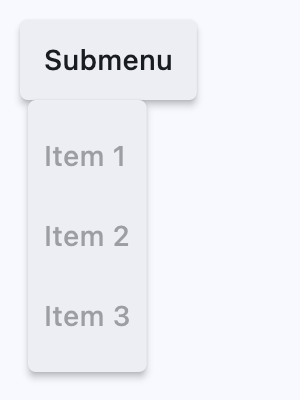](https://docs.flet.dev/test-images/examples/material/golden/macos/menu_bar/image_for_docs.png)
Basic menu bar
Inherits: `[Control](https://docs.flet.dev/controls/control/#flet.Control) `
Properties
* **`[clip_behavior](https://docs.flet.dev/controls/menubar/#flet.MenuBar.clip_behavior) `**(`[ClipBehavior](https://docs.flet.dev/types/clipbehavior/#flet.ClipBehavior) `) –
Whether to clip the content of this control or not.
* **`[controls](https://docs.flet.dev/controls/menubar/#flet.MenuBar.controls) `**(`[list](https://docs.python.org/3/glossary.html#term-list) [[Control](https://docs.flet.dev/controls/control/#flet.Control) ]`) –
A list of top-level menu controls to display in this menu bar.
* **`[style](https://docs.flet.dev/controls/menubar/#flet.MenuBar.style) `**(`[MenuStyle](https://docs.flet.dev/types/menustyle/#flet.MenuStyle) | None`) –
The menu bar style.
Examples[#](https://docs.flet.dev/controls/menubar/#examples "Permanent link")
-------------------------------------------------------------------------------
[Live example](https://flet-controls-gallery.fly.dev/navigation/menubar)
### `MenuBar` with Nested Submenus[#](https://docs.flet.dev/controls/menubar/#menubar-with-nested-submenus "Permanent link")
`[](https://docs.flet.dev/controls/menubar/#__codelineno-0-1) import flet as ft [](https://docs.flet.dev/controls/menubar/#__codelineno-0-2) [](https://docs.flet.dev/controls/menubar/#__codelineno-0-3)[](https://docs.flet.dev/controls/menubar/#__codelineno-0-4) def main(page: ft.Page): [](https://docs.flet.dev/controls/menubar/#__codelineno-0-5) appbar_text_ref = ft.Ref[ft.Text]() [](https://docs.flet.dev/controls/menubar/#__codelineno-0-6) [](https://docs.flet.dev/controls/menubar/#__codelineno-0-7) def handle_menu_item_click(e: ft.Event[ft.MenuItemButton]): [](https://docs.flet.dev/controls/menubar/#__codelineno-0-8) text = e.control.content.value [](https://docs.flet.dev/controls/menubar/#__codelineno-0-9) page.show_dialog(ft.SnackBar(ft.Text(f"{text} was clicked!"))) [](https://docs.flet.dev/controls/menubar/#__codelineno-0-10) appbar_text_ref.current.value = text [](https://docs.flet.dev/controls/menubar/#__codelineno-0-11) page.update() [](https://docs.flet.dev/controls/menubar/#__codelineno-0-12) [](https://docs.flet.dev/controls/menubar/#__codelineno-0-13) def handle_submenu_open(e: ft.Event[ft.SubmenuButton]): [](https://docs.flet.dev/controls/menubar/#__codelineno-0-14) print(f"{e.control.content.value}.on_open") [](https://docs.flet.dev/controls/menubar/#__codelineno-0-15) [](https://docs.flet.dev/controls/menubar/#__codelineno-0-16) def handle_submenu_close(e: ft.Event[ft.SubmenuButton]): [](https://docs.flet.dev/controls/menubar/#__codelineno-0-17) print(f"{e.control.content.value}.on_close") [](https://docs.flet.dev/controls/menubar/#__codelineno-0-18) [](https://docs.flet.dev/controls/menubar/#__codelineno-0-19) def handle_submenu_hover(e: ft.Event[ft.SubmenuButton]): [](https://docs.flet.dev/controls/menubar/#__codelineno-0-20) print(f"{e.control.content.value}.on_hover") [](https://docs.flet.dev/controls/menubar/#__codelineno-0-21) [](https://docs.flet.dev/controls/menubar/#__codelineno-0-22) page.appbar = ft.AppBar( [](https://docs.flet.dev/controls/menubar/#__codelineno-0-23) title=ft.Text("Menus", ref=appbar_text_ref), [](https://docs.flet.dev/controls/menubar/#__codelineno-0-24) center_title=True, [](https://docs.flet.dev/controls/menubar/#__codelineno-0-25) bgcolor=ft.Colors.BLUE, [](https://docs.flet.dev/controls/menubar/#__codelineno-0-26) ) [](https://docs.flet.dev/controls/menubar/#__codelineno-0-27) [](https://docs.flet.dev/controls/menubar/#__codelineno-0-28) page.add( [](https://docs.flet.dev/controls/menubar/#__codelineno-0-29) ft.Row( [](https://docs.flet.dev/controls/menubar/#__codelineno-0-30) controls=[ [](https://docs.flet.dev/controls/menubar/#__codelineno-0-31) ft.MenuBar( [](https://docs.flet.dev/controls/menubar/#__codelineno-0-32) expand=True, [](https://docs.flet.dev/controls/menubar/#__codelineno-0-33) style=ft.MenuStyle( [](https://docs.flet.dev/controls/menubar/#__codelineno-0-34) alignment=ft.Alignment.TOP_LEFT, [](https://docs.flet.dev/controls/menubar/#__codelineno-0-35) bgcolor=ft.Colors.RED_300, [](https://docs.flet.dev/controls/menubar/#__codelineno-0-36) mouse_cursor={ [](https://docs.flet.dev/controls/menubar/#__codelineno-0-37) ft.ControlState.HOVERED: ft.MouseCursor.WAIT, [](https://docs.flet.dev/controls/menubar/#__codelineno-0-38) ft.ControlState.DEFAULT: ft.MouseCursor.ZOOM_OUT, [](https://docs.flet.dev/controls/menubar/#__codelineno-0-39) }, [](https://docs.flet.dev/controls/menubar/#__codelineno-0-40) ), [](https://docs.flet.dev/controls/menubar/#__codelineno-0-41) controls=[ [](https://docs.flet.dev/controls/menubar/#__codelineno-0-42) ft.SubmenuButton( [](https://docs.flet.dev/controls/menubar/#__codelineno-0-43) content=ft.Text("File"), [](https://docs.flet.dev/controls/menubar/#__codelineno-0-44) on_open=handle_submenu_open, [](https://docs.flet.dev/controls/menubar/#__codelineno-0-45) on_close=handle_submenu_close, [](https://docs.flet.dev/controls/menubar/#__codelineno-0-46) on_hover=handle_submenu_hover, [](https://docs.flet.dev/controls/menubar/#__codelineno-0-47) controls=[ [](https://docs.flet.dev/controls/menubar/#__codelineno-0-48) ft.MenuItemButton( [](https://docs.flet.dev/controls/menubar/#__codelineno-0-49) content=ft.Text("About"), [](https://docs.flet.dev/controls/menubar/#__codelineno-0-50) leading=ft.Icon(ft.Icons.INFO), [](https://docs.flet.dev/controls/menubar/#__codelineno-0-51) on_click=handle_menu_item_click, [](https://docs.flet.dev/controls/menubar/#__codelineno-0-52) style=ft.ButtonStyle( [](https://docs.flet.dev/controls/menubar/#__codelineno-0-53) bgcolor={ [](https://docs.flet.dev/controls/menubar/#__codelineno-0-54) ft.ControlState.HOVERED: ft.Colors.GREEN_100 [](https://docs.flet.dev/controls/menubar/#__codelineno-0-55) } [](https://docs.flet.dev/controls/menubar/#__codelineno-0-56) ), [](https://docs.flet.dev/controls/menubar/#__codelineno-0-57) ), [](https://docs.flet.dev/controls/menubar/#__codelineno-0-58) ft.MenuItemButton( [](https://docs.flet.dev/controls/menubar/#__codelineno-0-59) content=ft.Text("Save"), [](https://docs.flet.dev/controls/menubar/#__codelineno-0-60) leading=ft.Icon(ft.Icons.SAVE), [](https://docs.flet.dev/controls/menubar/#__codelineno-0-61) on_click=handle_menu_item_click, [](https://docs.flet.dev/controls/menubar/#__codelineno-0-62) style=ft.ButtonStyle( [](https://docs.flet.dev/controls/menubar/#__codelineno-0-63) bgcolor={ [](https://docs.flet.dev/controls/menubar/#__codelineno-0-64) ft.ControlState.HOVERED: ft.Colors.GREEN_100 [](https://docs.flet.dev/controls/menubar/#__codelineno-0-65) } [](https://docs.flet.dev/controls/menubar/#__codelineno-0-66) ), [](https://docs.flet.dev/controls/menubar/#__codelineno-0-67) ), [](https://docs.flet.dev/controls/menubar/#__codelineno-0-68) ft.MenuItemButton( [](https://docs.flet.dev/controls/menubar/#__codelineno-0-69) content=ft.Text("Quit"), [](https://docs.flet.dev/controls/menubar/#__codelineno-0-70) leading=ft.Icon(ft.Icons.CLOSE), [](https://docs.flet.dev/controls/menubar/#__codelineno-0-71) on_click=handle_menu_item_click, [](https://docs.flet.dev/controls/menubar/#__codelineno-0-72) style=ft.ButtonStyle( [](https://docs.flet.dev/controls/menubar/#__codelineno-0-73) bgcolor={ [](https://docs.flet.dev/controls/menubar/#__codelineno-0-74) ft.ControlState.HOVERED: ft.Colors.GREEN_100 [](https://docs.flet.dev/controls/menubar/#__codelineno-0-75) } [](https://docs.flet.dev/controls/menubar/#__codelineno-0-76) ), [](https://docs.flet.dev/controls/menubar/#__codelineno-0-77) ), [](https://docs.flet.dev/controls/menubar/#__codelineno-0-78) ], [](https://docs.flet.dev/controls/menubar/#__codelineno-0-79) ), [](https://docs.flet.dev/controls/menubar/#__codelineno-0-80) ft.SubmenuButton( [](https://docs.flet.dev/controls/menubar/#__codelineno-0-81) content=ft.Text("View"), [](https://docs.flet.dev/controls/menubar/#__codelineno-0-82) on_open=handle_submenu_open, [](https://docs.flet.dev/controls/menubar/#__codelineno-0-83) on_close=handle_submenu_close, [](https://docs.flet.dev/controls/menubar/#__codelineno-0-84) on_hover=handle_submenu_hover, [](https://docs.flet.dev/controls/menubar/#__codelineno-0-85) controls=[ [](https://docs.flet.dev/controls/menubar/#__codelineno-0-86) ft.SubmenuButton( [](https://docs.flet.dev/controls/menubar/#__codelineno-0-87) content=ft.Text("Zoom"), [](https://docs.flet.dev/controls/menubar/#__codelineno-0-88) controls=[ [](https://docs.flet.dev/controls/menubar/#__codelineno-0-89) ft.MenuItemButton( [](https://docs.flet.dev/controls/menubar/#__codelineno-0-90) content=ft.Text("Magnify"), [](https://docs.flet.dev/controls/menubar/#__codelineno-0-91) leading=ft.Icon(ft.Icons.ZOOM_IN), [](https://docs.flet.dev/controls/menubar/#__codelineno-0-92) close_on_click=False, [](https://docs.flet.dev/controls/menubar/#__codelineno-0-93) on_click=handle_menu_item_click, [](https://docs.flet.dev/controls/menubar/#__codelineno-0-94) style=ft.ButtonStyle( [](https://docs.flet.dev/controls/menubar/#__codelineno-0-95) bgcolor={ [](https://docs.flet.dev/controls/menubar/#__codelineno-0-96) ft.ControlState.HOVERED: ft.Colors.PURPLE_200 [](https://docs.flet.dev/controls/menubar/#__codelineno-0-97) } [](https://docs.flet.dev/controls/menubar/#__codelineno-0-98) ), [](https://docs.flet.dev/controls/menubar/#__codelineno-0-99) ), [](https://docs.flet.dev/controls/menubar/#__codelineno-0-100) ft.MenuItemButton( [](https://docs.flet.dev/controls/menubar/#__codelineno-0-101) content=ft.Text("Minify"), [](https://docs.flet.dev/controls/menubar/#__codelineno-0-102) leading=ft.Icon(ft.Icons.ZOOM_OUT), [](https://docs.flet.dev/controls/menubar/#__codelineno-0-103) close_on_click=False, [](https://docs.flet.dev/controls/menubar/#__codelineno-0-104) on_click=handle_menu_item_click, [](https://docs.flet.dev/controls/menubar/#__codelineno-0-105) style=ft.ButtonStyle( [](https://docs.flet.dev/controls/menubar/#__codelineno-0-106) bgcolor={ [](https://docs.flet.dev/controls/menubar/#__codelineno-0-107) ft.ControlState.HOVERED: ft.Colors.PURPLE_200 [](https://docs.flet.dev/controls/menubar/#__codelineno-0-108) } [](https://docs.flet.dev/controls/menubar/#__codelineno-0-109) ), [](https://docs.flet.dev/controls/menubar/#__codelineno-0-110) ), [](https://docs.flet.dev/controls/menubar/#__codelineno-0-111) ], [](https://docs.flet.dev/controls/menubar/#__codelineno-0-112) ) [](https://docs.flet.dev/controls/menubar/#__codelineno-0-113) ], [](https://docs.flet.dev/controls/menubar/#__codelineno-0-114) ), [](https://docs.flet.dev/controls/menubar/#__codelineno-0-115) ], [](https://docs.flet.dev/controls/menubar/#__codelineno-0-116) ) [](https://docs.flet.dev/controls/menubar/#__codelineno-0-117) ] [](https://docs.flet.dev/controls/menubar/#__codelineno-0-118) ) [](https://docs.flet.dev/controls/menubar/#__codelineno-0-119) ) [](https://docs.flet.dev/controls/menubar/#__codelineno-0-120) [](https://docs.flet.dev/controls/menubar/#__codelineno-0-121)[](https://docs.flet.dev/controls/menubar/#__codelineno-0-122) if __name__ == "__main__": [](https://docs.flet.dev/controls/menubar/#__codelineno-0-123) ft.run(main)`
[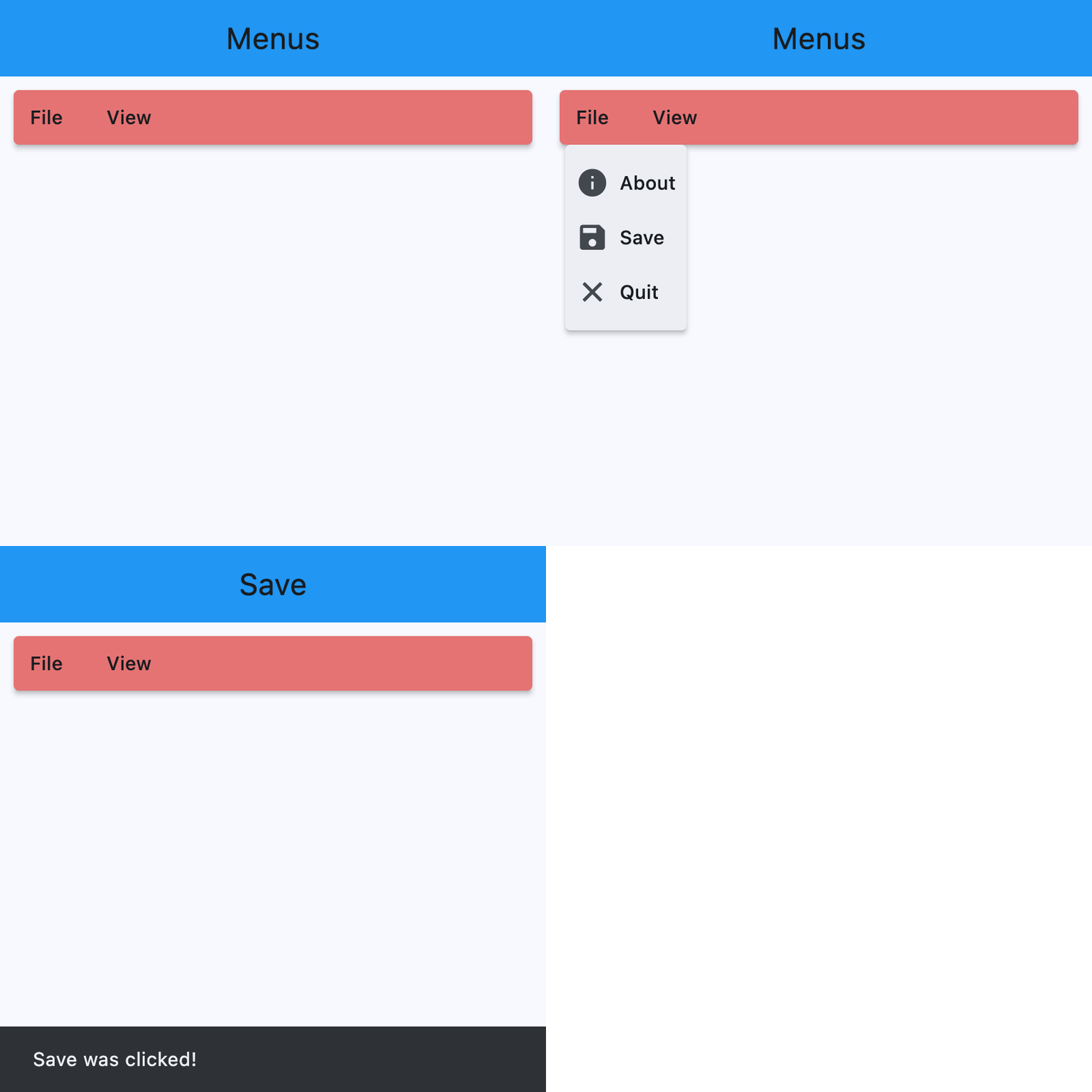](https://docs.flet.dev/test-images/examples/material/golden/macos/menu_bar/nested_submenus.gif)
Properties[#](https://docs.flet.dev/controls/menubar/#flet.MenuBar-properties "Permanent link")
------------------------------------------------------------------------------------------------
### clip\_behavior `class-attribute` `instance-attribute` [#](https://docs.flet.dev/controls/menubar/#flet.MenuBar.clip_behavior "Permanent link")
`[](https://docs.flet.dev/controls/menubar/#__codelineno-0-1) clip_behavior: [ClipBehavior](https://docs.flet.dev/types/clipbehavior/#flet.ClipBehavior) = [NONE](https://docs.flet.dev/types/clipbehavior/#flet.ClipBehavior.NONE)`
Whether to clip the content of this control or not.
### controls `class-attribute` `instance-attribute` [#](https://docs.flet.dev/controls/menubar/#flet.MenuBar.controls "Permanent link")
`[](https://docs.flet.dev/controls/menubar/#__codelineno-0-1) controls: [list](https://docs.python.org/3/glossary.html#term-list) [[Control](https://docs.flet.dev/controls/control/#flet.Control) ] = [field](https://docs.python.org/3/library/dataclasses.html#dataclasses.field "dataclasses.field") (default_factory=[list](https://docs.python.org/3/glossary.html#term-list) )`
A list of top-level menu controls to display in this menu bar.
Raises:
* `[ValueError](https://docs.python.org/3/library/exceptions.html#ValueError) ` –
If it does not contain at least one visible `Control`.
### style `class-attribute` `instance-attribute` [#](https://docs.flet.dev/controls/menubar/#flet.MenuBar.style "Permanent link")
`[](https://docs.flet.dev/controls/menubar/#__codelineno-0-1) style: [MenuStyle](https://docs.flet.dev/types/menustyle/#flet.MenuStyle) | None = None`
The menu bar style.
Back to top
---
# MenuItemButton - Flet
[Skip to content](https://docs.flet.dev/controls/menuitembutton/#flet.MenuItemButton)
MenuItemButton
==============
A button for use in a MenuBar or on its own, that can be activated by click or keyboard navigation.
`[](https://docs.flet.dev/controls/menuitembutton/#__codelineno-0-1) ft.Row( [](https://docs.flet.dev/controls/menuitembutton/#__codelineno-0-2) controls=[ [](https://docs.flet.dev/controls/menuitembutton/#__codelineno-0-3) ft.MenuItemButton( [](https://docs.flet.dev/controls/menuitembutton/#__codelineno-0-4) content=ft.Text("Yes"), [](https://docs.flet.dev/controls/menuitembutton/#__codelineno-0-5) on_click=lambda e: print("yes"), [](https://docs.flet.dev/controls/menuitembutton/#__codelineno-0-6) ), [](https://docs.flet.dev/controls/menuitembutton/#__codelineno-0-7) ft.MenuItemButton( [](https://docs.flet.dev/controls/menuitembutton/#__codelineno-0-8) content=ft.Text("No"), [](https://docs.flet.dev/controls/menuitembutton/#__codelineno-0-9) on_click=lambda e: print("no"), [](https://docs.flet.dev/controls/menuitembutton/#__codelineno-0-10) ), [](https://docs.flet.dev/controls/menuitembutton/#__codelineno-0-11) ft.MenuItemButton( [](https://docs.flet.dev/controls/menuitembutton/#__codelineno-0-12) content=ft.Text("Maybe"), [](https://docs.flet.dev/controls/menuitembutton/#__codelineno-0-13) on_click=lambda e: print("maybe"), [](https://docs.flet.dev/controls/menuitembutton/#__codelineno-0-14) ), [](https://docs.flet.dev/controls/menuitembutton/#__codelineno-0-15) ], [](https://docs.flet.dev/controls/menuitembutton/#__codelineno-0-16) )`
[](https://docs.flet.dev/test-images/examples/material/golden/macos/menu_item_button/image_for_docs.png)
Menu item buttons outside of menubar
Inherits: `[LayoutControl](https://docs.flet.dev/controls/layoutcontrol/#flet.LayoutControl) `
Properties
* **`[autofocus](https://docs.flet.dev/controls/menuitembutton/#flet.MenuItemButton.autofocus) `**(`[bool](https://docs.python.org/3/library/functions.html#bool) `) –
Whether this button should automatically request focus.
* **`[clip_behavior](https://docs.flet.dev/controls/menuitembutton/#flet.MenuItemButton.clip_behavior) `**(`[ClipBehavior](https://docs.flet.dev/types/clipbehavior/#flet.ClipBehavior) `) –
Whether to clip the content of this control or not.
* **`[close_on_click](https://docs.flet.dev/controls/menuitembutton/#flet.MenuItemButton.close_on_click) `**(`[bool](https://docs.python.org/3/library/functions.html#bool) `) –
Defines if the menu will be closed when the `MenuItemButton` is clicked.
* **`[content](https://docs.flet.dev/controls/menuitembutton/#flet.MenuItemButton.content) `**(`[StrOrControl](https://docs.flet.dev/types/aliases/#flet.StrOrControl) | None`) –
The child control or text to be displayed in the center of this button.
* **`[focus_on_hover](https://docs.flet.dev/controls/menuitembutton/#flet.MenuItemButton.focus_on_hover) `**(`[bool](https://docs.python.org/3/library/functions.html#bool) `) –
Determine if hovering can request focus.
* **`[leading](https://docs.flet.dev/controls/menuitembutton/#flet.MenuItemButton.leading) `**(`[Control](https://docs.flet.dev/controls/control/#flet.Control) | None`) –
An optional control to display before the `content`.
* **`[overflow_axis](https://docs.flet.dev/controls/menuitembutton/#flet.MenuItemButton.overflow_axis) `**(`[Axis](https://docs.flet.dev/types/axis/#flet.Axis) `) –
The direction in which the menu item expands.
* **`[semantic_label](https://docs.flet.dev/controls/menuitembutton/#flet.MenuItemButton.semantic_label) `**(`[str](https://docs.python.org/3/library/stdtypes.html#str) | None`) –
A string that describes the button's action to assistive technologies.
* **`[style](https://docs.flet.dev/controls/menuitembutton/#flet.MenuItemButton.style) `**(`[ButtonStyle](https://docs.flet.dev/types/buttonstyle/#flet.ButtonStyle) | None`) –
Customizes this button's appearance.
* **`[trailing](https://docs.flet.dev/controls/menuitembutton/#flet.MenuItemButton.trailing) `**(`[Control](https://docs.flet.dev/controls/control/#flet.Control) | None`) –
An optional control to display after the `content`.
Events
* **`[on_blur](https://docs.flet.dev/controls/menuitembutton/#flet.MenuItemButton.on_blur) `**(`[ControlEventHandler](https://docs.flet.dev/types/aliases/#flet.ControlEventHandler) [[MenuItemButton](https://docs.flet.dev/controls/menuitembutton/#flet.MenuItemButton) ] | None`) –
Called when this button loses focus.
* **`[on_click](https://docs.flet.dev/controls/menuitembutton/#flet.MenuItemButton.on_click) `**(`[ControlEventHandler](https://docs.flet.dev/types/aliases/#flet.ControlEventHandler) [[MenuItemButton](https://docs.flet.dev/controls/menuitembutton/#flet.MenuItemButton) ] | None`) –
Called when the button is clicked.If not defined the button will be disabled.
* **`[on_focus](https://docs.flet.dev/controls/menuitembutton/#flet.MenuItemButton.on_focus) `**(`[ControlEventHandler](https://docs.flet.dev/types/aliases/#flet.ControlEventHandler) [[MenuItemButton](https://docs.flet.dev/controls/menuitembutton/#flet.MenuItemButton) ] | None`) –
Called when the button receives focus.
* **`[on_hover](https://docs.flet.dev/controls/menuitembutton/#flet.MenuItemButton.on_hover) `**(`[ControlEventHandler](https://docs.flet.dev/types/aliases/#flet.ControlEventHandler) [[MenuItemButton](https://docs.flet.dev/controls/menuitembutton/#flet.MenuItemButton) ] | None`) –
Called when the button is hovered.
Examples[#](https://docs.flet.dev/controls/menuitembutton/#examples "Permanent link")
--------------------------------------------------------------------------------------
[Live example](https://flet-controls-gallery.fly.dev/buttons/menuitembutton)
### Basic Example[#](https://docs.flet.dev/controls/menuitembutton/#basic-example "Permanent link")
`[](https://docs.flet.dev/controls/menuitembutton/#__codelineno-0-1) import flet as ft [](https://docs.flet.dev/controls/menuitembutton/#__codelineno-0-2) [](https://docs.flet.dev/controls/menuitembutton/#__codelineno-0-3)[](https://docs.flet.dev/controls/menuitembutton/#__codelineno-0-4) def main(page: ft.Page): [](https://docs.flet.dev/controls/menuitembutton/#__codelineno-0-5) page.padding = 0 [](https://docs.flet.dev/controls/menuitembutton/#__codelineno-0-6) page.spacing = 0 [](https://docs.flet.dev/controls/menuitembutton/#__codelineno-0-7) page.theme_mode = ft.ThemeMode.LIGHT [](https://docs.flet.dev/controls/menuitembutton/#__codelineno-0-8) [](https://docs.flet.dev/controls/menuitembutton/#__codelineno-0-9) def handle_color_click(e: ft.Event[ft.MenuItemButton]): [](https://docs.flet.dev/controls/menuitembutton/#__codelineno-0-10) color = e.control.content.value [](https://docs.flet.dev/controls/menuitembutton/#__codelineno-0-11) background_container.content.value = f"{color} background color" [](https://docs.flet.dev/controls/menuitembutton/#__codelineno-0-12) background_container.bgcolor = color.lower() [](https://docs.flet.dev/controls/menuitembutton/#__codelineno-0-13) page.update() [](https://docs.flet.dev/controls/menuitembutton/#__codelineno-0-14) [](https://docs.flet.dev/controls/menuitembutton/#__codelineno-0-15) def handle_on_hover(e: ft.Event[ft.MenuItemButton]): [](https://docs.flet.dev/controls/menuitembutton/#__codelineno-0-16) print(e) [](https://docs.flet.dev/controls/menuitembutton/#__codelineno-0-17) [](https://docs.flet.dev/controls/menuitembutton/#__codelineno-0-18) menubar = ft.MenuBar( [](https://docs.flet.dev/controls/menuitembutton/#__codelineno-0-19) expand=True, [](https://docs.flet.dev/controls/menuitembutton/#__codelineno-0-20) controls=[ [](https://docs.flet.dev/controls/menuitembutton/#__codelineno-0-21) ft.SubmenuButton( [](https://docs.flet.dev/controls/menuitembutton/#__codelineno-0-22) content=ft.Text("BgColors"), [](https://docs.flet.dev/controls/menuitembutton/#__codelineno-0-23) controls=[ [](https://docs.flet.dev/controls/menuitembutton/#__codelineno-0-24) ft.MenuItemButton( [](https://docs.flet.dev/controls/menuitembutton/#__codelineno-0-25) content=ft.Text("Blue"), [](https://docs.flet.dev/controls/menuitembutton/#__codelineno-0-26) leading=ft.Icon(ft.Icons.COLORIZE), [](https://docs.flet.dev/controls/menuitembutton/#__codelineno-0-27) style=ft.ButtonStyle( [](https://docs.flet.dev/controls/menuitembutton/#__codelineno-0-28) bgcolor={ft.ControlState.HOVERED: ft.Colors.BLUE} [](https://docs.flet.dev/controls/menuitembutton/#__codelineno-0-29) ), [](https://docs.flet.dev/controls/menuitembutton/#__codelineno-0-30) on_click=handle_color_click, [](https://docs.flet.dev/controls/menuitembutton/#__codelineno-0-31) on_hover=handle_on_hover, [](https://docs.flet.dev/controls/menuitembutton/#__codelineno-0-32) ), [](https://docs.flet.dev/controls/menuitembutton/#__codelineno-0-33) ft.MenuItemButton( [](https://docs.flet.dev/controls/menuitembutton/#__codelineno-0-34) content=ft.Text("Green"), [](https://docs.flet.dev/controls/menuitembutton/#__codelineno-0-35) leading=ft.Icon(ft.Icons.COLORIZE), [](https://docs.flet.dev/controls/menuitembutton/#__codelineno-0-36) style=ft.ButtonStyle( [](https://docs.flet.dev/controls/menuitembutton/#__codelineno-0-37) bgcolor={ft.ControlState.HOVERED: ft.Colors.GREEN} [](https://docs.flet.dev/controls/menuitembutton/#__codelineno-0-38) ), [](https://docs.flet.dev/controls/menuitembutton/#__codelineno-0-39) on_click=handle_color_click, [](https://docs.flet.dev/controls/menuitembutton/#__codelineno-0-40) on_hover=handle_on_hover, [](https://docs.flet.dev/controls/menuitembutton/#__codelineno-0-41) ), [](https://docs.flet.dev/controls/menuitembutton/#__codelineno-0-42) ft.MenuItemButton( [](https://docs.flet.dev/controls/menuitembutton/#__codelineno-0-43) content=ft.Text("Red"), [](https://docs.flet.dev/controls/menuitembutton/#__codelineno-0-44) leading=ft.Icon(ft.Icons.COLORIZE), [](https://docs.flet.dev/controls/menuitembutton/#__codelineno-0-45) style=ft.ButtonStyle( [](https://docs.flet.dev/controls/menuitembutton/#__codelineno-0-46) bgcolor={ft.ControlState.HOVERED: ft.Colors.RED} [](https://docs.flet.dev/controls/menuitembutton/#__codelineno-0-47) ), [](https://docs.flet.dev/controls/menuitembutton/#__codelineno-0-48) on_click=handle_color_click, [](https://docs.flet.dev/controls/menuitembutton/#__codelineno-0-49) on_hover=handle_on_hover, [](https://docs.flet.dev/controls/menuitembutton/#__codelineno-0-50) ), [](https://docs.flet.dev/controls/menuitembutton/#__codelineno-0-51) ], [](https://docs.flet.dev/controls/menuitembutton/#__codelineno-0-52) ), [](https://docs.flet.dev/controls/menuitembutton/#__codelineno-0-53) ], [](https://docs.flet.dev/controls/menuitembutton/#__codelineno-0-54) ) [](https://docs.flet.dev/controls/menuitembutton/#__codelineno-0-55) [](https://docs.flet.dev/controls/menuitembutton/#__codelineno-0-56) page.add( [](https://docs.flet.dev/controls/menuitembutton/#__codelineno-0-57) ft.Row(controls=[menubar]), [](https://docs.flet.dev/controls/menuitembutton/#__codelineno-0-58) background_container := ft.Container( [](https://docs.flet.dev/controls/menuitembutton/#__codelineno-0-59) expand=True, [](https://docs.flet.dev/controls/menuitembutton/#__codelineno-0-60) bgcolor=ft.Colors.WHITE, [](https://docs.flet.dev/controls/menuitembutton/#__codelineno-0-61) alignment=ft.Alignment.CENTER, [](https://docs.flet.dev/controls/menuitembutton/#__codelineno-0-62) content=ft.Text( [](https://docs.flet.dev/controls/menuitembutton/#__codelineno-0-63) value="Choose a bgcolor from the menu", [](https://docs.flet.dev/controls/menuitembutton/#__codelineno-0-64) style=ft.TextStyle(weight=ft.FontWeight.W_500), [](https://docs.flet.dev/controls/menuitembutton/#__codelineno-0-65) ), [](https://docs.flet.dev/controls/menuitembutton/#__codelineno-0-66) ), [](https://docs.flet.dev/controls/menuitembutton/#__codelineno-0-67) ) [](https://docs.flet.dev/controls/menuitembutton/#__codelineno-0-68) [](https://docs.flet.dev/controls/menuitembutton/#__codelineno-0-69)[](https://docs.flet.dev/controls/menuitembutton/#__codelineno-0-70) if __name__ == "__main__": [](https://docs.flet.dev/controls/menuitembutton/#__codelineno-0-71) ft.run(main)`
[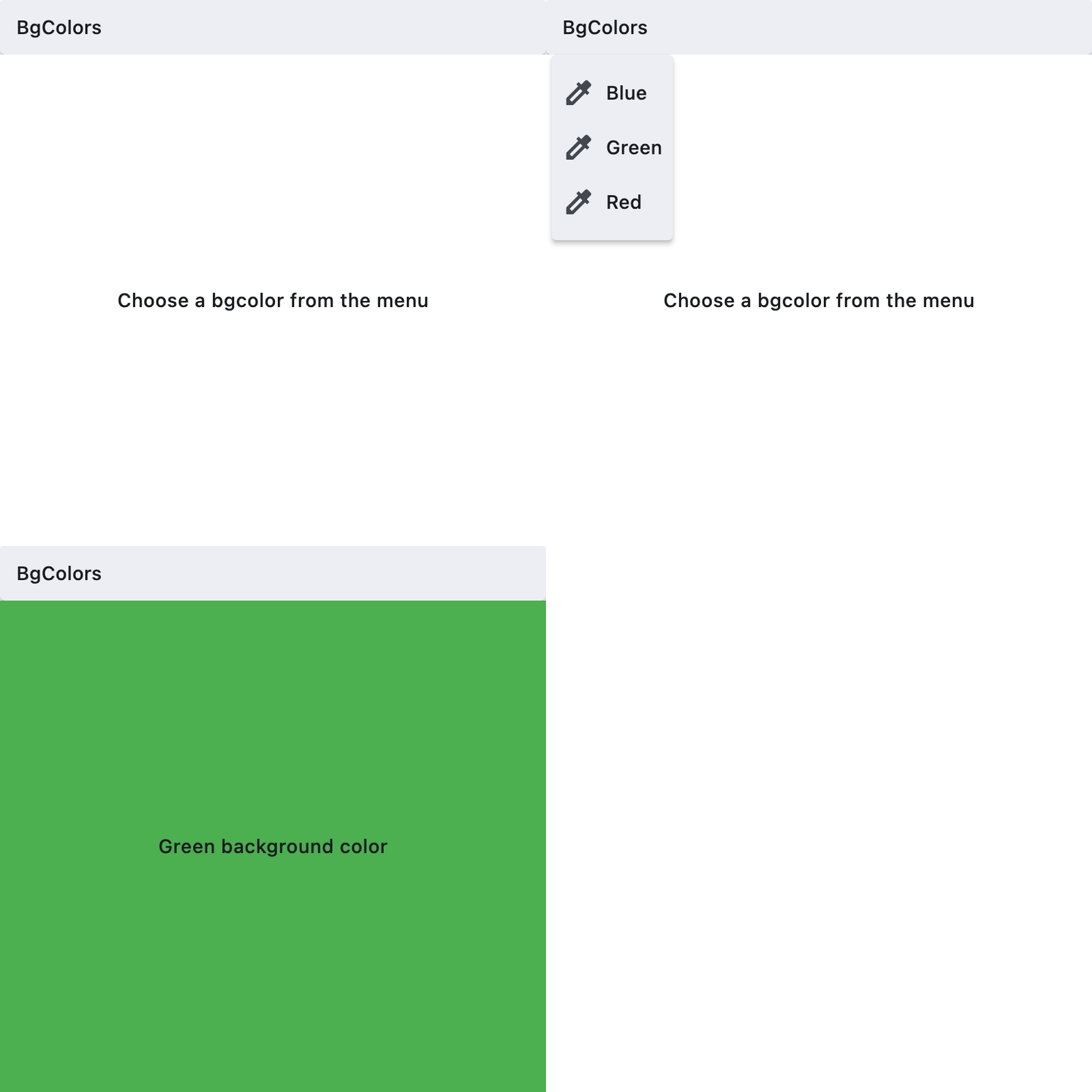](https://docs.flet.dev/test-images/examples/material/golden/macos/menu_item_button/basic.gif)
Properties[#](https://docs.flet.dev/controls/menuitembutton/#flet.MenuItemButton-properties "Permanent link")
--------------------------------------------------------------------------------------------------------------
### autofocus `class-attribute` `instance-attribute` [#](https://docs.flet.dev/controls/menuitembutton/#flet.MenuItemButton.autofocus "Permanent link")
`[](https://docs.flet.dev/controls/menuitembutton/#__codelineno-0-1) autofocus: [bool](https://docs.python.org/3/library/functions.html#bool) = False`
Whether this button should automatically request focus.
Defaults to `False`.
### clip\_behavior `class-attribute` `instance-attribute` [#](https://docs.flet.dev/controls/menuitembutton/#flet.MenuItemButton.clip_behavior "Permanent link")
`[](https://docs.flet.dev/controls/menuitembutton/#__codelineno-0-1) clip_behavior: [ClipBehavior](https://docs.flet.dev/types/clipbehavior/#flet.ClipBehavior) = [NONE](https://docs.flet.dev/types/clipbehavior/#flet.ClipBehavior.NONE)`
Whether to clip the content of this control or not.
### close\_on\_click `class-attribute` `instance-attribute` [#](https://docs.flet.dev/controls/menuitembutton/#flet.MenuItemButton.close_on_click "Permanent link")
`[](https://docs.flet.dev/controls/menuitembutton/#__codelineno-0-1) close_on_click: [bool](https://docs.python.org/3/library/functions.html#bool) = True`
Defines if the menu will be closed when the `MenuItemButton` is clicked.
### content `class-attribute` `instance-attribute` [#](https://docs.flet.dev/controls/menuitembutton/#flet.MenuItemButton.content "Permanent link")
`[](https://docs.flet.dev/controls/menuitembutton/#__codelineno-0-1) content: [StrOrControl](https://docs.flet.dev/types/aliases/#flet.StrOrControl) | None = None`
The child control or text to be displayed in the center of this button.
Typically this is the button's label, using a `Text` control.
### focus\_on\_hover `class-attribute` `instance-attribute` [#](https://docs.flet.dev/controls/menuitembutton/#flet.MenuItemButton.focus_on_hover "Permanent link")
`[](https://docs.flet.dev/controls/menuitembutton/#__codelineno-0-1) focus_on_hover: [bool](https://docs.python.org/3/library/functions.html#bool) = True`
Determine if hovering can request focus.
### leading `class-attribute` `instance-attribute` [#](https://docs.flet.dev/controls/menuitembutton/#flet.MenuItemButton.leading "Permanent link")
`[](https://docs.flet.dev/controls/menuitembutton/#__codelineno-0-1) leading: [Control](https://docs.flet.dev/controls/control/#flet.Control) | None = None`
An optional control to display before the `content`.
Typically an [`Icon`](https://docs.flet.dev/controls/icon/#flet.Icon)
control.
### overflow\_axis `class-attribute` `instance-attribute` [#](https://docs.flet.dev/controls/menuitembutton/#flet.MenuItemButton.overflow_axis "Permanent link")
`[](https://docs.flet.dev/controls/menuitembutton/#__codelineno-0-1) overflow_axis: [Axis](https://docs.flet.dev/types/axis/#flet.Axis) = [HORIZONTAL](https://docs.flet.dev/types/axis/#flet.Axis.HORIZONTAL)`
The direction in which the menu item expands.
If the menu item button is a descendent of `MenuBar`, then this property is ignored.
### semantic\_label `class-attribute` `instance-attribute` [#](https://docs.flet.dev/controls/menuitembutton/#flet.MenuItemButton.semantic_label "Permanent link")
`[](https://docs.flet.dev/controls/menuitembutton/#__codelineno-0-1) semantic_label: [str](https://docs.python.org/3/library/stdtypes.html#str) | None = None`
A string that describes the button's action to assistive technologies.
### style `class-attribute` `instance-attribute` [#](https://docs.flet.dev/controls/menuitembutton/#flet.MenuItemButton.style "Permanent link")
`[](https://docs.flet.dev/controls/menuitembutton/#__codelineno-0-1) style: [ButtonStyle](https://docs.flet.dev/types/buttonstyle/#flet.ButtonStyle) | None = None`
Customizes this button's appearance.
### trailing `class-attribute` `instance-attribute` [#](https://docs.flet.dev/controls/menuitembutton/#flet.MenuItemButton.trailing "Permanent link")
`[](https://docs.flet.dev/controls/menuitembutton/#__codelineno-0-1) trailing: [Control](https://docs.flet.dev/controls/control/#flet.Control) | None = None`
An optional control to display after the `content`.
Typically an [`Icon`](https://docs.flet.dev/controls/icon/#flet.Icon)
control.
Events[#](https://docs.flet.dev/controls/menuitembutton/#flet.MenuItemButton-events "Permanent link")
------------------------------------------------------------------------------------------------------
### on\_blur `class-attribute` `instance-attribute` [#](https://docs.flet.dev/controls/menuitembutton/#flet.MenuItemButton.on_blur "Permanent link")
`[](https://docs.flet.dev/controls/menuitembutton/#__codelineno-0-1) on_blur: [ControlEventHandler](https://docs.flet.dev/types/aliases/#flet.ControlEventHandler) [[MenuItemButton](https://docs.flet.dev/controls/menuitembutton/#flet.MenuItemButton) ] | None = None`
Called when this button loses focus.
### on\_click `class-attribute` `instance-attribute` [#](https://docs.flet.dev/controls/menuitembutton/#flet.MenuItemButton.on_click "Permanent link")
`[](https://docs.flet.dev/controls/menuitembutton/#__codelineno-0-1) on_click: [ControlEventHandler](https://docs.flet.dev/types/aliases/#flet.ControlEventHandler) [[MenuItemButton](https://docs.flet.dev/controls/menuitembutton/#flet.MenuItemButton) ] | None = None`
Called when the button is clicked.If not defined the button will be disabled.
### on\_focus `class-attribute` `instance-attribute` [#](https://docs.flet.dev/controls/menuitembutton/#flet.MenuItemButton.on_focus "Permanent link")
`[](https://docs.flet.dev/controls/menuitembutton/#__codelineno-0-1) on_focus: [ControlEventHandler](https://docs.flet.dev/types/aliases/#flet.ControlEventHandler) [[MenuItemButton](https://docs.flet.dev/controls/menuitembutton/#flet.MenuItemButton) ] | None = None`
Called when the button receives focus.
### on\_hover `class-attribute` `instance-attribute` [#](https://docs.flet.dev/controls/menuitembutton/#flet.MenuItemButton.on_hover "Permanent link")
`[](https://docs.flet.dev/controls/menuitembutton/#__codelineno-0-1) on_hover: [ControlEventHandler](https://docs.flet.dev/types/aliases/#flet.ControlEventHandler) [[MenuItemButton](https://docs.flet.dev/controls/menuitembutton/#flet.MenuItemButton) ] | None = None`
Called when the button is hovered.
Back to top
---
# DialogControl - Flet
[Skip to content](https://docs.flet.dev/controls/dialogcontrol/#flet.DialogControl)
DialogControl
=============
Inherits: `[AdaptiveControl](https://docs.flet.dev/controls/adaptivecontrol/#flet.AdaptiveControl) `
A base class for dialog controls.
Properties
* **`[open](https://docs.flet.dev/controls/dialogcontrol/#flet.DialogControl.open) `**(`[bool](https://docs.python.org/3/library/functions.html#bool) `) –
Set to `True` to display this dialog.
Events
* **`[on_dismiss](https://docs.flet.dev/controls/dialogcontrol/#flet.DialogControl.on_dismiss) `**(`[ControlEventHandler](https://docs.flet.dev/types/aliases/#flet.ControlEventHandler) [[DialogControl](https://docs.flet.dev/controls/dialogcontrol/#flet.DialogControl) ] | None`) –
Called when dialog is dismissed.
Properties[#](https://docs.flet.dev/controls/dialogcontrol/#flet.DialogControl-properties "Permanent link")
------------------------------------------------------------------------------------------------------------
### open `class-attribute` `instance-attribute` [#](https://docs.flet.dev/controls/dialogcontrol/#flet.DialogControl.open "Permanent link")
`[](https://docs.flet.dev/controls/dialogcontrol/#__codelineno-0-1) open: [bool](https://docs.python.org/3/library/functions.html#bool) = False`
Set to `True` to display this dialog.
Events[#](https://docs.flet.dev/controls/dialogcontrol/#flet.DialogControl-events "Permanent link")
----------------------------------------------------------------------------------------------------
### on\_dismiss `class-attribute` `instance-attribute` [#](https://docs.flet.dev/controls/dialogcontrol/#flet.DialogControl.on_dismiss "Permanent link")
`[](https://docs.flet.dev/controls/dialogcontrol/#__codelineno-0-1) on_dismiss: [ControlEventHandler](https://docs.flet.dev/types/aliases/#flet.ControlEventHandler) [[DialogControl](https://docs.flet.dev/controls/dialogcontrol/#flet.DialogControl) ] | None = None`
Called when dialog is dismissed.
Back to top
---
# Tab - Flet
[Skip to content](https://docs.flet.dev/controls/tab/#flet.Tab)
Tab
===
Inherits: `[AdaptiveControl](https://docs.flet.dev/controls/adaptivecontrol/#flet.AdaptiveControl) `
A Material Design [`TabBar`](https://docs.flet.dev/controls/tabbar/#flet.TabBar)
tab.
Properties
* **`[height](https://docs.flet.dev/controls/tab/#flet.Tab.height) `**(`[Number](https://docs.flet.dev/types/aliases/#flet.Number) | None`) –
The height of the tab.
* **`[icon](https://docs.flet.dev/controls/tab/#flet.Tab.icon) `**(`IconDataOrControl | None`) –
An icon to display on the left of Tab text.
* **`[icon_margin](https://docs.flet.dev/controls/tab/#flet.Tab.icon_margin) `**(`[MarginValue](https://docs.flet.dev/types/aliases/#flet.MarginValue) | None`) –
The margin added around the tab's icon.
* **`[label](https://docs.flet.dev/controls/tab/#flet.Tab.label) `**(`[StrOrControl](https://docs.flet.dev/types/aliases/#flet.StrOrControl) | None`) –
The tab's name. Can be either a string or a control.
Properties[#](https://docs.flet.dev/controls/tab/#flet.Tab-properties "Permanent link")
----------------------------------------------------------------------------------------
### height `class-attribute` `instance-attribute` [#](https://docs.flet.dev/controls/tab/#flet.Tab.height "Permanent link")
`[](https://docs.flet.dev/controls/tab/#__codelineno-0-1) height: [Number](https://docs.flet.dev/types/aliases/#flet.Number) | None = None`
The height of the tab.
If `None`, it will be calculated based on the content of the Tab. When [`icon`](https://docs.flet.dev/controls/tab/#flet.Tab.icon)
is not `None` along with [`label`](https://docs.flet.dev/controls/tab/#flet.Tab.label)
, the default `height` is `72.0` pixels. Without an `icon`, the `height` is 46.0 pixels.
Currently, the provided tab height cannot be lower than the default height.
### icon `class-attribute` `instance-attribute` [#](https://docs.flet.dev/controls/tab/#flet.Tab.icon "Permanent link")
`[](https://docs.flet.dev/controls/tab/#__codelineno-0-1) icon: IconDataOrControl | None = None`
An icon to display on the left of Tab text.
### icon\_margin `class-attribute` `instance-attribute` [#](https://docs.flet.dev/controls/tab/#flet.Tab.icon_margin "Permanent link")
`[](https://docs.flet.dev/controls/tab/#__codelineno-0-1) icon_margin: [MarginValue](https://docs.flet.dev/types/aliases/#flet.MarginValue) | None = None`
The margin added around the tab's icon.
Only useful when used in combination with [`icon`](https://docs.flet.dev/controls/tab/#flet.Tab.icon)
, and [`label`](https://docs.flet.dev/controls/tab/#flet.Tab.label)
is not `None`.
Defaults to `2` pixels of bottom margin. If [`Theme.use_material3`](https://docs.flet.dev/types/theme/#flet.Theme.use_material3)
is `False`, then defaults to `10` pixels of bottom margin.
### label `class-attribute` `instance-attribute` [#](https://docs.flet.dev/controls/tab/#flet.Tab.label "Permanent link")
`[](https://docs.flet.dev/controls/tab/#__codelineno-0-1) label: [StrOrControl](https://docs.flet.dev/types/aliases/#flet.StrOrControl) | None = None`
The tab's name. Can be either a string or a control.
Raises:
* `[ValueError](https://docs.python.org/3/library/exceptions.html#ValueError) ` –
If both [`label`](https://docs.flet.dev/controls/tab/#flet.Tab.label)
and [`icon`](https://docs.flet.dev/controls/tab/#flet.Tab.icon)
are not set.
Back to top
---
# TabBarView - Flet
[Skip to content](https://docs.flet.dev/controls/tabbarview/#flet.TabBarView)
TabBarView
==========
Inherits: `[LayoutControl](https://docs.flet.dev/controls/layoutcontrol/#flet.LayoutControl) `, `[AdaptiveControl](https://docs.flet.dev/controls/adaptivecontrol/#flet.AdaptiveControl) `
A page view with one child per tab.
Note
The length of [`controls`](https://docs.flet.dev/controls/tabbarview/#flet.TabBarView.controls)
must be the same as the [`length`](https://docs.flet.dev/controls/tabs/#flet.Tabs.length)
property of the ancestor [`Tabs`](https://docs.flet.dev/controls/tabs/#flet.Tabs)
.
Properties
* **`[clip_behavior](https://docs.flet.dev/controls/tabbarview/#flet.TabBarView.clip_behavior) `**(`[ClipBehavior](https://docs.flet.dev/types/clipbehavior/#flet.ClipBehavior) `) –
Defines how the [`controls`](https://docs.flet.dev/controls/tabbarview/#flet.TabBarView.controls)
will be clipped.
* **`[controls](https://docs.flet.dev/controls/tabbarview/#flet.TabBarView.controls) `**(`[list](https://docs.python.org/3/glossary.html#term-list) [[Control](https://docs.flet.dev/controls/control/#flet.Control) ]`) –
A list of controls, where each control represents the content of a corresponding tab. So, a control at index `i` in this list is displayed when the [`Tab`](https://docs.flet.dev/controls/tab/#flet.Tab)
at index `i` is selected.
* **`[viewport_fraction](https://docs.flet.dev/controls/tabbarview/#flet.TabBarView.viewport_fraction) `**(`[Number](https://docs.flet.dev/types/aliases/#flet.Number) `) –
The fraction of the viewport that each page should occupy.
Properties[#](https://docs.flet.dev/controls/tabbarview/#flet.TabBarView-properties "Permanent link")
------------------------------------------------------------------------------------------------------
### clip\_behavior `class-attribute` `instance-attribute` [#](https://docs.flet.dev/controls/tabbarview/#flet.TabBarView.clip_behavior "Permanent link")
`[](https://docs.flet.dev/controls/tabbarview/#__codelineno-0-1) clip_behavior: [ClipBehavior](https://docs.flet.dev/types/clipbehavior/#flet.ClipBehavior) = [HARD_EDGE](https://docs.flet.dev/types/clipbehavior/#flet.ClipBehavior.HARD_EDGE)`
Defines how the [`controls`](https://docs.flet.dev/controls/tabbarview/#flet.TabBarView.controls)
will be clipped.
### controls `instance-attribute` [#](https://docs.flet.dev/controls/tabbarview/#flet.TabBarView.controls "Permanent link")
`[](https://docs.flet.dev/controls/tabbarview/#__codelineno-0-1) controls: [list](https://docs.python.org/3/glossary.html#term-list) [[Control](https://docs.flet.dev/controls/control/#flet.Control) ]`
A list of controls, where each control represents the content of a corresponding tab. So, a control at index `i` in this list is displayed when the [`Tab`](https://docs.flet.dev/controls/tab/#flet.Tab)
at index `i` is selected.
Note
The length of this list must be equal to the number of tabs specified in an ancestor [`Tabs`](https://docs.flet.dev/controls/tabs/#flet.Tabs)
control.
### viewport\_fraction `class-attribute` `instance-attribute` [#](https://docs.flet.dev/controls/tabbarview/#flet.TabBarView.viewport_fraction "Permanent link")
`[](https://docs.flet.dev/controls/tabbarview/#__codelineno-0-1) viewport_fraction: [Number](https://docs.flet.dev/types/aliases/#flet.Number) = 1.0`
The fraction of the viewport that each page should occupy.
For example, `1.0` (the default), means each page fills the viewport in the scrolling direction.
Back to top
---
# SelectionArea - Flet
[Skip to content](https://docs.flet.dev/controls/selectionarea/#flet.SelectionArea)
SelectionArea
=============
Flet controls are not selectable by default. SelectionArea is used to enable selection for its child control.
[](https://docs.flet.dev/test-images/examples/material/golden/macos/selection_area/image_for_docs.png)
Selectable and unselectable text
Inherits: `[Control](https://docs.flet.dev/controls/control/#flet.Control) `
Properties
* **`[content](https://docs.flet.dev/controls/selectionarea/#flet.SelectionArea.content) `**(`[Control](https://docs.flet.dev/controls/control/#flet.Control) `) –
The child control this selection area applies to.
Events
* **`[on_change](https://docs.flet.dev/controls/selectionarea/#flet.SelectionArea.on_change) `**(`[ControlEventHandler](https://docs.flet.dev/types/aliases/#flet.ControlEventHandler) [[SelectionArea](https://docs.flet.dev/controls/selectionarea/#flet.SelectionArea) ] | None`) –
Called when the selected content changes.
Examples[#](https://docs.flet.dev/controls/selectionarea/#examples "Permanent link")
-------------------------------------------------------------------------------------
### Basic Example[#](https://docs.flet.dev/controls/selectionarea/#basic-example "Permanent link")
`[](https://docs.flet.dev/controls/selectionarea/#__codelineno-0-1) import flet as ft [](https://docs.flet.dev/controls/selectionarea/#__codelineno-0-2)[](https://docs.flet.dev/controls/selectionarea/#__codelineno-0-3) TEXT_STYLE = ft.TextStyle( [](https://docs.flet.dev/controls/selectionarea/#__codelineno-0-4) size=22, [](https://docs.flet.dev/controls/selectionarea/#__codelineno-0-5) weight=ft.FontWeight.W_600, [](https://docs.flet.dev/controls/selectionarea/#__codelineno-0-6) decoration=ft.TextDecoration( [](https://docs.flet.dev/controls/selectionarea/#__codelineno-0-7) ft.TextDecoration.UNDERLINE | ft.TextDecoration.OVERLINE [](https://docs.flet.dev/controls/selectionarea/#__codelineno-0-8) ), [](https://docs.flet.dev/controls/selectionarea/#__codelineno-0-9) decoration_style=ft.TextDecorationStyle.WAVY, [](https://docs.flet.dev/controls/selectionarea/#__codelineno-0-10) ) [](https://docs.flet.dev/controls/selectionarea/#__codelineno-0-11) [](https://docs.flet.dev/controls/selectionarea/#__codelineno-0-12)[](https://docs.flet.dev/controls/selectionarea/#__codelineno-0-13) def main(page: ft.Page): [](https://docs.flet.dev/controls/selectionarea/#__codelineno-0-14) page.add( [](https://docs.flet.dev/controls/selectionarea/#__codelineno-0-15) ft.SelectionArea( [](https://docs.flet.dev/controls/selectionarea/#__codelineno-0-16) content=ft.Column( [](https://docs.flet.dev/controls/selectionarea/#__codelineno-0-17) controls=[ [](https://docs.flet.dev/controls/selectionarea/#__codelineno-0-18) ft.Text( [](https://docs.flet.dev/controls/selectionarea/#__codelineno-0-19) "Selectable text", [](https://docs.flet.dev/controls/selectionarea/#__codelineno-0-20) color=ft.Colors.GREEN, [](https://docs.flet.dev/controls/selectionarea/#__codelineno-0-21) style=TEXT_STYLE, [](https://docs.flet.dev/controls/selectionarea/#__codelineno-0-22) key="selectable", [](https://docs.flet.dev/controls/selectionarea/#__codelineno-0-23) ), [](https://docs.flet.dev/controls/selectionarea/#__codelineno-0-24) ft.Text("Also selectable", color=ft.Colors.GREEN, style=TEXT_STYLE), [](https://docs.flet.dev/controls/selectionarea/#__codelineno-0-25) ] [](https://docs.flet.dev/controls/selectionarea/#__codelineno-0-26) ) [](https://docs.flet.dev/controls/selectionarea/#__codelineno-0-27) ) [](https://docs.flet.dev/controls/selectionarea/#__codelineno-0-28) ) [](https://docs.flet.dev/controls/selectionarea/#__codelineno-0-29) [](https://docs.flet.dev/controls/selectionarea/#__codelineno-0-30) page.add( [](https://docs.flet.dev/controls/selectionarea/#__codelineno-0-31) ft.Text( [](https://docs.flet.dev/controls/selectionarea/#__codelineno-0-32) "Not selectable", [](https://docs.flet.dev/controls/selectionarea/#__codelineno-0-33) color=ft.Colors.RED, [](https://docs.flet.dev/controls/selectionarea/#__codelineno-0-34) style=TEXT_STYLE, [](https://docs.flet.dev/controls/selectionarea/#__codelineno-0-35) key="non-selectable", [](https://docs.flet.dev/controls/selectionarea/#__codelineno-0-36) ) [](https://docs.flet.dev/controls/selectionarea/#__codelineno-0-37) ) [](https://docs.flet.dev/controls/selectionarea/#__codelineno-0-38) [](https://docs.flet.dev/controls/selectionarea/#__codelineno-0-39)[](https://docs.flet.dev/controls/selectionarea/#__codelineno-0-40) if __name__ == "__main__": [](https://docs.flet.dev/controls/selectionarea/#__codelineno-0-41) ft.run(main)`
[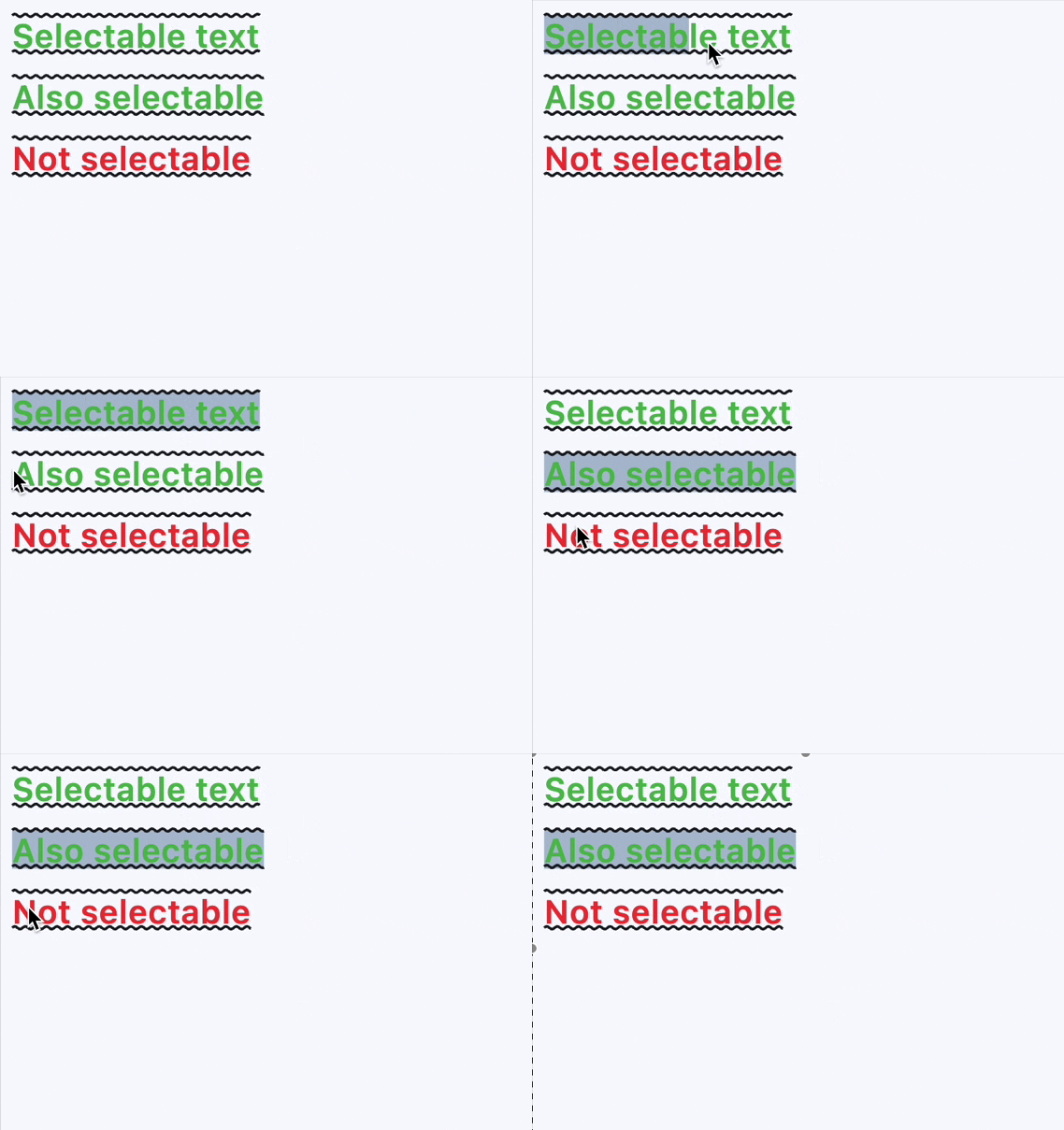](https://docs.flet.dev/examples/controls/selection_area/media/basic.gif)
Properties[#](https://docs.flet.dev/controls/selectionarea/#flet.SelectionArea-properties "Permanent link")
------------------------------------------------------------------------------------------------------------
### content `instance-attribute` [#](https://docs.flet.dev/controls/selectionarea/#flet.SelectionArea.content "Permanent link")
`[](https://docs.flet.dev/controls/selectionarea/#__codelineno-0-1) content: [Control](https://docs.flet.dev/controls/control/#flet.Control)`
The child control this selection area applies to.
If you need to have multiple selectable controls, use container-like controls like [`Row`](https://docs.flet.dev/controls/row/#flet.Row)
or [`Column`](https://docs.flet.dev/controls/column/#flet.Column)
, which have a `controls` property for this purpose.
Raises:
* `[ValueError](https://docs.python.org/3/library/exceptions.html#ValueError) ` –
If [`content`](https://docs.flet.dev/controls/selectionarea/#flet.SelectionArea.content)
is not visible.
Events[#](https://docs.flet.dev/controls/selectionarea/#flet.SelectionArea-events "Permanent link")
----------------------------------------------------------------------------------------------------
### on\_change `class-attribute` `instance-attribute` [#](https://docs.flet.dev/controls/selectionarea/#flet.SelectionArea.on_change "Permanent link")
`[](https://docs.flet.dev/controls/selectionarea/#__codelineno-0-1) on_change: [ControlEventHandler](https://docs.flet.dev/types/aliases/#flet.ControlEventHandler) [[SelectionArea](https://docs.flet.dev/controls/selectionarea/#flet.SelectionArea) ] | None = None`
Called when the selected content changes.
Back to top
---
# Pagelet - Flet
[Skip to content](https://docs.flet.dev/controls/pagelet/#flet.Pagelet)
Pagelet
=======
Implements the basic Material Design visual layout structure.
Use it for projects that require a "page within a page" layouts with its own [`AppBar`](https://docs.flet.dev/controls/appbar/#flet.AppBar)
, [`BottomAppBar`](https://docs.flet.dev/controls/bottomappbar/#flet.BottomAppBar)
, [`NavigationDrawer`](https://docs.flet.dev/controls/navigationdrawer/#flet.NavigationDrawer)
, such as demos and galleries.
[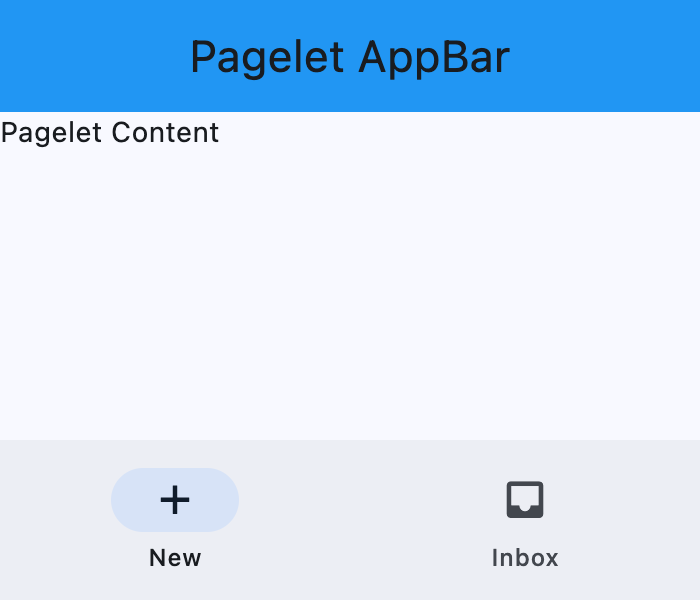](https://docs.flet.dev/test-images/examples/core/golden/macos/pagelet/image_for_docs.png)
Basic Pagelet
Inherits: `[LayoutControl](https://docs.flet.dev/controls/layoutcontrol/#flet.LayoutControl) `, `[AdaptiveControl](https://docs.flet.dev/controls/adaptivecontrol/#flet.AdaptiveControl) `
Properties
* **`[appbar](https://docs.flet.dev/controls/pagelet/#flet.Pagelet.appbar) `**(`[AppBar](https://docs.flet.dev/controls/appbar/#flet.AppBar) | [CupertinoAppBar](https://docs.flet.dev/controls/cupertinoappbar/#flet.CupertinoAppBar) | None`) –
An [`AppBar`](https://docs.flet.dev/controls/appbar/#flet.AppBar)
control to display at the top of the Pagelet.
* **`[bgcolor](https://docs.flet.dev/controls/pagelet/#flet.Pagelet.bgcolor) `**(`[ColorValue](https://docs.flet.dev/types/aliases/#flet.ColorValue) | None`) –
Background color of this Pagelet.
* **`[bottom_appbar](https://docs.flet.dev/controls/pagelet/#flet.Pagelet.bottom_appbar) `**(`[BottomAppBar](https://docs.flet.dev/controls/bottomappbar/#flet.BottomAppBar) | None`) –
A [`BottomAppBar`](https://docs.flet.dev/controls/bottomappbar/#flet.BottomAppBar)
control to display at the bottom of this Pagelet.
* **`[bottom_sheet](https://docs.flet.dev/controls/pagelet/#flet.Pagelet.bottom_sheet) `**(`[Control](https://docs.flet.dev/controls/control/#flet.Control) | None`) –
The persistent bottom sheet to show information that supplements the primary content of this Pagelet.
* **`[content](https://docs.flet.dev/controls/pagelet/#flet.Pagelet.content) `**(`[Control](https://docs.flet.dev/controls/control/#flet.Control) `) –
A child Control contained by this Pagelet.
* **`[drawer](https://docs.flet.dev/controls/pagelet/#flet.Pagelet.drawer) `**(`[NavigationDrawer](https://docs.flet.dev/controls/navigationdrawer/#flet.NavigationDrawer) | None`) –
A [`NavigationDrawer`](https://docs.flet.dev/controls/navigationdrawer/#flet.NavigationDrawer)
control to display as a panel sliding from the start edge of the page.
* **`[end_drawer](https://docs.flet.dev/controls/pagelet/#flet.Pagelet.end_drawer) `**(`[NavigationDrawer](https://docs.flet.dev/controls/navigationdrawer/#flet.NavigationDrawer) | None`) –
A [`NavigationDrawer`](https://docs.flet.dev/controls/navigationdrawer/#flet.NavigationDrawer)
control to display as a panel sliding from the end edge of the page.
* **`[floating_action_button](https://docs.flet.dev/controls/pagelet/#flet.Pagelet.floating_action_button) `**(`[Control](https://docs.flet.dev/controls/control/#flet.Control) | None`) –
A [`FloatingActionButton`](https://docs.flet.dev/controls/floatingactionbutton/#flet.FloatingActionButton)
* **`[floating_action_button_location](https://docs.flet.dev/controls/pagelet/#flet.Pagelet.floating_action_button_location) `**(`[FloatingActionButtonLocation](https://docs.flet.dev/types/floatingactionbuttonlocation/#flet.FloatingActionButtonLocation) | [OffsetValue](https://docs.flet.dev/types/aliases/#flet.OffsetValue) | None`) –
Defines the position of the [`floating_action_button`](https://docs.flet.dev/controls/pagelet/#flet.Pagelet.floating_action_button)
.
* **`[navigation_bar](https://docs.flet.dev/controls/pagelet/#flet.Pagelet.navigation_bar) `**(`[NavigationBar](https://docs.flet.dev/controls/navigationbar/#flet.NavigationBar) | [CupertinoNavigationBar](https://docs.flet.dev/controls/cupertinonavigationbar/#flet.CupertinoNavigationBar) | None`) –
A navigation bar ([`NavigationBar`](https://docs.flet.dev/controls/navigationbar/#flet.NavigationBar)
or [`CupertinoNavigationBar`](https://docs.flet.dev/controls/cupertinonavigationbar/#flet.CupertinoNavigationBar)
) control to display at the bottom of the `Pagelet`.
Methods
* **`[close_drawer](https://docs.flet.dev/controls/pagelet/#flet.Pagelet.close_drawer) `** –
Close the drawer.
* **`[close_end_drawer](https://docs.flet.dev/controls/pagelet/#flet.Pagelet.close_end_drawer) `** –
Close the end drawer.
* **`[show_drawer](https://docs.flet.dev/controls/pagelet/#flet.Pagelet.show_drawer) `** –
Show the drawer.
* **`[show_end_drawer](https://docs.flet.dev/controls/pagelet/#flet.Pagelet.show_end_drawer) `** –
Show the end drawer.
Examples[#](https://docs.flet.dev/controls/pagelet/#examples "Permanent link")
-------------------------------------------------------------------------------
[Live example](https://flet-controls-gallery.fly.dev/layout/pagelet)
### Basic example[#](https://docs.flet.dev/controls/pagelet/#basic-example "Permanent link")
`[](https://docs.flet.dev/controls/pagelet/#__codelineno-0-1) import asyncio [](https://docs.flet.dev/controls/pagelet/#__codelineno-0-2)[](https://docs.flet.dev/controls/pagelet/#__codelineno-0-3) import flet as ft [](https://docs.flet.dev/controls/pagelet/#__codelineno-0-4) [](https://docs.flet.dev/controls/pagelet/#__codelineno-0-5)[](https://docs.flet.dev/controls/pagelet/#__codelineno-0-6) def main(page: ft.Page): [](https://docs.flet.dev/controls/pagelet/#__codelineno-0-7) page.horizontal_alignment = ft.MainAxisAlignment.CENTER [](https://docs.flet.dev/controls/pagelet/#__codelineno-0-8) page.vertical_alignment = ft.CrossAxisAlignment.CENTER [](https://docs.flet.dev/controls/pagelet/#__codelineno-0-9) [](https://docs.flet.dev/controls/pagelet/#__codelineno-0-10) async def handle_show_drawer(e: ft.Event[ft.FloatingActionButton]): [](https://docs.flet.dev/controls/pagelet/#__codelineno-0-11) await pagelet.show_drawer() [](https://docs.flet.dev/controls/pagelet/#__codelineno-0-12) [](https://docs.flet.dev/controls/pagelet/#__codelineno-0-13) async def handle_show_end_drawer(e: ft.Event[ft.Button]): [](https://docs.flet.dev/controls/pagelet/#__codelineno-0-14) await pagelet.show_end_drawer() [](https://docs.flet.dev/controls/pagelet/#__codelineno-0-15) await asyncio.sleep(3) [](https://docs.flet.dev/controls/pagelet/#__codelineno-0-16) await pagelet.close_end_drawer() [](https://docs.flet.dev/controls/pagelet/#__codelineno-0-17) [](https://docs.flet.dev/controls/pagelet/#__codelineno-0-18) page.add( [](https://docs.flet.dev/controls/pagelet/#__codelineno-0-19) pagelet := ft.Pagelet( [](https://docs.flet.dev/controls/pagelet/#__codelineno-0-20) width=500, [](https://docs.flet.dev/controls/pagelet/#__codelineno-0-21) height=500, [](https://docs.flet.dev/controls/pagelet/#__codelineno-0-22) appbar=ft.AppBar( [](https://docs.flet.dev/controls/pagelet/#__codelineno-0-23) title=ft.Text("Pagelet AppBar"), [](https://docs.flet.dev/controls/pagelet/#__codelineno-0-24) center_title=True, [](https://docs.flet.dev/controls/pagelet/#__codelineno-0-25) bgcolor=ft.Colors.RED_500, [](https://docs.flet.dev/controls/pagelet/#__codelineno-0-26) ), [](https://docs.flet.dev/controls/pagelet/#__codelineno-0-27) content=ft.Text("Pagelet Body"), [](https://docs.flet.dev/controls/pagelet/#__codelineno-0-28) bgcolor=ft.Colors.SURFACE_CONTAINER_HIGHEST, [](https://docs.flet.dev/controls/pagelet/#__codelineno-0-29) bottom_appbar=ft.BottomAppBar( [](https://docs.flet.dev/controls/pagelet/#__codelineno-0-30) bgcolor=ft.Colors.BLUE, [](https://docs.flet.dev/controls/pagelet/#__codelineno-0-31) shape=ft.CircularRectangleNotchShape(), [](https://docs.flet.dev/controls/pagelet/#__codelineno-0-32) content=ft.Row( [](https://docs.flet.dev/controls/pagelet/#__codelineno-0-33) controls=[ [](https://docs.flet.dev/controls/pagelet/#__codelineno-0-34) ft.IconButton(icon=ft.Icons.MENU, icon_color=ft.Colors.WHITE), [](https://docs.flet.dev/controls/pagelet/#__codelineno-0-35) ft.Container(expand=True), [](https://docs.flet.dev/controls/pagelet/#__codelineno-0-36) ft.IconButton(icon=ft.Icons.SEARCH, icon_color=ft.Colors.WHITE), [](https://docs.flet.dev/controls/pagelet/#__codelineno-0-37) ft.IconButton( [](https://docs.flet.dev/controls/pagelet/#__codelineno-0-38) icon=ft.Icons.FAVORITE, icon_color=ft.Colors.WHITE [](https://docs.flet.dev/controls/pagelet/#__codelineno-0-39) ), [](https://docs.flet.dev/controls/pagelet/#__codelineno-0-40) ] [](https://docs.flet.dev/controls/pagelet/#__codelineno-0-41) ), [](https://docs.flet.dev/controls/pagelet/#__codelineno-0-42) ), [](https://docs.flet.dev/controls/pagelet/#__codelineno-0-43) drawer=ft.NavigationDrawer( [](https://docs.flet.dev/controls/pagelet/#__codelineno-0-44) on_dismiss=lambda e: print("Drawer dismissed"), [](https://docs.flet.dev/controls/pagelet/#__codelineno-0-45) controls=[ [](https://docs.flet.dev/controls/pagelet/#__codelineno-0-46) ft.NavigationDrawerDestination( [](https://docs.flet.dev/controls/pagelet/#__codelineno-0-47) icon=ft.Icons.ADD_TO_HOME_SCREEN_SHARP, [](https://docs.flet.dev/controls/pagelet/#__codelineno-0-48) label="Item 1", [](https://docs.flet.dev/controls/pagelet/#__codelineno-0-49) ), [](https://docs.flet.dev/controls/pagelet/#__codelineno-0-50) ft.NavigationDrawerDestination( [](https://docs.flet.dev/controls/pagelet/#__codelineno-0-51) icon=ft.Icons.ADD_COMMENT, [](https://docs.flet.dev/controls/pagelet/#__codelineno-0-52) label="Item 2", [](https://docs.flet.dev/controls/pagelet/#__codelineno-0-53) ), [](https://docs.flet.dev/controls/pagelet/#__codelineno-0-54) ], [](https://docs.flet.dev/controls/pagelet/#__codelineno-0-55) ), [](https://docs.flet.dev/controls/pagelet/#__codelineno-0-56) end_drawer=ft.NavigationDrawer( [](https://docs.flet.dev/controls/pagelet/#__codelineno-0-57) on_dismiss=lambda e: print("End Drawer dismissed"), [](https://docs.flet.dev/controls/pagelet/#__codelineno-0-58) controls=[ [](https://docs.flet.dev/controls/pagelet/#__codelineno-0-59) ft.NavigationDrawerDestination( [](https://docs.flet.dev/controls/pagelet/#__codelineno-0-60) icon=ft.Icons.SLOW_MOTION_VIDEO, [](https://docs.flet.dev/controls/pagelet/#__codelineno-0-61) label="Item 3", [](https://docs.flet.dev/controls/pagelet/#__codelineno-0-62) ), [](https://docs.flet.dev/controls/pagelet/#__codelineno-0-63) ft.NavigationDrawerDestination( [](https://docs.flet.dev/controls/pagelet/#__codelineno-0-64) icon=ft.Icons.INSERT_CHART, [](https://docs.flet.dev/controls/pagelet/#__codelineno-0-65) label="Item 4", [](https://docs.flet.dev/controls/pagelet/#__codelineno-0-66) ), [](https://docs.flet.dev/controls/pagelet/#__codelineno-0-67) ], [](https://docs.flet.dev/controls/pagelet/#__codelineno-0-68) ), [](https://docs.flet.dev/controls/pagelet/#__codelineno-0-69) floating_action_button=ft.FloatingActionButton( [](https://docs.flet.dev/controls/pagelet/#__codelineno-0-70) icon=ft.Icons.ADD, [](https://docs.flet.dev/controls/pagelet/#__codelineno-0-71) shape=ft.CircleBorder(), [](https://docs.flet.dev/controls/pagelet/#__codelineno-0-72) ), [](https://docs.flet.dev/controls/pagelet/#__codelineno-0-73) floating_action_button_location=ft.FloatingActionButtonLocation.CENTER_DOCKED, [](https://docs.flet.dev/controls/pagelet/#__codelineno-0-74) ) [](https://docs.flet.dev/controls/pagelet/#__codelineno-0-75) ) [](https://docs.flet.dev/controls/pagelet/#__codelineno-0-76) [](https://docs.flet.dev/controls/pagelet/#__codelineno-0-77)[](https://docs.flet.dev/controls/pagelet/#__codelineno-0-78) if __name__ == "__main__": [](https://docs.flet.dev/controls/pagelet/#__codelineno-0-79) ft.run(main)`
[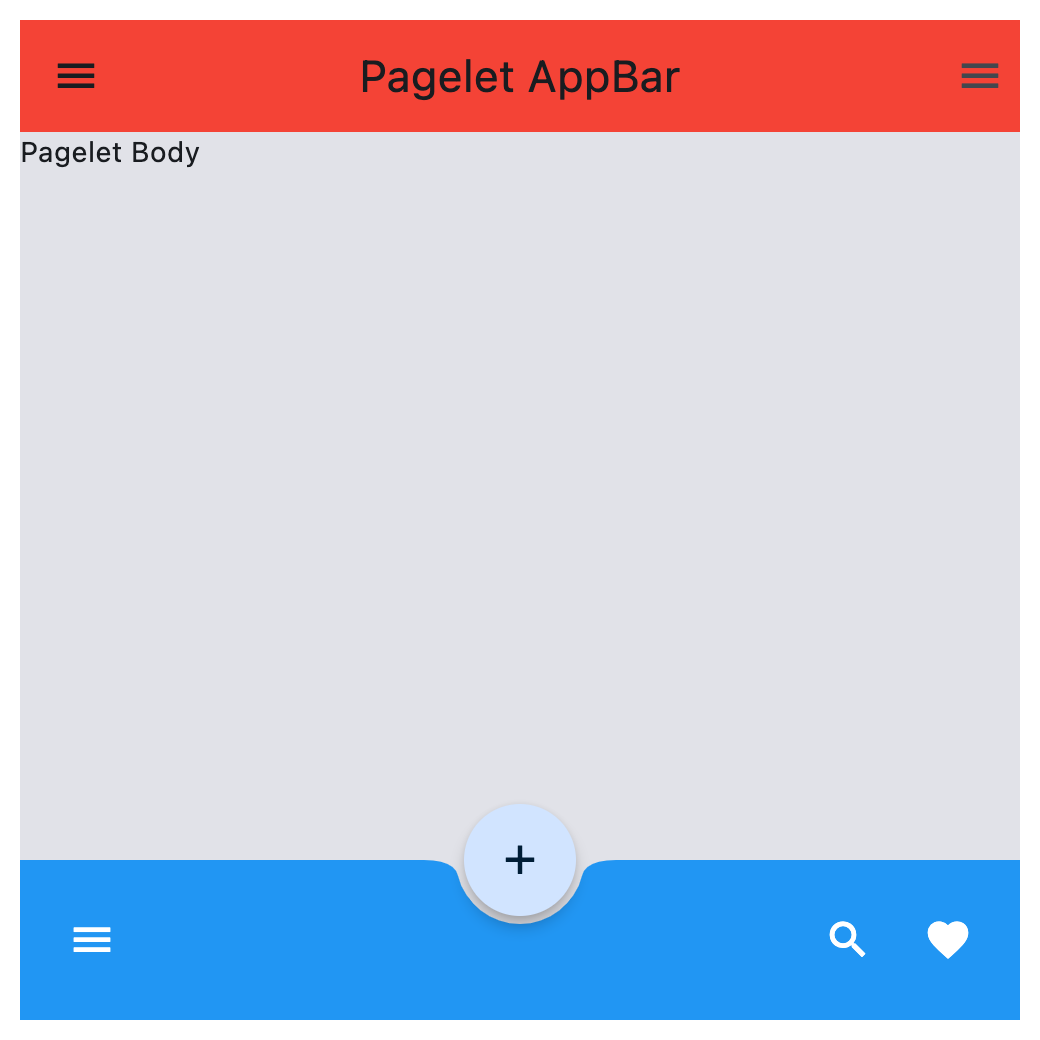](https://docs.flet.dev/test-images/examples/core/golden/macos/pagelet/basic.png)
Properties[#](https://docs.flet.dev/controls/pagelet/#flet.Pagelet-properties "Permanent link")
------------------------------------------------------------------------------------------------
### appbar `class-attribute` `instance-attribute` [#](https://docs.flet.dev/controls/pagelet/#flet.Pagelet.appbar "Permanent link")
`[](https://docs.flet.dev/controls/pagelet/#__codelineno-0-1) appbar: [AppBar](https://docs.flet.dev/controls/appbar/#flet.AppBar) | [CupertinoAppBar](https://docs.flet.dev/controls/cupertinoappbar/#flet.CupertinoAppBar) | None = None`
An [`AppBar`](https://docs.flet.dev/controls/appbar/#flet.AppBar)
control to display at the top of the Pagelet.
### bgcolor `class-attribute` `instance-attribute` [#](https://docs.flet.dev/controls/pagelet/#flet.Pagelet.bgcolor "Permanent link")
`[](https://docs.flet.dev/controls/pagelet/#__codelineno-0-1) bgcolor: [ColorValue](https://docs.flet.dev/types/aliases/#flet.ColorValue) | None = None`
Background color of this Pagelet.
### bottom\_appbar `class-attribute` `instance-attribute` [#](https://docs.flet.dev/controls/pagelet/#flet.Pagelet.bottom_appbar "Permanent link")
`[](https://docs.flet.dev/controls/pagelet/#__codelineno-0-1) bottom_appbar: [BottomAppBar](https://docs.flet.dev/controls/bottomappbar/#flet.BottomAppBar) | None = None`
A [`BottomAppBar`](https://docs.flet.dev/controls/bottomappbar/#flet.BottomAppBar)
control to display at the bottom of this Pagelet.
Note
If both the `bottom_appbar` and [`navigation_bar`](https://docs.flet.dev/controls/pagelet/#flet.Pagelet.navigation_bar)
properties are specified, `bottom_appbar` takes precedence and will be displayed.
### bottom\_sheet `class-attribute` `instance-attribute` [#](https://docs.flet.dev/controls/pagelet/#flet.Pagelet.bottom_sheet "Permanent link")
`[](https://docs.flet.dev/controls/pagelet/#__codelineno-0-1) bottom_sheet: [Control](https://docs.flet.dev/controls/control/#flet.Control) | None = None`
The persistent bottom sheet to show information that supplements the primary content of this Pagelet.
### content `instance-attribute` [#](https://docs.flet.dev/controls/pagelet/#flet.Pagelet.content "Permanent link")
`[](https://docs.flet.dev/controls/pagelet/#__codelineno-0-1) content: [Control](https://docs.flet.dev/controls/control/#flet.Control)`
A child Control contained by this Pagelet.
The control in the content of the Pagelet is positioned at the top-left of the available space between the app bar and the bottom of the Pagelet.
Raises:
* `[ValueError](https://docs.python.org/3/library/exceptions.html#ValueError) ` –
If it is not visible.
### drawer `class-attribute` `instance-attribute` [#](https://docs.flet.dev/controls/pagelet/#flet.Pagelet.drawer "Permanent link")
`[](https://docs.flet.dev/controls/pagelet/#__codelineno-0-1) drawer: [NavigationDrawer](https://docs.flet.dev/controls/navigationdrawer/#flet.NavigationDrawer) | None = None`
A [`NavigationDrawer`](https://docs.flet.dev/controls/navigationdrawer/#flet.NavigationDrawer)
control to display as a panel sliding from the start edge of the page.
### end\_drawer `class-attribute` `instance-attribute` [#](https://docs.flet.dev/controls/pagelet/#flet.Pagelet.end_drawer "Permanent link")
`[](https://docs.flet.dev/controls/pagelet/#__codelineno-0-1) end_drawer: [NavigationDrawer](https://docs.flet.dev/controls/navigationdrawer/#flet.NavigationDrawer) | None = None`
A [`NavigationDrawer`](https://docs.flet.dev/controls/navigationdrawer/#flet.NavigationDrawer)
control to display as a panel sliding from the end edge of the page.
### floating\_action\_button `class-attribute` `instance-attribute` [#](https://docs.flet.dev/controls/pagelet/#flet.Pagelet.floating_action_button "Permanent link")
`[](https://docs.flet.dev/controls/pagelet/#__codelineno-0-1) floating_action_button: [Control](https://docs.flet.dev/controls/control/#flet.Control) | None = None`
A [`FloatingActionButton`](https://docs.flet.dev/controls/floatingactionbutton/#flet.FloatingActionButton)
control to display on top of this Pagelet's content.
### floating\_action\_button\_location `class-attribute` `instance-attribute` [#](https://docs.flet.dev/controls/pagelet/#flet.Pagelet.floating_action_button_location "Permanent link")
`[](https://docs.flet.dev/controls/pagelet/#__codelineno-0-1) floating_action_button_location: ( [](https://docs.flet.dev/controls/pagelet/#__codelineno-0-2) [FloatingActionButtonLocation](https://docs.flet.dev/types/floatingactionbuttonlocation/#flet.FloatingActionButtonLocation) | [OffsetValue](https://docs.flet.dev/types/aliases/#flet.OffsetValue) | None [](https://docs.flet.dev/controls/pagelet/#__codelineno-0-3) ) = [END_FLOAT](https://docs.flet.dev/types/floatingactionbuttonlocation/#flet.FloatingActionButtonLocation.END_FLOAT)`
Defines the position of the [`floating_action_button`](https://docs.flet.dev/controls/pagelet/#flet.Pagelet.floating_action_button)
.
### navigation\_bar `class-attribute` `instance-attribute` [#](https://docs.flet.dev/controls/pagelet/#flet.Pagelet.navigation_bar "Permanent link")
`[](https://docs.flet.dev/controls/pagelet/#__codelineno-0-1) navigation_bar: ( [](https://docs.flet.dev/controls/pagelet/#__codelineno-0-2) [NavigationBar](https://docs.flet.dev/controls/navigationbar/#flet.NavigationBar) | [CupertinoNavigationBar](https://docs.flet.dev/controls/cupertinonavigationbar/#flet.CupertinoNavigationBar) | None [](https://docs.flet.dev/controls/pagelet/#__codelineno-0-3) ) = None`
A navigation bar ([`NavigationBar`](https://docs.flet.dev/controls/navigationbar/#flet.NavigationBar)
or [`CupertinoNavigationBar`](https://docs.flet.dev/controls/cupertinonavigationbar/#flet.CupertinoNavigationBar)
) control to display at the bottom of the `Pagelet`.
Note
If both the `navigation_bar` and [`bottom_appbar`](https://docs.flet.dev/controls/pagelet/#flet.Pagelet.bottom_appbar)
properties are specified, `navigation_bar` takes precedence and will be displayed.
Methods[#](https://docs.flet.dev/controls/pagelet/#flet.Pagelet-methods "Permanent link")
------------------------------------------------------------------------------------------
### close\_drawer `async` [#](https://docs.flet.dev/controls/pagelet/#flet.Pagelet.close_drawer "Permanent link")
`[](https://docs.flet.dev/controls/pagelet/#__codelineno-0-1) close_drawer()`
Close the drawer.
### close\_end\_drawer `async` [#](https://docs.flet.dev/controls/pagelet/#flet.Pagelet.close_end_drawer "Permanent link")
`[](https://docs.flet.dev/controls/pagelet/#__codelineno-0-1) close_end_drawer()`
Close the end drawer.
### show\_drawer `async` [#](https://docs.flet.dev/controls/pagelet/#flet.Pagelet.show_drawer "Permanent link")
`[](https://docs.flet.dev/controls/pagelet/#__codelineno-0-1) show_drawer()`
Show the drawer.
Raises:
* `[ValueError](https://docs.python.org/3/library/exceptions.html#ValueError) ` –
If no [`drawer`](https://docs.flet.dev/controls/pagelet/#flet.Pagelet.drawer)
is defined.
### show\_end\_drawer `async` [#](https://docs.flet.dev/controls/pagelet/#flet.Pagelet.show_end_drawer "Permanent link")
`[](https://docs.flet.dev/controls/pagelet/#__codelineno-0-1) show_end_drawer()`
Show the end drawer.
Raises:
* `[ValueError](https://docs.python.org/3/library/exceptions.html#ValueError) ` –
If no [`end_drawer`](https://docs.flet.dev/controls/pagelet/#flet.Pagelet.end_drawer)
is defined.
Back to top
---
# FloatingActionButton - Flet
[Skip to content](https://docs.flet.dev/controls/floatingactionbutton/#flet.FloatingActionButton)
FloatingActionButton
====================
A floating action button is a circular icon button that hovers over content to promote a primary action in the application. Floating action button is usually set to `page.floating_action_button`, but can also be added as a regular control at any place on a page.
Example:
`[](https://docs.flet.dev/controls/floatingactionbutton/#__codelineno-0-1) ft.FloatingActionButton(icon=ft.Icons.ADD)`
[](https://docs.flet.dev/test-images/examples/material/golden/macos/floating_action_button/image_for_docs.png)
Basic FloatingActionButton
Inherits: `[LayoutControl](https://docs.flet.dev/controls/layoutcontrol/#flet.LayoutControl) `
Properties
* **`[autofocus](https://docs.flet.dev/controls/floatingactionbutton/#flet.FloatingActionButton.autofocus) `**(`[bool](https://docs.python.org/3/library/functions.html#bool) `) –
True if the control will be selected as the initial focus. If there is more than one control on a page with autofocus set, then the first one added to the page will get focus.
* **`[bgcolor](https://docs.flet.dev/controls/floatingactionbutton/#flet.FloatingActionButton.bgcolor) `**(`[ColorValue](https://docs.flet.dev/types/aliases/#flet.ColorValue) | None`) –
Button background color.
* **`[clip_behavior](https://docs.flet.dev/controls/floatingactionbutton/#flet.FloatingActionButton.clip_behavior) `**(`[ClipBehavior](https://docs.flet.dev/types/clipbehavior/#flet.ClipBehavior) `) –
Defines how the [`content`](https://docs.flet.dev/controls/floatingactionbutton/#flet.FloatingActionButton.content)
is clipped.
* **`[content](https://docs.flet.dev/controls/floatingactionbutton/#flet.FloatingActionButton.content) `**(`[StrOrControl](https://docs.flet.dev/types/aliases/#flet.StrOrControl) | None`) –
The content of this button.
* **`[disabled_elevation](https://docs.flet.dev/controls/floatingactionbutton/#flet.FloatingActionButton.disabled_elevation) `**(`[Number](https://docs.flet.dev/types/aliases/#flet.Number) | None`) –
The elevation of this button when disabled.
* **`[elevation](https://docs.flet.dev/controls/floatingactionbutton/#flet.FloatingActionButton.elevation) `**(`[Number](https://docs.flet.dev/types/aliases/#flet.Number) | None`) –
The elevation of this button.
* **`[enable_feedback](https://docs.flet.dev/controls/floatingactionbutton/#flet.FloatingActionButton.enable_feedback) `**(`[bool](https://docs.python.org/3/library/functions.html#bool) | None`) –
Whether detected gestures should provide acoustic and/or haptic feedback. On Android, for example, setting this to `True` will produce a click sound and a long-press will produce a short vibration.
* **`[focus_color](https://docs.flet.dev/controls/floatingactionbutton/#flet.FloatingActionButton.focus_color) `**(`[ColorValue](https://docs.flet.dev/types/aliases/#flet.ColorValue) | None`) –
The color to use for filling this button when it has input focus.
* **`[focus_elevation](https://docs.flet.dev/controls/floatingactionbutton/#flet.FloatingActionButton.focus_elevation) `**(`[Number](https://docs.flet.dev/types/aliases/#flet.Number) | None`) –
The elevation of this button when it has input focus.
* **`[foreground_color](https://docs.flet.dev/controls/floatingactionbutton/#flet.FloatingActionButton.foreground_color) `**(`[ColorValue](https://docs.flet.dev/types/aliases/#flet.ColorValue) | None`) –
The default foreground color for icons and text within this button.
* **`[highlight_elevation](https://docs.flet.dev/controls/floatingactionbutton/#flet.FloatingActionButton.highlight_elevation) `**(`[Number](https://docs.flet.dev/types/aliases/#flet.Number) | None`) –
The elevation of this button when it is highlighted.
* **`[hover_color](https://docs.flet.dev/controls/floatingactionbutton/#flet.FloatingActionButton.hover_color) `**(`[ColorValue](https://docs.flet.dev/types/aliases/#flet.ColorValue) | None`) –
The color to use for filling this button when hovered.
* **`[hover_elevation](https://docs.flet.dev/controls/floatingactionbutton/#flet.FloatingActionButton.hover_elevation) `**(`[Number](https://docs.flet.dev/types/aliases/#flet.Number) | None`) –
The elevation of this button it is enabled and being hovered over.
* **`[icon](https://docs.flet.dev/controls/floatingactionbutton/#flet.FloatingActionButton.icon) `**(`[IconDataOrControl](https://docs.flet.dev/types/aliases/#flet.IconDataOrControl) | None`) –
Icon shown in this button.
* **`[mini](https://docs.flet.dev/controls/floatingactionbutton/#flet.FloatingActionButton.mini) `**(`[bool](https://docs.python.org/3/library/functions.html#bool) `) –
Controls the size of this button.
* **`[mouse_cursor](https://docs.flet.dev/controls/floatingactionbutton/#flet.FloatingActionButton.mouse_cursor) `**(`[MouseCursor](https://docs.flet.dev/types/mousecursor/#flet.MouseCursor) | None`) –
The cursor to be displayed when a mouse pointer enters or is hovering over this control.
* **`[shape](https://docs.flet.dev/controls/floatingactionbutton/#flet.FloatingActionButton.shape) `**(`[OutlinedBorder](https://docs.flet.dev/types/outlinedborder/#flet.OutlinedBorder) | None`) –
The shape of the FAB's border.
* **`[splash_color](https://docs.flet.dev/controls/floatingactionbutton/#flet.FloatingActionButton.splash_color) `**(`[ColorValue](https://docs.flet.dev/types/aliases/#flet.ColorValue) | None`) –
The color to use for the ink splash.
* **`[url](https://docs.flet.dev/controls/floatingactionbutton/#flet.FloatingActionButton.url) `**(`[str](https://docs.python.org/3/library/stdtypes.html#str) | [Url](https://docs.flet.dev/types/url/#flet.Url) | None`) –
The URL to open when this button is clicked.
Events
* **`[on_click](https://docs.flet.dev/controls/floatingactionbutton/#flet.FloatingActionButton.on_click) `**(`[ControlEventHandler](https://docs.flet.dev/types/aliases/#flet.ControlEventHandler) [[FloatingActionButton](https://docs.flet.dev/controls/floatingactionbutton/#flet.FloatingActionButton) ] | None`) –
Called when a user clicks this button.
Examples[#](https://docs.flet.dev/controls/floatingactionbutton/#examples "Permanent link")
--------------------------------------------------------------------------------------------
[Live example](https://flet-controls-gallery.fly.dev/buttons/floatingactionbutton)
### Handling clicks[#](https://docs.flet.dev/controls/floatingactionbutton/#handling-clicks "Permanent link")
`[](https://docs.flet.dev/controls/floatingactionbutton/#__codelineno-0-1) import flet as ft [](https://docs.flet.dev/controls/floatingactionbutton/#__codelineno-0-2) [](https://docs.flet.dev/controls/floatingactionbutton/#__codelineno-0-3)[](https://docs.flet.dev/controls/floatingactionbutton/#__codelineno-0-4) def main(page: ft.Page): [](https://docs.flet.dev/controls/floatingactionbutton/#__codelineno-0-5) page.title = "Floating Action Button" [](https://docs.flet.dev/controls/floatingactionbutton/#__codelineno-0-6) page.theme_mode = ft.ThemeMode.LIGHT [](https://docs.flet.dev/controls/floatingactionbutton/#__codelineno-0-7) page.horizontal_alignment = ft.CrossAxisAlignment.CENTER [](https://docs.flet.dev/controls/floatingactionbutton/#__codelineno-0-8) page.padding = 0 [](https://docs.flet.dev/controls/floatingactionbutton/#__codelineno-0-9) page.scroll = ft.ScrollMode.HIDDEN [](https://docs.flet.dev/controls/floatingactionbutton/#__codelineno-0-10) [](https://docs.flet.dev/controls/floatingactionbutton/#__codelineno-0-11) # keeps track of the number of tiles already added [](https://docs.flet.dev/controls/floatingactionbutton/#__codelineno-0-12) count = 1 [](https://docs.flet.dev/controls/floatingactionbutton/#__codelineno-0-13) [](https://docs.flet.dev/controls/floatingactionbutton/#__codelineno-0-14) def handle_fab_click(e: ft.Event[ft.FloatingActionButton]): [](https://docs.flet.dev/controls/floatingactionbutton/#__codelineno-0-15) nonlocal count # to modify the count variable found in the outer scope [](https://docs.flet.dev/controls/floatingactionbutton/#__codelineno-0-16) page.add( [](https://docs.flet.dev/controls/floatingactionbutton/#__codelineno-0-17) ft.ListTile( [](https://docs.flet.dev/controls/floatingactionbutton/#__codelineno-0-18) title=ft.Text(f"Tile {count}"), [](https://docs.flet.dev/controls/floatingactionbutton/#__codelineno-0-19) bgcolor=ft.Colors.TEAL_300, [](https://docs.flet.dev/controls/floatingactionbutton/#__codelineno-0-20) leading=ft.Icon( [](https://docs.flet.dev/controls/floatingactionbutton/#__codelineno-0-21) ft.Icons.CIRCLE_OUTLINED, color=ft.Colors.DEEP_ORANGE_300 [](https://docs.flet.dev/controls/floatingactionbutton/#__codelineno-0-22) ), [](https://docs.flet.dev/controls/floatingactionbutton/#__codelineno-0-23) on_click=lambda x: print(x.control.title.value + " was clicked!"), [](https://docs.flet.dev/controls/floatingactionbutton/#__codelineno-0-24) ) [](https://docs.flet.dev/controls/floatingactionbutton/#__codelineno-0-25) ) [](https://docs.flet.dev/controls/floatingactionbutton/#__codelineno-0-26) page.show_dialog(ft.SnackBar(ft.Text("Tile was added successfully!"))) [](https://docs.flet.dev/controls/floatingactionbutton/#__codelineno-0-27) count += 1 [](https://docs.flet.dev/controls/floatingactionbutton/#__codelineno-0-28) [](https://docs.flet.dev/controls/floatingactionbutton/#__codelineno-0-29) page.floating_action_button = ft.FloatingActionButton( [](https://docs.flet.dev/controls/floatingactionbutton/#__codelineno-0-30) icon=ft.Icons.ADD, [](https://docs.flet.dev/controls/floatingactionbutton/#__codelineno-0-31) on_click=handle_fab_click, [](https://docs.flet.dev/controls/floatingactionbutton/#__codelineno-0-32) bgcolor=ft.Colors.LIME_300, [](https://docs.flet.dev/controls/floatingactionbutton/#__codelineno-0-33) ) [](https://docs.flet.dev/controls/floatingactionbutton/#__codelineno-0-34) [](https://docs.flet.dev/controls/floatingactionbutton/#__codelineno-0-35) page.add( [](https://docs.flet.dev/controls/floatingactionbutton/#__codelineno-0-36) ft.Container( [](https://docs.flet.dev/controls/floatingactionbutton/#__codelineno-0-37) bgcolor=ft.Colors.BLUE, [](https://docs.flet.dev/controls/floatingactionbutton/#__codelineno-0-38) padding=ft.Padding.all(20), [](https://docs.flet.dev/controls/floatingactionbutton/#__codelineno-0-39) content=ft.Row( [](https://docs.flet.dev/controls/floatingactionbutton/#__codelineno-0-40) alignment=ft.MainAxisAlignment.CENTER, [](https://docs.flet.dev/controls/floatingactionbutton/#__codelineno-0-41) controls=[ [](https://docs.flet.dev/controls/floatingactionbutton/#__codelineno-0-42) ft.Text( [](https://docs.flet.dev/controls/floatingactionbutton/#__codelineno-0-43) value="Floating Action Button Example", [](https://docs.flet.dev/controls/floatingactionbutton/#__codelineno-0-44) style=ft.TextStyle(size=20, weight=ft.FontWeight.W_500), [](https://docs.flet.dev/controls/floatingactionbutton/#__codelineno-0-45) ) [](https://docs.flet.dev/controls/floatingactionbutton/#__codelineno-0-46) ], [](https://docs.flet.dev/controls/floatingactionbutton/#__codelineno-0-47) ), [](https://docs.flet.dev/controls/floatingactionbutton/#__codelineno-0-48) ), [](https://docs.flet.dev/controls/floatingactionbutton/#__codelineno-0-49) ft.Text("Press the FAB to add a tile!"), [](https://docs.flet.dev/controls/floatingactionbutton/#__codelineno-0-50) ) [](https://docs.flet.dev/controls/floatingactionbutton/#__codelineno-0-51) [](https://docs.flet.dev/controls/floatingactionbutton/#__codelineno-0-52)[](https://docs.flet.dev/controls/floatingactionbutton/#__codelineno-0-53) ft.run(main)`
[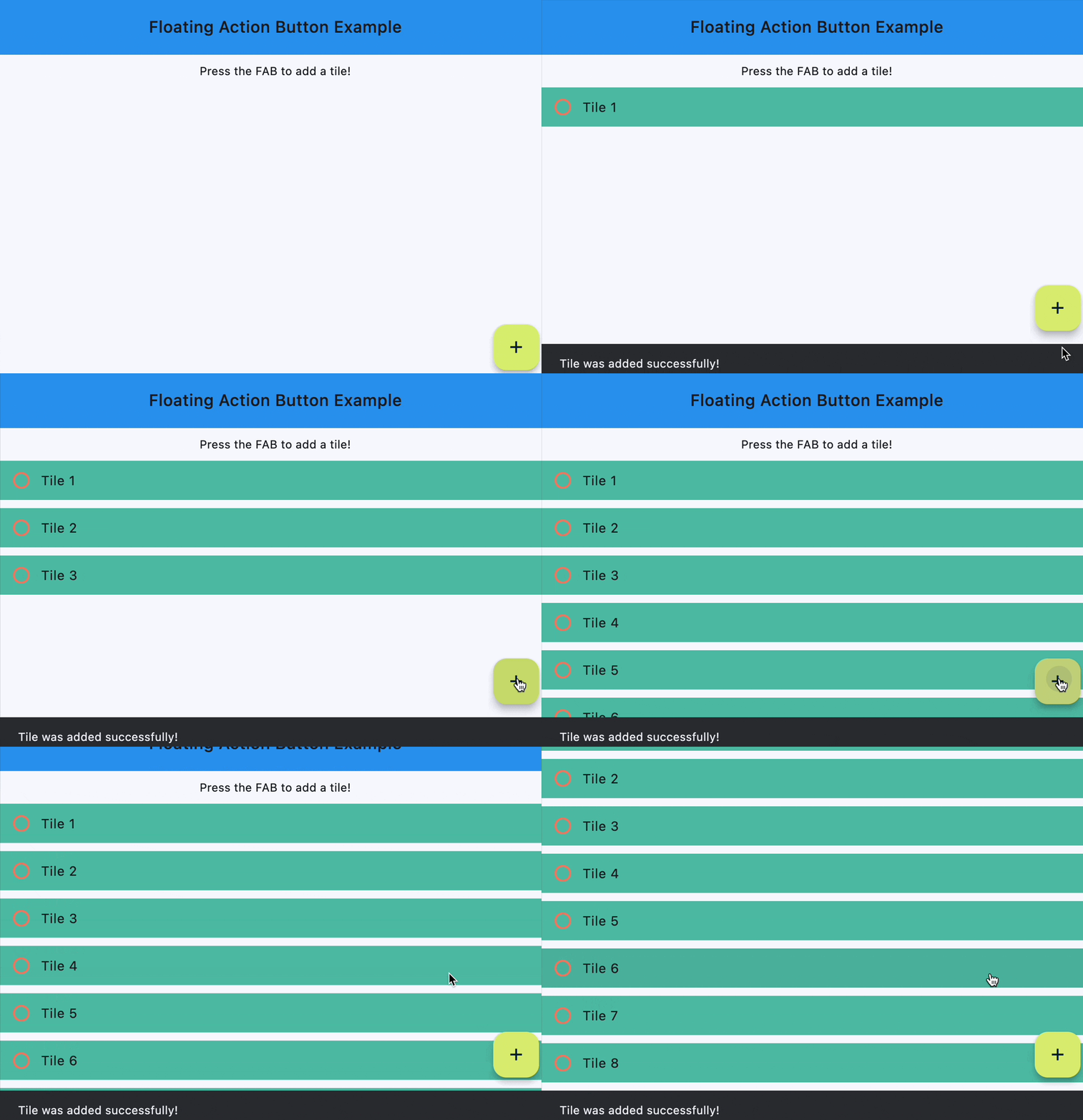](https://docs.flet.dev/examples/controls/floating_action_button/media/handling_clicks.gif)
Properties[#](https://docs.flet.dev/controls/floatingactionbutton/#flet.FloatingActionButton-properties "Permanent link")
--------------------------------------------------------------------------------------------------------------------------
### autofocus `class-attribute` `instance-attribute` [#](https://docs.flet.dev/controls/floatingactionbutton/#flet.FloatingActionButton.autofocus "Permanent link")
`[](https://docs.flet.dev/controls/floatingactionbutton/#__codelineno-0-1) autofocus: [bool](https://docs.python.org/3/library/functions.html#bool) = False`
True if the control will be selected as the initial focus. If there is more than one control on a page with autofocus set, then the first one added to the page will get focus.
### bgcolor `class-attribute` `instance-attribute` [#](https://docs.flet.dev/controls/floatingactionbutton/#flet.FloatingActionButton.bgcolor "Permanent link")
`[](https://docs.flet.dev/controls/floatingactionbutton/#__codelineno-0-1) bgcolor: [ColorValue](https://docs.flet.dev/types/aliases/#flet.ColorValue) | None = None`
Button background color.
### clip\_behavior `class-attribute` `instance-attribute` [#](https://docs.flet.dev/controls/floatingactionbutton/#flet.FloatingActionButton.clip_behavior "Permanent link")
`[](https://docs.flet.dev/controls/floatingactionbutton/#__codelineno-0-1) clip_behavior: [ClipBehavior](https://docs.flet.dev/types/clipbehavior/#flet.ClipBehavior) = [NONE](https://docs.flet.dev/types/clipbehavior/#flet.ClipBehavior.NONE)`
Defines how the [`content`](https://docs.flet.dev/controls/floatingactionbutton/#flet.FloatingActionButton.content)
is clipped.
### content `class-attribute` `instance-attribute` [#](https://docs.flet.dev/controls/floatingactionbutton/#flet.FloatingActionButton.content "Permanent link")
`[](https://docs.flet.dev/controls/floatingactionbutton/#__codelineno-0-1) content: [StrOrControl](https://docs.flet.dev/types/aliases/#flet.StrOrControl) | None = None`
The content of this button.
Raises:
* `[ValueError](https://docs.python.org/3/library/exceptions.html#ValueError) ` –
If neither [`icon`](https://docs.flet.dev/controls/floatingactionbutton/#flet.FloatingActionButton.icon)
nor a valid `content` (string or visible Control) is provided.
### disabled\_elevation `class-attribute` `instance-attribute` [#](https://docs.flet.dev/controls/floatingactionbutton/#flet.FloatingActionButton.disabled_elevation "Permanent link")
`[](https://docs.flet.dev/controls/floatingactionbutton/#__codelineno-0-1) disabled_elevation: [Number](https://docs.flet.dev/types/aliases/#flet.Number) | None = None`
The elevation of this button when disabled.
Defaults to [`elevation`](https://docs.flet.dev/controls/floatingactionbutton/#flet.FloatingActionButton.elevation)
.
Raises:
* `[ValueError](https://docs.python.org/3/library/exceptions.html#ValueError) ` –
If it is not greater than or equal to `0`.
### elevation `class-attribute` `instance-attribute` [#](https://docs.flet.dev/controls/floatingactionbutton/#flet.FloatingActionButton.elevation "Permanent link")
`[](https://docs.flet.dev/controls/floatingactionbutton/#__codelineno-0-1) elevation: [Number](https://docs.flet.dev/types/aliases/#flet.Number) | None = None`
The elevation of this button.
Defaults to `6`.
Raises:
* `[ValueError](https://docs.python.org/3/library/exceptions.html#ValueError) ` –
If it is not greater than or equal to `0`.
### enable\_feedback `class-attribute` `instance-attribute` [#](https://docs.flet.dev/controls/floatingactionbutton/#flet.FloatingActionButton.enable_feedback "Permanent link")
`[](https://docs.flet.dev/controls/floatingactionbutton/#__codelineno-0-1) enable_feedback: [bool](https://docs.python.org/3/library/functions.html#bool) | None = None`
Whether detected gestures should provide acoustic and/or haptic feedback. On Android, for example, setting this to `True` will produce a click sound and a long-press will produce a short vibration.
### focus\_color `class-attribute` `instance-attribute` [#](https://docs.flet.dev/controls/floatingactionbutton/#flet.FloatingActionButton.focus_color "Permanent link")
`[](https://docs.flet.dev/controls/floatingactionbutton/#__codelineno-0-1) focus_color: [ColorValue](https://docs.flet.dev/types/aliases/#flet.ColorValue) | None = None`
The color to use for filling this button when it has input focus.
### focus\_elevation `class-attribute` `instance-attribute` [#](https://docs.flet.dev/controls/floatingactionbutton/#flet.FloatingActionButton.focus_elevation "Permanent link")
`[](https://docs.flet.dev/controls/floatingactionbutton/#__codelineno-0-1) focus_elevation: [Number](https://docs.flet.dev/types/aliases/#flet.Number) | None = None`
The elevation of this button when it has input focus.
Defaults to `8`.
Raises:
* `[ValueError](https://docs.python.org/3/library/exceptions.html#ValueError) ` –
If it is not greater than or equal to `0`.
### foreground\_color `class-attribute` `instance-attribute` [#](https://docs.flet.dev/controls/floatingactionbutton/#flet.FloatingActionButton.foreground_color "Permanent link")
`[](https://docs.flet.dev/controls/floatingactionbutton/#__codelineno-0-1) foreground_color: [ColorValue](https://docs.flet.dev/types/aliases/#flet.ColorValue) | None = None`
The default foreground color for icons and text within this button.
### highlight\_elevation `class-attribute` `instance-attribute` [#](https://docs.flet.dev/controls/floatingactionbutton/#flet.FloatingActionButton.highlight_elevation "Permanent link")
`[](https://docs.flet.dev/controls/floatingactionbutton/#__codelineno-0-1) highlight_elevation: [Number](https://docs.flet.dev/types/aliases/#flet.Number) | None = None`
The elevation of this button when it is highlighted.
Defaults to `12`.
Raises:
* `[ValueError](https://docs.python.org/3/library/exceptions.html#ValueError) ` –
If it is not greater than or equal to `0`.
### hover\_color `class-attribute` `instance-attribute` [#](https://docs.flet.dev/controls/floatingactionbutton/#flet.FloatingActionButton.hover_color "Permanent link")
`[](https://docs.flet.dev/controls/floatingactionbutton/#__codelineno-0-1) hover_color: [ColorValue](https://docs.flet.dev/types/aliases/#flet.ColorValue) | None = None`
The color to use for filling this button when hovered.
### hover\_elevation `class-attribute` `instance-attribute` [#](https://docs.flet.dev/controls/floatingactionbutton/#flet.FloatingActionButton.hover_elevation "Permanent link")
`[](https://docs.flet.dev/controls/floatingactionbutton/#__codelineno-0-1) hover_elevation: [Number](https://docs.flet.dev/types/aliases/#flet.Number) | None = None`
The elevation of this button it is enabled and being hovered over.
Defaults to `8`.
Raises:
* `[ValueError](https://docs.python.org/3/library/exceptions.html#ValueError) ` –
If it is not greater than or equal to `0`.
### icon `class-attribute` `instance-attribute` [#](https://docs.flet.dev/controls/floatingactionbutton/#flet.FloatingActionButton.icon "Permanent link")
`[](https://docs.flet.dev/controls/floatingactionbutton/#__codelineno-0-1) icon: [IconDataOrControl](https://docs.flet.dev/types/aliases/#flet.IconDataOrControl) | None = None`
Icon shown in this button.
### mini `class-attribute` `instance-attribute` [#](https://docs.flet.dev/controls/floatingactionbutton/#flet.FloatingActionButton.mini "Permanent link")
`[](https://docs.flet.dev/controls/floatingactionbutton/#__codelineno-0-1) mini: [bool](https://docs.python.org/3/library/functions.html#bool) = False`
Controls the size of this button.
By default, floating action buttons are non-mini and have a height and width of `56.0` logical pixels. Mini floating action buttons have a height and width of `40.0` logical pixels with a layout width and height of `48.0` logical pixels.
### mouse\_cursor `class-attribute` `instance-attribute` [#](https://docs.flet.dev/controls/floatingactionbutton/#flet.FloatingActionButton.mouse_cursor "Permanent link")
`[](https://docs.flet.dev/controls/floatingactionbutton/#__codelineno-0-1) mouse_cursor: [MouseCursor](https://docs.flet.dev/types/mousecursor/#flet.MouseCursor) | None = None`
The cursor to be displayed when a mouse pointer enters or is hovering over this control.
### shape `class-attribute` `instance-attribute` [#](https://docs.flet.dev/controls/floatingactionbutton/#flet.FloatingActionButton.shape "Permanent link")
`[](https://docs.flet.dev/controls/floatingactionbutton/#__codelineno-0-1) shape: [OutlinedBorder](https://docs.flet.dev/types/outlinedborder/#flet.OutlinedBorder) | None = None`
The shape of the FAB's border.
### splash\_color `class-attribute` `instance-attribute` [#](https://docs.flet.dev/controls/floatingactionbutton/#flet.FloatingActionButton.splash_color "Permanent link")
`[](https://docs.flet.dev/controls/floatingactionbutton/#__codelineno-0-1) splash_color: [ColorValue](https://docs.flet.dev/types/aliases/#flet.ColorValue) | None = None`
The color to use for the ink splash.
### url `class-attribute` `instance-attribute` [#](https://docs.flet.dev/controls/floatingactionbutton/#flet.FloatingActionButton.url "Permanent link")
`[](https://docs.flet.dev/controls/floatingactionbutton/#__codelineno-0-1) url: [str](https://docs.python.org/3/library/stdtypes.html#str) | [Url](https://docs.flet.dev/types/url/#flet.Url) | None = None`
The URL to open when this button is clicked.
Additionally, if [`on_click`](https://docs.flet.dev/controls/floatingactionbutton/#flet.FloatingActionButton.on_click)
event callback is provided, it is fired after that.
Events[#](https://docs.flet.dev/controls/floatingactionbutton/#flet.FloatingActionButton-events "Permanent link")
------------------------------------------------------------------------------------------------------------------
### on\_click `class-attribute` `instance-attribute` [#](https://docs.flet.dev/controls/floatingactionbutton/#flet.FloatingActionButton.on_click "Permanent link")
`[](https://docs.flet.dev/controls/floatingactionbutton/#__codelineno-0-1) on_click: ( [](https://docs.flet.dev/controls/floatingactionbutton/#__codelineno-0-2) [ControlEventHandler](https://docs.flet.dev/types/aliases/#flet.ControlEventHandler) [[FloatingActionButton](https://docs.flet.dev/controls/floatingactionbutton/#flet.FloatingActionButton) ] | None [](https://docs.flet.dev/controls/floatingactionbutton/#__codelineno-0-3) ) = None`
Called when a user clicks this button.
Back to top
---
# ListView - Flet
[Skip to content](https://docs.flet.dev/controls/listview/#flet.ListView)
ListView
========
A scrollable list of controls arranged linearly.
ListView is the most commonly used scrolling control. It displays its children one after another in the scroll direction. In the cross axis, the children are required to fill the ListView.
`[](https://docs.flet.dev/controls/listview/#__codelineno-0-1) ft.ListView( [](https://docs.flet.dev/controls/listview/#__codelineno-0-2) controls=[ft.Text(f"Item {i}") for i in range(1, 6)], [](https://docs.flet.dev/controls/listview/#__codelineno-0-3) )`
[](https://docs.flet.dev/test-images/examples/core/golden/macos/list_view/image_for_docs.png)
Basic list view
Inherits: `[LayoutControl](https://docs.flet.dev/controls/layoutcontrol/#flet.LayoutControl) `, `[ScrollableControl](https://docs.flet.dev/controls/scrollablecontrol/#flet.ScrollableControl) `, `[AdaptiveControl](https://docs.flet.dev/controls/adaptivecontrol/#flet.AdaptiveControl) `
Properties
* **`[build_controls_on_demand](https://docs.flet.dev/controls/listview/#flet.ListView.build_controls_on_demand) `**(`[bool](https://docs.python.org/3/library/functions.html#bool) `) –
Whether the [`controls`](https://docs.flet.dev/controls/listview/#flet.ListView.controls)
should be built lazily/on-demand, i.e. only when they are about to become visible.
* **`[cache_extent](https://docs.flet.dev/controls/listview/#flet.ListView.cache_extent) `**(`[Number](https://docs.flet.dev/types/aliases/#flet.Number) | None`) –
The viewport has an area before and after the visible area to cache items that are about to become visible when the user scrolls.
* **`[clip_behavior](https://docs.flet.dev/controls/listview/#flet.ListView.clip_behavior) `**(`[ClipBehavior](https://docs.flet.dev/types/clipbehavior/#flet.ClipBehavior) `) –
Defines how to clip the [`controls`](https://docs.flet.dev/controls/listview/#flet.ListView.controls)
.
* **`[controls](https://docs.flet.dev/controls/listview/#flet.ListView.controls) `**(`[list](https://docs.python.org/3/glossary.html#term-list) [[Control](https://docs.flet.dev/controls/control/#flet.Control) ]`) –
A list of `Control`s to display inside ListView.
* **`[divider_thickness](https://docs.flet.dev/controls/listview/#flet.ListView.divider_thickness) `**(`[Number](https://docs.flet.dev/types/aliases/#flet.Number) `) –
If greater than `0` then `Divider` is used as a spacing between list view items.
* **`[first_item_prototype](https://docs.flet.dev/controls/listview/#flet.ListView.first_item_prototype) `**(`[bool](https://docs.python.org/3/library/functions.html#bool) `) –
Whether the dimensions of the first item should be used as a "prototype" for all other items.
* **`[horizontal](https://docs.flet.dev/controls/listview/#flet.ListView.horizontal) `**(`[bool](https://docs.python.org/3/library/functions.html#bool) `) –
Whether the [`controls`](https://docs.flet.dev/controls/listview/#flet.ListView.controls)
should be laid out horizontally.
* **`[item_extent](https://docs.flet.dev/controls/listview/#flet.ListView.item_extent) `**(`[Number](https://docs.flet.dev/types/aliases/#flet.Number) | None`) –
A fixed height or width (when [`horizontal`](https://docs.flet.dev/controls/listview/#flet.ListView.horizontal)
is `True`) of an item to optimize rendering.
* **`[padding](https://docs.flet.dev/controls/listview/#flet.ListView.padding) `**(`[PaddingValue](https://docs.flet.dev/types/aliases/#flet.PaddingValue) | None`) –
The amount of space by which to inset the [`controls`](https://docs.flet.dev/controls/listview/#flet.ListView.controls)
.
* **`[prototype_item](https://docs.flet.dev/controls/listview/#flet.ListView.prototype_item) `**(`[Control](https://docs.flet.dev/controls/control/#flet.Control) | None`) –
A control to be used as a "prototype" for all items, i.e. their `height` or `width` will be the same as the `prototype_item`.
* **`[reverse](https://docs.flet.dev/controls/listview/#flet.ListView.reverse) `**(`[bool](https://docs.python.org/3/library/functions.html#bool) `) –
Whether the scroll view scrolls in the reading direction.
* **`[semantic_child_count](https://docs.flet.dev/controls/listview/#flet.ListView.semantic_child_count) `**(`[int](https://docs.python.org/3/library/functions.html#int) | None`) –
The number of children that will contribute semantic information.
* **`[spacing](https://docs.flet.dev/controls/listview/#flet.ListView.spacing) `**(`[Number](https://docs.flet.dev/types/aliases/#flet.Number) `) –
The height of divider between the [`controls`](https://docs.flet.dev/controls/listview/#flet.ListView.controls)
.
Examples[#](https://docs.flet.dev/controls/listview/#examples "Permanent link")
--------------------------------------------------------------------------------
[Live example](https://flet-controls-gallery.fly.dev/layout/listview)
### Auto-scrolling and dynamical items addition[#](https://docs.flet.dev/controls/listview/#auto-scrolling-and-dynamical-items-addition "Permanent link")
`[](https://docs.flet.dev/controls/listview/#__codelineno-0-1) import asyncio [](https://docs.flet.dev/controls/listview/#__codelineno-0-2)[](https://docs.flet.dev/controls/listview/#__codelineno-0-3) import flet as ft [](https://docs.flet.dev/controls/listview/#__codelineno-0-4) [](https://docs.flet.dev/controls/listview/#__codelineno-0-5)[](https://docs.flet.dev/controls/listview/#__codelineno-0-6) async def main(page: ft.Page): [](https://docs.flet.dev/controls/listview/#__codelineno-0-7) def handle_switch_change(e: ft.Event[ft.Switch]): [](https://docs.flet.dev/controls/listview/#__codelineno-0-8) lv.auto_scroll = not lv.auto_scroll [](https://docs.flet.dev/controls/listview/#__codelineno-0-9) page.update() [](https://docs.flet.dev/controls/listview/#__codelineno-0-10) [](https://docs.flet.dev/controls/listview/#__codelineno-0-11) lv = ft.ListView( [](https://docs.flet.dev/controls/listview/#__codelineno-0-12) spacing=10, [](https://docs.flet.dev/controls/listview/#__codelineno-0-13) padding=20, [](https://docs.flet.dev/controls/listview/#__codelineno-0-14) width=150, [](https://docs.flet.dev/controls/listview/#__codelineno-0-15) auto_scroll=True, [](https://docs.flet.dev/controls/listview/#__codelineno-0-16) controls=[ [](https://docs.flet.dev/controls/listview/#__codelineno-0-17) ft.Text(f"Line {i}", color=ft.Colors.ON_SECONDARY) for i in range(0, 60) [](https://docs.flet.dev/controls/listview/#__codelineno-0-18) ], [](https://docs.flet.dev/controls/listview/#__codelineno-0-19) ) [](https://docs.flet.dev/controls/listview/#__codelineno-0-20) [](https://docs.flet.dev/controls/listview/#__codelineno-0-21) page.add( [](https://docs.flet.dev/controls/listview/#__codelineno-0-22) ft.Row( [](https://docs.flet.dev/controls/listview/#__codelineno-0-23) expand=True, [](https://docs.flet.dev/controls/listview/#__codelineno-0-24) vertical_alignment=ft.CrossAxisAlignment.START, [](https://docs.flet.dev/controls/listview/#__codelineno-0-25) controls=[ [](https://docs.flet.dev/controls/listview/#__codelineno-0-26) ft.Container( [](https://docs.flet.dev/controls/listview/#__codelineno-0-27) content=lv, [](https://docs.flet.dev/controls/listview/#__codelineno-0-28) bgcolor=ft.Colors.GREY_500, [](https://docs.flet.dev/controls/listview/#__codelineno-0-29) ), [](https://docs.flet.dev/controls/listview/#__codelineno-0-30) ft.Switch( [](https://docs.flet.dev/controls/listview/#__codelineno-0-31) thumb_icon=ft.Icons.LIST_OUTLINED, [](https://docs.flet.dev/controls/listview/#__codelineno-0-32) value=True, [](https://docs.flet.dev/controls/listview/#__codelineno-0-33) label="Auto-scroll", [](https://docs.flet.dev/controls/listview/#__codelineno-0-34) label_position=ft.LabelPosition.RIGHT, [](https://docs.flet.dev/controls/listview/#__codelineno-0-35) on_change=handle_switch_change, [](https://docs.flet.dev/controls/listview/#__codelineno-0-36) ), [](https://docs.flet.dev/controls/listview/#__codelineno-0-37) ], [](https://docs.flet.dev/controls/listview/#__codelineno-0-38) ) [](https://docs.flet.dev/controls/listview/#__codelineno-0-39) ) [](https://docs.flet.dev/controls/listview/#__codelineno-0-40) [](https://docs.flet.dev/controls/listview/#__codelineno-0-41) # add a new item to the ListView every 1 second [](https://docs.flet.dev/controls/listview/#__codelineno-0-42) for i in range(len(lv.controls), 120): [](https://docs.flet.dev/controls/listview/#__codelineno-0-43) await asyncio.sleep(1) [](https://docs.flet.dev/controls/listview/#__codelineno-0-44) lv.controls.append(ft.Text(f"Line {i}", color=ft.Colors.ON_SECONDARY)) [](https://docs.flet.dev/controls/listview/#__codelineno-0-45) page.update() [](https://docs.flet.dev/controls/listview/#__codelineno-0-46) [](https://docs.flet.dev/controls/listview/#__codelineno-0-47)[](https://docs.flet.dev/controls/listview/#__codelineno-0-48) ft.run(main)`
[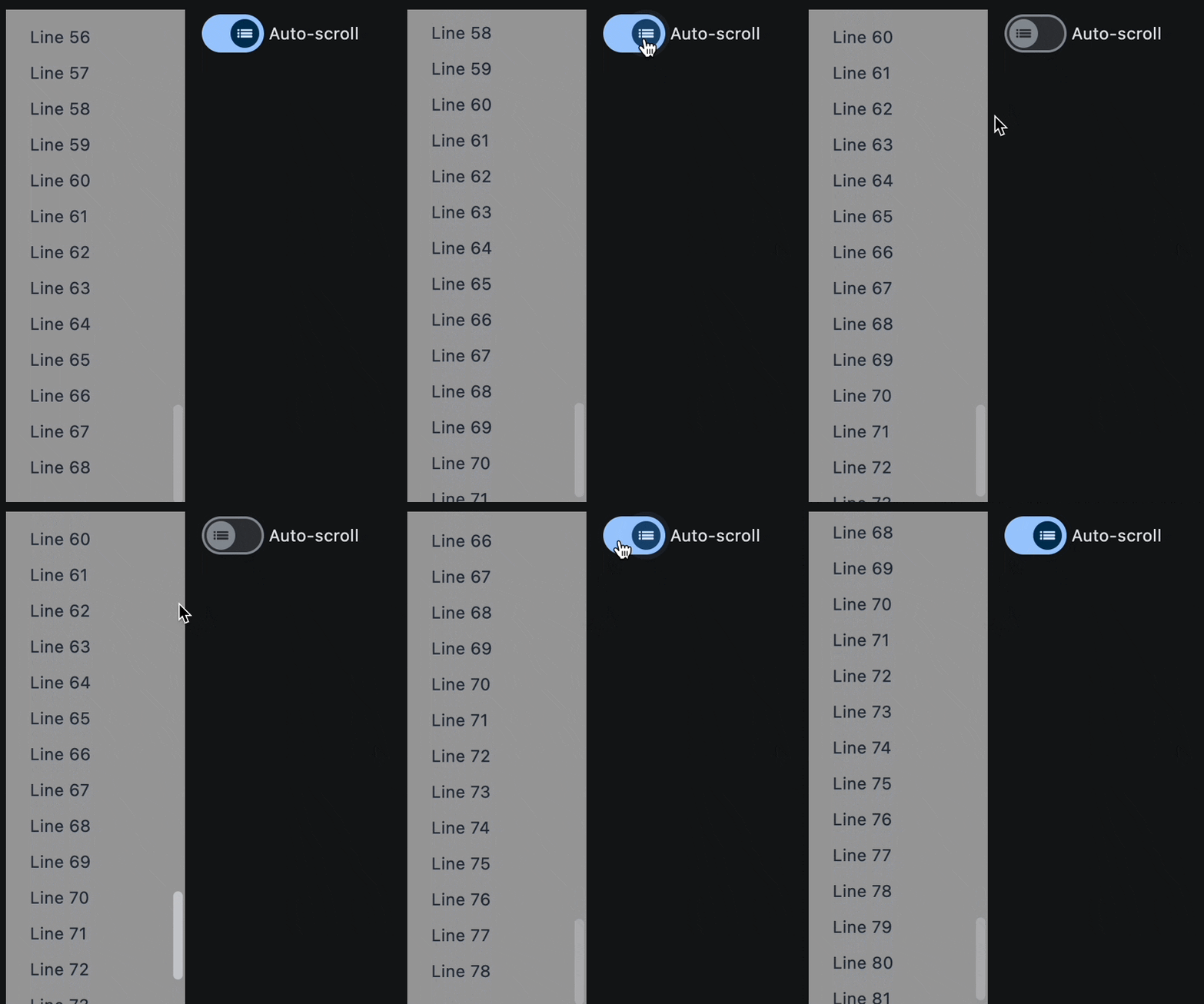](https://docs.flet.dev/examples/controls/list_view/media/autoscroll_and_dynamic_items.gif)
Properties[#](https://docs.flet.dev/controls/listview/#flet.ListView-properties "Permanent link")
--------------------------------------------------------------------------------------------------
### build\_controls\_on\_demand `class-attribute` `instance-attribute` [#](https://docs.flet.dev/controls/listview/#flet.ListView.build_controls_on_demand "Permanent link")
`[](https://docs.flet.dev/controls/listview/#__codelineno-0-1) build_controls_on_demand: [bool](https://docs.python.org/3/library/functions.html#bool) = True`
Whether the [`controls`](https://docs.flet.dev/controls/listview/#flet.ListView.controls)
should be built lazily/on-demand, i.e. only when they are about to become visible.
This is particularly useful when dealing with a large number of controls.
### cache\_extent `class-attribute` `instance-attribute` [#](https://docs.flet.dev/controls/listview/#flet.ListView.cache_extent "Permanent link")
`[](https://docs.flet.dev/controls/listview/#__codelineno-0-1) cache_extent: [Number](https://docs.flet.dev/types/aliases/#flet.Number) | None = None`
The viewport has an area before and after the visible area to cache items that are about to become visible when the user scrolls.
Items that fall in this cache area are laid out even though they are not (yet) visible on screen. The `cache_extent` describes how many pixels the cache area extends before the leading edge and after the trailing edge of the viewport.
The total extent, which the viewport will try to cover with children, is `cache_extent` before the leading edge + extent of the main axis + `cache_extent` after the trailing edge.
The cache area is also used to implement implicit accessibility scrolling on iOS: When the accessibility focus moves from an item in the visible viewport to an invisible item in the cache area, the framework will bring that item into view with an (implicit) scroll action.
### clip\_behavior `class-attribute` `instance-attribute` [#](https://docs.flet.dev/controls/listview/#flet.ListView.clip_behavior "Permanent link")
`[](https://docs.flet.dev/controls/listview/#__codelineno-0-1) clip_behavior: [ClipBehavior](https://docs.flet.dev/types/clipbehavior/#flet.ClipBehavior) = [HARD_EDGE](https://docs.flet.dev/types/clipbehavior/#flet.ClipBehavior.HARD_EDGE)`
Defines how to clip the [`controls`](https://docs.flet.dev/controls/listview/#flet.ListView.controls)
.
### controls `class-attribute` `instance-attribute` [#](https://docs.flet.dev/controls/listview/#flet.ListView.controls "Permanent link")
`[](https://docs.flet.dev/controls/listview/#__codelineno-0-1) controls: [list](https://docs.python.org/3/glossary.html#term-list) [[Control](https://docs.flet.dev/controls/control/#flet.Control) ] = [field](https://docs.python.org/3/library/dataclasses.html#dataclasses.field "dataclasses.field") (default_factory=[list](https://docs.python.org/3/glossary.html#term-list) )`
A list of `Control`s to display inside ListView.
### divider\_thickness `class-attribute` `instance-attribute` [#](https://docs.flet.dev/controls/listview/#flet.ListView.divider_thickness "Permanent link")
`[](https://docs.flet.dev/controls/listview/#__codelineno-0-1) divider_thickness: [Number](https://docs.flet.dev/types/aliases/#flet.Number) = 0`
If greater than `0` then `Divider` is used as a spacing between list view items.
### first\_item\_prototype `class-attribute` `instance-attribute` [#](https://docs.flet.dev/controls/listview/#flet.ListView.first_item_prototype "Permanent link")
`[](https://docs.flet.dev/controls/listview/#__codelineno-0-1) first_item_prototype: [bool](https://docs.python.org/3/library/functions.html#bool) = False`
Whether the dimensions of the first item should be used as a "prototype" for all other items.
If `True`, their `height` or `width` will be the same as the first item.
### horizontal `class-attribute` `instance-attribute` [#](https://docs.flet.dev/controls/listview/#flet.ListView.horizontal "Permanent link")
`[](https://docs.flet.dev/controls/listview/#__codelineno-0-1) horizontal: [bool](https://docs.python.org/3/library/functions.html#bool) = False`
Whether the [`controls`](https://docs.flet.dev/controls/listview/#flet.ListView.controls)
should be laid out horizontally.
### item\_extent `class-attribute` `instance-attribute` [#](https://docs.flet.dev/controls/listview/#flet.ListView.item_extent "Permanent link")
`[](https://docs.flet.dev/controls/listview/#__codelineno-0-1) item_extent: [Number](https://docs.flet.dev/types/aliases/#flet.Number) | None = None`
A fixed height or width (when [`horizontal`](https://docs.flet.dev/controls/listview/#flet.ListView.horizontal)
is `True`) of an item to optimize rendering.
Note
This property has effect only when [`build_controls_on_demand`](https://docs.flet.dev/controls/listview/#flet.ListView.build_controls_on_demand)
is `True` or [`spacing`](https://docs.flet.dev/controls/listview/#flet.ListView.spacing)
is `0`.
### padding `class-attribute` `instance-attribute` [#](https://docs.flet.dev/controls/listview/#flet.ListView.padding "Permanent link")
`[](https://docs.flet.dev/controls/listview/#__codelineno-0-1) padding: [PaddingValue](https://docs.flet.dev/types/aliases/#flet.PaddingValue) | None = None`
The amount of space by which to inset the [`controls`](https://docs.flet.dev/controls/listview/#flet.ListView.controls)
.
### prototype\_item `class-attribute` `instance-attribute` [#](https://docs.flet.dev/controls/listview/#flet.ListView.prototype_item "Permanent link")
`[](https://docs.flet.dev/controls/listview/#__codelineno-0-1) prototype_item: [Control](https://docs.flet.dev/controls/control/#flet.Control) | None = None`
A control to be used as a "prototype" for all items, i.e. their `height` or `width` will be the same as the `prototype_item`.
Note
This property has effect only when [`build_controls_on_demand`](https://docs.flet.dev/controls/listview/#flet.ListView.build_controls_on_demand)
is `True` or [`spacing`](https://docs.flet.dev/controls/listview/#flet.ListView.spacing)
is `0`.
### reverse `class-attribute` `instance-attribute` [#](https://docs.flet.dev/controls/listview/#flet.ListView.reverse "Permanent link")
`[](https://docs.flet.dev/controls/listview/#__codelineno-0-1) reverse: [bool](https://docs.python.org/3/library/functions.html#bool) = False`
Whether the scroll view scrolls in the reading direction.
For example, if the reading direction is left-to-right and [`horizontal`](https://docs.flet.dev/controls/listview/#flet.ListView.horizontal)
is `True`, then the scroll view scrolls from left to right when `reverse` is `False` and from right to left when `reverse` is `True`.
Similarly, if `horizontal` is `False`, then the scroll view scrolls from top to bottom when `reverse` is `False` and from bottom to top when `reverse` is `True`.
### semantic\_child\_count `class-attribute` `instance-attribute` [#](https://docs.flet.dev/controls/listview/#flet.ListView.semantic_child_count "Permanent link")
`[](https://docs.flet.dev/controls/listview/#__codelineno-0-1) semantic_child_count: [int](https://docs.python.org/3/library/functions.html#int) | None = None`
The number of children that will contribute semantic information.
### spacing `class-attribute` `instance-attribute` [#](https://docs.flet.dev/controls/listview/#flet.ListView.spacing "Permanent link")
`[](https://docs.flet.dev/controls/listview/#__codelineno-0-1) spacing: [Number](https://docs.flet.dev/types/aliases/#flet.Number) = 0`
The height of divider between the [`controls`](https://docs.flet.dev/controls/listview/#flet.ListView.controls)
.
Back to top
---
# WindowDragArea - Flet
[Skip to content](https://docs.flet.dev/controls/windowdragarea/#flet.WindowDragArea)
WindowDragArea
==============
It mimics the behavior (drag, move, maximize, restore) of a native OS window title bar on the [`content`](https://docs.flet.dev/controls/windowdragarea/#flet.WindowDragArea.content)
control.
[](https://docs.flet.dev/test-images/examples/core/golden/macos/window_drag_area/image_for_docs.png)
Simple Window Drag Area
Inherits: `[LayoutControl](https://docs.flet.dev/controls/layoutcontrol/#flet.LayoutControl) `
Properties
* **`[content](https://docs.flet.dev/controls/windowdragarea/#flet.WindowDragArea.content) `**(`[Control](https://docs.flet.dev/controls/control/#flet.Control) `) –
The content of this drag area.
* **`[maximizable](https://docs.flet.dev/controls/windowdragarea/#flet.WindowDragArea.maximizable) `**(`[bool](https://docs.python.org/3/library/functions.html#bool) `) –
Whether double-clicking on the `WindowDragArea` should maximize/maximize the app's window.
Events
* **`[on_double_tap](https://docs.flet.dev/controls/windowdragarea/#flet.WindowDragArea.on_double_tap) `**(`[EventHandler](https://docs.flet.dev/types/aliases/#flet.EventHandler) [[WindowEvent](https://docs.flet.dev/types/windowevent/#flet.WindowEvent) [[WindowDragArea](https://docs.flet.dev/controls/windowdragarea/#flet.WindowDragArea) ]] | None`) –
Called when the `WindowDragArea` is double-tapped and `maximizable=True`.
* **`[on_drag_end](https://docs.flet.dev/controls/windowdragarea/#flet.WindowDragArea.on_drag_end) `**(`[EventHandler](https://docs.flet.dev/types/aliases/#flet.EventHandler) [[DragEndEvent](https://docs.flet.dev/types/dragendevent/#flet.DragEndEvent) [[WindowDragArea](https://docs.flet.dev/controls/windowdragarea/#flet.WindowDragArea) ]] | None`) –
Called when a pointer that was previously in contact with the screen and moving/dragging is no longer in contact with the screen.
* **`[on_drag_start](https://docs.flet.dev/controls/windowdragarea/#flet.WindowDragArea.on_drag_start) `**(`[EventHandler](https://docs.flet.dev/types/aliases/#flet.EventHandler) [[DragStartEvent](https://docs.flet.dev/types/dragstartevent/#flet.DragStartEvent) [[WindowDragArea](https://docs.flet.dev/controls/windowdragarea/#flet.WindowDragArea) ]] | None`) –
Called when a pointer has contacted the screen and has begun to move/drag.
Examples[#](https://docs.flet.dev/controls/windowdragarea/#examples "Permanent link")
--------------------------------------------------------------------------------------
### No frame window[#](https://docs.flet.dev/controls/windowdragarea/#no-frame-window "Permanent link")
`[](https://docs.flet.dev/controls/windowdragarea/#__codelineno-0-1) import flet as ft [](https://docs.flet.dev/controls/windowdragarea/#__codelineno-0-2) [](https://docs.flet.dev/controls/windowdragarea/#__codelineno-0-3)[](https://docs.flet.dev/controls/windowdragarea/#__codelineno-0-4) def main(page: ft.Page): [](https://docs.flet.dev/controls/windowdragarea/#__codelineno-0-5) page.window.title_bar_hidden = True [](https://docs.flet.dev/controls/windowdragarea/#__codelineno-0-6) page.window.title_bar_buttons_hidden = True [](https://docs.flet.dev/controls/windowdragarea/#__codelineno-0-7) [](https://docs.flet.dev/controls/windowdragarea/#__codelineno-0-8) async def handle_window_close(e: ft.Event[ft.IconButton]): [](https://docs.flet.dev/controls/windowdragarea/#__codelineno-0-9) await page.window.close() [](https://docs.flet.dev/controls/windowdragarea/#__codelineno-0-10) [](https://docs.flet.dev/controls/windowdragarea/#__codelineno-0-11) page.add( [](https://docs.flet.dev/controls/windowdragarea/#__codelineno-0-12) ft.Row( [](https://docs.flet.dev/controls/windowdragarea/#__codelineno-0-13) controls=[ [](https://docs.flet.dev/controls/windowdragarea/#__codelineno-0-14) ft.WindowDragArea( [](https://docs.flet.dev/controls/windowdragarea/#__codelineno-0-15) expand=True, [](https://docs.flet.dev/controls/windowdragarea/#__codelineno-0-16) content=ft.Container( [](https://docs.flet.dev/controls/windowdragarea/#__codelineno-0-17) bgcolor=ft.Colors.AMBER_300, [](https://docs.flet.dev/controls/windowdragarea/#__codelineno-0-18) padding=10, [](https://docs.flet.dev/controls/windowdragarea/#__codelineno-0-19) content=ft.Text( [](https://docs.flet.dev/controls/windowdragarea/#__codelineno-0-20) "Drag this area to move, maximize and " [](https://docs.flet.dev/controls/windowdragarea/#__codelineno-0-21) "restore application window." [](https://docs.flet.dev/controls/windowdragarea/#__codelineno-0-22) ), [](https://docs.flet.dev/controls/windowdragarea/#__codelineno-0-23) ), [](https://docs.flet.dev/controls/windowdragarea/#__codelineno-0-24) ), [](https://docs.flet.dev/controls/windowdragarea/#__codelineno-0-25) ft.IconButton(ft.Icons.CLOSE, on_click=handle_window_close), [](https://docs.flet.dev/controls/windowdragarea/#__codelineno-0-26) ] [](https://docs.flet.dev/controls/windowdragarea/#__codelineno-0-27) ) [](https://docs.flet.dev/controls/windowdragarea/#__codelineno-0-28) ) [](https://docs.flet.dev/controls/windowdragarea/#__codelineno-0-29) [](https://docs.flet.dev/controls/windowdragarea/#__codelineno-0-30)[](https://docs.flet.dev/controls/windowdragarea/#__codelineno-0-31) if __name__ == "__main__": [](https://docs.flet.dev/controls/windowdragarea/#__codelineno-0-32) ft.run(main)`
[](https://docs.flet.dev/test-images/examples/core/golden/macos/window_drag_area/no_frame_window.png)
Properties[#](https://docs.flet.dev/controls/windowdragarea/#flet.WindowDragArea-properties "Permanent link")
--------------------------------------------------------------------------------------------------------------
### content `instance-attribute` [#](https://docs.flet.dev/controls/windowdragarea/#flet.WindowDragArea.content "Permanent link")
`[](https://docs.flet.dev/controls/windowdragarea/#__codelineno-0-1) content: [Control](https://docs.flet.dev/controls/control/#flet.Control)`
The content of this drag area.
Raises:
* `[ValueError](https://docs.python.org/3/library/exceptions.html#ValueError) ` –
If it is not visible.
### maximizable `class-attribute` `instance-attribute` [#](https://docs.flet.dev/controls/windowdragarea/#flet.WindowDragArea.maximizable "Permanent link")
`[](https://docs.flet.dev/controls/windowdragarea/#__codelineno-0-1) maximizable: [bool](https://docs.python.org/3/library/functions.html#bool) = True`
Whether double-clicking on the `WindowDragArea` should maximize/maximize the app's window.
Events[#](https://docs.flet.dev/controls/windowdragarea/#flet.WindowDragArea-events "Permanent link")
------------------------------------------------------------------------------------------------------
### on\_double\_tap `class-attribute` `instance-attribute` [#](https://docs.flet.dev/controls/windowdragarea/#flet.WindowDragArea.on_double_tap "Permanent link")
`[](https://docs.flet.dev/controls/windowdragarea/#__codelineno-0-1) on_double_tap: ( [](https://docs.flet.dev/controls/windowdragarea/#__codelineno-0-2) [EventHandler](https://docs.flet.dev/types/aliases/#flet.EventHandler) [[WindowEvent](https://docs.flet.dev/types/windowevent/#flet.WindowEvent) [[WindowDragArea](https://docs.flet.dev/controls/windowdragarea/#flet.WindowDragArea) ]] | None [](https://docs.flet.dev/controls/windowdragarea/#__codelineno-0-3) ) = None`
Called when the `WindowDragArea` is double-tapped and `maximizable=True`.
Info
When a double-tap event is fired, the [`type`](https://docs.flet.dev/types/windowevent/#flet.WindowEvent.type)
property of the event handler argument can only be one of the following: `WindowEventType.MAXIMIZE`, `WindowEventType.UNMAXIMIZE`.
### on\_drag\_end `class-attribute` `instance-attribute` [#](https://docs.flet.dev/controls/windowdragarea/#flet.WindowDragArea.on_drag_end "Permanent link")
`[](https://docs.flet.dev/controls/windowdragarea/#__codelineno-0-1) on_drag_end: ( [](https://docs.flet.dev/controls/windowdragarea/#__codelineno-0-2) [EventHandler](https://docs.flet.dev/types/aliases/#flet.EventHandler) [[DragEndEvent](https://docs.flet.dev/types/dragendevent/#flet.DragEndEvent) [[WindowDragArea](https://docs.flet.dev/controls/windowdragarea/#flet.WindowDragArea) ]] | None [](https://docs.flet.dev/controls/windowdragarea/#__codelineno-0-3) ) = None`
Called when a pointer that was previously in contact with the screen and moving/dragging is no longer in contact with the screen.
### on\_drag\_start `class-attribute` `instance-attribute` [#](https://docs.flet.dev/controls/windowdragarea/#flet.WindowDragArea.on_drag_start "Permanent link")
`[](https://docs.flet.dev/controls/windowdragarea/#__codelineno-0-1) on_drag_start: ( [](https://docs.flet.dev/controls/windowdragarea/#__codelineno-0-2) [EventHandler](https://docs.flet.dev/types/aliases/#flet.EventHandler) [[DragStartEvent](https://docs.flet.dev/types/dragstartevent/#flet.DragStartEvent) [[WindowDragArea](https://docs.flet.dev/controls/windowdragarea/#flet.WindowDragArea) ]] | None [](https://docs.flet.dev/controls/windowdragarea/#__codelineno-0-3) ) = None`
Called when a pointer has contacted the screen and has begun to move/drag.
Back to top
---
# Control - Flet
[Skip to content](https://docs.flet.dev/controls/control/#flet.Control)
Control
=======
Inherits: `[BaseControl](https://docs.flet.dev/controls/basecontrol/#flet.BaseControl) `
Base class for controls.
Not meant to be used directly.
Properties
* **`[badge](https://docs.flet.dev/controls/control/#flet.Control.badge) `**(`[BadgeValue](https://docs.flet.dev/types/aliases/#flet.BadgeValue) | None`) –
A badge to show on top of this control.
* **`[col](https://docs.flet.dev/controls/control/#flet.Control.col) `**(`[ResponsiveNumber](https://docs.flet.dev/types/aliases/#flet.ResponsiveNumber) `) –
If a parent of this control is a [`ResponsiveRow`](https://docs.flet.dev/controls/responsiverow/#flet.ResponsiveRow)
, this property is used to determine how many virtual columns of a screen this control will span.
* **`[disabled](https://docs.flet.dev/controls/control/#flet.Control.disabled) `**(`[bool](https://docs.python.org/3/library/functions.html#bool) `) –
Every control has `disabled` property which is `False` by default - control and all its children are enabled.
* **`[expand](https://docs.flet.dev/controls/control/#flet.Control.expand) `**(`[bool](https://docs.python.org/3/library/functions.html#bool) | [int](https://docs.python.org/3/library/functions.html#int) | None`) –
Specifies whether/how this control should expand to fill available space in its parent layout.
* **`[expand_loose](https://docs.flet.dev/controls/control/#flet.Control.expand_loose) `**(`[bool](https://docs.python.org/3/library/functions.html#bool) `) –
Allows the control to expand along the main axis if space is available, but does not require it to fill all available space.
* **`[opacity](https://docs.flet.dev/controls/control/#flet.Control.opacity) `**(`[Number](https://docs.flet.dev/types/aliases/#flet.Number) `) –
Defines the transparency of the control.
* **`[rtl](https://docs.flet.dev/controls/control/#flet.Control.rtl) `**(`[bool](https://docs.python.org/3/library/functions.html#bool) `) –
Whether the text direction of the control should be right-to-left (RTL).
* **`[tooltip](https://docs.flet.dev/controls/control/#flet.Control.tooltip) `**(`[TooltipValue](https://docs.flet.dev/types/aliases/#flet.TooltipValue) | None`) –
The tooltip to show when this control is hovered over.
* **`[visible](https://docs.flet.dev/controls/control/#flet.Control.visible) `**(`[bool](https://docs.python.org/3/library/functions.html#bool) `) –
Every control has `visible` property which is `True` by default - control is rendered on the page. Setting `visible` to `False` completely prevents control (and all its children if any) from rendering on a page canvas. Hidden controls cannot be focused or selected with a keyboard or mouse and they do not emit any events.
Properties[#](https://docs.flet.dev/controls/control/#flet.Control-properties "Permanent link")
------------------------------------------------------------------------------------------------
### badge `class-attribute` `instance-attribute` [#](https://docs.flet.dev/controls/control/#flet.Control.badge "Permanent link")
`[](https://docs.flet.dev/controls/control/#__codelineno-0-1) badge: [BadgeValue](https://docs.flet.dev/types/aliases/#flet.BadgeValue) | None = None`
A badge to show on top of this control.
### col `class-attribute` `instance-attribute` [#](https://docs.flet.dev/controls/control/#flet.Control.col "Permanent link")
`[](https://docs.flet.dev/controls/control/#__codelineno-0-1) col: [ResponsiveNumber](https://docs.flet.dev/types/aliases/#flet.ResponsiveNumber) = 12`
If a parent of this control is a [`ResponsiveRow`](https://docs.flet.dev/controls/responsiverow/#flet.ResponsiveRow)
, this property is used to determine how many virtual columns of a screen this control will span.
Can be a number or a dictionary configured to have a different value for specific breakpoints, for example `col={"sm": 6}`.
This control spans the 12 virtual columns by default.
Dimensions
| Breakpoint | Dimension |
| --- | --- |
| xs | <576px |
| sm | ≥576px |
| md | ≥768px |
| lg | ≥992px |
| xl | ≥1200px |
| xxl | ≥1400px |
### disabled `class-attribute` `instance-attribute` [#](https://docs.flet.dev/controls/control/#flet.Control.disabled "Permanent link")
`[](https://docs.flet.dev/controls/control/#__codelineno-0-1) disabled: [bool](https://docs.python.org/3/library/functions.html#bool) = False`
Every control has `disabled` property which is `False` by default - control and all its children are enabled.
Note
The value of this property will be propagated down to all children controls recursively.
Example
For example, if you have a form with multiple entry controls you can disable them all together by disabling container:
`[](https://docs.flet.dev/controls/control/#__codelineno-0-1) ft.Column( [](https://docs.flet.dev/controls/control/#__codelineno-0-2) disabled = True, [](https://docs.flet.dev/controls/control/#__codelineno-0-3) controls=[ [](https://docs.flet.dev/controls/control/#__codelineno-0-4) ft.TextField(), [](https://docs.flet.dev/controls/control/#__codelineno-0-5) ft.TextField() [](https://docs.flet.dev/controls/control/#__codelineno-0-6) ] [](https://docs.flet.dev/controls/control/#__codelineno-0-7) )`
### expand `class-attribute` `instance-attribute` [#](https://docs.flet.dev/controls/control/#flet.Control.expand "Permanent link")
`[](https://docs.flet.dev/controls/control/#__codelineno-0-1) expand: [bool](https://docs.python.org/3/library/functions.html#bool) | [int](https://docs.python.org/3/library/functions.html#int) | None = None`
Specifies whether/how this control should expand to fill available space in its parent layout.
More information [here](https://docs.flet.dev/cookbook/expanding-controls/#expand)
.
Note
Has effect only if the direct parent of this control is one of the following controls, or their subclasses: [`Column`](https://docs.flet.dev/controls/column/#flet.Column)
, [`Row`](https://docs.flet.dev/controls/row/#flet.Row)
, [`View`](https://docs.flet.dev/controls/view/#flet.View)
, [`Page`](https://docs.flet.dev/controls/page/#flet.Page)
.
Raises:
* `[ValueError](https://docs.python.org/3/library/exceptions.html#ValueError) ` –
If it is not of type `bool` or `int`.
### expand\_loose `class-attribute` `instance-attribute` [#](https://docs.flet.dev/controls/control/#flet.Control.expand_loose "Permanent link")
`[](https://docs.flet.dev/controls/control/#__codelineno-0-1) expand_loose: [bool](https://docs.python.org/3/library/functions.html#bool) = False`
Allows the control to expand along the main axis if space is available, but does not require it to fill all available space.
More information [here](https://docs.flet.dev/cookbook/expanding-controls/#expand_loose)
.
Note
If `expand_loose` is `True`, it will have effect only if:
* `expand` is not `None` and
* the direct parent of this control is one of the following controls, or their subclasses: [`Column`](https://docs.flet.dev/controls/column/#flet.Column)
, [`Row`](https://docs.flet.dev/controls/row/#flet.Row)
, [`View`](https://docs.flet.dev/controls/view/#flet.View)
, [`Page`](https://docs.flet.dev/controls/page/#flet.Page)
.
### opacity `class-attribute` `instance-attribute` [#](https://docs.flet.dev/controls/control/#flet.Control.opacity "Permanent link")
`[](https://docs.flet.dev/controls/control/#__codelineno-0-1) opacity: [Number](https://docs.flet.dev/types/aliases/#flet.Number) = 1.0`
Defines the transparency of the control.
Value ranges from `0.0` (completely transparent) to `1.0` (completely opaque without any transparency).
Raises:
* `[ValueError](https://docs.python.org/3/library/exceptions.html#ValueError) ` –
If it is not between `0.0` and `1.0`, inclusive.
### rtl `class-attribute` `instance-attribute` [#](https://docs.flet.dev/controls/control/#flet.Control.rtl "Permanent link")
`[](https://docs.flet.dev/controls/control/#__codelineno-0-1) rtl: [bool](https://docs.python.org/3/library/functions.html#bool) = False`
Whether the text direction of the control should be right-to-left (RTL).
### tooltip `class-attribute` `instance-attribute` [#](https://docs.flet.dev/controls/control/#flet.Control.tooltip "Permanent link")
`[](https://docs.flet.dev/controls/control/#__codelineno-0-1) tooltip: [TooltipValue](https://docs.flet.dev/types/aliases/#flet.TooltipValue) | None = None`
The tooltip to show when this control is hovered over.
### visible `class-attribute` `instance-attribute` [#](https://docs.flet.dev/controls/control/#flet.Control.visible "Permanent link")
`[](https://docs.flet.dev/controls/control/#__codelineno-0-1) visible: [bool](https://docs.python.org/3/library/functions.html#bool) = True`
Every control has `visible` property which is `True` by default - control is rendered on the page. Setting `visible` to `False` completely prevents control (and all its children if any) from rendering on a page canvas. Hidden controls cannot be focused or selected with a keyboard or mouse and they do not emit any events.
Back to top
---
# Column - Flet
[Skip to content](https://docs.flet.dev/controls/column/#flet.Column)
Column
======
Arranges child controls vertically, optionally aligning and spacing them within the available space.
`[](https://docs.flet.dev/controls/column/#__codelineno-0-1) ft.Column( [](https://docs.flet.dev/controls/column/#__codelineno-0-2) width=220, [](https://docs.flet.dev/controls/column/#__codelineno-0-3) height=120, [](https://docs.flet.dev/controls/column/#__codelineno-0-4) spacing=12, [](https://docs.flet.dev/controls/column/#__codelineno-0-5) controls=[ [](https://docs.flet.dev/controls/column/#__codelineno-0-6) ft.Text("Daily planning", size=20, weight=ft.FontWeight.W_600), [](https://docs.flet.dev/controls/column/#__codelineno-0-7) ft.Text("Review pull requests"), [](https://docs.flet.dev/controls/column/#__codelineno-0-8) ft.Text("Ship release"), [](https://docs.flet.dev/controls/column/#__codelineno-0-9) ], [](https://docs.flet.dev/controls/column/#__codelineno-0-10) )`
[](https://docs.flet.dev/test-images/examples/core/golden/macos/column/image_for_docs.png)
Basic Column with Text controls
Inherits: `[LayoutControl](https://docs.flet.dev/controls/layoutcontrol/#flet.LayoutControl) `, `[ScrollableControl](https://docs.flet.dev/controls/scrollablecontrol/#flet.ScrollableControl) `, `[AdaptiveControl](https://docs.flet.dev/controls/adaptivecontrol/#flet.AdaptiveControl) `
Properties
* **`[alignment](https://docs.flet.dev/controls/column/#flet.Column.alignment) `**(`[MainAxisAlignment](https://docs.flet.dev/types/mainaxisalignment/#flet.MainAxisAlignment) `) –
How the child Controls should be placed vertically.
* **`[controls](https://docs.flet.dev/controls/column/#flet.Column.controls) `**(`[list](https://docs.python.org/3/glossary.html#term-list) [[Control](https://docs.flet.dev/controls/control/#flet.Control) ]`) –
A list of controls to display.
* **`[horizontal_alignment](https://docs.flet.dev/controls/column/#flet.Column.horizontal_alignment) `**(`[CrossAxisAlignment](https://docs.flet.dev/types/crossaxisalignment/#flet.CrossAxisAlignment) `) –
Defines how the [`controls`](https://docs.flet.dev/controls/column/#flet.Column.controls)
should be placed horizontally.
* **`[intrinsic_width](https://docs.flet.dev/controls/column/#flet.Column.intrinsic_width) `**(`[bool](https://docs.python.org/3/library/functions.html#bool) `) –
If `True`, the Column will be as wide as the widest child control.
* **`[run_alignment](https://docs.flet.dev/controls/column/#flet.Column.run_alignment) `**(`[MainAxisAlignment](https://docs.flet.dev/types/mainaxisalignment/#flet.MainAxisAlignment) `) –
How the runs should be placed in the cross-axis when [`wrap`](https://docs.flet.dev/controls/column/#flet.Column.wrap)
* **`[run_spacing](https://docs.flet.dev/controls/column/#flet.Column.run_spacing) `**(`[Number](https://docs.flet.dev/types/aliases/#flet.Number) `) –
The spacing between runs when [`wrap`](https://docs.flet.dev/controls/column/#flet.Column.wrap)
is `True`.
* **`[spacing](https://docs.flet.dev/controls/column/#flet.Column.spacing) `**(`[Number](https://docs.flet.dev/types/aliases/#flet.Number) `) –
Spacing between the `controls`.
* **`[tight](https://docs.flet.dev/controls/column/#flet.Column.tight) `**(`[bool](https://docs.python.org/3/library/functions.html#bool) `) –
Determines how vertical space is allocated.
* **`[wrap](https://docs.flet.dev/controls/column/#flet.Column.wrap) `**(`[bool](https://docs.python.org/3/library/functions.html#bool) `) –
Whether the [`controls`](https://docs.flet.dev/controls/column/#flet.Column.controls)
should wrap into additional columns (runs) when they don't fit in a single vertical column.
Examples[#](https://docs.flet.dev/controls/column/#examples "Permanent link")
------------------------------------------------------------------------------
[Live example](https://flet-controls-gallery.fly.dev/layout/column)
### Column `spacing`[#](https://docs.flet.dev/controls/column/#column-spacing "Permanent link")
``[](https://docs.flet.dev/controls/column/#__codelineno-0-1) import flet as ft [](https://docs.flet.dev/controls/column/#__codelineno-0-2) [](https://docs.flet.dev/controls/column/#__codelineno-0-3)[](https://docs.flet.dev/controls/column/#__codelineno-0-4) def main(page: ft.Page): [](https://docs.flet.dev/controls/column/#__codelineno-0-5) def generate_items(count: int): [](https://docs.flet.dev/controls/column/#__codelineno-0-6) """Generates a list of custom Containers with length `count`.""" [](https://docs.flet.dev/controls/column/#__codelineno-0-7) return [ [](https://docs.flet.dev/controls/column/#__codelineno-0-8) ft.Container( [](https://docs.flet.dev/controls/column/#__codelineno-0-9) content=ft.Text(value=str(i)), [](https://docs.flet.dev/controls/column/#__codelineno-0-10) alignment=ft.Alignment.CENTER, [](https://docs.flet.dev/controls/column/#__codelineno-0-11) width=50, [](https://docs.flet.dev/controls/column/#__codelineno-0-12) height=50, [](https://docs.flet.dev/controls/column/#__codelineno-0-13) bgcolor=ft.Colors.AMBER, [](https://docs.flet.dev/controls/column/#__codelineno-0-14) border_radius=ft.BorderRadius.all(5), [](https://docs.flet.dev/controls/column/#__codelineno-0-15) ) [](https://docs.flet.dev/controls/column/#__codelineno-0-16) for i in range(1, count + 1) [](https://docs.flet.dev/controls/column/#__codelineno-0-17) ] [](https://docs.flet.dev/controls/column/#__codelineno-0-18) [](https://docs.flet.dev/controls/column/#__codelineno-0-19) def handle_slider_change(e: ft.Event[ft.Slider]): [](https://docs.flet.dev/controls/column/#__codelineno-0-20) """Updates the spacing between items based on slider value.""" [](https://docs.flet.dev/controls/column/#__codelineno-0-21) column.spacing = int(e.control.value) [](https://docs.flet.dev/controls/column/#__codelineno-0-22) column.update() [](https://docs.flet.dev/controls/column/#__codelineno-0-23) [](https://docs.flet.dev/controls/column/#__codelineno-0-24) page.add( [](https://docs.flet.dev/controls/column/#__codelineno-0-25) ft.Column( [](https://docs.flet.dev/controls/column/#__codelineno-0-26) controls=[ [](https://docs.flet.dev/controls/column/#__codelineno-0-27) ft.Text("Spacing between items"), [](https://docs.flet.dev/controls/column/#__codelineno-0-28) ft.Slider( [](https://docs.flet.dev/controls/column/#__codelineno-0-29) min=0, [](https://docs.flet.dev/controls/column/#__codelineno-0-30) max=100, [](https://docs.flet.dev/controls/column/#__codelineno-0-31) divisions=10, [](https://docs.flet.dev/controls/column/#__codelineno-0-32) value=0, [](https://docs.flet.dev/controls/column/#__codelineno-0-33) label="{value}", [](https://docs.flet.dev/controls/column/#__codelineno-0-34) width=500, [](https://docs.flet.dev/controls/column/#__codelineno-0-35) on_change=handle_slider_change, [](https://docs.flet.dev/controls/column/#__codelineno-0-36) ), [](https://docs.flet.dev/controls/column/#__codelineno-0-37) ] [](https://docs.flet.dev/controls/column/#__codelineno-0-38) ), [](https://docs.flet.dev/controls/column/#__codelineno-0-39) column := ft.Column(spacing=0, controls=generate_items(5)), [](https://docs.flet.dev/controls/column/#__codelineno-0-40) ) [](https://docs.flet.dev/controls/column/#__codelineno-0-41) [](https://docs.flet.dev/controls/column/#__codelineno-0-42)[](https://docs.flet.dev/controls/column/#__codelineno-0-43) ft.run(main)``
[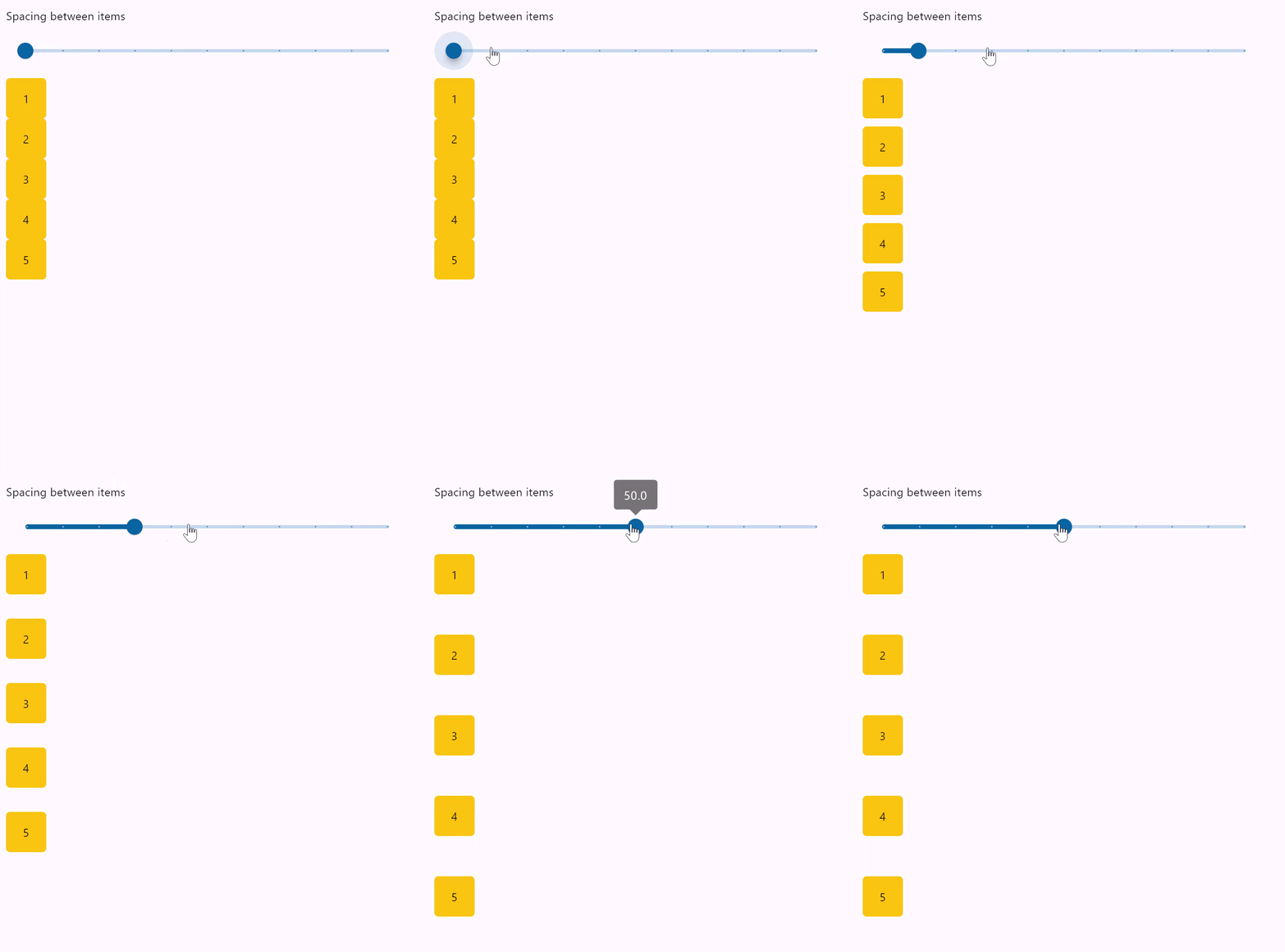](https://docs.flet.dev/examples/controls/column/media/spacing.gif)
### Column wrapping[#](https://docs.flet.dev/controls/column/#column-wrapping "Permanent link")
`[](https://docs.flet.dev/controls/column/#__codelineno-1-1) import flet as ft [](https://docs.flet.dev/controls/column/#__codelineno-1-2)[](https://docs.flet.dev/controls/column/#__codelineno-1-3) HEIGHT = 400 [](https://docs.flet.dev/controls/column/#__codelineno-1-4) [](https://docs.flet.dev/controls/column/#__codelineno-1-5)[](https://docs.flet.dev/controls/column/#__codelineno-1-6) def main(page: ft.Page): [](https://docs.flet.dev/controls/column/#__codelineno-1-7) def items(count: int): [](https://docs.flet.dev/controls/column/#__codelineno-1-8) return [ [](https://docs.flet.dev/controls/column/#__codelineno-1-9) ft.Container( [](https://docs.flet.dev/controls/column/#__codelineno-1-10) content=ft.Text(value=str(i)), [](https://docs.flet.dev/controls/column/#__codelineno-1-11) alignment=ft.Alignment.CENTER, [](https://docs.flet.dev/controls/column/#__codelineno-1-12) width=30, [](https://docs.flet.dev/controls/column/#__codelineno-1-13) height=30, [](https://docs.flet.dev/controls/column/#__codelineno-1-14) bgcolor=ft.Colors.AMBER, [](https://docs.flet.dev/controls/column/#__codelineno-1-15) border_radius=ft.BorderRadius.all(5), [](https://docs.flet.dev/controls/column/#__codelineno-1-16) ) [](https://docs.flet.dev/controls/column/#__codelineno-1-17) for i in range(1, count + 1) [](https://docs.flet.dev/controls/column/#__codelineno-1-18) ] [](https://docs.flet.dev/controls/column/#__codelineno-1-19) [](https://docs.flet.dev/controls/column/#__codelineno-1-20) def handle_slider_change(e: ft.Event[ft.Slider]): [](https://docs.flet.dev/controls/column/#__codelineno-1-21) col.height = float(e.control.value) [](https://docs.flet.dev/controls/column/#__codelineno-1-22) col.update() [](https://docs.flet.dev/controls/column/#__codelineno-1-23) [](https://docs.flet.dev/controls/column/#__codelineno-1-24) page.add( [](https://docs.flet.dev/controls/column/#__codelineno-1-25) ft.Column( [](https://docs.flet.dev/controls/column/#__codelineno-1-26) controls=[ [](https://docs.flet.dev/controls/column/#__codelineno-1-27) ft.Text( [](https://docs.flet.dev/controls/column/#__codelineno-1-28) "Change the column height to see how child items wrap onto multiple columns:" [](https://docs.flet.dev/controls/column/#__codelineno-1-29) ), [](https://docs.flet.dev/controls/column/#__codelineno-1-30) ft.Slider( [](https://docs.flet.dev/controls/column/#__codelineno-1-31) min=0, [](https://docs.flet.dev/controls/column/#__codelineno-1-32) max=HEIGHT, [](https://docs.flet.dev/controls/column/#__codelineno-1-33) divisions=20, [](https://docs.flet.dev/controls/column/#__codelineno-1-34) value=HEIGHT, [](https://docs.flet.dev/controls/column/#__codelineno-1-35) label="{value}", [](https://docs.flet.dev/controls/column/#__codelineno-1-36) width=500, [](https://docs.flet.dev/controls/column/#__codelineno-1-37) on_change=handle_slider_change, [](https://docs.flet.dev/controls/column/#__codelineno-1-38) ), [](https://docs.flet.dev/controls/column/#__codelineno-1-39) ] [](https://docs.flet.dev/controls/column/#__codelineno-1-40) ), [](https://docs.flet.dev/controls/column/#__codelineno-1-41) ft.Container( [](https://docs.flet.dev/controls/column/#__codelineno-1-42) bgcolor=ft.Colors.TRANSPARENT, [](https://docs.flet.dev/controls/column/#__codelineno-1-43) content=( [](https://docs.flet.dev/controls/column/#__codelineno-1-44) col := ft.Column( [](https://docs.flet.dev/controls/column/#__codelineno-1-45) wrap=True, [](https://docs.flet.dev/controls/column/#__codelineno-1-46) spacing=10, [](https://docs.flet.dev/controls/column/#__codelineno-1-47) run_spacing=10, [](https://docs.flet.dev/controls/column/#__codelineno-1-48) controls=items(10), [](https://docs.flet.dev/controls/column/#__codelineno-1-49) height=HEIGHT, [](https://docs.flet.dev/controls/column/#__codelineno-1-50) ) [](https://docs.flet.dev/controls/column/#__codelineno-1-51) ), [](https://docs.flet.dev/controls/column/#__codelineno-1-52) ), [](https://docs.flet.dev/controls/column/#__codelineno-1-53) ) [](https://docs.flet.dev/controls/column/#__codelineno-1-54) [](https://docs.flet.dev/controls/column/#__codelineno-1-55)[](https://docs.flet.dev/controls/column/#__codelineno-1-56) ft.run(main)`
[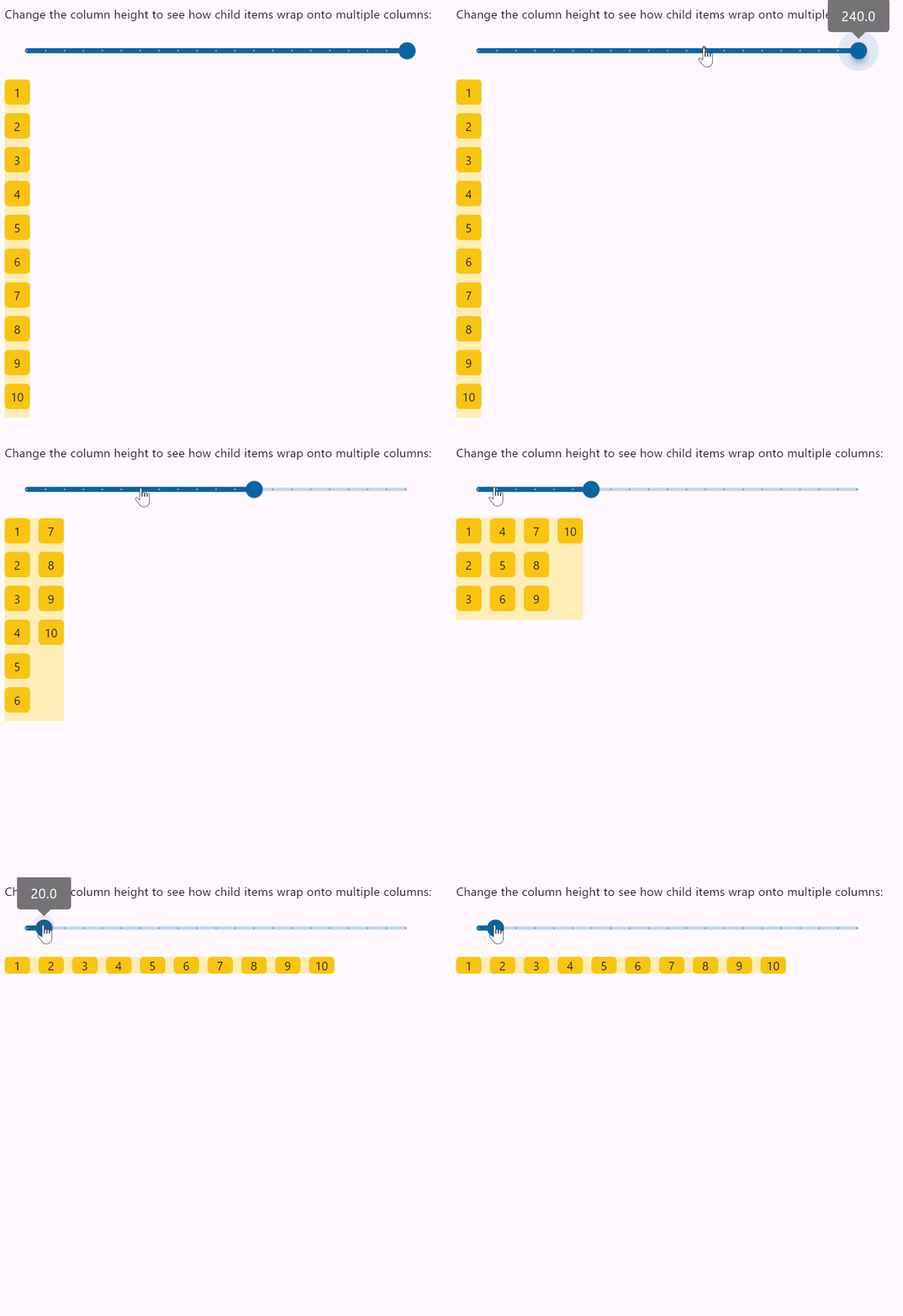](https://docs.flet.dev/examples/controls/column/media/wrap.gif)
### Column vertical alignments[#](https://docs.flet.dev/controls/column/#column-vertical-alignments "Permanent link")
``[](https://docs.flet.dev/controls/column/#__codelineno-2-1) import flet as ft [](https://docs.flet.dev/controls/column/#__codelineno-2-2) [](https://docs.flet.dev/controls/column/#__codelineno-2-3)[](https://docs.flet.dev/controls/column/#__codelineno-2-4) class ColumnFromVerticalAlignment(ft.Column): [](https://docs.flet.dev/controls/column/#__codelineno-2-5) def __init__(self, alignment: ft.MainAxisAlignment): [](https://docs.flet.dev/controls/column/#__codelineno-2-6) super().__init__() [](https://docs.flet.dev/controls/column/#__codelineno-2-7) self.controls = [ [](https://docs.flet.dev/controls/column/#__codelineno-2-8) ft.Text(str(alignment), size=10), [](https://docs.flet.dev/controls/column/#__codelineno-2-9) ft.Container( [](https://docs.flet.dev/controls/column/#__codelineno-2-10) content=ft.Column(self.generate_items(3), alignment=alignment), [](https://docs.flet.dev/controls/column/#__codelineno-2-11) bgcolor=ft.Colors.AMBER_100, [](https://docs.flet.dev/controls/column/#__codelineno-2-12) height=400, [](https://docs.flet.dev/controls/column/#__codelineno-2-13) ), [](https://docs.flet.dev/controls/column/#__codelineno-2-14) ] [](https://docs.flet.dev/controls/column/#__codelineno-2-15) [](https://docs.flet.dev/controls/column/#__codelineno-2-16) @staticmethod [](https://docs.flet.dev/controls/column/#__codelineno-2-17) def generate_items(count: int): [](https://docs.flet.dev/controls/column/#__codelineno-2-18) """Generates a list of custom Containers with length `count`.""" [](https://docs.flet.dev/controls/column/#__codelineno-2-19) return [ [](https://docs.flet.dev/controls/column/#__codelineno-2-20) ft.Container( [](https://docs.flet.dev/controls/column/#__codelineno-2-21) content=ft.Text(value=str(i)), [](https://docs.flet.dev/controls/column/#__codelineno-2-22) alignment=ft.Alignment.CENTER, [](https://docs.flet.dev/controls/column/#__codelineno-2-23) width=50, [](https://docs.flet.dev/controls/column/#__codelineno-2-24) height=50, [](https://docs.flet.dev/controls/column/#__codelineno-2-25) bgcolor=ft.Colors.AMBER_500, [](https://docs.flet.dev/controls/column/#__codelineno-2-26) ) [](https://docs.flet.dev/controls/column/#__codelineno-2-27) for i in range(1, count + 1) [](https://docs.flet.dev/controls/column/#__codelineno-2-28) ] [](https://docs.flet.dev/controls/column/#__codelineno-2-29) [](https://docs.flet.dev/controls/column/#__codelineno-2-30)[](https://docs.flet.dev/controls/column/#__codelineno-2-31) def main(page: ft.Page): [](https://docs.flet.dev/controls/column/#__codelineno-2-32) page.add( [](https://docs.flet.dev/controls/column/#__codelineno-2-33) ft.Row( [](https://docs.flet.dev/controls/column/#__codelineno-2-34) spacing=30, [](https://docs.flet.dev/controls/column/#__codelineno-2-35) alignment=ft.MainAxisAlignment.START, [](https://docs.flet.dev/controls/column/#__codelineno-2-36) scroll=ft.ScrollMode.AUTO, [](https://docs.flet.dev/controls/column/#__codelineno-2-37) controls=[ [](https://docs.flet.dev/controls/column/#__codelineno-2-38) ColumnFromVerticalAlignment(ft.MainAxisAlignment.START), [](https://docs.flet.dev/controls/column/#__codelineno-2-39) ColumnFromVerticalAlignment(ft.MainAxisAlignment.CENTER), [](https://docs.flet.dev/controls/column/#__codelineno-2-40) ColumnFromVerticalAlignment(ft.MainAxisAlignment.END), [](https://docs.flet.dev/controls/column/#__codelineno-2-41) ColumnFromVerticalAlignment(ft.MainAxisAlignment.SPACE_BETWEEN), [](https://docs.flet.dev/controls/column/#__codelineno-2-42) ColumnFromVerticalAlignment(ft.MainAxisAlignment.SPACE_AROUND), [](https://docs.flet.dev/controls/column/#__codelineno-2-43) ColumnFromVerticalAlignment(ft.MainAxisAlignment.SPACE_EVENLY), [](https://docs.flet.dev/controls/column/#__codelineno-2-44) ], [](https://docs.flet.dev/controls/column/#__codelineno-2-45) ) [](https://docs.flet.dev/controls/column/#__codelineno-2-46) ) [](https://docs.flet.dev/controls/column/#__codelineno-2-47) [](https://docs.flet.dev/controls/column/#__codelineno-2-48)[](https://docs.flet.dev/controls/column/#__codelineno-2-49) ft.run(main)``
[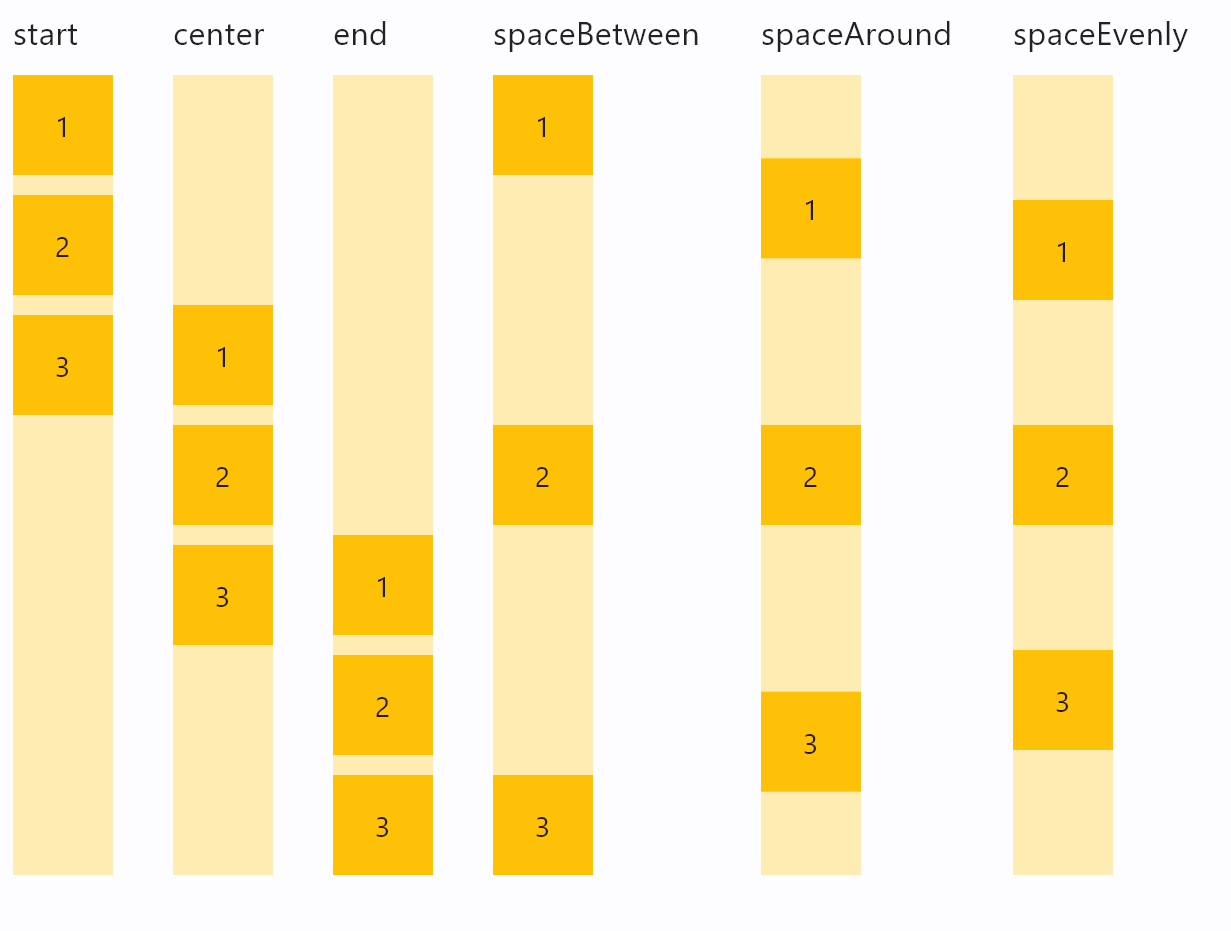](https://docs.flet.dev/examples/controls/column/media/alignment.png)
### Column horizontal alignments[#](https://docs.flet.dev/controls/column/#column-horizontal-alignments "Permanent link")
``[](https://docs.flet.dev/controls/column/#__codelineno-3-1) import flet as ft [](https://docs.flet.dev/controls/column/#__codelineno-3-2) [](https://docs.flet.dev/controls/column/#__codelineno-3-3)[](https://docs.flet.dev/controls/column/#__codelineno-3-4) class ColumnFromHorizontalAlignment(ft.Column): [](https://docs.flet.dev/controls/column/#__codelineno-3-5) def __init__(self, alignment: ft.CrossAxisAlignment): [](https://docs.flet.dev/controls/column/#__codelineno-3-6) super().__init__() [](https://docs.flet.dev/controls/column/#__codelineno-3-7) self.controls = [ [](https://docs.flet.dev/controls/column/#__codelineno-3-8) ft.Text(str(alignment), size=16), [](https://docs.flet.dev/controls/column/#__codelineno-3-9) ft.Container( [](https://docs.flet.dev/controls/column/#__codelineno-3-10) bgcolor=ft.Colors.AMBER_100, [](https://docs.flet.dev/controls/column/#__codelineno-3-11) width=100, [](https://docs.flet.dev/controls/column/#__codelineno-3-12) content=ft.Column( [](https://docs.flet.dev/controls/column/#__codelineno-3-13) controls=self.generate_items(3), [](https://docs.flet.dev/controls/column/#__codelineno-3-14) alignment=ft.MainAxisAlignment.START, [](https://docs.flet.dev/controls/column/#__codelineno-3-15) horizontal_alignment=alignment, [](https://docs.flet.dev/controls/column/#__codelineno-3-16) ), [](https://docs.flet.dev/controls/column/#__codelineno-3-17) ), [](https://docs.flet.dev/controls/column/#__codelineno-3-18) ] [](https://docs.flet.dev/controls/column/#__codelineno-3-19) [](https://docs.flet.dev/controls/column/#__codelineno-3-20) @staticmethod [](https://docs.flet.dev/controls/column/#__codelineno-3-21) def generate_items(count: int): [](https://docs.flet.dev/controls/column/#__codelineno-3-22) """Generates a list of custom Containers with length `count`.""" [](https://docs.flet.dev/controls/column/#__codelineno-3-23) return [ [](https://docs.flet.dev/controls/column/#__codelineno-3-24) ft.Container( [](https://docs.flet.dev/controls/column/#__codelineno-3-25) content=ft.Text(value=str(i)), [](https://docs.flet.dev/controls/column/#__codelineno-3-26) alignment=ft.Alignment.CENTER, [](https://docs.flet.dev/controls/column/#__codelineno-3-27) width=50, [](https://docs.flet.dev/controls/column/#__codelineno-3-28) height=50, [](https://docs.flet.dev/controls/column/#__codelineno-3-29) bgcolor=ft.Colors.AMBER_500, [](https://docs.flet.dev/controls/column/#__codelineno-3-30) ) [](https://docs.flet.dev/controls/column/#__codelineno-3-31) for i in range(1, count + 1) [](https://docs.flet.dev/controls/column/#__codelineno-3-32) ] [](https://docs.flet.dev/controls/column/#__codelineno-3-33) [](https://docs.flet.dev/controls/column/#__codelineno-3-34)[](https://docs.flet.dev/controls/column/#__codelineno-3-35) def main(page: ft.Page): [](https://docs.flet.dev/controls/column/#__codelineno-3-36) page.add( [](https://docs.flet.dev/controls/column/#__codelineno-3-37) ft.Row( [](https://docs.flet.dev/controls/column/#__codelineno-3-38) spacing=30, [](https://docs.flet.dev/controls/column/#__codelineno-3-39) alignment=ft.MainAxisAlignment.START, [](https://docs.flet.dev/controls/column/#__codelineno-3-40) controls=[ [](https://docs.flet.dev/controls/column/#__codelineno-3-41) ColumnFromHorizontalAlignment(ft.CrossAxisAlignment.START), [](https://docs.flet.dev/controls/column/#__codelineno-3-42) ColumnFromHorizontalAlignment(ft.CrossAxisAlignment.CENTER), [](https://docs.flet.dev/controls/column/#__codelineno-3-43) ColumnFromHorizontalAlignment(ft.CrossAxisAlignment.END), [](https://docs.flet.dev/controls/column/#__codelineno-3-44) ], [](https://docs.flet.dev/controls/column/#__codelineno-3-45) ) [](https://docs.flet.dev/controls/column/#__codelineno-3-46) ) [](https://docs.flet.dev/controls/column/#__codelineno-3-47) [](https://docs.flet.dev/controls/column/#__codelineno-3-48)[](https://docs.flet.dev/controls/column/#__codelineno-3-49) ft.run(main)``
[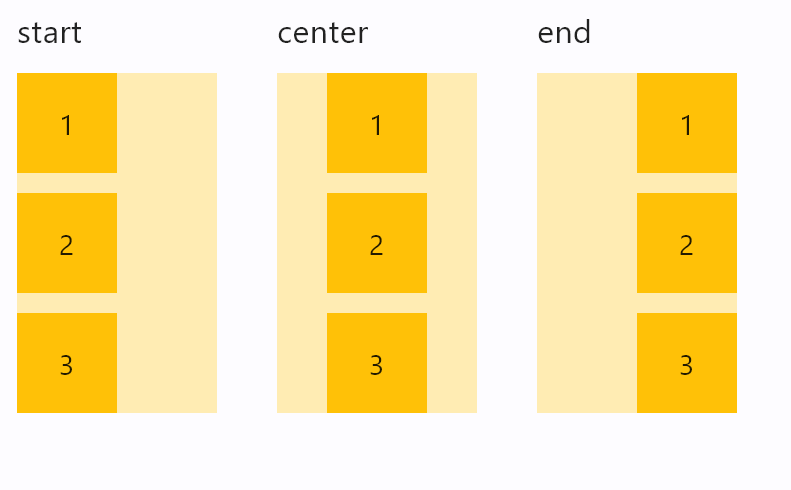](https://docs.flet.dev/examples/controls/column/media/horizontal_alignment.png)
### Infinite scrolling[#](https://docs.flet.dev/controls/column/#infinite-scrolling "Permanent link")
This example demonstrates adding of list items on-the-fly, as user scroll to the bottom, creating the illusion of infinite list:
`[](https://docs.flet.dev/controls/column/#__codelineno-4-1) import threading [](https://docs.flet.dev/controls/column/#__codelineno-4-2)[](https://docs.flet.dev/controls/column/#__codelineno-4-3) import flet as ft [](https://docs.flet.dev/controls/column/#__codelineno-4-4) [](https://docs.flet.dev/controls/column/#__codelineno-4-5)[](https://docs.flet.dev/controls/column/#__codelineno-4-6) class State: [](https://docs.flet.dev/controls/column/#__codelineno-4-7) i = 0 [](https://docs.flet.dev/controls/column/#__codelineno-4-8) [](https://docs.flet.dev/controls/column/#__codelineno-4-9)[](https://docs.flet.dev/controls/column/#__codelineno-4-10) s = State() [](https://docs.flet.dev/controls/column/#__codelineno-4-11) sem = threading.Semaphore() [](https://docs.flet.dev/controls/column/#__codelineno-4-12) [](https://docs.flet.dev/controls/column/#__codelineno-4-13)[](https://docs.flet.dev/controls/column/#__codelineno-4-14) def main(page: ft.Page): [](https://docs.flet.dev/controls/column/#__codelineno-4-15) def on_scroll(e: ft.OnScrollEvent): [](https://docs.flet.dev/controls/column/#__codelineno-4-16) if e.pixels >= e.max_scroll_extent - 100 and sem.acquire(blocking=False): [](https://docs.flet.dev/controls/column/#__codelineno-4-17) try: [](https://docs.flet.dev/controls/column/#__codelineno-4-18) for _i in range(0, 10): [](https://docs.flet.dev/controls/column/#__codelineno-4-19) cl.controls.append(ft.Text(f"Text line {s.i}", key=str(s.i))) [](https://docs.flet.dev/controls/column/#__codelineno-4-20) s.i += 1 [](https://docs.flet.dev/controls/column/#__codelineno-4-21) cl.update() [](https://docs.flet.dev/controls/column/#__codelineno-4-22) finally: [](https://docs.flet.dev/controls/column/#__codelineno-4-23) sem.release() [](https://docs.flet.dev/controls/column/#__codelineno-4-24) [](https://docs.flet.dev/controls/column/#__codelineno-4-25) cl = ft.Column( [](https://docs.flet.dev/controls/column/#__codelineno-4-26) spacing=10, [](https://docs.flet.dev/controls/column/#__codelineno-4-27) height=200, [](https://docs.flet.dev/controls/column/#__codelineno-4-28) width=200, [](https://docs.flet.dev/controls/column/#__codelineno-4-29) scroll=ft.ScrollMode.ALWAYS, [](https://docs.flet.dev/controls/column/#__codelineno-4-30) scroll_interval=0, [](https://docs.flet.dev/controls/column/#__codelineno-4-31) on_scroll=on_scroll, [](https://docs.flet.dev/controls/column/#__codelineno-4-32) ) [](https://docs.flet.dev/controls/column/#__codelineno-4-33) for _i in range(0, 50): [](https://docs.flet.dev/controls/column/#__codelineno-4-34) cl.controls.append(ft.Text(f"Text line {s.i}", key=str(s.i))) [](https://docs.flet.dev/controls/column/#__codelineno-4-35) s.i += 1 [](https://docs.flet.dev/controls/column/#__codelineno-4-36) [](https://docs.flet.dev/controls/column/#__codelineno-4-37) page.add(ft.Container(cl, border=ft.Border.all(1))) [](https://docs.flet.dev/controls/column/#__codelineno-4-38) [](https://docs.flet.dev/controls/column/#__codelineno-4-39)[](https://docs.flet.dev/controls/column/#__codelineno-4-40) ft.run(main)`
### Scrolling programmatically[#](https://docs.flet.dev/controls/column/#scrolling-programmatically "Permanent link")
This example shows how to use [`scroll_to()`](https://docs.flet.dev/controls/scrollablecontrol/#flet.ScrollableControl.scroll_to)
to programmatically scroll a column:
`[](https://docs.flet.dev/controls/column/#__codelineno-5-1) import flet as ft [](https://docs.flet.dev/controls/column/#__codelineno-5-2) [](https://docs.flet.dev/controls/column/#__codelineno-5-3)[](https://docs.flet.dev/controls/column/#__codelineno-5-4) def main(page: ft.Page): [](https://docs.flet.dev/controls/column/#__codelineno-5-5) column = ft.Column( [](https://docs.flet.dev/controls/column/#__codelineno-5-6) spacing=10, [](https://docs.flet.dev/controls/column/#__codelineno-5-7) height=200, [](https://docs.flet.dev/controls/column/#__codelineno-5-8) width=float("inf"), [](https://docs.flet.dev/controls/column/#__codelineno-5-9) scroll=ft.ScrollMode.ALWAYS, [](https://docs.flet.dev/controls/column/#__codelineno-5-10) controls=[ [](https://docs.flet.dev/controls/column/#__codelineno-5-11) ft.Text(f"Text line {i}", key=ft.ScrollKey(i)) for i in range(0, 100) [](https://docs.flet.dev/controls/column/#__codelineno-5-12) ], [](https://docs.flet.dev/controls/column/#__codelineno-5-13) ) [](https://docs.flet.dev/controls/column/#__codelineno-5-14) [](https://docs.flet.dev/controls/column/#__codelineno-5-15) async def scroll_to_offset(e): [](https://docs.flet.dev/controls/column/#__codelineno-5-16) await column.scroll_to(offset=500, duration=1000) [](https://docs.flet.dev/controls/column/#__codelineno-5-17) [](https://docs.flet.dev/controls/column/#__codelineno-5-18) async def scroll_to_start(e): [](https://docs.flet.dev/controls/column/#__codelineno-5-19) await column.scroll_to(offset=0, duration=1000) [](https://docs.flet.dev/controls/column/#__codelineno-5-20) [](https://docs.flet.dev/controls/column/#__codelineno-5-21) async def scroll_to_end(e): [](https://docs.flet.dev/controls/column/#__codelineno-5-22) await column.scroll_to( [](https://docs.flet.dev/controls/column/#__codelineno-5-23) offset=-1, duration=2000, curve=ft.AnimationCurve.EASE_IN_OUT [](https://docs.flet.dev/controls/column/#__codelineno-5-24) ) [](https://docs.flet.dev/controls/column/#__codelineno-5-25) [](https://docs.flet.dev/controls/column/#__codelineno-5-26) async def scroll_to_key(e): [](https://docs.flet.dev/controls/column/#__codelineno-5-27) await column.scroll_to(scroll_key="20", duration=1000) [](https://docs.flet.dev/controls/column/#__codelineno-5-28) [](https://docs.flet.dev/controls/column/#__codelineno-5-29) async def scroll_to_delta(e): [](https://docs.flet.dev/controls/column/#__codelineno-5-30) await column.scroll_to(delta=100, duration=200) [](https://docs.flet.dev/controls/column/#__codelineno-5-31) [](https://docs.flet.dev/controls/column/#__codelineno-5-32) async def scroll_to_minus_delta(e): [](https://docs.flet.dev/controls/column/#__codelineno-5-33) await column.scroll_to(delta=-100, duration=200) [](https://docs.flet.dev/controls/column/#__codelineno-5-34) [](https://docs.flet.dev/controls/column/#__codelineno-5-35) page.add( [](https://docs.flet.dev/controls/column/#__codelineno-5-36) ft.Container(content=column, border=ft.Border.all(1)), [](https://docs.flet.dev/controls/column/#__codelineno-5-37) ft.Button("Scroll to offset 500", on_click=scroll_to_offset), [](https://docs.flet.dev/controls/column/#__codelineno-5-38) ft.Row( [](https://docs.flet.dev/controls/column/#__codelineno-5-39) controls=[ [](https://docs.flet.dev/controls/column/#__codelineno-5-40) ft.Button("Scroll -100", on_click=scroll_to_minus_delta), [](https://docs.flet.dev/controls/column/#__codelineno-5-41) ft.Button("Scroll +100", on_click=scroll_to_delta), [](https://docs.flet.dev/controls/column/#__codelineno-5-42) ] [](https://docs.flet.dev/controls/column/#__codelineno-5-43) ), [](https://docs.flet.dev/controls/column/#__codelineno-5-44) ft.Button("Scroll to key '20'", on_click=scroll_to_key), [](https://docs.flet.dev/controls/column/#__codelineno-5-45) ft.Row( [](https://docs.flet.dev/controls/column/#__codelineno-5-46) controls=[ [](https://docs.flet.dev/controls/column/#__codelineno-5-47) ft.Button("Scroll to start", on_click=scroll_to_start), [](https://docs.flet.dev/controls/column/#__codelineno-5-48) ft.Button("Scroll to end", on_click=scroll_to_end), [](https://docs.flet.dev/controls/column/#__codelineno-5-49) ] [](https://docs.flet.dev/controls/column/#__codelineno-5-50) ), [](https://docs.flet.dev/controls/column/#__codelineno-5-51) ) [](https://docs.flet.dev/controls/column/#__codelineno-5-52) [](https://docs.flet.dev/controls/column/#__codelineno-5-53)[](https://docs.flet.dev/controls/column/#__codelineno-5-54) ft.run(main)`
[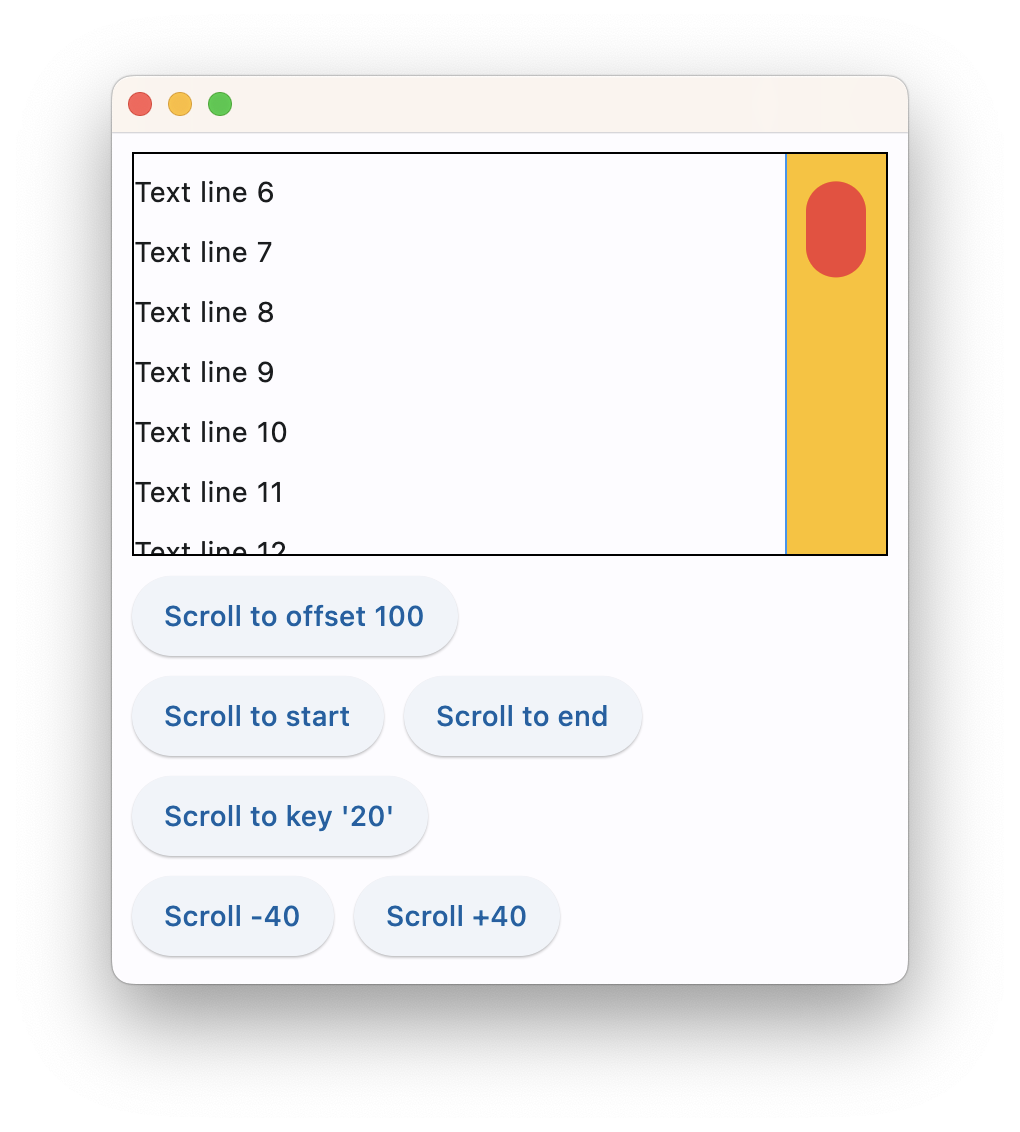](https://docs.flet.dev/examples/controls/column/media/programmatic_scroll.png)
Properties[#](https://docs.flet.dev/controls/column/#flet.Column-properties "Permanent link")
----------------------------------------------------------------------------------------------
### alignment `class-attribute` `instance-attribute` [#](https://docs.flet.dev/controls/column/#flet.Column.alignment "Permanent link")
`[](https://docs.flet.dev/controls/column/#__codelineno-0-1) alignment: [MainAxisAlignment](https://docs.flet.dev/types/mainaxisalignment/#flet.MainAxisAlignment) = [START](https://docs.flet.dev/types/mainaxisalignment/#flet.MainAxisAlignment.START)`
How the child Controls should be placed vertically.
### controls `class-attribute` `instance-attribute` [#](https://docs.flet.dev/controls/column/#flet.Column.controls "Permanent link")
`[](https://docs.flet.dev/controls/column/#__codelineno-0-1) controls: [list](https://docs.python.org/3/glossary.html#term-list) [[Control](https://docs.flet.dev/controls/control/#flet.Control) ] = [field](https://docs.python.org/3/library/dataclasses.html#dataclasses.field "dataclasses.field") (default_factory=[list](https://docs.python.org/3/glossary.html#term-list) )`
A list of controls to display.
### horizontal\_alignment `class-attribute` `instance-attribute` [#](https://docs.flet.dev/controls/column/#flet.Column.horizontal_alignment "Permanent link")
`[](https://docs.flet.dev/controls/column/#__codelineno-0-1) horizontal_alignment: [CrossAxisAlignment](https://docs.flet.dev/types/crossaxisalignment/#flet.CrossAxisAlignment) = [START](https://docs.flet.dev/types/crossaxisalignment/#flet.CrossAxisAlignment.START)`
Defines how the [`controls`](https://docs.flet.dev/controls/column/#flet.Column.controls)
should be placed horizontally.
### intrinsic\_width `class-attribute` `instance-attribute` [#](https://docs.flet.dev/controls/column/#flet.Column.intrinsic_width "Permanent link")
`[](https://docs.flet.dev/controls/column/#__codelineno-0-1) intrinsic_width: [bool](https://docs.python.org/3/library/functions.html#bool) = False`
If `True`, the Column will be as wide as the widest child control.
### run\_alignment `class-attribute` `instance-attribute` [#](https://docs.flet.dev/controls/column/#flet.Column.run_alignment "Permanent link")
`[](https://docs.flet.dev/controls/column/#__codelineno-0-1) run_alignment: [MainAxisAlignment](https://docs.flet.dev/types/mainaxisalignment/#flet.MainAxisAlignment) = [START](https://docs.flet.dev/types/mainaxisalignment/#flet.MainAxisAlignment.START)`
How the runs should be placed in the cross-axis when [`wrap`](https://docs.flet.dev/controls/column/#flet.Column.wrap)
is `True`.
### run\_spacing `class-attribute` `instance-attribute` [#](https://docs.flet.dev/controls/column/#flet.Column.run_spacing "Permanent link")
`[](https://docs.flet.dev/controls/column/#__codelineno-0-1) run_spacing: [Number](https://docs.flet.dev/types/aliases/#flet.Number) = 10`
The spacing between runs when [`wrap`](https://docs.flet.dev/controls/column/#flet.Column.wrap)
is `True`.
### spacing `class-attribute` `instance-attribute` [#](https://docs.flet.dev/controls/column/#flet.Column.spacing "Permanent link")
`[](https://docs.flet.dev/controls/column/#__codelineno-0-1) spacing: [Number](https://docs.flet.dev/types/aliases/#flet.Number) = 10`
Spacing between the `controls`.
It is applied only when [`alignment`](https://docs.flet.dev/controls/column/#flet.Column.alignment)
is `MainAxisAlignment.START`, `MainAxisAlignment.END` or `MainAxisAlignment.CENTER`.
### tight `class-attribute` `instance-attribute` [#](https://docs.flet.dev/controls/column/#flet.Column.tight "Permanent link")
`[](https://docs.flet.dev/controls/column/#__codelineno-0-1) tight: [bool](https://docs.python.org/3/library/functions.html#bool) = False`
Determines how vertical space is allocated.
If `False` (default), children expand to fill the available vertical space. If `True`, only the minimum vertical space required by the children is used.
### wrap `class-attribute` `instance-attribute` [#](https://docs.flet.dev/controls/column/#flet.Column.wrap "Permanent link")
`[](https://docs.flet.dev/controls/column/#__codelineno-0-1) wrap: [bool](https://docs.python.org/3/library/functions.html#bool) = False`
Whether the [`controls`](https://docs.flet.dev/controls/column/#flet.Column.controls)
should wrap into additional columns (runs) when they don't fit in a single vertical column.
Back to top
---
# OutlinedButton - Flet
[Skip to content](https://docs.flet.dev/controls/outlinedbutton/#flet.OutlinedButton)
OutlinedButton
==============
Outlined buttons are medium-emphasis buttons. They contain actions that are important, but aren't the primary action in an app. Outlined buttons pair well with filled buttons to indicate an alternative, secondary action.
Example:
`[](https://docs.flet.dev/controls/outlinedbutton/#__codelineno-0-1) ft.OutlinedButton(content="Outlined button")`
[](https://docs.flet.dev/test-images/examples/material/golden/macos/outlined_button/image_for_docs.png)
Simple Outlined Button
Inherits: `[LayoutControl](https://docs.flet.dev/controls/layoutcontrol/#flet.LayoutControl) `, `[AdaptiveControl](https://docs.flet.dev/controls/adaptivecontrol/#flet.AdaptiveControl) `
Properties
* **`[autofocus](https://docs.flet.dev/controls/outlinedbutton/#flet.OutlinedButton.autofocus) `**(`[bool](https://docs.python.org/3/library/functions.html#bool) `) –
True if the control will be selected as the initial focus.
* **`[clip_behavior](https://docs.flet.dev/controls/outlinedbutton/#flet.OutlinedButton.clip_behavior) `**(`[ClipBehavior](https://docs.flet.dev/types/clipbehavior/#flet.ClipBehavior) `) –
The content will be clipped (or not) according to this option.
* **`[content](https://docs.flet.dev/controls/outlinedbutton/#flet.OutlinedButton.content) `**(`[StrOrControl](https://docs.flet.dev/types/aliases/#flet.StrOrControl) | None`) –
A Control representing custom button content.
* **`[icon](https://docs.flet.dev/controls/outlinedbutton/#flet.OutlinedButton.icon) `**(`[IconDataOrControl](https://docs.flet.dev/types/aliases/#flet.IconDataOrControl) | None`) –
An icon to display in this button.
* **`[icon_color](https://docs.flet.dev/controls/outlinedbutton/#flet.OutlinedButton.icon_color) `**(`[ColorValue](https://docs.flet.dev/types/aliases/#flet.ColorValue) | None`) –
Icon color.
* **`[style](https://docs.flet.dev/controls/outlinedbutton/#flet.OutlinedButton.style) `**(`[ButtonStyle](https://docs.flet.dev/types/buttonstyle/#flet.ButtonStyle) | None`) –
* **`[url](https://docs.flet.dev/controls/outlinedbutton/#flet.OutlinedButton.url) `**(`[str](https://docs.python.org/3/library/stdtypes.html#str) | [Url](https://docs.flet.dev/types/url/#flet.Url) | None`) –
The URL to open when this button is clicked.
Events
* **`[on_blur](https://docs.flet.dev/controls/outlinedbutton/#flet.OutlinedButton.on_blur) `**(`[ControlEventHandler](https://docs.flet.dev/types/aliases/#flet.ControlEventHandler) [[OutlinedButton](https://docs.flet.dev/controls/outlinedbutton/#flet.OutlinedButton) ] | None`) –
Called when this button has lost focus.
* **`[on_click](https://docs.flet.dev/controls/outlinedbutton/#flet.OutlinedButton.on_click) `**(`[ControlEventHandler](https://docs.flet.dev/types/aliases/#flet.ControlEventHandler) [[OutlinedButton](https://docs.flet.dev/controls/outlinedbutton/#flet.OutlinedButton) ] | None`) –
Called when a user clicks this button.
* **`[on_focus](https://docs.flet.dev/controls/outlinedbutton/#flet.OutlinedButton.on_focus) `**(`[ControlEventHandler](https://docs.flet.dev/types/aliases/#flet.ControlEventHandler) [[OutlinedButton](https://docs.flet.dev/controls/outlinedbutton/#flet.OutlinedButton) ] | None`) –
Called when this button has received focus.
* **`[on_hover](https://docs.flet.dev/controls/outlinedbutton/#flet.OutlinedButton.on_hover) `**(`[ControlEventHandler](https://docs.flet.dev/types/aliases/#flet.ControlEventHandler) [[OutlinedButton](https://docs.flet.dev/controls/outlinedbutton/#flet.OutlinedButton) ] | None`) –
Called when a mouse pointer enters or exists this button's response area.
* **`[on_long_press](https://docs.flet.dev/controls/outlinedbutton/#flet.OutlinedButton.on_long_press) `**(`[ControlEventHandler](https://docs.flet.dev/types/aliases/#flet.ControlEventHandler) [[OutlinedButton](https://docs.flet.dev/controls/outlinedbutton/#flet.OutlinedButton) ] | None`) –
Called when this button is long-pressed.
Methods
* **`[focus](https://docs.flet.dev/controls/outlinedbutton/#flet.OutlinedButton.focus) `** –
Requests focus for this control.
Examples[#](https://docs.flet.dev/controls/outlinedbutton/#examples "Permanent link")
--------------------------------------------------------------------------------------
[Live example](https://flet-controls-gallery.fly.dev/buttons/outlinedbutton)
### Basic example[#](https://docs.flet.dev/controls/outlinedbutton/#basic-example "Permanent link")
`[](https://docs.flet.dev/controls/outlinedbutton/#__codelineno-0-1) import flet as ft [](https://docs.flet.dev/controls/outlinedbutton/#__codelineno-0-2) [](https://docs.flet.dev/controls/outlinedbutton/#__codelineno-0-3)[](https://docs.flet.dev/controls/outlinedbutton/#__codelineno-0-4) def main(page: ft.Page): [](https://docs.flet.dev/controls/outlinedbutton/#__codelineno-0-5) page.title = "OutlinedButton Example" [](https://docs.flet.dev/controls/outlinedbutton/#__codelineno-0-6) [](https://docs.flet.dev/controls/outlinedbutton/#__codelineno-0-7) page.add( [](https://docs.flet.dev/controls/outlinedbutton/#__codelineno-0-8) ft.OutlinedButton(content="Outlined button"), [](https://docs.flet.dev/controls/outlinedbutton/#__codelineno-0-9) ft.OutlinedButton(content="Disabled button", disabled=True), [](https://docs.flet.dev/controls/outlinedbutton/#__codelineno-0-10) ) [](https://docs.flet.dev/controls/outlinedbutton/#__codelineno-0-11) [](https://docs.flet.dev/controls/outlinedbutton/#__codelineno-0-12)[](https://docs.flet.dev/controls/outlinedbutton/#__codelineno-0-13) if __name__ == "__main__": [](https://docs.flet.dev/controls/outlinedbutton/#__codelineno-0-14) ft.run(main)`
[](https://docs.flet.dev/test-images/examples/material/golden/macos/outlined_button/basic.png)
### Handling clicks[#](https://docs.flet.dev/controls/outlinedbutton/#handling-clicks "Permanent link")
`[](https://docs.flet.dev/controls/outlinedbutton/#__codelineno-1-1) import flet as ft [](https://docs.flet.dev/controls/outlinedbutton/#__codelineno-1-2) [](https://docs.flet.dev/controls/outlinedbutton/#__codelineno-1-3)[](https://docs.flet.dev/controls/outlinedbutton/#__codelineno-1-4) def main(page: ft.Page): [](https://docs.flet.dev/controls/outlinedbutton/#__codelineno-1-5) page.title = "OutlinedButton Example" [](https://docs.flet.dev/controls/outlinedbutton/#__codelineno-1-6) page.theme_mode = ft.ThemeMode.LIGHT [](https://docs.flet.dev/controls/outlinedbutton/#__codelineno-1-7) [](https://docs.flet.dev/controls/outlinedbutton/#__codelineno-1-8) def handle_button_click(e: ft.Event[ft.OutlinedButton]): [](https://docs.flet.dev/controls/outlinedbutton/#__codelineno-1-9) button.data += 1 [](https://docs.flet.dev/controls/outlinedbutton/#__codelineno-1-10) message.value = f"Button clicked {button.data} time(s)" [](https://docs.flet.dev/controls/outlinedbutton/#__codelineno-1-11) page.update() [](https://docs.flet.dev/controls/outlinedbutton/#__codelineno-1-12) [](https://docs.flet.dev/controls/outlinedbutton/#__codelineno-1-13) button = ft.OutlinedButton( [](https://docs.flet.dev/controls/outlinedbutton/#__codelineno-1-14) content="Button with 'click' event", [](https://docs.flet.dev/controls/outlinedbutton/#__codelineno-1-15) data=0, [](https://docs.flet.dev/controls/outlinedbutton/#__codelineno-1-16) on_click=handle_button_click, [](https://docs.flet.dev/controls/outlinedbutton/#__codelineno-1-17) ) [](https://docs.flet.dev/controls/outlinedbutton/#__codelineno-1-18) message = ft.Text() [](https://docs.flet.dev/controls/outlinedbutton/#__codelineno-1-19) [](https://docs.flet.dev/controls/outlinedbutton/#__codelineno-1-20) page.add( [](https://docs.flet.dev/controls/outlinedbutton/#__codelineno-1-21) ft.Column( [](https://docs.flet.dev/controls/outlinedbutton/#__codelineno-1-22) controls=[button, message], [](https://docs.flet.dev/controls/outlinedbutton/#__codelineno-1-23) alignment=ft.MainAxisAlignment.CENTER, [](https://docs.flet.dev/controls/outlinedbutton/#__codelineno-1-24) horizontal_alignment=ft.CrossAxisAlignment.CENTER, [](https://docs.flet.dev/controls/outlinedbutton/#__codelineno-1-25) expand=True, [](https://docs.flet.dev/controls/outlinedbutton/#__codelineno-1-26) ) [](https://docs.flet.dev/controls/outlinedbutton/#__codelineno-1-27) ) [](https://docs.flet.dev/controls/outlinedbutton/#__codelineno-1-28) [](https://docs.flet.dev/controls/outlinedbutton/#__codelineno-1-29)[](https://docs.flet.dev/controls/outlinedbutton/#__codelineno-1-30) if __name__ == "__main__": [](https://docs.flet.dev/controls/outlinedbutton/#__codelineno-1-31) ft.run(main)`
[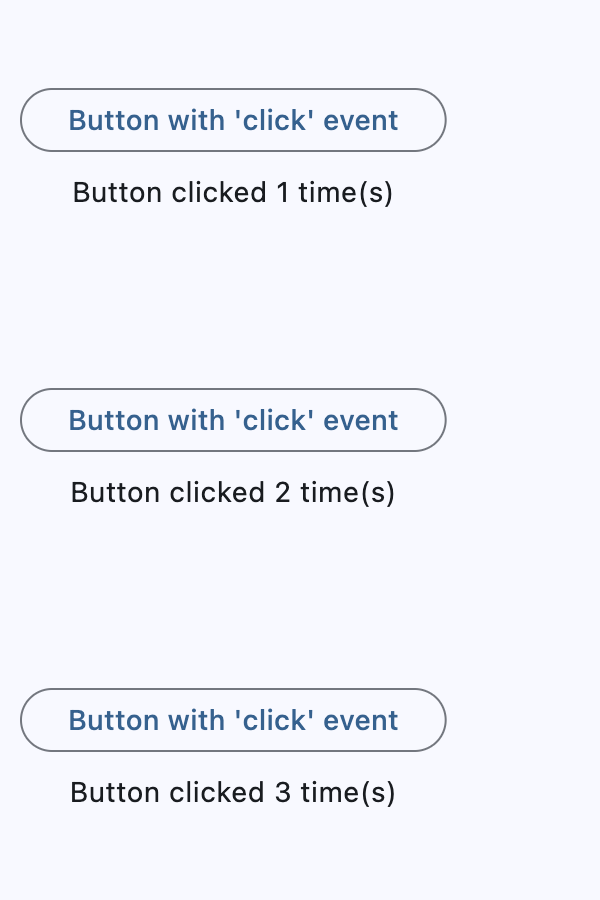](https://docs.flet.dev/test-images/examples/material/golden/macos/outlined_button/handling_clicks.gif)
### Icons[#](https://docs.flet.dev/controls/outlinedbutton/#icons "Permanent link")
`[](https://docs.flet.dev/controls/outlinedbutton/#__codelineno-2-1) import flet as ft [](https://docs.flet.dev/controls/outlinedbutton/#__codelineno-2-2) [](https://docs.flet.dev/controls/outlinedbutton/#__codelineno-2-3)[](https://docs.flet.dev/controls/outlinedbutton/#__codelineno-2-4) def main(page: ft.Page): [](https://docs.flet.dev/controls/outlinedbutton/#__codelineno-2-5) page.title = "OutlinedButton Example" [](https://docs.flet.dev/controls/outlinedbutton/#__codelineno-2-6) [](https://docs.flet.dev/controls/outlinedbutton/#__codelineno-2-7) page.add( [](https://docs.flet.dev/controls/outlinedbutton/#__codelineno-2-8) ft.OutlinedButton(content="Button with icon", icon=ft.Icons.CHAIR_OUTLINED), [](https://docs.flet.dev/controls/outlinedbutton/#__codelineno-2-9) ft.OutlinedButton( [](https://docs.flet.dev/controls/outlinedbutton/#__codelineno-2-10) content="Button with colorful icon", [](https://docs.flet.dev/controls/outlinedbutton/#__codelineno-2-11) icon=ft.Icons.PARK_ROUNDED, [](https://docs.flet.dev/controls/outlinedbutton/#__codelineno-2-12) icon_color=ft.Colors.GREEN_400, [](https://docs.flet.dev/controls/outlinedbutton/#__codelineno-2-13) ), [](https://docs.flet.dev/controls/outlinedbutton/#__codelineno-2-14) ) [](https://docs.flet.dev/controls/outlinedbutton/#__codelineno-2-15) [](https://docs.flet.dev/controls/outlinedbutton/#__codelineno-2-16)[](https://docs.flet.dev/controls/outlinedbutton/#__codelineno-2-17) if __name__ == "__main__": [](https://docs.flet.dev/controls/outlinedbutton/#__codelineno-2-18) ft.run(main)`
[](https://docs.flet.dev/test-images/examples/material/golden/macos/outlined_button/icons.png)
### Custom content[#](https://docs.flet.dev/controls/outlinedbutton/#custom-content "Permanent link")
`[](https://docs.flet.dev/controls/outlinedbutton/#__codelineno-3-1) import flet as ft [](https://docs.flet.dev/controls/outlinedbutton/#__codelineno-3-2) [](https://docs.flet.dev/controls/outlinedbutton/#__codelineno-3-3)[](https://docs.flet.dev/controls/outlinedbutton/#__codelineno-3-4) def main(page: ft.Page): [](https://docs.flet.dev/controls/outlinedbutton/#__codelineno-3-5) page.title = "OutlinedButton Example" [](https://docs.flet.dev/controls/outlinedbutton/#__codelineno-3-6) page.theme_mode = ft.ThemeMode.LIGHT [](https://docs.flet.dev/controls/outlinedbutton/#__codelineno-3-7) [](https://docs.flet.dev/controls/outlinedbutton/#__codelineno-3-8) page.add( [](https://docs.flet.dev/controls/outlinedbutton/#__codelineno-3-9) ft.OutlinedButton( [](https://docs.flet.dev/controls/outlinedbutton/#__codelineno-3-10) width=150, [](https://docs.flet.dev/controls/outlinedbutton/#__codelineno-3-11) content=ft.Row( [](https://docs.flet.dev/controls/outlinedbutton/#__codelineno-3-12) alignment=ft.MainAxisAlignment.SPACE_AROUND, [](https://docs.flet.dev/controls/outlinedbutton/#__codelineno-3-13) controls=[ [](https://docs.flet.dev/controls/outlinedbutton/#__codelineno-3-14) ft.Icon(ft.Icons.FAVORITE, color=ft.Colors.PINK), [](https://docs.flet.dev/controls/outlinedbutton/#__codelineno-3-15) ft.Icon(ft.Icons.AUDIOTRACK, color=ft.Colors.GREEN), [](https://docs.flet.dev/controls/outlinedbutton/#__codelineno-3-16) ft.Icon(ft.Icons.BEACH_ACCESS, color=ft.Colors.BLUE), [](https://docs.flet.dev/controls/outlinedbutton/#__codelineno-3-17) ], [](https://docs.flet.dev/controls/outlinedbutton/#__codelineno-3-18) ), [](https://docs.flet.dev/controls/outlinedbutton/#__codelineno-3-19) ), [](https://docs.flet.dev/controls/outlinedbutton/#__codelineno-3-20) ft.OutlinedButton( [](https://docs.flet.dev/controls/outlinedbutton/#__codelineno-3-21) content=ft.Container( [](https://docs.flet.dev/controls/outlinedbutton/#__codelineno-3-22) padding=ft.Padding.all(10), [](https://docs.flet.dev/controls/outlinedbutton/#__codelineno-3-23) content=ft.Column( [](https://docs.flet.dev/controls/outlinedbutton/#__codelineno-3-24) alignment=ft.MainAxisAlignment.CENTER, [](https://docs.flet.dev/controls/outlinedbutton/#__codelineno-3-25) spacing=5, [](https://docs.flet.dev/controls/outlinedbutton/#__codelineno-3-26) controls=[ [](https://docs.flet.dev/controls/outlinedbutton/#__codelineno-3-27) ft.Text(value="Compound button", size=20), [](https://docs.flet.dev/controls/outlinedbutton/#__codelineno-3-28) ft.Text(value="This is secondary text"), [](https://docs.flet.dev/controls/outlinedbutton/#__codelineno-3-29) ], [](https://docs.flet.dev/controls/outlinedbutton/#__codelineno-3-30) ), [](https://docs.flet.dev/controls/outlinedbutton/#__codelineno-3-31) ), [](https://docs.flet.dev/controls/outlinedbutton/#__codelineno-3-32) ), [](https://docs.flet.dev/controls/outlinedbutton/#__codelineno-3-33) ) [](https://docs.flet.dev/controls/outlinedbutton/#__codelineno-3-34) [](https://docs.flet.dev/controls/outlinedbutton/#__codelineno-3-35)[](https://docs.flet.dev/controls/outlinedbutton/#__codelineno-3-36) if __name__ == "__main__": [](https://docs.flet.dev/controls/outlinedbutton/#__codelineno-3-37) ft.run(main)`
[](https://docs.flet.dev/test-images/examples/material/golden/macos/outlined_button/custom_content.png)
Properties[#](https://docs.flet.dev/controls/outlinedbutton/#flet.OutlinedButton-properties "Permanent link")
--------------------------------------------------------------------------------------------------------------
### autofocus `class-attribute` `instance-attribute` [#](https://docs.flet.dev/controls/outlinedbutton/#flet.OutlinedButton.autofocus "Permanent link")
`[](https://docs.flet.dev/controls/outlinedbutton/#__codelineno-0-1) autofocus: [bool](https://docs.python.org/3/library/functions.html#bool) = False`
True if the control will be selected as the initial focus.
If there is more than one control on a page with autofocus set, then the first one added to the page will get focus.
### clip\_behavior `class-attribute` `instance-attribute` [#](https://docs.flet.dev/controls/outlinedbutton/#flet.OutlinedButton.clip_behavior "Permanent link")
`[](https://docs.flet.dev/controls/outlinedbutton/#__codelineno-0-1) clip_behavior: [ClipBehavior](https://docs.flet.dev/types/clipbehavior/#flet.ClipBehavior) = [NONE](https://docs.flet.dev/types/clipbehavior/#flet.ClipBehavior.NONE)`
The content will be clipped (or not) according to this option.
### content `class-attribute` `instance-attribute` [#](https://docs.flet.dev/controls/outlinedbutton/#flet.OutlinedButton.content "Permanent link")
`[](https://docs.flet.dev/controls/outlinedbutton/#__codelineno-0-1) content: [StrOrControl](https://docs.flet.dev/types/aliases/#flet.StrOrControl) | None = None`
A Control representing custom button content.
Raises:
* `[ValueError](https://docs.python.org/3/library/exceptions.html#ValueError) ` –
If neither [`icon`](https://docs.flet.dev/controls/outlinedbutton/#flet.OutlinedButton.icon)
nor `content` is provided.
### icon `class-attribute` `instance-attribute` [#](https://docs.flet.dev/controls/outlinedbutton/#flet.OutlinedButton.icon "Permanent link")
`[](https://docs.flet.dev/controls/outlinedbutton/#__codelineno-0-1) icon: [IconDataOrControl](https://docs.flet.dev/types/aliases/#flet.IconDataOrControl) | None = None`
An icon to display in this button.
### icon\_color `class-attribute` `instance-attribute` [#](https://docs.flet.dev/controls/outlinedbutton/#flet.OutlinedButton.icon_color "Permanent link")
`[](https://docs.flet.dev/controls/outlinedbutton/#__codelineno-0-1) icon_color: [ColorValue](https://docs.flet.dev/types/aliases/#flet.ColorValue) | None = None`
Icon color.
### style `class-attribute` `instance-attribute` [#](https://docs.flet.dev/controls/outlinedbutton/#flet.OutlinedButton.style "Permanent link")
`[](https://docs.flet.dev/controls/outlinedbutton/#__codelineno-0-1) style: [ButtonStyle](https://docs.flet.dev/types/buttonstyle/#flet.ButtonStyle) | None = None`
### url `class-attribute` `instance-attribute` [#](https://docs.flet.dev/controls/outlinedbutton/#flet.OutlinedButton.url "Permanent link")
`[](https://docs.flet.dev/controls/outlinedbutton/#__codelineno-0-1) url: [str](https://docs.python.org/3/library/stdtypes.html#str) | [Url](https://docs.flet.dev/types/url/#flet.Url) | None = None`
The URL to open when this button is clicked.
Additionally, if [`on_click`](https://docs.flet.dev/controls/outlinedbutton/#flet.OutlinedButton.on_click)
event callback is provided, it is fired after that.
Events[#](https://docs.flet.dev/controls/outlinedbutton/#flet.OutlinedButton-events "Permanent link")
------------------------------------------------------------------------------------------------------
### on\_blur `class-attribute` `instance-attribute` [#](https://docs.flet.dev/controls/outlinedbutton/#flet.OutlinedButton.on_blur "Permanent link")
`[](https://docs.flet.dev/controls/outlinedbutton/#__codelineno-0-1) on_blur: [ControlEventHandler](https://docs.flet.dev/types/aliases/#flet.ControlEventHandler) [[OutlinedButton](https://docs.flet.dev/controls/outlinedbutton/#flet.OutlinedButton) ] | None = None`
Called when this button has lost focus.
### on\_click `class-attribute` `instance-attribute` [#](https://docs.flet.dev/controls/outlinedbutton/#flet.OutlinedButton.on_click "Permanent link")
`[](https://docs.flet.dev/controls/outlinedbutton/#__codelineno-0-1) on_click: [ControlEventHandler](https://docs.flet.dev/types/aliases/#flet.ControlEventHandler) [[OutlinedButton](https://docs.flet.dev/controls/outlinedbutton/#flet.OutlinedButton) ] | None = None`
Called when a user clicks this button.
### on\_focus `class-attribute` `instance-attribute` [#](https://docs.flet.dev/controls/outlinedbutton/#flet.OutlinedButton.on_focus "Permanent link")
`[](https://docs.flet.dev/controls/outlinedbutton/#__codelineno-0-1) on_focus: [ControlEventHandler](https://docs.flet.dev/types/aliases/#flet.ControlEventHandler) [[OutlinedButton](https://docs.flet.dev/controls/outlinedbutton/#flet.OutlinedButton) ] | None = None`
Called when this button has received focus.
### on\_hover `class-attribute` `instance-attribute` [#](https://docs.flet.dev/controls/outlinedbutton/#flet.OutlinedButton.on_hover "Permanent link")
`[](https://docs.flet.dev/controls/outlinedbutton/#__codelineno-0-1) on_hover: [ControlEventHandler](https://docs.flet.dev/types/aliases/#flet.ControlEventHandler) [[OutlinedButton](https://docs.flet.dev/controls/outlinedbutton/#flet.OutlinedButton) ] | None = None`
Called when a mouse pointer enters or exists this button's response area.
`data` property of event object contains `true` (string) when cursor enters and `false` when it exits.
### on\_long\_press `class-attribute` `instance-attribute` [#](https://docs.flet.dev/controls/outlinedbutton/#flet.OutlinedButton.on_long_press "Permanent link")
`[](https://docs.flet.dev/controls/outlinedbutton/#__codelineno-0-1) on_long_press: ( [](https://docs.flet.dev/controls/outlinedbutton/#__codelineno-0-2) [ControlEventHandler](https://docs.flet.dev/types/aliases/#flet.ControlEventHandler) [[OutlinedButton](https://docs.flet.dev/controls/outlinedbutton/#flet.OutlinedButton) ] | None [](https://docs.flet.dev/controls/outlinedbutton/#__codelineno-0-3) ) = None`
Called when this button is long-pressed.
Methods[#](https://docs.flet.dev/controls/outlinedbutton/#flet.OutlinedButton-methods "Permanent link")
--------------------------------------------------------------------------------------------------------
### focus `async` [#](https://docs.flet.dev/controls/outlinedbutton/#flet.OutlinedButton.focus "Permanent link")
`[](https://docs.flet.dev/controls/outlinedbutton/#__codelineno-0-1) focus()`
Requests focus for this control.
Back to top
---
# RangeSlider - Flet
[Skip to content](https://docs.flet.dev/controls/rangeslider/#flet.RangeSlider)
RangeSlider
===========
A Material Design range slider. Used to select a range from a range of values.
A range slider can be used to select from either a continuous or a discrete set of values. The default is to use a continuous range of values from [`min`](https://docs.flet.dev/controls/rangeslider/#flet.RangeSlider.min)
to [`max`](https://docs.flet.dev/controls/rangeslider/#flet.RangeSlider.max)
.
Example:
`[](https://docs.flet.dev/controls/rangeslider/#__codelineno-0-1) ft.RangeSlider( [](https://docs.flet.dev/controls/rangeslider/#__codelineno-0-2) min=0, [](https://docs.flet.dev/controls/rangeslider/#__codelineno-0-3) max=10, [](https://docs.flet.dev/controls/rangeslider/#__codelineno-0-4) start_value=2, [](https://docs.flet.dev/controls/rangeslider/#__codelineno-0-5) divisions=10, [](https://docs.flet.dev/controls/rangeslider/#__codelineno-0-6) end_value=7, [](https://docs.flet.dev/controls/rangeslider/#__codelineno-0-7) )`
[](https://docs.flet.dev/test-images/examples/material/golden/macos/range_slider/image_for_docs.png)
Range Slider
Inherits: `[LayoutControl](https://docs.flet.dev/controls/layoutcontrol/#flet.LayoutControl) `
Properties
* **`[active_color](https://docs.flet.dev/controls/rangeslider/#flet.RangeSlider.active_color) `**(`[ColorValue](https://docs.flet.dev/types/aliases/#flet.ColorValue) | None`) –
The color to use for the portion of the slider track that is active.
* **`[divisions](https://docs.flet.dev/controls/rangeslider/#flet.RangeSlider.divisions) `**(`[int](https://docs.python.org/3/library/functions.html#int) | None`) –
The number of discrete divisions.
* **`[end_value](https://docs.flet.dev/controls/rangeslider/#flet.RangeSlider.end_value) `**(`[Number](https://docs.flet.dev/types/aliases/#flet.Number) `) –
The currently selected end value of this slider.
* **`[inactive_color](https://docs.flet.dev/controls/rangeslider/#flet.RangeSlider.inactive_color) `**(`[ColorValue](https://docs.flet.dev/types/aliases/#flet.ColorValue) | None`) –
The color for the inactive portions of the slider track.
* **`[label](https://docs.flet.dev/controls/rangeslider/#flet.RangeSlider.label) `**(`[str](https://docs.python.org/3/library/stdtypes.html#str) | None`) –
A label to show above the slider thumbs when the slider is active.
* **`[max](https://docs.flet.dev/controls/rangeslider/#flet.RangeSlider.max) `**(`[Number](https://docs.flet.dev/types/aliases/#flet.Number) `) –
The maximum value the user can select.
* **`[min](https://docs.flet.dev/controls/rangeslider/#flet.RangeSlider.min) `**(`[Number](https://docs.flet.dev/types/aliases/#flet.Number) `) –
The minimum value the user can select.
* **`[mouse_cursor](https://docs.flet.dev/controls/rangeslider/#flet.RangeSlider.mouse_cursor) `**(`[ControlStateValue](https://docs.flet.dev/types/aliases/#flet.ControlStateValue) [[MouseCursor](https://docs.flet.dev/types/mousecursor/#flet.MouseCursor) ] | None`) –
The cursor for a mouse pointer entering or hovering over this control.
* **`[overlay_color](https://docs.flet.dev/controls/rangeslider/#flet.RangeSlider.overlay_color) `**(`[ControlStateValue](https://docs.flet.dev/types/aliases/#flet.ControlStateValue) [[ColorValue](https://docs.flet.dev/types/aliases/#flet.ColorValue) ] | None`) –
The highlight color that's typically used to indicate that the range slider thumb is in [`ControlState.HOVERED`](https://docs.flet.dev/types/controlstate/#flet.ControlState.HOVERED)
or [`ControlState.DRAGGED`](https://docs.flet.dev/types/controlstate/#flet.ControlState.DRAGGED)
state.
* **`[round](https://docs.flet.dev/controls/rangeslider/#flet.RangeSlider.round) `**(`[int](https://docs.python.org/3/library/functions.html#int) `) –
The number of decimals displayed on the [`label`](https://docs.flet.dev/controls/rangeslider/#flet.RangeSlider.label)
containing `{value}`.
* **`[start_value](https://docs.flet.dev/controls/rangeslider/#flet.RangeSlider.start_value) `**(`[Number](https://docs.flet.dev/types/aliases/#flet.Number) `) –
The currently selected start value for this slider.
Events
* **`[on_change](https://docs.flet.dev/controls/rangeslider/#flet.RangeSlider.on_change) `**(`[ControlEventHandler](https://docs.flet.dev/types/aliases/#flet.ControlEventHandler) [[RangeSlider](https://docs.flet.dev/controls/rangeslider/#flet.RangeSlider) ] | None`) –
Called when the state of this slider is changed.
* **`[on_change_end](https://docs.flet.dev/controls/rangeslider/#flet.RangeSlider.on_change_end) `**(`[ControlEventHandler](https://docs.flet.dev/types/aliases/#flet.ControlEventHandler) [[RangeSlider](https://docs.flet.dev/controls/rangeslider/#flet.RangeSlider) ] | None`) –
Called when the user is done selecting a new value for this slider.
* **`[on_change_start](https://docs.flet.dev/controls/rangeslider/#flet.RangeSlider.on_change_start) `**(`[ControlEventHandler](https://docs.flet.dev/types/aliases/#flet.ControlEventHandler) [[RangeSlider](https://docs.flet.dev/controls/rangeslider/#flet.RangeSlider) ] | None`) –
Called when the user starts selecting a new value for this slider.
Examples[#](https://docs.flet.dev/controls/rangeslider/#examples "Permanent link")
-----------------------------------------------------------------------------------
[Live example](https://flet-controls-gallery.fly.dev/input/rangeslider)
### Basic Example[#](https://docs.flet.dev/controls/rangeslider/#basic-example "Permanent link")
`[](https://docs.flet.dev/controls/rangeslider/#__codelineno-0-1) import flet as ft [](https://docs.flet.dev/controls/rangeslider/#__codelineno-0-2) [](https://docs.flet.dev/controls/rangeslider/#__codelineno-0-3)[](https://docs.flet.dev/controls/rangeslider/#__codelineno-0-4) def main(page: ft.Page): [](https://docs.flet.dev/controls/rangeslider/#__codelineno-0-5) page.add( [](https://docs.flet.dev/controls/rangeslider/#__codelineno-0-6) ft.Column( [](https://docs.flet.dev/controls/rangeslider/#__codelineno-0-7) horizontal_alignment=ft.CrossAxisAlignment.CENTER, [](https://docs.flet.dev/controls/rangeslider/#__codelineno-0-8) controls=[ [](https://docs.flet.dev/controls/rangeslider/#__codelineno-0-9) ft.Text( [](https://docs.flet.dev/controls/rangeslider/#__codelineno-0-10) value="Range slider with divisions and labels", [](https://docs.flet.dev/controls/rangeslider/#__codelineno-0-11) size=20, [](https://docs.flet.dev/controls/rangeslider/#__codelineno-0-12) weight=ft.FontWeight.BOLD, [](https://docs.flet.dev/controls/rangeslider/#__codelineno-0-13) ), [](https://docs.flet.dev/controls/rangeslider/#__codelineno-0-14) ft.Container(height=30), [](https://docs.flet.dev/controls/rangeslider/#__codelineno-0-15) ft.RangeSlider( [](https://docs.flet.dev/controls/rangeslider/#__codelineno-0-16) min=0, [](https://docs.flet.dev/controls/rangeslider/#__codelineno-0-17) max=50, [](https://docs.flet.dev/controls/rangeslider/#__codelineno-0-18) start_value=10, [](https://docs.flet.dev/controls/rangeslider/#__codelineno-0-19) divisions=10, [](https://docs.flet.dev/controls/rangeslider/#__codelineno-0-20) end_value=20, [](https://docs.flet.dev/controls/rangeslider/#__codelineno-0-21) inactive_color=ft.Colors.GREEN_300, [](https://docs.flet.dev/controls/rangeslider/#__codelineno-0-22) active_color=ft.Colors.GREEN_700, [](https://docs.flet.dev/controls/rangeslider/#__codelineno-0-23) overlay_color=ft.Colors.GREEN_100, [](https://docs.flet.dev/controls/rangeslider/#__codelineno-0-24) label="{value}", [](https://docs.flet.dev/controls/rangeslider/#__codelineno-0-25) ), [](https://docs.flet.dev/controls/rangeslider/#__codelineno-0-26) ], [](https://docs.flet.dev/controls/rangeslider/#__codelineno-0-27) ) [](https://docs.flet.dev/controls/rangeslider/#__codelineno-0-28) ) [](https://docs.flet.dev/controls/rangeslider/#__codelineno-0-29) [](https://docs.flet.dev/controls/rangeslider/#__codelineno-0-30)[](https://docs.flet.dev/controls/rangeslider/#__codelineno-0-31) if __name__ == "__main__": [](https://docs.flet.dev/controls/rangeslider/#__codelineno-0-32) ft.run(main)`
[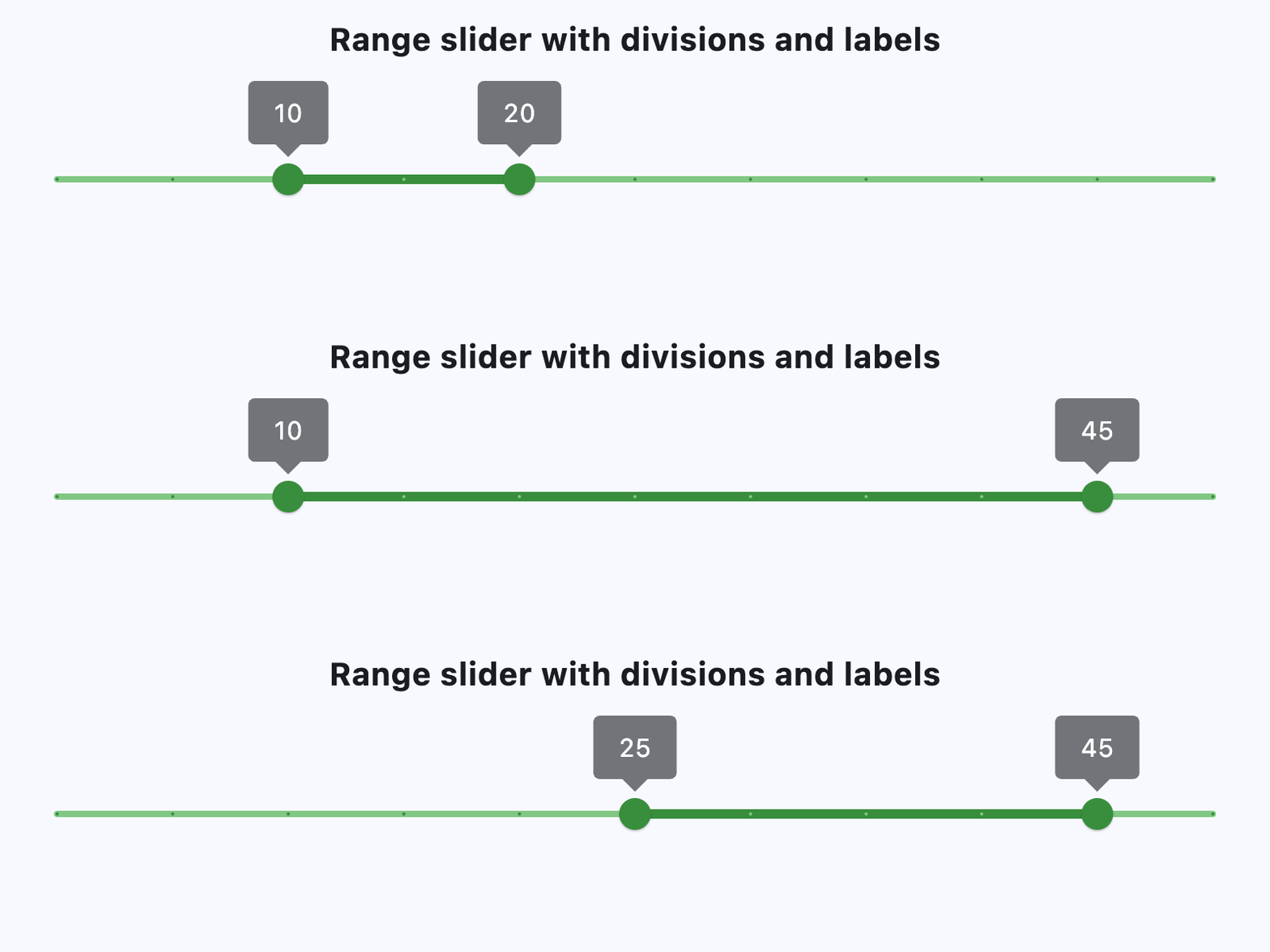](https://docs.flet.dev/test-images/examples/material/golden/macos/range_slider/basic.gif)
### RangeSlider with events[#](https://docs.flet.dev/controls/rangeslider/#rangeslider-with-events "Permanent link")
`[](https://docs.flet.dev/controls/rangeslider/#__codelineno-1-1) import flet as ft [](https://docs.flet.dev/controls/rangeslider/#__codelineno-1-2) [](https://docs.flet.dev/controls/rangeslider/#__codelineno-1-3)[](https://docs.flet.dev/controls/rangeslider/#__codelineno-1-4) def main(page: ft.Page): [](https://docs.flet.dev/controls/rangeslider/#__codelineno-1-5) page.scroll = ft.ScrollMode.AUTO [](https://docs.flet.dev/controls/rangeslider/#__codelineno-1-6) [](https://docs.flet.dev/controls/rangeslider/#__codelineno-1-7) def handle_slider_change_start(e: ft.Event[ft.RangeSlider]): [](https://docs.flet.dev/controls/rangeslider/#__codelineno-1-8) print(f"on_change_start: {e.control.start_value}, {e.control.end_value}") [](https://docs.flet.dev/controls/rangeslider/#__codelineno-1-9) [](https://docs.flet.dev/controls/rangeslider/#__codelineno-1-10) def handle_slider_change(e: ft.Event[ft.RangeSlider]): [](https://docs.flet.dev/controls/rangeslider/#__codelineno-1-11) print(f"on_change: {e.control.start_value}, {e.control.end_value}") [](https://docs.flet.dev/controls/rangeslider/#__codelineno-1-12) [](https://docs.flet.dev/controls/rangeslider/#__codelineno-1-13) def handle_slider_change_end(e: ft.Event[ft.RangeSlider]): [](https://docs.flet.dev/controls/rangeslider/#__codelineno-1-14) print(f"on_change_end: {e.control.start_value}, {e.control.end_value}") [](https://docs.flet.dev/controls/rangeslider/#__codelineno-1-15) message.value = f"on_change_end: {e.control.start_value}, {e.control.end_value}" [](https://docs.flet.dev/controls/rangeslider/#__codelineno-1-16) page.update() [](https://docs.flet.dev/controls/rangeslider/#__codelineno-1-17) [](https://docs.flet.dev/controls/rangeslider/#__codelineno-1-18) page.add( [](https://docs.flet.dev/controls/rangeslider/#__codelineno-1-19) ft.Column( [](https://docs.flet.dev/controls/rangeslider/#__codelineno-1-20) horizontal_alignment=ft.CrossAxisAlignment.CENTER, [](https://docs.flet.dev/controls/rangeslider/#__codelineno-1-21) controls=[ [](https://docs.flet.dev/controls/rangeslider/#__codelineno-1-22) ft.Text( [](https://docs.flet.dev/controls/rangeslider/#__codelineno-1-23) value="Range slider with events", [](https://docs.flet.dev/controls/rangeslider/#__codelineno-1-24) size=20, [](https://docs.flet.dev/controls/rangeslider/#__codelineno-1-25) weight=ft.FontWeight.BOLD, [](https://docs.flet.dev/controls/rangeslider/#__codelineno-1-26) ), [](https://docs.flet.dev/controls/rangeslider/#__codelineno-1-27) ft.Container(height=30), [](https://docs.flet.dev/controls/rangeslider/#__codelineno-1-28) ft.RangeSlider( [](https://docs.flet.dev/controls/rangeslider/#__codelineno-1-29) divisions=100, [](https://docs.flet.dev/controls/rangeslider/#__codelineno-1-30) min=0, [](https://docs.flet.dev/controls/rangeslider/#__codelineno-1-31) max=100, [](https://docs.flet.dev/controls/rangeslider/#__codelineno-1-32) start_value=10, [](https://docs.flet.dev/controls/rangeslider/#__codelineno-1-33) end_value=20, [](https://docs.flet.dev/controls/rangeslider/#__codelineno-1-34) on_change_start=handle_slider_change_start, [](https://docs.flet.dev/controls/rangeslider/#__codelineno-1-35) on_change=handle_slider_change, [](https://docs.flet.dev/controls/rangeslider/#__codelineno-1-36) on_change_end=handle_slider_change_end, [](https://docs.flet.dev/controls/rangeslider/#__codelineno-1-37) label="{value}%", [](https://docs.flet.dev/controls/rangeslider/#__codelineno-1-38) ), [](https://docs.flet.dev/controls/rangeslider/#__codelineno-1-39) message := ft.Text(), [](https://docs.flet.dev/controls/rangeslider/#__codelineno-1-40) ], [](https://docs.flet.dev/controls/rangeslider/#__codelineno-1-41) ) [](https://docs.flet.dev/controls/rangeslider/#__codelineno-1-42) ) [](https://docs.flet.dev/controls/rangeslider/#__codelineno-1-43) [](https://docs.flet.dev/controls/rangeslider/#__codelineno-1-44)[](https://docs.flet.dev/controls/rangeslider/#__codelineno-1-45) if __name__ == "__main__": [](https://docs.flet.dev/controls/rangeslider/#__codelineno-1-46) ft.run(main)`
[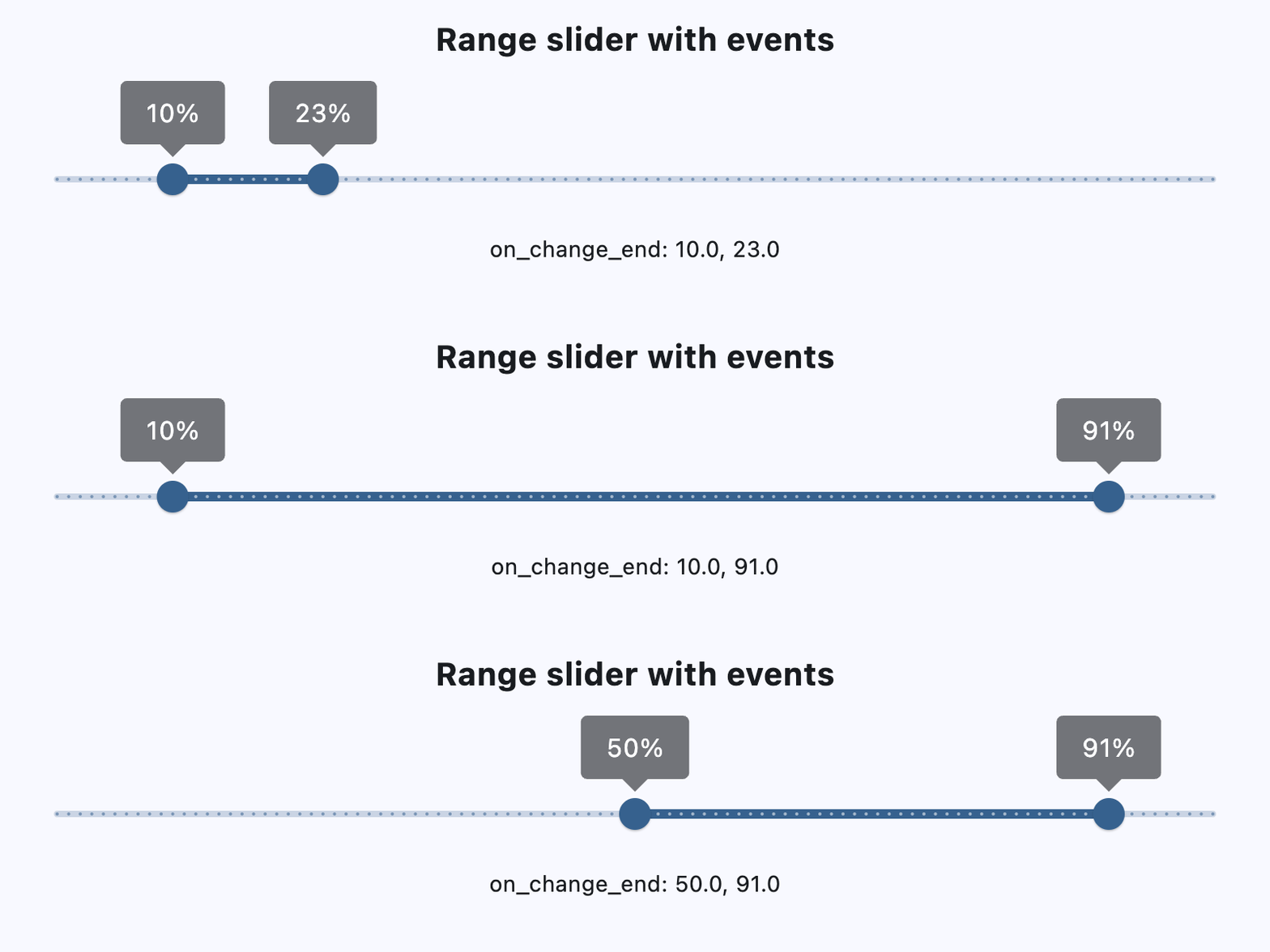](https://docs.flet.dev/test-images/examples/material/golden/macos/range_slider/handling_events.gif)
Properties[#](https://docs.flet.dev/controls/rangeslider/#flet.RangeSlider-properties "Permanent link")
--------------------------------------------------------------------------------------------------------
### active\_color `class-attribute` `instance-attribute` [#](https://docs.flet.dev/controls/rangeslider/#flet.RangeSlider.active_color "Permanent link")
`[](https://docs.flet.dev/controls/rangeslider/#__codelineno-0-1) active_color: [ColorValue](https://docs.flet.dev/types/aliases/#flet.ColorValue) | None = None`
The color to use for the portion of the slider track that is active.
The "active" segment of the range slider is the span between the thumbs.
### divisions `class-attribute` `instance-attribute` [#](https://docs.flet.dev/controls/rangeslider/#flet.RangeSlider.divisions "Permanent link")
`[](https://docs.flet.dev/controls/rangeslider/#__codelineno-0-1) divisions: [int](https://docs.python.org/3/library/functions.html#int) | None = None`
The number of discrete divisions.
Typically used with [`label`](https://docs.flet.dev/controls/rangeslider/#flet.RangeSlider.label)
to show the current discrete values.
If not set, this slider is continuous and [`label`](https://docs.flet.dev/controls/rangeslider/#flet.RangeSlider.label)
is not displayed.
Raises:
* `[ValueError](https://docs.python.org/3/library/exceptions.html#ValueError) ` –
If it is not strictly greater than `0`.
### end\_value `instance-attribute` [#](https://docs.flet.dev/controls/rangeslider/#flet.RangeSlider.end_value "Permanent link")
`[](https://docs.flet.dev/controls/rangeslider/#__codelineno-0-1) end_value: [Number](https://docs.flet.dev/types/aliases/#flet.Number)`
The currently selected end value of this slider.
The right thumb of this slider is drawn at a position that corresponds to this value. Use [`label`](https://docs.flet.dev/controls/rangeslider/#flet.RangeSlider.label)
to change the label displayed on the thumb.
Raises:
* `[ValueError](https://docs.python.org/3/library/exceptions.html#ValueError) ` –
If it is not less than or equal to [`max`](https://docs.flet.dev/controls/rangeslider/#flet.RangeSlider.max)
.
* `[ValueError](https://docs.python.org/3/library/exceptions.html#ValueError) ` –
If it is not greater than or equal to [`start_value`](https://docs.flet.dev/controls/rangeslider/#flet.RangeSlider.start_value)
.
### inactive\_color `class-attribute` `instance-attribute` [#](https://docs.flet.dev/controls/rangeslider/#flet.RangeSlider.inactive_color "Permanent link")
`[](https://docs.flet.dev/controls/rangeslider/#__codelineno-0-1) inactive_color: [ColorValue](https://docs.flet.dev/types/aliases/#flet.ColorValue) | None = None`
The color for the inactive portions of the slider track.
The "inactive" segments of the slider are the span of tracks between the min and the start thumb, and the end thumb and the max.
### label `class-attribute` `instance-attribute` [#](https://docs.flet.dev/controls/rangeslider/#flet.RangeSlider.label "Permanent link")
`[](https://docs.flet.dev/controls/rangeslider/#__codelineno-0-1) label: [str](https://docs.python.org/3/library/stdtypes.html#str) | None = None`
A label to show above the slider thumbs when the slider is active.
It may contain `{value}` which will be replaced with realtime values of [`start_value`](https://docs.flet.dev/controls/rangeslider/#flet.RangeSlider.start_value)
and [`end_value`](https://docs.flet.dev/controls/rangeslider/#flet.RangeSlider.end_value)
, in the corresponding slider thumbs.
If not set, then the labels will not be displayed. If [`divisions`](https://docs.flet.dev/controls/rangeslider/#flet.RangeSlider.divisions)
is not set, this slider is continuous and labels are not displayed.
### max `class-attribute` `instance-attribute` [#](https://docs.flet.dev/controls/rangeslider/#flet.RangeSlider.max "Permanent link")
`[](https://docs.flet.dev/controls/rangeslider/#__codelineno-0-1) max: [Number](https://docs.flet.dev/types/aliases/#flet.Number) = 1.0`
The maximum value the user can select.
If the [`max`](https://docs.flet.dev/controls/rangeslider/#flet.RangeSlider.max)
is equal to the [`min`](https://docs.flet.dev/controls/rangeslider/#flet.RangeSlider.min)
, then the slider is disabled.
Raises:
* `[ValueError](https://docs.python.org/3/library/exceptions.html#ValueError) ` –
If it is not greater than or equal to [`end_value`](https://docs.flet.dev/controls/rangeslider/#flet.RangeSlider.end_value)
.
* `[ValueError](https://docs.python.org/3/library/exceptions.html#ValueError) ` –
If it is not greater than or equal to [`min`](https://docs.flet.dev/controls/rangeslider/#flet.RangeSlider.min)
.
### min `class-attribute` `instance-attribute` [#](https://docs.flet.dev/controls/rangeslider/#flet.RangeSlider.min "Permanent link")
`[](https://docs.flet.dev/controls/rangeslider/#__codelineno-0-1) min: [Number](https://docs.flet.dev/types/aliases/#flet.Number) = 0.0`
The minimum value the user can select.
If the [`max`](https://docs.flet.dev/controls/rangeslider/#flet.RangeSlider.max)
is equal to the `min`, then the slider is disabled.
Raises:
* `[ValueError](https://docs.python.org/3/library/exceptions.html#ValueError) ` –
If it is not less than or equal to [`start_value`](https://docs.flet.dev/controls/rangeslider/#flet.RangeSlider.start_value)
.
* `[ValueError](https://docs.python.org/3/library/exceptions.html#ValueError) ` –
If it is not less than or equal to [`max`](https://docs.flet.dev/controls/rangeslider/#flet.RangeSlider.max)
.
### mouse\_cursor `class-attribute` `instance-attribute` [#](https://docs.flet.dev/controls/rangeslider/#flet.RangeSlider.mouse_cursor "Permanent link")
`[](https://docs.flet.dev/controls/rangeslider/#__codelineno-0-1) mouse_cursor: [ControlStateValue](https://docs.flet.dev/types/aliases/#flet.ControlStateValue) [[MouseCursor](https://docs.flet.dev/types/mousecursor/#flet.MouseCursor) ] | None = None`
The cursor for a mouse pointer entering or hovering over this control.
### overlay\_color `class-attribute` `instance-attribute` [#](https://docs.flet.dev/controls/rangeslider/#flet.RangeSlider.overlay_color "Permanent link")
`[](https://docs.flet.dev/controls/rangeslider/#__codelineno-0-1) overlay_color: [ControlStateValue](https://docs.flet.dev/types/aliases/#flet.ControlStateValue) [[ColorValue](https://docs.flet.dev/types/aliases/#flet.ColorValue) ] | None = None`
The highlight color that's typically used to indicate that the range slider thumb is in [`ControlState.HOVERED`](https://docs.flet.dev/types/controlstate/#flet.ControlState.HOVERED)
or [`ControlState.DRAGGED`](https://docs.flet.dev/types/controlstate/#flet.ControlState.DRAGGED)
state.
### round `class-attribute` `instance-attribute` [#](https://docs.flet.dev/controls/rangeslider/#flet.RangeSlider.round "Permanent link")
`[](https://docs.flet.dev/controls/rangeslider/#__codelineno-0-1) round: [int](https://docs.python.org/3/library/functions.html#int) = 0`
The number of decimals displayed on the [`label`](https://docs.flet.dev/controls/rangeslider/#flet.RangeSlider.label)
containing `{value}`.
Defaults to `0` - value rounded to the nearest integer.
Raises:
* `[ValueError](https://docs.python.org/3/library/exceptions.html#ValueError) ` –
If it is not between `0` and `20`, inclusive.
### start\_value `instance-attribute` [#](https://docs.flet.dev/controls/rangeslider/#flet.RangeSlider.start_value "Permanent link")
`[](https://docs.flet.dev/controls/rangeslider/#__codelineno-0-1) start_value: [Number](https://docs.flet.dev/types/aliases/#flet.Number)`
The currently selected start value for this slider.
The left thumb of this slider is drawn at a position that corresponds to this value. Use [`label`](https://docs.flet.dev/controls/rangeslider/#flet.RangeSlider.label)
to change the label displayed on the thumb.
Raises:
* `[ValueError](https://docs.python.org/3/library/exceptions.html#ValueError) ` –
If it is not greater than or equal to [`min`](https://docs.flet.dev/controls/rangeslider/#flet.RangeSlider.min)
.
* `[ValueError](https://docs.python.org/3/library/exceptions.html#ValueError) ` –
If it is not less than or equal to [`end_value`](https://docs.flet.dev/controls/rangeslider/#flet.RangeSlider.end_value)
.
Events[#](https://docs.flet.dev/controls/rangeslider/#flet.RangeSlider-events "Permanent link")
------------------------------------------------------------------------------------------------
### on\_change `class-attribute` `instance-attribute` [#](https://docs.flet.dev/controls/rangeslider/#flet.RangeSlider.on_change "Permanent link")
`[](https://docs.flet.dev/controls/rangeslider/#__codelineno-0-1) on_change: [ControlEventHandler](https://docs.flet.dev/types/aliases/#flet.ControlEventHandler) [[RangeSlider](https://docs.flet.dev/controls/rangeslider/#flet.RangeSlider) ] | None = None`
Called when the state of this slider is changed.
### on\_change\_end `class-attribute` `instance-attribute` [#](https://docs.flet.dev/controls/rangeslider/#flet.RangeSlider.on_change_end "Permanent link")
`[](https://docs.flet.dev/controls/rangeslider/#__codelineno-0-1) on_change_end: [ControlEventHandler](https://docs.flet.dev/types/aliases/#flet.ControlEventHandler) [[RangeSlider](https://docs.flet.dev/controls/rangeslider/#flet.RangeSlider) ] | None = ( [](https://docs.flet.dev/controls/rangeslider/#__codelineno-0-2) None [](https://docs.flet.dev/controls/rangeslider/#__codelineno-0-3) )`
Called when the user is done selecting a new value for this slider.
### on\_change\_start `class-attribute` `instance-attribute` [#](https://docs.flet.dev/controls/rangeslider/#flet.RangeSlider.on_change_start "Permanent link")
`[](https://docs.flet.dev/controls/rangeslider/#__codelineno-0-1) on_change_start: [ControlEventHandler](https://docs.flet.dev/types/aliases/#flet.ControlEventHandler) [[RangeSlider](https://docs.flet.dev/controls/rangeslider/#flet.RangeSlider) ] | None = ( [](https://docs.flet.dev/controls/rangeslider/#__codelineno-0-2) None [](https://docs.flet.dev/controls/rangeslider/#__codelineno-0-3) )`
Called when the user starts selecting a new value for this slider.
Back to top
---
# Radio - Flet
[Skip to content](https://docs.flet.dev/controls/radio/#flet.Radio)
Radio
=====
Radio buttons let people select a single option from two or more choices.
Example:
`[](https://docs.flet.dev/controls/radio/#__codelineno-0-1) ft.RadioGroup( [](https://docs.flet.dev/controls/radio/#__codelineno-0-2) content=ft.Row( [](https://docs.flet.dev/controls/radio/#__codelineno-0-3) controls=[ft.Radio(label=f"{i}") for i in range(1, 4)], [](https://docs.flet.dev/controls/radio/#__codelineno-0-4) alignment=ft.MainAxisAlignment.CENTER, [](https://docs.flet.dev/controls/radio/#__codelineno-0-5) ) [](https://docs.flet.dev/controls/radio/#__codelineno-0-6) )`
[](https://docs.flet.dev/test-images/examples/material/golden/macos/radio/image_for_docs.png)
Simple radio buttons
Inherits: `[LayoutControl](https://docs.flet.dev/controls/layoutcontrol/#flet.LayoutControl) `, `[AdaptiveControl](https://docs.flet.dev/controls/adaptivecontrol/#flet.AdaptiveControl) `
Properties
* **`[active_color](https://docs.flet.dev/controls/radio/#flet.Radio.active_color) `**(`[ColorValue](https://docs.flet.dev/types/aliases/#flet.ColorValue) | None`) –
The color used to fill this radio when it is selected.
* **`[autofocus](https://docs.flet.dev/controls/radio/#flet.Radio.autofocus) `**(`[bool](https://docs.python.org/3/library/functions.html#bool) `) –
True if the control will be selected as the initial focus.
* **`[fill_color](https://docs.flet.dev/controls/radio/#flet.Radio.fill_color) `**(`[ControlStateValue](https://docs.flet.dev/types/aliases/#flet.ControlStateValue) [[ColorValue](https://docs.flet.dev/types/aliases/#flet.ColorValue) ] | None`) –
The color that fills the radio, in all or specific [`ControlState`](https://docs.flet.dev/types/controlstate/#flet.ControlState)
states.
* **`[focus_color](https://docs.flet.dev/controls/radio/#flet.Radio.focus_color) `**(`[ColorValue](https://docs.flet.dev/types/aliases/#flet.ColorValue) | None`) –
The color of this radio when it has the input focus.
* **`[hover_color](https://docs.flet.dev/controls/radio/#flet.Radio.hover_color) `**(`[ColorValue](https://docs.flet.dev/types/aliases/#flet.ColorValue) | None`) –
The color of this radio when it is hovered.
* **`[label](https://docs.flet.dev/controls/radio/#flet.Radio.label) `**(`[str](https://docs.python.org/3/library/stdtypes.html#str) `) –
The clickable label to display on the right of a Radio.
* **`[label_position](https://docs.flet.dev/controls/radio/#flet.Radio.label_position) `**(`[LabelPosition](https://docs.flet.dev/types/labelposition/#flet.LabelPosition) `) –
Defaults to `LabelPosition.RIGHT`.
* **`[label_style](https://docs.flet.dev/controls/radio/#flet.Radio.label_style) `**(`[TextStyle](https://docs.flet.dev/types/textstyle/#flet.TextStyle) | None`) –
The label's style.
* **`[mouse_cursor](https://docs.flet.dev/controls/radio/#flet.Radio.mouse_cursor) `**(`[MouseCursor](https://docs.flet.dev/types/mousecursor/#flet.MouseCursor) | None`) –
The cursor for a mouse pointer entering or hovering over this control.
* **`[overlay_color](https://docs.flet.dev/controls/radio/#flet.Radio.overlay_color) `**(`[ControlStateValue](https://docs.flet.dev/types/aliases/#flet.ControlStateValue) [[ColorValue](https://docs.flet.dev/types/aliases/#flet.ColorValue) ] | None`) –
The overlay color of this radio in all or specific [`ControlState`](https://docs.flet.dev/types/controlstate/#flet.ControlState)
states.
* **`[splash_radius](https://docs.flet.dev/controls/radio/#flet.Radio.splash_radius) `**(`[Number](https://docs.flet.dev/types/aliases/#flet.Number) | None`) –
The splash radius of the circular Material ink response.
* **`[toggleable](https://docs.flet.dev/controls/radio/#flet.Radio.toggleable) `**(`[bool](https://docs.python.org/3/library/functions.html#bool) `) –
Set to `True` if this radio button is allowed to be returned to an indeterminate state by selecting it again when selected.
* **`[value](https://docs.flet.dev/controls/radio/#flet.Radio.value) `**(`[str](https://docs.python.org/3/library/stdtypes.html#str) | None`) –
The value to set to containing `RadioGroup` when the radio is selected.
* **`[visual_density](https://docs.flet.dev/controls/radio/#flet.Radio.visual_density) `**(`[VisualDensity](https://docs.flet.dev/types/visualdensity/#flet.VisualDensity) | None`) –
Defines how compact the radio's layout will be.
Events
* **`[on_blur](https://docs.flet.dev/controls/radio/#flet.Radio.on_blur) `**(`[ControlEventHandler](https://docs.flet.dev/types/aliases/#flet.ControlEventHandler) [[Radio](https://docs.flet.dev/controls/radio/#flet.Radio) ] | None`) –
Called when the control has lost focus.
* **`[on_focus](https://docs.flet.dev/controls/radio/#flet.Radio.on_focus) `**(`[ControlEventHandler](https://docs.flet.dev/types/aliases/#flet.ControlEventHandler) [[Radio](https://docs.flet.dev/controls/radio/#flet.Radio) ] | None`) –
Called when the control has received focus.
Examples[#](https://docs.flet.dev/controls/radio/#examples "Permanent link")
-----------------------------------------------------------------------------
[Live example](https://flet-controls-gallery.fly.dev/input/radio)
### Basic Example[#](https://docs.flet.dev/controls/radio/#basic-example "Permanent link")
`[](https://docs.flet.dev/controls/radio/#__codelineno-0-1) import flet as ft [](https://docs.flet.dev/controls/radio/#__codelineno-0-2) [](https://docs.flet.dev/controls/radio/#__codelineno-0-3)[](https://docs.flet.dev/controls/radio/#__codelineno-0-4) def main(page: ft.Page): [](https://docs.flet.dev/controls/radio/#__codelineno-0-5) def handle_button_click(e: ft.Event[ft.Button]): [](https://docs.flet.dev/controls/radio/#__codelineno-0-6) message.value = f"Your favorite color is: {group.value}" [](https://docs.flet.dev/controls/radio/#__codelineno-0-7) page.update() [](https://docs.flet.dev/controls/radio/#__codelineno-0-8) [](https://docs.flet.dev/controls/radio/#__codelineno-0-9) page.add( [](https://docs.flet.dev/controls/radio/#__codelineno-0-10) ft.Text("Select your favorite color:"), [](https://docs.flet.dev/controls/radio/#__codelineno-0-11) group := ft.RadioGroup( [](https://docs.flet.dev/controls/radio/#__codelineno-0-12) content=ft.Column( [](https://docs.flet.dev/controls/radio/#__codelineno-0-13) controls=[ [](https://docs.flet.dev/controls/radio/#__codelineno-0-14) ft.Radio(value="red", label="Red"), [](https://docs.flet.dev/controls/radio/#__codelineno-0-15) ft.Radio(value="green", label="Green"), [](https://docs.flet.dev/controls/radio/#__codelineno-0-16) ft.Radio(value="blue", label="Blue"), [](https://docs.flet.dev/controls/radio/#__codelineno-0-17) ] [](https://docs.flet.dev/controls/radio/#__codelineno-0-18) ) [](https://docs.flet.dev/controls/radio/#__codelineno-0-19) ), [](https://docs.flet.dev/controls/radio/#__codelineno-0-20) ft.Button(content="Submit", on_click=handle_button_click), [](https://docs.flet.dev/controls/radio/#__codelineno-0-21) message := ft.Text(), [](https://docs.flet.dev/controls/radio/#__codelineno-0-22) ) [](https://docs.flet.dev/controls/radio/#__codelineno-0-23) [](https://docs.flet.dev/controls/radio/#__codelineno-0-24)[](https://docs.flet.dev/controls/radio/#__codelineno-0-25) if __name__ == "__main__": [](https://docs.flet.dev/controls/radio/#__codelineno-0-26) ft.run(main)`
[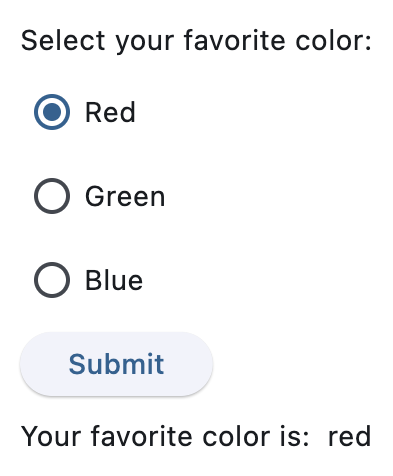](https://docs.flet.dev/test-images/examples/material/golden/macos/radio/basic.png)
### Handling selection changes[#](https://docs.flet.dev/controls/radio/#handling-selection-changes "Permanent link")
`[](https://docs.flet.dev/controls/radio/#__codelineno-1-1) import flet as ft [](https://docs.flet.dev/controls/radio/#__codelineno-1-2) [](https://docs.flet.dev/controls/radio/#__codelineno-1-3)[](https://docs.flet.dev/controls/radio/#__codelineno-1-4) def main(page: ft.Page): [](https://docs.flet.dev/controls/radio/#__codelineno-1-5) def handle_selection_change(e: ft.Event[ft.RadioGroup]): [](https://docs.flet.dev/controls/radio/#__codelineno-1-6) message.value = f"Your favorite color is: {e.control.value}" [](https://docs.flet.dev/controls/radio/#__codelineno-1-7) page.update() [](https://docs.flet.dev/controls/radio/#__codelineno-1-8) [](https://docs.flet.dev/controls/radio/#__codelineno-1-9) page.add( [](https://docs.flet.dev/controls/radio/#__codelineno-1-10) ft.Text("Select your favorite color:"), [](https://docs.flet.dev/controls/radio/#__codelineno-1-11) ft.RadioGroup( [](https://docs.flet.dev/controls/radio/#__codelineno-1-12) on_change=handle_selection_change, [](https://docs.flet.dev/controls/radio/#__codelineno-1-13) content=ft.Column( [](https://docs.flet.dev/controls/radio/#__codelineno-1-14) controls=[ [](https://docs.flet.dev/controls/radio/#__codelineno-1-15) ft.Radio(value="red", label="Red"), [](https://docs.flet.dev/controls/radio/#__codelineno-1-16) ft.Radio(value="green", label="Green"), [](https://docs.flet.dev/controls/radio/#__codelineno-1-17) ft.Radio(value="blue", label="Blue"), [](https://docs.flet.dev/controls/radio/#__codelineno-1-18) ] [](https://docs.flet.dev/controls/radio/#__codelineno-1-19) ), [](https://docs.flet.dev/controls/radio/#__codelineno-1-20) ), [](https://docs.flet.dev/controls/radio/#__codelineno-1-21) message := ft.Text(), [](https://docs.flet.dev/controls/radio/#__codelineno-1-22) ) [](https://docs.flet.dev/controls/radio/#__codelineno-1-23) [](https://docs.flet.dev/controls/radio/#__codelineno-1-24)[](https://docs.flet.dev/controls/radio/#__codelineno-1-25) if __name__ == "__main__": [](https://docs.flet.dev/controls/radio/#__codelineno-1-26) ft.run(main)`
[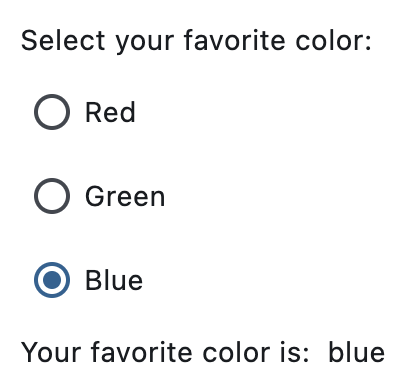](https://docs.flet.dev/test-images/examples/material/golden/macos/radio/handling_selection_changes.png)
### Styled radio buttons[#](https://docs.flet.dev/controls/radio/#styled-radio-buttons "Permanent link")
`[](https://docs.flet.dev/controls/radio/#__codelineno-2-1) import flet as ft [](https://docs.flet.dev/controls/radio/#__codelineno-2-2) [](https://docs.flet.dev/controls/radio/#__codelineno-2-3)[](https://docs.flet.dev/controls/radio/#__codelineno-2-4) def main(page: ft.Page): [](https://docs.flet.dev/controls/radio/#__codelineno-2-5) page.add( [](https://docs.flet.dev/controls/radio/#__codelineno-2-6) ft.RadioGroup( [](https://docs.flet.dev/controls/radio/#__codelineno-2-7) ft.Column( [](https://docs.flet.dev/controls/radio/#__codelineno-2-8) controls=[ [](https://docs.flet.dev/controls/radio/#__codelineno-2-9) ft.Radio(label="Radio with default style", value="1"), [](https://docs.flet.dev/controls/radio/#__codelineno-2-10) ft.Radio( [](https://docs.flet.dev/controls/radio/#__codelineno-2-11) label="Radio with constant fill color", [](https://docs.flet.dev/controls/radio/#__codelineno-2-12) value="2", [](https://docs.flet.dev/controls/radio/#__codelineno-2-13) fill_color=ft.Colors.RED, [](https://docs.flet.dev/controls/radio/#__codelineno-2-14) ), [](https://docs.flet.dev/controls/radio/#__codelineno-2-15) ft.Radio( [](https://docs.flet.dev/controls/radio/#__codelineno-2-16) label="Radio with dynamic fill color", [](https://docs.flet.dev/controls/radio/#__codelineno-2-17) value="3", [](https://docs.flet.dev/controls/radio/#__codelineno-2-18) fill_color={ [](https://docs.flet.dev/controls/radio/#__codelineno-2-19) ft.ControlState.HOVERED: ft.Colors.BLUE, [](https://docs.flet.dev/controls/radio/#__codelineno-2-20) ft.ControlState.SELECTED: ft.Colors.GREEN, [](https://docs.flet.dev/controls/radio/#__codelineno-2-21) ft.ControlState.DEFAULT: ft.Colors.RED, [](https://docs.flet.dev/controls/radio/#__codelineno-2-22) }, [](https://docs.flet.dev/controls/radio/#__codelineno-2-23) ), [](https://docs.flet.dev/controls/radio/#__codelineno-2-24) ] [](https://docs.flet.dev/controls/radio/#__codelineno-2-25) ) [](https://docs.flet.dev/controls/radio/#__codelineno-2-26) ) [](https://docs.flet.dev/controls/radio/#__codelineno-2-27) ) [](https://docs.flet.dev/controls/radio/#__codelineno-2-28) [](https://docs.flet.dev/controls/radio/#__codelineno-2-29)[](https://docs.flet.dev/controls/radio/#__codelineno-2-30) if __name__ == "__main__": [](https://docs.flet.dev/controls/radio/#__codelineno-2-31) ft.run(main)`
Properties[#](https://docs.flet.dev/controls/radio/#flet.Radio-properties "Permanent link")
--------------------------------------------------------------------------------------------
### active\_color `class-attribute` `instance-attribute` [#](https://docs.flet.dev/controls/radio/#flet.Radio.active_color "Permanent link")
`[](https://docs.flet.dev/controls/radio/#__codelineno-0-1) active_color: [ColorValue](https://docs.flet.dev/types/aliases/#flet.ColorValue) | None = None`
The color used to fill this radio when it is selected.
### autofocus `class-attribute` `instance-attribute` [#](https://docs.flet.dev/controls/radio/#flet.Radio.autofocus "Permanent link")
`[](https://docs.flet.dev/controls/radio/#__codelineno-0-1) autofocus: [bool](https://docs.python.org/3/library/functions.html#bool) = False`
True if the control will be selected as the initial focus.
If there is more than one control on a page with autofocus set, then the first one added to the page will get focus.
### fill\_color `class-attribute` `instance-attribute` [#](https://docs.flet.dev/controls/radio/#flet.Radio.fill_color "Permanent link")
`[](https://docs.flet.dev/controls/radio/#__codelineno-0-1) fill_color: [ControlStateValue](https://docs.flet.dev/types/aliases/#flet.ControlStateValue) [[ColorValue](https://docs.flet.dev/types/aliases/#flet.ColorValue) ] | None = None`
The color that fills the radio, in all or specific [`ControlState`](https://docs.flet.dev/types/controlstate/#flet.ControlState)
states.
### focus\_color `class-attribute` `instance-attribute` [#](https://docs.flet.dev/controls/radio/#flet.Radio.focus_color "Permanent link")
`[](https://docs.flet.dev/controls/radio/#__codelineno-0-1) focus_color: [ColorValue](https://docs.flet.dev/types/aliases/#flet.ColorValue) | None = None`
The color of this radio when it has the input focus.
### hover\_color `class-attribute` `instance-attribute` [#](https://docs.flet.dev/controls/radio/#flet.Radio.hover_color "Permanent link")
`[](https://docs.flet.dev/controls/radio/#__codelineno-0-1) hover_color: [ColorValue](https://docs.flet.dev/types/aliases/#flet.ColorValue) | None = None`
The color of this radio when it is hovered.
### label `class-attribute` `instance-attribute` [#](https://docs.flet.dev/controls/radio/#flet.Radio.label "Permanent link")
`[](https://docs.flet.dev/controls/radio/#__codelineno-0-1) label: [str](https://docs.python.org/3/library/stdtypes.html#str) = ''`
The clickable label to display on the right of a Radio.
### label\_position `class-attribute` `instance-attribute` [#](https://docs.flet.dev/controls/radio/#flet.Radio.label_position "Permanent link")
`[](https://docs.flet.dev/controls/radio/#__codelineno-0-1) label_position: [LabelPosition](https://docs.flet.dev/types/labelposition/#flet.LabelPosition) = [RIGHT](https://docs.flet.dev/types/labelposition/#flet.LabelPosition.RIGHT)`
Defaults to `LabelPosition.RIGHT`.
### label\_style `class-attribute` `instance-attribute` [#](https://docs.flet.dev/controls/radio/#flet.Radio.label_style "Permanent link")
`[](https://docs.flet.dev/controls/radio/#__codelineno-0-1) label_style: [TextStyle](https://docs.flet.dev/types/textstyle/#flet.TextStyle) | None = None`
The label's style.
### mouse\_cursor `class-attribute` `instance-attribute` [#](https://docs.flet.dev/controls/radio/#flet.Radio.mouse_cursor "Permanent link")
`[](https://docs.flet.dev/controls/radio/#__codelineno-0-1) mouse_cursor: [MouseCursor](https://docs.flet.dev/types/mousecursor/#flet.MouseCursor) | None = None`
The cursor for a mouse pointer entering or hovering over this control.
### overlay\_color `class-attribute` `instance-attribute` [#](https://docs.flet.dev/controls/radio/#flet.Radio.overlay_color "Permanent link")
`[](https://docs.flet.dev/controls/radio/#__codelineno-0-1) overlay_color: [ControlStateValue](https://docs.flet.dev/types/aliases/#flet.ControlStateValue) [[ColorValue](https://docs.flet.dev/types/aliases/#flet.ColorValue) ] | None = None`
The overlay color of this radio in all or specific [`ControlState`](https://docs.flet.dev/types/controlstate/#flet.ControlState)
states.
### splash\_radius `class-attribute` `instance-attribute` [#](https://docs.flet.dev/controls/radio/#flet.Radio.splash_radius "Permanent link")
`[](https://docs.flet.dev/controls/radio/#__codelineno-0-1) splash_radius: [Number](https://docs.flet.dev/types/aliases/#flet.Number) | None = None`
The splash radius of the circular Material ink response.
### toggleable `class-attribute` `instance-attribute` [#](https://docs.flet.dev/controls/radio/#flet.Radio.toggleable "Permanent link")
`[](https://docs.flet.dev/controls/radio/#__codelineno-0-1) toggleable: [bool](https://docs.python.org/3/library/functions.html#bool) = False`
Set to `True` if this radio button is allowed to be returned to an indeterminate state by selecting it again when selected.
### value `class-attribute` `instance-attribute` [#](https://docs.flet.dev/controls/radio/#flet.Radio.value "Permanent link")
`[](https://docs.flet.dev/controls/radio/#__codelineno-0-1) value: [str](https://docs.python.org/3/library/stdtypes.html#str) | None = None`
The value to set to containing `RadioGroup` when the radio is selected.
### visual\_density `class-attribute` `instance-attribute` [#](https://docs.flet.dev/controls/radio/#flet.Radio.visual_density "Permanent link")
`[](https://docs.flet.dev/controls/radio/#__codelineno-0-1) visual_density: [VisualDensity](https://docs.flet.dev/types/visualdensity/#flet.VisualDensity) | None = None`
Defines how compact the radio's layout will be.
Events[#](https://docs.flet.dev/controls/radio/#flet.Radio-events "Permanent link")
------------------------------------------------------------------------------------
### on\_blur `class-attribute` `instance-attribute` [#](https://docs.flet.dev/controls/radio/#flet.Radio.on_blur "Permanent link")
`[](https://docs.flet.dev/controls/radio/#__codelineno-0-1) on_blur: [ControlEventHandler](https://docs.flet.dev/types/aliases/#flet.ControlEventHandler) [[Radio](https://docs.flet.dev/controls/radio/#flet.Radio) ] | None = None`
Called when the control has lost focus.
### on\_focus `class-attribute` `instance-attribute` [#](https://docs.flet.dev/controls/radio/#flet.Radio.on_focus "Permanent link")
`[](https://docs.flet.dev/controls/radio/#__codelineno-0-1) on_focus: [ControlEventHandler](https://docs.flet.dev/types/aliases/#flet.ControlEventHandler) [[Radio](https://docs.flet.dev/controls/radio/#flet.Radio) ] | None = None`
Called when the control has received focus.
Back to top
---
# VerticalDivider - Flet
[Skip to content](https://docs.flet.dev/controls/verticaldivider/#flet.VerticalDivider)
VerticalDivider
===============
A thin vertical line, with padding on either side.
In the material design language, this represents a divider.
Example:
`[](https://docs.flet.dev/controls/verticaldivider/#__codelineno-0-1) ft.Row( [](https://docs.flet.dev/controls/verticaldivider/#__codelineno-0-2) width=120, [](https://docs.flet.dev/controls/verticaldivider/#__codelineno-0-3) height=60, [](https://docs.flet.dev/controls/verticaldivider/#__codelineno-0-4) expand=True, [](https://docs.flet.dev/controls/verticaldivider/#__codelineno-0-5) spacing=0, [](https://docs.flet.dev/controls/verticaldivider/#__codelineno-0-6) controls=[ [](https://docs.flet.dev/controls/verticaldivider/#__codelineno-0-7) ft.Container( [](https://docs.flet.dev/controls/verticaldivider/#__codelineno-0-8) bgcolor=ft.Colors.BLUE_GREY_200, [](https://docs.flet.dev/controls/verticaldivider/#__codelineno-0-9) alignment=ft.Alignment.CENTER, [](https://docs.flet.dev/controls/verticaldivider/#__codelineno-0-10) expand=True, [](https://docs.flet.dev/controls/verticaldivider/#__codelineno-0-11) ), [](https://docs.flet.dev/controls/verticaldivider/#__codelineno-0-12) ft.VerticalDivider(), [](https://docs.flet.dev/controls/verticaldivider/#__codelineno-0-13) ft.Container( [](https://docs.flet.dev/controls/verticaldivider/#__codelineno-0-14) bgcolor=ft.Colors.GREY_500, [](https://docs.flet.dev/controls/verticaldivider/#__codelineno-0-15) alignment=ft.Alignment.CENTER, [](https://docs.flet.dev/controls/verticaldivider/#__codelineno-0-16) expand=True, [](https://docs.flet.dev/controls/verticaldivider/#__codelineno-0-17) ), [](https://docs.flet.dev/controls/verticaldivider/#__codelineno-0-18) ], [](https://docs.flet.dev/controls/verticaldivider/#__codelineno-0-19) )`
[](https://docs.flet.dev/test-images/examples/core/golden/macos/vertical_divider/image_for_docs.png)
Vertical divider
Inherits: `[Control](https://docs.flet.dev/controls/control/#flet.Control) `
Properties
* **`[color](https://docs.flet.dev/controls/verticaldivider/#flet.VerticalDivider.color) `**(`[ColorValue](https://docs.flet.dev/types/aliases/#flet.ColorValue) | None`) –
The color to use when painting the line.
* **`[leading_indent](https://docs.flet.dev/controls/verticaldivider/#flet.VerticalDivider.leading_indent) `**(`[Number](https://docs.flet.dev/types/aliases/#flet.Number) | None`) –
The amount of empty space to the leading edge of the divider.
* **`[radius](https://docs.flet.dev/controls/verticaldivider/#flet.VerticalDivider.radius) `**(`[BorderRadiusValue](https://docs.flet.dev/types/aliases/#flet.BorderRadiusValue) | None`) –
The border radius of the divider.
* **`[thickness](https://docs.flet.dev/controls/verticaldivider/#flet.VerticalDivider.thickness) `**(`[Number](https://docs.flet.dev/types/aliases/#flet.Number) | None`) –
The thickness of this divider.
* **`[trailing_indent](https://docs.flet.dev/controls/verticaldivider/#flet.VerticalDivider.trailing_indent) `**(`[Number](https://docs.flet.dev/types/aliases/#flet.Number) | None`) –
The amount of empty space to the trailing edge of the divider.
* **`[width](https://docs.flet.dev/controls/verticaldivider/#flet.VerticalDivider.width) `**(`[Number](https://docs.flet.dev/types/aliases/#flet.Number) | None`) –
The divider's width. The divider itself is always drawn as a vertical line that is centered within the width specified by this value.
Examples[#](https://docs.flet.dev/controls/verticaldivider/#examples "Permanent link")
---------------------------------------------------------------------------------------
[Live example](https://flet-controls-gallery.fly.dev/layout/verticaldivider)
### Basic Example[#](https://docs.flet.dev/controls/verticaldivider/#basic-example "Permanent link")
`[](https://docs.flet.dev/controls/verticaldivider/#__codelineno-0-1) import flet as ft [](https://docs.flet.dev/controls/verticaldivider/#__codelineno-0-2) [](https://docs.flet.dev/controls/verticaldivider/#__codelineno-0-3)[](https://docs.flet.dev/controls/verticaldivider/#__codelineno-0-4) def main(page: ft.Page): [](https://docs.flet.dev/controls/verticaldivider/#__codelineno-0-5) page.add( [](https://docs.flet.dev/controls/verticaldivider/#__codelineno-0-6) ft.Row( [](https://docs.flet.dev/controls/verticaldivider/#__codelineno-0-7) width=180, [](https://docs.flet.dev/controls/verticaldivider/#__codelineno-0-8) height=100, [](https://docs.flet.dev/controls/verticaldivider/#__codelineno-0-9) spacing=0, [](https://docs.flet.dev/controls/verticaldivider/#__codelineno-0-10) controls=[ [](https://docs.flet.dev/controls/verticaldivider/#__codelineno-0-11) ft.Container( [](https://docs.flet.dev/controls/verticaldivider/#__codelineno-0-12) bgcolor=ft.Colors.ORANGE_300, [](https://docs.flet.dev/controls/verticaldivider/#__codelineno-0-13) alignment=ft.Alignment.CENTER, [](https://docs.flet.dev/controls/verticaldivider/#__codelineno-0-14) expand=True, [](https://docs.flet.dev/controls/verticaldivider/#__codelineno-0-15) ), [](https://docs.flet.dev/controls/verticaldivider/#__codelineno-0-16) ft.VerticalDivider(), [](https://docs.flet.dev/controls/verticaldivider/#__codelineno-0-17) ft.Container( [](https://docs.flet.dev/controls/verticaldivider/#__codelineno-0-18) bgcolor=ft.Colors.BROWN_400, [](https://docs.flet.dev/controls/verticaldivider/#__codelineno-0-19) alignment=ft.Alignment.CENTER, [](https://docs.flet.dev/controls/verticaldivider/#__codelineno-0-20) expand=True, [](https://docs.flet.dev/controls/verticaldivider/#__codelineno-0-21) ), [](https://docs.flet.dev/controls/verticaldivider/#__codelineno-0-22) ft.VerticalDivider(width=1, color=ft.Colors.WHITE), [](https://docs.flet.dev/controls/verticaldivider/#__codelineno-0-23) ft.Container( [](https://docs.flet.dev/controls/verticaldivider/#__codelineno-0-24) bgcolor=ft.Colors.BLUE_300, [](https://docs.flet.dev/controls/verticaldivider/#__codelineno-0-25) alignment=ft.Alignment.CENTER, [](https://docs.flet.dev/controls/verticaldivider/#__codelineno-0-26) expand=True, [](https://docs.flet.dev/controls/verticaldivider/#__codelineno-0-27) ), [](https://docs.flet.dev/controls/verticaldivider/#__codelineno-0-28) ft.VerticalDivider(width=9, thickness=3), [](https://docs.flet.dev/controls/verticaldivider/#__codelineno-0-29) ft.Container( [](https://docs.flet.dev/controls/verticaldivider/#__codelineno-0-30) bgcolor=ft.Colors.GREEN_300, [](https://docs.flet.dev/controls/verticaldivider/#__codelineno-0-31) alignment=ft.Alignment.CENTER, [](https://docs.flet.dev/controls/verticaldivider/#__codelineno-0-32) expand=True, [](https://docs.flet.dev/controls/verticaldivider/#__codelineno-0-33) ), [](https://docs.flet.dev/controls/verticaldivider/#__codelineno-0-34) ], [](https://docs.flet.dev/controls/verticaldivider/#__codelineno-0-35) ) [](https://docs.flet.dev/controls/verticaldivider/#__codelineno-0-36) ) [](https://docs.flet.dev/controls/verticaldivider/#__codelineno-0-37) [](https://docs.flet.dev/controls/verticaldivider/#__codelineno-0-38)[](https://docs.flet.dev/controls/verticaldivider/#__codelineno-0-39) if __name__ == "__main__": [](https://docs.flet.dev/controls/verticaldivider/#__codelineno-0-40) ft.run(main)`
[](https://docs.flet.dev/test-images/examples/core/golden/macos/vertical_divider/basic.png)
Properties[#](https://docs.flet.dev/controls/verticaldivider/#flet.VerticalDivider-properties "Permanent link")
----------------------------------------------------------------------------------------------------------------
### color `class-attribute` `instance-attribute` [#](https://docs.flet.dev/controls/verticaldivider/#flet.VerticalDivider.color "Permanent link")
`[](https://docs.flet.dev/controls/verticaldivider/#__codelineno-0-1) color: [ColorValue](https://docs.flet.dev/types/aliases/#flet.ColorValue) | None = None`
The color to use when painting the line.
If `None`, [`DividerTheme.color`](https://docs.flet.dev/types/dividertheme/#flet.DividerTheme.color)
is used.
### leading\_indent `class-attribute` `instance-attribute` [#](https://docs.flet.dev/controls/verticaldivider/#flet.VerticalDivider.leading_indent "Permanent link")
`[](https://docs.flet.dev/controls/verticaldivider/#__codelineno-0-1) leading_indent: [Number](https://docs.flet.dev/types/aliases/#flet.Number) | None = None`
The amount of empty space to the leading edge of the divider.
If `None`, [`DividerTheme.leading_indent`](https://docs.flet.dev/types/dividertheme/#flet.DividerTheme.leading_indent)
is used. If that's is also `None`, defaults to `0.0`.
Raises:
* `[ValueError](https://docs.python.org/3/library/exceptions.html#ValueError) ` –
If it is not greater than or equal to `0`.
### radius `class-attribute` `instance-attribute` [#](https://docs.flet.dev/controls/verticaldivider/#flet.VerticalDivider.radius "Permanent link")
`[](https://docs.flet.dev/controls/verticaldivider/#__codelineno-0-1) radius: [BorderRadiusValue](https://docs.flet.dev/types/aliases/#flet.BorderRadiusValue) | None = None`
The border radius of the divider.
### thickness `class-attribute` `instance-attribute` [#](https://docs.flet.dev/controls/verticaldivider/#flet.VerticalDivider.thickness "Permanent link")
`[](https://docs.flet.dev/controls/verticaldivider/#__codelineno-0-1) thickness: [Number](https://docs.flet.dev/types/aliases/#flet.Number) | None = None`
The thickness of this divider.
Note
A divider with a thickness of `0.0` is always drawn as a line with a width of exactly one device pixel.
If `None`, [`DividerTheme.thickness`](https://docs.flet.dev/types/dividertheme/#flet.DividerTheme.thickness)
is used. If that's is also `None`, defaults to `0.0`.
Raises:
* `[ValueError](https://docs.python.org/3/library/exceptions.html#ValueError) ` –
If it is not greater than or equal to `0`.
### trailing\_indent `class-attribute` `instance-attribute` [#](https://docs.flet.dev/controls/verticaldivider/#flet.VerticalDivider.trailing_indent "Permanent link")
`[](https://docs.flet.dev/controls/verticaldivider/#__codelineno-0-1) trailing_indent: [Number](https://docs.flet.dev/types/aliases/#flet.Number) | None = None`
The amount of empty space to the trailing edge of the divider.
If `None`, [`DividerTheme.trailing_indent`](https://docs.flet.dev/types/dividertheme/#flet.DividerTheme.trailing_indent)
is used. If that's is also `None`, defaults to `0.0`.
Raises:
* `[ValueError](https://docs.python.org/3/library/exceptions.html#ValueError) ` –
If it is not greater than or equal to `0`.
### width `class-attribute` `instance-attribute` [#](https://docs.flet.dev/controls/verticaldivider/#flet.VerticalDivider.width "Permanent link")
`[](https://docs.flet.dev/controls/verticaldivider/#__codelineno-0-1) width: [Number](https://docs.flet.dev/types/aliases/#flet.Number) | None = None`
The divider's width. The divider itself is always drawn as a vertical line that is centered within the width specified by this value.
If `None`, [`DividerTheme.space`](https://docs.flet.dev/types/dividertheme/#flet.DividerTheme.space)
is used. If that's is also `None`, defaults to `16.0`.
Raises:
* `[ValueError](https://docs.python.org/3/library/exceptions.html#ValueError) ` –
If it is not greater than or equal to `0`.
Back to top
---
# DropdownM2 - Flet
[Skip to content](https://docs.flet.dev/controls/dropdownm2/#flet.DropdownM2)
DropdownM2
==========
A dropdown lets the user select from a number of items. The dropdown shows the currently selected item as well as an arrow that opens a menu for selecting another item.
Example:
`[](https://docs.flet.dev/controls/dropdownm2/#__codelineno-0-1) ft.DropdownM2( [](https://docs.flet.dev/controls/dropdownm2/#__codelineno-0-2) width=220, [](https://docs.flet.dev/controls/dropdownm2/#__codelineno-0-3) value="Alice", [](https://docs.flet.dev/controls/dropdownm2/#__codelineno-0-4) options=[ [](https://docs.flet.dev/controls/dropdownm2/#__codelineno-0-5) ft.dropdownm2.Option(key="Alice", text="Alice"), [](https://docs.flet.dev/controls/dropdownm2/#__codelineno-0-6) ft.dropdownm2.Option(key="Bob", text="Bob"), [](https://docs.flet.dev/controls/dropdownm2/#__codelineno-0-7) ], [](https://docs.flet.dev/controls/dropdownm2/#__codelineno-0-8) )`
[](https://docs.flet.dev/test-images/examples/material/golden/macos/dropdown_m2/image_for_docs.png)
Basic DropdownM2
Inherits: `[FormFieldControl](https://docs.flet.dev/controls/formfieldcontrol/#flet.FormFieldControl) `
Properties
* **`[alignment](https://docs.flet.dev/controls/dropdownm2/#flet.DropdownM2.alignment) `**(`[Alignment](https://docs.flet.dev/types/alignment/#flet.Alignment) | None`) –
Defines how the `hint` or the selected item is positioned within this dropdown.
* **`[autofocus](https://docs.flet.dev/controls/dropdownm2/#flet.DropdownM2.autofocus) `**(`[bool](https://docs.python.org/3/library/functions.html#bool) `) –
True if the control will be selected as the initial focus. If there is more than one control on a page with autofocus set, then the first one added to the page will get focus.
* **`[disabled_hint_content](https://docs.flet.dev/controls/dropdownm2/#flet.DropdownM2.disabled_hint_content) `**(`[Control](https://docs.flet.dev/controls/control/#flet.Control) | None`) –
A placeholder `Control` for the dropdown's value that is displayed when `value` is `None` and the dropdown is disabled.
* **`[elevation](https://docs.flet.dev/controls/dropdownm2/#flet.DropdownM2.elevation) `**(`[Number](https://docs.flet.dev/types/aliases/#flet.Number) `) –
The dropdown's elevation.
* **`[enable_feedback](https://docs.flet.dev/controls/dropdownm2/#flet.DropdownM2.enable_feedback) `**(`[bool](https://docs.python.org/3/library/functions.html#bool) | None`) –
Whether detected gestures should provide acoustic and/or haptic feedback. On Android, for example, setting this to `True` produce a click sound and a long-press will produce a short vibration.
* **`[hint_content](https://docs.flet.dev/controls/dropdownm2/#flet.DropdownM2.hint_content) `**(`[Control](https://docs.flet.dev/controls/control/#flet.Control) | None`) –
A placeholder `Control` for the dropdown's value that is displayed when `value` is `None`.
* **`[item_height](https://docs.flet.dev/controls/dropdownm2/#flet.DropdownM2.item_height) `**(`[Number](https://docs.flet.dev/types/aliases/#flet.Number) | None`) –
The height of the items/options in the dropdown menu.
* **`[max_menu_height](https://docs.flet.dev/controls/dropdownm2/#flet.DropdownM2.max_menu_height) `**(`[Number](https://docs.flet.dev/types/aliases/#flet.Number) | None`) –
The maximum height of the dropdown menu.
* **`[options](https://docs.flet.dev/controls/dropdownm2/#flet.DropdownM2.options) `**(`[list](https://docs.python.org/3/glossary.html#term-list) [Option] | None`) –
A list of `Option` controls representing items in this dropdown.
* **`[options_fill_horizontally](https://docs.flet.dev/controls/dropdownm2/#flet.DropdownM2.options_fill_horizontally) `**(`[bool](https://docs.python.org/3/library/functions.html#bool) `) –
Whether the dropdown's inner contents to horizontally fill its parent.
* **`[padding](https://docs.flet.dev/controls/dropdownm2/#flet.DropdownM2.padding) `**(`[PaddingValue](https://docs.flet.dev/types/aliases/#flet.PaddingValue) | None`) –
The padding around the visible portion of this dropdown.
* **`[select_icon](https://docs.flet.dev/controls/dropdownm2/#flet.DropdownM2.select_icon) `**(`[IconDataOrControl](https://docs.flet.dev/types/aliases/#flet.IconDataOrControl) | None`) –
The [name of the icon](https://docs.flet.dev/types/icons)
or `Control` to use for the drop-down select button's icon.
* **`[select_icon_disabled_color](https://docs.flet.dev/controls/dropdownm2/#flet.DropdownM2.select_icon_disabled_color) `**(`[ColorValue](https://docs.flet.dev/types/aliases/#flet.ColorValue) | None`) –
The color of any `Icon` descendant of `select_icon` if this button is disabled.
* **`[select_icon_enabled_color](https://docs.flet.dev/controls/dropdownm2/#flet.DropdownM2.select_icon_enabled_color) `**(`[ColorValue](https://docs.flet.dev/types/aliases/#flet.ColorValue) | None`) –
The color of any `Icon` descendant of `select_icon` if this button is enabled.
* **`[select_icon_size](https://docs.flet.dev/controls/dropdownm2/#flet.DropdownM2.select_icon_size) `**(`[Number](https://docs.flet.dev/types/aliases/#flet.Number) `) –
The size of the icon button which wraps `select_icon`.
* **`[value](https://docs.flet.dev/controls/dropdownm2/#flet.DropdownM2.value) `**(`[str](https://docs.python.org/3/library/stdtypes.html#str) | None`) –
`key` value of the selected option.
Events
* **`[on_blur](https://docs.flet.dev/controls/dropdownm2/#flet.DropdownM2.on_blur) `**(`[ControlEventHandler](https://docs.flet.dev/types/aliases/#flet.ControlEventHandler) [[DropdownM2](https://docs.flet.dev/controls/dropdownm2/#flet.DropdownM2) ] | None`) –
Called when the control has lost focus.
* **`[on_change](https://docs.flet.dev/controls/dropdownm2/#flet.DropdownM2.on_change) `**(`[ControlEventHandler](https://docs.flet.dev/types/aliases/#flet.ControlEventHandler) [[DropdownM2](https://docs.flet.dev/controls/dropdownm2/#flet.DropdownM2) ] | None`) –
Called when the selected item of this dropdown has changed.
* **`[on_click](https://docs.flet.dev/controls/dropdownm2/#flet.DropdownM2.on_click) `**(`[ControlEventHandler](https://docs.flet.dev/types/aliases/#flet.ControlEventHandler) [[DropdownM2](https://docs.flet.dev/controls/dropdownm2/#flet.DropdownM2) ] | None`) –
Called when this dropdown is clicked.
* **`[on_focus](https://docs.flet.dev/controls/dropdownm2/#flet.DropdownM2.on_focus) `**(`[ControlEventHandler](https://docs.flet.dev/types/aliases/#flet.ControlEventHandler) [[DropdownM2](https://docs.flet.dev/controls/dropdownm2/#flet.DropdownM2) ] | None`) –
Called when the control has received focus.
Examples[#](https://docs.flet.dev/controls/dropdownm2/#examples "Permanent link")
----------------------------------------------------------------------------------
[Live example](https://flet-controls-gallery.fly.dev/input/dropdown)
### Basic Example[#](https://docs.flet.dev/controls/dropdownm2/#basic-example "Permanent link")
`[](https://docs.flet.dev/controls/dropdownm2/#__codelineno-0-1) import flet as ft [](https://docs.flet.dev/controls/dropdownm2/#__codelineno-0-2) [](https://docs.flet.dev/controls/dropdownm2/#__codelineno-0-3)[](https://docs.flet.dev/controls/dropdownm2/#__codelineno-0-4) def main(page: ft.Page): [](https://docs.flet.dev/controls/dropdownm2/#__codelineno-0-5) # page.theme_mode = ft.ThemeMode.DARK [](https://docs.flet.dev/controls/dropdownm2/#__codelineno-0-6) [](https://docs.flet.dev/controls/dropdownm2/#__codelineno-0-7) def handle_button_click(e): [](https://docs.flet.dev/controls/dropdownm2/#__codelineno-0-8) message.value = f"Dropdown value is: {dd.value}" [](https://docs.flet.dev/controls/dropdownm2/#__codelineno-0-9) page.update() [](https://docs.flet.dev/controls/dropdownm2/#__codelineno-0-10) [](https://docs.flet.dev/controls/dropdownm2/#__codelineno-0-11) page.add( [](https://docs.flet.dev/controls/dropdownm2/#__codelineno-0-12) dd := ft.DropdownM2( [](https://docs.flet.dev/controls/dropdownm2/#__codelineno-0-13) width=100, [](https://docs.flet.dev/controls/dropdownm2/#__codelineno-0-14) value="Green", [](https://docs.flet.dev/controls/dropdownm2/#__codelineno-0-15) options=[ [](https://docs.flet.dev/controls/dropdownm2/#__codelineno-0-16) ft.dropdownm2.Option("Red"), [](https://docs.flet.dev/controls/dropdownm2/#__codelineno-0-17) ft.dropdownm2.Option("Green"), [](https://docs.flet.dev/controls/dropdownm2/#__codelineno-0-18) ft.dropdownm2.Option("Blue"), [](https://docs.flet.dev/controls/dropdownm2/#__codelineno-0-19) ], [](https://docs.flet.dev/controls/dropdownm2/#__codelineno-0-20) ), [](https://docs.flet.dev/controls/dropdownm2/#__codelineno-0-21) ft.Button(content="Submit", on_click=handle_button_click), [](https://docs.flet.dev/controls/dropdownm2/#__codelineno-0-22) message := ft.Text(), [](https://docs.flet.dev/controls/dropdownm2/#__codelineno-0-23) ) [](https://docs.flet.dev/controls/dropdownm2/#__codelineno-0-24) [](https://docs.flet.dev/controls/dropdownm2/#__codelineno-0-25)[](https://docs.flet.dev/controls/dropdownm2/#__codelineno-0-26) ft.run(main)`
[](https://docs.flet.dev/examples/controls/dropdown_m2/media/basic.gif)
### Dropdown with label and hint[#](https://docs.flet.dev/controls/dropdownm2/#dropdown-with-label-and-hint "Permanent link")
`[](https://docs.flet.dev/controls/dropdownm2/#__codelineno-1-1) import flet as ft [](https://docs.flet.dev/controls/dropdownm2/#__codelineno-1-2) [](https://docs.flet.dev/controls/dropdownm2/#__codelineno-1-3)[](https://docs.flet.dev/controls/dropdownm2/#__codelineno-1-4) def main(page: ft.Page): [](https://docs.flet.dev/controls/dropdownm2/#__codelineno-1-5) page.add( [](https://docs.flet.dev/controls/dropdownm2/#__codelineno-1-6) ft.DropdownM2( [](https://docs.flet.dev/controls/dropdownm2/#__codelineno-1-7) label="Color", [](https://docs.flet.dev/controls/dropdownm2/#__codelineno-1-8) hint_text="Choose your favourite color?", [](https://docs.flet.dev/controls/dropdownm2/#__codelineno-1-9) autofocus=True, [](https://docs.flet.dev/controls/dropdownm2/#__codelineno-1-10) color=ft.Colors.BLACK, [](https://docs.flet.dev/controls/dropdownm2/#__codelineno-1-11) options=[ [](https://docs.flet.dev/controls/dropdownm2/#__codelineno-1-12) ft.dropdownm2.Option("Red"), [](https://docs.flet.dev/controls/dropdownm2/#__codelineno-1-13) ft.dropdownm2.Option("Green"), [](https://docs.flet.dev/controls/dropdownm2/#__codelineno-1-14) ft.dropdownm2.Option("Blue"), [](https://docs.flet.dev/controls/dropdownm2/#__codelineno-1-15) ], [](https://docs.flet.dev/controls/dropdownm2/#__codelineno-1-16) ) [](https://docs.flet.dev/controls/dropdownm2/#__codelineno-1-17) ) [](https://docs.flet.dev/controls/dropdownm2/#__codelineno-1-18) [](https://docs.flet.dev/controls/dropdownm2/#__codelineno-1-19)[](https://docs.flet.dev/controls/dropdownm2/#__codelineno-1-20) ft.run(main)`
[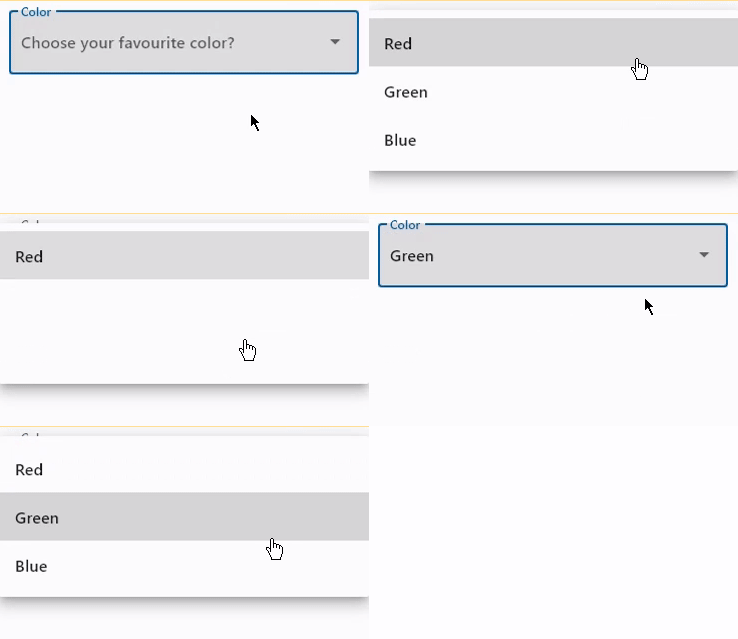](https://docs.flet.dev/examples/controls/dropdown_m2/media/label_and_hint.gif)
### Handling events[#](https://docs.flet.dev/controls/dropdownm2/#handling-events "Permanent link")
`[](https://docs.flet.dev/controls/dropdownm2/#__codelineno-2-1) import flet as ft [](https://docs.flet.dev/controls/dropdownm2/#__codelineno-2-2) [](https://docs.flet.dev/controls/dropdownm2/#__codelineno-2-3)[](https://docs.flet.dev/controls/dropdownm2/#__codelineno-2-4) def main(page: ft.Page): [](https://docs.flet.dev/controls/dropdownm2/#__codelineno-2-5) def dropdown_changed(e: ft.Event[ft.DropdownM2]): [](https://docs.flet.dev/controls/dropdownm2/#__codelineno-2-6) message.value = f"Dropdown changed to {e.control.value}" [](https://docs.flet.dev/controls/dropdownm2/#__codelineno-2-7) page.update() [](https://docs.flet.dev/controls/dropdownm2/#__codelineno-2-8) [](https://docs.flet.dev/controls/dropdownm2/#__codelineno-2-9) page.add( [](https://docs.flet.dev/controls/dropdownm2/#__codelineno-2-10) ft.DropdownM2( [](https://docs.flet.dev/controls/dropdownm2/#__codelineno-2-11) width=200, [](https://docs.flet.dev/controls/dropdownm2/#__codelineno-2-12) color=ft.Colors.BLUE_GREY_700, [](https://docs.flet.dev/controls/dropdownm2/#__codelineno-2-13) on_change=dropdown_changed, [](https://docs.flet.dev/controls/dropdownm2/#__codelineno-2-14) options=[ [](https://docs.flet.dev/controls/dropdownm2/#__codelineno-2-15) ft.dropdownm2.Option("Red"), [](https://docs.flet.dev/controls/dropdownm2/#__codelineno-2-16) ft.dropdownm2.Option("Green"), [](https://docs.flet.dev/controls/dropdownm2/#__codelineno-2-17) ft.dropdownm2.Option("Blue"), [](https://docs.flet.dev/controls/dropdownm2/#__codelineno-2-18) ], [](https://docs.flet.dev/controls/dropdownm2/#__codelineno-2-19) ), [](https://docs.flet.dev/controls/dropdownm2/#__codelineno-2-20) message := ft.Text(), [](https://docs.flet.dev/controls/dropdownm2/#__codelineno-2-21) ) [](https://docs.flet.dev/controls/dropdownm2/#__codelineno-2-22) [](https://docs.flet.dev/controls/dropdownm2/#__codelineno-2-23)[](https://docs.flet.dev/controls/dropdownm2/#__codelineno-2-24) ft.run(main)`
[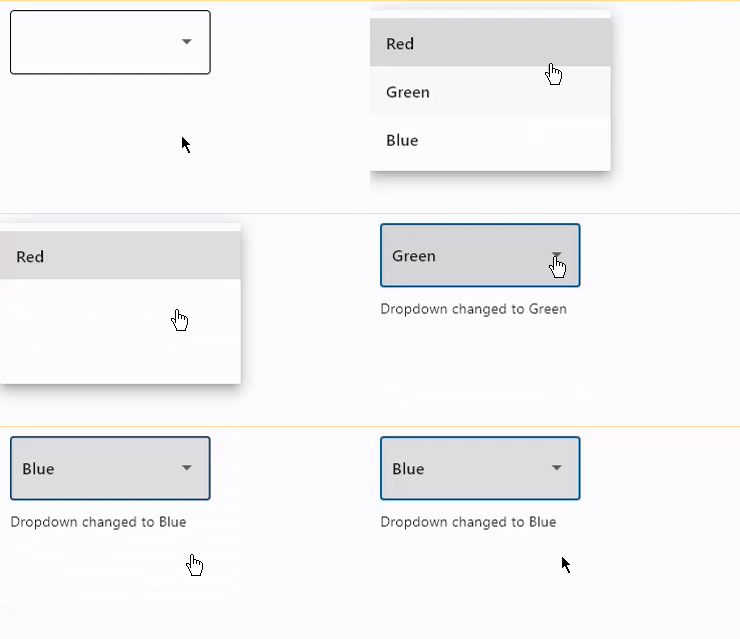](https://docs.flet.dev/examples/controls/dropdown_m2/media/handling_events.gif)
### Add and delete options[#](https://docs.flet.dev/controls/dropdownm2/#add-and-delete-options "Permanent link")
`[](https://docs.flet.dev/controls/dropdownm2/#__codelineno-3-1) import flet as ft [](https://docs.flet.dev/controls/dropdownm2/#__codelineno-3-2) [](https://docs.flet.dev/controls/dropdownm2/#__codelineno-3-3)[](https://docs.flet.dev/controls/dropdownm2/#__codelineno-3-4) def main(page: ft.Page): [](https://docs.flet.dev/controls/dropdownm2/#__codelineno-3-5) def find_option(option_name): [](https://docs.flet.dev/controls/dropdownm2/#__codelineno-3-6) for option in dropdown.options: [](https://docs.flet.dev/controls/dropdownm2/#__codelineno-3-7) if option_name == option.key: [](https://docs.flet.dev/controls/dropdownm2/#__codelineno-3-8) return option [](https://docs.flet.dev/controls/dropdownm2/#__codelineno-3-9) return None [](https://docs.flet.dev/controls/dropdownm2/#__codelineno-3-10) [](https://docs.flet.dev/controls/dropdownm2/#__codelineno-3-11) def handle_addition(e: ft.Event[ft.Button]): [](https://docs.flet.dev/controls/dropdownm2/#__codelineno-3-12) dropdown.options.append(ft.dropdownm2.Option(input_field.value)) [](https://docs.flet.dev/controls/dropdownm2/#__codelineno-3-13) dropdown.value = input_field.value [](https://docs.flet.dev/controls/dropdownm2/#__codelineno-3-14) input_field.value = "" [](https://docs.flet.dev/controls/dropdownm2/#__codelineno-3-15) page.update() [](https://docs.flet.dev/controls/dropdownm2/#__codelineno-3-16) [](https://docs.flet.dev/controls/dropdownm2/#__codelineno-3-17) def handle_deletion(e: ft.Event[ft.OutlinedButton]): [](https://docs.flet.dev/controls/dropdownm2/#__codelineno-3-18) option = find_option(dropdown.value) [](https://docs.flet.dev/controls/dropdownm2/#__codelineno-3-19) if option is not None: [](https://docs.flet.dev/controls/dropdownm2/#__codelineno-3-20) dropdown.options.remove(option) [](https://docs.flet.dev/controls/dropdownm2/#__codelineno-3-21) # d.value = None [](https://docs.flet.dev/controls/dropdownm2/#__codelineno-3-22) page.update() [](https://docs.flet.dev/controls/dropdownm2/#__codelineno-3-23) [](https://docs.flet.dev/controls/dropdownm2/#__codelineno-3-24) page.add( [](https://docs.flet.dev/controls/dropdownm2/#__codelineno-3-25) dropdown := ft.DropdownM2(options=[], color=ft.Colors.BLUE_400), [](https://docs.flet.dev/controls/dropdownm2/#__codelineno-3-26) ft.Row( [](https://docs.flet.dev/controls/dropdownm2/#__codelineno-3-27) controls=[ [](https://docs.flet.dev/controls/dropdownm2/#__codelineno-3-28) input_field := ft.TextField(hint_text="Enter item name"), [](https://docs.flet.dev/controls/dropdownm2/#__codelineno-3-29) ft.Button(content="Add", on_click=handle_addition), [](https://docs.flet.dev/controls/dropdownm2/#__codelineno-3-30) ft.OutlinedButton( [](https://docs.flet.dev/controls/dropdownm2/#__codelineno-3-31) content="Delete selected", [](https://docs.flet.dev/controls/dropdownm2/#__codelineno-3-32) on_click=handle_deletion, [](https://docs.flet.dev/controls/dropdownm2/#__codelineno-3-33) style=ft.ButtonStyle(bgcolor=ft.Colors.RED), [](https://docs.flet.dev/controls/dropdownm2/#__codelineno-3-34) ), [](https://docs.flet.dev/controls/dropdownm2/#__codelineno-3-35) ] [](https://docs.flet.dev/controls/dropdownm2/#__codelineno-3-36) ), [](https://docs.flet.dev/controls/dropdownm2/#__codelineno-3-37) ) [](https://docs.flet.dev/controls/dropdownm2/#__codelineno-3-38) [](https://docs.flet.dev/controls/dropdownm2/#__codelineno-3-39)[](https://docs.flet.dev/controls/dropdownm2/#__codelineno-3-40) ft.run(main)`
[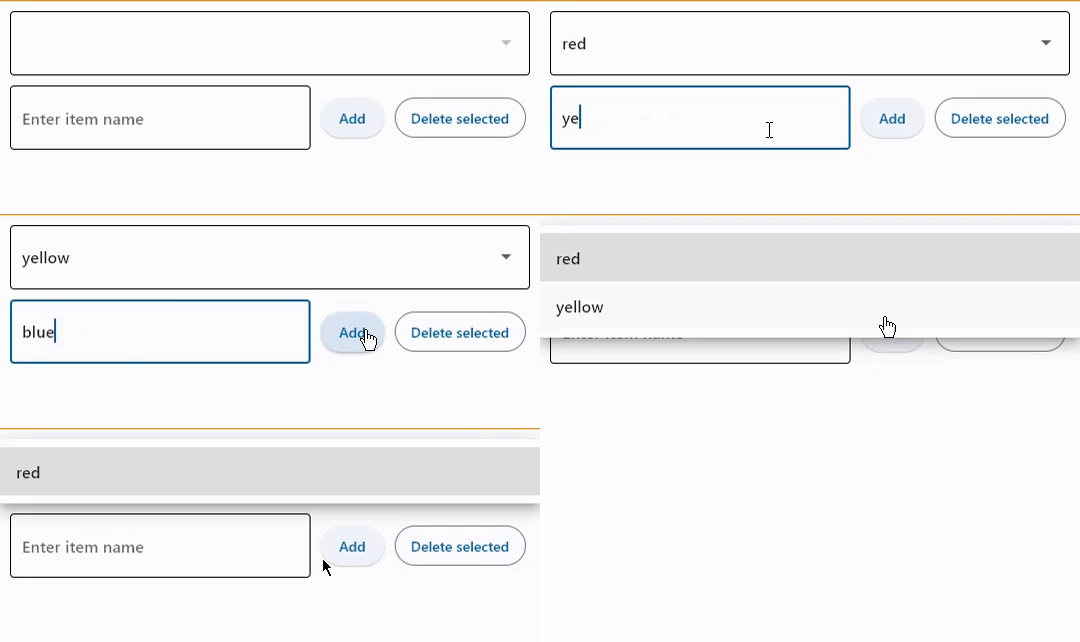](https://docs.flet.dev/examples/controls/dropdown_m2/media/add_and_delete_options.gif)
Properties[#](https://docs.flet.dev/controls/dropdownm2/#flet.DropdownM2-properties "Permanent link")
------------------------------------------------------------------------------------------------------
### alignment `class-attribute` `instance-attribute` [#](https://docs.flet.dev/controls/dropdownm2/#flet.DropdownM2.alignment "Permanent link")
`[](https://docs.flet.dev/controls/dropdownm2/#__codelineno-0-1) alignment: [Alignment](https://docs.flet.dev/types/alignment/#flet.Alignment) | None = None`
Defines how the `hint` or the selected item is positioned within this dropdown.
### autofocus `class-attribute` `instance-attribute` [#](https://docs.flet.dev/controls/dropdownm2/#flet.DropdownM2.autofocus "Permanent link")
`[](https://docs.flet.dev/controls/dropdownm2/#__codelineno-0-1) autofocus: [bool](https://docs.python.org/3/library/functions.html#bool) = False`
True if the control will be selected as the initial focus. If there is more than one control on a page with autofocus set, then the first one added to the page will get focus.
### disabled\_hint\_content `class-attribute` `instance-attribute` [#](https://docs.flet.dev/controls/dropdownm2/#flet.DropdownM2.disabled_hint_content "Permanent link")
`[](https://docs.flet.dev/controls/dropdownm2/#__codelineno-0-1) disabled_hint_content: [Control](https://docs.flet.dev/controls/control/#flet.Control) | None = None`
A placeholder `Control` for the dropdown's value that is displayed when `value` is `None` and the dropdown is disabled.
### elevation `class-attribute` `instance-attribute` [#](https://docs.flet.dev/controls/dropdownm2/#flet.DropdownM2.elevation "Permanent link")
`[](https://docs.flet.dev/controls/dropdownm2/#__codelineno-0-1) elevation: [Number](https://docs.flet.dev/types/aliases/#flet.Number) = 8`
The dropdown's elevation.
### enable\_feedback `class-attribute` `instance-attribute` [#](https://docs.flet.dev/controls/dropdownm2/#flet.DropdownM2.enable_feedback "Permanent link")
`[](https://docs.flet.dev/controls/dropdownm2/#__codelineno-0-1) enable_feedback: [bool](https://docs.python.org/3/library/functions.html#bool) | None = None`
Whether detected gestures should provide acoustic and/or haptic feedback. On Android, for example, setting this to `True` produce a click sound and a long-press will produce a short vibration.
### hint\_content `class-attribute` `instance-attribute` [#](https://docs.flet.dev/controls/dropdownm2/#flet.DropdownM2.hint_content "Permanent link")
`[](https://docs.flet.dev/controls/dropdownm2/#__codelineno-0-1) hint_content: [Control](https://docs.flet.dev/controls/control/#flet.Control) | None = None`
A placeholder `Control` for the dropdown's value that is displayed when `value` is `None`.
### item\_height `class-attribute` `instance-attribute` [#](https://docs.flet.dev/controls/dropdownm2/#flet.DropdownM2.item_height "Permanent link")
`[](https://docs.flet.dev/controls/dropdownm2/#__codelineno-0-1) item_height: [Number](https://docs.flet.dev/types/aliases/#flet.Number) | None = None`
The height of the items/options in the dropdown menu.
### max\_menu\_height `class-attribute` `instance-attribute` [#](https://docs.flet.dev/controls/dropdownm2/#flet.DropdownM2.max_menu_height "Permanent link")
`[](https://docs.flet.dev/controls/dropdownm2/#__codelineno-0-1) max_menu_height: [Number](https://docs.flet.dev/types/aliases/#flet.Number) | None = None`
The maximum height of the dropdown menu.
### options `class-attribute` `instance-attribute` [#](https://docs.flet.dev/controls/dropdownm2/#flet.DropdownM2.options "Permanent link")
`[](https://docs.flet.dev/controls/dropdownm2/#__codelineno-0-1) options: [list](https://docs.python.org/3/glossary.html#term-list) [Option] | None = None`
A list of `Option` controls representing items in this dropdown.
### options\_fill\_horizontally `class-attribute` `instance-attribute` [#](https://docs.flet.dev/controls/dropdownm2/#flet.DropdownM2.options_fill_horizontally "Permanent link")
`[](https://docs.flet.dev/controls/dropdownm2/#__codelineno-0-1) options_fill_horizontally: [bool](https://docs.python.org/3/library/functions.html#bool) = True`
Whether the dropdown's inner contents to horizontally fill its parent. By default this button's inner width is the minimum size of its content.
If `True`, the inner width is expanded to fill its surrounding container.
### padding `class-attribute` `instance-attribute` [#](https://docs.flet.dev/controls/dropdownm2/#flet.DropdownM2.padding "Permanent link")
`[](https://docs.flet.dev/controls/dropdownm2/#__codelineno-0-1) padding: [PaddingValue](https://docs.flet.dev/types/aliases/#flet.PaddingValue) | None = None`
The padding around the visible portion of this dropdown.
### select\_icon `class-attribute` `instance-attribute` [#](https://docs.flet.dev/controls/dropdownm2/#flet.DropdownM2.select_icon "Permanent link")
`[](https://docs.flet.dev/controls/dropdownm2/#__codelineno-0-1) select_icon: [IconDataOrControl](https://docs.flet.dev/types/aliases/#flet.IconDataOrControl) | None = None`
The [name of the icon](https://docs.flet.dev/types/icons)
or `Control` to use for the drop-down select button's icon.
Defaults to `Icon(ft.Icons.ARROW_DROP_DOWN)`.
### select\_icon\_disabled\_color `class-attribute` `instance-attribute` [#](https://docs.flet.dev/controls/dropdownm2/#flet.DropdownM2.select_icon_disabled_color "Permanent link")
`[](https://docs.flet.dev/controls/dropdownm2/#__codelineno-0-1) select_icon_disabled_color: [ColorValue](https://docs.flet.dev/types/aliases/#flet.ColorValue) | None = None`
The color of any `Icon` descendant of `select_icon` if this button is disabled.
### select\_icon\_enabled\_color `class-attribute` `instance-attribute` [#](https://docs.flet.dev/controls/dropdownm2/#flet.DropdownM2.select_icon_enabled_color "Permanent link")
`[](https://docs.flet.dev/controls/dropdownm2/#__codelineno-0-1) select_icon_enabled_color: [ColorValue](https://docs.flet.dev/types/aliases/#flet.ColorValue) | None = None`
The color of any `Icon` descendant of `select_icon` if this button is enabled.
### select\_icon\_size `class-attribute` `instance-attribute` [#](https://docs.flet.dev/controls/dropdownm2/#flet.DropdownM2.select_icon_size "Permanent link")
`[](https://docs.flet.dev/controls/dropdownm2/#__codelineno-0-1) select_icon_size: [Number](https://docs.flet.dev/types/aliases/#flet.Number) = 24.0`
The size of the icon button which wraps `select_icon`.
### value `class-attribute` `instance-attribute` [#](https://docs.flet.dev/controls/dropdownm2/#flet.DropdownM2.value "Permanent link")
`[](https://docs.flet.dev/controls/dropdownm2/#__codelineno-0-1) value: [str](https://docs.python.org/3/library/stdtypes.html#str) | None = None`
`key` value of the selected option.
Events[#](https://docs.flet.dev/controls/dropdownm2/#flet.DropdownM2-events "Permanent link")
----------------------------------------------------------------------------------------------
### on\_blur `class-attribute` `instance-attribute` [#](https://docs.flet.dev/controls/dropdownm2/#flet.DropdownM2.on_blur "Permanent link")
`[](https://docs.flet.dev/controls/dropdownm2/#__codelineno-0-1) on_blur: [ControlEventHandler](https://docs.flet.dev/types/aliases/#flet.ControlEventHandler) [[DropdownM2](https://docs.flet.dev/controls/dropdownm2/#flet.DropdownM2) ] | None = None`
Called when the control has lost focus.
### on\_change `class-attribute` `instance-attribute` [#](https://docs.flet.dev/controls/dropdownm2/#flet.DropdownM2.on_change "Permanent link")
`[](https://docs.flet.dev/controls/dropdownm2/#__codelineno-0-1) on_change: [ControlEventHandler](https://docs.flet.dev/types/aliases/#flet.ControlEventHandler) [[DropdownM2](https://docs.flet.dev/controls/dropdownm2/#flet.DropdownM2) ] | None = None`
Called when the selected item of this dropdown has changed.
### on\_click `class-attribute` `instance-attribute` [#](https://docs.flet.dev/controls/dropdownm2/#flet.DropdownM2.on_click "Permanent link")
`[](https://docs.flet.dev/controls/dropdownm2/#__codelineno-0-1) on_click: [ControlEventHandler](https://docs.flet.dev/types/aliases/#flet.ControlEventHandler) [[DropdownM2](https://docs.flet.dev/controls/dropdownm2/#flet.DropdownM2) ] | None = None`
Called when this dropdown is clicked.
### on\_focus `class-attribute` `instance-attribute` [#](https://docs.flet.dev/controls/dropdownm2/#flet.DropdownM2.on_focus "Permanent link")
`[](https://docs.flet.dev/controls/dropdownm2/#__codelineno-0-1) on_focus: [ControlEventHandler](https://docs.flet.dev/types/aliases/#flet.ControlEventHandler) [[DropdownM2](https://docs.flet.dev/controls/dropdownm2/#flet.DropdownM2) ] | None = None`
Called when the control has received focus.
Back to top
---
# PopupMenuButton - Flet
[Skip to content](https://docs.flet.dev/controls/popupmenubutton/#flet.PopupMenuButton)
PopupMenuButton
===============
An icon button which displays a menu when clicked.
`[](https://docs.flet.dev/controls/popupmenubutton/#__codelineno-0-1) ft.PopupMenuButton( [](https://docs.flet.dev/controls/popupmenubutton/#__codelineno-0-2) items=[ [](https://docs.flet.dev/controls/popupmenubutton/#__codelineno-0-3) ft.PopupMenuItem(content="Sm"), [](https://docs.flet.dev/controls/popupmenubutton/#__codelineno-0-4) ft.PopupMenuItem(content="Med"), [](https://docs.flet.dev/controls/popupmenubutton/#__codelineno-0-5) ft.PopupMenuItem(content="Lg"), [](https://docs.flet.dev/controls/popupmenubutton/#__codelineno-0-6) ], [](https://docs.flet.dev/controls/popupmenubutton/#__codelineno-0-7) menu_position=ft.PopupMenuPosition.UNDER, [](https://docs.flet.dev/controls/popupmenubutton/#__codelineno-0-8) )`
[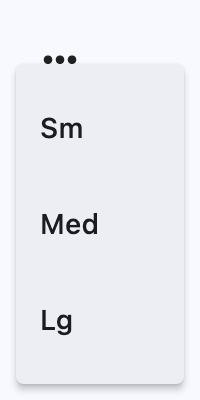](https://docs.flet.dev/test-images/examples/material/golden/macos/popup_menu_button/image_for_docs.png)
Opened popup menu under button
Inherits: `[LayoutControl](https://docs.flet.dev/controls/layoutcontrol/#flet.LayoutControl) `
Properties
* **`[bgcolor](https://docs.flet.dev/controls/popupmenubutton/#flet.PopupMenuButton.bgcolor) `**(`[ColorValue](https://docs.flet.dev/types/aliases/#flet.ColorValue) | None`) –
The menu's background color.
* **`[clip_behavior](https://docs.flet.dev/controls/popupmenubutton/#flet.PopupMenuButton.clip_behavior) `**(`[ClipBehavior](https://docs.flet.dev/types/clipbehavior/#flet.ClipBehavior) `) –
The `content` will be clipped (or not) according to this option.
* **`[content](https://docs.flet.dev/controls/popupmenubutton/#flet.PopupMenuButton.content) `**(`[StrOrControl](https://docs.flet.dev/types/aliases/#flet.StrOrControl) | None`) –
A `Control` that will be displayed instead of "more" icon.
* **`[elevation](https://docs.flet.dev/controls/popupmenubutton/#flet.PopupMenuButton.elevation) `**(`[Number](https://docs.flet.dev/types/aliases/#flet.Number) | None`) –
The menu's elevation when opened.
* **`[enable_feedback](https://docs.flet.dev/controls/popupmenubutton/#flet.PopupMenuButton.enable_feedback) `**(`[bool](https://docs.python.org/3/library/functions.html#bool) | None`) –
Whether detected gestures should provide acoustic and/or haptic feedback.
* **`[icon](https://docs.flet.dev/controls/popupmenubutton/#flet.PopupMenuButton.icon) `**(`[IconDataOrControl](https://docs.flet.dev/types/aliases/#flet.IconDataOrControl) | None`) –
If provided, an icon to draw on the button.
* **`[icon_color](https://docs.flet.dev/controls/popupmenubutton/#flet.PopupMenuButton.icon_color) `**(`[ColorValue](https://docs.flet.dev/types/aliases/#flet.ColorValue) | None`) –
The `icon`'s color.
* **`[icon_size](https://docs.flet.dev/controls/popupmenubutton/#flet.PopupMenuButton.icon_size) `**(`[Number](https://docs.flet.dev/types/aliases/#flet.Number) | None`) –
The `icon`'s size.
* **`[items](https://docs.flet.dev/controls/popupmenubutton/#flet.PopupMenuButton.items) `**(`[list](https://docs.python.org/3/glossary.html#term-list) [[PopupMenuItem](https://docs.flet.dev/controls/popupmenubutton/#flet.PopupMenuItem) ]`) –
A collection of `PopupMenuItem` controls to display in a dropdown menu.
* **`[menu_padding](https://docs.flet.dev/controls/popupmenubutton/#flet.PopupMenuButton.menu_padding) `**(`[PaddingValue](https://docs.flet.dev/types/aliases/#flet.PaddingValue) | None`) –
TBD
* **`[menu_position](https://docs.flet.dev/controls/popupmenubutton/#flet.PopupMenuButton.menu_position) `**(`[PopupMenuPosition](https://docs.flet.dev/types/popupmenuposition/#flet.PopupMenuPosition) | None`) –
Defines position of the popup menu relative to the button.
* **`[padding](https://docs.flet.dev/controls/popupmenubutton/#flet.PopupMenuButton.padding) `**(`[PaddingValue](https://docs.flet.dev/types/aliases/#flet.PaddingValue) `) –
TBD
* **`[popup_animation_style](https://docs.flet.dev/controls/popupmenubutton/#flet.PopupMenuButton.popup_animation_style) `**(`[AnimationStyle](https://docs.flet.dev/types/animationstyle/#flet.AnimationStyle) | None`) –
TBD
* **`[shadow_color](https://docs.flet.dev/controls/popupmenubutton/#flet.PopupMenuButton.shadow_color) `**(`[ColorValue](https://docs.flet.dev/types/aliases/#flet.ColorValue) | None`) –
The color used to paint the shadow below the menu.
* **`[shape](https://docs.flet.dev/controls/popupmenubutton/#flet.PopupMenuButton.shape) `**(`[OutlinedBorder](https://docs.flet.dev/types/outlinedborder/#flet.OutlinedBorder) | None`) –
The menu's shape.
* **`[size_constraints](https://docs.flet.dev/controls/popupmenubutton/#flet.PopupMenuButton.size_constraints) `**(`[BoxConstraints](https://docs.flet.dev/types/boxconstraints/#flet.BoxConstraints) | None`) –
TBD
* **`[splash_radius](https://docs.flet.dev/controls/popupmenubutton/#flet.PopupMenuButton.splash_radius) `**(`[Number](https://docs.flet.dev/types/aliases/#flet.Number) | None`) –
The splash radius.
* **`[style](https://docs.flet.dev/controls/popupmenubutton/#flet.PopupMenuButton.style) `**(`[ButtonStyle](https://docs.flet.dev/types/buttonstyle/#flet.ButtonStyle) | None`) –
TBD
Events
* **`[on_cancel](https://docs.flet.dev/controls/popupmenubutton/#flet.PopupMenuButton.on_cancel) `**(`[ControlEventHandler](https://docs.flet.dev/types/aliases/#flet.ControlEventHandler) [[PopupMenuButton](https://docs.flet.dev/controls/popupmenubutton/#flet.PopupMenuButton) ] | None`) –
Called when the user dismisses/cancels the popup menu without selecting an item.
* **`[on_open](https://docs.flet.dev/controls/popupmenubutton/#flet.PopupMenuButton.on_open) `**(`[ControlEventHandler](https://docs.flet.dev/types/aliases/#flet.ControlEventHandler) [[PopupMenuButton](https://docs.flet.dev/controls/popupmenubutton/#flet.PopupMenuButton) ] | None`) –
Called when the popup menu is shown.
* **`[on_select](https://docs.flet.dev/controls/popupmenubutton/#flet.PopupMenuButton.on_select) `**(`[ControlEventHandler](https://docs.flet.dev/types/aliases/#flet.ControlEventHandler) [[PopupMenuButton](https://docs.flet.dev/controls/popupmenubutton/#flet.PopupMenuButton) ] | None`) –
TBD
Examples[#](https://docs.flet.dev/controls/popupmenubutton/#examples "Permanent link")
---------------------------------------------------------------------------------------
[Live example](https://flet-controls-gallery.fly.dev/buttons/popupmenubutton)
### Basic Example[#](https://docs.flet.dev/controls/popupmenubutton/#basic-example "Permanent link")
`[](https://docs.flet.dev/controls/popupmenubutton/#__codelineno-0-1) import flet as ft [](https://docs.flet.dev/controls/popupmenubutton/#__codelineno-0-2) [](https://docs.flet.dev/controls/popupmenubutton/#__codelineno-0-3)[](https://docs.flet.dev/controls/popupmenubutton/#__codelineno-0-4) def main(page: ft.Page): [](https://docs.flet.dev/controls/popupmenubutton/#__codelineno-0-5) def handle_check_item_click(e: ft.Event[ft.PopupMenuItem]): [](https://docs.flet.dev/controls/popupmenubutton/#__codelineno-0-6) e.control.checked = not e.control.checked [](https://docs.flet.dev/controls/popupmenubutton/#__codelineno-0-7) page.update() [](https://docs.flet.dev/controls/popupmenubutton/#__codelineno-0-8) [](https://docs.flet.dev/controls/popupmenubutton/#__codelineno-0-9) page.add( [](https://docs.flet.dev/controls/popupmenubutton/#__codelineno-0-10) ft.PopupMenuButton( [](https://docs.flet.dev/controls/popupmenubutton/#__codelineno-0-11) key="popup", [](https://docs.flet.dev/controls/popupmenubutton/#__codelineno-0-12) items=[ [](https://docs.flet.dev/controls/popupmenubutton/#__codelineno-0-13) ft.PopupMenuItem(content="Item 1"), [](https://docs.flet.dev/controls/popupmenubutton/#__codelineno-0-14) ft.PopupMenuItem(icon=ft.Icons.POWER_INPUT, content="Check power"), [](https://docs.flet.dev/controls/popupmenubutton/#__codelineno-0-15) ft.PopupMenuItem( [](https://docs.flet.dev/controls/popupmenubutton/#__codelineno-0-16) content=ft.Row( [](https://docs.flet.dev/controls/popupmenubutton/#__codelineno-0-17) controls=[ [](https://docs.flet.dev/controls/popupmenubutton/#__codelineno-0-18) ft.Icon(ft.Icons.HOURGLASS_TOP_OUTLINED), [](https://docs.flet.dev/controls/popupmenubutton/#__codelineno-0-19) ft.Text("Item with a custom content"), [](https://docs.flet.dev/controls/popupmenubutton/#__codelineno-0-20) ] [](https://docs.flet.dev/controls/popupmenubutton/#__codelineno-0-21) ), [](https://docs.flet.dev/controls/popupmenubutton/#__codelineno-0-22) on_click=lambda _: print("Button with custom content clicked!"), [](https://docs.flet.dev/controls/popupmenubutton/#__codelineno-0-23) ), [](https://docs.flet.dev/controls/popupmenubutton/#__codelineno-0-24) ft.PopupMenuItem(), # divider [](https://docs.flet.dev/controls/popupmenubutton/#__codelineno-0-25) ft.PopupMenuItem( [](https://docs.flet.dev/controls/popupmenubutton/#__codelineno-0-26) content="Checked item", [](https://docs.flet.dev/controls/popupmenubutton/#__codelineno-0-27) checked=False, [](https://docs.flet.dev/controls/popupmenubutton/#__codelineno-0-28) on_click=handle_check_item_click, [](https://docs.flet.dev/controls/popupmenubutton/#__codelineno-0-29) ), [](https://docs.flet.dev/controls/popupmenubutton/#__codelineno-0-30) ], [](https://docs.flet.dev/controls/popupmenubutton/#__codelineno-0-31) ) [](https://docs.flet.dev/controls/popupmenubutton/#__codelineno-0-32) ) [](https://docs.flet.dev/controls/popupmenubutton/#__codelineno-0-33) [](https://docs.flet.dev/controls/popupmenubutton/#__codelineno-0-34)[](https://docs.flet.dev/controls/popupmenubutton/#__codelineno-0-35) if __name__ == "__main__": [](https://docs.flet.dev/controls/popupmenubutton/#__codelineno-0-36) ft.run(main)`
[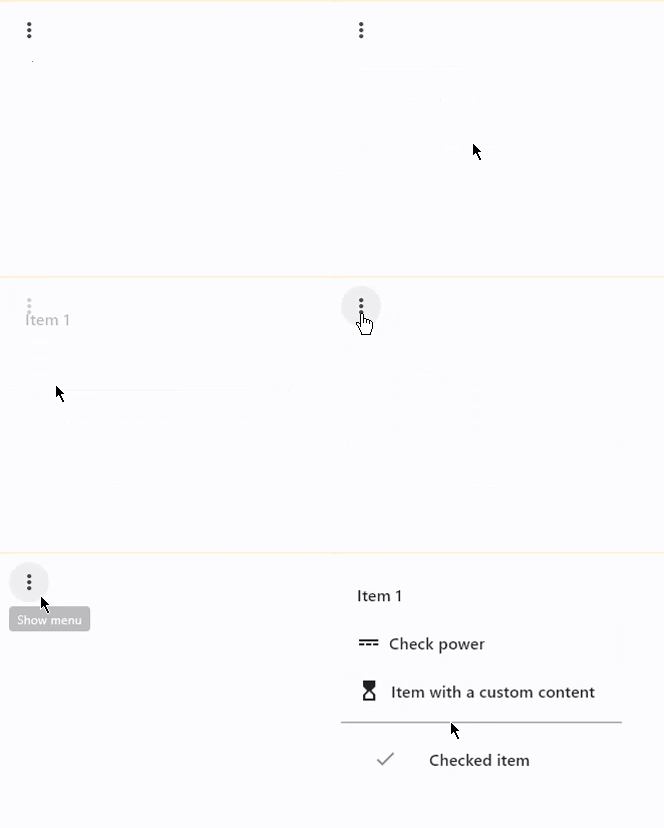](https://docs.flet.dev/examples/controls/popup_menu_button/media/basic.gif)
Properties[#](https://docs.flet.dev/controls/popupmenubutton/#flet.PopupMenuButton-properties "Permanent link")
----------------------------------------------------------------------------------------------------------------
### bgcolor `class-attribute` `instance-attribute` [#](https://docs.flet.dev/controls/popupmenubutton/#flet.PopupMenuButton.bgcolor "Permanent link")
`[](https://docs.flet.dev/controls/popupmenubutton/#__codelineno-0-1) bgcolor: [ColorValue](https://docs.flet.dev/types/aliases/#flet.ColorValue) | None = None`
The menu's background color.
### clip\_behavior `class-attribute` `instance-attribute` [#](https://docs.flet.dev/controls/popupmenubutton/#flet.PopupMenuButton.clip_behavior "Permanent link")
`[](https://docs.flet.dev/controls/popupmenubutton/#__codelineno-0-1) clip_behavior: [ClipBehavior](https://docs.flet.dev/types/clipbehavior/#flet.ClipBehavior) = [NONE](https://docs.flet.dev/types/clipbehavior/#flet.ClipBehavior.NONE)`
The `content` will be clipped (or not) according to this option.
### content `class-attribute` `instance-attribute` [#](https://docs.flet.dev/controls/popupmenubutton/#flet.PopupMenuButton.content "Permanent link")
`[](https://docs.flet.dev/controls/popupmenubutton/#__codelineno-0-1) content: [StrOrControl](https://docs.flet.dev/types/aliases/#flet.StrOrControl) | None = None`
A `Control` that will be displayed instead of "more" icon.
### elevation `class-attribute` `instance-attribute` [#](https://docs.flet.dev/controls/popupmenubutton/#flet.PopupMenuButton.elevation "Permanent link")
`[](https://docs.flet.dev/controls/popupmenubutton/#__codelineno-0-1) elevation: [Number](https://docs.flet.dev/types/aliases/#flet.Number) | None = None`
The menu's elevation when opened.
Defaults to `8`.
### enable\_feedback `class-attribute` `instance-attribute` [#](https://docs.flet.dev/controls/popupmenubutton/#flet.PopupMenuButton.enable_feedback "Permanent link")
`[](https://docs.flet.dev/controls/popupmenubutton/#__codelineno-0-1) enable_feedback: [bool](https://docs.python.org/3/library/functions.html#bool) | None = None`
Whether detected gestures should provide acoustic and/or haptic feedback.
On Android, for example, setting this to `True` produce a click sound and a long-press will produce a short vibration.
Defaults to `True`.
### icon `class-attribute` `instance-attribute` [#](https://docs.flet.dev/controls/popupmenubutton/#flet.PopupMenuButton.icon "Permanent link")
`[](https://docs.flet.dev/controls/popupmenubutton/#__codelineno-0-1) icon: [IconDataOrControl](https://docs.flet.dev/types/aliases/#flet.IconDataOrControl) | None = None`
If provided, an icon to draw on the button.
### icon\_color `class-attribute` `instance-attribute` [#](https://docs.flet.dev/controls/popupmenubutton/#flet.PopupMenuButton.icon_color "Permanent link")
`[](https://docs.flet.dev/controls/popupmenubutton/#__codelineno-0-1) icon_color: [ColorValue](https://docs.flet.dev/types/aliases/#flet.ColorValue) | None = None`
The `icon`'s color.
### icon\_size `class-attribute` `instance-attribute` [#](https://docs.flet.dev/controls/popupmenubutton/#flet.PopupMenuButton.icon_size "Permanent link")
`[](https://docs.flet.dev/controls/popupmenubutton/#__codelineno-0-1) icon_size: [Number](https://docs.flet.dev/types/aliases/#flet.Number) | None = None`
The `icon`'s size.
### items `class-attribute` `instance-attribute` [#](https://docs.flet.dev/controls/popupmenubutton/#flet.PopupMenuButton.items "Permanent link")
`[](https://docs.flet.dev/controls/popupmenubutton/#__codelineno-0-1) items: [list](https://docs.python.org/3/glossary.html#term-list) [[PopupMenuItem](https://docs.flet.dev/controls/popupmenubutton/#flet.PopupMenuItem) ] = [field](https://docs.python.org/3/library/dataclasses.html#dataclasses.field "dataclasses.field") (default_factory=[list](https://docs.python.org/3/glossary.html#term-list) )`
A collection of `PopupMenuItem` controls to display in a dropdown menu.
### menu\_padding `class-attribute` `instance-attribute` [#](https://docs.flet.dev/controls/popupmenubutton/#flet.PopupMenuButton.menu_padding "Permanent link")
`[](https://docs.flet.dev/controls/popupmenubutton/#__codelineno-0-1) menu_padding: [PaddingValue](https://docs.flet.dev/types/aliases/#flet.PaddingValue) | None = None`
TBD
### menu\_position `class-attribute` `instance-attribute` [#](https://docs.flet.dev/controls/popupmenubutton/#flet.PopupMenuButton.menu_position "Permanent link")
`[](https://docs.flet.dev/controls/popupmenubutton/#__codelineno-0-1) menu_position: [PopupMenuPosition](https://docs.flet.dev/types/popupmenuposition/#flet.PopupMenuPosition) | None = None`
Defines position of the popup menu relative to the button.
Defaults to `PopupMenuPosition.OVER`.
### padding `class-attribute` `instance-attribute` [#](https://docs.flet.dev/controls/popupmenubutton/#flet.PopupMenuButton.padding "Permanent link")
`[](https://docs.flet.dev/controls/popupmenubutton/#__codelineno-0-1) padding: [PaddingValue](https://docs.flet.dev/types/aliases/#flet.PaddingValue) = 8`
TBD
### popup\_animation\_style `class-attribute` `instance-attribute` [#](https://docs.flet.dev/controls/popupmenubutton/#flet.PopupMenuButton.popup_animation_style "Permanent link")
`[](https://docs.flet.dev/controls/popupmenubutton/#__codelineno-0-1) popup_animation_style: [AnimationStyle](https://docs.flet.dev/types/animationstyle/#flet.AnimationStyle) | None = None`
TBD
### shadow\_color `class-attribute` `instance-attribute` [#](https://docs.flet.dev/controls/popupmenubutton/#flet.PopupMenuButton.shadow_color "Permanent link")
`[](https://docs.flet.dev/controls/popupmenubutton/#__codelineno-0-1) shadow_color: [ColorValue](https://docs.flet.dev/types/aliases/#flet.ColorValue) | None = None`
The color used to paint the shadow below the menu.
### shape `class-attribute` `instance-attribute` [#](https://docs.flet.dev/controls/popupmenubutton/#flet.PopupMenuButton.shape "Permanent link")
`[](https://docs.flet.dev/controls/popupmenubutton/#__codelineno-0-1) shape: [OutlinedBorder](https://docs.flet.dev/types/outlinedborder/#flet.OutlinedBorder) | None = None`
The menu's shape.
Defaults to `CircleBorder(radius=10.0)`.
### size\_constraints `class-attribute` `instance-attribute` [#](https://docs.flet.dev/controls/popupmenubutton/#flet.PopupMenuButton.size_constraints "Permanent link")
`[](https://docs.flet.dev/controls/popupmenubutton/#__codelineno-0-1) size_constraints: [BoxConstraints](https://docs.flet.dev/types/boxconstraints/#flet.BoxConstraints) | None = None`
TBD
### splash\_radius `class-attribute` `instance-attribute` [#](https://docs.flet.dev/controls/popupmenubutton/#flet.PopupMenuButton.splash_radius "Permanent link")
`[](https://docs.flet.dev/controls/popupmenubutton/#__codelineno-0-1) splash_radius: [Number](https://docs.flet.dev/types/aliases/#flet.Number) | None = None`
The splash radius.
### style `class-attribute` `instance-attribute` [#](https://docs.flet.dev/controls/popupmenubutton/#flet.PopupMenuButton.style "Permanent link")
`[](https://docs.flet.dev/controls/popupmenubutton/#__codelineno-0-1) style: [ButtonStyle](https://docs.flet.dev/types/buttonstyle/#flet.ButtonStyle) | None = None`
TBD
Events[#](https://docs.flet.dev/controls/popupmenubutton/#flet.PopupMenuButton-events "Permanent link")
--------------------------------------------------------------------------------------------------------
### on\_cancel `class-attribute` `instance-attribute` [#](https://docs.flet.dev/controls/popupmenubutton/#flet.PopupMenuButton.on_cancel "Permanent link")
`[](https://docs.flet.dev/controls/popupmenubutton/#__codelineno-0-1) on_cancel: [ControlEventHandler](https://docs.flet.dev/types/aliases/#flet.ControlEventHandler) [[PopupMenuButton](https://docs.flet.dev/controls/popupmenubutton/#flet.PopupMenuButton) ] | None = ( [](https://docs.flet.dev/controls/popupmenubutton/#__codelineno-0-2) None [](https://docs.flet.dev/controls/popupmenubutton/#__codelineno-0-3) )`
Called when the user dismisses/cancels the popup menu without selecting an item.
### on\_open `class-attribute` `instance-attribute` [#](https://docs.flet.dev/controls/popupmenubutton/#flet.PopupMenuButton.on_open "Permanent link")
`[](https://docs.flet.dev/controls/popupmenubutton/#__codelineno-0-1) on_open: [ControlEventHandler](https://docs.flet.dev/types/aliases/#flet.ControlEventHandler) [[PopupMenuButton](https://docs.flet.dev/controls/popupmenubutton/#flet.PopupMenuButton) ] | None = None`
Called when the popup menu is shown.
### on\_select `class-attribute` `instance-attribute` [#](https://docs.flet.dev/controls/popupmenubutton/#flet.PopupMenuButton.on_select "Permanent link")
`[](https://docs.flet.dev/controls/popupmenubutton/#__codelineno-0-1) on_select: [ControlEventHandler](https://docs.flet.dev/types/aliases/#flet.ControlEventHandler) [[PopupMenuButton](https://docs.flet.dev/controls/popupmenubutton/#flet.PopupMenuButton) ] | None = ( [](https://docs.flet.dev/controls/popupmenubutton/#__codelineno-0-2) None [](https://docs.flet.dev/controls/popupmenubutton/#__codelineno-0-3) )`
TBD
Inherits: `[Control](https://docs.flet.dev/controls/control/#flet.Control) `
A popup menu item.
Properties
* **`[checked](https://docs.flet.dev/controls/popupmenubutton/#flet.PopupMenuItem.checked) `**(`[bool](https://docs.python.org/3/library/functions.html#bool) | None`) –
Whether this menu item is checked.
* **`[content](https://docs.flet.dev/controls/popupmenubutton/#flet.PopupMenuItem.content) `**(`[StrOrControl](https://docs.flet.dev/types/aliases/#flet.StrOrControl) | None`) –
A `Control` representing custom content of this menu item.
* **`[height](https://docs.flet.dev/controls/popupmenubutton/#flet.PopupMenuItem.height) `**(`[Number](https://docs.flet.dev/types/aliases/#flet.Number) `) –
The minimum height of this menu item.
* **`[icon](https://docs.flet.dev/controls/popupmenubutton/#flet.PopupMenuItem.icon) `**(`[IconDataOrControl](https://docs.flet.dev/types/aliases/#flet.IconDataOrControl) | None`) –
An icon to draw before the text label of this menu item.
* **`[label_text_style](https://docs.flet.dev/controls/popupmenubutton/#flet.PopupMenuItem.label_text_style) `**(`[TextStyle](https://docs.flet.dev/types/textstyle/#flet.TextStyle) | None`) –
The text style of the label of this menu item.
* **`[mouse_cursor](https://docs.flet.dev/controls/popupmenubutton/#flet.PopupMenuItem.mouse_cursor) `**(`[MouseCursor](https://docs.flet.dev/types/mousecursor/#flet.MouseCursor) | None`) –
The cursor to be displayed when a mouse pointer enters or is hovering over this item.
* **`[padding](https://docs.flet.dev/controls/popupmenubutton/#flet.PopupMenuItem.padding) `**(`[PaddingValue](https://docs.flet.dev/types/aliases/#flet.PaddingValue) | None`) –
The padding of this menu item.
Events
* **`[on_click](https://docs.flet.dev/controls/popupmenubutton/#flet.PopupMenuItem.on_click) `**(`[ControlEventHandler](https://docs.flet.dev/types/aliases/#flet.ControlEventHandler) [[PopupMenuItem](https://docs.flet.dev/controls/popupmenubutton/#flet.PopupMenuItem) ] | None`) –
Called when a user clicks on this menu item.
Properties[#](https://docs.flet.dev/controls/popupmenubutton/#flet.PopupMenuItem-properties "Permanent link")
--------------------------------------------------------------------------------------------------------------
### checked `class-attribute` `instance-attribute` [#](https://docs.flet.dev/controls/popupmenubutton/#flet.PopupMenuItem.checked "Permanent link")
`[](https://docs.flet.dev/controls/popupmenubutton/#__codelineno-0-1) checked: [bool](https://docs.python.org/3/library/functions.html#bool) | None = None`
Whether this menu item is checked.
If set to `True`, a checkmark will be shown on the left of the [`content`](https://docs.flet.dev/controls/popupmenubutton/#flet.PopupMenuItem.content)
.
### content `class-attribute` `instance-attribute` [#](https://docs.flet.dev/controls/popupmenubutton/#flet.PopupMenuItem.content "Permanent link")
`[](https://docs.flet.dev/controls/popupmenubutton/#__codelineno-0-1) content: [StrOrControl](https://docs.flet.dev/types/aliases/#flet.StrOrControl) | None = None`
A `Control` representing custom content of this menu item.
### height `class-attribute` `instance-attribute` [#](https://docs.flet.dev/controls/popupmenubutton/#flet.PopupMenuItem.height "Permanent link")
`[](https://docs.flet.dev/controls/popupmenubutton/#__codelineno-0-1) height: [Number](https://docs.flet.dev/types/aliases/#flet.Number) = 48.0`
The minimum height of this menu item.
### icon `class-attribute` `instance-attribute` [#](https://docs.flet.dev/controls/popupmenubutton/#flet.PopupMenuItem.icon "Permanent link")
`[](https://docs.flet.dev/controls/popupmenubutton/#__codelineno-0-1) icon: [IconDataOrControl](https://docs.flet.dev/types/aliases/#flet.IconDataOrControl) | None = None`
An icon to draw before the text label of this menu item.
### label\_text\_style `class-attribute` `instance-attribute` [#](https://docs.flet.dev/controls/popupmenubutton/#flet.PopupMenuItem.label_text_style "Permanent link")
`[](https://docs.flet.dev/controls/popupmenubutton/#__codelineno-0-1) label_text_style: [TextStyle](https://docs.flet.dev/types/textstyle/#flet.TextStyle) | None = None`
The text style of the label of this menu item.
### mouse\_cursor `class-attribute` `instance-attribute` [#](https://docs.flet.dev/controls/popupmenubutton/#flet.PopupMenuItem.mouse_cursor "Permanent link")
`[](https://docs.flet.dev/controls/popupmenubutton/#__codelineno-0-1) mouse_cursor: [MouseCursor](https://docs.flet.dev/types/mousecursor/#flet.MouseCursor) | None = None`
The cursor to be displayed when a mouse pointer enters or is hovering over this item.
### padding `class-attribute` `instance-attribute` [#](https://docs.flet.dev/controls/popupmenubutton/#flet.PopupMenuItem.padding "Permanent link")
`[](https://docs.flet.dev/controls/popupmenubutton/#__codelineno-0-1) padding: [PaddingValue](https://docs.flet.dev/types/aliases/#flet.PaddingValue) | None = None`
The padding of this menu item.
Defaults to `Padding.symmetric(horizontal=12)`.
Note
The [`height`](https://docs.flet.dev/controls/popupmenubutton/#flet.PopupMenuItem.height)
value of this menu item may influence the applied padding.
For example, if a `height` greater than the height of the sum of the padding and a [`content`](https://docs.flet.dev/controls/popupmenubutton/#flet.PopupMenuItem.content)
is provided, then the padding's effect will not be visible.
Events[#](https://docs.flet.dev/controls/popupmenubutton/#flet.PopupMenuItem-events "Permanent link")
------------------------------------------------------------------------------------------------------
### on\_click `class-attribute` `instance-attribute` [#](https://docs.flet.dev/controls/popupmenubutton/#flet.PopupMenuItem.on_click "Permanent link")
`[](https://docs.flet.dev/controls/popupmenubutton/#__codelineno-0-1) on_click: [ControlEventHandler](https://docs.flet.dev/types/aliases/#flet.ControlEventHandler) [[PopupMenuItem](https://docs.flet.dev/controls/popupmenubutton/#flet.PopupMenuItem) ] | None = None`
Called when a user clicks on this menu item.
Back to top
---
# ReorderableListView - Flet
[Skip to content](https://docs.flet.dev/controls/reorderablelistview/#flet.ReorderableListView)
ReorderableListView
===================
A scrollable list of controls that can be reordered.
Tip
By default, each child control (from [`controls`](https://docs.flet.dev/controls/reorderablelistview/#flet.ReorderableListView.controls)
) is draggable using an automatically created drag handle (see [`show_default_drag_handles`](https://docs.flet.dev/controls/reorderablelistview/#flet.ReorderableListView.show_default_drag_handles)
). To customize the draggable area, use the [`ReorderableDragHandle`](https://docs.flet.dev/controls/reorderabledraghandle/#flet.ReorderableDragHandle)
to define your own drag handle or region.
Example:
`[](https://docs.flet.dev/controls/reorderablelistview/#__codelineno-0-1) ft.ReorderableListView( [](https://docs.flet.dev/controls/reorderablelistview/#__codelineno-0-2) controls=[ [](https://docs.flet.dev/controls/reorderablelistview/#__codelineno-0-3) ft.ListTile( [](https://docs.flet.dev/controls/reorderablelistview/#__codelineno-0-4) title=ft.Text(f"Item {i}"), [](https://docs.flet.dev/controls/reorderablelistview/#__codelineno-0-5) bgcolor=ft.Colors.BLUE_GREY_300, [](https://docs.flet.dev/controls/reorderablelistview/#__codelineno-0-6) ) [](https://docs.flet.dev/controls/reorderablelistview/#__codelineno-0-7) for i in range(1, 6) [](https://docs.flet.dev/controls/reorderablelistview/#__codelineno-0-8) ], [](https://docs.flet.dev/controls/reorderablelistview/#__codelineno-0-9) )`
[](https://docs.flet.dev/test-images/examples/material/golden/macos/reorderable_list_view/image_for_docs.png)
Reorderable list view
Inherits: `[ListView](https://docs.flet.dev/controls/listview/#flet.ListView) `
Properties
* **`[anchor](https://docs.flet.dev/controls/reorderablelistview/#flet.ReorderableListView.anchor) `**(`[Number](https://docs.flet.dev/types/aliases/#flet.Number) `) –
The relative position of the zero scroll offset.
* **`[auto_scroller_velocity_scalar](https://docs.flet.dev/controls/reorderablelistview/#flet.ReorderableListView.auto_scroller_velocity_scalar) `**(`[Number](https://docs.flet.dev/types/aliases/#flet.Number) | None`) –
The velocity scalar per pixel over scroll.
* **`[controls](https://docs.flet.dev/controls/reorderablelistview/#flet.ReorderableListView.controls) `**(`[list](https://docs.python.org/3/glossary.html#term-list) [[Control](https://docs.flet.dev/controls/control/#flet.Control) ]`) –
The controls displayed by this [`ReorderableListView`](https://docs.flet.dev/controls/reorderablelistview/#flet.ReorderableListView)
.
* **`[footer](https://docs.flet.dev/controls/reorderablelistview/#flet.ReorderableListView.footer) `**(`[Control](https://docs.flet.dev/controls/control/#flet.Control) | None`) –
A non-reorderable footer item to show after the [`controls`](https://docs.flet.dev/controls/reorderablelistview/#flet.ReorderableListView.controls)
.
* **`[header](https://docs.flet.dev/controls/reorderablelistview/#flet.ReorderableListView.header) `**(`[Control](https://docs.flet.dev/controls/control/#flet.Control) | None`) –
A non-reorderable header item to show before the [`controls`](https://docs.flet.dev/controls/reorderablelistview/#flet.ReorderableListView.controls)
.
* **`[mouse_cursor](https://docs.flet.dev/controls/reorderablelistview/#flet.ReorderableListView.mouse_cursor) `**(`[MouseCursor](https://docs.flet.dev/types/mousecursor/#flet.MouseCursor) | None`) –
The cursor for a mouse pointer when it enters or is hovering over the drag handle.
* **`[show_default_drag_handles](https://docs.flet.dev/controls/reorderablelistview/#flet.ReorderableListView.show_default_drag_handles) `**(`[bool](https://docs.python.org/3/library/functions.html#bool) `) –
Whether to show default drag handles for each [`controls`](https://docs.flet.dev/controls/reorderablelistview/#flet.ReorderableListView.controls)
item.
Events
* **`[on_reorder](https://docs.flet.dev/controls/reorderablelistview/#flet.ReorderableListView.on_reorder) `**(`[EventHandler](https://docs.flet.dev/types/aliases/#flet.EventHandler) [[OnReorderEvent](https://docs.flet.dev/types/onreorderevent/#flet.OnReorderEvent) ] | None`) –
Called when a [`controls`](https://docs.flet.dev/controls/reorderablelistview/#flet.ReorderableListView.controls)
item has been dragged to a new location/position.
* **`[on_reorder_end](https://docs.flet.dev/controls/reorderablelistview/#flet.ReorderableListView.on_reorder_end) `**(`[EventHandler](https://docs.flet.dev/types/aliases/#flet.EventHandler) [[OnReorderEvent](https://docs.flet.dev/types/onreorderevent/#flet.OnReorderEvent) ] | None`) –
Called when the dragged [`controls`](https://docs.flet.dev/controls/reorderablelistview/#flet.ReorderableListView.controls)
item is dropped.
* **`[on_reorder_start](https://docs.flet.dev/controls/reorderablelistview/#flet.ReorderableListView.on_reorder_start) `**(`[EventHandler](https://docs.flet.dev/types/aliases/#flet.EventHandler) [[OnReorderEvent](https://docs.flet.dev/types/onreorderevent/#flet.OnReorderEvent) ] | None`) –
Called when a [`controls`](https://docs.flet.dev/controls/reorderablelistview/#flet.ReorderableListView.controls)
item drag has started.
Examples[#](https://docs.flet.dev/controls/reorderablelistview/#examples "Permanent link")
-------------------------------------------------------------------------------------------
[Live example](https://flet-controls-gallery.fly.dev/input/autofillgroup)
### Horizontal and Vertical[#](https://docs.flet.dev/controls/reorderablelistview/#horizontal-and-vertical "Permanent link")
`[](https://docs.flet.dev/controls/reorderablelistview/#__codelineno-0-1) import flet as ft [](https://docs.flet.dev/controls/reorderablelistview/#__codelineno-0-2) [](https://docs.flet.dev/controls/reorderablelistview/#__codelineno-0-3)[](https://docs.flet.dev/controls/reorderablelistview/#__codelineno-0-4) def main(page: ft.Page): [](https://docs.flet.dev/controls/reorderablelistview/#__codelineno-0-5) # the primary color is the color of the reorder handle [](https://docs.flet.dev/controls/reorderablelistview/#__codelineno-0-6) page.theme = page.dark_theme = ft.Theme( [](https://docs.flet.dev/controls/reorderablelistview/#__codelineno-0-7) color_scheme=ft.ColorScheme(primary=ft.Colors.BLUE) [](https://docs.flet.dev/controls/reorderablelistview/#__codelineno-0-8) ) [](https://docs.flet.dev/controls/reorderablelistview/#__codelineno-0-9) [](https://docs.flet.dev/controls/reorderablelistview/#__codelineno-0-10) def handle_reorder(e: ft.OnReorderEvent): [](https://docs.flet.dev/controls/reorderablelistview/#__codelineno-0-11) # Reorder controls list to match the UI change [](https://docs.flet.dev/controls/reorderablelistview/#__codelineno-0-12) e.control.controls.insert(e.new_index, e.control.controls.pop(e.old_index)) [](https://docs.flet.dev/controls/reorderablelistview/#__codelineno-0-13) [](https://docs.flet.dev/controls/reorderablelistview/#__codelineno-0-14) def get_color(i): [](https://docs.flet.dev/controls/reorderablelistview/#__codelineno-0-15) return ft.Colors.ERROR if i % 2 == 0 else ft.Colors.ON_ERROR_CONTAINER [](https://docs.flet.dev/controls/reorderablelistview/#__codelineno-0-16) [](https://docs.flet.dev/controls/reorderablelistview/#__codelineno-0-17) page.add( [](https://docs.flet.dev/controls/reorderablelistview/#__codelineno-0-18) # horizontal [](https://docs.flet.dev/controls/reorderablelistview/#__codelineno-0-19) ft.ReorderableListView( [](https://docs.flet.dev/controls/reorderablelistview/#__codelineno-0-20) expand=True, [](https://docs.flet.dev/controls/reorderablelistview/#__codelineno-0-21) horizontal=True, [](https://docs.flet.dev/controls/reorderablelistview/#__codelineno-0-22) on_reorder=handle_reorder, [](https://docs.flet.dev/controls/reorderablelistview/#__codelineno-0-23) controls=[ [](https://docs.flet.dev/controls/reorderablelistview/#__codelineno-0-24) ft.Container( [](https://docs.flet.dev/controls/reorderablelistview/#__codelineno-0-25) content=ft.Text(f"Item {i}", color=ft.Colors.BLACK), [](https://docs.flet.dev/controls/reorderablelistview/#__codelineno-0-26) bgcolor=get_color(i), [](https://docs.flet.dev/controls/reorderablelistview/#__codelineno-0-27) margin=ft.Margin.symmetric(horizontal=5, vertical=10), [](https://docs.flet.dev/controls/reorderablelistview/#__codelineno-0-28) width=100, [](https://docs.flet.dev/controls/reorderablelistview/#__codelineno-0-29) alignment=ft.Alignment.CENTER, [](https://docs.flet.dev/controls/reorderablelistview/#__codelineno-0-30) ) [](https://docs.flet.dev/controls/reorderablelistview/#__codelineno-0-31) for i in range(10) [](https://docs.flet.dev/controls/reorderablelistview/#__codelineno-0-32) ], [](https://docs.flet.dev/controls/reorderablelistview/#__codelineno-0-33) ), [](https://docs.flet.dev/controls/reorderablelistview/#__codelineno-0-34) # vertical [](https://docs.flet.dev/controls/reorderablelistview/#__codelineno-0-35) ft.ReorderableListView( [](https://docs.flet.dev/controls/reorderablelistview/#__codelineno-0-36) expand=True, [](https://docs.flet.dev/controls/reorderablelistview/#__codelineno-0-37) on_reorder=handle_reorder, [](https://docs.flet.dev/controls/reorderablelistview/#__codelineno-0-38) controls=[ [](https://docs.flet.dev/controls/reorderablelistview/#__codelineno-0-39) ft.ListTile( [](https://docs.flet.dev/controls/reorderablelistview/#__codelineno-0-40) title=ft.Text(f"Item {i}", color=ft.Colors.BLACK), [](https://docs.flet.dev/controls/reorderablelistview/#__codelineno-0-41) leading=ft.Icon(ft.Icons.CHECK, color=ft.Colors.RED), [](https://docs.flet.dev/controls/reorderablelistview/#__codelineno-0-42) bgcolor=get_color(i), [](https://docs.flet.dev/controls/reorderablelistview/#__codelineno-0-43) ) [](https://docs.flet.dev/controls/reorderablelistview/#__codelineno-0-44) for i in range(10) [](https://docs.flet.dev/controls/reorderablelistview/#__codelineno-0-45) ], [](https://docs.flet.dev/controls/reorderablelistview/#__codelineno-0-46) ), [](https://docs.flet.dev/controls/reorderablelistview/#__codelineno-0-47) ) [](https://docs.flet.dev/controls/reorderablelistview/#__codelineno-0-48) [](https://docs.flet.dev/controls/reorderablelistview/#__codelineno-0-49)[](https://docs.flet.dev/controls/reorderablelistview/#__codelineno-0-50) if __name__ == "__main__": [](https://docs.flet.dev/controls/reorderablelistview/#__codelineno-0-51) ft.run(main)`
[](https://docs.flet.dev/test-images/examples/material/golden/macos/reorderable_list_view/horizontal_and_vertical.png)
### Custom drag handle[#](https://docs.flet.dev/controls/reorderablelistview/#custom-drag-handle "Permanent link")
See [this](https://docs.flet.dev/controls/reorderabledraghandle/#examples)
.
Properties[#](https://docs.flet.dev/controls/reorderablelistview/#flet.ReorderableListView-properties "Permanent link")
------------------------------------------------------------------------------------------------------------------------
### anchor `class-attribute` `instance-attribute` [#](https://docs.flet.dev/controls/reorderablelistview/#flet.ReorderableListView.anchor "Permanent link")
`[](https://docs.flet.dev/controls/reorderablelistview/#__codelineno-0-1) anchor: [Number](https://docs.flet.dev/types/aliases/#flet.Number) = 0.0`
The relative position of the zero scroll offset.
### auto\_scroller\_velocity\_scalar `class-attribute` `instance-attribute` [#](https://docs.flet.dev/controls/reorderablelistview/#flet.ReorderableListView.auto_scroller_velocity_scalar "Permanent link")
`[](https://docs.flet.dev/controls/reorderablelistview/#__codelineno-0-1) auto_scroller_velocity_scalar: [Number](https://docs.flet.dev/types/aliases/#flet.Number) | None = None`
The velocity scalar per pixel over scroll.
It represents how the velocity scale with the over scroll distance. The auto-scroll velocity = (distance of overscroll) \* velocity scalar.
### controls `class-attribute` `instance-attribute` [#](https://docs.flet.dev/controls/reorderablelistview/#flet.ReorderableListView.controls "Permanent link")
`[](https://docs.flet.dev/controls/reorderablelistview/#__codelineno-0-1) controls: [list](https://docs.python.org/3/glossary.html#term-list) [[Control](https://docs.flet.dev/controls/control/#flet.Control) ] = [field](https://docs.python.org/3/library/dataclasses.html#dataclasses.field "dataclasses.field") (default_factory=[list](https://docs.python.org/3/glossary.html#term-list) )`
The controls displayed by this [`ReorderableListView`](https://docs.flet.dev/controls/reorderablelistview/#flet.ReorderableListView)
.
Note
When an item of this list gets reordered, [`on_reorder`](https://docs.flet.dev/controls/reorderablelistview/#flet.ReorderableListView.on_reorder)
event gets fired, but it doesn't reorder the `controls` list automatically. So, to keep `controls` list in sync with the UI, reorder this list inside your [`on_reorder`](https://docs.flet.dev/controls/reorderablelistview/#flet.ReorderableListView.on_reorder)
event handler. ([example](https://docs.flet.dev/controls/reorderablelistview/#flet.ReorderableListView.on_reorder)
)
### footer `class-attribute` `instance-attribute` [#](https://docs.flet.dev/controls/reorderablelistview/#flet.ReorderableListView.footer "Permanent link")
`[](https://docs.flet.dev/controls/reorderablelistview/#__codelineno-0-1) footer: [Control](https://docs.flet.dev/controls/control/#flet.Control) | None = None`
A non-reorderable footer item to show after the [`controls`](https://docs.flet.dev/controls/reorderablelistview/#flet.ReorderableListView.controls)
.
### header `class-attribute` `instance-attribute` [#](https://docs.flet.dev/controls/reorderablelistview/#flet.ReorderableListView.header "Permanent link")
`[](https://docs.flet.dev/controls/reorderablelistview/#__codelineno-0-1) header: [Control](https://docs.flet.dev/controls/control/#flet.Control) | None = None`
A non-reorderable header item to show before the [`controls`](https://docs.flet.dev/controls/reorderablelistview/#flet.ReorderableListView.controls)
.
### mouse\_cursor `class-attribute` `instance-attribute` [#](https://docs.flet.dev/controls/reorderablelistview/#flet.ReorderableListView.mouse_cursor "Permanent link")
`[](https://docs.flet.dev/controls/reorderablelistview/#__codelineno-0-1) mouse_cursor: [MouseCursor](https://docs.flet.dev/types/mousecursor/#flet.MouseCursor) | None = None`
The cursor for a mouse pointer when it enters or is hovering over the drag handle.
### show\_default\_drag\_handles `class-attribute` `instance-attribute` [#](https://docs.flet.dev/controls/reorderablelistview/#flet.ReorderableListView.show_default_drag_handles "Permanent link")
`[](https://docs.flet.dev/controls/reorderablelistview/#__codelineno-0-1) show_default_drag_handles: [bool](https://docs.python.org/3/library/functions.html#bool) = True`
Whether to show default drag handles for each [`controls`](https://docs.flet.dev/controls/reorderablelistview/#flet.ReorderableListView.controls)
item.
If `True`: on desktop platforms, a drag handle is stacked over the center of each item's trailing edge; on mobile platforms, a long press anywhere on the item starts a drag.
The default desktop drag handle is just an `Icons.DRAG_HANDLE` wrapped by a [`ReorderableDragHandle`](https://docs.flet.dev/controls/reorderabledraghandle/#flet.ReorderableDragHandle)
. On mobile platforms, the entire item is wrapped with a [`ReorderableDragHandle`](https://docs.flet.dev/controls/reorderabledraghandle/#flet.ReorderableDragHandle)
.
To customize the appearance or layout of drag handles, wrap each [`controls`](https://docs.flet.dev/controls/reorderablelistview/#flet.ReorderableListView.controls)
item, or a control within each of them, with a [`ReorderableDragHandle`](https://docs.flet.dev/controls/reorderabledraghandle/#flet.ReorderableDragHandle)
. For full control over the drag handles, you might want to set `show_default_drag_handles` to `False`.
Example
`[](https://docs.flet.dev/controls/reorderablelistview/#__codelineno-0-1) ft.ReorderableListView( [](https://docs.flet.dev/controls/reorderablelistview/#__codelineno-0-2) show_default_drag_handles=False, [](https://docs.flet.dev/controls/reorderablelistview/#__codelineno-0-3) controls=[ [](https://docs.flet.dev/controls/reorderablelistview/#__codelineno-0-4) ft.ListTile( [](https://docs.flet.dev/controls/reorderablelistview/#__codelineno-0-5) title=ft.Text(f"Draggable Item {i}", color=ft.Colors.BLACK), [](https://docs.flet.dev/controls/reorderablelistview/#__codelineno-0-6) leading=ft.ReorderableDragHandle( [](https://docs.flet.dev/controls/reorderablelistview/#__codelineno-0-7) content=ft.Icon(ft.Icons.DRAG_INDICATOR, color=ft.Colors.RED), [](https://docs.flet.dev/controls/reorderablelistview/#__codelineno-0-8) mouse_cursor=ft.MouseCursor.GRAB, [](https://docs.flet.dev/controls/reorderablelistview/#__codelineno-0-9) ), [](https://docs.flet.dev/controls/reorderablelistview/#__codelineno-0-10) ) [](https://docs.flet.dev/controls/reorderablelistview/#__codelineno-0-11) for i in range(10) [](https://docs.flet.dev/controls/reorderablelistview/#__codelineno-0-12) ], [](https://docs.flet.dev/controls/reorderablelistview/#__codelineno-0-13) )`
Events[#](https://docs.flet.dev/controls/reorderablelistview/#flet.ReorderableListView-events "Permanent link")
----------------------------------------------------------------------------------------------------------------
### on\_reorder `class-attribute` `instance-attribute` [#](https://docs.flet.dev/controls/reorderablelistview/#flet.ReorderableListView.on_reorder "Permanent link")
`[](https://docs.flet.dev/controls/reorderablelistview/#__codelineno-0-1) on_reorder: [EventHandler](https://docs.flet.dev/types/aliases/#flet.EventHandler) [[OnReorderEvent](https://docs.flet.dev/types/onreorderevent/#flet.OnReorderEvent) ] | None = None`
Called when a [`controls`](https://docs.flet.dev/controls/reorderablelistview/#flet.ReorderableListView.controls)
item has been dragged to a new location/position.
Note
This event does not reorder [`controls`](https://docs.flet.dev/controls/reorderablelistview/#flet.ReorderableListView.controls)
automatically. So, to keep [`controls`](https://docs.flet.dev/controls/reorderablelistview/#flet.ReorderableListView.controls)
list in sync with the UI, reorder it accordingly inside your `on_reorder` event handler.
Example
`[](https://docs.flet.dev/controls/reorderablelistview/#__codelineno-0-1) def handle_reorder(e: ft.OnReorderEvent): [](https://docs.flet.dev/controls/reorderablelistview/#__codelineno-0-2) rlv = e.control [](https://docs.flet.dev/controls/reorderablelistview/#__codelineno-0-3) moved_item = rlv.controls.pop(e.old_index) # Remove the reordered item from its old position [](https://docs.flet.dev/controls/reorderablelistview/#__codelineno-0-4) rlv.controls.insert(e.new_index, moved_item) # Insert the reordered item into its new position [](https://docs.flet.dev/controls/reorderablelistview/#__codelineno-0-5) rlv.update()`
### on\_reorder\_end `class-attribute` `instance-attribute` [#](https://docs.flet.dev/controls/reorderablelistview/#flet.ReorderableListView.on_reorder_end "Permanent link")
`[](https://docs.flet.dev/controls/reorderablelistview/#__codelineno-0-1) on_reorder_end: [EventHandler](https://docs.flet.dev/types/aliases/#flet.EventHandler) [[OnReorderEvent](https://docs.flet.dev/types/onreorderevent/#flet.OnReorderEvent) ] | None = None`
Called when the dragged [`controls`](https://docs.flet.dev/controls/reorderablelistview/#flet.ReorderableListView.controls)
item is dropped.
### on\_reorder\_start `class-attribute` `instance-attribute` [#](https://docs.flet.dev/controls/reorderablelistview/#flet.ReorderableListView.on_reorder_start "Permanent link")
`[](https://docs.flet.dev/controls/reorderablelistview/#__codelineno-0-1) on_reorder_start: [EventHandler](https://docs.flet.dev/types/aliases/#flet.EventHandler) [[OnReorderEvent](https://docs.flet.dev/types/onreorderevent/#flet.OnReorderEvent) ] | None = None`
Called when a [`controls`](https://docs.flet.dev/controls/reorderablelistview/#flet.ReorderableListView.controls)
item drag has started.
Back to top
---
# IconButton - Flet
[Skip to content](https://docs.flet.dev/controls/iconbutton/#flet.IconButton)
IconButton
==========
An icon button is a round button with an icon in the middle that reacts to touches by filling with color (ink).
Icon buttons are commonly used in the toolbars, but they can be used in many other places as well.
`[](https://docs.flet.dev/controls/iconbutton/#__codelineno-0-1) ft.IconButton(icon=ft.Icons.FAVORITE, icon_color=ft.Colors.PRIMARY)`
[](https://docs.flet.dev/test-images/examples/material/golden/macos/icon_button/image_for_docs.png)
Basic IconButton
Inherits: `[LayoutControl](https://docs.flet.dev/controls/layoutcontrol/#flet.LayoutControl) `, `[AdaptiveControl](https://docs.flet.dev/controls/adaptivecontrol/#flet.AdaptiveControl) `
Properties
* **`[alignment](https://docs.flet.dev/controls/iconbutton/#flet.IconButton.alignment) `**(`[Alignment](https://docs.flet.dev/types/alignment/#flet.Alignment) | None`) –
Defines how the icon is positioned within this button.
* **`[autofocus](https://docs.flet.dev/controls/iconbutton/#flet.IconButton.autofocus) `**(`[bool](https://docs.python.org/3/library/functions.html#bool) `) –
Whether this control will be provided initial focus. If there is more than one control on a page with autofocus set, then the first one added to the page will get focus.
* **`[bgcolor](https://docs.flet.dev/controls/iconbutton/#flet.IconButton.bgcolor) `**(`[ColorValue](https://docs.flet.dev/types/aliases/#flet.ColorValue) | None`) –
The background color of this button.
* **`[disabled_color](https://docs.flet.dev/controls/iconbutton/#flet.IconButton.disabled_color) `**(`[ColorValue](https://docs.flet.dev/types/aliases/#flet.ColorValue) | None`) –
The color to use for the icon inside the button when disabled.
* **`[enable_feedback](https://docs.flet.dev/controls/iconbutton/#flet.IconButton.enable_feedback) `**(`[bool](https://docs.python.org/3/library/functions.html#bool) | None`) –
Whether detected gestures should provide acoustic and/or haptic feedback.
* **`[focus_color](https://docs.flet.dev/controls/iconbutton/#flet.IconButton.focus_color) `**(`[ColorValue](https://docs.flet.dev/types/aliases/#flet.ColorValue) | None`) –
The color of this button when in focus.
* **`[highlight_color](https://docs.flet.dev/controls/iconbutton/#flet.IconButton.highlight_color) `**(`[ColorValue](https://docs.flet.dev/types/aliases/#flet.ColorValue) | None`) –
The color of this button when it is pressed.
* **`[hover_color](https://docs.flet.dev/controls/iconbutton/#flet.IconButton.hover_color) `**(`[ColorValue](https://docs.flet.dev/types/aliases/#flet.ColorValue) | None`) –
The color of this button when hovered.
* **`[icon](https://docs.flet.dev/controls/iconbutton/#flet.IconButton.icon) `**(`[IconDataOrControl](https://docs.flet.dev/types/aliases/#flet.IconDataOrControl) | None`) –
An icon to be shown in this button.
* **`[icon_color](https://docs.flet.dev/controls/iconbutton/#flet.IconButton.icon_color) `**(`[ColorValue](https://docs.flet.dev/types/aliases/#flet.ColorValue) | None`) –
The foreground color of the [`icon`](https://docs.flet.dev/controls/iconbutton/#flet.IconButton.icon)
.
* **`[icon_size](https://docs.flet.dev/controls/iconbutton/#flet.IconButton.icon_size) `**(`[Number](https://docs.flet.dev/types/aliases/#flet.Number) | None`) –
The [`icon`](https://docs.flet.dev/controls/iconbutton/#flet.IconButton.icon)
's size in virtual pixels.
* **`[mouse_cursor](https://docs.flet.dev/controls/iconbutton/#flet.IconButton.mouse_cursor) `**(`[MouseCursor](https://docs.flet.dev/types/mousecursor/#flet.MouseCursor) | None`) –
The cursor to be displayed when a mouse pointer enters or is hovering over this control.
* **`[padding](https://docs.flet.dev/controls/iconbutton/#flet.IconButton.padding) `**(`[PaddingValue](https://docs.flet.dev/types/aliases/#flet.PaddingValue) | None`) –
Defines the padding around this button. The entire padded icon will react to input gestures.
* **`[selected](https://docs.flet.dev/controls/iconbutton/#flet.IconButton.selected) `**(`[bool](https://docs.python.org/3/library/functions.html#bool) | None`) –
The optional selection state of this button.
* **`[selected_icon](https://docs.flet.dev/controls/iconbutton/#flet.IconButton.selected_icon) `**(`[IconDataOrControl](https://docs.flet.dev/types/aliases/#flet.IconDataOrControl) | None`) –
The icon to be shown in this button for the 'selected' state.
* **`[selected_icon_color](https://docs.flet.dev/controls/iconbutton/#flet.IconButton.selected_icon_color) `**(`[ColorValue](https://docs.flet.dev/types/aliases/#flet.ColorValue) | None`) –
The icon color for the 'selected' state of this button.
* **`[size_constraints](https://docs.flet.dev/controls/iconbutton/#flet.IconButton.size_constraints) `**(`[BoxConstraints](https://docs.flet.dev/types/boxconstraints/#flet.BoxConstraints) | None`) –
Size constraints for this button.
* **`[splash_color](https://docs.flet.dev/controls/iconbutton/#flet.IconButton.splash_color) `**(`[ColorValue](https://docs.flet.dev/types/aliases/#flet.ColorValue) | None`) –
The primary color of this button when it is in the pressed state.
* **`[splash_radius](https://docs.flet.dev/controls/iconbutton/#flet.IconButton.splash_radius) `**(`[Number](https://docs.flet.dev/types/aliases/#flet.Number) | None`) –
The splash radius.
* **`[style](https://docs.flet.dev/controls/iconbutton/#flet.IconButton.style) `**(`[ButtonStyle](https://docs.flet.dev/types/buttonstyle/#flet.ButtonStyle) | None`) –
Customizes this button's appearance.
* **`[url](https://docs.flet.dev/controls/iconbutton/#flet.IconButton.url) `**(`[str](https://docs.python.org/3/library/stdtypes.html#str) | [Url](https://docs.flet.dev/types/url/#flet.Url) | None`) –
The URL to open when this button is clicked.
* **`[visual_density](https://docs.flet.dev/controls/iconbutton/#flet.IconButton.visual_density) `**(`[VisualDensity](https://docs.flet.dev/types/visualdensity/#flet.VisualDensity) | None`) –
Defines how compact this button's layout will be.
Events
* **`[on_blur](https://docs.flet.dev/controls/iconbutton/#flet.IconButton.on_blur) `**(`[ControlEventHandler](https://docs.flet.dev/types/aliases/#flet.ControlEventHandler) [[IconButton](https://docs.flet.dev/controls/iconbutton/#flet.IconButton) ] | None`) –
Called when this button has lost focus.
* **`[on_click](https://docs.flet.dev/controls/iconbutton/#flet.IconButton.on_click) `**(`[ControlEventHandler](https://docs.flet.dev/types/aliases/#flet.ControlEventHandler) [[IconButton](https://docs.flet.dev/controls/iconbutton/#flet.IconButton) ] | None`) –
Called when a user clicks this button.
* **`[on_focus](https://docs.flet.dev/controls/iconbutton/#flet.IconButton.on_focus) `**(`[ControlEventHandler](https://docs.flet.dev/types/aliases/#flet.ControlEventHandler) [[IconButton](https://docs.flet.dev/controls/iconbutton/#flet.IconButton) ] | None`) –
Called when this button has received focus.
* **`[on_hover](https://docs.flet.dev/controls/iconbutton/#flet.IconButton.on_hover) `**(`[ControlEventHandler](https://docs.flet.dev/types/aliases/#flet.ControlEventHandler) [[IconButton](https://docs.flet.dev/controls/iconbutton/#flet.IconButton) ] | None`) –
Called when the button is hovered.
* **`[on_long_press](https://docs.flet.dev/controls/iconbutton/#flet.IconButton.on_long_press) `**(`[ControlEventHandler](https://docs.flet.dev/types/aliases/#flet.ControlEventHandler) [[IconButton](https://docs.flet.dev/controls/iconbutton/#flet.IconButton) ] | None`) –
Called when the button is long-pressed.
Methods
* **`[focus](https://docs.flet.dev/controls/iconbutton/#flet.IconButton.focus) `** –
Moves focus to this button.
Examples[#](https://docs.flet.dev/controls/iconbutton/#examples "Permanent link")
----------------------------------------------------------------------------------
[Live example](https://flet-controls-gallery.fly.dev/buttons/iconbutton)
### Handling clicks[#](https://docs.flet.dev/controls/iconbutton/#handling-clicks "Permanent link")
`[](https://docs.flet.dev/controls/iconbutton/#__codelineno-0-1) import flet as ft [](https://docs.flet.dev/controls/iconbutton/#__codelineno-0-2) [](https://docs.flet.dev/controls/iconbutton/#__codelineno-0-3)[](https://docs.flet.dev/controls/iconbutton/#__codelineno-0-4) def main(page: ft.Page): [](https://docs.flet.dev/controls/iconbutton/#__codelineno-0-5) page.title = "IconButton Example" [](https://docs.flet.dev/controls/iconbutton/#__codelineno-0-6) [](https://docs.flet.dev/controls/iconbutton/#__codelineno-0-7) def button_clicked(e: ft.Event[ft.IconButton]): [](https://docs.flet.dev/controls/iconbutton/#__codelineno-0-8) button.data += 1 [](https://docs.flet.dev/controls/iconbutton/#__codelineno-0-9) message.value = f"Button clicked {button.data} time(s)" [](https://docs.flet.dev/controls/iconbutton/#__codelineno-0-10) page.update() [](https://docs.flet.dev/controls/iconbutton/#__codelineno-0-11) [](https://docs.flet.dev/controls/iconbutton/#__codelineno-0-12) page.add( [](https://docs.flet.dev/controls/iconbutton/#__codelineno-0-13) button := ft.IconButton( [](https://docs.flet.dev/controls/iconbutton/#__codelineno-0-14) icon=ft.Icons.PLAY_CIRCLE_FILL_OUTLINED, [](https://docs.flet.dev/controls/iconbutton/#__codelineno-0-15) data=0, [](https://docs.flet.dev/controls/iconbutton/#__codelineno-0-16) on_click=button_clicked, [](https://docs.flet.dev/controls/iconbutton/#__codelineno-0-17) ), [](https://docs.flet.dev/controls/iconbutton/#__codelineno-0-18) message := ft.Text(), [](https://docs.flet.dev/controls/iconbutton/#__codelineno-0-19) ) [](https://docs.flet.dev/controls/iconbutton/#__codelineno-0-20) [](https://docs.flet.dev/controls/iconbutton/#__codelineno-0-21)[](https://docs.flet.dev/controls/iconbutton/#__codelineno-0-22) ft.run(main)`
[](https://docs.flet.dev/examples/controls/icon_button/media/handling_clicks.gif)
### Selected icon[#](https://docs.flet.dev/controls/iconbutton/#selected-icon "Permanent link")
`[](https://docs.flet.dev/controls/iconbutton/#__codelineno-1-1) import flet as ft [](https://docs.flet.dev/controls/iconbutton/#__codelineno-1-2) [](https://docs.flet.dev/controls/iconbutton/#__codelineno-1-3)[](https://docs.flet.dev/controls/iconbutton/#__codelineno-1-4) def main(page: ft.Page): [](https://docs.flet.dev/controls/iconbutton/#__codelineno-1-5) page.title = "IconButton Example" [](https://docs.flet.dev/controls/iconbutton/#__codelineno-1-6) page.padding = 10 [](https://docs.flet.dev/controls/iconbutton/#__codelineno-1-7) page.horizontal_alignment = ft.CrossAxisAlignment.CENTER [](https://docs.flet.dev/controls/iconbutton/#__codelineno-1-8) page.vertical_alignment = ft.MainAxisAlignment.CENTER [](https://docs.flet.dev/controls/iconbutton/#__codelineno-1-9) [](https://docs.flet.dev/controls/iconbutton/#__codelineno-1-10) def handle_click(e: ft.Event[ft.IconButton]): [](https://docs.flet.dev/controls/iconbutton/#__codelineno-1-11) e.control.selected = not e.control.selected [](https://docs.flet.dev/controls/iconbutton/#__codelineno-1-12) e.control.update() [](https://docs.flet.dev/controls/iconbutton/#__codelineno-1-13) [](https://docs.flet.dev/controls/iconbutton/#__codelineno-1-14) page.add( [](https://docs.flet.dev/controls/iconbutton/#__codelineno-1-15) ft.IconButton( [](https://docs.flet.dev/controls/iconbutton/#__codelineno-1-16) icon=ft.Icons.BATTERY_1_BAR, [](https://docs.flet.dev/controls/iconbutton/#__codelineno-1-17) selected_icon=ft.Icons.BATTERY_FULL, [](https://docs.flet.dev/controls/iconbutton/#__codelineno-1-18) scale=5, [](https://docs.flet.dev/controls/iconbutton/#__codelineno-1-19) on_click=handle_click, [](https://docs.flet.dev/controls/iconbutton/#__codelineno-1-20) selected=False, [](https://docs.flet.dev/controls/iconbutton/#__codelineno-1-21) style=ft.ButtonStyle( [](https://docs.flet.dev/controls/iconbutton/#__codelineno-1-22) color={ [](https://docs.flet.dev/controls/iconbutton/#__codelineno-1-23) ft.ControlState.SELECTED: ft.Colors.GREEN, [](https://docs.flet.dev/controls/iconbutton/#__codelineno-1-24) ft.ControlState.DEFAULT: ft.Colors.RED, [](https://docs.flet.dev/controls/iconbutton/#__codelineno-1-25) } [](https://docs.flet.dev/controls/iconbutton/#__codelineno-1-26) ), [](https://docs.flet.dev/controls/iconbutton/#__codelineno-1-27) ) [](https://docs.flet.dev/controls/iconbutton/#__codelineno-1-28) ) [](https://docs.flet.dev/controls/iconbutton/#__codelineno-1-29) [](https://docs.flet.dev/controls/iconbutton/#__codelineno-1-30)[](https://docs.flet.dev/controls/iconbutton/#__codelineno-1-31) ft.run(main)`
Properties[#](https://docs.flet.dev/controls/iconbutton/#flet.IconButton-properties "Permanent link")
------------------------------------------------------------------------------------------------------
### alignment `class-attribute` `instance-attribute` [#](https://docs.flet.dev/controls/iconbutton/#flet.IconButton.alignment "Permanent link")
`[](https://docs.flet.dev/controls/iconbutton/#__codelineno-0-1) alignment: [Alignment](https://docs.flet.dev/types/alignment/#flet.Alignment) | None = None`
Defines how the icon is positioned within this button.
Defaults to [`Alignment.CENTER`](https://docs.flet.dev/types/alignment/#flet.Alignment.CENTER)
.
### autofocus `class-attribute` `instance-attribute` [#](https://docs.flet.dev/controls/iconbutton/#flet.IconButton.autofocus "Permanent link")
`[](https://docs.flet.dev/controls/iconbutton/#__codelineno-0-1) autofocus: [bool](https://docs.python.org/3/library/functions.html#bool) = False`
Whether this control will be provided initial focus. If there is more than one control on a page with autofocus set, then the first one added to the page will get focus.
### bgcolor `class-attribute` `instance-attribute` [#](https://docs.flet.dev/controls/iconbutton/#flet.IconButton.bgcolor "Permanent link")
`[](https://docs.flet.dev/controls/iconbutton/#__codelineno-0-1) bgcolor: [ColorValue](https://docs.flet.dev/types/aliases/#flet.ColorValue) | None = [field](https://docs.python.org/3/library/dataclasses.html#dataclasses.field "dataclasses.field") ( [](https://docs.flet.dev/controls/iconbutton/#__codelineno-0-2) default=None, metadata={"skip": True} [](https://docs.flet.dev/controls/iconbutton/#__codelineno-0-3) )`
The background color of this button.
### disabled\_color `class-attribute` `instance-attribute` [#](https://docs.flet.dev/controls/iconbutton/#flet.IconButton.disabled_color "Permanent link")
`[](https://docs.flet.dev/controls/iconbutton/#__codelineno-0-1) disabled_color: [ColorValue](https://docs.flet.dev/types/aliases/#flet.ColorValue) | None = None`
The color to use for the icon inside the button when disabled.
### enable\_feedback `class-attribute` `instance-attribute` [#](https://docs.flet.dev/controls/iconbutton/#flet.IconButton.enable_feedback "Permanent link")
`[](https://docs.flet.dev/controls/iconbutton/#__codelineno-0-1) enable_feedback: [bool](https://docs.python.org/3/library/functions.html#bool) | None = None`
Whether detected gestures should provide acoustic and/or haptic feedback. On Android, for example, setting this to `True` produce a click sound and a long-press will produce a short vibration.
### focus\_color `class-attribute` `instance-attribute` [#](https://docs.flet.dev/controls/iconbutton/#flet.IconButton.focus_color "Permanent link")
`[](https://docs.flet.dev/controls/iconbutton/#__codelineno-0-1) focus_color: [ColorValue](https://docs.flet.dev/types/aliases/#flet.ColorValue) | None = None`
The color of this button when in focus.
### highlight\_color `class-attribute` `instance-attribute` [#](https://docs.flet.dev/controls/iconbutton/#flet.IconButton.highlight_color "Permanent link")
`[](https://docs.flet.dev/controls/iconbutton/#__codelineno-0-1) highlight_color: [ColorValue](https://docs.flet.dev/types/aliases/#flet.ColorValue) | None = None`
The color of this button when it is pressed. The highlight fades in quickly as this button is pressed/held down.
### hover\_color `class-attribute` `instance-attribute` [#](https://docs.flet.dev/controls/iconbutton/#flet.IconButton.hover_color "Permanent link")
`[](https://docs.flet.dev/controls/iconbutton/#__codelineno-0-1) hover_color: [ColorValue](https://docs.flet.dev/types/aliases/#flet.ColorValue) | None = None`
The color of this button when hovered.
### icon `class-attribute` `instance-attribute` [#](https://docs.flet.dev/controls/iconbutton/#flet.IconButton.icon "Permanent link")
`[](https://docs.flet.dev/controls/iconbutton/#__codelineno-0-1) icon: [IconDataOrControl](https://docs.flet.dev/types/aliases/#flet.IconDataOrControl) | None = None`
An icon to be shown in this button.
### icon\_color `class-attribute` `instance-attribute` [#](https://docs.flet.dev/controls/iconbutton/#flet.IconButton.icon_color "Permanent link")
`[](https://docs.flet.dev/controls/iconbutton/#__codelineno-0-1) icon_color: [ColorValue](https://docs.flet.dev/types/aliases/#flet.ColorValue) | None = None`
The foreground color of the [`icon`](https://docs.flet.dev/controls/iconbutton/#flet.IconButton.icon)
.
### icon\_size `class-attribute` `instance-attribute` [#](https://docs.flet.dev/controls/iconbutton/#flet.IconButton.icon_size "Permanent link")
`[](https://docs.flet.dev/controls/iconbutton/#__codelineno-0-1) icon_size: [Number](https://docs.flet.dev/types/aliases/#flet.Number) | None = None`
The [`icon`](https://docs.flet.dev/controls/iconbutton/#flet.IconButton.icon)
's size in virtual pixels.
Defaults to `24`.
### mouse\_cursor `class-attribute` `instance-attribute` [#](https://docs.flet.dev/controls/iconbutton/#flet.IconButton.mouse_cursor "Permanent link")
`[](https://docs.flet.dev/controls/iconbutton/#__codelineno-0-1) mouse_cursor: [MouseCursor](https://docs.flet.dev/types/mousecursor/#flet.MouseCursor) | None = [field](https://docs.python.org/3/library/dataclasses.html#dataclasses.field "dataclasses.field") ( [](https://docs.flet.dev/controls/iconbutton/#__codelineno-0-2) default=None, metadata={"skip": True} [](https://docs.flet.dev/controls/iconbutton/#__codelineno-0-3) )`
The cursor to be displayed when a mouse pointer enters or is hovering over this control.
### padding `class-attribute` `instance-attribute` [#](https://docs.flet.dev/controls/iconbutton/#flet.IconButton.padding "Permanent link")
`[](https://docs.flet.dev/controls/iconbutton/#__codelineno-0-1) padding: [PaddingValue](https://docs.flet.dev/types/aliases/#flet.PaddingValue) | None = None`
Defines the padding around this button. The entire padded icon will react to input gestures.
Defaults to `Padding.all(8)`.
### selected `class-attribute` `instance-attribute` [#](https://docs.flet.dev/controls/iconbutton/#flet.IconButton.selected "Permanent link")
`[](https://docs.flet.dev/controls/iconbutton/#__codelineno-0-1) selected: [bool](https://docs.python.org/3/library/functions.html#bool) | None = None`
The optional selection state of this button.
If this property is not set, the button will behave as a normal push button, otherwise, the button will toggle between showing [`icon`](https://docs.flet.dev/controls/iconbutton/#flet.IconButton.icon)
(when `False`), and [`selected_icon`](https://docs.flet.dev/controls/iconbutton/#flet.IconButton.selected_icon)
(when `True`).
### selected\_icon `class-attribute` `instance-attribute` [#](https://docs.flet.dev/controls/iconbutton/#flet.IconButton.selected_icon "Permanent link")
`[](https://docs.flet.dev/controls/iconbutton/#__codelineno-0-1) selected_icon: [IconDataOrControl](https://docs.flet.dev/types/aliases/#flet.IconDataOrControl) | None = None`
The icon to be shown in this button for the 'selected' state.
### selected\_icon\_color `class-attribute` `instance-attribute` [#](https://docs.flet.dev/controls/iconbutton/#flet.IconButton.selected_icon_color "Permanent link")
`[](https://docs.flet.dev/controls/iconbutton/#__codelineno-0-1) selected_icon_color: [ColorValue](https://docs.flet.dev/types/aliases/#flet.ColorValue) | None = None`
The icon color for the 'selected' state of this button.
### size\_constraints `class-attribute` `instance-attribute` [#](https://docs.flet.dev/controls/iconbutton/#flet.IconButton.size_constraints "Permanent link")
`[](https://docs.flet.dev/controls/iconbutton/#__codelineno-0-1) size_constraints: [BoxConstraints](https://docs.flet.dev/types/boxconstraints/#flet.BoxConstraints) | None = None`
Size constraints for this button.
### splash\_color `class-attribute` `instance-attribute` [#](https://docs.flet.dev/controls/iconbutton/#flet.IconButton.splash_color "Permanent link")
`[](https://docs.flet.dev/controls/iconbutton/#__codelineno-0-1) splash_color: [ColorValue](https://docs.flet.dev/types/aliases/#flet.ColorValue) | None = None`
The primary color of this button when it is in the pressed state.
### splash\_radius `class-attribute` `instance-attribute` [#](https://docs.flet.dev/controls/iconbutton/#flet.IconButton.splash_radius "Permanent link")
`[](https://docs.flet.dev/controls/iconbutton/#__codelineno-0-1) splash_radius: [Number](https://docs.flet.dev/types/aliases/#flet.Number) | None = None`
The splash radius.
Note
This value is honoured only when in Material 2 ([`Theme.use_material3`](https://docs.flet.dev/types/theme/#flet.Theme.use_material3)
is `False`).
Raises:
* `[ValueError](https://docs.python.org/3/library/exceptions.html#ValueError) ` –
If it is not strictly greater than `0`.
### style `class-attribute` `instance-attribute` [#](https://docs.flet.dev/controls/iconbutton/#flet.IconButton.style "Permanent link")
`[](https://docs.flet.dev/controls/iconbutton/#__codelineno-0-1) style: [ButtonStyle](https://docs.flet.dev/types/buttonstyle/#flet.ButtonStyle) | None = None`
Customizes this button's appearance.
Note
* Only honoured in Material 3 design ([`Theme.use_material3`](https://docs.flet.dev/types/theme/#flet.Theme.use_material3)
is `True`).
* If [`Theme.use_material3`](https://docs.flet.dev/types/theme/#flet.Theme.use_material3)
is `True`, any parameters defined in style will be overridden by the corresponding parameters in this button. For example, if icon button [`visual_density`](https://docs.flet.dev/controls/iconbutton/#flet.IconButton.visual_density)
is set to [`VisualDensity.STANDARD`](https://docs.flet.dev/types/visualdensity/#flet.VisualDensity.STANDARD)
and style's [`visual_density`](https://docs.flet.dev/types/buttonstyle/#flet.ButtonStyle.visual_density)
is set to [`VisualDensity.COMPACT`](https://docs.flet.dev/types/visualdensity/#flet.VisualDensity.COMPACT)
, [`VisualDensity.STANDARD`](https://docs.flet.dev/types/visualdensity/#flet.VisualDensity.STANDARD)
will be used.
### url `class-attribute` `instance-attribute` [#](https://docs.flet.dev/controls/iconbutton/#flet.IconButton.url "Permanent link")
`[](https://docs.flet.dev/controls/iconbutton/#__codelineno-0-1) url: [str](https://docs.python.org/3/library/stdtypes.html#str) | [Url](https://docs.flet.dev/types/url/#flet.Url) | None = None`
The URL to open when this button is clicked.
Additionally, if [`on_click`](https://docs.flet.dev/controls/iconbutton/#flet.IconButton.on_click)
event callback is provided, it is fired after that.
### visual\_density `class-attribute` `instance-attribute` [#](https://docs.flet.dev/controls/iconbutton/#flet.IconButton.visual_density "Permanent link")
`[](https://docs.flet.dev/controls/iconbutton/#__codelineno-0-1) visual_density: [VisualDensity](https://docs.flet.dev/types/visualdensity/#flet.VisualDensity) | None = [field](https://docs.python.org/3/library/dataclasses.html#dataclasses.field "dataclasses.field") ( [](https://docs.flet.dev/controls/iconbutton/#__codelineno-0-2) default=None, metadata={"skip": True} [](https://docs.flet.dev/controls/iconbutton/#__codelineno-0-3) )`
Defines how compact this button's layout will be.
Events[#](https://docs.flet.dev/controls/iconbutton/#flet.IconButton-events "Permanent link")
----------------------------------------------------------------------------------------------
### on\_blur `class-attribute` `instance-attribute` [#](https://docs.flet.dev/controls/iconbutton/#flet.IconButton.on_blur "Permanent link")
`[](https://docs.flet.dev/controls/iconbutton/#__codelineno-0-1) on_blur: [ControlEventHandler](https://docs.flet.dev/types/aliases/#flet.ControlEventHandler) [[IconButton](https://docs.flet.dev/controls/iconbutton/#flet.IconButton) ] | None = None`
Called when this button has lost focus.
### on\_click `class-attribute` `instance-attribute` [#](https://docs.flet.dev/controls/iconbutton/#flet.IconButton.on_click "Permanent link")
`[](https://docs.flet.dev/controls/iconbutton/#__codelineno-0-1) on_click: [ControlEventHandler](https://docs.flet.dev/types/aliases/#flet.ControlEventHandler) [[IconButton](https://docs.flet.dev/controls/iconbutton/#flet.IconButton) ] | None = None`
Called when a user clicks this button.
### on\_focus `class-attribute` `instance-attribute` [#](https://docs.flet.dev/controls/iconbutton/#flet.IconButton.on_focus "Permanent link")
`[](https://docs.flet.dev/controls/iconbutton/#__codelineno-0-1) on_focus: [ControlEventHandler](https://docs.flet.dev/types/aliases/#flet.ControlEventHandler) [[IconButton](https://docs.flet.dev/controls/iconbutton/#flet.IconButton) ] | None = None`
Called when this button has received focus.
### on\_hover `class-attribute` `instance-attribute` [#](https://docs.flet.dev/controls/iconbutton/#flet.IconButton.on_hover "Permanent link")
`[](https://docs.flet.dev/controls/iconbutton/#__codelineno-0-1) on_hover: [ControlEventHandler](https://docs.flet.dev/types/aliases/#flet.ControlEventHandler) [[IconButton](https://docs.flet.dev/controls/iconbutton/#flet.IconButton) ] | None = None`
Called when the button is hovered.
### on\_long\_press `class-attribute` `instance-attribute` [#](https://docs.flet.dev/controls/iconbutton/#flet.IconButton.on_long_press "Permanent link")
`[](https://docs.flet.dev/controls/iconbutton/#__codelineno-0-1) on_long_press: [ControlEventHandler](https://docs.flet.dev/types/aliases/#flet.ControlEventHandler) [[IconButton](https://docs.flet.dev/controls/iconbutton/#flet.IconButton) ] | None = None`
Called when the button is long-pressed.
Methods[#](https://docs.flet.dev/controls/iconbutton/#flet.IconButton-methods "Permanent link")
------------------------------------------------------------------------------------------------
### focus `async` [#](https://docs.flet.dev/controls/iconbutton/#flet.IconButton.focus "Permanent link")
`[](https://docs.flet.dev/controls/iconbutton/#__codelineno-0-1) focus()`
Moves focus to this button.
Back to top
---
# Segmentedbutton - Flet
[Skip to content](https://docs.flet.dev/controls/segmentedbutton/#flet.SegmentedButton)
Segmentedbutton
===============
A segmented button control.
[](https://docs.flet.dev/test-images/examples/material/golden/macos/segmented_button/image_for_docs.png)
Basic segmented button
Inherits: `[LayoutControl](https://docs.flet.dev/controls/layoutcontrol/#flet.LayoutControl) `
Properties
* **`[allow_empty_selection](https://docs.flet.dev/controls/segmentedbutton/#flet.SegmentedButton.allow_empty_selection) `**(`[bool](https://docs.python.org/3/library/functions.html#bool) `) –
A boolean value that indicates if having no selected segments is allowed.
* **`[allow_multiple_selection](https://docs.flet.dev/controls/segmentedbutton/#flet.SegmentedButton.allow_multiple_selection) `**(`[bool](https://docs.python.org/3/library/functions.html#bool) `) –
A boolean value that indicates if multiple segments can be selected at one time.
* **`[direction](https://docs.flet.dev/controls/segmentedbutton/#flet.SegmentedButton.direction) `**(`[Axis](https://docs.flet.dev/types/axis/#flet.Axis) | None`) –
The orientation of the button's `segments`.
* **`[padding](https://docs.flet.dev/controls/segmentedbutton/#flet.SegmentedButton.padding) `**(`[PaddingValue](https://docs.flet.dev/types/aliases/#flet.PaddingValue) | None`) –
Defines the button's size and padding. If specified, the button expands to fill its parent's space with this padding.
* **`[segments](https://docs.flet.dev/controls/segmentedbutton/#flet.SegmentedButton.segments) `**(`[list](https://docs.python.org/3/glossary.html#term-list) [[Segment](https://docs.flet.dev/controls/segment/#flet.Segment) ]`) –
The segments of this button.
* **`[selected](https://docs.flet.dev/controls/segmentedbutton/#flet.SegmentedButton.selected) `**(`[list](https://docs.python.org/3/glossary.html#term-list) [[str](https://docs.python.org/3/library/stdtypes.html#str) ]`) –
A set of `Segment.value`s that indicate which segments are selected. It is updated when the user (un)selects a segment.
* **`[selected_icon](https://docs.flet.dev/controls/segmentedbutton/#flet.SegmentedButton.selected_icon) `**(`[IconDataOrControl](https://docs.flet.dev/types/aliases/#flet.IconDataOrControl) | None`) –
An `Icon` control that is used to indicate a segment is selected.
* **`[show_selected_icon](https://docs.flet.dev/controls/segmentedbutton/#flet.SegmentedButton.show_selected_icon) `**(`[bool](https://docs.python.org/3/library/functions.html#bool) `) –
A boolean value that indicates if the `selected_icon` is displayed on the `selected` segments.
* **`[style](https://docs.flet.dev/controls/segmentedbutton/#flet.SegmentedButton.style) `**(`[ButtonStyle](https://docs.flet.dev/types/buttonstyle/#flet.ButtonStyle) | None`) –
Customizes this button's appearance.
Events
* **`[on_change](https://docs.flet.dev/controls/segmentedbutton/#flet.SegmentedButton.on_change) `**(`[ControlEventHandler](https://docs.flet.dev/types/aliases/#flet.ControlEventHandler) [[SegmentedButton](https://docs.flet.dev/controls/segmentedbutton/#flet.SegmentedButton) ] | None`) –
Called when the selection changes.
Examples[#](https://docs.flet.dev/controls/segmentedbutton/#examples "Permanent link")
---------------------------------------------------------------------------------------
[Live example](https://flet-controls-gallery.fly.dev/buttons/segmentedbutton)
### Basic Example[#](https://docs.flet.dev/controls/segmentedbutton/#basic-example "Permanent link")
`[](https://docs.flet.dev/controls/segmentedbutton/#__codelineno-0-1) import flet as ft [](https://docs.flet.dev/controls/segmentedbutton/#__codelineno-0-2) [](https://docs.flet.dev/controls/segmentedbutton/#__codelineno-0-3)[](https://docs.flet.dev/controls/segmentedbutton/#__codelineno-0-4) def main(page: ft.Page): [](https://docs.flet.dev/controls/segmentedbutton/#__codelineno-0-5) def handle_selection_change(e: ft.Event[ft.SegmentedButton]): [](https://docs.flet.dev/controls/segmentedbutton/#__codelineno-0-6) print(e) [](https://docs.flet.dev/controls/segmentedbutton/#__codelineno-0-7) [](https://docs.flet.dev/controls/segmentedbutton/#__codelineno-0-8) page.add( [](https://docs.flet.dev/controls/segmentedbutton/#__codelineno-0-9) ft.SegmentedButton( [](https://docs.flet.dev/controls/segmentedbutton/#__codelineno-0-10) on_change=handle_selection_change, [](https://docs.flet.dev/controls/segmentedbutton/#__codelineno-0-11) selected_icon=ft.Icon(ft.Icons.CHECK_SHARP), [](https://docs.flet.dev/controls/segmentedbutton/#__codelineno-0-12) selected=["1", "4"], [](https://docs.flet.dev/controls/segmentedbutton/#__codelineno-0-13) allow_empty_selection=True, [](https://docs.flet.dev/controls/segmentedbutton/#__codelineno-0-14) allow_multiple_selection=True, [](https://docs.flet.dev/controls/segmentedbutton/#__codelineno-0-15) segments=[ [](https://docs.flet.dev/controls/segmentedbutton/#__codelineno-0-16) ft.Segment( [](https://docs.flet.dev/controls/segmentedbutton/#__codelineno-0-17) value="1", [](https://docs.flet.dev/controls/segmentedbutton/#__codelineno-0-18) label=ft.Text("One"), [](https://docs.flet.dev/controls/segmentedbutton/#__codelineno-0-19) icon=ft.Icon(ft.Icons.LOOKS_ONE), [](https://docs.flet.dev/controls/segmentedbutton/#__codelineno-0-20) ), [](https://docs.flet.dev/controls/segmentedbutton/#__codelineno-0-21) ft.Segment( [](https://docs.flet.dev/controls/segmentedbutton/#__codelineno-0-22) value="2", [](https://docs.flet.dev/controls/segmentedbutton/#__codelineno-0-23) label=ft.Text("Two"), [](https://docs.flet.dev/controls/segmentedbutton/#__codelineno-0-24) icon=ft.Icon(ft.Icons.LOOKS_TWO), [](https://docs.flet.dev/controls/segmentedbutton/#__codelineno-0-25) ), [](https://docs.flet.dev/controls/segmentedbutton/#__codelineno-0-26) ft.Segment( [](https://docs.flet.dev/controls/segmentedbutton/#__codelineno-0-27) value="3", [](https://docs.flet.dev/controls/segmentedbutton/#__codelineno-0-28) label=ft.Text("Three"), [](https://docs.flet.dev/controls/segmentedbutton/#__codelineno-0-29) icon=ft.Icon(ft.Icons.LOOKS_3), [](https://docs.flet.dev/controls/segmentedbutton/#__codelineno-0-30) ), [](https://docs.flet.dev/controls/segmentedbutton/#__codelineno-0-31) ft.Segment( [](https://docs.flet.dev/controls/segmentedbutton/#__codelineno-0-32) value="4", [](https://docs.flet.dev/controls/segmentedbutton/#__codelineno-0-33) label=ft.Text("Four"), [](https://docs.flet.dev/controls/segmentedbutton/#__codelineno-0-34) icon=ft.Icon(ft.Icons.LOOKS_4), [](https://docs.flet.dev/controls/segmentedbutton/#__codelineno-0-35) ), [](https://docs.flet.dev/controls/segmentedbutton/#__codelineno-0-36) ], [](https://docs.flet.dev/controls/segmentedbutton/#__codelineno-0-37) ), [](https://docs.flet.dev/controls/segmentedbutton/#__codelineno-0-38) ft.SegmentedButton( [](https://docs.flet.dev/controls/segmentedbutton/#__codelineno-0-39) on_change=handle_selection_change, [](https://docs.flet.dev/controls/segmentedbutton/#__codelineno-0-40) selected_icon=ft.Icon(ft.Icons.CHECK_SHARP), [](https://docs.flet.dev/controls/segmentedbutton/#__codelineno-0-41) selected=["2"], [](https://docs.flet.dev/controls/segmentedbutton/#__codelineno-0-42) allow_multiple_selection=False, [](https://docs.flet.dev/controls/segmentedbutton/#__codelineno-0-43) segments=[ [](https://docs.flet.dev/controls/segmentedbutton/#__codelineno-0-44) ft.Segment( [](https://docs.flet.dev/controls/segmentedbutton/#__codelineno-0-45) value="1", [](https://docs.flet.dev/controls/segmentedbutton/#__codelineno-0-46) label=ft.Text("One"), [](https://docs.flet.dev/controls/segmentedbutton/#__codelineno-0-47) icon=ft.Icon(ft.Icons.LOOKS_ONE), [](https://docs.flet.dev/controls/segmentedbutton/#__codelineno-0-48) ), [](https://docs.flet.dev/controls/segmentedbutton/#__codelineno-0-49) ft.Segment( [](https://docs.flet.dev/controls/segmentedbutton/#__codelineno-0-50) value="2", [](https://docs.flet.dev/controls/segmentedbutton/#__codelineno-0-51) label=ft.Text("Two"), [](https://docs.flet.dev/controls/segmentedbutton/#__codelineno-0-52) icon=ft.Icon(ft.Icons.LOOKS_TWO), [](https://docs.flet.dev/controls/segmentedbutton/#__codelineno-0-53) ), [](https://docs.flet.dev/controls/segmentedbutton/#__codelineno-0-54) ft.Segment( [](https://docs.flet.dev/controls/segmentedbutton/#__codelineno-0-55) value="3", [](https://docs.flet.dev/controls/segmentedbutton/#__codelineno-0-56) label=ft.Text("Three"), [](https://docs.flet.dev/controls/segmentedbutton/#__codelineno-0-57) icon=ft.Icon(ft.Icons.LOOKS_3), [](https://docs.flet.dev/controls/segmentedbutton/#__codelineno-0-58) ), [](https://docs.flet.dev/controls/segmentedbutton/#__codelineno-0-59) ft.Segment( [](https://docs.flet.dev/controls/segmentedbutton/#__codelineno-0-60) value="4", [](https://docs.flet.dev/controls/segmentedbutton/#__codelineno-0-61) label=ft.Text("Four"), [](https://docs.flet.dev/controls/segmentedbutton/#__codelineno-0-62) icon=ft.Icon(ft.Icons.LOOKS_4), [](https://docs.flet.dev/controls/segmentedbutton/#__codelineno-0-63) ), [](https://docs.flet.dev/controls/segmentedbutton/#__codelineno-0-64) ], [](https://docs.flet.dev/controls/segmentedbutton/#__codelineno-0-65) ), [](https://docs.flet.dev/controls/segmentedbutton/#__codelineno-0-66) ) [](https://docs.flet.dev/controls/segmentedbutton/#__codelineno-0-67) [](https://docs.flet.dev/controls/segmentedbutton/#__codelineno-0-68)[](https://docs.flet.dev/controls/segmentedbutton/#__codelineno-0-69) if __name__ == "__main__": [](https://docs.flet.dev/controls/segmentedbutton/#__codelineno-0-70) ft.run(main)`
[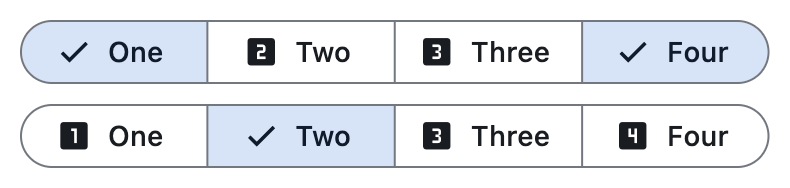](https://docs.flet.dev/test-images/examples/material/golden/macos/segmented_button/single_multiple_selection.png)
Properties[#](https://docs.flet.dev/controls/segmentedbutton/#flet.SegmentedButton-properties "Permanent link")
----------------------------------------------------------------------------------------------------------------
### allow\_empty\_selection `class-attribute` `instance-attribute` [#](https://docs.flet.dev/controls/segmentedbutton/#flet.SegmentedButton.allow_empty_selection "Permanent link")
`[](https://docs.flet.dev/controls/segmentedbutton/#__codelineno-0-1) allow_empty_selection: [bool](https://docs.python.org/3/library/functions.html#bool) = False`
A boolean value that indicates if having no selected segments is allowed.
If `True`, then it is acceptable for none of the segments to be selected and also that `selected` can be empty.
If `False` (the default), there must be at least one segment selected. If the user taps on the only selected segment it will not be deselected, and `on_change` will not be called.
Raises:
* `[ValueError](https://docs.python.org/3/library/exceptions.html#ValueError) ` –
If [`selected`](https://docs.flet.dev/controls/segmentedbutton/#flet.SegmentedButton.selected)
is empty while [`allow_empty_selection`](https://docs.flet.dev/controls/segmentedbutton/#flet.SegmentedButton.allow_empty_selection)
is `False`.
### allow\_multiple\_selection `class-attribute` `instance-attribute` [#](https://docs.flet.dev/controls/segmentedbutton/#flet.SegmentedButton.allow_multiple_selection "Permanent link")
`[](https://docs.flet.dev/controls/segmentedbutton/#__codelineno-0-1) allow_multiple_selection: [bool](https://docs.python.org/3/library/functions.html#bool) = False`
A boolean value that indicates if multiple segments can be selected at one time.
If `True`, more than one segment can be selected. When selecting a segment, the other `selected` segments will stay selected. Selecting an already selected segment will unselect it.
If `False` (the default), only one segment may be selected at a time. When a segment is selected, any previously selected segment will be unselected.
Raises:
* `[ValueError](https://docs.python.org/3/library/exceptions.html#ValueError) ` –
If [`selected`](https://docs.flet.dev/controls/segmentedbutton/#flet.SegmentedButton.selected)
has more than one item while [`allow_multiple_selection`](https://docs.flet.dev/controls/segmentedbutton/#flet.SegmentedButton.allow_multiple_selection)
is `False`.
### direction `class-attribute` `instance-attribute` [#](https://docs.flet.dev/controls/segmentedbutton/#flet.SegmentedButton.direction "Permanent link")
`[](https://docs.flet.dev/controls/segmentedbutton/#__codelineno-0-1) direction: [Axis](https://docs.flet.dev/types/axis/#flet.Axis) | None = None`
The orientation of the button's `segments`.
Defaults to `Axis.HORIZONTAL`.
### padding `class-attribute` `instance-attribute` [#](https://docs.flet.dev/controls/segmentedbutton/#flet.SegmentedButton.padding "Permanent link")
`[](https://docs.flet.dev/controls/segmentedbutton/#__codelineno-0-1) padding: [PaddingValue](https://docs.flet.dev/types/aliases/#flet.PaddingValue) | None = None`
Defines the button's size and padding. If specified, the button expands to fill its parent's space with this padding.
When `None`, the button adopts its intrinsic content size.
### segments `instance-attribute` [#](https://docs.flet.dev/controls/segmentedbutton/#flet.SegmentedButton.segments "Permanent link")
`[](https://docs.flet.dev/controls/segmentedbutton/#__codelineno-0-1) segments: [list](https://docs.python.org/3/glossary.html#term-list) [[Segment](https://docs.flet.dev/controls/segment/#flet.Segment) ]`
The segments of this button.
Raises:
* `[ValueError](https://docs.python.org/3/library/exceptions.html#ValueError) ` –
If it does not contain at least one visible `Segment`.
### selected `class-attribute` `instance-attribute` [#](https://docs.flet.dev/controls/segmentedbutton/#flet.SegmentedButton.selected "Permanent link")
`[](https://docs.flet.dev/controls/segmentedbutton/#__codelineno-0-1) selected: [list](https://docs.python.org/3/glossary.html#term-list) [[str](https://docs.python.org/3/library/stdtypes.html#str) ] = [field](https://docs.python.org/3/library/dataclasses.html#dataclasses.field "dataclasses.field") (default_factory=[list](https://docs.python.org/3/glossary.html#term-list) )`
A set of `Segment.value`s that indicate which segments are selected. It is updated when the user (un)selects a segment.
Raises:
* `[ValueError](https://docs.python.org/3/library/exceptions.html#ValueError) ` –
If [`selected`](https://docs.flet.dev/controls/segmentedbutton/#flet.SegmentedButton.selected)
violates the constraints defined by [`allow_empty_selection`](https://docs.flet.dev/controls/segmentedbutton/#flet.SegmentedButton.allow_empty_selection)
or [`allow_multiple_selection`](https://docs.flet.dev/controls/segmentedbutton/#flet.SegmentedButton.allow_multiple_selection)
.
### selected\_icon `class-attribute` `instance-attribute` [#](https://docs.flet.dev/controls/segmentedbutton/#flet.SegmentedButton.selected_icon "Permanent link")
`[](https://docs.flet.dev/controls/segmentedbutton/#__codelineno-0-1) selected_icon: [IconDataOrControl](https://docs.flet.dev/types/aliases/#flet.IconDataOrControl) | None = None`
An `Icon` control that is used to indicate a segment is selected.
If `show_selected_icon` is `True` then for `selected` segments this icon will be shown before the `Segment.label`, replacing the `Segment.icon` if it is specified.
Defaults to an `Icon` with the `CHECK` icon.
### show\_selected\_icon `class-attribute` `instance-attribute` [#](https://docs.flet.dev/controls/segmentedbutton/#flet.SegmentedButton.show_selected_icon "Permanent link")
`[](https://docs.flet.dev/controls/segmentedbutton/#__codelineno-0-1) show_selected_icon: [bool](https://docs.python.org/3/library/functions.html#bool) = True`
A boolean value that indicates if the `selected_icon` is displayed on the `selected` segments.
If `True`, the `selected_icon` will be displayed at the start of the `selected` segments.
If `False`, then the `selected_icon` is not used and will not be displayed on `selected` segments.
### style `class-attribute` `instance-attribute` [#](https://docs.flet.dev/controls/segmentedbutton/#flet.SegmentedButton.style "Permanent link")
`[](https://docs.flet.dev/controls/segmentedbutton/#__codelineno-0-1) style: [ButtonStyle](https://docs.flet.dev/types/buttonstyle/#flet.ButtonStyle) | None = None`
Customizes this button's appearance.
Events[#](https://docs.flet.dev/controls/segmentedbutton/#flet.SegmentedButton-events "Permanent link")
--------------------------------------------------------------------------------------------------------
### on\_change `class-attribute` `instance-attribute` [#](https://docs.flet.dev/controls/segmentedbutton/#flet.SegmentedButton.on_change "Permanent link")
`[](https://docs.flet.dev/controls/segmentedbutton/#__codelineno-0-1) on_change: [ControlEventHandler](https://docs.flet.dev/types/aliases/#flet.ControlEventHandler) [[SegmentedButton](https://docs.flet.dev/controls/segmentedbutton/#flet.SegmentedButton) ] | None = ( [](https://docs.flet.dev/controls/segmentedbutton/#__codelineno-0-2) None [](https://docs.flet.dev/controls/segmentedbutton/#__codelineno-0-3) )`
Called when the selection changes.
The [`data`](https://docs.flet.dev/types/event/#flet.Event.data)
property of the event handler argument contains a list of strings identifying the selected segments.
Back to top
---
# PageView - Flet
[Skip to content](https://docs.flet.dev/controls/pageview/#flet.PageView)
PageView
========
Displays its child [`controls`](https://docs.flet.dev/controls/pageview/#flet.PageView.controls)
one page at a time and lets users swipe between them, similar to a carousel.
It is helpful for onboarding flows, photo carousels, or any scenario where content is divided into discrete full-width pages.
Inherits: `[LayoutControl](https://docs.flet.dev/controls/layoutcontrol/#flet.LayoutControl) `
Properties
* **`[clip_behavior](https://docs.flet.dev/controls/pageview/#flet.PageView.clip_behavior) `**(`[ClipBehavior](https://docs.flet.dev/types/clipbehavior/#flet.ClipBehavior) `) –
Defines how pages are clipped if they overflow their bounds.
* **`[controls](https://docs.flet.dev/controls/pageview/#flet.PageView.controls) `**(`[list](https://docs.python.org/3/glossary.html#term-list) [[Control](https://docs.flet.dev/controls/control/#flet.Control) ]`) –
A list of controls to display, one per page, in the order they should appear.
* **`[horizontal](https://docs.flet.dev/controls/pageview/#flet.PageView.horizontal) `**(`[bool](https://docs.python.org/3/library/functions.html#bool) `) –
Whether the pages should be arranged and scrolled horizontally.
* **`[implicit_scrolling](https://docs.flet.dev/controls/pageview/#flet.PageView.implicit_scrolling) `**(`[bool](https://docs.python.org/3/library/functions.html#bool) `) –
Whether to allow adjacent pages to render partially before the user scrolls to them,
* **`[keep_page](https://docs.flet.dev/controls/pageview/#flet.PageView.keep_page) `**(`[bool](https://docs.python.org/3/library/functions.html#bool) `) –
Whether this page view should restore the most recently viewed page when rebuilt.
* **`[pad_ends](https://docs.flet.dev/controls/pageview/#flet.PageView.pad_ends) `**(`[bool](https://docs.python.org/3/library/functions.html#bool) `) –
Whether to add padding to both ends of the list.
* **`[reverse](https://docs.flet.dev/controls/pageview/#flet.PageView.reverse) `**(`[bool](https://docs.python.org/3/library/functions.html#bool) `) –
Whether to reverse the order in which pages are read and swiped.
* **`[selected_index](https://docs.flet.dev/controls/pageview/#flet.PageView.selected_index) `**(`[int](https://docs.python.org/3/library/functions.html#int) `) –
The zero-based index of the currently visible page.
* **`[snap](https://docs.flet.dev/controls/pageview/#flet.PageView.snap) `**(`[bool](https://docs.python.org/3/library/functions.html#bool) `) –
Whether the view should snap to exact page boundaries after a drag.
* **`[viewport_fraction](https://docs.flet.dev/controls/pageview/#flet.PageView.viewport_fraction) `**(`[Number](https://docs.flet.dev/types/aliases/#flet.Number) `) –
The fraction of the viewport that each page should occupy in the
Events
* **`[on_change](https://docs.flet.dev/controls/pageview/#flet.PageView.on_change) `**(`[ControlEventHandler](https://docs.flet.dev/types/aliases/#flet.ControlEventHandler) [[PageView](https://docs.flet.dev/controls/pageview/#flet.PageView) ] | None`) –
Fired when the visible page changes.
Methods
* **`[go_to_page](https://docs.flet.dev/controls/pageview/#flet.PageView.go_to_page) `** –
Animates to the page at `index`.
* **`[jump_to](https://docs.flet.dev/controls/pageview/#flet.PageView.jump_to) `** –
Immediately sets the scroll position to the given value, without animation
* **`[jump_to_page](https://docs.flet.dev/controls/pageview/#flet.PageView.jump_to_page) `** –
Jumps immediately to the page at `index` without animation, moving the page
* **`[next_page](https://docs.flet.dev/controls/pageview/#flet.PageView.next_page) `** –
Animates to the next page. Same as calling
* **`[previous_page](https://docs.flet.dev/controls/pageview/#flet.PageView.previous_page) `** –
Animates to the previous page. Same as calling
Examples[#](https://docs.flet.dev/controls/pageview/#examples "Permanent link")
--------------------------------------------------------------------------------
### Basic Example[#](https://docs.flet.dev/controls/pageview/#basic-example "Permanent link")
`[](https://docs.flet.dev/controls/pageview/#__codelineno-0-1) import flet as ft [](https://docs.flet.dev/controls/pageview/#__codelineno-0-2) [](https://docs.flet.dev/controls/pageview/#__codelineno-0-3)[](https://docs.flet.dev/controls/pageview/#__codelineno-0-4) def main(page: ft.Page): [](https://docs.flet.dev/controls/pageview/#__codelineno-0-5) page.padding = 0 [](https://docs.flet.dev/controls/pageview/#__codelineno-0-6) [](https://docs.flet.dev/controls/pageview/#__codelineno-0-7) page.add( [](https://docs.flet.dev/controls/pageview/#__codelineno-0-8) ft.PageView( [](https://docs.flet.dev/controls/pageview/#__codelineno-0-9) expand=True, [](https://docs.flet.dev/controls/pageview/#__codelineno-0-10) viewport_fraction=0.9, [](https://docs.flet.dev/controls/pageview/#__codelineno-0-11) on_change=lambda e: print(f"Currently viewing page {int(e.data)}"), [](https://docs.flet.dev/controls/pageview/#__codelineno-0-12) selected_index=1, [](https://docs.flet.dev/controls/pageview/#__codelineno-0-13) horizontal=True, [](https://docs.flet.dev/controls/pageview/#__codelineno-0-14) controls=[ [](https://docs.flet.dev/controls/pageview/#__codelineno-0-15) ft.Container( [](https://docs.flet.dev/controls/pageview/#__codelineno-0-16) bgcolor=ft.Colors.INDIGO_400, [](https://docs.flet.dev/controls/pageview/#__codelineno-0-17) content=ft.Column( [](https://docs.flet.dev/controls/pageview/#__codelineno-0-18) alignment=ft.MainAxisAlignment.CENTER, [](https://docs.flet.dev/controls/pageview/#__codelineno-0-19) horizontal_alignment=ft.CrossAxisAlignment.CENTER, [](https://docs.flet.dev/controls/pageview/#__codelineno-0-20) controls=[ [](https://docs.flet.dev/controls/pageview/#__codelineno-0-21) ft.Text("Welcome", size=40, weight=ft.FontWeight.BOLD), [](https://docs.flet.dev/controls/pageview/#__codelineno-0-22) ft.Text("Swipe to see what PageView can do."), [](https://docs.flet.dev/controls/pageview/#__codelineno-0-23) ], [](https://docs.flet.dev/controls/pageview/#__codelineno-0-24) ), [](https://docs.flet.dev/controls/pageview/#__codelineno-0-25) ), [](https://docs.flet.dev/controls/pageview/#__codelineno-0-26) ft.Container( [](https://docs.flet.dev/controls/pageview/#__codelineno-0-27) bgcolor=ft.Colors.PINK_300, [](https://docs.flet.dev/controls/pageview/#__codelineno-0-28) content=ft.Column( [](https://docs.flet.dev/controls/pageview/#__codelineno-0-29) alignment=ft.MainAxisAlignment.CENTER, [](https://docs.flet.dev/controls/pageview/#__codelineno-0-30) horizontal_alignment=ft.CrossAxisAlignment.CENTER, [](https://docs.flet.dev/controls/pageview/#__codelineno-0-31) controls=[ [](https://docs.flet.dev/controls/pageview/#__codelineno-0-32) ft.Icon(ft.Icons.ANIMATION, size=72), [](https://docs.flet.dev/controls/pageview/#__codelineno-0-33) ft.Text( [](https://docs.flet.dev/controls/pageview/#__codelineno-0-34) "Viewport fraction lets you peek at the next slide." [](https://docs.flet.dev/controls/pageview/#__codelineno-0-35) ), [](https://docs.flet.dev/controls/pageview/#__codelineno-0-36) ], [](https://docs.flet.dev/controls/pageview/#__codelineno-0-37) ), [](https://docs.flet.dev/controls/pageview/#__codelineno-0-38) ), [](https://docs.flet.dev/controls/pageview/#__codelineno-0-39) ft.Container( [](https://docs.flet.dev/controls/pageview/#__codelineno-0-40) bgcolor=ft.Colors.TEAL_300, [](https://docs.flet.dev/controls/pageview/#__codelineno-0-41) content=ft.Column( [](https://docs.flet.dev/controls/pageview/#__codelineno-0-42) alignment=ft.MainAxisAlignment.CENTER, [](https://docs.flet.dev/controls/pageview/#__codelineno-0-43) horizontal_alignment=ft.CrossAxisAlignment.CENTER, [](https://docs.flet.dev/controls/pageview/#__codelineno-0-44) controls=[ [](https://docs.flet.dev/controls/pageview/#__codelineno-0-45) ft.Icon(ft.Icons.TOUCH_APP, size=72), [](https://docs.flet.dev/controls/pageview/#__codelineno-0-46) ft.Text("Use on_change to respond to page swipes."), [](https://docs.flet.dev/controls/pageview/#__codelineno-0-47) ], [](https://docs.flet.dev/controls/pageview/#__codelineno-0-48) ), [](https://docs.flet.dev/controls/pageview/#__codelineno-0-49) ), [](https://docs.flet.dev/controls/pageview/#__codelineno-0-50) ], [](https://docs.flet.dev/controls/pageview/#__codelineno-0-51) ), [](https://docs.flet.dev/controls/pageview/#__codelineno-0-52) ) [](https://docs.flet.dev/controls/pageview/#__codelineno-0-53) [](https://docs.flet.dev/controls/pageview/#__codelineno-0-54)[](https://docs.flet.dev/controls/pageview/#__codelineno-0-55) if __name__ == "__main__": [](https://docs.flet.dev/controls/pageview/#__codelineno-0-56) ft.run(main)`
### Programmatic Swipes[#](https://docs.flet.dev/controls/pageview/#programmatic-swipes "Permanent link")
`[](https://docs.flet.dev/controls/pageview/#__codelineno-1-1) import flet as ft [](https://docs.flet.dev/controls/pageview/#__codelineno-1-2) [](https://docs.flet.dev/controls/pageview/#__codelineno-1-3)[](https://docs.flet.dev/controls/pageview/#__codelineno-1-4) def main(page: ft.Page): [](https://docs.flet.dev/controls/pageview/#__codelineno-1-5) page.padding = 0 [](https://docs.flet.dev/controls/pageview/#__codelineno-1-6) [](https://docs.flet.dev/controls/pageview/#__codelineno-1-7) async def show_previous_page(e: ft.Event[ft.FloatingActionButton]): [](https://docs.flet.dev/controls/pageview/#__codelineno-1-8) await view.previous_page( [](https://docs.flet.dev/controls/pageview/#__codelineno-1-9) animation_curve=ft.AnimationCurve.BOUNCE_OUT, [](https://docs.flet.dev/controls/pageview/#__codelineno-1-10) animation_duration=ft.Duration(seconds=1), [](https://docs.flet.dev/controls/pageview/#__codelineno-1-11) ) [](https://docs.flet.dev/controls/pageview/#__codelineno-1-12) [](https://docs.flet.dev/controls/pageview/#__codelineno-1-13) async def show_next_page(e: ft.Event[ft.FloatingActionButton]): [](https://docs.flet.dev/controls/pageview/#__codelineno-1-14) await view.next_page( [](https://docs.flet.dev/controls/pageview/#__codelineno-1-15) animation_curve=ft.AnimationCurve.BOUNCE_OUT, [](https://docs.flet.dev/controls/pageview/#__codelineno-1-16) animation_duration=ft.Duration(seconds=1), [](https://docs.flet.dev/controls/pageview/#__codelineno-1-17) ) [](https://docs.flet.dev/controls/pageview/#__codelineno-1-18) [](https://docs.flet.dev/controls/pageview/#__codelineno-1-19) page.floating_action_button = ft.Row( [](https://docs.flet.dev/controls/pageview/#__codelineno-1-20) alignment=ft.MainAxisAlignment.CENTER, [](https://docs.flet.dev/controls/pageview/#__codelineno-1-21) wrap=True, [](https://docs.flet.dev/controls/pageview/#__codelineno-1-22) controls=[ [](https://docs.flet.dev/controls/pageview/#__codelineno-1-23) ft.FloatingActionButton( [](https://docs.flet.dev/controls/pageview/#__codelineno-1-24) icon=ft.Icons.SWIPE_LEFT, [](https://docs.flet.dev/controls/pageview/#__codelineno-1-25) on_click=show_previous_page, [](https://docs.flet.dev/controls/pageview/#__codelineno-1-26) tooltip="Previous Page", [](https://docs.flet.dev/controls/pageview/#__codelineno-1-27) ), [](https://docs.flet.dev/controls/pageview/#__codelineno-1-28) ft.FloatingActionButton( [](https://docs.flet.dev/controls/pageview/#__codelineno-1-29) icon=ft.Icons.SWIPE_RIGHT, [](https://docs.flet.dev/controls/pageview/#__codelineno-1-30) on_click=show_next_page, [](https://docs.flet.dev/controls/pageview/#__codelineno-1-31) tooltip="Next Page", [](https://docs.flet.dev/controls/pageview/#__codelineno-1-32) ), [](https://docs.flet.dev/controls/pageview/#__codelineno-1-33) ], [](https://docs.flet.dev/controls/pageview/#__codelineno-1-34) ) [](https://docs.flet.dev/controls/pageview/#__codelineno-1-35) [](https://docs.flet.dev/controls/pageview/#__codelineno-1-36) page.add( [](https://docs.flet.dev/controls/pageview/#__codelineno-1-37) view := ft.PageView( [](https://docs.flet.dev/controls/pageview/#__codelineno-1-38) expand=True, [](https://docs.flet.dev/controls/pageview/#__codelineno-1-39) viewport_fraction=0.9, [](https://docs.flet.dev/controls/pageview/#__codelineno-1-40) selected_index=1, [](https://docs.flet.dev/controls/pageview/#__codelineno-1-41) horizontal=True, [](https://docs.flet.dev/controls/pageview/#__codelineno-1-42) controls=[ [](https://docs.flet.dev/controls/pageview/#__codelineno-1-43) ft.Container( [](https://docs.flet.dev/controls/pageview/#__codelineno-1-44) bgcolor=bgcolor, [](https://docs.flet.dev/controls/pageview/#__codelineno-1-45) content=ft.Column( [](https://docs.flet.dev/controls/pageview/#__codelineno-1-46) alignment=ft.MainAxisAlignment.CENTER, [](https://docs.flet.dev/controls/pageview/#__codelineno-1-47) horizontal_alignment=ft.CrossAxisAlignment.CENTER, [](https://docs.flet.dev/controls/pageview/#__codelineno-1-48) controls=[ [](https://docs.flet.dev/controls/pageview/#__codelineno-1-49) ft.Text(f"Page {idx}", size=55, weight=ft.FontWeight.BOLD), [](https://docs.flet.dev/controls/pageview/#__codelineno-1-50) ], [](https://docs.flet.dev/controls/pageview/#__codelineno-1-51) ), [](https://docs.flet.dev/controls/pageview/#__codelineno-1-52) ) [](https://docs.flet.dev/controls/pageview/#__codelineno-1-53) for idx, bgcolor in enumerate( [](https://docs.flet.dev/controls/pageview/#__codelineno-1-54) [ [](https://docs.flet.dev/controls/pageview/#__codelineno-1-55) ft.Colors.RED_800, [](https://docs.flet.dev/controls/pageview/#__codelineno-1-56) ft.Colors.BLUE_800, [](https://docs.flet.dev/controls/pageview/#__codelineno-1-57) ft.Colors.GREEN_800, [](https://docs.flet.dev/controls/pageview/#__codelineno-1-58) ft.Colors.ORANGE_800, [](https://docs.flet.dev/controls/pageview/#__codelineno-1-59) ft.Colors.PURPLE_800, [](https://docs.flet.dev/controls/pageview/#__codelineno-1-60) ft.Colors.PINK_800, [](https://docs.flet.dev/controls/pageview/#__codelineno-1-61) ] [](https://docs.flet.dev/controls/pageview/#__codelineno-1-62) ) [](https://docs.flet.dev/controls/pageview/#__codelineno-1-63) ], [](https://docs.flet.dev/controls/pageview/#__codelineno-1-64) ), [](https://docs.flet.dev/controls/pageview/#__codelineno-1-65) ) [](https://docs.flet.dev/controls/pageview/#__codelineno-1-66) [](https://docs.flet.dev/controls/pageview/#__codelineno-1-67)[](https://docs.flet.dev/controls/pageview/#__codelineno-1-68) if __name__ == "__main__": [](https://docs.flet.dev/controls/pageview/#__codelineno-1-69) ft.run(main)`
Properties[#](https://docs.flet.dev/controls/pageview/#flet.PageView-properties "Permanent link")
--------------------------------------------------------------------------------------------------
### clip\_behavior `class-attribute` `instance-attribute` [#](https://docs.flet.dev/controls/pageview/#flet.PageView.clip_behavior "Permanent link")
`[](https://docs.flet.dev/controls/pageview/#__codelineno-0-1) clip_behavior: [ClipBehavior](https://docs.flet.dev/types/clipbehavior/#flet.ClipBehavior) = [HARD_EDGE](https://docs.flet.dev/types/clipbehavior/#flet.ClipBehavior.HARD_EDGE)`
Defines how pages are clipped if they overflow their bounds.
### controls `class-attribute` `instance-attribute` [#](https://docs.flet.dev/controls/pageview/#flet.PageView.controls "Permanent link")
`[](https://docs.flet.dev/controls/pageview/#__codelineno-0-1) controls: [list](https://docs.python.org/3/glossary.html#term-list) [[Control](https://docs.flet.dev/controls/control/#flet.Control) ] = [field](https://docs.python.org/3/library/dataclasses.html#dataclasses.field "dataclasses.field") (default_factory=[list](https://docs.python.org/3/glossary.html#term-list) )`
A list of controls to display, one per page, in the order they should appear.
### horizontal `class-attribute` `instance-attribute` [#](https://docs.flet.dev/controls/pageview/#flet.PageView.horizontal "Permanent link")
`[](https://docs.flet.dev/controls/pageview/#__codelineno-0-1) horizontal: [bool](https://docs.python.org/3/library/functions.html#bool) = True`
Whether the pages should be arranged and scrolled horizontally.
`False` implies vertical arrangement and scrolling.
### implicit\_scrolling `class-attribute` `instance-attribute` [#](https://docs.flet.dev/controls/pageview/#flet.PageView.implicit_scrolling "Permanent link")
`[](https://docs.flet.dev/controls/pageview/#__codelineno-0-1) implicit_scrolling: [bool](https://docs.python.org/3/library/functions.html#bool) = False`
Whether to allow adjacent pages to render partially before the user scrolls to them, enabling smoother transitions and improved accessibility by allowing focus to move seamlessly between pages during navigation.
With this flag set to `False`, when accessibility focus reaches the end of the current page and the user attempts to move it to the next element, the focus will traverse to the next widget outside of the page view.
With this flag set to `True`, when accessibility focus reaches the end of the current page and user attempts to move it to the next element, focus will traverse to the next page in the page view.
### keep\_page `class-attribute` `instance-attribute` [#](https://docs.flet.dev/controls/pageview/#flet.PageView.keep_page "Permanent link")
`[](https://docs.flet.dev/controls/pageview/#__codelineno-0-1) keep_page: [bool](https://docs.python.org/3/library/functions.html#bool) = True`
Whether this page view should restore the most recently viewed page when rebuilt.
### pad\_ends `class-attribute` `instance-attribute` [#](https://docs.flet.dev/controls/pageview/#flet.PageView.pad_ends "Permanent link")
`[](https://docs.flet.dev/controls/pageview/#__codelineno-0-1) pad_ends: [bool](https://docs.python.org/3/library/functions.html#bool) = True`
Whether to add padding to both ends of the list.
If this is set to `True` and [`viewport_fraction`](https://docs.flet.dev/controls/pageview/#flet.PageView.viewport_fraction)
< `1.0`, padding will be added before the first page and after the last page so they snap to the center of the viewport when scrolled all the way to the start or end.
Note
If [`viewport_fraction`](https://docs.flet.dev/controls/pageview/#flet.PageView.viewport_fraction)
>= 1.0, this property has no effect.
### reverse `class-attribute` `instance-attribute` [#](https://docs.flet.dev/controls/pageview/#flet.PageView.reverse "Permanent link")
`[](https://docs.flet.dev/controls/pageview/#__codelineno-0-1) reverse: [bool](https://docs.python.org/3/library/functions.html#bool) = False`
Whether to reverse the order in which pages are read and swiped.
For example, if the reading direction is left-to-right and [`horizontal`](https://docs.flet.dev/controls/pageview/#flet.PageView.horizontal)
is `True`, then this page view scrolls from left to right when `reverse` is `False` and from right to left when `reverse` is `True`.
Similarly, if [`horizontal`](https://docs.flet.dev/controls/pageview/#flet.PageView.horizontal)
is `False`, then this page view scrolls from top to bottom when `reverse` is `False` and from bottom to top when `reverse` is `True`.
### selected\_index `class-attribute` `instance-attribute` [#](https://docs.flet.dev/controls/pageview/#flet.PageView.selected_index "Permanent link")
`[](https://docs.flet.dev/controls/pageview/#__codelineno-0-1) selected_index: [int](https://docs.python.org/3/library/functions.html#int) = 0`
The zero-based index of the currently visible page.
Changing it later on (followed by [`update()`](https://docs.flet.dev/controls/basecontrol/#flet.BaseControl.update)
) jumps to the specified page without animation.
Raises:
* `[ValueError](https://docs.python.org/3/library/exceptions.html#ValueError) ` –
If it is not greater than or equal to `0`.
### snap `class-attribute` `instance-attribute` [#](https://docs.flet.dev/controls/pageview/#flet.PageView.snap "Permanent link")
`[](https://docs.flet.dev/controls/pageview/#__codelineno-0-1) snap: [bool](https://docs.python.org/3/library/functions.html#bool) = True`
Whether the view should snap to exact page boundaries after a drag.
If the [`pad_ends`](https://docs.flet.dev/controls/pageview/#flet.PageView.pad_ends)
is `False` and [`viewport_fraction`](https://docs.flet.dev/controls/pageview/#flet.PageView.viewport_fraction)
< `1.0`, the page will snap to the beginning of the viewport; otherwise, the page will snap to the center of the viewport.
### viewport\_fraction `class-attribute` `instance-attribute` [#](https://docs.flet.dev/controls/pageview/#flet.PageView.viewport_fraction "Permanent link")
`[](https://docs.flet.dev/controls/pageview/#__codelineno-0-1) viewport_fraction: [Number](https://docs.flet.dev/types/aliases/#flet.Number) = 1.0`
The fraction of the viewport that each page should occupy in the scrolling direction (see [`horizontal`](https://docs.flet.dev/controls/pageview/#flet.PageView.horizontal)
).
For example, `1.0` (default), means each page fills the viewport.
Raises:
* `[ValueError](https://docs.python.org/3/library/exceptions.html#ValueError) ` –
If it is not strictly greater than `0`.
Events[#](https://docs.flet.dev/controls/pageview/#flet.PageView-events "Permanent link")
------------------------------------------------------------------------------------------
### on\_change `class-attribute` `instance-attribute` [#](https://docs.flet.dev/controls/pageview/#flet.PageView.on_change "Permanent link")
`[](https://docs.flet.dev/controls/pageview/#__codelineno-0-1) on_change: [ControlEventHandler](https://docs.flet.dev/types/aliases/#flet.ControlEventHandler) [[PageView](https://docs.flet.dev/controls/pageview/#flet.PageView) ] | None = None`
Fired when the visible page changes.
The [`data`](https://docs.flet.dev/types/event/#flet.Event.data)
property of the event argument contains the index of the new page.
Methods[#](https://docs.flet.dev/controls/pageview/#flet.PageView-methods "Permanent link")
--------------------------------------------------------------------------------------------
### go\_to\_page `async` [#](https://docs.flet.dev/controls/pageview/#flet.PageView.go_to_page "Permanent link")
`[](https://docs.flet.dev/controls/pageview/#__codelineno-0-1) go_to_page( [](https://docs.flet.dev/controls/pageview/#__codelineno-0-2) index: [int](https://docs.python.org/3/library/functions.html#int) , [](https://docs.flet.dev/controls/pageview/#__codelineno-0-3) animation_duration: [DurationValue](https://docs.flet.dev/types/aliases/#flet.DurationValue) = DEFAULT_ANIMATION_DURATION, [](https://docs.flet.dev/controls/pageview/#__codelineno-0-4) animation_curve: [AnimationCurve](https://docs.flet.dev/types/animationcurve/#flet.AnimationCurve) = DEFAULT_ANIMATION_CURVE, [](https://docs.flet.dev/controls/pageview/#__codelineno-0-5) )`
Animates to the page at `index`.
Parameters:
* **`index`** (`[int](https://docs.python.org/3/library/functions.html#int) `) –
The index of the page to show.
* **`animation_duration`** (`[DurationValue](https://docs.flet.dev/types/aliases/#flet.DurationValue) `, default: `DEFAULT_ANIMATION_DURATION` ) –
Length of the animation.
* **`animation_curve`** (`[AnimationCurve](https://docs.flet.dev/types/animationcurve/#flet.AnimationCurve) `, default: `DEFAULT_ANIMATION_CURVE` ) –
The easing curve of the animation.
Raises:
* `[ValueError](https://docs.python.org/3/library/exceptions.html#ValueError) ` –
If `index` is negative.
### jump\_to `async` [#](https://docs.flet.dev/controls/pageview/#flet.PageView.jump_to "Permanent link")
`[](https://docs.flet.dev/controls/pageview/#__codelineno-0-1) jump_to(value: [Number](https://docs.flet.dev/types/aliases/#flet.Number) )`
Immediately sets the scroll position to the given value, without animation and without validating whether the value is within bounds.
Any active scrolling or animation is canceled.
If the scroll position changes, a start/update/end sequence of scroll notifications is dispatched. This method does not generate overscroll notifications.
After the jump, a ballistic activity is initiated if the value is outside the valid scroll range.
Parameters:
* **`value`** (`[Number](https://docs.flet.dev/types/aliases/#flet.Number) `) –
The new scroll position.
### jump\_to\_page `async` [#](https://docs.flet.dev/controls/pageview/#flet.PageView.jump_to_page "Permanent link")
`[](https://docs.flet.dev/controls/pageview/#__codelineno-0-1) jump_to_page(index: [int](https://docs.python.org/3/library/functions.html#int) )`
Jumps immediately to the page at `index` without animation, moving the page position from its current value to the given value without animation nor range checking.
Parameters:
* **`index`** (`[int](https://docs.python.org/3/library/functions.html#int) `) –
The index of the page to show.
Raises:
* `[ValueError](https://docs.python.org/3/library/exceptions.html#ValueError) ` –
If `index` is negative.
### next\_page `async` [#](https://docs.flet.dev/controls/pageview/#flet.PageView.next_page "Permanent link")
`[](https://docs.flet.dev/controls/pageview/#__codelineno-0-1) next_page( [](https://docs.flet.dev/controls/pageview/#__codelineno-0-2) animation_duration: [DurationValue](https://docs.flet.dev/types/aliases/#flet.DurationValue) = DEFAULT_ANIMATION_DURATION, [](https://docs.flet.dev/controls/pageview/#__codelineno-0-3) animation_curve: [AnimationCurve](https://docs.flet.dev/types/animationcurve/#flet.AnimationCurve) = DEFAULT_ANIMATION_CURVE, [](https://docs.flet.dev/controls/pageview/#__codelineno-0-4) )`
Animates to the next page. Same as calling [`go_to_page()`](https://docs.flet.dev/controls/pageview/#flet.PageView.go_to_page)
with `selected_index + 1`.
Parameters:
* **`animation_duration`** (`[DurationValue](https://docs.flet.dev/types/aliases/#flet.DurationValue) `, default: `DEFAULT_ANIMATION_DURATION` ) –
Length of the animation.
* **`animation_curve`** (`[AnimationCurve](https://docs.flet.dev/types/animationcurve/#flet.AnimationCurve) `, default: `DEFAULT_ANIMATION_CURVE` ) –
The easing curve of the animation.
### previous\_page `async` [#](https://docs.flet.dev/controls/pageview/#flet.PageView.previous_page "Permanent link")
`[](https://docs.flet.dev/controls/pageview/#__codelineno-0-1) previous_page( [](https://docs.flet.dev/controls/pageview/#__codelineno-0-2) animation_duration: [DurationValue](https://docs.flet.dev/types/aliases/#flet.DurationValue) = DEFAULT_ANIMATION_DURATION, [](https://docs.flet.dev/controls/pageview/#__codelineno-0-3) animation_curve: [AnimationCurve](https://docs.flet.dev/types/animationcurve/#flet.AnimationCurve) = DEFAULT_ANIMATION_CURVE, [](https://docs.flet.dev/controls/pageview/#__codelineno-0-4) )`
Animates to the previous page. Same as calling [`go_to_page()`](https://docs.flet.dev/controls/pageview/#flet.PageView.go_to_page)
with `selected_index - 1`.
Parameters:
* **`animation_duration`** (`[DurationValue](https://docs.flet.dev/types/aliases/#flet.DurationValue) `, default: `DEFAULT_ANIMATION_DURATION` ) –
Length of the animation.
* **`animation_curve`** (`[AnimationCurve](https://docs.flet.dev/types/animationcurve/#flet.AnimationCurve) `, default: `DEFAULT_ANIMATION_CURVE` ) –
The easing curve of the animation.
Back to top
---
# InteractiveViewer - Flet
[Skip to content](https://docs.flet.dev/controls/interactiveviewer/#flet.InteractiveViewer)
InteractiveViewer
=================
Allows you to pan, zoom, and rotate its [`content`](https://docs.flet.dev/controls/interactiveviewer/#flet.InteractiveViewer.content)
.
Inherits: `[LayoutControl](https://docs.flet.dev/controls/layoutcontrol/#flet.LayoutControl) `
Properties
* **`[alignment](https://docs.flet.dev/controls/interactiveviewer/#flet.InteractiveViewer.alignment) `**(`[Alignment](https://docs.flet.dev/types/alignment/#flet.Alignment) | None`) –
The alignment of the [`content`](https://docs.flet.dev/controls/interactiveviewer/#flet.InteractiveViewer.content)
within this viewer.
* **`[boundary_margin](https://docs.flet.dev/controls/interactiveviewer/#flet.InteractiveViewer.boundary_margin) `**(`[MarginValue](https://docs.flet.dev/types/aliases/#flet.MarginValue) `) –
A margin for the visible boundaries of the [`content`](https://docs.flet.dev/controls/interactiveviewer/#flet.InteractiveViewer.content)
.
* **`[clip_behavior](https://docs.flet.dev/controls/interactiveviewer/#flet.InteractiveViewer.clip_behavior) `**(`[ClipBehavior](https://docs.flet.dev/types/clipbehavior/#flet.ClipBehavior) `) –
Defines how to clip the [`content`](https://docs.flet.dev/controls/interactiveviewer/#flet.InteractiveViewer.content)
.
* **`[constrained](https://docs.flet.dev/controls/interactiveviewer/#flet.InteractiveViewer.constrained) `**(`[bool](https://docs.python.org/3/library/functions.html#bool) `) –
Whether the normal size constraints at this point in the control tree are applied to the [`content`](https://docs.flet.dev/controls/interactiveviewer/#flet.InteractiveViewer.content)
.
* **`[content](https://docs.flet.dev/controls/interactiveviewer/#flet.InteractiveViewer.content) `**(`[Control](https://docs.flet.dev/controls/control/#flet.Control) `) –
The `Control` to be transformed.
* **`[interaction_end_friction_coefficient](https://docs.flet.dev/controls/interactiveviewer/#flet.InteractiveViewer.interaction_end_friction_coefficient) `**(`[Number](https://docs.flet.dev/types/aliases/#flet.Number) `) –
Changes the deceleration behavior after a gesture.
* **`[interaction_update_interval](https://docs.flet.dev/controls/interactiveviewer/#flet.InteractiveViewer.interaction_update_interval) `**(`[int](https://docs.python.org/3/library/functions.html#int) `) –
The interval (in milliseconds) at which the [`on_interaction_update`](https://docs.flet.dev/controls/interactiveviewer/#flet.InteractiveViewer.on_interaction_update)
event is fired.
* **`[max_scale](https://docs.flet.dev/controls/interactiveviewer/#flet.InteractiveViewer.max_scale) `**(`[Number](https://docs.flet.dev/types/aliases/#flet.Number) `) –
The maximum allowed scale.
* **`[min_scale](https://docs.flet.dev/controls/interactiveviewer/#flet.InteractiveViewer.min_scale) `**(`[Number](https://docs.flet.dev/types/aliases/#flet.Number) `) –
The minimum allowed scale.
* **`[pan_enabled](https://docs.flet.dev/controls/interactiveviewer/#flet.InteractiveViewer.pan_enabled) `**(`[bool](https://docs.python.org/3/library/functions.html#bool) `) –
Whether panning is enabled.
* **`[scale_enabled](https://docs.flet.dev/controls/interactiveviewer/#flet.InteractiveViewer.scale_enabled) `**(`[bool](https://docs.python.org/3/library/functions.html#bool) `) –
Whether scaling is enabled.
* **`[scale_factor](https://docs.flet.dev/controls/interactiveviewer/#flet.InteractiveViewer.scale_factor) `**(`[Number](https://docs.flet.dev/types/aliases/#flet.Number) `) –
The amount of scale to be performed per pointer scroll.
* **`[trackpad_scroll_causes_scale](https://docs.flet.dev/controls/interactiveviewer/#flet.InteractiveViewer.trackpad_scroll_causes_scale) `**(`[bool](https://docs.python.org/3/library/functions.html#bool) `) –
Whether scrolling up/down on a trackpad should cause scaling instead of panning.
Events
* **`[on_interaction_end](https://docs.flet.dev/controls/interactiveviewer/#flet.InteractiveViewer.on_interaction_end) `**(`[EventHandler](https://docs.flet.dev/types/aliases/#flet.EventHandler) [[ScaleEndEvent](https://docs.flet.dev/types/scaleendevent/#flet.ScaleEndEvent) [[InteractiveViewer](https://docs.flet.dev/controls/interactiveviewer/#flet.InteractiveViewer) ]] | None`) –
Called when the user ends a pan or scale gesture.
* **`[on_interaction_start](https://docs.flet.dev/controls/interactiveviewer/#flet.InteractiveViewer.on_interaction_start) `**(`[EventHandler](https://docs.flet.dev/types/aliases/#flet.EventHandler) [[ScaleStartEvent](https://docs.flet.dev/types/scalestartevent/#flet.ScaleStartEvent) [[InteractiveViewer](https://docs.flet.dev/controls/interactiveviewer/#flet.InteractiveViewer) ]] | None`) –
Called when the user begins a pan or scale gesture.
* **`[on_interaction_update](https://docs.flet.dev/controls/interactiveviewer/#flet.InteractiveViewer.on_interaction_update) `**(`[EventHandler](https://docs.flet.dev/types/aliases/#flet.EventHandler) [[ScaleUpdateEvent](https://docs.flet.dev/types/scaleupdateevent/#flet.ScaleUpdateEvent) [[InteractiveViewer](https://docs.flet.dev/controls/interactiveviewer/#flet.InteractiveViewer) ]] | None`) –
Called when the user updates a pan or scale gesture.
Methods
* **`[pan](https://docs.flet.dev/controls/interactiveviewer/#flet.InteractiveViewer.pan) `** –
Translates the current transform matrix.
* **`[reset](https://docs.flet.dev/controls/interactiveviewer/#flet.InteractiveViewer.reset) `** –
Resets the current transform matrix to identity.
* **`[restore_state](https://docs.flet.dev/controls/interactiveviewer/#flet.InteractiveViewer.restore_state) `** –
Restores the transform matrix previously captured by
* **`[save_state](https://docs.flet.dev/controls/interactiveviewer/#flet.InteractiveViewer.save_state) `** –
Saves a snapshot of the current transform matrix.
* **`[zoom](https://docs.flet.dev/controls/interactiveviewer/#flet.InteractiveViewer.zoom) `** –
Applies multiplicative zoom to the current transform.
Examples[#](https://docs.flet.dev/controls/interactiveviewer/#examples "Permanent link")
-----------------------------------------------------------------------------------------
[Live example](https://flet-controls-gallery.fly.dev/utility/interactiveviewer)
### Handling events[#](https://docs.flet.dev/controls/interactiveviewer/#handling-events "Permanent link")
`[](https://docs.flet.dev/controls/interactiveviewer/#__codelineno-0-1) import flet as ft [](https://docs.flet.dev/controls/interactiveviewer/#__codelineno-0-2) [](https://docs.flet.dev/controls/interactiveviewer/#__codelineno-0-3)[](https://docs.flet.dev/controls/interactiveviewer/#__codelineno-0-4) def main(page: ft.Page): [](https://docs.flet.dev/controls/interactiveviewer/#__codelineno-0-5) page.add( [](https://docs.flet.dev/controls/interactiveviewer/#__codelineno-0-6) ft.InteractiveViewer( [](https://docs.flet.dev/controls/interactiveviewer/#__codelineno-0-7) min_scale=0.1, [](https://docs.flet.dev/controls/interactiveviewer/#__codelineno-0-8) max_scale=15, [](https://docs.flet.dev/controls/interactiveviewer/#__codelineno-0-9) boundary_margin=ft.Margin.all(20), [](https://docs.flet.dev/controls/interactiveviewer/#__codelineno-0-10) on_interaction_start=lambda e: print(e), [](https://docs.flet.dev/controls/interactiveviewer/#__codelineno-0-11) on_interaction_end=lambda e: print(e), [](https://docs.flet.dev/controls/interactiveviewer/#__codelineno-0-12) on_interaction_update=lambda e: print(e), [](https://docs.flet.dev/controls/interactiveviewer/#__codelineno-0-13) content=ft.Image( [](https://docs.flet.dev/controls/interactiveviewer/#__codelineno-0-14) src="https://picsum.photos/500/500", [](https://docs.flet.dev/controls/interactiveviewer/#__codelineno-0-15) ), [](https://docs.flet.dev/controls/interactiveviewer/#__codelineno-0-16) ) [](https://docs.flet.dev/controls/interactiveviewer/#__codelineno-0-17) ) [](https://docs.flet.dev/controls/interactiveviewer/#__codelineno-0-18) [](https://docs.flet.dev/controls/interactiveviewer/#__codelineno-0-19)[](https://docs.flet.dev/controls/interactiveviewer/#__codelineno-0-20) ft.run(main)`
### Programmatic transformations[#](https://docs.flet.dev/controls/interactiveviewer/#programmatic-transformations "Permanent link")
`[](https://docs.flet.dev/controls/interactiveviewer/#__codelineno-1-1) import flet as ft [](https://docs.flet.dev/controls/interactiveviewer/#__codelineno-1-2) [](https://docs.flet.dev/controls/interactiveviewer/#__codelineno-1-3)[](https://docs.flet.dev/controls/interactiveviewer/#__codelineno-1-4) def main(page: ft.Page): [](https://docs.flet.dev/controls/interactiveviewer/#__codelineno-1-5) page.horizontal_alignment = ft.CrossAxisAlignment.CENTER [](https://docs.flet.dev/controls/interactiveviewer/#__codelineno-1-6) page.vertical_alignment = ft.MainAxisAlignment.CENTER [](https://docs.flet.dev/controls/interactiveviewer/#__codelineno-1-7) [](https://docs.flet.dev/controls/interactiveviewer/#__codelineno-1-8) async def handle_zoom_in(e: ft.Event[ft.Button]): [](https://docs.flet.dev/controls/interactiveviewer/#__codelineno-1-9) await i.zoom(1.2) [](https://docs.flet.dev/controls/interactiveviewer/#__codelineno-1-10) [](https://docs.flet.dev/controls/interactiveviewer/#__codelineno-1-11) async def handle_zoom_out(e: ft.Event[ft.Button]): [](https://docs.flet.dev/controls/interactiveviewer/#__codelineno-1-12) await i.zoom(0.8) [](https://docs.flet.dev/controls/interactiveviewer/#__codelineno-1-13) [](https://docs.flet.dev/controls/interactiveviewer/#__codelineno-1-14) async def handle_pan(e: ft.Event[ft.Button]): [](https://docs.flet.dev/controls/interactiveviewer/#__codelineno-1-15) await i.pan(dx=50, dy=50) [](https://docs.flet.dev/controls/interactiveviewer/#__codelineno-1-16) [](https://docs.flet.dev/controls/interactiveviewer/#__codelineno-1-17) async def handle_reset(e: ft.Event[ft.Button]): [](https://docs.flet.dev/controls/interactiveviewer/#__codelineno-1-18) await i.reset() [](https://docs.flet.dev/controls/interactiveviewer/#__codelineno-1-19) [](https://docs.flet.dev/controls/interactiveviewer/#__codelineno-1-20) async def handle_reset_slow(e: ft.Event[ft.Button]): [](https://docs.flet.dev/controls/interactiveviewer/#__codelineno-1-21) await i.reset(animation_duration=ft.Duration(seconds=2)) [](https://docs.flet.dev/controls/interactiveviewer/#__codelineno-1-22) [](https://docs.flet.dev/controls/interactiveviewer/#__codelineno-1-23) async def handle_save_state(e: ft.Event[ft.Button]): [](https://docs.flet.dev/controls/interactiveviewer/#__codelineno-1-24) await i.save_state() [](https://docs.flet.dev/controls/interactiveviewer/#__codelineno-1-25) [](https://docs.flet.dev/controls/interactiveviewer/#__codelineno-1-26) async def handle_restore_state(e: ft.Event[ft.Button]): [](https://docs.flet.dev/controls/interactiveviewer/#__codelineno-1-27) await i.restore_state() [](https://docs.flet.dev/controls/interactiveviewer/#__codelineno-1-28) [](https://docs.flet.dev/controls/interactiveviewer/#__codelineno-1-29) page.add( [](https://docs.flet.dev/controls/interactiveviewer/#__codelineno-1-30) i := ft.InteractiveViewer( [](https://docs.flet.dev/controls/interactiveviewer/#__codelineno-1-31) min_scale=0.1, [](https://docs.flet.dev/controls/interactiveviewer/#__codelineno-1-32) max_scale=5, [](https://docs.flet.dev/controls/interactiveviewer/#__codelineno-1-33) boundary_margin=ft.Margin.all(20), [](https://docs.flet.dev/controls/interactiveviewer/#__codelineno-1-34) content=ft.Image(src="https://picsum.photos/500/500"), [](https://docs.flet.dev/controls/interactiveviewer/#__codelineno-1-35) ), [](https://docs.flet.dev/controls/interactiveviewer/#__codelineno-1-36) ft.Row( [](https://docs.flet.dev/controls/interactiveviewer/#__codelineno-1-37) wrap=True, [](https://docs.flet.dev/controls/interactiveviewer/#__codelineno-1-38) controls=[ [](https://docs.flet.dev/controls/interactiveviewer/#__codelineno-1-39) ft.Button("Zoom In", on_click=handle_zoom_in), [](https://docs.flet.dev/controls/interactiveviewer/#__codelineno-1-40) ft.Button("Zoom Out", on_click=handle_zoom_out), [](https://docs.flet.dev/controls/interactiveviewer/#__codelineno-1-41) ft.Button("Pan", on_click=handle_pan), [](https://docs.flet.dev/controls/interactiveviewer/#__codelineno-1-42) ft.Button("Save State", on_click=handle_save_state), [](https://docs.flet.dev/controls/interactiveviewer/#__codelineno-1-43) ft.Button("Restore State", on_click=handle_restore_state), [](https://docs.flet.dev/controls/interactiveviewer/#__codelineno-1-44) ft.Button("Reset (instant)", on_click=handle_reset), [](https://docs.flet.dev/controls/interactiveviewer/#__codelineno-1-45) ft.Button("Reset (slow)", on_click=handle_reset_slow), [](https://docs.flet.dev/controls/interactiveviewer/#__codelineno-1-46) ], [](https://docs.flet.dev/controls/interactiveviewer/#__codelineno-1-47) ), [](https://docs.flet.dev/controls/interactiveviewer/#__codelineno-1-48) ) [](https://docs.flet.dev/controls/interactiveviewer/#__codelineno-1-49) [](https://docs.flet.dev/controls/interactiveviewer/#__codelineno-1-50)[](https://docs.flet.dev/controls/interactiveviewer/#__codelineno-1-51) ft.run(main)`
Properties[#](https://docs.flet.dev/controls/interactiveviewer/#flet.InteractiveViewer-properties "Permanent link")
--------------------------------------------------------------------------------------------------------------------
### alignment `class-attribute` `instance-attribute` [#](https://docs.flet.dev/controls/interactiveviewer/#flet.InteractiveViewer.alignment "Permanent link")
`[](https://docs.flet.dev/controls/interactiveviewer/#__codelineno-0-1) alignment: [Alignment](https://docs.flet.dev/types/alignment/#flet.Alignment) | None = None`
The alignment of the [`content`](https://docs.flet.dev/controls/interactiveviewer/#flet.InteractiveViewer.content)
within this viewer.
### boundary\_margin `class-attribute` `instance-attribute` [#](https://docs.flet.dev/controls/interactiveviewer/#flet.InteractiveViewer.boundary_margin "Permanent link")
`[](https://docs.flet.dev/controls/interactiveviewer/#__codelineno-0-1) boundary_margin: [MarginValue](https://docs.flet.dev/types/aliases/#flet.MarginValue) = [field](https://docs.python.org/3/library/dataclasses.html#dataclasses.field "dataclasses.field") ( [](https://docs.flet.dev/controls/interactiveviewer/#__codelineno-0-2) default_factory=lambda: [all](https://docs.flet.dev/types/margin/#flet.Margin.all) (0) [](https://docs.flet.dev/controls/interactiveviewer/#__codelineno-0-3) )`
A margin for the visible boundaries of the [`content`](https://docs.flet.dev/controls/interactiveviewer/#flet.InteractiveViewer.content)
.
Any transformation that results in the viewport being able to view outside of the boundaries will be stopped at the boundary. The boundaries do not rotate with the rest of the scene, so they are always aligned with the viewport.
To produce no boundaries at all, pass an infinite value.
Defaults to `Margin.all(0)`, which results in boundaries that are the exact same size and position as the [`content`](https://docs.flet.dev/controls/interactiveviewer/#flet.InteractiveViewer.content)
.
### clip\_behavior `class-attribute` `instance-attribute` [#](https://docs.flet.dev/controls/interactiveviewer/#flet.InteractiveViewer.clip_behavior "Permanent link")
`[](https://docs.flet.dev/controls/interactiveviewer/#__codelineno-0-1) clip_behavior: [ClipBehavior](https://docs.flet.dev/types/clipbehavior/#flet.ClipBehavior) = [HARD_EDGE](https://docs.flet.dev/types/clipbehavior/#flet.ClipBehavior.HARD_EDGE)`
Defines how to clip the [`content`](https://docs.flet.dev/controls/interactiveviewer/#flet.InteractiveViewer.content)
.
If set to [`ClipBehavior.NONE`](https://docs.flet.dev/types/clipbehavior/#flet.ClipBehavior.NONE)
, the [`content`](https://docs.flet.dev/controls/interactiveviewer/#flet.InteractiveViewer.content)
can visually overflow the bounds of this `InteractiveViewer`, but gesture events (such as pan or zoom) will only be recognized within the viewer's area. Ensure this `InteractiveViewer` is sized appropriately when using [`ClipBehavior.NONE`](https://docs.flet.dev/types/clipbehavior/#flet.ClipBehavior.NONE)
.
### constrained `class-attribute` `instance-attribute` [#](https://docs.flet.dev/controls/interactiveviewer/#flet.InteractiveViewer.constrained "Permanent link")
`[](https://docs.flet.dev/controls/interactiveviewer/#__codelineno-0-1) constrained: [bool](https://docs.python.org/3/library/functions.html#bool) = True`
Whether the normal size constraints at this point in the control tree are applied to the [`content`](https://docs.flet.dev/controls/interactiveviewer/#flet.InteractiveViewer.content)
.
If set to `False`, then the content will be given infinite constraints. This is often useful when a content should be bigger than this `InteractiveViewer`.
For example, for a content which is bigger than the viewport but can be panned to reveal parts that were initially offscreen, `constrained` must be set to `False` to allow it to size itself properly. If `constrained` is `True` and the content can only size itself to the viewport, then areas initially outside of the viewport will not be able to receive user interaction events. If experiencing regions of the content that are not receptive to user gestures, make sure `constrained` is `False` and the content is sized properly.
### content `instance-attribute` [#](https://docs.flet.dev/controls/interactiveviewer/#flet.InteractiveViewer.content "Permanent link")
`[](https://docs.flet.dev/controls/interactiveviewer/#__codelineno-0-1) content: [Control](https://docs.flet.dev/controls/control/#flet.Control)`
The `Control` to be transformed.
Raises:
* `[ValueError](https://docs.python.org/3/library/exceptions.html#ValueError) ` –
If it is not visible.
### interaction\_end\_friction\_coefficient `class-attribute` `instance-attribute` [#](https://docs.flet.dev/controls/interactiveviewer/#flet.InteractiveViewer.interaction_end_friction_coefficient "Permanent link")
`[](https://docs.flet.dev/controls/interactiveviewer/#__codelineno-0-1) interaction_end_friction_coefficient: [Number](https://docs.flet.dev/types/aliases/#flet.Number) = 1.35e-05`
Changes the deceleration behavior after a gesture.
Raises:
* `[ValueError](https://docs.python.org/3/library/exceptions.html#ValueError) ` –
If it is not strictly greater than `0`.
### interaction\_update\_interval `class-attribute` `instance-attribute` [#](https://docs.flet.dev/controls/interactiveviewer/#flet.InteractiveViewer.interaction_update_interval "Permanent link")
`[](https://docs.flet.dev/controls/interactiveviewer/#__codelineno-0-1) interaction_update_interval: [int](https://docs.python.org/3/library/functions.html#int) = 200`
The interval (in milliseconds) at which the [`on_interaction_update`](https://docs.flet.dev/controls/interactiveviewer/#flet.InteractiveViewer.on_interaction_update)
event is fired.
### max\_scale `class-attribute` `instance-attribute` [#](https://docs.flet.dev/controls/interactiveviewer/#flet.InteractiveViewer.max_scale "Permanent link")
`[](https://docs.flet.dev/controls/interactiveviewer/#__codelineno-0-1) max_scale: [Number](https://docs.flet.dev/types/aliases/#flet.Number) = 2.5`
The maximum allowed scale.
Raises:
* `[ValueError](https://docs.python.org/3/library/exceptions.html#ValueError) ` –
If it is not strictly greater than `0`.
* `[ValueError](https://docs.python.org/3/library/exceptions.html#ValueError) ` –
If it is not greater than or equal to [`min_scale`](https://docs.flet.dev/controls/interactiveviewer/#flet.InteractiveViewer.min_scale)
.
### min\_scale `class-attribute` `instance-attribute` [#](https://docs.flet.dev/controls/interactiveviewer/#flet.InteractiveViewer.min_scale "Permanent link")
`[](https://docs.flet.dev/controls/interactiveviewer/#__codelineno-0-1) min_scale: [Number](https://docs.flet.dev/types/aliases/#flet.Number) = 0.8`
The minimum allowed scale.
The effective scale is limited by the value of [`boundary_margin`](https://docs.flet.dev/controls/interactiveviewer/#flet.InteractiveViewer.boundary_margin)
. If scaling would cause the content to be displayed outside the defined boundary, it is prevented. By default, `boundary_margin` is set to `Margin.all(0)`, so scaling below `1.0` is typically not possible unless you increase the `boundary_margin` value.
Raises:
* `[ValueError](https://docs.python.org/3/library/exceptions.html#ValueError) ` –
If it is not strictly greater than `0`.
* `[ValueError](https://docs.python.org/3/library/exceptions.html#ValueError) ` –
If it is not less than or equal to [`max_scale`](https://docs.flet.dev/controls/interactiveviewer/#flet.InteractiveViewer.max_scale)
.
### pan\_enabled `class-attribute` `instance-attribute` [#](https://docs.flet.dev/controls/interactiveviewer/#flet.InteractiveViewer.pan_enabled "Permanent link")
`[](https://docs.flet.dev/controls/interactiveviewer/#__codelineno-0-1) pan_enabled: [bool](https://docs.python.org/3/library/functions.html#bool) = True`
Whether panning is enabled.
### scale\_enabled `class-attribute` `instance-attribute` [#](https://docs.flet.dev/controls/interactiveviewer/#flet.InteractiveViewer.scale_enabled "Permanent link")
`[](https://docs.flet.dev/controls/interactiveviewer/#__codelineno-0-1) scale_enabled: [bool](https://docs.python.org/3/library/functions.html#bool) = True`
Whether scaling is enabled.
### scale\_factor `class-attribute` `instance-attribute` [#](https://docs.flet.dev/controls/interactiveviewer/#flet.InteractiveViewer.scale_factor "Permanent link")
`[](https://docs.flet.dev/controls/interactiveviewer/#__codelineno-0-1) scale_factor: [Number](https://docs.flet.dev/types/aliases/#flet.Number) = 200`
The amount of scale to be performed per pointer scroll.
Increasing this value above the default causes scaling to feel slower, while decreasing it causes scaling to feel faster.
Note
Has effect only on pointer device scrolling, not pinch to zoom.
### trackpad\_scroll\_causes\_scale `class-attribute` `instance-attribute` [#](https://docs.flet.dev/controls/interactiveviewer/#flet.InteractiveViewer.trackpad_scroll_causes_scale "Permanent link")
`[](https://docs.flet.dev/controls/interactiveviewer/#__codelineno-0-1) trackpad_scroll_causes_scale: [bool](https://docs.python.org/3/library/functions.html#bool) = False`
Whether scrolling up/down on a trackpad should cause scaling instead of panning.
Events[#](https://docs.flet.dev/controls/interactiveviewer/#flet.InteractiveViewer-events "Permanent link")
------------------------------------------------------------------------------------------------------------
### on\_interaction\_end `class-attribute` `instance-attribute` [#](https://docs.flet.dev/controls/interactiveviewer/#flet.InteractiveViewer.on_interaction_end "Permanent link")
`[](https://docs.flet.dev/controls/interactiveviewer/#__codelineno-0-1) on_interaction_end: ( [](https://docs.flet.dev/controls/interactiveviewer/#__codelineno-0-2) [EventHandler](https://docs.flet.dev/types/aliases/#flet.EventHandler) [[ScaleEndEvent](https://docs.flet.dev/types/scaleendevent/#flet.ScaleEndEvent) [[InteractiveViewer](https://docs.flet.dev/controls/interactiveviewer/#flet.InteractiveViewer) ]] | None [](https://docs.flet.dev/controls/interactiveviewer/#__codelineno-0-3) ) = None`
Called when the user ends a pan or scale gesture.
### on\_interaction\_start `class-attribute` `instance-attribute` [#](https://docs.flet.dev/controls/interactiveviewer/#flet.InteractiveViewer.on_interaction_start "Permanent link")
`[](https://docs.flet.dev/controls/interactiveviewer/#__codelineno-0-1) on_interaction_start: ( [](https://docs.flet.dev/controls/interactiveviewer/#__codelineno-0-2) [EventHandler](https://docs.flet.dev/types/aliases/#flet.EventHandler) [[ScaleStartEvent](https://docs.flet.dev/types/scalestartevent/#flet.ScaleStartEvent) [[InteractiveViewer](https://docs.flet.dev/controls/interactiveviewer/#flet.InteractiveViewer) ]] | None [](https://docs.flet.dev/controls/interactiveviewer/#__codelineno-0-3) ) = None`
Called when the user begins a pan or scale gesture.
### on\_interaction\_update `class-attribute` `instance-attribute` [#](https://docs.flet.dev/controls/interactiveviewer/#flet.InteractiveViewer.on_interaction_update "Permanent link")
`[](https://docs.flet.dev/controls/interactiveviewer/#__codelineno-0-1) on_interaction_update: ( [](https://docs.flet.dev/controls/interactiveviewer/#__codelineno-0-2) [EventHandler](https://docs.flet.dev/types/aliases/#flet.EventHandler) [[ScaleUpdateEvent](https://docs.flet.dev/types/scaleupdateevent/#flet.ScaleUpdateEvent) [[InteractiveViewer](https://docs.flet.dev/controls/interactiveviewer/#flet.InteractiveViewer) ]] | None [](https://docs.flet.dev/controls/interactiveviewer/#__codelineno-0-3) ) = None`
Called when the user updates a pan or scale gesture.
Methods[#](https://docs.flet.dev/controls/interactiveviewer/#flet.InteractiveViewer-methods "Permanent link")
--------------------------------------------------------------------------------------------------------------
### pan `async` [#](https://docs.flet.dev/controls/interactiveviewer/#flet.InteractiveViewer.pan "Permanent link")
`[](https://docs.flet.dev/controls/interactiveviewer/#__codelineno-0-1) pan(dx: [Number](https://docs.flet.dev/types/aliases/#flet.Number) , dy: [Number](https://docs.flet.dev/types/aliases/#flet.Number) = 0, dz: [Number](https://docs.flet.dev/types/aliases/#flet.Number) = 0)`
Translates the current transform matrix.
Parameters:
* **`dx`** (`[Number](https://docs.flet.dev/types/aliases/#flet.Number) `) –
Horizontal translation delta in logical pixels.
* **`dy`** (`[Number](https://docs.flet.dev/types/aliases/#flet.Number) `, default: `0` ) –
Vertical translation delta in logical pixels.
* **`dz`** (`[Number](https://docs.flet.dev/types/aliases/#flet.Number) `, default: `0` ) –
Z-axis translation delta applied to the transform matrix.
Note
XY translation is clamped to the same interaction boundaries used for gesture-driven panning. `dz` is applied directly to the matrix and defaults to `0`.
### reset `async` [#](https://docs.flet.dev/controls/interactiveviewer/#flet.InteractiveViewer.reset "Permanent link")
`[](https://docs.flet.dev/controls/interactiveviewer/#__codelineno-0-1) reset(animation_duration: [DurationValue](https://docs.flet.dev/types/aliases/#flet.DurationValue) | None = None)`
Resets the current transform matrix to identity.
Parameters:
* **`animation_duration`** (`[DurationValue](https://docs.flet.dev/types/aliases/#flet.DurationValue) | None`, default: `None` ) –
Optional animation duration for the reset transition. If `None`, the reset is applied immediately.
Notes
When `animation_duration` is provided, Flutter interpolates from the current transform to identity using a matrix tween.
### restore\_state `async` [#](https://docs.flet.dev/controls/interactiveviewer/#flet.InteractiveViewer.restore_state "Permanent link")
`[](https://docs.flet.dev/controls/interactiveviewer/#__codelineno-0-1) restore_state()`
Restores the transform matrix previously captured by [`save_state()`](https://docs.flet.dev/controls/interactiveviewer/#flet.InteractiveViewer.save_state)
.
If no state has been saved yet, this method has no effect.
### save\_state `async` [#](https://docs.flet.dev/controls/interactiveviewer/#flet.InteractiveViewer.save_state "Permanent link")
`[](https://docs.flet.dev/controls/interactiveviewer/#__codelineno-0-1) save_state()`
Saves a snapshot of the current transform matrix.
The saved state can later be restored using [`restore_state()`](https://docs.flet.dev/controls/interactiveviewer/#flet.InteractiveViewer.restore_state)
. Calling this method again overwrites the previously saved snapshot.
### zoom `async` [#](https://docs.flet.dev/controls/interactiveviewer/#flet.InteractiveViewer.zoom "Permanent link")
`[](https://docs.flet.dev/controls/interactiveviewer/#__codelineno-0-1) zoom(factor: [Number](https://docs.flet.dev/types/aliases/#flet.Number) )`
Applies multiplicative zoom to the current transform.
Parameters:
* **`factor`** (`[Number](https://docs.flet.dev/types/aliases/#flet.Number) `) –
Scale multiplier relative to the current scale. Values greater than `1` zoom in, values between `0` and `1` zoom out.
Note
The resulting scale is clamped to [`min_scale`](https://docs.flet.dev/controls/interactiveviewer/#flet.InteractiveViewer.min_scale)
and [`max_scale`](https://docs.flet.dev/controls/interactiveviewer/#flet.InteractiveViewer.max_scale)
. Additional boundary clamping is applied so the visible viewport remains within [`boundary_margin`](https://docs.flet.dev/controls/interactiveviewer/#flet.InteractiveViewer.boundary_margin)
limits.
Back to top
---
# CupertinoTextField - Flet
[Skip to content](https://docs.flet.dev/controls/cupertinotextfield/#flet.CupertinoTextField)
CupertinoTextField
==================
An iOS-style text field.
`[](https://docs.flet.dev/controls/cupertinotextfield/#__codelineno-0-1) ft.CupertinoTextField(placeholder_text="Search")`
[](https://docs.flet.dev/test-images/examples/cupertino/golden/macos/cupertino_textfield/image_for_docs.png)
Basic CupertinoTextField
Inherits: `[TextField](https://docs.flet.dev/controls/textfield/#flet.TextField) `
Properties
* **`[blend_mode](https://docs.flet.dev/controls/cupertinotextfield/#flet.CupertinoTextField.blend_mode) `**(`[BlendMode](https://docs.flet.dev/types/blendmode/#flet.BlendMode) | None`) –
The blend mode applied to the [`bgcolor`](https://docs.flet.dev/controls/formfieldcontrol/#flet.FormFieldControl.bgcolor)
* **`[clear_button_semantics_label](https://docs.flet.dev/controls/cupertinotextfield/#flet.CupertinoTextField.clear_button_semantics_label) `**(`[str](https://docs.python.org/3/library/stdtypes.html#str) | None`) –
The semantic label for the clear button used by screen readers.
* **`[clear_button_visibility_mode](https://docs.flet.dev/controls/cupertinotextfield/#flet.CupertinoTextField.clear_button_visibility_mode) `**(`[OverlayVisibilityMode](https://docs.flet.dev/types/overlayvisibilitymode/#flet.OverlayVisibilityMode) `) –
Defines the visibility of the clear button based on the state of text entry.
* **`[gradient](https://docs.flet.dev/controls/cupertinotextfield/#flet.CupertinoTextField.gradient) `**(`[Gradient](https://docs.flet.dev/types/gradient/#flet.Gradient) | None`) –
Configures the gradient background.
* **`[image](https://docs.flet.dev/controls/cupertinotextfield/#flet.CupertinoTextField.image) `**(`[DecorationImage](https://docs.flet.dev/types/decorationimage/#flet.DecorationImage) | None`) –
An image to paint above the [`bgcolor`](https://docs.flet.dev/controls/formfieldcontrol/#flet.FormFieldControl.bgcolor)
* **`[padding](https://docs.flet.dev/controls/cupertinotextfield/#flet.CupertinoTextField.padding) `**(`[PaddingValue](https://docs.flet.dev/types/aliases/#flet.PaddingValue) `) –
The padding around the text entry area between the [`prefix`](https://docs.flet.dev/controls/formfieldcontrol/#flet.FormFieldControl.prefix)
* **`[placeholder_style](https://docs.flet.dev/controls/cupertinotextfield/#flet.CupertinoTextField.placeholder_style) `**(`[TextStyle](https://docs.flet.dev/types/textstyle/#flet.TextStyle) | None`) –
The [`TextStyle`](https://docs.flet.dev/types/textstyle/#flet.TextStyle)
to use for [`placeholder_text`](https://docs.flet.dev/controls/cupertinotextfield/#flet.CupertinoTextField.placeholder_text)
.
* **`[placeholder_text](https://docs.flet.dev/controls/cupertinotextfield/#flet.CupertinoTextField.placeholder_text) `**(`[str](https://docs.python.org/3/library/stdtypes.html#str) | None`) –
A lighter colored placeholder hint that appears on the first line of the text field when the text entry is empty.
* **`[prefix_visibility_mode](https://docs.flet.dev/controls/cupertinotextfield/#flet.CupertinoTextField.prefix_visibility_mode) `**(`[OverlayVisibilityMode](https://docs.flet.dev/types/overlayvisibilitymode/#flet.OverlayVisibilityMode) `) –
Defines the visibility of the [`prefix`](https://docs.flet.dev/controls/formfieldcontrol/#flet.FormFieldControl.prefix)
* **`[shadows](https://docs.flet.dev/controls/cupertinotextfield/#flet.CupertinoTextField.shadows) `**(`[BoxShadowValue](https://docs.flet.dev/types/aliases/#flet.BoxShadowValue) | None`) –
A list of shadows behind this text field.
* **`[suffix_visibility_mode](https://docs.flet.dev/controls/cupertinotextfield/#flet.CupertinoTextField.suffix_visibility_mode) `**(`[OverlayVisibilityMode](https://docs.flet.dev/types/overlayvisibilitymode/#flet.OverlayVisibilityMode) `) –
Defines the visibility of the [`suffix`](https://docs.flet.dev/controls/formfieldcontrol/#flet.FormFieldControl.suffix)
Examples[#](https://docs.flet.dev/controls/cupertinotextfield/#examples "Permanent link")
------------------------------------------------------------------------------------------
[Live example](https://flet-controls-gallery.fly.dev/input/cupertinotextfield)
### Basic Example[#](https://docs.flet.dev/controls/cupertinotextfield/#basic-example "Permanent link")
`[](https://docs.flet.dev/controls/cupertinotextfield/#__codelineno-0-1) import flet as ft [](https://docs.flet.dev/controls/cupertinotextfield/#__codelineno-0-2) [](https://docs.flet.dev/controls/cupertinotextfield/#__codelineno-0-3)[](https://docs.flet.dev/controls/cupertinotextfield/#__codelineno-0-4) def main(page: ft.Page): [](https://docs.flet.dev/controls/cupertinotextfield/#__codelineno-0-5) page.add( [](https://docs.flet.dev/controls/cupertinotextfield/#__codelineno-0-6) ft.TextField( [](https://docs.flet.dev/controls/cupertinotextfield/#__codelineno-0-7) label="Material text field", [](https://docs.flet.dev/controls/cupertinotextfield/#__codelineno-0-8) label_style=ft.TextStyle(color=ft.Colors.GREY_400), [](https://docs.flet.dev/controls/cupertinotextfield/#__codelineno-0-9) ), [](https://docs.flet.dev/controls/cupertinotextfield/#__codelineno-0-10) ft.CupertinoTextField( [](https://docs.flet.dev/controls/cupertinotextfield/#__codelineno-0-11) placeholder_text="Cupertino text field", [](https://docs.flet.dev/controls/cupertinotextfield/#__codelineno-0-12) placeholder_style=ft.TextStyle(color=ft.Colors.GREY_400), [](https://docs.flet.dev/controls/cupertinotextfield/#__codelineno-0-13) ), [](https://docs.flet.dev/controls/cupertinotextfield/#__codelineno-0-14) ft.TextField( [](https://docs.flet.dev/controls/cupertinotextfield/#__codelineno-0-15) adaptive=True, [](https://docs.flet.dev/controls/cupertinotextfield/#__codelineno-0-16) label="Adaptive text field", [](https://docs.flet.dev/controls/cupertinotextfield/#__codelineno-0-17) label_style=ft.TextStyle(color=ft.Colors.GREY_400), [](https://docs.flet.dev/controls/cupertinotextfield/#__codelineno-0-18) ), [](https://docs.flet.dev/controls/cupertinotextfield/#__codelineno-0-19) ) [](https://docs.flet.dev/controls/cupertinotextfield/#__codelineno-0-20) [](https://docs.flet.dev/controls/cupertinotextfield/#__codelineno-0-21)[](https://docs.flet.dev/controls/cupertinotextfield/#__codelineno-0-22) ft.run(main)`
[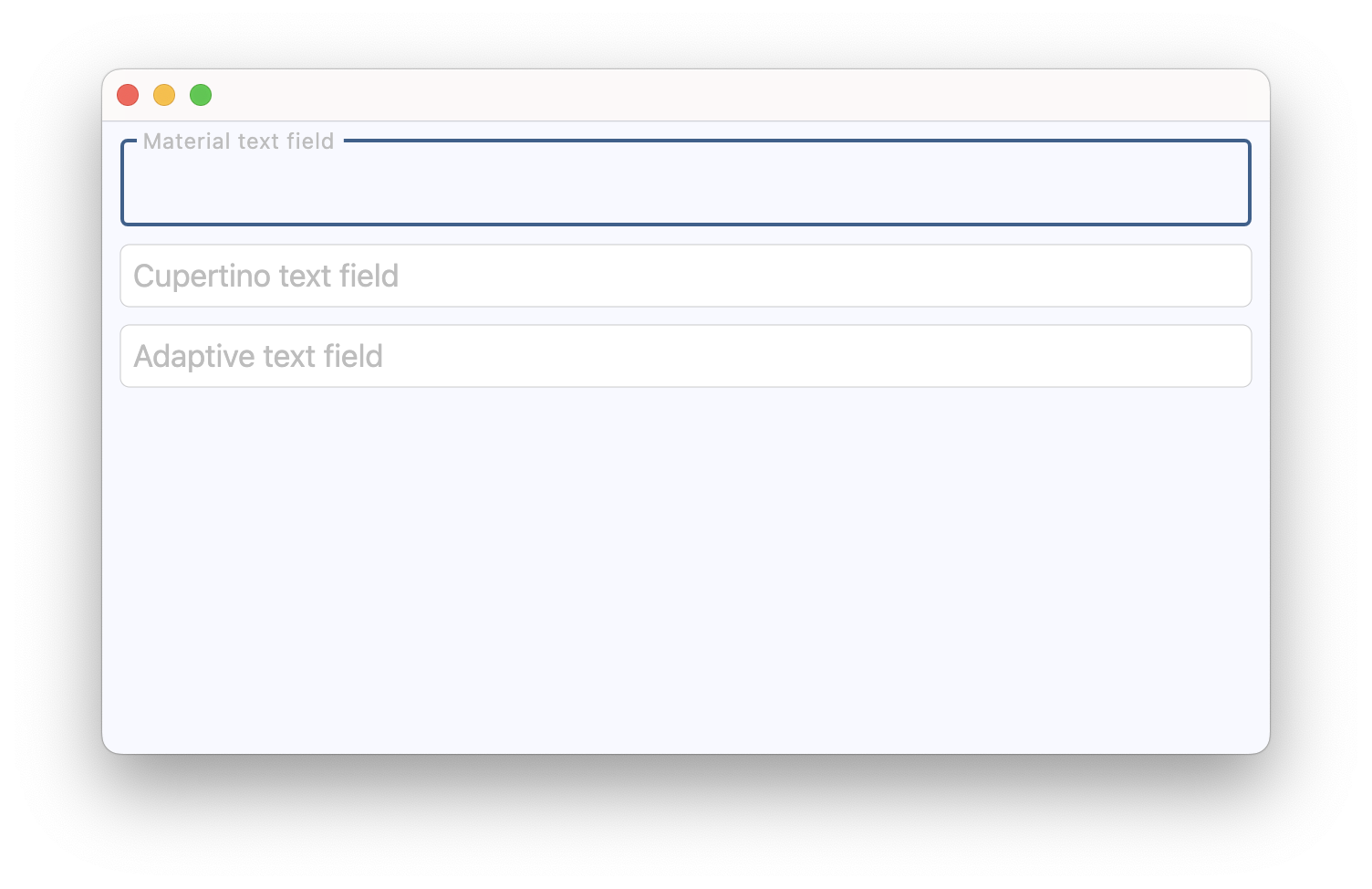](https://docs.flet.dev/examples/controls/cupertino_text_field/media/cupertino_material_and_adaptive.png)
### Handling selection changes[#](https://docs.flet.dev/controls/cupertinotextfield/#handling-selection-changes "Permanent link")
`[](https://docs.flet.dev/controls/cupertinotextfield/#__codelineno-1-1) import flet as ft [](https://docs.flet.dev/controls/cupertinotextfield/#__codelineno-1-2) [](https://docs.flet.dev/controls/cupertinotextfield/#__codelineno-1-3)[](https://docs.flet.dev/controls/cupertinotextfield/#__codelineno-1-4) def main(page: ft.Page): [](https://docs.flet.dev/controls/cupertinotextfield/#__codelineno-1-5) page.title = "Text selection" [](https://docs.flet.dev/controls/cupertinotextfield/#__codelineno-1-6) [](https://docs.flet.dev/controls/cupertinotextfield/#__codelineno-1-7) def handle_selection_change(e: ft.TextSelectionChangeEvent[ft.CupertinoTextField]): [](https://docs.flet.dev/controls/cupertinotextfield/#__codelineno-1-8) selection.value = ( [](https://docs.flet.dev/controls/cupertinotextfield/#__codelineno-1-9) f"Selection: '{e.selected_text}'" if e.selected_text else "No selection." [](https://docs.flet.dev/controls/cupertinotextfield/#__codelineno-1-10) ) [](https://docs.flet.dev/controls/cupertinotextfield/#__codelineno-1-11) selection_details.value = f"start={e.selection.start}, end={e.selection.end}" [](https://docs.flet.dev/controls/cupertinotextfield/#__codelineno-1-12) caret.value = f"Caret position: {e.selection.end}" [](https://docs.flet.dev/controls/cupertinotextfield/#__codelineno-1-13) [](https://docs.flet.dev/controls/cupertinotextfield/#__codelineno-1-14) async def select_characters(e: ft.Event[ft.Button]): [](https://docs.flet.dev/controls/cupertinotextfield/#__codelineno-1-15) await field.focus() [](https://docs.flet.dev/controls/cupertinotextfield/#__codelineno-1-16) field.selection = ft.TextSelection( [](https://docs.flet.dev/controls/cupertinotextfield/#__codelineno-1-17) base_offset=0, extent_offset=len(field.value) [](https://docs.flet.dev/controls/cupertinotextfield/#__codelineno-1-18) ) [](https://docs.flet.dev/controls/cupertinotextfield/#__codelineno-1-19) [](https://docs.flet.dev/controls/cupertinotextfield/#__codelineno-1-20) async def move_caret(e: ft.Event[ft.Button]): [](https://docs.flet.dev/controls/cupertinotextfield/#__codelineno-1-21) await field.focus() [](https://docs.flet.dev/controls/cupertinotextfield/#__codelineno-1-22) field.selection = ft.TextSelection(base_offset=0, extent_offset=0) [](https://docs.flet.dev/controls/cupertinotextfield/#__codelineno-1-23) [](https://docs.flet.dev/controls/cupertinotextfield/#__codelineno-1-24) page.add( [](https://docs.flet.dev/controls/cupertinotextfield/#__codelineno-1-25) ft.Column( [](https://docs.flet.dev/controls/cupertinotextfield/#__codelineno-1-26) spacing=10, [](https://docs.flet.dev/controls/cupertinotextfield/#__codelineno-1-27) controls=[ [](https://docs.flet.dev/controls/cupertinotextfield/#__codelineno-1-28) field := ft.CupertinoTextField( [](https://docs.flet.dev/controls/cupertinotextfield/#__codelineno-1-29) value="Lorem ipsum dolor sit amet, consectetur adipiscing elit.", [](https://docs.flet.dev/controls/cupertinotextfield/#__codelineno-1-30) multiline=True, [](https://docs.flet.dev/controls/cupertinotextfield/#__codelineno-1-31) min_lines=3, [](https://docs.flet.dev/controls/cupertinotextfield/#__codelineno-1-32) autofocus=True, [](https://docs.flet.dev/controls/cupertinotextfield/#__codelineno-1-33) on_selection_change=handle_selection_change, [](https://docs.flet.dev/controls/cupertinotextfield/#__codelineno-1-34) ), [](https://docs.flet.dev/controls/cupertinotextfield/#__codelineno-1-35) selection := ft.Text("Select some text from the field."), [](https://docs.flet.dev/controls/cupertinotextfield/#__codelineno-1-36) selection_details := ft.Text(), [](https://docs.flet.dev/controls/cupertinotextfield/#__codelineno-1-37) caret := ft.Text("Caret position: -"), [](https://docs.flet.dev/controls/cupertinotextfield/#__codelineno-1-38) ft.Button( [](https://docs.flet.dev/controls/cupertinotextfield/#__codelineno-1-39) content="Select all text", [](https://docs.flet.dev/controls/cupertinotextfield/#__codelineno-1-40) on_click=select_characters, [](https://docs.flet.dev/controls/cupertinotextfield/#__codelineno-1-41) ), [](https://docs.flet.dev/controls/cupertinotextfield/#__codelineno-1-42) ft.Button( [](https://docs.flet.dev/controls/cupertinotextfield/#__codelineno-1-43) content="Move caret to start", [](https://docs.flet.dev/controls/cupertinotextfield/#__codelineno-1-44) on_click=move_caret, [](https://docs.flet.dev/controls/cupertinotextfield/#__codelineno-1-45) ), [](https://docs.flet.dev/controls/cupertinotextfield/#__codelineno-1-46) ], [](https://docs.flet.dev/controls/cupertinotextfield/#__codelineno-1-47) ) [](https://docs.flet.dev/controls/cupertinotextfield/#__codelineno-1-48) ) [](https://docs.flet.dev/controls/cupertinotextfield/#__codelineno-1-49) [](https://docs.flet.dev/controls/cupertinotextfield/#__codelineno-1-50)[](https://docs.flet.dev/controls/cupertinotextfield/#__codelineno-1-51) if __name__ == "__main__": [](https://docs.flet.dev/controls/cupertinotextfield/#__codelineno-1-52) ft.run(main)`
### Background image[#](https://docs.flet.dev/controls/cupertinotextfield/#background-image "Permanent link")
`[](https://docs.flet.dev/controls/cupertinotextfield/#__codelineno-2-1) import flet as ft [](https://docs.flet.dev/controls/cupertinotextfield/#__codelineno-2-2) [](https://docs.flet.dev/controls/cupertinotextfield/#__codelineno-2-3)[](https://docs.flet.dev/controls/cupertinotextfield/#__codelineno-2-4) async def main(page: ft.Page): [](https://docs.flet.dev/controls/cupertinotextfield/#__codelineno-2-5) page.theme_mode = ft.ThemeMode.LIGHT [](https://docs.flet.dev/controls/cupertinotextfield/#__codelineno-2-6) page.add( [](https://docs.flet.dev/controls/cupertinotextfield/#__codelineno-2-7) ctf := ft.CupertinoTextField( [](https://docs.flet.dev/controls/cupertinotextfield/#__codelineno-2-8) label="Textfield Label", [](https://docs.flet.dev/controls/cupertinotextfield/#__codelineno-2-9) label_style=ft.TextStyle(italic=True, weight=ft.FontWeight.BOLD), [](https://docs.flet.dev/controls/cupertinotextfield/#__codelineno-2-10) bgcolor=ft.Colors.BLUE_GREY, [](https://docs.flet.dev/controls/cupertinotextfield/#__codelineno-2-11) image=ft.DecorationImage( [](https://docs.flet.dev/controls/cupertinotextfield/#__codelineno-2-12) src="/9j/4QDeRXhpZgAASUkqAAgAAAAGABIBAwABAAAAAQAAABoBBQABAAAAVgAAABsBBQABAAAAXgAAACgBAwABAAAAAgAAABMCAwABAAAAAQAAAGmHBAABAAAAZgAAAAAAAABIAAAAAQAAAEgAAAABAAAABwAAkAcABAAAADAyMTABkQcABAAAAAECAwCGkgcAFgAAAMAAAAAAoAcABAAAADAxMDABoAMAAQAAAP//AAACoAQAAQAAAOgDAAADoAQAAQAAAGQAAAAAAAAAQVNDSUkAAABQaWNzdW0gSUQ6IDg2Nv/bAEMACAYGBwYFCAcHBwkJCAoMFA0MCwsMGRITDxQdGh8eHRocHCAkLicgIiwjHBwoNyksMDE0NDQfJzk9ODI8LjM0Mv/bAEMBCQkJDAsMGA0NGDIhHCEyMjIyMjIyMjIyMjIyMjIyMjIyMjIyMjIyMjIyMjIyMjIyMjIyMjIyMjIyMjIyMjIyMv/CABEIAGQD6AMBIgACEQEDEQH/xAAaAAADAQEBAQAAAAAAAAAAAAAAAQIDBAYF/8QAGQEBAQEBAQEAAAAAAAAAAAAAAAECAwQF/9oADAMBAAIQAxAAAAH0NFcPWtY1i6TuaqSy0nY2hG0ICUrJFpJFIlWkpWhKIogtKqqmYLVYmqlzNEQtQxWyMFvK5GrON9lJx30yc86YLll0GpzHU05TqDmvoquddMnMtxOZ9elcNfStPmV9IjgrqUvOdDrK6QSBL0usXpCKTKtybTPPbi1NzLosh1C83N14axgaRvnKtCKSzNyiVJEmEjCRlJMRKkIaAAQ0IaRDKQw9M6v5/wBCKp2S6bKLLJdKxKwgqJWNiApMUKaSy3cZGgZ2Ai3ZNN2S6EgtmZqGbpWQUpqSmQqSzNkuU7qXCelLhWwmJuGFbuzE1SZT0M5n0Jca0LJRiuxgVtGbSx6VjWwRTSNKBy1TSZss4KznOzaOPLeerDObnWEtQmiyFaJVJJVBKpEjElUhDVIYSMRJghoQwSYJUkQw9bQ/F7U3VzLbsCiyClCKCZsiKdEzoVktWuTsIdykqyXN2xNvWZbAGkBAxJWmhCmatTEtqHLYrslmZZiS9ByzXXPHJ2rhmvoV82zvz4iuio0lrHUl5p7ITm0rXTLWlZouPKz6C46k3yzu1zGVl5JazVLRcJ38mzf1PMu49mvgehthdCXGtaOVUrmSlUK0QUiVSSRhKoJVJEqVIYSMEqQhiSMJGCGHr234/Sm3YDVgABJFqQoSqiUWZ0tEklEyaGbW0iylMLo8WujwDd40mikLUKLUK6skgi4lp84vQsrRTqLzromMZ6HbzR1xZxTvOpktC5hhTvNxpWQtoSDyVdFc1FVKN5mJaitrOWeqEnXLvlL0nN4/Keu+Tnfleb1XJrn8fv4NevL1j8z6DTRXKpUrJVolUklUqlWiFaIKSSrkQwkYSMRJglSEMqRiIA9kx+XuCQIFJcykkZ1Zm10UFlvNlrErastEap2ZZ7i8+mjM60SSNLOdpc6cpYamdaSgoiaqJJqh0meWvOppjpWkEohIvfnDo5izmfW9Z4zvs+a/oI53vnEKqOae5anHfc4+e+zS3hvZxnWtSc2nRJlG0zRokmeW2M3z/Mv4tzvzqevLGqN88qeVnpevyvp27VKWSkkqlUq0QMSVQQrRBSJVFQUiSkiVISpCGJIypGHsFE+T0aPCl1UJLmBoQlaCKrFppMGjvBx01yOzpfPZtPOjdc6OiuQOxcgdGec1ttzbGylxcukhaokFLnO7jnraal0LOeyjkntk5ddatTBmklVTNErVBFwZGyXN6CZRu65q6qjn01STapFOiJYCGS4fG5vnVK2ntznK87lKMrKyeKT9T4fcns38H786JULKoIKRKtJCpEq5qSkkqglUiSkSMqSkkjCRhIw9PkHl9TQS3QWACEgqgIkDUaCkAAEjYGQGioAAEgACtAMkwLoIdgulhMCCiQhUCgFCAzyBZQVSCNUBTAWYDkF2ATJBWyCNGBmwKoEJAbCPOedDpjPYOvPn4wPpyBnIaz8T6wZb+pC66QM9EAJAggJQAgpIEQAkAIEEFCBBAIAQB//EACoQAAICAgIBBAIBBAMAAAAAAAABERICEAMgEwQhMVAwQCIFFCNBMjNg/9oACAEBAAEFAtr9yCCCO8dGQypQqQOBvcEEEEEEdIIKlDxnjKFChQr1jrJY8hdHkQuRsZlP0MEEC+iggggggqVKlSNsggoUKkFSpXVShQ8YuMXGiqIWo6zqCpBGrFnNGyg8R4Mx4iiWmMa+ij6GCCCCNwR1jUFSpBUgqVKlSCCCCCO3t0gr1oQQtta+B5DzLlifoY/UggjtH6MEEEagggggjpBBHSR5lyxKJQiCNySWLFiSUWHyFizY82T9JH6cftST+GSSxYkkvB5BZEjbPdkaqeIXGj4LFyxYkkksySSw2WWJ/dcr5eP10DdutX/5GSSxcuy7JJLFjyjzYvcgWo0xC08kjLM9xJkPViw2TpKSg+NnqMs+fkyXIYZnBzZcTx/mvGVF7GWX3sk/oyTqCCCr01uNyWZcuXLssWLlz5KsQhstqHpJCxRitc1lx83Py4mT5shvOMOf3w58+PPDkXJhP1c6nU/hkknUk7+CxYnck7knTHlAsvxMcH8fwwQuiZPdoWMmGMakzzg5Gsx4o5K5LL2fycXJlw5cfLhyr6qdST1knrJLFuNQVI1JJHT2LFtRq4uQ8h5C8lxZsWQ8oMuSe6SPYhMeGoIPGVKM8YsRYFYPGLjKIojFJEjeuf2MsklnytvJ5R7s+NY5vDLg5vNh9fI2SLpBHeSxcmRIjbe6iR8DY/coUKFCvSGxcTPEeNHjRRHjxPGh4HjZRiwyPGeMWEEFVp6gRJOoI3lkuPH1PqFyYfJb292fO49+Hm8XJx8mPJh9LJJPSCCEQRqekklixYknTJR7MUdIII25Ks8ZRELbKkFRYkdZLEvVh5F2i+Rdj5GeRk5MjIWBEajUdcs8cT1PqMOT0yy9k9PTLIzydeH49P6h8WWOSzx/fkkkn8EkkkkkklixYsWJ1JJJYtpIX4I7wQQiq6ztR0gggqVRGJGPSPw+vTx9Q2+jgycJwxQck04c45E2ej5vH++9z2f661LJFkyzLMn8rLMsySSz7MkkQxsTP9STqRPv/UP+3LJjbSs1xNtPPJvJ8WOR/vL/AJZr/D8Ne+MHp8nnw/u//8QAHxEAAgICAwEBAQAAAAAAAAAAABEBEBIgITBAAjFQ/9oACAEDAQE/Ae9jHTODg41QhCEYiFsx1zck+FjGMezHTpjMh06YxjMjIZkZD0Y9HTMjIfiYx6MYx2+hWjExMa40ezrkUnJ+iF4XohCEIQhUhCEIQqi3outWuCfkY/NECFq6e0C6F1O4MiZuJ8KEIXQupjpj63rMj0/CJ8EfxZ0+tZPjwf/EAB4RAQABBAIDAAAAAAAAAAAAABEAARAgQBIwAiFQ/9oACAECAQE/AdtjGMYxjmX9Wpvlix1EIYmJcnGGwQhDA0CGRYhdpqkNtxMWMYx9ylbHzmM5XYxjlxlPGGo3Os7DupT7/jjSV0P/xAApEAABAwIFAgYDAAAAAAAAAAABABExAiEQEiBBYEBRAzAyYXGBEyJw/9oACAEBAAY/AuMTjKnmkabqP7xbnb1FgicxG47JvEo+wnHMJ8l16CKR6bJrrLUbppp7JxHMo1FQnODMnBt2Qqp5nZX0bYQrYOI3Cek/XNhgw0vSWK7VCeP26XNVCGVXTDS6FQvss1McKsp6iPPuQFaXhQo1WRHZd6dwhUIPMcw3Cgq+l0wdbfC+UXX46j+pg+/MafjCSn90UFfEnAVb4Uk9d//EACcQAAMAAgICAgICAwEBAAAAAAABERAhMUEgUTBhQHGBkVChwbHw/9oACAEBAAE/IULJLC8F+Il4hCExGQYmENgRWOUQH9DfikF4amysaKE3oQaogX0EhJwOMn2Qgg1SERCHA0xvUM9ITWwi8Mxt9j8IQa/JWBBBYXhSlL53zhCCRCEIQnxDFGUaGbjLcVH6eCRUEHWH6iKBDFIiyR1DgbG3gsbFSH6ob4QQNBUGOEMbwhKL0bC4ZifmpEEJ8V82XMwkTK8IbeIQmSEw1hMiM4TgvoLDI1+DIOIo16xGIoQiGx1kWslCsIaQr2QqCPYrpjbM/wA9IQhCCRCEzBrCRCZviITCJhMQhCEJh4pcx+IQrx6DWJcYIIjWGvsQnzhuNnLEsa9CwwsI9kEYNRL7F1ErkQPWxwarfTArE+KfkLKEEiEGiZZBYhCYzExMQSJiEITzhEQ0NrwN478YXZPsnM4GDfoa+R4qA/oQt8G3IgaEkDLLLfBk3E7fI47Gt8nC6K9sez29vT1BcLf/AByhPGjVU8JRoW1/gEsQSxPghCYhCEITEIQnytlKVkILDYzeLZDJ4L+2H6n6DRXJiURETIIiGIhkhNe8JXRWIMLZE3CUPo2ZzydITeqJL0LTpDkNSNNp+ie4u1NBN7/gSl9bsr2OSWFtZnwzE/CWUT5KXwpczNJIKX4mXNGo6IyijcYR+sLeUwnWJMiyhhTLKKxfoNENoRi6+hg2dwpqVPoJOENA/odxtfsRQn6QhTS17XIyH0spuTb+Bw3MbPM8J8s+eE8KUbwuFwpSlLil8BRijbw2EEhJSkjNZWaE4QqiGPktEkxJLDiKjRo1g50XB/HhCZVcj6B6yxdjvsrFpckpJyJ60N3o00c4eGkNFisOAotpRC7Q5SxCccFQVuR8nMQuW5XjP8DSlKPC4MUuLghcMsG/WBmRkeEGrwTm0J+x1whUTFQxKHYt9jLiHPR/ANPZQw16GntYYsDnFfhNyfodzRBaY7hyEw5EzobLl40fRHAbsShg28s4QYcbbNH3KzsjCo9qhvrIk+xsWZHsW5zoCYnhPwZ8d8GhoYylGylJKYI+SCIMyiI14N4tRwuMafQkNDaXZ6B/sjE/oaaTObC+oi5GFpmi+tjMxyT7ESPTIfUJfRf0N1o5ncJLvInbsZVtoUSIElJcES6INh7xUEGhkZEO66fZXvTf0zRUNL0J9Ary0Ndf+jQ1bB0Cj/shDtXvp+h4n5M8KUpcUYYbYhCCMDUgSSEEMTGpJGCrGfZU+yez6hW2xU4Q2xXvGw7NSIbGYX5H2YkCUaLi2fZK5ok+xa6EFM6SNRv6Lb4KNFyxzejgTYuxZwYpjVEPsYkyQYhMonrPs2Rw7rYiKlf0NrgaomuCoRLljc9O/oUeNs7/AOn0VG+D/sMJqqn+LPio8CwUuXiweDfGiixMhFoNPeEM4KLKKHRsY+ikfyUTKi4ZRCvE+sTGcDBJLGhNYc9k9kOMvgddCj0SQz7j7hL4QvrEItYoi+DzXHF/oZfM/c5K0voOFSGinAOXgnpz9D8Rr9CrVhdEPZfryOQ3ffYlucbuvQmJiExCZnwT42GyiYT8zH8LSnA8oZPBNm3JxisQECBMJ+LwsNEQxhkwTMtCYxjexMpXBn7GyGz7H0MMGFCYTFKGFy2IZsn1/wBkD3/s1b+4ajuw8U+xhe3wKkk4+xSkkkhn26EVXa4ONrpjUF6EJf6N7Lk/fxP8T//aAAwDAQACAAMAAAAQfLXGYkrmOcme+ZknMuOKv8IjL2woTJZvF9Z/VNBldWbwQQKxWIG/fb/f3vfmu4wSIzzxRiwMhEr7H3wjuCNksUUWWfnKHzCBUF5lm1XYJc603EAU/wCrv/7ev37/AN7b4ik1iXztstizXtrxwf8AGVsSWau7OXrWMiW/AEMbcM9MVlq6Gdl84wqqb18885/++peU6/8AtdeM99t17DsuixKvIKZH3mBG2Z5Id/3tvR0+kGgsZhQBTAIBNJPv2/nPz2jhHjywem8+Se5+Hny8SglEKBw7sscUf53V/HH58gWOjeQ5DhzQbSQZCBOFOo/PHqP6vWa+a8Okj7wxVTX0QI4dBl2FWDQUdqsDl20uRHuH+EhXGW5g39ZWTYPBOLDggAv/AN38MMON/wDfDD9D+ififDie+/fjj/8A34Xnog4vo3XAIYIAAAAAHPPPHPPPAAv/xAAeEQADAQEBAAMBAQAAAAAAAAAAAREQISAwMUBRYf/aAAgBAwEBPxDG6PpCM6QhBIhDhR7qiC6KikJpBGKIIFFtRVrWNoJtif8AcJkJ8M8NzD8AmjhcTSGixSRvWiisopBGZwzfg99nMcGg0X0NmNmPpC5PE8zW6MPClE55K0uKVlyHSMTsgxMyisRY4VHMVFOEKODpB2G0E3hBCEJkJsITYTDZdV6BZHifGrMeIyISIpcomdKylK96Ohf6J36KEhshWUmTITIQmwm0hEKCGQQREIi4uKXKUS4XCkZcg3CieJkRFlCX9GkyF9DhQexui4WXchCIhCIhCEITIQV7JELhfEIRs8psulIxRuk8Q5lw2ysfSkB0Np5StqihCZCEIQhCZCE/MXztfrH/xAAdEQADAQEBAQADAAAAAAAAAAAAAREQISAwMVFg/9oACAECAQE/EKXzSl80hGQhTp06dO5RNL4G7PznSExWcEkyBr9YXCF8z3SlIyMm3JnSMjIsdxHmLx0jIyMjxGIyEJiZCMoVRBMKxKhJLKTzfjFkIQmkEEITEJtITLt2FFFIQh3EWEOFQ1ITTE0ilZcpS+KUpS+UEzhwqKX1fFLs2EIQXOERBERFIOBKPBs8K6QTKXaUpfN80pS5HsJs8TLsREcKcJJILkllFY+428TN0QJETKXKUpS5Sl2lKVsEIdIyZGRkZHiHchCEIRkZ3ymwviELiUEpnRdGmspSl2lLlKX+BH//xAAoEAADAAICAwACAgICAwAAAAAAAREhMRBBUWFxIIGRobHB0eEw8PH/2gAIAQEAAT8QDCyJSROCcKiCcRkLxUUpUYG0ylRRuDcKNNk4VXB/BX45sKFIbIbqmRE9kFENm0xr2Ie0Ne0LZG0ssoYRvZ8Pl9DLF+BqtjcHHY2wmbTE/wB+Cd0JmkM7DLMnQD6kMC3YlKoiDbGQEvSGjoUdHaY1QkbgyPSiLauj0CSr0gv3sa4bRzfqD7jMy8jV4j/AHghOJxCE4hCE5wTicQhBgmQwhvheFKUSIjhJSmTJSsaIZkyUbondmX4KkXBsyPA0XR8Fc1DXsavogSoh7QjtM7UGusGXoRhr2xroZ04Pk+RX0elCNoX4HbQbPoV7YV2md46BCX0jqJD6EPKoafaIW4ZcJCd/6JIoXQJ30xXYkXRHY9zYjs/g3SCquj7GjKxjFu1L5WkRRKYRJfAtRsalaPtc/Q1XKGB4HkapCEITiEITiEIQnEIQn4KR9cCCUEmxJojEmxqEIxucE6UpCE4OhO8Ufp8CDSXRBCEIvBHBZfBqvA5HfOlZI6tMppjReR2W+hs+iOyZHk9QlfSEj0k+Bq6R4B8IUCdCkSMiS7HA25obtCbCN6L9CGI8CVdEhS00eGLOXTpf4ErWWOkoOeDR0MNYF/3GLFLQOO0bNTI3fCcRjUGqQhOIQhCcQhCcQnEJxCEIX4FIo/GGGx5JyIMFRY1B4FQ1ShRzuRKHwK98FAleSxSR4I4YeSD4fD4HZI66I8DzwihXvjBIkFQb8Ib7MXk0LiJGlG0u0K9CAE+WeB8I+5+DNP5iX0JEQuhlHaDcrSu4PwGnGxtVjehjXsIV01uFGbAbrUUXYqGrYza9eBs7Y6x1xGPJCGBqkIUQwQhCEITiEIQhCEITiEJCSRBX+IWCohBER44JcG7G7FBHgi8cYuDV4+gSInBTyRE4pBq8iBtDy0JWJGUVdGT9BVeDPouOhtPbH1g19DJMCVuRCZnYZZEP6G7CkpRjTO/UOTzkWnEkIhdgVVql3waexMcojyWGvaY0ohqtok8CbrbIx4DUjZfDbrQt/mLI50l2xYKtD1mCODMyQNlvGDXkhPRBOySTdLpg1DBghGRjTRCEJxOYQhCEIQhCEIQhOCciCghB5EmiEGm+CRCghHGPw0f4BIiIiMFXFMl4vDaR4ChuhsHXQlQnpGCJ4BqdqK8nZE0SGd0fk3wsXU2KXf8AITL/ALHasqrGO7ENJCcmBq1Bq0zWco06dqPdhBGyWG4dRs3jyS2F5iZGQ6UGqWhjXh+ydiIsXSLJN6JJFaxFVKjWSeW32xm1VUPAWjSLuwR1sjfP0v8AgRNv4D74O+J9H7okvGPJJpjVMcIYMDj/AAjKJwxzCEIQhCcQhCEEILInCE4wjBghgwYKiCCoqKiCBRkK9FRYNV2JhZyioSvsqKiovF9jd7Fkgg5E7owJFtnWYzSjaNg1dMTNGhjSJOMeJDltItcSEzP3P0zUkNM2VFWpDd2eUJi0SBo6F1Qylw/gu6m/YrnVeEtpf2VZDos/gh2I2x7dMZyT4J8V8Q1a5B0rlqJD++SQhr4LZ9ImOybf6DWMqJRwY2n0++RaSSMpPT8P2bn/ACN3yP0iifghCDUIY/DBCFEIQnEITiEJwohUKRKcVcI4Y4pGNUiOevIq4Nzg2XBIuyfJMELsbjwUSnYpqoI8lEwU0xMxou0NA/pMr0+CNnCmmN319E9DswbULsf8HSJmkIhtkG9VMS2bZhpDpayKkm3MF0aX6E6UW30x/BSF9K8Uo4JN9IXqg5tCmjHWJTyNdkvQ/dhUmxENstWRI1Hhr6Q5K2ELQTmQnrJfBs3kqJFJJX2QLt5ayU/eIKTrPGBlU7hd3De4XvfmMXz6YxVf8kV/tYJv0TjHCcYHEYGqQhCGCEfEIQhCcQhCEIQglOHjkcdjVDY2OC/IoME4pmUc7Hjgu4x12VjMfYMuUeljKjpbYmeBR2OTsBstFdE24Sfs7lDewMSi8xJrbGjoh1f2WxJHsiNbQt72P5ymJiqraHUDV3R/ZoT4Jn+iAwFNozCgxGktlbVwn2H0K/0UWXEmaXIkX+A3W2UeB1LGaVjgpylX6J62h7xsW1YeXo6FEamfI084DwHv6Oz/AKFMpFGYhkEdWCUpsa0XaHzLg1/Bkz5LWs20tF60XSQgSax+hZBfAySM6IbTf7Xa9ClqzLYa8r0UNTlBqcGqQhCDUIQwQn4RkKIQhOIQhFybvEEiRIoPBOvwJKhoGbMryO6T6KxPJl0LfQkMLI0+BQVeB+oNzgaJ5TPIQsNpEkl6O9/MQeIiQbcNeyX0vpmV6Yy60Ellj3GjxjsKlrFSKvo17Q1KkR8CPdf0KltUTPb9BjEn+x5WEoJOOk1dPWeO+qCUgNGJ/I21mfYnhlPopZ2N1aD6EEyO/oZ2PrEkqngzS36YEIWhBhKQ7Gun9jMt2QRGZcXp3m/PghCvN2lh/GxIuW/9siRb/aV/yxM2ob6pA38INShr6GPcRnin6ERZErj/AJByVDTSZRtvaEJwwOMjIQjMGBqkIQwYIQwTmMnNEITg1Q5ErKmNEIEexjQleCZ+BME3ihtF3HVp/Sz6hHlFLQ35wGrsdYT6GtMkeRtD1EGRRlPQ3lMgh/sYY1BmdCjGrWV+xmz/AKJCR0IXgwiFvRwOkOgJ0Q0QjaiYkqDXyZ+h7SGoRCUuqIIdayXIaGmgsqnE3SgbNWnYnwpdSyb9xHgqSsaG9tL6YMgf2OmanTCV0JvQ1fQlaEqGi4agxFiVp5TzNjqnprYSab9DbkvchJf0Q2G43uPZJG0b8XRij34QyqlmSkJ9Ak50ZWPpm41a0MmO+FrSXtf32IjyF2TiEMGCEINQwQhghDBCE4QxxCEJy2XYkbPgUjdjZjrIxminkGLQnXY22o6Uyew9xDTNWx72yC08kNX0Nisb6Mm7Sm3xJQxI0KumMqo+idy/kz4CRdoR7EDgbTEb0W2KFhR+hI6HX0NV2MCoaMfYdQ1s0kEmvBU3wXG2h1K4Hb8PQz5CMN7UIrrAq6MT1r6e4HatZ89jVv8Asl3GtR39NY/sZaVJCfgVOuUbux6OoJX2VDafDIUY0OFDaS7yiXwf3ZUaYBNVSfS6LJOtNbjMiPThkCarjYxLX3FMjssS72FHUrXYNwvGxH+xCpY/YdPjYRN0XqVDX/yFWTTj9MhROScjVGoURkMGCGDBXEZghgj4hCDkN8lnkDnxCcJwwxfz10joHCcJeE/h5Avc3+xt6HuPaaBnkIY2xzbHPjHhFKN+BD2ZNHwNXgU7X8DG2jbMfhP6SDaG9IatENLLBrsaZmyYc8mOR6A5spUeWeQNz5D24UUowYYfwmBhhdeo2P7HrP7bqiKtORtjESmgwDmxNDBLWngIngASEduA04bI2eP4ElhLwEpPJ6G5Sb3OdIn6mj/yfv8A8iEIQhCcQhCEIT8P/9k=" [](https://docs.flet.dev/controls/cupertinotextfield/#__codelineno-2-13) ), [](https://docs.flet.dev/controls/cupertinotextfield/#__codelineno-2-14) ) [](https://docs.flet.dev/controls/cupertinotextfield/#__codelineno-2-15) ) [](https://docs.flet.dev/controls/cupertinotextfield/#__codelineno-2-16) [](https://docs.flet.dev/controls/cupertinotextfield/#__codelineno-2-17)[](https://docs.flet.dev/controls/cupertinotextfield/#__codelineno-2-18) ft.run(main)`
Properties[#](https://docs.flet.dev/controls/cupertinotextfield/#flet.CupertinoTextField-properties "Permanent link")
----------------------------------------------------------------------------------------------------------------------
### blend\_mode `class-attribute` `instance-attribute` [#](https://docs.flet.dev/controls/cupertinotextfield/#flet.CupertinoTextField.blend_mode "Permanent link")
`[](https://docs.flet.dev/controls/cupertinotextfield/#__codelineno-0-1) blend_mode: [BlendMode](https://docs.flet.dev/types/blendmode/#flet.BlendMode) | None = None`
The blend mode applied to the [`bgcolor`](https://docs.flet.dev/controls/formfieldcontrol/#flet.FormFieldControl.bgcolor)
or [`gradient`](https://docs.flet.dev/controls/cupertinotextfield/#flet.CupertinoTextField.gradient)
background.
### clear\_button\_semantics\_label `class-attribute` `instance-attribute` [#](https://docs.flet.dev/controls/cupertinotextfield/#flet.CupertinoTextField.clear_button_semantics_label "Permanent link")
`[](https://docs.flet.dev/controls/cupertinotextfield/#__codelineno-0-1) clear_button_semantics_label: [str](https://docs.python.org/3/library/stdtypes.html#str) | None = 'Clear'`
The semantic label for the clear button used by screen readers.
This will be used by screen reading software to identify the clear button widget.
### clear\_button\_visibility\_mode `class-attribute` `instance-attribute` [#](https://docs.flet.dev/controls/cupertinotextfield/#flet.CupertinoTextField.clear_button_visibility_mode "Permanent link")
`[](https://docs.flet.dev/controls/cupertinotextfield/#__codelineno-0-1) clear_button_visibility_mode: [OverlayVisibilityMode](https://docs.flet.dev/types/overlayvisibilitymode/#flet.OverlayVisibilityMode) = [NEVER](https://docs.flet.dev/types/overlayvisibilitymode/#flet.OverlayVisibilityMode.NEVER)`
Defines the visibility of the clear button based on the state of text entry.
Will appear only if no [`suffix`](https://docs.flet.dev/controls/formfieldcontrol/#flet.FormFieldControl.suffix)
is provided.
### gradient `class-attribute` `instance-attribute` [#](https://docs.flet.dev/controls/cupertinotextfield/#flet.CupertinoTextField.gradient "Permanent link")
`[](https://docs.flet.dev/controls/cupertinotextfield/#__codelineno-0-1) gradient: [Gradient](https://docs.flet.dev/types/gradient/#flet.Gradient) | None = None`
Configures the gradient background.
### image `class-attribute` `instance-attribute` [#](https://docs.flet.dev/controls/cupertinotextfield/#flet.CupertinoTextField.image "Permanent link")
`[](https://docs.flet.dev/controls/cupertinotextfield/#__codelineno-0-1) image: [DecorationImage](https://docs.flet.dev/types/decorationimage/#flet.DecorationImage) | None = None`
An image to paint above the [`bgcolor`](https://docs.flet.dev/controls/formfieldcontrol/#flet.FormFieldControl.bgcolor)
or [`gradient`](https://docs.flet.dev/controls/cupertinotextfield/#flet.CupertinoTextField.gradient)
background.
### padding `class-attribute` `instance-attribute` [#](https://docs.flet.dev/controls/cupertinotextfield/#flet.CupertinoTextField.padding "Permanent link")
`[](https://docs.flet.dev/controls/cupertinotextfield/#__codelineno-0-1) padding: [PaddingValue](https://docs.flet.dev/types/aliases/#flet.PaddingValue) = [field](https://docs.python.org/3/library/dataclasses.html#dataclasses.field "dataclasses.field") ( [](https://docs.flet.dev/controls/cupertinotextfield/#__codelineno-0-2) default_factory=lambda: [all](https://docs.flet.dev/types/padding/#flet.Padding.all) (7) [](https://docs.flet.dev/controls/cupertinotextfield/#__codelineno-0-3) )`
The padding around the text entry area between the [`prefix`](https://docs.flet.dev/controls/formfieldcontrol/#flet.FormFieldControl.prefix)
and [`suffix`](https://docs.flet.dev/controls/formfieldcontrol/#flet.FormFieldControl.suffix)
or the clear button when [`clear_button_visibility_mode`](https://docs.flet.dev/controls/cupertinotextfield/#flet.CupertinoTextField.clear_button_visibility_mode)
is not [`OverlayVisibilityMode.NEVER`](https://docs.flet.dev/types/overlayvisibilitymode/#flet.OverlayVisibilityMode.NEVER)
.
### placeholder\_style `class-attribute` `instance-attribute` [#](https://docs.flet.dev/controls/cupertinotextfield/#flet.CupertinoTextField.placeholder_style "Permanent link")
`[](https://docs.flet.dev/controls/cupertinotextfield/#__codelineno-0-1) placeholder_style: [TextStyle](https://docs.flet.dev/types/textstyle/#flet.TextStyle) | None = None`
The [`TextStyle`](https://docs.flet.dev/types/textstyle/#flet.TextStyle)
to use for [`placeholder_text`](https://docs.flet.dev/controls/cupertinotextfield/#flet.CupertinoTextField.placeholder_text)
.
### placeholder\_text `class-attribute` `instance-attribute` [#](https://docs.flet.dev/controls/cupertinotextfield/#flet.CupertinoTextField.placeholder_text "Permanent link")
`[](https://docs.flet.dev/controls/cupertinotextfield/#__codelineno-0-1) placeholder_text: [str](https://docs.python.org/3/library/stdtypes.html#str) | None = None`
A lighter colored placeholder hint that appears on the first line of the text field when the text entry is empty.
Defaults to an empty string.
### prefix\_visibility\_mode `class-attribute` `instance-attribute` [#](https://docs.flet.dev/controls/cupertinotextfield/#flet.CupertinoTextField.prefix_visibility_mode "Permanent link")
`[](https://docs.flet.dev/controls/cupertinotextfield/#__codelineno-0-1) prefix_visibility_mode: [OverlayVisibilityMode](https://docs.flet.dev/types/overlayvisibilitymode/#flet.OverlayVisibilityMode) = [ALWAYS](https://docs.flet.dev/types/overlayvisibilitymode/#flet.OverlayVisibilityMode.ALWAYS)`
Defines the visibility of the [`prefix`](https://docs.flet.dev/controls/formfieldcontrol/#flet.FormFieldControl.prefix)
control based on the state of text entry.
Note
Has no effect if [`prefix`](https://docs.flet.dev/controls/formfieldcontrol/#flet.FormFieldControl.prefix)
is not specified.
### shadows `class-attribute` `instance-attribute` [#](https://docs.flet.dev/controls/cupertinotextfield/#flet.CupertinoTextField.shadows "Permanent link")
`[](https://docs.flet.dev/controls/cupertinotextfield/#__codelineno-0-1) shadows: [BoxShadowValue](https://docs.flet.dev/types/aliases/#flet.BoxShadowValue) | None = None`
A list of shadows behind this text field.
### suffix\_visibility\_mode `class-attribute` `instance-attribute` [#](https://docs.flet.dev/controls/cupertinotextfield/#flet.CupertinoTextField.suffix_visibility_mode "Permanent link")
`[](https://docs.flet.dev/controls/cupertinotextfield/#__codelineno-0-1) suffix_visibility_mode: [OverlayVisibilityMode](https://docs.flet.dev/types/overlayvisibilitymode/#flet.OverlayVisibilityMode) = [ALWAYS](https://docs.flet.dev/types/overlayvisibilitymode/#flet.OverlayVisibilityMode.ALWAYS)`
Defines the visibility of the [`suffix`](https://docs.flet.dev/controls/formfieldcontrol/#flet.FormFieldControl.suffix)
control based on the state of text entry.
Note
Has no effect if [`suffix`](https://docs.flet.dev/controls/formfieldcontrol/#flet.FormFieldControl.suffix)
is not specified.
Back to top
---
# Hero - Flet
[Skip to content](https://docs.flet.dev/controls/hero/#flet.Hero)
Hero
====
Marks the [`content`](https://docs.flet.dev/controls/hero/#flet.Hero.content)
as a shared element for route transitions.
Place a `Hero` with the same [`tag`](https://docs.flet.dev/controls/hero/#flet.Hero.tag)
in both source and destination views to animate that control between routes.
Inherits: `[LayoutControl](https://docs.flet.dev/controls/layoutcontrol/#flet.LayoutControl) `
Properties
* **`[content](https://docs.flet.dev/controls/hero/#flet.Hero.content) `**(`[Control](https://docs.flet.dev/controls/control/#flet.Control) `) –
The control to display and animate.
* **`[tag](https://docs.flet.dev/controls/hero/#flet.Hero.tag) `**(`[str](https://docs.python.org/3/library/stdtypes.html#str) `) –
A unique identifier used to match source and destination Hero controls.
* **`[transition_on_user_gestures](https://docs.flet.dev/controls/hero/#flet.Hero.transition_on_user_gestures) `**(`[bool](https://docs.python.org/3/library/functions.html#bool) `) –
Whether to animate when the route is transitioned by a user gesture (for example, iOS back swipe).
Examples[#](https://docs.flet.dev/controls/hero/#examples "Permanent link")
----------------------------------------------------------------------------
### Basic Example[#](https://docs.flet.dev/controls/hero/#basic-example "Permanent link")
`[](https://docs.flet.dev/controls/hero/#__codelineno-0-1) import flet as ft [](https://docs.flet.dev/controls/hero/#__codelineno-0-2) [](https://docs.flet.dev/controls/hero/#__codelineno-0-3)[](https://docs.flet.dev/controls/hero/#__codelineno-0-4) def main(page: ft.Page): [](https://docs.flet.dev/controls/hero/#__codelineno-0-5) hero_tag = "demo-hero-card" [](https://docs.flet.dev/controls/hero/#__codelineno-0-6) [](https://docs.flet.dev/controls/hero/#__codelineno-0-7) def build_card(size: int, label: str) -> ft.Container: [](https://docs.flet.dev/controls/hero/#__codelineno-0-8) icon_size = max(24, int(size * 0.28)) [](https://docs.flet.dev/controls/hero/#__codelineno-0-9) return ft.Container( [](https://docs.flet.dev/controls/hero/#__codelineno-0-10) width=size, [](https://docs.flet.dev/controls/hero/#__codelineno-0-11) height=size, [](https://docs.flet.dev/controls/hero/#__codelineno-0-12) border_radius=ft.BorderRadius.all(20), [](https://docs.flet.dev/controls/hero/#__codelineno-0-13) gradient=ft.LinearGradient( [](https://docs.flet.dev/controls/hero/#__codelineno-0-14) begin=ft.Alignment.TOP_LEFT, [](https://docs.flet.dev/controls/hero/#__codelineno-0-15) end=ft.Alignment.BOTTOM_RIGHT, [](https://docs.flet.dev/controls/hero/#__codelineno-0-16) colors=[ft.Colors.BLUE_700, ft.Colors.CYAN_400], [](https://docs.flet.dev/controls/hero/#__codelineno-0-17) ), [](https://docs.flet.dev/controls/hero/#__codelineno-0-18) alignment=ft.Alignment.CENTER, [](https://docs.flet.dev/controls/hero/#__codelineno-0-19) content=ft.Stack( [](https://docs.flet.dev/controls/hero/#__codelineno-0-20) fit=ft.StackFit.EXPAND, [](https://docs.flet.dev/controls/hero/#__codelineno-0-21) controls=[ [](https://docs.flet.dev/controls/hero/#__codelineno-0-22) ft.Container( [](https://docs.flet.dev/controls/hero/#__codelineno-0-23) alignment=ft.Alignment.CENTER, [](https://docs.flet.dev/controls/hero/#__codelineno-0-24) content=ft.Icon( [](https://docs.flet.dev/controls/hero/#__codelineno-0-25) ft.Icons.ROCKET_LAUNCH, [](https://docs.flet.dev/controls/hero/#__codelineno-0-26) size=icon_size, [](https://docs.flet.dev/controls/hero/#__codelineno-0-27) color=ft.Colors.WHITE, [](https://docs.flet.dev/controls/hero/#__codelineno-0-28) ), [](https://docs.flet.dev/controls/hero/#__codelineno-0-29) ), [](https://docs.flet.dev/controls/hero/#__codelineno-0-30) ft.Container( [](https://docs.flet.dev/controls/hero/#__codelineno-0-31) alignment=ft.Alignment.BOTTOM_CENTER, [](https://docs.flet.dev/controls/hero/#__codelineno-0-32) padding=ft.Padding.only(left=8, right=8, bottom=10), [](https://docs.flet.dev/controls/hero/#__codelineno-0-33) content=ft.Text( [](https://docs.flet.dev/controls/hero/#__codelineno-0-34) label, [](https://docs.flet.dev/controls/hero/#__codelineno-0-35) color=ft.Colors.WHITE, [](https://docs.flet.dev/controls/hero/#__codelineno-0-36) weight=ft.FontWeight.BOLD, [](https://docs.flet.dev/controls/hero/#__codelineno-0-37) size=12, [](https://docs.flet.dev/controls/hero/#__codelineno-0-38) no_wrap=True, [](https://docs.flet.dev/controls/hero/#__codelineno-0-39) max_lines=1, [](https://docs.flet.dev/controls/hero/#__codelineno-0-40) overflow=ft.TextOverflow.ELLIPSIS, [](https://docs.flet.dev/controls/hero/#__codelineno-0-41) text_align=ft.TextAlign.CENTER, [](https://docs.flet.dev/controls/hero/#__codelineno-0-42) ), [](https://docs.flet.dev/controls/hero/#__codelineno-0-43) ), [](https://docs.flet.dev/controls/hero/#__codelineno-0-44) ], [](https://docs.flet.dev/controls/hero/#__codelineno-0-45) ), [](https://docs.flet.dev/controls/hero/#__codelineno-0-46) ) [](https://docs.flet.dev/controls/hero/#__codelineno-0-47) [](https://docs.flet.dev/controls/hero/#__codelineno-0-48) async def go_to_details(_): [](https://docs.flet.dev/controls/hero/#__codelineno-0-49) await page.push_route("/details") [](https://docs.flet.dev/controls/hero/#__codelineno-0-50) [](https://docs.flet.dev/controls/hero/#__codelineno-0-51) async def go_home(_): [](https://docs.flet.dev/controls/hero/#__codelineno-0-52) await page.push_route("/") [](https://docs.flet.dev/controls/hero/#__codelineno-0-53) [](https://docs.flet.dev/controls/hero/#__codelineno-0-54) def build_home_view() -> ft.View: [](https://docs.flet.dev/controls/hero/#__codelineno-0-55) return ft.View( [](https://docs.flet.dev/controls/hero/#__codelineno-0-56) route="/", [](https://docs.flet.dev/controls/hero/#__codelineno-0-57) appbar=ft.AppBar(title=ft.Text("Hero animation")), [](https://docs.flet.dev/controls/hero/#__codelineno-0-58) controls=[ [](https://docs.flet.dev/controls/hero/#__codelineno-0-59) ft.Container( [](https://docs.flet.dev/controls/hero/#__codelineno-0-60) expand=True, [](https://docs.flet.dev/controls/hero/#__codelineno-0-61) alignment=ft.Alignment.CENTER, [](https://docs.flet.dev/controls/hero/#__codelineno-0-62) content=ft.Column( [](https://docs.flet.dev/controls/hero/#__codelineno-0-63) alignment=ft.MainAxisAlignment.CENTER, [](https://docs.flet.dev/controls/hero/#__codelineno-0-64) horizontal_alignment=ft.CrossAxisAlignment.CENTER, [](https://docs.flet.dev/controls/hero/#__codelineno-0-65) spacing=20, [](https://docs.flet.dev/controls/hero/#__codelineno-0-66) controls=[ [](https://docs.flet.dev/controls/hero/#__codelineno-0-67) ft.Text("Tap the card to navigate"), [](https://docs.flet.dev/controls/hero/#__codelineno-0-68) ft.GestureDetector( [](https://docs.flet.dev/controls/hero/#__codelineno-0-69) mouse_cursor=ft.MouseCursor.CLICK, [](https://docs.flet.dev/controls/hero/#__codelineno-0-70) on_tap=go_to_details, [](https://docs.flet.dev/controls/hero/#__codelineno-0-71) content=ft.Hero( [](https://docs.flet.dev/controls/hero/#__codelineno-0-72) tag=hero_tag, [](https://docs.flet.dev/controls/hero/#__codelineno-0-73) content=build_card(130, "Open details"), [](https://docs.flet.dev/controls/hero/#__codelineno-0-74) ), [](https://docs.flet.dev/controls/hero/#__codelineno-0-75) ), [](https://docs.flet.dev/controls/hero/#__codelineno-0-76) ], [](https://docs.flet.dev/controls/hero/#__codelineno-0-77) ), [](https://docs.flet.dev/controls/hero/#__codelineno-0-78) ) [](https://docs.flet.dev/controls/hero/#__codelineno-0-79) ], [](https://docs.flet.dev/controls/hero/#__codelineno-0-80) ) [](https://docs.flet.dev/controls/hero/#__codelineno-0-81) [](https://docs.flet.dev/controls/hero/#__codelineno-0-82) def build_details_view() -> ft.View: [](https://docs.flet.dev/controls/hero/#__codelineno-0-83) return ft.View( [](https://docs.flet.dev/controls/hero/#__codelineno-0-84) route="/details", [](https://docs.flet.dev/controls/hero/#__codelineno-0-85) appbar=ft.AppBar(title=ft.Text("Details")), [](https://docs.flet.dev/controls/hero/#__codelineno-0-86) controls=[ [](https://docs.flet.dev/controls/hero/#__codelineno-0-87) ft.Container( [](https://docs.flet.dev/controls/hero/#__codelineno-0-88) expand=True, [](https://docs.flet.dev/controls/hero/#__codelineno-0-89) alignment=ft.Alignment.CENTER, [](https://docs.flet.dev/controls/hero/#__codelineno-0-90) content=ft.Column( [](https://docs.flet.dev/controls/hero/#__codelineno-0-91) alignment=ft.MainAxisAlignment.CENTER, [](https://docs.flet.dev/controls/hero/#__codelineno-0-92) horizontal_alignment=ft.CrossAxisAlignment.CENTER, [](https://docs.flet.dev/controls/hero/#__codelineno-0-93) spacing=20, [](https://docs.flet.dev/controls/hero/#__codelineno-0-94) controls=[ [](https://docs.flet.dev/controls/hero/#__codelineno-0-95) ft.Hero( [](https://docs.flet.dev/controls/hero/#__codelineno-0-96) tag=hero_tag, [](https://docs.flet.dev/controls/hero/#__codelineno-0-97) transition_on_user_gestures=True, [](https://docs.flet.dev/controls/hero/#__codelineno-0-98) content=build_card(280, "Details"), [](https://docs.flet.dev/controls/hero/#__codelineno-0-99) ), [](https://docs.flet.dev/controls/hero/#__codelineno-0-100) ft.Button("Back", on_click=go_home), [](https://docs.flet.dev/controls/hero/#__codelineno-0-101) ], [](https://docs.flet.dev/controls/hero/#__codelineno-0-102) ), [](https://docs.flet.dev/controls/hero/#__codelineno-0-103) ) [](https://docs.flet.dev/controls/hero/#__codelineno-0-104) ], [](https://docs.flet.dev/controls/hero/#__codelineno-0-105) ) [](https://docs.flet.dev/controls/hero/#__codelineno-0-106) [](https://docs.flet.dev/controls/hero/#__codelineno-0-107) def route_change(e: ft.RouteChangeEvent = None): [](https://docs.flet.dev/controls/hero/#__codelineno-0-108) page.views.clear() [](https://docs.flet.dev/controls/hero/#__codelineno-0-109) page.views.append(build_home_view()) [](https://docs.flet.dev/controls/hero/#__codelineno-0-110) if page.route == "/details": [](https://docs.flet.dev/controls/hero/#__codelineno-0-111) page.views.append(build_details_view()) [](https://docs.flet.dev/controls/hero/#__codelineno-0-112) page.update() [](https://docs.flet.dev/controls/hero/#__codelineno-0-113) [](https://docs.flet.dev/controls/hero/#__codelineno-0-114) async def view_pop(e: ft.ViewPopEvent): [](https://docs.flet.dev/controls/hero/#__codelineno-0-115) if e.view is not None: [](https://docs.flet.dev/controls/hero/#__codelineno-0-116) page.views.remove(e.view) [](https://docs.flet.dev/controls/hero/#__codelineno-0-117) await page.push_route(page.views[-1].route) [](https://docs.flet.dev/controls/hero/#__codelineno-0-118) [](https://docs.flet.dev/controls/hero/#__codelineno-0-119) page.on_route_change = route_change [](https://docs.flet.dev/controls/hero/#__codelineno-0-120) page.on_view_pop = view_pop [](https://docs.flet.dev/controls/hero/#__codelineno-0-121) route_change() [](https://docs.flet.dev/controls/hero/#__codelineno-0-122) [](https://docs.flet.dev/controls/hero/#__codelineno-0-123)[](https://docs.flet.dev/controls/hero/#__codelineno-0-124) if __name__ == "__main__": [](https://docs.flet.dev/controls/hero/#__codelineno-0-125) ft.run(main)`
[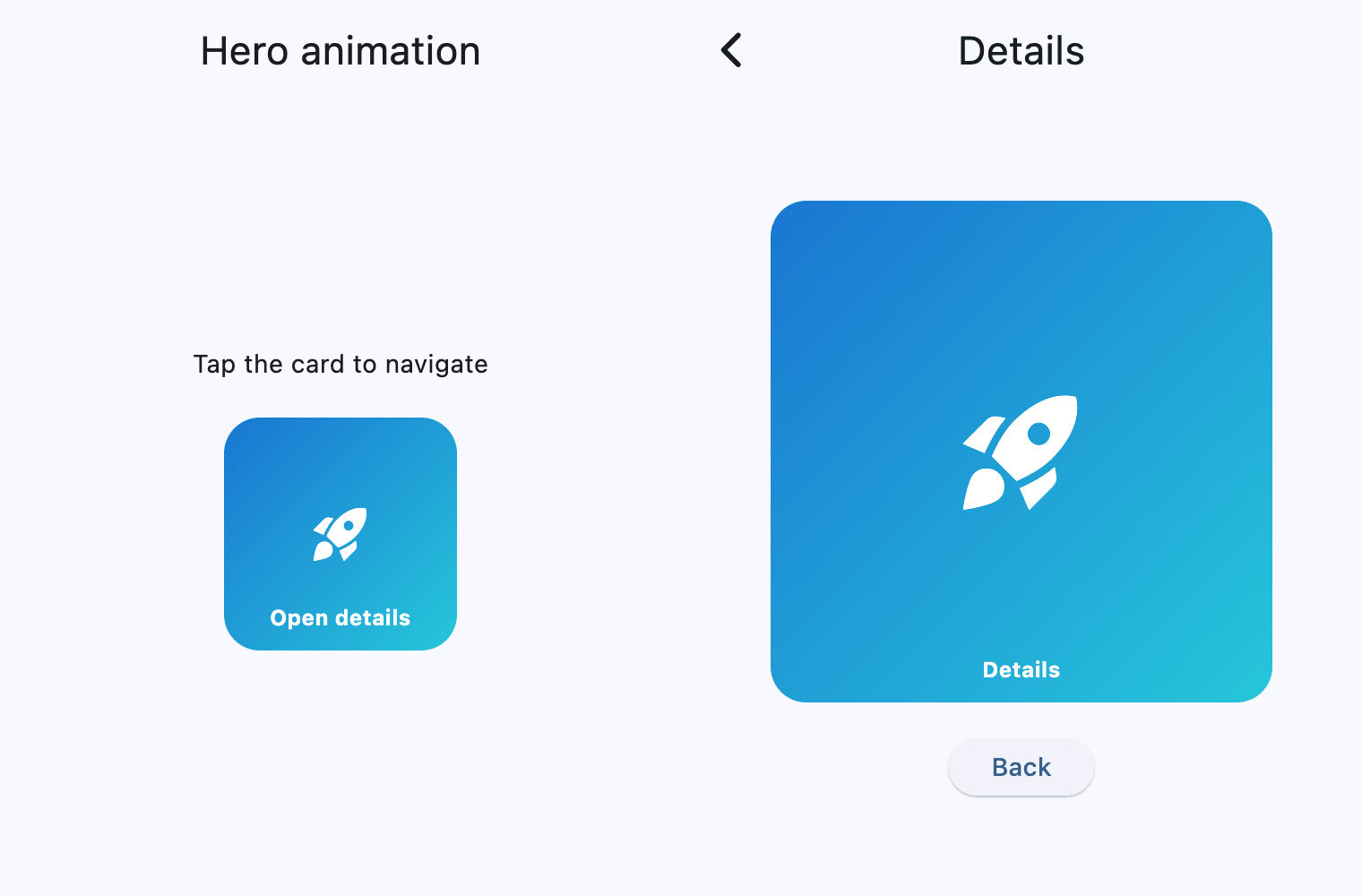](https://docs.flet.dev/test-images/examples/core/golden/macos/hero/basic.gif)
### Gallery[#](https://docs.flet.dev/controls/hero/#gallery "Permanent link")
`[](https://docs.flet.dev/controls/hero/#__codelineno-1-1) import flet as ft [](https://docs.flet.dev/controls/hero/#__codelineno-1-2)[](https://docs.flet.dev/controls/hero/#__codelineno-1-3) PRODUCTS = [ [](https://docs.flet.dev/controls/hero/#__codelineno-1-4) { [](https://docs.flet.dev/controls/hero/#__codelineno-1-5) "id": 1, [](https://docs.flet.dev/controls/hero/#__codelineno-1-6) "name": "Comet", [](https://docs.flet.dev/controls/hero/#__codelineno-1-7) "subtitle": "Fast launch profile", [](https://docs.flet.dev/controls/hero/#__codelineno-1-8) "description": "Balanced setup for quick iteration and lightweight payloads.", [](https://docs.flet.dev/controls/hero/#__codelineno-1-9) "icon": ft.Icons.ROCKET_LAUNCH, [](https://docs.flet.dev/controls/hero/#__codelineno-1-10) "start_color": ft.Colors.BLUE_700, [](https://docs.flet.dev/controls/hero/#__codelineno-1-11) "end_color": ft.Colors.CYAN_400, [](https://docs.flet.dev/controls/hero/#__codelineno-1-12) }, [](https://docs.flet.dev/controls/hero/#__codelineno-1-13) { [](https://docs.flet.dev/controls/hero/#__codelineno-1-14) "id": 2, [](https://docs.flet.dev/controls/hero/#__codelineno-1-15) "name": "Nebula", [](https://docs.flet.dev/controls/hero/#__codelineno-1-16) "subtitle": "Visual pipeline", [](https://docs.flet.dev/controls/hero/#__codelineno-1-17) "description": "Optimized for rich UI transitions and animated data surfaces.", [](https://docs.flet.dev/controls/hero/#__codelineno-1-18) "icon": ft.Icons.AUTO_AWESOME, [](https://docs.flet.dev/controls/hero/#__codelineno-1-19) "start_color": ft.Colors.DEEP_PURPLE_700, [](https://docs.flet.dev/controls/hero/#__codelineno-1-20) "end_color": ft.Colors.PINK_400, [](https://docs.flet.dev/controls/hero/#__codelineno-1-21) }, [](https://docs.flet.dev/controls/hero/#__codelineno-1-22) { [](https://docs.flet.dev/controls/hero/#__codelineno-1-23) "id": 3, [](https://docs.flet.dev/controls/hero/#__codelineno-1-24) "name": "Orbit", [](https://docs.flet.dev/controls/hero/#__codelineno-1-25) "subtitle": "Reliable baseline", [](https://docs.flet.dev/controls/hero/#__codelineno-1-26) "description": "Stable profile focused on consistency and performance.", [](https://docs.flet.dev/controls/hero/#__codelineno-1-27) "icon": ft.Icons.PUBLIC, [](https://docs.flet.dev/controls/hero/#__codelineno-1-28) "start_color": ft.Colors.GREEN_700, [](https://docs.flet.dev/controls/hero/#__codelineno-1-29) "end_color": ft.Colors.LIGHT_GREEN_400, [](https://docs.flet.dev/controls/hero/#__codelineno-1-30) }, [](https://docs.flet.dev/controls/hero/#__codelineno-1-31) { [](https://docs.flet.dev/controls/hero/#__codelineno-1-32) "id": 4, [](https://docs.flet.dev/controls/hero/#__codelineno-1-33) "name": "Aurora", [](https://docs.flet.dev/controls/hero/#__codelineno-1-34) "subtitle": "Analytics focus", [](https://docs.flet.dev/controls/hero/#__codelineno-1-35) "description": "Configured for telemetry-heavy apps and live metrics.", [](https://docs.flet.dev/controls/hero/#__codelineno-1-36) "icon": ft.Icons.ANALYTICS, [](https://docs.flet.dev/controls/hero/#__codelineno-1-37) "start_color": ft.Colors.ORANGE_700, [](https://docs.flet.dev/controls/hero/#__codelineno-1-38) "end_color": ft.Colors.AMBER_400, [](https://docs.flet.dev/controls/hero/#__codelineno-1-39) }, [](https://docs.flet.dev/controls/hero/#__codelineno-1-40) { [](https://docs.flet.dev/controls/hero/#__codelineno-1-41) "id": 5, [](https://docs.flet.dev/controls/hero/#__codelineno-1-42) "name": "Pulse", [](https://docs.flet.dev/controls/hero/#__codelineno-1-43) "subtitle": "Real-time profile", [](https://docs.flet.dev/controls/hero/#__codelineno-1-44) "description": "Tuned for frequent updates, messaging, and event streams.", [](https://docs.flet.dev/controls/hero/#__codelineno-1-45) "icon": ft.Icons.BOLT, [](https://docs.flet.dev/controls/hero/#__codelineno-1-46) "start_color": ft.Colors.RED_700, [](https://docs.flet.dev/controls/hero/#__codelineno-1-47) "end_color": ft.Colors.DEEP_ORANGE_400, [](https://docs.flet.dev/controls/hero/#__codelineno-1-48) }, [](https://docs.flet.dev/controls/hero/#__codelineno-1-49) ] [](https://docs.flet.dev/controls/hero/#__codelineno-1-50) [](https://docs.flet.dev/controls/hero/#__codelineno-1-51)[](https://docs.flet.dev/controls/hero/#__codelineno-1-52) def hero_tag(product_id: int) -> str: [](https://docs.flet.dev/controls/hero/#__codelineno-1-53) return f"product-hero-{product_id}" [](https://docs.flet.dev/controls/hero/#__codelineno-1-54) [](https://docs.flet.dev/controls/hero/#__codelineno-1-55)[](https://docs.flet.dev/controls/hero/#__codelineno-1-56) def main(page: ft.Page): [](https://docs.flet.dev/controls/hero/#__codelineno-1-57) def product_by_id(product_id: int): [](https://docs.flet.dev/controls/hero/#__codelineno-1-58) for product in PRODUCTS: [](https://docs.flet.dev/controls/hero/#__codelineno-1-59) if product["id"] == product_id: [](https://docs.flet.dev/controls/hero/#__codelineno-1-60) return product [](https://docs.flet.dev/controls/hero/#__codelineno-1-61) return None [](https://docs.flet.dev/controls/hero/#__codelineno-1-62) [](https://docs.flet.dev/controls/hero/#__codelineno-1-63) def route_product_id(route: str): [](https://docs.flet.dev/controls/hero/#__codelineno-1-64) segments = [segment for segment in route.split("/") if segment] [](https://docs.flet.dev/controls/hero/#__codelineno-1-65) if len(segments) != 2 or segments[0] != "product": [](https://docs.flet.dev/controls/hero/#__codelineno-1-66) return None [](https://docs.flet.dev/controls/hero/#__codelineno-1-67) try: [](https://docs.flet.dev/controls/hero/#__codelineno-1-68) return int(segments[1]) [](https://docs.flet.dev/controls/hero/#__codelineno-1-69) except ValueError: [](https://docs.flet.dev/controls/hero/#__codelineno-1-70) return None [](https://docs.flet.dev/controls/hero/#__codelineno-1-71) [](https://docs.flet.dev/controls/hero/#__codelineno-1-72) async def open_product(product_id: int): [](https://docs.flet.dev/controls/hero/#__codelineno-1-73) await page.push_route(f"/product/{product_id}") [](https://docs.flet.dev/controls/hero/#__codelineno-1-74) [](https://docs.flet.dev/controls/hero/#__codelineno-1-75) async def back_to_gallery(e: ft.Event[ft.Button]): [](https://docs.flet.dev/controls/hero/#__codelineno-1-76) await page.push_route("/") [](https://docs.flet.dev/controls/hero/#__codelineno-1-77) [](https://docs.flet.dev/controls/hero/#__codelineno-1-78) def build_hero_tile(product: dict, size: int) -> ft.Hero: [](https://docs.flet.dev/controls/hero/#__codelineno-1-79) icon_size = max(24, int(size * 0.4)) [](https://docs.flet.dev/controls/hero/#__codelineno-1-80) return ft.Hero( [](https://docs.flet.dev/controls/hero/#__codelineno-1-81) tag=hero_tag(product["id"]), [](https://docs.flet.dev/controls/hero/#__codelineno-1-82) transition_on_user_gestures=True, [](https://docs.flet.dev/controls/hero/#__codelineno-1-83) content=ft.Container( [](https://docs.flet.dev/controls/hero/#__codelineno-1-84) width=size, [](https://docs.flet.dev/controls/hero/#__codelineno-1-85) height=size, [](https://docs.flet.dev/controls/hero/#__codelineno-1-86) border_radius=ft.BorderRadius.all(20), [](https://docs.flet.dev/controls/hero/#__codelineno-1-87) gradient=ft.LinearGradient( [](https://docs.flet.dev/controls/hero/#__codelineno-1-88) begin=ft.Alignment.TOP_LEFT, [](https://docs.flet.dev/controls/hero/#__codelineno-1-89) end=ft.Alignment.BOTTOM_RIGHT, [](https://docs.flet.dev/controls/hero/#__codelineno-1-90) colors=[product["start_color"], product["end_color"]], [](https://docs.flet.dev/controls/hero/#__codelineno-1-91) ), [](https://docs.flet.dev/controls/hero/#__codelineno-1-92) alignment=ft.Alignment.CENTER, [](https://docs.flet.dev/controls/hero/#__codelineno-1-93) content=ft.Icon(product["icon"], color=ft.Colors.WHITE, size=icon_size), [](https://docs.flet.dev/controls/hero/#__codelineno-1-94) ), [](https://docs.flet.dev/controls/hero/#__codelineno-1-95) ) [](https://docs.flet.dev/controls/hero/#__codelineno-1-96) [](https://docs.flet.dev/controls/hero/#__codelineno-1-97) def build_home_view() -> ft.View: [](https://docs.flet.dev/controls/hero/#__codelineno-1-98) rows: list[ft.Control] = [] [](https://docs.flet.dev/controls/hero/#__codelineno-1-99) for product in PRODUCTS: [](https://docs.flet.dev/controls/hero/#__codelineno-1-100) rows.append( [](https://docs.flet.dev/controls/hero/#__codelineno-1-101) ft.GestureDetector( [](https://docs.flet.dev/controls/hero/#__codelineno-1-102) mouse_cursor=ft.MouseCursor.CLICK, [](https://docs.flet.dev/controls/hero/#__codelineno-1-103) on_tap=lambda _, pid=product["id"]: page.run_task( [](https://docs.flet.dev/controls/hero/#__codelineno-1-104) open_product, pid [](https://docs.flet.dev/controls/hero/#__codelineno-1-105) ), [](https://docs.flet.dev/controls/hero/#__codelineno-1-106) content=ft.Card( [](https://docs.flet.dev/controls/hero/#__codelineno-1-107) content=ft.Container( [](https://docs.flet.dev/controls/hero/#__codelineno-1-108) padding=12, [](https://docs.flet.dev/controls/hero/#__codelineno-1-109) content=ft.Row( [](https://docs.flet.dev/controls/hero/#__codelineno-1-110) vertical_alignment=ft.CrossAxisAlignment.CENTER, [](https://docs.flet.dev/controls/hero/#__codelineno-1-111) spacing=12, [](https://docs.flet.dev/controls/hero/#__codelineno-1-112) controls=[ [](https://docs.flet.dev/controls/hero/#__codelineno-1-113) build_hero_tile(product, 78), [](https://docs.flet.dev/controls/hero/#__codelineno-1-114) ft.Column( [](https://docs.flet.dev/controls/hero/#__codelineno-1-115) spacing=4, [](https://docs.flet.dev/controls/hero/#__codelineno-1-116) controls=[ [](https://docs.flet.dev/controls/hero/#__codelineno-1-117) ft.Text( [](https://docs.flet.dev/controls/hero/#__codelineno-1-118) product["name"], [](https://docs.flet.dev/controls/hero/#__codelineno-1-119) size=18, [](https://docs.flet.dev/controls/hero/#__codelineno-1-120) weight=ft.FontWeight.W_600, [](https://docs.flet.dev/controls/hero/#__codelineno-1-121) ), [](https://docs.flet.dev/controls/hero/#__codelineno-1-122) ft.Text( [](https://docs.flet.dev/controls/hero/#__codelineno-1-123) product["subtitle"], [](https://docs.flet.dev/controls/hero/#__codelineno-1-124) color=ft.Colors.ON_SURFACE_VARIANT, [](https://docs.flet.dev/controls/hero/#__codelineno-1-125) ), [](https://docs.flet.dev/controls/hero/#__codelineno-1-126) ft.Text( [](https://docs.flet.dev/controls/hero/#__codelineno-1-127) "Tap to view details", [](https://docs.flet.dev/controls/hero/#__codelineno-1-128) size=12, [](https://docs.flet.dev/controls/hero/#__codelineno-1-129) color=ft.Colors.PRIMARY, [](https://docs.flet.dev/controls/hero/#__codelineno-1-130) ), [](https://docs.flet.dev/controls/hero/#__codelineno-1-131) ], [](https://docs.flet.dev/controls/hero/#__codelineno-1-132) ), [](https://docs.flet.dev/controls/hero/#__codelineno-1-133) ], [](https://docs.flet.dev/controls/hero/#__codelineno-1-134) ), [](https://docs.flet.dev/controls/hero/#__codelineno-1-135) ) [](https://docs.flet.dev/controls/hero/#__codelineno-1-136) ), [](https://docs.flet.dev/controls/hero/#__codelineno-1-137) ) [](https://docs.flet.dev/controls/hero/#__codelineno-1-138) ) [](https://docs.flet.dev/controls/hero/#__codelineno-1-139) [](https://docs.flet.dev/controls/hero/#__codelineno-1-140) return ft.View( [](https://docs.flet.dev/controls/hero/#__codelineno-1-141) route="/", [](https://docs.flet.dev/controls/hero/#__codelineno-1-142) appbar=ft.AppBar(title=ft.Text("Hero gallery")), [](https://docs.flet.dev/controls/hero/#__codelineno-1-143) controls=[ [](https://docs.flet.dev/controls/hero/#__codelineno-1-144) ft.Column( [](https://docs.flet.dev/controls/hero/#__codelineno-1-145) expand=True, [](https://docs.flet.dev/controls/hero/#__codelineno-1-146) spacing=10, [](https://docs.flet.dev/controls/hero/#__codelineno-1-147) scroll=ft.ScrollMode.AUTO, [](https://docs.flet.dev/controls/hero/#__codelineno-1-148) horizontal_alignment=ft.CrossAxisAlignment.CENTER, [](https://docs.flet.dev/controls/hero/#__codelineno-1-149) controls=[ [](https://docs.flet.dev/controls/hero/#__codelineno-1-150) ft.Text( [](https://docs.flet.dev/controls/hero/#__codelineno-1-151) "Each card has a unique Hero tag. " [](https://docs.flet.dev/controls/hero/#__codelineno-1-152) "Open any item to see a matched transition.", [](https://docs.flet.dev/controls/hero/#__codelineno-1-153) color=ft.Colors.ON_SURFACE_VARIANT, [](https://docs.flet.dev/controls/hero/#__codelineno-1-154) ), [](https://docs.flet.dev/controls/hero/#__codelineno-1-155) *rows, [](https://docs.flet.dev/controls/hero/#__codelineno-1-156) ], [](https://docs.flet.dev/controls/hero/#__codelineno-1-157) ) [](https://docs.flet.dev/controls/hero/#__codelineno-1-158) ], [](https://docs.flet.dev/controls/hero/#__codelineno-1-159) ) [](https://docs.flet.dev/controls/hero/#__codelineno-1-160) [](https://docs.flet.dev/controls/hero/#__codelineno-1-161) def build_details_view(product: dict) -> ft.View: [](https://docs.flet.dev/controls/hero/#__codelineno-1-162) return ft.View( [](https://docs.flet.dev/controls/hero/#__codelineno-1-163) route=f"/product/{product['id']}", [](https://docs.flet.dev/controls/hero/#__codelineno-1-164) appbar=ft.AppBar(title=ft.Text(product["name"])), [](https://docs.flet.dev/controls/hero/#__codelineno-1-165) controls=[ [](https://docs.flet.dev/controls/hero/#__codelineno-1-166) ft.Column( [](https://docs.flet.dev/controls/hero/#__codelineno-1-167) expand=True, [](https://docs.flet.dev/controls/hero/#__codelineno-1-168) horizontal_alignment=ft.CrossAxisAlignment.CENTER, [](https://docs.flet.dev/controls/hero/#__codelineno-1-169) spacing=16, [](https://docs.flet.dev/controls/hero/#__codelineno-1-170) scroll=ft.ScrollMode.AUTO, [](https://docs.flet.dev/controls/hero/#__codelineno-1-171) controls=[ [](https://docs.flet.dev/controls/hero/#__codelineno-1-172) ft.Container(height=8), [](https://docs.flet.dev/controls/hero/#__codelineno-1-173) build_hero_tile(product, 220), [](https://docs.flet.dev/controls/hero/#__codelineno-1-174) ft.Text( [](https://docs.flet.dev/controls/hero/#__codelineno-1-175) product["subtitle"], [](https://docs.flet.dev/controls/hero/#__codelineno-1-176) size=20, [](https://docs.flet.dev/controls/hero/#__codelineno-1-177) weight=ft.FontWeight.W_600, [](https://docs.flet.dev/controls/hero/#__codelineno-1-178) text_align=ft.TextAlign.CENTER, [](https://docs.flet.dev/controls/hero/#__codelineno-1-179) ), [](https://docs.flet.dev/controls/hero/#__codelineno-1-180) ft.Container( [](https://docs.flet.dev/controls/hero/#__codelineno-1-181) width=520, [](https://docs.flet.dev/controls/hero/#__codelineno-1-182) content=ft.Text( [](https://docs.flet.dev/controls/hero/#__codelineno-1-183) product["description"], [](https://docs.flet.dev/controls/hero/#__codelineno-1-184) text_align=ft.TextAlign.CENTER, [](https://docs.flet.dev/controls/hero/#__codelineno-1-185) color=ft.Colors.ON_SURFACE_VARIANT, [](https://docs.flet.dev/controls/hero/#__codelineno-1-186) ), [](https://docs.flet.dev/controls/hero/#__codelineno-1-187) ), [](https://docs.flet.dev/controls/hero/#__codelineno-1-188) ft.Button("Back to gallery", on_click=back_to_gallery), [](https://docs.flet.dev/controls/hero/#__codelineno-1-189) ], [](https://docs.flet.dev/controls/hero/#__codelineno-1-190) ) [](https://docs.flet.dev/controls/hero/#__codelineno-1-191) ], [](https://docs.flet.dev/controls/hero/#__codelineno-1-192) ) [](https://docs.flet.dev/controls/hero/#__codelineno-1-193) [](https://docs.flet.dev/controls/hero/#__codelineno-1-194) def route_change(e: ft.RouteChangeEvent = None): [](https://docs.flet.dev/controls/hero/#__codelineno-1-195) page.views.clear() [](https://docs.flet.dev/controls/hero/#__codelineno-1-196) page.views.append(build_home_view()) [](https://docs.flet.dev/controls/hero/#__codelineno-1-197) [](https://docs.flet.dev/controls/hero/#__codelineno-1-198) pid = route_product_id(page.route) [](https://docs.flet.dev/controls/hero/#__codelineno-1-199) if pid is not None: [](https://docs.flet.dev/controls/hero/#__codelineno-1-200) product = product_by_id(pid) [](https://docs.flet.dev/controls/hero/#__codelineno-1-201) if product is not None: [](https://docs.flet.dev/controls/hero/#__codelineno-1-202) page.views.append(build_details_view(product)) [](https://docs.flet.dev/controls/hero/#__codelineno-1-203) [](https://docs.flet.dev/controls/hero/#__codelineno-1-204) page.update() [](https://docs.flet.dev/controls/hero/#__codelineno-1-205) [](https://docs.flet.dev/controls/hero/#__codelineno-1-206) async def view_pop(e: ft.ViewPopEvent): [](https://docs.flet.dev/controls/hero/#__codelineno-1-207) if e.view is not None: [](https://docs.flet.dev/controls/hero/#__codelineno-1-208) page.views.remove(e.view) [](https://docs.flet.dev/controls/hero/#__codelineno-1-209) await page.push_route(page.views[-1].route) [](https://docs.flet.dev/controls/hero/#__codelineno-1-210) [](https://docs.flet.dev/controls/hero/#__codelineno-1-211) page.on_route_change = route_change [](https://docs.flet.dev/controls/hero/#__codelineno-1-212) page.on_view_pop = view_pop [](https://docs.flet.dev/controls/hero/#__codelineno-1-213) route_change() [](https://docs.flet.dev/controls/hero/#__codelineno-1-214) [](https://docs.flet.dev/controls/hero/#__codelineno-1-215)[](https://docs.flet.dev/controls/hero/#__codelineno-1-216) if __name__ == "__main__": [](https://docs.flet.dev/controls/hero/#__codelineno-1-217) ft.run(main)`
Properties[#](https://docs.flet.dev/controls/hero/#flet.Hero-properties "Permanent link")
------------------------------------------------------------------------------------------
### content `instance-attribute` [#](https://docs.flet.dev/controls/hero/#flet.Hero.content "Permanent link")
`[](https://docs.flet.dev/controls/hero/#__codelineno-0-1) content: [Control](https://docs.flet.dev/controls/control/#flet.Control)`
The control to display and animate.
Raises:
* `[ValueError](https://docs.python.org/3/library/exceptions.html#ValueError) ` –
If it is not visible.
### tag `instance-attribute` [#](https://docs.flet.dev/controls/hero/#flet.Hero.tag "Permanent link")
`[](https://docs.flet.dev/controls/hero/#__codelineno-0-1) tag: [str](https://docs.python.org/3/library/stdtypes.html#str)`
A unique identifier used to match source and destination Hero controls.
Raises:
* `[ValueError](https://docs.python.org/3/library/exceptions.html#ValueError) ` –
If it is not of type `str`.
### transition\_on\_user\_gestures `class-attribute` `instance-attribute` [#](https://docs.flet.dev/controls/hero/#flet.Hero.transition_on_user_gestures "Permanent link")
`[](https://docs.flet.dev/controls/hero/#__codelineno-0-1) transition_on_user_gestures: [bool](https://docs.python.org/3/library/functions.html#bool) = False`
Whether to animate when the route is transitioned by a user gesture (for example, iOS back swipe).
Back to top
---
# Row - Flet
[Skip to content](https://docs.flet.dev/controls/row/#flet.Row)
Row
===
Displays its children in a horizontal array.
To cause a child control to expand and fill the available horizontal space, set its [`expand`](https://docs.flet.dev/controls/control/#flet.Control.expand)
property.
Example:
`[](https://docs.flet.dev/controls/row/#__codelineno-0-1) ft.Row( [](https://docs.flet.dev/controls/row/#__codelineno-0-2) controls=[ [](https://docs.flet.dev/controls/row/#__codelineno-0-3) ft.Card( [](https://docs.flet.dev/controls/row/#__codelineno-0-4) shape=ft.ContinuousRectangleBorder(radius=10), [](https://docs.flet.dev/controls/row/#__codelineno-0-5) content=ft.Container( [](https://docs.flet.dev/controls/row/#__codelineno-0-6) padding=5, [](https://docs.flet.dev/controls/row/#__codelineno-0-7) border_radius=ft.BorderRadius.all(5), [](https://docs.flet.dev/controls/row/#__codelineno-0-8) bgcolor=ft.Colors.AMBER_100, [](https://docs.flet.dev/controls/row/#__codelineno-0-9) content=ft.Text(f"Control {i}"), [](https://docs.flet.dev/controls/row/#__codelineno-0-10) ), [](https://docs.flet.dev/controls/row/#__codelineno-0-11) ) [](https://docs.flet.dev/controls/row/#__codelineno-0-12) for i in range(1, 6) [](https://docs.flet.dev/controls/row/#__codelineno-0-13) ], [](https://docs.flet.dev/controls/row/#__codelineno-0-14) )`
[](https://docs.flet.dev/test-images/examples/core/golden/macos/row/image_for_docs.png)
Basic row of controls
Inherits: `[LayoutControl](https://docs.flet.dev/controls/layoutcontrol/#flet.LayoutControl) `, `[ScrollableControl](https://docs.flet.dev/controls/scrollablecontrol/#flet.ScrollableControl) `, `[AdaptiveControl](https://docs.flet.dev/controls/adaptivecontrol/#flet.AdaptiveControl) `
Properties
* **`[alignment](https://docs.flet.dev/controls/row/#flet.Row.alignment) `**(`[MainAxisAlignment](https://docs.flet.dev/types/mainaxisalignment/#flet.MainAxisAlignment) `) –
Defines how the child [`controls`](https://docs.flet.dev/controls/row/#flet.Row.controls)
should be placed horizontally.
* **`[controls](https://docs.flet.dev/controls/row/#flet.Row.controls) `**(`[list](https://docs.python.org/3/glossary.html#term-list) [[Control](https://docs.flet.dev/controls/control/#flet.Control) ]`) –
A list of Controls to display.
* **`[intrinsic_height](https://docs.flet.dev/controls/row/#flet.Row.intrinsic_height) `**(`[bool](https://docs.python.org/3/library/functions.html#bool) `) –
Whether this row should be as tall as the tallest child control in [`controls`](https://docs.flet.dev/controls/row/#flet.Row.controls)
.
* **`[run_alignment](https://docs.flet.dev/controls/row/#flet.Row.run_alignment) `**(`[MainAxisAlignment](https://docs.flet.dev/types/mainaxisalignment/#flet.MainAxisAlignment) `) –
How the runs should be placed in the cross-axis when [`wrap`](https://docs.flet.dev/controls/row/#flet.Row.wrap)
is `True`.
* **`[run_spacing](https://docs.flet.dev/controls/row/#flet.Row.run_spacing) `**(`[Number](https://docs.flet.dev/types/aliases/#flet.Number) `) –
The spacing between runs when [`wrap`](https://docs.flet.dev/controls/row/#flet.Row.wrap)
is `True`.
* **`[spacing](https://docs.flet.dev/controls/row/#flet.Row.spacing) `**(`[Number](https://docs.flet.dev/types/aliases/#flet.Number) `) –
The spacing between the child [`controls`](https://docs.flet.dev/controls/row/#flet.Row.controls)
.
* **`[tight](https://docs.flet.dev/controls/row/#flet.Row.tight) `**(`[bool](https://docs.python.org/3/library/functions.html#bool) `) –
Whether this row should occupy all available horizontal space (`True`), or only as much as needed by its children [`controls`](https://docs.flet.dev/controls/row/#flet.Row.controls)
(`False`).
* **`[vertical_alignment](https://docs.flet.dev/controls/row/#flet.Row.vertical_alignment) `**(`[CrossAxisAlignment](https://docs.flet.dev/types/crossaxisalignment/#flet.CrossAxisAlignment) `) –
Defines how the child [`controls`](https://docs.flet.dev/controls/row/#flet.Row.controls)
should be placed vertically.
* **`[wrap](https://docs.flet.dev/controls/row/#flet.Row.wrap) `**(`[bool](https://docs.python.org/3/library/functions.html#bool) `) –
Whether this row should put child [`controls`](https://docs.flet.dev/controls/row/#flet.Row.controls)
into additional rows (runs) if they don't fit in a single row.
Examples[#](https://docs.flet.dev/controls/row/#examples "Permanent link")
---------------------------------------------------------------------------
[Live example](https://flet-controls-gallery.fly.dev/layout/row)
### Spacing children[#](https://docs.flet.dev/controls/row/#spacing-children "Permanent link")
`[](https://docs.flet.dev/controls/row/#__codelineno-0-1) import flet as ft [](https://docs.flet.dev/controls/row/#__codelineno-0-2) [](https://docs.flet.dev/controls/row/#__codelineno-0-3)[](https://docs.flet.dev/controls/row/#__codelineno-0-4) def main(page: ft.Page): [](https://docs.flet.dev/controls/row/#__codelineno-0-5) def generate_items(count: int): [](https://docs.flet.dev/controls/row/#__codelineno-0-6) return [ [](https://docs.flet.dev/controls/row/#__codelineno-0-7) ft.Container( [](https://docs.flet.dev/controls/row/#__codelineno-0-8) content=ft.Text(value=str(i)), [](https://docs.flet.dev/controls/row/#__codelineno-0-9) alignment=ft.Alignment.CENTER, [](https://docs.flet.dev/controls/row/#__codelineno-0-10) width=50, [](https://docs.flet.dev/controls/row/#__codelineno-0-11) height=50, [](https://docs.flet.dev/controls/row/#__codelineno-0-12) bgcolor=ft.Colors.AMBER, [](https://docs.flet.dev/controls/row/#__codelineno-0-13) border_radius=ft.BorderRadius.all(5), [](https://docs.flet.dev/controls/row/#__codelineno-0-14) ) [](https://docs.flet.dev/controls/row/#__codelineno-0-15) for i in range(1, count + 1) [](https://docs.flet.dev/controls/row/#__codelineno-0-16) ] [](https://docs.flet.dev/controls/row/#__codelineno-0-17) [](https://docs.flet.dev/controls/row/#__codelineno-0-18) def handle_slider_change(e: ft.Event[ft.Slider]): [](https://docs.flet.dev/controls/row/#__codelineno-0-19) row.spacing = int(e.control.value) [](https://docs.flet.dev/controls/row/#__codelineno-0-20) row.update() [](https://docs.flet.dev/controls/row/#__codelineno-0-21) [](https://docs.flet.dev/controls/row/#__codelineno-0-22) page.add( [](https://docs.flet.dev/controls/row/#__codelineno-0-23) ft.Column( [](https://docs.flet.dev/controls/row/#__codelineno-0-24) controls=[ [](https://docs.flet.dev/controls/row/#__codelineno-0-25) ft.Text("Spacing between items"), [](https://docs.flet.dev/controls/row/#__codelineno-0-26) ft.Slider( [](https://docs.flet.dev/controls/row/#__codelineno-0-27) key="slider", [](https://docs.flet.dev/controls/row/#__codelineno-0-28) min=0, [](https://docs.flet.dev/controls/row/#__codelineno-0-29) max=50, [](https://docs.flet.dev/controls/row/#__codelineno-0-30) divisions=50, [](https://docs.flet.dev/controls/row/#__codelineno-0-31) value=0, [](https://docs.flet.dev/controls/row/#__codelineno-0-32) label="{value}", [](https://docs.flet.dev/controls/row/#__codelineno-0-33) on_change=handle_slider_change, [](https://docs.flet.dev/controls/row/#__codelineno-0-34) ), [](https://docs.flet.dev/controls/row/#__codelineno-0-35) ] [](https://docs.flet.dev/controls/row/#__codelineno-0-36) ), [](https://docs.flet.dev/controls/row/#__codelineno-0-37) row := ft.Row( [](https://docs.flet.dev/controls/row/#__codelineno-0-38) spacing=0, controls=generate_items(10), scroll=ft.ScrollMode.AUTO [](https://docs.flet.dev/controls/row/#__codelineno-0-39) ), [](https://docs.flet.dev/controls/row/#__codelineno-0-40) ) [](https://docs.flet.dev/controls/row/#__codelineno-0-41) [](https://docs.flet.dev/controls/row/#__codelineno-0-42)[](https://docs.flet.dev/controls/row/#__codelineno-0-43) if __name__ == "__main__": [](https://docs.flet.dev/controls/row/#__codelineno-0-44) ft.run(main)`
[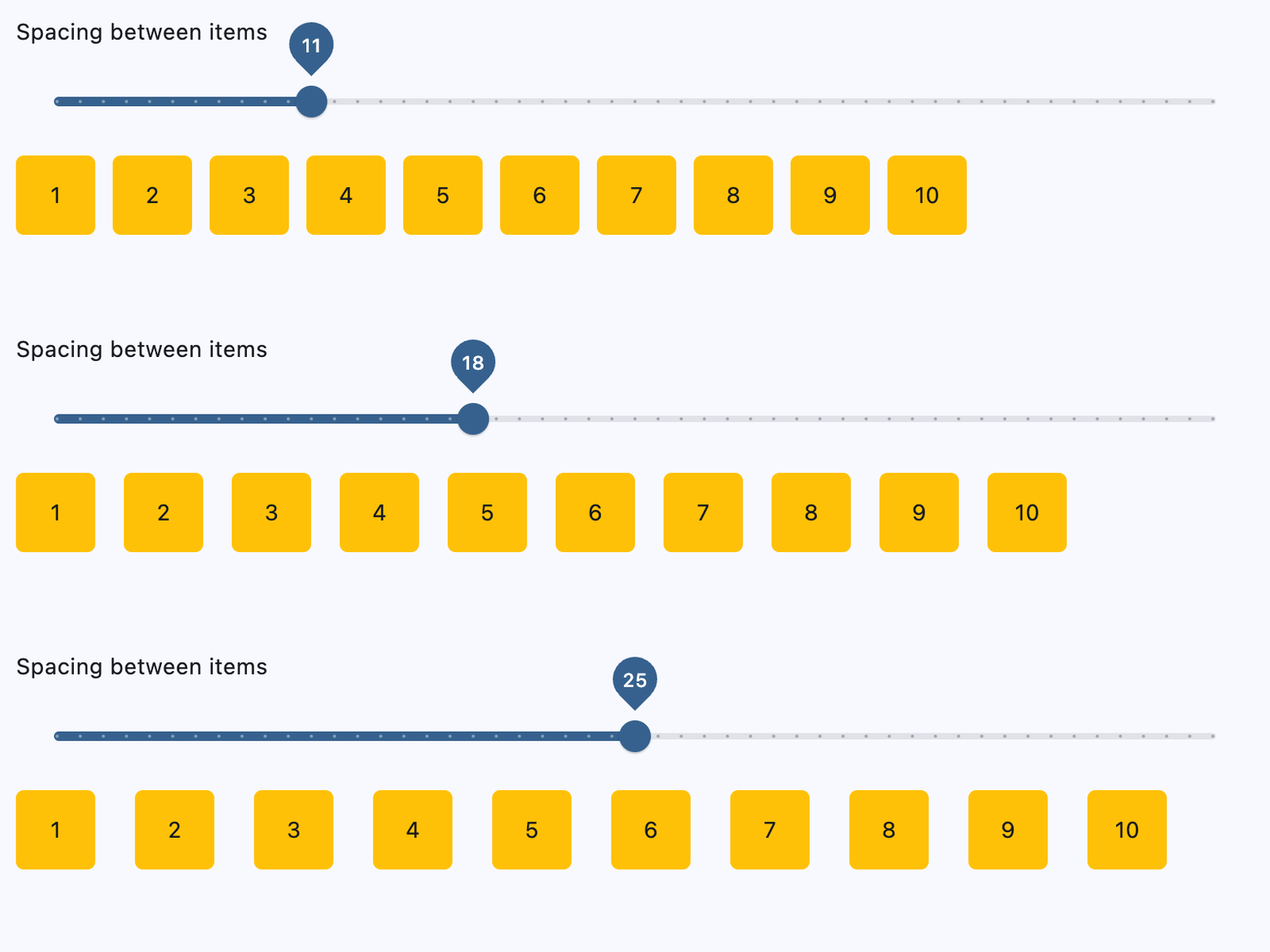](https://docs.flet.dev/test-images/examples/core/golden/macos/row/row_spacing_adjustment.gif)
### Wrapping children[#](https://docs.flet.dev/controls/row/#wrapping-children "Permanent link")
`[](https://docs.flet.dev/controls/row/#__codelineno-1-1) import flet as ft [](https://docs.flet.dev/controls/row/#__codelineno-1-2) [](https://docs.flet.dev/controls/row/#__codelineno-1-3)[](https://docs.flet.dev/controls/row/#__codelineno-1-4) def main(page: ft.Page): [](https://docs.flet.dev/controls/row/#__codelineno-1-5) def generate_items(count: int): [](https://docs.flet.dev/controls/row/#__codelineno-1-6) return [ [](https://docs.flet.dev/controls/row/#__codelineno-1-7) ft.Container( [](https://docs.flet.dev/controls/row/#__codelineno-1-8) content=ft.Text(value=str(i)), [](https://docs.flet.dev/controls/row/#__codelineno-1-9) alignment=ft.Alignment.CENTER, [](https://docs.flet.dev/controls/row/#__codelineno-1-10) width=50, [](https://docs.flet.dev/controls/row/#__codelineno-1-11) height=50, [](https://docs.flet.dev/controls/row/#__codelineno-1-12) bgcolor=ft.Colors.AMBER, [](https://docs.flet.dev/controls/row/#__codelineno-1-13) border_radius=ft.BorderRadius.all(5), [](https://docs.flet.dev/controls/row/#__codelineno-1-14) ) [](https://docs.flet.dev/controls/row/#__codelineno-1-15) for i in range(1, count + 1) [](https://docs.flet.dev/controls/row/#__codelineno-1-16) ] [](https://docs.flet.dev/controls/row/#__codelineno-1-17) [](https://docs.flet.dev/controls/row/#__codelineno-1-18) def handle_slider_change(e: ft.Event[ft.Slider]): [](https://docs.flet.dev/controls/row/#__codelineno-1-19) row.width = float(e.control.value) [](https://docs.flet.dev/controls/row/#__codelineno-1-20) row.update() [](https://docs.flet.dev/controls/row/#__codelineno-1-21) [](https://docs.flet.dev/controls/row/#__codelineno-1-22) page.add( [](https://docs.flet.dev/controls/row/#__codelineno-1-23) ft.Column( [](https://docs.flet.dev/controls/row/#__codelineno-1-24) controls=[ [](https://docs.flet.dev/controls/row/#__codelineno-1-25) ft.Text( [](https://docs.flet.dev/controls/row/#__codelineno-1-26) "Change the row width to see how child items wrap onto multiple rows:" [](https://docs.flet.dev/controls/row/#__codelineno-1-27) ), [](https://docs.flet.dev/controls/row/#__codelineno-1-28) ft.Slider( [](https://docs.flet.dev/controls/row/#__codelineno-1-29) min=0, [](https://docs.flet.dev/controls/row/#__codelineno-1-30) max=page.window.width, [](https://docs.flet.dev/controls/row/#__codelineno-1-31) divisions=20, [](https://docs.flet.dev/controls/row/#__codelineno-1-32) value=page.window.width, [](https://docs.flet.dev/controls/row/#__codelineno-1-33) label="{value}", [](https://docs.flet.dev/controls/row/#__codelineno-1-34) on_change=handle_slider_change, [](https://docs.flet.dev/controls/row/#__codelineno-1-35) ), [](https://docs.flet.dev/controls/row/#__codelineno-1-36) ] [](https://docs.flet.dev/controls/row/#__codelineno-1-37) ), [](https://docs.flet.dev/controls/row/#__codelineno-1-38) row := ft.Row( [](https://docs.flet.dev/controls/row/#__codelineno-1-39) wrap=True, [](https://docs.flet.dev/controls/row/#__codelineno-1-40) spacing=10, [](https://docs.flet.dev/controls/row/#__codelineno-1-41) run_spacing=10, [](https://docs.flet.dev/controls/row/#__codelineno-1-42) controls=generate_items(30), [](https://docs.flet.dev/controls/row/#__codelineno-1-43) width=page.window.width, [](https://docs.flet.dev/controls/row/#__codelineno-1-44) ), [](https://docs.flet.dev/controls/row/#__codelineno-1-45) ) [](https://docs.flet.dev/controls/row/#__codelineno-1-46) [](https://docs.flet.dev/controls/row/#__codelineno-1-47)[](https://docs.flet.dev/controls/row/#__codelineno-1-48) if __name__ == "__main__": [](https://docs.flet.dev/controls/row/#__codelineno-1-49) ft.run(main)`
[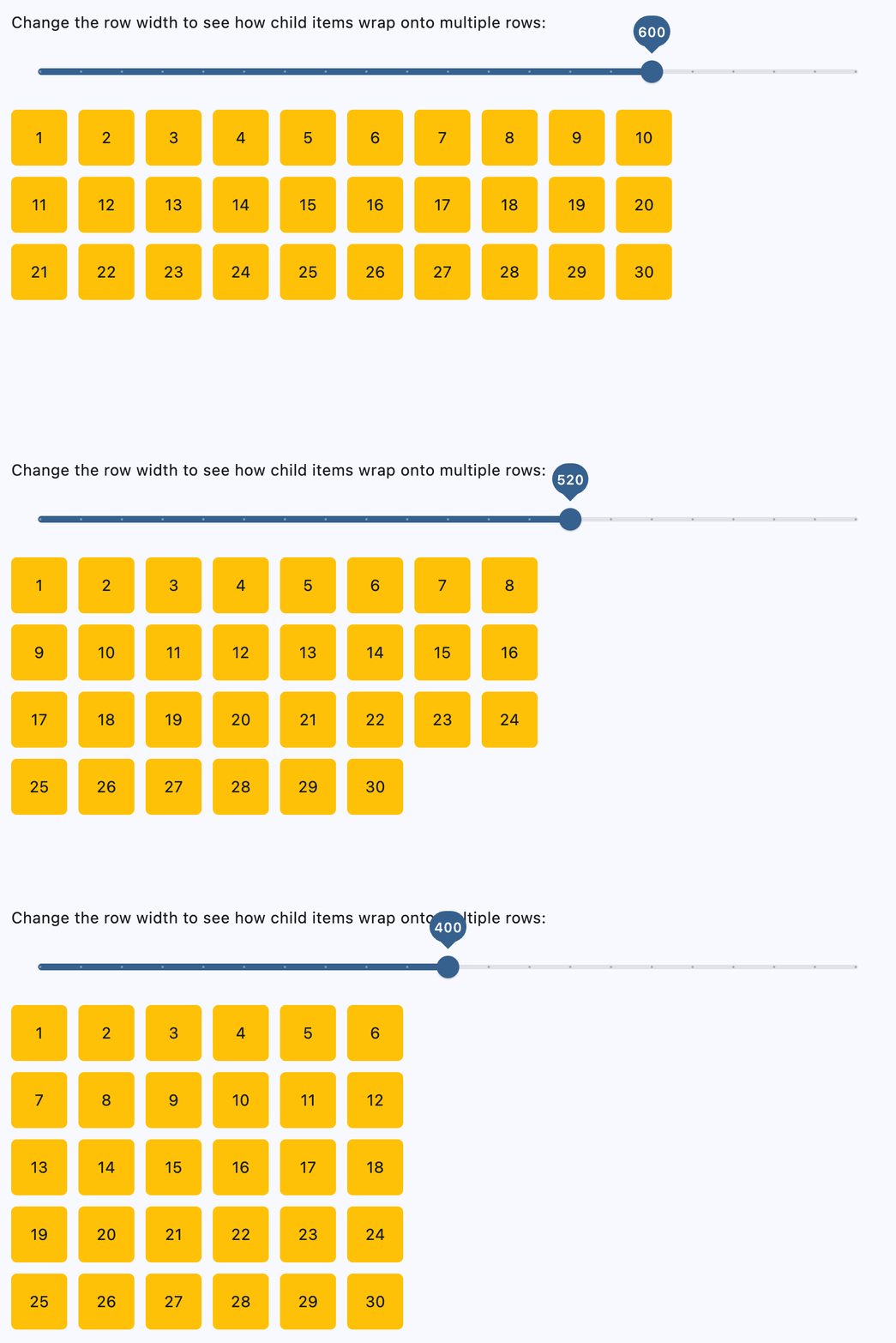](https://docs.flet.dev/test-images/examples/core/golden/macos/row/wrap_adjustment.gif)
### Setting horizontal alignment[#](https://docs.flet.dev/controls/row/#setting-horizontal-alignment "Permanent link")
`[](https://docs.flet.dev/controls/row/#__codelineno-2-1) import flet as ft [](https://docs.flet.dev/controls/row/#__codelineno-2-2) [](https://docs.flet.dev/controls/row/#__codelineno-2-3)[](https://docs.flet.dev/controls/row/#__codelineno-2-4) class RowWithAlignment(ft.Column): [](https://docs.flet.dev/controls/row/#__codelineno-2-5) def __init__(self, alignment: ft.MainAxisAlignment): [](https://docs.flet.dev/controls/row/#__codelineno-2-6) super().__init__() [](https://docs.flet.dev/controls/row/#__codelineno-2-7) self.controls = [ [](https://docs.flet.dev/controls/row/#__codelineno-2-8) ft.Text(str(alignment), size=16), [](https://docs.flet.dev/controls/row/#__codelineno-2-9) ft.Container( [](https://docs.flet.dev/controls/row/#__codelineno-2-10) content=ft.Row(self.generate_items(3), alignment=alignment), [](https://docs.flet.dev/controls/row/#__codelineno-2-11) bgcolor=ft.Colors.AMBER_100, [](https://docs.flet.dev/controls/row/#__codelineno-2-12) ), [](https://docs.flet.dev/controls/row/#__codelineno-2-13) ] [](https://docs.flet.dev/controls/row/#__codelineno-2-14) [](https://docs.flet.dev/controls/row/#__codelineno-2-15) @staticmethod [](https://docs.flet.dev/controls/row/#__codelineno-2-16) def generate_items(count: int): [](https://docs.flet.dev/controls/row/#__codelineno-2-17) return [ [](https://docs.flet.dev/controls/row/#__codelineno-2-18) ft.Container( [](https://docs.flet.dev/controls/row/#__codelineno-2-19) content=ft.Text(value=str(i)), [](https://docs.flet.dev/controls/row/#__codelineno-2-20) alignment=ft.Alignment.CENTER, [](https://docs.flet.dev/controls/row/#__codelineno-2-21) width=50, [](https://docs.flet.dev/controls/row/#__codelineno-2-22) height=50, [](https://docs.flet.dev/controls/row/#__codelineno-2-23) bgcolor=ft.Colors.AMBER_500, [](https://docs.flet.dev/controls/row/#__codelineno-2-24) ) [](https://docs.flet.dev/controls/row/#__codelineno-2-25) for i in range(1, count + 1) [](https://docs.flet.dev/controls/row/#__codelineno-2-26) ] [](https://docs.flet.dev/controls/row/#__codelineno-2-27) [](https://docs.flet.dev/controls/row/#__codelineno-2-28)[](https://docs.flet.dev/controls/row/#__codelineno-2-29) def main(page: ft.Page): [](https://docs.flet.dev/controls/row/#__codelineno-2-30) page.scroll = ft.ScrollMode.AUTO [](https://docs.flet.dev/controls/row/#__codelineno-2-31) [](https://docs.flet.dev/controls/row/#__codelineno-2-32) page.add( [](https://docs.flet.dev/controls/row/#__codelineno-2-33) ft.Column( [](https://docs.flet.dev/controls/row/#__codelineno-2-34) scroll=ft.ScrollMode.AUTO, [](https://docs.flet.dev/controls/row/#__codelineno-2-35) controls=[ [](https://docs.flet.dev/controls/row/#__codelineno-2-36) RowWithAlignment(ft.MainAxisAlignment.START), [](https://docs.flet.dev/controls/row/#__codelineno-2-37) RowWithAlignment(ft.MainAxisAlignment.CENTER), [](https://docs.flet.dev/controls/row/#__codelineno-2-38) RowWithAlignment(ft.MainAxisAlignment.END), [](https://docs.flet.dev/controls/row/#__codelineno-2-39) RowWithAlignment(ft.MainAxisAlignment.SPACE_BETWEEN), [](https://docs.flet.dev/controls/row/#__codelineno-2-40) RowWithAlignment(ft.MainAxisAlignment.SPACE_AROUND), [](https://docs.flet.dev/controls/row/#__codelineno-2-41) RowWithAlignment(ft.MainAxisAlignment.SPACE_EVENLY), [](https://docs.flet.dev/controls/row/#__codelineno-2-42) ], [](https://docs.flet.dev/controls/row/#__codelineno-2-43) ) [](https://docs.flet.dev/controls/row/#__codelineno-2-44) ) [](https://docs.flet.dev/controls/row/#__codelineno-2-45) [](https://docs.flet.dev/controls/row/#__codelineno-2-46)[](https://docs.flet.dev/controls/row/#__codelineno-2-47) if __name__ == "__main__": [](https://docs.flet.dev/controls/row/#__codelineno-2-48) ft.run(main)`
[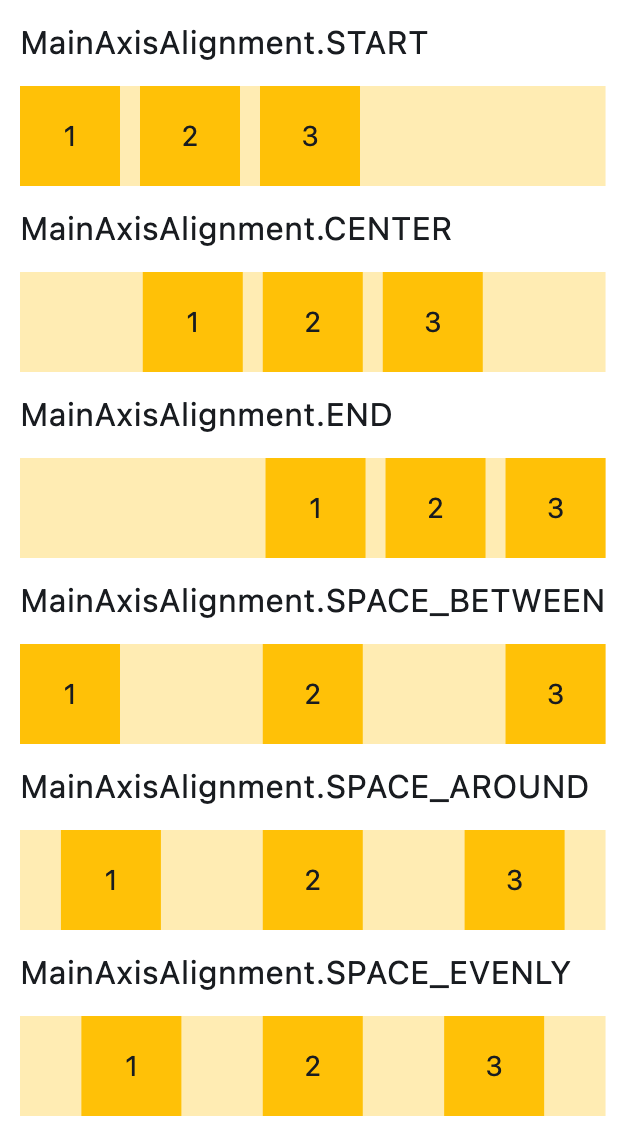](https://docs.flet.dev/test-images/examples/core/golden/macos/row/alignment.png)
### Setting vertical alignment[#](https://docs.flet.dev/controls/row/#setting-vertical-alignment "Permanent link")
`[](https://docs.flet.dev/controls/row/#__codelineno-3-1) import flet as ft [](https://docs.flet.dev/controls/row/#__codelineno-3-2) [](https://docs.flet.dev/controls/row/#__codelineno-3-3)[](https://docs.flet.dev/controls/row/#__codelineno-3-4) class RowWithVerticalAlignment(ft.Column): [](https://docs.flet.dev/controls/row/#__codelineno-3-5) def __init__(self, alignment: ft.CrossAxisAlignment): [](https://docs.flet.dev/controls/row/#__codelineno-3-6) super().__init__() [](https://docs.flet.dev/controls/row/#__codelineno-3-7) self.controls = [ [](https://docs.flet.dev/controls/row/#__codelineno-3-8) ft.Text(str(alignment), size=16), [](https://docs.flet.dev/controls/row/#__codelineno-3-9) ft.Container( [](https://docs.flet.dev/controls/row/#__codelineno-3-10) content=ft.Row(self.generate_items(3), vertical_alignment=alignment), [](https://docs.flet.dev/controls/row/#__codelineno-3-11) bgcolor=ft.Colors.AMBER_100, [](https://docs.flet.dev/controls/row/#__codelineno-3-12) height=150, [](https://docs.flet.dev/controls/row/#__codelineno-3-13) ), [](https://docs.flet.dev/controls/row/#__codelineno-3-14) ] [](https://docs.flet.dev/controls/row/#__codelineno-3-15) [](https://docs.flet.dev/controls/row/#__codelineno-3-16) @staticmethod [](https://docs.flet.dev/controls/row/#__codelineno-3-17) def generate_items(count: int): [](https://docs.flet.dev/controls/row/#__codelineno-3-18) return [ [](https://docs.flet.dev/controls/row/#__codelineno-3-19) ft.Container( [](https://docs.flet.dev/controls/row/#__codelineno-3-20) content=ft.Text(value=str(i)), [](https://docs.flet.dev/controls/row/#__codelineno-3-21) alignment=ft.Alignment.CENTER, [](https://docs.flet.dev/controls/row/#__codelineno-3-22) width=50, [](https://docs.flet.dev/controls/row/#__codelineno-3-23) height=50, [](https://docs.flet.dev/controls/row/#__codelineno-3-24) bgcolor=ft.Colors.AMBER_500, [](https://docs.flet.dev/controls/row/#__codelineno-3-25) ) [](https://docs.flet.dev/controls/row/#__codelineno-3-26) for i in range(1, count + 1) [](https://docs.flet.dev/controls/row/#__codelineno-3-27) ] [](https://docs.flet.dev/controls/row/#__codelineno-3-28) [](https://docs.flet.dev/controls/row/#__codelineno-3-29)[](https://docs.flet.dev/controls/row/#__codelineno-3-30) def main(page: ft.Page): [](https://docs.flet.dev/controls/row/#__codelineno-3-31) page.add( [](https://docs.flet.dev/controls/row/#__codelineno-3-32) RowWithVerticalAlignment(ft.CrossAxisAlignment.START), [](https://docs.flet.dev/controls/row/#__codelineno-3-33) RowWithVerticalAlignment(ft.CrossAxisAlignment.CENTER), [](https://docs.flet.dev/controls/row/#__codelineno-3-34) RowWithVerticalAlignment(ft.CrossAxisAlignment.END), [](https://docs.flet.dev/controls/row/#__codelineno-3-35) ) [](https://docs.flet.dev/controls/row/#__codelineno-3-36) [](https://docs.flet.dev/controls/row/#__codelineno-3-37)[](https://docs.flet.dev/controls/row/#__codelineno-3-38) if __name__ == "__main__": [](https://docs.flet.dev/controls/row/#__codelineno-3-39) ft.run(main)`
[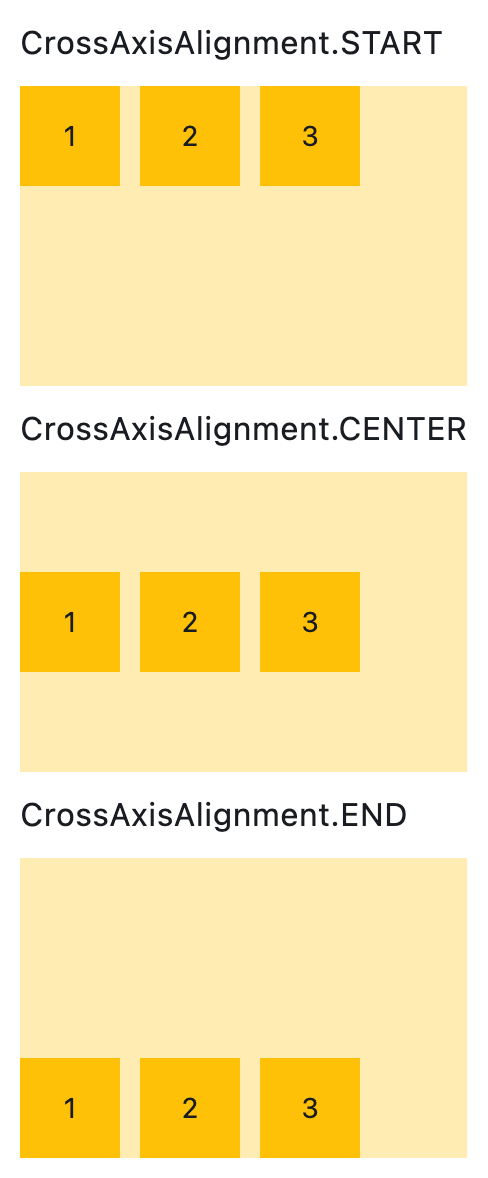](https://docs.flet.dev/test-images/examples/core/golden/macos/row/vertical_alignment.png)
Properties[#](https://docs.flet.dev/controls/row/#flet.Row-properties "Permanent link")
----------------------------------------------------------------------------------------
### alignment `class-attribute` `instance-attribute` [#](https://docs.flet.dev/controls/row/#flet.Row.alignment "Permanent link")
`[](https://docs.flet.dev/controls/row/#__codelineno-0-1) alignment: [MainAxisAlignment](https://docs.flet.dev/types/mainaxisalignment/#flet.MainAxisAlignment) = [START](https://docs.flet.dev/types/mainaxisalignment/#flet.MainAxisAlignment.START)`
Defines how the child [`controls`](https://docs.flet.dev/controls/row/#flet.Row.controls)
should be placed horizontally.
### controls `class-attribute` `instance-attribute` [#](https://docs.flet.dev/controls/row/#flet.Row.controls "Permanent link")
`[](https://docs.flet.dev/controls/row/#__codelineno-0-1) controls: [list](https://docs.python.org/3/glossary.html#term-list) [[Control](https://docs.flet.dev/controls/control/#flet.Control) ] = [field](https://docs.python.org/3/library/dataclasses.html#dataclasses.field "dataclasses.field") (default_factory=[list](https://docs.python.org/3/glossary.html#term-list) )`
A list of Controls to display.
### intrinsic\_height `class-attribute` `instance-attribute` [#](https://docs.flet.dev/controls/row/#flet.Row.intrinsic_height "Permanent link")
`[](https://docs.flet.dev/controls/row/#__codelineno-0-1) intrinsic_height: [bool](https://docs.python.org/3/library/functions.html#bool) = False`
Whether this row should be as tall as the tallest child control in [`controls`](https://docs.flet.dev/controls/row/#flet.Row.controls)
.
### run\_alignment `class-attribute` `instance-attribute` [#](https://docs.flet.dev/controls/row/#flet.Row.run_alignment "Permanent link")
`[](https://docs.flet.dev/controls/row/#__codelineno-0-1) run_alignment: [MainAxisAlignment](https://docs.flet.dev/types/mainaxisalignment/#flet.MainAxisAlignment) = [START](https://docs.flet.dev/types/mainaxisalignment/#flet.MainAxisAlignment.START)`
How the runs should be placed in the cross-axis when [`wrap`](https://docs.flet.dev/controls/row/#flet.Row.wrap)
is `True`.
### run\_spacing `class-attribute` `instance-attribute` [#](https://docs.flet.dev/controls/row/#flet.Row.run_spacing "Permanent link")
`[](https://docs.flet.dev/controls/row/#__codelineno-0-1) run_spacing: [Number](https://docs.flet.dev/types/aliases/#flet.Number) = 10`
The spacing between runs when [`wrap`](https://docs.flet.dev/controls/row/#flet.Row.wrap)
is `True`.
### spacing `class-attribute` `instance-attribute` [#](https://docs.flet.dev/controls/row/#flet.Row.spacing "Permanent link")
`[](https://docs.flet.dev/controls/row/#__codelineno-0-1) spacing: [Number](https://docs.flet.dev/types/aliases/#flet.Number) = 10`
The spacing between the child [`controls`](https://docs.flet.dev/controls/row/#flet.Row.controls)
.
Note
Has effect only when [`alignment`](https://docs.flet.dev/controls/row/#flet.Row.alignment)
is set to [`MainAxisAlignment.START`](https://docs.flet.dev/types/mainaxisalignment/#flet.MainAxisAlignment.START)
, [`MainAxisAlignment.END`](https://docs.flet.dev/types/mainaxisalignment/#flet.MainAxisAlignment.END)
, or [`MainAxisAlignment.CENTER`](https://docs.flet.dev/types/mainaxisalignment/#flet.MainAxisAlignment.CENTER)
.
### tight `class-attribute` `instance-attribute` [#](https://docs.flet.dev/controls/row/#flet.Row.tight "Permanent link")
`[](https://docs.flet.dev/controls/row/#__codelineno-0-1) tight: [bool](https://docs.python.org/3/library/functions.html#bool) = False`
Whether this row should occupy all available horizontal space (`True`), or only as much as needed by its children [`controls`](https://docs.flet.dev/controls/row/#flet.Row.controls)
(`False`).
Note
Has effect only when [`wrap`](https://docs.flet.dev/controls/row/#flet.Row.wrap)
is `False`.
### vertical\_alignment `class-attribute` `instance-attribute` [#](https://docs.flet.dev/controls/row/#flet.Row.vertical_alignment "Permanent link")
`[](https://docs.flet.dev/controls/row/#__codelineno-0-1) vertical_alignment: [CrossAxisAlignment](https://docs.flet.dev/types/crossaxisalignment/#flet.CrossAxisAlignment) = [CENTER](https://docs.flet.dev/types/crossaxisalignment/#flet.CrossAxisAlignment.CENTER)`
Defines how the child [`controls`](https://docs.flet.dev/controls/row/#flet.Row.controls)
should be placed vertically.
Note
When [`wrap`](https://docs.flet.dev/controls/row/#flet.Row.wrap)
is `True`, this property doesn't support [`CrossAxisAlignment.STRETCH`](https://docs.flet.dev/types/crossaxisalignment/#flet.CrossAxisAlignment.STRETCH)
or [`CrossAxisAlignment.BASELINE`](https://docs.flet.dev/types/crossaxisalignment/#flet.CrossAxisAlignment.BASELINE)
. If either is used, [`CrossAxisAlignment.CENTER`](https://docs.flet.dev/types/crossaxisalignment/#flet.CrossAxisAlignment.CENTER)
will be applied instead.
### wrap `class-attribute` `instance-attribute` [#](https://docs.flet.dev/controls/row/#flet.Row.wrap "Permanent link")
`[](https://docs.flet.dev/controls/row/#__codelineno-0-1) wrap: [bool](https://docs.python.org/3/library/functions.html#bool) = False`
Whether this row should put child [`controls`](https://docs.flet.dev/controls/row/#flet.Row.controls)
into additional rows (runs) if they don't fit in a single row.
Back to top
---
# ListTile - Flet
[Skip to content](https://docs.flet.dev/controls/listtile/#flet.ListTile)
ListTile
========
A single fixed-height row that typically contains some text as well as a leading or trailing icon.
Example:
`[](https://docs.flet.dev/controls/listtile/#__codelineno-0-1) ft.ListTile( [](https://docs.flet.dev/controls/listtile/#__codelineno-0-2) width=400, [](https://docs.flet.dev/controls/listtile/#__codelineno-0-3) leading=ft.Icon(ft.Icons.ACCOUNT_CIRCLE), [](https://docs.flet.dev/controls/listtile/#__codelineno-0-4) title="Jane Doe", [](https://docs.flet.dev/controls/listtile/#__codelineno-0-5) subtitle="Product Manager", [](https://docs.flet.dev/controls/listtile/#__codelineno-0-6) trailing=ft.Icon(ft.Icons.CHEVRON_RIGHT), [](https://docs.flet.dev/controls/listtile/#__codelineno-0-7) bgcolor=ft.Colors.SURFACE_CONTAINER_LOW, [](https://docs.flet.dev/controls/listtile/#__codelineno-0-8) )`
[](https://docs.flet.dev/test-images/examples/material/golden/macos/list_tile/image_for_docs.png)
Basic ListTile
Inherits: `[LayoutControl](https://docs.flet.dev/controls/layoutcontrol/#flet.LayoutControl) `, `[AdaptiveControl](https://docs.flet.dev/controls/adaptivecontrol/#flet.AdaptiveControl) `
Properties
* **`[autofocus](https://docs.flet.dev/controls/listtile/#flet.ListTile.autofocus) `**(`[bool](https://docs.python.org/3/library/functions.html#bool) `) –
`True` if the control will be selected as the initial focus. If there is more than one control on a page with autofocus set, then the first one added to the page will get focus.
* **`[bgcolor](https://docs.flet.dev/controls/listtile/#flet.ListTile.bgcolor) `**(`[ColorValue](https://docs.flet.dev/types/aliases/#flet.ColorValue) | None`) –
The list tile's background color.
* **`[content_padding](https://docs.flet.dev/controls/listtile/#flet.ListTile.content_padding) `**(`[PaddingValue](https://docs.flet.dev/types/aliases/#flet.PaddingValue) | None`) –
The tile's internal padding. It insets the contents of this tile.
* **`[dense](https://docs.flet.dev/controls/listtile/#flet.ListTile.dense) `**(`[bool](https://docs.python.org/3/library/functions.html#bool) | None`) –
Whether this list tile is part of a vertically dense list.
* **`[enable_feedback](https://docs.flet.dev/controls/listtile/#flet.ListTile.enable_feedback) `**(`[bool](https://docs.python.org/3/library/functions.html#bool) | None`) –
Whether detected gestures should provide acoustic and/or haptic feedback.
* **`[horizontal_spacing](https://docs.flet.dev/controls/listtile/#flet.ListTile.horizontal_spacing) `**(`[Number](https://docs.flet.dev/types/aliases/#flet.Number) | None`) –
The horizontal gap between the `title` and the [`leading`](https://docs.flet.dev/controls/listtile/#flet.ListTile.leading)
and [`trailing`](https://docs.flet.dev/controls/listtile/#flet.ListTile.trailing)
* **`[hover_color](https://docs.flet.dev/controls/listtile/#flet.ListTile.hover_color) `**(`[ColorValue](https://docs.flet.dev/types/aliases/#flet.ColorValue) | None`) –
The tile's color when hovered. Only takes effect if [`toggle_inputs`](https://docs.flet.dev/controls/listtile/#flet.ListTile.toggle_inputs)
is True or if [`on_click`](https://docs.flet.dev/controls/listtile/#flet.ListTile.on_click)
is provided.
* **`[icon_color](https://docs.flet.dev/controls/listtile/#flet.ListTile.icon_color) `**(`[ColorValue](https://docs.flet.dev/types/aliases/#flet.ColorValue) | None`) –
Defines the default color for the icons present in [`leading`](https://docs.flet.dev/controls/listtile/#flet.ListTile.leading)
and [`trailing`](https://docs.flet.dev/controls/listtile/#flet.ListTile.trailing)
.
* **`[is_three_line](https://docs.flet.dev/controls/listtile/#flet.ListTile.is_three_line) `**(`[bool](https://docs.python.org/3/library/functions.html#bool) | None`) –
Whether this list tile is intended to display three lines of text.
* **`[leading](https://docs.flet.dev/controls/listtile/#flet.ListTile.leading) `**(`[IconDataOrControl](https://docs.flet.dev/types/aliases/#flet.IconDataOrControl) | None`) –
A control to display before the [`title`](https://docs.flet.dev/controls/listtile/#flet.ListTile.title)
.
* **`[leading_and_trailing_text_style](https://docs.flet.dev/controls/listtile/#flet.ListTile.leading_and_trailing_text_style) `**(`[TextStyle](https://docs.flet.dev/types/textstyle/#flet.TextStyle) | None`) –
The [`TextStyle`](https://docs.flet.dev/types/textstyle/#flet.TextStyle)
for the `leading` and `trailing` controls.
* **`[min_height](https://docs.flet.dev/controls/listtile/#flet.ListTile.min_height) `**(`[Number](https://docs.flet.dev/types/aliases/#flet.Number) | None`) –
The minimum height allocated for this control.
* **`[min_leading_width](https://docs.flet.dev/controls/listtile/#flet.ListTile.min_leading_width) `**(`[Number](https://docs.flet.dev/types/aliases/#flet.Number) | None`) –
The minimum width allocated for the `leading` control.
* **`[min_vertical_padding](https://docs.flet.dev/controls/listtile/#flet.ListTile.min_vertical_padding) `**(`[Number](https://docs.flet.dev/types/aliases/#flet.Number) | None`) –
The minimum padding on the top and bottom of the `title` and `subtitle` controls.
* **`[mouse_cursor](https://docs.flet.dev/controls/listtile/#flet.ListTile.mouse_cursor) `**(`[MouseCursor](https://docs.flet.dev/types/mousecursor/#flet.MouseCursor) | None`) –
The cursor to be displayed when a mouse pointer enters or is hovering over this control. The value is [`MouseCursor`](https://docs.flet.dev/types/mousecursor/#flet.MouseCursor)
* **`[selected](https://docs.flet.dev/controls/listtile/#flet.ListTile.selected) `**(`[bool](https://docs.python.org/3/library/functions.html#bool) `) –
If this tile is also enabled then icons and text are rendered with the same color.
* **`[selected_color](https://docs.flet.dev/controls/listtile/#flet.ListTile.selected_color) `**(`[ColorValue](https://docs.flet.dev/types/aliases/#flet.ColorValue) | None`) –
Defines the color used for icons and text when `selected=True`.
* **`[selected_tile_color](https://docs.flet.dev/controls/listtile/#flet.ListTile.selected_tile_color) `**(`[ColorValue](https://docs.flet.dev/types/aliases/#flet.ColorValue) | None`) –
Defines the background color of ListTile when `selected=True`.
* **`[shape](https://docs.flet.dev/controls/listtile/#flet.ListTile.shape) `**(`[OutlinedBorder](https://docs.flet.dev/types/outlinedborder/#flet.OutlinedBorder) | None`) –
The tile's shape.
* **`[splash_color](https://docs.flet.dev/controls/listtile/#flet.ListTile.splash_color) `**(`[ColorValue](https://docs.flet.dev/types/aliases/#flet.ColorValue) | None`) –
The list tile's splash color after the control has been tapped.
* **`[style](https://docs.flet.dev/controls/listtile/#flet.ListTile.style) `**(`[ListTileStyle](https://docs.flet.dev/types/listtilestyle/#flet.ListTileStyle) | None`) –
Defines the font used for the title.
* **`[subtitle](https://docs.flet.dev/controls/listtile/#flet.ListTile.subtitle) `**(`[StrOrControl](https://docs.flet.dev/types/aliases/#flet.StrOrControl) | None`) –
Additional content displayed below the title.
* **`[subtitle_text_style](https://docs.flet.dev/controls/listtile/#flet.ListTile.subtitle_text_style) `**(`[TextStyle](https://docs.flet.dev/types/textstyle/#flet.TextStyle) | None`) –
The [`TextStyle`](https://docs.flet.dev/types/textstyle/#flet.TextStyle)
for the `subtitle` control.
* **`[text_color](https://docs.flet.dev/controls/listtile/#flet.ListTile.text_color) `**(`[ColorValue](https://docs.flet.dev/types/aliases/#flet.ColorValue) | None`) –
The color used for texts in [`title`](https://docs.flet.dev/controls/listtile/#flet.ListTile.title)
, [`subtitle`](https://docs.flet.dev/controls/listtile/#flet.ListTile.subtitle)
, [`leading`](https://docs.flet.dev/controls/listtile/#flet.ListTile.leading)
, and [`trailing`](https://docs.flet.dev/controls/listtile/#flet.ListTile.trailing)
.
* **`[title](https://docs.flet.dev/controls/listtile/#flet.ListTile.title) `**(`[StrOrControl](https://docs.flet.dev/types/aliases/#flet.StrOrControl) | None`) –
A control to display as primary content of the list tile.
* **`[title_alignment](https://docs.flet.dev/controls/listtile/#flet.ListTile.title_alignment) `**(`[ListTileTitleAlignment](https://docs.flet.dev/types/listtiletitlealignment/#flet.ListTileTitleAlignment) | None`) –
Defines how `leading` and `trailing` are vertically aligned relative to the titles (`title` and `subtitle`).
* **`[title_text_style](https://docs.flet.dev/controls/listtile/#flet.ListTile.title_text_style) `**(`[TextStyle](https://docs.flet.dev/types/textstyle/#flet.TextStyle) | None`) –
The [`TextStyle`](https://docs.flet.dev/types/textstyle/#flet.TextStyle)
for the [`title`](https://docs.flet.dev/controls/listtile/#flet.ListTile.title)
* **`[toggle_inputs](https://docs.flet.dev/controls/listtile/#flet.ListTile.toggle_inputs) `**(`[bool](https://docs.python.org/3/library/functions.html#bool) `) –
Whether clicking on a list tile should toggle the state of [`Radio`](https://docs.flet.dev/controls/radio/#flet.Radio)
, [`Checkbox`](https://docs.flet.dev/controls/checkbox/#flet.Checkbox)
or [`Switch`](https://docs.flet.dev/controls/switch/#flet.Switch)
inside this tile.
* **`[trailing](https://docs.flet.dev/controls/listtile/#flet.ListTile.trailing) `**(`[IconDataOrControl](https://docs.flet.dev/types/aliases/#flet.IconDataOrControl) | None`) –
A control to display after the [`title`](https://docs.flet.dev/controls/listtile/#flet.ListTile.title)
.
* **`[url](https://docs.flet.dev/controls/listtile/#flet.ListTile.url) `**(`[str](https://docs.python.org/3/library/stdtypes.html#str) | [Url](https://docs.flet.dev/types/url/#flet.Url) | None`) –
The URL to open when this button is clicked.
* **`[visual_density](https://docs.flet.dev/controls/listtile/#flet.ListTile.visual_density) `**(`[VisualDensity](https://docs.flet.dev/types/visualdensity/#flet.VisualDensity) | None`) –
Defines how compact the control's layout will be.
Events
* **`[on_click](https://docs.flet.dev/controls/listtile/#flet.ListTile.on_click) `**(`[ControlEventHandler](https://docs.flet.dev/types/aliases/#flet.ControlEventHandler) [[ListTile](https://docs.flet.dev/controls/listtile/#flet.ListTile) ] | None`) –
Called when a user clicks or taps the list tile.
* **`[on_long_press](https://docs.flet.dev/controls/listtile/#flet.ListTile.on_long_press) `**(`[ControlEventHandler](https://docs.flet.dev/types/aliases/#flet.ControlEventHandler) [[ListTile](https://docs.flet.dev/controls/listtile/#flet.ListTile) ] | None`) –
Called when the user long-presses on this list tile.
Examples[#](https://docs.flet.dev/controls/listtile/#examples "Permanent link")
--------------------------------------------------------------------------------
[Live example](https://flet-controls-gallery.fly.dev/layout/listtile)
### Basic Example[#](https://docs.flet.dev/controls/listtile/#basic-example "Permanent link")
`[](https://docs.flet.dev/controls/listtile/#__codelineno-0-1) import flet as ft [](https://docs.flet.dev/controls/listtile/#__codelineno-0-2) [](https://docs.flet.dev/controls/listtile/#__codelineno-0-3)[](https://docs.flet.dev/controls/listtile/#__codelineno-0-4) def main(page: ft.Page): [](https://docs.flet.dev/controls/listtile/#__codelineno-0-5) page.title = "ListTile Example" [](https://docs.flet.dev/controls/listtile/#__codelineno-0-6) [](https://docs.flet.dev/controls/listtile/#__codelineno-0-7) page.add( [](https://docs.flet.dev/controls/listtile/#__codelineno-0-8) ft.Card( [](https://docs.flet.dev/controls/listtile/#__codelineno-0-9) content=ft.Container( [](https://docs.flet.dev/controls/listtile/#__codelineno-0-10) width=500, [](https://docs.flet.dev/controls/listtile/#__codelineno-0-11) padding=ft.Padding.symmetric(vertical=10), [](https://docs.flet.dev/controls/listtile/#__codelineno-0-12) content=ft.Column( [](https://docs.flet.dev/controls/listtile/#__codelineno-0-13) spacing=0, [](https://docs.flet.dev/controls/listtile/#__codelineno-0-14) controls=[ [](https://docs.flet.dev/controls/listtile/#__codelineno-0-15) ft.ListTile(title=ft.Text("One-line list tile")), [](https://docs.flet.dev/controls/listtile/#__codelineno-0-16) ft.ListTile( [](https://docs.flet.dev/controls/listtile/#__codelineno-0-17) title=ft.Text("One-line dense list tile"), [](https://docs.flet.dev/controls/listtile/#__codelineno-0-18) dense=True, [](https://docs.flet.dev/controls/listtile/#__codelineno-0-19) ), [](https://docs.flet.dev/controls/listtile/#__codelineno-0-20) ft.ListTile( [](https://docs.flet.dev/controls/listtile/#__codelineno-0-21) leading=ft.Icon(ft.Icons.SETTINGS), [](https://docs.flet.dev/controls/listtile/#__codelineno-0-22) title=ft.Text("One-line selected list tile"), [](https://docs.flet.dev/controls/listtile/#__codelineno-0-23) selected=True, [](https://docs.flet.dev/controls/listtile/#__codelineno-0-24) ), [](https://docs.flet.dev/controls/listtile/#__codelineno-0-25) ft.ListTile( [](https://docs.flet.dev/controls/listtile/#__codelineno-0-26) leading=ft.Image( [](https://docs.flet.dev/controls/listtile/#__codelineno-0-27) src="/icons/icon-192.png", [](https://docs.flet.dev/controls/listtile/#__codelineno-0-28) fit=ft.BoxFit.CONTAIN, [](https://docs.flet.dev/controls/listtile/#__codelineno-0-29) ), [](https://docs.flet.dev/controls/listtile/#__codelineno-0-30) title=ft.Text("One-line with leading control"), [](https://docs.flet.dev/controls/listtile/#__codelineno-0-31) ), [](https://docs.flet.dev/controls/listtile/#__codelineno-0-32) ft.ListTile( [](https://docs.flet.dev/controls/listtile/#__codelineno-0-33) title=ft.Text("One-line with trailing control"), [](https://docs.flet.dev/controls/listtile/#__codelineno-0-34) trailing=ft.PopupMenuButton( [](https://docs.flet.dev/controls/listtile/#__codelineno-0-35) icon=ft.Icons.MORE_VERT, [](https://docs.flet.dev/controls/listtile/#__codelineno-0-36) items=[ [](https://docs.flet.dev/controls/listtile/#__codelineno-0-37) ft.PopupMenuItem(content="Item 1"), [](https://docs.flet.dev/controls/listtile/#__codelineno-0-38) ft.PopupMenuItem(content="Item 2"), [](https://docs.flet.dev/controls/listtile/#__codelineno-0-39) ], [](https://docs.flet.dev/controls/listtile/#__codelineno-0-40) ), [](https://docs.flet.dev/controls/listtile/#__codelineno-0-41) ), [](https://docs.flet.dev/controls/listtile/#__codelineno-0-42) ft.ListTile( [](https://docs.flet.dev/controls/listtile/#__codelineno-0-43) leading=ft.Icon(ft.Icons.ALBUM), [](https://docs.flet.dev/controls/listtile/#__codelineno-0-44) title=ft.Text( [](https://docs.flet.dev/controls/listtile/#__codelineno-0-45) value="One-line with leading and trailing controls" [](https://docs.flet.dev/controls/listtile/#__codelineno-0-46) ), [](https://docs.flet.dev/controls/listtile/#__codelineno-0-47) trailing=ft.PopupMenuButton( [](https://docs.flet.dev/controls/listtile/#__codelineno-0-48) icon=ft.Icons.MORE_VERT, [](https://docs.flet.dev/controls/listtile/#__codelineno-0-49) items=[ [](https://docs.flet.dev/controls/listtile/#__codelineno-0-50) ft.PopupMenuItem(content="Item 1"), [](https://docs.flet.dev/controls/listtile/#__codelineno-0-51) ft.PopupMenuItem(content="Item 2"), [](https://docs.flet.dev/controls/listtile/#__codelineno-0-52) ], [](https://docs.flet.dev/controls/listtile/#__codelineno-0-53) ), [](https://docs.flet.dev/controls/listtile/#__codelineno-0-54) ), [](https://docs.flet.dev/controls/listtile/#__codelineno-0-55) ft.ListTile( [](https://docs.flet.dev/controls/listtile/#__codelineno-0-56) leading=ft.Icon(ft.Icons.SNOOZE), [](https://docs.flet.dev/controls/listtile/#__codelineno-0-57) title=ft.Text( [](https://docs.flet.dev/controls/listtile/#__codelineno-0-58) value="Two-line with leading and trailing controls" [](https://docs.flet.dev/controls/listtile/#__codelineno-0-59) ), [](https://docs.flet.dev/controls/listtile/#__codelineno-0-60) subtitle=ft.Text("Here is a second title."), [](https://docs.flet.dev/controls/listtile/#__codelineno-0-61) trailing=ft.PopupMenuButton( [](https://docs.flet.dev/controls/listtile/#__codelineno-0-62) icon=ft.Icons.MORE_VERT, [](https://docs.flet.dev/controls/listtile/#__codelineno-0-63) items=[ [](https://docs.flet.dev/controls/listtile/#__codelineno-0-64) ft.PopupMenuItem(content="Item 1"), [](https://docs.flet.dev/controls/listtile/#__codelineno-0-65) ft.PopupMenuItem(content="Item 2"), [](https://docs.flet.dev/controls/listtile/#__codelineno-0-66) ], [](https://docs.flet.dev/controls/listtile/#__codelineno-0-67) ), [](https://docs.flet.dev/controls/listtile/#__codelineno-0-68) ), [](https://docs.flet.dev/controls/listtile/#__codelineno-0-69) ], [](https://docs.flet.dev/controls/listtile/#__codelineno-0-70) ), [](https://docs.flet.dev/controls/listtile/#__codelineno-0-71) ) [](https://docs.flet.dev/controls/listtile/#__codelineno-0-72) ) [](https://docs.flet.dev/controls/listtile/#__codelineno-0-73) ) [](https://docs.flet.dev/controls/listtile/#__codelineno-0-74) [](https://docs.flet.dev/controls/listtile/#__codelineno-0-75)[](https://docs.flet.dev/controls/listtile/#__codelineno-0-76) ft.run(main)`
[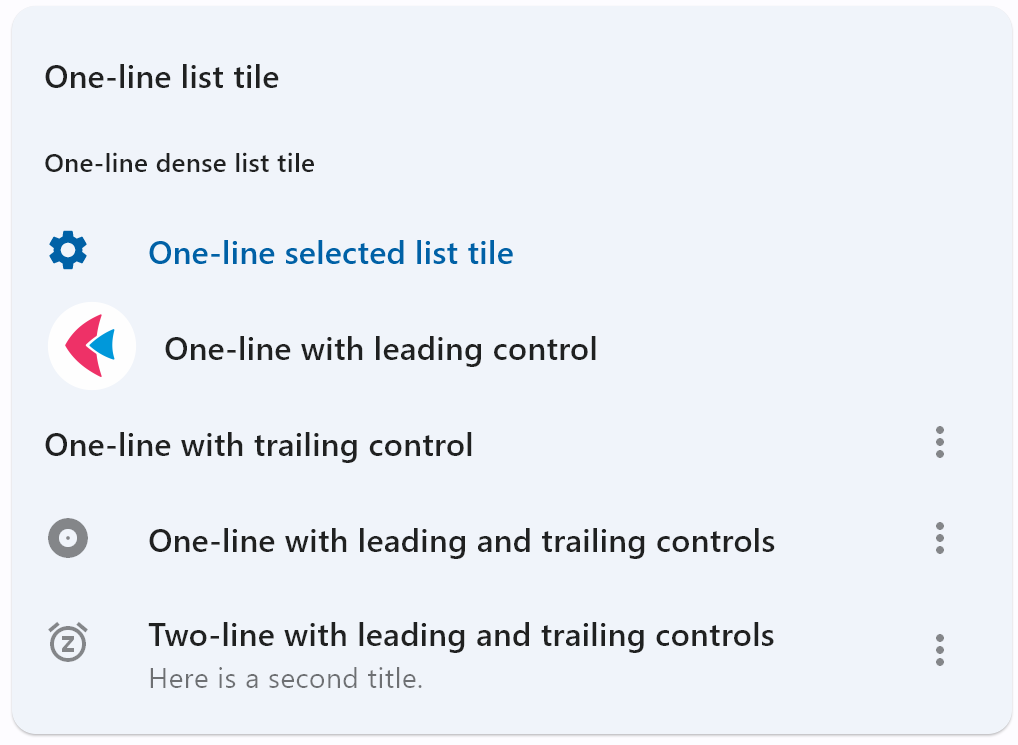](https://docs.flet.dev/examples/controls/list_tile/media/basic.png)
Properties[#](https://docs.flet.dev/controls/listtile/#flet.ListTile-properties "Permanent link")
--------------------------------------------------------------------------------------------------
### autofocus `class-attribute` `instance-attribute` [#](https://docs.flet.dev/controls/listtile/#flet.ListTile.autofocus "Permanent link")
`[](https://docs.flet.dev/controls/listtile/#__codelineno-0-1) autofocus: [bool](https://docs.python.org/3/library/functions.html#bool) = False`
`True` if the control will be selected as the initial focus. If there is more than one control on a page with autofocus set, then the first one added to the page will get focus.
### bgcolor `class-attribute` `instance-attribute` [#](https://docs.flet.dev/controls/listtile/#flet.ListTile.bgcolor "Permanent link")
`[](https://docs.flet.dev/controls/listtile/#__codelineno-0-1) bgcolor: [ColorValue](https://docs.flet.dev/types/aliases/#flet.ColorValue) | None = None`
The list tile's background color.
### content\_padding `class-attribute` `instance-attribute` [#](https://docs.flet.dev/controls/listtile/#flet.ListTile.content_padding "Permanent link")
`[](https://docs.flet.dev/controls/listtile/#__codelineno-0-1) content_padding: [PaddingValue](https://docs.flet.dev/types/aliases/#flet.PaddingValue) | None = None`
The tile's internal padding. It insets the contents of this tile.
its `leading`, `title`, `subtitle`, and `trailing` controls.
### dense `class-attribute` `instance-attribute` [#](https://docs.flet.dev/controls/listtile/#flet.ListTile.dense "Permanent link")
`[](https://docs.flet.dev/controls/listtile/#__codelineno-0-1) dense: [bool](https://docs.python.org/3/library/functions.html#bool) | None = None`
Whether this list tile is part of a vertically dense list.
Dense list tiles default to a smaller height.
### enable\_feedback `class-attribute` `instance-attribute` [#](https://docs.flet.dev/controls/listtile/#flet.ListTile.enable_feedback "Permanent link")
`[](https://docs.flet.dev/controls/listtile/#__codelineno-0-1) enable_feedback: [bool](https://docs.python.org/3/library/functions.html#bool) | None = None`
Whether detected gestures should provide acoustic and/or haptic feedback. On Android, for example, setting this to `True` produce a click sound and a long-press will produce a short vibration.
### horizontal\_spacing `class-attribute` `instance-attribute` [#](https://docs.flet.dev/controls/listtile/#flet.ListTile.horizontal_spacing "Permanent link")
`[](https://docs.flet.dev/controls/listtile/#__codelineno-0-1) horizontal_spacing: [Number](https://docs.flet.dev/types/aliases/#flet.Number) | None = None`
The horizontal gap between the `title` and the [`leading`](https://docs.flet.dev/controls/listtile/#flet.ListTile.leading)
and [`trailing`](https://docs.flet.dev/controls/listtile/#flet.ListTile.trailing)
controls.
### hover\_color `class-attribute` `instance-attribute` [#](https://docs.flet.dev/controls/listtile/#flet.ListTile.hover_color "Permanent link")
`[](https://docs.flet.dev/controls/listtile/#__codelineno-0-1) hover_color: [ColorValue](https://docs.flet.dev/types/aliases/#flet.ColorValue) | None = None`
The tile's color when hovered. Only takes effect if [`toggle_inputs`](https://docs.flet.dev/controls/listtile/#flet.ListTile.toggle_inputs)
is True or if [`on_click`](https://docs.flet.dev/controls/listtile/#flet.ListTile.on_click)
is provided.
### icon\_color `class-attribute` `instance-attribute` [#](https://docs.flet.dev/controls/listtile/#flet.ListTile.icon_color "Permanent link")
`[](https://docs.flet.dev/controls/listtile/#__codelineno-0-1) icon_color: [ColorValue](https://docs.flet.dev/types/aliases/#flet.ColorValue) | None = None`
Defines the default color for the icons present in [`leading`](https://docs.flet.dev/controls/listtile/#flet.ListTile.leading)
and [`trailing`](https://docs.flet.dev/controls/listtile/#flet.ListTile.trailing)
.
### is\_three\_line `class-attribute` `instance-attribute` [#](https://docs.flet.dev/controls/listtile/#flet.ListTile.is_three_line "Permanent link")
`[](https://docs.flet.dev/controls/listtile/#__codelineno-0-1) is_three_line: [bool](https://docs.python.org/3/library/functions.html#bool) | None = None`
Whether this list tile is intended to display three lines of text.
If `True`, then subtitle must be non-null (since it is expected to give the second and third lines of text).
If `False`, the list tile is treated as having one line if the subtitle is null and treated as having two lines if the subtitle is non-null.
When using a Text control for title and subtitle, you can enforce line limits using [`Text.max_lines`](https://docs.flet.dev/controls/text/#flet.Text.max_lines)
.
### leading `class-attribute` `instance-attribute` [#](https://docs.flet.dev/controls/listtile/#flet.ListTile.leading "Permanent link")
`[](https://docs.flet.dev/controls/listtile/#__codelineno-0-1) leading: [IconDataOrControl](https://docs.flet.dev/types/aliases/#flet.IconDataOrControl) | None = None`
A control to display before the [`title`](https://docs.flet.dev/controls/listtile/#flet.ListTile.title)
.
### leading\_and\_trailing\_text\_style `class-attribute` `instance-attribute` [#](https://docs.flet.dev/controls/listtile/#flet.ListTile.leading_and_trailing_text_style "Permanent link")
`[](https://docs.flet.dev/controls/listtile/#__codelineno-0-1) leading_and_trailing_text_style: [TextStyle](https://docs.flet.dev/types/textstyle/#flet.TextStyle) | None = None`
The [`TextStyle`](https://docs.flet.dev/types/textstyle/#flet.TextStyle)
for the `leading` and `trailing` controls.
### min\_height `class-attribute` `instance-attribute` [#](https://docs.flet.dev/controls/listtile/#flet.ListTile.min_height "Permanent link")
`[](https://docs.flet.dev/controls/listtile/#__codelineno-0-1) min_height: [Number](https://docs.flet.dev/types/aliases/#flet.Number) | None = None`
The minimum height allocated for this control.
If `None` or not set, default tile heights are `56.0`, `72.0`, and `88.0` for one, two, and three lines of text respectively. If [`dense`](https://docs.flet.dev/controls/listtile/#flet.ListTile.dense)
is `True`, these defaults are changed to `48.0`, `64.0`, and `76.0`.
Note that, a visual density value or a large title will also adjust the default tile heights.
### min\_leading\_width `class-attribute` `instance-attribute` [#](https://docs.flet.dev/controls/listtile/#flet.ListTile.min_leading_width "Permanent link")
`[](https://docs.flet.dev/controls/listtile/#__codelineno-0-1) min_leading_width: [Number](https://docs.flet.dev/types/aliases/#flet.Number) | None = None`
The minimum width allocated for the `leading` control.
### min\_vertical\_padding `class-attribute` `instance-attribute` [#](https://docs.flet.dev/controls/listtile/#flet.ListTile.min_vertical_padding "Permanent link")
`[](https://docs.flet.dev/controls/listtile/#__codelineno-0-1) min_vertical_padding: [Number](https://docs.flet.dev/types/aliases/#flet.Number) | None = None`
The minimum padding on the top and bottom of the `title` and `subtitle` controls.
### mouse\_cursor `class-attribute` `instance-attribute` [#](https://docs.flet.dev/controls/listtile/#flet.ListTile.mouse_cursor "Permanent link")
`[](https://docs.flet.dev/controls/listtile/#__codelineno-0-1) mouse_cursor: [MouseCursor](https://docs.flet.dev/types/mousecursor/#flet.MouseCursor) | None = None`
The cursor to be displayed when a mouse pointer enters or is hovering over this control. The value is [`MouseCursor`](https://docs.flet.dev/types/mousecursor/#flet.MouseCursor)
enum.
### selected `class-attribute` `instance-attribute` [#](https://docs.flet.dev/controls/listtile/#flet.ListTile.selected "Permanent link")
`[](https://docs.flet.dev/controls/listtile/#__codelineno-0-1) selected: [bool](https://docs.python.org/3/library/functions.html#bool) = False`
If this tile is also enabled then icons and text are rendered with the same color. By default the selected color is the theme's primary color.
### selected\_color `class-attribute` `instance-attribute` [#](https://docs.flet.dev/controls/listtile/#flet.ListTile.selected_color "Permanent link")
`[](https://docs.flet.dev/controls/listtile/#__codelineno-0-1) selected_color: [ColorValue](https://docs.flet.dev/types/aliases/#flet.ColorValue) | None = None`
Defines the color used for icons and text when `selected=True`.
### selected\_tile\_color `class-attribute` `instance-attribute` [#](https://docs.flet.dev/controls/listtile/#flet.ListTile.selected_tile_color "Permanent link")
`[](https://docs.flet.dev/controls/listtile/#__codelineno-0-1) selected_tile_color: [ColorValue](https://docs.flet.dev/types/aliases/#flet.ColorValue) | None = None`
Defines the background color of ListTile when `selected=True`.
### shape `class-attribute` `instance-attribute` [#](https://docs.flet.dev/controls/listtile/#flet.ListTile.shape "Permanent link")
`[](https://docs.flet.dev/controls/listtile/#__codelineno-0-1) shape: [OutlinedBorder](https://docs.flet.dev/types/outlinedborder/#flet.OutlinedBorder) | None = None`
The tile's shape.
### splash\_color `class-attribute` `instance-attribute` [#](https://docs.flet.dev/controls/listtile/#flet.ListTile.splash_color "Permanent link")
`[](https://docs.flet.dev/controls/listtile/#__codelineno-0-1) splash_color: [ColorValue](https://docs.flet.dev/types/aliases/#flet.ColorValue) | None = None`
The list tile's splash color after the control has been tapped.
### style `class-attribute` `instance-attribute` [#](https://docs.flet.dev/controls/listtile/#flet.ListTile.style "Permanent link")
`[](https://docs.flet.dev/controls/listtile/#__codelineno-0-1) style: [ListTileStyle](https://docs.flet.dev/types/listtilestyle/#flet.ListTileStyle) | None = None`
Defines the font used for the title.
Defaults to `ListTileStyle.LIST`.
### subtitle `class-attribute` `instance-attribute` [#](https://docs.flet.dev/controls/listtile/#flet.ListTile.subtitle "Permanent link")
`[](https://docs.flet.dev/controls/listtile/#__codelineno-0-1) subtitle: [StrOrControl](https://docs.flet.dev/types/aliases/#flet.StrOrControl) | None = None`
Additional content displayed below the title.
If [`is_three_line`](https://docs.flet.dev/controls/listtile/#flet.ListTile.is_three_line)
is `False`, this should not wrap. If `is_three_line` is `True`, this should be configured to take a maximum of two lines. For example, you can use [`Text.max_lines`](https://docs.flet.dev/controls/text/#flet.Text.max_lines)
to enforce the number of lines.
Typically a [`Text`](https://docs.flet.dev/controls/text/#flet.Text)
control.
### subtitle\_text\_style `class-attribute` `instance-attribute` [#](https://docs.flet.dev/controls/listtile/#flet.ListTile.subtitle_text_style "Permanent link")
`[](https://docs.flet.dev/controls/listtile/#__codelineno-0-1) subtitle_text_style: [TextStyle](https://docs.flet.dev/types/textstyle/#flet.TextStyle) | None = None`
The [`TextStyle`](https://docs.flet.dev/types/textstyle/#flet.TextStyle)
for the `subtitle` control.
### text\_color `class-attribute` `instance-attribute` [#](https://docs.flet.dev/controls/listtile/#flet.ListTile.text_color "Permanent link")
`[](https://docs.flet.dev/controls/listtile/#__codelineno-0-1) text_color: [ColorValue](https://docs.flet.dev/types/aliases/#flet.ColorValue) | None = None`
The color used for texts in [`title`](https://docs.flet.dev/controls/listtile/#flet.ListTile.title)
, [`subtitle`](https://docs.flet.dev/controls/listtile/#flet.ListTile.subtitle)
, [`leading`](https://docs.flet.dev/controls/listtile/#flet.ListTile.leading)
, and [`trailing`](https://docs.flet.dev/controls/listtile/#flet.ListTile.trailing)
.
### title `class-attribute` `instance-attribute` [#](https://docs.flet.dev/controls/listtile/#flet.ListTile.title "Permanent link")
`[](https://docs.flet.dev/controls/listtile/#__codelineno-0-1) title: [StrOrControl](https://docs.flet.dev/types/aliases/#flet.StrOrControl) | None = None`
A control to display as primary content of the list tile.
Typically a [`Text`](https://docs.flet.dev/controls/text/#flet.Text)
control. This should not wrap. To enforce the single line limit, use [`Text.max_lines`](https://docs.flet.dev/controls/text/#flet.Text.max_lines)
.
### title\_alignment `class-attribute` `instance-attribute` [#](https://docs.flet.dev/controls/listtile/#flet.ListTile.title_alignment "Permanent link")
`[](https://docs.flet.dev/controls/listtile/#__codelineno-0-1) title_alignment: [ListTileTitleAlignment](https://docs.flet.dev/types/listtiletitlealignment/#flet.ListTileTitleAlignment) | None = None`
Defines how `leading` and `trailing` are vertically aligned relative to the titles (`title` and `subtitle`).
Defaults to `ListTileTitleAlignment.THREE_LINE` in Material 3 or `ListTileTitleAlignment.TITLE_HEIGHT` in Material 2.
### title\_text\_style `class-attribute` `instance-attribute` [#](https://docs.flet.dev/controls/listtile/#flet.ListTile.title_text_style "Permanent link")
`[](https://docs.flet.dev/controls/listtile/#__codelineno-0-1) title_text_style: [TextStyle](https://docs.flet.dev/types/textstyle/#flet.TextStyle) | None = None`
The [`TextStyle`](https://docs.flet.dev/types/textstyle/#flet.TextStyle)
for the [`title`](https://docs.flet.dev/controls/listtile/#flet.ListTile.title)
control.
### toggle\_inputs `class-attribute` `instance-attribute` [#](https://docs.flet.dev/controls/listtile/#flet.ListTile.toggle_inputs "Permanent link")
`[](https://docs.flet.dev/controls/listtile/#__codelineno-0-1) toggle_inputs: [bool](https://docs.python.org/3/library/functions.html#bool) = False`
Whether clicking on a list tile should toggle the state of [`Radio`](https://docs.flet.dev/controls/radio/#flet.Radio)
, [`Checkbox`](https://docs.flet.dev/controls/checkbox/#flet.Checkbox)
or [`Switch`](https://docs.flet.dev/controls/switch/#flet.Switch)
inside this tile.
### trailing `class-attribute` `instance-attribute` [#](https://docs.flet.dev/controls/listtile/#flet.ListTile.trailing "Permanent link")
`[](https://docs.flet.dev/controls/listtile/#__codelineno-0-1) trailing: [IconDataOrControl](https://docs.flet.dev/types/aliases/#flet.IconDataOrControl) | None = None`
A control to display after the [`title`](https://docs.flet.dev/controls/listtile/#flet.ListTile.title)
.
Typically an [`Icon`](https://docs.flet.dev/controls/icon/#flet.Icon)
control.
### url `class-attribute` `instance-attribute` [#](https://docs.flet.dev/controls/listtile/#flet.ListTile.url "Permanent link")
`[](https://docs.flet.dev/controls/listtile/#__codelineno-0-1) url: [str](https://docs.python.org/3/library/stdtypes.html#str) | [Url](https://docs.flet.dev/types/url/#flet.Url) | None = None`
The URL to open when this button is clicked.
Additionally, if [`on_click`](https://docs.flet.dev/controls/listtile/#flet.ListTile.on_click)
event callback is provided, it is fired after that.
### visual\_density `class-attribute` `instance-attribute` [#](https://docs.flet.dev/controls/listtile/#flet.ListTile.visual_density "Permanent link")
`[](https://docs.flet.dev/controls/listtile/#__codelineno-0-1) visual_density: [VisualDensity](https://docs.flet.dev/types/visualdensity/#flet.VisualDensity) | None = None`
Defines how compact the control's layout will be.
Events[#](https://docs.flet.dev/controls/listtile/#flet.ListTile-events "Permanent link")
------------------------------------------------------------------------------------------
### on\_click `class-attribute` `instance-attribute` [#](https://docs.flet.dev/controls/listtile/#flet.ListTile.on_click "Permanent link")
`[](https://docs.flet.dev/controls/listtile/#__codelineno-0-1) on_click: [ControlEventHandler](https://docs.flet.dev/types/aliases/#flet.ControlEventHandler) [[ListTile](https://docs.flet.dev/controls/listtile/#flet.ListTile) ] | None = None`
Called when a user clicks or taps the list tile.
### on\_long\_press `class-attribute` `instance-attribute` [#](https://docs.flet.dev/controls/listtile/#flet.ListTile.on_long_press "Permanent link")
`[](https://docs.flet.dev/controls/listtile/#__codelineno-0-1) on_long_press: [ControlEventHandler](https://docs.flet.dev/types/aliases/#flet.ControlEventHandler) [[ListTile](https://docs.flet.dev/controls/listtile/#flet.ListTile) ] | None = None`
Called when the user long-presses on this list tile.
Back to top
---
# Slider - Flet
[Skip to content](https://docs.flet.dev/controls/slider/#flet.Slider)
Slider
======
A slider provides a visual indication of adjustable content, as well as the current setting in the total range of content.
Use a slider when you want people to set defined values (such as volume or brightness), or when people would benefit from instant feedback on the effect of setting changes.
Example:
`[](https://docs.flet.dev/controls/slider/#__codelineno-0-1) ft.Slider(label="Slider", value=0.3)`
[](https://docs.flet.dev/test-images/examples/material/golden/macos/slider/image_for_docs.png)
Basic slider
Inherits: `[LayoutControl](https://docs.flet.dev/controls/layoutcontrol/#flet.LayoutControl) `, `[AdaptiveControl](https://docs.flet.dev/controls/adaptivecontrol/#flet.AdaptiveControl) `
Properties
* **`[active_color](https://docs.flet.dev/controls/slider/#flet.Slider.active_color) `**(`[ColorValue](https://docs.flet.dev/types/aliases/#flet.ColorValue) | None`) –
The color to use for the portion of the slider track that is active.
* **`[autofocus](https://docs.flet.dev/controls/slider/#flet.Slider.autofocus) `**(`[bool](https://docs.python.org/3/library/functions.html#bool) `) –
True if the control will be selected as the initial focus. If there is more than one control on a page with autofocus set, then the first one added to the page will get focus.
* **`[divisions](https://docs.flet.dev/controls/slider/#flet.Slider.divisions) `**(`[int](https://docs.python.org/3/library/functions.html#int) | None`) –
The number of discrete divisions.
* **`[inactive_color](https://docs.flet.dev/controls/slider/#flet.Slider.inactive_color) `**(`[ColorValue](https://docs.flet.dev/types/aliases/#flet.ColorValue) | None`) –
The color for the inactive portion of the slider track.
* **`[interaction](https://docs.flet.dev/controls/slider/#flet.Slider.interaction) `**(`[SliderInteraction](https://docs.flet.dev/types/sliderinteraction/#flet.SliderInteraction) | None`) –
The allowed way for the user to interact with this slider.
* **`[label](https://docs.flet.dev/controls/slider/#flet.Slider.label) `**(`[str](https://docs.python.org/3/library/stdtypes.html#str) | None`) –
A label to show above the slider when the slider is active. The value of `label` may contain `{value}` which will be dynamically replaced with a current slider value. For example, `"Volume: {value}"`.
* **`[max](https://docs.flet.dev/controls/slider/#flet.Slider.max) `**(`[Number](https://docs.flet.dev/types/aliases/#flet.Number) `) –
The maximum value the user can select.
* **`[min](https://docs.flet.dev/controls/slider/#flet.Slider.min) `**(`[Number](https://docs.flet.dev/types/aliases/#flet.Number) `) –
The minimum value the user can select.
* **`[mouse_cursor](https://docs.flet.dev/controls/slider/#flet.Slider.mouse_cursor) `**(`[MouseCursor](https://docs.flet.dev/types/mousecursor/#flet.MouseCursor) | None`) –
The cursor to be displayed when a mouse pointer enters or is hovering over this control.
* **`[overlay_color](https://docs.flet.dev/controls/slider/#flet.Slider.overlay_color) `**(`[ControlStateValue](https://docs.flet.dev/types/aliases/#flet.ControlStateValue) [[ColorValue](https://docs.flet.dev/types/aliases/#flet.ColorValue) ] | None`) –
The highlight color that's typically used to indicate that the range slider thumb is in [`ControlState.HOVERED`](https://docs.flet.dev/types/controlstate/#flet.ControlState.HOVERED)
or [`ControlState.DRAGGED`](https://docs.flet.dev/types/controlstate/#flet.ControlState.DRAGGED)
states.
* **`[padding](https://docs.flet.dev/controls/slider/#flet.Slider.padding) `**(`[PaddingValue](https://docs.flet.dev/types/aliases/#flet.PaddingValue) | None`) –
Determines the padding around this slider.
* **`[round](https://docs.flet.dev/controls/slider/#flet.Slider.round) `**(`[int](https://docs.python.org/3/library/functions.html#int) `) –
The number of decimals displayed on the [`label`](https://docs.flet.dev/controls/slider/#flet.Slider.label)
* **`[secondary_active_color](https://docs.flet.dev/controls/slider/#flet.Slider.secondary_active_color) `**(`[ColorValue](https://docs.flet.dev/types/aliases/#flet.ColorValue) | None`) –
The color to use for the portion of the slider track between the thumb and the [`secondary_track_value`](https://docs.flet.dev/controls/slider/#flet.Slider.secondary_track_value)
.
* **`[secondary_track_value](https://docs.flet.dev/controls/slider/#flet.Slider.secondary_track_value) `**(`[Number](https://docs.flet.dev/types/aliases/#flet.Number) | None`) –
The secondary track value for this slider.
* **`[thumb_color](https://docs.flet.dev/controls/slider/#flet.Slider.thumb_color) `**(`[ColorValue](https://docs.flet.dev/types/aliases/#flet.ColorValue) | None`) –
The color of the thumb.
* **`[value](https://docs.flet.dev/controls/slider/#flet.Slider.value) `**(`[Number](https://docs.flet.dev/types/aliases/#flet.Number) | None`) –
The currently selected value for this slider.
* **`[year_2023](https://docs.flet.dev/controls/slider/#flet.Slider.year_2023) `**(`[bool](https://docs.python.org/3/library/functions.html#bool) | None`) –
If this is set to `False`, this slider will use the latest Material Design 3 appearance, which was introduced in December 2023.
Events
* **`[on_blur](https://docs.flet.dev/controls/slider/#flet.Slider.on_blur) `**(`[ControlEventHandler](https://docs.flet.dev/types/aliases/#flet.ControlEventHandler) [[Slider](https://docs.flet.dev/controls/slider/#flet.Slider) ] | None`) –
Called when this slider has lost focus.
* **`[on_change](https://docs.flet.dev/controls/slider/#flet.Slider.on_change) `**(`[ControlEventHandler](https://docs.flet.dev/types/aliases/#flet.ControlEventHandler) [[Slider](https://docs.flet.dev/controls/slider/#flet.Slider) ] | None`) –
Called when the state of this slider is changed.
* **`[on_change_end](https://docs.flet.dev/controls/slider/#flet.Slider.on_change_end) `**(`[ControlEventHandler](https://docs.flet.dev/types/aliases/#flet.ControlEventHandler) [[Slider](https://docs.flet.dev/controls/slider/#flet.Slider) ] | None`) –
Called when the user is done selecting a new value for this slider.
* **`[on_change_start](https://docs.flet.dev/controls/slider/#flet.Slider.on_change_start) `**(`[ControlEventHandler](https://docs.flet.dev/types/aliases/#flet.ControlEventHandler) [[Slider](https://docs.flet.dev/controls/slider/#flet.Slider) ] | None`) –
Called when the user starts selecting a new value for this slider.
* **`[on_focus](https://docs.flet.dev/controls/slider/#flet.Slider.on_focus) `**(`[ControlEventHandler](https://docs.flet.dev/types/aliases/#flet.ControlEventHandler) [[Slider](https://docs.flet.dev/controls/slider/#flet.Slider) ] | None`) –
Called when this slider has received focus.
Examples[#](https://docs.flet.dev/controls/slider/#examples "Permanent link")
------------------------------------------------------------------------------
[Live example](https://flet-controls-gallery.fly.dev/input/slider/basic)
### Basic Example[#](https://docs.flet.dev/controls/slider/#basic-example "Permanent link")
`[](https://docs.flet.dev/controls/slider/#__codelineno-0-1) import flet as ft [](https://docs.flet.dev/controls/slider/#__codelineno-0-2) [](https://docs.flet.dev/controls/slider/#__codelineno-0-3)[](https://docs.flet.dev/controls/slider/#__codelineno-0-4) def main(page: ft.Page): [](https://docs.flet.dev/controls/slider/#__codelineno-0-5) page.add( [](https://docs.flet.dev/controls/slider/#__codelineno-0-6) ft.Text("Default slider:"), [](https://docs.flet.dev/controls/slider/#__codelineno-0-7) ft.Slider(), [](https://docs.flet.dev/controls/slider/#__codelineno-0-8) ft.Text("Default disabled slider:"), [](https://docs.flet.dev/controls/slider/#__codelineno-0-9) ft.Slider(disabled=True), [](https://docs.flet.dev/controls/slider/#__codelineno-0-10) ) [](https://docs.flet.dev/controls/slider/#__codelineno-0-11) [](https://docs.flet.dev/controls/slider/#__codelineno-0-12)[](https://docs.flet.dev/controls/slider/#__codelineno-0-13) if __name__ == "__main__": [](https://docs.flet.dev/controls/slider/#__codelineno-0-14) ft.run(main)`
[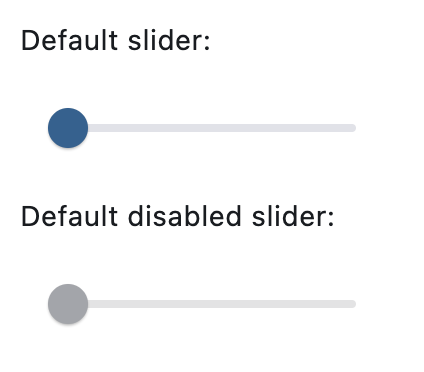](https://docs.flet.dev/test-images/examples/material/golden/macos/slider/basic.png)
### Setting a custom label[#](https://docs.flet.dev/controls/slider/#setting-a-custom-label "Permanent link")
`[](https://docs.flet.dev/controls/slider/#__codelineno-1-1) import flet as ft [](https://docs.flet.dev/controls/slider/#__codelineno-1-2) [](https://docs.flet.dev/controls/slider/#__codelineno-1-3)[](https://docs.flet.dev/controls/slider/#__codelineno-1-4) def main(page: ft.Page): [](https://docs.flet.dev/controls/slider/#__codelineno-1-5) page.add( [](https://docs.flet.dev/controls/slider/#__codelineno-1-6) ft.Text("Slider with value:"), [](https://docs.flet.dev/controls/slider/#__codelineno-1-7) ft.Slider(value=0.3), [](https://docs.flet.dev/controls/slider/#__codelineno-1-8) ft.Text("Slider with a custom range and label:"), [](https://docs.flet.dev/controls/slider/#__codelineno-1-9) ft.Slider(min=0, max=100, divisions=10, label="{value}%"), [](https://docs.flet.dev/controls/slider/#__codelineno-1-10) ) [](https://docs.flet.dev/controls/slider/#__codelineno-1-11) [](https://docs.flet.dev/controls/slider/#__codelineno-1-12)[](https://docs.flet.dev/controls/slider/#__codelineno-1-13) if __name__ == "__main__": [](https://docs.flet.dev/controls/slider/#__codelineno-1-14) ft.run(main)`
[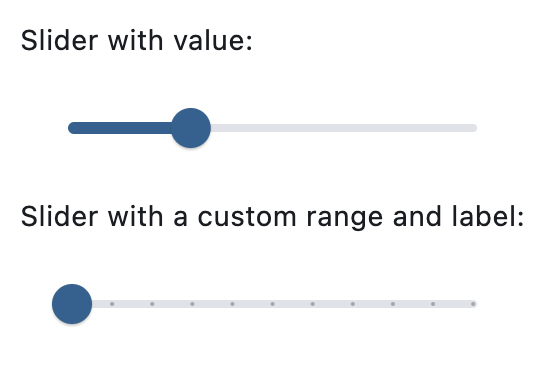](https://docs.flet.dev/test-images/examples/material/golden/macos/slider/custom_label.png)
### Handling events[#](https://docs.flet.dev/controls/slider/#handling-events "Permanent link")
`[](https://docs.flet.dev/controls/slider/#__codelineno-2-1) import flet as ft [](https://docs.flet.dev/controls/slider/#__codelineno-2-2) [](https://docs.flet.dev/controls/slider/#__codelineno-2-3)[](https://docs.flet.dev/controls/slider/#__codelineno-2-4) def main(page: ft.Page): [](https://docs.flet.dev/controls/slider/#__codelineno-2-5) def slider_changed(e: ft.Event[ft.Slider]): [](https://docs.flet.dev/controls/slider/#__codelineno-2-6) message.value = f"Slider changed to {e.control.value}" [](https://docs.flet.dev/controls/slider/#__codelineno-2-7) message.update() [](https://docs.flet.dev/controls/slider/#__codelineno-2-8) [](https://docs.flet.dev/controls/slider/#__codelineno-2-9) page.add( [](https://docs.flet.dev/controls/slider/#__codelineno-2-10) ft.Text("Slider with 'on_change' event:"), [](https://docs.flet.dev/controls/slider/#__codelineno-2-11) ft.Slider( [](https://docs.flet.dev/controls/slider/#__codelineno-2-12) key="slider", [](https://docs.flet.dev/controls/slider/#__codelineno-2-13) min=0, [](https://docs.flet.dev/controls/slider/#__codelineno-2-14) max=100, [](https://docs.flet.dev/controls/slider/#__codelineno-2-15) divisions=10, [](https://docs.flet.dev/controls/slider/#__codelineno-2-16) label="{value}%", [](https://docs.flet.dev/controls/slider/#__codelineno-2-17) on_change=slider_changed, [](https://docs.flet.dev/controls/slider/#__codelineno-2-18) ), [](https://docs.flet.dev/controls/slider/#__codelineno-2-19) message := ft.Text(), [](https://docs.flet.dev/controls/slider/#__codelineno-2-20) ) [](https://docs.flet.dev/controls/slider/#__codelineno-2-21) [](https://docs.flet.dev/controls/slider/#__codelineno-2-22)[](https://docs.flet.dev/controls/slider/#__codelineno-2-23) if __name__ == "__main__": [](https://docs.flet.dev/controls/slider/#__codelineno-2-24) ft.run(main)`
[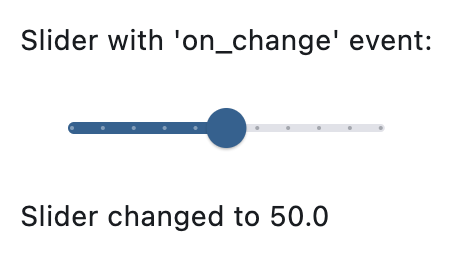](https://docs.flet.dev/test-images/examples/material/golden/macos/slider/handling_events.png)
Properties[#](https://docs.flet.dev/controls/slider/#flet.Slider-properties "Permanent link")
----------------------------------------------------------------------------------------------
### active\_color `class-attribute` `instance-attribute` [#](https://docs.flet.dev/controls/slider/#flet.Slider.active_color "Permanent link")
`[](https://docs.flet.dev/controls/slider/#__codelineno-0-1) active_color: [ColorValue](https://docs.flet.dev/types/aliases/#flet.ColorValue) | None = None`
The color to use for the portion of the slider track that is active.
The "active" side of the slider is the side between the thumb and the minimum value.
### autofocus `class-attribute` `instance-attribute` [#](https://docs.flet.dev/controls/slider/#flet.Slider.autofocus "Permanent link")
`[](https://docs.flet.dev/controls/slider/#__codelineno-0-1) autofocus: [bool](https://docs.python.org/3/library/functions.html#bool) = False`
True if the control will be selected as the initial focus. If there is more than one control on a page with autofocus set, then the first one added to the page will get focus.
### divisions `class-attribute` `instance-attribute` [#](https://docs.flet.dev/controls/slider/#flet.Slider.divisions "Permanent link")
`[](https://docs.flet.dev/controls/slider/#__codelineno-0-1) divisions: [int](https://docs.python.org/3/library/functions.html#int) | None = None`
The number of discrete divisions.
Typically used with [`label`](https://docs.flet.dev/controls/slider/#flet.Slider.label)
to show the current discrete value.
If `None`, this slider is continuous.
### inactive\_color `class-attribute` `instance-attribute` [#](https://docs.flet.dev/controls/slider/#flet.Slider.inactive_color "Permanent link")
`[](https://docs.flet.dev/controls/slider/#__codelineno-0-1) inactive_color: [ColorValue](https://docs.flet.dev/types/aliases/#flet.ColorValue) | None = None`
The color for the inactive portion of the slider track.
The "inactive" side of the slider is the side between the thumb and the maximum value.
### interaction `class-attribute` `instance-attribute` [#](https://docs.flet.dev/controls/slider/#flet.Slider.interaction "Permanent link")
`[](https://docs.flet.dev/controls/slider/#__codelineno-0-1) interaction: [SliderInteraction](https://docs.flet.dev/types/sliderinteraction/#flet.SliderInteraction) | None = None`
The allowed way for the user to interact with this slider.
If `None`, [`SliderTheme.interaction`](https://docs.flet.dev/types/slidertheme/#flet.SliderTheme.interaction)
is used. If that's is also `None`, defaults to [`SliderInteraction.TAP_AND_SLIDE`](https://docs.flet.dev/types/sliderinteraction/#flet.SliderInteraction.TAP_AND_SLIDE)
.
### label `class-attribute` `instance-attribute` [#](https://docs.flet.dev/controls/slider/#flet.Slider.label "Permanent link")
`[](https://docs.flet.dev/controls/slider/#__codelineno-0-1) label: [str](https://docs.python.org/3/library/stdtypes.html#str) | None = None`
A label to show above the slider when the slider is active. The value of `label` may contain `{value}` which will be dynamically replaced with a current slider value. For example, `"Volume: {value}"`.
It is used to display the value of a discrete slider, and it is displayed as part of the value indicator shape.
If not set, then the value indicator will not be displayed.
### max `class-attribute` `instance-attribute` [#](https://docs.flet.dev/controls/slider/#flet.Slider.max "Permanent link")
`[](https://docs.flet.dev/controls/slider/#__codelineno-0-1) max: [Number](https://docs.flet.dev/types/aliases/#flet.Number) = 1.0`
The maximum value the user can select.
If the [`min`](https://docs.flet.dev/controls/slider/#flet.Slider.min)
is equal to the `max`, then this slider is disabled.
Raises:
* `[ValueError](https://docs.python.org/3/library/exceptions.html#ValueError) ` –
If it is not greater than or equal to [`min`](https://docs.flet.dev/controls/slider/#flet.Slider.min)
.
* `[ValueError](https://docs.python.org/3/library/exceptions.html#ValueError) ` –
If it is not greater than or equal to [`value`](https://docs.flet.dev/controls/slider/#flet.Slider.value)
, when [`value`](https://docs.flet.dev/controls/slider/#flet.Slider.value)
is set.
### min `class-attribute` `instance-attribute` [#](https://docs.flet.dev/controls/slider/#flet.Slider.min "Permanent link")
`[](https://docs.flet.dev/controls/slider/#__codelineno-0-1) min: [Number](https://docs.flet.dev/types/aliases/#flet.Number) = 0.0`
The minimum value the user can select.
If the [`max`](https://docs.flet.dev/controls/slider/#flet.Slider.max)
is equal to the `min`, then this slider is disabled.
Raises:
* `[ValueError](https://docs.python.org/3/library/exceptions.html#ValueError) ` –
If it is not less than or equal to [`max`](https://docs.flet.dev/controls/slider/#flet.Slider.max)
.
* `[ValueError](https://docs.python.org/3/library/exceptions.html#ValueError) ` –
If it is not less than or equal to [`value`](https://docs.flet.dev/controls/slider/#flet.Slider.value)
, when [`value`](https://docs.flet.dev/controls/slider/#flet.Slider.value)
is set.
### mouse\_cursor `class-attribute` `instance-attribute` [#](https://docs.flet.dev/controls/slider/#flet.Slider.mouse_cursor "Permanent link")
`[](https://docs.flet.dev/controls/slider/#__codelineno-0-1) mouse_cursor: [MouseCursor](https://docs.flet.dev/types/mousecursor/#flet.MouseCursor) | None = None`
The cursor to be displayed when a mouse pointer enters or is hovering over this control.
### overlay\_color `class-attribute` `instance-attribute` [#](https://docs.flet.dev/controls/slider/#flet.Slider.overlay_color "Permanent link")
`[](https://docs.flet.dev/controls/slider/#__codelineno-0-1) overlay_color: [ControlStateValue](https://docs.flet.dev/types/aliases/#flet.ControlStateValue) [[ColorValue](https://docs.flet.dev/types/aliases/#flet.ColorValue) ] | None = None`
The highlight color that's typically used to indicate that the range slider thumb is in [`ControlState.HOVERED`](https://docs.flet.dev/types/controlstate/#flet.ControlState.HOVERED)
or [`ControlState.DRAGGED`](https://docs.flet.dev/types/controlstate/#flet.ControlState.DRAGGED)
states.
### padding `class-attribute` `instance-attribute` [#](https://docs.flet.dev/controls/slider/#flet.Slider.padding "Permanent link")
`[](https://docs.flet.dev/controls/slider/#__codelineno-0-1) padding: [PaddingValue](https://docs.flet.dev/types/aliases/#flet.PaddingValue) | None = None`
Determines the padding around this slider.
### round `class-attribute` `instance-attribute` [#](https://docs.flet.dev/controls/slider/#flet.Slider.round "Permanent link")
`[](https://docs.flet.dev/controls/slider/#__codelineno-0-1) round: [int](https://docs.python.org/3/library/functions.html#int) = 0`
The number of decimals displayed on the [`label`](https://docs.flet.dev/controls/slider/#flet.Slider.label)
containing [`value`](https://docs.flet.dev/controls/slider/#flet.Slider.value)
.
Defaults to `0`, which displays value rounded to the nearest integer.
### secondary\_active\_color `class-attribute` `instance-attribute` [#](https://docs.flet.dev/controls/slider/#flet.Slider.secondary_active_color "Permanent link")
`[](https://docs.flet.dev/controls/slider/#__codelineno-0-1) secondary_active_color: [ColorValue](https://docs.flet.dev/types/aliases/#flet.ColorValue) | None = None`
The color to use for the portion of the slider track between the thumb and the [`secondary_track_value`](https://docs.flet.dev/controls/slider/#flet.Slider.secondary_track_value)
.
### secondary\_track\_value `class-attribute` `instance-attribute` [#](https://docs.flet.dev/controls/slider/#flet.Slider.secondary_track_value "Permanent link")
`[](https://docs.flet.dev/controls/slider/#__codelineno-0-1) secondary_track_value: [Number](https://docs.flet.dev/types/aliases/#flet.Number) | None = None`
The secondary track value for this slider.
If not null, a secondary track using `secondary_active_color` is drawn between the thumb and this value, over the inactive track. If less than `value`, then the secondary track is not shown.
It can be ideal for media scenarios such as showing the buffering progress while the `value` shows the play progress.
### thumb\_color `class-attribute` `instance-attribute` [#](https://docs.flet.dev/controls/slider/#flet.Slider.thumb_color "Permanent link")
`[](https://docs.flet.dev/controls/slider/#__codelineno-0-1) thumb_color: [ColorValue](https://docs.flet.dev/types/aliases/#flet.ColorValue) | None = None`
The color of the thumb.
### value `class-attribute` `instance-attribute` [#](https://docs.flet.dev/controls/slider/#flet.Slider.value "Permanent link")
`[](https://docs.flet.dev/controls/slider/#__codelineno-0-1) value: [Number](https://docs.flet.dev/types/aliases/#flet.Number) | None = None`
The currently selected value for this slider.
The slider's thumb is drawn at a position that corresponds to this value.
Defaults to value of [`min`](https://docs.flet.dev/controls/slider/#flet.Slider.min)
.
Raises:
* `[ValueError](https://docs.python.org/3/library/exceptions.html#ValueError) ` –
If it is not greater than or equal to [`min`](https://docs.flet.dev/controls/slider/#flet.Slider.min)
.
* `[ValueError](https://docs.python.org/3/library/exceptions.html#ValueError) ` –
If it is not less than or equal to [`max`](https://docs.flet.dev/controls/slider/#flet.Slider.max)
.
### year\_2023 `class-attribute` `instance-attribute` [#](https://docs.flet.dev/controls/slider/#flet.Slider.year_2023 "Permanent link")
`[](https://docs.flet.dev/controls/slider/#__codelineno-0-1) year_2023: [bool](https://docs.python.org/3/library/functions.html#bool) | None = None`
If this is set to `False`, this slider will use the latest Material Design 3 appearance, which was introduced in December 2023.
When `True`, the Slider will use the 2023 Material Design 3 appearance.
If not set, then the [`SliderTheme.year_2023`](https://docs.flet.dev/types/slidertheme/#flet.SliderTheme.year_2023)
will be used, which is `False` by default.
If [`Theme.use_material3`](https://docs.flet.dev/types/theme/#flet.Theme.use_material3)
is `False`, then this property is ignored.
Events[#](https://docs.flet.dev/controls/slider/#flet.Slider-events "Permanent link")
--------------------------------------------------------------------------------------
### on\_blur `class-attribute` `instance-attribute` [#](https://docs.flet.dev/controls/slider/#flet.Slider.on_blur "Permanent link")
`[](https://docs.flet.dev/controls/slider/#__codelineno-0-1) on_blur: [ControlEventHandler](https://docs.flet.dev/types/aliases/#flet.ControlEventHandler) [[Slider](https://docs.flet.dev/controls/slider/#flet.Slider) ] | None = None`
Called when this slider has lost focus.
### on\_change `class-attribute` `instance-attribute` [#](https://docs.flet.dev/controls/slider/#flet.Slider.on_change "Permanent link")
`[](https://docs.flet.dev/controls/slider/#__codelineno-0-1) on_change: [ControlEventHandler](https://docs.flet.dev/types/aliases/#flet.ControlEventHandler) [[Slider](https://docs.flet.dev/controls/slider/#flet.Slider) ] | None = None`
Called when the state of this slider is changed.
### on\_change\_end `class-attribute` `instance-attribute` [#](https://docs.flet.dev/controls/slider/#flet.Slider.on_change_end "Permanent link")
`[](https://docs.flet.dev/controls/slider/#__codelineno-0-1) on_change_end: [ControlEventHandler](https://docs.flet.dev/types/aliases/#flet.ControlEventHandler) [[Slider](https://docs.flet.dev/controls/slider/#flet.Slider) ] | None = None`
Called when the user is done selecting a new value for this slider.
### on\_change\_start `class-attribute` `instance-attribute` [#](https://docs.flet.dev/controls/slider/#flet.Slider.on_change_start "Permanent link")
`[](https://docs.flet.dev/controls/slider/#__codelineno-0-1) on_change_start: [ControlEventHandler](https://docs.flet.dev/types/aliases/#flet.ControlEventHandler) [[Slider](https://docs.flet.dev/controls/slider/#flet.Slider) ] | None = None`
Called when the user starts selecting a new value for this slider.
### on\_focus `class-attribute` `instance-attribute` [#](https://docs.flet.dev/controls/slider/#flet.Slider.on_focus "Permanent link")
`[](https://docs.flet.dev/controls/slider/#__codelineno-0-1) on_focus: [ControlEventHandler](https://docs.flet.dev/types/aliases/#flet.ControlEventHandler) [[Slider](https://docs.flet.dev/controls/slider/#flet.Slider) ] | None = None`
Called when this slider has received focus.
Back to top
---
# ResponsiveRow - Flet
[Skip to content](https://docs.flet.dev/controls/responsiverow/#flet.ResponsiveRow)
ResponsiveRow
=============
Allows aligning child controls to virtual columns.
By default, a virtual grid has 12 columns, but that can be customized with [`columns`](https://docs.flet.dev/controls/responsiverow/#flet.ResponsiveRow.columns)
property.
Similar to `expand` property, every control has [`col`](https://docs.flet.dev/controls/control/#flet.Control.col)
property which allows specifying how many columns a control should span.
Example:
`[](https://docs.flet.dev/controls/responsiverow/#__codelineno-0-1) ft.ResponsiveRow( [](https://docs.flet.dev/controls/responsiverow/#__codelineno-0-2) controls=[ [](https://docs.flet.dev/controls/responsiverow/#__codelineno-0-3) ft.Button( [](https://docs.flet.dev/controls/responsiverow/#__codelineno-0-4) f"Button {i}", [](https://docs.flet.dev/controls/responsiverow/#__codelineno-0-5) color=ft.Colors.BLUE_GREY_300, [](https://docs.flet.dev/controls/responsiverow/#__codelineno-0-6) col={ [](https://docs.flet.dev/controls/responsiverow/#__codelineno-0-7) ft.ResponsiveRowBreakpoint.XS: 12, [](https://docs.flet.dev/controls/responsiverow/#__codelineno-0-8) ft.ResponsiveRowBreakpoint.MD: 6, [](https://docs.flet.dev/controls/responsiverow/#__codelineno-0-9) ft.ResponsiveRowBreakpoint.LG: 3, [](https://docs.flet.dev/controls/responsiverow/#__codelineno-0-10) }, [](https://docs.flet.dev/controls/responsiverow/#__codelineno-0-11) ) [](https://docs.flet.dev/controls/responsiverow/#__codelineno-0-12) for i in range(1, 6) [](https://docs.flet.dev/controls/responsiverow/#__codelineno-0-13) ], [](https://docs.flet.dev/controls/responsiverow/#__codelineno-0-14) )`
[](https://docs.flet.dev/test-images/examples/core/golden/macos/responsive_row/image_for_docs.png)
Responsive row
Inherits: `[LayoutControl](https://docs.flet.dev/controls/layoutcontrol/#flet.LayoutControl) `, `[AdaptiveControl](https://docs.flet.dev/controls/adaptivecontrol/#flet.AdaptiveControl) `
Properties
* **`[alignment](https://docs.flet.dev/controls/responsiverow/#flet.ResponsiveRow.alignment) `**(`[MainAxisAlignment](https://docs.flet.dev/types/mainaxisalignment/#flet.MainAxisAlignment) `) –
Defines how the child [`controls`](https://docs.flet.dev/controls/responsiverow/#flet.ResponsiveRow.controls)
should be placed horizontally.
* **`[breakpoints](https://docs.flet.dev/controls/responsiverow/#flet.ResponsiveRow.breakpoints) `**(`[dict](https://docs.python.org/3/reference/expressions.html#dict) [[ResponsiveRowBreakpoint](https://docs.flet.dev/types/responsiverowbreakpoint/#flet.ResponsiveRowBreakpoint) | [str](https://docs.python.org/3/library/stdtypes.html#str) , [Number](https://docs.flet.dev/types/aliases/#flet.Number) ]`) –
Defines the minimum widths (in px) for each breakpoint key used by responsive properties such as [`col`](https://docs.flet.dev/controls/control/#flet.Control.col)
, [`spacing`](https://docs.flet.dev/controls/responsiverow/#flet.ResponsiveRow.spacing)
, and [`run_spacing`](https://docs.flet.dev/controls/responsiverow/#flet.ResponsiveRow.run_spacing)
.
* **`[columns](https://docs.flet.dev/controls/responsiverow/#flet.ResponsiveRow.columns) `**(`[ResponsiveNumber](https://docs.flet.dev/types/aliases/#flet.ResponsiveNumber) `) –
The number of virtual columns to layout children.
* **`[controls](https://docs.flet.dev/controls/responsiverow/#flet.ResponsiveRow.controls) `**(`[list](https://docs.python.org/3/glossary.html#term-list) [[Control](https://docs.flet.dev/controls/control/#flet.Control) ]`) –
A list of Controls to display.
* **`[run_spacing](https://docs.flet.dev/controls/responsiverow/#flet.ResponsiveRow.run_spacing) `**(`[ResponsiveNumber](https://docs.flet.dev/types/aliases/#flet.ResponsiveNumber) `) –
The spacing between runs.
* **`[spacing](https://docs.flet.dev/controls/responsiverow/#flet.ResponsiveRow.spacing) `**(`[ResponsiveNumber](https://docs.flet.dev/types/aliases/#flet.ResponsiveNumber) `) –
The spacing between controls in a row in virtual pixels.
* **`[vertical_alignment](https://docs.flet.dev/controls/responsiverow/#flet.ResponsiveRow.vertical_alignment) `**(`[CrossAxisAlignment](https://docs.flet.dev/types/crossaxisalignment/#flet.CrossAxisAlignment) `) –
Defines how the child [`controls`](https://docs.flet.dev/controls/responsiverow/#flet.ResponsiveRow.controls)
should be placed vertically.
Examples[#](https://docs.flet.dev/controls/responsiverow/#examples "Permanent link")
-------------------------------------------------------------------------------------
[Live example](https://flet-controls-gallery.fly.dev/layout/responsiverow)
### ResponsiveRow[#](https://docs.flet.dev/controls/responsiverow/#responsiverow "Permanent link")
`[](https://docs.flet.dev/controls/responsiverow/#__codelineno-0-1) import flet as ft [](https://docs.flet.dev/controls/responsiverow/#__codelineno-0-2) [](https://docs.flet.dev/controls/responsiverow/#__codelineno-0-3)[](https://docs.flet.dev/controls/responsiverow/#__codelineno-0-4) def main(page: ft.Page): [](https://docs.flet.dev/controls/responsiverow/#__codelineno-0-5) def handle_page_resize(e: ft.PageResizeEvent): [](https://docs.flet.dev/controls/responsiverow/#__codelineno-0-6) pw.value = f"{page.width} px" [](https://docs.flet.dev/controls/responsiverow/#__codelineno-0-7) pw.update() [](https://docs.flet.dev/controls/responsiverow/#__codelineno-0-8) page.update() [](https://docs.flet.dev/controls/responsiverow/#__codelineno-0-9) [](https://docs.flet.dev/controls/responsiverow/#__codelineno-0-10) page.on_resize = handle_page_resize [](https://docs.flet.dev/controls/responsiverow/#__codelineno-0-11) [](https://docs.flet.dev/controls/responsiverow/#__codelineno-0-12) pw = ft.Text(text_align=ft.TextAlign.END, style=ft.TextTheme.display_small) [](https://docs.flet.dev/controls/responsiverow/#__codelineno-0-13) # page.overlay.append(pw) [](https://docs.flet.dev/controls/responsiverow/#__codelineno-0-14) [](https://docs.flet.dev/controls/responsiverow/#__codelineno-0-15) page.add( [](https://docs.flet.dev/controls/responsiverow/#__codelineno-0-16) ft.ResponsiveRow( [](https://docs.flet.dev/controls/responsiverow/#__codelineno-0-17) controls=[ [](https://docs.flet.dev/controls/responsiverow/#__codelineno-0-18) ft.Container( [](https://docs.flet.dev/controls/responsiverow/#__codelineno-0-19) content=ft.Text("Column 1"), [](https://docs.flet.dev/controls/responsiverow/#__codelineno-0-20) padding=5, [](https://docs.flet.dev/controls/responsiverow/#__codelineno-0-21) bgcolor=ft.Colors.YELLOW, [](https://docs.flet.dev/controls/responsiverow/#__codelineno-0-22) col={ [](https://docs.flet.dev/controls/responsiverow/#__codelineno-0-23) ft.ResponsiveRowBreakpoint.XS: 12, [](https://docs.flet.dev/controls/responsiverow/#__codelineno-0-24) ft.ResponsiveRowBreakpoint.MD: 6, [](https://docs.flet.dev/controls/responsiverow/#__codelineno-0-25) ft.ResponsiveRowBreakpoint.LG: 3, [](https://docs.flet.dev/controls/responsiverow/#__codelineno-0-26) }, [](https://docs.flet.dev/controls/responsiverow/#__codelineno-0-27) ), [](https://docs.flet.dev/controls/responsiverow/#__codelineno-0-28) ft.Container( [](https://docs.flet.dev/controls/responsiverow/#__codelineno-0-29) content=ft.Text("Column 2"), [](https://docs.flet.dev/controls/responsiverow/#__codelineno-0-30) padding=5, [](https://docs.flet.dev/controls/responsiverow/#__codelineno-0-31) bgcolor=ft.Colors.GREEN, [](https://docs.flet.dev/controls/responsiverow/#__codelineno-0-32) col={ [](https://docs.flet.dev/controls/responsiverow/#__codelineno-0-33) ft.ResponsiveRowBreakpoint.XS: 12, [](https://docs.flet.dev/controls/responsiverow/#__codelineno-0-34) ft.ResponsiveRowBreakpoint.MD: 6, [](https://docs.flet.dev/controls/responsiverow/#__codelineno-0-35) ft.ResponsiveRowBreakpoint.LG: 3, [](https://docs.flet.dev/controls/responsiverow/#__codelineno-0-36) }, [](https://docs.flet.dev/controls/responsiverow/#__codelineno-0-37) ), [](https://docs.flet.dev/controls/responsiverow/#__codelineno-0-38) ft.Container( [](https://docs.flet.dev/controls/responsiverow/#__codelineno-0-39) content=ft.Text("Column 3"), [](https://docs.flet.dev/controls/responsiverow/#__codelineno-0-40) padding=5, [](https://docs.flet.dev/controls/responsiverow/#__codelineno-0-41) bgcolor=ft.Colors.BLUE, [](https://docs.flet.dev/controls/responsiverow/#__codelineno-0-42) col={ [](https://docs.flet.dev/controls/responsiverow/#__codelineno-0-43) ft.ResponsiveRowBreakpoint.XS: 12, [](https://docs.flet.dev/controls/responsiverow/#__codelineno-0-44) ft.ResponsiveRowBreakpoint.MD: 6, [](https://docs.flet.dev/controls/responsiverow/#__codelineno-0-45) ft.ResponsiveRowBreakpoint.LG: 3, [](https://docs.flet.dev/controls/responsiverow/#__codelineno-0-46) }, [](https://docs.flet.dev/controls/responsiverow/#__codelineno-0-47) ), [](https://docs.flet.dev/controls/responsiverow/#__codelineno-0-48) ft.Container( [](https://docs.flet.dev/controls/responsiverow/#__codelineno-0-49) content=ft.Text("Column 4"), [](https://docs.flet.dev/controls/responsiverow/#__codelineno-0-50) padding=5, [](https://docs.flet.dev/controls/responsiverow/#__codelineno-0-51) bgcolor=ft.Colors.PINK_300, [](https://docs.flet.dev/controls/responsiverow/#__codelineno-0-52) col={ [](https://docs.flet.dev/controls/responsiverow/#__codelineno-0-53) ft.ResponsiveRowBreakpoint.XS: 12, [](https://docs.flet.dev/controls/responsiverow/#__codelineno-0-54) ft.ResponsiveRowBreakpoint.MD: 6, [](https://docs.flet.dev/controls/responsiverow/#__codelineno-0-55) ft.ResponsiveRowBreakpoint.LG: 3, [](https://docs.flet.dev/controls/responsiverow/#__codelineno-0-56) }, [](https://docs.flet.dev/controls/responsiverow/#__codelineno-0-57) ), [](https://docs.flet.dev/controls/responsiverow/#__codelineno-0-58) ], [](https://docs.flet.dev/controls/responsiverow/#__codelineno-0-59) ), [](https://docs.flet.dev/controls/responsiverow/#__codelineno-0-60) ft.ResponsiveRow( [](https://docs.flet.dev/controls/responsiverow/#__codelineno-0-61) run_spacing={ft.ResponsiveRowBreakpoint.XS: 10}, [](https://docs.flet.dev/controls/responsiverow/#__codelineno-0-62) controls=[ [](https://docs.flet.dev/controls/responsiverow/#__codelineno-0-63) ft.TextField( [](https://docs.flet.dev/controls/responsiverow/#__codelineno-0-64) label="TextField 1", [](https://docs.flet.dev/controls/responsiverow/#__codelineno-0-65) col={ft.ResponsiveRowBreakpoint.MD: 4}, [](https://docs.flet.dev/controls/responsiverow/#__codelineno-0-66) ), [](https://docs.flet.dev/controls/responsiverow/#__codelineno-0-67) ft.TextField( [](https://docs.flet.dev/controls/responsiverow/#__codelineno-0-68) label="TextField 2", [](https://docs.flet.dev/controls/responsiverow/#__codelineno-0-69) col={ft.ResponsiveRowBreakpoint.MD: 4}, [](https://docs.flet.dev/controls/responsiverow/#__codelineno-0-70) ), [](https://docs.flet.dev/controls/responsiverow/#__codelineno-0-71) ft.TextField( [](https://docs.flet.dev/controls/responsiverow/#__codelineno-0-72) label="TextField 3", [](https://docs.flet.dev/controls/responsiverow/#__codelineno-0-73) col={ft.ResponsiveRowBreakpoint.MD: 4}, [](https://docs.flet.dev/controls/responsiverow/#__codelineno-0-74) ), [](https://docs.flet.dev/controls/responsiverow/#__codelineno-0-75) ], [](https://docs.flet.dev/controls/responsiverow/#__codelineno-0-76) ), [](https://docs.flet.dev/controls/responsiverow/#__codelineno-0-77) pw, [](https://docs.flet.dev/controls/responsiverow/#__codelineno-0-78) ) [](https://docs.flet.dev/controls/responsiverow/#__codelineno-0-79) [](https://docs.flet.dev/controls/responsiverow/#__codelineno-0-80)[](https://docs.flet.dev/controls/responsiverow/#__codelineno-0-81) if __name__ == "__main__": [](https://docs.flet.dev/controls/responsiverow/#__codelineno-0-82) ft.run(main)`
[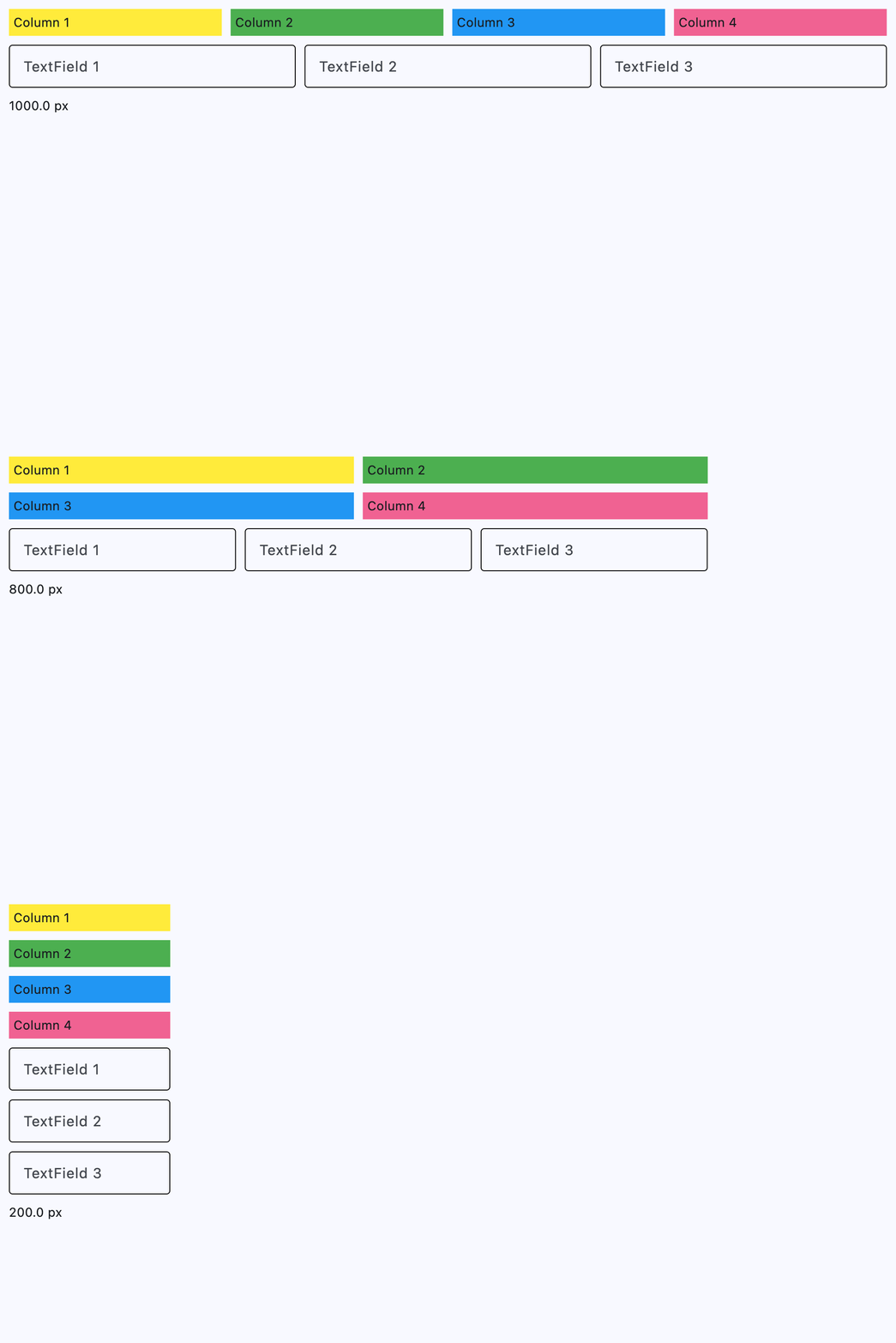](https://docs.flet.dev/test-images/examples/core/golden/macos/responsive_row/basic.gif)
### Custom breakpoints[#](https://docs.flet.dev/controls/responsiverow/#custom-breakpoints "Permanent link")
`[](https://docs.flet.dev/controls/responsiverow/#__codelineno-1-1) import flet as ft [](https://docs.flet.dev/controls/responsiverow/#__codelineno-1-2) [](https://docs.flet.dev/controls/responsiverow/#__codelineno-1-3)[](https://docs.flet.dev/controls/responsiverow/#__codelineno-1-4) def main(page: ft.Page): [](https://docs.flet.dev/controls/responsiverow/#__codelineno-1-5) page.title = "ResponsiveRow with custom breakpoints" [](https://docs.flet.dev/controls/responsiverow/#__codelineno-1-6) page.padding = 16 [](https://docs.flet.dev/controls/responsiverow/#__codelineno-1-7) [](https://docs.flet.dev/controls/responsiverow/#__codelineno-1-8) breakpoints = { [](https://docs.flet.dev/controls/responsiverow/#__codelineno-1-9) "phone": 0, [](https://docs.flet.dev/controls/responsiverow/#__codelineno-1-10) "tablet": 540, [](https://docs.flet.dev/controls/responsiverow/#__codelineno-1-11) "desktop": 800, [](https://docs.flet.dev/controls/responsiverow/#__codelineno-1-12) } [](https://docs.flet.dev/controls/responsiverow/#__codelineno-1-13) [](https://docs.flet.dev/controls/responsiverow/#__codelineno-1-14) sorted_breakpoints = sorted(breakpoints.items(), key=lambda item: item[1]) [](https://docs.flet.dev/controls/responsiverow/#__codelineno-1-15) [](https://docs.flet.dev/controls/responsiverow/#__codelineno-1-16) breakpoint_labels = { [](https://docs.flet.dev/controls/responsiverow/#__codelineno-1-17) name: ft.Text(f"{name}: \u2265 {value}px", weight=ft.FontWeight.W_500) [](https://docs.flet.dev/controls/responsiverow/#__codelineno-1-18) for name, value in sorted_breakpoints [](https://docs.flet.dev/controls/responsiverow/#__codelineno-1-19) } [](https://docs.flet.dev/controls/responsiverow/#__codelineno-1-20) [](https://docs.flet.dev/controls/responsiverow/#__codelineno-1-21) width_label = ft.Text() [](https://docs.flet.dev/controls/responsiverow/#__codelineno-1-22) breakpoint_label = ft.Text() [](https://docs.flet.dev/controls/responsiverow/#__codelineno-1-23) [](https://docs.flet.dev/controls/responsiverow/#__codelineno-1-24) def update_status(_=None): [](https://docs.flet.dev/controls/responsiverow/#__codelineno-1-25) width = ( [](https://docs.flet.dev/controls/responsiverow/#__codelineno-1-26) (page.window.width if page.window and page.window.width else None) [](https://docs.flet.dev/controls/responsiverow/#__codelineno-1-27) or page.width [](https://docs.flet.dev/controls/responsiverow/#__codelineno-1-28) or 0 [](https://docs.flet.dev/controls/responsiverow/#__codelineno-1-29) ) [](https://docs.flet.dev/controls/responsiverow/#__codelineno-1-30) width_label.value = f"Page width: {width:.0f}px" [](https://docs.flet.dev/controls/responsiverow/#__codelineno-1-31) active_breakpoint = max( [](https://docs.flet.dev/controls/responsiverow/#__codelineno-1-32) (bp for bp, min_width in breakpoints.items() if width >= min_width), [](https://docs.flet.dev/controls/responsiverow/#__codelineno-1-33) key=lambda bp: breakpoints[bp], [](https://docs.flet.dev/controls/responsiverow/#__codelineno-1-34) default="phone", [](https://docs.flet.dev/controls/responsiverow/#__codelineno-1-35) ) [](https://docs.flet.dev/controls/responsiverow/#__codelineno-1-36) breakpoint_label.value = f"Active breakpoint: {active_breakpoint}" [](https://docs.flet.dev/controls/responsiverow/#__codelineno-1-37) for name, label in breakpoint_labels.items(): [](https://docs.flet.dev/controls/responsiverow/#__codelineno-1-38) is_active = name == active_breakpoint [](https://docs.flet.dev/controls/responsiverow/#__codelineno-1-39) label.color = ft.Colors.BLUE_700 if is_active else None [](https://docs.flet.dev/controls/responsiverow/#__codelineno-1-40) label.weight = ft.FontWeight.W_700 if is_active else ft.FontWeight.W_400 [](https://docs.flet.dev/controls/responsiverow/#__codelineno-1-41) label.update() [](https://docs.flet.dev/controls/responsiverow/#__codelineno-1-42) width_label.update() [](https://docs.flet.dev/controls/responsiverow/#__codelineno-1-43) breakpoint_label.update() [](https://docs.flet.dev/controls/responsiverow/#__codelineno-1-44) [](https://docs.flet.dev/controls/responsiverow/#__codelineno-1-45) page.on_resize = update_status [](https://docs.flet.dev/controls/responsiverow/#__codelineno-1-46) [](https://docs.flet.dev/controls/responsiverow/#__codelineno-1-47) page.add( [](https://docs.flet.dev/controls/responsiverow/#__codelineno-1-48) ft.Text("Resize the window to see custom breakpoints in action."), [](https://docs.flet.dev/controls/responsiverow/#__codelineno-1-49) ft.Text("Cards switch column spans at phone, tablet, and desktop widths."), [](https://docs.flet.dev/controls/responsiverow/#__codelineno-1-50) ft.Column( [](https://docs.flet.dev/controls/responsiverow/#__codelineno-1-51) [ [](https://docs.flet.dev/controls/responsiverow/#__codelineno-1-52) ft.Text( [](https://docs.flet.dev/controls/responsiverow/#__codelineno-1-53) "Custom breakpoints (min widths):", [](https://docs.flet.dev/controls/responsiverow/#__codelineno-1-54) weight=ft.FontWeight.W_600, [](https://docs.flet.dev/controls/responsiverow/#__codelineno-1-55) ), [](https://docs.flet.dev/controls/responsiverow/#__codelineno-1-56) ft.Column(list(breakpoint_labels.values()), spacing=2), [](https://docs.flet.dev/controls/responsiverow/#__codelineno-1-57) ], [](https://docs.flet.dev/controls/responsiverow/#__codelineno-1-58) spacing=6, [](https://docs.flet.dev/controls/responsiverow/#__codelineno-1-59) ), [](https://docs.flet.dev/controls/responsiverow/#__codelineno-1-60) ft.ResponsiveRow( [](https://docs.flet.dev/controls/responsiverow/#__codelineno-1-61) breakpoints=breakpoints, [](https://docs.flet.dev/controls/responsiverow/#__codelineno-1-62) columns={"phone": 4, "tablet": 8, "desktop": 12}, [](https://docs.flet.dev/controls/responsiverow/#__codelineno-1-63) spacing=10, [](https://docs.flet.dev/controls/responsiverow/#__codelineno-1-64) run_spacing=10, [](https://docs.flet.dev/controls/responsiverow/#__codelineno-1-65) controls=[ [](https://docs.flet.dev/controls/responsiverow/#__codelineno-1-66) ft.Container( [](https://docs.flet.dev/controls/responsiverow/#__codelineno-1-67) content=ft.Text("Card 1", size=16, weight=ft.FontWeight.W_600), [](https://docs.flet.dev/controls/responsiverow/#__codelineno-1-68) alignment=ft.Alignment.CENTER, [](https://docs.flet.dev/controls/responsiverow/#__codelineno-1-69) bgcolor=ft.Colors.AMBER_200, [](https://docs.flet.dev/controls/responsiverow/#__codelineno-1-70) height=60, [](https://docs.flet.dev/controls/responsiverow/#__codelineno-1-71) col={"phone": 4, "tablet": 4, "desktop": 3}, [](https://docs.flet.dev/controls/responsiverow/#__codelineno-1-72) ), [](https://docs.flet.dev/controls/responsiverow/#__codelineno-1-73) ft.Container( [](https://docs.flet.dev/controls/responsiverow/#__codelineno-1-74) content=ft.Text("Card 2", size=16, weight=ft.FontWeight.W_600), [](https://docs.flet.dev/controls/responsiverow/#__codelineno-1-75) alignment=ft.Alignment.CENTER, [](https://docs.flet.dev/controls/responsiverow/#__codelineno-1-76) bgcolor=ft.Colors.GREEN_200, [](https://docs.flet.dev/controls/responsiverow/#__codelineno-1-77) height=60, [](https://docs.flet.dev/controls/responsiverow/#__codelineno-1-78) col={"phone": 4, "tablet": 4, "desktop": 3}, [](https://docs.flet.dev/controls/responsiverow/#__codelineno-1-79) ), [](https://docs.flet.dev/controls/responsiverow/#__codelineno-1-80) ft.Container( [](https://docs.flet.dev/controls/responsiverow/#__codelineno-1-81) content=ft.Text("Card 3", size=16, weight=ft.FontWeight.W_600), [](https://docs.flet.dev/controls/responsiverow/#__codelineno-1-82) alignment=ft.Alignment.CENTER, [](https://docs.flet.dev/controls/responsiverow/#__codelineno-1-83) bgcolor=ft.Colors.BLUE_200, [](https://docs.flet.dev/controls/responsiverow/#__codelineno-1-84) height=60, [](https://docs.flet.dev/controls/responsiverow/#__codelineno-1-85) col={"phone": 4, "tablet": 4, "desktop": 3}, [](https://docs.flet.dev/controls/responsiverow/#__codelineno-1-86) ), [](https://docs.flet.dev/controls/responsiverow/#__codelineno-1-87) ft.Container( [](https://docs.flet.dev/controls/responsiverow/#__codelineno-1-88) content=ft.Text("Card 4", size=16, weight=ft.FontWeight.W_600), [](https://docs.flet.dev/controls/responsiverow/#__codelineno-1-89) alignment=ft.Alignment.CENTER, [](https://docs.flet.dev/controls/responsiverow/#__codelineno-1-90) bgcolor=ft.Colors.PINK_200, [](https://docs.flet.dev/controls/responsiverow/#__codelineno-1-91) height=60, [](https://docs.flet.dev/controls/responsiverow/#__codelineno-1-92) col={"phone": 4, "tablet": 4, "desktop": 3}, [](https://docs.flet.dev/controls/responsiverow/#__codelineno-1-93) ), [](https://docs.flet.dev/controls/responsiverow/#__codelineno-1-94) ], [](https://docs.flet.dev/controls/responsiverow/#__codelineno-1-95) ), [](https://docs.flet.dev/controls/responsiverow/#__codelineno-1-96) width_label, [](https://docs.flet.dev/controls/responsiverow/#__codelineno-1-97) breakpoint_label, [](https://docs.flet.dev/controls/responsiverow/#__codelineno-1-98) ) [](https://docs.flet.dev/controls/responsiverow/#__codelineno-1-99) update_status() [](https://docs.flet.dev/controls/responsiverow/#__codelineno-1-100) [](https://docs.flet.dev/controls/responsiverow/#__codelineno-1-101)[](https://docs.flet.dev/controls/responsiverow/#__codelineno-1-102) if __name__ == "__main__": [](https://docs.flet.dev/controls/responsiverow/#__codelineno-1-103) ft.run(main)`
[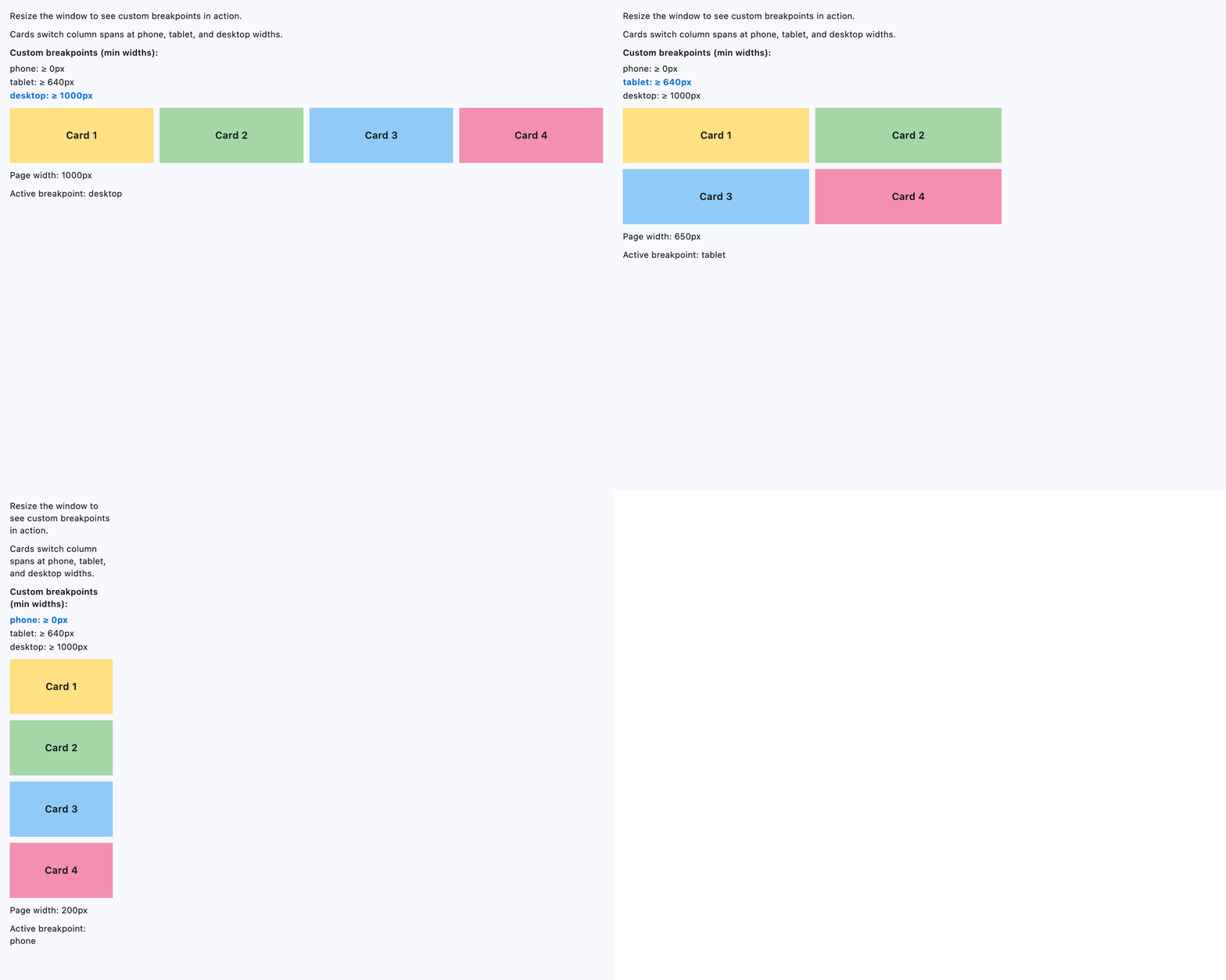](https://docs.flet.dev/test-images/examples/core/golden/macos/responsive_row/custom_breakpoint.gif)
Properties[#](https://docs.flet.dev/controls/responsiverow/#flet.ResponsiveRow-properties "Permanent link")
------------------------------------------------------------------------------------------------------------
### alignment `class-attribute` `instance-attribute` [#](https://docs.flet.dev/controls/responsiverow/#flet.ResponsiveRow.alignment "Permanent link")
`[](https://docs.flet.dev/controls/responsiverow/#__codelineno-0-1) alignment: [MainAxisAlignment](https://docs.flet.dev/types/mainaxisalignment/#flet.MainAxisAlignment) = [START](https://docs.flet.dev/types/mainaxisalignment/#flet.MainAxisAlignment.START)`
Defines how the child [`controls`](https://docs.flet.dev/controls/responsiverow/#flet.ResponsiveRow.controls)
should be placed horizontally.
### breakpoints `class-attribute` `instance-attribute` [#](https://docs.flet.dev/controls/responsiverow/#flet.ResponsiveRow.breakpoints "Permanent link")
`[](https://docs.flet.dev/controls/responsiverow/#__codelineno-0-1) breakpoints: [dict](https://docs.python.org/3/reference/expressions.html#dict) [[ResponsiveRowBreakpoint](https://docs.flet.dev/types/responsiverowbreakpoint/#flet.ResponsiveRowBreakpoint) | [str](https://docs.python.org/3/library/stdtypes.html#str) , [Number](https://docs.flet.dev/types/aliases/#flet.Number) ] = ( [](https://docs.flet.dev/controls/responsiverow/#__codelineno-0-2) [field](https://docs.python.org/3/library/dataclasses.html#dataclasses.field "dataclasses.field") ( [](https://docs.flet.dev/controls/responsiverow/#__codelineno-0-3) default_factory=lambda: { [](https://docs.flet.dev/controls/responsiverow/#__codelineno-0-4) [XS](https://docs.flet.dev/types/responsiverowbreakpoint/#flet.ResponsiveRowBreakpoint.XS) : 0, [](https://docs.flet.dev/controls/responsiverow/#__codelineno-0-5) [SM](https://docs.flet.dev/types/responsiverowbreakpoint/#flet.ResponsiveRowBreakpoint.SM) : 576, [](https://docs.flet.dev/controls/responsiverow/#__codelineno-0-6) [MD](https://docs.flet.dev/types/responsiverowbreakpoint/#flet.ResponsiveRowBreakpoint.MD) : 768, [](https://docs.flet.dev/controls/responsiverow/#__codelineno-0-7) [LG](https://docs.flet.dev/types/responsiverowbreakpoint/#flet.ResponsiveRowBreakpoint.LG) : 992, [](https://docs.flet.dev/controls/responsiverow/#__codelineno-0-8) [XL](https://docs.flet.dev/types/responsiverowbreakpoint/#flet.ResponsiveRowBreakpoint.XL) : 1200, [](https://docs.flet.dev/controls/responsiverow/#__codelineno-0-9) [XXL](https://docs.flet.dev/types/responsiverowbreakpoint/#flet.ResponsiveRowBreakpoint.XXL) : 1400, [](https://docs.flet.dev/controls/responsiverow/#__codelineno-0-10) } [](https://docs.flet.dev/controls/responsiverow/#__codelineno-0-11) ) [](https://docs.flet.dev/controls/responsiverow/#__codelineno-0-12) )`
Defines the minimum widths (in px) for each breakpoint key used by responsive properties such as [`col`](https://docs.flet.dev/controls/control/#flet.Control.col)
, [`spacing`](https://docs.flet.dev/controls/responsiverow/#flet.ResponsiveRow.spacing)
, and [`run_spacing`](https://docs.flet.dev/controls/responsiverow/#flet.ResponsiveRow.run_spacing)
.
Keys can be [`ResponsiveRowBreakpoint`](https://docs.flet.dev/types/responsiverowbreakpoint/#flet.ResponsiveRowBreakpoint)
values or custom strings. Breakpoint names in responsive values must match the names used here.
The default mirrors Bootstrap breakpoints.
### columns `class-attribute` `instance-attribute` [#](https://docs.flet.dev/controls/responsiverow/#flet.ResponsiveRow.columns "Permanent link")
`[](https://docs.flet.dev/controls/responsiverow/#__codelineno-0-1) columns: [ResponsiveNumber](https://docs.flet.dev/types/aliases/#flet.ResponsiveNumber) = 12`
The number of virtual columns to layout children.
### controls `class-attribute` `instance-attribute` [#](https://docs.flet.dev/controls/responsiverow/#flet.ResponsiveRow.controls "Permanent link")
`[](https://docs.flet.dev/controls/responsiverow/#__codelineno-0-1) controls: [list](https://docs.python.org/3/glossary.html#term-list) [[Control](https://docs.flet.dev/controls/control/#flet.Control) ] = [field](https://docs.python.org/3/library/dataclasses.html#dataclasses.field "dataclasses.field") (default_factory=[list](https://docs.python.org/3/glossary.html#term-list) )`
A list of Controls to display.
### run\_spacing `class-attribute` `instance-attribute` [#](https://docs.flet.dev/controls/responsiverow/#flet.ResponsiveRow.run_spacing "Permanent link")
`[](https://docs.flet.dev/controls/responsiverow/#__codelineno-0-1) run_spacing: [ResponsiveNumber](https://docs.flet.dev/types/aliases/#flet.ResponsiveNumber) = 10`
The spacing between runs.
### spacing `class-attribute` `instance-attribute` [#](https://docs.flet.dev/controls/responsiverow/#flet.ResponsiveRow.spacing "Permanent link")
`[](https://docs.flet.dev/controls/responsiverow/#__codelineno-0-1) spacing: [ResponsiveNumber](https://docs.flet.dev/types/aliases/#flet.ResponsiveNumber) = 10`
The spacing between controls in a row in virtual pixels.
Note
Has effect only when [`alignment`](https://docs.flet.dev/controls/responsiverow/#flet.ResponsiveRow.alignment)
is set to [`MainAxisAlignment.START`](https://docs.flet.dev/types/mainaxisalignment/#flet.MainAxisAlignment.START)
, [`MainAxisAlignment.END`](https://docs.flet.dev/types/mainaxisalignment/#flet.MainAxisAlignment.END)
, or [`MainAxisAlignment.CENTER`](https://docs.flet.dev/types/mainaxisalignment/#flet.MainAxisAlignment.CENTER)
.
### vertical\_alignment `class-attribute` `instance-attribute` [#](https://docs.flet.dev/controls/responsiverow/#flet.ResponsiveRow.vertical_alignment "Permanent link")
`[](https://docs.flet.dev/controls/responsiverow/#__codelineno-0-1) vertical_alignment: [CrossAxisAlignment](https://docs.flet.dev/types/crossaxisalignment/#flet.CrossAxisAlignment) = [START](https://docs.flet.dev/types/crossaxisalignment/#flet.CrossAxisAlignment.START)`
Defines how the child [`controls`](https://docs.flet.dev/controls/responsiverow/#flet.ResponsiveRow.controls)
should be placed vertically.
Back to top
---
# Shimmer - Flet
[Skip to content](https://docs.flet.dev/controls/shimmer/#flet.Shimmer)
Shimmer
=======
Applies an animated shimmering effect to its [`content`](https://docs.flet.dev/controls/shimmer/#flet.Shimmer.content)
.
Use it to create lightweight loading placeholders or to add motion to otherwise static layouts.
`[](https://docs.flet.dev/controls/shimmer/#__codelineno-0-1) ft.Shimmer( [](https://docs.flet.dev/controls/shimmer/#__codelineno-0-2) base_color=ft.Colors.with_opacity(0.3, ft.Colors.GREY_400), [](https://docs.flet.dev/controls/shimmer/#__codelineno-0-3) highlight_color=ft.Colors.WHITE, [](https://docs.flet.dev/controls/shimmer/#__codelineno-0-4) content=ft.Column( [](https://docs.flet.dev/controls/shimmer/#__codelineno-0-5) controls=[ [](https://docs.flet.dev/controls/shimmer/#__codelineno-0-6) ft.Container(height=80, bgcolor=ft.Colors.GREY_300), [](https://docs.flet.dev/controls/shimmer/#__codelineno-0-7) ft.Container(height=80, bgcolor=ft.Colors.GREY_300), [](https://docs.flet.dev/controls/shimmer/#__codelineno-0-8) ft.Container(height=80, bgcolor=ft.Colors.GREY_300), [](https://docs.flet.dev/controls/shimmer/#__codelineno-0-9) ], [](https://docs.flet.dev/controls/shimmer/#__codelineno-0-10) ), [](https://docs.flet.dev/controls/shimmer/#__codelineno-0-11) )`
[](https://docs.flet.dev/test-images/examples/core/golden/macos/shimmer/image_for_docs.gif)
Basic shimmer
Inherits: `[LayoutControl](https://docs.flet.dev/controls/layoutcontrol/#flet.LayoutControl) `
Properties
* **`[base_color](https://docs.flet.dev/controls/shimmer/#flet.Shimmer.base_color) `**(`[ColorValue](https://docs.flet.dev/types/aliases/#flet.ColorValue) | None`) –
Base color used when no [`gradient`](https://docs.flet.dev/controls/shimmer/#flet.Shimmer.gradient)
is provided.
* **`[content](https://docs.flet.dev/controls/shimmer/#flet.Shimmer.content) `**(`[Control](https://docs.flet.dev/controls/control/#flet.Control) `) –
The control to render with the shimmer effect.
* **`[direction](https://docs.flet.dev/controls/shimmer/#flet.Shimmer.direction) `**(`ShimmerDirection`) –
Direction of the shimmering animation.
* **`[gradient](https://docs.flet.dev/controls/shimmer/#flet.Shimmer.gradient) `**(`[Gradient](https://docs.flet.dev/types/gradient/#flet.Gradient) | None`) –
Custom gradient that defines the shimmer colors.
* **`[highlight_color](https://docs.flet.dev/controls/shimmer/#flet.Shimmer.highlight_color) `**(`[ColorValue](https://docs.flet.dev/types/aliases/#flet.ColorValue) | None`) –
Highlight color used when no [`gradient`](https://docs.flet.dev/controls/shimmer/#flet.Shimmer.gradient)
is provided.
* **`[loop](https://docs.flet.dev/controls/shimmer/#flet.Shimmer.loop) `**(`[int](https://docs.python.org/3/library/functions.html#int) | None`) –
Number of times the animation should repeat. `0` means infinite.
* **`[period](https://docs.flet.dev/controls/shimmer/#flet.Shimmer.period) `**(`[DurationValue](https://docs.flet.dev/types/aliases/#flet.DurationValue) `) –
Duration of a shimmer cycle in milliseconds.
Examples[#](https://docs.flet.dev/controls/shimmer/#examples "Permanent link")
-------------------------------------------------------------------------------
### Basic[#](https://docs.flet.dev/controls/shimmer/#basic "Permanent link")
`[](https://docs.flet.dev/controls/shimmer/#__codelineno-0-1) import flet as ft [](https://docs.flet.dev/controls/shimmer/#__codelineno-0-2) [](https://docs.flet.dev/controls/shimmer/#__codelineno-0-3)[](https://docs.flet.dev/controls/shimmer/#__codelineno-0-4) def main(page: ft.Page): [](https://docs.flet.dev/controls/shimmer/#__codelineno-0-5) page.add( [](https://docs.flet.dev/controls/shimmer/#__codelineno-0-6) ft.Shimmer( [](https://docs.flet.dev/controls/shimmer/#__codelineno-0-7) base_color=ft.Colors.with_opacity(0.3, ft.Colors.GREY_400), [](https://docs.flet.dev/controls/shimmer/#__codelineno-0-8) highlight_color=ft.Colors.WHITE, [](https://docs.flet.dev/controls/shimmer/#__codelineno-0-9) content=ft.Column( [](https://docs.flet.dev/controls/shimmer/#__codelineno-0-10) controls=[ [](https://docs.flet.dev/controls/shimmer/#__codelineno-0-11) ft.Container(height=80, bgcolor=ft.Colors.GREY_300), [](https://docs.flet.dev/controls/shimmer/#__codelineno-0-12) ft.Container(height=80, bgcolor=ft.Colors.GREY_300), [](https://docs.flet.dev/controls/shimmer/#__codelineno-0-13) ft.Container(height=80, bgcolor=ft.Colors.GREY_300), [](https://docs.flet.dev/controls/shimmer/#__codelineno-0-14) ], [](https://docs.flet.dev/controls/shimmer/#__codelineno-0-15) ), [](https://docs.flet.dev/controls/shimmer/#__codelineno-0-16) ) [](https://docs.flet.dev/controls/shimmer/#__codelineno-0-17) ) [](https://docs.flet.dev/controls/shimmer/#__codelineno-0-18) [](https://docs.flet.dev/controls/shimmer/#__codelineno-0-19)[](https://docs.flet.dev/controls/shimmer/#__codelineno-0-20) if __name__ == "__main__": [](https://docs.flet.dev/controls/shimmer/#__codelineno-0-21) ft.run(main)`
[](https://docs.flet.dev/test-images/examples/core/golden/macos/shimmer/image_for_docs.gif)
### Skeleton list placeholders[#](https://docs.flet.dev/controls/shimmer/#skeleton-list-placeholders "Permanent link")
`[](https://docs.flet.dev/controls/shimmer/#__codelineno-1-1) import flet as ft [](https://docs.flet.dev/controls/shimmer/#__codelineno-1-2) [](https://docs.flet.dev/controls/shimmer/#__codelineno-1-3)[](https://docs.flet.dev/controls/shimmer/#__codelineno-1-4) def _line(width: int, height: int = 12) -> ft.Control: [](https://docs.flet.dev/controls/shimmer/#__codelineno-1-5) return ft.Container( [](https://docs.flet.dev/controls/shimmer/#__codelineno-1-6) width=width, [](https://docs.flet.dev/controls/shimmer/#__codelineno-1-7) height=height, [](https://docs.flet.dev/controls/shimmer/#__codelineno-1-8) bgcolor=ft.Colors.GREY_400, [](https://docs.flet.dev/controls/shimmer/#__codelineno-1-9) border_radius=ft.BorderRadius.all(height), [](https://docs.flet.dev/controls/shimmer/#__codelineno-1-10) ) [](https://docs.flet.dev/controls/shimmer/#__codelineno-1-11) [](https://docs.flet.dev/controls/shimmer/#__codelineno-1-12)[](https://docs.flet.dev/controls/shimmer/#__codelineno-1-13) def _placeholder_tile() -> ft.Control: [](https://docs.flet.dev/controls/shimmer/#__codelineno-1-14) return ft.Container( [](https://docs.flet.dev/controls/shimmer/#__codelineno-1-15) padding=ft.Padding.all(16), [](https://docs.flet.dev/controls/shimmer/#__codelineno-1-16) bgcolor=ft.Colors.with_opacity(0.3, ft.Colors.WHITE), [](https://docs.flet.dev/controls/shimmer/#__codelineno-1-17) border_radius=ft.BorderRadius.all(20), [](https://docs.flet.dev/controls/shimmer/#__codelineno-1-18) content=ft.Row( [](https://docs.flet.dev/controls/shimmer/#__codelineno-1-19) spacing=16, [](https://docs.flet.dev/controls/shimmer/#__codelineno-1-20) vertical_alignment=ft.CrossAxisAlignment.START, [](https://docs.flet.dev/controls/shimmer/#__codelineno-1-21) controls=[ [](https://docs.flet.dev/controls/shimmer/#__codelineno-1-22) ft.Container( [](https://docs.flet.dev/controls/shimmer/#__codelineno-1-23) width=48, [](https://docs.flet.dev/controls/shimmer/#__codelineno-1-24) height=48, [](https://docs.flet.dev/controls/shimmer/#__codelineno-1-25) bgcolor=ft.Colors.with_opacity(0.5, ft.Colors.GREY_400), [](https://docs.flet.dev/controls/shimmer/#__codelineno-1-26) border_radius=ft.BorderRadius.all(24), [](https://docs.flet.dev/controls/shimmer/#__codelineno-1-27) content=ft.Icon(ft.Icons.PERSON, color=ft.Colors.GREY_500), [](https://docs.flet.dev/controls/shimmer/#__codelineno-1-28) ), [](https://docs.flet.dev/controls/shimmer/#__codelineno-1-29) ft.Column( [](https://docs.flet.dev/controls/shimmer/#__codelineno-1-30) expand=True, [](https://docs.flet.dev/controls/shimmer/#__codelineno-1-31) spacing=10, [](https://docs.flet.dev/controls/shimmer/#__codelineno-1-32) controls=[ [](https://docs.flet.dev/controls/shimmer/#__codelineno-1-33) _line(160), [](https://docs.flet.dev/controls/shimmer/#__codelineno-1-34) _line(120), [](https://docs.flet.dev/controls/shimmer/#__codelineno-1-35) ft.Row( [](https://docs.flet.dev/controls/shimmer/#__codelineno-1-36) spacing=10, [](https://docs.flet.dev/controls/shimmer/#__codelineno-1-37) vertical_alignment=ft.CrossAxisAlignment.CENTER, [](https://docs.flet.dev/controls/shimmer/#__codelineno-1-38) controls=[_line(70, 10), _line(90, 10)], [](https://docs.flet.dev/controls/shimmer/#__codelineno-1-39) ), [](https://docs.flet.dev/controls/shimmer/#__codelineno-1-40) ], [](https://docs.flet.dev/controls/shimmer/#__codelineno-1-41) ), [](https://docs.flet.dev/controls/shimmer/#__codelineno-1-42) ft.Container( [](https://docs.flet.dev/controls/shimmer/#__codelineno-1-43) width=32, [](https://docs.flet.dev/controls/shimmer/#__codelineno-1-44) height=32, [](https://docs.flet.dev/controls/shimmer/#__codelineno-1-45) bgcolor=ft.Colors.GREY_200, [](https://docs.flet.dev/controls/shimmer/#__codelineno-1-46) border_radius=ft.BorderRadius.all(16), [](https://docs.flet.dev/controls/shimmer/#__codelineno-1-47) ), [](https://docs.flet.dev/controls/shimmer/#__codelineno-1-48) ], [](https://docs.flet.dev/controls/shimmer/#__codelineno-1-49) ), [](https://docs.flet.dev/controls/shimmer/#__codelineno-1-50) ) [](https://docs.flet.dev/controls/shimmer/#__codelineno-1-51) [](https://docs.flet.dev/controls/shimmer/#__codelineno-1-52)[](https://docs.flet.dev/controls/shimmer/#__codelineno-1-53) def main(page: ft.Page): [](https://docs.flet.dev/controls/shimmer/#__codelineno-1-54) page.title = "Shimmer - loading placeholders" [](https://docs.flet.dev/controls/shimmer/#__codelineno-1-55) [](https://docs.flet.dev/controls/shimmer/#__codelineno-1-56) page.add( [](https://docs.flet.dev/controls/shimmer/#__codelineno-1-57) ft.Shimmer( [](https://docs.flet.dev/controls/shimmer/#__codelineno-1-58) base_color=ft.Colors.with_opacity(0.3, ft.Colors.GREY_400), [](https://docs.flet.dev/controls/shimmer/#__codelineno-1-59) highlight_color=ft.Colors.WHITE, [](https://docs.flet.dev/controls/shimmer/#__codelineno-1-60) content=ft.Column( [](https://docs.flet.dev/controls/shimmer/#__codelineno-1-61) controls=[_placeholder_tile() for _ in range(3)], [](https://docs.flet.dev/controls/shimmer/#__codelineno-1-62) ), [](https://docs.flet.dev/controls/shimmer/#__codelineno-1-63) ), [](https://docs.flet.dev/controls/shimmer/#__codelineno-1-64) ) [](https://docs.flet.dev/controls/shimmer/#__codelineno-1-65) [](https://docs.flet.dev/controls/shimmer/#__codelineno-1-66)[](https://docs.flet.dev/controls/shimmer/#__codelineno-1-67) if __name__ == "__main__": [](https://docs.flet.dev/controls/shimmer/#__codelineno-1-68) ft.run(main)`
[](https://docs.flet.dev/test-images/examples/core/golden/macos/shimmer/basic_placeholder.png)
### Custom gradients and directions[#](https://docs.flet.dev/controls/shimmer/#custom-gradients-and-directions "Permanent link")
`[](https://docs.flet.dev/controls/shimmer/#__codelineno-2-1) import flet as ft [](https://docs.flet.dev/controls/shimmer/#__codelineno-2-2) [](https://docs.flet.dev/controls/shimmer/#__codelineno-2-3)[](https://docs.flet.dev/controls/shimmer/#__codelineno-2-4) def _stat_block(title: str, subtitle: str) -> ft.Control: [](https://docs.flet.dev/controls/shimmer/#__codelineno-2-5) def metric(width: int, height: int = 14) -> ft.Control: [](https://docs.flet.dev/controls/shimmer/#__codelineno-2-6) return ft.Container( [](https://docs.flet.dev/controls/shimmer/#__codelineno-2-7) width=width, [](https://docs.flet.dev/controls/shimmer/#__codelineno-2-8) height=height, [](https://docs.flet.dev/controls/shimmer/#__codelineno-2-9) bgcolor=ft.Colors.WHITE, [](https://docs.flet.dev/controls/shimmer/#__codelineno-2-10) opacity=0.6, [](https://docs.flet.dev/controls/shimmer/#__codelineno-2-11) border_radius=ft.BorderRadius.all(height), [](https://docs.flet.dev/controls/shimmer/#__codelineno-2-12) ) [](https://docs.flet.dev/controls/shimmer/#__codelineno-2-13) [](https://docs.flet.dev/controls/shimmer/#__codelineno-2-14) return ft.Container( [](https://docs.flet.dev/controls/shimmer/#__codelineno-2-15) width=200, [](https://docs.flet.dev/controls/shimmer/#__codelineno-2-16) padding=ft.Padding.all(20), [](https://docs.flet.dev/controls/shimmer/#__codelineno-2-17) bgcolor=ft.Colors.with_opacity(0.1, ft.Colors.BLACK), [](https://docs.flet.dev/controls/shimmer/#__codelineno-2-18) border_radius=ft.BorderRadius.all(24), [](https://docs.flet.dev/controls/shimmer/#__codelineno-2-19) content=ft.Column( [](https://docs.flet.dev/controls/shimmer/#__codelineno-2-20) spacing=16, [](https://docs.flet.dev/controls/shimmer/#__codelineno-2-21) controls=[ [](https://docs.flet.dev/controls/shimmer/#__codelineno-2-22) metric(140), [](https://docs.flet.dev/controls/shimmer/#__codelineno-2-23) ft.Row(spacing=10, controls=[metric(60, 10), metric(90, 10)]), [](https://docs.flet.dev/controls/shimmer/#__codelineno-2-24) ft.Container( [](https://docs.flet.dev/controls/shimmer/#__codelineno-2-25) border_radius=ft.BorderRadius.all(16), [](https://docs.flet.dev/controls/shimmer/#__codelineno-2-26) bgcolor=ft.Colors.WHITE, [](https://docs.flet.dev/controls/shimmer/#__codelineno-2-27) opacity=0.35, [](https://docs.flet.dev/controls/shimmer/#__codelineno-2-28) ), [](https://docs.flet.dev/controls/shimmer/#__codelineno-2-29) ft.Column(spacing=8, controls=[metric(120, 12), metric(160, 12)]), [](https://docs.flet.dev/controls/shimmer/#__codelineno-2-30) ft.Text(title, weight=ft.FontWeight.W_600), [](https://docs.flet.dev/controls/shimmer/#__codelineno-2-31) ft.Text(subtitle, size=12), [](https://docs.flet.dev/controls/shimmer/#__codelineno-2-32) ], [](https://docs.flet.dev/controls/shimmer/#__codelineno-2-33) ), [](https://docs.flet.dev/controls/shimmer/#__codelineno-2-34) ) [](https://docs.flet.dev/controls/shimmer/#__codelineno-2-35) [](https://docs.flet.dev/controls/shimmer/#__codelineno-2-36)[](https://docs.flet.dev/controls/shimmer/#__codelineno-2-37) def main(page: ft.Page): [](https://docs.flet.dev/controls/shimmer/#__codelineno-2-38) page.title = "Shimmer - custom gradients" [](https://docs.flet.dev/controls/shimmer/#__codelineno-2-39) page.bgcolor = "#0e0e18" [](https://docs.flet.dev/controls/shimmer/#__codelineno-2-40) accent = ft.LinearGradient( [](https://docs.flet.dev/controls/shimmer/#__codelineno-2-41) begin=ft.Alignment(-1.0, -0.5), [](https://docs.flet.dev/controls/shimmer/#__codelineno-2-42) end=ft.Alignment(1.0, 0.5), [](https://docs.flet.dev/controls/shimmer/#__codelineno-2-43) colors=[ [](https://docs.flet.dev/controls/shimmer/#__codelineno-2-44) ft.Colors.PURPLE, [](https://docs.flet.dev/controls/shimmer/#__codelineno-2-45) ft.Colors.PURPLE, [](https://docs.flet.dev/controls/shimmer/#__codelineno-2-46) ft.Colors.AMBER_200, [](https://docs.flet.dev/controls/shimmer/#__codelineno-2-47) ft.Colors.PURPLE, [](https://docs.flet.dev/controls/shimmer/#__codelineno-2-48) ft.Colors.PURPLE, [](https://docs.flet.dev/controls/shimmer/#__codelineno-2-49) ], [](https://docs.flet.dev/controls/shimmer/#__codelineno-2-50) stops=[0.0, 0.35, 0.5, 0.65, 1.0], [](https://docs.flet.dev/controls/shimmer/#__codelineno-2-51) ) [](https://docs.flet.dev/controls/shimmer/#__codelineno-2-52) [](https://docs.flet.dev/controls/shimmer/#__codelineno-2-53) cards = ft.Row( [](https://docs.flet.dev/controls/shimmer/#__codelineno-2-54) wrap=True, [](https://docs.flet.dev/controls/shimmer/#__codelineno-2-55) controls=[ [](https://docs.flet.dev/controls/shimmer/#__codelineno-2-56) ft.Shimmer( [](https://docs.flet.dev/controls/shimmer/#__codelineno-2-57) gradient=accent, [](https://docs.flet.dev/controls/shimmer/#__codelineno-2-58) direction=ft.ShimmerDirection.TTB, [](https://docs.flet.dev/controls/shimmer/#__codelineno-2-59) period=2200, [](https://docs.flet.dev/controls/shimmer/#__codelineno-2-60) content=_stat_block("Recent activity", "Smooth top-to-bottom sweep"), [](https://docs.flet.dev/controls/shimmer/#__codelineno-2-61) ), [](https://docs.flet.dev/controls/shimmer/#__codelineno-2-62) ], [](https://docs.flet.dev/controls/shimmer/#__codelineno-2-63) ) [](https://docs.flet.dev/controls/shimmer/#__codelineno-2-64) [](https://docs.flet.dev/controls/shimmer/#__codelineno-2-65) page.add(cards) [](https://docs.flet.dev/controls/shimmer/#__codelineno-2-66) [](https://docs.flet.dev/controls/shimmer/#__codelineno-2-67)[](https://docs.flet.dev/controls/shimmer/#__codelineno-2-68) if __name__ == "__main__": [](https://docs.flet.dev/controls/shimmer/#__codelineno-2-69) ft.run(main)`
[](https://docs.flet.dev/test-images/examples/core/golden/macos/shimmer/custom_gradient.png)
Properties[#](https://docs.flet.dev/controls/shimmer/#flet.Shimmer-properties "Permanent link")
------------------------------------------------------------------------------------------------
### base\_color `class-attribute` `instance-attribute` [#](https://docs.flet.dev/controls/shimmer/#flet.Shimmer.base_color "Permanent link")
`[](https://docs.flet.dev/controls/shimmer/#__codelineno-0-1) base_color: [ColorValue](https://docs.flet.dev/types/aliases/#flet.ColorValue) | None = None`
Base color used when no [`gradient`](https://docs.flet.dev/controls/shimmer/#flet.Shimmer.gradient)
is provided.
### content `instance-attribute` [#](https://docs.flet.dev/controls/shimmer/#flet.Shimmer.content "Permanent link")
`[](https://docs.flet.dev/controls/shimmer/#__codelineno-0-1) content: [Control](https://docs.flet.dev/controls/control/#flet.Control)`
The control to render with the shimmer effect.
Raises:
* `[ValueError](https://docs.python.org/3/library/exceptions.html#ValueError) ` –
If it is not visible.
### direction `class-attribute` `instance-attribute` [#](https://docs.flet.dev/controls/shimmer/#flet.Shimmer.direction "Permanent link")
`[](https://docs.flet.dev/controls/shimmer/#__codelineno-0-1) direction: ShimmerDirection = LTR`
Direction of the shimmering animation.
### gradient `class-attribute` `instance-attribute` [#](https://docs.flet.dev/controls/shimmer/#flet.Shimmer.gradient "Permanent link")
`[](https://docs.flet.dev/controls/shimmer/#__codelineno-0-1) gradient: [Gradient](https://docs.flet.dev/types/gradient/#flet.Gradient) | None = None`
Custom gradient that defines the shimmer colors.
### highlight\_color `class-attribute` `instance-attribute` [#](https://docs.flet.dev/controls/shimmer/#flet.Shimmer.highlight_color "Permanent link")
`[](https://docs.flet.dev/controls/shimmer/#__codelineno-0-1) highlight_color: [ColorValue](https://docs.flet.dev/types/aliases/#flet.ColorValue) | None = None`
Highlight color used when no [`gradient`](https://docs.flet.dev/controls/shimmer/#flet.Shimmer.gradient)
is provided.
### loop `class-attribute` `instance-attribute` [#](https://docs.flet.dev/controls/shimmer/#flet.Shimmer.loop "Permanent link")
`[](https://docs.flet.dev/controls/shimmer/#__codelineno-0-1) loop: [int](https://docs.python.org/3/library/functions.html#int) | None = 0`
Number of times the animation should repeat. `0` means infinite.
Raises:
* `[ValueError](https://docs.python.org/3/library/exceptions.html#ValueError) ` –
If it is not greater than or equal to `0`.
### period `class-attribute` `instance-attribute` [#](https://docs.flet.dev/controls/shimmer/#flet.Shimmer.period "Permanent link")
`[](https://docs.flet.dev/controls/shimmer/#__codelineno-0-1) period: [DurationValue](https://docs.flet.dev/types/aliases/#flet.DurationValue) = 1500`
Duration of a shimmer cycle in milliseconds.
Back to top
---
# TextButton - Flet
[Skip to content](https://docs.flet.dev/controls/textbutton/#flet.TextButton)
TextButton
==========
Text buttons are used for the lowest priority actions, especially when presenting multiple options. Text buttons can be placed on a variety of backgrounds. Until the button is interacted with, its container isn’t visible.
`[](https://docs.flet.dev/controls/textbutton/#__codelineno-0-1) ft.TextButton( [](https://docs.flet.dev/controls/textbutton/#__codelineno-0-2) content="Text Button", [](https://docs.flet.dev/controls/textbutton/#__codelineno-0-3) icon=ft.Icons.STAR_BORDER, [](https://docs.flet.dev/controls/textbutton/#__codelineno-0-4) icon_color=ft.Colors.BLUE_300, [](https://docs.flet.dev/controls/textbutton/#__codelineno-0-5) )`
[](https://docs.flet.dev/test-images/examples/material/golden/macos/text_button/image_for_docs.png)
Simple text button
Inherits: `[LayoutControl](https://docs.flet.dev/controls/layoutcontrol/#flet.LayoutControl) `, `[AdaptiveControl](https://docs.flet.dev/controls/adaptivecontrol/#flet.AdaptiveControl) `
Properties
* **`[autofocus](https://docs.flet.dev/controls/textbutton/#flet.TextButton.autofocus) `**(`[bool](https://docs.python.org/3/library/functions.html#bool) `) –
True if the control will be selected as the initial focus.
* **`[clip_behavior](https://docs.flet.dev/controls/textbutton/#flet.TextButton.clip_behavior) `**(`[ClipBehavior](https://docs.flet.dev/types/clipbehavior/#flet.ClipBehavior) `) –
Defines how the content of this button is clipped.
* **`[content](https://docs.flet.dev/controls/textbutton/#flet.TextButton.content) `**(`[StrOrControl](https://docs.flet.dev/types/aliases/#flet.StrOrControl) | None`) –
A Control representing custom button content.
* **`[icon](https://docs.flet.dev/controls/textbutton/#flet.TextButton.icon) `**(`[IconDataOrControl](https://docs.flet.dev/types/aliases/#flet.IconDataOrControl) | None`) –
An icon to show in this button.
* **`[icon_color](https://docs.flet.dev/controls/textbutton/#flet.TextButton.icon_color) `**(`[ColorValue](https://docs.flet.dev/types/aliases/#flet.ColorValue) | None`) –
Icon color.
* **`[style](https://docs.flet.dev/controls/textbutton/#flet.TextButton.style) `**(`[ButtonStyle](https://docs.flet.dev/types/buttonstyle/#flet.ButtonStyle) | None`) –
Defines the style of this button.
* **`[url](https://docs.flet.dev/controls/textbutton/#flet.TextButton.url) `**(`[str](https://docs.python.org/3/library/stdtypes.html#str) | [Url](https://docs.flet.dev/types/url/#flet.Url) | None`) –
The URL to open when this button is clicked.
Events
* **`[on_blur](https://docs.flet.dev/controls/textbutton/#flet.TextButton.on_blur) `**(`[ControlEventHandler](https://docs.flet.dev/types/aliases/#flet.ControlEventHandler) [[TextButton](https://docs.flet.dev/controls/textbutton/#flet.TextButton) ] | None`) –
Called when this button has lost focus.
* **`[on_click](https://docs.flet.dev/controls/textbutton/#flet.TextButton.on_click) `**(`[ControlEventHandler](https://docs.flet.dev/types/aliases/#flet.ControlEventHandler) [[TextButton](https://docs.flet.dev/controls/textbutton/#flet.TextButton) ] | None`) –
Called when a user clicks this button.
* **`[on_focus](https://docs.flet.dev/controls/textbutton/#flet.TextButton.on_focus) `**(`[ControlEventHandler](https://docs.flet.dev/types/aliases/#flet.ControlEventHandler) [[TextButton](https://docs.flet.dev/controls/textbutton/#flet.TextButton) ] | None`) –
Called when this button has received focus.
* **`[on_hover](https://docs.flet.dev/controls/textbutton/#flet.TextButton.on_hover) `**(`[ControlEventHandler](https://docs.flet.dev/types/aliases/#flet.ControlEventHandler) [[TextButton](https://docs.flet.dev/controls/textbutton/#flet.TextButton) ] | None`) –
Called when a mouse pointer enters or exists this button's response area.
* **`[on_long_press](https://docs.flet.dev/controls/textbutton/#flet.TextButton.on_long_press) `**(`[ControlEventHandler](https://docs.flet.dev/types/aliases/#flet.ControlEventHandler) [[TextButton](https://docs.flet.dev/controls/textbutton/#flet.TextButton) ] | None`) –
Called when this button is long-pressed.
Methods
* **`[focus](https://docs.flet.dev/controls/textbutton/#flet.TextButton.focus) `** –
Requests focus for this control.
Examples[#](https://docs.flet.dev/controls/textbutton/#examples "Permanent link")
----------------------------------------------------------------------------------
[Live example](https://flet-controls-gallery.fly.dev/buttons/textbutton)
### Basic Example[#](https://docs.flet.dev/controls/textbutton/#basic-example "Permanent link")
`[](https://docs.flet.dev/controls/textbutton/#__codelineno-0-1) import flet as ft [](https://docs.flet.dev/controls/textbutton/#__codelineno-0-2) [](https://docs.flet.dev/controls/textbutton/#__codelineno-0-3)[](https://docs.flet.dev/controls/textbutton/#__codelineno-0-4) def main(page: ft.Page): [](https://docs.flet.dev/controls/textbutton/#__codelineno-0-5) page.title = "Basic text buttons" [](https://docs.flet.dev/controls/textbutton/#__codelineno-0-6) [](https://docs.flet.dev/controls/textbutton/#__codelineno-0-7) page.add( [](https://docs.flet.dev/controls/textbutton/#__codelineno-0-8) ft.TextButton(content="Text button"), [](https://docs.flet.dev/controls/textbutton/#__codelineno-0-9) ft.TextButton(content="Disabled button", disabled=True), [](https://docs.flet.dev/controls/textbutton/#__codelineno-0-10) ) [](https://docs.flet.dev/controls/textbutton/#__codelineno-0-11) [](https://docs.flet.dev/controls/textbutton/#__codelineno-0-12)[](https://docs.flet.dev/controls/textbutton/#__codelineno-0-13) if __name__ == "__main__": [](https://docs.flet.dev/controls/textbutton/#__codelineno-0-14) ft.run(main)`
[](https://docs.flet.dev/test-images/examples/material/golden/macos/text_button/basic.png)
### Icons[#](https://docs.flet.dev/controls/textbutton/#icons "Permanent link")
`[](https://docs.flet.dev/controls/textbutton/#__codelineno-1-1) import flet as ft [](https://docs.flet.dev/controls/textbutton/#__codelineno-1-2) [](https://docs.flet.dev/controls/textbutton/#__codelineno-1-3)[](https://docs.flet.dev/controls/textbutton/#__codelineno-1-4) def main(page: ft.Page): [](https://docs.flet.dev/controls/textbutton/#__codelineno-1-5) page.title = "TextButtons with icons" [](https://docs.flet.dev/controls/textbutton/#__codelineno-1-6) [](https://docs.flet.dev/controls/textbutton/#__codelineno-1-7) page.add( [](https://docs.flet.dev/controls/textbutton/#__codelineno-1-8) ft.TextButton(content="Button with icon", icon=ft.Icons.WAVES_OUTLINED), [](https://docs.flet.dev/controls/textbutton/#__codelineno-1-9) ft.TextButton( [](https://docs.flet.dev/controls/textbutton/#__codelineno-1-10) content="Button with colorful icon", [](https://docs.flet.dev/controls/textbutton/#__codelineno-1-11) icon=ft.Icons.PARK_ROUNDED, [](https://docs.flet.dev/controls/textbutton/#__codelineno-1-12) icon_color=ft.Colors.GREEN_400, [](https://docs.flet.dev/controls/textbutton/#__codelineno-1-13) ), [](https://docs.flet.dev/controls/textbutton/#__codelineno-1-14) ) [](https://docs.flet.dev/controls/textbutton/#__codelineno-1-15) [](https://docs.flet.dev/controls/textbutton/#__codelineno-1-16)[](https://docs.flet.dev/controls/textbutton/#__codelineno-1-17) if __name__ == "__main__": [](https://docs.flet.dev/controls/textbutton/#__codelineno-1-18) ft.run(main)`
[](https://docs.flet.dev/test-images/examples/material/golden/macos/text_button/icons.png)
### Handling clicks[#](https://docs.flet.dev/controls/textbutton/#handling-clicks "Permanent link")
`[](https://docs.flet.dev/controls/textbutton/#__codelineno-2-1) import flet as ft [](https://docs.flet.dev/controls/textbutton/#__codelineno-2-2) [](https://docs.flet.dev/controls/textbutton/#__codelineno-2-3)[](https://docs.flet.dev/controls/textbutton/#__codelineno-2-4) def main(page: ft.Page): [](https://docs.flet.dev/controls/textbutton/#__codelineno-2-5) page.title = "TextButton with 'click' event" [](https://docs.flet.dev/controls/textbutton/#__codelineno-2-6) [](https://docs.flet.dev/controls/textbutton/#__codelineno-2-7) def button_clicked(e): [](https://docs.flet.dev/controls/textbutton/#__codelineno-2-8) button.data += 1 [](https://docs.flet.dev/controls/textbutton/#__codelineno-2-9) message_text.value = f"Button clicked {button.data} time(s)" [](https://docs.flet.dev/controls/textbutton/#__codelineno-2-10) page.update() [](https://docs.flet.dev/controls/textbutton/#__codelineno-2-11) [](https://docs.flet.dev/controls/textbutton/#__codelineno-2-12) message_text = ft.Text() [](https://docs.flet.dev/controls/textbutton/#__codelineno-2-13) page.add( [](https://docs.flet.dev/controls/textbutton/#__codelineno-2-14) button := ft.TextButton( [](https://docs.flet.dev/controls/textbutton/#__codelineno-2-15) key="TextButton", [](https://docs.flet.dev/controls/textbutton/#__codelineno-2-16) content="Button with 'click' event", [](https://docs.flet.dev/controls/textbutton/#__codelineno-2-17) data=0, [](https://docs.flet.dev/controls/textbutton/#__codelineno-2-18) on_click=button_clicked, [](https://docs.flet.dev/controls/textbutton/#__codelineno-2-19) ), [](https://docs.flet.dev/controls/textbutton/#__codelineno-2-20) message := ft.Container(content=message_text, padding=ft.Padding(left=12)), [](https://docs.flet.dev/controls/textbutton/#__codelineno-2-21) ) [](https://docs.flet.dev/controls/textbutton/#__codelineno-2-22) [](https://docs.flet.dev/controls/textbutton/#__codelineno-2-23)[](https://docs.flet.dev/controls/textbutton/#__codelineno-2-24) if __name__ == "__main__": [](https://docs.flet.dev/controls/textbutton/#__codelineno-2-25) ft.run(main)`
[](https://docs.flet.dev/test-images/examples/material/golden/macos/text_button/handling_clicks.png)
### Custom content[#](https://docs.flet.dev/controls/textbutton/#custom-content "Permanent link")
`[](https://docs.flet.dev/controls/textbutton/#__codelineno-3-1) import flet as ft [](https://docs.flet.dev/controls/textbutton/#__codelineno-3-2) [](https://docs.flet.dev/controls/textbutton/#__codelineno-3-3)[](https://docs.flet.dev/controls/textbutton/#__codelineno-3-4) def main(page: ft.Page): [](https://docs.flet.dev/controls/textbutton/#__codelineno-3-5) page.title = "TextButtons with custom content" [](https://docs.flet.dev/controls/textbutton/#__codelineno-3-6) [](https://docs.flet.dev/controls/textbutton/#__codelineno-3-7) page.add( [](https://docs.flet.dev/controls/textbutton/#__codelineno-3-8) ft.TextButton( [](https://docs.flet.dev/controls/textbutton/#__codelineno-3-9) width=150, [](https://docs.flet.dev/controls/textbutton/#__codelineno-3-10) content=ft.Row( [](https://docs.flet.dev/controls/textbutton/#__codelineno-3-11) alignment=ft.MainAxisAlignment.SPACE_AROUND, [](https://docs.flet.dev/controls/textbutton/#__codelineno-3-12) controls=[ [](https://docs.flet.dev/controls/textbutton/#__codelineno-3-13) ft.Icon(ft.Icons.FAVORITE, color=ft.Colors.PINK), [](https://docs.flet.dev/controls/textbutton/#__codelineno-3-14) ft.Icon(ft.Icons.AUDIOTRACK, color=ft.Colors.GREEN), [](https://docs.flet.dev/controls/textbutton/#__codelineno-3-15) ft.Icon(ft.Icons.BEACH_ACCESS, color=ft.Colors.BLUE), [](https://docs.flet.dev/controls/textbutton/#__codelineno-3-16) ], [](https://docs.flet.dev/controls/textbutton/#__codelineno-3-17) ), [](https://docs.flet.dev/controls/textbutton/#__codelineno-3-18) ), [](https://docs.flet.dev/controls/textbutton/#__codelineno-3-19) ft.TextButton( [](https://docs.flet.dev/controls/textbutton/#__codelineno-3-20) content=ft.Container( [](https://docs.flet.dev/controls/textbutton/#__codelineno-3-21) padding=ft.Padding.all(10), [](https://docs.flet.dev/controls/textbutton/#__codelineno-3-22) content=ft.Column( [](https://docs.flet.dev/controls/textbutton/#__codelineno-3-23) alignment=ft.MainAxisAlignment.CENTER, [](https://docs.flet.dev/controls/textbutton/#__codelineno-3-24) spacing=5, [](https://docs.flet.dev/controls/textbutton/#__codelineno-3-25) controls=[ [](https://docs.flet.dev/controls/textbutton/#__codelineno-3-26) ft.Text(value="Compound button", size=20), [](https://docs.flet.dev/controls/textbutton/#__codelineno-3-27) ft.Text(value="This is secondary text"), [](https://docs.flet.dev/controls/textbutton/#__codelineno-3-28) ], [](https://docs.flet.dev/controls/textbutton/#__codelineno-3-29) ), [](https://docs.flet.dev/controls/textbutton/#__codelineno-3-30) ), [](https://docs.flet.dev/controls/textbutton/#__codelineno-3-31) ), [](https://docs.flet.dev/controls/textbutton/#__codelineno-3-32) ) [](https://docs.flet.dev/controls/textbutton/#__codelineno-3-33) [](https://docs.flet.dev/controls/textbutton/#__codelineno-3-34)[](https://docs.flet.dev/controls/textbutton/#__codelineno-3-35) if __name__ == "__main__": [](https://docs.flet.dev/controls/textbutton/#__codelineno-3-36) ft.run(main)`
[](https://docs.flet.dev/test-images/examples/material/golden/macos/text_button/custom_content.png)
Properties[#](https://docs.flet.dev/controls/textbutton/#flet.TextButton-properties "Permanent link")
------------------------------------------------------------------------------------------------------
### autofocus `class-attribute` `instance-attribute` [#](https://docs.flet.dev/controls/textbutton/#flet.TextButton.autofocus "Permanent link")
`[](https://docs.flet.dev/controls/textbutton/#__codelineno-0-1) autofocus: [bool](https://docs.python.org/3/library/functions.html#bool) = False`
True if the control will be selected as the initial focus.
If there is more than one control on a page with autofocus set, then the first one added to the page will get focus.
### clip\_behavior `class-attribute` `instance-attribute` [#](https://docs.flet.dev/controls/textbutton/#flet.TextButton.clip_behavior "Permanent link")
`[](https://docs.flet.dev/controls/textbutton/#__codelineno-0-1) clip_behavior: [ClipBehavior](https://docs.flet.dev/types/clipbehavior/#flet.ClipBehavior) = [NONE](https://docs.flet.dev/types/clipbehavior/#flet.ClipBehavior.NONE)`
Defines how the content of this button is clipped.
### content `class-attribute` `instance-attribute` [#](https://docs.flet.dev/controls/textbutton/#flet.TextButton.content "Permanent link")
`[](https://docs.flet.dev/controls/textbutton/#__codelineno-0-1) content: [StrOrControl](https://docs.flet.dev/types/aliases/#flet.StrOrControl) | None = None`
A Control representing custom button content.
### icon `class-attribute` `instance-attribute` [#](https://docs.flet.dev/controls/textbutton/#flet.TextButton.icon "Permanent link")
`[](https://docs.flet.dev/controls/textbutton/#__codelineno-0-1) icon: [IconDataOrControl](https://docs.flet.dev/types/aliases/#flet.IconDataOrControl) | None = None`
An icon to show in this button.
### icon\_color `class-attribute` `instance-attribute` [#](https://docs.flet.dev/controls/textbutton/#flet.TextButton.icon_color "Permanent link")
`[](https://docs.flet.dev/controls/textbutton/#__codelineno-0-1) icon_color: [ColorValue](https://docs.flet.dev/types/aliases/#flet.ColorValue) | None = None`
Icon color.
### style `class-attribute` `instance-attribute` [#](https://docs.flet.dev/controls/textbutton/#flet.TextButton.style "Permanent link")
`[](https://docs.flet.dev/controls/textbutton/#__codelineno-0-1) style: [ButtonStyle](https://docs.flet.dev/types/buttonstyle/#flet.ButtonStyle) | None = None`
Defines the style of this button.
### url `class-attribute` `instance-attribute` [#](https://docs.flet.dev/controls/textbutton/#flet.TextButton.url "Permanent link")
`[](https://docs.flet.dev/controls/textbutton/#__codelineno-0-1) url: [str](https://docs.python.org/3/library/stdtypes.html#str) | [Url](https://docs.flet.dev/types/url/#flet.Url) | None = None`
The URL to open when this button is clicked.
Additionally, if [`on_click`](https://docs.flet.dev/controls/textbutton/#flet.TextButton.on_click)
event callback is provided, it is fired after that.
Events[#](https://docs.flet.dev/controls/textbutton/#flet.TextButton-events "Permanent link")
----------------------------------------------------------------------------------------------
### on\_blur `class-attribute` `instance-attribute` [#](https://docs.flet.dev/controls/textbutton/#flet.TextButton.on_blur "Permanent link")
`[](https://docs.flet.dev/controls/textbutton/#__codelineno-0-1) on_blur: [ControlEventHandler](https://docs.flet.dev/types/aliases/#flet.ControlEventHandler) [[TextButton](https://docs.flet.dev/controls/textbutton/#flet.TextButton) ] | None = None`
Called when this button has lost focus.
### on\_click `class-attribute` `instance-attribute` [#](https://docs.flet.dev/controls/textbutton/#flet.TextButton.on_click "Permanent link")
`[](https://docs.flet.dev/controls/textbutton/#__codelineno-0-1) on_click: [ControlEventHandler](https://docs.flet.dev/types/aliases/#flet.ControlEventHandler) [[TextButton](https://docs.flet.dev/controls/textbutton/#flet.TextButton) ] | None = None`
Called when a user clicks this button.
### on\_focus `class-attribute` `instance-attribute` [#](https://docs.flet.dev/controls/textbutton/#flet.TextButton.on_focus "Permanent link")
`[](https://docs.flet.dev/controls/textbutton/#__codelineno-0-1) on_focus: [ControlEventHandler](https://docs.flet.dev/types/aliases/#flet.ControlEventHandler) [[TextButton](https://docs.flet.dev/controls/textbutton/#flet.TextButton) ] | None = None`
Called when this button has received focus.
### on\_hover `class-attribute` `instance-attribute` [#](https://docs.flet.dev/controls/textbutton/#flet.TextButton.on_hover "Permanent link")
`[](https://docs.flet.dev/controls/textbutton/#__codelineno-0-1) on_hover: [ControlEventHandler](https://docs.flet.dev/types/aliases/#flet.ControlEventHandler) [[TextButton](https://docs.flet.dev/controls/textbutton/#flet.TextButton) ] | None = None`
Called when a mouse pointer enters or exists this button's response area.
The [`data`](https://docs.flet.dev/types/event/#flet.Event.data)
property of the event handler argument is `True` when cursor enters and `False` when it exits.
### on\_long\_press `class-attribute` `instance-attribute` [#](https://docs.flet.dev/controls/textbutton/#flet.TextButton.on_long_press "Permanent link")
`[](https://docs.flet.dev/controls/textbutton/#__codelineno-0-1) on_long_press: [ControlEventHandler](https://docs.flet.dev/types/aliases/#flet.ControlEventHandler) [[TextButton](https://docs.flet.dev/controls/textbutton/#flet.TextButton) ] | None = None`
Called when this button is long-pressed.
Methods[#](https://docs.flet.dev/controls/textbutton/#flet.TextButton-methods "Permanent link")
------------------------------------------------------------------------------------------------
### focus `async` [#](https://docs.flet.dev/controls/textbutton/#flet.TextButton.focus "Permanent link")
`[](https://docs.flet.dev/controls/textbutton/#__codelineno-0-1) focus()`
Requests focus for this control.
Back to top
---
# SubmenuButton - Flet
[Skip to content](https://docs.flet.dev/controls/submenubutton/#flet.SubmenuButton)
SubmenuButton
=============
A menu button that displays a cascading menu.
Typically used in a [`MenuBar`](https://docs.flet.dev/controls/menubar/#flet.MenuBar)
control.
`[](https://docs.flet.dev/controls/submenubutton/#__codelineno-0-1) ft.SubmenuButton( [](https://docs.flet.dev/controls/submenubutton/#__codelineno-0-2) content=ft.Text("Choose text style"), [](https://docs.flet.dev/controls/submenubutton/#__codelineno-0-3) key="smbutton", [](https://docs.flet.dev/controls/submenubutton/#__codelineno-0-4) expand=True, [](https://docs.flet.dev/controls/submenubutton/#__codelineno-0-5) menu_style=ft.MenuStyle( [](https://docs.flet.dev/controls/submenubutton/#__codelineno-0-6) alignment=ft.Alignment.BOTTOM_LEFT, side=ft.BorderSide(1) [](https://docs.flet.dev/controls/submenubutton/#__codelineno-0-7) ), [](https://docs.flet.dev/controls/submenubutton/#__codelineno-0-8) controls=[ [](https://docs.flet.dev/controls/submenubutton/#__codelineno-0-9) ft.MenuItemButton( [](https://docs.flet.dev/controls/submenubutton/#__codelineno-0-10) content=ft.Text("Underlined"), [](https://docs.flet.dev/controls/submenubutton/#__codelineno-0-11) on_click=lambda e: print(f"{e.control.content.value}.on_click"), [](https://docs.flet.dev/controls/submenubutton/#__codelineno-0-12) ), [](https://docs.flet.dev/controls/submenubutton/#__codelineno-0-13) ft.MenuItemButton(...), [](https://docs.flet.dev/controls/submenubutton/#__codelineno-0-14) ..., [](https://docs.flet.dev/controls/submenubutton/#__codelineno-0-15) ], [](https://docs.flet.dev/controls/submenubutton/#__codelineno-0-16) )`
[](https://docs.flet.dev/test-images/examples/material/golden/macos/submenu_button/image_for_docs.png)
Activated submenu button
Inherits: `[LayoutControl](https://docs.flet.dev/controls/layoutcontrol/#flet.LayoutControl) `
Properties
* **`[alignment_offset](https://docs.flet.dev/controls/submenubutton/#flet.SubmenuButton.alignment_offset) `**(`[OffsetValue](https://docs.flet.dev/types/aliases/#flet.OffsetValue) | None`) –
The offset of the menu relative to the alignment origin determined by [`MenuStyle.alignment`](https://docs.flet.dev/types/menustyle/#flet.MenuStyle.alignment)
on the [`style`](https://docs.flet.dev/controls/submenubutton/#flet.SubmenuButton.style)
attribute.
* **`[clip_behavior](https://docs.flet.dev/controls/submenubutton/#flet.SubmenuButton.clip_behavior) `**(`[ClipBehavior](https://docs.flet.dev/types/clipbehavior/#flet.ClipBehavior) `) –
Whether to clip the content of this control or not.
* **`[content](https://docs.flet.dev/controls/submenubutton/#flet.SubmenuButton.content) `**(`[StrOrControl](https://docs.flet.dev/types/aliases/#flet.StrOrControl) | None`) –
The child control to be displayed in the middle portion of this button.
* **`[controls](https://docs.flet.dev/controls/submenubutton/#flet.SubmenuButton.controls) `**(`[list](https://docs.python.org/3/glossary.html#term-list) [[Control](https://docs.flet.dev/controls/control/#flet.Control) ]`) –
A list of controls that appear in the menu when it is opened.
* **`[leading](https://docs.flet.dev/controls/submenubutton/#flet.SubmenuButton.leading) `**(`[Control](https://docs.flet.dev/controls/control/#flet.Control) | None`) –
An optional control to display before the [`content`](https://docs.flet.dev/controls/submenubutton/#flet.SubmenuButton.content)
.
* **`[menu_style](https://docs.flet.dev/controls/submenubutton/#flet.SubmenuButton.menu_style) `**(`[MenuStyle](https://docs.flet.dev/types/menustyle/#flet.MenuStyle) | None`) –
Customizes this menu's appearance.
* **`[style](https://docs.flet.dev/controls/submenubutton/#flet.SubmenuButton.style) `**(`[ButtonStyle](https://docs.flet.dev/types/buttonstyle/#flet.ButtonStyle) | None`) –
Customizes this button's appearance.
* **`[trailing](https://docs.flet.dev/controls/submenubutton/#flet.SubmenuButton.trailing) `**(`[Control](https://docs.flet.dev/controls/control/#flet.Control) | None`) –
An optional control to display after the [`content`](https://docs.flet.dev/controls/submenubutton/#flet.SubmenuButton.content)
.
Events
* **`[on_blur](https://docs.flet.dev/controls/submenubutton/#flet.SubmenuButton.on_blur) `**(`[ControlEventHandler](https://docs.flet.dev/types/aliases/#flet.ControlEventHandler) [[SubmenuButton](https://docs.flet.dev/controls/submenubutton/#flet.SubmenuButton) ] | None`) –
Called when this button loses focus.
* **`[on_close](https://docs.flet.dev/controls/submenubutton/#flet.SubmenuButton.on_close) `**(`[ControlEventHandler](https://docs.flet.dev/types/aliases/#flet.ControlEventHandler) [[SubmenuButton](https://docs.flet.dev/controls/submenubutton/#flet.SubmenuButton) ] | None`) –
Called when the menu is closed.
* **`[on_focus](https://docs.flet.dev/controls/submenubutton/#flet.SubmenuButton.on_focus) `**(`[ControlEventHandler](https://docs.flet.dev/types/aliases/#flet.ControlEventHandler) [[SubmenuButton](https://docs.flet.dev/controls/submenubutton/#flet.SubmenuButton) ] | None`) –
Called when the button receives focus.
* **`[on_hover](https://docs.flet.dev/controls/submenubutton/#flet.SubmenuButton.on_hover) `**(`[ControlEventHandler](https://docs.flet.dev/types/aliases/#flet.ControlEventHandler) [[SubmenuButton](https://docs.flet.dev/controls/submenubutton/#flet.SubmenuButton) ] | None`) –
Called when the button is hovered.
* **`[on_open](https://docs.flet.dev/controls/submenubutton/#flet.SubmenuButton.on_open) `**(`[ControlEventHandler](https://docs.flet.dev/types/aliases/#flet.ControlEventHandler) [[SubmenuButton](https://docs.flet.dev/controls/submenubutton/#flet.SubmenuButton) ] | None`) –
Called when the menu is opened.
Examples[#](https://docs.flet.dev/controls/submenubutton/#examples "Permanent link")
-------------------------------------------------------------------------------------
[Live example](https://flet-controls-gallery.fly.dev/buttons/submenubutton)
### Basic Example[#](https://docs.flet.dev/controls/submenubutton/#basic-example "Permanent link")
`[](https://docs.flet.dev/controls/submenubutton/#__codelineno-0-1) import flet as ft [](https://docs.flet.dev/controls/submenubutton/#__codelineno-0-2) [](https://docs.flet.dev/controls/submenubutton/#__codelineno-0-3)[](https://docs.flet.dev/controls/submenubutton/#__codelineno-0-4) def main(page: ft.Page): [](https://docs.flet.dev/controls/submenubutton/#__codelineno-0-5) page.padding = 0 [](https://docs.flet.dev/controls/submenubutton/#__codelineno-0-6) page.spacing = 0 [](https://docs.flet.dev/controls/submenubutton/#__codelineno-0-7) [](https://docs.flet.dev/controls/submenubutton/#__codelineno-0-8) def handle_color_click(e: ft.Event[ft.MenuItemButton]): [](https://docs.flet.dev/controls/submenubutton/#__codelineno-0-9) color = e.control.content.value [](https://docs.flet.dev/controls/submenubutton/#__codelineno-0-10) background_container.content.value = f"{color} background color" [](https://docs.flet.dev/controls/submenubutton/#__codelineno-0-11) background_container.bgcolor = color.lower() [](https://docs.flet.dev/controls/submenubutton/#__codelineno-0-12) page.update() [](https://docs.flet.dev/controls/submenubutton/#__codelineno-0-13) [](https://docs.flet.dev/controls/submenubutton/#__codelineno-0-14) def handle_alignment_click(e: ft.Event[ft.MenuItemButton]): [](https://docs.flet.dev/controls/submenubutton/#__codelineno-0-15) print( [](https://docs.flet.dev/controls/submenubutton/#__codelineno-0-16) f"bg_container.alignment: {background_container.alignment}, bg_container.content: {background_container.content}" [](https://docs.flet.dev/controls/submenubutton/#__codelineno-0-17) ) [](https://docs.flet.dev/controls/submenubutton/#__codelineno-0-18) background_container.alignment = e.control.data [](https://docs.flet.dev/controls/submenubutton/#__codelineno-0-19) print( [](https://docs.flet.dev/controls/submenubutton/#__codelineno-0-20) f"e.control.content.value: {e.control.content.value}, e.control.data: {e.control.data}" [](https://docs.flet.dev/controls/submenubutton/#__codelineno-0-21) ) [](https://docs.flet.dev/controls/submenubutton/#__codelineno-0-22) page.update() [](https://docs.flet.dev/controls/submenubutton/#__codelineno-0-23) [](https://docs.flet.dev/controls/submenubutton/#__codelineno-0-24) def handle_on_hover(e: ft.Event[ft.MenuItemButton]): [](https://docs.flet.dev/controls/submenubutton/#__codelineno-0-25) print(f"{e.control.content.value}.on_hover") [](https://docs.flet.dev/controls/submenubutton/#__codelineno-0-26) [](https://docs.flet.dev/controls/submenubutton/#__codelineno-0-27) menubar = ft.MenuBar( [](https://docs.flet.dev/controls/submenubutton/#__codelineno-0-28) expand=True, [](https://docs.flet.dev/controls/submenubutton/#__codelineno-0-29) controls=[ [](https://docs.flet.dev/controls/submenubutton/#__codelineno-0-30) ft.SubmenuButton( [](https://docs.flet.dev/controls/submenubutton/#__codelineno-0-31) content=ft.Text("Change Body"), [](https://docs.flet.dev/controls/submenubutton/#__codelineno-0-32) key="submenubutton", [](https://docs.flet.dev/controls/submenubutton/#__codelineno-0-33) controls=[ [](https://docs.flet.dev/controls/submenubutton/#__codelineno-0-34) ft.SubmenuButton( [](https://docs.flet.dev/controls/submenubutton/#__codelineno-0-35) content=ft.Text("BG Color"), [](https://docs.flet.dev/controls/submenubutton/#__codelineno-0-36) leading=ft.Icon(ft.Icons.COLORIZE), [](https://docs.flet.dev/controls/submenubutton/#__codelineno-0-37) controls=[ [](https://docs.flet.dev/controls/submenubutton/#__codelineno-0-38) ft.MenuItemButton( [](https://docs.flet.dev/controls/submenubutton/#__codelineno-0-39) content=ft.Text("Blue"), [](https://docs.flet.dev/controls/submenubutton/#__codelineno-0-40) on_click=handle_color_click, [](https://docs.flet.dev/controls/submenubutton/#__codelineno-0-41) on_hover=handle_on_hover, [](https://docs.flet.dev/controls/submenubutton/#__codelineno-0-42) style=ft.ButtonStyle( [](https://docs.flet.dev/controls/submenubutton/#__codelineno-0-43) bgcolor={ft.ControlState.HOVERED: ft.Colors.BLUE} [](https://docs.flet.dev/controls/submenubutton/#__codelineno-0-44) ), [](https://docs.flet.dev/controls/submenubutton/#__codelineno-0-45) ), [](https://docs.flet.dev/controls/submenubutton/#__codelineno-0-46) ft.MenuItemButton( [](https://docs.flet.dev/controls/submenubutton/#__codelineno-0-47) content=ft.Text("Green"), [](https://docs.flet.dev/controls/submenubutton/#__codelineno-0-48) on_click=handle_color_click, [](https://docs.flet.dev/controls/submenubutton/#__codelineno-0-49) on_hover=handle_on_hover, [](https://docs.flet.dev/controls/submenubutton/#__codelineno-0-50) style=ft.ButtonStyle( [](https://docs.flet.dev/controls/submenubutton/#__codelineno-0-51) bgcolor={ft.ControlState.HOVERED: ft.Colors.GREEN} [](https://docs.flet.dev/controls/submenubutton/#__codelineno-0-52) ), [](https://docs.flet.dev/controls/submenubutton/#__codelineno-0-53) ), [](https://docs.flet.dev/controls/submenubutton/#__codelineno-0-54) ft.MenuItemButton( [](https://docs.flet.dev/controls/submenubutton/#__codelineno-0-55) content=ft.Text("Red"), [](https://docs.flet.dev/controls/submenubutton/#__codelineno-0-56) on_click=handle_color_click, [](https://docs.flet.dev/controls/submenubutton/#__codelineno-0-57) on_hover=handle_on_hover, [](https://docs.flet.dev/controls/submenubutton/#__codelineno-0-58) style=ft.ButtonStyle( [](https://docs.flet.dev/controls/submenubutton/#__codelineno-0-59) bgcolor={ft.ControlState.HOVERED: ft.Colors.RED} [](https://docs.flet.dev/controls/submenubutton/#__codelineno-0-60) ), [](https://docs.flet.dev/controls/submenubutton/#__codelineno-0-61) ), [](https://docs.flet.dev/controls/submenubutton/#__codelineno-0-62) ], [](https://docs.flet.dev/controls/submenubutton/#__codelineno-0-63) ), [](https://docs.flet.dev/controls/submenubutton/#__codelineno-0-64) ft.SubmenuButton( [](https://docs.flet.dev/controls/submenubutton/#__codelineno-0-65) content=ft.Text("Text alignment"), [](https://docs.flet.dev/controls/submenubutton/#__codelineno-0-66) leading=ft.Icon(ft.Icons.LOCATION_PIN), [](https://docs.flet.dev/controls/submenubutton/#__codelineno-0-67) controls=[ [](https://docs.flet.dev/controls/submenubutton/#__codelineno-0-68) ft.MenuItemButton( [](https://docs.flet.dev/controls/submenubutton/#__codelineno-0-69) content=ft.Text("bottom_center"), [](https://docs.flet.dev/controls/submenubutton/#__codelineno-0-70) data=ft.Alignment.BOTTOM_CENTER, [](https://docs.flet.dev/controls/submenubutton/#__codelineno-0-71) on_click=handle_alignment_click, [](https://docs.flet.dev/controls/submenubutton/#__codelineno-0-72) style=ft.ButtonStyle( [](https://docs.flet.dev/controls/submenubutton/#__codelineno-0-73) bgcolor={ [](https://docs.flet.dev/controls/submenubutton/#__codelineno-0-74) ft.ControlState.HOVERED: ft.Colors.GREY_100 [](https://docs.flet.dev/controls/submenubutton/#__codelineno-0-75) } [](https://docs.flet.dev/controls/submenubutton/#__codelineno-0-76) ), [](https://docs.flet.dev/controls/submenubutton/#__codelineno-0-77) ), [](https://docs.flet.dev/controls/submenubutton/#__codelineno-0-78) ft.MenuItemButton( [](https://docs.flet.dev/controls/submenubutton/#__codelineno-0-79) content=ft.Text("bottom_left"), [](https://docs.flet.dev/controls/submenubutton/#__codelineno-0-80) data=ft.Alignment.BOTTOM_LEFT, [](https://docs.flet.dev/controls/submenubutton/#__codelineno-0-81) on_click=handle_alignment_click, [](https://docs.flet.dev/controls/submenubutton/#__codelineno-0-82) style=ft.ButtonStyle( [](https://docs.flet.dev/controls/submenubutton/#__codelineno-0-83) bgcolor={ [](https://docs.flet.dev/controls/submenubutton/#__codelineno-0-84) ft.ControlState.HOVERED: ft.Colors.GREY_100 [](https://docs.flet.dev/controls/submenubutton/#__codelineno-0-85) } [](https://docs.flet.dev/controls/submenubutton/#__codelineno-0-86) ), [](https://docs.flet.dev/controls/submenubutton/#__codelineno-0-87) ), [](https://docs.flet.dev/controls/submenubutton/#__codelineno-0-88) ft.MenuItemButton( [](https://docs.flet.dev/controls/submenubutton/#__codelineno-0-89) content=ft.Text("top_center"), [](https://docs.flet.dev/controls/submenubutton/#__codelineno-0-90) data=ft.Alignment.TOP_CENTER, [](https://docs.flet.dev/controls/submenubutton/#__codelineno-0-91) on_click=handle_alignment_click, [](https://docs.flet.dev/controls/submenubutton/#__codelineno-0-92) style=ft.ButtonStyle( [](https://docs.flet.dev/controls/submenubutton/#__codelineno-0-93) bgcolor={ [](https://docs.flet.dev/controls/submenubutton/#__codelineno-0-94) ft.ControlState.HOVERED: ft.Colors.GREY_100 [](https://docs.flet.dev/controls/submenubutton/#__codelineno-0-95) } [](https://docs.flet.dev/controls/submenubutton/#__codelineno-0-96) ), [](https://docs.flet.dev/controls/submenubutton/#__codelineno-0-97) ), [](https://docs.flet.dev/controls/submenubutton/#__codelineno-0-98) ft.MenuItemButton( [](https://docs.flet.dev/controls/submenubutton/#__codelineno-0-99) content=ft.Text("center_left"), [](https://docs.flet.dev/controls/submenubutton/#__codelineno-0-100) data=ft.Alignment.CENTER_LEFT, [](https://docs.flet.dev/controls/submenubutton/#__codelineno-0-101) on_click=handle_alignment_click, [](https://docs.flet.dev/controls/submenubutton/#__codelineno-0-102) style=ft.ButtonStyle( [](https://docs.flet.dev/controls/submenubutton/#__codelineno-0-103) bgcolor={ [](https://docs.flet.dev/controls/submenubutton/#__codelineno-0-104) ft.ControlState.HOVERED: ft.Colors.GREY_100 [](https://docs.flet.dev/controls/submenubutton/#__codelineno-0-105) } [](https://docs.flet.dev/controls/submenubutton/#__codelineno-0-106) ), [](https://docs.flet.dev/controls/submenubutton/#__codelineno-0-107) ), [](https://docs.flet.dev/controls/submenubutton/#__codelineno-0-108) ft.MenuItemButton( [](https://docs.flet.dev/controls/submenubutton/#__codelineno-0-109) content=ft.Text("center_right"), [](https://docs.flet.dev/controls/submenubutton/#__codelineno-0-110) data=ft.Alignment.CENTER_RIGHT, [](https://docs.flet.dev/controls/submenubutton/#__codelineno-0-111) on_click=handle_alignment_click, [](https://docs.flet.dev/controls/submenubutton/#__codelineno-0-112) style=ft.ButtonStyle( [](https://docs.flet.dev/controls/submenubutton/#__codelineno-0-113) bgcolor={ [](https://docs.flet.dev/controls/submenubutton/#__codelineno-0-114) ft.ControlState.HOVERED: ft.Colors.GREY_100 [](https://docs.flet.dev/controls/submenubutton/#__codelineno-0-115) } [](https://docs.flet.dev/controls/submenubutton/#__codelineno-0-116) ), [](https://docs.flet.dev/controls/submenubutton/#__codelineno-0-117) ), [](https://docs.flet.dev/controls/submenubutton/#__codelineno-0-118) ], [](https://docs.flet.dev/controls/submenubutton/#__codelineno-0-119) ), [](https://docs.flet.dev/controls/submenubutton/#__codelineno-0-120) ], [](https://docs.flet.dev/controls/submenubutton/#__codelineno-0-121) ) [](https://docs.flet.dev/controls/submenubutton/#__codelineno-0-122) ], [](https://docs.flet.dev/controls/submenubutton/#__codelineno-0-123) ) [](https://docs.flet.dev/controls/submenubutton/#__codelineno-0-124) [](https://docs.flet.dev/controls/submenubutton/#__codelineno-0-125) page.add( [](https://docs.flet.dev/controls/submenubutton/#__codelineno-0-126) ft.Row(controls=[menubar]), [](https://docs.flet.dev/controls/submenubutton/#__codelineno-0-127) background_container := ft.Container( [](https://docs.flet.dev/controls/submenubutton/#__codelineno-0-128) expand=True, [](https://docs.flet.dev/controls/submenubutton/#__codelineno-0-129) bgcolor=ft.Colors.SURFACE_TINT, [](https://docs.flet.dev/controls/submenubutton/#__codelineno-0-130) alignment=ft.Alignment.CENTER, [](https://docs.flet.dev/controls/submenubutton/#__codelineno-0-131) content=ft.Text( [](https://docs.flet.dev/controls/submenubutton/#__codelineno-0-132) value="Choose a bgcolor from the menu", [](https://docs.flet.dev/controls/submenubutton/#__codelineno-0-133) style=ft.TextStyle(size=24, weight=ft.FontWeight.BOLD), [](https://docs.flet.dev/controls/submenubutton/#__codelineno-0-134) ), [](https://docs.flet.dev/controls/submenubutton/#__codelineno-0-135) ), [](https://docs.flet.dev/controls/submenubutton/#__codelineno-0-136) ) [](https://docs.flet.dev/controls/submenubutton/#__codelineno-0-137) [](https://docs.flet.dev/controls/submenubutton/#__codelineno-0-138)[](https://docs.flet.dev/controls/submenubutton/#__codelineno-0-139) if __name__ == "__main__": [](https://docs.flet.dev/controls/submenubutton/#__codelineno-0-140) ft.run(main)`
[](https://docs.flet.dev/test-images/examples/material/golden/macos/submenu_button/basic.png)
Properties[#](https://docs.flet.dev/controls/submenubutton/#flet.SubmenuButton-properties "Permanent link")
------------------------------------------------------------------------------------------------------------
### alignment\_offset `class-attribute` `instance-attribute` [#](https://docs.flet.dev/controls/submenubutton/#flet.SubmenuButton.alignment_offset "Permanent link")
`[](https://docs.flet.dev/controls/submenubutton/#__codelineno-0-1) alignment_offset: [OffsetValue](https://docs.flet.dev/types/aliases/#flet.OffsetValue) | None = None`
The offset of the menu relative to the alignment origin determined by [`MenuStyle.alignment`](https://docs.flet.dev/types/menustyle/#flet.MenuStyle.alignment)
on the [`style`](https://docs.flet.dev/controls/submenubutton/#flet.SubmenuButton.style)
attribute.
### clip\_behavior `class-attribute` `instance-attribute` [#](https://docs.flet.dev/controls/submenubutton/#flet.SubmenuButton.clip_behavior "Permanent link")
`[](https://docs.flet.dev/controls/submenubutton/#__codelineno-0-1) clip_behavior: [ClipBehavior](https://docs.flet.dev/types/clipbehavior/#flet.ClipBehavior) = [HARD_EDGE](https://docs.flet.dev/types/clipbehavior/#flet.ClipBehavior.HARD_EDGE)`
Whether to clip the content of this control or not.
### content `class-attribute` `instance-attribute` [#](https://docs.flet.dev/controls/submenubutton/#flet.SubmenuButton.content "Permanent link")
`[](https://docs.flet.dev/controls/submenubutton/#__codelineno-0-1) content: [StrOrControl](https://docs.flet.dev/types/aliases/#flet.StrOrControl) | None = None`
The child control to be displayed in the middle portion of this button.
Typically this is the button's label, using a [`Text`](https://docs.flet.dev/controls/text/#flet.Text)
control.
### controls `class-attribute` `instance-attribute` [#](https://docs.flet.dev/controls/submenubutton/#flet.SubmenuButton.controls "Permanent link")
`[](https://docs.flet.dev/controls/submenubutton/#__codelineno-0-1) controls: [list](https://docs.python.org/3/glossary.html#term-list) [[Control](https://docs.flet.dev/controls/control/#flet.Control) ] = [field](https://docs.python.org/3/library/dataclasses.html#dataclasses.field "dataclasses.field") (default_factory=[list](https://docs.python.org/3/glossary.html#term-list) )`
A list of controls that appear in the menu when it is opened.
Typically either [`MenuItemButton`](https://docs.flet.dev/controls/menuitembutton/#flet.MenuItemButton)
or `SubMenuButton` controls.
If this list is empty, then the button for this menu item will be disabled.
### leading `class-attribute` `instance-attribute` [#](https://docs.flet.dev/controls/submenubutton/#flet.SubmenuButton.leading "Permanent link")
`[](https://docs.flet.dev/controls/submenubutton/#__codelineno-0-1) leading: [Control](https://docs.flet.dev/controls/control/#flet.Control) | None = None`
An optional control to display before the [`content`](https://docs.flet.dev/controls/submenubutton/#flet.SubmenuButton.content)
.
Typically an [`Icon`](https://docs.flet.dev/controls/icon/#flet.Icon)
control.
### menu\_style `class-attribute` `instance-attribute` [#](https://docs.flet.dev/controls/submenubutton/#flet.SubmenuButton.menu_style "Permanent link")
`[](https://docs.flet.dev/controls/submenubutton/#__codelineno-0-1) menu_style: [MenuStyle](https://docs.flet.dev/types/menustyle/#flet.MenuStyle) | None = None`
Customizes this menu's appearance.
### style `class-attribute` `instance-attribute` [#](https://docs.flet.dev/controls/submenubutton/#flet.SubmenuButton.style "Permanent link")
`[](https://docs.flet.dev/controls/submenubutton/#__codelineno-0-1) style: [ButtonStyle](https://docs.flet.dev/types/buttonstyle/#flet.ButtonStyle) | None = None`
Customizes this button's appearance.
### trailing `class-attribute` `instance-attribute` [#](https://docs.flet.dev/controls/submenubutton/#flet.SubmenuButton.trailing "Permanent link")
`[](https://docs.flet.dev/controls/submenubutton/#__codelineno-0-1) trailing: [Control](https://docs.flet.dev/controls/control/#flet.Control) | None = None`
An optional control to display after the [`content`](https://docs.flet.dev/controls/submenubutton/#flet.SubmenuButton.content)
.
Typically an [`Icon`](https://docs.flet.dev/controls/icon/#flet.Icon)
control.
Events[#](https://docs.flet.dev/controls/submenubutton/#flet.SubmenuButton-events "Permanent link")
----------------------------------------------------------------------------------------------------
### on\_blur `class-attribute` `instance-attribute` [#](https://docs.flet.dev/controls/submenubutton/#flet.SubmenuButton.on_blur "Permanent link")
`[](https://docs.flet.dev/controls/submenubutton/#__codelineno-0-1) on_blur: [ControlEventHandler](https://docs.flet.dev/types/aliases/#flet.ControlEventHandler) [[SubmenuButton](https://docs.flet.dev/controls/submenubutton/#flet.SubmenuButton) ] | None = None`
Called when this button loses focus.
### on\_close `class-attribute` `instance-attribute` [#](https://docs.flet.dev/controls/submenubutton/#flet.SubmenuButton.on_close "Permanent link")
`[](https://docs.flet.dev/controls/submenubutton/#__codelineno-0-1) on_close: [ControlEventHandler](https://docs.flet.dev/types/aliases/#flet.ControlEventHandler) [[SubmenuButton](https://docs.flet.dev/controls/submenubutton/#flet.SubmenuButton) ] | None = None`
Called when the menu is closed.
### on\_focus `class-attribute` `instance-attribute` [#](https://docs.flet.dev/controls/submenubutton/#flet.SubmenuButton.on_focus "Permanent link")
`[](https://docs.flet.dev/controls/submenubutton/#__codelineno-0-1) on_focus: [ControlEventHandler](https://docs.flet.dev/types/aliases/#flet.ControlEventHandler) [[SubmenuButton](https://docs.flet.dev/controls/submenubutton/#flet.SubmenuButton) ] | None = None`
Called when the button receives focus.
### on\_hover `class-attribute` `instance-attribute` [#](https://docs.flet.dev/controls/submenubutton/#flet.SubmenuButton.on_hover "Permanent link")
`[](https://docs.flet.dev/controls/submenubutton/#__codelineno-0-1) on_hover: [ControlEventHandler](https://docs.flet.dev/types/aliases/#flet.ControlEventHandler) [[SubmenuButton](https://docs.flet.dev/controls/submenubutton/#flet.SubmenuButton) ] | None = None`
Called when the button is hovered.
### on\_open `class-attribute` `instance-attribute` [#](https://docs.flet.dev/controls/submenubutton/#flet.SubmenuButton.on_open "Permanent link")
`[](https://docs.flet.dev/controls/submenubutton/#__codelineno-0-1) on_open: [ControlEventHandler](https://docs.flet.dev/types/aliases/#flet.ControlEventHandler) [[SubmenuButton](https://docs.flet.dev/controls/submenubutton/#flet.SubmenuButton) ] | None = None`
Called when the menu is opened.
Back to top
---
# Service - Flet
[Skip to content](https://docs.flet.dev/controls/service/#flet.Service)
Service
=======
Inherits: `[BaseControl](https://docs.flet.dev/controls/basecontrol/#flet.BaseControl) `
Base class for user services.
Back to top
---
# View - Flet
[Skip to content](https://docs.flet.dev/controls/view/#flet.View)
View
====
Inherits: `[ScrollableControl](https://docs.flet.dev/controls/scrollablecontrol/#flet.ScrollableControl) `, `[LayoutControl](https://docs.flet.dev/controls/layoutcontrol/#flet.LayoutControl) `
View is the top most container for all other controls.
A root view is automatically created when a new user session started. From layout perspective the View represents a [`Column`](https://docs.flet.dev/controls/column/#flet.Column)
control, so it has a similar behavior and shares same properties.
Properties
* **`[appbar](https://docs.flet.dev/controls/view/#flet.View.appbar) `**(`[AppBar](https://docs.flet.dev/controls/appbar/#flet.AppBar) | [CupertinoAppBar](https://docs.flet.dev/controls/cupertinoappbar/#flet.CupertinoAppBar) | None`) –
An [`AppBar`](https://docs.flet.dev/controls/appbar/#flet.AppBar)
control to display at the top of the `Page`.
* **`[bgcolor](https://docs.flet.dev/controls/view/#flet.View.bgcolor) `**(`[ColorValue](https://docs.flet.dev/types/aliases/#flet.ColorValue) | None`) –
Background color of the view.
* **`[bottom_appbar](https://docs.flet.dev/controls/view/#flet.View.bottom_appbar) `**(`[BottomAppBar](https://docs.flet.dev/controls/bottomappbar/#flet.BottomAppBar) | None`) –
A [`BottomAppBar`](https://docs.flet.dev/controls/bottomappbar/#flet.BottomAppBar)
control to display at the bottom of the `Page`.
* **`[can_pop](https://docs.flet.dev/controls/view/#flet.View.can_pop) `**(`[bool](https://docs.python.org/3/library/functions.html#bool) `) –
Whether the view can be popped.
* **`[controls](https://docs.flet.dev/controls/view/#flet.View.controls) `**(`[list](https://docs.python.org/3/glossary.html#term-list) [[BaseControl](https://docs.flet.dev/controls/basecontrol/#flet.BaseControl) ]`) –
A list of controls to display.
* **`[decoration](https://docs.flet.dev/controls/view/#flet.View.decoration) `**(`[BoxDecoration](https://docs.flet.dev/types/boxdecoration/#flet.BoxDecoration) | None`) –
The background decoration.
* **`[drawer](https://docs.flet.dev/controls/view/#flet.View.drawer) `**(`[NavigationDrawer](https://docs.flet.dev/controls/navigationdrawer/#flet.NavigationDrawer) | None`) –
A [`NavigationDrawer`](https://docs.flet.dev/controls/navigationdrawer/#flet.NavigationDrawer)
control to display as a panel sliding from the start edge of the view.
* **`[end_drawer](https://docs.flet.dev/controls/view/#flet.View.end_drawer) `**(`[NavigationDrawer](https://docs.flet.dev/controls/navigationdrawer/#flet.NavigationDrawer) | None`) –
A [`NavigationDrawer`](https://docs.flet.dev/controls/navigationdrawer/#flet.NavigationDrawer)
control to display as a panel sliding from the end edge of the view.
* **`[floating_action_button](https://docs.flet.dev/controls/view/#flet.View.floating_action_button) `**(`[FloatingActionButton](https://docs.flet.dev/controls/floatingactionbutton/#flet.FloatingActionButton) | None`) –
A [`FloatingActionButton`](https://docs.flet.dev/controls/floatingactionbutton/#flet.FloatingActionButton)
control to display on top of `Page` content.
* **`[floating_action_button_location](https://docs.flet.dev/controls/view/#flet.View.floating_action_button_location) `**(`[FloatingActionButtonLocation](https://docs.flet.dev/types/floatingactionbuttonlocation/#flet.FloatingActionButtonLocation) | [OffsetValue](https://docs.flet.dev/types/aliases/#flet.OffsetValue) | None`) –
Describes position of [`floating_action_button`](https://docs.flet.dev/controls/view/#flet.View.floating_action_button)
* **`[foreground_decoration](https://docs.flet.dev/controls/view/#flet.View.foreground_decoration) `**(`[BoxDecoration](https://docs.flet.dev/types/boxdecoration/#flet.BoxDecoration) | None`) –
The foreground decoration.
* **`[fullscreen_dialog](https://docs.flet.dev/controls/view/#flet.View.fullscreen_dialog) `**(`[bool](https://docs.python.org/3/library/functions.html#bool) `) –
If `True`, the view is a fullscreen modal dialog.
* **`[horizontal_alignment](https://docs.flet.dev/controls/view/#flet.View.horizontal_alignment) `**(`[CrossAxisAlignment](https://docs.flet.dev/types/crossaxisalignment/#flet.CrossAxisAlignment) `) –
How the child Controls should be placed horizontally.
* **`[navigation_bar](https://docs.flet.dev/controls/view/#flet.View.navigation_bar) `**(`[NavigationBar](https://docs.flet.dev/controls/navigationbar/#flet.NavigationBar) | [CupertinoNavigationBar](https://docs.flet.dev/controls/cupertinonavigationbar/#flet.CupertinoNavigationBar) | None`) –
A navigation bar ([`NavigationBar`](https://docs.flet.dev/controls/navigationbar/#flet.NavigationBar)
or [`CupertinoNavigationBar`](https://docs.flet.dev/controls/cupertinonavigationbar/#flet.CupertinoNavigationBar)
) control to display at the bottom of the `Page`.
* **`[padding](https://docs.flet.dev/controls/view/#flet.View.padding) `**(`[PaddingValue](https://docs.flet.dev/types/aliases/#flet.PaddingValue) | None`) –
A space between page contents and its edges.
* **`[route](https://docs.flet.dev/controls/view/#flet.View.route) `**(`[str](https://docs.python.org/3/library/stdtypes.html#str) `) –
View's route - not currently used by Flet framework, but can be used in a user program to update [`Page.route`](https://docs.flet.dev/controls/page/#flet.Page.route)
when a view popped.
* **`[services](https://docs.flet.dev/controls/view/#flet.View.services) `**(`[list](https://docs.python.org/3/glossary.html#term-list) [[Service](https://docs.flet.dev/controls/service/#flet.Service) ]`) –
A list of [`Service`](https://docs.flet.dev/controls/service/#flet.Service)
controls associated with this view.
* **`[spacing](https://docs.flet.dev/controls/view/#flet.View.spacing) `**(`[Number](https://docs.flet.dev/types/aliases/#flet.Number) `) –
The vertical spacing between [`controls`](https://docs.flet.dev/controls/view/#flet.View.controls)
on the `Page`.
* **`[vertical_alignment](https://docs.flet.dev/controls/view/#flet.View.vertical_alignment) `**(`[MainAxisAlignment](https://docs.flet.dev/types/mainaxisalignment/#flet.MainAxisAlignment) `) –
Defines how the child [`controls`](https://docs.flet.dev/controls/view/#flet.View.controls)
should be placed vertically.
Events
* **`[on_confirm_pop](https://docs.flet.dev/controls/view/#flet.View.on_confirm_pop) `**(`[ControlEventHandler](https://docs.flet.dev/types/aliases/#flet.ControlEventHandler) [[View](https://docs.flet.dev/controls/view/#flet.View) ] | None`) –
An event handler that is called when the view is about to be popped.
Methods
* **`[close_drawer](https://docs.flet.dev/controls/view/#flet.View.close_drawer) `** –
Close the drawer.
* **`[close_end_drawer](https://docs.flet.dev/controls/view/#flet.View.close_end_drawer) `** –
Close the end drawer.
* **`[confirm_pop](https://docs.flet.dev/controls/view/#flet.View.confirm_pop) `** –
Resolves a pending pop-confirmation request for this view.
* **`[show_drawer](https://docs.flet.dev/controls/view/#flet.View.show_drawer) `** –
Show the drawer.
* **`[show_end_drawer](https://docs.flet.dev/controls/view/#flet.View.show_end_drawer) `** –
Show the end drawer.
Properties[#](https://docs.flet.dev/controls/view/#flet.View-properties "Permanent link")
------------------------------------------------------------------------------------------
### appbar `class-attribute` `instance-attribute` [#](https://docs.flet.dev/controls/view/#flet.View.appbar "Permanent link")
`[](https://docs.flet.dev/controls/view/#__codelineno-0-1) appbar: [AppBar](https://docs.flet.dev/controls/appbar/#flet.AppBar) | [CupertinoAppBar](https://docs.flet.dev/controls/cupertinoappbar/#flet.CupertinoAppBar) | None = None`
An [`AppBar`](https://docs.flet.dev/controls/appbar/#flet.AppBar)
control to display at the top of the `Page`.
### bgcolor `class-attribute` `instance-attribute` [#](https://docs.flet.dev/controls/view/#flet.View.bgcolor "Permanent link")
`[](https://docs.flet.dev/controls/view/#__codelineno-0-1) bgcolor: [ColorValue](https://docs.flet.dev/types/aliases/#flet.ColorValue) | None = None`
Background color of the view.
### bottom\_appbar `class-attribute` `instance-attribute` [#](https://docs.flet.dev/controls/view/#flet.View.bottom_appbar "Permanent link")
`[](https://docs.flet.dev/controls/view/#__codelineno-0-1) bottom_appbar: [BottomAppBar](https://docs.flet.dev/controls/bottomappbar/#flet.BottomAppBar) | None = None`
A [`BottomAppBar`](https://docs.flet.dev/controls/bottomappbar/#flet.BottomAppBar)
control to display at the bottom of the `Page`.
### can\_pop `class-attribute` `instance-attribute` [#](https://docs.flet.dev/controls/view/#flet.View.can_pop "Permanent link")
`[](https://docs.flet.dev/controls/view/#__codelineno-0-1) can_pop: [bool](https://docs.python.org/3/library/functions.html#bool) = True`
Whether the view can be popped.
### controls `class-attribute` `instance-attribute` [#](https://docs.flet.dev/controls/view/#flet.View.controls "Permanent link")
`[](https://docs.flet.dev/controls/view/#__codelineno-0-1) controls: [list](https://docs.python.org/3/glossary.html#term-list) [[BaseControl](https://docs.flet.dev/controls/basecontrol/#flet.BaseControl) ] = [field](https://docs.python.org/3/library/dataclasses.html#dataclasses.field "dataclasses.field") (default_factory=[list](https://docs.python.org/3/glossary.html#term-list) )`
A list of controls to display.
### decoration `class-attribute` `instance-attribute` [#](https://docs.flet.dev/controls/view/#flet.View.decoration "Permanent link")
`[](https://docs.flet.dev/controls/view/#__codelineno-0-1) decoration: [BoxDecoration](https://docs.flet.dev/types/boxdecoration/#flet.BoxDecoration) | None = None`
The background decoration.
### drawer `class-attribute` `instance-attribute` [#](https://docs.flet.dev/controls/view/#flet.View.drawer "Permanent link")
`[](https://docs.flet.dev/controls/view/#__codelineno-0-1) drawer: [NavigationDrawer](https://docs.flet.dev/controls/navigationdrawer/#flet.NavigationDrawer) | None = None`
A [`NavigationDrawer`](https://docs.flet.dev/controls/navigationdrawer/#flet.NavigationDrawer)
control to display as a panel sliding from the start edge of the view.
### end\_drawer `class-attribute` `instance-attribute` [#](https://docs.flet.dev/controls/view/#flet.View.end_drawer "Permanent link")
`[](https://docs.flet.dev/controls/view/#__codelineno-0-1) end_drawer: [NavigationDrawer](https://docs.flet.dev/controls/navigationdrawer/#flet.NavigationDrawer) | None = None`
A [`NavigationDrawer`](https://docs.flet.dev/controls/navigationdrawer/#flet.NavigationDrawer)
control to display as a panel sliding from the end edge of the view.
### floating\_action\_button `class-attribute` `instance-attribute` [#](https://docs.flet.dev/controls/view/#flet.View.floating_action_button "Permanent link")
`[](https://docs.flet.dev/controls/view/#__codelineno-0-1) floating_action_button: [FloatingActionButton](https://docs.flet.dev/controls/floatingactionbutton/#flet.FloatingActionButton) | None = None`
A [`FloatingActionButton`](https://docs.flet.dev/controls/floatingactionbutton/#flet.FloatingActionButton)
control to display on top of `Page` content.
### floating\_action\_button\_location `class-attribute` `instance-attribute` [#](https://docs.flet.dev/controls/view/#flet.View.floating_action_button_location "Permanent link")
`[](https://docs.flet.dev/controls/view/#__codelineno-0-1) floating_action_button_location: ( [](https://docs.flet.dev/controls/view/#__codelineno-0-2) [FloatingActionButtonLocation](https://docs.flet.dev/types/floatingactionbuttonlocation/#flet.FloatingActionButtonLocation) | [OffsetValue](https://docs.flet.dev/types/aliases/#flet.OffsetValue) | None [](https://docs.flet.dev/controls/view/#__codelineno-0-3) ) = None`
Describes position of [`floating_action_button`](https://docs.flet.dev/controls/view/#flet.View.floating_action_button)
### foreground\_decoration `class-attribute` `instance-attribute` [#](https://docs.flet.dev/controls/view/#flet.View.foreground_decoration "Permanent link")
`[](https://docs.flet.dev/controls/view/#__codelineno-0-1) foreground_decoration: [BoxDecoration](https://docs.flet.dev/types/boxdecoration/#flet.BoxDecoration) | None = None`
The foreground decoration.
### fullscreen\_dialog `class-attribute` `instance-attribute` [#](https://docs.flet.dev/controls/view/#flet.View.fullscreen_dialog "Permanent link")
`[](https://docs.flet.dev/controls/view/#__codelineno-0-1) fullscreen_dialog: [bool](https://docs.python.org/3/library/functions.html#bool) = False`
If `True`, the view is a fullscreen modal dialog.
### horizontal\_alignment `class-attribute` `instance-attribute` [#](https://docs.flet.dev/controls/view/#flet.View.horizontal_alignment "Permanent link")
`[](https://docs.flet.dev/controls/view/#__codelineno-0-1) horizontal_alignment: [CrossAxisAlignment](https://docs.flet.dev/types/crossaxisalignment/#flet.CrossAxisAlignment) = [START](https://docs.flet.dev/types/crossaxisalignment/#flet.CrossAxisAlignment.START)`
How the child Controls should be placed horizontally.
### navigation\_bar `class-attribute` `instance-attribute` [#](https://docs.flet.dev/controls/view/#flet.View.navigation_bar "Permanent link")
`[](https://docs.flet.dev/controls/view/#__codelineno-0-1) navigation_bar: ( [](https://docs.flet.dev/controls/view/#__codelineno-0-2) [NavigationBar](https://docs.flet.dev/controls/navigationbar/#flet.NavigationBar) | [CupertinoNavigationBar](https://docs.flet.dev/controls/cupertinonavigationbar/#flet.CupertinoNavigationBar) | None [](https://docs.flet.dev/controls/view/#__codelineno-0-3) ) = None`
A navigation bar ([`NavigationBar`](https://docs.flet.dev/controls/navigationbar/#flet.NavigationBar)
or [`CupertinoNavigationBar`](https://docs.flet.dev/controls/cupertinonavigationbar/#flet.CupertinoNavigationBar)
) control to display at the bottom of the `Page`.
### padding `class-attribute` `instance-attribute` [#](https://docs.flet.dev/controls/view/#flet.View.padding "Permanent link")
`[](https://docs.flet.dev/controls/view/#__codelineno-0-1) padding: [PaddingValue](https://docs.flet.dev/types/aliases/#flet.PaddingValue) | None = [field](https://docs.python.org/3/library/dataclasses.html#dataclasses.field "dataclasses.field") ( [](https://docs.flet.dev/controls/view/#__codelineno-0-2) default_factory=lambda: [all](https://docs.flet.dev/types/padding/#flet.Padding.all) (10) [](https://docs.flet.dev/controls/view/#__codelineno-0-3) )`
A space between page contents and its edges.
### route `class-attribute` `instance-attribute` [#](https://docs.flet.dev/controls/view/#flet.View.route "Permanent link")
`[](https://docs.flet.dev/controls/view/#__codelineno-0-1) route: [str](https://docs.python.org/3/library/stdtypes.html#str) = [field](https://docs.python.org/3/library/dataclasses.html#dataclasses.field "dataclasses.field") (default_factory=lambda: '/')`
View's route - not currently used by Flet framework, but can be used in a user program to update [`Page.route`](https://docs.flet.dev/controls/page/#flet.Page.route)
when a view popped.
### services `class-attribute` `instance-attribute` [#](https://docs.flet.dev/controls/view/#flet.View.services "Permanent link")
`[](https://docs.flet.dev/controls/view/#__codelineno-0-1) services: [list](https://docs.python.org/3/glossary.html#term-list) [[Service](https://docs.flet.dev/controls/service/#flet.Service) ] = [field](https://docs.python.org/3/library/dataclasses.html#dataclasses.field "dataclasses.field") ( [](https://docs.flet.dev/controls/view/#__codelineno-0-2) default_factory=[list](https://docs.python.org/3/glossary.html#term-list) , metadata={"skip": True} [](https://docs.flet.dev/controls/view/#__codelineno-0-3) )`
A list of [`Service`](https://docs.flet.dev/controls/service/#flet.Service)
controls associated with this view.
### spacing `class-attribute` `instance-attribute` [#](https://docs.flet.dev/controls/view/#flet.View.spacing "Permanent link")
`[](https://docs.flet.dev/controls/view/#__codelineno-0-1) spacing: [Number](https://docs.flet.dev/types/aliases/#flet.Number) = 10`
The vertical spacing between [`controls`](https://docs.flet.dev/controls/view/#flet.View.controls)
on the `Page`.
Note
Has effect only when [`vertical_alignment`](https://docs.flet.dev/controls/view/#flet.View.vertical_alignment)
is set to [`MainAxisAlignment.START`](https://docs.flet.dev/types/mainaxisalignment/#flet.MainAxisAlignment.START)
, [`MainAxisAlignment.END`](https://docs.flet.dev/types/mainaxisalignment/#flet.MainAxisAlignment.END)
, or [`MainAxisAlignment.CENTER`](https://docs.flet.dev/types/mainaxisalignment/#flet.MainAxisAlignment.CENTER)
.
### vertical\_alignment `class-attribute` `instance-attribute` [#](https://docs.flet.dev/controls/view/#flet.View.vertical_alignment "Permanent link")
`[](https://docs.flet.dev/controls/view/#__codelineno-0-1) vertical_alignment: [MainAxisAlignment](https://docs.flet.dev/types/mainaxisalignment/#flet.MainAxisAlignment) = [START](https://docs.flet.dev/types/mainaxisalignment/#flet.MainAxisAlignment.START)`
Defines how the child [`controls`](https://docs.flet.dev/controls/view/#flet.View.controls)
should be placed vertically.
Events[#](https://docs.flet.dev/controls/view/#flet.View-events "Permanent link")
----------------------------------------------------------------------------------
### on\_confirm\_pop `class-attribute` `instance-attribute` [#](https://docs.flet.dev/controls/view/#flet.View.on_confirm_pop "Permanent link")
`[](https://docs.flet.dev/controls/view/#__codelineno-0-1) on_confirm_pop: [ControlEventHandler](https://docs.flet.dev/types/aliases/#flet.ControlEventHandler) [[View](https://docs.flet.dev/controls/view/#flet.View) ] | None = None`
An event handler that is called when the view is about to be popped. You can use this event to confirm or cancel the pop action by calling [`confirm_pop`](https://docs.flet.dev/controls/view/#flet.View.confirm_pop)
method.
Methods[#](https://docs.flet.dev/controls/view/#flet.View-methods "Permanent link")
------------------------------------------------------------------------------------
### close\_drawer `async` [#](https://docs.flet.dev/controls/view/#flet.View.close_drawer "Permanent link")
`[](https://docs.flet.dev/controls/view/#__codelineno-0-1) close_drawer()`
Close the drawer.
### close\_end\_drawer `async` [#](https://docs.flet.dev/controls/view/#flet.View.close_end_drawer "Permanent link")
`[](https://docs.flet.dev/controls/view/#__codelineno-0-1) close_end_drawer()`
Close the end drawer.
### confirm\_pop `async` [#](https://docs.flet.dev/controls/view/#flet.View.confirm_pop "Permanent link")
`[](https://docs.flet.dev/controls/view/#__codelineno-0-1) confirm_pop(should_pop: [bool](https://docs.python.org/3/library/functions.html#bool) ) -> None`
Resolves a pending pop-confirmation request for this view.
Call this from [`on_confirm_pop`](https://docs.flet.dev/controls/view/#flet.View.on_confirm_pop)
to allow or cancel the current back-navigation attempt.
Parameters:
* **`should_pop`** (`[bool](https://docs.python.org/3/library/functions.html#bool) `) –
`True` to proceed with popping this view, `False` to keep the view on the navigation stack.
Notes
* This method only has effect while a pop confirmation is pending.
* If not called, the frontend confirmation wait times out and the pop is canceled.
### show\_drawer `async` [#](https://docs.flet.dev/controls/view/#flet.View.show_drawer "Permanent link")
`[](https://docs.flet.dev/controls/view/#__codelineno-0-1) show_drawer()`
Show the drawer.
Raises:
* `[ValueError](https://docs.python.org/3/library/exceptions.html#ValueError) ` –
If no [`drawer`](https://docs.flet.dev/controls/view/#flet.View.drawer)
is defined.
### show\_end\_drawer `async` [#](https://docs.flet.dev/controls/view/#flet.View.show_end_drawer "Permanent link")
`[](https://docs.flet.dev/controls/view/#__codelineno-0-1) show_end_drawer()`
Show the end drawer.
Raises:
* `[ValueError](https://docs.python.org/3/library/exceptions.html#ValueError) ` –
If no [`end_drawer`](https://docs.flet.dev/controls/view/#flet.View.end_drawer)
is defined.
Back to top
---
# Switch - Flet
[Skip to content](https://docs.flet.dev/controls/switch/#flet.Switch)
Switch
======
A toggle represents a physical switch that allows someone to choose between two mutually exclusive options.
For example, "On/Off", "Show/Hide".
`[](https://docs.flet.dev/controls/switch/#__codelineno-0-1) ft.Switch(label="Unchecked switch", value=False) [](https://docs.flet.dev/controls/switch/#__codelineno-0-2) ft.Switch(label="Disabled switch", disabled=True)`
[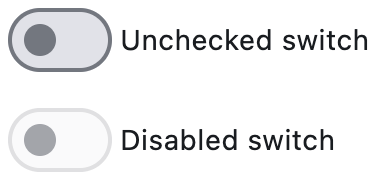](https://docs.flet.dev/test-images/examples/material/golden/macos/switch/image_for_docs.png)
Basic switch and disabled switch
Inherits: `[LayoutControl](https://docs.flet.dev/controls/layoutcontrol/#flet.LayoutControl) `, `[AdaptiveControl](https://docs.flet.dev/controls/adaptivecontrol/#flet.AdaptiveControl) `
Properties
* **`[active_color](https://docs.flet.dev/controls/switch/#flet.Switch.active_color) `**(`[ColorValue](https://docs.flet.dev/types/aliases/#flet.ColorValue) | None`) –
The color to use when this switch is on.
* **`[active_track_color](https://docs.flet.dev/controls/switch/#flet.Switch.active_track_color) `**(`[ColorValue](https://docs.flet.dev/types/aliases/#flet.ColorValue) | None`) –
The color to use on the track when this switch is on.
* **`[adaptive](https://docs.flet.dev/controls/switch/#flet.Switch.adaptive) `**(`[bool](https://docs.python.org/3/library/functions.html#bool) | None`) –
Whether an adaptive Switch should be created based on the target platform.
* **`[autofocus](https://docs.flet.dev/controls/switch/#flet.Switch.autofocus) `**(`[bool](https://docs.python.org/3/library/functions.html#bool) `) –
Whether this switch will be selected as the initial focus. If there is more than one control on a page with autofocus set, then the first one added to the page will get focus.
* **`[focus_color](https://docs.flet.dev/controls/switch/#flet.Switch.focus_color) `**(`[ColorValue](https://docs.flet.dev/types/aliases/#flet.ColorValue) | None`) –
The color to use for the focus highlight for keyboard interactions.
* **`[hover_color](https://docs.flet.dev/controls/switch/#flet.Switch.hover_color) `**(`[ColorValue](https://docs.flet.dev/types/aliases/#flet.ColorValue) | None`) –
The color to be used when it is being hovered over by the mouse pointer.
* **`[inactive_thumb_color](https://docs.flet.dev/controls/switch/#flet.Switch.inactive_thumb_color) `**(`[ColorValue](https://docs.flet.dev/types/aliases/#flet.ColorValue) | None`) –
The color to use on the thumb when this switch is off.
* **`[inactive_track_color](https://docs.flet.dev/controls/switch/#flet.Switch.inactive_track_color) `**(`[ColorValue](https://docs.flet.dev/types/aliases/#flet.ColorValue) | None`) –
The color to use on the track when this switch is off.
* **`[label](https://docs.flet.dev/controls/switch/#flet.Switch.label) `**(`[StrOrControl](https://docs.flet.dev/types/aliases/#flet.StrOrControl) | None`) –
The clickable label to display on the right of this switch.
* **`[label_position](https://docs.flet.dev/controls/switch/#flet.Switch.label_position) `**(`[LabelPosition](https://docs.flet.dev/types/labelposition/#flet.LabelPosition) `) –
The position of the [`label`](https://docs.flet.dev/controls/switch/#flet.Switch.label)
, if provided.
* **`[label_text_style](https://docs.flet.dev/controls/switch/#flet.Switch.label_text_style) `**(`[TextStyle](https://docs.flet.dev/types/textstyle/#flet.TextStyle) | None`) –
The [`label`](https://docs.flet.dev/controls/switch/#flet.Switch.label)
's text style, when it is a string.
* **`[mouse_cursor](https://docs.flet.dev/controls/switch/#flet.Switch.mouse_cursor) `**(`[MouseCursor](https://docs.flet.dev/types/mousecursor/#flet.MouseCursor) | None`) –
The cursor to be displayed when a mouse pointer enters or is hovering over this control.
* **`[overlay_color](https://docs.flet.dev/controls/switch/#flet.Switch.overlay_color) `**(`[ControlStateValue](https://docs.flet.dev/types/aliases/#flet.ControlStateValue) [[ColorValue](https://docs.flet.dev/types/aliases/#flet.ColorValue) ] | None`) –
The color for the switch's Material in various [`ControlState`](https://docs.flet.dev/types/controlstate/#flet.ControlState)
states.
* **`[padding](https://docs.flet.dev/controls/switch/#flet.Switch.padding) `**(`[PaddingValue](https://docs.flet.dev/types/aliases/#flet.PaddingValue) | None`) –
The amount of space to surround the child inside the bounds of the Switch.
* **`[splash_radius](https://docs.flet.dev/controls/switch/#flet.Switch.splash_radius) `**(`[Number](https://docs.flet.dev/types/aliases/#flet.Number) | None`) –
The radius of the splash effect when the switch is pressed.
* **`[thumb_color](https://docs.flet.dev/controls/switch/#flet.Switch.thumb_color) `**(`[ControlStateValue](https://docs.flet.dev/types/aliases/#flet.ControlStateValue) [[ColorValue](https://docs.flet.dev/types/aliases/#flet.ColorValue) ] | None`) –
The color of this switch's thumb in various [`ControlState`](https://docs.flet.dev/types/controlstate/#flet.ControlState)
* **`[thumb_icon](https://docs.flet.dev/controls/switch/#flet.Switch.thumb_icon) `**(`[ControlStateValue](https://docs.flet.dev/types/aliases/#flet.ControlStateValue) [[IconData](https://docs.flet.dev/types/aliases/#flet.IconData) ] | None`) –
The icon of this Switch's thumb in various [`ControlState`](https://docs.flet.dev/types/controlstate/#flet.ControlState)
states.
* **`[track_color](https://docs.flet.dev/controls/switch/#flet.Switch.track_color) `**(`[ControlStateValue](https://docs.flet.dev/types/aliases/#flet.ControlStateValue) [[ColorValue](https://docs.flet.dev/types/aliases/#flet.ColorValue) ] | None`) –
The color of this switch's track in various [`ControlState`](https://docs.flet.dev/types/controlstate/#flet.ControlState)
states.
* **`[track_outline_color](https://docs.flet.dev/controls/switch/#flet.Switch.track_outline_color) `**(`[ControlStateValue](https://docs.flet.dev/types/aliases/#flet.ControlStateValue) [[ColorValue](https://docs.flet.dev/types/aliases/#flet.ColorValue) ] | None`) –
The outline color of this switch's track in various [`ControlState`](https://docs.flet.dev/types/controlstate/#flet.ControlState)
* **`[track_outline_width](https://docs.flet.dev/controls/switch/#flet.Switch.track_outline_width) `**(`[ControlStateValue](https://docs.flet.dev/types/aliases/#flet.ControlStateValue) [[Number](https://docs.flet.dev/types/aliases/#flet.Number) | None] | None`) –
The outline width of this switch's track in all or specific [`ControlState`](https://docs.flet.dev/types/controlstate/#flet.ControlState)
states.
* **`[value](https://docs.flet.dev/controls/switch/#flet.Switch.value) `**(`[bool](https://docs.python.org/3/library/functions.html#bool) `) –
Current value of this switch.
Events
* **`[on_blur](https://docs.flet.dev/controls/switch/#flet.Switch.on_blur) `**(`[ControlEventHandler](https://docs.flet.dev/types/aliases/#flet.ControlEventHandler) [[Switch](https://docs.flet.dev/controls/switch/#flet.Switch) ] | None`) –
Called when the control has lost focus.
* **`[on_change](https://docs.flet.dev/controls/switch/#flet.Switch.on_change) `**(`[ControlEventHandler](https://docs.flet.dev/types/aliases/#flet.ControlEventHandler) [[Switch](https://docs.flet.dev/controls/switch/#flet.Switch) ] | None`) –
Called when the state of the Switch is changed.
* **`[on_focus](https://docs.flet.dev/controls/switch/#flet.Switch.on_focus) `**(`[ControlEventHandler](https://docs.flet.dev/types/aliases/#flet.ControlEventHandler) [[Switch](https://docs.flet.dev/controls/switch/#flet.Switch) ] | None`) –
Called when the control has received focus.
Examples[#](https://docs.flet.dev/controls/switch/#examples "Permanent link")
------------------------------------------------------------------------------
[Live example](https://flet-controls-gallery.fly.dev/input/switch)
### Basic Example[#](https://docs.flet.dev/controls/switch/#basic-example "Permanent link")
`[](https://docs.flet.dev/controls/switch/#__codelineno-0-1) import flet as ft [](https://docs.flet.dev/controls/switch/#__codelineno-0-2) [](https://docs.flet.dev/controls/switch/#__codelineno-0-3)[](https://docs.flet.dev/controls/switch/#__codelineno-0-4) def main(page: ft.Page): [](https://docs.flet.dev/controls/switch/#__codelineno-0-5) def handle_button_click(e: ft.Event[ft.Button]): [](https://docs.flet.dev/controls/switch/#__codelineno-0-6) message.value = ( [](https://docs.flet.dev/controls/switch/#__codelineno-0-7) f"Switch values are: {c1.value}, {c2.value}, {c3.value}, {c4.value}." [](https://docs.flet.dev/controls/switch/#__codelineno-0-8) ) [](https://docs.flet.dev/controls/switch/#__codelineno-0-9) page.update() [](https://docs.flet.dev/controls/switch/#__codelineno-0-10) [](https://docs.flet.dev/controls/switch/#__codelineno-0-11) page.add( [](https://docs.flet.dev/controls/switch/#__codelineno-0-12) c1 := ft.Switch(label="Unchecked switch", value=False), [](https://docs.flet.dev/controls/switch/#__codelineno-0-13) c2 := ft.Switch(label="Checked switch", value=True), [](https://docs.flet.dev/controls/switch/#__codelineno-0-14) c3 := ft.Switch(label="Disabled switch", disabled=True), [](https://docs.flet.dev/controls/switch/#__codelineno-0-15) c4 := ft.Switch( [](https://docs.flet.dev/controls/switch/#__codelineno-0-16) label="Switch with rendered label_position='left'", [](https://docs.flet.dev/controls/switch/#__codelineno-0-17) label_position=ft.LabelPosition.LEFT, [](https://docs.flet.dev/controls/switch/#__codelineno-0-18) ), [](https://docs.flet.dev/controls/switch/#__codelineno-0-19) ft.Button(content="Submit", on_click=handle_button_click), [](https://docs.flet.dev/controls/switch/#__codelineno-0-20) message := ft.Text(), [](https://docs.flet.dev/controls/switch/#__codelineno-0-21) ) [](https://docs.flet.dev/controls/switch/#__codelineno-0-22) [](https://docs.flet.dev/controls/switch/#__codelineno-0-23)[](https://docs.flet.dev/controls/switch/#__codelineno-0-24) if __name__ == "__main__": [](https://docs.flet.dev/controls/switch/#__codelineno-0-25) ft.run(main)`
[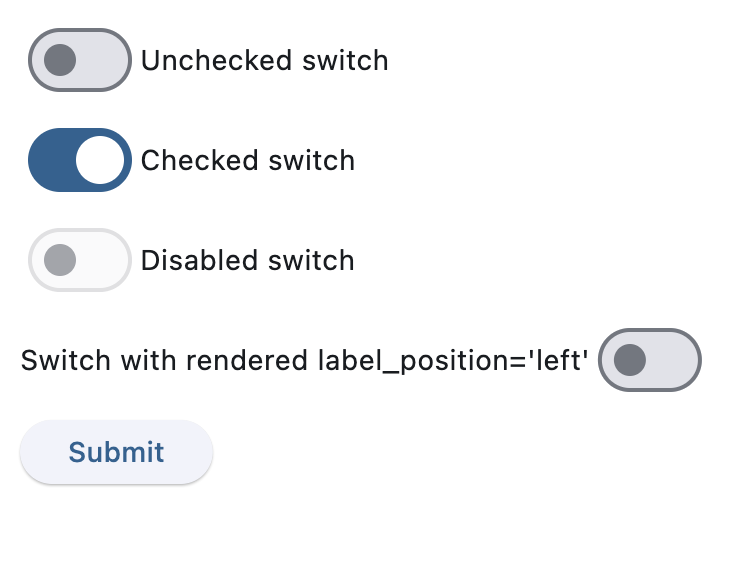](https://docs.flet.dev/test-images/examples/material/golden/macos/switch/basic.png)
### Handling change events[#](https://docs.flet.dev/controls/switch/#handling-change-events "Permanent link")
`[](https://docs.flet.dev/controls/switch/#__codelineno-1-1) import flet as ft [](https://docs.flet.dev/controls/switch/#__codelineno-1-2) [](https://docs.flet.dev/controls/switch/#__codelineno-1-3)[](https://docs.flet.dev/controls/switch/#__codelineno-1-4) def main(page: ft.Page): [](https://docs.flet.dev/controls/switch/#__codelineno-1-5) def handle_switch_change(e: ft.Event[ft.Switch]): [](https://docs.flet.dev/controls/switch/#__codelineno-1-6) page.theme_mode = ( [](https://docs.flet.dev/controls/switch/#__codelineno-1-7) ft.ThemeMode.DARK [](https://docs.flet.dev/controls/switch/#__codelineno-1-8) if page.theme_mode == ft.ThemeMode.LIGHT [](https://docs.flet.dev/controls/switch/#__codelineno-1-9) else ft.ThemeMode.LIGHT [](https://docs.flet.dev/controls/switch/#__codelineno-1-10) ) [](https://docs.flet.dev/controls/switch/#__codelineno-1-11) e.control.label = ( [](https://docs.flet.dev/controls/switch/#__codelineno-1-12) "Light ThemeMode" [](https://docs.flet.dev/controls/switch/#__codelineno-1-13) if page.theme_mode == ft.ThemeMode.LIGHT [](https://docs.flet.dev/controls/switch/#__codelineno-1-14) else "Dark ThemeMode" [](https://docs.flet.dev/controls/switch/#__codelineno-1-15) ) [](https://docs.flet.dev/controls/switch/#__codelineno-1-16) page.update() [](https://docs.flet.dev/controls/switch/#__codelineno-1-17) [](https://docs.flet.dev/controls/switch/#__codelineno-1-18) page.theme_mode = ft.ThemeMode.LIGHT [](https://docs.flet.dev/controls/switch/#__codelineno-1-19) page.add(ft.Switch(label="Light ThemeMode", on_change=handle_switch_change)) [](https://docs.flet.dev/controls/switch/#__codelineno-1-20) [](https://docs.flet.dev/controls/switch/#__codelineno-1-21)[](https://docs.flet.dev/controls/switch/#__codelineno-1-22) if __name__ == "__main__": [](https://docs.flet.dev/controls/switch/#__codelineno-1-23) ft.run(main)`
[](https://docs.flet.dev/examples/controls/switch/media/handling_events.gif)
Properties[#](https://docs.flet.dev/controls/switch/#flet.Switch-properties "Permanent link")
----------------------------------------------------------------------------------------------
### active\_color `class-attribute` `instance-attribute` [#](https://docs.flet.dev/controls/switch/#flet.Switch.active_color "Permanent link")
`[](https://docs.flet.dev/controls/switch/#__codelineno-0-1) active_color: [ColorValue](https://docs.flet.dev/types/aliases/#flet.ColorValue) | None = None`
The color to use when this switch is on.
### active\_track\_color `class-attribute` `instance-attribute` [#](https://docs.flet.dev/controls/switch/#flet.Switch.active_track_color "Permanent link")
`[](https://docs.flet.dev/controls/switch/#__codelineno-0-1) active_track_color: [ColorValue](https://docs.flet.dev/types/aliases/#flet.ColorValue) | None = None`
The color to use on the track when this switch is on.
If [`track_color`](https://docs.flet.dev/controls/switch/#flet.Switch.track_color)
returns a non-none color in the `ControlState.SELECTED` state, it will be used instead of this color.
### adaptive `class-attribute` `instance-attribute` [#](https://docs.flet.dev/controls/switch/#flet.Switch.adaptive "Permanent link")
`[](https://docs.flet.dev/controls/switch/#__codelineno-0-1) adaptive: [bool](https://docs.python.org/3/library/functions.html#bool) | None = None`
Whether an adaptive Switch should be created based on the target platform.
On iOS and macOS, a [`CupertinoSwitch`](https://docs.flet.dev/controls/cupertinoswitch/#flet.CupertinoSwitch)
is created, which has matching functionality and presentation as `Switch`, and the graphics as expected on iOS. On other platforms, a Material Switch is created.
Defaults to `False`. See the example of usage [here](https://docs.flet.dev/controls/cupertinoswitch/#cupertino-material-and-adaptive-switches)
.
### autofocus `class-attribute` `instance-attribute` [#](https://docs.flet.dev/controls/switch/#flet.Switch.autofocus "Permanent link")
`[](https://docs.flet.dev/controls/switch/#__codelineno-0-1) autofocus: [bool](https://docs.python.org/3/library/functions.html#bool) = False`
Whether this switch will be selected as the initial focus. If there is more than one control on a page with autofocus set, then the first one added to the page will get focus.
### focus\_color `class-attribute` `instance-attribute` [#](https://docs.flet.dev/controls/switch/#flet.Switch.focus_color "Permanent link")
`[](https://docs.flet.dev/controls/switch/#__codelineno-0-1) focus_color: [ColorValue](https://docs.flet.dev/types/aliases/#flet.ColorValue) | None = None`
The color to use for the focus highlight for keyboard interactions.
### hover\_color `class-attribute` `instance-attribute` [#](https://docs.flet.dev/controls/switch/#flet.Switch.hover_color "Permanent link")
`[](https://docs.flet.dev/controls/switch/#__codelineno-0-1) hover_color: [ColorValue](https://docs.flet.dev/types/aliases/#flet.ColorValue) | None = None`
The color to be used when it is being hovered over by the mouse pointer.
### inactive\_thumb\_color `class-attribute` `instance-attribute` [#](https://docs.flet.dev/controls/switch/#flet.Switch.inactive_thumb_color "Permanent link")
`[](https://docs.flet.dev/controls/switch/#__codelineno-0-1) inactive_thumb_color: [ColorValue](https://docs.flet.dev/types/aliases/#flet.ColorValue) | None = None`
The color to use on the thumb when this switch is off.
Defaults to colors defined in the [material design specification](https://m3.material.io/components/switch/specs)
.
If [`thumb_color`](https://docs.flet.dev/controls/switch/#flet.Switch.thumb_color)
returns a non-none color in the `ControlState.DEFAULT` state, it will be used instead of this color.
### inactive\_track\_color `class-attribute` `instance-attribute` [#](https://docs.flet.dev/controls/switch/#flet.Switch.inactive_track_color "Permanent link")
`[](https://docs.flet.dev/controls/switch/#__codelineno-0-1) inactive_track_color: [ColorValue](https://docs.flet.dev/types/aliases/#flet.ColorValue) | None = None`
The color to use on the track when this switch is off.
Defaults to colors defined in the [material design specification](https://m3.material.io/components/switch/specs)
.
If [`track_color`](https://docs.flet.dev/controls/switch/#flet.Switch.track_color)
returns a non-none color in the `ControlState.DEFAULT` state, it will be used instead of this color.
### label `class-attribute` `instance-attribute` [#](https://docs.flet.dev/controls/switch/#flet.Switch.label "Permanent link")
`[](https://docs.flet.dev/controls/switch/#__codelineno-0-1) label: [StrOrControl](https://docs.flet.dev/types/aliases/#flet.StrOrControl) | None = None`
The clickable label to display on the right of this switch.
### label\_position `class-attribute` `instance-attribute` [#](https://docs.flet.dev/controls/switch/#flet.Switch.label_position "Permanent link")
`[](https://docs.flet.dev/controls/switch/#__codelineno-0-1) label_position: [LabelPosition](https://docs.flet.dev/types/labelposition/#flet.LabelPosition) = [RIGHT](https://docs.flet.dev/types/labelposition/#flet.LabelPosition.RIGHT)`
The position of the [`label`](https://docs.flet.dev/controls/switch/#flet.Switch.label)
, if provided.
### label\_text\_style `class-attribute` `instance-attribute` [#](https://docs.flet.dev/controls/switch/#flet.Switch.label_text_style "Permanent link")
`[](https://docs.flet.dev/controls/switch/#__codelineno-0-1) label_text_style: [TextStyle](https://docs.flet.dev/types/textstyle/#flet.TextStyle) | None = None`
The [`label`](https://docs.flet.dev/controls/switch/#flet.Switch.label)
's text style, when it is a string.
### mouse\_cursor `class-attribute` `instance-attribute` [#](https://docs.flet.dev/controls/switch/#flet.Switch.mouse_cursor "Permanent link")
`[](https://docs.flet.dev/controls/switch/#__codelineno-0-1) mouse_cursor: [MouseCursor](https://docs.flet.dev/types/mousecursor/#flet.MouseCursor) | None = None`
The cursor to be displayed when a mouse pointer enters or is hovering over this control.
### overlay\_color `class-attribute` `instance-attribute` [#](https://docs.flet.dev/controls/switch/#flet.Switch.overlay_color "Permanent link")
`[](https://docs.flet.dev/controls/switch/#__codelineno-0-1) overlay_color: [ControlStateValue](https://docs.flet.dev/types/aliases/#flet.ControlStateValue) [[ColorValue](https://docs.flet.dev/types/aliases/#flet.ColorValue) ] | None = None`
The color for the switch's Material in various [`ControlState`](https://docs.flet.dev/types/controlstate/#flet.ControlState)
states.
The following states are supported: `ControlState.PRESSED`, `ControlState.SELECTED`, `ControlState.HOVERED`, `ControlState.FOCUSED` and `ControlState.DEFAULT`.
### padding `class-attribute` `instance-attribute` [#](https://docs.flet.dev/controls/switch/#flet.Switch.padding "Permanent link")
`[](https://docs.flet.dev/controls/switch/#__codelineno-0-1) padding: [PaddingValue](https://docs.flet.dev/types/aliases/#flet.PaddingValue) | None = None`
The amount of space to surround the child inside the bounds of the Switch.
Defaults to horizontal padding of 4 pixels. If [`Theme.use_material3`](https://docs.flet.dev/types/theme/#flet.Theme.use_material3)
is false, then there is no padding by default.
### splash\_radius `class-attribute` `instance-attribute` [#](https://docs.flet.dev/controls/switch/#flet.Switch.splash_radius "Permanent link")
`[](https://docs.flet.dev/controls/switch/#__codelineno-0-1) splash_radius: [Number](https://docs.flet.dev/types/aliases/#flet.Number) | None = None`
The radius of the splash effect when the switch is pressed.
Raises:
* `[ValueError](https://docs.python.org/3/library/exceptions.html#ValueError) ` –
If it is not greater than or equal to `0`.
### thumb\_color `class-attribute` `instance-attribute` [#](https://docs.flet.dev/controls/switch/#flet.Switch.thumb_color "Permanent link")
`[](https://docs.flet.dev/controls/switch/#__codelineno-0-1) thumb_color: [ControlStateValue](https://docs.flet.dev/types/aliases/#flet.ControlStateValue) [[ColorValue](https://docs.flet.dev/types/aliases/#flet.ColorValue) ] | None = None`
The color of this switch's thumb in various [`ControlState`](https://docs.flet.dev/types/controlstate/#flet.ControlState)
states.
The following states are supported: `ControlState.SELECTED`, `ControlState.HOVERED`, `ControlState.DISABLED`, `ControlState.FOCUSED` and `ControlState.DEFAULT` (fallback).
### thumb\_icon `class-attribute` `instance-attribute` [#](https://docs.flet.dev/controls/switch/#flet.Switch.thumb_icon "Permanent link")
`[](https://docs.flet.dev/controls/switch/#__codelineno-0-1) thumb_icon: [ControlStateValue](https://docs.flet.dev/types/aliases/#flet.ControlStateValue) [[IconData](https://docs.flet.dev/types/aliases/#flet.IconData) ] | None = None`
The icon of this Switch's thumb in various [`ControlState`](https://docs.flet.dev/types/controlstate/#flet.ControlState)
states.
The following states are supported: `ControlState.SELECTED`, `ControlState.HOVERED`, `ControlState.DISABLED`, `ControlState.FOCUSED` and `ControlState.DEFAULT` (fallback).
### track\_color `class-attribute` `instance-attribute` [#](https://docs.flet.dev/controls/switch/#flet.Switch.track_color "Permanent link")
`[](https://docs.flet.dev/controls/switch/#__codelineno-0-1) track_color: [ControlStateValue](https://docs.flet.dev/types/aliases/#flet.ControlStateValue) [[ColorValue](https://docs.flet.dev/types/aliases/#flet.ColorValue) ] | None = None`
The color of this switch's track in various [`ControlState`](https://docs.flet.dev/types/controlstate/#flet.ControlState)
states.
The following states are supported: `ControlState.SELECTED`, `ControlState.HOVERED`, `ControlState.DISABLED`, `ControlState.FOCUSED` and `ControlState.DEFAULT` (fallback).
### track\_outline\_color `class-attribute` `instance-attribute` [#](https://docs.flet.dev/controls/switch/#flet.Switch.track_outline_color "Permanent link")
`[](https://docs.flet.dev/controls/switch/#__codelineno-0-1) track_outline_color: ( [](https://docs.flet.dev/controls/switch/#__codelineno-0-2) [ControlStateValue](https://docs.flet.dev/types/aliases/#flet.ControlStateValue) [[ColorValue](https://docs.flet.dev/types/aliases/#flet.ColorValue) ] | None [](https://docs.flet.dev/controls/switch/#__codelineno-0-3) ) = None`
The outline color of this switch's track in various [`ControlState`](https://docs.flet.dev/types/controlstate/#flet.ControlState)
states.
The following states are supported: `ControlState.SELECTED`, `ControlState.HOVERED`, `ControlState.DISABLED`, `ControlState.FOCUSED` and `ControlState.DEFAULT` (fallback).
### track\_outline\_width `class-attribute` `instance-attribute` [#](https://docs.flet.dev/controls/switch/#flet.Switch.track_outline_width "Permanent link")
`[](https://docs.flet.dev/controls/switch/#__codelineno-0-1) track_outline_width: ( [](https://docs.flet.dev/controls/switch/#__codelineno-0-2) [ControlStateValue](https://docs.flet.dev/types/aliases/#flet.ControlStateValue) [[Number](https://docs.flet.dev/types/aliases/#flet.Number) | None] | None [](https://docs.flet.dev/controls/switch/#__codelineno-0-3) ) = None`
The outline width of this switch's track in all or specific [`ControlState`](https://docs.flet.dev/types/controlstate/#flet.ControlState)
states.
The following states are supported: `ControlState.SELECTED`, `ControlState.HOVERED`, `ControlState.DISABLED`, `ControlState.FOCUSED` and `ControlState.DEFAULT` (fallback).
### value `class-attribute` `instance-attribute` [#](https://docs.flet.dev/controls/switch/#flet.Switch.value "Permanent link")
`[](https://docs.flet.dev/controls/switch/#__codelineno-0-1) value: [bool](https://docs.python.org/3/library/functions.html#bool) = False`
Current value of this switch.
Events[#](https://docs.flet.dev/controls/switch/#flet.Switch-events "Permanent link")
--------------------------------------------------------------------------------------
### on\_blur `class-attribute` `instance-attribute` [#](https://docs.flet.dev/controls/switch/#flet.Switch.on_blur "Permanent link")
`[](https://docs.flet.dev/controls/switch/#__codelineno-0-1) on_blur: [ControlEventHandler](https://docs.flet.dev/types/aliases/#flet.ControlEventHandler) [[Switch](https://docs.flet.dev/controls/switch/#flet.Switch) ] | None = None`
Called when the control has lost focus.
### on\_change `class-attribute` `instance-attribute` [#](https://docs.flet.dev/controls/switch/#flet.Switch.on_change "Permanent link")
`[](https://docs.flet.dev/controls/switch/#__codelineno-0-1) on_change: [ControlEventHandler](https://docs.flet.dev/types/aliases/#flet.ControlEventHandler) [[Switch](https://docs.flet.dev/controls/switch/#flet.Switch) ] | None = None`
Called when the state of the Switch is changed.
### on\_focus `class-attribute` `instance-attribute` [#](https://docs.flet.dev/controls/switch/#flet.Switch.on_focus "Permanent link")
`[](https://docs.flet.dev/controls/switch/#__codelineno-0-1) on_focus: [ControlEventHandler](https://docs.flet.dev/types/aliases/#flet.ControlEventHandler) [[Switch](https://docs.flet.dev/controls/switch/#flet.Switch) ] | None = None`
Called when the control has received focus.
Back to top
---
# ScrollableControl - Flet
[Skip to content](https://docs.flet.dev/controls/scrollablecontrol/#flet.ScrollableControl)
ScrollableControl
=================
Inherits: `[Control](https://docs.flet.dev/controls/control/#flet.Control) `
Shared scroll behavior for controls that expose a scrollable viewport.
This mixin-style control is inherited by controls such as [`Column`](https://docs.flet.dev/controls/column/#flet.Column)
, [`Row`](https://docs.flet.dev/controls/row/#flet.Row)
, [`View`](https://docs.flet.dev/controls/view/#flet.View)
, [`ListView`](https://docs.flet.dev/controls/listview/#flet.ListView)
, and [`GridView`](https://docs.flet.dev/controls/gridview/#flet.GridView)
. It provides a common API for:
* enabling/disabling scrolling and scrollbar visibility via [`scroll`](https://docs.flet.dev/controls/scrollablecontrol/#flet.ScrollableControl.scroll)
;
* receiving throttled scroll notifications via [`on_scroll`](https://docs.flet.dev/controls/scrollablecontrol/#flet.ScrollableControl.on_scroll)
and [`scroll_interval`](https://docs.flet.dev/controls/scrollablecontrol/#flet.ScrollableControl.scroll_interval)
;
* imperatively changing position with [`scroll_to()`](https://docs.flet.dev/controls/scrollablecontrol/#flet.ScrollableControl.scroll_to)
.
Properties
* **`[auto_scroll](https://docs.flet.dev/controls/scrollablecontrol/#flet.ScrollableControl.auto_scroll) `**(`[bool](https://docs.python.org/3/library/functions.html#bool) `) –
Whether the scrollbar should automatically move its position to the end when children updated.
* **`[scroll](https://docs.flet.dev/controls/scrollablecontrol/#flet.ScrollableControl.scroll) `**(`[ScrollMode](https://docs.flet.dev/types/scrollmode/#flet.ScrollMode) | [Scrollbar](https://docs.flet.dev/types/scrollbar/#flet.Scrollbar) | None`) –
Defines the scroll bar configuration of this control.
* **`[scroll_interval](https://docs.flet.dev/controls/scrollablecontrol/#flet.ScrollableControl.scroll_interval) `**(`[Number](https://docs.flet.dev/types/aliases/#flet.Number) `) –
Throttling in milliseconds for [`on_scroll`](https://docs.flet.dev/controls/scrollablecontrol/#flet.ScrollableControl.on_scroll)
event.
Events
* **`[on_scroll](https://docs.flet.dev/controls/scrollablecontrol/#flet.ScrollableControl.on_scroll) `**(`[EventHandler](https://docs.flet.dev/types/aliases/#flet.EventHandler) [[OnScrollEvent](https://docs.flet.dev/types/onscrollevent/#flet.OnScrollEvent) ] | None`) –
Called when scroll position is changed by a user.
Methods
* **`[scroll_to](https://docs.flet.dev/controls/scrollablecontrol/#flet.ScrollableControl.scroll_to) `** –
Moves the scroll position.
Properties[#](https://docs.flet.dev/controls/scrollablecontrol/#flet.ScrollableControl-properties "Permanent link")
--------------------------------------------------------------------------------------------------------------------
### auto\_scroll `class-attribute` `instance-attribute` [#](https://docs.flet.dev/controls/scrollablecontrol/#flet.ScrollableControl.auto_scroll "Permanent link")
`[](https://docs.flet.dev/controls/scrollablecontrol/#__codelineno-0-1) auto_scroll: [bool](https://docs.python.org/3/library/functions.html#bool) = False`
Whether the scrollbar should automatically move its position to the end when children updated.
Note
Must be `False` for [`scroll_to()`](https://docs.flet.dev/controls/scrollablecontrol/#flet.ScrollableControl.scroll_to)
method to work.
### scroll `class-attribute` `instance-attribute` [#](https://docs.flet.dev/controls/scrollablecontrol/#flet.ScrollableControl.scroll "Permanent link")
`[](https://docs.flet.dev/controls/scrollablecontrol/#__codelineno-0-1) scroll: [ScrollMode](https://docs.flet.dev/types/scrollmode/#flet.ScrollMode) | [Scrollbar](https://docs.flet.dev/types/scrollbar/#flet.Scrollbar) | None = None`
Defines the scroll bar configuration of this control.
Can be a [`Scrollbar`](https://docs.flet.dev/types/scrollbar/#flet.Scrollbar)
instance for full control over the appearance of the scrollbar, or a [`ScrollMode`](https://docs.flet.dev/types/scrollmode/#flet.ScrollMode)
value, for ready-made scrollbar behaviors.
### scroll\_interval `class-attribute` `instance-attribute` [#](https://docs.flet.dev/controls/scrollablecontrol/#flet.ScrollableControl.scroll_interval "Permanent link")
`[](https://docs.flet.dev/controls/scrollablecontrol/#__codelineno-0-1) scroll_interval: [Number](https://docs.flet.dev/types/aliases/#flet.Number) = 10`
Throttling in milliseconds for [`on_scroll`](https://docs.flet.dev/controls/scrollablecontrol/#flet.ScrollableControl.on_scroll)
event.
Events[#](https://docs.flet.dev/controls/scrollablecontrol/#flet.ScrollableControl-events "Permanent link")
------------------------------------------------------------------------------------------------------------
### on\_scroll `class-attribute` `instance-attribute` [#](https://docs.flet.dev/controls/scrollablecontrol/#flet.ScrollableControl.on_scroll "Permanent link")
`[](https://docs.flet.dev/controls/scrollablecontrol/#__codelineno-0-1) on_scroll: [EventHandler](https://docs.flet.dev/types/aliases/#flet.EventHandler) [[OnScrollEvent](https://docs.flet.dev/types/onscrollevent/#flet.OnScrollEvent) ] | None = None`
Called when scroll position is changed by a user.
Methods[#](https://docs.flet.dev/controls/scrollablecontrol/#flet.ScrollableControl-methods "Permanent link")
--------------------------------------------------------------------------------------------------------------
### scroll\_to `async` [#](https://docs.flet.dev/controls/scrollablecontrol/#flet.ScrollableControl.scroll_to "Permanent link")
`[](https://docs.flet.dev/controls/scrollablecontrol/#__codelineno-0-1) scroll_to( [](https://docs.flet.dev/controls/scrollablecontrol/#__codelineno-0-2) offset: [float](https://docs.python.org/3/library/functions.html#float) | None = None, [](https://docs.flet.dev/controls/scrollablecontrol/#__codelineno-0-3) delta: [float](https://docs.python.org/3/library/functions.html#float) | None = None, [](https://docs.flet.dev/controls/scrollablecontrol/#__codelineno-0-4) scroll_key: [ScrollKey](https://docs.flet.dev/types/scrollkey/#flet.ScrollKey) [](https://docs.flet.dev/controls/scrollablecontrol/#__codelineno-0-5) | [str](https://docs.python.org/3/library/stdtypes.html#str) [](https://docs.flet.dev/controls/scrollablecontrol/#__codelineno-0-6) | [int](https://docs.python.org/3/library/functions.html#int) [](https://docs.flet.dev/controls/scrollablecontrol/#__codelineno-0-7) | [float](https://docs.python.org/3/library/functions.html#float) [](https://docs.flet.dev/controls/scrollablecontrol/#__codelineno-0-8) | [bool](https://docs.python.org/3/library/functions.html#bool) [](https://docs.flet.dev/controls/scrollablecontrol/#__codelineno-0-9) | None = None, [](https://docs.flet.dev/controls/scrollablecontrol/#__codelineno-0-10) duration: [DurationValue](https://docs.flet.dev/types/aliases/#flet.DurationValue) = 0, [](https://docs.flet.dev/controls/scrollablecontrol/#__codelineno-0-11) curve: [AnimationCurve](https://docs.flet.dev/types/animationcurve/#flet.AnimationCurve) = [EASE](https://docs.flet.dev/types/animationcurve/#flet.AnimationCurve.EASE) , [](https://docs.flet.dev/controls/scrollablecontrol/#__codelineno-0-12) )`
Moves the scroll position.
Parameters:
* **`offset`** (`[float](https://docs.python.org/3/library/functions.html#float) | None`, default: `None` ) –
Absolute scroll target in pixels. A negative value is interpreted relative to the end (e.g. `-1` to jump to the very end).
* **`delta`** (`[float](https://docs.python.org/3/library/functions.html#float) | None`, default: `None` ) –
Relative scroll change in pixels. Positive values scroll forward, negative values scroll backward.
* **`scroll_key`** (`[ScrollKey](https://docs.flet.dev/types/scrollkey/#flet.ScrollKey) | [str](https://docs.python.org/3/library/stdtypes.html#str) | [int](https://docs.python.org/3/library/functions.html#int) | [float](https://docs.python.org/3/library/functions.html#float) | [bool](https://docs.python.org/3/library/functions.html#bool) | None`, default: `None` ) –
Key of the target control to scroll to.
* **`duration`** (`[DurationValue](https://docs.flet.dev/types/aliases/#flet.DurationValue) `, default: `0` ) –
The scroll animation duration.
* **`curve`** (`[AnimationCurve](https://docs.flet.dev/types/animationcurve/#flet.AnimationCurve) `, default: `[EASE](https://docs.flet.dev/types/animationcurve/#flet.AnimationCurve.EASE) ` ) –
The scroll animation curve.
Notes
* Exactly one of `offset`, `delta` or `scroll_key` should be provided.
* [`auto_scroll`](https://docs.flet.dev/controls/scrollablecontrol/#flet.ScrollableControl.auto_scroll)
must be `False`.
* This method is ineffective for controls (e.g. [`ListView`](https://docs.flet.dev/controls/listview/#flet.ListView)
, [`GridView`](https://docs.flet.dev/controls/gridview/#flet.GridView)
) that build items dynamically.
Examples:
`[](https://docs.flet.dev/controls/scrollablecontrol/#__codelineno-0-1) await products.scroll_to(offset=100, duration=1000) [](https://docs.flet.dev/controls/scrollablecontrol/#__codelineno-0-2) await products.scroll_to(offset=-1, duration=1000) # to the end [](https://docs.flet.dev/controls/scrollablecontrol/#__codelineno-0-3) await products.scroll_to(delta=50) # forward 50px [](https://docs.flet.dev/controls/scrollablecontrol/#__codelineno-0-4) await products.scroll_to(scroll_key="item_20", duration=500)`
Back to top
---
# TimePicker - Flet
[Skip to content](https://docs.flet.dev/controls/timepicker/#flet.TimePicker)
TimePicker
==========
A Material-style time picker dialog.
Can be opened by calling the [`Page.show_dialog()`](https://docs.flet.dev/controls/basepage/#flet.BasePage.show_dialog)
method.
Depending on the [`entry_mode`](https://docs.flet.dev/controls/timepicker/#flet.TimePicker.entry_mode)
, it will show either a Dial or an Input (hour and minute text fields) for picking a time.
Example:
`[](https://docs.flet.dev/controls/timepicker/#__codelineno-0-1) ft.TimePicker( [](https://docs.flet.dev/controls/timepicker/#__codelineno-0-2) open=True, [](https://docs.flet.dev/controls/timepicker/#__codelineno-0-3) value=time(1, 2), [](https://docs.flet.dev/controls/timepicker/#__codelineno-0-4) entry_mode=ft.TimePickerEntryMode.INPUT_ONLY, [](https://docs.flet.dev/controls/timepicker/#__codelineno-0-5) )`
[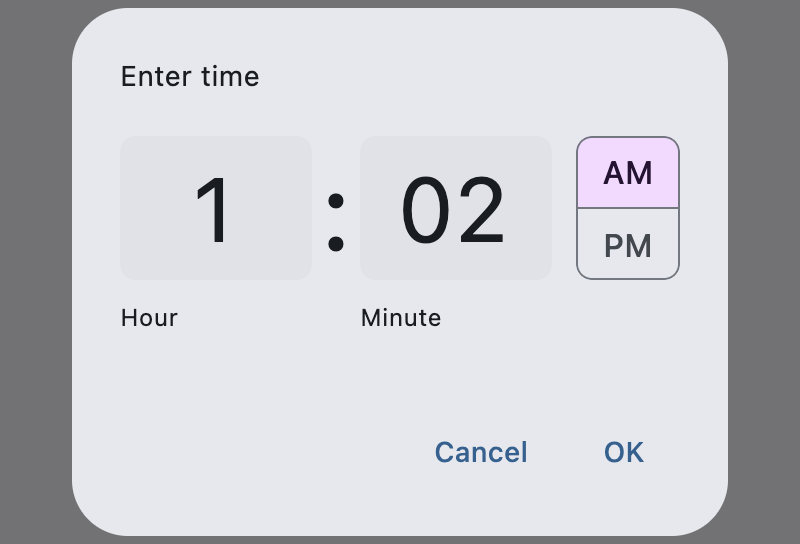](https://docs.flet.dev/test-images/examples/material/golden/macos/time_picker/image_for_docs.png)
Time picker
Inherits: `[DialogControl](https://docs.flet.dev/controls/dialogcontrol/#flet.DialogControl) `
Properties
* **`[barrier_color](https://docs.flet.dev/controls/timepicker/#flet.TimePicker.barrier_color) `**(`[ColorValue](https://docs.flet.dev/types/aliases/#flet.ColorValue) | None`) –
The color of the modal barrier that darkens everything below this picker's dialog.
* **`[cancel_text](https://docs.flet.dev/controls/timepicker/#flet.TimePicker.cancel_text) `**(`[str](https://docs.python.org/3/library/stdtypes.html#str) | None`) –
The text that is displayed on the cancel button.
* **`[confirm_text](https://docs.flet.dev/controls/timepicker/#flet.TimePicker.confirm_text) `**(`[str](https://docs.python.org/3/library/stdtypes.html#str) | None`) –
The text that is displayed on the confirm button.
* **`[entry_mode](https://docs.flet.dev/controls/timepicker/#flet.TimePicker.entry_mode) `**(`[TimePickerEntryMode](https://docs.flet.dev/types/timepickerentrymode/#flet.TimePickerEntryMode) `) –
The initial mode of time entry method for this picker.
* **`[error_invalid_text](https://docs.flet.dev/controls/timepicker/#flet.TimePicker.error_invalid_text) `**(`[str](https://docs.python.org/3/library/stdtypes.html#str) | None`) –
The error message displayed below the input text field if the input is not a valid hour/minute.
* **`[help_text](https://docs.flet.dev/controls/timepicker/#flet.TimePicker.help_text) `**(`[str](https://docs.python.org/3/library/stdtypes.html#str) | None`) –
The text that is displayed at the top of the header.
* **`[hour_format](https://docs.flet.dev/controls/timepicker/#flet.TimePicker.hour_format) `**(`[TimePickerHourFormat](https://docs.flet.dev/types/timepickerhourformat/#flet.TimePickerHourFormat) `) –
Defines the hour format of this time picker.
* **`[hour_label_text](https://docs.flet.dev/controls/timepicker/#flet.TimePicker.hour_label_text) `**(`[str](https://docs.python.org/3/library/stdtypes.html#str) | None`) –
The text that is displayed below the hour input text field.
* **`[locale](https://docs.flet.dev/controls/timepicker/#flet.TimePicker.locale) `**(`[Locale](https://docs.flet.dev/types/locale/#flet.Locale) | None`) –
The locale for this time picker dialog. It is intended for (rare) cases where this dialog should be localized differently from the rest of the page.
* **`[minute_label_text](https://docs.flet.dev/controls/timepicker/#flet.TimePicker.minute_label_text) `**(`[str](https://docs.python.org/3/library/stdtypes.html#str) | None`) –
The text that is displayed below the minute input text field.
* **`[modal](https://docs.flet.dev/controls/timepicker/#flet.TimePicker.modal) `**(`[bool](https://docs.python.org/3/library/functions.html#bool) `) –
Whether this picker cannot be dismissed by clicking the area outside of it.
* **`[orientation](https://docs.flet.dev/controls/timepicker/#flet.TimePicker.orientation) `**(`[Orientation](https://docs.flet.dev/types/orientation/#flet.Orientation) | None`) –
The orientation of the dialog when displayed.
* **`[switch_to_input_icon](https://docs.flet.dev/controls/timepicker/#flet.TimePicker.switch_to_input_icon) `**(`[IconData](https://docs.flet.dev/types/aliases/#flet.IconData) | None`) –
The icon displayed in the corner of this picker's dialog when [`entry_mode`](https://docs.flet.dev/controls/timepicker/#flet.TimePicker.entry_mode)
is [`TimePickerEntryMode.DIAL`](https://docs.flet.dev/types/timepickerentrymode/#flet.TimePickerEntryMode.DIAL)
.
* **`[switch_to_timer_icon](https://docs.flet.dev/controls/timepicker/#flet.TimePicker.switch_to_timer_icon) `**(`[IconData](https://docs.flet.dev/types/aliases/#flet.IconData) | None`) –
The icon displayed in the corner of this picker's dialog when [`entry_mode`](https://docs.flet.dev/controls/timepicker/#flet.TimePicker.entry_mode)
is [`TimePickerEntryMode.INPUT`](https://docs.flet.dev/types/timepickerentrymode/#flet.TimePickerEntryMode.INPUT)
.
* **`[value](https://docs.flet.dev/controls/timepicker/#flet.TimePicker.value) `**(`[time](https://docs.python.org/3/library/datetime.html#datetime.time "datetime.time") | None`) –
The selected time that this picker should display.
Events
* **`[on_change](https://docs.flet.dev/controls/timepicker/#flet.TimePicker.on_change) `**(`[ControlEventHandler](https://docs.flet.dev/types/aliases/#flet.ControlEventHandler) [[TimePicker](https://docs.flet.dev/controls/timepicker/#flet.TimePicker) ] | None`) –
Called when user clicks confirm button.
* **`[on_entry_mode_change](https://docs.flet.dev/controls/timepicker/#flet.TimePicker.on_entry_mode_change) `**(`[EventHandler](https://docs.flet.dev/types/aliases/#flet.EventHandler) [[TimePickerEntryModeChangeEvent](https://docs.flet.dev/types/timepickerentrymodechangeevent/#flet.TimePickerEntryModeChangeEvent) ] | None`) –
Called when the [`entry_mode`](https://docs.flet.dev/controls/timepicker/#flet.TimePicker.entry_mode)
is changed through the time picker dialog.
Examples[#](https://docs.flet.dev/controls/timepicker/#examples "Permanent link")
----------------------------------------------------------------------------------
[Live example](https://flet-controls-gallery.fly.dev/dialogs/timepicker)
### Basic Example[#](https://docs.flet.dev/controls/timepicker/#basic-example "Permanent link")
`[](https://docs.flet.dev/controls/timepicker/#__codelineno-0-1) from datetime import time [](https://docs.flet.dev/controls/timepicker/#__codelineno-0-2)[](https://docs.flet.dev/controls/timepicker/#__codelineno-0-3) import flet as ft [](https://docs.flet.dev/controls/timepicker/#__codelineno-0-4) [](https://docs.flet.dev/controls/timepicker/#__codelineno-0-5)[](https://docs.flet.dev/controls/timepicker/#__codelineno-0-6) def main(page: ft.Page): [](https://docs.flet.dev/controls/timepicker/#__codelineno-0-7) page.horizontal_alignment = ft.CrossAxisAlignment.CENTER [](https://docs.flet.dev/controls/timepicker/#__codelineno-0-8) [](https://docs.flet.dev/controls/timepicker/#__codelineno-0-9) def handle_change(e: ft.Event[ft.TimePicker]): [](https://docs.flet.dev/controls/timepicker/#__codelineno-0-10) selection.value = f"Selection: {time_picker.value}" [](https://docs.flet.dev/controls/timepicker/#__codelineno-0-11) page.show_dialog(ft.SnackBar(f"TimePicker change: {time_picker.value}")) [](https://docs.flet.dev/controls/timepicker/#__codelineno-0-12) [](https://docs.flet.dev/controls/timepicker/#__codelineno-0-13) def handle_dismissal(e: ft.Event[ft.DialogControl]): [](https://docs.flet.dev/controls/timepicker/#__codelineno-0-14) page.show_dialog(ft.SnackBar("TimePicker dismissed!")) [](https://docs.flet.dev/controls/timepicker/#__codelineno-0-15) [](https://docs.flet.dev/controls/timepicker/#__codelineno-0-16) def handle_entry_mode_change(e: ft.TimePickerEntryModeChangeEvent): [](https://docs.flet.dev/controls/timepicker/#__codelineno-0-17) page.show_dialog(ft.SnackBar(f"Entry mode changed: {time_picker.entry_mode}")) [](https://docs.flet.dev/controls/timepicker/#__codelineno-0-18) [](https://docs.flet.dev/controls/timepicker/#__codelineno-0-19) time_picker = ft.TimePicker( [](https://docs.flet.dev/controls/timepicker/#__codelineno-0-20) value=time(hour=19, minute=30), [](https://docs.flet.dev/controls/timepicker/#__codelineno-0-21) confirm_text="Confirm", [](https://docs.flet.dev/controls/timepicker/#__codelineno-0-22) error_invalid_text="Time out of range", [](https://docs.flet.dev/controls/timepicker/#__codelineno-0-23) help_text="Pick your time slot", [](https://docs.flet.dev/controls/timepicker/#__codelineno-0-24) entry_mode=ft.TimePickerEntryMode.DIAL, [](https://docs.flet.dev/controls/timepicker/#__codelineno-0-25) on_change=handle_change, [](https://docs.flet.dev/controls/timepicker/#__codelineno-0-26) on_dismiss=handle_dismissal, [](https://docs.flet.dev/controls/timepicker/#__codelineno-0-27) on_entry_mode_change=handle_entry_mode_change, [](https://docs.flet.dev/controls/timepicker/#__codelineno-0-28) ) [](https://docs.flet.dev/controls/timepicker/#__codelineno-0-29) [](https://docs.flet.dev/controls/timepicker/#__codelineno-0-30) page.add( [](https://docs.flet.dev/controls/timepicker/#__codelineno-0-31) ft.Button( [](https://docs.flet.dev/controls/timepicker/#__codelineno-0-32) content="Pick time", [](https://docs.flet.dev/controls/timepicker/#__codelineno-0-33) icon=ft.Icons.TIME_TO_LEAVE, [](https://docs.flet.dev/controls/timepicker/#__codelineno-0-34) on_click=lambda: page.show_dialog(time_picker), [](https://docs.flet.dev/controls/timepicker/#__codelineno-0-35) ), [](https://docs.flet.dev/controls/timepicker/#__codelineno-0-36) selection := ft.Text(weight=ft.FontWeight.BOLD), [](https://docs.flet.dev/controls/timepicker/#__codelineno-0-37) ) [](https://docs.flet.dev/controls/timepicker/#__codelineno-0-38) [](https://docs.flet.dev/controls/timepicker/#__codelineno-0-39)[](https://docs.flet.dev/controls/timepicker/#__codelineno-0-40) if __name__ == "__main__": [](https://docs.flet.dev/controls/timepicker/#__codelineno-0-41) ft.run(main)`
[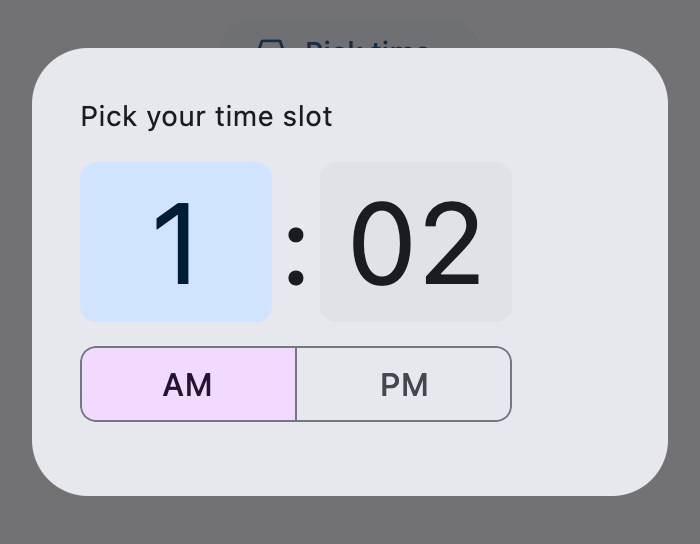](https://docs.flet.dev/test-images/examples/material/golden/macos/time_picker/basic.png)
### Hour Formats[#](https://docs.flet.dev/controls/timepicker/#hour-formats "Permanent link")
`[](https://docs.flet.dev/controls/timepicker/#__codelineno-1-1) from datetime import time [](https://docs.flet.dev/controls/timepicker/#__codelineno-1-2)[](https://docs.flet.dev/controls/timepicker/#__codelineno-1-3) import flet as ft [](https://docs.flet.dev/controls/timepicker/#__codelineno-1-4) [](https://docs.flet.dev/controls/timepicker/#__codelineno-1-5)[](https://docs.flet.dev/controls/timepicker/#__codelineno-1-6) def main(page: ft.Page): [](https://docs.flet.dev/controls/timepicker/#__codelineno-1-7) page.horizontal_alignment = ft.CrossAxisAlignment.CENTER [](https://docs.flet.dev/controls/timepicker/#__codelineno-1-8) [](https://docs.flet.dev/controls/timepicker/#__codelineno-1-9) def get_system_hour_format(): [](https://docs.flet.dev/controls/timepicker/#__codelineno-1-10) """Returns the current system's hour format.""" [](https://docs.flet.dev/controls/timepicker/#__codelineno-1-11) return "24h" if page.media.always_use_24_hour_format else "12h" [](https://docs.flet.dev/controls/timepicker/#__codelineno-1-12) [](https://docs.flet.dev/controls/timepicker/#__codelineno-1-13) def format_time(value: time) -> str: [](https://docs.flet.dev/controls/timepicker/#__codelineno-1-14) """Returns a formatted time string based on TimePicker and system settings.""" [](https://docs.flet.dev/controls/timepicker/#__codelineno-1-15) use_24h = time_picker.hour_format == ft.TimePickerHourFormat.H24 or ( [](https://docs.flet.dev/controls/timepicker/#__codelineno-1-16) time_picker.hour_format == ft.TimePickerHourFormat.SYSTEM [](https://docs.flet.dev/controls/timepicker/#__codelineno-1-17) and page.media.always_use_24_hour_format [](https://docs.flet.dev/controls/timepicker/#__codelineno-1-18) ) [](https://docs.flet.dev/controls/timepicker/#__codelineno-1-19) return value.strftime("%H:%M" if use_24h else "%I:%M %p") [](https://docs.flet.dev/controls/timepicker/#__codelineno-1-20) [](https://docs.flet.dev/controls/timepicker/#__codelineno-1-21) def handle_change(e: ft.Event[ft.TimePicker]): [](https://docs.flet.dev/controls/timepicker/#__codelineno-1-22) selection.value = f"Selection: {format_time(time_picker.value)}" [](https://docs.flet.dev/controls/timepicker/#__codelineno-1-23) [](https://docs.flet.dev/controls/timepicker/#__codelineno-1-24) time_picker = ft.TimePicker( [](https://docs.flet.dev/controls/timepicker/#__codelineno-1-25) value=time(hour=19, minute=30), [](https://docs.flet.dev/controls/timepicker/#__codelineno-1-26) help_text="Choose your meeting time", [](https://docs.flet.dev/controls/timepicker/#__codelineno-1-27) on_change=handle_change, [](https://docs.flet.dev/controls/timepicker/#__codelineno-1-28) ) [](https://docs.flet.dev/controls/timepicker/#__codelineno-1-29) [](https://docs.flet.dev/controls/timepicker/#__codelineno-1-30) def open_picker(e: ft.Event[ft.Button]): [](https://docs.flet.dev/controls/timepicker/#__codelineno-1-31) choice = format_dropdown.value [](https://docs.flet.dev/controls/timepicker/#__codelineno-1-32) hour_format_map = { [](https://docs.flet.dev/controls/timepicker/#__codelineno-1-33) "system": ft.TimePickerHourFormat.SYSTEM, [](https://docs.flet.dev/controls/timepicker/#__codelineno-1-34) "12h": ft.TimePickerHourFormat.H12, [](https://docs.flet.dev/controls/timepicker/#__codelineno-1-35) "24h": ft.TimePickerHourFormat.H24, [](https://docs.flet.dev/controls/timepicker/#__codelineno-1-36) } [](https://docs.flet.dev/controls/timepicker/#__codelineno-1-37) time_picker.hour_format = hour_format_map[choice] [](https://docs.flet.dev/controls/timepicker/#__codelineno-1-38) page.show_dialog(time_picker) [](https://docs.flet.dev/controls/timepicker/#__codelineno-1-39) [](https://docs.flet.dev/controls/timepicker/#__codelineno-1-40) page.add( [](https://docs.flet.dev/controls/timepicker/#__codelineno-1-41) ft.Row( [](https://docs.flet.dev/controls/timepicker/#__codelineno-1-42) alignment=ft.MainAxisAlignment.CENTER, [](https://docs.flet.dev/controls/timepicker/#__codelineno-1-43) controls=[ [](https://docs.flet.dev/controls/timepicker/#__codelineno-1-44) format_dropdown := ft.Dropdown( [](https://docs.flet.dev/controls/timepicker/#__codelineno-1-45) label="Hour format", [](https://docs.flet.dev/controls/timepicker/#__codelineno-1-46) value="system", [](https://docs.flet.dev/controls/timepicker/#__codelineno-1-47) width=260, [](https://docs.flet.dev/controls/timepicker/#__codelineno-1-48) key="dd", [](https://docs.flet.dev/controls/timepicker/#__codelineno-1-49) options=[ [](https://docs.flet.dev/controls/timepicker/#__codelineno-1-50) ft.DropdownOption( [](https://docs.flet.dev/controls/timepicker/#__codelineno-1-51) key="system", [](https://docs.flet.dev/controls/timepicker/#__codelineno-1-52) text=f"System default ({get_system_hour_format()})", [](https://docs.flet.dev/controls/timepicker/#__codelineno-1-53) ), [](https://docs.flet.dev/controls/timepicker/#__codelineno-1-54) ft.DropdownOption(key="12h", text="12-hour clock"), [](https://docs.flet.dev/controls/timepicker/#__codelineno-1-55) ft.DropdownOption(key="24h", text="24-hour clock"), [](https://docs.flet.dev/controls/timepicker/#__codelineno-1-56) ], [](https://docs.flet.dev/controls/timepicker/#__codelineno-1-57) ), [](https://docs.flet.dev/controls/timepicker/#__codelineno-1-58) ft.Button( [](https://docs.flet.dev/controls/timepicker/#__codelineno-1-59) "Open TimePicker", [](https://docs.flet.dev/controls/timepicker/#__codelineno-1-60) icon=ft.Icons.SCHEDULE, [](https://docs.flet.dev/controls/timepicker/#__codelineno-1-61) on_click=open_picker, [](https://docs.flet.dev/controls/timepicker/#__codelineno-1-62) ), [](https://docs.flet.dev/controls/timepicker/#__codelineno-1-63) ], [](https://docs.flet.dev/controls/timepicker/#__codelineno-1-64) ), [](https://docs.flet.dev/controls/timepicker/#__codelineno-1-65) selection := ft.Text(weight=ft.FontWeight.BOLD), [](https://docs.flet.dev/controls/timepicker/#__codelineno-1-66) ) [](https://docs.flet.dev/controls/timepicker/#__codelineno-1-67) [](https://docs.flet.dev/controls/timepicker/#__codelineno-1-68)[](https://docs.flet.dev/controls/timepicker/#__codelineno-1-69) if __name__ == "__main__": [](https://docs.flet.dev/controls/timepicker/#__codelineno-1-70) ft.run(main)`
[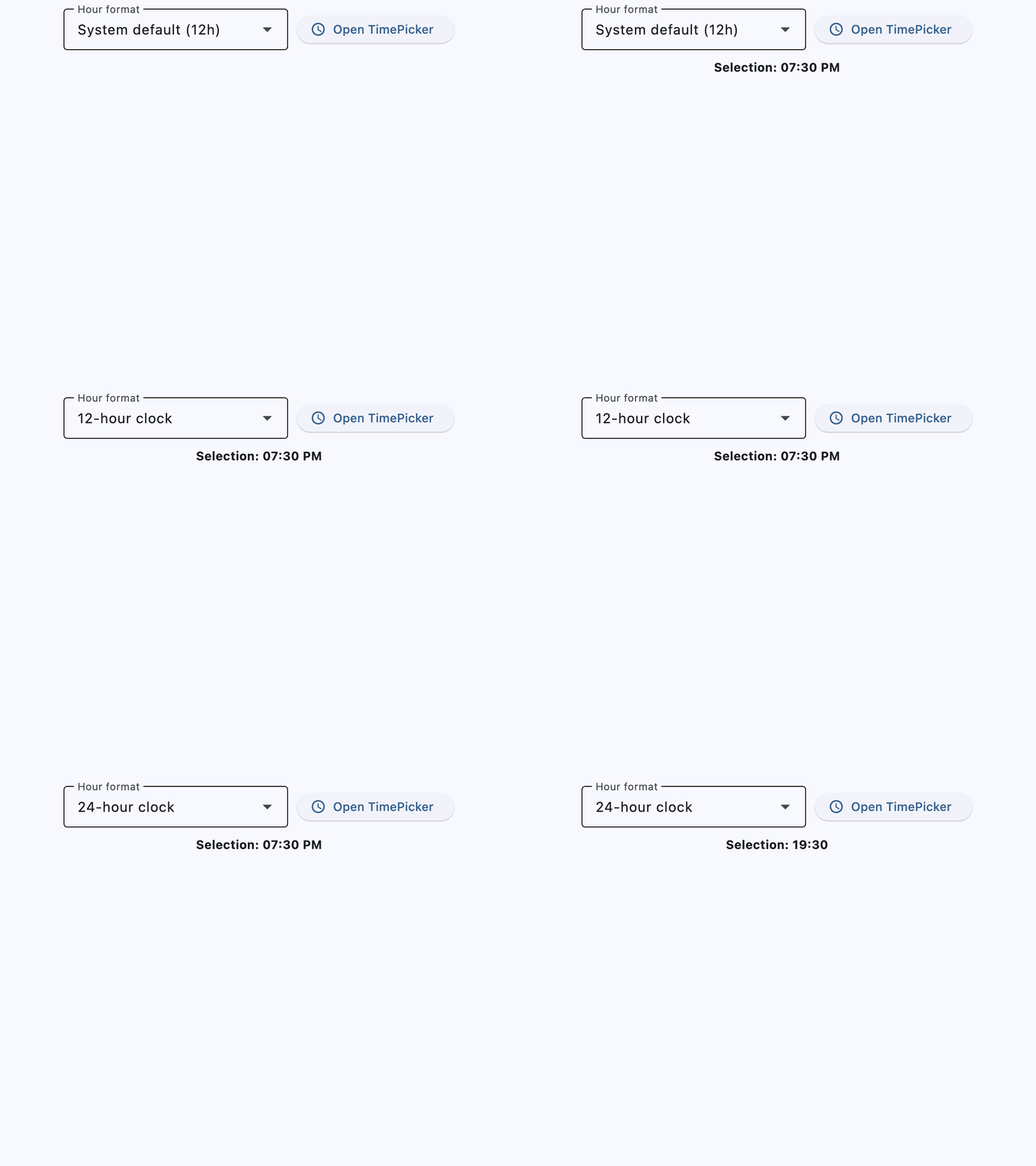](https://docs.flet.dev/test-images/examples/material/golden/macos/time_picker/hour_formats.gif)
Properties[#](https://docs.flet.dev/controls/timepicker/#flet.TimePicker-properties "Permanent link")
------------------------------------------------------------------------------------------------------
### barrier\_color `class-attribute` `instance-attribute` [#](https://docs.flet.dev/controls/timepicker/#flet.TimePicker.barrier_color "Permanent link")
`[](https://docs.flet.dev/controls/timepicker/#__codelineno-0-1) barrier_color: [ColorValue](https://docs.flet.dev/types/aliases/#flet.ColorValue) | None = None`
The color of the modal barrier that darkens everything below this picker's dialog.
If `None`, the [`DialogTheme.barrier_color`](https://docs.flet.dev/types/dialogtheme/#flet.DialogTheme.barrier_color)
is used. If it is also `None`, then [`Colors.BLACK_54`](https://docs.flet.dev/types/colors/#flet.Colors.BLACK_54)
is used.
### cancel\_text `class-attribute` `instance-attribute` [#](https://docs.flet.dev/controls/timepicker/#flet.TimePicker.cancel_text "Permanent link")
`[](https://docs.flet.dev/controls/timepicker/#__codelineno-0-1) cancel_text: [str](https://docs.python.org/3/library/stdtypes.html#str) | None = None`
The text that is displayed on the cancel button.
The default value is `"Cancel"`.
### confirm\_text `class-attribute` `instance-attribute` [#](https://docs.flet.dev/controls/timepicker/#flet.TimePicker.confirm_text "Permanent link")
`[](https://docs.flet.dev/controls/timepicker/#__codelineno-0-1) confirm_text: [str](https://docs.python.org/3/library/stdtypes.html#str) | None = None`
The text that is displayed on the confirm button.
The default value is `"OK"`.
### entry\_mode `class-attribute` `instance-attribute` [#](https://docs.flet.dev/controls/timepicker/#flet.TimePicker.entry_mode "Permanent link")
`[](https://docs.flet.dev/controls/timepicker/#__codelineno-0-1) entry_mode: [TimePickerEntryMode](https://docs.flet.dev/types/timepickerentrymode/#flet.TimePickerEntryMode) = [DIAL](https://docs.flet.dev/types/timepickerentrymode/#flet.TimePickerEntryMode.DIAL)`
The initial mode of time entry method for this picker.
Defaults to [`TimePickerEntryMode.DIAL`](https://docs.flet.dev/types/timepickerentrymode/#flet.TimePickerEntryMode.DIAL)
.
### error\_invalid\_text `class-attribute` `instance-attribute` [#](https://docs.flet.dev/controls/timepicker/#flet.TimePicker.error_invalid_text "Permanent link")
`[](https://docs.flet.dev/controls/timepicker/#__codelineno-0-1) error_invalid_text: [str](https://docs.python.org/3/library/stdtypes.html#str) | None = None`
The error message displayed below the input text field if the input is not a valid hour/minute.
The default value is `"Enter a valid time"`.
### help\_text `class-attribute` `instance-attribute` [#](https://docs.flet.dev/controls/timepicker/#flet.TimePicker.help_text "Permanent link")
`[](https://docs.flet.dev/controls/timepicker/#__codelineno-0-1) help_text: [str](https://docs.python.org/3/library/stdtypes.html#str) | None = None`
The text that is displayed at the top of the header.
This is used to indicate to the user what they are selecting a time for. The default value is `"Enter time"`.
### hour\_format `class-attribute` `instance-attribute` [#](https://docs.flet.dev/controls/timepicker/#flet.TimePicker.hour_format "Permanent link")
`[](https://docs.flet.dev/controls/timepicker/#__codelineno-0-1) hour_format: [TimePickerHourFormat](https://docs.flet.dev/types/timepickerhourformat/#flet.TimePickerHourFormat) = [SYSTEM](https://docs.flet.dev/types/timepickerhourformat/#flet.TimePickerHourFormat.SYSTEM)`
Defines the hour format of this time picker.
### hour\_label\_text `class-attribute` `instance-attribute` [#](https://docs.flet.dev/controls/timepicker/#flet.TimePicker.hour_label_text "Permanent link")
`[](https://docs.flet.dev/controls/timepicker/#__codelineno-0-1) hour_label_text: [str](https://docs.python.org/3/library/stdtypes.html#str) | None = None`
The text that is displayed below the hour input text field.
The default value is `"Hour"`.
### locale `class-attribute` `instance-attribute` [#](https://docs.flet.dev/controls/timepicker/#flet.TimePicker.locale "Permanent link")
`[](https://docs.flet.dev/controls/timepicker/#__codelineno-0-1) locale: [Locale](https://docs.flet.dev/types/locale/#flet.Locale) | None = None`
The locale for this time picker dialog. It is intended for (rare) cases where this dialog should be localized differently from the rest of the page.
It overrides the locale used by the page (see [`Page.locale_configuration`](https://docs.flet.dev/controls/basepage/#flet.BasePage.locale_configuration)
), but does not participate in page-level locale resolution.
If set to `None` (the default) or an inexistent/unsupported locale, the [`current_locale`](https://docs.flet.dev/types/localeconfiguration/#flet.LocaleConfiguration.current_locale)
of the [`Page.locale_configuration`](https://docs.flet.dev/controls/basepage/#flet.BasePage.locale_configuration)
is used as fallback.
### minute\_label\_text `class-attribute` `instance-attribute` [#](https://docs.flet.dev/controls/timepicker/#flet.TimePicker.minute_label_text "Permanent link")
`[](https://docs.flet.dev/controls/timepicker/#__codelineno-0-1) minute_label_text: [str](https://docs.python.org/3/library/stdtypes.html#str) | None = None`
The text that is displayed below the minute input text field.
The default value is `"Minute"`.
### modal `class-attribute` `instance-attribute` [#](https://docs.flet.dev/controls/timepicker/#flet.TimePicker.modal "Permanent link")
`[](https://docs.flet.dev/controls/timepicker/#__codelineno-0-1) modal: [bool](https://docs.python.org/3/library/functions.html#bool) = False`
Whether this picker cannot be dismissed by clicking the area outside of it.
### orientation `class-attribute` `instance-attribute` [#](https://docs.flet.dev/controls/timepicker/#flet.TimePicker.orientation "Permanent link")
`[](https://docs.flet.dev/controls/timepicker/#__codelineno-0-1) orientation: [Orientation](https://docs.flet.dev/types/orientation/#flet.Orientation) | None = None`
The orientation of the dialog when displayed.
### switch\_to\_input\_icon `class-attribute` `instance-attribute` [#](https://docs.flet.dev/controls/timepicker/#flet.TimePicker.switch_to_input_icon "Permanent link")
`[](https://docs.flet.dev/controls/timepicker/#__codelineno-0-1) switch_to_input_icon: [IconData](https://docs.flet.dev/types/aliases/#flet.IconData) | None = None`
The icon displayed in the corner of this picker's dialog when [`entry_mode`](https://docs.flet.dev/controls/timepicker/#flet.TimePicker.entry_mode)
is [`TimePickerEntryMode.DIAL`](https://docs.flet.dev/types/timepickerentrymode/#flet.TimePickerEntryMode.DIAL)
.
Clicking on icon changes the [`entry_mode`](https://docs.flet.dev/controls/timepicker/#flet.TimePicker.entry_mode)
to [`TimePickerEntryMode.INPUT`](https://docs.flet.dev/types/timepickerentrymode/#flet.TimePickerEntryMode.INPUT)
.
If `None`, defaults to `Icons.KEYBOARD_OUTLINED`.
### switch\_to\_timer\_icon `class-attribute` `instance-attribute` [#](https://docs.flet.dev/controls/timepicker/#flet.TimePicker.switch_to_timer_icon "Permanent link")
`[](https://docs.flet.dev/controls/timepicker/#__codelineno-0-1) switch_to_timer_icon: [IconData](https://docs.flet.dev/types/aliases/#flet.IconData) | None = None`
The icon displayed in the corner of this picker's dialog when [`entry_mode`](https://docs.flet.dev/controls/timepicker/#flet.TimePicker.entry_mode)
is [`TimePickerEntryMode.INPUT`](https://docs.flet.dev/types/timepickerentrymode/#flet.TimePickerEntryMode.INPUT)
.
Clicking on this icon changes the [`entry_mode`](https://docs.flet.dev/controls/timepicker/#flet.TimePicker.entry_mode)
to [`TimePickerEntryMode.DIAL`](https://docs.flet.dev/types/timepickerentrymode/#flet.TimePickerEntryMode.DIAL)
.
If `None`, defaults to `Icons.ACCESS_TIME`.
### value `class-attribute` `instance-attribute` [#](https://docs.flet.dev/controls/timepicker/#flet.TimePicker.value "Permanent link")
`[](https://docs.flet.dev/controls/timepicker/#__codelineno-0-1) value: [time](https://docs.python.org/3/library/datetime.html#datetime.time "datetime.time") | None = [field](https://docs.python.org/3/library/dataclasses.html#dataclasses.field "dataclasses.field") (default_factory=lambda: [time](https://docs.python.org/3/library/time.html#module-time) ())`
The selected time that this picker should display.
The default value is equal to the current time.
Events[#](https://docs.flet.dev/controls/timepicker/#flet.TimePicker-events "Permanent link")
----------------------------------------------------------------------------------------------
### on\_change `class-attribute` `instance-attribute` [#](https://docs.flet.dev/controls/timepicker/#flet.TimePicker.on_change "Permanent link")
`[](https://docs.flet.dev/controls/timepicker/#__codelineno-0-1) on_change: [ControlEventHandler](https://docs.flet.dev/types/aliases/#flet.ControlEventHandler) [[TimePicker](https://docs.flet.dev/controls/timepicker/#flet.TimePicker) ] | None = None`
Called when user clicks confirm button.
[`value`](https://docs.flet.dev/controls/timepicker/#flet.TimePicker.value)
property is updated with selected time. Additionally, the [`data`](https://docs.flet.dev/types/event/#flet.Event.data)
property of the event handler argument also contains the selected time.
### on\_entry\_mode\_change `class-attribute` `instance-attribute` [#](https://docs.flet.dev/controls/timepicker/#flet.TimePicker.on_entry_mode_change "Permanent link")
`[](https://docs.flet.dev/controls/timepicker/#__codelineno-0-1) on_entry_mode_change: ( [](https://docs.flet.dev/controls/timepicker/#__codelineno-0-2) [EventHandler](https://docs.flet.dev/types/aliases/#flet.EventHandler) [[TimePickerEntryModeChangeEvent](https://docs.flet.dev/types/timepickerentrymodechangeevent/#flet.TimePickerEntryModeChangeEvent) ] | None [](https://docs.flet.dev/controls/timepicker/#__codelineno-0-3) ) = None`
Called when the [`entry_mode`](https://docs.flet.dev/controls/timepicker/#flet.TimePicker.entry_mode)
is changed through the time picker dialog.
Back to top
---
# SnackBar - Flet
[Skip to content](https://docs.flet.dev/controls/snackbar/#flet.SnackBar)
SnackBar
========
A lightweight message with an optional action which briefly displays at the bottom of the screen.
`[](https://docs.flet.dev/controls/snackbar/#__codelineno-0-1) page.show_dialog(ft.SnackBar(ft.Text("Opened snack bar")))`
[](https://docs.flet.dev/test-images/examples/material/golden/macos/snack_bar/image_for_docs.png)
Opened snack bar
Inherits: `[DialogControl](https://docs.flet.dev/controls/dialogcontrol/#flet.DialogControl) `
Properties
* **`[action](https://docs.flet.dev/controls/snackbar/#flet.SnackBar.action) `**(`[str](https://docs.python.org/3/library/stdtypes.html#str) | [SnackBarAction](https://docs.flet.dev/controls/snackbar/#flet.SnackBarAction) | None`) –
An optional action that the user can take based on the snack bar.
* **`[action_overflow_threshold](https://docs.flet.dev/controls/snackbar/#flet.SnackBar.action_overflow_threshold) `**(`[Number](https://docs.flet.dev/types/aliases/#flet.Number) | None`) –
The percentage threshold for [`action`](https://docs.flet.dev/controls/snackbar/#flet.SnackBar.action)
's width before it overflows to a new line.
* **`[behavior](https://docs.flet.dev/controls/snackbar/#flet.SnackBar.behavior) `**(`[SnackBarBehavior](https://docs.flet.dev/types/snackbarbehavior/#flet.SnackBarBehavior) | None`) –
This defines the behavior and location of the snack bar.
* **`[bgcolor](https://docs.flet.dev/controls/snackbar/#flet.SnackBar.bgcolor) `**(`[ColorValue](https://docs.flet.dev/types/aliases/#flet.ColorValue) | None`) –
SnackBar background color.
* **`[clip_behavior](https://docs.flet.dev/controls/snackbar/#flet.SnackBar.clip_behavior) `**(`[ClipBehavior](https://docs.flet.dev/types/clipbehavior/#flet.ClipBehavior) `) –
The [`content`](https://docs.flet.dev/controls/snackbar/#flet.SnackBar.content)
will be clipped (or not) according to this option.
* **`[close_icon_color](https://docs.flet.dev/controls/snackbar/#flet.SnackBar.close_icon_color) `**(`[ColorValue](https://docs.flet.dev/types/aliases/#flet.ColorValue) | None`) –
The color of the close icon, if [`show_close_icon`](https://docs.flet.dev/controls/snackbar/#flet.SnackBar.show_close_icon)
is `True`.
* **`[content](https://docs.flet.dev/controls/snackbar/#flet.SnackBar.content) `**(`[StrOrControl](https://docs.flet.dev/types/aliases/#flet.StrOrControl) `) –
The primary content of the snack bar.
* **`[dismiss_direction](https://docs.flet.dev/controls/snackbar/#flet.SnackBar.dismiss_direction) `**(`[DismissDirection](https://docs.flet.dev/types/dismissdirection/#flet.DismissDirection) | None`) –
The direction in which the SnackBar can be dismissed.
* **`[duration](https://docs.flet.dev/controls/snackbar/#flet.SnackBar.duration) `**(`[DurationValue](https://docs.flet.dev/types/aliases/#flet.DurationValue) `) –
The amount of time this snack bar should stay open for.
* **`[elevation](https://docs.flet.dev/controls/snackbar/#flet.SnackBar.elevation) `**(`[Number](https://docs.flet.dev/types/aliases/#flet.Number) | None`) –
The z-coordinate at which to place the snack bar. This controls the size of the shadow below the snack bar.
* **`[margin](https://docs.flet.dev/controls/snackbar/#flet.SnackBar.margin) `**(`[MarginValue](https://docs.flet.dev/types/aliases/#flet.MarginValue) | None`) –
Empty space to surround the snack bar.
* **`[padding](https://docs.flet.dev/controls/snackbar/#flet.SnackBar.padding) `**(`[PaddingValue](https://docs.flet.dev/types/aliases/#flet.PaddingValue) | None`) –
The amount of padding to apply to the snack bar's content and optional action.
* **`[persist](https://docs.flet.dev/controls/snackbar/#flet.SnackBar.persist) `**(`[bool](https://docs.python.org/3/library/functions.html#bool) | None`) –
Whether the snack bar will stay or auto-dismiss after timeout.
* **`[shape](https://docs.flet.dev/controls/snackbar/#flet.SnackBar.shape) `**(`[OutlinedBorder](https://docs.flet.dev/types/outlinedborder/#flet.OutlinedBorder) | None`) –
The shape of this snack bar.
* **`[show_close_icon](https://docs.flet.dev/controls/snackbar/#flet.SnackBar.show_close_icon) `**(`[bool](https://docs.python.org/3/library/functions.html#bool) `) –
Whether to include a "close" icon widget.
* **`[width](https://docs.flet.dev/controls/snackbar/#flet.SnackBar.width) `**(`[Number](https://docs.flet.dev/types/aliases/#flet.Number) | None`) –
The width of the snack bar.
Events
* **`[on_action](https://docs.flet.dev/controls/snackbar/#flet.SnackBar.on_action) `**(`[ControlEventHandler](https://docs.flet.dev/types/aliases/#flet.ControlEventHandler) [[SnackBar](https://docs.flet.dev/controls/snackbar/#flet.SnackBar) ] | None`) –
Called when action button is clicked.
* **`[on_visible](https://docs.flet.dev/controls/snackbar/#flet.SnackBar.on_visible) `**(`[ControlEventHandler](https://docs.flet.dev/types/aliases/#flet.ControlEventHandler) [[SnackBar](https://docs.flet.dev/controls/snackbar/#flet.SnackBar) ] | None`) –
Called the first time that the snackbar is visible within the page.
Examples[#](https://docs.flet.dev/controls/snackbar/#examples "Permanent link")
--------------------------------------------------------------------------------
[Live example](https://flet-controls-gallery.fly.dev/dialogs/snackbar)
### Basic Example[#](https://docs.flet.dev/controls/snackbar/#basic-example "Permanent link")
`[](https://docs.flet.dev/controls/snackbar/#__codelineno-0-1) import flet as ft [](https://docs.flet.dev/controls/snackbar/#__codelineno-0-2) [](https://docs.flet.dev/controls/snackbar/#__codelineno-0-3)[](https://docs.flet.dev/controls/snackbar/#__codelineno-0-4) def main(page: ft.Page): [](https://docs.flet.dev/controls/snackbar/#__codelineno-0-5) def on_click(e: ft.Event[ft.Button]): [](https://docs.flet.dev/controls/snackbar/#__codelineno-0-6) page.show_dialog(ft.SnackBar(ft.Text("Hello, world!"))) [](https://docs.flet.dev/controls/snackbar/#__codelineno-0-7) [](https://docs.flet.dev/controls/snackbar/#__codelineno-0-8) page.add(ft.Button("Open SnackBar", on_click=on_click)) [](https://docs.flet.dev/controls/snackbar/#__codelineno-0-9) [](https://docs.flet.dev/controls/snackbar/#__codelineno-0-10)[](https://docs.flet.dev/controls/snackbar/#__codelineno-0-11) if __name__ == "__main__": [](https://docs.flet.dev/controls/snackbar/#__codelineno-0-12) ft.run(main)`
[](https://docs.flet.dev/test-images/examples/material/golden/macos/snack_bar/basic.png)
### Counter[#](https://docs.flet.dev/controls/snackbar/#counter "Permanent link")
`[](https://docs.flet.dev/controls/snackbar/#__codelineno-1-1) import flet as ft [](https://docs.flet.dev/controls/snackbar/#__codelineno-1-2) [](https://docs.flet.dev/controls/snackbar/#__codelineno-1-3)[](https://docs.flet.dev/controls/snackbar/#__codelineno-1-4) class Data: [](https://docs.flet.dev/controls/snackbar/#__codelineno-1-5) def __init__(self) -> None: [](https://docs.flet.dev/controls/snackbar/#__codelineno-1-6) self.counter = 0 [](https://docs.flet.dev/controls/snackbar/#__codelineno-1-7) [](https://docs.flet.dev/controls/snackbar/#__codelineno-1-8) def increment(self): [](https://docs.flet.dev/controls/snackbar/#__codelineno-1-9) self.counter += 1 [](https://docs.flet.dev/controls/snackbar/#__codelineno-1-10) [](https://docs.flet.dev/controls/snackbar/#__codelineno-1-11) def decrement(self): [](https://docs.flet.dev/controls/snackbar/#__codelineno-1-12) self.counter -= 1 [](https://docs.flet.dev/controls/snackbar/#__codelineno-1-13) [](https://docs.flet.dev/controls/snackbar/#__codelineno-1-14)[](https://docs.flet.dev/controls/snackbar/#__codelineno-1-15) data = Data() [](https://docs.flet.dev/controls/snackbar/#__codelineno-1-16) [](https://docs.flet.dev/controls/snackbar/#__codelineno-1-17)[](https://docs.flet.dev/controls/snackbar/#__codelineno-1-18) def main(page: ft.Page): [](https://docs.flet.dev/controls/snackbar/#__codelineno-1-19) page.title = "SnackBar Example" [](https://docs.flet.dev/controls/snackbar/#__codelineno-1-20) [](https://docs.flet.dev/controls/snackbar/#__codelineno-1-21) snack_bar = ft.SnackBar( [](https://docs.flet.dev/controls/snackbar/#__codelineno-1-22) content=ft.Text("You did it!"), [](https://docs.flet.dev/controls/snackbar/#__codelineno-1-23) action="Undo it!", [](https://docs.flet.dev/controls/snackbar/#__codelineno-1-24) on_action=lambda e: data.decrement(), [](https://docs.flet.dev/controls/snackbar/#__codelineno-1-25) ) [](https://docs.flet.dev/controls/snackbar/#__codelineno-1-26) [](https://docs.flet.dev/controls/snackbar/#__codelineno-1-27) def handle_button_click(e: ft.Event[ft.Button]): [](https://docs.flet.dev/controls/snackbar/#__codelineno-1-28) data.increment() [](https://docs.flet.dev/controls/snackbar/#__codelineno-1-29) snack_bar.content.value = f"You did it x {data.counter}" [](https://docs.flet.dev/controls/snackbar/#__codelineno-1-30) if not snack_bar.open: [](https://docs.flet.dev/controls/snackbar/#__codelineno-1-31) page.show_dialog(snack_bar) [](https://docs.flet.dev/controls/snackbar/#__codelineno-1-32) page.update() [](https://docs.flet.dev/controls/snackbar/#__codelineno-1-33) [](https://docs.flet.dev/controls/snackbar/#__codelineno-1-34) page.add(ft.Button("Open SnackBar", on_click=handle_button_click)) [](https://docs.flet.dev/controls/snackbar/#__codelineno-1-35) [](https://docs.flet.dev/controls/snackbar/#__codelineno-1-36)[](https://docs.flet.dev/controls/snackbar/#__codelineno-1-37) if __name__ == "__main__": [](https://docs.flet.dev/controls/snackbar/#__codelineno-1-38) ft.run(main)`
[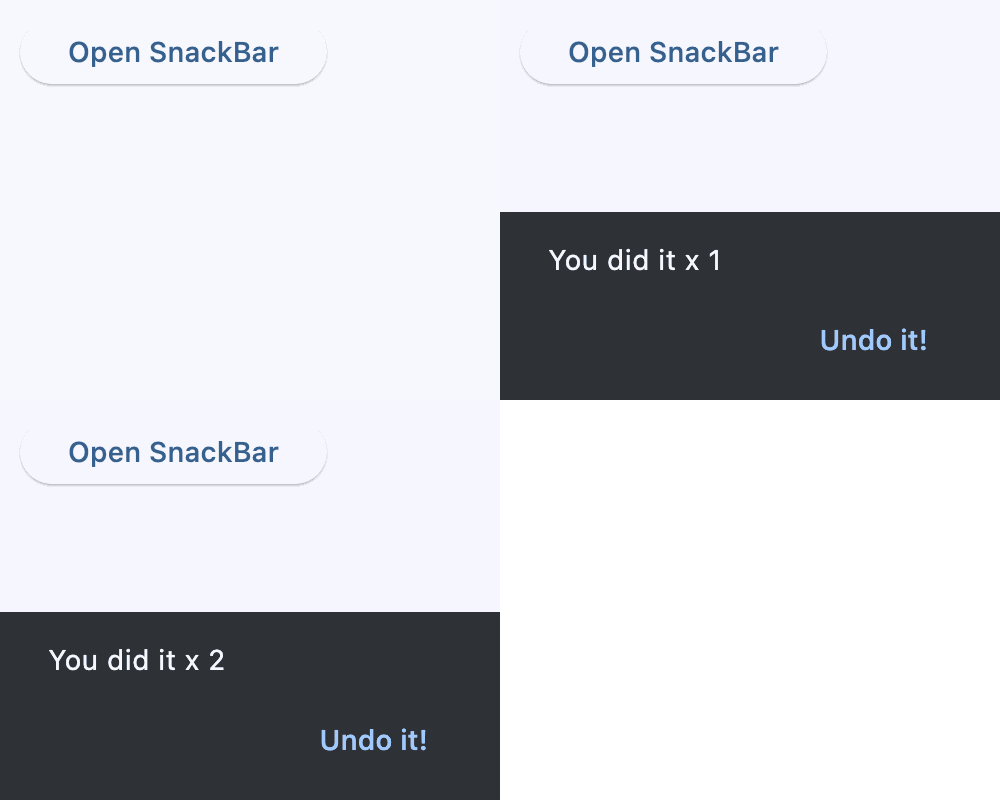](https://docs.flet.dev/test-images/examples/material/golden/macos/snack_bar/snack_bar_flow.gif)
Snack bar with counter
### Action[#](https://docs.flet.dev/controls/snackbar/#action "Permanent link")
`[](https://docs.flet.dev/controls/snackbar/#__codelineno-2-1) import flet as ft [](https://docs.flet.dev/controls/snackbar/#__codelineno-2-2) [](https://docs.flet.dev/controls/snackbar/#__codelineno-2-3)[](https://docs.flet.dev/controls/snackbar/#__codelineno-2-4) def main(page: ft.Page): [](https://docs.flet.dev/controls/snackbar/#__codelineno-2-5) def open_simple_action(e: ft.Event[ft.Button]): [](https://docs.flet.dev/controls/snackbar/#__codelineno-2-6) page.show_dialog( [](https://docs.flet.dev/controls/snackbar/#__codelineno-2-7) ft.SnackBar( [](https://docs.flet.dev/controls/snackbar/#__codelineno-2-8) ft.Text("The file has been deleted."), [](https://docs.flet.dev/controls/snackbar/#__codelineno-2-9) action="Undo", [](https://docs.flet.dev/controls/snackbar/#__codelineno-2-10) on_action=lambda e: print("Simple Undo clicked"), [](https://docs.flet.dev/controls/snackbar/#__codelineno-2-11) ) [](https://docs.flet.dev/controls/snackbar/#__codelineno-2-12) ) [](https://docs.flet.dev/controls/snackbar/#__codelineno-2-13) [](https://docs.flet.dev/controls/snackbar/#__codelineno-2-14) def open_custom_action(e: ft.Event[ft.Button]): [](https://docs.flet.dev/controls/snackbar/#__codelineno-2-15) page.show_dialog( [](https://docs.flet.dev/controls/snackbar/#__codelineno-2-16) ft.SnackBar( [](https://docs.flet.dev/controls/snackbar/#__codelineno-2-17) ft.Text("The directory has been deleted."), [](https://docs.flet.dev/controls/snackbar/#__codelineno-2-18) persist=False, [](https://docs.flet.dev/controls/snackbar/#__codelineno-2-19) action=ft.SnackBarAction( [](https://docs.flet.dev/controls/snackbar/#__codelineno-2-20) label="Undo delete", [](https://docs.flet.dev/controls/snackbar/#__codelineno-2-21) text_color=ft.Colors.YELLOW, [](https://docs.flet.dev/controls/snackbar/#__codelineno-2-22) bgcolor=ft.Colors.BLUE, [](https://docs.flet.dev/controls/snackbar/#__codelineno-2-23) on_click=lambda e: print("Custom Undo clicked"), [](https://docs.flet.dev/controls/snackbar/#__codelineno-2-24) ), [](https://docs.flet.dev/controls/snackbar/#__codelineno-2-25) ) [](https://docs.flet.dev/controls/snackbar/#__codelineno-2-26) ) [](https://docs.flet.dev/controls/snackbar/#__codelineno-2-27) [](https://docs.flet.dev/controls/snackbar/#__codelineno-2-28) page.add( [](https://docs.flet.dev/controls/snackbar/#__codelineno-2-29) ft.Button("Open SnackBar with a Simple action", on_click=open_simple_action), [](https://docs.flet.dev/controls/snackbar/#__codelineno-2-30) ft.Button("Open SnackBar with a Custom action", on_click=open_custom_action), [](https://docs.flet.dev/controls/snackbar/#__codelineno-2-31) ) [](https://docs.flet.dev/controls/snackbar/#__codelineno-2-32) [](https://docs.flet.dev/controls/snackbar/#__codelineno-2-33)[](https://docs.flet.dev/controls/snackbar/#__codelineno-2-34) if __name__ == "__main__": [](https://docs.flet.dev/controls/snackbar/#__codelineno-2-35) ft.run(main)`
[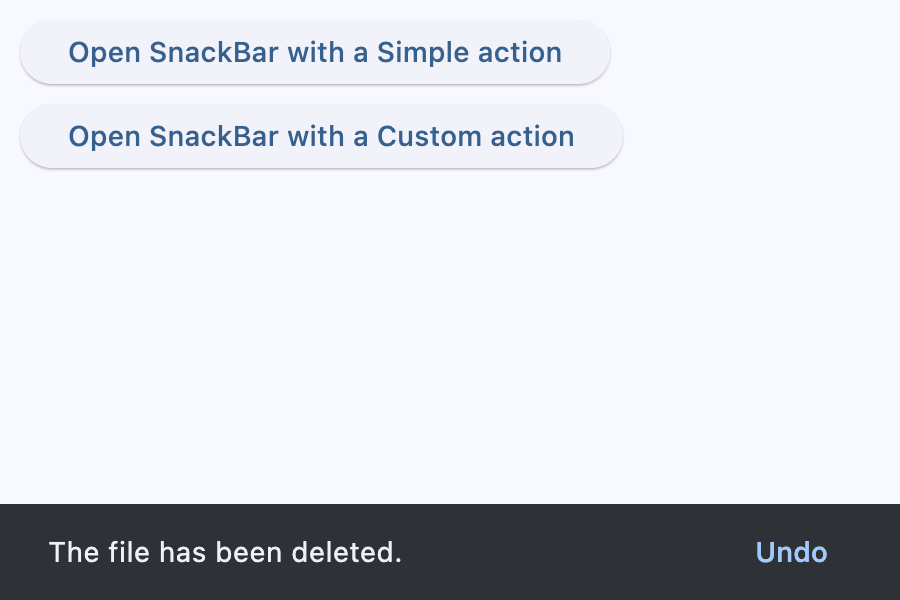](https://docs.flet.dev/test-images/examples/material/golden/macos/snack_bar/action_simple.png)
Snack bar with a simple action
[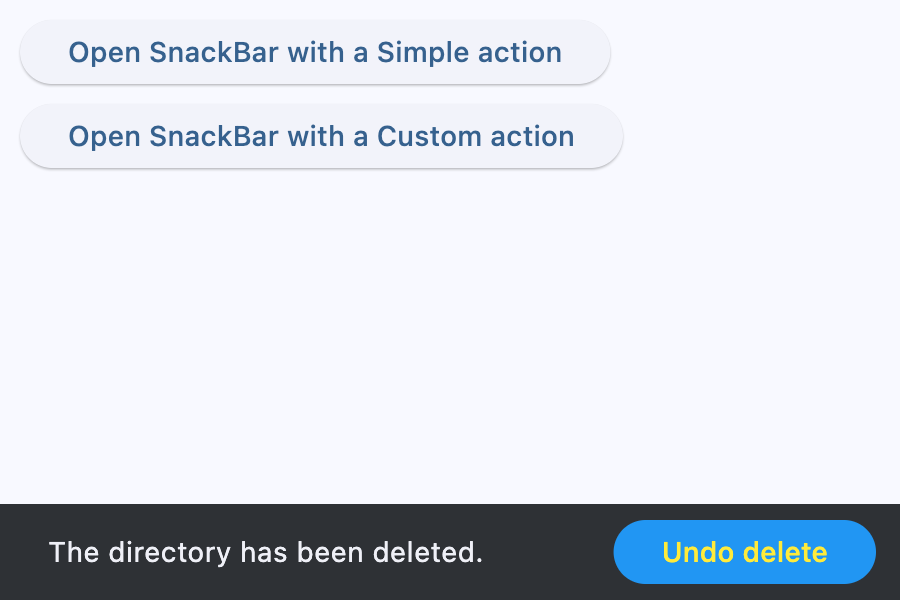](https://docs.flet.dev/test-images/examples/material/golden/macos/snack_bar/action_custom.png)
Snack bar with a custom action
Properties[#](https://docs.flet.dev/controls/snackbar/#flet.SnackBar-properties "Permanent link")
--------------------------------------------------------------------------------------------------
### action `class-attribute` `instance-attribute` [#](https://docs.flet.dev/controls/snackbar/#flet.SnackBar.action "Permanent link")
`[](https://docs.flet.dev/controls/snackbar/#__codelineno-0-1) action: [str](https://docs.python.org/3/library/stdtypes.html#str) | [SnackBarAction](https://docs.flet.dev/controls/snackbar/#flet.SnackBarAction) | None = None`
An optional action that the user can take based on the snack bar.
For example, the snack bar might let the user undo the operation that prompted the snackbar. Snack bars can have at most one action.
The action should not be "dismiss" or "cancel".
### action\_overflow\_threshold `class-attribute` `instance-attribute` [#](https://docs.flet.dev/controls/snackbar/#flet.SnackBar.action_overflow_threshold "Permanent link")
`[](https://docs.flet.dev/controls/snackbar/#__codelineno-0-1) action_overflow_threshold: [Number](https://docs.flet.dev/types/aliases/#flet.Number) | None = 0.25`
The percentage threshold for [`action`](https://docs.flet.dev/controls/snackbar/#flet.SnackBar.action)
's width before it overflows to a new line.
If the width of the snackbar's [`content`](https://docs.flet.dev/controls/snackbar/#flet.SnackBar.content)
is greater than this percentage of the width of the snackbar minus the width of its `action`, then the `action` will appear below the [`content`](https://docs.flet.dev/controls/snackbar/#flet.SnackBar.content)
.
At a value of `0.0`, the `action` will not overflow to a new line.
Raises:
* `[ValueError](https://docs.python.org/3/library/exceptions.html#ValueError) ` –
If it is not between `0.0` and `1.0`, inclusive.
### behavior `class-attribute` `instance-attribute` [#](https://docs.flet.dev/controls/snackbar/#flet.SnackBar.behavior "Permanent link")
`[](https://docs.flet.dev/controls/snackbar/#__codelineno-0-1) behavior: [SnackBarBehavior](https://docs.flet.dev/types/snackbarbehavior/#flet.SnackBarBehavior) | None = None`
This defines the behavior and location of the snack bar.
Defines where a SnackBar should appear within a page and how its location should be adjusted when the page also includes a [`FloatingActionButton`](https://docs.flet.dev/controls/floatingactionbutton/#flet.FloatingActionButton)
or a [`NavigationBar`](https://docs.flet.dev/controls/navigationbar/#flet.NavigationBar)
.
If `None`, [`SnackBarTheme.behavior`](https://docs.flet.dev/types/snackbartheme/#flet.SnackBarTheme.behavior)
is used. If that's is also `None`, defaults to [`SnackBarBehavior.FIXED`](https://docs.flet.dev/types/snackbarbehavior/#flet.SnackBarBehavior.FIXED)
.
Note
* If [`behavior`](https://docs.flet.dev/controls/snackbar/#flet.SnackBar.behavior)
is [`SnackBarBehavior.FLOATING`](https://docs.flet.dev/types/snackbarbehavior/#flet.SnackBarBehavior.FLOATING)
, the length of the bar is defined by either [`width`](https://docs.flet.dev/controls/snackbar/#flet.SnackBar.width)
and [`margin`](https://docs.flet.dev/controls/snackbar/#flet.SnackBar.margin)
, and if both are specified, `width` takes precedence over `margin`.
* [`width`](https://docs.flet.dev/controls/snackbar/#flet.SnackBar.width)
and [`margin`](https://docs.flet.dev/controls/snackbar/#flet.SnackBar.margin)
are ignored if [`behavior`](https://docs.flet.dev/controls/snackbar/#flet.SnackBar.behavior)
is not [`SnackBarBehavior.FLOATING`](https://docs.flet.dev/types/snackbarbehavior/#flet.SnackBarBehavior.FLOATING)
.
### bgcolor `class-attribute` `instance-attribute` [#](https://docs.flet.dev/controls/snackbar/#flet.SnackBar.bgcolor "Permanent link")
`[](https://docs.flet.dev/controls/snackbar/#__codelineno-0-1) bgcolor: [ColorValue](https://docs.flet.dev/types/aliases/#flet.ColorValue) | None = None`
SnackBar background color.
### clip\_behavior `class-attribute` `instance-attribute` [#](https://docs.flet.dev/controls/snackbar/#flet.SnackBar.clip_behavior "Permanent link")
`[](https://docs.flet.dev/controls/snackbar/#__codelineno-0-1) clip_behavior: [ClipBehavior](https://docs.flet.dev/types/clipbehavior/#flet.ClipBehavior) = [HARD_EDGE](https://docs.flet.dev/types/clipbehavior/#flet.ClipBehavior.HARD_EDGE)`
The [`content`](https://docs.flet.dev/controls/snackbar/#flet.SnackBar.content)
will be clipped (or not) according to this option.
### close\_icon\_color `class-attribute` `instance-attribute` [#](https://docs.flet.dev/controls/snackbar/#flet.SnackBar.close_icon_color "Permanent link")
`[](https://docs.flet.dev/controls/snackbar/#__codelineno-0-1) close_icon_color: [ColorValue](https://docs.flet.dev/types/aliases/#flet.ColorValue) | None = None`
The color of the close icon, if [`show_close_icon`](https://docs.flet.dev/controls/snackbar/#flet.SnackBar.show_close_icon)
is `True`.
### content `instance-attribute` [#](https://docs.flet.dev/controls/snackbar/#flet.SnackBar.content "Permanent link")
`[](https://docs.flet.dev/controls/snackbar/#__codelineno-0-1) content: [StrOrControl](https://docs.flet.dev/types/aliases/#flet.StrOrControl)`
The primary content of the snack bar.
Typically a [`Text`](https://docs.flet.dev/controls/text/#flet.Text)
control.
Raises:
* `[ValueError](https://docs.python.org/3/library/exceptions.html#ValueError) ` –
If it is neither a string nor a visible `Control`.
### dismiss\_direction `class-attribute` `instance-attribute` [#](https://docs.flet.dev/controls/snackbar/#flet.SnackBar.dismiss_direction "Permanent link")
`[](https://docs.flet.dev/controls/snackbar/#__codelineno-0-1) dismiss_direction: [DismissDirection](https://docs.flet.dev/types/dismissdirection/#flet.DismissDirection) | None = None`
The direction in which the SnackBar can be dismissed.
If `None`, [`SnackBarTheme.dismiss_direction`](https://docs.flet.dev/types/snackbartheme/#flet.SnackBarTheme.dismiss_direction)
is used. If that's is also `None`, defaults to [`DismissDirection.DOWN`](https://docs.flet.dev/types/dismissdirection/#flet.DismissDirection.DOWN)
.
### duration `class-attribute` `instance-attribute` [#](https://docs.flet.dev/controls/snackbar/#flet.SnackBar.duration "Permanent link")
`[](https://docs.flet.dev/controls/snackbar/#__codelineno-0-1) duration: [DurationValue](https://docs.flet.dev/types/aliases/#flet.DurationValue) = [field](https://docs.python.org/3/library/dataclasses.html#dataclasses.field "dataclasses.field") ( [](https://docs.flet.dev/controls/snackbar/#__codelineno-0-2) default_factory=lambda: [Duration](https://docs.flet.dev/types/duration/#flet.Duration) (milliseconds=4000) [](https://docs.flet.dev/controls/snackbar/#__codelineno-0-3) )`
The amount of time this snack bar should stay open for.
### elevation `class-attribute` `instance-attribute` [#](https://docs.flet.dev/controls/snackbar/#flet.SnackBar.elevation "Permanent link")
`[](https://docs.flet.dev/controls/snackbar/#__codelineno-0-1) elevation: [Number](https://docs.flet.dev/types/aliases/#flet.Number) | None = None`
The z-coordinate at which to place the snack bar. This controls the size of the shadow below the snack bar.
Raises:
* `[ValueError](https://docs.python.org/3/library/exceptions.html#ValueError) ` –
If it is not greater than or equal to `0`.
### margin `class-attribute` `instance-attribute` [#](https://docs.flet.dev/controls/snackbar/#flet.SnackBar.margin "Permanent link")
`[](https://docs.flet.dev/controls/snackbar/#__codelineno-0-1) margin: [MarginValue](https://docs.flet.dev/types/aliases/#flet.MarginValue) | None = None`
Empty space to surround the snack bar.
Has effect only when `behavior=SnackBarBehavior.FLOATING` and will be ignored if `width` is specified.
### padding `class-attribute` `instance-attribute` [#](https://docs.flet.dev/controls/snackbar/#flet.SnackBar.padding "Permanent link")
`[](https://docs.flet.dev/controls/snackbar/#__codelineno-0-1) padding: [PaddingValue](https://docs.flet.dev/types/aliases/#flet.PaddingValue) | None = None`
The amount of padding to apply to the snack bar's content and optional action.
### persist `class-attribute` `instance-attribute` [#](https://docs.flet.dev/controls/snackbar/#flet.SnackBar.persist "Permanent link")
`[](https://docs.flet.dev/controls/snackbar/#__codelineno-0-1) persist: [bool](https://docs.python.org/3/library/functions.html#bool) | None = None`
Whether the snack bar will stay or auto-dismiss after timeout.
If `True`, the snack bar remains visible even after the timeout, until the user taps the action button or the close icon.
If `False`, the snack bar will be dismissed after the timeout.
If not provided, but the snackbar [`action`](https://docs.flet.dev/controls/snackbar/#flet.SnackBar.action)
is not null, the snackbar will persist as well.
### shape `class-attribute` `instance-attribute` [#](https://docs.flet.dev/controls/snackbar/#flet.SnackBar.shape "Permanent link")
`[](https://docs.flet.dev/controls/snackbar/#__codelineno-0-1) shape: [OutlinedBorder](https://docs.flet.dev/types/outlinedborder/#flet.OutlinedBorder) | None = None`
The shape of this snack bar.
### show\_close\_icon `class-attribute` `instance-attribute` [#](https://docs.flet.dev/controls/snackbar/#flet.SnackBar.show_close_icon "Permanent link")
`[](https://docs.flet.dev/controls/snackbar/#__codelineno-0-1) show_close_icon: [bool](https://docs.python.org/3/library/functions.html#bool) = False`
Whether to include a "close" icon widget.
Tapping the icon will close the snack bar.
### width `class-attribute` `instance-attribute` [#](https://docs.flet.dev/controls/snackbar/#flet.SnackBar.width "Permanent link")
`[](https://docs.flet.dev/controls/snackbar/#__codelineno-0-1) width: [Number](https://docs.flet.dev/types/aliases/#flet.Number) | None = None`
The width of the snack bar.
If width is specified, the snack bar will be centered horizontally in the available space.
Note
Has effect only when [`behavior`](https://docs.flet.dev/controls/snackbar/#flet.SnackBar.behavior)
is [`SnackBarBehavior.FLOATING`](https://docs.flet.dev/types/snackbarbehavior/#flet.SnackBarBehavior.FLOATING)
. It can not be used if `margin` is specified.
Events[#](https://docs.flet.dev/controls/snackbar/#flet.SnackBar-events "Permanent link")
------------------------------------------------------------------------------------------
### on\_action `class-attribute` `instance-attribute` [#](https://docs.flet.dev/controls/snackbar/#flet.SnackBar.on_action "Permanent link")
`[](https://docs.flet.dev/controls/snackbar/#__codelineno-0-1) on_action: [ControlEventHandler](https://docs.flet.dev/types/aliases/#flet.ControlEventHandler) [[SnackBar](https://docs.flet.dev/controls/snackbar/#flet.SnackBar) ] | None = None`
Called when action button is clicked.
### on\_visible `class-attribute` `instance-attribute` [#](https://docs.flet.dev/controls/snackbar/#flet.SnackBar.on_visible "Permanent link")
`[](https://docs.flet.dev/controls/snackbar/#__codelineno-0-1) on_visible: [ControlEventHandler](https://docs.flet.dev/types/aliases/#flet.ControlEventHandler) [[SnackBar](https://docs.flet.dev/controls/snackbar/#flet.SnackBar) ] | None = None`
Called the first time that the snackbar is visible within the page.
Inherits: `[Control](https://docs.flet.dev/controls/control/#flet.Control) `
A button that can be used as an action in a [`SnackBar`](https://docs.flet.dev/controls/snackbar/#flet.SnackBar)
.
An action button for a [`SnackBar`](https://docs.flet.dev/controls/snackbar/#flet.SnackBar)
.
Note
* Snack bar actions are always enabled. Instead of disabling a snack bar action, avoid including it in the snack bar in the first place.
* Snack bar actions will only respond to first click. Subsequent clicks/presses are ignored.
Properties
* **`[bgcolor](https://docs.flet.dev/controls/snackbar/#flet.SnackBarAction.bgcolor) `**(`[ColorValue](https://docs.flet.dev/types/aliases/#flet.ColorValue) | None`) –
The button background fill color.
* **`[disabled_bgcolor](https://docs.flet.dev/controls/snackbar/#flet.SnackBarAction.disabled_bgcolor) `**(`[ColorValue](https://docs.flet.dev/types/aliases/#flet.ColorValue) | None`) –
The button disabled background color.
* **`[disabled_text_color](https://docs.flet.dev/controls/snackbar/#flet.SnackBarAction.disabled_text_color) `**(`[ColorValue](https://docs.flet.dev/types/aliases/#flet.ColorValue) | None`) –
The button disabled label color.
* **`[label](https://docs.flet.dev/controls/snackbar/#flet.SnackBarAction.label) `**(`[str](https://docs.python.org/3/library/stdtypes.html#str) `) –
The button's label.
* **`[text_color](https://docs.flet.dev/controls/snackbar/#flet.SnackBarAction.text_color) `**(`[ColorValue](https://docs.flet.dev/types/aliases/#flet.ColorValue) | None`) –
The button label color.
Events
* **`[on_click](https://docs.flet.dev/controls/snackbar/#flet.SnackBarAction.on_click) `**(`[ControlEventHandler](https://docs.flet.dev/types/aliases/#flet.ControlEventHandler) [[SnackBarAction](https://docs.flet.dev/controls/snackbar/#flet.SnackBarAction) ] | None`) –
Called when this action button is clicked.
Properties[#](https://docs.flet.dev/controls/snackbar/#flet.SnackBarAction-properties "Permanent link")
--------------------------------------------------------------------------------------------------------
### bgcolor `class-attribute` `instance-attribute` [#](https://docs.flet.dev/controls/snackbar/#flet.SnackBarAction.bgcolor "Permanent link")
`[](https://docs.flet.dev/controls/snackbar/#__codelineno-0-1) bgcolor: [ColorValue](https://docs.flet.dev/types/aliases/#flet.ColorValue) | None = None`
The button background fill color.
If `None`, [`SnackBarTheme.action_bgcolor`](https://docs.flet.dev/types/snackbartheme/#flet.SnackBarTheme.action_bgcolor)
is used.
### disabled\_bgcolor `class-attribute` `instance-attribute` [#](https://docs.flet.dev/controls/snackbar/#flet.SnackBarAction.disabled_bgcolor "Permanent link")
`[](https://docs.flet.dev/controls/snackbar/#__codelineno-0-1) disabled_bgcolor: [ColorValue](https://docs.flet.dev/types/aliases/#flet.ColorValue) | None = None`
The button disabled background color. This color is shown after the action is dismissed.
If `None`, [`SnackBarTheme.disabled_action_bgcolor`](https://docs.flet.dev/types/snackbartheme/#flet.SnackBarTheme.disabled_action_bgcolor)
is used.
### disabled\_text\_color `class-attribute` `instance-attribute` [#](https://docs.flet.dev/controls/snackbar/#flet.SnackBarAction.disabled_text_color "Permanent link")
`[](https://docs.flet.dev/controls/snackbar/#__codelineno-0-1) disabled_text_color: [ColorValue](https://docs.flet.dev/types/aliases/#flet.ColorValue) | None = None`
The button disabled label color. This color is shown after the action is dismissed.
### label `instance-attribute` [#](https://docs.flet.dev/controls/snackbar/#flet.SnackBarAction.label "Permanent link")
`[](https://docs.flet.dev/controls/snackbar/#__codelineno-0-1) label: [str](https://docs.python.org/3/library/stdtypes.html#str)`
The button's label.
### text\_color `class-attribute` `instance-attribute` [#](https://docs.flet.dev/controls/snackbar/#flet.SnackBarAction.text_color "Permanent link")
`[](https://docs.flet.dev/controls/snackbar/#__codelineno-0-1) text_color: [ColorValue](https://docs.flet.dev/types/aliases/#flet.ColorValue) | None = None`
The button label color.
If `None`, [`SnackBarTheme.action_text_color`](https://docs.flet.dev/types/snackbartheme/#flet.SnackBarTheme.action_text_color)
is used.
Events[#](https://docs.flet.dev/controls/snackbar/#flet.SnackBarAction-events "Permanent link")
------------------------------------------------------------------------------------------------
### on\_click `class-attribute` `instance-attribute` [#](https://docs.flet.dev/controls/snackbar/#flet.SnackBarAction.on_click "Permanent link")
`[](https://docs.flet.dev/controls/snackbar/#__codelineno-0-1) on_click: [ControlEventHandler](https://docs.flet.dev/types/aliases/#flet.ControlEventHandler) [[SnackBarAction](https://docs.flet.dev/controls/snackbar/#flet.SnackBarAction) ] | None = None`
Called when this action button is clicked.
Back to top
---
# PrecisionType - Flet
[Skip to content](https://docs.flet.dev/ads/types/precisiontype/#flet_ads.types.PrecisionType)
PrecisionType
=============
Inherits: `[Enum](https://docs.python.org/3/library/enum.html#enum.Enum "enum.Enum") `
Describes how accurately a paid ad value is reported.
Properties
* **`[ESTIMATED](https://docs.flet.dev/ads/types/precisiontype/#flet_ads.types.PrecisionType.ESTIMATED) `** –
An ad value estimated from aggregated data.
* **`[PRECISE](https://docs.flet.dev/ads/types/precisiontype/#flet_ads.types.PrecisionType.PRECISE) `** –
The precise value paid for this ad.
* **`[PUBLISHER_PROVIDED](https://docs.flet.dev/ads/types/precisiontype/#flet_ads.types.PrecisionType.PUBLISHER_PROVIDED) `** –
A publisher-provided ad value, such as manual CPMs in a mediation group.
* **`[UNKNOWN](https://docs.flet.dev/ads/types/precisiontype/#flet_ads.types.PrecisionType.UNKNOWN) `** –
An ad value with unknown precision.
Properties[#](https://docs.flet.dev/ads/types/precisiontype/#flet_ads.types.PrecisionType-properties "Permanent link")
-----------------------------------------------------------------------------------------------------------------------
### ESTIMATED `class-attribute` `instance-attribute` [#](https://docs.flet.dev/ads/types/precisiontype/#flet_ads.types.PrecisionType.ESTIMATED "Permanent link")
`[](https://docs.flet.dev/ads/types/precisiontype/#__codelineno-0-1) ESTIMATED = 'estimated'`
An ad value estimated from aggregated data.
### PRECISE `class-attribute` `instance-attribute` [#](https://docs.flet.dev/ads/types/precisiontype/#flet_ads.types.PrecisionType.PRECISE "Permanent link")
`[](https://docs.flet.dev/ads/types/precisiontype/#__codelineno-0-1) PRECISE = 'precise'`
The precise value paid for this ad.
### PUBLISHER\_PROVIDED `class-attribute` `instance-attribute` [#](https://docs.flet.dev/ads/types/precisiontype/#flet_ads.types.PrecisionType.PUBLISHER_PROVIDED "Permanent link")
`[](https://docs.flet.dev/ads/types/precisiontype/#__codelineno-0-1) PUBLISHER_PROVIDED = 'publisherProvided'`
A publisher-provided ad value, such as manual CPMs in a mediation group.
### UNKNOWN `class-attribute` `instance-attribute` [#](https://docs.flet.dev/ads/types/precisiontype/#flet_ads.types.PrecisionType.UNKNOWN "Permanent link")
`[](https://docs.flet.dev/ads/types/precisiontype/#__codelineno-0-1) UNKNOWN = 'unknown'`
An ad value with unknown precision.
Back to top
---
# AudioDurationChangeEvent - Flet
[Skip to content](https://docs.flet.dev/audio/types/audiodurationchangeevent/#flet_audio.AudioDurationChangeEvent)
AudioDurationChangeEvent
========================
Inherits: `[Event](https://docs.flet.dev/types/event/#flet.Event) ['Audio']`
Event triggered when the audio duration changes.
Properties
* **`[duration](https://docs.flet.dev/audio/types/audiodurationchangeevent/#flet_audio.AudioDurationChangeEvent.duration) `**(`[Duration](https://docs.flet.dev/types/duration/#flet.Duration) `) –
The duration of the audio.
Properties[#](https://docs.flet.dev/audio/types/audiodurationchangeevent/#flet_audio.AudioDurationChangeEvent-properties "Permanent link")
-------------------------------------------------------------------------------------------------------------------------------------------
### duration `instance-attribute` [#](https://docs.flet.dev/audio/types/audiodurationchangeevent/#flet_audio.AudioDurationChangeEvent.duration "Permanent link")
`[](https://docs.flet.dev/audio/types/audiodurationchangeevent/#__codelineno-0-1) duration: [Duration](https://docs.flet.dev/types/duration/#flet.Duration)`
The duration of the audio.
Back to top
---
# Markdown - Flet
[Skip to content](https://docs.flet.dev/controls/markdown/#flet.Markdown)
Markdown
========
Renders text in markdown format.
`[](https://docs.flet.dev/controls/markdown/#__codelineno-0-1) ft.Markdown( [](https://docs.flet.dev/controls/markdown/#__codelineno-0-2) value="# Welcome\n\nThis is **Markdown** rendered in Flet.", [](https://docs.flet.dev/controls/markdown/#__codelineno-0-3) width=260, [](https://docs.flet.dev/controls/markdown/#__codelineno-0-4) )`
[](https://docs.flet.dev/test-images/examples/core/golden/macos/markdown/image_for_docs.png)
Basic Markdown
Inherits: `[LayoutControl](https://docs.flet.dev/controls/layoutcontrol/#flet.LayoutControl) `
Properties
* **`[auto_follow_links](https://docs.flet.dev/controls/markdown/#flet.Markdown.auto_follow_links) `**(`[bool](https://docs.python.org/3/library/functions.html#bool) `) –
Automatically open URLs in the document.
* **`[auto_follow_links_target](https://docs.flet.dev/controls/markdown/#flet.Markdown.auto_follow_links_target) `**(`[UrlTarget](https://docs.flet.dev/types/urltarget/#flet.UrlTarget) | None`) –
Where to open URL in the web mode.
* **`[code_style_sheet](https://docs.flet.dev/controls/markdown/#flet.Markdown.code_style_sheet) `**(`[MarkdownStyleSheet](https://docs.flet.dev/types/markdownstylesheet/#flet.MarkdownStyleSheet) | None`) –
The styles to use when displaying the code blocks.
* **`[code_theme](https://docs.flet.dev/controls/markdown/#flet.Markdown.code_theme) `**(`[MarkdownCodeTheme](https://docs.flet.dev/types/markdowncodetheme/#flet.MarkdownCodeTheme) | [MarkdownCustomCodeTheme](https://docs.flet.dev/types/markdowncustomcodetheme/#flet.MarkdownCustomCodeTheme) | None`) –
A syntax highlighting theme for code blocks.
* **`[extension_set](https://docs.flet.dev/controls/markdown/#flet.Markdown.extension_set) `**(`[MarkdownExtensionSet](https://docs.flet.dev/types/markdownextensionset/#flet.MarkdownExtensionSet) `) –
The extensions to use when rendering the markdown content.
* **`[fit_content](https://docs.flet.dev/controls/markdown/#flet.Markdown.fit_content) `**(`[bool](https://docs.python.org/3/library/functions.html#bool) `) –
Whether to allow the widget to fit the child content.
* **`[image_error_content](https://docs.flet.dev/controls/markdown/#flet.Markdown.image_error_content) `**(`[Control](https://docs.flet.dev/controls/control/#flet.Control) | None`) –
The control to display when an image fails to load.
* **`[latex_scale_factor](https://docs.flet.dev/controls/markdown/#flet.Markdown.latex_scale_factor) `**(`[float](https://docs.python.org/3/library/functions.html#float) | None`) –
The scale factor for LaTeX formulas rendering.
* **`[latex_style](https://docs.flet.dev/controls/markdown/#flet.Markdown.latex_style) `**(`[TextStyle](https://docs.flet.dev/types/textstyle/#flet.TextStyle) | None`) –
The text style to apply to LaTeX formulas.
* **`[md_style_sheet](https://docs.flet.dev/controls/markdown/#flet.Markdown.md_style_sheet) `**(`[MarkdownStyleSheet](https://docs.flet.dev/types/markdownstylesheet/#flet.MarkdownStyleSheet) | None`) –
The styles to use when displaying the markdown.
* **`[selectable](https://docs.flet.dev/controls/markdown/#flet.Markdown.selectable) `**(`[bool](https://docs.python.org/3/library/functions.html#bool) `) –
Whether rendered text is selectable or not.
* **`[shrink_wrap](https://docs.flet.dev/controls/markdown/#flet.Markdown.shrink_wrap) `**(`[bool](https://docs.python.org/3/library/functions.html#bool) `) –
Whether the extent of the scroll view in the scroll direction should be determined by the contents being viewed.
* **`[soft_line_break](https://docs.flet.dev/controls/markdown/#flet.Markdown.soft_line_break) `**(`[bool](https://docs.python.org/3/library/functions.html#bool) `) –
The soft line break is used to identify the spaces at the end of a line of text and the leading spaces in the immediately following the line of text.
* **`[value](https://docs.flet.dev/controls/markdown/#flet.Markdown.value) `**(`[str](https://docs.python.org/3/library/stdtypes.html#str) `) –
Markdown content to render.
Events
* **`[on_selection_change](https://docs.flet.dev/controls/markdown/#flet.Markdown.on_selection_change) `**(`[EventHandler](https://docs.flet.dev/types/aliases/#flet.EventHandler) [[TextSelectionChangeEvent](https://docs.flet.dev/types/textselectionchangeevent/#flet.TextSelectionChangeEvent) [[Markdown](https://docs.flet.dev/controls/markdown/#flet.Markdown) ]] | None`) –
Called when the text selection changes.
* **`[on_tap_link](https://docs.flet.dev/controls/markdown/#flet.Markdown.on_tap_link) `**(`[ControlEventHandler](https://docs.flet.dev/types/aliases/#flet.ControlEventHandler) [[Markdown](https://docs.flet.dev/controls/markdown/#flet.Markdown) ] | None`) –
Called when a link within Markdown document is clicked/tapped.
* **`[on_tap_text](https://docs.flet.dev/controls/markdown/#flet.Markdown.on_tap_text) `**(`[ControlEventHandler](https://docs.flet.dev/types/aliases/#flet.ControlEventHandler) [[Markdown](https://docs.flet.dev/controls/markdown/#flet.Markdown) ] | None`) –
Called when some text is clicked/tapped.
Examples[#](https://docs.flet.dev/controls/markdown/#examples "Permanent link")
--------------------------------------------------------------------------------
[Live example](https://flet-controls-gallery.fly.dev/displays/markdown)
### Basic Example[#](https://docs.flet.dev/controls/markdown/#basic-example "Permanent link")
``[](https://docs.flet.dev/controls/markdown/#__codelineno-0-1) import flet as ft [](https://docs.flet.dev/controls/markdown/#__codelineno-0-2)[](https://docs.flet.dev/controls/markdown/#__codelineno-0-3) sample = """ [](https://docs.flet.dev/controls/markdown/#__codelineno-0-4) # Markdown Example [](https://docs.flet.dev/controls/markdown/#__codelineno-0-5) Markdown allows you to easily include formatted text, images, and even formatted Dart [](https://docs.flet.dev/controls/markdown/#__codelineno-0-6) code in your app. [](https://docs.flet.dev/controls/markdown/#__codelineno-0-7)[](https://docs.flet.dev/controls/markdown/#__codelineno-0-8) ## Titles [](https://docs.flet.dev/controls/markdown/#__codelineno-0-9)[](https://docs.flet.dev/controls/markdown/#__codelineno-0-10) Setext-style [](https://docs.flet.dev/controls/markdown/#__codelineno-0-11)[](https://docs.flet.dev/controls/markdown/#__codelineno-0-12) This is an H1 [](https://docs.flet.dev/controls/markdown/#__codelineno-0-13) ============= [](https://docs.flet.dev/controls/markdown/#__codelineno-0-14)[](https://docs.flet.dev/controls/markdown/#__codelineno-0-15) This is an H2 [](https://docs.flet.dev/controls/markdown/#__codelineno-0-16) ------------- [](https://docs.flet.dev/controls/markdown/#__codelineno-0-17)[](https://docs.flet.dev/controls/markdown/#__codelineno-0-18) Atx-style [](https://docs.flet.dev/controls/markdown/#__codelineno-0-19)[](https://docs.flet.dev/controls/markdown/#__codelineno-0-20) # This is an H1 [](https://docs.flet.dev/controls/markdown/#__codelineno-0-21)[](https://docs.flet.dev/controls/markdown/#__codelineno-0-22) ## This is an H2 [](https://docs.flet.dev/controls/markdown/#__codelineno-0-23)[](https://docs.flet.dev/controls/markdown/#__codelineno-0-24) ###### This is an H6 [](https://docs.flet.dev/controls/markdown/#__codelineno-0-25)[](https://docs.flet.dev/controls/markdown/#__codelineno-0-26) Select the valid headers: [](https://docs.flet.dev/controls/markdown/#__codelineno-0-27)[](https://docs.flet.dev/controls/markdown/#__codelineno-0-28) - [x] `# hello` [](https://docs.flet.dev/controls/markdown/#__codelineno-0-29) - [ ] `#hello` [](https://docs.flet.dev/controls/markdown/#__codelineno-0-30)[](https://docs.flet.dev/controls/markdown/#__codelineno-0-31) ## Links [](https://docs.flet.dev/controls/markdown/#__codelineno-0-32)[](https://docs.flet.dev/controls/markdown/#__codelineno-0-33) [inline-style](https://www.google.com) [](https://docs.flet.dev/controls/markdown/#__codelineno-0-34)[](https://docs.flet.dev/controls/markdown/#__codelineno-0-35) ## Images [](https://docs.flet.dev/controls/markdown/#__codelineno-0-36)[](https://docs.flet.dev/controls/markdown/#__codelineno-0-37)  [](https://docs.flet.dev/controls/markdown/#__codelineno-0-38)[](https://docs.flet.dev/controls/markdown/#__codelineno-0-39)  [](https://docs.flet.dev/controls/markdown/#__codelineno-0-40)[](https://docs.flet.dev/controls/markdown/#__codelineno-0-41) ## Tables [](https://docs.flet.dev/controls/markdown/#__codelineno-0-42)[](https://docs.flet.dev/controls/markdown/#__codelineno-0-43) |Syntax |Result | [](https://docs.flet.dev/controls/markdown/#__codelineno-0-44) |---------------------------------------|-------------------------------------| [](https://docs.flet.dev/controls/markdown/#__codelineno-0-45) |`*italic 1*` |*italic 1* | [](https://docs.flet.dev/controls/markdown/#__codelineno-0-46) |`_italic 2_` | _italic 2_ | [](https://docs.flet.dev/controls/markdown/#__codelineno-0-47) |`**bold 1**` |**bold 1** | [](https://docs.flet.dev/controls/markdown/#__codelineno-0-48) |`__bold 2__` |__bold 2__ | [](https://docs.flet.dev/controls/markdown/#__codelineno-0-49) |`This is a ~~strikethrough~~` |This is a ~~strikethrough~~ | [](https://docs.flet.dev/controls/markdown/#__codelineno-0-50) |`***italic bold 1***` |***italic bold 1*** | [](https://docs.flet.dev/controls/markdown/#__codelineno-0-51) |`___italic bold 2___` |___italic bold 2___ | [](https://docs.flet.dev/controls/markdown/#__codelineno-0-52) |`***~~italic bold strikethrough 1~~***`|***~~italic bold strikethrough 1~~***| [](https://docs.flet.dev/controls/markdown/#__codelineno-0-53) |`~~***italic bold strikethrough 2***~~`|~~***italic bold strikethrough 2***~~| [](https://docs.flet.dev/controls/markdown/#__codelineno-0-54)[](https://docs.flet.dev/controls/markdown/#__codelineno-0-55) ## Styling [](https://docs.flet.dev/controls/markdown/#__codelineno-0-56)[](https://docs.flet.dev/controls/markdown/#__codelineno-0-57) Style text as _italic_, __bold__, ~~strikethrough~~, or `inline code`. [](https://docs.flet.dev/controls/markdown/#__codelineno-0-58)[](https://docs.flet.dev/controls/markdown/#__codelineno-0-59) - Use bulleted lists [](https://docs.flet.dev/controls/markdown/#__codelineno-0-60) - To better clarify [](https://docs.flet.dev/controls/markdown/#__codelineno-0-61) - Your points [](https://docs.flet.dev/controls/markdown/#__codelineno-0-62)[](https://docs.flet.dev/controls/markdown/#__codelineno-0-63) ## Code blocks [](https://docs.flet.dev/controls/markdown/#__codelineno-0-64)[](https://docs.flet.dev/controls/markdown/#__codelineno-0-65) Formatted Dart code looks really pretty too: [](https://docs.flet.dev/controls/markdown/#__codelineno-0-66)[](https://docs.flet.dev/controls/markdown/#__codelineno-0-67) ~~~dart [](https://docs.flet.dev/controls/markdown/#__codelineno-0-68) void main() { [](https://docs.flet.dev/controls/markdown/#__codelineno-0-69) runApp(MaterialApp( [](https://docs.flet.dev/controls/markdown/#__codelineno-0-70) home: Scaffold( [](https://docs.flet.dev/controls/markdown/#__codelineno-0-71) body: ft.Markdown(data: markdownData), [](https://docs.flet.dev/controls/markdown/#__codelineno-0-72) ), [](https://docs.flet.dev/controls/markdown/#__codelineno-0-73) )); [](https://docs.flet.dev/controls/markdown/#__codelineno-0-74) } [](https://docs.flet.dev/controls/markdown/#__codelineno-0-75) ~~~ [](https://docs.flet.dev/controls/markdown/#__codelineno-0-76) """ [](https://docs.flet.dev/controls/markdown/#__codelineno-0-77) [](https://docs.flet.dev/controls/markdown/#__codelineno-0-78)[](https://docs.flet.dev/controls/markdown/#__codelineno-0-79) def main(page: ft.Page): [](https://docs.flet.dev/controls/markdown/#__codelineno-0-80) page.scroll = ft.ScrollMode.AUTO [](https://docs.flet.dev/controls/markdown/#__codelineno-0-81) [](https://docs.flet.dev/controls/markdown/#__codelineno-0-82) async def handle_link_tap(e: ft.Event[ft.Markdown]): [](https://docs.flet.dev/controls/markdown/#__codelineno-0-83) await page.launch_url(e.data) [](https://docs.flet.dev/controls/markdown/#__codelineno-0-84) [](https://docs.flet.dev/controls/markdown/#__codelineno-0-85) page.add( [](https://docs.flet.dev/controls/markdown/#__codelineno-0-86) ft.Markdown( [](https://docs.flet.dev/controls/markdown/#__codelineno-0-87) value=sample, [](https://docs.flet.dev/controls/markdown/#__codelineno-0-88) selectable=True, [](https://docs.flet.dev/controls/markdown/#__codelineno-0-89) extension_set=ft.MarkdownExtensionSet.GITHUB_WEB, [](https://docs.flet.dev/controls/markdown/#__codelineno-0-90) on_tap_link=handle_link_tap, [](https://docs.flet.dev/controls/markdown/#__codelineno-0-91) ) [](https://docs.flet.dev/controls/markdown/#__codelineno-0-92) ) [](https://docs.flet.dev/controls/markdown/#__codelineno-0-93) [](https://docs.flet.dev/controls/markdown/#__codelineno-0-94)[](https://docs.flet.dev/controls/markdown/#__codelineno-0-95) ft.run(main)``
[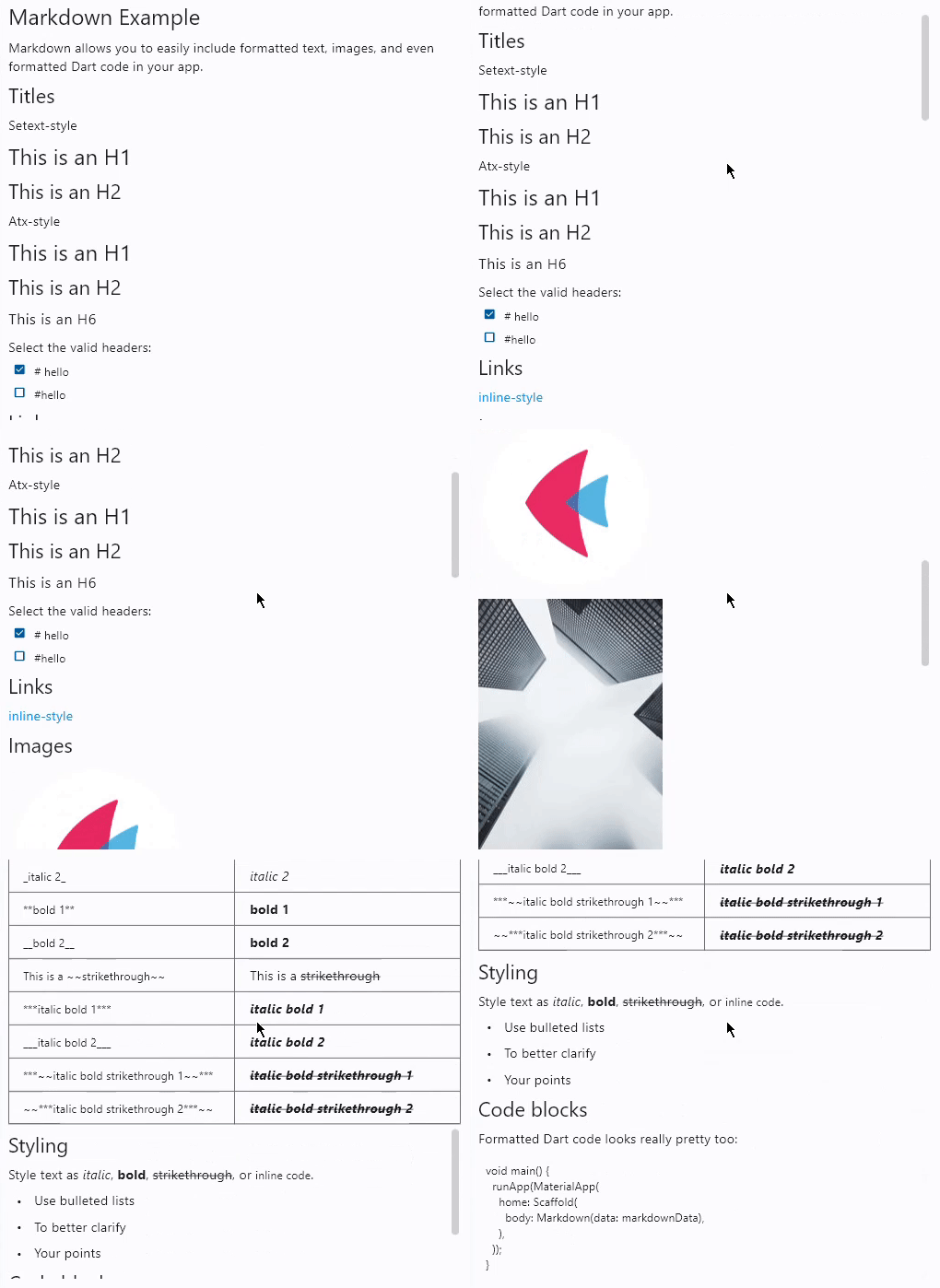](https://docs.flet.dev/examples/controls/markdown/media/basic.gif)
### Code syntax highlight[#](https://docs.flet.dev/controls/markdown/#code-syntax-highlight "Permanent link")
``[](https://docs.flet.dev/controls/markdown/#__codelineno-1-1) import flet as ft [](https://docs.flet.dev/controls/markdown/#__codelineno-1-2)[](https://docs.flet.dev/controls/markdown/#__codelineno-1-3) sample = """ [](https://docs.flet.dev/controls/markdown/#__codelineno-1-4) # Flet [](https://docs.flet.dev/controls/markdown/#__codelineno-1-5)[](https://docs.flet.dev/controls/markdown/#__codelineno-1-6)  [](https://docs.flet.dev/controls/markdown/#__codelineno-1-7)[](https://docs.flet.dev/controls/markdown/#__codelineno-1-8) Flet is a framework for adding server-driven UI (SDUI) experiences to existing Flutter [](https://docs.flet.dev/controls/markdown/#__codelineno-1-9) apps or building standalone web, mobile and desktop apps with Flutter UI. [](https://docs.flet.dev/controls/markdown/#__codelineno-1-10)[](https://docs.flet.dev/controls/markdown/#__codelineno-1-11) Add an interactive `FletApp` widget to your Flutter app whose content is controlled by a remote Python script. [](https://docs.flet.dev/controls/markdown/#__codelineno-1-12) It is an ideal solution for building non-core or frequently changing functionality such as product catalog, feedback form, in-app survey or support chat. Flet enables your team to ship new features faster by reducing the number of App Store validation cycles. Just re-deploy a web app hosting a Python script and your users will get an instant update! [](https://docs.flet.dev/controls/markdown/#__codelineno-1-13)[](https://docs.flet.dev/controls/markdown/#__codelineno-1-14) On the server side Flet provides an easy to learn programming model that enables Python developers without prior Flutter (or even front-end) experience to participate in development of your larger Flutter app or build their own apps with Flutter UI from scratch. [](https://docs.flet.dev/controls/markdown/#__codelineno-1-15)[](https://docs.flet.dev/controls/markdown/#__codelineno-1-16) ## Getting started with Flet [](https://docs.flet.dev/controls/markdown/#__codelineno-1-17)[](https://docs.flet.dev/controls/markdown/#__codelineno-1-18) ### Install `flet` Python module [](https://docs.flet.dev/controls/markdown/#__codelineno-1-19)[](https://docs.flet.dev/controls/markdown/#__codelineno-1-20) Flet requires Python 3.7 or above. To start with Flet, you need to install flet module first: [](https://docs.flet.dev/controls/markdown/#__codelineno-1-21)[](https://docs.flet.dev/controls/markdown/#__codelineno-1-22) ~~~bash [](https://docs.flet.dev/controls/markdown/#__codelineno-1-23) pip install flet [](https://docs.flet.dev/controls/markdown/#__codelineno-1-24) ~~~ [](https://docs.flet.dev/controls/markdown/#__codelineno-1-25)[](https://docs.flet.dev/controls/markdown/#__codelineno-1-26) ### Create Python program [](https://docs.flet.dev/controls/markdown/#__codelineno-1-27)[](https://docs.flet.dev/controls/markdown/#__codelineno-1-28) Create a new Python program using Flet which will be driving the content of `FletApp` widget. [](https://docs.flet.dev/controls/markdown/#__codelineno-1-29)[](https://docs.flet.dev/controls/markdown/#__codelineno-1-30) Let's do a simple `counter.py` app similar to a Flutter new project template: [](https://docs.flet.dev/controls/markdown/#__codelineno-1-31)[](https://docs.flet.dev/controls/markdown/#__codelineno-1-32) ~~~python [](https://docs.flet.dev/controls/markdown/#__codelineno-1-33) import flet [](https://docs.flet.dev/controls/markdown/#__codelineno-1-34) from flet import IconButton, Page, Row, TextField, icons [](https://docs.flet.dev/controls/markdown/#__codelineno-1-35)[](https://docs.flet.dev/controls/markdown/#__codelineno-1-36) def main(page: Page): [](https://docs.flet.dev/controls/markdown/#__codelineno-1-37) page.title = "Flet counter example" [](https://docs.flet.dev/controls/markdown/#__codelineno-1-38) page.vertical_alignment = "center" [](https://docs.flet.dev/controls/markdown/#__codelineno-1-39) [](https://docs.flet.dev/controls/markdown/#__codelineno-1-40) txt_number = TextField(value="0", text_align="right", width=100) [](https://docs.flet.dev/controls/markdown/#__codelineno-1-41) [](https://docs.flet.dev/controls/markdown/#__codelineno-1-42) def minus_click(e): [](https://docs.flet.dev/controls/markdown/#__codelineno-1-43) txt_number.value = int(txt_number.value) - 1 [](https://docs.flet.dev/controls/markdown/#__codelineno-1-44) page.update() [](https://docs.flet.dev/controls/markdown/#__codelineno-1-45) [](https://docs.flet.dev/controls/markdown/#__codelineno-1-46) def plus_click(e): [](https://docs.flet.dev/controls/markdown/#__codelineno-1-47) txt_number.value = int(txt_number.value) + 1 [](https://docs.flet.dev/controls/markdown/#__codelineno-1-48) page.update() [](https://docs.flet.dev/controls/markdown/#__codelineno-1-49) [](https://docs.flet.dev/controls/markdown/#__codelineno-1-50) page.add( [](https://docs.flet.dev/controls/markdown/#__codelineno-1-51) Row( [](https://docs.flet.dev/controls/markdown/#__codelineno-1-52) [ [](https://docs.flet.dev/controls/markdown/#__codelineno-1-53) IconButton(icons.REMOVE, on_click=minus_click), [](https://docs.flet.dev/controls/markdown/#__codelineno-1-54) txt_number, [](https://docs.flet.dev/controls/markdown/#__codelineno-1-55) IconButton(icons.ADD, on_click=plus_click), [](https://docs.flet.dev/controls/markdown/#__codelineno-1-56) ], [](https://docs.flet.dev/controls/markdown/#__codelineno-1-57) alignment="center", [](https://docs.flet.dev/controls/markdown/#__codelineno-1-58) ) [](https://docs.flet.dev/controls/markdown/#__codelineno-1-59) ) [](https://docs.flet.dev/controls/markdown/#__codelineno-1-60)[](https://docs.flet.dev/controls/markdown/#__codelineno-1-61) flet.app(main, port=8550) [](https://docs.flet.dev/controls/markdown/#__codelineno-1-62) ~~~ [](https://docs.flet.dev/controls/markdown/#__codelineno-1-63)[](https://docs.flet.dev/controls/markdown/#__codelineno-1-64) Run the app: [](https://docs.flet.dev/controls/markdown/#__codelineno-1-65)[](https://docs.flet.dev/controls/markdown/#__codelineno-1-66) ~~~bash [](https://docs.flet.dev/controls/markdown/#__codelineno-1-67) python counter.py [](https://docs.flet.dev/controls/markdown/#__codelineno-1-68) ~~~ [](https://docs.flet.dev/controls/markdown/#__codelineno-1-69)[](https://docs.flet.dev/controls/markdown/#__codelineno-1-70) You should see the app running in a native OS window. [](https://docs.flet.dev/controls/markdown/#__codelineno-1-71)[](https://docs.flet.dev/controls/markdown/#__codelineno-1-72) There is a web server (Fletd) running in the background on a fixed port `8550`. Fletd web server is a "bridge" between Python and Flutter. [](https://docs.flet.dev/controls/markdown/#__codelineno-1-73)[](https://docs.flet.dev/controls/markdown/#__codelineno-1-74) `FletApp` widget in your Flutter application will be communicating with Fletd web server via WebSockets to receive UI updates and send user-generated UI events. [](https://docs.flet.dev/controls/markdown/#__codelineno-1-75)[](https://docs.flet.dev/controls/markdown/#__codelineno-1-76) For production use Python app along with Fletd could be [deployed to a public web host](https://docs.flet.dev/publish/web/dynamic-website/) and be accessible via HTTPS with domain name. [](https://docs.flet.dev/controls/markdown/#__codelineno-1-77)[](https://docs.flet.dev/controls/markdown/#__codelineno-1-78) ### Add Flet widget to a Flutter app [](https://docs.flet.dev/controls/markdown/#__codelineno-1-79)[](https://docs.flet.dev/controls/markdown/#__codelineno-1-80) Create a new or open existing Flutter project. [](https://docs.flet.dev/controls/markdown/#__codelineno-1-81)[](https://docs.flet.dev/controls/markdown/#__codelineno-1-82) Install Flutter `flet` package: [](https://docs.flet.dev/controls/markdown/#__codelineno-1-83)[](https://docs.flet.dev/controls/markdown/#__codelineno-1-84) ~~~bash [](https://docs.flet.dev/controls/markdown/#__codelineno-1-85) flutter pub add flet [](https://docs.flet.dev/controls/markdown/#__codelineno-1-86) ~~~ [](https://docs.flet.dev/controls/markdown/#__codelineno-1-87)[](https://docs.flet.dev/controls/markdown/#__codelineno-1-88) For a new project replace `main.dart` with the following: [](https://docs.flet.dev/controls/markdown/#__codelineno-1-89)[](https://docs.flet.dev/controls/markdown/#__codelineno-1-90) ~~~dart [](https://docs.flet.dev/controls/markdown/#__codelineno-1-91) import 'package:flet/flet.dart'; [](https://docs.flet.dev/controls/markdown/#__codelineno-1-92) import 'package:flutter/material.dart'; [](https://docs.flet.dev/controls/markdown/#__codelineno-1-93)[](https://docs.flet.dev/controls/markdown/#__codelineno-1-94) void main() async { [](https://docs.flet.dev/controls/markdown/#__codelineno-1-95) await setupDesktop(); [](https://docs.flet.dev/controls/markdown/#__codelineno-1-96) runApp(const MyApp()); [](https://docs.flet.dev/controls/markdown/#__codelineno-1-97) } [](https://docs.flet.dev/controls/markdown/#__codelineno-1-98)[](https://docs.flet.dev/controls/markdown/#__codelineno-1-99) class MyApp extends StatelessWidget { [](https://docs.flet.dev/controls/markdown/#__codelineno-1-100) const MyApp({super.key}); [](https://docs.flet.dev/controls/markdown/#__codelineno-1-101) [](https://docs.flet.dev/controls/markdown/#__codelineno-1-102) @override [](https://docs.flet.dev/controls/markdown/#__codelineno-1-103) Widget build(BuildContext context) { [](https://docs.flet.dev/controls/markdown/#__codelineno-1-104) return const MaterialApp( [](https://docs.flet.dev/controls/markdown/#__codelineno-1-105) title: 'Flet Flutter Demo', [](https://docs.flet.dev/controls/markdown/#__codelineno-1-106) home: FletApp(pageUrl: "http://localhost:8550"), [](https://docs.flet.dev/controls/markdown/#__codelineno-1-107) ); [](https://docs.flet.dev/controls/markdown/#__codelineno-1-108) } [](https://docs.flet.dev/controls/markdown/#__codelineno-1-109) } [](https://docs.flet.dev/controls/markdown/#__codelineno-1-110) ~~~ [](https://docs.flet.dev/controls/markdown/#__codelineno-1-111)[](https://docs.flet.dev/controls/markdown/#__codelineno-1-112) In the app above `FletApp` widget is hosted inside `MaterialApp` widget. [](https://docs.flet.dev/controls/markdown/#__codelineno-1-113)[](https://docs.flet.dev/controls/markdown/#__codelineno-1-114) If Flet app must be able to handle page route change events (web browser URL changes, mobile app deep linking) it must be the top most widget as it contains its own `MaterialApp` widget handling route changes: [](https://docs.flet.dev/controls/markdown/#__codelineno-1-115)[](https://docs.flet.dev/controls/markdown/#__codelineno-1-116) ~~~dart [](https://docs.flet.dev/controls/markdown/#__codelineno-1-117) import 'package:flet/flet.dart'; [](https://docs.flet.dev/controls/markdown/#__codelineno-1-118) import 'package:flutter/material.dart'; [](https://docs.flet.dev/controls/markdown/#__codelineno-1-119)[](https://docs.flet.dev/controls/markdown/#__codelineno-1-120) void main() async { [](https://docs.flet.dev/controls/markdown/#__codelineno-1-121) await setupDesktop(); [](https://docs.flet.dev/controls/markdown/#__codelineno-1-122) runApp(const FletApp(pageUrl: "http://localhost:8550")); [](https://docs.flet.dev/controls/markdown/#__codelineno-1-123) } [](https://docs.flet.dev/controls/markdown/#__codelineno-1-124) ~~~ [](https://docs.flet.dev/controls/markdown/#__codelineno-1-125)[](https://docs.flet.dev/controls/markdown/#__codelineno-1-126) Run the program and see Flet app running inside a Flutter app. [](https://docs.flet.dev/controls/markdown/#__codelineno-1-127)[](https://docs.flet.dev/controls/markdown/#__codelineno-1-128) When adding `FletApp` widget to the existing desktop Flutter app make sure `setupDesktop()` is called before `runApp()` to initialize Flet's built-in window manager. [](https://docs.flet.dev/controls/markdown/#__codelineno-1-129)[](https://docs.flet.dev/controls/markdown/#__codelineno-1-130) ## Flet learning resources [](https://docs.flet.dev/controls/markdown/#__codelineno-1-131)[](https://docs.flet.dev/controls/markdown/#__codelineno-1-132) * [Getting started for Python](https://docs.flet.dev/getting-started/installation/) [](https://docs.flet.dev/controls/markdown/#__codelineno-1-133) * [Controls reference](https://docs.flet.dev/controls) [](https://docs.flet.dev/controls/markdown/#__codelineno-1-134) * [Tutorials](https://docs.flet.dev/tutorials) [](https://docs.flet.dev/controls/markdown/#__codelineno-1-135) * [Examples](https://github.com/flet-dev/examples/tree/main/python) [](https://docs.flet.dev/controls/markdown/#__codelineno-1-136)[](https://docs.flet.dev/controls/markdown/#__codelineno-1-137) ## Flet community [](https://docs.flet.dev/controls/markdown/#__codelineno-1-138)[](https://docs.flet.dev/controls/markdown/#__codelineno-1-139) * [Discussions](https://github.com/flet-dev/flet/discussions) [](https://docs.flet.dev/controls/markdown/#__codelineno-1-140) * [Discord](https://discord.gg/dzWXP8SHG8) [](https://docs.flet.dev/controls/markdown/#__codelineno-1-141) * [Twitter](https://twitter.com/fletdev) [](https://docs.flet.dev/controls/markdown/#__codelineno-1-142) * [Email](mailto:[[email protected]](https://docs.flet.dev/cdn-cgi/l/email-protection) ) [](https://docs.flet.dev/controls/markdown/#__codelineno-1-143)[](https://docs.flet.dev/controls/markdown/#__codelineno-1-144) ## FAQ [](https://docs.flet.dev/controls/markdown/#__codelineno-1-145)[](https://docs.flet.dev/controls/markdown/#__codelineno-1-146) Coming soon. [](https://docs.flet.dev/controls/markdown/#__codelineno-1-147)[](https://docs.flet.dev/controls/markdown/#__codelineno-1-148) ## Adding custom Flutter widgets [](https://docs.flet.dev/controls/markdown/#__codelineno-1-149)[](https://docs.flet.dev/controls/markdown/#__codelineno-1-150) Coming soon. [](https://docs.flet.dev/controls/markdown/#__codelineno-1-151) """ # noqa: E501 [](https://docs.flet.dev/controls/markdown/#__codelineno-1-152) [](https://docs.flet.dev/controls/markdown/#__codelineno-1-153)[](https://docs.flet.dev/controls/markdown/#__codelineno-1-154) def main(page: ft.Page): [](https://docs.flet.dev/controls/markdown/#__codelineno-1-155) page.scroll = ft.ScrollMode.AUTO [](https://docs.flet.dev/controls/markdown/#__codelineno-1-156) [](https://docs.flet.dev/controls/markdown/#__codelineno-1-157) page.fonts = { [](https://docs.flet.dev/controls/markdown/#__codelineno-1-158) "Roboto Mono": "RobotoMono-VariableFont_wght.ttf", [](https://docs.flet.dev/controls/markdown/#__codelineno-1-159) } [](https://docs.flet.dev/controls/markdown/#__codelineno-1-160) [](https://docs.flet.dev/controls/markdown/#__codelineno-1-161) async def navigate_md_link(e: ft.Event[ft.Markdown]): [](https://docs.flet.dev/controls/markdown/#__codelineno-1-162) await page.launch_url(e.data) [](https://docs.flet.dev/controls/markdown/#__codelineno-1-163) [](https://docs.flet.dev/controls/markdown/#__codelineno-1-164) page.add( [](https://docs.flet.dev/controls/markdown/#__codelineno-1-165) ft.Markdown( [](https://docs.flet.dev/controls/markdown/#__codelineno-1-166) value=sample, [](https://docs.flet.dev/controls/markdown/#__codelineno-1-167) selectable=True, [](https://docs.flet.dev/controls/markdown/#__codelineno-1-168) extension_set=ft.MarkdownExtensionSet.GITHUB_WEB, [](https://docs.flet.dev/controls/markdown/#__codelineno-1-169) code_theme=ft.MarkdownCodeTheme.ATOM_ONE_DARK, [](https://docs.flet.dev/controls/markdown/#__codelineno-1-170) code_style_sheet=ft.MarkdownStyleSheet( [](https://docs.flet.dev/controls/markdown/#__codelineno-1-171) code_text_style=ft.TextStyle(font_family="Roboto Mono") [](https://docs.flet.dev/controls/markdown/#__codelineno-1-172) ), [](https://docs.flet.dev/controls/markdown/#__codelineno-1-173) on_tap_link=navigate_md_link, [](https://docs.flet.dev/controls/markdown/#__codelineno-1-174) ) [](https://docs.flet.dev/controls/markdown/#__codelineno-1-175) ) [](https://docs.flet.dev/controls/markdown/#__codelineno-1-176) [](https://docs.flet.dev/controls/markdown/#__codelineno-1-177)[](https://docs.flet.dev/controls/markdown/#__codelineno-1-178) ft.run(main)``
[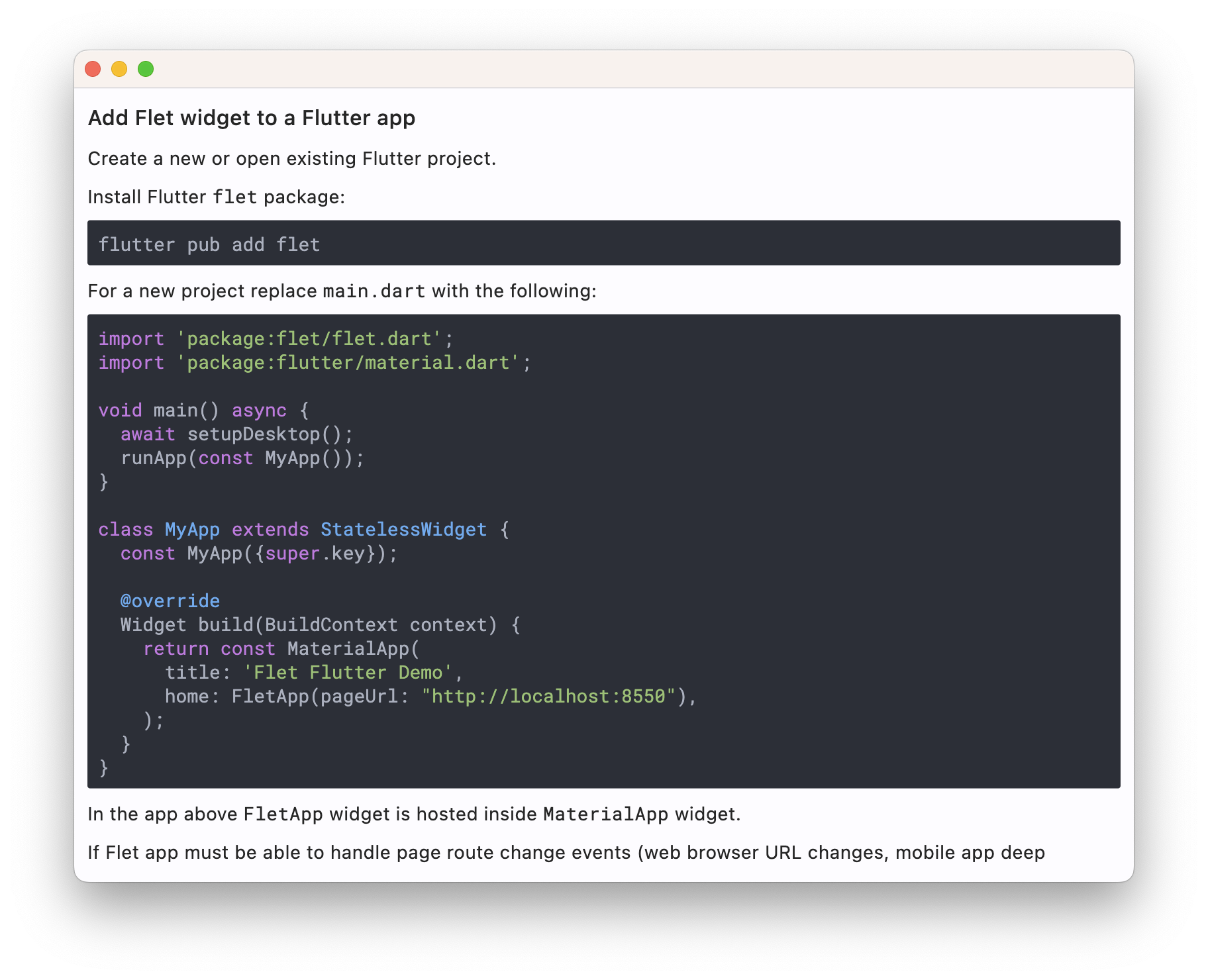](https://docs.flet.dev/examples/controls/markdown/media/code_syntax_highlight.png)
### Custom text theme[#](https://docs.flet.dev/controls/markdown/#custom-text-theme "Permanent link")
`[](https://docs.flet.dev/controls/markdown/#__codelineno-2-1) import flet as ft [](https://docs.flet.dev/controls/markdown/#__codelineno-2-2) [](https://docs.flet.dev/controls/markdown/#__codelineno-2-3)[](https://docs.flet.dev/controls/markdown/#__codelineno-2-4) def main(page: ft.Page): [](https://docs.flet.dev/controls/markdown/#__codelineno-2-5) page.theme_mode = ft.ThemeMode.DARK [](https://docs.flet.dev/controls/markdown/#__codelineno-2-6) [](https://docs.flet.dev/controls/markdown/#__codelineno-2-7) def change_theme_mode(e: ft.Event[ft.Switch]): [](https://docs.flet.dev/controls/markdown/#__codelineno-2-8) if page.theme_mode == ft.ThemeMode.DARK: [](https://docs.flet.dev/controls/markdown/#__codelineno-2-9) page.theme_mode = ft.ThemeMode.LIGHT [](https://docs.flet.dev/controls/markdown/#__codelineno-2-10) switch.thumb_icon = ft.Icons.LIGHT_MODE [](https://docs.flet.dev/controls/markdown/#__codelineno-2-11) else: [](https://docs.flet.dev/controls/markdown/#__codelineno-2-12) switch.thumb_icon = ft.Icons.DARK_MODE [](https://docs.flet.dev/controls/markdown/#__codelineno-2-13) page.theme_mode = ft.ThemeMode.DARK [](https://docs.flet.dev/controls/markdown/#__codelineno-2-14) page.update() [](https://docs.flet.dev/controls/markdown/#__codelineno-2-15) [](https://docs.flet.dev/controls/markdown/#__codelineno-2-16) switch = ft.Switch(thumb_icon=ft.Icons.DARK_MODE, on_change=change_theme_mode) [](https://docs.flet.dev/controls/markdown/#__codelineno-2-17) [](https://docs.flet.dev/controls/markdown/#__codelineno-2-18) page.add( [](https://docs.flet.dev/controls/markdown/#__codelineno-2-19) ft.Row( [](https://docs.flet.dev/controls/markdown/#__codelineno-2-20) alignment=ft.MainAxisAlignment.SPACE_BETWEEN, [](https://docs.flet.dev/controls/markdown/#__codelineno-2-21) controls=[ [](https://docs.flet.dev/controls/markdown/#__codelineno-2-22) ft.Container( [](https://docs.flet.dev/controls/markdown/#__codelineno-2-23) content=ft.Markdown("I can read this!"), [](https://docs.flet.dev/controls/markdown/#__codelineno-2-24) bgcolor="#550000", [](https://docs.flet.dev/controls/markdown/#__codelineno-2-25) padding=20, [](https://docs.flet.dev/controls/markdown/#__codelineno-2-26) theme=ft.Theme( [](https://docs.flet.dev/controls/markdown/#__codelineno-2-27) text_theme=ft.TextTheme( [](https://docs.flet.dev/controls/markdown/#__codelineno-2-28) body_medium=ft.TextStyle(color=ft.Colors.WHITE), [](https://docs.flet.dev/controls/markdown/#__codelineno-2-29) body_large=ft.TextStyle(color=ft.Colors.WHITE), [](https://docs.flet.dev/controls/markdown/#__codelineno-2-30) body_small=ft.TextStyle(color=ft.Colors.WHITE), [](https://docs.flet.dev/controls/markdown/#__codelineno-2-31) ) [](https://docs.flet.dev/controls/markdown/#__codelineno-2-32) ), [](https://docs.flet.dev/controls/markdown/#__codelineno-2-33) ), [](https://docs.flet.dev/controls/markdown/#__codelineno-2-34) ft.Container( [](https://docs.flet.dev/controls/markdown/#__codelineno-2-35) content=switch, [](https://docs.flet.dev/controls/markdown/#__codelineno-2-36) padding=ft.Padding.only(bottom=50), [](https://docs.flet.dev/controls/markdown/#__codelineno-2-37) alignment=ft.Alignment.TOP_RIGHT, [](https://docs.flet.dev/controls/markdown/#__codelineno-2-38) ), [](https://docs.flet.dev/controls/markdown/#__codelineno-2-39) ], [](https://docs.flet.dev/controls/markdown/#__codelineno-2-40) ) [](https://docs.flet.dev/controls/markdown/#__codelineno-2-41) ) [](https://docs.flet.dev/controls/markdown/#__codelineno-2-42) [](https://docs.flet.dev/controls/markdown/#__codelineno-2-43)[](https://docs.flet.dev/controls/markdown/#__codelineno-2-44) ft.run(main)`
Properties[#](https://docs.flet.dev/controls/markdown/#flet.Markdown-properties "Permanent link")
--------------------------------------------------------------------------------------------------
### auto\_follow\_links `class-attribute` `instance-attribute` [#](https://docs.flet.dev/controls/markdown/#flet.Markdown.auto_follow_links "Permanent link")
`[](https://docs.flet.dev/controls/markdown/#__codelineno-0-1) auto_follow_links: [bool](https://docs.python.org/3/library/functions.html#bool) = False`
Automatically open URLs in the document.
If registered, `on_tap_link` event is fired after that.
### auto\_follow\_links\_target `class-attribute` `instance-attribute` [#](https://docs.flet.dev/controls/markdown/#flet.Markdown.auto_follow_links_target "Permanent link")
`[](https://docs.flet.dev/controls/markdown/#__codelineno-0-1) auto_follow_links_target: [UrlTarget](https://docs.flet.dev/types/urltarget/#flet.UrlTarget) | None = None`
Where to open URL in the web mode.
### code\_style\_sheet `class-attribute` `instance-attribute` [#](https://docs.flet.dev/controls/markdown/#flet.Markdown.code_style_sheet "Permanent link")
`[](https://docs.flet.dev/controls/markdown/#__codelineno-0-1) code_style_sheet: [MarkdownStyleSheet](https://docs.flet.dev/types/markdownstylesheet/#flet.MarkdownStyleSheet) | None = None`
The styles to use when displaying the code blocks.
### code\_theme `class-attribute` `instance-attribute` [#](https://docs.flet.dev/controls/markdown/#flet.Markdown.code_theme "Permanent link")
`[](https://docs.flet.dev/controls/markdown/#__codelineno-0-1) code_theme: ( [](https://docs.flet.dev/controls/markdown/#__codelineno-0-2) [MarkdownCodeTheme](https://docs.flet.dev/types/markdowncodetheme/#flet.MarkdownCodeTheme) | [MarkdownCustomCodeTheme](https://docs.flet.dev/types/markdowncustomcodetheme/#flet.MarkdownCustomCodeTheme) | None [](https://docs.flet.dev/controls/markdown/#__codelineno-0-3) ) = None`
A syntax highlighting theme for code blocks.
Defaults to `MarkdownCodeTheme.GITHUB`.
### extension\_set `class-attribute` `instance-attribute` [#](https://docs.flet.dev/controls/markdown/#flet.Markdown.extension_set "Permanent link")
`[](https://docs.flet.dev/controls/markdown/#__codelineno-0-1) extension_set: [MarkdownExtensionSet](https://docs.flet.dev/types/markdownextensionset/#flet.MarkdownExtensionSet) = [NONE](https://docs.flet.dev/types/markdownextensionset/#flet.MarkdownExtensionSet.NONE)`
The extensions to use when rendering the markdown content.
### fit\_content `class-attribute` `instance-attribute` [#](https://docs.flet.dev/controls/markdown/#flet.Markdown.fit_content "Permanent link")
`[](https://docs.flet.dev/controls/markdown/#__codelineno-0-1) fit_content: [bool](https://docs.python.org/3/library/functions.html#bool) = True`
Whether to allow the widget to fit the child content.
### image\_error\_content `class-attribute` `instance-attribute` [#](https://docs.flet.dev/controls/markdown/#flet.Markdown.image_error_content "Permanent link")
`[](https://docs.flet.dev/controls/markdown/#__codelineno-0-1) image_error_content: [Control](https://docs.flet.dev/controls/control/#flet.Control) | None = None`
The control to display when an image fails to load.
### latex\_scale\_factor `class-attribute` `instance-attribute` [#](https://docs.flet.dev/controls/markdown/#flet.Markdown.latex_scale_factor "Permanent link")
`[](https://docs.flet.dev/controls/markdown/#__codelineno-0-1) latex_scale_factor: [float](https://docs.python.org/3/library/functions.html#float) | None = None`
The scale factor for LaTeX formulas rendering. Controls the size of rendered mathematical expressions.
### latex\_style `class-attribute` `instance-attribute` [#](https://docs.flet.dev/controls/markdown/#flet.Markdown.latex_style "Permanent link")
`[](https://docs.flet.dev/controls/markdown/#__codelineno-0-1) latex_style: [TextStyle](https://docs.flet.dev/types/textstyle/#flet.TextStyle) | None = None`
The text style to apply to LaTeX formulas. Allows customization of font, color, and other text properties for mathematical expressions.
### md\_style\_sheet `class-attribute` `instance-attribute` [#](https://docs.flet.dev/controls/markdown/#flet.Markdown.md_style_sheet "Permanent link")
`[](https://docs.flet.dev/controls/markdown/#__codelineno-0-1) md_style_sheet: [MarkdownStyleSheet](https://docs.flet.dev/types/markdownstylesheet/#flet.MarkdownStyleSheet) | None = None`
The styles to use when displaying the markdown.
### selectable `class-attribute` `instance-attribute` [#](https://docs.flet.dev/controls/markdown/#flet.Markdown.selectable "Permanent link")
`[](https://docs.flet.dev/controls/markdown/#__codelineno-0-1) selectable: [bool](https://docs.python.org/3/library/functions.html#bool) = False`
Whether rendered text is selectable or not.
### shrink\_wrap `class-attribute` `instance-attribute` [#](https://docs.flet.dev/controls/markdown/#flet.Markdown.shrink_wrap "Permanent link")
`[](https://docs.flet.dev/controls/markdown/#__codelineno-0-1) shrink_wrap: [bool](https://docs.python.org/3/library/functions.html#bool) = True`
Whether the extent of the scroll view in the scroll direction should be determined by the contents being viewed.
### soft\_line\_break `class-attribute` `instance-attribute` [#](https://docs.flet.dev/controls/markdown/#flet.Markdown.soft_line_break "Permanent link")
`[](https://docs.flet.dev/controls/markdown/#__codelineno-0-1) soft_line_break: [bool](https://docs.python.org/3/library/functions.html#bool) = False`
The soft line break is used to identify the spaces at the end of a line of text and the leading spaces in the immediately following the line of text.
### value `class-attribute` `instance-attribute` [#](https://docs.flet.dev/controls/markdown/#flet.Markdown.value "Permanent link")
`[](https://docs.flet.dev/controls/markdown/#__codelineno-0-1) value: [str](https://docs.python.org/3/library/stdtypes.html#str) = ''`
Markdown content to render.
Events[#](https://docs.flet.dev/controls/markdown/#flet.Markdown-events "Permanent link")
------------------------------------------------------------------------------------------
### on\_selection\_change `class-attribute` `instance-attribute` [#](https://docs.flet.dev/controls/markdown/#flet.Markdown.on_selection_change "Permanent link")
`[](https://docs.flet.dev/controls/markdown/#__codelineno-0-1) on_selection_change: ( [](https://docs.flet.dev/controls/markdown/#__codelineno-0-2) [EventHandler](https://docs.flet.dev/types/aliases/#flet.EventHandler) [[TextSelectionChangeEvent](https://docs.flet.dev/types/textselectionchangeevent/#flet.TextSelectionChangeEvent) [[Markdown](https://docs.flet.dev/controls/markdown/#flet.Markdown) ]] | None [](https://docs.flet.dev/controls/markdown/#__codelineno-0-3) ) = None`
Called when the text selection changes.
### on\_tap\_link `class-attribute` `instance-attribute` [#](https://docs.flet.dev/controls/markdown/#flet.Markdown.on_tap_link "Permanent link")
`[](https://docs.flet.dev/controls/markdown/#__codelineno-0-1) on_tap_link: [ControlEventHandler](https://docs.flet.dev/types/aliases/#flet.ControlEventHandler) [[Markdown](https://docs.flet.dev/controls/markdown/#flet.Markdown) ] | None = None`
Called when a link within Markdown document is clicked/tapped.
The [`data`](https://docs.flet.dev/types/event/#flet.Event.data)
property of the event handler argument contains the clickedURL.
Example: [https://github.com/flet-dev/examples/blob/main/python/controls/information-displays/markdown/markdown-event-example.py](https://github.com/flet-dev/examples/blob/main/python/controls/information-displays/markdown/markdown-event-example.py)
### on\_tap\_text `class-attribute` `instance-attribute` [#](https://docs.flet.dev/controls/markdown/#flet.Markdown.on_tap_text "Permanent link")
`[](https://docs.flet.dev/controls/markdown/#__codelineno-0-1) on_tap_text: [ControlEventHandler](https://docs.flet.dev/types/aliases/#flet.ControlEventHandler) [[Markdown](https://docs.flet.dev/controls/markdown/#flet.Markdown) ] | None = None`
Called when some text is clicked/tapped.
Back to top
---
# SearchBar - Flet
[Skip to content](https://docs.flet.dev/controls/searchbar/#flet.SearchBar)
SearchBar
=========
Manages a "search view" route that allows the user to select one of the suggested completions for a search query.
`[](https://docs.flet.dev/controls/searchbar/#__codelineno-0-1) ft.SearchBar(bar_hint_text="Search...")`
[](https://docs.flet.dev/test-images/examples/material/golden/macos/search_bar/image_for_docs.png)
Basic search bar
Inherits: `[LayoutControl](https://docs.flet.dev/controls/layoutcontrol/#flet.LayoutControl) `
Properties
* **`[autofocus](https://docs.flet.dev/controls/searchbar/#flet.SearchBar.autofocus) `**(`[bool](https://docs.python.org/3/library/functions.html#bool) `) –
Whether the text field should focus itself if nothing else is already focused.
* **`[bar_bgcolor](https://docs.flet.dev/controls/searchbar/#flet.SearchBar.bar_bgcolor) `**(`[ControlStateValue](https://docs.flet.dev/types/aliases/#flet.ControlStateValue) [[ColorValue](https://docs.flet.dev/types/aliases/#flet.ColorValue) ] | None`) –
Defines the background color of the search bar in all or specific [`ControlState`](https://docs.flet.dev/types/controlstate/#flet.ControlState)
states.
* **`[bar_border_side](https://docs.flet.dev/controls/searchbar/#flet.SearchBar.bar_border_side) `**(`[ControlStateValue](https://docs.flet.dev/types/aliases/#flet.ControlStateValue) [[BorderSide](https://docs.flet.dev/types/borderside/#flet.BorderSide) ] | None`) –
The color and weight of the search bar's outline.
* **`[bar_elevation](https://docs.flet.dev/controls/searchbar/#flet.SearchBar.bar_elevation) `**(`[ControlStateValue](https://docs.flet.dev/types/aliases/#flet.ControlStateValue) [[Number](https://docs.flet.dev/types/aliases/#flet.Number) | None] | None`) –
The elevation of the search bar.
* **`[bar_hint_text](https://docs.flet.dev/controls/searchbar/#flet.SearchBar.bar_hint_text) `**(`[str](https://docs.python.org/3/library/stdtypes.html#str) | None`) –
Defines the text to be shown in the search bar when it is empty and the search view is close.
* **`[bar_hint_text_style](https://docs.flet.dev/controls/searchbar/#flet.SearchBar.bar_hint_text_style) `**(`[ControlStateValue](https://docs.flet.dev/types/aliases/#flet.ControlStateValue) [[TextStyle](https://docs.flet.dev/types/textstyle/#flet.TextStyle) ] | None`) –
The style to use for the [`SearchBar.bar_hint_text`](https://docs.flet.dev/controls/searchbar/#flet.SearchBar.bar_hint_text)
.
* **`[bar_leading](https://docs.flet.dev/controls/searchbar/#flet.SearchBar.bar_leading) `**(`[Control](https://docs.flet.dev/controls/control/#flet.Control) | None`) –
A control to display before the text input field when the search view is close.
* **`[bar_overlay_color](https://docs.flet.dev/controls/searchbar/#flet.SearchBar.bar_overlay_color) `**(`[ControlStateValue](https://docs.flet.dev/types/aliases/#flet.ControlStateValue) [[ColorValue](https://docs.flet.dev/types/aliases/#flet.ColorValue) ] | None`) –
Defines the highlight color that's typically used to indicate that the search bar is in [`FOCUSED`](https://docs.flet.dev/types/controlstate/#flet.ControlState.FOCUSED)
, [`HOVERED`](https://docs.flet.dev/types/controlstate/#flet.ControlState.HOVERED)
, or [`PRESSED`](https://docs.flet.dev/types/controlstate/#flet.ControlState.PRESSED)
states.
* **`[bar_padding](https://docs.flet.dev/controls/searchbar/#flet.SearchBar.bar_padding) `**(`[ControlStateValue](https://docs.flet.dev/types/aliases/#flet.ControlStateValue) [[PaddingValue](https://docs.flet.dev/types/aliases/#flet.PaddingValue) ] | None`) –
The padding between the search bar's boundary and its contents.
* **`[bar_scroll_padding](https://docs.flet.dev/controls/searchbar/#flet.SearchBar.bar_scroll_padding) `**(`[PaddingValue](https://docs.flet.dev/types/aliases/#flet.PaddingValue) `) –
Configures the padding around a Scrollable when the text field scrolls into view.
* **`[bar_shadow_color](https://docs.flet.dev/controls/searchbar/#flet.SearchBar.bar_shadow_color) `**(`[ControlStateValue](https://docs.flet.dev/types/aliases/#flet.ControlStateValue) [[ColorValue](https://docs.flet.dev/types/aliases/#flet.ColorValue) ] | None`) –
The shadow color of the search bar.
* **`[bar_shape](https://docs.flet.dev/controls/searchbar/#flet.SearchBar.bar_shape) `**(`[ControlStateValue](https://docs.flet.dev/types/aliases/#flet.ControlStateValue) [[OutlinedBorder](https://docs.flet.dev/types/outlinedborder/#flet.OutlinedBorder) ] | None`) –
The shape of the search bar.
* **`[bar_size_constraints](https://docs.flet.dev/controls/searchbar/#flet.SearchBar.bar_size_constraints) `**(`[BoxConstraints](https://docs.flet.dev/types/boxconstraints/#flet.BoxConstraints) | None`) –
Optional size constraints for the search bar.
* **`[bar_text_style](https://docs.flet.dev/controls/searchbar/#flet.SearchBar.bar_text_style) `**(`[ControlStateValue](https://docs.flet.dev/types/aliases/#flet.ControlStateValue) [[TextStyle](https://docs.flet.dev/types/textstyle/#flet.TextStyle) ] | None`) –
The style to use for the text being edited.
* **`[bar_trailing](https://docs.flet.dev/controls/searchbar/#flet.SearchBar.bar_trailing) `**(`[list](https://docs.python.org/3/glossary.html#term-list) [[Control](https://docs.flet.dev/controls/control/#flet.Control) ] | None`) –
A list of controls to display after the text input field when the search view is close.
* **`[capitalization](https://docs.flet.dev/controls/searchbar/#flet.SearchBar.capitalization) `**(`[TextCapitalization](https://docs.flet.dev/types/textcapitalization/#flet.TextCapitalization) | None`) –
Enables automatic on-the-fly capitalization of entered text.
* **`[controls](https://docs.flet.dev/controls/searchbar/#flet.SearchBar.controls) `**(`[list](https://docs.python.org/3/glossary.html#term-list) [[Control](https://docs.flet.dev/controls/control/#flet.Control) ]`) –
The list of controls to be displayed below the search bar when in search view.
* **`[divider_color](https://docs.flet.dev/controls/searchbar/#flet.SearchBar.divider_color) `**(`[ColorValue](https://docs.flet.dev/types/aliases/#flet.ColorValue) | None`) –
The color of the divider when in search view.
* **`[full_screen](https://docs.flet.dev/controls/searchbar/#flet.SearchBar.full_screen) `**(`[bool](https://docs.python.org/3/library/functions.html#bool) `) –
Defines whether the search view grows to fill the entire screen when the search bar is tapped.
* **`[keyboard_type](https://docs.flet.dev/controls/searchbar/#flet.SearchBar.keyboard_type) `**(`[KeyboardType](https://docs.flet.dev/types/keyboardtype/#flet.KeyboardType) `) –
The type of action button to use for the keyboard.
* **`[shrink_wrap](https://docs.flet.dev/controls/searchbar/#flet.SearchBar.shrink_wrap) `**(`[bool](https://docs.python.org/3/library/functions.html#bool) | None`) –
Whether the search view should shrink-wrap its contents.
* **`[value](https://docs.flet.dev/controls/searchbar/#flet.SearchBar.value) `**(`[str](https://docs.python.org/3/library/stdtypes.html#str) `) –
The text in the search bar.
* **`[view_bar_padding](https://docs.flet.dev/controls/searchbar/#flet.SearchBar.view_bar_padding) `**(`[PaddingValue](https://docs.flet.dev/types/aliases/#flet.PaddingValue) | None`) –
The padding to use for the search view's search bar.
* **`[view_bgcolor](https://docs.flet.dev/controls/searchbar/#flet.SearchBar.view_bgcolor) `**(`[ColorValue](https://docs.flet.dev/types/aliases/#flet.ColorValue) | None`) –
Defines the background color of the search view.
* **`[view_elevation](https://docs.flet.dev/controls/searchbar/#flet.SearchBar.view_elevation) `**(`[Number](https://docs.flet.dev/types/aliases/#flet.Number) | None`) –
Defines the elevation of the search view.
* **`[view_header_height](https://docs.flet.dev/controls/searchbar/#flet.SearchBar.view_header_height) `**(`[Number](https://docs.flet.dev/types/aliases/#flet.Number) | None`) –
The height of the search field on the search view.
* **`[view_header_text_style](https://docs.flet.dev/controls/searchbar/#flet.SearchBar.view_header_text_style) `**(`[TextStyle](https://docs.flet.dev/types/textstyle/#flet.TextStyle) | None`) –
Defines the text style of the text being edited on the search view.
* **`[view_hint_text](https://docs.flet.dev/controls/searchbar/#flet.SearchBar.view_hint_text) `**(`[str](https://docs.python.org/3/library/stdtypes.html#str) | None`) –
Defines the text to be displayed when the search bar's input field is empty.
* **`[view_hint_text_style](https://docs.flet.dev/controls/searchbar/#flet.SearchBar.view_hint_text_style) `**(`[TextStyle](https://docs.flet.dev/types/textstyle/#flet.TextStyle) | None`) –
Defines the text style of [`view_hint_text`](https://docs.flet.dev/controls/searchbar/#flet.SearchBar.view_hint_text)
.
* **`[view_leading](https://docs.flet.dev/controls/searchbar/#flet.SearchBar.view_leading) `**(`[Control](https://docs.flet.dev/controls/control/#flet.Control) | None`) –
A `Control` to display before the text input field when the search view is open.
* **`[view_padding](https://docs.flet.dev/controls/searchbar/#flet.SearchBar.view_padding) `**(`[PaddingValue](https://docs.flet.dev/types/aliases/#flet.PaddingValue) | None`) –
The padding to use for the search view.
* **`[view_shape](https://docs.flet.dev/controls/searchbar/#flet.SearchBar.view_shape) `**(`[OutlinedBorder](https://docs.flet.dev/types/outlinedborder/#flet.OutlinedBorder) | None`) –
Defines the shape of the search view.
* **`[view_side](https://docs.flet.dev/controls/searchbar/#flet.SearchBar.view_side) `**(`[BorderSide](https://docs.flet.dev/types/borderside/#flet.BorderSide) | None`) –
Defines the color and weight of the search view's outline.
* **`[view_size_constraints](https://docs.flet.dev/controls/searchbar/#flet.SearchBar.view_size_constraints) `**(`[BoxConstraints](https://docs.flet.dev/types/boxconstraints/#flet.BoxConstraints) | None`) –
Optional size constraints for the search view.
* **`[view_trailing](https://docs.flet.dev/controls/searchbar/#flet.SearchBar.view_trailing) `**(`[list](https://docs.python.org/3/glossary.html#term-list) [[Control](https://docs.flet.dev/controls/control/#flet.Control) ] | None`) –
A list of `Control`s to display after the text input field when the search view is open.
Events
* **`[on_blur](https://docs.flet.dev/controls/searchbar/#flet.SearchBar.on_blur) `**(`[ControlEventHandler](https://docs.flet.dev/types/aliases/#flet.ControlEventHandler) [[SearchBar](https://docs.flet.dev/controls/searchbar/#flet.SearchBar) ] | None`) –
Fired when the search bar loses focus.
* **`[on_change](https://docs.flet.dev/controls/searchbar/#flet.SearchBar.on_change) `**(`[ControlEventHandler](https://docs.flet.dev/types/aliases/#flet.ControlEventHandler) [[SearchBar](https://docs.flet.dev/controls/searchbar/#flet.SearchBar) ] | None`) –
Called when the typed input in the search bar has changed.
* **`[on_focus](https://docs.flet.dev/controls/searchbar/#flet.SearchBar.on_focus) `**(`[ControlEventHandler](https://docs.flet.dev/types/aliases/#flet.ControlEventHandler) [[SearchBar](https://docs.flet.dev/controls/searchbar/#flet.SearchBar) ] | None`) –
Fired when the search bar gains focus.
* **`[on_submit](https://docs.flet.dev/controls/searchbar/#flet.SearchBar.on_submit) `**(`[ControlEventHandler](https://docs.flet.dev/types/aliases/#flet.ControlEventHandler) [[SearchBar](https://docs.flet.dev/controls/searchbar/#flet.SearchBar) ] | None`) –
Called when user presses ENTER while focus is on SearchBar.
* **`[on_tap](https://docs.flet.dev/controls/searchbar/#flet.SearchBar.on_tap) `**(`[ControlEventHandler](https://docs.flet.dev/types/aliases/#flet.ControlEventHandler) [[SearchBar](https://docs.flet.dev/controls/searchbar/#flet.SearchBar) ] | None`) –
Called when the search bar is tapped.
* **`[on_tap_outside_bar](https://docs.flet.dev/controls/searchbar/#flet.SearchBar.on_tap_outside_bar) `**(`[ControlEventHandler](https://docs.flet.dev/types/aliases/#flet.ControlEventHandler) [[SearchBar](https://docs.flet.dev/controls/searchbar/#flet.SearchBar) ] | None`) –
Fired when the user taps outside the search bar while the search view is open.
Methods
* **`[close_view](https://docs.flet.dev/controls/searchbar/#flet.SearchBar.close_view) `** –
Closes an opened search view.
* **`[focus](https://docs.flet.dev/controls/searchbar/#flet.SearchBar.focus) `** –
Requests focus for this control.
* **`[open_view](https://docs.flet.dev/controls/searchbar/#flet.SearchBar.open_view) `** –
Opens the search view.
Examples[#](https://docs.flet.dev/controls/searchbar/#examples "Permanent link")
---------------------------------------------------------------------------------
[Live example](https://flet-controls-gallery.fly.dev/input/searchbar)
### Basic Example[#](https://docs.flet.dev/controls/searchbar/#basic-example "Permanent link")
`[](https://docs.flet.dev/controls/searchbar/#__codelineno-0-1) import flet as ft [](https://docs.flet.dev/controls/searchbar/#__codelineno-0-2)[](https://docs.flet.dev/controls/searchbar/#__codelineno-0-3) colors = [ [](https://docs.flet.dev/controls/searchbar/#__codelineno-0-4) "Amber", [](https://docs.flet.dev/controls/searchbar/#__codelineno-0-5) "Blue Grey", [](https://docs.flet.dev/controls/searchbar/#__codelineno-0-6) "Brown", [](https://docs.flet.dev/controls/searchbar/#__codelineno-0-7) "Deep Orange", [](https://docs.flet.dev/controls/searchbar/#__codelineno-0-8) "Green", [](https://docs.flet.dev/controls/searchbar/#__codelineno-0-9) "Light Blue", [](https://docs.flet.dev/controls/searchbar/#__codelineno-0-10) "Orange", [](https://docs.flet.dev/controls/searchbar/#__codelineno-0-11) "Red", [](https://docs.flet.dev/controls/searchbar/#__codelineno-0-12) ] [](https://docs.flet.dev/controls/searchbar/#__codelineno-0-13) [](https://docs.flet.dev/controls/searchbar/#__codelineno-0-14)[](https://docs.flet.dev/controls/searchbar/#__codelineno-0-15) def main(page: ft.Page): [](https://docs.flet.dev/controls/searchbar/#__codelineno-0-16) page.horizontal_alignment = ft.CrossAxisAlignment.CENTER [](https://docs.flet.dev/controls/searchbar/#__codelineno-0-17) [](https://docs.flet.dev/controls/searchbar/#__codelineno-0-18) def build_tiles(items: list[str]) -> list[ft.Control]: [](https://docs.flet.dev/controls/searchbar/#__codelineno-0-19) return [ [](https://docs.flet.dev/controls/searchbar/#__codelineno-0-20) ft.ListTile( [](https://docs.flet.dev/controls/searchbar/#__codelineno-0-21) title=ft.Text(item), [](https://docs.flet.dev/controls/searchbar/#__codelineno-0-22) data=item, [](https://docs.flet.dev/controls/searchbar/#__codelineno-0-23) on_click=handle_tile_click, [](https://docs.flet.dev/controls/searchbar/#__codelineno-0-24) ) [](https://docs.flet.dev/controls/searchbar/#__codelineno-0-25) for item in items [](https://docs.flet.dev/controls/searchbar/#__codelineno-0-26) ] [](https://docs.flet.dev/controls/searchbar/#__codelineno-0-27) [](https://docs.flet.dev/controls/searchbar/#__codelineno-0-28) async def handle_tile_click(e: ft.Event[ft.ListTile]): [](https://docs.flet.dev/controls/searchbar/#__codelineno-0-29) await anchor.close_view() [](https://docs.flet.dev/controls/searchbar/#__codelineno-0-30) [](https://docs.flet.dev/controls/searchbar/#__codelineno-0-31) async def handle_change(e: ft.Event[ft.SearchBar]): [](https://docs.flet.dev/controls/searchbar/#__codelineno-0-32) query = e.control.value.strip().lower() [](https://docs.flet.dev/controls/searchbar/#__codelineno-0-33) matching = ( [](https://docs.flet.dev/controls/searchbar/#__codelineno-0-34) [color for color in colors if query in color.lower()] if query else colors [](https://docs.flet.dev/controls/searchbar/#__codelineno-0-35) ) [](https://docs.flet.dev/controls/searchbar/#__codelineno-0-36) anchor.controls = build_tiles(matching) [](https://docs.flet.dev/controls/searchbar/#__codelineno-0-37) [](https://docs.flet.dev/controls/searchbar/#__codelineno-0-38) def handle_submit(e: ft.Event[ft.SearchBar]): [](https://docs.flet.dev/controls/searchbar/#__codelineno-0-39) print(f"Submit: {e.data}") [](https://docs.flet.dev/controls/searchbar/#__codelineno-0-40) [](https://docs.flet.dev/controls/searchbar/#__codelineno-0-41) async def handle_tap(e: ft.Event[ft.SearchBar]): [](https://docs.flet.dev/controls/searchbar/#__codelineno-0-42) await anchor.open_view() [](https://docs.flet.dev/controls/searchbar/#__codelineno-0-43) [](https://docs.flet.dev/controls/searchbar/#__codelineno-0-44) page.add( [](https://docs.flet.dev/controls/searchbar/#__codelineno-0-45) anchor := ft.SearchBar( [](https://docs.flet.dev/controls/searchbar/#__codelineno-0-46) view_elevation=4, [](https://docs.flet.dev/controls/searchbar/#__codelineno-0-47) divider_color=ft.Colors.AMBER, [](https://docs.flet.dev/controls/searchbar/#__codelineno-0-48) bar_hint_text="Search colors...", [](https://docs.flet.dev/controls/searchbar/#__codelineno-0-49) view_hint_text="Choose a color from the suggestions...", [](https://docs.flet.dev/controls/searchbar/#__codelineno-0-50) on_change=handle_change, [](https://docs.flet.dev/controls/searchbar/#__codelineno-0-51) on_submit=handle_submit, [](https://docs.flet.dev/controls/searchbar/#__codelineno-0-52) on_tap=handle_tap, [](https://docs.flet.dev/controls/searchbar/#__codelineno-0-53) controls=build_tiles(colors), [](https://docs.flet.dev/controls/searchbar/#__codelineno-0-54) ), [](https://docs.flet.dev/controls/searchbar/#__codelineno-0-55) ) [](https://docs.flet.dev/controls/searchbar/#__codelineno-0-56) [](https://docs.flet.dev/controls/searchbar/#__codelineno-0-57)[](https://docs.flet.dev/controls/searchbar/#__codelineno-0-58) if __name__ == "__main__": [](https://docs.flet.dev/controls/searchbar/#__codelineno-0-59) ft.run(main)`
[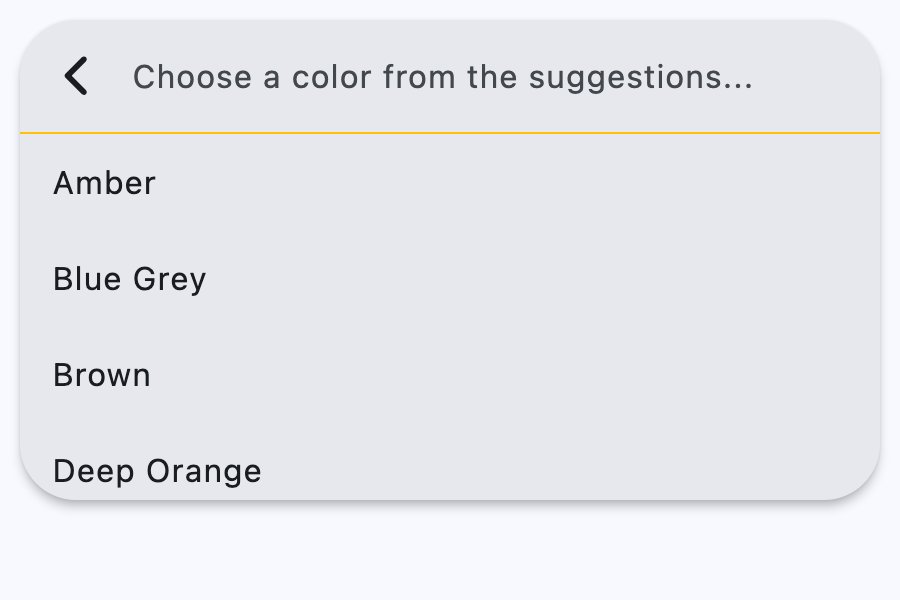](https://docs.flet.dev/test-images/examples/material/golden/macos/search_bar/basic.png)
Properties[#](https://docs.flet.dev/controls/searchbar/#flet.SearchBar-properties "Permanent link")
----------------------------------------------------------------------------------------------------
### autofocus `class-attribute` `instance-attribute` [#](https://docs.flet.dev/controls/searchbar/#flet.SearchBar.autofocus "Permanent link")
`[](https://docs.flet.dev/controls/searchbar/#__codelineno-0-1) autofocus: [bool](https://docs.python.org/3/library/functions.html#bool) = False`
Whether the text field should focus itself if nothing else is already focused.
### bar\_bgcolor `class-attribute` `instance-attribute` [#](https://docs.flet.dev/controls/searchbar/#flet.SearchBar.bar_bgcolor "Permanent link")
`[](https://docs.flet.dev/controls/searchbar/#__codelineno-0-1) bar_bgcolor: [ControlStateValue](https://docs.flet.dev/types/aliases/#flet.ControlStateValue) [[ColorValue](https://docs.flet.dev/types/aliases/#flet.ColorValue) ] | None = None`
Defines the background color of the search bar in all or specific [`ControlState`](https://docs.flet.dev/types/controlstate/#flet.ControlState)
states.
### bar\_border\_side `class-attribute` `instance-attribute` [#](https://docs.flet.dev/controls/searchbar/#flet.SearchBar.bar_border_side "Permanent link")
`[](https://docs.flet.dev/controls/searchbar/#__codelineno-0-1) bar_border_side: [ControlStateValue](https://docs.flet.dev/types/aliases/#flet.ControlStateValue) [[BorderSide](https://docs.flet.dev/types/borderside/#flet.BorderSide) ] | None = None`
The color and weight of the search bar's outline.
This value is combined with [`bar_shape`](https://docs.flet.dev/controls/searchbar/#flet.SearchBar.bar_shape)
to create a shape decorated with an outline.
### bar\_elevation `class-attribute` `instance-attribute` [#](https://docs.flet.dev/controls/searchbar/#flet.SearchBar.bar_elevation "Permanent link")
`[](https://docs.flet.dev/controls/searchbar/#__codelineno-0-1) bar_elevation: [ControlStateValue](https://docs.flet.dev/types/aliases/#flet.ControlStateValue) [[Number](https://docs.flet.dev/types/aliases/#flet.Number) | None] | None = ( [](https://docs.flet.dev/controls/searchbar/#__codelineno-0-2) None [](https://docs.flet.dev/controls/searchbar/#__codelineno-0-3) )`
The elevation of the search bar.
### bar\_hint\_text `class-attribute` `instance-attribute` [#](https://docs.flet.dev/controls/searchbar/#flet.SearchBar.bar_hint_text "Permanent link")
`[](https://docs.flet.dev/controls/searchbar/#__codelineno-0-1) bar_hint_text: [str](https://docs.python.org/3/library/stdtypes.html#str) | None = None`
Defines the text to be shown in the search bar when it is empty and the search view is close.
Usually some text that suggests what sort of input the field accepts.
### bar\_hint\_text\_style `class-attribute` `instance-attribute` [#](https://docs.flet.dev/controls/searchbar/#flet.SearchBar.bar_hint_text_style "Permanent link")
`[](https://docs.flet.dev/controls/searchbar/#__codelineno-0-1) bar_hint_text_style: [ControlStateValue](https://docs.flet.dev/types/aliases/#flet.ControlStateValue) [[TextStyle](https://docs.flet.dev/types/textstyle/#flet.TextStyle) ] | None = ( [](https://docs.flet.dev/controls/searchbar/#__codelineno-0-2) None [](https://docs.flet.dev/controls/searchbar/#__codelineno-0-3) )`
The style to use for the [`SearchBar.bar_hint_text`](https://docs.flet.dev/controls/searchbar/#flet.SearchBar.bar_hint_text)
.
### bar\_leading `class-attribute` `instance-attribute` [#](https://docs.flet.dev/controls/searchbar/#flet.SearchBar.bar_leading "Permanent link")
`[](https://docs.flet.dev/controls/searchbar/#__codelineno-0-1) bar_leading: [Control](https://docs.flet.dev/controls/control/#flet.Control) | None = None`
A control to display before the text input field when the search view is close.
Typically an [`Icon`](https://docs.flet.dev/controls/icon/#flet.Icon)
or an [`IconButton`](https://docs.flet.dev/controls/iconbutton/#flet.IconButton)
.
### bar\_overlay\_color `class-attribute` `instance-attribute` [#](https://docs.flet.dev/controls/searchbar/#flet.SearchBar.bar_overlay_color "Permanent link")
`[](https://docs.flet.dev/controls/searchbar/#__codelineno-0-1) bar_overlay_color: [ControlStateValue](https://docs.flet.dev/types/aliases/#flet.ControlStateValue) [[ColorValue](https://docs.flet.dev/types/aliases/#flet.ColorValue) ] | None = ( [](https://docs.flet.dev/controls/searchbar/#__codelineno-0-2) None [](https://docs.flet.dev/controls/searchbar/#__codelineno-0-3) )`
Defines the highlight color that's typically used to indicate that the search bar is in [`FOCUSED`](https://docs.flet.dev/types/controlstate/#flet.ControlState.FOCUSED)
, [`HOVERED`](https://docs.flet.dev/types/controlstate/#flet.ControlState.HOVERED)
, or [`PRESSED`](https://docs.flet.dev/types/controlstate/#flet.ControlState.PRESSED)
states.
### bar\_padding `class-attribute` `instance-attribute` [#](https://docs.flet.dev/controls/searchbar/#flet.SearchBar.bar_padding "Permanent link")
`[](https://docs.flet.dev/controls/searchbar/#__codelineno-0-1) bar_padding: [ControlStateValue](https://docs.flet.dev/types/aliases/#flet.ControlStateValue) [[PaddingValue](https://docs.flet.dev/types/aliases/#flet.PaddingValue) ] | None = None`
The padding between the search bar's boundary and its contents.
### bar\_scroll\_padding `class-attribute` `instance-attribute` [#](https://docs.flet.dev/controls/searchbar/#flet.SearchBar.bar_scroll_padding "Permanent link")
`[](https://docs.flet.dev/controls/searchbar/#__codelineno-0-1) bar_scroll_padding: [PaddingValue](https://docs.flet.dev/types/aliases/#flet.PaddingValue) = 20`
Configures the padding around a Scrollable when the text field scrolls into view.
If the bar's text field is partially off-screen or covered (e.g., by the keyboard), it scrolls into view, ensuring it is positioned at the specified distance from the Scrollable edges.
### bar\_shadow\_color `class-attribute` `instance-attribute` [#](https://docs.flet.dev/controls/searchbar/#flet.SearchBar.bar_shadow_color "Permanent link")
`[](https://docs.flet.dev/controls/searchbar/#__codelineno-0-1) bar_shadow_color: [ControlStateValue](https://docs.flet.dev/types/aliases/#flet.ControlStateValue) [[ColorValue](https://docs.flet.dev/types/aliases/#flet.ColorValue) ] | None = ( [](https://docs.flet.dev/controls/searchbar/#__codelineno-0-2) None [](https://docs.flet.dev/controls/searchbar/#__codelineno-0-3) )`
The shadow color of the search bar.
### bar\_shape `class-attribute` `instance-attribute` [#](https://docs.flet.dev/controls/searchbar/#flet.SearchBar.bar_shape "Permanent link")
`[](https://docs.flet.dev/controls/searchbar/#__codelineno-0-1) bar_shape: [ControlStateValue](https://docs.flet.dev/types/aliases/#flet.ControlStateValue) [[OutlinedBorder](https://docs.flet.dev/types/outlinedborder/#flet.OutlinedBorder) ] | None = None`
The shape of the search bar.
This shape is combined with [`bar_border_side`](https://docs.flet.dev/controls/searchbar/#flet.SearchBar.bar_border_side)
to create a shape decorated with an outline.
### bar\_size\_constraints `class-attribute` `instance-attribute` [#](https://docs.flet.dev/controls/searchbar/#flet.SearchBar.bar_size_constraints "Permanent link")
`[](https://docs.flet.dev/controls/searchbar/#__codelineno-0-1) bar_size_constraints: [BoxConstraints](https://docs.flet.dev/types/boxconstraints/#flet.BoxConstraints) | None = None`
Optional size constraints for the search bar.
### bar\_text\_style `class-attribute` `instance-attribute` [#](https://docs.flet.dev/controls/searchbar/#flet.SearchBar.bar_text_style "Permanent link")
`[](https://docs.flet.dev/controls/searchbar/#__codelineno-0-1) bar_text_style: [ControlStateValue](https://docs.flet.dev/types/aliases/#flet.ControlStateValue) [[TextStyle](https://docs.flet.dev/types/textstyle/#flet.TextStyle) ] | None = None`
The style to use for the text being edited.
### bar\_trailing `class-attribute` `instance-attribute` [#](https://docs.flet.dev/controls/searchbar/#flet.SearchBar.bar_trailing "Permanent link")
`[](https://docs.flet.dev/controls/searchbar/#__codelineno-0-1) bar_trailing: [list](https://docs.python.org/3/glossary.html#term-list) [[Control](https://docs.flet.dev/controls/control/#flet.Control) ] | None = None`
A list of controls to display after the text input field when the search view is close.
These controls can represent additional modes of searching (e.g voice search), an avatar, or an overflow menu and are usually not more than two.
### capitalization `class-attribute` `instance-attribute` [#](https://docs.flet.dev/controls/searchbar/#flet.SearchBar.capitalization "Permanent link")
`[](https://docs.flet.dev/controls/searchbar/#__codelineno-0-1) capitalization: [TextCapitalization](https://docs.flet.dev/types/textcapitalization/#flet.TextCapitalization) | None = None`
Enables automatic on-the-fly capitalization of entered text.
### controls `class-attribute` `instance-attribute` [#](https://docs.flet.dev/controls/searchbar/#flet.SearchBar.controls "Permanent link")
`[](https://docs.flet.dev/controls/searchbar/#__codelineno-0-1) controls: [list](https://docs.python.org/3/glossary.html#term-list) [[Control](https://docs.flet.dev/controls/control/#flet.Control) ] = [field](https://docs.python.org/3/library/dataclasses.html#dataclasses.field "
[](https://docs.flet.dev/controls/markdown/#__codelineno-1-7)[](https://docs.flet.dev/controls/markdown/#__codelineno-1-8) Flet is a framework for adding server-driven UI (SDUI) experiences to existing Flutter [](https://docs.flet.dev/controls/markdown/#__codelineno-1-9) apps or building standalone web, mobile and desktop apps with Flutter UI. [](https://docs.flet.dev/controls/markdown/#__codelineno-1-10)[](https://docs.flet.dev/controls/markdown/#__codelineno-1-11) Add an interactive `FletApp` widget to your Flutter app whose content is controlled by a remote Python script. [](https://docs.flet.dev/controls/markdown/#__codelineno-1-12) It is an ideal solution for building non-core or frequently changing functionality such as product catalog, feedback form, in-app survey or support chat. Flet enables your team to ship new features faster by reducing the number of App Store validation cycles. Just re-deploy a web app hosting a Python script and your users will get an instant update! [](https://docs.flet.dev/controls/markdown/#__codelineno-1-13)[](https://docs.flet.dev/controls/markdown/#__codelineno-1-14) On the server side Flet provides an easy to learn programming model that enables Python developers without prior Flutter (or even front-end) experience to participate in development of your larger Flutter app or build their own apps with Flutter UI from scratch. [](https://docs.flet.dev/controls/markdown/#__codelineno-1-15)[](https://docs.flet.dev/controls/markdown/#__codelineno-1-16) ## Getting started with Flet [](https://docs.flet.dev/controls/markdown/#__codelineno-1-17)[](https://docs.flet.dev/controls/markdown/#__codelineno-1-18) ### Install `flet` Python module [](https://docs.flet.dev/controls/markdown/#__codelineno-1-19)[](https://docs.flet.dev/controls/markdown/#__codelineno-1-20) Flet requires Python 3.7 or above. To start with Flet, you need to install flet module first: [](https://docs.flet.dev/controls/markdown/#__codelineno-1-21)[](https://docs.flet.dev/controls/markdown/#__codelineno-1-22) ~~~bash [](https://docs.flet.dev/controls/markdown/#__codelineno-1-23) pip install flet [](https://docs.flet.dev/controls/markdown/#__codelineno-1-24) ~~~ [](https://docs.flet.dev/controls/markdown/#__codelineno-1-25)[](https://docs.flet.dev/controls/markdown/#__codelineno-1-26) ### Create Python program [](https://docs.flet.dev/controls/markdown/#__codelineno-1-27)[](https://docs.flet.dev/controls/markdown/#__codelineno-1-28) Create a new Python program using Flet which will be driving the content of `FletApp` widget. [](https://docs.flet.dev/controls/markdown/#__codelineno-1-29)[](https://docs.flet.dev/controls/markdown/#__codelineno-1-30) Let's do a simple `counter.py` app similar to a Flutter new project template: [](https://docs.flet.dev/controls/markdown/#__codelineno-1-31)[](https://docs.flet.dev/controls/markdown/#__codelineno-1-32) ~~~python [](https://docs.flet.dev/controls/markdown/#__codelineno-1-33) import flet [](https://docs.flet.dev/controls/markdown/#__codelineno-1-34) from flet import IconButton, Page, Row, TextField, icons [](https://docs.flet.dev/controls/markdown/#__codelineno-1-35)[](https://docs.flet.dev/controls/markdown/#__codelineno-1-36) def main(page: Page): [](https://docs.flet.dev/controls/markdown/#__codelineno-1-37) page.title = "Flet counter example" [](https://docs.flet.dev/controls/markdown/#__codelineno-1-38) page.vertical_alignment = "center" [](https://docs.flet.dev/controls/markdown/#__codelineno-1-39) [](https://docs.flet.dev/controls/markdown/#__codelineno-1-40) txt_number = TextField(value="0", text_align="right", width=100) [](https://docs.flet.dev/controls/markdown/#__codelineno-1-41) [](https://docs.flet.dev/controls/markdown/#__codelineno-1-42) def minus_click(e): [](https://docs.flet.dev/controls/markdown/#__codelineno-1-43) txt_number.value = int(txt_number.value) - 1 [](https://docs.flet.dev/controls/markdown/#__codelineno-1-44) page.update() [](https://docs.flet.dev/controls/markdown/#__codelineno-1-45) [](https://docs.flet.dev/controls/markdown/#__codelineno-1-46) def plus_click(e): [](https://docs.flet.dev/controls/markdown/#__codelineno-1-47) txt_number.value = int(txt_number.value) + 1 [](https://docs.flet.dev/controls/markdown/#__codelineno-1-48) page.update() [](https://docs.flet.dev/controls/markdown/#__codelineno-1-49) [](https://docs.flet.dev/controls/markdown/#__codelineno-1-50) page.add( [](https://docs.flet.dev/controls/markdown/#__codelineno-1-51) Row( [](https://docs.flet.dev/controls/markdown/#__codelineno-1-52) [ [](https://docs.flet.dev/controls/markdown/#__codelineno-1-53) IconButton(icons.REMOVE, on_click=minus_click), [](https://docs.flet.dev/controls/markdown/#__codelineno-1-54) txt_number, [](https://docs.flet.dev/controls/markdown/#__codelineno-1-55) IconButton(icons.ADD, on_click=plus_click), [](https://docs.flet.dev/controls/markdown/#__codelineno-1-56) ], [](https://docs.flet.dev/controls/markdown/#__codelineno-1-57) alignment="center", [](https://docs.flet.dev/controls/markdown/#__codelineno-1-58) ) [](https://docs.flet.dev/controls/markdown/#__codelineno-1-59) ) [](https://docs.flet.dev/controls/markdown/#__codelineno-1-60)[](https://docs.flet.dev/controls/markdown/#__codelineno-1-61) flet.app(main, port=8550) [](https://docs.flet.dev/controls/markdown/#__codelineno-1-62) ~~~ [](https://docs.flet.dev/controls/markdown/#__codelineno-1-63)[](https://docs.flet.dev/controls/markdown/#__codelineno-1-64) Run the app: [](https://docs.flet.dev/controls/markdown/#__codelineno-1-65)[](https://docs.flet.dev/controls/markdown/#__codelineno-1-66) ~~~bash [](https://docs.flet.dev/controls/markdown/#__codelineno-1-67) python counter.py [](https://docs.flet.dev/controls/markdown/#__codelineno-1-68) ~~~ [](https://docs.flet.dev/controls/markdown/#__codelineno-1-69)[](https://docs.flet.dev/controls/markdown/#__codelineno-1-70) You should see the app running in a native OS window. [](https://docs.flet.dev/controls/markdown/#__codelineno-1-71)[](https://docs.flet.dev/controls/markdown/#__codelineno-1-72) There is a web server (Fletd) running in the background on a fixed port `8550`. Fletd web server is a "bridge" between Python and Flutter. [](https://docs.flet.dev/controls/markdown/#__codelineno-1-73)[](https://docs.flet.dev/controls/markdown/#__codelineno-1-74) `FletApp` widget in your Flutter application will be communicating with Fletd web server via WebSockets to receive UI updates and send user-generated UI events. [](https://docs.flet.dev/controls/markdown/#__codelineno-1-75)[](https://docs.flet.dev/controls/markdown/#__codelineno-1-76) For production use Python app along with Fletd could be [deployed to a public web host](https://docs.flet.dev/publish/web/dynamic-website/) and be accessible via HTTPS with domain name. [](https://docs.flet.dev/controls/markdown/#__codelineno-1-77)[](https://docs.flet.dev/controls/markdown/#__codelineno-1-78) ### Add Flet widget to a Flutter app [](https://docs.flet.dev/controls/markdown/#__codelineno-1-79)[](https://docs.flet.dev/controls/markdown/#__codelineno-1-80) Create a new or open existing Flutter project. [](https://docs.flet.dev/controls/markdown/#__codelineno-1-81)[](https://docs.flet.dev/controls/markdown/#__codelineno-1-82) Install Flutter `flet` package: [](https://docs.flet.dev/controls/markdown/#__codelineno-1-83)[](https://docs.flet.dev/controls/markdown/#__codelineno-1-84) ~~~bash [](https://docs.flet.dev/controls/markdown/#__codelineno-1-85) flutter pub add flet [](https://docs.flet.dev/controls/markdown/#__codelineno-1-86) ~~~ [](https://docs.flet.dev/controls/markdown/#__codelineno-1-87)[](https://docs.flet.dev/controls/markdown/#__codelineno-1-88) For a new project replace `main.dart` with the following: [](https://docs.flet.dev/controls/markdown/#__codelineno-1-89)[](https://docs.flet.dev/controls/markdown/#__codelineno-1-90) ~~~dart [](https://docs.flet.dev/controls/markdown/#__codelineno-1-91) import 'package:flet/flet.dart'; [](https://docs.flet.dev/controls/markdown/#__codelineno-1-92) import 'package:flutter/material.dart'; [](https://docs.flet.dev/controls/markdown/#__codelineno-1-93)[](https://docs.flet.dev/controls/markdown/#__codelineno-1-94) void main() async { [](https://docs.flet.dev/controls/markdown/#__codelineno-1-95) await setupDesktop(); [](https://docs.flet.dev/controls/markdown/#__codelineno-1-96) runApp(const MyApp()); [](https://docs.flet.dev/controls/markdown/#__codelineno-1-97) } [](https://docs.flet.dev/controls/markdown/#__codelineno-1-98)[](https://docs.flet.dev/controls/markdown/#__codelineno-1-99) class MyApp extends StatelessWidget { [](https://docs.flet.dev/controls/markdown/#__codelineno-1-100) const MyApp({super.key}); [](https://docs.flet.dev/controls/markdown/#__codelineno-1-101) [](https://docs.flet.dev/controls/markdown/#__codelineno-1-102) @override [](https://docs.flet.dev/controls/markdown/#__codelineno-1-103) Widget build(BuildContext context) { [](https://docs.flet.dev/controls/markdown/#__codelineno-1-104) return const MaterialApp( [](https://docs.flet.dev/controls/markdown/#__codelineno-1-105) title: 'Flet Flutter Demo', [](https://docs.flet.dev/controls/markdown/#__codelineno-1-106) home: FletApp(pageUrl: "http://localhost:8550"), [](https://docs.flet.dev/controls/markdown/#__codelineno-1-107) ); [](https://docs.flet.dev/controls/markdown/#__codelineno-1-108) } [](https://docs.flet.dev/controls/markdown/#__codelineno-1-109) } [](https://docs.flet.dev/controls/markdown/#__codelineno-1-110) ~~~ [](https://docs.flet.dev/controls/markdown/#__codelineno-1-111)[](https://docs.flet.dev/controls/markdown/#__codelineno-1-112) In the app above `FletApp` widget is hosted inside `MaterialApp` widget. [](https://docs.flet.dev/controls/markdown/#__codelineno-1-113)[](https://docs.flet.dev/controls/markdown/#__codelineno-1-114) If Flet app must be able to handle page route change events (web browser URL changes, mobile app deep linking) it must be the top most widget as it contains its own `MaterialApp` widget handling route changes: [](https://docs.flet.dev/controls/markdown/#__codelineno-1-115)[](https://docs.flet.dev/controls/markdown/#__codelineno-1-116) ~~~dart [](https://docs.flet.dev/controls/markdown/#__codelineno-1-117) import 'package:flet/flet.dart'; [](https://docs.flet.dev/controls/markdown/#__codelineno-1-118) import 'package:flutter/material.dart'; [](https://docs.flet.dev/controls/markdown/#__codelineno-1-119)[](https://docs.flet.dev/controls/markdown/#__codelineno-1-120) void main() async { [](https://docs.flet.dev/controls/markdown/#__codelineno-1-121) await setupDesktop(); [](https://docs.flet.dev/controls/markdown/#__codelineno-1-122) runApp(const FletApp(pageUrl: "http://localhost:8550")); [](https://docs.flet.dev/controls/markdown/#__codelineno-1-123) } [](https://docs.flet.dev/controls/markdown/#__codelineno-1-124) ~~~ [](https://docs.flet.dev/controls/markdown/#__codelineno-1-125)[](https://docs.flet.dev/controls/markdown/#__codelineno-1-126) Run the program and see Flet app running inside a Flutter app. [](https://docs.flet.dev/controls/markdown/#__codelineno-1-127)[](https://docs.flet.dev/controls/markdown/#__codelineno-1-128) When adding `FletApp` widget to the existing desktop Flutter app make sure `setupDesktop()` is called before `runApp()` to initialize Flet's built-in window manager. [](https://docs.flet.dev/controls/markdown/#__codelineno-1-129)[](https://docs.flet.dev/controls/markdown/#__codelineno-1-130) ## Flet learning resources [](https://docs.flet.dev/controls/markdown/#__codelineno-1-131)[](https://docs.flet.dev/controls/markdown/#__codelineno-1-132) * [Getting started for Python](https://docs.flet.dev/getting-started/installation/) [](https://docs.flet.dev/controls/markdown/#__codelineno-1-133) * [Controls reference](https://docs.flet.dev/controls) [](https://docs.flet.dev/controls/markdown/#__codelineno-1-134) * [Tutorials](https://docs.flet.dev/tutorials) [](https://docs.flet.dev/controls/markdown/#__codelineno-1-135) * [Examples](https://github.com/flet-dev/examples/tree/main/python) [](https://docs.flet.dev/controls/markdown/#__codelineno-1-136)[](https://docs.flet.dev/controls/markdown/#__codelineno-1-137) ## Flet community [](https://docs.flet.dev/controls/markdown/#__codelineno-1-138)[](https://docs.flet.dev/controls/markdown/#__codelineno-1-139) * [Discussions](https://github.com/flet-dev/flet/discussions) [](https://docs.flet.dev/controls/markdown/#__codelineno-1-140) * [Discord](https://discord.gg/dzWXP8SHG8) [](https://docs.flet.dev/controls/markdown/#__codelineno-1-141) * [Twitter](https://twitter.com/fletdev) [](https://docs.flet.dev/controls/markdown/#__codelineno-1-142) * [Email](mailto:[[email protected]](https://docs.flet.dev/cdn-cgi/l/email-protection) ) [](https://docs.flet.dev/controls/markdown/#__codelineno-1-143)[](https://docs.flet.dev/controls/markdown/#__codelineno-1-144) ## FAQ [](https://docs.flet.dev/controls/markdown/#__codelineno-1-145)[](https://docs.flet.dev/controls/markdown/#__codelineno-1-146) Coming soon. [](https://docs.flet.dev/controls/markdown/#__codelineno-1-147)[](https://docs.flet.dev/controls/markdown/#__codelineno-1-148) ## Adding custom Flutter widgets [](https://docs.flet.dev/controls/markdown/#__codelineno-1-149)[](https://docs.flet.dev/controls/markdown/#__codelineno-1-150) Coming soon. [](https://docs.flet.dev/controls/markdown/#__codelineno-1-151) """ # noqa: E501 [](https://docs.flet.dev/controls/markdown/#__codelineno-1-152) [](https://docs.flet.dev/controls/markdown/#__codelineno-1-153)[](https://docs.flet.dev/controls/markdown/#__codelineno-1-154) def main(page: ft.Page): [](https://docs.flet.dev/controls/markdown/#__codelineno-1-155) page.scroll = ft.ScrollMode.AUTO [](https://docs.flet.dev/controls/markdown/#__codelineno-1-156) [](https://docs.flet.dev/controls/markdown/#__codelineno-1-157) page.fonts = { [](https://docs.flet.dev/controls/markdown/#__codelineno-1-158) "Roboto Mono": "RobotoMono-VariableFont_wght.ttf", [](https://docs.flet.dev/controls/markdown/#__codelineno-1-159) } [](https://docs.flet.dev/controls/markdown/#__codelineno-1-160) [](https://docs.flet.dev/controls/markdown/#__codelineno-1-161) async def navigate_md_link(e: ft.Event[ft.Markdown]): [](https://docs.flet.dev/controls/markdown/#__codelineno-1-162) await page.launch_url(e.data) [](https://docs.flet.dev/controls/markdown/#__codelineno-1-163) [](https://docs.flet.dev/controls/markdown/#__codelineno-1-164) page.add( [](https://docs.flet.dev/controls/markdown/#__codelineno-1-165) ft.Markdown( [](https://docs.flet.dev/controls/markdown/#__codelineno-1-166) value=sample, [](https://docs.flet.dev/controls/markdown/#__codelineno-1-167) selectable=True, [](https://docs.flet.dev/controls/markdown/#__codelineno-1-168) extension_set=ft.MarkdownExtensionSet.GITHUB_WEB, [](https://docs.flet.dev/controls/markdown/#__codelineno-1-169) code_theme=ft.MarkdownCodeTheme.ATOM_ONE_DARK, [](https://docs.flet.dev/controls/markdown/#__codelineno-1-170) code_style_sheet=ft.MarkdownStyleSheet( [](https://docs.flet.dev/controls/markdown/#__codelineno-1-171) code_text_style=ft.TextStyle(font_family="Roboto Mono") [](https://docs.flet.dev/controls/markdown/#__codelineno-1-172) ), [](https://docs.flet.dev/controls/markdown/#__codelineno-1-173) on_tap_link=navigate_md_link, [](https://docs.flet.dev/controls/markdown/#__codelineno-1-174) ) [](https://docs.flet.dev/controls/markdown/#__codelineno-1-175) ) [](https://docs.flet.dev/controls/markdown/#__codelineno-1-176) [](https://docs.flet.dev/controls/markdown/#__codelineno-1-177)[](https://docs.flet.dev/controls/markdown/#__codelineno-1-178) ft.run(main)``
[](https://docs.flet.dev/examples/controls/markdown/media/code_syntax_highlight.png)
### Custom text theme[#](https://docs.flet.dev/controls/markdown/#custom-text-theme "Permanent link")
`[](https://docs.flet.dev/controls/markdown/#__codelineno-2-1) import flet as ft [](https://docs.flet.dev/controls/markdown/#__codelineno-2-2) [](https://docs.flet.dev/controls/markdown/#__codelineno-2-3)[](https://docs.flet.dev/controls/markdown/#__codelineno-2-4) def main(page: ft.Page): [](https://docs.flet.dev/controls/markdown/#__codelineno-2-5) page.theme_mode = ft.ThemeMode.DARK [](https://docs.flet.dev/controls/markdown/#__codelineno-2-6) [](https://docs.flet.dev/controls/markdown/#__codelineno-2-7) def change_theme_mode(e: ft.Event[ft.Switch]): [](https://docs.flet.dev/controls/markdown/#__codelineno-2-8) if page.theme_mode == ft.ThemeMode.DARK: [](https://docs.flet.dev/controls/markdown/#__codelineno-2-9) page.theme_mode = ft.ThemeMode.LIGHT [](https://docs.flet.dev/controls/markdown/#__codelineno-2-10) switch.thumb_icon = ft.Icons.LIGHT_MODE [](https://docs.flet.dev/controls/markdown/#__codelineno-2-11) else: [](https://docs.flet.dev/controls/markdown/#__codelineno-2-12) switch.thumb_icon = ft.Icons.DARK_MODE [](https://docs.flet.dev/controls/markdown/#__codelineno-2-13) page.theme_mode = ft.ThemeMode.DARK [](https://docs.flet.dev/controls/markdown/#__codelineno-2-14) page.update() [](https://docs.flet.dev/controls/markdown/#__codelineno-2-15) [](https://docs.flet.dev/controls/markdown/#__codelineno-2-16) switch = ft.Switch(thumb_icon=ft.Icons.DARK_MODE, on_change=change_theme_mode) [](https://docs.flet.dev/controls/markdown/#__codelineno-2-17) [](https://docs.flet.dev/controls/markdown/#__codelineno-2-18) page.add( [](https://docs.flet.dev/controls/markdown/#__codelineno-2-19) ft.Row( [](https://docs.flet.dev/controls/markdown/#__codelineno-2-20) alignment=ft.MainAxisAlignment.SPACE_BETWEEN, [](https://docs.flet.dev/controls/markdown/#__codelineno-2-21) controls=[ [](https://docs.flet.dev/controls/markdown/#__codelineno-2-22) ft.Container( [](https://docs.flet.dev/controls/markdown/#__codelineno-2-23) content=ft.Markdown("I can read this!"), [](https://docs.flet.dev/controls/markdown/#__codelineno-2-24) bgcolor="#550000", [](https://docs.flet.dev/controls/markdown/#__codelineno-2-25) padding=20, [](https://docs.flet.dev/controls/markdown/#__codelineno-2-26) theme=ft.Theme( [](https://docs.flet.dev/controls/markdown/#__codelineno-2-27) text_theme=ft.TextTheme( [](https://docs.flet.dev/controls/markdown/#__codelineno-2-28) body_medium=ft.TextStyle(color=ft.Colors.WHITE), [](https://docs.flet.dev/controls/markdown/#__codelineno-2-29) body_large=ft.TextStyle(color=ft.Colors.WHITE), [](https://docs.flet.dev/controls/markdown/#__codelineno-2-30) body_small=ft.TextStyle(color=ft.Colors.WHITE), [](https://docs.flet.dev/controls/markdown/#__codelineno-2-31) ) [](https://docs.flet.dev/controls/markdown/#__codelineno-2-32) ), [](https://docs.flet.dev/controls/markdown/#__codelineno-2-33) ), [](https://docs.flet.dev/controls/markdown/#__codelineno-2-34) ft.Container( [](https://docs.flet.dev/controls/markdown/#__codelineno-2-35) content=switch, [](https://docs.flet.dev/controls/markdown/#__codelineno-2-36) padding=ft.Padding.only(bottom=50), [](https://docs.flet.dev/controls/markdown/#__codelineno-2-37) alignment=ft.Alignment.TOP_RIGHT, [](https://docs.flet.dev/controls/markdown/#__codelineno-2-38) ), [](https://docs.flet.dev/controls/markdown/#__codelineno-2-39) ], [](https://docs.flet.dev/controls/markdown/#__codelineno-2-40) ) [](https://docs.flet.dev/controls/markdown/#__codelineno-2-41) ) [](https://docs.flet.dev/controls/markdown/#__codelineno-2-42) [](https://docs.flet.dev/controls/markdown/#__codelineno-2-43)[](https://docs.flet.dev/controls/markdown/#__codelineno-2-44) ft.run(main)`
Properties[#](https://docs.flet.dev/controls/markdown/#flet.Markdown-properties "Permanent link")
--------------------------------------------------------------------------------------------------
### auto\_follow\_links `class-attribute` `instance-attribute` [#](https://docs.flet.dev/controls/markdown/#flet.Markdown.auto_follow_links "Permanent link")
`[](https://docs.flet.dev/controls/markdown/#__codelineno-0-1) auto_follow_links: [bool](https://docs.python.org/3/library/functions.html#bool) = False`
Automatically open URLs in the document.
If registered, `on_tap_link` event is fired after that.
### auto\_follow\_links\_target `class-attribute` `instance-attribute` [#](https://docs.flet.dev/controls/markdown/#flet.Markdown.auto_follow_links_target "Permanent link")
`[](https://docs.flet.dev/controls/markdown/#__codelineno-0-1) auto_follow_links_target: [UrlTarget](https://docs.flet.dev/types/urltarget/#flet.UrlTarget) | None = None`
Where to open URL in the web mode.
### code\_style\_sheet `class-attribute` `instance-attribute` [#](https://docs.flet.dev/controls/markdown/#flet.Markdown.code_style_sheet "Permanent link")
`[](https://docs.flet.dev/controls/markdown/#__codelineno-0-1) code_style_sheet: [MarkdownStyleSheet](https://docs.flet.dev/types/markdownstylesheet/#flet.MarkdownStyleSheet) | None = None`
The styles to use when displaying the code blocks.
### code\_theme `class-attribute` `instance-attribute` [#](https://docs.flet.dev/controls/markdown/#flet.Markdown.code_theme "Permanent link")
`[](https://docs.flet.dev/controls/markdown/#__codelineno-0-1) code_theme: ( [](https://docs.flet.dev/controls/markdown/#__codelineno-0-2) [MarkdownCodeTheme](https://docs.flet.dev/types/markdowncodetheme/#flet.MarkdownCodeTheme) | [MarkdownCustomCodeTheme](https://docs.flet.dev/types/markdowncustomcodetheme/#flet.MarkdownCustomCodeTheme) | None [](https://docs.flet.dev/controls/markdown/#__codelineno-0-3) ) = None`
A syntax highlighting theme for code blocks.
Defaults to `MarkdownCodeTheme.GITHUB`.
### extension\_set `class-attribute` `instance-attribute` [#](https://docs.flet.dev/controls/markdown/#flet.Markdown.extension_set "Permanent link")
`[](https://docs.flet.dev/controls/markdown/#__codelineno-0-1) extension_set: [MarkdownExtensionSet](https://docs.flet.dev/types/markdownextensionset/#flet.MarkdownExtensionSet) = [NONE](https://docs.flet.dev/types/markdownextensionset/#flet.MarkdownExtensionSet.NONE)`
The extensions to use when rendering the markdown content.
### fit\_content `class-attribute` `instance-attribute` [#](https://docs.flet.dev/controls/markdown/#flet.Markdown.fit_content "Permanent link")
`[](https://docs.flet.dev/controls/markdown/#__codelineno-0-1) fit_content: [bool](https://docs.python.org/3/library/functions.html#bool) = True`
Whether to allow the widget to fit the child content.
### image\_error\_content `class-attribute` `instance-attribute` [#](https://docs.flet.dev/controls/markdown/#flet.Markdown.image_error_content "Permanent link")
`[](https://docs.flet.dev/controls/markdown/#__codelineno-0-1) image_error_content: [Control](https://docs.flet.dev/controls/control/#flet.Control) | None = None`
The control to display when an image fails to load.
### latex\_scale\_factor `class-attribute` `instance-attribute` [#](https://docs.flet.dev/controls/markdown/#flet.Markdown.latex_scale_factor "Permanent link")
`[](https://docs.flet.dev/controls/markdown/#__codelineno-0-1) latex_scale_factor: [float](https://docs.python.org/3/library/functions.html#float) | None = None`
The scale factor for LaTeX formulas rendering. Controls the size of rendered mathematical expressions.
### latex\_style `class-attribute` `instance-attribute` [#](https://docs.flet.dev/controls/markdown/#flet.Markdown.latex_style "Permanent link")
`[](https://docs.flet.dev/controls/markdown/#__codelineno-0-1) latex_style: [TextStyle](https://docs.flet.dev/types/textstyle/#flet.TextStyle) | None = None`
The text style to apply to LaTeX formulas. Allows customization of font, color, and other text properties for mathematical expressions.
### md\_style\_sheet `class-attribute` `instance-attribute` [#](https://docs.flet.dev/controls/markdown/#flet.Markdown.md_style_sheet "Permanent link")
`[](https://docs.flet.dev/controls/markdown/#__codelineno-0-1) md_style_sheet: [MarkdownStyleSheet](https://docs.flet.dev/types/markdownstylesheet/#flet.MarkdownStyleSheet) | None = None`
The styles to use when displaying the markdown.
### selectable `class-attribute` `instance-attribute` [#](https://docs.flet.dev/controls/markdown/#flet.Markdown.selectable "Permanent link")
`[](https://docs.flet.dev/controls/markdown/#__codelineno-0-1) selectable: [bool](https://docs.python.org/3/library/functions.html#bool) = False`
Whether rendered text is selectable or not.
### shrink\_wrap `class-attribute` `instance-attribute` [#](https://docs.flet.dev/controls/markdown/#flet.Markdown.shrink_wrap "Permanent link")
`[](https://docs.flet.dev/controls/markdown/#__codelineno-0-1) shrink_wrap: [bool](https://docs.python.org/3/library/functions.html#bool) = True`
Whether the extent of the scroll view in the scroll direction should be determined by the contents being viewed.
### soft\_line\_break `class-attribute` `instance-attribute` [#](https://docs.flet.dev/controls/markdown/#flet.Markdown.soft_line_break "Permanent link")
`[](https://docs.flet.dev/controls/markdown/#__codelineno-0-1) soft_line_break: [bool](https://docs.python.org/3/library/functions.html#bool) = False`
The soft line break is used to identify the spaces at the end of a line of text and the leading spaces in the immediately following the line of text.
### value `class-attribute` `instance-attribute` [#](https://docs.flet.dev/controls/markdown/#flet.Markdown.value "Permanent link")
`[](https://docs.flet.dev/controls/markdown/#__codelineno-0-1) value: [str](https://docs.python.org/3/library/stdtypes.html#str) = ''`
Markdown content to render.
Events[#](https://docs.flet.dev/controls/markdown/#flet.Markdown-events "Permanent link")
------------------------------------------------------------------------------------------
### on\_selection\_change `class-attribute` `instance-attribute` [#](https://docs.flet.dev/controls/markdown/#flet.Markdown.on_selection_change "Permanent link")
`[](https://docs.flet.dev/controls/markdown/#__codelineno-0-1) on_selection_change: ( [](https://docs.flet.dev/controls/markdown/#__codelineno-0-2) [EventHandler](https://docs.flet.dev/types/aliases/#flet.EventHandler) [[TextSelectionChangeEvent](https://docs.flet.dev/types/textselectionchangeevent/#flet.TextSelectionChangeEvent) [[Markdown](https://docs.flet.dev/controls/markdown/#flet.Markdown) ]] | None [](https://docs.flet.dev/controls/markdown/#__codelineno-0-3) ) = None`
Called when the text selection changes.
### on\_tap\_link `class-attribute` `instance-attribute` [#](https://docs.flet.dev/controls/markdown/#flet.Markdown.on_tap_link "Permanent link")
`[](https://docs.flet.dev/controls/markdown/#__codelineno-0-1) on_tap_link: [ControlEventHandler](https://docs.flet.dev/types/aliases/#flet.ControlEventHandler) [[Markdown](https://docs.flet.dev/controls/markdown/#flet.Markdown) ] | None = None`
Called when a link within Markdown document is clicked/tapped.
The [`data`](https://docs.flet.dev/types/event/#flet.Event.data)
property of the event handler argument contains the clickedURL.
Example: [https://github.com/flet-dev/examples/blob/main/python/controls/information-displays/markdown/markdown-event-example.py](https://github.com/flet-dev/examples/blob/main/python/controls/information-displays/markdown/markdown-event-example.py)
### on\_tap\_text `class-attribute` `instance-attribute` [#](https://docs.flet.dev/controls/markdown/#flet.Markdown.on_tap_text "Permanent link")
`[](https://docs.flet.dev/controls/markdown/#__codelineno-0-1) on_tap_text: [ControlEventHandler](https://docs.flet.dev/types/aliases/#flet.ControlEventHandler) [[Markdown](https://docs.flet.dev/controls/markdown/#flet.Markdown) ] | None = None`
Called when some text is clicked/tapped.
Back to top
---
# SearchBar - Flet
[Skip to content](https://docs.flet.dev/controls/searchbar/#flet.SearchBar)
SearchBar
=========
Manages a "search view" route that allows the user to select one of the suggested completions for a search query.
`[](https://docs.flet.dev/controls/searchbar/#__codelineno-0-1) ft.SearchBar(bar_hint_text="Search...")`
[](https://docs.flet.dev/test-images/examples/material/golden/macos/search_bar/image_for_docs.png)
Basic search bar
Inherits: `[LayoutControl](https://docs.flet.dev/controls/layoutcontrol/#flet.LayoutControl) `
Properties
* **`[autofocus](https://docs.flet.dev/controls/searchbar/#flet.SearchBar.autofocus) `**(`[bool](https://docs.python.org/3/library/functions.html#bool) `) –
Whether the text field should focus itself if nothing else is already focused.
* **`[bar_bgcolor](https://docs.flet.dev/controls/searchbar/#flet.SearchBar.bar_bgcolor) `**(`[ControlStateValue](https://docs.flet.dev/types/aliases/#flet.ControlStateValue) [[ColorValue](https://docs.flet.dev/types/aliases/#flet.ColorValue) ] | None`) –
Defines the background color of the search bar in all or specific [`ControlState`](https://docs.flet.dev/types/controlstate/#flet.ControlState)
states.
* **`[bar_border_side](https://docs.flet.dev/controls/searchbar/#flet.SearchBar.bar_border_side) `**(`[ControlStateValue](https://docs.flet.dev/types/aliases/#flet.ControlStateValue) [[BorderSide](https://docs.flet.dev/types/borderside/#flet.BorderSide) ] | None`) –
The color and weight of the search bar's outline.
* **`[bar_elevation](https://docs.flet.dev/controls/searchbar/#flet.SearchBar.bar_elevation) `**(`[ControlStateValue](https://docs.flet.dev/types/aliases/#flet.ControlStateValue) [[Number](https://docs.flet.dev/types/aliases/#flet.Number) | None] | None`) –
The elevation of the search bar.
* **`[bar_hint_text](https://docs.flet.dev/controls/searchbar/#flet.SearchBar.bar_hint_text) `**(`[str](https://docs.python.org/3/library/stdtypes.html#str) | None`) –
Defines the text to be shown in the search bar when it is empty and the search view is close.
* **`[bar_hint_text_style](https://docs.flet.dev/controls/searchbar/#flet.SearchBar.bar_hint_text_style) `**(`[ControlStateValue](https://docs.flet.dev/types/aliases/#flet.ControlStateValue) [[TextStyle](https://docs.flet.dev/types/textstyle/#flet.TextStyle) ] | None`) –
The style to use for the [`SearchBar.bar_hint_text`](https://docs.flet.dev/controls/searchbar/#flet.SearchBar.bar_hint_text)
.
* **`[bar_leading](https://docs.flet.dev/controls/searchbar/#flet.SearchBar.bar_leading) `**(`[Control](https://docs.flet.dev/controls/control/#flet.Control) | None`) –
A control to display before the text input field when the search view is close.
* **`[bar_overlay_color](https://docs.flet.dev/controls/searchbar/#flet.SearchBar.bar_overlay_color) `**(`[ControlStateValue](https://docs.flet.dev/types/aliases/#flet.ControlStateValue) [[ColorValue](https://docs.flet.dev/types/aliases/#flet.ColorValue) ] | None`) –
Defines the highlight color that's typically used to indicate that the search bar is in [`FOCUSED`](https://docs.flet.dev/types/controlstate/#flet.ControlState.FOCUSED)
, [`HOVERED`](https://docs.flet.dev/types/controlstate/#flet.ControlState.HOVERED)
, or [`PRESSED`](https://docs.flet.dev/types/controlstate/#flet.ControlState.PRESSED)
states.
* **`[bar_padding](https://docs.flet.dev/controls/searchbar/#flet.SearchBar.bar_padding) `**(`[ControlStateValue](https://docs.flet.dev/types/aliases/#flet.ControlStateValue) [[PaddingValue](https://docs.flet.dev/types/aliases/#flet.PaddingValue) ] | None`) –
The padding between the search bar's boundary and its contents.
* **`[bar_scroll_padding](https://docs.flet.dev/controls/searchbar/#flet.SearchBar.bar_scroll_padding) `**(`[PaddingValue](https://docs.flet.dev/types/aliases/#flet.PaddingValue) `) –
Configures the padding around a Scrollable when the text field scrolls into view.
* **`[bar_shadow_color](https://docs.flet.dev/controls/searchbar/#flet.SearchBar.bar_shadow_color) `**(`[ControlStateValue](https://docs.flet.dev/types/aliases/#flet.ControlStateValue) [[ColorValue](https://docs.flet.dev/types/aliases/#flet.ColorValue) ] | None`) –
The shadow color of the search bar.
* **`[bar_shape](https://docs.flet.dev/controls/searchbar/#flet.SearchBar.bar_shape) `**(`[ControlStateValue](https://docs.flet.dev/types/aliases/#flet.ControlStateValue) [[OutlinedBorder](https://docs.flet.dev/types/outlinedborder/#flet.OutlinedBorder) ] | None`) –
The shape of the search bar.
* **`[bar_size_constraints](https://docs.flet.dev/controls/searchbar/#flet.SearchBar.bar_size_constraints) `**(`[BoxConstraints](https://docs.flet.dev/types/boxconstraints/#flet.BoxConstraints) | None`) –
Optional size constraints for the search bar.
* **`[bar_text_style](https://docs.flet.dev/controls/searchbar/#flet.SearchBar.bar_text_style) `**(`[ControlStateValue](https://docs.flet.dev/types/aliases/#flet.ControlStateValue) [[TextStyle](https://docs.flet.dev/types/textstyle/#flet.TextStyle) ] | None`) –
The style to use for the text being edited.
* **`[bar_trailing](https://docs.flet.dev/controls/searchbar/#flet.SearchBar.bar_trailing) `**(`[list](https://docs.python.org/3/glossary.html#term-list) [[Control](https://docs.flet.dev/controls/control/#flet.Control) ] | None`) –
A list of controls to display after the text input field when the search view is close.
* **`[capitalization](https://docs.flet.dev/controls/searchbar/#flet.SearchBar.capitalization) `**(`[TextCapitalization](https://docs.flet.dev/types/textcapitalization/#flet.TextCapitalization) | None`) –
Enables automatic on-the-fly capitalization of entered text.
* **`[controls](https://docs.flet.dev/controls/searchbar/#flet.SearchBar.controls) `**(`[list](https://docs.python.org/3/glossary.html#term-list) [[Control](https://docs.flet.dev/controls/control/#flet.Control) ]`) –
The list of controls to be displayed below the search bar when in search view.
* **`[divider_color](https://docs.flet.dev/controls/searchbar/#flet.SearchBar.divider_color) `**(`[ColorValue](https://docs.flet.dev/types/aliases/#flet.ColorValue) | None`) –
The color of the divider when in search view.
* **`[full_screen](https://docs.flet.dev/controls/searchbar/#flet.SearchBar.full_screen) `**(`[bool](https://docs.python.org/3/library/functions.html#bool) `) –
Defines whether the search view grows to fill the entire screen when the search bar is tapped.
* **`[keyboard_type](https://docs.flet.dev/controls/searchbar/#flet.SearchBar.keyboard_type) `**(`[KeyboardType](https://docs.flet.dev/types/keyboardtype/#flet.KeyboardType) `) –
The type of action button to use for the keyboard.
* **`[shrink_wrap](https://docs.flet.dev/controls/searchbar/#flet.SearchBar.shrink_wrap) `**(`[bool](https://docs.python.org/3/library/functions.html#bool) | None`) –
Whether the search view should shrink-wrap its contents.
* **`[value](https://docs.flet.dev/controls/searchbar/#flet.SearchBar.value) `**(`[str](https://docs.python.org/3/library/stdtypes.html#str) `) –
The text in the search bar.
* **`[view_bar_padding](https://docs.flet.dev/controls/searchbar/#flet.SearchBar.view_bar_padding) `**(`[PaddingValue](https://docs.flet.dev/types/aliases/#flet.PaddingValue) | None`) –
The padding to use for the search view's search bar.
* **`[view_bgcolor](https://docs.flet.dev/controls/searchbar/#flet.SearchBar.view_bgcolor) `**(`[ColorValue](https://docs.flet.dev/types/aliases/#flet.ColorValue) | None`) –
Defines the background color of the search view.
* **`[view_elevation](https://docs.flet.dev/controls/searchbar/#flet.SearchBar.view_elevation) `**(`[Number](https://docs.flet.dev/types/aliases/#flet.Number) | None`) –
Defines the elevation of the search view.
* **`[view_header_height](https://docs.flet.dev/controls/searchbar/#flet.SearchBar.view_header_height) `**(`[Number](https://docs.flet.dev/types/aliases/#flet.Number) | None`) –
The height of the search field on the search view.
* **`[view_header_text_style](https://docs.flet.dev/controls/searchbar/#flet.SearchBar.view_header_text_style) `**(`[TextStyle](https://docs.flet.dev/types/textstyle/#flet.TextStyle) | None`) –
Defines the text style of the text being edited on the search view.
* **`[view_hint_text](https://docs.flet.dev/controls/searchbar/#flet.SearchBar.view_hint_text) `**(`[str](https://docs.python.org/3/library/stdtypes.html#str) | None`) –
Defines the text to be displayed when the search bar's input field is empty.
* **`[view_hint_text_style](https://docs.flet.dev/controls/searchbar/#flet.SearchBar.view_hint_text_style) `**(`[TextStyle](https://docs.flet.dev/types/textstyle/#flet.TextStyle) | None`) –
Defines the text style of [`view_hint_text`](https://docs.flet.dev/controls/searchbar/#flet.SearchBar.view_hint_text)
.
* **`[view_leading](https://docs.flet.dev/controls/searchbar/#flet.SearchBar.view_leading) `**(`[Control](https://docs.flet.dev/controls/control/#flet.Control) | None`) –
A `Control` to display before the text input field when the search view is open.
* **`[view_padding](https://docs.flet.dev/controls/searchbar/#flet.SearchBar.view_padding) `**(`[PaddingValue](https://docs.flet.dev/types/aliases/#flet.PaddingValue) | None`) –
The padding to use for the search view.
* **`[view_shape](https://docs.flet.dev/controls/searchbar/#flet.SearchBar.view_shape) `**(`[OutlinedBorder](https://docs.flet.dev/types/outlinedborder/#flet.OutlinedBorder) | None`) –
Defines the shape of the search view.
* **`[view_side](https://docs.flet.dev/controls/searchbar/#flet.SearchBar.view_side) `**(`[BorderSide](https://docs.flet.dev/types/borderside/#flet.BorderSide) | None`) –
Defines the color and weight of the search view's outline.
* **`[view_size_constraints](https://docs.flet.dev/controls/searchbar/#flet.SearchBar.view_size_constraints) `**(`[BoxConstraints](https://docs.flet.dev/types/boxconstraints/#flet.BoxConstraints) | None`) –
Optional size constraints for the search view.
* **`[view_trailing](https://docs.flet.dev/controls/searchbar/#flet.SearchBar.view_trailing) `**(`[list](https://docs.python.org/3/glossary.html#term-list) [[Control](https://docs.flet.dev/controls/control/#flet.Control) ] | None`) –
A list of `Control`s to display after the text input field when the search view is open.
Events
* **`[on_blur](https://docs.flet.dev/controls/searchbar/#flet.SearchBar.on_blur) `**(`[ControlEventHandler](https://docs.flet.dev/types/aliases/#flet.ControlEventHandler) [[SearchBar](https://docs.flet.dev/controls/searchbar/#flet.SearchBar) ] | None`) –
Fired when the search bar loses focus.
* **`[on_change](https://docs.flet.dev/controls/searchbar/#flet.SearchBar.on_change) `**(`[ControlEventHandler](https://docs.flet.dev/types/aliases/#flet.ControlEventHandler) [[SearchBar](https://docs.flet.dev/controls/searchbar/#flet.SearchBar) ] | None`) –
Called when the typed input in the search bar has changed.
* **`[on_focus](https://docs.flet.dev/controls/searchbar/#flet.SearchBar.on_focus) `**(`[ControlEventHandler](https://docs.flet.dev/types/aliases/#flet.ControlEventHandler) [[SearchBar](https://docs.flet.dev/controls/searchbar/#flet.SearchBar) ] | None`) –
Fired when the search bar gains focus.
* **`[on_submit](https://docs.flet.dev/controls/searchbar/#flet.SearchBar.on_submit) `**(`[ControlEventHandler](https://docs.flet.dev/types/aliases/#flet.ControlEventHandler) [[SearchBar](https://docs.flet.dev/controls/searchbar/#flet.SearchBar) ] | None`) –
Called when user presses ENTER while focus is on SearchBar.
* **`[on_tap](https://docs.flet.dev/controls/searchbar/#flet.SearchBar.on_tap) `**(`[ControlEventHandler](https://docs.flet.dev/types/aliases/#flet.ControlEventHandler) [[SearchBar](https://docs.flet.dev/controls/searchbar/#flet.SearchBar) ] | None`) –
Called when the search bar is tapped.
* **`[on_tap_outside_bar](https://docs.flet.dev/controls/searchbar/#flet.SearchBar.on_tap_outside_bar) `**(`[ControlEventHandler](https://docs.flet.dev/types/aliases/#flet.ControlEventHandler) [[SearchBar](https://docs.flet.dev/controls/searchbar/#flet.SearchBar) ] | None`) –
Fired when the user taps outside the search bar while the search view is open.
Methods
* **`[close_view](https://docs.flet.dev/controls/searchbar/#flet.SearchBar.close_view) `** –
Closes an opened search view.
* **`[focus](https://docs.flet.dev/controls/searchbar/#flet.SearchBar.focus) `** –
Requests focus for this control.
* **`[open_view](https://docs.flet.dev/controls/searchbar/#flet.SearchBar.open_view) `** –
Opens the search view.
Examples[#](https://docs.flet.dev/controls/searchbar/#examples "Permanent link")
---------------------------------------------------------------------------------
[Live example](https://flet-controls-gallery.fly.dev/input/searchbar)
### Basic Example[#](https://docs.flet.dev/controls/searchbar/#basic-example "Permanent link")
`[](https://docs.flet.dev/controls/searchbar/#__codelineno-0-1) import flet as ft [](https://docs.flet.dev/controls/searchbar/#__codelineno-0-2)[](https://docs.flet.dev/controls/searchbar/#__codelineno-0-3) colors = [ [](https://docs.flet.dev/controls/searchbar/#__codelineno-0-4) "Amber", [](https://docs.flet.dev/controls/searchbar/#__codelineno-0-5) "Blue Grey", [](https://docs.flet.dev/controls/searchbar/#__codelineno-0-6) "Brown", [](https://docs.flet.dev/controls/searchbar/#__codelineno-0-7) "Deep Orange", [](https://docs.flet.dev/controls/searchbar/#__codelineno-0-8) "Green", [](https://docs.flet.dev/controls/searchbar/#__codelineno-0-9) "Light Blue", [](https://docs.flet.dev/controls/searchbar/#__codelineno-0-10) "Orange", [](https://docs.flet.dev/controls/searchbar/#__codelineno-0-11) "Red", [](https://docs.flet.dev/controls/searchbar/#__codelineno-0-12) ] [](https://docs.flet.dev/controls/searchbar/#__codelineno-0-13) [](https://docs.flet.dev/controls/searchbar/#__codelineno-0-14)[](https://docs.flet.dev/controls/searchbar/#__codelineno-0-15) def main(page: ft.Page): [](https://docs.flet.dev/controls/searchbar/#__codelineno-0-16) page.horizontal_alignment = ft.CrossAxisAlignment.CENTER [](https://docs.flet.dev/controls/searchbar/#__codelineno-0-17) [](https://docs.flet.dev/controls/searchbar/#__codelineno-0-18) def build_tiles(items: list[str]) -> list[ft.Control]: [](https://docs.flet.dev/controls/searchbar/#__codelineno-0-19) return [ [](https://docs.flet.dev/controls/searchbar/#__codelineno-0-20) ft.ListTile( [](https://docs.flet.dev/controls/searchbar/#__codelineno-0-21) title=ft.Text(item), [](https://docs.flet.dev/controls/searchbar/#__codelineno-0-22) data=item, [](https://docs.flet.dev/controls/searchbar/#__codelineno-0-23) on_click=handle_tile_click, [](https://docs.flet.dev/controls/searchbar/#__codelineno-0-24) ) [](https://docs.flet.dev/controls/searchbar/#__codelineno-0-25) for item in items [](https://docs.flet.dev/controls/searchbar/#__codelineno-0-26) ] [](https://docs.flet.dev/controls/searchbar/#__codelineno-0-27) [](https://docs.flet.dev/controls/searchbar/#__codelineno-0-28) async def handle_tile_click(e: ft.Event[ft.ListTile]): [](https://docs.flet.dev/controls/searchbar/#__codelineno-0-29) await anchor.close_view() [](https://docs.flet.dev/controls/searchbar/#__codelineno-0-30) [](https://docs.flet.dev/controls/searchbar/#__codelineno-0-31) async def handle_change(e: ft.Event[ft.SearchBar]): [](https://docs.flet.dev/controls/searchbar/#__codelineno-0-32) query = e.control.value.strip().lower() [](https://docs.flet.dev/controls/searchbar/#__codelineno-0-33) matching = ( [](https://docs.flet.dev/controls/searchbar/#__codelineno-0-34) [color for color in colors if query in color.lower()] if query else colors [](https://docs.flet.dev/controls/searchbar/#__codelineno-0-35) ) [](https://docs.flet.dev/controls/searchbar/#__codelineno-0-36) anchor.controls = build_tiles(matching) [](https://docs.flet.dev/controls/searchbar/#__codelineno-0-37) [](https://docs.flet.dev/controls/searchbar/#__codelineno-0-38) def handle_submit(e: ft.Event[ft.SearchBar]): [](https://docs.flet.dev/controls/searchbar/#__codelineno-0-39) print(f"Submit: {e.data}") [](https://docs.flet.dev/controls/searchbar/#__codelineno-0-40) [](https://docs.flet.dev/controls/searchbar/#__codelineno-0-41) async def handle_tap(e: ft.Event[ft.SearchBar]): [](https://docs.flet.dev/controls/searchbar/#__codelineno-0-42) await anchor.open_view() [](https://docs.flet.dev/controls/searchbar/#__codelineno-0-43) [](https://docs.flet.dev/controls/searchbar/#__codelineno-0-44) page.add( [](https://docs.flet.dev/controls/searchbar/#__codelineno-0-45) anchor := ft.SearchBar( [](https://docs.flet.dev/controls/searchbar/#__codelineno-0-46) view_elevation=4, [](https://docs.flet.dev/controls/searchbar/#__codelineno-0-47) divider_color=ft.Colors.AMBER, [](https://docs.flet.dev/controls/searchbar/#__codelineno-0-48) bar_hint_text="Search colors...", [](https://docs.flet.dev/controls/searchbar/#__codelineno-0-49) view_hint_text="Choose a color from the suggestions...", [](https://docs.flet.dev/controls/searchbar/#__codelineno-0-50) on_change=handle_change, [](https://docs.flet.dev/controls/searchbar/#__codelineno-0-51) on_submit=handle_submit, [](https://docs.flet.dev/controls/searchbar/#__codelineno-0-52) on_tap=handle_tap, [](https://docs.flet.dev/controls/searchbar/#__codelineno-0-53) controls=build_tiles(colors), [](https://docs.flet.dev/controls/searchbar/#__codelineno-0-54) ), [](https://docs.flet.dev/controls/searchbar/#__codelineno-0-55) ) [](https://docs.flet.dev/controls/searchbar/#__codelineno-0-56) [](https://docs.flet.dev/controls/searchbar/#__codelineno-0-57)[](https://docs.flet.dev/controls/searchbar/#__codelineno-0-58) if __name__ == "__main__": [](https://docs.flet.dev/controls/searchbar/#__codelineno-0-59) ft.run(main)`
[](https://docs.flet.dev/test-images/examples/material/golden/macos/search_bar/basic.png)
Properties[#](https://docs.flet.dev/controls/searchbar/#flet.SearchBar-properties "Permanent link")
----------------------------------------------------------------------------------------------------
### autofocus `class-attribute` `instance-attribute` [#](https://docs.flet.dev/controls/searchbar/#flet.SearchBar.autofocus "Permanent link")
`[](https://docs.flet.dev/controls/searchbar/#__codelineno-0-1) autofocus: [bool](https://docs.python.org/3/library/functions.html#bool) = False`
Whether the text field should focus itself if nothing else is already focused.
### bar\_bgcolor `class-attribute` `instance-attribute` [#](https://docs.flet.dev/controls/searchbar/#flet.SearchBar.bar_bgcolor "Permanent link")
`[](https://docs.flet.dev/controls/searchbar/#__codelineno-0-1) bar_bgcolor: [ControlStateValue](https://docs.flet.dev/types/aliases/#flet.ControlStateValue) [[ColorValue](https://docs.flet.dev/types/aliases/#flet.ColorValue) ] | None = None`
Defines the background color of the search bar in all or specific [`ControlState`](https://docs.flet.dev/types/controlstate/#flet.ControlState)
states.
### bar\_border\_side `class-attribute` `instance-attribute` [#](https://docs.flet.dev/controls/searchbar/#flet.SearchBar.bar_border_side "Permanent link")
`[](https://docs.flet.dev/controls/searchbar/#__codelineno-0-1) bar_border_side: [ControlStateValue](https://docs.flet.dev/types/aliases/#flet.ControlStateValue) [[BorderSide](https://docs.flet.dev/types/borderside/#flet.BorderSide) ] | None = None`
The color and weight of the search bar's outline.
This value is combined with [`bar_shape`](https://docs.flet.dev/controls/searchbar/#flet.SearchBar.bar_shape)
to create a shape decorated with an outline.
### bar\_elevation `class-attribute` `instance-attribute` [#](https://docs.flet.dev/controls/searchbar/#flet.SearchBar.bar_elevation "Permanent link")
`[](https://docs.flet.dev/controls/searchbar/#__codelineno-0-1) bar_elevation: [ControlStateValue](https://docs.flet.dev/types/aliases/#flet.ControlStateValue) [[Number](https://docs.flet.dev/types/aliases/#flet.Number) | None] | None = ( [](https://docs.flet.dev/controls/searchbar/#__codelineno-0-2) None [](https://docs.flet.dev/controls/searchbar/#__codelineno-0-3) )`
The elevation of the search bar.
### bar\_hint\_text `class-attribute` `instance-attribute` [#](https://docs.flet.dev/controls/searchbar/#flet.SearchBar.bar_hint_text "Permanent link")
`[](https://docs.flet.dev/controls/searchbar/#__codelineno-0-1) bar_hint_text: [str](https://docs.python.org/3/library/stdtypes.html#str) | None = None`
Defines the text to be shown in the search bar when it is empty and the search view is close.
Usually some text that suggests what sort of input the field accepts.
### bar\_hint\_text\_style `class-attribute` `instance-attribute` [#](https://docs.flet.dev/controls/searchbar/#flet.SearchBar.bar_hint_text_style "Permanent link")
`[](https://docs.flet.dev/controls/searchbar/#__codelineno-0-1) bar_hint_text_style: [ControlStateValue](https://docs.flet.dev/types/aliases/#flet.ControlStateValue) [[TextStyle](https://docs.flet.dev/types/textstyle/#flet.TextStyle) ] | None = ( [](https://docs.flet.dev/controls/searchbar/#__codelineno-0-2) None [](https://docs.flet.dev/controls/searchbar/#__codelineno-0-3) )`
The style to use for the [`SearchBar.bar_hint_text`](https://docs.flet.dev/controls/searchbar/#flet.SearchBar.bar_hint_text)
.
### bar\_leading `class-attribute` `instance-attribute` [#](https://docs.flet.dev/controls/searchbar/#flet.SearchBar.bar_leading "Permanent link")
`[](https://docs.flet.dev/controls/searchbar/#__codelineno-0-1) bar_leading: [Control](https://docs.flet.dev/controls/control/#flet.Control) | None = None`
A control to display before the text input field when the search view is close.
Typically an [`Icon`](https://docs.flet.dev/controls/icon/#flet.Icon)
or an [`IconButton`](https://docs.flet.dev/controls/iconbutton/#flet.IconButton)
.
### bar\_overlay\_color `class-attribute` `instance-attribute` [#](https://docs.flet.dev/controls/searchbar/#flet.SearchBar.bar_overlay_color "Permanent link")
`[](https://docs.flet.dev/controls/searchbar/#__codelineno-0-1) bar_overlay_color: [ControlStateValue](https://docs.flet.dev/types/aliases/#flet.ControlStateValue) [[ColorValue](https://docs.flet.dev/types/aliases/#flet.ColorValue) ] | None = ( [](https://docs.flet.dev/controls/searchbar/#__codelineno-0-2) None [](https://docs.flet.dev/controls/searchbar/#__codelineno-0-3) )`
Defines the highlight color that's typically used to indicate that the search bar is in [`FOCUSED`](https://docs.flet.dev/types/controlstate/#flet.ControlState.FOCUSED)
, [`HOVERED`](https://docs.flet.dev/types/controlstate/#flet.ControlState.HOVERED)
, or [`PRESSED`](https://docs.flet.dev/types/controlstate/#flet.ControlState.PRESSED)
states.
### bar\_padding `class-attribute` `instance-attribute` [#](https://docs.flet.dev/controls/searchbar/#flet.SearchBar.bar_padding "Permanent link")
`[](https://docs.flet.dev/controls/searchbar/#__codelineno-0-1) bar_padding: [ControlStateValue](https://docs.flet.dev/types/aliases/#flet.ControlStateValue) [[PaddingValue](https://docs.flet.dev/types/aliases/#flet.PaddingValue) ] | None = None`
The padding between the search bar's boundary and its contents.
### bar\_scroll\_padding `class-attribute` `instance-attribute` [#](https://docs.flet.dev/controls/searchbar/#flet.SearchBar.bar_scroll_padding "Permanent link")
`[](https://docs.flet.dev/controls/searchbar/#__codelineno-0-1) bar_scroll_padding: [PaddingValue](https://docs.flet.dev/types/aliases/#flet.PaddingValue) = 20`
Configures the padding around a Scrollable when the text field scrolls into view.
If the bar's text field is partially off-screen or covered (e.g., by the keyboard), it scrolls into view, ensuring it is positioned at the specified distance from the Scrollable edges.
### bar\_shadow\_color `class-attribute` `instance-attribute` [#](https://docs.flet.dev/controls/searchbar/#flet.SearchBar.bar_shadow_color "Permanent link")
`[](https://docs.flet.dev/controls/searchbar/#__codelineno-0-1) bar_shadow_color: [ControlStateValue](https://docs.flet.dev/types/aliases/#flet.ControlStateValue) [[ColorValue](https://docs.flet.dev/types/aliases/#flet.ColorValue) ] | None = ( [](https://docs.flet.dev/controls/searchbar/#__codelineno-0-2) None [](https://docs.flet.dev/controls/searchbar/#__codelineno-0-3) )`
The shadow color of the search bar.
### bar\_shape `class-attribute` `instance-attribute` [#](https://docs.flet.dev/controls/searchbar/#flet.SearchBar.bar_shape "Permanent link")
`[](https://docs.flet.dev/controls/searchbar/#__codelineno-0-1) bar_shape: [ControlStateValue](https://docs.flet.dev/types/aliases/#flet.ControlStateValue) [[OutlinedBorder](https://docs.flet.dev/types/outlinedborder/#flet.OutlinedBorder) ] | None = None`
The shape of the search bar.
This shape is combined with [`bar_border_side`](https://docs.flet.dev/controls/searchbar/#flet.SearchBar.bar_border_side)
to create a shape decorated with an outline.
### bar\_size\_constraints `class-attribute` `instance-attribute` [#](https://docs.flet.dev/controls/searchbar/#flet.SearchBar.bar_size_constraints "Permanent link")
`[](https://docs.flet.dev/controls/searchbar/#__codelineno-0-1) bar_size_constraints: [BoxConstraints](https://docs.flet.dev/types/boxconstraints/#flet.BoxConstraints) | None = None`
Optional size constraints for the search bar.
### bar\_text\_style `class-attribute` `instance-attribute` [#](https://docs.flet.dev/controls/searchbar/#flet.SearchBar.bar_text_style "Permanent link")
`[](https://docs.flet.dev/controls/searchbar/#__codelineno-0-1) bar_text_style: [ControlStateValue](https://docs.flet.dev/types/aliases/#flet.ControlStateValue) [[TextStyle](https://docs.flet.dev/types/textstyle/#flet.TextStyle) ] | None = None`
The style to use for the text being edited.
### bar\_trailing `class-attribute` `instance-attribute` [#](https://docs.flet.dev/controls/searchbar/#flet.SearchBar.bar_trailing "Permanent link")
`[](https://docs.flet.dev/controls/searchbar/#__codelineno-0-1) bar_trailing: [list](https://docs.python.org/3/glossary.html#term-list) [[Control](https://docs.flet.dev/controls/control/#flet.Control) ] | None = None`
A list of controls to display after the text input field when the search view is close.
These controls can represent additional modes of searching (e.g voice search), an avatar, or an overflow menu and are usually not more than two.
### capitalization `class-attribute` `instance-attribute` [#](https://docs.flet.dev/controls/searchbar/#flet.SearchBar.capitalization "Permanent link")
`[](https://docs.flet.dev/controls/searchbar/#__codelineno-0-1) capitalization: [TextCapitalization](https://docs.flet.dev/types/textcapitalization/#flet.TextCapitalization) | None = None`
Enables automatic on-the-fly capitalization of entered text.
### controls `class-attribute` `instance-attribute` [#](https://docs.flet.dev/controls/searchbar/#flet.SearchBar.controls "Permanent link")
`[](https://docs.flet.dev/controls/searchbar/#__codelineno-0-1) controls: [list](https://docs.python.org/3/glossary.html#term-list) [[Control](https://docs.flet.dev/controls/control/#flet.Control) ] = [field](https://docs.python.org/3/library/dataclasses.html#dataclasses.field "dataclasses.field") (default_factory=[list](https://docs.python.org/3/glossary.html#term-list) )`
The list of controls to be displayed below the search bar when in search view.
Typically [`ListTile`](https://docs.flet.dev/controls/listtile/#flet.ListTile)
s and will be displayed in a [`ListView`](https://docs.flet.dev/controls/listview/#flet.ListView)
.
### divider\_color `class-attribute` `instance-attribute` [#](https://docs.flet.dev/controls/searchbar/#flet.SearchBar.divider_color "Permanent link")
`[](https://docs.flet.dev/controls/searchbar/#__codelineno-0-1) divider_color: [ColorValue](https://docs.flet.dev/types/aliases/#flet.ColorValue) | None = None`
The color of the divider when in search view.
### full\_screen `class-attribute` `instance-attribute` [#](https://docs.flet.dev/controls/searchbar/#flet.SearchBar.full_screen "Permanent link")
`[](https://docs.flet.dev/controls/searchbar/#__codelineno-0-1) full_screen: [bool](https://docs.python.org/3/library/functions.html#bool) = False`
Defines whether the search view grows to fill the entire screen when the search bar is tapped.
### keyboard\_type `class-attribute` `instance-attribute` [#](https://docs.flet.dev/controls/searchbar/#flet.SearchBar.keyboard_type "Permanent link")
`[](https://docs.flet.dev/controls/searchbar/#__codelineno-0-1) keyboard_type: [KeyboardType](https://docs.flet.dev/types/keyboardtype/#flet.KeyboardType) = [TEXT](https://docs.flet.dev/types/keyboardtype/#flet.KeyboardType.TEXT)`
The type of action button to use for the keyboard.
### shrink\_wrap `class-attribute` `instance-attribute` [#](https://docs.flet.dev/controls/searchbar/#flet.SearchBar.shrink_wrap "Permanent link")
`[](https://docs.flet.dev/controls/searchbar/#__codelineno-0-1) shrink_wrap: [bool](https://docs.python.org/3/library/functions.html#bool) | None = None`
Whether the search view should shrink-wrap its contents.
### value `class-attribute` `instance-attribute` [#](https://docs.flet.dev/controls/searchbar/#flet.SearchBar.value "Permanent link")
`[](https://docs.flet.dev/controls/searchbar/#__codelineno-0-1) value: [str](https://docs.python.org/3/library/stdtypes.html#str) = ''`
The text in the search bar.
### view\_bar\_padding `class-attribute` `instance-attribute` [#](https://docs.flet.dev/controls/searchbar/#flet.SearchBar.view_bar_padding "Permanent link")
`[](https://docs.flet.dev/controls/searchbar/#__codelineno-0-1) view_bar_padding: [PaddingValue](https://docs.flet.dev/types/aliases/#flet.PaddingValue) | None = None`
The padding to use for the search view's search bar.
If null, then the default value is 8.0 horizontally.
### view\_bgcolor `class-attribute` `instance-attribute` [#](https://docs.flet.dev/controls/searchbar/#flet.SearchBar.view_bgcolor "Permanent link")
`[](https://docs.flet.dev/controls/searchbar/#__codelineno-0-1) view_bgcolor: [ColorValue](https://docs.flet.dev/types/aliases/#flet.ColorValue) | None = None`
Defines the background color of the search view.
### view\_elevation `class-attribute` `instance-attribute` [#](https://docs.flet.dev/controls/searchbar/#flet.SearchBar.view_elevation "Permanent link")
`[](https://docs.flet.dev/controls/searchbar/#__codelineno-0-1) view_elevation: [Number](https://docs.flet.dev/types/aliases/#flet.Number) | None = None`
Defines the elevation of the search view.
### view\_header\_height `class-attribute` `instance-attribute` [#](https://docs.flet.dev/controls/searchbar/#flet.SearchBar.view_header_height "Permanent link")
`[](https://docs.flet.dev/controls/searchbar/#__codelineno-0-1) view_header_height: [Number](https://docs.flet.dev/types/aliases/#flet.Number) | None = None`
The height of the search field on the search view.
### view\_header\_text\_style `class-attribute` `instance-attribute` [#](https://docs.flet.dev/controls/searchbar/#flet.SearchBar.view_header_text_style "Permanent link")
`[](https://docs.flet.dev/controls/searchbar/#__codelineno-0-1) view_header_text_style: [TextStyle](https://docs.flet.dev/types/textstyle/#flet.TextStyle) | None = None`
Defines the text style of the text being edited on the search view.
### view\_hint\_text `class-attribute` `instance-attribute` [#](https://docs.flet.dev/controls/searchbar/#flet.SearchBar.view_hint_text "Permanent link")
`[](https://docs.flet.dev/controls/searchbar/#__codelineno-0-1) view_hint_text: [str](https://docs.python.org/3/library/stdtypes.html#str) | None = None`
Defines the text to be displayed when the search bar's input field is empty.
### view\_hint\_text\_style `class-attribute` `instance-attribute` [#](https://docs.flet.dev/controls/searchbar/#flet.SearchBar.view_hint_text_style "Permanent link")
`[](https://docs.flet.dev/controls/searchbar/#__codelineno-0-1) view_hint_text_style: [TextStyle](https://docs.flet.dev/types/textstyle/#flet.TextStyle) | None = None`
Defines the text style of [`view_hint_text`](https://docs.flet.dev/controls/searchbar/#flet.SearchBar.view_hint_text)
.
### view\_leading `class-attribute` `instance-attribute` [#](https://docs.flet.dev/controls/searchbar/#flet.SearchBar.view_leading "Permanent link")
`[](https://docs.flet.dev/controls/searchbar/#__codelineno-0-1) view_leading: [Control](https://docs.flet.dev/controls/control/#flet.Control) | None = None`
A `Control` to display before the text input field when the search view is open.
Typically an [`Icon`](https://docs.flet.dev/controls/icon/#flet.Icon)
or an [`IconButton`](https://docs.flet.dev/controls/iconbutton/#flet.IconButton)
.
Defaults to a back button which closes/pops the search view.
### view\_padding `class-attribute` `instance-attribute` [#](https://docs.flet.dev/controls/searchbar/#flet.SearchBar.view_padding "Permanent link")
`[](https://docs.flet.dev/controls/searchbar/#__codelineno-0-1) view_padding: [PaddingValue](https://docs.flet.dev/types/aliases/#flet.PaddingValue) | None = None`
The padding to use for the search view.
Has no effect if the search view is full-screen.
### view\_shape `class-attribute` `instance-attribute` [#](https://docs.flet.dev/controls/searchbar/#flet.SearchBar.view_shape "Permanent link")
`[](https://docs.flet.dev/controls/searchbar/#__codelineno-0-1) view_shape: [OutlinedBorder](https://docs.flet.dev/types/outlinedborder/#flet.OutlinedBorder) | None = None`
Defines the shape of the search view.
### view\_side `class-attribute` `instance-attribute` [#](https://docs.flet.dev/controls/searchbar/#flet.SearchBar.view_side "Permanent link")
`[](https://docs.flet.dev/controls/searchbar/#__codelineno-0-1) view_side: [BorderSide](https://docs.flet.dev/types/borderside/#flet.BorderSide) | None = None`
Defines the color and weight of the search view's outline.
### view\_size\_constraints `class-attribute` `instance-attribute` [#](https://docs.flet.dev/controls/searchbar/#flet.SearchBar.view_size_constraints "Permanent link")
`[](https://docs.flet.dev/controls/searchbar/#__codelineno-0-1) view_size_constraints: [BoxConstraints](https://docs.flet.dev/types/boxconstraints/#flet.BoxConstraints) | None = None`
Optional size constraints for the search view.
By default, the search view has the same width as the search bar and is ⅔ the height of the screen. If the width and height of the view are within the view\_size\_constraints, the view will show its default size. Otherwise, the size of the view will be constrained by this property.
### view\_trailing `class-attribute` `instance-attribute` [#](https://docs.flet.dev/controls/searchbar/#flet.SearchBar.view_trailing "Permanent link")
`[](https://docs.flet.dev/controls/searchbar/#__codelineno-0-1) view_trailing: [list](https://docs.python.org/3/glossary.html#term-list) [[Control](https://docs.flet.dev/controls/control/#flet.Control) ] | None = None`
A list of `Control`s to display after the text input field when the search view is open.
Defaults to a close button which closes/pops the search view.
Events[#](https://docs.flet.dev/controls/searchbar/#flet.SearchBar-events "Permanent link")
--------------------------------------------------------------------------------------------
### on\_blur `class-attribute` `instance-attribute` [#](https://docs.flet.dev/controls/searchbar/#flet.SearchBar.on_blur "Permanent link")
`[](https://docs.flet.dev/controls/searchbar/#__codelineno-0-1) on_blur: [ControlEventHandler](https://docs.flet.dev/types/aliases/#flet.ControlEventHandler) [[SearchBar](https://docs.flet.dev/controls/searchbar/#flet.SearchBar) ] | None = None`
Fired when the search bar loses focus.
### on\_change `class-attribute` `instance-attribute` [#](https://docs.flet.dev/controls/searchbar/#flet.SearchBar.on_change "Permanent link")
`[](https://docs.flet.dev/controls/searchbar/#__codelineno-0-1) on_change: [ControlEventHandler](https://docs.flet.dev/types/aliases/#flet.ControlEventHandler) [[SearchBar](https://docs.flet.dev/controls/searchbar/#flet.SearchBar) ] | None = None`
Called when the typed input in the search bar has changed.
### on\_focus `class-attribute` `instance-attribute` [#](https://docs.flet.dev/controls/searchbar/#flet.SearchBar.on_focus "Permanent link")
`[](https://docs.flet.dev/controls/searchbar/#__codelineno-0-1) on_focus: [ControlEventHandler](https://docs.flet.dev/types/aliases/#flet.ControlEventHandler) [[SearchBar](https://docs.flet.dev/controls/searchbar/#flet.SearchBar) ] | None = None`
Fired when the search bar gains focus.
### on\_submit `class-attribute` `instance-attribute` [#](https://docs.flet.dev/controls/searchbar/#flet.SearchBar.on_submit "Permanent link")
`[](https://docs.flet.dev/controls/searchbar/#__codelineno-0-1) on_submit: [ControlEventHandler](https://docs.flet.dev/types/aliases/#flet.ControlEventHandler) [[SearchBar](https://docs.flet.dev/controls/searchbar/#flet.SearchBar) ] | None = None`
Called when user presses ENTER while focus is on SearchBar.
### on\_tap `class-attribute` `instance-attribute` [#](https://docs.flet.dev/controls/searchbar/#flet.SearchBar.on_tap "Permanent link")
`[](https://docs.flet.dev/controls/searchbar/#__codelineno-0-1) on_tap: [ControlEventHandler](https://docs.flet.dev/types/aliases/#flet.ControlEventHandler) [[SearchBar](https://docs.flet.dev/controls/searchbar/#flet.SearchBar) ] | None = None`
Called when the search bar is tapped.
### on\_tap\_outside\_bar `class-attribute` `instance-attribute` [#](https://docs.flet.dev/controls/searchbar/#flet.SearchBar.on_tap_outside_bar "Permanent link")
`[](https://docs.flet.dev/controls/searchbar/#__codelineno-0-1) on_tap_outside_bar: ( [](https://docs.flet.dev/controls/searchbar/#__codelineno-0-2) [ControlEventHandler](https://docs.flet.dev/types/aliases/#flet.ControlEventHandler) [[SearchBar](https://docs.flet.dev/controls/searchbar/#flet.SearchBar) ] | None [](https://docs.flet.dev/controls/searchbar/#__codelineno-0-3) ) = None`
Fired when the user taps outside the search bar while the search view is open.
Methods[#](https://docs.flet.dev/controls/searchbar/#flet.SearchBar-methods "Permanent link")
----------------------------------------------------------------------------------------------
### close\_view `async` [#](https://docs.flet.dev/controls/searchbar/#flet.SearchBar.close_view "Permanent link")
`[](https://docs.flet.dev/controls/searchbar/#__codelineno-0-1) close_view(text: [str](https://docs.python.org/3/library/stdtypes.html#str) | None = None)`
Closes an opened search view.
Parameters:
* **`text`** (`[str](https://docs.python.org/3/library/stdtypes.html#str) | None`, default: `None` ) –
The text to set in the search bar when closing the view. If not provided, the current [`value`](https://docs.flet.dev/controls/searchbar/#flet.SearchBar.value)
of the search bar will be used.
### focus `async` [#](https://docs.flet.dev/controls/searchbar/#flet.SearchBar.focus "Permanent link")
`[](https://docs.flet.dev/controls/searchbar/#__codelineno-0-1) focus()`
Requests focus for this control.
### open\_view `async` [#](https://docs.flet.dev/controls/searchbar/#flet.SearchBar.open_view "Permanent link")
`[](https://docs.flet.dev/controls/searchbar/#__codelineno-0-1) open_view()`
Opens the search view.
Back to top
---
# BasePage - Flet
[Skip to content](https://docs.flet.dev/controls/basepage/#flet.BasePage)
BasePage
========
Inherits: `[AdaptiveControl](https://docs.flet.dev/controls/adaptivecontrol/#flet.AdaptiveControl) `
A visual container representing a top-level view in a Flet application.
`BasePage` serves as the base class for [Page](https://docs.flet.dev/controls/page/#flet.Page)
and [`MultiView`](https://docs.flet.dev/controls/multiview/#flet.MultiView)
, and provides a unified surface for rendering application content, app bars, navigation elements, dialogs, overlays, and more. It manages one or more [`View`](https://docs.flet.dev/controls/view/#flet.View)
instances and exposes high-level layout, scrolling, and theming properties.
Unlike lower-level layout controls (e.g., [`Column`](https://docs.flet.dev/controls/column/#flet.Column)
, [`Container`](https://docs.flet.dev/controls/container/#flet.Container)
), [`BasePage`](https://docs.flet.dev/controls/basepage/#flet.BasePage)
represents an entire logical view or screen of the app. It provides direct access to view-level controls such as [`AppBar`](https://docs.flet.dev/controls/appbar/#flet.AppBar)
, [`NavigationBar`](https://docs.flet.dev/controls/navigationbar/#flet.NavigationBar)
, [`FloatingActionButton`](https://docs.flet.dev/controls/floatingactionbutton/#flet.FloatingActionButton)
, and supports system-level events like window resizing and media changes.
This class is not intended to be used directly in most apps; instead, use [`Page`](https://docs.flet.dev/controls/page/#flet.Page)
or [`MultiView`](https://docs.flet.dev/controls/multiview/#flet.MultiView)
, which extend this base functionality.
Properties
* **`[appbar](https://docs.flet.dev/controls/basepage/#flet.BasePage.appbar) `**(`[AppBar](https://docs.flet.dev/controls/appbar/#flet.AppBar) | [CupertinoAppBar](https://docs.flet.dev/controls/cupertinoappbar/#flet.CupertinoAppBar) | None`) –
Gets or sets the top application bar ([AppBar](https://docs.flet.dev/controls/appbar/#flet.AppBar)
or [CupertinoAppBar](https://docs.flet.dev/controls/cupertinoappbar/#flet.CupertinoAppBar)
) for the view.
* **`[auto_scroll](https://docs.flet.dev/controls/basepage/#flet.BasePage.auto_scroll) `**(`[bool](https://docs.python.org/3/library/functions.html#bool) `) –
Whether root view should auto-scroll to the end on content changes.
* **`[bgcolor](https://docs.flet.dev/controls/basepage/#flet.BasePage.bgcolor) `**(`[ColorValue](https://docs.flet.dev/types/aliases/#flet.ColorValue) | None`) –
Background color of the root view.
* **`[bottom_appbar](https://docs.flet.dev/controls/basepage/#flet.BasePage.bottom_appbar) `**(`[BottomAppBar](https://docs.flet.dev/controls/bottomappbar/#flet.BottomAppBar) | None`) –
Bottom app bar displayed in the root view.
* **`[controls](https://docs.flet.dev/controls/basepage/#flet.BasePage.controls) `**(`[list](https://docs.python.org/3/glossary.html#term-list) [[BaseControl](https://docs.flet.dev/controls/basecontrol/#flet.BaseControl) ]`) –
Root view content controls displayed by this page.
* **`[dark_theme](https://docs.flet.dev/controls/basepage/#flet.BasePage.dark_theme) `**(`[Theme](https://docs.flet.dev/types/theme/#flet.Theme) | None`) –
Customizes the theme of the application when in dark theme mode.
* **`[decoration](https://docs.flet.dev/controls/basepage/#flet.BasePage.decoration) `**(`[BoxDecoration](https://docs.flet.dev/types/boxdecoration/#flet.BoxDecoration) | None`) –
Background decoration of the root view container.
* **`[drawer](https://docs.flet.dev/controls/basepage/#flet.BasePage.drawer) `**(`[NavigationDrawer](https://docs.flet.dev/controls/navigationdrawer/#flet.NavigationDrawer) | None`) –
Navigation drawer opened from the leading edge.
* **`[enable_screenshots](https://docs.flet.dev/controls/basepage/#flet.BasePage.enable_screenshots) `**(`[bool](https://docs.python.org/3/library/functions.html#bool) `) –
Enable taking screenshots of the entire page with `take_screenshot` method.
* **`[end_drawer](https://docs.flet.dev/controls/basepage/#flet.BasePage.end_drawer) `**(`[NavigationDrawer](https://docs.flet.dev/controls/navigationdrawer/#flet.NavigationDrawer) | None`) –
Navigation drawer opened from the trailing edge.
* **`[floating_action_button](https://docs.flet.dev/controls/basepage/#flet.BasePage.floating_action_button) `**(`[FloatingActionButton](https://docs.flet.dev/controls/floatingactionbutton/#flet.FloatingActionButton) | None`) –
Floating action button shown for the root view.
* **`[floating_action_button_location](https://docs.flet.dev/controls/basepage/#flet.BasePage.floating_action_button_location) `**(`[FloatingActionButtonLocation](https://docs.flet.dev/types/floatingactionbuttonlocation/#flet.FloatingActionButtonLocation) | [OffsetValue](https://docs.flet.dev/types/aliases/#flet.OffsetValue) | None`) –
Placement of the floating action button in the root view.
* **`[foreground_decoration](https://docs.flet.dev/controls/basepage/#flet.BasePage.foreground_decoration) `**(`[BoxDecoration](https://docs.flet.dev/types/boxdecoration/#flet.BoxDecoration) | None`) –
Foreground decoration painted above root view content.
* **`[height](https://docs.flet.dev/controls/basepage/#flet.BasePage.height) `**(`[Number](https://docs.flet.dev/types/aliases/#flet.Number) | None`) –
Page height in logical pixels.
* **`[horizontal_alignment](https://docs.flet.dev/controls/basepage/#flet.BasePage.horizontal_alignment) `**(`[CrossAxisAlignment](https://docs.flet.dev/types/crossaxisalignment/#flet.CrossAxisAlignment) `) –
Horizontal alignment of root view child controls.
* **`[locale_configuration](https://docs.flet.dev/controls/basepage/#flet.BasePage.locale_configuration) `**(`[LocaleConfiguration](https://docs.flet.dev/types/localeconfiguration/#flet.LocaleConfiguration) | None`) –
Configures supported locales and the current locale.
* **`[media](https://docs.flet.dev/controls/basepage/#flet.BasePage.media) `**(`[PageMediaData](https://docs.flet.dev/types/pagemediadata/#flet.PageMediaData) `) –
The current environmental metrics of the page or window.
* **`[navigation_bar](https://docs.flet.dev/controls/basepage/#flet.BasePage.navigation_bar) `**(`[NavigationBar](https://docs.flet.dev/controls/navigationbar/#flet.NavigationBar) | [CupertinoNavigationBar](https://docs.flet.dev/controls/cupertinonavigationbar/#flet.CupertinoNavigationBar) | None`) –
Bottom navigation bar for the root view.
* **`[overlay](https://docs.flet.dev/controls/basepage/#flet.BasePage.overlay) `**(`[list](https://docs.python.org/3/glossary.html#term-list) [[BaseControl](https://docs.flet.dev/controls/basecontrol/#flet.BaseControl) ]`) –
The list of overlay controls rendered above page content.
* **`[padding](https://docs.flet.dev/controls/basepage/#flet.BasePage.padding) `**(`[PaddingValue](https://docs.flet.dev/types/aliases/#flet.PaddingValue) | None`) –
Inner padding for the root view content.
* **`[scroll](https://docs.flet.dev/controls/basepage/#flet.BasePage.scroll) `**(`[ScrollMode](https://docs.flet.dev/types/scrollmode/#flet.ScrollMode) | [Scrollbar](https://docs.flet.dev/types/scrollbar/#flet.Scrollbar) | None`) –
Scroll behavior mode for root view content.
* **`[services](https://docs.flet.dev/controls/basepage/#flet.BasePage.services) `**(`[list](https://docs.python.org/3/glossary.html#term-list) [[Service](https://docs.flet.dev/controls/service/#flet.Service) ]`) –
Service instances attached to the root view lifecycle.
* **`[show_semantics_debugger](https://docs.flet.dev/controls/basepage/#flet.BasePage.show_semantics_debugger) `**(`[bool](https://docs.python.org/3/library/functions.html#bool) | None`) –
Whether to turn on an overlay that shows the accessibility information reported by the framework.
* **`[spacing](https://docs.flet.dev/controls/basepage/#flet.BasePage.spacing) `**(`[Number](https://docs.flet.dev/types/aliases/#flet.Number) `) –
Default spacing between root view child controls.
* **`[theme](https://docs.flet.dev/controls/basepage/#flet.BasePage.theme) `**(`[Theme](https://docs.flet.dev/types/theme/#flet.Theme) | None`) –
Customizes the theme of the application when in light theme mode. Currently, a theme can only be automatically generated from a "seed" color. For example, to generate light theme from a green color.
* **`[theme_mode](https://docs.flet.dev/controls/basepage/#flet.BasePage.theme_mode) `**(`[ThemeMode](https://docs.flet.dev/types/thememode/#flet.ThemeMode) | None`) –
The page's theme mode.
* **`[title](https://docs.flet.dev/controls/basepage/#flet.BasePage.title) `**(`[str](https://docs.python.org/3/library/stdtypes.html#str) | None`) –
Page or window title.
* **`[vertical_alignment](https://docs.flet.dev/controls/basepage/#flet.BasePage.vertical_alignment) `**(`[MainAxisAlignment](https://docs.flet.dev/types/mainaxisalignment/#flet.MainAxisAlignment) `) –
Vertical alignment of root view child controls.
* **`[views](https://docs.flet.dev/controls/basepage/#flet.BasePage.views) `**(`[list](https://docs.python.org/3/glossary.html#term-list) [[View](https://docs.flet.dev/controls/view/#flet.View) ]`) –
A list of views managed by the page.
* **`[width](https://docs.flet.dev/controls/basepage/#flet.BasePage.width) `**(`[Number](https://docs.flet.dev/types/aliases/#flet.Number) | None`) –
Page width in logical pixels.
Events
* **`[on_media_change](https://docs.flet.dev/controls/basepage/#flet.BasePage.on_media_change) `**(`[EventHandler](https://docs.flet.dev/types/aliases/#flet.EventHandler) [[PageMediaData](https://docs.flet.dev/types/pagemediadata/#flet.PageMediaData) ] | None`) –
Called when [`media`](https://docs.flet.dev/controls/basepage/#flet.BasePage.media)
has changed.
* **`[on_resize](https://docs.flet.dev/controls/basepage/#flet.BasePage.on_resize) `**(`[EventHandler](https://docs.flet.dev/types/aliases/#flet.EventHandler) [[PageResizeEvent](https://docs.flet.dev/types/pageresizeevent/#flet.PageResizeEvent) ] | None`) –
Called when a user resizes a browser or native OS window containing Flet app
Methods
* **`[add](https://docs.flet.dev/controls/basepage/#flet.BasePage.add) `** –
Adds controls to the page.
* **`[clean](https://docs.flet.dev/controls/basepage/#flet.BasePage.clean) `** –
Remove all root view controls and send update to the client.
* **`[close_drawer](https://docs.flet.dev/controls/basepage/#flet.BasePage.close_drawer) `** –
Close the drawer.
* **`[close_end_drawer](https://docs.flet.dev/controls/basepage/#flet.BasePage.close_end_drawer) `** –
Close the end drawer.
* **`[insert](https://docs.flet.dev/controls/basepage/#flet.BasePage.insert) `** –
Inserts controls at specific index of `page.controls` list.
* **`[pop_dialog](https://docs.flet.dev/controls/basepage/#flet.BasePage.pop_dialog) `** –
Closes the most recently opened dialog.
* **`[remove](https://docs.flet.dev/controls/basepage/#flet.BasePage.remove) `** –
Removes specific controls from `page.controls` list.
* **`[remove_at](https://docs.flet.dev/controls/basepage/#flet.BasePage.remove_at) `** –
Remove controls from `page.controls` list at specific index.
* **`[scroll_to](https://docs.flet.dev/controls/basepage/#flet.BasePage.scroll_to) `** –
Moves scroll position to either absolute `offset`, relative `delta` or jump to the control with specified `scroll_key`.
* **`[show_dialog](https://docs.flet.dev/controls/basepage/#flet.BasePage.show_dialog) `** –
Displays a dialog and manages its dismissal lifecycle.
* **`[show_drawer](https://docs.flet.dev/controls/basepage/#flet.BasePage.show_drawer) `** –
Show the drawer.
* **`[show_end_drawer](https://docs.flet.dev/controls/basepage/#flet.BasePage.show_end_drawer) `** –
Show the end drawer.
* **`[take_screenshot](https://docs.flet.dev/controls/basepage/#flet.BasePage.take_screenshot) `** –
Captures a screenshot of the entire page with overlays.
* **`[update](https://docs.flet.dev/controls/basepage/#flet.BasePage.update) `** –
Push pending updates to the connected client.
Properties[#](https://docs.flet.dev/controls/basepage/#flet.BasePage-properties "Permanent link")
--------------------------------------------------------------------------------------------------
### appbar `property` `writable` [#](https://docs.flet.dev/controls/basepage/#flet.BasePage.appbar "Permanent link")
`[](https://docs.flet.dev/controls/basepage/#__codelineno-0-1) appbar: [AppBar](https://docs.flet.dev/controls/appbar/#flet.AppBar) | [CupertinoAppBar](https://docs.flet.dev/controls/cupertinoappbar/#flet.CupertinoAppBar) | None`
Gets or sets the top application bar ([AppBar](https://docs.flet.dev/controls/appbar/#flet.AppBar)
or [CupertinoAppBar](https://docs.flet.dev/controls/cupertinoappbar/#flet.CupertinoAppBar)
) for the view.
The app bar typically displays the page title and optional actions such as navigation icons, menus, or other interactive elements.
### auto\_scroll `property` `writable` [#](https://docs.flet.dev/controls/basepage/#flet.BasePage.auto_scroll "Permanent link")
`[](https://docs.flet.dev/controls/basepage/#__codelineno-0-1) auto_scroll: [bool](https://docs.python.org/3/library/functions.html#bool)`
Whether root view should auto-scroll to the end on content changes.
### bgcolor `property` `writable` [#](https://docs.flet.dev/controls/basepage/#flet.BasePage.bgcolor "Permanent link")
`[](https://docs.flet.dev/controls/basepage/#__codelineno-0-1) bgcolor: [ColorValue](https://docs.flet.dev/types/aliases/#flet.ColorValue) | None`
Background color of the root view.
### bottom\_appbar `property` `writable` [#](https://docs.flet.dev/controls/basepage/#flet.BasePage.bottom_appbar "Permanent link")
`[](https://docs.flet.dev/controls/basepage/#__codelineno-0-1) bottom_appbar: [BottomAppBar](https://docs.flet.dev/controls/bottomappbar/#flet.BottomAppBar) | None`
Bottom app bar displayed in the root view.
### controls `property` `writable` [#](https://docs.flet.dev/controls/basepage/#flet.BasePage.controls "Permanent link")
`[](https://docs.flet.dev/controls/basepage/#__codelineno-0-1) controls: [list](https://docs.python.org/3/glossary.html#term-list) [[BaseControl](https://docs.flet.dev/controls/basecontrol/#flet.BaseControl) ]`
Root view content controls displayed by this page.
### dark\_theme `class-attribute` `instance-attribute` [#](https://docs.flet.dev/controls/basepage/#flet.BasePage.dark_theme "Permanent link")
`[](https://docs.flet.dev/controls/basepage/#__codelineno-0-1) dark_theme: [Theme](https://docs.flet.dev/types/theme/#flet.Theme) | None = None`
Customizes the theme of the application when in dark theme mode.
### decoration `property` `writable` [#](https://docs.flet.dev/controls/basepage/#flet.BasePage.decoration "Permanent link")
`[](https://docs.flet.dev/controls/basepage/#__codelineno-0-1) decoration: [BoxDecoration](https://docs.flet.dev/types/boxdecoration/#flet.BoxDecoration) | None`
Background decoration of the root view container.
### drawer `property` `writable` [#](https://docs.flet.dev/controls/basepage/#flet.BasePage.drawer "Permanent link")
`[](https://docs.flet.dev/controls/basepage/#__codelineno-0-1) drawer: [NavigationDrawer](https://docs.flet.dev/controls/navigationdrawer/#flet.NavigationDrawer) | None`
Navigation drawer opened from the leading edge.
### enable\_screenshots `class-attribute` `instance-attribute` [#](https://docs.flet.dev/controls/basepage/#flet.BasePage.enable_screenshots "Permanent link")
`[](https://docs.flet.dev/controls/basepage/#__codelineno-0-1) enable_screenshots: [bool](https://docs.python.org/3/library/functions.html#bool) = False`
Enable taking screenshots of the entire page with `take_screenshot` method.
### end\_drawer `property` `writable` [#](https://docs.flet.dev/controls/basepage/#flet.BasePage.end_drawer "Permanent link")
`[](https://docs.flet.dev/controls/basepage/#__codelineno-0-1) end_drawer: [NavigationDrawer](https://docs.flet.dev/controls/navigationdrawer/#flet.NavigationDrawer) | None`
Navigation drawer opened from the trailing edge.
### floating\_action\_button `property` `writable` [#](https://docs.flet.dev/controls/basepage/#flet.BasePage.floating_action_button "Permanent link")
`[](https://docs.flet.dev/controls/basepage/#__codelineno-0-1) floating_action_button: [FloatingActionButton](https://docs.flet.dev/controls/floatingactionbutton/#flet.FloatingActionButton) | None`
Floating action button shown for the root view.
### floating\_action\_button\_location `property` `writable` [#](https://docs.flet.dev/controls/basepage/#flet.BasePage.floating_action_button_location "Permanent link")
`[](https://docs.flet.dev/controls/basepage/#__codelineno-0-1) floating_action_button_location: ( [](https://docs.flet.dev/controls/basepage/#__codelineno-0-2) [FloatingActionButtonLocation](https://docs.flet.dev/types/floatingactionbuttonlocation/#flet.FloatingActionButtonLocation) | [OffsetValue](https://docs.flet.dev/types/aliases/#flet.OffsetValue) | None [](https://docs.flet.dev/controls/basepage/#__codelineno-0-3) )`
Placement of the floating action button in the root view.
### foreground\_decoration `property` `writable` [#](https://docs.flet.dev/controls/basepage/#flet.BasePage.foreground_decoration "Permanent link")
`[](https://docs.flet.dev/controls/basepage/#__codelineno-0-1) foreground_decoration: [BoxDecoration](https://docs.flet.dev/types/boxdecoration/#flet.BoxDecoration) | None`
Foreground decoration painted above root view content.
### height `class-attribute` `instance-attribute` [#](https://docs.flet.dev/controls/basepage/#flet.BasePage.height "Permanent link")
`[](https://docs.flet.dev/controls/basepage/#__codelineno-0-1) height: [Number](https://docs.flet.dev/types/aliases/#flet.Number) | None = None`
Page height in logical pixels.
Note
* This property is read-only.
* To get or set the full window height including window chrome (e.g., title bar and borders) when running a Flet app on desktop, use the [`height`](https://docs.flet.dev/types/window/#flet.Window.height)
property of [`Page.window`](https://docs.flet.dev/controls/page/#flet.Page.window)
instead.
### horizontal\_alignment `property` `writable` [#](https://docs.flet.dev/controls/basepage/#flet.BasePage.horizontal_alignment "Permanent link")
`[](https://docs.flet.dev/controls/basepage/#__codelineno-0-1) horizontal_alignment: [CrossAxisAlignment](https://docs.flet.dev/types/crossaxisalignment/#flet.CrossAxisAlignment)`
Horizontal alignment of root view child controls.
### locale\_configuration `class-attribute` `instance-attribute` [#](https://docs.flet.dev/controls/basepage/#flet.BasePage.locale_configuration "Permanent link")
`[](https://docs.flet.dev/controls/basepage/#__codelineno-0-1) locale_configuration: [LocaleConfiguration](https://docs.flet.dev/types/localeconfiguration/#flet.LocaleConfiguration) | None = None`
Configures supported locales and the current locale.
### media `class-attribute` `instance-attribute` [#](https://docs.flet.dev/controls/basepage/#flet.BasePage.media "Permanent link")
`[](https://docs.flet.dev/controls/basepage/#__codelineno-0-1) media: [PageMediaData](https://docs.flet.dev/types/pagemediadata/#flet.PageMediaData) = [field](https://docs.python.org/3/library/dataclasses.html#dataclasses.field "dataclasses.field") ( [](https://docs.flet.dev/controls/basepage/#__codelineno-0-2) default_factory=lambda: [PageMediaData](https://docs.flet.dev/types/pagemediadata/#flet.PageMediaData) ( [](https://docs.flet.dev/controls/basepage/#__codelineno-0-3) padding=[zero](https://docs.flet.dev/types/padding/#flet.Padding.zero) (), [](https://docs.flet.dev/controls/basepage/#__codelineno-0-4) view_padding=[zero](https://docs.flet.dev/types/padding/#flet.Padding.zero) (), [](https://docs.flet.dev/controls/basepage/#__codelineno-0-5) view_insets=[zero](https://docs.flet.dev/types/padding/#flet.Padding.zero) (), [](https://docs.flet.dev/controls/basepage/#__codelineno-0-6) device_pixel_ratio=0, [](https://docs.flet.dev/controls/basepage/#__codelineno-0-7) orientation=[PORTRAIT](https://docs.flet.dev/types/orientation/#flet.Orientation.PORTRAIT) , [](https://docs.flet.dev/controls/basepage/#__codelineno-0-8) always_use_24_hour_format=False, [](https://docs.flet.dev/controls/basepage/#__codelineno-0-9) ) [](https://docs.flet.dev/controls/basepage/#__codelineno-0-10) )`
The current environmental metrics of the page or window.
This data is updated whenever the platform window or layout changes, such as when rotating a device, resizing a browser window, or adjusting system UI elements like the keyboard or safe areas.
### navigation\_bar `property` `writable` [#](https://docs.flet.dev/controls/basepage/#flet.BasePage.navigation_bar "Permanent link")
`[](https://docs.flet.dev/controls/basepage/#__codelineno-0-1) navigation_bar: ( [](https://docs.flet.dev/controls/basepage/#__codelineno-0-2) [NavigationBar](https://docs.flet.dev/controls/navigationbar/#flet.NavigationBar) | [CupertinoNavigationBar](https://docs.flet.dev/controls/cupertinonavigationbar/#flet.CupertinoNavigationBar) | None [](https://docs.flet.dev/controls/basepage/#__codelineno-0-3) )`
Bottom navigation bar for the root view.
### overlay `property` [#](https://docs.flet.dev/controls/basepage/#flet.BasePage.overlay "Permanent link")
`[](https://docs.flet.dev/controls/basepage/#__codelineno-0-1) overlay: [list](https://docs.python.org/3/glossary.html#term-list) [[BaseControl](https://docs.flet.dev/controls/basecontrol/#flet.BaseControl) ]`
The list of overlay controls rendered above page content.
### padding `property` `writable` [#](https://docs.flet.dev/controls/basepage/#flet.BasePage.padding "Permanent link")
`[](https://docs.flet.dev/controls/basepage/#__codelineno-0-1) padding: [PaddingValue](https://docs.flet.dev/types/aliases/#flet.PaddingValue) | None`
Inner padding for the root view content.
### scroll `property` `writable` [#](https://docs.flet.dev/controls/basepage/#flet.BasePage.scroll "Permanent link")
`[](https://docs.flet.dev/controls/basepage/#__codelineno-0-1) scroll: [ScrollMode](https://docs.flet.dev/types/scrollmode/#flet.ScrollMode) | [Scrollbar](https://docs.flet.dev/types/scrollbar/#flet.Scrollbar) | None`
Scroll behavior mode for root view content.
### services `property` `writable` [#](https://docs.flet.dev/controls/basepage/#flet.BasePage.services "Permanent link")
`[](https://docs.flet.dev/controls/basepage/#__codelineno-0-1) services: [list](https://docs.python.org/3/glossary.html#term-list) [[Service](https://docs.flet.dev/controls/service/#flet.Service) ]`
Service instances attached to the root view lifecycle.
### show\_semantics\_debugger `class-attribute` `instance-attribute` [#](https://docs.flet.dev/controls/basepage/#flet.BasePage.show_semantics_debugger "Permanent link")
`[](https://docs.flet.dev/controls/basepage/#__codelineno-0-1) show_semantics_debugger: [bool](https://docs.python.org/3/library/functions.html#bool) | None = None`
Whether to turn on an overlay that shows the accessibility information reported by the framework.
### spacing `property` `writable` [#](https://docs.flet.dev/controls/basepage/#flet.BasePage.spacing "Permanent link")
`[](https://docs.flet.dev/controls/basepage/#__codelineno-0-1) spacing: [Number](https://docs.flet.dev/types/aliases/#flet.Number)`
Default spacing between root view child controls.
### theme `class-attribute` `instance-attribute` [#](https://docs.flet.dev/controls/basepage/#flet.BasePage.theme "Permanent link")
`[](https://docs.flet.dev/controls/basepage/#__codelineno-0-1) theme: [Theme](https://docs.flet.dev/types/theme/#flet.Theme) | None = None`
Customizes the theme of the application when in light theme mode. Currently, a theme can only be automatically generated from a "seed" color. For example, to generate light theme from a green color.
### theme\_mode `class-attribute` `instance-attribute` [#](https://docs.flet.dev/controls/basepage/#flet.BasePage.theme_mode "Permanent link")
`[](https://docs.flet.dev/controls/basepage/#__codelineno-0-1) theme_mode: [ThemeMode](https://docs.flet.dev/types/thememode/#flet.ThemeMode) | None = [SYSTEM](https://docs.flet.dev/types/thememode/#flet.ThemeMode.SYSTEM)`
The page's theme mode.
### title `class-attribute` `instance-attribute` [#](https://docs.flet.dev/controls/basepage/#flet.BasePage.title "Permanent link")
`[](https://docs.flet.dev/controls/basepage/#__codelineno-0-1) title: [str](https://docs.python.org/3/library/stdtypes.html#str) | None = None`
Page or window title.
### vertical\_alignment `property` `writable` [#](https://docs.flet.dev/controls/basepage/#flet.BasePage.vertical_alignment "Permanent link")
`[](https://docs.flet.dev/controls/basepage/#__codelineno-0-1) vertical_alignment: [MainAxisAlignment](https://docs.flet.dev/types/mainaxisalignment/#flet.MainAxisAlignment)`
Vertical alignment of root view child controls.
### views `class-attribute` `instance-attribute` [#](https://docs.flet.dev/controls/basepage/#flet.BasePage.views "Permanent link")
`[](https://docs.flet.dev/controls/basepage/#__codelineno-0-1) views: [list](https://docs.python.org/3/glossary.html#term-list) [[View](https://docs.flet.dev/controls/view/#flet.View) ] = [field](https://docs.python.org/3/library/dataclasses.html#dataclasses.field "dataclasses.field") (default_factory=lambda: [[View](https://docs.flet.dev/controls/view/#flet.View) ()])`
A list of views managed by the page.
Each [`View`](https://docs.flet.dev/controls/view/#flet.View)
represents a distinct navigation state or screen in the application.
The first view in the list is considered the active one by default.
### width `class-attribute` `instance-attribute` [#](https://docs.flet.dev/controls/basepage/#flet.BasePage.width "Permanent link")
`[](https://docs.flet.dev/controls/basepage/#__codelineno-0-1) width: [Number](https://docs.flet.dev/types/aliases/#flet.Number) | None = None`
Page width in logical pixels.
Note
* This property is read-only.
* To get or set the full window height including window chrome (e.g., title bar and borders) when running a Flet app on desktop, use the [`width`](https://docs.flet.dev/types/window/#flet.Window.width)
property of [`Page.window`](https://docs.flet.dev/controls/page/#flet.Page.window)
instead.
Events[#](https://docs.flet.dev/controls/basepage/#flet.BasePage-events "Permanent link")
------------------------------------------------------------------------------------------
### on\_media\_change `class-attribute` `instance-attribute` [#](https://docs.flet.dev/controls/basepage/#flet.BasePage.on_media_change "Permanent link")
`[](https://docs.flet.dev/controls/basepage/#__codelineno-0-1) on_media_change: [EventHandler](https://docs.flet.dev/types/aliases/#flet.EventHandler) [[PageMediaData](https://docs.flet.dev/types/pagemediadata/#flet.PageMediaData) ] | None = None`
Called when [`media`](https://docs.flet.dev/controls/basepage/#flet.BasePage.media)
has changed.
### on\_resize `class-attribute` `instance-attribute` [#](https://docs.flet.dev/controls/basepage/#flet.BasePage.on_resize "Permanent link")
`[](https://docs.flet.dev/controls/basepage/#__codelineno-0-1) on_resize: [EventHandler](https://docs.flet.dev/types/aliases/#flet.EventHandler) [[PageResizeEvent](https://docs.flet.dev/types/pageresizeevent/#flet.PageResizeEvent) ] | None = None`
Called when a user resizes a browser or native OS window containing Flet app
Example
`[](https://docs.flet.dev/controls/basepage/#__codelineno-0-1) def main(page: ft.Page): [](https://docs.flet.dev/controls/basepage/#__codelineno-0-2) def handle_page_size(e): [](https://docs.flet.dev/controls/basepage/#__codelineno-0-3) print("New page size:", page.window.width, page.window_height) [](https://docs.flet.dev/controls/basepage/#__codelineno-0-4) [](https://docs.flet.dev/controls/basepage/#__codelineno-0-5) page.on_resize = handle_page_size`
Methods[#](https://docs.flet.dev/controls/basepage/#flet.BasePage-methods "Permanent link")
--------------------------------------------------------------------------------------------
### add [#](https://docs.flet.dev/controls/basepage/#flet.BasePage.add "Permanent link")
`[](https://docs.flet.dev/controls/basepage/#__codelineno-0-1) add(*controls: [Control](https://docs.flet.dev/controls/control/#flet.Control) ) -> None`
Adds controls to the page.
Example:
`[](https://docs.flet.dev/controls/basepage/#__codelineno-0-1) page.add(ft.Text("Hello!"), ft.FilledButton("Button"))`
### clean [#](https://docs.flet.dev/controls/basepage/#flet.BasePage.clean "Permanent link")
`[](https://docs.flet.dev/controls/basepage/#__codelineno-0-1) clean() -> None`
Remove all root view controls and send update to the client.
### close\_drawer `async` [#](https://docs.flet.dev/controls/basepage/#flet.BasePage.close_drawer "Permanent link")
`[](https://docs.flet.dev/controls/basepage/#__codelineno-0-1) close_drawer()`
Close the drawer.
### close\_end\_drawer `async` [#](https://docs.flet.dev/controls/basepage/#flet.BasePage.close_end_drawer "Permanent link")
`[](https://docs.flet.dev/controls/basepage/#__codelineno-0-1) close_end_drawer()`
Close the end drawer.
### insert [#](https://docs.flet.dev/controls/basepage/#flet.BasePage.insert "Permanent link")
`[](https://docs.flet.dev/controls/basepage/#__codelineno-0-1) insert(at: [int](https://docs.python.org/3/library/functions.html#int) , *controls: [Control](https://docs.flet.dev/controls/control/#flet.Control) ) -> None`
Inserts controls at specific index of `page.controls` list.
### pop\_dialog [#](https://docs.flet.dev/controls/basepage/#flet.BasePage.pop_dialog "Permanent link")
`[](https://docs.flet.dev/controls/basepage/#__codelineno-0-1) pop_dialog() -> [DialogControl](https://docs.flet.dev/controls/dialogcontrol/#flet.DialogControl) | None`
Closes the most recently opened dialog.
This method searches the active dialog stack for the topmost dialog that is currently open, marks it as closed, updates its state, and returns the closed dialog.
Returns:
* `[DialogControl](https://docs.flet.dev/controls/dialogcontrol/#flet.DialogControl) | None` –
The closed dialog instance if one was found, otherwise `None`.
### remove [#](https://docs.flet.dev/controls/basepage/#flet.BasePage.remove "Permanent link")
`[](https://docs.flet.dev/controls/basepage/#__codelineno-0-1) remove(*controls: [Control](https://docs.flet.dev/controls/control/#flet.Control) ) -> None`
Removes specific controls from `page.controls` list.
### remove\_at [#](https://docs.flet.dev/controls/basepage/#flet.BasePage.remove_at "Permanent link")
`[](https://docs.flet.dev/controls/basepage/#__codelineno-0-1) remove_at(index: [int](https://docs.python.org/3/library/functions.html#int) ) -> None`
Remove controls from `page.controls` list at specific index.
### scroll\_to `async` [#](https://docs.flet.dev/controls/basepage/#flet.BasePage.scroll_to "Permanent link")
`[](https://docs.flet.dev/controls/basepage/#__codelineno-0-1) scroll_to( [](https://docs.flet.dev/controls/basepage/#__codelineno-0-2) offset: [Number](https://docs.flet.dev/types/aliases/#flet.Number) | None = None, [](https://docs.flet.dev/controls/basepage/#__codelineno-0-3) delta: [Number](https://docs.flet.dev/types/aliases/#flet.Number) | None = None, [](https://docs.flet.dev/controls/basepage/#__codelineno-0-4) scroll_key: [ScrollKey](https://docs.flet.dev/types/scrollkey/#flet.ScrollKey) [](https://docs.flet.dev/controls/basepage/#__codelineno-0-5) | [str](https://docs.python.org/3/library/stdtypes.html#str) [](https://docs.flet.dev/controls/basepage/#__codelineno-0-6) | [int](https://docs.python.org/3/library/functions.html#int) [](https://docs.flet.dev/controls/basepage/#__codelineno-0-7) | [float](https://docs.python.org/3/library/functions.html#float) [](https://docs.flet.dev/controls/basepage/#__codelineno-0-8) | [bool](https://docs.python.org/3/library/functions.html#bool) [](https://docs.flet.dev/controls/basepage/#__codelineno-0-9) | None = None, [](https://docs.flet.dev/controls/basepage/#__codelineno-0-10) duration: [DurationValue](https://docs.flet.dev/types/aliases/#flet.DurationValue) | None = None, [](https://docs.flet.dev/controls/basepage/#__codelineno-0-11) curve: [AnimationCurve](https://docs.flet.dev/types/animationcurve/#flet.AnimationCurve) | None = None, [](https://docs.flet.dev/controls/basepage/#__codelineno-0-12) ) -> None`
Moves scroll position to either absolute `offset`, relative `delta` or jump to the control with specified `scroll_key`.
See [`Column.scroll_to()`](https://docs.flet.dev/controls/scrollablecontrol/#flet.ScrollableControl.scroll_to)
for method details and examples.
### show\_dialog [#](https://docs.flet.dev/controls/basepage/#flet.BasePage.show_dialog "Permanent link")
`[](https://docs.flet.dev/controls/basepage/#__codelineno-0-1) show_dialog(dialog: [DialogControl](https://docs.flet.dev/controls/dialogcontrol/#flet.DialogControl) ) -> None`
Displays a dialog and manages its dismissal lifecycle.
This method adds the specified `dialog` to the active dialog stack and renders it on the page. The [`on_dismiss`](https://docs.flet.dev/controls/dialogcontrol/#flet.DialogControl.on_dismiss)
handler of the dialog is temporarily wrapped to ensure the dialog is removed from the stack and its dismissal event is triggered appropriately.
Parameters:
* **`dialog`** (`[DialogControl](https://docs.flet.dev/controls/dialogcontrol/#flet.DialogControl) `) –
The dialog instance to display. Must not yet be open.
Raises:
* `[RuntimeError](https://docs.python.org/3/library/exceptions.html#RuntimeError) ` –
If the specified dialog is already open.
### show\_drawer `async` [#](https://docs.flet.dev/controls/basepage/#flet.BasePage.show_drawer "Permanent link")
`[](https://docs.flet.dev/controls/basepage/#__codelineno-0-1) show_drawer()`
Show the drawer.
Raises:
* `[ValueError](https://docs.python.org/3/library/exceptions.html#ValueError) ` –
If no [`drawer`](https://docs.flet.dev/controls/basepage/#flet.BasePage.drawer)
is defined.
### show\_end\_drawer `async` [#](https://docs.flet.dev/controls/basepage/#flet.BasePage.show_end_drawer "Permanent link")
`[](https://docs.flet.dev/controls/basepage/#__codelineno-0-1) show_end_drawer()`
Show the end drawer.
Raises:
* `[ValueError](https://docs.python.org/3/library/exceptions.html#ValueError) ` –
If no [`end_drawer`](https://docs.flet.dev/controls/basepage/#flet.BasePage.end_drawer)
is defined.
### take\_screenshot `async` [#](https://docs.flet.dev/controls/basepage/#flet.BasePage.take_screenshot "Permanent link")
`[](https://docs.flet.dev/controls/basepage/#__codelineno-0-1) take_screenshot( [](https://docs.flet.dev/controls/basepage/#__codelineno-0-2) pixel_ratio: [Number](https://docs.flet.dev/types/aliases/#flet.Number) | None = None, [](https://docs.flet.dev/controls/basepage/#__codelineno-0-3) delay: [DurationValue](https://docs.flet.dev/types/aliases/#flet.DurationValue) | None = None, [](https://docs.flet.dev/controls/basepage/#__codelineno-0-4) ) -> [bytes](https://docs.python.org/3/library/stdtypes.html#bytes)`
Captures a screenshot of the entire page with overlays.
Parameters:
* **`pixel_ratio`** (`[Number](https://docs.flet.dev/types/aliases/#flet.Number) | None`, default: `None` ) –
A pixel ratio of the captured screenshot. If `None`, device-specific pixel ratio will be used.
* **`delay`** (`[DurationValue](https://docs.flet.dev/types/aliases/#flet.DurationValue) | None`, default: `None` ) –
A delay before taking a screenshot. The delay will be 20 milliseconds if not specified.
Returns:
* `[bytes](https://docs.python.org/3/library/stdtypes.html#bytes) ` –
Screenshot in PNG format.
### update [#](https://docs.flet.dev/controls/basepage/#flet.BasePage.update "Permanent link")
`[](https://docs.flet.dev/controls/basepage/#__codelineno-0-1) update(*controls: [Control](https://docs.flet.dev/controls/control/#flet.Control) ) -> None`
Push pending updates to the connected client.
Parameters:
* **`*controls`** (`[Control](https://docs.flet.dev/controls/control/#flet.Control) `, default: `()` ) –
Specific controls to update. When omitted, updates this page object.
Back to top
---
# Semantics - Flet
[Skip to content](https://docs.flet.dev/controls/semantics/#flet.Semantics)
Semantics
=========
Provides semantic annotations for the control tree, describing the meaning and purpose of controls.
These annotations are utilized by accessibility tools, search engines, and semantic analysis software to better understand the structure and functionality of the application.
Inherits: `[Control](https://docs.flet.dev/controls/control/#flet.Control) `
Properties
* **`[badge](https://docs.flet.dev/controls/semantics/#flet.Semantics.badge) `**(`[BadgeValue](https://docs.flet.dev/types/aliases/#flet.BadgeValue) | None`) –
TBD
* **`[button](https://docs.flet.dev/controls/semantics/#flet.Semantics.button) `**(`[bool](https://docs.python.org/3/library/functions.html#bool) | None`) –
Whether this subtree represents a button.
* **`[checked](https://docs.flet.dev/controls/semantics/#flet.Semantics.checked) `**(`[bool](https://docs.python.org/3/library/functions.html#bool) | None`) –
Whether this subtree represents a checkbox or similar widget with a "checked" state, and what its current state is.
* **`[container](https://docs.flet.dev/controls/semantics/#flet.Semantics.container) `**(`[bool](https://docs.python.org/3/library/functions.html#bool) | None`) –
TBD
* **`[content](https://docs.flet.dev/controls/semantics/#flet.Semantics.content) `**(`[Control](https://docs.flet.dev/controls/control/#flet.Control) | None`) –
The Control to annotate.
* **`[current_value_length](https://docs.flet.dev/controls/semantics/#flet.Semantics.current_value_length) `**(`[int](https://docs.python.org/3/library/functions.html#int) | None`) –
The current number of characters that have been entered into an editable text field.
* **`[decreased_value](https://docs.flet.dev/controls/semantics/#flet.Semantics.decreased_value) `**(`[str](https://docs.python.org/3/library/stdtypes.html#str) | None`) –
The value that the semantics node represents when it is decreased.
* **`[exclude_semantics](https://docs.flet.dev/controls/semantics/#flet.Semantics.exclude_semantics) `**(`[bool](https://docs.python.org/3/library/functions.html#bool) `) –
TBD
* **`[expanded](https://docs.flet.dev/controls/semantics/#flet.Semantics.expanded) `**(`[bool](https://docs.python.org/3/library/functions.html#bool) | None`) –
Whether this subtree represents something that can be in an "expanded" or "collapsed" state.
* **`[focus](https://docs.flet.dev/controls/semantics/#flet.Semantics.focus) `**(`[bool](https://docs.python.org/3/library/functions.html#bool) | None`) –
Whether the node currently holds input focus.
* **`[focusable](https://docs.flet.dev/controls/semantics/#flet.Semantics.focusable) `**(`[bool](https://docs.python.org/3/library/functions.html#bool) | None`) –
Whether the node is able to hold input focus.
* **`[header](https://docs.flet.dev/controls/semantics/#flet.Semantics.header) `**(`[bool](https://docs.python.org/3/library/functions.html#bool) | None`) –
Whether this subtree represents a header.
* **`[heading_level](https://docs.flet.dev/controls/semantics/#flet.Semantics.heading_level) `**(`[int](https://docs.python.org/3/library/functions.html#int) | None`) –
The heading level in the DOM document structure.
* **`[hidden](https://docs.flet.dev/controls/semantics/#flet.Semantics.hidden) `**(`[bool](https://docs.python.org/3/library/functions.html#bool) | None`) –
Whether this subtree is currently hidden.
* **`[hint_text](https://docs.flet.dev/controls/semantics/#flet.Semantics.hint_text) `**(`[str](https://docs.python.org/3/library/stdtypes.html#str) | None`) –
A brief textual description of the result of an action performed on the `content` control.
* **`[image](https://docs.flet.dev/controls/semantics/#flet.Semantics.image) `**(`[bool](https://docs.python.org/3/library/functions.html#bool) | None`) –
Whether the node represents an image.
* **`[increased_value](https://docs.flet.dev/controls/semantics/#flet.Semantics.increased_value) `**(`[str](https://docs.python.org/3/library/stdtypes.html#str) | None`) –
The value that the semantics node represents when it is increased.
* **`[label](https://docs.flet.dev/controls/semantics/#flet.Semantics.label) `**(`[str](https://docs.python.org/3/library/stdtypes.html#str) | None`) –
A textual description of the [`content`](https://docs.flet.dev/controls/semantics/#flet.Semantics.content)
.
* **`[link](https://docs.flet.dev/controls/semantics/#flet.Semantics.link) `**(`[bool](https://docs.python.org/3/library/functions.html#bool) | None`) –
Whether this subtree represents a link.
* **`[live_region](https://docs.flet.dev/controls/semantics/#flet.Semantics.live_region) `**(`[bool](https://docs.python.org/3/library/functions.html#bool) | None`) –
Whether this subtree should be considered a live region.
* **`[max_value_length](https://docs.flet.dev/controls/semantics/#flet.Semantics.max_value_length) `**(`[Number](https://docs.flet.dev/types/aliases/#flet.Number) | None`) –
The maximum number of characters that can be entered into an editable text field.
* **`[mixed](https://docs.flet.dev/controls/semantics/#flet.Semantics.mixed) `**(`[bool](https://docs.python.org/3/library/functions.html#bool) | None`) –
Whether this subtree represents a checkbox or similar control with a "half-checked" state or similar, and whether it is currently in this half-checked state.
* **`[multiline](https://docs.flet.dev/controls/semantics/#flet.Semantics.multiline) `**(`[bool](https://docs.python.org/3/library/functions.html#bool) | None`) –
Whether the [`value`](https://docs.flet.dev/controls/semantics/#flet.Semantics.value)
is coming from a field that supports multiline text editing.
* **`[obscured](https://docs.flet.dev/controls/semantics/#flet.Semantics.obscured) `**(`[bool](https://docs.python.org/3/library/functions.html#bool) | None`) –
Whether [`value`](https://docs.flet.dev/controls/semantics/#flet.Semantics.value)
should be obscured.
* **`[read_only](https://docs.flet.dev/controls/semantics/#flet.Semantics.read_only) `**(`[bool](https://docs.python.org/3/library/functions.html#bool) | None`) –
Whether this subtree is read only.
* **`[selected](https://docs.flet.dev/controls/semantics/#flet.Semantics.selected) `**(`[bool](https://docs.python.org/3/library/functions.html#bool) | None`) –
Whether this subtree represents something that can be in a selected or unselected state, and what its current state is.
* **`[slider](https://docs.flet.dev/controls/semantics/#flet.Semantics.slider) `**(`[bool](https://docs.python.org/3/library/functions.html#bool) | None`) –
Whether this subtree represents a slider.
* **`[textfield](https://docs.flet.dev/controls/semantics/#flet.Semantics.textfield) `**(`[bool](https://docs.python.org/3/library/functions.html#bool) | None`) –
Whether this subtree represents a text field.
* **`[toggled](https://docs.flet.dev/controls/semantics/#flet.Semantics.toggled) `**(`[bool](https://docs.python.org/3/library/functions.html#bool) | None`) –
Whether this subtree represents a toggle switch or similar widget with an "on" state, and what its current state is.
* **`[tooltip](https://docs.flet.dev/controls/semantics/#flet.Semantics.tooltip) `**(`[str](https://docs.python.org/3/library/stdtypes.html#str) | None`) –
A textual description of the widget's tooltip.
* **`[value](https://docs.flet.dev/controls/semantics/#flet.Semantics.value) `**(`[str](https://docs.python.org/3/library/stdtypes.html#str) | None`) –
A textual description of the `value` of the `content` control.
Events
* **`[on_copy](https://docs.flet.dev/controls/semantics/#flet.Semantics.on_copy) `**(`[ControlEventHandler](https://docs.flet.dev/types/aliases/#flet.ControlEventHandler) [[Semantics](https://docs.flet.dev/controls/semantics/#flet.Semantics) ] | None`) –
Called when the current selection is copied to the clipboard.
* **`[on_cut](https://docs.flet.dev/controls/semantics/#flet.Semantics.on_cut) `**(`[ControlEventHandler](https://docs.flet.dev/types/aliases/#flet.ControlEventHandler) [[Semantics](https://docs.flet.dev/controls/semantics/#flet.Semantics) ] | None`) –
Called when the current selection is cut to the clipboard.
* **`[on_decrease](https://docs.flet.dev/controls/semantics/#flet.Semantics.on_decrease) `**(`[ControlEventHandler](https://docs.flet.dev/types/aliases/#flet.ControlEventHandler) [[Semantics](https://docs.flet.dev/controls/semantics/#flet.Semantics) ] | None`) –
Called when the value represented by the semantics node is decreased.
* **`[on_did_gain_accessibility_focus](https://docs.flet.dev/controls/semantics/#flet.Semantics.on_did_gain_accessibility_focus) `**(`[ControlEventHandler](https://docs.flet.dev/types/aliases/#flet.ControlEventHandler) [[Semantics](https://docs.flet.dev/controls/semantics/#flet.Semantics) ] | None`) –
Called when the node has gained accessibility focus.
* **`[on_did_lose_accessibility_focus](https://docs.flet.dev/controls/semantics/#flet.Semantics.on_did_lose_accessibility_focus) `**(`[ControlEventHandler](https://docs.flet.dev/types/aliases/#flet.ControlEventHandler) [[Semantics](https://docs.flet.dev/controls/semantics/#flet.Semantics) ] | None`) –
Called when the node has lost accessibility focus.
* **`[on_dismiss](https://docs.flet.dev/controls/semantics/#flet.Semantics.on_dismiss) `**(`[ControlEventHandler](https://docs.flet.dev/types/aliases/#flet.ControlEventHandler) [[Semantics](https://docs.flet.dev/controls/semantics/#flet.Semantics) ] | None`) –
Called when the node is dismissed.
* **`[on_double_tap](https://docs.flet.dev/controls/semantics/#flet.Semantics.on_double_tap) `**(`[ControlEventHandler](https://docs.flet.dev/types/aliases/#flet.ControlEventHandler) [[Semantics](https://docs.flet.dev/controls/semantics/#flet.Semantics) ] | None`) –
TBD
* **`[on_increase](https://docs.flet.dev/controls/semantics/#flet.Semantics.on_increase) `**(`[ControlEventHandler](https://docs.flet.dev/types/aliases/#flet.ControlEventHandler) [[Semantics](https://docs.flet.dev/controls/semantics/#flet.Semantics) ] | None`) –
Called when the value represented by the semantics node is increased.
* **`[on_long_press](https://docs.flet.dev/controls/semantics/#flet.Semantics.on_long_press) `**(`[ControlEventHandler](https://docs.flet.dev/types/aliases/#flet.ControlEventHandler) [[Semantics](https://docs.flet.dev/controls/semantics/#flet.Semantics) ] | None`) –
Called when the node is long-pressed (pressing and holding the screen with the finger for a few seconds without moving it).
* **`[on_long_press_hint_text](https://docs.flet.dev/controls/semantics/#flet.Semantics.on_long_press_hint_text) `**(`[str](https://docs.python.org/3/library/stdtypes.html#str) | None`) –
TBD
* **`[on_move_cursor_backward_by_character](https://docs.flet.dev/controls/semantics/#flet.Semantics.on_move_cursor_backward_by_character) `**(`[ControlEventHandler](https://docs.flet.dev/types/aliases/#flet.ControlEventHandler) [[Semantics](https://docs.flet.dev/controls/semantics/#flet.Semantics) ] | None`) –
Called when the cursor is moved backward by one character.
* **`[on_move_cursor_forward_by_character](https://docs.flet.dev/controls/semantics/#flet.Semantics.on_move_cursor_forward_by_character) `**(`[ControlEventHandler](https://docs.flet.dev/types/aliases/#flet.ControlEventHandler) [[Semantics](https://docs.flet.dev/controls/semantics/#flet.Semantics) ] | None`) –
Called when the cursor is moved forward by one character.
* **`[on_paste](https://docs.flet.dev/controls/semantics/#flet.Semantics.on_paste) `**(`[ControlEventHandler](https://docs.flet.dev/types/aliases/#flet.ControlEventHandler) [[Semantics](https://docs.flet.dev/controls/semantics/#flet.Semantics) ] | None`) –
Called when the current content of the clipboard is pasted.
* **`[on_scroll_down](https://docs.flet.dev/controls/semantics/#flet.Semantics.on_scroll_down) `**(`[ControlEventHandler](https://docs.flet.dev/types/aliases/#flet.ControlEventHandler) [[Semantics](https://docs.flet.dev/controls/semantics/#flet.Semantics) ] | None`) –
Called when a user moves their finger across the screen from top to bottom.
* **`[on_scroll_left](https://docs.flet.dev/controls/semantics/#flet.Semantics.on_scroll_left) `**(`[ControlEventHandler](https://docs.flet.dev/types/aliases/#flet.ControlEventHandler) [[Semantics](https://docs.flet.dev/controls/semantics/#flet.Semantics) ] | None`) –
Called when a user moves their finger across the screen from right to left.
* **`[on_scroll_right](https://docs.flet.dev/controls/semantics/#flet.Semantics.on_scroll_right) `**(`[ControlEventHandler](https://docs.flet.dev/types/aliases/#flet.ControlEventHandler) [[Semantics](https://docs.flet.dev/controls/semantics/#flet.Semantics) ] | None`) –
Called when a user moves their finger across the screen from left to right.
* **`[on_scroll_up](https://docs.flet.dev/controls/semantics/#flet.Semantics.on_scroll_up) `**(`[ControlEventHandler](https://docs.flet.dev/types/aliases/#flet.ControlEventHandler) [[Semantics](https://docs.flet.dev/controls/semantics/#flet.Semantics) ] | None`) –
Called when a user moves their finger across the screen from bottom to top.
* **`[on_set_text](https://docs.flet.dev/controls/semantics/#flet.Semantics.on_set_text) `**(`[ControlEventHandler](https://docs.flet.dev/types/aliases/#flet.ControlEventHandler) [[Semantics](https://docs.flet.dev/controls/semantics/#flet.Semantics) ] | None`) –
Called when a user wants to replace the current text in the text field with a new text.
* **`[on_tap](https://docs.flet.dev/controls/semantics/#flet.Semantics.on_tap) `**(`[ControlEventHandler](https://docs.flet.dev/types/aliases/#flet.ControlEventHandler) [[Semantics](https://docs.flet.dev/controls/semantics/#flet.Semantics) ] | None`) –
Called when this control is tapped.
* **`[on_tap_hint_text](https://docs.flet.dev/controls/semantics/#flet.Semantics.on_tap_hint_text) `**(`[str](https://docs.python.org/3/library/stdtypes.html#str) | None`) –
TBD
Examples[#](https://docs.flet.dev/controls/semantics/#examples "Permanent link")
---------------------------------------------------------------------------------
### Basic Example[#](https://docs.flet.dev/controls/semantics/#basic-example "Permanent link")
`[](https://docs.flet.dev/controls/semantics/#__codelineno-0-1) import flet as ft [](https://docs.flet.dev/controls/semantics/#__codelineno-0-2) [](https://docs.flet.dev/controls/semantics/#__codelineno-0-3)[](https://docs.flet.dev/controls/semantics/#__codelineno-0-4) def main(page: ft.Page): [](https://docs.flet.dev/controls/semantics/#__codelineno-0-5) def handle_gain_accessibility_focus(e: ft.Event[ft.Semantics]): [](https://docs.flet.dev/controls/semantics/#__codelineno-0-6) print("focus gained") [](https://docs.flet.dev/controls/semantics/#__codelineno-0-7) [](https://docs.flet.dev/controls/semantics/#__codelineno-0-8) def handle_lose_accessibility_focus(e: ft.Event[ft.Semantics]): [](https://docs.flet.dev/controls/semantics/#__codelineno-0-9) print("focus lost") [](https://docs.flet.dev/controls/semantics/#__codelineno-0-10) [](https://docs.flet.dev/controls/semantics/#__codelineno-0-11) page.add( [](https://docs.flet.dev/controls/semantics/#__codelineno-0-12) ft.Column( [](https://docs.flet.dev/controls/semantics/#__codelineno-0-13) controls=[ [](https://docs.flet.dev/controls/semantics/#__codelineno-0-14) ft.Semantics( [](https://docs.flet.dev/controls/semantics/#__codelineno-0-15) label="Input your occupation", [](https://docs.flet.dev/controls/semantics/#__codelineno-0-16) on_did_gain_accessibility_focus=handle_gain_accessibility_focus, [](https://docs.flet.dev/controls/semantics/#__codelineno-0-17) on_did_lose_accessibility_focus=handle_lose_accessibility_focus, [](https://docs.flet.dev/controls/semantics/#__codelineno-0-18) content=ft.TextField( [](https://docs.flet.dev/controls/semantics/#__codelineno-0-19) label="Occupation", [](https://docs.flet.dev/controls/semantics/#__codelineno-0-20) hint_text="Use 20 words or less", [](https://docs.flet.dev/controls/semantics/#__codelineno-0-21) value="What is your occupation?", [](https://docs.flet.dev/controls/semantics/#__codelineno-0-22) ), [](https://docs.flet.dev/controls/semantics/#__codelineno-0-23) ), [](https://docs.flet.dev/controls/semantics/#__codelineno-0-24) ft.Icon(ft.Icons.SETTINGS, color="#c1c1c1"), [](https://docs.flet.dev/controls/semantics/#__codelineno-0-25) ] [](https://docs.flet.dev/controls/semantics/#__codelineno-0-26) ) [](https://docs.flet.dev/controls/semantics/#__codelineno-0-27) ) [](https://docs.flet.dev/controls/semantics/#__codelineno-0-28) [](https://docs.flet.dev/controls/semantics/#__codelineno-0-29)[](https://docs.flet.dev/controls/semantics/#__codelineno-0-30) ft.run(main)`
Properties[#](https://docs.flet.dev/controls/semantics/#flet.Semantics-properties "Permanent link")
----------------------------------------------------------------------------------------------------
### badge `class-attribute` `instance-attribute` [#](https://docs.flet.dev/controls/semantics/#flet.Semantics.badge "Permanent link")
`[](https://docs.flet.dev/controls/semantics/#__codelineno-0-1) badge: [BadgeValue](https://docs.flet.dev/types/aliases/#flet.BadgeValue) | None = None`
TBD
### button `class-attribute` `instance-attribute` [#](https://docs.flet.dev/controls/semantics/#flet.Semantics.button "Permanent link")
`[](https://docs.flet.dev/controls/semantics/#__codelineno-0-1) button: [bool](https://docs.python.org/3/library/functions.html#bool) | None = None`
Whether this subtree represents a button.
### checked `class-attribute` `instance-attribute` [#](https://docs.flet.dev/controls/semantics/#flet.Semantics.checked "Permanent link")
`[](https://docs.flet.dev/controls/semantics/#__codelineno-0-1) checked: [bool](https://docs.python.org/3/library/functions.html#bool) | None = None`
Whether this subtree represents a checkbox or similar widget with a "checked" state, and what its current state is.
### container `class-attribute` `instance-attribute` [#](https://docs.flet.dev/controls/semantics/#flet.Semantics.container "Permanent link")
`[](https://docs.flet.dev/controls/semantics/#__codelineno-0-1) container: [bool](https://docs.python.org/3/library/functions.html#bool) | None = None`
TBD
### content `class-attribute` `instance-attribute` [#](https://docs.flet.dev/controls/semantics/#flet.Semantics.content "Permanent link")
`[](https://docs.flet.dev/controls/semantics/#__codelineno-0-1) content: [Control](https://docs.flet.dev/controls/control/#flet.Control) | None = None`
The Control to annotate.
### current\_value\_length `class-attribute` `instance-attribute` [#](https://docs.flet.dev/controls/semantics/#flet.Semantics.current_value_length "Permanent link")
`[](https://docs.flet.dev/controls/semantics/#__codelineno-0-1) current_value_length: [int](https://docs.python.org/3/library/functions.html#int) | None = None`
The current number of characters that have been entered into an editable text field.
### decreased\_value `class-attribute` `instance-attribute` [#](https://docs.flet.dev/controls/semantics/#flet.Semantics.decreased_value "Permanent link")
`[](https://docs.flet.dev/controls/semantics/#__codelineno-0-1) decreased_value: [str](https://docs.python.org/3/library/stdtypes.html#str) | None = None`
The value that the semantics node represents when it is decreased.
### exclude\_semantics `class-attribute` `instance-attribute` [#](https://docs.flet.dev/controls/semantics/#flet.Semantics.exclude_semantics "Permanent link")
`[](https://docs.flet.dev/controls/semantics/#__codelineno-0-1) exclude_semantics: [bool](https://docs.python.org/3/library/functions.html#bool) = False`
TBD
### expanded `class-attribute` `instance-attribute` [#](https://docs.flet.dev/controls/semantics/#flet.Semantics.expanded "Permanent link")
`[](https://docs.flet.dev/controls/semantics/#__codelineno-0-1) expanded: [bool](https://docs.python.org/3/library/functions.html#bool) | None = None`
Whether this subtree represents something that can be in an "expanded" or "collapsed" state.
### focus `class-attribute` `instance-attribute` [#](https://docs.flet.dev/controls/semantics/#flet.Semantics.focus "Permanent link")
`[](https://docs.flet.dev/controls/semantics/#__codelineno-0-1) focus: [bool](https://docs.python.org/3/library/functions.html#bool) | None = None`
Whether the node currently holds input focus.
### focusable `class-attribute` `instance-attribute` [#](https://docs.flet.dev/controls/semantics/#flet.Semantics.focusable "Permanent link")
`[](https://docs.flet.dev/controls/semantics/#__codelineno-0-1) focusable: [bool](https://docs.python.org/3/library/functions.html#bool) | None = None`
Whether the node is able to hold input focus.
### header `class-attribute` `instance-attribute` [#](https://docs.flet.dev/controls/semantics/#flet.Semantics.header "Permanent link")
`[](https://docs.flet.dev/controls/semantics/#__codelineno-0-1) header: [bool](https://docs.python.org/3/library/functions.html#bool) | None = None`
Whether this subtree represents a header.
### heading\_level `class-attribute` `instance-attribute` [#](https://docs.flet.dev/controls/semantics/#flet.Semantics.heading_level "Permanent link")
`[](https://docs.flet.dev/controls/semantics/#__codelineno-0-1) heading_level: [int](https://docs.python.org/3/library/functions.html#int) | None = None`
The heading level in the DOM document structure.
### hidden `class-attribute` `instance-attribute` [#](https://docs.flet.dev/controls/semantics/#flet.Semantics.hidden "Permanent link")
`[](https://docs.flet.dev/controls/semantics/#__codelineno-0-1) hidden: [bool](https://docs.python.org/3/library/functions.html#bool) | None = None`
Whether this subtree is currently hidden.
### hint\_text `class-attribute` `instance-attribute` [#](https://docs.flet.dev/controls/semantics/#flet.Semantics.hint_text "Permanent link")
`[](https://docs.flet.dev/controls/semantics/#__codelineno-0-1) hint_text: [str](https://docs.python.org/3/library/stdtypes.html#str) | None = None`
A brief textual description of the result of an action performed on the `content` control.
### image `class-attribute` `instance-attribute` [#](https://docs.flet.dev/controls/semantics/#flet.Semantics.image "Permanent link")
`[](https://docs.flet.dev/controls/semantics/#__codelineno-0-1) image: [bool](https://docs.python.org/3/library/functions.html#bool) | None = None`
Whether the node represents an image.
### increased\_value `class-attribute` `instance-attribute` [#](https://docs.flet.dev/controls/semantics/#flet.Semantics.increased_value "Permanent link")
`[](https://docs.flet.dev/controls/semantics/#__codelineno-0-1) increased_value: [str](https://docs.python.org/3/library/stdtypes.html#str) | None = None`
The value that the semantics node represents when it is increased.
### label `class-attribute` `instance-attribute` [#](https://docs.flet.dev/controls/semantics/#flet.Semantics.label "Permanent link")
`[](https://docs.flet.dev/controls/semantics/#__codelineno-0-1) label: [str](https://docs.python.org/3/library/stdtypes.html#str) | None = None`
A textual description of the [`content`](https://docs.flet.dev/controls/semantics/#flet.Semantics.content)
.
### link `class-attribute` `instance-attribute` [#](https://docs.flet.dev/controls/semantics/#flet.Semantics.link "Permanent link")
`[](https://docs.flet.dev/controls/semantics/#__codelineno-0-1) link: [bool](https://docs.python.org/3/library/functions.html#bool) | None = None`
Whether this subtree represents a link.
### live\_region `class-attribute` `instance-attribute` [#](https://docs.flet.dev/controls/semantics/#flet.Semantics.live_region "Permanent link")
`[](https://docs.flet.dev/controls/semantics/#__codelineno-0-1) live_region: [bool](https://docs.python.org/3/library/functions.html#bool) | None = None`
Whether this subtree should be considered a live region.
### max\_value\_length `class-attribute` `instance-attribute` [#](https://docs.flet.dev/controls/semantics/#flet.Semantics.max_value_length "Permanent link")
`[](https://docs.flet.dev/controls/semantics/#__codelineno-0-1) max_value_length: [Number](https://docs.flet.dev/types/aliases/#flet.Number) | None = None`
The maximum number of characters that can be entered into an editable text field.
### mixed `class-attribute` `instance-attribute` [#](https://docs.flet.dev/controls/semantics/#flet.Semantics.mixed "Permanent link")
`[](https://docs.flet.dev/controls/semantics/#__codelineno-0-1) mixed: [bool](https://docs.python.org/3/library/functions.html#bool) | None = None`
Whether this subtree represents a checkbox or similar control with a "half-checked" state or similar, and whether it is currently in this half-checked state.
### multiline `class-attribute` `instance-attribute` [#](https://docs.flet.dev/controls/semantics/#flet.Semantics.multiline "Permanent link")
`[](https://docs.flet.dev/controls/semantics/#__codelineno-0-1) multiline: [bool](https://docs.python.org/3/library/functions.html#bool) | None = None`
Whether the [`value`](https://docs.flet.dev/controls/semantics/#flet.Semantics.value)
is coming from a field that supports multiline text editing.
### obscured `class-attribute` `instance-attribute` [#](https://docs.flet.dev/controls/semantics/#flet.Semantics.obscured "Permanent link")
`[](https://docs.flet.dev/controls/semantics/#__codelineno-0-1) obscured: [bool](https://docs.python.org/3/library/functions.html#bool) | None = None`
Whether [`value`](https://docs.flet.dev/controls/semantics/#flet.Semantics.value)
should be obscured.
### read\_only `class-attribute` `instance-attribute` [#](https://docs.flet.dev/controls/semantics/#flet.Semantics.read_only "Permanent link")
`[](https://docs.flet.dev/controls/semantics/#__codelineno-0-1) read_only: [bool](https://docs.python.org/3/library/functions.html#bool) | None = None`
Whether this subtree is read only.
### selected `class-attribute` `instance-attribute` [#](https://docs.flet.dev/controls/semantics/#flet.Semantics.selected "Permanent link")
`[](https://docs.flet.dev/controls/semantics/#__codelineno-0-1) selected: [bool](https://docs.python.org/3/library/functions.html#bool) | None = None`
Whether this subtree represents something that can be in a selected or unselected state, and what its current state is.
### slider `class-attribute` `instance-attribute` [#](https://docs.flet.dev/controls/semantics/#flet.Semantics.slider "Permanent link")
`[](https://docs.flet.dev/controls/semantics/#__codelineno-0-1) slider: [bool](https://docs.python.org/3/library/functions.html#bool) | None = None`
Whether this subtree represents a slider.
### textfield `class-attribute` `instance-attribute` [#](https://docs.flet.dev/controls/semantics/#flet.Semantics.textfield "Permanent link")
`[](https://docs.flet.dev/controls/semantics/#__codelineno-0-1) textfield: [bool](https://docs.python.org/3/library/functions.html#bool) | None = None`
Whether this subtree represents a text field.
### toggled `class-attribute` `instance-attribute` [#](https://docs.flet.dev/controls/semantics/#flet.Semantics.toggled "Permanent link")
`[](https://docs.flet.dev/controls/semantics/#__codelineno-0-1) toggled: [bool](https://docs.python.org/3/library/functions.html#bool) | None = None`
Whether this subtree represents a toggle switch or similar widget with an "on" state, and what its current state is.
### tooltip `class-attribute` `instance-attribute` [#](https://docs.flet.dev/controls/semantics/#flet.Semantics.tooltip "Permanent link")
`[](https://docs.flet.dev/controls/semantics/#__codelineno-0-1) tooltip: [str](https://docs.python.org/3/library/stdtypes.html#str) | None = None`
A textual description of the widget's tooltip.
### value `class-attribute` `instance-attribute` [#](https://docs.flet.dev/controls/semantics/#flet.Semantics.value "Permanent link")
`[](https://docs.flet.dev/controls/semantics/#__codelineno-0-1) value: [str](https://docs.python.org/3/library/stdtypes.html#str) | None = None`
A textual description of the `value` of the `content` control.
Events[#](https://docs.flet.dev/controls/semantics/#flet.Semantics-events "Permanent link")
--------------------------------------------------------------------------------------------
### on\_copy `class-attribute` `instance-attribute` [#](https://docs.flet.dev/controls/semantics/#flet.Semantics.on_copy "Permanent link")
`[](https://docs.flet.dev/controls/semantics/#__codelineno-0-1) on_copy: [ControlEventHandler](https://docs.flet.dev/types/aliases/#flet.ControlEventHandler) [[Semantics](https://docs.flet.dev/controls/semantics/#flet.Semantics) ] | None = None`
Called when the current selection is copied to the clipboard.
### on\_cut `class-attribute` `instance-attribute` [#](https://docs.flet.dev/controls/semantics/#flet.Semantics.on_cut "Permanent link")
`[](https://docs.flet.dev/controls/semantics/#__codelineno-0-1) on_cut: [ControlEventHandler](https://docs.flet.dev/types/aliases/#flet.ControlEventHandler) [[Semantics](https://docs.flet.dev/controls/semantics/#flet.Semantics) ] | None = None`
Called when the current selection is cut to the clipboard.
### on\_decrease `class-attribute` `instance-attribute` [#](https://docs.flet.dev/controls/semantics/#flet.Semantics.on_decrease "Permanent link")
`[](https://docs.flet.dev/controls/semantics/#__codelineno-0-1) on_decrease: [ControlEventHandler](https://docs.flet.dev/types/aliases/#flet.ControlEventHandler) [[Semantics](https://docs.flet.dev/controls/semantics/#flet.Semantics) ] | None = None`
Called when the value represented by the semantics node is decreased.
### on\_did\_gain\_accessibility\_focus `class-attribute` `instance-attribute` [#](https://docs.flet.dev/controls/semantics/#flet.Semantics.on_did_gain_accessibility_focus "Permanent link")
`[](https://docs.flet.dev/controls/semantics/#__codelineno-0-1) on_did_gain_accessibility_focus: ( [](https://docs.flet.dev/controls/semantics/#__codelineno-0-2) [ControlEventHandler](https://docs.flet.dev/types/aliases/#flet.ControlEventHandler) [[Semantics](https://docs.flet.dev/controls/semantics/#flet.Semantics) ] | None [](https://docs.flet.dev/controls/semantics/#__codelineno-0-3) ) = None`
Called when the node has gained accessibility focus.
### on\_did\_lose\_accessibility\_focus `class-attribute` `instance-attribute` [#](https://docs.flet.dev/controls/semantics/#flet.Semantics.on_did_lose_accessibility_focus "Permanent link")
`[](https://docs.flet.dev/controls/semantics/#__codelineno-0-1) on_did_lose_accessibility_focus: ( [](https://docs.flet.dev/controls/semantics/#__codelineno-0-2) [ControlEventHandler](https://docs.flet.dev/types/aliases/#flet.ControlEventHandler) [[Semantics](https://docs.flet.dev/controls/semantics/#flet.Semantics) ] | None [](https://docs.flet.dev/controls/semantics/#__codelineno-0-3) ) = None`
Called when the node has lost accessibility focus.
### on\_dismiss `class-attribute` `instance-attribute` [#](https://docs.flet.dev/controls/semantics/#flet.Semantics.on_dismiss "Permanent link")
`[](https://docs.flet.dev/controls/semantics/#__codelineno-0-1) on_dismiss: [ControlEventHandler](https://docs.flet.dev/types/aliases/#flet.ControlEventHandler) [[Semantics](https://docs.flet.dev/controls/semantics/#flet.Semantics) ] | None = None`
Called when the node is dismissed.
### on\_double\_tap `class-attribute` `instance-attribute` [#](https://docs.flet.dev/controls/semantics/#flet.Semantics.on_double_tap "Permanent link")
`[](https://docs.flet.dev/controls/semantics/#__codelineno-0-1) on_double_tap: [ControlEventHandler](https://docs.flet.dev/types/aliases/#flet.ControlEventHandler) [[Semantics](https://docs.flet.dev/controls/semantics/#flet.Semantics) ] | None = None`
TBD
### on\_increase `class-attribute` `instance-attribute` [#](https://docs.flet.dev/controls/semantics/#flet.Semantics.on_increase "Permanent link")
`[](https://docs.flet.dev/controls/semantics/#__codelineno-0-1) on_increase: [ControlEventHandler](https://docs.flet.dev/types/aliases/#flet.ControlEventHandler) [[Semantics](https://docs.flet.dev/controls/semantics/#flet.Semantics) ] | None = None`
Called when the value represented by the semantics node is increased.
### on\_long\_press `class-attribute` `instance-attribute` [#](https://docs.flet.dev/controls/semantics/#flet.Semantics.on_long_press "Permanent link")
`[](https://docs.flet.dev/controls/semantics/#__codelineno-0-1) on_long_press: [ControlEventHandler](https://docs.flet.dev/types/aliases/#flet.ControlEventHandler) [[Semantics](https://docs.flet.dev/controls/semantics/#flet.Semantics) ] | None = None`
Called when the node is long-pressed (pressing and holding the screen with the finger for a few seconds without moving it).
### on\_long\_press\_hint\_text `class-attribute` `instance-attribute` [#](https://docs.flet.dev/controls/semantics/#flet.Semantics.on_long_press_hint_text "Permanent link")
`[](https://docs.flet.dev/controls/semantics/#__codelineno-0-1) on_long_press_hint_text: [str](https://docs.python.org/3/library/stdtypes.html#str) | None = None`
TBD
### on\_move\_cursor\_backward\_by\_character `class-attribute` `instance-attribute` [#](https://docs.flet.dev/controls/semantics/#flet.Semantics.on_move_cursor_backward_by_character "Permanent link")
`[](https://docs.flet.dev/controls/semantics/#__codelineno-0-1) on_move_cursor_backward_by_character: ( [](https://docs.flet.dev/controls/semantics/#__codelineno-0-2) [ControlEventHandler](https://docs.flet.dev/types/aliases/#flet.ControlEventHandler) [[Semantics](https://docs.flet.dev/controls/semantics/#flet.Semantics) ] | None [](https://docs.flet.dev/controls/semantics/#__codelineno-0-3) ) = None`
Called when the cursor is moved backward by one character.
### on\_move\_cursor\_forward\_by\_character `class-attribute` `instance-attribute` [#](https://docs.flet.dev/controls/semantics/#flet.Semantics.on_move_cursor_forward_by_character "Permanent link")
`[](https://docs.flet.dev/controls/semantics/#__codelineno-0-1) on_move_cursor_forward_by_character: ( [](https://docs.flet.dev/controls/semantics/#__codelineno-0-2) [ControlEventHandler](https://docs.flet.dev/types/aliases/#flet.ControlEventHandler) [[Semantics](https://docs.flet.dev/controls/semantics/#flet.Semantics) ] | None [](https://docs.flet.dev/controls/semantics/#__codelineno-0-3) ) = None`
Called when the cursor is moved forward by one character.
### on\_paste `class-attribute` `instance-attribute` [#](https://docs.flet.dev/controls/semantics/#flet.Semantics.on_paste "Permanent link")
`[](https://docs.flet.dev/controls/semantics/#__codelineno-0-1) on_paste: [ControlEventHandler](https://docs.flet.dev/types/aliases/#flet.ControlEventHandler) [[Semantics](https://docs.flet.dev/controls/semantics/#flet.Semantics) ] | None = None`
Called when the current content of the clipboard is pasted.
### on\_scroll\_down `class-attribute` `instance-attribute` [#](https://docs.flet.dev/controls/semantics/#flet.Semantics.on_scroll_down "Permanent link")
`[](https://docs.flet.dev/controls/semantics/#__codelineno-0-1) on_scroll_down: [ControlEventHandler](https://docs.flet.dev/types/aliases/#flet.ControlEventHandler) [[Semantics](https://docs.flet.dev/controls/semantics/#flet.Semantics) ] | None = None`
Called when a user moves their finger across the screen from top to bottom.
### on\_scroll\_left `class-attribute` `instance-attribute` [#](https://docs.flet.dev/controls/semantics/#flet.Semantics.on_scroll_left "Permanent link")
`[](https://docs.flet.dev/controls/semantics/#__codelineno-0-1) on_scroll_left: [ControlEventHandler](https://docs.flet.dev/types/aliases/#flet.ControlEventHandler) [[Semantics](https://docs.flet.dev/controls/semantics/#flet.Semantics) ] | None = None`
Called when a user moves their finger across the screen from right to left.
### on\_scroll\_right `class-attribute` `instance-attribute` [#](https://docs.flet.dev/controls/semantics/#flet.Semantics.on_scroll_right "Permanent link")
`[](https://docs.flet.dev/controls/semantics/#__codelineno-0-1) on_scroll_right: [ControlEventHandler](https://docs.flet.dev/types/aliases/#flet.ControlEventHandler) [[Semantics](https://docs.flet.dev/controls/semantics/#flet.Semantics) ] | None = ( [](https://docs.flet.dev/controls/semantics/#__codelineno-0-2) None [](https://docs.flet.dev/controls/semantics/#__codelineno-0-3) )`
Called when a user moves their finger across the screen from left to right.
### on\_scroll\_up `class-attribute` `instance-attribute` [#](https://docs.flet.dev/controls/semantics/#flet.Semantics.on_scroll_up "Permanent link")
`[](https://docs.flet.dev/controls/semantics/#__codelineno-0-1) on_scroll_up: [ControlEventHandler](https://docs.flet.dev/types/aliases/#flet.ControlEventHandler) [[Semantics](https://docs.flet.dev/controls/semantics/#flet.Semantics) ] | None = None`
Called when a user moves their finger across the screen from bottom to top.
### on\_set\_text `class-attribute` `instance-attribute` [#](https://docs.flet.dev/controls/semantics/#flet.Semantics.on_set_text "Permanent link")
`[](https://docs.flet.dev/controls/semantics/#__codelineno-0-1) on_set_text: [ControlEventHandler](https://docs.flet.dev/types/aliases/#flet.ControlEventHandler) [[Semantics](https://docs.flet.dev/controls/semantics/#flet.Semantics) ] | None = None`
Called when a user wants to replace the current text in the text field with a new text.
Voice access users can trigger this handler by speaking type `` to their Android devices.
### on\_tap `class-attribute` `instance-attribute` [#](https://docs.flet.dev/controls/semantics/#flet.Semantics.on_tap "Permanent link")
`[](https://docs.flet.dev/controls/semantics/#__codelineno-0-1) on_tap: [ControlEventHandler](https://docs.flet.dev/types/aliases/#flet.ControlEventHandler) [[Semantics](https://docs.flet.dev/controls/semantics/#flet.Semantics) ] | None = None`
Called when this control is tapped.
### on\_tap\_hint\_text `class-attribute` `instance-attribute` [#](https://docs.flet.dev/controls/semantics/#flet.Semantics.on_tap_hint_text "Permanent link")
`[](https://docs.flet.dev/controls/semantics/#__codelineno-0-1) on_tap_hint_text: [str](https://docs.python.org/3/library/stdtypes.html#str) | None = None`
TBD
Back to top
---
# Fill - Flet
[Skip to content](https://docs.flet.dev/controls/canvas/fill/#flet.canvas.Fill)
Fill
====
Inherits: `[Shape](https://docs.flet.dev/controls/canvas/shape/#flet.canvas.Shape) `
Fills the canvas with the given [`paint`](https://docs.flet.dev/controls/canvas/fill/#flet.canvas.Fill.paint)
.
To fill the canvas with a solid color and blend mode, consider [`Color`](https://docs.flet.dev/controls/canvas/color/#flet.canvas.Color)
shape instead.
Properties
* **`[paint](https://docs.flet.dev/controls/canvas/fill/#flet.canvas.Fill.paint) `**(`[Paint](https://docs.flet.dev/types/paint/#flet.Paint) `) –
A style to fill the canvas with.
Properties[#](https://docs.flet.dev/controls/canvas/fill/#flet.canvas.Fill-properties "Permanent link")
--------------------------------------------------------------------------------------------------------
### paint `class-attribute` `instance-attribute` [#](https://docs.flet.dev/controls/canvas/fill/#flet.canvas.Fill.paint "Permanent link")
`[](https://docs.flet.dev/controls/canvas/fill/#__codelineno-0-1) paint: [Paint](https://docs.flet.dev/types/paint/#flet.Paint) = [field](https://docs.python.org/3/library/dataclasses.html#dataclasses.field "dataclasses.field") (default_factory=lambda: [Paint](https://docs.flet.dev/types/paint/#flet.Paint) ())`
A style to fill the canvas with.
Back to top
---
# Color - Flet
[Skip to content](https://docs.flet.dev/controls/canvas/color/#flet.canvas.Color)
Color
=====
Inherits: `[Shape](https://docs.flet.dev/controls/canvas/shape/#flet.canvas.Shape) `
Paints the given `color` onto the canvas, applying the given `blend_mode`, with the given color being the source and the background being the destination.
Properties
* **`[blend_mode](https://docs.flet.dev/controls/canvas/color/#flet.canvas.Color.blend_mode) `**(`[BlendMode](https://docs.flet.dev/types/blendmode/#flet.BlendMode) `) –
Blend mode to apply.
* **`[color](https://docs.flet.dev/controls/canvas/color/#flet.canvas.Color.color) `**(`[ColorValue](https://docs.flet.dev/types/aliases/#flet.ColorValue) `) –
Color to paint onto the canvas.
Properties[#](https://docs.flet.dev/controls/canvas/color/#flet.canvas.Color-properties "Permanent link")
----------------------------------------------------------------------------------------------------------
### blend\_mode `class-attribute` `instance-attribute` [#](https://docs.flet.dev/controls/canvas/color/#flet.canvas.Color.blend_mode "Permanent link")
`[](https://docs.flet.dev/controls/canvas/color/#__codelineno-0-1) blend_mode: [BlendMode](https://docs.flet.dev/types/blendmode/#flet.BlendMode) = [SRC_OVER](https://docs.flet.dev/types/blendmode/#flet.BlendMode.SRC_OVER)`
Blend mode to apply.
### color `class-attribute` `instance-attribute` [#](https://docs.flet.dev/controls/canvas/color/#flet.canvas.Color.color "Permanent link")
`[](https://docs.flet.dev/controls/canvas/color/#__codelineno-0-1) color: [ColorValue](https://docs.flet.dev/types/aliases/#flet.ColorValue) = [BLACK](https://docs.flet.dev/types/colors/#flet.Colors.BLACK)`
Color to paint onto the canvas.
Back to top
---
# Circle - Flet
[Skip to content](https://docs.flet.dev/controls/canvas/circle/#flet.canvas.Circle)
Circle
======
Inherits: `[Shape](https://docs.flet.dev/controls/canvas/shape/#flet.canvas.Shape) `
Draws a circle.
Properties
* **`[paint](https://docs.flet.dev/controls/canvas/circle/#flet.canvas.Circle.paint) `**(`[Paint](https://docs.flet.dev/types/paint/#flet.Paint) `) –
A style to draw a circle with.
* **`[radius](https://docs.flet.dev/controls/canvas/circle/#flet.canvas.Circle.radius) `**(`[Number](https://docs.flet.dev/types/aliases/#flet.Number) `) –
Circle's radius.
* **`[x](https://docs.flet.dev/controls/canvas/circle/#flet.canvas.Circle.x) `**(`[Number](https://docs.flet.dev/types/aliases/#flet.Number) `) –
The x-axis coordinate of the circle's center point.
* **`[y](https://docs.flet.dev/controls/canvas/circle/#flet.canvas.Circle.y) `**(`[Number](https://docs.flet.dev/types/aliases/#flet.Number) `) –
The y-axis coordinate of the circle's center point.
Properties[#](https://docs.flet.dev/controls/canvas/circle/#flet.canvas.Circle-properties "Permanent link")
------------------------------------------------------------------------------------------------------------
### paint `class-attribute` `instance-attribute` [#](https://docs.flet.dev/controls/canvas/circle/#flet.canvas.Circle.paint "Permanent link")
`[](https://docs.flet.dev/controls/canvas/circle/#__codelineno-0-1) paint: [Paint](https://docs.flet.dev/types/paint/#flet.Paint) = [field](https://docs.python.org/3/library/dataclasses.html#dataclasses.field "dataclasses.field") (default_factory=lambda: [Paint](https://docs.flet.dev/types/paint/#flet.Paint) ())`
A style to draw a circle with.
### radius `class-attribute` `instance-attribute` [#](https://docs.flet.dev/controls/canvas/circle/#flet.canvas.Circle.radius "Permanent link")
`[](https://docs.flet.dev/controls/canvas/circle/#__codelineno-0-1) radius: [Number](https://docs.flet.dev/types/aliases/#flet.Number) = 0`
Circle's radius.
### x `instance-attribute` [#](https://docs.flet.dev/controls/canvas/circle/#flet.canvas.Circle.x "Permanent link")
`[](https://docs.flet.dev/controls/canvas/circle/#__codelineno-0-1) x: [Number](https://docs.flet.dev/types/aliases/#flet.Number)`
The x-axis coordinate of the circle's center point.
### y `instance-attribute` [#](https://docs.flet.dev/controls/canvas/circle/#flet.canvas.Circle.y "Permanent link")
`[](https://docs.flet.dev/controls/canvas/circle/#__codelineno-0-1) y: [Number](https://docs.flet.dev/types/aliases/#flet.Number)`
The y-axis coordinate of the circle's center point.
Back to top
---