# Table of Contents
- [Installation | Playwright](#installation-playwright)
- [PlaywrightAssertions | Playwright](#playwrightassertions-playwright)
- [Video | Playwright Java](#video-playwright-java)
- [Mouse | Playwright .NET](#mouse-playwright-net)
- [TimeoutError | Playwright Java](#timeouterror-playwright-java)
- [Video | Playwright .NET](#video-playwright-net)
- [WebError | Playwright Java](#weberror-playwright-java)
- [Selectors | Playwright Java](#selectors-playwright-java)
- [Download | Playwright .NET](#download-playwright-net)
- [Dialog | Playwright .NET](#dialog-playwright-net)
- [Snapshot testing | Playwright .NET](#snapshot-testing-playwright-net)
- [Clock | Playwright .NET](#clock-playwright-net)
- [Mouse | Playwright Java](#mouse-playwright-java)
- [WebError | Playwright .NET](#weberror-playwright-net)
- [Running and debugging tests | Playwright .NET](#running-and-debugging-tests-playwright-net)
- [Debugging Tests | Playwright .NET](#debugging-tests-playwright-net)
- [TimeoutError | Playwright .NET](#timeouterror-playwright-net)
- [JSHandle | Playwright Java](#jshandle-playwright-java)
- [Page object models | Playwright .NET](#page-object-models-playwright-net)
- [Evaluating JavaScript | Playwright .NET](#evaluating-javascript-playwright-net)
- [Installation | Playwright Python](#installation-playwright-python)
- [Touch events (legacy) | Playwright .NET](#touch-events-legacy-playwright-net)
- [Getting started - Library | Playwright .NET](#getting-started-library-playwright-net)
- [Web server | Playwright](#web-server-playwright)
- [UI Mode | Playwright](#ui-mode-playwright)
- [Clock | Playwright .NET](#clock-playwright-net)
- [Visual comparisons | Playwright](#visual-comparisons-playwright)
- [Command line | Playwright](#command-line-playwright)
- [Sharding | Playwright](#sharding-playwright)
- [Test configuration | Playwright](#test-configuration-playwright)
- [TypeScript | Playwright](#typescript-playwright)
- [Reporters | Playwright](#reporters-playwright)
- [Parallelism | Playwright](#parallelism-playwright)
- [Projects | Playwright](#projects-playwright)
- [Timeouts | Playwright](#timeouts-playwright)
- [Installation | Playwright .NET](#installation-playwright-net)
- [Annotations | Playwright](#annotations-playwright)
- [Retries | Playwright](#retries-playwright)
- [Parameterize tests | Playwright](#parameterize-tests-playwright)
- [Global setup and teardown | Playwright](#global-setup-and-teardown-playwright)
- [Writing tests | Playwright](#writing-tests-playwright)
- [Mock APIs | Playwright .NET](#mock-apis-playwright-net)
- [Writing tests | Playwright .NET](#writing-tests-playwright-net)
- [Test Runners | Playwright .NET](#test-runners-playwright-net)
- [Test use options | Playwright](#test-use-options-playwright)
- [Emulation | Playwright .NET](#emulation-playwright-net)
- [Selectors | Playwright .NET](#selectors-playwright-net)
- [Dialog | Playwright Java](#dialog-playwright-java)
- [Trace viewer | Playwright](#trace-viewer-playwright)
- [Components (experimental) | Playwright](#components-experimental-playwright)
- [Videos | Playwright](#videos-playwright)
- [Screenshots | Playwright](#screenshots-playwright)
- [WebView2 | Playwright](#webview2-playwright)
- [Trace viewer | Playwright](#trace-viewer-playwright)
- [Selenium Grid (experimental) | Playwright](#selenium-grid-experimental-playwright)
- [Assertions | Playwright](#assertions-playwright)
- [Touch events (legacy) | Playwright](#touch-events-legacy-playwright)
- [JSHandle | Playwright Python](#jshandle-playwright-python)
- [Migrating from Testing Library | Playwright](#migrating-from-testing-library-playwright)
- [Network | Playwright .NET](#network-playwright-net)
- [Touch events (legacy) | Playwright Java](#touch-events-legacy-playwright-java)
- [Network | Playwright Java](#network-playwright-java)
- [Pytest Plugin Reference | Playwright Python](#pytest-plugin-reference-playwright-python)
- [Other locators | Playwright Python](#other-locators-playwright-python)
- [Other locators | Playwright Java](#other-locators-playwright-java)
- [Installation | Playwright Java](#installation-playwright-java)
- [Fixtures | Playwright](#fixtures-playwright)
- [Playwright | Playwright Python](#playwright-playwright-python)
- [Installation | Playwright .NET](#installation-playwright-net)
- [Playwright | Playwright Java](#playwright-playwright-java)
- [Playwright | Playwright .NET](#playwright-playwright-net)
- [Test Runners | Playwright Java](#test-runners-playwright-java)
- [Videos | Playwright Python](#videos-playwright-python)
- [Network | Playwright Python](#network-playwright-python)
- [Writing tests | Playwright Python](#writing-tests-playwright-python)
- [WebView2 | Playwright Python](#webview2-playwright-python)
- [Screenshots | Playwright Python](#screenshots-playwright-python)
- [APIRequest | Playwright .NET](#apirequest-playwright-net)
- [Selenium Grid (experimental) | Playwright Python](#selenium-grid-experimental-playwright-python)
- [Writing tests | Playwright Java](#writing-tests-playwright-java)
- [Assertions | Playwright Python](#assertions-playwright-python)
- [Trace viewer | Playwright Python](#trace-viewer-playwright-python)
- [Video | Playwright Python](#video-playwright-python)
- [Installation | Playwright Java](#installation-playwright-java)
- [Writing tests | Playwright .NET](#writing-tests-playwright-net)
- [TimeoutError | Playwright Python](#timeouterror-playwright-python)
- [WebError | Playwright Python](#weberror-playwright-python)
- [Selectors | Playwright Python](#selectors-playwright-python)
- [Trace viewer | Playwright Python](#trace-viewer-playwright-python)
- [Download | Playwright Python](#download-playwright-python)
- [Dialog | Playwright Python](#dialog-playwright-python)
- [Page object models | Playwright Python](#page-object-models-playwright-python)
- [Mouse | Playwright Python](#mouse-playwright-python)
- [Clock | Playwright Python](#clock-playwright-python)
- [JSHandle | Playwright .NET](#jshandle-playwright-net)
- [Evaluating JavaScript | Playwright Python](#evaluating-javascript-playwright-python)
- [Getting started - Library | Playwright Python](#getting-started-library-playwright-python)
- [Generating tests | Playwright Python](#generating-tests-playwright-python)
- [Running and debugging tests | Playwright Python](#running-and-debugging-tests-playwright-python)
- [Playwright | Playwright Java](#playwright-playwright-java)
- [Touch events (legacy) | Playwright Python](#touch-events-legacy-playwright-python)
- [Touch events (legacy) | Playwright Python](#touch-events-legacy-playwright-python)
- [Videos | Playwright Java](#videos-playwright-java)
- [Debugging Tests | Playwright Python](#debugging-tests-playwright-python)
- [APIRequest | Playwright Java](#apirequest-playwright-java)
- [Generating tests | Playwright .NET](#generating-tests-playwright-net)
- [Screenshots | Playwright Java](#screenshots-playwright-java)
- [Generating tests | Playwright .NET](#generating-tests-playwright-net)
- [Generating tests | Playwright Java](#generating-tests-playwright-java)
- [Assertions | Playwright Java](#assertions-playwright-java)
- [Mock APIs | Playwright Python](#mock-apis-playwright-python)
- [Emulation | Playwright Python](#emulation-playwright-python)
- [APIResponse | Playwright Java](#apiresponse-playwright-java)
- [Trace viewer | Playwright Java](#trace-viewer-playwright-java)
- [Page object models | Playwright Java](#page-object-models-playwright-java)
- [Trace viewer | Playwright Java](#trace-viewer-playwright-java)
- [Videos | Playwright .NET](#videos-playwright-net)
- [Screenshots | Playwright .NET](#screenshots-playwright-net)
- [Accessibility | Playwright .NET](#accessibility-playwright-net)
- [CDPSessionEvent | Playwright .NET](#cdpsessionevent-playwright-net)
- [CDPSession | Playwright .NET](#cdpsession-playwright-net)
- [CDPSession | Playwright Java](#cdpsession-playwright-java)
- [Assertions | Playwright .NET](#assertions-playwright-net)
- [APIResponse | Playwright Python](#apiresponse-playwright-python)
- [Setting up CI | Playwright .NET](#setting-up-ci-playwright-net)
- [ConsoleMessage | Playwright Java](#consolemessage-playwright-java)
- [Error | Playwright Python](#error-playwright-python)
- [ConsoleMessage | Playwright Python](#consolemessage-playwright-python)
- [FileChooser | Playwright Python](#filechooser-playwright-python)
- [CDPSession | Playwright Python](#cdpsession-playwright-python)
- [Route | Playwright Python](#route-playwright-python)
- [Keyboard | Playwright Python](#keyboard-playwright-python)
- [BrowserType | Playwright Python](#browsertype-playwright-python)
- [Request | Playwright Python](#request-playwright-python)
- [Docker | Playwright Java](#docker-playwright-java)
- [Supported languages | Playwright Java](#supported-languages-playwright-java)
- [Supported languages | Playwright Python](#supported-languages-playwright-python)
- [PlaywrightAssertions | Playwright Java](#playwrightassertions-playwright-java)
- [Videos | Playwright .NET](#videos-playwright-net)
- [WebView2 | Playwright .NET](#webview2-playwright-net)
- [Page object models | Playwright Java](#page-object-models-playwright-java)
- [Extensibility | Playwright .NET](#extensibility-playwright-net)
- [APIResponseAssertions | Playwright .NET](#apiresponseassertions-playwright-net)
- [Events | Playwright Python](#events-playwright-python)
- [Page object models | Playwright .NET](#page-object-models-playwright-net)
- [Docker | Playwright Python](#docker-playwright-python)
- [Page | Playwright Java](#page-playwright-java)
- [Network | Playwright .NET](#network-playwright-net)
- [WebSocket | Playwright .NET](#websocket-playwright-net)
- [Extensibility | Playwright Python](#extensibility-playwright-python)
- [Events | Playwright .NET](#events-playwright-net)
- [PageAssertions | Playwright .NET](#pageassertions-playwright-net)
- [APIResponseAssertions | Playwright Python](#apiresponseassertions-playwright-python)
- [Frames | Playwright Python](#frames-playwright-python)
- [WebSocketRoute | Playwright Python](#websocketroute-playwright-python)
- [Test generator | Playwright .NET](#test-generator-playwright-net)
- [Pages | Playwright .NET](#pages-playwright-net)
---
# Installation | Playwright
[Skip to main content](https://playwright.dev/docs/intro#__docusaurus_skipToContent_fallback)
On this page
Introduction[](https://playwright.dev/docs/intro#introduction "Direct link to Introduction")
----------------------------------------------------------------------------------------------
Playwright Test is an end-to-end test framework for modern web apps. It bundles test runner, assertions, isolation, parallelization and rich tooling. Playwright supports Chromium, WebKit and Firefox on Windows, Linux and macOS, locally or in CI, headless or headed, with native mobile emulation for Chrome (Android) and Mobile Safari.
**You will learn**
* [How to install Playwright](https://playwright.dev/docs/intro#installing-playwright)
* [What's installed](https://playwright.dev/docs/intro#whats-installed)
* [How to run the example test](https://playwright.dev/docs/intro#running-the-example-test)
* [How to open the HTML test report](https://playwright.dev/docs/intro#html-test-reports)
Installing Playwright[](https://playwright.dev/docs/intro#installing-playwright "Direct link to Installing Playwright")
-------------------------------------------------------------------------------------------------------------------------
Get started by installing Playwright using one of the following methods.
### Using npm, yarn or pnpm[](https://playwright.dev/docs/intro#using-npm-yarn-or-pnpm "Direct link to Using npm, yarn or pnpm")
The command below either initializes a new project or adds Playwright to an existing one.
* npm
* yarn
* pnpm
npm init playwright@latest
yarn create playwright
pnpm create playwright
When prompted, choose / confirm:
* TypeScript or JavaScript (default: TypeScript)
* Tests folder name (default: `tests`, or `e2e` if `tests` already exists)
* Add a GitHub Actions workflow (recommended for CI)
* Install Playwright browsers (default: yes)
You can re-run the command later; it does not overwrite existing tests.
### Using the VS Code Extension[](https://playwright.dev/docs/intro#using-the-vs-code-extension "Direct link to Using the VS Code Extension")
You can also create and run tests with the [VS Code Extension](https://playwright.dev/docs/getting-started-vscode)
.
What's Installed[](https://playwright.dev/docs/intro#whats-installed "Direct link to What's Installed")
---------------------------------------------------------------------------------------------------------
Playwright downloads required browser binaries and creates the scaffold below.
playwright.config.ts # Test configurationpackage.jsonpackage-lock.json # Or yarn.lock / pnpm-lock.yamltests/ example.spec.ts # Minimal example testtests-examples/ demo-todo-app.spec.ts # Richer example tests
The [playwright.config](https://playwright.dev/docs/test-configuration)
centralizes configuration: target browsers, timeouts, retries, projects, reporters and more. In existing projects dependencies are added to your current `package.json`.
`tests/` contains a minimal starter test. `tests-examples/` provides richer samples (e.g. a todo app) to explore patterns.
Running the Example Test[](https://playwright.dev/docs/intro#running-the-example-test "Direct link to Running the Example Test")
----------------------------------------------------------------------------------------------------------------------------------
By default tests run headless in parallel across Chromium, Firefox and WebKit (configurable in [playwright.config](https://playwright.dev/docs/test-configuration)
). Output and aggregated results display in the terminal.
* npm
* yarn
* pnpm
npx playwright test
yarn playwright test
pnpm exec playwright test
Tips:
* See the browser window: add `--headed`.
* Run a single project/browser: `--project=chromium`.
* Run one file: `npx playwright test tests/example.spec.ts`.
* Open testing UI: `--ui`.
See [Running Tests](https://playwright.dev/docs/running-tests)
for details on filtering, headed mode, sharding and retries.
HTML Test Reports[](https://playwright.dev/docs/intro#html-test-reports "Direct link to HTML Test Reports")
-------------------------------------------------------------------------------------------------------------
After a test run, the [HTML Reporter](https://playwright.dev/docs/test-reporters#html-reporter)
provides a dashboard filterable by the browser, passed, failed, skipped, flaky and more. Click a test to inspect errors, attachments and steps. It auto-opens only when failures occur; open manually with the command below.
* npm
* yarn
* pnpm
npx playwright show-report
yarn playwright show-report
pnpm exec playwright show-report
Running the Example Test in UI Mode[](https://playwright.dev/docs/intro#running-the-example-test-in-ui-mode "Direct link to Running the Example Test in UI Mode")
-------------------------------------------------------------------------------------------------------------------------------------------------------------------
Run tests with [UI Mode](https://playwright.dev/docs/test-ui-mode)
for watch mode, live step view, time travel debugging and more.
* npm
* yarn
* pnpm
npx playwright test --ui
yarn playwright test --ui
pnpm exec playwright test --ui
See the [detailed guide on UI Mode](https://playwright.dev/docs/test-ui-mode)
for watch filters, step details and trace integration.
Updating Playwright[](https://playwright.dev/docs/intro#updating-playwright "Direct link to Updating Playwright")
-------------------------------------------------------------------------------------------------------------------
Update Playwright and download new browser binaries and their dependencies:
* npm
* yarn
* pnpm
npm install -D @playwright/test@latestnpx playwright install --with-deps
yarn add --dev @playwright/test@latestyarn playwright install --with-deps
pnpm install --save-dev @playwright/test@latestpnpm exec playwright install --with-deps
Check your installed version:
* npm
* yarn
* pnpm
npx playwright --version
yarn playwright --version
pnpm exec playwright --version
System requirements[](https://playwright.dev/docs/intro#system-requirements "Direct link to System requirements")
-------------------------------------------------------------------------------------------------------------------
* Node.js: latest 20.x, 22.x or 24.x.
* Windows 10+, Windows Server 2016+ or Windows Subsystem for Linux (WSL).
* macOS 14 (Ventura) or later.
* Debian 12 / 13, Ubuntu 22.04 / 24.04 (x86-64 or arm64).
What's next[](https://playwright.dev/docs/intro#whats-next "Direct link to What's next")
------------------------------------------------------------------------------------------
* [Write tests using web-first assertions, fixtures and locators](https://playwright.dev/docs/writing-tests)
* [Run single or multiple tests; headed mode](https://playwright.dev/docs/running-tests)
* [Generate tests with Codegen](https://playwright.dev/docs/codegen-intro)
* [View a trace of your tests](https://playwright.dev/docs/trace-viewer-intro)
* [Introduction](https://playwright.dev/docs/intro#introduction)
* [Installing Playwright](https://playwright.dev/docs/intro#installing-playwright)
* [Using npm, yarn or pnpm](https://playwright.dev/docs/intro#using-npm-yarn-or-pnpm)
* [Using the VS Code Extension](https://playwright.dev/docs/intro#using-the-vs-code-extension)
* [What's Installed](https://playwright.dev/docs/intro#whats-installed)
* [Running the Example Test](https://playwright.dev/docs/intro#running-the-example-test)
* [HTML Test Reports](https://playwright.dev/docs/intro#html-test-reports)
* [Running the Example Test in UI Mode](https://playwright.dev/docs/intro#running-the-example-test-in-ui-mode)
* [Updating Playwright](https://playwright.dev/docs/intro#updating-playwright)
* [System requirements](https://playwright.dev/docs/intro#system-requirements)
* [What's next](https://playwright.dev/docs/intro#whats-next)
---
# PlaywrightAssertions | Playwright
[Skip to main content](https://playwright.dev/docs/next/api/class-playwrightassertions#__docusaurus_skipToContent_fallback)
This is unreleased documentation for Playwright **Next** version.
For up-to-date documentation, see the **[latest version](https://playwright.dev/docs/api/class-playwrightassertions)
** (stable).
Version: Next
On this page
Playwright gives you Web-First Assertions with convenience methods for creating assertions that will wait and retry until the expected condition is met.
Consider the following example:
import { test, expect } from '@playwright/test';test('status becomes submitted', async ({ page }) => { // ... await page.locator('#submit-button').click(); await expect(page.locator('.status')).toHaveText('Submitted');});
Playwright will be re-testing the node with the selector `.status` until fetched Node has the `"Submitted"` text. It will be re-fetching the node and checking it over and over, until the condition is met or until the timeout is reached. You can pass this timeout as an option.
By default, the timeout for assertions is set to 5 seconds.
* * *
Methods[](https://playwright.dev/docs/next/api/class-playwrightassertions#methods "Direct link to Methods")
-------------------------------------------------------------------------------------------------------------
### expect(response)[](https://playwright.dev/docs/next/api/class-playwrightassertions#playwright-assertions-expect-api-response "Direct link to expect(response)")
Added in: v1.18 playwrightAssertions.expect(response)
Creates a [APIResponseAssertions](https://playwright.dev/docs/next/api/class-apiresponseassertions "APIResponseAssertions")
object for the given [APIResponse](https://playwright.dev/docs/next/api/class-apiresponse "APIResponse")
.
**Usage**
**Arguments**
* `response` [APIResponse](https://playwright.dev/docs/next/api/class-apiresponse "APIResponse")
[#](https://playwright.dev/docs/next/api/class-playwrightassertions#playwright-assertions-expect-api-response-option-response)
[APIResponse](https://playwright.dev/docs/next/api/class-apiresponse "APIResponse")
object to use for assertions.
**Returns**
* [APIResponseAssertions](https://playwright.dev/docs/next/api/class-apiresponseassertions "APIResponseAssertions")
[#](https://playwright.dev/docs/next/api/class-playwrightassertions#playwright-assertions-expect-api-response-return)
* * *
### expect(value)[](https://playwright.dev/docs/next/api/class-playwrightassertions#playwright-assertions-expect-generic "Direct link to expect(value)")
Added in: v1.9 playwrightAssertions.expect(value)
Creates a [GenericAssertions](https://playwright.dev/docs/next/api/class-genericassertions "GenericAssertions")
object for the given value.
**Usage**
expect(value);
**Arguments**
* `value` [Object](https://developer.mozilla.org/en-US/docs/Web/JavaScript/Reference/Global_Objects/Object "Object")
[#](https://playwright.dev/docs/next/api/class-playwrightassertions#playwright-assertions-expect-generic-option-value)
Value that will be asserted.
**Returns**
* [GenericAssertions](https://playwright.dev/docs/next/api/class-genericassertions "GenericAssertions")
[#](https://playwright.dev/docs/next/api/class-playwrightassertions#playwright-assertions-expect-generic-return)
* * *
### expect(locator)[](https://playwright.dev/docs/next/api/class-playwrightassertions#playwright-assertions-expect-locator "Direct link to expect(locator)")
Added in: v1.18 playwrightAssertions.expect(locator)
Creates a [LocatorAssertions](https://playwright.dev/docs/next/api/class-locatorassertions "LocatorAssertions")
object for the given [Locator](https://playwright.dev/docs/next/api/class-locator "Locator")
.
**Usage**
**Arguments**
* `locator` [Locator](https://playwright.dev/docs/next/api/class-locator "Locator")
[#](https://playwright.dev/docs/next/api/class-playwrightassertions#playwright-assertions-expect-locator-option-locator)
[Locator](https://playwright.dev/docs/next/api/class-locator "Locator")
object to use for assertions.
**Returns**
* [LocatorAssertions](https://playwright.dev/docs/next/api/class-locatorassertions "LocatorAssertions")
[#](https://playwright.dev/docs/next/api/class-playwrightassertions#playwright-assertions-expect-locator-return)
* * *
### expect(page)[](https://playwright.dev/docs/next/api/class-playwrightassertions#playwright-assertions-expect-page "Direct link to expect(page)")
Added in: v1.18 playwrightAssertions.expect(page)
Creates a [PageAssertions](https://playwright.dev/docs/next/api/class-pageassertions "PageAssertions")
object for the given [Page](https://playwright.dev/docs/next/api/class-page "Page")
.
**Usage**
**Arguments**
* `page` [Page](https://playwright.dev/docs/next/api/class-page "Page")
[#](https://playwright.dev/docs/next/api/class-playwrightassertions#playwright-assertions-expect-page-option-page)
[Page](https://playwright.dev/docs/next/api/class-page "Page")
object to use for assertions.
**Returns**
* [PageAssertions](https://playwright.dev/docs/next/api/class-pageassertions "PageAssertions")
[#](https://playwright.dev/docs/next/api/class-playwrightassertions#playwright-assertions-expect-page-return)
* [Methods](https://playwright.dev/docs/next/api/class-playwrightassertions#methods)
* [expect(response)](https://playwright.dev/docs/next/api/class-playwrightassertions#playwright-assertions-expect-api-response)
* [expect(value)](https://playwright.dev/docs/next/api/class-playwrightassertions#playwright-assertions-expect-generic)
* [expect(locator)](https://playwright.dev/docs/next/api/class-playwrightassertions#playwright-assertions-expect-locator)
* [expect(page)](https://playwright.dev/docs/next/api/class-playwrightassertions#playwright-assertions-expect-page)
---
# Video | Playwright Java
[Skip to main content](https://playwright.dev/java/docs/api/class-video#__docusaurus_skipToContent_fallback)
On this page
When browser context is created with the `recordVideo` option, each page has a video object associated with it.
System.out.println(page.video().path());
* * *
Methods[](https://playwright.dev/java/docs/api/class-video#methods "Direct link to Methods")
----------------------------------------------------------------------------------------------
### delete[](https://playwright.dev/java/docs/api/class-video#video-delete "Direct link to delete")
Added in: v1.11 video.delete
Deletes the video file. Will wait for the video to finish if necessary.
**Usage**
Video.delete();
**Returns**
* [void](https://docs.oracle.com/javase/tutorial/java/javaOO/methods.html "void")
[#](https://playwright.dev/java/docs/api/class-video#video-delete-return)
* * *
### path[](https://playwright.dev/java/docs/api/class-video#video-path "Direct link to path")
Added before v1.9 video.path
Returns the file system path this video will be recorded to. The video is guaranteed to be written to the filesystem upon closing the browser context. This method throws when connected remotely.
**Usage**
Video.path();
**Returns**
* [Path](https://docs.oracle.com/javase/8/docs/api/java/nio/file/Path.html "Path")
[#](https://playwright.dev/java/docs/api/class-video#video-path-return)
* * *
### saveAs[](https://playwright.dev/java/docs/api/class-video#video-save-as "Direct link to saveAs")
Added in: v1.11 video.saveAs
Saves the video to a user-specified path. It is safe to call this method while the video is still in progress, or after the page has closed. This method waits until the page is closed and the video is fully saved.
**Usage**
Video.saveAs(path);
**Arguments**
* `path` [Path](https://docs.oracle.com/javase/8/docs/api/java/nio/file/Path.html "Path")
[#](https://playwright.dev/java/docs/api/class-video#video-save-as-option-path)
Path where the video should be saved.
**Returns**
* [void](https://docs.oracle.com/javase/tutorial/java/javaOO/methods.html "void")
[#](https://playwright.dev/java/docs/api/class-video#video-save-as-return)
* [Methods](https://playwright.dev/java/docs/api/class-video#methods)
* [delete](https://playwright.dev/java/docs/api/class-video#video-delete)
* [path](https://playwright.dev/java/docs/api/class-video#video-path)
* [saveAs](https://playwright.dev/java/docs/api/class-video#video-save-as)
---
# Mouse | Playwright .NET
[Skip to main content](https://playwright.dev/dotnet/docs/api/class-mouse#__docusaurus_skipToContent_fallback)
On this page
The Mouse class operates in main-frame CSS pixels relative to the top-left corner of the viewport.
tip
If you want to debug where the mouse moved, you can use the [Trace viewer](https://playwright.dev/dotnet/docs/trace-viewer-intro)
or [Playwright Inspector](https://playwright.dev/dotnet/docs/running-tests)
. A red dot showing the location of the mouse will be shown for every mouse action.
Every `page` object has its own Mouse, accessible with [Page.Mouse](https://playwright.dev/dotnet/docs/api/class-page#page-mouse)
.
await Page.Mouse.MoveAsync(0, 0);await Page.Mouse.DownAsync();await Page.Mouse.MoveAsync(0, 100);await Page.Mouse.MoveAsync(100, 100);await Page.Mouse.MoveAsync(100, 0);await Page.Mouse.MoveAsync(0, 0);await Page.Mouse.UpAsync();
* * *
Methods[](https://playwright.dev/dotnet/docs/api/class-mouse#methods "Direct link to Methods")
------------------------------------------------------------------------------------------------
### ClickAsync[](https://playwright.dev/dotnet/docs/api/class-mouse#mouse-click "Direct link to ClickAsync")
Added before v1.9 mouse.ClickAsync
Shortcut for [Mouse.MoveAsync()](https://playwright.dev/dotnet/docs/api/class-mouse#mouse-move)
, [Mouse.DownAsync()](https://playwright.dev/dotnet/docs/api/class-mouse#mouse-down)
, [Mouse.UpAsync()](https://playwright.dev/dotnet/docs/api/class-mouse#mouse-up)
.
**Usage**
await Mouse.ClickAsync(x, y, options);
**Arguments**
* `x` \[float\][#](https://playwright.dev/dotnet/docs/api/class-mouse#mouse-click-option-x)
X coordinate relative to the main frame's viewport in CSS pixels.
* `y` \[float\][#](https://playwright.dev/dotnet/docs/api/class-mouse#mouse-click-option-y)
Y coordinate relative to the main frame's viewport in CSS pixels.
* `options` `MouseClickOptions?` _(optional)_
* `Button` `enum MouseButton { Left, Right, Middle }?` _(optional)_[#](https://playwright.dev/dotnet/docs/api/class-mouse#mouse-click-option-button)
Defaults to `left`.
* `ClickCount` [int](https://docs.microsoft.com/en-us/dotnet/api/system.int32 "int")
? _(optional)_[#](https://playwright.dev/dotnet/docs/api/class-mouse#mouse-click-option-click-count)
defaults to 1. See [UIEvent.detail](https://developer.mozilla.org/en-US/docs/Web/API/UIEvent/detail "UIEvent.detail")
.
* `Delay` \[float\]? _(optional)_[#](https://playwright.dev/dotnet/docs/api/class-mouse#mouse-click-option-delay)
Time to wait between `mousedown` and `mouseup` in milliseconds. Defaults to 0.
**Returns**
* [void](https://docs.microsoft.com/en-us/dotnet/csharp/language-reference/builtin-types/void "void")
[#](https://playwright.dev/dotnet/docs/api/class-mouse#mouse-click-return)
* * *
### DblClickAsync[](https://playwright.dev/dotnet/docs/api/class-mouse#mouse-dblclick "Direct link to DblClickAsync")
Added before v1.9 mouse.DblClickAsync
Shortcut for [Mouse.MoveAsync()](https://playwright.dev/dotnet/docs/api/class-mouse#mouse-move)
, [Mouse.DownAsync()](https://playwright.dev/dotnet/docs/api/class-mouse#mouse-down)
, [Mouse.UpAsync()](https://playwright.dev/dotnet/docs/api/class-mouse#mouse-up)
, [Mouse.DownAsync()](https://playwright.dev/dotnet/docs/api/class-mouse#mouse-down)
and [Mouse.UpAsync()](https://playwright.dev/dotnet/docs/api/class-mouse#mouse-up)
.
**Usage**
await Mouse.DblClickAsync(x, y, options);
**Arguments**
* `x` \[float\][#](https://playwright.dev/dotnet/docs/api/class-mouse#mouse-dblclick-option-x)
X coordinate relative to the main frame's viewport in CSS pixels.
* `y` \[float\][#](https://playwright.dev/dotnet/docs/api/class-mouse#mouse-dblclick-option-y)
Y coordinate relative to the main frame's viewport in CSS pixels.
* `options` `MouseDblClickOptions?` _(optional)_
* `Button` `enum MouseButton { Left, Right, Middle }?` _(optional)_[#](https://playwright.dev/dotnet/docs/api/class-mouse#mouse-dblclick-option-button)
Defaults to `left`.
* `Delay` \[float\]? _(optional)_[#](https://playwright.dev/dotnet/docs/api/class-mouse#mouse-dblclick-option-delay)
Time to wait between `mousedown` and `mouseup` in milliseconds. Defaults to 0.
**Returns**
* [void](https://docs.microsoft.com/en-us/dotnet/csharp/language-reference/builtin-types/void "void")
[#](https://playwright.dev/dotnet/docs/api/class-mouse#mouse-dblclick-return)
* * *
### DownAsync[](https://playwright.dev/dotnet/docs/api/class-mouse#mouse-down "Direct link to DownAsync")
Added before v1.9 mouse.DownAsync
Dispatches a `mousedown` event.
**Usage**
await Mouse.DownAsync(options);
**Arguments**
* `options` `MouseDownOptions?` _(optional)_
* `Button` `enum MouseButton { Left, Right, Middle }?` _(optional)_[#](https://playwright.dev/dotnet/docs/api/class-mouse#mouse-down-option-button)
Defaults to `left`.
* `ClickCount` [int](https://docs.microsoft.com/en-us/dotnet/api/system.int32 "int")
? _(optional)_[#](https://playwright.dev/dotnet/docs/api/class-mouse#mouse-down-option-click-count)
defaults to 1. See [UIEvent.detail](https://developer.mozilla.org/en-US/docs/Web/API/UIEvent/detail "UIEvent.detail")
.
**Returns**
* [void](https://docs.microsoft.com/en-us/dotnet/csharp/language-reference/builtin-types/void "void")
[#](https://playwright.dev/dotnet/docs/api/class-mouse#mouse-down-return)
* * *
### MoveAsync[](https://playwright.dev/dotnet/docs/api/class-mouse#mouse-move "Direct link to MoveAsync")
Added before v1.9 mouse.MoveAsync
Dispatches a `mousemove` event.
**Usage**
await Mouse.MoveAsync(x, y, options);
**Arguments**
* `x` \[float\][#](https://playwright.dev/dotnet/docs/api/class-mouse#mouse-move-option-x)
X coordinate relative to the main frame's viewport in CSS pixels.
* `y` \[float\][#](https://playwright.dev/dotnet/docs/api/class-mouse#mouse-move-option-y)
Y coordinate relative to the main frame's viewport in CSS pixels.
* `options` `MouseMoveOptions?` _(optional)_
* `Steps` [int](https://docs.microsoft.com/en-us/dotnet/api/system.int32 "int")
? _(optional)_[#](https://playwright.dev/dotnet/docs/api/class-mouse#mouse-move-option-steps)
Defaults to 1. Sends intermediate `mousemove` events.
**Returns**
* [void](https://docs.microsoft.com/en-us/dotnet/csharp/language-reference/builtin-types/void "void")
[#](https://playwright.dev/dotnet/docs/api/class-mouse#mouse-move-return)
* * *
### UpAsync[](https://playwright.dev/dotnet/docs/api/class-mouse#mouse-up "Direct link to UpAsync")
Added before v1.9 mouse.UpAsync
Dispatches a `mouseup` event.
**Usage**
await Mouse.UpAsync(options);
**Arguments**
* `options` `MouseUpOptions?` _(optional)_
* `Button` `enum MouseButton { Left, Right, Middle }?` _(optional)_[#](https://playwright.dev/dotnet/docs/api/class-mouse#mouse-up-option-button)
Defaults to `left`.
* `ClickCount` [int](https://docs.microsoft.com/en-us/dotnet/api/system.int32 "int")
? _(optional)_[#](https://playwright.dev/dotnet/docs/api/class-mouse#mouse-up-option-click-count)
defaults to 1. See [UIEvent.detail](https://developer.mozilla.org/en-US/docs/Web/API/UIEvent/detail "UIEvent.detail")
.
**Returns**
* [void](https://docs.microsoft.com/en-us/dotnet/csharp/language-reference/builtin-types/void "void")
[#](https://playwright.dev/dotnet/docs/api/class-mouse#mouse-up-return)
* * *
### WheelAsync[](https://playwright.dev/dotnet/docs/api/class-mouse#mouse-wheel "Direct link to WheelAsync")
Added in: v1.15 mouse.WheelAsync
Dispatches a `wheel` event. This method is usually used to manually scroll the page. See [scrolling](https://playwright.dev/dotnet/docs/input#scrolling)
for alternative ways to scroll.
note
Wheel events may cause scrolling if they are not handled, and this method does not wait for the scrolling to finish before returning.
**Usage**
await Mouse.WheelAsync(deltaX, deltaY);
**Arguments**
* `deltaX` \[float\][#](https://playwright.dev/dotnet/docs/api/class-mouse#mouse-wheel-option-delta-x)
Pixels to scroll horizontally.
* `deltaY` \[float\][#](https://playwright.dev/dotnet/docs/api/class-mouse#mouse-wheel-option-delta-y)
Pixels to scroll vertically.
**Returns**
* [void](https://docs.microsoft.com/en-us/dotnet/csharp/language-reference/builtin-types/void "void")
[#](https://playwright.dev/dotnet/docs/api/class-mouse#mouse-wheel-return)
* [Methods](https://playwright.dev/dotnet/docs/api/class-mouse#methods)
* [ClickAsync](https://playwright.dev/dotnet/docs/api/class-mouse#mouse-click)
* [DblClickAsync](https://playwright.dev/dotnet/docs/api/class-mouse#mouse-dblclick)
* [DownAsync](https://playwright.dev/dotnet/docs/api/class-mouse#mouse-down)
* [MoveAsync](https://playwright.dev/dotnet/docs/api/class-mouse#mouse-move)
* [UpAsync](https://playwright.dev/dotnet/docs/api/class-mouse#mouse-up)
* [WheelAsync](https://playwright.dev/dotnet/docs/api/class-mouse#mouse-wheel)
---
# TimeoutError | Playwright Java
[Skip to main content](https://playwright.dev/java/docs/api/class-timeouterror#__docusaurus_skipToContent_fallback)
* extends: [PlaywrightException](https://playwright.dev/java/docs/api/class-playwrightexception "PlaywrightException")
TimeoutError is emitted whenever certain operations are terminated due to timeout, e.g. [Locator.waitFor()](https://playwright.dev/java/docs/api/class-locator#locator-wait-for)
or [BrowserType.launch()](https://playwright.dev/java/docs/api/class-browsertype#browser-type-launch)
.
package org.example;import com.microsoft.playwright.*;public class TimeoutErrorExample { public static void main(String[] args) { try (Playwright playwright = Playwright.create()) { Browser browser = playwright.firefox().launch(); BrowserContext context = browser.newContext(); Page page = context.newPage(); try { page.locator("text=Example").click(new Locator.ClickOptions().setTimeout(100)); } catch (TimeoutError e) { System.out.println("Timeout!"); } } }}
---
# Video | Playwright .NET
[Skip to main content](https://playwright.dev/dotnet/docs/api/class-video#__docusaurus_skipToContent_fallback)
On this page
When browser context is created with the `recordVideo` option, each page has a video object associated with it.
Console.WriteLine(await page.Video.GetPathAsync());
* * *
Methods[](https://playwright.dev/dotnet/docs/api/class-video#methods "Direct link to Methods")
------------------------------------------------------------------------------------------------
### DeleteAsync[](https://playwright.dev/dotnet/docs/api/class-video#video-delete "Direct link to DeleteAsync")
Added in: v1.11 video.DeleteAsync
Deletes the video file. Will wait for the video to finish if necessary.
**Usage**
await Video.DeleteAsync();
**Returns**
* [void](https://docs.microsoft.com/en-us/dotnet/csharp/language-reference/builtin-types/void "void")
[#](https://playwright.dev/dotnet/docs/api/class-video#video-delete-return)
* * *
### PathAsync[](https://playwright.dev/dotnet/docs/api/class-video#video-path "Direct link to PathAsync")
Added before v1.9 video.PathAsync
Returns the file system path this video will be recorded to. The video is guaranteed to be written to the filesystem upon closing the browser context. This method throws when connected remotely.
**Usage**
await Video.PathAsync();
**Returns**
* [string](https://docs.microsoft.com/en-us/dotnet/api/system.string "string")
[#](https://playwright.dev/dotnet/docs/api/class-video#video-path-return)
* * *
### SaveAsAsync[](https://playwright.dev/dotnet/docs/api/class-video#video-save-as "Direct link to SaveAsAsync")
Added in: v1.11 video.SaveAsAsync
Saves the video to a user-specified path. It is safe to call this method while the video is still in progress, or after the page has closed. This method waits until the page is closed and the video is fully saved.
**Usage**
await Video.SaveAsAsync(path);
**Arguments**
* `path` [string](https://docs.microsoft.com/en-us/dotnet/api/system.string "string")
[#](https://playwright.dev/dotnet/docs/api/class-video#video-save-as-option-path)
Path where the video should be saved.
**Returns**
* [void](https://docs.microsoft.com/en-us/dotnet/csharp/language-reference/builtin-types/void "void")
[#](https://playwright.dev/dotnet/docs/api/class-video#video-save-as-return)
* [Methods](https://playwright.dev/dotnet/docs/api/class-video#methods)
* [DeleteAsync](https://playwright.dev/dotnet/docs/api/class-video#video-delete)
* [PathAsync](https://playwright.dev/dotnet/docs/api/class-video#video-path)
* [SaveAsAsync](https://playwright.dev/dotnet/docs/api/class-video#video-save-as)
---
# WebError | Playwright Java
[Skip to main content](https://playwright.dev/java/docs/api/class-weberror#__docusaurus_skipToContent_fallback)
On this page
[WebError](https://playwright.dev/java/docs/api/class-weberror "WebError")
class represents an unhandled exception thrown in the page. It is dispatched via the [BrowserContext.onWebError(handler)](https://playwright.dev/java/docs/api/class-browsercontext#browser-context-event-web-error)
event.
// Log all uncaught errors to the terminalcontext.onWebError(webError -> { System.out.println("Uncaught exception: " + webError.error());});// Navigate to a page with an exception.page.navigate("data:text/html,");
* * *
Methods[](https://playwright.dev/java/docs/api/class-weberror#methods "Direct link to Methods")
-------------------------------------------------------------------------------------------------
### error[](https://playwright.dev/java/docs/api/class-weberror#web-error-error "Direct link to error")
Added in: v1.38 webError.error
Unhandled error that was thrown.
**Usage**
WebError.error();
**Returns**
* [String](https://docs.oracle.com/javase/8/docs/api/java/lang/String.html "String")
[#](https://playwright.dev/java/docs/api/class-weberror#web-error-error-return)
* * *
### page[](https://playwright.dev/java/docs/api/class-weberror#web-error-page "Direct link to page")
Added in: v1.38 webError.page
The page that produced this unhandled exception, if any.
**Usage**
WebError.page();
**Returns**
* [null](https://docs.oracle.com/javase/specs/jls/se8/html/jls-3.html#jls-3.10.7 "null")
| [Page](https://playwright.dev/java/docs/api/class-page "Page")
[#](https://playwright.dev/java/docs/api/class-weberror#web-error-page-return)
* [Methods](https://playwright.dev/java/docs/api/class-weberror#methods)
* [error](https://playwright.dev/java/docs/api/class-weberror#web-error-error)
* [page](https://playwright.dev/java/docs/api/class-weberror#web-error-page)
---
# Selectors | Playwright Java
[Skip to main content](https://playwright.dev/java/docs/api/class-selectors#__docusaurus_skipToContent_fallback)
On this page
Selectors can be used to install custom selector engines. See [extensibility](https://playwright.dev/java/docs/extensibility)
for more information.
* * *
Methods[](https://playwright.dev/java/docs/api/class-selectors#methods "Direct link to Methods")
--------------------------------------------------------------------------------------------------
### register[](https://playwright.dev/java/docs/api/class-selectors#selectors-register "Direct link to register")
Added before v1.9 selectors.register
Selectors must be registered before creating the page.
**Usage**
An example of registering selector engine that queries elements based on a tag name:
// Script that evaluates to a selector engine instance. The script is evaluated in the page context.String createTagNameEngine = "{\n" + " // Returns the first element matching given selector in the root's subtree.\n" + " query(root, selector) {\n" + " return root.querySelector(selector);\n" + " },\n" + " // Returns all elements matching given selector in the root's subtree.\n" + " queryAll(root, selector) {\n" + " return Array.from(root.querySelectorAll(selector));\n" + " }\n" + "}";// Register the engine. Selectors will be prefixed with "tag=".playwright.selectors().register("tag", createTagNameEngine);Browser browser = playwright.firefox().launch();Page page = browser.newPage();page.setContent("Click me
");// Use the selector prefixed with its name.Locator button = page.locator("tag=button");// Combine it with built-in locators.page.locator("tag=div").getByText("Click me").click();// Can use it in any methods supporting selectors.int buttonCount = (int) page.locator("tag=button").count();browser.close();
**Arguments**
* `name` [String](https://docs.oracle.com/javase/8/docs/api/java/lang/String.html "String")
[#](https://playwright.dev/java/docs/api/class-selectors#selectors-register-option-name)
Name that is used in selectors as a prefix, e.g. `{name: 'foo'}` enables `foo=myselectorbody` selectors. May only contain `[a-zA-Z0-9_]` characters.
* `script` [String](https://docs.oracle.com/javase/8/docs/api/java/lang/String.html "String")
| [Path](https://docs.oracle.com/javase/8/docs/api/java/nio/file/Path.html "Path")
[#](https://playwright.dev/java/docs/api/class-selectors#selectors-register-option-script)
Script that evaluates to a selector engine instance. The script is evaluated in the page context.
* `options` `Selectors.RegisterOptions` _(optional)_
* `setContentScript` [boolean](https://docs.oracle.com/javase/tutorial/java/nutsandbolts/datatypes.html "boolean")
_(optional)_[#](https://playwright.dev/java/docs/api/class-selectors#selectors-register-option-content-script)
Whether to run this selector engine in isolated JavaScript environment. This environment has access to the same DOM, but not any JavaScript objects from the frame's scripts. Defaults to `false`. Note that running as a content script is not guaranteed when this engine is used together with other registered engines.
**Returns**
* [void](https://docs.oracle.com/javase/tutorial/java/javaOO/methods.html "void")
[#](https://playwright.dev/java/docs/api/class-selectors#selectors-register-return)
* * *
### setTestIdAttribute[](https://playwright.dev/java/docs/api/class-selectors#selectors-set-test-id-attribute "Direct link to setTestIdAttribute")
Added in: v1.27 selectors.setTestIdAttribute
Defines custom attribute name to be used in [Page.getByTestId()](https://playwright.dev/java/docs/api/class-page#page-get-by-test-id)
. `data-testid` is used by default.
**Usage**
Selectors.setTestIdAttribute(attributeName);
**Arguments**
* `attributeName` [String](https://docs.oracle.com/javase/8/docs/api/java/lang/String.html "String")
[#](https://playwright.dev/java/docs/api/class-selectors#selectors-set-test-id-attribute-option-attribute-name)
Test id attribute name.
* [Methods](https://playwright.dev/java/docs/api/class-selectors#methods)
* [register](https://playwright.dev/java/docs/api/class-selectors#selectors-register)
* [setTestIdAttribute](https://playwright.dev/java/docs/api/class-selectors#selectors-set-test-id-attribute)
---
# Download | Playwright .NET
[Skip to main content](https://playwright.dev/dotnet/docs/api/class-download#__docusaurus_skipToContent_fallback)
On this page
[Download](https://playwright.dev/dotnet/docs/api/class-download "Download")
objects are dispatched by page via the [Page.Download](https://playwright.dev/dotnet/docs/api/class-page#page-event-download)
event.
All the downloaded files belonging to the browser context are deleted when the browser context is closed.
Download event is emitted once the download starts. Download path becomes available once download completes.
// Start the task of waiting for the download before clickingvar waitForDownloadTask = page.WaitForDownloadAsync();await page.GetByText("Download file").ClickAsync();var download = await waitForDownloadTask;// Wait for the download process to complete and save the downloaded file somewhereawait download.SaveAsAsync("/path/to/save/at/" + download.SuggestedFilename);
* * *
Methods[](https://playwright.dev/dotnet/docs/api/class-download#methods "Direct link to Methods")
---------------------------------------------------------------------------------------------------
### CancelAsync[](https://playwright.dev/dotnet/docs/api/class-download#download-cancel "Direct link to CancelAsync")
Added in: v1.13 download.CancelAsync
Cancels a download. Will not fail if the download is already finished or canceled. Upon successful cancellations, `download.failure()` would resolve to `'canceled'`.
**Usage**
await Download.CancelAsync();
**Returns**
* [void](https://docs.microsoft.com/en-us/dotnet/csharp/language-reference/builtin-types/void "void")
[#](https://playwright.dev/dotnet/docs/api/class-download#download-cancel-return)
* * *
### CreateReadStreamAsync[](https://playwright.dev/dotnet/docs/api/class-download#download-create-read-stream "Direct link to CreateReadStreamAsync")
Added before v1.9 download.CreateReadStreamAsync
Returns a readable stream for a successful download, or throws for a failed/canceled download.
**Usage**
await Download.CreateReadStreamAsync();
**Returns**
* \[Stream\][#](https://playwright.dev/dotnet/docs/api/class-download#download-create-read-stream-return)
* * *
### DeleteAsync[](https://playwright.dev/dotnet/docs/api/class-download#download-delete "Direct link to DeleteAsync")
Added before v1.9 download.DeleteAsync
Deletes the downloaded file. Will wait for the download to finish if necessary.
**Usage**
await Download.DeleteAsync();
**Returns**
* [void](https://docs.microsoft.com/en-us/dotnet/csharp/language-reference/builtin-types/void "void")
[#](https://playwright.dev/dotnet/docs/api/class-download#download-delete-return)
* * *
### FailureAsync[](https://playwright.dev/dotnet/docs/api/class-download#download-failure "Direct link to FailureAsync")
Added before v1.9 download.FailureAsync
Returns download error if any. Will wait for the download to finish if necessary.
**Usage**
await Download.FailureAsync();
**Returns**
* [string](https://docs.microsoft.com/en-us/dotnet/api/system.string "string")
?[#](https://playwright.dev/dotnet/docs/api/class-download#download-failure-return)
* * *
### Page[](https://playwright.dev/dotnet/docs/api/class-download#download-page "Direct link to Page")
Added in: v1.12 download.Page
Get the page that the download belongs to.
**Usage**
Download.Page
**Returns**
* [Page](https://playwright.dev/dotnet/docs/api/class-page "Page")
[#](https://playwright.dev/dotnet/docs/api/class-download#download-page-return)
* * *
### PathAsync[](https://playwright.dev/dotnet/docs/api/class-download#download-path "Direct link to PathAsync")
Added before v1.9 download.PathAsync
Returns path to the downloaded file for a successful download, or throws for a failed/canceled download. The method will wait for the download to finish if necessary. The method throws when connected remotely.
Note that the download's file name is a random GUID, use [Download.SuggestedFilename](https://playwright.dev/dotnet/docs/api/class-download#download-suggested-filename)
to get suggested file name.
**Usage**
await Download.PathAsync();
**Returns**
* [string](https://docs.microsoft.com/en-us/dotnet/api/system.string "string")
[#](https://playwright.dev/dotnet/docs/api/class-download#download-path-return)
* * *
### SaveAsAsync[](https://playwright.dev/dotnet/docs/api/class-download#download-save-as "Direct link to SaveAsAsync")
Added before v1.9 download.SaveAsAsync
Copy the download to a user-specified path. It is safe to call this method while the download is still in progress. Will wait for the download to finish if necessary.
**Usage**
await download.SaveAsAsync("/path/to/save/at/" + download.SuggestedFilename);
**Arguments**
* `path` [string](https://docs.microsoft.com/en-us/dotnet/api/system.string "string")
[#](https://playwright.dev/dotnet/docs/api/class-download#download-save-as-option-path)
Path where the download should be copied.
**Returns**
* [void](https://docs.microsoft.com/en-us/dotnet/csharp/language-reference/builtin-types/void "void")
[#](https://playwright.dev/dotnet/docs/api/class-download#download-save-as-return)
* * *
### SuggestedFilename[](https://playwright.dev/dotnet/docs/api/class-download#download-suggested-filename "Direct link to SuggestedFilename")
Added before v1.9 download.SuggestedFilename
Returns suggested filename for this download. It is typically computed by the browser from the [`Content-Disposition`](https://developer.mozilla.org/en-US/docs/Web/HTTP/Headers/Content-Disposition)
response header or the `download` attribute. See the spec on [whatwg](https://html.spec.whatwg.org/#downloading-resources)
. Different browsers can use different logic for computing it.
**Usage**
Download.SuggestedFilename
**Returns**
* [string](https://docs.microsoft.com/en-us/dotnet/api/system.string "string")
[#](https://playwright.dev/dotnet/docs/api/class-download#download-suggested-filename-return)
* * *
### Url[](https://playwright.dev/dotnet/docs/api/class-download#download-url "Direct link to Url")
Added before v1.9 download.Url
Returns downloaded url.
**Usage**
Download.Url
**Returns**
* [string](https://docs.microsoft.com/en-us/dotnet/api/system.string "string")
[#](https://playwright.dev/dotnet/docs/api/class-download#download-url-return)
* [Methods](https://playwright.dev/dotnet/docs/api/class-download#methods)
* [CancelAsync](https://playwright.dev/dotnet/docs/api/class-download#download-cancel)
* [CreateReadStreamAsync](https://playwright.dev/dotnet/docs/api/class-download#download-create-read-stream)
* [DeleteAsync](https://playwright.dev/dotnet/docs/api/class-download#download-delete)
* [FailureAsync](https://playwright.dev/dotnet/docs/api/class-download#download-failure)
* [Page](https://playwright.dev/dotnet/docs/api/class-download#download-page)
* [PathAsync](https://playwright.dev/dotnet/docs/api/class-download#download-path)
* [SaveAsAsync](https://playwright.dev/dotnet/docs/api/class-download#download-save-as)
* [SuggestedFilename](https://playwright.dev/dotnet/docs/api/class-download#download-suggested-filename)
* [Url](https://playwright.dev/dotnet/docs/api/class-download#download-url)
---
# Dialog | Playwright .NET
[Skip to main content](https://playwright.dev/dotnet/docs/api/class-dialog#__docusaurus_skipToContent_fallback)
On this page
[Dialog](https://playwright.dev/dotnet/docs/api/class-dialog "Dialog")
objects are dispatched by page via the [Page.Dialog](https://playwright.dev/dotnet/docs/api/class-page#page-event-dialog)
event.
An example of using `Dialog` class:
using Microsoft.Playwright;using System.Threading.Tasks;class DialogExample{ public static async Task Run() { using var playwright = await Playwright.CreateAsync(); await using var browser = await playwright.Chromium.LaunchAsync(); var page = await browser.NewPageAsync(); page.Dialog += async (_, dialog) => { System.Console.WriteLine(dialog.Message); await dialog.DismissAsync(); }; await page.EvaluateAsync("alert('1');"); }}
note
Dialogs are dismissed automatically, unless there is a [Page.Dialog](https://playwright.dev/dotnet/docs/api/class-page#page-event-dialog)
listener. When listener is present, it **must** either [Dialog.AcceptAsync()](https://playwright.dev/dotnet/docs/api/class-dialog#dialog-accept)
or [Dialog.DismissAsync()](https://playwright.dev/dotnet/docs/api/class-dialog#dialog-dismiss)
the dialog - otherwise the page will [freeze](https://developer.mozilla.org/en-US/docs/Web/JavaScript/EventLoop#never_blocking)
waiting for the dialog, and actions like click will never finish.
* * *
Methods[](https://playwright.dev/dotnet/docs/api/class-dialog#methods "Direct link to Methods")
-------------------------------------------------------------------------------------------------
### AcceptAsync[](https://playwright.dev/dotnet/docs/api/class-dialog#dialog-accept "Direct link to AcceptAsync")
Added before v1.9 dialog.AcceptAsync
Returns when the dialog has been accepted.
**Usage**
await Dialog.AcceptAsync(promptText);
**Arguments**
* `promptText` [string](https://docs.microsoft.com/en-us/dotnet/api/system.string "string")
? _(optional)_[#](https://playwright.dev/dotnet/docs/api/class-dialog#dialog-accept-option-prompt-text)
A text to enter in prompt. Does not cause any effects if the dialog's `type` is not prompt. Optional.
**Returns**
* [void](https://docs.microsoft.com/en-us/dotnet/csharp/language-reference/builtin-types/void "void")
[#](https://playwright.dev/dotnet/docs/api/class-dialog#dialog-accept-return)
* * *
### DefaultValue[](https://playwright.dev/dotnet/docs/api/class-dialog#dialog-default-value "Direct link to DefaultValue")
Added before v1.9 dialog.DefaultValue
If dialog is prompt, returns default prompt value. Otherwise, returns empty string.
**Usage**
Dialog.DefaultValue
**Returns**
* [string](https://docs.microsoft.com/en-us/dotnet/api/system.string "string")
[#](https://playwright.dev/dotnet/docs/api/class-dialog#dialog-default-value-return)
* * *
### DismissAsync[](https://playwright.dev/dotnet/docs/api/class-dialog#dialog-dismiss "Direct link to DismissAsync")
Added before v1.9 dialog.DismissAsync
Returns when the dialog has been dismissed.
**Usage**
await Dialog.DismissAsync();
**Returns**
* [void](https://docs.microsoft.com/en-us/dotnet/csharp/language-reference/builtin-types/void "void")
[#](https://playwright.dev/dotnet/docs/api/class-dialog#dialog-dismiss-return)
* * *
### Message[](https://playwright.dev/dotnet/docs/api/class-dialog#dialog-message "Direct link to Message")
Added before v1.9 dialog.Message
A message displayed in the dialog.
**Usage**
Dialog.Message
**Returns**
* [string](https://docs.microsoft.com/en-us/dotnet/api/system.string "string")
[#](https://playwright.dev/dotnet/docs/api/class-dialog#dialog-message-return)
* * *
### Page[](https://playwright.dev/dotnet/docs/api/class-dialog#dialog-page "Direct link to Page")
Added in: v1.34 dialog.Page
The page that initiated this dialog, if available.
**Usage**
Dialog.Page
**Returns**
* [Page](https://playwright.dev/dotnet/docs/api/class-page "Page")
?[#](https://playwright.dev/dotnet/docs/api/class-dialog#dialog-page-return)
* * *
### Type[](https://playwright.dev/dotnet/docs/api/class-dialog#dialog-type "Direct link to Type")
Added before v1.9 dialog.Type
Returns dialog's type, can be one of `alert`, `beforeunload`, `confirm` or `prompt`.
**Usage**
Dialog.Type
**Returns**
* [string](https://docs.microsoft.com/en-us/dotnet/api/system.string "string")
[#](https://playwright.dev/dotnet/docs/api/class-dialog#dialog-type-return)
* [Methods](https://playwright.dev/dotnet/docs/api/class-dialog#methods)
* [AcceptAsync](https://playwright.dev/dotnet/docs/api/class-dialog#dialog-accept)
* [DefaultValue](https://playwright.dev/dotnet/docs/api/class-dialog#dialog-default-value)
* [DismissAsync](https://playwright.dev/dotnet/docs/api/class-dialog#dialog-dismiss)
* [Message](https://playwright.dev/dotnet/docs/api/class-dialog#dialog-message)
* [Page](https://playwright.dev/dotnet/docs/api/class-dialog#dialog-page)
* [Type](https://playwright.dev/dotnet/docs/api/class-dialog#dialog-type)
---
# Snapshot testing | Playwright .NET
[Skip to main content](https://playwright.dev/dotnet/docs/aria-snapshots#__docusaurus_skipToContent_fallback)
On this page
Overview[](https://playwright.dev/dotnet/docs/aria-snapshots#overview "Direct link to Overview")
--------------------------------------------------------------------------------------------------
With Playwright's Snapshot testing you can assert the accessibility tree of a page against a predefined snapshot template.
await page.GotoAsync("https://playwright.dev/");await Expect(page.Locator("banner")).ToMatchAriaSnapshotAsync(@" - banner: - heading ""Playwright enables reliable end-to-end testing for modern web apps."" [level=1] - link ""Get started"" - link ""Star microsoft/playwright on GitHub"" - link /[\\d]+k\\+ stargazers on GitHub/");
Assertion testing vs Snapshot testing[](https://playwright.dev/dotnet/docs/aria-snapshots#assertion-testing-vs-snapshot-testing "Direct link to Assertion testing vs Snapshot testing")
-----------------------------------------------------------------------------------------------------------------------------------------------------------------------------------------
Snapshot testing and assertion testing serve different purposes in test automation:
### Assertion testing[](https://playwright.dev/dotnet/docs/aria-snapshots#assertion-testing "Direct link to Assertion testing")
Assertion testing is a targeted approach where you assert specific values or conditions about elements or components. For instance, with Playwright, [Expect(Locator).ToHaveTextAsync()](https://playwright.dev/dotnet/docs/api/class-locatorassertions#locator-assertions-to-have-text)
verifies that an element contains the expected text, and [Expect(Locator).ToHaveValueAsync()](https://playwright.dev/dotnet/docs/api/class-locatorassertions#locator-assertions-to-have-value)
confirms that an input field has the expected value. Assertion tests are specific and generally check the current state of an element or property against an expected, predefined state. They work well for predictable, single-value checks but are limited in scope when testing the broader structure or variations.
**Advantages**
* **Clarity**: The intent of the test is explicit and easy to understand.
* **Specificity**: Tests focus on particular aspects of functionality, making them more robust against unrelated changes.
* **Debugging**: Failures provide targeted feedback, pointing directly to the problematic aspect.
**Disadvantages**
* **Verbose for complex outputs**: Writing assertions for complex data structures or large outputs can be cumbersome and error-prone.
* **Maintenance overhead**: As code evolves, manually updating assertions can be time-consuming.
### Snapshot testing[](https://playwright.dev/dotnet/docs/aria-snapshots#snapshot-testing "Direct link to Snapshot testing")
Snapshot testing captures a “snapshot” or representation of the entire state of an element, component, or data at a given moment, which is then saved for future comparisons. When re-running tests, the current state is compared to the snapshot, and if there are differences, the test fails. This approach is especially useful for complex or dynamic structures, where manually asserting each detail would be too time-consuming. Snapshot testing is broader and more holistic than assertion testing, allowing you to track more complex changes over time.
**Advantages**
* **Simplifies complex outputs**: For example, testing a UI component's rendered output can be tedious with traditional assertions. Snapshots capture the entire output for easy comparison.
* **Quick Feedback loop**: Developers can easily spot unintended changes in the output.
* **Encourages consistency**: Helps maintain consistent output as code evolves.
**Disadvantages**
* **Over-Reliance**: It can be tempting to accept changes to snapshots without fully understanding them, potentially hiding bugs.
* **Granularity**: Large snapshots may be hard to interpret when differences arise, especially if minor changes affect large portions of the output.
* **Suitability**: Not ideal for highly dynamic content where outputs change frequently or unpredictably.
### When to use[](https://playwright.dev/dotnet/docs/aria-snapshots#when-to-use "Direct link to When to use")
* **Snapshot testing** is ideal for:
* UI testing of whole pages and components.
* Broad structural checks for complex UI components.
* Regression testing for outputs that rarely change structure.
* **Assertion testing** is ideal for:
* Core logic validation.
* Computed value testing.
* Fine-grained tests requiring precise conditions.
By combining snapshot testing for broad, structural checks and assertion testing for specific functionality, you can achieve a well-rounded testing strategy.
Aria snapshots[](https://playwright.dev/dotnet/docs/aria-snapshots#aria-snapshots "Direct link to Aria snapshots")
--------------------------------------------------------------------------------------------------------------------
In Playwright, aria snapshots provide a YAML representation of the accessibility tree of a page. These snapshots can be stored and compared later to verify if the page structure remains consistent or meets defined expectations.
The YAML format describes the hierarchical structure of accessible elements on the page, detailing **roles**, **attributes**, **values**, and **text content**. The structure follows a tree-like syntax, where each node represents an accessible element, and indentation indicates nested elements.
Each accessible element in the tree is represented as a YAML node:
- role "name" [attribute=value]
* **role**: Specifies the ARIA or HTML role of the element (e.g., `heading`, `list`, `listitem`, `button`).
* **"name"**: Accessible name of the element. Quoted strings indicate exact values, `/patterns/` are used for regular expression.
* **\[attribute=value\]**: Attributes and values, in square brackets, represent specific ARIA attributes, such as `checked`, `disabled`, `expanded`, `level`, `pressed`, or `selected`.
These values are derived from ARIA attributes or calculated based on HTML semantics. To inspect the accessibility tree structure of a page, use the [Chrome DevTools Accessibility Tab](https://developer.chrome.com/docs/devtools/accessibility/reference#tab)
.
Snapshot matching[](https://playwright.dev/dotnet/docs/aria-snapshots#snapshot-matching "Direct link to Snapshot matching")
-----------------------------------------------------------------------------------------------------------------------------
The [Expect(Locator).ToMatchAriaSnapshotAsync()](https://playwright.dev/dotnet/docs/api/class-locatorassertions#locator-assertions-to-match-aria-snapshot)
assertion method in Playwright compares the accessible structure of the locator scope with a predefined aria snapshot template, helping validate the page's state against testing requirements.
For the following DOM:
title
You can match it using the following snapshot template:
await Expect(page.Locator("body")).ToMatchAriaSnapshotAsync(@" - heading ""title""");
When matching, the snapshot template is compared to the current accessibility tree of the page:
* If the tree structure matches the template, the test passes; otherwise, it fails, indicating a mismatch between expected and actual accessibility states.
* The comparison is case-sensitive and collapses whitespace, so indentation and line breaks are ignored.
* The comparison is order-sensitive, meaning the order of elements in the snapshot template must match the order in the page's accessibility tree.
### Partial matching[](https://playwright.dev/dotnet/docs/aria-snapshots#partial-matching "Direct link to Partial matching")
You can perform partial matches on nodes by omitting attributes or accessible names, enabling verification of specific parts of the accessibility tree without requiring exact matches. This flexibility is helpful for dynamic or irrelevant attributes.
Submit
_aria snapshot_
- button
In this example, the button role is matched, but the accessible name ("Submit") is not specified, allowing the test to pass regardless of the button's label.
* * *
For elements with ARIA attributes like `checked` or `disabled`, omitting these attributes allows partial matching, focusing solely on role and hierarchy.
Feature A Feature B Feature C
_aria snapshot for partial match_
- list - listitem: Feature B
Partial matches let you create flexible snapshot tests that verify essential page structure without enforcing specific content or attributes.
### Strict matching[](https://playwright.dev/dotnet/docs/aria-snapshots#strict-matching "Direct link to Strict matching")
By default, a template containing the subset of children will be matched:
Feature A Feature B Feature C
_aria snapshot for partial match_
- list - listitem: Feature B
The `/children` property can be used to control how child elements are matched:
* `contain` (default): Matches if all specified children are present in order
* `equal`: Matches if the children exactly match the specified list in order
* `deep-equal`: Matches if the children exactly match the specified list in order, including nested children
Feature A Feature B Feature C
_aria snapshot will fail due to Feature C not being in the template_
- list - /children: equal - listitem: Feature A - listitem: Feature B
### Matching with regular expressions[](https://playwright.dev/dotnet/docs/aria-snapshots#matching-with-regular-expressions "Direct link to Matching with regular expressions")
Regular expressions allow flexible matching for elements with dynamic or variable text. Accessible names and text can support regex patterns.
Issues 12
_aria snapshot with regular expression_
- heading /Issues \d+/
Generating snapshots[](https://playwright.dev/dotnet/docs/aria-snapshots#generating-snapshots "Direct link to Generating snapshots")
--------------------------------------------------------------------------------------------------------------------------------------
Creating aria snapshots in Playwright helps ensure and maintain your application's structure. You can generate snapshots in various ways depending on your testing setup and workflow.
### Generating snapshots with the Playwright code generator[](https://playwright.dev/dotnet/docs/aria-snapshots#generating-snapshots-with-the-playwright-code-generator "Direct link to Generating snapshots with the Playwright code generator")
If you're using Playwright's [Code Generator](https://playwright.dev/dotnet/docs/codegen)
, generating aria snapshots is streamlined with its interactive interface:
* **"Assert snapshot" Action**: In the code generator, you can use the "Assert snapshot" action to automatically create a snapshot assertion for the selected elements. This is a quick way to capture the aria snapshot as part of your recorded test flow.
* **"Aria snapshot" Tab**: The "Aria snapshot" tab within the code generator interface visually represents the aria snapshot for a selected locator, letting you explore, inspect, and verify element roles, attributes, and accessible names to aid snapshot creation and review.
### Using the `Locator.ariaSnapshot` method[](https://playwright.dev/dotnet/docs/aria-snapshots#using-the-locatorariasnapshot-method "Direct link to using-the-locatorariasnapshot-method")
The [Locator.AriaSnapshotAsync()](https://playwright.dev/dotnet/docs/api/class-locator#locator-aria-snapshot)
method allows you to programmatically create a YAML representation of accessible elements within a locator's scope, especially helpful for generating snapshots dynamically during test execution.
**Example**:
var snapshot = await page.Locator("body").AriaSnapshotAsync();Console.WriteLine(snapshot);
This command outputs the aria snapshot within the specified locator's scope in YAML format, which you can validate or store as needed.
Accessibility tree examples[](https://playwright.dev/dotnet/docs/aria-snapshots#accessibility-tree-examples "Direct link to Accessibility tree examples")
-----------------------------------------------------------------------------------------------------------------------------------------------------------
### Headings with level attributes[](https://playwright.dev/dotnet/docs/aria-snapshots#headings-with-level-attributes "Direct link to Headings with level attributes")
Headings can include a `level` attribute indicating their heading level.
Title Subtitle
_aria snapshot_
- heading "Title" [level=1]- heading "Subtitle" [level=2]
### Text nodes[](https://playwright.dev/dotnet/docs/aria-snapshots#text-nodes "Direct link to Text nodes")
Standalone or descriptive text elements appear as text nodes.
Sample accessible name
_aria snapshot_
- text: Sample accessible name
### Inline multiline text[](https://playwright.dev/dotnet/docs/aria-snapshots#inline-multiline-text "Direct link to Inline multiline text")
Multiline text, such as paragraphs, is normalized in the aria snapshot.
Line 1
_aria snapshot_
- paragraph: Line 1 Line 2
### Links[](https://playwright.dev/dotnet/docs/aria-snapshots#links "Direct link to Links")
Links display their text or composed content from pseudo-elements.
Read more about Accessibility
_aria snapshot_
- link "Read more about Accessibility"
### Text boxes[](https://playwright.dev/dotnet/docs/aria-snapshots#text-boxes "Direct link to Text boxes")
Input elements of type `text` show their `value` attribute content.
` elements with summary content.
Summary Detail content here
_aria snapshot_
- group: Summary
### Attributes and states[](https://playwright.dev/dotnet/docs/aria-snapshots#attributes-and-states "Direct link to Attributes and states")
Commonly used ARIA attributes, like `checked`, `disabled`, `expanded`, `level`, `pressed`, and `selected`, represent control states.
#### Checkbox with `checked` attribute[](https://playwright.dev/dotnet/docs/aria-snapshots#checkbox-with-checked-attribute "Direct link to checkbox-with-checked-attribute")
Toggle
_aria snapshot_
- button "Toggle" [pressed=true]
* [Overview](https://playwright.dev/dotnet/docs/aria-snapshots#overview)
* [Assertion testing vs Snapshot testing](https://playwright.dev/dotnet/docs/aria-snapshots#assertion-testing-vs-snapshot-testing)
* [Assertion testing](https://playwright.dev/dotnet/docs/aria-snapshots#assertion-testing)
* [Snapshot testing](https://playwright.dev/dotnet/docs/aria-snapshots#snapshot-testing)
* [When to use](https://playwright.dev/dotnet/docs/aria-snapshots#when-to-use)
* [Aria snapshots](https://playwright.dev/dotnet/docs/aria-snapshots#aria-snapshots)
* [Snapshot matching](https://playwright.dev/dotnet/docs/aria-snapshots#snapshot-matching)
* [Partial matching](https://playwright.dev/dotnet/docs/aria-snapshots#partial-matching)
* [Strict matching](https://playwright.dev/dotnet/docs/aria-snapshots#strict-matching)
* [Matching with regular expressions](https://playwright.dev/dotnet/docs/aria-snapshots#matching-with-regular-expressions)
* [Generating snapshots](https://playwright.dev/dotnet/docs/aria-snapshots#generating-snapshots)
* [Generating snapshots with the Playwright code generator](https://playwright.dev/dotnet/docs/aria-snapshots#generating-snapshots-with-the-playwright-code-generator)
* [Using the `Locator.ariaSnapshot` method](https://playwright.dev/dotnet/docs/aria-snapshots#using-the-locatorariasnapshot-method)
* [Accessibility tree examples](https://playwright.dev/dotnet/docs/aria-snapshots#accessibility-tree-examples)
* [Headings with level attributes](https://playwright.dev/dotnet/docs/aria-snapshots#headings-with-level-attributes)
* [Text nodes](https://playwright.dev/dotnet/docs/aria-snapshots#text-nodes)
* [Inline multiline text](https://playwright.dev/dotnet/docs/aria-snapshots#inline-multiline-text)
* [Links](https://playwright.dev/dotnet/docs/aria-snapshots#links)
* [Text boxes](https://playwright.dev/dotnet/docs/aria-snapshots#text-boxes)
* [Lists with items](https://playwright.dev/dotnet/docs/aria-snapshots#lists-with-items)
* [Grouped elements](https://playwright.dev/dotnet/docs/aria-snapshots#grouped-elements)
* [Attributes and states](https://playwright.dev/dotnet/docs/aria-snapshots#attributes-and-states)
---
# Clock | Playwright .NET
[Skip to main content](https://playwright.dev/dotnet/docs/api/class-clock#__docusaurus_skipToContent_fallback)
On this page
Accurately simulating time-dependent behavior is essential for verifying the correctness of applications. Learn more about [clock emulation](https://playwright.dev/dotnet/docs/clock)
.
Note that clock is installed for the entire [BrowserContext](https://playwright.dev/dotnet/docs/api/class-browsercontext "BrowserContext")
, so the time in all the pages and iframes is controlled by the same clock.
* * *
Methods[](https://playwright.dev/dotnet/docs/api/class-clock#methods "Direct link to Methods")
------------------------------------------------------------------------------------------------
### FastForwardAsync[](https://playwright.dev/dotnet/docs/api/class-clock#clock-fast-forward "Direct link to FastForwardAsync")
Added in: v1.45 clock.FastForwardAsync
Advance the clock by jumping forward in time. Only fires due timers at most once. This is equivalent to user closing the laptop lid for a while and reopening it later, after given time.
**Usage**
await page.Clock.FastForwardAsync(1000);await page.Clock.FastForwardAsync("30:00");
**Arguments**
* `ticks` [long](https://docs.microsoft.com/en-us/dotnet/api/system.int64 "long")
| [string](https://docs.microsoft.com/en-us/dotnet/api/system.string "string")
[#](https://playwright.dev/dotnet/docs/api/class-clock#clock-fast-forward-option-ticks)
Time may be the number of milliseconds to advance the clock by or a human-readable string. Valid string formats are "08" for eight seconds, "01:00" for one minute and "02:34:10" for two hours, 34 minutes and ten seconds.
**Returns**
* [void](https://docs.microsoft.com/en-us/dotnet/csharp/language-reference/builtin-types/void "void")
[#](https://playwright.dev/dotnet/docs/api/class-clock#clock-fast-forward-return)
* * *
### InstallAsync[](https://playwright.dev/dotnet/docs/api/class-clock#clock-install "Direct link to InstallAsync")
Added in: v1.45 clock.InstallAsync
Install fake implementations for the following time-related functions:
* `Date`
* `setTimeout`
* `clearTimeout`
* `setInterval`
* `clearInterval`
* `requestAnimationFrame`
* `cancelAnimationFrame`
* `requestIdleCallback`
* `cancelIdleCallback`
* `performance`
Fake timers are used to manually control the flow of time in tests. They allow you to advance time, fire timers, and control the behavior of time-dependent functions. See [Clock.RunForAsync()](https://playwright.dev/dotnet/docs/api/class-clock#clock-run-for)
and [Clock.FastForwardAsync()](https://playwright.dev/dotnet/docs/api/class-clock#clock-fast-forward)
for more information.
**Usage**
await Clock.InstallAsync(options);
**Arguments**
* `options` `ClockInstallOptions?` _(optional)_
* `Time|TimeDate` [string](https://docs.microsoft.com/en-us/dotnet/api/system.string "string")
? | [Date](https://learn.microsoft.com/en-us/dotnet/api/system.datetime "DateTime")
? _(optional)_[#](https://playwright.dev/dotnet/docs/api/class-clock#clock-install-option-time)
Time to initialize with, current system time by default.
**Returns**
* [void](https://docs.microsoft.com/en-us/dotnet/csharp/language-reference/builtin-types/void "void")
[#](https://playwright.dev/dotnet/docs/api/class-clock#clock-install-return)
* * *
### PauseAtAsync[](https://playwright.dev/dotnet/docs/api/class-clock#clock-pause-at "Direct link to PauseAtAsync")
Added in: v1.45 clock.PauseAtAsync
Advance the clock by jumping forward in time and pause the time. Once this method is called, no timers are fired unless [Clock.RunForAsync()](https://playwright.dev/dotnet/docs/api/class-clock#clock-run-for)
, [Clock.FastForwardAsync()](https://playwright.dev/dotnet/docs/api/class-clock#clock-fast-forward)
, [Clock.PauseAtAsync()](https://playwright.dev/dotnet/docs/api/class-clock#clock-pause-at)
or [Clock.ResumeAsync()](https://playwright.dev/dotnet/docs/api/class-clock#clock-resume)
is called.
Only fires due timers at most once. This is equivalent to user closing the laptop lid for a while and reopening it at the specified time and pausing.
**Usage**
await page.Clock.PauseAtAsync(DateTime.Parse("2020-02-02"));await page.Clock.PauseAtAsync("2020-02-02");
For best results, install the clock before navigating the page and set it to a time slightly before the intended test time. This ensures that all timers run normally during page loading, preventing the page from getting stuck. Once the page has fully loaded, you can safely use [Clock.PauseAtAsync()](https://playwright.dev/dotnet/docs/api/class-clock#clock-pause-at)
to pause the clock.
**Arguments**
* `time` [Date](https://learn.microsoft.com/en-us/dotnet/api/system.datetime "DateTime")
| [string](https://docs.microsoft.com/en-us/dotnet/api/system.string "string")
[#](https://playwright.dev/dotnet/docs/api/class-clock#clock-pause-at-option-time)
Time to pause at.
**Returns**
* [void](https://docs.microsoft.com/en-us/dotnet/csharp/language-reference/builtin-types/void "void")
[#](https://playwright.dev/dotnet/docs/api/class-clock#clock-pause-at-return)
* * *
### ResumeAsync[](https://playwright.dev/dotnet/docs/api/class-clock#clock-resume "Direct link to ResumeAsync")
Added in: v1.45 clock.ResumeAsync
Resumes timers. Once this method is called, time resumes flowing, timers are fired as usual.
**Usage**
await Clock.ResumeAsync();
**Returns**
* [void](https://docs.microsoft.com/en-us/dotnet/csharp/language-reference/builtin-types/void "void")
[#](https://playwright.dev/dotnet/docs/api/class-clock#clock-resume-return)
* * *
### RunForAsync[](https://playwright.dev/dotnet/docs/api/class-clock#clock-run-for "Direct link to RunForAsync")
Added in: v1.45 clock.RunForAsync
Advance the clock, firing all the time-related callbacks.
**Usage**
await page.Clock.RunForAsync(1000);await page.Clock.RunForAsync("30:00");
**Arguments**
* `ticks` [long](https://docs.microsoft.com/en-us/dotnet/api/system.int64 "long")
| [string](https://docs.microsoft.com/en-us/dotnet/api/system.string "string")
[#](https://playwright.dev/dotnet/docs/api/class-clock#clock-run-for-option-ticks)
Time may be the number of milliseconds to advance the clock by or a human-readable string. Valid string formats are "08" for eight seconds, "01:00" for one minute and "02:34:10" for two hours, 34 minutes and ten seconds.
**Returns**
* [void](https://docs.microsoft.com/en-us/dotnet/csharp/language-reference/builtin-types/void "void")
[#](https://playwright.dev/dotnet/docs/api/class-clock#clock-run-for-return)
* * *
### SetFixedTimeAsync[](https://playwright.dev/dotnet/docs/api/class-clock#clock-set-fixed-time "Direct link to SetFixedTimeAsync")
Added in: v1.45 clock.SetFixedTimeAsync
Makes `Date.now` and `new Date()` return fixed fake time at all times, keeps all the timers running.
Use this method for simple scenarios where you only need to test with a predefined time. For more advanced scenarios, use [Clock.InstallAsync()](https://playwright.dev/dotnet/docs/api/class-clock#clock-install)
instead. Read docs on [clock emulation](https://playwright.dev/dotnet/docs/clock)
to learn more.
**Usage**
await page.Clock.SetFixedTimeAsync(DateTime.Now);await page.Clock.SetFixedTimeAsync(new DateTime(2020, 2, 2));await page.Clock.SetFixedTimeAsync("2020-02-02");
**Arguments**
* `time` [string](https://docs.microsoft.com/en-us/dotnet/api/system.string "string")
| [Date](https://learn.microsoft.com/en-us/dotnet/api/system.datetime "DateTime")
[#](https://playwright.dev/dotnet/docs/api/class-clock#clock-set-fixed-time-option-time)
Time to be set.
**Returns**
* [void](https://docs.microsoft.com/en-us/dotnet/csharp/language-reference/builtin-types/void "void")
[#](https://playwright.dev/dotnet/docs/api/class-clock#clock-set-fixed-time-return)
* * *
### SetSystemTimeAsync[](https://playwright.dev/dotnet/docs/api/class-clock#clock-set-system-time "Direct link to SetSystemTimeAsync")
Added in: v1.45 clock.SetSystemTimeAsync
Sets system time, but does not trigger any timers. Use this to test how the web page reacts to a time shift, for example switching from summer to winter time, or changing time zones.
**Usage**
await page.Clock.SetSystemTimeAsync(DateTime.Now);await page.Clock.SetSystemTimeAsync(new DateTime(2020, 2, 2));await page.Clock.SetSystemTimeAsync("2020-02-02");
**Arguments**
* `time` [string](https://docs.microsoft.com/en-us/dotnet/api/system.string "string")
| [Date](https://learn.microsoft.com/en-us/dotnet/api/system.datetime "DateTime")
[#](https://playwright.dev/dotnet/docs/api/class-clock#clock-set-system-time-option-time)
Time to be set.
**Returns**
* [void](https://docs.microsoft.com/en-us/dotnet/csharp/language-reference/builtin-types/void "void")
[#](https://playwright.dev/dotnet/docs/api/class-clock#clock-set-system-time-return)
* [Methods](https://playwright.dev/dotnet/docs/api/class-clock#methods)
* [FastForwardAsync](https://playwright.dev/dotnet/docs/api/class-clock#clock-fast-forward)
* [InstallAsync](https://playwright.dev/dotnet/docs/api/class-clock#clock-install)
* [PauseAtAsync](https://playwright.dev/dotnet/docs/api/class-clock#clock-pause-at)
* [ResumeAsync](https://playwright.dev/dotnet/docs/api/class-clock#clock-resume)
* [RunForAsync](https://playwright.dev/dotnet/docs/api/class-clock#clock-run-for)
* [SetFixedTimeAsync](https://playwright.dev/dotnet/docs/api/class-clock#clock-set-fixed-time)
* [SetSystemTimeAsync](https://playwright.dev/dotnet/docs/api/class-clock#clock-set-system-time)
---
# Mouse | Playwright Java
[Skip to main content](https://playwright.dev/java/docs/api/class-mouse#__docusaurus_skipToContent_fallback)
On this page
The Mouse class operates in main-frame CSS pixels relative to the top-left corner of the viewport.
tip
If you want to debug where the mouse moved, you can use the [Trace viewer](https://playwright.dev/java/docs/trace-viewer-intro)
or [Playwright Inspector](https://playwright.dev/java/docs/running-tests)
. A red dot showing the location of the mouse will be shown for every mouse action.
Every `page` object has its own Mouse, accessible with [Page.mouse()](https://playwright.dev/java/docs/api/class-page#page-mouse)
.
// Using ‘page.mouse’ to trace a 100x100 square.page.mouse().move(0, 0);page.mouse().down();page.mouse().move(0, 100);page.mouse().move(100, 100);page.mouse().move(100, 0);page.mouse().move(0, 0);page.mouse().up();
* * *
Methods[](https://playwright.dev/java/docs/api/class-mouse#methods "Direct link to Methods")
----------------------------------------------------------------------------------------------
### click[](https://playwright.dev/java/docs/api/class-mouse#mouse-click "Direct link to click")
Added before v1.9 mouse.click
Shortcut for [Mouse.move()](https://playwright.dev/java/docs/api/class-mouse#mouse-move)
, [Mouse.down()](https://playwright.dev/java/docs/api/class-mouse#mouse-down)
, [Mouse.up()](https://playwright.dev/java/docs/api/class-mouse#mouse-up)
.
**Usage**
Mouse.click(x, y);Mouse.click(x, y, options);
**Arguments**
* `x` [double](https://docs.oracle.com/javase/tutorial/java/nutsandbolts/datatypes.html "double")
[#](https://playwright.dev/java/docs/api/class-mouse#mouse-click-option-x)
X coordinate relative to the main frame's viewport in CSS pixels.
* `y` [double](https://docs.oracle.com/javase/tutorial/java/nutsandbolts/datatypes.html "double")
[#](https://playwright.dev/java/docs/api/class-mouse#mouse-click-option-y)
Y coordinate relative to the main frame's viewport in CSS pixels.
* `options` `Mouse.ClickOptions` _(optional)_
* `setButton` `enum MouseButton { LEFT, RIGHT, MIDDLE }` _(optional)_[#](https://playwright.dev/java/docs/api/class-mouse#mouse-click-option-button)
Defaults to `left`.
* `setClickCount` [int](https://docs.oracle.com/javase/tutorial/java/nutsandbolts/datatypes.html "int")
_(optional)_[#](https://playwright.dev/java/docs/api/class-mouse#mouse-click-option-click-count)
defaults to 1. See [UIEvent.detail](https://developer.mozilla.org/en-US/docs/Web/API/UIEvent/detail "UIEvent.detail")
.
* `setDelay` [double](https://docs.oracle.com/javase/tutorial/java/nutsandbolts/datatypes.html "double")
_(optional)_[#](https://playwright.dev/java/docs/api/class-mouse#mouse-click-option-delay)
Time to wait between `mousedown` and `mouseup` in milliseconds. Defaults to 0.
**Returns**
* [void](https://docs.oracle.com/javase/tutorial/java/javaOO/methods.html "void")
[#](https://playwright.dev/java/docs/api/class-mouse#mouse-click-return)
* * *
### dblclick[](https://playwright.dev/java/docs/api/class-mouse#mouse-dblclick "Direct link to dblclick")
Added before v1.9 mouse.dblclick
Shortcut for [Mouse.move()](https://playwright.dev/java/docs/api/class-mouse#mouse-move)
, [Mouse.down()](https://playwright.dev/java/docs/api/class-mouse#mouse-down)
, [Mouse.up()](https://playwright.dev/java/docs/api/class-mouse#mouse-up)
, [Mouse.down()](https://playwright.dev/java/docs/api/class-mouse#mouse-down)
and [Mouse.up()](https://playwright.dev/java/docs/api/class-mouse#mouse-up)
.
**Usage**
Mouse.dblclick(x, y);Mouse.dblclick(x, y, options);
**Arguments**
* `x` [double](https://docs.oracle.com/javase/tutorial/java/nutsandbolts/datatypes.html "double")
[#](https://playwright.dev/java/docs/api/class-mouse#mouse-dblclick-option-x)
X coordinate relative to the main frame's viewport in CSS pixels.
* `y` [double](https://docs.oracle.com/javase/tutorial/java/nutsandbolts/datatypes.html "double")
[#](https://playwright.dev/java/docs/api/class-mouse#mouse-dblclick-option-y)
Y coordinate relative to the main frame's viewport in CSS pixels.
* `options` `Mouse.DblclickOptions` _(optional)_
* `setButton` `enum MouseButton { LEFT, RIGHT, MIDDLE }` _(optional)_[#](https://playwright.dev/java/docs/api/class-mouse#mouse-dblclick-option-button)
Defaults to `left`.
* `setDelay` [double](https://docs.oracle.com/javase/tutorial/java/nutsandbolts/datatypes.html "double")
_(optional)_[#](https://playwright.dev/java/docs/api/class-mouse#mouse-dblclick-option-delay)
Time to wait between `mousedown` and `mouseup` in milliseconds. Defaults to 0.
**Returns**
* [void](https://docs.oracle.com/javase/tutorial/java/javaOO/methods.html "void")
[#](https://playwright.dev/java/docs/api/class-mouse#mouse-dblclick-return)
* * *
### down[](https://playwright.dev/java/docs/api/class-mouse#mouse-down "Direct link to down")
Added before v1.9 mouse.down
Dispatches a `mousedown` event.
**Usage**
Mouse.down();Mouse.down(options);
**Arguments**
* `options` `Mouse.DownOptions` _(optional)_
* `setButton` `enum MouseButton { LEFT, RIGHT, MIDDLE }` _(optional)_[#](https://playwright.dev/java/docs/api/class-mouse#mouse-down-option-button)
Defaults to `left`.
* `setClickCount` [int](https://docs.oracle.com/javase/tutorial/java/nutsandbolts/datatypes.html "int")
_(optional)_[#](https://playwright.dev/java/docs/api/class-mouse#mouse-down-option-click-count)
defaults to 1. See [UIEvent.detail](https://developer.mozilla.org/en-US/docs/Web/API/UIEvent/detail "UIEvent.detail")
.
**Returns**
* [void](https://docs.oracle.com/javase/tutorial/java/javaOO/methods.html "void")
[#](https://playwright.dev/java/docs/api/class-mouse#mouse-down-return)
* * *
### move[](https://playwright.dev/java/docs/api/class-mouse#mouse-move "Direct link to move")
Added before v1.9 mouse.move
Dispatches a `mousemove` event.
**Usage**
Mouse.move(x, y);Mouse.move(x, y, options);
**Arguments**
* `x` [double](https://docs.oracle.com/javase/tutorial/java/nutsandbolts/datatypes.html "double")
[#](https://playwright.dev/java/docs/api/class-mouse#mouse-move-option-x)
X coordinate relative to the main frame's viewport in CSS pixels.
* `y` [double](https://docs.oracle.com/javase/tutorial/java/nutsandbolts/datatypes.html "double")
[#](https://playwright.dev/java/docs/api/class-mouse#mouse-move-option-y)
Y coordinate relative to the main frame's viewport in CSS pixels.
* `options` `Mouse.MoveOptions` _(optional)_
* `setSteps` [int](https://docs.oracle.com/javase/tutorial/java/nutsandbolts/datatypes.html "int")
_(optional)_[#](https://playwright.dev/java/docs/api/class-mouse#mouse-move-option-steps)
Defaults to 1. Sends intermediate `mousemove` events.
**Returns**
* [void](https://docs.oracle.com/javase/tutorial/java/javaOO/methods.html "void")
[#](https://playwright.dev/java/docs/api/class-mouse#mouse-move-return)
* * *
### up[](https://playwright.dev/java/docs/api/class-mouse#mouse-up "Direct link to up")
Added before v1.9 mouse.up
Dispatches a `mouseup` event.
**Usage**
Mouse.up();Mouse.up(options);
**Arguments**
* `options` `Mouse.UpOptions` _(optional)_
* `setButton` `enum MouseButton { LEFT, RIGHT, MIDDLE }` _(optional)_[#](https://playwright.dev/java/docs/api/class-mouse#mouse-up-option-button)
Defaults to `left`.
* `setClickCount` [int](https://docs.oracle.com/javase/tutorial/java/nutsandbolts/datatypes.html "int")
_(optional)_[#](https://playwright.dev/java/docs/api/class-mouse#mouse-up-option-click-count)
defaults to 1. See [UIEvent.detail](https://developer.mozilla.org/en-US/docs/Web/API/UIEvent/detail "UIEvent.detail")
.
**Returns**
* [void](https://docs.oracle.com/javase/tutorial/java/javaOO/methods.html "void")
[#](https://playwright.dev/java/docs/api/class-mouse#mouse-up-return)
* * *
### wheel[](https://playwright.dev/java/docs/api/class-mouse#mouse-wheel "Direct link to wheel")
Added in: v1.15 mouse.wheel
Dispatches a `wheel` event. This method is usually used to manually scroll the page. See [scrolling](https://playwright.dev/java/docs/input#scrolling)
for alternative ways to scroll.
note
Wheel events may cause scrolling if they are not handled, and this method does not wait for the scrolling to finish before returning.
**Usage**
Mouse.wheel(deltaX, deltaY);
**Arguments**
* `deltaX` [double](https://docs.oracle.com/javase/tutorial/java/nutsandbolts/datatypes.html "double")
[#](https://playwright.dev/java/docs/api/class-mouse#mouse-wheel-option-delta-x)
Pixels to scroll horizontally.
* `deltaY` [double](https://docs.oracle.com/javase/tutorial/java/nutsandbolts/datatypes.html "double")
[#](https://playwright.dev/java/docs/api/class-mouse#mouse-wheel-option-delta-y)
Pixels to scroll vertically.
**Returns**
* [void](https://docs.oracle.com/javase/tutorial/java/javaOO/methods.html "void")
[#](https://playwright.dev/java/docs/api/class-mouse#mouse-wheel-return)
* [Methods](https://playwright.dev/java/docs/api/class-mouse#methods)
* [click](https://playwright.dev/java/docs/api/class-mouse#mouse-click)
* [dblclick](https://playwright.dev/java/docs/api/class-mouse#mouse-dblclick)
* [down](https://playwright.dev/java/docs/api/class-mouse#mouse-down)
* [move](https://playwright.dev/java/docs/api/class-mouse#mouse-move)
* [up](https://playwright.dev/java/docs/api/class-mouse#mouse-up)
* [wheel](https://playwright.dev/java/docs/api/class-mouse#mouse-wheel)
---
# WebError | Playwright .NET
[Skip to main content](https://playwright.dev/dotnet/docs/api/class-weberror#__docusaurus_skipToContent_fallback)
On this page
[WebError](https://playwright.dev/dotnet/docs/api/class-weberror "WebError")
class represents an unhandled exception thrown in the page. It is dispatched via the [BrowserContext.WebError](https://playwright.dev/dotnet/docs/api/class-browsercontext#browser-context-event-web-error)
event.
// Log all uncaught errors to the terminalcontext.WebError += (_, webError) =>{ Console.WriteLine("Uncaught exception: " + webError.Error);};
* * *
Methods[](https://playwright.dev/dotnet/docs/api/class-weberror#methods "Direct link to Methods")
---------------------------------------------------------------------------------------------------
### Error[](https://playwright.dev/dotnet/docs/api/class-weberror#web-error-error "Direct link to Error")
Added in: v1.38 webError.Error
Unhandled error that was thrown.
**Usage**
WebError.Error
**Returns**
* [string](https://docs.microsoft.com/en-us/dotnet/api/system.string "string")
[#](https://playwright.dev/dotnet/docs/api/class-weberror#web-error-error-return)
* * *
### Page[](https://playwright.dev/dotnet/docs/api/class-weberror#web-error-page "Direct link to Page")
Added in: v1.38 webError.Page
The page that produced this unhandled exception, if any.
**Usage**
WebError.Page
**Returns**
* [Page](https://playwright.dev/dotnet/docs/api/class-page "Page")
?[#](https://playwright.dev/dotnet/docs/api/class-weberror#web-error-page-return)
* [Methods](https://playwright.dev/dotnet/docs/api/class-weberror#methods)
* [Error](https://playwright.dev/dotnet/docs/api/class-weberror#web-error-error)
* [Page](https://playwright.dev/dotnet/docs/api/class-weberror#web-error-page)
---
# Running and debugging tests | Playwright .NET
[Skip to main content](https://playwright.dev/dotnet/docs/running-tests#__docusaurus_skipToContent_fallback)
On this page
Introduction[](https://playwright.dev/dotnet/docs/running-tests#introduction "Direct link to Introduction")
-------------------------------------------------------------------------------------------------------------
You can run a single test, a set of tests or all tests. Tests can be run on different browsers. By default, tests are run in a headless manner, meaning no browser window will be opened while running the tests and results will be seen in the terminal. If you prefer, you can run your tests in headed mode by using the `headless` test run parameter.
**You will learn**
* [How to run tests](https://playwright.dev/dotnet/docs/running-tests#running-tests)
* [How to debug tests](https://playwright.dev/dotnet/docs/running-tests#debugging-tests)
Running tests[](https://playwright.dev/dotnet/docs/running-tests#running-tests "Direct link to Running tests")
----------------------------------------------------------------------------------------------------------------
### Run all tests[](https://playwright.dev/dotnet/docs/running-tests#run-all-tests "Direct link to Run all tests")
Use the following command to run all tests.
dotnet test
### Run tests in headed mode[](https://playwright.dev/dotnet/docs/running-tests#run-tests-in-headed-mode "Direct link to Run tests in headed mode")
Use the following command to run your tests in headed mode opening a browser window for each test.
* Bash
* PowerShell
* Batch
HEADED=1 dotnet test
$env:HEADED="1"dotnet test
set HEADED=1dotnet test
### Run tests on different browsers: Browser env[](https://playwright.dev/dotnet/docs/running-tests#run-tests-on-different-browsers-browser-env "Direct link to Run tests on different browsers: Browser env")
Specify which browser you would like to run your tests on via the `BROWSER` environment variable.
* Bash
* PowerShell
* Batch
BROWSER=webkit dotnet test
$env:BROWSER="webkit"dotnet test
set BROWSER=webkitdotnet test
### Run tests on different browsers: launch configuration[](https://playwright.dev/dotnet/docs/running-tests#run-tests-on-different-browsers-launch-configuration "Direct link to Run tests on different browsers: launch configuration")
Specify which browser you would like to run your tests on by adjusting the launch configuration options:
dotnet test -- Playwright.BrowserName=webkit
To run your test on multiple browsers or configurations, you need to invoke the `dotnet test` command multiple times. There you can then either specify the `BROWSER` environment variable or set the `Playwright.BrowserName` via the runsettings file:
dotnet test --settings:chromium.runsettingsdotnet test --settings:firefox.runsettingsdotnet test --settings:webkit.runsettings
chromium
For more information see [selective unit tests](https://docs.microsoft.com/en-us/dotnet/core/testing/selective-unit-tests?pivots=mstest)
in the Microsoft docs.
### Run specific tests[](https://playwright.dev/dotnet/docs/running-tests#run-specific-tests "Direct link to Run specific tests")
To run a single test file, use the filter flag followed by the class name of the test you want to run.
dotnet test --filter "ExampleTest"
To run a set of test files, use the filter flag followed by the class names of the tests you want to run.
dotnet test --filter "ExampleTest1|ExampleTest2"
To run a test with a specific title use the filter flag followed by _Name~_ and the title of the test.
dotnet test --filter "Name~GetStartedLink"
### Run tests with multiple workers:[](https://playwright.dev/dotnet/docs/running-tests#run-tests-with-multiple-workers "Direct link to Run tests with multiple workers:")
* MSTest
* NUnit
* xUnit
* xUnit v3
dotnet test -- NUnit.NumberOfTestWorkers=5
dotnet test -- MSTest.Parallelize.Workers=5
dotnet test -- xUnit.MaxParallelThreads=5
See [here](https://xunit.net/docs/running-tests-in-parallel.html)
for more information to run tests in parallel with xUnit.
note
We recommend xUnit 2.8+ which uses the [`conservative` parallelism algorithm](https://xunit.net/docs/running-tests-in-parallel.html#algorithms)
by default.
dotnet test -- xUnit.MaxParallelThreads=5
See [here](https://xunit.net/docs/running-tests-in-parallel.html)
for more information to run tests in parallel with xUnit v3.
note
xUnit v3 uses the [`conservative` parallelism algorithm](https://xunit.net/docs/running-tests-in-parallel.html#algorithms)
by default.
Debugging Tests[](https://playwright.dev/dotnet/docs/running-tests#debugging-tests "Direct link to Debugging Tests")
----------------------------------------------------------------------------------------------------------------------
Since Playwright runs in .NET, you can debug it with your debugger of choice in e.g. Visual Studio Code or Visual Studio. Playwright comes with the Playwright Inspector which allows you to step through Playwright API calls, see their debug logs and explore [locators](https://playwright.dev/dotnet/docs/locators)
.
* Bash
* PowerShell
* Batch
PWDEBUG=1 dotnet test
$env:PWDEBUG=1dotnet test
set PWDEBUG=1dotnet test

Check out our [debugging guide](https://playwright.dev/dotnet/docs/debug)
to learn more about the [Playwright Inspector](https://playwright.dev/dotnet/docs/debug#playwright-inspector)
as well as debugging with [Browser Developer tools](https://playwright.dev/dotnet/docs/debug#browser-developer-tools)
.
What's Next[](https://playwright.dev/dotnet/docs/running-tests#whats-next "Direct link to What's Next")
---------------------------------------------------------------------------------------------------------
* [Generate tests with Codegen](https://playwright.dev/dotnet/docs/codegen-intro)
* [See a trace of your tests](https://playwright.dev/dotnet/docs/trace-viewer-intro)
* [Run tests on CI](https://playwright.dev/dotnet/docs/ci-intro)
* [Learn more about the MSTest, NUnit, xUnit and xUnit v3 base classes](https://playwright.dev/dotnet/docs/test-runners)
* [Introduction](https://playwright.dev/dotnet/docs/running-tests#introduction)
* [Running tests](https://playwright.dev/dotnet/docs/running-tests#running-tests)
* [Run all tests](https://playwright.dev/dotnet/docs/running-tests#run-all-tests)
* [Run tests in headed mode](https://playwright.dev/dotnet/docs/running-tests#run-tests-in-headed-mode)
* [Run tests on different browsers: Browser env](https://playwright.dev/dotnet/docs/running-tests#run-tests-on-different-browsers-browser-env)
* [Run tests on different browsers: launch configuration](https://playwright.dev/dotnet/docs/running-tests#run-tests-on-different-browsers-launch-configuration)
* [Run specific tests](https://playwright.dev/dotnet/docs/running-tests#run-specific-tests)
* [Run tests with multiple workers:](https://playwright.dev/dotnet/docs/running-tests#run-tests-with-multiple-workers)
* [Debugging Tests](https://playwright.dev/dotnet/docs/running-tests#debugging-tests)
* [What's Next](https://playwright.dev/dotnet/docs/running-tests#whats-next)
---
# Debugging Tests | Playwright .NET
[Skip to main content](https://playwright.dev/dotnet/docs/debug#__docusaurus_skipToContent_fallback)
On this page
Playwright Inspector[](https://playwright.dev/dotnet/docs/debug#playwright-inspector "Direct link to Playwright Inspector")
-----------------------------------------------------------------------------------------------------------------------------
The Playwright Inspector is a GUI tool to help you debug your Playwright tests. It allows you to step through your tests, live edit locators, pick locators and see actionability logs.
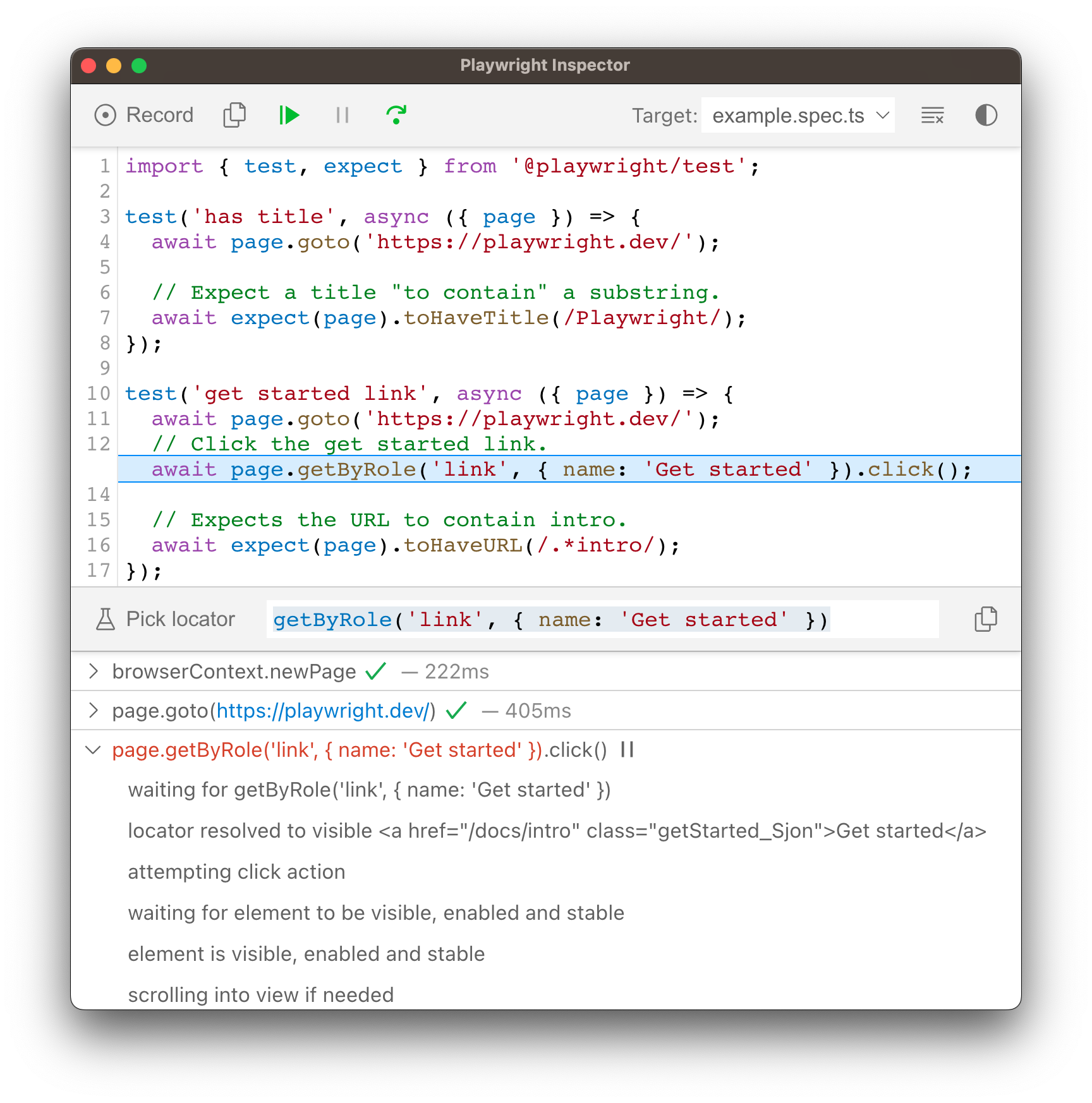
### Run in debug mode[](https://playwright.dev/dotnet/docs/debug#run-in-debug-mode "Direct link to Run in debug mode")
Set the `PWDEBUG` environment variable to run your Playwright tests in debug mode. This configures Playwright for debugging and opens the inspector. Additional useful defaults are configured when `PWDEBUG=1` is set:
* Browsers launch in headed mode
* Default timeout is set to 0 (= no timeout)
* Bash
* PowerShell
* Batch
PWDEBUG=1 dotnet test
$env:PWDEBUG=1dotnet test
set PWDEBUG=1dotnet test
### Stepping through your tests[](https://playwright.dev/dotnet/docs/debug#stepping-through-your-tests "Direct link to Stepping through your tests")
You can play, pause or step through each action of your test using the toolbar at the top of the Inspector. You can see the current action highlighted in the test code, and matching elements highlighted in the browser window.
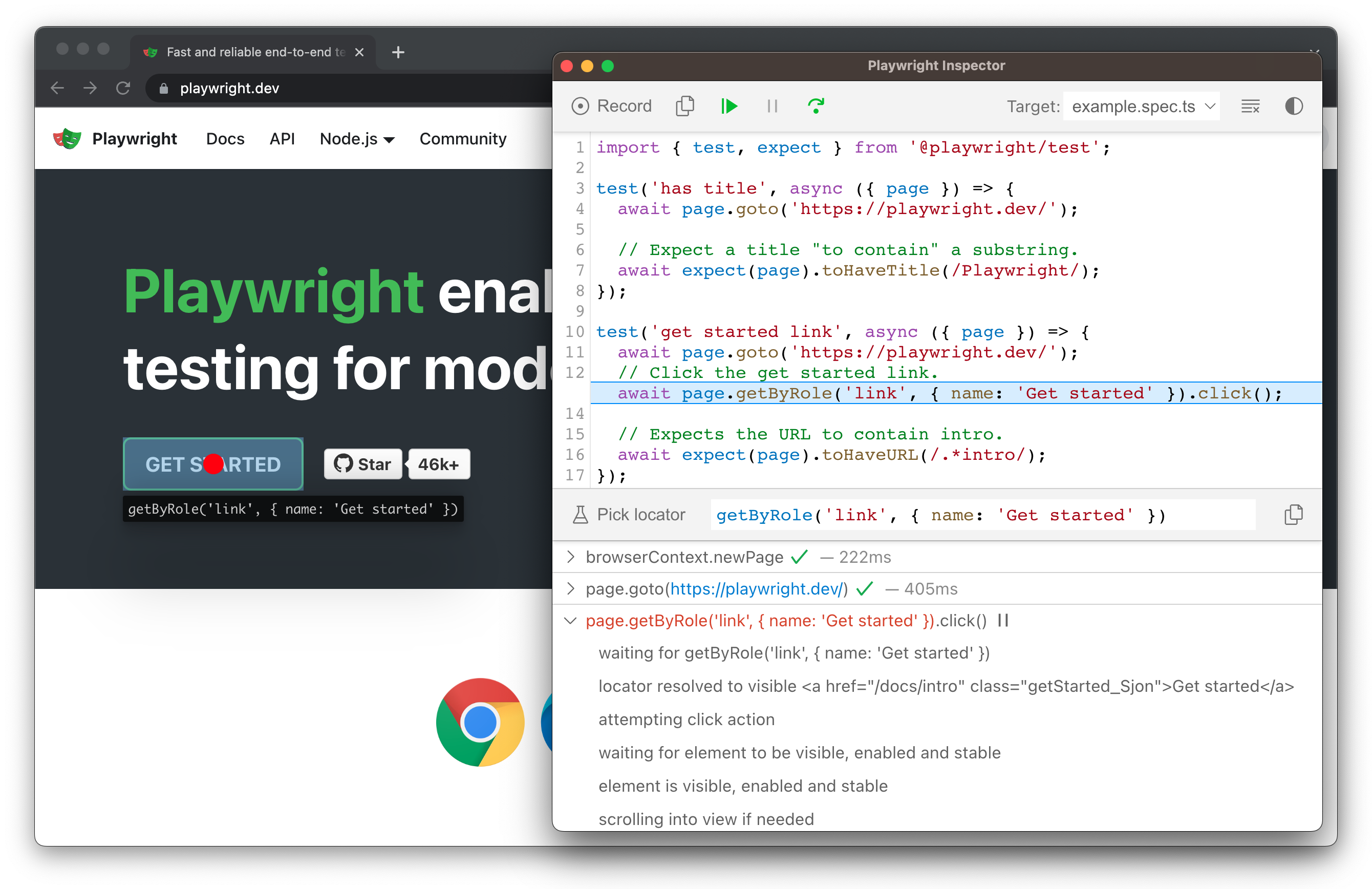
### Run a test from a specific breakpoint[](https://playwright.dev/dotnet/docs/debug#run-a-test-from-a-specific-breakpoint "Direct link to Run a test from a specific breakpoint")
To speed up the debugging process you can add a [Page.PauseAsync()](https://playwright.dev/dotnet/docs/api/class-page#page-pause)
method to your test. This way you won't have to step through each action of your test to get to the point where you want to debug.
await page.PauseAsync();
Once you add a `page.pause()` call, run your tests in debug mode. Clicking the "Resume" button in the Inspector will run the test and only stop on the `page.pause()`.
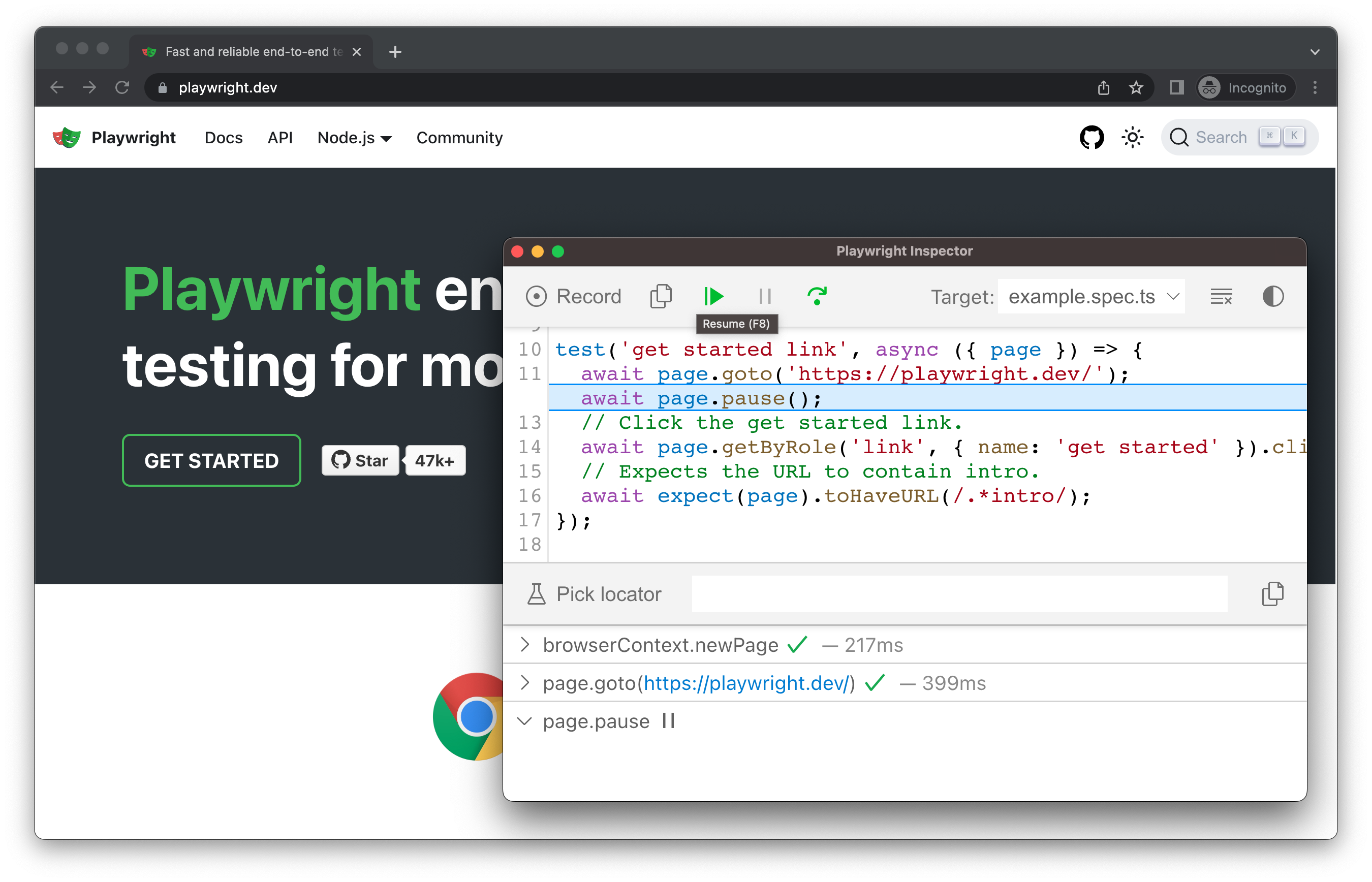
### Live editing locators[](https://playwright.dev/dotnet/docs/debug#live-editing-locators "Direct link to Live editing locators")
While running in debug mode you can live edit the locators. Next to the 'Pick Locator' button there is a field showing the [locator](https://playwright.dev/dotnet/docs/locators)
that the test is paused on. You can edit this locator directly in the **Pick Locator** field, and matching elements will be highlighted in the browser window.
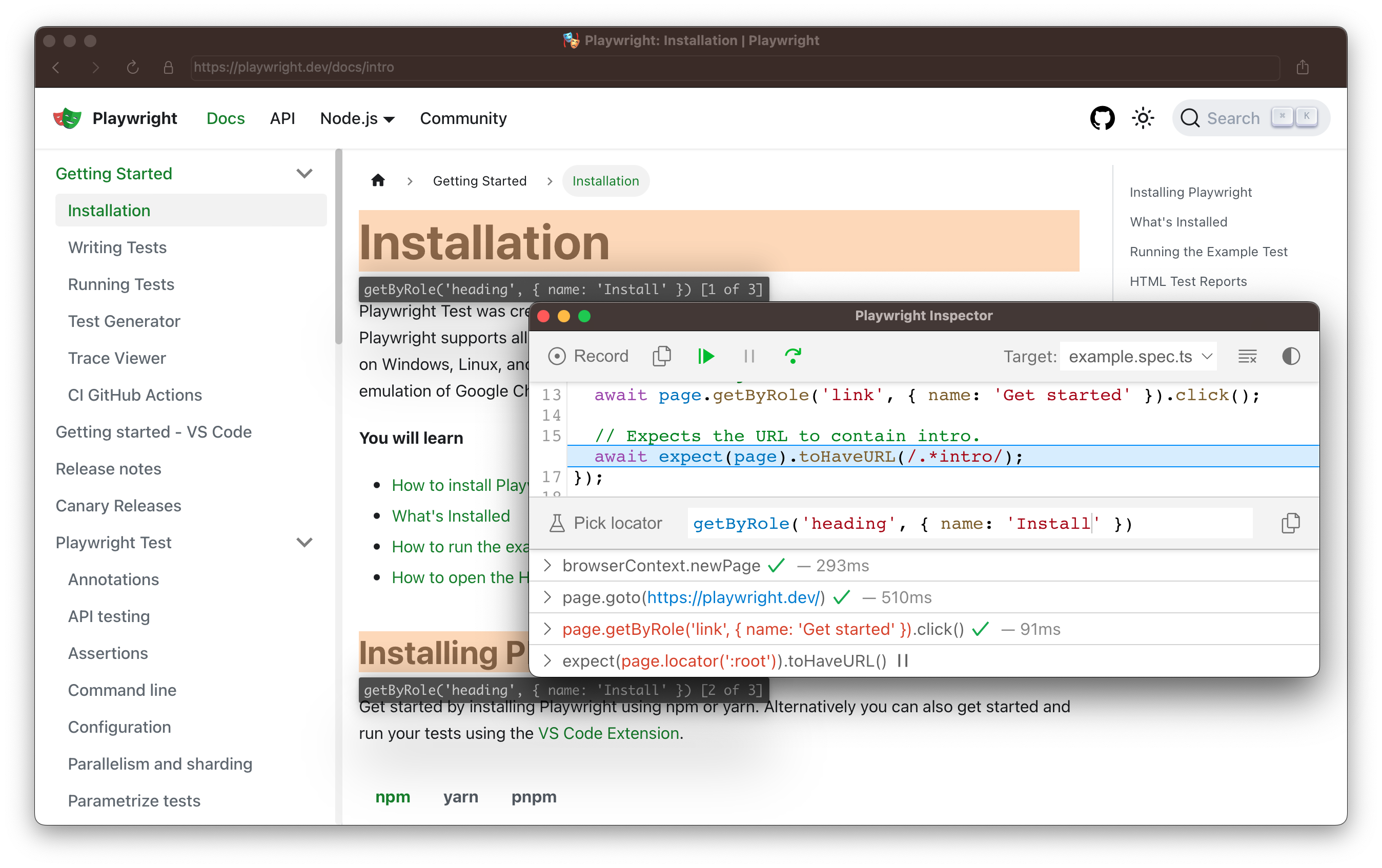
### Picking locators[](https://playwright.dev/dotnet/docs/debug#picking-locators "Direct link to Picking locators")
While debugging, you might need to choose a more resilient locator. You can do this by clicking on the **Pick Locator** button and hovering over any element in the browser window. While hovering over an element you will see the code needed to locate this element highlighted below. Clicking an element in the browser will add the locator into the field where you can then either tweak it or copy it into your code.
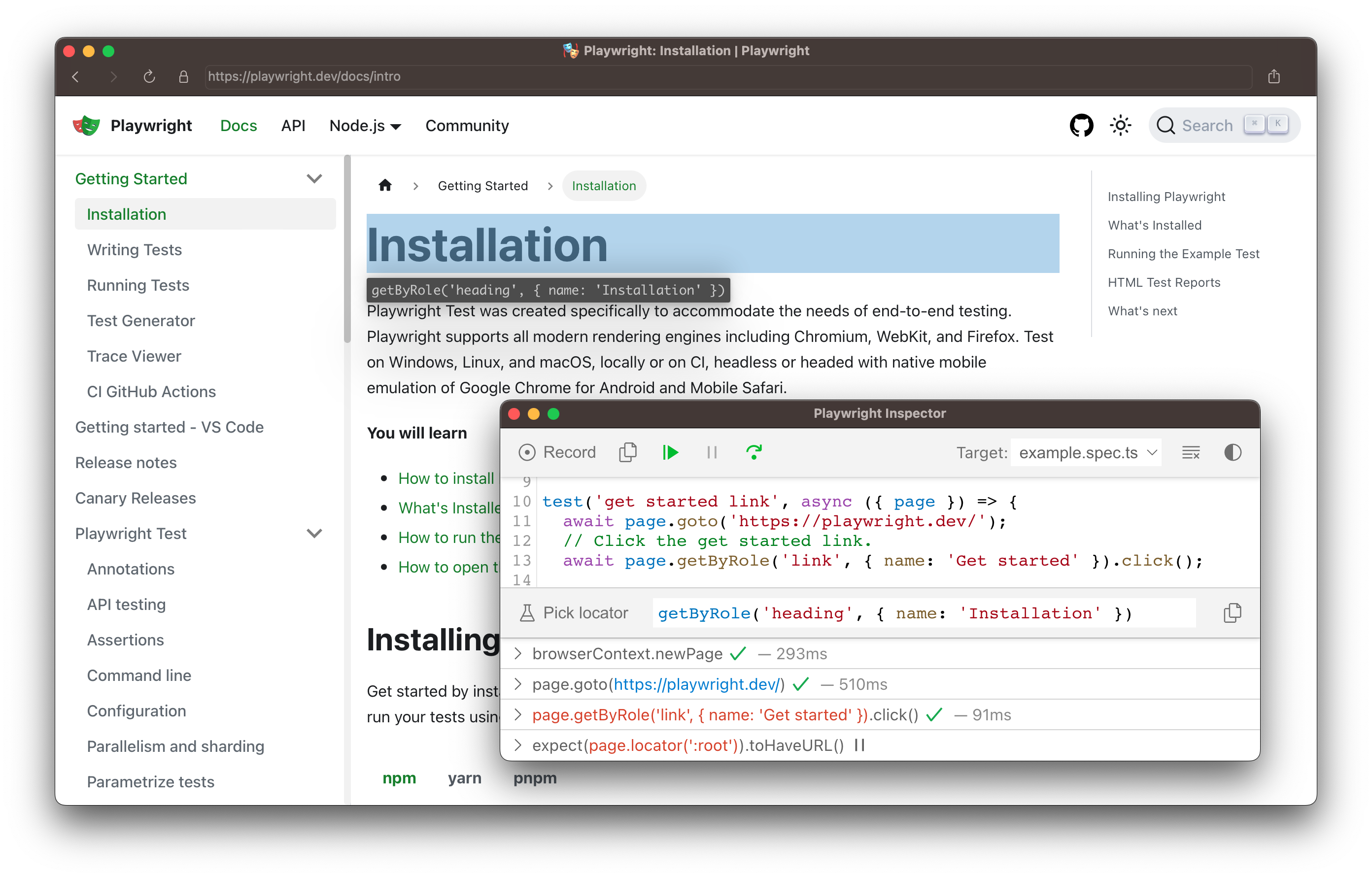
Playwright will look at your page and figure out the best locator, prioritizing [role, text and test id locators](https://playwright.dev/dotnet/docs/locators)
. If Playwright finds multiple elements matching the locator, it will improve the locator to make it resilient and uniquely identify the target element, so you don't have to worry about failing tests due to locators.
### Actionability logs[](https://playwright.dev/dotnet/docs/debug#actionability-logs "Direct link to Actionability logs")
By the time Playwright has paused on a click action, it has already performed [actionability checks](https://playwright.dev/dotnet/docs/actionability)
that can be found in the log. This can help you understand what happened during your test and what Playwright did or tried to do. The log tells you if the element was visible, enabled and stable, if the locator resolved to an element, scrolled into view, and so much more. If actionability can't be reached, it will show the action as pending.
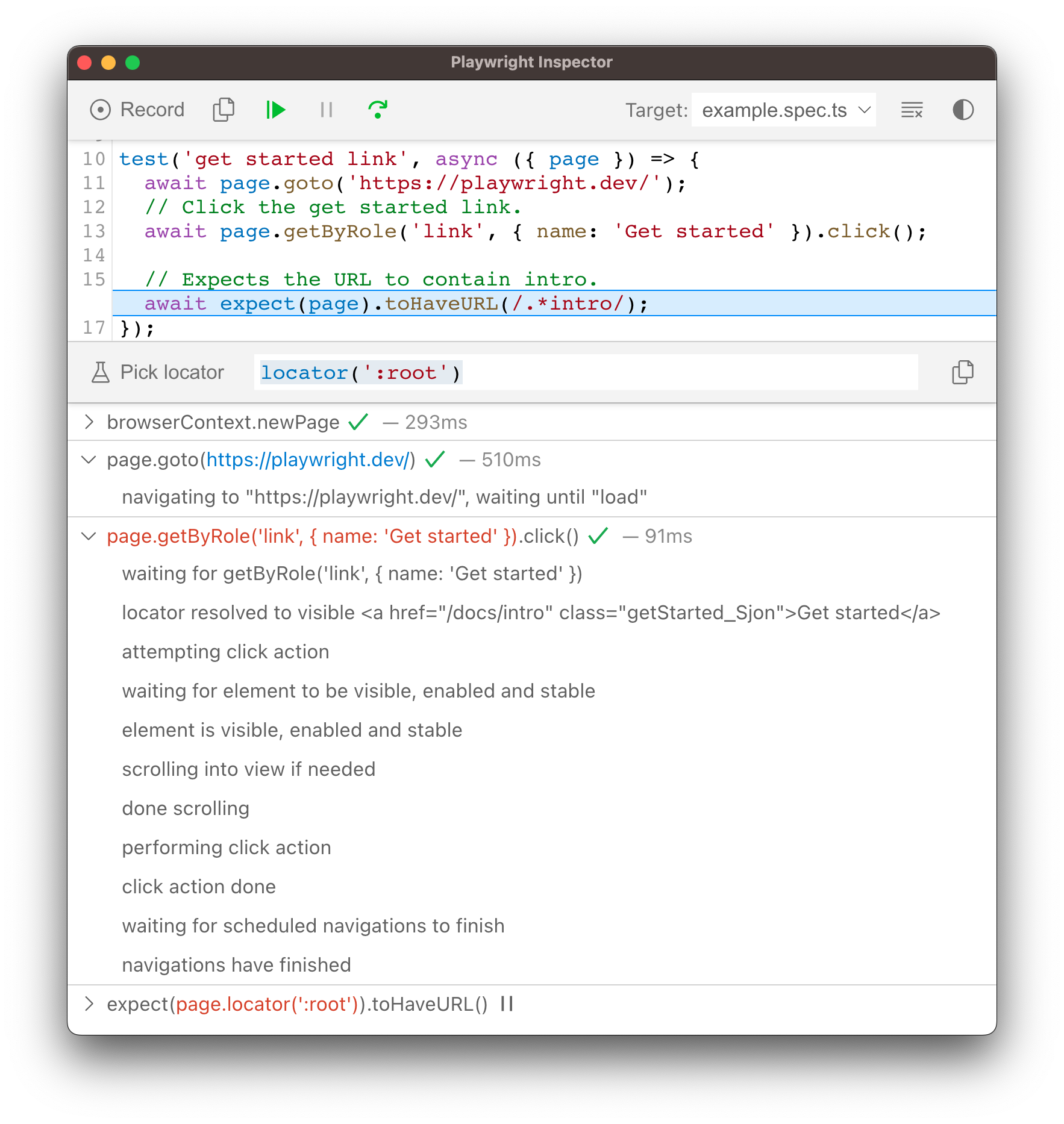
Trace Viewer[](https://playwright.dev/dotnet/docs/debug#trace-viewer "Direct link to Trace Viewer")
-----------------------------------------------------------------------------------------------------
Playwright [Trace Viewer](https://playwright.dev/dotnet/docs/trace-viewer)
is a GUI tool that lets you explore recorded Playwright traces of your tests. You can go back and forward through each action on the left side, and visually see what was happening during the action. In the middle of the screen, you can see a DOM snapshot for the action. On the right side you can see action details, such as time, parameters, return value and log. You can also explore console messages, network requests and the source code.
To learn more about how to record traces and use the Trace Viewer, check out the [Trace Viewer](https://playwright.dev/dotnet/docs/trace-viewer)
guide.
Browser Developer Tools[](https://playwright.dev/dotnet/docs/debug#browser-developer-tools "Direct link to Browser Developer Tools")
--------------------------------------------------------------------------------------------------------------------------------------
When running in Debug Mode with `PWDEBUG=console`, a `playwright` object is available in the Developer tools console. Developer tools can help you to:
* Inspect the DOM tree and **find element selectors**
* **See console logs** during execution (or learn how to [read logs via API](https://playwright.dev/dotnet/docs/api/class-page#page-event-console)
)
* Check **network activity** and other developer tools features
This will also set the default timeouts of Playwright to 0 (= no timeout).
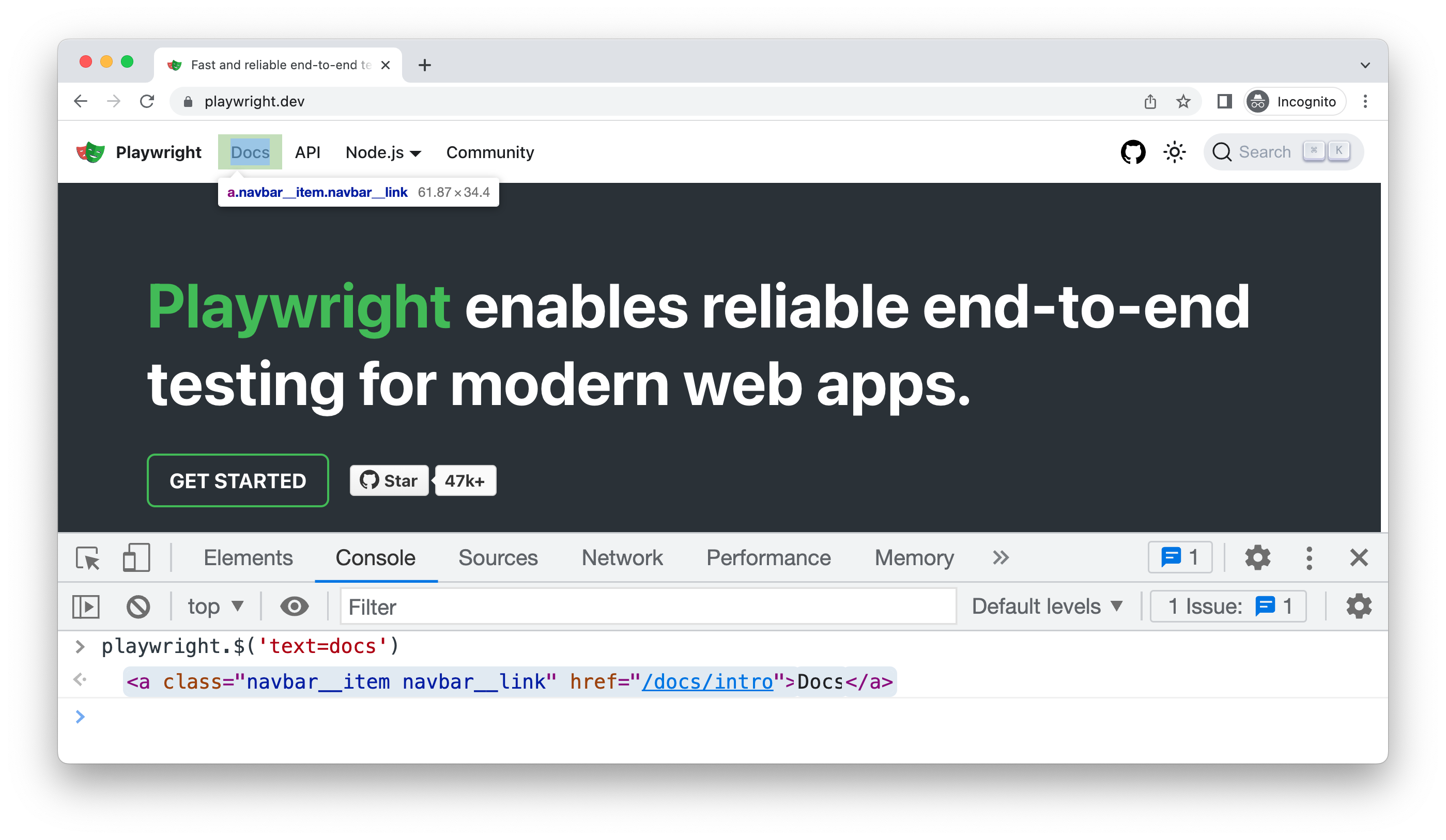
To debug your tests using the browser developer tools, start by setting a breakpoint in your test to pause the execution using the [Page.PauseAsync()](https://playwright.dev/dotnet/docs/api/class-page#page-pause)
method.
await page.PauseAsync();
Once you have set a breakpoint in your test, you can then run your test with `PWDEBUG=console`.
* Bash
* PowerShell
* Batch
PWDEBUG=console dotnet test
$env:PWDEBUG=consoledotnet test
set PWDEBUG=consoledotnet test
Once Playwright launches the browser window, you can open the developer tools. The `playwright` object will be available in the console panel.
#### playwright.$(selector)[](https://playwright.dev/dotnet/docs/debug#playwrightselector "Direct link to playwright.$(selector)")
Query the Playwright selector, using the actual Playwright query engine, for example:
playwright.$('.auth-form >> text=Log in');Log in
#### playwright.$$(selector)[](https://playwright.dev/dotnet/docs/debug#playwrightselector-1 "Direct link to playwright.$$(selector)")
Same as `playwright.$`, but returns all matching elements.
playwright.$$('li >> text=John')[, , , ]
#### playwright.inspect(selector)[](https://playwright.dev/dotnet/docs/debug#playwrightinspectselector "Direct link to playwright.inspect(selector)")
Reveal element in the Elements panel.
playwright.inspect('text=Log in')
#### playwright.locator(selector)[](https://playwright.dev/dotnet/docs/debug#playwrightlocatorselector "Direct link to playwright.locator(selector)")
Create a locator and query matching elements, for example:
playwright.locator('.auth-form', { hasText: 'Log in' });Locator () - element: button - elements: [button]
#### playwright.selector(element)[](https://playwright.dev/dotnet/docs/debug#playwrightselectorelement "Direct link to playwright.selector(element)")
Generates selector for the given element. For example, select an element in the Elements panel and pass `$0`:
playwright.selector($0)"div[id="glow-ingress-block"] >> text=/.*Hello.*/"
Verbose API logs[](https://playwright.dev/dotnet/docs/debug#verbose-api-logs "Direct link to Verbose API logs")
-----------------------------------------------------------------------------------------------------------------
Playwright supports verbose logging with the `DEBUG` environment variable.
* Bash
* PowerShell
* Batch
DEBUG=pw:api dotnet run
$env:DEBUG="pw:api"dotnet run
set DEBUG=pw:apidotnet run
note
**For WebKit**: launching WebKit Inspector during the execution will prevent the Playwright script from executing any further and will reset pre-configured user agent and device emulation.
Headed mode[](https://playwright.dev/dotnet/docs/debug#headed-mode "Direct link to Headed mode")
--------------------------------------------------------------------------------------------------
Playwright runs browsers in headless mode by default. To change this behavior, use `headless: false` as a launch option.
You can also use the [SlowMo](https://playwright.dev/dotnet/docs/api/class-browsertype#browser-type-launch-option-slow-mo)
option to slow down execution (by N milliseconds per operation) and follow along while debugging.
// Chromium, Firefox, or WebKitawait using var browser = await playwright.Chromium.LaunchAsync(new(){ Headless = false, SlowMo = 100});
* [Playwright Inspector](https://playwright.dev/dotnet/docs/debug#playwright-inspector)
* [Run in debug mode](https://playwright.dev/dotnet/docs/debug#run-in-debug-mode)
* [Stepping through your tests](https://playwright.dev/dotnet/docs/debug#stepping-through-your-tests)
* [Run a test from a specific breakpoint](https://playwright.dev/dotnet/docs/debug#run-a-test-from-a-specific-breakpoint)
* [Live editing locators](https://playwright.dev/dotnet/docs/debug#live-editing-locators)
* [Picking locators](https://playwright.dev/dotnet/docs/debug#picking-locators)
* [Actionability logs](https://playwright.dev/dotnet/docs/debug#actionability-logs)
* [Trace Viewer](https://playwright.dev/dotnet/docs/debug#trace-viewer)
* [Browser Developer Tools](https://playwright.dev/dotnet/docs/debug#browser-developer-tools)
* [Verbose API logs](https://playwright.dev/dotnet/docs/debug#verbose-api-logs)
* [Headed mode](https://playwright.dev/dotnet/docs/debug#headed-mode)
---
# TimeoutError | Playwright .NET
[Skip to main content](https://playwright.dev/dotnet/docs/api/class-timeouterror#__docusaurus_skipToContent_fallback)
* extends: \[Error\]
TimeoutError is emitted whenever certain operations are terminated due to timeout, e.g. [Locator.WaitForAsync()](https://playwright.dev/dotnet/docs/api/class-locator#locator-wait-for)
or [BrowserType.LaunchAsync()](https://playwright.dev/dotnet/docs/api/class-browsertype#browser-type-launch)
.
using Microsoft.Playwright;using var playwright = await Playwright.CreateAsync();await using var browser = await playwright.Chromium.LaunchAsync();var page = await browser.NewPageAsync();try{ await page.ClickAsync("text=Example", new() { Timeout = 100 });}catch (TimeoutException){ Console.WriteLine("Timeout!");}
---
# JSHandle | Playwright Java
[Skip to main content](https://playwright.dev/java/docs/api/class-jshandle#__docusaurus_skipToContent_fallback)
On this page
JSHandle represents an in-page JavaScript object. JSHandles can be created with the [Page.evaluateHandle()](https://playwright.dev/java/docs/api/class-page#page-evaluate-handle)
method.
JSHandle windowHandle = page.evaluateHandle("() => window");// ...
JSHandle prevents the referenced JavaScript object being garbage collected unless the handle is exposed with [JSHandle.dispose()](https://playwright.dev/java/docs/api/class-jshandle#js-handle-dispose)
. JSHandles are auto-disposed when their origin frame gets navigated or the parent context gets destroyed.
JSHandle instances can be used as an argument in [Page.evalOnSelector()](https://playwright.dev/java/docs/api/class-page#page-eval-on-selector)
, [Page.evaluate()](https://playwright.dev/java/docs/api/class-page#page-evaluate)
and [Page.evaluateHandle()](https://playwright.dev/java/docs/api/class-page#page-evaluate-handle)
methods.
* * *
Methods[](https://playwright.dev/java/docs/api/class-jshandle#methods "Direct link to Methods")
-------------------------------------------------------------------------------------------------
### asElement[](https://playwright.dev/java/docs/api/class-jshandle#js-handle-as-element "Direct link to asElement")
Added before v1.9 jsHandle.asElement
Returns either `null` or the object handle itself, if the object handle is an instance of [ElementHandle](https://playwright.dev/java/docs/api/class-elementhandle "ElementHandle")
.
**Usage**
JSHandle.asElement();
**Returns**
* [null](https://docs.oracle.com/javase/specs/jls/se8/html/jls-3.html#jls-3.10.7 "null")
| [ElementHandle](https://playwright.dev/java/docs/api/class-elementhandle "ElementHandle")
[#](https://playwright.dev/java/docs/api/class-jshandle#js-handle-as-element-return)
* * *
### dispose[](https://playwright.dev/java/docs/api/class-jshandle#js-handle-dispose "Direct link to dispose")
Added before v1.9 jsHandle.dispose
The `jsHandle.dispose` method stops referencing the element handle.
**Usage**
JSHandle.dispose();
**Returns**
* [void](https://docs.oracle.com/javase/tutorial/java/javaOO/methods.html "void")
[#](https://playwright.dev/java/docs/api/class-jshandle#js-handle-dispose-return)
* * *
### evaluate[](https://playwright.dev/java/docs/api/class-jshandle#js-handle-evaluate "Direct link to evaluate")
Added before v1.9 jsHandle.evaluate
Returns the return value of [expression](https://playwright.dev/java/docs/api/class-jshandle#js-handle-evaluate-option-expression)
.
This method passes this handle as the first argument to [expression](https://playwright.dev/java/docs/api/class-jshandle#js-handle-evaluate-option-expression)
.
If [expression](https://playwright.dev/java/docs/api/class-jshandle#js-handle-evaluate-option-expression)
returns a [Promise](https://developer.mozilla.org/en-US/docs/Web/JavaScript/Reference/Global_Objects/Promise "Promise")
, then `handle.evaluate` would wait for the promise to resolve and return its value.
**Usage**
ElementHandle tweetHandle = page.querySelector(".tweet .retweets");assertEquals("10 retweets", tweetHandle.evaluate("node => node.innerText"));
**Arguments**
* `expression` [String](https://docs.oracle.com/javase/8/docs/api/java/lang/String.html "String")
[#](https://playwright.dev/java/docs/api/class-jshandle#js-handle-evaluate-option-expression)
JavaScript expression to be evaluated in the browser context. If the expression evaluates to a function, the function is automatically invoked.
* `arg` [EvaluationArgument](https://playwright.dev/java/docs/evaluating#evaluation-argument "EvaluationArgument")
_(optional)_[#](https://playwright.dev/java/docs/api/class-jshandle#js-handle-evaluate-option-arg)
Optional argument to pass to [expression](https://playwright.dev/java/docs/api/class-jshandle#js-handle-evaluate-option-expression)
.
**Returns**
* [Object](https://docs.oracle.com/javase/8/docs/api/java/lang/Object.html "Object")
[#](https://playwright.dev/java/docs/api/class-jshandle#js-handle-evaluate-return)
* * *
### evaluateHandle[](https://playwright.dev/java/docs/api/class-jshandle#js-handle-evaluate-handle "Direct link to evaluateHandle")
Added before v1.9 jsHandle.evaluateHandle
Returns the return value of [expression](https://playwright.dev/java/docs/api/class-jshandle#js-handle-evaluate-handle-option-expression)
as a [JSHandle](https://playwright.dev/java/docs/api/class-jshandle "JSHandle")
.
This method passes this handle as the first argument to [expression](https://playwright.dev/java/docs/api/class-jshandle#js-handle-evaluate-handle-option-expression)
.
The only difference between `jsHandle.evaluate` and `jsHandle.evaluateHandle` is that `jsHandle.evaluateHandle` returns [JSHandle](https://playwright.dev/java/docs/api/class-jshandle "JSHandle")
.
If the function passed to the `jsHandle.evaluateHandle` returns a [Promise](https://developer.mozilla.org/en-US/docs/Web/JavaScript/Reference/Global_Objects/Promise "Promise")
, then `jsHandle.evaluateHandle` would wait for the promise to resolve and return its value.
See [Page.evaluateHandle()](https://playwright.dev/java/docs/api/class-page#page-evaluate-handle)
for more details.
**Usage**
JSHandle.evaluateHandle(expression);JSHandle.evaluateHandle(expression, arg);
**Arguments**
* `expression` [String](https://docs.oracle.com/javase/8/docs/api/java/lang/String.html "String")
[#](https://playwright.dev/java/docs/api/class-jshandle#js-handle-evaluate-handle-option-expression)
JavaScript expression to be evaluated in the browser context. If the expression evaluates to a function, the function is automatically invoked.
* `arg` [EvaluationArgument](https://playwright.dev/java/docs/evaluating#evaluation-argument "EvaluationArgument")
_(optional)_[#](https://playwright.dev/java/docs/api/class-jshandle#js-handle-evaluate-handle-option-arg)
Optional argument to pass to [expression](https://playwright.dev/java/docs/api/class-jshandle#js-handle-evaluate-handle-option-expression)
.
**Returns**
* [JSHandle](https://playwright.dev/java/docs/api/class-jshandle "JSHandle")
[#](https://playwright.dev/java/docs/api/class-jshandle#js-handle-evaluate-handle-return)
* * *
### getProperties[](https://playwright.dev/java/docs/api/class-jshandle#js-handle-get-properties "Direct link to getProperties")
Added before v1.9 jsHandle.getProperties
The method returns a map with **own property names** as keys and JSHandle instances for the property values.
**Usage**
JSHandle handle = page.evaluateHandle("() => ({ window, document })");Map properties = handle.getProperties();JSHandle windowHandle = properties.get("window");JSHandle documentHandle = properties.get("document");handle.dispose();
**Returns**
* [Map](https://docs.oracle.com/javase/8/docs/api/java/util/Map.html "Map")
<[String](https://docs.oracle.com/javase/8/docs/api/java/lang/String.html "String")
, [JSHandle](https://playwright.dev/java/docs/api/class-jshandle "JSHandle")
\>[#](https://playwright.dev/java/docs/api/class-jshandle#js-handle-get-properties-return)
* * *
### getProperty[](https://playwright.dev/java/docs/api/class-jshandle#js-handle-get-property "Direct link to getProperty")
Added before v1.9 jsHandle.getProperty
Fetches a single property from the referenced object.
**Usage**
JSHandle.getProperty(propertyName);
**Arguments**
* `propertyName` [String](https://docs.oracle.com/javase/8/docs/api/java/lang/String.html "String")
[#](https://playwright.dev/java/docs/api/class-jshandle#js-handle-get-property-option-property-name)
property to get
**Returns**
* [JSHandle](https://playwright.dev/java/docs/api/class-jshandle "JSHandle")
[#](https://playwright.dev/java/docs/api/class-jshandle#js-handle-get-property-return)
* * *
### jsonValue[](https://playwright.dev/java/docs/api/class-jshandle#js-handle-json-value "Direct link to jsonValue")
Added before v1.9 jsHandle.jsonValue
Returns a JSON representation of the object. If the object has a `toJSON` function, it **will not be called**.
note
The method will return an empty JSON object if the referenced object is not stringifiable. It will throw an error if the object has circular references.
**Usage**
JSHandle.jsonValue();
**Returns**
* [Object](https://docs.oracle.com/javase/8/docs/api/java/lang/Object.html "Object")
[#](https://playwright.dev/java/docs/api/class-jshandle#js-handle-json-value-return)
* [Methods](https://playwright.dev/java/docs/api/class-jshandle#methods)
* [asElement](https://playwright.dev/java/docs/api/class-jshandle#js-handle-as-element)
* [dispose](https://playwright.dev/java/docs/api/class-jshandle#js-handle-dispose)
* [evaluate](https://playwright.dev/java/docs/api/class-jshandle#js-handle-evaluate)
* [evaluateHandle](https://playwright.dev/java/docs/api/class-jshandle#js-handle-evaluate-handle)
* [getProperties](https://playwright.dev/java/docs/api/class-jshandle#js-handle-get-properties)
* [getProperty](https://playwright.dev/java/docs/api/class-jshandle#js-handle-get-property)
* [jsonValue](https://playwright.dev/java/docs/api/class-jshandle#js-handle-json-value)
---
# Page object models | Playwright .NET
[Skip to main content](https://playwright.dev/dotnet/docs/pom#__docusaurus_skipToContent_fallback)
On this page
Introduction[](https://playwright.dev/dotnet/docs/pom#introduction "Direct link to Introduction")
---------------------------------------------------------------------------------------------------
Large test suites can be structured to optimize ease of authoring and maintenance. Page object models are one such approach to structure your test suite.
A page object represents a part of your web application. An e-commerce web application might have a home page, a listings page and a checkout page. Each of them can be represented by page object models.
Page objects **simplify authoring** by creating a higher-level API which suits your application and **simplify maintenance** by capturing element selectors in one place and create reusable code to avoid repetition.
Implementation[](https://playwright.dev/dotnet/docs/pom#implementation "Direct link to Implementation")
---------------------------------------------------------------------------------------------------------
Page object models wrap over a Playwright [Page](https://playwright.dev/dotnet/docs/api/class-page "Page")
.
using System.Threading.Tasks;using Microsoft.Playwright;namespace BigEcommerceApp.Tests.Models;public class SearchPage{ private readonly IPage _page; private readonly ILocator _searchTermInput; public SearchPage(IPage page) { _page = page; _searchTermInput = page.Locator("[aria-label='Enter your search term']"); } public async Task GotoAsync() { await _page.GotoAsync("https://bing.com"); } public async Task SearchAsync(string text) { await _searchTermInput.FillAsync(text); await _searchTermInput.PressAsync("Enter"); }}
Page objects can then be used inside a test.
using BigEcommerceApp.Tests.Models;// in the testvar page = new SearchPage(await browser.NewPageAsync());await page.GotoAsync();await page.SearchAsync("search query");
* [Introduction](https://playwright.dev/dotnet/docs/pom#introduction)
* [Implementation](https://playwright.dev/dotnet/docs/pom#implementation)
---
# Evaluating JavaScript | Playwright .NET
[Skip to main content](https://playwright.dev/dotnet/docs/evaluating#__docusaurus_skipToContent_fallback)
On this page
Introduction[](https://playwright.dev/dotnet/docs/evaluating#introduction "Direct link to Introduction")
----------------------------------------------------------------------------------------------------------
Playwright scripts run in your Playwright environment. Your page scripts run in the browser page environment. Those environments don't intersect, they are running in different virtual machines in different processes and even potentially on different computers.
The [Page.EvaluateAsync()](https://playwright.dev/dotnet/docs/api/class-page#page-evaluate)
API can run a JavaScript function in the context of the web page and bring results back to the Playwright environment. Browser globals like `window` and `document` can be used in `evaluate`.
var href = await page.EvaluateAsync("document.location.href");
If the result is a Promise or if the function is asynchronous evaluate will automatically wait until it's resolved:
int status = await page.EvaluateAsync(@"async () => { const response = await fetch(location.href); return response.status;}");
Different environments[](https://playwright.dev/dotnet/docs/evaluating#different-environments "Direct link to Different environments")
----------------------------------------------------------------------------------------------------------------------------------------
Evaluated scripts run in the browser environment, while your test runs in a testing environments. This means you cannot use variables from your test in the page and vice versa. Instead, you should pass them explicitly as an argument.
The following snippet is **WRONG** because it uses the variable directly:
var data = "some data";var result = await page.EvaluateAsync(@"() => { // WRONG: there is no 'data' in the web page. window.myApp.use(data);}");
The following snippet is **CORRECT** because it passes the value explicitly as an argument:
var data = "some data";// Pass |data| as a parameter.var result = await page.EvaluateAsync("data => { window.myApp.use(data); }", data);
Evaluation Argument[](https://playwright.dev/dotnet/docs/evaluating#evaluation-argument "Direct link to Evaluation Argument")
-------------------------------------------------------------------------------------------------------------------------------
Playwright evaluation methods like [Page.EvaluateAsync()](https://playwright.dev/dotnet/docs/api/class-page#page-evaluate)
take a single optional argument. This argument can be a mix of [Serializable](https://developer.mozilla.org/en-US/docs/Web/JavaScript/Reference/Global_Objects/JSON/stringify#Description "Serializable")
values and [JSHandle](https://playwright.dev/dotnet/docs/api/class-jshandle "JSHandle")
instances. Handles are automatically converted to the value they represent.
// A primitive value.await page.EvaluateAsync("num => num", 42);// An array.await page.EvaluateAsync("array => array.length", new[] { 1, 2, 3 });// An object.await page.EvaluateAsync("object => object.foo", new { foo = "bar" });// A single handle.var button = await page.EvaluateHandleAsync("window.button");await page.EvaluateAsync("button => button.textContent", button);// Alternative notation using JSHandle.EvaluateAsync.await button.EvaluateAsync("(button, from) => button.textContent.substring(from)", 5);// Object with multiple handles.var button1 = await page.EvaluateHandleAsync("window.button1");var button2 = await page.EvaluateHandleAsync("window.button2");await page.EvaluateAsync("o => o.button1.textContent + o.button2.textContent", new { button1, button2 });// Object destructuring works. Note that property names must match// between the destructured object and the argument.// Also note the required parenthesis.await page.EvaluateAsync("({ button1, button2 }) => button1.textContent + button2.textContent", new { button1, button2 });// Array works as well. Arbitrary names can be used for destructuring.// Note the required parenthesis.await page.EvaluateAsync("([b1, b2]) => b1.textContent + b2.textContent", new[] { button1, button2 });// Any mix of serializables and handles works.await page.EvaluateAsync("x => x.button1.textContent + x.list[0].textContent + String(x.foo)", new { button1, list = new[] { button2 }, foo = null as object });
Init scripts[](https://playwright.dev/dotnet/docs/evaluating#init-scripts "Direct link to Init scripts")
----------------------------------------------------------------------------------------------------------
Sometimes it is convenient to evaluate something in the page before it starts loading. For example, you might want to setup some mocks or test data.
In this case, use [Page.AddInitScriptAsync()](https://playwright.dev/dotnet/docs/api/class-page#page-add-init-script)
or [BrowserContext.AddInitScriptAsync()](https://playwright.dev/dotnet/docs/api/class-browsercontext#browser-context-add-init-script)
. In the example below, we will replace `Math.random()` with a constant value.
First, create a `preload.js` file that contains the mock.
// preload.jsMath.random = () => 42;
Next, add init script to the page.
// In your test, assuming the "preload.js" file is in the "mocks" directory.await Page.AddInitScriptAsync(scriptPath: "mocks/preload.js");
* [Introduction](https://playwright.dev/dotnet/docs/evaluating#introduction)
* [Different environments](https://playwright.dev/dotnet/docs/evaluating#different-environments)
* [Evaluation Argument](https://playwright.dev/dotnet/docs/evaluating#evaluation-argument)
* [Init scripts](https://playwright.dev/dotnet/docs/evaluating#init-scripts)
---
# Installation | Playwright Python
[Skip to main content](https://playwright.dev/python/docs/intro#__docusaurus_skipToContent_fallback)
On this page
Introduction[](https://playwright.dev/python/docs/intro#introduction "Direct link to Introduction")
-----------------------------------------------------------------------------------------------------
Playwright was created specifically to accommodate the needs of end-to-end testing. Playwright supports all modern rendering engines including Chromium, WebKit, and Firefox. Test on Windows, Linux, and macOS, locally or on CI, headless or headed with native mobile emulation.
The [Playwright library](https://playwright.dev/python/docs/library)
can be used as a general purpose browser automation tool, providing a powerful set of APIs to automate web applications, for both sync and async Python.
This introduction describes the Playwright Pytest plugin, which is the recommended way to write end-to-end tests.
**You will learn**
* [How to install Playwright Pytest](https://playwright.dev/python/docs/intro#installing-playwright-pytest)
* [How to run the example test](https://playwright.dev/python/docs/intro#running-the-example-test)
Installing Playwright Pytest[](https://playwright.dev/python/docs/intro#installing-playwright-pytest "Direct link to Installing Playwright Pytest")
-----------------------------------------------------------------------------------------------------------------------------------------------------
Playwright recommends using the official [Playwright Pytest plugin](https://playwright.dev/python/docs/test-runners)
to write end-to-end tests. It provides context isolation, running it on multiple browser configurations out of the box.
Get started by installing Playwright and running the example test to see it in action.
* PyPI
* Anaconda
Install the [Pytest plugin](https://pypi.org/project/pytest-playwright/)
:
pip install pytest-playwright
Install the [Pytest plugin](https://anaconda.org/Microsoft/pytest-playwright)
:
conda config --add channels conda-forgeconda config --add channels microsoftconda install pytest-playwright
Install the required browsers:
playwright install
Add Example Test[](https://playwright.dev/python/docs/intro#add-example-test "Direct link to Add Example Test")
-----------------------------------------------------------------------------------------------------------------
Create a file that follows the `test_` prefix convention, such as `test_example.py`, inside the current working directory or in a sub-directory with the code below. Make sure your test name also follows the `test_` prefix convention.
test\_example.py
import refrom playwright.sync_api import Page, expectdef test_has_title(page: Page): page.goto("https://playwright.dev/") # Expect a title "to contain" a substring. expect(page).to_have_title(re.compile("Playwright"))def test_get_started_link(page: Page): page.goto("https://playwright.dev/") # Click the get started link. page.get_by_role("link", name="Get started").click() # Expects page to have a heading with the name of Installation. expect(page.get_by_role("heading", name="Installation")).to_be_visible()
Running the Example Test[](https://playwright.dev/python/docs/intro#running-the-example-test "Direct link to Running the Example Test")
-----------------------------------------------------------------------------------------------------------------------------------------
By default tests will be run on chromium. This can be configured via the [CLI options](https://playwright.dev/python/docs/running-tests)
. Tests are run in headless mode meaning no browser UI will open up when running the tests. Results of the tests and test logs will be shown in the terminal.
pytest
Updating Playwright[](https://playwright.dev/python/docs/intro#updating-playwright "Direct link to Updating Playwright")
--------------------------------------------------------------------------------------------------------------------------
To update Playwright to the latest version run the following command:
pip install pytest-playwright playwright -U
System requirements[](https://playwright.dev/python/docs/intro#system-requirements "Direct link to System requirements")
--------------------------------------------------------------------------------------------------------------------------
* Python 3.8 or higher.
* Windows 10+, Windows Server 2016+ or Windows Subsystem for Linux (WSL).
* macOS 14 Ventura, or later.
* Debian 12, Debian 13, Ubuntu 22.04, Ubuntu 24.04, on x86-64 and arm64 architecture.
What's next[](https://playwright.dev/python/docs/intro#whats-next "Direct link to What's next")
-------------------------------------------------------------------------------------------------
* [Write tests using web first assertions, page fixtures and locators](https://playwright.dev/python/docs/writing-tests)
* [Run single test, multiple tests, headed mode](https://playwright.dev/python/docs/running-tests)
* [Generate tests with Codegen](https://playwright.dev/python/docs/codegen)
* [See a trace of your tests](https://playwright.dev/python/docs/trace-viewer-intro)
* [Introduction](https://playwright.dev/python/docs/intro#introduction)
* [Installing Playwright Pytest](https://playwright.dev/python/docs/intro#installing-playwright-pytest)
* [Add Example Test](https://playwright.dev/python/docs/intro#add-example-test)
* [Running the Example Test](https://playwright.dev/python/docs/intro#running-the-example-test)
* [Updating Playwright](https://playwright.dev/python/docs/intro#updating-playwright)
* [System requirements](https://playwright.dev/python/docs/intro#system-requirements)
* [What's next](https://playwright.dev/python/docs/intro#whats-next)
---
# Touch events (legacy) | Playwright .NET
[Skip to main content](https://playwright.dev/dotnet/docs/next/touch-events#__docusaurus_skipToContent_fallback)
This is unreleased documentation for Playwright .NET **Next** version.
For up-to-date documentation, see the **[latest version](https://playwright.dev/dotnet/docs/touch-events)
** (stable).
Version: Next
On this page
Introduction[](https://playwright.dev/dotnet/docs/next/touch-events#introduction "Direct link to Introduction")
-----------------------------------------------------------------------------------------------------------------
Web applications that handle legacy [touch events](https://developer.mozilla.org/en-US/docs/Web/API/Touch_events)
to respond to gestures like swipe, pinch, and tap can be tested by manually dispatching [TouchEvent](https://developer.mozilla.org/en-US/docs/Web/API/TouchEvent/TouchEvent)
s to the page. The examples below demonstrate how to use [Locator.DispatchEventAsync()](https://playwright.dev/dotnet/docs/next/api/class-locator#locator-dispatch-event)
and pass [Touch](https://developer.mozilla.org/en-US/docs/Web/API/Touch)
points as arguments.
Note that [Locator.DispatchEventAsync()](https://playwright.dev/dotnet/docs/next/api/class-locator#locator-dispatch-event)
does not set [`Event.isTrusted`](https://developer.mozilla.org/en-US/docs/Web/API/Event/isTrusted)
property. If your web page relies on it, make sure to disable `isTrusted` check during the test.
### Emulating pan gesture[](https://playwright.dev/dotnet/docs/next/touch-events#emulating-pan-gesture "Direct link to Emulating pan gesture")
In the example below, we emulate pan gesture that is expected to move the map. The app under test only uses `clientX/clientY` coordinates of the touch point, so we initialize just that. In a more complex scenario you may need to also set `pageX/pageY/screenX/screenY`, if your app needs them.
using Microsoft.Playwright;using System.Collections.Generic;using System.Threading.Tasks;public class TouchEvents{ public static async Task Main(string[] args) { using var playwright = await Playwright.CreateAsync(); var browser = await playwright.Chromium.LaunchAsync(); var context = await browser.NewContextAsync(playwright.Devices["Pixel 7"]); var page = await context.NewPageAsync(); await page.GotoAsync( "https://www.google.com/maps/place/@37.4117722,-122.0713234,15z", new PageGotoOptions { WaitUntil = WaitUntilState.Commit } ); await page.GetByRole(AriaRole.Button, new PageGetByRoleOptions { Name = "Keep using web" }).ClickAsync(); await page.GetByRole(AriaRole.Button, new PageGetByRoleOptions { Name = "Keep using web" }) .WaitForAsync(new LocatorWaitForOptions { State = WaitForSelectorState.Hidden }); var met = page.Locator("[data-test-id='met']"); for (int i = 0; i < 5; i++) { await Pan(met, 200, 100); } await page.ScreenshotAsync(new PageScreenshotOptions { Path = "screenshot.png" }); } public static async Task Pan(ILocator locator, int deltaX, int deltaY, int steps = 5) { var bounds = await locator.BoundingBoxAsync(); double centerX = bounds.X + bounds.Width / 2; double centerY = bounds.Y + bounds.Height / 2; var touches = new List> { new Dictionary { { "identifier", 0 }, { "clientX", centerX }, { "clientY", centerY } } }; await locator.DispatchEventAsync("touchstart", new { touches, changedTouches = touches, targetTouches = touches }); for (int i = 1; i <= steps; i++) { touches = new List> { new Dictionary { { "identifier", 0 }, { "clientX", centerX + deltaX * i / steps }, { "clientY", centerY + deltaY * i / steps } } }; await locator.DispatchEventAsync("touchmove", new { touches, changedTouches = touches, targetTouches = touches }); } await locator.DispatchEventAsync("touchend"); }}
### Emulating pinch gesture[](https://playwright.dev/dotnet/docs/next/touch-events#emulating-pinch-gesture "Direct link to Emulating pinch gesture")
In the example below, we emulate pinch gesture, i.e. two touch points moving closer to each other. It is expected to zoom out the map. The app under test only uses `clientX/clientY` coordinates of touch points, so we initialize just that. In a more complex scenario you may need to also set `pageX/pageY/screenX/screenY`, if your app needs them.
using Microsoft.Playwright;using System.Collections.Generic;using System.Threading.Tasks;public class TouchEvents{ public static async Task Pinch(ILocator locator, int deltaX = 50, int steps = 5, string direction = "in") { var bounds = await locator.BoundingBoxAsync(); double centerX = bounds.X + bounds.Width / 2; double centerY = bounds.Y + bounds.Height / 2; double stepDeltaX = deltaX / (steps + 1.0); var touches = new List> { new Dictionary { { "identifier", 0 }, { "clientX", centerX - (direction == "in" ? deltaX : stepDeltaX) }, { "clientY", centerY } }, new Dictionary { { "identifier", 1 }, { "clientX", centerX + (direction == "in" ? deltaX : stepDeltaX) }, { "clientY", centerY } } }; await locator.DispatchEventAsync("touchstart", new { touches, changedTouches = touches, targetTouches = touches }); for (int i = 1; i <= steps; i++) { double offset = direction == "in" ? (deltaX - i * stepDeltaX) : (stepDeltaX * (i + 1)); touches = new List> { new Dictionary { { "identifier", 0 }, { "clientX", centerX - offset }, { "clientY", centerY } }, new Dictionary { { "identifier", 1 }, { "clientX", centerX + offset }, { "clientY", centerY } } }; await locator.DispatchEventAsync("touchmove", new { touches, changedTouches = touches, targetTouches = touches }); } await locator.DispatchEventAsync("touchend", new { touches = new List(), changedTouches = new List(), targetTouches = new List() }); } public static async Task TestPinchInGestureToZoomOutTheMap(IPage page) { await page.GotoAsync("https://www.google.com/maps/place/@37.4117722,-122.0713234,15z", new PageGotoOptions { WaitUntil = WaitUntilState.Commit }); await page.GetByRole(AriaRole.Button, new PageGetByRoleOptions { Name = "Keep using web" }).ClickAsync(); await page.GetByRole(AriaRole.Button, new PageGetByRoleOptions { Name = "Keep using web" }).WaitForAsync(new LocatorWaitForOptions { State = WaitForSelectorState.Hidden }); var met = page.Locator("[data-test-id='met']"); for (int i = 0; i < 5; i++) { await Pinch(met, 40, 5, "in"); } await page.ScreenshotAsync(new PageScreenshotOptions { Path = "screenshot.png" }); }}
* [Introduction](https://playwright.dev/dotnet/docs/next/touch-events#introduction)
* [Emulating pan gesture](https://playwright.dev/dotnet/docs/next/touch-events#emulating-pan-gesture)
* [Emulating pinch gesture](https://playwright.dev/dotnet/docs/next/touch-events#emulating-pinch-gesture)
---
# Getting started - Library | Playwright .NET
[Skip to main content](https://playwright.dev/dotnet/docs/next/library#__docusaurus_skipToContent_fallback)
This is unreleased documentation for Playwright .NET **Next** version.
For up-to-date documentation, see the **[latest version](https://playwright.dev/dotnet/docs/library)
** (stable).
Version: Next
On this page
Introduction[](https://playwright.dev/dotnet/docs/next/library#introduction "Direct link to Introduction")
------------------------------------------------------------------------------------------------------------
Playwright can either be used with the [MSTest, NUnit, xUnit, or xUnit v3 base classes](https://playwright.dev/dotnet/docs/next/test-runners)
or as a Playwright Library (this guide). If you are working on an application that utilizes Playwright capabilities or you are using Playwright with another test runner, read on.
Usage[](https://playwright.dev/dotnet/docs/next/library#usage "Direct link to Usage")
---------------------------------------------------------------------------------------
Create a console project and add the Playwright dependency.
# Create projectdotnet new console -n PlaywrightDemocd PlaywrightDemo# Add project dependencydotnet add package Microsoft.Playwright# Build the projectdotnet build# Install required browsers - replace netX with actual output folder name, e.g. net8.0.pwsh bin/Debug/netX/playwright.ps1 install# If the pwsh command does not work (throws TypeNotFound), make sure to use an up-to-date version of PowerShell.dotnet tool update --global PowerShell
Create a `Program.cs` that will navigate to `https://playwright.dev/dotnet` and take a screenshot in Chromium.
using Microsoft.Playwright;using var playwright = await Playwright.CreateAsync();await using var browser = await playwright.Chromium.LaunchAsync();var page = await browser.NewPageAsync();await page.GotoAsync("https://playwright.dev/dotnet");await page.ScreenshotAsync(new(){ Path = "screenshot.png"});
Now run it.
dotnet run
By default, Playwright runs the browsers in headless mode. To see the browser UI, set [Headless](https://playwright.dev/dotnet/docs/next/api/class-browsertype#browser-type-launch-option-headless)
option to `false`. You can also use [SlowMo](https://playwright.dev/dotnet/docs/next/api/class-browsertype#browser-type-launch-option-slow-mo)
to slow down execution. Learn more in the debugging tools [section](https://playwright.dev/dotnet/docs/next/debug)
.
await using var browser = await playwright.Firefox.LaunchAsync(new(){ Headless = false, SlowMo = 50,});
Using Assertions[](https://playwright.dev/dotnet/docs/next/library#using-assertions "Direct link to Using Assertions")
------------------------------------------------------------------------------------------------------------------------
You can do the following to leverage Playwright's web-first assertions when you are using your own test framework. These will automatically retry until the condition is met, e.g. an element has a certain text or the timeout is reached:
using Microsoft.Playwright;using static Microsoft.Playwright.Assertions;// Change the default 5 seconds timeout if you'd like.SetDefaultExpectTimeout(10_000);using var playwright = await Playwright.CreateAsync();await using var browser = await playwright.Chromium.LaunchAsync();var page = await browser.NewPageAsync();await page.GotoAsync("https://playwright.dev/dotnet");await Expect(page.GetByRole(AriaRole.Link, new() { Name = "Get started" })).ToBeVisibleAsync();
Bundle drivers for different platforms[](https://playwright.dev/dotnet/docs/next/library#bundle-drivers-for-different-platforms "Direct link to Bundle drivers for different platforms")
------------------------------------------------------------------------------------------------------------------------------------------------------------------------------------------
Playwright by default does bundle only the driver for the .NET publish target runtime. If you want to bundle for additional platforms, you can override this behavior by using either `all`, `none` or `linux`, `win`, `osx` in your project file.
all
or:
osx;linux
* [Introduction](https://playwright.dev/dotnet/docs/next/library#introduction)
* [Usage](https://playwright.dev/dotnet/docs/next/library#usage)
* [Using Assertions](https://playwright.dev/dotnet/docs/next/library#using-assertions)
* [Bundle drivers for different platforms](https://playwright.dev/dotnet/docs/next/library#bundle-drivers-for-different-platforms)
---
# Web server | Playwright
[Skip to main content](https://playwright.dev/docs/test-webserver#__docusaurus_skipToContent_fallback)
On this page
Introduction[](https://playwright.dev/docs/test-webserver#introduction "Direct link to Introduction")
-------------------------------------------------------------------------------------------------------
Playwright comes with a `webserver` option in the config file which gives you the ability to launch a local dev server before running your tests. This is ideal for when writing your tests during development and when you don't have a staging or production url to test against.
Configuring a web server[](https://playwright.dev/docs/test-webserver#configuring-a-web-server "Direct link to Configuring a web server")
-------------------------------------------------------------------------------------------------------------------------------------------
Use the `webserver` property in your Playwright config to launch a development web server during the tests.
playwright.config.ts
import { defineConfig } from '@playwright/test';export default defineConfig({ // Run your local dev server before starting the tests webServer: { command: 'npm run start', url: 'http://localhost:3000', reuseExistingServer: !process.env.CI, stdout: 'ignore', stderr: 'pipe', },});
| Property | Description |
| --- | --- |
| [testConfig.webServer](https://playwright.dev/docs/api/class-testconfig#test-config-web-server) | Launch a development web server (or multiple) during the tests. |
| `command` | Shell command to start the local dev server of your app. |
| `cwd` | Current working directory of the spawned process, defaults to the directory of the configuration file. |
| `env` | Environment variables to set for the command, `process.env` by default. |
| `gracefulShutdown` | How to shut down the process. If unspecified, the process group is forcefully `SIGKILL`ed. If set to `{ signal: 'SIGTERM', timeout: 500 }`, the process group is sent a `SIGTERM` signal, followed by `SIGKILL` if it doesn't exit within 500ms. You can also use `SIGINT` as the signal instead. A `0` timeout means no `SIGKILL` will be sent. Windows doesn't support `SIGTERM` and `SIGINT` signals, so this option is ignored on Windows. Note that shutting down a Docker container requires `SIGTERM`. |
| `ignoreHTTPSErrors` | Whether to ignore HTTPS errors when fetching the `url`. Defaults to `false`. |
| `name` | Specifies a custom name for the web server. This name will be prefixed to log messages. Defaults to `[WebServer]`. |
| `reuseExistingServer` | If `true`, it will re-use an existing server on the url when available. If no server is running on that url, it will run the command to start a new server. If `false`, it will throw if an existing process is listening on the url. To see the stdout, you can set the `DEBUG=pw:webserver` environment variable. |
| `stderr` | Whether to pipe the stderr of the command to the process stderr or ignore it. Defaults to `"pipe"`. |
| `stdout` | If `"pipe"`, it will pipe the stdout of the command to the process stdout. If `"ignore"`, it will ignore the stdout of the command. Default to `"ignore"`. |
| `timeout` | How long to wait for the process to start up and be available in milliseconds. Defaults to 60000. |
| `url` | URL of your http server that is expected to return a 2xx, 3xx, 400, 401, 402, or 403 status code when the server is ready to accept connections. |
Adding a server timeout[](https://playwright.dev/docs/test-webserver#adding-a-server-timeout "Direct link to Adding a server timeout")
----------------------------------------------------------------------------------------------------------------------------------------
Webservers can sometimes take longer to boot up. In this case, you can increase the timeout to wait for the server to start.
playwright.config.ts
import { defineConfig } from '@playwright/test';export default defineConfig({ // Rest of your config... // Run your local dev server before starting the tests webServer: { command: 'npm run start', url: 'http://localhost:3000', reuseExistingServer: !process.env.CI, timeout: 120 * 1000, },});
Adding a baseURL[](https://playwright.dev/docs/test-webserver#adding-a-baseurl "Direct link to Adding a baseURL")
-------------------------------------------------------------------------------------------------------------------
It is also recommended to specify the `baseURL` in the `use: {}` section of your config, so that tests can use relative urls and you don't have to specify the full URL over and over again.
When using [page.goto()](https://playwright.dev/docs/api/class-page#page-goto)
, [page.route()](https://playwright.dev/docs/api/class-page#page-route)
, [page.waitForURL()](https://playwright.dev/docs/api/class-page#page-wait-for-url)
, [page.waitForRequest()](https://playwright.dev/docs/api/class-page#page-wait-for-request)
, or [page.waitForResponse()](https://playwright.dev/docs/api/class-page#page-wait-for-response)
it takes the base URL in consideration by using the [`URL()`](https://developer.mozilla.org/en-US/docs/Web/API/URL/URL)
constructor for building the corresponding URL. For Example, by setting the baseURL to `http://localhost:3000` and navigating to `/login` in your tests, Playwright will run the test using `http://localhost:3000/login`.
playwright.config.ts
import { defineConfig } from '@playwright/test';export default defineConfig({ // Rest of your config... // Run your local dev server before starting the tests webServer: { command: 'npm run start', url: 'http://localhost:3000', reuseExistingServer: !process.env.CI, }, use: { baseURL: 'http://localhost:3000', },});
Now you can use a relative path when navigating the page:
test.spec.ts
import { test } from '@playwright/test';test('test', async ({ page }) => { // This will navigate to http://localhost:3000/login await page.goto('./login');});
Multiple web servers[](https://playwright.dev/docs/test-webserver#multiple-web-servers "Direct link to Multiple web servers")
-------------------------------------------------------------------------------------------------------------------------------
Multiple web servers (or background processes) can be launched simultaneously by providing an array of `webServer` configurations. See [testConfig.webServer](https://playwright.dev/docs/api/class-testconfig#test-config-web-server)
for more info.
playwright.config.ts
import { defineConfig } from '@playwright/test';export default defineConfig({ webServer: [ { command: 'npm run start', url: 'http://localhost:3000', name: 'Frontend', timeout: 120 * 1000, reuseExistingServer: !process.env.CI, }, { command: 'npm run backend', url: 'http://localhost:3333', name: 'Backend', timeout: 120 * 1000, reuseExistingServer: !process.env.CI, } ], use: { baseURL: 'http://localhost:3000', },});
* [Introduction](https://playwright.dev/docs/test-webserver#introduction)
* [Configuring a web server](https://playwright.dev/docs/test-webserver#configuring-a-web-server)
* [Adding a server timeout](https://playwright.dev/docs/test-webserver#adding-a-server-timeout)
* [Adding a baseURL](https://playwright.dev/docs/test-webserver#adding-a-baseurl)
* [Multiple web servers](https://playwright.dev/docs/test-webserver#multiple-web-servers)
---
# UI Mode | Playwright
[Skip to main content](https://playwright.dev/docs/test-ui-mode#__docusaurus_skipToContent_fallback)
On this page
Introduction[](https://playwright.dev/docs/test-ui-mode#introduction "Direct link to Introduction")
-----------------------------------------------------------------------------------------------------
UI Mode lets you explore, run, and debug tests with a time travel experience complete with a watch mode. All test files are displayed in the testing sidebar, allowing you to expand each file and describe block to individually run, view, watch, and debug each test. Filter tests by **name**, [**projects**](https://playwright.dev/docs/test-projects)
(set in your `playwright.config` file), **@tag**, or by the execution status of **passed**, **failed**, and **skipped**. See a full trace of your tests and hover back and forward over each action to see what was happening during each step. You can also pop out the DOM snapshot of a given moment into a separate window for a better debugging experience.
Opening UI Mode[](https://playwright.dev/docs/test-ui-mode#opening-ui-mode "Direct link to Opening UI Mode")
--------------------------------------------------------------------------------------------------------------
To open UI mode, run the following command in your terminal:
npx playwright test --ui
Running your tests[](https://playwright.dev/docs/test-ui-mode#running-your-tests "Direct link to Running your tests")
-----------------------------------------------------------------------------------------------------------------------
Once you launch UI Mode you will see a list of all your test files. You can run all your tests by clicking the triangle icon in the sidebar. You can also run a single test file, a block of tests or a single test by hovering over the name and clicking on the triangle next to it.
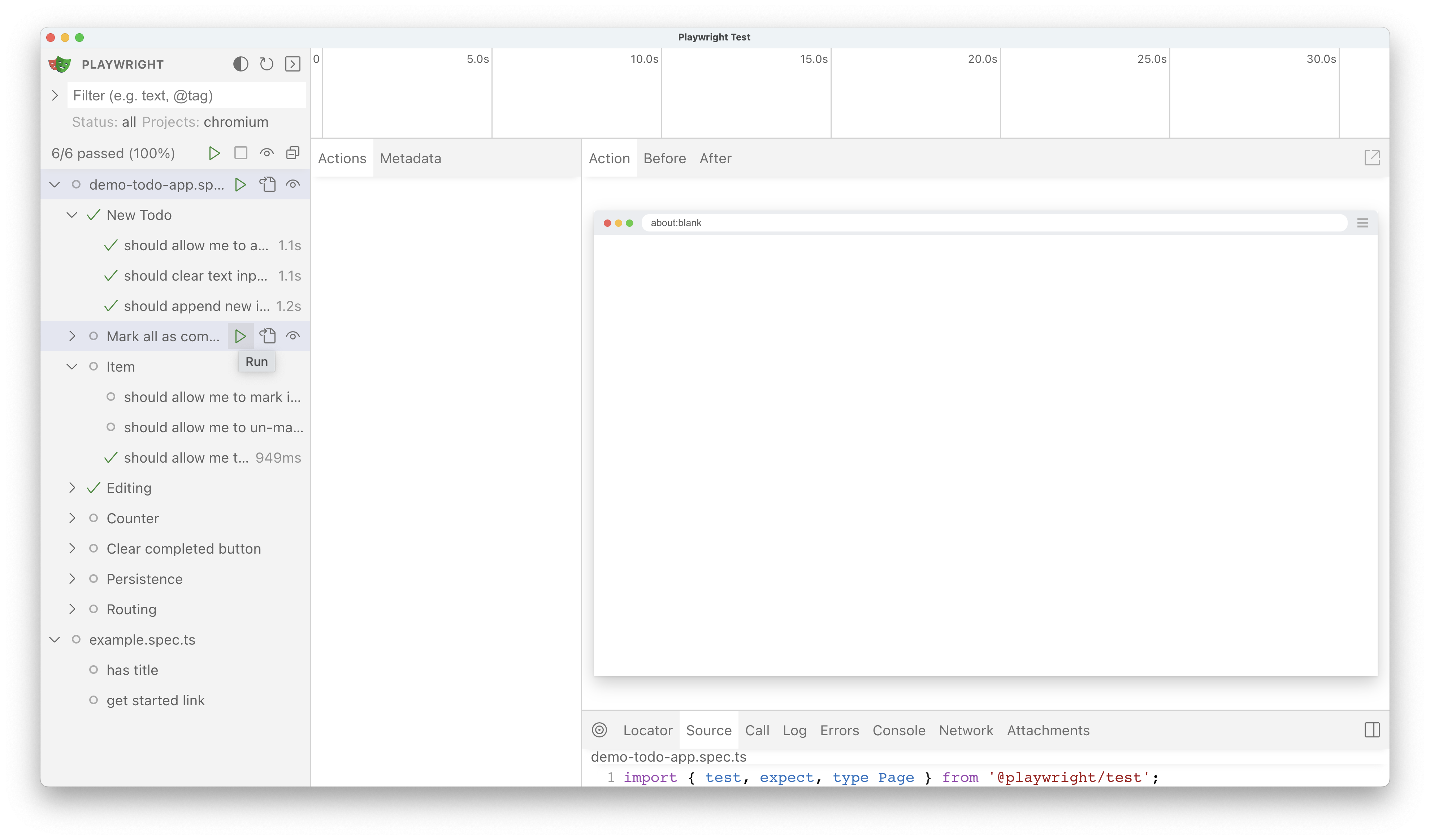
Filtering tests[](https://playwright.dev/docs/test-ui-mode#filtering-tests "Direct link to Filtering tests")
--------------------------------------------------------------------------------------------------------------
Filter tests by text or `@tag` or by passed, failed or skipped tests. You can also filter by [projects](https://playwright.dev/docs/test-projects)
as set in your `playwright.config` file. If you are using project dependencies make sure to run your setup tests first before running the tests that depend on them. The UI mode will not take into consideration the setup tests and therefore you will have to manually run them first.
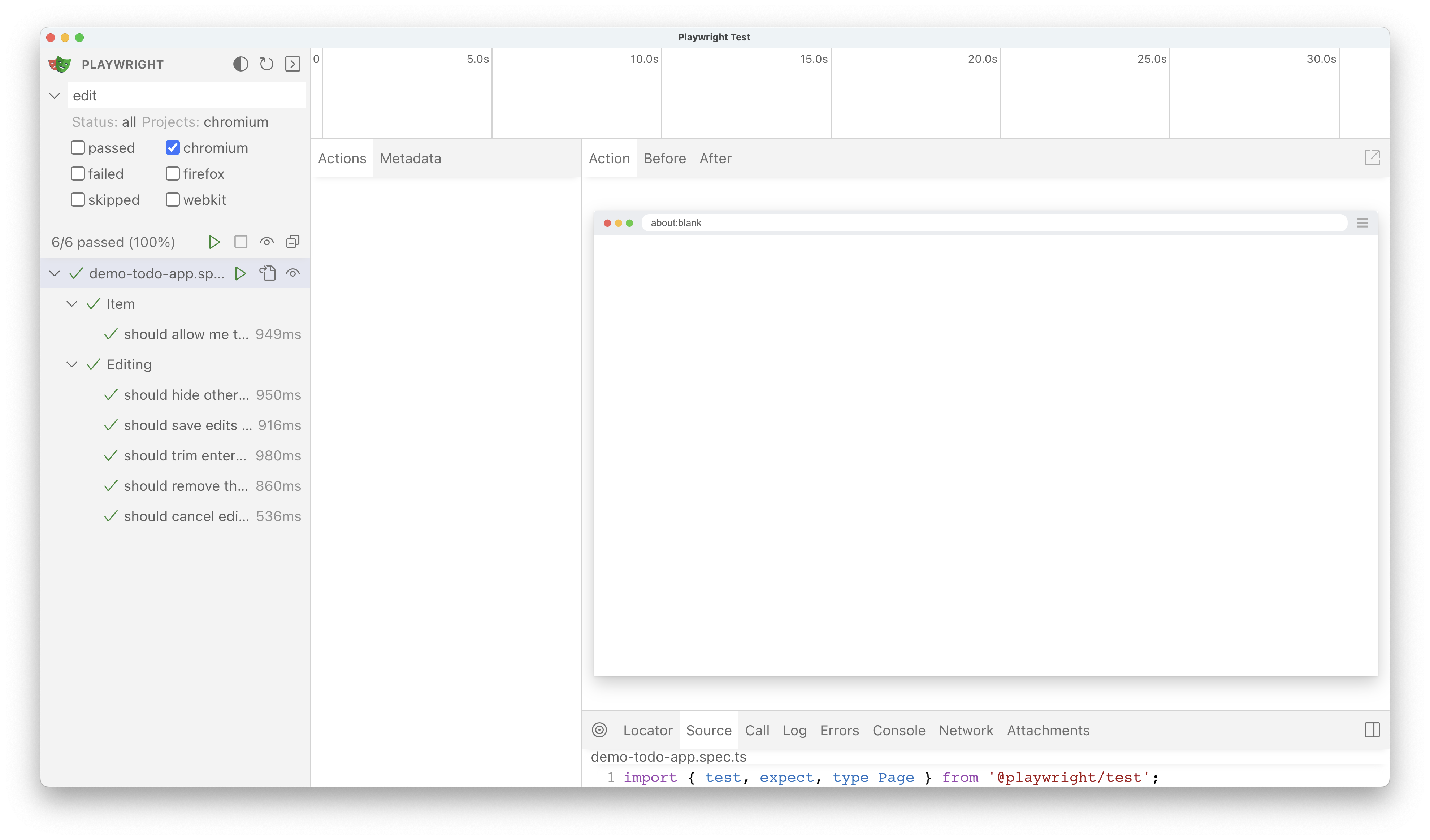
Timeline view[](https://playwright.dev/docs/test-ui-mode#timeline-view "Direct link to Timeline view")
--------------------------------------------------------------------------------------------------------
At the top of the trace you can see a timeline view of your test with different colors to highlight navigation and actions. Hover back and forth to see an image snapshot for each action. Double click on an action to see the time range for that action. You can use the slider in the timeline to increase the actions selected and these will be shown in the Actions tab and all console logs and network logs will be filtered to only show the logs for the actions selected.

Actions[](https://playwright.dev/docs/test-ui-mode#actions "Direct link to Actions")
--------------------------------------------------------------------------------------
In the Actions tab you can see what locator was used for every action and how long each one took to run. Hover over each action of your test and visually see the change in the DOM snapshot. Go back and forward in time and click an action to inspect and debug. Use the Before and After tabs to visually see what happened before and after the action. 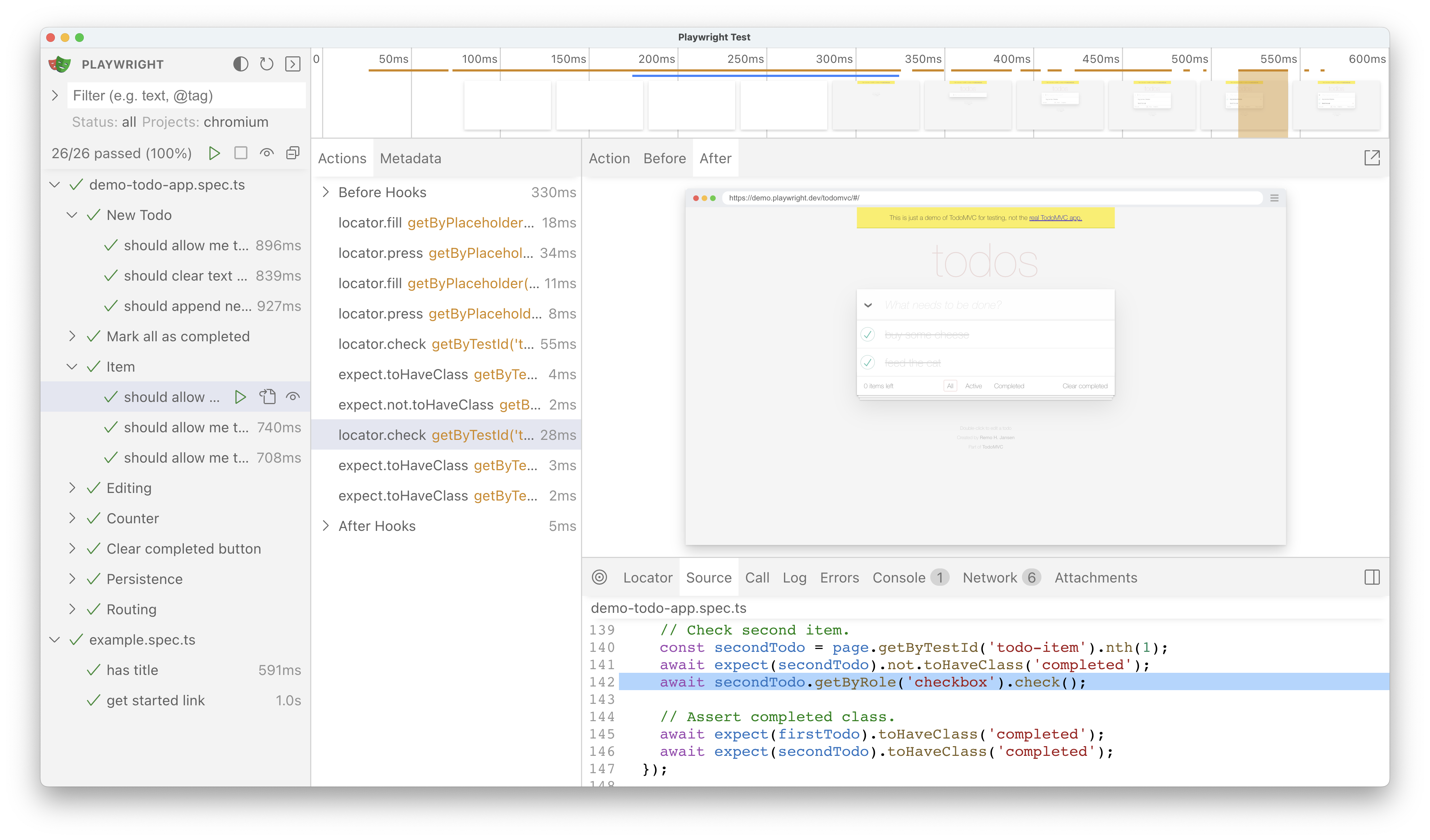
Pop out and inspect the DOM[](https://playwright.dev/docs/test-ui-mode#pop-out-and-inspect-the-dom "Direct link to Pop out and inspect the DOM")
--------------------------------------------------------------------------------------------------------------------------------------------------
Pop out the DOM snapshot into its own window for a better debugging experience by clicking on the pop out icon above the DOM snapshot. From there you can open the browser DevTools and inspect the HTML, CSS, Console etc. Go back to UI Mode and click on another action and pop that one out to easily compare the two side by side or debug each individually.
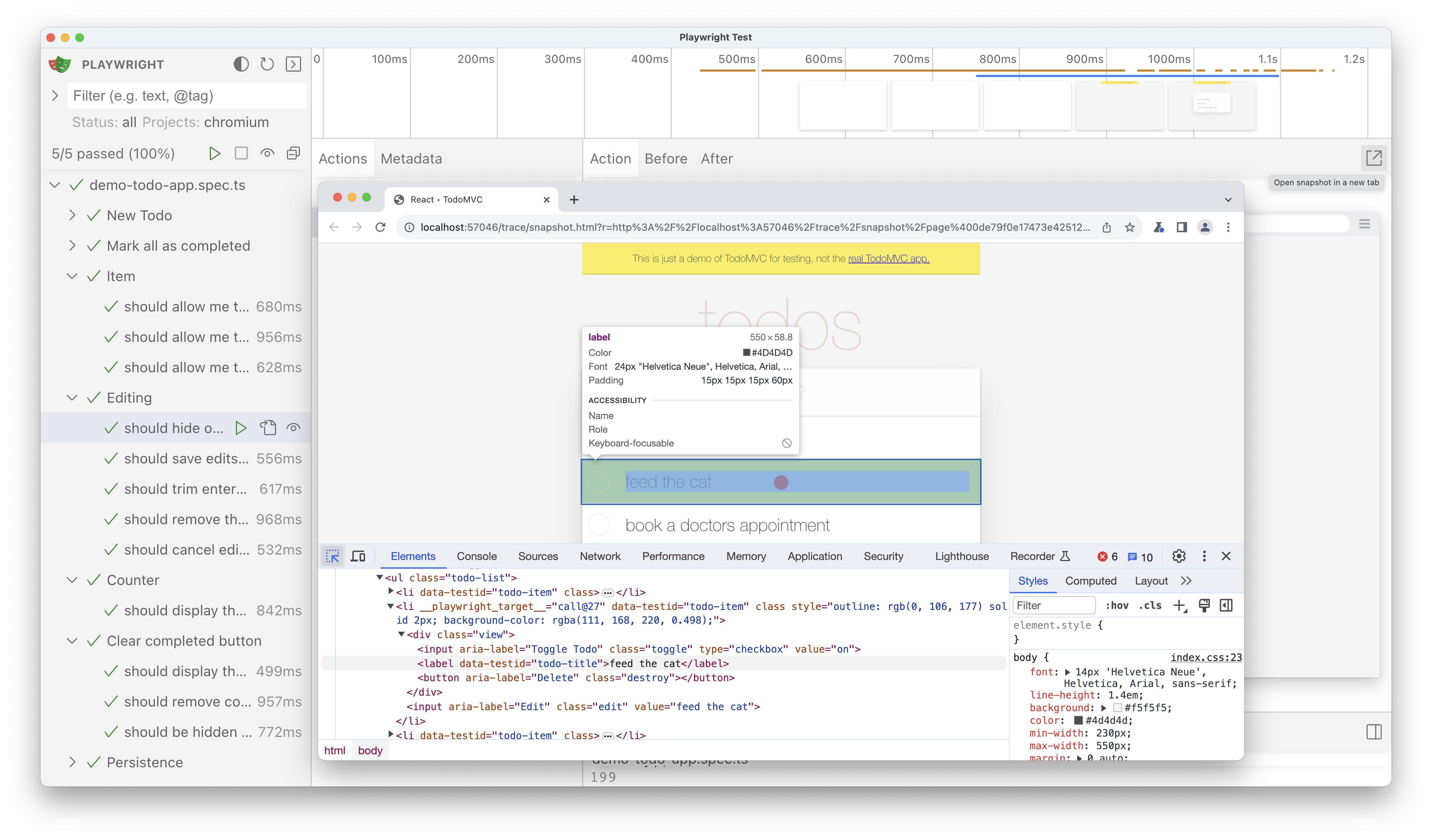
Pick locator[](https://playwright.dev/docs/test-ui-mode#pick-locator "Direct link to Pick locator")
-----------------------------------------------------------------------------------------------------
Click on the pick locator button and hover over the DOM snapshot to see the locator for each element highlighted as you hover. Click on an element to add the locator playground. You can modify the locator in the playground and see if your modified locator matches any locators in the DOM snapshot. Once you are satisfied with the locator you can use the copy button to copy the locator and paste it into your test.
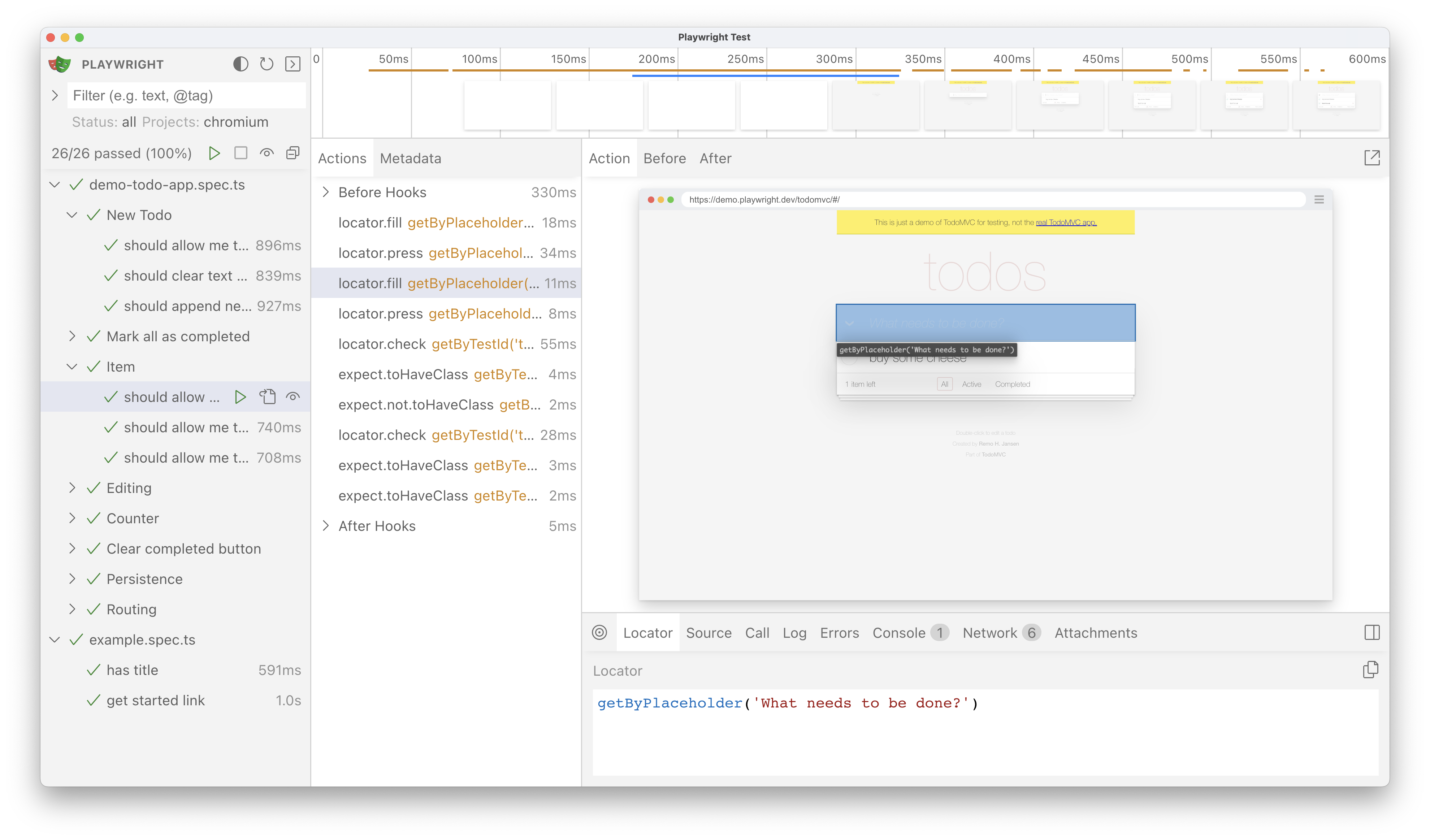
Source[](https://playwright.dev/docs/test-ui-mode#source "Direct link to Source")
-----------------------------------------------------------------------------------
As you hover over each action of your test the line of code for that action is highlighted in the source panel. The button "Open in VSCode" is at the top-right of this section. Upon clicking the button, it will open your test in VS Code right at the line of code that you clicked on.
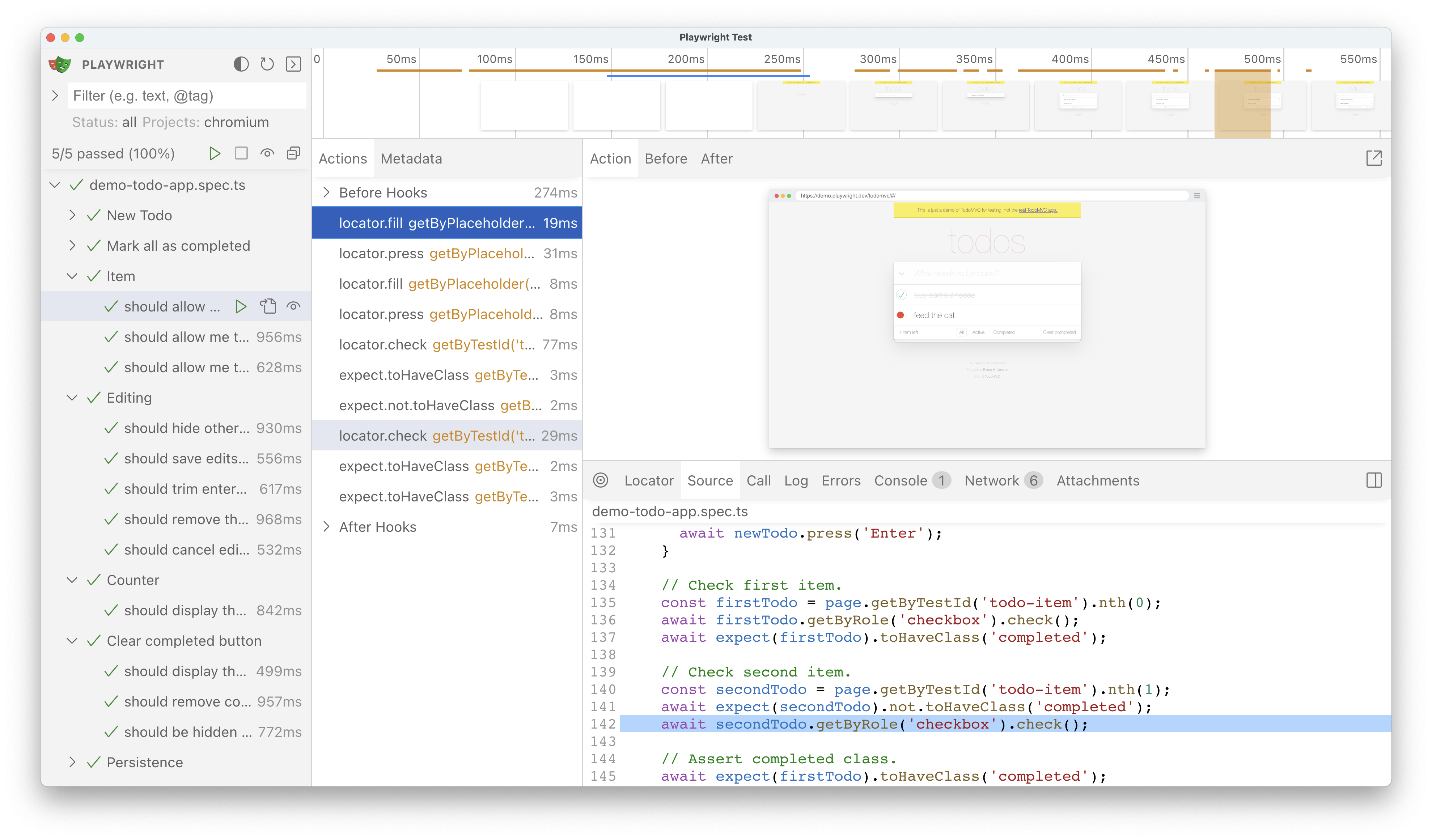
Call[](https://playwright.dev/docs/test-ui-mode#call "Direct link to Call")
-----------------------------------------------------------------------------
The call tab shows you information about the action such as the time it took, what locator was used, if in strict mode and what key was used.
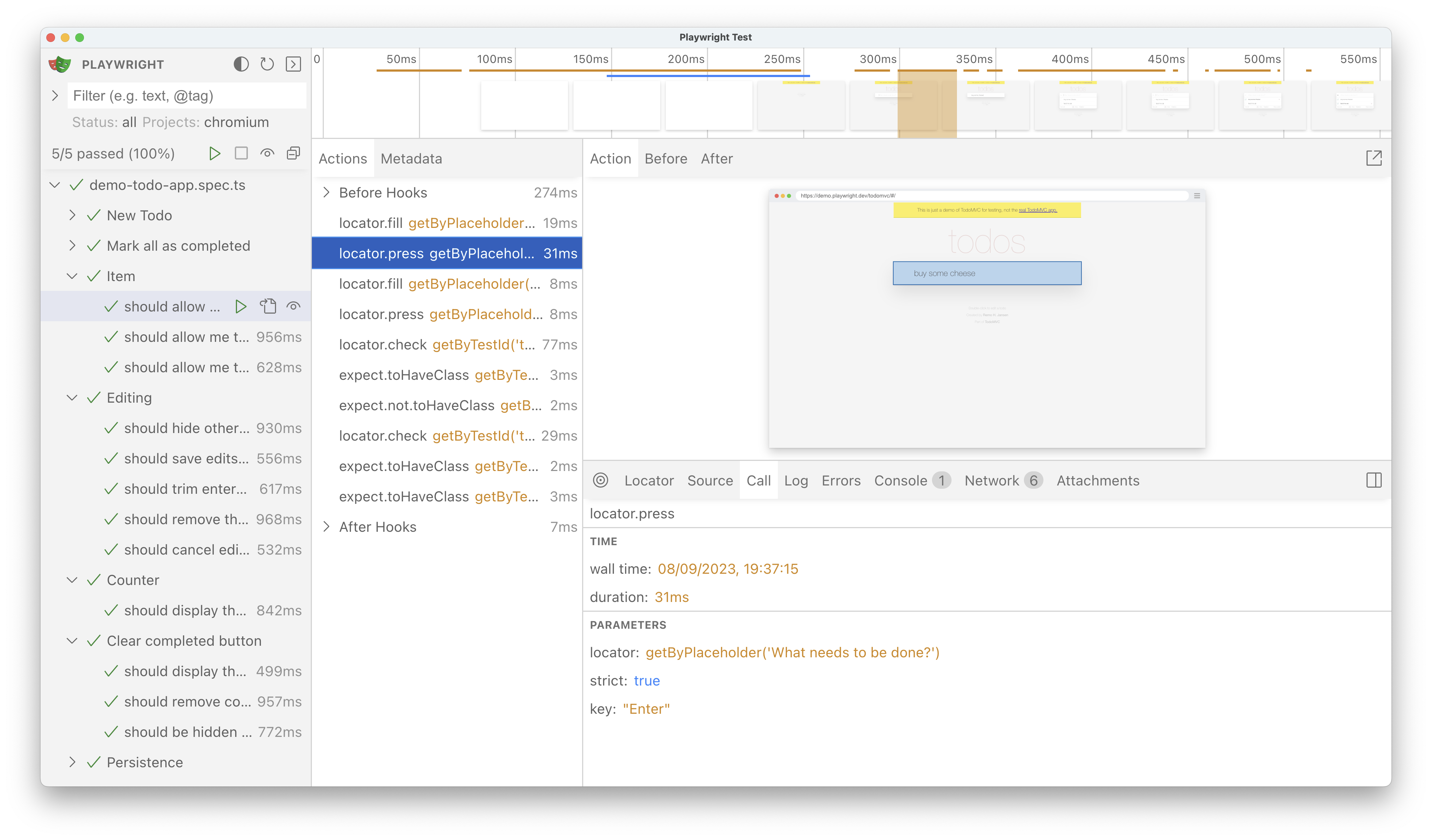
Log[](https://playwright.dev/docs/test-ui-mode#log "Direct link to Log")
--------------------------------------------------------------------------
See a full log of your test to better understand what Playwright is doing behind the scenes such as scrolling into view, waiting for element to be visible, enabled and stable and performing actions such as click, fill, press etc.
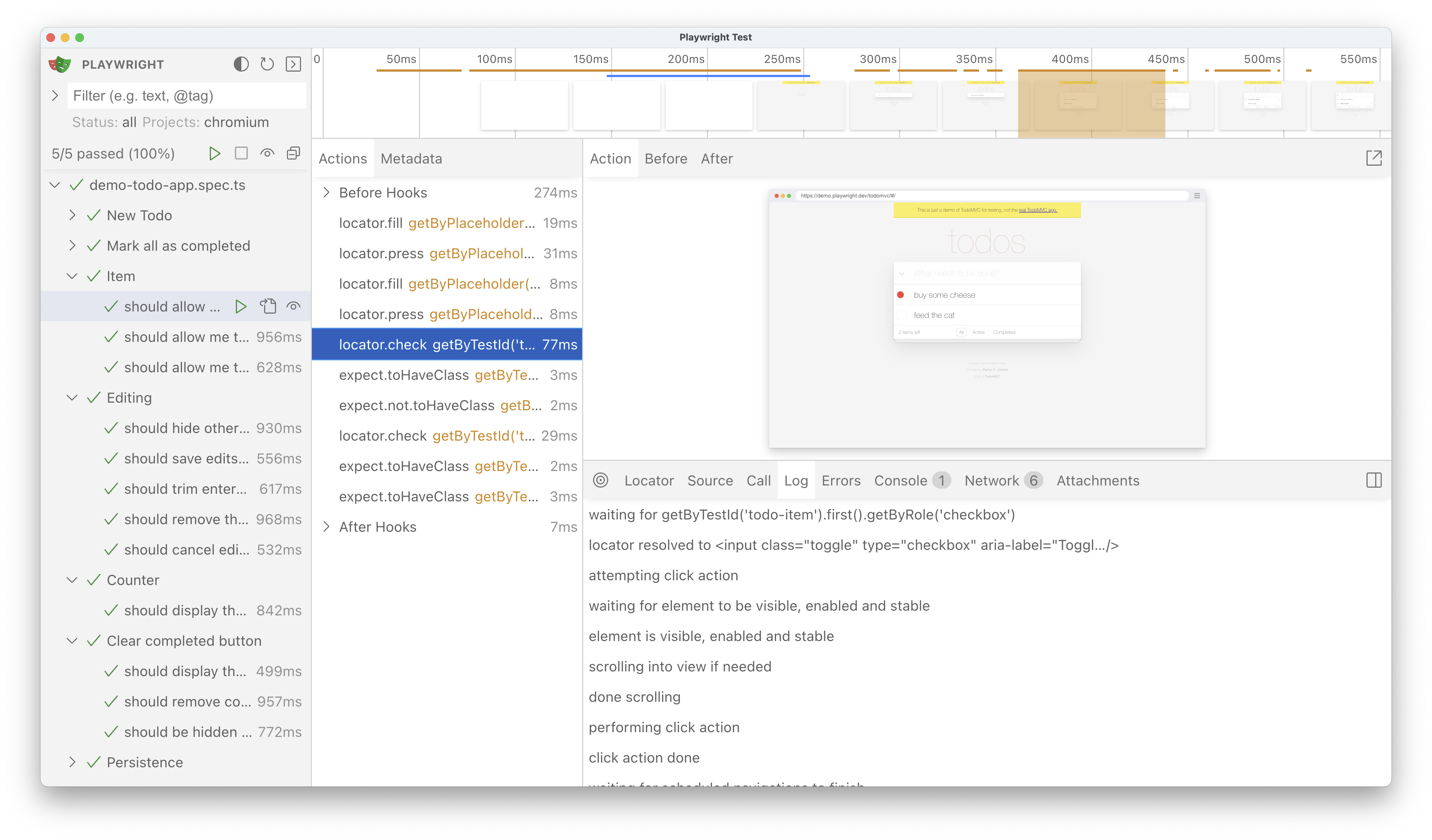
Errors[](https://playwright.dev/docs/test-ui-mode#errors "Direct link to Errors")
-----------------------------------------------------------------------------------
If your test fails you will see the error messages for each test in the Errors tab. The timeline will also show a red line highlighting where the error occurred. You can also click on the source tab to see on which line of the source code the error is.

Console[](https://playwright.dev/docs/test-ui-mode#console "Direct link to Console")
--------------------------------------------------------------------------------------
See console logs from the browser as well as from your test. Different icons are displayed to show you if the console log came from the browser or from the test file.

Network[](https://playwright.dev/docs/test-ui-mode#network "Direct link to Network")
--------------------------------------------------------------------------------------
The Network tab shows you all the network requests that were made during your test. You can sort by different types of requests, status code, method, request, content type, duration and size. Click on a request to see more information about it such as the request headers, response headers, request body and response body.
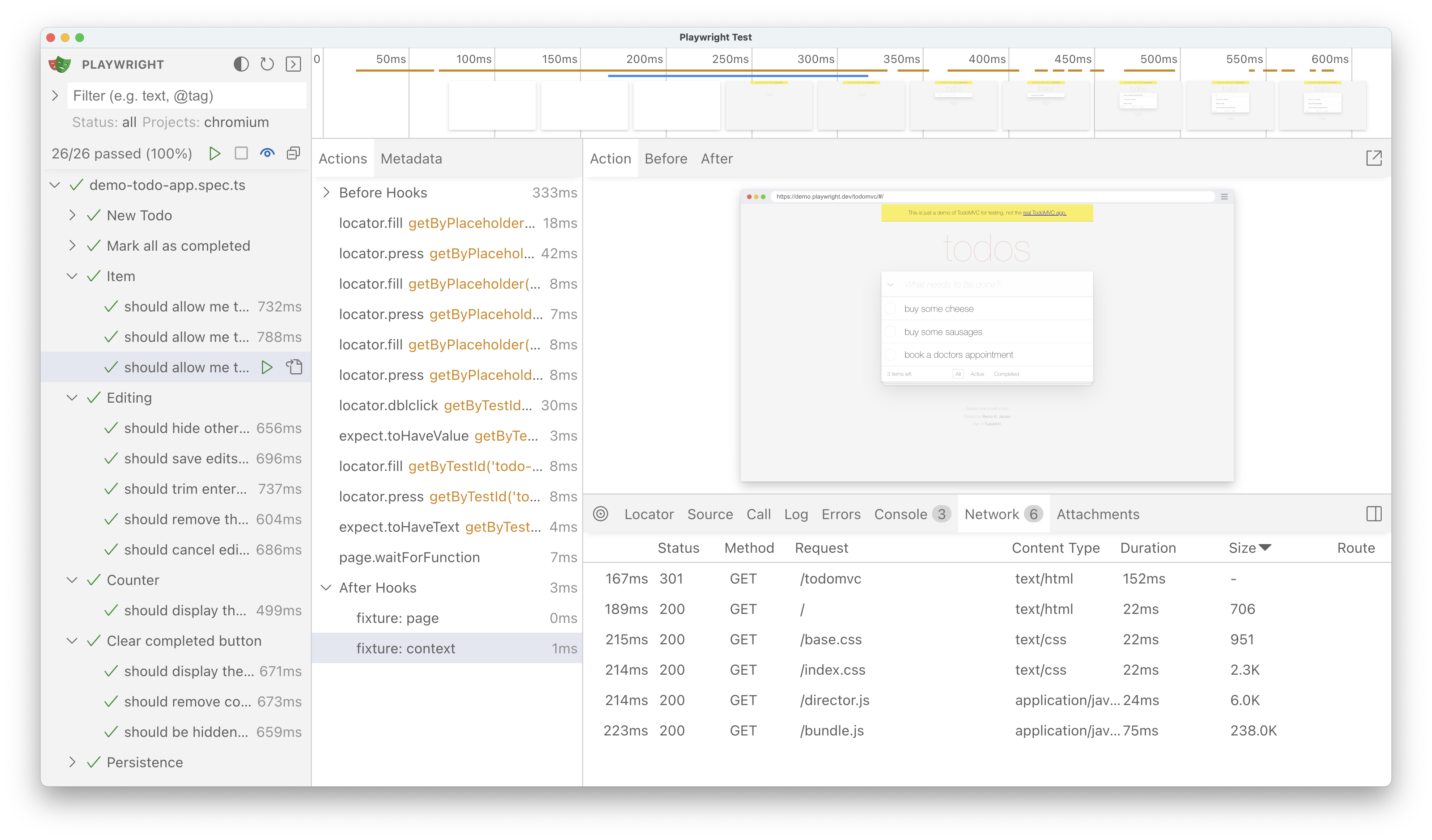
Attachments[](https://playwright.dev/docs/test-ui-mode#attachments "Direct link to Attachments")
--------------------------------------------------------------------------------------------------
The "Attachments" tab allows you to explore attachments. If you're doing [visual regression testing](https://playwright.dev/docs/test-snapshots)
, you'll be able to compare screenshots by examining the image diff, the actual image and the expected image. When you click on the expected image you can use the slider to slide one image over the other so you can easily see the differences in your screenshots.
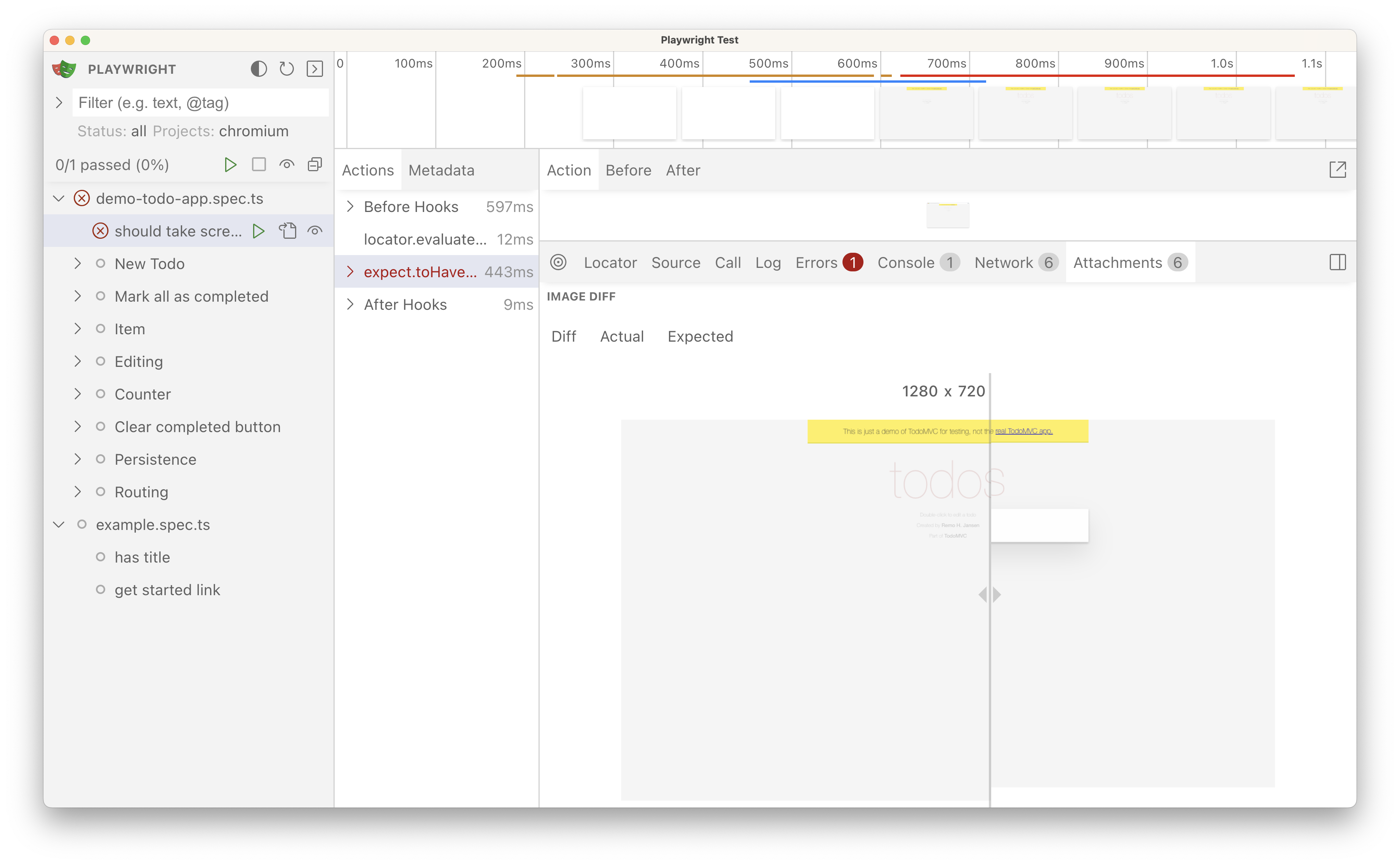
Metadata[](https://playwright.dev/docs/test-ui-mode#metadata "Direct link to Metadata")
-----------------------------------------------------------------------------------------
Next to the Actions tab you will find the Metadata tab which will show you more information on your test such as the Browser, viewport size, test duration and more.
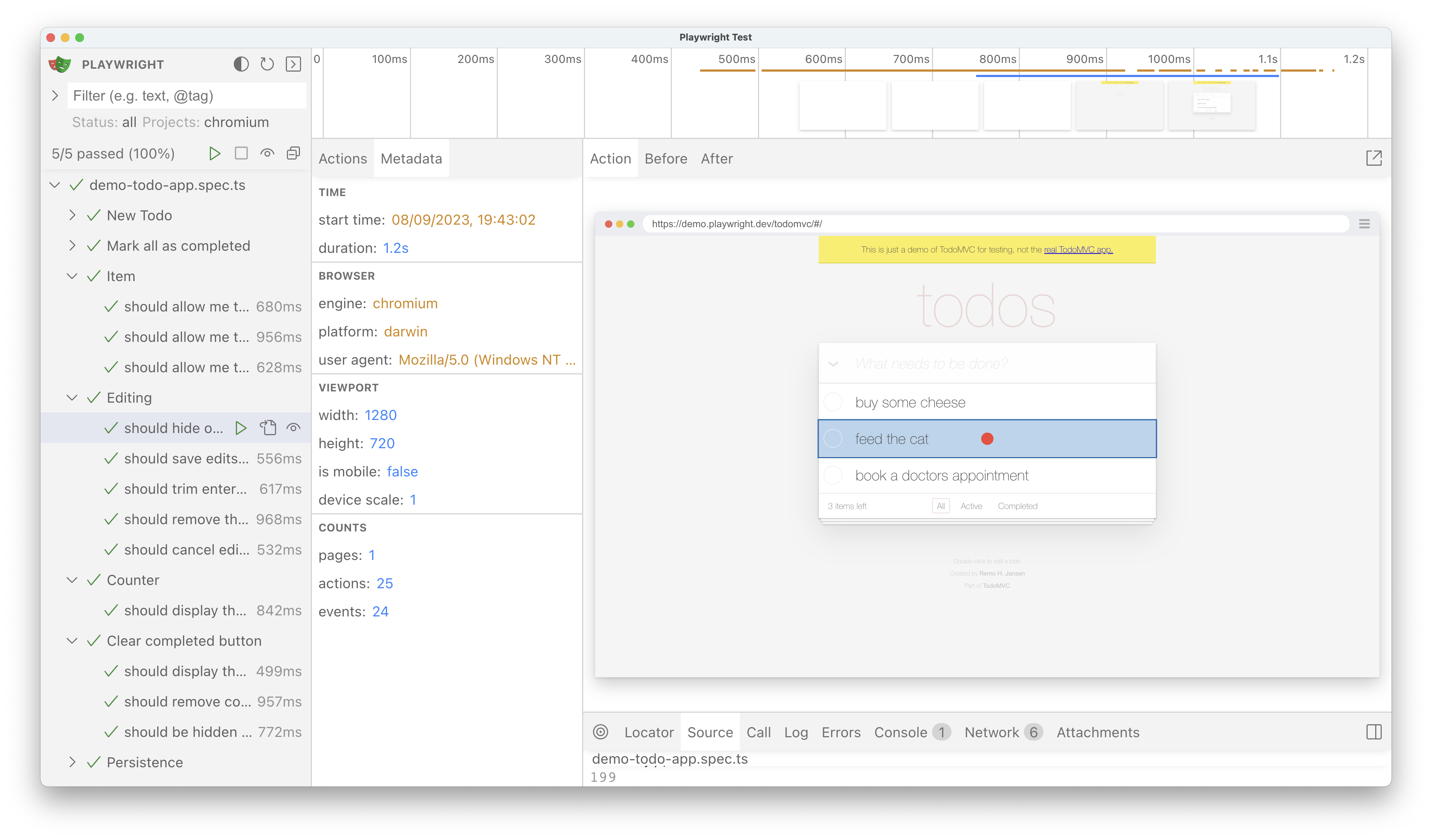
Watch mode[](https://playwright.dev/docs/test-ui-mode#watch-mode "Direct link to Watch mode")
-----------------------------------------------------------------------------------------------
Next to the name of each test in the sidebar you will find an eye icon. Clicking on the icon will activate watch mode which will re-run the test when you make changes to it. You can watch a number of tests at the same time be clicking the eye icon next to each one or all tests by clicking the eye icon at the top of the sidebar.
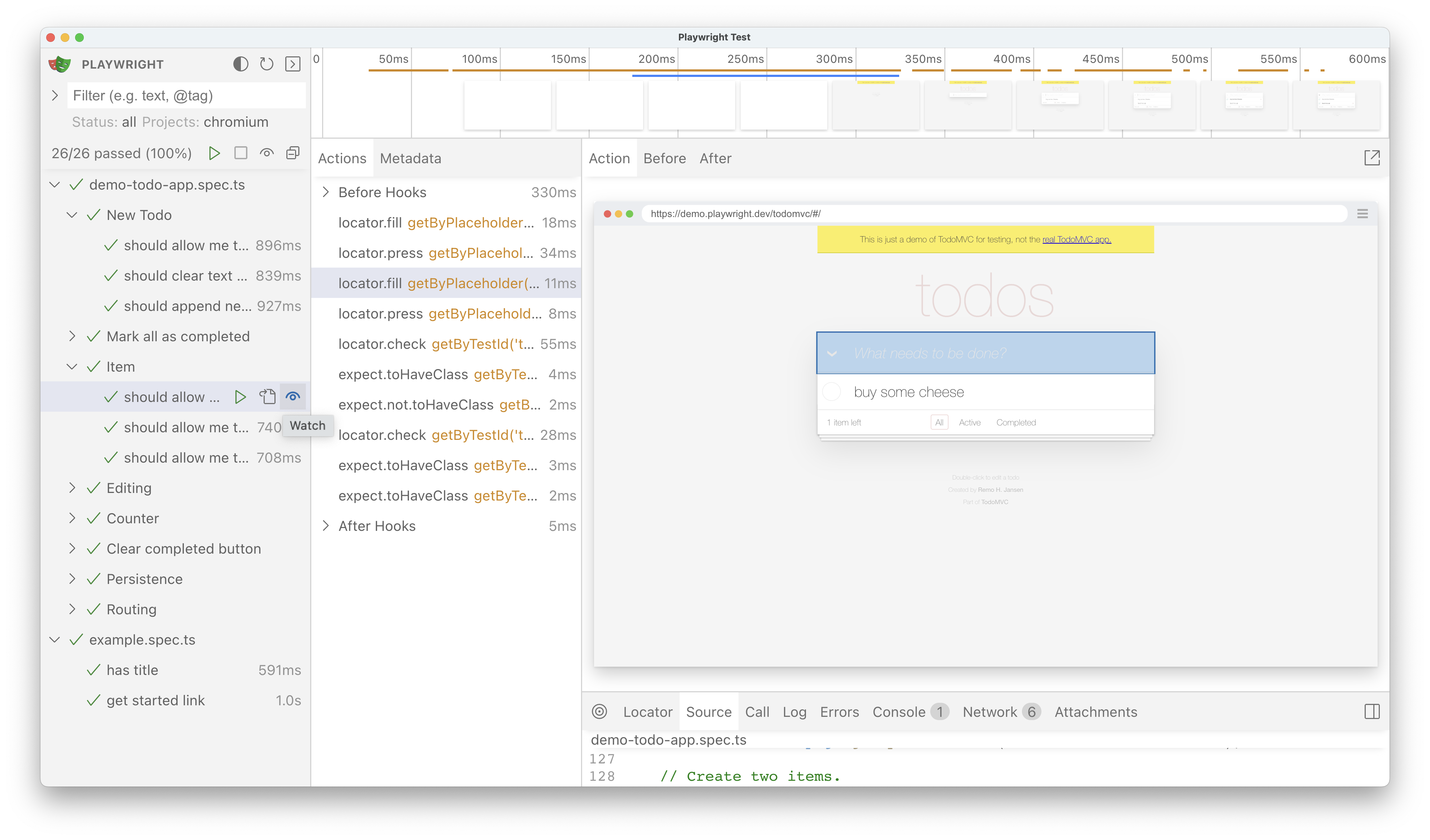
Docker & GitHub Codespaces[](https://playwright.dev/docs/test-ui-mode#docker--github-codespaces "Direct link to Docker & GitHub Codespaces")
----------------------------------------------------------------------------------------------------------------------------------------------
For Docker and GitHub Codespaces environments, you can run UI mode in the browser. In order for an endpoint to be accessible outside of the container, it needs to be bound to the `0.0.0.0` interface:
npx playwright test --ui-host=0.0.0.0
In the case of GitHub Codespaces, the port gets [forwarded automatically](https://docs.github.com/en/codespaces/developing-in-codespaces/forwarding-ports-in-your-codespace#about-forwarded-ports)
, so you can open UI mode in the browser by clicking on the link in the terminal.
To have a static port, you can pass the `--ui-port` flag:
npx playwright test --ui-port=8080 --ui-host=0.0.0.0
note
Be aware that when specifying the `--ui-host=0.0.0.0` flag, UI Mode with your traces, the passwords and secrets is accessible from other machines inside your network. In the case of GitHub Codespaces, the ports are only accessible from your account by default.
* [Introduction](https://playwright.dev/docs/test-ui-mode#introduction)
* [Opening UI Mode](https://playwright.dev/docs/test-ui-mode#opening-ui-mode)
* [Running your tests](https://playwright.dev/docs/test-ui-mode#running-your-tests)
* [Filtering tests](https://playwright.dev/docs/test-ui-mode#filtering-tests)
* [Timeline view](https://playwright.dev/docs/test-ui-mode#timeline-view)
* [Actions](https://playwright.dev/docs/test-ui-mode#actions)
* [Pop out and inspect the DOM](https://playwright.dev/docs/test-ui-mode#pop-out-and-inspect-the-dom)
* [Pick locator](https://playwright.dev/docs/test-ui-mode#pick-locator)
* [Source](https://playwright.dev/docs/test-ui-mode#source)
* [Call](https://playwright.dev/docs/test-ui-mode#call)
* [Log](https://playwright.dev/docs/test-ui-mode#log)
* [Errors](https://playwright.dev/docs/test-ui-mode#errors)
* [Console](https://playwright.dev/docs/test-ui-mode#console)
* [Network](https://playwright.dev/docs/test-ui-mode#network)
* [Attachments](https://playwright.dev/docs/test-ui-mode#attachments)
* [Metadata](https://playwright.dev/docs/test-ui-mode#metadata)
* [Watch mode](https://playwright.dev/docs/test-ui-mode#watch-mode)
* [Docker & GitHub Codespaces](https://playwright.dev/docs/test-ui-mode#docker--github-codespaces)
---
# Clock | Playwright .NET
[Skip to main content](https://playwright.dev/dotnet/docs/clock#__docusaurus_skipToContent_fallback)
On this page
Introduction[](https://playwright.dev/dotnet/docs/clock#introduction "Direct link to Introduction")
-----------------------------------------------------------------------------------------------------
Accurately simulating time-dependent behavior is essential for verifying the correctness of applications. Utilizing [Clock](https://playwright.dev/dotnet/docs/api/class-clock "Clock")
functionality allows developers to manipulate and control time within tests, enabling the precise validation of features such as rendering time, timeouts, scheduled tasks without the delays and variability of real-time execution.
The [Clock](https://playwright.dev/dotnet/docs/api/class-clock "Clock")
API provides the following methods to control time:
* `setFixedTime`: Sets the fixed time for `Date.now()` and `new Date()`.
* `install`: initializes the clock and allows you to:
* `pauseAt`: Pauses the time at a specific time.
* `fastForward`: Fast forwards the time.
* `runFor`: Runs the time for a specific duration.
* `resume`: Resumes the time.
* `setSystemTime`: Sets the current system time.
The recommended approach is to use `setFixedTime` to set the time to a specific value. If that doesn't work for your use case, you can use `install` which allows you to pause time later on, fast forward it, tick it, etc. `setSystemTime` is only recommended for advanced use cases.
note
[Page.Clock](https://playwright.dev/dotnet/docs/api/class-page#page-clock)
overrides native global classes and functions related to time allowing them to be manually controlled:
* `Date`
* `setTimeout`
* `clearTimeout`
* `setInterval`
* `clearInterval`
* `requestAnimationFrame`
* `cancelAnimationFrame`
* `requestIdleCallback`
* `cancelIdleCallback`
* `performance`
* `Event.timeStamp`
warning
If you call `install` at any point in your test, the call _MUST_ occur before any other clock related calls (see note above for list). Calling these methods out of order will result in undefined behavior. For example, you cannot call `setInterval`, followed by `install`, then `clearInterval`, as `install` overrides the native definition of the clock functions.
Test with predefined time[](https://playwright.dev/dotnet/docs/clock#test-with-predefined-time "Direct link to Test with predefined time")
--------------------------------------------------------------------------------------------------------------------------------------------
Often you only need to fake `Date.now` while keeping the timers going. That way the time flows naturally, but `Date.now` always returns a fixed value.
// Set the fixed time for the clock.await Page.Clock.SetFixedTimeAsync(new DateTime(2024, 2, 2, 10, 0, 0));await Page.GotoAsync("http://localhost:3333");await Expect(Page.GetByTestId("current-time")).ToHaveTextAsync("2/2/2024, 10:00:00 AM");// Set the fixed time for the clock.await Page.Clock.SetFixedTimeAsync(new DateTime(2024, 2, 2, 10, 30, 0));// We know that the page has a timer that updates the time every second.await Expect(Page.GetByTestId("current-time")).ToHaveTextAsync("2/2/2024, 10:30:00 AM");
Consistent time and timers[](https://playwright.dev/dotnet/docs/clock#consistent-time-and-timers "Direct link to Consistent time and timers")
-----------------------------------------------------------------------------------------------------------------------------------------------
Sometimes your timers depend on `Date.now` and are confused when the `Date.now` value does not change over time. In this case, you can install the clock and fast forward to the time of interest when testing.
// Initialize clock with some time before the test time and let the page load naturally.// `Date.now` will progress as the timers fire.await Page.Clock.InstallAsync(new(){ TimeDate = new DateTime(2024, 2, 2, 8, 0, 0)});await Page.GotoAsync("http://localhost:3333");// Pretend that the user closed the laptop lid and opened it again at 10am.// Pause the time once reached that point.await Page.Clock.PauseAtAsync(new DateTime(2024, 2, 2, 10, 0, 0));// Assert the page state.await Expect(Page.GetByTestId("current-time")).ToHaveTextAsync("2/2/2024, 10:00:00 AM");// Close the laptop lid again and open it at 10:30am.await Page.Clock.FastForwardAsync("30:00");await Expect(Page.GetByTestId("current-time")).ToHaveTextAsync("2/2/2024, 10:30:00 AM");
Test inactivity monitoring[](https://playwright.dev/dotnet/docs/clock#test-inactivity-monitoring "Direct link to Test inactivity monitoring")
-----------------------------------------------------------------------------------------------------------------------------------------------
Inactivity monitoring is a common feature in web applications that logs out users after a period of inactivity. Testing this feature can be tricky because you need to wait for a long time to see the effect. With the help of the clock, you can speed up time and test this feature quickly.
Interaction
// Initial time does not matter for the test, so we can pick current time.await Page.Clock.InstallAsync();await page.GotoAsync("http://localhost:3333");// Interact with the pageawait page.GetByRole("button").ClickAsync();// Fast forward time 5 minutes as if the user did not do anything.// Fast forward is like closing the laptop lid and opening it after 5 minutes.// All the timers due will fire once immediately, as in the real browser.await Page.Clock.FastForwardAsync("05:00");// Check that the user was logged out automatically.await Expect(Page.GetByText("You have been logged out due to inactivity.")).ToBeVisibleAsync();
Tick through time manually, firing all the timers consistently[](https://playwright.dev/dotnet/docs/clock#tick-through-time-manually-firing-all-the-timers-consistently "Direct link to Tick through time manually, firing all the timers consistently")
----------------------------------------------------------------------------------------------------------------------------------------------------------------------------------------------------------------------------------------------------------
In rare cases, you may want to tick through time manually, firing all timers and animation frames in the process to achieve a fine-grained control over the passage of time.
// Initialize clock with a specific time, let the page load naturally.await Page.Clock.InstallAsync(new(){ TimeDate = new DateTime(2024, 2, 2, 8, 0, 0, DateTimeKind.Pst)});await page.GotoAsync("http://localhost:3333");var locator = page.GetByTestId("current-time");// Pause the time flow, stop the timers, you now have manual control// over the page time.await Page.Clock.PauseAtAsync(new DateTime(2024, 2, 2, 10, 0, 0));await Expect(locator).ToHaveTextAsync("2/2/2024, 10:00:00 AM");// Tick through time manually, firing all timers in the process.// In this case, time will be updated in the screen 2 times.await Page.Clock.RunForAsync(2000);await Expect(locator).ToHaveTextAsync("2/2/2024, 10:00:02 AM");
Related Videos[](https://playwright.dev/dotnet/docs/clock#related-videos "Direct link to Related Videos")
-----------------------------------------------------------------------------------------------------------
* [Introduction](https://playwright.dev/dotnet/docs/clock#introduction)
* [Test with predefined time](https://playwright.dev/dotnet/docs/clock#test-with-predefined-time)
* [Consistent time and timers](https://playwright.dev/dotnet/docs/clock#consistent-time-and-timers)
* [Test inactivity monitoring](https://playwright.dev/dotnet/docs/clock#test-inactivity-monitoring)
* [Tick through time manually, firing all the timers consistently](https://playwright.dev/dotnet/docs/clock#tick-through-time-manually-firing-all-the-timers-consistently)
* [Related Videos](https://playwright.dev/dotnet/docs/clock#related-videos)
---
# Visual comparisons | Playwright
[Skip to main content](https://playwright.dev/docs/test-snapshots#__docusaurus_skipToContent_fallback)
On this page
Introduction[](https://playwright.dev/docs/test-snapshots#introduction "Direct link to Introduction")
-------------------------------------------------------------------------------------------------------
Playwright Test includes the ability to produce and visually compare screenshots using `await expect(page).toHaveScreenshot()`. On first execution, Playwright test will generate reference screenshots. Subsequent runs will compare against the reference.
example.spec.ts
import { test, expect } from '@playwright/test';test('example test', async ({ page }) => { await page.goto('https://playwright.dev'); await expect(page).toHaveScreenshot();});
warning
Browser rendering can vary based on the host OS, version, settings, hardware, power source (battery vs. power adapter), headless mode, and other factors. For consistent screenshots, run tests in the same environment where the baseline screenshots were generated.
Generating screenshots[](https://playwright.dev/docs/test-snapshots#generating-screenshots "Direct link to Generating screenshots")
-------------------------------------------------------------------------------------------------------------------------------------
When you run above for the first time, test runner will say:
Error: A snapshot doesn't exist at example.spec.ts-snapshots/example-test-1-chromium-darwin.png, writing actual.
That's because there was no golden file yet. This method took a bunch of screenshots until two consecutive screenshots matched, and saved the last screenshot to file system. It is now ready to be added to the repository.
The name of the folder with the golden expectations starts with the name of your test file:
drwxr-xr-x 5 user group 160 Jun 4 11:46 .drwxr-xr-x 6 user group 192 Jun 4 11:45 ..-rw-r--r-- 1 user group 231 Jun 4 11:16 example.spec.tsdrwxr-xr-x 3 user group 96 Jun 4 11:46 example.spec.ts-snapshots
The snapshot name `example-test-1-chromium-darwin.png` consists of a few parts:
* `example-test-1.png` - an auto-generated name of the snapshot. Alternatively you can specify snapshot name as the first argument of the `toHaveScreenshot()` method:
await expect(page).toHaveScreenshot('landing.png');
* `chromium-darwin` - the browser name and the platform. Screenshots differ between browsers and platforms due to different rendering, fonts and more, so you will need different snapshots for them. If you use multiple projects in your [configuration file](https://playwright.dev/docs/test-configuration)
, project name will be used instead of `chromium`.
The snapshot name and path can be configured with [testConfig.snapshotPathTemplate](https://playwright.dev/docs/api/class-testconfig#test-config-snapshot-path-template)
in the playwright config.
> Note that `toHaveScreenshot()` also accepts an array of path segments to the snapshot file such as `expect().toHaveScreenshot(['relative', 'path', 'to', 'snapshot.png'])`. However, this path must stay within the snapshots directory for each test file (i.e. `a.spec.js-snapshots`), otherwise it will throw.
Updating screenshots[](https://playwright.dev/docs/test-snapshots#updating-screenshots "Direct link to Updating screenshots")
-------------------------------------------------------------------------------------------------------------------------------
Sometimes you need to update the reference screenshot, for example when the page has changed. Do this with the `--update-snapshots` flag.
npx playwright test --update-snapshots
Options[](https://playwright.dev/docs/test-snapshots#options "Direct link to Options")
----------------------------------------------------------------------------------------
### maxDiffPixels[](https://playwright.dev/docs/test-snapshots#maxdiffpixels "Direct link to maxDiffPixels")
Playwright Test uses the [pixelmatch](https://github.com/mapbox/pixelmatch)
library. You can [pass various options](https://playwright.dev/docs/api/class-pageassertions#page-assertions-to-have-screenshot-1)
to modify its behavior:
example.spec.ts
import { test, expect } from '@playwright/test';test('example test', async ({ page }) => { await page.goto('https://playwright.dev'); await expect(page).toHaveScreenshot({ maxDiffPixels: 100 });});
If you'd like to share the default value among all the tests in the project, you can specify it in the playwright config, either globally or per project:
playwright.config.ts
import { defineConfig } from '@playwright/test';export default defineConfig({ expect: { toHaveScreenshot: { maxDiffPixels: 100 }, },});
### stylePath[](https://playwright.dev/docs/test-snapshots#stylepath "Direct link to stylePath")
You can apply a custom stylesheet to your page while taking screenshot. This allows filtering out dynamic or volatile elements, hence improving the screenshot determinism.
screenshot.css
iframe { visibility: hidden;}
example.spec.ts
import { test, expect } from '@playwright/test';test('example test', async ({ page }) => { await page.goto('https://playwright.dev'); await expect(page).toHaveScreenshot({ stylePath: path.join(__dirname, 'screenshot.css') });});
If you'd like to share the default value among all the tests in the project, you can specify it in the playwright config, either globally or per project:
playwright.config.ts
import { defineConfig } from '@playwright/test';export default defineConfig({ expect: { toHaveScreenshot: { stylePath: './screenshot.css' }, },});
Non-image snapshots[](https://playwright.dev/docs/test-snapshots#non-image-snapshots "Direct link to Non-image snapshots")
----------------------------------------------------------------------------------------------------------------------------
Apart from screenshots, you can use `expect(value).toMatchSnapshot(snapshotName)` to compare text or arbitrary binary data. Playwright Test auto-detects the content type and uses the appropriate comparison algorithm.
Here we compare text content against the reference.
example.spec.ts
import { test, expect } from '@playwright/test';test('example test', async ({ page }) => { await page.goto('https://playwright.dev'); expect(await page.textContent('.hero__title')).toMatchSnapshot('hero.txt');});
Snapshots are stored next to the test file, in a separate directory. For example, `my.spec.ts` file will produce and store snapshots in the `my.spec.ts-snapshots` directory. You should commit this directory to your version control (e.g. `git`), and review any changes to it.
* [Introduction](https://playwright.dev/docs/test-snapshots#introduction)
* [Generating screenshots](https://playwright.dev/docs/test-snapshots#generating-screenshots)
* [Updating screenshots](https://playwright.dev/docs/test-snapshots#updating-screenshots)
* [Options](https://playwright.dev/docs/test-snapshots#options)
* [maxDiffPixels](https://playwright.dev/docs/test-snapshots#maxdiffpixels)
* [stylePath](https://playwright.dev/docs/test-snapshots#stylepath)
* [Non-image snapshots](https://playwright.dev/docs/test-snapshots#non-image-snapshots)
---
# Command line | Playwright
[Skip to main content](https://playwright.dev/docs/test-cli#__docusaurus_skipToContent_fallback)
On this page
Playwright provides a powerful command line interface for running tests, generating code, debugging, and more. The most up to date list of commands and arguments available on the CLI can always be retrieved via `npx playwright --help`.
Essential Commands[](https://playwright.dev/docs/test-cli#essential-commands "Direct link to Essential Commands")
-------------------------------------------------------------------------------------------------------------------
### Run Tests[](https://playwright.dev/docs/test-cli#run-tests "Direct link to Run Tests")
Run your Playwright tests. [Read more about running tests](https://playwright.dev/docs/running-tests)
.
#### Syntax[](https://playwright.dev/docs/test-cli#syntax "Direct link to Syntax")
npx playwright test [options] [test-filter...]
#### Examples[](https://playwright.dev/docs/test-cli#examples "Direct link to Examples")
# Run all testsnpx playwright test# Run a single test filenpx playwright test tests/todo-page.spec.ts# Run a set of test filesnpx playwright test tests/todo-page/ tests/landing-page/# Run tests at a specific linenpx playwright test my-spec.ts:42# Run tests by titlenpx playwright test -g "add a todo item"# Run tests in headed browsersnpx playwright test --headed# Run tests for a specific projectnpx playwright test --project=chromium# Get helpnpx playwright test --help
**Disable [parallelization](https://playwright.dev/docs/test-parallel)
**
npx playwright test --workers=1
**Run in debug mode with [Playwright Inspector](https://playwright.dev/docs/debug)
**
npx playwright test --debug
**Run tests in interactive [UI mode](https://playwright.dev/docs/test-ui-mode)
**
npx playwright test --ui
#### Common Options[](https://playwright.dev/docs/test-cli#common-options "Direct link to Common Options")
| Option | Description |
| --- | --- |
| `--debug` | Run tests with Playwright Inspector. Shortcut for `PWDEBUG=1` environment variable and `--timeout=0 --max-failures=1 --headed --workers=1` options. |
| `--headed` | Run tests in headed browsers (default: headless). |
| `-g ` or `--grep ` | Only run tests matching this regular expression (default: ".\*"). |
| `--project ` | Only run tests from the specified list of projects, supports '\*' wildcard (default: run all projects). |
| `--ui` | Run tests in interactive UI mode. |
| `-j ` or `--workers ` | Number of concurrent workers or percentage of logical CPU cores, use 1 to run in a single worker (default: 50%). |
#### All Options[](https://playwright.dev/docs/test-cli#all-options "Direct link to All Options")
| Option | Description |
| --- | --- |
| Non-option arguments | Each argument is treated as a regular expression matched against the full test file path. Only tests from files matching the pattern will be executed. Special symbols like `$` or `*` should be escaped with `\`. In many shells/terminals you may need to quote the arguments. |
| `-c ` or `--config ` | Configuration file, or a test directory with optional "playwright.config.{m,c}?{js,ts}". Defaults to `playwright.config.ts` or `playwright.config.js` in the current directory. |
| `--debug` | Run tests with Playwright Inspector. Shortcut for `PWDEBUG=1` environment variable and `--timeout=0 --max-failures=1 --headed --workers=1` options. |
| `--fail-on-flaky-tests` | Fail if any test is flagged as flaky (default: false). |
| `--forbid-only` | Fail if `test.only` is called (default: false). Useful on CI. |
| `--fully-parallel` | Run all tests in parallel (default: false). |
| `--global-timeout ` | Maximum time this test suite can run in milliseconds (default: unlimited). |
| `-g ` or `--grep ` | Only run tests matching this regular expression (default: ".\*"). |
| `--grep-invert ` | Only run tests that do not match this regular expression. |
| `--headed` | Run tests in headed browsers (default: headless). |
| `--ignore-snapshots` | Ignore screenshot and snapshot expectations. |
| `-j ` or `--workers ` | Number of concurrent workers or percentage of logical CPU cores, use 1 to run in a single worker (default: 50%). |
| `--last-failed` | Only re-run the failures. |
| `--list` | Collect all the tests and report them, but do not run. |
| `--max-failures ` or `-x` | Stop after the first `N` failures. Passing `-x` stops after the first failure. |
| `--no-deps` | Do not run project dependencies. |
| `--output ` | Folder for output artifacts (default: "test-results"). |
| `--only-changed [ref]` | Only run test files that have been changed between 'HEAD' and 'ref'. Defaults to running all uncommitted changes. Only supports Git. |
| `--pass-with-no-tests` | Makes test run succeed even if no tests were found. |
| `--project ` | Only run tests from the specified list of projects, supports '\*' wildcard (default: run all projects). |
| `--quiet` | Suppress stdio. |
| `--repeat-each ` | Run each test `N` times (default: 1). |
| `--reporter ` | Reporter to use, comma-separated, can be "dot", "line", "list", or others (default: "list"). You can also pass a path to a custom reporter file. |
| `--retries ` | Maximum retry count for flaky tests, zero for no retries (default: no retries). |
| `--shard ` | Shard tests and execute only the selected shard, specified in the form "current/all", 1-based, e.g., "3/5". |
| `--timeout ` | Specify test timeout threshold in milliseconds, zero for unlimited (default: 30 seconds). |
| `--trace ` | Force tracing mode, can be `on`, `off`, `on-first-retry`, `on-all-retries`, `retain-on-failure`, `retain-on-first-failure`. |
| `--tsconfig ` | Path to a single tsconfig applicable to all imported files (default: look up tsconfig for each imported file separately). |
| `--ui` | Run tests in interactive UI mode. |
| `--ui-host ` | Host to serve UI on; specifying this option opens UI in a browser tab. |
| `--ui-port ` | Port to serve UI on, 0 for any free port; specifying this option opens UI in a browser tab. |
| `-u` or `--update-snapshots [mode]` | Update snapshots with actual results. Possible values are "all", "changed", "missing", and "none". Running tests without the flag defaults to "missing"; running tests with the flag but without a value defaults to "changed". |
| `--update-source-method [mode]` | Update snapshots with actual results. Possible values are "patch" (default), "3way" and "overwrite". "Patch" creates a unified diff file that can be used to update the source code later. "3way" generates merge conflict markers in source code. "Overwrite" overwrites the source code with the new snapshot values. |
| `-x` | Stop after the first failure. |
### Show Report[](https://playwright.dev/docs/test-cli#show-report "Direct link to Show Report")
Display HTML report from previous test run. [Read more about the HTML reporter](https://playwright.dev/docs/test-reporters#html-reporter)
.
#### Syntax[](https://playwright.dev/docs/test-cli#syntax-1 "Direct link to Syntax")
npx playwright show-report [report] [options]
#### Examples[](https://playwright.dev/docs/test-cli#examples-1 "Direct link to Examples")
# Show latest test reportnpx playwright show-report# Show a specific reportnpx playwright show-report playwright-report/# Show report on custom portnpx playwright show-report --port 8080
#### Options[](https://playwright.dev/docs/test-cli#options "Direct link to Options")
| Option | Description |
| --- | --- |
| `--host ` | Host to serve report on (default: localhost) |
| `--port ` | Port to serve report on (default: 9323) |
### Install Browsers[](https://playwright.dev/docs/test-cli#install-browsers "Direct link to Install Browsers")
Install browsers required by Playwright. [Read more about Playwright's browser support](https://playwright.dev/docs/browsers)
.
#### Syntax[](https://playwright.dev/docs/test-cli#syntax-2 "Direct link to Syntax")
npx playwright install [options] [browser...]npx playwright install-deps [options] [browser...]npx playwright uninstall
#### Examples[](https://playwright.dev/docs/test-cli#examples-2 "Direct link to Examples")
# Install all browsersnpx playwright install# Install only Chromiumnpx playwright install chromium# Install specific browsersnpx playwright install chromium webkit# Install browsers with dependenciesnpx playwright install --with-deps
#### Install Options[](https://playwright.dev/docs/test-cli#install-options "Direct link to Install Options")
| Option | Description |
| --- | --- |
| `--force` | Force reinstall of stable browser channels |
| `--with-deps` | Install browser system dependencies |
| `--dry-run` | Don't perform installation, just print information |
| `--only-shell` | Only install chromium-headless-shell instead of full Chromium |
| `--no-shell` | Don't install chromium-headless-shell |
#### Install Deps Options[](https://playwright.dev/docs/test-cli#install-deps-options "Direct link to Install Deps Options")
| Option | Description |
| --- | --- |
| `--dry-run` | Don't perform installation, just print information |
Generation & Debugging Tools[](https://playwright.dev/docs/test-cli#generation--debugging-tools "Direct link to Generation & Debugging Tools")
------------------------------------------------------------------------------------------------------------------------------------------------
### Code Generation[](https://playwright.dev/docs/test-cli#code-generation "Direct link to Code Generation")
Record actions and generate tests for multiple languages. [Read more about Codegen](https://playwright.dev/docs/codegen-intro)
.
#### Syntax[](https://playwright.dev/docs/test-cli#syntax-3 "Direct link to Syntax")
npx playwright codegen [options] [url]
#### Examples[](https://playwright.dev/docs/test-cli#examples-3 "Direct link to Examples")
# Start recording with interactive UInpx playwright codegen# Record on specific sitenpx playwright codegen https://playwright.dev# Generate Python codenpx playwright codegen --target=python
#### Options[](https://playwright.dev/docs/test-cli#options-1 "Direct link to Options")
| Option | Description |
| --- | --- |
| `-b, --browser ` | Browser to use: chromium, firefox, or webkit (default: chromium) |
| `-o, --output ` | Output file for the generated script |
| `--target ` | Language to use: javascript, playwright-test, python, etc. |
| `--test-id-attribute ` | Attribute to use for test IDs |
### Trace Viewer[](https://playwright.dev/docs/test-cli#trace-viewer "Direct link to Trace Viewer")
Analyze and view test traces for debugging. [Read more about Trace Viewer](https://playwright.dev/docs/trace-viewer)
.
#### Syntax[](https://playwright.dev/docs/test-cli#syntax-4 "Direct link to Syntax")
npx playwright show-trace [options]
#### Examples[](https://playwright.dev/docs/test-cli#examples-4 "Direct link to Examples")
# View a trace filenpx playwright show-trace trace.zip# View trace from directorynpx playwright show-trace trace/
#### Options[](https://playwright.dev/docs/test-cli#options-2 "Direct link to Options")
| Option | Description |
| --- | --- |
| `-b, --browser ` | Browser to use: chromium, firefox, or webkit (default: chromium) |
| `-h, --host ` | Host to serve trace on |
| `-p, --port ` | Port to serve trace on |
Specialized Commands[](https://playwright.dev/docs/test-cli#specialized-commands "Direct link to Specialized Commands")
-------------------------------------------------------------------------------------------------------------------------
### Merge Reports[](https://playwright.dev/docs/test-cli#merge-reports "Direct link to Merge Reports")
Read [blob](https://playwright.dev/docs/test-reporters#blob-reporter)
reports and combine them. [Read more about merge-reports](https://playwright.dev/docs/test-sharding)
.
#### Syntax[](https://playwright.dev/docs/test-cli#syntax-5 "Direct link to Syntax")
npx playwright merge-reports [options]
#### Examples[](https://playwright.dev/docs/test-cli#examples-5 "Direct link to Examples")
# Combine test reportsnpx playwright merge-reports ./reports
#### Options[](https://playwright.dev/docs/test-cli#options-3 "Direct link to Options")
| Option | Description |
| --- | --- |
| `-c, --config ` | Configuration file. Can be used to specify additional configuration for the output report |
| `--reporter ` | Reporter to use, comma-separated, can be "list", "line", "dot", "json", "junit", "null", "github", "html", "blob" (default: "list") |
### Clear Cache[](https://playwright.dev/docs/test-cli#clear-cache "Direct link to Clear Cache")
Clear all Playwright caches.
#### Syntax[](https://playwright.dev/docs/test-cli#syntax-6 "Direct link to Syntax")
npx playwright clear-cache
* [Essential Commands](https://playwright.dev/docs/test-cli#essential-commands)
* [Run Tests](https://playwright.dev/docs/test-cli#run-tests)
* [Show Report](https://playwright.dev/docs/test-cli#show-report)
* [Install Browsers](https://playwright.dev/docs/test-cli#install-browsers)
* [Generation & Debugging Tools](https://playwright.dev/docs/test-cli#generation--debugging-tools)
* [Code Generation](https://playwright.dev/docs/test-cli#code-generation)
* [Trace Viewer](https://playwright.dev/docs/test-cli#trace-viewer)
* [Specialized Commands](https://playwright.dev/docs/test-cli#specialized-commands)
* [Merge Reports](https://playwright.dev/docs/test-cli#merge-reports)
* [Clear Cache](https://playwright.dev/docs/test-cli#clear-cache)
---
# Sharding | Playwright
[Skip to main content](https://playwright.dev/docs/test-sharding#__docusaurus_skipToContent_fallback)
On this page
Introduction[](https://playwright.dev/docs/test-sharding#introduction "Direct link to Introduction")
------------------------------------------------------------------------------------------------------
By default, Playwright runs test files in [parallel](https://playwright.dev/docs/test-parallel)
and strives for optimal utilization of CPU cores on your machine. In order to achieve even greater parallelisation, you can further scale Playwright test execution by running tests on multiple machines simultaneously. We call this mode of operation "sharding". Sharding in Playwright means splitting your tests into smaller parts called "shards". Each shard is like a separate job that can run independently. The whole purpose is to divide your tests to speed up test runtime.
When you shard your tests, each shard can run on its own, utilizing the available CPU cores. This helps speed up the testing process by doing tasks simultaneously.
In a CI pipeline, each shard can run as a separate job, making use of the hardware resources available in your CI pipeline, like CPU cores, to run tests faster.
Sharding tests between multiple machines[](https://playwright.dev/docs/test-sharding#sharding-tests-between-multiple-machines "Direct link to Sharding tests between multiple machines")
------------------------------------------------------------------------------------------------------------------------------------------------------------------------------------------
To shard the test suite, pass `--shard=x/y` to the command line. For example, to split the suite into four shards, each running one fourth of the tests:
npx playwright test --shard=1/4npx playwright test --shard=2/4npx playwright test --shard=3/4npx playwright test --shard=4/4
Now, if you run these shards in parallel on different jobs, your test suite completes four times faster.
Note that Playwright can only shard tests that can be run in parallel. By default, this means Playwright will shard test files. Learn about other options in the [parallelism guide](https://playwright.dev/docs/test-parallel)
.
Balancing Shards[](https://playwright.dev/docs/test-sharding#balancing-shards "Direct link to Balancing Shards")
------------------------------------------------------------------------------------------------------------------
Sharding can be done at two levels of granularity depending on whether you use the [testProject.fullyParallel](https://playwright.dev/docs/api/class-testproject#test-project-fully-parallel)
option or not. This affects how the tests are balanced across the shards.
**Sharding with fullyParallel**
When `fullyParallel: true` is enabled, Playwright Test runs individual tests in parallel across multiple shards, ensuring each shard receives an even distribution of tests. This allows for test-level granularity, meaning each shard will attempt to balance the number of individual tests it runs. This is the preferred mode for ensuring even load distribution when sharding, as Playwright can optimize shard execution based on the total number of tests.
**Sharding without fullyParallel**
Without the fullyParallel setting, Playwright Test defaults to file-level granularity, meaning entire test files are assigned to shards (note that the same file may be assigned to different shards across different projects). In this case, the number of tests per file can greatly influence shard distribution. If your test files are not evenly sized (i.e., some files contain many more tests than others), certain shards may end up running significantly more tests, while others may run fewer or even none.
**Key Takeaways:**
* **With** `fullyParallel: true`: Tests are split at the individual test level, leading to more balanced shard execution.
* **Without** `fullyParallel`: Tests are split at the file level, so to balance the shards, it's important to keep your test files small and evenly sized.
* To ensure the most effective use of sharding, especially in CI environments, it is recommended to use `fullyParallel: true` when aiming for balanced distribution across shards. Otherwise, you may need to manually organize your test files to avoid imbalances.
Merging reports from multiple shards[](https://playwright.dev/docs/test-sharding#merging-reports-from-multiple-shards "Direct link to Merging reports from multiple shards")
------------------------------------------------------------------------------------------------------------------------------------------------------------------------------
In the previous example, each test shard has its own test report. If you want to have a combined report showing all the test results from all the shards, you can merge them.
Start with adding `blob` reporter to the config when running on CI:
playwright.config.ts
export default defineConfig({ testDir: './tests', reporter: process.env.CI ? 'blob' : 'html',});
Blob report contains information about all the tests that were run and their results as well as all test attachments such as traces and screenshot diffs. Blob reports can be merged and converted to any other Playwright report. By default, blob report will be generated into `blob-report` directory.
To merge reports from multiple shards, put the blob report files into a single directory, for example `all-blob-reports`. Blob report names contain shard number, so they will not clash.
Afterwards, run `npx playwright merge-reports` command:
npx playwright merge-reports --reporter html ./all-blob-reports
This will produce a standard HTML report into `playwright-report` directory.
GitHub Actions example[](https://playwright.dev/docs/test-sharding#github-actions-example "Direct link to GitHub Actions example")
------------------------------------------------------------------------------------------------------------------------------------
GitHub Actions supports [sharding tests between multiple jobs](https://docs.github.com/en/actions/using-jobs/using-a-matrix-for-your-jobs)
using the [`jobs..strategy.matrix`](https://docs.github.com/en/actions/using-workflows/workflow-syntax-for-github-actions#jobsjob_idstrategymatrix)
option. The `matrix` option will run a separate job for every possible combination of the provided options.
The following example shows you how to configure a job to run your tests on four machines in parallel and then merge the reports into a single report. Don't forget to add `reporter: process.env.CI ? 'blob' : 'html',` to your `playwright.config.ts` file as in the example above.
1. First we add a `matrix` option to our job configuration with the `shardTotal: [4]` option containing the total number of shards we want to create and `shardIndex: [1, 2, 3, 4]` with an array of the shard numbers.
2. Then we run our Playwright tests with the `--shard=${{ matrix.shardIndex }}/${{ matrix.shardTotal }}` option. This will run our test command for each shard.
3. Finally we upload our blob report to the GitHub Actions Artifacts. This will make the blob report available to other jobs in the workflow.
.github/workflows/playwright.yml
name: Playwright Testson: push: branches: [ main, master ] pull_request: branches: [ main, master ]jobs: playwright-tests: timeout-minutes: 60 runs-on: ubuntu-latest strategy: fail-fast: false matrix: shardIndex: [1, 2, 3, 4] shardTotal: [4] steps: - uses: actions/checkout@v4 - uses: actions/setup-node@v4 with: node-version: lts/* - name: Install dependencies run: npm ci - name: Install Playwright browsers run: npx playwright install --with-deps - name: Run Playwright tests run: npx playwright test --shard=${{ matrix.shardIndex }}/${{ matrix.shardTotal }} - name: Upload blob report to GitHub Actions Artifacts if: ${{ !cancelled() }} uses: actions/upload-artifact@v4 with: name: blob-report-${{ matrix.shardIndex }} path: blob-report retention-days: 1
1. After all shards have completed, you can run a separate job that will merge the reports and produce a combined [HTML report](https://playwright.dev/docs/test-reporters#html-reporter)
. To ensure the execution order, we make the `merge-reports` job [depend](https://docs.github.com/en/actions/using-jobs/using-jobs-in-a-workflow#defining-prerequisite-jobs)
on our sharded `playwright-tests` job by adding `needs: [playwright-tests]`.
.github/workflows/playwright.yml
jobs:... merge-reports: # Merge reports after playwright-tests, even if some shards have failed if: ${{ !cancelled() }} needs: [playwright-tests] runs-on: ubuntu-latest steps: - uses: actions/checkout@v4 - uses: actions/setup-node@v4 with: node-version: lts/* - name: Install dependencies run: npm ci - name: Download blob reports from GitHub Actions Artifacts uses: actions/download-artifact@v4 with: path: all-blob-reports pattern: blob-report-* merge-multiple: true - name: Merge into HTML Report run: npx playwright merge-reports --reporter html ./all-blob-reports - name: Upload HTML report uses: actions/upload-artifact@v4 with: name: html-report--attempt-${{ github.run_attempt }} path: playwright-report retention-days: 14
You can now see the reports have been merged and a combined HTML report is available in the GitHub Actions Artifacts tab.
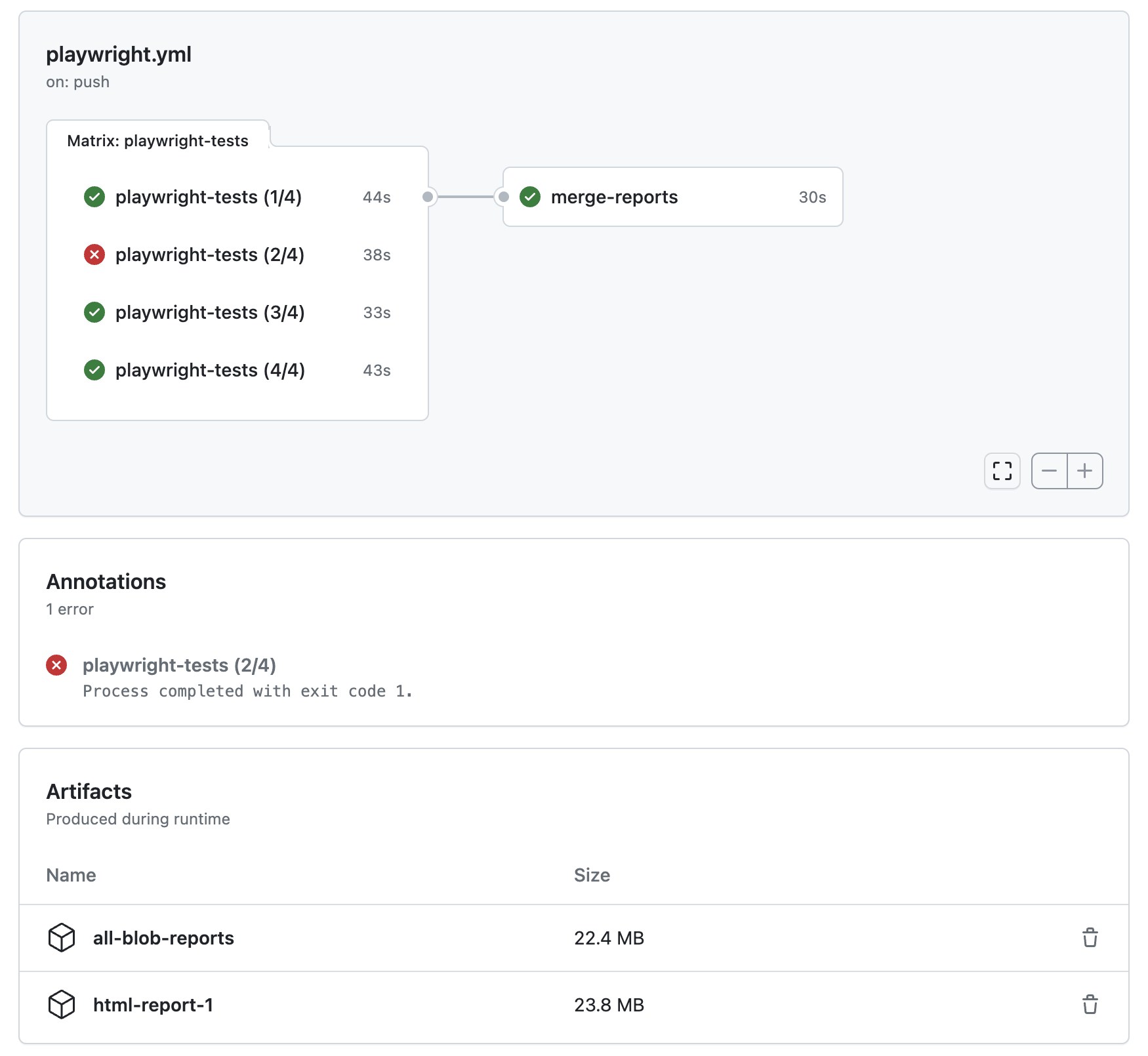
Merge-reports CLI[](https://playwright.dev/docs/test-sharding#merge-reports-cli "Direct link to Merge-reports CLI")
---------------------------------------------------------------------------------------------------------------------
`npx playwright merge-reports path/to/blob-reports-dir` reads all blob reports from the passed directory and merges them into a single report.
When merging reports from different OS'es you'll have to provide an explicit merge config to disambiguate which directory should be used as tests root.
Supported options:
* `--reporter reporter-to-use`
Which report to produce. Can be multiple reporters separated by comma.
Example:
npx playwright merge-reports --reporter=html,github ./blob-reports
* `--config path/to/config/file`
Specifies the Playwright configuration file with output reporters. Use this option to pass additional configuration to the output reporter. This configuration file can differ from the one used during the creation of blob reports.
Example:
npx playwright merge-reports --config=merge.config.ts ./blob-reports
merge.config.ts
export default { testDir: 'e2e', reporter: [['html', { open: 'never' }]],};
* [Introduction](https://playwright.dev/docs/test-sharding#introduction)
* [Sharding tests between multiple machines](https://playwright.dev/docs/test-sharding#sharding-tests-between-multiple-machines)
* [Balancing Shards](https://playwright.dev/docs/test-sharding#balancing-shards)
* [Merging reports from multiple shards](https://playwright.dev/docs/test-sharding#merging-reports-from-multiple-shards)
* [GitHub Actions example](https://playwright.dev/docs/test-sharding#github-actions-example)
* [Merge-reports CLI](https://playwright.dev/docs/test-sharding#merge-reports-cli)
---
# Test configuration | Playwright
[Skip to main content](https://playwright.dev/docs/test-configuration#__docusaurus_skipToContent_fallback)
On this page
Introduction[](https://playwright.dev/docs/test-configuration#introduction "Direct link to Introduction")
-----------------------------------------------------------------------------------------------------------
Playwright has many options to configure how your tests are run. You can specify these options in the configuration file. Note that test runner options are **top-level**, do not put them into the `use` section.
Basic Configuration[](https://playwright.dev/docs/test-configuration#basic-configuration "Direct link to Basic Configuration")
--------------------------------------------------------------------------------------------------------------------------------
Here are some of the most common configuration options.
import { defineConfig, devices } from '@playwright/test';export default defineConfig({ // Look for test files in the "tests" directory, relative to this configuration file. testDir: 'tests', // Run all tests in parallel. fullyParallel: true, // Fail the build on CI if you accidentally left test.only in the source code. forbidOnly: !!process.env.CI, // Retry on CI only. retries: process.env.CI ? 2 : 0, // Opt out of parallel tests on CI. workers: process.env.CI ? 1 : undefined, // Reporter to use reporter: 'html', use: { // Base URL to use in actions like `await page.goto('/')`. baseURL: 'http://localhost:3000', // Collect trace when retrying the failed test. trace: 'on-first-retry', }, // Configure projects for major browsers. projects: [ { name: 'chromium', use: { ...devices['Desktop Chrome'] }, }, ], // Run your local dev server before starting the tests. webServer: { command: 'npm run start', url: 'http://localhost:3000', reuseExistingServer: !process.env.CI, },});
| Option | Description |
| --- | --- |
| [testConfig.forbidOnly](https://playwright.dev/docs/api/class-testconfig#test-config-forbid-only) | Whether to exit with an error if any tests are marked as `test.only`. Useful on CI. |
| [testConfig.fullyParallel](https://playwright.dev/docs/api/class-testconfig#test-config-fully-parallel) | have all tests in all files to run in parallel. See [Parallelism](https://playwright.dev/docs/test-parallel).zip` or `report--.zip` when [sharding](https://playwright.dev/docs/test-sharding)
is used. The hash is an optional value computed from `--grep`, `--grepInverted`, `--project` and file filters passed as command line arguments. The hash guarantees that running Playwright with different command line options will produce different but stable between runs report names. The output file name can be overridden in the configuration file or pass as `'PLAYWRIGHT_BLOB_OUTPUT_FILE'` environment variable.
playwright.config.ts
import { defineConfig } from '@playwright/test';export default defineConfig({ reporter: [['blob', { outputFile: `./blob-report/report-${os.platform()}.zip` }]],});
Blob report supports following configuration options and environment variables:
| Environment Variable Name | Reporter Config Option | Description | Default |
| --- | --- | --- | --- |
| `PLAYWRIGHT_BLOB_OUTPUT_DIR` | `outputDir` | Directory to save the output. Existing content is deleted before writing the new report. | `blob-report` |
| `PLAYWRIGHT_BLOB_OUTPUT_NAME` | `fileName` | Report file name. | `report---.zip` |
| `PLAYWRIGHT_BLOB_OUTPUT_FILE` | `outputFile` | Full path to the output file. If defined, `outputDir` and `fileName` will be ignored. | `undefined` |
### JSON reporter[](https://playwright.dev/docs/test-reporters#json-reporter "Direct link to JSON reporter")
JSON reporter produces an object with all information about the test run.
Most likely you want to write the JSON to a file. When running with `--reporter=json`, use `PLAYWRIGHT_JSON_OUTPUT_NAME` environment variable:
* Bash
* PowerShell
* Batch
PLAYWRIGHT_JSON_OUTPUT_NAME=results.json npx playwright test --reporter=json
$env:PLAYWRIGHT_JSON_OUTPUT_NAME="results.json"npx playwright test --reporter=json
set PLAYWRIGHT_JSON_OUTPUT_NAME=results.jsonnpx playwright test --reporter=json
In configuration file, pass options directly:
playwright.config.ts
import { defineConfig } from '@playwright/test';export default defineConfig({ reporter: [['json', { outputFile: 'results.json' }]],});
JSON report supports following configuration options and environment variables:
| Environment Variable Name | Reporter Config Option | Description | Default |
| --- | --- | --- | --- |
| `PLAYWRIGHT_JSON_OUTPUT_DIR` | | Directory to save the output file. Ignored if output file is specified. | `cwd` or config directory. |
| `PLAYWRIGHT_JSON_OUTPUT_NAME` | `outputFile` | Base file name for the output, relative to the output dir. | JSON report is printed to the stdout. |
| `PLAYWRIGHT_JSON_OUTPUT_FILE` | `outputFile` | Full path to the output file. If defined, `PLAYWRIGHT_JSON_OUTPUT_DIR` and `PLAYWRIGHT_JSON_OUTPUT_NAME` will be ignored. | JSON report is printed to the stdout. |
### JUnit reporter[](https://playwright.dev/docs/test-reporters#junit-reporter "Direct link to JUnit reporter")
JUnit reporter produces a JUnit-style xml report.
Most likely you want to write the report to an xml file. When running with `--reporter=junit`, use `PLAYWRIGHT_JUNIT_OUTPUT_NAME` environment variable:
* Bash
* PowerShell
* Batch
PLAYWRIGHT_JUNIT_OUTPUT_NAME=results.xml npx playwright test --reporter=junit
$env:PLAYWRIGHT_JUNIT_OUTPUT_NAME="results.xml"npx playwright test --reporter=junit
set PLAYWRIGHT_JUNIT_OUTPUT_NAME=results.xmlnpx playwright test --reporter=junit
In configuration file, pass options directly:
playwright.config.ts
import { defineConfig } from '@playwright/test';export default defineConfig({ reporter: [['junit', { outputFile: 'results.xml' }]],});
JUnit report supports following configuration options and environment variables:
| Environment Variable Name | Reporter Config Option | Description | Default |
| --- | --- | --- | --- |
| `PLAYWRIGHT_JUNIT_OUTPUT_DIR` | | Directory to save the output file. Ignored if output file is not specified. | `cwd` or config directory. |
| `PLAYWRIGHT_JUNIT_OUTPUT_NAME` | `outputFile` | Base file name for the output, relative to the output dir. | JUnit report is printed to the stdout. |
| `PLAYWRIGHT_JUNIT_OUTPUT_FILE` | `outputFile` | Full path to the output file. If defined, `PLAYWRIGHT_JUNIT_OUTPUT_DIR` and `PLAYWRIGHT_JUNIT_OUTPUT_NAME` will be ignored. | JUnit report is printed to the stdout. |
| `PLAYWRIGHT_JUNIT_STRIP_ANSI` | `stripANSIControlSequences` | Whether to remove ANSI control sequences from the text before writing it in the report. | By default output text is added as is. |
| `PLAYWRIGHT_JUNIT_INCLUDE_PROJECT_IN_TEST_NAME` | `includeProjectInTestName` | Whether to include Playwright project name in every test case as a name prefix. | By default not included. |
| `PLAYWRIGHT_JUNIT_SUITE_ID` | | Value of the `id` attribute on the root `({ // Define an option and provide a default value. // We can later override it in the config. person: ['John', { option: true }],});
my-test.js
const base = require('@playwright/test');exports.test = base.test.extend({ // Define an option and provide a default value. // We can later override it in the config. person: ['John', { option: true }],});
We can use this option in the test, similarly to [fixtures](https://playwright.dev/docs/test-fixtures)
.
example.spec.ts
import { test } from './my-test';test('test 1', async ({ page, person }) => { await page.goto(`/index.html`); await expect(page.locator('#node')).toContainText(person); // ...});
Now, we can run tests in multiple configurations by using projects.
* TypeScript
* JavaScript
playwright.config.ts
import { defineConfig } from '@playwright/test';import type { TestOptions } from './my-test';export default defineConfig({ projects: [ { name: 'alice', use: { person: 'Alice' }, }, { name: 'bob', use: { person: 'Bob' }, }, ]});
playwright.config.ts
// @ts-checkmodule.exports = defineConfig({ projects: [ { name: 'alice', use: { person: 'Alice' }, }, { name: 'bob', use: { person: 'Bob' }, }, ]});
We can also use the option in a fixture. Learn more about [fixtures](https://playwright.dev/docs/test-fixtures)
.
* TypeScript
* JavaScript
my-test.ts
import { test as base } from '@playwright/test';export type TestOptions = { person: string;};export const test = base.extend({ // Define an option and provide a default value. // We can later override it in the config. person: ['John', { option: true }], // Override default "page" fixture. page: async ({ page, person }, use) => { await page.goto('/chat'); // We use "person" parameter as a "name" for the chat room. await page.getByLabel('User Name').fill(person); await page.getByText('Enter chat room').click(); // Each test will get a "page" that already has the person name. await use(page); },});
my-test.js
const base = require('@playwright/test');exports.test = base.test.extend({ // Define an option and provide a default value. // We can later override it in the config. person: ['John', { option: true }], // Override default "page" fixture. page: async ({ page, person }, use) => { await page.goto('/chat'); // We use "person" parameter as a "name" for the chat room. await page.getByLabel('User Name').fill(person); await page.getByText('Enter chat room').click(); // Each test will get a "page" that already has the person name. await use(page); },});
note
Parameterized projects behavior has changed in version 1.18. [Learn more](https://playwright.dev/docs/release-notes#breaking-change-custom-config-options)
.
Passing Environment Variables[](https://playwright.dev/docs/test-parameterize#passing-environment-variables "Direct link to Passing Environment Variables")
-------------------------------------------------------------------------------------------------------------------------------------------------------------
You can use environment variables to configure tests from the command line.
For example, consider the following test file that needs a username and a password. It is usually a good idea not to store your secrets in the source code, so we'll need a way to pass secrets from outside.
example.spec.ts
test(`example test`, async ({ page }) => { // ... await page.getByLabel('User Name').fill(process.env.USER_NAME); await page.getByLabel('Password').fill(process.env.PASSWORD);});
You can run this test with your secret username and password set in the command line.
* Bash
* PowerShell
* Batch
USER_NAME=me PASSWORD=secret npx playwright test
$env:USER_NAME=me$env:PASSWORD=secretnpx playwright test
set USER_NAME=meset PASSWORD=secretnpx playwright test
Similarly, configuration file can also read environment variables passed through the command line.
playwright.config.ts
import { defineConfig } from '@playwright/test';export default defineConfig({ use: { baseURL: process.env.STAGING === '1' ? 'http://staging.example.test/' : 'http://example.test/', }});
Now, you can run tests against a staging or a production environment:
* Bash
* PowerShell
* Batch
STAGING=1 npx playwright test
$env:STAGING=1npx playwright test
set STAGING=1npx playwright test
### .env files[](https://playwright.dev/docs/test-parameterize#env-files "Direct link to .env files")
To make environment variables easier to manage, consider something like `.env` files. Here is an example that uses [`dotenv`](https://www.npmjs.com/package/dotenv)
package to read environment variables directly in the configuration file.
playwright.config.ts
import { defineConfig } from '@playwright/test';import dotenv from 'dotenv';import path from 'path';// Read from ".env" file.dotenv.config({ path: path.resolve(__dirname, '.env') });// Alternatively, read from "../my.env" file.dotenv.config({ path: path.resolve(__dirname, '..', 'my.env') });export default defineConfig({ use: { baseURL: process.env.STAGING === '1' ? 'http://staging.example.test/' : 'http://example.test/', }});
Now, you can just edit `.env` file to set any variables you'd like.
# .env fileSTAGING=0USER_NAME=mePASSWORD=secret
Run tests as usual, your environment variables should be picked up.
npx playwright test
Create tests via a CSV file[](https://playwright.dev/docs/test-parameterize#create-tests-via-a-csv-file "Direct link to Create tests via a CSV file")
-------------------------------------------------------------------------------------------------------------------------------------------------------
The Playwright test-runner runs in Node.js, this means you can directly read files from the file system and parse them with your preferred CSV library.
See for example this CSV file, in our example `input.csv`:
"test_case","some_value","some_other_value""value 1","value 11","foobar1""value 2","value 22","foobar21""value 3","value 33","foobar321""value 4","value 44","foobar4321"
Based on this we'll generate some tests by using the [csv-parse](https://www.npmjs.com/package/csv-parse)
library from NPM:
test.spec.ts
import fs from 'fs';import path from 'path';import { test } from '@playwright/test';import { parse } from 'csv-parse/sync';const records = parse(fs.readFileSync(path.join(__dirname, 'input.csv')), { columns: true, skip_empty_lines: true});for (const record of records) { test(`foo: ${record.test_case}`, async ({ page }) => { console.log(record.test_case, record.some_value, record.some_other_value); });}
* [Introduction](https://playwright.dev/docs/test-parameterize#introduction)
* [Parameterized Tests](https://playwright.dev/docs/test-parameterize#parameterized-tests)
* [Before and after hooks](https://playwright.dev/docs/test-parameterize#before-and-after-hooks)
* [Parameterized Projects](https://playwright.dev/docs/test-parameterize#parameterized-projects)
* [Passing Environment Variables](https://playwright.dev/docs/test-parameterize#passing-environment-variables)
* [.env files](https://playwright.dev/docs/test-parameterize#env-files)
* [Create tests via a CSV file](https://playwright.dev/docs/test-parameterize#create-tests-via-a-csv-file)
---
# Global setup and teardown | Playwright
[Skip to main content](https://playwright.dev/docs/test-global-setup-teardown#__docusaurus_skipToContent_fallback)
On this page
Introduction[](https://playwright.dev/docs/test-global-setup-teardown#introduction "Direct link to Introduction")
-------------------------------------------------------------------------------------------------------------------
There are two ways to configure global setup and teardown: using a global setup file and setting it in the config under [`globalSetup`](https://playwright.dev/docs/test-global-setup-teardown#option-2-configure-globalsetup-and-globalteardown)
or using [project dependencies](https://playwright.dev/docs/test-global-setup-teardown#option-1-project-dependencies)
. With project dependencies, you define a project that runs before all other projects. This is the recommended approach, as it integrates better with the Playwright test runner: your HTML report will include the global setup, traces will be recorded, and fixtures can be used. For a detailed comparison of the two approaches, see the table below.
| Feature | Project Dependencies (recommended) | `globalSetup` (config option) |
| --- | --- | --- |
| Runs before all tests | ✅ Yes | ✅ Yes |
| HTML report visibility | ✅ Shown as a separate project | ❌ Not shown |
| Trace recording | ✅ Full trace available | ❌ Not supported |
| Playwright fixtures | ✅ Fully supported | ❌ Not supported |
| Browser management | ✅ Via `browser` fixture | ❌ Fully manual via `browserType.launch()` |
| Parallelism and retries | ✅ Supported via standard config | ❌ Not applicable |
| Config options like `headless` or `testIdAttribute` | ✅ Automatically applied | ❌ Ignored |
Option 1: Project Dependencies[](https://playwright.dev/docs/test-global-setup-teardown#option-1-project-dependencies "Direct link to Option 1: Project Dependencies")
------------------------------------------------------------------------------------------------------------------------------------------------------------------------
[Project dependencies](https://playwright.dev/docs/api/class-testproject#test-project-dependencies)
are a list of projects that need to run before the tests in another project run. They can be useful for configuring the global setup actions so that one project depends on this running first. Using dependencies allows global setup to produce traces and other artifacts.
### Setup[](https://playwright.dev/docs/test-global-setup-teardown#setup "Direct link to Setup")
First we add a new project with the name 'setup db'. We then give it a [testProject.testMatch](https://playwright.dev/docs/api/class-testproject#test-project-test-match)
property in order to match the file called `global.setup.ts`:
playwright.config.ts
import { defineConfig } from '@playwright/test';export default defineConfig({ testDir: './tests', // ... projects: [ { name: 'setup db', testMatch: /global\.setup\.ts/, }, // { // other project // } ]});
Then we add the [testProject.dependencies](https://playwright.dev/docs/api/class-testproject#test-project-dependencies)
property to our projects that depend on the setup project and pass into the array the name of our dependency project, which we defined in the previous step:
playwright.config.ts
import { defineConfig, devices } from '@playwright/test';export default defineConfig({ testDir: './tests', // ... projects: [ { name: 'setup db', testMatch: /global\.setup\.ts/, }, { name: 'chromium with db', use: { ...devices['Desktop Chrome'] }, dependencies: ['setup db'], }, ]});
In this example the 'chromium with db' project depends on the 'setup db' project. We then create a setup test, stored at root level of your project (note that setup and teardown code must be defined as regular tests by calling [test()](https://playwright.dev/docs/api/class-test#test-call)
function):
tests/global.setup.ts
import { test as setup } from '@playwright/test';setup('create new database', async ({ }) => { console.log('creating new database...'); // Initialize the database});
tests/menu.spec.ts
import { test, expect } from '@playwright/test';test('menu', async ({ page }) => { // Your test that depends on the database});
### Teardown[](https://playwright.dev/docs/test-global-setup-teardown#teardown "Direct link to Teardown")
You can teardown your setup by adding a [testProject.teardown](https://playwright.dev/docs/api/class-testproject#test-project-teardown)
property to your setup project. This will run after all dependent projects have run.
First we add the [testProject.teardown](https://playwright.dev/docs/api/class-testproject#test-project-teardown)
property to our setup project with the name 'cleanup db' which is the name we gave to our teardown project in the previous step:
playwright.config.ts
import { defineConfig } from '@playwright/test';export default defineConfig({ testDir: './tests', // ... projects: [ { name: 'setup db', testMatch: /global\.setup\.ts/, teardown: 'cleanup db', }, { name: 'cleanup db', testMatch: /global\.teardown\.ts/, }, { name: 'chromium', use: { ...devices['Desktop Chrome'] }, dependencies: ['setup db'], }, ]});
Then we create a `global.teardown.ts` file in the tests directory of your project. This will be used to delete the data from the database after all tests have run.
tests/global.teardown.ts
import { test as teardown } from '@playwright/test';teardown('delete database', async ({ }) => { console.log('deleting test database...'); // Delete the database});
### Test filtering[](https://playwright.dev/docs/test-global-setup-teardown#test-filtering "Direct link to Test filtering")
All test filtering options, such as `--grep`/`--grep-invert`, `--shard`, filtering directly by location in the command line, or using [`test.only()`](https://playwright.dev/docs/api/class-test#test-only)
, directly select the primary tests to be run. If those tests belong to a project with dependencies, all tests from those dependencies will also run.
You can pass `--no-deps` command line option to ignore all dependencies and teardowns. Only your directly selected projects will run.
### More examples[](https://playwright.dev/docs/test-global-setup-teardown#more-examples "Direct link to More examples")
For more detailed examples check out:
* our [authentication](https://playwright.dev/docs/auth)
guide
* our blog post [A better global setup in Playwright reusing login with project dependencies](https://dev.to/playwright/a-better-global-setup-in-playwright-reusing-login-with-project-dependencies-14)
* [v1.31 release video](https://youtu.be/PI50YAPTAs4)
to see the demo
Option 2: Configure globalSetup and globalTeardown[](https://playwright.dev/docs/test-global-setup-teardown#option-2-configure-globalsetup-and-globalteardown "Direct link to Option 2: Configure globalSetup and globalTeardown")
------------------------------------------------------------------------------------------------------------------------------------------------------------------------------------------------------------------------------------
You can use the `globalSetup` option in the [configuration file](https://playwright.dev/docs/test-configuration#advanced-configuration)
to set something up once before running all tests. The global setup file must export a single function that takes a config object. This function will be run once before all the tests.
Similarly, use `globalTeardown` to run something once after all the tests. Alternatively, let `globalSetup` return a function that will be used as a global teardown. You can pass data such as port number, authentication tokens, etc. from your global setup to your tests using environment variables.
note
Beware that `globalSetup` and `globalTeardown` lack some features — see the [intro](https://playwright.dev/docs/test-global-setup-teardown#introduction)
section for a detailed comparison. Consider using [project dependencies](https://playwright.dev/docs/test-global-setup-teardown#option-1-project-dependencies)
instead to get full feature support.
playwright.config.ts
import { defineConfig } from '@playwright/test';export default defineConfig({ globalSetup: require.resolve('./global-setup'), globalTeardown: require.resolve('./global-teardown'),});
### Example[](https://playwright.dev/docs/test-global-setup-teardown#example "Direct link to Example")
Here is a global setup example that authenticates once and reuses authentication state in tests. It uses the `baseURL` and `storageState` options from the configuration file.
global-setup.ts
import { chromium, type FullConfig } from '@playwright/test';async function globalSetup(config: FullConfig) { const { baseURL, storageState } = config.projects[0].use; const browser = await chromium.launch(); const page = await browser.newPage(); await page.goto(baseURL!); await page.getByLabel('User Name').fill('user'); await page.getByLabel('Password').fill('password'); await page.getByText('Sign in').click(); await page.context().storageState({ path: storageState as string }); await browser.close();}export default globalSetup;
Specify `globalSetup`, `baseURL` and `storageState` in the configuration file.
playwright.config.ts
import { defineConfig } from '@playwright/test';export default defineConfig({ globalSetup: require.resolve('./global-setup'), use: { baseURL: 'http://localhost:3000/', storageState: 'state.json', },});
Tests start already authenticated because we specify `storageState` that was populated by global setup.
import { test } from '@playwright/test';test('test', async ({ page }) => { await page.goto('/'); // You are signed in!});
You can make arbitrary data available in your tests from your global setup file by setting them as environment variables via `process.env`.
global-setup.ts
import type { FullConfig } from '@playwright/test';async function globalSetup(config: FullConfig) { process.env.FOO = 'some data'; // Or a more complicated data structure as JSON: process.env.BAR = JSON.stringify({ some: 'data' });}export default globalSetup;
Tests have access to the `process.env` properties set in the global setup.
import { test } from '@playwright/test';test('test', async ({ page }) => { // environment variables which are set in globalSetup are only available inside test(). const { FOO, BAR } = process.env; // FOO and BAR properties are populated. expect(FOO).toEqual('some data'); const complexData = JSON.parse(BAR); expect(BAR).toEqual({ some: 'data' });});
### Capturing trace of failures during global setup[](https://playwright.dev/docs/test-global-setup-teardown#capturing-trace-of-failures-during-global-setup "Direct link to Capturing trace of failures during global setup")
In some instances, it may be useful to capture a trace of failures encountered during the global setup. In order to do this, you must [start tracing](https://playwright.dev/docs/api/class-tracing#tracing-start)
in your setup, and you must ensure that you [stop tracing](https://playwright.dev/docs/api/class-tracing#tracing-stop)
if an error occurs before that error is thrown. This can be achieved by wrapping your setup in a `try...catch` block. Here is an example that expands the global setup example to capture a trace.
global-setup.ts
import { chromium, type FullConfig } from '@playwright/test';async function globalSetup(config: FullConfig) { const { baseURL, storageState } = config.projects[0].use; const browser = await chromium.launch(); const context = await browser.newContext(); const page = await context.newPage(); try { await context.tracing.start({ screenshots: true, snapshots: true }); await page.goto(baseURL!); await page.getByLabel('User Name').fill('user'); await page.getByLabel('Password').fill('password'); await page.getByText('Sign in').click(); await context.storageState({ path: storageState as string }); await context.tracing.stop({ path: './test-results/setup-trace.zip', }); await browser.close(); } catch (error) { await context.tracing.stop({ path: './test-results/failed-setup-trace.zip', }); await browser.close(); throw error; }}export default globalSetup;
* [Introduction](https://playwright.dev/docs/test-global-setup-teardown#introduction)
* [Option 1: Project Dependencies](https://playwright.dev/docs/test-global-setup-teardown#option-1-project-dependencies)
* [Setup](https://playwright.dev/docs/test-global-setup-teardown#setup)
* [Teardown](https://playwright.dev/docs/test-global-setup-teardown#teardown)
* [Test filtering](https://playwright.dev/docs/test-global-setup-teardown#test-filtering)
* [More examples](https://playwright.dev/docs/test-global-setup-teardown#more-examples)
* [Option 2: Configure globalSetup and globalTeardown](https://playwright.dev/docs/test-global-setup-teardown#option-2-configure-globalsetup-and-globalteardown)
* [Example](https://playwright.dev/docs/test-global-setup-teardown#example)
* [Capturing trace of failures during global setup](https://playwright.dev/docs/test-global-setup-teardown#capturing-trace-of-failures-during-global-setup)
---
# Writing tests | Playwright
[Skip to main content](https://playwright.dev/docs/writing-tests#__docusaurus_skipToContent_fallback)
On this page
Introduction[](https://playwright.dev/docs/writing-tests#introduction "Direct link to Introduction")
------------------------------------------------------------------------------------------------------
Playwright tests are simple: they **perform actions** and **assert the state** against expectations.
Playwright automatically waits for [actionability](https://playwright.dev/docs/actionability)
checks to pass before performing each action. You don't need to add manual waits or deal with race conditions. Playwright assertions are designed to describe expectations that will eventually be met, eliminating flaky timeouts and racy checks.
**You will learn**
* [How to write the first test](https://playwright.dev/docs/writing-tests#first-test)
* [How to perform actions](https://playwright.dev/docs/writing-tests#actions)
* [How to use assertions](https://playwright.dev/docs/writing-tests#assertions)
* [How tests run in isolation](https://playwright.dev/docs/writing-tests#test-isolation)
* [How to use test hooks](https://playwright.dev/docs/writing-tests#using-test-hooks)
First test[](https://playwright.dev/docs/writing-tests#first-test "Direct link to First test")
------------------------------------------------------------------------------------------------
Take a look at the following example to see how to write a test.
tests/example.spec.ts
import { test, expect } from '@playwright/test';test('has title', async ({ page }) => { await page.goto('https://playwright.dev/'); // Expect a title "to contain" a substring. await expect(page).toHaveTitle(/Playwright/);});test('get started link', async ({ page }) => { await page.goto('https://playwright.dev/'); // Click the get started link. await page.getByRole('link', { name: 'Get started' }).click(); // Expects page to have a heading with the name of Installation. await expect(page.getByRole('heading', { name: 'Installation' })).toBeVisible();});
note
Add `// @ts-check` at the start of each test file when using JavaScript in VS Code to get automatic type checking.
Actions[](https://playwright.dev/docs/writing-tests#actions "Direct link to Actions")
---------------------------------------------------------------------------------------
### Navigation[](https://playwright.dev/docs/writing-tests#navigation "Direct link to Navigation")
Most tests start by navigating to a URL. After that, the test interacts with page elements.
await page.goto('https://playwright.dev/');
Playwright waits for the page to reach the load state before continuing. Learn more about [page.goto()](https://playwright.dev/docs/api/class-page#page-goto)
options.
### Interactions[](https://playwright.dev/docs/writing-tests#interactions "Direct link to Interactions")
Performing actions starts with locating elements. Playwright uses [Locators API](https://playwright.dev/docs/locators)
for that. Locators represent a way to find element(s) on the page at any moment. Learn more about the [different types](https://playwright.dev/docs/locators)
of locators available.
Playwright waits for the element to be [actionable](https://playwright.dev/docs/actionability)
before performing the action, so you don't need to wait for it to become available.
// Create a locator.const getStarted = page.getByRole('link', { name: 'Get started' });// Click it.await getStarted.click();
In most cases, it'll be written in one line:
await page.getByRole('link', { name: 'Get started' }).click();
### Basic actions[](https://playwright.dev/docs/writing-tests#basic-actions "Direct link to Basic actions")
Here are the most popular Playwright actions. For the complete list, check the [Locator API](https://playwright.dev/docs/api/class-locator)
section.
| Action | Description |
| --- | --- |
| [locator.check()](https://playwright.dev/docs/api/class-locator#locator-check) | Check the input checkbox |
| [locator.click()](https://playwright.dev/docs/api/class-locator#locator-click) | Click the element |
| [locator.uncheck()](https://playwright.dev/docs/api/class-locator#locator-uncheck) | Uncheck the input checkbox |
| [locator.hover()](https://playwright.dev/docs/api/class-locator#locator-hover) | Hover mouse over the element |
| [locator.fill()](https://playwright.dev/docs/api/class-locator#locator-fill) | Fill the form field, input text |
| [locator.focus()](https://playwright.dev/docs/api/class-locator#locator-focus) | Focus the element |
| [locator.press()](https://playwright.dev/docs/api/class-locator#locator-press) | Press single key |
| [locator.setInputFiles()](https://playwright.dev/docs/api/class-locator#locator-set-input-files) | Pick files to upload |
| [locator.selectOption()](https://playwright.dev/docs/api/class-locator#locator-select-option) | Select option in the drop down |
Assertions[](https://playwright.dev/docs/writing-tests#assertions "Direct link to Assertions")
------------------------------------------------------------------------------------------------
Playwright includes [test assertions](https://playwright.dev/docs/test-assertions)
in the form of `expect` function. To make an assertion, call `expect(value)` and choose a matcher that reflects the expectation.
Playwright includes async matchers that wait until the expected condition is met. Using these matchers makes tests non-flaky and resilient. For example, this code waits until the page gets the title containing "Playwright":
await expect(page).toHaveTitle(/Playwright/);
Here are the most popular async assertions. For the complete list, see [assertions guide](https://playwright.dev/docs/test-assertions)
:
| Assertion | Description |
| --- | --- |
| [expect(locator).toBeChecked()](https://playwright.dev/docs/api/class-locatorassertions#locator-assertions-to-be-checked) | Checkbox is checked |
| [expect(locator).toBeEnabled()](https://playwright.dev/docs/api/class-locatorassertions#locator-assertions-to-be-enabled) | Control is enabled |
| [expect(locator).toBeVisible()](https://playwright.dev/docs/api/class-locatorassertions#locator-assertions-to-be-visible) | Element is visible |
| [expect(locator).toContainText()](https://playwright.dev/docs/api/class-locatorassertions#locator-assertions-to-contain-text) | Element contains text |
| [expect(locator).toHaveAttribute()](https://playwright.dev/docs/api/class-locatorassertions#locator-assertions-to-have-attribute) | Element has attribute |
| [expect(locator).toHaveCount()](https://playwright.dev/docs/api/class-locatorassertions#locator-assertions-to-have-count) | List of elements has given length |
| [expect(locator).toHaveText()](https://playwright.dev/docs/api/class-locatorassertions#locator-assertions-to-have-text) | Element matches text |
| [expect(locator).toHaveValue()](https://playwright.dev/docs/api/class-locatorassertions#locator-assertions-to-have-value) | Input element has value |
| [expect(page).toHaveTitle()](https://playwright.dev/docs/api/class-pageassertions#page-assertions-to-have-title) | Page has title |
| [expect(page).toHaveURL()](https://playwright.dev/docs/api/class-pageassertions#page-assertions-to-have-url) | Page has URL |
Playwright also includes generic matchers like `toEqual`, `toContain`, `toBeTruthy` that can be used to assert any conditions. These assertions do not use the `await` keyword as they perform immediate synchronous checks on already available values.
expect(success).toBeTruthy();
### Test Isolation[](https://playwright.dev/docs/writing-tests#test-isolation "Direct link to Test Isolation")
Playwright Test is based on the concept of [test fixtures](https://playwright.dev/docs/test-fixtures)
such as the [built in page fixture](https://playwright.dev/docs/test-fixtures#built-in-fixtures)
, which is passed into your test. Pages are [isolated between tests due to the Browser Context](https://playwright.dev/docs/browser-contexts)
, which is equivalent to a brand new browser profile. Every test gets a fresh environment, even when multiple tests run in a single browser.
tests/example.spec.ts
import { test } from '@playwright/test';test('example test', async ({ page }) => { // "page" belongs to an isolated BrowserContext, created for this specific test.});test('another test', async ({ page }) => { // "page" in this second test is completely isolated from the first test.});
### Using Test Hooks[](https://playwright.dev/docs/writing-tests#using-test-hooks "Direct link to Using Test Hooks")
You can use various [test hooks](https://playwright.dev/docs/api/class-test)
such as `test.describe` to declare a group of tests and `test.beforeEach` and `test.afterEach` which are executed before/after each test. Other hooks include the `test.beforeAll` and `test.afterAll` which are executed once per worker before/after all tests.
tests/example.spec.ts
import { test, expect } from '@playwright/test';test.describe('navigation', () => { test.beforeEach(async ({ page }) => { // Go to the starting url before each test. await page.goto('https://playwright.dev/'); }); test('main navigation', async ({ page }) => { // Assertions use the expect API. await expect(page).toHaveURL('https://playwright.dev/'); });});
What's Next[](https://playwright.dev/docs/writing-tests#whats-next "Direct link to What's Next")
--------------------------------------------------------------------------------------------------
* [Run single test, multiple tests, headed mode](https://playwright.dev/docs/running-tests)
* [Generate tests with Codegen](https://playwright.dev/docs/codegen-intro)
* [See a trace of your tests](https://playwright.dev/docs/trace-viewer-intro)
* [Explore UI Mode](https://playwright.dev/docs/test-ui-mode)
* [Run tests on CI with GitHub Actions](https://playwright.dev/docs/ci-intro)
* [Introduction](https://playwright.dev/docs/writing-tests#introduction)
* [First test](https://playwright.dev/docs/writing-tests#first-test)
* [Actions](https://playwright.dev/docs/writing-tests#actions)
* [Navigation](https://playwright.dev/docs/writing-tests#navigation)
* [Interactions](https://playwright.dev/docs/writing-tests#interactions)
* [Basic actions](https://playwright.dev/docs/writing-tests#basic-actions)
* [Assertions](https://playwright.dev/docs/writing-tests#assertions)
* [Test Isolation](https://playwright.dev/docs/writing-tests#test-isolation)
* [Using Test Hooks](https://playwright.dev/docs/writing-tests#using-test-hooks)
* [What's Next](https://playwright.dev/docs/writing-tests#whats-next)
---
# Mock APIs | Playwright .NET
[Skip to main content](https://playwright.dev/dotnet/docs/mock#__docusaurus_skipToContent_fallback)
On this page
Introduction[](https://playwright.dev/dotnet/docs/mock#introduction "Direct link to Introduction")
----------------------------------------------------------------------------------------------------
Web APIs are usually implemented as HTTP endpoints. Playwright provides APIs to **mock** and **modify** network traffic, both HTTP and HTTPS. Any requests that a page does, including [XHRs](https://developer.mozilla.org/en-US/docs/Web/API/XMLHttpRequest)
and [fetch](https://developer.mozilla.org/en-US/docs/Web/API/Fetch_API)
requests, can be tracked, modified and mocked. With Playwright you can also mock using HAR files that contain multiple network requests made by the page.
Mock API requests[](https://playwright.dev/dotnet/docs/mock#mock-api-requests "Direct link to Mock API requests")
-------------------------------------------------------------------------------------------------------------------
The following code will intercept all the calls to `*/**/api/v1/fruits` and will return a custom response instead. No requests to the API will be made. The test goes to the URL that uses the mocked route and asserts that mock data is present on the page.
// Intercept the route to the fruit APIawait page.RouteAsync("*/**/api/v1/fruits", async route => { var json = new[] { new { name = "Strawberry", id = 21 } }; // fulfill the route with the mock data await route.FulfillAsync(new() { Json = json });});// Go to the pageawait page.GotoAsync("https://demo.playwright.dev/api-mocking");// Assert that the Strawberry fruit is visibleawait Expect(page.GetByTextAsync("Strawberry")).ToBeVisibleAsync();
You can see from the trace of the example test that the API was never called, it was however fulfilled with the mock data. 
Read more about [advanced networking](https://playwright.dev/dotnet/docs/network)
.
Modify API responses[](https://playwright.dev/dotnet/docs/mock#modify-api-responses "Direct link to Modify API responses")
----------------------------------------------------------------------------------------------------------------------------
Sometimes, it is essential to make an API request, but the response needs to be patched to allow for reproducible testing. In that case, instead of mocking the request, one can perform the request and fulfill it with the modified response.
In the example below we intercept the call to the fruit API and add a new fruit called 'Loquat', to the data. We then go to the url and assert that this data is there:
await page.RouteAsync("*/**/api/v1/fruits", async (route) => { var response = await route.FetchAsync(); var fruits = await response.JsonAsync(); fruits.Add(new Fruit() { Name = "Loquat", Id = 100 }); // Fulfill using the original response, while patching the response body // with the given JSON object. await route.FulfillAsync(new () { Response = response, Json = fruits }); });// Go to the pageawait page.GotoAsync("https://demo.playwright.dev/api-mocking");// Assert that the Loquat fruit is visibleawait Expect(page.GetByTextAsync("Loquat", new () { Exact = true })).ToBeVisibleAsync();
In the trace of our test we can see that the API was called and the response was modified. 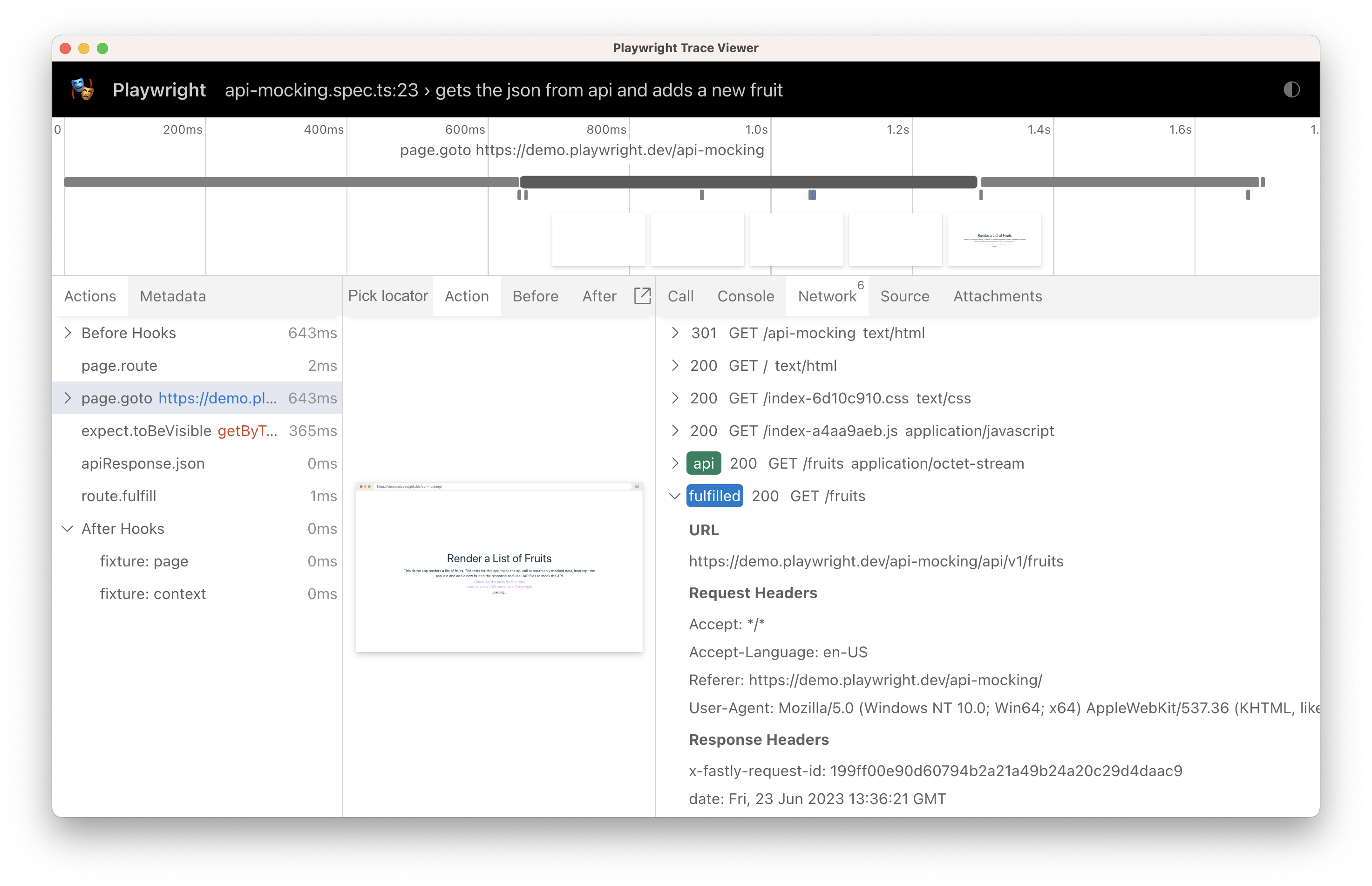
By inspecting the response we can see that our new fruit was added to the list. 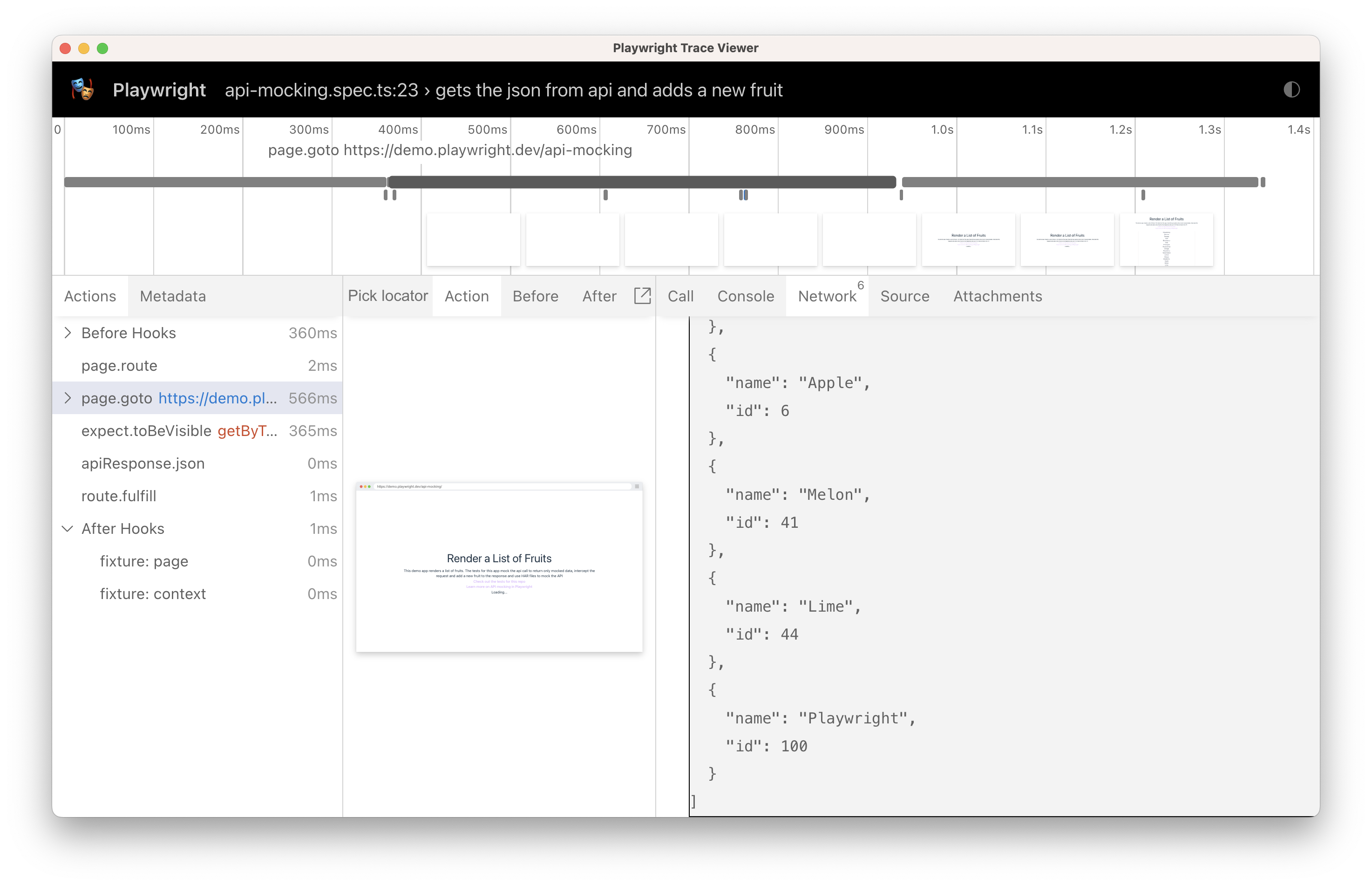
Read more about [advanced networking](https://playwright.dev/dotnet/docs/network)
.
Mocking with HAR files[](https://playwright.dev/dotnet/docs/mock#mocking-with-har-files "Direct link to Mocking with HAR files")
----------------------------------------------------------------------------------------------------------------------------------
A HAR file is an [HTTP Archive](http://www.softwareishard.com/blog/har-12-spec/)
file that contains a record of all the network requests that are made when a page is loaded. It contains information about the request and response headers, cookies, content, timings, and more. You can use HAR files to mock network requests in your tests. You'll need to:
1. Record a HAR file.
2. Commit the HAR file alongside the tests.
3. Route requests using the saved HAR files in the tests.
### Recording a HAR file[](https://playwright.dev/dotnet/docs/mock#recording-a-har-file "Direct link to Recording a HAR file")
To record a HAR file we use [Page.RouteFromHARAsync()](https://playwright.dev/dotnet/docs/api/class-page#page-route-from-har)
or [BrowserContext.RouteFromHARAsync()](https://playwright.dev/dotnet/docs/api/class-browsercontext#browser-context-route-from-har)
method. This method takes in the path to the HAR file and an optional object of options. The options object can contain the URL so that only requests with the URL matching the specified glob pattern will be served from the HAR File. If not specified, all requests will be served from the HAR file.
Setting `update` option to true will create or update the HAR file with the actual network information instead of serving the requests from the HAR file. Use it when creating a test to populate the HAR with real data.
Alternatively, you can also record HAR files by using the [RecordHarPath](https://playwright.dev/dotnet/docs/api/class-browser#browser-new-context-option-record-har-path)
option in [Browser.NewContextAsync()](https://playwright.dev/dotnet/docs/api/class-browser#browser-new-context)
when creating a browser context. This allows you to capture all network traffic for the entire context until the context is closed.
// Get the response from the HAR fileawait page.RouteFromHARAsync("./hars/fruit.har", new () { Url = "*/**/api/v1/fruits", Update = true,});// Go to the pageawait page.GotoAsync("https://demo.playwright.dev/api-mocking");// Assert that the fruit is visibleawait Expect(page.GetByText("Strawberry")).ToBeVisibleAsync();
### Modifying a HAR file[](https://playwright.dev/dotnet/docs/mock#modifying-a-har-file "Direct link to Modifying a HAR file")
Once you have recorded a HAR file you can modify it by opening the hashed .txt file inside your 'hars' folder and editing the JSON. This file should be committed to your source control. Anytime you run this test with `update: true` it will update your HAR file with the request from the API.
[ { "name": "Playwright", "id": 100 }, // ... other fruits]
### Replaying from HAR[](https://playwright.dev/dotnet/docs/mock#replaying-from-har "Direct link to Replaying from HAR")
Now that you have the HAR file recorded and modified the mock data, it can be used to serve matching responses in the test. For this, just turn off or simply remove the `update` option. This will run the test against the HAR file instead of hitting the API.
// Replay API requests from HAR.// Either use a matching response from the HAR,// or abort the request if nothing matches.await page.RouteFromHARAsync("./hars/fruit.har", new () { Url = "*/**/api/v1/fruits", Update = false, });// Go to the pageawait page.GotoAsync("https://demo.playwright.dev/api-mocking");// Assert that the Playwright fruit is visibleawait page.ExpectByTextAsync("Playwright", new() { Exact = true }).ToBeVisibleAsync();
In the trace of our test we can see that the route was fulfilled from the HAR file and the API was not called. 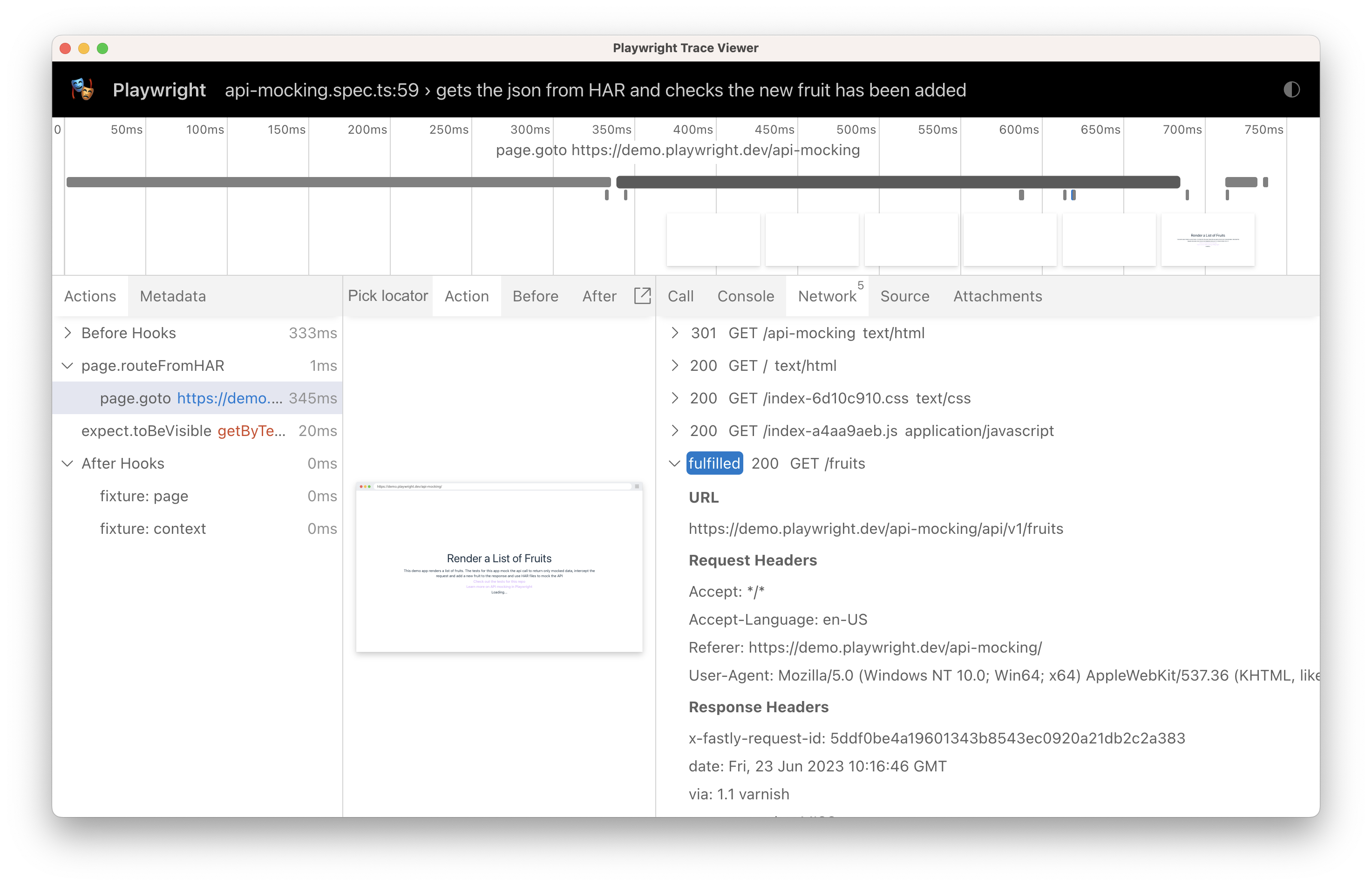
If we inspect the response we can see our new fruit was added to the JSON, which was done by manually updating the hashed `.txt` file inside the `hars` folder. 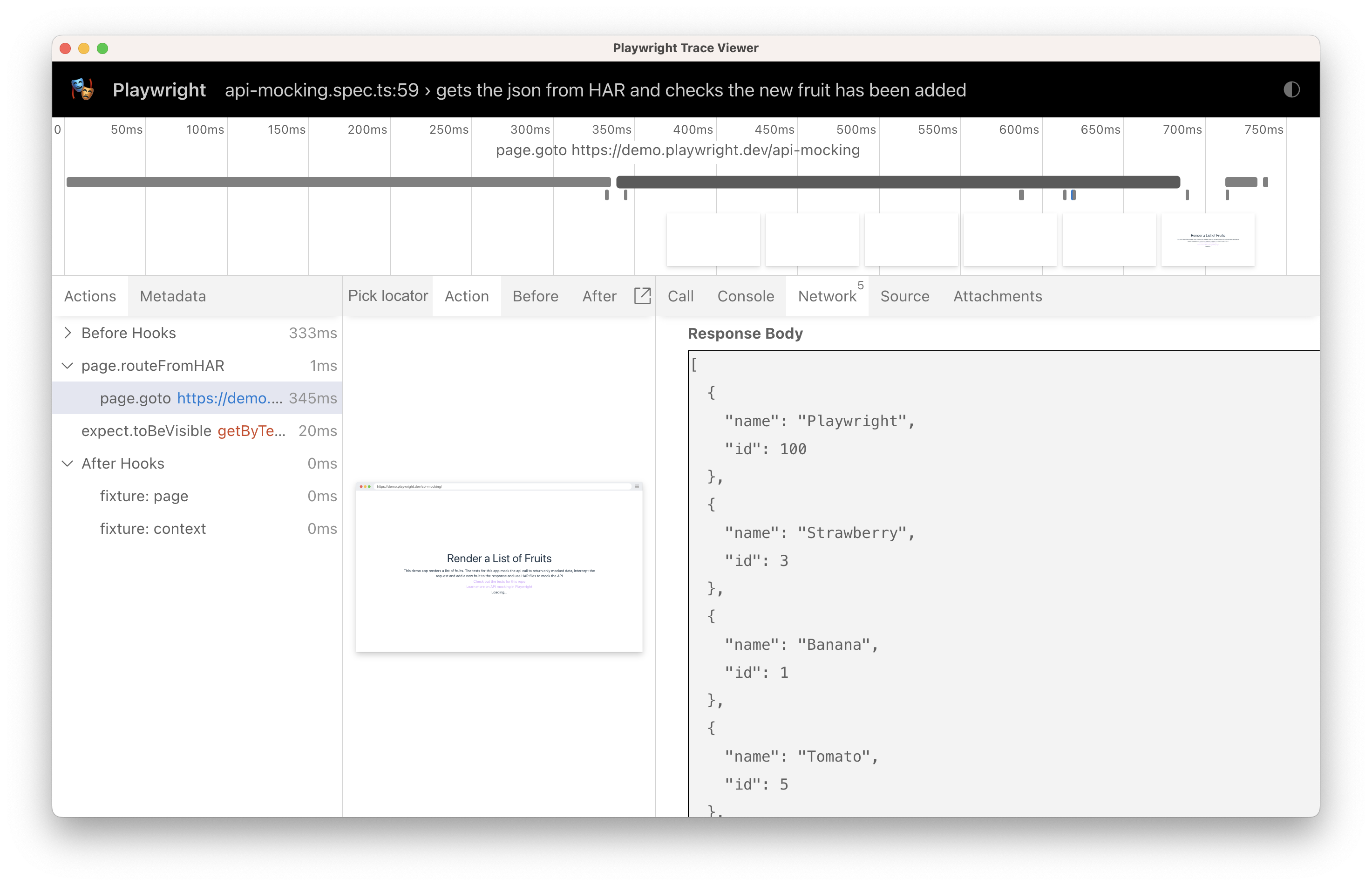
HAR replay matches URL and HTTP method strictly. For POST requests, it also matches POST payloads strictly. If multiple recordings match a request, the one with the most matching headers is picked. An entry resulting in a redirect will be followed automatically.
Similar to when recording, if given HAR file name ends with `.zip`, it is considered an archive containing the HAR file along with network payloads stored as separate entries. You can also extract this archive, edit payloads or HAR log manually and point to the extracted har file. All the payloads will be resolved relative to the extracted har file on the file system.
#### Recording HAR with CLI[](https://playwright.dev/dotnet/docs/mock#recording-har-with-cli "Direct link to Recording HAR with CLI")
We recommend the `update` option to record HAR file for your test. However, you can also record the HAR with Playwright CLI.
Open the browser with Playwright CLI and pass `--save-har` option to produce a HAR file. Optionally, use `--save-har-glob` to only save requests you are interested in, for example API endpoints. If the har file name ends with `.zip`, artifacts are written as separate files and are all compressed into a single `zip`.
# Save API requests from example.com as "example.har" archive.pwsh bin/Debug/netX/playwright.ps1 open --save-har=example.har --save-har-glob="**/api/**" https://example.com
Read more about [advanced networking](https://playwright.dev/dotnet/docs/network)
.
Mock WebSockets[](https://playwright.dev/dotnet/docs/mock#mock-websockets "Direct link to Mock WebSockets")
-------------------------------------------------------------------------------------------------------------
The following code will intercept WebSocket connections and mock entire communication over the WebSocket, instead of connecting to the server. This example responds to a `"request"` with a `"response"`.
await page.RouteWebSocketAsync("wss://example.com/ws", ws => { ws.OnMessage(frame => { if (frame.Text == "request") ws.Send("response"); });});
Alternatively, you may want to connect to the actual server, but intercept messages in-between and modify or block them. Here is an example that modifies some of the messages sent by the page to the server, and leaves the rest unmodified.
await page.RouteWebSocketAsync("wss://example.com/ws", ws => { var server = ws.ConnectToServer(); ws.OnMessage(frame => { if (frame.Text == "request") server.Send("request2"); else server.Send(frame.Text); });});
For more details, see [WebSocketRoute](https://playwright.dev/dotnet/docs/api/class-websocketroute "WebSocketRoute")
.
* [Introduction](https://playwright.dev/dotnet/docs/mock#introduction)
* [Mock API requests](https://playwright.dev/dotnet/docs/mock#mock-api-requests)
* [Modify API responses](https://playwright.dev/dotnet/docs/mock#modify-api-responses)
* [Mocking with HAR files](https://playwright.dev/dotnet/docs/mock#mocking-with-har-files)
* [Recording a HAR file](https://playwright.dev/dotnet/docs/mock#recording-a-har-file)
* [Modifying a HAR file](https://playwright.dev/dotnet/docs/mock#modifying-a-har-file)
* [Replaying from HAR](https://playwright.dev/dotnet/docs/mock#replaying-from-har)
* [Mock WebSockets](https://playwright.dev/dotnet/docs/mock#mock-websockets)
---
# Writing tests | Playwright .NET
[Skip to main content](https://playwright.dev/dotnet/docs/next/writing-tests#__docusaurus_skipToContent_fallback)
This is unreleased documentation for Playwright .NET **Next** version.
For up-to-date documentation, see the **[latest version](https://playwright.dev/dotnet/docs/writing-tests)
** (stable).
Version: Next
On this page
Introduction[](https://playwright.dev/dotnet/docs/next/writing-tests#introduction "Direct link to Introduction")
------------------------------------------------------------------------------------------------------------------
Playwright tests are simple, they
* **perform actions**, and
* **assert the state** against expectations.
There is no need to wait for anything prior to performing an action: Playwright automatically waits for the wide range of [actionability](https://playwright.dev/dotnet/docs/next/actionability)
checks to pass prior to performing each action.
There is also no need to deal with the race conditions when performing the checks - Playwright assertions are designed in a way that they describe the expectations that need to be eventually met.
That's it! These design choices allow Playwright users to forget about flaky timeouts and racy checks in their tests altogether.
**You will learn**
* [How to write the first test](https://playwright.dev/dotnet/docs/next/writing-tests#first-test)
* [How to perform actions](https://playwright.dev/dotnet/docs/next/writing-tests#actions)
* [How to use assertions](https://playwright.dev/dotnet/docs/next/writing-tests#assertions)
* [How tests run in isolation](https://playwright.dev/dotnet/docs/next/writing-tests#test-isolation)
* [How to use test hooks](https://playwright.dev/dotnet/docs/next/writing-tests#using-test-hooks)
First test[](https://playwright.dev/dotnet/docs/next/writing-tests#first-test "Direct link to First test")
------------------------------------------------------------------------------------------------------------
Take a look at the following example to see how to write a test.
* MSTest
* NUnit
* xUnit
* xUnit v3
UnitTest1.cs
using System.Text.RegularExpressions;using System.Threading.Tasks;using Microsoft.Playwright;using Microsoft.Playwright.NUnit;using NUnit.Framework;namespace PlaywrightTests;[Parallelizable(ParallelScope.Self)][TestFixture]public class ExampleTest : PageTest{ [Test] public async Task HasTitle() { await Page.GotoAsync("https://playwright.dev"); // Expect a title "to contain" a substring. await Expect(Page).ToHaveTitleAsync(new Regex("Playwright")); } [Test] public async Task GetStartedLink() { await Page.GotoAsync("https://playwright.dev"); // Click the get started link. await Page.GetByRole(AriaRole.Link, new() { Name = "Get started" }).ClickAsync(); // Expects page to have a heading with the name of Installation. await Expect(Page.GetByRole(AriaRole.Heading, new() { Name = "Installation" })).ToBeVisibleAsync(); } }
UnitTest1.cs
using System.Text.RegularExpressions;using System.Threading.Tasks;using Microsoft.Playwright;using Microsoft.Playwright.MSTest;using Microsoft.VisualStudio.TestTools.UnitTesting;namespace PlaywrightTests;[TestClass]public class ExampleTest : PageTest{ [TestMethod] public async Task HasTitle() { await Page.GotoAsync("https://playwright.dev"); // Expect a title "to contain" a substring. await Expect(Page).ToHaveTitleAsync(new Regex("Playwright")); } [TestMethod] public async Task GetStartedLink() { await Page.GotoAsync("https://playwright.dev"); // Click the get started link. await Page.GetByRole(AriaRole.Link, new() { Name = "Get started" }).ClickAsync(); // Expects page to have a heading with the name of Installation. await Expect(Page.GetByRole(AriaRole.Heading, new() { Name = "Installation" })).ToBeVisibleAsync(); } }
UnitTest1.cs
using System.Text.RegularExpressions;using Microsoft.Playwright;using Microsoft.Playwright.Xunit;namespace PlaywrightTests;public class UnitTest1: PageTest{ [Fact] public async Task HasTitle() { await Page.GotoAsync("https://playwright.dev"); // Expect a title "to contain" a substring. await Expect(Page).ToHaveTitleAsync(new Regex("Playwright")); } [Fact] public async Task GetStartedLink() { await Page.GotoAsync("https://playwright.dev"); // Click the get started link. await Page.GetByRole(AriaRole.Link, new() { Name = "Get started" }).ClickAsync(); // Expects page to have a heading with the name of Installation. await Expect(Page.GetByRole(AriaRole.Heading, new() { Name = "Installation" })).ToBeVisibleAsync(); } }
UnitTest1.cs
using System.Text.RegularExpressions;using Microsoft.Playwright;using Microsoft.Playwright.Xunit.v3;namespace PlaywrightTests;public class UnitTest1: PageTest{ [Fact] public async Task HasTitle() { await Page.GotoAsync("https://playwright.dev"); // Expect a title "to contain" a substring. await Expect(Page).ToHaveTitleAsync(new Regex("Playwright")); } [Fact] public async Task GetStartedLink() { await Page.GotoAsync("https://playwright.dev"); // Click the get started link. await Page.GetByRole(AriaRole.Link, new() { Name = "Get started" }).ClickAsync(); // Expects page to have a heading with the name of Installation. await Expect(Page.GetByRole(AriaRole.Heading, new() { Name = "Installation" })).ToBeVisibleAsync(); } }
Actions[](https://playwright.dev/dotnet/docs/next/writing-tests#actions "Direct link to Actions")
---------------------------------------------------------------------------------------------------
### Navigation[](https://playwright.dev/dotnet/docs/next/writing-tests#navigation "Direct link to Navigation")
Most of the tests will start by navigating the page to a URL. After that, the test will be able to interact with the page elements.
await Page.GotoAsync("https://playwright.dev");
Playwright will wait for the page to reach the load state prior to moving forward. Learn more about the [Page.GotoAsync()](https://playwright.dev/dotnet/docs/next/api/class-page#page-goto)
options.
### Interactions[](https://playwright.dev/dotnet/docs/next/writing-tests#interactions "Direct link to Interactions")
Performing actions starts with locating the elements. Playwright uses [Locators API](https://playwright.dev/dotnet/docs/next/locators)
for that. Locators represent a way to find element(s) on the page at any moment, learn more about the [different types](https://playwright.dev/dotnet/docs/next/locators)
of locators available. Playwright will wait for the element to be [actionable](https://playwright.dev/dotnet/docs/next/actionability)
prior to performing the action, so there is no need to wait for it to become available.
// Create a locator.var getStarted = Page.GetByRole(AriaRole.Link, new() { Name = "Get started" });// Click it.await getStarted.ClickAsync();
In most cases, it'll be written in one line:
await Page.GetByRole(AriaRole.Link, new() { Name = "Get started" }).ClickAsync();
### Basic actions[](https://playwright.dev/dotnet/docs/next/writing-tests#basic-actions "Direct link to Basic actions")
This is the list of the most popular Playwright actions. Note that there are many more, so make sure to check the [Locator API](https://playwright.dev/dotnet/docs/next/api/class-locator)
section to learn more about them.
| Action | Description |
| --- | --- |
| [Locator.CheckAsync()](https://playwright.dev/dotnet/docs/next/api/class-locator#locator-check) | Check the input checkbox |
| [Locator.ClickAsync()](https://playwright.dev/dotnet/docs/next/api/class-locator#locator-click) | Click the element |
| [Locator.UncheckAsync()](https://playwright.dev/dotnet/docs/next/api/class-locator#locator-uncheck) | Uncheck the input checkbox |
| [Locator.HoverAsync()](https://playwright.dev/dotnet/docs/next/api/class-locator#locator-hover) | Hover mouse over the element |
| [Locator.FillAsync()](https://playwright.dev/dotnet/docs/next/api/class-locator#locator-fill) | Fill the form field, input text |
| [Locator.FocusAsync()](https://playwright.dev/dotnet/docs/next/api/class-locator#locator-focus) | Focus the element |
| [Locator.PressAsync()](https://playwright.dev/dotnet/docs/next/api/class-locator#locator-press) | Press single key |
| [Locator.SetInputFilesAsync()](https://playwright.dev/dotnet/docs/next/api/class-locator#locator-set-input-files) | Pick files to upload |
| [Locator.SelectOptionAsync()](https://playwright.dev/dotnet/docs/next/api/class-locator#locator-select-option) | Select option in the drop down |
Assertions[](https://playwright.dev/dotnet/docs/next/writing-tests#assertions "Direct link to Assertions")
------------------------------------------------------------------------------------------------------------
Playwright provides an async function called [Expect](https://playwright.dev/dotnet/docs/next/test-assertions)
to assert and wait until the expected condition is met.
await Expect(Page).ToHaveTitleAsync(new Regex("Playwright"));
Here is the list of the most popular async assertions. Note that there are [many more](https://playwright.dev/dotnet/docs/next/test-assertions)
to get familiar with:
| Assertion | Description |
| --- | --- |
| [Expect(Locator).ToBeCheckedAsync()](https://playwright.dev/dotnet/docs/next/api/class-locatorassertions#locator-assertions-to-be-checked) | Checkbox is checked |
| [Expect(Locator).ToBeEnabledAsync()](https://playwright.dev/dotnet/docs/next/api/class-locatorassertions#locator-assertions-to-be-enabled) | Control is enabled |
| [Expect(Locator).ToBeVisibleAsync()](https://playwright.dev/dotnet/docs/next/api/class-locatorassertions#locator-assertions-to-be-visible) | Element is visible |
| [Expect(Locator).ToContainTextAsync()](https://playwright.dev/dotnet/docs/next/api/class-locatorassertions#locator-assertions-to-contain-text) | Element contains text |
| [Expect(Locator).ToHaveAttributeAsync()](https://playwright.dev/dotnet/docs/next/api/class-locatorassertions#locator-assertions-to-have-attribute) | Element has attribute |
| [Expect(Locator).ToHaveCountAsync()](https://playwright.dev/dotnet/docs/next/api/class-locatorassertions#locator-assertions-to-have-count) | List of elements has given length |
| [Expect(Locator).ToHaveTextAsync()](https://playwright.dev/dotnet/docs/next/api/class-locatorassertions#locator-assertions-to-have-text) | Element matches text |
| [Expect(Locator).ToHaveValueAsync()](https://playwright.dev/dotnet/docs/next/api/class-locatorassertions#locator-assertions-to-have-value) | Input element has value |
| [Expect(Page).ToHaveTitleAsync()](https://playwright.dev/dotnet/docs/next/api/class-pageassertions#page-assertions-to-have-title) | Page has title |
| [Expect(Page).ToHaveURLAsync()](https://playwright.dev/dotnet/docs/next/api/class-pageassertions#page-assertions-to-have-url) | Page has URL |
Test Isolation[](https://playwright.dev/dotnet/docs/next/writing-tests#test-isolation "Direct link to Test Isolation")
------------------------------------------------------------------------------------------------------------------------
The Playwright NUnit, MSTest, xUnit, and xUnit v3 test framework base classes will isolate each test from each other by providing a separate `Page` instance. Pages are isolated between tests due to the Browser Context, which is equivalent to a brand new browser profile, where every test gets a fresh environment, even when multiple tests run in a single Browser.
* MSTest
* NUnit
* xUnit
* xUnit v3
UnitTest1.cs
using System.Threading.Tasks;using Microsoft.Playwright.NUnit;using NUnit.Framework;namespace PlaywrightTests;[Parallelizable(ParallelScope.Self)][TestFixture]public class ExampleTest : PageTest{ [Test] public async Task BasicTest() { await Page.GotoAsync("https://playwright.dev"); }}
UnitTest1.cs
using System.Threading.Tasks;using Microsoft.Playwright.MSTest;using Microsoft.VisualStudio.TestTools.UnitTesting;namespace PlaywrightTests;[TestClass]public class ExampleTest : PageTest{ [TestMethod] public async Task BasicTest() { await Page.GotoAsync("https://playwright.dev"); }}
UnitTest1.cs
using Microsoft.Playwright;using Microsoft.Playwright.Xunit;namespace PlaywrightTests;public class UnitTest1: PageTest{ [Fact] public async Task BasicTest() { await Page.GotoAsync("https://playwright.dev"); }}
UnitTest1.cs
using Microsoft.Playwright;using Microsoft.Playwright.Xunit.v3;namespace PlaywrightTests;public class UnitTest1: PageTest{ [Fact] public async Task BasicTest() { await Page.GotoAsync("https://playwright.dev"); }}
Using Test Hooks[](https://playwright.dev/dotnet/docs/next/writing-tests#using-test-hooks "Direct link to Using Test Hooks")
------------------------------------------------------------------------------------------------------------------------------
* MSTest
* NUnit
* xUnit
* xUnit v3
You can use `SetUp`/`TearDown` to prepare and clean up your test environment:
UnitTest1.cs
using System.Threading.Tasks;using Microsoft.Playwright.NUnit;using NUnit.Framework;namespace PlaywrightTests;[Parallelizable(ParallelScope.Self)][TestFixture]public class ExampleTest : PageTest{ [Test] public async Task MainNavigation() { // Assertions use the expect API. await Expect(Page).ToHaveURLAsync("https://playwright.dev/"); } [SetUp] public async Task SetUp() { await Page.GotoAsync("https://playwright.dev"); }}
You can use `TestInitialize`/`TestCleanup` to prepare and clean up your test environment:
UnitTest1.cs
using System.Threading.Tasks;using Microsoft.Playwright.MSTest;using Microsoft.VisualStudio.TestTools.UnitTesting;namespace PlaywrightTests;[TestClass]public class ExampleTest : PageTest{ [TestMethod] public async Task MainNavigation() { // Assertions use the expect API. await Expect(Page).ToHaveURLAsync("https://playwright.dev/"); } [TestInitialize] public async Task TestInitialize() { await Page.GotoAsync("https://playwright.dev"); }}
You can use `InitializeAsync`/`DisposeAsync` to prepare and clean up your test environment:
UnitTest1.cs
using Microsoft.Playwright;using Microsoft.Playwright.Xunit;namespace PlaywrightTests;public class UnitTest1: PageTest{ [Fact] public async Task MainNavigation() { // Assertions use the expect API. await Expect(Page).ToHaveURLAsync("https://playwright.dev/"); } override public async Task InitializeAsync() { await base.InitializeAsync(); await Page.GotoAsync("https://playwright.dev"); } public override async Task DisposeAsync() { Console.WriteLine("After each test cleanup"); await base.DisposeAsync(); }}
You can use `InitializeAsync`/`DisposeAsync` to prepare and clean up your test environment:
UnitTest1.cs
using Microsoft.Playwright;using Microsoft.Playwright.Xunit.v3;namespace PlaywrightTests;public class UnitTest1: PageTest{ [Fact] public async Task MainNavigation() { // Assertions use the expect API. await Expect(Page).ToHaveURLAsync("https://playwright.dev/"); } override public async Task InitializeAsync() { await base.InitializeAsync(); await Page.GotoAsync("https://playwright.dev"); } public override async Task DisposeAsync() { Console.WriteLine("After each test cleanup"); await base.DisposeAsync(); }}
What's Next[](https://playwright.dev/dotnet/docs/next/writing-tests#whats-next "Direct link to What's Next")
--------------------------------------------------------------------------------------------------------------
* [Run single test, multiple tests, headed mode](https://playwright.dev/dotnet/docs/next/running-tests)
* [Generate tests with Codegen](https://playwright.dev/dotnet/docs/next/codegen-intro)
* [See a trace of your tests](https://playwright.dev/dotnet/docs/next/trace-viewer-intro)
* [Run tests on CI](https://playwright.dev/dotnet/docs/next/ci-intro)
* [Learn more about the MSTest, NUnit, xUnit, or xUnit v3 base classes](https://playwright.dev/dotnet/docs/next/test-runners)
* [Introduction](https://playwright.dev/dotnet/docs/next/writing-tests#introduction)
* [First test](https://playwright.dev/dotnet/docs/next/writing-tests#first-test)
* [Actions](https://playwright.dev/dotnet/docs/next/writing-tests#actions)
* [Navigation](https://playwright.dev/dotnet/docs/next/writing-tests#navigation)
* [Interactions](https://playwright.dev/dotnet/docs/next/writing-tests#interactions)
* [Basic actions](https://playwright.dev/dotnet/docs/next/writing-tests#basic-actions)
* [Assertions](https://playwright.dev/dotnet/docs/next/writing-tests#assertions)
* [Test Isolation](https://playwright.dev/dotnet/docs/next/writing-tests#test-isolation)
* [Using Test Hooks](https://playwright.dev/dotnet/docs/next/writing-tests#using-test-hooks)
* [What's Next](https://playwright.dev/dotnet/docs/next/writing-tests#whats-next)
---
# Test Runners | Playwright .NET
[Skip to main content](https://playwright.dev/dotnet/docs/test-runners#__docusaurus_skipToContent_fallback)
On this page
Introduction[](https://playwright.dev/dotnet/docs/test-runners#introduction "Direct link to Introduction")
------------------------------------------------------------------------------------------------------------
While Playwright for .NET isn't tied to a particular test runner or testing framework, in our experience the easiest way of getting started is by using the base classes we provide for MSTest, NUnit, xUnit, or xUnit v3. These classes support running tests on multiple browser engines, adjusting launch/context options and getting a [Page](https://playwright.dev/dotnet/docs/api/class-page "Page")
/[BrowserContext](https://playwright.dev/dotnet/docs/api/class-browsercontext "BrowserContext")
instance per test out of the box.
Playwright and Browser instances will be reused between tests for better performance. We recommend running each test case in a new BrowserContext, this way browser state will be isolated between the tests.
* MSTest
* NUnit
* xUnit
* xUnit v3
Playwright provides base classes to write tests with NUnit via the [`Microsoft.Playwright.NUnit`](https://www.nuget.org/packages/Microsoft.Playwright.NUnit)
package.
Playwright provides base classes to write tests with MSTest via the [`Microsoft.Playwright.MSTest`](https://www.nuget.org/packages/Microsoft.Playwright.MSTest)
package.
Playwright provides base classes to write tests with xUnit via the [`Microsoft.Playwright.Xunit`](https://www.nuget.org/packages/Microsoft.Playwright.Xunit)
package.
Playwright provides base classes to write tests with xUnit v3 via the [`Microsoft.Playwright.Xunit.v3`](https://www.nuget.org/packages/Microsoft.Playwright.Xunit.v3)
package.
Check out the [installation guide](https://playwright.dev/dotnet/docs/intro)
to get started.
Running tests in Parallel[](https://playwright.dev/dotnet/docs/test-runners#running-tests-in-parallel "Direct link to Running tests in Parallel")
---------------------------------------------------------------------------------------------------------------------------------------------------
* MSTest
* NUnit
* xUnit
* xUnit v3
By default NUnit will run all test files in parallel, while running tests inside each file sequentially (`ParallelScope.Self`). It will create as many processes as there are cores on the host system. You can adjust this behavior using the NUnit.NumberOfTestWorkers parameter. Only `ParallelScope.Self` is supported.
For CPU-bound tests, we recommend using as many workers as there are cores on your system, divided by 2. For IO-bound tests you can use as many workers as you have cores.
dotnet test -- NUnit.NumberOfTestWorkers=5
By default MSTest will run all classes in parallel, while running tests inside each class sequentially (`ExecutionScope.ClassLevel`). It will create as many processes as there are cores on the host system. You can adjust this behavior by using the following CLI parameter or using a `.runsettings` file, see below. Running tests in parallel at the method level (`ExecutionScope.MethodLevel`) is not supported.
dotnet test --settings:.runsettings -- MSTest.Parallelize.Workers=4
By default xUnit will run all classes in parallel, while running tests inside each class sequentially. It will create by default as many processes as there are cores on the system. You can adjust this behavior by using the following CLI parameter or using a `.runsettings` file, see below.
dotnet test -- xUnit.MaxParallelThreads=5
note
We recommend xUnit 2.8+ which uses the [`conservative` parallelism algorithm](https://xunit.net/docs/running-tests-in-parallel.html#algorithms)
by default.
By default xUnit v3 will run all classes in parallel, while running tests inside each class sequentially. It will create by default as many processes as there are cores on the system. You can adjust this behavior by using the following CLI parameter or using a `.runsettings` file, see below.
dotnet test -- xUnit.MaxParallelThreads=5
note
xUnit v3 uses the [`conservative` parallelism algorithm](https://xunit.net/docs/running-tests-in-parallel.html#algorithms)
by default.
Customizing [BrowserContext](https://playwright.dev/dotnet/docs/api/class-browsercontext "BrowserContext")
options[](https://playwright.dev/dotnet/docs/test-runners#customizing-browsercontext-options "Direct link to customizing-browsercontext-options")
---------------------------------------------------------------------------------------------------------------------------------------------------------------------------------------------------------------------------------------------------------------
* MSTest
* NUnit
* xUnit
* xUnit v3
To customize context options, you can override the `ContextOptions` method of your test class derived from `Microsoft.Playwright.MSTest.PageTest` or `Microsoft.Playwright.MSTest.ContextTest`. See the following example:
using Microsoft.Playwright.NUnit;namespace PlaywrightTests;[Parallelizable(ParallelScope.Self)][TestFixture]public class MyTest : PageTest{ [Test] public async Task TestWithCustomContextOptions() { // The following Page (and BrowserContext) instance has the custom colorScheme, viewport and baseURL set: await Page.GotoAsync("/login"); } public override BrowserNewContextOptions ContextOptions() { return new BrowserNewContextOptions() { ColorScheme = ColorScheme.Light, ViewportSize = new() { Width = 1920, Height = 1080 }, BaseURL = "https://github.com", }; }}
To customize context options, you can override the `ContextOptions` method of your test class derived from `Microsoft.Playwright.MSTest.PageTest` or `Microsoft.Playwright.MSTest.ContextTest`. See the following example:
using System.Threading.Tasks;using Microsoft.Playwright;using Microsoft.Playwright.MSTest;using Microsoft.VisualStudio.TestTools.UnitTesting;namespace PlaywrightTests;[TestClass]public class ExampleTest : PageTest{ [TestMethod] public async Task TestWithCustomContextOptions() { // The following Page (and BrowserContext) instance has the custom colorScheme, viewport and baseURL set: await Page.GotoAsync("/login"); } public override BrowserNewContextOptions ContextOptions() { return new BrowserNewContextOptions() { ColorScheme = ColorScheme.Light, ViewportSize = new() { Width = 1920, Height = 1080 }, BaseURL = "https://github.com", }; }}
To customize context options, you can override the `ContextOptions` method of your test class derived from `Microsoft.Playwright.Xunit.PageTest` or `Microsoft.Playwright.Xunit.ContextTest`. See the following example:
using Microsoft.Playwright;using Microsoft.Playwright.Xunit;namespace PlaywrightTests;public class UnitTest1 : PageTest{ [Fact] public async Task TestWithCustomContextOptions() { // The following Page (and BrowserContext) instance has the custom colorScheme, viewport and baseURL set: await Page.GotoAsync("/login"); } public override BrowserNewContextOptions ContextOptions() { return new BrowserNewContextOptions() { ColorScheme = ColorScheme.Light, ViewportSize = new() { Width = 1920, Height = 1080 }, BaseURL = "https://github.com", }; }}
To customize context options, you can override the `ContextOptions` method of your test class derived from `Microsoft.Playwright.Xunit.v3.PageTest` or `Microsoft.Playwright.Xunit.v3.ContextTest`. See the following example:
using Microsoft.Playwright;using Microsoft.Playwright.Xunit.v3;namespace PlaywrightTests;public class UnitTest1 : PageTest{ [Fact] public async Task TestWithCustomContextOptions() { // The following Page (and BrowserContext) instance has the custom colorScheme, viewport and baseURL set: await Page.GotoAsync("/login"); } public override BrowserNewContextOptions ContextOptions() { return new BrowserNewContextOptions() { ColorScheme = ColorScheme.Light, ViewportSize = new() { Width = 1920, Height = 1080 }, BaseURL = "https://github.com", }; }}
Customizing [Browser](https://playwright.dev/dotnet/docs/api/class-browser "Browser")
/launch options[](https://playwright.dev/dotnet/docs/test-runners#customizing-browserlaunch-options "Direct link to customizing-browserlaunch-options")
-----------------------------------------------------------------------------------------------------------------------------------------------------------------------------------------------------------------------------------------------
[Browser](https://playwright.dev/dotnet/docs/api/class-browser "Browser")
/launch options can be overridden either using a run settings file or by setting the run settings options directly via the CLI. See the following example:
chromium false msedge
dotnet test -- Playwright.BrowserName=chromium Playwright.LaunchOptions.Headless=false Playwright.LaunchOptions.Channel=msedge
Using Verbose API Logs[](https://playwright.dev/dotnet/docs/test-runners#using-verbose-api-logs "Direct link to Using Verbose API Logs")
------------------------------------------------------------------------------------------------------------------------------------------
When you have enabled the [verbose API log](https://playwright.dev/dotnet/docs/debug#verbose-api-logs)
, via the `DEBUG` environment variable, you will see the messages in the standard error stream. Within Visual Studio, that will be the `Tests` pane of the `Output` window. It will also be displayed in the `Test Log` for each test.
Using the .runsettings file[](https://playwright.dev/dotnet/docs/test-runners#using-the-runsettings-file "Direct link to Using the .runsettings file")
--------------------------------------------------------------------------------------------------------------------------------------------------------
When running tests from Visual Studio, you can take advantage of the `.runsettings` file. The following shows a reference of the supported values.
* MSTest
* NUnit
* xUnit
* xUnit v3
For example, to specify the number of workers you can use `NUnit.NumberOfTestWorkers` or to enable `DEBUG` logs `RunConfiguration.EnvironmentVariables`.
24 pw:api chromium 5000 false msedge
For example, to specify the number of workers, you can use `MSTest.Parallelize.Workers`. You can also enable `DEBUG` logs using `RunConfiguration.EnvironmentVariables`.
4 ClassLevel pw:api chromium 5000 false msedge
For example, to specify the number of workers, you can use `xUnit.MaxParallelThreads`. You can also enable `DEBUG` logs using `RunConfiguration.EnvironmentVariables`.
1 pw:api chromium 5000 false msedge
For example, to specify the number of workers, you can use `xUnit.MaxParallelThreads`. You can also enable `DEBUG` logs using `RunConfiguration.EnvironmentVariables`.
1 pw:api chromium 5000 false msedge
Base classes for Playwright[](https://playwright.dev/dotnet/docs/test-runners#base-classes-for-playwright "Direct link to Base classes for Playwright")
---------------------------------------------------------------------------------------------------------------------------------------------------------
* MSTest
* NUnit
* xUnit
* xUnit v3
There are a few base classes available to you in `Microsoft.Playwright.NUnit` namespace:
There are a few base classes available to you in `Microsoft.Playwright.MSTest` namespace:
There are a few base classes available to you in `Microsoft.Playwright.Xunit` namespace:
There are a few base classes available to you in `Microsoft.Playwright.Xunit.v3` namespace:
| Test | Description |
| --- | --- |
| PageTest | Each test gets a fresh copy of a web [Page](https://playwright.dev/dotnet/docs/api/class-page "Page")Click me
");// Use the selector prefixed with its name.var button = page.Locator("tag=button");// Combine it with built-in locators.await page.Locator("tag=div").GetByText("Click me").ClickAsync();// Can use it in any methods supporting selectors.int buttonCount = await page.Locator("tag=button").CountAsync();
**Arguments**
* `name` [string](https://docs.microsoft.com/en-us/dotnet/api/system.string "string")
[#](https://playwright.dev/dotnet/docs/api/class-selectors#selectors-register-option-name)
Name that is used in selectors as a prefix, e.g. `{name: 'foo'}` enables `foo=myselectorbody` selectors. May only contain `[a-zA-Z0-9_]` characters.
* `options` `SelectorsRegisterOptions?` _(optional)_
* `ContentScript` [bool](https://docs.microsoft.com/en-us/dotnet/api/system.boolean "bool")
? _(optional)_[#](https://playwright.dev/dotnet/docs/api/class-selectors#selectors-register-option-content-script)
Whether to run this selector engine in isolated JavaScript environment. This environment has access to the same DOM, but not any JavaScript objects from the frame's scripts. Defaults to `false`. Note that running as a content script is not guaranteed when this engine is used together with other registered engines.
* `Path` [string](https://docs.microsoft.com/en-us/dotnet/api/system.string "string")
? _(optional)_[#](https://playwright.dev/dotnet/docs/api/class-selectors#selectors-register-option-path)
Script that evaluates to a selector engine instance. The script is evaluated in the page context.
* `Script` [string](https://docs.microsoft.com/en-us/dotnet/api/system.string "string")
? _(optional)_[#](https://playwright.dev/dotnet/docs/api/class-selectors#selectors-register-option-script)
Script that evaluates to a selector engine instance. The script is evaluated in the page context.
**Returns**
* [void](https://docs.microsoft.com/en-us/dotnet/csharp/language-reference/builtin-types/void "void")
[#](https://playwright.dev/dotnet/docs/api/class-selectors#selectors-register-return)
* * *
### SetTestIdAttribute[](https://playwright.dev/dotnet/docs/api/class-selectors#selectors-set-test-id-attribute "Direct link to SetTestIdAttribute")
Added in: v1.27 selectors.SetTestIdAttribute
Defines custom attribute name to be used in [Page.GetByTestId()](https://playwright.dev/dotnet/docs/api/class-page#page-get-by-test-id)
. `data-testid` is used by default.
**Usage**
Selectors.SetTestIdAttribute(attributeName);
**Arguments**
* `attributeName` [string](https://docs.microsoft.com/en-us/dotnet/api/system.string "string")
[#](https://playwright.dev/dotnet/docs/api/class-selectors#selectors-set-test-id-attribute-option-attribute-name)
Test id attribute name.
* [Methods](https://playwright.dev/dotnet/docs/api/class-selectors#methods)
* [RegisterAsync](https://playwright.dev/dotnet/docs/api/class-selectors#selectors-register)
* [SetTestIdAttribute](https://playwright.dev/dotnet/docs/api/class-selectors#selectors-set-test-id-attribute)
---
# Dialog | Playwright Java
[Skip to main content](https://playwright.dev/java/docs/api/class-dialog#__docusaurus_skipToContent_fallback)
On this page
[Dialog](https://playwright.dev/java/docs/api/class-dialog "Dialog")
objects are dispatched by page via the [Page.onDialog(handler)](https://playwright.dev/java/docs/api/class-page#page-event-dialog)
event.
An example of using `Dialog` class:
import com.microsoft.playwright.*;public class Example { public static void main(String[] args) { try (Playwright playwright = Playwright.create()) { BrowserType chromium = playwright.chromium(); Browser browser = chromium.launch(); Page page = browser.newPage(); page.onDialog(dialog -> { System.out.println(dialog.message()); dialog.dismiss(); }); page.evaluate("alert('1')"); browser.close(); } }}
note
Dialogs are dismissed automatically, unless there is a [Page.onDialog(handler)](https://playwright.dev/java/docs/api/class-page#page-event-dialog)
listener. When listener is present, it **must** either [Dialog.accept()](https://playwright.dev/java/docs/api/class-dialog#dialog-accept)
or [Dialog.dismiss()](https://playwright.dev/java/docs/api/class-dialog#dialog-dismiss)
the dialog - otherwise the page will [freeze](https://developer.mozilla.org/en-US/docs/Web/JavaScript/EventLoop#never_blocking)
waiting for the dialog, and actions like click will never finish.
* * *
Methods[](https://playwright.dev/java/docs/api/class-dialog#methods "Direct link to Methods")
-----------------------------------------------------------------------------------------------
### accept[](https://playwright.dev/java/docs/api/class-dialog#dialog-accept "Direct link to accept")
Added before v1.9 dialog.accept
Returns when the dialog has been accepted.
**Usage**
Dialog.accept();Dialog.accept(promptText);
**Arguments**
* `promptText` [String](https://docs.oracle.com/javase/8/docs/api/java/lang/String.html "String")
_(optional)_[#](https://playwright.dev/java/docs/api/class-dialog#dialog-accept-option-prompt-text)
A text to enter in prompt. Does not cause any effects if the dialog's `type` is not prompt. Optional.
**Returns**
* [void](https://docs.oracle.com/javase/tutorial/java/javaOO/methods.html "void")
[#](https://playwright.dev/java/docs/api/class-dialog#dialog-accept-return)
* * *
### defaultValue[](https://playwright.dev/java/docs/api/class-dialog#dialog-default-value "Direct link to defaultValue")
Added before v1.9 dialog.defaultValue
If dialog is prompt, returns default prompt value. Otherwise, returns empty string.
**Usage**
Dialog.defaultValue();
**Returns**
* [String](https://docs.oracle.com/javase/8/docs/api/java/lang/String.html "String")
[#](https://playwright.dev/java/docs/api/class-dialog#dialog-default-value-return)
* * *
### dismiss[](https://playwright.dev/java/docs/api/class-dialog#dialog-dismiss "Direct link to dismiss")
Added before v1.9 dialog.dismiss
Returns when the dialog has been dismissed.
**Usage**
Dialog.dismiss();
**Returns**
* [void](https://docs.oracle.com/javase/tutorial/java/javaOO/methods.html "void")
[#](https://playwright.dev/java/docs/api/class-dialog#dialog-dismiss-return)
* * *
### message[](https://playwright.dev/java/docs/api/class-dialog#dialog-message "Direct link to message")
Added before v1.9 dialog.message
A message displayed in the dialog.
**Usage**
Dialog.message();
**Returns**
* [String](https://docs.oracle.com/javase/8/docs/api/java/lang/String.html "String")
[#](https://playwright.dev/java/docs/api/class-dialog#dialog-message-return)
* * *
### page[](https://playwright.dev/java/docs/api/class-dialog#dialog-page "Direct link to page")
Added in: v1.34 dialog.page
The page that initiated this dialog, if available.
**Usage**
Dialog.page();
**Returns**
* [null](https://docs.oracle.com/javase/specs/jls/se8/html/jls-3.html#jls-3.10.7 "null")
| [Page](https://playwright.dev/java/docs/api/class-page "Page")
[#](https://playwright.dev/java/docs/api/class-dialog#dialog-page-return)
* * *
### type[](https://playwright.dev/java/docs/api/class-dialog#dialog-type "Direct link to type")
Added before v1.9 dialog.type
Returns dialog's type, can be one of `alert`, `beforeunload`, `confirm` or `prompt`.
**Usage**
Dialog.type();
**Returns**
* [String](https://docs.oracle.com/javase/8/docs/api/java/lang/String.html "String")
[#](https://playwright.dev/java/docs/api/class-dialog#dialog-type-return)
* [Methods](https://playwright.dev/java/docs/api/class-dialog#methods)
* [accept](https://playwright.dev/java/docs/api/class-dialog#dialog-accept)
* [defaultValue](https://playwright.dev/java/docs/api/class-dialog#dialog-default-value)
* [dismiss](https://playwright.dev/java/docs/api/class-dialog#dialog-dismiss)
* [message](https://playwright.dev/java/docs/api/class-dialog#dialog-message)
* [page](https://playwright.dev/java/docs/api/class-dialog#dialog-page)
* [type](https://playwright.dev/java/docs/api/class-dialog#dialog-type)
---
# Trace viewer | Playwright
[Skip to main content](https://playwright.dev/docs/trace-viewer-intro#__docusaurus_skipToContent_fallback)
On this page
Introduction[](https://playwright.dev/docs/trace-viewer-intro#introduction "Direct link to Introduction")
-----------------------------------------------------------------------------------------------------------
Playwright Trace Viewer is a GUI tool that lets you explore recorded Playwright traces of your tests, meaning you can go back and forward through each action of your test and visually see what was happening during each action.
**You will learn**
* [How to record a trace](https://playwright.dev/docs/trace-viewer-intro#recording-a-trace)
* [How to open the HTML report](https://playwright.dev/docs/trace-viewer-intro#opening-the-html-report)
* [How to open and view the trace](https://playwright.dev/docs/trace-viewer-intro#opening-the-trace)
Recording a Trace[](https://playwright.dev/docs/trace-viewer-intro#recording-a-trace "Direct link to Recording a Trace")
--------------------------------------------------------------------------------------------------------------------------
By default the [playwright.config](https://playwright.dev/docs/trace-viewer#tracing-on-ci)
file contains the configuration needed to create a `trace.zip` file for each test. Traces are setup to run `on-first-retry`, meaning they run on the first retry of a failed test. Also `retries` are set to 2 when running on CI and 0 locally. This means the traces are recorded on the first retry of a failed test but not on the first run and not on the second retry.
playwright.config.ts
import { defineConfig } from '@playwright/test';export default defineConfig({ retries: process.env.CI ? 2 : 0, // set to 2 when running on CI // ... use: { trace: 'on-first-retry', // record traces on first retry of each test },});
To learn more about available options to record a trace check out our detailed guide on [Trace Viewer](https://playwright.dev/docs/trace-viewer)
.
Traces are normally run in a Continuous Integration (CI) environment, because locally you can use [UI Mode](https://playwright.dev/docs/test-ui-mode)
for developing and debugging tests. However, if you want to run traces locally without using [UI Mode](https://playwright.dev/docs/test-ui-mode)
, you can force tracing to be on with `--trace on`.
npx playwright test --trace on
Opening the HTML report[](https://playwright.dev/docs/trace-viewer-intro#opening-the-html-report "Direct link to Opening the HTML report")
--------------------------------------------------------------------------------------------------------------------------------------------
The HTML report shows you a report of all your tests that have been run and on which browsers as well as how long they took. Tests can be filtered by passed tests, failed, flaky, or skipped tests. You can also search for a particular test. Clicking on a test opens the detailed view where you can see more information on your tests such as the errors, the test steps, and the trace.
npx playwright show-report
Opening the trace[](https://playwright.dev/docs/trace-viewer-intro#opening-the-trace "Direct link to Opening the trace")
--------------------------------------------------------------------------------------------------------------------------
In the HTML report, click on the trace icon next to the test file name to directly open the trace for the required test.
You can also click to open the detailed view of the test and scroll down to the `'Traces'` tab and open the trace by clicking on the trace screenshot.
To learn more about reporters, check out our detailed guide on reporters including the [HTML Reporter](https://playwright.dev/docs/test-reporters#html-reporter)
.
Viewing the trace[](https://playwright.dev/docs/trace-viewer-intro#viewing-the-trace "Direct link to Viewing the trace")
--------------------------------------------------------------------------------------------------------------------------
View traces of your test by clicking through each action or hovering using the timeline and see the state of the page before and after the action. Inspect the log, source and network, errors, and console during each step of the test. The trace viewer creates a DOM snapshot so you can fully interact with it and open the browser DevTools to inspect the HTML, CSS, etc.
To learn more about traces, check out our detailed guide on [Trace Viewer](https://playwright.dev/docs/trace-viewer)
.
What's next[](https://playwright.dev/docs/trace-viewer-intro#whats-next "Direct link to What's next")
-------------------------------------------------------------------------------------------------------
* [Run tests on CI with GitHub Actions](https://playwright.dev/docs/ci-intro)
* [Learn more about Trace Viewer](https://playwright.dev/docs/trace-viewer)
* [Introduction](https://playwright.dev/docs/trace-viewer-intro#introduction)
* [Recording a Trace](https://playwright.dev/docs/trace-viewer-intro#recording-a-trace)
* [Opening the HTML report](https://playwright.dev/docs/trace-viewer-intro#opening-the-html-report)
* [Opening the trace](https://playwright.dev/docs/trace-viewer-intro#opening-the-trace)
* [Viewing the trace](https://playwright.dev/docs/trace-viewer-intro#viewing-the-trace)
* [What's next](https://playwright.dev/docs/trace-viewer-intro#whats-next)
---
# Components (experimental) | Playwright
[Skip to main content](https://playwright.dev/docs/test-components#__docusaurus_skipToContent_fallback)
On this page
Introduction[](https://playwright.dev/docs/test-components#introduction "Direct link to Introduction")
--------------------------------------------------------------------------------------------------------
Playwright Test can now test your components.
Example[](https://playwright.dev/docs/test-components#example "Direct link to Example")
-----------------------------------------------------------------------------------------
Here is what a typical component test looks like:
test('event should work', async ({ mount }) => { let clicked = false; // Mount a component. Returns locator pointing to the component. const component = await mount( { clicked = true }}> ); // As with any Playwright test, assert locator text. await expect(component).toContainText('Submit'); // Perform locator click. This will trigger the event. await component.click(); // Assert that respective events have been fired. expect(clicked).toBeTruthy();});
How to get started[](https://playwright.dev/docs/test-components#how-to-get-started "Direct link to How to get started")
--------------------------------------------------------------------------------------------------------------------------
Adding Playwright Test to an existing project is easy. Below are the steps to enable Playwright Test for a React, Vue or Svelte project.
### Step 1: Install Playwright Test for components for your respective framework[](https://playwright.dev/docs/test-components#step-1-install-playwright-test-for-components-for-your-respective-framework "Direct link to Step 1: Install Playwright Test for components for your respective framework")
* npm
* yarn
* pnpm
npm init playwright@latest -- --ct
yarn create playwright --ct
pnpm create playwright --ct
This step creates several files in your workspace:
playwright/index.html
This file defines an html file that will be used to render components during testing. It must contain element with `id="root"`, that's where components are mounted. It must also link the script called `playwright/index.{js,ts,jsx,tsx}`.
You can include stylesheets, apply theme and inject code into the page where component is mounted using this script. It can be either a `.js`, `.ts`, `.jsx` or `.tsx` file.
playwright/index.ts
// Apply theme here, add anything your component needs at runtime here.
### Step 2. Create a test file `src/App.spec.{ts,tsx}`[](https://playwright.dev/docs/test-components#step-2-create-a-test-file-srcappspectstsx "Direct link to step-2-create-a-test-file-srcappspectstsx")
* React
* Svelte
* Vue
app.spec.tsx
import { test, expect } from '@playwright/experimental-ct-react';import App from './App';test('should work', async ({ mount }) => { const component = await mount();});
* You can't pass data to your component synchronously in a callback:
test('this will not work', async ({ mount }) => { // () => 'red' callback lives in Node. If `ColorPicker` component in the browser calls the parameter function // `colorGetter` it won't get result synchronously. It'll be able to get it via await, but that is not how // components are typically built. const component = await mount( 'red'}/>);});
Working around these and other limitations is quick and elegant: for every use case of the tested component, create a wrapper of this component designed specifically for test. Not only it will mitigate the limitations, but it will also offer powerful abstractions for testing where you would be able to define environment, theme and other aspects of your component rendering.
Let's say you'd like to test following component:
input-media.tsx
import React from 'react';type InputMediaProps = { // Media is a complex browser object we can't send to Node while testing. onChange(media: Media): void;};export function InputMedia(props: InputMediaProps) { return <> as any;}
Create a story file for your component:
input-media.story.tsx
import React from 'react';import InputMedia from './import-media';type InputMediaForTestProps = { onMediaChange(mediaName: string): void;};export function InputMediaForTest(props: InputMediaForTestProps) { // Instead of sending a complex `media` object to the test, send the media name. return props.onMediaChange(media.name)} />;}// Export more stories here.
Then test the component via testing the story:
input-media.spec.tsx
import { test, expect } from '@playwright/experimental-ct-react';import { InputMediaForTest } from './input-media.story.tsx';test('changes the image', async ({ mount }) => { let mediaSelected: string | null = null; const component = await mount( { mediaSelected = mediaName; }} /> ); await component .getByTestId('imageInput') .setInputFiles('src/assets/logo.png'); await expect(component.getByAltText(/selected image/i)).toBeVisible(); await expect.poll(() => mediaSelected).toBe('logo.png');});
As a result, for every component you'll have a story file that exports all the stories that are actually tested. These stories live in the browser and "convert" complex object into the simple objects that can be accessed in the test.
Under the hood[](https://playwright.dev/docs/test-components#under-the-hood "Direct link to Under the hood")
--------------------------------------------------------------------------------------------------------------
Here is how component testing works:
* Once the tests are executed, Playwright creates a list of components that the tests need.
* It then compiles a bundle that includes these components and serves it using a local static web server.
* Upon the `mount` call within the test, Playwright navigates to the facade page `/playwright/index.html` of this bundle and tells it to render the component.
* Events are marshalled back to the Node.js environment to allow verification.
Playwright is using [Vite](https://vitejs.dev/)
to create the components bundle and serve it.
API reference[](https://playwright.dev/docs/test-components#api-reference "Direct link to API reference")
-----------------------------------------------------------------------------------------------------------
### props[](https://playwright.dev/docs/test-components#props "Direct link to props")
Provide props to a component when mounted.
* React
* Svelte
* Vue
component.spec.tsx
import { test } from '@playwright/experimental-ct-react';test('props', async ({ mount }) => { const component = await mount( {}} />);});
component.spec.ts
import { test } from '@playwright/experimental-ct-svelte';test('event', async ({ mount }) => { const component = await mount(Component, { on: { click() {} } });});
component.spec.ts
import { test } from '@playwright/experimental-ct-vue';test('event', async ({ mount }) => { const component = await mount(Component, { on: { click() {} } });});
component.spec.tsx
// Or alternatively, using the `jsx` styleimport { test } from '@playwright/experimental-ct-vue';test('event', async ({ mount }) => { const component = await mount( {}} />);});
### children / slots[](https://playwright.dev/docs/test-components#children--slots "Direct link to children / slots")
Provide children/slots to a component when mounted.
* React
* Svelte
* Vue
component.spec.tsx
import { test } from '@playwright/experimental-ct-react';test('children', async ({ mount }) => { const component = await mount(Child );});
component.spec.ts
import { test } from '@playwright/experimental-ct-svelte';test('slot', async ({ mount }) => { const component = await mount(Component, { slots: { default: 'Slot' } });});
component.spec.ts
import { test } from '@playwright/experimental-ct-vue';test('slot', async ({ mount }) => { const component = await mount(Component, { slots: { default: 'Slot' } });});
component.spec.tsx
// Or alternatively, using the `jsx` styleimport { test } from '@playwright/experimental-ct-vue';test('children', async ({ mount }) => { const component = await mount(Child );});
### hooks[](https://playwright.dev/docs/test-components#hooks "Direct link to hooks")
You can use `beforeMount` and `afterMount` hooks to configure your app. This lets you set up things like your app router, fake server etc. giving you the flexibility you need. You can also pass custom configuration from the `mount` call from a test, which is accessible from the `hooksConfig` fixture. This includes any config that needs to be run before or after mounting the component. An example of configuring a router is provided below:
* React
* Vue
playwright/index.tsx
import { beforeMount, afterMount } from '@playwright/experimental-ct-react/hooks';import { BrowserRouter } from 'react-router-dom';export type HooksConfig = { enableRouting?: boolean;}beforeMount(async ({ App, hooksConfig }) => { if (hooksConfig?.enableRouting) return ((async ({ app, hooksConfig }) => { if (hooksConfig?.enableRouting) app.use(router);});
src/pages/ProductsPage.spec.ts
import { test, expect } from '@playwright/experimental-ct-vue';import type { HooksConfig } from '../playwright';import ProductsPage from './pages/ProductsPage.vue';test('configure routing through hooks config', async ({ page, mount }) => { const component = await mount(ProductsPage, { hooksConfig: { enableRouting: true }, }); await expect(component.getByRole('link')).toHaveAttribute('href', '/products/42');});
### unmount[](https://playwright.dev/docs/test-components#unmount "Direct link to unmount")
Unmount the mounted component from the DOM. This is useful for testing the component's behavior upon unmounting. Use cases include testing an "Are you sure you want to leave?" modal or ensuring proper cleanup of event handlers to prevent memory leaks.
* React
* Svelte
* Vue
component.spec.tsx
import { test } from '@playwright/experimental-ct-react';test('unmount', async ({ mount }) => { const component = await mount( {}}>Child );});
component.spec.ts
import { test } from '@playwright/experimental-ct-svelte';test('update', async ({ mount }) => { const component = await mount(Component); await component.update({ props: { msg: 'greetings' }, on: { click() {} }, slots: { default: 'Child' } });});
component.spec.ts
import { test } from '@playwright/experimental-ct-vue';test('update', async ({ mount }) => { const component = await mount(Component); await component.update({ props: { msg: 'greetings' }, on: { click() {} }, slots: { default: 'Child' } });});
component.spec.tsx
// Or alternatively, using the `jsx` styleimport { test } from '@playwright/experimental-ct-vue';test('update', async ({ mount }) => { const component = await mount( {}}>Child );});
### Handling network requests[](https://playwright.dev/docs/test-components#handling-network-requests "Direct link to Handling network requests")
Playwright provides an **experimental** `router` fixture to intercept and handle network requests. There are two ways to use the `router` fixture:
* Call `router.route(url, handler)` that behaves similarly to [page.route()](https://playwright.dev/docs/api/class-page#page-route)
. See the [network mocking guide](https://playwright.dev/docs/mock)
for more details.
* Call `router.use(handlers)` and pass [MSW library](https://mswjs.io/)
request handlers to it.
Here is an example of reusing your existing MSW handlers in the test.
import { handlers } from '@src/mocks/handlers';test.beforeEach(async ({ router }) => { // install common handlers before each test await router.use(...handlers);});test('example test', async ({ mount }) => { // test as usual, your handlers are active // ...});
You can also introduce a one-off handler for a specific test.
import { http, HttpResponse } from 'msw';test('example test', async ({ mount, router }) => { await router.use(http.get('/data', async ({ request }) => { return HttpResponse.json({ value: 'mocked' }); })); // test as usual, your handler is active // ...});
Frequently asked questions[](https://playwright.dev/docs/test-components#frequently-asked-questions "Direct link to Frequently asked questions")
--------------------------------------------------------------------------------------------------------------------------------------------------
### What's the difference between `@playwright/test` and `@playwright/experimental-ct-{react,svelte,vue}`?[](https://playwright.dev/docs/test-components#whats-the-difference-between-playwrighttest-and-playwrightexperimental-ct-reactsveltevue "Direct link to whats-the-difference-between-playwrighttest-and-playwrightexperimental-ct-reactsveltevue")
test('…', async ({ mount, page, context }) => { // …});
`@playwright/experimental-ct-{react,svelte,vue}` wrap `@playwright/test` to provide an additional built-in component-testing specific fixture called `mount`:
* React
* Svelte
* Vue
import { test, expect } from '@playwright/experimental-ct-react';import HelloWorld from './HelloWorld';test.use({ viewport: { width: 500, height: 500 } });test('should work', async ({ mount }) => { const component = await mount(>;}beforeMount(async ({ hooksConfig }) => { createTestingPinia({ initialState: hooksConfig?.store, /** * Use http intercepting to mock api calls instead: * https://playwright.dev/docs/mock#mock-api-requests */ stubActions: false, createSpy(args) { console.log('spy', args) return () => console.log('spy-returns') }, });});
src/pinia.spec.ts
import { test, expect } from '@playwright/experimental-ct-vue';import type { HooksConfig } from '../playwright';import Store from './Store.vue';test('override initialState ', async ({ mount }) => { const component = await mount(Store, { hooksConfig: { store: { name: 'override initialState' } } }); await expect(component).toContainText('override initialState');});
### How do I access the component's methods or its instance?[](https://playwright.dev/docs/test-components#how-do-i-access-the-components-methods-or-its-instance "Direct link to How do I access the component's methods or its instance?")
Accessing a component's internal methods or its instance within test code is neither recommended nor supported. Instead, focus on observing and interacting with the component from a user's perspective, typically by clicking or verifying if something is visible on the page. Tests become less fragile and more valuable when they avoid interacting with internal implementation details, such as the component instance or its methods. Keep in mind that if a test fails when run from a user’s perspective, it likely means the automated test has uncovered a genuine bug in your code.
* [Introduction](https://playwright.dev/docs/test-components#introduction)
* [Example](https://playwright.dev/docs/test-components#example)
* [How to get started](https://playwright.dev/docs/test-components#how-to-get-started)
* [Step 1: Install Playwright Test for components for your respective framework](https://playwright.dev/docs/test-components#step-1-install-playwright-test-for-components-for-your-respective-framework)
* [Step 2. Create a test file `src/App.spec.{ts,tsx}`](https://playwright.dev/docs/test-components#step-2-create-a-test-file-srcappspectstsx)
* [Step 3. Run the tests](https://playwright.dev/docs/test-components#step-3-run-the-tests)
* [Further reading: configure reporting, browsers, tracing](https://playwright.dev/docs/test-components#further-reading-configure-reporting-browsers-tracing)
* [Test stories](https://playwright.dev/docs/test-components#test-stories)
* [Under the hood](https://playwright.dev/docs/test-components#under-the-hood)
* [API reference](https://playwright.dev/docs/test-components#api-reference)
* [props](https://playwright.dev/docs/test-components#props)
* [callbacks / events](https://playwright.dev/docs/test-components#callbacks--events)
* [children / slots](https://playwright.dev/docs/test-components#children--slots)
* [hooks](https://playwright.dev/docs/test-components#hooks)
* [unmount](https://playwright.dev/docs/test-components#unmount)
* [update](https://playwright.dev/docs/test-components#update)
* [Handling network requests](https://playwright.dev/docs/test-components#handling-network-requests)
* [Frequently asked questions](https://playwright.dev/docs/test-components#frequently-asked-questions)
* [What's the difference between `@playwright/test` and `@playwright/experimental-ct-{react,svelte,vue}`?](https://playwright.dev/docs/test-components#whats-the-difference-between-playwrighttest-and-playwrightexperimental-ct-reactsveltevue)
* [I have a project that already uses Vite. Can I reuse the config?](https://playwright.dev/docs/test-components#i-have-a-project-that-already-uses-vite-can-i-reuse-the-config)
* [How do I use CSS imports?](https://playwright.dev/docs/test-components#how-do-i-use-css-imports)
* [How can I test components that uses Pinia?](https://playwright.dev/docs/test-components#how-can-i-test-components-that-uses-pinia)
* [How do I access the component's methods or its instance?](https://playwright.dev/docs/test-components#how-do-i-access-the-components-methods-or-its-instance)
---
# Videos | Playwright
[Skip to main content](https://playwright.dev/docs/videos#__docusaurus_skipToContent_fallback)
On this page
Introduction[](https://playwright.dev/docs/videos#introduction "Direct link to Introduction")
-----------------------------------------------------------------------------------------------
With Playwright you can record videos for your tests.
Record video[](https://playwright.dev/docs/videos#record-video "Direct link to Record video")
-----------------------------------------------------------------------------------------------
Playwright Test can record videos for your tests, controlled by the `video` option in your Playwright config. By default videos are off.
* `'off'` - Do not record video.
* `'on'` - Record video for each test.
* `'retain-on-failure'` - Record video for each test, but remove all videos from successful test runs.
* `'on-first-retry'` - Record video only when retrying a test for the first time.
Video files will appear in the test output directory, typically `test-results`. See [testOptions.video](https://playwright.dev/docs/api/class-testoptions#test-options-video)
for advanced video configuration.
Videos are saved upon [browser context](https://playwright.dev/docs/browser-contexts)
closure at the end of a test. If you create a browser context manually, make sure to await [browserContext.close()](https://playwright.dev/docs/api/class-browsercontext#browser-context-close)
.
* Test
* Library
playwright.config.ts
import { defineConfig } from '@playwright/test';export default defineConfig({ use: { video: 'on-first-retry', },});
const context = await browser.newContext({ recordVideo: { dir: 'videos/' } });// Make sure to await close, so that videos are saved.await context.close();
You can also specify video size. The video size defaults to the viewport size scaled down to fit 800x800. The video of the viewport is placed in the top-left corner of the output video, scaled down to fit if necessary. You may need to set the viewport size to match your desired video size.
* Test
* Library
playwright.config.ts
import { defineConfig } from '@playwright/test';export default defineConfig({ use: { video: { mode: 'on-first-retry', size: { width: 640, height: 480 } } },});
const context = await browser.newContext({ recordVideo: { dir: 'videos/', size: { width: 640, height: 480 }, }});
For multi-page scenarios, you can access the video file associated with the page via the [page.video()](https://playwright.dev/docs/api/class-page#page-video)
.
const path = await page.video().path();
note
Note that the video is only available after the page or browser context is closed.
* [Introduction](https://playwright.dev/docs/videos#introduction)
* [Record video](https://playwright.dev/docs/videos#record-video)
---
# Screenshots | Playwright
[Skip to main content](https://playwright.dev/docs/screenshots#__docusaurus_skipToContent_fallback)
On this page
Introduction[](https://playwright.dev/docs/screenshots#introduction "Direct link to Introduction")
----------------------------------------------------------------------------------------------------
Here is a quick way to capture a screenshot and save it into a file:
await page.screenshot({ path: 'screenshot.png' });
[Screenshots API](https://playwright.dev/docs/api/class-page#page-screenshot)
accepts many parameters for image format, clip area, quality, etc. Make sure to check them out.
Full page screenshots[](https://playwright.dev/docs/screenshots#full-page-screenshots "Direct link to Full page screenshots")
-------------------------------------------------------------------------------------------------------------------------------
Full page screenshot is a screenshot of a full scrollable page, as if you had a very tall screen and the page could fit it entirely.
await page.screenshot({ path: 'screenshot.png', fullPage: true });
Capture into buffer[](https://playwright.dev/docs/screenshots#capture-into-buffer "Direct link to Capture into buffer")
-------------------------------------------------------------------------------------------------------------------------
Rather than writing into a file, you can get a buffer with the image and post-process it or pass it to a third party pixel diff facility.
const buffer = await page.screenshot();console.log(buffer.toString('base64'));
Element screenshot[](https://playwright.dev/docs/screenshots#element-screenshot "Direct link to Element screenshot")
----------------------------------------------------------------------------------------------------------------------
Sometimes it is useful to take a screenshot of a single element.
await page.locator('.header').screenshot({ path: 'screenshot.png' });
* [Introduction](https://playwright.dev/docs/screenshots#introduction)
* [Full page screenshots](https://playwright.dev/docs/screenshots#full-page-screenshots)
* [Capture into buffer](https://playwright.dev/docs/screenshots#capture-into-buffer)
* [Element screenshot](https://playwright.dev/docs/screenshots#element-screenshot)
---
# WebView2 | Playwright
[Skip to main content](https://playwright.dev/docs/webview2#__docusaurus_skipToContent_fallback)
On this page
Introduction[](https://playwright.dev/docs/webview2#introduction "Direct link to Introduction")
-------------------------------------------------------------------------------------------------
The following will explain how to use Playwright with [Microsoft Edge WebView2](https://docs.microsoft.com/en-us/microsoft-edge/webview2/)
. WebView2 is a WinForms control, which will use Microsoft Edge under the hood to render web content. It is a part of the Microsoft Edge browser and is available on Windows 10 and Windows 11. Playwright can be used to automate WebView2 applications and can be used to test web content in WebView2. For connecting to WebView2, Playwright uses [browserType.connectOverCDP()](https://playwright.dev/docs/api/class-browsertype#browser-type-connect-over-cdp)
which connects to it via the Chrome DevTools Protocol (CDP).
Overview[](https://playwright.dev/docs/webview2#overview "Direct link to Overview")
-------------------------------------------------------------------------------------
A WebView2 control can be instructed to listen to incoming CDP connections by setting either the `WEBVIEW2_ADDITIONAL_BROWSER_ARGUMENTS` environment variable with `--remote-debugging-port=9222` or calling [EnsureCoreWebView2Async](https://docs.microsoft.com/en-us/dotnet/api/microsoft.web.webview2.wpf.webview2.ensurecorewebview2async?view=webview2-dotnet-1.0.1343.22)
with the `--remote-debugging-port=9222` argument. This will start the WebView2 process with the Chrome DevTools Protocol enabled which allows the automation by Playwright. 9222 is an example port in this case, but any other unused port can be used as well.
await this.webView.EnsureCoreWebView2Async(await CoreWebView2Environment.CreateAsync(null, null, new CoreWebView2EnvironmentOptions(){ AdditionalBrowserArguments = "--remote-debugging-port=9222",})).ConfigureAwait(false);
Once your application with the WebView2 control is running, you can connect to it via Playwright:
const browser = await playwright.chromium.connectOverCDP('http://localhost:9222');const context = browser.contexts()[0];const page = context.pages()[0];
To ensure that the WebView2 control is ready, you can wait for the [`CoreWebView2InitializationCompleted`](https://learn.microsoft.com/en-us/dotnet/api/microsoft.web.webview2.wpf.webview2.corewebview2initializationcompleted?view=webview2-dotnet-1.0.1343.22)
event:
this.webView.CoreWebView2InitializationCompleted += (_, e) =>{ if (e.IsSuccess) { Console.WriteLine("WebView2 initialized"); }};
Writing and running tests[](https://playwright.dev/docs/webview2#writing-and-running-tests "Direct link to Writing and running tests")
----------------------------------------------------------------------------------------------------------------------------------------
By default, the WebView2 control will use the same user data directory for all instances. This means that if you run multiple tests in parallel, they will interfere with each other. To avoid this, you should set the `WEBVIEW2_USER_DATA_FOLDER` environment variable (or use [WebView2.EnsureCoreWebView2Async Method](https://docs.microsoft.com/en-us/dotnet/api/microsoft.web.webview2.wpf.webview2.ensurecorewebview2async?view=webview2-dotnet-1.0.1343.22)
) to a different folder for each test. This will make sure that each test runs in its own user data directory.
Using the following, Playwright will run your WebView2 application as a sub-process, assign a unique user data directory to it and provide the [Page](https://playwright.dev/docs/api/class-page "Page")
instance to your test:
webView2Test.ts
import { test as base } from '@playwright/test';import fs from 'fs';import os from 'os';import path from 'path';import childProcess from 'child_process';const EXECUTABLE_PATH = path.join( __dirname, '../../webview2-app/bin/Debug/net8.0-windows/webview2.exe',);export const test = base.extend({ browser: async ({ playwright }, use, testInfo) => { const cdpPort = 10000 + testInfo.workerIndex; // Make sure that the executable exists and is executable fs.accessSync(EXECUTABLE_PATH, fs.constants.X_OK); const userDataDir = path.join( fs.realpathSync.native(os.tmpdir()), `playwright-webview2-tests/user-data-dir-${testInfo.workerIndex}`, ); const webView2Process = childProcess.spawn(EXECUTABLE_PATH, [], { shell: true, env: { ...process.env, WEBVIEW2_ADDITIONAL_BROWSER_ARGUMENTS: `--remote-debugging-port=${cdpPort}`, WEBVIEW2_USER_DATA_FOLDER: userDataDir, } }); await new Promise(resolve => webView2Process.stdout.on('data', data => { if (data.toString().includes('WebView2 initialized')) resolve(); })); const browser = await playwright.chromium.connectOverCDP(`http://127.0.0.1:${cdpPort}`); await use(browser); await browser.close(); childProcess.execSync(`taskkill /pid ${webView2Process.pid} /T /F`); fs.rmdirSync(userDataDir, { recursive: true }); }, context: async ({ browser }, use) => { const context = browser.contexts()[0]; await use(context); }, page: async ({ context }, use) => { const page = context.pages()[0]; await use(page); },});export { expect } from '@playwright/test';
example.spec.ts
import { test, expect } from './webView2Test';test('test WebView2', async ({ page }) => { await page.goto('https://playwright.dev'); const getStarted = page.getByText('Get Started'); await expect(getStarted).toBeVisible();});
Debugging[](https://playwright.dev/docs/webview2#debugging "Direct link to Debugging")
----------------------------------------------------------------------------------------
Inside your webview2 control, you can just right-click to open the context menu and select "Inspect" to open the DevTools or press F12. You can also use the [WebView2.CoreWebView2.OpenDevToolsWindow](https://learn.microsoft.com/en-us/dotnet/api/microsoft.web.webview2.core.corewebview2.opendevtoolswindow?view=webview2-dotnet-1.0.1462.37)
method to open the DevTools programmatically.
For debugging tests, see the Playwright [Debugging guide](https://playwright.dev/docs/debug)
.
* [Introduction](https://playwright.dev/docs/webview2#introduction)
* [Overview](https://playwright.dev/docs/webview2#overview)
* [Writing and running tests](https://playwright.dev/docs/webview2#writing-and-running-tests)
* [Debugging](https://playwright.dev/docs/webview2#debugging)
---
# Trace viewer | Playwright
[Skip to main content](https://playwright.dev/docs/trace-viewer#__docusaurus_skipToContent_fallback)
On this page
Introduction[](https://playwright.dev/docs/trace-viewer#introduction "Direct link to Introduction")
-----------------------------------------------------------------------------------------------------
Playwright Trace Viewer is a GUI tool that helps you explore recorded Playwright traces after the script has run. Traces are a great way for debugging your tests when they fail on CI. You can open traces [locally](https://playwright.dev/docs/trace-viewer#opening-the-trace)
or in your browser on [trace.playwright.dev](https://trace.playwright.dev/)
.
Opening Trace Viewer[](https://playwright.dev/docs/trace-viewer#opening-trace-viewer "Direct link to Opening Trace Viewer")
-----------------------------------------------------------------------------------------------------------------------------
You can open a saved trace using either the Playwright CLI or in the browser at [trace.playwright.dev](https://trace.playwright.dev/)
. Make sure to add the full path to where your `trace.zip` file is located.
npx playwright show-trace path/to/trace.zip
### Using [trace.playwright.dev](https://trace.playwright.dev/)
[](https://playwright.dev/docs/trace-viewer#using-traceplaywrightdev "Direct link to using-traceplaywrightdev")
[trace.playwright.dev](https://trace.playwright.dev/)
is a statically hosted variant of the Trace Viewer. You can upload trace files using drag and drop or via the `Select file(s)` button.
Trace Viewer loads the trace entirely in your browser and does not transmit any data externally.
### Viewing remote traces[](https://playwright.dev/docs/trace-viewer#viewing-remote-traces "Direct link to Viewing remote traces")
You can open remote traces directly using its URL. This makes it easy to view the remote trace without having to manually download the file from CI runs, for example.
npx playwright show-trace https://example.com/trace.zip
When using [trace.playwright.dev](https://trace.playwright.dev/)
, you can also pass the URL of your uploaded trace at some accessible storage (e.g. inside your CI) as a query parameter. CORS (Cross-Origin Resource Sharing) rules might apply.
https://trace.playwright.dev/?trace=https://demo.playwright.dev/reports/todomvc/data/fa874b0d59cdedec675521c21124e93161d66533.zip
Recording a trace[](https://playwright.dev/docs/trace-viewer#recording-a-trace "Direct link to Recording a trace")
--------------------------------------------------------------------------------------------------------------------
### Tracing locally[](https://playwright.dev/docs/trace-viewer#tracing-locally "Direct link to Tracing locally")
To record a trace during development mode set the `--trace` flag to `on` when running your tests. You can also use [UI Mode](https://playwright.dev/docs/test-ui-mode)
for a better developer experience, as it traces each test automatically.
npx playwright test --trace on
You can then open the HTML report and click on the trace icon to open the trace.
npx playwright show-report
### Tracing on CI[](https://playwright.dev/docs/trace-viewer#tracing-on-ci "Direct link to Tracing on CI")
Traces should be run on continuous integration on the first retry of a failed test by setting the `trace: 'on-first-retry'` option in the test configuration file. This will produce a `trace.zip` file for each test that was retried.
* Test
* Library
playwright.config.ts
import { defineConfig } from '@playwright/test';export default defineConfig({ retries: 1, use: { trace: 'on-first-retry', },});
const browser = await chromium.launch();const context = await browser.newContext();// Start tracing before creating / navigating a page.await context.tracing.start({ screenshots: true, snapshots: true });const page = await context.newPage();await page.goto('https://playwright.dev');// Stop tracing and export it into a zip archive.await context.tracing.stop({ path: 'trace.zip' });
Available options to record a trace:
* `'on-first-retry'` - Record a trace only when retrying a test for the first time.
* `'on-all-retries'` - Record traces for all test retries.
* `'off'` - Do not record a trace.
* `'on'` - Record a trace for each test. (not recommended as it's performance heavy)
* `'retain-on-failure'` - Record a trace for each test, but remove it from successful test runs.
You can also use `trace: 'retain-on-failure'` if you do not enable retries but still want traces for failed tests.
There are more granular options available, see [testOptions.trace](https://playwright.dev/docs/api/class-testoptions#test-options-trace)
.
If you are not using Playwright as a Test Runner, use the [browserContext.tracing](https://playwright.dev/docs/api/class-browsercontext#browser-context-tracing)
API instead.
Trace Viewer features[](https://playwright.dev/docs/trace-viewer#trace-viewer-features "Direct link to Trace Viewer features")
--------------------------------------------------------------------------------------------------------------------------------
### Actions[](https://playwright.dev/docs/trace-viewer#actions "Direct link to Actions")
In the Actions tab you can see what locator was used for every action and how long each one took to run. Hover over each action of your test and visually see the change in the DOM snapshot. Go back and forward in time and click an action to inspect and debug. Use the Before and After tabs to visually see what happened before and after the action.
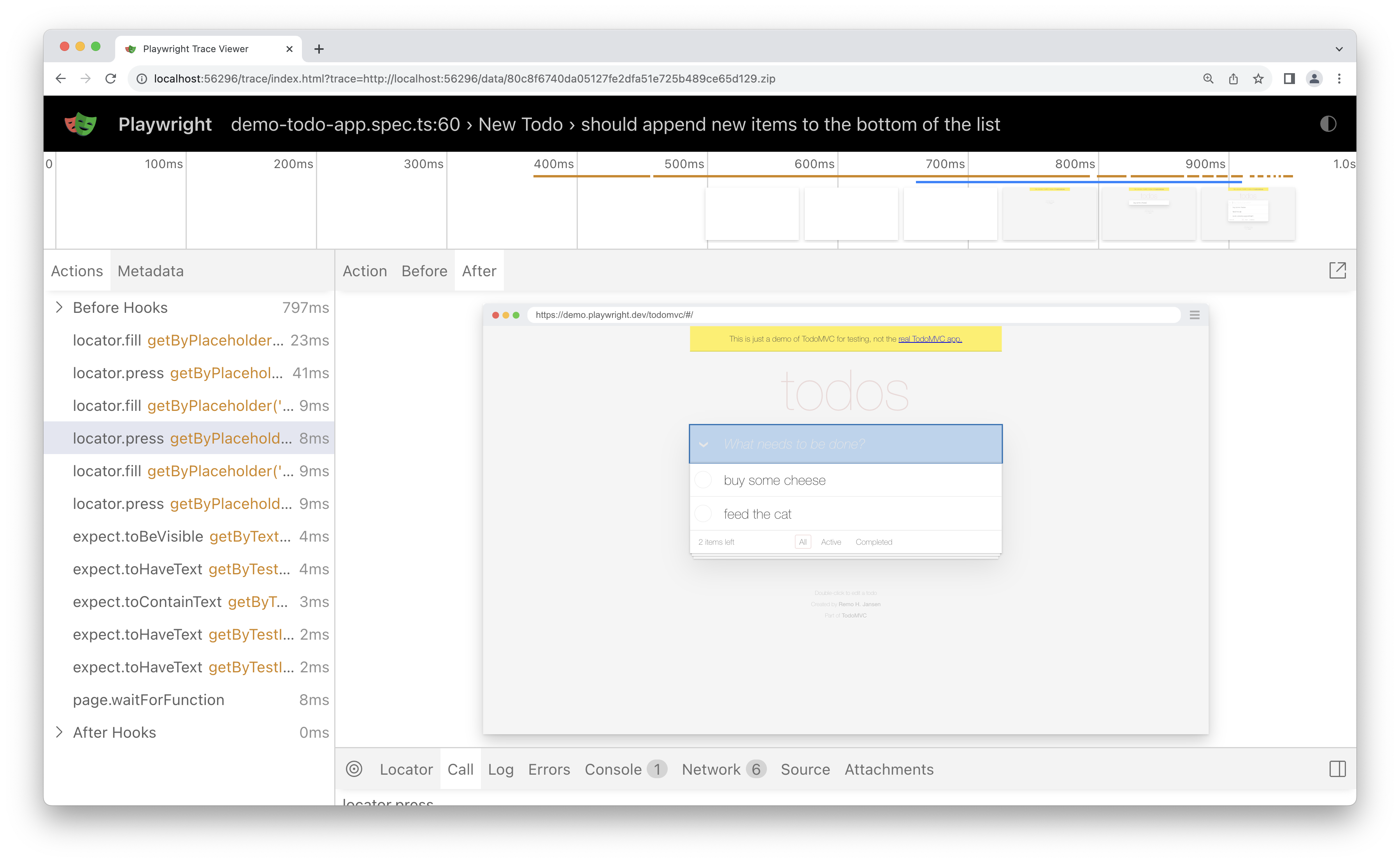
**Selecting each action reveals:**
* Action snapshots
* Action log
* Source code location
### Screenshots[](https://playwright.dev/docs/trace-viewer#screenshots "Direct link to Screenshots")
When tracing with the [screenshots](https://playwright.dev/docs/api/class-tracing#tracing-start-option-screenshots)
option turned on (default), each trace records a screencast and renders it as a film strip. You can hover over the film strip to see a magnified image of for each action and state which helps you easily find the action you want to inspect.
Double click on an action to see the time range for that action. You can use the slider in the timeline to increase the actions selected and these will be shown in the Actions tab and all console logs and network logs will be filtered to only show the logs for the actions selected.
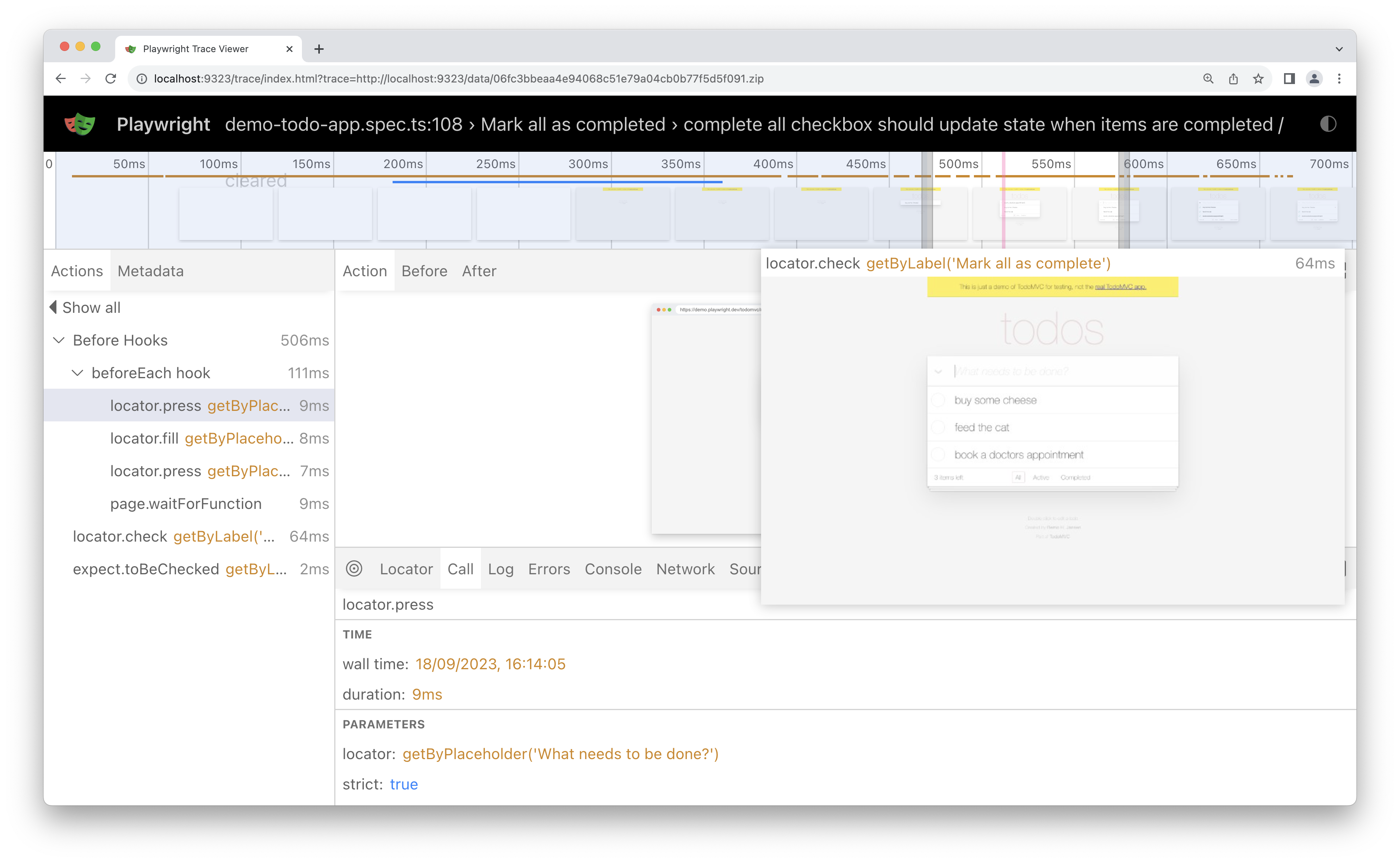
### Snapshots[](https://playwright.dev/docs/trace-viewer#snapshots "Direct link to Snapshots")
When tracing with the [snapshots](https://playwright.dev/docs/api/class-tracing#tracing-start-option-snapshots)
option turned on (default), Playwright captures a set of complete DOM snapshots for each action. Depending on the type of the action, it will capture:
| Type | Description |
| --- | --- |
| Before | A snapshot at the time action is called. |
| Action | A snapshot at the moment of the performed input. This type of snapshot is especially useful when exploring where exactly Playwright clicked. |
| After | A snapshot after the action. |
Here is what the typical Action snapshot looks like:
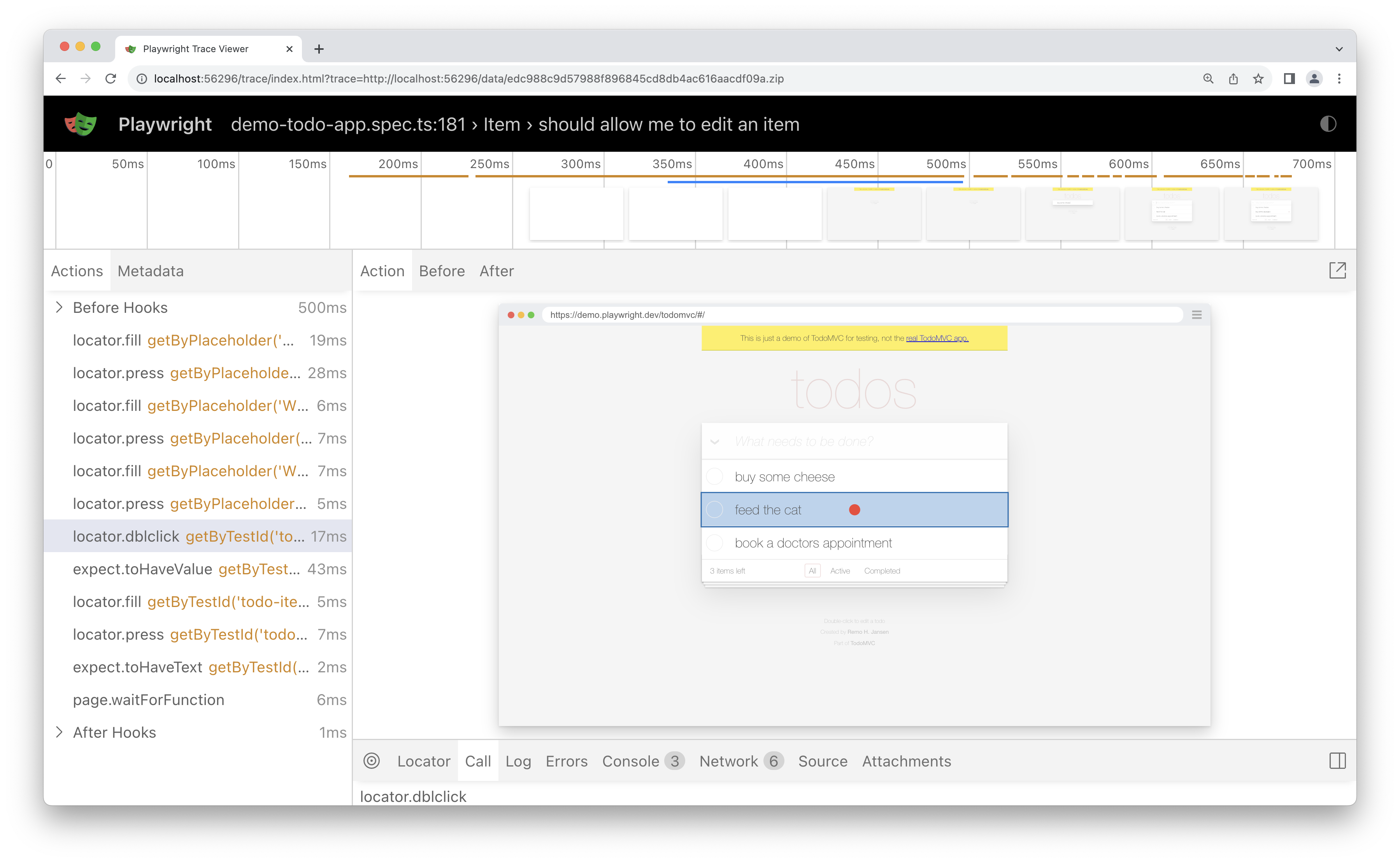
Notice how it highlights both, the DOM Node as well as the exact click position.
### Source[](https://playwright.dev/docs/trace-viewer#source "Direct link to Source")
When you click on an action in the sidebar, the line of code for that action is highlighted in the source panel.
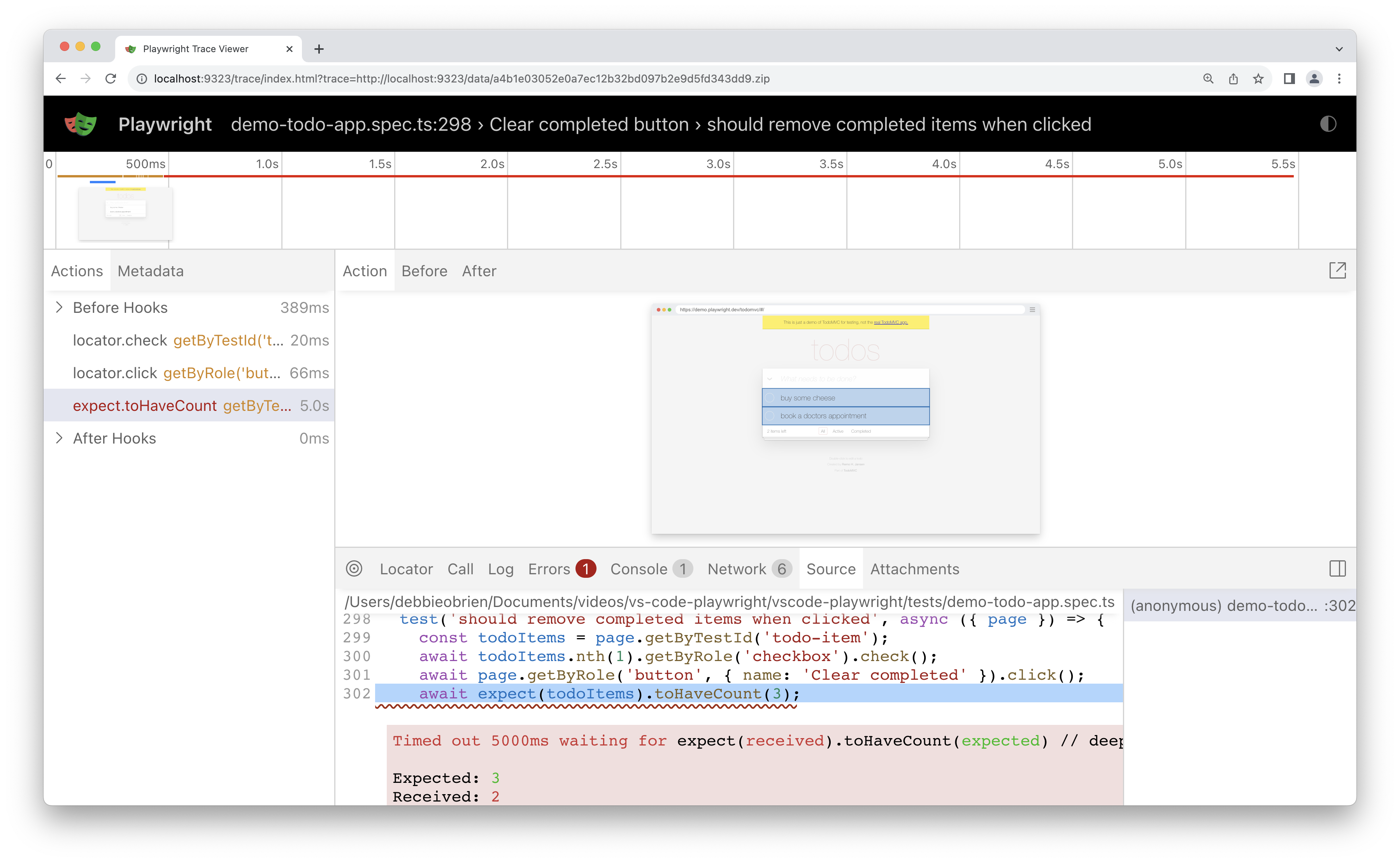
### Call[](https://playwright.dev/docs/trace-viewer#call "Direct link to Call")
The call tab shows you information about the action such as the time it took, what locator was used, if in strict mode and what key was used.
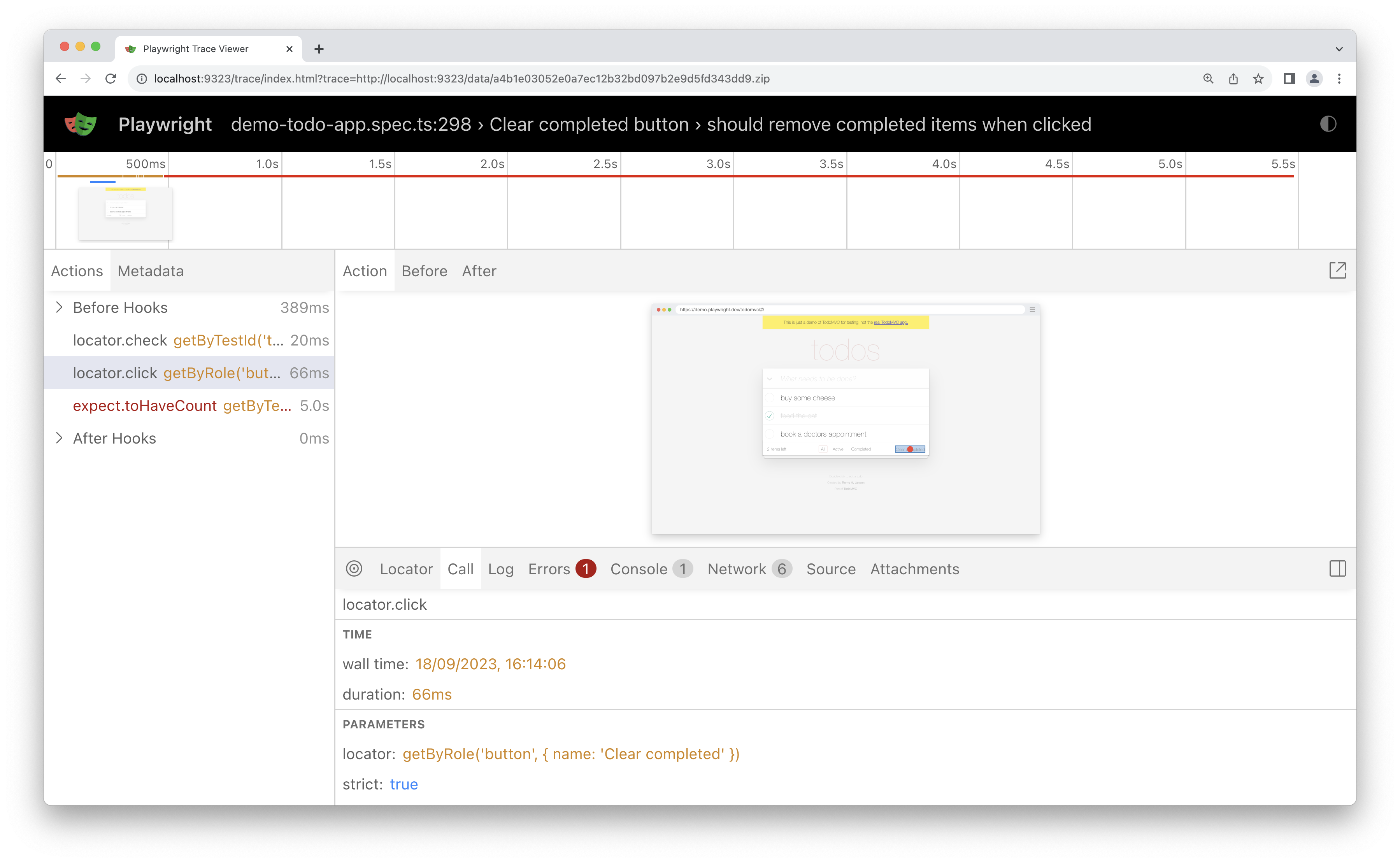
### Log[](https://playwright.dev/docs/trace-viewer#log "Direct link to Log")
See a full log of your test to better understand what Playwright is doing behind the scenes such as scrolling into view, waiting for element to be visible, enabled and stable and performing actions such as click, fill, press etc.
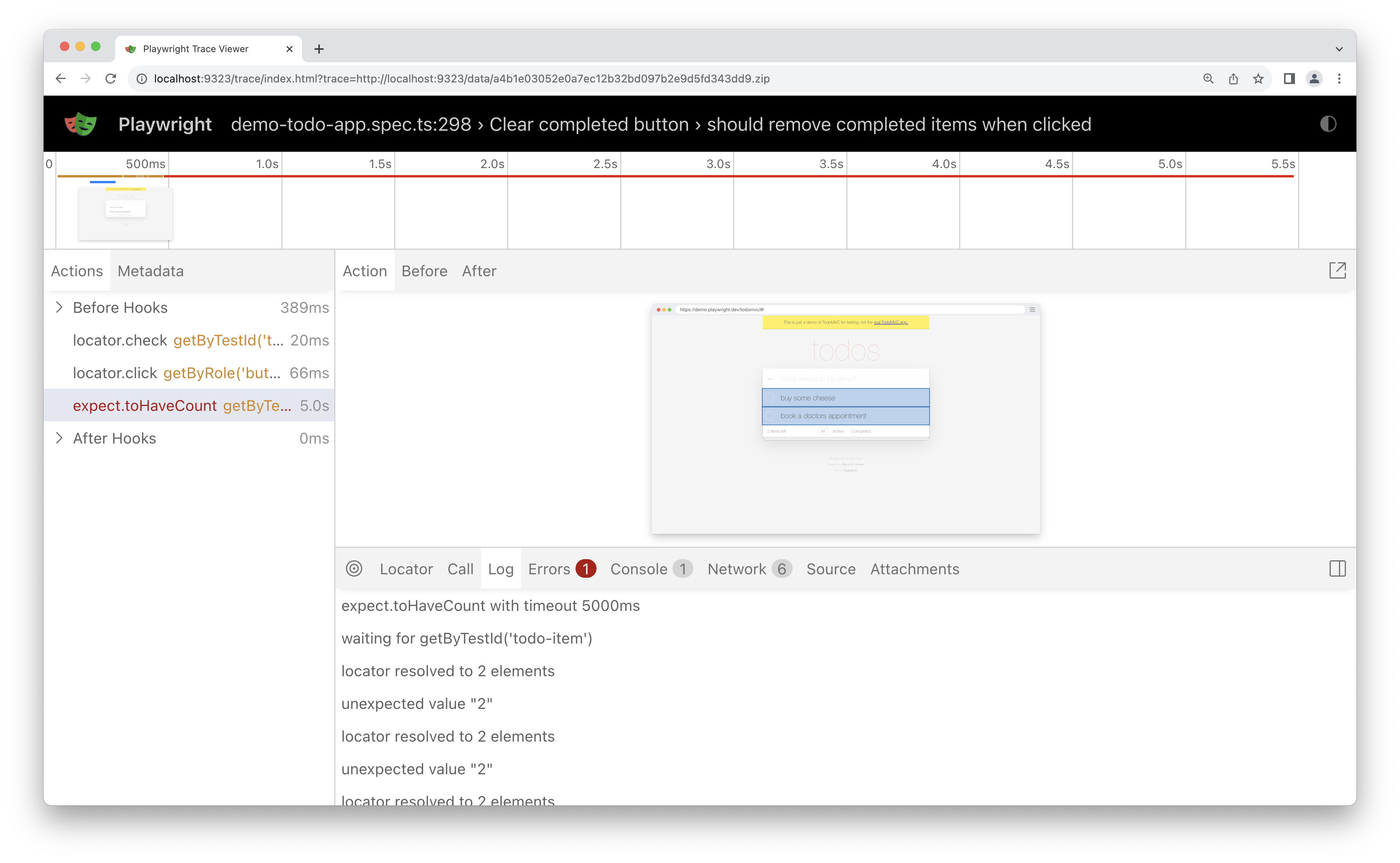
### Errors[](https://playwright.dev/docs/trace-viewer#errors "Direct link to Errors")
If your test fails you will see the error messages for each test in the Errors tab. The timeline will also show a red line highlighting where the error occurred. You can also click on the source tab to see on which line of the source code the error is.
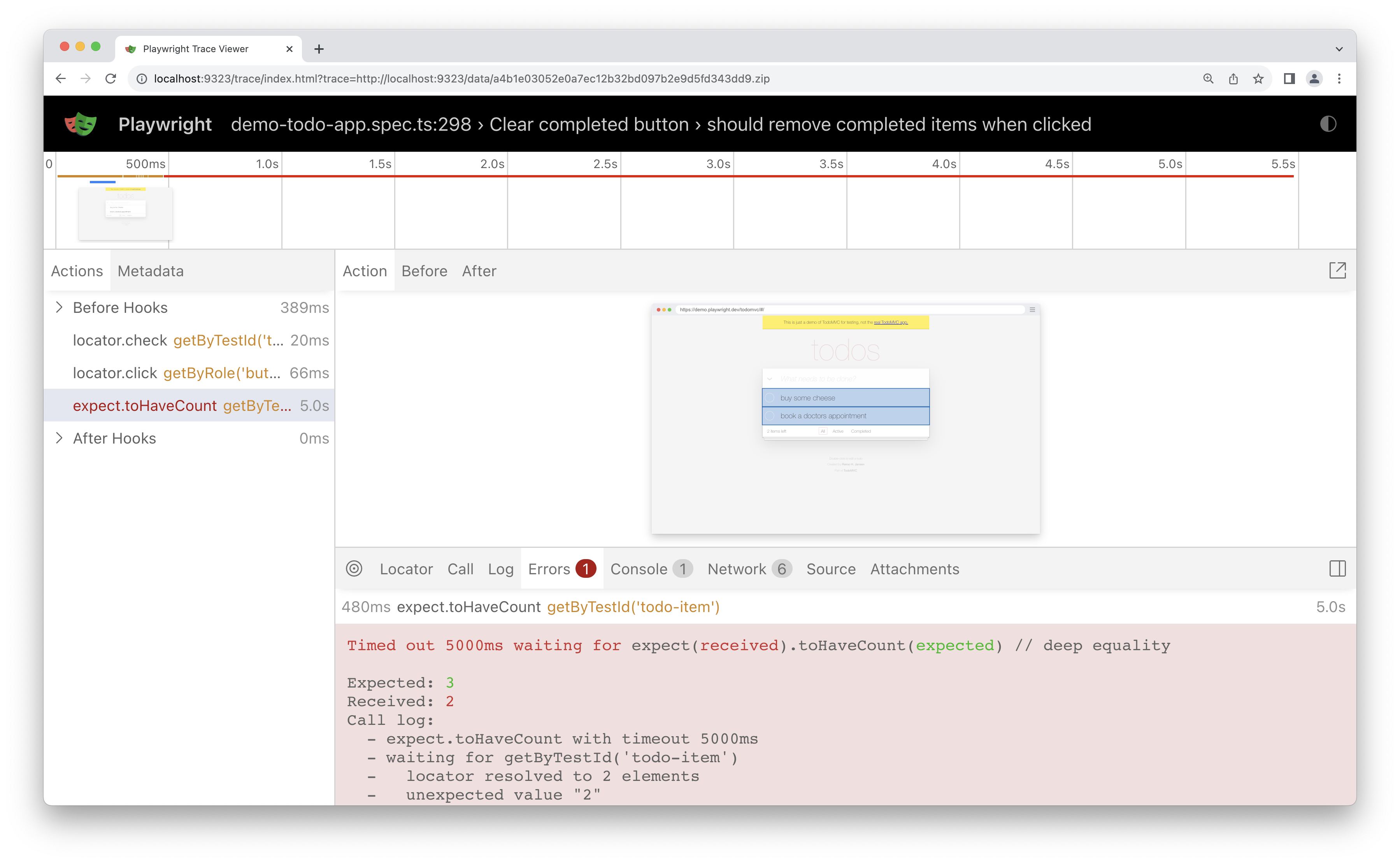
### Console[](https://playwright.dev/docs/trace-viewer#console "Direct link to Console")
See console logs from the browser as well as from your test. Different icons are displayed to show you if the console log came from the browser or from the test file.
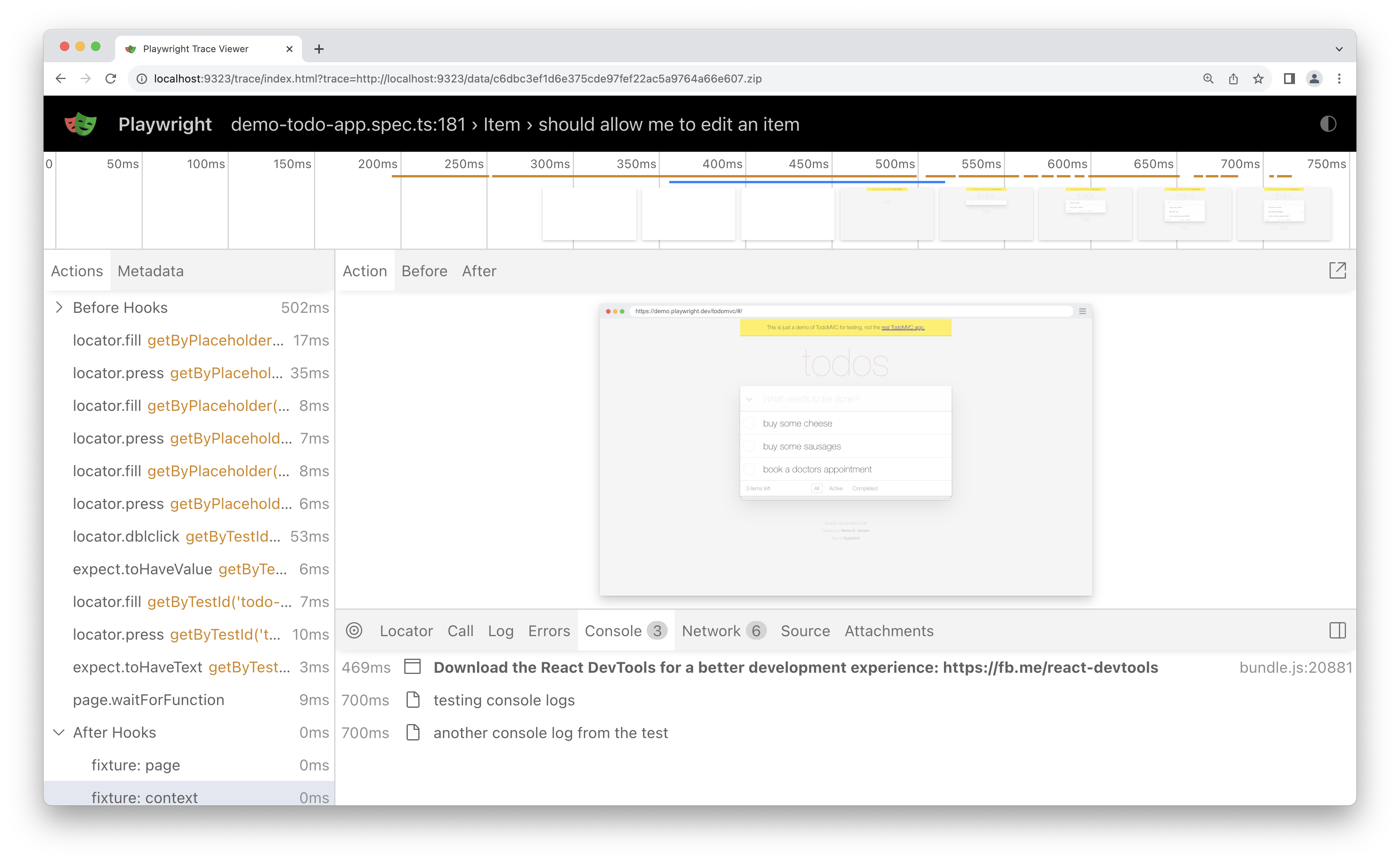
Double click on an action from your test in the actions sidebar. This will filter the console to only show the logs that were made during that action. Click the _Show all_ button to see all console logs again.
Use the timeline to filter actions, by clicking a start point and dragging to an ending point. The console tab will also be filtered to only show the logs that were made during the actions selected.
### Network[](https://playwright.dev/docs/trace-viewer#network "Direct link to Network")
The Network tab shows you all the network requests that were made during your test. You can sort by different types of requests, status code, method, request, content type, duration and size. Click on a request to see more information about it such as the request headers, response headers, request body and response body.
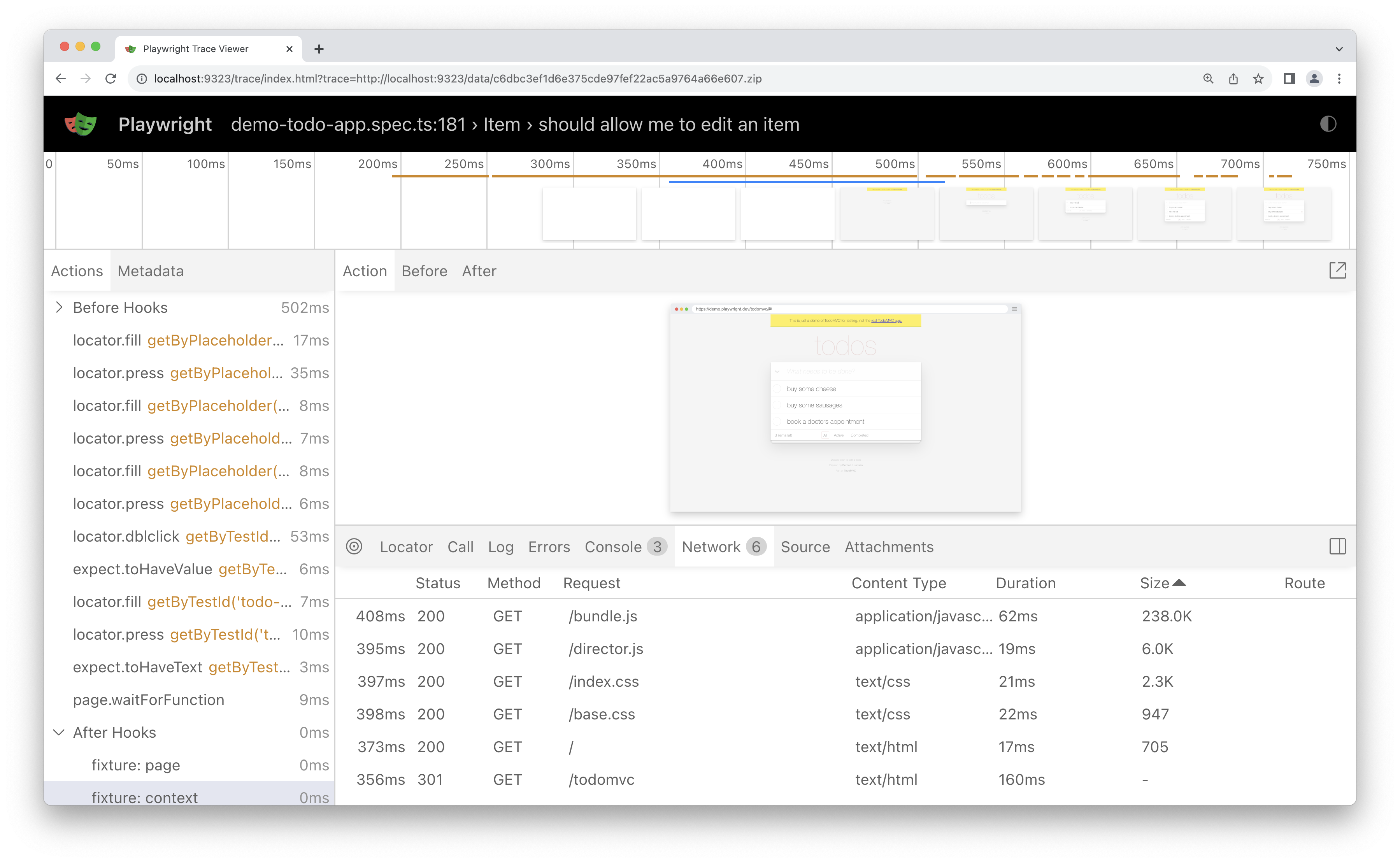
Double click on an action from your test in the actions sidebar. This will filter the network requests to only show the requests that were made during that action. Click the _Show all_ button to see all network requests again.
Use the timeline to filter actions, by clicking a start point and dragging to an ending point. The network tab will also be filtered to only show the network requests that were made during the actions selected.
### Metadata[](https://playwright.dev/docs/trace-viewer#metadata "Direct link to Metadata")
Next to the Actions tab you will find the Metadata tab which will show you more information on your test such as the Browser, viewport size, test duration and more.
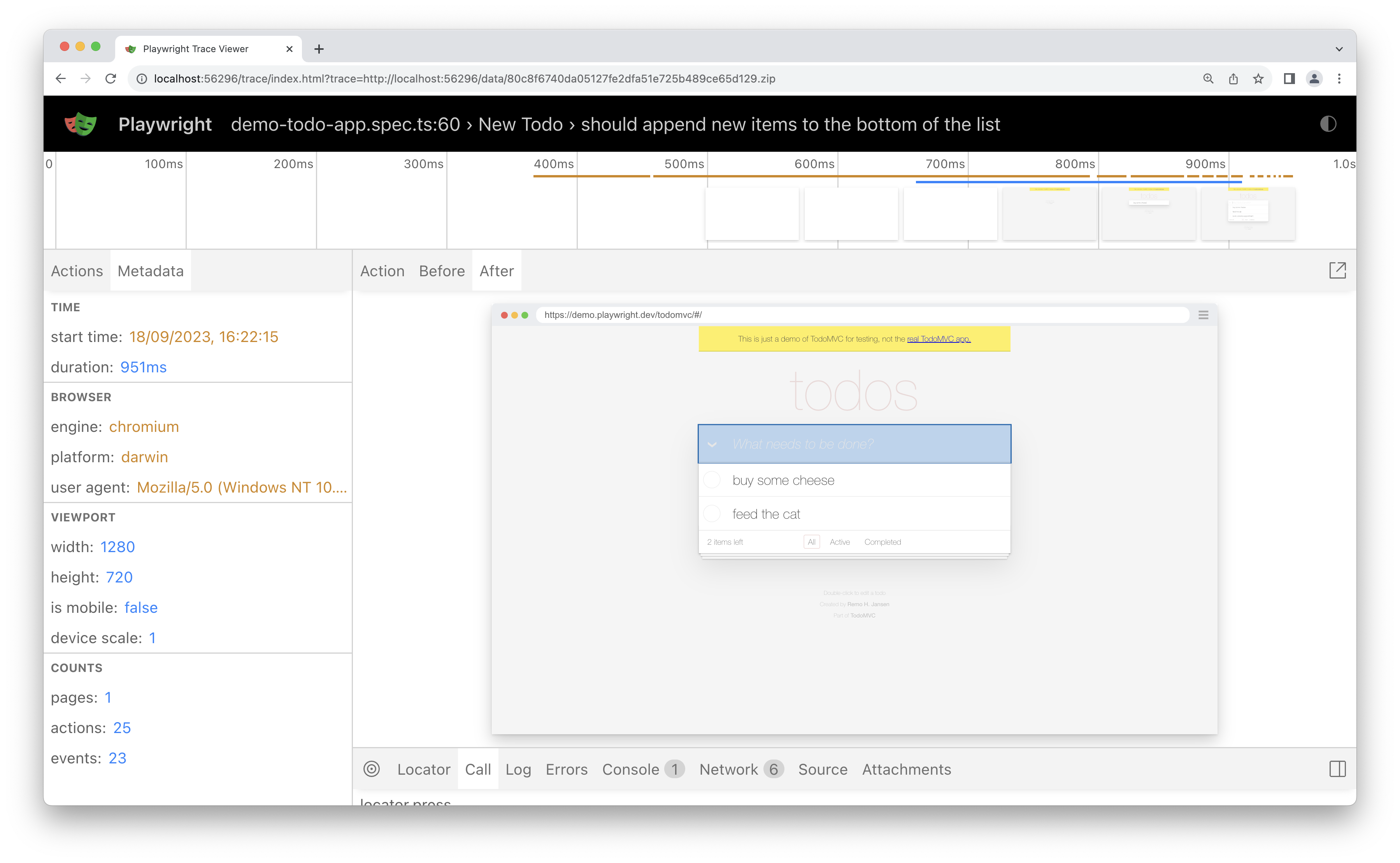
### Attachments[](https://playwright.dev/docs/trace-viewer#attachments "Direct link to Attachments")
The "Attachments" tab allows you to explore attachments. If you're doing [visual regression testing](https://playwright.dev/docs/test-snapshots)
, you'll be able to compare screenshots by examining the image diff, the actual image and the expected image. When you click on the expected image you can use the slider to slide one image over the other so you can easily see the differences in your screenshots.
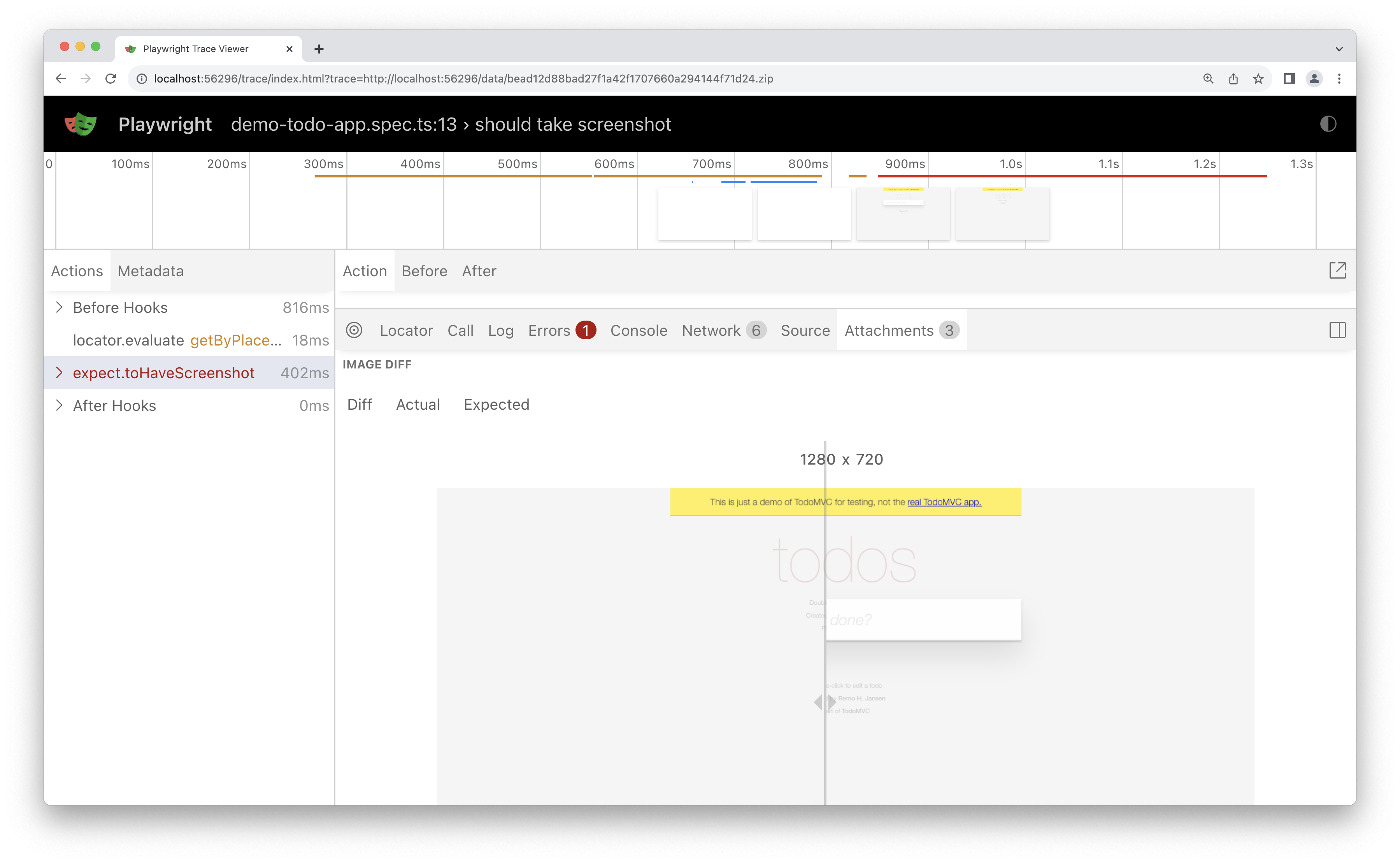
* [Introduction](https://playwright.dev/docs/trace-viewer#introduction)
* [Opening Trace Viewer](https://playwright.dev/docs/trace-viewer#opening-trace-viewer)
* [Using trace.playwright.dev](https://playwright.dev/docs/trace-viewer#using-traceplaywrightdev)
* [Viewing remote traces](https://playwright.dev/docs/trace-viewer#viewing-remote-traces)
* [Recording a trace](https://playwright.dev/docs/trace-viewer#recording-a-trace)
* [Tracing locally](https://playwright.dev/docs/trace-viewer#tracing-locally)
* [Tracing on CI](https://playwright.dev/docs/trace-viewer#tracing-on-ci)
* [Trace Viewer features](https://playwright.dev/docs/trace-viewer#trace-viewer-features)
* [Actions](https://playwright.dev/docs/trace-viewer#actions)
* [Screenshots](https://playwright.dev/docs/trace-viewer#screenshots)
* [Snapshots](https://playwright.dev/docs/trace-viewer#snapshots)
* [Source](https://playwright.dev/docs/trace-viewer#source)
* [Call](https://playwright.dev/docs/trace-viewer#call)
* [Log](https://playwright.dev/docs/trace-viewer#log)
* [Errors](https://playwright.dev/docs/trace-viewer#errors)
* [Console](https://playwright.dev/docs/trace-viewer#console)
* [Network](https://playwright.dev/docs/trace-viewer#network)
* [Metadata](https://playwright.dev/docs/trace-viewer#metadata)
* [Attachments](https://playwright.dev/docs/trace-viewer#attachments)
---
# Selenium Grid (experimental) | Playwright
[Skip to main content](https://playwright.dev/docs/selenium-grid#__docusaurus_skipToContent_fallback)
On this page
Introduction[](https://playwright.dev/docs/selenium-grid#introduction "Direct link to Introduction")
------------------------------------------------------------------------------------------------------
Playwright can connect to [Selenium Grid Hub](https://www.selenium.dev/documentation/grid/)
that runs Selenium 4 to launch **Google Chrome** or **Microsoft Edge** browser, instead of running browser on the local machine. Note this feature is **experimental** and is prioritized accordingly.
warning
There is a risk of Playwright integration with Selenium Grid Hub breaking in the future. Make sure you weight risks against benefits before using it.
More details
Internally, Playwright connects to the browser using [Chrome DevTools Protocol](https://chromedevtools.github.io/devtools-protocol/)
websocket. Selenium 4 currently exposes this capability. However, this [might not be the case in the future](https://github.com/SeleniumHQ/selenium/issues/11590#issuecomment-1436113950)
. If Selenium drops this capability, Playwright will stop working with it.
Before connecting Playwright to your Selenium Grid, make sure that grid works with [Selenium WebDriver](https://www.selenium.dev/documentation/webdriver/)
. For example, run [one of the examples](https://github.com/SeleniumHQ/selenium/tree/trunk/javascript/selenium-webdriver/example)
and pass `SELENIUM_REMOTE_URL` environment variable. If webdriver example does not work, look for any errors at your Selenium hub/node/standalone output and search [Selenium issues](https://github.com/SeleniumHQ/selenium/issues)
for a possible solution.
Starting Selenium Grid[](https://playwright.dev/docs/selenium-grid#starting-selenium-grid "Direct link to Starting Selenium Grid")
------------------------------------------------------------------------------------------------------------------------------------
If you run distributed Selenium Grid, Playwright needs selenium nodes to be registered with an accessible address, so that it could connect to the browsers. To make sure it works as expected, set `SE_NODE_GRID_URL` environment variable pointing to the hub when running selenium nodes.
# Start selenium nodeSE_NODE_GRID_URL="http://:4444" java -jar selenium-server-.jar node
Connecting Playwright to Selenium Grid[](https://playwright.dev/docs/selenium-grid#connecting-playwright-to-selenium-grid "Direct link to Connecting Playwright to Selenium Grid")
------------------------------------------------------------------------------------------------------------------------------------------------------------------------------------
To connect Playwright to **Selenium Grid 4**, set `SELENIUM_REMOTE_URL` environment variable pointing to your Selenium Grid Hub. Note that this only works for Google Chrome and Microsoft Edge.
SELENIUM_REMOTE_URL=http://:4444 npx playwright test
You don't have to change your code, just use your testing harness or [browserType.launch()](https://playwright.dev/docs/api/class-browsertype#browser-type-launch)
as usual.
### Passing additional capabilities[](https://playwright.dev/docs/selenium-grid#passing-additional-capabilities "Direct link to Passing additional capabilities")
If your grid requires additional capabilities to be set (for example, you use an external service), you can set `SELENIUM_REMOTE_CAPABILITIES` environment variable to provide JSON-serialized capabilities.
SELENIUM_REMOTE_URL=http://:4444 SELENIUM_REMOTE_CAPABILITIES="{'mygrid:options':{os:'windows',username:'John',password:'secure'}}" npx playwright test
### Passing additional headers[](https://playwright.dev/docs/selenium-grid#passing-additional-headers "Direct link to Passing additional headers")
If your grid requires additional headers to be set (for example, you should provide authorization token to use browsers in your cloud), you can set `SELENIUM_REMOTE_HEADERS` environment variable to provide JSON-serialized headers.
SELENIUM_REMOTE_URL=http://:4444 SELENIUM_REMOTE_HEADERS="{'Authorization':'Basic b64enc'}" npx playwright test
### Detailed logs[](https://playwright.dev/docs/selenium-grid#detailed-logs "Direct link to Detailed logs")
Run with `DEBUG=pw:browser*` environment variable to see how Playwright is connecting to Selenium Grid.
DEBUG=pw:browser* SELENIUM_REMOTE_URL=http://internal.grid:4444 npx playwright test
If you file an issue, please include this log.
Using Selenium Docker[](https://playwright.dev/docs/selenium-grid#using-selenium-docker "Direct link to Using Selenium Docker")
---------------------------------------------------------------------------------------------------------------------------------
One easy way to use Selenium Grid is to run official docker containers. Read more in [selenium docker images](https://github.com/SeleniumHQ/docker-selenium)
documentation. For image tagging convention, [read more](https://github.com/SeleniumHQ/docker-selenium/wiki/Tagging-Convention#selenium-grid-4x-and-above)
.
### Standalone mode[](https://playwright.dev/docs/selenium-grid#standalone-mode "Direct link to Standalone mode")
Here is an example of running selenium standalone and connecting Playwright to it. Note that hub and node are on the same `localhost`, and we pass `SE_NODE_GRID_URL` environment variable pointing to it.
First start Selenium.
docker run -d -p 4444:4444 --shm-size="2g" -e SE_NODE_GRID_URL="http://localhost:4444" selenium/standalone-chromium:latest
Then run Playwright.
SELENIUM_REMOTE_URL=http://localhost:4444 npx playwright test
### Hub and nodes mode[](https://playwright.dev/docs/selenium-grid#hub-and-nodes-mode "Direct link to Hub and nodes mode")
Here is an example of running selenium hub and a single selenium node, and connecting Playwright to the hub. Note that hub and node have different IPs, and we pass `SE_NODE_GRID_URL` environment variable pointing to the hub when starting node containers.
First start the hub container and one or more node containers.
docker run -d -p 4442-4444:4442-4444 --name selenium-hub selenium/hub:4.25.0docker run -d -p 5555:5555 \ --shm-size="2g" \ -e SE_EVENT_BUS_HOST= \ -e SE_EVENT_BUS_PUBLISH_PORT=4442 \ -e SE_EVENT_BUS_SUBSCRIBE_PORT=4443 \ -e SE_NODE_GRID_URL="http://:4444" selenium/node-chromium:4.25.0
Then run Playwright.
SELENIUM_REMOTE_URL=http://:4444 npx playwright test
Selenium 3[](https://playwright.dev/docs/selenium-grid#selenium-3 "Direct link to Selenium 3")
------------------------------------------------------------------------------------------------
Internally, Playwright connects to the browser using [Chrome DevTools Protocol](https://chromedevtools.github.io/devtools-protocol/)
websocket. Selenium 4 exposes this capability, while Selenium 3 does not.
This means that Selenium 3 is supported in a best-effort manner, where Playwright tries to connect to the grid node directly. Grid nodes must be directly accessible from the machine that runs Playwright.
* [Introduction](https://playwright.dev/docs/selenium-grid#introduction)
* [Starting Selenium Grid](https://playwright.dev/docs/selenium-grid#starting-selenium-grid)
* [Connecting Playwright to Selenium Grid](https://playwright.dev/docs/selenium-grid#connecting-playwright-to-selenium-grid)
* [Passing additional capabilities](https://playwright.dev/docs/selenium-grid#passing-additional-capabilities)
* [Passing additional headers](https://playwright.dev/docs/selenium-grid#passing-additional-headers)
* [Detailed logs](https://playwright.dev/docs/selenium-grid#detailed-logs)
* [Using Selenium Docker](https://playwright.dev/docs/selenium-grid#using-selenium-docker)
* [Standalone mode](https://playwright.dev/docs/selenium-grid#standalone-mode)
* [Hub and nodes mode](https://playwright.dev/docs/selenium-grid#hub-and-nodes-mode)
* [Selenium 3](https://playwright.dev/docs/selenium-grid#selenium-3)
---
# Assertions | Playwright
[Skip to main content](https://playwright.dev/docs/test-assertions#__docusaurus_skipToContent_fallback)
On this page
Introduction[](https://playwright.dev/docs/test-assertions#introduction "Direct link to Introduction")
--------------------------------------------------------------------------------------------------------
Playwright includes test assertions in the form of `expect` function. To make an assertion, call `expect(value)` and choose a matcher that reflects the expectation. There are many [generic matchers](https://playwright.dev/docs/api/class-genericassertions)
like `toEqual`, `toContain`, `toBeTruthy` that can be used to assert any conditions.
expect(success).toBeTruthy();
Playwright also includes web-specific [async matchers](https://playwright.dev/docs/api/class-locatorassertions)
that will wait until the expected condition is met. Consider the following example:
await expect(page.getByTestId('status')).toHaveText('Submitted');
Playwright will be re-testing the element with the test id of `status` until the fetched element has the `"Submitted"` text. It will re-fetch the element and check it over and over, until the condition is met or until the timeout is reached. You can either pass this timeout or configure it once via the [testConfig.expect](https://playwright.dev/docs/api/class-testconfig#test-config-expect)
value in the test config.
By default, the timeout for assertions is set to 5 seconds. Learn more about [various timeouts](https://playwright.dev/docs/test-timeouts)
.
Auto-retrying assertions[](https://playwright.dev/docs/test-assertions#auto-retrying-assertions "Direct link to Auto-retrying assertions")
--------------------------------------------------------------------------------------------------------------------------------------------
The following assertions will retry until the assertion passes, or the assertion timeout is reached. Note that retrying assertions are async, so you must `await` them.
| Assertion | Description |
| --- | --- |
| [await expect(locator).toBeAttached()](https://playwright.dev/docs/api/class-locatorassertions#locator-assertions-to-be-attached) | Element is attached |
| [await expect(locator).toBeChecked()](https://playwright.dev/docs/api/class-locatorassertions#locator-assertions-to-be-checked) | Checkbox is checked |
| [await expect(locator).toBeDisabled()](https://playwright.dev/docs/api/class-locatorassertions#locator-assertions-to-be-disabled) | Element is disabled |
| [await expect(locator).toBeEditable()](https://playwright.dev/docs/api/class-locatorassertions#locator-assertions-to-be-editable) | Element is editable |
| [await expect(locator).toBeEmpty()](https://playwright.dev/docs/api/class-locatorassertions#locator-assertions-to-be-empty) | Container is empty |
| [await expect(locator).toBeEnabled()](https://playwright.dev/docs/api/class-locatorassertions#locator-assertions-to-be-enabled) | Element is enabled |
| [await expect(locator).toBeFocused()](https://playwright.dev/docs/api/class-locatorassertions#locator-assertions-to-be-focused) | Element is focused |
| [await expect(locator).toBeHidden()](https://playwright.dev/docs/api/class-locatorassertions#locator-assertions-to-be-hidden) | Element is not visible |
| [await expect(locator).toBeInViewport()](https://playwright.dev/docs/api/class-locatorassertions#locator-assertions-to-be-in-viewport) | Element intersects viewport |
| [await expect(locator).toBeVisible()](https://playwright.dev/docs/api/class-locatorassertions#locator-assertions-to-be-visible) | Element is visible |
| [await expect(locator).toContainText()](https://playwright.dev/docs/api/class-locatorassertions#locator-assertions-to-contain-text) | Element contains text |
| [await expect(locator).toContainClass()](https://playwright.dev/docs/api/class-locatorassertions#locator-assertions-to-contain-class) | Element has specified CSS classes |
| [await expect(locator).toHaveAccessibleDescription()](https://playwright.dev/docs/api/class-locatorassertions#locator-assertions-to-have-accessible-description) | Element has a matching [accessible description](https://w3c.github.io/accname/#dfn-accessible-description) |
| [await expect(locator).toHaveAccessibleName()](https://playwright.dev/docs/api/class-locatorassertions#locator-assertions-to-have-accessible-name) | Element has a matching [accessible name](https://w3c.github.io/accname/#dfn-accessible-name) |
| [await expect(locator).toHaveAttribute()](https://playwright.dev/docs/api/class-locatorassertions#locator-assertions-to-have-attribute) | Element has a DOM attribute |
| [await expect(locator).toHaveClass()](https://playwright.dev/docs/api/class-locatorassertions#locator-assertions-to-have-class) | Element has specified CSS class property |
| [await expect(locator).toHaveCount()](https://playwright.dev/docs/api/class-locatorassertions#locator-assertions-to-have-count) | List has exact number of children |
| [await expect(locator).toHaveCSS()](https://playwright.dev/docs/api/class-locatorassertions#locator-assertions-to-have-css) | Element has CSS property |
| [await expect(locator).toHaveId()](https://playwright.dev/docs/api/class-locatorassertions#locator-assertions-to-have-id) | Element has an ID |
| [await expect(locator).toHaveJSProperty()](https://playwright.dev/docs/api/class-locatorassertions#locator-assertions-to-have-js-property) | Element has a JavaScript property |
| [await expect(locator).toHaveRole()](https://playwright.dev/docs/api/class-locatorassertions#locator-assertions-to-have-role) | Element has a specific [ARIA role](https://www.w3.org/TR/wai-aria-1.2/#roles) |
| [await expect(locator).toHaveScreenshot()](https://playwright.dev/docs/api/class-locatorassertions#locator-assertions-to-have-screenshot-1) | Element has a screenshot |
| [await expect(locator).toHaveText()](https://playwright.dev/docs/api/class-locatorassertions#locator-assertions-to-have-text) | Element matches text |
| [await expect(locator).toHaveValue()](https://playwright.dev/docs/api/class-locatorassertions#locator-assertions-to-have-value) | Input has a value |
| [await expect(locator).toHaveValues()](https://playwright.dev/docs/api/class-locatorassertions#locator-assertions-to-have-values) | Select has options selected |
| [await expect(locator).toMatchAriaSnapshot()](https://playwright.dev/docs/api/class-locatorassertions#locator-assertions-to-match-aria-snapshot) | Element matches the Aria snapshot |
| [await expect(page).toHaveScreenshot()](https://playwright.dev/docs/api/class-pageassertions#page-assertions-to-have-screenshot-1) | Page has a screenshot |
| [await expect(page).toHaveTitle()](https://playwright.dev/docs/api/class-pageassertions#page-assertions-to-have-title) | Page has a title |
| [await expect(page).toHaveURL()](https://playwright.dev/docs/api/class-pageassertions#page-assertions-to-have-url) | Page has a URL |
| [await expect(response).toBeOK()](https://playwright.dev/docs/api/class-apiresponseassertions#api-response-assertions-to-be-ok) | Response has an OK status |
Non-retrying assertions[](https://playwright.dev/docs/test-assertions#non-retrying-assertions "Direct link to Non-retrying assertions")
-----------------------------------------------------------------------------------------------------------------------------------------
These assertions allow to test any conditions, but do not auto-retry. Most of the time, web pages show information asynchronously, and using non-retrying assertions can lead to a flaky test.
Prefer [auto-retrying](https://playwright.dev/docs/test-assertions#auto-retrying-assertions)
assertions whenever possible. For more complex assertions that need to be retried, use [`expect.poll`](https://playwright.dev/docs/test-assertions#expectpoll)
or [`expect.toPass`](https://playwright.dev/docs/test-assertions#expecttopass)
.
| Assertion | Description |
| --- | --- |
| [expect(value).toBe()](https://playwright.dev/docs/api/class-genericassertions#generic-assertions-to-be) | Value is the same |
| [expect(value).toBeCloseTo()](https://playwright.dev/docs/api/class-genericassertions#generic-assertions-to-be-close-to) | Number is approximately equal |
| [expect(value).toBeDefined()](https://playwright.dev/docs/api/class-genericassertions#generic-assertions-to-be-defined) | Value is not `undefined` |
| [expect(value).toBeFalsy()](https://playwright.dev/docs/api/class-genericassertions#generic-assertions-to-be-falsy) | Value is falsy, e.g. `false`, `0`, `null`, etc. |
| [expect(value).toBeGreaterThan()](https://playwright.dev/docs/api/class-genericassertions#generic-assertions-to-be-greater-than) | Number is more than |
| [expect(value).toBeGreaterThanOrEqual()](https://playwright.dev/docs/api/class-genericassertions#generic-assertions-to-be-greater-than-or-equal) | Number is more than or equal |
| [expect(value).toBeInstanceOf()](https://playwright.dev/docs/api/class-genericassertions#generic-assertions-to-be-instance-of) | Object is an instance of a class |
| [expect(value).toBeLessThan()](https://playwright.dev/docs/api/class-genericassertions#generic-assertions-to-be-less-than) | Number is less than |
| [expect(value).toBeLessThanOrEqual()](https://playwright.dev/docs/api/class-genericassertions#generic-assertions-to-be-less-than-or-equal) | Number is less than or equal |
| [expect(value).toBeNaN()](https://playwright.dev/docs/api/class-genericassertions#generic-assertions-to-be-na-n) | Value is `NaN` |
| [expect(value).toBeNull()](https://playwright.dev/docs/api/class-genericassertions#generic-assertions-to-be-null) | Value is `null` |
| [expect(value).toBeTruthy()](https://playwright.dev/docs/api/class-genericassertions#generic-assertions-to-be-truthy) | Value is truthy, i.e. not `false`, `0`, `null`, etc. |
| [expect(value).toBeUndefined()](https://playwright.dev/docs/api/class-genericassertions#generic-assertions-to-be-undefined) | Value is `undefined` |
| [expect(value).toContain()](https://playwright.dev/docs/api/class-genericassertions#generic-assertions-to-contain-1) | String contains a substring |
| [expect(value).toContain()](https://playwright.dev/docs/api/class-genericassertions#generic-assertions-to-contain-2) | Array or set contains an element |
| [expect(value).toContainEqual()](https://playwright.dev/docs/api/class-genericassertions#generic-assertions-to-contain-equal) | Array or set contains a similar element |
| [expect(value).toEqual()](https://playwright.dev/docs/api/class-genericassertions#generic-assertions-to-equal) | Value is similar - deep equality and pattern matching |
| [expect(value).toHaveLength()](https://playwright.dev/docs/api/class-genericassertions#generic-assertions-to-have-length) | Array or string has length |
| [expect(value).toHaveProperty()](https://playwright.dev/docs/api/class-genericassertions#generic-assertions-to-have-property) | Object has a property |
| [expect(value).toMatch()](https://playwright.dev/docs/api/class-genericassertions#generic-assertions-to-match) | String matches a regular expression |
| [expect(value).toMatchObject()](https://playwright.dev/docs/api/class-genericassertions#generic-assertions-to-match-object) | Object contains specified properties |
| [expect(value).toStrictEqual()](https://playwright.dev/docs/api/class-genericassertions#generic-assertions-to-strict-equal) | Value is similar, including property types |
| [expect(value).toThrow()](https://playwright.dev/docs/api/class-genericassertions#generic-assertions-to-throw) | Function throws an error |
| [expect(value).any()](https://playwright.dev/docs/api/class-genericassertions#generic-assertions-any) | Matches any instance of a class/primitive |
| [expect(value).anything()](https://playwright.dev/docs/api/class-genericassertions#generic-assertions-anything) | Matches anything |
| [expect(value).arrayContaining()](https://playwright.dev/docs/api/class-genericassertions#generic-assertions-array-containing) | Array contains specific elements |
| [expect(value).closeTo()](https://playwright.dev/docs/api/class-genericassertions#generic-assertions-close-to) | Number is approximately equal |
| [expect(value).objectContaining()](https://playwright.dev/docs/api/class-genericassertions#generic-assertions-object-containing) | Object contains specific properties |
| [expect(value).stringContaining()](https://playwright.dev/docs/api/class-genericassertions#generic-assertions-string-containing) | String contains a substring |
| [expect(value).stringMatching()](https://playwright.dev/docs/api/class-genericassertions#generic-assertions-string-matching) | String matches a regular expression |
Negating matchers[](https://playwright.dev/docs/test-assertions#negating-matchers "Direct link to Negating matchers")
-----------------------------------------------------------------------------------------------------------------------
In general, we can expect the opposite to be true by adding a `.not` to the front of the matchers:
expect(value).not.toEqual(0);await expect(locator).not.toContainText('some text');
Soft assertions[](https://playwright.dev/docs/test-assertions#soft-assertions "Direct link to Soft assertions")
-----------------------------------------------------------------------------------------------------------------
By default, failed assertion will terminate test execution. Playwright also supports _soft assertions_: failed soft assertions **do not** terminate test execution, but mark the test as failed.
// Make a few checks that will not stop the test when failed...await expect.soft(page.getByTestId('status')).toHaveText('Success');await expect.soft(page.getByTestId('eta')).toHaveText('1 day');// ... and continue the test to check more things.await page.getByRole('link', { name: 'next page' }).click();await expect.soft(page.getByRole('heading', { name: 'Make another order' })).toBeVisible();
At any point during test execution, you can check whether there were any soft assertion failures:
// Make a few checks that will not stop the test when failed...await expect.soft(page.getByTestId('status')).toHaveText('Success');await expect.soft(page.getByTestId('eta')).toHaveText('1 day');// Avoid running further if there were soft assertion failures.expect(test.info().errors).toHaveLength(0);
Note that soft assertions only work with Playwright test runner.
Custom expect message[](https://playwright.dev/docs/test-assertions#custom-expect-message "Direct link to Custom expect message")
-----------------------------------------------------------------------------------------------------------------------------------
You can specify a custom expect message as a second argument to the `expect` function, for example:
await expect(page.getByText('Name'), 'should be logged in').toBeVisible();
This message will be shown in reporters, both for passing and failing expects, providing more context about the assertion.
When expect passes, you might see a successful step like this:
✅ should be logged in @example.spec.ts:18
When expect fails, the error would look like this:
Error: should be logged in Call log: - expect.toBeVisible with timeout 5000ms - waiting for "getByText('Name')" 2 | 3 | test('example test', async({ page }) => { > 4 | await expect(page.getByText('Name'), 'should be logged in').toBeVisible(); | ^ 5 | }); 6 |
Soft assertions also support custom message:
expect.soft(value, 'my soft assertion').toBe(56);
expect.configure[](https://playwright.dev/docs/test-assertions#expectconfigure "Direct link to expect.configure")
-------------------------------------------------------------------------------------------------------------------
You can create your own pre-configured `expect` instance to have its own defaults such as `timeout` and `soft`.
const slowExpect = expect.configure({ timeout: 10000 });await slowExpect(locator).toHaveText('Submit');// Always do soft assertions.const softExpect = expect.configure({ soft: true });await softExpect(locator).toHaveText('Submit');
expect.poll[](https://playwright.dev/docs/test-assertions#expectpoll "Direct link to expect.poll")
----------------------------------------------------------------------------------------------------
You can convert any synchronous `expect` to an asynchronous polling one using `expect.poll`.
The following method will poll given function until it returns HTTP status 200:
await expect.poll(async () => { const response = await page.request.get('https://api.example.com'); return response.status();}, { // Custom expect message for reporting, optional. message: 'make sure API eventually succeeds', // Poll for 10 seconds; defaults to 5 seconds. Pass 0 to disable timeout. timeout: 10000,}).toBe(200);
You can also specify custom polling intervals:
await expect.poll(async () => { const response = await page.request.get('https://api.example.com'); return response.status();}, { // Probe, wait 1s, probe, wait 2s, probe, wait 10s, probe, wait 10s, probe // ... Defaults to [100, 250, 500, 1000]. intervals: [1_000, 2_000, 10_000], timeout: 60_000}).toBe(200);
You can combine `expect.configure({ soft: true })` with expect.poll to perform soft assertions in polling logic.
const softExpect = expect.configure({ soft: true });await softExpect.poll(async () => { const response = await page.request.get('https://api.example.com'); return response.status();}, {}).toBe(200);
This allows the test to continue even if the assertion inside poll fails.
expect.toPass[](https://playwright.dev/docs/test-assertions#expecttopass "Direct link to expect.toPass")
----------------------------------------------------------------------------------------------------------
You can retry blocks of code until they are passing successfully.
await expect(async () => { const response = await page.request.get('https://api.example.com'); expect(response.status()).toBe(200);}).toPass();
You can also specify custom timeout and retry intervals:
await expect(async () => { const response = await page.request.get('https://api.example.com'); expect(response.status()).toBe(200);}).toPass({ // Probe, wait 1s, probe, wait 2s, probe, wait 10s, probe, wait 10s, probe // ... Defaults to [100, 250, 500, 1000]. intervals: [1_000, 2_000, 10_000], timeout: 60_000});
Note that by default `toPass` has timeout 0 and does not respect custom [expect timeout](https://playwright.dev/docs/test-timeouts#expect-timeout)
.
Add custom matchers using expect.extend[](https://playwright.dev/docs/test-assertions#add-custom-matchers-using-expectextend "Direct link to Add custom matchers using expect.extend")
----------------------------------------------------------------------------------------------------------------------------------------------------------------------------------------
You can extend Playwright assertions by providing custom matchers. These matchers will be available on the `expect` object.
In this example we add a custom `toHaveAmount` function. Custom matcher should return a `pass` flag indicating whether the assertion passed, and a `message` callback that's used when the assertion fails.
fixtures.ts
import { expect as baseExpect } from '@playwright/test';import type { Locator } from '@playwright/test';export { test } from '@playwright/test';export const expect = baseExpect.extend({ async toHaveAmount(locator: Locator, expected: number, options?: { timeout?: number }) { const assertionName = 'toHaveAmount'; let pass: boolean; let matcherResult: any; try { const expectation = this.isNot ? baseExpect(locator).not : baseExpect(locator); await expectation.toHaveAttribute('data-amount', String(expected), options); pass = true; } catch (e: any) { matcherResult = e.matcherResult; pass = false; } if (this.isNot) { pass =!pass; } const message = pass ? () => this.utils.matcherHint(assertionName, undefined, undefined, { isNot: this.isNot }) + '\n\n' + `Locator: ${locator}\n` + `Expected: not ${this.utils.printExpected(expected)}\n` + (matcherResult ? `Received: ${this.utils.printReceived(matcherResult.actual)}` : '') : () => this.utils.matcherHint(assertionName, undefined, undefined, { isNot: this.isNot }) + '\n\n' + `Locator: ${locator}\n` + `Expected: ${this.utils.printExpected(expected)}\n` + (matcherResult ? `Received: ${this.utils.printReceived(matcherResult.actual)}` : ''); return { message, pass, name: assertionName, expected, actual: matcherResult?.actual, }; },});
Now we can use `toHaveAmount` in the test.
example.spec.ts
import { test, expect } from './fixtures';test('amount', async () => { await expect(page.locator('.cart')).toHaveAmount(4);});
### Compatibility with expect library[](https://playwright.dev/docs/test-assertions#compatibility-with-expect-library "Direct link to Compatibility with expect library")
note
Do not confuse Playwright's `expect` with the [`expect` library](https://jestjs.io/docs/expect)
. The latter is not fully integrated with Playwright test runner, so make sure to use Playwright's own `expect`.
### Combine custom matchers from multiple modules[](https://playwright.dev/docs/test-assertions#combine-custom-matchers-from-multiple-modules "Direct link to Combine custom matchers from multiple modules")
You can combine custom matchers from multiple files or modules.
fixtures.ts
import { mergeTests, mergeExpects } from '@playwright/test';import { test as dbTest, expect as dbExpect } from 'database-test-utils';import { test as a11yTest, expect as a11yExpect } from 'a11y-test-utils';export const expect = mergeExpects(dbExpect, a11yExpect);export const test = mergeTests(dbTest, a11yTest);
test.spec.ts
import { test, expect } from './fixtures';test('passes', async ({ database }) => { await expect(database).toHaveDatabaseUser('admin');});
* [Introduction](https://playwright.dev/docs/test-assertions#introduction)
* [Auto-retrying assertions](https://playwright.dev/docs/test-assertions#auto-retrying-assertions)
* [Non-retrying assertions](https://playwright.dev/docs/test-assertions#non-retrying-assertions)
* [Negating matchers](https://playwright.dev/docs/test-assertions#negating-matchers)
* [Soft assertions](https://playwright.dev/docs/test-assertions#soft-assertions)
* [Custom expect message](https://playwright.dev/docs/test-assertions#custom-expect-message)
* [expect.configure](https://playwright.dev/docs/test-assertions#expectconfigure)
* [expect.poll](https://playwright.dev/docs/test-assertions#expectpoll)
* [expect.toPass](https://playwright.dev/docs/test-assertions#expecttopass)
* [Add custom matchers using expect.extend](https://playwright.dev/docs/test-assertions#add-custom-matchers-using-expectextend)
* [Compatibility with expect library](https://playwright.dev/docs/test-assertions#compatibility-with-expect-library)
* [Combine custom matchers from multiple modules](https://playwright.dev/docs/test-assertions#combine-custom-matchers-from-multiple-modules)
---
# Touch events (legacy) | Playwright
[Skip to main content](https://playwright.dev/docs/touch-events#__docusaurus_skipToContent_fallback)
On this page
Introduction[](https://playwright.dev/docs/touch-events#introduction "Direct link to Introduction")
-----------------------------------------------------------------------------------------------------
Web applications that handle legacy [touch events](https://developer.mozilla.org/en-US/docs/Web/API/Touch_events)
to respond to gestures like swipe, pinch, and tap can be tested by manually dispatching [TouchEvent](https://developer.mozilla.org/en-US/docs/Web/API/TouchEvent/TouchEvent)
s to the page. The examples below demonstrate how to use [locator.dispatchEvent()](https://playwright.dev/docs/api/class-locator#locator-dispatch-event)
and pass [Touch](https://developer.mozilla.org/en-US/docs/Web/API/Touch)
points as arguments.
Note that [locator.dispatchEvent()](https://playwright.dev/docs/api/class-locator#locator-dispatch-event)
does not set [`Event.isTrusted`](https://developer.mozilla.org/en-US/docs/Web/API/Event/isTrusted)
property. If your web page relies on it, make sure to disable `isTrusted` check during the test.
### Emulating pan gesture[](https://playwright.dev/docs/touch-events#emulating-pan-gesture "Direct link to Emulating pan gesture")
In the example below, we emulate pan gesture that is expected to move the map. The app under test only uses `clientX/clientY` coordinates of the touch point, so we initialize just that. In a more complex scenario you may need to also set `pageX/pageY/screenX/screenY`, if your app needs them.
import { test, expect, devices, type Locator } from '@playwright/test';test.use({ ...devices['Pixel 7'] });async function pan(locator: Locator, deltaX?: number, deltaY?: number, steps?: number) { const { centerX, centerY } = await locator.evaluate((target: HTMLElement) => { const bounds = target.getBoundingClientRect(); const centerX = bounds.left + bounds.width / 2; const centerY = bounds.top + bounds.height / 2; return { centerX, centerY }; }); // Providing only clientX and clientY as the app only cares about those. const touches = [{ identifier: 0, clientX: centerX, clientY: centerY, }]; await locator.dispatchEvent('touchstart', { touches, changedTouches: touches, targetTouches: touches }); steps = steps ?? 5; deltaX = deltaX ?? 0; deltaY = deltaY ?? 0; for (let i = 1; i <= steps; i++) { const touches = [{ identifier: 0, clientX: centerX + deltaX * i / steps, clientY: centerY + deltaY * i / steps, }]; await locator.dispatchEvent('touchmove', { touches, changedTouches: touches, targetTouches: touches }); } await locator.dispatchEvent('touchend');}test(`pan gesture to move the map`, async ({ page }) => { await page.goto('https://www.google.com/maps/place/@37.4117722,-122.0713234,15z', { waitUntil: 'commit' }); await page.getByRole('button', { name: 'Keep using web' }).click(); await expect(page.getByRole('button', { name: 'Keep using web' })).not.toBeVisible(); // Get the map element. const met = page.locator('[data-test-id="met"]'); for (let i = 0; i < 5; i++) await pan(met, 200, 100); // Ensure the map has been moved. await expect(met).toHaveScreenshot();});
### Emulating pinch gesture[](https://playwright.dev/docs/touch-events#emulating-pinch-gesture "Direct link to Emulating pinch gesture")
In the example below, we emulate pinch gesture, i.e. two touch points moving closer to each other. It is expected to zoom out the map. The app under test only uses `clientX/clientY` coordinates of touch points, so we initialize just that. In a more complex scenario you may need to also set `pageX/pageY/screenX/screenY`, if your app needs them.
import { test, expect, devices, type Locator } from '@playwright/test';test.use({ ...devices['Pixel 7'] });async function pinch(locator: Locator, arg: { deltaX?: number, deltaY?: number, steps?: number, direction?: 'in' | 'out' }) { const { centerX, centerY } = await locator.evaluate((target: HTMLElement) => { const bounds = target.getBoundingClientRect(); const centerX = bounds.left + bounds.width / 2; const centerY = bounds.top + bounds.height / 2; return { centerX, centerY }; }); const deltaX = arg.deltaX ?? 50; const steps = arg.steps ?? 5; const stepDeltaX = deltaX / (steps + 1); // Two touch points equally distant from the center of the element. const touches = [ { identifier: 0, clientX: centerX - (arg.direction === 'in' ? deltaX : stepDeltaX), clientY: centerY, }, { identifier: 1, clientX: centerX + (arg.direction === 'in' ? deltaX : stepDeltaX), clientY: centerY, }, ]; await locator.dispatchEvent('touchstart', { touches, changedTouches: touches, targetTouches: touches }); // Move the touch points towards or away from each other. for (let i = 1; i <= steps; i++) { const offset = (arg.direction === 'in' ? (deltaX - i * stepDeltaX) : (stepDeltaX * (i + 1))); const touches = [ { identifier: 0, clientX: centerX - offset, clientY: centerY, }, { identifier: 0, clientX: centerX + offset, clientY: centerY, }, ]; await locator.dispatchEvent('touchmove', { touches, changedTouches: touches, targetTouches: touches }); } await locator.dispatchEvent('touchend', { touches: [], changedTouches: [], targetTouches: [] });}test(`pinch in gesture to zoom out the map`, async ({ page }) => { await page.goto('https://www.google.com/maps/place/@37.4117722,-122.0713234,15z', { waitUntil: 'commit' }); await page.getByRole('button', { name: 'Keep using web' }).click(); await expect(page.getByRole('button', { name: 'Keep using web' })).not.toBeVisible(); // Get the map element. const met = page.locator('[data-test-id="met"]'); for (let i = 0; i < 5; i++) await pinch(met, { deltaX: 40, direction: 'in' }); // Ensure the map has been zoomed out. await expect(met).toHaveScreenshot();});
* [Introduction](https://playwright.dev/docs/touch-events#introduction)
* [Emulating pan gesture](https://playwright.dev/docs/touch-events#emulating-pan-gesture)
* [Emulating pinch gesture](https://playwright.dev/docs/touch-events#emulating-pinch-gesture)
---
# JSHandle | Playwright Python
[Skip to main content](https://playwright.dev/python/docs/api/class-jshandle#__docusaurus_skipToContent_fallback)
On this page
JSHandle represents an in-page JavaScript object. JSHandles can be created with the [page.evaluate\_handle()](https://playwright.dev/python/docs/api/class-page#page-evaluate-handle)
method.
* Sync
* Async
window_handle = page.evaluate_handle("window")# ...
window_handle = await page.evaluate_handle("window")# ...
JSHandle prevents the referenced JavaScript object being garbage collected unless the handle is exposed with [js\_handle.dispose()](https://playwright.dev/python/docs/api/class-jshandle#js-handle-dispose)
. JSHandles are auto-disposed when their origin frame gets navigated or the parent context gets destroyed.
JSHandle instances can be used as an argument in [page.eval\_on\_selector()](https://playwright.dev/python/docs/api/class-page#page-eval-on-selector)
, [page.evaluate()](https://playwright.dev/python/docs/api/class-page#page-evaluate)
and [page.evaluate\_handle()](https://playwright.dev/python/docs/api/class-page#page-evaluate-handle)
methods.
* * *
Methods[](https://playwright.dev/python/docs/api/class-jshandle#methods "Direct link to Methods")
---------------------------------------------------------------------------------------------------
### dispose[](https://playwright.dev/python/docs/api/class-jshandle#js-handle-dispose "Direct link to dispose")
Added before v1.9 jsHandle.dispose
The `jsHandle.dispose` method stops referencing the element handle.
**Usage**
js_handle.dispose()
**Returns**
* [NoneType](https://docs.python.org/3/library/constants.html#None "None")
[#](https://playwright.dev/python/docs/api/class-jshandle#js-handle-dispose-return)
* * *
### evaluate[](https://playwright.dev/python/docs/api/class-jshandle#js-handle-evaluate "Direct link to evaluate")
Added before v1.9 jsHandle.evaluate
Returns the return value of [expression](https://playwright.dev/python/docs/api/class-jshandle#js-handle-evaluate-option-expression)
.
This method passes this handle as the first argument to [expression](https://playwright.dev/python/docs/api/class-jshandle#js-handle-evaluate-option-expression)
.
If [expression](https://playwright.dev/python/docs/api/class-jshandle#js-handle-evaluate-option-expression)
returns a [Promise](https://developer.mozilla.org/en-US/docs/Web/JavaScript/Reference/Global_Objects/Promise "Promise")
, then `handle.evaluate` would wait for the promise to resolve and return its value.
**Usage**
* Sync
* Async
tweet_handle = page.query_selector(".tweet .retweets")assert tweet_handle.evaluate("node => node.innerText") == "10 retweets"
tweet_handle = await page.query_selector(".tweet .retweets")assert await tweet_handle.evaluate("node => node.innerText") == "10 retweets"
**Arguments**
* `expression` [str](https://docs.python.org/3/library/stdtypes.html#text-sequence-type-str "str")
[#](https://playwright.dev/python/docs/api/class-jshandle#js-handle-evaluate-option-expression)
JavaScript expression to be evaluated in the browser context. If the expression evaluates to a function, the function is automatically invoked.
* `arg` [EvaluationArgument](https://playwright.dev/python/docs/evaluating#evaluation-argument "EvaluationArgument")
_(optional)_[#](https://playwright.dev/python/docs/api/class-jshandle#js-handle-evaluate-option-arg)
Optional argument to pass to [expression](https://playwright.dev/python/docs/api/class-jshandle#js-handle-evaluate-option-expression)
.
**Returns**
* [Dict](https://docs.python.org/3/library/typing.html#typing.Dict "Dict")
[#](https://playwright.dev/python/docs/api/class-jshandle#js-handle-evaluate-return)
* * *
### evaluate\_handle[](https://playwright.dev/python/docs/api/class-jshandle#js-handle-evaluate-handle "Direct link to evaluate_handle")
Added before v1.9 jsHandle.evaluate\_handle
Returns the return value of [expression](https://playwright.dev/python/docs/api/class-jshandle#js-handle-evaluate-handle-option-expression)
as a [JSHandle](https://playwright.dev/python/docs/api/class-jshandle "JSHandle")
.
This method passes this handle as the first argument to [expression](https://playwright.dev/python/docs/api/class-jshandle#js-handle-evaluate-handle-option-expression)
.
The only difference between `jsHandle.evaluate` and `jsHandle.evaluateHandle` is that `jsHandle.evaluateHandle` returns [JSHandle](https://playwright.dev/python/docs/api/class-jshandle "JSHandle")
.
If the function passed to the `jsHandle.evaluateHandle` returns a [Promise](https://developer.mozilla.org/en-US/docs/Web/JavaScript/Reference/Global_Objects/Promise "Promise")
, then `jsHandle.evaluateHandle` would wait for the promise to resolve and return its value.
See [page.evaluate\_handle()](https://playwright.dev/python/docs/api/class-page#page-evaluate-handle)
for more details.
**Usage**
js_handle.evaluate_handle(expression)js_handle.evaluate_handle(expression, **kwargs)
**Arguments**
* `expression` [str](https://docs.python.org/3/library/stdtypes.html#text-sequence-type-str "str")
[#](https://playwright.dev/python/docs/api/class-jshandle#js-handle-evaluate-handle-option-expression)
JavaScript expression to be evaluated in the browser context. If the expression evaluates to a function, the function is automatically invoked.
* `arg` [EvaluationArgument](https://playwright.dev/python/docs/evaluating#evaluation-argument "EvaluationArgument")
_(optional)_[#](https://playwright.dev/python/docs/api/class-jshandle#js-handle-evaluate-handle-option-arg)
Optional argument to pass to [expression](https://playwright.dev/python/docs/api/class-jshandle#js-handle-evaluate-handle-option-expression)
.
**Returns**
* [JSHandle](https://playwright.dev/python/docs/api/class-jshandle "JSHandle")
[#](https://playwright.dev/python/docs/api/class-jshandle#js-handle-evaluate-handle-return)
* * *
### get\_properties[](https://playwright.dev/python/docs/api/class-jshandle#js-handle-get-properties "Direct link to get_properties")
Added before v1.9 jsHandle.get\_properties
The method returns a map with **own property names** as keys and JSHandle instances for the property values.
**Usage**
* Sync
* Async
handle = page.evaluate_handle("({ window, document })")properties = handle.get_properties()window_handle = properties.get("window")document_handle = properties.get("document")handle.dispose()
handle = await page.evaluate_handle("({ window, document })")properties = await handle.get_properties()window_handle = properties.get("window")document_handle = properties.get("document")await handle.dispose()
**Returns**
* \[Map\]\[[str](https://docs.python.org/3/library/stdtypes.html#text-sequence-type-str "str")\
, [JSHandle](https://playwright.dev/python/docs/api/class-jshandle "JSHandle")\
\][#](https://playwright.dev/python/docs/api/class-jshandle#js-handle-get-properties-return)
* * *
### get\_property[](https://playwright.dev/python/docs/api/class-jshandle#js-handle-get-property "Direct link to get_property")
Added before v1.9 jsHandle.get\_property
Fetches a single property from the referenced object.
**Usage**
js_handle.get_property(property_name)
**Arguments**
* `property_name` [str](https://docs.python.org/3/library/stdtypes.html#text-sequence-type-str "str")
[#](https://playwright.dev/python/docs/api/class-jshandle#js-handle-get-property-option-property-name)
property to get
**Returns**
* [JSHandle](https://playwright.dev/python/docs/api/class-jshandle "JSHandle")
[#](https://playwright.dev/python/docs/api/class-jshandle#js-handle-get-property-return)
* * *
### json\_value[](https://playwright.dev/python/docs/api/class-jshandle#js-handle-json-value "Direct link to json_value")
Added before v1.9 jsHandle.json\_value
Returns a JSON representation of the object. If the object has a `toJSON` function, it **will not be called**.
note
The method will return an empty JSON object if the referenced object is not stringifiable. It will throw an error if the object has circular references.
**Usage**
js_handle.json_value()
**Returns**
* [Dict](https://docs.python.org/3/library/typing.html#typing.Dict "Dict")
[#](https://playwright.dev/python/docs/api/class-jshandle#js-handle-json-value-return)
* * *
Properties[](https://playwright.dev/python/docs/api/class-jshandle#properties "Direct link to Properties")
------------------------------------------------------------------------------------------------------------
### as\_element[](https://playwright.dev/python/docs/api/class-jshandle#js-handle-as-element "Direct link to as_element")
Added before v1.9 jsHandle.as\_element
Returns either `null` or the object handle itself, if the object handle is an instance of [ElementHandle](https://playwright.dev/python/docs/api/class-elementhandle "ElementHandle")
.
**Usage**
js_handle.as_element()
**Returns**
* [NoneType](https://docs.python.org/3/library/constants.html#None "None")
| [ElementHandle](https://playwright.dev/python/docs/api/class-elementhandle "ElementHandle")
[#](https://playwright.dev/python/docs/api/class-jshandle#js-handle-as-element-return)
* [Methods](https://playwright.dev/python/docs/api/class-jshandle#methods)
* [dispose](https://playwright.dev/python/docs/api/class-jshandle#js-handle-dispose)
* [evaluate](https://playwright.dev/python/docs/api/class-jshandle#js-handle-evaluate)
* [evaluate\_handle](https://playwright.dev/python/docs/api/class-jshandle#js-handle-evaluate-handle)
* [get\_properties](https://playwright.dev/python/docs/api/class-jshandle#js-handle-get-properties)
* [get\_property](https://playwright.dev/python/docs/api/class-jshandle#js-handle-get-property)
* [json\_value](https://playwright.dev/python/docs/api/class-jshandle#js-handle-json-value)
* [Properties](https://playwright.dev/python/docs/api/class-jshandle#properties)
* [as\_element](https://playwright.dev/python/docs/api/class-jshandle#js-handle-as-element)
---
# Migrating from Testing Library | Playwright
[Skip to main content](https://playwright.dev/docs/testing-library#__docusaurus_skipToContent_fallback)
On this page
Migration principles[](https://playwright.dev/docs/testing-library#migration-principles "Direct link to Migration principles")
--------------------------------------------------------------------------------------------------------------------------------
This guide describes migration to Playwright's [Experimental Component Testing](https://playwright.dev/docs/test-components)
from [DOM Testing Library](https://testing-library.com/docs/dom-testing-library/intro/)
, [React Testing Library](https://testing-library.com/docs/react-testing-library/intro/)
, [Vue Testing Library](https://testing-library.com/docs/vue-testing-library/intro)
and [Svelte Testing Library](https://testing-library.com/docs/svelte-testing-library/intro)
.
note
If you use DOM Testing Library in the browser (for example, you bundle end-to-end tests with webpack), you can switch directly to Playwright Test. Examples below are focused on component tests, but for end-to-end test you just need to replace `await mount` with `await page.goto('http://localhost:3000/')` to open the page under test.
Cheat Sheet[](https://playwright.dev/docs/testing-library#cheat-sheet "Direct link to Cheat Sheet")
-----------------------------------------------------------------------------------------------------
| Testing Library | Playwright |
| --- | --- |
| [screen](https://testing-library.com/docs/queries/about#screen) | [page](https://playwright.dev/docs/api/class-page)(route.Request.Headers.ToDictionary(x => x.Key, x => x.Value)); headers.Remove("X-Secret"); await route.ContinueAsync(new() { Headers = headers });});// Continue requests as POST.await Page.RouteAsync("**/*", async route => await route.ContinueAsync(new() { Method = "POST" }));
You can continue requests with modifications. Example above removes an HTTP header from the outgoing requests.
Abort requests[](https://playwright.dev/dotnet/docs/next/network#abort-requests "Direct link to Abort requests")
------------------------------------------------------------------------------------------------------------------
You can abort requests using [Page.RouteAsync()](https://playwright.dev/dotnet/docs/next/api/class-page#page-route)
and [Route.AbortAsync()](https://playwright.dev/dotnet/docs/next/api/class-route#route-abort)
.
await page.RouteAsync("**/*.{png,jpg,jpeg}", route => route.AbortAsync());// Abort based on the request typeawait page.RouteAsync("**/*", async route => {if ("image".Equals(route.Request.ResourceType)) await route.AbortAsync();else await route.ContinueAsync();});
Modify responses[](https://playwright.dev/dotnet/docs/next/network#modify-responses "Direct link to Modify responses")
------------------------------------------------------------------------------------------------------------------------
To modify a response use [APIRequestContext](https://playwright.dev/dotnet/docs/next/api/class-apirequestcontext "APIRequestContext")
to get the original response and then pass the response to [Route.FulfillAsync()](https://playwright.dev/dotnet/docs/next/api/class-route#route-fulfill)
. You can override individual fields on the response via options:
await Page.RouteAsync("**/title.html", async route =>{ // Fetch original response. var response = await route.FetchAsync(); // Add a prefix to the title. var body = await response.TextAsync(); body = body.Replace("", "<title>My prefix:"); var headers = response.Headers; headers.Add("Content-Type", "text/html"); await route.FulfillAsync(new() { // Pass all fields from the response. Response = response, // Override response body. Body = body, // Force content type to be html. Headers = headers, });});
Glob URL patterns[](https://playwright.dev/dotnet/docs/next/network#glob-url-patterns "Direct link to Glob URL patterns")
---------------------------------------------------------------------------------------------------------------------------
Playwright uses simplified glob patterns for URL matching in network interception methods like [Page.RouteAsync()](https://playwright.dev/dotnet/docs/next/api/class-page#page-route)
or [Page.RunAndWaitForResponseAsync()](https://playwright.dev/dotnet/docs/next/api/class-page#page-wait-for-response)
. These patterns support basic wildcards:
1. Asterisks:
* A single `*` matches any characters except `/`
* A double `**` matches any characters including `/`
2. Question mark `?` matches only question mark `?`. If you want to match any character, use `*` instead.
3. Curly braces `{}` can be used to match a list of options separated by commas `,`
4. Backslash `\` can be used to escape any of special characters (note to escape backslash itself as `\\`)
Examples:
* `https://example.com/*.js` matches `https://example.com/file.js` but not `https://example.com/path/file.js`
* `https://example.com/?page=1` matches `https://example.com/?page=1` but not `https://example.com`
* `**/*.js` matches both `https://example.com/file.js` and `https://example.com/path/file.js`
* `**/*.{png,jpg,jpeg}` matches all image requests
Important notes:
* The glob pattern must match the entire URL, not just a part of it.
* When using globs for URL matching, consider the full URL structure, including the protocol and path separators.
* For more complex matching requirements, consider using \[RegExp\] instead of glob patterns.
WebSockets[](https://playwright.dev/dotnet/docs/next/network#websockets "Direct link to WebSockets")
------------------------------------------------------------------------------------------------------
Playwright supports [WebSockets](https://developer.mozilla.org/en-US/docs/Web/API/WebSockets_API)
inspection, mocking and modifying out of the box. See our [API mocking guide](https://playwright.dev/dotnet/docs/next/mock#mock-websockets)
to learn how to mock WebSockets.
Every time a WebSocket is created, the [Page.WebSocket](https://playwright.dev/dotnet/docs/next/api/class-page#page-event-web-socket)
event is fired. This event contains the [WebSocket](https://playwright.dev/dotnet/docs/next/api/class-websocket "WebSocket")
instance for further web socket frames inspection:
page.WebSocket += (_, ws) =>{ Console.WriteLine("WebSocket opened: " + ws.Url); ws.FrameSent += (_, f) => Console.WriteLine(f.Text); ws.FrameReceived += (_, f) => Console.WriteLine(f.Text); ws.Close += (_, ws1) => Console.WriteLine("WebSocket closed");};
Missing Network Events and Service Workers[](https://playwright.dev/dotnet/docs/next/network#missing-network-events-and-service-workers "Direct link to Missing Network Events and Service Workers")
------------------------------------------------------------------------------------------------------------------------------------------------------------------------------------------------------
Playwright's built-in [BrowserContext.RouteAsync()](https://playwright.dev/dotnet/docs/next/api/class-browsercontext#browser-context-route)
and [Page.RouteAsync()](https://playwright.dev/dotnet/docs/next/api/class-page#page-route)
allow your tests to natively route requests and perform mocking and interception.
1. If you're using Playwright's native [BrowserContext.RouteAsync()](https://playwright.dev/dotnet/docs/next/api/class-browsercontext#browser-context-route)
and [Page.RouteAsync()](https://playwright.dev/dotnet/docs/next/api/class-page#page-route)
, and it appears network events are missing, disable Service Workers by setting [ServiceWorkers](https://playwright.dev/dotnet/docs/next/api/class-browser#browser-new-context-option-service-workers)
to `'block'`.
2. It might be that you are using a mock tool such as Mock Service Worker (MSW). While this tool works out of the box for mocking responses, it adds its own Service Worker that takes over the network requests, hence making them invisible to [BrowserContext.RouteAsync()](https://playwright.dev/dotnet/docs/next/api/class-browsercontext#browser-context-route)
and [Page.RouteAsync()](https://playwright.dev/dotnet/docs/next/api/class-page#page-route)
. If you are interested in both network testing and mocking, consider using built-in [BrowserContext.RouteAsync()](https://playwright.dev/dotnet/docs/next/api/class-browsercontext#browser-context-route)
and [Page.RouteAsync()](https://playwright.dev/dotnet/docs/next/api/class-page#page-route)
for [response mocking](https://playwright.dev/dotnet/docs/next/network#handle-requests)
.
3. If you're interested in not solely using Service Workers for testing and network mocking, but in routing and listening for requests made by Service Workers themselves, please see [this experimental feature](https://github.com/microsoft/playwright/issues/15684)
.
* [Introduction](https://playwright.dev/dotnet/docs/next/network#introduction)
* [Mock APIs](https://playwright.dev/dotnet/docs/next/network#mock-apis)
* [HTTP Authentication](https://playwright.dev/dotnet/docs/next/network#http-authentication)
* [HTTP Proxy](https://playwright.dev/dotnet/docs/next/network#http-proxy)
* [Network events](https://playwright.dev/dotnet/docs/next/network#network-events)
* [Handle requests](https://playwright.dev/dotnet/docs/next/network#handle-requests)
* [Modify requests](https://playwright.dev/dotnet/docs/next/network#modify-requests)
* [Abort requests](https://playwright.dev/dotnet/docs/next/network#abort-requests)
* [Modify responses](https://playwright.dev/dotnet/docs/next/network#modify-responses)
* [Glob URL patterns](https://playwright.dev/dotnet/docs/next/network#glob-url-patterns)
* [WebSockets](https://playwright.dev/dotnet/docs/next/network#websockets)
* [Missing Network Events and Service Workers](https://playwright.dev/dotnet/docs/next/network#missing-network-events-and-service-workers)
---
# Touch events (legacy) | Playwright Java
[Skip to main content](https://playwright.dev/java/docs/next/touch-events#__docusaurus_skipToContent_fallback)
This is unreleased documentation for Playwright Java **Next** version.
For up-to-date documentation, see the **[latest version](https://playwright.dev/java/docs/touch-events)
** (stable).
Version: Next
On this page
Introduction[](https://playwright.dev/java/docs/next/touch-events#introduction "Direct link to Introduction")
---------------------------------------------------------------------------------------------------------------
Web applications that handle legacy [touch events](https://developer.mozilla.org/en-US/docs/Web/API/Touch_events)
to respond to gestures like swipe, pinch, and tap can be tested by manually dispatching [TouchEvent](https://developer.mozilla.org/en-US/docs/Web/API/TouchEvent/TouchEvent)
s to the page. The examples below demonstrate how to use [Locator.dispatchEvent()](https://playwright.dev/java/docs/next/api/class-locator#locator-dispatch-event)
and pass [Touch](https://developer.mozilla.org/en-US/docs/Web/API/Touch)
points as arguments.
Note that [Locator.dispatchEvent()](https://playwright.dev/java/docs/next/api/class-locator#locator-dispatch-event)
does not set [`Event.isTrusted`](https://developer.mozilla.org/en-US/docs/Web/API/Event/isTrusted)
property. If your web page relies on it, make sure to disable `isTrusted` check during the test.
### Emulating pan gesture[](https://playwright.dev/java/docs/next/touch-events#emulating-pan-gesture "Direct link to Emulating pan gesture")
In the example below, we emulate pan gesture that is expected to move the map. The app under test only uses `clientX/clientY` coordinates of the touch point, so we initialize just that. In a more complex scenario you may need to also set `pageX/pageY/screenX/screenY`, if your app needs them.
import com.microsoft.playwright.*;import com.microsoft.playwright.options.*;public class TouchEvents { public static void main(String[] args) { try (Playwright playwright = Playwright.create()) { Browser browser = playwright.chromium().launch(); BrowserContext context = browser.newContext(new Browser.NewContextOptions() .setViewportSize(412, 839) .setDeviceScaleFactor(2.625) .setUserAgent("Mozilla/5.0 (Linux; Android 12; Pixel 7 Build/SP1A.210812.015) AppleWebKit/537.36" + " (KHTML, like Gecko) Chrome/94.0.4606.71 Mobile Safari/537.36") .setHasTouch(true) .setIsMobile(true) ); Page page = context.newPage(); page.navigate("https://www.google.com/maps/place/@37.4117722,-122.0713234,15z", new Page.NavigateOptions().setWaitUntil(WaitUntilState.COMMIT)); page.getByRole(AriaRole.BUTTON, new Page.GetByRoleOptions().setName("Keep using web")).click(); page.getByRole(AriaRole.BUTTON, new Page.GetByRoleOptions().setName("Keep using web")).waitFor( new Locator.WaitForOptions().setState(WaitForSelectorState.HIDDEN)); Locator met = page.locator("[data-test-id='met']"); for (int i = 0; i < 5; i++) { pan(met, 200, 100); } page.screenshot(new Page.ScreenshotOptions().setPath(Paths.get("screenshot.png"))); } } public static void pan(Locator locator, int deltaX, int deltaY) { pan(locator, deltaX, deltaY, 5); } public static void pan(Locator locator, int deltaX, int deltaY, int steps) { BoundingBox bounds = locator.boundingBox(); double centerX = bounds.x + bounds.width / 2; double centerY = bounds.y + bounds.height / 2; List<Map<String, Object>> touches = List.of(Map.of( "identifier", 0, "clientX", centerX, "clientY", centerY )); locator.dispatchEvent("touchstart", Map.of( "touches", touches, "changedTouches", touches, "targetTouches", touches )); for (int i = 1; i <= steps; i++) { touches = List.of(Map.of( "identifier", 0, "clientX", centerX + deltaX * i / steps, "clientY", centerY + deltaY * i / steps )); locator.dispatchEvent("touchmove", Map.of( "touches", touches, "changedTouches", touches, "targetTouches", touches )); } locator.dispatchEvent("touchend"); }}
### Emulating pinch gesture[](https://playwright.dev/java/docs/next/touch-events#emulating-pinch-gesture "Direct link to Emulating pinch gesture")
In the example below, we emulate pinch gesture, i.e. two touch points moving closer to each other. It is expected to zoom out the map. The app under test only uses `clientX/clientY` coordinates of touch points, so we initialize just that. In a more complex scenario you may need to also set `pageX/pageY/screenX/screenY`, if your app needs them.
import com.microsoft.playwright.*;import com.microsoft.playwright.options.*;public class TouchEvents { public static void main(String[] args) { try (Playwright playwright = Playwright.create()) { Browser browser = playwright.chromium().launch(); BrowserContext context = browser.newContext(new Browser.NewContextOptions() .setViewportSize(412, 839) .setDeviceScaleFactor(2.625) .setUserAgent("Mozilla/5.0 (Linux; Android 12; Pixel 7 Build/SP1A.210812.015) AppleWebKit/537.36" + " (KHTML, like Gecko) Chrome/94.0.4606.71 Mobile Safari/537.36") .setHasTouch(true) .setIsMobile(true) ); Page page = context.newPage(); page.navigate("https://www.google.com/maps/place/@37.4117722,-122.0713234,15z", new Page.NavigateOptions().setWaitUntil(WaitUntilState.COMMIT)); page.getByRole(AriaRole.BUTTON, new Page.GetByRoleOptions().setName("Keep using web")).click(); page.getByRole(AriaRole.BUTTON, new Page.GetByRoleOptions().setName("Keep using web")).waitFor( new Locator.WaitForOptions().setState(WaitForSelectorState.HIDDEN)); Locator met = page.locator("[data-test-id='met']"); for (int i = 0; i < 5; i++) { pinch(met, 40, "in"); } page.screenshot(new Page.ScreenshotOptions().setPath(Paths.get("screenshot.png"))); } } public static void pinch(Locator locator, int deltaX, String direction) { pinch(locator, deltaX, direction, 5); } public static void pinch(Locator locator, int deltaX, String direction, int steps) { BoundingBox bounds = locator.boundingBox(); double centerX = bounds.x + bounds.width / 2; double centerY = bounds.y + bounds.height / 2; double stepDeltaX = deltaX / (steps + 1.0); List<Map<String, Object>> touches = List.of( Map.of("identifier", 0, "clientX", centerX - (direction.equals("in") ? deltaX : stepDeltaX), "clientY", centerY), Map.of("identifier", 1, "clientX", centerX + (direction.equals("in") ? deltaX : stepDeltaX), "clientY", centerY) ); locator.dispatchEvent("touchstart", Map.of("touches", touches, "changedTouches", touches, "targetTouches", touches)); for (int i = 1; i <= steps; i++) { double offset = direction.equals("in") ? (deltaX - i * stepDeltaX) : (stepDeltaX * (i + 1)); touches = List.of( Map.of("identifier", 0, "clientX", centerX - offset, "clientY", centerY), Map.of("identifier", 1, "clientX", centerX + offset, "clientY", centerY) ); locator.dispatchEvent("touchmove", Map.of("touches", touches, "changedTouches", touches, "targetTouches", touches)); } locator.dispatchEvent("touchend", Map.of("touches", List.of(), "changedTouches", List.of(), "targetTouches", List.of())); }}
* [Introduction](https://playwright.dev/java/docs/next/touch-events#introduction)
* [Emulating pan gesture](https://playwright.dev/java/docs/next/touch-events#emulating-pan-gesture)
* [Emulating pinch gesture](https://playwright.dev/java/docs/next/touch-events#emulating-pinch-gesture)
---
# Network | Playwright Java
[Skip to main content](https://playwright.dev/java/docs/next/network#__docusaurus_skipToContent_fallback)
This is unreleased documentation for Playwright Java **Next** version.
For up-to-date documentation, see the **[latest version](https://playwright.dev/java/docs/network)
** (stable).
Version: Next
On this page
Introduction[](https://playwright.dev/java/docs/next/network#introduction "Direct link to Introduction")
----------------------------------------------------------------------------------------------------------
Playwright provides APIs to **monitor** and **modify** browser network traffic, both HTTP and HTTPS. Any requests that a page does, including [XHRs](https://developer.mozilla.org/en-US/docs/Web/API/XMLHttpRequest)
and [fetch](https://developer.mozilla.org/en-US/docs/Web/API/Fetch_API)
requests, can be tracked, modified and handled.
Mock APIs[](https://playwright.dev/java/docs/next/network#mock-apis "Direct link to Mock APIs")
-------------------------------------------------------------------------------------------------
Check out our [API mocking guide](https://playwright.dev/java/docs/next/mock)
to learn more on how to
* mock API requests and never hit the API
* perform the API request and modify the response
* use HAR files to mock network requests.
HTTP Authentication[](https://playwright.dev/java/docs/next/network#http-authentication "Direct link to HTTP Authentication")
-------------------------------------------------------------------------------------------------------------------------------
Perform HTTP Authentication.
BrowserContext context = browser.newContext(new Browser.NewContextOptions() .setHttpCredentials("bill", "pa55w0rd"));Page page = context.newPage();page.navigate("https://example.com");
HTTP Proxy[](https://playwright.dev/java/docs/next/network#http-proxy "Direct link to HTTP Proxy")
----------------------------------------------------------------------------------------------------
You can configure pages to load over the HTTP(S) proxy or SOCKSv5. Proxy can be either set globally for the entire browser, or for each browser context individually.
You can optionally specify username and password for HTTP(S) proxy, you can also specify hosts to bypass the [setProxy](https://playwright.dev/java/docs/next/api/class-browser#browser-new-context-option-proxy)
for.
Here is an example of a global proxy:
Browser browser = chromium.launch(new BrowserType.LaunchOptions() .setProxy(new Proxy("http://myproxy.com:3128") .setUsername("usr") .setPassword("pwd")));
Its also possible to specify it per context:
Browser browser = chromium.launch();BrowserContext context = browser.newContext(new Browser.NewContextOptions() .setProxy(new Proxy("http://myproxy.com:3128")));
Network events[](https://playwright.dev/java/docs/next/network#network-events "Direct link to Network events")
----------------------------------------------------------------------------------------------------------------
You can monitor all the [Request](https://playwright.dev/java/docs/next/api/class-request "Request")
s and [Response](https://playwright.dev/java/docs/next/api/class-response "Response")
s:
import com.microsoft.playwright.*;public class Example { public static void main(String[] args) { try (Playwright playwright = Playwright.create()) { BrowserType chromium = playwright.chromium(); Browser browser = chromium.launch(); Page page = browser.newPage(); page.onRequest(request -> System.out.println(">> " + request.method() + " " + request.url())); page.onResponse(response -> System.out.println("<<" + response.status() + " " + response.url())); page.navigate("https://example.com"); browser.close(); } }}
Or wait for a network response after the button click with [Page.waitForResponse()](https://playwright.dev/java/docs/next/api/class-page#page-wait-for-response)
:
// Use a glob URL patternResponse response = page.waitForResponse("**/api/fetch_data", () -> { page.getByText("Update").click();});
#### Variations[](https://playwright.dev/java/docs/next/network#variations "Direct link to Variations")
Wait for [Response](https://playwright.dev/java/docs/next/api/class-response "Response")
s with [Page.waitForResponse()](https://playwright.dev/java/docs/next/api/class-page#page-wait-for-response)
// Use a RegExpResponse response = page.waitForResponse(Pattern.compile("\\.jpeg$"), () -> { page.getByText("Update").click();});// Use a predicate taking a Response objectResponse response = page.waitForResponse(r -> r.url().contains(token), () -> { page.getByText("Update").click();});
Handle requests[](https://playwright.dev/java/docs/next/network#handle-requests "Direct link to Handle requests")
-------------------------------------------------------------------------------------------------------------------
page.route("**/api/fetch_data", route -> route.fulfill(new Route.FulfillOptions() .setStatus(200) .setBody(testData)));page.navigate("https://example.com");
You can mock API endpoints via handling the network requests in your Playwright script.
#### Variations[](https://playwright.dev/java/docs/next/network#variations-1 "Direct link to Variations")
Set up route on the entire browser context with [BrowserContext.route()](https://playwright.dev/java/docs/next/api/class-browsercontext#browser-context-route)
or page with [Page.route()](https://playwright.dev/java/docs/next/api/class-page#page-route)
. It will apply to popup windows and opened links.
browserContext.route("**/api/login", route -> route.fulfill(new Route.FulfillOptions() .setStatus(200) .setBody("accept")));page.navigate("https://example.com");
Modify requests[](https://playwright.dev/java/docs/next/network#modify-requests "Direct link to Modify requests")
-------------------------------------------------------------------------------------------------------------------
// Delete headerpage.route("**/*", route -> { Map<String, String> headers = new HashMap<>(route.request().headers()); headers.remove("X-Secret"); route.resume(new Route.ResumeOptions().setHeaders(headers));});// Continue requests as POST.page.route("**/*", route -> route.resume(new Route.ResumeOptions().setMethod("POST")));
You can continue requests with modifications. Example above removes an HTTP header from the outgoing requests.
Abort requests[](https://playwright.dev/java/docs/next/network#abort-requests "Direct link to Abort requests")
----------------------------------------------------------------------------------------------------------------
You can abort requests using [Page.route()](https://playwright.dev/java/docs/next/api/class-page#page-route)
and [Route.abort()](https://playwright.dev/java/docs/next/api/class-route#route-abort)
.
page.route("**/*.{png,jpg,jpeg}", route -> route.abort());// Abort based on the request typepage.route("**/*", route -> { if ("image".equals(route.request().resourceType())) route.abort(); else route.resume();});
Modify responses[](https://playwright.dev/java/docs/next/network#modify-responses "Direct link to Modify responses")
----------------------------------------------------------------------------------------------------------------------
To modify a response use [APIRequestContext](https://playwright.dev/java/docs/next/api/class-apirequestcontext "APIRequestContext")
to get the original response and then pass the response to [Route.fulfill()](https://playwright.dev/java/docs/next/api/class-route#route-fulfill)
. You can override individual fields on the response via options:
page.route("**/title.html", route -> { // Fetch original response. APIResponse response = route.fetch(); // Add a prefix to the title. String body = response.text(); body = body.replace("<title>", "<title>My prefix:"); Map<String, String> headers = response.headers(); headers.put("content-type", "text/html"); route.fulfill(new Route.FulfillOptions() // Pass all fields from the response. .setResponse(response) // Override response body. .setBody(body) // Force content type to be html. .setHeaders(headers));});
Glob URL patterns[](https://playwright.dev/java/docs/next/network#glob-url-patterns "Direct link to Glob URL patterns")
-------------------------------------------------------------------------------------------------------------------------
Playwright uses simplified glob patterns for URL matching in network interception methods like [Page.route()](https://playwright.dev/java/docs/next/api/class-page#page-route)
or [Page.waitForResponse()](https://playwright.dev/java/docs/next/api/class-page#page-wait-for-response)
. These patterns support basic wildcards:
1. Asterisks:
* A single `*` matches any characters except `/`
* A double `**` matches any characters including `/`
2. Question mark `?` matches only question mark `?`. If you want to match any character, use `*` instead.
3. Curly braces `{}` can be used to match a list of options separated by commas `,`
4. Backslash `\` can be used to escape any of special characters (note to escape backslash itself as `\\`)
Examples:
* `https://example.com/*.js` matches `https://example.com/file.js` but not `https://example.com/path/file.js`
* `https://example.com/?page=1` matches `https://example.com/?page=1` but not `https://example.com`
* `**/*.js` matches both `https://example.com/file.js` and `https://example.com/path/file.js`
* `**/*.{png,jpg,jpeg}` matches all image requests
Important notes:
* The glob pattern must match the entire URL, not just a part of it.
* When using globs for URL matching, consider the full URL structure, including the protocol and path separators.
* For more complex matching requirements, consider using \[RegExp\] instead of glob patterns.
WebSockets[](https://playwright.dev/java/docs/next/network#websockets "Direct link to WebSockets")
----------------------------------------------------------------------------------------------------
Playwright supports [WebSockets](https://developer.mozilla.org/en-US/docs/Web/API/WebSockets_API)
inspection, mocking and modifying out of the box. See our [API mocking guide](https://playwright.dev/java/docs/next/mock#mock-websockets)
to learn how to mock WebSockets.
Every time a WebSocket is created, the [Page.onWebSocket(handler)](https://playwright.dev/java/docs/next/api/class-page#page-event-web-socket)
event is fired. This event contains the [WebSocket](https://playwright.dev/java/docs/next/api/class-websocket "WebSocket")
instance for further web socket frames inspection:
page.onWebSocket(ws -> { log("WebSocket opened: " + ws.url()); ws.onFrameSent(frameData -> log(frameData.text())); ws.onFrameReceived(frameData -> log(frameData.text())); ws.onClose(ws1 -> log("WebSocket closed"));});
Missing Network Events and Service Workers[](https://playwright.dev/java/docs/next/network#missing-network-events-and-service-workers "Direct link to Missing Network Events and Service Workers")
----------------------------------------------------------------------------------------------------------------------------------------------------------------------------------------------------
Playwright's built-in [BrowserContext.route()](https://playwright.dev/java/docs/next/api/class-browsercontext#browser-context-route)
and [Page.route()](https://playwright.dev/java/docs/next/api/class-page#page-route)
allow your tests to natively route requests and perform mocking and interception.
1. If you're using Playwright's native [BrowserContext.route()](https://playwright.dev/java/docs/next/api/class-browsercontext#browser-context-route)
and [Page.route()](https://playwright.dev/java/docs/next/api/class-page#page-route)
, and it appears network events are missing, disable Service Workers by setting [setServiceWorkers](https://playwright.dev/java/docs/next/api/class-browser#browser-new-context-option-service-workers)
to `'block'`.
2. It might be that you are using a mock tool such as Mock Service Worker (MSW). While this tool works out of the box for mocking responses, it adds its own Service Worker that takes over the network requests, hence making them invisible to [BrowserContext.route()](https://playwright.dev/java/docs/next/api/class-browsercontext#browser-context-route)
and [Page.route()](https://playwright.dev/java/docs/next/api/class-page#page-route)
. If you are interested in both network testing and mocking, consider using built-in [BrowserContext.route()](https://playwright.dev/java/docs/next/api/class-browsercontext#browser-context-route)
and [Page.route()](https://playwright.dev/java/docs/next/api/class-page#page-route)
for [response mocking](https://playwright.dev/java/docs/next/network#handle-requests)
.
3. If you're interested in not solely using Service Workers for testing and network mocking, but in routing and listening for requests made by Service Workers themselves, please see [this experimental feature](https://github.com/microsoft/playwright/issues/15684)
.
* [Introduction](https://playwright.dev/java/docs/next/network#introduction)
* [Mock APIs](https://playwright.dev/java/docs/next/network#mock-apis)
* [HTTP Authentication](https://playwright.dev/java/docs/next/network#http-authentication)
* [HTTP Proxy](https://playwright.dev/java/docs/next/network#http-proxy)
* [Network events](https://playwright.dev/java/docs/next/network#network-events)
* [Handle requests](https://playwright.dev/java/docs/next/network#handle-requests)
* [Modify requests](https://playwright.dev/java/docs/next/network#modify-requests)
* [Abort requests](https://playwright.dev/java/docs/next/network#abort-requests)
* [Modify responses](https://playwright.dev/java/docs/next/network#modify-responses)
* [Glob URL patterns](https://playwright.dev/java/docs/next/network#glob-url-patterns)
* [WebSockets](https://playwright.dev/java/docs/next/network#websockets)
* [Missing Network Events and Service Workers](https://playwright.dev/java/docs/next/network#missing-network-events-and-service-workers)
---
# Pytest Plugin Reference | Playwright Python
[Skip to main content](https://playwright.dev/python/docs/test-runners#__docusaurus_skipToContent_fallback)
On this page
Introduction[](https://playwright.dev/python/docs/test-runners#introduction "Direct link to Introduction")
------------------------------------------------------------------------------------------------------------
Playwright provides a [Pytest](https://docs.pytest.org/en/stable/)
plugin to write end-to-end tests. To get started with it, refer to the [getting started guide](https://playwright.dev/python/docs/intro)
.
Usage[](https://playwright.dev/python/docs/test-runners#usage "Direct link to Usage")
---------------------------------------------------------------------------------------
To run your tests, use [Pytest](https://docs.pytest.org/en/stable/)
CLI.
pytest --browser webkit --headed
If you want to add the CLI arguments automatically without specifying them, you can use the [pytest.ini](https://docs.pytest.org/en/stable/reference.html#ini-options-ref)
file:
# content of pytest.ini[pytest]# Run firefox with UIaddopts = --headed --browser firefox
CLI arguments[](https://playwright.dev/python/docs/test-runners#cli-arguments "Direct link to CLI arguments")
---------------------------------------------------------------------------------------------------------------
Note that CLI arguments are only applied to the default `browser`, `context` and `page` fixtures. If you create a browser, a context or a page with the API call like [browser.new\_context()](https://playwright.dev/python/docs/api/class-browser#browser-new-context)
, the CLI arguments are not applied.
* `--headed`: Run tests in headed mode (default: headless).
* `--browser`: Run tests in a different browser `chromium`, `firefox`, or `webkit`. It can be specified multiple times (default: `chromium`).
* `--browser-channel` [Browser channel](https://playwright.dev/python/docs/browsers)
to be used.
* `--slowmo` Slows down Playwright operations by the specified amount of milliseconds. Useful so that you can see what is going on (default: 0).
* `--device` [Device](https://playwright.dev/python/docs/emulation)
to be emulated.
* `--output` Directory for artifacts produced by tests (default: `test-results`).
* `--tracing` Whether to record a [trace](https://playwright.dev/python/docs/trace-viewer)
for each test. `on`, `off`, or `retain-on-failure` (default: `off`).
* `--video` Whether to record video for each test. `on`, `off`, or `retain-on-failure` (default: `off`).
* `--screenshot` Whether to automatically capture a screenshot after each test. `on`, `off`, or `only-on-failure` (default: `off`).
* `--full-page-screenshot` Whether to take a full page screenshot on failure. By default, only the viewport is captured. Requires `--screenshot` to be enabled (default: `off`).
Fixtures[](https://playwright.dev/python/docs/test-runners#fixtures "Direct link to Fixtures")
------------------------------------------------------------------------------------------------
This plugin configures Playwright-specific [fixtures for pytest](https://docs.pytest.org/en/latest/fixture.html)
. To use these fixtures, use the fixture name as an argument to the test function.
def test_my_app_is_working(fixture_name): pass # Test using fixture_name # ...
**Function scope**: These fixtures are created when requested in a test function and destroyed when the test ends.
* `context`: New [browser context](https://playwright.dev/python/docs/browser-contexts)
for a test.
* `page`: New [browser page](https://playwright.dev/python/docs/pages)
for a test.
* `new_context`: Allows creating different [browser contexts](https://playwright.dev/python/docs/browser-contexts)
for a test. Useful for multi-user scenarios. Accepts the same parameters as [browser.new\_context()](https://playwright.dev/python/docs/api/class-browser#browser-new-context)
.
**Session scope**: These fixtures are created when requested in a test function and destroyed when all tests end.
* `playwright`: [Playwright](https://playwright.dev/python/docs/api/class-playwright)
instance.
* `browser_type`: [BrowserType](https://playwright.dev/python/docs/api/class-browsertype)
instance of the current browser.
* `browser`: [Browser](https://playwright.dev/python/docs/api/class-browser)
instance launched by Playwright.
* `browser_name`: Browser name as string.
* `browser_channel`: Browser channel as string.
* `is_chromium`, `is_webkit`, `is_firefox`: Booleans for the respective browser types.
**Customizing fixture options**: For `browser` and `context` fixtures, use the following fixtures to define custom launch options.
* `browser_type_launch_args`: Override launch arguments for [browser\_type.launch()](https://playwright.dev/python/docs/api/class-browsertype#browser-type-launch)
. It should return a Dict.
* `browser_context_args`: Override the options for [browser.new\_context()](https://playwright.dev/python/docs/api/class-browser#browser-new-context)
. It should return a Dict.
Its also possible to override the context options ([browser.new\_context()](https://playwright.dev/python/docs/api/class-browser#browser-new-context)
) for a single test by using the `browser_context_args` marker:
import pytest@pytest.mark.browser_context_args(timezone_id="Europe/Berlin", locale="en-GB")def test_browser_context_args(page): assert page.evaluate("window.navigator.userAgent") == "Europe/Berlin" assert page.evaluate("window.navigator.languages") == ["de-DE"]
Parallelism: Running Multiple Tests at Once[](https://playwright.dev/python/docs/test-runners#parallelism-running-multiple-tests-at-once "Direct link to Parallelism: Running Multiple Tests at Once")
--------------------------------------------------------------------------------------------------------------------------------------------------------------------------------------------------------
If your tests are running on a machine with a lot of CPUs, you can speed up the overall execution time of your test suite by using [`pytest-xdist`](https://pypi.org/project/pytest-xdist/)
to run multiple tests at once:
# install dependencypip install pytest-xdist# use the --numprocesses flagpytest --numprocesses auto
Depending on the hardware and nature of your tests, you can set `numprocesses` to be anywhere from `2` to the number of CPUs on the machine. If set too high, you may notice unexpected behavior.
See [Running Tests](https://playwright.dev/python/docs/running-tests)
for general information on `pytest` options.
Examples[](https://playwright.dev/python/docs/test-runners#examples "Direct link to Examples")
------------------------------------------------------------------------------------------------
### Configure typings for auto-completion[](https://playwright.dev/python/docs/test-runners#configure-typings-for-auto-completion "Direct link to Configure typings for auto-completion")
test\_my\_application.py
from playwright.sync_api import Pagedef test_visit_admin_dashboard(page: Page): page.goto("/admin") # ...
If you're using VSCode with Pylance, these types can be inferred by enabling the `python.testing.pytestEnabled` setting so you don't need the type annotation.
### Using multiple contexts[](https://playwright.dev/python/docs/test-runners#using-multiple-contexts "Direct link to Using multiple contexts")
In order to simulate multiple users, you can create multiple [`BrowserContext`](https://playwright.dev/python/docs/browser-contexts)
instances.
test\_my\_application.py
from playwright.sync_api import Page, BrowserContextfrom pytest_playwright.pytest_playwright import CreateContextCallbackdef test_foo(page: Page, new_context: CreateContextCallback) -> None: page.goto("https://example.com") context = new_context() page2 = context.new_page() # page and page2 are in different contexts
### Skip test by browser[](https://playwright.dev/python/docs/test-runners#skip-test-by-browser "Direct link to Skip test by browser")
test\_my\_application.py
import pytest@pytest.mark.skip_browser("firefox")def test_visit_example(page): page.goto("https://example.com") # ...
### Run on a specific browser[](https://playwright.dev/python/docs/test-runners#run-on-a-specific-browser "Direct link to Run on a specific browser")
conftest.py
import pytest@pytest.mark.only_browser("chromium")def test_visit_example(page): page.goto("https://example.com") # ...
### Run with a custom browser channel like Google Chrome or Microsoft Edge[](https://playwright.dev/python/docs/test-runners#run-with-a-custom-browser-channel-like-google-chrome-or-microsoft-edge "Direct link to Run with a custom browser channel like Google Chrome or Microsoft Edge")
pytest --browser-channel chrome
test\_my\_application.py
def test_example(page): page.goto("https://example.com")
### Configure base-url[](https://playwright.dev/python/docs/test-runners#configure-base-url "Direct link to Configure base-url")
Start Pytest with the `base-url` argument. The [`pytest-base-url`](https://github.com/pytest-dev/pytest-base-url)
plugin is used for that which allows you to set the base url from the config, CLI arg or as a fixture.
pytest --base-url http://localhost:8080
test\_my\_application.py
def test_visit_example(page): page.goto("/admin") # -> Will result in http://localhost:8080/admin
### Ignore HTTPS errors[](https://playwright.dev/python/docs/test-runners#ignore-https-errors "Direct link to Ignore HTTPS errors")
conftest.py
import pytest@pytest.fixture(scope="session")def browser_context_args(browser_context_args): return { **browser_context_args, "ignore_https_errors": True }
### Use custom viewport size[](https://playwright.dev/python/docs/test-runners#use-custom-viewport-size "Direct link to Use custom viewport size")
conftest.py
import pytest@pytest.fixture(scope="session")def browser_context_args(browser_context_args): return { **browser_context_args, "viewport": { "width": 1920, "height": 1080, } }
### Device emulation / BrowserContext option overrides[](https://playwright.dev/python/docs/test-runners#device-emulation--browsercontext-option-overrides "Direct link to Device emulation / BrowserContext option overrides")
conftest.py
import pytest@pytest.fixture(scope="session")def browser_context_args(browser_context_args, playwright): iphone_11 = playwright.devices['iPhone 11 Pro'] return { **browser_context_args, **iphone_11, }
Or via the CLI `--device="iPhone 11 Pro"`
### Using with `unittest.TestCase`[](https://playwright.dev/python/docs/test-runners#using-with-unittesttestcase "Direct link to using-with-unittesttestcase")
See the following example for using it with `unittest.TestCase`. This has a limitation, that only a single browser can be specified and no matrix of multiple browsers gets generated when specifying multiple.
import pytestimport unittestfrom playwright.sync_api import Pageclass MyTest(unittest.TestCase): @pytest.fixture(autouse=True) def setup(self, page: Page): self.page = page def test_foobar(self): self.page.goto("https://microsoft.com") self.page.locator("#foobar").click() assert self.page.evaluate("1 + 1") == 2
Debugging[](https://playwright.dev/python/docs/test-runners#debugging "Direct link to Debugging")
---------------------------------------------------------------------------------------------------
### Use with pdb[](https://playwright.dev/python/docs/test-runners#use-with-pdb "Direct link to Use with pdb")
Use the `breakpoint()` statement in your test code to pause execution and get a [pdb](https://docs.python.org/3/library/pdb.html)
REPL.
def test_bing_is_working(page): page.goto("https://bing.com") breakpoint() # ...
Deploy to CI[](https://playwright.dev/python/docs/test-runners#deploy-to-ci "Direct link to Deploy to CI")
------------------------------------------------------------------------------------------------------------
See the [guides for CI providers](https://playwright.dev/python/docs/ci)
to deploy your tests to CI/CD.
Async Fixtures[](https://playwright.dev/python/docs/test-runners#async-fixtures "Direct link to Async Fixtures")
------------------------------------------------------------------------------------------------------------------
To use async fixtures, install [`pytest-playwright-asyncio`](https://pypi.org/project/pytest-playwright-asyncio/)
.
Ensure you are using `pytest-asyncio>=0.26.0` and set [`asyncio_default_test_loop_scope = session`](https://pytest-asyncio.readthedocs.io/en/v0.26.0/how-to-guides/change_default_test_loop.html)
in your configuration (`pytest.ini/pyproject.toml/setup.cfg`).
import pytestfrom playwright.async_api import Page@pytest.mark.asyncio(loop_scope="session")async def test_foo(page: Page): await page.goto("https://github.com") # ...
* [Introduction](https://playwright.dev/python/docs/test-runners#introduction)
* [Usage](https://playwright.dev/python/docs/test-runners#usage)
* [CLI arguments](https://playwright.dev/python/docs/test-runners#cli-arguments)
* [Fixtures](https://playwright.dev/python/docs/test-runners#fixtures)
* [Parallelism: Running Multiple Tests at Once](https://playwright.dev/python/docs/test-runners#parallelism-running-multiple-tests-at-once)
* [Examples](https://playwright.dev/python/docs/test-runners#examples)
* [Configure typings for auto-completion](https://playwright.dev/python/docs/test-runners#configure-typings-for-auto-completion)
* [Using multiple contexts](https://playwright.dev/python/docs/test-runners#using-multiple-contexts)
* [Skip test by browser](https://playwright.dev/python/docs/test-runners#skip-test-by-browser)
* [Run on a specific browser](https://playwright.dev/python/docs/test-runners#run-on-a-specific-browser)
* [Run with a custom browser channel like Google Chrome or Microsoft Edge](https://playwright.dev/python/docs/test-runners#run-with-a-custom-browser-channel-like-google-chrome-or-microsoft-edge)
* [Configure base-url](https://playwright.dev/python/docs/test-runners#configure-base-url)
* [Ignore HTTPS errors](https://playwright.dev/python/docs/test-runners#ignore-https-errors)
* [Use custom viewport size](https://playwright.dev/python/docs/test-runners#use-custom-viewport-size)
* [Device emulation / BrowserContext option overrides](https://playwright.dev/python/docs/test-runners#device-emulation--browsercontext-option-overrides)
* [Using with `unittest.TestCase`](https://playwright.dev/python/docs/test-runners#using-with-unittesttestcase)
* [Debugging](https://playwright.dev/python/docs/test-runners#debugging)
* [Use with pdb](https://playwright.dev/python/docs/test-runners#use-with-pdb)
* [Deploy to CI](https://playwright.dev/python/docs/test-runners#deploy-to-ci)
* [Async Fixtures](https://playwright.dev/python/docs/test-runners#async-fixtures)
---
# Other locators | Playwright Python
[Skip to main content](https://playwright.dev/python/docs/next/other-locators#__docusaurus_skipToContent_fallback)
This is unreleased documentation for Playwright Python **Next** version.
For up-to-date documentation, see the **[latest version](https://playwright.dev/python/docs/other-locators)
** (stable).
Version: Next
On this page
Introduction[](https://playwright.dev/python/docs/next/other-locators#introduction "Direct link to Introduction")
-------------------------------------------------------------------------------------------------------------------
note
Check out the main [locators guide](https://playwright.dev/python/docs/next/locators)
for most common and recommended locators.
In addition to recommended locators like [page.get\_by\_role()](https://playwright.dev/python/docs/next/api/class-page#page-get-by-role)
and [page.get\_by\_text()](https://playwright.dev/python/docs/next/api/class-page#page-get-by-text)
, Playwright supports a variety of other locators described in this guide.
CSS locator[](https://playwright.dev/python/docs/next/other-locators#css-locator "Direct link to CSS locator")
----------------------------------------------------------------------------------------------------------------
note
We recommend prioritizing [user-visible locators](https://playwright.dev/python/docs/next/locators#quick-guide)
like text or accessible role instead of using CSS that is tied to the implementation and could break when the page changes.
Playwright can locate an element by CSS selector.
* Sync
* Async
page.locator("css=button").click()
await page.locator("css=button").click()
Playwright augments standard CSS selectors in two ways:
* CSS selectors pierce open shadow DOM.
* Playwright adds custom pseudo-classes like `:visible`, `:has-text()`, `:has()`, `:is()`, `:nth-match()` and more.
### CSS: matching by text[](https://playwright.dev/python/docs/next/other-locators#css-matching-by-text "Direct link to CSS: matching by text")
Playwright include a number of CSS pseudo-classes to match elements by their text content.
* `article:has-text("Playwright")` - the `:has-text()` matches any element containing specified text somewhere inside, possibly in a child or a descendant element. Matching is case-insensitive, trims whitespace and searches for a substring.
For example, `article:has-text("Playwright")` matches `<article><div>Playwright</div></article>`.
Note that `:has-text()` should be used together with other CSS specifiers, otherwise it will match all the elements containing specified text, including the `<body>`.
* Sync
* Async
# Wrong, will match many elements including <body>page.locator(':has-text("Playwright")').click()# Correct, only matches the <article> elementpage.locator('article:has-text("All products")').click()
# Wrong, will match many elements including <body>await page.locator(':has-text("Playwright")').click()# Correct, only matches the <article> elementawait page.locator('article:has-text("Playwright")').click()
* `#nav-bar :text("Home")` - the `:text()` pseudo-class matches the smallest element containing specified text. Matching is case-insensitive, trims whitespace and searches for a substring.
For example, this will find an element with text "Home" somewhere inside the `#nav-bar` element:
* Sync
* Async
page.locator("#nav-bar :text('Home')").click()
await page.locator("#nav-bar :text('Home')").click()
* `#nav-bar :text-is("Home")` - the `:text-is()` pseudo-class matches the smallest element with exact text. Exact matching is case-sensitive, trims whitespace and searches for the full string.
For example, `:text-is("Log")` does not match `<button>Log in</button>` because `<button>` contains a single text node `"Log in"` that is not equal to `"Log"`. However, `:text-is("Log")` matches `<button> Log <span>in</span></button>`, because `<button>` contains a text node `" Log "`.
Similarly, `:text-is("Download")` will not match `<button>download</button>` because it is case-sensitive.
* `#nav-bar :text-matches("reg?ex", "i")` - the `:text-matches()` pseudo-class matches the smallest element with text content matching the [JavaScript-like regex](https://developer.mozilla.org/en-US/docs/Web/JavaScript/Reference/Global_Objects/RegExp)
.
For example, `:text-matches("Log\s*in", "i")` matches `<button>Login</button>` and `<button>log IN</button>`.
note
Text matching always normalizes whitespace. For example, it turns multiple spaces into one, turns line breaks into spaces and ignores leading and trailing whitespace.
note
Input elements of the type `button` and `submit` are matched by their `value` instead of text content. For example, `:text("Log in")` matches `<input type=button value="Log in">`.
### CSS: matching only visible elements[](https://playwright.dev/python/docs/next/other-locators#css-matching-only-visible-elements "Direct link to CSS: matching only visible elements")
Playwright supports the `:visible` pseudo class in CSS selectors. For example, `css=button` matches all the buttons on the page, while `css=button:visible` only matches visible buttons. This is useful to distinguish elements that are very similar but differ in visibility.
Consider a page with two buttons, first invisible and second visible.
<button style='display: none'>Invisible</button><button>Visible</button>
* This will find both buttons and throw a [strictness](https://playwright.dev/python/docs/next/locators#strictness)
violation error:
* Sync
* Async
page.locator("button").click()
await page.locator("button").click()
* This will only find a second button, because it is visible, and then click it.
* Sync
* Async
page.locator("button:visible").click()
await page.locator("button:visible").click()
### CSS: elements that contain other elements[](https://playwright.dev/python/docs/next/other-locators#css-elements-that-contain-other-elements "Direct link to CSS: elements that contain other elements")
The `:has()` pseudo-class is an [experimental CSS pseudo-class](https://developer.mozilla.org/en-US/docs/Web/CSS/:has)
. It returns an element if any of the selectors passed as parameters relative to the `:scope` of the given element match at least one element.
Following snippet returns text content of an `<article>` element that has a `<div class=promo>` inside.
* Sync
* Async
page.locator("article:has(div.promo)").text_content()
await page.locator("article:has(div.promo)").text_content()
### CSS: elements matching one of the conditions[](https://playwright.dev/python/docs/next/other-locators#css-elements-matching-one-of-the-conditions "Direct link to CSS: elements matching one of the conditions")
Comma-separated list of CSS selectors will match all elements that can be selected by one of the selectors in that list.
* Sync
* Async
# Clicks a <button> that has either a "Log in" or "Sign in" text.page.locator('button:has-text("Log in"), button:has-text("Sign in")').click()
# Clicks a <button> that has either a "Log in" or "Sign in" text.await page.locator('button:has-text("Log in"), button:has-text("Sign in")').click()
The `:is()` pseudo-class is an [experimental CSS pseudo-class](https://developer.mozilla.org/en-US/docs/Web/CSS/:is)
that may be useful for specifying a list of extra conditions on an element.
### CSS: matching elements based on layout[](https://playwright.dev/python/docs/next/other-locators#css-matching-elements-based-on-layout "Direct link to CSS: matching elements based on layout")
warning
Layout selectors are deprecated and may be removed in the future. Matching based on layout may produce unexpected results. For example, a different element could be matched when layout changes by one pixel.
We recommend prioritizing [user-visible locators](https://playwright.dev/python/docs/next/locators#quick-guide)
instead.
Sometimes, it is hard to come up with a good selector to the target element when it lacks distinctive features. In this case, using Playwright layout CSS pseudo-classes could help. These can be combined with regular CSS to pinpoint one of the multiple choices.
For example, `input:right-of(:text("Password"))` matches an input field that is to the right of text "Password" - useful when the page has multiple inputs that are hard to distinguish between each other.
Note that layout pseudo-classes are useful in addition to something else, like `input`. If you use a layout pseudo-class alone, like `:right-of(:text("Password"))`, most likely you'll get not the input you are looking for, but some empty element in between the text and the target input.
Layout pseudo-classes use [bounding client rect](https://developer.mozilla.org/en-US/docs/Web/API/Element/getBoundingClientRect)
to compute distance and relative position of the elements.
* `:right-of(div > button)` - Matches elements that are to the right of any element matching the inner selector, at any vertical position.
* `:left-of(div > button)` - Matches elements that are to the left of any element matching the inner selector, at any vertical position.
* `:above(div > button)` - Matches elements that are above any of the elements matching the inner selector, at any horizontal position.
* `:below(div > button)` - Matches elements that are below any of the elements matching the inner selector, at any horizontal position.
* `:near(div > button)` - Matches elements that are near (within 50 CSS pixels) any of the elements matching the inner selector.
Note that resulting matches are sorted by their distance to the anchor element, so you can use [locator.first](https://playwright.dev/python/docs/next/api/class-locator#locator-first)
to pick the closest one. This is only useful if you have something like a list of similar elements, where the closest is obviously the right one. However, using [locator.first](https://playwright.dev/python/docs/next/api/class-locator#locator-first)
in other cases most likely won't work as expected - it will not target the element you are searching for, but some other element that happens to be the closest like a random empty `<div>`, or an element that is scrolled out and is not currently visible.
* Sync
* Async
# Fill an input to the right of "Username".page.locator("input:right-of(:text(\"Username\"))").fill("value")# Click a button near the promo card.page.locator("button:near(.promo-card)").click()# Click the radio input in the list closest to the "Label 3".page.locator("[type=radio]:left-of(:text(\"Label 3\"))").first.click()
# Fill an input to the right of "Username".await page.locator("input:right-of(:text(\"Username\"))").fill("value")# Click a button near the promo card.await page.locator("button:near(.promo-card)").click()# Click the radio input in the list closest to the "Label 3".await page.locator("[type=radio]:left-of(:text(\"Label 3\"))").first.click()
All layout pseudo-classes support optional maximum pixel distance as the last argument. For example `button:near(:text("Username"), 120)` matches a button that is at most 120 CSS pixels away from the element with the text "Username".
### CSS: pick n-th match from the query result[](https://playwright.dev/python/docs/next/other-locators#css-pick-n-th-match-from-the-query-result "Direct link to CSS: pick n-th match from the query result")
note
It is usually possible to distinguish elements by some attribute or text content, which is more resilient to page changes.
Sometimes page contains a number of similar elements, and it is hard to select a particular one. For example:
<section> <button>Buy</button> </section><article><div> <button>Buy</button> </div></article><div><div> <button>Buy</button> </div></div>
In this case, `:nth-match(:text("Buy"), 3)` will select the third button from the snippet above. Note that index is one-based.
* Sync
* Async
# Click the third "Buy" buttonpage.locator(":nth-match(:text('Buy'), 3)").click()
# Click the third "Buy" buttonawait page.locator(":nth-match(:text('Buy'), 3)").click()
`:nth-match()` is also useful to wait until a specified number of elements appear, using [locator.wait\_for()](https://playwright.dev/python/docs/next/api/class-locator#locator-wait-for)
.
* Sync
* Async
# Wait until all three buttons are visiblepage.locator(":nth-match(:text('Buy'), 3)").wait_for()
# Wait until all three buttons are visibleawait page.locator(":nth-match(:text('Buy'), 3)").wait_for()
note
Unlike [`:nth-child()`](https://developer.mozilla.org/en-US/docs/Web/CSS/:nth-child)
, elements do not have to be siblings, they could be anywhere on the page. In the snippet above, all three buttons match `:text("Buy")` selector, and `:nth-match()` selects the third button.
N-th element locator[](https://playwright.dev/python/docs/next/other-locators#n-th-element-locator "Direct link to N-th element locator")
-------------------------------------------------------------------------------------------------------------------------------------------
You can narrow down query to the n-th match using the `nth=` locator passing a zero-based index.
* Sync
* Async
# Click first buttonpage.locator("button").locator("nth=0").click()# Click last buttonpage.locator("button").locator("nth=-1").click()
# Click first buttonawait page.locator("button").locator("nth=0").click()# Click last buttonawait page.locator("button").locator("nth=-1").click()
Parent element locator[](https://playwright.dev/python/docs/next/other-locators#parent-element-locator "Direct link to Parent element locator")
-------------------------------------------------------------------------------------------------------------------------------------------------
When you need to target a parent element of some other element, most of the time you should [locator.filter()](https://playwright.dev/python/docs/next/api/class-locator#locator-filter)
by the child locator. For example, consider the following DOM structure:
<li><label>Hello</label></li><li><label>World</label></li>
If you'd like to target the parent `<li>` of a label with text `"Hello"`, using [locator.filter()](https://playwright.dev/python/docs/next/api/class-locator#locator-filter)
works best:
* Sync
* Async
child = page.get_by_text("Hello")parent = page.get_by_role("listitem").filter(has=child)
child = page.get_by_text("Hello")parent = page.get_by_role("listitem").filter(has=child)
Alternatively, if you cannot find a suitable locator for the parent element, use `xpath=..`. Note that this method is not as reliable, because any changes to the DOM structure will break your tests. Prefer [locator.filter()](https://playwright.dev/python/docs/next/api/class-locator#locator-filter)
when possible.
* Sync
* Async
parent = page.get_by_text("Hello").locator('xpath=..')
parent = page.get_by_text("Hello").locator('xpath=..')
React locator[](https://playwright.dev/python/docs/next/other-locators#react-locator "Direct link to React locator")
----------------------------------------------------------------------------------------------------------------------
note
React locator is experimental and prefixed with `_`. The functionality might change in future.
React locator allows finding elements by their component name and property values. The syntax is very similar to [CSS attribute selectors](https://developer.mozilla.org/en-US/docs/Web/CSS/Attribute_selectors)
and supports all CSS attribute selector operators.
In React locator, component names are transcribed with **CamelCase**.
* Sync
* Async
page.locator("_react=BookItem").click()
await page.locator("_react=BookItem").click()
More examples:
* match by **component**: `_react=BookItem`
* match by component and **exact property value**, case-sensitive: `_react=BookItem[author = "Steven King"]`
* match by property value only, **case-insensitive**: `_react=[author = "steven king" i]`
* match by component and **truthy property value**: `_react=MyButton[enabled]`
* match by component and **boolean value**: `_react=MyButton[enabled = false]`
* match by property **value substring**: `_react=[author *= "King"]`
* match by component and **multiple properties**: `_react=BookItem[author *= "king" i][year = 1990]`
* match by **nested** property value: `_react=[some.nested.value = 12]`
* match by component and property value **prefix**: `_react=BookItem[author ^= "Steven"]`
* match by component and property value **suffix**: `_react=BookItem[author $= "Steven"]`
* match by component and **key**: `_react=BookItem[key = '2']`
* match by property value **regex**: `_react=[author = /Steven(\\s+King)?/i]`
To find React element names in a tree use [React DevTools](https://chrome.google.com/webstore/detail/react-developer-tools/fmkadmapgofadopljbjfkapdkoienihi)
.
note
React locator supports React 15 and above.
note
React locator, as well as [React DevTools](https://chrome.google.com/webstore/detail/react-developer-tools/fmkadmapgofadopljbjfkapdkoienihi)
, only work against **unminified** application builds.
Vue locator[](https://playwright.dev/python/docs/next/other-locators#vue-locator "Direct link to Vue locator")
----------------------------------------------------------------------------------------------------------------
note
Vue locator is experimental and prefixed with `_`. The functionality might change in future.
Vue locator allows finding elements by their component name and property values. The syntax is very similar to [CSS attribute selectors](https://developer.mozilla.org/en-US/docs/Web/CSS/Attribute_selectors)
and supports all CSS attribute selector operators.
In Vue locator, component names are transcribed with **kebab-case**.
* Sync
* Async
page.locator("_vue=book-item").click()
await page.locator("_vue=book-item").click()
More examples:
* match by **component**: `_vue=book-item`
* match by component and **exact property value**, case-sensitive: `_vue=book-item[author = "Steven King"]`
* match by property value only, **case-insensitive**: `_vue=[author = "steven king" i]`
* match by component and **truthy property value**: `_vue=my-button[enabled]`
* match by component and **boolean value**: `_vue=my-button[enabled = false]`
* match by property **value substring**: `_vue=[author *= "King"]`
* match by component and **multiple properties**: `_vue=book-item[author *= "king" i][year = 1990]`
* match by **nested** property value: `_vue=[some.nested.value = 12]`
* match by component and property value **prefix**: `_vue=book-item[author ^= "Steven"]`
* match by component and property value **suffix**: `_vue=book-item[author $= "Steven"]`
* match by property value **regex**: `_vue=[author = /Steven(\\s+King)?/i]`
To find Vue element names in a tree use [Vue DevTools](https://chrome.google.com/webstore/detail/vuejs-devtools/nhdogjmejiglipccpnnnanhbledajbpd?hl=en)
.
note
Vue locator supports Vue2 and above.
note
Vue locator, as well as [Vue DevTools](https://chrome.google.com/webstore/detail/react-developer-tools/fmkadmapgofadopljbjfkapdkoienihi)
, only work against **unminified** application builds.
XPath locator[](https://playwright.dev/python/docs/next/other-locators#xpath-locator "Direct link to XPath locator")
----------------------------------------------------------------------------------------------------------------------
warning
We recommend prioritizing [user-visible locators](https://playwright.dev/python/docs/next/locators#quick-guide)
like text or accessible role instead of using XPath that is tied to the implementation and easily break when the page changes.
XPath locators are equivalent to calling [`Document.evaluate`](https://developer.mozilla.org/en/docs/Web/API/Document/evaluate)
.
* Sync
* Async
page.locator("xpath=//button").click()
await page.locator("xpath=//button").click()
note
Any selector string starting with `//` or `..` are assumed to be an xpath selector. For example, Playwright converts `'//html/body'` to `'xpath=//html/body'`.
note
XPath does not pierce shadow roots.
### XPath union[](https://playwright.dev/python/docs/next/other-locators#xpath-union "Direct link to XPath union")
Pipe operator (`|`) can be used to specify multiple selectors in XPath. It will match all elements that can be selected by one of the selectors in that list.
* Sync
* Async
# Waits for either confirmation dialog or load spinner.page.locator("//span[contains(@class, 'spinner__loading')]|//div[@id='confirmation']").wait_for()
# Waits for either confirmation dialog or load spinner.await page.locator("//span[contains(@class, 'spinner__loading')]|//div[@id='confirmation']").wait_for()
Label to form control retargeting[](https://playwright.dev/python/docs/next/other-locators#label-to-form-control-retargeting "Direct link to Label to form control retargeting")
----------------------------------------------------------------------------------------------------------------------------------------------------------------------------------
warning
We recommend [locating by label text](https://playwright.dev/python/docs/next/locators#locate-by-label)
instead of relying to label-to-control retargeting.
Targeted input actions in Playwright automatically distinguish between labels and controls, so you can target the label to perform an action on the associated control.
For example, consider the following DOM structure: `<label for="password">Password:</label><input id="password" type="password">`. You can target the label by its "Password" text using [page.get\_by\_text()](https://playwright.dev/python/docs/next/api/class-page#page-get-by-text)
. However, the following actions will be performed on the input instead of the label:
* [locator.click()](https://playwright.dev/python/docs/next/api/class-locator#locator-click)
will click the label and automatically focus the input field;
* [locator.fill()](https://playwright.dev/python/docs/next/api/class-locator#locator-fill)
will fill the input field;
* [locator.input\_value()](https://playwright.dev/python/docs/next/api/class-locator#locator-input-value)
will return the value of the input field;
* [locator.select\_text()](https://playwright.dev/python/docs/next/api/class-locator#locator-select-text)
will select text in the input field;
* [locator.set\_input\_files()](https://playwright.dev/python/docs/next/api/class-locator#locator-set-input-files)
will set files for the input field with `type=file`;
* [locator.select\_option()](https://playwright.dev/python/docs/next/api/class-locator#locator-select-option)
will select an option from the select box.
* Sync
* Async
# Fill the input by targeting the label.page.get_by_text("Password").fill("secret")
# Fill the input by targeting the label.await page.get_by_text("Password").fill("secret")
However, other methods will target the label itself, for example [expect(locator).to\_have\_text()](https://playwright.dev/python/docs/next/api/class-locatorassertions#locator-assertions-to-have-text)
will assert the text content of the label, not the input field.
* Sync
* Async
# Fill the input by targeting the label.expect(page.locator("label")).to_have_text("Password")
# Fill the input by targeting the label.await expect(page.locator("label")).to_have_text("Password")
Legacy text locator[](https://playwright.dev/python/docs/next/other-locators#legacy-text-locator "Direct link to Legacy text locator")
----------------------------------------------------------------------------------------------------------------------------------------
warning
We recommend the modern [text locator](https://playwright.dev/python/docs/next/locators#get-by-text)
instead.
Legacy text locator matches elements that contain passed text.
* Sync
* Async
page.locator("text=Log in").click()
await page.locator("text=Log in").click()
Legacy text locator has a few variations:
* `text=Log in` - default matching is case-insensitive, trims whitespace and searches for a substring. For example, `text=Log` matches `<button>Log in</button>`.
* Sync
* Async
page.locator("text=Log in").click()
await page.locator("text=Log in").click()
* `text="Log in"` - text body can be escaped with single or double quotes to search for a text node with exact content after trimming whitespace.
For example, `text="Log"` does not match `<button>Log in</button>` because `<button>` contains a single text node `"Log in"` that is not equal to `"Log"`. However, `text="Log"` matches `<button> Log <span>in</span></button>`, because `<button>` contains a text node `" Log "`. This exact mode implies case-sensitive matching, so `text="Download"` will not match `<button>download</button>`.
Quoted body follows the usual escaping rules, e.g. use `\"` to escape double quote in a double-quoted string: `text="foo\"bar"`.
* Sync
* Async
page.locator("text='Log in'").click()
await page.locator("text='Log in'").click()
* `/Log\s*in/i` - body can be a [JavaScript-like regex](https://developer.mozilla.org/en-US/docs/Web/JavaScript/Reference/Global_Objects/RegExp)
wrapped in `/` symbols. For example, `text=/Log\s*in/i` matches `<button>Login</button>` and `<button>log IN</button>`.
* Sync
* Async
page.locator("text=/Log\s*in/i").click()
await page.locator("text=/Log\s*in/i").click()
note
String selectors starting and ending with a quote (either `"` or `'`) are assumed to be a legacy text locators. For example, `"Log in"` is converted to `text="Log in"` internally.
note
Matching always normalizes whitespace. For example, it turns multiple spaces into one, turns line breaks into spaces and ignores leading and trailing whitespace.
note
Input elements of the type `button` and `submit` are matched by their `value` instead of text content. For example, `text=Log in` matches `<input type=button value="Log in">`.
id, data-testid, data-test-id, data-test selectors[](https://playwright.dev/python/docs/next/other-locators#id-data-testid-data-test-id-data-test-selectors "Direct link to id, data-testid, data-test-id, data-test selectors")
----------------------------------------------------------------------------------------------------------------------------------------------------------------------------------------------------------------------------------
warning
We recommend [locating by test id](https://playwright.dev/python/docs/next/locators#locate-by-test-id)
instead.
Playwright supports shorthand for selecting elements using certain attributes. Currently, only the following attributes are supported:
* `id`
* `data-testid`
* `data-test-id`
* `data-test`
* Sync
* Async
# Fill an input with the id "username"page.locator('id=username').fill('value')# Click an element with data-test-id "submit"page.locator('data-test-id=submit').click()
# Fill an input with the id "username"await page.locator('id=username').fill('value')# Click an element with data-test-id "submit"await page.locator('data-test-id=submit').click()
note
Attribute selectors are not CSS selectors, so anything CSS-specific like `:enabled` is not supported. For more features, use a proper [css](https://playwright.dev/python/docs/next/other-locators#css-locator)
selector, e.g. `css=[data-test="login"]:enabled`.
Chaining selectors[](https://playwright.dev/python/docs/next/other-locators#chaining-selectors "Direct link to Chaining selectors")
-------------------------------------------------------------------------------------------------------------------------------------
warning
We recommend [chaining locators](https://playwright.dev/python/docs/next/locators#matching-inside-a-locator)
instead.
Selectors defined as `engine=body` or in short-form can be combined with the `>>` token, e.g. `selector1 >> selector2 >> selectors3`. When selectors are chained, the next one is queried relative to the previous one's result.
For example,
css=article >> css=.bar > .baz >> css=span[attr=value]
is equivalent to
document .querySelector('article') .querySelector('.bar > .baz') .querySelector('span[attr=value]');
If a selector needs to include `>>` in the body, it should be escaped inside a string to not be confused with chaining separator, e.g. `text="some >> text"`.
### Intermediate matches[](https://playwright.dev/python/docs/next/other-locators#intermediate-matches "Direct link to Intermediate matches")
warning
We recommend [filtering by another locator](https://playwright.dev/python/docs/next/locators#filter-by-childdescendant)
to locate elements that contain other elements.
By default, chained selectors resolve to an element queried by the last selector. A selector can be prefixed with `*` to capture elements that are queried by an intermediate selector.
For example, `css=article >> text=Hello` captures the element with the text `Hello`, and `*css=article >> text=Hello` (note the `*`) captures the `article` element that contains some element with the text `Hello`.
* [Introduction](https://playwright.dev/python/docs/next/other-locators#introduction)
* [CSS locator](https://playwright.dev/python/docs/next/other-locators#css-locator)
* [CSS: matching by text](https://playwright.dev/python/docs/next/other-locators#css-matching-by-text)
* [CSS: matching only visible elements](https://playwright.dev/python/docs/next/other-locators#css-matching-only-visible-elements)
* [CSS: elements that contain other elements](https://playwright.dev/python/docs/next/other-locators#css-elements-that-contain-other-elements)
* [CSS: elements matching one of the conditions](https://playwright.dev/python/docs/next/other-locators#css-elements-matching-one-of-the-conditions)
* [CSS: matching elements based on layout](https://playwright.dev/python/docs/next/other-locators#css-matching-elements-based-on-layout)
* [CSS: pick n-th match from the query result](https://playwright.dev/python/docs/next/other-locators#css-pick-n-th-match-from-the-query-result)
* [N-th element locator](https://playwright.dev/python/docs/next/other-locators#n-th-element-locator)
* [Parent element locator](https://playwright.dev/python/docs/next/other-locators#parent-element-locator)
* [React locator](https://playwright.dev/python/docs/next/other-locators#react-locator)
* [Vue locator](https://playwright.dev/python/docs/next/other-locators#vue-locator)
* [XPath locator](https://playwright.dev/python/docs/next/other-locators#xpath-locator)
* [XPath union](https://playwright.dev/python/docs/next/other-locators#xpath-union)
* [Label to form control retargeting](https://playwright.dev/python/docs/next/other-locators#label-to-form-control-retargeting)
* [Legacy text locator](https://playwright.dev/python/docs/next/other-locators#legacy-text-locator)
* [id, data-testid, data-test-id, data-test selectors](https://playwright.dev/python/docs/next/other-locators#id-data-testid-data-test-id-data-test-selectors)
* [Chaining selectors](https://playwright.dev/python/docs/next/other-locators#chaining-selectors)
* [Intermediate matches](https://playwright.dev/python/docs/next/other-locators#intermediate-matches)
---
# Other locators | Playwright Java
[Skip to main content](https://playwright.dev/java/docs/next/other-locators#__docusaurus_skipToContent_fallback)
This is unreleased documentation for Playwright Java **Next** version.
For up-to-date documentation, see the **[latest version](https://playwright.dev/java/docs/other-locators)
** (stable).
Version: Next
On this page
Introduction[](https://playwright.dev/java/docs/next/other-locators#introduction "Direct link to Introduction")
-----------------------------------------------------------------------------------------------------------------
note
Check out the main [locators guide](https://playwright.dev/java/docs/next/locators)
for most common and recommended locators.
In addition to recommended locators like [Page.getByRole()](https://playwright.dev/java/docs/next/api/class-page#page-get-by-role)
and [Page.getByText()](https://playwright.dev/java/docs/next/api/class-page#page-get-by-text)
, Playwright supports a variety of other locators described in this guide.
CSS locator[](https://playwright.dev/java/docs/next/other-locators#css-locator "Direct link to CSS locator")
--------------------------------------------------------------------------------------------------------------
note
We recommend prioritizing [user-visible locators](https://playwright.dev/java/docs/next/locators#quick-guide)
like text or accessible role instead of using CSS that is tied to the implementation and could break when the page changes.
Playwright can locate an element by CSS selector.
page.locator("css=button").click();
Playwright augments standard CSS selectors in two ways:
* CSS selectors pierce open shadow DOM.
* Playwright adds custom pseudo-classes like `:visible`, `:has-text()`, `:has()`, `:is()`, `:nth-match()` and more.
### CSS: matching by text[](https://playwright.dev/java/docs/next/other-locators#css-matching-by-text "Direct link to CSS: matching by text")
Playwright include a number of CSS pseudo-classes to match elements by their text content.
* `article:has-text("Playwright")` - the `:has-text()` matches any element containing specified text somewhere inside, possibly in a child or a descendant element. Matching is case-insensitive, trims whitespace and searches for a substring.
For example, `article:has-text("Playwright")` matches `<article><div>Playwright</div></article>`.
Note that `:has-text()` should be used together with other CSS specifiers, otherwise it will match all the elements containing specified text, including the `<body>`.
// Wrong, will match many elements including <body>page.locator(":has-text(\"Playwright\")").click();// Correct, only matches the <article> elementpage.locator("article:has-text(\"Playwright\")").click();
* `#nav-bar :text("Home")` - the `:text()` pseudo-class matches the smallest element containing specified text. Matching is case-insensitive, trims whitespace and searches for a substring.
For example, this will find an element with text "Home" somewhere inside the `#nav-bar` element:
page.locator("#nav-bar :text('Home')").click();
* `#nav-bar :text-is("Home")` - the `:text-is()` pseudo-class matches the smallest element with exact text. Exact matching is case-sensitive, trims whitespace and searches for the full string.
For example, `:text-is("Log")` does not match `<button>Log in</button>` because `<button>` contains a single text node `"Log in"` that is not equal to `"Log"`. However, `:text-is("Log")` matches `<button> Log <span>in</span></button>`, because `<button>` contains a text node `" Log "`.
Similarly, `:text-is("Download")` will not match `<button>download</button>` because it is case-sensitive.
* `#nav-bar :text-matches("reg?ex", "i")` - the `:text-matches()` pseudo-class matches the smallest element with text content matching the [JavaScript-like regex](https://developer.mozilla.org/en-US/docs/Web/JavaScript/Reference/Global_Objects/RegExp)
.
For example, `:text-matches("Log\s*in", "i")` matches `<button>Login</button>` and `<button>log IN</button>`.
note
Text matching always normalizes whitespace. For example, it turns multiple spaces into one, turns line breaks into spaces and ignores leading and trailing whitespace.
note
Input elements of the type `button` and `submit` are matched by their `value` instead of text content. For example, `:text("Log in")` matches `<input type=button value="Log in">`.
### CSS: matching only visible elements[](https://playwright.dev/java/docs/next/other-locators#css-matching-only-visible-elements "Direct link to CSS: matching only visible elements")
Playwright supports the `:visible` pseudo class in CSS selectors. For example, `css=button` matches all the buttons on the page, while `css=button:visible` only matches visible buttons. This is useful to distinguish elements that are very similar but differ in visibility.
Consider a page with two buttons, first invisible and second visible.
<button style='display: none'>Invisible</button><button>Visible</button>
* This will find both buttons and throw a [strictness](https://playwright.dev/java/docs/next/locators#strictness)
violation error:
page.locator("button").click();
* This will only find a second button, because it is visible, and then click it.
page.locator("button:visible").click();
### CSS: elements that contain other elements[](https://playwright.dev/java/docs/next/other-locators#css-elements-that-contain-other-elements "Direct link to CSS: elements that contain other elements")
The `:has()` pseudo-class is an [experimental CSS pseudo-class](https://developer.mozilla.org/en-US/docs/Web/CSS/:has)
. It returns an element if any of the selectors passed as parameters relative to the `:scope` of the given element match at least one element.
Following snippet returns text content of an `<article>` element that has a `<div class=promo>` inside.
page.locator("article:has(div.promo)").textContent();
### CSS: elements matching one of the conditions[](https://playwright.dev/java/docs/next/other-locators#css-elements-matching-one-of-the-conditions "Direct link to CSS: elements matching one of the conditions")
Comma-separated list of CSS selectors will match all elements that can be selected by one of the selectors in that list.
// Clicks a <button> that has either a "Log in" or "Sign in" text.page.locator("button:has-text(\"Log in\"), button:has-text(\"Sign in\")").click();
The `:is()` pseudo-class is an [experimental CSS pseudo-class](https://developer.mozilla.org/en-US/docs/Web/CSS/:is)
that may be useful for specifying a list of extra conditions on an element.
### CSS: matching elements based on layout[](https://playwright.dev/java/docs/next/other-locators#css-matching-elements-based-on-layout "Direct link to CSS: matching elements based on layout")
warning
Layout selectors are deprecated and may be removed in the future. Matching based on layout may produce unexpected results. For example, a different element could be matched when layout changes by one pixel.
We recommend prioritizing [user-visible locators](https://playwright.dev/java/docs/next/locators#quick-guide)
instead.
Sometimes, it is hard to come up with a good selector to the target element when it lacks distinctive features. In this case, using Playwright layout CSS pseudo-classes could help. These can be combined with regular CSS to pinpoint one of the multiple choices.
For example, `input:right-of(:text("Password"))` matches an input field that is to the right of text "Password" - useful when the page has multiple inputs that are hard to distinguish between each other.
Note that layout pseudo-classes are useful in addition to something else, like `input`. If you use a layout pseudo-class alone, like `:right-of(:text("Password"))`, most likely you'll get not the input you are looking for, but some empty element in between the text and the target input.
Layout pseudo-classes use [bounding client rect](https://developer.mozilla.org/en-US/docs/Web/API/Element/getBoundingClientRect)
to compute distance and relative position of the elements.
* `:right-of(div > button)` - Matches elements that are to the right of any element matching the inner selector, at any vertical position.
* `:left-of(div > button)` - Matches elements that are to the left of any element matching the inner selector, at any vertical position.
* `:above(div > button)` - Matches elements that are above any of the elements matching the inner selector, at any horizontal position.
* `:below(div > button)` - Matches elements that are below any of the elements matching the inner selector, at any horizontal position.
* `:near(div > button)` - Matches elements that are near (within 50 CSS pixels) any of the elements matching the inner selector.
Note that resulting matches are sorted by their distance to the anchor element, so you can use [Locator.first()](https://playwright.dev/java/docs/next/api/class-locator#locator-first)
to pick the closest one. This is only useful if you have something like a list of similar elements, where the closest is obviously the right one. However, using [Locator.first()](https://playwright.dev/java/docs/next/api/class-locator#locator-first)
in other cases most likely won't work as expected - it will not target the element you are searching for, but some other element that happens to be the closest like a random empty `<div>`, or an element that is scrolled out and is not currently visible.
// Fill an input to the right of "Username".page.locator("input:right-of(:text(\"Username\"))").fill("value");// Click a button near the promo card.page.locator("button:near(.promo-card)").click();// Click the radio input in the list closest to the "Label 3".page.locator("[type=radio]:left-of(:text(\"Label 3\"))").first().click();
All layout pseudo-classes support optional maximum pixel distance as the last argument. For example `button:near(:text("Username"), 120)` matches a button that is at most 120 CSS pixels away from the element with the text "Username".
### CSS: pick n-th match from the query result[](https://playwright.dev/java/docs/next/other-locators#css-pick-n-th-match-from-the-query-result "Direct link to CSS: pick n-th match from the query result")
note
It is usually possible to distinguish elements by some attribute or text content, which is more resilient to page changes.
Sometimes page contains a number of similar elements, and it is hard to select a particular one. For example:
<section> <button>Buy</button> </section><article><div> <button>Buy</button> </div></article><div><div> <button>Buy</button> </div></div>
In this case, `:nth-match(:text("Buy"), 3)` will select the third button from the snippet above. Note that index is one-based.
// Click the third "Buy" buttonpage.locator(":nth-match(:text('Buy'), 3)").click();
`:nth-match()` is also useful to wait until a specified number of elements appear, using [Locator.waitFor()](https://playwright.dev/java/docs/next/api/class-locator#locator-wait-for)
.
// Wait until all three buttons are visiblepage.locator(":nth-match(:text('Buy'), 3)").waitFor();
note
Unlike [`:nth-child()`](https://developer.mozilla.org/en-US/docs/Web/CSS/:nth-child)
, elements do not have to be siblings, they could be anywhere on the page. In the snippet above, all three buttons match `:text("Buy")` selector, and `:nth-match()` selects the third button.
N-th element locator[](https://playwright.dev/java/docs/next/other-locators#n-th-element-locator "Direct link to N-th element locator")
-----------------------------------------------------------------------------------------------------------------------------------------
You can narrow down query to the n-th match using the `nth=` locator passing a zero-based index.
// Click first buttonpage.locator("button").locator("nth=0").click();// Click last buttonpage.locator("button").locator("nth=-1").click();
Parent element locator[](https://playwright.dev/java/docs/next/other-locators#parent-element-locator "Direct link to Parent element locator")
-----------------------------------------------------------------------------------------------------------------------------------------------
When you need to target a parent element of some other element, most of the time you should [Locator.filter()](https://playwright.dev/java/docs/next/api/class-locator#locator-filter)
by the child locator. For example, consider the following DOM structure:
<li><label>Hello</label></li><li><label>World</label></li>
If you'd like to target the parent `<li>` of a label with text `"Hello"`, using [Locator.filter()](https://playwright.dev/java/docs/next/api/class-locator#locator-filter)
works best:
Locator child = page.getByText("Hello");Locator parent = page.getByRole(AriaRole.LISTITEM).filter(new Locator.FilterOptions().setHas(child));
Alternatively, if you cannot find a suitable locator for the parent element, use `xpath=..`. Note that this method is not as reliable, because any changes to the DOM structure will break your tests. Prefer [Locator.filter()](https://playwright.dev/java/docs/next/api/class-locator#locator-filter)
when possible.
Locator parent = page.getByText("Hello").locator("xpath=..");
React locator[](https://playwright.dev/java/docs/next/other-locators#react-locator "Direct link to React locator")
--------------------------------------------------------------------------------------------------------------------
note
React locator is experimental and prefixed with `_`. The functionality might change in future.
React locator allows finding elements by their component name and property values. The syntax is very similar to [CSS attribute selectors](https://developer.mozilla.org/en-US/docs/Web/CSS/Attribute_selectors)
and supports all CSS attribute selector operators.
In React locator, component names are transcribed with **CamelCase**.
page.locator("_react=BookItem").click();
More examples:
* match by **component**: `_react=BookItem`
* match by component and **exact property value**, case-sensitive: `_react=BookItem[author = "Steven King"]`
* match by property value only, **case-insensitive**: `_react=[author = "steven king" i]`
* match by component and **truthy property value**: `_react=MyButton[enabled]`
* match by component and **boolean value**: `_react=MyButton[enabled = false]`
* match by property **value substring**: `_react=[author *= "King"]`
* match by component and **multiple properties**: `_react=BookItem[author *= "king" i][year = 1990]`
* match by **nested** property value: `_react=[some.nested.value = 12]`
* match by component and property value **prefix**: `_react=BookItem[author ^= "Steven"]`
* match by component and property value **suffix**: `_react=BookItem[author $= "Steven"]`
* match by component and **key**: `_react=BookItem[key = '2']`
* match by property value **regex**: `_react=[author = /Steven(\\s+King)?/i]`
To find React element names in a tree use [React DevTools](https://chrome.google.com/webstore/detail/react-developer-tools/fmkadmapgofadopljbjfkapdkoienihi)
.
note
React locator supports React 15 and above.
note
React locator, as well as [React DevTools](https://chrome.google.com/webstore/detail/react-developer-tools/fmkadmapgofadopljbjfkapdkoienihi)
, only work against **unminified** application builds.
Vue locator[](https://playwright.dev/java/docs/next/other-locators#vue-locator "Direct link to Vue locator")
--------------------------------------------------------------------------------------------------------------
note
Vue locator is experimental and prefixed with `_`. The functionality might change in future.
Vue locator allows finding elements by their component name and property values. The syntax is very similar to [CSS attribute selectors](https://developer.mozilla.org/en-US/docs/Web/CSS/Attribute_selectors)
and supports all CSS attribute selector operators.
In Vue locator, component names are transcribed with **kebab-case**.
page.locator("_vue=book-item").click();
More examples:
* match by **component**: `_vue=book-item`
* match by component and **exact property value**, case-sensitive: `_vue=book-item[author = "Steven King"]`
* match by property value only, **case-insensitive**: `_vue=[author = "steven king" i]`
* match by component and **truthy property value**: `_vue=my-button[enabled]`
* match by component and **boolean value**: `_vue=my-button[enabled = false]`
* match by property **value substring**: `_vue=[author *= "King"]`
* match by component and **multiple properties**: `_vue=book-item[author *= "king" i][year = 1990]`
* match by **nested** property value: `_vue=[some.nested.value = 12]`
* match by component and property value **prefix**: `_vue=book-item[author ^= "Steven"]`
* match by component and property value **suffix**: `_vue=book-item[author $= "Steven"]`
* match by property value **regex**: `_vue=[author = /Steven(\\s+King)?/i]`
To find Vue element names in a tree use [Vue DevTools](https://chrome.google.com/webstore/detail/vuejs-devtools/nhdogjmejiglipccpnnnanhbledajbpd?hl=en)
.
note
Vue locator supports Vue2 and above.
note
Vue locator, as well as [Vue DevTools](https://chrome.google.com/webstore/detail/react-developer-tools/fmkadmapgofadopljbjfkapdkoienihi)
, only work against **unminified** application builds.
XPath locator[](https://playwright.dev/java/docs/next/other-locators#xpath-locator "Direct link to XPath locator")
--------------------------------------------------------------------------------------------------------------------
warning
We recommend prioritizing [user-visible locators](https://playwright.dev/java/docs/next/locators#quick-guide)
like text or accessible role instead of using XPath that is tied to the implementation and easily break when the page changes.
XPath locators are equivalent to calling [`Document.evaluate`](https://developer.mozilla.org/en/docs/Web/API/Document/evaluate)
.
page.locator("xpath=//button").click();
note
Any selector string starting with `//` or `..` are assumed to be an xpath selector. For example, Playwright converts `'//html/body'` to `'xpath=//html/body'`.
note
XPath does not pierce shadow roots.
### XPath union[](https://playwright.dev/java/docs/next/other-locators#xpath-union "Direct link to XPath union")
Pipe operator (`|`) can be used to specify multiple selectors in XPath. It will match all elements that can be selected by one of the selectors in that list.
// Waits for either confirmation dialog or load spinner.page.locator("//span[contains(@class, 'spinner__loading')]|//div[@id='confirmation']").waitFor();
Label to form control retargeting[](https://playwright.dev/java/docs/next/other-locators#label-to-form-control-retargeting "Direct link to Label to form control retargeting")
--------------------------------------------------------------------------------------------------------------------------------------------------------------------------------
warning
We recommend [locating by label text](https://playwright.dev/java/docs/next/locators#locate-by-label)
instead of relying to label-to-control retargeting.
Targeted input actions in Playwright automatically distinguish between labels and controls, so you can target the label to perform an action on the associated control.
For example, consider the following DOM structure: `<label for="password">Password:</label><input id="password" type="password">`. You can target the label by its "Password" text using [Page.getByText()](https://playwright.dev/java/docs/next/api/class-page#page-get-by-text)
. However, the following actions will be performed on the input instead of the label:
* [Locator.click()](https://playwright.dev/java/docs/next/api/class-locator#locator-click)
will click the label and automatically focus the input field;
* [Locator.fill()](https://playwright.dev/java/docs/next/api/class-locator#locator-fill)
will fill the input field;
* [Locator.inputValue()](https://playwright.dev/java/docs/next/api/class-locator#locator-input-value)
will return the value of the input field;
* [Locator.selectText()](https://playwright.dev/java/docs/next/api/class-locator#locator-select-text)
will select text in the input field;
* [Locator.setInputFiles()](https://playwright.dev/java/docs/next/api/class-locator#locator-set-input-files)
will set files for the input field with `type=file`;
* [Locator.selectOption()](https://playwright.dev/java/docs/next/api/class-locator#locator-select-option)
will select an option from the select box.
// Fill the input by targeting the label.page.getByText("Password").fill("secret");
However, other methods will target the label itself, for example [assertThat(locator).hasText()](https://playwright.dev/java/docs/next/api/class-locatorassertions#locator-assertions-to-have-text)
will assert the text content of the label, not the input field.
// Fill the input by targeting the label.assertThat(page.locator("label")).hasText("Password");
Legacy text locator[](https://playwright.dev/java/docs/next/other-locators#legacy-text-locator "Direct link to Legacy text locator")
--------------------------------------------------------------------------------------------------------------------------------------
warning
We recommend the modern [text locator](https://playwright.dev/java/docs/next/locators#get-by-text)
instead.
Legacy text locator matches elements that contain passed text.
page.locator("text=Log in").click();
Legacy text locator has a few variations:
* `text=Log in` - default matching is case-insensitive, trims whitespace and searches for a substring. For example, `text=Log` matches `<button>Log in</button>`.
page.locator("text=Log in").click();
* `text="Log in"` - text body can be escaped with single or double quotes to search for a text node with exact content after trimming whitespace.
For example, `text="Log"` does not match `<button>Log in</button>` because `<button>` contains a single text node `"Log in"` that is not equal to `"Log"`. However, `text="Log"` matches `<button> Log <span>in</span></button>`, because `<button>` contains a text node `" Log "`. This exact mode implies case-sensitive matching, so `text="Download"` will not match `<button>download</button>`.
Quoted body follows the usual escaping rules, e.g. use `\"` to escape double quote in a double-quoted string: `text="foo\"bar"`.
page.locator("text='Log in'").click();
* `/Log\s*in/i` - body can be a [JavaScript-like regex](https://developer.mozilla.org/en-US/docs/Web/JavaScript/Reference/Global_Objects/RegExp)
wrapped in `/` symbols. For example, `text=/Log\s*in/i` matches `<button>Login</button>` and `<button>log IN</button>`.
page.locator("text=/Log\\s*in/i").click();
note
String selectors starting and ending with a quote (either `"` or `'`) are assumed to be a legacy text locators. For example, `"Log in"` is converted to `text="Log in"` internally.
note
Matching always normalizes whitespace. For example, it turns multiple spaces into one, turns line breaks into spaces and ignores leading and trailing whitespace.
note
Input elements of the type `button` and `submit` are matched by their `value` instead of text content. For example, `text=Log in` matches `<input type=button value="Log in">`.
id, data-testid, data-test-id, data-test selectors[](https://playwright.dev/java/docs/next/other-locators#id-data-testid-data-test-id-data-test-selectors "Direct link to id, data-testid, data-test-id, data-test selectors")
--------------------------------------------------------------------------------------------------------------------------------------------------------------------------------------------------------------------------------
warning
We recommend [locating by test id](https://playwright.dev/java/docs/next/locators#locate-by-test-id)
instead.
Playwright supports shorthand for selecting elements using certain attributes. Currently, only the following attributes are supported:
* `id`
* `data-testid`
* `data-test-id`
* `data-test`
// Fill an input with the id "username"page.locator("id=username").fill("value");// Click an element with data-test-id "submit"page.locator("data-test-id=submit").click();
note
Attribute selectors are not CSS selectors, so anything CSS-specific like `:enabled` is not supported. For more features, use a proper [css](https://playwright.dev/java/docs/next/other-locators#css-locator)
selector, e.g. `css=[data-test="login"]:enabled`.
Chaining selectors[](https://playwright.dev/java/docs/next/other-locators#chaining-selectors "Direct link to Chaining selectors")
-----------------------------------------------------------------------------------------------------------------------------------
warning
We recommend [chaining locators](https://playwright.dev/java/docs/next/locators#matching-inside-a-locator)
instead.
Selectors defined as `engine=body` or in short-form can be combined with the `>>` token, e.g. `selector1 >> selector2 >> selectors3`. When selectors are chained, the next one is queried relative to the previous one's result.
For example,
css=article >> css=.bar > .baz >> css=span[attr=value]
is equivalent to
document .querySelector('article') .querySelector('.bar > .baz') .querySelector('span[attr=value]');
If a selector needs to include `>>` in the body, it should be escaped inside a string to not be confused with chaining separator, e.g. `text="some >> text"`.
### Intermediate matches[](https://playwright.dev/java/docs/next/other-locators#intermediate-matches "Direct link to Intermediate matches")
warning
We recommend [filtering by another locator](https://playwright.dev/java/docs/next/locators#filter-by-childdescendant)
to locate elements that contain other elements.
By default, chained selectors resolve to an element queried by the last selector. A selector can be prefixed with `*` to capture elements that are queried by an intermediate selector.
For example, `css=article >> text=Hello` captures the element with the text `Hello`, and `*css=article >> text=Hello` (note the `*`) captures the `article` element that contains some element with the text `Hello`.
* [Introduction](https://playwright.dev/java/docs/next/other-locators#introduction)
* [CSS locator](https://playwright.dev/java/docs/next/other-locators#css-locator)
* [CSS: matching by text](https://playwright.dev/java/docs/next/other-locators#css-matching-by-text)
* [CSS: matching only visible elements](https://playwright.dev/java/docs/next/other-locators#css-matching-only-visible-elements)
* [CSS: elements that contain other elements](https://playwright.dev/java/docs/next/other-locators#css-elements-that-contain-other-elements)
* [CSS: elements matching one of the conditions](https://playwright.dev/java/docs/next/other-locators#css-elements-matching-one-of-the-conditions)
* [CSS: matching elements based on layout](https://playwright.dev/java/docs/next/other-locators#css-matching-elements-based-on-layout)
* [CSS: pick n-th match from the query result](https://playwright.dev/java/docs/next/other-locators#css-pick-n-th-match-from-the-query-result)
* [N-th element locator](https://playwright.dev/java/docs/next/other-locators#n-th-element-locator)
* [Parent element locator](https://playwright.dev/java/docs/next/other-locators#parent-element-locator)
* [React locator](https://playwright.dev/java/docs/next/other-locators#react-locator)
* [Vue locator](https://playwright.dev/java/docs/next/other-locators#vue-locator)
* [XPath locator](https://playwright.dev/java/docs/next/other-locators#xpath-locator)
* [XPath union](https://playwright.dev/java/docs/next/other-locators#xpath-union)
* [Label to form control retargeting](https://playwright.dev/java/docs/next/other-locators#label-to-form-control-retargeting)
* [Legacy text locator](https://playwright.dev/java/docs/next/other-locators#legacy-text-locator)
* [id, data-testid, data-test-id, data-test selectors](https://playwright.dev/java/docs/next/other-locators#id-data-testid-data-test-id-data-test-selectors)
* [Chaining selectors](https://playwright.dev/java/docs/next/other-locators#chaining-selectors)
* [Intermediate matches](https://playwright.dev/java/docs/next/other-locators#intermediate-matches)
---
# Installation | Playwright Java
[Skip to main content](https://playwright.dev/java/docs/intro#__docusaurus_skipToContent_fallback)
On this page
Introduction[](https://playwright.dev/java/docs/intro#introduction "Direct link to Introduction")
---------------------------------------------------------------------------------------------------
Playwright was created specifically to accommodate the needs of end-to-end testing. Playwright supports all modern rendering engines including Chromium, WebKit, and Firefox. Test on Windows, Linux, and macOS, locally or on CI, headless or headed with native mobile emulation.
Playwright is distributed as a set of [Maven](https://maven.apache.org/what-is-maven.html)
modules. The easiest way to use it is to add one dependency to your project's `pom.xml` as described below. If you're not familiar with Maven please refer to its [documentation](https://maven.apache.org/guides/getting-started/maven-in-five-minutes.html)
.
Usage[](https://playwright.dev/java/docs/intro#usage "Direct link to Usage")
------------------------------------------------------------------------------
Get started by installing Playwright and running the example file to see it in action.
* App.java
* pom.xml
src/main/java/org/example/App.java
package org.example;import com.microsoft.playwright.*;public class App { public static void main(String[] args) { try (Playwright playwright = Playwright.create()) { Browser browser = playwright.chromium().launch(); Page page = browser.newPage(); page.navigate("https://playwright.dev"); System.out.println(page.title()); } }}
<?xml version="1.0" encoding="UTF-8"?><project xmlns="http://maven.apache.org/POM/4.0.0" xmlns:xsi="http://www.w3.org/2001/XMLSchema-instance" xsi:schemaLocation="http://maven.apache.org/POM/4.0.0 http://maven.apache.org/xsd/maven-4.0.0.xsd"> <modelVersion>4.0.0</modelVersion> <groupId>org.example</groupId> <artifactId>examples</artifactId> <version>0.1-SNAPSHOT</version> <name>Playwright Client Examples</name> <properties> <project.build.sourceEncoding>UTF-8</project.build.sourceEncoding> </properties> <dependencies> <dependency> <groupId>com.microsoft.playwright</groupId> <artifactId>playwright</artifactId> <version>1.54.0</version> </dependency> </dependencies> <build> <plugins> <plugin> <groupId>org.apache.maven.plugins</groupId> <artifactId>maven-compiler-plugin</artifactId> <version>3.10.1</version> <!-- References to interface static methods are allowed only at source level 1.8 or above --> <configuration> <source>1.8</source> <target>1.8</target> </configuration> </plugin> </plugins> </build></project>
With the Example.java and pom.xml above, compile and execute your new program as follows:
mvn compile exec:java -D exec.mainClass="org.example.App"
Running it downloads the Playwright package and installs browser binaries for Chromium, Firefox and WebKit. To modify this behavior see [installation parameters](https://playwright.dev/java/docs/browsers#install-browsers)
.
First script[](https://playwright.dev/java/docs/intro#first-script "Direct link to First script")
---------------------------------------------------------------------------------------------------
In our first script, we will navigate to `playwright.dev` and take a screenshot in WebKit.
package org.example;import com.microsoft.playwright.*;import java.nio.file.Paths;public class App { public static void main(String[] args) { try (Playwright playwright = Playwright.create()) { Browser browser = playwright.webkit().launch(); Page page = browser.newPage(); page.navigate("https://playwright.dev/"); page.screenshot(new Page.ScreenshotOptions().setPath(Paths.get("example.png"))); } }}
By default, Playwright runs the browsers in headless mode. To see the browser UI, [setHeadless](https://playwright.dev/java/docs/api/class-browsertype#browser-type-launch-option-headless)
option to `false`. You can also use [setSlowMo](https://playwright.dev/java/docs/api/class-browsertype#browser-type-launch-option-slow-mo)
to slow down execution. Learn more in the debugging tools [section](https://playwright.dev/java/docs/debug)
.
playwright.firefox().launch(new BrowserType.LaunchOptions().setHeadless(false).setSlowMo(50));
Running the Example script[](https://playwright.dev/java/docs/intro#running-the-example-script "Direct link to Running the Example script")
---------------------------------------------------------------------------------------------------------------------------------------------
mvn compile exec:java -D exec.mainClass="org.example.App"
By default browsers launched with Playwright run headless, meaning no browser UI will open up when running the script. To change that you can pass `new BrowserType.LaunchOptions().setHeadless(false)` when launching the browser.
System requirements[](https://playwright.dev/java/docs/intro#system-requirements "Direct link to System requirements")
------------------------------------------------------------------------------------------------------------------------
* Java 8 or higher.
* Windows 10+, Windows Server 2016+ or Windows Subsystem for Linux (WSL).
* macOS 14 Ventura, or later.
* Debian 12, Debian 13, Ubuntu 22.04, Ubuntu 24.04, on x86-64 and arm64 architecture.
What's next[](https://playwright.dev/java/docs/intro#whats-next "Direct link to What's next")
-----------------------------------------------------------------------------------------------
* [Write tests using web first assertions, page fixtures and locators](https://playwright.dev/java/docs/writing-tests)
* [Run single test, multiple tests, headed mode](https://playwright.dev/java/docs/running-tests)
* [Generate tests with Codegen](https://playwright.dev/java/docs/codegen)
* [See a trace of your tests](https://playwright.dev/java/docs/trace-viewer-intro)
* [Introduction](https://playwright.dev/java/docs/intro#introduction)
* [Usage](https://playwright.dev/java/docs/intro#usage)
* [First script](https://playwright.dev/java/docs/intro#first-script)
* [Running the Example script](https://playwright.dev/java/docs/intro#running-the-example-script)
* [System requirements](https://playwright.dev/java/docs/intro#system-requirements)
* [What's next](https://playwright.dev/java/docs/intro#whats-next)
---
# Fixtures | Playwright
[Skip to main content](https://playwright.dev/docs/test-fixtures#__docusaurus_skipToContent_fallback)
On this page
Introduction[](https://playwright.dev/docs/test-fixtures#introduction "Direct link to Introduction")
------------------------------------------------------------------------------------------------------
Playwright Test is based on the concept of test fixtures. Test fixtures are used to establish the environment for each test, giving the test everything it needs and nothing else. Test fixtures are isolated between tests. With fixtures, you can group tests based on their meaning, instead of their common setup.
### Built-in fixtures[](https://playwright.dev/docs/test-fixtures#built-in-fixtures "Direct link to Built-in fixtures")
You have already used test fixtures in your first test.
import { test, expect } from '@playwright/test';test('basic test', async ({ page }) => { await page.goto('https://playwright.dev/'); await expect(page).toHaveTitle(/Playwright/);});
The `{ page }` argument tells Playwright Test to set up the `page` fixture and provide it to your test function.
Here is a list of the pre-defined fixtures that you are likely to use most of the time:
| Fixture | Type | Description |
| --- | --- | --- |
| page | [Page](https://playwright.dev/docs/api/class-page "Page") | Isolated page for this test run. |
| context | [BrowserContext](https://playwright.dev/docs/api/class-browsercontext "BrowserContext") | Isolated context for this test run. The `page` fixture belongs to this context as well. Learn how to [configure context](https://playwright.dev/docs/test-configuration)<br>. |
| browser | [Browser](https://playwright.dev/docs/api/class-browser "Browser") | Browsers are shared across tests to optimize resources. Learn how to [configure browsers](https://playwright.dev/docs/test-configuration)<br>. |
| browserName | [string](https://developer.mozilla.org/en-US/docs/Web/JavaScript/Data_structures#String_type "string") | The name of the browser currently running the test. Either `chromium`, `firefox` or `webkit`. |
| request | [APIRequestContext](https://playwright.dev/docs/api/class-apirequestcontext "APIRequestContext") | Isolated [APIRequestContext](https://playwright.dev/docs/api/class-apirequestcontext)<br> instance for this test run. |
### Without fixtures[](https://playwright.dev/docs/test-fixtures#without-fixtures "Direct link to Without fixtures")
Here is how a typical test environment setup differs between the traditional test style and the fixture-based one.
`TodoPage` is a class that helps us interact with a "todo list" page of the web app, following the [Page Object Model](https://playwright.dev/docs/pom)
pattern. It uses Playwright's `page` internally.
Click to expand the code for the `TodoPage`
todo-page.ts
import type { Page, Locator } from '@playwright/test';export class TodoPage { private readonly inputBox: Locator; private readonly todoItems: Locator; constructor(public readonly page: Page) { this.inputBox = this.page.locator('input.new-todo'); this.todoItems = this.page.getByTestId('todo-item'); } async goto() { await this.page.goto('https://demo.playwright.dev/todomvc/'); } async addToDo(text: string) { await this.inputBox.fill(text); await this.inputBox.press('Enter'); } async remove(text: string) { const todo = this.todoItems.filter({ hasText: text }); await todo.hover(); await todo.getByLabel('Delete').click(); } async removeAll() { while ((await this.todoItems.count()) > 0) { await this.todoItems.first().hover(); await this.todoItems.getByLabel('Delete').first().click(); } }}
todo.spec.ts
const { test } = require('@playwright/test');const { TodoPage } = require('./todo-page');test.describe('todo tests', () => { let todoPage; test.beforeEach(async ({ page }) => { todoPage = new TodoPage(page); await todoPage.goto(); await todoPage.addToDo('item1'); await todoPage.addToDo('item2'); }); test.afterEach(async () => { await todoPage.removeAll(); }); test('should add an item', async () => { await todoPage.addToDo('my item'); // ... }); test('should remove an item', async () => { await todoPage.remove('item1'); // ... });});
### With fixtures[](https://playwright.dev/docs/test-fixtures#with-fixtures "Direct link to With fixtures")
Fixtures have a number of advantages over before/after hooks:
* Fixtures **encapsulate** setup and teardown in the same place so it is easier to write. So if you have an after hook that tears down what was created in a before hook, consider turning them into a fixture.
* Fixtures are **reusable** between test files - you can define them once and use them in all your tests. That's how Playwright's built-in `page` fixture works. So if you have a helper function that is used in multiple tests, consider turning it into a fixture.
* Fixtures are **on-demand** - you can define as many fixtures as you'd like, and Playwright Test will setup only the ones needed by your test and nothing else.
* Fixtures are **composable** - they can depend on each other to provide complex behaviors.
* Fixtures are **flexible**. Tests can use any combination of fixtures to precisely tailor the environment to their needs, without affecting other tests.
* Fixtures simplify **grouping**. You no longer need to wrap tests in `describe`s that set up their environment, and are free to group your tests by their meaning instead.
Click to expand the code for the `TodoPage`
todo-page.ts
import type { Page, Locator } from '@playwright/test';export class TodoPage { private readonly inputBox: Locator; private readonly todoItems: Locator; constructor(public readonly page: Page) { this.inputBox = this.page.locator('input.new-todo'); this.todoItems = this.page.getByTestId('todo-item'); } async goto() { await this.page.goto('https://demo.playwright.dev/todomvc/'); } async addToDo(text: string) { await this.inputBox.fill(text); await this.inputBox.press('Enter'); } async remove(text: string) { const todo = this.todoItems.filter({ hasText: text }); await todo.hover(); await todo.getByLabel('Delete').click(); } async removeAll() { while ((await this.todoItems.count()) > 0) { await this.todoItems.first().hover(); await this.todoItems.getByLabel('Delete').first().click(); } }}
example.spec.ts
import { test as base } from '@playwright/test';import { TodoPage } from './todo-page';// Extend basic test by providing a "todoPage" fixture.const test = base.extend<{ todoPage: TodoPage }>({ todoPage: async ({ page }, use) => { const todoPage = new TodoPage(page); await todoPage.goto(); await todoPage.addToDo('item1'); await todoPage.addToDo('item2'); await use(todoPage); await todoPage.removeAll(); },});test('should add an item', async ({ todoPage }) => { await todoPage.addToDo('my item'); // ...});test('should remove an item', async ({ todoPage }) => { await todoPage.remove('item1'); // ...});
Creating a fixture[](https://playwright.dev/docs/test-fixtures#creating-a-fixture "Direct link to Creating a fixture")
------------------------------------------------------------------------------------------------------------------------
To create your own fixture, use [test.extend()](https://playwright.dev/docs/api/class-test#test-extend)
to create a new `test` object that will include it.
Below we create two fixtures `todoPage` and `settingsPage` that follow the [Page Object Model](https://playwright.dev/docs/pom)
pattern.
Click to expand the code for the `TodoPage` and `SettingsPage`
todo-page.ts
import type { Page, Locator } from '@playwright/test';export class TodoPage { private readonly inputBox: Locator; private readonly todoItems: Locator; constructor(public readonly page: Page) { this.inputBox = this.page.locator('input.new-todo'); this.todoItems = this.page.getByTestId('todo-item'); } async goto() { await this.page.goto('https://demo.playwright.dev/todomvc/'); } async addToDo(text: string) { await this.inputBox.fill(text); await this.inputBox.press('Enter'); } async remove(text: string) { const todo = this.todoItems.filter({ hasText: text }); await todo.hover(); await todo.getByLabel('Delete').click(); } async removeAll() { while ((await this.todoItems.count()) > 0) { await this.todoItems.first().hover(); await this.todoItems.getByLabel('Delete').first().click(); } }}
SettingsPage is similar:
settings-page.ts
import type { Page } from '@playwright/test';export class SettingsPage { constructor(public readonly page: Page) { } async switchToDarkMode() { // ... }}
my-test.ts
import { test as base } from '@playwright/test';import { TodoPage } from './todo-page';import { SettingsPage } from './settings-page';// Declare the types of your fixtures.type MyFixtures = { todoPage: TodoPage; settingsPage: SettingsPage;};// Extend base test by providing "todoPage" and "settingsPage".// This new "test" can be used in multiple test files, and each of them will get the fixtures.export const test = base.extend<MyFixtures>({ todoPage: async ({ page }, use) => { // Set up the fixture. const todoPage = new TodoPage(page); await todoPage.goto(); await todoPage.addToDo('item1'); await todoPage.addToDo('item2'); // Use the fixture value in the test. await use(todoPage); // Clean up the fixture. await todoPage.removeAll(); }, settingsPage: async ({ page }, use) => { await use(new SettingsPage(page)); },});export { expect } from '@playwright/test';
note
Custom fixture names should start with a letter or underscore, and can contain only letters, numbers, and underscores.
Using a fixture[](https://playwright.dev/docs/test-fixtures#using-a-fixture "Direct link to Using a fixture")
---------------------------------------------------------------------------------------------------------------
Just mention a fixture in your test function argument, and the test runner will take care of it. Fixtures are also available in hooks and other fixtures. If you use TypeScript, fixtures will be type safe.
Below we use the `todoPage` and `settingsPage` fixtures that we defined above.
import { test, expect } from './my-test';test.beforeEach(async ({ settingsPage }) => { await settingsPage.switchToDarkMode();});test('basic test', async ({ todoPage, page }) => { await todoPage.addToDo('something nice'); await expect(page.getByTestId('todo-title')).toContainText(['something nice']);});
Overriding fixtures[](https://playwright.dev/docs/test-fixtures#overriding-fixtures "Direct link to Overriding fixtures")
---------------------------------------------------------------------------------------------------------------------------
In addition to creating your own fixtures, you can also override existing fixtures to fit your needs. Consider the following example which overrides the `page` fixture by automatically navigating to the `baseURL`:
import { test as base } from '@playwright/test';export const test = base.extend({ page: async ({ baseURL, page }, use) => { await page.goto(baseURL); await use(page); },});
Notice that in this example, the `page` fixture is able to depend on other built-in fixtures such as [testOptions.baseURL](https://playwright.dev/docs/api/class-testoptions#test-options-base-url)
. We can now configure `baseURL` in the configuration file, or locally in the test file with [test.use()](https://playwright.dev/docs/api/class-test#test-use)
.
example.spec.ts
test.use({ baseURL: 'https://playwright.dev' });
Fixtures can also be overridden, causing the base fixture to be completely replaced with something different. For example, we could override the [testOptions.storageState](https://playwright.dev/docs/api/class-testoptions#test-options-storage-state)
fixture to provide our own data.
import { test as base } from '@playwright/test';export const test = base.extend({ storageState: async ({}, use) => { const cookie = await getAuthCookie(); await use({ cookies: [cookie] }); },});
Worker-scoped fixtures[](https://playwright.dev/docs/test-fixtures#worker-scoped-fixtures "Direct link to Worker-scoped fixtures")
------------------------------------------------------------------------------------------------------------------------------------
Playwright Test uses [worker processes](https://playwright.dev/docs/test-parallel)
to run test files. Similar to how test fixtures are set up for individual test runs, worker fixtures are set up for each worker process. That's where you can set up services, run servers, etc. Playwright Test will reuse the worker process for as many test files as it can, provided their worker fixtures match and hence environments are identical.
Below we'll create an `account` fixture that will be shared by all tests in the same worker, and override the `page` fixture to log in to this account for each test. To generate unique accounts, we'll use the [workerInfo.workerIndex](https://playwright.dev/docs/api/class-workerinfo#worker-info-worker-index)
that is available to any test or fixture. Note the tuple-like syntax for the worker fixture - we have to pass `{scope: 'worker'}` so that test runner sets this fixture up once per worker.
my-test.ts
import { test as base } from '@playwright/test';type Account = { username: string; password: string;};// Note that we pass worker fixture types as a second template parameter.export const test = base.extend<{}, { account: Account }>({ account: [async ({ browser }, use, workerInfo) => { // Unique username. const username = 'user' + workerInfo.workerIndex; const password = 'verysecure'; // Create the account with Playwright. const page = await browser.newPage(); await page.goto('/signup'); await page.getByLabel('User Name').fill(username); await page.getByLabel('Password').fill(password); await page.getByText('Sign up').click(); // Make sure everything is ok. await expect(page.getByTestId('result')).toHaveText('Success'); // Do not forget to cleanup. await page.close(); // Use the account value. await use({ username, password }); }, { scope: 'worker' }], page: async ({ page, account }, use) => { // Sign in with our account. const { username, password } = account; await page.goto('/signin'); await page.getByLabel('User Name').fill(username); await page.getByLabel('Password').fill(password); await page.getByText('Sign in').click(); await expect(page.getByTestId('userinfo')).toHaveText(username); // Use signed-in page in the test. await use(page); },});export { expect } from '@playwright/test';
Automatic fixtures[](https://playwright.dev/docs/test-fixtures#automatic-fixtures "Direct link to Automatic fixtures")
------------------------------------------------------------------------------------------------------------------------
Automatic fixtures are set up for each test/worker, even when the test does not list them directly. To create an automatic fixture, use the tuple syntax and pass `{ auto: true }`.
Here is an example fixture that automatically attaches debug logs when the test fails, so we can later review the logs in the reporter. Note how it uses the [TestInfo](https://playwright.dev/docs/api/class-testinfo "TestInfo")
object that is available in each test/fixture to retrieve metadata about the test being run.
my-test.ts
import debug from 'debug';import fs from 'fs';import { test as base } from '@playwright/test';export const test = base.extend<{ saveLogs: void }>({ saveLogs: [async ({}, use, testInfo) => { // Collecting logs during the test. const logs = []; debug.log = (...args) => logs.push(args.map(String).join('')); debug.enable('myserver'); await use(); // After the test we can check whether the test passed or failed. if (testInfo.status !== testInfo.expectedStatus) { // outputPath() API guarantees a unique file name. const logFile = testInfo.outputPath('logs.txt'); await fs.promises.writeFile(logFile, logs.join('\n'), 'utf8'); testInfo.attachments.push({ name: 'logs', contentType: 'text/plain', path: logFile }); } }, { auto: true }],});export { expect } from '@playwright/test';
Fixture timeout[](https://playwright.dev/docs/test-fixtures#fixture-timeout "Direct link to Fixture timeout")
---------------------------------------------------------------------------------------------------------------
By default, the fixture inherits the timeout value of the test. However, for slow fixtures, especially [worker-scoped](https://playwright.dev/docs/test-fixtures#worker-scoped-fixtures)
ones, it is convenient to have a separate timeout. This way you can keep the overall test timeout small, and give the slow fixture more time.
import { test as base, expect } from '@playwright/test';const test = base.extend<{ slowFixture: string }>({ slowFixture: [async ({}, use) => { // ... perform a slow operation ... await use('hello'); }, { timeout: 60000 }]});test('example test', async ({ slowFixture }) => { // ...});
Fixtures-options[](https://playwright.dev/docs/test-fixtures#fixtures-options "Direct link to Fixtures-options")
------------------------------------------------------------------------------------------------------------------
Playwright Test supports running multiple test projects that can be configured separately. You can use "option" fixtures to make your configuration options declarative and type safe. Learn more about [parameterizing tests](https://playwright.dev/docs/test-parameterize)
.
Below we'll create a `defaultItem` option in addition to the `todoPage` fixture from other examples. This option will be set in the configuration file. Note the tuple syntax and `{ option: true }` argument.
Click to expand the code for the `TodoPage`
todo-page.ts
import type { Page, Locator } from '@playwright/test';export class TodoPage { private readonly inputBox: Locator; private readonly todoItems: Locator; constructor(public readonly page: Page) { this.inputBox = this.page.locator('input.new-todo'); this.todoItems = this.page.getByTestId('todo-item'); } async goto() { await this.page.goto('https://demo.playwright.dev/todomvc/'); } async addToDo(text: string) { await this.inputBox.fill(text); await this.inputBox.press('Enter'); } async remove(text: string) { const todo = this.todoItems.filter({ hasText: text }); await todo.hover(); await todo.getByLabel('Delete').click(); } async removeAll() { while ((await this.todoItems.count()) > 0) { await this.todoItems.first().hover(); await this.todoItems.getByLabel('Delete').first().click(); } }}
my-test.ts
import { test as base } from '@playwright/test';import { TodoPage } from './todo-page';// Declare your options to type-check your configuration.export type MyOptions = { defaultItem: string;};type MyFixtures = { todoPage: TodoPage;};// Specify both option and fixture types.export const test = base.extend<MyOptions & MyFixtures>({ // Define an option and provide a default value. // We can later override it in the config. defaultItem: ['Something nice', { option: true }], // Our "todoPage" fixture depends on the option. todoPage: async ({ page, defaultItem }, use) => { const todoPage = new TodoPage(page); await todoPage.goto(); await todoPage.addToDo(defaultItem); await use(todoPage); await todoPage.removeAll(); },});export { expect } from '@playwright/test';
We can now use the `todoPage` fixture as usual, and set the `defaultItem` option in the configuration file.
playwright.config.ts
import { defineConfig } from '@playwright/test';import type { MyOptions } from './my-test';export default defineConfig<MyOptions>({ projects: [ { name: 'shopping', use: { defaultItem: 'Buy milk' }, }, { name: 'wellbeing', use: { defaultItem: 'Exercise!' }, }, ]});
**Array as an option value**
If the value of your option is an array, for example `[{ name: 'Alice' }, { name: 'Bob' }]`, you'll need to wrap it into an extra array when providing the value. This is best illustrated with an example.
type Person = { name: string };const test = base.extend<{ persons: Person[] }>({ // Declare the option, default value is an empty array. persons: [[], { option: true }],});// Option value is an array of persons.const actualPersons = [{ name: 'Alice' }, { name: 'Bob' }];test.use({ // CORRECT: Wrap the value into an array and pass the scope. persons: [actualPersons, { scope: 'test' }],});test.use({ // WRONG: passing an array value directly will not work. persons: actualPersons,});
**Reset an option**
You can reset an option to the value defined in the config file by setting it to `undefined`. Consider the following config that sets a `baseURL`:
playwright.config.ts
import { defineConfig } from '@playwright/test';export default defineConfig({ use: { baseURL: 'https://playwright.dev', },});
You can now configure `baseURL` for a file, and also opt-out for a single test.
intro.spec.ts
import { test } from '@playwright/test';// Configure baseURL for this file.test.use({ baseURL: 'https://playwright.dev/docs/intro' });test('check intro contents', async ({ page }) => { // This test will use "https://playwright.dev/docs/intro" base url as defined above.});test.describe(() => { // Reset the value to a config-defined one. test.use({ baseURL: undefined }); test('can navigate to intro from the home page', async ({ page }) => { // This test will use "https://playwright.dev" base url as defined in the config. });});
If you would like to completely reset the value to `undefined`, use a long-form fixture notation.
intro.spec.ts
import { test } from '@playwright/test';// Completely unset baseURL for this file.test.use({ baseURL: [async ({}, use) => use(undefined), { scope: 'test' }],});test('no base url', async ({ page }) => { // This test will not have a base url.});
Execution order[](https://playwright.dev/docs/test-fixtures#execution-order "Direct link to Execution order")
---------------------------------------------------------------------------------------------------------------
Each fixture has a setup and teardown phase before and after the `await use()` call in the fixture. Setup is executed before the test/hook requiring it is run, and teardown is executed when the fixture is no longer being used by the test/hook.
Fixtures follow these rules to determine the execution order:
* When fixture A depends on fixture B: B is always set up before A and torn down after A.
* Non-automatic fixtures are executed lazily, only when the test/hook needs them.
* Test-scoped fixtures are torn down after each test, while worker-scoped fixtures are only torn down when the worker process executing tests is torn down.
Consider the following example:
import { test as base } from '@playwright/test';const test = base.extend<{ testFixture: string, autoTestFixture: string, unusedFixture: string,}, { workerFixture: string, autoWorkerFixture: string,}>({ workerFixture: [async ({ browser }) => { // workerFixture setup... await use('workerFixture'); // workerFixture teardown... }, { scope: 'worker' }], autoWorkerFixture: [async ({ browser }) => { // autoWorkerFixture setup... await use('autoWorkerFixture'); // autoWorkerFixture teardown... }, { scope: 'worker', auto: true }], testFixture: [async ({ page, workerFixture }) => { // testFixture setup... await use('testFixture'); // testFixture teardown... }, { scope: 'test' }], autoTestFixture: [async () => { // autoTestFixture setup... await use('autoTestFixture'); // autoTestFixture teardown... }, { scope: 'test', auto: true }], unusedFixture: [async ({ page }) => { // unusedFixture setup... await use('unusedFixture'); // unusedFixture teardown... }, { scope: 'test' }],});test.beforeAll(async () => { /* ... */ });test.beforeEach(async ({ page }) => { /* ... */ });test('first test', async ({ page }) => { /* ... */ });test('second test', async ({ testFixture }) => { /* ... */ });test.afterEach(async () => { /* ... */ });test.afterAll(async () => { /* ... */ });
Normally, if all tests pass and no errors are thrown, the order of execution is as following.
* worker setup and `beforeAll` section:
* `browser` setup because it is required by `autoWorkerFixture`.
* `autoWorkerFixture` setup because automatic worker fixtures are always set up before anything else.
* `beforeAll` runs.
* `first test` section:
* `autoTestFixture` setup because automatic test fixtures are always set up before test and `beforeEach` hooks.
* `page` setup because it is required in `beforeEach` hook.
* `beforeEach` runs.
* `first test` runs.
* `afterEach` runs.
* `page` teardown because it is a test-scoped fixture and should be torn down after the test finishes.
* `autoTestFixture` teardown because it is a test-scoped fixture and should be torn down after the test finishes.
* `second test` section:
* `autoTestFixture` setup because automatic test fixtures are always set up before test and `beforeEach` hooks.
* `page` setup because it is required in `beforeEach` hook.
* `beforeEach` runs.
* `workerFixture` setup because it is required by `testFixture` that is required by the `second test`.
* `testFixture` setup because it is required by the `second test`.
* `second test` runs.
* `afterEach` runs.
* `testFixture` teardown because it is a test-scoped fixture and should be torn down after the test finishes.
* `page` teardown because it is a test-scoped fixture and should be torn down after the test finishes.
* `autoTestFixture` teardown because it is a test-scoped fixture and should be torn down after the test finishes.
* `afterAll` and worker teardown section:
* `afterAll` runs.
* `workerFixture` teardown because it is a workers-scoped fixture and should be torn down once at the end.
* `autoWorkerFixture` teardown because it is a workers-scoped fixture and should be torn down once at the end.
* `browser` teardown because it is a workers-scoped fixture and should be torn down once at the end.
A few observations:
* `page` and `autoTestFixture` are set up and torn down for each test, as test-scoped fixtures.
* `unusedFixture` is never set up because it is not used by any tests/hooks.
* `testFixture` depends on `workerFixture` and triggers its setup.
* `workerFixture` is lazily set up before the second test, but torn down once during worker shutdown, as a worker-scoped fixture.
* `autoWorkerFixture` is set up for `beforeAll` hook, but `autoTestFixture` is not.
Combine custom fixtures from multiple modules[](https://playwright.dev/docs/test-fixtures#combine-custom-fixtures-from-multiple-modules "Direct link to Combine custom fixtures from multiple modules")
---------------------------------------------------------------------------------------------------------------------------------------------------------------------------------------------------------
You can merge test fixtures from multiple files or modules:
fixtures.ts
import { mergeTests } from '@playwright/test';import { test as dbTest } from 'database-test-utils';import { test as a11yTest } from 'a11y-test-utils';export const test = mergeTests(dbTest, a11yTest);
test.spec.ts
import { test } from './fixtures';test('passes', async ({ database, page, a11y }) => { // use database and a11y fixtures.});
Box fixtures[](https://playwright.dev/docs/test-fixtures#box-fixtures "Direct link to Box fixtures")
------------------------------------------------------------------------------------------------------
Usually, custom fixtures are reported as separate steps in the UI mode, Trace Viewer and various test reports. They also appear in error messages from the test runner. For frequently used fixtures, this can mean lots of noise. You can stop the fixtures steps from being shown in the UI by "boxing" it.
import { test as base } from '@playwright/test';export const test = base.extend({ helperFixture: [async ({}, use, testInfo) => { // ... }, { box: true }],});
This is useful for non-interesting helper fixtures. For example, an [automatic](https://playwright.dev/docs/test-fixtures#automatic-fixtures)
fixture that sets up some common data can be safely hidden from a test report.
Custom fixture title[](https://playwright.dev/docs/test-fixtures#custom-fixture-title "Direct link to Custom fixture title")
------------------------------------------------------------------------------------------------------------------------------
Instead of the usual fixture name, you can give fixtures a custom title that will be shown in test reports and error messages.
import { test as base } from '@playwright/test';export const test = base.extend({ innerFixture: [async ({}, use, testInfo) => { // ... }, { title: 'my fixture' }],});
Adding global beforeEach/afterEach hooks[](https://playwright.dev/docs/test-fixtures#adding-global-beforeeachaftereach-hooks "Direct link to Adding global beforeEach/afterEach hooks")
-----------------------------------------------------------------------------------------------------------------------------------------------------------------------------------------
[test.beforeEach()](https://playwright.dev/docs/api/class-test#test-before-each)
and [test.afterEach()](https://playwright.dev/docs/api/class-test#test-after-each)
hooks run before/after each test declared in the same file and same [test.describe()](https://playwright.dev/docs/api/class-test#test-describe)
block (if any). If you want to declare hooks that run before/after each test globally, you can declare them as auto fixtures like this:
fixtures.ts
import { test as base } from '@playwright/test';export const test = base.extend<{ forEachTest: void }>({ forEachTest: [async ({ page }, use) => { // This code runs before every test. await page.goto('http://localhost:8000'); await use(); // This code runs after every test. console.log('Last URL:', page.url()); }, { auto: true }], // automatically starts for every test.});
And then import the fixtures in all your tests:
mytest.spec.ts
import { test } from './fixtures';import { expect } from '@playwright/test';test('basic', async ({ page }) => { expect(page).toHaveURL('http://localhost:8000'); await page.goto('https://playwright.dev');});
Adding global beforeAll/afterAll hooks[](https://playwright.dev/docs/test-fixtures#adding-global-beforeallafterall-hooks "Direct link to Adding global beforeAll/afterAll hooks")
-----------------------------------------------------------------------------------------------------------------------------------------------------------------------------------
[test.beforeAll()](https://playwright.dev/docs/api/class-test#test-before-all)
and [test.afterAll()](https://playwright.dev/docs/api/class-test#test-after-all)
hooks run before/after all tests declared in the same file and same [test.describe()](https://playwright.dev/docs/api/class-test#test-describe)
block (if any), once per worker process. If you want to declare hooks that run before/after all tests in every file, you can declare them as auto fixtures with `scope: 'worker'` as follows:
fixtures.ts
import { test as base } from '@playwright/test';export const test = base.extend<{}, { forEachWorker: void }>({ forEachWorker: [async ({}, use) => { // This code runs before all the tests in the worker process. console.log(`Starting test worker ${test.info().workerIndex}`); await use(); // This code runs after all the tests in the worker process. console.log(`Stopping test worker ${test.info().workerIndex}`); }, { scope: 'worker', auto: true }], // automatically starts for every worker.});
And then import the fixtures in all your tests:
mytest.spec.ts
import { test } from './fixtures';import { expect } from '@playwright/test';test('basic', async ({ }) => { // ...});
Note that the fixtures will still run once per [worker process](https://playwright.dev/docs/test-parallel#worker-processes)
, but you don't need to redeclare them in every file.
* [Introduction](https://playwright.dev/docs/test-fixtures#introduction)
* [Built-in fixtures](https://playwright.dev/docs/test-fixtures#built-in-fixtures)
* [Without fixtures](https://playwright.dev/docs/test-fixtures#without-fixtures)
* [With fixtures](https://playwright.dev/docs/test-fixtures#with-fixtures)
* [Creating a fixture](https://playwright.dev/docs/test-fixtures#creating-a-fixture)
* [Using a fixture](https://playwright.dev/docs/test-fixtures#using-a-fixture)
* [Overriding fixtures](https://playwright.dev/docs/test-fixtures#overriding-fixtures)
* [Worker-scoped fixtures](https://playwright.dev/docs/test-fixtures#worker-scoped-fixtures)
* [Automatic fixtures](https://playwright.dev/docs/test-fixtures#automatic-fixtures)
* [Fixture timeout](https://playwright.dev/docs/test-fixtures#fixture-timeout)
* [Fixtures-options](https://playwright.dev/docs/test-fixtures#fixtures-options)
* [Execution order](https://playwright.dev/docs/test-fixtures#execution-order)
* [Combine custom fixtures from multiple modules](https://playwright.dev/docs/test-fixtures#combine-custom-fixtures-from-multiple-modules)
* [Box fixtures](https://playwright.dev/docs/test-fixtures#box-fixtures)
* [Custom fixture title](https://playwright.dev/docs/test-fixtures#custom-fixture-title)
* [Adding global beforeEach/afterEach hooks](https://playwright.dev/docs/test-fixtures#adding-global-beforeeachaftereach-hooks)
* [Adding global beforeAll/afterAll hooks](https://playwright.dev/docs/test-fixtures#adding-global-beforeallafterall-hooks)
---
# Playwright | Playwright Python
[Skip to main content](https://playwright.dev/python/docs/api/class-playwright#__docusaurus_skipToContent_fallback)
On this page
Playwright module provides a method to launch a browser instance. The following is a typical example of using Playwright to drive automation:
* Sync
* Async
from playwright.sync_api import sync_playwright, Playwrightdef run(playwright: Playwright): chromium = playwright.chromium # or "firefox" or "webkit". browser = chromium.launch() page = browser.new_page() page.goto("http://example.com") # other actions... browser.close()with sync_playwright() as playwright: run(playwright)
import asynciofrom playwright.async_api import async_playwright, Playwrightasync def run(playwright: Playwright): chromium = playwright.chromium # or "firefox" or "webkit". browser = await chromium.launch() page = await browser.new_page() await page.goto("http://example.com") # other actions... await browser.close()async def main(): async with async_playwright() as playwright: await run(playwright)asyncio.run(main())
* * *
Methods[](https://playwright.dev/python/docs/api/class-playwright#methods "Direct link to Methods")
-----------------------------------------------------------------------------------------------------
### stop[](https://playwright.dev/python/docs/api/class-playwright#playwright-stop "Direct link to stop")
Added before v1.9 playwright.stop
Terminates this instance of Playwright in case it was created bypassing the Python context manager. This is useful in REPL applications.
from playwright.sync_api import sync_playwrightplaywright = sync_playwright().start()browser = playwright.chromium.launch()page = browser.new_page()page.goto("https://playwright.dev/")page.screenshot(path="example.png")browser.close()playwright.stop()
**Usage**
playwright.stop()
**Returns**
* [NoneType](https://docs.python.org/3/library/constants.html#None "None")
[#](https://playwright.dev/python/docs/api/class-playwright#playwright-stop-return)
* * *
Properties[](https://playwright.dev/python/docs/api/class-playwright#properties "Direct link to Properties")
--------------------------------------------------------------------------------------------------------------
### chromium[](https://playwright.dev/python/docs/api/class-playwright#playwright-chromium "Direct link to chromium")
Added before v1.9 playwright.chromium
This object can be used to launch or connect to Chromium, returning instances of [Browser](https://playwright.dev/python/docs/api/class-browser "Browser")
.
**Usage**
playwright.chromium
**Type**
* [BrowserType](https://playwright.dev/python/docs/api/class-browsertype "BrowserType")
* * *
### devices[](https://playwright.dev/python/docs/api/class-playwright#playwright-devices "Direct link to devices")
Added before v1.9 playwright.devices
Returns a dictionary of devices to be used with [browser.new\_context()](https://playwright.dev/python/docs/api/class-browser#browser-new-context)
or [browser.new\_page()](https://playwright.dev/python/docs/api/class-browser#browser-new-page)
.
* Sync
* Async
from playwright.sync_api import sync_playwright, Playwrightdef run(playwright: Playwright): webkit = playwright.webkit iphone = playwright.devices["iPhone 6"] browser = webkit.launch() context = browser.new_context(**iphone) page = context.new_page() page.goto("http://example.com") # other actions... browser.close()with sync_playwright() as playwright: run(playwright)
import asynciofrom playwright.async_api import async_playwright, Playwrightasync def run(playwright: Playwright): webkit = playwright.webkit iphone = playwright.devices["iPhone 6"] browser = await webkit.launch() context = await browser.new_context(**iphone) page = await context.new_page() await page.goto("http://example.com") # other actions... await browser.close()async def main(): async with async_playwright() as playwright: await run(playwright)asyncio.run(main())
**Usage**
playwright.devices
**Type**
* [Dict](https://docs.python.org/3/library/typing.html#typing.Dict "Dict")
* * *
### firefox[](https://playwright.dev/python/docs/api/class-playwright#playwright-firefox "Direct link to firefox")
Added before v1.9 playwright.firefox
This object can be used to launch or connect to Firefox, returning instances of [Browser](https://playwright.dev/python/docs/api/class-browser "Browser")
.
**Usage**
playwright.firefox
**Type**
* [BrowserType](https://playwright.dev/python/docs/api/class-browsertype "BrowserType")
* * *
### request[](https://playwright.dev/python/docs/api/class-playwright#playwright-request "Direct link to request")
Added in: v1.16 playwright.request
Exposes API that can be used for the Web API testing.
**Usage**
playwright.request
**Type**
* [APIRequest](https://playwright.dev/python/docs/api/class-apirequest "APIRequest")
* * *
### selectors[](https://playwright.dev/python/docs/api/class-playwright#playwright-selectors "Direct link to selectors")
Added before v1.9 playwright.selectors
Selectors can be used to install custom selector engines. See [extensibility](https://playwright.dev/python/docs/extensibility)
for more information.
**Usage**
playwright.selectors
**Type**
* [Selectors](https://playwright.dev/python/docs/api/class-selectors "Selectors")
* * *
### webkit[](https://playwright.dev/python/docs/api/class-playwright#playwright-webkit "Direct link to webkit")
Added before v1.9 playwright.webkit
This object can be used to launch or connect to WebKit, returning instances of [Browser](https://playwright.dev/python/docs/api/class-browser "Browser")
.
**Usage**
playwright.webkit
**Type**
* [BrowserType](https://playwright.dev/python/docs/api/class-browsertype "BrowserType")
* [Methods](https://playwright.dev/python/docs/api/class-playwright#methods)
* [stop](https://playwright.dev/python/docs/api/class-playwright#playwright-stop)
* [Properties](https://playwright.dev/python/docs/api/class-playwright#properties)
* [chromium](https://playwright.dev/python/docs/api/class-playwright#playwright-chromium)
* [devices](https://playwright.dev/python/docs/api/class-playwright#playwright-devices)
* [firefox](https://playwright.dev/python/docs/api/class-playwright#playwright-firefox)
* [request](https://playwright.dev/python/docs/api/class-playwright#playwright-request)
* [selectors](https://playwright.dev/python/docs/api/class-playwright#playwright-selectors)
* [webkit](https://playwright.dev/python/docs/api/class-playwright#playwright-webkit)
---
# Installation | Playwright .NET
[Skip to main content](https://playwright.dev/dotnet/docs/next/intro#__docusaurus_skipToContent_fallback)
This is unreleased documentation for Playwright .NET **Next** version.
For up-to-date documentation, see the **[latest version](https://playwright.dev/dotnet/docs/intro)
** (stable).
Version: Next
On this page
Introduction[](https://playwright.dev/dotnet/docs/next/intro#introduction "Direct link to Introduction")
----------------------------------------------------------------------------------------------------------
Playwright was created specifically to accommodate the needs of end-to-end testing. Playwright supports all modern rendering engines including Chromium, WebKit, and Firefox. Test on Windows, Linux, and macOS, locally or on CI, headless or headed with native mobile emulation.
You can choose to use MSTest, NUnit, or xUnit [base classes](https://playwright.dev/dotnet/docs/next/test-runners)
that Playwright provides to write end-to-end tests. These classes support running tests on multiple browser engines, parallelizing tests, adjusting launch/context options and getting a [Page](https://playwright.dev/dotnet/docs/next/api/class-page "Page")
/[BrowserContext](https://playwright.dev/dotnet/docs/next/api/class-browsercontext "BrowserContext")
instance per test out of the box. Alternatively you can use the [library](https://playwright.dev/dotnet/docs/next/library)
to manually write the testing infrastructure.
1. Start by creating a new project with `dotnet new`. This will create the `PlaywrightTests` directory which includes a `UnitTest1.cs` file:
* MSTest
* NUnit
* xUnit
* xUnit v3
dotnet new nunit -n PlaywrightTestscd PlaywrightTests
dotnet new mstest -n PlaywrightTestscd PlaywrightTests
dotnet new xunit -n PlaywrightTestscd PlaywrightTests
dotnet new xunit3 -n PlaywrightTestscd PlaywrightTests
2. Install the necessary Playwright dependencies:
* MSTest
* NUnit
* xUnit
* xUnit v3
dotnet add package Microsoft.Playwright.NUnit
dotnet add package Microsoft.Playwright.MSTest
dotnet add package Microsoft.Playwright.Xunit
dotnet add package Microsoft.Playwright.Xunit.v3
3. Build the project so the `playwright.ps1` is available inside the `bin` directory:
dotnet build
1. Install required browsers. This example uses `net8.0`, if you are using a different version of .NET you will need to adjust the command and change `net8.0` to your version.
pwsh bin/Debug/net8.0/playwright.ps1 install
If `pwsh` is not available, you will have to [install PowerShell](https://docs.microsoft.com/powershell/scripting/install/installing-powershell)
.
Add Example Tests[](https://playwright.dev/dotnet/docs/next/intro#add-example-tests "Direct link to Add Example Tests")
-------------------------------------------------------------------------------------------------------------------------
Edit the `UnitTest1.cs` file with the code below to create an example end-to-end test:
* MSTest
* NUnit
* xUnit
* xUnit v3
UnitTest1.cs
using System.Text.RegularExpressions;using System.Threading.Tasks;using Microsoft.Playwright;using Microsoft.Playwright.NUnit;using NUnit.Framework;namespace PlaywrightTests;[Parallelizable(ParallelScope.Self)][TestFixture]public class ExampleTest : PageTest{ [Test] public async Task HasTitle() { await Page.GotoAsync("https://playwright.dev"); // Expect a title "to contain" a substring. await Expect(Page).ToHaveTitleAsync(new Regex("Playwright")); } [Test] public async Task GetStartedLink() { await Page.GotoAsync("https://playwright.dev"); // Click the get started link. await Page.GetByRole(AriaRole.Link, new() { Name = "Get started" }).ClickAsync(); // Expects page to have a heading with the name of Installation. await Expect(Page.GetByRole(AriaRole.Heading, new() { Name = "Installation" })).ToBeVisibleAsync(); } }
UnitTest1.cs
using System.Text.RegularExpressions;using Microsoft.Playwright;using Microsoft.Playwright.MSTest;namespace PlaywrightTests;[TestClass]public class ExampleTest : PageTest{ [TestMethod] public async Task HasTitle() { await Page.GotoAsync("https://playwright.dev"); // Expect a title "to contain" a substring. await Expect(Page).ToHaveTitleAsync(new Regex("Playwright")); } [TestMethod] public async Task GetStartedLink() { await Page.GotoAsync("https://playwright.dev"); // Click the get started link. await Page.GetByRole(AriaRole.Link, new() { Name = "Get started" }).ClickAsync(); // Expects page to have a heading with the name of Installation. await Expect(Page.GetByRole(AriaRole.Heading, new() { Name = "Installation" })).ToBeVisibleAsync(); } }
UnitTest1.cs
using System.Text.RegularExpressions;using Microsoft.Playwright;using Microsoft.Playwright.Xunit;namespace PlaywrightTests;public class UnitTest1: PageTest{ [Fact] public async Task HasTitle() { await Page.GotoAsync("https://playwright.dev"); // Expect a title "to contain" a substring. await Expect(Page).ToHaveTitleAsync(new Regex("Playwright")); } [Fact] public async Task GetStartedLink() { await Page.GotoAsync("https://playwright.dev"); // Click the get started link. await Page.GetByRole(AriaRole.Link, new() { Name = "Get started" }).ClickAsync(); // Expects page to have a heading with the name of Installation. await Expect(Page.GetByRole(AriaRole.Heading, new() { Name = "Installation" })).ToBeVisibleAsync(); } }
UnitTest1.cs
using System.Text.RegularExpressions;using Microsoft.Playwright;using Microsoft.Playwright.Xunit.v3;namespace PlaywrightTests;public class UnitTest1: PageTest{ [Fact] public async Task HasTitle() { await Page.GotoAsync("https://playwright.dev"); // Expect a title "to contain" a substring. await Expect(Page).ToHaveTitleAsync(new Regex("Playwright")); } [Fact] public async Task GetStartedLink() { await Page.GotoAsync("https://playwright.dev"); // Click the get started link. await Page.GetByRole(AriaRole.Link, new() { Name = "Get started" }).ClickAsync(); // Expects page to have a heading with the name of Installation. await Expect(Page.GetByRole(AriaRole.Heading, new() { Name = "Installation" })).ToBeVisibleAsync(); } }
Running the Example Tests[](https://playwright.dev/dotnet/docs/next/intro#running-the-example-tests "Direct link to Running the Example Tests")
-------------------------------------------------------------------------------------------------------------------------------------------------
By default tests will be run on Chromium. This can be configured via the `BROWSER` environment variable, or by adjusting the [launch configuration options](https://playwright.dev/dotnet/docs/next/running-tests)
. Tests are run in headless mode meaning no browser will open up when running the tests. Results of the tests and test logs will be shown in the terminal.
dotnet test
See our doc on [Running and Debugging Tests](https://playwright.dev/dotnet/docs/next/running-tests)
to learn more about running tests in headed mode, running multiple tests, running specific configurations etc.
System requirements[](https://playwright.dev/dotnet/docs/next/intro#system-requirements "Direct link to System requirements")
-------------------------------------------------------------------------------------------------------------------------------
* Playwright is distributed as a .NET Standard 2.0 library. We recommend .NET 8.
* Windows 11+, Windows Server 2019+ or Windows Subsystem for Linux (WSL).
* macOS 14 Ventura, or later.
* Debian 12, Debian 13, Ubuntu 22.04, Ubuntu 24.04, on x86-64 and arm64 architecture.
What's next[](https://playwright.dev/dotnet/docs/next/intro#whats-next "Direct link to What's next")
------------------------------------------------------------------------------------------------------
* [Write tests using web first assertions, page fixtures and locators](https://playwright.dev/dotnet/docs/next/writing-tests)
* [Run single test, multiple tests, headed mode](https://playwright.dev/dotnet/docs/next/running-tests)
* [Generate tests with Codegen](https://playwright.dev/dotnet/docs/next/codegen-intro)
* [See a trace of your tests](https://playwright.dev/dotnet/docs/next/trace-viewer-intro)
* [Run tests on CI](https://playwright.dev/dotnet/docs/next/ci-intro)
* [Learn more about the MSTest, NUnit, xUnit and xUnit v3 base classes](https://playwright.dev/dotnet/docs/next/test-runners)
* [Introduction](https://playwright.dev/dotnet/docs/next/intro#introduction)
* [Add Example Tests](https://playwright.dev/dotnet/docs/next/intro#add-example-tests)
* [Running the Example Tests](https://playwright.dev/dotnet/docs/next/intro#running-the-example-tests)
* [System requirements](https://playwright.dev/dotnet/docs/next/intro#system-requirements)
* [What's next](https://playwright.dev/dotnet/docs/next/intro#whats-next)
---
# Playwright | Playwright Java
[Skip to main content](https://playwright.dev/java/docs/api/class-playwright#__docusaurus_skipToContent_fallback)
On this page
Playwright module provides a method to launch a browser instance. The following is a typical example of using Playwright to drive automation:
import com.microsoft.playwright.*;public class Example { public static void main(String[] args) { try (Playwright playwright = Playwright.create()) { BrowserType chromium = playwright.chromium(); Browser browser = chromium.launch(); Page page = browser.newPage(); page.navigate("http://example.com"); // other actions... browser.close(); } }}
* * *
Methods[](https://playwright.dev/java/docs/api/class-playwright#methods "Direct link to Methods")
---------------------------------------------------------------------------------------------------
### close[](https://playwright.dev/java/docs/api/class-playwright#playwright-close "Direct link to close")
Added in: v1.9 playwright.close
Terminates this instance of Playwright, will also close all created browsers if they are still running.
**Usage**
Playwright.close();
* * *
### create[](https://playwright.dev/java/docs/api/class-playwright#playwright-create "Direct link to create")
Added in: v1.10 playwright.create
Launches new Playwright driver process and connects to it. [Playwright.close()](https://playwright.dev/java/docs/api/class-playwright#playwright-close)
should be called when the instance is no longer needed.
Playwright playwright = Playwright.create();Browser browser = playwright.webkit().launch();Page page = browser.newPage();page.navigate("https://www.w3.org/");playwright.close();
**Usage**
Playwright.create();Playwright.create(options);
**Arguments**
* `options` `Playwright.CreateOptions` _(optional)_
* `setEnv` [Map](https://docs.oracle.com/javase/8/docs/api/java/util/Map.html "Map")
<[String](https://docs.oracle.com/javase/8/docs/api/java/lang/String.html "String")
, [String](https://docs.oracle.com/javase/8/docs/api/java/lang/String.html "String")
\> _(optional)_ Added in: v1.13[#](https://playwright.dev/java/docs/api/class-playwright#playwright-create-option-env)
Additional environment variables that will be passed to the driver process. By default driver process inherits environment variables of the Playwright process.
**Returns**
* [Playwright](https://playwright.dev/java/docs/api/class-playwright "Playwright")
[#](https://playwright.dev/java/docs/api/class-playwright#playwright-create-return)
* * *
Properties[](https://playwright.dev/java/docs/api/class-playwright#properties "Direct link to Properties")
------------------------------------------------------------------------------------------------------------
### chromium()[](https://playwright.dev/java/docs/api/class-playwright#playwright-chromium "Direct link to chromium()")
Added before v1.9 playwright.chromium()
This object can be used to launch or connect to Chromium, returning instances of [Browser](https://playwright.dev/java/docs/api/class-browser "Browser")
.
**Usage**
Playwright.chromium()
**Returns**
* [BrowserType](https://playwright.dev/java/docs/api/class-browsertype "BrowserType")
* * *
### firefox()[](https://playwright.dev/java/docs/api/class-playwright#playwright-firefox "Direct link to firefox()")
Added before v1.9 playwright.firefox()
This object can be used to launch or connect to Firefox, returning instances of [Browser](https://playwright.dev/java/docs/api/class-browser "Browser")
.
**Usage**
Playwright.firefox()
**Returns**
* [BrowserType](https://playwright.dev/java/docs/api/class-browsertype "BrowserType")
* * *
### request()[](https://playwright.dev/java/docs/api/class-playwright#playwright-request "Direct link to request()")
Added in: v1.16 playwright.request()
Exposes API that can be used for the Web API testing.
**Usage**
Playwright.request()
**Returns**
* [APIRequest](https://playwright.dev/java/docs/api/class-apirequest "APIRequest")
* * *
### selectors()[](https://playwright.dev/java/docs/api/class-playwright#playwright-selectors "Direct link to selectors()")
Added before v1.9 playwright.selectors()
Selectors can be used to install custom selector engines. See [extensibility](https://playwright.dev/java/docs/extensibility)
for more information.
**Usage**
Playwright.selectors()
**Returns**
* [Selectors](https://playwright.dev/java/docs/api/class-selectors "Selectors")
* * *
### webkit()[](https://playwright.dev/java/docs/api/class-playwright#playwright-webkit "Direct link to webkit()")
Added before v1.9 playwright.webkit()
This object can be used to launch or connect to WebKit, returning instances of [Browser](https://playwright.dev/java/docs/api/class-browser "Browser")
.
**Usage**
Playwright.webkit()
**Returns**
* [BrowserType](https://playwright.dev/java/docs/api/class-browsertype "BrowserType")
* [Methods](https://playwright.dev/java/docs/api/class-playwright#methods)
* [close](https://playwright.dev/java/docs/api/class-playwright#playwright-close)
* [create](https://playwright.dev/java/docs/api/class-playwright#playwright-create)
* [Properties](https://playwright.dev/java/docs/api/class-playwright#properties)
* [chromium()](https://playwright.dev/java/docs/api/class-playwright#playwright-chromium)
* [firefox()](https://playwright.dev/java/docs/api/class-playwright#playwright-firefox)
* [request()](https://playwright.dev/java/docs/api/class-playwright#playwright-request)
* [selectors()](https://playwright.dev/java/docs/api/class-playwright#playwright-selectors)
* [webkit()](https://playwright.dev/java/docs/api/class-playwright#playwright-webkit)
---
# Playwright | Playwright .NET
[Skip to main content](https://playwright.dev/dotnet/docs/next/api/class-playwright#__docusaurus_skipToContent_fallback)
This is unreleased documentation for Playwright .NET **Next** version.
For up-to-date documentation, see the **[latest version](https://playwright.dev/dotnet/docs/api/class-playwright)
** (stable).
Version: Next
On this page
Playwright module provides a method to launch a browser instance. The following is a typical example of using Playwright to drive automation:
using Microsoft.Playwright;using System.Threading.Tasks;class PlaywrightExample{ public static async Task Main() { using var playwright = await Playwright.CreateAsync(); await using var browser = await playwright.Chromium.LaunchAsync(); var page = await browser.NewPageAsync(); await page.GotoAsync("https://www.microsoft.com"); // other actions... }}
* * *
Properties[](https://playwright.dev/dotnet/docs/next/api/class-playwright#properties "Direct link to Properties")
-------------------------------------------------------------------------------------------------------------------
### APIRequest[](https://playwright.dev/dotnet/docs/next/api/class-playwright#playwright-request "Direct link to APIRequest")
Added in: v1.16 playwright.APIRequest
Exposes API that can be used for the Web API testing.
**Usage**
Playwright.APIRequest
**Type**
* [APIRequest](https://playwright.dev/dotnet/docs/next/api/class-apirequest "APIRequest")
* * *
### Chromium[](https://playwright.dev/dotnet/docs/next/api/class-playwright#playwright-chromium "Direct link to Chromium")
Added before v1.9 playwright.Chromium
This object can be used to launch or connect to Chromium, returning instances of [Browser](https://playwright.dev/dotnet/docs/next/api/class-browser "Browser")
.
**Usage**
Playwright.Chromium
**Type**
* [BrowserType](https://playwright.dev/dotnet/docs/next/api/class-browsertype "BrowserType")
* * *
### Devices[](https://playwright.dev/dotnet/docs/next/api/class-playwright#playwright-devices "Direct link to Devices")
Added before v1.9 playwright.Devices
Returns a dictionary of devices to be used with [Browser.NewContextAsync()](https://playwright.dev/dotnet/docs/next/api/class-browser#browser-new-context)
or [Browser.NewPageAsync()](https://playwright.dev/dotnet/docs/next/api/class-browser#browser-new-page)
.
using Microsoft.Playwright;using System.Threading.Tasks;class PlaywrightExample{ public static async Task Main() { using var playwright = await Playwright.CreateAsync(); await using var browser = await playwright.Webkit.LaunchAsync(); await using var context = await browser.NewContextAsync(playwright.Devices["iPhone 6"]); var page = await context.NewPageAsync(); await page.GotoAsync("https://www.theverge.com"); // other actions... }}
**Usage**
Playwright.Devices
**Type**
* [IReadOnlyDictionary](https://docs.microsoft.com/en-us/dotnet/api/system.collections.generic.ireadonlydictionary-2 "IReadOnlyDictionary")
<[string](https://docs.microsoft.com/en-us/dotnet/api/system.string "string")
, \[BrowserNewContextOptions\]>
* * *
### Firefox[](https://playwright.dev/dotnet/docs/next/api/class-playwright#playwright-firefox "Direct link to Firefox")
Added before v1.9 playwright.Firefox
This object can be used to launch or connect to Firefox, returning instances of [Browser](https://playwright.dev/dotnet/docs/next/api/class-browser "Browser")
.
**Usage**
Playwright.Firefox
**Type**
* [BrowserType](https://playwright.dev/dotnet/docs/next/api/class-browsertype "BrowserType")
* * *
### Selectors[](https://playwright.dev/dotnet/docs/next/api/class-playwright#playwright-selectors "Direct link to Selectors")
Added before v1.9 playwright.Selectors
Selectors can be used to install custom selector engines. See [extensibility](https://playwright.dev/dotnet/docs/next/extensibility)
for more information.
**Usage**
Playwright.Selectors
**Type**
* [Selectors](https://playwright.dev/dotnet/docs/next/api/class-selectors "Selectors")
* * *
### Webkit[](https://playwright.dev/dotnet/docs/next/api/class-playwright#playwright-webkit "Direct link to Webkit")
Added before v1.9 playwright.Webkit
This object can be used to launch or connect to WebKit, returning instances of [Browser](https://playwright.dev/dotnet/docs/next/api/class-browser "Browser")
.
**Usage**
Playwright.Webkit
**Type**
* [BrowserType](https://playwright.dev/dotnet/docs/next/api/class-browsertype "BrowserType")
* [Properties](https://playwright.dev/dotnet/docs/next/api/class-playwright#properties)
* [APIRequest](https://playwright.dev/dotnet/docs/next/api/class-playwright#playwright-request)
* [Chromium](https://playwright.dev/dotnet/docs/next/api/class-playwright#playwright-chromium)
* [Devices](https://playwright.dev/dotnet/docs/next/api/class-playwright#playwright-devices)
* [Firefox](https://playwright.dev/dotnet/docs/next/api/class-playwright#playwright-firefox)
* [Selectors](https://playwright.dev/dotnet/docs/next/api/class-playwright#playwright-selectors)
* [Webkit](https://playwright.dev/dotnet/docs/next/api/class-playwright#playwright-webkit)
---
# Test Runners | Playwright Java
[Skip to main content](https://playwright.dev/java/docs/test-runners#__docusaurus_skipToContent_fallback)
On this page
Introduction[](https://playwright.dev/java/docs/test-runners#introduction "Direct link to Introduction")
----------------------------------------------------------------------------------------------------------
With a few lines of code, you can hook up Playwright to your favorite Java test runner.
Playwright and Browser instances can be reused between tests for better performance. We recommend running each test case in a new BrowserContext, this way browser state will be isolated between the tests.
JUnit[](https://playwright.dev/java/docs/test-runners#junit "Direct link to JUnit")
-------------------------------------------------------------------------------------
In [JUnit](https://junit.org/junit5/)
you can initialize [Playwright](https://playwright.dev/java/docs/api/class-playwright "Playwright")
and [Browser](https://playwright.dev/java/docs/api/class-browser "Browser")
in [@BeforeAll](https://junit.org/junit5/docs/current/api/org.junit.jupiter.api/org/junit/jupiter/api/BeforeAll.html)
method and destroy them in [@AfterAll](https://junit.org/junit5/docs/current/api/org.junit.jupiter.api/org/junit/jupiter/api/AfterAll.html)
. In the example below all three test methods use the same [Browser](https://playwright.dev/java/docs/api/class-browser "Browser")
. Each test uses its own [BrowserContext](https://playwright.dev/java/docs/api/class-browsercontext "BrowserContext")
and [Page](https://playwright.dev/java/docs/api/class-page "Page")
.
package org.example;import com.microsoft.playwright.Browser;import com.microsoft.playwright.BrowserContext;import com.microsoft.playwright.Page;import com.microsoft.playwright.Playwright;import org.junit.jupiter.api.*;import static org.junit.jupiter.api.Assertions.assertEquals;import static org.junit.jupiter.api.Assertions.assertTrue;public class TestExample { // Shared between all tests in this class. static Playwright playwright; static Browser browser; // New instance for each test method. BrowserContext context; Page page; @BeforeAll static void launchBrowser() { playwright = Playwright.create(); browser = playwright.chromium().launch(); } @AfterAll static void closeBrowser() { playwright.close(); } @BeforeEach void createContextAndPage() { context = browser.newContext(); page = context.newPage(); } @AfterEach void closeContext() { context.close(); } @Test void shouldClickButton() { page.navigate("data:text/html,<script>var result;</script><button onclick='result=\"Clicked\"'>Go</button>"); page.locator("button").click(); assertEquals("Clicked", page.evaluate("result")); } @Test void shouldCheckTheBox() { page.setContent("<input id='checkbox' type='checkbox'></input>"); page.locator("input").check(); assertTrue((Boolean) page.evaluate("() => window['checkbox'].checked")); } @Test void shouldSearchWiki() { page.navigate("https://www.wikipedia.org/"); page.locator("input[name=\"search\"]").click(); page.locator("input[name=\"search\"]").fill("playwright"); page.locator("input[name=\"search\"]").press("Enter"); assertEquals("https://en.wikipedia.org/wiki/Playwright", page.url()); }}
See experimental [JUnit integration](https://playwright.dev/java/docs/junit)
to automatically initialize Playwright objects and more.
### Running Tests in Parallel[](https://playwright.dev/java/docs/test-runners#running-tests-in-parallel "Direct link to Running Tests in Parallel")
By default JUnit will run all tests sequentially on a single thread. Since JUnit 5.3 you can change this behavior to run tests in parallel to speed up execution (see [this page](https://junit.org/junit5/docs/snapshot/user-guide/index.html#writing-tests-parallel-execution)
). Since it is not safe to use same Playwright objects from multiple threads without extra synchronization we recommend you create Playwright instance per thread and use it on that thread exclusively. Here is an example how to run multiple test classes in parallel.
Use [`@TestInstance(TestInstance.Lifecycle.PER_CLASS)`](https://junit.org/junit5/docs/current/api/org.junit.jupiter.api/org/junit/jupiter/api/TestInstance.html)
annotation to make JUnit create one instance of a class for all test methods within that class (by default each JUnit will create a new instance of the class for each test method). Store [Playwright](https://playwright.dev/java/docs/api/class-playwright "Playwright")
and [Browser](https://playwright.dev/java/docs/api/class-browser "Browser")
objects in instance fields. They will be shared between tests. Each instance of the class will use its own copy of Playwright.
// Subclasses will inherit PER_CLASS behavior.@TestInstance(TestInstance.Lifecycle.PER_CLASS)class TestFixtures { // Shared between all tests in the class. Playwright playwright; Browser browser; @BeforeAll void launchBrowser() { playwright = Playwright.create(); browser = playwright.chromium().launch(); } @AfterAll void closeBrowser() { playwright.close(); } // New instance for each test method. BrowserContext context; Page page; @BeforeEach void createContextAndPage() { context = browser.newContext(); page = context.newPage(); } @AfterEach void closeContext() { context.close(); }}class Test1 extends TestFixtures { @Test void shouldClickButton() { page.navigate("data:text/html,<script>var result;</script><button onclick='result=\"Clicked\"'>Go</button>"); page.locator("button").click(); assertEquals("Clicked", page.evaluate("result")); } @Test void shouldCheckTheBox() { page.setContent("<input id='checkbox' type='checkbox'></input>"); page.locator("input").check(); assertTrue((Boolean) page.evaluate("() => window['checkbox'].checked")); } @Test void shouldSearchWiki() { page.navigate("https://www.wikipedia.org/"); page.locator("input[name=\"search\"]").click(); page.locator("input[name=\"search\"]").fill("playwright"); page.locator("input[name=\"search\"]").press("Enter"); assertEquals("https://en.wikipedia.org/wiki/Playwright", page.url()); }}class Test2 extends TestFixtures { @Test void shouldReturnInnerHTML() { page.setContent("<div>hello</div>"); assertEquals("hello", page.innerHTML("css=div")); } @Test void shouldClickButton() { Page popup = page.waitForPopup(() -> { page.evaluate("window.open('about:blank');"); }); assertEquals("about:blank", popup.url()); }}
Configure JUnit to run tests in each class sequentially and run multiple classes on parallel threads (with max number of thread equal to 1/2 of the number of CPU cores):
junit.jupiter.execution.parallel.enabled = truejunit.jupiter.execution.parallel.mode.default = same_threadjunit.jupiter.execution.parallel.mode.classes.default = concurrentjunit.jupiter.execution.parallel.config.strategy=dynamicjunit.jupiter.execution.parallel.config.dynamic.factor=0.5
### Using Gradle[](https://playwright.dev/java/docs/test-runners#using-gradle "Direct link to Using Gradle")
You can use a Gradle build configuration script, written in Groovy or Kotlin.
* Groovy
* Kotlin
build.gradle
plugins { application id 'java'}repositories { mavenCentral()}dependencies { implementation 'com.microsoft.playwright:playwright:1.54.0'}application { mainClass = 'org.example.App'}// Usage: ./gradlew playwright --args="help"task playwright(type: JavaExec) { classpath sourceSets.test.runtimeClasspath mainClass = 'com.microsoft.playwright.CLI'}test { useJUnitPlatform()}
build.gradle.kts
plugins { application id("java")}repositories { mavenCentral()}dependencies { implementation("com.microsoft.playwright:playwright:1.54.0")}application { mainClass.set("org.example.App")}// Usage: ./gradlew playwright --args="help"tasks.register<JavaExec>("playwright") { classpath(sourceSets["test"].runtimeClasspath) mainClass.set("com.microsoft.playwright.CLI")}tasks.test { useJUnitPlatform() testLogging { events("passed", "skipped", "failed") }}
Tests can then be launched as follows:
./gradlew run
Also, Playwright command line tools can be run with :
./gradlew playwright --args="help"
TestNG[](https://playwright.dev/java/docs/test-runners#testng "Direct link to TestNG")
----------------------------------------------------------------------------------------
In [TestNG](https://testng.org/)
you can initialize [Playwright](https://playwright.dev/java/docs/api/class-playwright "Playwright")
and [Browser](https://playwright.dev/java/docs/api/class-browser "Browser")
in [@BeforeClass](https://javadoc.io/doc/org.testng/testng/latest/org/testng/annotations/BeforeClass.html)
method and destroy them in [@AfterClass](https://javadoc.io/doc/org.testng/testng/latest/org/testng/annotations/AfterClass.html)
. In the example below all three test methods use the same [Browser](https://playwright.dev/java/docs/api/class-browser "Browser")
. Each test uses its own [BrowserContext](https://playwright.dev/java/docs/api/class-browsercontext "BrowserContext")
and [Page](https://playwright.dev/java/docs/api/class-page "Page")
.
package org.example;import com.microsoft.playwright.Browser;import com.microsoft.playwright.BrowserContext;import com.microsoft.playwright.Page;import com.microsoft.playwright.Playwright;import org.testng.annotations.*;import static org.testng.Assert.assertEquals;import static org.testng.Assert.assertTrue;public class TestExample { // Shared between all tests in this class. Playwright playwright; Browser browser; // New instance for each test method. BrowserContext context; Page page; @BeforeClass void launchBrowser() { playwright = Playwright.create(); browser = playwright.chromium().launch(); } @AfterClass void closeBrowser() { playwright.close(); } @BeforeMethod void createContextAndPage() { context = browser.newContext(); page = context.newPage(); } @AfterMethod void closeContext() { context.close(); } @Test void shouldClickButton() { page.navigate("data:text/html,<script>var result;</script><button onclick='result=\"Clicked\"'>Go</button>"); page.locator("button").click(); assertEquals("Clicked", page.evaluate("result")); } @Test void shouldCheckTheBox() { page.setContent("<input id='checkbox' type='checkbox'></input>"); page.locator("input").check(); assertTrue((Boolean) page.evaluate("() => window['checkbox'].checked")); } @Test void shouldSearchWiki() { page.navigate("https://www.wikipedia.org/"); page.locator("input[name=\"search\"]").click(); page.locator("input[name=\"search\"]").fill("playwright"); page.locator("input[name=\"search\"]").press("Enter"); assertEquals("https://en.wikipedia.org/wiki/Playwright", page.url()); }}
* [Introduction](https://playwright.dev/java/docs/test-runners#introduction)
* [JUnit](https://playwright.dev/java/docs/test-runners#junit)
* [Running Tests in Parallel](https://playwright.dev/java/docs/test-runners#running-tests-in-parallel)
* [Using Gradle](https://playwright.dev/java/docs/test-runners#using-gradle)
* [TestNG](https://playwright.dev/java/docs/test-runners#testng)
---
# Videos | Playwright Python
[Skip to main content](https://playwright.dev/python/docs/videos#__docusaurus_skipToContent_fallback)
On this page
Introduction[](https://playwright.dev/python/docs/videos#introduction "Direct link to Introduction")
------------------------------------------------------------------------------------------------------
With Playwright you can record videos for your tests.
Record video[](https://playwright.dev/python/docs/videos#record-video "Direct link to Record video")
------------------------------------------------------------------------------------------------------
Videos are saved upon [browser context](https://playwright.dev/python/docs/browser-contexts)
closure at the end of a test. If you create a browser context manually, make sure to await [browser\_context.close()](https://playwright.dev/python/docs/api/class-browsercontext#browser-context-close)
.
* Sync
* Async
context = browser.new_context(record_video_dir="videos/")# Make sure to close, so that videos are saved.context.close()
context = await browser.new_context(record_video_dir="videos/")# Make sure to await close, so that videos are saved.await context.close()
You can also specify video size. The video size defaults to the viewport size scaled down to fit 800x800. The video of the viewport is placed in the top-left corner of the output video, scaled down to fit if necessary. You may need to set the viewport size to match your desired video size.
* Sync
* Async
context = browser.new_context( record_video_dir="videos/", record_video_size={"width": 640, "height": 480})
context = await browser.new_context( record_video_dir="videos/", record_video_size={"width": 640, "height": 480})
Saved video files will appear in the specified folder. They all have generated unique names. For the multi-page scenarios, you can access the video file associated with the page via the [page.video](https://playwright.dev/python/docs/api/class-page#page-video)
.
* Sync
* Async
path = page.video.path()
path = await page.video.path()
note
Note that the video is only available after the page or browser context is closed.
* [Introduction](https://playwright.dev/python/docs/videos#introduction)
* [Record video](https://playwright.dev/python/docs/videos#record-video)
---
# Network | Playwright Python
[Skip to main content](https://playwright.dev/python/docs/next/network#__docusaurus_skipToContent_fallback)
This is unreleased documentation for Playwright Python **Next** version.
For up-to-date documentation, see the **[latest version](https://playwright.dev/python/docs/network)
** (stable).
Version: Next
On this page
Introduction[](https://playwright.dev/python/docs/next/network#introduction "Direct link to Introduction")
------------------------------------------------------------------------------------------------------------
Playwright provides APIs to **monitor** and **modify** browser network traffic, both HTTP and HTTPS. Any requests that a page does, including [XHRs](https://developer.mozilla.org/en-US/docs/Web/API/XMLHttpRequest)
and [fetch](https://developer.mozilla.org/en-US/docs/Web/API/Fetch_API)
requests, can be tracked, modified and handled.
Mock APIs[](https://playwright.dev/python/docs/next/network#mock-apis "Direct link to Mock APIs")
---------------------------------------------------------------------------------------------------
Check out our [API mocking guide](https://playwright.dev/python/docs/next/mock)
to learn more on how to
* mock API requests and never hit the API
* perform the API request and modify the response
* use HAR files to mock network requests.
HTTP Authentication[](https://playwright.dev/python/docs/next/network#http-authentication "Direct link to HTTP Authentication")
---------------------------------------------------------------------------------------------------------------------------------
Perform HTTP Authentication.
* Sync
* Async
context = browser.new_context( http_credentials={"username": "bill", "password": "pa55w0rd"})page = context.new_page()page.goto("https://example.com")
context = await browser.new_context( http_credentials={"username": "bill", "password": "pa55w0rd"})page = await context.new_page()await page.goto("https://example.com")
HTTP Proxy[](https://playwright.dev/python/docs/next/network#http-proxy "Direct link to HTTP Proxy")
------------------------------------------------------------------------------------------------------
You can configure pages to load over the HTTP(S) proxy or SOCKSv5. Proxy can be either set globally for the entire browser, or for each browser context individually.
You can optionally specify username and password for HTTP(S) proxy, you can also specify hosts to bypass the [proxy](https://playwright.dev/python/docs/next/api/class-browser#browser-new-context-option-proxy)
for.
Here is an example of a global proxy:
* Sync
* Async
browser = chromium.launch(proxy={ "server": "http://myproxy.com:3128", "username": "usr", "password": "pwd"})
browser = await chromium.launch(proxy={ "server": "http://myproxy.com:3128", "username": "usr", "password": "pwd"})
Its also possible to specify it per context:
* Sync
* Async
browser = chromium.launch()context = browser.new_context(proxy={"server": "http://myproxy.com:3128"})
browser = await chromium.launch()context = await browser.new_context(proxy={"server": "http://myproxy.com:3128"})
Network events[](https://playwright.dev/python/docs/next/network#network-events "Direct link to Network events")
------------------------------------------------------------------------------------------------------------------
You can monitor all the [Request](https://playwright.dev/python/docs/next/api/class-request "Request")
s and [Response](https://playwright.dev/python/docs/next/api/class-response "Response")
s:
* Sync
* Async
from playwright.sync_api import sync_playwright, Playwrightdef run(playwright: Playwright): chromium = playwright.chromium browser = chromium.launch() page = browser.new_page() # Subscribe to "request" and "response" events. page.on("request", lambda request: print(">>", request.method, request.url)) page.on("response", lambda response: print("<<", response.status, response.url)) page.goto("https://example.com") browser.close()with sync_playwright() as playwright: run(playwright)
import asynciofrom playwright.async_api import async_playwright, Playwrightasync def run(playwright: Playwright): chromium = playwright.chromium browser = await chromium.launch() page = await browser.new_page() # Subscribe to "request" and "response" events. page.on("request", lambda request: print(">>", request.method, request.url)) page.on("response", lambda response: print("<<", response.status, response.url)) await page.goto("https://example.com") await browser.close()async def main(): async with async_playwright() as playwright: await run(playwright)asyncio.run(main())
Or wait for a network response after the button click with [page.expect\_response()](https://playwright.dev/python/docs/next/api/class-page#page-wait-for-response)
:
* Sync
* Async
# Use a glob url patternwith page.expect_response("**/api/fetch_data") as response_info: page.get_by_text("Update").click()response = response_info.value
# Use a glob url patternasync with page.expect_response("**/api/fetch_data") as response_info: await page.get_by_text("Update").click()response = await response_info.value
#### Variations[](https://playwright.dev/python/docs/next/network#variations "Direct link to Variations")
Wait for [Response](https://playwright.dev/python/docs/next/api/class-response "Response")
s with [page.expect\_response()](https://playwright.dev/python/docs/next/api/class-page#page-wait-for-response)
* Sync
* Async
# Use a regular expressionwith page.expect_response(re.compile(r"\.jpeg$")) as response_info: page.get_by_text("Update").click()response = response_info.value# Use a predicate taking a response objectwith page.expect_response(lambda response: token in response.url) as response_info: page.get_by_text("Update").click()response = response_info.value
# Use a regular expressionasync with page.expect_response(re.compile(r"\.jpeg$")) as response_info: await page.get_by_text("Update").click()response = await response_info.value# Use a predicate taking a response objectasync with page.expect_response(lambda response: token in response.url) as response_info: await page.get_by_text("Update").click()response = await response_info.value
Handle requests[](https://playwright.dev/python/docs/next/network#handle-requests "Direct link to Handle requests")
---------------------------------------------------------------------------------------------------------------------
* Sync
* Async
page.route( "**/api/fetch_data", lambda route: route.fulfill(status=200, body=test_data))page.goto("https://example.com")
await page.route( "**/api/fetch_data", lambda route: route.fulfill(status=200, body=test_data))await page.goto("https://example.com")
You can mock API endpoints via handling the network requests in your Playwright script.
#### Variations[](https://playwright.dev/python/docs/next/network#variations-1 "Direct link to Variations")
Set up route on the entire browser context with [browser\_context.route()](https://playwright.dev/python/docs/next/api/class-browsercontext#browser-context-route)
or page with [page.route()](https://playwright.dev/python/docs/next/api/class-page#page-route)
. It will apply to popup windows and opened links.
* Sync
* Async
context.route( "**/api/login", lambda route: route.fulfill(status=200, body="accept"))page.goto("https://example.com")
await context.route( "**/api/login", lambda route: route.fulfill(status=200, body="accept"))await page.goto("https://example.com")
Modify requests[](https://playwright.dev/python/docs/next/network#modify-requests "Direct link to Modify requests")
---------------------------------------------------------------------------------------------------------------------
* Sync
* Async
# Delete headerdef handle_route(route): headers = route.request.headers del headers["x-secret"] route.continue_(headers=headers)page.route("**/*", handle_route)# Continue requests as POST.page.route("**/*", lambda route: route.continue_(method="POST"))
# Delete headerasync def handle_route(route): headers = route.request.headers del headers["x-secret"] await route.continue_(headers=headers)await page.route("**/*", handle_route)# Continue requests as POST.await page.route("**/*", lambda route: route.continue_(method="POST"))
You can continue requests with modifications. Example above removes an HTTP header from the outgoing requests.
Abort requests[](https://playwright.dev/python/docs/next/network#abort-requests "Direct link to Abort requests")
------------------------------------------------------------------------------------------------------------------
You can abort requests using [page.route()](https://playwright.dev/python/docs/next/api/class-page#page-route)
and [route.abort()](https://playwright.dev/python/docs/next/api/class-route#route-abort)
.
* Sync
* Async
page.route("**/*.{png,jpg,jpeg}", lambda route: route.abort())# Abort based on the request typepage.route("**/*", lambda route: route.abort() if route.request.resource_type == "image" else route.continue_())
await page.route("**/*.{png,jpg,jpeg}", lambda route: route.abort())# Abort based on the request typeawait page.route("**/*", lambda route: route.abort() if route.request.resource_type == "image" else route.continue_())
Modify responses[](https://playwright.dev/python/docs/next/network#modify-responses "Direct link to Modify responses")
------------------------------------------------------------------------------------------------------------------------
To modify a response use [APIRequestContext](https://playwright.dev/python/docs/next/api/class-apirequestcontext "APIRequestContext")
to get the original response and then pass the response to [route.fulfill()](https://playwright.dev/python/docs/next/api/class-route#route-fulfill)
. You can override individual fields on the response via options:
* Sync
* Async
def handle_route(route: Route) -> None: # Fetch original response. response = route.fetch() # Add a prefix to the title. body = response.text() body = body.replace("<title>", "<title>My prefix:") route.fulfill( # Pass all fields from the response. response=response, # Override response body. body=body, # Force content type to be html. headers={**response.headers, "content-type": "text/html"}, )page.route("**/title.html", handle_route)
async def handle_route(route: Route) -> None: # Fetch original response. response = await route.fetch() # Add a prefix to the title. body = await response.text() body = body.replace("<title>", "<title>My prefix:") await route.fulfill( # Pass all fields from the response. response=response, # Override response body. body=body, # Force content type to be html. headers={**response.headers, "content-type": "text/html"}, )await page.route("**/title.html", handle_route)
Glob URL patterns[](https://playwright.dev/python/docs/next/network#glob-url-patterns "Direct link to Glob URL patterns")
---------------------------------------------------------------------------------------------------------------------------
Playwright uses simplified glob patterns for URL matching in network interception methods like [page.route()](https://playwright.dev/python/docs/next/api/class-page#page-route)
or [page.expect\_response()](https://playwright.dev/python/docs/next/api/class-page#page-wait-for-response)
. These patterns support basic wildcards:
1. Asterisks:
* A single `*` matches any characters except `/`
* A double `**` matches any characters including `/`
2. Question mark `?` matches only question mark `?`. If you want to match any character, use `*` instead.
3. Curly braces `{}` can be used to match a list of options separated by commas `,`
4. Backslash `\` can be used to escape any of special characters (note to escape backslash itself as `\\`)
Examples:
* `https://example.com/*.js` matches `https://example.com/file.js` but not `https://example.com/path/file.js`
* `https://example.com/?page=1` matches `https://example.com/?page=1` but not `https://example.com`
* `**/*.js` matches both `https://example.com/file.js` and `https://example.com/path/file.js`
* `**/*.{png,jpg,jpeg}` matches all image requests
Important notes:
* The glob pattern must match the entire URL, not just a part of it.
* When using globs for URL matching, consider the full URL structure, including the protocol and path separators.
* For more complex matching requirements, consider using \[RegExp\] instead of glob patterns.
WebSockets[](https://playwright.dev/python/docs/next/network#websockets "Direct link to WebSockets")
------------------------------------------------------------------------------------------------------
Playwright supports [WebSockets](https://developer.mozilla.org/en-US/docs/Web/API/WebSockets_API)
inspection, mocking and modifying out of the box. See our [API mocking guide](https://playwright.dev/python/docs/next/mock#mock-websockets)
to learn how to mock WebSockets.
Every time a WebSocket is created, the [page.on("websocket")](https://playwright.dev/python/docs/next/api/class-page#page-event-web-socket)
event is fired. This event contains the [WebSocket](https://playwright.dev/python/docs/next/api/class-websocket "WebSocket")
instance for further web socket frames inspection:
def on_web_socket(ws): print(f"WebSocket opened: {ws.url}") ws.on("framesent", lambda payload: print(payload)) ws.on("framereceived", lambda payload: print(payload)) ws.on("close", lambda payload: print("WebSocket closed"))page.on("websocket", on_web_socket)
Missing Network Events and Service Workers[](https://playwright.dev/python/docs/next/network#missing-network-events-and-service-workers "Direct link to Missing Network Events and Service Workers")
------------------------------------------------------------------------------------------------------------------------------------------------------------------------------------------------------
Playwright's built-in [browser\_context.route()](https://playwright.dev/python/docs/next/api/class-browsercontext#browser-context-route)
and [page.route()](https://playwright.dev/python/docs/next/api/class-page#page-route)
allow your tests to natively route requests and perform mocking and interception.
1. If you're using Playwright's native [browser\_context.route()](https://playwright.dev/python/docs/next/api/class-browsercontext#browser-context-route)
and [page.route()](https://playwright.dev/python/docs/next/api/class-page#page-route)
, and it appears network events are missing, disable Service Workers by setting [service\_workers](https://playwright.dev/python/docs/next/api/class-browser#browser-new-context-option-service-workers)
to `'block'`.
2. It might be that you are using a mock tool such as Mock Service Worker (MSW). While this tool works out of the box for mocking responses, it adds its own Service Worker that takes over the network requests, hence making them invisible to [browser\_context.route()](https://playwright.dev/python/docs/next/api/class-browsercontext#browser-context-route)
and [page.route()](https://playwright.dev/python/docs/next/api/class-page#page-route)
. If you are interested in both network testing and mocking, consider using built-in [browser\_context.route()](https://playwright.dev/python/docs/next/api/class-browsercontext#browser-context-route)
and [page.route()](https://playwright.dev/python/docs/next/api/class-page#page-route)
for [response mocking](https://playwright.dev/python/docs/next/network#handle-requests)
.
3. If you're interested in not solely using Service Workers for testing and network mocking, but in routing and listening for requests made by Service Workers themselves, please see [this experimental feature](https://github.com/microsoft/playwright/issues/15684)
.
* [Introduction](https://playwright.dev/python/docs/next/network#introduction)
* [Mock APIs](https://playwright.dev/python/docs/next/network#mock-apis)
* [HTTP Authentication](https://playwright.dev/python/docs/next/network#http-authentication)
* [HTTP Proxy](https://playwright.dev/python/docs/next/network#http-proxy)
* [Network events](https://playwright.dev/python/docs/next/network#network-events)
* [Handle requests](https://playwright.dev/python/docs/next/network#handle-requests)
* [Modify requests](https://playwright.dev/python/docs/next/network#modify-requests)
* [Abort requests](https://playwright.dev/python/docs/next/network#abort-requests)
* [Modify responses](https://playwright.dev/python/docs/next/network#modify-responses)
* [Glob URL patterns](https://playwright.dev/python/docs/next/network#glob-url-patterns)
* [WebSockets](https://playwright.dev/python/docs/next/network#websockets)
* [Missing Network Events and Service Workers](https://playwright.dev/python/docs/next/network#missing-network-events-and-service-workers)
---
# Writing tests | Playwright Python
[Skip to main content](https://playwright.dev/python/docs/writing-tests#__docusaurus_skipToContent_fallback)
On this page
Introduction[](https://playwright.dev/python/docs/writing-tests#introduction "Direct link to Introduction")
-------------------------------------------------------------------------------------------------------------
Playwright tests are simple, they
* **perform actions**, and
* **assert the state** against expectations.
There is no need to wait for anything prior to performing an action: Playwright automatically waits for the wide range of [actionability](https://playwright.dev/python/docs/actionability)
checks to pass prior to performing each action.
There is also no need to deal with the race conditions when performing the checks - Playwright assertions are designed in a way that they describe the expectations that need to be eventually met.
That's it! These design choices allow Playwright users to forget about flaky timeouts and racy checks in their tests altogether.
**You will learn**
* [How to write the first test](https://playwright.dev/python/docs/writing-tests#first-test)
* [How to perform actions](https://playwright.dev/python/docs/writing-tests#actions)
* [How to use assertions](https://playwright.dev/python/docs/writing-tests#assertions)
* [How tests run in isolation](https://playwright.dev/python/docs/writing-tests#test-isolation)
* [How to use test hooks](https://playwright.dev/python/docs/writing-tests#using-fixtures)
First test[](https://playwright.dev/python/docs/writing-tests#first-test "Direct link to First test")
-------------------------------------------------------------------------------------------------------
Take a look at the following example to see how to write a test. Note how the file name follows the `test_` prefix convention as well as each test name.
test\_example.py
import refrom playwright.sync_api import Page, expectdef test_has_title(page: Page): page.goto("https://playwright.dev/") # Expect a title "to contain" a substring. expect(page).to_have_title(re.compile("Playwright"))def test_get_started_link(page: Page): page.goto("https://playwright.dev/") # Click the get started link. page.get_by_role("link", name="Get started").click() # Expects page to have a heading with the name of Installation. expect(page.get_by_role("heading", name="Installation")).to_be_visible()
Actions[](https://playwright.dev/python/docs/writing-tests#actions "Direct link to Actions")
----------------------------------------------------------------------------------------------
### Navigation[](https://playwright.dev/python/docs/writing-tests#navigation "Direct link to Navigation")
Most of the tests will start with navigating page to the URL. After that, test will be able to interact with the page elements.
page.goto("https://playwright.dev/")
Playwright will wait for page to reach the load state prior to moving forward. Learn more about the [page.goto()](https://playwright.dev/python/docs/api/class-page#page-goto)
options.
### Interactions[](https://playwright.dev/python/docs/writing-tests#interactions "Direct link to Interactions")
Performing actions starts with locating the elements. Playwright uses [Locators API](https://playwright.dev/python/docs/locators)
for that. Locators represent a way to find element(s) on the page at any moment, learn more about the [different types](https://playwright.dev/python/docs/locators)
of locators available. Playwright will wait for the element to be [actionable](https://playwright.dev/python/docs/actionability)
prior to performing the action, so there is no need to wait for it to become available.
# Create a locator.get_started = page.get_by_role("link", name="Get started")# Click it.get_started.click()
In most cases, it'll be written in one line:
page.get_by_role("link", name="Get started").click()
### Basic actions[](https://playwright.dev/python/docs/writing-tests#basic-actions "Direct link to Basic actions")
This is the list of the most popular Playwright actions. Note that there are many more, so make sure to check the [Locator API](https://playwright.dev/python/docs/api/class-locator)
section to learn more about them.
| Action | Description |
| --- | --- |
| [locator.check()](https://playwright.dev/python/docs/api/class-locator#locator-check) | Check the input checkbox |
| [locator.click()](https://playwright.dev/python/docs/api/class-locator#locator-click) | Click the element |
| [locator.uncheck()](https://playwright.dev/python/docs/api/class-locator#locator-uncheck) | Uncheck the input checkbox |
| [locator.hover()](https://playwright.dev/python/docs/api/class-locator#locator-hover) | Hover mouse over the element |
| [locator.fill()](https://playwright.dev/python/docs/api/class-locator#locator-fill) | Fill the form field, input text |
| [locator.focus()](https://playwright.dev/python/docs/api/class-locator#locator-focus) | Focus the element |
| [locator.press()](https://playwright.dev/python/docs/api/class-locator#locator-press) | Press single key |
| [locator.set\_input\_files()](https://playwright.dev/python/docs/api/class-locator#locator-set-input-files) | Pick files to upload |
| [locator.select\_option()](https://playwright.dev/python/docs/api/class-locator#locator-select-option) | Select option in the drop down |
Assertions[](https://playwright.dev/python/docs/writing-tests#assertions "Direct link to Assertions")
-------------------------------------------------------------------------------------------------------
Playwright includes [assertions](https://playwright.dev/python/docs/test-assertions)
that will wait until the expected condition is met. Using these assertions allows making the tests non-flaky and resilient. For example, this code will wait until the page gets the title containing "Playwright":
import refrom playwright.sync_api import expectexpect(page).to_have_title(re.compile("Playwright"))
Here is the list of the most popular async assertions. Note that there are [many more](https://playwright.dev/python/docs/test-assertions)
to get familiar with:
| Assertion | Description |
| --- | --- |
| [expect(locator).to\_be\_checked()](https://playwright.dev/python/docs/api/class-locatorassertions#locator-assertions-to-be-checked) | Checkbox is checked |
| [expect(locator).to\_be\_enabled()](https://playwright.dev/python/docs/api/class-locatorassertions#locator-assertions-to-be-enabled) | Control is enabled |
| [expect(locator).to\_be\_visible()](https://playwright.dev/python/docs/api/class-locatorassertions#locator-assertions-to-be-visible) | Element is visible |
| [expect(locator).to\_contain\_text()](https://playwright.dev/python/docs/api/class-locatorassertions#locator-assertions-to-contain-text) | Element contains text |
| [expect(locator).to\_have\_attribute()](https://playwright.dev/python/docs/api/class-locatorassertions#locator-assertions-to-have-attribute) | Element has attribute |
| [expect(locator).to\_have\_count()](https://playwright.dev/python/docs/api/class-locatorassertions#locator-assertions-to-have-count) | List of elements has given length |
| [expect(locator).to\_have\_text()](https://playwright.dev/python/docs/api/class-locatorassertions#locator-assertions-to-have-text) | Element matches text |
| [expect(locator).to\_have\_value()](https://playwright.dev/python/docs/api/class-locatorassertions#locator-assertions-to-have-value) | Input element has value |
| [expect(page).to\_have\_title()](https://playwright.dev/python/docs/api/class-pageassertions#page-assertions-to-have-title) | Page has title |
| [expect(page).to\_have\_url()](https://playwright.dev/python/docs/api/class-pageassertions#page-assertions-to-have-url) | Page has URL |
### Test isolation[](https://playwright.dev/python/docs/writing-tests#test-isolation "Direct link to Test isolation")
The Playwright Pytest plugin is based on the concept of test fixtures such as the [built in page fixture](https://playwright.dev/python/docs/test-runners)
, which is passed into your test. Pages are [isolated between tests due to the Browser Context](https://playwright.dev/python/docs/browser-contexts)
, which is equivalent to a brand new browser profile, where every test gets a fresh environment, even when multiple tests run in a single Browser.
test\_example.py
from playwright.sync_api import Pagedef test_example_test(page: Page): pass # "page" belongs to an isolated BrowserContext, created for this specific test.def test_another_test(page: Page): pass # "page" in this second test is completely isolated from the first test.
### Using fixtures[](https://playwright.dev/python/docs/writing-tests#using-fixtures "Direct link to Using fixtures")
You can use various [fixtures](https://docs.pytest.org/en/6.2.x/fixture.html#autouse-fixtures-fixtures-you-don-t-have-to-request)
to execute code before or after your tests and to share objects between them. A `function` scoped fixture e.g. with autouse behaves like a beforeEach/afterEach. And a `module` scoped fixture with autouse behaves like a beforeAll/afterAll which runs before all and after all the tests.
test\_example.py
import pytestfrom playwright.sync_api import Page, expect@pytest.fixture(scope="function", autouse=True)def before_each_after_each(page: Page): print("before the test runs") # Go to the starting url before each test. page.goto("https://playwright.dev/") yield print("after the test runs")def test_main_navigation(page: Page): # Assertions use the expect API. expect(page).to_have_url("https://playwright.dev/")
What's next[](https://playwright.dev/python/docs/writing-tests#whats-next "Direct link to What's next")
---------------------------------------------------------------------------------------------------------
* [Run single test, multiple tests, headed mode](https://playwright.dev/python/docs/running-tests)
* [Generate tests with Codegen](https://playwright.dev/python/docs/codegen-intro)
* [See a trace of your tests](https://playwright.dev/python/docs/trace-viewer-intro)
* [Run tests on CI with GitHub Actions](https://playwright.dev/python/docs/ci-intro)
* [Introduction](https://playwright.dev/python/docs/writing-tests#introduction)
* [First test](https://playwright.dev/python/docs/writing-tests#first-test)
* [Actions](https://playwright.dev/python/docs/writing-tests#actions)
* [Navigation](https://playwright.dev/python/docs/writing-tests#navigation)
* [Interactions](https://playwright.dev/python/docs/writing-tests#interactions)
* [Basic actions](https://playwright.dev/python/docs/writing-tests#basic-actions)
* [Assertions](https://playwright.dev/python/docs/writing-tests#assertions)
* [Test isolation](https://playwright.dev/python/docs/writing-tests#test-isolation)
* [Using fixtures](https://playwright.dev/python/docs/writing-tests#using-fixtures)
* [What's next](https://playwright.dev/python/docs/writing-tests#whats-next)
---
# WebView2 | Playwright Python
[Skip to main content](https://playwright.dev/python/docs/webview2#__docusaurus_skipToContent_fallback)
On this page
Introduction[](https://playwright.dev/python/docs/webview2#introduction "Direct link to Introduction")
--------------------------------------------------------------------------------------------------------
The following will explain how to use Playwright with [Microsoft Edge WebView2](https://docs.microsoft.com/en-us/microsoft-edge/webview2/)
. WebView2 is a WinForms control, which will use Microsoft Edge under the hood to render web content. It is a part of the Microsoft Edge browser and is available on Windows 10 and Windows 11. Playwright can be used to automate WebView2 applications and can be used to test web content in WebView2. For connecting to WebView2, Playwright uses [browser\_type.connect\_over\_cdp()](https://playwright.dev/python/docs/api/class-browsertype#browser-type-connect-over-cdp)
which connects to it via the Chrome DevTools Protocol (CDP).
Overview[](https://playwright.dev/python/docs/webview2#overview "Direct link to Overview")
--------------------------------------------------------------------------------------------
A WebView2 control can be instructed to listen to incoming CDP connections by setting either the `WEBVIEW2_ADDITIONAL_BROWSER_ARGUMENTS` environment variable with `--remote-debugging-port=9222` or calling [EnsureCoreWebView2Async](https://docs.microsoft.com/en-us/dotnet/api/microsoft.web.webview2.wpf.webview2.ensurecorewebview2async?view=webview2-dotnet-1.0.1343.22)
with the `--remote-debugging-port=9222` argument. This will start the WebView2 process with the Chrome DevTools Protocol enabled which allows the automation by Playwright. 9222 is an example port in this case, but any other unused port can be used as well.
await this.webView.EnsureCoreWebView2Async(await CoreWebView2Environment.CreateAsync(null, null, new CoreWebView2EnvironmentOptions(){ AdditionalBrowserArguments = "--remote-debugging-port=9222",})).ConfigureAwait(false);
Once your application with the WebView2 control is running, you can connect to it via Playwright:
* Sync
* Async
browser = playwright.chromium.connect_over_cdp("http://localhost:9222")context = browser.contexts[0]page = context.pages[0]
browser = await playwright.chromium.connect_over_cdp("http://localhost:9222")context = browser.contexts[0]page = context.pages[0]
To ensure that the WebView2 control is ready, you can wait for the [`CoreWebView2InitializationCompleted`](https://learn.microsoft.com/en-us/dotnet/api/microsoft.web.webview2.wpf.webview2.corewebview2initializationcompleted?view=webview2-dotnet-1.0.1343.22)
event:
this.webView.CoreWebView2InitializationCompleted += (_, e) =>{ if (e.IsSuccess) { Console.WriteLine("WebView2 initialized"); }};
Writing and running tests[](https://playwright.dev/python/docs/webview2#writing-and-running-tests "Direct link to Writing and running tests")
-----------------------------------------------------------------------------------------------------------------------------------------------
By default, the WebView2 control will use the same user data directory for all instances. This means that if you run multiple tests in parallel, they will interfere with each other. To avoid this, you should set the `WEBVIEW2_USER_DATA_FOLDER` environment variable (or use [WebView2.EnsureCoreWebView2Async Method](https://docs.microsoft.com/en-us/dotnet/api/microsoft.web.webview2.wpf.webview2.ensurecorewebview2async?view=webview2-dotnet-1.0.1343.22)
) to a different folder for each test. This will make sure that each test runs in its own user data directory.
Using the following, Playwright will run your WebView2 application as a sub-process, assign a unique user data directory to it and provide the [Page](https://playwright.dev/python/docs/api/class-page "Page")
instance to your test:
conftest.py
import osimport socketimport tempfileimport pytestfrom pathlib import Pathfrom playwright.sync_api import Playwright, Browser, BrowserContextimport subprocessEXECUTABLE_PATH = ( Path(__file__).parent / ".." / "webview2-app" / "bin" / "Debug" / "net8.0-windows" / "webview2.exe")@pytest.fixture(scope="session")def data_dir(): with tempfile.TemporaryDirectory( prefix="playwright-webview2-tests", ignore_cleanup_errors=True ) as tmpdirname: yield tmpdirname@pytest.fixture(scope="session")def webview2_process_cdp_port(data_dir: str): cdp_port = _find_free_port() process = subprocess.Popen( [EXECUTABLE_PATH], env={ **dict(os.environ), "WEBVIEW2_ADDITIONAL_BROWSER_ARGUMENTS": f"--remote-debugging-port={cdp_port}", "WEBVIEW2_USER_DATA_FOLDER": data_dir, }, stdout=subprocess.PIPE, stderr=subprocess.STDOUT, universal_newlines=True, ) while True: line = process.stdout.readline() if "WebView2 initialized" in line: break yield cdp_port process.terminate()@pytest.fixture(scope="session")def browser(playwright: Playwright, webview2_process_cdp_port: int): browser = playwright.chromium.connect_over_cdp( f"http://127.0.0.1:{webview2_process_cdp_port}" ) yield browser@pytest.fixture(scope="function")def context(browser: Browser): context = browser.contexts[0] yield context@pytest.fixture(scope="function")def page(context: BrowserContext): page = context.pages[0] yield pagedef _find_free_port(port=9000, max_port=65535): sock = socket.socket(socket.AF_INET, socket.SOCK_STREAM) while port <= max_port: try: sock.bind(("", port)) sock.close() return port except OSError: port += 1 raise IOError("no free ports")
test\_webview2.py
from playwright.sync_api import Page, expectdef test_webview2(page: Page): page.goto("https://playwright.dev") get_started = page.get_by_text("Get Started") expect(get_started).to_be_visible()
Debugging[](https://playwright.dev/python/docs/webview2#debugging "Direct link to Debugging")
-----------------------------------------------------------------------------------------------
Inside your webview2 control, you can just right-click to open the context menu and select "Inspect" to open the DevTools or press F12. You can also use the [WebView2.CoreWebView2.OpenDevToolsWindow](https://learn.microsoft.com/en-us/dotnet/api/microsoft.web.webview2.core.corewebview2.opendevtoolswindow?view=webview2-dotnet-1.0.1462.37)
method to open the DevTools programmatically.
For debugging tests, see the Playwright [Debugging guide](https://playwright.dev/python/docs/debug)
.
* [Introduction](https://playwright.dev/python/docs/webview2#introduction)
* [Overview](https://playwright.dev/python/docs/webview2#overview)
* [Writing and running tests](https://playwright.dev/python/docs/webview2#writing-and-running-tests)
* [Debugging](https://playwright.dev/python/docs/webview2#debugging)
---
# Screenshots | Playwright Python
[Skip to main content](https://playwright.dev/python/docs/screenshots#__docusaurus_skipToContent_fallback)
On this page
Introduction[](https://playwright.dev/python/docs/screenshots#introduction "Direct link to Introduction")
-----------------------------------------------------------------------------------------------------------
Here is a quick way to capture a screenshot and save it into a file:
* Sync
* Async
page.screenshot(path="screenshot.png")
await page.screenshot(path="screenshot.png")
[Screenshots API](https://playwright.dev/python/docs/api/class-page#page-screenshot)
accepts many parameters for image format, clip area, quality, etc. Make sure to check them out.
Full page screenshots[](https://playwright.dev/python/docs/screenshots#full-page-screenshots "Direct link to Full page screenshots")
--------------------------------------------------------------------------------------------------------------------------------------
Full page screenshot is a screenshot of a full scrollable page, as if you had a very tall screen and the page could fit it entirely.
* Sync
* Async
page.screenshot(path="screenshot.png", full_page=True)
await page.screenshot(path="screenshot.png", full_page=True)
Capture into buffer[](https://playwright.dev/python/docs/screenshots#capture-into-buffer "Direct link to Capture into buffer")
--------------------------------------------------------------------------------------------------------------------------------
Rather than writing into a file, you can get a buffer with the image and post-process it or pass it to a third party pixel diff facility.
* Sync
* Async
screenshot_bytes = page.screenshot()print(base64.b64encode(screenshot_bytes).decode())
# Capture into Imagescreenshot_bytes = await page.screenshot()print(base64.b64encode(screenshot_bytes).decode())
Element screenshot[](https://playwright.dev/python/docs/screenshots#element-screenshot "Direct link to Element screenshot")
-----------------------------------------------------------------------------------------------------------------------------
Sometimes it is useful to take a screenshot of a single element.
* Sync
* Async
page.locator(".header").screenshot(path="screenshot.png")
await page.locator(".header").screenshot(path="screenshot.png")
* [Introduction](https://playwright.dev/python/docs/screenshots#introduction)
* [Full page screenshots](https://playwright.dev/python/docs/screenshots#full-page-screenshots)
* [Capture into buffer](https://playwright.dev/python/docs/screenshots#capture-into-buffer)
* [Element screenshot](https://playwright.dev/python/docs/screenshots#element-screenshot)
---
# APIRequest | Playwright .NET
[Skip to main content](https://playwright.dev/dotnet/docs/api/class-apirequest#__docusaurus_skipToContent_fallback)
On this page
Exposes API that can be used for the Web API testing. This class is used for creating [APIRequestContext](https://playwright.dev/dotnet/docs/api/class-apirequestcontext "APIRequestContext")
instance which in turn can be used for sending web requests. An instance of this class can be obtained via [Playwright.APIRequest](https://playwright.dev/dotnet/docs/api/class-playwright#playwright-request)
. For more information see [APIRequestContext](https://playwright.dev/dotnet/docs/api/class-apirequestcontext "APIRequestContext")
.
* * *
Methods[](https://playwright.dev/dotnet/docs/api/class-apirequest#methods "Direct link to Methods")
-----------------------------------------------------------------------------------------------------
### NewContextAsync[](https://playwright.dev/dotnet/docs/api/class-apirequest#api-request-new-context "Direct link to NewContextAsync")
Added in: v1.16 apiRequest.NewContextAsync
Creates new instances of [APIRequestContext](https://playwright.dev/dotnet/docs/api/class-apirequestcontext "APIRequestContext")
.
**Usage**
await ApiRequest.NewContextAsync(options);
**Arguments**
* `options` `ApiRequestNewContextOptions?` _(optional)_
* `BaseURL` [string](https://docs.microsoft.com/en-us/dotnet/api/system.string "string")
? _(optional)_[#](https://playwright.dev/dotnet/docs/api/class-apirequest#api-request-new-context-option-base-url)
Methods like [ApiRequestContext.GetAsync()](https://playwright.dev/dotnet/docs/api/class-apirequestcontext#api-request-context-get)
take the base URL into consideration by using the [`URL()`](https://developer.mozilla.org/en-US/docs/Web/API/URL/URL)
constructor for building the corresponding URL. Examples:
* baseURL: `http://localhost:3000` and sending request to `/bar.html` results in `http://localhost:3000/bar.html`
* baseURL: `http://localhost:3000/foo/` and sending request to `./bar.html` results in `http://localhost:3000/foo/bar.html`
* baseURL: `http://localhost:3000/foo` (without trailing slash) and navigating to `./bar.html` results in `http://localhost:3000/bar.html`
* `ClientCertificates` [IEnumerable](https://docs.microsoft.com/en-us/dotnet/api/system.collections.ienumerable "IEnumerable")
?<ClientCertificates> _(optional)_ Added in: 1.46[#](https://playwright.dev/dotnet/docs/api/class-apirequest#api-request-new-context-option-client-certificates)
* `Origin` [string](https://docs.microsoft.com/en-us/dotnet/api/system.string "string")
Exact origin that the certificate is valid for. Origin includes `https` protocol, a hostname and optionally a port.
* `CertPath` [string](https://docs.microsoft.com/en-us/dotnet/api/system.string "string")
? _(optional)_
Path to the file with the certificate in PEM format.
* `Cert` [byte](https://docs.microsoft.com/en-us/dotnet/api/system.byte "byte")
\[\]? _(optional)_
Direct value of the certificate in PEM format.
* `KeyPath` [string](https://docs.microsoft.com/en-us/dotnet/api/system.string "string")
? _(optional)_
Path to the file with the private key in PEM format.
* `Key` [byte](https://docs.microsoft.com/en-us/dotnet/api/system.byte "byte")
\[\]? _(optional)_
Direct value of the private key in PEM format.
* `PfxPath` [string](https://docs.microsoft.com/en-us/dotnet/api/system.string "string")
? _(optional)_
Path to the PFX or PKCS12 encoded private key and certificate chain.
* `Pfx` [byte](https://docs.microsoft.com/en-us/dotnet/api/system.byte "byte")
\[\]? _(optional)_
Direct value of the PFX or PKCS12 encoded private key and certificate chain.
* `Passphrase` [string](https://docs.microsoft.com/en-us/dotnet/api/system.string "string")
? _(optional)_
Passphrase for the private key (PEM or PFX).
TLS Client Authentication allows the server to request a client certificate and verify it.
**Details**
An array of client certificates to be used. Each certificate object must have either both `certPath` and `keyPath`, a single `pfxPath`, or their corresponding direct value equivalents (`cert` and `key`, or `pfx`). Optionally, `passphrase` property should be provided if the certificate is encrypted. The `origin` property should be provided with an exact match to the request origin that the certificate is valid for.
Client certificate authentication is only active when at least one client certificate is provided. If you want to reject all client certificates sent by the server, you need to provide a client certificate with an `origin` that does not match any of the domains you plan to visit.
note
When using WebKit on macOS, accessing `localhost` will not pick up client certificates. You can make it work by replacing `localhost` with `local.playwright`.
* `ExtraHTTPHeaders` [IDictionary](https://docs.microsoft.com/en-us/dotnet/api/system.collections.idictionary "IDictionary")
?<[string](https://docs.microsoft.com/en-us/dotnet/api/system.string "string")
, [string](https://docs.microsoft.com/en-us/dotnet/api/system.string "string")
\> _(optional)_[#](https://playwright.dev/dotnet/docs/api/class-apirequest#api-request-new-context-option-extra-http-headers)
An object containing additional HTTP headers to be sent with every request. Defaults to none.
* `FailOnStatusCode` [bool](https://docs.microsoft.com/en-us/dotnet/api/system.boolean "bool")
? _(optional)_ Added in: v1.51[#](https://playwright.dev/dotnet/docs/api/class-apirequest#api-request-new-context-option-fail-on-status-code)
Whether to throw on response codes other than 2xx and 3xx. By default response object is returned for all status codes.
* `HttpCredentials` HttpCredentials? _(optional)_[#](https://playwright.dev/dotnet/docs/api/class-apirequest#api-request-new-context-option-http-credentials)
* `Username` [string](https://docs.microsoft.com/en-us/dotnet/api/system.string "string")
* `Password` [string](https://docs.microsoft.com/en-us/dotnet/api/system.string "string")
* `Origin` [string](https://docs.microsoft.com/en-us/dotnet/api/system.string "string")
? _(optional)_
Restrain sending http credentials on specific origin (scheme://host:port).
* `Send` `enum HttpCredentialsSend { Unauthorized, Always }?` _(optional)_
This option only applies to the requests sent from corresponding [APIRequestContext](https://playwright.dev/dotnet/docs/api/class-apirequestcontext "APIRequestContext")
and does not affect requests sent from the browser. `'always'` - `Authorization` header with basic authentication credentials will be sent with the each API request. `'unauthorized` - the credentials are only sent when 401 (Unauthorized) response with `WWW-Authenticate` header is received. Defaults to `'unauthorized'`.
Credentials for [HTTP authentication](https://developer.mozilla.org/en-US/docs/Web/HTTP/Authentication)
. If no origin is specified, the username and password are sent to any servers upon unauthorized responses.
* `IgnoreHTTPSErrors` [bool](https://docs.microsoft.com/en-us/dotnet/api/system.boolean "bool")
? _(optional)_[#](https://playwright.dev/dotnet/docs/api/class-apirequest#api-request-new-context-option-ignore-https-errors)
Whether to ignore HTTPS errors when sending network requests. Defaults to `false`.
* `MaxRedirects` [int](https://docs.microsoft.com/en-us/dotnet/api/system.int32 "int")
? _(optional)_ Added in: v1.52[#](https://playwright.dev/dotnet/docs/api/class-apirequest#api-request-new-context-option-max-redirects)
Maximum number of request redirects that will be followed automatically. An error will be thrown if the number is exceeded. Defaults to `20`. Pass `0` to not follow redirects. This can be overwritten for each request individually.
* `Proxy` Proxy? _(optional)_[#](https://playwright.dev/dotnet/docs/api/class-apirequest#api-request-new-context-option-proxy)
* `Server` [string](https://docs.microsoft.com/en-us/dotnet/api/system.string "string")
Proxy to be used for all requests. HTTP and SOCKS proxies are supported, for example `http://myproxy.com:3128` or `socks5://myproxy.com:3128`. Short form `myproxy.com:3128` is considered an HTTP proxy.
* `Bypass` [string](https://docs.microsoft.com/en-us/dotnet/api/system.string "string")
? _(optional)_
Optional comma-separated domains to bypass proxy, for example `".com, chromium.org, .domain.com"`.
* `Username` [string](https://docs.microsoft.com/en-us/dotnet/api/system.string "string")
? _(optional)_
Optional username to use if HTTP proxy requires authentication.
* `Password` [string](https://docs.microsoft.com/en-us/dotnet/api/system.string "string")
? _(optional)_
Optional password to use if HTTP proxy requires authentication.
Network proxy settings.
* `StorageState` [string](https://docs.microsoft.com/en-us/dotnet/api/system.string "string")
? _(optional)_[#](https://playwright.dev/dotnet/docs/api/class-apirequest#api-request-new-context-option-storage-state)
Populates context with given storage state. This option can be used to initialize context with logged-in information obtained via [BrowserContext.StorageStateAsync()](https://playwright.dev/dotnet/docs/api/class-browsercontext#browser-context-storage-state)
or [ApiRequestContext.StorageStateAsync()](https://playwright.dev/dotnet/docs/api/class-apirequestcontext#api-request-context-storage-state)
. Either a path to the file with saved storage, or the value returned by one of [BrowserContext.StorageStateAsync()](https://playwright.dev/dotnet/docs/api/class-browsercontext#browser-context-storage-state)
or [ApiRequestContext.StorageStateAsync()](https://playwright.dev/dotnet/docs/api/class-apirequestcontext#api-request-context-storage-state)
methods.
* `StorageStatePath` [string](https://docs.microsoft.com/en-us/dotnet/api/system.string "string")
? _(optional)_ Added in: v1.18[#](https://playwright.dev/dotnet/docs/api/class-apirequest#api-request-new-context-option-storage-state-path)
Populates context with given storage state. This option can be used to initialize context with logged-in information obtained via [BrowserContext.StorageStateAsync()](https://playwright.dev/dotnet/docs/api/class-browsercontext#browser-context-storage-state)
. Path to the file with saved storage state.
* `Timeout` \[float\]? _(optional)_[#](https://playwright.dev/dotnet/docs/api/class-apirequest#api-request-new-context-option-timeout)
Maximum time in milliseconds to wait for the response. Defaults to `30000` (30 seconds). Pass `0` to disable timeout.
* `UserAgent` [string](https://docs.microsoft.com/en-us/dotnet/api/system.string "string")
? _(optional)_[#](https://playwright.dev/dotnet/docs/api/class-apirequest#api-request-new-context-option-user-agent)
Specific user agent to use in this context.
**Returns**
* [APIRequestContext](https://playwright.dev/dotnet/docs/api/class-apirequestcontext "APIRequestContext")
[#](https://playwright.dev/dotnet/docs/api/class-apirequest#api-request-new-context-return)
* [Methods](https://playwright.dev/dotnet/docs/api/class-apirequest#methods)
* [NewContextAsync](https://playwright.dev/dotnet/docs/api/class-apirequest#api-request-new-context)
---
# Selenium Grid (experimental) | Playwright Python
[Skip to main content](https://playwright.dev/python/docs/selenium-grid#__docusaurus_skipToContent_fallback)
On this page
Introduction[](https://playwright.dev/python/docs/selenium-grid#introduction "Direct link to Introduction")
-------------------------------------------------------------------------------------------------------------
Playwright can connect to [Selenium Grid Hub](https://www.selenium.dev/documentation/grid/)
that runs Selenium 4 to launch **Google Chrome** or **Microsoft Edge** browser, instead of running browser on the local machine. Note this feature is **experimental** and is prioritized accordingly.
warning
There is a risk of Playwright integration with Selenium Grid Hub breaking in the future. Make sure you weight risks against benefits before using it.
More details
Internally, Playwright connects to the browser using [Chrome DevTools Protocol](https://chromedevtools.github.io/devtools-protocol/)
websocket. Selenium 4 currently exposes this capability. However, this [might not be the case in the future](https://github.com/SeleniumHQ/selenium/issues/11590#issuecomment-1436113950)
. If Selenium drops this capability, Playwright will stop working with it.
Before connecting Playwright to your Selenium Grid, make sure that grid works with [Selenium WebDriver](https://www.selenium.dev/documentation/webdriver/)
. For example, run [one of the examples](https://github.com/SeleniumHQ/selenium/tree/trunk/javascript/selenium-webdriver/example)
and pass `SELENIUM_REMOTE_URL` environment variable. If webdriver example does not work, look for any errors at your Selenium hub/node/standalone output and search [Selenium issues](https://github.com/SeleniumHQ/selenium/issues)
for a possible solution.
Starting Selenium Grid[](https://playwright.dev/python/docs/selenium-grid#starting-selenium-grid "Direct link to Starting Selenium Grid")
-------------------------------------------------------------------------------------------------------------------------------------------
If you run distributed Selenium Grid, Playwright needs selenium nodes to be registered with an accessible address, so that it could connect to the browsers. To make sure it works as expected, set `SE_NODE_GRID_URL` environment variable pointing to the hub when running selenium nodes.
# Start selenium nodeSE_NODE_GRID_URL="http://<selenium-hub-ip>:4444" java -jar selenium-server-<version>.jar node
Connecting Playwright to Selenium Grid[](https://playwright.dev/python/docs/selenium-grid#connecting-playwright-to-selenium-grid "Direct link to Connecting Playwright to Selenium Grid")
-------------------------------------------------------------------------------------------------------------------------------------------------------------------------------------------
To connect Playwright to **Selenium Grid 4**, set `SELENIUM_REMOTE_URL` environment variable pointing to your Selenium Grid Hub. Note that this only works for Google Chrome and Microsoft Edge.
SELENIUM_REMOTE_URL=http://<selenium-hub-ip>:4444 pytest --browser chromium
You don't have to change your code, just use your testing harness or [browser\_type.launch()](https://playwright.dev/python/docs/api/class-browsertype#browser-type-launch)
as usual.
### Passing additional capabilities[](https://playwright.dev/python/docs/selenium-grid#passing-additional-capabilities "Direct link to Passing additional capabilities")
If your grid requires additional capabilities to be set (for example, you use an external service), you can set `SELENIUM_REMOTE_CAPABILITIES` environment variable to provide JSON-serialized capabilities.
SELENIUM_REMOTE_URL=http://<selenium-hub-ip>:4444 SELENIUM_REMOTE_CAPABILITIES="{'mygrid:options':{os:'windows',username:'John',password:'secure'}}" pytest --browser chromium
### Passing additional headers[](https://playwright.dev/python/docs/selenium-grid#passing-additional-headers "Direct link to Passing additional headers")
If your grid requires additional headers to be set (for example, you should provide authorization token to use browsers in your cloud), you can set `SELENIUM_REMOTE_HEADERS` environment variable to provide JSON-serialized headers.
SELENIUM_REMOTE_URL=http://<selenium-hub-ip>:4444 SELENIUM_REMOTE_HEADERS="{'Authorization':'Basic b64enc'}" pytest --browser chromium
### Detailed logs[](https://playwright.dev/python/docs/selenium-grid#detailed-logs "Direct link to Detailed logs")
Run with `DEBUG=pw:browser*` environment variable to see how Playwright is connecting to Selenium Grid.
DEBUG=pw:browser* SELENIUM_REMOTE_URL=http://internal.grid:4444 pytest --browser chromium
If you file an issue, please include this log.
Using Selenium Docker[](https://playwright.dev/python/docs/selenium-grid#using-selenium-docker "Direct link to Using Selenium Docker")
----------------------------------------------------------------------------------------------------------------------------------------
One easy way to use Selenium Grid is to run official docker containers. Read more in [selenium docker images](https://github.com/SeleniumHQ/docker-selenium)
documentation. For image tagging convention, [read more](https://github.com/SeleniumHQ/docker-selenium/wiki/Tagging-Convention#selenium-grid-4x-and-above)
.
### Standalone mode[](https://playwright.dev/python/docs/selenium-grid#standalone-mode "Direct link to Standalone mode")
Here is an example of running selenium standalone and connecting Playwright to it. Note that hub and node are on the same `localhost`, and we pass `SE_NODE_GRID_URL` environment variable pointing to it.
First start Selenium.
docker run -d -p 4444:4444 --shm-size="2g" -e SE_NODE_GRID_URL="http://localhost:4444" selenium/standalone-chromium:latest
Then run Playwright.
SELENIUM_REMOTE_URL=http://localhost:4444 pytest --browser chromium
### Hub and nodes mode[](https://playwright.dev/python/docs/selenium-grid#hub-and-nodes-mode "Direct link to Hub and nodes mode")
Here is an example of running selenium hub and a single selenium node, and connecting Playwright to the hub. Note that hub and node have different IPs, and we pass `SE_NODE_GRID_URL` environment variable pointing to the hub when starting node containers.
First start the hub container and one or more node containers.
docker run -d -p 4442-4444:4442-4444 --name selenium-hub selenium/hub:4.25.0docker run -d -p 5555:5555 \ --shm-size="2g" \ -e SE_EVENT_BUS_HOST=<selenium-hub-ip> \ -e SE_EVENT_BUS_PUBLISH_PORT=4442 \ -e SE_EVENT_BUS_SUBSCRIBE_PORT=4443 \ -e SE_NODE_GRID_URL="http://<selenium-hub-ip>:4444" selenium/node-chromium:4.25.0
Then run Playwright.
SELENIUM_REMOTE_URL=http://<selenium-hub-ip>:4444 pytest --browser chromium
Selenium 3[](https://playwright.dev/python/docs/selenium-grid#selenium-3 "Direct link to Selenium 3")
-------------------------------------------------------------------------------------------------------
Internally, Playwright connects to the browser using [Chrome DevTools Protocol](https://chromedevtools.github.io/devtools-protocol/)
websocket. Selenium 4 exposes this capability, while Selenium 3 does not.
This means that Selenium 3 is supported in a best-effort manner, where Playwright tries to connect to the grid node directly. Grid nodes must be directly accessible from the machine that runs Playwright.
* [Introduction](https://playwright.dev/python/docs/selenium-grid#introduction)
* [Starting Selenium Grid](https://playwright.dev/python/docs/selenium-grid#starting-selenium-grid)
* [Connecting Playwright to Selenium Grid](https://playwright.dev/python/docs/selenium-grid#connecting-playwright-to-selenium-grid)
* [Passing additional capabilities](https://playwright.dev/python/docs/selenium-grid#passing-additional-capabilities)
* [Passing additional headers](https://playwright.dev/python/docs/selenium-grid#passing-additional-headers)
* [Detailed logs](https://playwright.dev/python/docs/selenium-grid#detailed-logs)
* [Using Selenium Docker](https://playwright.dev/python/docs/selenium-grid#using-selenium-docker)
* [Standalone mode](https://playwright.dev/python/docs/selenium-grid#standalone-mode)
* [Hub and nodes mode](https://playwright.dev/python/docs/selenium-grid#hub-and-nodes-mode)
* [Selenium 3](https://playwright.dev/python/docs/selenium-grid#selenium-3)
---
# Writing tests | Playwright Java
[Skip to main content](https://playwright.dev/java/docs/writing-tests#__docusaurus_skipToContent_fallback)
On this page
Introduction[](https://playwright.dev/java/docs/writing-tests#introduction "Direct link to Introduction")
-----------------------------------------------------------------------------------------------------------
Playwright assertions are created specifically for the dynamic web. Checks are automatically retried until the necessary conditions are met. Playwright comes with [auto-wait](https://playwright.dev/java/docs/actionability)
built in meaning it waits for elements to be actionable prior to performing actions. Playwright provides [assertThat](https://playwright.dev/java/docs/test-assertions)
overloads to write assertions.
Take a look at the example test below to see how to write a test using web first assertions, locators and selectors.
package org.example;import java.util.regex.Pattern;import com.microsoft.playwright.*;import com.microsoft.playwright.options.AriaRole;import static com.microsoft.playwright.assertions.PlaywrightAssertions.assertThat;public class App { public static void main(String[] args) { try (Playwright playwright = Playwright.create()) { Browser browser = playwright.chromium().launch(); Page page = browser.newPage(); page.navigate("https://playwright.dev"); // Expect a title "to contain" a substring. assertThat(page).hasTitle(Pattern.compile("Playwright")); // create a locator Locator getStarted = page.getByRole(AriaRole.LINK, new Page.GetByRoleOptions().setName("Get Started")); // Expect an attribute "to be strictly equal" to the value. assertThat(getStarted).hasAttribute("href", "/docs/intro"); // Click the get started link. getStarted.click(); // Expects page to have a heading with the name of Installation. assertThat(page.getByRole(AriaRole.HEADING, new Page.GetByRoleOptions().setName("Installation"))).isVisible(); } }}
### Assertions[](https://playwright.dev/java/docs/writing-tests#assertions "Direct link to Assertions")
Playwright provides [`assertThat`](https://playwright.dev/java/docs/test-assertions)
overloads which will wait until the expected condition is met.
import java.util.regex.Pattern;import static com.microsoft.playwright.assertions.PlaywrightAssertions.assertThat;assertThat(page).hasTitle(Pattern.compile("Playwright"));
### Locators[](https://playwright.dev/java/docs/writing-tests#locators "Direct link to Locators")
[Locators](https://playwright.dev/java/docs/locators)
are the central piece of Playwright's auto-waiting and retry-ability. Locators represent a way to find element(s) on the page at any moment and are used to perform actions on elements such as `.click` `.fill` etc. Custom locators can be created with the [Page.locator()](https://playwright.dev/java/docs/api/class-page#page-locator)
method.
import static com.microsoft.playwright.assertions.PlaywrightAssertions.assertThat;Locator getStarted = page.locator("text=Get Started");assertThat(getStarted).hasAttribute("href", "/docs/intro");getStarted.click();
Playwright supports many different locators like [role](https://playwright.dev/java/docs/locators#locate-by-role)
[text](https://playwright.dev/java/docs/locators#get-by-text)
, [test id](https://playwright.dev/java/docs/locators#get-by-test-id)
and many more. Learn more about available locators and how to pick one in this [in-depth guide](https://playwright.dev/java/docs/locators)
.
import static com.microsoft.playwright.assertions.PlaywrightAssertions.assertThat;assertThat(page.locator("text=Installation")).isVisible();
### Test Isolation[](https://playwright.dev/java/docs/writing-tests#test-isolation "Direct link to Test Isolation")
Playwright has the concept of a [BrowserContext](https://playwright.dev/java/docs/api/class-browsercontext "BrowserContext")
which is an in-memory isolated browser profile. It's recommended to create a new [BrowserContext](https://playwright.dev/java/docs/api/class-browsercontext "BrowserContext")
for each test to ensure they don't interfere with each other.
Browser browser = playwright.chromium().launch();BrowserContext context = browser.newContext();Page page = context.newPage();
What's Next[](https://playwright.dev/java/docs/writing-tests#whats-next "Direct link to What's Next")
-------------------------------------------------------------------------------------------------------
* [Run single test, multiple tests, headed mode](https://playwright.dev/java/docs/running-tests)
* [Generate tests with Codegen](https://playwright.dev/java/docs/codegen)
* [See a trace of your tests](https://playwright.dev/java/docs/trace-viewer-intro)
* [Introduction](https://playwright.dev/java/docs/writing-tests#introduction)
* [Assertions](https://playwright.dev/java/docs/writing-tests#assertions)
* [Locators](https://playwright.dev/java/docs/writing-tests#locators)
* [Test Isolation](https://playwright.dev/java/docs/writing-tests#test-isolation)
* [What's Next](https://playwright.dev/java/docs/writing-tests#whats-next)
---
# Assertions | Playwright Python
[Skip to main content](https://playwright.dev/python/docs/test-assertions#__docusaurus_skipToContent_fallback)
On this page
List of assertions[](https://playwright.dev/python/docs/test-assertions#list-of-assertions "Direct link to List of assertions")
---------------------------------------------------------------------------------------------------------------------------------
| Assertion | Description |
| --- | --- |
| [expect(locator).to\_be\_attached()](https://playwright.dev/python/docs/api/class-locatorassertions#locator-assertions-to-be-attached) | Element is attached |
| [expect(locator).to\_be\_checked()](https://playwright.dev/python/docs/api/class-locatorassertions#locator-assertions-to-be-checked) | Checkbox is checked |
| [expect(locator).to\_be\_disabled()](https://playwright.dev/python/docs/api/class-locatorassertions#locator-assertions-to-be-disabled) | Element is disabled |
| [expect(locator).to\_be\_editable()](https://playwright.dev/python/docs/api/class-locatorassertions#locator-assertions-to-be-editable) | Element is editable |
| [expect(locator).to\_be\_empty()](https://playwright.dev/python/docs/api/class-locatorassertions#locator-assertions-to-be-empty) | Container is empty |
| [expect(locator).to\_be\_enabled()](https://playwright.dev/python/docs/api/class-locatorassertions#locator-assertions-to-be-enabled) | Element is enabled |
| [expect(locator).to\_be\_focused()](https://playwright.dev/python/docs/api/class-locatorassertions#locator-assertions-to-be-focused) | Element is focused |
| [expect(locator).to\_be\_hidden()](https://playwright.dev/python/docs/api/class-locatorassertions#locator-assertions-to-be-hidden) | Element is not visible |
| [expect(locator).to\_be\_in\_viewport()](https://playwright.dev/python/docs/api/class-locatorassertions#locator-assertions-to-be-in-viewport) | Element intersects viewport |
| [expect(locator).to\_be\_visible()](https://playwright.dev/python/docs/api/class-locatorassertions#locator-assertions-to-be-visible) | Element is visible |
| [expect(locator).to\_contain\_class()](https://playwright.dev/python/docs/api/class-locatorassertions#locator-assertions-to-contain-class) | Element has specified CSS classes |
| [expect(locator).to\_contain\_text()](https://playwright.dev/python/docs/api/class-locatorassertions#locator-assertions-to-contain-text) | Element contains text |
| [expect(locator).to\_have\_accessible\_description()](https://playwright.dev/python/docs/api/class-locatorassertions#locator-assertions-to-have-accessible-description) | Element has a matching [accessible description](https://w3c.github.io/accname/#dfn-accessible-description) |
| [expect(locator).to\_have\_accessible\_name()](https://playwright.dev/python/docs/api/class-locatorassertions#locator-assertions-to-have-accessible-name) | Element has a matching [accessible name](https://w3c.github.io/accname/#dfn-accessible-name) |
| [expect(locator).to\_have\_attribute()](https://playwright.dev/python/docs/api/class-locatorassertions#locator-assertions-to-have-attribute) | Element has a DOM attribute |
| [expect(locator).to\_have\_class()](https://playwright.dev/python/docs/api/class-locatorassertions#locator-assertions-to-have-class) | Element has a class property |
| [expect(locator).to\_have\_count()](https://playwright.dev/python/docs/api/class-locatorassertions#locator-assertions-to-have-count) | List has exact number of children |
| [expect(locator).to\_have\_css()](https://playwright.dev/python/docs/api/class-locatorassertions#locator-assertions-to-have-css) | Element has CSS property |
| [expect(locator).to\_have\_id()](https://playwright.dev/python/docs/api/class-locatorassertions#locator-assertions-to-have-id) | Element has an ID |
| [expect(locator).to\_have\_js\_property()](https://playwright.dev/python/docs/api/class-locatorassertions#locator-assertions-to-have-js-property) | Element has a JavaScript property |
| [expect(locator).to\_have\_role()](https://playwright.dev/python/docs/api/class-locatorassertions#locator-assertions-to-have-role) | Element has a specific [ARIA role](https://www.w3.org/TR/wai-aria-1.2/#roles) |
| [expect(locator).to\_have\_text()](https://playwright.dev/python/docs/api/class-locatorassertions#locator-assertions-to-have-text) | Element matches text |
| [expect(locator).to\_have\_value()](https://playwright.dev/python/docs/api/class-locatorassertions#locator-assertions-to-have-value) | Input has a value |
| [expect(locator).to\_have\_values()](https://playwright.dev/python/docs/api/class-locatorassertions#locator-assertions-to-have-values) | Select has options selected |
| [expect(locator).to\_match\_aria\_snapshot()](https://playwright.dev/python/docs/api/class-locatorassertions#locator-assertions-to-match-aria-snapshot) | Element matches provided Aria snapshot |
| [expect(page).to\_have\_title()](https://playwright.dev/python/docs/api/class-pageassertions#page-assertions-to-have-title) | Page has a title |
| [expect(page).to\_have\_url()](https://playwright.dev/python/docs/api/class-pageassertions#page-assertions-to-have-url) | Page has a URL |
| [expect(response).to\_be\_ok()](https://playwright.dev/python/docs/api/class-apiresponseassertions#api-response-assertions-to-be-ok) | Response has an OK status |
Custom Expect Message[](https://playwright.dev/python/docs/test-assertions#custom-expect-message "Direct link to Custom Expect Message")
------------------------------------------------------------------------------------------------------------------------------------------
You can specify a custom expect message as a second argument to the `expect` function, for example:
expect(page.get_by_text("Name"), "should be logged in").to_be_visible()
When expect fails, the error would look like this:
def test_foobar(page: Page) -> None:> expect(page.get_by_text("Name"), "should be logged in").to_be_visible()E AssertionError: should be logged inE Actual value: NoneE Call log:E LocatorAssertions.to_be_visible with timeout 5000msE waiting for get_by_text("Name")E waiting for get_by_text("Name")tests/test_foobar.py:22: AssertionError
Setting a custom timeout[](https://playwright.dev/python/docs/test-assertions#setting-a-custom-timeout "Direct link to Setting a custom timeout")
---------------------------------------------------------------------------------------------------------------------------------------------------
You can specify a custom timeout for assertions either globally or per assertion. The default timeout is 5 seconds.
### Global timeout[](https://playwright.dev/python/docs/test-assertions#global-timeout "Direct link to Global timeout")
conftest.py
from playwright.sync_api import expectexpect.set_options(timeout=10_000)
### Per assertion timeout[](https://playwright.dev/python/docs/test-assertions#per-assertion-timeout "Direct link to Per assertion timeout")
test\_foobar.py
from playwright.sync_api import expectdef test_foobar(page: Page) -> None: expect(page.get_by_text("Name")).to_be_visible(timeout=10_000)
* [List of assertions](https://playwright.dev/python/docs/test-assertions#list-of-assertions)
* [Custom Expect Message](https://playwright.dev/python/docs/test-assertions#custom-expect-message)
* [Setting a custom timeout](https://playwright.dev/python/docs/test-assertions#setting-a-custom-timeout)
* [Global timeout](https://playwright.dev/python/docs/test-assertions#global-timeout)
* [Per assertion timeout](https://playwright.dev/python/docs/test-assertions#per-assertion-timeout)
---
# Trace viewer | Playwright Python
[Skip to main content](https://playwright.dev/python/docs/trace-viewer#__docusaurus_skipToContent_fallback)
On this page
Introduction[](https://playwright.dev/python/docs/trace-viewer#introduction "Direct link to Introduction")
------------------------------------------------------------------------------------------------------------
Playwright Trace Viewer is a GUI tool that helps you explore recorded Playwright traces after the script has run. Traces are a great way for debugging your tests when they fail on CI. You can open traces [locally](https://playwright.dev/python/docs/trace-viewer#opening-the-trace)
or in your browser on [trace.playwright.dev](https://trace.playwright.dev/)
.
Opening Trace Viewer[](https://playwright.dev/python/docs/trace-viewer#opening-trace-viewer "Direct link to Opening Trace Viewer")
------------------------------------------------------------------------------------------------------------------------------------
You can open a saved trace using either the Playwright CLI or in the browser at [trace.playwright.dev](https://trace.playwright.dev/)
. Make sure to add the full path to where your `trace.zip` file is located.
playwright show-trace trace.zip
### Using [trace.playwright.dev](https://trace.playwright.dev/)
[](https://playwright.dev/python/docs/trace-viewer#using-traceplaywrightdev "Direct link to using-traceplaywrightdev")
[trace.playwright.dev](https://trace.playwright.dev/)
is a statically hosted variant of the Trace Viewer. You can upload trace files using drag and drop or via the `Select file(s)` button.
Trace Viewer loads the trace entirely in your browser and does not transmit any data externally.

### Viewing remote traces[](https://playwright.dev/python/docs/trace-viewer#viewing-remote-traces "Direct link to Viewing remote traces")
You can open remote traces directly using its URL. This makes it easy to view the remote trace without having to manually download the file from CI runs, for example.
playwright show-trace https://example.com/trace.zip
When using [trace.playwright.dev](https://trace.playwright.dev/)
, you can also pass the URL of your uploaded trace at some accessible storage (e.g. inside your CI) as a query parameter. CORS (Cross-Origin Resource Sharing) rules might apply.
https://trace.playwright.dev/?trace=https://demo.playwright.dev/reports/todomvc/data/fa874b0d59cdedec675521c21124e93161d66533.zip
Recording a trace[](https://playwright.dev/python/docs/trace-viewer#recording-a-trace "Direct link to Recording a trace")
---------------------------------------------------------------------------------------------------------------------------
Traces can be recorded by running your tests with the `--tracing` flag.
pytest --tracing on
Options for tracing are:
* `on`: Record trace for each test
* `off`: Do not record trace. (default)
* `retain-on-failure`: Record trace for each test, but remove all traces from successful test runs.
This will record the trace and place it into the file named `trace.zip` in your `test-results` directory.
If you are not using Pytest, click here to learn how to record traces.
* Sync
* Async
browser = chromium.launch()context = browser.new_context()# Start tracing before creating / navigating a page.context.tracing.start(screenshots=True, snapshots=True, sources=True)page = context.new_page()page.goto("https://playwright.dev")# Stop tracing and export it into a zip archive.context.tracing.stop(path = "trace.zip")
browser = await chromium.launch()context = await browser.new_context()# Start tracing before creating / navigating a page.await context.tracing.start(screenshots=True, snapshots=True, sources=True)page = await context.new_page()await page.goto("https://playwright.dev")# Stop tracing and export it into a zip archive.await context.tracing.stop(path = "trace.zip")
Trace Viewer features[](https://playwright.dev/python/docs/trace-viewer#trace-viewer-features "Direct link to Trace Viewer features")
---------------------------------------------------------------------------------------------------------------------------------------
### Actions[](https://playwright.dev/python/docs/trace-viewer#actions "Direct link to Actions")
In the Actions tab you can see what locator was used for every action and how long each one took to run. Hover over each action of your test and visually see the change in the DOM snapshot. Go back and forward in time and click an action to inspect and debug. Use the Before and After tabs to visually see what happened before and after the action.

**Selecting each action reveals:**
* Action snapshots
* Action log
* Source code location
### Screenshots[](https://playwright.dev/python/docs/trace-viewer#screenshots "Direct link to Screenshots")
When tracing with the [screenshots](https://playwright.dev/python/docs/api/class-tracing#tracing-start-option-screenshots)
option turned on (default), each trace records a screencast and renders it as a film strip. You can hover over the film strip to see a magnified image of for each action and state which helps you easily find the action you want to inspect.
Double click on an action to see the time range for that action. You can use the slider in the timeline to increase the actions selected and these will be shown in the Actions tab and all console logs and network logs will be filtered to only show the logs for the actions selected.

### Snapshots[](https://playwright.dev/python/docs/trace-viewer#snapshots "Direct link to Snapshots")
When tracing with the [snapshots](https://playwright.dev/python/docs/api/class-tracing#tracing-start-option-snapshots)
option turned on (default), Playwright captures a set of complete DOM snapshots for each action. Depending on the type of the action, it will capture:
| Type | Description |
| --- | --- |
| Before | A snapshot at the time action is called. |
| Action | A snapshot at the moment of the performed input. This type of snapshot is especially useful when exploring where exactly Playwright clicked. |
| After | A snapshot after the action. |
Here is what the typical Action snapshot looks like:

Notice how it highlights both, the DOM Node as well as the exact click position.
### Source[](https://playwright.dev/python/docs/trace-viewer#source "Direct link to Source")
When you click on an action in the sidebar, the line of code for that action is highlighted in the source panel.

### Call[](https://playwright.dev/python/docs/trace-viewer#call "Direct link to Call")
The call tab shows you information about the action such as the time it took, what locator was used, if in strict mode and what key was used.

### Log[](https://playwright.dev/python/docs/trace-viewer#log "Direct link to Log")
See a full log of your test to better understand what Playwright is doing behind the scenes such as scrolling into view, waiting for element to be visible, enabled and stable and performing actions such as click, fill, press etc.

### Errors[](https://playwright.dev/python/docs/trace-viewer#errors "Direct link to Errors")
If your test fails you will see the error messages for each test in the Errors tab. The timeline will also show a red line highlighting where the error occurred. You can also click on the source tab to see on which line of the source code the error is.

### Console[](https://playwright.dev/python/docs/trace-viewer#console "Direct link to Console")
See console logs from the browser as well as from your test. Different icons are displayed to show you if the console log came from the browser or from the test file.

Double click on an action from your test in the actions sidebar. This will filter the console to only show the logs that were made during that action. Click the _Show all_ button to see all console logs again.
Use the timeline to filter actions, by clicking a start point and dragging to an ending point. The console tab will also be filtered to only show the logs that were made during the actions selected.
### Network[](https://playwright.dev/python/docs/trace-viewer#network "Direct link to Network")
The Network tab shows you all the network requests that were made during your test. You can sort by different types of requests, status code, method, request, content type, duration and size. Click on a request to see more information about it such as the request headers, response headers, request body and response body.

Double click on an action from your test in the actions sidebar. This will filter the network requests to only show the requests that were made during that action. Click the _Show all_ button to see all network requests again.
Use the timeline to filter actions, by clicking a start point and dragging to an ending point. The network tab will also be filtered to only show the network requests that were made during the actions selected.
### Metadata[](https://playwright.dev/python/docs/trace-viewer#metadata "Direct link to Metadata")
Next to the Actions tab you will find the Metadata tab which will show you more information on your test such as the Browser, viewport size, test duration and more.

* [Introduction](https://playwright.dev/python/docs/trace-viewer#introduction)
* [Opening Trace Viewer](https://playwright.dev/python/docs/trace-viewer#opening-trace-viewer)
* [Using trace.playwright.dev](https://playwright.dev/python/docs/trace-viewer#using-traceplaywrightdev)
* [Viewing remote traces](https://playwright.dev/python/docs/trace-viewer#viewing-remote-traces)
* [Recording a trace](https://playwright.dev/python/docs/trace-viewer#recording-a-trace)
* [Trace Viewer features](https://playwright.dev/python/docs/trace-viewer#trace-viewer-features)
* [Actions](https://playwright.dev/python/docs/trace-viewer#actions)
* [Screenshots](https://playwright.dev/python/docs/trace-viewer#screenshots)
* [Snapshots](https://playwright.dev/python/docs/trace-viewer#snapshots)
* [Source](https://playwright.dev/python/docs/trace-viewer#source)
* [Call](https://playwright.dev/python/docs/trace-viewer#call)
* [Log](https://playwright.dev/python/docs/trace-viewer#log)
* [Errors](https://playwright.dev/python/docs/trace-viewer#errors)
* [Console](https://playwright.dev/python/docs/trace-viewer#console)
* [Network](https://playwright.dev/python/docs/trace-viewer#network)
* [Metadata](https://playwright.dev/python/docs/trace-viewer#metadata)
---
# Video | Playwright Python
[Skip to main content](https://playwright.dev/python/docs/api/class-video#__docusaurus_skipToContent_fallback)
On this page
When browser context is created with the `recordVideo` option, each page has a video object associated with it.
* Sync
* Async
print(page.video.path())
print(await page.video.path())
* * *
Methods[](https://playwright.dev/python/docs/api/class-video#methods "Direct link to Methods")
------------------------------------------------------------------------------------------------
### delete[](https://playwright.dev/python/docs/api/class-video#video-delete "Direct link to delete")
Added in: v1.11 video.delete
Deletes the video file. Will wait for the video to finish if necessary.
**Usage**
video.delete()
**Returns**
* [NoneType](https://docs.python.org/3/library/constants.html#None "None")
[#](https://playwright.dev/python/docs/api/class-video#video-delete-return)
* * *
### path[](https://playwright.dev/python/docs/api/class-video#video-path "Direct link to path")
Added before v1.9 video.path
Returns the file system path this video will be recorded to. The video is guaranteed to be written to the filesystem upon closing the browser context. This method throws when connected remotely.
**Usage**
video.path()
**Returns**
* [pathlib.Path](https://realpython.com/python-pathlib/ "pathlib.Path")
[#](https://playwright.dev/python/docs/api/class-video#video-path-return)
* * *
### save\_as[](https://playwright.dev/python/docs/api/class-video#video-save-as "Direct link to save_as")
Added in: v1.11 video.save\_as
Saves the video to a user-specified path. It is safe to call this method while the video is still in progress, or after the page has closed. This method waits until the page is closed and the video is fully saved.
**Usage**
video.save_as(path)
**Arguments**
* `path` [Union](https://docs.python.org/3/library/typing.html#typing.Union "Union")
\[[str](https://docs.python.org/3/library/stdtypes.html#text-sequence-type-str "str")\
, [pathlib.Path](https://realpython.com/python-pathlib/ "pathlib.Path")\
\][#](https://playwright.dev/python/docs/api/class-video#video-save-as-option-path)
Path where the video should be saved.
**Returns**
* [NoneType](https://docs.python.org/3/library/constants.html#None "None")
[#](https://playwright.dev/python/docs/api/class-video#video-save-as-return)
* [Methods](https://playwright.dev/python/docs/api/class-video#methods)
* [delete](https://playwright.dev/python/docs/api/class-video#video-delete)
* [path](https://playwright.dev/python/docs/api/class-video#video-path)
* [save\_as](https://playwright.dev/python/docs/api/class-video#video-save-as)
---
# Installation | Playwright Java
[Skip to main content](https://playwright.dev/java/docs/next/intro#__docusaurus_skipToContent_fallback)
This is unreleased documentation for Playwright Java **Next** version.
For up-to-date documentation, see the **[latest version](https://playwright.dev/java/docs/intro)
** (stable).
Version: Next
On this page
Introduction[](https://playwright.dev/java/docs/next/intro#introduction "Direct link to Introduction")
--------------------------------------------------------------------------------------------------------
Playwright was created specifically to accommodate the needs of end-to-end testing. Playwright supports all modern rendering engines including Chromium, WebKit, and Firefox. Test on Windows, Linux, and macOS, locally or on CI, headless or headed with native mobile emulation.
Playwright is distributed as a set of [Maven](https://maven.apache.org/what-is-maven.html)
modules. The easiest way to use it is to add one dependency to your project's `pom.xml` as described below. If you're not familiar with Maven please refer to its [documentation](https://maven.apache.org/guides/getting-started/maven-in-five-minutes.html)
.
Usage[](https://playwright.dev/java/docs/next/intro#usage "Direct link to Usage")
-----------------------------------------------------------------------------------
Get started by installing Playwright and running the example file to see it in action.
* App.java
* pom.xml
src/main/java/org/example/App.java
package org.example;import com.microsoft.playwright.*;public class App { public static void main(String[] args) { try (Playwright playwright = Playwright.create()) { Browser browser = playwright.chromium().launch(); Page page = browser.newPage(); page.navigate("https://playwright.dev"); System.out.println(page.title()); } }}
<?xml version="1.0" encoding="UTF-8"?><project xmlns="http://maven.apache.org/POM/4.0.0" xmlns:xsi="http://www.w3.org/2001/XMLSchema-instance" xsi:schemaLocation="http://maven.apache.org/POM/4.0.0 http://maven.apache.org/xsd/maven-4.0.0.xsd"> <modelVersion>4.0.0</modelVersion> <groupId>org.example</groupId> <artifactId>examples</artifactId> <version>0.1-SNAPSHOT</version> <name>Playwright Client Examples</name> <properties> <project.build.sourceEncoding>UTF-8</project.build.sourceEncoding> </properties> <dependencies> <dependency> <groupId>com.microsoft.playwright</groupId> <artifactId>playwright</artifactId> <version>1.55.0</version> </dependency> </dependencies> <build> <plugins> <plugin> <groupId>org.apache.maven.plugins</groupId> <artifactId>maven-compiler-plugin</artifactId> <version>3.10.1</version> <!-- References to interface static methods are allowed only at source level 1.8 or above --> <configuration> <source>1.8</source> <target>1.8</target> </configuration> </plugin> </plugins> </build></project>
With the Example.java and pom.xml above, compile and execute your new program as follows:
mvn compile exec:java -D exec.mainClass="org.example.App"
Running it downloads the Playwright package and installs browser binaries for Chromium, Firefox and WebKit. To modify this behavior see [installation parameters](https://playwright.dev/java/docs/next/browsers#install-browsers)
.
First script[](https://playwright.dev/java/docs/next/intro#first-script "Direct link to First script")
--------------------------------------------------------------------------------------------------------
In our first script, we will navigate to `playwright.dev` and take a screenshot in WebKit.
package org.example;import com.microsoft.playwright.*;import java.nio.file.Paths;public class App { public static void main(String[] args) { try (Playwright playwright = Playwright.create()) { Browser browser = playwright.webkit().launch(); Page page = browser.newPage(); page.navigate("https://playwright.dev/"); page.screenshot(new Page.ScreenshotOptions().setPath(Paths.get("example.png"))); } }}
By default, Playwright runs the browsers in headless mode. To see the browser UI, [setHeadless](https://playwright.dev/java/docs/next/api/class-browsertype#browser-type-launch-option-headless)
option to `false`. You can also use [setSlowMo](https://playwright.dev/java/docs/next/api/class-browsertype#browser-type-launch-option-slow-mo)
to slow down execution. Learn more in the debugging tools [section](https://playwright.dev/java/docs/next/debug)
.
playwright.firefox().launch(new BrowserType.LaunchOptions().setHeadless(false).setSlowMo(50));
Running the Example script[](https://playwright.dev/java/docs/next/intro#running-the-example-script "Direct link to Running the Example script")
--------------------------------------------------------------------------------------------------------------------------------------------------
mvn compile exec:java -D exec.mainClass="org.example.App"
By default browsers launched with Playwright run headless, meaning no browser UI will open up when running the script. To change that you can pass `new BrowserType.LaunchOptions().setHeadless(false)` when launching the browser.
System requirements[](https://playwright.dev/java/docs/next/intro#system-requirements "Direct link to System requirements")
-----------------------------------------------------------------------------------------------------------------------------
* Java 8 or higher.
* Windows 11+, Windows Server 2019+ or Windows Subsystem for Linux (WSL).
* macOS 14 Ventura, or later.
* Debian 12, Debian 13, Ubuntu 22.04, Ubuntu 24.04, on x86-64 and arm64 architecture.
What's next[](https://playwright.dev/java/docs/next/intro#whats-next "Direct link to What's next")
----------------------------------------------------------------------------------------------------
* [Write tests using web first assertions, page fixtures and locators](https://playwright.dev/java/docs/next/writing-tests)
* [Run single test, multiple tests, headed mode](https://playwright.dev/java/docs/next/running-tests)
* [Generate tests with Codegen](https://playwright.dev/java/docs/next/codegen)
* [See a trace of your tests](https://playwright.dev/java/docs/next/trace-viewer-intro)
* [Introduction](https://playwright.dev/java/docs/next/intro#introduction)
* [Usage](https://playwright.dev/java/docs/next/intro#usage)
* [First script](https://playwright.dev/java/docs/next/intro#first-script)
* [Running the Example script](https://playwright.dev/java/docs/next/intro#running-the-example-script)
* [System requirements](https://playwright.dev/java/docs/next/intro#system-requirements)
* [What's next](https://playwright.dev/java/docs/next/intro#whats-next)
---
# Writing tests | Playwright .NET
[Skip to main content](https://playwright.dev/dotnet/docs/writing-tests#__docusaurus_skipToContent_fallback)
On this page
Introduction[](https://playwright.dev/dotnet/docs/writing-tests#introduction "Direct link to Introduction")
-------------------------------------------------------------------------------------------------------------
Playwright tests are simple, they
* **perform actions**, and
* **assert the state** against expectations.
There is no need to wait for anything prior to performing an action: Playwright automatically waits for the wide range of [actionability](https://playwright.dev/dotnet/docs/actionability)
checks to pass prior to performing each action.
There is also no need to deal with the race conditions when performing the checks - Playwright assertions are designed in a way that they describe the expectations that need to be eventually met.
That's it! These design choices allow Playwright users to forget about flaky timeouts and racy checks in their tests altogether.
**You will learn**
* [How to write the first test](https://playwright.dev/dotnet/docs/writing-tests#first-test)
* [How to perform actions](https://playwright.dev/dotnet/docs/writing-tests#actions)
* [How to use assertions](https://playwright.dev/dotnet/docs/writing-tests#assertions)
* [How tests run in isolation](https://playwright.dev/dotnet/docs/writing-tests#test-isolation)
* [How to use test hooks](https://playwright.dev/dotnet/docs/writing-tests#using-test-hooks)
First test[](https://playwright.dev/dotnet/docs/writing-tests#first-test "Direct link to First test")
-------------------------------------------------------------------------------------------------------
Take a look at the following example to see how to write a test.
* MSTest
* NUnit
* xUnit
* xUnit v3
UnitTest1.cs
using System.Text.RegularExpressions;using System.Threading.Tasks;using Microsoft.Playwright;using Microsoft.Playwright.NUnit;using NUnit.Framework;namespace PlaywrightTests;[Parallelizable(ParallelScope.Self)][TestFixture]public class ExampleTest : PageTest{ [Test] public async Task HasTitle() { await Page.GotoAsync("https://playwright.dev"); // Expect a title "to contain" a substring. await Expect(Page).ToHaveTitleAsync(new Regex("Playwright")); } [Test] public async Task GetStartedLink() { await Page.GotoAsync("https://playwright.dev"); // Click the get started link. await Page.GetByRole(AriaRole.Link, new() { Name = "Get started" }).ClickAsync(); // Expects page to have a heading with the name of Installation. await Expect(Page.GetByRole(AriaRole.Heading, new() { Name = "Installation" })).ToBeVisibleAsync(); } }
UnitTest1.cs
using System.Text.RegularExpressions;using System.Threading.Tasks;using Microsoft.Playwright;using Microsoft.Playwright.MSTest;using Microsoft.VisualStudio.TestTools.UnitTesting;namespace PlaywrightTests;[TestClass]public class ExampleTest : PageTest{ [TestMethod] public async Task HasTitle() { await Page.GotoAsync("https://playwright.dev"); // Expect a title "to contain" a substring. await Expect(Page).ToHaveTitleAsync(new Regex("Playwright")); } [TestMethod] public async Task GetStartedLink() { await Page.GotoAsync("https://playwright.dev"); // Click the get started link. await Page.GetByRole(AriaRole.Link, new() { Name = "Get started" }).ClickAsync(); // Expects page to have a heading with the name of Installation. await Expect(Page.GetByRole(AriaRole.Heading, new() { Name = "Installation" })).ToBeVisibleAsync(); } }
UnitTest1.cs
using System.Text.RegularExpressions;using Microsoft.Playwright;using Microsoft.Playwright.Xunit;namespace PlaywrightTests;public class UnitTest1: PageTest{ [Fact] public async Task HasTitle() { await Page.GotoAsync("https://playwright.dev"); // Expect a title "to contain" a substring. await Expect(Page).ToHaveTitleAsync(new Regex("Playwright")); } [Fact] public async Task GetStartedLink() { await Page.GotoAsync("https://playwright.dev"); // Click the get started link. await Page.GetByRole(AriaRole.Link, new() { Name = "Get started" }).ClickAsync(); // Expects page to have a heading with the name of Installation. await Expect(Page.GetByRole(AriaRole.Heading, new() { Name = "Installation" })).ToBeVisibleAsync(); } }
UnitTest1.cs
using System.Text.RegularExpressions;using Microsoft.Playwright;using Microsoft.Playwright.Xunit.v3;namespace PlaywrightTests;public class UnitTest1: PageTest{ [Fact] public async Task HasTitle() { await Page.GotoAsync("https://playwright.dev"); // Expect a title "to contain" a substring. await Expect(Page).ToHaveTitleAsync(new Regex("Playwright")); } [Fact] public async Task GetStartedLink() { await Page.GotoAsync("https://playwright.dev"); // Click the get started link. await Page.GetByRole(AriaRole.Link, new() { Name = "Get started" }).ClickAsync(); // Expects page to have a heading with the name of Installation. await Expect(Page.GetByRole(AriaRole.Heading, new() { Name = "Installation" })).ToBeVisibleAsync(); } }
Actions[](https://playwright.dev/dotnet/docs/writing-tests#actions "Direct link to Actions")
----------------------------------------------------------------------------------------------
### Navigation[](https://playwright.dev/dotnet/docs/writing-tests#navigation "Direct link to Navigation")
Most of the tests will start by navigating the page to a URL. After that, the test will be able to interact with the page elements.
await Page.GotoAsync("https://playwright.dev");
Playwright will wait for the page to reach the load state prior to moving forward. Learn more about the [Page.GotoAsync()](https://playwright.dev/dotnet/docs/api/class-page#page-goto)
options.
### Interactions[](https://playwright.dev/dotnet/docs/writing-tests#interactions "Direct link to Interactions")
Performing actions starts with locating the elements. Playwright uses [Locators API](https://playwright.dev/dotnet/docs/locators)
for that. Locators represent a way to find element(s) on the page at any moment, learn more about the [different types](https://playwright.dev/dotnet/docs/locators)
of locators available. Playwright will wait for the element to be [actionable](https://playwright.dev/dotnet/docs/actionability)
prior to performing the action, so there is no need to wait for it to become available.
// Create a locator.var getStarted = Page.GetByRole(AriaRole.Link, new() { Name = "Get started" });// Click it.await getStarted.ClickAsync();
In most cases, it'll be written in one line:
await Page.GetByRole(AriaRole.Link, new() { Name = "Get started" }).ClickAsync();
### Basic actions[](https://playwright.dev/dotnet/docs/writing-tests#basic-actions "Direct link to Basic actions")
This is the list of the most popular Playwright actions. Note that there are many more, so make sure to check the [Locator API](https://playwright.dev/dotnet/docs/api/class-locator)
section to learn more about them.
| Action | Description |
| --- | --- |
| [Locator.CheckAsync()](https://playwright.dev/dotnet/docs/api/class-locator#locator-check) | Check the input checkbox |
| [Locator.ClickAsync()](https://playwright.dev/dotnet/docs/api/class-locator#locator-click) | Click the element |
| [Locator.UncheckAsync()](https://playwright.dev/dotnet/docs/api/class-locator#locator-uncheck) | Uncheck the input checkbox |
| [Locator.HoverAsync()](https://playwright.dev/dotnet/docs/api/class-locator#locator-hover) | Hover mouse over the element |
| [Locator.FillAsync()](https://playwright.dev/dotnet/docs/api/class-locator#locator-fill) | Fill the form field, input text |
| [Locator.FocusAsync()](https://playwright.dev/dotnet/docs/api/class-locator#locator-focus) | Focus the element |
| [Locator.PressAsync()](https://playwright.dev/dotnet/docs/api/class-locator#locator-press) | Press single key |
| [Locator.SetInputFilesAsync()](https://playwright.dev/dotnet/docs/api/class-locator#locator-set-input-files) | Pick files to upload |
| [Locator.SelectOptionAsync()](https://playwright.dev/dotnet/docs/api/class-locator#locator-select-option) | Select option in the drop down |
Assertions[](https://playwright.dev/dotnet/docs/writing-tests#assertions "Direct link to Assertions")
-------------------------------------------------------------------------------------------------------
Playwright provides an async function called [Expect](https://playwright.dev/dotnet/docs/test-assertions)
to assert and wait until the expected condition is met.
await Expect(Page).ToHaveTitleAsync(new Regex("Playwright"));
Here is the list of the most popular async assertions. Note that there are [many more](https://playwright.dev/dotnet/docs/test-assertions)
to get familiar with:
| Assertion | Description |
| --- | --- |
| [Expect(Locator).ToBeCheckedAsync()](https://playwright.dev/dotnet/docs/api/class-locatorassertions#locator-assertions-to-be-checked) | Checkbox is checked |
| [Expect(Locator).ToBeEnabledAsync()](https://playwright.dev/dotnet/docs/api/class-locatorassertions#locator-assertions-to-be-enabled) | Control is enabled |
| [Expect(Locator).ToBeVisibleAsync()](https://playwright.dev/dotnet/docs/api/class-locatorassertions#locator-assertions-to-be-visible) | Element is visible |
| [Expect(Locator).ToContainTextAsync()](https://playwright.dev/dotnet/docs/api/class-locatorassertions#locator-assertions-to-contain-text) | Element contains text |
| [Expect(Locator).ToHaveAttributeAsync()](https://playwright.dev/dotnet/docs/api/class-locatorassertions#locator-assertions-to-have-attribute) | Element has attribute |
| [Expect(Locator).ToHaveCountAsync()](https://playwright.dev/dotnet/docs/api/class-locatorassertions#locator-assertions-to-have-count) | List of elements has given length |
| [Expect(Locator).ToHaveTextAsync()](https://playwright.dev/dotnet/docs/api/class-locatorassertions#locator-assertions-to-have-text) | Element matches text |
| [Expect(Locator).ToHaveValueAsync()](https://playwright.dev/dotnet/docs/api/class-locatorassertions#locator-assertions-to-have-value) | Input element has value |
| [Expect(Page).ToHaveTitleAsync()](https://playwright.dev/dotnet/docs/api/class-pageassertions#page-assertions-to-have-title) | Page has title |
| [Expect(Page).ToHaveURLAsync()](https://playwright.dev/dotnet/docs/api/class-pageassertions#page-assertions-to-have-url) | Page has URL |
Test Isolation[](https://playwright.dev/dotnet/docs/writing-tests#test-isolation "Direct link to Test Isolation")
-------------------------------------------------------------------------------------------------------------------
The Playwright NUnit, MSTest, xUnit, and xUnit v3 test framework base classes will isolate each test from each other by providing a separate `Page` instance. Pages are isolated between tests due to the Browser Context, which is equivalent to a brand new browser profile, where every test gets a fresh environment, even when multiple tests run in a single Browser.
* MSTest
* NUnit
* xUnit
* xUnit v3
UnitTest1.cs
using System.Threading.Tasks;using Microsoft.Playwright.NUnit;using NUnit.Framework;namespace PlaywrightTests;[Parallelizable(ParallelScope.Self)][TestFixture]public class ExampleTest : PageTest{ [Test] public async Task BasicTest() { await Page.GotoAsync("https://playwright.dev"); }}
UnitTest1.cs
using System.Threading.Tasks;using Microsoft.Playwright.MSTest;using Microsoft.VisualStudio.TestTools.UnitTesting;namespace PlaywrightTests;[TestClass]public class ExampleTest : PageTest{ [TestMethod] public async Task BasicTest() { await Page.GotoAsync("https://playwright.dev"); }}
UnitTest1.cs
using Microsoft.Playwright;using Microsoft.Playwright.Xunit;namespace PlaywrightTests;public class UnitTest1: PageTest{ [Fact] public async Task BasicTest() { await Page.GotoAsync("https://playwright.dev"); }}
UnitTest1.cs
using Microsoft.Playwright;using Microsoft.Playwright.Xunit.v3;namespace PlaywrightTests;public class UnitTest1: PageTest{ [Fact] public async Task BasicTest() { await Page.GotoAsync("https://playwright.dev"); }}
Using Test Hooks[](https://playwright.dev/dotnet/docs/writing-tests#using-test-hooks "Direct link to Using Test Hooks")
-------------------------------------------------------------------------------------------------------------------------
* MSTest
* NUnit
* xUnit
* xUnit v3
You can use `SetUp`/`TearDown` to prepare and clean up your test environment:
UnitTest1.cs
using System.Threading.Tasks;using Microsoft.Playwright.NUnit;using NUnit.Framework;namespace PlaywrightTests;[Parallelizable(ParallelScope.Self)][TestFixture]public class ExampleTest : PageTest{ [Test] public async Task MainNavigation() { // Assertions use the expect API. await Expect(Page).ToHaveURLAsync("https://playwright.dev/"); } [SetUp] public async Task SetUp() { await Page.GotoAsync("https://playwright.dev"); }}
You can use `TestInitialize`/`TestCleanup` to prepare and clean up your test environment:
UnitTest1.cs
using System.Threading.Tasks;using Microsoft.Playwright.MSTest;using Microsoft.VisualStudio.TestTools.UnitTesting;namespace PlaywrightTests;[TestClass]public class ExampleTest : PageTest{ [TestMethod] public async Task MainNavigation() { // Assertions use the expect API. await Expect(Page).ToHaveURLAsync("https://playwright.dev/"); } [TestInitialize] public async Task TestInitialize() { await Page.GotoAsync("https://playwright.dev"); }}
You can use `InitializeAsync`/`DisposeAsync` to prepare and clean up your test environment:
UnitTest1.cs
using Microsoft.Playwright;using Microsoft.Playwright.Xunit;namespace PlaywrightTests;public class UnitTest1: PageTest{ [Fact] public async Task MainNavigation() { // Assertions use the expect API. await Expect(Page).ToHaveURLAsync("https://playwright.dev/"); } override public async Task InitializeAsync() { await base.InitializeAsync(); await Page.GotoAsync("https://playwright.dev"); } public override async Task DisposeAsync() { Console.WriteLine("After each test cleanup"); await base.DisposeAsync(); }}
You can use `InitializeAsync`/`DisposeAsync` to prepare and clean up your test environment:
UnitTest1.cs
using Microsoft.Playwright;using Microsoft.Playwright.Xunit.v3;namespace PlaywrightTests;public class UnitTest1: PageTest{ [Fact] public async Task MainNavigation() { // Assertions use the expect API. await Expect(Page).ToHaveURLAsync("https://playwright.dev/"); } override public async Task InitializeAsync() { await base.InitializeAsync(); await Page.GotoAsync("https://playwright.dev"); } public override async Task DisposeAsync() { Console.WriteLine("After each test cleanup"); await base.DisposeAsync(); }}
What's Next[](https://playwright.dev/dotnet/docs/writing-tests#whats-next "Direct link to What's Next")
---------------------------------------------------------------------------------------------------------
* [Run single test, multiple tests, headed mode](https://playwright.dev/dotnet/docs/running-tests)
* [Generate tests with Codegen](https://playwright.dev/dotnet/docs/codegen-intro)
* [See a trace of your tests](https://playwright.dev/dotnet/docs/trace-viewer-intro)
* [Run tests on CI](https://playwright.dev/dotnet/docs/ci-intro)
* [Learn more about the MSTest, NUnit, xUnit, or xUnit v3 base classes](https://playwright.dev/dotnet/docs/test-runners)
* [Introduction](https://playwright.dev/dotnet/docs/writing-tests#introduction)
* [First test](https://playwright.dev/dotnet/docs/writing-tests#first-test)
* [Actions](https://playwright.dev/dotnet/docs/writing-tests#actions)
* [Navigation](https://playwright.dev/dotnet/docs/writing-tests#navigation)
* [Interactions](https://playwright.dev/dotnet/docs/writing-tests#interactions)
* [Basic actions](https://playwright.dev/dotnet/docs/writing-tests#basic-actions)
* [Assertions](https://playwright.dev/dotnet/docs/writing-tests#assertions)
* [Test Isolation](https://playwright.dev/dotnet/docs/writing-tests#test-isolation)
* [Using Test Hooks](https://playwright.dev/dotnet/docs/writing-tests#using-test-hooks)
* [What's Next](https://playwright.dev/dotnet/docs/writing-tests#whats-next)
---
# TimeoutError | Playwright Python
[Skip to main content](https://playwright.dev/python/docs/api/class-timeouterror#__docusaurus_skipToContent_fallback)
* extends: [Error](https://playwright.dev/python/docs/api/class-error "Error")
TimeoutError is emitted whenever certain operations are terminated due to timeout, e.g. [locator.wait\_for()](https://playwright.dev/python/docs/api/class-locator#locator-wait-for)
or [browser\_type.launch()](https://playwright.dev/python/docs/api/class-browsertype#browser-type-launch)
.
* Sync
* Async
from playwright.sync_api import sync_playwright, TimeoutError as PlaywrightTimeoutErrorwith sync_playwright() as p: browser = p.chromium.launch() page = browser.new_page() try: page.locator("text=Example").click(timeout=100) except PlaywrightTimeoutError: print("Timeout!") browser.close()
import asynciofrom playwright.async_api import async_playwright, TimeoutError as PlaywrightTimeoutError, Playwrightasync def run(playwright: Playwright): browser = await playwright.chromium.launch() page = await browser.new_page() try: await page.locator("text=Example").click(timeout=100) except PlaywrightTimeoutError: print("Timeout!") await browser.close()async def main(): async with async_playwright() as playwright: await run(playwright)asyncio.run(main())
---
# WebError | Playwright Python
[Skip to main content](https://playwright.dev/python/docs/api/class-weberror#__docusaurus_skipToContent_fallback)
On this page
[WebError](https://playwright.dev/python/docs/api/class-weberror "WebError")
class represents an unhandled exception thrown in the page. It is dispatched via the [browser\_context.on("weberror")](https://playwright.dev/python/docs/api/class-browsercontext#browser-context-event-web-error)
event.
* Sync
* Async
# Log all uncaught errors to the terminalcontext.on("weberror", lambda web_error: print(f"uncaught exception: {web_error.error}"))# Navigate to a page with an exception.page.goto("data:text/html,<script>throw new Error('test')</script>")
# Log all uncaught errors to the terminalcontext.on("weberror", lambda web_error: print(f"uncaught exception: {web_error.error}"))# Navigate to a page with an exception.await page.goto("data:text/html,<script>throw new Error('test')</script>")
* * *
Properties[](https://playwright.dev/python/docs/api/class-weberror#properties "Direct link to Properties")
------------------------------------------------------------------------------------------------------------
### error[](https://playwright.dev/python/docs/api/class-weberror#web-error-error "Direct link to error")
Added in: v1.38 webError.error
Unhandled error that was thrown.
**Usage**
web_error.error
**Returns**
* [Error](https://playwright.dev/python/docs/api/class-error "Error")
[#](https://playwright.dev/python/docs/api/class-weberror#web-error-error-return)
* * *
### page[](https://playwright.dev/python/docs/api/class-weberror#web-error-page "Direct link to page")
Added in: v1.38 webError.page
The page that produced this unhandled exception, if any.
**Usage**
web_error.page
**Returns**
* [NoneType](https://docs.python.org/3/library/constants.html#None "None")
| [Page](https://playwright.dev/python/docs/api/class-page "Page")
[#](https://playwright.dev/python/docs/api/class-weberror#web-error-page-return)
* [Properties](https://playwright.dev/python/docs/api/class-weberror#properties)
* [error](https://playwright.dev/python/docs/api/class-weberror#web-error-error)
* [page](https://playwright.dev/python/docs/api/class-weberror#web-error-page)
---
# Selectors | Playwright Python
[Skip to main content](https://playwright.dev/python/docs/api/class-selectors#__docusaurus_skipToContent_fallback)
On this page
Selectors can be used to install custom selector engines. See [extensibility](https://playwright.dev/python/docs/extensibility)
for more information.
* * *
Methods[](https://playwright.dev/python/docs/api/class-selectors#methods "Direct link to Methods")
----------------------------------------------------------------------------------------------------
### register[](https://playwright.dev/python/docs/api/class-selectors#selectors-register "Direct link to register")
Added before v1.9 selectors.register
Selectors must be registered before creating the page.
**Usage**
An example of registering selector engine that queries elements based on a tag name:
* Sync
* Async
from playwright.sync_api import sync_playwright, Playwrightdef run(playwright: Playwright): tag_selector = """ { // Returns the first element matching given selector in the root's subtree. query(root, selector) { return root.querySelector(selector); }, // Returns all elements matching given selector in the root's subtree. queryAll(root, selector) { return Array.from(root.querySelectorAll(selector)); } }""" # Register the engine. Selectors will be prefixed with "tag=". playwright.selectors.register("tag", tag_selector) browser = playwright.chromium.launch() page = browser.new_page() page.set_content('<div><button>Click me</button></div>') # Use the selector prefixed with its name. button = page.locator('tag=button') # Combine it with built-in locators. page.locator('tag=div').get_by_text('Click me').click() # Can use it in any methods supporting selectors. button_count = page.locator('tag=button').count() print(button_count) browser.close()with sync_playwright() as playwright: run(playwright)
import asynciofrom playwright.async_api import async_playwright, Playwrightasync def run(playwright: Playwright): tag_selector = """ { // Returns the first element matching given selector in the root's subtree. query(root, selector) { return root.querySelector(selector); }, // Returns all elements matching given selector in the root's subtree. queryAll(root, selector) { return Array.from(root.querySelectorAll(selector)); } }""" # Register the engine. Selectors will be prefixed with "tag=". await playwright.selectors.register("tag", tag_selector) browser = await playwright.chromium.launch() page = await browser.new_page() await page.set_content('<div><button>Click me</button></div>') # Use the selector prefixed with its name. button = await page.query_selector('tag=button') # Combine it with built-in locators. await page.locator('tag=div').get_by_text('Click me').click() # Can use it in any methods supporting selectors. button_count = await page.locator('tag=button').count() print(button_count) await browser.close()async def main(): async with async_playwright() as playwright: await run(playwright)asyncio.run(main())
**Arguments**
* `name` [str](https://docs.python.org/3/library/stdtypes.html#text-sequence-type-str "str")
[#](https://playwright.dev/python/docs/api/class-selectors#selectors-register-option-name)
Name that is used in selectors as a prefix, e.g. `{name: 'foo'}` enables `foo=myselectorbody` selectors. May only contain `[a-zA-Z0-9_]` characters.
* `script` [str](https://docs.python.org/3/library/stdtypes.html#text-sequence-type-str "str")
_(optional)_[#](https://playwright.dev/python/docs/api/class-selectors#selectors-register-option-script)
Raw script content.
* `content_script` [bool](https://docs.python.org/3/library/stdtypes.html "bool")
_(optional)_[#](https://playwright.dev/python/docs/api/class-selectors#selectors-register-option-content-script)
Whether to run this selector engine in isolated JavaScript environment. This environment has access to the same DOM, but not any JavaScript objects from the frame's scripts. Defaults to `false`. Note that running as a content script is not guaranteed when this engine is used together with other registered engines.
* `path` [Union](https://docs.python.org/3/library/typing.html#typing.Union "Union")
\[[str](https://docs.python.org/3/library/stdtypes.html#text-sequence-type-str "str")\
, [pathlib.Path](https://realpython.com/python-pathlib/ "pathlib.Path")\
\] _(optional)_[#](https://playwright.dev/python/docs/api/class-selectors#selectors-register-option-path)
Path to the JavaScript file. If `path` is a relative path, then it is resolved relative to the current working directory.
**Returns**
* [NoneType](https://docs.python.org/3/library/constants.html#None "None")
[#](https://playwright.dev/python/docs/api/class-selectors#selectors-register-return)
* * *
### set\_test\_id\_attribute[](https://playwright.dev/python/docs/api/class-selectors#selectors-set-test-id-attribute "Direct link to set_test_id_attribute")
Added in: v1.27 selectors.set\_test\_id\_attribute
Defines custom attribute name to be used in [page.get\_by\_test\_id()](https://playwright.dev/python/docs/api/class-page#page-get-by-test-id)
. `data-testid` is used by default.
**Usage**
selectors.set_test_id_attribute(attribute_name)
**Arguments**
* `attribute_name` [str](https://docs.python.org/3/library/stdtypes.html#text-sequence-type-str "str")
[#](https://playwright.dev/python/docs/api/class-selectors#selectors-set-test-id-attribute-option-attribute-name)
Test id attribute name.
* [Methods](https://playwright.dev/python/docs/api/class-selectors#methods)
* [register](https://playwright.dev/python/docs/api/class-selectors#selectors-register)
* [set\_test\_id\_attribute](https://playwright.dev/python/docs/api/class-selectors#selectors-set-test-id-attribute)
---
# Trace viewer | Playwright Python
[Skip to main content](https://playwright.dev/python/docs/trace-viewer-intro#__docusaurus_skipToContent_fallback)
On this page
Introduction[](https://playwright.dev/python/docs/trace-viewer-intro#introduction "Direct link to Introduction")
------------------------------------------------------------------------------------------------------------------
Playwright Trace Viewer is a GUI tool that lets you explore recorded Playwright traces of your tests meaning you can go back and forward though each action of your test and visually see what was happening during each action.
**You will learn**
* How to record a trace
* How to open the trace viewer
Recording a trace[](https://playwright.dev/python/docs/trace-viewer-intro#recording-a-trace "Direct link to Recording a trace")
---------------------------------------------------------------------------------------------------------------------------------
Traces can be recorded by running your tests with the `--tracing` flag.
pytest --tracing on
Options for tracing are:
* `on`: Record trace for each test
* `off`: Do not record trace. (default)
* `retain-on-failure`: Record trace for each test, but remove all traces from successful test runs.
This will record the trace and place it into the file named `trace.zip` in your `test-results` directory.
If you are not using Pytest, click here to learn how to record traces.
* Sync
* Async
browser = chromium.launch()context = browser.new_context()# Start tracing before creating / navigating a page.context.tracing.start(screenshots=True, snapshots=True, sources=True)page = context.new_page()page.goto("https://playwright.dev")# Stop tracing and export it into a zip archive.context.tracing.stop(path = "trace.zip")
browser = await chromium.launch()context = await browser.new_context()# Start tracing before creating / navigating a page.await context.tracing.start(screenshots=True, snapshots=True, sources=True)page = await context.new_page()await page.goto("https://playwright.dev")# Stop tracing and export it into a zip archive.await context.tracing.stop(path = "trace.zip")
Opening the trace[](https://playwright.dev/python/docs/trace-viewer-intro#opening-the-trace "Direct link to Opening the trace")
---------------------------------------------------------------------------------------------------------------------------------
You can open the saved trace using the Playwright CLI or in your browser on [`trace.playwright.dev`](https://trace.playwright.dev/)
. Make sure to add the full path to where your trace's zip file is located. Once opened you can click on each action or use the timeline to see the state of the page before and after each action. You can also inspect the log, source and network during each step of the test. The trace viewer creates a DOM snapshot so you can fully interact with it, open devtools etc.
playwright show-trace trace.zip

To learn more check out our detailed guide on [Trace Viewer](https://playwright.dev/python/docs/trace-viewer)
.
What's next[](https://playwright.dev/python/docs/trace-viewer-intro#whats-next "Direct link to What's next")
--------------------------------------------------------------------------------------------------------------
* [Run tests on CI with GitHub Actions](https://playwright.dev/python/docs/ci-intro)
* [Learn more about Trace Viewer](https://playwright.dev/python/docs/trace-viewer)
* [Introduction](https://playwright.dev/python/docs/trace-viewer-intro#introduction)
* [Recording a trace](https://playwright.dev/python/docs/trace-viewer-intro#recording-a-trace)
* [Opening the trace](https://playwright.dev/python/docs/trace-viewer-intro#opening-the-trace)
* [What's next](https://playwright.dev/python/docs/trace-viewer-intro#whats-next)
---
# Download | Playwright Python
[Skip to main content](https://playwright.dev/python/docs/api/class-download#__docusaurus_skipToContent_fallback)
On this page
[Download](https://playwright.dev/python/docs/api/class-download "Download")
objects are dispatched by page via the [page.on("download")](https://playwright.dev/python/docs/api/class-page#page-event-download)
event.
All the downloaded files belonging to the browser context are deleted when the browser context is closed.
Download event is emitted once the download starts. Download path becomes available once download completes.
* Sync
* Async
# Start waiting for the downloadwith page.expect_download() as download_info: # Perform the action that initiates download page.get_by_text("Download file").click()download = download_info.value# Wait for the download process to complete and save the downloaded file somewheredownload.save_as("/path/to/save/at/" + download.suggested_filename)
# Start waiting for the downloadasync with page.expect_download() as download_info: # Perform the action that initiates download await page.get_by_text("Download file").click()download = await download_info.value# Wait for the download process to complete and save the downloaded file somewhereawait download.save_as("/path/to/save/at/" + download.suggested_filename)
* * *
Methods[](https://playwright.dev/python/docs/api/class-download#methods "Direct link to Methods")
---------------------------------------------------------------------------------------------------
### cancel[](https://playwright.dev/python/docs/api/class-download#download-cancel "Direct link to cancel")
Added in: v1.13 download.cancel
Cancels a download. Will not fail if the download is already finished or canceled. Upon successful cancellations, `download.failure()` would resolve to `'canceled'`.
**Usage**
download.cancel()
**Returns**
* [NoneType](https://docs.python.org/3/library/constants.html#None "None")
[#](https://playwright.dev/python/docs/api/class-download#download-cancel-return)
* * *
### delete[](https://playwright.dev/python/docs/api/class-download#download-delete "Direct link to delete")
Added before v1.9 download.delete
Deletes the downloaded file. Will wait for the download to finish if necessary.
**Usage**
download.delete()
**Returns**
* [NoneType](https://docs.python.org/3/library/constants.html#None "None")
[#](https://playwright.dev/python/docs/api/class-download#download-delete-return)
* * *
### failure[](https://playwright.dev/python/docs/api/class-download#download-failure "Direct link to failure")
Added before v1.9 download.failure
Returns download error if any. Will wait for the download to finish if necessary.
**Usage**
download.failure()
**Returns**
* [NoneType](https://docs.python.org/3/library/constants.html#None "None")
| [str](https://docs.python.org/3/library/stdtypes.html#text-sequence-type-str "str")
[#](https://playwright.dev/python/docs/api/class-download#download-failure-return)
* * *
### path[](https://playwright.dev/python/docs/api/class-download#download-path "Direct link to path")
Added before v1.9 download.path
Returns path to the downloaded file for a successful download, or throws for a failed/canceled download. The method will wait for the download to finish if necessary. The method throws when connected remotely.
Note that the download's file name is a random GUID, use [download.suggested\_filename](https://playwright.dev/python/docs/api/class-download#download-suggested-filename)
to get suggested file name.
**Usage**
download.path()
**Returns**
* [pathlib.Path](https://realpython.com/python-pathlib/ "pathlib.Path")
[#](https://playwright.dev/python/docs/api/class-download#download-path-return)
* * *
### save\_as[](https://playwright.dev/python/docs/api/class-download#download-save-as "Direct link to save_as")
Added before v1.9 download.save\_as
Copy the download to a user-specified path. It is safe to call this method while the download is still in progress. Will wait for the download to finish if necessary.
**Usage**
* Sync
* Async
download.save_as("/path/to/save/at/" + download.suggested_filename)
await download.save_as("/path/to/save/at/" + download.suggested_filename)
**Arguments**
* `path` [Union](https://docs.python.org/3/library/typing.html#typing.Union "Union")
\[[str](https://docs.python.org/3/library/stdtypes.html#text-sequence-type-str "str")\
, [pathlib.Path](https://realpython.com/python-pathlib/ "pathlib.Path")\
\][#](https://playwright.dev/python/docs/api/class-download#download-save-as-option-path)
Path where the download should be copied.
**Returns**
* [NoneType](https://docs.python.org/3/library/constants.html#None "None")
[#](https://playwright.dev/python/docs/api/class-download#download-save-as-return)
* * *
Properties[](https://playwright.dev/python/docs/api/class-download#properties "Direct link to Properties")
------------------------------------------------------------------------------------------------------------
### page[](https://playwright.dev/python/docs/api/class-download#download-page "Direct link to page")
Added in: v1.12 download.page
Get the page that the download belongs to.
**Usage**
download.page
**Returns**
* [Page](https://playwright.dev/python/docs/api/class-page "Page")
[#](https://playwright.dev/python/docs/api/class-download#download-page-return)
* * *
### suggested\_filename[](https://playwright.dev/python/docs/api/class-download#download-suggested-filename "Direct link to suggested_filename")
Added before v1.9 download.suggested\_filename
Returns suggested filename for this download. It is typically computed by the browser from the [`Content-Disposition`](https://developer.mozilla.org/en-US/docs/Web/HTTP/Headers/Content-Disposition)
response header or the `download` attribute. See the spec on [whatwg](https://html.spec.whatwg.org/#downloading-resources)
. Different browsers can use different logic for computing it.
**Usage**
download.suggested_filename
**Returns**
* [str](https://docs.python.org/3/library/stdtypes.html#text-sequence-type-str "str")
[#](https://playwright.dev/python/docs/api/class-download#download-suggested-filename-return)
* * *
### url[](https://playwright.dev/python/docs/api/class-download#download-url "Direct link to url")
Added before v1.9 download.url
Returns downloaded url.
**Usage**
download.url
**Returns**
* [str](https://docs.python.org/3/library/stdtypes.html#text-sequence-type-str "str")
[#](https://playwright.dev/python/docs/api/class-download#download-url-return)
* [Methods](https://playwright.dev/python/docs/api/class-download#methods)
* [cancel](https://playwright.dev/python/docs/api/class-download#download-cancel)
* [delete](https://playwright.dev/python/docs/api/class-download#download-delete)
* [failure](https://playwright.dev/python/docs/api/class-download#download-failure)
* [path](https://playwright.dev/python/docs/api/class-download#download-path)
* [save\_as](https://playwright.dev/python/docs/api/class-download#download-save-as)
* [Properties](https://playwright.dev/python/docs/api/class-download#properties)
* [page](https://playwright.dev/python/docs/api/class-download#download-page)
* [suggested\_filename](https://playwright.dev/python/docs/api/class-download#download-suggested-filename)
* [url](https://playwright.dev/python/docs/api/class-download#download-url)
---
# Dialog | Playwright Python
[Skip to main content](https://playwright.dev/python/docs/api/class-dialog#__docusaurus_skipToContent_fallback)
On this page
[Dialog](https://playwright.dev/python/docs/api/class-dialog "Dialog")
objects are dispatched by page via the [page.on("dialog")](https://playwright.dev/python/docs/api/class-page#page-event-dialog)
event.
An example of using `Dialog` class:
* Sync
* Async
from playwright.sync_api import sync_playwright, Playwrightdef handle_dialog(dialog): print(dialog.message) dialog.dismiss()def run(playwright: Playwright): chromium = playwright.chromium browser = chromium.launch() page = browser.new_page() page.on("dialog", handle_dialog) page.evaluate("alert('1')") browser.close()with sync_playwright() as playwright: run(playwright)
import asynciofrom playwright.async_api import async_playwright, Playwrightasync def handle_dialog(dialog): print(dialog.message) await dialog.dismiss()async def run(playwright: Playwright): chromium = playwright.chromium browser = await chromium.launch() page = await browser.new_page() page.on("dialog", handle_dialog) page.evaluate("alert('1')") await browser.close()async def main(): async with async_playwright() as playwright: await run(playwright)asyncio.run(main())
note
Dialogs are dismissed automatically, unless there is a [page.on("dialog")](https://playwright.dev/python/docs/api/class-page#page-event-dialog)
listener. When listener is present, it **must** either [dialog.accept()](https://playwright.dev/python/docs/api/class-dialog#dialog-accept)
or [dialog.dismiss()](https://playwright.dev/python/docs/api/class-dialog#dialog-dismiss)
the dialog - otherwise the page will [freeze](https://developer.mozilla.org/en-US/docs/Web/JavaScript/EventLoop#never_blocking)
waiting for the dialog, and actions like click will never finish.
* * *
Methods[](https://playwright.dev/python/docs/api/class-dialog#methods "Direct link to Methods")
-------------------------------------------------------------------------------------------------
### accept[](https://playwright.dev/python/docs/api/class-dialog#dialog-accept "Direct link to accept")
Added before v1.9 dialog.accept
Returns when the dialog has been accepted.
**Usage**
dialog.accept()dialog.accept(**kwargs)
**Arguments**
* `prompt_text` [str](https://docs.python.org/3/library/stdtypes.html#text-sequence-type-str "str")
_(optional)_[#](https://playwright.dev/python/docs/api/class-dialog#dialog-accept-option-prompt-text)
A text to enter in prompt. Does not cause any effects if the dialog's `type` is not prompt. Optional.
**Returns**
* [NoneType](https://docs.python.org/3/library/constants.html#None "None")
[#](https://playwright.dev/python/docs/api/class-dialog#dialog-accept-return)
* * *
### dismiss[](https://playwright.dev/python/docs/api/class-dialog#dialog-dismiss "Direct link to dismiss")
Added before v1.9 dialog.dismiss
Returns when the dialog has been dismissed.
**Usage**
dialog.dismiss()
**Returns**
* [NoneType](https://docs.python.org/3/library/constants.html#None "None")
[#](https://playwright.dev/python/docs/api/class-dialog#dialog-dismiss-return)
* * *
Properties[](https://playwright.dev/python/docs/api/class-dialog#properties "Direct link to Properties")
----------------------------------------------------------------------------------------------------------
### default\_value[](https://playwright.dev/python/docs/api/class-dialog#dialog-default-value "Direct link to default_value")
Added before v1.9 dialog.default\_value
If dialog is prompt, returns default prompt value. Otherwise, returns empty string.
**Usage**
dialog.default_value
**Returns**
* [str](https://docs.python.org/3/library/stdtypes.html#text-sequence-type-str "str")
[#](https://playwright.dev/python/docs/api/class-dialog#dialog-default-value-return)
* * *
### message[](https://playwright.dev/python/docs/api/class-dialog#dialog-message "Direct link to message")
Added before v1.9 dialog.message
A message displayed in the dialog.
**Usage**
dialog.message
**Returns**
* [str](https://docs.python.org/3/library/stdtypes.html#text-sequence-type-str "str")
[#](https://playwright.dev/python/docs/api/class-dialog#dialog-message-return)
* * *
### page[](https://playwright.dev/python/docs/api/class-dialog#dialog-page "Direct link to page")
Added in: v1.34 dialog.page
The page that initiated this dialog, if available.
**Usage**
dialog.page
**Returns**
* [NoneType](https://docs.python.org/3/library/constants.html#None "None")
| [Page](https://playwright.dev/python/docs/api/class-page "Page")
[#](https://playwright.dev/python/docs/api/class-dialog#dialog-page-return)
* * *
### type[](https://playwright.dev/python/docs/api/class-dialog#dialog-type "Direct link to type")
Added before v1.9 dialog.type
Returns dialog's type, can be one of `alert`, `beforeunload`, `confirm` or `prompt`.
**Usage**
dialog.type
**Returns**
* [str](https://docs.python.org/3/library/stdtypes.html#text-sequence-type-str "str")
[#](https://playwright.dev/python/docs/api/class-dialog#dialog-type-return)
* [Methods](https://playwright.dev/python/docs/api/class-dialog#methods)
* [accept](https://playwright.dev/python/docs/api/class-dialog#dialog-accept)
* [dismiss](https://playwright.dev/python/docs/api/class-dialog#dialog-dismiss)
* [Properties](https://playwright.dev/python/docs/api/class-dialog#properties)
* [default\_value](https://playwright.dev/python/docs/api/class-dialog#dialog-default-value)
* [message](https://playwright.dev/python/docs/api/class-dialog#dialog-message)
* [page](https://playwright.dev/python/docs/api/class-dialog#dialog-page)
* [type](https://playwright.dev/python/docs/api/class-dialog#dialog-type)
---
# Page object models | Playwright Python
[Skip to main content](https://playwright.dev/python/docs/pom#__docusaurus_skipToContent_fallback)
On this page
Introduction[](https://playwright.dev/python/docs/pom#introduction "Direct link to Introduction")
---------------------------------------------------------------------------------------------------
Large test suites can be structured to optimize ease of authoring and maintenance. Page object models are one such approach to structure your test suite.
A page object represents a part of your web application. An e-commerce web application might have a home page, a listings page and a checkout page. Each of them can be represented by page object models.
Page objects **simplify authoring** by creating a higher-level API which suits your application and **simplify maintenance** by capturing element selectors in one place and create reusable code to avoid repetition.
Implementation[](https://playwright.dev/python/docs/pom#implementation "Direct link to Implementation")
---------------------------------------------------------------------------------------------------------
Page object models wrap over a Playwright [Page](https://playwright.dev/python/docs/api/class-page "Page")
.
* Sync
* Async
models/search.py
class SearchPage: def __init__(self, page): self.page = page self.search_term_input = page.locator('[aria-label="Enter your search term"]') def navigate(self): self.page.goto("https://bing.com") def search(self, text): self.search_term_input.fill(text) self.search_term_input.press("Enter")
models/search.py
class SearchPage: def __init__(self, page): self.page = page self.search_term_input = page.locator('[aria-label="Enter your search term"]') async def navigate(self): await self.page.goto("https://bing.com") async def search(self, text): await self.search_term_input.fill(text) await self.search_term_input.press("Enter")
Page objects can then be used inside a test.
* Sync
* Async
test\_search.py
from models.search import SearchPage# in the testpage = browser.new_page()search_page = SearchPage(page)search_page.navigate()search_page.search("search query")
test\_search.py
from models.search import SearchPage# in the testpage = await browser.new_page()search_page = SearchPage(page)await search_page.navigate()await search_page.search("search query")
* [Introduction](https://playwright.dev/python/docs/pom#introduction)
* [Implementation](https://playwright.dev/python/docs/pom#implementation)
---
# Mouse | Playwright Python
[Skip to main content](https://playwright.dev/python/docs/api/class-mouse#__docusaurus_skipToContent_fallback)
On this page
The Mouse class operates in main-frame CSS pixels relative to the top-left corner of the viewport.
tip
If you want to debug where the mouse moved, you can use the [Trace viewer](https://playwright.dev/python/docs/trace-viewer-intro)
or [Playwright Inspector](https://playwright.dev/python/docs/running-tests)
. A red dot showing the location of the mouse will be shown for every mouse action.
Every `page` object has its own Mouse, accessible with [page.mouse](https://playwright.dev/python/docs/api/class-page#page-mouse)
.
* Sync
* Async
# using ‘page.mouse’ to trace a 100x100 square.page.mouse.move(0, 0)page.mouse.down()page.mouse.move(0, 100)page.mouse.move(100, 100)page.mouse.move(100, 0)page.mouse.move(0, 0)page.mouse.up()
# using ‘page.mouse’ to trace a 100x100 square.await page.mouse.move(0, 0)await page.mouse.down()await page.mouse.move(0, 100)await page.mouse.move(100, 100)await page.mouse.move(100, 0)await page.mouse.move(0, 0)await page.mouse.up()
* * *
Methods[](https://playwright.dev/python/docs/api/class-mouse#methods "Direct link to Methods")
------------------------------------------------------------------------------------------------
### click[](https://playwright.dev/python/docs/api/class-mouse#mouse-click "Direct link to click")
Added before v1.9 mouse.click
Shortcut for [mouse.move()](https://playwright.dev/python/docs/api/class-mouse#mouse-move)
, [mouse.down()](https://playwright.dev/python/docs/api/class-mouse#mouse-down)
, [mouse.up()](https://playwright.dev/python/docs/api/class-mouse#mouse-up)
.
**Usage**
mouse.click(x, y)mouse.click(x, y, **kwargs)
**Arguments**
* `x` [float](https://docs.python.org/3/library/stdtypes.html#numeric-types-int-float-complex "float")
[#](https://playwright.dev/python/docs/api/class-mouse#mouse-click-option-x)
X coordinate relative to the main frame's viewport in CSS pixels.
* `y` [float](https://docs.python.org/3/library/stdtypes.html#numeric-types-int-float-complex "float")
[#](https://playwright.dev/python/docs/api/class-mouse#mouse-click-option-y)
Y coordinate relative to the main frame's viewport in CSS pixels.
* `button` "left" | "right" | "middle" _(optional)_[#](https://playwright.dev/python/docs/api/class-mouse#mouse-click-option-button)
Defaults to `left`.
* `click_count` [int](https://docs.python.org/3/library/stdtypes.html#numeric-types-int-float-complex "int")
_(optional)_[#](https://playwright.dev/python/docs/api/class-mouse#mouse-click-option-click-count)
defaults to 1. See [UIEvent.detail](https://developer.mozilla.org/en-US/docs/Web/API/UIEvent/detail "UIEvent.detail")
.
* `delay` [float](https://docs.python.org/3/library/stdtypes.html#numeric-types-int-float-complex "float")
_(optional)_[#](https://playwright.dev/python/docs/api/class-mouse#mouse-click-option-delay)
Time to wait between `mousedown` and `mouseup` in milliseconds. Defaults to 0.
**Returns**
* [NoneType](https://docs.python.org/3/library/constants.html#None "None")
[#](https://playwright.dev/python/docs/api/class-mouse#mouse-click-return)
* * *
### dblclick[](https://playwright.dev/python/docs/api/class-mouse#mouse-dblclick "Direct link to dblclick")
Added before v1.9 mouse.dblclick
Shortcut for [mouse.move()](https://playwright.dev/python/docs/api/class-mouse#mouse-move)
, [mouse.down()](https://playwright.dev/python/docs/api/class-mouse#mouse-down)
, [mouse.up()](https://playwright.dev/python/docs/api/class-mouse#mouse-up)
, [mouse.down()](https://playwright.dev/python/docs/api/class-mouse#mouse-down)
and [mouse.up()](https://playwright.dev/python/docs/api/class-mouse#mouse-up)
.
**Usage**
mouse.dblclick(x, y)mouse.dblclick(x, y, **kwargs)
**Arguments**
* `x` [float](https://docs.python.org/3/library/stdtypes.html#numeric-types-int-float-complex "float")
[#](https://playwright.dev/python/docs/api/class-mouse#mouse-dblclick-option-x)
X coordinate relative to the main frame's viewport in CSS pixels.
* `y` [float](https://docs.python.org/3/library/stdtypes.html#numeric-types-int-float-complex "float")
[#](https://playwright.dev/python/docs/api/class-mouse#mouse-dblclick-option-y)
Y coordinate relative to the main frame's viewport in CSS pixels.
* `button` "left" | "right" | "middle" _(optional)_[#](https://playwright.dev/python/docs/api/class-mouse#mouse-dblclick-option-button)
Defaults to `left`.
* `delay` [float](https://docs.python.org/3/library/stdtypes.html#numeric-types-int-float-complex "float")
_(optional)_[#](https://playwright.dev/python/docs/api/class-mouse#mouse-dblclick-option-delay)
Time to wait between `mousedown` and `mouseup` in milliseconds. Defaults to 0.
**Returns**
* [NoneType](https://docs.python.org/3/library/constants.html#None "None")
[#](https://playwright.dev/python/docs/api/class-mouse#mouse-dblclick-return)
* * *
### down[](https://playwright.dev/python/docs/api/class-mouse#mouse-down "Direct link to down")
Added before v1.9 mouse.down
Dispatches a `mousedown` event.
**Usage**
mouse.down()mouse.down(**kwargs)
**Arguments**
* `button` "left" | "right" | "middle" _(optional)_[#](https://playwright.dev/python/docs/api/class-mouse#mouse-down-option-button)
Defaults to `left`.
* `click_count` [int](https://docs.python.org/3/library/stdtypes.html#numeric-types-int-float-complex "int")
_(optional)_[#](https://playwright.dev/python/docs/api/class-mouse#mouse-down-option-click-count)
defaults to 1. See [UIEvent.detail](https://developer.mozilla.org/en-US/docs/Web/API/UIEvent/detail "UIEvent.detail")
.
**Returns**
* [NoneType](https://docs.python.org/3/library/constants.html#None "None")
[#](https://playwright.dev/python/docs/api/class-mouse#mouse-down-return)
* * *
### move[](https://playwright.dev/python/docs/api/class-mouse#mouse-move "Direct link to move")
Added before v1.9 mouse.move
Dispatches a `mousemove` event.
**Usage**
mouse.move(x, y)mouse.move(x, y, **kwargs)
**Arguments**
* `x` [float](https://docs.python.org/3/library/stdtypes.html#numeric-types-int-float-complex "float")
[#](https://playwright.dev/python/docs/api/class-mouse#mouse-move-option-x)
X coordinate relative to the main frame's viewport in CSS pixels.
* `y` [float](https://docs.python.org/3/library/stdtypes.html#numeric-types-int-float-complex "float")
[#](https://playwright.dev/python/docs/api/class-mouse#mouse-move-option-y)
Y coordinate relative to the main frame's viewport in CSS pixels.
* `steps` [int](https://docs.python.org/3/library/stdtypes.html#numeric-types-int-float-complex "int")
_(optional)_[#](https://playwright.dev/python/docs/api/class-mouse#mouse-move-option-steps)
Defaults to 1. Sends intermediate `mousemove` events.
**Returns**
* [NoneType](https://docs.python.org/3/library/constants.html#None "None")
[#](https://playwright.dev/python/docs/api/class-mouse#mouse-move-return)
* * *
### up[](https://playwright.dev/python/docs/api/class-mouse#mouse-up "Direct link to up")
Added before v1.9 mouse.up
Dispatches a `mouseup` event.
**Usage**
mouse.up()mouse.up(**kwargs)
**Arguments**
* `button` "left" | "right" | "middle" _(optional)_[#](https://playwright.dev/python/docs/api/class-mouse#mouse-up-option-button)
Defaults to `left`.
* `click_count` [int](https://docs.python.org/3/library/stdtypes.html#numeric-types-int-float-complex "int")
_(optional)_[#](https://playwright.dev/python/docs/api/class-mouse#mouse-up-option-click-count)
defaults to 1. See [UIEvent.detail](https://developer.mozilla.org/en-US/docs/Web/API/UIEvent/detail "UIEvent.detail")
.
**Returns**
* [NoneType](https://docs.python.org/3/library/constants.html#None "None")
[#](https://playwright.dev/python/docs/api/class-mouse#mouse-up-return)
* * *
### wheel[](https://playwright.dev/python/docs/api/class-mouse#mouse-wheel "Direct link to wheel")
Added in: v1.15 mouse.wheel
Dispatches a `wheel` event. This method is usually used to manually scroll the page. See [scrolling](https://playwright.dev/python/docs/input#scrolling)
for alternative ways to scroll.
note
Wheel events may cause scrolling if they are not handled, and this method does not wait for the scrolling to finish before returning.
**Usage**
mouse.wheel(delta_x, delta_y)
**Arguments**
* `delta_x` [float](https://docs.python.org/3/library/stdtypes.html#numeric-types-int-float-complex "float")
[#](https://playwright.dev/python/docs/api/class-mouse#mouse-wheel-option-delta-x)
Pixels to scroll horizontally.
* `delta_y` [float](https://docs.python.org/3/library/stdtypes.html#numeric-types-int-float-complex "float")
[#](https://playwright.dev/python/docs/api/class-mouse#mouse-wheel-option-delta-y)
Pixels to scroll vertically.
**Returns**
* [NoneType](https://docs.python.org/3/library/constants.html#None "None")
[#](https://playwright.dev/python/docs/api/class-mouse#mouse-wheel-return)
* [Methods](https://playwright.dev/python/docs/api/class-mouse#methods)
* [click](https://playwright.dev/python/docs/api/class-mouse#mouse-click)
* [dblclick](https://playwright.dev/python/docs/api/class-mouse#mouse-dblclick)
* [down](https://playwright.dev/python/docs/api/class-mouse#mouse-down)
* [move](https://playwright.dev/python/docs/api/class-mouse#mouse-move)
* [up](https://playwright.dev/python/docs/api/class-mouse#mouse-up)
* [wheel](https://playwright.dev/python/docs/api/class-mouse#mouse-wheel)
---
# Clock | Playwright Python
[Skip to main content](https://playwright.dev/python/docs/api/class-clock#__docusaurus_skipToContent_fallback)
On this page
Accurately simulating time-dependent behavior is essential for verifying the correctness of applications. Learn more about [clock emulation](https://playwright.dev/python/docs/clock)
.
Note that clock is installed for the entire [BrowserContext](https://playwright.dev/python/docs/api/class-browsercontext "BrowserContext")
, so the time in all the pages and iframes is controlled by the same clock.
* * *
Methods[](https://playwright.dev/python/docs/api/class-clock#methods "Direct link to Methods")
------------------------------------------------------------------------------------------------
### fast\_forward[](https://playwright.dev/python/docs/api/class-clock#clock-fast-forward "Direct link to fast_forward")
Added in: v1.45 clock.fast\_forward
Advance the clock by jumping forward in time. Only fires due timers at most once. This is equivalent to user closing the laptop lid for a while and reopening it later, after given time.
**Usage**
* Sync
* Async
page.clock.fast_forward(1000)page.clock.fast_forward("30:00")
await page.clock.fast_forward(1000)await page.clock.fast_forward("30:00")
**Arguments**
* `ticks` [int](https://docs.python.org/3/library/stdtypes.html#numeric-types-int-float-complex "int")
| [str](https://docs.python.org/3/library/stdtypes.html#text-sequence-type-str "str")
[#](https://playwright.dev/python/docs/api/class-clock#clock-fast-forward-option-ticks)
Time may be the number of milliseconds to advance the clock by or a human-readable string. Valid string formats are "08" for eight seconds, "01:00" for one minute and "02:34:10" for two hours, 34 minutes and ten seconds.
**Returns**
* [NoneType](https://docs.python.org/3/library/constants.html#None "None")
[#](https://playwright.dev/python/docs/api/class-clock#clock-fast-forward-return)
* * *
### install[](https://playwright.dev/python/docs/api/class-clock#clock-install "Direct link to install")
Added in: v1.45 clock.install
Install fake implementations for the following time-related functions:
* `Date`
* `setTimeout`
* `clearTimeout`
* `setInterval`
* `clearInterval`
* `requestAnimationFrame`
* `cancelAnimationFrame`
* `requestIdleCallback`
* `cancelIdleCallback`
* `performance`
Fake timers are used to manually control the flow of time in tests. They allow you to advance time, fire timers, and control the behavior of time-dependent functions. See [clock.run\_for()](https://playwright.dev/python/docs/api/class-clock#clock-run-for)
and [clock.fast\_forward()](https://playwright.dev/python/docs/api/class-clock#clock-fast-forward)
for more information.
**Usage**
clock.install()clock.install(**kwargs)
**Arguments**
* `time` [float](https://docs.python.org/3/library/stdtypes.html#numeric-types-int-float-complex "float")
| [str](https://docs.python.org/3/library/stdtypes.html#text-sequence-type-str "str")
| [datetime](https://docs.python.org/3/library/datetime.html#datetime.datetime "datetime")
_(optional)_[#](https://playwright.dev/python/docs/api/class-clock#clock-install-option-time)
Time to initialize with, current system time by default.
**Returns**
* [NoneType](https://docs.python.org/3/library/constants.html#None "None")
[#](https://playwright.dev/python/docs/api/class-clock#clock-install-return)
* * *
### pause\_at[](https://playwright.dev/python/docs/api/class-clock#clock-pause-at "Direct link to pause_at")
Added in: v1.45 clock.pause\_at
Advance the clock by jumping forward in time and pause the time. Once this method is called, no timers are fired unless [clock.run\_for()](https://playwright.dev/python/docs/api/class-clock#clock-run-for)
, [clock.fast\_forward()](https://playwright.dev/python/docs/api/class-clock#clock-fast-forward)
, [clock.pause\_at()](https://playwright.dev/python/docs/api/class-clock#clock-pause-at)
or [clock.resume()](https://playwright.dev/python/docs/api/class-clock#clock-resume)
is called.
Only fires due timers at most once. This is equivalent to user closing the laptop lid for a while and reopening it at the specified time and pausing.
**Usage**
* Sync
* Async
page.clock.pause_at(datetime.datetime(2020, 2, 2))page.clock.pause_at("2020-02-02")
await page.clock.pause_at(datetime.datetime(2020, 2, 2))await page.clock.pause_at("2020-02-02")
For best results, install the clock before navigating the page and set it to a time slightly before the intended test time. This ensures that all timers run normally during page loading, preventing the page from getting stuck. Once the page has fully loaded, you can safely use [clock.pause\_at()](https://playwright.dev/python/docs/api/class-clock#clock-pause-at)
to pause the clock.
* Sync
* Async
# Initialize clock with some time before the test time and let the page load# naturally. `Date.now` will progress as the timers fire.page.clock.install(time=datetime.datetime(2024, 12, 10, 8, 0, 0))page.goto("http://localhost:3333")page.clock.pause_at(datetime.datetime(2024, 12, 10, 10, 0, 0))
# Initialize clock with some time before the test time and let the page load# naturally. `Date.now` will progress as the timers fire.await page.clock.install(time=datetime.datetime(2024, 12, 10, 8, 0, 0))await page.goto("http://localhost:3333")await page.clock.pause_at(datetime.datetime(2024, 12, 10, 10, 0, 0))
**Arguments**
* `time` [float](https://docs.python.org/3/library/stdtypes.html#numeric-types-int-float-complex "float")
| [str](https://docs.python.org/3/library/stdtypes.html#text-sequence-type-str "str")
| [datetime](https://docs.python.org/3/library/datetime.html#datetime.datetime "datetime")
[#](https://playwright.dev/python/docs/api/class-clock#clock-pause-at-option-time)
Time to pause at.
**Returns**
* [NoneType](https://docs.python.org/3/library/constants.html#None "None")
[#](https://playwright.dev/python/docs/api/class-clock#clock-pause-at-return)
* * *
### resume[](https://playwright.dev/python/docs/api/class-clock#clock-resume "Direct link to resume")
Added in: v1.45 clock.resume
Resumes timers. Once this method is called, time resumes flowing, timers are fired as usual.
**Usage**
clock.resume()
**Returns**
* [NoneType](https://docs.python.org/3/library/constants.html#None "None")
[#](https://playwright.dev/python/docs/api/class-clock#clock-resume-return)
* * *
### run\_for[](https://playwright.dev/python/docs/api/class-clock#clock-run-for "Direct link to run_for")
Added in: v1.45 clock.run\_for
Advance the clock, firing all the time-related callbacks.
**Usage**
* Sync
* Async
page.clock.run_for(1000);page.clock.run_for("30:00")
await page.clock.run_for(1000);await page.clock.run_for("30:00")
**Arguments**
* `ticks` [int](https://docs.python.org/3/library/stdtypes.html#numeric-types-int-float-complex "int")
| [str](https://docs.python.org/3/library/stdtypes.html#text-sequence-type-str "str")
[#](https://playwright.dev/python/docs/api/class-clock#clock-run-for-option-ticks)
Time may be the number of milliseconds to advance the clock by or a human-readable string. Valid string formats are "08" for eight seconds, "01:00" for one minute and "02:34:10" for two hours, 34 minutes and ten seconds.
**Returns**
* [NoneType](https://docs.python.org/3/library/constants.html#None "None")
[#](https://playwright.dev/python/docs/api/class-clock#clock-run-for-return)
* * *
### set\_fixed\_time[](https://playwright.dev/python/docs/api/class-clock#clock-set-fixed-time "Direct link to set_fixed_time")
Added in: v1.45 clock.set\_fixed\_time
Makes `Date.now` and `new Date()` return fixed fake time at all times, keeps all the timers running.
Use this method for simple scenarios where you only need to test with a predefined time. For more advanced scenarios, use [clock.install()](https://playwright.dev/python/docs/api/class-clock#clock-install)
instead. Read docs on [clock emulation](https://playwright.dev/python/docs/clock)
to learn more.
**Usage**
* Sync
* Async
page.clock.set_fixed_time(datetime.datetime.now())page.clock.set_fixed_time(datetime.datetime(2020, 2, 2))page.clock.set_fixed_time("2020-02-02")
await page.clock.set_fixed_time(datetime.datetime.now())await page.clock.set_fixed_time(datetime.datetime(2020, 2, 2))await page.clock.set_fixed_time("2020-02-02")
**Arguments**
* `time` [float](https://docs.python.org/3/library/stdtypes.html#numeric-types-int-float-complex "float")
| [str](https://docs.python.org/3/library/stdtypes.html#text-sequence-type-str "str")
| [datetime](https://docs.python.org/3/library/datetime.html#datetime.datetime "datetime")
[#](https://playwright.dev/python/docs/api/class-clock#clock-set-fixed-time-option-time)
Time to be set.
**Returns**
* [NoneType](https://docs.python.org/3/library/constants.html#None "None")
[#](https://playwright.dev/python/docs/api/class-clock#clock-set-fixed-time-return)
* * *
### set\_system\_time[](https://playwright.dev/python/docs/api/class-clock#clock-set-system-time "Direct link to set_system_time")
Added in: v1.45 clock.set\_system\_time
Sets system time, but does not trigger any timers. Use this to test how the web page reacts to a time shift, for example switching from summer to winter time, or changing time zones.
**Usage**
* Sync
* Async
page.clock.set_system_time(datetime.datetime.now())page.clock.set_system_time(datetime.datetime(2020, 2, 2))page.clock.set_system_time("2020-02-02")
await page.clock.set_system_time(datetime.datetime.now())await page.clock.set_system_time(datetime.datetime(2020, 2, 2))await page.clock.set_system_time("2020-02-02")
**Arguments**
* `time` [float](https://docs.python.org/3/library/stdtypes.html#numeric-types-int-float-complex "float")
| [str](https://docs.python.org/3/library/stdtypes.html#text-sequence-type-str "str")
| [datetime](https://docs.python.org/3/library/datetime.html#datetime.datetime "datetime")
[#](https://playwright.dev/python/docs/api/class-clock#clock-set-system-time-option-time)
Time to be set.
**Returns**
* [NoneType](https://docs.python.org/3/library/constants.html#None "None")
[#](https://playwright.dev/python/docs/api/class-clock#clock-set-system-time-return)
* [Methods](https://playwright.dev/python/docs/api/class-clock#methods)
* [fast\_forward](https://playwright.dev/python/docs/api/class-clock#clock-fast-forward)
* [install](https://playwright.dev/python/docs/api/class-clock#clock-install)
* [pause\_at](https://playwright.dev/python/docs/api/class-clock#clock-pause-at)
* [resume](https://playwright.dev/python/docs/api/class-clock#clock-resume)
* [run\_for](https://playwright.dev/python/docs/api/class-clock#clock-run-for)
* [set\_fixed\_time](https://playwright.dev/python/docs/api/class-clock#clock-set-fixed-time)
* [set\_system\_time](https://playwright.dev/python/docs/api/class-clock#clock-set-system-time)
---
# JSHandle | Playwright .NET
[Skip to main content](https://playwright.dev/dotnet/docs/api/class-jshandle#__docusaurus_skipToContent_fallback)
On this page
JSHandle represents an in-page JavaScript object. JSHandles can be created with the [Page.EvaluateHandleAsync()](https://playwright.dev/dotnet/docs/api/class-page#page-evaluate-handle)
method.
var windowHandle = await page.EvaluateHandleAsync("() => window");
JSHandle prevents the referenced JavaScript object being garbage collected unless the handle is exposed with [JsHandle.DisposeAsync()](https://playwright.dev/dotnet/docs/api/class-jshandle#js-handle-dispose)
. JSHandles are auto-disposed when their origin frame gets navigated or the parent context gets destroyed.
JSHandle instances can be used as an argument in [Page.EvalOnSelectorAsync()](https://playwright.dev/dotnet/docs/api/class-page#page-eval-on-selector)
, [Page.EvaluateAsync()](https://playwright.dev/dotnet/docs/api/class-page#page-evaluate)
and [Page.EvaluateHandleAsync()](https://playwright.dev/dotnet/docs/api/class-page#page-evaluate-handle)
methods.
* * *
Methods[](https://playwright.dev/dotnet/docs/api/class-jshandle#methods "Direct link to Methods")
---------------------------------------------------------------------------------------------------
### AsElement[](https://playwright.dev/dotnet/docs/api/class-jshandle#js-handle-as-element "Direct link to AsElement")
Added before v1.9 jsHandle.AsElement
Returns either `null` or the object handle itself, if the object handle is an instance of [ElementHandle](https://playwright.dev/dotnet/docs/api/class-elementhandle "ElementHandle")
.
**Usage**
JsHandle.AsElement();
**Returns**
* [ElementHandle](https://playwright.dev/dotnet/docs/api/class-elementhandle "ElementHandle")
?[#](https://playwright.dev/dotnet/docs/api/class-jshandle#js-handle-as-element-return)
* * *
### DisposeAsync[](https://playwright.dev/dotnet/docs/api/class-jshandle#js-handle-dispose "Direct link to DisposeAsync")
Added before v1.9 jsHandle.DisposeAsync
The `jsHandle.dispose` method stops referencing the element handle.
**Usage**
await JsHandle.DisposeAsync();
**Returns**
* [void](https://docs.microsoft.com/en-us/dotnet/csharp/language-reference/builtin-types/void "void")
[#](https://playwright.dev/dotnet/docs/api/class-jshandle#js-handle-dispose-return)
* * *
### EvaluateAsync[](https://playwright.dev/dotnet/docs/api/class-jshandle#js-handle-evaluate "Direct link to EvaluateAsync")
Added before v1.9 jsHandle.EvaluateAsync
Returns the return value of [expression](https://playwright.dev/dotnet/docs/api/class-jshandle#js-handle-evaluate-option-expression)
.
This method passes this handle as the first argument to [expression](https://playwright.dev/dotnet/docs/api/class-jshandle#js-handle-evaluate-option-expression)
.
If [expression](https://playwright.dev/dotnet/docs/api/class-jshandle#js-handle-evaluate-option-expression)
returns a [Promise](https://developer.mozilla.org/en-US/docs/Web/JavaScript/Reference/Global_Objects/Promise "Promise")
, then `handle.evaluate` would wait for the promise to resolve and return its value.
**Usage**
var tweetHandle = await page.QuerySelectorAsync(".tweet .retweets");Assert.AreEqual("10 retweets", await tweetHandle.EvaluateAsync("node => node.innerText"));
**Arguments**
* `expression` [string](https://docs.microsoft.com/en-us/dotnet/api/system.string "string")
[#](https://playwright.dev/dotnet/docs/api/class-jshandle#js-handle-evaluate-option-expression)
JavaScript expression to be evaluated in the browser context. If the expression evaluates to a function, the function is automatically invoked.
* `arg` [EvaluationArgument](https://playwright.dev/dotnet/docs/evaluating#evaluation-argument "EvaluationArgument")
? _(optional)_[#](https://playwright.dev/dotnet/docs/api/class-jshandle#js-handle-evaluate-option-arg)
Optional argument to pass to [expression](https://playwright.dev/dotnet/docs/api/class-jshandle#js-handle-evaluate-option-expression)
.
**Returns**
* \[object\][#](https://playwright.dev/dotnet/docs/api/class-jshandle#js-handle-evaluate-return)
* * *
### EvaluateHandleAsync[](https://playwright.dev/dotnet/docs/api/class-jshandle#js-handle-evaluate-handle "Direct link to EvaluateHandleAsync")
Added before v1.9 jsHandle.EvaluateHandleAsync
Returns the return value of [expression](https://playwright.dev/dotnet/docs/api/class-jshandle#js-handle-evaluate-handle-option-expression)
as a [JSHandle](https://playwright.dev/dotnet/docs/api/class-jshandle "JSHandle")
.
This method passes this handle as the first argument to [expression](https://playwright.dev/dotnet/docs/api/class-jshandle#js-handle-evaluate-handle-option-expression)
.
The only difference between `jsHandle.evaluate` and `jsHandle.evaluateHandle` is that `jsHandle.evaluateHandle` returns [JSHandle](https://playwright.dev/dotnet/docs/api/class-jshandle "JSHandle")
.
If the function passed to the `jsHandle.evaluateHandle` returns a [Promise](https://developer.mozilla.org/en-US/docs/Web/JavaScript/Reference/Global_Objects/Promise "Promise")
, then `jsHandle.evaluateHandle` would wait for the promise to resolve and return its value.
See [Page.EvaluateHandleAsync()](https://playwright.dev/dotnet/docs/api/class-page#page-evaluate-handle)
for more details.
**Usage**
await JsHandle.EvaluateHandleAsync(expression, arg);
**Arguments**
* `expression` [string](https://docs.microsoft.com/en-us/dotnet/api/system.string "string")
[#](https://playwright.dev/dotnet/docs/api/class-jshandle#js-handle-evaluate-handle-option-expression)
JavaScript expression to be evaluated in the browser context. If the expression evaluates to a function, the function is automatically invoked.
* `arg` [EvaluationArgument](https://playwright.dev/dotnet/docs/evaluating#evaluation-argument "EvaluationArgument")
? _(optional)_[#](https://playwright.dev/dotnet/docs/api/class-jshandle#js-handle-evaluate-handle-option-arg)
Optional argument to pass to [expression](https://playwright.dev/dotnet/docs/api/class-jshandle#js-handle-evaluate-handle-option-expression)
.
**Returns**
* [JSHandle](https://playwright.dev/dotnet/docs/api/class-jshandle "JSHandle")
[#](https://playwright.dev/dotnet/docs/api/class-jshandle#js-handle-evaluate-handle-return)
* * *
### GetPropertiesAsync[](https://playwright.dev/dotnet/docs/api/class-jshandle#js-handle-get-properties "Direct link to GetPropertiesAsync")
Added before v1.9 jsHandle.GetPropertiesAsync
The method returns a map with **own property names** as keys and JSHandle instances for the property values.
**Usage**
var handle = await page.EvaluateHandleAsync("() => ({ window, document }");var properties = await handle.GetPropertiesAsync();var windowHandle = properties["window"];var documentHandle = properties["document"];await handle.DisposeAsync();
**Returns**
* \[Map\]<[string](https://docs.microsoft.com/en-us/dotnet/api/system.string "string")
, [JSHandle](https://playwright.dev/dotnet/docs/api/class-jshandle "JSHandle")
\>[#](https://playwright.dev/dotnet/docs/api/class-jshandle#js-handle-get-properties-return)
* * *
### GetPropertyAsync[](https://playwright.dev/dotnet/docs/api/class-jshandle#js-handle-get-property "Direct link to GetPropertyAsync")
Added before v1.9 jsHandle.GetPropertyAsync
Fetches a single property from the referenced object.
**Usage**
await JsHandle.GetPropertyAsync(propertyName);
**Arguments**
* `propertyName` [string](https://docs.microsoft.com/en-us/dotnet/api/system.string "string")
[#](https://playwright.dev/dotnet/docs/api/class-jshandle#js-handle-get-property-option-property-name)
property to get
**Returns**
* [JSHandle](https://playwright.dev/dotnet/docs/api/class-jshandle "JSHandle")
[#](https://playwright.dev/dotnet/docs/api/class-jshandle#js-handle-get-property-return)
* * *
### JsonValueAsync[](https://playwright.dev/dotnet/docs/api/class-jshandle#js-handle-json-value "Direct link to JsonValueAsync")
Added before v1.9 jsHandle.JsonValueAsync
Returns a JSON representation of the object. If the object has a `toJSON` function, it **will not be called**.
note
The method will return an empty JSON object if the referenced object is not stringifiable. It will throw an error if the object has circular references.
**Usage**
await JsHandle.JsonValueAsync();
**Returns**
* \[object\][#](https://playwright.dev/dotnet/docs/api/class-jshandle#js-handle-json-value-return)
* [Methods](https://playwright.dev/dotnet/docs/api/class-jshandle#methods)
* [AsElement](https://playwright.dev/dotnet/docs/api/class-jshandle#js-handle-as-element)
* [DisposeAsync](https://playwright.dev/dotnet/docs/api/class-jshandle#js-handle-dispose)
* [EvaluateAsync](https://playwright.dev/dotnet/docs/api/class-jshandle#js-handle-evaluate)
* [EvaluateHandleAsync](https://playwright.dev/dotnet/docs/api/class-jshandle#js-handle-evaluate-handle)
* [GetPropertiesAsync](https://playwright.dev/dotnet/docs/api/class-jshandle#js-handle-get-properties)
* [GetPropertyAsync](https://playwright.dev/dotnet/docs/api/class-jshandle#js-handle-get-property)
* [JsonValueAsync](https://playwright.dev/dotnet/docs/api/class-jshandle#js-handle-json-value)
---
# Evaluating JavaScript | Playwright Python
[Skip to main content](https://playwright.dev/python/docs/evaluating#__docusaurus_skipToContent_fallback)
On this page
Introduction[](https://playwright.dev/python/docs/evaluating#introduction "Direct link to Introduction")
----------------------------------------------------------------------------------------------------------
Playwright scripts run in your Playwright environment. Your page scripts run in the browser page environment. Those environments don't intersect, they are running in different virtual machines in different processes and even potentially on different computers.
The [page.evaluate()](https://playwright.dev/python/docs/api/class-page#page-evaluate)
API can run a JavaScript function in the context of the web page and bring results back to the Playwright environment. Browser globals like `window` and `document` can be used in `evaluate`.
* Sync
* Async
href = page.evaluate('() => document.location.href')
href = await page.evaluate('() => document.location.href')
If the result is a Promise or if the function is asynchronous evaluate will automatically wait until it's resolved:
* Sync
* Async
status = page.evaluate("""async () => { response = await fetch(location.href) return response.status}""")
status = await page.evaluate("""async () => { response = await fetch(location.href) return response.status}""")
Different environments[](https://playwright.dev/python/docs/evaluating#different-environments "Direct link to Different environments")
----------------------------------------------------------------------------------------------------------------------------------------
Evaluated scripts run in the browser environment, while your test runs in a testing environments. This means you cannot use variables from your test in the page and vice versa. Instead, you should pass them explicitly as an argument.
The following snippet is **WRONG** because it uses the variable directly:
* Sync
* Async
data = "some data"result = page.evaluate("""() => { // WRONG: there is no "data" in the web page. window.myApp.use(data)}""")
data = "some data"result = await page.evaluate("""() => { // WRONG: there is no "data" in the web page. window.myApp.use(data)}""")
The following snippet is **CORRECT** because it passes the value explicitly as an argument:
* Sync
* Async
data = "some data"# Pass |data| as a parameter.result = page.evaluate("""data => { window.myApp.use(data)}""", data)
data = "some data"# Pass |data| as a parameter.result = await page.evaluate("""data => { window.myApp.use(data)}""", data)
Evaluation Argument[](https://playwright.dev/python/docs/evaluating#evaluation-argument "Direct link to Evaluation Argument")
-------------------------------------------------------------------------------------------------------------------------------
Playwright evaluation methods like [page.evaluate()](https://playwright.dev/python/docs/api/class-page#page-evaluate)
take a single optional argument. This argument can be a mix of [Serializable](https://developer.mozilla.org/en-US/docs/Web/JavaScript/Reference/Global_Objects/JSON/stringify#Description "Serializable")
values and [JSHandle](https://playwright.dev/python/docs/api/class-jshandle "JSHandle")
instances. Handles are automatically converted to the value they represent.
* Sync
* Async
# A primitive value.page.evaluate('num => num', 42)# An array.page.evaluate('array => array.length', [1, 2, 3])# An object.page.evaluate('object => object.foo', { 'foo': 'bar' })# A single handle.button = page.evaluate_handle('window.button')page.evaluate('button => button.textContent', button)# Alternative notation using JSHandle.evaluate.button.evaluate('(button, from) => button.textContent.substring(from)', 5)# Object with multiple handles.button1 = page.evaluate_handle('window.button1')button2 = page.evaluate_handle('.button2')page.evaluate("""o => o.button1.textContent + o.button2.textContent""", { 'button1': button1, 'button2': button2 })# Object destructuring works. Note that property names must match# between the destructured object and the argument.# Also note the required parenthesis.page.evaluate(""" ({ button1, button2 }) => button1.textContent + button2.textContent""", { 'button1': button1, 'button2': button2 })# Array works as well. Arbitrary names can be used for destructuring.# Note the required parenthesis.page.evaluate(""" ([b1, b2]) => b1.textContent + b2.textContent""", [button1, button2])# Any mix of serializables and handles works.page.evaluate(""" x => x.button1.textContent + x.list[0].textContent + String(x.foo)""", { 'button1': button1, 'list': [button2], 'foo': None })
# A primitive value.await page.evaluate('num => num', 42)# An array.await page.evaluate('array => array.length', [1, 2, 3])# An object.await page.evaluate('object => object.foo', { 'foo': 'bar' })# A single handle.button = await page.evaluate_handle('button')await page.evaluate('button => button.textContent', button)# Alternative notation using JSHandle.evaluate.await button.evaluate('(button, from) => button.textContent.substring(from)', 5)# Object with multiple handles.button1 = await page.evaluate_handle('window.button1')button2 = await page.evaluate_handle('window.button2')await page.evaluate(""" o => o.button1.textContent + o.button2.textContent""", { 'button1': button1, 'button2': button2 })# Object destructuring works. Note that property names must match# between the destructured object and the argument.# Also note the required parenthesis.await page.evaluate(""" ({ button1, button2 }) => button1.textContent + button2.textContent""", { 'button1': button1, 'button2': button2 })# Array works as well. Arbitrary names can be used for destructuring.# Note the required parenthesis.await page.evaluate(""" ([b1, b2]) => b1.textContent + b2.textContent""", [button1, button2])# Any mix of serializables and handles works.await page.evaluate(""" x => x.button1.textContent + x.list[0].textContent + String(x.foo)""", { 'button1': button1, 'list': [button2], 'foo': None })
Init scripts[](https://playwright.dev/python/docs/evaluating#init-scripts "Direct link to Init scripts")
----------------------------------------------------------------------------------------------------------
Sometimes it is convenient to evaluate something in the page before it starts loading. For example, you might want to setup some mocks or test data.
In this case, use [page.add\_init\_script()](https://playwright.dev/python/docs/api/class-page#page-add-init-script)
or [browser\_context.add\_init\_script()](https://playwright.dev/python/docs/api/class-browsercontext#browser-context-add-init-script)
. In the example below, we will replace `Math.random()` with a constant value.
First, create a `preload.js` file that contains the mock.
// preload.jsMath.random = () => 42;
Next, add init script to the page.
* Sync
* Async
# In your test, assuming the "preload.js" file is in the "mocks" directory.page.add_init_script(path="mocks/preload.js")
# In your test, assuming the "preload.js" file is in the "mocks" directory.await page.add_init_script(path="mocks/preload.js")
* [Introduction](https://playwright.dev/python/docs/evaluating#introduction)
* [Different environments](https://playwright.dev/python/docs/evaluating#different-environments)
* [Evaluation Argument](https://playwright.dev/python/docs/evaluating#evaluation-argument)
* [Init scripts](https://playwright.dev/python/docs/evaluating#init-scripts)
---
# Getting started - Library | Playwright Python
[Skip to main content](https://playwright.dev/python/docs/next/library#__docusaurus_skipToContent_fallback)
This is unreleased documentation for Playwright Python **Next** version.
For up-to-date documentation, see the **[latest version](https://playwright.dev/python/docs/library)
** (stable).
Version: Next
On this page
Installation[](https://playwright.dev/python/docs/next/library#installation "Direct link to Installation")
------------------------------------------------------------------------------------------------------------
### Pip[](https://playwright.dev/python/docs/next/library#pip "Direct link to Pip")
[](https://pypi.python.org/pypi/playwright/)
pip install --upgrade pippip install playwrightplaywright install
### Conda[](https://playwright.dev/python/docs/next/library#conda "Direct link to Conda")
[](https://anaconda.org/Microsoft/playwright)
conda config --add channels conda-forgeconda config --add channels microsoftconda install playwrightplaywright install
These commands download the Playwright package and install browser binaries for Chromium, Firefox and WebKit. To modify this behavior see [installation parameters](https://playwright.dev/python/docs/next/browsers#install-browsers)
.
Usage[](https://playwright.dev/python/docs/next/library#usage "Direct link to Usage")
---------------------------------------------------------------------------------------
Once installed, you can `import` Playwright in a Python script, and launch any of the 3 browsers (`chromium`, `firefox` and `webkit`).
from playwright.sync_api import sync_playwrightwith sync_playwright() as p: browser = p.chromium.launch() page = browser.new_page() page.goto("https://playwright.dev") print(page.title()) browser.close()
Playwright supports two variations of the API: synchronous and asynchronous. If your modern project uses [asyncio](https://docs.python.org/3/library/asyncio.html)
, you should use async API:
import asynciofrom playwright.async_api import async_playwrightasync def main(): async with async_playwright() as p: browser = await p.chromium.launch() page = await browser.new_page() await page.goto("https://playwright.dev") print(await page.title()) await browser.close()asyncio.run(main())
First script[](https://playwright.dev/python/docs/next/library#first-script "Direct link to First script")
------------------------------------------------------------------------------------------------------------
In our first script, we will navigate to `https://playwright.dev/` and take a screenshot in WebKit.
from playwright.sync_api import sync_playwrightwith sync_playwright() as p: browser = p.webkit.launch() page = browser.new_page() page.goto("https://playwright.dev/") page.screenshot(path="example.png") browser.close()
By default, Playwright runs the browsers in headless mode. To see the browser UI, set [headless](https://playwright.dev/python/docs/next/api/class-browsertype#browser-type-launch-option-headless)
option to `False`. You can also use [slow\_mo](https://playwright.dev/python/docs/next/api/class-browsertype#browser-type-launch-option-slow-mo)
to slow down execution. Learn more in the debugging tools [section](https://playwright.dev/python/docs/next/debug)
.
firefox.launch(headless=False, slow_mo=50)
Interactive mode (REPL)[](https://playwright.dev/python/docs/next/library#interactive-mode-repl "Direct link to Interactive mode (REPL)")
-------------------------------------------------------------------------------------------------------------------------------------------
You can launch the interactive python REPL:
python
and then launch Playwright within it for quick experimentation:
from playwright.sync_api import sync_playwrightplaywright = sync_playwright().start()# Use playwright.chromium, playwright.firefox or playwright.webkit# Pass headless=False to launch() to see the browser UIbrowser = playwright.chromium.launch()page = browser.new_page()page.goto("https://playwright.dev/")page.screenshot(path="example.png")browser.close()playwright.stop()
Async REPL such as `asyncio` REPL:
python -m asyncio
from playwright.async_api import async_playwrightplaywright = await async_playwright().start()browser = await playwright.chromium.launch()page = await browser.new_page()await page.goto("https://playwright.dev/")await page.screenshot(path="example.png")await browser.close()await playwright.stop()
Pyinstaller[](https://playwright.dev/python/docs/next/library#pyinstaller "Direct link to Pyinstaller")
---------------------------------------------------------------------------------------------------------
You can use Playwright with [Pyinstaller](https://www.pyinstaller.org/)
to create standalone executables.
main.py
from playwright.sync_api import sync_playwrightwith sync_playwright() as p: browser = p.chromium.launch() page = browser.new_page() page.goto("https://playwright.dev/") page.screenshot(path="example.png") browser.close()
If you want to bundle browsers with the executables:
* Bash
* PowerShell
* Batch
PLAYWRIGHT_BROWSERS_PATH=0 playwright install chromiumpyinstaller -F main.py
$env:PLAYWRIGHT_BROWSERS_PATH="0"playwright install chromiumpyinstaller -F main.py
set PLAYWRIGHT_BROWSERS_PATH=0playwright install chromiumpyinstaller -F main.py
note
Bundling the browsers with the executables will generate bigger binaries. It is recommended to only bundle the browsers you use.
Known issues[](https://playwright.dev/python/docs/next/library#known-issues "Direct link to Known issues")
------------------------------------------------------------------------------------------------------------
### `time.sleep()` leads to outdated state[](https://playwright.dev/python/docs/next/library#timesleep-leads-to-outdated-state "Direct link to timesleep-leads-to-outdated-state")
Most likely you don't need to wait manually, since Playwright has [auto-waiting](https://playwright.dev/python/docs/next/actionability)
. If you still rely on it, you should use `page.wait_for_timeout(5000)` instead of `time.sleep(5)` and it is better to not wait for a timeout at all, but sometimes it is useful for debugging. In these cases, use our wait (`wait_for_timeout`) method instead of the `time` module. This is because we internally rely on asynchronous operations and when using `time.sleep(5)` they can't get processed correctly.
### incompatible with `SelectorEventLoop` of `asyncio` on Windows[](https://playwright.dev/python/docs/next/library#incompatible-with-selectoreventloop-of-asyncio-on-windows "Direct link to incompatible-with-selectoreventloop-of-asyncio-on-windows")
Playwright runs the driver in a subprocess, so it requires `ProactorEventLoop` of `asyncio` on Windows because `SelectorEventLoop` does not supports async subprocesses.
On Windows Python 3.7, Playwright sets the default event loop to `ProactorEventLoop` as it is default on Python 3.8+.
### Threading[](https://playwright.dev/python/docs/next/library#threading "Direct link to Threading")
Playwright's API is not thread-safe. If you are using Playwright in a multi-threaded environment, you should create a playwright instance per thread. See [threading issue](https://github.com/microsoft/playwright-python/issues/623)
for more details.
* [Installation](https://playwright.dev/python/docs/next/library#installation)
* [Pip](https://playwright.dev/python/docs/next/library#pip)
* [Conda](https://playwright.dev/python/docs/next/library#conda)
* [Usage](https://playwright.dev/python/docs/next/library#usage)
* [First script](https://playwright.dev/python/docs/next/library#first-script)
* [Interactive mode (REPL)](https://playwright.dev/python/docs/next/library#interactive-mode-repl)
* [Pyinstaller](https://playwright.dev/python/docs/next/library#pyinstaller)
* [Known issues](https://playwright.dev/python/docs/next/library#known-issues)
* [`time.sleep()` leads to outdated state](https://playwright.dev/python/docs/next/library#timesleep-leads-to-outdated-state)
* [incompatible with `SelectorEventLoop` of `asyncio` on Windows](https://playwright.dev/python/docs/next/library#incompatible-with-selectoreventloop-of-asyncio-on-windows)
* [Threading](https://playwright.dev/python/docs/next/library#threading)
---
# Generating tests | Playwright Python
[Skip to main content](https://playwright.dev/python/docs/codegen-intro#__docusaurus_skipToContent_fallback)
On this page
Introduction[](https://playwright.dev/python/docs/codegen-intro#introduction "Direct link to Introduction")
-------------------------------------------------------------------------------------------------------------
Playwright can generate tests automatically, providing a quick way to get started with testing. Codegen opens a browser window for interaction and the Playwright Inspector for recording, copying, and managing your generated tests.
**You will learn**
* [How to record a test](https://playwright.dev/python/docs/codegen#recording-a-test)
* [How to generate locators](https://playwright.dev/python/docs/codegen#generating-locators)
Running Codegen[](https://playwright.dev/python/docs/codegen-intro#running-codegen "Direct link to Running Codegen")
----------------------------------------------------------------------------------------------------------------------
Use the `codegen` command to run the test generator followed by the URL of the website you want to generate tests for. The URL is optional and can be added directly in the browser window if omitted.
playwright codegen demo.playwright.dev/todomvc
### Recording a test[](https://playwright.dev/python/docs/codegen-intro#recording-a-test "Direct link to Recording a test")
Run `codegen` and perform actions in the browser. Playwright generates code for your interactions automatically. Codegen analyzes the rendered page and recommends the best locator, prioritizing role, text, and test id locators. When multiple elements match a locator, the generator improves it to uniquely identify the target element, reducing test failures and flakiness.
With the test generator you can record:
* Actions like click or fill by interacting with the page
* Assertions by clicking a toolbar icon, then clicking a page element to assert against. You can choose:
* `'assert visibility'` to assert that an element is visible
* `'assert text'` to assert that an element contains specific text
* `'assert value'` to assert that an element has a specific value
###### [](https://playwright.dev/python/docs/codegen-intro#-1 "Direct link to -1")
When you finish interacting with the page, press the `'record'` button to stop recording and use the `'copy'` button to copy the generated code to your editor.
Use the `'clear'` button to clear the code and start recording again. Once finished, close the Playwright Inspector window or stop the terminal command.
To learn more about generating tests, check out our detailed guide on [Codegen](https://playwright.dev/python/docs/codegen)
.
### Generating locators[](https://playwright.dev/python/docs/codegen-intro#generating-locators "Direct link to Generating locators")
You can generate [locators](https://playwright.dev/python/docs/locators)
with the test generator.
* Press the `'Record'` button to stop recording and the `'Pick Locator'` button will appear
* Click the `'Pick Locator'` button and hover over elements in the browser window to see the locator highlighted underneath each element
* Click the element you want to locate and the code for that locator will appear in the locator playground next to the Pick Locator button
* Edit the locator in the locator playground to fine-tune it and see the matching element highlighted in the browser window
* Use the copy button to copy the locator and paste it into your code
###### [](https://playwright.dev/python/docs/codegen-intro#-2 "Direct link to -2")
### Emulation[](https://playwright.dev/python/docs/codegen-intro#emulation "Direct link to Emulation")
You can generate tests using emulation for specific viewports, devices, color schemes, geolocation, language, or timezone. The test generator can also preserve authenticated state. Check out the [Test Generator](https://playwright.dev/python/docs/codegen#emulation)
guide to learn more.
What's Next[](https://playwright.dev/python/docs/codegen-intro#whats-next "Direct link to What's Next")
---------------------------------------------------------------------------------------------------------
* [See a trace of your tests](https://playwright.dev/python/docs/trace-viewer-intro)
* [Introduction](https://playwright.dev/python/docs/codegen-intro#introduction)
* [Running Codegen](https://playwright.dev/python/docs/codegen-intro#running-codegen)
* [Recording a test](https://playwright.dev/python/docs/codegen-intro#recording-a-test)
* [Generating locators](https://playwright.dev/python/docs/codegen-intro#generating-locators)
* [Emulation](https://playwright.dev/python/docs/codegen-intro#emulation)
* [What's Next](https://playwright.dev/python/docs/codegen-intro#whats-next)
---
# Running and debugging tests | Playwright Python
[Skip to main content](https://playwright.dev/python/docs/running-tests#__docusaurus_skipToContent_fallback)
On this page
Introduction[](https://playwright.dev/python/docs/running-tests#introduction "Direct link to Introduction")
-------------------------------------------------------------------------------------------------------------
You can run a single test, a set of tests or all tests. Tests can be run on one browser or multiple browsers by using the `--browser` flag. By default, tests are run in a headless manner, meaning no browser window will be opened while running the tests and results will be seen in the terminal. If you prefer, you can run your tests in headed mode by using the `--headed` CLI argument.
**You will learn**
* [How to run tests from the command line](https://playwright.dev/python/docs/running-tests#command-line)
* [How to debug tests](https://playwright.dev/python/docs/running-tests#debugging-tests)
Running tests[](https://playwright.dev/python/docs/running-tests#running-tests "Direct link to Running tests")
----------------------------------------------------------------------------------------------------------------
### Command Line[](https://playwright.dev/python/docs/running-tests#command-line "Direct link to Command Line")
To run your tests, use the `pytest` command. This will run your tests on the Chromium browser by default. Tests run in headless mode by default meaning no browser window will be opened while running the tests and results will be seen in the terminal.
pytest
### Run tests in headed mode[](https://playwright.dev/python/docs/running-tests#run-tests-in-headed-mode "Direct link to Run tests in headed mode")
To run your tests in headed mode, use the `--headed` flag. This will open up a browser window while running your tests and once finished the browser window will close.
pytest --headed
### Run tests on different browsers[](https://playwright.dev/python/docs/running-tests#run-tests-on-different-browsers "Direct link to Run tests on different browsers")
To specify which browser you would like to run your tests on, use the `--browser` flag followed by the name of the browser.
pytest --browser webkit
To specify multiple browsers to run your tests on, use the `--browser` flag multiple times followed by the name of each browser.
pytest --browser webkit --browser firefox
### Run specific tests[](https://playwright.dev/python/docs/running-tests#run-specific-tests "Direct link to Run specific tests")
To run a single test file, pass in the name of the test file that you want to run.
pytest test_login.py
To run a set of test files, pass in the names of the test files that you want to run.
pytest tests/test_todo_page.py tests/test_landing_page.py
To run a specific test, pass in the function name of the test you want to run.
pytest -k test_add_a_todo_item
### Run tests in parallel[](https://playwright.dev/python/docs/running-tests#run-tests-in-parallel "Direct link to Run tests in parallel")
To run your tests in parallel, use the `--numprocesses` flag followed by the number of processes you would like to run your tests on. We recommend half of logical CPU cores.
pytest --numprocesses 2
(This assumes `pytest-xdist` is installed. For more information see [here](https://playwright.dev/python/docs/test-runners#parallelism-running-multiple-tests-at-once)
.)
For more information, see [Playwright Pytest usage](https://playwright.dev/python/docs/test-runners)
or the Pytest documentation for [general CLI usage](https://docs.pytest.org/en/stable/usage.html)
.
Debugging tests[](https://playwright.dev/python/docs/running-tests#debugging-tests "Direct link to Debugging tests")
----------------------------------------------------------------------------------------------------------------------
Since Playwright runs in Python, you can debug it with your debugger of choice, e.g., with the [Python extension](https://code.visualstudio.com/docs/python/python-tutorial)
in Visual Studio Code. Playwright comes with the Playwright Inspector which allows you to step through Playwright API calls, see their debug logs and explore [locators](https://playwright.dev/python/docs/locators)
.
To debug all tests, run the following command.
* Bash
* PowerShell
* Batch
PWDEBUG=1 pytest -s
$env:PWDEBUG=1pytest -s
set PWDEBUG=1pytest -s
To debug one test file, run the command followed by the name of the test file that you want to debug.
* Bash
* PowerShell
* Batch
PWDEBUG=1 pytest -s test_example.py
$env:PWDEBUG=1pytest -s test_example.py
set PWDEBUG=1pytest -s test_example.py
To debug a specific test, add `-k` followed by the name of the test that you want to debug.
* Bash
* PowerShell
* Batch
PWDEBUG=1 pytest -s -k test_get_started_link
$env:PWDEBUG=1pytest -s -k test_get_started_link
set PWDEBUG=1pytest -s -k test_get_started_link
This command will open up a Browser window as well as the Playwright Inspector. You can use the step over button at the top of the inspector to step through your test. Or press the play button to run your test from start to finish. Once the test has finished, the browser window will close.
While debugging you can use the Pick Locator button to select an element on the page and see the locator that Playwright would use to find that element. You can also edit the locator and see it highlighting live on the Browser window. Use the Copy Locator button to copy the locator to your clipboard and then paste it into your test.
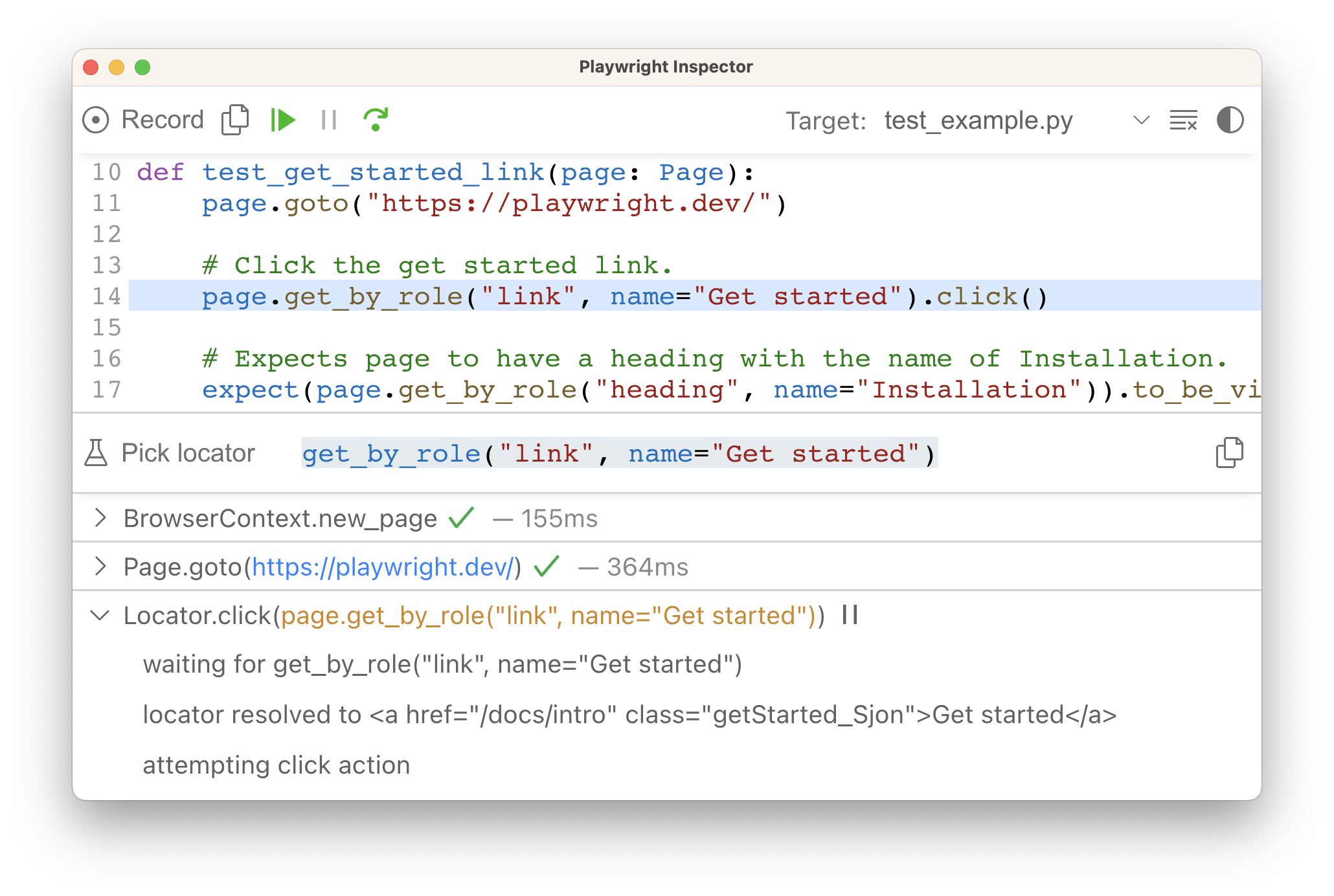
Check out our [debugging guide](https://playwright.dev/python/docs/debug)
to learn more about the [Playwright Inspector](https://playwright.dev/python/docs/debug#playwright-inspector)
as well as debugging with [Browser Developer tools](https://playwright.dev/python/docs/debug#browser-developer-tools)
.
What's next[](https://playwright.dev/python/docs/running-tests#whats-next "Direct link to What's next")
---------------------------------------------------------------------------------------------------------
* [Generate tests with Codegen](https://playwright.dev/python/docs/codegen)
* [See a trace of your tests](https://playwright.dev/python/docs/trace-viewer-intro)
* [Run your tests on CI with GitHub Actions](https://playwright.dev/python/docs/ci-intro)
* [Introduction](https://playwright.dev/python/docs/running-tests#introduction)
* [Running tests](https://playwright.dev/python/docs/running-tests#running-tests)
* [Command Line](https://playwright.dev/python/docs/running-tests#command-line)
* [Run tests in headed mode](https://playwright.dev/python/docs/running-tests#run-tests-in-headed-mode)
* [Run tests on different browsers](https://playwright.dev/python/docs/running-tests#run-tests-on-different-browsers)
* [Run specific tests](https://playwright.dev/python/docs/running-tests#run-specific-tests)
* [Run tests in parallel](https://playwright.dev/python/docs/running-tests#run-tests-in-parallel)
* [Debugging tests](https://playwright.dev/python/docs/running-tests#debugging-tests)
* [What's next](https://playwright.dev/python/docs/running-tests#whats-next)
---
# Playwright | Playwright Java
[Skip to main content](https://playwright.dev/java/docs/next/api/class-playwright#__docusaurus_skipToContent_fallback)
This is unreleased documentation for Playwright Java **Next** version.
For up-to-date documentation, see the **[latest version](https://playwright.dev/java/docs/api/class-playwright)
** (stable).
Version: Next
On this page
Playwright module provides a method to launch a browser instance. The following is a typical example of using Playwright to drive automation:
import com.microsoft.playwright.*;public class Example { public static void main(String[] args) { try (Playwright playwright = Playwright.create()) { BrowserType chromium = playwright.chromium(); Browser browser = chromium.launch(); Page page = browser.newPage(); page.navigate("http://example.com"); // other actions... browser.close(); } }}
* * *
Methods[](https://playwright.dev/java/docs/next/api/class-playwright#methods "Direct link to Methods")
--------------------------------------------------------------------------------------------------------
### close[](https://playwright.dev/java/docs/next/api/class-playwright#playwright-close "Direct link to close")
Added in: v1.9 playwright.close
Terminates this instance of Playwright, will also close all created browsers if they are still running.
**Usage**
Playwright.close();
* * *
### create[](https://playwright.dev/java/docs/next/api/class-playwright#playwright-create "Direct link to create")
Added in: v1.10 playwright.create
Launches new Playwright driver process and connects to it. [Playwright.close()](https://playwright.dev/java/docs/next/api/class-playwright#playwright-close)
should be called when the instance is no longer needed.
Playwright playwright = Playwright.create();Browser browser = playwright.webkit().launch();Page page = browser.newPage();page.navigate("https://www.w3.org/");playwright.close();
**Usage**
Playwright.create();Playwright.create(options);
**Arguments**
* `options` `Playwright.CreateOptions` _(optional)_
* `setEnv` [Map](https://docs.oracle.com/javase/8/docs/api/java/util/Map.html "Map")
<[String](https://docs.oracle.com/javase/8/docs/api/java/lang/String.html "String")
, [String](https://docs.oracle.com/javase/8/docs/api/java/lang/String.html "String")
\> _(optional)_ Added in: v1.13[#](https://playwright.dev/java/docs/next/api/class-playwright#playwright-create-option-env)
Additional environment variables that will be passed to the driver process. By default driver process inherits environment variables of the Playwright process.
**Returns**
* [Playwright](https://playwright.dev/java/docs/next/api/class-playwright "Playwright")
[#](https://playwright.dev/java/docs/next/api/class-playwright#playwright-create-return)
* * *
Properties[](https://playwright.dev/java/docs/next/api/class-playwright#properties "Direct link to Properties")
-----------------------------------------------------------------------------------------------------------------
### chromium()[](https://playwright.dev/java/docs/next/api/class-playwright#playwright-chromium "Direct link to chromium()")
Added before v1.9 playwright.chromium()
This object can be used to launch or connect to Chromium, returning instances of [Browser](https://playwright.dev/java/docs/next/api/class-browser "Browser")
.
**Usage**
Playwright.chromium()
**Returns**
* [BrowserType](https://playwright.dev/java/docs/next/api/class-browsertype "BrowserType")
* * *
### firefox()[](https://playwright.dev/java/docs/next/api/class-playwright#playwright-firefox "Direct link to firefox()")
Added before v1.9 playwright.firefox()
This object can be used to launch or connect to Firefox, returning instances of [Browser](https://playwright.dev/java/docs/next/api/class-browser "Browser")
.
**Usage**
Playwright.firefox()
**Returns**
* [BrowserType](https://playwright.dev/java/docs/next/api/class-browsertype "BrowserType")
* * *
### request()[](https://playwright.dev/java/docs/next/api/class-playwright#playwright-request "Direct link to request()")
Added in: v1.16 playwright.request()
Exposes API that can be used for the Web API testing.
**Usage**
Playwright.request()
**Returns**
* [APIRequest](https://playwright.dev/java/docs/next/api/class-apirequest "APIRequest")
* * *
### selectors()[](https://playwright.dev/java/docs/next/api/class-playwright#playwright-selectors "Direct link to selectors()")
Added before v1.9 playwright.selectors()
Selectors can be used to install custom selector engines. See [extensibility](https://playwright.dev/java/docs/next/extensibility)
for more information.
**Usage**
Playwright.selectors()
**Returns**
* [Selectors](https://playwright.dev/java/docs/next/api/class-selectors "Selectors")
* * *
### webkit()[](https://playwright.dev/java/docs/next/api/class-playwright#playwright-webkit "Direct link to webkit()")
Added before v1.9 playwright.webkit()
This object can be used to launch or connect to WebKit, returning instances of [Browser](https://playwright.dev/java/docs/next/api/class-browser "Browser")
.
**Usage**
Playwright.webkit()
**Returns**
* [BrowserType](https://playwright.dev/java/docs/next/api/class-browsertype "BrowserType")
* [Methods](https://playwright.dev/java/docs/next/api/class-playwright#methods)
* [close](https://playwright.dev/java/docs/next/api/class-playwright#playwright-close)
* [create](https://playwright.dev/java/docs/next/api/class-playwright#playwright-create)
* [Properties](https://playwright.dev/java/docs/next/api/class-playwright#properties)
* [chromium()](https://playwright.dev/java/docs/next/api/class-playwright#playwright-chromium)
* [firefox()](https://playwright.dev/java/docs/next/api/class-playwright#playwright-firefox)
* [request()](https://playwright.dev/java/docs/next/api/class-playwright#playwright-request)
* [selectors()](https://playwright.dev/java/docs/next/api/class-playwright#playwright-selectors)
* [webkit()](https://playwright.dev/java/docs/next/api/class-playwright#playwright-webkit)
---
# Touch events (legacy) | Playwright Python
[Skip to main content](https://playwright.dev/python/docs/touch-events#__docusaurus_skipToContent_fallback)
On this page
Introduction[](https://playwright.dev/python/docs/touch-events#introduction "Direct link to Introduction")
------------------------------------------------------------------------------------------------------------
Web applications that handle legacy [touch events](https://developer.mozilla.org/en-US/docs/Web/API/Touch_events)
to respond to gestures like swipe, pinch, and tap can be tested by manually dispatching [TouchEvent](https://developer.mozilla.org/en-US/docs/Web/API/TouchEvent/TouchEvent)
s to the page. The examples below demonstrate how to use [locator.dispatch\_event()](https://playwright.dev/python/docs/api/class-locator#locator-dispatch-event)
and pass [Touch](https://developer.mozilla.org/en-US/docs/Web/API/Touch)
points as arguments.
Note that [locator.dispatch\_event()](https://playwright.dev/python/docs/api/class-locator#locator-dispatch-event)
does not set [`Event.isTrusted`](https://developer.mozilla.org/en-US/docs/Web/API/Event/isTrusted)
property. If your web page relies on it, make sure to disable `isTrusted` check during the test.
### Emulating pan gesture[](https://playwright.dev/python/docs/touch-events#emulating-pan-gesture "Direct link to Emulating pan gesture")
In the example below, we emulate pan gesture that is expected to move the map. The app under test only uses `clientX/clientY` coordinates of the touch point, so we initialize just that. In a more complex scenario you may need to also set `pageX/pageY/screenX/screenY`, if your app needs them.
* Sync
* Async
from playwright.sync_api import sync_playwright, expectdef pan(locator, deltaX=0, deltaY=0, steps=5): bounds = locator.bounding_box() centerX = bounds['x'] + bounds['width'] / 2 centerY = bounds['y'] + bounds['height'] / 2 touches = [{ 'identifier': 0, 'clientX': centerX, 'clientY': centerY, }] locator.dispatch_event('touchstart', { 'touches': touches, 'changedTouches': touches, 'targetTouches': touches }) for i in range(1, steps + 1): touches = [{ 'identifier': 0, 'clientX': centerX + deltaX * i / steps, 'clientY': centerY + deltaY * i / steps, }] locator.dispatch_event('touchmove', { 'touches': touches, 'changedTouches': touches, 'targetTouches': touches }) locator.dispatch_event('touchend')def test_pan_gesture_to_move_the_map(page): page.goto('https://www.google.com/maps/place/@37.4117722,-122.0713234,15z', wait_until='commit') page.get_by_role('button', name='Keep using web').click() expect(page.get_by_role('button', name='Keep using web')).not_to_be_visible() met = page.locator('[data-test-id="met"]') for _ in range(5): pan(met, 200, 100) page.screenshot(path="screenshot.png")with sync_playwright() as p: browser = p.chromium.launch() context = browser.new_context(**p.devices['Pixel 7']) page = context.new_page() test_pan_gesture_to_move_the_map(page) browser.close()
from playwright.async_api import async_playwright, expectasync def pan(locator, deltaX=0, deltaY=0, steps=5): bounds = await locator.bounding_box() centerX = bounds['x'] + bounds['width'] / 2 centerY = bounds['y'] + bounds['height'] / 2 touches = [{ 'identifier': 0, 'clientX': centerX, 'clientY': centerY, }] await locator.dispatch_event('touchstart', { 'touches': touches, 'changedTouches': touches, 'targetTouches': touches }) for i in range(1, steps + 1): touches = [{ 'identifier': 0, 'clientX': centerX + deltaX * i / steps, 'clientY': centerY + deltaY * i / steps, }] await locator.dispatch_event('touchmove', { 'touches': touches, 'changedTouches': touches, 'targetTouches': touches }) await locator.dispatch_event('touchend')async def test_pan_gesture_to_move_the_map(page): await page.goto('https://www.google.com/maps/place/@37.4117722,-122.0713234,15z', wait_until='commit') await page.get_by_role('button', name='Keep using web').click() await expect(page.get_by_role('button', name='Keep using web')).not_to_be_visible() met = page.locator('[data-test-id="met"]') for _ in range(5): await pan(met, 200, 100) await page.screenshot(path="screenshot.png")async def main(): async with async_playwright() as p: browser = await p.chromium.launch() context = await browser.new_context(**p.devices['Pixel 7']) page = await context.new_page() await test_pan_gesture_to_move_the_map(page) await browser.close()import asyncioasyncio.run(main())
### Emulating pinch gesture[](https://playwright.dev/python/docs/touch-events#emulating-pinch-gesture "Direct link to Emulating pinch gesture")
In the example below, we emulate pinch gesture, i.e. two touch points moving closer to each other. It is expected to zoom out the map. The app under test only uses `clientX/clientY` coordinates of touch points, so we initialize just that. In a more complex scenario you may need to also set `pageX/pageY/screenX/screenY`, if your app needs them.
* Sync
* Async
from playwright.sync_api import sync_playwright, expectdef pinch(locator, arg): bounds = locator.bounding_box() centerX = bounds['x'] + bounds['width'] / 2 centerY = bounds['y'] + bounds['height'] / 2 deltaX = arg.get('deltaX', 50) steps = arg.get('steps', 5) stepDeltaX = deltaX / (steps + 1) touches = [ { 'identifier': 0, 'clientX': centerX - (deltaX if arg.get('direction') == 'in' else stepDeltaX), 'clientY': centerY, }, { 'identifier': 1, 'clientX': centerX + (deltaX if arg.get('direction') == 'in' else stepDeltaX), 'clientY': centerY, }, ] locator.dispatch_event('touchstart', { 'touches': touches, 'changedTouches': touches, 'targetTouches': touches }) for i in range(1, steps + 1): offset = deltaX - i * stepDeltaX if arg.get('direction') == 'in' else stepDeltaX * (i + 1) touches = [ { 'identifier': 0, 'clientX': centerX - offset, 'clientY': centerY, }, { 'identifier': 1, 'clientX': centerX + offset, 'clientY': centerY, }, ] locator.dispatch_event('touchmove', { 'touches': touches, 'changedTouches': touches, 'targetTouches': touches }) locator.dispatch_event('touchend', { 'touches': [], 'changedTouches': [], 'targetTouches': [] })def test_pinch_in_gesture_to_zoom_out_the_map(page): page.goto('https://www.google.com/maps/place/@37.4117722,-122.0713234,15z', wait_until='commit') page.get_by_role('button', name='Keep using web').click() expect(page.get_by_role('button', name='Keep using web')).not_to_be_visible() met = page.locator('[data-test-id="met"]') for _ in range(5): pinch(met, {'deltaX': 40, 'direction': 'in'}) page.screenshot(path="screenshot.png")with sync_playwright() as p: browser = p.chromium.launch() context = browser.new_context(**p.devices['Pixel 7']) page = context.new_page() test_pinch_in_gesture_to_zoom_out_the_map(page) browser.close()
from playwright.async_api import async_playwright, expectasync def pinch(locator, arg): bounds = await locator.bounding_box() centerX = bounds['x'] + bounds['width'] / 2 centerY = bounds['y'] + bounds['height'] / 2 deltaX = arg.get('deltaX', 50) steps = arg.get('steps', 5) stepDeltaX = deltaX / (steps + 1) touches = [ { 'identifier': 0, 'clientX': centerX - (deltaX if arg.get('direction') == 'in' else stepDeltaX), 'clientY': centerY, }, { 'identifier': 1, 'clientX': centerX + (deltaX if arg.get('direction') == 'in' else stepDeltaX), 'clientY': centerY, }, ] await locator.dispatch_event('touchstart', { 'touches': touches, 'changedTouches': touches, 'targetTouches': touches }) for i in range(1, steps + 1): offset = deltaX - i * stepDeltaX if arg.get('direction') == 'in' else stepDeltaX * (i + 1) touches = [ { 'identifier': 0, 'clientX': centerX - offset, 'clientY': centerY, }, { 'identifier': 1, 'clientX': centerX + offset, 'clientY': centerY, }, ] await locator.dispatch_event('touchmove', { 'touches': touches, 'changedTouches': touches, 'targetTouches': touches }) await locator.dispatch_event('touchend', { 'touches': [], 'changedTouches': [], 'targetTouches': [] })async def test_pinch_in_gesture_to_zoom_out_the_map(page): await page.goto('https://www.google.com/maps/place/@37.4117722,-122.0713234,15z', wait_until='commit') await page.get_by_role('button', name='Keep using web').click() await expect(page.get_by_role('button', name='Keep using web')).not_to_be_visible() met = page.locator('[data-test-id="met"]') for _ in range(5): await pinch(met, {'deltaX': 40, 'direction': 'in'}) await page.screenshot(path="screenshot.png")async def main(): async with async_playwright() as p: browser = await p.chromium.launch() context = await browser.new_context(**p.devices['Pixel 7']) page = await context.new_page() await test_pinch_in_gesture_to_zoom_out_the_map(page) await browser.close()import asyncioasyncio.run(main())
* [Introduction](https://playwright.dev/python/docs/touch-events#introduction)
* [Emulating pan gesture](https://playwright.dev/python/docs/touch-events#emulating-pan-gesture)
* [Emulating pinch gesture](https://playwright.dev/python/docs/touch-events#emulating-pinch-gesture)
---
# Touch events (legacy) | Playwright Python
[Skip to main content](https://playwright.dev/python/docs/next/touch-events#__docusaurus_skipToContent_fallback)
This is unreleased documentation for Playwright Python **Next** version.
For up-to-date documentation, see the **[latest version](https://playwright.dev/python/docs/touch-events)
** (stable).
Version: Next
On this page
Introduction[](https://playwright.dev/python/docs/next/touch-events#introduction "Direct link to Introduction")
-----------------------------------------------------------------------------------------------------------------
Web applications that handle legacy [touch events](https://developer.mozilla.org/en-US/docs/Web/API/Touch_events)
to respond to gestures like swipe, pinch, and tap can be tested by manually dispatching [TouchEvent](https://developer.mozilla.org/en-US/docs/Web/API/TouchEvent/TouchEvent)
s to the page. The examples below demonstrate how to use [locator.dispatch\_event()](https://playwright.dev/python/docs/next/api/class-locator#locator-dispatch-event)
and pass [Touch](https://developer.mozilla.org/en-US/docs/Web/API/Touch)
points as arguments.
Note that [locator.dispatch\_event()](https://playwright.dev/python/docs/next/api/class-locator#locator-dispatch-event)
does not set [`Event.isTrusted`](https://developer.mozilla.org/en-US/docs/Web/API/Event/isTrusted)
property. If your web page relies on it, make sure to disable `isTrusted` check during the test.
### Emulating pan gesture[](https://playwright.dev/python/docs/next/touch-events#emulating-pan-gesture "Direct link to Emulating pan gesture")
In the example below, we emulate pan gesture that is expected to move the map. The app under test only uses `clientX/clientY` coordinates of the touch point, so we initialize just that. In a more complex scenario you may need to also set `pageX/pageY/screenX/screenY`, if your app needs them.
* Sync
* Async
from playwright.sync_api import sync_playwright, expectdef pan(locator, deltaX=0, deltaY=0, steps=5): bounds = locator.bounding_box() centerX = bounds['x'] + bounds['width'] / 2 centerY = bounds['y'] + bounds['height'] / 2 touches = [{ 'identifier': 0, 'clientX': centerX, 'clientY': centerY, }] locator.dispatch_event('touchstart', { 'touches': touches, 'changedTouches': touches, 'targetTouches': touches }) for i in range(1, steps + 1): touches = [{ 'identifier': 0, 'clientX': centerX + deltaX * i / steps, 'clientY': centerY + deltaY * i / steps, }] locator.dispatch_event('touchmove', { 'touches': touches, 'changedTouches': touches, 'targetTouches': touches }) locator.dispatch_event('touchend')def test_pan_gesture_to_move_the_map(page): page.goto('https://www.google.com/maps/place/@37.4117722,-122.0713234,15z', wait_until='commit') page.get_by_role('button', name='Keep using web').click() expect(page.get_by_role('button', name='Keep using web')).not_to_be_visible() met = page.locator('[data-test-id="met"]') for _ in range(5): pan(met, 200, 100) page.screenshot(path="screenshot.png")with sync_playwright() as p: browser = p.chromium.launch() context = browser.new_context(**p.devices['Pixel 7']) page = context.new_page() test_pan_gesture_to_move_the_map(page) browser.close()
from playwright.async_api import async_playwright, expectasync def pan(locator, deltaX=0, deltaY=0, steps=5): bounds = await locator.bounding_box() centerX = bounds['x'] + bounds['width'] / 2 centerY = bounds['y'] + bounds['height'] / 2 touches = [{ 'identifier': 0, 'clientX': centerX, 'clientY': centerY, }] await locator.dispatch_event('touchstart', { 'touches': touches, 'changedTouches': touches, 'targetTouches': touches }) for i in range(1, steps + 1): touches = [{ 'identifier': 0, 'clientX': centerX + deltaX * i / steps, 'clientY': centerY + deltaY * i / steps, }] await locator.dispatch_event('touchmove', { 'touches': touches, 'changedTouches': touches, 'targetTouches': touches }) await locator.dispatch_event('touchend')async def test_pan_gesture_to_move_the_map(page): await page.goto('https://www.google.com/maps/place/@37.4117722,-122.0713234,15z', wait_until='commit') await page.get_by_role('button', name='Keep using web').click() await expect(page.get_by_role('button', name='Keep using web')).not_to_be_visible() met = page.locator('[data-test-id="met"]') for _ in range(5): await pan(met, 200, 100) await page.screenshot(path="screenshot.png")async def main(): async with async_playwright() as p: browser = await p.chromium.launch() context = await browser.new_context(**p.devices['Pixel 7']) page = await context.new_page() await test_pan_gesture_to_move_the_map(page) await browser.close()import asyncioasyncio.run(main())
### Emulating pinch gesture[](https://playwright.dev/python/docs/next/touch-events#emulating-pinch-gesture "Direct link to Emulating pinch gesture")
In the example below, we emulate pinch gesture, i.e. two touch points moving closer to each other. It is expected to zoom out the map. The app under test only uses `clientX/clientY` coordinates of touch points, so we initialize just that. In a more complex scenario you may need to also set `pageX/pageY/screenX/screenY`, if your app needs them.
* Sync
* Async
from playwright.sync_api import sync_playwright, expectdef pinch(locator, arg): bounds = locator.bounding_box() centerX = bounds['x'] + bounds['width'] / 2 centerY = bounds['y'] + bounds['height'] / 2 deltaX = arg.get('deltaX', 50) steps = arg.get('steps', 5) stepDeltaX = deltaX / (steps + 1) touches = [ { 'identifier': 0, 'clientX': centerX - (deltaX if arg.get('direction') == 'in' else stepDeltaX), 'clientY': centerY, }, { 'identifier': 1, 'clientX': centerX + (deltaX if arg.get('direction') == 'in' else stepDeltaX), 'clientY': centerY, }, ] locator.dispatch_event('touchstart', { 'touches': touches, 'changedTouches': touches, 'targetTouches': touches }) for i in range(1, steps + 1): offset = deltaX - i * stepDeltaX if arg.get('direction') == 'in' else stepDeltaX * (i + 1) touches = [ { 'identifier': 0, 'clientX': centerX - offset, 'clientY': centerY, }, { 'identifier': 1, 'clientX': centerX + offset, 'clientY': centerY, }, ] locator.dispatch_event('touchmove', { 'touches': touches, 'changedTouches': touches, 'targetTouches': touches }) locator.dispatch_event('touchend', { 'touches': [], 'changedTouches': [], 'targetTouches': [] })def test_pinch_in_gesture_to_zoom_out_the_map(page): page.goto('https://www.google.com/maps/place/@37.4117722,-122.0713234,15z', wait_until='commit') page.get_by_role('button', name='Keep using web').click() expect(page.get_by_role('button', name='Keep using web')).not_to_be_visible() met = page.locator('[data-test-id="met"]') for _ in range(5): pinch(met, {'deltaX': 40, 'direction': 'in'}) page.screenshot(path="screenshot.png")with sync_playwright() as p: browser = p.chromium.launch() context = browser.new_context(**p.devices['Pixel 7']) page = context.new_page() test_pinch_in_gesture_to_zoom_out_the_map(page) browser.close()
from playwright.async_api import async_playwright, expectasync def pinch(locator, arg): bounds = await locator.bounding_box() centerX = bounds['x'] + bounds['width'] / 2 centerY = bounds['y'] + bounds['height'] / 2 deltaX = arg.get('deltaX', 50) steps = arg.get('steps', 5) stepDeltaX = deltaX / (steps + 1) touches = [ { 'identifier': 0, 'clientX': centerX - (deltaX if arg.get('direction') == 'in' else stepDeltaX), 'clientY': centerY, }, { 'identifier': 1, 'clientX': centerX + (deltaX if arg.get('direction') == 'in' else stepDeltaX), 'clientY': centerY, }, ] await locator.dispatch_event('touchstart', { 'touches': touches, 'changedTouches': touches, 'targetTouches': touches }) for i in range(1, steps + 1): offset = deltaX - i * stepDeltaX if arg.get('direction') == 'in' else stepDeltaX * (i + 1) touches = [ { 'identifier': 0, 'clientX': centerX - offset, 'clientY': centerY, }, { 'identifier': 1, 'clientX': centerX + offset, 'clientY': centerY, }, ] await locator.dispatch_event('touchmove', { 'touches': touches, 'changedTouches': touches, 'targetTouches': touches }) await locator.dispatch_event('touchend', { 'touches': [], 'changedTouches': [], 'targetTouches': [] })async def test_pinch_in_gesture_to_zoom_out_the_map(page): await page.goto('https://www.google.com/maps/place/@37.4117722,-122.0713234,15z', wait_until='commit') await page.get_by_role('button', name='Keep using web').click() await expect(page.get_by_role('button', name='Keep using web')).not_to_be_visible() met = page.locator('[data-test-id="met"]') for _ in range(5): await pinch(met, {'deltaX': 40, 'direction': 'in'}) await page.screenshot(path="screenshot.png")async def main(): async with async_playwright() as p: browser = await p.chromium.launch() context = await browser.new_context(**p.devices['Pixel 7']) page = await context.new_page() await test_pinch_in_gesture_to_zoom_out_the_map(page) await browser.close()import asyncioasyncio.run(main())
* [Introduction](https://playwright.dev/python/docs/next/touch-events#introduction)
* [Emulating pan gesture](https://playwright.dev/python/docs/next/touch-events#emulating-pan-gesture)
* [Emulating pinch gesture](https://playwright.dev/python/docs/next/touch-events#emulating-pinch-gesture)
---
# Videos | Playwright Java
[Skip to main content](https://playwright.dev/java/docs/videos#__docusaurus_skipToContent_fallback)
On this page
Introduction[](https://playwright.dev/java/docs/videos#introduction "Direct link to Introduction")
----------------------------------------------------------------------------------------------------
With Playwright you can record videos for your tests.
Record video[](https://playwright.dev/java/docs/videos#record-video "Direct link to Record video")
----------------------------------------------------------------------------------------------------
Videos are saved upon [browser context](https://playwright.dev/java/docs/browser-contexts)
closure at the end of a test. If you create a browser context manually, make sure to await [BrowserContext.close()](https://playwright.dev/java/docs/api/class-browsercontext#browser-context-close)
.
context = browser.newContext(new Browser.NewContextOptions().setRecordVideoDir(Paths.get("videos/")));// Make sure to close, so that videos are saved.context.close();
You can also specify video size. The video size defaults to the viewport size scaled down to fit 800x800. The video of the viewport is placed in the top-left corner of the output video, scaled down to fit if necessary. You may need to set the viewport size to match your desired video size.
BrowserContext context = browser.newContext(new Browser.NewContextOptions() .setRecordVideoDir(Paths.get("videos/")) .setRecordVideoSize(640, 480));
Saved video files will appear in the specified folder. They all have generated unique names. For the multi-page scenarios, you can access the video file associated with the page via the [Page.video()](https://playwright.dev/java/docs/api/class-page#page-video)
.
path = page.video().path();
note
Note that the video is only available after the page or browser context is closed.
* [Introduction](https://playwright.dev/java/docs/videos#introduction)
* [Record video](https://playwright.dev/java/docs/videos#record-video)
---
# Debugging Tests | Playwright Python
[Skip to main content](https://playwright.dev/python/docs/debug#__docusaurus_skipToContent_fallback)
On this page
Playwright Inspector[](https://playwright.dev/python/docs/debug#playwright-inspector "Direct link to Playwright Inspector")
-----------------------------------------------------------------------------------------------------------------------------
The Playwright Inspector is a GUI tool to help you debug your Playwright tests. It allows you to step through your tests, live edit locators, pick locators and see actionability logs.

### Run in debug mode[](https://playwright.dev/python/docs/debug#run-in-debug-mode "Direct link to Run in debug mode")
Set the `PWDEBUG` environment variable to run your Playwright tests in debug mode. This configures Playwright for debugging and opens the inspector. Additional useful defaults are configured when `PWDEBUG=1` is set:
* Browsers launch in headed mode
* Default timeout is set to 0 (= no timeout)
* Bash
* PowerShell
* Batch
PWDEBUG=1 pytest -s
$env:PWDEBUG=1pytest -s
set PWDEBUG=1pytest -s
### Stepping through your tests[](https://playwright.dev/python/docs/debug#stepping-through-your-tests "Direct link to Stepping through your tests")
You can play, pause or step through each action of your test using the toolbar at the top of the Inspector. You can see the current action highlighted in the test code, and matching elements highlighted in the browser window.

### Run a test from a specific breakpoint[](https://playwright.dev/python/docs/debug#run-a-test-from-a-specific-breakpoint "Direct link to Run a test from a specific breakpoint")
To speed up the debugging process you can add a [page.pause()](https://playwright.dev/python/docs/api/class-page#page-pause)
method to your test. This way you won't have to step through each action of your test to get to the point where you want to debug.
* Sync
* Async
page.pause()
await page.pause()
Once you add a `page.pause()` call, run your tests in debug mode. Clicking the "Resume" button in the Inspector will run the test and only stop on the `page.pause()`.

### Live editing locators[](https://playwright.dev/python/docs/debug#live-editing-locators "Direct link to Live editing locators")
While running in debug mode you can live edit the locators. Next to the 'Pick Locator' button there is a field showing the [locator](https://playwright.dev/python/docs/locators)
that the test is paused on. You can edit this locator directly in the **Pick Locator** field, and matching elements will be highlighted in the browser window.

### Picking locators[](https://playwright.dev/python/docs/debug#picking-locators "Direct link to Picking locators")
While debugging, you might need to choose a more resilient locator. You can do this by clicking on the **Pick Locator** button and hovering over any element in the browser window. While hovering over an element you will see the code needed to locate this element highlighted below. Clicking an element in the browser will add the locator into the field where you can then either tweak it or copy it into your code.

Playwright will look at your page and figure out the best locator, prioritizing [role, text and test id locators](https://playwright.dev/python/docs/locators)
. If Playwright finds multiple elements matching the locator, it will improve the locator to make it resilient and uniquely identify the target element, so you don't have to worry about failing tests due to locators.
### Actionability logs[](https://playwright.dev/python/docs/debug#actionability-logs "Direct link to Actionability logs")
By the time Playwright has paused on a click action, it has already performed [actionability checks](https://playwright.dev/python/docs/actionability)
that can be found in the log. This can help you understand what happened during your test and what Playwright did or tried to do. The log tells you if the element was visible, enabled and stable, if the locator resolved to an element, scrolled into view, and so much more. If actionability can't be reached, it will show the action as pending.

Trace Viewer[](https://playwright.dev/python/docs/debug#trace-viewer "Direct link to Trace Viewer")
-----------------------------------------------------------------------------------------------------
Playwright [Trace Viewer](https://playwright.dev/python/docs/trace-viewer)
is a GUI tool that lets you explore recorded Playwright traces of your tests. You can go back and forward through each action on the left side, and visually see what was happening during the action. In the middle of the screen, you can see a DOM snapshot for the action. On the right side you can see action details, such as time, parameters, return value and log. You can also explore console messages, network requests and the source code.
To learn more about how to record traces and use the Trace Viewer, check out the [Trace Viewer](https://playwright.dev/python/docs/trace-viewer)
guide.
Browser Developer Tools[](https://playwright.dev/python/docs/debug#browser-developer-tools "Direct link to Browser Developer Tools")
--------------------------------------------------------------------------------------------------------------------------------------
When running in Debug Mode with `PWDEBUG=console`, a `playwright` object is available in the Developer tools console. Developer tools can help you to:
* Inspect the DOM tree and **find element selectors**
* **See console logs** during execution (or learn how to [read logs via API](https://playwright.dev/python/docs/api/class-page#page-event-console)
)
* Check **network activity** and other developer tools features
This will also set the default timeouts of Playwright to 0 (= no timeout).

To debug your tests using the browser developer tools, start by setting a breakpoint in your test to pause the execution using the [page.pause()](https://playwright.dev/python/docs/api/class-page#page-pause)
method.
* Sync
* Async
page.pause()
await page.pause()
Once you have set a breakpoint in your test, you can then run your test with `PWDEBUG=console`.
* Bash
* PowerShell
* Batch
PWDEBUG=console pytest -s
$env:PWDEBUG=consolepytest -s
set PWDEBUG=consolepytest -s
Once Playwright launches the browser window, you can open the developer tools. The `playwright` object will be available in the console panel.
#### playwright.$(selector)[](https://playwright.dev/python/docs/debug#playwrightselector "Direct link to playwright.$(selector)")
Query the Playwright selector, using the actual Playwright query engine, for example:
playwright.$('.auth-form >> text=Log in');<button>Log in</button>
#### playwright.$$(selector)[](https://playwright.dev/python/docs/debug#playwrightselector-1 "Direct link to playwright.$$(selector)")
Same as `playwright.$`, but returns all matching elements.
playwright.$$('li >> text=John')[<li>, <li>, <li>, <li>]
#### playwright.inspect(selector)[](https://playwright.dev/python/docs/debug#playwrightinspectselector "Direct link to playwright.inspect(selector)")
Reveal element in the Elements panel.
playwright.inspect('text=Log in')
#### playwright.locator(selector)[](https://playwright.dev/python/docs/debug#playwrightlocatorselector "Direct link to playwright.locator(selector)")
Create a locator and query matching elements, for example:
playwright.locator('.auth-form', { hasText: 'Log in' });Locator () - element: button - elements: [button]
#### playwright.selector(element)[](https://playwright.dev/python/docs/debug#playwrightselectorelement "Direct link to playwright.selector(element)")
Generates selector for the given element. For example, select an element in the Elements panel and pass `$0`:
playwright.selector($0)"div[id="glow-ingress-block"] >> text=/.*Hello.*/"
Verbose API logs[](https://playwright.dev/python/docs/debug#verbose-api-logs "Direct link to Verbose API logs")
-----------------------------------------------------------------------------------------------------------------
Playwright supports verbose logging with the `DEBUG` environment variable.
* Bash
* PowerShell
* Batch
DEBUG=pw:api pytest -s
$env:DEBUG="pw:api"pytest -s
set DEBUG=pw:apipytest -s
note
**For WebKit**: launching WebKit Inspector during the execution will prevent the Playwright script from executing any further and will reset pre-configured user agent and device emulation.
Headed mode[](https://playwright.dev/python/docs/debug#headed-mode "Direct link to Headed mode")
--------------------------------------------------------------------------------------------------
Playwright runs browsers in headless mode by default. To change this behavior, use `headless: false` as a launch option.
You can also use the [slow\_mo](https://playwright.dev/python/docs/api/class-browsertype#browser-type-launch-option-slow-mo)
option to slow down execution (by N milliseconds per operation) and follow along while debugging.
* Sync
* Async
# Chromium, Firefox, or WebKitchromium.launch(headless=False, slow_mo=100)
# Chromium, Firefox, or WebKitawait chromium.launch(headless=False, slow_mo=100)
* [Playwright Inspector](https://playwright.dev/python/docs/debug#playwright-inspector)
* [Run in debug mode](https://playwright.dev/python/docs/debug#run-in-debug-mode)
* [Stepping through your tests](https://playwright.dev/python/docs/debug#stepping-through-your-tests)
* [Run a test from a specific breakpoint](https://playwright.dev/python/docs/debug#run-a-test-from-a-specific-breakpoint)
* [Live editing locators](https://playwright.dev/python/docs/debug#live-editing-locators)
* [Picking locators](https://playwright.dev/python/docs/debug#picking-locators)
* [Actionability logs](https://playwright.dev/python/docs/debug#actionability-logs)
* [Trace Viewer](https://playwright.dev/python/docs/debug#trace-viewer)
* [Browser Developer Tools](https://playwright.dev/python/docs/debug#browser-developer-tools)
* [Verbose API logs](https://playwright.dev/python/docs/debug#verbose-api-logs)
* [Headed mode](https://playwright.dev/python/docs/debug#headed-mode)
---
# APIRequest | Playwright Java
[Skip to main content](https://playwright.dev/java/docs/api/class-apirequest#__docusaurus_skipToContent_fallback)
On this page
Exposes API that can be used for the Web API testing. This class is used for creating [APIRequestContext](https://playwright.dev/java/docs/api/class-apirequestcontext "APIRequestContext")
instance which in turn can be used for sending web requests. An instance of this class can be obtained via [Playwright.request()](https://playwright.dev/java/docs/api/class-playwright#playwright-request)
. For more information see [APIRequestContext](https://playwright.dev/java/docs/api/class-apirequestcontext "APIRequestContext")
.
* * *
Methods[](https://playwright.dev/java/docs/api/class-apirequest#methods "Direct link to Methods")
---------------------------------------------------------------------------------------------------
### newContext[](https://playwright.dev/java/docs/api/class-apirequest#api-request-new-context "Direct link to newContext")
Added in: v1.16 apiRequest.newContext
Creates new instances of [APIRequestContext](https://playwright.dev/java/docs/api/class-apirequestcontext "APIRequestContext")
.
**Usage**
APIRequest.newContext();APIRequest.newContext(options);
**Arguments**
* `options` `ApiRequest.NewContextOptions` _(optional)_
* `setBaseURL` [String](https://docs.oracle.com/javase/8/docs/api/java/lang/String.html "String")
_(optional)_[#](https://playwright.dev/java/docs/api/class-apirequest#api-request-new-context-option-base-url)
Methods like [APIRequestContext.get()](https://playwright.dev/java/docs/api/class-apirequestcontext#api-request-context-get)
take the base URL into consideration by using the [`URL()`](https://developer.mozilla.org/en-US/docs/Web/API/URL/URL)
constructor for building the corresponding URL. Examples:
* baseURL: `http://localhost:3000` and sending request to `/bar.html` results in `http://localhost:3000/bar.html`
* baseURL: `http://localhost:3000/foo/` and sending request to `./bar.html` results in `http://localhost:3000/foo/bar.html`
* baseURL: `http://localhost:3000/foo` (without trailing slash) and navigating to `./bar.html` results in `http://localhost:3000/bar.html`
* `setClientCertificates` [List](https://docs.oracle.com/javase/8/docs/api/java/util/List.html "List")
<ClientCertificates> _(optional)_ Added in: 1.46[#](https://playwright.dev/java/docs/api/class-apirequest#api-request-new-context-option-client-certificates)
* `setOrigin` [String](https://docs.oracle.com/javase/8/docs/api/java/lang/String.html "String")
Exact origin that the certificate is valid for. Origin includes `https` protocol, a hostname and optionally a port.
* `setCertPath` [Path](https://docs.oracle.com/javase/8/docs/api/java/nio/file/Path.html "Path")
_(optional)_
Path to the file with the certificate in PEM format.
* `setCert` [byte\[\]](https://docs.oracle.com/javase/tutorial/java/nutsandbolts/datatypes.html "byte[]")
_(optional)_
Direct value of the certificate in PEM format.
* `setKeyPath` [Path](https://docs.oracle.com/javase/8/docs/api/java/nio/file/Path.html "Path")
_(optional)_
Path to the file with the private key in PEM format.
* `setKey` [byte\[\]](https://docs.oracle.com/javase/tutorial/java/nutsandbolts/datatypes.html "byte[]")
_(optional)_
Direct value of the private key in PEM format.
* `setPfxPath` [Path](https://docs.oracle.com/javase/8/docs/api/java/nio/file/Path.html "Path")
_(optional)_
Path to the PFX or PKCS12 encoded private key and certificate chain.
* `setPfx` [byte\[\]](https://docs.oracle.com/javase/tutorial/java/nutsandbolts/datatypes.html "byte[]")
_(optional)_
Direct value of the PFX or PKCS12 encoded private key and certificate chain.
* `setPassphrase` [String](https://docs.oracle.com/javase/8/docs/api/java/lang/String.html "String")
_(optional)_
Passphrase for the private key (PEM or PFX).
TLS Client Authentication allows the server to request a client certificate and verify it.
**Details**
An array of client certificates to be used. Each certificate object must have either both `certPath` and `keyPath`, a single `pfxPath`, or their corresponding direct value equivalents (`cert` and `key`, or `pfx`). Optionally, `passphrase` property should be provided if the certificate is encrypted. The `origin` property should be provided with an exact match to the request origin that the certificate is valid for.
Client certificate authentication is only active when at least one client certificate is provided. If you want to reject all client certificates sent by the server, you need to provide a client certificate with an `origin` that does not match any of the domains you plan to visit.
note
When using WebKit on macOS, accessing `localhost` will not pick up client certificates. You can make it work by replacing `localhost` with `local.playwright`.
* `setExtraHTTPHeaders` [Map](https://docs.oracle.com/javase/8/docs/api/java/util/Map.html "Map")
<[String](https://docs.oracle.com/javase/8/docs/api/java/lang/String.html "String")
, [String](https://docs.oracle.com/javase/8/docs/api/java/lang/String.html "String")
\> _(optional)_[#](https://playwright.dev/java/docs/api/class-apirequest#api-request-new-context-option-extra-http-headers)
An object containing additional HTTP headers to be sent with every request. Defaults to none.
* `setFailOnStatusCode` [boolean](https://docs.oracle.com/javase/tutorial/java/nutsandbolts/datatypes.html "boolean")
_(optional)_ Added in: v1.51[#](https://playwright.dev/java/docs/api/class-apirequest#api-request-new-context-option-fail-on-status-code)
Whether to throw on response codes other than 2xx and 3xx. By default response object is returned for all status codes.
* `setHttpCredentials` HttpCredentials _(optional)_[#](https://playwright.dev/java/docs/api/class-apirequest#api-request-new-context-option-http-credentials)
* `setUsername` [String](https://docs.oracle.com/javase/8/docs/api/java/lang/String.html "String")
* `setPassword` [String](https://docs.oracle.com/javase/8/docs/api/java/lang/String.html "String")
* `setOrigin` [String](https://docs.oracle.com/javase/8/docs/api/java/lang/String.html "String")
_(optional)_
Restrain sending http credentials on specific origin (scheme://host:port).
* `setSend` `enum HttpCredentialsSend { UNAUTHORIZED, ALWAYS }` _(optional)_
This option only applies to the requests sent from corresponding [APIRequestContext](https://playwright.dev/java/docs/api/class-apirequestcontext "APIRequestContext")
and does not affect requests sent from the browser. `'always'` - `Authorization` header with basic authentication credentials will be sent with the each API request. `'unauthorized` - the credentials are only sent when 401 (Unauthorized) response with `WWW-Authenticate` header is received. Defaults to `'unauthorized'`.
Credentials for [HTTP authentication](https://developer.mozilla.org/en-US/docs/Web/HTTP/Authentication)
. If no origin is specified, the username and password are sent to any servers upon unauthorized responses.
* `setIgnoreHTTPSErrors` [boolean](https://docs.oracle.com/javase/tutorial/java/nutsandbolts/datatypes.html "boolean")
_(optional)_[#](https://playwright.dev/java/docs/api/class-apirequest#api-request-new-context-option-ignore-https-errors)
Whether to ignore HTTPS errors when sending network requests. Defaults to `false`.
* `setMaxRedirects` [int](https://docs.oracle.com/javase/tutorial/java/nutsandbolts/datatypes.html "int")
_(optional)_ Added in: v1.52[#](https://playwright.dev/java/docs/api/class-apirequest#api-request-new-context-option-max-redirects)
Maximum number of request redirects that will be followed automatically. An error will be thrown if the number is exceeded. Defaults to `20`. Pass `0` to not follow redirects. This can be overwritten for each request individually.
* `setProxy` Proxy _(optional)_[#](https://playwright.dev/java/docs/api/class-apirequest#api-request-new-context-option-proxy)
* `setServer` [String](https://docs.oracle.com/javase/8/docs/api/java/lang/String.html "String")
Proxy to be used for all requests. HTTP and SOCKS proxies are supported, for example `http://myproxy.com:3128` or `socks5://myproxy.com:3128`. Short form `myproxy.com:3128` is considered an HTTP proxy.
* `setBypass` [String](https://docs.oracle.com/javase/8/docs/api/java/lang/String.html "String")
_(optional)_
Optional comma-separated domains to bypass proxy, for example `".com, chromium.org, .domain.com"`.
* `setUsername` [String](https://docs.oracle.com/javase/8/docs/api/java/lang/String.html "String")
_(optional)_
Optional username to use if HTTP proxy requires authentication.
* `setPassword` [String](https://docs.oracle.com/javase/8/docs/api/java/lang/String.html "String")
_(optional)_
Optional password to use if HTTP proxy requires authentication.
Network proxy settings.
* `setStorageState` [String](https://docs.oracle.com/javase/8/docs/api/java/lang/String.html "String")
_(optional)_[#](https://playwright.dev/java/docs/api/class-apirequest#api-request-new-context-option-storage-state)
Populates context with given storage state. This option can be used to initialize context with logged-in information obtained via [BrowserContext.storageState()](https://playwright.dev/java/docs/api/class-browsercontext#browser-context-storage-state)
or [APIRequestContext.storageState()](https://playwright.dev/java/docs/api/class-apirequestcontext#api-request-context-storage-state)
. Either a path to the file with saved storage, or the value returned by one of [BrowserContext.storageState()](https://playwright.dev/java/docs/api/class-browsercontext#browser-context-storage-state)
or [APIRequestContext.storageState()](https://playwright.dev/java/docs/api/class-apirequestcontext#api-request-context-storage-state)
methods.
* `setStorageStatePath` [Path](https://docs.oracle.com/javase/8/docs/api/java/nio/file/Path.html "Path")
_(optional)_ Added in: v1.18[#](https://playwright.dev/java/docs/api/class-apirequest#api-request-new-context-option-storage-state-path)
Populates context with given storage state. This option can be used to initialize context with logged-in information obtained via [BrowserContext.storageState()](https://playwright.dev/java/docs/api/class-browsercontext#browser-context-storage-state)
. Path to the file with saved storage state.
* `setTimeout` [double](https://docs.oracle.com/javase/tutorial/java/nutsandbolts/datatypes.html "double")
_(optional)_[#](https://playwright.dev/java/docs/api/class-apirequest#api-request-new-context-option-timeout)
Maximum time in milliseconds to wait for the response. Defaults to `30000` (30 seconds). Pass `0` to disable timeout.
* `setUserAgent` [String](https://docs.oracle.com/javase/8/docs/api/java/lang/String.html "String")
_(optional)_[#](https://playwright.dev/java/docs/api/class-apirequest#api-request-new-context-option-user-agent)
Specific user agent to use in this context.
**Returns**
* [APIRequestContext](https://playwright.dev/java/docs/api/class-apirequestcontext "APIRequestContext")
[#](https://playwright.dev/java/docs/api/class-apirequest#api-request-new-context-return)
* [Methods](https://playwright.dev/java/docs/api/class-apirequest#methods)
* [newContext](https://playwright.dev/java/docs/api/class-apirequest#api-request-new-context)
---
# Generating tests | Playwright .NET
[Skip to main content](https://playwright.dev/dotnet/docs/codegen-intro#__docusaurus_skipToContent_fallback)
On this page
Introduction[](https://playwright.dev/dotnet/docs/codegen-intro#introduction "Direct link to Introduction")
-------------------------------------------------------------------------------------------------------------
Playwright can generate tests automatically, providing a quick way to get started with testing. Codegen opens a browser window for interaction and the Playwright Inspector for recording, copying, and managing your generated tests.
**You will learn**
* [How to record a test](https://playwright.dev/dotnet/docs/codegen#recording-a-test)
* [How to generate locators](https://playwright.dev/dotnet/docs/codegen#generating-locators)
Running Codegen[](https://playwright.dev/dotnet/docs/codegen-intro#running-codegen "Direct link to Running Codegen")
----------------------------------------------------------------------------------------------------------------------
Use the `codegen` command to run the test generator followed by the URL of the website you want to generate tests for. The URL is optional and can be added directly in the browser window if omitted.
pwsh bin/Debug/net8.0/playwright.ps1 codegen demo.playwright.dev/todomvc
### Recording a test[](https://playwright.dev/dotnet/docs/codegen-intro#recording-a-test "Direct link to Recording a test")
Run `codegen` and perform actions in the browser. Playwright generates code for your interactions automatically. Codegen analyzes the rendered page and recommends the best locator, prioritizing role, text, and test id locators. When multiple elements match a locator, the generator improves it to uniquely identify the target element, reducing test failures and flakiness.
With the test generator you can record:
* Actions like click or fill by interacting with the page
* Assertions by clicking a toolbar icon, then clicking a page element to assert against. You can choose:
* `'assert visibility'` to assert that an element is visible
* `'assert text'` to assert that an element contains specific text
* `'assert value'` to assert that an element has a specific value
###### [](https://playwright.dev/dotnet/docs/codegen-intro#-1 "Direct link to -1")
When you finish interacting with the page, press the `'record'` button to stop recording and use the `'copy'` button to copy the generated code to your editor.
Use the `'clear'` button to clear the code and start recording again. Once finished, close the Playwright Inspector window or stop the terminal command.
To learn more about generating tests, check out our detailed guide on [Codegen](https://playwright.dev/dotnet/docs/codegen)
.
### Generating locators[](https://playwright.dev/dotnet/docs/codegen-intro#generating-locators "Direct link to Generating locators")
You can generate [locators](https://playwright.dev/dotnet/docs/locators)
with the test generator.
* Press the `'Record'` button to stop recording and the `'Pick Locator'` button will appear
* Click the `'Pick Locator'` button and hover over elements in the browser window to see the locator highlighted underneath each element
* Click the element you want to locate and the code for that locator will appear in the locator playground next to the Pick Locator button
* Edit the locator in the locator playground to fine-tune it and see the matching element highlighted in the browser window
* Use the copy button to copy the locator and paste it into your code
###### [](https://playwright.dev/dotnet/docs/codegen-intro#-2 "Direct link to -2")
### Emulation[](https://playwright.dev/dotnet/docs/codegen-intro#emulation "Direct link to Emulation")
You can generate tests using emulation for specific viewports, devices, color schemes, geolocation, language, or timezone. The test generator can also preserve authenticated state. Check out the [Test Generator](https://playwright.dev/dotnet/docs/codegen#emulation)
guide to learn more.
What's Next[](https://playwright.dev/dotnet/docs/codegen-intro#whats-next "Direct link to What's Next")
---------------------------------------------------------------------------------------------------------
* [See a trace of your tests](https://playwright.dev/dotnet/docs/trace-viewer-intro)
* [Introduction](https://playwright.dev/dotnet/docs/codegen-intro#introduction)
* [Running Codegen](https://playwright.dev/dotnet/docs/codegen-intro#running-codegen)
* [Recording a test](https://playwright.dev/dotnet/docs/codegen-intro#recording-a-test)
* [Generating locators](https://playwright.dev/dotnet/docs/codegen-intro#generating-locators)
* [Emulation](https://playwright.dev/dotnet/docs/codegen-intro#emulation)
* [What's Next](https://playwright.dev/dotnet/docs/codegen-intro#whats-next)
---
# Screenshots | Playwright Java
[Skip to main content](https://playwright.dev/java/docs/screenshots#__docusaurus_skipToContent_fallback)
On this page
Introduction[](https://playwright.dev/java/docs/screenshots#introduction "Direct link to Introduction")
---------------------------------------------------------------------------------------------------------
Here is a quick way to capture a screenshot and save it into a file:
page.screenshot(new Page.ScreenshotOptions() .setPath(Paths.get("screenshot.png")));
[Screenshots API](https://playwright.dev/java/docs/api/class-page#page-screenshot)
accepts many parameters for image format, clip area, quality, etc. Make sure to check them out.
Full page screenshots[](https://playwright.dev/java/docs/screenshots#full-page-screenshots "Direct link to Full page screenshots")
------------------------------------------------------------------------------------------------------------------------------------
Full page screenshot is a screenshot of a full scrollable page, as if you had a very tall screen and the page could fit it entirely.
page.screenshot(new Page.ScreenshotOptions() .setPath(Paths.get("screenshot.png")) .setFullPage(true));
Capture into buffer[](https://playwright.dev/java/docs/screenshots#capture-into-buffer "Direct link to Capture into buffer")
------------------------------------------------------------------------------------------------------------------------------
Rather than writing into a file, you can get a buffer with the image and post-process it or pass it to a third party pixel diff facility.
byte[] buffer = page.screenshot();System.out.println(Base64.getEncoder().encodeToString(buffer));
Element screenshot[](https://playwright.dev/java/docs/screenshots#element-screenshot "Direct link to Element screenshot")
---------------------------------------------------------------------------------------------------------------------------
Sometimes it is useful to take a screenshot of a single element.
page.locator(".header").screenshot(new Locator.ScreenshotOptions().setPath(Paths.get("screenshot.png")));
* [Introduction](https://playwright.dev/java/docs/screenshots#introduction)
* [Full page screenshots](https://playwright.dev/java/docs/screenshots#full-page-screenshots)
* [Capture into buffer](https://playwright.dev/java/docs/screenshots#capture-into-buffer)
* [Element screenshot](https://playwright.dev/java/docs/screenshots#element-screenshot)
---
# Generating tests | Playwright .NET
[Skip to main content](https://playwright.dev/dotnet/docs/next/codegen-intro#__docusaurus_skipToContent_fallback)
This is unreleased documentation for Playwright .NET **Next** version.
For up-to-date documentation, see the **[latest version](https://playwright.dev/dotnet/docs/codegen-intro)
** (stable).
Version: Next
On this page
Introduction[](https://playwright.dev/dotnet/docs/next/codegen-intro#introduction "Direct link to Introduction")
------------------------------------------------------------------------------------------------------------------
Playwright can generate tests automatically, providing a quick way to get started with testing. Codegen opens a browser window for interaction and the Playwright Inspector for recording, copying, and managing your generated tests.
**You will learn**
* [How to record a test](https://playwright.dev/dotnet/docs/next/codegen#recording-a-test)
* [How to generate locators](https://playwright.dev/dotnet/docs/next/codegen#generating-locators)
Running Codegen[](https://playwright.dev/dotnet/docs/next/codegen-intro#running-codegen "Direct link to Running Codegen")
---------------------------------------------------------------------------------------------------------------------------
Use the `codegen` command to run the test generator followed by the URL of the website you want to generate tests for. The URL is optional and can be added directly in the browser window if omitted.
pwsh bin/Debug/net8.0/playwright.ps1 codegen demo.playwright.dev/todomvc
### Recording a test[](https://playwright.dev/dotnet/docs/next/codegen-intro#recording-a-test "Direct link to Recording a test")
Run `codegen` and perform actions in the browser. Playwright generates code for your interactions automatically. Codegen analyzes the rendered page and recommends the best locator, prioritizing role, text, and test id locators. When multiple elements match a locator, the generator improves it to uniquely identify the target element, reducing test failures and flakiness.
With the test generator you can record:
* Actions like click or fill by interacting with the page
* Assertions by clicking a toolbar icon, then clicking a page element to assert against. You can choose:
* `'assert visibility'` to assert that an element is visible
* `'assert text'` to assert that an element contains specific text
* `'assert value'` to assert that an element has a specific value
###### [](https://playwright.dev/dotnet/docs/next/codegen-intro#-1 "Direct link to -1")
When you finish interacting with the page, press the `'record'` button to stop recording and use the `'copy'` button to copy the generated code to your editor.
Use the `'clear'` button to clear the code and start recording again. Once finished, close the Playwright Inspector window or stop the terminal command.
To learn more about generating tests, check out our detailed guide on [Codegen](https://playwright.dev/dotnet/docs/next/codegen)
.
### Generating locators[](https://playwright.dev/dotnet/docs/next/codegen-intro#generating-locators "Direct link to Generating locators")
You can generate [locators](https://playwright.dev/dotnet/docs/next/locators)
with the test generator.
* Press the `'Record'` button to stop recording and the `'Pick Locator'` button will appear
* Click the `'Pick Locator'` button and hover over elements in the browser window to see the locator highlighted underneath each element
* Click the element you want to locate and the code for that locator will appear in the locator playground next to the Pick Locator button
* Edit the locator in the locator playground to fine-tune it and see the matching element highlighted in the browser window
* Use the copy button to copy the locator and paste it into your code
###### [](https://playwright.dev/dotnet/docs/next/codegen-intro#-2 "Direct link to -2")
### Emulation[](https://playwright.dev/dotnet/docs/next/codegen-intro#emulation "Direct link to Emulation")
You can generate tests using emulation for specific viewports, devices, color schemes, geolocation, language, or timezone. The test generator can also preserve authenticated state. Check out the [Test Generator](https://playwright.dev/dotnet/docs/next/codegen#emulation)
guide to learn more.
What's Next[](https://playwright.dev/dotnet/docs/next/codegen-intro#whats-next "Direct link to What's Next")
--------------------------------------------------------------------------------------------------------------
* [See a trace of your tests](https://playwright.dev/dotnet/docs/next/trace-viewer-intro)
* [Introduction](https://playwright.dev/dotnet/docs/next/codegen-intro#introduction)
* [Running Codegen](https://playwright.dev/dotnet/docs/next/codegen-intro#running-codegen)
* [Recording a test](https://playwright.dev/dotnet/docs/next/codegen-intro#recording-a-test)
* [Generating locators](https://playwright.dev/dotnet/docs/next/codegen-intro#generating-locators)
* [Emulation](https://playwright.dev/dotnet/docs/next/codegen-intro#emulation)
* [What's Next](https://playwright.dev/dotnet/docs/next/codegen-intro#whats-next)
---
# Generating tests | Playwright Java
[Skip to main content](https://playwright.dev/java/docs/codegen-intro#__docusaurus_skipToContent_fallback)
On this page
Introduction[](https://playwright.dev/java/docs/codegen-intro#introduction "Direct link to Introduction")
-----------------------------------------------------------------------------------------------------------
Playwright can generate tests automatically, providing a quick way to get started with testing. Codegen opens a browser window for interaction and the Playwright Inspector for recording, copying, and managing your generated tests.
**You will learn**
* [How to record a test](https://playwright.dev/java/docs/codegen#recording-a-test)
* [How to generate locators](https://playwright.dev/java/docs/codegen#generating-locators)
Running Codegen[](https://playwright.dev/java/docs/codegen-intro#running-codegen "Direct link to Running Codegen")
--------------------------------------------------------------------------------------------------------------------
Use the `codegen` command to run the test generator followed by the URL of the website you want to generate tests for. The URL is optional and can be added directly in the browser window if omitted.
mvn exec:java -e -D exec.mainClass=com.microsoft.playwright.CLI -D exec.args="codegen demo.playwright.dev/todomvc"
### Recording a test[](https://playwright.dev/java/docs/codegen-intro#recording-a-test "Direct link to Recording a test")
Run `codegen` and perform actions in the browser. Playwright generates code for your interactions automatically. Codegen analyzes the rendered page and recommends the best locator, prioritizing role, text, and test id locators. When multiple elements match a locator, the generator improves it to uniquely identify the target element, reducing test failures and flakiness.
With the test generator you can record:
* Actions like click or fill by interacting with the page
* Assertions by clicking a toolbar icon, then clicking a page element to assert against. You can choose:
* `'assert visibility'` to assert that an element is visible
* `'assert text'` to assert that an element contains specific text
* `'assert value'` to assert that an element has a specific value
###### [](https://playwright.dev/java/docs/codegen-intro#-1 "Direct link to -1")
When you finish interacting with the page, press the `'record'` button to stop recording and use the `'copy'` button to copy the generated code to your editor.
Use the `'clear'` button to clear the code and start recording again. Once finished, close the Playwright Inspector window or stop the terminal command.
To learn more about generating tests, check out our detailed guide on [Codegen](https://playwright.dev/java/docs/codegen)
.
### Generating locators[](https://playwright.dev/java/docs/codegen-intro#generating-locators "Direct link to Generating locators")
You can generate [locators](https://playwright.dev/java/docs/locators)
with the test generator.
* Press the `'Record'` button to stop recording and the `'Pick Locator'` button will appear
* Click the `'Pick Locator'` button and hover over elements in the browser window to see the locator highlighted underneath each element
* Click the element you want to locate and the code for that locator will appear in the locator playground next to the Pick Locator button
* Edit the locator in the locator playground to fine-tune it and see the matching element highlighted in the browser window
* Use the copy button to copy the locator and paste it into your code
###### [](https://playwright.dev/java/docs/codegen-intro#-2 "Direct link to -2")
### Emulation[](https://playwright.dev/java/docs/codegen-intro#emulation "Direct link to Emulation")
You can generate tests using emulation for specific viewports, devices, color schemes, geolocation, language, or timezone. The test generator can also preserve authenticated state. Check out the [Test Generator](https://playwright.dev/java/docs/codegen#emulation)
guide to learn more.
What's Next[](https://playwright.dev/java/docs/codegen-intro#whats-next "Direct link to What's Next")
-------------------------------------------------------------------------------------------------------
* [See a trace of your tests](https://playwright.dev/java/docs/trace-viewer-intro)
* [Introduction](https://playwright.dev/java/docs/codegen-intro#introduction)
* [Running Codegen](https://playwright.dev/java/docs/codegen-intro#running-codegen)
* [Recording a test](https://playwright.dev/java/docs/codegen-intro#recording-a-test)
* [Generating locators](https://playwright.dev/java/docs/codegen-intro#generating-locators)
* [Emulation](https://playwright.dev/java/docs/codegen-intro#emulation)
* [What's Next](https://playwright.dev/java/docs/codegen-intro#whats-next)
---
# Assertions | Playwright Java
[Skip to main content](https://playwright.dev/java/docs/test-assertions#__docusaurus_skipToContent_fallback)
On this page
List of assertions[](https://playwright.dev/java/docs/test-assertions#list-of-assertions "Direct link to List of assertions")
-------------------------------------------------------------------------------------------------------------------------------
| Assertion | Description |
| --- | --- |
| [assertThat(locator).isAttached()](https://playwright.dev/java/docs/api/class-locatorassertions#locator-assertions-to-be-attached) | Element is attached |
| [assertThat(locator).isChecked()](https://playwright.dev/java/docs/api/class-locatorassertions#locator-assertions-to-be-checked) | Checkbox is checked |
| [assertThat(locator).isDisabled()](https://playwright.dev/java/docs/api/class-locatorassertions#locator-assertions-to-be-disabled) | Element is disabled |
| [assertThat(locator).isEditable()](https://playwright.dev/java/docs/api/class-locatorassertions#locator-assertions-to-be-editable) | Element is editable |
| [assertThat(locator).isEmpty()](https://playwright.dev/java/docs/api/class-locatorassertions#locator-assertions-to-be-empty) | Container is empty |
| [assertThat(locator).isEnabled()](https://playwright.dev/java/docs/api/class-locatorassertions#locator-assertions-to-be-enabled) | Element is enabled |
| [assertThat(locator).isFocused()](https://playwright.dev/java/docs/api/class-locatorassertions#locator-assertions-to-be-focused) | Element is focused |
| [assertThat(locator).isHidden()](https://playwright.dev/java/docs/api/class-locatorassertions#locator-assertions-to-be-hidden) | Element is not visible |
| [assertThat(locator).isInViewport()](https://playwright.dev/java/docs/api/class-locatorassertions#locator-assertions-to-be-in-viewport) | Element intersects viewport |
| [assertThat(locator).isVisible()](https://playwright.dev/java/docs/api/class-locatorassertions#locator-assertions-to-be-visible) | Element is visible |
| [assertThat(locator).containsClass()](https://playwright.dev/java/docs/api/class-locatorassertions#locator-assertions-to-contain-class) | Element has specified CSS classes |
| [assertThat(locator).containsText()](https://playwright.dev/java/docs/api/class-locatorassertions#locator-assertions-to-contain-text) | Element contains text |
| [assertThat(locator).hasAccessibleDescription()](https://playwright.dev/java/docs/api/class-locatorassertions#locator-assertions-to-have-accessible-description) | Element has a matching [accessible description](https://w3c.github.io/accname/#dfn-accessible-description) |
| [assertThat(locator).hasAccessibleName()](https://playwright.dev/java/docs/api/class-locatorassertions#locator-assertions-to-have-accessible-name) | Element has a matching [accessible name](https://w3c.github.io/accname/#dfn-accessible-name) |
| [assertThat(locator).hasAttribute()](https://playwright.dev/java/docs/api/class-locatorassertions#locator-assertions-to-have-attribute) | Element has a DOM attribute |
| [assertThat(locator).hasClass()](https://playwright.dev/java/docs/api/class-locatorassertions#locator-assertions-to-have-class) | Element has a class property |
| [assertThat(locator).hasCount()](https://playwright.dev/java/docs/api/class-locatorassertions#locator-assertions-to-have-count) | List has exact number of children |
| [assertThat(locator).hasCSS()](https://playwright.dev/java/docs/api/class-locatorassertions#locator-assertions-to-have-css) | Element has CSS property |
| [assertThat(locator).hasId()](https://playwright.dev/java/docs/api/class-locatorassertions#locator-assertions-to-have-id) | Element has an ID |
| [assertThat(locator).hasJSProperty()](https://playwright.dev/java/docs/api/class-locatorassertions#locator-assertions-to-have-js-property) | Element has a JavaScript property |
| [assertThat(locator).hasRole()](https://playwright.dev/java/docs/api/class-locatorassertions#locator-assertions-to-have-role) | Element has a specific [ARIA role](https://www.w3.org/TR/wai-aria-1.2/#roles) |
| [assertThat(locator).hasText()](https://playwright.dev/java/docs/api/class-locatorassertions#locator-assertions-to-have-text) | Element matches text |
| [assertThat(locator).hasValue()](https://playwright.dev/java/docs/api/class-locatorassertions#locator-assertions-to-have-value) | Input has a value |
| [assertThat(locator).hasValues()](https://playwright.dev/java/docs/api/class-locatorassertions#locator-assertions-to-have-values) | Select has options selected |
| [assertThat(locator).matchesAriaSnapshot()](https://playwright.dev/java/docs/api/class-locatorassertions#locator-assertions-to-match-aria-snapshot) | Element matches provided Aria snapshot |
| [assertThat(page).hasTitle()](https://playwright.dev/java/docs/api/class-pageassertions#page-assertions-to-have-title) | Page has a title |
| [assertThat(page).hasURL()](https://playwright.dev/java/docs/api/class-pageassertions#page-assertions-to-have-url) | Page has a URL |
| [assertThat(response).isOK()](https://playwright.dev/java/docs/api/class-apiresponseassertions#api-response-assertions-to-be-ok) | Response has an OK status |
* [List of assertions](https://playwright.dev/java/docs/test-assertions#list-of-assertions)
---
# Mock APIs | Playwright Python
[Skip to main content](https://playwright.dev/python/docs/mock#__docusaurus_skipToContent_fallback)
On this page
Introduction[](https://playwright.dev/python/docs/mock#introduction "Direct link to Introduction")
----------------------------------------------------------------------------------------------------
Web APIs are usually implemented as HTTP endpoints. Playwright provides APIs to **mock** and **modify** network traffic, both HTTP and HTTPS. Any requests that a page does, including [XHRs](https://developer.mozilla.org/en-US/docs/Web/API/XMLHttpRequest)
and [fetch](https://developer.mozilla.org/en-US/docs/Web/API/Fetch_API)
requests, can be tracked, modified and mocked. With Playwright you can also mock using HAR files that contain multiple network requests made by the page.
Mock API requests[](https://playwright.dev/python/docs/mock#mock-api-requests "Direct link to Mock API requests")
-------------------------------------------------------------------------------------------------------------------
The following code will intercept all the calls to `*/**/api/v1/fruits` and will return a custom response instead. No requests to the API will be made. The test goes to the URL that uses the mocked route and asserts that mock data is present on the page.
* Sync
* Async
def test_mock_the_fruit_api(page: Page): def handle(route: Route): json = [{"name": "Strawberry", "id": 21}] # fulfill the route with the mock data route.fulfill(json=json) # Intercept the route to the fruit API page.route("*/**/api/v1/fruits", handle) # Go to the page page.goto("https://demo.playwright.dev/api-mocking") # Assert that the Strawberry fruit is visible expect(page.get_by_text("Strawberry")).to_be_visible()
async def test_mock_the_fruit_api(page: Page): async def handle(route: Route): json = [{"name": "Strawberry", "id": 21}] # fulfill the route with the mock data await route.fulfill(json=json) # Intercept the route to the fruit API await page.route("*/**/api/v1/fruits", handle) # Go to the page await page.goto("https://demo.playwright.dev/api-mocking") # Assert that the Strawberry fruit is visible await expect(page.get_by_text("Strawberry")).to_be_visible()
You can see from the trace of the example test that the API was never called, it was however fulfilled with the mock data. 
Read more about [advanced networking](https://playwright.dev/python/docs/network)
.
Modify API responses[](https://playwright.dev/python/docs/mock#modify-api-responses "Direct link to Modify API responses")
----------------------------------------------------------------------------------------------------------------------------
Sometimes, it is essential to make an API request, but the response needs to be patched to allow for reproducible testing. In that case, instead of mocking the request, one can perform the request and fulfill it with the modified response.
In the example below we intercept the call to the fruit API and add a new fruit called 'Loquat', to the data. We then go to the url and assert that this data is there:
* Sync
* Async
def test_gets_the_json_from_api_and_adds_a_new_fruit(page: Page): def handle(route: Route): response = route.fetch() json = response.json() json.append({ "name": "Loquat", "id": 100}) # Fulfill using the original response, while patching the response body # with the given JSON object. route.fulfill(response=response, json=json) page.route("https://demo.playwright.dev/api-mocking/api/v1/fruits", handle) # Go to the page page.goto("https://demo.playwright.dev/api-mocking") # Assert that the new fruit is visible expect(page.get_by_text("Loquat", exact=True)).to_be_visible()
async def test_gets_the_json_from_api_and_adds_a_new_fruit(page: Page): async def handle(route: Route): response = await route.fetch() json = await response.json() json.append({ "name": "Loquat", "id": 100}) # Fulfill using the original response, while patching the response body # with the given JSON object. await route.fulfill(response=response, json=json) await page.route("https://demo.playwright.dev/api-mocking/api/v1/fruits", handle) # Go to the page await page.goto("https://demo.playwright.dev/api-mocking") # Assert that the new fruit is visible await expect(page.get_by_text("Loquat", exact=True)).to_be_visible()
In the trace of our test we can see that the API was called and the response was modified. 
By inspecting the response we can see that our new fruit was added to the list. 
Read more about [advanced networking](https://playwright.dev/python/docs/network)
.
Mocking with HAR files[](https://playwright.dev/python/docs/mock#mocking-with-har-files "Direct link to Mocking with HAR files")
----------------------------------------------------------------------------------------------------------------------------------
A HAR file is an [HTTP Archive](http://www.softwareishard.com/blog/har-12-spec/)
file that contains a record of all the network requests that are made when a page is loaded. It contains information about the request and response headers, cookies, content, timings, and more. You can use HAR files to mock network requests in your tests. You'll need to:
1. Record a HAR file.
2. Commit the HAR file alongside the tests.
3. Route requests using the saved HAR files in the tests.
### Recording a HAR file[](https://playwright.dev/python/docs/mock#recording-a-har-file "Direct link to Recording a HAR file")
To record a HAR file we use [page.route\_from\_har()](https://playwright.dev/python/docs/api/class-page#page-route-from-har)
or [browser\_context.route\_from\_har()](https://playwright.dev/python/docs/api/class-browsercontext#browser-context-route-from-har)
method. This method takes in the path to the HAR file and an optional object of options. The options object can contain the URL so that only requests with the URL matching the specified glob pattern will be served from the HAR File. If not specified, all requests will be served from the HAR file.
Setting `update` option to true will create or update the HAR file with the actual network information instead of serving the requests from the HAR file. Use it when creating a test to populate the HAR with real data.
Alternatively, you can also record HAR files by using the [record\_har\_path](https://playwright.dev/python/docs/api/class-browser#browser-new-context-option-record-har-path)
option in [browser.new\_context()](https://playwright.dev/python/docs/api/class-browser#browser-new-context)
when creating a browser context. This allows you to capture all network traffic for the entire context until the context is closed.
* Sync
* Async
def test_records_or_updates_the_har_file(page: Page): # Get the response from the HAR file page.route_from_har("./hars/fruit.har", url="*/**/api/v1/fruits", update=True) # Go to the page page.goto("https://demo.playwright.dev/api-mocking") # Assert that the fruit is visible expect(page.get_by_text("Strawberry")).to_be_visible()
async def test_records_or_updates_the_har_file(page: Page): # Get the response from the HAR file await page.route_from_har("./hars/fruit.har", url="*/**/api/v1/fruits", update=True) # Go to the page await page.goto("https://demo.playwright.dev/api-mocking") # Assert that the fruit is visible await expect(page.get_by_text("Strawberry")).to_be_visible()
### Modifying a HAR file[](https://playwright.dev/python/docs/mock#modifying-a-har-file "Direct link to Modifying a HAR file")
Once you have recorded a HAR file you can modify it by opening the hashed .txt file inside your 'hars' folder and editing the JSON. This file should be committed to your source control. Anytime you run this test with `update: true` it will update your HAR file with the request from the API.
[ { "name": "Playwright", "id": 100 }, // ... other fruits]
### Replaying from HAR[](https://playwright.dev/python/docs/mock#replaying-from-har "Direct link to Replaying from HAR")
Now that you have the HAR file recorded and modified the mock data, it can be used to serve matching responses in the test. For this, just turn off or simply remove the `update` option. This will run the test against the HAR file instead of hitting the API.
* Sync
* Async
def test_gets_the_json_from_har_and_checks_the_new_fruit_has_been_added(page: Page): # Replay API requests from HAR. # Either use a matching response from the HAR, # or abort the request if nothing matches. page.route_from_har("./hars/fruit.har", url="*/**/api/v1/fruits", update=False) # Go to the page page.goto("https://demo.playwright.dev/api-mocking") # Assert that the Playwright fruit is visible expect(page.get_by_text("Playwright", exact=True)).to_be_visible()
async def test_gets_the_json_from_har_and_checks_the_new_fruit_has_been_added(page: Page): # Replay API requests from HAR. # Either use a matching response from the HAR, # or abort the request if nothing matches. await page.route_from_har("./hars/fruit.har", url="*/**/api/v1/fruits", update=False) # Go to the page await page.goto("https://demo.playwright.dev/api-mocking") # Assert that the Playwright fruit is visible await expect(page.get_by_text("Playwright", exact=True)).to_be_visible()
In the trace of our test we can see that the route was fulfilled from the HAR file and the API was not called. 
If we inspect the response we can see our new fruit was added to the JSON, which was done by manually updating the hashed `.txt` file inside the `hars` folder. 
HAR replay matches URL and HTTP method strictly. For POST requests, it also matches POST payloads strictly. If multiple recordings match a request, the one with the most matching headers is picked. An entry resulting in a redirect will be followed automatically.
Similar to when recording, if given HAR file name ends with `.zip`, it is considered an archive containing the HAR file along with network payloads stored as separate entries. You can also extract this archive, edit payloads or HAR log manually and point to the extracted har file. All the payloads will be resolved relative to the extracted har file on the file system.
#### Recording HAR with CLI[](https://playwright.dev/python/docs/mock#recording-har-with-cli "Direct link to Recording HAR with CLI")
We recommend the `update` option to record HAR file for your test. However, you can also record the HAR with Playwright CLI.
Open the browser with Playwright CLI and pass `--save-har` option to produce a HAR file. Optionally, use `--save-har-glob` to only save requests you are interested in, for example API endpoints. If the har file name ends with `.zip`, artifacts are written as separate files and are all compressed into a single `zip`.
# Save API requests from example.com as "example.har" archive.playwright open --save-har=example.har --save-har-glob="**/api/**" https://example.com
Read more about [advanced networking](https://playwright.dev/python/docs/network)
.
Mock WebSockets[](https://playwright.dev/python/docs/mock#mock-websockets "Direct link to Mock WebSockets")
-------------------------------------------------------------------------------------------------------------
The following code will intercept WebSocket connections and mock entire communication over the WebSocket, instead of connecting to the server. This example responds to a `"request"` with a `"response"`.
* Sync
* Async
def message_handler(ws: WebSocketRoute, message: Union[str, bytes]): if message == "request": ws.send("response")page.route_web_socket("wss://example.com/ws", lambda ws: ws.on_message( lambda message: message_handler(ws, message)))
def message_handler(ws: WebSocketRoute, message: Union[str, bytes]): if message == "request": ws.send("response")await page.route_web_socket("wss://example.com/ws", lambda ws: ws.on_message( lambda message: message_handler(ws, message)))
Alternatively, you may want to connect to the actual server, but intercept messages in-between and modify or block them. Here is an example that modifies some of the messages sent by the page to the server, and leaves the rest unmodified.
* Sync
* Async
def message_handler(server: WebSocketRoute, message: Union[str, bytes]): if message == "request": server.send("request2") else: server.send(message)def handler(ws: WebSocketRoute): server = ws.connect_to_server() ws.on_message(lambda message: message_handler(server, message))page.route_web_socket("wss://example.com/ws", handler)
def message_handler(server: WebSocketRoute, message: Union[str, bytes]): if message == "request": server.send("request2") else: server.send(message)def handler(ws: WebSocketRoute): server = ws.connect_to_server() ws.on_message(lambda message: message_handler(server, message))await page.route_web_socket("wss://example.com/ws", handler)
For more details, see [WebSocketRoute](https://playwright.dev/python/docs/api/class-websocketroute "WebSocketRoute")
.
* [Introduction](https://playwright.dev/python/docs/mock#introduction)
* [Mock API requests](https://playwright.dev/python/docs/mock#mock-api-requests)
* [Modify API responses](https://playwright.dev/python/docs/mock#modify-api-responses)
* [Mocking with HAR files](https://playwright.dev/python/docs/mock#mocking-with-har-files)
* [Recording a HAR file](https://playwright.dev/python/docs/mock#recording-a-har-file)
* [Modifying a HAR file](https://playwright.dev/python/docs/mock#modifying-a-har-file)
* [Replaying from HAR](https://playwright.dev/python/docs/mock#replaying-from-har)
* [Mock WebSockets](https://playwright.dev/python/docs/mock#mock-websockets)
---
# Emulation | Playwright Python
[Skip to main content](https://playwright.dev/python/docs/next/emulation#__docusaurus_skipToContent_fallback)
This is unreleased documentation for Playwright Python **Next** version.
For up-to-date documentation, see the **[latest version](https://playwright.dev/python/docs/emulation)
** (stable).
Version: Next
On this page
Introduction[](https://playwright.dev/python/docs/next/emulation#introduction "Direct link to Introduction")
--------------------------------------------------------------------------------------------------------------
With Playwright you can test your app on any browser as well as emulate a real device such as a mobile phone or tablet. Simply configure the devices you would like to emulate and Playwright will simulate the browser behavior such as `"userAgent"`, `"screenSize"`, `"viewport"` and if it `"hasTouch"` enabled. You can also emulate the `"geolocation"`, `"locale"` and `"timezone"` for all tests or for a specific test as well as set the `"permissions"` to show notifications or change the `"colorScheme"`.
Devices[](https://playwright.dev/python/docs/next/emulation#devices "Direct link to Devices")
-----------------------------------------------------------------------------------------------
Playwright comes with a [registry of device parameters](https://github.com/microsoft/playwright/blob/main/packages/playwright-core/src/server/deviceDescriptorsSource.json)
using [playwright.devices](https://playwright.dev/python/docs/next/api/class-playwright#playwright-devices)
for selected desktop, tablet and mobile devices. It can be used to simulate browser behavior for a specific device such as user agent, screen size, viewport and if it has touch enabled. All tests will run with the specified device parameters.
* Sync
* Async
from playwright.sync_api import sync_playwright, Playwrightdef run(playwright: Playwright): iphone_13 = playwright.devices['iPhone 13'] browser = playwright.webkit.launch(headless=False) context = browser.new_context( **iphone_13, )with sync_playwright() as playwright: run(playwright)
import asynciofrom playwright.async_api import async_playwright, Playwrightasync def run(playwright: Playwright): iphone_13 = playwright.devices['iPhone 13'] browser = await playwright.webkit.launch(headless=False) context = await browser.new_context( **iphone_13, )async def main(): async with async_playwright() as playwright: await run(playwright)asyncio.run(main())
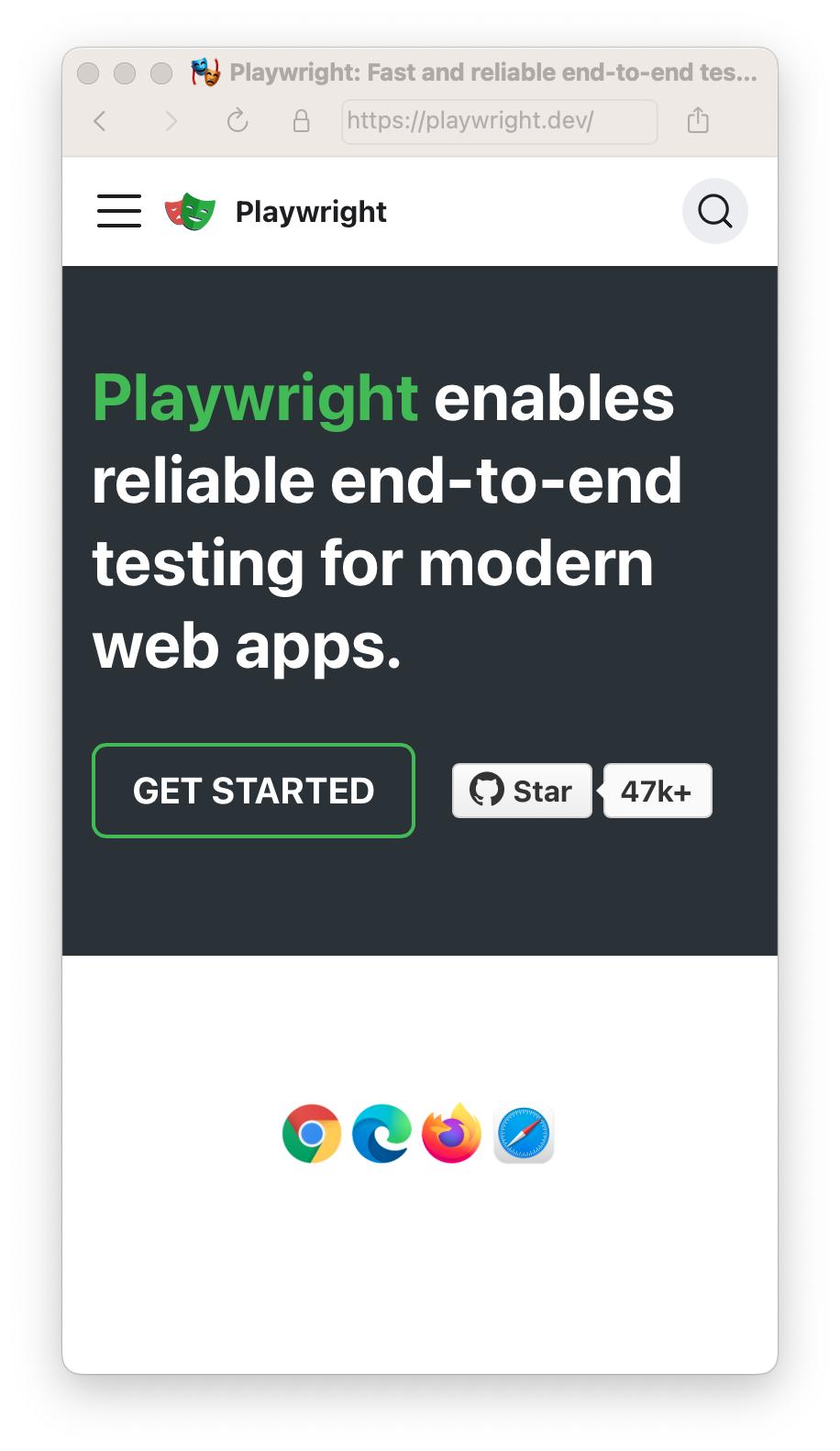
Viewport[](https://playwright.dev/python/docs/next/emulation#viewport "Direct link to Viewport")
--------------------------------------------------------------------------------------------------
The viewport is included in the device but you can override it for some tests with [page.set\_viewport\_size()](https://playwright.dev/python/docs/next/api/class-page#page-set-viewport-size)
.
Test file:
The same works inside a test file.
* Sync
* Async
# Create context with given viewportcontext = browser.new_context( viewport={ 'width': 1280, 'height': 1024 })# Resize viewport for individual pagepage.set_viewport_size({"width": 1600, "height": 1200})# Emulate high-DPIcontext = browser.new_context( viewport={ 'width': 2560, 'height': 1440 }, device_scale_factor=2,)
# Create context with given viewportcontext = await browser.new_context( viewport={ 'width': 1280, 'height': 1024 })# Resize viewport for individual pageawait page.set_viewport_size({"width": 1600, "height": 1200})# Emulate high-DPIcontext = await browser.new_context( viewport={ 'width': 2560, 'height': 1440 }, device_scale_factor=2,)
isMobile[](https://playwright.dev/python/docs/next/emulation#ismobile "Direct link to isMobile")
--------------------------------------------------------------------------------------------------
Whether the meta viewport tag is taken into account and touch events are enabled.
* Sync
* Async
context = browser.new_context( is_mobile=False)
context = await browser.new_context( is_mobile=False)
Locale & Timezone[](https://playwright.dev/python/docs/next/emulation#locale--timezone "Direct link to Locale & Timezone")
----------------------------------------------------------------------------------------------------------------------------
Emulate the browser Locale and Timezone which can be set globally for all tests in the config and then overridden for particular tests.
* Sync
* Async
context = browser.new_context( locale='de-DE', timezone_id='Europe/Berlin',)
context = await browser.new_context( locale='de-DE', timezone_id='Europe/Berlin',)
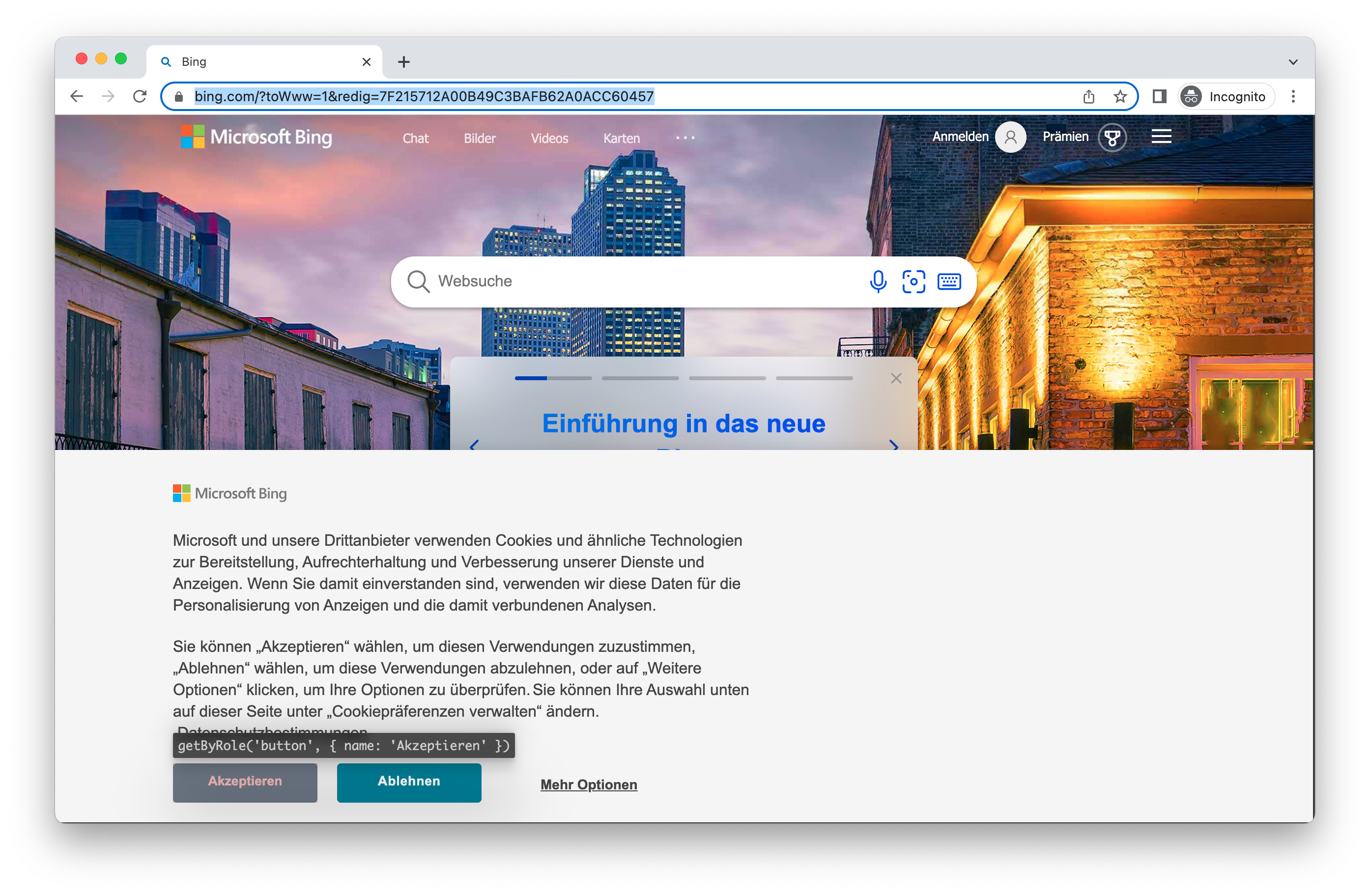
Permissions[](https://playwright.dev/python/docs/next/emulation#permissions "Direct link to Permissions")
-----------------------------------------------------------------------------------------------------------
Allow app to show system notifications.
* Sync
* Async
context = browser.new_context( permissions=['notifications'],)
context = await browser.new_context( permissions=['notifications'],)
Allow notifications for a specific domain.
* Sync
* Async
context.grant_permissions(['notifications'], origin='https://skype.com')
await context.grant_permissions(['notifications'], origin='https://skype.com')
Revoke all permissions with [browser\_context.clear\_permissions()](https://playwright.dev/python/docs/next/api/class-browsercontext#browser-context-clear-permissions)
.
* Sync
* Async
context.clear_permissions()
await context.clear_permissions()
Geolocation[](https://playwright.dev/python/docs/next/emulation#geolocation "Direct link to Geolocation")
-----------------------------------------------------------------------------------------------------------
Grant `"geolocation"` permissions and set geolocation to a specific area.
* Sync
* Async
context = browser.new_context( geolocation={"longitude": 41.890221, "latitude": 12.492348}, permissions=["geolocation"])
context = await browser.new_context( geolocation={"longitude": 41.890221, "latitude": 12.492348}, permissions=["geolocation"])
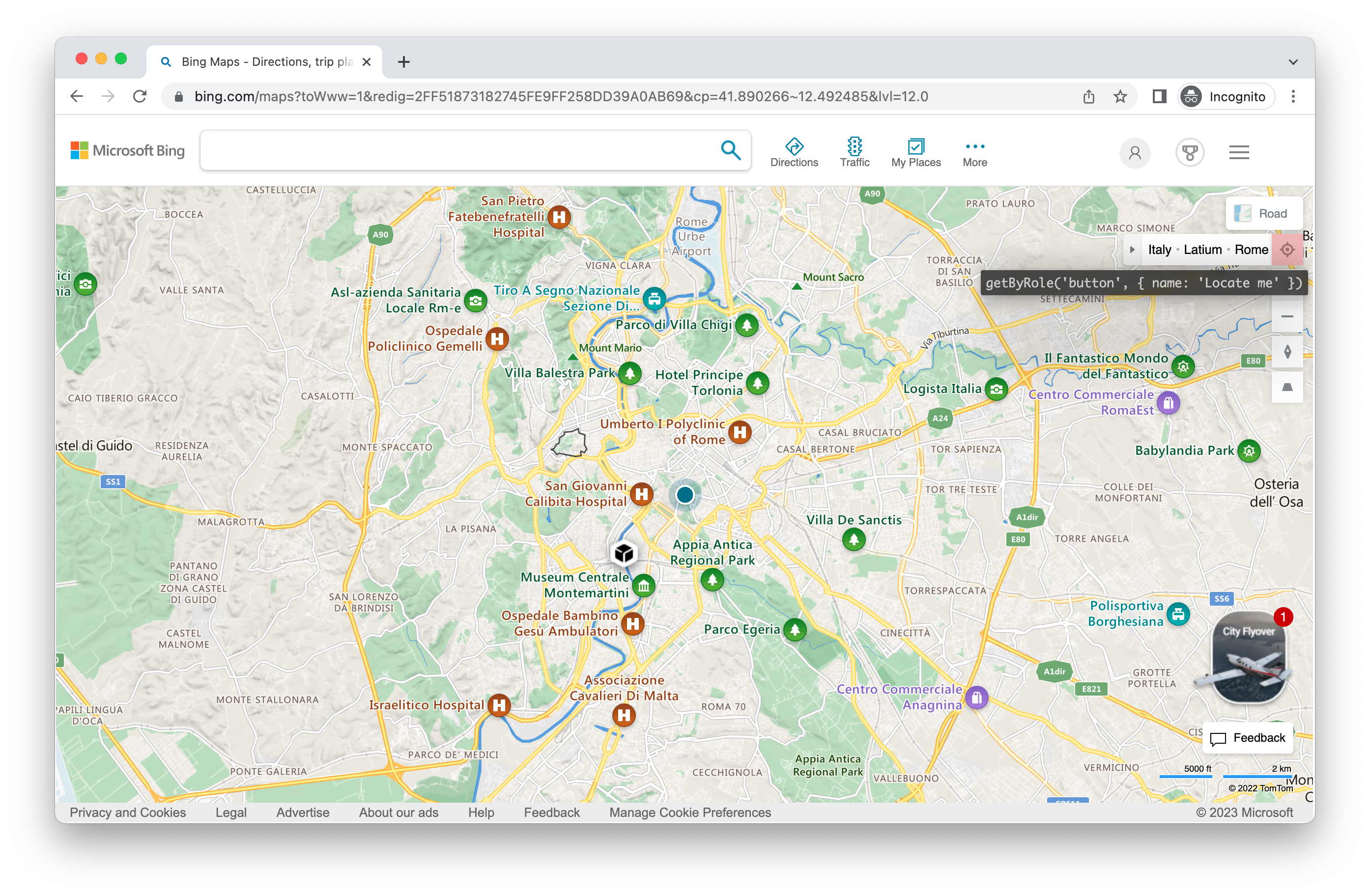
Change the location later:
* Sync
* Async
context.set_geolocation({"longitude": 48.858455, "latitude": 2.294474})
await context.set_geolocation({"longitude": 48.858455, "latitude": 2.294474})
**Note** you can only change geolocation for all pages in the context.
Color Scheme and Media[](https://playwright.dev/python/docs/next/emulation#color-scheme-and-media "Direct link to Color Scheme and Media")
--------------------------------------------------------------------------------------------------------------------------------------------
Emulate the users `"colorScheme"`. Supported values are 'light' and 'dark'. You can also emulate the media type with [page.emulate\_media()](https://playwright.dev/python/docs/next/api/class-page#page-emulate-media)
.
* Sync
* Async
# Create context with dark modecontext = browser.new_context( color_scheme='dark' # or 'light')# Create page with dark modepage = browser.new_page( color_scheme='dark' # or 'light')# Change color scheme for the pagepage.emulate_media(color_scheme='dark')# Change media for pagepage.emulate_media(media='print')
# Create context with dark modecontext = await browser.new_context( color_scheme='dark' # or 'light')# Create page with dark modepage = await browser.new_page( color_scheme='dark' # or 'light')# Change color scheme for the pageawait page.emulate_media(color_scheme='dark')# Change media for pageawait page.emulate_media(media='print')
User Agent[](https://playwright.dev/python/docs/next/emulation#user-agent "Direct link to User Agent")
--------------------------------------------------------------------------------------------------------
The User Agent is included in the device and therefore you will rarely need to change it however if you do need to test a different user agent you can override it with the `userAgent` property.
* Sync
* Async
context = browser.new_context( user_agent='My user agent')
context = await browser.new_context( user_agent='My user agent')
Offline[](https://playwright.dev/python/docs/next/emulation#offline "Direct link to Offline")
-----------------------------------------------------------------------------------------------
Emulate the network being offline.
* Sync
* Async
context = browser.new_context( offline=True)
context = await browser.new_context( offline=True)
JavaScript Enabled[](https://playwright.dev/python/docs/next/emulation#javascript-enabled "Direct link to JavaScript Enabled")
--------------------------------------------------------------------------------------------------------------------------------
Emulate a user scenario where JavaScript is disabled.
* Sync
* Async
context = browser.new_context( java_script_enabled=False)
context = await browser.new_context( java_script_enabled=False)
* [Introduction](https://playwright.dev/python/docs/next/emulation#introduction)
* [Devices](https://playwright.dev/python/docs/next/emulation#devices)
* [Viewport](https://playwright.dev/python/docs/next/emulation#viewport)
* [isMobile](https://playwright.dev/python/docs/next/emulation#ismobile)
* [Locale & Timezone](https://playwright.dev/python/docs/next/emulation#locale--timezone)
* [Permissions](https://playwright.dev/python/docs/next/emulation#permissions)
* [Geolocation](https://playwright.dev/python/docs/next/emulation#geolocation)
* [Color Scheme and Media](https://playwright.dev/python/docs/next/emulation#color-scheme-and-media)
* [User Agent](https://playwright.dev/python/docs/next/emulation#user-agent)
* [Offline](https://playwright.dev/python/docs/next/emulation#offline)
* [JavaScript Enabled](https://playwright.dev/python/docs/next/emulation#javascript-enabled)
---
# APIResponse | Playwright Java
[Skip to main content](https://playwright.dev/java/docs/api/class-apiresponse#__docusaurus_skipToContent_fallback)
On this page
[APIResponse](https://playwright.dev/java/docs/api/class-apiresponse "APIResponse")
class represents responses returned by [APIRequestContext.get()](https://playwright.dev/java/docs/api/class-apirequestcontext#api-request-context-get)
and similar methods.
* * *
Methods[](https://playwright.dev/java/docs/api/class-apiresponse#methods "Direct link to Methods")
----------------------------------------------------------------------------------------------------
### body[](https://playwright.dev/java/docs/api/class-apiresponse#api-response-body "Direct link to body")
Added in: v1.16 apiResponse.body
Returns the buffer with response body.
**Usage**
APIResponse.body();
**Returns**
* [byte\[\]](https://docs.oracle.com/javase/tutorial/java/nutsandbolts/datatypes.html "byte[]")
[#](https://playwright.dev/java/docs/api/class-apiresponse#api-response-body-return)
* * *
### dispose[](https://playwright.dev/java/docs/api/class-apiresponse#api-response-dispose "Direct link to dispose")
Added in: v1.16 apiResponse.dispose
Disposes the body of this response. If not called then the body will stay in memory until the context closes.
**Usage**
APIResponse.dispose();
**Returns**
* [void](https://docs.oracle.com/javase/tutorial/java/javaOO/methods.html "void")
[#](https://playwright.dev/java/docs/api/class-apiresponse#api-response-dispose-return)
* * *
### headers[](https://playwright.dev/java/docs/api/class-apiresponse#api-response-headers "Direct link to headers")
Added in: v1.16 apiResponse.headers
An object with all the response HTTP headers associated with this response.
**Usage**
APIResponse.headers();
**Returns**
* [Map](https://docs.oracle.com/javase/8/docs/api/java/util/Map.html "Map")
<[String](https://docs.oracle.com/javase/8/docs/api/java/lang/String.html "String")
, [String](https://docs.oracle.com/javase/8/docs/api/java/lang/String.html "String")
\>[#](https://playwright.dev/java/docs/api/class-apiresponse#api-response-headers-return)
* * *
### headersArray[](https://playwright.dev/java/docs/api/class-apiresponse#api-response-headers-array "Direct link to headersArray")
Added in: v1.16 apiResponse.headersArray
An array with all the response HTTP headers associated with this response. Header names are not lower-cased. Headers with multiple entries, such as `Set-Cookie`, appear in the array multiple times.
**Usage**
APIResponse.headersArray();
**Returns**
* [List](https://docs.oracle.com/javase/8/docs/api/java/util/List.html "List")
<`HttpHeader`\>[#](https://playwright.dev/java/docs/api/class-apiresponse#api-response-headers-array-return)
* `name` [String](https://docs.oracle.com/javase/8/docs/api/java/lang/String.html "String")
Name of the header.
* `value` [String](https://docs.oracle.com/javase/8/docs/api/java/lang/String.html "String")
Value of the header.
* * *
### ok[](https://playwright.dev/java/docs/api/class-apiresponse#api-response-ok "Direct link to ok")
Added in: v1.16 apiResponse.ok
Contains a boolean stating whether the response was successful (status in the range 200-299) or not.
**Usage**
APIResponse.ok();
**Returns**
* [boolean](https://docs.oracle.com/javase/tutorial/java/nutsandbolts/datatypes.html "boolean")
[#](https://playwright.dev/java/docs/api/class-apiresponse#api-response-ok-return)
* * *
### status[](https://playwright.dev/java/docs/api/class-apiresponse#api-response-status "Direct link to status")
Added in: v1.16 apiResponse.status
Contains the status code of the response (e.g., 200 for a success).
**Usage**
APIResponse.status();
**Returns**
* [int](https://docs.oracle.com/javase/tutorial/java/nutsandbolts/datatypes.html "int")
[#](https://playwright.dev/java/docs/api/class-apiresponse#api-response-status-return)
* * *
### statusText[](https://playwright.dev/java/docs/api/class-apiresponse#api-response-status-text "Direct link to statusText")
Added in: v1.16 apiResponse.statusText
Contains the status text of the response (e.g. usually an "OK" for a success).
**Usage**
APIResponse.statusText();
**Returns**
* [String](https://docs.oracle.com/javase/8/docs/api/java/lang/String.html "String")
[#](https://playwright.dev/java/docs/api/class-apiresponse#api-response-status-text-return)
* * *
### text[](https://playwright.dev/java/docs/api/class-apiresponse#api-response-text "Direct link to text")
Added in: v1.16 apiResponse.text
Returns the text representation of response body.
**Usage**
APIResponse.text();
**Returns**
* [String](https://docs.oracle.com/javase/8/docs/api/java/lang/String.html "String")
[#](https://playwright.dev/java/docs/api/class-apiresponse#api-response-text-return)
* * *
### url[](https://playwright.dev/java/docs/api/class-apiresponse#api-response-url "Direct link to url")
Added in: v1.16 apiResponse.url
Contains the URL of the response.
**Usage**
APIResponse.url();
**Returns**
* [String](https://docs.oracle.com/javase/8/docs/api/java/lang/String.html "String")
[#](https://playwright.dev/java/docs/api/class-apiresponse#api-response-url-return)
* [Methods](https://playwright.dev/java/docs/api/class-apiresponse#methods)
* [body](https://playwright.dev/java/docs/api/class-apiresponse#api-response-body)
* [dispose](https://playwright.dev/java/docs/api/class-apiresponse#api-response-dispose)
* [headers](https://playwright.dev/java/docs/api/class-apiresponse#api-response-headers)
* [headersArray](https://playwright.dev/java/docs/api/class-apiresponse#api-response-headers-array)
* [ok](https://playwright.dev/java/docs/api/class-apiresponse#api-response-ok)
* [status](https://playwright.dev/java/docs/api/class-apiresponse#api-response-status)
* [statusText](https://playwright.dev/java/docs/api/class-apiresponse#api-response-status-text)
* [text](https://playwright.dev/java/docs/api/class-apiresponse#api-response-text)
* [url](https://playwright.dev/java/docs/api/class-apiresponse#api-response-url)
---
# Trace viewer | Playwright Java
[Skip to main content](https://playwright.dev/java/docs/trace-viewer-intro#__docusaurus_skipToContent_fallback)
On this page
Introduction[](https://playwright.dev/java/docs/trace-viewer-intro#introduction "Direct link to Introduction")
----------------------------------------------------------------------------------------------------------------
Playwright Trace Viewer is a GUI tool that lets you explore recorded Playwright traces of your tests meaning you can go back and forward though each action of your test and visually see what was happening during each action.
**You will learn**
* How to record a trace
* How to open the trace viewer
Recording a trace[](https://playwright.dev/java/docs/trace-viewer-intro#recording-a-trace "Direct link to Recording a trace")
-------------------------------------------------------------------------------------------------------------------------------
Traces can be recorded using the [BrowserContext.tracing()](https://playwright.dev/java/docs/api/class-browsercontext#browser-context-tracing)
API as follows:
Browser browser = browserType.launch();BrowserContext context = browser.newContext();// Start tracing before creating / navigating a page.context.tracing().start(new Tracing.StartOptions() .setScreenshots(true) .setSnapshots(true) .setSources(true));Page page = context.newPage();page.navigate("https://playwright.dev");// Stop tracing and export it into a zip archive.context.tracing().stop(new Tracing.StopOptions() .setPath(Paths.get("trace.zip")));
This will record the trace and place it into the file named `trace.zip`.
Opening the trace[](https://playwright.dev/java/docs/trace-viewer-intro#opening-the-trace "Direct link to Opening the trace")
-------------------------------------------------------------------------------------------------------------------------------
You can open the saved trace using the Playwright CLI or in your browser on [`trace.playwright.dev`](https://trace.playwright.dev/)
. Make sure to add the full path to where your trace's zip file is located. Once opened you can click on each action or use the timeline to see the state of the page before and after each action. You can also inspect the log, source and network during each step of the test. The trace viewer creates a DOM snapshot so you can fully interact with it, open devtools etc.
mvn exec:java -e -D exec.mainClass=com.microsoft.playwright.CLI -D exec.args="show-trace trace.zip"

To learn more check out our detailed guide on [Trace Viewer](https://playwright.dev/java/docs/trace-viewer)
.
What's next[](https://playwright.dev/java/docs/trace-viewer-intro#whats-next "Direct link to What's next")
------------------------------------------------------------------------------------------------------------
* [Run tests on CI with GitHub Actions](https://playwright.dev/java/docs/ci-intro)
* [Learn more about Trace Viewer](https://playwright.dev/java/docs/trace-viewer)
* [Introduction](https://playwright.dev/java/docs/trace-viewer-intro#introduction)
* [Recording a trace](https://playwright.dev/java/docs/trace-viewer-intro#recording-a-trace)
* [Opening the trace](https://playwright.dev/java/docs/trace-viewer-intro#opening-the-trace)
* [What's next](https://playwright.dev/java/docs/trace-viewer-intro#whats-next)
---
# Page object models | Playwright Java
[Skip to main content](https://playwright.dev/java/docs/pom#__docusaurus_skipToContent_fallback)
On this page
Introduction[](https://playwright.dev/java/docs/pom#introduction "Direct link to Introduction")
-------------------------------------------------------------------------------------------------
Large test suites can be structured to optimize ease of authoring and maintenance. Page object models are one such approach to structure your test suite.
A page object represents a part of your web application. An e-commerce web application might have a home page, a listings page and a checkout page. Each of them can be represented by page object models.
Page objects **simplify authoring** by creating a higher-level API which suits your application and **simplify maintenance** by capturing element selectors in one place and create reusable code to avoid repetition.
Implementation[](https://playwright.dev/java/docs/pom#implementation "Direct link to Implementation")
-------------------------------------------------------------------------------------------------------
Page object models wrap over a Playwright [Page](https://playwright.dev/java/docs/api/class-page "Page")
.
models/SearchPage.java
package models;import com.microsoft.playwright;public class SearchPage { private final Page page; private final Locator searchTermInput; public SearchPage(Page page) { this.page = page; this.searchTermInput = page.locator("[aria-label='Enter your search term']"); } public void navigate() { page.navigate("https://bing.com"); } public void search(String text) { searchTermInput.fill(text); searchTermInput.press("Enter"); }}
Page objects can then be used inside a test.
import models.SearchPage;import com.microsoft.playwright.*;// ...// In the testPage page = browser.newPage();SearchPage searchPage = new SearchPage(page);searchPage.navigate();searchPage.search("search query");
* [Introduction](https://playwright.dev/java/docs/pom#introduction)
* [Implementation](https://playwright.dev/java/docs/pom#implementation)
---
# Trace viewer | Playwright Java
[Skip to main content](https://playwright.dev/java/docs/trace-viewer#__docusaurus_skipToContent_fallback)
On this page
Introduction[](https://playwright.dev/java/docs/trace-viewer#introduction "Direct link to Introduction")
----------------------------------------------------------------------------------------------------------
Playwright Trace Viewer is a GUI tool that helps you explore recorded Playwright traces after the script has run. Traces are a great way for debugging your tests when they fail on CI. You can open traces [locally](https://playwright.dev/java/docs/trace-viewer#opening-the-trace)
or in your browser on [trace.playwright.dev](https://trace.playwright.dev/)
.
Opening Trace Viewer[](https://playwright.dev/java/docs/trace-viewer#opening-trace-viewer "Direct link to Opening Trace Viewer")
----------------------------------------------------------------------------------------------------------------------------------
You can open a saved trace using either the Playwright CLI or in the browser at [trace.playwright.dev](https://trace.playwright.dev/)
. Make sure to add the full path to where your `trace.zip` file is located.
mvn exec:java -e -D exec.mainClass=com.microsoft.playwright.CLI -D exec.args="show-trace trace.zip"
### Using [trace.playwright.dev](https://trace.playwright.dev/)
[](https://playwright.dev/java/docs/trace-viewer#using-traceplaywrightdev "Direct link to using-traceplaywrightdev")
[trace.playwright.dev](https://trace.playwright.dev/)
is a statically hosted variant of the Trace Viewer. You can upload trace files using drag and drop or via the `Select file(s)` button.
Trace Viewer loads the trace entirely in your browser and does not transmit any data externally.

### Viewing remote traces[](https://playwright.dev/java/docs/trace-viewer#viewing-remote-traces "Direct link to Viewing remote traces")
You can open remote traces directly using its URL. This makes it easy to view the remote trace without having to manually download the file from CI runs, for example.
mvn exec:java -e -D exec.mainClass=com.microsoft.playwright.CLI -D exec.args="show-trace https://example.com/trace.zip"
When using [trace.playwright.dev](https://trace.playwright.dev/)
, you can also pass the URL of your uploaded trace at some accessible storage (e.g. inside your CI) as a query parameter. CORS (Cross-Origin Resource Sharing) rules might apply.
https://trace.playwright.dev/?trace=https://demo.playwright.dev/reports/todomvc/data/fa874b0d59cdedec675521c21124e93161d66533.zip
Recording a trace[](https://playwright.dev/java/docs/trace-viewer#recording-a-trace "Direct link to Recording a trace")
-------------------------------------------------------------------------------------------------------------------------
Traces can be recorded using the [BrowserContext.tracing()](https://playwright.dev/java/docs/api/class-browsercontext#browser-context-tracing)
API as follows:
Browser browser = browserType.launch();BrowserContext context = browser.newContext();// Start tracing before creating / navigating a page.context.tracing().start(new Tracing.StartOptions() .setScreenshots(true) .setSnapshots(true) .setSources(true));Page page = context.newPage();page.navigate("https://playwright.dev");// Stop tracing and export it into a zip archive.context.tracing().stop(new Tracing.StopOptions() .setPath(Paths.get("trace.zip")));
This will record the trace and place it into the file named `trace.zip`.
Trace Viewer features[](https://playwright.dev/java/docs/trace-viewer#trace-viewer-features "Direct link to Trace Viewer features")
-------------------------------------------------------------------------------------------------------------------------------------
### Actions[](https://playwright.dev/java/docs/trace-viewer#actions "Direct link to Actions")
In the Actions tab you can see what locator was used for every action and how long each one took to run. Hover over each action of your test and visually see the change in the DOM snapshot. Go back and forward in time and click an action to inspect and debug. Use the Before and After tabs to visually see what happened before and after the action.

**Selecting each action reveals:**
* Action snapshots
* Action log
* Source code location
### Screenshots[](https://playwright.dev/java/docs/trace-viewer#screenshots "Direct link to Screenshots")
When tracing with the [setScreenshots](https://playwright.dev/java/docs/api/class-tracing#tracing-start-option-screenshots)
option turned on (default), each trace records a screencast and renders it as a film strip. You can hover over the film strip to see a magnified image of for each action and state which helps you easily find the action you want to inspect.
Double click on an action to see the time range for that action. You can use the slider in the timeline to increase the actions selected and these will be shown in the Actions tab and all console logs and network logs will be filtered to only show the logs for the actions selected.

### Snapshots[](https://playwright.dev/java/docs/trace-viewer#snapshots "Direct link to Snapshots")
When tracing with the [setSnapshots](https://playwright.dev/java/docs/api/class-tracing#tracing-start-option-snapshots)
option turned on (default), Playwright captures a set of complete DOM snapshots for each action. Depending on the type of the action, it will capture:
| Type | Description |
| --- | --- |
| Before | A snapshot at the time action is called. |
| Action | A snapshot at the moment of the performed input. This type of snapshot is especially useful when exploring where exactly Playwright clicked. |
| After | A snapshot after the action. |
Here is what the typical Action snapshot looks like:

Notice how it highlights both, the DOM Node as well as the exact click position.
### Source[](https://playwright.dev/java/docs/trace-viewer#source "Direct link to Source")
When you click on an action in the sidebar, the line of code for that action is highlighted in the source panel.

### Call[](https://playwright.dev/java/docs/trace-viewer#call "Direct link to Call")
The call tab shows you information about the action such as the time it took, what locator was used, if in strict mode and what key was used.

### Log[](https://playwright.dev/java/docs/trace-viewer#log "Direct link to Log")
See a full log of your test to better understand what Playwright is doing behind the scenes such as scrolling into view, waiting for element to be visible, enabled and stable and performing actions such as click, fill, press etc.

### Errors[](https://playwright.dev/java/docs/trace-viewer#errors "Direct link to Errors")
If your test fails you will see the error messages for each test in the Errors tab. The timeline will also show a red line highlighting where the error occurred. You can also click on the source tab to see on which line of the source code the error is.

### Console[](https://playwright.dev/java/docs/trace-viewer#console "Direct link to Console")
See console logs from the browser as well as from your test. Different icons are displayed to show you if the console log came from the browser or from the test file.

Double click on an action from your test in the actions sidebar. This will filter the console to only show the logs that were made during that action. Click the _Show all_ button to see all console logs again.
Use the timeline to filter actions, by clicking a start point and dragging to an ending point. The console tab will also be filtered to only show the logs that were made during the actions selected.
### Network[](https://playwright.dev/java/docs/trace-viewer#network "Direct link to Network")
The Network tab shows you all the network requests that were made during your test. You can sort by different types of requests, status code, method, request, content type, duration and size. Click on a request to see more information about it such as the request headers, response headers, request body and response body.

Double click on an action from your test in the actions sidebar. This will filter the network requests to only show the requests that were made during that action. Click the _Show all_ button to see all network requests again.
Use the timeline to filter actions, by clicking a start point and dragging to an ending point. The network tab will also be filtered to only show the network requests that were made during the actions selected.
### Metadata[](https://playwright.dev/java/docs/trace-viewer#metadata "Direct link to Metadata")
Next to the Actions tab you will find the Metadata tab which will show you more information on your test such as the Browser, viewport size, test duration and more.

* [Introduction](https://playwright.dev/java/docs/trace-viewer#introduction)
* [Opening Trace Viewer](https://playwright.dev/java/docs/trace-viewer#opening-trace-viewer)
* [Using trace.playwright.dev](https://playwright.dev/java/docs/trace-viewer#using-traceplaywrightdev)
* [Viewing remote traces](https://playwright.dev/java/docs/trace-viewer#viewing-remote-traces)
* [Recording a trace](https://playwright.dev/java/docs/trace-viewer#recording-a-trace)
* [Trace Viewer features](https://playwright.dev/java/docs/trace-viewer#trace-viewer-features)
* [Actions](https://playwright.dev/java/docs/trace-viewer#actions)
* [Screenshots](https://playwright.dev/java/docs/trace-viewer#screenshots)
* [Snapshots](https://playwright.dev/java/docs/trace-viewer#snapshots)
* [Source](https://playwright.dev/java/docs/trace-viewer#source)
* [Call](https://playwright.dev/java/docs/trace-viewer#call)
* [Log](https://playwright.dev/java/docs/trace-viewer#log)
* [Errors](https://playwright.dev/java/docs/trace-viewer#errors)
* [Console](https://playwright.dev/java/docs/trace-viewer#console)
* [Network](https://playwright.dev/java/docs/trace-viewer#network)
* [Metadata](https://playwright.dev/java/docs/trace-viewer#metadata)
---
# Videos | Playwright .NET
[Skip to main content](https://playwright.dev/dotnet/docs/videos#__docusaurus_skipToContent_fallback)
On this page
Introduction[](https://playwright.dev/dotnet/docs/videos#introduction "Direct link to Introduction")
------------------------------------------------------------------------------------------------------
With Playwright you can record videos for your tests.
Record video[](https://playwright.dev/dotnet/docs/videos#record-video "Direct link to Record video")
------------------------------------------------------------------------------------------------------
Videos are saved upon [browser context](https://playwright.dev/dotnet/docs/browser-contexts)
closure at the end of a test. If you create a browser context manually, make sure to await [BrowserContext.CloseAsync()](https://playwright.dev/dotnet/docs/api/class-browsercontext#browser-context-close)
.
var context = await browser.NewContextAsync(new(){ RecordVideoDir = "videos/"});// Make sure to close, so that videos are saved.await context.CloseAsync();
You can also specify video size. The video size defaults to the viewport size scaled down to fit 800x800. The video of the viewport is placed in the top-left corner of the output video, scaled down to fit if necessary. You may need to set the viewport size to match your desired video size.
var context = await browser.NewContextAsync(new(){ RecordVideoDir = "videos/", RecordVideoSize = new RecordVideoSize() { Width = 640, Height = 480 }});// Make sure to close, so that videos are saved.await context.CloseAsync();
Saved video files will appear in the specified folder. They all have generated unique names. For the multi-page scenarios, you can access the video file associated with the page via the [Page.Video](https://playwright.dev/dotnet/docs/api/class-page#page-video)
.
var path = await page.Video.PathAsync();
note
Note that the video is only available after the page or browser context is closed.
* [Introduction](https://playwright.dev/dotnet/docs/videos#introduction)
* [Record video](https://playwright.dev/dotnet/docs/videos#record-video)
---
# Screenshots | Playwright .NET
[Skip to main content](https://playwright.dev/dotnet/docs/screenshots#__docusaurus_skipToContent_fallback)
On this page
Introduction[](https://playwright.dev/dotnet/docs/screenshots#introduction "Direct link to Introduction")
-----------------------------------------------------------------------------------------------------------
Here is a quick way to capture a screenshot and save it into a file:
await Page.ScreenshotAsync(new(){ Path = "screenshot.png",});
[Screenshots API](https://playwright.dev/dotnet/docs/api/class-page#page-screenshot)
accepts many parameters for image format, clip area, quality, etc. Make sure to check them out.
Full page screenshots[](https://playwright.dev/dotnet/docs/screenshots#full-page-screenshots "Direct link to Full page screenshots")
--------------------------------------------------------------------------------------------------------------------------------------
Full page screenshot is a screenshot of a full scrollable page, as if you had a very tall screen and the page could fit it entirely.
await Page.ScreenshotAsync(new(){ Path = "screenshot.png", FullPage = true,});
Capture into buffer[](https://playwright.dev/dotnet/docs/screenshots#capture-into-buffer "Direct link to Capture into buffer")
--------------------------------------------------------------------------------------------------------------------------------
Rather than writing into a file, you can get a buffer with the image and post-process it or pass it to a third party pixel diff facility.
var bytes = await page.ScreenshotAsync();Console.WriteLine(Convert.ToBase64String(bytes));
Element screenshot[](https://playwright.dev/dotnet/docs/screenshots#element-screenshot "Direct link to Element screenshot")
-----------------------------------------------------------------------------------------------------------------------------
Sometimes it is useful to take a screenshot of a single element.
await page.Locator(".header").ScreenshotAsync(new() { Path = "screenshot.png" });
* [Introduction](https://playwright.dev/dotnet/docs/screenshots#introduction)
* [Full page screenshots](https://playwright.dev/dotnet/docs/screenshots#full-page-screenshots)
* [Capture into buffer](https://playwright.dev/dotnet/docs/screenshots#capture-into-buffer)
* [Element screenshot](https://playwright.dev/dotnet/docs/screenshots#element-screenshot)
---
# Accessibility | Playwright .NET
[Skip to main content](https://playwright.dev/dotnet/docs/api/class-accessibility#__docusaurus_skipToContent_fallback)
On this page
Deprecated
This class is deprecated. Please use other libraries such as [Axe](https://www.deque.com/axe/)
if you need to test page accessibility. See our Node.js [guide](https://playwright.dev/docs/accessibility-testing)
for integration with Axe.
The Accessibility class provides methods for inspecting Chromium's accessibility tree. The accessibility tree is used by assistive technology such as [screen readers](https://en.wikipedia.org/wiki/Screen_reader)
or [switches](https://en.wikipedia.org/wiki/Switch_access)
.
Accessibility is a very platform-specific thing. On different platforms, there are different screen readers that might have wildly different output.
Rendering engines of Chromium, Firefox and WebKit have a concept of "accessibility tree", which is then translated into different platform-specific APIs. Accessibility namespace gives access to this Accessibility Tree.
Most of the accessibility tree gets filtered out when converting from internal browser AX Tree to Platform-specific AX-Tree or by assistive technologies themselves. By default, Playwright tries to approximate this filtering, exposing only the "interesting" nodes of the tree.
* * *
Deprecated[](https://playwright.dev/dotnet/docs/api/class-accessibility#deprecated "Direct link to Deprecated")
-----------------------------------------------------------------------------------------------------------------
### SnapshotAsync[](https://playwright.dev/dotnet/docs/api/class-accessibility#accessibility-snapshot "Direct link to SnapshotAsync")
Added before v1.9 accessibility.SnapshotAsync
Deprecated
This method is deprecated. Please use other libraries such as [Axe](https://www.deque.com/axe/)
if you need to test page accessibility. See our Node.js [guide](https://playwright.dev/docs/accessibility-testing)
for integration with Axe.
Captures the current state of the accessibility tree. The returned object represents the root accessible node of the page.
note
The Chromium accessibility tree contains nodes that go unused on most platforms and by most screen readers. Playwright will discard them as well for an easier to process tree, unless [InterestingOnly](https://playwright.dev/dotnet/docs/api/class-accessibility#accessibility-snapshot-option-interesting-only)
is set to `false`.
**Usage**
An example of dumping the entire accessibility tree:
var accessibilitySnapshot = await page.Accessibility.SnapshotAsync();Console.WriteLine(System.Text.Json.JsonSerializer.Serialize(accessibilitySnapshot));
An example of logging the focused node's name:
var accessibilitySnapshot = await page.Accessibility.SnapshotAsync();Console.WriteLine(System.Text.Json.JsonSerializer.Serialize(accessibilitySnapshot));
**Arguments**
* `options` `AccessibilitySnapshotOptions?` _(optional)_
* `InterestingOnly` [bool](https://docs.microsoft.com/en-us/dotnet/api/system.boolean "bool")
? _(optional)_[#](https://playwright.dev/dotnet/docs/api/class-accessibility#accessibility-snapshot-option-interesting-only)
Prune uninteresting nodes from the tree. Defaults to `true`.
* `Root` [ElementHandle](https://playwright.dev/dotnet/docs/api/class-elementhandle "ElementHandle")
? _(optional)_[#](https://playwright.dev/dotnet/docs/api/class-accessibility#accessibility-snapshot-option-root)
The root DOM element for the snapshot. Defaults to the whole page.
**Returns**
* [JsonElement](https://docs.microsoft.com/en-us/dotnet/api/system.text.json.jsonelement "JsonElement")
?[#](https://playwright.dev/dotnet/docs/api/class-accessibility#accessibility-snapshot-return)
* [Deprecated](https://playwright.dev/dotnet/docs/api/class-accessibility#deprecated)
* [SnapshotAsync](https://playwright.dev/dotnet/docs/api/class-accessibility#accessibility-snapshot)
---
# CDPSessionEvent | Playwright .NET
[Skip to main content](https://playwright.dev/dotnet/docs/api/class-cdpsessionevent#__docusaurus_skipToContent_fallback)
On this page
[CDPSessionEvent](https://playwright.dev/dotnet/docs/api/class-cdpsessionevent "CDPSessionEvent")
objects are returned by page via the [CdpSession.Event()](https://playwright.dev/dotnet/docs/api/class-cdpsession#cdp-session-event)
method.
Each object represents a named event and allows handling of the event when it is raised.
* * *
Properties[](https://playwright.dev/dotnet/docs/api/class-cdpsessionevent#properties "Direct link to Properties")
-------------------------------------------------------------------------------------------------------------------
### EventName[](https://playwright.dev/dotnet/docs/api/class-cdpsessionevent#cdp-session-event-event-name "Direct link to EventName")
Added in: 1.30 cdpSessionEvent.EventName
**Usage**
CdpSessionEvent.EventName
**Type**
* [string](https://docs.microsoft.com/en-us/dotnet/api/system.string "string")
* * *
Events[](https://playwright.dev/dotnet/docs/api/class-cdpsessionevent#events "Direct link to Events")
-------------------------------------------------------------------------------------------------------
### event OnEvent[](https://playwright.dev/dotnet/docs/api/class-cdpsessionevent#cdp-session-event-event-on-event "Direct link to event OnEvent")
Added in: v1.30 cdpSessionEvent.event OnEvent
**Usage**
CdpSessionEvent.OnEvent += async (_, jsonElement) => {};
**Event data**
* \[JsonElement?\]
* [Properties](https://playwright.dev/dotnet/docs/api/class-cdpsessionevent#properties)
* [EventName](https://playwright.dev/dotnet/docs/api/class-cdpsessionevent#cdp-session-event-event-name)
* [Events](https://playwright.dev/dotnet/docs/api/class-cdpsessionevent#events)
* [event OnEvent](https://playwright.dev/dotnet/docs/api/class-cdpsessionevent#cdp-session-event-event-on-event)
---
# CDPSession | Playwright .NET
[Skip to main content](https://playwright.dev/dotnet/docs/api/class-cdpsession#__docusaurus_skipToContent_fallback)
On this page
The `CDPSession` instances are used to talk raw Chrome Devtools Protocol:
* protocol methods can be called with `session.send` method.
* protocol events can be subscribed to with `session.on` method.
Useful links:
* Documentation on DevTools Protocol can be found here: [DevTools Protocol Viewer](https://chromedevtools.github.io/devtools-protocol/)
.
* Getting Started with DevTools Protocol: [https://github.com/aslushnikov/getting-started-with-cdp/blob/master/README.md](https://github.com/aslushnikov/getting-started-with-cdp/blob/master/README.md)
var client = await Page.Context.NewCDPSessionAsync(Page);await client.SendAsync("Runtime.enable");client.Event("Animation.animationCreated").OnEvent += (_, _) => Console.WriteLine("Animation created!");var response = await client.SendAsync("Animation.getPlaybackRate");var playbackRate = response.Value.GetProperty("playbackRate").GetDouble();Console.WriteLine("playback rate is " + playbackRate);await client.SendAsync("Animation.setPlaybackRate", new() { { "playbackRate", playbackRate / 2 } });
* * *
Methods[](https://playwright.dev/dotnet/docs/api/class-cdpsession#methods "Direct link to Methods")
-----------------------------------------------------------------------------------------------------
### DetachAsync[](https://playwright.dev/dotnet/docs/api/class-cdpsession#cdp-session-detach "Direct link to DetachAsync")
Added before v1.9 cdpSession.DetachAsync
Detaches the CDPSession from the target. Once detached, the CDPSession object won't emit any events and can't be used to send messages.
**Usage**
await CdpSession.DetachAsync();
**Returns**
* [void](https://docs.microsoft.com/en-us/dotnet/csharp/language-reference/builtin-types/void "void")
[#](https://playwright.dev/dotnet/docs/api/class-cdpsession#cdp-session-detach-return)
* * *
### Event[](https://playwright.dev/dotnet/docs/api/class-cdpsession#cdp-session-event "Direct link to Event")
Added in: v.1.30 cdpSession.Event
Returns an event emitter for the given CDP event name.
**Usage**
CdpSession.Event(eventName);
**Arguments**
* `eventName` [string](https://docs.microsoft.com/en-us/dotnet/api/system.string "string")
Added in: v1.30[#](https://playwright.dev/dotnet/docs/api/class-cdpsession#cdp-session-event-option-event-name)
CDP event name.
**Returns**
* [CDPSessionEvent](https://playwright.dev/dotnet/docs/api/class-cdpsessionevent "CDPSessionEvent")
[#](https://playwright.dev/dotnet/docs/api/class-cdpsession#cdp-session-event-return)
* * *
### SendAsync[](https://playwright.dev/dotnet/docs/api/class-cdpsession#cdp-session-send "Direct link to SendAsync")
Added before v1.9 cdpSession.SendAsync
**Usage**
await CdpSession.SendAsync(method, params);
**Arguments**
* `method` [string](https://docs.microsoft.com/en-us/dotnet/api/system.string "string")
[#](https://playwright.dev/dotnet/docs/api/class-cdpsession#cdp-session-send-option-method)
Protocol method name.
* `args` \[Map\]?<[string](https://docs.microsoft.com/en-us/dotnet/api/system.string "string")
, Args> _(optional)_ Added in: v1.30[#](https://playwright.dev/dotnet/docs/api/class-cdpsession#cdp-session-send-option-params)
Optional method parameters.
**Returns**
* \[JsonElement?\][#](https://playwright.dev/dotnet/docs/api/class-cdpsession#cdp-session-send-return)
* [Methods](https://playwright.dev/dotnet/docs/api/class-cdpsession#methods)
* [DetachAsync](https://playwright.dev/dotnet/docs/api/class-cdpsession#cdp-session-detach)
* [Event](https://playwright.dev/dotnet/docs/api/class-cdpsession#cdp-session-event)
* [SendAsync](https://playwright.dev/dotnet/docs/api/class-cdpsession#cdp-session-send)
---
# CDPSession | Playwright Java
[Skip to main content](https://playwright.dev/java/docs/api/class-cdpsession#__docusaurus_skipToContent_fallback)
On this page
The `CDPSession` instances are used to talk raw Chrome Devtools Protocol:
* protocol methods can be called with `session.send` method.
* protocol events can be subscribed to with `session.on` method.
Useful links:
* Documentation on DevTools Protocol can be found here: [DevTools Protocol Viewer](https://chromedevtools.github.io/devtools-protocol/)
.
* Getting Started with DevTools Protocol: [https://github.com/aslushnikov/getting-started-with-cdp/blob/master/README.md](https://github.com/aslushnikov/getting-started-with-cdp/blob/master/README.md)
CDPSession client = page.context().newCDPSession(page);client.send("Runtime.enable");client.on("Animation.animationCreated", (event) -> System.out.println("Animation created!"));JsonObject response = client.send("Animation.getPlaybackRate");double playbackRate = response.get("playbackRate").getAsDouble();System.out.println("playback rate is " + playbackRate);JsonObject params = new JsonObject();params.addProperty("playbackRate", playbackRate / 2);client.send("Animation.setPlaybackRate", params);
* * *
Methods[](https://playwright.dev/java/docs/api/class-cdpsession#methods "Direct link to Methods")
---------------------------------------------------------------------------------------------------
### detach[](https://playwright.dev/java/docs/api/class-cdpsession#cdp-session-detach "Direct link to detach")
Added before v1.9 cdpSession.detach
Detaches the CDPSession from the target. Once detached, the CDPSession object won't emit any events and can't be used to send messages.
**Usage**
CDPSession.detach();
**Returns**
* [void](https://docs.oracle.com/javase/tutorial/java/javaOO/methods.html "void")
[#](https://playwright.dev/java/docs/api/class-cdpsession#cdp-session-detach-return)
* * *
### off[](https://playwright.dev/java/docs/api/class-cdpsession#cdp-session-off "Direct link to off")
Added in: v1.37 cdpSession.off
Unregister an event handler for events with the specified event name. The given handler will not be called anymore for events with the given name.
**Usage**
CDPSession.off(eventName, handler);
**Arguments**
* `eventName` [String](https://docs.oracle.com/javase/8/docs/api/java/lang/String.html "String")
[#](https://playwright.dev/java/docs/api/class-cdpsession#cdp-session-off-option-event-name)
CDP event name.
* `handler` [Consumer](https://docs.oracle.com/javase/8/docs/api/java/util/function/Consumer.html "Consumer")
<[JsonObject](https://www.javadoc.io/doc/com.google.code.gson/gson/latest/com.google.gson/com/google/gson/JsonObject.html "JsonObject")
\>[#](https://playwright.dev/java/docs/api/class-cdpsession#cdp-session-off-option-handler)
Event handler.
* * *
### on[](https://playwright.dev/java/docs/api/class-cdpsession#cdp-session-on "Direct link to on")
Added in: v1.37 cdpSession.on
Register an event handler for events with the specified event name. The given handler will be called for every event with the given name.
**Usage**
CDPSession.on(eventName, handler);
**Arguments**
* `eventName` [String](https://docs.oracle.com/javase/8/docs/api/java/lang/String.html "String")
[#](https://playwright.dev/java/docs/api/class-cdpsession#cdp-session-on-option-event-name)
CDP event name.
* `handler` [Consumer](https://docs.oracle.com/javase/8/docs/api/java/util/function/Consumer.html "Consumer")
<[JsonObject](https://www.javadoc.io/doc/com.google.code.gson/gson/latest/com.google.gson/com/google/gson/JsonObject.html "JsonObject")
\>[#](https://playwright.dev/java/docs/api/class-cdpsession#cdp-session-on-option-handler)
Event handler.
* * *
### send[](https://playwright.dev/java/docs/api/class-cdpsession#cdp-session-send "Direct link to send")
Added before v1.9 cdpSession.send
**Usage**
CDPSession.send(method);CDPSession.send(method, args);
**Arguments**
* `method` [String](https://docs.oracle.com/javase/8/docs/api/java/lang/String.html "String")
[#](https://playwright.dev/java/docs/api/class-cdpsession#cdp-session-send-option-method)
Protocol method name.
* `args` [JsonObject](https://www.javadoc.io/doc/com.google.code.gson/gson/latest/com.google.gson/com/google/gson/JsonObject.html "JsonObject")
_(optional)_ Added in: v1.37[#](https://playwright.dev/java/docs/api/class-cdpsession#cdp-session-send-option-params)
Optional method parameters.
**Returns**
* [JsonObject](https://www.javadoc.io/doc/com.google.code.gson/gson/latest/com.google.gson/com/google/gson/JsonObject.html "JsonObject")
[#](https://playwright.dev/java/docs/api/class-cdpsession#cdp-session-send-return)
* [Methods](https://playwright.dev/java/docs/api/class-cdpsession#methods)
* [detach](https://playwright.dev/java/docs/api/class-cdpsession#cdp-session-detach)
* [off](https://playwright.dev/java/docs/api/class-cdpsession#cdp-session-off)
* [on](https://playwright.dev/java/docs/api/class-cdpsession#cdp-session-on)
* [send](https://playwright.dev/java/docs/api/class-cdpsession#cdp-session-send)
---
# Assertions | Playwright .NET
[Skip to main content](https://playwright.dev/dotnet/docs/test-assertions#__docusaurus_skipToContent_fallback)
On this page
List of assertions[](https://playwright.dev/dotnet/docs/test-assertions#list-of-assertions "Direct link to List of assertions")
---------------------------------------------------------------------------------------------------------------------------------
| Assertion | Description |
| --- | --- |
| [Expect(Locator).ToBeAttachedAsync()](https://playwright.dev/dotnet/docs/api/class-locatorassertions#locator-assertions-to-be-attached) | Element is attached |
| [Expect(Locator).ToBeCheckedAsync()](https://playwright.dev/dotnet/docs/api/class-locatorassertions#locator-assertions-to-be-checked) | Checkbox is checked |
| [Expect(Locator).ToBeDisabledAsync()](https://playwright.dev/dotnet/docs/api/class-locatorassertions#locator-assertions-to-be-disabled) | Element is disabled |
| [Expect(Locator).ToBeEditableAsync()](https://playwright.dev/dotnet/docs/api/class-locatorassertions#locator-assertions-to-be-editable) | Element is editable |
| [Expect(Locator).ToBeEmptyAsync()](https://playwright.dev/dotnet/docs/api/class-locatorassertions#locator-assertions-to-be-empty) | Container is empty |
| [Expect(Locator).ToBeEnabledAsync()](https://playwright.dev/dotnet/docs/api/class-locatorassertions#locator-assertions-to-be-enabled) | Element is enabled |
| [Expect(Locator).ToBeFocusedAsync()](https://playwright.dev/dotnet/docs/api/class-locatorassertions#locator-assertions-to-be-focused) | Element is focused |
| [Expect(Locator).ToBeHiddenAsync()](https://playwright.dev/dotnet/docs/api/class-locatorassertions#locator-assertions-to-be-hidden) | Element is not visible |
| [Expect(Locator).ToBeInViewportAsync()](https://playwright.dev/dotnet/docs/api/class-locatorassertions#locator-assertions-to-be-in-viewport) | Element intersects viewport |
| [Expect(Locator).ToBeVisibleAsync()](https://playwright.dev/dotnet/docs/api/class-locatorassertions#locator-assertions-to-be-visible) | Element is visible |
| [Expect(Locator).ToContainClassAsync()](https://playwright.dev/dotnet/docs/api/class-locatorassertions#locator-assertions-to-contain-class) | Element has specified CSS classes |
| [Expect(Locator).ToContainTextAsync()](https://playwright.dev/dotnet/docs/api/class-locatorassertions#locator-assertions-to-contain-text) | Element contains text |
| [Expect(Locator).ToHaveAccessibleDescriptionAsync()](https://playwright.dev/dotnet/docs/api/class-locatorassertions#locator-assertions-to-have-accessible-description) | Element has a matching [accessible description](https://w3c.github.io/accname/#dfn-accessible-description) |
| [Expect(Locator).ToHaveAccessibleNameAsync()](https://playwright.dev/dotnet/docs/api/class-locatorassertions#locator-assertions-to-have-accessible-name) | Element has a matching [accessible name](https://w3c.github.io/accname/#dfn-accessible-name) |
| [Expect(Locator).ToHaveAttributeAsync()](https://playwright.dev/dotnet/docs/api/class-locatorassertions#locator-assertions-to-have-attribute) | Element has a DOM attribute |
| [Expect(Locator).ToHaveClassAsync()](https://playwright.dev/dotnet/docs/api/class-locatorassertions#locator-assertions-to-have-class) | Element has a class property |
| [Expect(Locator).ToHaveCountAsync()](https://playwright.dev/dotnet/docs/api/class-locatorassertions#locator-assertions-to-have-count) | List has exact number of children |
| [Expect(Locator).ToHaveCSSAsync()](https://playwright.dev/dotnet/docs/api/class-locatorassertions#locator-assertions-to-have-css) | Element has CSS property |
| [Expect(Locator).ToHaveIdAsync()](https://playwright.dev/dotnet/docs/api/class-locatorassertions#locator-assertions-to-have-id) | Element has an ID |
| [Expect(Locator).ToHaveJSPropertyAsync()](https://playwright.dev/dotnet/docs/api/class-locatorassertions#locator-assertions-to-have-js-property) | Element has a JavaScript property |
| [Expect(Locator).ToHaveRoleAsync()](https://playwright.dev/dotnet/docs/api/class-locatorassertions#locator-assertions-to-have-role) | Element has a specific [ARIA role](https://www.w3.org/TR/wai-aria-1.2/#roles) |
| [Expect(Locator).ToHaveTextAsync()](https://playwright.dev/dotnet/docs/api/class-locatorassertions#locator-assertions-to-have-text) | Element matches text |
| [Expect(Locator).ToHaveValueAsync()](https://playwright.dev/dotnet/docs/api/class-locatorassertions#locator-assertions-to-have-value) | Input has a value |
| [Expect(Locator).ToHaveValuesAsync()](https://playwright.dev/dotnet/docs/api/class-locatorassertions#locator-assertions-to-have-values) | Select has options selected |
| [Expect(Locator).ToMatchAriaSnapshotAsync()](https://playwright.dev/dotnet/docs/api/class-locatorassertions#locator-assertions-to-match-aria-snapshot) | Element matches provided Aria snapshot |
| [Expect(Page).ToHaveTitleAsync()](https://playwright.dev/dotnet/docs/api/class-pageassertions#page-assertions-to-have-title) | Page has a title |
| [Expect(Page).ToHaveURLAsync()](https://playwright.dev/dotnet/docs/api/class-pageassertions#page-assertions-to-have-url) | Page has a URL |
| [Expect(Response).ToBeOKAsync()](https://playwright.dev/dotnet/docs/api/class-apiresponseassertions#api-response-assertions-to-be-ok) | Response has an OK status |
Setting a custom timeout[](https://playwright.dev/dotnet/docs/test-assertions#setting-a-custom-timeout "Direct link to Setting a custom timeout")
---------------------------------------------------------------------------------------------------------------------------------------------------
You can specify a custom timeout for assertions either globally or per assertion. The default timeout is 5 seconds.
### Global timeout[](https://playwright.dev/dotnet/docs/test-assertions#global-timeout "Direct link to Global timeout")
* MSTest
* NUnit
* xUnit
* xUnit v3
UnitTest1.cs
using Microsoft.Playwright;using Microsoft.Playwright.NUnit;using NUnit.Framework;namespace PlaywrightTests;[Parallelizable(ParallelScope.Self)][TestFixture]public class Tests : PageTest{ [OneTimeSetUp] public void GlobalSetup() { SetDefaultExpectTimeout(10_000); } // ...}
UnitTest1.cs
using Microsoft.Playwright;using Microsoft.Playwright.MSTest;using Microsoft.VisualStudio.TestTools.UnitTesting;namespace PlaywrightTests;[TestClass]public class UnitTest1 : PageTest{ [ClassInitialize] public static void GlobalSetup(TestContext context) { SetDefaultExpectTimeout(10_000); } // ...}
UnitTest1.cs
using Microsoft.Playwright;using Microsoft.Playwright.Xunit;namespace PlaywrightTests;public class UnitTest1: PageTest{ UnitTest1() { SetDefaultExpectTimeout(10_000); } // ...}
UnitTest1.cs
using Microsoft.Playwright;using Microsoft.Playwright.Xunit.v3;namespace PlaywrightTests;public class UnitTest1: PageTest{ UnitTest1() { SetDefaultExpectTimeout(10_000); } // ...}
### Per assertion timeout[](https://playwright.dev/dotnet/docs/test-assertions#per-assertion-timeout "Direct link to Per assertion timeout")
UnitTest1.cs
await Expect(Page.GetByText("Name")).ToBeVisibleAsync(new() { Timeout = 10_000 });
* [List of assertions](https://playwright.dev/dotnet/docs/test-assertions#list-of-assertions)
* [Setting a custom timeout](https://playwright.dev/dotnet/docs/test-assertions#setting-a-custom-timeout)
* [Global timeout](https://playwright.dev/dotnet/docs/test-assertions#global-timeout)
* [Per assertion timeout](https://playwright.dev/dotnet/docs/test-assertions#per-assertion-timeout)
---
# APIResponse | Playwright Python
[Skip to main content](https://playwright.dev/python/docs/api/class-apiresponse#__docusaurus_skipToContent_fallback)
On this page
[APIResponse](https://playwright.dev/python/docs/api/class-apiresponse "APIResponse")
class represents responses returned by [api\_request\_context.get()](https://playwright.dev/python/docs/api/class-apirequestcontext#api-request-context-get)
and similar methods.
* Sync
* Async
from playwright.sync_api import sync_playwrightwith sync_playwright() as p: context = playwright.request.new_context() response = context.get("https://example.com/user/repos") assert response.ok assert response.status == 200 assert response.headers["content-type"] == "application/json; charset=utf-8" assert response.json()["name"] == "foobar" assert response.body() == '{"status": "ok"}'
import asynciofrom playwright.async_api import async_playwright, Playwrightasync def run(playwright: Playwright): context = await playwright.request.new_context() response = await context.get("https://example.com/user/repos") assert response.ok assert response.status == 200 assert response.headers["content-type"] == "application/json; charset=utf-8" json_data = await response.json() assert json_data["name"] == "foobar" assert await response.body() == '{"status": "ok"}'async def main(): async with async_playwright() as playwright: await run(playwright)asyncio.run(main())
* * *
Methods[](https://playwright.dev/python/docs/api/class-apiresponse#methods "Direct link to Methods")
------------------------------------------------------------------------------------------------------
### body[](https://playwright.dev/python/docs/api/class-apiresponse#api-response-body "Direct link to body")
Added in: v1.16 apiResponse.body
Returns the buffer with response body.
**Usage**
api_response.body()
**Returns**
* [bytes](https://docs.python.org/3/library/stdtypes.html#bytes "bytes")
[#](https://playwright.dev/python/docs/api/class-apiresponse#api-response-body-return)
* * *
### dispose[](https://playwright.dev/python/docs/api/class-apiresponse#api-response-dispose "Direct link to dispose")
Added in: v1.16 apiResponse.dispose
Disposes the body of this response. If not called then the body will stay in memory until the context closes.
**Usage**
api_response.dispose()
**Returns**
* [NoneType](https://docs.python.org/3/library/constants.html#None "None")
[#](https://playwright.dev/python/docs/api/class-apiresponse#api-response-dispose-return)
* * *
### json[](https://playwright.dev/python/docs/api/class-apiresponse#api-response-json "Direct link to json")
Added in: v1.16 apiResponse.json
Returns the JSON representation of response body.
This method will throw if the response body is not parsable via `JSON.parse`.
**Usage**
api_response.json()
**Returns**
* [Dict](https://docs.python.org/3/library/typing.html#typing.Dict "Dict")
[#](https://playwright.dev/python/docs/api/class-apiresponse#api-response-json-return)
* * *
### text[](https://playwright.dev/python/docs/api/class-apiresponse#api-response-text "Direct link to text")
Added in: v1.16 apiResponse.text
Returns the text representation of response body.
**Usage**
api_response.text()
**Returns**
* [str](https://docs.python.org/3/library/stdtypes.html#text-sequence-type-str "str")
[#](https://playwright.dev/python/docs/api/class-apiresponse#api-response-text-return)
* * *
Properties[](https://playwright.dev/python/docs/api/class-apiresponse#properties "Direct link to Properties")
---------------------------------------------------------------------------------------------------------------
### headers[](https://playwright.dev/python/docs/api/class-apiresponse#api-response-headers "Direct link to headers")
Added in: v1.16 apiResponse.headers
An object with all the response HTTP headers associated with this response.
**Usage**
api_response.headers
**Returns**
* [Dict](https://docs.python.org/3/library/typing.html#typing.Dict "Dict")
\[[str](https://docs.python.org/3/library/stdtypes.html#text-sequence-type-str "str")\
, [str](https://docs.python.org/3/library/stdtypes.html#text-sequence-type-str "str")\
\][#](https://playwright.dev/python/docs/api/class-apiresponse#api-response-headers-return)
* * *
### headers\_array[](https://playwright.dev/python/docs/api/class-apiresponse#api-response-headers-array "Direct link to headers_array")
Added in: v1.16 apiResponse.headers\_array
An array with all the response HTTP headers associated with this response. Header names are not lower-cased. Headers with multiple entries, such as `Set-Cookie`, appear in the array multiple times.
**Usage**
api_response.headers_array
**Returns**
* [List](https://docs.python.org/3/library/typing.html#typing.List "List")
\[[Dict](https://docs.python.org/3/library/typing.html#typing.Dict "Dict")\
\][#](https://playwright.dev/python/docs/api/class-apiresponse#api-response-headers-array-return)
* `name` [str](https://docs.python.org/3/library/stdtypes.html#text-sequence-type-str "str")
Name of the header.
* `value` [str](https://docs.python.org/3/library/stdtypes.html#text-sequence-type-str "str")
Value of the header.
* * *
### ok[](https://playwright.dev/python/docs/api/class-apiresponse#api-response-ok "Direct link to ok")
Added in: v1.16 apiResponse.ok
Contains a boolean stating whether the response was successful (status in the range 200-299) or not.
**Usage**
api_response.ok
**Returns**
* [bool](https://docs.python.org/3/library/stdtypes.html "bool")
[#](https://playwright.dev/python/docs/api/class-apiresponse#api-response-ok-return)
* * *
### status[](https://playwright.dev/python/docs/api/class-apiresponse#api-response-status "Direct link to status")
Added in: v1.16 apiResponse.status
Contains the status code of the response (e.g., 200 for a success).
**Usage**
api_response.status
**Returns**
* [int](https://docs.python.org/3/library/stdtypes.html#numeric-types-int-float-complex "int")
[#](https://playwright.dev/python/docs/api/class-apiresponse#api-response-status-return)
* * *
### status\_text[](https://playwright.dev/python/docs/api/class-apiresponse#api-response-status-text "Direct link to status_text")
Added in: v1.16 apiResponse.status\_text
Contains the status text of the response (e.g. usually an "OK" for a success).
**Usage**
api_response.status_text
**Returns**
* [str](https://docs.python.org/3/library/stdtypes.html#text-sequence-type-str "str")
[#](https://playwright.dev/python/docs/api/class-apiresponse#api-response-status-text-return)
* * *
### url[](https://playwright.dev/python/docs/api/class-apiresponse#api-response-url "Direct link to url")
Added in: v1.16 apiResponse.url
Contains the URL of the response.
**Usage**
api_response.url
**Returns**
* [str](https://docs.python.org/3/library/stdtypes.html#text-sequence-type-str "str")
[#](https://playwright.dev/python/docs/api/class-apiresponse#api-response-url-return)
* [Methods](https://playwright.dev/python/docs/api/class-apiresponse#methods)
* [body](https://playwright.dev/python/docs/api/class-apiresponse#api-response-body)
* [dispose](https://playwright.dev/python/docs/api/class-apiresponse#api-response-dispose)
* [json](https://playwright.dev/python/docs/api/class-apiresponse#api-response-json)
* [text](https://playwright.dev/python/docs/api/class-apiresponse#api-response-text)
* [Properties](https://playwright.dev/python/docs/api/class-apiresponse#properties)
* [headers](https://playwright.dev/python/docs/api/class-apiresponse#api-response-headers)
* [headers\_array](https://playwright.dev/python/docs/api/class-apiresponse#api-response-headers-array)
* [ok](https://playwright.dev/python/docs/api/class-apiresponse#api-response-ok)
* [status](https://playwright.dev/python/docs/api/class-apiresponse#api-response-status)
* [status\_text](https://playwright.dev/python/docs/api/class-apiresponse#api-response-status-text)
* [url](https://playwright.dev/python/docs/api/class-apiresponse#api-response-url)
---
# Setting up CI | Playwright .NET
[Skip to main content](https://playwright.dev/dotnet/docs/ci-intro#__docusaurus_skipToContent_fallback)
On this page
Introduction[](https://playwright.dev/dotnet/docs/ci-intro#introduction "Direct link to Introduction")
--------------------------------------------------------------------------------------------------------
Playwright tests can be run on any CI provider. In this section we cover running tests on GitHub using GitHub Actions. If you would like to see how to configure other CI providers, check out our detailed doc on Continuous Integration.
#### You will learn[](https://playwright.dev/dotnet/docs/ci-intro#you-will-learn "Direct link to You will learn")
* [How to set up GitHub Actions](https://playwright.dev/dotnet/docs/ci-intro#setting-up-github-actions)
* [How to view test logs](https://playwright.dev/dotnet/docs/ci-intro#viewing-test-logs)
* [How to view the trace](https://playwright.dev/dotnet/docs/ci-intro#viewing-the-trace)
Setting up GitHub Actions[](https://playwright.dev/dotnet/docs/ci-intro#setting-up-github-actions "Direct link to Setting up GitHub Actions")
-----------------------------------------------------------------------------------------------------------------------------------------------
To add a [GitHub Actions](https://docs.github.com/en/actions)
file, first create `.github/workflows` folder and inside it add a `playwright.yml` file containing the example code below so that your tests run on each push and pull request for the main/master branch.
.github/workflows/playwright.yml
name: Playwright Testson: push: branches: [ main, master ] pull_request: branches: [ main, master ]jobs: test: timeout-minutes: 60 runs-on: ubuntu-latest steps: - uses: actions/checkout@v4 - name: Setup dotnet uses: actions/setup-dotnet@v4 with: dotnet-version: 8.0.x - name: Build & Install run: dotnet build - name: Ensure browsers are installed run: pwsh bin/Debug/net8.0/playwright.ps1 install --with-deps - name: Run your tests run: dotnet test
To learn more about this, see ["Understanding GitHub Actions"](https://docs.github.com/en/actions/learn-github-actions/understanding-github-actions)
.
Looking at the list of steps in `jobs.test.steps`, you can see that the workflow performs these steps:
1. Clone your repository
2. Install language dependencies
3. Install project dependencies and build
4. Install Playwright Browsers
5. Run tests
Create a Repo and Push to GitHub[](https://playwright.dev/dotnet/docs/ci-intro#create-a-repo-and-push-to-github "Direct link to Create a Repo and Push to GitHub")
--------------------------------------------------------------------------------------------------------------------------------------------------------------------
Once you have your [GitHub Actions workflow](https://playwright.dev/dotnet/docs/ci-intro#setting-up-github-actions)
setup, then all you need to do is [Create a repo on GitHub](https://docs.github.com/en/get-started/quickstart/create-a-repo)
or push your code to an existing repository. Follow the instructions on GitHub and don't forget to [initialize a git repository](https://github.com/git-guides/git-init)
using the `git init` command so you can [add](https://github.com/git-guides/git-add)
, [commit](https://github.com/git-guides/git-commit)
, and [push](https://github.com/git-guides/git-push)
your code.

Opening the Workflows[](https://playwright.dev/dotnet/docs/ci-intro#opening-the-workflows "Direct link to Opening the Workflows")
-----------------------------------------------------------------------------------------------------------------------------------
Click on the **Actions** tab to see the workflows. Here you see if your tests have passed or failed.
###### [](https://playwright.dev/dotnet/docs/ci-intro#-1 "Direct link to -1")

On Pull Requests you can also click on the **Details** link in the [PR status check](https://docs.github.com/en/pull-requests/collaborating-with-pull-requests/collaborating-on-repositories-with-code-quality-features/about-status-checks)
.
Viewing Test Logs[](https://playwright.dev/dotnet/docs/ci-intro#viewing-test-logs "Direct link to Viewing Test Logs")
-----------------------------------------------------------------------------------------------------------------------
Clicking on the workflow run shows you all the actions that GitHub performed and clicking on **Run Playwright tests** shows the error messages, what was expected and what was received as well as the call log.
###### [](https://playwright.dev/dotnet/docs/ci-intro#-2 "Direct link to -2")

Viewing the Trace[](https://playwright.dev/dotnet/docs/ci-intro#viewing-the-trace "Direct link to Viewing the Trace")
-----------------------------------------------------------------------------------------------------------------------
You can upload Traces which get created on your CI like GitHub Actions as artifacts. This requires [starting and stopping the trace](https://playwright.dev/dotnet/docs/trace-viewer-intro#recording-a-trace)
. We recommend only recording traces for failing tests. Once your traces have been uploaded to CI, they can then be downloaded and opened using [trace.playwright.dev](https://trace.playwright.dev/)
, which is a statically hosted variant of the Trace Viewer. You can upload trace files using drag and drop.
###### [](https://playwright.dev/dotnet/docs/ci-intro#-3 "Direct link to -3")
Properly handling Secrets[](https://playwright.dev/dotnet/docs/ci-intro#properly-handling-secrets "Direct link to Properly handling Secrets")
-----------------------------------------------------------------------------------------------------------------------------------------------
Artifacts like trace files or console logs contain information about your test execution. They can contain sensitive data like user credentials for a test user, access tokens to a staging backend, testing source code, or sometimes even your application source code. Treat these files just as carefully as you treat that sensitive data. If you upload reports and traces as part of your CI workflow, make sure that you only upload them to trusted artifact stores, or that you encrypt the files before upload. The same is true for sharing artifacts with team members: Use a trusted file share or encrypt the files before sharing.
What's Next[](https://playwright.dev/dotnet/docs/ci-intro#whats-next "Direct link to What's Next")
----------------------------------------------------------------------------------------------------
* [Learn how to use Locators](https://playwright.dev/dotnet/docs/locators)
* [Learn how to perform Actions](https://playwright.dev/dotnet/docs/input)
* [Learn how to write Assertions](https://playwright.dev/dotnet/docs/test-assertions)
* [Learn more about the Trace Viewer](https://playwright.dev/dotnet/docs/trace-viewer)
* [Learn more ways of running tests on GitHub Actions](https://playwright.dev/dotnet/docs/ci#github-actions)
* [Learn more about running tests on other CI providers](https://playwright.dev/dotnet/docs/ci)
* [Introduction](https://playwright.dev/dotnet/docs/ci-intro#introduction)
* [Setting up GitHub Actions](https://playwright.dev/dotnet/docs/ci-intro#setting-up-github-actions)
* [Create a Repo and Push to GitHub](https://playwright.dev/dotnet/docs/ci-intro#create-a-repo-and-push-to-github)
* [Opening the Workflows](https://playwright.dev/dotnet/docs/ci-intro#opening-the-workflows)
* [Viewing Test Logs](https://playwright.dev/dotnet/docs/ci-intro#viewing-test-logs)
* [Viewing the Trace](https://playwright.dev/dotnet/docs/ci-intro#viewing-the-trace)
* [Properly handling Secrets](https://playwright.dev/dotnet/docs/ci-intro#properly-handling-secrets)
* [What's Next](https://playwright.dev/dotnet/docs/ci-intro#whats-next)
---
# ConsoleMessage | Playwright Java
[Skip to main content](https://playwright.dev/java/docs/api/class-consolemessage#__docusaurus_skipToContent_fallback)
On this page
[ConsoleMessage](https://playwright.dev/java/docs/api/class-consolemessage "ConsoleMessage")
objects are dispatched by page via the [Page.onConsoleMessage(handler)](https://playwright.dev/java/docs/api/class-page#page-event-console)
event. For each console message logged in the page there will be corresponding event in the Playwright context.
// Listen for all console messages and print them to the standard output.page.onConsoleMessage(msg -> System.out.println(msg.text()));// Listen for all console messages and print errors to the standard output.page.onConsoleMessage(msg -> { if ("error".equals(msg.type())) System.out.println("Error text: " + msg.text());});// Get the next console messageConsoleMessage msg = page.waitForConsoleMessage(() -> { // Issue console.log inside the page page.evaluate("console.log('hello', 42, { foo: 'bar' });");});// Deconstruct console.log argumentsmsg.args().get(0).jsonValue(); // hellomsg.args().get(1).jsonValue(); // 42
* * *
Methods[](https://playwright.dev/java/docs/api/class-consolemessage#methods "Direct link to Methods")
-------------------------------------------------------------------------------------------------------
### args[](https://playwright.dev/java/docs/api/class-consolemessage#console-message-args "Direct link to args")
Added before v1.9 consoleMessage.args
List of arguments passed to a `console` function call. See also [Page.onConsoleMessage(handler)](https://playwright.dev/java/docs/api/class-page#page-event-console)
.
**Usage**
ConsoleMessage.args();
**Returns**
* [List](https://docs.oracle.com/javase/8/docs/api/java/util/List.html "List")
<[JSHandle](https://playwright.dev/java/docs/api/class-jshandle "JSHandle")
\>[#](https://playwright.dev/java/docs/api/class-consolemessage#console-message-args-return)
* * *
### location[](https://playwright.dev/java/docs/api/class-consolemessage#console-message-location "Direct link to location")
Added before v1.9 consoleMessage.location
URL of the resource followed by 0-based line and column numbers in the resource formatted as `URL:line:column`.
**Usage**
ConsoleMessage.location();
**Returns**
* [String](https://docs.oracle.com/javase/8/docs/api/java/lang/String.html "String")
[#](https://playwright.dev/java/docs/api/class-consolemessage#console-message-location-return)
* * *
### page[](https://playwright.dev/java/docs/api/class-consolemessage#console-message-page "Direct link to page")
Added in: v1.34 consoleMessage.page
The page that produced this console message, if any.
**Usage**
ConsoleMessage.page();
**Returns**
* [null](https://docs.oracle.com/javase/specs/jls/se8/html/jls-3.html#jls-3.10.7 "null")
| [Page](https://playwright.dev/java/docs/api/class-page "Page")
[#](https://playwright.dev/java/docs/api/class-consolemessage#console-message-page-return)
* * *
### text[](https://playwright.dev/java/docs/api/class-consolemessage#console-message-text "Direct link to text")
Added before v1.9 consoleMessage.text
The text of the console message.
**Usage**
ConsoleMessage.text();
**Returns**
* [String](https://docs.oracle.com/javase/8/docs/api/java/lang/String.html "String")
[#](https://playwright.dev/java/docs/api/class-consolemessage#console-message-text-return)
* * *
### type[](https://playwright.dev/java/docs/api/class-consolemessage#console-message-type "Direct link to type")
Added before v1.9 consoleMessage.type
One of the following values: `'log'`, `'debug'`, `'info'`, `'error'`, `'warning'`, `'dir'`, `'dirxml'`, `'table'`, `'trace'`, `'clear'`, `'startGroup'`, `'startGroupCollapsed'`, `'endGroup'`, `'assert'`, `'profile'`, `'profileEnd'`, `'count'`, `'timeEnd'`.
**Usage**
ConsoleMessage.type();
**Returns**
* [String](https://docs.oracle.com/javase/8/docs/api/java/lang/String.html "String")
[#](https://playwright.dev/java/docs/api/class-consolemessage#console-message-type-return)
* [Methods](https://playwright.dev/java/docs/api/class-consolemessage#methods)
* [args](https://playwright.dev/java/docs/api/class-consolemessage#console-message-args)
* [location](https://playwright.dev/java/docs/api/class-consolemessage#console-message-location)
* [page](https://playwright.dev/java/docs/api/class-consolemessage#console-message-page)
* [text](https://playwright.dev/java/docs/api/class-consolemessage#console-message-text)
* [type](https://playwright.dev/java/docs/api/class-consolemessage#console-message-type)
---
# Error | Playwright Python
[Skip to main content](https://playwright.dev/python/docs/api/class-error#__docusaurus_skipToContent_fallback)
On this page
* extends: [Exception](https://docs.python.org/3/library/exceptions.html#Exception "Exception")
Error is raised whenever certain operations are terminated abnormally, e.g. browser closes while [page.evaluate()](https://playwright.dev/python/docs/api/class-page#page-evaluate)
is running. All Playwright exceptions inherit from this class.
* * *
Properties[](https://playwright.dev/python/docs/api/class-error#properties "Direct link to Properties")
---------------------------------------------------------------------------------------------------------
### message[](https://playwright.dev/python/docs/api/class-error#error-message "Direct link to message")
Added in: v1.11 error.message
Message of the error.
**Usage**
error.message
**Type**
* [str](https://docs.python.org/3/library/stdtypes.html#text-sequence-type-str "str")
* * *
### name[](https://playwright.dev/python/docs/api/class-error#error-name "Direct link to name")
Added in: v1.11 error.name
Name of the error which got thrown inside the browser. Optional.
**Usage**
error.name
**Type**
* [str](https://docs.python.org/3/library/stdtypes.html#text-sequence-type-str "str")
* * *
### stack[](https://playwright.dev/python/docs/api/class-error#error-stack "Direct link to stack")
Added in: v1.11 error.stack
Stack of the error which got thrown inside the browser. Optional.
**Usage**
error.stack
**Type**
* [str](https://docs.python.org/3/library/stdtypes.html#text-sequence-type-str "str")
* [Properties](https://playwright.dev/python/docs/api/class-error#properties)
* [message](https://playwright.dev/python/docs/api/class-error#error-message)
* [name](https://playwright.dev/python/docs/api/class-error#error-name)
* [stack](https://playwright.dev/python/docs/api/class-error#error-stack)
---
# ConsoleMessage | Playwright Python
[Skip to main content](https://playwright.dev/python/docs/api/class-consolemessage#__docusaurus_skipToContent_fallback)
On this page
[ConsoleMessage](https://playwright.dev/python/docs/api/class-consolemessage "ConsoleMessage")
objects are dispatched by page via the [page.on("console")](https://playwright.dev/python/docs/api/class-page#page-event-console)
event. For each console message logged in the page there will be corresponding event in the Playwright context.
* Sync
* Async
# Listen for all console logspage.on("console", lambda msg: print(msg.text))# Listen for all console events and handle errorspage.on("console", lambda msg: print(f"error: {msg.text}") if msg.type == "error" else None)# Get the next console logwith page.expect_console_message() as msg_info: # Issue console.log inside the page page.evaluate("console.log('hello', 42, { foo: 'bar' })")msg = msg_info.value# Deconstruct print argumentsmsg.args[0].json_value() # hellomsg.args[1].json_value() # 42
# Listen for all console logspage.on("console", lambda msg: print(msg.text))# Listen for all console events and handle errorspage.on("console", lambda msg: print(f"error: {msg.text}") if msg.type == "error" else None)# Get the next console logasync with page.expect_console_message() as msg_info: # Issue console.log inside the page await page.evaluate("console.log('hello', 42, { foo: 'bar' })")msg = await msg_info.value# Deconstruct print argumentsawait msg.args[0].json_value() # helloawait msg.args[1].json_value() # 42
* * *
Properties[](https://playwright.dev/python/docs/api/class-consolemessage#properties "Direct link to Properties")
------------------------------------------------------------------------------------------------------------------
### args[](https://playwright.dev/python/docs/api/class-consolemessage#console-message-args "Direct link to args")
Added before v1.9 consoleMessage.args
List of arguments passed to a `console` function call. See also [page.on("console")](https://playwright.dev/python/docs/api/class-page#page-event-console)
.
**Usage**
console_message.args
**Returns**
* [List](https://docs.python.org/3/library/typing.html#typing.List "List")
\[[JSHandle](https://playwright.dev/python/docs/api/class-jshandle "JSHandle")\
\][#](https://playwright.dev/python/docs/api/class-consolemessage#console-message-args-return)
* * *
### location[](https://playwright.dev/python/docs/api/class-consolemessage#console-message-location "Direct link to location")
Added before v1.9 consoleMessage.location
**Usage**
console_message.location
**Returns**
* [Dict](https://docs.python.org/3/library/typing.html#typing.Dict "Dict")
[#](https://playwright.dev/python/docs/api/class-consolemessage#console-message-location-return)
* `url` [str](https://docs.python.org/3/library/stdtypes.html#text-sequence-type-str "str")
URL of the resource.
* `lineNumber` [int](https://docs.python.org/3/library/stdtypes.html#numeric-types-int-float-complex "int")
0-based line number in the resource.
* `columnNumber` [int](https://docs.python.org/3/library/stdtypes.html#numeric-types-int-float-complex "int")
0-based column number in the resource.
* * *
### page[](https://playwright.dev/python/docs/api/class-consolemessage#console-message-page "Direct link to page")
Added in: v1.34 consoleMessage.page
The page that produced this console message, if any.
**Usage**
console_message.page
**Returns**
* [NoneType](https://docs.python.org/3/library/constants.html#None "None")
| [Page](https://playwright.dev/python/docs/api/class-page "Page")
[#](https://playwright.dev/python/docs/api/class-consolemessage#console-message-page-return)
* * *
### text[](https://playwright.dev/python/docs/api/class-consolemessage#console-message-text "Direct link to text")
Added before v1.9 consoleMessage.text
The text of the console message.
**Usage**
console_message.text
**Returns**
* [str](https://docs.python.org/3/library/stdtypes.html#text-sequence-type-str "str")
[#](https://playwright.dev/python/docs/api/class-consolemessage#console-message-text-return)
* * *
### type[](https://playwright.dev/python/docs/api/class-consolemessage#console-message-type "Direct link to type")
Added before v1.9 consoleMessage.type
**Usage**
console_message.type
**Returns**
* "log" | "debug" | "info" | "error" | "warning" | "dir" | "dirxml" | "table" | "trace" | "clear" | "startGroup" | "startGroupCollapsed" | "endGroup" | "assert" | "profile" | "profileEnd" | "count" | "timeEnd"[#](https://playwright.dev/python/docs/api/class-consolemessage#console-message-type-return)
* [Properties](https://playwright.dev/python/docs/api/class-consolemessage#properties)
* [args](https://playwright.dev/python/docs/api/class-consolemessage#console-message-args)
* [location](https://playwright.dev/python/docs/api/class-consolemessage#console-message-location)
* [page](https://playwright.dev/python/docs/api/class-consolemessage#console-message-page)
* [text](https://playwright.dev/python/docs/api/class-consolemessage#console-message-text)
* [type](https://playwright.dev/python/docs/api/class-consolemessage#console-message-type)
---
# FileChooser | Playwright Python
[Skip to main content](https://playwright.dev/python/docs/api/class-filechooser#__docusaurus_skipToContent_fallback)
On this page
[FileChooser](https://playwright.dev/python/docs/api/class-filechooser "FileChooser")
objects are dispatched by the page in the [page.on("filechooser")](https://playwright.dev/python/docs/api/class-page#page-event-file-chooser)
event.
* Sync
* Async
with page.expect_file_chooser() as fc_info: page.get_by_text("Upload file").click()file_chooser = fc_info.valuefile_chooser.set_files("myfile.pdf")
async with page.expect_file_chooser() as fc_info: await page.get_by_text("Upload file").click()file_chooser = await fc_info.valueawait file_chooser.set_files("myfile.pdf")
* * *
Methods[](https://playwright.dev/python/docs/api/class-filechooser#methods "Direct link to Methods")
------------------------------------------------------------------------------------------------------
### set\_files[](https://playwright.dev/python/docs/api/class-filechooser#file-chooser-set-files "Direct link to set_files")
Added before v1.9 fileChooser.set\_files
Sets the value of the file input this chooser is associated with. If some of the `filePaths` are relative paths, then they are resolved relative to the current working directory. For empty array, clears the selected files.
**Usage**
file_chooser.set_files(files)file_chooser.set_files(files, **kwargs)
**Arguments**
* `files` [Union](https://docs.python.org/3/library/typing.html#typing.Union "Union")
\[[str](https://docs.python.org/3/library/stdtypes.html#text-sequence-type-str "str")\
, [pathlib.Path](https://realpython.com/python-pathlib/ "pathlib.Path")\
\] | [List](https://docs.python.org/3/library/typing.html#typing.List "List")
\[[Union](https://docs.python.org/3/library/typing.html#typing.Union "Union")\
\[[str](https://docs.python.org/3/library/stdtypes.html#text-sequence-type-str "str")\
, [pathlib.Path](https://realpython.com/python-pathlib/ "pathlib.Path")\
\]\] | [Dict](https://docs.python.org/3/library/typing.html#typing.Dict "Dict")
| [List](https://docs.python.org/3/library/typing.html#typing.List "List")
\[[Dict](https://docs.python.org/3/library/typing.html#typing.Dict "Dict")\
\][#](https://playwright.dev/python/docs/api/class-filechooser#file-chooser-set-files-option-files)
* `name` [str](https://docs.python.org/3/library/stdtypes.html#text-sequence-type-str "str")
File name
* `mimeType` [str](https://docs.python.org/3/library/stdtypes.html#text-sequence-type-str "str")
File type
* `buffer` [bytes](https://docs.python.org/3/library/stdtypes.html#bytes "bytes")
File content
* `no_wait_after` [bool](https://docs.python.org/3/library/stdtypes.html "bool")
_(optional)_[#](https://playwright.dev/python/docs/api/class-filechooser#file-chooser-set-files-option-no-wait-after)
Deprecated
This option has no effect.
This option has no effect.
* `timeout` [float](https://docs.python.org/3/library/stdtypes.html#numeric-types-int-float-complex "float")
_(optional)_[#](https://playwright.dev/python/docs/api/class-filechooser#file-chooser-set-files-option-timeout)
Maximum time in milliseconds. Defaults to `30000` (30 seconds). Pass `0` to disable timeout. The default value can be changed by using the [browser\_context.set\_default\_timeout()](https://playwright.dev/python/docs/api/class-browsercontext#browser-context-set-default-timeout)
or [page.set\_default\_timeout()](https://playwright.dev/python/docs/api/class-page#page-set-default-timeout)
methods.
**Returns**
* [NoneType](https://docs.python.org/3/library/constants.html#None "None")
[#](https://playwright.dev/python/docs/api/class-filechooser#file-chooser-set-files-return)
* * *
Properties[](https://playwright.dev/python/docs/api/class-filechooser#properties "Direct link to Properties")
---------------------------------------------------------------------------------------------------------------
### element[](https://playwright.dev/python/docs/api/class-filechooser#file-chooser-element "Direct link to element")
Added before v1.9 fileChooser.element
Returns input element associated with this file chooser.
**Usage**
file_chooser.element
**Returns**
* [ElementHandle](https://playwright.dev/python/docs/api/class-elementhandle "ElementHandle")
[#](https://playwright.dev/python/docs/api/class-filechooser#file-chooser-element-return)
* * *
### is\_multiple[](https://playwright.dev/python/docs/api/class-filechooser#file-chooser-is-multiple "Direct link to is_multiple")
Added before v1.9 fileChooser.is\_multiple
Returns whether this file chooser accepts multiple files.
**Usage**
file_chooser.is_multiple()
**Returns**
* [bool](https://docs.python.org/3/library/stdtypes.html "bool")
[#](https://playwright.dev/python/docs/api/class-filechooser#file-chooser-is-multiple-return)
* * *
### page[](https://playwright.dev/python/docs/api/class-filechooser#file-chooser-page "Direct link to page")
Added before v1.9 fileChooser.page
Returns page this file chooser belongs to.
**Usage**
file_chooser.page
**Returns**
* [Page](https://playwright.dev/python/docs/api/class-page "Page")
[#](https://playwright.dev/python/docs/api/class-filechooser#file-chooser-page-return)
* [Methods](https://playwright.dev/python/docs/api/class-filechooser#methods)
* [set\_files](https://playwright.dev/python/docs/api/class-filechooser#file-chooser-set-files)
* [Properties](https://playwright.dev/python/docs/api/class-filechooser#properties)
* [element](https://playwright.dev/python/docs/api/class-filechooser#file-chooser-element)
* [is\_multiple](https://playwright.dev/python/docs/api/class-filechooser#file-chooser-is-multiple)
* [page](https://playwright.dev/python/docs/api/class-filechooser#file-chooser-page)
---
# CDPSession | Playwright Python
[Skip to main content](https://playwright.dev/python/docs/api/class-cdpsession#__docusaurus_skipToContent_fallback)
On this page
The `CDPSession` instances are used to talk raw Chrome Devtools Protocol:
* protocol methods can be called with `session.send` method.
* protocol events can be subscribed to with `session.on` method.
Useful links:
* Documentation on DevTools Protocol can be found here: [DevTools Protocol Viewer](https://chromedevtools.github.io/devtools-protocol/)
.
* Getting Started with DevTools Protocol: [https://github.com/aslushnikov/getting-started-with-cdp/blob/master/README.md](https://github.com/aslushnikov/getting-started-with-cdp/blob/master/README.md)
* Sync
* Async
client = page.context.new_cdp_session(page)client.send("Animation.enable")client.on("Animation.animationCreated", lambda: print("animation created!"))response = client.send("Animation.getPlaybackRate")print("playback rate is " + str(response["playbackRate"]))client.send("Animation.setPlaybackRate", { "playbackRate": response["playbackRate"] / 2})
client = await page.context.new_cdp_session(page)await client.send("Animation.enable")client.on("Animation.animationCreated", lambda: print("animation created!"))response = await client.send("Animation.getPlaybackRate")print("playback rate is " + str(response["playbackRate"]))await client.send("Animation.setPlaybackRate", { "playbackRate": response["playbackRate"] / 2})
* * *
Methods[](https://playwright.dev/python/docs/api/class-cdpsession#methods "Direct link to Methods")
-----------------------------------------------------------------------------------------------------
### detach[](https://playwright.dev/python/docs/api/class-cdpsession#cdp-session-detach "Direct link to detach")
Added before v1.9 cdpSession.detach
Detaches the CDPSession from the target. Once detached, the CDPSession object won't emit any events and can't be used to send messages.
**Usage**
cdp_session.detach()
**Returns**
* [NoneType](https://docs.python.org/3/library/constants.html#None "None")
[#](https://playwright.dev/python/docs/api/class-cdpsession#cdp-session-detach-return)
* * *
### send[](https://playwright.dev/python/docs/api/class-cdpsession#cdp-session-send "Direct link to send")
Added before v1.9 cdpSession.send
**Usage**
cdp_session.send(method)cdp_session.send(method, **kwargs)
**Arguments**
* `method` [str](https://docs.python.org/3/library/stdtypes.html#text-sequence-type-str "str")
[#](https://playwright.dev/python/docs/api/class-cdpsession#cdp-session-send-option-method)
Protocol method name.
* `params` [Dict](https://docs.python.org/3/library/typing.html#typing.Dict "Dict")
_(optional)_[#](https://playwright.dev/python/docs/api/class-cdpsession#cdp-session-send-option-params)
Optional method parameters.
**Returns**
* [Dict](https://docs.python.org/3/library/typing.html#typing.Dict "Dict")
[#](https://playwright.dev/python/docs/api/class-cdpsession#cdp-session-send-return)
* [Methods](https://playwright.dev/python/docs/api/class-cdpsession#methods)
* [detach](https://playwright.dev/python/docs/api/class-cdpsession#cdp-session-detach)
* [send](https://playwright.dev/python/docs/api/class-cdpsession#cdp-session-send)
---
# Route | Playwright Python
[Skip to main content](https://playwright.dev/python/docs/api/class-route#__docusaurus_skipToContent_fallback)
On this page
Whenever a network route is set up with [page.route()](https://playwright.dev/python/docs/api/class-page#page-route)
or [browser\_context.route()](https://playwright.dev/python/docs/api/class-browsercontext#browser-context-route)
, the `Route` object allows to handle the route.
Learn more about [networking](https://playwright.dev/python/docs/network)
.
* * *
Methods[](https://playwright.dev/python/docs/api/class-route#methods "Direct link to Methods")
------------------------------------------------------------------------------------------------
### abort[](https://playwright.dev/python/docs/api/class-route#route-abort "Direct link to abort")
Added before v1.9 route.abort
Aborts the route's request.
**Usage**
route.abort()route.abort(**kwargs)
**Arguments**
* `error_code` [str](https://docs.python.org/3/library/stdtypes.html#text-sequence-type-str "str")
_(optional)_[#](https://playwright.dev/python/docs/api/class-route#route-abort-option-error-code)
Optional error code. Defaults to `failed`, could be one of the following:
* `'aborted'` - An operation was aborted (due to user action)
* `'accessdenied'` - Permission to access a resource, other than the network, was denied
* `'addressunreachable'` - The IP address is unreachable. This usually means that there is no route to the specified host or network.
* `'blockedbyclient'` - The client chose to block the request.
* `'blockedbyresponse'` - The request failed because the response was delivered along with requirements which are not met ('X-Frame-Options' and 'Content-Security-Policy' ancestor checks, for instance).
* `'connectionaborted'` - A connection timed out as a result of not receiving an ACK for data sent.
* `'connectionclosed'` - A connection was closed (corresponding to a TCP FIN).
* `'connectionfailed'` - A connection attempt failed.
* `'connectionrefused'` - A connection attempt was refused.
* `'connectionreset'` - A connection was reset (corresponding to a TCP RST).
* `'internetdisconnected'` - The Internet connection has been lost.
* `'namenotresolved'` - The host name could not be resolved.
* `'timedout'` - An operation timed out.
* `'failed'` - A generic failure occurred.
**Returns**
* [NoneType](https://docs.python.org/3/library/constants.html#None "None")
[#](https://playwright.dev/python/docs/api/class-route#route-abort-return)
* * *
### continue\_[](https://playwright.dev/python/docs/api/class-route#route-continue "Direct link to continue_")
Added before v1.9 route.continue\_
Sends route's request to the network with optional overrides.
**Usage**
* Sync
* Async
def handle(route, request): # override headers headers = { **request.headers, "foo": "foo-value", # set "foo" header "bar": None # remove "bar" header } route.continue_(headers=headers)page.route("**/*", handle)
async def handle(route, request): # override headers headers = { **request.headers, "foo": "foo-value", # set "foo" header "bar": None # remove "bar" header } await route.continue_(headers=headers)await page.route("**/*", handle)
**Arguments**
* `headers` [Dict](https://docs.python.org/3/library/typing.html#typing.Dict "Dict")
\[[str](https://docs.python.org/3/library/stdtypes.html#text-sequence-type-str "str")\
, [str](https://docs.python.org/3/library/stdtypes.html#text-sequence-type-str "str")\
\] _(optional)_[#](https://playwright.dev/python/docs/api/class-route#route-continue-option-headers)
If set changes the request HTTP headers. Header values will be converted to a string.
* `method` [str](https://docs.python.org/3/library/stdtypes.html#text-sequence-type-str "str")
_(optional)_[#](https://playwright.dev/python/docs/api/class-route#route-continue-option-method)
If set changes the request method (e.g. GET or POST).
* `post_data` [str](https://docs.python.org/3/library/stdtypes.html#text-sequence-type-str "str")
| [bytes](https://docs.python.org/3/library/stdtypes.html#bytes "bytes")
| [Dict](https://docs.python.org/3/library/typing.html#typing.Dict "Dict")
_(optional)_[#](https://playwright.dev/python/docs/api/class-route#route-continue-option-post-data)
If set changes the post data of request.
* `url` [str](https://docs.python.org/3/library/stdtypes.html#text-sequence-type-str "str")
_(optional)_[#](https://playwright.dev/python/docs/api/class-route#route-continue-option-url)
If set changes the request URL. New URL must have same protocol as original one.
**Returns**
* [NoneType](https://docs.python.org/3/library/constants.html#None "None")
[#](https://playwright.dev/python/docs/api/class-route#route-continue-return)
**Details**
The [headers](https://playwright.dev/python/docs/api/class-route#route-continue-option-headers)
option applies to both the routed request and any redirects it initiates. However, [url](https://playwright.dev/python/docs/api/class-route#route-continue-option-url)
, [method](https://playwright.dev/python/docs/api/class-route#route-continue-option-method)
, and [post\_data](https://playwright.dev/python/docs/api/class-route#route-continue-option-post-data)
only apply to the original request and are not carried over to redirected requests.
[route.continue\_()](https://playwright.dev/python/docs/api/class-route#route-continue)
will immediately send the request to the network, other matching handlers won't be invoked. Use [route.fallback()](https://playwright.dev/python/docs/api/class-route#route-fallback)
If you want next matching handler in the chain to be invoked.
warning
The `Cookie` header cannot be overridden using this method. If a value is provided, it will be ignored, and the cookie will be loaded from the browser's cookie store. To set custom cookies, use [browser\_context.add\_cookies()](https://playwright.dev/python/docs/api/class-browsercontext#browser-context-add-cookies)
.
* * *
### fallback[](https://playwright.dev/python/docs/api/class-route#route-fallback "Direct link to fallback")
Added in: v1.23 route.fallback
Continues route's request with optional overrides. The method is similar to [route.continue\_()](https://playwright.dev/python/docs/api/class-route#route-continue)
with the difference that other matching handlers will be invoked before sending the request.
**Usage**
When several routes match the given pattern, they run in the order opposite to their registration. That way the last registered route can always override all the previous ones. In the example below, request will be handled by the bottom-most handler first, then it'll fall back to the previous one and in the end will be aborted by the first registered route.
* Sync
* Async
page.route("**/*", lambda route: route.abort()) # Runs last.page.route("**/*", lambda route: route.fallback()) # Runs second.page.route("**/*", lambda route: route.fallback()) # Runs first.
await page.route("**/*", lambda route: route.abort()) # Runs last.await page.route("**/*", lambda route: route.fallback()) # Runs second.await page.route("**/*", lambda route: route.fallback()) # Runs first.
Registering multiple routes is useful when you want separate handlers to handle different kinds of requests, for example API calls vs page resources or GET requests vs POST requests as in the example below.
* Sync
* Async
# Handle GET requests.def handle_get(route): if route.request.method != "GET": route.fallback() return # Handling GET only. # ...# Handle POST requests.def handle_post(route): if route.request.method != "POST": route.fallback() return # Handling POST only. # ...page.route("**/*", handle_get)page.route("**/*", handle_post)
# Handle GET requests.async def handle_get(route): if route.request.method != "GET": await route.fallback() return # Handling GET only. # ...# Handle POST requests.async def handle_post(route): if route.request.method != "POST": await route.fallback() return # Handling POST only. # ...await page.route("**/*", handle_get)await page.route("**/*", handle_post)
One can also modify request while falling back to the subsequent handler, that way intermediate route handler can modify url, method, headers and postData of the request.
* Sync
* Async
def handle(route, request): # override headers headers = { **request.headers, "foo": "foo-value", # set "foo" header "bar": None # remove "bar" header } route.fallback(headers=headers)page.route("**/*", handle)
async def handle(route, request): # override headers headers = { **request.headers, "foo": "foo-value", # set "foo" header "bar": None # remove "bar" header } await route.fallback(headers=headers)await page.route("**/*", handle)
Use [route.continue\_()](https://playwright.dev/python/docs/api/class-route#route-continue)
to immediately send the request to the network, other matching handlers won't be invoked in that case.
**Arguments**
* `headers` [Dict](https://docs.python.org/3/library/typing.html#typing.Dict "Dict")
\[[str](https://docs.python.org/3/library/stdtypes.html#text-sequence-type-str "str")\
, [str](https://docs.python.org/3/library/stdtypes.html#text-sequence-type-str "str")\
\] _(optional)_[#](https://playwright.dev/python/docs/api/class-route#route-fallback-option-headers)
If set changes the request HTTP headers. Header values will be converted to a string.
* `method` [str](https://docs.python.org/3/library/stdtypes.html#text-sequence-type-str "str")
_(optional)_[#](https://playwright.dev/python/docs/api/class-route#route-fallback-option-method)
If set changes the request method (e.g. GET or POST).
* `post_data` [str](https://docs.python.org/3/library/stdtypes.html#text-sequence-type-str "str")
| [bytes](https://docs.python.org/3/library/stdtypes.html#bytes "bytes")
| [Dict](https://docs.python.org/3/library/typing.html#typing.Dict "Dict")
_(optional)_[#](https://playwright.dev/python/docs/api/class-route#route-fallback-option-post-data)
If set changes the post data of request.
* `url` [str](https://docs.python.org/3/library/stdtypes.html#text-sequence-type-str "str")
_(optional)_[#](https://playwright.dev/python/docs/api/class-route#route-fallback-option-url)
If set changes the request URL. New URL must have same protocol as original one. Changing the URL won't affect the route matching, all the routes are matched using the original request URL.
**Returns**
* [NoneType](https://docs.python.org/3/library/constants.html#None "None")
[#](https://playwright.dev/python/docs/api/class-route#route-fallback-return)
* * *
### fetch[](https://playwright.dev/python/docs/api/class-route#route-fetch "Direct link to fetch")
Added in: v1.29 route.fetch
Performs the request and fetches result without fulfilling it, so that the response could be modified and then fulfilled.
**Usage**
* Sync
* Async
def handle(route): response = route.fetch() json = response.json() json["message"]["big_red_dog"] = [] route.fulfill(response=response, json=json)page.route("https://dog.ceo/api/breeds/list/all", handle)
async def handle(route): response = await route.fetch() json = await response.json() json["message"]["big_red_dog"] = [] await route.fulfill(response=response, json=json)await page.route("https://dog.ceo/api/breeds/list/all", handle)
**Arguments**
* `headers` [Dict](https://docs.python.org/3/library/typing.html#typing.Dict "Dict")
\[[str](https://docs.python.org/3/library/stdtypes.html#text-sequence-type-str "str")\
, [str](https://docs.python.org/3/library/stdtypes.html#text-sequence-type-str "str")\
\] _(optional)_[#](https://playwright.dev/python/docs/api/class-route#route-fetch-option-headers)
If set changes the request HTTP headers. Header values will be converted to a string.
* `max_redirects` [int](https://docs.python.org/3/library/stdtypes.html#numeric-types-int-float-complex "int")
_(optional)_ Added in: v1.31[#](https://playwright.dev/python/docs/api/class-route#route-fetch-option-max-redirects)
Maximum number of request redirects that will be followed automatically. An error will be thrown if the number is exceeded. Defaults to `20`. Pass `0` to not follow redirects.
* `max_retries` [int](https://docs.python.org/3/library/stdtypes.html#numeric-types-int-float-complex "int")
_(optional)_ Added in: v1.46[#](https://playwright.dev/python/docs/api/class-route#route-fetch-option-max-retries)
Maximum number of times network errors should be retried. Currently only `ECONNRESET` error is retried. Does not retry based on HTTP response codes. An error will be thrown if the limit is exceeded. Defaults to `0` - no retries.
* `method` [str](https://docs.python.org/3/library/stdtypes.html#text-sequence-type-str "str")
_(optional)_[#](https://playwright.dev/python/docs/api/class-route#route-fetch-option-method)
If set changes the request method (e.g. GET or POST).
* `post_data` [str](https://docs.python.org/3/library/stdtypes.html#text-sequence-type-str "str")
| [bytes](https://docs.python.org/3/library/stdtypes.html#bytes "bytes")
| [Dict](https://docs.python.org/3/library/typing.html#typing.Dict "Dict")
_(optional)_[#](https://playwright.dev/python/docs/api/class-route#route-fetch-option-post-data)
Allows to set post data of the request. If the data parameter is an object, it will be serialized to json string and `content-type` header will be set to `application/json` if not explicitly set. Otherwise the `content-type` header will be set to `application/octet-stream` if not explicitly set.
* `timeout` [float](https://docs.python.org/3/library/stdtypes.html#numeric-types-int-float-complex "float")
_(optional)_ Added in: v1.33[#](https://playwright.dev/python/docs/api/class-route#route-fetch-option-timeout)
Request timeout in milliseconds. Defaults to `30000` (30 seconds). Pass `0` to disable timeout.
* `url` [str](https://docs.python.org/3/library/stdtypes.html#text-sequence-type-str "str")
_(optional)_[#](https://playwright.dev/python/docs/api/class-route#route-fetch-option-url)
If set changes the request URL. New URL must have same protocol as original one.
**Returns**
* [APIResponse](https://playwright.dev/python/docs/api/class-apiresponse "APIResponse")
[#](https://playwright.dev/python/docs/api/class-route#route-fetch-return)
**Details**
Note that [headers](https://playwright.dev/python/docs/api/class-route#route-fetch-option-headers)
option will apply to the fetched request as well as any redirects initiated by it. If you want to only apply [headers](https://playwright.dev/python/docs/api/class-route#route-fetch-option-headers)
to the original request, but not to redirects, look into [route.continue\_()](https://playwright.dev/python/docs/api/class-route#route-continue)
instead.
* * *
### fulfill[](https://playwright.dev/python/docs/api/class-route#route-fulfill "Direct link to fulfill")
Added before v1.9 route.fulfill
Fulfills route's request with given response.
**Usage**
An example of fulfilling all requests with 404 responses:
* Sync
* Async
page.route("**/*", lambda route: route.fulfill( status=404, content_type="text/plain", body="not found!"))
await page.route("**/*", lambda route: route.fulfill( status=404, content_type="text/plain", body="not found!"))
An example of serving static file:
* Sync
* Async
page.route("**/xhr_endpoint", lambda route: route.fulfill(path="mock_data.json"))
await page.route("**/xhr_endpoint", lambda route: route.fulfill(path="mock_data.json"))
**Arguments**
* `body` [str](https://docs.python.org/3/library/stdtypes.html#text-sequence-type-str "str")
| [bytes](https://docs.python.org/3/library/stdtypes.html#bytes "bytes")
_(optional)_[#](https://playwright.dev/python/docs/api/class-route#route-fulfill-option-body)
Response body.
* `content_type` [str](https://docs.python.org/3/library/stdtypes.html#text-sequence-type-str "str")
_(optional)_[#](https://playwright.dev/python/docs/api/class-route#route-fulfill-option-content-type)
If set, equals to setting `Content-Type` response header.
* `headers` [Dict](https://docs.python.org/3/library/typing.html#typing.Dict "Dict")
\[[str](https://docs.python.org/3/library/stdtypes.html#text-sequence-type-str "str")\
, [str](https://docs.python.org/3/library/stdtypes.html#text-sequence-type-str "str")\
\] _(optional)_[#](https://playwright.dev/python/docs/api/class-route#route-fulfill-option-headers)
Response headers. Header values will be converted to a string.
* `json` [Dict](https://docs.python.org/3/library/typing.html#typing.Dict "Dict")
_(optional)_ Added in: v1.29[#](https://playwright.dev/python/docs/api/class-route#route-fulfill-option-json)
JSON response. This method will set the content type to `application/json` if not set.
* `path` [Union](https://docs.python.org/3/library/typing.html#typing.Union "Union")
\[[str](https://docs.python.org/3/library/stdtypes.html#text-sequence-type-str "str")\
, [pathlib.Path](https://realpython.com/python-pathlib/ "pathlib.Path")\
\] _(optional)_[#](https://playwright.dev/python/docs/api/class-route#route-fulfill-option-path)
File path to respond with. The content type will be inferred from file extension. If `path` is a relative path, then it is resolved relative to the current working directory.
* `response` [APIResponse](https://playwright.dev/python/docs/api/class-apiresponse "APIResponse")
_(optional)_ Added in: v1.15[#](https://playwright.dev/python/docs/api/class-route#route-fulfill-option-response)
[APIResponse](https://playwright.dev/python/docs/api/class-apiresponse "APIResponse")
to fulfill route's request with. Individual fields of the response (such as headers) can be overridden using fulfill options.
* `status` [int](https://docs.python.org/3/library/stdtypes.html#numeric-types-int-float-complex "int")
_(optional)_[#](https://playwright.dev/python/docs/api/class-route#route-fulfill-option-status)
Response status code, defaults to `200`.
**Returns**
* [NoneType](https://docs.python.org/3/library/constants.html#None "None")
[#](https://playwright.dev/python/docs/api/class-route#route-fulfill-return)
* * *
Properties[](https://playwright.dev/python/docs/api/class-route#properties "Direct link to Properties")
---------------------------------------------------------------------------------------------------------
### request[](https://playwright.dev/python/docs/api/class-route#route-request "Direct link to request")
Added before v1.9 route.request
A request to be routed.
**Usage**
route.request
**Returns**
* [Request](https://playwright.dev/python/docs/api/class-request "Request")
[#](https://playwright.dev/python/docs/api/class-route#route-request-return)
* [Methods](https://playwright.dev/python/docs/api/class-route#methods)
* [abort](https://playwright.dev/python/docs/api/class-route#route-abort)
* [continue\_](https://playwright.dev/python/docs/api/class-route#route-continue)
* [fallback](https://playwright.dev/python/docs/api/class-route#route-fallback)
* [fetch](https://playwright.dev/python/docs/api/class-route#route-fetch)
* [fulfill](https://playwright.dev/python/docs/api/class-route#route-fulfill)
* [Properties](https://playwright.dev/python/docs/api/class-route#properties)
* [request](https://playwright.dev/python/docs/api/class-route#route-request)
---
# Keyboard | Playwright Python
[Skip to main content](https://playwright.dev/python/docs/api/class-keyboard#__docusaurus_skipToContent_fallback)
On this page
Keyboard provides an api for managing a virtual keyboard. The high level api is [keyboard.type()](https://playwright.dev/python/docs/api/class-keyboard#keyboard-type)
, which takes raw characters and generates proper `keydown`, `keypress`/`input`, and `keyup` events on your page.
For finer control, you can use [keyboard.down()](https://playwright.dev/python/docs/api/class-keyboard#keyboard-down)
, [keyboard.up()](https://playwright.dev/python/docs/api/class-keyboard#keyboard-up)
, and [keyboard.insert\_text()](https://playwright.dev/python/docs/api/class-keyboard#keyboard-insert-text)
to manually fire events as if they were generated from a real keyboard.
An example of holding down `Shift` in order to select and delete some text:
* Sync
* Async
page.keyboard.type("Hello World!")page.keyboard.press("ArrowLeft")page.keyboard.down("Shift")for i in range(6): page.keyboard.press("ArrowLeft")page.keyboard.up("Shift")page.keyboard.press("Backspace")# result text will end up saying "Hello!"
await page.keyboard.type("Hello World!")await page.keyboard.press("ArrowLeft")await page.keyboard.down("Shift")for i in range(6): await page.keyboard.press("ArrowLeft")await page.keyboard.up("Shift")await page.keyboard.press("Backspace")# result text will end up saying "Hello!"
An example of pressing uppercase `A`
* Sync
* Async
page.keyboard.press("Shift+KeyA")# orpage.keyboard.press("Shift+A")
await page.keyboard.press("Shift+KeyA")# orawait page.keyboard.press("Shift+A")
An example to trigger select-all with the keyboard
* Sync
* Async
page.keyboard.press("ControlOrMeta+A")
await page.keyboard.press("ControlOrMeta+A")
* * *
Methods[](https://playwright.dev/python/docs/api/class-keyboard#methods "Direct link to Methods")
---------------------------------------------------------------------------------------------------
### down[](https://playwright.dev/python/docs/api/class-keyboard#keyboard-down "Direct link to down")
Added before v1.9 keyboard.down
Dispatches a `keydown` event.
[key](https://playwright.dev/python/docs/api/class-keyboard#keyboard-down-option-key)
can specify the intended [keyboardEvent.key](https://developer.mozilla.org/en-US/docs/Web/API/KeyboardEvent/key)
value or a single character to generate the text for. A superset of the [key](https://playwright.dev/python/docs/api/class-keyboard#keyboard-down-option-key)
values can be found [here](https://developer.mozilla.org/en-US/docs/Web/API/KeyboardEvent/key/Key_Values)
. Examples of the keys are:
`F1` - `F12`, `Digit0`\- `Digit9`, `KeyA`\- `KeyZ`, `Backquote`, `Minus`, `Equal`, `Backslash`, `Backspace`, `Tab`, `Delete`, `Escape`, `ArrowDown`, `End`, `Enter`, `Home`, `Insert`, `PageDown`, `PageUp`, `ArrowRight`, `ArrowUp`, etc.
Following modification shortcuts are also supported: `Shift`, `Control`, `Alt`, `Meta`, `ShiftLeft`, `ControlOrMeta`. `ControlOrMeta` resolves to `Control` on Windows and Linux and to `Meta` on macOS.
Holding down `Shift` will type the text that corresponds to the [key](https://playwright.dev/python/docs/api/class-keyboard#keyboard-down-option-key)
in the upper case.
If [key](https://playwright.dev/python/docs/api/class-keyboard#keyboard-down-option-key)
is a single character, it is case-sensitive, so the values `a` and `A` will generate different respective texts.
If [key](https://playwright.dev/python/docs/api/class-keyboard#keyboard-down-option-key)
is a modifier key, `Shift`, `Meta`, `Control`, or `Alt`, subsequent key presses will be sent with that modifier active. To release the modifier key, use [keyboard.up()](https://playwright.dev/python/docs/api/class-keyboard#keyboard-up)
.
After the key is pressed once, subsequent calls to [keyboard.down()](https://playwright.dev/python/docs/api/class-keyboard#keyboard-down)
will have [repeat](https://developer.mozilla.org/en-US/docs/Web/API/KeyboardEvent/repeat)
set to true. To release the key, use [keyboard.up()](https://playwright.dev/python/docs/api/class-keyboard#keyboard-up)
.
note
Modifier keys DO influence `keyboard.down`. Holding down `Shift` will type the text in upper case.
**Usage**
keyboard.down(key)
**Arguments**
* `key` [str](https://docs.python.org/3/library/stdtypes.html#text-sequence-type-str "str")
[#](https://playwright.dev/python/docs/api/class-keyboard#keyboard-down-option-key)
Name of the key to press or a character to generate, such as `ArrowLeft` or `a`.
**Returns**
* [NoneType](https://docs.python.org/3/library/constants.html#None "None")
[#](https://playwright.dev/python/docs/api/class-keyboard#keyboard-down-return)
* * *
### insert\_text[](https://playwright.dev/python/docs/api/class-keyboard#keyboard-insert-text "Direct link to insert_text")
Added before v1.9 keyboard.insert\_text
Dispatches only `input` event, does not emit the `keydown`, `keyup` or `keypress` events.
**Usage**
* Sync
* Async
page.keyboard.insert_text("嗨")
await page.keyboard.insert_text("嗨")
note
Modifier keys DO NOT effect `keyboard.insertText`. Holding down `Shift` will not type the text in upper case.
**Arguments**
* `text` [str](https://docs.python.org/3/library/stdtypes.html#text-sequence-type-str "str")
[#](https://playwright.dev/python/docs/api/class-keyboard#keyboard-insert-text-option-text)
Sets input to the specified text value.
**Returns**
* [NoneType](https://docs.python.org/3/library/constants.html#None "None")
[#](https://playwright.dev/python/docs/api/class-keyboard#keyboard-insert-text-return)
* * *
### press[](https://playwright.dev/python/docs/api/class-keyboard#keyboard-press "Direct link to press")
Added before v1.9 keyboard.press
tip
In most cases, you should use [locator.press()](https://playwright.dev/python/docs/api/class-locator#locator-press)
instead.
[key](https://playwright.dev/python/docs/api/class-keyboard#keyboard-press-option-key)
can specify the intended [keyboardEvent.key](https://developer.mozilla.org/en-US/docs/Web/API/KeyboardEvent/key)
value or a single character to generate the text for. A superset of the [key](https://playwright.dev/python/docs/api/class-keyboard#keyboard-press-option-key)
values can be found [here](https://developer.mozilla.org/en-US/docs/Web/API/KeyboardEvent/key/Key_Values)
. Examples of the keys are:
`F1` - `F12`, `Digit0`\- `Digit9`, `KeyA`\- `KeyZ`, `Backquote`, `Minus`, `Equal`, `Backslash`, `Backspace`, `Tab`, `Delete`, `Escape`, `ArrowDown`, `End`, `Enter`, `Home`, `Insert`, `PageDown`, `PageUp`, `ArrowRight`, `ArrowUp`, etc.
Following modification shortcuts are also supported: `Shift`, `Control`, `Alt`, `Meta`, `ShiftLeft`, `ControlOrMeta`. `ControlOrMeta` resolves to `Control` on Windows and Linux and to `Meta` on macOS.
Holding down `Shift` will type the text that corresponds to the [key](https://playwright.dev/python/docs/api/class-keyboard#keyboard-press-option-key)
in the upper case.
If [key](https://playwright.dev/python/docs/api/class-keyboard#keyboard-press-option-key)
is a single character, it is case-sensitive, so the values `a` and `A` will generate different respective texts.
Shortcuts such as `key: "Control+o"`, `key: "Control++` or `key: "Control+Shift+T"` are supported as well. When specified with the modifier, modifier is pressed and being held while the subsequent key is being pressed.
**Usage**
* Sync
* Async
page = browser.new_page()page.goto("https://keycode.info")page.keyboard.press("a")page.screenshot(path="a.png")page.keyboard.press("ArrowLeft")page.screenshot(path="arrow_left.png")page.keyboard.press("Shift+O")page.screenshot(path="o.png")browser.close()
page = await browser.new_page()await page.goto("https://keycode.info")await page.keyboard.press("a")await page.screenshot(path="a.png")await page.keyboard.press("ArrowLeft")await page.screenshot(path="arrow_left.png")await page.keyboard.press("Shift+O")await page.screenshot(path="o.png")await browser.close()
Shortcut for [keyboard.down()](https://playwright.dev/python/docs/api/class-keyboard#keyboard-down)
and [keyboard.up()](https://playwright.dev/python/docs/api/class-keyboard#keyboard-up)
.
**Arguments**
* `key` [str](https://docs.python.org/3/library/stdtypes.html#text-sequence-type-str "str")
[#](https://playwright.dev/python/docs/api/class-keyboard#keyboard-press-option-key)
Name of the key to press or a character to generate, such as `ArrowLeft` or `a`.
* `delay` [float](https://docs.python.org/3/library/stdtypes.html#numeric-types-int-float-complex "float")
_(optional)_[#](https://playwright.dev/python/docs/api/class-keyboard#keyboard-press-option-delay)
Time to wait between `keydown` and `keyup` in milliseconds. Defaults to 0.
**Returns**
* [NoneType](https://docs.python.org/3/library/constants.html#None "None")
[#](https://playwright.dev/python/docs/api/class-keyboard#keyboard-press-return)
* * *
### type[](https://playwright.dev/python/docs/api/class-keyboard#keyboard-type "Direct link to type")
Added before v1.9 keyboard.type
caution
In most cases, you should use [locator.fill()](https://playwright.dev/python/docs/api/class-locator#locator-fill)
instead. You only need to press keys one by one if there is special keyboard handling on the page - in this case use [locator.press\_sequentially()](https://playwright.dev/python/docs/api/class-locator#locator-press-sequentially)
.
Sends a `keydown`, `keypress`/`input`, and `keyup` event for each character in the text.
To press a special key, like `Control` or `ArrowDown`, use [keyboard.press()](https://playwright.dev/python/docs/api/class-keyboard#keyboard-press)
.
**Usage**
* Sync
* Async
page.keyboard.type("Hello") # types instantlypage.keyboard.type("World", delay=100) # types slower, like a user
await page.keyboard.type("Hello") # types instantlyawait page.keyboard.type("World", delay=100) # types slower, like a user
note
Modifier keys DO NOT effect `keyboard.type`. Holding down `Shift` will not type the text in upper case.
note
For characters that are not on a US keyboard, only an `input` event will be sent.
**Arguments**
* `text` [str](https://docs.python.org/3/library/stdtypes.html#text-sequence-type-str "str")
[#](https://playwright.dev/python/docs/api/class-keyboard#keyboard-type-option-text)
A text to type into a focused element.
* `delay` [float](https://docs.python.org/3/library/stdtypes.html#numeric-types-int-float-complex "float")
_(optional)_[#](https://playwright.dev/python/docs/api/class-keyboard#keyboard-type-option-delay)
Time to wait between key presses in milliseconds. Defaults to 0.
**Returns**
* [NoneType](https://docs.python.org/3/library/constants.html#None "None")
[#](https://playwright.dev/python/docs/api/class-keyboard#keyboard-type-return)
* * *
### up[](https://playwright.dev/python/docs/api/class-keyboard#keyboard-up "Direct link to up")
Added before v1.9 keyboard.up
Dispatches a `keyup` event.
**Usage**
keyboard.up(key)
**Arguments**
* `key` [str](https://docs.python.org/3/library/stdtypes.html#text-sequence-type-str "str")
[#](https://playwright.dev/python/docs/api/class-keyboard#keyboard-up-option-key)
Name of the key to press or a character to generate, such as `ArrowLeft` or `a`.
**Returns**
* [NoneType](https://docs.python.org/3/library/constants.html#None "None")
[#](https://playwright.dev/python/docs/api/class-keyboard#keyboard-up-return)
* [Methods](https://playwright.dev/python/docs/api/class-keyboard#methods)
* [down](https://playwright.dev/python/docs/api/class-keyboard#keyboard-down)
* [insert\_text](https://playwright.dev/python/docs/api/class-keyboard#keyboard-insert-text)
* [press](https://playwright.dev/python/docs/api/class-keyboard#keyboard-press)
* [type](https://playwright.dev/python/docs/api/class-keyboard#keyboard-type)
* [up](https://playwright.dev/python/docs/api/class-keyboard#keyboard-up)
---
# BrowserType | Playwright Python
[Skip to main content](https://playwright.dev/python/docs/api/class-browsertype#__docusaurus_skipToContent_fallback)
On this page
BrowserType provides methods to launch a specific browser instance or connect to an existing one. The following is a typical example of using Playwright to drive automation:
* Sync
* Async
from playwright.sync_api import sync_playwright, Playwrightdef run(playwright: Playwright): chromium = playwright.chromium browser = chromium.launch() page = browser.new_page() page.goto("https://example.com") # other actions... browser.close()with sync_playwright() as playwright: run(playwright)
import asynciofrom playwright.async_api import async_playwright, Playwrightasync def run(playwright: Playwright): chromium = playwright.chromium browser = await chromium.launch() page = await browser.new_page() await page.goto("https://example.com") # other actions... await browser.close()async def main(): async with async_playwright() as playwright: await run(playwright)asyncio.run(main())
* * *
Methods[](https://playwright.dev/python/docs/api/class-browsertype#methods "Direct link to Methods")
------------------------------------------------------------------------------------------------------
### connect[](https://playwright.dev/python/docs/api/class-browsertype#browser-type-connect "Direct link to connect")
Added before v1.9 browserType.connect
This method attaches Playwright to an existing browser instance created via `BrowserType.launchServer` in Node.js.
note
The major and minor version of the Playwright instance that connects needs to match the version of Playwright that launches the browser (1.2.3 → is compatible with 1.2.x).
**Usage**
browser_type.connect(ws_endpoint)browser_type.connect(ws_endpoint, **kwargs)
**Arguments**
* `ws_endpoint` [str](https://docs.python.org/3/library/stdtypes.html#text-sequence-type-str "str")
Added in: v1.10[#](https://playwright.dev/python/docs/api/class-browsertype#browser-type-connect-option-ws-endpoint)
A Playwright browser websocket endpoint to connect to. You obtain this endpoint via `BrowserServer.wsEndpoint`.
* `expose_network` [str](https://docs.python.org/3/library/stdtypes.html#text-sequence-type-str "str")
_(optional)_ Added in: v1.37[#](https://playwright.dev/python/docs/api/class-browsertype#browser-type-connect-option-expose-network)
This option exposes network available on the connecting client to the browser being connected to. Consists of a list of rules separated by comma.
Available rules:
1. Hostname pattern, for example: `example.com`, `*.org:99`, `x.*.y.com`, `*foo.org`.
2. IP literal, for example: `127.0.0.1`, `0.0.0.0:99`, `[::1]`, `[0:0::1]:99`.
3. `<loopback>` that matches local loopback interfaces: `localhost`, `*.localhost`, `127.0.0.1`, `[::1]`.
Some common examples:
1. `"*"` to expose all network.
2. `"<loopback>"` to expose localhost network.
3. `"*.test.internal-domain,*.staging.internal-domain,<loopback>"` to expose test/staging deployments and localhost.
* `headers` [Dict](https://docs.python.org/3/library/typing.html#typing.Dict "Dict")
\[[str](https://docs.python.org/3/library/stdtypes.html#text-sequence-type-str "str")\
, [str](https://docs.python.org/3/library/stdtypes.html#text-sequence-type-str "str")\
\] _(optional)_ Added in: v1.11[#](https://playwright.dev/python/docs/api/class-browsertype#browser-type-connect-option-headers)
Additional HTTP headers to be sent with web socket connect request. Optional.
* `slow_mo` [float](https://docs.python.org/3/library/stdtypes.html#numeric-types-int-float-complex "float")
_(optional)_ Added in: v1.10[#](https://playwright.dev/python/docs/api/class-browsertype#browser-type-connect-option-slow-mo)
Slows down Playwright operations by the specified amount of milliseconds. Useful so that you can see what is going on. Defaults to 0.
* `timeout` [float](https://docs.python.org/3/library/stdtypes.html#numeric-types-int-float-complex "float")
_(optional)_ Added in: v1.10[#](https://playwright.dev/python/docs/api/class-browsertype#browser-type-connect-option-timeout)
Maximum time in milliseconds to wait for the connection to be established. Defaults to `0` (no timeout).
**Returns**
* [Browser](https://playwright.dev/python/docs/api/class-browser "Browser")
[#](https://playwright.dev/python/docs/api/class-browsertype#browser-type-connect-return)
* * *
### connect\_over\_cdp[](https://playwright.dev/python/docs/api/class-browsertype#browser-type-connect-over-cdp "Direct link to connect_over_cdp")
Added in: v1.9 browserType.connect\_over\_cdp
This method attaches Playwright to an existing browser instance using the Chrome DevTools Protocol.
The default browser context is accessible via [browser.contexts](https://playwright.dev/python/docs/api/class-browser#browser-contexts)
.
note
Connecting over the Chrome DevTools Protocol is only supported for Chromium-based browsers.
note
This connection is significantly lower fidelity than the Playwright protocol connection via [browser\_type.connect()](https://playwright.dev/python/docs/api/class-browsertype#browser-type-connect)
. If you are experiencing issues or attempting to use advanced functionality, you probably want to use [browser\_type.connect()](https://playwright.dev/python/docs/api/class-browsertype#browser-type-connect)
.
**Usage**
* Sync
* Async
browser = playwright.chromium.connect_over_cdp("http://localhost:9222")default_context = browser.contexts[0]page = default_context.pages[0]
browser = await playwright.chromium.connect_over_cdp("http://localhost:9222")default_context = browser.contexts[0]page = default_context.pages[0]
**Arguments**
* `endpoint_url` [str](https://docs.python.org/3/library/stdtypes.html#text-sequence-type-str "str")
Added in: v1.11[#](https://playwright.dev/python/docs/api/class-browsertype#browser-type-connect-over-cdp-option-endpoint-url)
A CDP websocket endpoint or http url to connect to. For example `http://localhost:9222/` or `ws://127.0.0.1:9222/devtools/browser/387adf4c-243f-4051-a181-46798f4a46f4`.
* `headers` [Dict](https://docs.python.org/3/library/typing.html#typing.Dict "Dict")
\[[str](https://docs.python.org/3/library/stdtypes.html#text-sequence-type-str "str")\
, [str](https://docs.python.org/3/library/stdtypes.html#text-sequence-type-str "str")\
\] _(optional)_ Added in: v1.11[#](https://playwright.dev/python/docs/api/class-browsertype#browser-type-connect-over-cdp-option-headers)
Additional HTTP headers to be sent with connect request. Optional.
* `slow_mo` [float](https://docs.python.org/3/library/stdtypes.html#numeric-types-int-float-complex "float")
_(optional)_ Added in: v1.11[#](https://playwright.dev/python/docs/api/class-browsertype#browser-type-connect-over-cdp-option-slow-mo)
Slows down Playwright operations by the specified amount of milliseconds. Useful so that you can see what is going on. Defaults to 0.
* `timeout` [float](https://docs.python.org/3/library/stdtypes.html#numeric-types-int-float-complex "float")
_(optional)_ Added in: v1.11[#](https://playwright.dev/python/docs/api/class-browsertype#browser-type-connect-over-cdp-option-timeout)
Maximum time in milliseconds to wait for the connection to be established. Defaults to `30000` (30 seconds). Pass `0` to disable timeout.
**Returns**
* [Browser](https://playwright.dev/python/docs/api/class-browser "Browser")
[#](https://playwright.dev/python/docs/api/class-browsertype#browser-type-connect-over-cdp-return)
* * *
### launch[](https://playwright.dev/python/docs/api/class-browsertype#browser-type-launch "Direct link to launch")
Added before v1.9 browserType.launch
Returns the browser instance.
**Usage**
You can use [ignore\_default\_args](https://playwright.dev/python/docs/api/class-browsertype#browser-type-launch-option-ignore-default-args)
to filter out `--mute-audio` from default arguments:
* Sync
* Async
browser = playwright.chromium.launch( # or "firefox" or "webkit". ignore_default_args=["--mute-audio"])
browser = await playwright.chromium.launch( # or "firefox" or "webkit". ignore_default_args=["--mute-audio"])
> **Chromium-only** Playwright can also be used to control the Google Chrome or Microsoft Edge browsers, but it works best with the version of Chromium it is bundled with. There is no guarantee it will work with any other version. Use [executable\_path](https://playwright.dev/python/docs/api/class-browsertype#browser-type-launch-option-executable-path)
> option with extreme caution.
>
> If Google Chrome (rather than Chromium) is preferred, a [Chrome Canary](https://www.google.com/chrome/browser/canary.html)
> or [Dev Channel](https://www.chromium.org/getting-involved/dev-channel)
> build is suggested.
>
> Stock browsers like Google Chrome and Microsoft Edge are suitable for tests that require proprietary media codecs for video playback. See [this article](https://www.howtogeek.com/202825/what%E2%80%99s-the-difference-between-chromium-and-chrome/)
> for other differences between Chromium and Chrome. [This article](https://chromium.googlesource.com/chromium/src/+/lkgr/docs/chromium_browser_vs_google_chrome.md)
> describes some differences for Linux users.
**Arguments**
* `args` [List](https://docs.python.org/3/library/typing.html#typing.List "List")
\[[str](https://docs.python.org/3/library/stdtypes.html#text-sequence-type-str "str")\
\] _(optional)_[#](https://playwright.dev/python/docs/api/class-browsertype#browser-type-launch-option-args)
warning
Use custom browser args at your own risk, as some of them may break Playwright functionality.
Additional arguments to pass to the browser instance. The list of Chromium flags can be found [here](https://peter.sh/experiments/chromium-command-line-switches/)
.
* `channel` [str](https://docs.python.org/3/library/stdtypes.html#text-sequence-type-str "str")
_(optional)_[#](https://playwright.dev/python/docs/api/class-browsertype#browser-type-launch-option-channel)
Browser distribution channel.
Use "chromium" to [opt in to new headless mode](https://playwright.dev/python/docs/browsers#chromium-new-headless-mode)
.
Use "chrome", "chrome-beta", "chrome-dev", "chrome-canary", "msedge", "msedge-beta", "msedge-dev", or "msedge-canary" to use branded [Google Chrome and Microsoft Edge](https://playwright.dev/python/docs/browsers#google-chrome--microsoft-edge)
.
* `chromium_sandbox` [bool](https://docs.python.org/3/library/stdtypes.html "bool")
_(optional)_[#](https://playwright.dev/python/docs/api/class-browsertype#browser-type-launch-option-chromium-sandbox)
Enable Chromium sandboxing. Defaults to `false`.
* `devtools` [bool](https://docs.python.org/3/library/stdtypes.html "bool")
_(optional)_[#](https://playwright.dev/python/docs/api/class-browsertype#browser-type-launch-option-devtools)
Deprecated
Use [debugging tools](https://playwright.dev/python/docs/debug)
instead.
**Chromium-only** Whether to auto-open a Developer Tools panel for each tab. If this option is `true`, the [headless](https://playwright.dev/python/docs/api/class-browsertype#browser-type-launch-option-headless)
option will be set `false`.
* `downloads_path` [Union](https://docs.python.org/3/library/typing.html#typing.Union "Union")
\[[str](https://docs.python.org/3/library/stdtypes.html#text-sequence-type-str "str")\
, [pathlib.Path](https://realpython.com/python-pathlib/ "pathlib.Path")\
\] _(optional)_[#](https://playwright.dev/python/docs/api/class-browsertype#browser-type-launch-option-downloads-path)
If specified, accepted downloads are downloaded into this directory. Otherwise, temporary directory is created and is deleted when browser is closed. In either case, the downloads are deleted when the browser context they were created in is closed.
* `env` [Dict](https://docs.python.org/3/library/typing.html#typing.Dict "Dict")
\[[str](https://docs.python.org/3/library/stdtypes.html#text-sequence-type-str "str")\
, [str](https://docs.python.org/3/library/stdtypes.html#text-sequence-type-str "str")\
| [float](https://docs.python.org/3/library/stdtypes.html#numeric-types-int-float-complex "float")\
| [bool](https://docs.python.org/3/library/stdtypes.html "bool")\
\] _(optional)_[#](https://playwright.dev/python/docs/api/class-browsertype#browser-type-launch-option-env)
Specify environment variables that will be visible to the browser. Defaults to `process.env`.
* `executable_path` [Union](https://docs.python.org/3/library/typing.html#typing.Union "Union")
\[[str](https://docs.python.org/3/library/stdtypes.html#text-sequence-type-str "str")\
, [pathlib.Path](https://realpython.com/python-pathlib/ "pathlib.Path")\
\] _(optional)_[#](https://playwright.dev/python/docs/api/class-browsertype#browser-type-launch-option-executable-path)
Path to a browser executable to run instead of the bundled one. If [executable\_path](https://playwright.dev/python/docs/api/class-browsertype#browser-type-launch-option-executable-path)
is a relative path, then it is resolved relative to the current working directory. Note that Playwright only works with the bundled Chromium, Firefox or WebKit, use at your own risk.
* `firefox_user_prefs` [Dict](https://docs.python.org/3/library/typing.html#typing.Dict "Dict")
\[[str](https://docs.python.org/3/library/stdtypes.html#text-sequence-type-str "str")\
, [str](https://docs.python.org/3/library/stdtypes.html#text-sequence-type-str "str")\
| [float](https://docs.python.org/3/library/stdtypes.html#numeric-types-int-float-complex "float")\
| [bool](https://docs.python.org/3/library/stdtypes.html "bool")\
\] _(optional)_[#](https://playwright.dev/python/docs/api/class-browsertype#browser-type-launch-option-firefox-user-prefs)
Firefox user preferences. Learn more about the Firefox user preferences at [`about:config`](https://support.mozilla.org/en-US/kb/about-config-editor-firefox)
.
You can also provide a path to a custom [`policies.json` file](https://mozilla.github.io/policy-templates/)
via `PLAYWRIGHT_FIREFOX_POLICIES_JSON` environment variable.
* `handle_sighup` [bool](https://docs.python.org/3/library/stdtypes.html "bool")
_(optional)_[#](https://playwright.dev/python/docs/api/class-browsertype#browser-type-launch-option-handle-sighup)
Close the browser process on SIGHUP. Defaults to `true`.
* `handle_sigint` [bool](https://docs.python.org/3/library/stdtypes.html "bool")
_(optional)_[#](https://playwright.dev/python/docs/api/class-browsertype#browser-type-launch-option-handle-sigint)
Close the browser process on Ctrl-C. Defaults to `true`.
* `handle_sigterm` [bool](https://docs.python.org/3/library/stdtypes.html "bool")
_(optional)_[#](https://playwright.dev/python/docs/api/class-browsertype#browser-type-launch-option-handle-sigterm)
Close the browser process on SIGTERM. Defaults to `true`.
* `headless` [bool](https://docs.python.org/3/library/stdtypes.html "bool")
_(optional)_[#](https://playwright.dev/python/docs/api/class-browsertype#browser-type-launch-option-headless)
Whether to run browser in headless mode. More details for [Chromium](https://developers.google.com/web/updates/2017/04/headless-chrome)
and [Firefox](https://hacks.mozilla.org/2017/12/using-headless-mode-in-firefox/)
. Defaults to `true` unless the [devtools](https://playwright.dev/python/docs/api/class-browsertype#browser-type-launch-option-devtools)
option is `true`.
* `ignore_default_args` [bool](https://docs.python.org/3/library/stdtypes.html "bool")
| [List](https://docs.python.org/3/library/typing.html#typing.List "List")
\[[str](https://docs.python.org/3/library/stdtypes.html#text-sequence-type-str "str")\
\] _(optional)_[#](https://playwright.dev/python/docs/api/class-browsertype#browser-type-launch-option-ignore-default-args)
If `true`, Playwright does not pass its own configurations args and only uses the ones from [args](https://playwright.dev/python/docs/api/class-browsertype#browser-type-launch-option-args)
. If an array is given, then filters out the given default arguments. Dangerous option; use with care. Defaults to `false`.
* `proxy` [Dict](https://docs.python.org/3/library/typing.html#typing.Dict "Dict")
_(optional)_[#](https://playwright.dev/python/docs/api/class-browsertype#browser-type-launch-option-proxy)
* `server` [str](https://docs.python.org/3/library/stdtypes.html#text-sequence-type-str "str")
Proxy to be used for all requests. HTTP and SOCKS proxies are supported, for example `http://myproxy.com:3128` or `socks5://myproxy.com:3128`. Short form `myproxy.com:3128` is considered an HTTP proxy.
* `bypass` [str](https://docs.python.org/3/library/stdtypes.html#text-sequence-type-str "str")
_(optional)_
Optional comma-separated domains to bypass proxy, for example `".com, chromium.org, .domain.com"`.
* `username` [str](https://docs.python.org/3/library/stdtypes.html#text-sequence-type-str "str")
_(optional)_
Optional username to use if HTTP proxy requires authentication.
* `password` [str](https://docs.python.org/3/library/stdtypes.html#text-sequence-type-str "str")
_(optional)_
Optional password to use if HTTP proxy requires authentication.
Network proxy settings.
* `slow_mo` [float](https://docs.python.org/3/library/stdtypes.html#numeric-types-int-float-complex "float")
_(optional)_[#](https://playwright.dev/python/docs/api/class-browsertype#browser-type-launch-option-slow-mo)
Slows down Playwright operations by the specified amount of milliseconds. Useful so that you can see what is going on.
* `timeout` [float](https://docs.python.org/3/library/stdtypes.html#numeric-types-int-float-complex "float")
_(optional)_[#](https://playwright.dev/python/docs/api/class-browsertype#browser-type-launch-option-timeout)
Maximum time in milliseconds to wait for the browser instance to start. Defaults to `30000` (30 seconds). Pass `0` to disable timeout.
* `traces_dir` [Union](https://docs.python.org/3/library/typing.html#typing.Union "Union")
\[[str](https://docs.python.org/3/library/stdtypes.html#text-sequence-type-str "str")\
, [pathlib.Path](https://realpython.com/python-pathlib/ "pathlib.Path")\
\] _(optional)_[#](https://playwright.dev/python/docs/api/class-browsertype#browser-type-launch-option-traces-dir)
If specified, traces are saved into this directory.
**Returns**
* [Browser](https://playwright.dev/python/docs/api/class-browser "Browser")
[#](https://playwright.dev/python/docs/api/class-browsertype#browser-type-launch-return)
* * *
### launch\_persistent\_context[](https://playwright.dev/python/docs/api/class-browsertype#browser-type-launch-persistent-context "Direct link to launch_persistent_context")
Added before v1.9 browserType.launch\_persistent\_context
Returns the persistent browser context instance.
Launches browser that uses persistent storage located at [user\_data\_dir](https://playwright.dev/python/docs/api/class-browsertype#browser-type-launch-persistent-context-option-user-data-dir)
and returns the only context. Closing this context will automatically close the browser.
**Usage**
browser_type.launch_persistent_context(user_data_dir)browser_type.launch_persistent_context(user_data_dir, **kwargs)
**Arguments**
* `user_data_dir` [Union](https://docs.python.org/3/library/typing.html#typing.Union "Union")
\[[str](https://docs.python.org/3/library/stdtypes.html#text-sequence-type-str "str")\
, [pathlib.Path](https://realpython.com/python-pathlib/ "pathlib.Path")\
\][#](https://playwright.dev/python/docs/api/class-browsertype#browser-type-launch-persistent-context-option-user-data-dir)
Path to a User Data Directory, which stores browser session data like cookies and local storage. Pass an empty string to create a temporary directory.
More details for [Chromium](https://chromium.googlesource.com/chromium/src/+/master/docs/user_data_dir.md#introduction)
and [Firefox](https://wiki.mozilla.org/Firefox/CommandLineOptions#User_profile)
. Chromium's user data directory is the **parent** directory of the "Profile Path" seen at `chrome://version`.
Note that browsers do not allow launching multiple instances with the same User Data Directory.
warning
Chromium/Chrome: Due to recent Chrome policy changes, automating the default Chrome user profile is not supported. Pointing `userDataDir` to Chrome's main "User Data" directory (the profile used for your regular browsing) may result in pages not loading or the browser exiting. Create and use a separate directory (for example, an empty folder) as your automation profile instead. See [https://developer.chrome.com/blog/remote-debugging-port](https://developer.chrome.com/blog/remote-debugging-port)
for details.
* `accept_downloads` [bool](https://docs.python.org/3/library/stdtypes.html "bool")
_(optional)_[#](https://playwright.dev/python/docs/api/class-browsertype#browser-type-launch-persistent-context-option-accept-downloads)
Whether to automatically download all the attachments. Defaults to `true` where all the downloads are accepted.
* `args` [List](https://docs.python.org/3/library/typing.html#typing.List "List")
\[[str](https://docs.python.org/3/library/stdtypes.html#text-sequence-type-str "str")\
\] _(optional)_[#](https://playwright.dev/python/docs/api/class-browsertype#browser-type-launch-persistent-context-option-args)
warning
Use custom browser args at your own risk, as some of them may break Playwright functionality.
Additional arguments to pass to the browser instance. The list of Chromium flags can be found [here](https://peter.sh/experiments/chromium-command-line-switches/)
.
* `base_url` [str](https://docs.python.org/3/library/stdtypes.html#text-sequence-type-str "str")
_(optional)_[#](https://playwright.dev/python/docs/api/class-browsertype#browser-type-launch-persistent-context-option-base-url)
When using [page.goto()](https://playwright.dev/python/docs/api/class-page#page-goto)
, [page.route()](https://playwright.dev/python/docs/api/class-page#page-route)
, [page.wait\_for\_url()](https://playwright.dev/python/docs/api/class-page#page-wait-for-url)
, [page.expect\_request()](https://playwright.dev/python/docs/api/class-page#page-wait-for-request)
, or [page.expect\_response()](https://playwright.dev/python/docs/api/class-page#page-wait-for-response)
it takes the base URL in consideration by using the [`URL()`](https://developer.mozilla.org/en-US/docs/Web/API/URL/URL)
constructor for building the corresponding URL. Unset by default. Examples:
* baseURL: `http://localhost:3000` and navigating to `/bar.html` results in `http://localhost:3000/bar.html`
* baseURL: `http://localhost:3000/foo/` and navigating to `./bar.html` results in `http://localhost:3000/foo/bar.html`
* baseURL: `http://localhost:3000/foo` (without trailing slash) and navigating to `./bar.html` results in `http://localhost:3000/bar.html`
* `bypass_csp` [bool](https://docs.python.org/3/library/stdtypes.html "bool")
_(optional)_[#](https://playwright.dev/python/docs/api/class-browsertype#browser-type-launch-persistent-context-option-bypass-csp)
Toggles bypassing page's Content-Security-Policy. Defaults to `false`.
* `channel` [str](https://docs.python.org/3/library/stdtypes.html#text-sequence-type-str "str")
_(optional)_[#](https://playwright.dev/python/docs/api/class-browsertype#browser-type-launch-persistent-context-option-channel)
Browser distribution channel.
Use "chromium" to [opt in to new headless mode](https://playwright.dev/python/docs/browsers#chromium-new-headless-mode)
.
Use "chrome", "chrome-beta", "chrome-dev", "chrome-canary", "msedge", "msedge-beta", "msedge-dev", or "msedge-canary" to use branded [Google Chrome and Microsoft Edge](https://playwright.dev/python/docs/browsers#google-chrome--microsoft-edge)
.
* `chromium_sandbox` [bool](https://docs.python.org/3/library/stdtypes.html "bool")
_(optional)_[#](https://playwright.dev/python/docs/api/class-browsertype#browser-type-launch-persistent-context-option-chromium-sandbox)
Enable Chromium sandboxing. Defaults to `false`.
* `client_certificates` [List](https://docs.python.org/3/library/typing.html#typing.List "List")
\[[Dict](https://docs.python.org/3/library/typing.html#typing.Dict "Dict")\
\] _(optional)_ Added in: 1.46[#](https://playwright.dev/python/docs/api/class-browsertype#browser-type-launch-persistent-context-option-client-certificates)
* `origin` [str](https://docs.python.org/3/library/stdtypes.html#text-sequence-type-str "str")
Exact origin that the certificate is valid for. Origin includes `https` protocol, a hostname and optionally a port.
* `certPath` [Union](https://docs.python.org/3/library/typing.html#typing.Union "Union")
\[[str](https://docs.python.org/3/library/stdtypes.html#text-sequence-type-str "str")\
, [pathlib.Path](https://realpython.com/python-pathlib/ "pathlib.Path")\
\] _(optional)_
Path to the file with the certificate in PEM format.
* `cert` [bytes](https://docs.python.org/3/library/stdtypes.html#bytes "bytes")
_(optional)_
Direct value of the certificate in PEM format.
* `keyPath` [Union](https://docs.python.org/3/library/typing.html#typing.Union "Union")
\[[str](https://docs.python.org/3/library/stdtypes.html#text-sequence-type-str "str")\
, [pathlib.Path](https://realpython.com/python-pathlib/ "pathlib.Path")\
\] _(optional)_
Path to the file with the private key in PEM format.
* `key` [bytes](https://docs.python.org/3/library/stdtypes.html#bytes "bytes")
_(optional)_
Direct value of the private key in PEM format.
* `pfxPath` [Union](https://docs.python.org/3/library/typing.html#typing.Union "Union")
\[[str](https://docs.python.org/3/library/stdtypes.html#text-sequence-type-str "str")\
, [pathlib.Path](https://realpython.com/python-pathlib/ "pathlib.Path")\
\] _(optional)_
Path to the PFX or PKCS12 encoded private key and certificate chain.
* `pfx` [bytes](https://docs.python.org/3/library/stdtypes.html#bytes "bytes")
_(optional)_
Direct value of the PFX or PKCS12 encoded private key and certificate chain.
* `passphrase` [str](https://docs.python.org/3/library/stdtypes.html#text-sequence-type-str "str")
_(optional)_
Passphrase for the private key (PEM or PFX).
TLS Client Authentication allows the server to request a client certificate and verify it.
**Details**
An array of client certificates to be used. Each certificate object must have either both `certPath` and `keyPath`, a single `pfxPath`, or their corresponding direct value equivalents (`cert` and `key`, or `pfx`). Optionally, `passphrase` property should be provided if the certificate is encrypted. The `origin` property should be provided with an exact match to the request origin that the certificate is valid for.
Client certificate authentication is only active when at least one client certificate is provided. If you want to reject all client certificates sent by the server, you need to provide a client certificate with an `origin` that does not match any of the domains you plan to visit.
note
When using WebKit on macOS, accessing `localhost` will not pick up client certificates. You can make it work by replacing `localhost` with `local.playwright`.
* `color_scheme` "light" | "dark" | "no-preference" | "null" _(optional)_[#](https://playwright.dev/python/docs/api/class-browsertype#browser-type-launch-persistent-context-option-color-scheme)
Emulates [prefers-colors-scheme](https://developer.mozilla.org/en-US/docs/Web/CSS/@media/prefers-color-scheme)
media feature, supported values are `'light'` and `'dark'`. See [page.emulate\_media()](https://playwright.dev/python/docs/api/class-page#page-emulate-media)
for more details. Passing `'null'` resets emulation to system defaults. Defaults to `'light'`.
* `contrast` "no-preference" | "more" | "null" _(optional)_[#](https://playwright.dev/python/docs/api/class-browsertype#browser-type-launch-persistent-context-option-contrast)
Emulates `'prefers-contrast'` media feature, supported values are `'no-preference'`, `'more'`. See [page.emulate\_media()](https://playwright.dev/python/docs/api/class-page#page-emulate-media)
for more details. Passing `'null'` resets emulation to system defaults. Defaults to `'no-preference'`.
* `device_scale_factor` [float](https://docs.python.org/3/library/stdtypes.html#numeric-types-int-float-complex "float")
_(optional)_[#](https://playwright.dev/python/docs/api/class-browsertype#browser-type-launch-persistent-context-option-device-scale-factor)
Specify device scale factor (can be thought of as dpr). Defaults to `1`. Learn more about [emulating devices with device scale factor](https://playwright.dev/python/docs/emulation#devices)
.
* `devtools` [bool](https://docs.python.org/3/library/stdtypes.html "bool")
_(optional)_[#](https://playwright.dev/python/docs/api/class-browsertype#browser-type-launch-persistent-context-option-devtools)
Deprecated
Use [debugging tools](https://playwright.dev/python/docs/debug)
instead.
**Chromium-only** Whether to auto-open a Developer Tools panel for each tab. If this option is `true`, the [headless](https://playwright.dev/python/docs/api/class-browsertype#browser-type-launch-persistent-context-option-headless)
option will be set `false`.
* `downloads_path` [Union](https://docs.python.org/3/library/typing.html#typing.Union "Union")
\[[str](https://docs.python.org/3/library/stdtypes.html#text-sequence-type-str "str")\
, [pathlib.Path](https://realpython.com/python-pathlib/ "pathlib.Path")\
\] _(optional)_[#](https://playwright.dev/python/docs/api/class-browsertype#browser-type-launch-persistent-context-option-downloads-path)
If specified, accepted downloads are downloaded into this directory. Otherwise, temporary directory is created and is deleted when browser is closed. In either case, the downloads are deleted when the browser context they were created in is closed.
* `env` [Dict](https://docs.python.org/3/library/typing.html#typing.Dict "Dict")
\[[str](https://docs.python.org/3/library/stdtypes.html#text-sequence-type-str "str")\
, [str](https://docs.python.org/3/library/stdtypes.html#text-sequence-type-str "str")\
| [float](https://docs.python.org/3/library/stdtypes.html#numeric-types-int-float-complex "float")\
| [bool](https://docs.python.org/3/library/stdtypes.html "bool")\
\] _(optional)_[#](https://playwright.dev/python/docs/api/class-browsertype#browser-type-launch-persistent-context-option-env)
Specify environment variables that will be visible to the browser. Defaults to `process.env`.
* `executable_path` [Union](https://docs.python.org/3/library/typing.html#typing.Union "Union")
\[[str](https://docs.python.org/3/library/stdtypes.html#text-sequence-type-str "str")\
, [pathlib.Path](https://realpython.com/python-pathlib/ "pathlib.Path")\
\] _(optional)_[#](https://playwright.dev/python/docs/api/class-browsertype#browser-type-launch-persistent-context-option-executable-path)
Path to a browser executable to run instead of the bundled one. If [executable\_path](https://playwright.dev/python/docs/api/class-browsertype#browser-type-launch-persistent-context-option-executable-path)
is a relative path, then it is resolved relative to the current working directory. Note that Playwright only works with the bundled Chromium, Firefox or WebKit, use at your own risk.
* `extra_http_headers` [Dict](https://docs.python.org/3/library/typing.html#typing.Dict "Dict")
\[[str](https://docs.python.org/3/library/stdtypes.html#text-sequence-type-str "str")\
, [str](https://docs.python.org/3/library/stdtypes.html#text-sequence-type-str "str")\
\] _(optional)_[#](https://playwright.dev/python/docs/api/class-browsertype#browser-type-launch-persistent-context-option-extra-http-headers)
An object containing additional HTTP headers to be sent with every request. Defaults to none.
* `firefox_user_prefs` [Dict](https://docs.python.org/3/library/typing.html#typing.Dict "Dict")
\[[str](https://docs.python.org/3/library/stdtypes.html#text-sequence-type-str "str")\
, [str](https://docs.python.org/3/library/stdtypes.html#text-sequence-type-str "str")\
| [float](https://docs.python.org/3/library/stdtypes.html#numeric-types-int-float-complex "float")\
| [bool](https://docs.python.org/3/library/stdtypes.html "bool")\
\] _(optional)_ Added in: v1.40[#](https://playwright.dev/python/docs/api/class-browsertype#browser-type-launch-persistent-context-option-firefox-user-prefs)
Firefox user preferences. Learn more about the Firefox user preferences at [`about:config`](https://support.mozilla.org/en-US/kb/about-config-editor-firefox)
.
You can also provide a path to a custom [`policies.json` file](https://mozilla.github.io/policy-templates/)
via `PLAYWRIGHT_FIREFOX_POLICIES_JSON` environment variable.
* `forced_colors` "active" | "none" | "null" _(optional)_[#](https://playwright.dev/python/docs/api/class-browsertype#browser-type-launch-persistent-context-option-forced-colors)
Emulates `'forced-colors'` media feature, supported values are `'active'`, `'none'`. See [page.emulate\_media()](https://playwright.dev/python/docs/api/class-page#page-emulate-media)
for more details. Passing `'null'` resets emulation to system defaults. Defaults to `'none'`.
* `geolocation` [Dict](https://docs.python.org/3/library/typing.html#typing.Dict "Dict")
_(optional)_[#](https://playwright.dev/python/docs/api/class-browsertype#browser-type-launch-persistent-context-option-geolocation)
* `latitude` [float](https://docs.python.org/3/library/stdtypes.html#numeric-types-int-float-complex "float")
Latitude between -90 and 90.
* `longitude` [float](https://docs.python.org/3/library/stdtypes.html#numeric-types-int-float-complex "float")
Longitude between -180 and 180.
* `accuracy` [float](https://docs.python.org/3/library/stdtypes.html#numeric-types-int-float-complex "float")
_(optional)_
Non-negative accuracy value. Defaults to `0`.
* `handle_sighup` [bool](https://docs.python.org/3/library/stdtypes.html "bool")
_(optional)_[#](https://playwright.dev/python/docs/api/class-browsertype#browser-type-launch-persistent-context-option-handle-sighup)
Close the browser process on SIGHUP. Defaults to `true`.
* `handle_sigint` [bool](https://docs.python.org/3/library/stdtypes.html "bool")
_(optional)_[#](https://playwright.dev/python/docs/api/class-browsertype#browser-type-launch-persistent-context-option-handle-sigint)
Close the browser process on Ctrl-C. Defaults to `true`.
* `handle_sigterm` [bool](https://docs.python.org/3/library/stdtypes.html "bool")
_(optional)_[#](https://playwright.dev/python/docs/api/class-browsertype#browser-type-launch-persistent-context-option-handle-sigterm)
Close the browser process on SIGTERM. Defaults to `true`.
* `has_touch` [bool](https://docs.python.org/3/library/stdtypes.html "bool")
_(optional)_[#](https://playwright.dev/python/docs/api/class-browsertype#browser-type-launch-persistent-context-option-has-touch)
Specifies if viewport supports touch events. Defaults to false. Learn more about [mobile emulation](https://playwright.dev/python/docs/emulation#devices)
.
* `headless` [bool](https://docs.python.org/3/library/stdtypes.html "bool")
_(optional)_[#](https://playwright.dev/python/docs/api/class-browsertype#browser-type-launch-persistent-context-option-headless)
Whether to run browser in headless mode. More details for [Chromium](https://developers.google.com/web/updates/2017/04/headless-chrome)
and [Firefox](https://hacks.mozilla.org/2017/12/using-headless-mode-in-firefox/)
. Defaults to `true` unless the [devtools](https://playwright.dev/python/docs/api/class-browsertype#browser-type-launch-option-devtools)
option is `true`.
* `http_credentials` [Dict](https://docs.python.org/3/library/typing.html#typing.Dict "Dict")
_(optional)_[#](https://playwright.dev/python/docs/api/class-browsertype#browser-type-launch-persistent-context-option-http-credentials)
* `username` [str](https://docs.python.org/3/library/stdtypes.html#text-sequence-type-str "str")
* `password` [str](https://docs.python.org/3/library/stdtypes.html#text-sequence-type-str "str")
* `origin` [str](https://docs.python.org/3/library/stdtypes.html#text-sequence-type-str "str")
_(optional)_
Restrain sending http credentials on specific origin (scheme://host:port).
* `send` "unauthorized" | "always" _(optional)_
This option only applies to the requests sent from corresponding [APIRequestContext](https://playwright.dev/python/docs/api/class-apirequestcontext "APIRequestContext")
and does not affect requests sent from the browser. `'always'` - `Authorization` header with basic authentication credentials will be sent with the each API request. `'unauthorized` - the credentials are only sent when 401 (Unauthorized) response with `WWW-Authenticate` header is received. Defaults to `'unauthorized'`.
Credentials for [HTTP authentication](https://developer.mozilla.org/en-US/docs/Web/HTTP/Authentication)
. If no origin is specified, the username and password are sent to any servers upon unauthorized responses.
* `ignore_default_args` [bool](https://docs.python.org/3/library/stdtypes.html "bool")
| [List](https://docs.python.org/3/library/typing.html#typing.List "List")
\[[str](https://docs.python.org/3/library/stdtypes.html#text-sequence-type-str "str")\
\] _(optional)_[#](https://playwright.dev/python/docs/api/class-browsertype#browser-type-launch-persistent-context-option-ignore-default-args)
If `true`, Playwright does not pass its own configurations args and only uses the ones from [args](https://playwright.dev/python/docs/api/class-browsertype#browser-type-launch-persistent-context-option-args)
. If an array is given, then filters out the given default arguments. Dangerous option; use with care. Defaults to `false`.
* `ignore_https_errors` [bool](https://docs.python.org/3/library/stdtypes.html "bool")
_(optional)_[#](https://playwright.dev/python/docs/api/class-browsertype#browser-type-launch-persistent-context-option-ignore-https-errors)
Whether to ignore HTTPS errors when sending network requests. Defaults to `false`.
* `is_mobile` [bool](https://docs.python.org/3/library/stdtypes.html "bool")
_(optional)_[#](https://playwright.dev/python/docs/api/class-browsertype#browser-type-launch-persistent-context-option-is-mobile)
Whether the `meta viewport` tag is taken into account and touch events are enabled. isMobile is a part of device, so you don't actually need to set it manually. Defaults to `false` and is not supported in Firefox. Learn more about [mobile emulation](https://playwright.dev/python/docs/emulation#ismobile)
.
* `java_script_enabled` [bool](https://docs.python.org/3/library/stdtypes.html "bool")
_(optional)_[#](https://playwright.dev/python/docs/api/class-browsertype#browser-type-launch-persistent-context-option-java-script-enabled)
Whether or not to enable JavaScript in the context. Defaults to `true`. Learn more about [disabling JavaScript](https://playwright.dev/python/docs/emulation#javascript-enabled)
.
* `locale` [str](https://docs.python.org/3/library/stdtypes.html#text-sequence-type-str "str")
_(optional)_[#](https://playwright.dev/python/docs/api/class-browsertype#browser-type-launch-persistent-context-option-locale)
Specify user locale, for example `en-GB`, `de-DE`, etc. Locale will affect `navigator.language` value, `Accept-Language` request header value as well as number and date formatting rules. Defaults to the system default locale. Learn more about emulation in our [emulation guide](https://playwright.dev/python/docs/emulation#locale--timezone)
.
* `no_viewport` [bool](https://docs.python.org/3/library/stdtypes.html "bool")
_(optional)_[#](https://playwright.dev/python/docs/api/class-browsertype#browser-type-launch-persistent-context-option-no-viewport)
Does not enforce fixed viewport, allows resizing window in the headed mode.
* `offline` [bool](https://docs.python.org/3/library/stdtypes.html "bool")
_(optional)_[#](https://playwright.dev/python/docs/api/class-browsertype#browser-type-launch-persistent-context-option-offline)
Whether to emulate network being offline. Defaults to `false`. Learn more about [network emulation](https://playwright.dev/python/docs/emulation#offline)
.
* `permissions` [List](https://docs.python.org/3/library/typing.html#typing.List "List")
\[[str](https://docs.python.org/3/library/stdtypes.html#text-sequence-type-str "str")\
\] _(optional)_[#](https://playwright.dev/python/docs/api/class-browsertype#browser-type-launch-persistent-context-option-permissions)
A list of permissions to grant to all pages in this context. See [browser\_context.grant\_permissions()](https://playwright.dev/python/docs/api/class-browsercontext#browser-context-grant-permissions)
for more details. Defaults to none.
* `proxy` [Dict](https://docs.python.org/3/library/typing.html#typing.Dict "Dict")
_(optional)_[#](https://playwright.dev/python/docs/api/class-browsertype#browser-type-launch-persistent-context-option-proxy)
* `server` [str](https://docs.python.org/3/library/stdtypes.html#text-sequence-type-str "str")
Proxy to be used for all requests. HTTP and SOCKS proxies are supported, for example `http://myproxy.com:3128` or `socks5://myproxy.com:3128`. Short form `myproxy.com:3128` is considered an HTTP proxy.
* `bypass` [str](https://docs.python.org/3/library/stdtypes.html#text-sequence-type-str "str")
_(optional)_
Optional comma-separated domains to bypass proxy, for example `".com, chromium.org, .domain.com"`.
* `username` [str](https://docs.python.org/3/library/stdtypes.html#text-sequence-type-str "str")
_(optional)_
Optional username to use if HTTP proxy requires authentication.
* `password` [str](https://docs.python.org/3/library/stdtypes.html#text-sequence-type-str "str")
_(optional)_
Optional password to use if HTTP proxy requires authentication.
Network proxy settings.
* `record_har_content` "omit" | "embed" | "attach" _(optional)_[#](https://playwright.dev/python/docs/api/class-browsertype#browser-type-launch-persistent-context-option-record-har-content)
Optional setting to control resource content management. If `omit` is specified, content is not persisted. If `attach` is specified, resources are persisted as separate files and all of these files are archived along with the HAR file. Defaults to `embed`, which stores content inline the HAR file as per HAR specification.
* `record_har_mode` "full" | "minimal" _(optional)_[#](https://playwright.dev/python/docs/api/class-browsertype#browser-type-launch-persistent-context-option-record-har-mode)
When set to `minimal`, only record information necessary for routing from HAR. This omits sizes, timing, page, cookies, security and other types of HAR information that are not used when replaying from HAR. Defaults to `full`.
* `record_har_omit_content` [bool](https://docs.python.org/3/library/stdtypes.html "bool")
_(optional)_[#](https://playwright.dev/python/docs/api/class-browsertype#browser-type-launch-persistent-context-option-record-har-omit-content)
Optional setting to control whether to omit request content from the HAR. Defaults to `false`.
* `record_har_path` [Union](https://docs.python.org/3/library/typing.html#typing.Union "Union")
\[[str](https://docs.python.org/3/library/stdtypes.html#text-sequence-type-str "str")\
, [pathlib.Path](https://realpython.com/python-pathlib/ "pathlib.Path")\
\] _(optional)_[#](https://playwright.dev/python/docs/api/class-browsertype#browser-type-launch-persistent-context-option-record-har-path)
Enables [HAR](http://www.softwareishard.com/blog/har-12-spec)
recording for all pages into the specified HAR file on the filesystem. If not specified, the HAR is not recorded. Make sure to call [browser\_context.close()](https://playwright.dev/python/docs/api/class-browsercontext#browser-context-close)
for the HAR to be saved.
* `record_har_url_filter` [str](https://docs.python.org/3/library/stdtypes.html#text-sequence-type-str "str")
| [Pattern](https://docs.python.org/3/library/re.html "Pattern")
_(optional)_[#](https://playwright.dev/python/docs/api/class-browsertype#browser-type-launch-persistent-context-option-record-har-url-filter)
* `record_video_dir` [Union](https://docs.python.org/3/library/typing.html#typing.Union "Union")
\[[str](https://docs.python.org/3/library/stdtypes.html#text-sequence-type-str "str")\
, [pathlib.Path](https://realpython.com/python-pathlib/ "pathlib.Path")\
\] _(optional)_[#](https://playwright.dev/python/docs/api/class-browsertype#browser-type-launch-persistent-context-option-record-video-dir)
Enables video recording for all pages into the specified directory. If not specified videos are not recorded. Make sure to call [browser\_context.close()](https://playwright.dev/python/docs/api/class-browsercontext#browser-context-close)
for videos to be saved.
* `record_video_size` [Dict](https://docs.python.org/3/library/typing.html#typing.Dict "Dict")
_(optional)_[#](https://playwright.dev/python/docs/api/class-browsertype#browser-type-launch-persistent-context-option-record-video-size)
* `width` [int](https://docs.python.org/3/library/stdtypes.html#numeric-types-int-float-complex "int")
Video frame width.
* `height` [int](https://docs.python.org/3/library/stdtypes.html#numeric-types-int-float-complex "int")
Video frame height.
Dimensions of the recorded videos. If not specified the size will be equal to `viewport` scaled down to fit into 800x800. If `viewport` is not configured explicitly the video size defaults to 800x450. Actual picture of each page will be scaled down if necessary to fit the specified size.
* `reduced_motion` "reduce" | "no-preference" | "null" _(optional)_[#](https://playwright.dev/python/docs/api/class-browsertype#browser-type-launch-persistent-context-option-reduced-motion)
Emulates `'prefers-reduced-motion'` media feature, supported values are `'reduce'`, `'no-preference'`. See [page.emulate\_media()](https://playwright.dev/python/docs/api/class-page#page-emulate-media)
for more details. Passing `'null'` resets emulation to system defaults. Defaults to `'no-preference'`.
* `screen` [Dict](https://docs.python.org/3/library/typing.html#typing.Dict "Dict")
_(optional)_[#](https://playwright.dev/python/docs/api/class-browsertype#browser-type-launch-persistent-context-option-screen)
* `width` [int](https://docs.python.org/3/library/stdtypes.html#numeric-types-int-float-complex "int")
page width in pixels.
* `height` [int](https://docs.python.org/3/library/stdtypes.html#numeric-types-int-float-complex "int")
page height in pixels.
Emulates consistent window screen size available inside web page via `window.screen`. Is only used when the [viewport](https://playwright.dev/python/docs/api/class-browsertype#browser-type-launch-persistent-context-option-viewport)
is set.
* `service_workers` "allow" | "block" _(optional)_[#](https://playwright.dev/python/docs/api/class-browsertype#browser-type-launch-persistent-context-option-service-workers)
Whether to allow sites to register Service workers. Defaults to `'allow'`.
* `'allow'`: [Service Workers](https://developer.mozilla.org/en-US/docs/Web/API/Service_Worker_API)
can be registered.
* `'block'`: Playwright will block all registration of Service Workers.
* `slow_mo` [float](https://docs.python.org/3/library/stdtypes.html#numeric-types-int-float-complex "float")
_(optional)_[#](https://playwright.dev/python/docs/api/class-browsertype#browser-type-launch-persistent-context-option-slow-mo)
Slows down Playwright operations by the specified amount of milliseconds. Useful so that you can see what is going on.
* `strict_selectors` [bool](https://docs.python.org/3/library/stdtypes.html "bool")
_(optional)_[#](https://playwright.dev/python/docs/api/class-browsertype#browser-type-launch-persistent-context-option-strict-selectors)
If set to true, enables strict selectors mode for this context. In the strict selectors mode all operations on selectors that imply single target DOM element will throw when more than one element matches the selector. This option does not affect any Locator APIs (Locators are always strict). Defaults to `false`. See [Locator](https://playwright.dev/python/docs/api/class-locator "Locator")
to learn more about the strict mode.
* `timeout` [float](https://docs.python.org/3/library/stdtypes.html#numeric-types-int-float-complex "float")
_(optional)_[#](https://playwright.dev/python/docs/api/class-browsertype#browser-type-launch-persistent-context-option-timeout)
Maximum time in milliseconds to wait for the browser instance to start. Defaults to `30000` (30 seconds). Pass `0` to disable timeout.
* `timezone_id` [str](https://docs.python.org/3/library/stdtypes.html#text-sequence-type-str "str")
_(optional)_[#](https://playwright.dev/python/docs/api/class-browsertype#browser-type-launch-persistent-context-option-timezone-id)
Changes the timezone of the context. See [ICU's metaZones.txt](https://cs.chromium.org/chromium/src/third_party/icu/source/data/misc/metaZones.txt?rcl=faee8bc70570192d82d2978a71e2a615788597d1)
for a list of supported timezone IDs. Defaults to the system timezone.
* `traces_dir` [Union](https://docs.python.org/3/library/typing.html#typing.Union "Union")
\[[str](https://docs.python.org/3/library/stdtypes.html#text-sequence-type-str "str")\
, [pathlib.Path](https://realpython.com/python-pathlib/ "pathlib.Path")\
\] _(optional)_[#](https://playwright.dev/python/docs/api/class-browsertype#browser-type-launch-persistent-context-option-traces-dir)
If specified, traces are saved into this directory.
* `user_agent` [str](https://docs.python.org/3/library/stdtypes.html#text-sequence-type-str "str")
_(optional)_[#](https://playwright.dev/python/docs/api/class-browsertype#browser-type-launch-persistent-context-option-user-agent)
Specific user agent to use in this context.
* `viewport` [NoneType](https://docs.python.org/3/library/constants.html#None "None")
| [Dict](https://docs.python.org/3/library/typing.html#typing.Dict "Dict")
_(optional)_[#](https://playwright.dev/python/docs/api/class-browsertype#browser-type-launch-persistent-context-option-viewport)
* `width` [int](https://docs.python.org/3/library/stdtypes.html#numeric-types-int-float-complex "int")
page width in pixels.
* `height` [int](https://docs.python.org/3/library/stdtypes.html#numeric-types-int-float-complex "int")
page height in pixels.
Sets a consistent viewport for each page. Defaults to an 1280x720 viewport. `no_viewport` disables the fixed viewport. Learn more about [viewport emulation](https://playwright.dev/python/docs/emulation#viewport)
.
**Returns**
* [BrowserContext](https://playwright.dev/python/docs/api/class-browsercontext "BrowserContext")
[#](https://playwright.dev/python/docs/api/class-browsertype#browser-type-launch-persistent-context-return)
* * *
Properties[](https://playwright.dev/python/docs/api/class-browsertype#properties "Direct link to Properties")
---------------------------------------------------------------------------------------------------------------
### executable\_path[](https://playwright.dev/python/docs/api/class-browsertype#browser-type-executable-path "Direct link to executable_path")
Added before v1.9 browserType.executable\_path
A path where Playwright expects to find a bundled browser executable.
**Usage**
browser_type.executable_path
**Returns**
* [str](https://docs.python.org/3/library/stdtypes.html#text-sequence-type-str "str")
[#](https://playwright.dev/python/docs/api/class-browsertype#browser-type-executable-path-return)
* * *
### name[](https://playwright.dev/python/docs/api/class-browsertype#browser-type-name "Direct link to name")
Added before v1.9 browserType.name
Returns browser name. For example: `'chromium'`, `'webkit'` or `'firefox'`.
**Usage**
browser_type.name
**Returns**
* [str](https://docs.python.org/3/library/stdtypes.html#text-sequence-type-str "str")
[#](https://playwright.dev/python/docs/api/class-browsertype#browser-type-name-return)
* [Methods](https://playwright.dev/python/docs/api/class-browsertype#methods)
* [connect](https://playwright.dev/python/docs/api/class-browsertype#browser-type-connect)
* [connect\_over\_cdp](https://playwright.dev/python/docs/api/class-browsertype#browser-type-connect-over-cdp)
* [launch](https://playwright.dev/python/docs/api/class-browsertype#browser-type-launch)
* [launch\_persistent\_context](https://playwright.dev/python/docs/api/class-browsertype#browser-type-launch-persistent-context)
* [Properties](https://playwright.dev/python/docs/api/class-browsertype#properties)
* [executable\_path](https://playwright.dev/python/docs/api/class-browsertype#browser-type-executable-path)
* [name](https://playwright.dev/python/docs/api/class-browsertype#browser-type-name)
---
# Request | Playwright Python
[Skip to main content](https://playwright.dev/python/docs/api/class-request#__docusaurus_skipToContent_fallback)
On this page
Whenever the page sends a request for a network resource the following sequence of events are emitted by [Page](https://playwright.dev/python/docs/api/class-page "Page")
:
* [page.on("request")](https://playwright.dev/python/docs/api/class-page#page-event-request)
emitted when the request is issued by the page.
* [page.on("response")](https://playwright.dev/python/docs/api/class-page#page-event-response)
emitted when/if the response status and headers are received for the request.
* [page.on("requestfinished")](https://playwright.dev/python/docs/api/class-page#page-event-request-finished)
emitted when the response body is downloaded and the request is complete.
If request fails at some point, then instead of `'requestfinished'` event (and possibly instead of 'response' event), the [page.on("requestfailed")](https://playwright.dev/python/docs/api/class-page#page-event-request-failed)
event is emitted.
note
HTTP Error responses, such as 404 or 503, are still successful responses from HTTP standpoint, so request will complete with `'requestfinished'` event.
If request gets a 'redirect' response, the request is successfully finished with the `requestfinished` event, and a new request is issued to a redirected url.
* * *
Methods[](https://playwright.dev/python/docs/api/class-request#methods "Direct link to Methods")
--------------------------------------------------------------------------------------------------
### all\_headers[](https://playwright.dev/python/docs/api/class-request#request-all-headers "Direct link to all_headers")
Added in: v1.15 request.all\_headers
An object with all the request HTTP headers associated with this request. The header names are lower-cased.
**Usage**
request.all_headers()
**Returns**
* [Dict](https://docs.python.org/3/library/typing.html#typing.Dict "Dict")
\[[str](https://docs.python.org/3/library/stdtypes.html#text-sequence-type-str "str")\
, [str](https://docs.python.org/3/library/stdtypes.html#text-sequence-type-str "str")\
\][#](https://playwright.dev/python/docs/api/class-request#request-all-headers-return)
* * *
### header\_value[](https://playwright.dev/python/docs/api/class-request#request-header-value "Direct link to header_value")
Added in: v1.15 request.header\_value
Returns the value of the header matching the name. The name is case-insensitive.
**Usage**
request.header_value(name)
**Arguments**
* `name` [str](https://docs.python.org/3/library/stdtypes.html#text-sequence-type-str "str")
[#](https://playwright.dev/python/docs/api/class-request#request-header-value-option-name)
Name of the header.
**Returns**
* [NoneType](https://docs.python.org/3/library/constants.html#None "None")
| [str](https://docs.python.org/3/library/stdtypes.html#text-sequence-type-str "str")
[#](https://playwright.dev/python/docs/api/class-request#request-header-value-return)
* * *
### headers\_array[](https://playwright.dev/python/docs/api/class-request#request-headers-array "Direct link to headers_array")
Added in: v1.15 request.headers\_array
An array with all the request HTTP headers associated with this request. Unlike [request.all\_headers()](https://playwright.dev/python/docs/api/class-request#request-all-headers)
, header names are NOT lower-cased. Headers with multiple entries, such as `Set-Cookie`, appear in the array multiple times.
**Usage**
request.headers_array()
**Returns**
* [List](https://docs.python.org/3/library/typing.html#typing.List "List")
\[[Dict](https://docs.python.org/3/library/typing.html#typing.Dict "Dict")\
\][#](https://playwright.dev/python/docs/api/class-request#request-headers-array-return)
* `name` [str](https://docs.python.org/3/library/stdtypes.html#text-sequence-type-str "str")
Name of the header.
* `value` [str](https://docs.python.org/3/library/stdtypes.html#text-sequence-type-str "str")
Value of the header.
* * *
### response[](https://playwright.dev/python/docs/api/class-request#request-response "Direct link to response")
Added before v1.9 request.response
Returns the matching [Response](https://playwright.dev/python/docs/api/class-response "Response")
object, or `null` if the response was not received due to error.
**Usage**
request.response()
**Returns**
* [NoneType](https://docs.python.org/3/library/constants.html#None "None")
| [Response](https://playwright.dev/python/docs/api/class-response "Response")
[#](https://playwright.dev/python/docs/api/class-request#request-response-return)
* * *
### sizes[](https://playwright.dev/python/docs/api/class-request#request-sizes "Direct link to sizes")
Added in: v1.15 request.sizes
Returns resource size information for given request.
**Usage**
request.sizes()
**Returns**
* [Dict](https://docs.python.org/3/library/typing.html#typing.Dict "Dict")
[#](https://playwright.dev/python/docs/api/class-request#request-sizes-return)
* `requestBodySize` [int](https://docs.python.org/3/library/stdtypes.html#numeric-types-int-float-complex "int")
Size of the request body (POST data payload) in bytes. Set to 0 if there was no body.
* `requestHeadersSize` [int](https://docs.python.org/3/library/stdtypes.html#numeric-types-int-float-complex "int")
Total number of bytes from the start of the HTTP request message until (and including) the double CRLF before the body.
* `responseBodySize` [int](https://docs.python.org/3/library/stdtypes.html#numeric-types-int-float-complex "int")
Size of the received response body (encoded) in bytes.
* `responseHeadersSize` [int](https://docs.python.org/3/library/stdtypes.html#numeric-types-int-float-complex "int")
Total number of bytes from the start of the HTTP response message until (and including) the double CRLF before the body.
* * *
Properties[](https://playwright.dev/python/docs/api/class-request#properties "Direct link to Properties")
-----------------------------------------------------------------------------------------------------------
### failure[](https://playwright.dev/python/docs/api/class-request#request-failure "Direct link to failure")
Added before v1.9 request.failure
The method returns `null` unless this request has failed, as reported by `requestfailed` event.
**Usage**
Example of logging of all the failed requests:
page.on("requestfailed", lambda request: print(request.url + " " + request.failure))
**Returns**
* [NoneType](https://docs.python.org/3/library/constants.html#None "None")
| [str](https://docs.python.org/3/library/stdtypes.html#text-sequence-type-str "str")
[#](https://playwright.dev/python/docs/api/class-request#request-failure-return)
* * *
### frame[](https://playwright.dev/python/docs/api/class-request#request-frame "Direct link to frame")
Added before v1.9 request.frame
Returns the [Frame](https://playwright.dev/python/docs/api/class-frame "Frame")
that initiated this request.
**Usage**
frame_url = request.frame.url
**Returns**
* [Frame](https://playwright.dev/python/docs/api/class-frame "Frame")
[#](https://playwright.dev/python/docs/api/class-request#request-frame-return)
**Details**
Note that in some cases the frame is not available, and this method will throw.
* When request originates in the Service Worker. You can use `request.serviceWorker()` to check that.
* When navigation request is issued before the corresponding frame is created. You can use [request.is\_navigation\_request()](https://playwright.dev/python/docs/api/class-request#request-is-navigation-request)
to check that.
Here is an example that handles all the cases:
* * *
### headers[](https://playwright.dev/python/docs/api/class-request#request-headers "Direct link to headers")
Added before v1.9 request.headers
An object with the request HTTP headers. The header names are lower-cased. Note that this method does not return security-related headers, including cookie-related ones. You can use [request.all\_headers()](https://playwright.dev/python/docs/api/class-request#request-all-headers)
for complete list of headers that include `cookie` information.
**Usage**
request.headers
**Returns**
* [Dict](https://docs.python.org/3/library/typing.html#typing.Dict "Dict")
\[[str](https://docs.python.org/3/library/stdtypes.html#text-sequence-type-str "str")\
, [str](https://docs.python.org/3/library/stdtypes.html#text-sequence-type-str "str")\
\][#](https://playwright.dev/python/docs/api/class-request#request-headers-return)
* * *
### is\_navigation\_request[](https://playwright.dev/python/docs/api/class-request#request-is-navigation-request "Direct link to is_navigation_request")
Added before v1.9 request.is\_navigation\_request
Whether this request is driving frame's navigation.
Some navigation requests are issued before the corresponding frame is created, and therefore do not have [request.frame](https://playwright.dev/python/docs/api/class-request#request-frame)
available.
**Usage**
request.is_navigation_request()
**Returns**
* [bool](https://docs.python.org/3/library/stdtypes.html "bool")
[#](https://playwright.dev/python/docs/api/class-request#request-is-navigation-request-return)
* * *
### method[](https://playwright.dev/python/docs/api/class-request#request-method "Direct link to method")
Added before v1.9 request.method
Request's method (GET, POST, etc.)
**Usage**
request.method
**Returns**
* [str](https://docs.python.org/3/library/stdtypes.html#text-sequence-type-str "str")
[#](https://playwright.dev/python/docs/api/class-request#request-method-return)
* * *
### post\_data[](https://playwright.dev/python/docs/api/class-request#request-post-data "Direct link to post_data")
Added before v1.9 request.post\_data
Request's post body, if any.
**Usage**
request.post_data
**Returns**
* [NoneType](https://docs.python.org/3/library/constants.html#None "None")
| [str](https://docs.python.org/3/library/stdtypes.html#text-sequence-type-str "str")
[#](https://playwright.dev/python/docs/api/class-request#request-post-data-return)
* * *
### post\_data\_buffer[](https://playwright.dev/python/docs/api/class-request#request-post-data-buffer "Direct link to post_data_buffer")
Added before v1.9 request.post\_data\_buffer
Request's post body in a binary form, if any.
**Usage**
request.post_data_buffer
**Returns**
* [NoneType](https://docs.python.org/3/library/constants.html#None "None")
| [bytes](https://docs.python.org/3/library/stdtypes.html#bytes "bytes")
[#](https://playwright.dev/python/docs/api/class-request#request-post-data-buffer-return)
* * *
### post\_data\_json[](https://playwright.dev/python/docs/api/class-request#request-post-data-json "Direct link to post_data_json")
Added before v1.9 request.post\_data\_json
Returns parsed request's body for `form-urlencoded` and JSON as a fallback if any.
When the response is `application/x-www-form-urlencoded` then a key/value object of the values will be returned. Otherwise it will be parsed as JSON.
**Usage**
request.post_data_json
**Returns**
* [NoneType](https://docs.python.org/3/library/constants.html#None "None")
| [Dict](https://docs.python.org/3/library/typing.html#typing.Dict "Dict")
[#](https://playwright.dev/python/docs/api/class-request#request-post-data-json-return)
* * *
### redirected\_from[](https://playwright.dev/python/docs/api/class-request#request-redirected-from "Direct link to redirected_from")
Added before v1.9 request.redirected\_from
Request that was redirected by the server to this one, if any.
When the server responds with a redirect, Playwright creates a new [Request](https://playwright.dev/python/docs/api/class-request "Request")
object. The two requests are connected by `redirectedFrom()` and `redirectedTo()` methods. When multiple server redirects has happened, it is possible to construct the whole redirect chain by repeatedly calling `redirectedFrom()`.
**Usage**
For example, if the website `http://example.com` redirects to `https://example.com`:
* Sync
* Async
response = page.goto("http://example.com")print(response.request.redirected_from.url) # "http://example.com"
response = await page.goto("http://example.com")print(response.request.redirected_from.url) # "http://example.com"
If the website `https://google.com` has no redirects:
* Sync
* Async
response = page.goto("https://google.com")print(response.request.redirected_from) # None
response = await page.goto("https://google.com")print(response.request.redirected_from) # None
**Returns**
* [NoneType](https://docs.python.org/3/library/constants.html#None "None")
| [Request](https://playwright.dev/python/docs/api/class-request "Request")
[#](https://playwright.dev/python/docs/api/class-request#request-redirected-from-return)
* * *
### redirected\_to[](https://playwright.dev/python/docs/api/class-request#request-redirected-to "Direct link to redirected_to")
Added before v1.9 request.redirected\_to
New request issued by the browser if the server responded with redirect.
**Usage**
This method is the opposite of [request.redirected\_from](https://playwright.dev/python/docs/api/class-request#request-redirected-from)
:
assert request.redirected_from.redirected_to == request
**Returns**
* [NoneType](https://docs.python.org/3/library/constants.html#None "None")
| [Request](https://playwright.dev/python/docs/api/class-request "Request")
[#](https://playwright.dev/python/docs/api/class-request#request-redirected-to-return)
* * *
### resource\_type[](https://playwright.dev/python/docs/api/class-request#request-resource-type "Direct link to resource_type")
Added before v1.9 request.resource\_type
Contains the request's resource type as it was perceived by the rendering engine. ResourceType will be one of the following: `document`, `stylesheet`, `image`, `media`, `font`, `script`, `texttrack`, `xhr`, `fetch`, `eventsource`, `websocket`, `manifest`, `other`.
**Usage**
request.resource_type
**Returns**
* [str](https://docs.python.org/3/library/stdtypes.html#text-sequence-type-str "str")
[#](https://playwright.dev/python/docs/api/class-request#request-resource-type-return)
* * *
### timing[](https://playwright.dev/python/docs/api/class-request#request-timing "Direct link to timing")
Added before v1.9 request.timing
Returns resource timing information for given request. Most of the timing values become available upon the response, `responseEnd` becomes available when request finishes. Find more information at [Resource Timing API](https://developer.mozilla.org/en-US/docs/Web/API/PerformanceResourceTiming)
.
**Usage**
* Sync
* Async
with page.expect_event("requestfinished") as request_info: page.goto("http://example.com")request = request_info.valueprint(request.timing)
async with page.expect_event("requestfinished") as request_info: await page.goto("http://example.com")request = await request_info.valueprint(request.timing)
**Returns**
* [Dict](https://docs.python.org/3/library/typing.html#typing.Dict "Dict")
[#](https://playwright.dev/python/docs/api/class-request#request-timing-return)
* `startTime` [float](https://docs.python.org/3/library/stdtypes.html#numeric-types-int-float-complex "float")
Request start time in milliseconds elapsed since January 1, 1970 00:00:00 UTC
* `domainLookupStart` [float](https://docs.python.org/3/library/stdtypes.html#numeric-types-int-float-complex "float")
Time immediately before the browser starts the domain name lookup for the resource. The value is given in milliseconds relative to `startTime`, -1 if not available.
* `domainLookupEnd` [float](https://docs.python.org/3/library/stdtypes.html#numeric-types-int-float-complex "float")
Time immediately after the browser starts the domain name lookup for the resource. The value is given in milliseconds relative to `startTime`, -1 if not available.
* `connectStart` [float](https://docs.python.org/3/library/stdtypes.html#numeric-types-int-float-complex "float")
Time immediately before the user agent starts establishing the connection to the server to retrieve the resource. The value is given in milliseconds relative to `startTime`, -1 if not available.
* `secureConnectionStart` [float](https://docs.python.org/3/library/stdtypes.html#numeric-types-int-float-complex "float")
Time immediately before the browser starts the handshake process to secure the current connection. The value is given in milliseconds relative to `startTime`, -1 if not available.
* `connectEnd` [float](https://docs.python.org/3/library/stdtypes.html#numeric-types-int-float-complex "float")
Time immediately before the user agent starts establishing the connection to the server to retrieve the resource. The value is given in milliseconds relative to `startTime`, -1 if not available.
* `requestStart` [float](https://docs.python.org/3/library/stdtypes.html#numeric-types-int-float-complex "float")
Time immediately before the browser starts requesting the resource from the server, cache, or local resource. The value is given in milliseconds relative to `startTime`, -1 if not available.
* `responseStart` [float](https://docs.python.org/3/library/stdtypes.html#numeric-types-int-float-complex "float")
Time immediately after the browser receives the first byte of the response from the server, cache, or local resource. The value is given in milliseconds relative to `startTime`, -1 if not available.
* `responseEnd` [float](https://docs.python.org/3/library/stdtypes.html#numeric-types-int-float-complex "float")
Time immediately after the browser receives the last byte of the resource or immediately before the transport connection is closed, whichever comes first. The value is given in milliseconds relative to `startTime`, -1 if not available.
* * *
### url[](https://playwright.dev/python/docs/api/class-request#request-url "Direct link to url")
Added before v1.9 request.url
URL of the request.
**Usage**
request.url
**Returns**
* [str](https://docs.python.org/3/library/stdtypes.html#text-sequence-type-str "str")
[#](https://playwright.dev/python/docs/api/class-request#request-url-return)
* [Methods](https://playwright.dev/python/docs/api/class-request#methods)
* [all\_headers](https://playwright.dev/python/docs/api/class-request#request-all-headers)
* [header\_value](https://playwright.dev/python/docs/api/class-request#request-header-value)
* [headers\_array](https://playwright.dev/python/docs/api/class-request#request-headers-array)
* [response](https://playwright.dev/python/docs/api/class-request#request-response)
* [sizes](https://playwright.dev/python/docs/api/class-request#request-sizes)
* [Properties](https://playwright.dev/python/docs/api/class-request#properties)
* [failure](https://playwright.dev/python/docs/api/class-request#request-failure)
* [frame](https://playwright.dev/python/docs/api/class-request#request-frame)
* [headers](https://playwright.dev/python/docs/api/class-request#request-headers)
* [is\_navigation\_request](https://playwright.dev/python/docs/api/class-request#request-is-navigation-request)
* [method](https://playwright.dev/python/docs/api/class-request#request-method)
* [post\_data](https://playwright.dev/python/docs/api/class-request#request-post-data)
* [post\_data\_buffer](https://playwright.dev/python/docs/api/class-request#request-post-data-buffer)
* [post\_data\_json](https://playwright.dev/python/docs/api/class-request#request-post-data-json)
* [redirected\_from](https://playwright.dev/python/docs/api/class-request#request-redirected-from)
* [redirected\_to](https://playwright.dev/python/docs/api/class-request#request-redirected-to)
* [resource\_type](https://playwright.dev/python/docs/api/class-request#request-resource-type)
* [timing](https://playwright.dev/python/docs/api/class-request#request-timing)
* [url](https://playwright.dev/python/docs/api/class-request#request-url)
---
# Docker | Playwright Java
[Skip to main content](https://playwright.dev/java/docs/docker#__docusaurus_skipToContent_fallback)
On this page
Introduction[](https://playwright.dev/java/docs/docker#introduction "Direct link to Introduction")
----------------------------------------------------------------------------------------------------
[Dockerfile.noble](https://github.com/microsoft/playwright-java/blob/main/utils/docker/Dockerfile.noble "Dockerfile.noble")
can be used to run Playwright scripts in Docker environment. This image includes the [Playwright browsers](https://playwright.dev/java/docs/browsers#install-browsers)
and [browser system dependencies](https://playwright.dev/java/docs/browsers#install-system-dependencies)
. The Playwright package/dependency is not included in the image and should be installed separately.
Usage[](https://playwright.dev/java/docs/docker#usage "Direct link to Usage")
-------------------------------------------------------------------------------
This Docker image is published to [Microsoft Artifact Registry](https://mcr.microsoft.com/en-us/product/playwright/java/about "Microsoft Artifact Registry")
.
info
This Docker image is intended to be used for testing and development purposes only. It is not recommended to use this Docker image to visit untrusted websites.
### Pull the image[](https://playwright.dev/java/docs/docker#pull-the-image "Direct link to Pull the image")
docker pull mcr.microsoft.com/playwright/java:v1.54.0-noble
### Run the image[](https://playwright.dev/java/docs/docker#run-the-image "Direct link to Run the image")
By default, the Docker image will use the `root` user to run the browsers. This will disable the Chromium sandbox which is not available with root. If you run trusted code (e.g. End-to-end tests) and want to avoid the hassle of managing separate user then the root user may be fine. For web scraping or crawling, we recommend to create a separate user inside the Docker container and use the seccomp profile.
#### End-to-end tests[](https://playwright.dev/java/docs/docker#end-to-end-tests "Direct link to End-to-end tests")
On trusted websites, you can avoid creating a separate user and use root for it since you trust the code which will run on the browsers.
docker run -it --rm --ipc=host mcr.microsoft.com/playwright/java:v1.54.0-noble /bin/bash
#### Crawling and scraping[](https://playwright.dev/java/docs/docker#crawling-and-scraping "Direct link to Crawling and scraping")
On untrusted websites, it's recommended to use a separate user for launching the browsers in combination with the seccomp profile. Inside the container or if you are using the Docker image as a base image you have to use `adduser` for it.
docker run -it --rm --ipc=host --user pwuser --security-opt seccomp=seccomp_profile.json mcr.microsoft.com/playwright/java:v1.54.0-noble /bin/bash
[`seccomp_profile.json`](https://github.com/microsoft/playwright/blob/main/utils/docker/seccomp_profile.json)
is needed to run Chromium with sandbox. This is a [default Docker seccomp profile](https://github.com/docker/engine/blob/d0d99b04cf6e00ed3fc27e81fc3d94e7eda70af3/profiles/seccomp/default.json)
with extra user namespace cloning permissions:
{ "comment": "Allow create user namespaces", "names": [ "clone", "setns", "unshare" ], "action": "SCMP_ACT_ALLOW", "args": [], "includes": {}, "excludes": {}}
### Recommended Docker Configuration[](https://playwright.dev/java/docs/docker#recommended-docker-configuration "Direct link to Recommended Docker Configuration")
When running Playwright in Docker, the following configuration is recommended:
1. **Using [`--init`](https://docs.docker.com/reference/cli/docker/container/run/#init)
** Docker flag is recommended to avoid special treatment for processes with PID=1. This is a common reason for zombie processes.
2. **Using `--ipc=host`** is recommended when using Chromium. Without it, Chromium can run out of memory and crash. Learn more about this option in [Docker docs](https://docs.docker.com/reference/cli/docker/container/run/#ipc)
.
3. **If seeing weird errors when launching Chromium**, try running your container with `docker run --cap-add=SYS_ADMIN` when developing locally.
### Using on CI[](https://playwright.dev/java/docs/docker#using-on-ci "Direct link to Using on CI")
See our [Continuous Integration guides](https://playwright.dev/java/docs/ci)
for sample configs.
### Remote Connection[](https://playwright.dev/java/docs/docker#remote-connection "Direct link to Remote Connection")
You can run Playwright Server in Docker while keeping your tests running on the host system or another machine. This is useful for running tests on unsupported Linux distributions or remote execution scenarios.
#### Running the Playwright Server[](https://playwright.dev/java/docs/docker#running-the-playwright-server "Direct link to Running the Playwright Server")
Start the Playwright Server in Docker:
docker run -p 3000:3000 --rm --init -it --workdir /home/pwuser --user pwuser mcr.microsoft.com/playwright:v1.54.0-noble /bin/sh -c "npx -y playwright@1.54.0 run-server --port 3000 --host 0.0.0.0"
#### Connecting to the Server[](https://playwright.dev/java/docs/docker#connecting-to-the-server "Direct link to Connecting to the Server")
package org.example;import com.microsoft.playwright.*;import java.nio.file.Paths;public class App { public static void main(String[] args) { try (Playwright playwright = Playwright.create()) { Browser browser = playwright.chromium().connect("ws://127.0.0.1:3000/"); } }}
#### Network Configuration[](https://playwright.dev/java/docs/docker#network-configuration "Direct link to Network Configuration")
If you need to access local servers from within the Docker container:
docker run --add-host=hostmachine:host-gateway -p 3000:3000 --rm --init -it --workdir /home/pwuser --user pwuser mcr.microsoft.com/playwright:v1.54.0-noble /bin/sh -c "npx -y playwright@1.54.0 run-server --port 3000 --host 0.0.0.0"
This makes `hostmachine` point to the host's localhost. Your tests should use `hostmachine` instead of `localhost` when accessing local servers.
note
When running tests remotely, ensure the Playwright version in your tests matches the version running in the Docker container.
Image tags[](https://playwright.dev/java/docs/docker#image-tags "Direct link to Image tags")
----------------------------------------------------------------------------------------------
See [all available image tags](https://mcr.microsoft.com/en-us/product/playwright/java/about "all available image tags")
.
We currently publish images with the following tags:
* `:v1.54.0` - Playwright v1.54.0 release docker image based on Ubuntu 24.04 LTS (Noble Numbat).
* `:v1.54.0-noble` - Playwright v1.54.0 release docker image based on Ubuntu 24.04 LTS (Noble Numbat).
* `:v1.54.0-jammy` - Playwright v1.54.0 release docker image based on Ubuntu 22.04 LTS (Jammy Jellyfish).
note
It is recommended to always pin your Docker image to a specific version if possible. If the Playwright version in your Docker image does not match the version in your project/tests, Playwright will be unable to locate browser executables.
### Base images[](https://playwright.dev/java/docs/docker#base-images "Direct link to Base images")
We currently publish images based on the following [Ubuntu](https://hub.docker.com/_/ubuntu)
versions:
* **Ubuntu 24.04 LTS** (Noble Numbat), image tags include `noble`
* **Ubuntu 22.04 LTS** (Jammy Jellyfish), image tags include `jammy`
#### Alpine[](https://playwright.dev/java/docs/docker#alpine "Direct link to Alpine")
Browser builds for Firefox and WebKit are built for the [glibc](https://en.wikipedia.org/wiki/Glibc)
library. Alpine Linux and other distributions that are based on the [musl](https://en.wikipedia.org/wiki/Musl)
standard library are not supported.
* [Introduction](https://playwright.dev/java/docs/docker#introduction)
* [Usage](https://playwright.dev/java/docs/docker#usage)
* [Pull the image](https://playwright.dev/java/docs/docker#pull-the-image)
* [Run the image](https://playwright.dev/java/docs/docker#run-the-image)
* [Recommended Docker Configuration](https://playwright.dev/java/docs/docker#recommended-docker-configuration)
* [Using on CI](https://playwright.dev/java/docs/docker#using-on-ci)
* [Remote Connection](https://playwright.dev/java/docs/docker#remote-connection)
* [Image tags](https://playwright.dev/java/docs/docker#image-tags)
* [Base images](https://playwright.dev/java/docs/docker#base-images)
---
# Supported languages | Playwright Java
[Skip to main content](https://playwright.dev/java/docs/languages#__docusaurus_skipToContent_fallback)
On this page
Introduction[](https://playwright.dev/java/docs/languages#introduction "Direct link to Introduction")
-------------------------------------------------------------------------------------------------------
Playwright is available in multiple languages that share the same underlying implementation. All core features for automating the browser are supported in all languages, while testing ecosystem integration is different. Pick the language based on your experience, familiarity with its testing ecosystem and your project constraints. For the best experience pick the test runner that we recommend for each language.
JavaScript and TypeScript[](https://playwright.dev/java/docs/languages#javascript-and-typescript "Direct link to JavaScript and TypeScript")
----------------------------------------------------------------------------------------------------------------------------------------------
Playwright for Node.js comes with its own [test runner](https://playwright.dev/docs/running-tests)
that provides great parallelization mechanism, screenshot assertions, html reporter, automatic tracing etc.
* [Documentation](https://playwright.dev/docs/intro)
* [GitHub repo](https://github.com/microsoft/playwright)
Python[](https://playwright.dev/java/docs/languages#python "Direct link to Python")
-------------------------------------------------------------------------------------
Playwright [Pytest plugin](https://playwright.dev/python/docs/test-runners)
is the recommended way to run end-to-end tests. It provides context isolation, running it on multiple browser configurations and more out of the box.
* [Documentation](https://playwright.dev/python/docs/intro)
* [GitHub repo](https://github.com/microsoft/playwright-python)
Java[](https://playwright.dev/java/docs/languages#java "Direct link to Java")
-------------------------------------------------------------------------------
You can choose any testing framework such as JUnit or TestNG based on your project requirements.
* [Documentation](https://playwright.dev/java/docs/intro)
* [GitHub repo](https://github.com/microsoft/playwright-java)
.NET[](https://playwright.dev/java/docs/languages#net "Direct link to .NET")
------------------------------------------------------------------------------
Playwright for .NET comes with MSTest, NUnit, xUnit, and xUnit v3 [base classes](https://playwright.dev/dotnet/docs/test-runners)
for writing end-to-end tests.
* [Documentation](https://playwright.dev/dotnet/docs/intro)
* [GitHub repo](https://github.com/microsoft/playwright-dotnet)
* [Introduction](https://playwright.dev/java/docs/languages#introduction)
* [JavaScript and TypeScript](https://playwright.dev/java/docs/languages#javascript-and-typescript)
* [Python](https://playwright.dev/java/docs/languages#python)
* [Java](https://playwright.dev/java/docs/languages#java)
* [.NET](https://playwright.dev/java/docs/languages#net)
---
# Supported languages | Playwright Python
[Skip to main content](https://playwright.dev/python/docs/languages#__docusaurus_skipToContent_fallback)
On this page
Introduction[](https://playwright.dev/python/docs/languages#introduction "Direct link to Introduction")
---------------------------------------------------------------------------------------------------------
Playwright is available in multiple languages that share the same underlying implementation. All core features for automating the browser are supported in all languages, while testing ecosystem integration is different. Pick the language based on your experience, familiarity with its testing ecosystem and your project constraints. For the best experience pick the test runner that we recommend for each language.
JavaScript and TypeScript[](https://playwright.dev/python/docs/languages#javascript-and-typescript "Direct link to JavaScript and TypeScript")
------------------------------------------------------------------------------------------------------------------------------------------------
Playwright for Node.js comes with its own [test runner](https://playwright.dev/docs/running-tests)
that provides great parallelization mechanism, screenshot assertions, html reporter, automatic tracing etc.
* [Documentation](https://playwright.dev/docs/intro)
* [GitHub repo](https://github.com/microsoft/playwright)
Python[](https://playwright.dev/python/docs/languages#python "Direct link to Python")
---------------------------------------------------------------------------------------
Playwright [Pytest plugin](https://playwright.dev/python/docs/test-runners)
is the recommended way to run end-to-end tests. It provides context isolation, running it on multiple browser configurations and more out of the box.
* [Documentation](https://playwright.dev/python/docs/intro)
* [GitHub repo](https://github.com/microsoft/playwright-python)
Java[](https://playwright.dev/python/docs/languages#java "Direct link to Java")
---------------------------------------------------------------------------------
You can choose any testing framework such as JUnit or TestNG based on your project requirements.
* [Documentation](https://playwright.dev/java/docs/intro)
* [GitHub repo](https://github.com/microsoft/playwright-java)
.NET[](https://playwright.dev/python/docs/languages#net "Direct link to .NET")
--------------------------------------------------------------------------------
Playwright for .NET comes with MSTest, NUnit, xUnit, and xUnit v3 [base classes](https://playwright.dev/dotnet/docs/test-runners)
for writing end-to-end tests.
* [Documentation](https://playwright.dev/dotnet/docs/intro)
* [GitHub repo](https://github.com/microsoft/playwright-dotnet)
* [Introduction](https://playwright.dev/python/docs/languages#introduction)
* [JavaScript and TypeScript](https://playwright.dev/python/docs/languages#javascript-and-typescript)
* [Python](https://playwright.dev/python/docs/languages#python)
* [Java](https://playwright.dev/python/docs/languages#java)
* [.NET](https://playwright.dev/python/docs/languages#net)
---
# PlaywrightAssertions | Playwright Java
[Skip to main content](https://playwright.dev/java/docs/api/class-playwrightassertions#__docusaurus_skipToContent_fallback)
On this page
Playwright gives you Web-First Assertions with convenience methods for creating assertions that will wait and retry until the expected condition is met.
Consider the following example:
import static com.microsoft.playwright.assertions.PlaywrightAssertions.assertThat;public class TestExample { // ... @Test void statusBecomesSubmitted() { // ... page.locator("#submit-button").click(); assertThat(page.locator(".status")).hasText("Submitted"); }}
Playwright will be re-testing the node with the selector `.status` until fetched Node has the `"Submitted"` text. It will be re-fetching the node and checking it over and over, until the condition is met or until the timeout is reached. You can pass this timeout as an option.
By default, the timeout for assertions is set to 5 seconds.
* * *
Methods[](https://playwright.dev/java/docs/api/class-playwrightassertions#methods "Direct link to Methods")
-------------------------------------------------------------------------------------------------------------
### assertThat(response)[](https://playwright.dev/java/docs/api/class-playwrightassertions#playwright-assertions-expect-api-response "Direct link to assertThat(response)")
Added in: v1.18 playwrightAssertions.assertThat(response)
Creates a [APIResponseAssertions](https://playwright.dev/java/docs/api/class-apiresponseassertions "APIResponseAssertions")
object for the given [APIResponse](https://playwright.dev/java/docs/api/class-apiresponse "APIResponse")
.
**Usage**
PlaywrightAssertions.assertThat(response).isOK();
**Arguments**
* `response` [APIResponse](https://playwright.dev/java/docs/api/class-apiresponse "APIResponse")
[#](https://playwright.dev/java/docs/api/class-playwrightassertions#playwright-assertions-expect-api-response-option-response)
[APIResponse](https://playwright.dev/java/docs/api/class-apiresponse "APIResponse")
object to use for assertions.
**Returns**
* [APIResponseAssertions](https://playwright.dev/java/docs/api/class-apiresponseassertions "APIResponseAssertions")
[#](https://playwright.dev/java/docs/api/class-playwrightassertions#playwright-assertions-expect-api-response-return)
* * *
### assertThat(locator)[](https://playwright.dev/java/docs/api/class-playwrightassertions#playwright-assertions-expect-locator "Direct link to assertThat(locator)")
Added in: v1.18 playwrightAssertions.assertThat(locator)
Creates a [LocatorAssertions](https://playwright.dev/java/docs/api/class-locatorassertions "LocatorAssertions")
object for the given [Locator](https://playwright.dev/java/docs/api/class-locator "Locator")
.
**Usage**
PlaywrightAssertions.assertThat(locator).isVisible();
**Arguments**
* `locator` [Locator](https://playwright.dev/java/docs/api/class-locator "Locator")
[#](https://playwright.dev/java/docs/api/class-playwrightassertions#playwright-assertions-expect-locator-option-locator)
[Locator](https://playwright.dev/java/docs/api/class-locator "Locator")
object to use for assertions.
**Returns**
* [LocatorAssertions](https://playwright.dev/java/docs/api/class-locatorassertions "LocatorAssertions")
[#](https://playwright.dev/java/docs/api/class-playwrightassertions#playwright-assertions-expect-locator-return)
* * *
### assertThat(page)[](https://playwright.dev/java/docs/api/class-playwrightassertions#playwright-assertions-expect-page "Direct link to assertThat(page)")
Added in: v1.18 playwrightAssertions.assertThat(page)
Creates a [PageAssertions](https://playwright.dev/java/docs/api/class-pageassertions "PageAssertions")
object for the given [Page](https://playwright.dev/java/docs/api/class-page "Page")
.
**Usage**
PlaywrightAssertions.assertThat(page).hasTitle("News");
**Arguments**
* `page` [Page](https://playwright.dev/java/docs/api/class-page "Page")
[#](https://playwright.dev/java/docs/api/class-playwrightassertions#playwright-assertions-expect-page-option-page)
[Page](https://playwright.dev/java/docs/api/class-page "Page")
object to use for assertions.
**Returns**
* [PageAssertions](https://playwright.dev/java/docs/api/class-pageassertions "PageAssertions")
[#](https://playwright.dev/java/docs/api/class-playwrightassertions#playwright-assertions-expect-page-return)
* * *
### setDefaultAssertionTimeout[](https://playwright.dev/java/docs/api/class-playwrightassertions#playwright-assertions-set-default-assertion-timeout "Direct link to setDefaultAssertionTimeout")
Added in: v1.25 playwrightAssertions.setDefaultAssertionTimeout
Changes default timeout for Playwright assertions from 5 seconds to the specified value.
**Usage**
PlaywrightAssertions.setDefaultAssertionTimeout(30_000);
**Arguments**
* `timeout` [double](https://docs.oracle.com/javase/tutorial/java/nutsandbolts/datatypes.html "double")
[#](https://playwright.dev/java/docs/api/class-playwrightassertions#playwright-assertions-set-default-assertion-timeout-option-timeout)
Timeout in milliseconds.
* [Methods](https://playwright.dev/java/docs/api/class-playwrightassertions#methods)
* [assertThat(response)](https://playwright.dev/java/docs/api/class-playwrightassertions#playwright-assertions-expect-api-response)
* [assertThat(locator)](https://playwright.dev/java/docs/api/class-playwrightassertions#playwright-assertions-expect-locator)
* [assertThat(page)](https://playwright.dev/java/docs/api/class-playwrightassertions#playwright-assertions-expect-page)
* [setDefaultAssertionTimeout](https://playwright.dev/java/docs/api/class-playwrightassertions#playwright-assertions-set-default-assertion-timeout)
---
# Videos | Playwright .NET
[Skip to main content](https://playwright.dev/dotnet/docs/next/videos#__docusaurus_skipToContent_fallback)
This is unreleased documentation for Playwright .NET **Next** version.
For up-to-date documentation, see the **[latest version](https://playwright.dev/dotnet/docs/videos)
** (stable).
Version: Next
On this page
Introduction[](https://playwright.dev/dotnet/docs/next/videos#introduction "Direct link to Introduction")
-----------------------------------------------------------------------------------------------------------
With Playwright you can record videos for your tests.
Record video[](https://playwright.dev/dotnet/docs/next/videos#record-video "Direct link to Record video")
-----------------------------------------------------------------------------------------------------------
Videos are saved upon [browser context](https://playwright.dev/dotnet/docs/next/browser-contexts)
closure at the end of a test. If you create a browser context manually, make sure to await [BrowserContext.CloseAsync()](https://playwright.dev/dotnet/docs/next/api/class-browsercontext#browser-context-close)
.
var context = await browser.NewContextAsync(new(){ RecordVideoDir = "videos/"});// Make sure to close, so that videos are saved.await context.CloseAsync();
You can also specify video size. The video size defaults to the viewport size scaled down to fit 800x800. The video of the viewport is placed in the top-left corner of the output video, scaled down to fit if necessary. You may need to set the viewport size to match your desired video size.
var context = await browser.NewContextAsync(new(){ RecordVideoDir = "videos/", RecordVideoSize = new RecordVideoSize() { Width = 640, Height = 480 }});// Make sure to close, so that videos are saved.await context.CloseAsync();
Saved video files will appear in the specified folder. They all have generated unique names. For the multi-page scenarios, you can access the video file associated with the page via the [Page.Video](https://playwright.dev/dotnet/docs/next/api/class-page#page-video)
.
var path = await page.Video.PathAsync();
note
Note that the video is only available after the page or browser context is closed.
* [Introduction](https://playwright.dev/dotnet/docs/next/videos#introduction)
* [Record video](https://playwright.dev/dotnet/docs/next/videos#record-video)
---
# WebView2 | Playwright .NET
[Skip to main content](https://playwright.dev/dotnet/docs/next/webview2#__docusaurus_skipToContent_fallback)
This is unreleased documentation for Playwright .NET **Next** version.
For up-to-date documentation, see the **[latest version](https://playwright.dev/dotnet/docs/webview2)
** (stable).
Version: Next
On this page
Introduction[](https://playwright.dev/dotnet/docs/next/webview2#introduction "Direct link to Introduction")
-------------------------------------------------------------------------------------------------------------
The following will explain how to use Playwright with [Microsoft Edge WebView2](https://docs.microsoft.com/en-us/microsoft-edge/webview2/)
. WebView2 is a WinForms control, which will use Microsoft Edge under the hood to render web content. It is a part of the Microsoft Edge browser and is available on Windows 10 and Windows 11. Playwright can be used to automate WebView2 applications and can be used to test web content in WebView2. For connecting to WebView2, Playwright uses [BrowserType.ConnectOverCDPAsync()](https://playwright.dev/dotnet/docs/next/api/class-browsertype#browser-type-connect-over-cdp)
which connects to it via the Chrome DevTools Protocol (CDP).
Overview[](https://playwright.dev/dotnet/docs/next/webview2#overview "Direct link to Overview")
-------------------------------------------------------------------------------------------------
A WebView2 control can be instructed to listen to incoming CDP connections by setting either the `WEBVIEW2_ADDITIONAL_BROWSER_ARGUMENTS` environment variable with `--remote-debugging-port=9222` or calling [EnsureCoreWebView2Async](https://docs.microsoft.com/en-us/dotnet/api/microsoft.web.webview2.wpf.webview2.ensurecorewebview2async?view=webview2-dotnet-1.0.1343.22)
with the `--remote-debugging-port=9222` argument. This will start the WebView2 process with the Chrome DevTools Protocol enabled which allows the automation by Playwright. 9222 is an example port in this case, but any other unused port can be used as well.
await this.webView.EnsureCoreWebView2Async(await CoreWebView2Environment.CreateAsync(null, null, new CoreWebView2EnvironmentOptions(){ AdditionalBrowserArguments = "--remote-debugging-port=9222",})).ConfigureAwait(false);
Once your application with the WebView2 control is running, you can connect to it via Playwright:
var browser = await playwright.Chromium.ConnectOverCDPAsync("http://localhost:9222");var context = browser.Contexts[0];var page = context.Pages[0];
To ensure that the WebView2 control is ready, you can wait for the [`CoreWebView2InitializationCompleted`](https://learn.microsoft.com/en-us/dotnet/api/microsoft.web.webview2.wpf.webview2.corewebview2initializationcompleted?view=webview2-dotnet-1.0.1343.22)
event:
this.webView.CoreWebView2InitializationCompleted += (_, e) =>{ if (e.IsSuccess) { Console.WriteLine("WebView2 initialized"); }};
Writing and running tests[](https://playwright.dev/dotnet/docs/next/webview2#writing-and-running-tests "Direct link to Writing and running tests")
----------------------------------------------------------------------------------------------------------------------------------------------------
By default, the WebView2 control will use the same user data directory for all instances. This means that if you run multiple tests in parallel, they will interfere with each other. To avoid this, you should set the `WEBVIEW2_USER_DATA_FOLDER` environment variable (or use [WebView2.EnsureCoreWebView2Async Method](https://docs.microsoft.com/en-us/dotnet/api/microsoft.web.webview2.wpf.webview2.ensurecorewebview2async?view=webview2-dotnet-1.0.1343.22)
) to a different folder for each test. This will make sure that each test runs in its own user data directory.
Using the following, Playwright will run your WebView2 application as a sub-process, assign a unique user data directory to it and provide the [Page](https://playwright.dev/dotnet/docs/next/api/class-page "Page")
instance to your test:
// WebView2Test.csusing System.Diagnostics;using Microsoft.Playwright;using Microsoft.Playwright.MSTest;namespace PlaywrightTests;[TestClass]public class ExampleTest : PlaywrightTest{ public IBrowser Browser { get; internal set; } = null!; public IBrowserContext Context { get; internal set; } = null!; public IPage Page { get; internal set; } = null!; private Process? _webView2Process = null; private string _userDataDir = null!; private string _executablePath = Path.Join(Directory.GetCurrentDirectory(), @"..\..\..\..\webview2-app\bin\Debug\net8.0-windows\webview2.exe"); [TestInitialize] public async Task BrowserTestInitialize() { var cdpPort = 10000 + WorkerIndex; Assert.IsTrue(File.Exists(_executablePath), "Make sure that the executable exists"); _userDataDir = Path.Join(Path.GetTempPath(), $"playwright-webview2-tests/user-data-dir-{WorkerIndex}"); // WebView2 does some lazy cleanups on shutdown so we can't clean it up after each test if (Directory.Exists(_userDataDir)) { Directory.Delete(_userDataDir, true); } _webView2Process = Process.Start(new ProcessStartInfo(_executablePath) { EnvironmentVariables = { ["WEBVIEW2_ADDITIONAL_BROWSER_ARGUMENTS"] = $"--remote-debugging-port={cdpPort}", ["WEBVIEW2_USER_DATA_FOLDER"] = _userDataDir, }, RedirectStandardOutput = true, }); while (!_webView2Process!.HasExited) { var output = await _webView2Process!.StandardOutput.ReadLineAsync(); if (_webView2Process!.HasExited) { throw new Exception("WebView2 process exited unexpectedly"); } if (output != null && output.Contains("WebView2 initialized")) { break; } } var cdpAddress = $"http://127.0.0.1:{cdpPort}"; Browser = await Playwright.Chromium.ConnectOverCDPAsync(cdpAddress); Context = Browser.Contexts[0]; Page = Context.Pages[0]; } [TestCleanup] public async Task BrowserTestCleanup() { _webView2Process!.Kill(true); await Browser.CloseAsync(); }}
// UnitTest1.csusing Microsoft.Playwright;using Microsoft.Playwright.MSTest;namespace PlaywrightTests;[TestClass]public class ExampleTest : WebView2Test{ [TestMethod] public async Task HomepageHasPlaywrightInTitleAndGetStartedLinkLinkingtoTheIntroPage() { await Page.GotoAsync("https://playwright.dev"); var getStarted = Page.GetByText("Get Started"); await Expect(getStarted).ToBeVisibleAsync(); }}
Debugging[](https://playwright.dev/dotnet/docs/next/webview2#debugging "Direct link to Debugging")
----------------------------------------------------------------------------------------------------
Inside your webview2 control, you can just right-click to open the context menu and select "Inspect" to open the DevTools or press F12. You can also use the [WebView2.CoreWebView2.OpenDevToolsWindow](https://learn.microsoft.com/en-us/dotnet/api/microsoft.web.webview2.core.corewebview2.opendevtoolswindow?view=webview2-dotnet-1.0.1462.37)
method to open the DevTools programmatically.
For debugging tests, see the Playwright [Debugging guide](https://playwright.dev/dotnet/docs/next/debug)
.
* [Introduction](https://playwright.dev/dotnet/docs/next/webview2#introduction)
* [Overview](https://playwright.dev/dotnet/docs/next/webview2#overview)
* [Writing and running tests](https://playwright.dev/dotnet/docs/next/webview2#writing-and-running-tests)
* [Debugging](https://playwright.dev/dotnet/docs/next/webview2#debugging)
---
# Page object models | Playwright Java
[Skip to main content](https://playwright.dev/java/docs/next/pom#__docusaurus_skipToContent_fallback)
This is unreleased documentation for Playwright Java **Next** version.
For up-to-date documentation, see the **[latest version](https://playwright.dev/java/docs/pom)
** (stable).
Version: Next
On this page
Introduction[](https://playwright.dev/java/docs/next/pom#introduction "Direct link to Introduction")
------------------------------------------------------------------------------------------------------
Large test suites can be structured to optimize ease of authoring and maintenance. Page object models are one such approach to structure your test suite.
A page object represents a part of your web application. An e-commerce web application might have a home page, a listings page and a checkout page. Each of them can be represented by page object models.
Page objects **simplify authoring** by creating a higher-level API which suits your application and **simplify maintenance** by capturing element selectors in one place and create reusable code to avoid repetition.
Implementation[](https://playwright.dev/java/docs/next/pom#implementation "Direct link to Implementation")
------------------------------------------------------------------------------------------------------------
Page object models wrap over a Playwright [Page](https://playwright.dev/java/docs/next/api/class-page "Page")
.
models/SearchPage.java
package models;import com.microsoft.playwright;public class SearchPage { private final Page page; private final Locator searchTermInput; public SearchPage(Page page) { this.page = page; this.searchTermInput = page.locator("[aria-label='Enter your search term']"); } public void navigate() { page.navigate("https://bing.com"); } public void search(String text) { searchTermInput.fill(text); searchTermInput.press("Enter"); }}
Page objects can then be used inside a test.
import models.SearchPage;import com.microsoft.playwright.*;// ...// In the testPage page = browser.newPage();SearchPage searchPage = new SearchPage(page);searchPage.navigate();searchPage.search("search query");
* [Introduction](https://playwright.dev/java/docs/next/pom#introduction)
* [Implementation](https://playwright.dev/java/docs/next/pom#implementation)
---
# Extensibility | Playwright .NET
[Skip to main content](https://playwright.dev/dotnet/docs/extensibility#__docusaurus_skipToContent_fallback)
On this page
Custom selector engines[](https://playwright.dev/dotnet/docs/extensibility#custom-selector-engines "Direct link to Custom selector engines")
----------------------------------------------------------------------------------------------------------------------------------------------
Playwright supports custom selector engines, registered with [Selectors.RegisterAsync()](https://playwright.dev/dotnet/docs/api/class-selectors#selectors-register)
.
Selector engine should have the following properties:
* `query` function to query first element matching `selector` relative to the `root`.
* `queryAll` function to query all elements matching `selector` relative to the `root`.
By default the engine is run directly in the frame's JavaScript context and, for example, can call an application-defined function. To isolate the engine from any JavaScript in the frame, but leave access to the DOM, register the engine with `{contentScript: true}` option. Content script engine is safer because it is protected from any tampering with the global objects, for example altering `Node.prototype` methods. All built-in selector engines run as content scripts. Note that running as a content script is not guaranteed when the engine is used together with other custom engines.
Selectors must be registered before creating the page.
An example of registering selector engine that queries elements based on a tag name:
// Register the engine. Selectors will be prefixed with "tag=".// The script is evaluated in the page context.await playwright.Selectors.Register("tag", new() { Script = @" // Must evaluate to a selector engine instance. { // Returns the first element matching given selector in the root's subtree. query(root, selector) { return root.querySelector(selector); }, // Returns all elements matching given selector in the root's subtree. queryAll(root, selector) { return Array.from(root.querySelectorAll(selector)); } }"});// Now we can use "tag=" selectors.await page.Locator("tag=button").ClickAsync();// We can combine it with built-in locators.await page.Locator("tag=div").GetByText("Click me").ClickAsync();
* [Custom selector engines](https://playwright.dev/dotnet/docs/extensibility#custom-selector-engines)
---
# APIResponseAssertions | Playwright .NET
[Skip to main content](https://playwright.dev/dotnet/docs/api/class-apiresponseassertions#__docusaurus_skipToContent_fallback)
On this page
The [APIResponseAssertions](https://playwright.dev/dotnet/docs/api/class-apiresponseassertions "APIResponseAssertions")
class provides assertion methods that can be used to make assertions about the [APIResponse](https://playwright.dev/dotnet/docs/api/class-apiresponse "APIResponse")
in the tests.
* * *
Methods[](https://playwright.dev/dotnet/docs/api/class-apiresponseassertions#methods "Direct link to Methods")
----------------------------------------------------------------------------------------------------------------
### ToBeOKAsync[](https://playwright.dev/dotnet/docs/api/class-apiresponseassertions#api-response-assertions-to-be-ok "Direct link to ToBeOKAsync")
Added in: v1.18 apiResponseAssertions.ToBeOKAsync
Ensures the response status code is within `200..299` range.
**Usage**
**Returns**
* [void](https://docs.microsoft.com/en-us/dotnet/csharp/language-reference/builtin-types/void "void")
[#](https://playwright.dev/dotnet/docs/api/class-apiresponseassertions#api-response-assertions-to-be-ok-return)
* * *
Properties[](https://playwright.dev/dotnet/docs/api/class-apiresponseassertions#properties "Direct link to Properties")
-------------------------------------------------------------------------------------------------------------------------
### Not[](https://playwright.dev/dotnet/docs/api/class-apiresponseassertions#api-response-assertions-not "Direct link to Not")
Added in: v1.20 apiResponseAssertions.Not
Makes the assertion check for the opposite condition. For example, this code tests that the response status is not successful:
**Usage**
Expect(Response).Not
**Type**
* [APIResponseAssertions](https://playwright.dev/dotnet/docs/api/class-apiresponseassertions "APIResponseAssertions")
* [Methods](https://playwright.dev/dotnet/docs/api/class-apiresponseassertions#methods)
* [ToBeOKAsync](https://playwright.dev/dotnet/docs/api/class-apiresponseassertions#api-response-assertions-to-be-ok)
* [Properties](https://playwright.dev/dotnet/docs/api/class-apiresponseassertions#properties)
* [Not](https://playwright.dev/dotnet/docs/api/class-apiresponseassertions#api-response-assertions-not)
---
# Events | Playwright Python
[Skip to main content](https://playwright.dev/python/docs/events#__docusaurus_skipToContent_fallback)
On this page
Introduction[](https://playwright.dev/python/docs/events#introduction "Direct link to Introduction")
------------------------------------------------------------------------------------------------------
Playwright allows listening to various types of events happening on the web page, such as network requests, creation of child pages, dedicated workers etc. There are several ways to subscribe to such events, such as waiting for events or adding or removing event listeners.
Waiting for event[](https://playwright.dev/python/docs/events#waiting-for-event "Direct link to Waiting for event")
---------------------------------------------------------------------------------------------------------------------
Most of the time, scripts will need to wait for a particular event to happen. Below are some of the typical event awaiting patterns.
Wait for a request with the specified url using [page.expect\_request()](https://playwright.dev/python/docs/api/class-page#page-wait-for-request)
:
* Sync
* Async
with page.expect_request("**/*logo*.png") as first: page.goto("https://wikipedia.org")print(first.value.url)
async with page.expect_request("**/*logo*.png") as first: await page.goto("https://wikipedia.org")first_request = await first.valueprint(first_request.url)
Wait for popup window:
* Sync
* Async
with page.expect_popup() as popup: page.get_by_text("open the popup").click()popup.value.goto("https://wikipedia.org")
async with page.expect_popup() as popup: await page.get_by_text("open the popup").click()child_page = await popup.valueawait child_page.goto("https://wikipedia.org")
Adding/removing event listener[](https://playwright.dev/python/docs/events#addingremoving-event-listener "Direct link to Adding/removing event listener")
-----------------------------------------------------------------------------------------------------------------------------------------------------------
Sometimes, events happen in random time and instead of waiting for them, they need to be handled. Playwright supports traditional language mechanisms for subscribing and unsubscribing from the events:
* Sync
* Async
def print_request_sent(request): print("Request sent: " + request.url)def print_request_finished(request): print("Request finished: " + request.url)page.on("request", print_request_sent)page.on("requestfinished", print_request_finished)page.goto("https://wikipedia.org")page.remove_listener("requestfinished", print_request_finished)page.goto("https://www.openstreetmap.org/")
def print_request_sent(request): print("Request sent: " + request.url)def print_request_finished(request): print("Request finished: " + request.url)page.on("request", print_request_sent)page.on("requestfinished", print_request_finished)await page.goto("https://wikipedia.org")page.remove_listener("requestfinished", print_request_finished)await page.goto("https://www.openstreetmap.org/")
Adding one-off listeners[](https://playwright.dev/python/docs/events#adding-one-off-listeners "Direct link to Adding one-off listeners")
------------------------------------------------------------------------------------------------------------------------------------------
If a certain event needs to be handled once, there is a convenience API for that:
* Sync
* Async
page.once("dialog", lambda dialog: dialog.accept("2021"))page.evaluate("prompt('Enter a number:')")
page.once("dialog", lambda dialog: dialog.accept("2021"))await page.evaluate("prompt('Enter a number:')")
* [Introduction](https://playwright.dev/python/docs/events#introduction)
* [Waiting for event](https://playwright.dev/python/docs/events#waiting-for-event)
* [Adding/removing event listener](https://playwright.dev/python/docs/events#addingremoving-event-listener)
* [Adding one-off listeners](https://playwright.dev/python/docs/events#adding-one-off-listeners)
---
# Page object models | Playwright .NET
[Skip to main content](https://playwright.dev/dotnet/docs/next/pom#__docusaurus_skipToContent_fallback)
This is unreleased documentation for Playwright .NET **Next** version.
For up-to-date documentation, see the **[latest version](https://playwright.dev/dotnet/docs/pom)
** (stable).
Version: Next
On this page
Introduction[](https://playwright.dev/dotnet/docs/next/pom#introduction "Direct link to Introduction")
--------------------------------------------------------------------------------------------------------
Large test suites can be structured to optimize ease of authoring and maintenance. Page object models are one such approach to structure your test suite.
A page object represents a part of your web application. An e-commerce web application might have a home page, a listings page and a checkout page. Each of them can be represented by page object models.
Page objects **simplify authoring** by creating a higher-level API which suits your application and **simplify maintenance** by capturing element selectors in one place and create reusable code to avoid repetition.
Implementation[](https://playwright.dev/dotnet/docs/next/pom#implementation "Direct link to Implementation")
--------------------------------------------------------------------------------------------------------------
Page object models wrap over a Playwright [Page](https://playwright.dev/dotnet/docs/next/api/class-page "Page")
.
using System.Threading.Tasks;using Microsoft.Playwright;namespace BigEcommerceApp.Tests.Models;public class SearchPage{ private readonly IPage _page; private readonly ILocator _searchTermInput; public SearchPage(IPage page) { _page = page; _searchTermInput = page.Locator("[aria-label='Enter your search term']"); } public async Task GotoAsync() { await _page.GotoAsync("https://bing.com"); } public async Task SearchAsync(string text) { await _searchTermInput.FillAsync(text); await _searchTermInput.PressAsync("Enter"); }}
Page objects can then be used inside a test.
using BigEcommerceApp.Tests.Models;// in the testvar page = new SearchPage(await browser.NewPageAsync());await page.GotoAsync();await page.SearchAsync("search query");
* [Introduction](https://playwright.dev/dotnet/docs/next/pom#introduction)
* [Implementation](https://playwright.dev/dotnet/docs/next/pom#implementation)
---
# Docker | Playwright Python
[Skip to main content](https://playwright.dev/python/docs/next/docker#__docusaurus_skipToContent_fallback)
This is unreleased documentation for Playwright Python **Next** version.
For up-to-date documentation, see the **[latest version](https://playwright.dev/python/docs/docker)
** (stable).
Version: Next
On this page
Introduction[](https://playwright.dev/python/docs/next/docker#introduction "Direct link to Introduction")
-----------------------------------------------------------------------------------------------------------
[Dockerfile.noble](https://github.com/microsoft/playwright-python/blob/main/utils/docker/Dockerfile.noble "Dockerfile.noble")
can be used to run Playwright scripts in Docker environment. This image includes the [Playwright browsers](https://playwright.dev/python/docs/next/browsers#install-browsers)
and [browser system dependencies](https://playwright.dev/python/docs/next/browsers#install-system-dependencies)
. The Playwright package/dependency is not included in the image and should be installed separately.
Usage[](https://playwright.dev/python/docs/next/docker#usage "Direct link to Usage")
--------------------------------------------------------------------------------------
This Docker image is published to [Microsoft Artifact Registry](https://mcr.microsoft.com/en-us/product/playwright/python/about "Microsoft Artifact Registry")
.
info
This Docker image is intended to be used for testing and development purposes only. It is not recommended to use this Docker image to visit untrusted websites.
### Pull the image[](https://playwright.dev/python/docs/next/docker#pull-the-image "Direct link to Pull the image")
docker pull mcr.microsoft.com/playwright/python:v1.55.0-noble
### Run the image[](https://playwright.dev/python/docs/next/docker#run-the-image "Direct link to Run the image")
By default, the Docker image will use the `root` user to run the browsers. This will disable the Chromium sandbox which is not available with root. If you run trusted code (e.g. End-to-end tests) and want to avoid the hassle of managing separate user then the root user may be fine. For web scraping or crawling, we recommend to create a separate user inside the Docker container and use the seccomp profile.
#### End-to-end tests[](https://playwright.dev/python/docs/next/docker#end-to-end-tests "Direct link to End-to-end tests")
On trusted websites, you can avoid creating a separate user and use root for it since you trust the code which will run on the browsers.
docker run -it --rm --ipc=host mcr.microsoft.com/playwright/python:v1.55.0-noble /bin/bash
#### Crawling and scraping[](https://playwright.dev/python/docs/next/docker#crawling-and-scraping "Direct link to Crawling and scraping")
On untrusted websites, it's recommended to use a separate user for launching the browsers in combination with the seccomp profile. Inside the container or if you are using the Docker image as a base image you have to use `adduser` for it.
docker run -it --rm --ipc=host --user pwuser --security-opt seccomp=seccomp_profile.json mcr.microsoft.com/playwright/python:v1.55.0-noble /bin/bash
[`seccomp_profile.json`](https://github.com/microsoft/playwright/blob/main/utils/docker/seccomp_profile.json)
is needed to run Chromium with sandbox. This is a [default Docker seccomp profile](https://github.com/docker/engine/blob/d0d99b04cf6e00ed3fc27e81fc3d94e7eda70af3/profiles/seccomp/default.json)
with extra user namespace cloning permissions:
{ "comment": "Allow create user namespaces", "names": [ "clone", "setns", "unshare" ], "action": "SCMP_ACT_ALLOW", "args": [], "includes": {}, "excludes": {}}
### Recommended Docker Configuration[](https://playwright.dev/python/docs/next/docker#recommended-docker-configuration "Direct link to Recommended Docker Configuration")
When running Playwright in Docker, the following configuration is recommended:
1. **Using [`--init`](https://docs.docker.com/reference/cli/docker/container/run/#init)
** Docker flag is recommended to avoid special treatment for processes with PID=1. This is a common reason for zombie processes.
2. **Using `--ipc=host`** is recommended when using Chromium. Without it, Chromium can run out of memory and crash. Learn more about this option in [Docker docs](https://docs.docker.com/reference/cli/docker/container/run/#ipc)
.
3. **If seeing weird errors when launching Chromium**, try running your container with `docker run --cap-add=SYS_ADMIN` when developing locally.
### Using on CI[](https://playwright.dev/python/docs/next/docker#using-on-ci "Direct link to Using on CI")
See our [Continuous Integration guides](https://playwright.dev/python/docs/next/ci)
for sample configs.
### Remote Connection[](https://playwright.dev/python/docs/next/docker#remote-connection "Direct link to Remote Connection")
You can run Playwright Server in Docker while keeping your tests running on the host system or another machine. This is useful for running tests on unsupported Linux distributions or remote execution scenarios.
#### Running the Playwright Server[](https://playwright.dev/python/docs/next/docker#running-the-playwright-server "Direct link to Running the Playwright Server")
Start the Playwright Server in Docker:
docker run -p 3000:3000 --rm --init -it --workdir /home/pwuser --user pwuser mcr.microsoft.com/playwright:v1.55.0-noble /bin/sh -c "npx -y playwright@1.55.0 run-server --port 3000 --host 0.0.0.0"
#### Connecting to the Server[](https://playwright.dev/python/docs/next/docker#connecting-to-the-server "Direct link to Connecting to the Server")
* Sync
* Async
from playwright.sync_api import sync_playwrightwith sync_playwright() as p: browser = p.chromium.connect("ws://127.0.0.1:3000/")
from playwright.async_api import async_playwrightasync with async_playwright() as p: browser = await p.chromium.connect("ws://127.0.0.1:3000/")
#### Network Configuration[](https://playwright.dev/python/docs/next/docker#network-configuration "Direct link to Network Configuration")
If you need to access local servers from within the Docker container:
docker run --add-host=hostmachine:host-gateway -p 3000:3000 --rm --init -it --workdir /home/pwuser --user pwuser mcr.microsoft.com/playwright:v1.55.0-noble /bin/sh -c "npx -y playwright@1.55.0 run-server --port 3000 --host 0.0.0.0"
This makes `hostmachine` point to the host's localhost. Your tests should use `hostmachine` instead of `localhost` when accessing local servers.
note
When running tests remotely, ensure the Playwright version in your tests matches the version running in the Docker container.
Image tags[](https://playwright.dev/python/docs/next/docker#image-tags "Direct link to Image tags")
-----------------------------------------------------------------------------------------------------
See [all available image tags](https://mcr.microsoft.com/en-us/product/playwright/python/about "all available image tags")
.
We currently publish images with the following tags:
* `:v1.55.0` - Playwright v1.55.0 release docker image based on Ubuntu 24.04 LTS (Noble Numbat).
* `:v1.55.0-noble` - Playwright v1.55.0 release docker image based on Ubuntu 24.04 LTS (Noble Numbat).
* `:v1.55.0-jammy` - Playwright v1.55.0 release docker image based on Ubuntu 22.04 LTS (Jammy Jellyfish).
note
It is recommended to always pin your Docker image to a specific version if possible. If the Playwright version in your Docker image does not match the version in your project/tests, Playwright will be unable to locate browser executables.
### Base images[](https://playwright.dev/python/docs/next/docker#base-images "Direct link to Base images")
We currently publish images based on the following [Ubuntu](https://hub.docker.com/_/ubuntu)
versions:
* **Ubuntu 24.04 LTS** (Noble Numbat), image tags include `noble`
* **Ubuntu 22.04 LTS** (Jammy Jellyfish), image tags include `jammy`
#### Alpine[](https://playwright.dev/python/docs/next/docker#alpine "Direct link to Alpine")
Browser builds for Firefox and WebKit are built for the [glibc](https://en.wikipedia.org/wiki/Glibc)
library. Alpine Linux and other distributions that are based on the [musl](https://en.wikipedia.org/wiki/Musl)
standard library are not supported.
Build your own image[](https://playwright.dev/python/docs/next/docker#build-your-own-image "Direct link to Build your own image")
-----------------------------------------------------------------------------------------------------------------------------------
To run Playwright inside Docker, you need to have Python, [Playwright browsers](https://playwright.dev/python/docs/next/browsers#install-browsers)
and [browser system dependencies](https://playwright.dev/python/docs/next/browsers#install-system-dependencies)
installed. See the following Dockerfile:
FROM python:3.12-bookwormRUN pip install playwright==@1.55.0 && \ playwright install --with-deps
* [Introduction](https://playwright.dev/python/docs/next/docker#introduction)
* [Usage](https://playwright.dev/python/docs/next/docker#usage)
* [Pull the image](https://playwright.dev/python/docs/next/docker#pull-the-image)
* [Run the image](https://playwright.dev/python/docs/next/docker#run-the-image)
* [Recommended Docker Configuration](https://playwright.dev/python/docs/next/docker#recommended-docker-configuration)
* [Using on CI](https://playwright.dev/python/docs/next/docker#using-on-ci)
* [Remote Connection](https://playwright.dev/python/docs/next/docker#remote-connection)
* [Image tags](https://playwright.dev/python/docs/next/docker#image-tags)
* [Base images](https://playwright.dev/python/docs/next/docker#base-images)
* [Build your own image](https://playwright.dev/python/docs/next/docker#build-your-own-image)
---
# Page | Playwright Java
[Skip to main content](https://playwright.dev/java/docs/api/class-page#__docusaurus_skipToContent_fallback)
On this page
Page provides methods to interact with a single tab in a [Browser](https://playwright.dev/java/docs/api/class-browser "Browser")
, or an [extension background page](https://developer.chrome.com/extensions/background_pages)
in Chromium. One [Browser](https://playwright.dev/java/docs/api/class-browser "Browser")
instance might have multiple [Page](https://playwright.dev/java/docs/api/class-page "Page")
instances.
This example creates a page, navigates it to a URL, and then saves a screenshot:
import com.microsoft.playwright.*;public class Example { public static void main(String[] args) { try (Playwright playwright = Playwright.create()) { BrowserType webkit = playwright.webkit(); Browser browser = webkit.launch(); BrowserContext context = browser.newContext(); Page page = context.newPage(); page.navigate("https://example.com"); page.screenshot(new Page.ScreenshotOptions().setPath(Paths.get("screenshot.png"))); browser.close(); } }}
The Page class emits various events (described below) which can be handled using any of Node's native [`EventEmitter`](https://nodejs.org/api/events.html#events_class_eventemitter)
methods, such as `on`, `once` or `removeListener`.
This example logs a message for a single page `load` event:
page.onLoad(p -> System.out.println("Page loaded!"));
To unsubscribe from events use the `removeListener` method:
Consumer<Request> logRequest = interceptedRequest -> { System.out.println("A request was made: " + interceptedRequest.url());};page.onRequest(logRequest);// Sometime later...page.offRequest(logRequest);
* * *
Methods[](https://playwright.dev/java/docs/api/class-page#methods "Direct link to Methods")
---------------------------------------------------------------------------------------------
### addInitScript[](https://playwright.dev/java/docs/api/class-page#page-add-init-script "Direct link to addInitScript")
Added before v1.9 page.addInitScript
Adds a script which would be evaluated in one of the following scenarios:
* Whenever the page is navigated.
* Whenever the child frame is attached or navigated. In this case, the script is evaluated in the context of the newly attached frame.
The script is evaluated after the document was created but before any of its scripts were run. This is useful to amend the JavaScript environment, e.g. to seed `Math.random`.
**Usage**
An example of overriding `Math.random` before the page loads:
// preload.jsMath.random = () => 42;
// In your playwright script, assuming the preload.js file is in same directorypage.addInitScript(Paths.get("./preload.js"));
note
The order of evaluation of multiple scripts installed via [BrowserContext.addInitScript()](https://playwright.dev/java/docs/api/class-browsercontext#browser-context-add-init-script)
and [Page.addInitScript()](https://playwright.dev/java/docs/api/class-page#page-add-init-script)
is not defined.
**Arguments**
* `script` [String](https://docs.oracle.com/javase/8/docs/api/java/lang/String.html "String")
| [Path](https://docs.oracle.com/javase/8/docs/api/java/nio/file/Path.html "Path")
[#](https://playwright.dev/java/docs/api/class-page#page-add-init-script-option-script)
Script to be evaluated in all pages in the browser context.
**Returns**
* [void](https://docs.oracle.com/javase/tutorial/java/javaOO/methods.html "void")
[#](https://playwright.dev/java/docs/api/class-page#page-add-init-script-return)
* * *
### addLocatorHandler[](https://playwright.dev/java/docs/api/class-page#page-add-locator-handler "Direct link to addLocatorHandler")
Added in: v1.42 page.addLocatorHandler
When testing a web page, sometimes unexpected overlays like a "Sign up" dialog appear and block actions you want to automate, e.g. clicking a button. These overlays don't always show up in the same way or at the same time, making them tricky to handle in automated tests.
This method lets you set up a special function, called a handler, that activates when it detects that overlay is visible. The handler's job is to remove the overlay, allowing your test to continue as if the overlay wasn't there.
Things to keep in mind:
* When an overlay is shown predictably, we recommend explicitly waiting for it in your test and dismissing it as a part of your normal test flow, instead of using [Page.addLocatorHandler()](https://playwright.dev/java/docs/api/class-page#page-add-locator-handler)
.
* Playwright checks for the overlay every time before executing or retrying an action that requires an [actionability check](https://playwright.dev/java/docs/actionability)
, or before performing an auto-waiting assertion check. When overlay is visible, Playwright calls the handler first, and then proceeds with the action/assertion. Note that the handler is only called when you perform an action/assertion - if the overlay becomes visible but you don't perform any actions, the handler will not be triggered.
* After executing the handler, Playwright will ensure that overlay that triggered the handler is not visible anymore. You can opt-out of this behavior with [setNoWaitAfter](https://playwright.dev/java/docs/api/class-page#page-add-locator-handler-option-no-wait-after)
.
* The execution time of the handler counts towards the timeout of the action/assertion that executed the handler. If your handler takes too long, it might cause timeouts.
* You can register multiple handlers. However, only a single handler will be running at a time. Make sure the actions within a handler don't depend on another handler.
warning
Running the handler will alter your page state mid-test. For example it will change the currently focused element and move the mouse. Make sure that actions that run after the handler are self-contained and do not rely on the focus and mouse state being unchanged.
For example, consider a test that calls [Locator.focus()](https://playwright.dev/java/docs/api/class-locator#locator-focus)
followed by [Keyboard.press()](https://playwright.dev/java/docs/api/class-keyboard#keyboard-press)
. If your handler clicks a button between these two actions, the focused element most likely will be wrong, and key press will happen on the unexpected element. Use [Locator.press()](https://playwright.dev/java/docs/api/class-locator#locator-press)
instead to avoid this problem.
Another example is a series of mouse actions, where [Mouse.move()](https://playwright.dev/java/docs/api/class-mouse#mouse-move)
is followed by [Mouse.down()](https://playwright.dev/java/docs/api/class-mouse#mouse-down)
. Again, when the handler runs between these two actions, the mouse position will be wrong during the mouse down. Prefer self-contained actions like [Locator.click()](https://playwright.dev/java/docs/api/class-locator#locator-click)
that do not rely on the state being unchanged by a handler.
**Usage**
An example that closes a "Sign up to the newsletter" dialog when it appears:
// Setup the handler.page.addLocatorHandler(page.getByText("Sign up to the newsletter"), () -> { page.getByRole(AriaRole.BUTTON, new Page.GetByRoleOptions().setName("No thanks")).click();});// Write the test as usual.page.navigate("https://example.com");page.getByRole("button", Page.GetByRoleOptions().setName("Start here")).click();
An example that skips the "Confirm your security details" page when it is shown:
// Setup the handler.page.addLocatorHandler(page.getByText("Confirm your security details"), () -> { page.getByRole(AriaRole.BUTTON, new Page.GetByRoleOptions().setName("Remind me later")).click();});// Write the test as usual.page.navigate("https://example.com");page.getByRole("button", Page.GetByRoleOptions().setName("Start here")).click();
An example with a custom callback on every actionability check. It uses a `<body>` locator that is always visible, so the handler is called before every actionability check. It is important to specify [setNoWaitAfter](https://playwright.dev/java/docs/api/class-page#page-add-locator-handler-option-no-wait-after)
, because the handler does not hide the `<body>` element.
// Setup the handler.page.addLocatorHandler(page.locator("body"), () -> { page.evaluate("window.removeObstructionsForTestIfNeeded()");}, new Page.AddLocatorHandlerOptions().setNoWaitAfter(true));// Write the test as usual.page.navigate("https://example.com");page.getByRole("button", Page.GetByRoleOptions().setName("Start here")).click();
Handler takes the original locator as an argument. You can also automatically remove the handler after a number of invocations by setting [setTimes](https://playwright.dev/java/docs/api/class-page#page-add-locator-handler-option-times)
:
page.addLocatorHandler(page.getByLabel("Close"), locator -> { locator.click();}, new Page.AddLocatorHandlerOptions().setTimes(1));
**Arguments**
* `locator` [Locator](https://playwright.dev/java/docs/api/class-locator "Locator")
[#](https://playwright.dev/java/docs/api/class-page#page-add-locator-handler-option-locator)
Locator that triggers the handler.
* `handler` [Consumer](https://docs.oracle.com/javase/8/docs/api/java/util/function/Consumer.html "Consumer")
<[Locator](https://playwright.dev/java/docs/api/class-locator "Locator")
\>[#](https://playwright.dev/java/docs/api/class-page#page-add-locator-handler-option-handler)
Function that should be run once [locator](https://playwright.dev/java/docs/api/class-page#page-add-locator-handler-option-locator)
appears. This function should get rid of the element that blocks actions like click.
* `options` `Page.AddLocatorHandlerOptions` _(optional)_
* `setNoWaitAfter` [boolean](https://docs.oracle.com/javase/tutorial/java/nutsandbolts/datatypes.html "boolean")
_(optional)_ Added in: v1.44[#](https://playwright.dev/java/docs/api/class-page#page-add-locator-handler-option-no-wait-after)
By default, after calling the handler Playwright will wait until the overlay becomes hidden, and only then Playwright will continue with the action/assertion that triggered the handler. This option allows to opt-out of this behavior, so that overlay can stay visible after the handler has run.
* `setTimes` [int](https://docs.oracle.com/javase/tutorial/java/nutsandbolts/datatypes.html "int")
_(optional)_ Added in: v1.44[#](https://playwright.dev/java/docs/api/class-page#page-add-locator-handler-option-times)
Specifies the maximum number of times this handler should be called. Unlimited by default.
**Returns**
* [void](https://docs.oracle.com/javase/tutorial/java/javaOO/methods.html "void")
[#](https://playwright.dev/java/docs/api/class-page#page-add-locator-handler-return)
* * *
### addScriptTag[](https://playwright.dev/java/docs/api/class-page#page-add-script-tag "Direct link to addScriptTag")
Added before v1.9 page.addScriptTag
Adds a `<script>` tag into the page with the desired url or content. Returns the added tag when the script's onload fires or when the script content was injected into frame.
**Usage**
Page.addScriptTag();Page.addScriptTag(options);
**Arguments**
* `options` `Page.AddScriptTagOptions` _(optional)_
* `setContent` [String](https://docs.oracle.com/javase/8/docs/api/java/lang/String.html "String")
_(optional)_[#](https://playwright.dev/java/docs/api/class-page#page-add-script-tag-option-content)
Raw JavaScript content to be injected into frame.
* `setPath` [Path](https://docs.oracle.com/javase/8/docs/api/java/nio/file/Path.html "Path")
_(optional)_[#](https://playwright.dev/java/docs/api/class-page#page-add-script-tag-option-path)
Path to the JavaScript file to be injected into frame. If `path` is a relative path, then it is resolved relative to the current working directory.
* `setType` [String](https://docs.oracle.com/javase/8/docs/api/java/lang/String.html "String")
_(optional)_[#](https://playwright.dev/java/docs/api/class-page#page-add-script-tag-option-type)
Script type. Use 'module' in order to load a JavaScript ES6 module. See [script](https://developer.mozilla.org/en-US/docs/Web/HTML/Element/script)
for more details.
* `setUrl` [String](https://docs.oracle.com/javase/8/docs/api/java/lang/String.html "String")
_(optional)_[#](https://playwright.dev/java/docs/api/class-page#page-add-script-tag-option-url)
URL of a script to be added.
**Returns**
* [ElementHandle](https://playwright.dev/java/docs/api/class-elementhandle "ElementHandle")
[#](https://playwright.dev/java/docs/api/class-page#page-add-script-tag-return)
* * *
### addStyleTag[](https://playwright.dev/java/docs/api/class-page#page-add-style-tag "Direct link to addStyleTag")
Added before v1.9 page.addStyleTag
Adds a `<link rel="stylesheet">` tag into the page with the desired url or a `<style type="text/css">` tag with the content. Returns the added tag when the stylesheet's onload fires or when the CSS content was injected into frame.
**Usage**
Page.addStyleTag();Page.addStyleTag(options);
**Arguments**
* `options` `Page.AddStyleTagOptions` _(optional)_
* `setContent` [String](https://docs.oracle.com/javase/8/docs/api/java/lang/String.html "String")
_(optional)_[#](https://playwright.dev/java/docs/api/class-page#page-add-style-tag-option-content)
Raw CSS content to be injected into frame.
* `setPath` [Path](https://docs.oracle.com/javase/8/docs/api/java/nio/file/Path.html "Path")
_(optional)_[#](https://playwright.dev/java/docs/api/class-page#page-add-style-tag-option-path)
Path to the CSS file to be injected into frame. If `path` is a relative path, then it is resolved relative to the current working directory.
* `setUrl` [String](https://docs.oracle.com/javase/8/docs/api/java/lang/String.html "String")
_(optional)_[#](https://playwright.dev/java/docs/api/class-page#page-add-style-tag-option-url)
URL of the `<link>` tag.
**Returns**
* [ElementHandle](https://playwright.dev/java/docs/api/class-elementhandle "ElementHandle")
[#](https://playwright.dev/java/docs/api/class-page#page-add-style-tag-return)
* * *
### bringToFront[](https://playwright.dev/java/docs/api/class-page#page-bring-to-front "Direct link to bringToFront")
Added before v1.9 page.bringToFront
Brings page to front (activates tab).
**Usage**
Page.bringToFront();
**Returns**
* [void](https://docs.oracle.com/javase/tutorial/java/javaOO/methods.html "void")
[#](https://playwright.dev/java/docs/api/class-page#page-bring-to-front-return)
* * *
### close[](https://playwright.dev/java/docs/api/class-page#page-close "Direct link to close")
Added before v1.9 page.close
If [setRunBeforeUnload](https://playwright.dev/java/docs/api/class-page#page-close-option-run-before-unload)
is `false`, does not run any unload handlers and waits for the page to be closed. If [setRunBeforeUnload](https://playwright.dev/java/docs/api/class-page#page-close-option-run-before-unload)
is `true` the method will run unload handlers, but will **not** wait for the page to close.
By default, `page.close()` **does not** run `beforeunload` handlers.
note
if [setRunBeforeUnload](https://playwright.dev/java/docs/api/class-page#page-close-option-run-before-unload)
is passed as true, a `beforeunload` dialog might be summoned and should be handled manually via [Page.onDialog(handler)](https://playwright.dev/java/docs/api/class-page#page-event-dialog)
event.
**Usage**
Page.close();Page.close(options);
**Arguments**
* `options` `Page.CloseOptions` _(optional)_
* `setReason` [String](https://docs.oracle.com/javase/8/docs/api/java/lang/String.html "String")
_(optional)_ Added in: v1.40[#](https://playwright.dev/java/docs/api/class-page#page-close-option-reason)
The reason to be reported to the operations interrupted by the page closure.
* `setRunBeforeUnload` [boolean](https://docs.oracle.com/javase/tutorial/java/nutsandbolts/datatypes.html "boolean")
_(optional)_[#](https://playwright.dev/java/docs/api/class-page#page-close-option-run-before-unload)
Defaults to `false`. Whether to run the [before unload](https://developer.mozilla.org/en-US/docs/Web/Events/beforeunload)
page handlers.
**Returns**
* [void](https://docs.oracle.com/javase/tutorial/java/javaOO/methods.html "void")
[#](https://playwright.dev/java/docs/api/class-page#page-close-return)
* * *
### content[](https://playwright.dev/java/docs/api/class-page#page-content "Direct link to content")
Added before v1.9 page.content
Gets the full HTML contents of the page, including the doctype.
**Usage**
Page.content();
**Returns**
* [String](https://docs.oracle.com/javase/8/docs/api/java/lang/String.html "String")
[#](https://playwright.dev/java/docs/api/class-page#page-content-return)
* * *
### context[](https://playwright.dev/java/docs/api/class-page#page-context "Direct link to context")
Added before v1.9 page.context
Get the browser context that the page belongs to.
**Usage**
Page.context();
**Returns**
* [BrowserContext](https://playwright.dev/java/docs/api/class-browsercontext "BrowserContext")
[#](https://playwright.dev/java/docs/api/class-page#page-context-return)
* * *
### dragAndDrop[](https://playwright.dev/java/docs/api/class-page#page-drag-and-drop "Direct link to dragAndDrop")
Added in: v1.13 page.dragAndDrop
This method drags the source element to the target element. It will first move to the source element, perform a `mousedown`, then move to the target element and perform a `mouseup`.
**Usage**
page.dragAndDrop("#source", "#target");// or specify exact positions relative to the top-left corners of the elements:page.dragAndDrop("#source", "#target", new Page.DragAndDropOptions() .setSourcePosition(34, 7).setTargetPosition(10, 20));
**Arguments**
* `source` [String](https://docs.oracle.com/javase/8/docs/api/java/lang/String.html "String")
[#](https://playwright.dev/java/docs/api/class-page#page-drag-and-drop-option-source)
A selector to search for an element to drag. If there are multiple elements satisfying the selector, the first will be used.
* `target` [String](https://docs.oracle.com/javase/8/docs/api/java/lang/String.html "String")
[#](https://playwright.dev/java/docs/api/class-page#page-drag-and-drop-option-target)
A selector to search for an element to drop onto. If there are multiple elements satisfying the selector, the first will be used.
* `options` `Page.DragAndDropOptions` _(optional)_
* `setForce` [boolean](https://docs.oracle.com/javase/tutorial/java/nutsandbolts/datatypes.html "boolean")
_(optional)_[#](https://playwright.dev/java/docs/api/class-page#page-drag-and-drop-option-force)
Whether to bypass the [actionability](https://playwright.dev/java/docs/actionability)
checks. Defaults to `false`.
* `setNoWaitAfter` [boolean](https://docs.oracle.com/javase/tutorial/java/nutsandbolts/datatypes.html "boolean")
_(optional)_[#](https://playwright.dev/java/docs/api/class-page#page-drag-and-drop-option-no-wait-after)
Deprecated
This option has no effect.
This option has no effect.
* `setSourcePosition` SourcePosition _(optional)_ Added in: v1.14[#](https://playwright.dev/java/docs/api/class-page#page-drag-and-drop-option-source-position)
* `setX` [double](https://docs.oracle.com/javase/tutorial/java/nutsandbolts/datatypes.html "double")
* `setY` [double](https://docs.oracle.com/javase/tutorial/java/nutsandbolts/datatypes.html "double")
Clicks on the source element at this point relative to the top-left corner of the element's padding box. If not specified, some visible point of the element is used.
* `setStrict` [boolean](https://docs.oracle.com/javase/tutorial/java/nutsandbolts/datatypes.html "boolean")
_(optional)_ Added in: v1.14[#](https://playwright.dev/java/docs/api/class-page#page-drag-and-drop-option-strict)
When true, the call requires selector to resolve to a single element. If given selector resolves to more than one element, the call throws an exception.
* `setTargetPosition` TargetPosition _(optional)_ Added in: v1.14[#](https://playwright.dev/java/docs/api/class-page#page-drag-and-drop-option-target-position)
* `setX` [double](https://docs.oracle.com/javase/tutorial/java/nutsandbolts/datatypes.html "double")
* `setY` [double](https://docs.oracle.com/javase/tutorial/java/nutsandbolts/datatypes.html "double")
Drops on the target element at this point relative to the top-left corner of the element's padding box. If not specified, some visible point of the element is used.
* `setTimeout` [double](https://docs.oracle.com/javase/tutorial/java/nutsandbolts/datatypes.html "double")
_(optional)_[#](https://playwright.dev/java/docs/api/class-page#page-drag-and-drop-option-timeout)
Maximum time in milliseconds. Defaults to `30000` (30 seconds). Pass `0` to disable timeout. The default value can be changed by using the [BrowserContext.setDefaultTimeout()](https://playwright.dev/java/docs/api/class-browsercontext#browser-context-set-default-timeout)
or [Page.setDefaultTimeout()](https://playwright.dev/java/docs/api/class-page#page-set-default-timeout)
methods.
* `setTrial` [boolean](https://docs.oracle.com/javase/tutorial/java/nutsandbolts/datatypes.html "boolean")
_(optional)_[#](https://playwright.dev/java/docs/api/class-page#page-drag-and-drop-option-trial)
When set, this method only performs the [actionability](https://playwright.dev/java/docs/actionability)
checks and skips the action. Defaults to `false`. Useful to wait until the element is ready for the action without performing it.
**Returns**
* [void](https://docs.oracle.com/javase/tutorial/java/javaOO/methods.html "void")
[#](https://playwright.dev/java/docs/api/class-page#page-drag-and-drop-return)
* * *
### emulateMedia[](https://playwright.dev/java/docs/api/class-page#page-emulate-media "Direct link to emulateMedia")
Added before v1.9 page.emulateMedia
This method changes the `CSS media type` through the `media` argument, and/or the `'prefers-colors-scheme'` media feature, using the `colorScheme` argument.
**Usage**
page.evaluate("() => matchMedia('screen').matches");// → truepage.evaluate("() => matchMedia('print').matches");// → falsepage.emulateMedia(new Page.EmulateMediaOptions().setMedia(Media.PRINT));page.evaluate("() => matchMedia('screen').matches");// → falsepage.evaluate("() => matchMedia('print').matches");// → truepage.emulateMedia(new Page.EmulateMediaOptions());page.evaluate("() => matchMedia('screen').matches");// → truepage.evaluate("() => matchMedia('print').matches");// → false
page.emulateMedia(new Page.EmulateMediaOptions().setColorScheme(ColorScheme.DARK));page.evaluate("() => matchMedia('(prefers-color-scheme: dark)').matches");// → truepage.evaluate("() => matchMedia('(prefers-color-scheme: light)').matches");// → false
**Arguments**
* `options` `Page.EmulateMediaOptions` _(optional)_
* `setColorScheme` [null](https://docs.oracle.com/javase/specs/jls/se8/html/jls-3.html#jls-3.10.7 "null")
| `enum ColorScheme { LIGHT, DARK, NO_PREFERENCE }` _(optional)_ Added in: v1.9[#](https://playwright.dev/java/docs/api/class-page#page-emulate-media-option-color-scheme)
Emulates [prefers-colors-scheme](https://developer.mozilla.org/en-US/docs/Web/CSS/@media/prefers-color-scheme)
media feature, supported values are `'light'` and `'dark'`. Passing `null` disables color scheme emulation. `'no-preference'` is deprecated.
* `setContrast` [null](https://docs.oracle.com/javase/specs/jls/se8/html/jls-3.html#jls-3.10.7 "null")
| `enum Contrast { NO_PREFERENCE, MORE }` _(optional)_ Added in: v1.51[#](https://playwright.dev/java/docs/api/class-page#page-emulate-media-option-contrast)
Emulates `'prefers-contrast'` media feature, supported values are `'no-preference'`, `'more'`. Passing `null` disables contrast emulation.
* `setForcedColors` [null](https://docs.oracle.com/javase/specs/jls/se8/html/jls-3.html#jls-3.10.7 "null")
| `enum ForcedColors { ACTIVE, NONE }` _(optional)_ Added in: v1.15[#](https://playwright.dev/java/docs/api/class-page#page-emulate-media-option-forced-colors)
Emulates `'forced-colors'` media feature, supported values are `'active'` and `'none'`. Passing `null` disables forced colors emulation.
* `setMedia` [null](https://docs.oracle.com/javase/specs/jls/se8/html/jls-3.html#jls-3.10.7 "null")
| `enum Media { SCREEN, PRINT }` _(optional)_ Added in: v1.9[#](https://playwright.dev/java/docs/api/class-page#page-emulate-media-option-media)
Changes the CSS media type of the page. The only allowed values are `'screen'`, `'print'` and `null`. Passing `null` disables CSS media emulation.
* `setReducedMotion` [null](https://docs.oracle.com/javase/specs/jls/se8/html/jls-3.html#jls-3.10.7 "null")
| `enum ReducedMotion { REDUCE, NO_PREFERENCE }` _(optional)_ Added in: v1.12[#](https://playwright.dev/java/docs/api/class-page#page-emulate-media-option-reduced-motion)
Emulates `'prefers-reduced-motion'` media feature, supported values are `'reduce'`, `'no-preference'`. Passing `null` disables reduced motion emulation.
**Returns**
* [void](https://docs.oracle.com/javase/tutorial/java/javaOO/methods.html "void")
[#](https://playwright.dev/java/docs/api/class-page#page-emulate-media-return)
* * *
### evaluate[](https://playwright.dev/java/docs/api/class-page#page-evaluate "Direct link to evaluate")
Added before v1.9 page.evaluate
Returns the value of the [expression](https://playwright.dev/java/docs/api/class-page#page-evaluate-option-expression)
invocation.
If the function passed to the [Page.evaluate()](https://playwright.dev/java/docs/api/class-page#page-evaluate)
returns a [Promise](https://developer.mozilla.org/en-US/docs/Web/JavaScript/Reference/Global_Objects/Promise "Promise")
, then [Page.evaluate()](https://playwright.dev/java/docs/api/class-page#page-evaluate)
would wait for the promise to resolve and return its value.
If the function passed to the [Page.evaluate()](https://playwright.dev/java/docs/api/class-page#page-evaluate)
returns a non-[Serializable](https://developer.mozilla.org/en-US/docs/Web/JavaScript/Reference/Global_Objects/JSON/stringify#Description "Serializable")
value, then [Page.evaluate()](https://playwright.dev/java/docs/api/class-page#page-evaluate)
resolves to `undefined`. Playwright also supports transferring some additional values that are not serializable by `JSON`: `-0`, `NaN`, `Infinity`, `-Infinity`.
**Usage**
Passing argument to [expression](https://playwright.dev/java/docs/api/class-page#page-evaluate-option-expression)
:
Object result = page.evaluate("([x, y]) => {\n" + " return Promise.resolve(x * y);\n" + "}", Arrays.asList(7, 8));System.out.println(result); // prints "56"
A string can also be passed in instead of a function:
System.out.println(page.evaluate("1 + 2")); // prints "3"
[ElementHandle](https://playwright.dev/java/docs/api/class-elementhandle "ElementHandle")
instances can be passed as an argument to the [Page.evaluate()](https://playwright.dev/java/docs/api/class-page#page-evaluate)
:
ElementHandle bodyHandle = page.evaluate("document.body");String html = (String) page.evaluate("([body, suffix]) => body.innerHTML + suffix", Arrays.asList(bodyHandle, "hello"));bodyHandle.dispose();
**Arguments**
* `expression` [String](https://docs.oracle.com/javase/8/docs/api/java/lang/String.html "String")
[#](https://playwright.dev/java/docs/api/class-page#page-evaluate-option-expression)
JavaScript expression to be evaluated in the browser context. If the expression evaluates to a function, the function is automatically invoked.
* `arg` [EvaluationArgument](https://playwright.dev/java/docs/evaluating#evaluation-argument "EvaluationArgument")
_(optional)_[#](https://playwright.dev/java/docs/api/class-page#page-evaluate-option-arg)
Optional argument to pass to [expression](https://playwright.dev/java/docs/api/class-page#page-evaluate-option-expression)
.
**Returns**
* [Object](https://docs.oracle.com/javase/8/docs/api/java/lang/Object.html "Object")
[#](https://playwright.dev/java/docs/api/class-page#page-evaluate-return)
* * *
### evaluateHandle[](https://playwright.dev/java/docs/api/class-page#page-evaluate-handle "Direct link to evaluateHandle")
Added before v1.9 page.evaluateHandle
Returns the value of the [expression](https://playwright.dev/java/docs/api/class-page#page-evaluate-handle-option-expression)
invocation as a [JSHandle](https://playwright.dev/java/docs/api/class-jshandle "JSHandle")
.
The only difference between [Page.evaluate()](https://playwright.dev/java/docs/api/class-page#page-evaluate)
and [Page.evaluateHandle()](https://playwright.dev/java/docs/api/class-page#page-evaluate-handle)
is that [Page.evaluateHandle()](https://playwright.dev/java/docs/api/class-page#page-evaluate-handle)
returns [JSHandle](https://playwright.dev/java/docs/api/class-jshandle "JSHandle")
.
If the function passed to the [Page.evaluateHandle()](https://playwright.dev/java/docs/api/class-page#page-evaluate-handle)
returns a [Promise](https://developer.mozilla.org/en-US/docs/Web/JavaScript/Reference/Global_Objects/Promise "Promise")
, then [Page.evaluateHandle()](https://playwright.dev/java/docs/api/class-page#page-evaluate-handle)
would wait for the promise to resolve and return its value.
**Usage**
// Handle for the window object.JSHandle aWindowHandle = page.evaluateHandle("() => Promise.resolve(window)");
A string can also be passed in instead of a function:
JSHandle aHandle = page.evaluateHandle("document"); // Handle for the "document".
[JSHandle](https://playwright.dev/java/docs/api/class-jshandle "JSHandle")
instances can be passed as an argument to the [Page.evaluateHandle()](https://playwright.dev/java/docs/api/class-page#page-evaluate-handle)
:
JSHandle aHandle = page.evaluateHandle("() => document.body");JSHandle resultHandle = page.evaluateHandle("([body, suffix]) => body.innerHTML + suffix", Arrays.asList(aHandle, "hello"));System.out.println(resultHandle.jsonValue());resultHandle.dispose();
**Arguments**
* `expression` [String](https://docs.oracle.com/javase/8/docs/api/java/lang/String.html "String")
[#](https://playwright.dev/java/docs/api/class-page#page-evaluate-handle-option-expression)
JavaScript expression to be evaluated in the browser context. If the expression evaluates to a function, the function is automatically invoked.
* `arg` [EvaluationArgument](https://playwright.dev/java/docs/evaluating#evaluation-argument "EvaluationArgument")
_(optional)_[#](https://playwright.dev/java/docs/api/class-page#page-evaluate-handle-option-arg)
Optional argument to pass to [expression](https://playwright.dev/java/docs/api/class-page#page-evaluate-handle-option-expression)
.
**Returns**
* [JSHandle](https://playwright.dev/java/docs/api/class-jshandle "JSHandle")
[#](https://playwright.dev/java/docs/api/class-page#page-evaluate-handle-return)
* * *
### exposeBinding[](https://playwright.dev/java/docs/api/class-page#page-expose-binding "Direct link to exposeBinding")
Added before v1.9 page.exposeBinding
The method adds a function called [name](https://playwright.dev/java/docs/api/class-page#page-expose-binding-option-name)
on the `window` object of every frame in this page. When called, the function executes [callback](https://playwright.dev/java/docs/api/class-page#page-expose-binding-option-callback)
and returns a [Promise](https://developer.mozilla.org/en-US/docs/Web/JavaScript/Reference/Global_Objects/Promise "Promise")
which resolves to the return value of [callback](https://playwright.dev/java/docs/api/class-page#page-expose-binding-option-callback)
. If the [callback](https://playwright.dev/java/docs/api/class-page#page-expose-binding-option-callback)
returns a [Promise](https://developer.mozilla.org/en-US/docs/Web/JavaScript/Reference/Global_Objects/Promise "Promise")
, it will be awaited.
The first argument of the [callback](https://playwright.dev/java/docs/api/class-page#page-expose-binding-option-callback)
function contains information about the caller: `{ browserContext: BrowserContext, page: Page, frame: Frame }`.
See [BrowserContext.exposeBinding()](https://playwright.dev/java/docs/api/class-browsercontext#browser-context-expose-binding)
for the context-wide version.
note
Functions installed via [Page.exposeBinding()](https://playwright.dev/java/docs/api/class-page#page-expose-binding)
survive navigations.
**Usage**
An example of exposing page URL to all frames in a page:
import com.microsoft.playwright.*;public class Example { public static void main(String[] args) { try (Playwright playwright = Playwright.create()) { BrowserType webkit = playwright.webkit(); Browser browser = webkit.launch(new BrowserType.LaunchOptions().setHeadless(false)); BrowserContext context = browser.newContext(); Page page = context.newPage(); page.exposeBinding("pageURL", (source, args) -> source.page().url()); page.setContent("<script>\n" + " async function onClick() {\n" + " document.querySelector('div').textContent = await window.pageURL();\n" + " }\n" + "</script>\n" + "<button onclick=\"onClick()\">Click me</button>\n" + "<div></div>"); page.click("button"); } }}
**Arguments**
* `name` [String](https://docs.oracle.com/javase/8/docs/api/java/lang/String.html "String")
[#](https://playwright.dev/java/docs/api/class-page#page-expose-binding-option-name)
Name of the function on the window object.
* `callback` `BindingCallback`[#](https://playwright.dev/java/docs/api/class-page#page-expose-binding-option-callback)
Callback function that will be called in the Playwright's context.
* `options` `Page.ExposeBindingOptions` _(optional)_
* `setHandle` [boolean](https://docs.oracle.com/javase/tutorial/java/nutsandbolts/datatypes.html "boolean")
_(optional)_[#](https://playwright.dev/java/docs/api/class-page#page-expose-binding-option-handle)
Deprecated
This option will be removed in the future.
Whether to pass the argument as a handle, instead of passing by value. When passing a handle, only one argument is supported. When passing by value, multiple arguments are supported.
**Returns**
* [void](https://docs.oracle.com/javase/tutorial/java/javaOO/methods.html "void")
[#](https://playwright.dev/java/docs/api/class-page#page-expose-binding-return)
* * *
### exposeFunction[](https://playwright.dev/java/docs/api/class-page#page-expose-function "Direct link to exposeFunction")
Added before v1.9 page.exposeFunction
The method adds a function called [name](https://playwright.dev/java/docs/api/class-page#page-expose-function-option-name)
on the `window` object of every frame in the page. When called, the function executes [callback](https://playwright.dev/java/docs/api/class-page#page-expose-function-option-callback)
and returns a [Promise](https://developer.mozilla.org/en-US/docs/Web/JavaScript/Reference/Global_Objects/Promise "Promise")
which resolves to the return value of [callback](https://playwright.dev/java/docs/api/class-page#page-expose-function-option-callback)
.
If the [callback](https://playwright.dev/java/docs/api/class-page#page-expose-function-option-callback)
returns a [Promise](https://developer.mozilla.org/en-US/docs/Web/JavaScript/Reference/Global_Objects/Promise "Promise")
, it will be awaited.
See [BrowserContext.exposeFunction()](https://playwright.dev/java/docs/api/class-browsercontext#browser-context-expose-function)
for context-wide exposed function.
note
Functions installed via [Page.exposeFunction()](https://playwright.dev/java/docs/api/class-page#page-expose-function)
survive navigations.
**Usage**
An example of adding a `sha256` function to the page:
import com.microsoft.playwright.*;import java.nio.charset.StandardCharsets;import java.security.MessageDigest;import java.security.NoSuchAlgorithmException;import java.util.Base64;public class Example { public static void main(String[] args) { try (Playwright playwright = Playwright.create()) { BrowserType webkit = playwright.webkit(); Browser browser = webkit.launch(new BrowserType.LaunchOptions().setHeadless(false)); Page page = browser.newPage(); page.exposeFunction("sha256", args -> { try { String text = (String) args[0]; MessageDigest crypto = MessageDigest.getInstance("SHA-256"); byte[] token = crypto.digest(text.getBytes(StandardCharsets.UTF_8)); return Base64.getEncoder().encodeToString(token); } catch (NoSuchAlgorithmException e) { return null; } }); page.setContent( "<script>\n" + " async function onClick() {\n" + " document.querySelector('div').textContent = await window.sha256('PLAYWRIGHT');\n" + " }\n" + "</script>\n" + "<button onclick=\"onClick()\">Click me</button>\n" + "<div></div>" ); page.click("button"); } }}
**Arguments**
* `name` [String](https://docs.oracle.com/javase/8/docs/api/java/lang/String.html "String")
[#](https://playwright.dev/java/docs/api/class-page#page-expose-function-option-name)
Name of the function on the window object
* `callback` `FunctionCallback`[#](https://playwright.dev/java/docs/api/class-page#page-expose-function-option-callback)
Callback function which will be called in Playwright's context.
**Returns**
* [void](https://docs.oracle.com/javase/tutorial/java/javaOO/methods.html "void")
[#](https://playwright.dev/java/docs/api/class-page#page-expose-function-return)
* * *
### frame[](https://playwright.dev/java/docs/api/class-page#page-frame "Direct link to frame")
Added before v1.9 page.frame
Returns frame matching the specified criteria. Either `name` or `url` must be specified.
**Usage**
Frame frame = page.frame("frame-name");
Frame frame = page.frameByUrl(Pattern.compile(".*domain.*"));
**Arguments**
* `name` [String](https://docs.oracle.com/javase/8/docs/api/java/lang/String.html "String")
Added in: v1.9[#](https://playwright.dev/java/docs/api/class-page#page-frame-option-name)
Frame name specified in the `iframe`'s `name` attribute.
**Returns**
* [null](https://docs.oracle.com/javase/specs/jls/se8/html/jls-3.html#jls-3.10.7 "null")
| [Frame](https://playwright.dev/java/docs/api/class-frame "Frame")
[#](https://playwright.dev/java/docs/api/class-page#page-frame-return)
* * *
### frameByUrl[](https://playwright.dev/java/docs/api/class-page#page-frame-by-url "Direct link to frameByUrl")
Added in: v1.9 page.frameByUrl
Returns frame with matching URL.
**Usage**
Page.frameByUrl(url);
**Arguments**
* `url` [String](https://docs.oracle.com/javase/8/docs/api/java/lang/String.html "String")
| [Pattern](https://docs.oracle.com/javase/8/docs/api/java/util/regex/Pattern.html "Pattern")
| [Predicate](https://docs.oracle.com/javase/8/docs/api/java/util/function/Predicate.html "Predicate")
<[String](https://docs.oracle.com/javase/8/docs/api/java/lang/String.html "String")
\>[#](https://playwright.dev/java/docs/api/class-page#page-frame-by-url-option-url)
A glob pattern, regex pattern or predicate receiving frame's `url` as a \[URL\] object.
**Returns**
* [null](https://docs.oracle.com/javase/specs/jls/se8/html/jls-3.html#jls-3.10.7 "null")
| [Frame](https://playwright.dev/java/docs/api/class-frame "Frame")
[#](https://playwright.dev/java/docs/api/class-page#page-frame-by-url-return)
* * *
### frameLocator[](https://playwright.dev/java/docs/api/class-page#page-frame-locator "Direct link to frameLocator")
Added in: v1.17 page.frameLocator
When working with iframes, you can create a frame locator that will enter the iframe and allow selecting elements in that iframe.
**Usage**
Following snippet locates element with text "Submit" in the iframe with id `my-frame`, like `<iframe id="my-frame">`:
Locator locator = page.frameLocator("#my-iframe").getByText("Submit");locator.click();
**Arguments**
* `selector` [String](https://docs.oracle.com/javase/8/docs/api/java/lang/String.html "String")
[#](https://playwright.dev/java/docs/api/class-page#page-frame-locator-option-selector)
A selector to use when resolving DOM element.
**Returns**
* [FrameLocator](https://playwright.dev/java/docs/api/class-framelocator "FrameLocator")
[#](https://playwright.dev/java/docs/api/class-page#page-frame-locator-return)
* * *
### frames[](https://playwright.dev/java/docs/api/class-page#page-frames "Direct link to frames")
Added before v1.9 page.frames
An array of all frames attached to the page.
**Usage**
Page.frames();
**Returns**
* [List](https://docs.oracle.com/javase/8/docs/api/java/util/List.html "List")
<[Frame](https://playwright.dev/java/docs/api/class-frame "Frame")
\>[#](https://playwright.dev/java/docs/api/class-page#page-frames-return)
* * *
### getByAltText[](https://playwright.dev/java/docs/api/class-page#page-get-by-alt-text "Direct link to getByAltText")
Added in: v1.27 page.getByAltText
Allows locating elements by their alt text.
**Usage**
For example, this method will find the image by alt text "Playwright logo":
<img alt='Playwright logo'>
page.getByAltText("Playwright logo").click();
**Arguments**
* `text` [String](https://docs.oracle.com/javase/8/docs/api/java/lang/String.html "String")
| [Pattern](https://docs.oracle.com/javase/8/docs/api/java/util/regex/Pattern.html "Pattern")
[#](https://playwright.dev/java/docs/api/class-page#page-get-by-alt-text-option-text)
Text to locate the element for.
* `options` `Page.GetByAltTextOptions` _(optional)_
* `setExact` [boolean](https://docs.oracle.com/javase/tutorial/java/nutsandbolts/datatypes.html "boolean")
_(optional)_[#](https://playwright.dev/java/docs/api/class-page#page-get-by-alt-text-option-exact)
Whether to find an exact match: case-sensitive and whole-string. Default to false. Ignored when locating by a regular expression. Note that exact match still trims whitespace.
**Returns**
* [Locator](https://playwright.dev/java/docs/api/class-locator "Locator")
[#](https://playwright.dev/java/docs/api/class-page#page-get-by-alt-text-return)
* * *
### getByLabel[](https://playwright.dev/java/docs/api/class-page#page-get-by-label "Direct link to getByLabel")
Added in: v1.27 page.getByLabel
Allows locating input elements by the text of the associated `<label>` or `aria-labelledby` element, or by the `aria-label` attribute.
**Usage**
For example, this method will find inputs by label "Username" and "Password" in the following DOM:
<input aria-label="Username"><label for="password-input">Password:</label><input id="password-input">
page.getByLabel("Username").fill("john");page.getByLabel("Password").fill("secret");
**Arguments**
* `text` [String](https://docs.oracle.com/javase/8/docs/api/java/lang/String.html "String")
| [Pattern](https://docs.oracle.com/javase/8/docs/api/java/util/regex/Pattern.html "Pattern")
[#](https://playwright.dev/java/docs/api/class-page#page-get-by-label-option-text)
Text to locate the element for.
* `options` `Page.GetByLabelOptions` _(optional)_
* `setExact` [boolean](https://docs.oracle.com/javase/tutorial/java/nutsandbolts/datatypes.html "boolean")
_(optional)_[#](https://playwright.dev/java/docs/api/class-page#page-get-by-label-option-exact)
Whether to find an exact match: case-sensitive and whole-string. Default to false. Ignored when locating by a regular expression. Note that exact match still trims whitespace.
**Returns**
* [Locator](https://playwright.dev/java/docs/api/class-locator "Locator")
[#](https://playwright.dev/java/docs/api/class-page#page-get-by-label-return)
* * *
### getByPlaceholder[](https://playwright.dev/java/docs/api/class-page#page-get-by-placeholder "Direct link to getByPlaceholder")
Added in: v1.27 page.getByPlaceholder
Allows locating input elements by the placeholder text.
**Usage**
For example, consider the following DOM structure.
<input type="email" placeholder="name@example.com" />
You can fill the input after locating it by the placeholder text:
page.getByPlaceholder("name@example.com").fill("playwright@microsoft.com");
**Arguments**
* `text` [String](https://docs.oracle.com/javase/8/docs/api/java/lang/String.html "String")
| [Pattern](https://docs.oracle.com/javase/8/docs/api/java/util/regex/Pattern.html "Pattern")
[#](https://playwright.dev/java/docs/api/class-page#page-get-by-placeholder-option-text)
Text to locate the element for.
* `options` `Page.GetByPlaceholderOptions` _(optional)_
* `setExact` [boolean](https://docs.oracle.com/javase/tutorial/java/nutsandbolts/datatypes.html "boolean")
_(optional)_[#](https://playwright.dev/java/docs/api/class-page#page-get-by-placeholder-option-exact)
Whether to find an exact match: case-sensitive and whole-string. Default to false. Ignored when locating by a regular expression. Note that exact match still trims whitespace.
**Returns**
* [Locator](https://playwright.dev/java/docs/api/class-locator "Locator")
[#](https://playwright.dev/java/docs/api/class-page#page-get-by-placeholder-return)
* * *
### getByRole[](https://playwright.dev/java/docs/api/class-page#page-get-by-role "Direct link to getByRole")
Added in: v1.27 page.getByRole
Allows locating elements by their [ARIA role](https://www.w3.org/TR/wai-aria-1.2/#roles)
, [ARIA attributes](https://www.w3.org/TR/wai-aria-1.2/#aria-attributes)
and [accessible name](https://w3c.github.io/accname/#dfn-accessible-name)
.
**Usage**
Consider the following DOM structure.
<h3>Sign up</h3><label> <input type="checkbox" /> Subscribe</label><br/><button>Submit</button>
You can locate each element by it's implicit role:
assertThat(page .getByRole(AriaRole.HEADING, new Page.GetByRoleOptions().setName("Sign up"))) .isVisible();page.getByRole(AriaRole.CHECKBOX, new Page.GetByRoleOptions().setName("Subscribe")) .check();page.getByRole(AriaRole.BUTTON, new Page.GetByRoleOptions().setName( Pattern.compile("submit", Pattern.CASE_INSENSITIVE))) .click();
**Arguments**
* `role` `enum AriaRole { ALERT, ALERTDIALOG, APPLICATION, ARTICLE, BANNER, BLOCKQUOTE, BUTTON, CAPTION, CELL, CHECKBOX, CODE, COLUMNHEADER, COMBOBOX, COMPLEMENTARY, CONTENTINFO, DEFINITION, DELETION, DIALOG, DIRECTORY, DOCUMENT, EMPHASIS, FEED, FIGURE, FORM, GENERIC, GRID, GRIDCELL, GROUP, HEADING, IMG, INSERTION, LINK, LIST, LISTBOX, LISTITEM, LOG, MAIN, MARQUEE, MATH, METER, MENU, MENUBAR, MENUITEM, MENUITEMCHECKBOX, MENUITEMRADIO, NAVIGATION, NONE, NOTE, OPTION, PARAGRAPH, PRESENTATION, PROGRESSBAR, RADIO, RADIOGROUP, REGION, ROW, ROWGROUP, ROWHEADER, SCROLLBAR, SEARCH, SEARCHBOX, SEPARATOR, SLIDER, SPINBUTTON, STATUS, STRONG, SUBSCRIPT, SUPERSCRIPT, SWITCH, TAB, TABLE, TABLIST, TABPANEL, TERM, TEXTBOX, TIME, TIMER, TOOLBAR, TOOLTIP, TREE, TREEGRID, TREEITEM }`[#](https://playwright.dev/java/docs/api/class-page#page-get-by-role-option-role)
Required aria role.
* `options` `Page.GetByRoleOptions` _(optional)_
* `setChecked` [boolean](https://docs.oracle.com/javase/tutorial/java/nutsandbolts/datatypes.html "boolean")
_(optional)_[#](https://playwright.dev/java/docs/api/class-page#page-get-by-role-option-checked)
An attribute that is usually set by `aria-checked` or native `<input type=checkbox>` controls.
Learn more about [`aria-checked`](https://www.w3.org/TR/wai-aria-1.2/#aria-checked)
.
* `setDisabled` [boolean](https://docs.oracle.com/javase/tutorial/java/nutsandbolts/datatypes.html "boolean")
_(optional)_[#](https://playwright.dev/java/docs/api/class-page#page-get-by-role-option-disabled)
An attribute that is usually set by `aria-disabled` or `disabled`.
note
Unlike most other attributes, `disabled` is inherited through the DOM hierarchy. Learn more about [`aria-disabled`](https://www.w3.org/TR/wai-aria-1.2/#aria-disabled)
.
* `setExact` [boolean](https://docs.oracle.com/javase/tutorial/java/nutsandbolts/datatypes.html "boolean")
_(optional)_ Added in: v1.28[#](https://playwright.dev/java/docs/api/class-page#page-get-by-role-option-exact)
Whether [setName](https://playwright.dev/java/docs/api/class-page#page-get-by-role-option-name)
is matched exactly: case-sensitive and whole-string. Defaults to false. Ignored when [setName](https://playwright.dev/java/docs/api/class-page#page-get-by-role-option-name)
is a regular expression. Note that exact match still trims whitespace.
* `setExpanded` [boolean](https://docs.oracle.com/javase/tutorial/java/nutsandbolts/datatypes.html "boolean")
_(optional)_[#](https://playwright.dev/java/docs/api/class-page#page-get-by-role-option-expanded)
An attribute that is usually set by `aria-expanded`.
Learn more about [`aria-expanded`](https://www.w3.org/TR/wai-aria-1.2/#aria-expanded)
.
* `setIncludeHidden` [boolean](https://docs.oracle.com/javase/tutorial/java/nutsandbolts/datatypes.html "boolean")
_(optional)_[#](https://playwright.dev/java/docs/api/class-page#page-get-by-role-option-include-hidden)
Option that controls whether hidden elements are matched. By default, only non-hidden elements, as [defined by ARIA](https://www.w3.org/TR/wai-aria-1.2/#tree_exclusion)
, are matched by role selector.
Learn more about [`aria-hidden`](https://www.w3.org/TR/wai-aria-1.2/#aria-hidden)
.
* `setLevel` [int](https://docs.oracle.com/javase/tutorial/java/nutsandbolts/datatypes.html "int")
_(optional)_[#](https://playwright.dev/java/docs/api/class-page#page-get-by-role-option-level)
A number attribute that is usually present for roles `heading`, `listitem`, `row`, `treeitem`, with default values for `<h1>-<h6>` elements.
Learn more about [`aria-level`](https://www.w3.org/TR/wai-aria-1.2/#aria-level)
.
* `setName` [String](https://docs.oracle.com/javase/8/docs/api/java/lang/String.html "String")
| [Pattern](https://docs.oracle.com/javase/8/docs/api/java/util/regex/Pattern.html "Pattern")
_(optional)_[#](https://playwright.dev/java/docs/api/class-page#page-get-by-role-option-name)
Option to match the [accessible name](https://w3c.github.io/accname/#dfn-accessible-name)
. By default, matching is case-insensitive and searches for a substring, use [setExact](https://playwright.dev/java/docs/api/class-page#page-get-by-role-option-exact)
to control this behavior.
Learn more about [accessible name](https://w3c.github.io/accname/#dfn-accessible-name)
.
* `setPressed` [boolean](https://docs.oracle.com/javase/tutorial/java/nutsandbolts/datatypes.html "boolean")
_(optional)_[#](https://playwright.dev/java/docs/api/class-page#page-get-by-role-option-pressed)
An attribute that is usually set by `aria-pressed`.
Learn more about [`aria-pressed`](https://www.w3.org/TR/wai-aria-1.2/#aria-pressed)
.
* `setSelected` [boolean](https://docs.oracle.com/javase/tutorial/java/nutsandbolts/datatypes.html "boolean")
_(optional)_[#](https://playwright.dev/java/docs/api/class-page#page-get-by-role-option-selected)
An attribute that is usually set by `aria-selected`.
Learn more about [`aria-selected`](https://www.w3.org/TR/wai-aria-1.2/#aria-selected)
.
**Returns**
* [Locator](https://playwright.dev/java/docs/api/class-locator "Locator")
[#](https://playwright.dev/java/docs/api/class-page#page-get-by-role-return)
**Details**
Role selector **does not replace** accessibility audits and conformance tests, but rather gives early feedback about the ARIA guidelines.
Many html elements have an implicitly [defined role](https://w3c.github.io/html-aam/#html-element-role-mappings)
that is recognized by the role selector. You can find all the [supported roles here](https://www.w3.org/TR/wai-aria-1.2/#role_definitions)
. ARIA guidelines **do not recommend** duplicating implicit roles and attributes by setting `role` and/or `aria-*` attributes to default values.
* * *
### getByTestId[](https://playwright.dev/java/docs/api/class-page#page-get-by-test-id "Direct link to getByTestId")
Added in: v1.27 page.getByTestId
Locate element by the test id.
**Usage**
Consider the following DOM structure.
<button data-testid="directions">Itinéraire</button>
You can locate the element by it's test id:
page.getByTestId("directions").click();
**Arguments**
* `testId` [String](https://docs.oracle.com/javase/8/docs/api/java/lang/String.html "String")
| [Pattern](https://docs.oracle.com/javase/8/docs/api/java/util/regex/Pattern.html "Pattern")
[#](https://playwright.dev/java/docs/api/class-page#page-get-by-test-id-option-test-id)
Id to locate the element by.
**Returns**
* [Locator](https://playwright.dev/java/docs/api/class-locator "Locator")
[#](https://playwright.dev/java/docs/api/class-page#page-get-by-test-id-return)
**Details**
By default, the `data-testid` attribute is used as a test id. Use [Selectors.setTestIdAttribute()](https://playwright.dev/java/docs/api/class-selectors#selectors-set-test-id-attribute)
to configure a different test id attribute if necessary.
* * *
### getByText[](https://playwright.dev/java/docs/api/class-page#page-get-by-text "Direct link to getByText")
Added in: v1.27 page.getByText
Allows locating elements that contain given text.
See also [Locator.filter()](https://playwright.dev/java/docs/api/class-locator#locator-filter)
that allows to match by another criteria, like an accessible role, and then filter by the text content.
**Usage**
Consider the following DOM structure:
<div>Hello <span>world</span></div><div>Hello</div>
You can locate by text substring, exact string, or a regular expression:
// Matches <span>page.getByText("world");// Matches first <div>page.getByText("Hello world");// Matches second <div>page.getByText("Hello", new Page.GetByTextOptions().setExact(true));// Matches both <div>spage.getByText(Pattern.compile("Hello"));// Matches second <div>page.getByText(Pattern.compile("^hello$", Pattern.CASE_INSENSITIVE));
**Arguments**
* `text` [String](https://docs.oracle.com/javase/8/docs/api/java/lang/String.html "String")
| [Pattern](https://docs.oracle.com/javase/8/docs/api/java/util/regex/Pattern.html "Pattern")
[#](https://playwright.dev/java/docs/api/class-page#page-get-by-text-option-text)
Text to locate the element for.
* `options` `Page.GetByTextOptions` _(optional)_
* `setExact` [boolean](https://docs.oracle.com/javase/tutorial/java/nutsandbolts/datatypes.html "boolean")
_(optional)_[#](https://playwright.dev/java/docs/api/class-page#page-get-by-text-option-exact)
Whether to find an exact match: case-sensitive and whole-string. Default to false. Ignored when locating by a regular expression. Note that exact match still trims whitespace.
**Returns**
* [Locator](https://playwright.dev/java/docs/api/class-locator "Locator")
[#](https://playwright.dev/java/docs/api/class-page#page-get-by-text-return)
**Details**
Matching by text always normalizes whitespace, even with exact match. For example, it turns multiple spaces into one, turns line breaks into spaces and ignores leading and trailing whitespace.
Input elements of the type `button` and `submit` are matched by their `value` instead of the text content. For example, locating by text `"Log in"` matches `<input type=button value="Log in">`.
* * *
### getByTitle[](https://playwright.dev/java/docs/api/class-page#page-get-by-title "Direct link to getByTitle")
Added in: v1.27 page.getByTitle
Allows locating elements by their title attribute.
**Usage**
Consider the following DOM structure.
<span title='Issues count'>25 issues</span>
You can check the issues count after locating it by the title text:
assertThat(page.getByTitle("Issues count")).hasText("25 issues");
**Arguments**
* `text` [String](https://docs.oracle.com/javase/8/docs/api/java/lang/String.html "String")
| [Pattern](https://docs.oracle.com/javase/8/docs/api/java/util/regex/Pattern.html "Pattern")
[#](https://playwright.dev/java/docs/api/class-page#page-get-by-title-option-text)
Text to locate the element for.
* `options` `Page.GetByTitleOptions` _(optional)_
* `setExact` [boolean](https://docs.oracle.com/javase/tutorial/java/nutsandbolts/datatypes.html "boolean")
_(optional)_[#](https://playwright.dev/java/docs/api/class-page#page-get-by-title-option-exact)
Whether to find an exact match: case-sensitive and whole-string. Default to false. Ignored when locating by a regular expression. Note that exact match still trims whitespace.
**Returns**
* [Locator](https://playwright.dev/java/docs/api/class-locator "Locator")
[#](https://playwright.dev/java/docs/api/class-page#page-get-by-title-return)
* * *
### goBack[](https://playwright.dev/java/docs/api/class-page#page-go-back "Direct link to goBack")
Added before v1.9 page.goBack
Returns the main resource response. In case of multiple redirects, the navigation will resolve with the response of the last redirect. If cannot go back, returns `null`.
Navigate to the previous page in history.
**Usage**
Page.goBack();Page.goBack(options);
**Arguments**
* `options` `Page.GoBackOptions` _(optional)_
* `setTimeout` [double](https://docs.oracle.com/javase/tutorial/java/nutsandbolts/datatypes.html "double")
_(optional)_[#](https://playwright.dev/java/docs/api/class-page#page-go-back-option-timeout)
Maximum operation time in milliseconds, defaults to 30 seconds, pass `0` to disable timeout. The default value can be changed by using the [BrowserContext.setDefaultNavigationTimeout()](https://playwright.dev/java/docs/api/class-browsercontext#browser-context-set-default-navigation-timeout)
, [BrowserContext.setDefaultTimeout()](https://playwright.dev/java/docs/api/class-browsercontext#browser-context-set-default-timeout)
, [Page.setDefaultNavigationTimeout()](https://playwright.dev/java/docs/api/class-page#page-set-default-navigation-timeout)
or [Page.setDefaultTimeout()](https://playwright.dev/java/docs/api/class-page#page-set-default-timeout)
methods.
* `setWaitUntil` `enum WaitUntilState { LOAD, DOMCONTENTLOADED, NETWORKIDLE, COMMIT }` _(optional)_[#](https://playwright.dev/java/docs/api/class-page#page-go-back-option-wait-until)
When to consider operation succeeded, defaults to `load`. Events can be either:
* `'domcontentloaded'` - consider operation to be finished when the `DOMContentLoaded` event is fired.
* `'load'` - consider operation to be finished when the `load` event is fired.
* `'networkidle'` - **DISCOURAGED** consider operation to be finished when there are no network connections for at least `500` ms. Don't use this method for testing, rely on web assertions to assess readiness instead.
* `'commit'` - consider operation to be finished when network response is received and the document started loading.
**Returns**
* [null](https://docs.oracle.com/javase/specs/jls/se8/html/jls-3.html#jls-3.10.7 "null")
| [Response](https://playwright.dev/java/docs/api/class-response "Response")
[#](https://playwright.dev/java/docs/api/class-page#page-go-back-return)
* * *
### goForward[](https://playwright.dev/java/docs/api/class-page#page-go-forward "Direct link to goForward")
Added before v1.9 page.goForward
Returns the main resource response. In case of multiple redirects, the navigation will resolve with the response of the last redirect. If cannot go forward, returns `null`.
Navigate to the next page in history.
**Usage**
Page.goForward();Page.goForward(options);
**Arguments**
* `options` `Page.GoForwardOptions` _(optional)_
* `setTimeout` [double](https://docs.oracle.com/javase/tutorial/java/nutsandbolts/datatypes.html "double")
_(optional)_[#](https://playwright.dev/java/docs/api/class-page#page-go-forward-option-timeout)
Maximum operation time in milliseconds, defaults to 30 seconds, pass `0` to disable timeout. The default value can be changed by using the [BrowserContext.setDefaultNavigationTimeout()](https://playwright.dev/java/docs/api/class-browsercontext#browser-context-set-default-navigation-timeout)
, [BrowserContext.setDefaultTimeout()](https://playwright.dev/java/docs/api/class-browsercontext#browser-context-set-default-timeout)
, [Page.setDefaultNavigationTimeout()](https://playwright.dev/java/docs/api/class-page#page-set-default-navigation-timeout)
or [Page.setDefaultTimeout()](https://playwright.dev/java/docs/api/class-page#page-set-default-timeout)
methods.
* `setWaitUntil` `enum WaitUntilState { LOAD, DOMCONTENTLOADED, NETWORKIDLE, COMMIT }` _(optional)_[#](https://playwright.dev/java/docs/api/class-page#page-go-forward-option-wait-until)
When to consider operation succeeded, defaults to `load`. Events can be either:
* `'domcontentloaded'` - consider operation to be finished when the `DOMContentLoaded` event is fired.
* `'load'` - consider operation to be finished when the `load` event is fired.
* `'networkidle'` - **DISCOURAGED** consider operation to be finished when there are no network connections for at least `500` ms. Don't use this method for testing, rely on web assertions to assess readiness instead.
* `'commit'` - consider operation to be finished when network response is received and the document started loading.
**Returns**
* [null](https://docs.oracle.com/javase/specs/jls/se8/html/jls-3.html#jls-3.10.7 "null")
| [Response](https://playwright.dev/java/docs/api/class-response "Response")
[#](https://playwright.dev/java/docs/api/class-page#page-go-forward-return)
* * *
### isClosed[](https://playwright.dev/java/docs/api/class-page#page-is-closed "Direct link to isClosed")
Added before v1.9 page.isClosed
Indicates that the page has been closed.
**Usage**
Page.isClosed();
**Returns**
* [boolean](https://docs.oracle.com/javase/tutorial/java/nutsandbolts/datatypes.html "boolean")
[#](https://playwright.dev/java/docs/api/class-page#page-is-closed-return)
* * *
### locator[](https://playwright.dev/java/docs/api/class-page#page-locator "Direct link to locator")
Added in: v1.14 page.locator
The method returns an element locator that can be used to perform actions on this page / frame. Locator is resolved to the element immediately before performing an action, so a series of actions on the same locator can in fact be performed on different DOM elements. That would happen if the DOM structure between those actions has changed.
[Learn more about locators](https://playwright.dev/java/docs/locators)
.
**Usage**
Page.locator(selector);Page.locator(selector, options);
**Arguments**
* `selector` [String](https://docs.oracle.com/javase/8/docs/api/java/lang/String.html "String")
[#](https://playwright.dev/java/docs/api/class-page#page-locator-option-selector)
A selector to use when resolving DOM element.
* `options` `Page.LocatorOptions` _(optional)_
* `setHas` [Locator](https://playwright.dev/java/docs/api/class-locator "Locator")
_(optional)_[#](https://playwright.dev/java/docs/api/class-page#page-locator-option-has)
Narrows down the results of the method to those which contain elements matching this relative locator. For example, `article` that has `text=Playwright` matches `<article><div>Playwright</div></article>`.
Inner locator **must be relative** to the outer locator and is queried starting with the outer locator match, not the document root. For example, you can find `content` that has `div` in `<article><content><div>Playwright</div></content></article>`. However, looking for `content` that has `article div` will fail, because the inner locator must be relative and should not use any elements outside the `content`.
Note that outer and inner locators must belong to the same frame. Inner locator must not contain [FrameLocator](https://playwright.dev/java/docs/api/class-framelocator "FrameLocator")
s.
* `setHasNot` [Locator](https://playwright.dev/java/docs/api/class-locator "Locator")
_(optional)_ Added in: v1.33[#](https://playwright.dev/java/docs/api/class-page#page-locator-option-has-not)
Matches elements that do not contain an element that matches an inner locator. Inner locator is queried against the outer one. For example, `article` that does not have `div` matches `<article><span>Playwright</span></article>`.
Note that outer and inner locators must belong to the same frame. Inner locator must not contain [FrameLocator](https://playwright.dev/java/docs/api/class-framelocator "FrameLocator")
s.
* `setHasNotText` [String](https://docs.oracle.com/javase/8/docs/api/java/lang/String.html "String")
| [Pattern](https://docs.oracle.com/javase/8/docs/api/java/util/regex/Pattern.html "Pattern")
_(optional)_ Added in: v1.33[#](https://playwright.dev/java/docs/api/class-page#page-locator-option-has-not-text)
Matches elements that do not contain specified text somewhere inside, possibly in a child or a descendant element. When passed a [string](https://docs.oracle.com/javase/8/docs/api/java/lang/String.html "String")
, matching is case-insensitive and searches for a substring.
* `setHasText` [String](https://docs.oracle.com/javase/8/docs/api/java/lang/String.html "String")
| [Pattern](https://docs.oracle.com/javase/8/docs/api/java/util/regex/Pattern.html "Pattern")
_(optional)_[#](https://playwright.dev/java/docs/api/class-page#page-locator-option-has-text)
Matches elements containing specified text somewhere inside, possibly in a child or a descendant element. When passed a [string](https://docs.oracle.com/javase/8/docs/api/java/lang/String.html "String")
, matching is case-insensitive and searches for a substring. For example, `"Playwright"` matches `<article><div>Playwright</div></article>`.
**Returns**
* [Locator](https://playwright.dev/java/docs/api/class-locator "Locator")
[#](https://playwright.dev/java/docs/api/class-page#page-locator-return)
* * *
### mainFrame[](https://playwright.dev/java/docs/api/class-page#page-main-frame "Direct link to mainFrame")
Added before v1.9 page.mainFrame
The page's main frame. Page is guaranteed to have a main frame which persists during navigations.
**Usage**
Page.mainFrame();
**Returns**
* [Frame](https://playwright.dev/java/docs/api/class-frame "Frame")
[#](https://playwright.dev/java/docs/api/class-page#page-main-frame-return)
* * *
### navigate[](https://playwright.dev/java/docs/api/class-page#page-goto "Direct link to navigate")
Added before v1.9 page.navigate
Returns the main resource response. In case of multiple redirects, the navigation will resolve with the first non-redirect response.
The method will throw an error if:
* there's an SSL error (e.g. in case of self-signed certificates).
* target URL is invalid.
* the [setTimeout](https://playwright.dev/java/docs/api/class-page#page-goto-option-timeout)
is exceeded during navigation.
* the remote server does not respond or is unreachable.
* the main resource failed to load.
The method will not throw an error when any valid HTTP status code is returned by the remote server, including 404 "Not Found" and 500 "Internal Server Error". The status code for such responses can be retrieved by calling [Response.status()](https://playwright.dev/java/docs/api/class-response#response-status)
.
note
The method either throws an error or returns a main resource response. The only exceptions are navigation to `about:blank` or navigation to the same URL with a different hash, which would succeed and return `null`.
note
Headless mode doesn't support navigation to a PDF document. See the [upstream issue](https://bugs.chromium.org/p/chromium/issues/detail?id=761295)
.
**Usage**
Page.navigate(url);Page.navigate(url, options);
**Arguments**
* `url` [String](https://docs.oracle.com/javase/8/docs/api/java/lang/String.html "String")
[#](https://playwright.dev/java/docs/api/class-page#page-goto-option-url)
URL to navigate page to. The url should include scheme, e.g. `https://`. When a [setBaseURL](https://playwright.dev/java/docs/api/class-browser#browser-new-context-option-base-url)
via the context options was provided and the passed URL is a path, it gets merged via the [`new URL()`](https://developer.mozilla.org/en-US/docs/Web/API/URL/URL)
constructor.
* `options` `Page.NavigateOptions` _(optional)_
* `setReferer` [String](https://docs.oracle.com/javase/8/docs/api/java/lang/String.html "String")
_(optional)_[#](https://playwright.dev/java/docs/api/class-page#page-goto-option-referer)
Referer header value. If provided it will take preference over the referer header value set by [Page.setExtraHTTPHeaders()](https://playwright.dev/java/docs/api/class-page#page-set-extra-http-headers)
.
* `setTimeout` [double](https://docs.oracle.com/javase/tutorial/java/nutsandbolts/datatypes.html "double")
_(optional)_[#](https://playwright.dev/java/docs/api/class-page#page-goto-option-timeout)
Maximum operation time in milliseconds, defaults to 30 seconds, pass `0` to disable timeout. The default value can be changed by using the [BrowserContext.setDefaultNavigationTimeout()](https://playwright.dev/java/docs/api/class-browsercontext#browser-context-set-default-navigation-timeout)
, [BrowserContext.setDefaultTimeout()](https://playwright.dev/java/docs/api/class-browsercontext#browser-context-set-default-timeout)
, [Page.setDefaultNavigationTimeout()](https://playwright.dev/java/docs/api/class-page#page-set-default-navigation-timeout)
or [Page.setDefaultTimeout()](https://playwright.dev/java/docs/api/class-page#page-set-default-timeout)
methods.
* `setWaitUntil` `enum WaitUntilState { LOAD, DOMCONTENTLOADED, NETWORKIDLE, COMMIT }` _(optional)_[#](https://playwright.dev/java/docs/api/class-page#page-goto-option-wait-until)
When to consider operation succeeded, defaults to `load`. Events can be either:
* `'domcontentloaded'` - consider operation to be finished when the `DOMContentLoaded` event is fired.
* `'load'` - consider operation to be finished when the `load` event is fired.
* `'networkidle'` - **DISCOURAGED** consider operation to be finished when there are no network connections for at least `500` ms. Don't use this method for testing, rely on web assertions to assess readiness instead.
* `'commit'` - consider operation to be finished when network response is received and the document started loading.
**Returns**
* [null](https://docs.oracle.com/javase/specs/jls/se8/html/jls-3.html#jls-3.10.7 "null")
| [Response](https://playwright.dev/java/docs/api/class-response "Response")
[#](https://playwright.dev/java/docs/api/class-page#page-goto-return)
* * *
### onceDialog[](https://playwright.dev/java/docs/api/class-page#page-once-dialog "Direct link to onceDialog")
Added in: v1.10 page.onceDialog
Adds one-off [Dialog](https://playwright.dev/java/docs/api/class-dialog "Dialog")
handler. The handler will be removed immediately after next [Dialog](https://playwright.dev/java/docs/api/class-dialog "Dialog")
is created.
page.onceDialog(dialog -> { dialog.accept("foo");});// prints 'foo'System.out.println(page.evaluate("prompt('Enter string:')"));// prints 'null' as the dialog will be auto-dismissed because there are no handlers.System.out.println(page.evaluate("prompt('Enter string:')"));
This code above is equivalent to:
Consumer<Dialog> handler = new Consumer<Dialog>() { @Override public void accept(Dialog dialog) { dialog.accept("foo"); page.offDialog(this); }};page.onDialog(handler);// prints 'foo'System.out.println(page.evaluate("prompt('Enter string:')"));// prints 'null' as the dialog will be auto-dismissed because there are no handlers.System.out.println(page.evaluate("prompt('Enter string:')"));
**Usage**
Page.onceDialog(handler);
**Arguments**
* `handler` [Consumer](https://docs.oracle.com/javase/8/docs/api/java/util/function/Consumer.html "Consumer")
<[Dialog](https://playwright.dev/java/docs/api/class-dialog "Dialog")
\>[#](https://playwright.dev/java/docs/api/class-page#page-once-dialog-option-handler)
Receives the [Dialog](https://playwright.dev/java/docs/api/class-dialog "Dialog")
object, it **must** either [Dialog.accept()](https://playwright.dev/java/docs/api/class-dialog#dialog-accept)
or [Dialog.dismiss()](https://playwright.dev/java/docs/api/class-dialog#dialog-dismiss)
the dialog - otherwise the page will [freeze](https://developer.mozilla.org/en-US/docs/Web/JavaScript/EventLoop#never_blocking)
waiting for the dialog, and actions like click will never finish.
* * *
### opener[](https://playwright.dev/java/docs/api/class-page#page-opener "Direct link to opener")
Added before v1.9 page.opener
Returns the opener for popup pages and `null` for others. If the opener has been closed already the returns `null`.
**Usage**
Page.opener();
**Returns**
* [null](https://docs.oracle.com/javase/specs/jls/se8/html/jls-3.html#jls-3.10.7 "null")
| [Page](https://playwright.dev/java/docs/api/class-page "Page")
[#](https://playwright.dev/java/docs/api/class-page#page-opener-return)
* * *
### pause[](https://playwright.dev/java/docs/api/class-page#page-pause "Direct link to pause")
Added in: v1.9 page.pause
Pauses script execution. Playwright will stop executing the script and wait for the user to either press the 'Resume' button in the page overlay or to call `playwright.resume()` in the DevTools console.
User can inspect selectors or perform manual steps while paused. Resume will continue running the original script from the place it was paused.
note
This method requires Playwright to be started in a headed mode, with a falsy [setHeadless](https://playwright.dev/java/docs/api/class-browsertype#browser-type-launch-option-headless)
option.
**Usage**
Page.pause();
**Returns**
* [void](https://docs.oracle.com/javase/tutorial/java/javaOO/methods.html "void")
[#](https://playwright.dev/java/docs/api/class-page#page-pause-return)
* * *
### pdf[](https://playwright.dev/java/docs/api/class-page#page-pdf "Direct link to pdf")
Added before v1.9 page.pdf
Returns the PDF buffer.
`page.pdf()` generates a pdf of the page with `print` css media. To generate a pdf with `screen` media, call [Page.emulateMedia()](https://playwright.dev/java/docs/api/class-page#page-emulate-media)
before calling `page.pdf()`:
note
By default, `page.pdf()` generates a pdf with modified colors for printing. Use the [`-webkit-print-color-adjust`](https://developer.mozilla.org/en-US/docs/Web/CSS/-webkit-print-color-adjust)
property to force rendering of exact colors.
**Usage**
// Generates a PDF with "screen" media type.page.emulateMedia(new Page.EmulateMediaOptions().setMedia(Media.SCREEN));page.pdf(new Page.PdfOptions().setPath(Paths.get("page.pdf")));
The [setWidth](https://playwright.dev/java/docs/api/class-page#page-pdf-option-width)
, [setHeight](https://playwright.dev/java/docs/api/class-page#page-pdf-option-height)
, and [setMargin](https://playwright.dev/java/docs/api/class-page#page-pdf-option-margin)
options accept values labeled with units. Unlabeled values are treated as pixels.
A few examples:
* `page.pdf({width: 100})` - prints with width set to 100 pixels
* `page.pdf({width: '100px'})` - prints with width set to 100 pixels
* `page.pdf({width: '10cm'})` - prints with width set to 10 centimeters.
All possible units are:
* `px` - pixel
* `in` - inch
* `cm` - centimeter
* `mm` - millimeter
The [setFormat](https://playwright.dev/java/docs/api/class-page#page-pdf-option-format)
options are:
* `Letter`: 8.5in x 11in
* `Legal`: 8.5in x 14in
* `Tabloid`: 11in x 17in
* `Ledger`: 17in x 11in
* `A0`: 33.1in x 46.8in
* `A1`: 23.4in x 33.1in
* `A2`: 16.54in x 23.4in
* `A3`: 11.7in x 16.54in
* `A4`: 8.27in x 11.7in
* `A5`: 5.83in x 8.27in
* `A6`: 4.13in x 5.83in
note
[setHeaderTemplate](https://playwright.dev/java/docs/api/class-page#page-pdf-option-header-template)
and [setFooterTemplate](https://playwright.dev/java/docs/api/class-page#page-pdf-option-footer-template)
markup have the following limitations: > 1. Script tags inside templates are not evaluated. > 2. Page styles are not visible inside templates.
**Arguments**
* `options` `Page.PdfOptions` _(optional)_
* `setDisplayHeaderFooter` [boolean](https://docs.oracle.com/javase/tutorial/java/nutsandbolts/datatypes.html "boolean")
_(optional)_[#](https://playwright.dev/java/docs/api/class-page#page-pdf-option-display-header-footer)
Display header and footer. Defaults to `false`.
* `setFooterTemplate` [String](https://docs.oracle.com/javase/8/docs/api/java/lang/String.html "String")
_(optional)_[#](https://playwright.dev/java/docs/api/class-page#page-pdf-option-footer-template)
HTML template for the print footer. Should use the same format as the [setHeaderTemplate](https://playwright.dev/java/docs/api/class-page#page-pdf-option-header-template)
.
* `setFormat` [String](https://docs.oracle.com/javase/8/docs/api/java/lang/String.html "String")
_(optional)_[#](https://playwright.dev/java/docs/api/class-page#page-pdf-option-format)
Paper format. If set, takes priority over [setWidth](https://playwright.dev/java/docs/api/class-page#page-pdf-option-width)
or [setHeight](https://playwright.dev/java/docs/api/class-page#page-pdf-option-height)
options. Defaults to 'Letter'.
* `setHeaderTemplate` [String](https://docs.oracle.com/javase/8/docs/api/java/lang/String.html "String")
_(optional)_[#](https://playwright.dev/java/docs/api/class-page#page-pdf-option-header-template)
HTML template for the print header. Should be valid HTML markup with following classes used to inject printing values into them:
* `'date'` formatted print date
* `'title'` document title
* `'url'` document location
* `'pageNumber'` current page number
* `'totalPages'` total pages in the document
* `setHeight` [String](https://docs.oracle.com/javase/8/docs/api/java/lang/String.html "String")
_(optional)_[#](https://playwright.dev/java/docs/api/class-page#page-pdf-option-height)
Paper height, accepts values labeled with units.
* `setLandscape` [boolean](https://docs.oracle.com/javase/tutorial/java/nutsandbolts/datatypes.html "boolean")
_(optional)_[#](https://playwright.dev/java/docs/api/class-page#page-pdf-option-landscape)
Paper orientation. Defaults to `false`.
* `setMargin` Margin _(optional)_[#](https://playwright.dev/java/docs/api/class-page#page-pdf-option-margin)
* `setTop` [String](https://docs.oracle.com/javase/8/docs/api/java/lang/String.html "String")
_(optional)_
Top margin, accepts values labeled with units. Defaults to `0`.
* `setRight` [String](https://docs.oracle.com/javase/8/docs/api/java/lang/String.html "String")
_(optional)_
Right margin, accepts values labeled with units. Defaults to `0`.
* `setBottom` [String](https://docs.oracle.com/javase/8/docs/api/java/lang/String.html "String")
_(optional)_
Bottom margin, accepts values labeled with units. Defaults to `0`.
* `setLeft` [String](https://docs.oracle.com/javase/8/docs/api/java/lang/String.html "String")
_(optional)_
Left margin, accepts values labeled with units. Defaults to `0`.
Paper margins, defaults to none.
* `setOutline` [boolean](https://docs.oracle.com/javase/tutorial/java/nutsandbolts/datatypes.html "boolean")
_(optional)_ Added in: v1.42[#](https://playwright.dev/java/docs/api/class-page#page-pdf-option-outline)
Whether or not to embed the document outline into the PDF. Defaults to `false`.
* `setPageRanges` [String](https://docs.oracle.com/javase/8/docs/api/java/lang/String.html "String")
_(optional)_[#](https://playwright.dev/java/docs/api/class-page#page-pdf-option-page-ranges)
Paper ranges to print, e.g., '1-5, 8, 11-13'. Defaults to the empty string, which means print all pages.
* `setPath` [Path](https://docs.oracle.com/javase/8/docs/api/java/nio/file/Path.html "Path")
_(optional)_[#](https://playwright.dev/java/docs/api/class-page#page-pdf-option-path)
The file path to save the PDF to. If [setPath](https://playwright.dev/java/docs/api/class-page#page-pdf-option-path)
is a relative path, then it is resolved relative to the current working directory. If no path is provided, the PDF won't be saved to the disk.
* `setPreferCSSPageSize` [boolean](https://docs.oracle.com/javase/tutorial/java/nutsandbolts/datatypes.html "boolean")
_(optional)_[#](https://playwright.dev/java/docs/api/class-page#page-pdf-option-prefer-css-page-size)
Give any CSS `@page` size declared in the page priority over what is declared in [setWidth](https://playwright.dev/java/docs/api/class-page#page-pdf-option-width)
and [setHeight](https://playwright.dev/java/docs/api/class-page#page-pdf-option-height)
or [setFormat](https://playwright.dev/java/docs/api/class-page#page-pdf-option-format)
options. Defaults to `false`, which will scale the content to fit the paper size.
* `setPrintBackground` [boolean](https://docs.oracle.com/javase/tutorial/java/nutsandbolts/datatypes.html "boolean")
_(optional)_[#](https://playwright.dev/java/docs/api/class-page#page-pdf-option-print-background)
Print background graphics. Defaults to `false`.
* `setScale` [double](https://docs.oracle.com/javase/tutorial/java/nutsandbolts/datatypes.html "double")
_(optional)_[#](https://playwright.dev/java/docs/api/class-page#page-pdf-option-scale)
Scale of the webpage rendering. Defaults to `1`. Scale amount must be between 0.1 and 2.
* `setTagged` [boolean](https://docs.oracle.com/javase/tutorial/java/nutsandbolts/datatypes.html "boolean")
_(optional)_ Added in: v1.42[#](https://playwright.dev/java/docs/api/class-page#page-pdf-option-tagged)
Whether or not to generate tagged (accessible) PDF. Defaults to `false`.
* `setWidth` [String](https://docs.oracle.com/javase/8/docs/api/java/lang/String.html "String")
_(optional)_[#](https://playwright.dev/java/docs/api/class-page#page-pdf-option-width)
Paper width, accepts values labeled with units.
**Returns**
* [byte\[\]](https://docs.oracle.com/javase/tutorial/java/nutsandbolts/datatypes.html "byte[]")
[#](https://playwright.dev/java/docs/api/class-page#page-pdf-return)
* * *
### reload[](https://playwright.dev/java/docs/api/class-page#page-reload "Direct link to reload")
Added before v1.9 page.reload
This method reloads the current page, in the same way as if the user had triggered a browser refresh. Returns the main resource response. In case of multiple redirects, the navigation will resolve with the response of the last redirect.
**Usage**
Page.reload();Page.reload(options);
**Arguments**
* `options` `Page.ReloadOptions` _(optional)_
* `setTimeout` [double](https://docs.oracle.com/javase/tutorial/java/nutsandbolts/datatypes.html "double")
_(optional)_[#](https://playwright.dev/java/docs/api/class-page#page-reload-option-timeout)
Maximum operation time in milliseconds, defaults to 30 seconds, pass `0` to disable timeout. The default value can be changed by using the [BrowserContext.setDefaultNavigationTimeout()](https://playwright.dev/java/docs/api/class-browsercontext#browser-context-set-default-navigation-timeout)
, [BrowserContext.setDefaultTimeout()](https://playwright.dev/java/docs/api/class-browsercontext#browser-context-set-default-timeout)
, [Page.setDefaultNavigationTimeout()](https://playwright.dev/java/docs/api/class-page#page-set-default-navigation-timeout)
or [Page.setDefaultTimeout()](https://playwright.dev/java/docs/api/class-page#page-set-default-timeout)
methods.
* `setWaitUntil` `enum WaitUntilState { LOAD, DOMCONTENTLOADED, NETWORKIDLE, COMMIT }` _(optional)_[#](https://playwright.dev/java/docs/api/class-page#page-reload-option-wait-until)
When to consider operation succeeded, defaults to `load`. Events can be either:
* `'domcontentloaded'` - consider operation to be finished when the `DOMContentLoaded` event is fired.
* `'load'` - consider operation to be finished when the `load` event is fired.
* `'networkidle'` - **DISCOURAGED** consider operation to be finished when there are no network connections for at least `500` ms. Don't use this method for testing, rely on web assertions to assess readiness instead.
* `'commit'` - consider operation to be finished when network response is received and the document started loading.
**Returns**
* [null](https://docs.oracle.com/javase/specs/jls/se8/html/jls-3.html#jls-3.10.7 "null")
| [Response](https://playwright.dev/java/docs/api/class-response "Response")
[#](https://playwright.dev/java/docs/api/class-page#page-reload-return)
* * *
### removeLocatorHandler[](https://playwright.dev/java/docs/api/class-page#page-remove-locator-handler "Direct link to removeLocatorHandler")
Added in: v1.44 page.removeLocatorHandler
Removes all locator handlers added by [Page.addLocatorHandler()](https://playwright.dev/java/docs/api/class-page#page-add-locator-handler)
for a specific locator.
**Usage**
Page.removeLocatorHandler(locator);
**Arguments**
* `locator` [Locator](https://playwright.dev/java/docs/api/class-locator "Locator")
[#](https://playwright.dev/java/docs/api/class-page#page-remove-locator-handler-option-locator)
Locator passed to [Page.addLocatorHandler()](https://playwright.dev/java/docs/api/class-page#page-add-locator-handler)
.
**Returns**
* [void](https://docs.oracle.com/javase/tutorial/java/javaOO/methods.html "void")
[#](https://playwright.dev/java/docs/api/class-page#page-remove-locator-handler-return)
* * *
### requestGC[](https://playwright.dev/java/docs/api/class-page#page-request-gc "Direct link to requestGC")
Added in: v1.48 page.requestGC
Request the page to perform garbage collection. Note that there is no guarantee that all unreachable objects will be collected.
This is useful to help detect memory leaks. For example, if your page has a large object `'suspect'` that might be leaked, you can check that it does not leak by using a [`WeakRef`](https://developer.mozilla.org/en-US/docs/Web/JavaScript/Reference/Global_Objects/WeakRef)
.
// 1. In your page, save a WeakRef for the "suspect".page.evaluate("globalThis.suspectWeakRef = new WeakRef(suspect)");// 2. Request garbage collection.page.requestGC();// 3. Check that weak ref does not deref to the original object.assertTrue(page.evaluate("!globalThis.suspectWeakRef.deref()"));
**Usage**
Page.requestGC();
**Returns**
* [void](https://docs.oracle.com/javase/tutorial/java/javaOO/methods.html "void")
[#](https://playwright.dev/java/docs/api/class-page#page-request-gc-return)
* * *
### route[](https://playwright.dev/java/docs/api/class-page#page-route "Direct link to route")
Added before v1.9 page.route
Routing provides the capability to modify network requests that are made by a page.
Once routing is enabled, every request matching the url pattern will stall unless it's continued, fulfilled or aborted.
note
The handler will only be called for the first url if the response is a redirect.
note
[Page.route()](https://playwright.dev/java/docs/api/class-page#page-route)
will not intercept requests intercepted by Service Worker. See [this](https://github.com/microsoft/playwright/issues/1090)
issue. We recommend disabling Service Workers when using request interception by setting [setServiceWorkers](https://playwright.dev/java/docs/api/class-browser#browser-new-context-option-service-workers)
to `'block'`.
note
[Page.route()](https://playwright.dev/java/docs/api/class-page#page-route)
will not intercept the first request of a popup page. Use [BrowserContext.route()](https://playwright.dev/java/docs/api/class-browsercontext#browser-context-route)
instead.
**Usage**
An example of a naive handler that aborts all image requests:
Page page = browser.newPage();page.route("**/*.{png,jpg,jpeg}", route -> route.abort());page.navigate("https://example.com");browser.close();
or the same snippet using a regex pattern instead:
Page page = browser.newPage();page.route(Pattern.compile("(\\.png$)|(\\.jpg$)"),route -> route.abort());page.navigate("https://example.com");browser.close();
It is possible to examine the request to decide the route action. For example, mocking all requests that contain some post data, and leaving all other requests as is:
page.route("/api/**", route -> { if (route.request().postData().contains("my-string")) route.fulfill(new Route.FulfillOptions().setBody("mocked-data")); else route.resume();});
Page routes take precedence over browser context routes (set up with [BrowserContext.route()](https://playwright.dev/java/docs/api/class-browsercontext#browser-context-route)
) when request matches both handlers.
To remove a route with its handler you can use [Page.unroute()](https://playwright.dev/java/docs/api/class-page#page-unroute)
.
note
Enabling routing disables http cache.
**Arguments**
* `url` [String](https://docs.oracle.com/javase/8/docs/api/java/lang/String.html "String")
| [Pattern](https://docs.oracle.com/javase/8/docs/api/java/util/regex/Pattern.html "Pattern")
| [Predicate](https://docs.oracle.com/javase/8/docs/api/java/util/function/Predicate.html "Predicate")
<[String](https://docs.oracle.com/javase/8/docs/api/java/lang/String.html "String")
\>[#](https://playwright.dev/java/docs/api/class-page#page-route-option-url)
A glob pattern, regex pattern, or predicate that receives a \[URL\] to match during routing. If [setBaseURL](https://playwright.dev/java/docs/api/class-browser#browser-new-context-option-base-url)
is set in the context options and the provided URL is a string that does not start with `*`, it is resolved using the [`new URL()`](https://developer.mozilla.org/en-US/docs/Web/API/URL/URL)
constructor.
* `handler` [Consumer](https://docs.oracle.com/javase/8/docs/api/java/util/function/Consumer.html "Consumer")
<[Route](https://playwright.dev/java/docs/api/class-route "Route")
\>[#](https://playwright.dev/java/docs/api/class-page#page-route-option-handler)
handler function to route the request.
* `options` `Page.RouteOptions` _(optional)_
* `setTimes` [int](https://docs.oracle.com/javase/tutorial/java/nutsandbolts/datatypes.html "int")
_(optional)_ Added in: v1.15[#](https://playwright.dev/java/docs/api/class-page#page-route-option-times)
How often a route should be used. By default it will be used every time.
**Returns**
* [void](https://docs.oracle.com/javase/tutorial/java/javaOO/methods.html "void")
[#](https://playwright.dev/java/docs/api/class-page#page-route-return)
* * *
### routeFromHAR[](https://playwright.dev/java/docs/api/class-page#page-route-from-har "Direct link to routeFromHAR")
Added in: v1.23 page.routeFromHAR
If specified the network requests that are made in the page will be served from the HAR file. Read more about [Replaying from HAR](https://playwright.dev/java/docs/mock#replaying-from-har)
.
Playwright will not serve requests intercepted by Service Worker from the HAR file. See [this](https://github.com/microsoft/playwright/issues/1090)
issue. We recommend disabling Service Workers when using request interception by setting [setServiceWorkers](https://playwright.dev/java/docs/api/class-browser#browser-new-context-option-service-workers)
to `'block'`.
**Usage**
Page.routeFromHAR(har);Page.routeFromHAR(har, options);
**Arguments**
* `har` [Path](https://docs.oracle.com/javase/8/docs/api/java/nio/file/Path.html "Path")
[#](https://playwright.dev/java/docs/api/class-page#page-route-from-har-option-har)
Path to a [HAR](http://www.softwareishard.com/blog/har-12-spec)
file with prerecorded network data. If `path` is a relative path, then it is resolved relative to the current working directory.
* `options` `Page.RouteFromHAROptions` _(optional)_
* `setNotFound` `enum HarNotFound { ABORT, FALLBACK }` _(optional)_[#](https://playwright.dev/java/docs/api/class-page#page-route-from-har-option-not-found)
* If set to 'abort' any request not found in the HAR file will be aborted.
* If set to 'fallback' missing requests will be sent to the network.
Defaults to abort.
* `setUpdate` [boolean](https://docs.oracle.com/javase/tutorial/java/nutsandbolts/datatypes.html "boolean")
_(optional)_[#](https://playwright.dev/java/docs/api/class-page#page-route-from-har-option-update)
If specified, updates the given HAR with the actual network information instead of serving from file. The file is written to disk when [BrowserContext.close()](https://playwright.dev/java/docs/api/class-browsercontext#browser-context-close)
is called.
* `setUpdateContent` `enum RouteFromHarUpdateContentPolicy { EMBED, ATTACH }` _(optional)_ Added in: v1.32[#](https://playwright.dev/java/docs/api/class-page#page-route-from-har-option-update-content)
Optional setting to control resource content management. If `attach` is specified, resources are persisted as separate files or entries in the ZIP archive. If `embed` is specified, content is stored inline the HAR file.
* `setUpdateMode` `enum HarMode { FULL, MINIMAL }` _(optional)_ Added in: v1.32[#](https://playwright.dev/java/docs/api/class-page#page-route-from-har-option-update-mode)
When set to `minimal`, only record information necessary for routing from HAR. This omits sizes, timing, page, cookies, security and other types of HAR information that are not used when replaying from HAR. Defaults to `minimal`.
* `setUrl` [String](https://docs.oracle.com/javase/8/docs/api/java/lang/String.html "String")
| [Pattern](https://docs.oracle.com/javase/8/docs/api/java/util/regex/Pattern.html "Pattern")
_(optional)_[#](https://playwright.dev/java/docs/api/class-page#page-route-from-har-option-url)
A glob pattern, regular expression or predicate to match the request URL. Only requests with URL matching the pattern will be served from the HAR file. If not specified, all requests are served from the HAR file.
**Returns**
* [void](https://docs.oracle.com/javase/tutorial/java/javaOO/methods.html "void")
[#](https://playwright.dev/java/docs/api/class-page#page-route-from-har-return)
* * *
### routeWebSocket[](https://playwright.dev/java/docs/api/class-page#page-route-web-socket "Direct link to routeWebSocket")
Added in: v1.48 page.routeWebSocket
This method allows to modify websocket connections that are made by the page.
Note that only `WebSocket`s created after this method was called will be routed. It is recommended to call this method before navigating the page.
**Usage**
Below is an example of a simple mock that responds to a single message. See [WebSocketRoute](https://playwright.dev/java/docs/api/class-websocketroute "WebSocketRoute")
for more details and examples.
page.routeWebSocket("/ws", ws -> { ws.onMessage(frame -> { if ("request".equals(frame.text())) ws.send("response"); });});
**Arguments**
* `url` [String](https://docs.oracle.com/javase/8/docs/api/java/lang/String.html "String")
| [Pattern](https://docs.oracle.com/javase/8/docs/api/java/util/regex/Pattern.html "Pattern")
| [Predicate](https://docs.oracle.com/javase/8/docs/api/java/util/function/Predicate.html "Predicate")
<[String](https://docs.oracle.com/javase/8/docs/api/java/lang/String.html "String")
\>[#](https://playwright.dev/java/docs/api/class-page#page-route-web-socket-option-url)
Only WebSockets with the url matching this pattern will be routed. A string pattern can be relative to the [setBaseURL](https://playwright.dev/java/docs/api/class-browser#browser-new-context-option-base-url)
context option.
* `handler` [Consumer](https://docs.oracle.com/javase/8/docs/api/java/util/function/Consumer.html "Consumer")
<[WebSocketRoute](https://playwright.dev/java/docs/api/class-websocketroute "WebSocketRoute")
\>[#](https://playwright.dev/java/docs/api/class-page#page-route-web-socket-option-handler)
Handler function to route the WebSocket.
**Returns**
* [void](https://docs.oracle.com/javase/tutorial/java/javaOO/methods.html "void")
[#](https://playwright.dev/java/docs/api/class-page#page-route-web-socket-return)
* * *
### screenshot[](https://playwright.dev/java/docs/api/class-page#page-screenshot "Direct link to screenshot")
Added before v1.9 page.screenshot
Returns the buffer with the captured screenshot.
**Usage**
Page.screenshot();Page.screenshot(options);
**Arguments**
* `options` `Page.ScreenshotOptions` _(optional)_
* `setAnimations` `enum ScreenshotAnimations { DISABLED, ALLOW }` _(optional)_[#](https://playwright.dev/java/docs/api/class-page#page-screenshot-option-animations)
When set to `"disabled"`, stops CSS animations, CSS transitions and Web Animations. Animations get different treatment depending on their duration:
* finite animations are fast-forwarded to completion, so they'll fire `transitionend` event.
* infinite animations are canceled to initial state, and then played over after the screenshot.
Defaults to `"allow"` that leaves animations untouched.
* `setCaret` `enum ScreenshotCaret { HIDE, INITIAL }` _(optional)_[#](https://playwright.dev/java/docs/api/class-page#page-screenshot-option-caret)
When set to `"hide"`, screenshot will hide text caret. When set to `"initial"`, text caret behavior will not be changed. Defaults to `"hide"`.
* `setClip` Clip _(optional)_[#](https://playwright.dev/java/docs/api/class-page#page-screenshot-option-clip)
* `setX` [double](https://docs.oracle.com/javase/tutorial/java/nutsandbolts/datatypes.html "double")
x-coordinate of top-left corner of clip area
* `setY` [double](https://docs.oracle.com/javase/tutorial/java/nutsandbolts/datatypes.html "double")
y-coordinate of top-left corner of clip area
* `setWidth` [double](https://docs.oracle.com/javase/tutorial/java/nutsandbolts/datatypes.html "double")
width of clipping area
* `setHeight` [double](https://docs.oracle.com/javase/tutorial/java/nutsandbolts/datatypes.html "double")
height of clipping area
An object which specifies clipping of the resulting image.
* `setFullPage` [boolean](https://docs.oracle.com/javase/tutorial/java/nutsandbolts/datatypes.html "boolean")
_(optional)_[#](https://playwright.dev/java/docs/api/class-page#page-screenshot-option-full-page)
When true, takes a screenshot of the full scrollable page, instead of the currently visible viewport. Defaults to `false`.
* `setMask` [List](https://docs.oracle.com/javase/8/docs/api/java/util/List.html "List")
<[Locator](https://playwright.dev/java/docs/api/class-locator "Locator")
\> _(optional)_[#](https://playwright.dev/java/docs/api/class-page#page-screenshot-option-mask)
Specify locators that should be masked when the screenshot is taken. Masked elements will be overlaid with a pink box `#FF00FF` (customized by [setMaskColor](https://playwright.dev/java/docs/api/class-page#page-screenshot-option-mask-color)
) that completely covers its bounding box. The mask is also applied to invisible elements, see [Matching only visible elements](https://playwright.dev/java/docs/locators#matching-only-visible-elements)
to disable that.
* `setMaskColor` [String](https://docs.oracle.com/javase/8/docs/api/java/lang/String.html "String")
_(optional)_ Added in: v1.35[#](https://playwright.dev/java/docs/api/class-page#page-screenshot-option-mask-color)
Specify the color of the overlay box for masked elements, in [CSS color format](https://developer.mozilla.org/en-US/docs/Web/CSS/color_value)
. Default color is pink `#FF00FF`.
* `setOmitBackground` [boolean](https://docs.oracle.com/javase/tutorial/java/nutsandbolts/datatypes.html "boolean")
_(optional)_[#](https://playwright.dev/java/docs/api/class-page#page-screenshot-option-omit-background)
Hides default white background and allows capturing screenshots with transparency. Not applicable to `jpeg` images. Defaults to `false`.
* `setPath` [Path](https://docs.oracle.com/javase/8/docs/api/java/nio/file/Path.html "Path")
_(optional)_[#](https://playwright.dev/java/docs/api/class-page#page-screenshot-option-path)
The file path to save the image to. The screenshot type will be inferred from file extension. If [setPath](https://playwright.dev/java/docs/api/class-page#page-screenshot-option-path)
is a relative path, then it is resolved relative to the current working directory. If no path is provided, the image won't be saved to the disk.
* `setQuality` [int](https://docs.oracle.com/javase/tutorial/java/nutsandbolts/datatypes.html "int")
_(optional)_[#](https://playwright.dev/java/docs/api/class-page#page-screenshot-option-quality)
The quality of the image, between 0-100. Not applicable to `png` images.
* `setScale` `enum ScreenshotScale { CSS, DEVICE }` _(optional)_[#](https://playwright.dev/java/docs/api/class-page#page-screenshot-option-scale)
When set to `"css"`, screenshot will have a single pixel per each css pixel on the page. For high-dpi devices, this will keep screenshots small. Using `"device"` option will produce a single pixel per each device pixel, so screenshots of high-dpi devices will be twice as large or even larger.
Defaults to `"device"`.
* `setStyle` [String](https://docs.oracle.com/javase/8/docs/api/java/lang/String.html "String")
_(optional)_ Added in: v1.41[#](https://playwright.dev/java/docs/api/class-page#page-screenshot-option-style)
Text of the stylesheet to apply while making the screenshot. This is where you can hide dynamic elements, make elements invisible or change their properties to help you creating repeatable screenshots. This stylesheet pierces the Shadow DOM and applies to the inner frames.
* `setTimeout` [double](https://docs.oracle.com/javase/tutorial/java/nutsandbolts/datatypes.html "double")
_(optional)_[#](https://playwright.dev/java/docs/api/class-page#page-screenshot-option-timeout)
Maximum time in milliseconds. Defaults to `30000` (30 seconds). Pass `0` to disable timeout. The default value can be changed by using the [BrowserContext.setDefaultTimeout()](https://playwright.dev/java/docs/api/class-browsercontext#browser-context-set-default-timeout)
or [Page.setDefaultTimeout()](https://playwright.dev/java/docs/api/class-page#page-set-default-timeout)
methods.
* `setType` `enum ScreenshotType { PNG, JPEG }` _(optional)_[#](https://playwright.dev/java/docs/api/class-page#page-screenshot-option-type)
Specify screenshot type, defaults to `png`.
**Returns**
* [byte\[\]](https://docs.oracle.com/javase/tutorial/java/nutsandbolts/datatypes.html "byte[]")
[#](https://playwright.dev/java/docs/api/class-page#page-screenshot-return)
* * *
### setContent[](https://playwright.dev/java/docs/api/class-page#page-set-content "Direct link to setContent")
Added before v1.9 page.setContent
This method internally calls [document.write()](https://developer.mozilla.org/en-US/docs/Web/API/Document/write)
, inheriting all its specific characteristics and behaviors.
**Usage**
Page.setContent(html);Page.setContent(html, options);
**Arguments**
* `html` [String](https://docs.oracle.com/javase/8/docs/api/java/lang/String.html "String")
[#](https://playwright.dev/java/docs/api/class-page#page-set-content-option-html)
HTML markup to assign to the page.
* `options` `Page.SetContentOptions` _(optional)_
* `setTimeout` [double](https://docs.oracle.com/javase/tutorial/java/nutsandbolts/datatypes.html "double")
_(optional)_[#](https://playwright.dev/java/docs/api/class-page#page-set-content-option-timeout)
Maximum operation time in milliseconds, defaults to 30 seconds, pass `0` to disable timeout. The default value can be changed by using the [BrowserContext.setDefaultNavigationTimeout()](https://playwright.dev/java/docs/api/class-browsercontext#browser-context-set-default-navigation-timeout)
, [BrowserContext.setDefaultTimeout()](https://playwright.dev/java/docs/api/class-browsercontext#browser-context-set-default-timeout)
, [Page.setDefaultNavigationTimeout()](https://playwright.dev/java/docs/api/class-page#page-set-default-navigation-timeout)
or [Page.setDefaultTimeout()](https://playwright.dev/java/docs/api/class-page#page-set-default-timeout)
methods.
* `setWaitUntil` `enum WaitUntilState { LOAD, DOMCONTENTLOADED, NETWORKIDLE, COMMIT }` _(optional)_[#](https://playwright.dev/java/docs/api/class-page#page-set-content-option-wait-until)
When to consider operation succeeded, defaults to `load`. Events can be either:
* `'domcontentloaded'` - consider operation to be finished when the `DOMContentLoaded` event is fired.
* `'load'` - consider operation to be finished when the `load` event is fired.
* `'networkidle'` - **DISCOURAGED** consider operation to be finished when there are no network connections for at least `500` ms. Don't use this method for testing, rely on web assertions to assess readiness instead.
* `'commit'` - consider operation to be finished when network response is received and the document started loading.
**Returns**
* [void](https://docs.oracle.com/javase/tutorial/java/javaOO/methods.html "void")
[#](https://playwright.dev/java/docs/api/class-page#page-set-content-return)
* * *
### setDefaultNavigationTimeout[](https://playwright.dev/java/docs/api/class-page#page-set-default-navigation-timeout "Direct link to setDefaultNavigationTimeout")
Added before v1.9 page.setDefaultNavigationTimeout
This setting will change the default maximum navigation time for the following methods and related shortcuts:
* [Page.goBack()](https://playwright.dev/java/docs/api/class-page#page-go-back)
* [Page.goForward()](https://playwright.dev/java/docs/api/class-page#page-go-forward)
* [Page.navigate()](https://playwright.dev/java/docs/api/class-page#page-goto)
* [Page.reload()](https://playwright.dev/java/docs/api/class-page#page-reload)
* [Page.setContent()](https://playwright.dev/java/docs/api/class-page#page-set-content)
* [Page.waitForNavigation()](https://playwright.dev/java/docs/api/class-page#page-wait-for-navigation)
* [Page.waitForURL()](https://playwright.dev/java/docs/api/class-page#page-wait-for-url)
note
[Page.setDefaultNavigationTimeout()](https://playwright.dev/java/docs/api/class-page#page-set-default-navigation-timeout)
takes priority over [Page.setDefaultTimeout()](https://playwright.dev/java/docs/api/class-page#page-set-default-timeout)
, [BrowserContext.setDefaultTimeout()](https://playwright.dev/java/docs/api/class-browsercontext#browser-context-set-default-timeout)
and [BrowserContext.setDefaultNavigationTimeout()](https://playwright.dev/java/docs/api/class-browsercontext#browser-context-set-default-navigation-timeout)
.
**Usage**
Page.setDefaultNavigationTimeout(timeout);
**Arguments**
* `timeout` [double](https://docs.oracle.com/javase/tutorial/java/nutsandbolts/datatypes.html "double")
[#](https://playwright.dev/java/docs/api/class-page#page-set-default-navigation-timeout-option-timeout)
Maximum navigation time in milliseconds
* * *
### setDefaultTimeout[](https://playwright.dev/java/docs/api/class-page#page-set-default-timeout "Direct link to setDefaultTimeout")
Added before v1.9 page.setDefaultTimeout
This setting will change the default maximum time for all the methods accepting [timeout](https://playwright.dev/java/docs/api/class-page#page-set-default-timeout-option-timeout)
option.
note
[Page.setDefaultNavigationTimeout()](https://playwright.dev/java/docs/api/class-page#page-set-default-navigation-timeout)
takes priority over [Page.setDefaultTimeout()](https://playwright.dev/java/docs/api/class-page#page-set-default-timeout)
.
**Usage**
Page.setDefaultTimeout(timeout);
**Arguments**
* `timeout` [double](https://docs.oracle.com/javase/tutorial/java/nutsandbolts/datatypes.html "double")
[#](https://playwright.dev/java/docs/api/class-page#page-set-default-timeout-option-timeout)
Maximum time in milliseconds. Pass `0` to disable timeout.
* * *
### setExtraHTTPHeaders[](https://playwright.dev/java/docs/api/class-page#page-set-extra-http-headers "Direct link to setExtraHTTPHeaders")
Added before v1.9 page.setExtraHTTPHeaders
The extra HTTP headers will be sent with every request the page initiates.
note
[Page.setExtraHTTPHeaders()](https://playwright.dev/java/docs/api/class-page#page-set-extra-http-headers)
does not guarantee the order of headers in the outgoing requests.
**Usage**
Page.setExtraHTTPHeaders(headers);
**Arguments**
* `headers` [Map](https://docs.oracle.com/javase/8/docs/api/java/util/Map.html "Map")
<[String](https://docs.oracle.com/javase/8/docs/api/java/lang/String.html "String")
, [String](https://docs.oracle.com/javase/8/docs/api/java/lang/String.html "String")
\>[#](https://playwright.dev/java/docs/api/class-page#page-set-extra-http-headers-option-headers)
An object containing additional HTTP headers to be sent with every request. All header values must be strings.
**Returns**
* [void](https://docs.oracle.com/javase/tutorial/java/javaOO/methods.html "void")
[#](https://playwright.dev/java/docs/api/class-page#page-set-extra-http-headers-return)
* * *
### setViewportSize[](https://playwright.dev/java/docs/api/class-page#page-set-viewport-size "Direct link to setViewportSize")
Added before v1.9 page.setViewportSize
In the case of multiple pages in a single browser, each page can have its own viewport size. However, [Browser.newContext()](https://playwright.dev/java/docs/api/class-browser#browser-new-context)
allows to set viewport size (and more) for all pages in the context at once.
[Page.setViewportSize()](https://playwright.dev/java/docs/api/class-page#page-set-viewport-size)
will resize the page. A lot of websites don't expect phones to change size, so you should set the viewport size before navigating to the page. [Page.setViewportSize()](https://playwright.dev/java/docs/api/class-page#page-set-viewport-size)
will also reset `screen` size, use [Browser.newContext()](https://playwright.dev/java/docs/api/class-browser#browser-new-context)
with `screen` and `viewport` parameters if you need better control of these properties.
**Usage**
Page page = browser.newPage();page.setViewportSize(640, 480);page.navigate("https://example.com");
**Arguments**
* `width` [int](https://docs.oracle.com/javase/tutorial/java/nutsandbolts/datatypes.html "int")
Added in: v1.10[#](https://playwright.dev/java/docs/api/class-page#page-set-viewport-size-option-width)
Page width in pixels.
* `height` [int](https://docs.oracle.com/javase/tutorial/java/nutsandbolts/datatypes.html "int")
Added in: v1.10[#](https://playwright.dev/java/docs/api/class-page#page-set-viewport-size-option-height)
Page height in pixels.
**Returns**
* [void](https://docs.oracle.com/javase/tutorial/java/javaOO/methods.html "void")
[#](https://playwright.dev/java/docs/api/class-page#page-set-viewport-size-return)
* * *
### title[](https://playwright.dev/java/docs/api/class-page#page-title "Direct link to title")
Added before v1.9 page.title
Returns the page's title.
**Usage**
Page.title();
**Returns**
* [String](https://docs.oracle.com/javase/8/docs/api/java/lang/String.html "String")
[#](https://playwright.dev/java/docs/api/class-page#page-title-return)
* * *
### unroute[](https://playwright.dev/java/docs/api/class-page#page-unroute "Direct link to unroute")
Added before v1.9 page.unroute
Removes a route created with [Page.route()](https://playwright.dev/java/docs/api/class-page#page-route)
. When [handler](https://playwright.dev/java/docs/api/class-page#page-unroute-option-handler)
is not specified, removes all routes for the [url](https://playwright.dev/java/docs/api/class-page#page-unroute-option-url)
.
**Usage**
Page.unroute(url);Page.unroute(url, handler);
**Arguments**
* `url` [String](https://docs.oracle.com/javase/8/docs/api/java/lang/String.html "String")
| [Pattern](https://docs.oracle.com/javase/8/docs/api/java/util/regex/Pattern.html "Pattern")
| [Predicate](https://docs.oracle.com/javase/8/docs/api/java/util/function/Predicate.html "Predicate")
<[String](https://docs.oracle.com/javase/8/docs/api/java/lang/String.html "String")
\>[#](https://playwright.dev/java/docs/api/class-page#page-unroute-option-url)
A glob pattern, regex pattern or predicate receiving \[URL\] to match while routing.
* `handler` [Consumer](https://docs.oracle.com/javase/8/docs/api/java/util/function/Consumer.html "Consumer")
<[Route](https://playwright.dev/java/docs/api/class-route "Route")
\> _(optional)_[#](https://playwright.dev/java/docs/api/class-page#page-unroute-option-handler)
Optional handler function to route the request.
**Returns**
* [void](https://docs.oracle.com/javase/tutorial/java/javaOO/methods.html "void")
[#](https://playwright.dev/java/docs/api/class-page#page-unroute-return)
* * *
### unrouteAll[](https://playwright.dev/java/docs/api/class-page#page-unroute-all "Direct link to unrouteAll")
Added in: v1.41 page.unrouteAll
Removes all routes created with [Page.route()](https://playwright.dev/java/docs/api/class-page#page-route)
and [Page.routeFromHAR()](https://playwright.dev/java/docs/api/class-page#page-route-from-har)
.
**Usage**
Page.unrouteAll();
**Returns**
* [void](https://docs.oracle.com/javase/tutorial/java/javaOO/methods.html "void")
[#](https://playwright.dev/java/docs/api/class-page#page-unroute-all-return)
* * *
### url[](https://playwright.dev/java/docs/api/class-page#page-url "Direct link to url")
Added before v1.9 page.url
**Usage**
Page.url();
**Returns**
* [String](https://docs.oracle.com/javase/8/docs/api/java/lang/String.html "String")
[#](https://playwright.dev/java/docs/api/class-page#page-url-return)
* * *
### video[](https://playwright.dev/java/docs/api/class-page#page-video "Direct link to video")
Added before v1.9 page.video
Video object associated with this page.
**Usage**
Page.video();
**Returns**
* [null](https://docs.oracle.com/javase/specs/jls/se8/html/jls-3.html#jls-3.10.7 "null")
| [Video](https://playwright.dev/java/docs/api/class-video "Video")
[#](https://playwright.dev/java/docs/api/class-page#page-video-return)
* * *
### viewportSize[](https://playwright.dev/java/docs/api/class-page#page-viewport-size "Direct link to viewportSize")
Added before v1.9 page.viewportSize
**Usage**
Page.viewportSize();
**Returns**
* [null](https://docs.oracle.com/javase/specs/jls/se8/html/jls-3.html#jls-3.10.7 "null")
| ViewportSize[#](https://playwright.dev/java/docs/api/class-page#page-viewport-size-return)
* `width` [int](https://docs.oracle.com/javase/tutorial/java/nutsandbolts/datatypes.html "int")
page width in pixels.
* `height` [int](https://docs.oracle.com/javase/tutorial/java/nutsandbolts/datatypes.html "int")
page height in pixels.
* * *
### waitForClose[](https://playwright.dev/java/docs/api/class-page#page-wait-for-close "Direct link to waitForClose")
Added in: v1.11 page.waitForClose
Performs action and waits for the Page to close.
**Usage**
Page.waitForClose(callback);Page.waitForClose(callback, options);
**Arguments**
* `options` `Page.WaitForCloseOptions` _(optional)_
* `setTimeout` [double](https://docs.oracle.com/javase/tutorial/java/nutsandbolts/datatypes.html "double")
_(optional)_ Added in: v1.9[#](https://playwright.dev/java/docs/api/class-page#page-wait-for-close-option-timeout)
Maximum time to wait for in milliseconds. Defaults to `30000` (30 seconds). Pass `0` to disable timeout. The default value can be changed by using the [BrowserContext.setDefaultTimeout()](https://playwright.dev/java/docs/api/class-browsercontext#browser-context-set-default-timeout)
.
* `callback` [Runnable](https://docs.oracle.com/javase/8/docs/api/java/lang/Runnable.html "Runnable")
Added in: v1.9[#](https://playwright.dev/java/docs/api/class-page#page-wait-for-close-option-callback)
Callback that performs the action triggering the event.
**Returns**
* [Page](https://playwright.dev/java/docs/api/class-page "Page")
[#](https://playwright.dev/java/docs/api/class-page#page-wait-for-close-return)
* * *
### waitForCondition[](https://playwright.dev/java/docs/api/class-page#page-wait-for-condition "Direct link to waitForCondition")
Added in: v1.32 page.waitForCondition
The method will block until the condition returns true. All Playwright events will be dispatched while the method is waiting for the condition.
**Usage**
Use the method to wait for a condition that depends on page events:
List<String> messages = new ArrayList<>();page.onConsoleMessage(m -> messages.add(m.text()));page.getByText("Submit button").click();page.waitForCondition(() -> messages.size() > 3);
**Arguments**
* `condition` \[BooleanSupplier\][#](https://playwright.dev/java/docs/api/class-page#page-wait-for-condition-option-condition)
Condition to wait for.
* `options` `Page.WaitForConditionOptions` _(optional)_
* `setTimeout` [double](https://docs.oracle.com/javase/tutorial/java/nutsandbolts/datatypes.html "double")
_(optional)_[#](https://playwright.dev/java/docs/api/class-page#page-wait-for-condition-option-timeout)
Maximum time to wait for in milliseconds. Defaults to `30000` (30 seconds). Pass `0` to disable timeout. The default value can be changed by using the [BrowserContext.setDefaultTimeout()](https://playwright.dev/java/docs/api/class-browsercontext#browser-context-set-default-timeout)
or [Page.setDefaultTimeout()](https://playwright.dev/java/docs/api/class-page#page-set-default-timeout)
methods.
**Returns**
* [void](https://docs.oracle.com/javase/tutorial/java/javaOO/methods.html "void")
[#](https://playwright.dev/java/docs/api/class-page#page-wait-for-condition-return)
* * *
### waitForConsoleMessage[](https://playwright.dev/java/docs/api/class-page#page-wait-for-console-message "Direct link to waitForConsoleMessage")
Added in: v1.9 page.waitForConsoleMessage
Performs action and waits for a [ConsoleMessage](https://playwright.dev/java/docs/api/class-consolemessage "ConsoleMessage")
to be logged by in the page. If predicate is provided, it passes [ConsoleMessage](https://playwright.dev/java/docs/api/class-consolemessage "ConsoleMessage")
value into the `predicate` function and waits for `predicate(message)` to return a truthy value. Will throw an error if the page is closed before the [Page.onConsoleMessage(handler)](https://playwright.dev/java/docs/api/class-page#page-event-console)
event is fired.
**Usage**
Page.waitForConsoleMessage(callback);Page.waitForConsoleMessage(callback, options);
**Arguments**
* `options` `Page.WaitForConsoleMessageOptions` _(optional)_
* `setPredicate` [Predicate](https://docs.oracle.com/javase/8/docs/api/java/util/function/Predicate.html "Predicate")
<[ConsoleMessage](https://playwright.dev/java/docs/api/class-consolemessage "ConsoleMessage")
\> _(optional)_[#](https://playwright.dev/java/docs/api/class-page#page-wait-for-console-message-option-predicate)
Receives the [ConsoleMessage](https://playwright.dev/java/docs/api/class-consolemessage "ConsoleMessage")
object and resolves to truthy value when the waiting should resolve.
* `setTimeout` [double](https://docs.oracle.com/javase/tutorial/java/nutsandbolts/datatypes.html "double")
_(optional)_[#](https://playwright.dev/java/docs/api/class-page#page-wait-for-console-message-option-timeout)
Maximum time to wait for in milliseconds. Defaults to `30000` (30 seconds). Pass `0` to disable timeout. The default value can be changed by using the [BrowserContext.setDefaultTimeout()](https://playwright.dev/java/docs/api/class-browsercontext#browser-context-set-default-timeout)
.
* `callback` [Runnable](https://docs.oracle.com/javase/8/docs/api/java/lang/Runnable.html "Runnable")
[#](https://playwright.dev/java/docs/api/class-page#page-wait-for-console-message-option-callback)
Callback that performs the action triggering the event.
**Returns**
* [ConsoleMessage](https://playwright.dev/java/docs/api/class-consolemessage "ConsoleMessage")
[#](https://playwright.dev/java/docs/api/class-page#page-wait-for-console-message-return)
* * *
### waitForDownload[](https://playwright.dev/java/docs/api/class-page#page-wait-for-download "Direct link to waitForDownload")
Added in: v1.9 page.waitForDownload
Performs action and waits for a new [Download](https://playwright.dev/java/docs/api/class-download "Download")
. If predicate is provided, it passes [Download](https://playwright.dev/java/docs/api/class-download "Download")
value into the `predicate` function and waits for `predicate(download)` to return a truthy value. Will throw an error if the page is closed before the download event is fired.
**Usage**
Page.waitForDownload(callback);Page.waitForDownload(callback, options);
**Arguments**
* `options` `Page.WaitForDownloadOptions` _(optional)_
* `setPredicate` [Predicate](https://docs.oracle.com/javase/8/docs/api/java/util/function/Predicate.html "Predicate")
<[Download](https://playwright.dev/java/docs/api/class-download "Download")
\> _(optional)_[#](https://playwright.dev/java/docs/api/class-page#page-wait-for-download-option-predicate)
Receives the [Download](https://playwright.dev/java/docs/api/class-download "Download")
object and resolves to truthy value when the waiting should resolve.
* `setTimeout` [double](https://docs.oracle.com/javase/tutorial/java/nutsandbolts/datatypes.html "double")
_(optional)_[#](https://playwright.dev/java/docs/api/class-page#page-wait-for-download-option-timeout)
Maximum time to wait for in milliseconds. Defaults to `30000` (30 seconds). Pass `0` to disable timeout. The default value can be changed by using the [BrowserContext.setDefaultTimeout()](https://playwright.dev/java/docs/api/class-browsercontext#browser-context-set-default-timeout)
.
* `callback` [Runnable](https://docs.oracle.com/javase/8/docs/api/java/lang/Runnable.html "Runnable")
[#](https://playwright.dev/java/docs/api/class-page#page-wait-for-download-option-callback)
Callback that performs the action triggering the event.
**Returns**
* [Download](https://playwright.dev/java/docs/api/class-download "Download")
[#](https://playwright.dev/java/docs/api/class-page#page-wait-for-download-return)
* * *
### waitForFileChooser[](https://playwright.dev/java/docs/api/class-page#page-wait-for-file-chooser "Direct link to waitForFileChooser")
Added in: v1.9 page.waitForFileChooser
Performs action and waits for a new [FileChooser](https://playwright.dev/java/docs/api/class-filechooser "FileChooser")
to be created. If predicate is provided, it passes [FileChooser](https://playwright.dev/java/docs/api/class-filechooser "FileChooser")
value into the `predicate` function and waits for `predicate(fileChooser)` to return a truthy value. Will throw an error if the page is closed before the file chooser is opened.
**Usage**
Page.waitForFileChooser(callback);Page.waitForFileChooser(callback, options);
**Arguments**
* `options` `Page.WaitForFileChooserOptions` _(optional)_
* `setPredicate` [Predicate](https://docs.oracle.com/javase/8/docs/api/java/util/function/Predicate.html "Predicate")
<[FileChooser](https://playwright.dev/java/docs/api/class-filechooser "FileChooser")
\> _(optional)_[#](https://playwright.dev/java/docs/api/class-page#page-wait-for-file-chooser-option-predicate)
Receives the [FileChooser](https://playwright.dev/java/docs/api/class-filechooser "FileChooser")
object and resolves to truthy value when the waiting should resolve.
* `setTimeout` [double](https://docs.oracle.com/javase/tutorial/java/nutsandbolts/datatypes.html "double")
_(optional)_[#](https://playwright.dev/java/docs/api/class-page#page-wait-for-file-chooser-option-timeout)
Maximum time to wait for in milliseconds. Defaults to `30000` (30 seconds). Pass `0` to disable timeout. The default value can be changed by using the [BrowserContext.setDefaultTimeout()](https://playwright.dev/java/docs/api/class-browsercontext#browser-context-set-default-timeout)
.
* `callback` [Runnable](https://docs.oracle.com/javase/8/docs/api/java/lang/Runnable.html "Runnable")
[#](https://playwright.dev/java/docs/api/class-page#page-wait-for-file-chooser-option-callback)
Callback that performs the action triggering the event.
**Returns**
* [FileChooser](https://playwright.dev/java/docs/api/class-filechooser "FileChooser")
[#](https://playwright.dev/java/docs/api/class-page#page-wait-for-file-chooser-return)
* * *
### waitForFunction[](https://playwright.dev/java/docs/api/class-page#page-wait-for-function "Direct link to waitForFunction")
Added before v1.9 page.waitForFunction
Returns when the [expression](https://playwright.dev/java/docs/api/class-page#page-wait-for-function-option-expression)
returns a truthy value. It resolves to a JSHandle of the truthy value.
**Usage**
The [Page.waitForFunction()](https://playwright.dev/java/docs/api/class-page#page-wait-for-function)
can be used to observe viewport size change:
import com.microsoft.playwright.*;public class Example { public static void main(String[] args) { try (Playwright playwright = Playwright.create()) { BrowserType webkit = playwright.webkit(); Browser browser = webkit.launch(); Page page = browser.newPage(); page.setViewportSize(50, 50); page.waitForFunction("() => window.innerWidth < 100"); browser.close(); } }}
To pass an argument to the predicate of [Page.waitForFunction()](https://playwright.dev/java/docs/api/class-page#page-wait-for-function)
function:
String selector = ".foo";page.waitForFunction("selector => !!document.querySelector(selector)", selector);
**Arguments**
* `expression` [String](https://docs.oracle.com/javase/8/docs/api/java/lang/String.html "String")
[#](https://playwright.dev/java/docs/api/class-page#page-wait-for-function-option-expression)
JavaScript expression to be evaluated in the browser context. If the expression evaluates to a function, the function is automatically invoked.
* `arg` [EvaluationArgument](https://playwright.dev/java/docs/evaluating#evaluation-argument "EvaluationArgument")
_(optional)_[#](https://playwright.dev/java/docs/api/class-page#page-wait-for-function-option-arg)
Optional argument to pass to [expression](https://playwright.dev/java/docs/api/class-page#page-wait-for-function-option-expression)
.
* `options` `Page.WaitForFunctionOptions` _(optional)_
* `setPollingInterval` [double](https://docs.oracle.com/javase/tutorial/java/nutsandbolts/datatypes.html "double")
_(optional)_[#](https://playwright.dev/java/docs/api/class-page#page-wait-for-function-option-polling-interval)
If specified, then it is treated as an interval in milliseconds at which the function would be executed. By default if the option is not specified [expression](https://playwright.dev/java/docs/api/class-page#page-wait-for-function-option-expression)
is executed in `requestAnimationFrame` callback.
* `setTimeout` [double](https://docs.oracle.com/javase/tutorial/java/nutsandbolts/datatypes.html "double")
_(optional)_[#](https://playwright.dev/java/docs/api/class-page#page-wait-for-function-option-timeout)
Maximum time to wait for in milliseconds. Defaults to `30000` (30 seconds). Pass `0` to disable timeout. The default value can be changed by using the [BrowserContext.setDefaultTimeout()](https://playwright.dev/java/docs/api/class-browsercontext#browser-context-set-default-timeout)
or [Page.setDefaultTimeout()](https://playwright.dev/java/docs/api/class-page#page-set-default-timeout)
methods.
**Returns**
* [JSHandle](https://playwright.dev/java/docs/api/class-jshandle "JSHandle")
[#](https://playwright.dev/java/docs/api/class-page#page-wait-for-function-return)
* * *
### waitForLoadState[](https://playwright.dev/java/docs/api/class-page#page-wait-for-load-state "Direct link to waitForLoadState")
Added before v1.9 page.waitForLoadState
Returns when the required load state has been reached.
This resolves when the page reaches a required load state, `load` by default. The navigation must have been committed when this method is called. If current document has already reached the required state, resolves immediately.
note
Most of the time, this method is not needed because Playwright [auto-waits before every action](https://playwright.dev/java/docs/actionability)
.
**Usage**
page.getByRole(AriaRole.BUTTON).click(); // Click triggers navigation.page.waitForLoadState(); // The promise resolves after "load" event.
Page popup = page.waitForPopup(() -> { page.getByRole(AriaRole.BUTTON).click(); // Click triggers a popup.});// Wait for the "DOMContentLoaded" eventpopup.waitForLoadState(LoadState.DOMCONTENTLOADED);System.out.println(popup.title()); // Popup is ready to use.
**Arguments**
* `state` `enum LoadState { LOAD, DOMCONTENTLOADED, NETWORKIDLE }` _(optional)_[#](https://playwright.dev/java/docs/api/class-page#page-wait-for-load-state-option-state)
Optional load state to wait for, defaults to `load`. If the state has been already reached while loading current document, the method resolves immediately. Can be one of:
* `'load'` - wait for the `load` event to be fired.
* `'domcontentloaded'` - wait for the `DOMContentLoaded` event to be fired.
* `'networkidle'` - **DISCOURAGED** wait until there are no network connections for at least `500` ms. Don't use this method for testing, rely on web assertions to assess readiness instead.
* `options` `Page.WaitForLoadStateOptions` _(optional)_
* `setTimeout` [double](https://docs.oracle.com/javase/tutorial/java/nutsandbolts/datatypes.html "double")
_(optional)_[#](https://playwright.dev/java/docs/api/class-page#page-wait-for-load-state-option-timeout)
Maximum operation time in milliseconds, defaults to 30 seconds, pass `0` to disable timeout. The default value can be changed by using the [BrowserContext.setDefaultNavigationTimeout()](https://playwright.dev/java/docs/api/class-browsercontext#browser-context-set-default-navigation-timeout)
, [BrowserContext.setDefaultTimeout()](https://playwright.dev/java/docs/api/class-browsercontext#browser-context-set-default-timeout)
, [Page.setDefaultNavigationTimeout()](https://playwright.dev/java/docs/api/class-page#page-set-default-navigation-timeout)
or [Page.setDefaultTimeout()](https://playwright.dev/java/docs/api/class-page#page-set-default-timeout)
methods.
**Returns**
* [void](https://docs.oracle.com/javase/tutorial/java/javaOO/methods.html "void")
[#](https://playwright.dev/java/docs/api/class-page#page-wait-for-load-state-return)
* * *
### waitForPopup[](https://playwright.dev/java/docs/api/class-page#page-wait-for-popup "Direct link to waitForPopup")
Added in: v1.9 page.waitForPopup
Performs action and waits for a popup [Page](https://playwright.dev/java/docs/api/class-page "Page")
. If predicate is provided, it passes \[Popup\] value into the `predicate` function and waits for `predicate(page)` to return a truthy value. Will throw an error if the page is closed before the popup event is fired.
**Usage**
Page.waitForPopup(callback);Page.waitForPopup(callback, options);
**Arguments**
* `options` `Page.WaitForPopupOptions` _(optional)_
* `setPredicate` [Predicate](https://docs.oracle.com/javase/8/docs/api/java/util/function/Predicate.html "Predicate")
<[Page](https://playwright.dev/java/docs/api/class-page "Page")
\> _(optional)_[#](https://playwright.dev/java/docs/api/class-page#page-wait-for-popup-option-predicate)
Receives the [Page](https://playwright.dev/java/docs/api/class-page "Page")
object and resolves to truthy value when the waiting should resolve.
* `setTimeout` [double](https://docs.oracle.com/javase/tutorial/java/nutsandbolts/datatypes.html "double")
_(optional)_[#](https://playwright.dev/java/docs/api/class-page#page-wait-for-popup-option-timeout)
Maximum time to wait for in milliseconds. Defaults to `30000` (30 seconds). Pass `0` to disable timeout. The default value can be changed by using the [BrowserContext.setDefaultTimeout()](https://playwright.dev/java/docs/api/class-browsercontext#browser-context-set-default-timeout)
.
* `callback` [Runnable](https://docs.oracle.com/javase/8/docs/api/java/lang/Runnable.html "Runnable")
[#](https://playwright.dev/java/docs/api/class-page#page-wait-for-popup-option-callback)
Callback that performs the action triggering the event.
**Returns**
* [Page](https://playwright.dev/java/docs/api/class-page "Page")
[#](https://playwright.dev/java/docs/api/class-page#page-wait-for-popup-return)
* * *
### waitForRequest[](https://playwright.dev/java/docs/api/class-page#page-wait-for-request "Direct link to waitForRequest")
Added before v1.9 page.waitForRequest
Waits for the matching request and returns it. See [waiting for event](https://playwright.dev/java/docs/events#waiting-for-event)
for more details about events.
**Usage**
// Waits for the next request with the specified urlRequest request = page.waitForRequest("https://example.com/resource", () -> { // Triggers the request page.getByText("trigger request").click();});// Waits for the next request matching some conditionsRequest request = page.waitForRequest(request -> "https://example.com".equals(request.url()) && "GET".equals(request.method()), () -> { // Triggers the request page.getByText("trigger request").click();});
**Arguments**
* `urlOrPredicate` [String](https://docs.oracle.com/javase/8/docs/api/java/lang/String.html "String")
| [Pattern](https://docs.oracle.com/javase/8/docs/api/java/util/regex/Pattern.html "Pattern")
| [Predicate](https://docs.oracle.com/javase/8/docs/api/java/util/function/Predicate.html "Predicate")
<[Request](https://playwright.dev/java/docs/api/class-request "Request")
\>[#](https://playwright.dev/java/docs/api/class-page#page-wait-for-request-option-url-or-predicate)
Request URL string, regex or predicate receiving [Request](https://playwright.dev/java/docs/api/class-request "Request")
object. When a [setBaseURL](https://playwright.dev/java/docs/api/class-browser#browser-new-context-option-base-url)
via the context options was provided and the passed URL is a path, it gets merged via the [`new URL()`](https://developer.mozilla.org/en-US/docs/Web/API/URL/URL)
constructor.
* `options` `Page.WaitForRequestOptions` _(optional)_
* `setTimeout` [double](https://docs.oracle.com/javase/tutorial/java/nutsandbolts/datatypes.html "double")
_(optional)_[#](https://playwright.dev/java/docs/api/class-page#page-wait-for-request-option-timeout)
Maximum wait time in milliseconds, defaults to 30 seconds, pass `0` to disable the timeout. The default value can be changed by using the [Page.setDefaultTimeout()](https://playwright.dev/java/docs/api/class-page#page-set-default-timeout)
method.
* `callback` [Runnable](https://docs.oracle.com/javase/8/docs/api/java/lang/Runnable.html "Runnable")
Added in: v1.9[#](https://playwright.dev/java/docs/api/class-page#page-wait-for-request-option-callback)
Callback that performs the action triggering the event.
**Returns**
* [Request](https://playwright.dev/java/docs/api/class-request "Request")
[#](https://playwright.dev/java/docs/api/class-page#page-wait-for-request-return)
* * *
### waitForRequestFinished[](https://playwright.dev/java/docs/api/class-page#page-wait-for-request-finished "Direct link to waitForRequestFinished")
Added in: v1.12 page.waitForRequestFinished
Performs action and waits for a [Request](https://playwright.dev/java/docs/api/class-request "Request")
to finish loading. If predicate is provided, it passes [Request](https://playwright.dev/java/docs/api/class-request "Request")
value into the `predicate` function and waits for `predicate(request)` to return a truthy value. Will throw an error if the page is closed before the [Page.onRequestFinished(handler)](https://playwright.dev/java/docs/api/class-page#page-event-request-finished)
event is fired.
**Usage**
Page.waitForRequestFinished(callback);Page.waitForRequestFinished(callback, options);
**Arguments**
* `options` `Page.WaitForRequestFinishedOptions` _(optional)_
* `setPredicate` [Predicate](https://docs.oracle.com/javase/8/docs/api/java/util/function/Predicate.html "Predicate")
<[Request](https://playwright.dev/java/docs/api/class-request "Request")
\> _(optional)_[#](https://playwright.dev/java/docs/api/class-page#page-wait-for-request-finished-option-predicate)
Receives the [Request](https://playwright.dev/java/docs/api/class-request "Request")
object and resolves to truthy value when the waiting should resolve.
* `setTimeout` [double](https://docs.oracle.com/javase/tutorial/java/nutsandbolts/datatypes.html "double")
_(optional)_[#](https://playwright.dev/java/docs/api/class-page#page-wait-for-request-finished-option-timeout)
Maximum time to wait for in milliseconds. Defaults to `30000` (30 seconds). Pass `0` to disable timeout. The default value can be changed by using the [BrowserContext.setDefaultTimeout()](https://playwright.dev/java/docs/api/class-browsercontext#browser-context-set-default-timeout)
.
* `callback` [Runnable](https://docs.oracle.com/javase/8/docs/api/java/lang/Runnable.html "Runnable")
[#](https://playwright.dev/java/docs/api/class-page#page-wait-for-request-finished-option-callback)
Callback that performs the action triggering the event.
**Returns**
* [Request](https://playwright.dev/java/docs/api/class-request "Request")
[#](https://playwright.dev/java/docs/api/class-page#page-wait-for-request-finished-return)
* * *
### waitForResponse[](https://playwright.dev/java/docs/api/class-page#page-wait-for-response "Direct link to waitForResponse")
Added before v1.9 page.waitForResponse
Returns the matched response. See [waiting for event](https://playwright.dev/java/docs/events#waiting-for-event)
for more details about events.
**Usage**
// Waits for the next response with the specified urlResponse response = page.waitForResponse("https://example.com/resource", () -> { // Triggers the response page.getByText("trigger response").click();});// Waits for the next response matching some conditionsResponse response = page.waitForResponse(response -> "https://example.com".equals(response.url()) && response.status() == 200 && "GET".equals(response.request().method()), () -> { // Triggers the response page.getByText("trigger response").click();});
**Arguments**
* `urlOrPredicate` [String](https://docs.oracle.com/javase/8/docs/api/java/lang/String.html "String")
| [Pattern](https://docs.oracle.com/javase/8/docs/api/java/util/regex/Pattern.html "Pattern")
| [Predicate](https://docs.oracle.com/javase/8/docs/api/java/util/function/Predicate.html "Predicate")
<[Response](https://playwright.dev/java/docs/api/class-response "Response")
\>[#](https://playwright.dev/java/docs/api/class-page#page-wait-for-response-option-url-or-predicate)
Request URL string, regex or predicate receiving [Response](https://playwright.dev/java/docs/api/class-response "Response")
object. When a [setBaseURL](https://playwright.dev/java/docs/api/class-browser#browser-new-context-option-base-url)
via the context options was provided and the passed URL is a path, it gets merged via the [`new URL()`](https://developer.mozilla.org/en-US/docs/Web/API/URL/URL)
constructor.
* `options` `Page.WaitForResponseOptions` _(optional)_
* `setTimeout` [double](https://docs.oracle.com/javase/tutorial/java/nutsandbolts/datatypes.html "double")
_(optional)_[#](https://playwright.dev/java/docs/api/class-page#page-wait-for-response-option-timeout)
Maximum wait time in milliseconds, defaults to 30 seconds, pass `0` to disable the timeout. The default value can be changed by using the [BrowserContext.setDefaultTimeout()](https://playwright.dev/java/docs/api/class-browsercontext#browser-context-set-default-timeout)
or [Page.setDefaultTimeout()](https://playwright.dev/java/docs/api/class-page#page-set-default-timeout)
methods.
* `callback` [Runnable](https://docs.oracle.com/javase/8/docs/api/java/lang/Runnable.html "Runnable")
Added in: v1.9[#](https://playwright.dev/java/docs/api/class-page#page-wait-for-response-option-callback)
Callback that performs the action triggering the event.
**Returns**
* [Response](https://playwright.dev/java/docs/api/class-response "Response")
[#](https://playwright.dev/java/docs/api/class-page#page-wait-for-response-return)
* * *
### waitForURL[](https://playwright.dev/java/docs/api/class-page#page-wait-for-url "Direct link to waitForURL")
Added in: v1.11 page.waitForURL
Waits for the main frame to navigate to the given URL.
**Usage**
page.click("a.delayed-navigation"); // Clicking the link will indirectly cause a navigationpage.waitForURL("**/target.html");
**Arguments**
* `url` [String](https://docs.oracle.com/javase/8/docs/api/java/lang/String.html "String")
| [Pattern](https://docs.oracle.com/javase/8/docs/api/java/util/regex/Pattern.html "Pattern")
| [Predicate](https://docs.oracle.com/javase/8/docs/api/java/util/function/Predicate.html "Predicate")
<[String](https://docs.oracle.com/javase/8/docs/api/java/lang/String.html "String")
\>[#](https://playwright.dev/java/docs/api/class-page#page-wait-for-url-option-url)
A glob pattern, regex pattern or predicate receiving \[URL\] to match while waiting for the navigation. Note that if the parameter is a string without wildcard characters, the method will wait for navigation to URL that is exactly equal to the string.
* `options` `Page.WaitForURLOptions` _(optional)_
* `setTimeout` [double](https://docs.oracle.com/javase/tutorial/java/nutsandbolts/datatypes.html "double")
_(optional)_[#](https://playwright.dev/java/docs/api/class-page#page-wait-for-url-option-timeout)
Maximum operation time in milliseconds, defaults to 30 seconds, pass `0` to disable timeout. The default value can be changed by using the [BrowserContext.setDefaultNavigationTimeout()](https://playwright.dev/java/docs/api/class-browsercontext#browser-context-set-default-navigation-timeout)
, [BrowserContext.setDefaultTimeout()](https://playwright.dev/java/docs/api/class-browsercontext#browser-context-set-default-timeout)
, [Page.setDefaultNavigationTimeout()](https://playwright.dev/java/docs/api/class-page#page-set-default-navigation-timeout)
or [Page.setDefaultTimeout()](https://playwright.dev/java/docs/api/class-page#page-set-default-timeout)
methods.
* `setWaitUntil` `enum WaitUntilState { LOAD, DOMCONTENTLOADED, NETWORKIDLE, COMMIT }` _(optional)_[#](https://playwright.dev/java/docs/api/class-page#page-wait-for-url-option-wait-until)
When to consider operation succeeded, defaults to `load`. Events can be either:
* `'domcontentloaded'` - consider operation to be finished when the `DOMContentLoaded` event is fired.
* `'load'` - consider operation to be finished when the `load` event is fired.
* `'networkidle'` - **DISCOURAGED** consider operation to be finished when there are no network connections for at least `500` ms. Don't use this method for testing, rely on web assertions to assess readiness instead.
* `'commit'` - consider operation to be finished when network response is received and the document started loading.
**Returns**
* [void](https://docs.oracle.com/javase/tutorial/java/javaOO/methods.html "void")
[#](https://playwright.dev/java/docs/api/class-page#page-wait-for-url-return)
* * *
### waitForWebSocket[](https://playwright.dev/java/docs/api/class-page#page-wait-for-web-socket "Direct link to waitForWebSocket")
Added in: v1.9 page.waitForWebSocket
Performs action and waits for a new [WebSocket](https://playwright.dev/java/docs/api/class-websocket "WebSocket")
. If predicate is provided, it passes [WebSocket](https://playwright.dev/java/docs/api/class-websocket "WebSocket")
value into the `predicate` function and waits for `predicate(webSocket)` to return a truthy value. Will throw an error if the page is closed before the WebSocket event is fired.
**Usage**
Page.waitForWebSocket(callback);Page.waitForWebSocket(callback, options);
**Arguments**
* `options` `Page.WaitForWebSocketOptions` _(optional)_
* `setPredicate` [Predicate](https://docs.oracle.com/javase/8/docs/api/java/util/function/Predicate.html "Predicate")
<[WebSocket](https://playwright.dev/java/docs/api/class-websocket "WebSocket")
\> _(optional)_[#](https://playwright.dev/java/docs/api/class-page#page-wait-for-web-socket-option-predicate)
Receives the [WebSocket](https://playwright.dev/java/docs/api/class-websocket "WebSocket")
object and resolves to truthy value when the waiting should resolve.
* `setTimeout` [double](https://docs.oracle.com/javase/tutorial/java/nutsandbolts/datatypes.html "double")
_(optional)_[#](https://playwright.dev/java/docs/api/class-page#page-wait-for-web-socket-option-timeout)
Maximum time to wait for in milliseconds. Defaults to `30000` (30 seconds). Pass `0` to disable timeout. The default value can be changed by using the [BrowserContext.setDefaultTimeout()](https://playwright.dev/java/docs/api/class-browsercontext#browser-context-set-default-timeout)
.
* `callback` [Runnable](https://docs.oracle.com/javase/8/docs/api/java/lang/Runnable.html "Runnable")
[#](https://playwright.dev/java/docs/api/class-page#page-wait-for-web-socket-option-callback)
Callback that performs the action triggering the event.
**Returns**
* [WebSocket](https://playwright.dev/java/docs/api/class-websocket "WebSocket")
[#](https://playwright.dev/java/docs/api/class-page#page-wait-for-web-socket-return)
* * *
### waitForWorker[](https://playwright.dev/java/docs/api/class-page#page-wait-for-worker "Direct link to waitForWorker")
Added in: v1.9 page.waitForWorker
Performs action and waits for a new [Worker](https://playwright.dev/java/docs/api/class-worker "Worker")
. If predicate is provided, it passes [Worker](https://playwright.dev/java/docs/api/class-worker "Worker")
value into the `predicate` function and waits for `predicate(worker)` to return a truthy value. Will throw an error if the page is closed before the worker event is fired.
**Usage**
Page.waitForWorker(callback);Page.waitForWorker(callback, options);
**Arguments**
* `options` `Page.WaitForWorkerOptions` _(optional)_
* `setPredicate` [Predicate](https://docs.oracle.com/javase/8/docs/api/java/util/function/Predicate.html "Predicate")
<[Worker](https://playwright.dev/java/docs/api/class-worker "Worker")
\> _(optional)_[#](https://playwright.dev/java/docs/api/class-page#page-wait-for-worker-option-predicate)
Receives the [Worker](https://playwright.dev/java/docs/api/class-worker "Worker")
object and resolves to truthy value when the waiting should resolve.
* `setTimeout` [double](https://docs.oracle.com/javase/tutorial/java/nutsandbolts/datatypes.html "double")
_(optional)_[#](https://playwright.dev/java/docs/api/class-page#page-wait-for-worker-option-timeout)
Maximum time to wait for in milliseconds. Defaults to `30000` (30 seconds). Pass `0` to disable timeout. The default value can be changed by using the [BrowserContext.setDefaultTimeout()](https://playwright.dev/java/docs/api/class-browsercontext#browser-context-set-default-timeout)
.
* `callback` [Runnable](https://docs.oracle.com/javase/8/docs/api/java/lang/Runnable.html "Runnable")
[#](https://playwright.dev/java/docs/api/class-page#page-wait-for-worker-option-callback)
Callback that performs the action triggering the event.
**Returns**
* [Worker](https://playwright.dev/java/docs/api/class-worker "Worker")
[#](https://playwright.dev/java/docs/api/class-page#page-wait-for-worker-return)
* * *
### workers[](https://playwright.dev/java/docs/api/class-page#page-workers "Direct link to workers")
Added before v1.9 page.workers
This method returns all of the dedicated [WebWorkers](https://developer.mozilla.org/en-US/docs/Web/API/Web_Workers_API)
associated with the page.
note
This does not contain ServiceWorkers
**Usage**
Page.workers();
**Returns**
* [List](https://docs.oracle.com/javase/8/docs/api/java/util/List.html "List")
<[Worker](https://playwright.dev/java/docs/api/class-worker "Worker")
\>[#](https://playwright.dev/java/docs/api/class-page#page-workers-return)
* * *
Properties[](https://playwright.dev/java/docs/api/class-page#properties "Direct link to Properties")
------------------------------------------------------------------------------------------------------
### clock()[](https://playwright.dev/java/docs/api/class-page#page-clock "Direct link to clock()")
Added in: v1.45 page.clock()
Playwright has ability to mock clock and passage of time.
**Usage**
Page.clock()
**Returns**
* [Clock](https://playwright.dev/java/docs/api/class-clock "Clock")
* * *
### keyboard()[](https://playwright.dev/java/docs/api/class-page#page-keyboard "Direct link to keyboard()")
Added before v1.9 page.keyboard()
**Usage**
Page.keyboard()
**Returns**
* [Keyboard](https://playwright.dev/java/docs/api/class-keyboard "Keyboard")
* * *
### mouse()[](https://playwright.dev/java/docs/api/class-page#page-mouse "Direct link to mouse()")
Added before v1.9 page.mouse()
**Usage**
Page.mouse()
**Returns**
* [Mouse](https://playwright.dev/java/docs/api/class-mouse "Mouse")
* * *
### request()[](https://playwright.dev/java/docs/api/class-page#page-request "Direct link to request()")
Added in: v1.16 page.request()
API testing helper associated with this page. This method returns the same instance as [BrowserContext.request()](https://playwright.dev/java/docs/api/class-browsercontext#browser-context-request)
on the page's context. See [BrowserContext.request()](https://playwright.dev/java/docs/api/class-browsercontext#browser-context-request)
for more details.
**Usage**
Page.request()
**Returns**
* [APIRequestContext](https://playwright.dev/java/docs/api/class-apirequestcontext "APIRequestContext")
* * *
### touchscreen()[](https://playwright.dev/java/docs/api/class-page#page-touchscreen "Direct link to touchscreen()")
Added before v1.9 page.touchscreen()
**Usage**
Page.touchscreen()
**Returns**
* [Touchscreen](https://playwright.dev/java/docs/api/class-touchscreen "Touchscreen")
* * *
Events[](https://playwright.dev/java/docs/api/class-page#events "Direct link to Events")
------------------------------------------------------------------------------------------
### onClose(handler)[](https://playwright.dev/java/docs/api/class-page#page-event-close "Direct link to onClose(handler)")
Added before v1.9 page.onClose(handler)
Emitted when the page closes.
**Usage**
Page.onClose(handler)
**Event data**
* [Page](https://playwright.dev/java/docs/api/class-page "Page")
* * *
### onConsoleMessage(handler)[](https://playwright.dev/java/docs/api/class-page#page-event-console "Direct link to onConsoleMessage(handler)")
Added before v1.9 page.onConsoleMessage(handler)
Emitted when JavaScript within the page calls one of console API methods, e.g. `console.log` or `console.dir`.
The arguments passed into `console.log` are available on the [ConsoleMessage](https://playwright.dev/java/docs/api/class-consolemessage "ConsoleMessage")
event handler argument.
**Usage**
page.onConsoleMessage(msg -> { for (int i = 0; i < msg.args().size(); ++i) System.out.println(i + ": " + msg.args().get(i).jsonValue());});page.evaluate("() => console.log('hello', 5, { foo: 'bar' })");
**Event data**
* [ConsoleMessage](https://playwright.dev/java/docs/api/class-consolemessage "ConsoleMessage")
* * *
### onCrash(handler)[](https://playwright.dev/java/docs/api/class-page#page-event-crash "Direct link to onCrash(handler)")
Added before v1.9 page.onCrash(handler)
Emitted when the page crashes. Browser pages might crash if they try to allocate too much memory. When the page crashes, ongoing and subsequent operations will throw.
The most common way to deal with crashes is to catch an exception:
try { // Crash might happen during a click. page.click("button"); // Or while waiting for an event. page.waitForPopup(() -> {});} catch (PlaywrightException e) { // When the page crashes, exception message contains "crash".}
**Usage**
Page.onCrash(handler)
**Event data**
* [Page](https://playwright.dev/java/docs/api/class-page "Page")
* * *
### onDialog(handler)[](https://playwright.dev/java/docs/api/class-page#page-event-dialog "Direct link to onDialog(handler)")
Added before v1.9 page.onDialog(handler)
Emitted when a JavaScript dialog appears, such as `alert`, `prompt`, `confirm` or `beforeunload`. Listener **must** either [Dialog.accept()](https://playwright.dev/java/docs/api/class-dialog#dialog-accept)
or [Dialog.dismiss()](https://playwright.dev/java/docs/api/class-dialog#dialog-dismiss)
the dialog - otherwise the page will [freeze](https://developer.mozilla.org/en-US/docs/Web/JavaScript/EventLoop#never_blocking)
waiting for the dialog, and actions like click will never finish.
**Usage**
page.onDialog(dialog -> { dialog.accept();});
note
When no [Page.onDialog(handler)](https://playwright.dev/java/docs/api/class-page#page-event-dialog)
or [BrowserContext.onDialog(handler)](https://playwright.dev/java/docs/api/class-browsercontext#browser-context-event-dialog)
listeners are present, all dialogs are automatically dismissed.
**Event data**
* [Dialog](https://playwright.dev/java/docs/api/class-dialog "Dialog")
* * *
### onDOMContentLoaded(handler)[](https://playwright.dev/java/docs/api/class-page#page-event-dom-content-loaded "Direct link to onDOMContentLoaded(handler)")
Added in: v1.9 page.onDOMContentLoaded(handler)
Emitted when the JavaScript [`DOMContentLoaded`](https://developer.mozilla.org/en-US/docs/Web/Events/DOMContentLoaded)
event is dispatched.
**Usage**
Page.onDOMContentLoaded(handler)
**Event data**
* [Page](https://playwright.dev/java/docs/api/class-page "Page")
* * *
### onDownload(handler)[](https://playwright.dev/java/docs/api/class-page#page-event-download "Direct link to onDownload(handler)")
Added before v1.9 page.onDownload(handler)
Emitted when attachment download started. User can access basic file operations on downloaded content via the passed [Download](https://playwright.dev/java/docs/api/class-download "Download")
instance.
**Usage**
Page.onDownload(handler)
**Event data**
* [Download](https://playwright.dev/java/docs/api/class-download "Download")
* * *
### onFileChooser(handler)[](https://playwright.dev/java/docs/api/class-page#page-event-file-chooser "Direct link to onFileChooser(handler)")
Added in: v1.9 page.onFileChooser(handler)
Emitted when a file chooser is supposed to appear, such as after clicking the `<input type=file>`. Playwright can respond to it via setting the input files using [FileChooser.setFiles()](https://playwright.dev/java/docs/api/class-filechooser#file-chooser-set-files)
that can be uploaded after that.
page.onFileChooser(fileChooser -> { fileChooser.setFiles(Paths.get("/tmp/myfile.pdf"));});
**Usage**
Page.onFileChooser(handler)
**Event data**
* [FileChooser](https://playwright.dev/java/docs/api/class-filechooser "FileChooser")
* * *
### onFrameAttached(handler)[](https://playwright.dev/java/docs/api/class-page#page-event-frame-attached "Direct link to onFrameAttached(handler)")
Added in: v1.9 page.onFrameAttached(handler)
Emitted when a frame is attached.
**Usage**
Page.onFrameAttached(handler)
**Event data**
* [Frame](https://playwright.dev/java/docs/api/class-frame "Frame")
* * *
### onFrameDetached(handler)[](https://playwright.dev/java/docs/api/class-page#page-event-frame-detached "Direct link to onFrameDetached(handler)")
Added in: v1.9 page.onFrameDetached(handler)
Emitted when a frame is detached.
**Usage**
Page.onFrameDetached(handler)
**Event data**
* [Frame](https://playwright.dev/java/docs/api/class-frame "Frame")
* * *
### onFrameNavigated(handler)[](https://playwright.dev/java/docs/api/class-page#page-event-frame-navigated "Direct link to onFrameNavigated(handler)")
Added in: v1.9 page.onFrameNavigated(handler)
Emitted when a frame is navigated to a new url.
**Usage**
Page.onFrameNavigated(handler)
**Event data**
* [Frame](https://playwright.dev/java/docs/api/class-frame "Frame")
* * *
### onLoad(handler)[](https://playwright.dev/java/docs/api/class-page#page-event-load "Direct link to onLoad(handler)")
Added before v1.9 page.onLoad(handler)
Emitted when the JavaScript [`load`](https://developer.mozilla.org/en-US/docs/Web/Events/load)
event is dispatched.
**Usage**
Page.onLoad(handler)
**Event data**
* [Page](https://playwright.dev/java/docs/api/class-page "Page")
* * *
### onPageError(handler)[](https://playwright.dev/java/docs/api/class-page#page-event-page-error "Direct link to onPageError(handler)")
Added in: v1.9 page.onPageError(handler)
Emitted when an uncaught exception happens within the page.
// Log all uncaught errors to the terminalpage.onPageError(exception -> { System.out.println("Uncaught exception: " + exception);});// Navigate to a page with an exception.page.navigate("data:text/html,<script>throw new Error('Test')</script>");
**Usage**
Page.onPageError(handler)
**Event data**
* [String](https://docs.oracle.com/javase/8/docs/api/java/lang/String.html "String")
* * *
### onPopup(handler)[](https://playwright.dev/java/docs/api/class-page#page-event-popup "Direct link to onPopup(handler)")
Added before v1.9 page.onPopup(handler)
Emitted when the page opens a new tab or window. This event is emitted in addition to the [BrowserContext.onPage(handler)](https://playwright.dev/java/docs/api/class-browsercontext#browser-context-event-page)
, but only for popups relevant to this page.
The earliest moment that page is available is when it has navigated to the initial url. For example, when opening a popup with `window.open('http://example.com')`, this event will fire when the network request to "[http://example.com](http://example.com/)
" is done and its response has started loading in the popup. If you would like to route/listen to this network request, use [BrowserContext.route()](https://playwright.dev/java/docs/api/class-browsercontext#browser-context-route)
and [BrowserContext.onRequest(handler)](https://playwright.dev/java/docs/api/class-browsercontext#browser-context-event-request)
respectively instead of similar methods on the [Page](https://playwright.dev/java/docs/api/class-page "Page")
.
Page popup = page.waitForPopup(() -> { page.getByText("open the popup").click();});System.out.println(popup.evaluate("location.href"));
note
Use [Page.waitForLoadState()](https://playwright.dev/java/docs/api/class-page#page-wait-for-load-state)
to wait until the page gets to a particular state (you should not need it in most cases).
**Usage**
Page.onPopup(handler)
**Event data**
* [Page](https://playwright.dev/java/docs/api/class-page "Page")
* * *
### onRequest(handler)[](https://playwright.dev/java/docs/api/class-page#page-event-request "Direct link to onRequest(handler)")
Added before v1.9 page.onRequest(handler)
Emitted when a page issues a request. The [request](https://playwright.dev/java/docs/api/class-request "Request")
object is read-only. In order to intercept and mutate requests, see [Page.route()](https://playwright.dev/java/docs/api/class-page#page-route)
or [BrowserContext.route()](https://playwright.dev/java/docs/api/class-browsercontext#browser-context-route)
.
**Usage**
Page.onRequest(handler)
**Event data**
* [Request](https://playwright.dev/java/docs/api/class-request "Request")
* * *
### onRequestFailed(handler)[](https://playwright.dev/java/docs/api/class-page#page-event-request-failed "Direct link to onRequestFailed(handler)")
Added in: v1.9 page.onRequestFailed(handler)
Emitted when a request fails, for example by timing out.
page.onRequestFailed(request -> { System.out.println(request.url() + " " + request.failure());});
note
HTTP Error responses, such as 404 or 503, are still successful responses from HTTP standpoint, so request will complete with [Page.onRequestFinished(handler)](https://playwright.dev/java/docs/api/class-page#page-event-request-finished)
event and not with [Page.onRequestFailed(handler)](https://playwright.dev/java/docs/api/class-page#page-event-request-failed)
. A request will only be considered failed when the client cannot get an HTTP response from the server, e.g. due to network error net::ERR\_FAILED.
**Usage**
Page.onRequestFailed(handler)
**Event data**
* [Request](https://playwright.dev/java/docs/api/class-request "Request")
* * *
### onRequestFinished(handler)[](https://playwright.dev/java/docs/api/class-page#page-event-request-finished "Direct link to onRequestFinished(handler)")
Added in: v1.9 page.onRequestFinished(handler)
Emitted when a request finishes successfully after downloading the response body. For a successful response, the sequence of events is `request`, `response` and `requestfinished`.
**Usage**
Page.onRequestFinished(handler)
**Event data**
* [Request](https://playwright.dev/java/docs/api/class-request "Request")
* * *
### onResponse(handler)[](https://playwright.dev/java/docs/api/class-page#page-event-response "Direct link to onResponse(handler)")
Added before v1.9 page.onResponse(handler)
Emitted when [response](https://playwright.dev/java/docs/api/class-response "Response")
status and headers are received for a request. For a successful response, the sequence of events is `request`, `response` and `requestfinished`.
**Usage**
Page.onResponse(handler)
**Event data**
* [Response](https://playwright.dev/java/docs/api/class-response "Response")
* * *
### onWebSocket(handler)[](https://playwright.dev/java/docs/api/class-page#page-event-web-socket "Direct link to onWebSocket(handler)")
Added in: v1.9 page.onWebSocket(handler)
Emitted when [WebSocket](https://playwright.dev/java/docs/api/class-websocket "WebSocket")
request is sent.
**Usage**
Page.onWebSocket(handler)
**Event data**
* [WebSocket](https://playwright.dev/java/docs/api/class-websocket "WebSocket")
* * *
### onWorker(handler)[](https://playwright.dev/java/docs/api/class-page#page-event-worker "Direct link to onWorker(handler)")
Added before v1.9 page.onWorker(handler)
Emitted when a dedicated [WebWorker](https://developer.mozilla.org/en-US/docs/Web/API/Web_Workers_API)
is spawned by the page.
**Usage**
Page.onWorker(handler)
**Event data**
* [Worker](https://playwright.dev/java/docs/api/class-worker "Worker")
* * *
Deprecated[](https://playwright.dev/java/docs/api/class-page#deprecated "Direct link to Deprecated")
------------------------------------------------------------------------------------------------------
### check[](https://playwright.dev/java/docs/api/class-page#page-check "Direct link to check")
Added before v1.9 page.check
Discouraged
Use locator-based [Locator.check()](https://playwright.dev/java/docs/api/class-locator#locator-check)
instead. Read more about [locators](https://playwright.dev/java/docs/locators)
.
This method checks an element matching [selector](https://playwright.dev/java/docs/api/class-page#page-check-option-selector)
by performing the following steps:
1. Find an element matching [selector](https://playwright.dev/java/docs/api/class-page#page-check-option-selector)
. If there is none, wait until a matching element is attached to the DOM.
2. Ensure that matched element is a checkbox or a radio input. If not, this method throws. If the element is already checked, this method returns immediately.
3. Wait for [actionability](https://playwright.dev/java/docs/actionability)
checks on the matched element, unless [setForce](https://playwright.dev/java/docs/api/class-page#page-check-option-force)
option is set. If the element is detached during the checks, the whole action is retried.
4. Scroll the element into view if needed.
5. Use [Page.mouse()](https://playwright.dev/java/docs/api/class-page#page-mouse)
to click in the center of the element.
6. Ensure that the element is now checked. If not, this method throws.
When all steps combined have not finished during the specified [setTimeout](https://playwright.dev/java/docs/api/class-page#page-check-option-timeout)
, this method throws a [TimeoutError](https://playwright.dev/java/docs/api/class-timeouterror "TimeoutError")
. Passing zero timeout disables this.
**Usage**
Page.check(selector);Page.check(selector, options);
**Arguments**
* `selector` [String](https://docs.oracle.com/javase/8/docs/api/java/lang/String.html "String")
[#](https://playwright.dev/java/docs/api/class-page#page-check-option-selector)
A selector to search for an element. If there are multiple elements satisfying the selector, the first will be used.
* `options` `Page.CheckOptions` _(optional)_
* `setForce` [boolean](https://docs.oracle.com/javase/tutorial/java/nutsandbolts/datatypes.html "boolean")
_(optional)_[#](https://playwright.dev/java/docs/api/class-page#page-check-option-force)
Whether to bypass the [actionability](https://playwright.dev/java/docs/actionability)
checks. Defaults to `false`.
* `setNoWaitAfter` [boolean](https://docs.oracle.com/javase/tutorial/java/nutsandbolts/datatypes.html "boolean")
_(optional)_[#](https://playwright.dev/java/docs/api/class-page#page-check-option-no-wait-after)
Deprecated
This option has no effect.
This option has no effect.
* `setPosition` Position _(optional)_ Added in: v1.11[#](https://playwright.dev/java/docs/api/class-page#page-check-option-position)
* `setX` [double](https://docs.oracle.com/javase/tutorial/java/nutsandbolts/datatypes.html "double")
* `setY` [double](https://docs.oracle.com/javase/tutorial/java/nutsandbolts/datatypes.html "double")
A point to use relative to the top-left corner of element padding box. If not specified, uses some visible point of the element.
* `setStrict` [boolean](https://docs.oracle.com/javase/tutorial/java/nutsandbolts/datatypes.html "boolean")
_(optional)_ Added in: v1.14[#](https://playwright.dev/java/docs/api/class-page#page-check-option-strict)
When true, the call requires selector to resolve to a single element. If given selector resolves to more than one element, the call throws an exception.
* `setTimeout` [double](https://docs.oracle.com/javase/tutorial/java/nutsandbolts/datatypes.html "double")
_(optional)_[#](https://playwright.dev/java/docs/api/class-page#page-check-option-timeout)
Maximum time in milliseconds. Defaults to `30000` (30 seconds). Pass `0` to disable timeout. The default value can be changed by using the [BrowserContext.setDefaultTimeout()](https://playwright.dev/java/docs/api/class-browsercontext#browser-context-set-default-timeout)
or [Page.setDefaultTimeout()](https://playwright.dev/java/docs/api/class-page#page-set-default-timeout)
methods.
* `setTrial` [boolean](https://docs.oracle.com/javase/tutorial/java/nutsandbolts/datatypes.html "boolean")
_(optional)_ Added in: v1.11[#](https://playwright.dev/java/docs/api/class-page#page-check-option-trial)
When set, this method only performs the [actionability](https://playwright.dev/java/docs/actionability)
checks and skips the action. Defaults to `false`. Useful to wait until the element is ready for the action without performing it.
**Returns**
* [void](https://docs.oracle.com/javase/tutorial/java/javaOO/methods.html "void")
[#](https://playwright.dev/java/docs/api/class-page#page-check-return)
* * *
### click[](https://playwright.dev/java/docs/api/class-page#page-click "Direct link to click")
Added before v1.9 page.click
Discouraged
Use locator-based [Locator.click()](https://playwright.dev/java/docs/api/class-locator#locator-click)
instead. Read more about [locators](https://playwright.dev/java/docs/locators)
.
This method clicks an element matching [selector](https://playwright.dev/java/docs/api/class-page#page-click-option-selector)
by performing the following steps:
1. Find an element matching [selector](https://playwright.dev/java/docs/api/class-page#page-click-option-selector)
. If there is none, wait until a matching element is attached to the DOM.
2. Wait for [actionability](https://playwright.dev/java/docs/actionability)
checks on the matched element, unless [setForce](https://playwright.dev/java/docs/api/class-page#page-click-option-force)
option is set. If the element is detached during the checks, the whole action is retried.
3. Scroll the element into view if needed.
4. Use [Page.mouse()](https://playwright.dev/java/docs/api/class-page#page-mouse)
to click in the center of the element, or the specified [setPosition](https://playwright.dev/java/docs/api/class-page#page-click-option-position)
.
5. Wait for initiated navigations to either succeed or fail, unless [setNoWaitAfter](https://playwright.dev/java/docs/api/class-page#page-click-option-no-wait-after)
option is set.
When all steps combined have not finished during the specified [setTimeout](https://playwright.dev/java/docs/api/class-page#page-click-option-timeout)
, this method throws a [TimeoutError](https://playwright.dev/java/docs/api/class-timeouterror "TimeoutError")
. Passing zero timeout disables this.
**Usage**
Page.click(selector);Page.click(selector, options);
**Arguments**
* `selector` [String](https://docs.oracle.com/javase/8/docs/api/java/lang/String.html "String")
[#](https://playwright.dev/java/docs/api/class-page#page-click-option-selector)
A selector to search for an element. If there are multiple elements satisfying the selector, the first will be used.
* `options` `Page.ClickOptions` _(optional)_
* `setButton` `enum MouseButton { LEFT, RIGHT, MIDDLE }` _(optional)_[#](https://playwright.dev/java/docs/api/class-page#page-click-option-button)
Defaults to `left`.
* `setClickCount` [int](https://docs.oracle.com/javase/tutorial/java/nutsandbolts/datatypes.html "int")
_(optional)_[#](https://playwright.dev/java/docs/api/class-page#page-click-option-click-count)
defaults to 1. See [UIEvent.detail](https://developer.mozilla.org/en-US/docs/Web/API/UIEvent/detail "UIEvent.detail")
.
* `setDelay` [double](https://docs.oracle.com/javase/tutorial/java/nutsandbolts/datatypes.html "double")
_(optional)_[#](https://playwright.dev/java/docs/api/class-page#page-click-option-delay)
Time to wait between `mousedown` and `mouseup` in milliseconds. Defaults to 0.
* `setForce` [boolean](https://docs.oracle.com/javase/tutorial/java/nutsandbolts/datatypes.html "boolean")
_(optional)_[#](https://playwright.dev/java/docs/api/class-page#page-click-option-force)
Whether to bypass the [actionability](https://playwright.dev/java/docs/actionability)
checks. Defaults to `false`.
* `setModifiers` [List](https://docs.oracle.com/javase/8/docs/api/java/util/List.html "List")
<`enum KeyboardModifier { ALT, CONTROL, CONTROLORMETA, META, SHIFT }`\> _(optional)_[#](https://playwright.dev/java/docs/api/class-page#page-click-option-modifiers)
Modifier keys to press. Ensures that only these modifiers are pressed during the operation, and then restores current modifiers back. If not specified, currently pressed modifiers are used. "ControlOrMeta" resolves to "Control" on Windows and Linux and to "Meta" on macOS.
* `setNoWaitAfter` [boolean](https://docs.oracle.com/javase/tutorial/java/nutsandbolts/datatypes.html "boolean")
_(optional)_[#](https://playwright.dev/java/docs/api/class-page#page-click-option-no-wait-after)
Deprecated
This option will default to `true` in the future.
Actions that initiate navigations are waiting for these navigations to happen and for pages to start loading. You can opt out of waiting via setting this flag. You would only need this option in the exceptional cases such as navigating to inaccessible pages. Defaults to `false`.
* `setPosition` Position _(optional)_[#](https://playwright.dev/java/docs/api/class-page#page-click-option-position)
* `setX` [double](https://docs.oracle.com/javase/tutorial/java/nutsandbolts/datatypes.html "double")
* `setY` [double](https://docs.oracle.com/javase/tutorial/java/nutsandbolts/datatypes.html "double")
A point to use relative to the top-left corner of element padding box. If not specified, uses some visible point of the element.
* `setStrict` [boolean](https://docs.oracle.com/javase/tutorial/java/nutsandbolts/datatypes.html "boolean")
_(optional)_ Added in: v1.14[#](https://playwright.dev/java/docs/api/class-page#page-click-option-strict)
When true, the call requires selector to resolve to a single element. If given selector resolves to more than one element, the call throws an exception.
* `setTimeout` [double](https://docs.oracle.com/javase/tutorial/java/nutsandbolts/datatypes.html "double")
_(optional)_[#](https://playwright.dev/java/docs/api/class-page#page-click-option-timeout)
Maximum time in milliseconds. Defaults to `30000` (30 seconds). Pass `0` to disable timeout. The default value can be changed by using the [BrowserContext.setDefaultTimeout()](https://playwright.dev/java/docs/api/class-browsercontext#browser-context-set-default-timeout)
or [Page.setDefaultTimeout()](https://playwright.dev/java/docs/api/class-page#page-set-default-timeout)
methods.
* `setTrial` [boolean](https://docs.oracle.com/javase/tutorial/java/nutsandbolts/datatypes.html "boolean")
_(optional)_ Added in: v1.11[#](https://playwright.dev/java/docs/api/class-page#page-click-option-trial)
When set, this method only performs the [actionability](https://playwright.dev/java/docs/actionability)
checks and skips the action. Defaults to `false`. Useful to wait until the element is ready for the action without performing it. Note that keyboard `modifiers` will be pressed regardless of `trial` to allow testing elements which are only visible when those keys are pressed.
**Returns**
* [void](https://docs.oracle.com/javase/tutorial/java/javaOO/methods.html "void")
[#](https://playwright.dev/java/docs/api/class-page#page-click-return)
* * *
### dblclick[](https://playwright.dev/java/docs/api/class-page#page-dblclick "Direct link to dblclick")
Added before v1.9 page.dblclick
Discouraged
Use locator-based [Locator.dblclick()](https://playwright.dev/java/docs/api/class-locator#locator-dblclick)
instead. Read more about [locators](https://playwright.dev/java/docs/locators)
.
This method double clicks an element matching [selector](https://playwright.dev/java/docs/api/class-page#page-dblclick-option-selector)
by performing the following steps:
1. Find an element matching [selector](https://playwright.dev/java/docs/api/class-page#page-dblclick-option-selector)
. If there is none, wait until a matching element is attached to the DOM.
2. Wait for [actionability](https://playwright.dev/java/docs/actionability)
checks on the matched element, unless [setForce](https://playwright.dev/java/docs/api/class-page#page-dblclick-option-force)
option is set. If the element is detached during the checks, the whole action is retried.
3. Scroll the element into view if needed.
4. Use [Page.mouse()](https://playwright.dev/java/docs/api/class-page#page-mouse)
to double click in the center of the element, or the specified [setPosition](https://playwright.dev/java/docs/api/class-page#page-dblclick-option-position)
.
When all steps combined have not finished during the specified [setTimeout](https://playwright.dev/java/docs/api/class-page#page-dblclick-option-timeout)
, this method throws a [TimeoutError](https://playwright.dev/java/docs/api/class-timeouterror "TimeoutError")
. Passing zero timeout disables this.
note
`page.dblclick()` dispatches two `click` events and a single `dblclick` event.
**Usage**
Page.dblclick(selector);Page.dblclick(selector, options);
**Arguments**
* `selector` [String](https://docs.oracle.com/javase/8/docs/api/java/lang/String.html "String")
[#](https://playwright.dev/java/docs/api/class-page#page-dblclick-option-selector)
A selector to search for an element. If there are multiple elements satisfying the selector, the first will be used.
* `options` `Page.DblclickOptions` _(optional)_
* `setButton` `enum MouseButton { LEFT, RIGHT, MIDDLE }` _(optional)_[#](https://playwright.dev/java/docs/api/class-page#page-dblclick-option-button)
Defaults to `left`.
* `setDelay` [double](https://docs.oracle.com/javase/tutorial/java/nutsandbolts/datatypes.html "double")
_(optional)_[#](https://playwright.dev/java/docs/api/class-page#page-dblclick-option-delay)
Time to wait between `mousedown` and `mouseup` in milliseconds. Defaults to 0.
* `setForce` [boolean](https://docs.oracle.com/javase/tutorial/java/nutsandbolts/datatypes.html "boolean")
_(optional)_[#](https://playwright.dev/java/docs/api/class-page#page-dblclick-option-force)
Whether to bypass the [actionability](https://playwright.dev/java/docs/actionability)
checks. Defaults to `false`.
* `setModifiers` [List](https://docs.oracle.com/javase/8/docs/api/java/util/List.html "List")
<`enum KeyboardModifier { ALT, CONTROL, CONTROLORMETA, META, SHIFT }`\> _(optional)_[#](https://playwright.dev/java/docs/api/class-page#page-dblclick-option-modifiers)
Modifier keys to press. Ensures that only these modifiers are pressed during the operation, and then restores current modifiers back. If not specified, currently pressed modifiers are used. "ControlOrMeta" resolves to "Control" on Windows and Linux and to "Meta" on macOS.
* `setNoWaitAfter` [boolean](https://docs.oracle.com/javase/tutorial/java/nutsandbolts/datatypes.html "boolean")
_(optional)_[#](https://playwright.dev/java/docs/api/class-page#page-dblclick-option-no-wait-after)
Deprecated
This option has no effect.
This option has no effect.
* `setPosition` Position _(optional)_[#](https://playwright.dev/java/docs/api/class-page#page-dblclick-option-position)
* `setX` [double](https://docs.oracle.com/javase/tutorial/java/nutsandbolts/datatypes.html "double")
* `setY` [double](https://docs.oracle.com/javase/tutorial/java/nutsandbolts/datatypes.html "double")
A point to use relative to the top-left corner of element padding box. If not specified, uses some visible point of the element.
* `setStrict` [boolean](https://docs.oracle.com/javase/tutorial/java/nutsandbolts/datatypes.html "boolean")
_(optional)_ Added in: v1.14[#](https://playwright.dev/java/docs/api/class-page#page-dblclick-option-strict)
When true, the call requires selector to resolve to a single element. If given selector resolves to more than one element, the call throws an exception.
* `setTimeout` [double](https://docs.oracle.com/javase/tutorial/java/nutsandbolts/datatypes.html "double")
_(optional)_[#](https://playwright.dev/java/docs/api/class-page#page-dblclick-option-timeout)
Maximum time in milliseconds. Defaults to `30000` (30 seconds). Pass `0` to disable timeout. The default value can be changed by using the [BrowserContext.setDefaultTimeout()](https://playwright.dev/java/docs/api/class-browsercontext#browser-context-set-default-timeout)
or [Page.setDefaultTimeout()](https://playwright.dev/java/docs/api/class-page#page-set-default-timeout)
methods.
* `setTrial` [boolean](https://docs.oracle.com/javase/tutorial/java/nutsandbolts/datatypes.html "boolean")
_(optional)_ Added in: v1.11[#](https://playwright.dev/java/docs/api/class-page#page-dblclick-option-trial)
When set, this method only performs the [actionability](https://playwright.dev/java/docs/actionability)
checks and skips the action. Defaults to `false`. Useful to wait until the element is ready for the action without performing it. Note that keyboard `modifiers` will be pressed regardless of `trial` to allow testing elements which are only visible when those keys are pressed.
**Returns**
* [void](https://docs.oracle.com/javase/tutorial/java/javaOO/methods.html "void")
[#](https://playwright.dev/java/docs/api/class-page#page-dblclick-return)
* * *
### dispatchEvent[](https://playwright.dev/java/docs/api/class-page#page-dispatch-event "Direct link to dispatchEvent")
Added before v1.9 page.dispatchEvent
Discouraged
Use locator-based [Locator.dispatchEvent()](https://playwright.dev/java/docs/api/class-locator#locator-dispatch-event)
instead. Read more about [locators](https://playwright.dev/java/docs/locators)
.
The snippet below dispatches the `click` event on the element. Regardless of the visibility state of the element, `click` is dispatched. This is equivalent to calling [element.click()](https://developer.mozilla.org/en-US/docs/Web/API/HTMLElement/click)
.
**Usage**
page.dispatchEvent("button#submit", "click");
Under the hood, it creates an instance of an event based on the given [type](https://playwright.dev/java/docs/api/class-page#page-dispatch-event-option-type)
, initializes it with [eventInit](https://playwright.dev/java/docs/api/class-page#page-dispatch-event-option-event-init)
properties and dispatches it on the element. Events are `composed`, `cancelable` and bubble by default.
Since [eventInit](https://playwright.dev/java/docs/api/class-page#page-dispatch-event-option-event-init)
is event-specific, please refer to the events documentation for the lists of initial properties:
* [DeviceMotionEvent](https://developer.mozilla.org/en-US/docs/Web/API/DeviceMotionEvent/DeviceMotionEvent)
* [DeviceOrientationEvent](https://developer.mozilla.org/en-US/docs/Web/API/DeviceOrientationEvent/DeviceOrientationEvent)
* [DragEvent](https://developer.mozilla.org/en-US/docs/Web/API/DragEvent/DragEvent)
* [Event](https://developer.mozilla.org/en-US/docs/Web/API/Event/Event)
* [FocusEvent](https://developer.mozilla.org/en-US/docs/Web/API/FocusEvent/FocusEvent)
* [KeyboardEvent](https://developer.mozilla.org/en-US/docs/Web/API/KeyboardEvent/KeyboardEvent)
* [MouseEvent](https://developer.mozilla.org/en-US/docs/Web/API/MouseEvent/MouseEvent)
* [PointerEvent](https://developer.mozilla.org/en-US/docs/Web/API/PointerEvent/PointerEvent)
* [TouchEvent](https://developer.mozilla.org/en-US/docs/Web/API/TouchEvent/TouchEvent)
* [WheelEvent](https://developer.mozilla.org/en-US/docs/Web/API/WheelEvent/WheelEvent)
You can also specify `JSHandle` as the property value if you want live objects to be passed into the event:
// Note you can only create DataTransfer in Chromium and FirefoxJSHandle dataTransfer = page.evaluateHandle("() => new DataTransfer()");Map<String, Object> arg = new HashMap<>();arg.put("dataTransfer", dataTransfer);page.dispatchEvent("#source", "dragstart", arg);
**Arguments**
* `selector` [String](https://docs.oracle.com/javase/8/docs/api/java/lang/String.html "String")
[#](https://playwright.dev/java/docs/api/class-page#page-dispatch-event-option-selector)
A selector to search for an element. If there are multiple elements satisfying the selector, the first will be used.
* `type` [String](https://docs.oracle.com/javase/8/docs/api/java/lang/String.html "String")
[#](https://playwright.dev/java/docs/api/class-page#page-dispatch-event-option-type)
DOM event type: `"click"`, `"dragstart"`, etc.
* `eventInit` [EvaluationArgument](https://playwright.dev/java/docs/evaluating#evaluation-argument "EvaluationArgument")
_(optional)_[#](https://playwright.dev/java/docs/api/class-page#page-dispatch-event-option-event-init)
Optional event-specific initialization properties.
* `options` `Page.DispatchEventOptions` _(optional)_
* `setStrict` [boolean](https://docs.oracle.com/javase/tutorial/java/nutsandbolts/datatypes.html "boolean")
_(optional)_ Added in: v1.14[#](https://playwright.dev/java/docs/api/class-page#page-dispatch-event-option-strict)
When true, the call requires selector to resolve to a single element. If given selector resolves to more than one element, the call throws an exception.
* `setTimeout` [double](https://docs.oracle.com/javase/tutorial/java/nutsandbolts/datatypes.html "double")
_(optional)_[#](https://playwright.dev/java/docs/api/class-page#page-dispatch-event-option-timeout)
Maximum time in milliseconds. Defaults to `30000` (30 seconds). Pass `0` to disable timeout. The default value can be changed by using the [BrowserContext.setDefaultTimeout()](https://playwright.dev/java/docs/api/class-browsercontext#browser-context-set-default-timeout)
or [Page.setDefaultTimeout()](https://playwright.dev/java/docs/api/class-page#page-set-default-timeout)
methods.
**Returns**
* [void](https://docs.oracle.com/javase/tutorial/java/javaOO/methods.html "void")
[#](https://playwright.dev/java/docs/api/class-page#page-dispatch-event-return)
* * *
### evalOnSelector[](https://playwright.dev/java/docs/api/class-page#page-eval-on-selector "Direct link to evalOnSelector")
Added in: v1.9 page.evalOnSelector
Discouraged
This method does not wait for the element to pass actionability checks and therefore can lead to the flaky tests. Use [Locator.evaluate()](https://playwright.dev/java/docs/api/class-locator#locator-evaluate)
, other [Locator](https://playwright.dev/java/docs/api/class-locator "Locator")
helper methods or web-first assertions instead.
The method finds an element matching the specified selector within the page and passes it as a first argument to [expression](https://playwright.dev/java/docs/api/class-page#page-eval-on-selector-option-expression)
. If no elements match the selector, the method throws an error. Returns the value of [expression](https://playwright.dev/java/docs/api/class-page#page-eval-on-selector-option-expression)
.
If [expression](https://playwright.dev/java/docs/api/class-page#page-eval-on-selector-option-expression)
returns a [Promise](https://developer.mozilla.org/en-US/docs/Web/JavaScript/Reference/Global_Objects/Promise "Promise")
, then [Page.evalOnSelector()](https://playwright.dev/java/docs/api/class-page#page-eval-on-selector)
would wait for the promise to resolve and return its value.
**Usage**
String searchValue = (String) page.evalOnSelector("#search", "el => el.value");String preloadHref = (String) page.evalOnSelector("link[rel=preload]", "el => el.href");String html = (String) page.evalOnSelector(".main-container", "(e, suffix) => e.outerHTML + suffix", "hello");
**Arguments**
* `selector` [String](https://docs.oracle.com/javase/8/docs/api/java/lang/String.html "String")
[#](https://playwright.dev/java/docs/api/class-page#page-eval-on-selector-option-selector)
A selector to query for.
* `expression` [String](https://docs.oracle.com/javase/8/docs/api/java/lang/String.html "String")
[#](https://playwright.dev/java/docs/api/class-page#page-eval-on-selector-option-expression)
JavaScript expression to be evaluated in the browser context. If the expression evaluates to a function, the function is automatically invoked.
* `arg` [EvaluationArgument](https://playwright.dev/java/docs/evaluating#evaluation-argument "EvaluationArgument")
_(optional)_[#](https://playwright.dev/java/docs/api/class-page#page-eval-on-selector-option-arg)
Optional argument to pass to [expression](https://playwright.dev/java/docs/api/class-page#page-eval-on-selector-option-expression)
.
* `options` `Page.EvalOnSelectorOptions` _(optional)_
* `setStrict` [boolean](https://docs.oracle.com/javase/tutorial/java/nutsandbolts/datatypes.html "boolean")
_(optional)_ Added in: v1.14[#](https://playwright.dev/java/docs/api/class-page#page-eval-on-selector-option-strict)
When true, the call requires selector to resolve to a single element. If given selector resolves to more than one element, the call throws an exception.
**Returns**
* [Object](https://docs.oracle.com/javase/8/docs/api/java/lang/Object.html "Object")
[#](https://playwright.dev/java/docs/api/class-page#page-eval-on-selector-return)
* * *
### evalOnSelectorAll[](https://playwright.dev/java/docs/api/class-page#page-eval-on-selector-all "Direct link to evalOnSelectorAll")
Added in: v1.9 page.evalOnSelectorAll
Discouraged
In most cases, [Locator.evaluateAll()](https://playwright.dev/java/docs/api/class-locator#locator-evaluate-all)
, other [Locator](https://playwright.dev/java/docs/api/class-locator "Locator")
helper methods and web-first assertions do a better job.
The method finds all elements matching the specified selector within the page and passes an array of matched elements as a first argument to [expression](https://playwright.dev/java/docs/api/class-page#page-eval-on-selector-all-option-expression)
. Returns the result of [expression](https://playwright.dev/java/docs/api/class-page#page-eval-on-selector-all-option-expression)
invocation.
If [expression](https://playwright.dev/java/docs/api/class-page#page-eval-on-selector-all-option-expression)
returns a [Promise](https://developer.mozilla.org/en-US/docs/Web/JavaScript/Reference/Global_Objects/Promise "Promise")
, then [Page.evalOnSelectorAll()](https://playwright.dev/java/docs/api/class-page#page-eval-on-selector-all)
would wait for the promise to resolve and return its value.
**Usage**
boolean divCounts = (boolean) page.evalOnSelectorAll("div", "(divs, min) => divs.length >= min", 10);
**Arguments**
* `selector` [String](https://docs.oracle.com/javase/8/docs/api/java/lang/String.html "String")
[#](https://playwright.dev/java/docs/api/class-page#page-eval-on-selector-all-option-selector)
A selector to query for.
* `expression` [String](https://docs.oracle.com/javase/8/docs/api/java/lang/String.html "String")
[#](https://playwright.dev/java/docs/api/class-page#page-eval-on-selector-all-option-expression)
JavaScript expression to be evaluated in the browser context. If the expression evaluates to a function, the function is automatically invoked.
* `arg` [EvaluationArgument](https://playwright.dev/java/docs/evaluating#evaluation-argument "EvaluationArgument")
_(optional)_[#](https://playwright.dev/java/docs/api/class-page#page-eval-on-selector-all-option-arg)
Optional argument to pass to [expression](https://playwright.dev/java/docs/api/class-page#page-eval-on-selector-all-option-expression)
.
**Returns**
* [Object](https://docs.oracle.com/javase/8/docs/api/java/lang/Object.html "Object")
[#](https://playwright.dev/java/docs/api/class-page#page-eval-on-selector-all-return)
* * *
### fill[](https://playwright.dev/java/docs/api/class-page#page-fill "Direct link to fill")
Added before v1.9 page.fill
Discouraged
Use locator-based [Locator.fill()](https://playwright.dev/java/docs/api/class-locator#locator-fill)
instead. Read more about [locators](https://playwright.dev/java/docs/locators)
.
This method waits for an element matching [selector](https://playwright.dev/java/docs/api/class-page#page-fill-option-selector)
, waits for [actionability](https://playwright.dev/java/docs/actionability)
checks, focuses the element, fills it and triggers an `input` event after filling. Note that you can pass an empty string to clear the input field.
If the target element is not an `<input>`, `<textarea>` or `[contenteditable]` element, this method throws an error. However, if the element is inside the `<label>` element that has an associated [control](https://developer.mozilla.org/en-US/docs/Web/API/HTMLLabelElement/control)
, the control will be filled instead.
To send fine-grained keyboard events, use [Locator.pressSequentially()](https://playwright.dev/java/docs/api/class-locator#locator-press-sequentially)
.
**Usage**
Page.fill(selector, value);Page.fill(selector, value, options);
**Arguments**
* `selector` [String](https://docs.oracle.com/javase/8/docs/api/java/lang/String.html "String")
[#](https://playwright.dev/java/docs/api/class-page#page-fill-option-selector)
A selector to search for an element. If there are multiple elements satisfying the selector, the first will be used.
* `value` [String](https://docs.oracle.com/javase/8/docs/api/java/lang/String.html "String")
[#](https://playwright.dev/java/docs/api/class-page#page-fill-option-value)
Value to fill for the `<input>`, `<textarea>` or `[contenteditable]` element.
* `options` `Page.FillOptions` _(optional)_
* `setForce` [boolean](https://docs.oracle.com/javase/tutorial/java/nutsandbolts/datatypes.html "boolean")
_(optional)_ Added in: v1.13[#](https://playwright.dev/java/docs/api/class-page#page-fill-option-force)
Whether to bypass the [actionability](https://playwright.dev/java/docs/actionability)
checks. Defaults to `false`.
* `setNoWaitAfter` [boolean](https://docs.oracle.com/javase/tutorial/java/nutsandbolts/datatypes.html "boolean")
_(optional)_[#](https://playwright.dev/java/docs/api/class-page#page-fill-option-no-wait-after)
Deprecated
This option has no effect.
This option has no effect.
* `setStrict` [boolean](https://docs.oracle.com/javase/tutorial/java/nutsandbolts/datatypes.html "boolean")
_(optional)_ Added in: v1.14[#](https://playwright.dev/java/docs/api/class-page#page-fill-option-strict)
When true, the call requires selector to resolve to a single element. If given selector resolves to more than one element, the call throws an exception.
* `setTimeout` [double](https://docs.oracle.com/javase/tutorial/java/nutsandbolts/datatypes.html "double")
_(optional)_[#](https://playwright.dev/java/docs/api/class-page#page-fill-option-timeout)
Maximum time in milliseconds. Defaults to `30000` (30 seconds). Pass `0` to disable timeout. The default value can be changed by using the [BrowserContext.setDefaultTimeout()](https://playwright.dev/java/docs/api/class-browsercontext#browser-context-set-default-timeout)
or [Page.setDefaultTimeout()](https://playwright.dev/java/docs/api/class-page#page-set-default-timeout)
methods.
**Returns**
* [void](https://docs.oracle.com/javase/tutorial/java/javaOO/methods.html "void")
[#](https://playwright.dev/java/docs/api/class-page#page-fill-return)
* * *
### focus[](https://playwright.dev/java/docs/api/class-page#page-focus "Direct link to focus")
Added before v1.9 page.focus
Discouraged
Use locator-based [Locator.focus()](https://playwright.dev/java/docs/api/class-locator#locator-focus)
instead. Read more about [locators](https://playwright.dev/java/docs/locators)
.
This method fetches an element with [selector](https://playwright.dev/java/docs/api/class-page#page-focus-option-selector)
and focuses it. If there's no element matching [selector](https://playwright.dev/java/docs/api/class-page#page-focus-option-selector)
, the method waits until a matching element appears in the DOM.
**Usage**
Page.focus(selector);Page.focus(selector, options);
**Arguments**
* `selector` [String](https://docs.oracle.com/javase/8/docs/api/java/lang/String.html "String")
[#](https://playwright.dev/java/docs/api/class-page#page-focus-option-selector)
A selector to search for an element. If there are multiple elements satisfying the selector, the first will be used.
* `options` `Page.FocusOptions` _(optional)_
* `setStrict` [boolean](https://docs.oracle.com/javase/tutorial/java/nutsandbolts/datatypes.html "boolean")
_(optional)_ Added in: v1.14[#](https://playwright.dev/java/docs/api/class-page#page-focus-option-strict)
When true, the call requires selector to resolve to a single element. If given selector resolves to more than one element, the call throws an exception.
* `setTimeout` [double](https://docs.oracle.com/javase/tutorial/java/nutsandbolts/datatypes.html "double")
_(optional)_[#](https://playwright.dev/java/docs/api/class-page#page-focus-option-timeout)
Maximum time in milliseconds. Defaults to `30000` (30 seconds). Pass `0` to disable timeout. The default value can be changed by using the [BrowserContext.setDefaultTimeout()](https://playwright.dev/java/docs/api/class-browsercontext#browser-context-set-default-timeout)
or [Page.setDefaultTimeout()](https://playwright.dev/java/docs/api/class-page#page-set-default-timeout)
methods.
**Returns**
* [void](https://docs.oracle.com/javase/tutorial/java/javaOO/methods.html "void")
[#](https://playwright.dev/java/docs/api/class-page#page-focus-return)
* * *
### getAttribute[](https://playwright.dev/java/docs/api/class-page#page-get-attribute "Direct link to getAttribute")
Added before v1.9 page.getAttribute
Discouraged
Use locator-based [Locator.getAttribute()](https://playwright.dev/java/docs/api/class-locator#locator-get-attribute)
instead. Read more about [locators](https://playwright.dev/java/docs/locators)
.
Returns element attribute value.
**Usage**
Page.getAttribute(selector, name);Page.getAttribute(selector, name, options);
**Arguments**
* `selector` [String](https://docs.oracle.com/javase/8/docs/api/java/lang/String.html "String")
[#](https://playwright.dev/java/docs/api/class-page#page-get-attribute-option-selector)
A selector to search for an element. If there are multiple elements satisfying the selector, the first will be used.
* `name` [String](https://docs.oracle.com/javase/8/docs/api/java/lang/String.html "String")
[#](https://playwright.dev/java/docs/api/class-page#page-get-attribute-option-name)
Attribute name to get the value for.
* `options` `Page.GetAttributeOptions` _(optional)_
* `setStrict` [boolean](https://docs.oracle.com/javase/tutorial/java/nutsandbolts/datatypes.html "boolean")
_(optional)_ Added in: v1.14[#](https://playwright.dev/java/docs/api/class-page#page-get-attribute-option-strict)
When true, the call requires selector to resolve to a single element. If given selector resolves to more than one element, the call throws an exception.
* `setTimeout` [double](https://docs.oracle.com/javase/tutorial/java/nutsandbolts/datatypes.html "double")
_(optional)_[#](https://playwright.dev/java/docs/api/class-page#page-get-attribute-option-timeout)
Maximum time in milliseconds. Defaults to `30000` (30 seconds). Pass `0` to disable timeout. The default value can be changed by using the [BrowserContext.setDefaultTimeout()](https://playwright.dev/java/docs/api/class-browsercontext#browser-context-set-default-timeout)
or [Page.setDefaultTimeout()](https://playwright.dev/java/docs/api/class-page#page-set-default-timeout)
methods.
**Returns**
* [null](https://docs.oracle.com/javase/specs/jls/se8/html/jls-3.html#jls-3.10.7 "null")
| [String](https://docs.oracle.com/javase/8/docs/api/java/lang/String.html "String")
[#](https://playwright.dev/java/docs/api/class-page#page-get-attribute-return)
* * *
### hover[](https://playwright.dev/java/docs/api/class-page#page-hover "Direct link to hover")
Added before v1.9 page.hover
Discouraged
Use locator-based [Locator.hover()](https://playwright.dev/java/docs/api/class-locator#locator-hover)
instead. Read more about [locators](https://playwright.dev/java/docs/locators)
.
This method hovers over an element matching [selector](https://playwright.dev/java/docs/api/class-page#page-hover-option-selector)
by performing the following steps:
1. Find an element matching [selector](https://playwright.dev/java/docs/api/class-page#page-hover-option-selector)
. If there is none, wait until a matching element is attached to the DOM.
2. Wait for [actionability](https://playwright.dev/java/docs/actionability)
checks on the matched element, unless [setForce](https://playwright.dev/java/docs/api/class-page#page-hover-option-force)
option is set. If the element is detached during the checks, the whole action is retried.
3. Scroll the element into view if needed.
4. Use [Page.mouse()](https://playwright.dev/java/docs/api/class-page#page-mouse)
to hover over the center of the element, or the specified [setPosition](https://playwright.dev/java/docs/api/class-page#page-hover-option-position)
.
When all steps combined have not finished during the specified [setTimeout](https://playwright.dev/java/docs/api/class-page#page-hover-option-timeout)
, this method throws a [TimeoutError](https://playwright.dev/java/docs/api/class-timeouterror "TimeoutError")
. Passing zero timeout disables this.
**Usage**
Page.hover(selector);Page.hover(selector, options);
**Arguments**
* `selector` [String](https://docs.oracle.com/javase/8/docs/api/java/lang/String.html "String")
[#](https://playwright.dev/java/docs/api/class-page#page-hover-option-selector)
A selector to search for an element. If there are multiple elements satisfying the selector, the first will be used.
* `options` `Page.HoverOptions` _(optional)_
* `setForce` [boolean](https://docs.oracle.com/javase/tutorial/java/nutsandbolts/datatypes.html "boolean")
_(optional)_[#](https://playwright.dev/java/docs/api/class-page#page-hover-option-force)
Whether to bypass the [actionability](https://playwright.dev/java/docs/actionability)
checks. Defaults to `false`.
* `setModifiers` [List](https://docs.oracle.com/javase/8/docs/api/java/util/List.html "List")
<`enum KeyboardModifier { ALT, CONTROL, CONTROLORMETA, META, SHIFT }`\> _(optional)_[#](https://playwright.dev/java/docs/api/class-page#page-hover-option-modifiers)
Modifier keys to press. Ensures that only these modifiers are pressed during the operation, and then restores current modifiers back. If not specified, currently pressed modifiers are used. "ControlOrMeta" resolves to "Control" on Windows and Linux and to "Meta" on macOS.
* `setNoWaitAfter` [boolean](https://docs.oracle.com/javase/tutorial/java/nutsandbolts/datatypes.html "boolean")
_(optional)_ Added in: v1.28[#](https://playwright.dev/java/docs/api/class-page#page-hover-option-no-wait-after)
Deprecated
This option has no effect.
This option has no effect.
* `setPosition` Position _(optional)_[#](https://playwright.dev/java/docs/api/class-page#page-hover-option-position)
* `setX` [double](https://docs.oracle.com/javase/tutorial/java/nutsandbolts/datatypes.html "double")
* `setY` [double](https://docs.oracle.com/javase/tutorial/java/nutsandbolts/datatypes.html "double")
A point to use relative to the top-left corner of element padding box. If not specified, uses some visible point of the element.
* `setStrict` [boolean](https://docs.oracle.com/javase/tutorial/java/nutsandbolts/datatypes.html "boolean")
_(optional)_ Added in: v1.14[#](https://playwright.dev/java/docs/api/class-page#page-hover-option-strict)
When true, the call requires selector to resolve to a single element. If given selector resolves to more than one element, the call throws an exception.
* `setTimeout` [double](https://docs.oracle.com/javase/tutorial/java/nutsandbolts/datatypes.html "double")
_(optional)_[#](https://playwright.dev/java/docs/api/class-page#page-hover-option-timeout)
Maximum time in milliseconds. Defaults to `30000` (30 seconds). Pass `0` to disable timeout. The default value can be changed by using the [BrowserContext.setDefaultTimeout()](https://playwright.dev/java/docs/api/class-browsercontext#browser-context-set-default-timeout)
or [Page.setDefaultTimeout()](https://playwright.dev/java/docs/api/class-page#page-set-default-timeout)
methods.
* `setTrial` [boolean](https://docs.oracle.com/javase/tutorial/java/nutsandbolts/datatypes.html "boolean")
_(optional)_ Added in: v1.11[#](https://playwright.dev/java/docs/api/class-page#page-hover-option-trial)
When set, this method only performs the [actionability](https://playwright.dev/java/docs/actionability)
checks and skips the action. Defaults to `false`. Useful to wait until the element is ready for the action without performing it. Note that keyboard `modifiers` will be pressed regardless of `trial` to allow testing elements which are only visible when those keys are pressed.
**Returns**
* [void](https://docs.oracle.com/javase/tutorial/java/javaOO/methods.html "void")
[#](https://playwright.dev/java/docs/api/class-page#page-hover-return)
* * *
### innerHTML[](https://playwright.dev/java/docs/api/class-page#page-inner-html "Direct link to innerHTML")
Added before v1.9 page.innerHTML
Discouraged
Use locator-based [Locator.innerHTML()](https://playwright.dev/java/docs/api/class-locator#locator-inner-html)
instead. Read more about [locators](https://playwright.dev/java/docs/locators)
.
Returns `element.innerHTML`.
**Usage**
Page.innerHTML(selector);Page.innerHTML(selector, options);
**Arguments**
* `selector` [String](https://docs.oracle.com/javase/8/docs/api/java/lang/String.html "String")
[#](https://playwright.dev/java/docs/api/class-page#page-inner-html-option-selector)
A selector to search for an element. If there are multiple elements satisfying the selector, the first will be used.
* `options` `Page.InnerHTMLOptions` _(optional)_
* `setStrict` [boolean](https://docs.oracle.com/javase/tutorial/java/nutsandbolts/datatypes.html "boolean")
_(optional)_ Added in: v1.14[#](https://playwright.dev/java/docs/api/class-page#page-inner-html-option-strict)
When true, the call requires selector to resolve to a single element. If given selector resolves to more than one element, the call throws an exception.
* `setTimeout` [double](https://docs.oracle.com/javase/tutorial/java/nutsandbolts/datatypes.html "double")
_(optional)_[#](https://playwright.dev/java/docs/api/class-page#page-inner-html-option-timeout)
Maximum time in milliseconds. Defaults to `30000` (30 seconds). Pass `0` to disable timeout. The default value can be changed by using the [BrowserContext.setDefaultTimeout()](https://playwright.dev/java/docs/api/class-browsercontext#browser-context-set-default-timeout)
or [Page.setDefaultTimeout()](https://playwright.dev/java/docs/api/class-page#page-set-default-timeout)
methods.
**Returns**
* [String](https://docs.oracle.com/javase/8/docs/api/java/lang/String.html "String")
[#](https://playwright.dev/java/docs/api/class-page#page-inner-html-return)
* * *
### innerText[](https://playwright.dev/java/docs/api/class-page#page-inner-text "Direct link to innerText")
Added before v1.9 page.innerText
Discouraged
Use locator-based [Locator.innerText()](https://playwright.dev/java/docs/api/class-locator#locator-inner-text)
instead. Read more about [locators](https://playwright.dev/java/docs/locators)
.
Returns `element.innerText`.
**Usage**
Page.innerText(selector);Page.innerText(selector, options);
**Arguments**
* `selector` [String](https://docs.oracle.com/javase/8/docs/api/java/lang/String.html "String")
[#](https://playwright.dev/java/docs/api/class-page#page-inner-text-option-selector)
A selector to search for an element. If there are multiple elements satisfying the selector, the first will be used.
* `options` `Page.InnerTextOptions` _(optional)_
* `setStrict` [boolean](https://docs.oracle.com/javase/tutorial/java/nutsandbolts/datatypes.html "boolean")
_(optional)_ Added in: v1.14[#](https://playwright.dev/java/docs/api/class-page#page-inner-text-option-strict)
When true, the call requires selector to resolve to a single element. If given selector resolves to more than one element, the call throws an exception.
* `setTimeout` [double](https://docs.oracle.com/javase/tutorial/java/nutsandbolts/datatypes.html "double")
_(optional)_[#](https://playwright.dev/java/docs/api/class-page#page-inner-text-option-timeout)
Maximum time in milliseconds. Defaults to `30000` (30 seconds). Pass `0` to disable timeout. The default value can be changed by using the [BrowserContext.setDefaultTimeout()](https://playwright.dev/java/docs/api/class-browsercontext#browser-context-set-default-timeout)
or [Page.setDefaultTimeout()](https://playwright.dev/java/docs/api/class-page#page-set-default-timeout)
methods.
**Returns**
* [String](https://docs.oracle.com/javase/8/docs/api/java/lang/String.html "String")
[#](https://playwright.dev/java/docs/api/class-page#page-inner-text-return)
* * *
### inputValue[](https://playwright.dev/java/docs/api/class-page#page-input-value "Direct link to inputValue")
Added in: v1.13 page.inputValue
Discouraged
Use locator-based [Locator.inputValue()](https://playwright.dev/java/docs/api/class-locator#locator-input-value)
instead. Read more about [locators](https://playwright.dev/java/docs/locators)
.
Returns `input.value` for the selected `<input>` or `<textarea>` or `<select>` element.
Throws for non-input elements. However, if the element is inside the `<label>` element that has an associated [control](https://developer.mozilla.org/en-US/docs/Web/API/HTMLLabelElement/control)
, returns the value of the control.
**Usage**
Page.inputValue(selector);Page.inputValue(selector, options);
**Arguments**
* `selector` [String](https://docs.oracle.com/javase/8/docs/api/java/lang/String.html "String")
[#](https://playwright.dev/java/docs/api/class-page#page-input-value-option-selector)
A selector to search for an element. If there are multiple elements satisfying the selector, the first will be used.
* `options` `Page.InputValueOptions` _(optional)_
* `setStrict` [boolean](https://docs.oracle.com/javase/tutorial/java/nutsandbolts/datatypes.html "boolean")
_(optional)_ Added in: v1.14[#](https://playwright.dev/java/docs/api/class-page#page-input-value-option-strict)
When true, the call requires selector to resolve to a single element. If given selector resolves to more than one element, the call throws an exception.
* `setTimeout` [double](https://docs.oracle.com/javase/tutorial/java/nutsandbolts/datatypes.html "double")
_(optional)_[#](https://playwright.dev/java/docs/api/class-page#page-input-value-option-timeout)
Maximum time in milliseconds. Defaults to `30000` (30 seconds). Pass `0` to disable timeout. The default value can be changed by using the [BrowserContext.setDefaultTimeout()](https://playwright.dev/java/docs/api/class-browsercontext#browser-context-set-default-timeout)
or [Page.setDefaultTimeout()](https://playwright.dev/java/docs/api/class-page#page-set-default-timeout)
methods.
**Returns**
* [String](https://docs.oracle.com/javase/8/docs/api/java/lang/String.html "String")
[#](https://playwright.dev/java/docs/api/class-page#page-input-value-return)
* * *
### isChecked[](https://playwright.dev/java/docs/api/class-page#page-is-checked "Direct link to isChecked")
Added before v1.9 page.isChecked
Discouraged
Use locator-based [Locator.isChecked()](https://playwright.dev/java/docs/api/class-locator#locator-is-checked)
instead. Read more about [locators](https://playwright.dev/java/docs/locators)
.
Returns whether the element is checked. Throws if the element is not a checkbox or radio input.
**Usage**
Page.isChecked(selector);Page.isChecked(selector, options);
**Arguments**
* `selector` [String](https://docs.oracle.com/javase/8/docs/api/java/lang/String.html "String")
[#](https://playwright.dev/java/docs/api/class-page#page-is-checked-option-selector)
A selector to search for an element. If there are multiple elements satisfying the selector, the first will be used.
* `options` `Page.IsCheckedOptions` _(optional)_
* `setStrict` [boolean](https://docs.oracle.com/javase/tutorial/java/nutsandbolts/datatypes.html "boolean")
_(optional)_ Added in: v1.14[#](https://playwright.dev/java/docs/api/class-page#page-is-checked-option-strict)
When true, the call requires selector to resolve to a single element. If given selector resolves to more than one element, the call throws an exception.
* `setTimeout` [double](https://docs.oracle.com/javase/tutorial/java/nutsandbolts/datatypes.html "double")
_(optional)_[#](https://playwright.dev/java/docs/api/class-page#page-is-checked-option-timeout)
Maximum time in milliseconds. Defaults to `30000` (30 seconds). Pass `0` to disable timeout. The default value can be changed by using the [BrowserContext.setDefaultTimeout()](https://playwright.dev/java/docs/api/class-browsercontext#browser-context-set-default-timeout)
or [Page.setDefaultTimeout()](https://playwright.dev/java/docs/api/class-page#page-set-default-timeout)
methods.
**Returns**
* [boolean](https://docs.oracle.com/javase/tutorial/java/nutsandbolts/datatypes.html "boolean")
[#](https://playwright.dev/java/docs/api/class-page#page-is-checked-return)
* * *
### isDisabled[](https://playwright.dev/java/docs/api/class-page#page-is-disabled "Direct link to isDisabled")
Added before v1.9 page.isDisabled
Discouraged
Use locator-based [Locator.isDisabled()](https://playwright.dev/java/docs/api/class-locator#locator-is-disabled)
instead. Read more about [locators](https://playwright.dev/java/docs/locators)
.
Returns whether the element is disabled, the opposite of [enabled](https://playwright.dev/java/docs/actionability#enabled)
.
**Usage**
Page.isDisabled(selector);Page.isDisabled(selector, options);
**Arguments**
* `selector` [String](https://docs.oracle.com/javase/8/docs/api/java/lang/String.html "String")
[#](https://playwright.dev/java/docs/api/class-page#page-is-disabled-option-selector)
A selector to search for an element. If there are multiple elements satisfying the selector, the first will be used.
* `options` `Page.IsDisabledOptions` _(optional)_
* `setStrict` [boolean](https://docs.oracle.com/javase/tutorial/java/nutsandbolts/datatypes.html "boolean")
_(optional)_ Added in: v1.14[#](https://playwright.dev/java/docs/api/class-page#page-is-disabled-option-strict)
When true, the call requires selector to resolve to a single element. If given selector resolves to more than one element, the call throws an exception.
* `setTimeout` [double](https://docs.oracle.com/javase/tutorial/java/nutsandbolts/datatypes.html "double")
_(optional)_[#](https://playwright.dev/java/docs/api/class-page#page-is-disabled-option-timeout)
Maximum time in milliseconds. Defaults to `30000` (30 seconds). Pass `0` to disable timeout. The default value can be changed by using the [BrowserContext.setDefaultTimeout()](https://playwright.dev/java/docs/api/class-browsercontext#browser-context-set-default-timeout)
or [Page.setDefaultTimeout()](https://playwright.dev/java/docs/api/class-page#page-set-default-timeout)
methods.
**Returns**
* [boolean](https://docs.oracle.com/javase/tutorial/java/nutsandbolts/datatypes.html "boolean")
[#](https://playwright.dev/java/docs/api/class-page#page-is-disabled-return)
* * *
### isEditable[](https://playwright.dev/java/docs/api/class-page#page-is-editable "Direct link to isEditable")
Added before v1.9 page.isEditable
Discouraged
Use locator-based [Locator.isEditable()](https://playwright.dev/java/docs/api/class-locator#locator-is-editable)
instead. Read more about [locators](https://playwright.dev/java/docs/locators)
.
Returns whether the element is [editable](https://playwright.dev/java/docs/actionability#editable)
.
**Usage**
Page.isEditable(selector);Page.isEditable(selector, options);
**Arguments**
* `selector` [String](https://docs.oracle.com/javase/8/docs/api/java/lang/String.html "String")
[#](https://playwright.dev/java/docs/api/class-page#page-is-editable-option-selector)
A selector to search for an element. If there are multiple elements satisfying the selector, the first will be used.
* `options` `Page.IsEditableOptions` _(optional)_
* `setStrict` [boolean](https://docs.oracle.com/javase/tutorial/java/nutsandbolts/datatypes.html "boolean")
_(optional)_ Added in: v1.14[#](https://playwright.dev/java/docs/api/class-page#page-is-editable-option-strict)
When true, the call requires selector to resolve to a single element. If given selector resolves to more than one element, the call throws an exception.
* `setTimeout` [double](https://docs.oracle.com/javase/tutorial/java/nutsandbolts/datatypes.html "double")
_(optional)_[#](https://playwright.dev/java/docs/api/class-page#page-is-editable-option-timeout)
Maximum time in milliseconds. Defaults to `30000` (30 seconds). Pass `0` to disable timeout. The default value can be changed by using the [BrowserContext.setDefaultTimeout()](https://playwright.dev/java/docs/api/class-browsercontext#browser-context-set-default-timeout)
or [Page.setDefaultTimeout()](https://playwright.dev/java/docs/api/class-page#page-set-default-timeout)
methods.
**Returns**
* [boolean](https://docs.oracle.com/javase/tutorial/java/nutsandbolts/datatypes.html "boolean")
[#](https://playwright.dev/java/docs/api/class-page#page-is-editable-return)
* * *
### isEnabled[](https://playwright.dev/java/docs/api/class-page#page-is-enabled "Direct link to isEnabled")
Added before v1.9 page.isEnabled
Discouraged
Use locator-based [Locator.isEnabled()](https://playwright.dev/java/docs/api/class-locator#locator-is-enabled)
instead. Read more about [locators](https://playwright.dev/java/docs/locators)
.
Returns whether the element is [enabled](https://playwright.dev/java/docs/actionability#enabled)
.
**Usage**
Page.isEnabled(selector);Page.isEnabled(selector, options);
**Arguments**
* `selector` [String](https://docs.oracle.com/javase/8/docs/api/java/lang/String.html "String")
[#](https://playwright.dev/java/docs/api/class-page#page-is-enabled-option-selector)
A selector to search for an element. If there are multiple elements satisfying the selector, the first will be used.
* `options` `Page.IsEnabledOptions` _(optional)_
* `setStrict` [boolean](https://docs.oracle.com/javase/tutorial/java/nutsandbolts/datatypes.html "boolean")
_(optional)_ Added in: v1.14[#](https://playwright.dev/java/docs/api/class-page#page-is-enabled-option-strict)
When true, the call requires selector to resolve to a single element. If given selector resolves to more than one element, the call throws an exception.
* `setTimeout` [double](https://docs.oracle.com/javase/tutorial/java/nutsandbolts/datatypes.html "double")
_(optional)_[#](https://playwright.dev/java/docs/api/class-page#page-is-enabled-option-timeout)
Maximum time in milliseconds. Defaults to `30000` (30 seconds). Pass `0` to disable timeout. The default value can be changed by using the [BrowserContext.setDefaultTimeout()](https://playwright.dev/java/docs/api/class-browsercontext#browser-context-set-default-timeout)
or [Page.setDefaultTimeout()](https://playwright.dev/java/docs/api/class-page#page-set-default-timeout)
methods.
**Returns**
* [boolean](https://docs.oracle.com/javase/tutorial/java/nutsandbolts/datatypes.html "boolean")
[#](https://playwright.dev/java/docs/api/class-page#page-is-enabled-return)
* * *
### isHidden[](https://playwright.dev/java/docs/api/class-page#page-is-hidden "Direct link to isHidden")
Added before v1.9 page.isHidden
Discouraged
Use locator-based [Locator.isHidden()](https://playwright.dev/java/docs/api/class-locator#locator-is-hidden)
instead. Read more about [locators](https://playwright.dev/java/docs/locators)
.
Returns whether the element is hidden, the opposite of [visible](https://playwright.dev/java/docs/actionability#visible)
. [selector](https://playwright.dev/java/docs/api/class-page#page-is-hidden-option-selector)
that does not match any elements is considered hidden.
**Usage**
Page.isHidden(selector);Page.isHidden(selector, options);
**Arguments**
* `selector` [String](https://docs.oracle.com/javase/8/docs/api/java/lang/String.html "String")
[#](https://playwright.dev/java/docs/api/class-page#page-is-hidden-option-selector)
A selector to search for an element. If there are multiple elements satisfying the selector, the first will be used.
* `options` `Page.IsHiddenOptions` _(optional)_
* `setStrict` [boolean](https://docs.oracle.com/javase/tutorial/java/nutsandbolts/datatypes.html "boolean")
_(optional)_ Added in: v1.14[#](https://playwright.dev/java/docs/api/class-page#page-is-hidden-option-strict)
When true, the call requires selector to resolve to a single element. If given selector resolves to more than one element, the call throws an exception.
* `setTimeout` [double](https://docs.oracle.com/javase/tutorial/java/nutsandbolts/datatypes.html "double")
_(optional)_[#](https://playwright.dev/java/docs/api/class-page#page-is-hidden-option-timeout)
Deprecated
This option is ignored. [Page.isHidden()](https://playwright.dev/java/docs/api/class-page#page-is-hidden)
does not wait for the element to become hidden and returns immediately.
**Returns**
* [boolean](https://docs.oracle.com/javase/tutorial/java/nutsandbolts/datatypes.html "boolean")
[#](https://playwright.dev/java/docs/api/class-page#page-is-hidden-return)
* * *
### isVisible[](https://playwright.dev/java/docs/api/class-page#page-is-visible "Direct link to isVisible")
Added before v1.9 page.isVisible
Discouraged
Use locator-based [Locator.isVisible()](https://playwright.dev/java/docs/api/class-locator#locator-is-visible)
instead. Read more about [locators](https://playwright.dev/java/docs/locators)
.
Returns whether the element is [visible](https://playwright.dev/java/docs/actionability#visible)
. [selector](https://playwright.dev/java/docs/api/class-page#page-is-visible-option-selector)
that does not match any elements is considered not visible.
**Usage**
Page.isVisible(selector);Page.isVisible(selector, options);
**Arguments**
* `selector` [String](https://docs.oracle.com/javase/8/docs/api/java/lang/String.html "String")
[#](https://playwright.dev/java/docs/api/class-page#page-is-visible-option-selector)
A selector to search for an element. If there are multiple elements satisfying the selector, the first will be used.
* `options` `Page.IsVisibleOptions` _(optional)_
* `setStrict` [boolean](https://docs.oracle.com/javase/tutorial/java/nutsandbolts/datatypes.html "boolean")
_(optional)_ Added in: v1.14[#](https://playwright.dev/java/docs/api/class-page#page-is-visible-option-strict)
When true, the call requires selector to resolve to a single element. If given selector resolves to more than one element, the call throws an exception.
* `setTimeout` [double](https://docs.oracle.com/javase/tutorial/java/nutsandbolts/datatypes.html "double")
_(optional)_[#](https://playwright.dev/java/docs/api/class-page#page-is-visible-option-timeout)
Deprecated
This option is ignored. [Page.isVisible()](https://playwright.dev/java/docs/api/class-page#page-is-visible)
does not wait for the element to become visible and returns immediately.
**Returns**
* [boolean](https://docs.oracle.com/javase/tutorial/java/nutsandbolts/datatypes.html "boolean")
[#](https://playwright.dev/java/docs/api/class-page#page-is-visible-return)
* * *
### press[](https://playwright.dev/java/docs/api/class-page#page-press "Direct link to press")
Added before v1.9 page.press
Discouraged
Use locator-based [Locator.press()](https://playwright.dev/java/docs/api/class-locator#locator-press)
instead. Read more about [locators](https://playwright.dev/java/docs/locators)
.
Focuses the element, and then uses [Keyboard.down()](https://playwright.dev/java/docs/api/class-keyboard#keyboard-down)
and [Keyboard.up()](https://playwright.dev/java/docs/api/class-keyboard#keyboard-up)
.
[key](https://playwright.dev/java/docs/api/class-page#page-press-option-key)
can specify the intended [keyboardEvent.key](https://developer.mozilla.org/en-US/docs/Web/API/KeyboardEvent/key)
value or a single character to generate the text for. A superset of the [key](https://playwright.dev/java/docs/api/class-page#page-press-option-key)
values can be found [here](https://developer.mozilla.org/en-US/docs/Web/API/KeyboardEvent/key/Key_Values)
. Examples of the keys are:
`F1` - `F12`, `Digit0`\- `Digit9`, `KeyA`\- `KeyZ`, `Backquote`, `Minus`, `Equal`, `Backslash`, `Backspace`, `Tab`, `Delete`, `Escape`, `ArrowDown`, `End`, `Enter`, `Home`, `Insert`, `PageDown`, `PageUp`, `ArrowRight`, `ArrowUp`, etc.
Following modification shortcuts are also supported: `Shift`, `Control`, `Alt`, `Meta`, `ShiftLeft`, `ControlOrMeta`. `ControlOrMeta` resolves to `Control` on Windows and Linux and to `Meta` on macOS.
Holding down `Shift` will type the text that corresponds to the [key](https://playwright.dev/java/docs/api/class-page#page-press-option-key)
in the upper case.
If [key](https://playwright.dev/java/docs/api/class-page#page-press-option-key)
is a single character, it is case-sensitive, so the values `a` and `A` will generate different respective texts.
Shortcuts such as `key: "Control+o"`, `key: "Control++` or `key: "Control+Shift+T"` are supported as well. When specified with the modifier, modifier is pressed and being held while the subsequent key is being pressed.
**Usage**
Page page = browser.newPage();page.navigate("https://keycode.info");page.press("body", "A");page.screenshot(new Page.ScreenshotOptions().setPath(Paths.get("A.png")));page.press("body", "ArrowLeft");page.screenshot(new Page.ScreenshotOptions().setPath(Paths.get("ArrowLeft.png" )));page.press("body", "Shift+O");page.screenshot(new Page.ScreenshotOptions().setPath(Paths.get("O.png" )));
**Arguments**
* `selector` [String](https://docs.oracle.com/javase/8/docs/api/java/lang/String.html "String")
[#](https://playwright.dev/java/docs/api/class-page#page-press-option-selector)
A selector to search for an element. If there are multiple elements satisfying the selector, the first will be used.
* `key` [String](https://docs.oracle.com/javase/8/docs/api/java/lang/String.html "String")
[#](https://playwright.dev/java/docs/api/class-page#page-press-option-key)
Name of the key to press or a character to generate, such as `ArrowLeft` or `a`.
* `options` `Page.PressOptions` _(optional)_
* `setDelay` [double](https://docs.oracle.com/javase/tutorial/java/nutsandbolts/datatypes.html "double")
_(optional)_[#](https://playwright.dev/java/docs/api/class-page#page-press-option-delay)
Time to wait between `keydown` and `keyup` in milliseconds. Defaults to 0.
* `setNoWaitAfter` [boolean](https://docs.oracle.com/javase/tutorial/java/nutsandbolts/datatypes.html "boolean")
_(optional)_[#](https://playwright.dev/java/docs/api/class-page#page-press-option-no-wait-after)
Deprecated
This option will default to `true` in the future.
Actions that initiate navigations are waiting for these navigations to happen and for pages to start loading. You can opt out of waiting via setting this flag. You would only need this option in the exceptional cases such as navigating to inaccessible pages. Defaults to `false`.
* `setStrict` [boolean](https://docs.oracle.com/javase/tutorial/java/nutsandbolts/datatypes.html "boolean")
_(optional)_ Added in: v1.14[#](https://playwright.dev/java/docs/api/class-page#page-press-option-strict)
When true, the call requires selector to resolve to a single element. If given selector resolves to more than one element, the call throws an exception.
* `setTimeout` [double](https://docs.oracle.com/javase/tutorial/java/nutsandbolts/datatypes.html "double")
_(optional)_[#](https://playwright.dev/java/docs/api/class-page#page-press-option-timeout)
Maximum time in milliseconds. Defaults to `30000` (30 seconds). Pass `0` to disable timeout. The default value can be changed by using the [BrowserContext.setDefaultTimeout()](https://playwright.dev/java/docs/api/class-browsercontext#browser-context-set-default-timeout)
or [Page.setDefaultTimeout()](https://playwright.dev/java/docs/api/class-page#page-set-default-timeout)
methods.
**Returns**
* [void](https://docs.oracle.com/javase/tutorial/java/javaOO/methods.html "void")
[#](https://playwright.dev/java/docs/api/class-page#page-press-return)
* * *
### querySelector[](https://playwright.dev/java/docs/api/class-page#page-query-selector "Direct link to querySelector")
Added in: v1.9 page.querySelector
Discouraged
Use locator-based [Page.locator()](https://playwright.dev/java/docs/api/class-page#page-locator)
instead. Read more about [locators](https://playwright.dev/java/docs/locators)
.
The method finds an element matching the specified selector within the page. If no elements match the selector, the return value resolves to `null`. To wait for an element on the page, use [Locator.waitFor()](https://playwright.dev/java/docs/api/class-locator#locator-wait-for)
.
**Usage**
Page.querySelector(selector);Page.querySelector(selector, options);
**Arguments**
* `selector` [String](https://docs.oracle.com/javase/8/docs/api/java/lang/String.html "String")
[#](https://playwright.dev/java/docs/api/class-page#page-query-selector-option-selector)
A selector to query for.
* `options` `Page.QuerySelectorOptions` _(optional)_
* `setStrict` [boolean](https://docs.oracle.com/javase/tutorial/java/nutsandbolts/datatypes.html "boolean")
_(optional)_ Added in: v1.14[#](https://playwright.dev/java/docs/api/class-page#page-query-selector-option-strict)
When true, the call requires selector to resolve to a single element. If given selector resolves to more than one element, the call throws an exception.
**Returns**
* [null](https://docs.oracle.com/javase/specs/jls/se8/html/jls-3.html#jls-3.10.7 "null")
| [ElementHandle](https://playwright.dev/java/docs/api/class-elementhandle "ElementHandle")
[#](https://playwright.dev/java/docs/api/class-page#page-query-selector-return)
* * *
### querySelectorAll[](https://playwright.dev/java/docs/api/class-page#page-query-selector-all "Direct link to querySelectorAll")
Added in: v1.9 page.querySelectorAll
Discouraged
Use locator-based [Page.locator()](https://playwright.dev/java/docs/api/class-page#page-locator)
instead. Read more about [locators](https://playwright.dev/java/docs/locators)
.
The method finds all elements matching the specified selector within the page. If no elements match the selector, the return value resolves to `[]`.
**Usage**
Page.querySelectorAll(selector);
**Arguments**
* `selector` [String](https://docs.oracle.com/javase/8/docs/api/java/lang/String.html "String")
[#](https://playwright.dev/java/docs/api/class-page#page-query-selector-all-option-selector)
A selector to query for.
**Returns**
* [List](https://docs.oracle.com/javase/8/docs/api/java/util/List.html "List")
<[ElementHandle](https://playwright.dev/java/docs/api/class-elementhandle "ElementHandle")
\>[#](https://playwright.dev/java/docs/api/class-page#page-query-selector-all-return)
* * *
### selectOption[](https://playwright.dev/java/docs/api/class-page#page-select-option "Direct link to selectOption")
Added before v1.9 page.selectOption
Discouraged
Use locator-based [Locator.selectOption()](https://playwright.dev/java/docs/api/class-locator#locator-select-option)
instead. Read more about [locators](https://playwright.dev/java/docs/locators)
.
This method waits for an element matching [selector](https://playwright.dev/java/docs/api/class-page#page-select-option-option-selector)
, waits for [actionability](https://playwright.dev/java/docs/actionability)
checks, waits until all specified options are present in the `<select>` element and selects these options.
If the target element is not a `<select>` element, this method throws an error. However, if the element is inside the `<label>` element that has an associated [control](https://developer.mozilla.org/en-US/docs/Web/API/HTMLLabelElement/control)
, the control will be used instead.
Returns the array of option values that have been successfully selected.
Triggers a `change` and `input` event once all the provided options have been selected.
**Usage**
// Single selection matching the value or labelpage.selectOption("select#colors", "blue");// single selection matching both the value and the labelpage.selectOption("select#colors", new SelectOption().setLabel("Blue"));// multiple selectionpage.selectOption("select#colors", new String[] {"red", "green", "blue"});
**Arguments**
* `selector` [String](https://docs.oracle.com/javase/8/docs/api/java/lang/String.html "String")
[#](https://playwright.dev/java/docs/api/class-page#page-select-option-option-selector)
A selector to search for an element. If there are multiple elements satisfying the selector, the first will be used.
* `values` [null](https://docs.oracle.com/javase/specs/jls/se8/html/jls-3.html#jls-3.10.7 "null")
| [String](https://docs.oracle.com/javase/8/docs/api/java/lang/String.html "String")
| [ElementHandle](https://playwright.dev/java/docs/api/class-elementhandle "ElementHandle")
| [String](https://docs.oracle.com/javase/8/docs/api/java/lang/String.html "String")
\[\] | `SelectOption` | [ElementHandle](https://playwright.dev/java/docs/api/class-elementhandle "ElementHandle")
\[\] | `SelectOption`\[\][#](https://playwright.dev/java/docs/api/class-page#page-select-option-option-values)
* `setValue` [String](https://docs.oracle.com/javase/8/docs/api/java/lang/String.html "String")
_(optional)_
Matches by `option.value`. Optional.
* `setLabel` [String](https://docs.oracle.com/javase/8/docs/api/java/lang/String.html "String")
_(optional)_
Matches by `option.label`. Optional.
* `setIndex` [int](https://docs.oracle.com/javase/tutorial/java/nutsandbolts/datatypes.html "int")
_(optional)_
Matches by the index. Optional.
Options to select. If the `<select>` has the `multiple` attribute, all matching options are selected, otherwise only the first option matching one of the passed options is selected. String values are matching both values and labels. Option is considered matching if all specified properties match.
* `options` `Page.SelectOptionOptions` _(optional)_
* `setForce` [boolean](https://docs.oracle.com/javase/tutorial/java/nutsandbolts/datatypes.html "boolean")
_(optional)_ Added in: v1.13[#](https://playwright.dev/java/docs/api/class-page#page-select-option-option-force)
Whether to bypass the [actionability](https://playwright.dev/java/docs/actionability)
checks. Defaults to `false`.
* `setNoWaitAfter` [boolean](https://docs.oracle.com/javase/tutorial/java/nutsandbolts/datatypes.html "boolean")
_(optional)_[#](https://playwright.dev/java/docs/api/class-page#page-select-option-option-no-wait-after)
Deprecated
This option has no effect.
This option has no effect.
* `setStrict` [boolean](https://docs.oracle.com/javase/tutorial/java/nutsandbolts/datatypes.html "boolean")
_(optional)_ Added in: v1.14[#](https://playwright.dev/java/docs/api/class-page#page-select-option-option-strict)
When true, the call requires selector to resolve to a single element. If given selector resolves to more than one element, the call throws an exception.
* `setTimeout` [double](https://docs.oracle.com/javase/tutorial/java/nutsandbolts/datatypes.html "double")
_(optional)_[#](https://playwright.dev/java/docs/api/class-page#page-select-option-option-timeout)
Maximum time in milliseconds. Defaults to `30000` (30 seconds). Pass `0` to disable timeout. The default value can be changed by using the [BrowserContext.setDefaultTimeout()](https://playwright.dev/java/docs/api/class-browsercontext#browser-context-set-default-timeout)
or [Page.setDefaultTimeout()](https://playwright.dev/java/docs/api/class-page#page-set-default-timeout)
methods.
**Returns**
* [List](https://docs.oracle.com/javase/8/docs/api/java/util/List.html "List")
<[String](https://docs.oracle.com/javase/8/docs/api/java/lang/String.html "String")
\>[#](https://playwright.dev/java/docs/api/class-page#page-select-option-return)
* * *
### setChecked[](https://playwright.dev/java/docs/api/class-page#page-set-checked "Direct link to setChecked")
Added in: v1.15 page.setChecked
Discouraged
Use locator-based [Locator.setChecked()](https://playwright.dev/java/docs/api/class-locator#locator-set-checked)
instead. Read more about [locators](https://playwright.dev/java/docs/locators)
.
This method checks or unchecks an element matching [selector](https://playwright.dev/java/docs/api/class-page#page-set-checked-option-selector)
by performing the following steps:
1. Find an element matching [selector](https://playwright.dev/java/docs/api/class-page#page-set-checked-option-selector)
. If there is none, wait until a matching element is attached to the DOM.
2. Ensure that matched element is a checkbox or a radio input. If not, this method throws.
3. If the element already has the right checked state, this method returns immediately.
4. Wait for [actionability](https://playwright.dev/java/docs/actionability)
checks on the matched element, unless [setForce](https://playwright.dev/java/docs/api/class-page#page-set-checked-option-force)
option is set. If the element is detached during the checks, the whole action is retried.
5. Scroll the element into view if needed.
6. Use [Page.mouse()](https://playwright.dev/java/docs/api/class-page#page-mouse)
to click in the center of the element.
7. Ensure that the element is now checked or unchecked. If not, this method throws.
When all steps combined have not finished during the specified [setTimeout](https://playwright.dev/java/docs/api/class-page#page-set-checked-option-timeout)
, this method throws a [TimeoutError](https://playwright.dev/java/docs/api/class-timeouterror "TimeoutError")
. Passing zero timeout disables this.
**Usage**
Page.setChecked(selector, checked);Page.setChecked(selector, checked, options);
**Arguments**
* `selector` [String](https://docs.oracle.com/javase/8/docs/api/java/lang/String.html "String")
[#](https://playwright.dev/java/docs/api/class-page#page-set-checked-option-selector)
A selector to search for an element. If there are multiple elements satisfying the selector, the first will be used.
* `checked` [boolean](https://docs.oracle.com/javase/tutorial/java/nutsandbolts/datatypes.html "boolean")
[#](https://playwright.dev/java/docs/api/class-page#page-set-checked-option-checked)
Whether to check or uncheck the checkbox.
* `options` `Page.SetCheckedOptions` _(optional)_
* `setForce` [boolean](https://docs.oracle.com/javase/tutorial/java/nutsandbolts/datatypes.html "boolean")
_(optional)_[#](https://playwright.dev/java/docs/api/class-page#page-set-checked-option-force)
Whether to bypass the [actionability](https://playwright.dev/java/docs/actionability)
checks. Defaults to `false`.
* `setNoWaitAfter` [boolean](https://docs.oracle.com/javase/tutorial/java/nutsandbolts/datatypes.html "boolean")
_(optional)_[#](https://playwright.dev/java/docs/api/class-page#page-set-checked-option-no-wait-after)
Deprecated
This option has no effect.
This option has no effect.
* `setPosition` Position _(optional)_[#](https://playwright.dev/java/docs/api/class-page#page-set-checked-option-position)
* `setX` [double](https://docs.oracle.com/javase/tutorial/java/nutsandbolts/datatypes.html "double")
* `setY` [double](https://docs.oracle.com/javase/tutorial/java/nutsandbolts/datatypes.html "double")
A point to use relative to the top-left corner of element padding box. If not specified, uses some visible point of the element.
* `setStrict` [boolean](https://docs.oracle.com/javase/tutorial/java/nutsandbolts/datatypes.html "boolean")
_(optional)_[#](https://playwright.dev/java/docs/api/class-page#page-set-checked-option-strict)
When true, the call requires selector to resolve to a single element. If given selector resolves to more than one element, the call throws an exception.
* `setTimeout` [double](https://docs.oracle.com/javase/tutorial/java/nutsandbolts/datatypes.html "double")
_(optional)_[#](https://playwright.dev/java/docs/api/class-page#page-set-checked-option-timeout)
Maximum time in milliseconds. Defaults to `30000` (30 seconds). Pass `0` to disable timeout. The default value can be changed by using the [BrowserContext.setDefaultTimeout()](https://playwright.dev/java/docs/api/class-browsercontext#browser-context-set-default-timeout)
or [Page.setDefaultTimeout()](https://playwright.dev/java/docs/api/class-page#page-set-default-timeout)
methods.
* `setTrial` [boolean](https://docs.oracle.com/javase/tutorial/java/nutsandbolts/datatypes.html "boolean")
_(optional)_[#](https://playwright.dev/java/docs/api/class-page#page-set-checked-option-trial)
When set, this method only performs the [actionability](https://playwright.dev/java/docs/actionability)
checks and skips the action. Defaults to `false`. Useful to wait until the element is ready for the action without performing it.
**Returns**
* [void](https://docs.oracle.com/javase/tutorial/java/javaOO/methods.html "void")
[#](https://playwright.dev/java/docs/api/class-page#page-set-checked-return)
* * *
### setInputFiles[](https://playwright.dev/java/docs/api/class-page#page-set-input-files "Direct link to setInputFiles")
Added before v1.9 page.setInputFiles
Discouraged
Use locator-based [Locator.setInputFiles()](https://playwright.dev/java/docs/api/class-locator#locator-set-input-files)
instead. Read more about [locators](https://playwright.dev/java/docs/locators)
.
Sets the value of the file input to these file paths or files. If some of the `filePaths` are relative paths, then they are resolved relative to the current working directory. For empty array, clears the selected files. For inputs with a `[webkitdirectory]` attribute, only a single directory path is supported.
This method expects [selector](https://playwright.dev/java/docs/api/class-page#page-set-input-files-option-selector)
to point to an [input element](https://developer.mozilla.org/en-US/docs/Web/HTML/Element/input)
. However, if the element is inside the `<label>` element that has an associated [control](https://developer.mozilla.org/en-US/docs/Web/API/HTMLLabelElement/control)
, targets the control instead.
**Usage**
Page.setInputFiles(selector, files);Page.setInputFiles(selector, files, options);
**Arguments**
* `selector` [String](https://docs.oracle.com/javase/8/docs/api/java/lang/String.html "String")
[#](https://playwright.dev/java/docs/api/class-page#page-set-input-files-option-selector)
A selector to search for an element. If there are multiple elements satisfying the selector, the first will be used.
* `files` [Path](https://docs.oracle.com/javase/8/docs/api/java/nio/file/Path.html "Path")
| [Path](https://docs.oracle.com/javase/8/docs/api/java/nio/file/Path.html "Path")
\[\] | `FilePayload` | `FilePayload`\[\][#](https://playwright.dev/java/docs/api/class-page#page-set-input-files-option-files)
* `setName` [String](https://docs.oracle.com/javase/8/docs/api/java/lang/String.html "String")
File name
* `setMimeType` [String](https://docs.oracle.com/javase/8/docs/api/java/lang/String.html "String")
File type
* `setBuffer` [byte\[\]](https://docs.oracle.com/javase/tutorial/java/nutsandbolts/datatypes.html "byte[]")
File content
* `options` `Page.SetInputFilesOptions` _(optional)_
* `setNoWaitAfter` [boolean](https://docs.oracle.com/javase/tutorial/java/nutsandbolts/datatypes.html "boolean")
_(optional)_[#](https://playwright.dev/java/docs/api/class-page#page-set-input-files-option-no-wait-after)
Deprecated
This option has no effect.
This option has no effect.
* `setStrict` [boolean](https://docs.oracle.com/javase/tutorial/java/nutsandbolts/datatypes.html "boolean")
_(optional)_ Added in: v1.14[#](https://playwright.dev/java/docs/api/class-page#page-set-input-files-option-strict)
When true, the call requires selector to resolve to a single element. If given selector resolves to more than one element, the call throws an exception.
* `setTimeout` [double](https://docs.oracle.com/javase/tutorial/java/nutsandbolts/datatypes.html "double")
_(optional)_[#](https://playwright.dev/java/docs/api/class-page#page-set-input-files-option-timeout)
Maximum time in milliseconds. Defaults to `30000` (30 seconds). Pass `0` to disable timeout. The default value can be changed by using the [BrowserContext.setDefaultTimeout()](https://playwright.dev/java/docs/api/class-browsercontext#browser-context-set-default-timeout)
or [Page.setDefaultTimeout()](https://playwright.dev/java/docs/api/class-page#page-set-default-timeout)
methods.
**Returns**
* [void](https://docs.oracle.com/javase/tutorial/java/javaOO/methods.html "void")
[#](https://playwright.dev/java/docs/api/class-page#page-set-input-files-return)
* * *
### tap[](https://playwright.dev/java/docs/api/class-page#page-tap "Direct link to tap")
Added before v1.9 page.tap
Discouraged
Use locator-based [Locator.tap()](https://playwright.dev/java/docs/api/class-locator#locator-tap)
instead. Read more about [locators](https://playwright.dev/java/docs/locators)
.
This method taps an element matching [selector](https://playwright.dev/java/docs/api/class-page#page-tap-option-selector)
by performing the following steps:
1. Find an element matching [selector](https://playwright.dev/java/docs/api/class-page#page-tap-option-selector)
. If there is none, wait until a matching element is attached to the DOM.
2. Wait for [actionability](https://playwright.dev/java/docs/actionability)
checks on the matched element, unless [setForce](https://playwright.dev/java/docs/api/class-page#page-tap-option-force)
option is set. If the element is detached during the checks, the whole action is retried.
3. Scroll the element into view if needed.
4. Use [Page.touchscreen()](https://playwright.dev/java/docs/api/class-page#page-touchscreen)
to tap the center of the element, or the specified [setPosition](https://playwright.dev/java/docs/api/class-page#page-tap-option-position)
.
When all steps combined have not finished during the specified [setTimeout](https://playwright.dev/java/docs/api/class-page#page-tap-option-timeout)
, this method throws a [TimeoutError](https://playwright.dev/java/docs/api/class-timeouterror "TimeoutError")
. Passing zero timeout disables this.
note
[Page.tap()](https://playwright.dev/java/docs/api/class-page#page-tap)
the method will throw if [setHasTouch](https://playwright.dev/java/docs/api/class-browser#browser-new-context-option-has-touch)
option of the browser context is false.
**Usage**
Page.tap(selector);Page.tap(selector, options);
**Arguments**
* `selector` [String](https://docs.oracle.com/javase/8/docs/api/java/lang/String.html "String")
[#](https://playwright.dev/java/docs/api/class-page#page-tap-option-selector)
A selector to search for an element. If there are multiple elements satisfying the selector, the first will be used.
* `options` `Page.TapOptions` _(optional)_
* `setForce` [boolean](https://docs.oracle.com/javase/tutorial/java/nutsandbolts/datatypes.html "boolean")
_(optional)_[#](https://playwright.dev/java/docs/api/class-page#page-tap-option-force)
Whether to bypass the [actionability](https://playwright.dev/java/docs/actionability)
checks. Defaults to `false`.
* `setModifiers` [List](https://docs.oracle.com/javase/8/docs/api/java/util/List.html "List")
<`enum KeyboardModifier { ALT, CONTROL, CONTROLORMETA, META, SHIFT }`\> _(optional)_[#](https://playwright.dev/java/docs/api/class-page#page-tap-option-modifiers)
Modifier keys to press. Ensures that only these modifiers are pressed during the operation, and then restores current modifiers back. If not specified, currently pressed modifiers are used. "ControlOrMeta" resolves to "Control" on Windows and Linux and to "Meta" on macOS.
* `setNoWaitAfter` [boolean](https://docs.oracle.com/javase/tutorial/java/nutsandbolts/datatypes.html "boolean")
_(optional)_[#](https://playwright.dev/java/docs/api/class-page#page-tap-option-no-wait-after)
Deprecated
This option has no effect.
This option has no effect.
* `setPosition` Position _(optional)_[#](https://playwright.dev/java/docs/api/class-page#page-tap-option-position)
* `setX` [double](https://docs.oracle.com/javase/tutorial/java/nutsandbolts/datatypes.html "double")
* `setY` [double](https://docs.oracle.com/javase/tutorial/java/nutsandbolts/datatypes.html "double")
A point to use relative to the top-left corner of element padding box. If not specified, uses some visible point of the element.
* `setStrict` [boolean](https://docs.oracle.com/javase/tutorial/java/nutsandbolts/datatypes.html "boolean")
_(optional)_ Added in: v1.14[#](https://playwright.dev/java/docs/api/class-page#page-tap-option-strict)
When true, the call requires selector to resolve to a single element. If given selector resolves to more than one element, the call throws an exception.
* `setTimeout` [double](https://docs.oracle.com/javase/tutorial/java/nutsandbolts/datatypes.html "double")
_(optional)_[#](https://playwright.dev/java/docs/api/class-page#page-tap-option-timeout)
Maximum time in milliseconds. Defaults to `30000` (30 seconds). Pass `0` to disable timeout. The default value can be changed by using the [BrowserContext.setDefaultTimeout()](https://playwright.dev/java/docs/api/class-browsercontext#browser-context-set-default-timeout)
or [Page.setDefaultTimeout()](https://playwright.dev/java/docs/api/class-page#page-set-default-timeout)
methods.
* `setTrial` [boolean](https://docs.oracle.com/javase/tutorial/java/nutsandbolts/datatypes.html "boolean")
_(optional)_ Added in: v1.11[#](https://playwright.dev/java/docs/api/class-page#page-tap-option-trial)
When set, this method only performs the [actionability](https://playwright.dev/java/docs/actionability)
checks and skips the action. Defaults to `false`. Useful to wait until the element is ready for the action without performing it. Note that keyboard `modifiers` will be pressed regardless of `trial` to allow testing elements which are only visible when those keys are pressed.
**Returns**
* [void](https://docs.oracle.com/javase/tutorial/java/javaOO/methods.html "void")
[#](https://playwright.dev/java/docs/api/class-page#page-tap-return)
* * *
### textContent[](https://playwright.dev/java/docs/api/class-page#page-text-content "Direct link to textContent")
Added before v1.9 page.textContent
Discouraged
Use locator-based [Locator.textContent()](https://playwright.dev/java/docs/api/class-locator#locator-text-content)
instead. Read more about [locators](https://playwright.dev/java/docs/locators)
.
Returns `element.textContent`.
**Usage**
Page.textContent(selector);Page.textContent(selector, options);
**Arguments**
* `selector` [String](https://docs.oracle.com/javase/8/docs/api/java/lang/String.html "String")
[#](https://playwright.dev/java/docs/api/class-page#page-text-content-option-selector)
A selector to search for an element. If there are multiple elements satisfying the selector, the first will be used.
* `options` `Page.TextContentOptions` _(optional)_
* `setStrict` [boolean](https://docs.oracle.com/javase/tutorial/java/nutsandbolts/datatypes.html "boolean")
_(optional)_ Added in: v1.14[#](https://playwright.dev/java/docs/api/class-page#page-text-content-option-strict)
When true, the call requires selector to resolve to a single element. If given selector resolves to more than one element, the call throws an exception.
* `setTimeout` [double](https://docs.oracle.com/javase/tutorial/java/nutsandbolts/datatypes.html "double")
_(optional)_[#](https://playwright.dev/java/docs/api/class-page#page-text-content-option-timeout)
Maximum time in milliseconds. Defaults to `30000` (30 seconds). Pass `0` to disable timeout. The default value can be changed by using the [BrowserContext.setDefaultTimeout()](https://playwright.dev/java/docs/api/class-browsercontext#browser-context-set-default-timeout)
or [Page.setDefaultTimeout()](https://playwright.dev/java/docs/api/class-page#page-set-default-timeout)
methods.
**Returns**
* [null](https://docs.oracle.com/javase/specs/jls/se8/html/jls-3.html#jls-3.10.7 "null")
| [String](https://docs.oracle.com/javase/8/docs/api/java/lang/String.html "String")
[#](https://playwright.dev/java/docs/api/class-page#page-text-content-return)
* * *
### type[](https://playwright.dev/java/docs/api/class-page#page-type "Direct link to type")
Added before v1.9 page.type
Deprecated
In most cases, you should use [Locator.fill()](https://playwright.dev/java/docs/api/class-locator#locator-fill)
instead. You only need to press keys one by one if there is special keyboard handling on the page - in this case use [Locator.pressSequentially()](https://playwright.dev/java/docs/api/class-locator#locator-press-sequentially)
.
Sends a `keydown`, `keypress`/`input`, and `keyup` event for each character in the text. `page.type` can be used to send fine-grained keyboard events. To fill values in form fields, use [Page.fill()](https://playwright.dev/java/docs/api/class-page#page-fill)
.
To press a special key, like `Control` or `ArrowDown`, use [Keyboard.press()](https://playwright.dev/java/docs/api/class-keyboard#keyboard-press)
.
**Usage**
**Arguments**
* `selector` [String](https://docs.oracle.com/javase/8/docs/api/java/lang/String.html "String")
[#](https://playwright.dev/java/docs/api/class-page#page-type-option-selector)
A selector to search for an element. If there are multiple elements satisfying the selector, the first will be used.
* `text` [String](https://docs.oracle.com/javase/8/docs/api/java/lang/String.html "String")
[#](https://playwright.dev/java/docs/api/class-page#page-type-option-text)
A text to type into a focused element.
* `options` `Page.TypeOptions` _(optional)_
* `setDelay` [double](https://docs.oracle.com/javase/tutorial/java/nutsandbolts/datatypes.html "double")
_(optional)_[#](https://playwright.dev/java/docs/api/class-page#page-type-option-delay)
Time to wait between key presses in milliseconds. Defaults to 0.
* `setNoWaitAfter` [boolean](https://docs.oracle.com/javase/tutorial/java/nutsandbolts/datatypes.html "boolean")
_(optional)_[#](https://playwright.dev/java/docs/api/class-page#page-type-option-no-wait-after)
Deprecated
This option has no effect.
This option has no effect.
* `setStrict` [boolean](https://docs.oracle.com/javase/tutorial/java/nutsandbolts/datatypes.html "boolean")
_(optional)_ Added in: v1.14[#](https://playwright.dev/java/docs/api/class-page#page-type-option-strict)
When true, the call requires selector to resolve to a single element. If given selector resolves to more than one element, the call throws an exception.
* `setTimeout` [double](https://docs.oracle.com/javase/tutorial/java/nutsandbolts/datatypes.html "double")
_(optional)_[#](https://playwright.dev/java/docs/api/class-page#page-type-option-timeout)
Maximum time in milliseconds. Defaults to `30000` (30 seconds). Pass `0` to disable timeout. The default value can be changed by using the [BrowserContext.setDefaultTimeout()](https://playwright.dev/java/docs/api/class-browsercontext#browser-context-set-default-timeout)
or [Page.setDefaultTimeout()](https://playwright.dev/java/docs/api/class-page#page-set-default-timeout)
methods.
**Returns**
* [void](https://docs.oracle.com/javase/tutorial/java/javaOO/methods.html "void")
[#](https://playwright.dev/java/docs/api/class-page#page-type-return)
* * *
### uncheck[](https://playwright.dev/java/docs/api/class-page#page-uncheck "Direct link to uncheck")
Added before v1.9 page.uncheck
Discouraged
Use locator-based [Locator.uncheck()](https://playwright.dev/java/docs/api/class-locator#locator-uncheck)
instead. Read more about [locators](https://playwright.dev/java/docs/locators)
.
This method unchecks an element matching [selector](https://playwright.dev/java/docs/api/class-page#page-uncheck-option-selector)
by performing the following steps:
1. Find an element matching [selector](https://playwright.dev/java/docs/api/class-page#page-uncheck-option-selector)
. If there is none, wait until a matching element is attached to the DOM.
2. Ensure that matched element is a checkbox or a radio input. If not, this method throws. If the element is already unchecked, this method returns immediately.
3. Wait for [actionability](https://playwright.dev/java/docs/actionability)
checks on the matched element, unless [setForce](https://playwright.dev/java/docs/api/class-page#page-uncheck-option-force)
option is set. If the element is detached during the checks, the whole action is retried.
4. Scroll the element into view if needed.
5. Use [Page.mouse()](https://playwright.dev/java/docs/api/class-page#page-mouse)
to click in the center of the element.
6. Ensure that the element is now unchecked. If not, this method throws.
When all steps combined have not finished during the specified [setTimeout](https://playwright.dev/java/docs/api/class-page#page-uncheck-option-timeout)
, this method throws a [TimeoutError](https://playwright.dev/java/docs/api/class-timeouterror "TimeoutError")
. Passing zero timeout disables this.
**Usage**
Page.uncheck(selector);Page.uncheck(selector, options);
**Arguments**
* `selector` [String](https://docs.oracle.com/javase/8/docs/api/java/lang/String.html "String")
[#](https://playwright.dev/java/docs/api/class-page#page-uncheck-option-selector)
A selector to search for an element. If there are multiple elements satisfying the selector, the first will be used.
* `options` `Page.UncheckOptions` _(optional)_
* `setForce` [boolean](https://docs.oracle.com/javase/tutorial/java/nutsandbolts/datatypes.html "boolean")
_(optional)_[#](https://playwright.dev/java/docs/api/class-page#page-uncheck-option-force)
Whether to bypass the [actionability](https://playwright.dev/java/docs/actionability)
checks. Defaults to `false`.
* `setNoWaitAfter` [boolean](https://docs.oracle.com/javase/tutorial/java/nutsandbolts/datatypes.html "boolean")
_(optional)_[#](https://playwright.dev/java/docs/api/class-page#page-uncheck-option-no-wait-after)
Deprecated
This option has no effect.
This option has no effect.
* `setPosition` Position _(optional)_ Added in: v1.11[#](https://playwright.dev/java/docs/api/class-page#page-uncheck-option-position)
* `setX` [double](https://docs.oracle.com/javase/tutorial/java/nutsandbolts/datatypes.html "double")
* `setY` [double](https://docs.oracle.com/javase/tutorial/java/nutsandbolts/datatypes.html "double")
A point to use relative to the top-left corner of element padding box. If not specified, uses some visible point of the element.
* `setStrict` [boolean](https://docs.oracle.com/javase/tutorial/java/nutsandbolts/datatypes.html "boolean")
_(optional)_ Added in: v1.14[#](https://playwright.dev/java/docs/api/class-page#page-uncheck-option-strict)
When true, the call requires selector to resolve to a single element. If given selector resolves to more than one element, the call throws an exception.
* `setTimeout` [double](https://docs.oracle.com/javase/tutorial/java/nutsandbolts/datatypes.html "double")
_(optional)_[#](https://playwright.dev/java/docs/api/class-page#page-uncheck-option-timeout)
Maximum time in milliseconds. Defaults to `30000` (30 seconds). Pass `0` to disable timeout. The default value can be changed by using the [BrowserContext.setDefaultTimeout()](https://playwright.dev/java/docs/api/class-browsercontext#browser-context-set-default-timeout)
or [Page.setDefaultTimeout()](https://playwright.dev/java/docs/api/class-page#page-set-default-timeout)
methods.
* `setTrial` [boolean](https://docs.oracle.com/javase/tutorial/java/nutsandbolts/datatypes.html "boolean")
_(optional)_ Added in: v1.11[#](https://playwright.dev/java/docs/api/class-page#page-uncheck-option-trial)
When set, this method only performs the [actionability](https://playwright.dev/java/docs/actionability)
checks and skips the action. Defaults to `false`. Useful to wait until the element is ready for the action without performing it.
**Returns**
* [void](https://docs.oracle.com/javase/tutorial/java/javaOO/methods.html "void")
[#](https://playwright.dev/java/docs/api/class-page#page-uncheck-return)
* * *
### waitForNavigation[](https://playwright.dev/java/docs/api/class-page#page-wait-for-navigation "Direct link to waitForNavigation")
Added before v1.9 page.waitForNavigation
Deprecated
This method is inherently racy, please use [Page.waitForURL()](https://playwright.dev/java/docs/api/class-page#page-wait-for-url)
instead.
Waits for the main frame navigation and returns the main resource response. In case of multiple redirects, the navigation will resolve with the response of the last redirect. In case of navigation to a different anchor or navigation due to History API usage, the navigation will resolve with `null`.
**Usage**
This resolves when the page navigates to a new URL or reloads. It is useful for when you run code which will indirectly cause the page to navigate. e.g. The click target has an `onclick` handler that triggers navigation from a `setTimeout`. Consider this example:
// The method returns after navigation has finishedResponse response = page.waitForNavigation(() -> { // This action triggers the navigation after a timeout. page.getByText("Navigate after timeout").click();});
note
Usage of the [History API](https://developer.mozilla.org/en-US/docs/Web/API/History_API)
to change the URL is considered a navigation.
**Arguments**
* `options` `Page.WaitForNavigationOptions` _(optional)_
* `setTimeout` [double](https://docs.oracle.com/javase/tutorial/java/nutsandbolts/datatypes.html "double")
_(optional)_[#](https://playwright.dev/java/docs/api/class-page#page-wait-for-navigation-option-timeout)
Maximum operation time in milliseconds, defaults to 30 seconds, pass `0` to disable timeout. The default value can be changed by using the [BrowserContext.setDefaultNavigationTimeout()](https://playwright.dev/java/docs/api/class-browsercontext#browser-context-set-default-navigation-timeout)
, [BrowserContext.setDefaultTimeout()](https://playwright.dev/java/docs/api/class-browsercontext#browser-context-set-default-timeout)
, [Page.setDefaultNavigationTimeout()](https://playwright.dev/java/docs/api/class-page#page-set-default-navigation-timeout)
or [Page.setDefaultTimeout()](https://playwright.dev/java/docs/api/class-page#page-set-default-timeout)
methods.
* `setUrl` [String](https://docs.oracle.com/javase/8/docs/api/java/lang/String.html "String")
| [Pattern](https://docs.oracle.com/javase/8/docs/api/java/util/regex/Pattern.html "Pattern")
| [Predicate](https://docs.oracle.com/javase/8/docs/api/java/util/function/Predicate.html "Predicate")
<[String](https://docs.oracle.com/javase/8/docs/api/java/lang/String.html "String")
\> _(optional)_[#](https://playwright.dev/java/docs/api/class-page#page-wait-for-navigation-option-url)
A glob pattern, regex pattern or predicate receiving \[URL\] to match while waiting for the navigation. Note that if the parameter is a string without wildcard characters, the method will wait for navigation to URL that is exactly equal to the string.
* `setWaitUntil` `enum WaitUntilState { LOAD, DOMCONTENTLOADED, NETWORKIDLE, COMMIT }` _(optional)_[#](https://playwright.dev/java/docs/api/class-page#page-wait-for-navigation-option-wait-until)
When to consider operation succeeded, defaults to `load`. Events can be either:
* `'domcontentloaded'` - consider operation to be finished when the `DOMContentLoaded` event is fired.
* `'load'` - consider operation to be finished when the `load` event is fired.
* `'networkidle'` - **DISCOURAGED** consider operation to be finished when there are no network connections for at least `500` ms. Don't use this method for testing, rely on web assertions to assess readiness instead.
* `'commit'` - consider operation to be finished when network response is received and the document started loading.
* `callback` [Runnable](https://docs.oracle.com/javase/8/docs/api/java/lang/Runnable.html "Runnable")
Added in: v1.9[#](https://playwright.dev/java/docs/api/class-page#page-wait-for-navigation-option-callback)
Callback that performs the action triggering the event.
**Returns**
* [null](https://docs.oracle.com/javase/specs/jls/se8/html/jls-3.html#jls-3.10.7 "null")
| [Response](https://playwright.dev/java/docs/api/class-response "Response")
[#](https://playwright.dev/java/docs/api/class-page#page-wait-for-navigation-return)
* * *
### waitForSelector[](https://playwright.dev/java/docs/api/class-page#page-wait-for-selector "Direct link to waitForSelector")
Added before v1.9 page.waitForSelector
Discouraged
Use web assertions that assert visibility or a locator-based [Locator.waitFor()](https://playwright.dev/java/docs/api/class-locator#locator-wait-for)
instead. Read more about [locators](https://playwright.dev/java/docs/locators)
.
Returns when element specified by selector satisfies [setState](https://playwright.dev/java/docs/api/class-page#page-wait-for-selector-option-state)
option. Returns `null` if waiting for `hidden` or `detached`.
note
Playwright automatically waits for element to be ready before performing an action. Using [Locator](https://playwright.dev/java/docs/api/class-locator "Locator")
objects and web-first assertions makes the code wait-for-selector-free.
Wait for the [selector](https://playwright.dev/java/docs/api/class-page#page-wait-for-selector-option-selector)
to satisfy [setState](https://playwright.dev/java/docs/api/class-page#page-wait-for-selector-option-state)
option (either appear/disappear from dom, or become visible/hidden). If at the moment of calling the method [selector](https://playwright.dev/java/docs/api/class-page#page-wait-for-selector-option-selector)
already satisfies the condition, the method will return immediately. If the selector doesn't satisfy the condition for the [setTimeout](https://playwright.dev/java/docs/api/class-page#page-wait-for-selector-option-timeout)
milliseconds, the function will throw.
**Usage**
This method works across navigations:
import com.microsoft.playwright.*;public class Example { public static void main(String[] args) { try (Playwright playwright = Playwright.create()) { BrowserType chromium = playwright.chromium(); Browser browser = chromium.launch(); Page page = browser.newPage(); for (String currentURL : Arrays.asList("https://google.com", "https://bbc.com")) { page.navigate(currentURL); ElementHandle element = page.waitForSelector("img"); System.out.println("Loaded image: " + element.getAttribute("src")); } browser.close(); } }}
**Arguments**
* `selector` [String](https://docs.oracle.com/javase/8/docs/api/java/lang/String.html "String")
[#](https://playwright.dev/java/docs/api/class-page#page-wait-for-selector-option-selector)
A selector to query for.
* `options` `Page.WaitForSelectorOptions` _(optional)_
* `setState` `enum WaitForSelectorState { ATTACHED, DETACHED, VISIBLE, HIDDEN }` _(optional)_[#](https://playwright.dev/java/docs/api/class-page#page-wait-for-selector-option-state)
Defaults to `'visible'`. Can be either:
* `'attached'` - wait for element to be present in DOM.
* `'detached'` - wait for element to not be present in DOM.
* `'visible'` - wait for element to have non-empty bounding box and no `visibility:hidden`. Note that element without any content or with `display:none` has an empty bounding box and is not considered visible.
* `'hidden'` - wait for element to be either detached from DOM, or have an empty bounding box or `visibility:hidden`. This is opposite to the `'visible'` option.
* `setStrict` [boolean](https://docs.oracle.com/javase/tutorial/java/nutsandbolts/datatypes.html "boolean")
_(optional)_ Added in: v1.14[#](https://playwright.dev/java/docs/api/class-page#page-wait-for-selector-option-strict)
When true, the call requires selector to resolve to a single element. If given selector resolves to more than one element, the call throws an exception.
* `setTimeout` [double](https://docs.oracle.com/javase/tutorial/java/nutsandbolts/datatypes.html "double")
_(optional)_[#](https://playwright.dev/java/docs/api/class-page#page-wait-for-selector-option-timeout)
Maximum time in milliseconds. Defaults to `30000` (30 seconds). Pass `0` to disable timeout. The default value can be changed by using the [BrowserContext.setDefaultTimeout()](https://playwright.dev/java/docs/api/class-browsercontext#browser-context-set-default-timeout)
or [Page.setDefaultTimeout()](https://playwright.dev/java/docs/api/class-page#page-set-default-timeout)
methods.
**Returns**
* [null](https://docs.oracle.com/javase/specs/jls/se8/html/jls-3.html#jls-3.10.7 "null")
| [ElementHandle](https://playwright.dev/java/docs/api/class-elementhandle "ElementHandle")
[#](https://playwright.dev/java/docs/api/class-page#page-wait-for-selector-return)
* * *
### waitForTimeout[](https://playwright.dev/java/docs/api/class-page#page-wait-for-timeout "Direct link to waitForTimeout")
Added before v1.9 page.waitForTimeout
Discouraged
Never wait for timeout in production. Tests that wait for time are inherently flaky. Use [Locator](https://playwright.dev/java/docs/api/class-locator "Locator")
actions and web assertions that wait automatically.
Waits for the given [timeout](https://playwright.dev/java/docs/api/class-page#page-wait-for-timeout-option-timeout)
in milliseconds.
Note that `page.waitForTimeout()` should only be used for debugging. Tests using the timer in production are going to be flaky. Use signals such as network events, selectors becoming visible and others instead.
**Usage**
// wait for 1 secondpage.waitForTimeout(1000);
**Arguments**
* `timeout` [double](https://docs.oracle.com/javase/tutorial/java/nutsandbolts/datatypes.html "double")
[#](https://playwright.dev/java/docs/api/class-page#page-wait-for-timeout-option-timeout)
A timeout to wait for
**Returns**
* [void](https://docs.oracle.com/javase/tutorial/java/javaOO/methods.html "void")
[#](https://playwright.dev/java/docs/api/class-page#page-wait-for-timeout-return)
* [Methods](https://playwright.dev/java/docs/api/class-page#methods)
* [addInitScript](https://playwright.dev/java/docs/api/class-page#page-add-init-script)
* [addLocatorHandler](https://playwright.dev/java/docs/api/class-page#page-add-locator-handler)
* [addScriptTag](https://playwright.dev/java/docs/api/class-page#page-add-script-tag)
* [addStyleTag](https://playwright.dev/java/docs/api/class-page#page-add-style-tag)
* [bringToFront](https://playwright.dev/java/docs/api/class-page#page-bring-to-front)
* [close](https://playwright.dev/java/docs/api/class-page#page-close)
* [content](https://playwright.dev/java/docs/api/class-page#page-content)
* [context](https://playwright.dev/java/docs/api/class-page#page-context)
* [dragAndDrop](https://playwright.dev/java/docs/api/class-page#page-drag-and-drop)
* [emulateMedia](https://playwright.dev/java/docs/api/class-page#page-emulate-media)
* [evaluate](https://playwright.dev/java/docs/api/class-page#page-evaluate)
* [evaluateHandle](https://playwright.dev/java/docs/api/class-page#page-evaluate-handle)
* [exposeBinding](https://playwright.dev/java/docs/api/class-page#page-expose-binding)
* [exposeFunction](https://playwright.dev/java/docs/api/class-page#page-expose-function)
* [frame](https://playwright.dev/java/docs/api/class-page#page-frame)
* [frameByUrl](https://playwright.dev/java/docs/api/class-page#page-frame-by-url)
* [frameLocator](https://playwright.dev/java/docs/api/class-page#page-frame-locator)
* [frames](https://playwright.dev/java/docs/api/class-page#page-frames)
* [getByAltText](https://playwright.dev/java/docs/api/class-page#page-get-by-alt-text)
* [getByLabel](https://playwright.dev/java/docs/api/class-page#page-get-by-label)
* [getByPlaceholder](https://playwright.dev/java/docs/api/class-page#page-get-by-placeholder)
* [getByRole](https://playwright.dev/java/docs/api/class-page#page-get-by-role)
* [getByTestId](https://playwright.dev/java/docs/api/class-page#page-get-by-test-id)
* [getByText](https://playwright.dev/java/docs/api/class-page#page-get-by-text)
* [getByTitle](https://playwright.dev/java/docs/api/class-page#page-get-by-title)
* [goBack](https://playwright.dev/java/docs/api/class-page#page-go-back)
* [goForward](https://playwright.dev/java/docs/api/class-page#page-go-forward)
* [isClosed](https://playwright.dev/java/docs/api/class-page#page-is-closed)
* [locator](https://playwright.dev/java/docs/api/class-page#page-locator)
* [mainFrame](https://playwright.dev/java/docs/api/class-page#page-main-frame)
* [navigate](https://playwright.dev/java/docs/api/class-page#page-goto)
* [onceDialog](https://playwright.dev/java/docs/api/class-page#page-once-dialog)
* [opener](https://playwright.dev/java/docs/api/class-page#page-opener)
* [pause](https://playwright.dev/java/docs/api/class-page#page-pause)
* [pdf](https://playwright.dev/java/docs/api/class-page#page-pdf)
* [reload](https://playwright.dev/java/docs/api/class-page#page-reload)
* [removeLocatorHandler](https://playwright.dev/java/docs/api/class-page#page-remove-locator-handler)
* [requestGC](https://playwright.dev/java/docs/api/class-page#page-request-gc)
* [route](https://playwright.dev/java/docs/api/class-page#page-route)
* [routeFromHAR](https://playwright.dev/java/docs/api/class-page#page-route-from-har)
* [routeWebSocket](https://playwright.dev/java/docs/api/class-page#page-route-web-socket)
* [screenshot](https://playwright.dev/java/docs/api/class-page#page-screenshot)
* [setContent](https://playwright.dev/java/docs/api/class-page#page-set-content)
* [setDefaultNavigationTimeout](https://playwright.dev/java/docs/api/class-page#page-set-default-navigation-timeout)
* [setDefaultTimeout](https://playwright.dev/java/docs/api/class-page#page-set-default-timeout)
* [setExtraHTTPHeaders](https://playwright.dev/java/docs/api/class-page#page-set-extra-http-headers)
* [setViewportSize](https://playwright.dev/java/docs/api/class-page#page-set-viewport-size)
* [title](https://playwright.dev/java/docs/api/class-page#page-title)
* [unroute](https://playwright.dev/java/docs/api/class-page#page-unroute)
* [unrouteAll](https://playwright.dev/java/docs/api/class-page#page-unroute-all)
* [url](https://playwright.dev/java/docs/api/class-page#page-url)
* [video](https://playwright.dev/java/docs/api/class-page#page-video)
* [viewportSize](https://playwright.dev/java/docs/api/class-page#page-viewport-size)
* [waitForClose](https://playwright.dev/java/docs/api/class-page#page-wait-for-close)
* [waitForCondition](https://playwright.dev/java/docs/api/class-page#page-wait-for-condition)
* [waitForConsoleMessage](https://playwright.dev/java/docs/api/class-page#page-wait-for-console-message)
* [waitForDownload](https://playwright.dev/java/docs/api/class-page#page-wait-for-download)
* [waitForFileChooser](https://playwright.dev/java/docs/api/class-page#page-wait-for-file-chooser)
* [waitForFunction](https://playwright.dev/java/docs/api/class-page#page-wait-for-function)
* [waitForLoadState](https://playwright.dev/java/docs/api/class-page#page-wait-for-load-state)
* [waitForPopup](https://playwright.dev/java/docs/api/class-page#page-wait-for-popup)
* [waitForRequest](https://playwright.dev/java/docs/api/class-page#page-wait-for-request)
* [waitForRequestFinished](https://playwright.dev/java/docs/api/class-page#page-wait-for-request-finished)
* [waitForResponse](https://playwright.dev/java/docs/api/class-page#page-wait-for-response)
* [waitForURL](https://playwright.dev/java/docs/api/class-page#page-wait-for-url)
* [waitForWebSocket](https://playwright.dev/java/docs/api/class-page#page-wait-for-web-socket)
* [waitForWorker](https://playwright.dev/java/docs/api/class-page#page-wait-for-worker)
* [workers](https://playwright.dev/java/docs/api/class-page#page-workers)
* [Properties](https://playwright.dev/java/docs/api/class-page#properties)
* [clock()](https://playwright.dev/java/docs/api/class-page#page-clock)
* [keyboard()](https://playwright.dev/java/docs/api/class-page#page-keyboard)
* [mouse()](https://playwright.dev/java/docs/api/class-page#page-mouse)
* [request()](https://playwright.dev/java/docs/api/class-page#page-request)
* [touchscreen()](https://playwright.dev/java/docs/api/class-page#page-touchscreen)
* [Events](https://playwright.dev/java/docs/api/class-page#events)
* [onClose(handler)](https://playwright.dev/java/docs/api/class-page#page-event-close)
* [onConsoleMessage(handler)](https://playwright.dev/java/docs/api/class-page#page-event-console)
* [onCrash(handler)](https://playwright.dev/java/docs/api/class-page#page-event-crash)
* [onDialog(handler)](https://playwright.dev/java/docs/api/class-page#page-event-dialog)
* [onDOMContentLoaded(handler)](https://playwright.dev/java/docs/api/class-page#page-event-dom-content-loaded)
* [onDownload(handler)](https://playwright.dev/java/docs/api/class-page#page-event-download)
* [onFileChooser(handler)](https://playwright.dev/java/docs/api/class-page#page-event-file-chooser)
* [onFrameAttached(handler)](https://playwright.dev/java/docs/api/class-page#page-event-frame-attached)
* [onFrameDetached(handler)](https://playwright.dev/java/docs/api/class-page#page-event-frame-detached)
* [onFrameNavigated(handler)](https://playwright.dev/java/docs/api/class-page#page-event-frame-navigated)
* [onLoad(handler)](https://playwright.dev/java/docs/api/class-page#page-event-load)
* [onPageError(handler)](https://playwright.dev/java/docs/api/class-page#page-event-page-error)
* [onPopup(handler)](https://playwright.dev/java/docs/api/class-page#page-event-popup)
* [onRequest(handler)](https://playwright.dev/java/docs/api/class-page#page-event-request)
* [onRequestFailed(handler)](https://playwright.dev/java/docs/api/class-page#page-event-request-failed)
* [onRequestFinished(handler)](https://playwright.dev/java/docs/api/class-page#page-event-request-finished)
* [onResponse(handler)](https://playwright.dev/java/docs/api/class-page#page-event-response)
* [onWebSocket(handler)](https://playwright.dev/java/docs/api/class-page#page-event-web-socket)
* [onWorker(handler)](https://playwright.dev/java/docs/api/class-page#page-event-worker)
* [Deprecated](https://playwright.dev/java/docs/api/class-page#deprecated)
* [check](https://playwright.dev/java/docs/api/class-page#page-check)
* [click](https://playwright.dev/java/docs/api/class-page#page-click)
* [dblclick](https://playwright.dev/java/docs/api/class-page#page-dblclick)
* [dispatchEvent](https://playwright.dev/java/docs/api/class-page#page-dispatch-event)
* [evalOnSelector](https://playwright.dev/java/docs/api/class-page#page-eval-on-selector)
* [evalOnSelectorAll](https://playwright.dev/java/docs/api/class-page#page-eval-on-selector-all)
* [fill](https://playwright.dev/java/docs/api/class-page#page-fill)
* [focus](https://playwright.dev/java/docs/api/class-page#page-focus)
* [getAttribute](https://playwright.dev/java/docs/api/class-page#page-get-attribute)
* [hover](https://playwright.dev/java/docs/api/class-page#page-hover)
* [innerHTML](https://playwright.dev/java/docs/api/class-page#page-inner-html)
* [innerText](https://playwright.dev/java/docs/api/class-page#page-inner-text)
* [inputValue](https://playwright.dev/java/docs/api/class-page#page-input-value)
* [isChecked](https://playwright.dev/java/docs/api/class-page#page-is-checked)
* [isDisabled](https://playwright.dev/java/docs/api/class-page#page-is-disabled)
* [isEditable](https://playwright.dev/java/docs/api/class-page#page-is-editable)
* [isEnabled](https://playwright.dev/java/docs/api/class-page#page-is-enabled)
* [isHidden](https://playwright.dev/java/docs/api/class-page#page-is-hidden)
* [isVisible](https://playwright.dev/java/docs/api/class-page#page-is-visible)
* [press](https://playwright.dev/java/docs/api/class-page#page-press)
* [querySelector](https://playwright.dev/java/docs/api/class-page#page-query-selector)
* [querySelectorAll](https://playwright.dev/java/docs/api/class-page#page-query-selector-all)
* [selectOption](https://playwright.dev/java/docs/api/class-page#page-select-option)
* [setChecked](https://playwright.dev/java/docs/api/class-page#page-set-checked)
* [setInputFiles](https://playwright.dev/java/docs/api/class-page#page-set-input-files)
* [tap](https://playwright.dev/java/docs/api/class-page#page-tap)
* [textContent](https://playwright.dev/java/docs/api/class-page#page-text-content)
* [type](https://playwright.dev/java/docs/api/class-page#page-type)
* [uncheck](https://playwright.dev/java/docs/api/class-page#page-uncheck)
* [waitForNavigation](https://playwright.dev/java/docs/api/class-page#page-wait-for-navigation)
* [waitForSelector](https://playwright.dev/java/docs/api/class-page#page-wait-for-selector)
* [waitForTimeout](https://playwright.dev/java/docs/api/class-page#page-wait-for-timeout)
---
# Network | Playwright .NET
[Skip to main content](https://playwright.dev/dotnet/docs/network#__docusaurus_skipToContent_fallback)
On this page
Introduction[](https://playwright.dev/dotnet/docs/network#introduction "Direct link to Introduction")
-------------------------------------------------------------------------------------------------------
Playwright provides APIs to **monitor** and **modify** browser network traffic, both HTTP and HTTPS. Any requests that a page does, including [XHRs](https://developer.mozilla.org/en-US/docs/Web/API/XMLHttpRequest)
and [fetch](https://developer.mozilla.org/en-US/docs/Web/API/Fetch_API)
requests, can be tracked, modified and handled.
Mock APIs[](https://playwright.dev/dotnet/docs/network#mock-apis "Direct link to Mock APIs")
----------------------------------------------------------------------------------------------
Check out our [API mocking guide](https://playwright.dev/dotnet/docs/mock)
to learn more on how to
* mock API requests and never hit the API
* perform the API request and modify the response
* use HAR files to mock network requests.
HTTP Authentication[](https://playwright.dev/dotnet/docs/network#http-authentication "Direct link to HTTP Authentication")
----------------------------------------------------------------------------------------------------------------------------
Perform HTTP Authentication.
using var context = await Browser.NewContextAsync(new(){ HttpCredentials = new HttpCredentials { Username = "bill", Password = "pa55w0rd" },});var page = await context.NewPageAsync();await page.GotoAsync("https://example.com");
HTTP Proxy[](https://playwright.dev/dotnet/docs/network#http-proxy "Direct link to HTTP Proxy")
-------------------------------------------------------------------------------------------------
You can configure pages to load over the HTTP(S) proxy or SOCKSv5. Proxy can be either set globally for the entire browser, or for each browser context individually.
You can optionally specify username and password for HTTP(S) proxy, you can also specify hosts to bypass the [Proxy](https://playwright.dev/dotnet/docs/api/class-browser#browser-new-context-option-proxy)
for.
Here is an example of a global proxy:
var proxy = new Proxy{ Server = "http://myproxy.com:3128", Username = "user", Password = "pwd"};await using var browser = await BrowserType.LaunchAsync(new(){ Proxy = proxy});
Its also possible to specify it per context:
await using var browser = await BrowserType.LaunchAsync();await using var context = await browser.NewContextAsync(new(){ Proxy = new Proxy { Server = "http://myproxy.com:3128" },});
Network events[](https://playwright.dev/dotnet/docs/network#network-events "Direct link to Network events")
-------------------------------------------------------------------------------------------------------------
You can monitor all the [Request](https://playwright.dev/dotnet/docs/api/class-request "Request")
s and [Response](https://playwright.dev/dotnet/docs/api/class-response "Response")
s:
using Microsoft.Playwright;using var playwright = await Playwright.CreateAsync();await using var browser = await playwright.Chromium.LaunchAsync();var page = await browser.NewPageAsync();page.Request += (_, request) => Console.WriteLine(">> " + request.Method + " " + request.Url);page.Response += (_, response) => Console.WriteLine("<< " + response.Status + " " + response.Url);await page.GotoAsync("https://example.com");
Or wait for a network response after the button click with [Page.RunAndWaitForResponseAsync()](https://playwright.dev/dotnet/docs/api/class-page#page-wait-for-response)
:
// Use a glob URL patternvar waitForResponseTask = page.WaitForResponseAsync("**/api/fetch_data");await page.GetByText("Update").ClickAsync();var response = await waitForResponseTask;
#### Variations[](https://playwright.dev/dotnet/docs/network#variations "Direct link to Variations")
Wait for [Response](https://playwright.dev/dotnet/docs/api/class-response "Response")
s with [Page.RunAndWaitForResponseAsync()](https://playwright.dev/dotnet/docs/api/class-page#page-wait-for-response)
// Use a regular expressionvar waitForResponseTask = page.WaitForResponseAsync(new Regex("\\.jpeg$"));await page.GetByText("Update").ClickAsync();var response = await waitForResponseTask;// Use a predicate taking a Response objectvar waitForResponseTask = page.WaitForResponseAsync(r => r.Url.Contains(token));await page.GetByText("Update").ClickAsync();var response = await waitForResponseTask;
Handle requests[](https://playwright.dev/dotnet/docs/network#handle-requests "Direct link to Handle requests")
----------------------------------------------------------------------------------------------------------------
You can mock API endpoints via handling the network requests in your Playwright script.
#### Variations[](https://playwright.dev/dotnet/docs/network#variations-1 "Direct link to Variations")
Set up route on the entire browser context with [BrowserContext.RouteAsync()](https://playwright.dev/dotnet/docs/api/class-browsercontext#browser-context-route)
or page with [Page.RouteAsync()](https://playwright.dev/dotnet/docs/api/class-page#page-route)
. It will apply to popup windows and opened links.
await page.RouteAsync("**/api/fetch_data", async route => { await route.FulfillAsync(new() { Status = 200, Body = testData });});await page.GotoAsync("https://example.com");
Modify requests[](https://playwright.dev/dotnet/docs/network#modify-requests "Direct link to Modify requests")
----------------------------------------------------------------------------------------------------------------
// Delete headerawait page.RouteAsync("**/*", async route => { var headers = new Dictionary<string, string>(route.Request.Headers.ToDictionary(x => x.Key, x => x.Value)); headers.Remove("X-Secret"); await route.ContinueAsync(new() { Headers = headers });});// Continue requests as POST.await Page.RouteAsync("**/*", async route => await route.ContinueAsync(new() { Method = "POST" }));
You can continue requests with modifications. Example above removes an HTTP header from the outgoing requests.
Abort requests[](https://playwright.dev/dotnet/docs/network#abort-requests "Direct link to Abort requests")
-------------------------------------------------------------------------------------------------------------
You can abort requests using [Page.RouteAsync()](https://playwright.dev/dotnet/docs/api/class-page#page-route)
and [Route.AbortAsync()](https://playwright.dev/dotnet/docs/api/class-route#route-abort)
.
await page.RouteAsync("**/*.{png,jpg,jpeg}", route => route.AbortAsync());// Abort based on the request typeawait page.RouteAsync("**/*", async route => {if ("image".Equals(route.Request.ResourceType)) await route.AbortAsync();else await route.ContinueAsync();});
Modify responses[](https://playwright.dev/dotnet/docs/network#modify-responses "Direct link to Modify responses")
-------------------------------------------------------------------------------------------------------------------
To modify a response use [APIRequestContext](https://playwright.dev/dotnet/docs/api/class-apirequestcontext "APIRequestContext")
to get the original response and then pass the response to [Route.FulfillAsync()](https://playwright.dev/dotnet/docs/api/class-route#route-fulfill)
. You can override individual fields on the response via options:
await Page.RouteAsync("**/title.html", async route =>{ // Fetch original response. var response = await route.FetchAsync(); // Add a prefix to the title. var body = await response.TextAsync(); body = body.Replace("<title>", "<title>My prefix:"); var headers = response.Headers; headers.Add("Content-Type", "text/html"); await route.FulfillAsync(new() { // Pass all fields from the response. Response = response, // Override response body. Body = body, // Force content type to be html. Headers = headers, });});
Glob URL patterns[](https://playwright.dev/dotnet/docs/network#glob-url-patterns "Direct link to Glob URL patterns")
----------------------------------------------------------------------------------------------------------------------
Playwright uses simplified glob patterns for URL matching in network interception methods like [Page.RouteAsync()](https://playwright.dev/dotnet/docs/api/class-page#page-route)
or [Page.RunAndWaitForResponseAsync()](https://playwright.dev/dotnet/docs/api/class-page#page-wait-for-response)
. These patterns support basic wildcards:
1. Asterisks:
* A single `*` matches any characters except `/`
* A double `**` matches any characters including `/`
2. Question mark `?` matches only question mark `?`. If you want to match any character, use `*` instead.
3. Curly braces `{}` can be used to match a list of options separated by commas `,`
4. Backslash `\` can be used to escape any of special characters (note to escape backslash itself as `\\`)
Examples:
* `https://example.com/*.js` matches `https://example.com/file.js` but not `https://example.com/path/file.js`
* `https://example.com/?page=1` matches `https://example.com/?page=1` but not `https://example.com`
* `**/*.js` matches both `https://example.com/file.js` and `https://example.com/path/file.js`
* `**/*.{png,jpg,jpeg}` matches all image requests
Important notes:
* The glob pattern must match the entire URL, not just a part of it.
* When using globs for URL matching, consider the full URL structure, including the protocol and path separators.
* For more complex matching requirements, consider using \[RegExp\] instead of glob patterns.
WebSockets[](https://playwright.dev/dotnet/docs/network#websockets "Direct link to WebSockets")
-------------------------------------------------------------------------------------------------
Playwright supports [WebSockets](https://developer.mozilla.org/en-US/docs/Web/API/WebSockets_API)
inspection, mocking and modifying out of the box. See our [API mocking guide](https://playwright.dev/dotnet/docs/mock#mock-websockets)
to learn how to mock WebSockets.
Every time a WebSocket is created, the [Page.WebSocket](https://playwright.dev/dotnet/docs/api/class-page#page-event-web-socket)
event is fired. This event contains the [WebSocket](https://playwright.dev/dotnet/docs/api/class-websocket "WebSocket")
instance for further web socket frames inspection:
page.WebSocket += (_, ws) =>{ Console.WriteLine("WebSocket opened: " + ws.Url); ws.FrameSent += (_, f) => Console.WriteLine(f.Text); ws.FrameReceived += (_, f) => Console.WriteLine(f.Text); ws.Close += (_, ws1) => Console.WriteLine("WebSocket closed");};
Missing Network Events and Service Workers[](https://playwright.dev/dotnet/docs/network#missing-network-events-and-service-workers "Direct link to Missing Network Events and Service Workers")
-------------------------------------------------------------------------------------------------------------------------------------------------------------------------------------------------
Playwright's built-in [BrowserContext.RouteAsync()](https://playwright.dev/dotnet/docs/api/class-browsercontext#browser-context-route)
and [Page.RouteAsync()](https://playwright.dev/dotnet/docs/api/class-page#page-route)
allow your tests to natively route requests and perform mocking and interception.
1. If you're using Playwright's native [BrowserContext.RouteAsync()](https://playwright.dev/dotnet/docs/api/class-browsercontext#browser-context-route)
and [Page.RouteAsync()](https://playwright.dev/dotnet/docs/api/class-page#page-route)
, and it appears network events are missing, disable Service Workers by setting [ServiceWorkers](https://playwright.dev/dotnet/docs/api/class-browser#browser-new-context-option-service-workers)
to `'block'`.
2. It might be that you are using a mock tool such as Mock Service Worker (MSW). While this tool works out of the box for mocking responses, it adds its own Service Worker that takes over the network requests, hence making them invisible to [BrowserContext.RouteAsync()](https://playwright.dev/dotnet/docs/api/class-browsercontext#browser-context-route)
and [Page.RouteAsync()](https://playwright.dev/dotnet/docs/api/class-page#page-route)
. If you are interested in both network testing and mocking, consider using built-in [BrowserContext.RouteAsync()](https://playwright.dev/dotnet/docs/api/class-browsercontext#browser-context-route)
and [Page.RouteAsync()](https://playwright.dev/dotnet/docs/api/class-page#page-route)
for [response mocking](https://playwright.dev/dotnet/docs/network#handle-requests)
.
3. If you're interested in not solely using Service Workers for testing and network mocking, but in routing and listening for requests made by Service Workers themselves, please see [this experimental feature](https://github.com/microsoft/playwright/issues/15684)
.
* [Introduction](https://playwright.dev/dotnet/docs/network#introduction)
* [Mock APIs](https://playwright.dev/dotnet/docs/network#mock-apis)
* [HTTP Authentication](https://playwright.dev/dotnet/docs/network#http-authentication)
* [HTTP Proxy](https://playwright.dev/dotnet/docs/network#http-proxy)
* [Network events](https://playwright.dev/dotnet/docs/network#network-events)
* [Handle requests](https://playwright.dev/dotnet/docs/network#handle-requests)
* [Modify requests](https://playwright.dev/dotnet/docs/network#modify-requests)
* [Abort requests](https://playwright.dev/dotnet/docs/network#abort-requests)
* [Modify responses](https://playwright.dev/dotnet/docs/network#modify-responses)
* [Glob URL patterns](https://playwright.dev/dotnet/docs/network#glob-url-patterns)
* [WebSockets](https://playwright.dev/dotnet/docs/network#websockets)
* [Missing Network Events and Service Workers](https://playwright.dev/dotnet/docs/network#missing-network-events-and-service-workers)
---
# WebSocket | Playwright .NET
[Skip to main content](https://playwright.dev/dotnet/docs/api/class-websocket#__docusaurus_skipToContent_fallback)
On this page
The [WebSocket](https://playwright.dev/dotnet/docs/api/class-websocket "WebSocket")
class represents WebSocket connections within a page. It provides the ability to inspect and manipulate the data being transmitted and received.
If you want to intercept or modify WebSocket frames, consider using [WebSocketRoute](https://playwright.dev/dotnet/docs/api/class-websocketroute "WebSocketRoute")
.
* * *
Methods[](https://playwright.dev/dotnet/docs/api/class-websocket#methods "Direct link to Methods")
----------------------------------------------------------------------------------------------------
### IsClosed[](https://playwright.dev/dotnet/docs/api/class-websocket#web-socket-is-closed "Direct link to IsClosed")
Added before v1.9 webSocket.IsClosed
Indicates that the web socket has been closed.
**Usage**
WebSocket.IsClosed
**Returns**
* [bool](https://docs.microsoft.com/en-us/dotnet/api/system.boolean "bool")
[#](https://playwright.dev/dotnet/docs/api/class-websocket#web-socket-is-closed-return)
* * *
### Url[](https://playwright.dev/dotnet/docs/api/class-websocket#web-socket-url "Direct link to Url")
Added before v1.9 webSocket.Url
Contains the URL of the WebSocket.
**Usage**
WebSocket.Url
**Returns**
* [string](https://docs.microsoft.com/en-us/dotnet/api/system.string "string")
[#](https://playwright.dev/dotnet/docs/api/class-websocket#web-socket-url-return)
* * *
Events[](https://playwright.dev/dotnet/docs/api/class-websocket#events "Direct link to Events")
-------------------------------------------------------------------------------------------------
### event Close[](https://playwright.dev/dotnet/docs/api/class-websocket#web-socket-event-close "Direct link to event Close")
Added before v1.9 webSocket.event Close
Fired when the websocket closes.
**Usage**
WebSocket.Close += async (_, webSocket) => {};
**Event data**
* [WebSocket](https://playwright.dev/dotnet/docs/api/class-websocket "WebSocket")
* * *
### event FrameReceived[](https://playwright.dev/dotnet/docs/api/class-websocket#web-socket-event-frame-received "Direct link to event FrameReceived")
Added in: v1.9 webSocket.event FrameReceived
Fired when the websocket receives a frame.
**Usage**
WebSocket.FrameReceived += async (_, webSocketFrame) => {};
**Event data**
* [WebSocketFrame](https://playwright.dev/dotnet/docs/api/class-websocketframe "WebSocketFrame")
* * *
### event FrameSent[](https://playwright.dev/dotnet/docs/api/class-websocket#web-socket-event-frame-sent "Direct link to event FrameSent")
Added in: v1.9 webSocket.event FrameSent
Fired when the websocket sends a frame.
**Usage**
WebSocket.FrameSent += async (_, webSocketFrame) => {};
**Event data**
* [WebSocketFrame](https://playwright.dev/dotnet/docs/api/class-websocketframe "WebSocketFrame")
* * *
### event SocketError[](https://playwright.dev/dotnet/docs/api/class-websocket#web-socket-event-socket-error "Direct link to event SocketError")
Added in: v1.9 webSocket.event SocketError
Fired when the websocket has an error.
**Usage**
WebSocket.SocketError += async (_, value) => {};
**Event data**
* [string](https://docs.microsoft.com/en-us/dotnet/api/system.string "string")
* [Methods](https://playwright.dev/dotnet/docs/api/class-websocket#methods)
* [IsClosed](https://playwright.dev/dotnet/docs/api/class-websocket#web-socket-is-closed)
* [Url](https://playwright.dev/dotnet/docs/api/class-websocket#web-socket-url)
* [Events](https://playwright.dev/dotnet/docs/api/class-websocket#events)
* [event Close](https://playwright.dev/dotnet/docs/api/class-websocket#web-socket-event-close)
* [event FrameReceived](https://playwright.dev/dotnet/docs/api/class-websocket#web-socket-event-frame-received)
* [event FrameSent](https://playwright.dev/dotnet/docs/api/class-websocket#web-socket-event-frame-sent)
* [event SocketError](https://playwright.dev/dotnet/docs/api/class-websocket#web-socket-event-socket-error)
---
# Extensibility | Playwright Python
[Skip to main content](https://playwright.dev/python/docs/extensibility#__docusaurus_skipToContent_fallback)
On this page
Custom selector engines[](https://playwright.dev/python/docs/extensibility#custom-selector-engines "Direct link to Custom selector engines")
----------------------------------------------------------------------------------------------------------------------------------------------
Playwright supports custom selector engines, registered with [selectors.register()](https://playwright.dev/python/docs/api/class-selectors#selectors-register)
.
Selector engine should have the following properties:
* `query` function to query first element matching `selector` relative to the `root`.
* `queryAll` function to query all elements matching `selector` relative to the `root`.
By default the engine is run directly in the frame's JavaScript context and, for example, can call an application-defined function. To isolate the engine from any JavaScript in the frame, but leave access to the DOM, register the engine with `{contentScript: true}` option. Content script engine is safer because it is protected from any tampering with the global objects, for example altering `Node.prototype` methods. All built-in selector engines run as content scripts. Note that running as a content script is not guaranteed when the engine is used together with other custom engines.
Selectors must be registered before creating the page.
An example of registering selector engine that queries elements based on a tag name:
* Sync
* Async
tag_selector = """ // Must evaluate to a selector engine instance. { // Returns the first element matching given selector in the root's subtree. query(root, selector) { return root.querySelector(selector); }, // Returns all elements matching given selector in the root's subtree. queryAll(root, selector) { return Array.from(root.querySelectorAll(selector)); } }"""# register the engine. selectors will be prefixed with "tag=".playwright.selectors.register("tag", tag_selector)# now we can use "tag=" selectors.button = page.locator("tag=button")button.click()# we can combine it with built-in locators.page.locator("tag=div").get_by_text("click me").click()# we can use it in any methods supporting selectors.button_count = page.locator("tag=button").count()
tag_selector = """ // Must evaluate to a selector engine instance. { // Returns the first element matching given selector in the root's subtree. query(root, selector) { return root.querySelector(selector); }, // Returns all elements matching given selector in the root's subtree. queryAll(root, selector) { return Array.from(root.querySelectorAll(selector)); } }"""# register the engine. selectors will be prefixed with "tag=".await playwright.selectors.register("tag", tag_selector)# now we can use "tag=" selectors.button = page.locator("tag=button")await button.click()# we can combine it with built-in locators.await page.locator("tag=div").get_by_text("click me").click()# we can use it in any methods supporting selectors.button_count = await page.locator("tag=button").count()
* [Custom selector engines](https://playwright.dev/python/docs/extensibility#custom-selector-engines)
---
# Events | Playwright .NET
[Skip to main content](https://playwright.dev/dotnet/docs/events#__docusaurus_skipToContent_fallback)
On this page
Introduction[](https://playwright.dev/dotnet/docs/events#introduction "Direct link to Introduction")
------------------------------------------------------------------------------------------------------
Playwright allows listening to various types of events happening on the web page, such as network requests, creation of child pages, dedicated workers etc. There are several ways to subscribe to such events, such as waiting for events or adding or removing event listeners.
Waiting for event[](https://playwright.dev/dotnet/docs/events#waiting-for-event "Direct link to Waiting for event")
---------------------------------------------------------------------------------------------------------------------
Most of the time, scripts will need to wait for a particular event to happen. Below are some of the typical event awaiting patterns.
Wait for a request with the specified url using [Page.RunAndWaitForRequestAsync()](https://playwright.dev/dotnet/docs/api/class-page#page-wait-for-request)
:
var waitForRequestTask = page.WaitForRequestAsync("**/*logo*.png");await page.GotoAsync("https://wikipedia.org");var request = await waitForRequestTask;Console.WriteLine(request.Url);
Wait for popup window:
var popup = await page.RunAndWaitForPopupAsync(async =>{ await page.GetByText("open the popup").ClickAsync();});await popup.GotoAsync("https://wikipedia.org");
Adding/removing event listener[](https://playwright.dev/dotnet/docs/events#addingremoving-event-listener "Direct link to Adding/removing event listener")
-----------------------------------------------------------------------------------------------------------------------------------------------------------
Sometimes, events happen in random time and instead of waiting for them, they need to be handled. Playwright supports traditional language mechanisms for subscribing and unsubscribing from the events:
page.Request += (_, request) => Console.WriteLine("Request sent: " + request.Url);void listener(object sender, IRequest request){ Console.WriteLine("Request finished: " + request.Url);};page.RequestFinished += listener;await page.GotoAsync("https://wikipedia.org");// Remove previously added listener.page.RequestFinished -= listener;await page.GotoAsync("https://www.openstreetmap.org/");
* [Introduction](https://playwright.dev/dotnet/docs/events#introduction)
* [Waiting for event](https://playwright.dev/dotnet/docs/events#waiting-for-event)
* [Adding/removing event listener](https://playwright.dev/dotnet/docs/events#addingremoving-event-listener)
---
# PageAssertions | Playwright .NET
[Skip to main content](https://playwright.dev/dotnet/docs/api/class-pageassertions#__docusaurus_skipToContent_fallback)
On this page
The [PageAssertions](https://playwright.dev/dotnet/docs/api/class-pageassertions "PageAssertions")
class provides assertion methods that can be used to make assertions about the [Page](https://playwright.dev/dotnet/docs/api/class-page "Page")
state in the tests.
using System.Text.RegularExpressions;using Microsoft.Playwright;using Microsoft.Playwright.MSTest;namespace PlaywrightTests;[TestClass]public class ExampleTests : PageTest{ [TestMethod] public async Task NavigateToLoginPage() { await Page.GetByRole(AriaRole.Button, new() { Name = "Sign In" }).ClickAsync(); await Expect(Page).ToHaveURLAsync(new Regex(".*/login")); }}
* * *
Methods[](https://playwright.dev/dotnet/docs/api/class-pageassertions#methods "Direct link to Methods")
---------------------------------------------------------------------------------------------------------
### ToHaveTitleAsync[](https://playwright.dev/dotnet/docs/api/class-pageassertions#page-assertions-to-have-title "Direct link to ToHaveTitleAsync")
Added in: v1.20 pageAssertions.ToHaveTitleAsync
Ensures the page has the given title.
**Usage**
await Expect(Page).ToHaveTitleAsync("Playwright");
**Arguments**
* `titleOrRegExp` [string](https://docs.microsoft.com/en-us/dotnet/api/system.string "string")
| [Regex](https://docs.microsoft.com/en-us/dotnet/api/system.text.regularexpressions.regex "Regex")
Added in: v1.18[#](https://playwright.dev/dotnet/docs/api/class-pageassertions#page-assertions-to-have-title-option-title-or-reg-exp)
Expected title or RegExp.
* `options` `PageAssertionsToHaveTitleOptions?` _(optional)_
* `Timeout` \[float\]? _(optional)_ Added in: v1.18[#](https://playwright.dev/dotnet/docs/api/class-pageassertions#page-assertions-to-have-title-option-timeout)
Time to retry the assertion for in milliseconds. Defaults to `5000`.
**Returns**
* [void](https://docs.microsoft.com/en-us/dotnet/csharp/language-reference/builtin-types/void "void")
[#](https://playwright.dev/dotnet/docs/api/class-pageassertions#page-assertions-to-have-title-return)
* * *
### ToHaveURLAsync[](https://playwright.dev/dotnet/docs/api/class-pageassertions#page-assertions-to-have-url "Direct link to ToHaveURLAsync")
Added in: v1.20 pageAssertions.ToHaveURLAsync
Ensures the page is navigated to the given URL.
**Usage**
await Expect(Page).ToHaveURLAsync(new Regex(".*checkout"));
**Arguments**
* `urlOrRegExp` [string](https://docs.microsoft.com/en-us/dotnet/api/system.string "string")
| [Regex](https://docs.microsoft.com/en-us/dotnet/api/system.text.regularexpressions.regex "Regex")
Added in: v1.18[#](https://playwright.dev/dotnet/docs/api/class-pageassertions#page-assertions-to-have-url-option-url-or-reg-exp)
Expected URL string or RegExp.
* `options` `PageAssertionsToHaveURLOptions?` _(optional)_
* `IgnoreCase` [bool](https://docs.microsoft.com/en-us/dotnet/api/system.boolean "bool")
? _(optional)_ Added in: v1.44[#](https://playwright.dev/dotnet/docs/api/class-pageassertions#page-assertions-to-have-url-option-ignore-case)
Whether to perform case-insensitive match. [IgnoreCase](https://playwright.dev/dotnet/docs/api/class-pageassertions#page-assertions-to-have-url-option-ignore-case)
option takes precedence over the corresponding regular expression parameter if specified. A provided predicate ignores this flag.
* `Timeout` \[float\]? _(optional)_ Added in: v1.18[#](https://playwright.dev/dotnet/docs/api/class-pageassertions#page-assertions-to-have-url-option-timeout)
Time to retry the assertion for in milliseconds. Defaults to `5000`.
**Returns**
* [void](https://docs.microsoft.com/en-us/dotnet/csharp/language-reference/builtin-types/void "void")
[#](https://playwright.dev/dotnet/docs/api/class-pageassertions#page-assertions-to-have-url-return)
* * *
Properties[](https://playwright.dev/dotnet/docs/api/class-pageassertions#properties "Direct link to Properties")
------------------------------------------------------------------------------------------------------------------
### Not[](https://playwright.dev/dotnet/docs/api/class-pageassertions#page-assertions-not "Direct link to Not")
Added in: v1.20 pageAssertions.Not
Makes the assertion check for the opposite condition. For example, this code tests that the page URL doesn't contain `"error"`:
await Expect(Page).Not.ToHaveURLAsync("error");
**Usage**
Expect(Page).Not
**Type**
* [PageAssertions](https://playwright.dev/dotnet/docs/api/class-pageassertions "PageAssertions")
* [Methods](https://playwright.dev/dotnet/docs/api/class-pageassertions#methods)
* [ToHaveTitleAsync](https://playwright.dev/dotnet/docs/api/class-pageassertions#page-assertions-to-have-title)
* [ToHaveURLAsync](https://playwright.dev/dotnet/docs/api/class-pageassertions#page-assertions-to-have-url)
* [Properties](https://playwright.dev/dotnet/docs/api/class-pageassertions#properties)
* [Not](https://playwright.dev/dotnet/docs/api/class-pageassertions#page-assertions-not)
---
# APIResponseAssertions | Playwright Python
[Skip to main content](https://playwright.dev/python/docs/api/class-apiresponseassertions#__docusaurus_skipToContent_fallback)
On this page
The [APIResponseAssertions](https://playwright.dev/python/docs/api/class-apiresponseassertions "APIResponseAssertions")
class provides assertion methods that can be used to make assertions about the [APIResponse](https://playwright.dev/python/docs/api/class-apiresponse "APIResponse")
in the tests.
* Sync
* Async
from playwright.sync_api import Page, expectdef test_navigates_to_login_page(page: Page) -> None: # .. response = page.request.get('https://playwright.dev') expect(response).to_be_ok()
from playwright.async_api import Page, expectasync def test_navigates_to_login_page(page: Page) -> None: # .. response = await page.request.get('https://playwright.dev') await expect(response).to_be_ok()
* * *
Methods[](https://playwright.dev/python/docs/api/class-apiresponseassertions#methods "Direct link to Methods")
----------------------------------------------------------------------------------------------------------------
### not\_to\_be\_ok[](https://playwright.dev/python/docs/api/class-apiresponseassertions#api-response-assertions-not-to-be-ok "Direct link to not_to_be_ok")
Added in: v1.19 apiResponseAssertions.not\_to\_be\_ok
The opposite of [expect(response).to\_be\_ok()](https://playwright.dev/python/docs/api/class-apiresponseassertions#api-response-assertions-to-be-ok)
.
**Usage**
expect(response).not_to_be_ok()
**Returns**
* [NoneType](https://docs.python.org/3/library/constants.html#None "None")
[#](https://playwright.dev/python/docs/api/class-apiresponseassertions#api-response-assertions-not-to-be-ok-return)
* * *
### to\_be\_ok[](https://playwright.dev/python/docs/api/class-apiresponseassertions#api-response-assertions-to-be-ok "Direct link to to_be_ok")
Added in: v1.18 apiResponseAssertions.to\_be\_ok
Ensures the response status code is within `200..299` range.
**Usage**
* Sync
* Async
import refrom playwright.sync_api import expect# ...expect(response).to_be_ok()
from playwright.async_api import expect# ...await expect(response).to_be_ok()
**Returns**
* [NoneType](https://docs.python.org/3/library/constants.html#None "None")
[#](https://playwright.dev/python/docs/api/class-apiresponseassertions#api-response-assertions-to-be-ok-return)
* [Methods](https://playwright.dev/python/docs/api/class-apiresponseassertions#methods)
* [not\_to\_be\_ok](https://playwright.dev/python/docs/api/class-apiresponseassertions#api-response-assertions-not-to-be-ok)
* [to\_be\_ok](https://playwright.dev/python/docs/api/class-apiresponseassertions#api-response-assertions-to-be-ok)
---
# Frames | Playwright Python
[Skip to main content](https://playwright.dev/python/docs/frames#__docusaurus_skipToContent_fallback)
On this page
Introduction[](https://playwright.dev/python/docs/frames#introduction "Direct link to Introduction")
------------------------------------------------------------------------------------------------------
A [Page](https://playwright.dev/python/docs/api/class-page "Page")
can have one or more [Frame](https://playwright.dev/python/docs/api/class-frame "Frame")
objects attached to it. Each page has a main frame and page-level interactions (like `click`) are assumed to operate in the main frame.
A page can have additional frames attached with the `iframe` HTML tag. These frames can be accessed for interactions inside the frame.
* Sync
* Async
# Locate element inside frame# Get frame using any other selectorusername = page.frame_locator('.frame-class').get_by_label('User Name')username.fill('John')
# Locate element inside frameusername = await page.frame_locator('.frame-class').get_by_label('User Name')await username.fill('John')
Frame objects[](https://playwright.dev/python/docs/frames#frame-objects "Direct link to Frame objects")
---------------------------------------------------------------------------------------------------------
One can access frame objects using the [page.frame()](https://playwright.dev/python/docs/api/class-page#page-frame)
API:
* Sync
* Async
# Get frame using the frame's name attributeframe = page.frame('frame-login')# Get frame using frame's URLframe = page.frame(url=r'.*domain.*')# Interact with the frameframe.fill('#username-input', 'John')
# Get frame using the frame's name attributeframe = page.frame('frame-login')# Get frame using frame's URLframe = page.frame(url=r'.*domain.*')# Interact with the frameawait frame.fill('#username-input', 'John')
* [Introduction](https://playwright.dev/python/docs/frames#introduction)
* [Frame objects](https://playwright.dev/python/docs/frames#frame-objects)
---
# WebSocketRoute | Playwright Python
[Skip to main content](https://playwright.dev/python/docs/api/class-websocketroute#__docusaurus_skipToContent_fallback)
On this page
Whenever a [`WebSocket`](https://developer.mozilla.org/en-US/docs/Web/API/WebSocket)
route is set up with [page.route\_web\_socket()](https://playwright.dev/python/docs/api/class-page#page-route-web-socket)
or [browser\_context.route\_web\_socket()](https://playwright.dev/python/docs/api/class-browsercontext#browser-context-route-web-socket)
, the `WebSocketRoute` object allows to handle the WebSocket, like an actual server would do.
**Mocking**
By default, the routed WebSocket will not connect to the server. This way, you can mock entire communication over the WebSocket. Here is an example that responds to a `"request"` with a `"response"`.
* Sync
* Async
def message_handler(ws: WebSocketRoute, message: Union[str, bytes]): if message == "request": ws.send("response")page.route_web_socket("wss://example.com/ws", lambda ws: ws.on_message( lambda message: message_handler(ws, message)))
def message_handler(ws: WebSocketRoute, message: Union[str, bytes]): if message == "request": ws.send("response")await page.route_web_socket("wss://example.com/ws", lambda ws: ws.on_message( lambda message: message_handler(ws, message)))
Since we do not call [web\_socket\_route.connect\_to\_server](https://playwright.dev/python/docs/api/class-websocketroute#web-socket-route-connect-to-server)
inside the WebSocket route handler, Playwright assumes that WebSocket will be mocked, and opens the WebSocket inside the page automatically.
Here is another example that handles JSON messages:
* Sync
* Async
def message_handler(ws: WebSocketRoute, message: Union[str, bytes]): json_message = json.loads(message) if json_message["request"] == "question": ws.send(json.dumps({ "response": "answer" }))page.route_web_socket("wss://example.com/ws", lambda ws: ws.on_message( lambda message: message_handler(ws, message)))
def message_handler(ws: WebSocketRoute, message: Union[str, bytes]): json_message = json.loads(message) if json_message["request"] == "question": ws.send(json.dumps({ "response": "answer" }))await page.route_web_socket("wss://example.com/ws", lambda ws: ws.on_message( lambda message: message_handler(ws, message)))
**Intercepting**
Alternatively, you may want to connect to the actual server, but intercept messages in-between and modify or block them. Calling [web\_socket\_route.connect\_to\_server](https://playwright.dev/python/docs/api/class-websocketroute#web-socket-route-connect-to-server)
returns a server-side `WebSocketRoute` instance that you can send messages to, or handle incoming messages.
Below is an example that modifies some messages sent by the page to the server. Messages sent from the server to the page are left intact, relying on the default forwarding.
* Sync
* Async
def message_handler(server: WebSocketRoute, message: Union[str, bytes]): if message == "request": server.send("request2") else: server.send(message)def handler(ws: WebSocketRoute): server = ws.connect_to_server() ws.on_message(lambda message: message_handler(server, message))page.route_web_socket("/ws", handler)
def message_handler(server: WebSocketRoute, message: Union[str, bytes]): if message == "request": server.send("request2") else: server.send(message)def handler(ws: WebSocketRoute): server = ws.connect_to_server() ws.on_message(lambda message: message_handler(server, message))await page.route_web_socket("/ws", handler)
After connecting to the server, all **messages are forwarded** between the page and the server by default.
However, if you call [web\_socket\_route.on\_message()](https://playwright.dev/python/docs/api/class-websocketroute#web-socket-route-on-message)
on the original route, messages from the page to the server **will not be forwarded** anymore, but should instead be handled by the [handler](https://playwright.dev/python/docs/api/class-websocketroute#web-socket-route-on-message-option-handler)
.
Similarly, calling [web\_socket\_route.on\_message()](https://playwright.dev/python/docs/api/class-websocketroute#web-socket-route-on-message)
on the server-side WebSocket will **stop forwarding messages** from the server to the page, and [handler](https://playwright.dev/python/docs/api/class-websocketroute#web-socket-route-on-message-option-handler)
should take care of them.
The following example blocks some messages in both directions. Since it calls [web\_socket\_route.on\_message()](https://playwright.dev/python/docs/api/class-websocketroute#web-socket-route-on-message)
in both directions, there is no automatic forwarding at all.
* Sync
* Async
def ws_message_handler(server: WebSocketRoute, message: Union[str, bytes]): if message != "blocked-from-the-page": server.send(message)def server_message_handler(ws: WebSocketRoute, message: Union[str, bytes]): if message != "blocked-from-the-server": ws.send(message)def handler(ws: WebSocketRoute): server = ws.connect_to_server() ws.on_message(lambda message: ws_message_handler(server, message)) server.on_message(lambda message: server_message_handler(ws, message))page.route_web_socket("/ws", handler)
def ws_message_handler(server: WebSocketRoute, message: Union[str, bytes]): if message != "blocked-from-the-page": server.send(message)def server_message_handler(ws: WebSocketRoute, message: Union[str, bytes]): if message != "blocked-from-the-server": ws.send(message)def handler(ws: WebSocketRoute): server = ws.connect_to_server() ws.on_message(lambda message: ws_message_handler(server, message)) server.on_message(lambda message: server_message_handler(ws, message))await page.route_web_socket("/ws", handler)
* * *
Methods[](https://playwright.dev/python/docs/api/class-websocketroute#methods "Direct link to Methods")
---------------------------------------------------------------------------------------------------------
### close[](https://playwright.dev/python/docs/api/class-websocketroute#web-socket-route-close "Direct link to close")
Added in: v1.48 webSocketRoute.close
Closes one side of the WebSocket connection.
**Usage**
web_socket_route.close()web_socket_route.close(**kwargs)
**Arguments**
* `code` [int](https://docs.python.org/3/library/stdtypes.html#numeric-types-int-float-complex "int")
_(optional)_[#](https://playwright.dev/python/docs/api/class-websocketroute#web-socket-route-close-option-code)
Optional [close code](https://developer.mozilla.org/en-US/docs/Web/API/WebSocket/close#code)
.
* `reason` [str](https://docs.python.org/3/library/stdtypes.html#text-sequence-type-str "str")
_(optional)_[#](https://playwright.dev/python/docs/api/class-websocketroute#web-socket-route-close-option-reason)
Optional [close reason](https://developer.mozilla.org/en-US/docs/Web/API/WebSocket/close#reason)
.
**Returns**
* [NoneType](https://docs.python.org/3/library/constants.html#None "None")
[#](https://playwright.dev/python/docs/api/class-websocketroute#web-socket-route-close-return)
* * *
### on\_close[](https://playwright.dev/python/docs/api/class-websocketroute#web-socket-route-on-close "Direct link to on_close")
Added in: v1.48 webSocketRoute.on\_close
Allows to handle [`WebSocket.close`](https://developer.mozilla.org/en-US/docs/Web/API/WebSocket/close)
.
By default, closing one side of the connection, either in the page or on the server, will close the other side. However, when [web\_socket\_route.on\_close()](https://playwright.dev/python/docs/api/class-websocketroute#web-socket-route-on-close)
handler is set up, the default forwarding of closure is disabled, and handler should take care of it.
**Usage**
web_socket_route.on_close(handler)
**Arguments**
* `handler` [Callable](https://docs.python.org/3/library/typing.html#typing.Callable "Callable")
\[[int](https://docs.python.org/3/library/stdtypes.html#numeric-types-int-float-complex "int")\
| \[undefined\]\]:[Promise](https://developer.mozilla.org/en-US/docs/Web/JavaScript/Reference/Global_Objects/Promise "Promise")
\[[Any](https://docs.python.org/3/library/typing.html#typing.Any "Any")\
\] | [Any](https://docs.python.org/3/library/typing.html#typing.Any "Any")
[#](https://playwright.dev/python/docs/api/class-websocketroute#web-socket-route-on-close-option-handler)
Function that will handle WebSocket closure. Received an optional [close code](https://developer.mozilla.org/en-US/docs/Web/API/WebSocket/close#code)
and an optional [close reason](https://developer.mozilla.org/en-US/docs/Web/API/WebSocket/close#reason)
.
* * *
### on\_message[](https://playwright.dev/python/docs/api/class-websocketroute#web-socket-route-on-message "Direct link to on_message")
Added in: v1.48 webSocketRoute.on\_message
This method allows to handle messages that are sent by the WebSocket, either from the page or from the server.
When called on the original WebSocket route, this method handles messages sent from the page. You can handle this messages by responding to them with [web\_socket\_route.send()](https://playwright.dev/python/docs/api/class-websocketroute#web-socket-route-send)
, forwarding them to the server-side connection returned by [web\_socket\_route.connect\_to\_server](https://playwright.dev/python/docs/api/class-websocketroute#web-socket-route-connect-to-server)
or do something else.
Once this method is called, messages are not automatically forwarded to the server or to the page - you should do that manually by calling [web\_socket\_route.send()](https://playwright.dev/python/docs/api/class-websocketroute#web-socket-route-send)
. See examples at the top for more details.
Calling this method again will override the handler with a new one.
**Usage**
web_socket_route.on_message(handler)
**Arguments**
* `handler` [Callable](https://docs.python.org/3/library/typing.html#typing.Callable "Callable")
\[[str](https://docs.python.org/3/library/stdtypes.html#text-sequence-type-str "str")\
\]:[Promise](https://developer.mozilla.org/en-US/docs/Web/JavaScript/Reference/Global_Objects/Promise "Promise")
\[[Any](https://docs.python.org/3/library/typing.html#typing.Any "Any")\
\] | [Any](https://docs.python.org/3/library/typing.html#typing.Any "Any")
[#](https://playwright.dev/python/docs/api/class-websocketroute#web-socket-route-on-message-option-handler)
Function that will handle messages.
* * *
### send[](https://playwright.dev/python/docs/api/class-websocketroute#web-socket-route-send "Direct link to send")
Added in: v1.48 webSocketRoute.send
Sends a message to the WebSocket. When called on the original WebSocket, sends the message to the page. When called on the result of [web\_socket\_route.connect\_to\_server](https://playwright.dev/python/docs/api/class-websocketroute#web-socket-route-connect-to-server)
, sends the message to the server. See examples at the top for more details.
**Usage**
web_socket_route.send(message)
**Arguments**
* `message` [str](https://docs.python.org/3/library/stdtypes.html#text-sequence-type-str "str")
| [bytes](https://docs.python.org/3/library/stdtypes.html#bytes "bytes")
[#](https://playwright.dev/python/docs/api/class-websocketroute#web-socket-route-send-option-message)
Message to send.
* * *
Properties[](https://playwright.dev/python/docs/api/class-websocketroute#properties "Direct link to Properties")
------------------------------------------------------------------------------------------------------------------
### connect\_to\_server[](https://playwright.dev/python/docs/api/class-websocketroute#web-socket-route-connect-to-server "Direct link to connect_to_server")
Added in: v1.48 webSocketRoute.connect\_to\_server
By default, routed WebSocket does not connect to the server, so you can mock entire WebSocket communication. This method connects to the actual WebSocket server, and returns the server-side [WebSocketRoute](https://playwright.dev/python/docs/api/class-websocketroute "WebSocketRoute")
instance, giving the ability to send and receive messages from the server.
Once connected to the server:
* Messages received from the server will be **automatically forwarded** to the WebSocket in the page, unless [web\_socket\_route.on\_message()](https://playwright.dev/python/docs/api/class-websocketroute#web-socket-route-on-message)
is called on the server-side `WebSocketRoute`.
* Messages sent by the [`WebSocket.send()`](https://developer.mozilla.org/en-US/docs/Web/API/WebSocket/send)
call in the page will be **automatically forwarded** to the server, unless [web\_socket\_route.on\_message()](https://playwright.dev/python/docs/api/class-websocketroute#web-socket-route-on-message)
is called on the original `WebSocketRoute`.
See examples at the top for more details.
**Usage**
web_socket_route.connect_to_server
**Returns**
* [WebSocketRoute](https://playwright.dev/python/docs/api/class-websocketroute "WebSocketRoute")
[#](https://playwright.dev/python/docs/api/class-websocketroute#web-socket-route-connect-to-server-return)
* * *
### url[](https://playwright.dev/python/docs/api/class-websocketroute#web-socket-route-url "Direct link to url")
Added in: v1.48 webSocketRoute.url
URL of the WebSocket created in the page.
**Usage**
web_socket_route.url
**Returns**
* [str](https://docs.python.org/3/library/stdtypes.html#text-sequence-type-str "str")
[#](https://playwright.dev/python/docs/api/class-websocketroute#web-socket-route-url-return)
* [Methods](https://playwright.dev/python/docs/api/class-websocketroute#methods)
* [close](https://playwright.dev/python/docs/api/class-websocketroute#web-socket-route-close)
* [on\_close](https://playwright.dev/python/docs/api/class-websocketroute#web-socket-route-on-close)
* [on\_message](https://playwright.dev/python/docs/api/class-websocketroute#web-socket-route-on-message)
* [send](https://playwright.dev/python/docs/api/class-websocketroute#web-socket-route-send)
* [Properties](https://playwright.dev/python/docs/api/class-websocketroute#properties)
* [connect\_to\_server](https://playwright.dev/python/docs/api/class-websocketroute#web-socket-route-connect-to-server)
* [url](https://playwright.dev/python/docs/api/class-websocketroute#web-socket-route-url)
---
# Test generator | Playwright .NET
[Skip to main content](https://playwright.dev/dotnet/docs/codegen#__docusaurus_skipToContent_fallback)
On this page
Introduction[](https://playwright.dev/dotnet/docs/codegen#introduction "Direct link to Introduction")
-------------------------------------------------------------------------------------------------------
Playwright comes with the ability to generate tests for you as you perform actions in the browser and is a great way to quickly get started with testing. Playwright will look at your page and figure out the best locator, prioritizing [role, text and test id locators](https://playwright.dev/dotnet/docs/locators)
. If the generator finds multiple elements matching the locator, it will improve the locator to make it resilient that uniquely identify the target element.
Generate tests with the Playwright Inspector[](https://playwright.dev/dotnet/docs/codegen#generate-tests-with-the-playwright-inspector "Direct link to Generate tests with the Playwright Inspector")
-------------------------------------------------------------------------------------------------------------------------------------------------------------------------------------------------------
When running the `codegen` command two windows will be opened, a browser window where you interact with the website you wish to test and the Playwright Inspector window where you can record your tests and then copy them into your editor.
### Running Codegen[](https://playwright.dev/dotnet/docs/codegen#running-codegen "Direct link to Running Codegen")
Use the `codegen` command to run the test generator followed by the URL of the website you want to generate tests for. The URL is optional and you can always run the command without it and then add the URL directly into the browser window instead.
pwsh bin/Debug/netX/playwright.ps1 codegen demo.playwright.dev/todomvc
### Recording a test[](https://playwright.dev/dotnet/docs/codegen#recording-a-test "Direct link to Recording a test")
Run the `codegen` command and perform actions in the browser window. Playwright will generate the code for the user interactions which you can see in the Playwright Inspector window. Once you have finished recording your test stop the recording and press the **copy** button to copy your generated test into your editor.
With the test generator you can record:
* Actions like click or fill by simply interacting with the page
* Assertions by clicking on one of the icons in the toolbar and then clicking on an element on the page to assert against. You can choose:
* `'assert visibility'` to assert that an element is visible
* `'assert text'` to assert that an element contains specific text
* `'assert value'` to assert that an element has a specific value
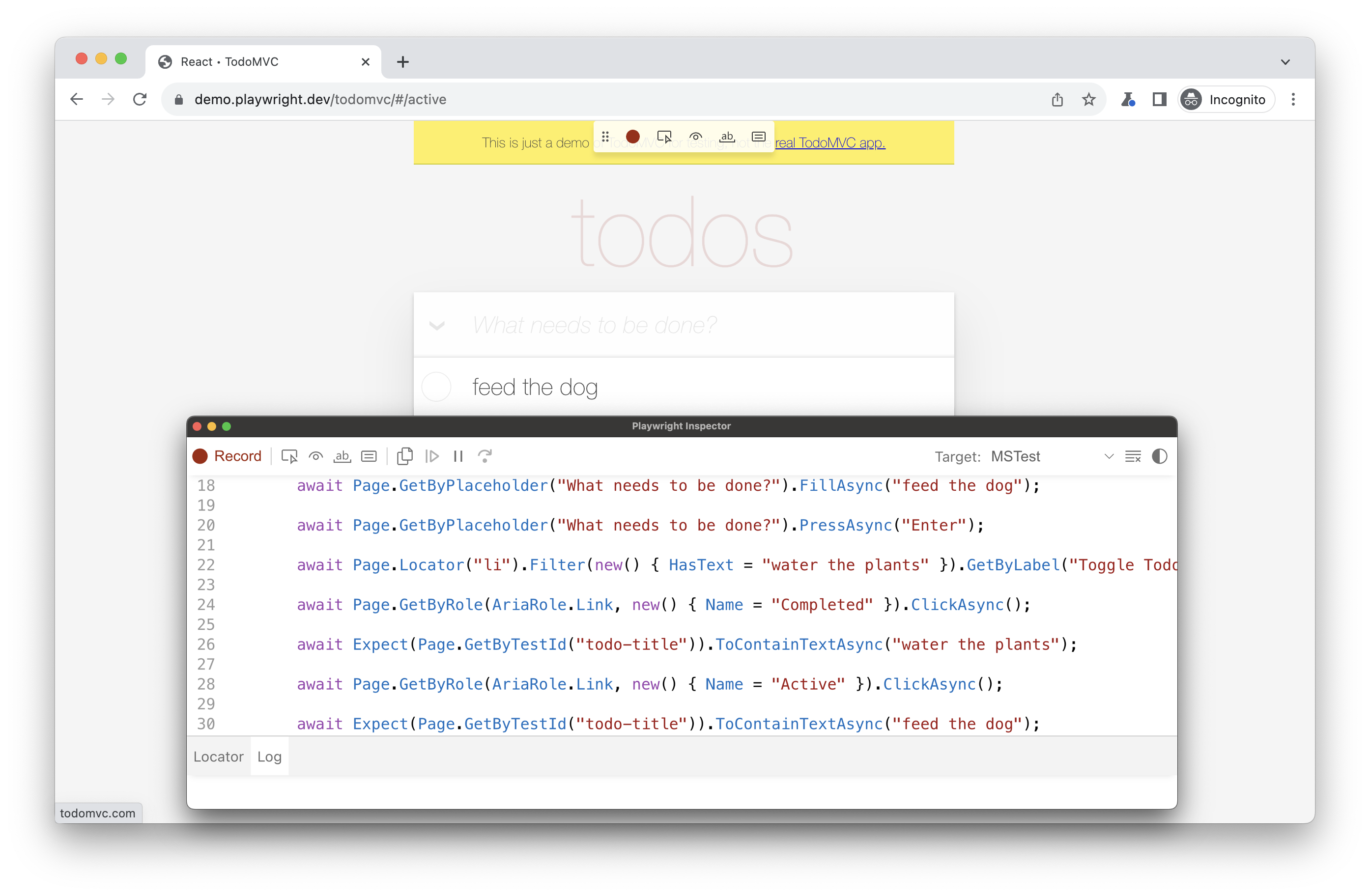
###### [](https://playwright.dev/dotnet/docs/codegen#-1 "Direct link to -1")
When you have finished interacting with the page, press the **record** button to stop the recording and use the **copy** button to copy the generated code to your editor.
Use the **clear** button to clear the code to start recording again. Once finished, close the Playwright inspector window or stop the terminal command.
### Generating locators[](https://playwright.dev/dotnet/docs/codegen#generating-locators "Direct link to Generating locators")
You can generate [locators](https://playwright.dev/dotnet/docs/locators)
with the test generator.
* Press the `'Record'` button to stop the recording and the `'Pick Locator'` button will appear.
* Click on the `'Pick Locator'` button and then hover over elements in the browser window to see the locator highlighted underneath each element.
* To choose a locator, click on the element you would like to locate and the code for that locator will appear in the field next to the Pick Locator button.
* You can then edit the locator in this field to fine tune it or use the copy button to copy it and paste it into your code.
###### [](https://playwright.dev/dotnet/docs/codegen#-2 "Direct link to -2")
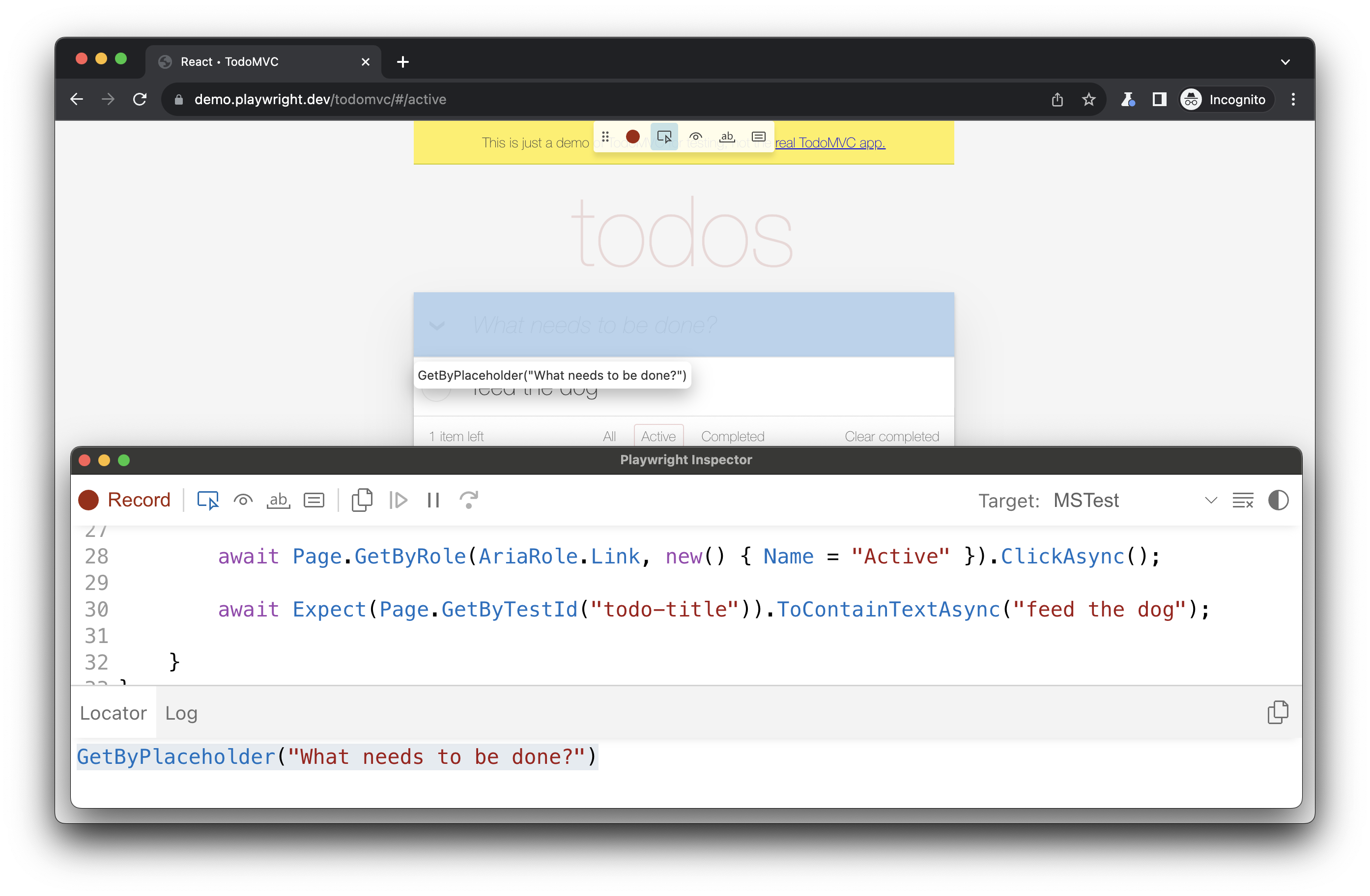
Emulation[](https://playwright.dev/dotnet/docs/codegen#emulation "Direct link to Emulation")
----------------------------------------------------------------------------------------------
You can use the test generator to generate tests using emulation so as to generate a test for a specific viewport, device, color scheme, as well as emulate the geolocation, language or timezone. The test generator can also generate a test while preserving authenticated state.
### Emulate viewport size[](https://playwright.dev/dotnet/docs/codegen#emulate-viewport-size "Direct link to Emulate viewport size")
Playwright opens a browser window with its viewport set to a specific width and height and is not responsive as tests need to be run under the same conditions. Use the `--viewport` option to generate tests with a different viewport size.
pwsh bin/Debug/netX/playwright.ps1 codegen --viewport-size="800,600" playwright.dev
###### [](https://playwright.dev/dotnet/docs/codegen#-3 "Direct link to -3")
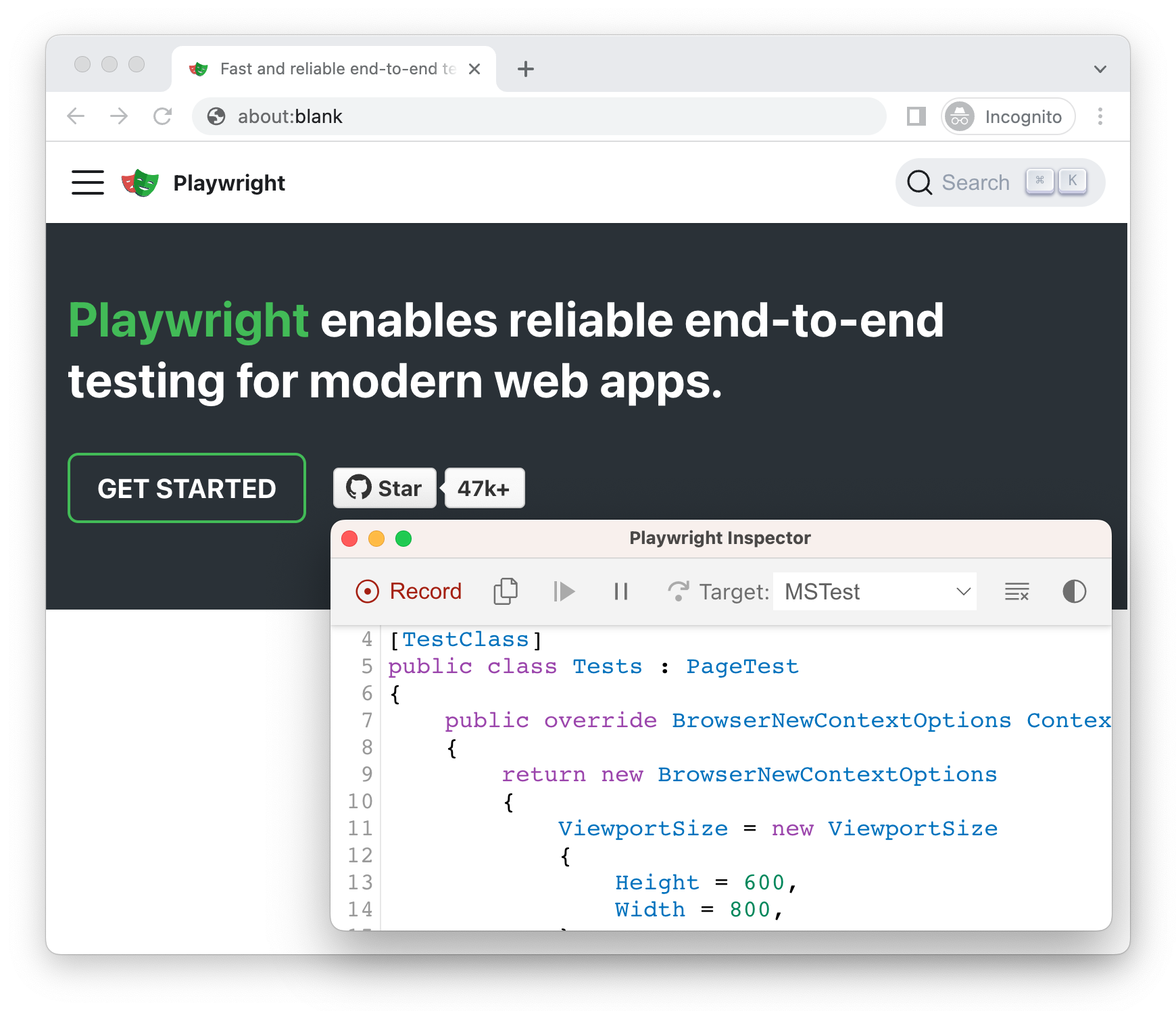
### Emulate devices[](https://playwright.dev/dotnet/docs/codegen#emulate-devices "Direct link to Emulate devices")
Record scripts and tests while emulating a mobile device using the `--device` option which sets the viewport size and user agent among others.
pwsh bin/Debug/netX/playwright.ps1 codegen --device="iPhone 13" playwright.dev
###### [](https://playwright.dev/dotnet/docs/codegen#-4 "Direct link to -4")
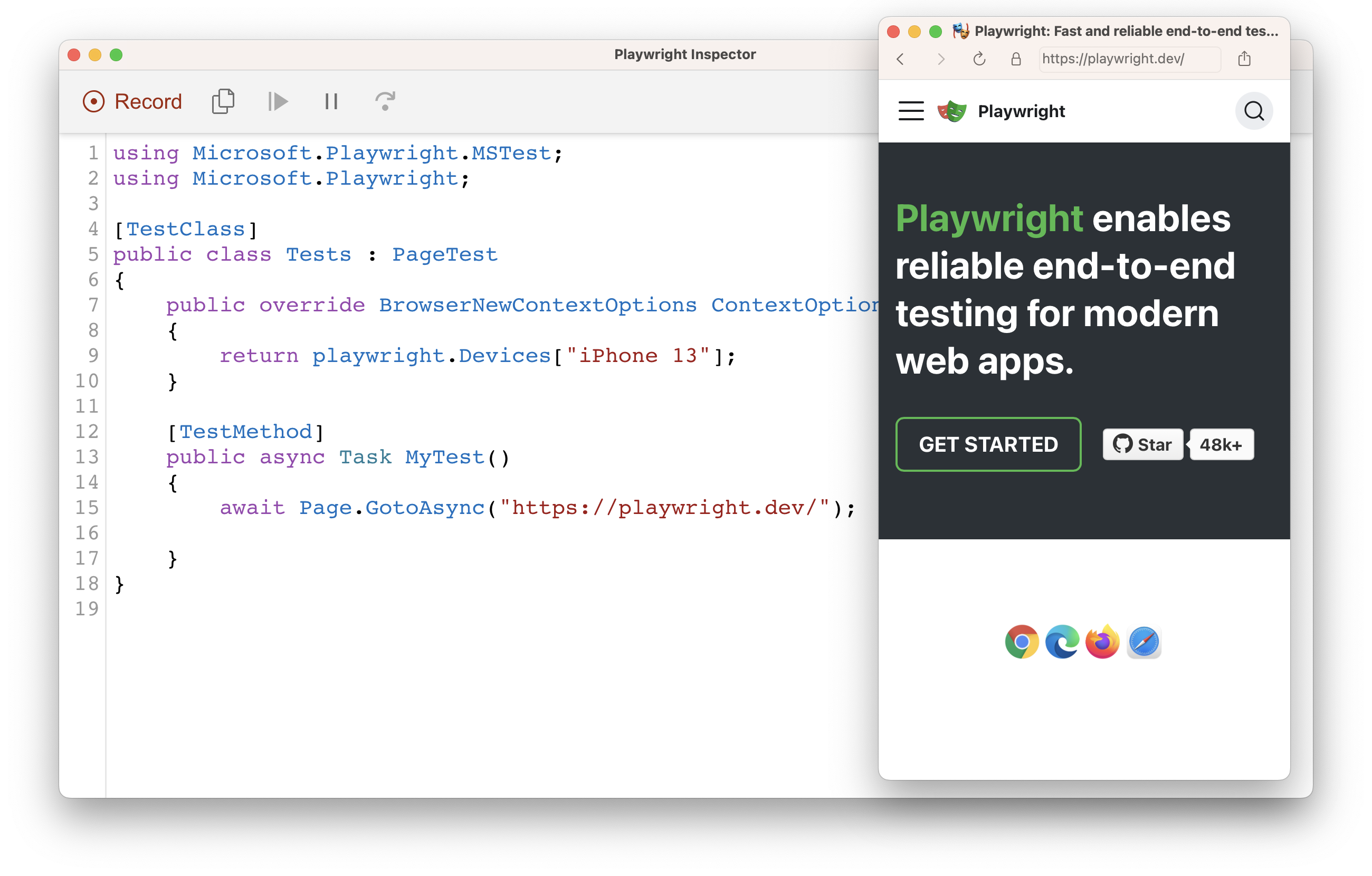
### Emulate color scheme[](https://playwright.dev/dotnet/docs/codegen#emulate-color-scheme "Direct link to Emulate color scheme")
Record scripts and tests while emulating the color scheme with the `--color-scheme` option.
pwsh bin/Debug/netX/playwright.ps1 codegen --color-scheme=dark playwright.dev
###### [](https://playwright.dev/dotnet/docs/codegen#-5 "Direct link to -5")
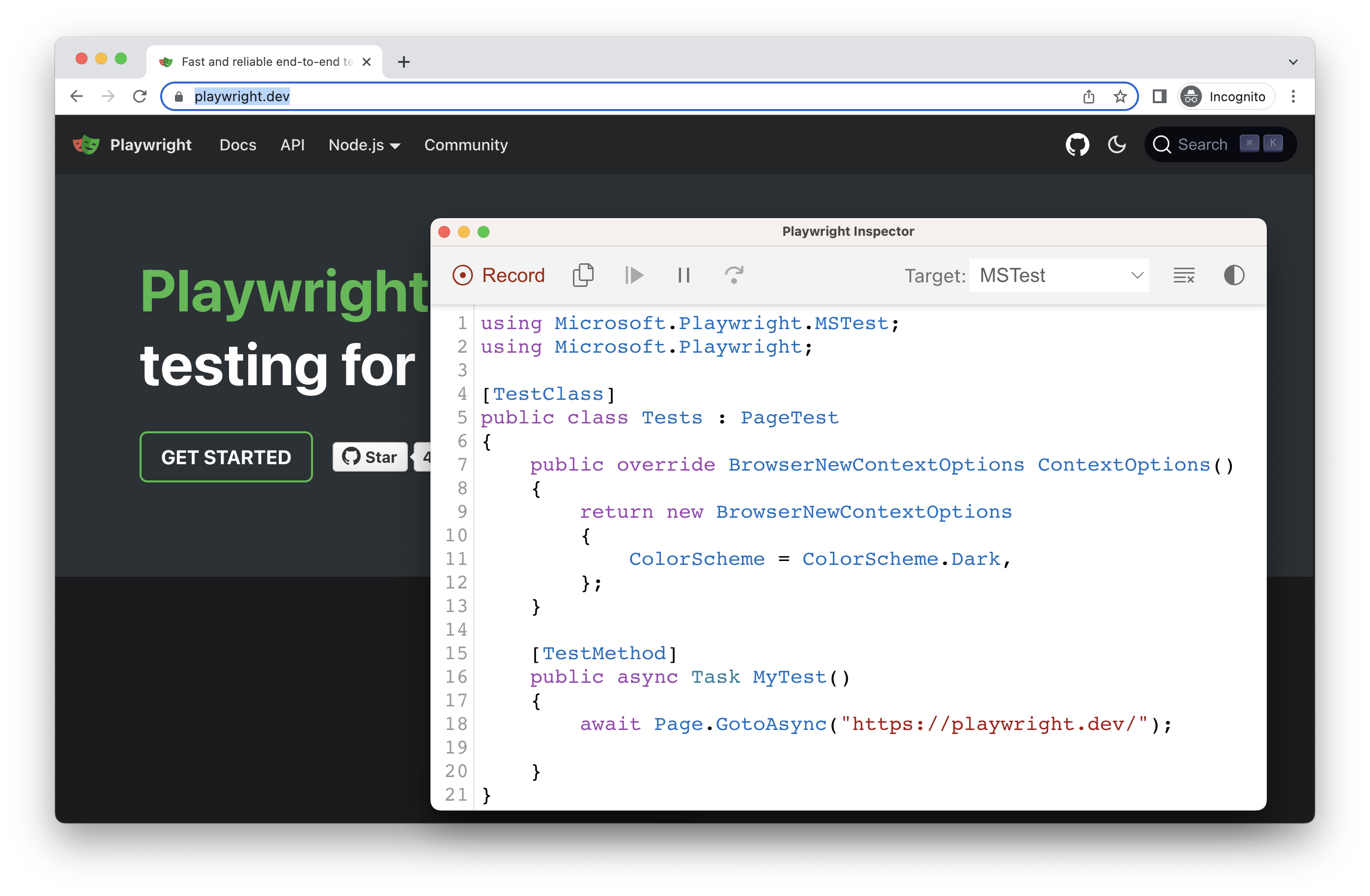
### Emulate geolocation, language and timezone[](https://playwright.dev/dotnet/docs/codegen#emulate-geolocation-language-and-timezone "Direct link to Emulate geolocation, language and timezone")
Record scripts and tests while emulating timezone, language & location using the `--timezone`, `--geolocation` and `--lang` options. Once the page opens:
1. Accept the cookies
2. On the top right, click on the locate me button to see geolocation in action.
pwsh bin/Debug/netX/playwright.ps1 codegen --timezone="Europe/Rome" --geolocation="41.890221,12.492348" --lang="it-IT" bing.com/maps
###### [](https://playwright.dev/dotnet/docs/codegen#-6 "Direct link to -6")
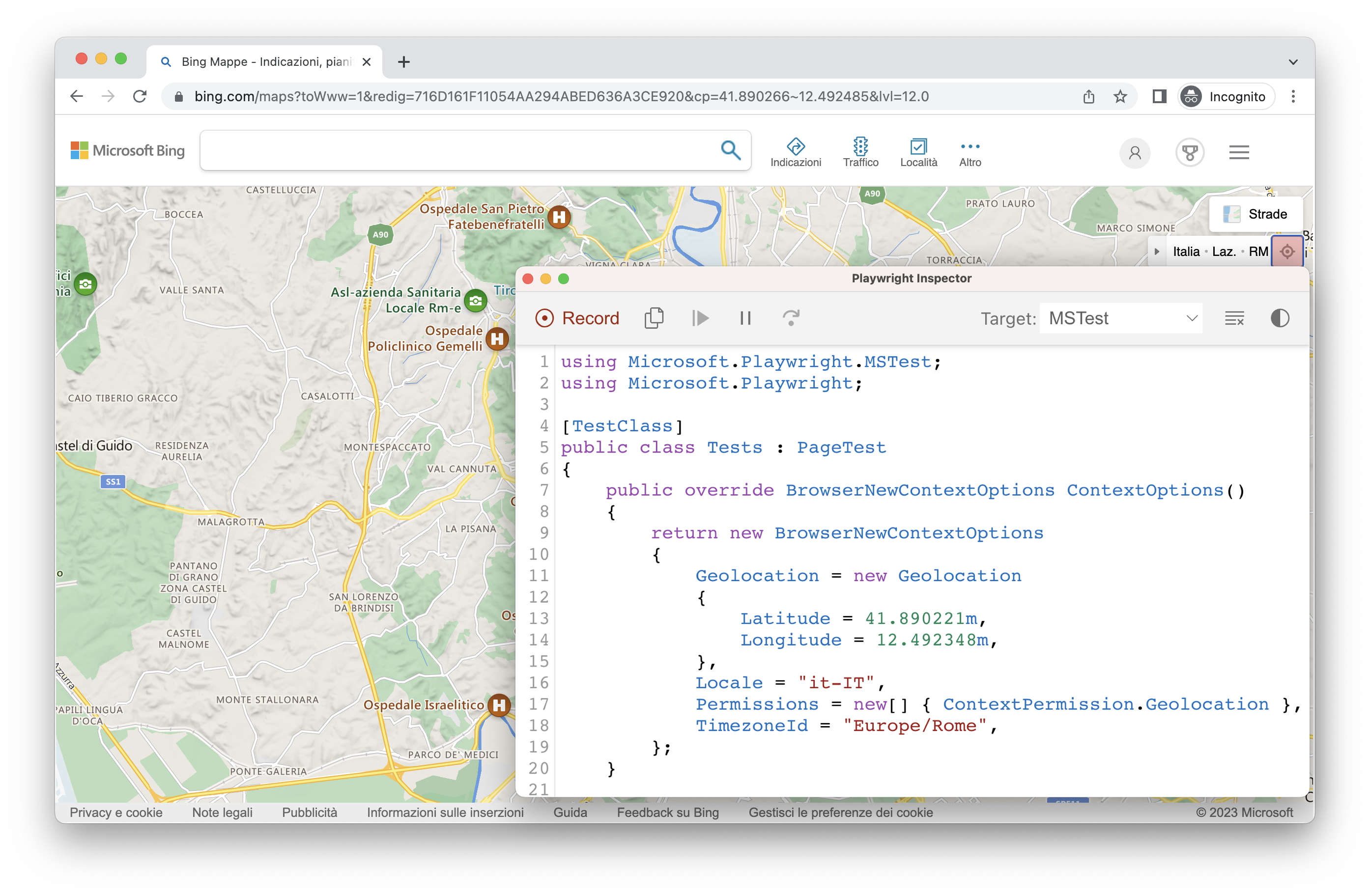
### Preserve authenticated state[](https://playwright.dev/dotnet/docs/codegen#preserve-authenticated-state "Direct link to Preserve authenticated state")
Run `codegen` with `--save-storage` to save [cookies](https://developer.mozilla.org/en-US/docs/Web/HTTP/Cookies)
, [localStorage](https://developer.mozilla.org/en-US/docs/Web/API/Window/localStorage)
and [IndexedDB](https://developer.mozilla.org/en-US/docs/Web/API/IndexedDB_API)
data at the end of the session. This is useful to separately record an authentication step and reuse it later when recording more tests.
pwsh bin/Debug/netX/playwright.ps1 codegen github.com/microsoft/playwright --save-storage=auth.json
###### [](https://playwright.dev/dotnet/docs/codegen#-7 "Direct link to -7")
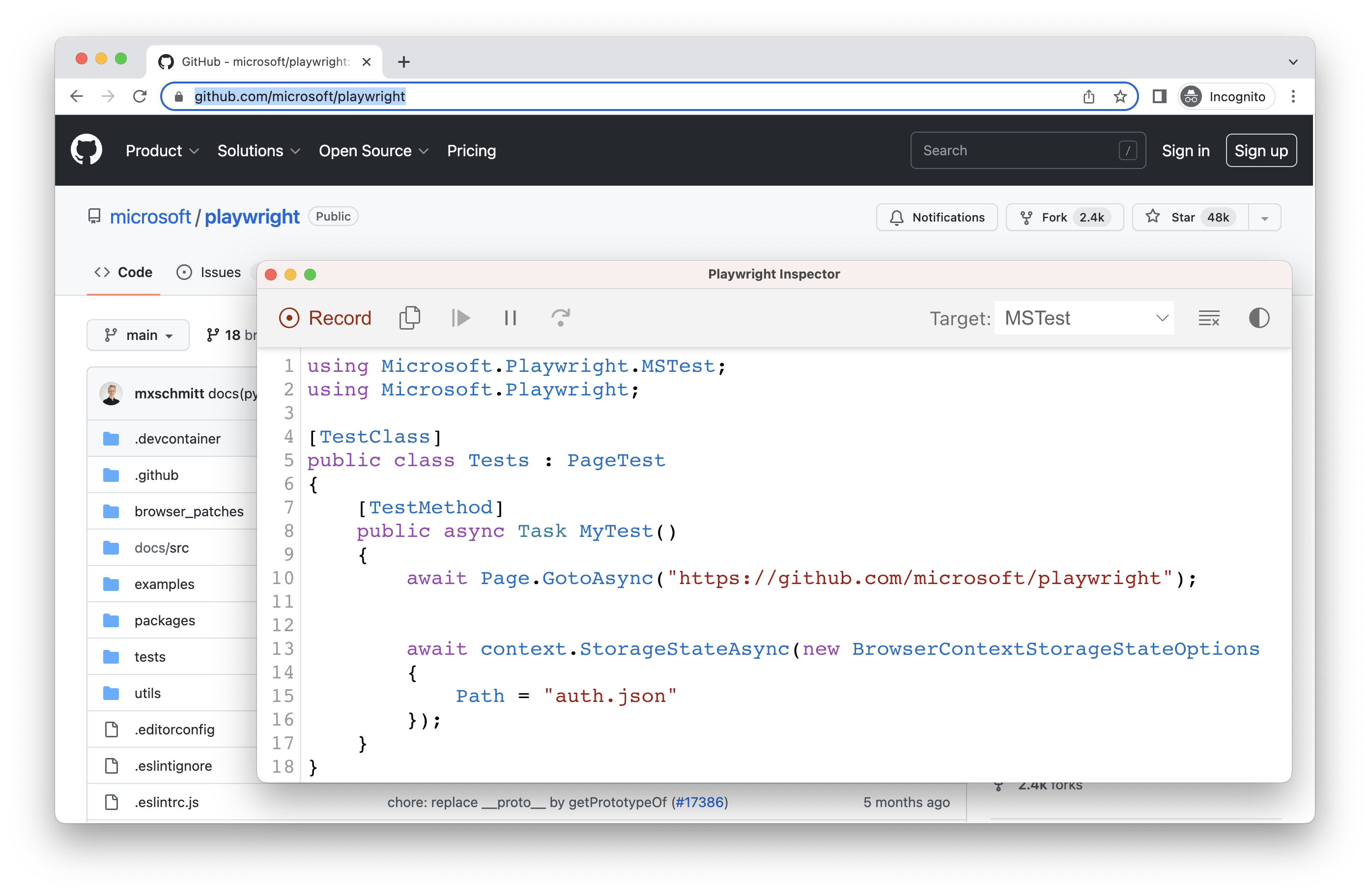
#### Login[](https://playwright.dev/dotnet/docs/codegen#login "Direct link to Login")
After performing authentication and closing the browser, `auth.json` will contain the storage state which you can then reuse in your tests.
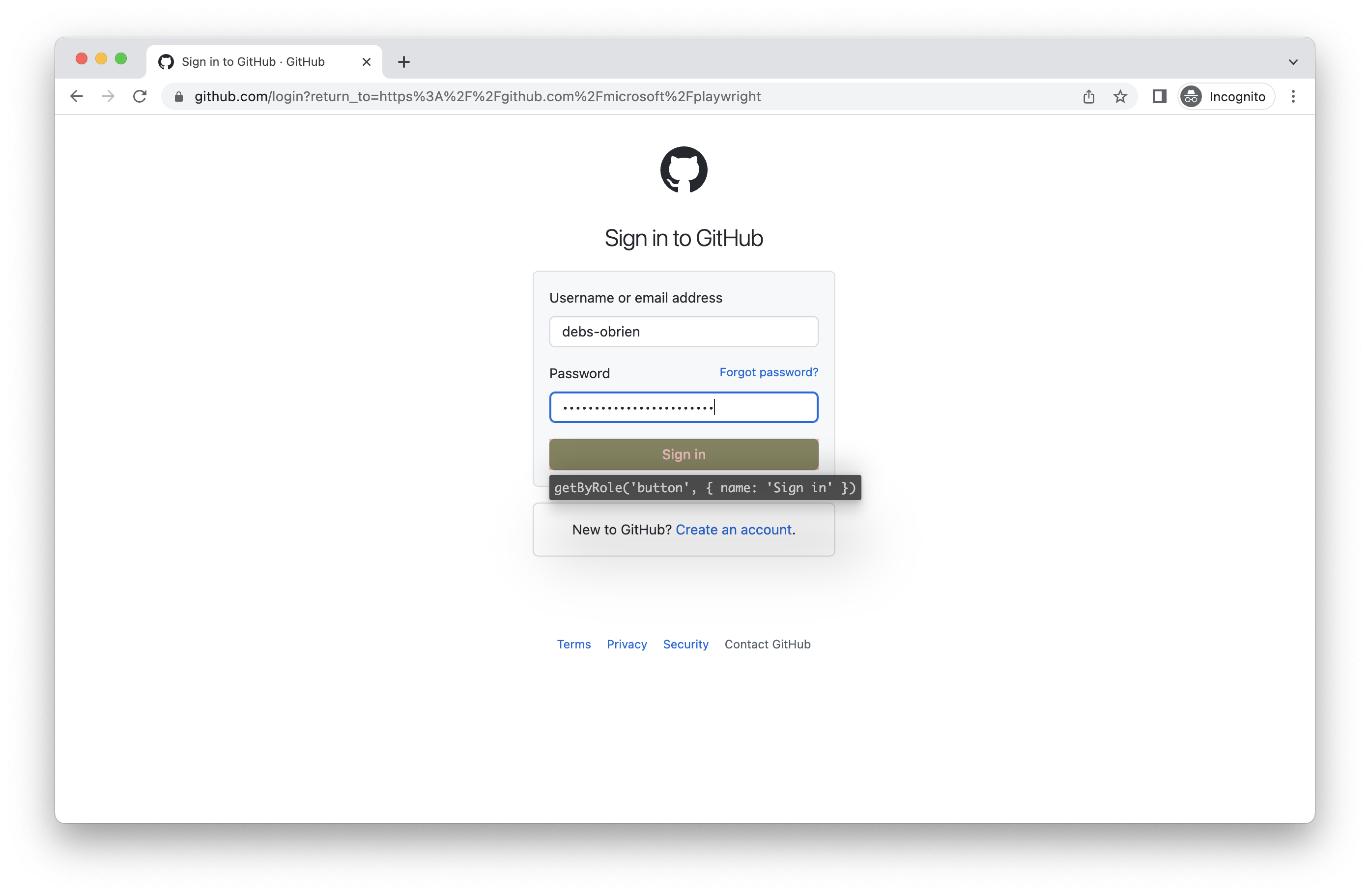
Make sure you only use the `auth.json` locally as it contains sensitive information. Add it to your `.gitignore` or delete it once you have finished generating your tests.
#### Load authenticated state[](https://playwright.dev/dotnet/docs/codegen#load-authenticated-state "Direct link to Load authenticated state")
Run with `--load-storage` to consume the previously loaded storage from the `auth.json`. This way, all [cookies](https://developer.mozilla.org/en-US/docs/Web/HTTP/Cookies)
, [localStorage](https://developer.mozilla.org/en-US/docs/Web/API/Window/localStorage)
and [IndexedDB](https://developer.mozilla.org/en-US/docs/Web/API/IndexedDB_API)
data will be restored, bringing most web apps to the authenticated state without the need to login again. This means you can continue generating tests from the logged in state.
pwsh bin/Debug/netX/playwright.ps1 codegen --load-storage=auth.json github.com/microsoft/playwright
###### [](https://playwright.dev/dotnet/docs/codegen#-8 "Direct link to -8")
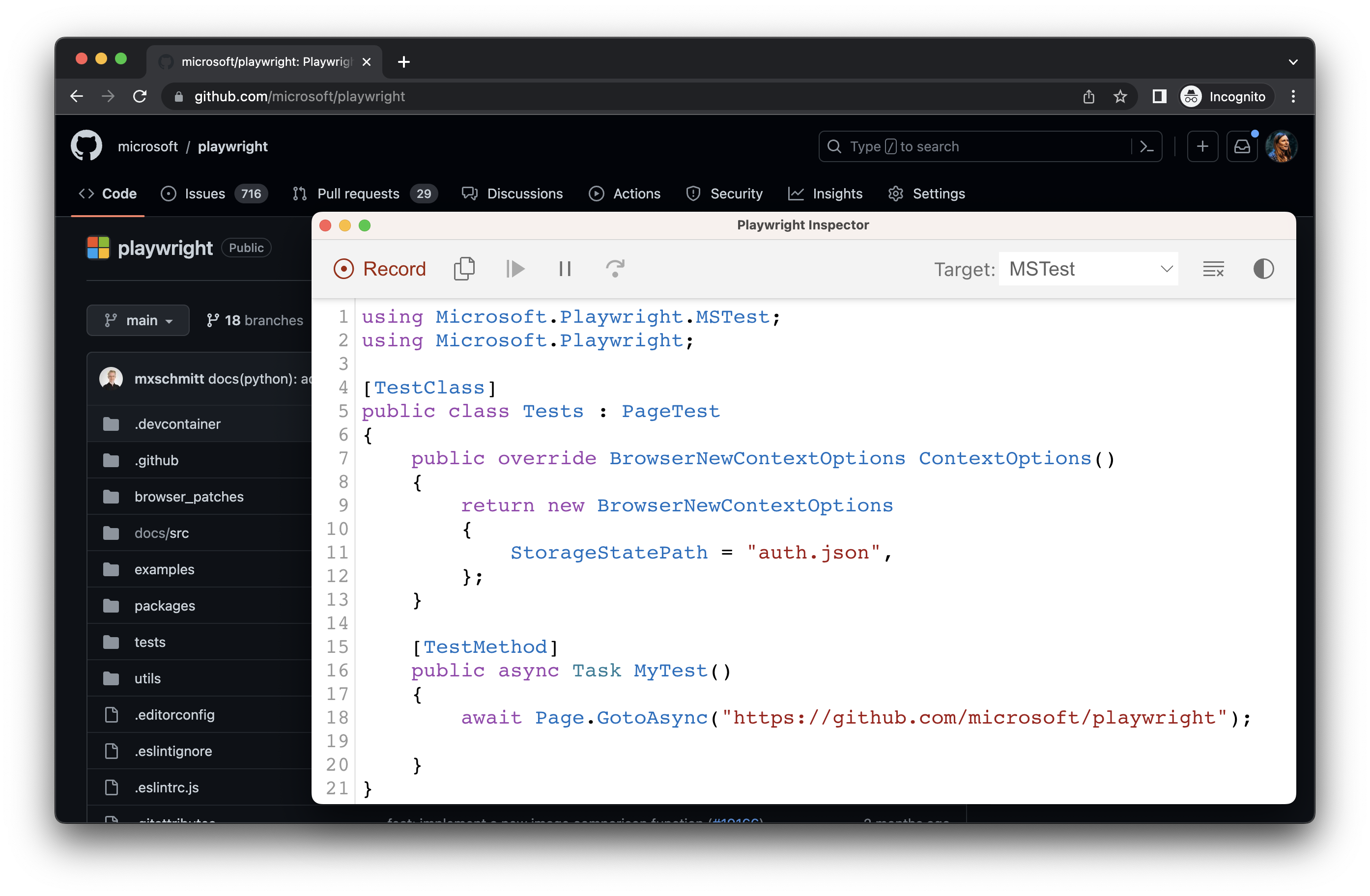
#### Use existing userDataDir[](https://playwright.dev/dotnet/docs/codegen#use-existing-userdatadir "Direct link to Use existing userDataDir")
Run `codegen` with `--user-data-dir` to set a fixed [user data directory](https://playwright.dev/docs/api/class-browsertype#browser-type-launch-persistent-context-option-user-data-dir)
for the browser session. If you create a custom browser user data directory, codegen will use this existing browser profile and have access to any authentication state present in that profile.
warning
[As of Chrome 136, the default user data directory cannot be accessed via automated tooling](https://developer.chrome.com/blog/remote-debugging-port)
, such as Playwright. You must create a separate user data directory for use in testing.
pwsh bin/Debug/netX/playwright.ps1 codegen --user-data-dir=/path/to/your/browser/data/ github.com/microsoft/playwright
Record using custom setup[](https://playwright.dev/dotnet/docs/codegen#record-using-custom-setup "Direct link to Record using custom setup")
----------------------------------------------------------------------------------------------------------------------------------------------
If you would like to use codegen in some non-standard setup (for example, use [BrowserContext.RouteAsync()](https://playwright.dev/dotnet/docs/api/class-browsercontext#browser-context-route)
), it is possible to call [Page.PauseAsync()](https://playwright.dev/dotnet/docs/api/class-page#page-pause)
that will open a separate window with codegen controls.
using Microsoft.Playwright;using var playwright = await Playwright.CreateAsync();var chromium = playwright.Chromium;// Make sure to run headed.var browser = await chromium.LaunchAsync(new() { Headless = false });// Setup context however you like.var context = await browser.NewContextAsync(); // Pass any optionsawait context.RouteAsync("**/*", route => route.ContinueAsync());// Pause the page, and start recording manually.var page = await context.NewPageAsync();await page.PauseAsync();
* [Introduction](https://playwright.dev/dotnet/docs/codegen#introduction)
* [Generate tests with the Playwright Inspector](https://playwright.dev/dotnet/docs/codegen#generate-tests-with-the-playwright-inspector)
* [Running Codegen](https://playwright.dev/dotnet/docs/codegen#running-codegen)
* [Recording a test](https://playwright.dev/dotnet/docs/codegen#recording-a-test)
* [Generating locators](https://playwright.dev/dotnet/docs/codegen#generating-locators)
* [Emulation](https://playwright.dev/dotnet/docs/codegen#emulation)
* [Emulate viewport size](https://playwright.dev/dotnet/docs/codegen#emulate-viewport-size)
* [Emulate devices](https://playwright.dev/dotnet/docs/codegen#emulate-devices)
* [Emulate color scheme](https://playwright.dev/dotnet/docs/codegen#emulate-color-scheme)
* [Emulate geolocation, language and timezone](https://playwright.dev/dotnet/docs/codegen#emulate-geolocation-language-and-timezone)
* [Preserve authenticated state](https://playwright.dev/dotnet/docs/codegen#preserve-authenticated-state)
* [Record using custom setup](https://playwright.dev/dotnet/docs/codegen#record-using-custom-setup)
---
# Pages | Playwright .NET
[Skip to main content](https://playwright.dev/dotnet/docs/pages#__docusaurus_skipToContent_fallback)
On this page
Pages[](https://playwright.dev/dotnet/docs/pages#pages "Direct link to Pages")
--------------------------------------------------------------------------------
Each [BrowserContext](https://playwright.dev/dotnet/docs/api/class-browsercontext "BrowserContext")
can have multiple pages. A [Page](https://playwright.dev/dotnet/docs/api/class-page "Page")
refers to a single tab or a popup window within a browser context. It should be used to navigate to URLs and interact with the page content.
// Create a page.var page = await context.NewPageAsync();// Navigate explicitly, similar to entering a URL in the browser.await page.GotoAsync("http://example.com");// Fill an input.await page.Locator("#search").FillAsync("query");// Navigate implicitly by clicking a link.await page.Locator("#submit").ClickAsync();// Expect a new url.Console.WriteLine(page.Url);
Multiple pages[](https://playwright.dev/dotnet/docs/pages#multiple-pages "Direct link to Multiple pages")
-----------------------------------------------------------------------------------------------------------
Each browser context can host multiple pages (tabs).
* Each page behaves like a focused, active page. Bringing the page to front is not required.
* Pages inside a context respect context-level emulation, like viewport sizes, custom network routes or browser locale.
// Create two pagesvar pageOne = await context.NewPageAsync();var pageTwo = await context.NewPageAsync();// Get pages of a browser contextvar allPages = context.Pages;
Handling new pages[](https://playwright.dev/dotnet/docs/pages#handling-new-pages "Direct link to Handling new pages")
-----------------------------------------------------------------------------------------------------------------------
The `page` event on browser contexts can be used to get new pages that are created in the context. This can be used to handle new pages opened by `target="_blank"` links.
// Get page after a specific action (e.g. clicking a link)var newPage = await context.RunAndWaitForPageAsync(async () =>{ await page.GetByText("open new tab").ClickAsync();});// Interact with the new page normallyawait newPage.GetByRole(AriaRole.Button).ClickAsync();Console.WriteLine(await newPage.TitleAsync());
If the action that triggers the new page is unknown, the following pattern can be used.
// Get all new pages (including popups) in the contextcontext.Page += async (_, page) => { await page.WaitForLoadStateAsync(); Console.WriteLine(await page.TitleAsync());};
Handling popups[](https://playwright.dev/dotnet/docs/pages#handling-popups "Direct link to Handling popups")
--------------------------------------------------------------------------------------------------------------
If the page opens a pop-up (e.g. pages opened by `target="_blank"` links), you can get a reference to it by listening to the `popup` event on the page.
This event is emitted in addition to the `browserContext.on('page')` event, but only for popups relevant to this page.
// Get popup after a specific action (e.g., click)var popup = await page.RunAndWaitForPopupAsync(async () =>{ await page.GetByText("open the popup").ClickAsync();});// Interact with the popup normallyawait popup.GetByRole(AriaRole.Button).ClickAsync();Console.WriteLine(await popup.TitleAsync());
If the action that triggers the popup is unknown, the following pattern can be used.
// Get all popups when they openpage.Popup += async (_, popup) => { await popup.WaitForLoadStateAsync(); Console.WriteLine(await page.TitleAsync());};
* [Pages](https://playwright.dev/dotnet/docs/pages#pages)
* [Multiple pages](https://playwright.dev/dotnet/docs/pages#multiple-pages)
* [Handling new pages](https://playwright.dev/dotnet/docs/pages#handling-new-pages)
* [Handling popups](https://playwright.dev/dotnet/docs/pages#handling-popups)
---