# Table of Contents
- [Studio API | 8th Wall](#studio-api-8th-wall)
- [8th Wall Documentation | 8th Wall](#8th-wall-documentation-8th-wall)
- [Company Update FAQ | 8th Wall](#company-update-faq-8th-wall)
- [Search the documentation | 8th Wall](#search-the-documentation-8th-wall)
- [Featured Projects | 8th Wall](#featured-projects-8th-wall)
- [Feature a project | 8th Wall](#feature-a-project-8th-wall)
- [Unpublish Featured Project | 8th Wall](#unpublish-featured-project-8th-wall)
- [Create an account | 8th Wall](#create-an-account-8th-wall)
- [Create a free workspace | 8th Wall](#create-a-free-workspace-8th-wall)
- [Engine API | 8th Wall](#engine-api-8th-wall)
- [Connected Domains | 8th Wall](#connected-domains-8th-wall)
- [Public Profiles | 8th Wall](#public-profiles-8th-wall)
- [Project Dashboard | 8th Wall](#project-dashboard-8th-wall)
- [Create a new project | 8th Wall](#create-a-new-project-8th-wall)
- [Project Settings | 8th Wall](#project-settings-8th-wall)
- [Project Sharing | 8th Wall](#project-sharing-8th-wall)
- [QR 8Code | 8th Wall](#qr-8code-8th-wall)
- [Usage and Recent Trends | 8th Wall](#usage-and-recent-trends-8th-wall)
- [White Label Subscriptions | 8th Wall](#white-label-subscriptions-8th-wall)
- [Manage Billing Information | 8th Wall](#manage-billing-information-8th-wall)
- [API Introduction | 8th Wall](#api-introduction-8th-wall)
- [Account Settings | 8th Wall](#account-settings-8th-wall)
- [Manage Credits | 8th Wall](#manage-credits-8th-wall)
- [Teams | 8th Wall](#teams-8th-wall)
- [Manage Invoices | 8th Wall](#manage-invoices-8th-wall)
- [Workspaces | 8th Wall](#workspaces-8th-wall)
- [View Subscriptions | 8th Wall](#view-subscriptions-8th-wall)
- [XR8.CameraPixelArray.pipelineModule() | 8th Wall](#xr8-camerapixelarray-pipelinemodule-8th-wall)
- [XR8.Vps.makeWayspotWatcher() | 8th Wall](#xr8-vps-makewayspotwatcher-8th-wall)
- [XR8.CanvasScreenshot.configure() | 8th Wall](#xr8-canvasscreenshot-configure-8th-wall)
- [XR8.CanvasScreenshot.takeScreenshot() | 8th Wall](#xr8-canvasscreenshot-takescreenshot-8th-wall)
- [XR8.Vps.projectWayspots() | 8th Wall](#xr8-vps-projectwayspots-8th-wall)
- [XR8.CanvasScreenshot.pipelineModule() | 8th Wall](#xr8-canvasscreenshot-pipelinemodule-8th-wall)
- [Changelog | 8th Wall](#changelog-8th-wall)
- [XR8.CanvasScreenshot.setForegroundCanvas() | 8th Wall](#xr8-canvasscreenshot-setforegroundcanvas-8th-wall)
- [XR8.CameraPixelArray | 8th Wall](#xr8-camerapixelarray-8th-wall)
- [onDetach() | 8th Wall](#ondetach-8th-wall)
- [onAppResourcesLoaded() | 8th Wall](#onappresourcesloaded-8th-wall)
- [XR8.Vps | 8th Wall](#xr8-vps-8th-wall)
- [onBeforeRun() | 8th Wall](#onbeforerun-8th-wall)
- [XR8.CanvasScreenshot | 8th Wall](#xr8-canvasscreenshot-8th-wall)
- [onAttach() | 8th Wall](#onattach-8th-wall)
- [onCanvasSizeChange() | 8th Wall](#oncanvassizechange-8th-wall)
- [onCameraStatusChange() | 8th Wall](#oncamerastatuschange-8th-wall)
- [onDeviceOrientationChange() | 8th Wall](#ondeviceorientationchange-8th-wall)
- [onException() | 8th Wall](#onexception-8th-wall)
- [Introduction | 8th Wall](#introduction-8th-wall)
- [8th Wall Desktop App | 8th Wall](#8th-wall-desktop-app-8th-wall)
- [onPaused() | 8th Wall](#onpaused-8th-wall)
- [onProcessCpu() | 8th Wall](#onprocesscpu-8th-wall)
- [onRemove() | 8th Wall](#onremove-8th-wall)
- [onStart() | 8th Wall](#onstart-8th-wall)
- [XR8.XrPermissions.permissions() | 8th Wall](#xr8-xrpermissions-permissions-8th-wall)
- [Changelog | 8th Wall](#changelog-8th-wall)
- [XR8.XrController.hitTest() | 8th Wall](#xr8-xrcontroller-hittest-8th-wall)
- [XR8.clearCameraPipelineModules() | 8th Wall](#xr8-clearcamerapipelinemodules-8th-wall)
- [XR8.addCameraPipelineModules() | 8th Wall](#xr8-addcamerapipelinemodules-8th-wall)
- [XR8.XrController.pipelineModule() | 8th Wall](#xr8-xrcontroller-pipelinemodule-8th-wall)
- [XR8.XrDevice.deviceEstimate() | 8th Wall](#xr8-xrdevice-deviceestimate-8th-wall)
- [XR8.XrDevice.incompatibleReasonDetails() | 8th Wall](#xr8-xrdevice-incompatiblereasondetails-8th-wall)
- [XR8.XrController.recenter() | 8th Wall](#xr8-xrcontroller-recenter-8th-wall)
- [XR8.XrDevice.IncompatibilityReasons | 8th Wall](#xr8-xrdevice-incompatibilityreasons-8th-wall)
- [XR8.XrDevice.isDeviceBrowserCompatible() | 8th Wall](#xr8-xrdevice-isdevicebrowsercompatible-8th-wall)
- [XR8.XrController.updateCameraProjectionMatrix() | 8th Wall](#xr8-xrcontroller-updatecameraprojectionmatrix-8th-wall)
- [Guides | 8th Wall](#guides-8th-wall)
- [Limits and Quotas | 8th Wall](#limits-and-quotas-8th-wall)
- [XR8.initialize() | 8th Wall](#xr8-initialize-8th-wall)
- [XR8.XrController.configure() | 8th Wall](#xr8-xrcontroller-configure-8th-wall)
- [XR8.XrDevice.incompatibleReasons() | 8th Wall](#xr8-xrdevice-incompatiblereasons-8th-wall)
- [XR8.XrPermissions | 8th Wall](#xr8-xrpermissions-8th-wall)
- [XR8 | 8th Wall](#xr8-8th-wall)
- [XR8.removeCameraPipelineModules() | 8th Wall](#xr8-removecamerapipelinemodules-8th-wall)
- [XR8.pause() | 8th Wall](#xr8-pause-8th-wall)
- [XR8.isPaused() | 8th Wall](#xr8-ispaused-8th-wall)
- [XR8.isInitialized() | 8th Wall](#xr8-isinitialized-8th-wall)
- [Build and Land | 8th Wall](#build-and-land-8th-wall)
- [Simulator | 8th Wall](#simulator-8th-wall)
- [View the public project | 8th Wall](#view-the-public-project-8th-wall)
- [Publish your project | 8th Wall](#publish-your-project-8th-wall)
- [XR8.removeCameraPipelineModule() | 8th Wall](#xr8-removecamerapipelinemodule-8th-wall)
- [XR8.resume() | 8th Wall](#xr8-resume-8th-wall)
- [XR8.requiredPermissions() | 8th Wall](#xr8-requiredpermissions-8th-wall)
- [XR8.XrController | 8th Wall](#xr8-xrcontroller-8th-wall)
- [XR8.XrDevice | 8th Wall](#xr8-xrdevice-8th-wall)
- [Image Target Events | 8th Wall](#image-target-events-8th-wall)
- [World Effects Events | 8th Wall](#world-effects-events-8th-wall)
- [Input Events | 8th Wall](#input-events-8th-wall)
- [Clone a template | 8th Wall](#clone-a-template-8th-wall)
- [Create an account | 8th Wall](#create-an-account-8th-wall)
- [Create a new project | 8th Wall](#create-a-new-project-8th-wall)
- [Browse sample projects | 8th Wall](#browse-sample-projects-8th-wall)
- [Making Changes | 8th Wall](#making-changes-8th-wall)
- [Requirements | 8th Wall](#requirements-8th-wall)
- [Create a free workspace | 8th Wall](#create-a-free-workspace-8th-wall)
- [Entity | 8th Wall](#entity-8th-wall)
- [XR8.runPreRender() | 8th Wall](#xr8-runprerender-8th-wall)
- [Terms for AI Tools | 8th Wall](#terms-for-ai-tools-8th-wall)
- [effects | 8th Wall](#effects-8th-wall)
- [spaces | 8th Wall](#spaces-8th-wall)
- [time | 8th Wall](#time-8th-wall)
- [General Events | 8th Wall](#general-events-8th-wall)
- [VPS Events | 8th Wall](#vps-events-8th-wall)
- [Camera Events | 8th Wall](#camera-events-8th-wall)
- [Asset Events | 8th Wall](#asset-events-8th-wall)
- [Physics Events | 8th Wall](#physics-events-8th-wall)
- [XR Events | 8th Wall](#xr-events-8th-wall)
- [Media Recorder Events | 8th Wall](#media-recorder-events-8th-wall)
- [XR8.stop() | 8th Wall](#xr8-stop-8th-wall)
- [XR8.version() | 8th Wall](#xr8-version-8th-wall)
- [Installation & Setup | 8th Wall](#installation-setup-8th-wall)
- [Face Effects Events | 8th Wall](#face-effects-events-8th-wall)
- [Using the 8th Wall App | 8th Wall](#using-the-8th-wall-app-8th-wall)
- [Troubleshooting | 8th Wall](#troubleshooting-8th-wall)
- [XR8.runPostRender() | 8th Wall](#xr8-runpostrender-8th-wall)
- [Generate Animated Characters | 8th Wall](#generate-animated-characters-8th-wall)
- [Generate 3D Models | 8th Wall](#generate-3d-models-8th-wall)
- [input | 8th Wall](#input-8th-wall)
- [events | 8th Wall](#events-8th-wall)
- [three | 8th Wall](#three-8th-wall)
- [camera | 8th Wall](#camera-8th-wall)
- [Asset Lab | 8th Wall](#asset-lab-8th-wall)
- [Credits | 8th Wall](#credits-8th-wall)
- [Generate Images | 8th Wall](#generate-images-8th-wall)
- [Asset Library | 8th Wall](#asset-library-8th-wall)
- [audio | 8th Wall](#audio-8th-wall)
- [transform | 8th Wall](#transform-8th-wall)
- [world | 8th Wall](#world-8th-wall)
- [Studio Events Reference | 8th Wall](#studio-events-reference-8th-wall)
- [xr | 8th Wall](#xr-8th-wall)
- [Introduction | 8th Wall](#introduction-8th-wall)
- [Custom Components | 8th Wall](#custom-components-8th-wall)
- [Component Functions | 8th Wall](#component-functions-8th-wall)
- [Best Practices | 8th Wall](#best-practices-8th-wall)
- [Component Lifecycle | 8th Wall](#component-lifecycle-8th-wall)
- [Schema | 8th Wall](#schema-8th-wall)
- [Requirements | 8th Wall](#requirements-8th-wall)
- [Create a Project | 8th Wall](#create-a-project-8th-wall)
- [CustomPropertyAnimation | 8th Wall](#custompropertyanimation-8th-wall)
- [CustomVec3Animation | 8th Wall](#customvec3animation-8th-wall)
- [FollowAnimation | 8th Wall](#followanimation-8th-wall)
- [PositionAnimation | 8th Wall](#positionanimation-8th-wall)
- [LookAtAnimation | 8th Wall](#lookatanimation-8th-wall)
- [RotateAnimation | 8th Wall](#rotateanimation-8th-wall)
- [Build and Land | 8th Wall](#build-and-land-8th-wall)
- [Making Changes | 8th Wall](#making-changes-8th-wall)
- [View the public project | 8th Wall](#view-the-public-project-8th-wall)
- [Publish your project | 8th Wall](#publish-your-project-8th-wall)
- [PlaneGeometry | 8th Wall](#planegeometry-8th-wall)
- [assets | 8th Wall](#assets-8th-wall)
- [PolyhedronGeometry | 8th Wall](#polyhedrongeometry-8th-wall)
- [ScaleAnimation | 8th Wall](#scaleanimation-8th-wall)
- [Audio | 8th Wall](#audio-8th-wall)
- [FlyController | 8th Wall](#flycontroller-8th-wall)
- [Collider | 8th Wall](#collider-8th-wall)
- [CircleGeometry | 8th Wall](#circlegeometry-8th-wall)
- [BoxGeometry | 8th Wall](#boxgeometry-8th-wall)
- [CapsuleGeometry | 8th Wall](#capsulegeometry-8th-wall)
- [Disabled | 8th Wall](#disabled-8th-wall)
- [ConeGeometry | 8th Wall](#conegeometry-8th-wall)
- [FaceAttachment | 8th Wall](#faceattachment-8th-wall)
- [CylinderGeometry | 8th Wall](#cylindergeometry-8th-wall)
- [Face | 8th Wall](#face-8th-wall)
- [Camera | 8th Wall](#camera-8th-wall)
- [RingGeometry | 8th Wall](#ringgeometry-8th-wall)
- [SphereGeometry | 8th Wall](#spheregeometry-8th-wall)
- [Overview | 8th Wall](#overview-8th-wall)
- [ecs | 8th Wall](#ecs-8th-wall)
- [GltfModel | 8th Wall](#gltfmodel-8th-wall)
- [TorusGeometry | 8th Wall](#torusgeometry-8th-wall)
- [Hidden | 8th Wall](#hidden-8th-wall)
- [Help & Support | 8th Wall](#help-support-8th-wall)
- [MapPoint | 8th Wall](#mappoint-8th-wall)
- [Material | 8th Wall](#material-8th-wall)
- [GpsPointer | 8th Wall](#gpspointer-8th-wall)
- [Map | 8th Wall](#map-8th-wall)
- [HiderMaterial | 8th Wall](#hidermaterial-8th-wall)
- [Light | 8th Wall](#light-8th-wall)
- [ShadowMaterial | 8th Wall](#shadowmaterial-8th-wall)
- [MapTheme | 8th Wall](#maptheme-8th-wall)
- [math | 8th Wall](#math-8th-wall)
- [UnlitMaterial | 8th Wall](#unlitmaterial-8th-wall)
- [OrbitControls | 8th Wall](#orbitcontrols-8th-wall)
- [vec2 | 8th Wall](#vec2-8th-wall)
- [ImageTarget | 8th Wall](#imagetarget-8th-wall)
- [mat4 | 8th Wall](#mat4-8th-wall)
- [vec3 | 8th Wall](#vec3-8th-wall)
- [Shadow | 8th Wall](#shadow-8th-wall)
- [World Tracking Issues | 8th Wall](#world-tracking-issues-8th-wall)
- [Position | 8th Wall](#position-8th-wall)
- [ParticleEmitter | 8th Wall](#particleemitter-8th-wall)
- [Persistent | 8th Wall](#persistent-8th-wall)
- [Scale | 8th Wall](#scale-8th-wall)
- [Quaternion | 8th Wall](#quaternion-8th-wall)
- [Physics | 8th Wall](#physics-8th-wall)
- [Splat | 8th Wall](#splat-8th-wall)
- [VideoControls | 8th Wall](#videocontrols-8th-wall)
- [Ui | 8th Wall](#ui-8th-wall)
- [VideoMaterial | 8th Wall](#videomaterial-8th-wall)
- [Changes Not Appearing | 8th Wall](#changes-not-appearing-8th-wall)
- [quat | 8th Wall](#quat-8th-wall)
- [State Machines | 8th Wall](#state-machines-8th-wall)
- [Events | 8th Wall](#events-8th-wall)
- [Backend Services | 8th Wall](#backend-services-8th-wall)
- [Backend Functions | 8th Wall](#backend-functions-8th-wall)
- [iOS | 8th Wall](#ios-8th-wall)
- [Embed | 8th Wall](#embed-8th-wall)
- [Android | 8th Wall](#android-8th-wall)
- [Release Notes | 8th Wall](#release-notes-8th-wall)
- [Writing Backend Code | 8th Wall](#writing-backend-code-8th-wall)
- [Environment Variables | 8th Wall](#environment-variables-8th-wall)
- [Native App Export | 8th Wall](#native-app-export-8th-wall)
- [HTML | 8th Wall](#html-8th-wall)
- [Simulator | 8th Wall](#simulator-8th-wall)
- [Creating Backend Functions | 8th Wall](#creating-backend-functions-8th-wall)
- [Face | 8th Wall](#face-8th-wall)
- [Image Targets | 8th Wall](#image-targets-8th-wall)
- [World | 8th Wall](#world-8th-wall)
- [VPS | 8th Wall](#vps-8th-wall)
- [Navigating the Interface | 8th Wall](#navigating-the-interface-8th-wall)
- [Global Behaviors | 8th Wall](#global-behaviors-8th-wall)
- [Animation | 8th Wall](#animation-8th-wall)
- [Input | 8th Wall](#input-8th-wall)
- [Lighting | 8th Wall](#lighting-8th-wall)
- [Entities | 8th Wall](#entities-8th-wall)
- [Time | 8th Wall](#time-8th-wall)
- [Camera | 8th Wall](#camera-8th-wall)
- [Particles | 8th Wall](#particles-8th-wall)
- [Materials | 8th Wall](#materials-8th-wall)
- [Audio | 8th Wall](#audio-8th-wall)
- [Maps | 8th Wall](#maps-8th-wall)
- [Spaces | 8th Wall](#spaces-8th-wall)
- [Physics | 8th Wall](#physics-8th-wall)
- [Prefabs | 8th Wall](#prefabs-8th-wall)
- [Splats | 8th Wall](#splats-8th-wall)
- [Models | 8th Wall](#models-8th-wall)
- [Video | 8th Wall](#video-8th-wall)
- [UI | 8th Wall](#ui-8th-wall)
- [Modules | 8th Wall](#modules-8th-wall)
- [XR | 8th Wall](#xr-8th-wall)
- [スタジオAPI | 8th Wall](#-api-8th-wall)
- [Simulador | 8th Wall](#simulador-8th-wall)
- [Animación | 8th Wall](#animaci-n-8th-wall)
- [Navegar por la interfaz | 8th Wall](#navegar-por-la-interfaz-8th-wall)
- [Aide et assistance | 8th Wall](#aide-et-assistance-8th-wall)
- [Máquinas de estado | 8th Wall](#m-quinas-de-estado-8th-wall)
- [Notes de mise à jour | 8th Wall](#notes-de-mise-jour-8th-wall)
- [iOS | 8th Wall](#ios-8th-wall)
- [Les changements n'apparaissent pas | 8th Wall](#les-changements-n-apparaissent-pas-8th-wall)
- [Audio | 8th Wall](#audio-8th-wall)
- [Comportamientos globales | 8th Wall](#comportamientos-globales-8th-wall)
- [Exportation d'applications natives | 8th Wall](#exportation-d-applications-natives-8th-wall)
- [Beleuchtung | 8th Wall](#beleuchtung-8th-wall)
- [Karten | 8th Wall](#karten-8th-wall)
- [Entitäten | 8th Wall](#entit-ten-8th-wall)
- [Entrada | 8th Wall](#entrada-8th-wall)
- [Kamera | 8th Wall](#kamera-8th-wall)
- [Zeit | 8th Wall](#zeit-8th-wall)
- [XR | 8th Wall](#xr-8th-wall)
- [Partikel | 8th Wall](#partikel-8th-wall)
- [Materialien | 8th Wall](#materialien-8th-wall)
- [Espaces | 8th Wall](#espaces-8th-wall)
- [Physique | 8th Wall](#physique-8th-wall)
- [Modules | 8th Wall](#modules-8th-wall)
- [Vidéo | 8th Wall](#vid-o-8th-wall)
- [Préfabriqués | 8th Wall](#pr-fabriqu-s-8th-wall)
- [UI | 8th Wall](#ui-8th-wall)
- [Modèles | 8th Wall](#mod-les-8th-wall)
- [Éclaboussures | 8th Wall](#-claboussures-8th-wall)
- [Intégrer | 8th Wall](#int-grer-8th-wall)
- [HTML | 8th Wall](#html-8th-wall)
- [Questions relatives à la traçabilité dans le monde | 8th Wall](#questions-relatives-la-tra-abilit-dans-le-monde-8th-wall)
- [Android | 8th Wall](#android-8th-wall)
---
# Studio API | 8th Wall
[Skip to main content](https://www.8thwall.com/docs/api/studio/#__docusaurus_skipToContent_fallback)
The Studio API provides everything you need to build structured, dynamic experiences in Studio.
The Studio API includes:
* [**Entity-Component System (ECS)**](https://www.8thwall.com/docs/api/studio/ecs/)
— APIs for working with Studio’s ECS architecture, allowing you to create, modify, and organize entities and components at runtime.
* [**World**](https://www.8thwall.com/docs/api/studio/world/)
— Core functions and utilities for managing the overall scene graph, including entity hierarchies, transforms, and spaces. The world is the container for all spaces, entities, queries, and observers in your project.
* [**Events**](https://www.8thwall.com/docs/api/studio/events/)
— A rich system for sending and responding to runtime events within Studio.
Use the Studio API to create immersive, stateful experiences that respond to player input, world changes, and real-time interactions.
---
# 8th Wall Documentation | 8th Wall
[Skip to main content](https://www.8thwall.com/docs/#__docusaurus_skipToContent_fallback)
Build, launch, and scale world-class web games and WebAR experiences with 8th Wall.
[Quick Start\
-----------\
\
Explore project setup, development workflow, and deploying your first experience.\
\
Learn More](https://www.8thwall.com/docs/quickstart/)
[### Account & Billing\
\
Access documentation for managing your 8th Wall account.](https://www.8thwall.com/docs/account)
[### Studio\
\
Access documentation for 8th Wall's new Studio toolkit.](https://www.8thwall.com/docs/studio)
[### API\
\
Access documentation for 8th Wall's JavaScript API.](https://www.8thwall.com/docs/api)
Additional Resources
--------------------
[### Forum\
\
Connect with other developers, ask questions, and share insights as you build with 8th Wall.](https://8thwall.com/forum)
[### Discord\
\
Join our developer community for real-time support, best practices, and updates on new features.](https://8th.io/discord)
[Legacy Documentation](https://www.8thwall.com/docs/legacy)
---
# Company Update FAQ | 8th Wall
[Skip to main content](https://www.8thwall.com/docs/account/#__docusaurus_skipToContent_fallback)
On this page
What’s Happening[](https://www.8thwall.com/docs/account/#whats-happening "Direct link to What’s Happening")
-------------------------------------------------------------------------------------------------------------
### **What is happening with 8th Wall?**[](https://www.8thwall.com/docs/account/#what-is-happening-with-8th-wall "Direct link to what-is-happening-with-8th-wall")
All 8th Wall products and services — including Studio, Cloud Editor, and Asset Lab — will be discontinued over the coming year. In the meantime, we are actively exploring options to open source key components of the 8th Wall technology and documentation so the creativity built on 8th Wall can continue to thrive in the developer community.
While the hosted 8th Wall platform will eventually wind down, core parts of its engine, SDK, and documentation will be released for public use.
### **What does it mean for 8th Wall to open source?**[](https://www.8thwall.com/docs/account/#what-does-it-mean-for-8th-wall-to-open-source "Direct link to what-does-it-mean-for-8th-wall-to-open-source")
Going open source means 8th Wall’s core technology — including parts of its engine, SDK, and supporting documentation — will be publicly available for developers to use, modify, and build upon. Rather than a closed, hosted platform, 8th Wall will live on as community-driven code.
This transition ensures the technology continues to evolve in the hands of the developers, artists, and creators who shaped it.
### **Which parts of 8th Wall will be open sourced?**[](https://www.8thwall.com/docs/account/#which-parts-of-8th-wall-will-be-open-sourced "Direct link to which-parts-of-8th-wall-will-be-open-sourced")
We plan to release key parts of the 8th Wall engine, SDK, and developer tools as open-source projects. This includes core AR systems, documentation, sample projects, and more.
Not every hosted component can be maintained long-term, but we aim to release the building blocks that matter most. Specific repositories and contribution guidelines will be shared as they become available.
* * *
Key Dates and Access[](https://www.8thwall.com/docs/account/#key-dates-and-access "Direct link to Key Dates and Access")
--------------------------------------------------------------------------------------------------------------------------
### **What’s the timeline for this transition?**[](https://www.8thwall.com/docs/account/#whats-the-timeline-for-this-transition "Direct link to whats-the-timeline-for-this-transition")
We’re shifting to open source gradually to give developers time to export projects and access documentation.
| **Date** | **What Happens** |
| --- | --- |
| **February 28, 2026** | End of platform access. All accounts lose the ability to create, edit, publish, or export projects. |
| **Feb 28, 2026 – Feb 28, 2027** | All hosted projects and experiences remain live and accessible. |
| **After Feb 28, 2027** | Hosting services will be decommissioned and project data deleted per retention policy. |
### **Will I still be able to log in or access my projects after February 28, 2026?**[](https://www.8thwall.com/docs/account/#will-i-still-be-able-to-log-in-or-access-my-projects-after-february-28-2026 "Direct link to will-i-still-be-able-to-log-in-or-access-my-projects-after-february-28-2026")
No. After February 28, 2026, you will no longer be able to log in to the 8th Wall platform. Hosted projects will remain live through February 28, 2027, but you will not be able to export them.
* * *
Projects, Hosting, and Data[](https://www.8thwall.com/docs/account/#projects-hosting-and-data "Direct link to Projects, Hosting, and Data")
---------------------------------------------------------------------------------------------------------------------------------------------
### **Will my hosted projects stay live?**[](https://www.8thwall.com/docs/account/#will-my-hosted-projects-stay-live "Direct link to will-my-hosted-projects-stay-live")
Yes. All 8th Wall hosted projects and experiences will remain live through **February 28, 2027**. After that, hosting services will be shut down.
### **Can I download my projects and assets?**[](https://www.8thwall.com/docs/account/#can-i-download-my-projects-and-assets "Direct link to can-i-download-my-projects-and-assets")
Yes. More details and instructions will be shared soon.
### **What happens to externally linked assets or embedded experiences?**[](https://www.8thwall.com/docs/account/#what-happens-to-externally-linked-assets-or-embedded-experiences "Direct link to what-happens-to-externally-linked-assets-or-embedded-experiences")
Assets and hosted URLs will continue functioning through **February 28, 2027**. After that, they will stop serving content. Any embedded 8th Wall projects will need to be re-hosted.
### **Will there be documentation or tools to help with migration?**[](https://www.8thwall.com/docs/account/#will-there-be-documentation-or-tools-to-help-with-migration "Direct link to will-there-be-documentation-or-tools-to-help-with-migration")
Yes. We will release documentation, export utilities, and examples to support developers in self-hosting or rebuilding projects using the open-source version.
### **What’s the plan for data retention and deletion?**[](https://www.8thwall.com/docs/account/#whats-the-plan-for-data-retention-and-deletion "Direct link to whats-the-plan-for-data-retention-and-deletion")
All developer and billing data will be permanently deleted after the decommission date. Please download any data you wish to keep before that time.
* * *
Billing and Accounts[](https://www.8thwall.com/docs/account/#billing-and-accounts "Direct link to Billing and Accounts")
--------------------------------------------------------------------------------------------------------------------------
### **When will billing and new subscriptions stop?**[](https://www.8thwall.com/docs/account/#when-will-billing-and-new-subscriptions-stop "Direct link to when-will-billing-and-new-subscriptions-stop")
We have paused new annual contracts and are no longer accepting new paid sign-ups. Existing subscriptions, including month-to-month plans, will continue until **February 28, 2026**, when editing access ends and recurring billing stops automatically.
### **What happens to my active subscription?**[](https://www.8thwall.com/docs/account/#what-happens-to-my-active-subscription "Direct link to what-happens-to-my-active-subscription")
All paid accounts will automatically end by **February 28, 2026**. If you prepaid for time beyond that date, you will receive a prorated refund. You’ll retain dashboard and export access until that date.
### **What about enterprise or custom agreements?**[](https://www.8thwall.com/docs/account/#what-about-enterprise-or-custom-agreements "Direct link to what-about-enterprise-or-custom-agreements")
Our team will contact enterprise and custom customers directly to coordinate transitions. For additional questions, reach out to [billing@8thwall.com](mailto:billing@8thwall.com)
.
### **Will I still be able to access my billing or account history?**[](https://www.8thwall.com/docs/account/#will-i-still-be-able-to-access-my-billing-or-account-history "Direct link to will-i-still-be-able-to-access-my-billing-or-account-history")
Yes. You will be able to access billing receipts and account details through **February 28, 2026**.
### **What happens to my data after billing ends?**[](https://www.8thwall.com/docs/account/#what-happens-to-my-data-after-billing-ends "Direct link to what-happens-to-my-data-after-billing-ends")
All developer and billing data will be permanently deleted after decommissioning. Download anything you need before that date.
* * *
Community and Support[](https://www.8thwall.com/docs/account/#community-and-support "Direct link to Community and Support")
-----------------------------------------------------------------------------------------------------------------------------
### **What support and community channels will remain active during this period?**[](https://www.8thwall.com/docs/account/#what-support-and-community-channels-will-remain-active-during-this-period "Direct link to what-support-and-community-channels-will-remain-active-during-this-period")
We aim to keep the 8th Wall Forum, Discord, and social channels active and monitored through the transition period.
### **What if I need help exporting or archiving my projects?**[](https://www.8thwall.com/docs/account/#what-if-i-need-help-exporting-or-archiving-my-projects "Direct link to what-if-i-need-help-exporting-or-archiving-my-projects")
We’ll continue providing export guides and documentation updates throughout 2026. Support is available through the [community discord](https://8th.io/discord)
or at [support@8thwall.com](mailto:support@8thwall.com)
.
### **Will the Forum eventually close?**[](https://www.8thwall.com/docs/account/#will-the-forum-eventually-close "Direct link to will-the-forum-eventually-close")
Eventually, yes—but not immediately. We’ll provide advance notice before any changes to support channels occur.
* [What’s Happening](https://www.8thwall.com/docs/account/#whats-happening)
* [**What is happening with 8th Wall?**](https://www.8thwall.com/docs/account/#what-is-happening-with-8th-wall)
* [**What does it mean for 8th Wall to open source?**](https://www.8thwall.com/docs/account/#what-does-it-mean-for-8th-wall-to-open-source)
* [**Which parts of 8th Wall will be open sourced?**](https://www.8thwall.com/docs/account/#which-parts-of-8th-wall-will-be-open-sourced)
* [Key Dates and Access](https://www.8thwall.com/docs/account/#key-dates-and-access)
* [**What’s the timeline for this transition?**](https://www.8thwall.com/docs/account/#whats-the-timeline-for-this-transition)
* [**Will I still be able to log in or access my projects after February 28, 2026?**](https://www.8thwall.com/docs/account/#will-i-still-be-able-to-log-in-or-access-my-projects-after-february-28-2026)
* [Projects, Hosting, and Data](https://www.8thwall.com/docs/account/#projects-hosting-and-data)
* [**Will my hosted projects stay live?**](https://www.8thwall.com/docs/account/#will-my-hosted-projects-stay-live)
* [**Can I download my projects and assets?**](https://www.8thwall.com/docs/account/#can-i-download-my-projects-and-assets)
* [**What happens to externally linked assets or embedded experiences?**](https://www.8thwall.com/docs/account/#what-happens-to-externally-linked-assets-or-embedded-experiences)
* [**Will there be documentation or tools to help with migration?**](https://www.8thwall.com/docs/account/#will-there-be-documentation-or-tools-to-help-with-migration)
* [**What’s the plan for data retention and deletion?**](https://www.8thwall.com/docs/account/#whats-the-plan-for-data-retention-and-deletion)
* [Billing and Accounts](https://www.8thwall.com/docs/account/#billing-and-accounts)
* [**When will billing and new subscriptions stop?**](https://www.8thwall.com/docs/account/#when-will-billing-and-new-subscriptions-stop)
* [**What happens to my active subscription?**](https://www.8thwall.com/docs/account/#what-happens-to-my-active-subscription)
* [**What about enterprise or custom agreements?**](https://www.8thwall.com/docs/account/#what-about-enterprise-or-custom-agreements)
* [**Will I still be able to access my billing or account history?**](https://www.8thwall.com/docs/account/#will-i-still-be-able-to-access-my-billing-or-account-history)
* [**What happens to my data after billing ends?**](https://www.8thwall.com/docs/account/#what-happens-to-my-data-after-billing-ends)
* [Community and Support](https://www.8thwall.com/docs/account/#community-and-support)
* [**What support and community channels will remain active during this period?**](https://www.8thwall.com/docs/account/#what-support-and-community-channels-will-remain-active-during-this-period)
* [**What if I need help exporting or archiving my projects?**](https://www.8thwall.com/docs/account/#what-if-i-need-help-exporting-or-archiving-my-projects)
* [**Will the Forum eventually close?**](https://www.8thwall.com/docs/account/#will-the-forum-eventually-close)
---
# Search the documentation | 8th Wall
[Skip to main content](https://www.8thwall.com/docs/search/#__docusaurus_skipToContent_fallback)
Search the documentation
========================
[](https://www.algolia.com/)
---
# Featured Projects | 8th Wall
[Skip to main content](https://www.8thwall.com/docs/account/featured-projects/#__docusaurus_skipToContent_fallback)
Once your [Public Profile is activated](https://www.8thwall.com/docs/account/public-profiles/)
, you can publish Featured Projects pages to your Public Profile page. All 8th Wall projects can be featured on a public profile. All workspaces users have permission to create, save and publish featured projects. Projects can be added or removed to a Public Profile at any time. Publishing a Featured Project does not impact the live published experience.
---
# Feature a project | 8th Wall
[Skip to main content](https://www.8thwall.com/docs/account/featured-projects/feature-project/#__docusaurus_skipToContent_fallback)
On this page
Feature a project[](https://www.8thwall.com/docs/account/featured-projects/feature-project/#feature-a-project-1 "Direct link to Feature a project")
-----------------------------------------------------------------------------------------------------------------------------------------------------
To publish a Featured Project on your Public Profile:
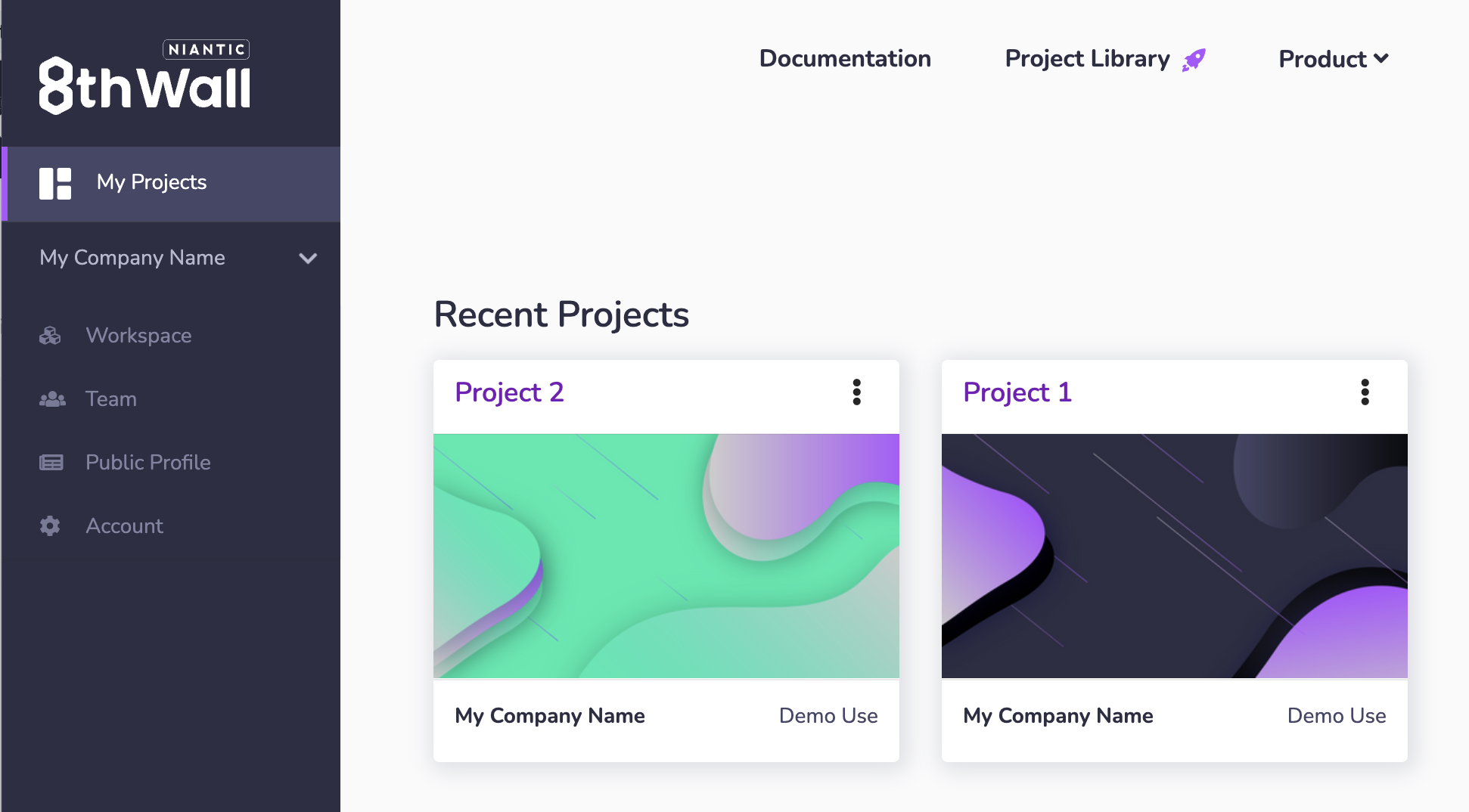
1. Select an existing project or create a new project in your workspace.
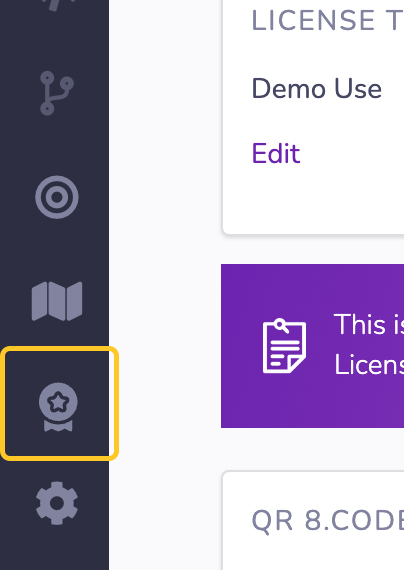
2. Click on Feature Project in the left navigation.
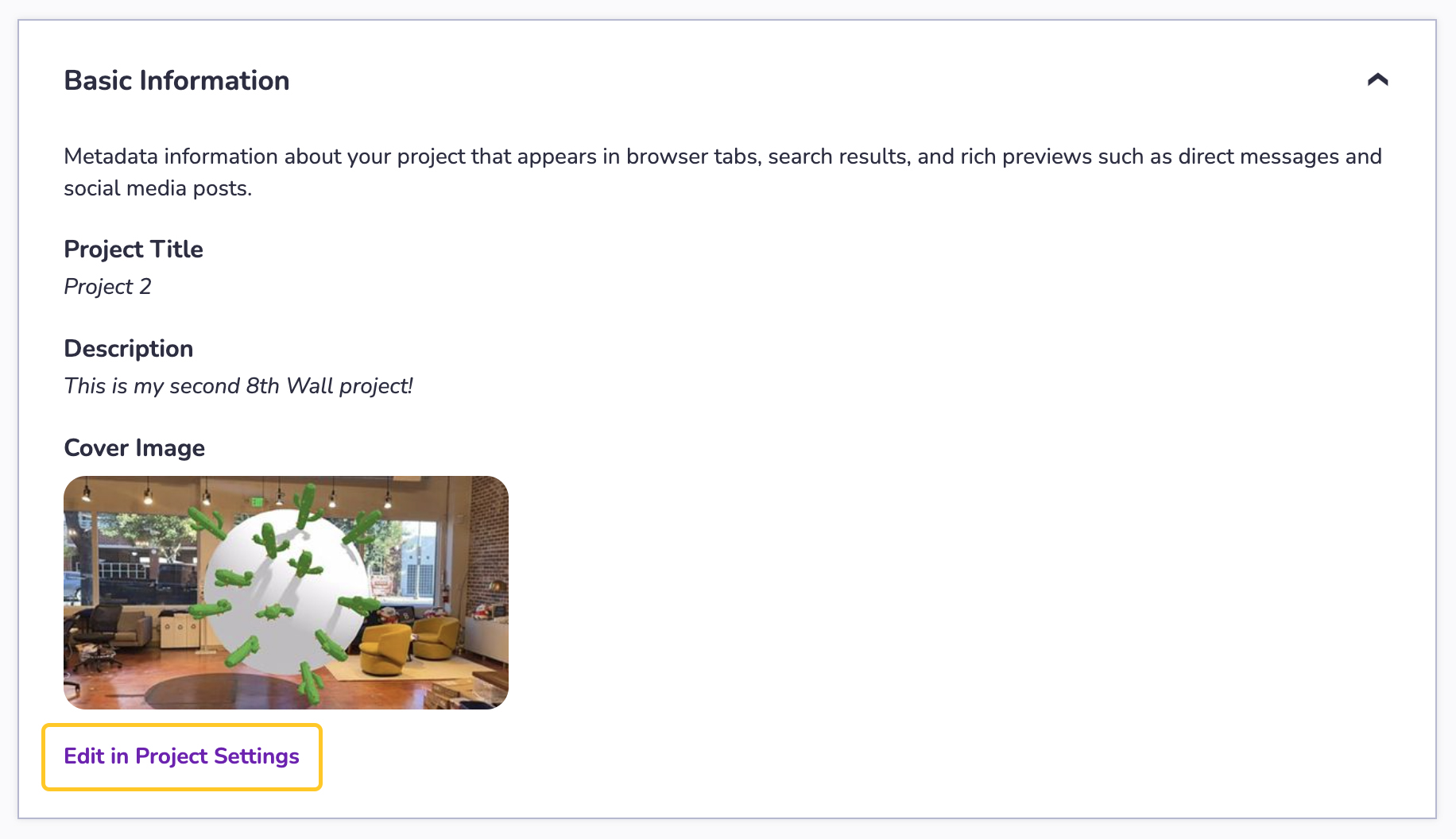
3. Fill out all of the **mandatory sections** on this page. This is required order to be able to publish your Featured Project page.
### Basic Information[](https://www.8thwall.com/docs/account/featured-projects/feature-project/#basic-information "Direct link to Basic Information")
If Basic Information of your project is missing (Project Title, Project Description or Cover Image), you will be asked to update these details on the **Project Settings** page. Updating Basic Information will not impact your project code.
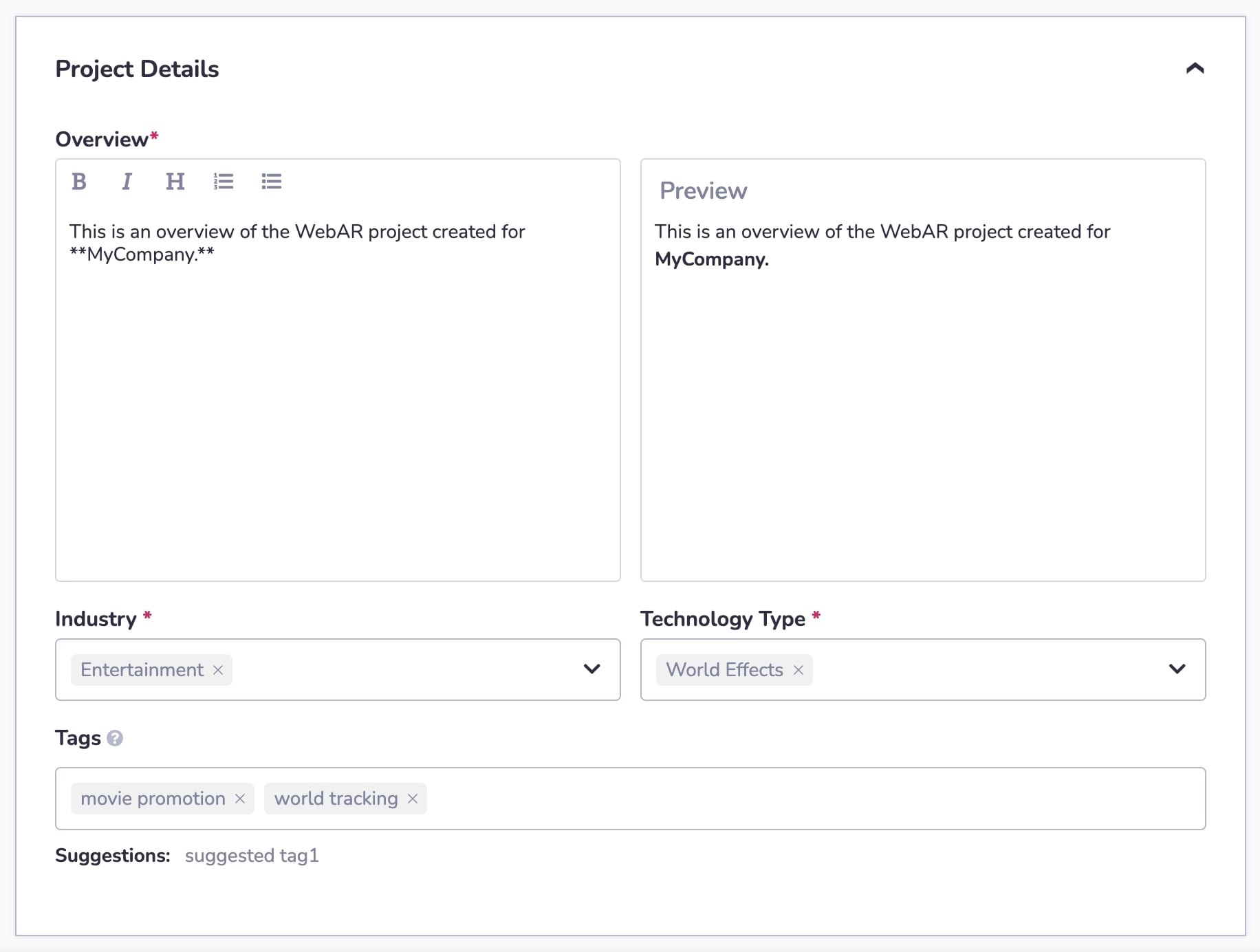
### Project Details[](https://www.8thwall.com/docs/account/featured-projects/feature-project/#project-details "Direct link to Project Details")
* **Overview**: Enter information about the project you are featuring in the Overview area in the Project Details section. Describe your project, project goals, and details about its development and design.
* **Add Formatting** with the rich media buttons:
* Headers (H)
* Bold font (B)
* Italic font (I)
* Bulleted and Numbered lists.
* **Preview** your formatting using the Preview pane on the right.
* **Tags**: Enter or select up to **five tags** for your Featured Project. Your featured project **must have at least one tag to be published**. To add a tag, start typing. Use a comma or hit return to register them. Use the backspace to delete a tag. Click on suggested tags below to add them to your list of tags.
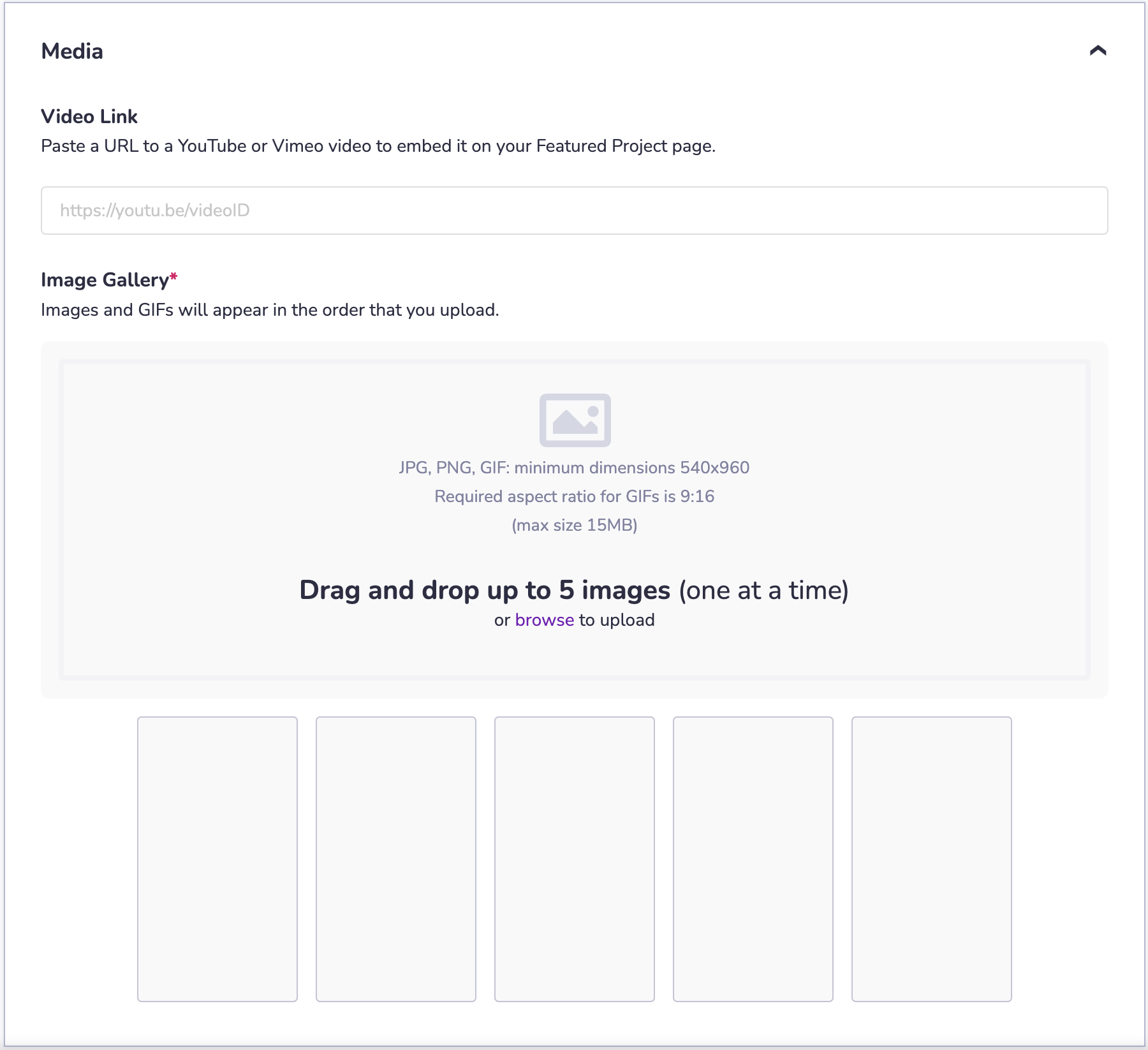
### Media[](https://www.8thwall.com/docs/account/featured-projects/feature-project/#media "Direct link to Media")
* **Youtube or Vimeo Link** (Optional): Enter a YouTube or Vimeo link in the Video Link field. This video will be embedded on your Featured Project page and will be set to auto-play (muted) when a user visits the page.
* **Image Gallery**: Upload images and GIFs by either dragging and dropping the files into the Image Gallery area under the Media section or by clicking on this area to select files from your device. Note:
* You can upload a maximum of 5 images or GIFs.
* Projects must have at least 1 image or GIF to be published.
* JPG, PNG, GIF formats are supported and must have a minimum dimension of 540x960.
* Images can be cropped using the provided cropping tool.
* GIFs must be uploaded using the required aspect ratio of 9:16. GIFs cannot be cropped.
* The maximum file size for images and GIFs is 15MB.
* Images and GIFs will appear on the published page in the order they are uploaded.
### Publish[](https://www.8thwall.com/docs/account/featured-projects/feature-project/#publish "Direct link to Publish")
* **Publish**: Once you have completed all of the manatory fields and are ready to add this Featured Project page to your Public Profile, click the Publish button.
* **Save Draft**: If you aren't quite ready to publish the Featured Project page to your Public Profile, but want to save your progress so you can leave the page and come back later, click the Save Draft button.
8th Wall-Hosted Featured Projects[](https://www.8thwall.com/docs/account/featured-projects/feature-project/#8th-wall-hosted-featured-projects "Direct link to 8th Wall-Hosted Featured Projects")
---------------------------------------------------------------------------------------------------------------------------------------------------------------------------------------------------
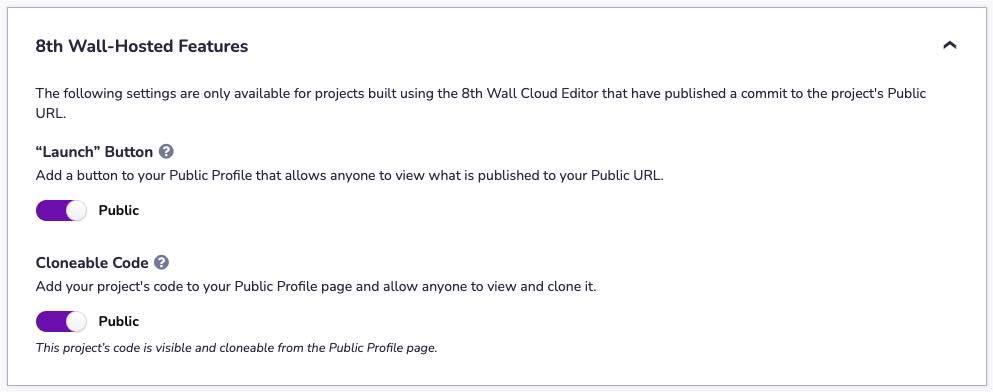
Projects built using the 8th Wall Cloud Editor and that have published a commit to the project's Public URL will have access to additional (and optional) 8th Wall-Hosted Features. For all other Featured Projects, this area will remain locked. These features are **optional** and are **not required to publish a Featured Project page to your Public Profile**.
Optional Featured Project Page settings for 8th Wall-Hosted projects include:
* Adding a "**Launch**" button to a Featured Project page, making it easy for visitors to demo your experience.
* Making your **project code viewable and cloneable** to other developers, if you so choose.
To enable either of these options:
1. Select an existing project or create a new project in your workspace.

2. Click on Feature Project in the left navigation.

3. Scroll down to the **8th Wall-Hosted Features** area at the bottom of the Feature Project page:
### Launch[](https://www.8thwall.com/docs/account/featured-projects/feature-project/#launch "Direct link to Launch")
* The "Launch" button, if enabled:
* Allows anyone to view what is published to your project's Public URL.
* Links directly to the default 8thwall.app URL for your project. This cannot be modified.
* Is enabled by default for 8th Wall hosted projects. You can disable this before publishing your featured project page, if desired.
* Can be used for all project types including Commercial projects with both Active and Completed licenses. \*
* **Toggle** "Launch" to **Public** (ON) if you wish to add it to your page. Toggle "Launch" to **Hidden** (OFF) if you do not want it displayed on your Featured Project page.
### Cloneable Code[](https://www.8thwall.com/docs/account/featured-projects/feature-project/#cloneable-code "Direct link to Cloneable Code")
* The Cloneable Code feature, if enabled:
* Will make your published code **viewable and cloneable** to the public.
* Your Featured Project page will show your published code in a new **Code tab** on the page.
* A **Clone button** will be added to the Featured Project page to make it easy for users to clone your project into their 8th Wall workspace.
* Your Featured Project page will also clearly state the license found in the **LICENSE** file in your project.
* Is disabled by default for 8th Wall hosted projects. You can enable this before publishing your featured project page, if desired.
* **Toggle** the Cloneable Code button to **Public** (ON) if you wish to add it to your page. Toggle "Launch" to **Hidden** (OFF) if you do not want it displayed on your Featured Project page.
1. Click Publish or Save and Update.
* You will receive a confirmation message when you publish your project or save and update changes to your featured project page confirming your choice.
* If you have enabled Cloneable Code, this confirmation message will also confirm the license for your project using the LICENSE file in your published project. It is **strongly recommended that you include a LICENSE file** in your project when toggling **Cloneable Code** to **Public**.
2. Click **Confirm** to continue with your selection or click **Cancel** to undo your changes.
* [Feature a project](https://www.8thwall.com/docs/account/featured-projects/feature-project/#feature-a-project-1)
* [Basic Information](https://www.8thwall.com/docs/account/featured-projects/feature-project/#basic-information)
* [Project Details](https://www.8thwall.com/docs/account/featured-projects/feature-project/#project-details)
* [Media](https://www.8thwall.com/docs/account/featured-projects/feature-project/#media)
* [Publish](https://www.8thwall.com/docs/account/featured-projects/feature-project/#publish)
* [8th Wall-Hosted Featured Projects](https://www.8thwall.com/docs/account/featured-projects/feature-project/#8th-wall-hosted-featured-projects)
* [Launch](https://www.8thwall.com/docs/account/featured-projects/feature-project/#launch)
* [Cloneable Code](https://www.8thwall.com/docs/account/featured-projects/feature-project/#cloneable-code)
---
# Unpublish Featured Project | 8th Wall
[Skip to main content](https://www.8thwall.com/docs/account/featured-projects/unpublish-featured/#__docusaurus_skipToContent_fallback)
You can unpublish any of the Featured Project pages in Public Profile at any time. Unpublishing a Featured Project page will remove it from your Public Profile and it will no longer be publicly visible.
Note: This only unpublishes the Featured Project page. The WebAR experience itself is not taken down or imacted in any way.
To unpublish a Featured Project page from your Public Profile:
1. Select a project which is featured on your Public Profile

2. Click on Feature Project in the left navigation.

3. Click on the **Unpublish Featured Project** link at the bottom of the page.
4. Confirm you wish to unpublish this Featured Project by typing in the word "**UNPUBLISH**" in all caps and then click **Confirm**.
5. You will receive a confirmation message confirming your Featured Project has been unpublished. You will no longer see the Featured Project on your Public Profile.
* Once unpublished, the View Featured Project button at the top of page will no longer be active
* You can easily republish your Featured Project to your Public Profile by clicking on the “Publish” button.
---
# Create an account | 8th Wall
[Skip to main content](https://www.8thwall.com/docs/account/getting-started/create-account/#__docusaurus_skipToContent_fallback)
**8th Wall's is now available to everyone for free, no credit card required.**
1. Click **Create for Free** on [8thwall.com](https://8thwall.com/)
, or go to [https://8thwall.com/get-started](https://8thwall.com/get-started)
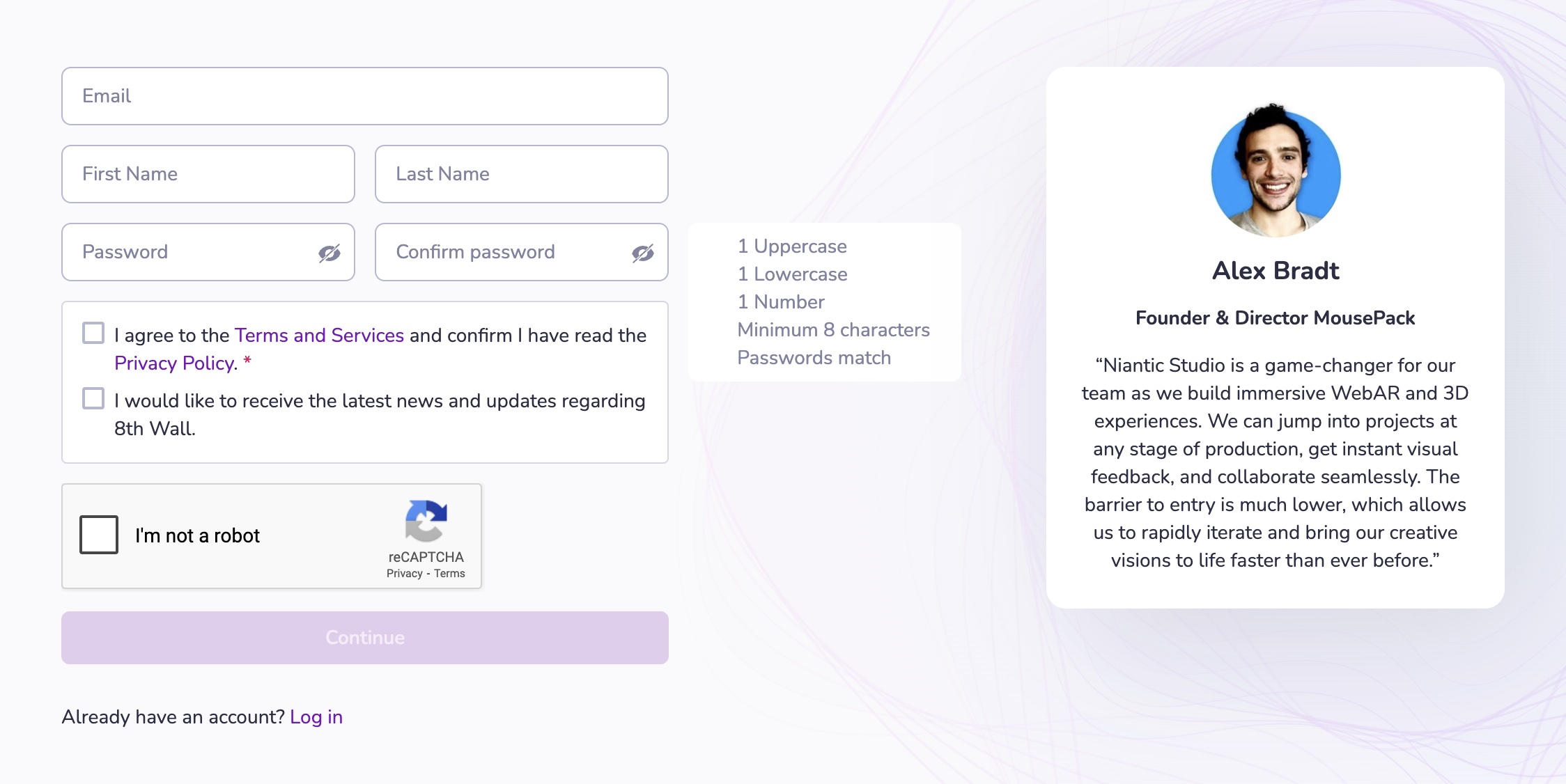
2. Create your account by entering your Name, Email and Password or use a social login. Accept the 8th Wall [Terms and Conditions](https://www.8thwall.com/terms)
and click **Continue**.
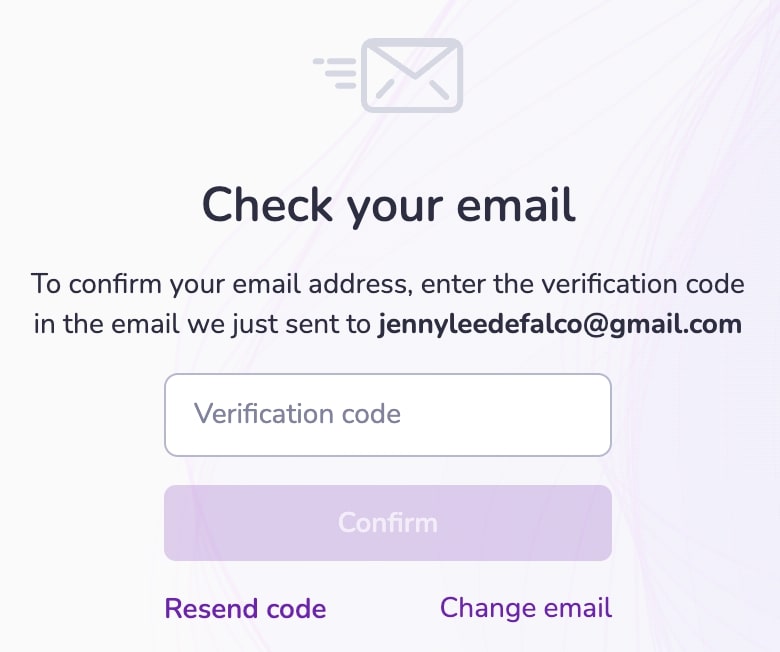
3. Confirm your email address. An email will be sent with a verification code. Enter the verification code and click **Confirm**.
---
# Create a free workspace | 8th Wall
[Skip to main content](https://www.8thwall.com/docs/account/getting-started/create-workspace/#__docusaurus_skipToContent_fallback)
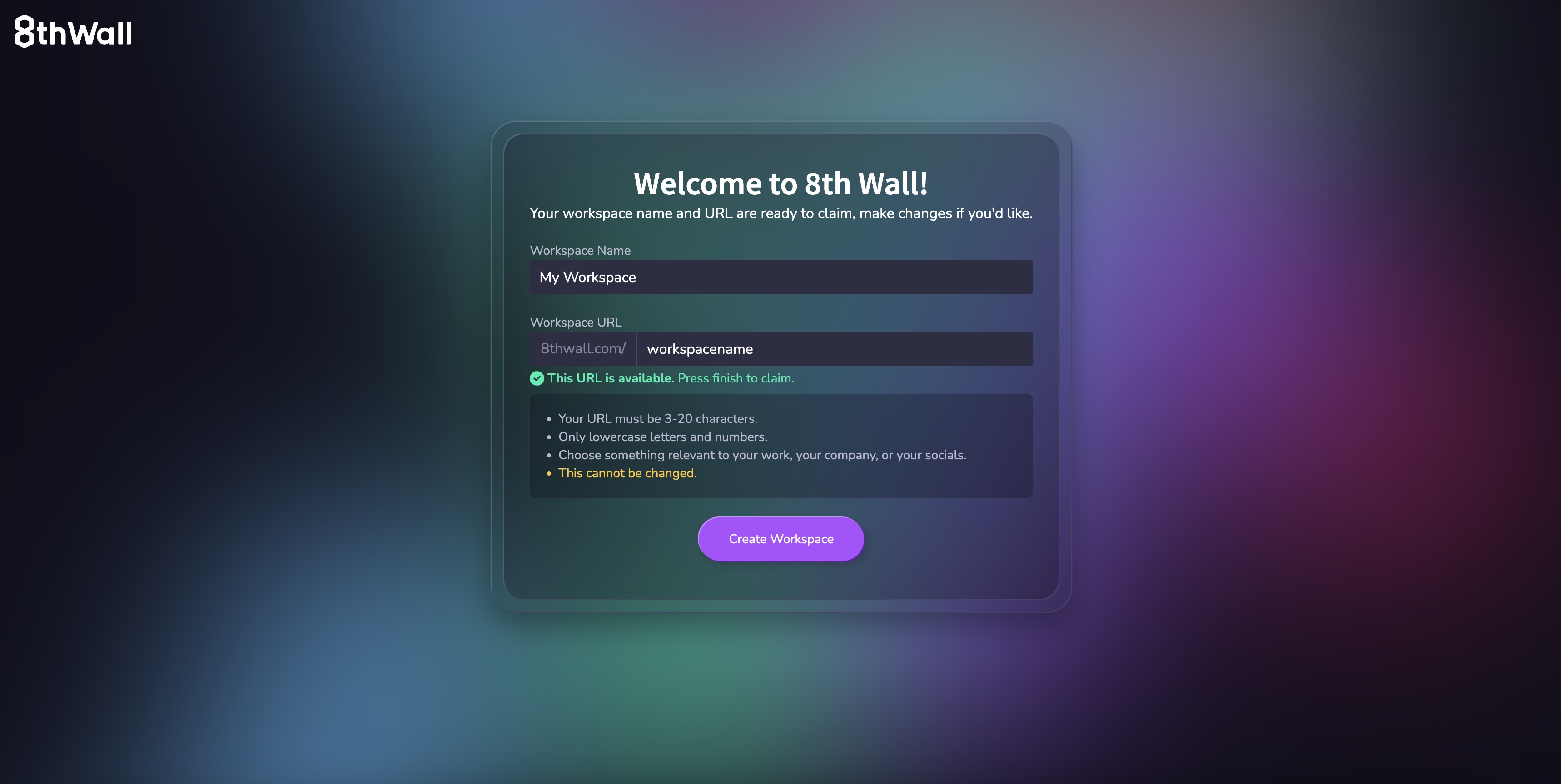
1. Enter a Workspace Name. This value is for display purposes only and doesn't impact any URLs associated with your workspace.
2. Enter a Workspace URL. Pick something relevant for your workspace name, such as the name of your company. The workspace URL will be used as the default **sub-domain** for **all** 8th Wall hosted projects in your account (e.g. **mycompany**.8thwall.app/project-name). This value will also be used in your Public Profile page URL (e.g. [www.8thwall.com/mycompany](http://www.8thwall.com/mycompany)
).
warning
**You can not change your Workspace URL later.** However, if you want to connect custom domains to your 8th Wall hosted projects to override the default URL, please see [here](https://www.8thwall.com/docs/account/projects/connected-domains/)
.
---
# Engine API | 8th Wall
[Skip to main content](https://www.8thwall.com/docs/api/engine/#__docusaurus_skipToContent_fallback)
The Engine API provides lower-level access to 8th Wall’s underlying AR engine, including:
* **8th Wall Camera Pipeline Modules** — Camera pipeline modules developed by 8th Wall.
* **Custom Camera Pipeline Modules** — Interface for working with the camera frame processing pipeline.
Use the Engine API when you need fine-grained control over camera input, frame processing, or when integrating custom WebGL or computer vision workflows into your project.
---
# Connected Domains | 8th Wall
[Skip to main content](https://www.8thwall.com/docs/account/projects/connected-domains/#__docusaurus_skipToContent_fallback)
When using the 8th Wall Cloud Editor to develop, the Web AR experience created is published to 8th Wall's hosting infrastructure. The default URL of your published Web AR experience will have the following format:
"**workspace-name**.8thwall.app/**project-name**"
If you own a custom domain and want to use it with an 8th Wall hosted project instead of the default URL, you can connect the domain to your 8th Wall project by adding a few DNS records. To do so, you'll need access to create/edit the DNS configuration for your domain.
**NOTE**: Connecting custom domains to 8th Wall Hosted projects requires a **Pro or Enterprise** plan.
**WARNING**: It is strongly recommended that you connect a **subdomain** ("ar.mydomain.com") instead of the root domain ("mydomain.com" without anything in front) as **not all DNS providers support CNAME/ALIAS/ANAME records for the root domain**. Please contact your DNS provider to see if they support CNAME or ALIAS records for the root domain before proceeding.
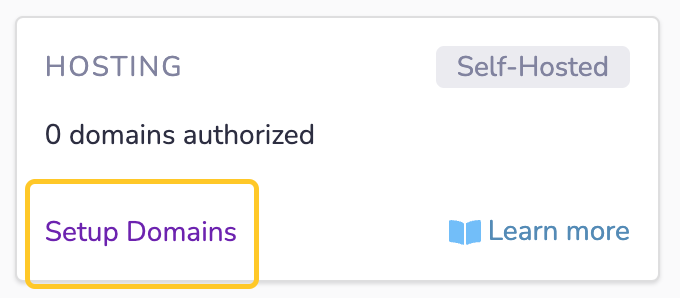
1. From the Project Dashboard page, select "Setup domains"
2. Expand "Setup your domain to point to this 8th Wall-hosted project"
3. In **Step 1** of the connected domain wizard, enter your **custom domain** (e.g. [www.mydomain.com](http://www.mydomain.com/)
), in the Primary connected domain field.

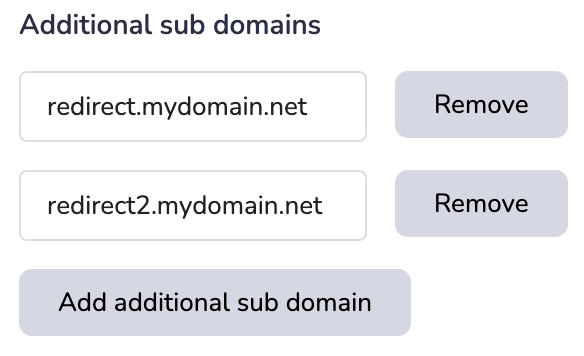
4. \[Optional\] If you want to connect additional sub-domains, click the **Add additional sub domain** button and add any **additional domains** you want connected. **Note**: If you connect additional sub-domains, these will redirect back to the primary connected domain. They must share the same root as the primary connected domain.
5. Click **Connect**. At this point 8th Wall will generate an SSL certificate for the custom domain(s) being connected. This operation can take a few minutes, so please be patient. Click the "Refresh status" button if needed.
6. Next, **Verify ownership** of your domain. In order to verify that you are the owner of the custom domain, you must login to your DNS provider's website and add one or more verification CNAME records. Use the **Copy** button to ensure you properly collect the complete Host and Value records.

These DNS records can take up to 24 hours to be verified, but in most cases happens in a matter of minutes. Please be patient and click the "Refresh verification status" button periodically if needed.
When verification has completed, you'll see a green checkmark next to the verification DNS record:

7. Finally, **Step 3** will display one or more CNAME (if connecting a sub-domain) or ANAME (if connecting a root-domain, see warning above) records that need to be added to your DNS server to finish the connected domain setup. These records map your custom domain to 8th Wall's hosting infrastructure.

Result: Connection Record Verified:
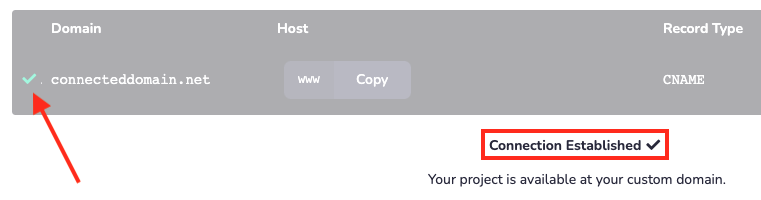
Additional notes:
* If you are connecting a **root** domain, Step 3 will display an `ANAME` record. Assuming your DNS provider actually supports these types of records, they will not show as "connected". Your connected domain will still work as long as you have created the appropriate DNS records.
* It's not possible to modify the connected domain settings once defined. If you need to make changes, you'll need to:
1. Delete the connected domain from your 8th Wall project.
2. Clean up and DNS records added from the previous setup.
3. Start over with the new custom domain configuration.
* Do **not** use an **A record** for Step 3. 8th Wall hosted experiences are served using a global CDN with hundreds of locations around the globe. Users are automatically routed to the closest/fastest datacenter for maximum performance. You must connect your domain to the unique "xxxxx.cloudfront.net" URL displayed in `Step 3` of the wizard.
---
# Public Profiles | 8th Wall
[Skip to main content](https://www.8thwall.com/docs/account/public-profiles/#__docusaurus_skipToContent_fallback)
On this page
info
Only `Owner` and `Admin` user roles can make changes to the workspace's Public Profile.
Your Public Profile is your own page on 8thwall.com where you can showcase your work, demo your experience and share your code with other developers if you choose.
Your Public Profile is set up during the account creation process and displays the following information:
* Profile Photo (minimum 400x400px PNG or JPEG)
* Name (3-30 characters)
* Website URL ([https://www.mycompany.com](https://www.mycompany.com/)
)
* Primary location (city)
* Bio (240 characters or less)
* Contact email (e.g. [contact@mycompany.com](mailto:contact@mycompany.com)
)
Update Public Profile[](https://www.8thwall.com/docs/account/public-profiles/#update-public-profile "Direct link to Update Public Profile")
---------------------------------------------------------------------------------------------------------------------------------------------
You can update Public Profile details at any time from the **Public Profile** tab:
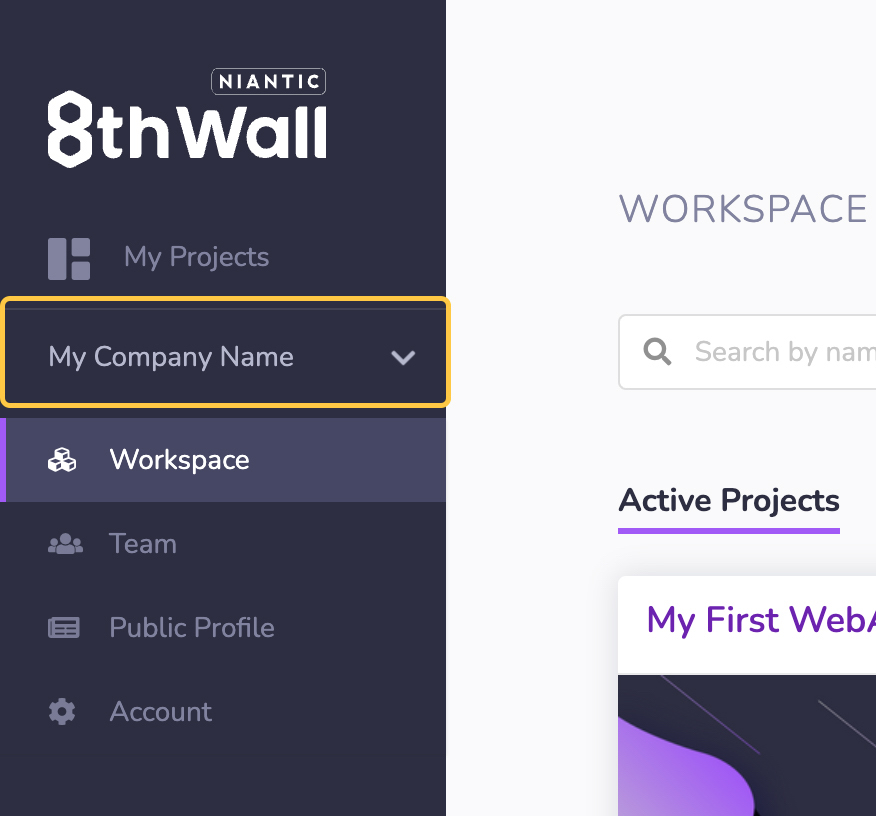
1. Expand your workspace in the left navigation.
2. Click **Public Profiles**
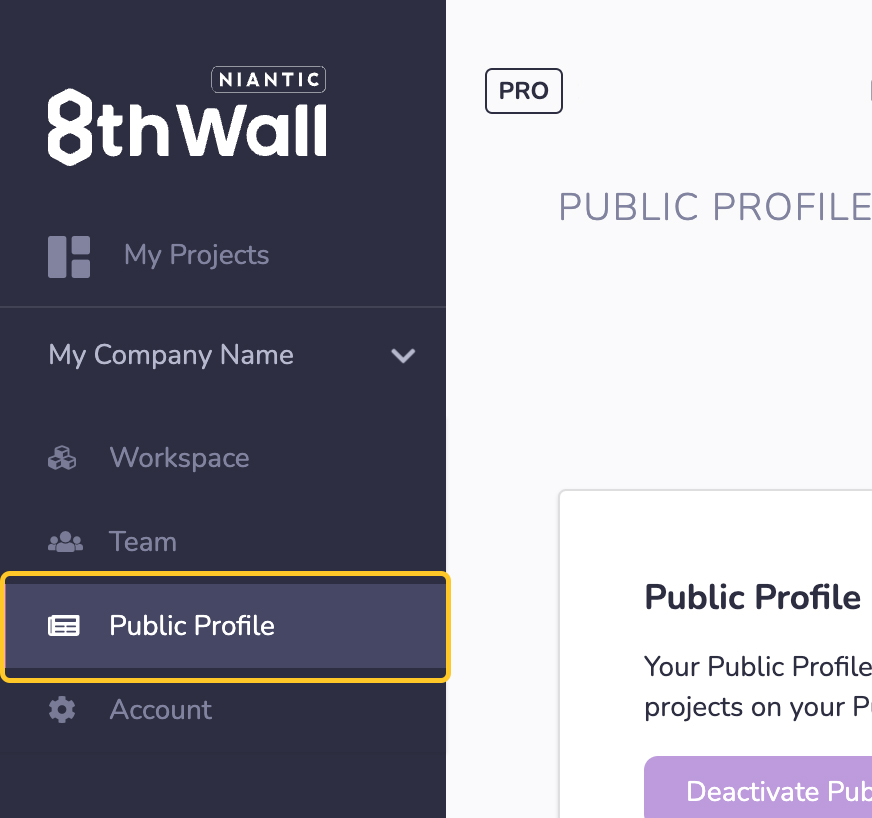
3. Update public profile details
4. Click **Save** to save the information you have entered.
5. Access your public profile by appending your workspace shortname to [https://8thwall.com/](https://8thwall.com/)
(e.g [https://8thwall.com/mycompany](https://8thwall.com/mycompany)
)
* [Update Public Profile](https://www.8thwall.com/docs/account/public-profiles/#update-public-profile)
---
# Project Dashboard | 8th Wall
[Skip to main content](https://www.8thwall.com/docs/account/projects/project-dashboard/#__docusaurus_skipToContent_fallback)
On this page
The project dashboard is your hub for managing 8th Wall projects. From the project dashboard page you can manage project settings, access the 8th Wall Cloud Editor, purchase white label subscriptions, manage image targets, setup custom domains, and more.
The direct URL to your Project Dashboard is in the format: [www.8thwall.com/workspacename/projectname](http://www.8thwall.com/workspacename/projectname)
Project Dashboard Overview[](https://www.8thwall.com/docs/account/projects/project-dashboard/#project-dashboard-overview "Direct link to Project Dashboard Overview")
-----------------------------------------------------------------------------------------------------------------------------------------------------------------------
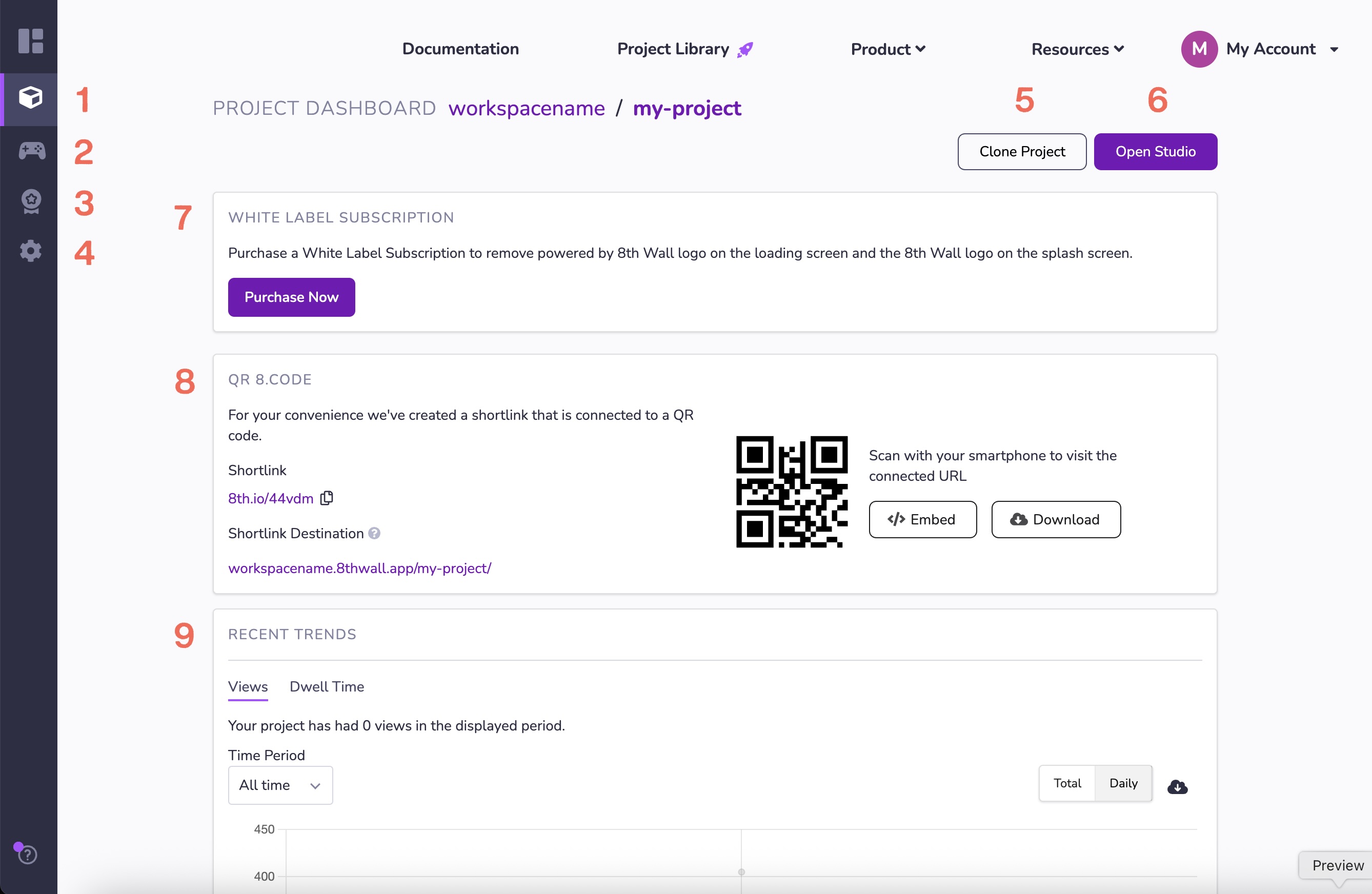
1. Project Dashboard
2. Studio
3. Featured Project Page
4. Project Settings
5. Clone Project
6. Open Studio
7. White Label Subscription
8. QR Code and Embeds
9. Usage and Recent Trends
* [Project Dashboard Overview](https://www.8thwall.com/docs/account/projects/project-dashboard/#project-dashboard-overview)
---
# Create a new project | 8th Wall
[Skip to main content](https://www.8thwall.com/docs/account/projects/create-project/#__docusaurus_skipToContent_fallback)
1. From the logged-in Homepage or Workspace Dashboard, click "New Project"
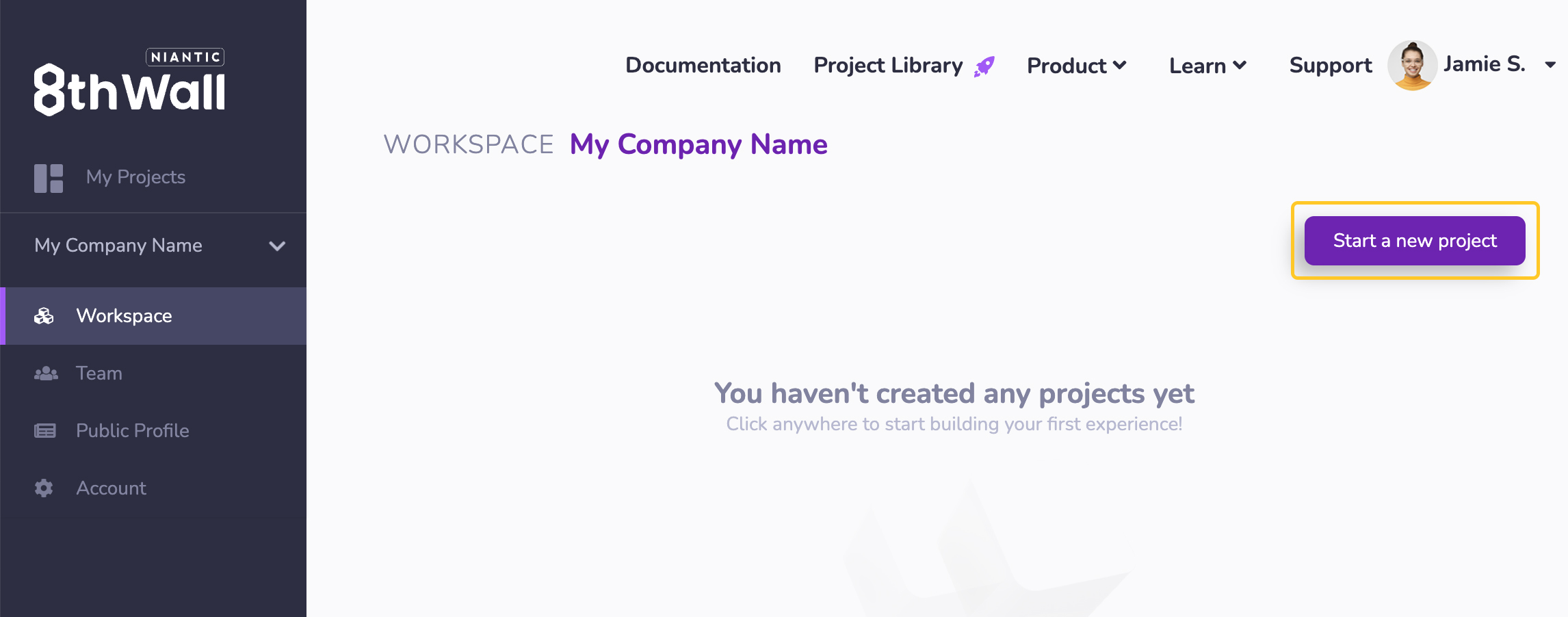
2. Select the workspace for this project if you are a member of more than one workspace.
3. Enter the Project URL.
warning
The project URL is used to generate the default project URL as well as the Featured Project page URL (if activated). **It cannot be changed**. To change a project URL, you will need to clone the project and specify a new URL.
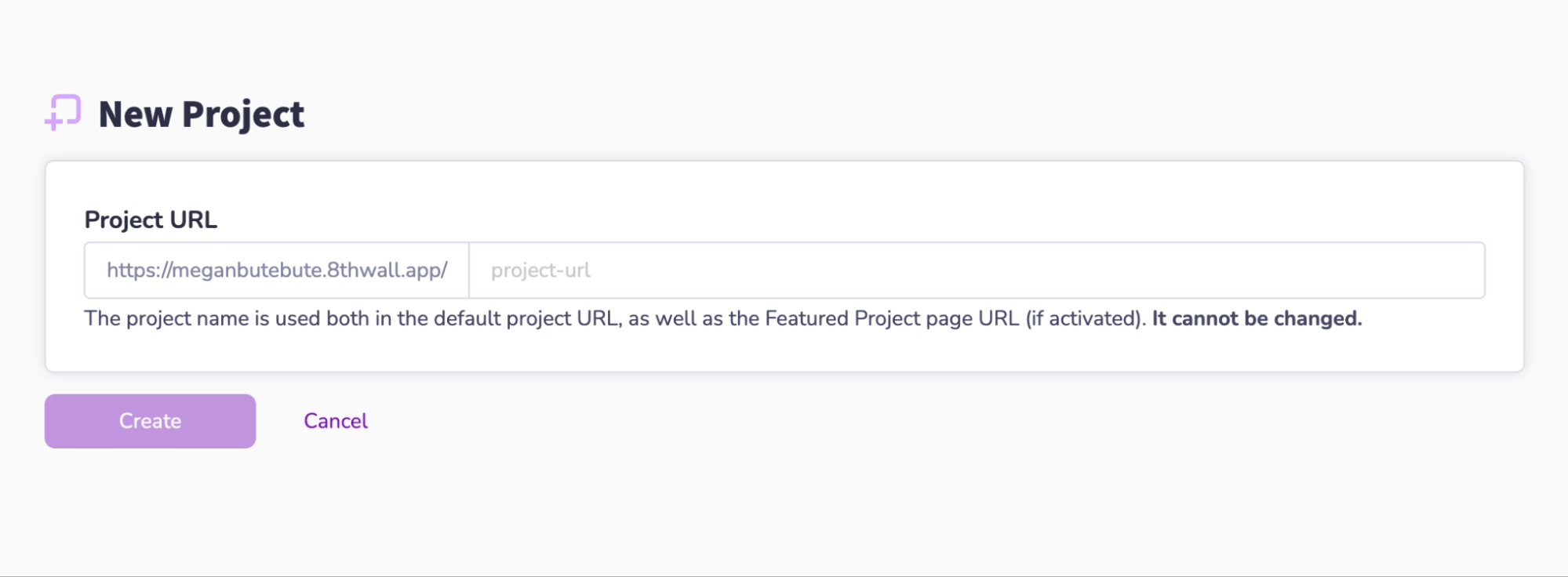
4. Click **Create**.
---
# Project Settings | 8th Wall
[Skip to main content](https://www.8thwall.com/docs/account/projects/project-settings/#__docusaurus_skipToContent_fallback)
On this page
The Project Settings page allows you to:
* Set developer preferences, such as Keybindings and Dark mode
* Edit Project information:
* Title
* Description
* Update cover image
* Manage staging passcode
* Access the Project's App Key string (**self-hosted only**)
* Freeze engine version (**active white-label subscription only**)
* Unpublish app
* Temporarily disable project
* Delete project
Code Editor Preferences[](https://www.8thwall.com/docs/account/projects/project-settings/#code-editor-preferences "Direct link to Code Editor Preferences")
-------------------------------------------------------------------------------------------------------------------------------------------------------------
The following Code Editor preferences can be set:
* Dark Mode (On/Off)
* Use a darker color palette in the Code Editor that uses darker background colors and lighter foreground colors.
* Keybindings
* Enable keybindings from popular text editors. Select from:
* Normal
* Sublime
* Vim
* Emacs
* VSCode
Basic Information[](https://www.8thwall.com/docs/account/projects/project-settings/#basic-information "Direct link to Basic Information")
-------------------------------------------------------------------------------------------------------------------------------------------
Project Settings allows you to edit the Basic Information for your Project
* Project Title
* Description
* Update cover image
Staging Passcode[](https://www.8thwall.com/docs/account/projects/project-settings/#staging-passcode "Direct link to Staging Passcode")
----------------------------------------------------------------------------------------------------------------------------------------
When your app is staged to XXXXX.staging.8thwall.app (where XXXX represents your Workspace URL), it is passcode protected. In order to view the WebAR Project a user must first enter the passcode you provide. This is a great way to preview projects with clients or other stakeholders prior to launching publicly.
A passcode should be 5 or more characters and can include letters (A-Z, lower or upper case), numbers (0-9) and spaces.
Engine Version[](https://www.8thwall.com/docs/account/projects/project-settings/#engine-version "Direct link to Engine Version")
----------------------------------------------------------------------------------------------------------------------------------
You can specify the version of the 8th Wall engine used when serving public web clients (`Release` or `Beta`).
Users viewing a published experience will always be served the most recent version of 8th Wall Engine from that channel.
In general, 8th Wall recommends using the official **release** channel for production web apps.
If you would like to test your web app against a pre-release version of 8th Wall's Engine, which may contain new features and/or bug fixes that haven't gone through full QA yet, you can switch to the beta channel. Commercial experiences should not be launched on the beta channel.
### Freezing Engine Version[](https://www.8thwall.com/docs/account/projects/project-settings/#freezing-engine-version "Direct link to Freezing Engine Version")
info
Engine version freezing is only available to projects with an active white label subscription.
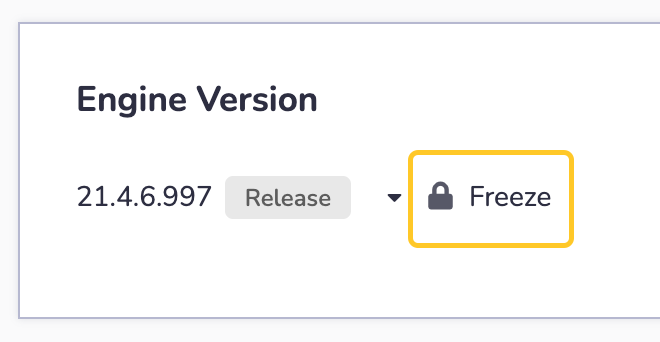
To **Freeze** the current engine version, select the desired Channel (release or beta) and click the **Freeze** button.
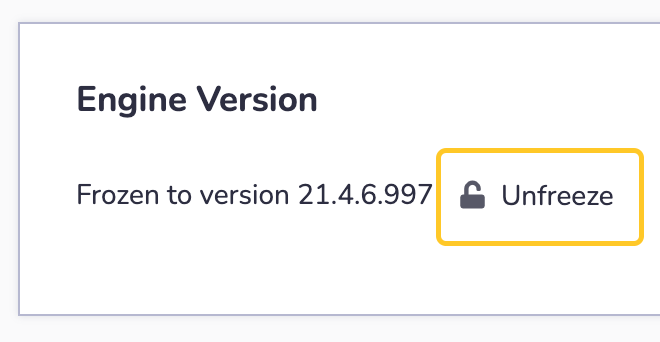
To **Re-join** a Channel and stay up-to-date, click the **Unfreeze** button. This will **unfreeze** the Engine Version associated with your Project and re-join a Channel (release or beta) to use the latest version available to that channel.
Unpublish App[](https://www.8thwall.com/docs/account/projects/project-settings/#unpublish-app "Direct link to Unpublish App")
-------------------------------------------------------------------------------------------------------------------------------
Unpublishing your project will remove it from staging (XXXXX.staging.8thwall.app) or public (XXXXX.8thwall.app).
You can publish it again at any time from the Code Editor or Project History pages.
Click **Unpublish Staging** to take your Project down from XXXXX.staging.8thwall.app
Click **Unpublish Public** to take your Project down from XXXXX.8thwall.app
Temporarily Disable Project[](https://www.8thwall.com/docs/account/projects/project-settings/#temporarily-disable-project "Direct link to Temporarily Disable Project")
-------------------------------------------------------------------------------------------------------------------------------------------------------------------------
If you disable your project, your app will not be viewable. Views will not be counted while disabled.
You will still be charged for any active commercial licenses on projects that are temporarily disabled.
Toggle the slider to Disable / Enable your project.
Delete Project[](https://www.8thwall.com/docs/account/projects/project-settings/#delete-project "Direct link to Delete Project")
----------------------------------------------------------------------------------------------------------------------------------
A project with a white label subscription cannot be deleted. Visit the Account page to cancel an active white label subscription.
Deleting an Project will cause it to stop working. You cannot undo this operation.
* [Code Editor Preferences](https://www.8thwall.com/docs/account/projects/project-settings/#code-editor-preferences)
* [Basic Information](https://www.8thwall.com/docs/account/projects/project-settings/#basic-information)
* [Staging Passcode](https://www.8thwall.com/docs/account/projects/project-settings/#staging-passcode)
* [Engine Version](https://www.8thwall.com/docs/account/projects/project-settings/#engine-version)
* [Freezing Engine Version](https://www.8thwall.com/docs/account/projects/project-settings/#freezing-engine-version)
* [Unpublish App](https://www.8thwall.com/docs/account/projects/project-settings/#unpublish-app)
* [Temporarily Disable Project](https://www.8thwall.com/docs/account/projects/project-settings/#temporarily-disable-project)
* [Delete Project](https://www.8thwall.com/docs/account/projects/project-settings/#delete-project)
---
# Project Sharing | 8th Wall
[Skip to main content](https://www.8thwall.com/docs/account/projects/project-sharing/#__docusaurus_skipToContent_fallback)
On this page
Project sharing allows members of another trusted workspace to access a specific project in your workspace. There is no limit to the number of workspaces you can invite to access your project.
Project Sharing Permissions[](https://www.8thwall.com/docs/account/projects/project-sharing/#permissions "Direct link to Project Sharing Permissions")
--------------------------------------------------------------------------------------------------------------------------------------------------------
Members from an invited workspace **can**:
* Access the shared project from their own workspace.
* Edit and Land code in the Cloud Editor.
* Manage Connected Domains (8th Wall hosted projects) and/or self-hosted domains (self hosted projects).
* Update Meta information (title, description, cover image, etc).
* Add/Edit image targets.
Members from an invited workspace **cannot**:
* See projects in your workspace that have not been shared with them.
* Purchase or manage White Label Subscriptions.
* Edit/Delete the project.
* Manage sharing and permissions.
* View Usage and Recent Trends graph.
Share project with 8th Wall Support[](https://www.8thwall.com/docs/account/projects/project-sharing/#share-project-with-support "Direct link to Share project with 8th Wall Support")
---------------------------------------------------------------------------------------------------------------------------------------------------------------------------------------
1. Login as a user with `OWNER` or `ADMIN` workspace permissions.
2. Make sure your latest changes are [landed](https://www.8thwall.com/docs/studio/getting-started/build-land/)
3. From the workspace page, click on the "..." menu of the desired project and click **Share**.
4. Click **Invite 8th Wall Support**.
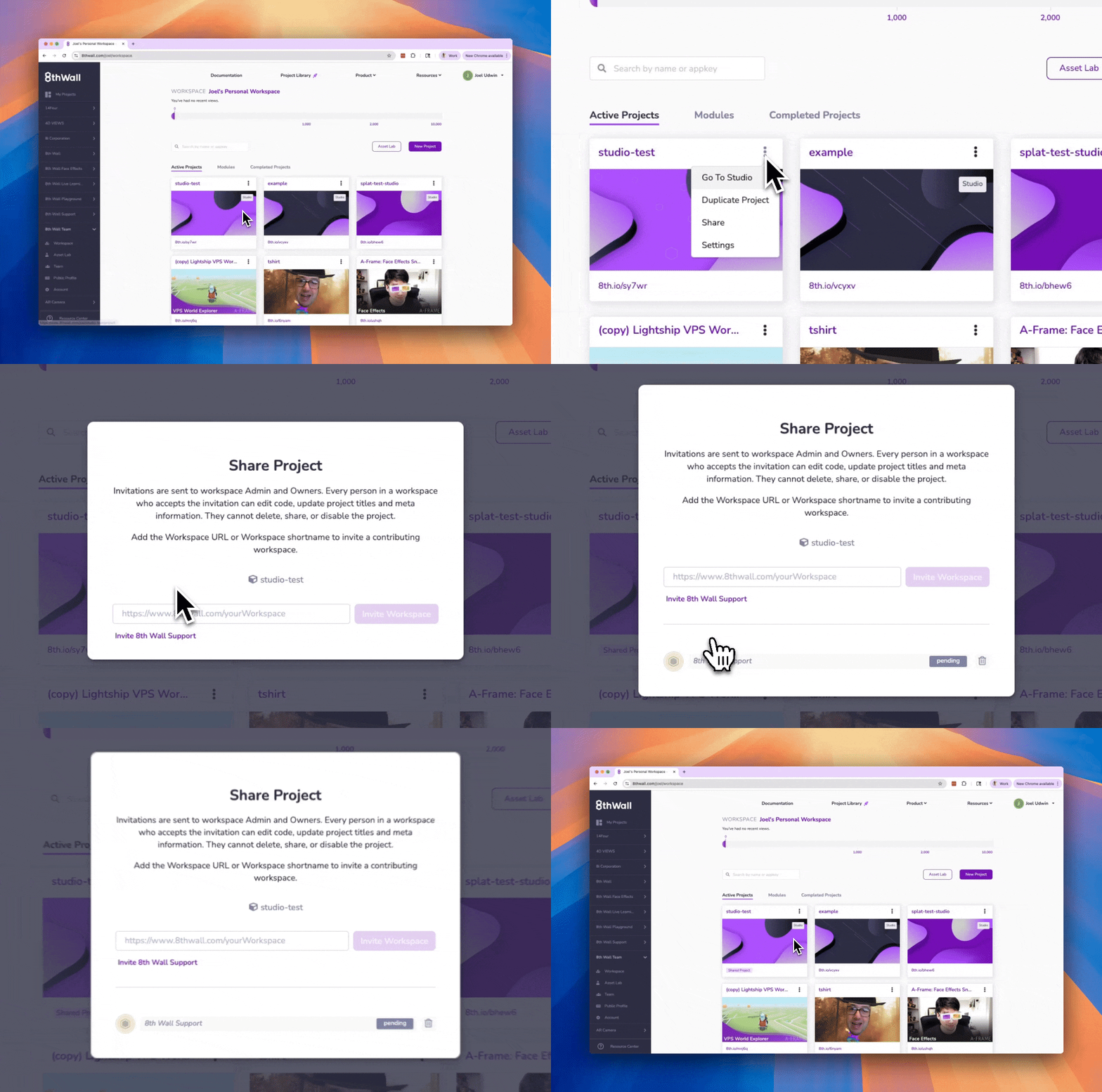
Share project with another workspace[](https://www.8thwall.com/docs/account/projects/project-sharing/#share-project-with-another-workspace "Direct link to Share project with another workspace")
---------------------------------------------------------------------------------------------------------------------------------------------------------------------------------------------------
1. Login as a user with `OWNER` or `ADMIN` workspace permissions.
2. Make sure your latest changes are [landed](https://www.8thwall.com/docs/studio/getting-started/build-land/)
3. From the workspace page, click on the "..." menu of the desired project and click **Share**:
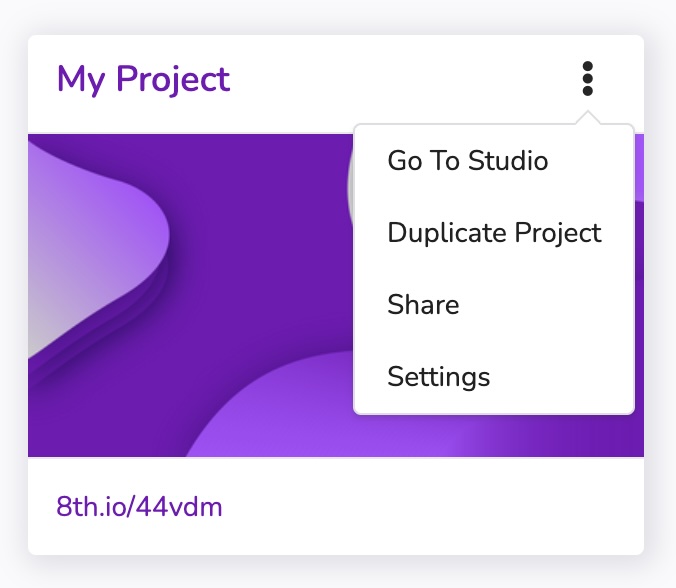
4. Enter the **full workspace URL** (e.g "[https://www.8thwall.com/otherworkspace](https://www.8thwall.com/otherworkspace)
") or workspace **shortname** (e.g. "otherworkspace") and click **Invite Workspace**.
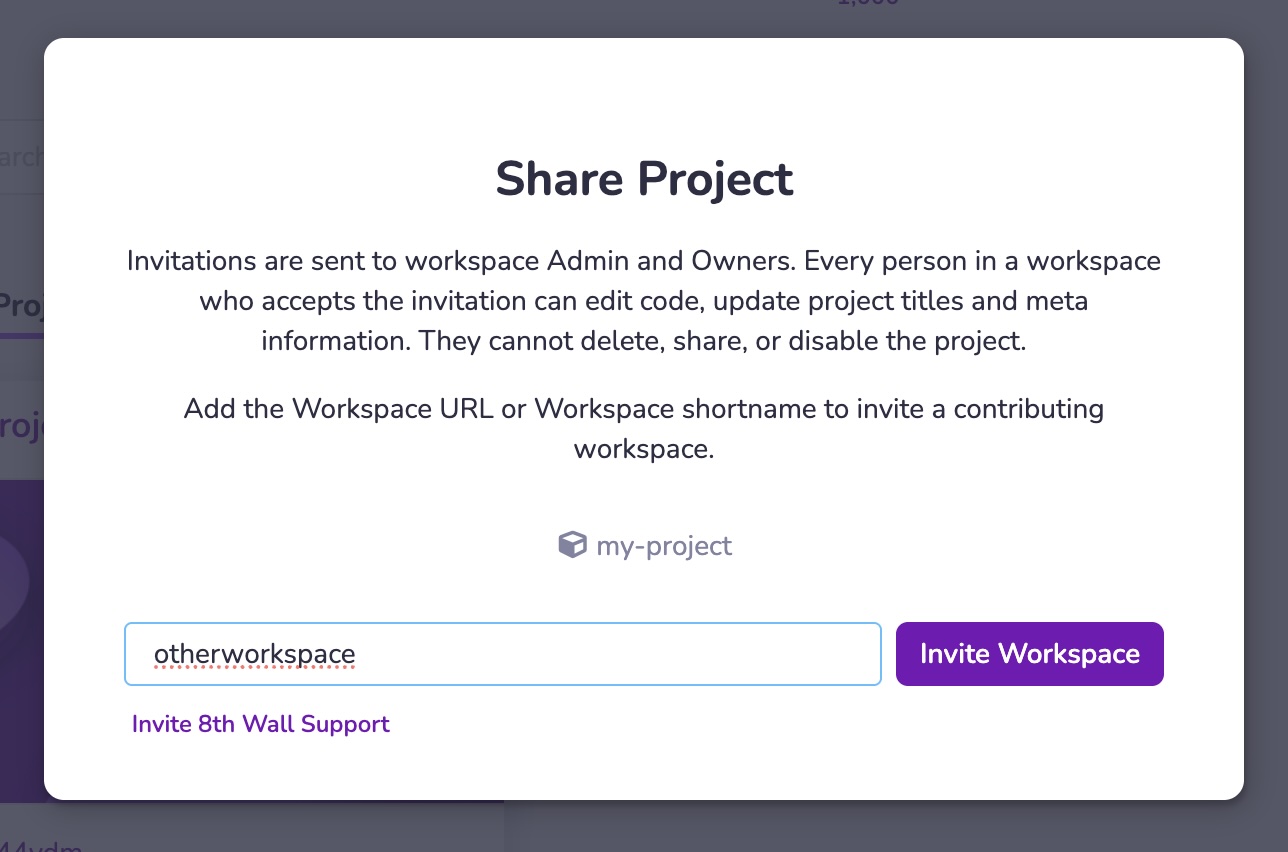
5. An email inviation will be sent to `OWNER` and `ADMIN` users from the invited workspace. The invitation must be accepted within seven days or it will expire.
Remove workspace access from a shared project[](https://www.8thwall.com/docs/account/projects/project-sharing/#remove-workspace-access-from-a-shared-project "Direct link to Remove workspace access from a shared project")
------------------------------------------------------------------------------------------------------------------------------------------------------------------------------------------------------------------------------
1. Login as a user with `OWNER` or `ADMIN` workspace permissions.
2. From the workspace page, click on the "..." menu of the desired project and click **Share**:

3. Click the **Trashcan icon** next to the workspace want to remove from accessing the project.

4. Click **Remove** to confirm.
Accessing a project shared by another workspace[](https://www.8thwall.com/docs/account/projects/project-sharing/#accessing-a-project-shared-by-another-workspace "Direct link to Accessing a project shared by another workspace")
------------------------------------------------------------------------------------------------------------------------------------------------------------------------------------------------------------------------------------
If you have accepted an invite to projects owned by other workspaces, they can be found under the **External Projects** tab of your Workspace:
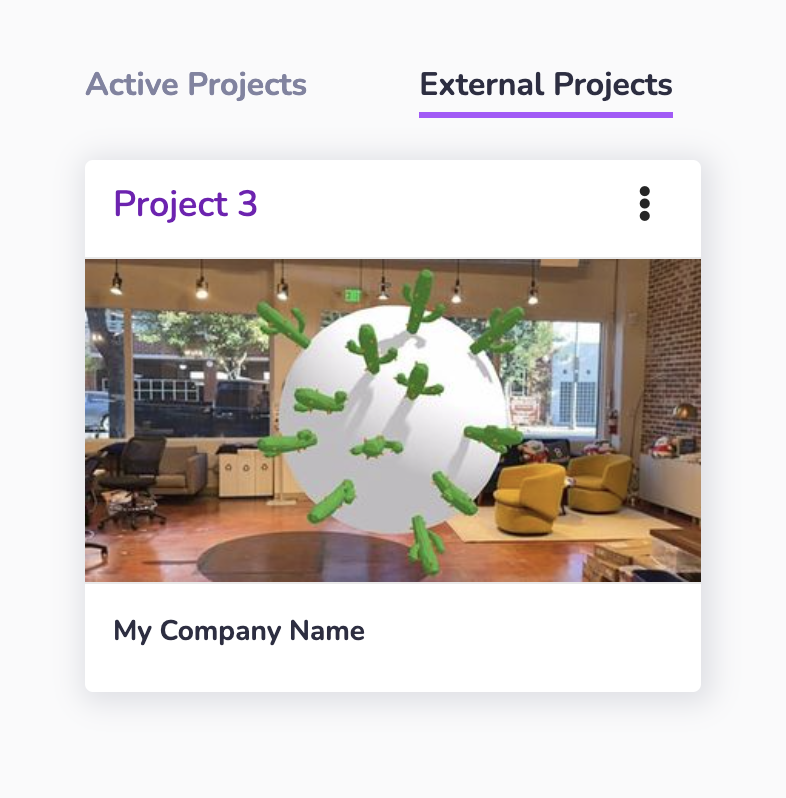
* [Project Sharing Permissions](https://www.8thwall.com/docs/account/projects/project-sharing/#permissions)
* [Share project with 8th Wall Support](https://www.8thwall.com/docs/account/projects/project-sharing/#share-project-with-support)
* [Share project with another workspace](https://www.8thwall.com/docs/account/projects/project-sharing/#share-project-with-another-workspace)
* [Remove workspace access from a shared project](https://www.8thwall.com/docs/account/projects/project-sharing/#remove-workspace-access-from-a-shared-project)
* [Accessing a project shared by another workspace](https://www.8thwall.com/docs/account/projects/project-sharing/#accessing-a-project-shared-by-another-workspace)
---
# QR 8Code | 8th Wall
[Skip to main content](https://www.8thwall.com/docs/account/projects/qr-8code/#__docusaurus_skipToContent_fallback)
On this page
As a convenience, 8th Wall branded QR codes (aka "8 Codes") can be generated for a Project, making it easy to scan from mobile device to access your WebAR project. You are always welcome to generate your own QR codes, or use third-party QR code generation websites or services.
The QR Code on the project dashboard points to a unique "8th.io" shortlink for your project. This shortlink then redirects a user to the URL of your Web AR experience.
Both the QR Code and "8th.io" code for a given project are static and will not change based on project type or license.
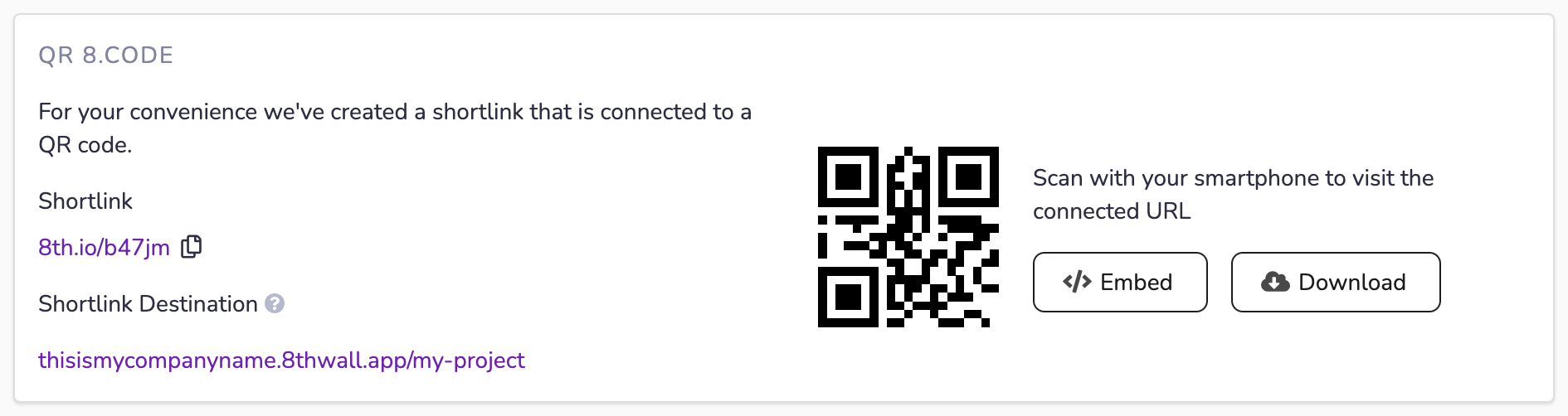
### 8th Wall Hosted Projects (NO connected domain)[](https://www.8thwall.com/docs/account/projects/qr-8code/#8th-wall-hosted-projects-no-connected-domain "Direct link to 8th Wall Hosted Projects (NO connected domain)")
If your project is using the default 8th Wall hosted URL (in the format of "**workspace-name**.8thwall.app/**project-name**"), the QR Code and 8th.io shortlink will always redirect to the default URL. It it not possible to modify the destination URL.
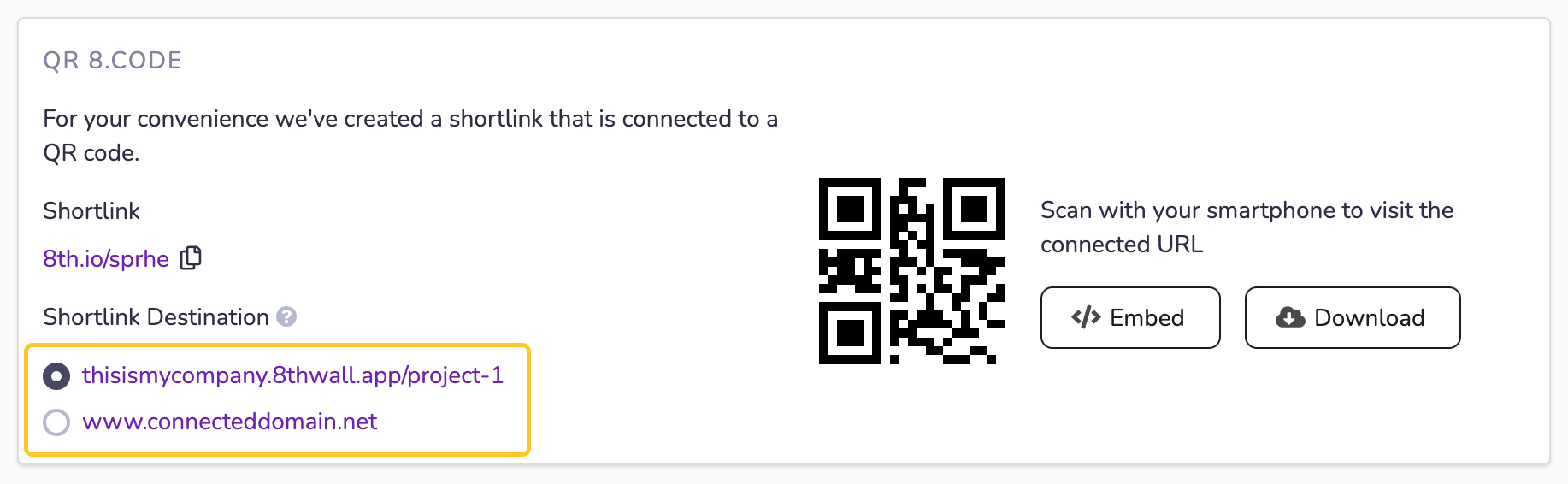
### 8th Wall Hosted Projects (WITH connected domain)[](https://www.8thwall.com/docs/account/projects/qr-8code/#8th-wall-hosted-projects-with-connected-domain "Direct link to 8th Wall Hosted Projects (WITH connected domain)")
If you have configured a [connected domain](https://www.8thwall.com/docs/account/projects/connected-domains/)
for your 8th Wall hosted project, you'll have the option to set the QR Code / Shortlink destination to either the default URL of the project, or the primary connected domain.
Use the radio button to set your QR Code / Shortlink destination:
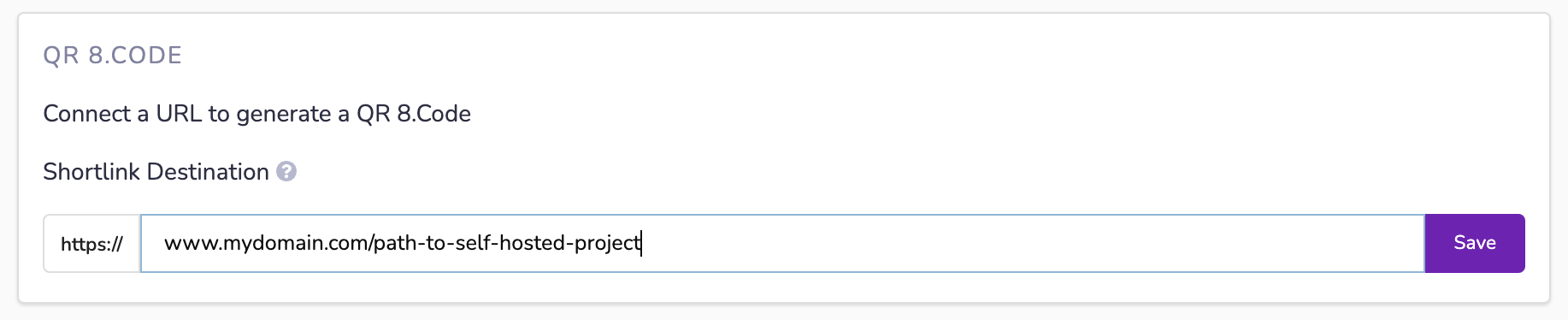
### Self Hosted Projects[](https://www.8thwall.com/docs/account/projects/qr-8code/#self-hosted-projects "Direct link to Self Hosted Projects")
To generate a QR code and shortlink, enter the full URL to your self-hosted project and click **Save**:
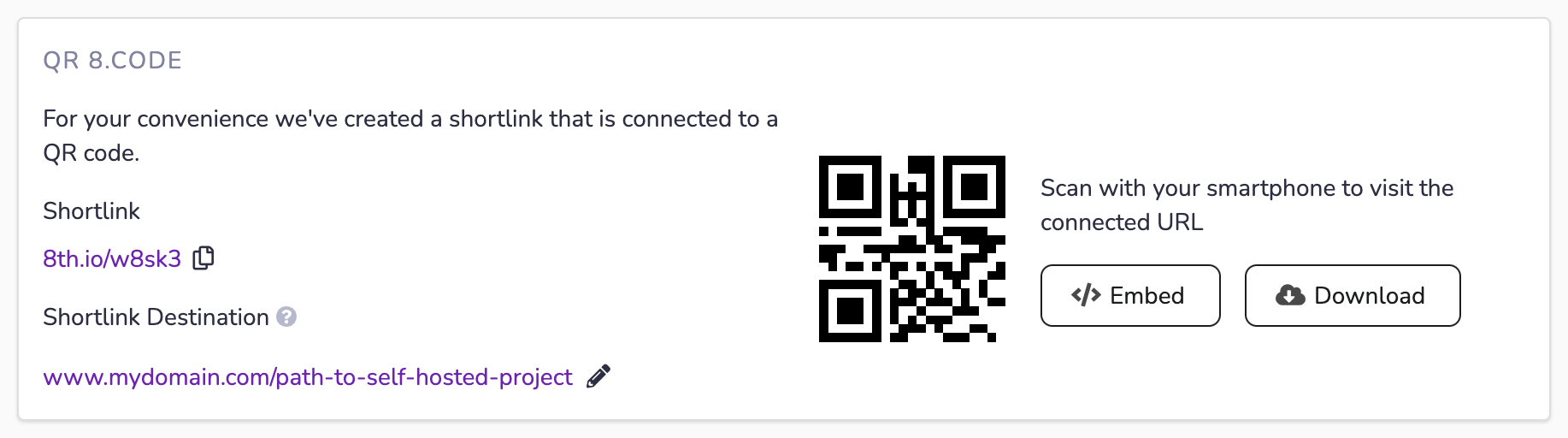
The generated QR code can be downloaded in either PNG or SVG format to be included on a website, physical media, or other locations to make it easy for users to scan with their smartphones to visit the self-hosted URL. Click the pencil icon to edit the shortlink destination should the self-hosted URL change in the future.
Example:
* [8th Wall Hosted Projects (NO connected domain)](https://www.8thwall.com/docs/account/projects/qr-8code/#8th-wall-hosted-projects-no-connected-domain)
* [8th Wall Hosted Projects (WITH connected domain)](https://www.8thwall.com/docs/account/projects/qr-8code/#8th-wall-hosted-projects-with-connected-domain)
* [Self Hosted Projects](https://www.8thwall.com/docs/account/projects/qr-8code/#self-hosted-projects)
---
# Usage and Recent Trends | 8th Wall
[Skip to main content](https://www.8thwall.com/docs/account/projects/usage-and-recent-trends/#__docusaurus_skipToContent_fallback)
On this page
Views and Dwell Time[](https://www.8thwall.com/docs/account/projects/usage-and-recent-trends/#views-and-dwell-time "Direct link to Views and Dwell Time")
-----------------------------------------------------------------------------------------------------------------------------------------------------------
The following usage analytics are provided on a per project basis:
* Views
* Dwell Time
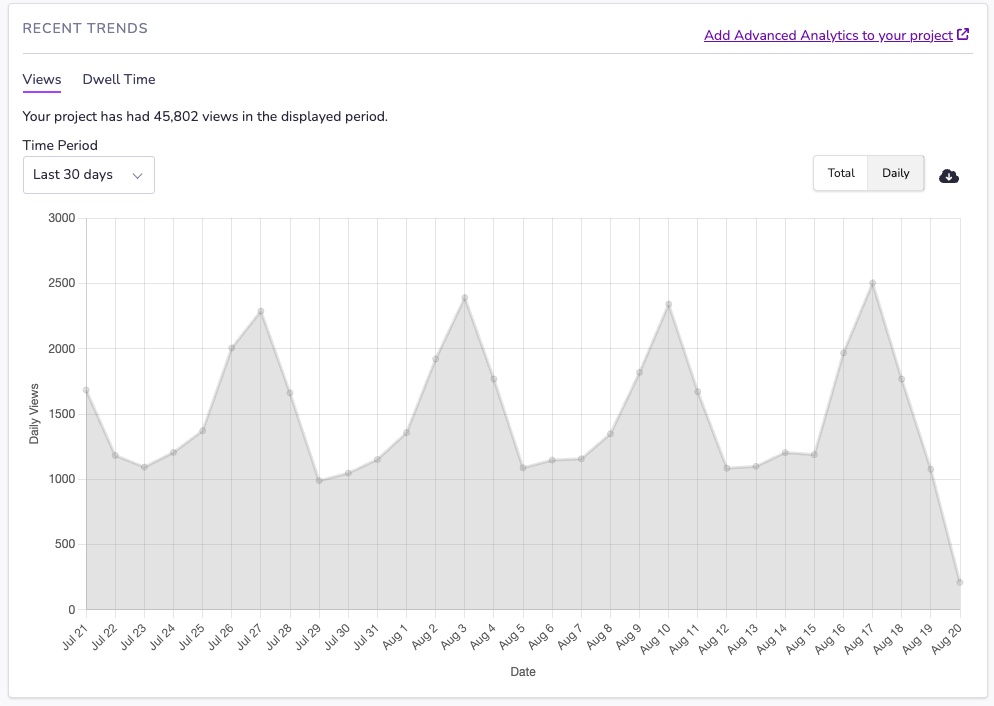
On the `Views` tab, you can see how many times your project has been viewed over its lifetime. On the `Dwell Time` tab, you can see the average time spent by users in your experience. Averages do not take into account days with zero data.
All times in the chart are displayed in local time, but 8th Wall only collects data aggregated hourly in UTC. Users of the chart in timezones with non-hour offsets will see view data collected for the nearest UTC hours to their day. Dwell time is only available starting January 1, 2023. The most recent day will only be composed of partial data up to the current time.
The tooltip times on the graph display the start of the data collection period, and the point value is the aggregation of the data from that date.
CSV export[](https://www.8thwall.com/docs/account/projects/usage-and-recent-trends/#csv-export "Direct link to CSV export")
-----------------------------------------------------------------------------------------------------------------------------
CSV formatted data is also available for more advanced analytics. You can download this data by clicking the download icon above the graph. The CSV fields are the following:
| Field | Description |
| --- | --- |
| dt | ISO8601 formatted UTC time date string. |
| meanDwellTimeMs | The average session duration, in milliseconds, on the given day. |
| views | The number of views received on the given day. |
* [Views and Dwell Time](https://www.8thwall.com/docs/account/projects/usage-and-recent-trends/#views-and-dwell-time)
* [CSV export](https://www.8thwall.com/docs/account/projects/usage-and-recent-trends/#csv-export)
---
# White Label Subscriptions | 8th Wall
[Skip to main content](https://www.8thwall.com/docs/account/projects/white-label/#__docusaurus_skipToContent_fallback)
On this page
Purchase Subscription[](https://www.8thwall.com/docs/account/projects/white-label/#purchase-subscription "Direct link to Purchase Subscription")
--------------------------------------------------------------------------------------------------------------------------------------------------
info
By default, White Label subscriptions **run indefinitely and automatically renew** every billing period until you cancel or schedule an end date. Once purchased, subscription duration settings can be managed from the Project Dashboard page.
1. Go to the project Dashboard page
2. Click "Purchase Now"
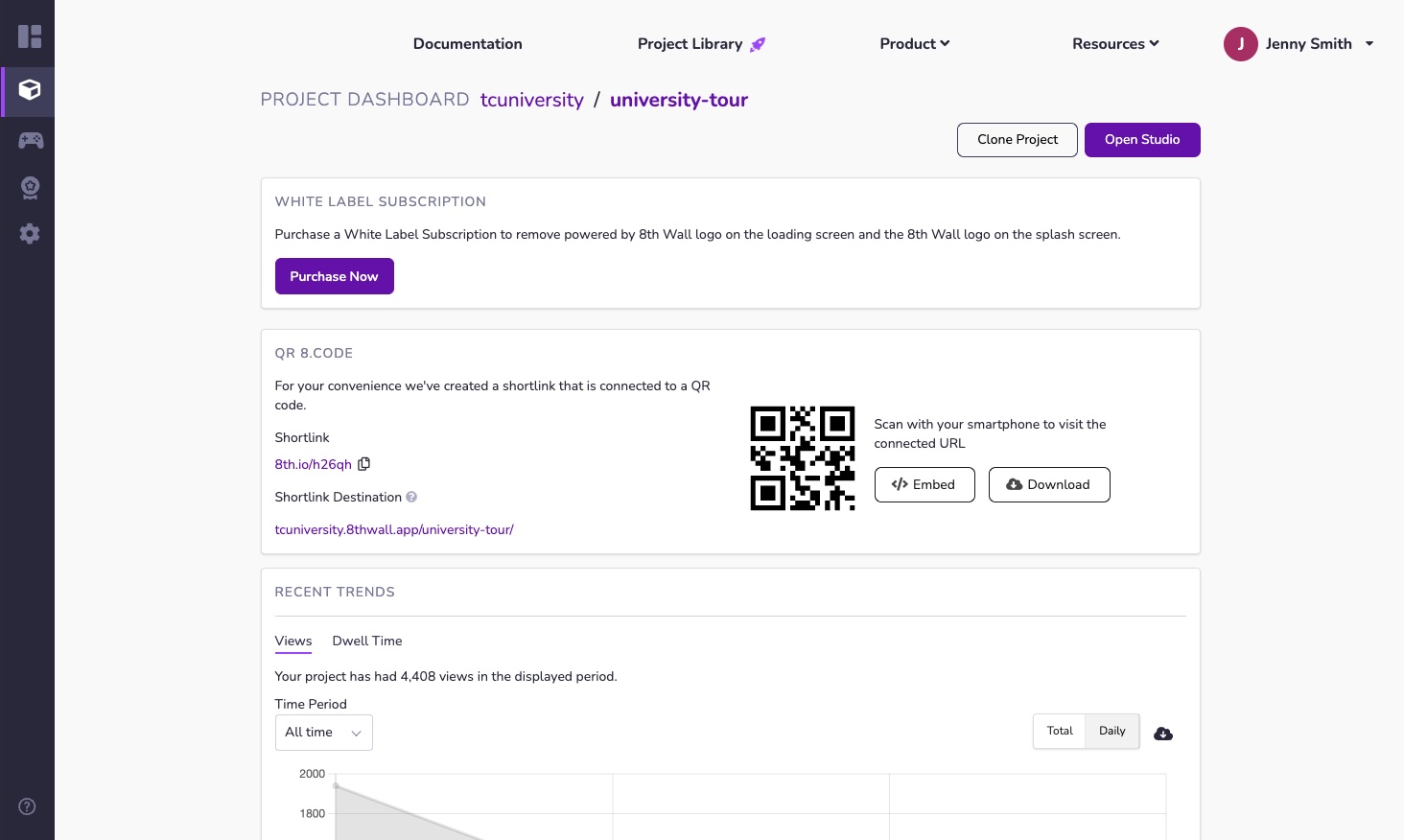
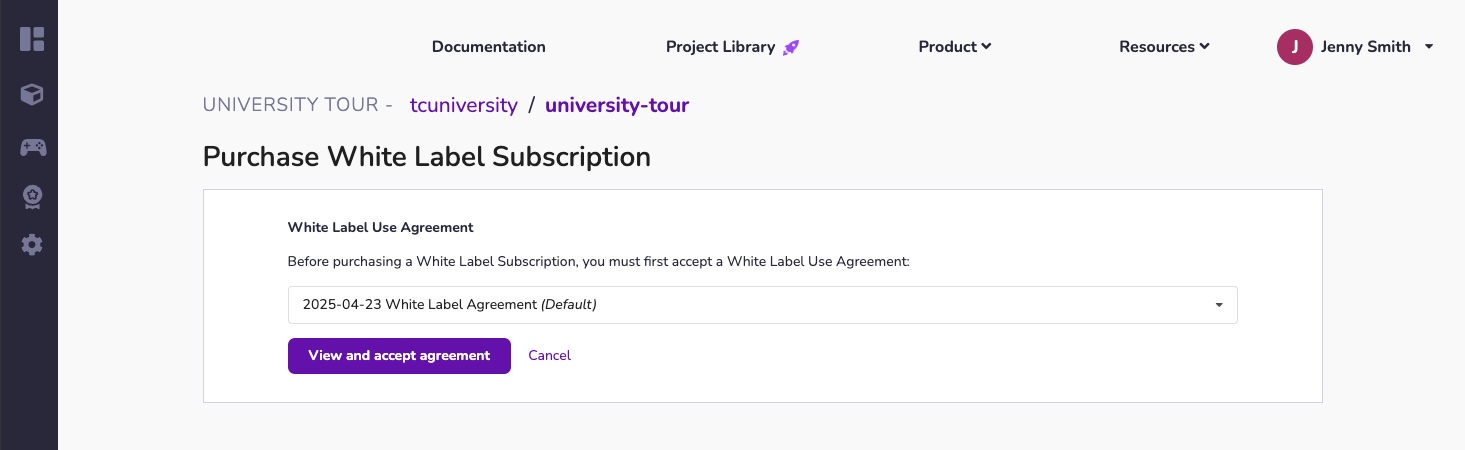
3. View and accept the White Label Agreement
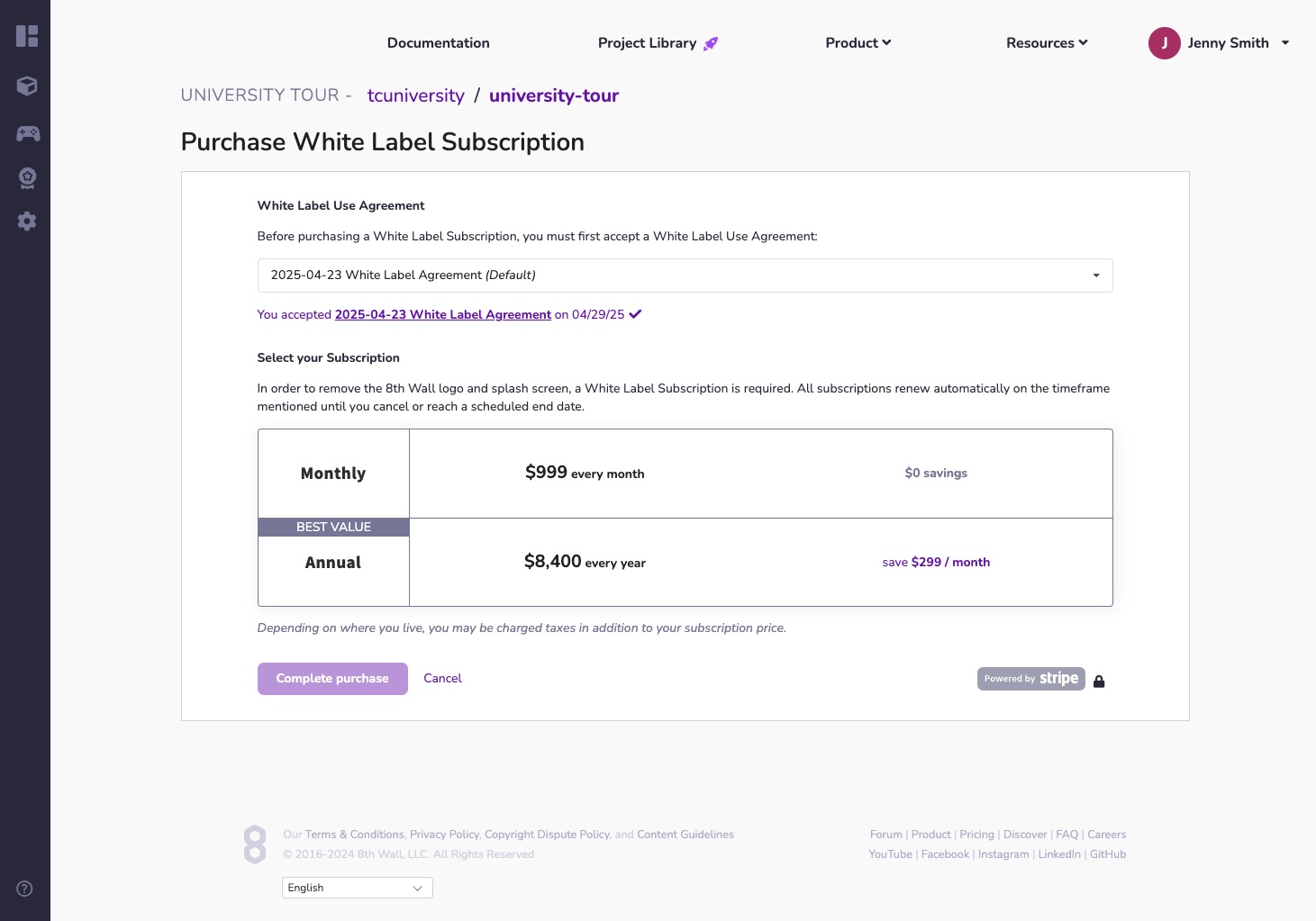
2. Select billing period. You can choose between the following options:
* **Monthly**: Subscription automatically renews every month.
* **Annual**: Subscription automatically renews every 12 months.
3. Select payment method.
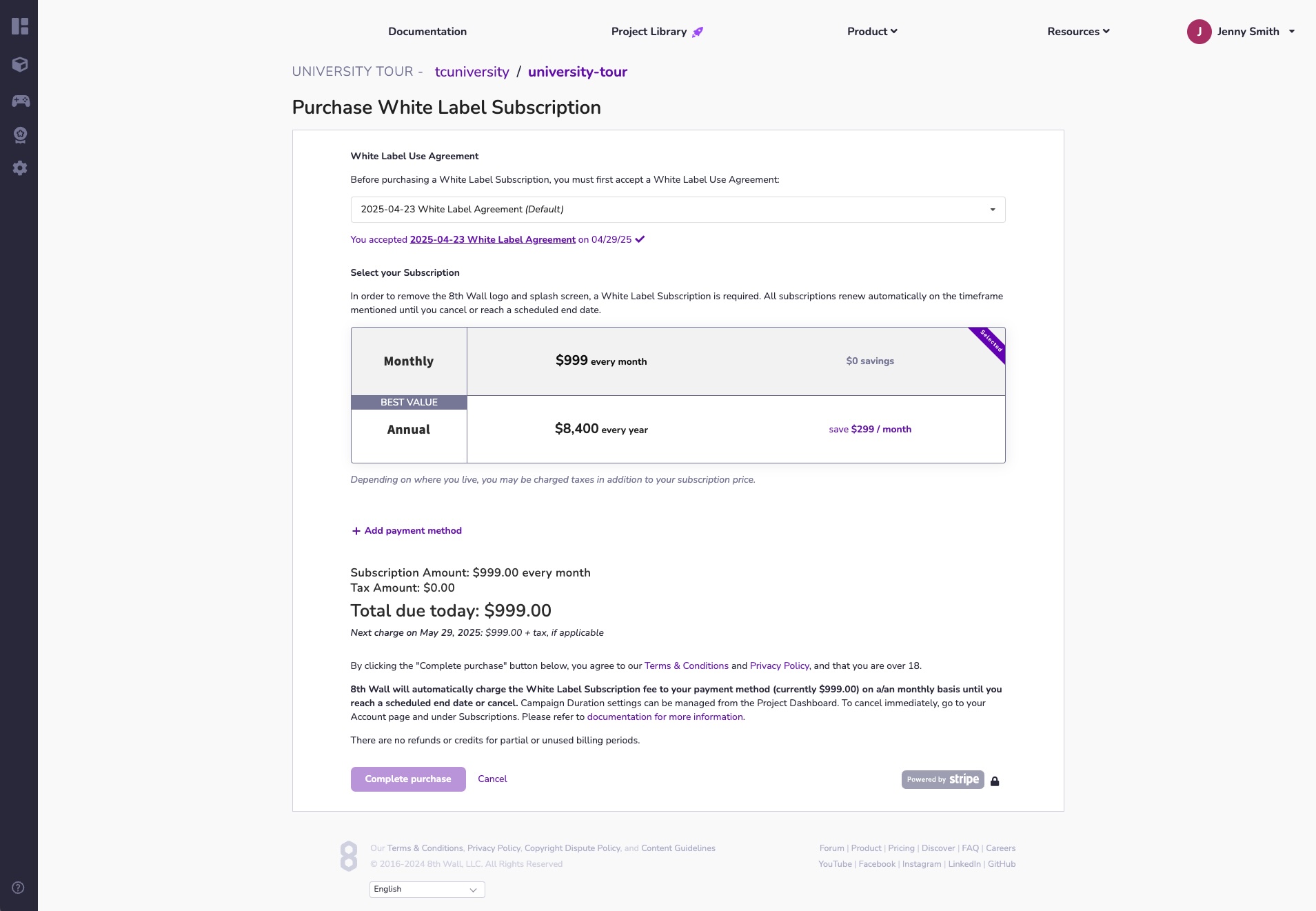
info
If you see the following error, click the link to navigate to your Account Settings and add a Billing Address.

4. Review **Total due today** and understand when the next automatic charge will take place and click **Complete purchase**
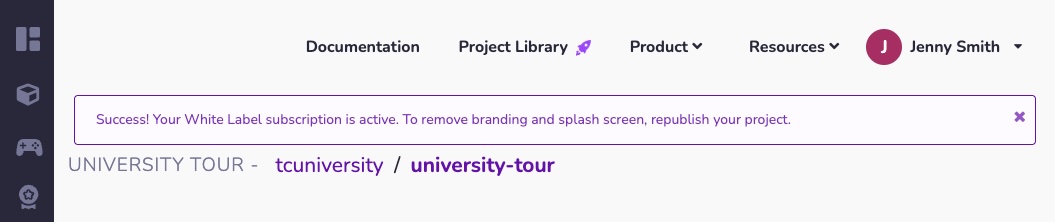
5. **Republish your project to remove the Default Splash screen**
Cancel Subscription[](https://www.8thwall.com/docs/account/projects/white-label/#cancel-subscription "Direct link to Cancel Subscription")
--------------------------------------------------------------------------------------------------------------------------------------------
By default, White Label subscriptions **run indefinitely and automatically renew** every billing period until you cancel or schedule an end date. Once purchased, subscription duration settings can be managed from the Project Dashboard page.
Subscription Duration settings can be managed from the Project Dashboard. The following options are available:
* **Ongoing**: The project will run indefinitely and your subscription will automatically renew each month. The date/time of the next renewal will be displayed.
* **End after current billing cycle**: The subscription will run through the current billing period, and then end.
* **Schedule an end date and time**: Select a custom date and time for the subscription to end.
* **End project now**: End subscription immediately (**Custom Plans with Unlimited White Label only**).
To modify subscription duration:
1. Go to the Project Dashboard of your project.
2. In the **White Label Subscription** box, Click **Edit**:
3. Set the desired subscription end date and click **Update** to save your changes:

Reactivate Subscription[](https://www.8thwall.com/docs/account/projects/white-label/#reactivate-subscription "Direct link to Reactivate Subscription")
--------------------------------------------------------------------------------------------------------------------------------------------------------
When a White Label Subscription is canceled or reaches a scheduled end date, billing stops and the project is relocated under the **Completed Projects** tab on the Project Dashboard.
To re-launch a project and purchase a new White Label subscription, please follow one these options:
**From the Workspace page**:
1. From the Workspace page, select the **Completed Projects** tab.
2. Locate the project to reactivate.
3. Click the "..." menu, and select **Reactivate White Label** from the drop-down menu.
4. Complete the [Purchase White Label](https://www.8thwall.com/docs/account/projects/white-label/#purchase-subscription)
wizard to reactivate the White Label subscription.
**From the Project Dashboard**:
1. From the Workspace page, select the **Completed Projects** tab.
2. Select the desired project to navigate to the Project Dashboard page.
3. Click "Launch Now".
4. Complete the [Purchase White Label](https://www.8thwall.com/docs/account/projects/white-label/#purchase-subscription)
wizard to reactivate the White Label subscription.
Project Redirect URL[](https://www.8thwall.com/docs/account/projects/white-label/#project-redirect-url "Direct link to Project Redirect URL")
-----------------------------------------------------------------------------------------------------------------------------------------------
When a launched project is cancelled or completed, you may want to redirect users to another URL.
Specify a Project Redirect URL to automatically redirect your users to a different site when your White Label subscription has ended.
1. From the Project Dashboard, locate the **Project Redirect URL** section
2. Click **Set a URL**
3. Enter the desired redirect URL
* [Purchase Subscription](https://www.8thwall.com/docs/account/projects/white-label/#purchase-subscription)
* [Cancel Subscription](https://www.8thwall.com/docs/account/projects/white-label/#cancel-subscription)
* [Reactivate Subscription](https://www.8thwall.com/docs/account/projects/white-label/#reactivate-subscription)
* [Project Redirect URL](https://www.8thwall.com/docs/account/projects/white-label/#project-redirect-url)
---
# Manage Billing Information | 8th Wall
[Skip to main content](https://www.8thwall.com/docs/account/settings/manage-billing/#__docusaurus_skipToContent_fallback)
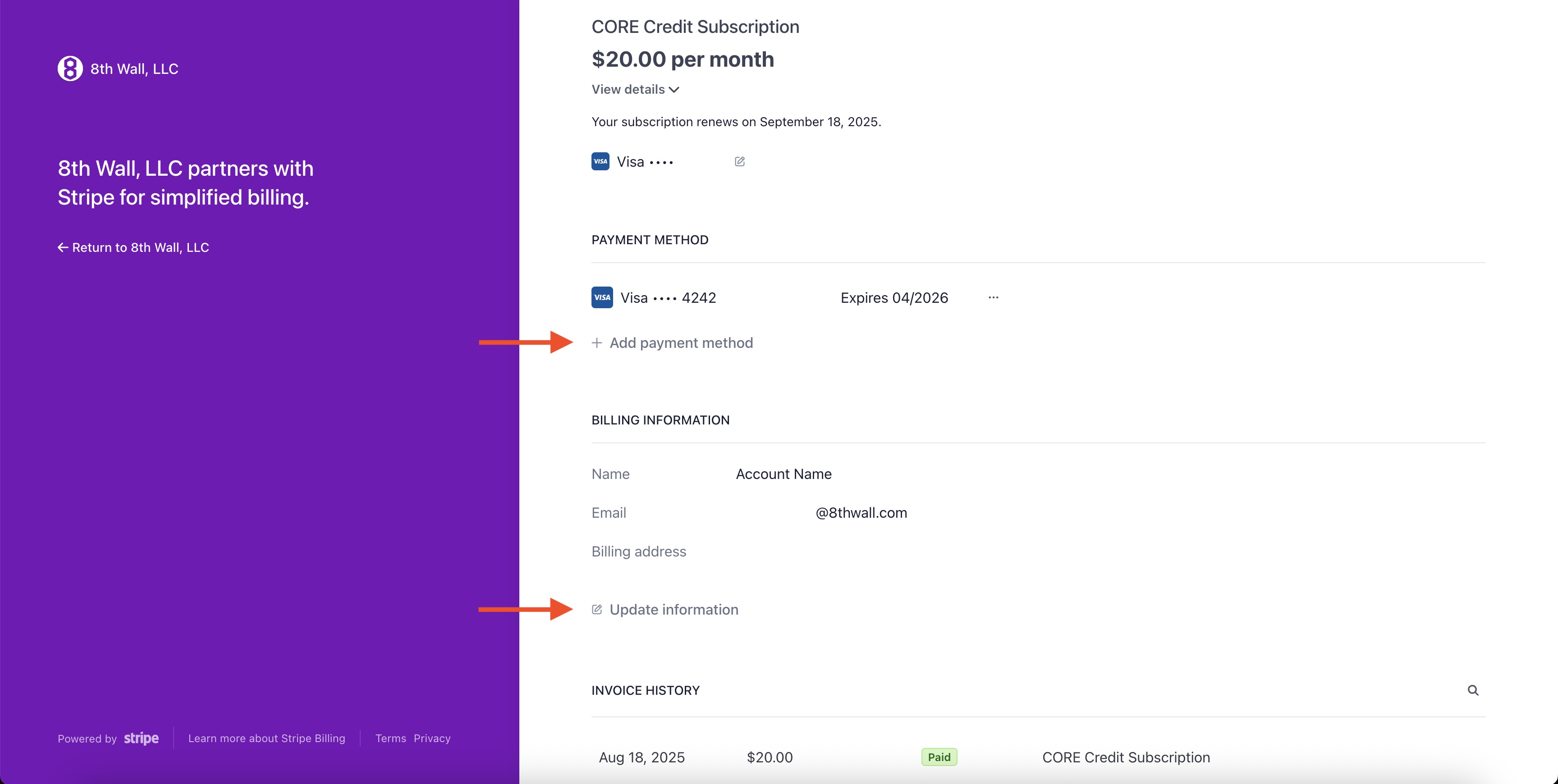
8th Wall uses the Stripe Billing Portal to manage payment methods and billing information. On this page you can:
* Add a new payment method
* Remove a payment method
* Change your default payment method
* Update billing information
1. Login to your 8th Wall account, and click "Go to My Projects":

2. Expand your workspace, if not already open.
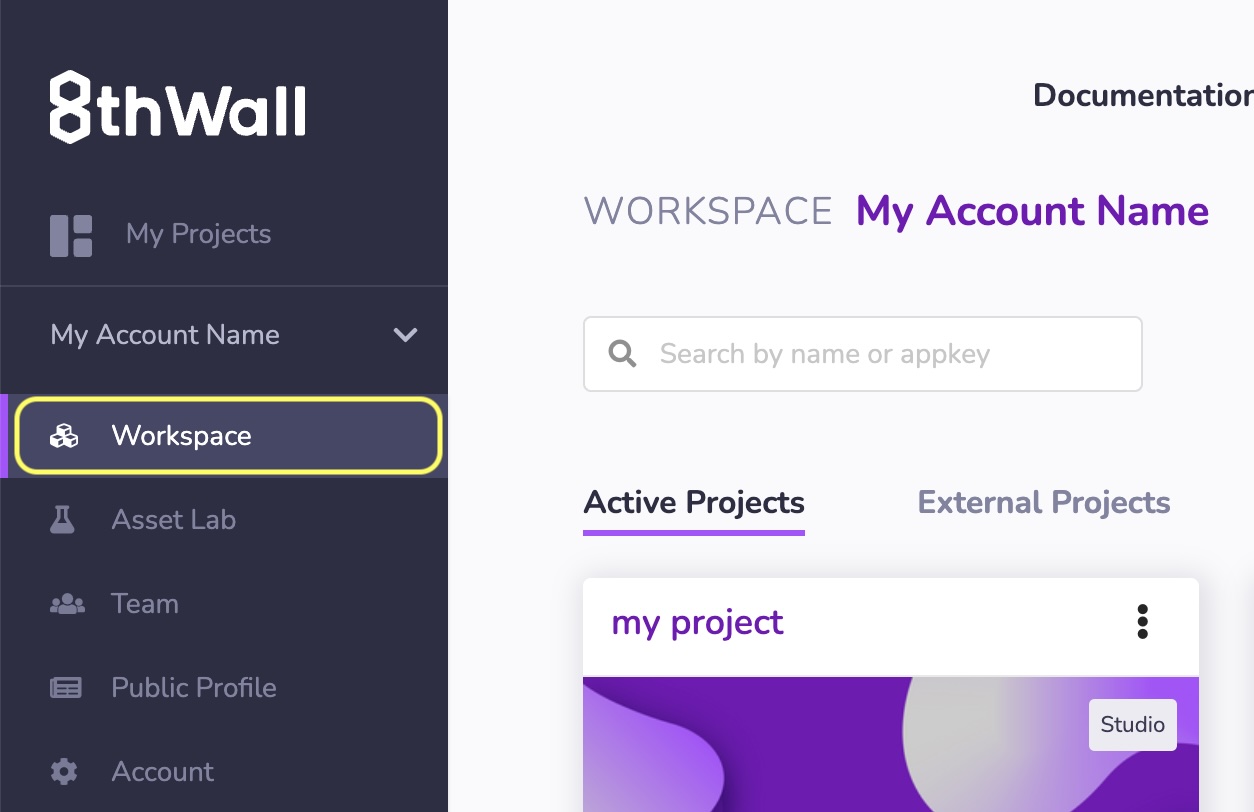
3. Click **Account** in the left navigation.
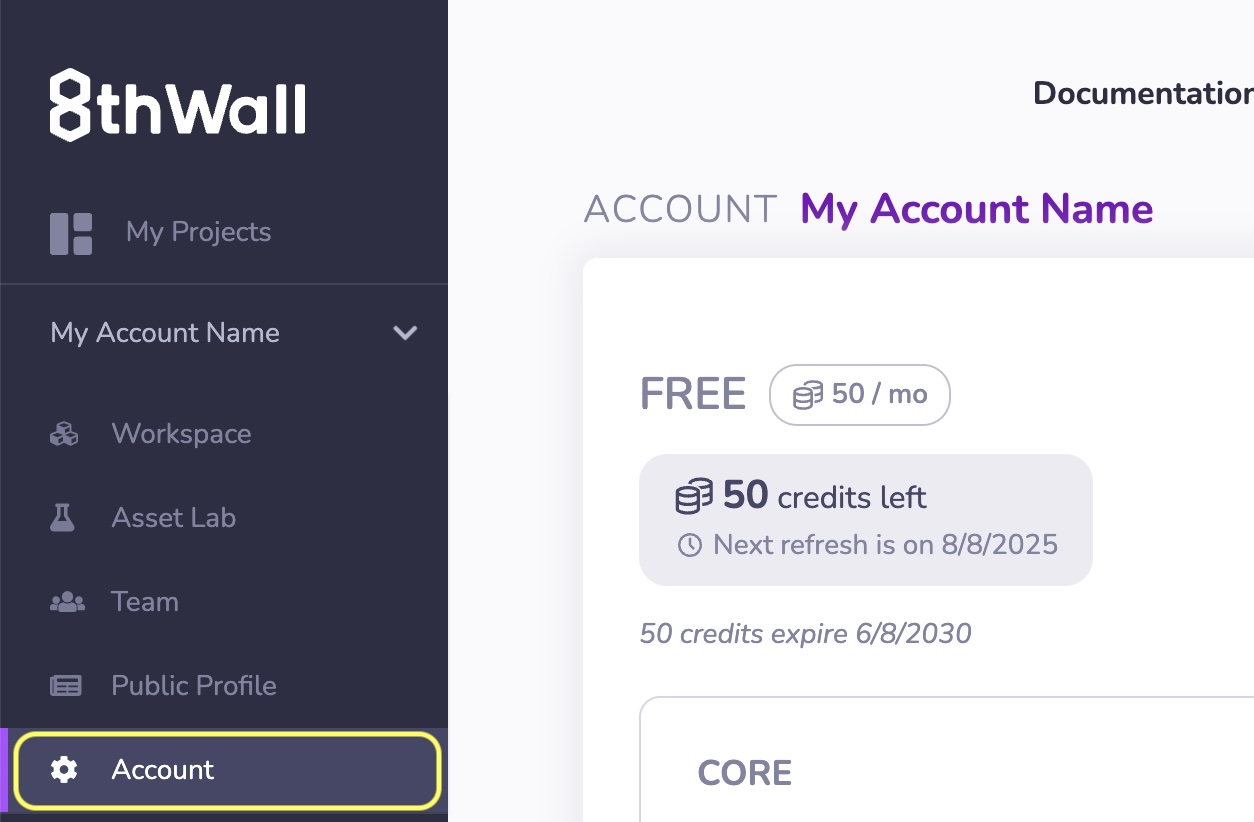
4. Click **Manage Billing and Payment Methods**
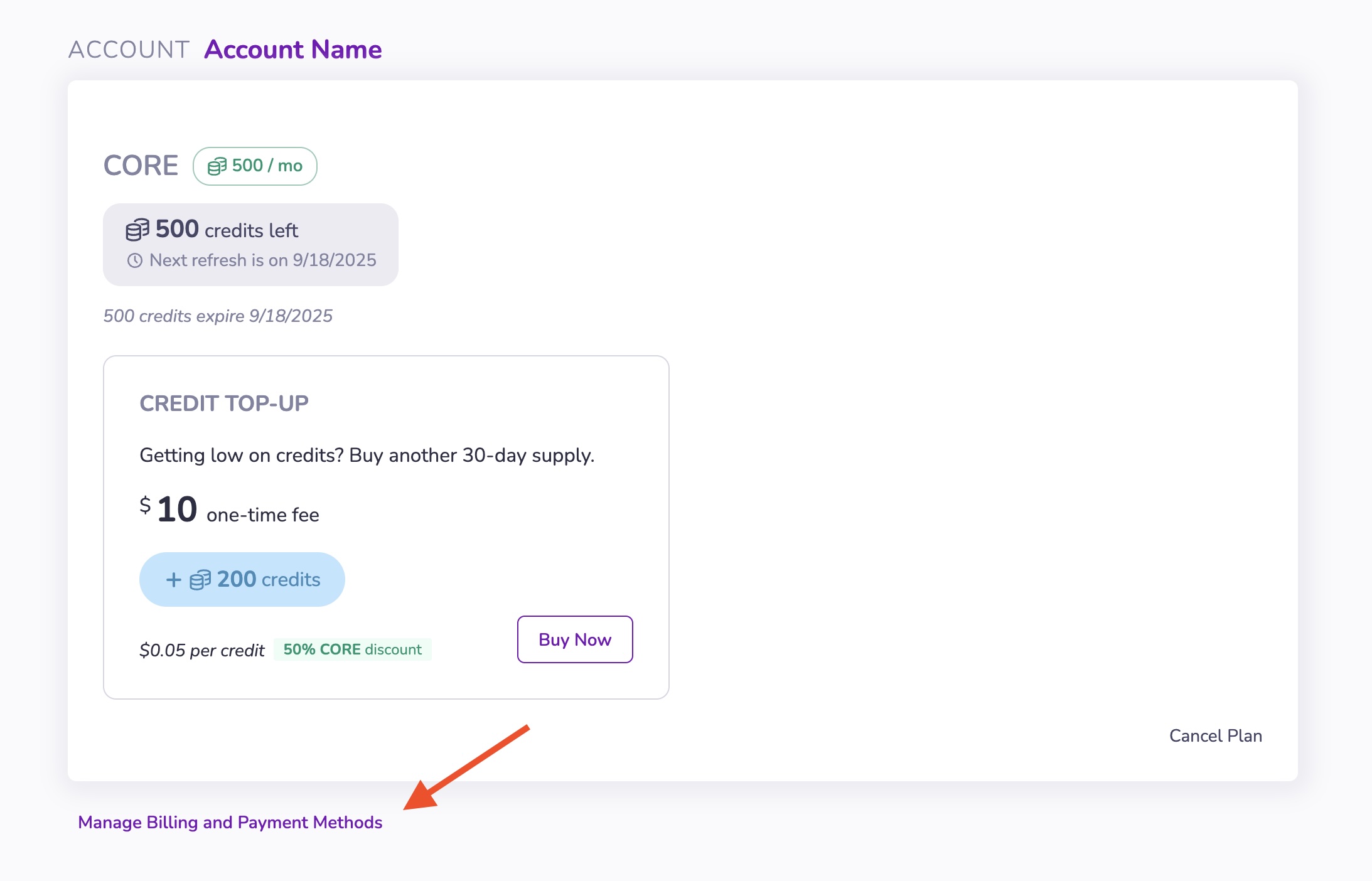
info
Updated billing information will only be reflected on **future invoices/receipts**.
---
# API Introduction | 8th Wall
[Skip to main content](https://www.8thwall.com/docs/api/#__docusaurus_skipToContent_fallback)
On this page
This section provides a detailed look at the APIs available for building immersive WebAR experiences with 8th Wall Studio.
The 8th Wall API reference is organized into two main groups:
Studio API[](https://www.8thwall.com/docs/api/#studio-api "Direct link to Studio API")
----------------------------------------------------------------------------------------
The Studio API provides everything you need to build structured, dynamic experiences in Studio.
The Studio API includes:
* [**Entity-Component System (ECS)**](https://www.8thwall.com/docs/api/studio/ecs/)
— APIs for working with Studio’s ECS architecture, allowing you to create, modify, and organize entities and components at runtime.
* [**World**](https://www.8thwall.com/docs/api/studio/world/)
— Core functions and utilities for managing the overall scene graph, including entity hierarchies, transforms, and spaces. The world is the container for all spaces, entities, queries, and observers in your project.
* [**Events**](https://www.8thwall.com/docs/api/studio/events/)
— A rich system for sending and responding to runtime events within Studio.
Use the Studio API to create immersive, stateful experiences that respond to player input, world changes, and real-time interactions.
[Explore the Studio API →](https://www.8thwall.com/docs/api/studio/)
Engine API[](https://www.8thwall.com/docs/api/#engine-api "Direct link to Engine API")
----------------------------------------------------------------------------------------
The Engine API provides lower-level access to 8th Wall’s underlying AR engine, including:
* **8th Wall Camera Pipeline Modules** — Camera pipeline modules developed by 8th Wall.
* **Custom Camera Pipeline Modules** — Interface for working with the camera frame processing pipeline.
Use the Engine API when you need fine-grained control over camera input, frame processing, or when integrating custom WebGL or computer vision workflows into your project.
[Explore the Engine API →](https://www.8thwall.com/docs/api/engine/)
* * *
Choosing the Right API[](https://www.8thwall.com/docs/api/#choosing-the-right-api "Direct link to Choosing the Right API")
----------------------------------------------------------------------------------------------------------------------------
* **Building in 8th Wall Studio?** → Start with the **Studio API** to work within Studio's structured development environment.
* **Working at the engine level or extending functionality?** → Dive into the **Engine API** for camera access and low-level AR features.
note
**Studio experiences can use custom camera pipeline modules for advanced control, but the Studio API and Engine API serve different purposes: Studio handles world-building and interaction, while Engine manages low-level camera and frame processing.**
* [Studio API](https://www.8thwall.com/docs/api/#studio-api)
* [Engine API](https://www.8thwall.com/docs/api/#engine-api)
* [Choosing the Right API](https://www.8thwall.com/docs/api/#choosing-the-right-api)
---
# Account Settings | 8th Wall
[Skip to main content](https://www.8thwall.com/docs/account/settings/#__docusaurus_skipToContent_fallback)
The Account page allows you to:
* [Manage 8th Wall Credits](https://www.8thwall.com/docs/account/settings/manage-credits/)
* [View current subscriptions](https://www.8thwall.com/docs/account/settings/view-subscriptions/)
* [Manage Billing and Payment Methods](https://www.8thwall.com/docs/account/settings/manage-billing/)
* [Manage invoices](https://www.8thwall.com/docs/account/settings/manage-invoices/)
(View and Download)
* [Set up Payments API](https://www.8thwall.com/docs/legacy/guides/advanced-topics/monetize-with-8th-wall-payments/)
to monetize your experiences or games with 8th Wall Payments.
* Access Platform API (**custom plans only**)
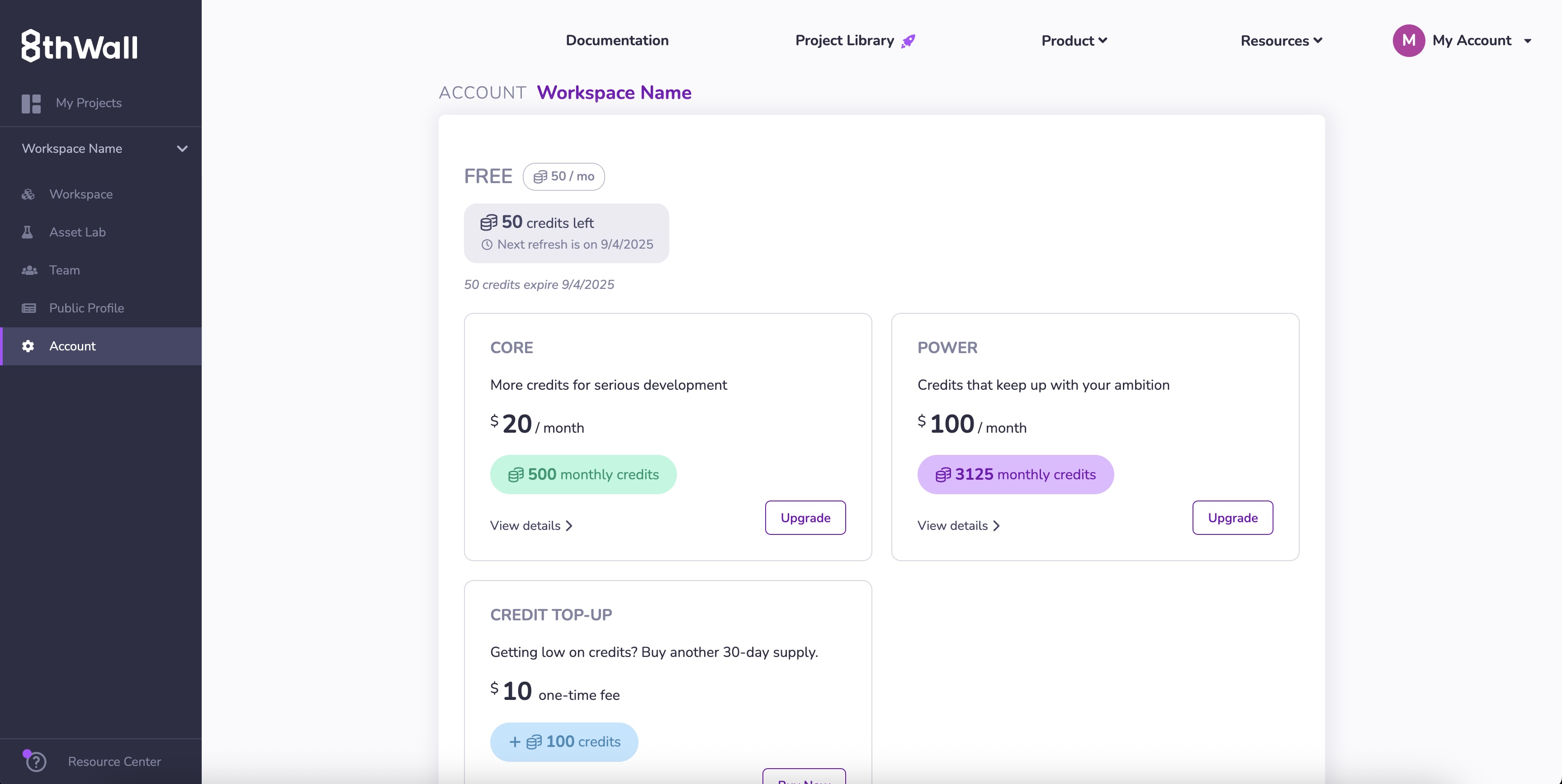
---
# Manage Credits | 8th Wall
[Skip to main content](https://www.8thwall.com/docs/account/settings/manage-credits/#__docusaurus_skipToContent_fallback)
On this page
Credits are required for interacting with advanced 8th Wall features such as **Generative AI asset generation** and **Native App Export**.
Purchase a Credit Subscription[](https://www.8thwall.com/docs/account/settings/manage-credits/#purchase-a-credit-subscription "Direct link to Purchase a Credit Subscription")
--------------------------------------------------------------------------------------------------------------------------------------------------------------------------------
1. Log into your account and click **Account** in the left navigation.
2. In the **Subscription Plans** section, click **Upgrade** under your desired plan. 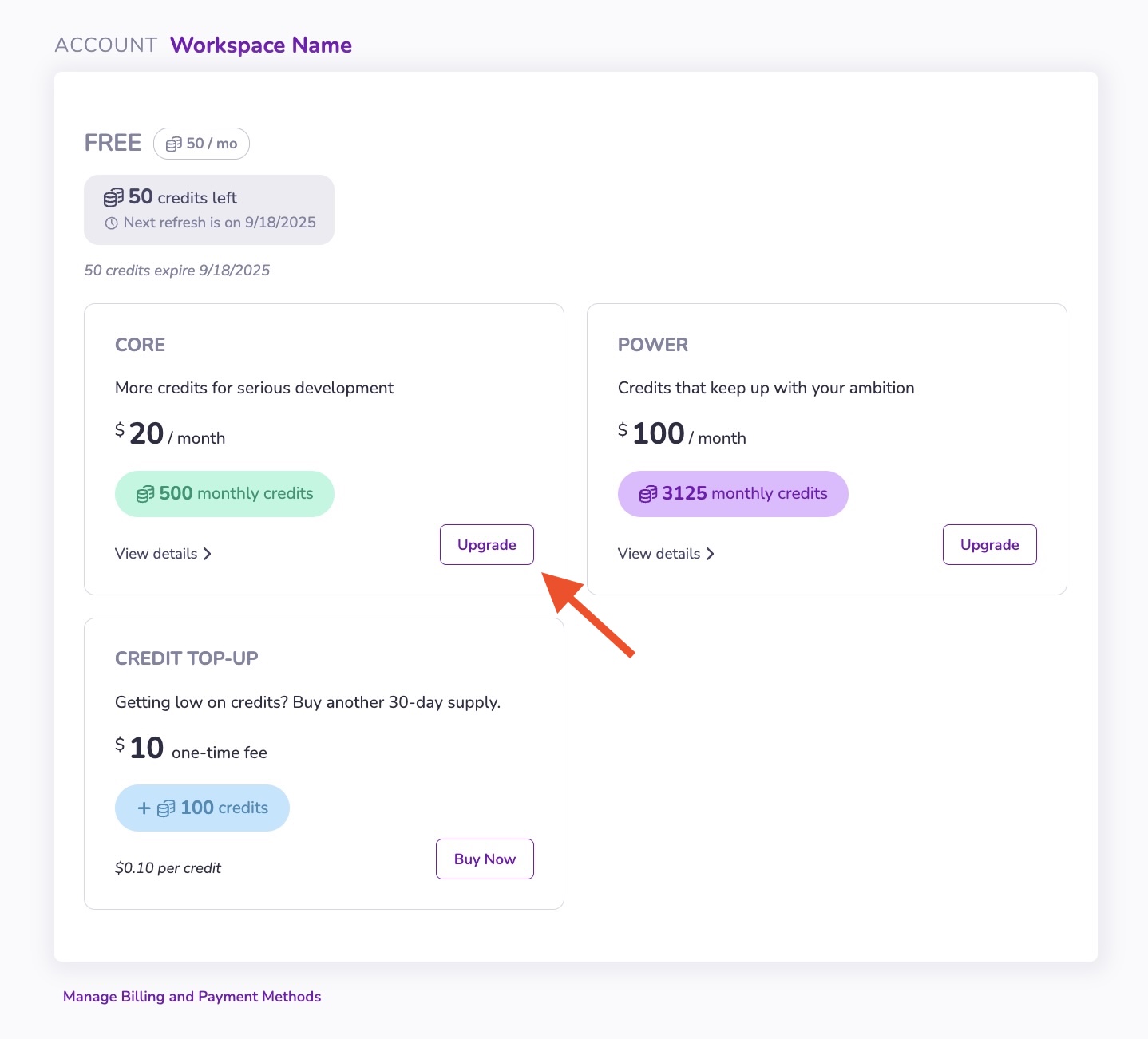
3. Complete your upgrade via Stripe Checkout. 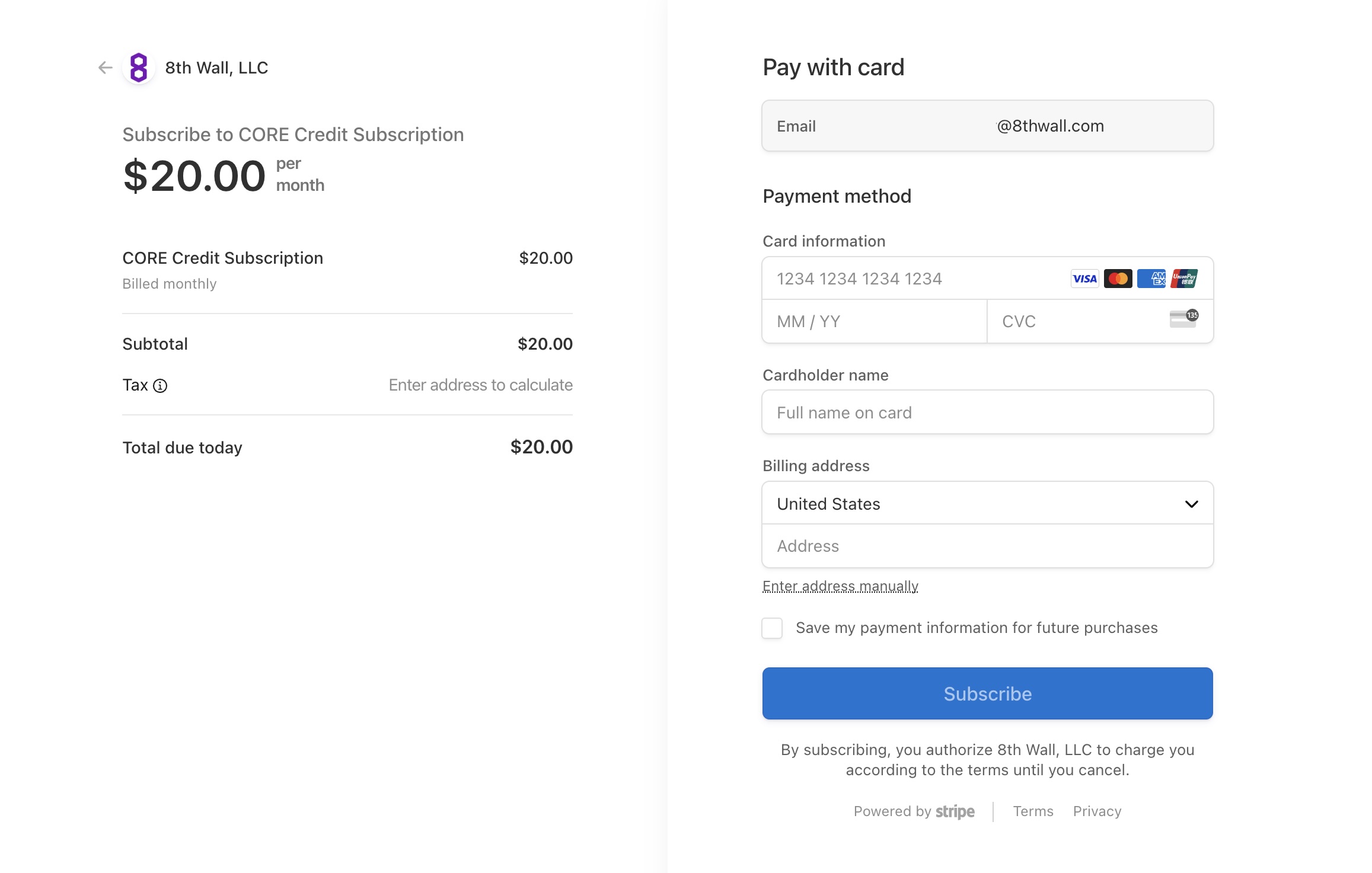
Cancel a Credit Subscription[](https://www.8thwall.com/docs/account/settings/manage-credits/#cancel-a-credit-subscription "Direct link to Cancel a Credit Subscription")
--------------------------------------------------------------------------------------------------------------------------------------------------------------------------
You can cancel or unsubscribe at any time. There are no refunds for partial months or unused credits.
To Cancel a Credit Subscription:
1. Log into your account and click **Account** in the left navigation.
2. Click **Cancel plan**. 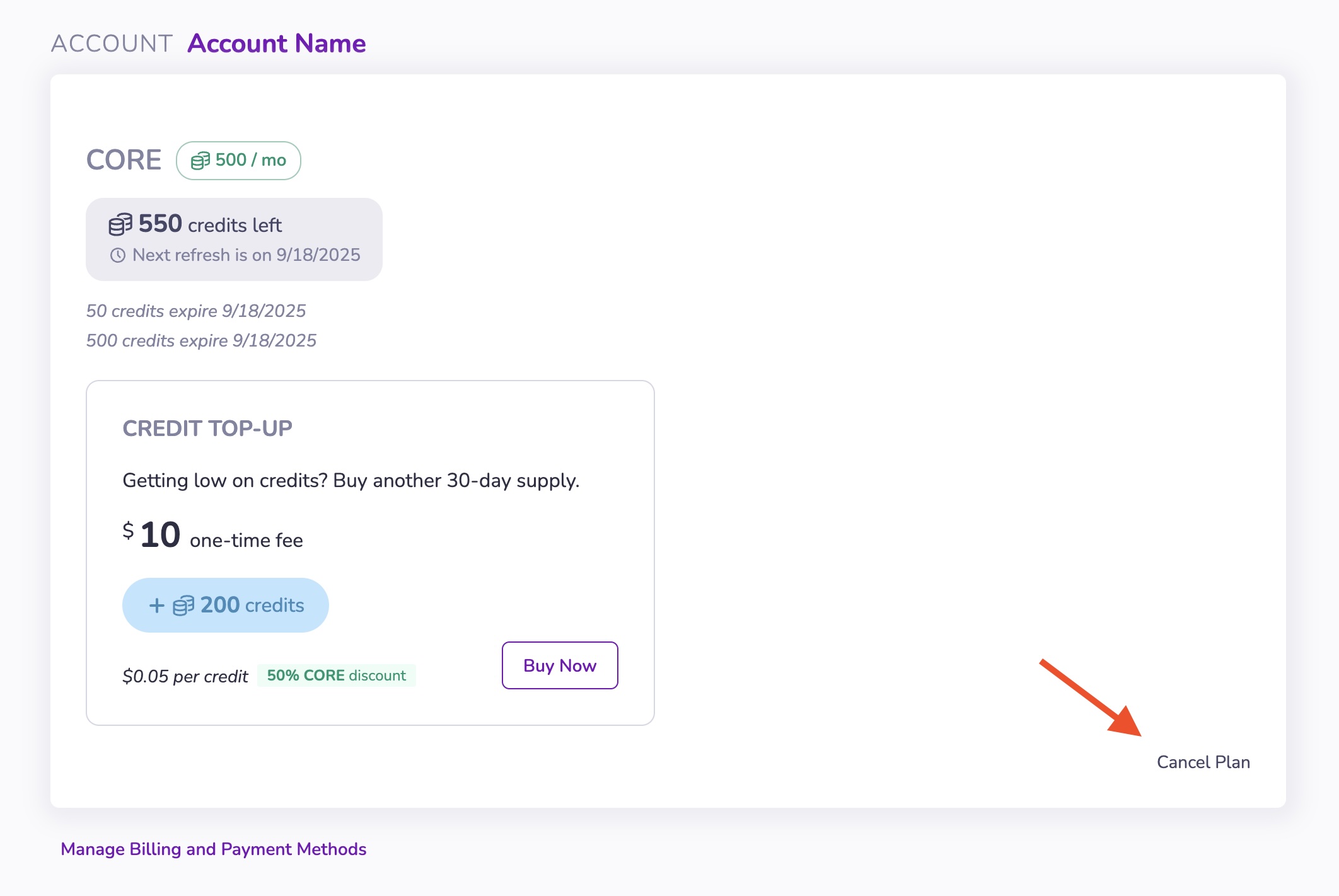
3. A dialog will open to confirm cancellation via Stripe.
Buy a Credit Top-Up[](https://www.8thwall.com/docs/account/settings/manage-credits/#buy-a-credit-top-up "Direct link to Buy a Credit Top-Up")
-----------------------------------------------------------------------------------------------------------------------------------------------
1. Log into your account and click **Account** in the left navigation.
2. In the **Subscription Plans** section, click **Buy Now** under your Credit Top-Up. 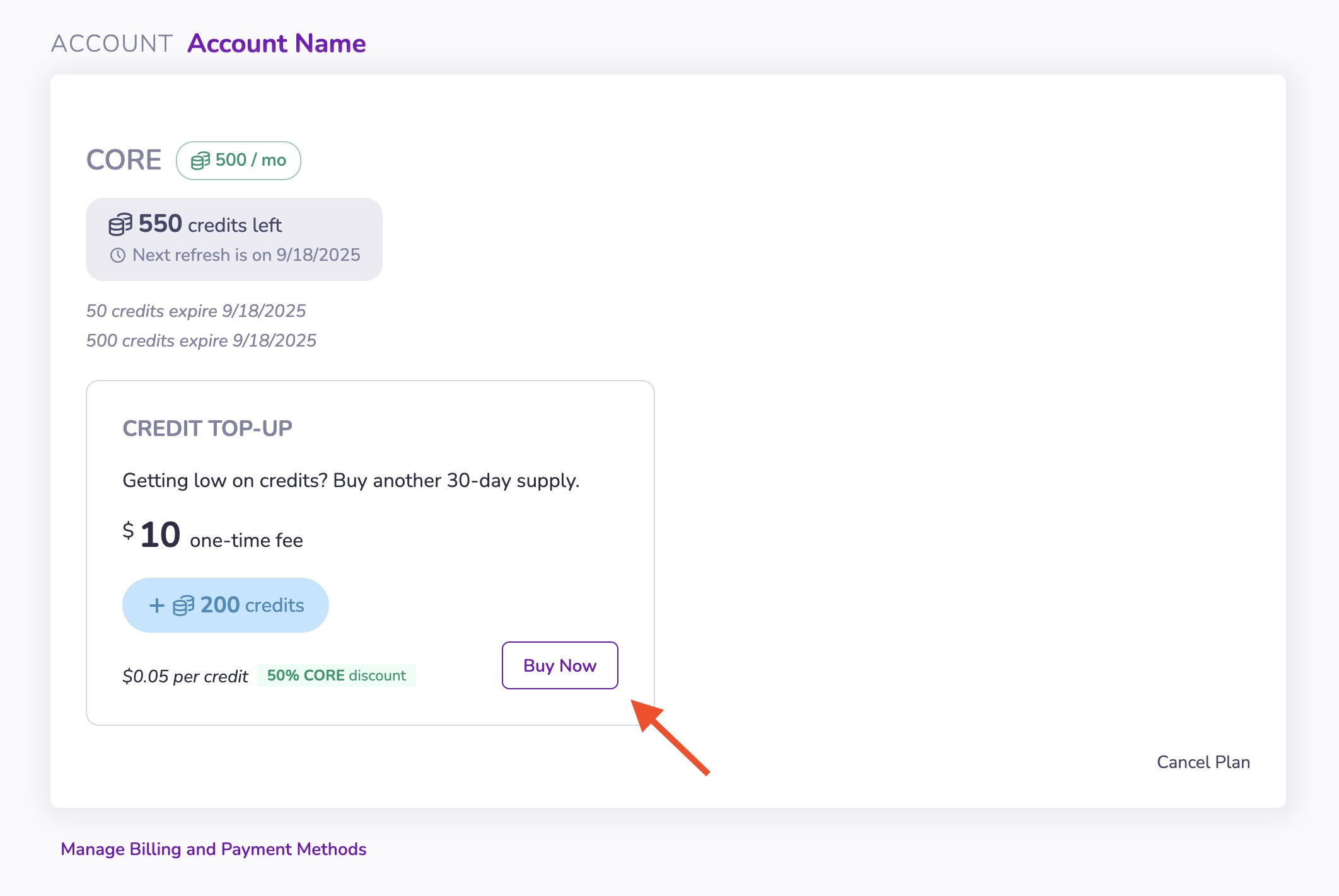
3. Choose credit top-up amount. 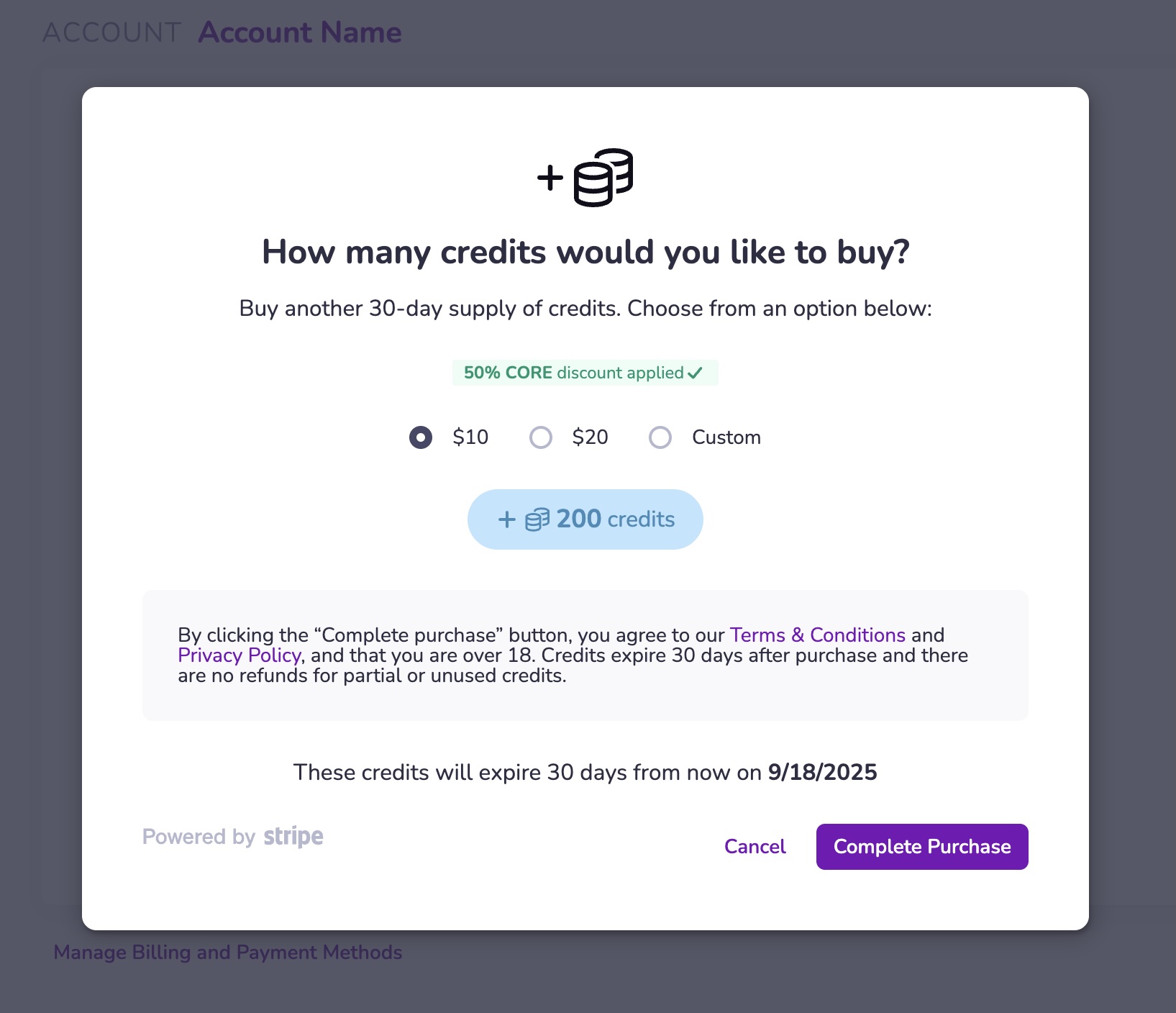
4. Complete your upgrade via Stripe Checkout.
Using Credits[](https://www.8thwall.com/docs/account/settings/manage-credits/#using-credits "Direct link to Using Credits")
-----------------------------------------------------------------------------------------------------------------------------
info
In the event that an error occurs, credits will not be consumed.
Credits are used when you perform actions that require them. The amount used varies by action and model choice.
* Before performing an action, you’ll see how many credits it will consume.
* You can choose higher- or lower-powered models that use more or fewer credits.
Credit Balance[](https://www.8thwall.com/docs/account/settings/manage-credits/#credit-balance "Direct link to Credit Balance")
--------------------------------------------------------------------------------------------------------------------------------
You can view your credit balance:
* On your **Account** page
* Inside **Asset Lab**
* In the publish modal for **Native App Export**
Click the credit number displayed in the top bar of these interfaces.
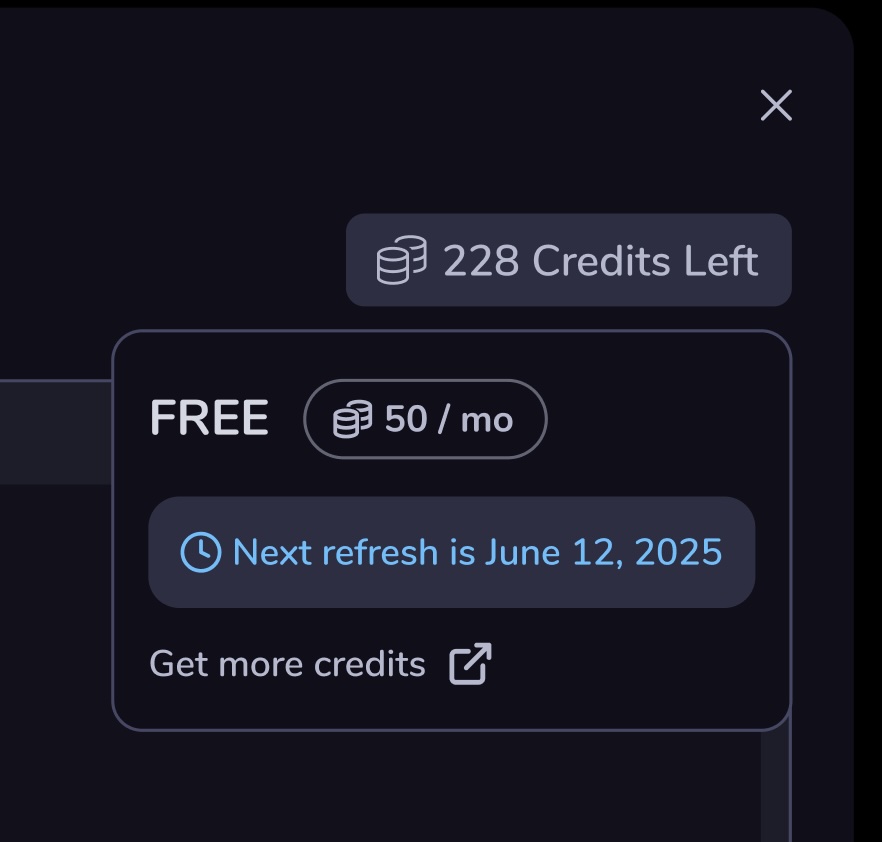
How Credits Refresh[](https://www.8thwall.com/docs/account/settings/manage-credits/#how-credits-refresh "Direct link to How Credits Refresh")
-----------------------------------------------------------------------------------------------------------------------------------------------
| Account Type | Refresh Behavior |
| --- | --- |
| Free Workspace | Credits refresh monthly on signup date |
| Subscriptions | Credits refresh monthly on subscription date |
| One-time Top-Up | Credits expire 30 days after purchase |
| Promotional Credits | Expire at end of calendar month |
For **Custom accounts**, please [contact sales](https://www.8thwall.com/custom)
for more information.
Service Credit Terms[](https://www.8thwall.com/docs/account/settings/manage-credits/#service-credit-terms "Direct link to Service Credit Terms")
--------------------------------------------------------------------------------------------------------------------------------------------------
We may offer the option to prepay for certain Services through the purchase of credits (“Prepaid Service Credits”). Prepaid Service Credits represent the amount you have paid in advance for use of the respective Services. They may be provided as a monthly renewing subscription or one-time purchase. Additional terms may apply to specific Services.
We may also offer Service Credits free of charge as part of a promotional program rather than for purchase (“Promo Service Credits”). Promo Service Credits will not be applied against any sales, use, gross receipts, or similar transaction-based taxes.
Service Credits:
* Are not legal tender or currency
* Are not redeemable, refundable, or exchangeable for money
* Have no equivalent fiat value
* Are non-transferable and only usable with applicable Services
All sales of Services, including prepaid credits, are final. Service Credits are not refundable and expire **30 days after purchase or issuance**, unless otherwise specified.
Your credit balance may be reviewed in your 8th Wall account. You are responsible for verifying correct additions/deductions. Your credit balance is not a bank account or payment device.
We prohibit transfers, sales, or trades of Service Credits. Any such attempt may result in:
* Revocation or termination of credits
* Suspension or termination of your account
* No refunds provided
We reserve the right to suspend or terminate your account in accordance with our Terms and Conditions.
* [Purchase a Credit Subscription](https://www.8thwall.com/docs/account/settings/manage-credits/#purchase-a-credit-subscription)
* [Cancel a Credit Subscription](https://www.8thwall.com/docs/account/settings/manage-credits/#cancel-a-credit-subscription)
* [Buy a Credit Top-Up](https://www.8thwall.com/docs/account/settings/manage-credits/#buy-a-credit-top-up)
* [Using Credits](https://www.8thwall.com/docs/account/settings/manage-credits/#using-credits)
* [Credit Balance](https://www.8thwall.com/docs/account/settings/manage-credits/#credit-balance)
* [How Credits Refresh](https://www.8thwall.com/docs/account/settings/manage-credits/#how-credits-refresh)
* [Service Credit Terms](https://www.8thwall.com/docs/account/settings/manage-credits/#service-credit-terms)
---
# Teams | 8th Wall
[Skip to main content](https://www.8thwall.com/docs/account/teams/#__docusaurus_skipToContent_fallback)
On this page
Each Workspace has a team containing one or more Users, each with different permissions. Users can belong to multiple Workspace teams.
Add others to your team to allow them to access the Projects in your workspace. This allows you to collaboratively create, manage, test and publish Web AR projects as a team.
Invite Users[](https://www.8thwall.com/docs/account/teams/#invite-users "Direct link to Invite Users")
--------------------------------------------------------------------------------------------------------
1. Select your workspace.

2. Click **Team** in the left navigation.
3. Enter the email address(es) for the users you want to invite. Enter multiple emails separated by commas.
4. Click **Invite users**
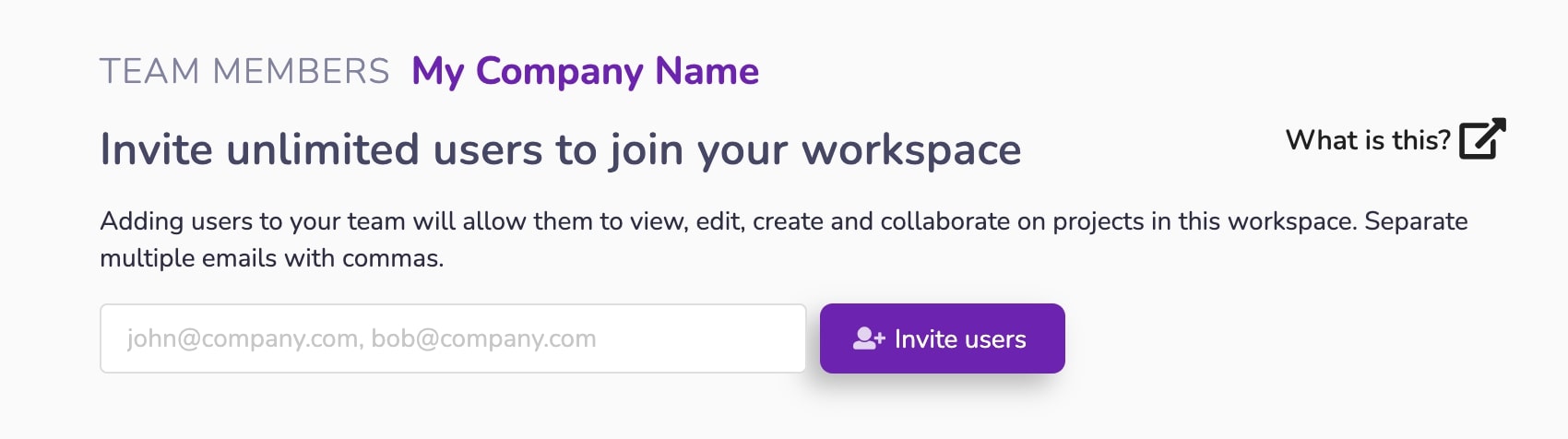
User Roles[](https://www.8thwall.com/docs/account/teams/#user-roles "Direct link to User Roles")
--------------------------------------------------------------------------------------------------
Team members can have one of the following roles:
* OWNER
* ADMIN
* BILLMANAGER
* DEV
Capabilities for each role:
| Capability | OWNER | ADMIN | BILLMANAGER | DEV |
| --- | --- | --- | --- | --- |
| Projects - View | X | X | X | X |
| Projects - Create | X | X | X | X |
| Projects - Edit | X | X | X | X |
| Projects - Delete | X | X | X | X |
| Team - View Users | X | X | X | X |
| Team - Invite Users | X | X | | |
| Team - Remove Users | X | X | | |
| Team - Manage User Roles | X | X | | |
| Public Profile - Activate | X | X | | |
| Public Profile - Deactivate | X | X | | |
| Public Profile - Publish Featured Project | X | X | | |
| Public Profile - Edit Featured Project | X | X | | X |
| Public Profile - Unpublish Featured Project | X | X | | |
| Account - Manage Subscriptions | X | X | X | |
| Account - Manage Payment Methods | X | X | X | |
| Account - Update Billing Information | X | X | X | |
| Account - View/Pay Invoices | X | X | X | |
User Handles[](https://www.8thwall.com/docs/account/teams/#user-handles "Direct link to User Handles")
--------------------------------------------------------------------------------------------------------
Each user in your workspace has a handle. Workspace handles will be the same as the User Handle defined in a user's profile unless already taken or customized by a user.
Handles are used as part of the URL (in the format "handle-client-workspace.dev.8thwall.app") to preview new changes when developing with the 8th Wall Cloud Editor.
Example: tony-default-mycompany.dev.8thwall.app
danger
* Before changing your handle, make sure all work in the Cloud Editor is saved.
* Any of your unlanded changes to projects in the workspace will be abandonded.
* Any clients you created in projects in the workspace will be deleted.
#### Modify User Handle[](https://www.8thwall.com/docs/account/teams/#modify-user-handle "Direct link to Modify User Handle")
1. Select your workspace.
2. Click **Team** in the left navigation
3. Enter a new Handle.
4. Click ✔ to save.
5. Confirm you
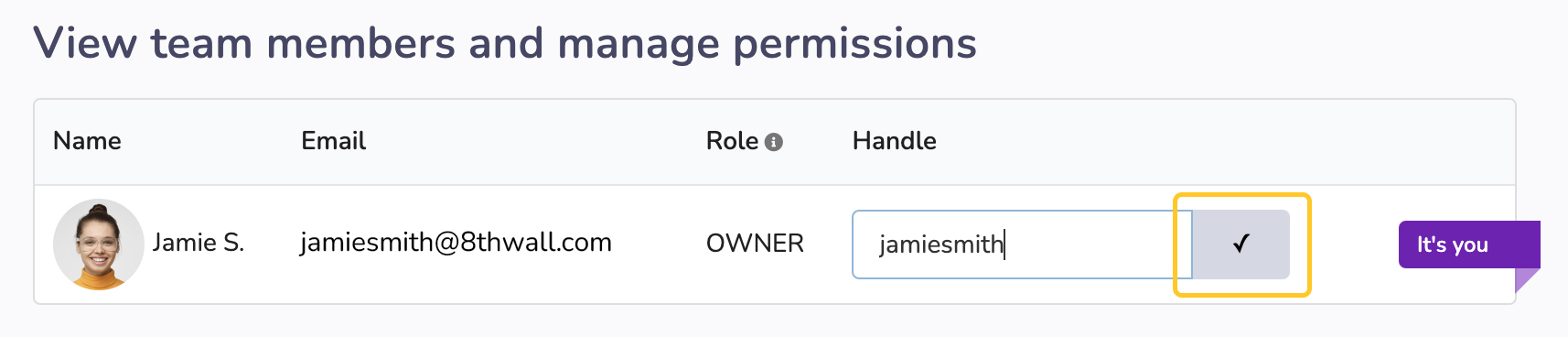
* [Invite Users](https://www.8thwall.com/docs/account/teams/#invite-users)
* [User Roles](https://www.8thwall.com/docs/account/teams/#user-roles)
* [User Handles](https://www.8thwall.com/docs/account/teams/#user-handles)
---
# Manage Invoices | 8th Wall
[Skip to main content](https://www.8thwall.com/docs/account/settings/manage-invoices/#__docusaurus_skipToContent_fallback)
1. Login to your 8th Wall account, and click "Go to My Projects":

2. Expand your workspace, if not already open.

3. Click **Account** in the left navigation.

4. Click **Manage Billing and Payment Methods**

5. A list of invoices can be found on the bottom of the Stripe Billing portal.
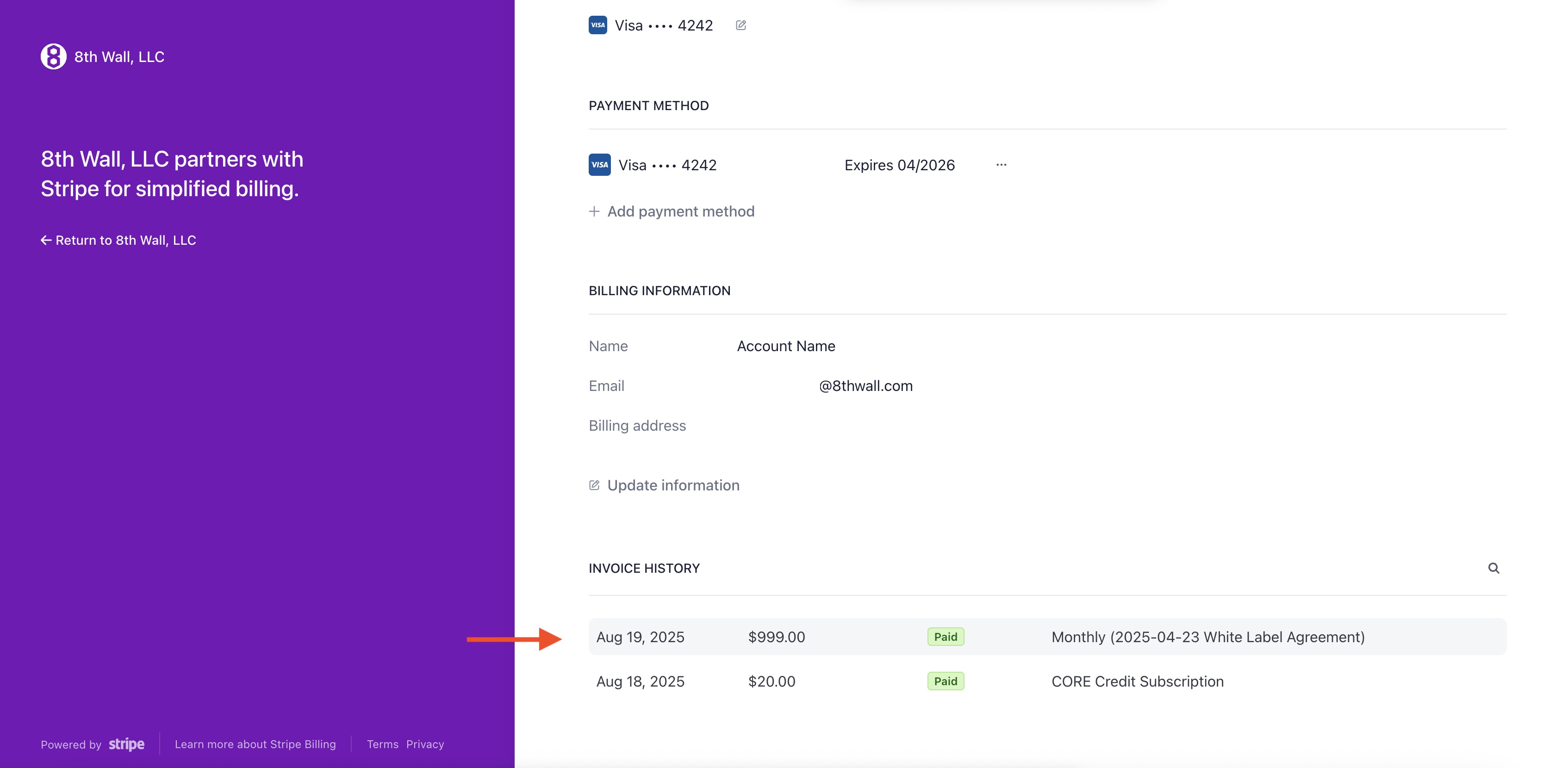
6. Click on an invoice to open the details. Here you also have the option to download the invoice or the receipt.
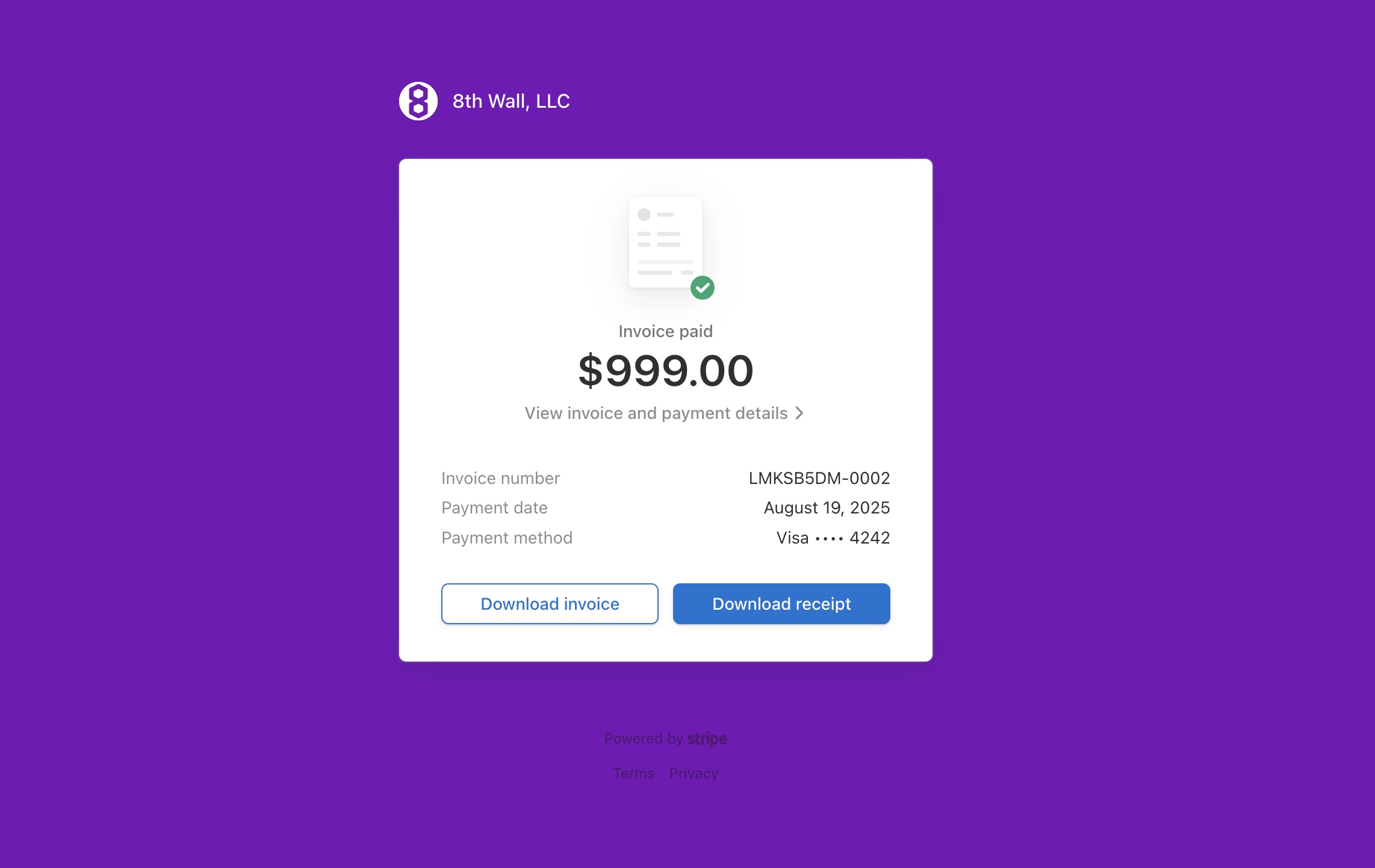
---
# Workspaces | 8th Wall
[Skip to main content](https://www.8thwall.com/docs/account/workspaces/#__docusaurus_skipToContent_fallback)
info
If signing up via an invitation from another 8th Wall user, you will be added as a team member of their existing workspace. Learn more [here](https://www.8thwall.com/docs/account/teams/)
.
A Workspace is a logical grouping of Projects, Users, and Billing. Workspaces can contain one or more Users, each with different permissions. Users can belong to multiple Workspaces.
The Workspace dashboard allows you to:
* Create new Projects.
* Manage existing projects.
* Access modules.
* Manage workspace team members and permissions.
* Manage your public profile.
* Manage subscriptions.
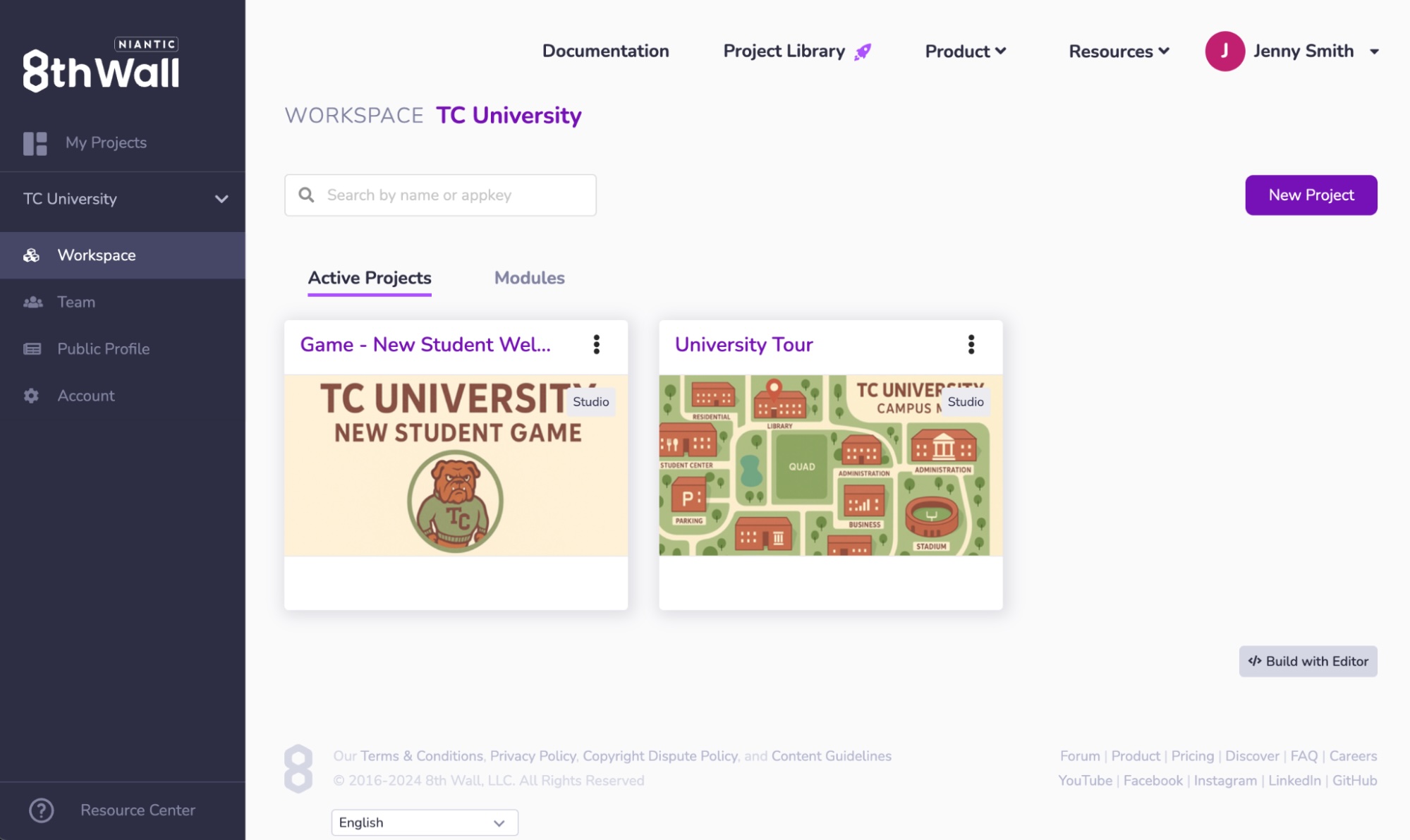
---
# View Subscriptions | 8th Wall
[Skip to main content](https://www.8thwall.com/docs/account/settings/view-subscriptions/#__docusaurus_skipToContent_fallback)
1. Login to your 8th Wall account, and click "Go to My Projects":

2. Expand your workspace, if not already open.

3. Click **Account** in the left navigation.

4. Click **Manage Billing and Payment Methods**

5. Current subscriptions (Credit and White Label) are displayed as the first section in the Stripe Billing portal. Each subscription will show renewal date and payment method. White Label subscriptions will also show the project they're associated with. To cancel a white label subscription, navigate to the [project dashboard](https://www.8thwall.com/docs/account/projects/project-dashboard/)
.
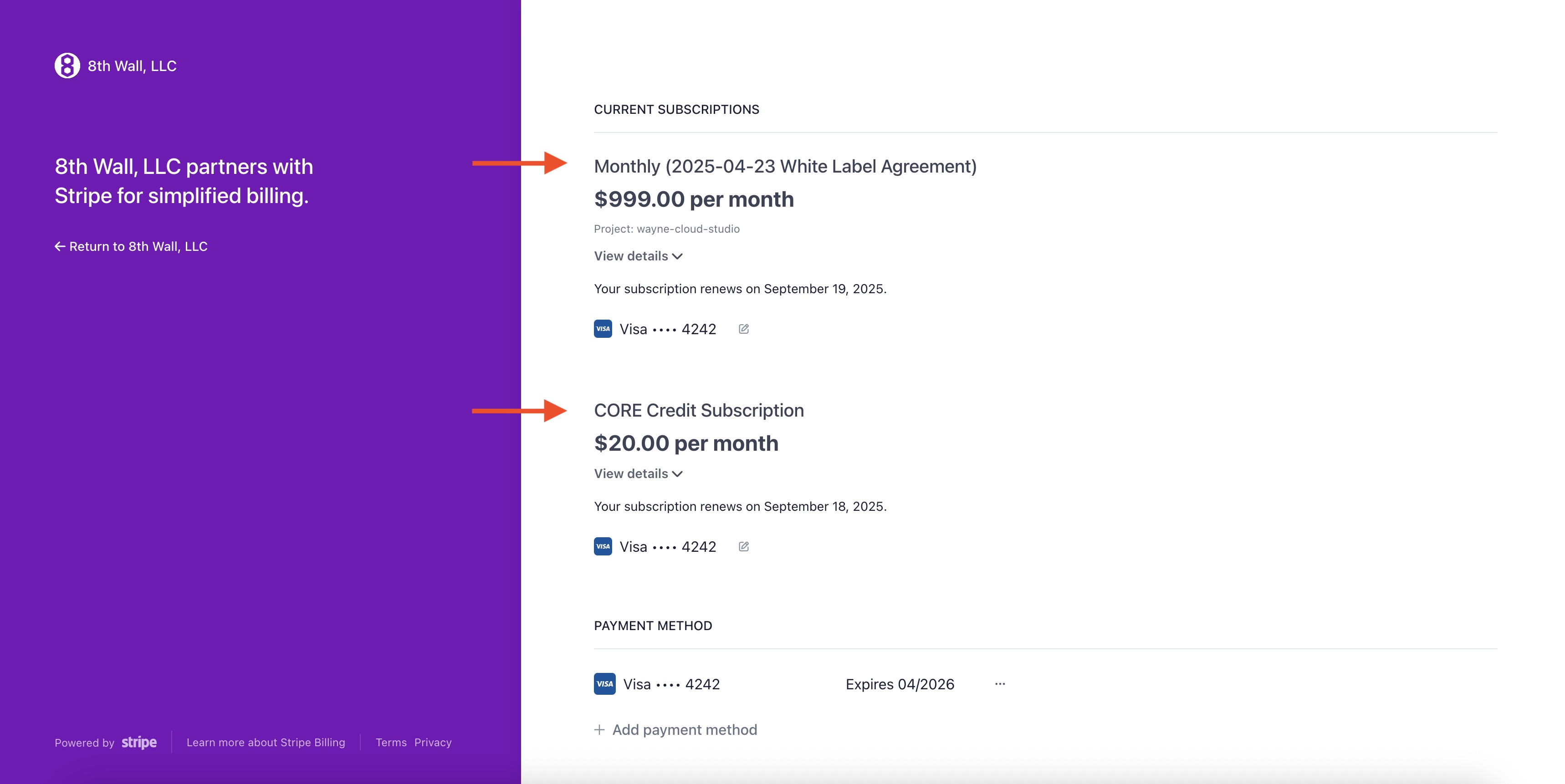
---
# XR8.CameraPixelArray.pipelineModule() | 8th Wall
[Skip to main content](https://www.8thwall.com/docs/api/engine/camerapixelarray/pipelinemodule/#__docusaurus_skipToContent_fallback)
On this page
`XR8.CameraPixelArray.pipelineModule({ luminance, maxDimension, width, height })`
Description[](https://www.8thwall.com/docs/api/engine/camerapixelarray/pipelinemodule/#description "Direct link to Description")
----------------------------------------------------------------------------------------------------------------------------------
A pipeline module that provides the camera texture as an array of RGBA or grayscale pixel values that can be used for CPU image processing.
Parameters[](https://www.8thwall.com/docs/api/engine/camerapixelarray/pipelinemodule/#parameters "Direct link to Parameters")
-------------------------------------------------------------------------------------------------------------------------------
| Parameter | Default | Description |
| --- | --- | --- |
| luminance \[Optional\] | `false` | If true, output grayscale instead of RGBA |
| maxDimension: \[Optional\] | | The size in pixels of the longest dimension of the output image. The shorter dimension will be scaled relative to the size of the camera input so that the image is resized without cropping or distortion. |
| width \[Optional\] | The width of the camera feed texture. | Width of the output image. Ignored if `maxDimension` is specified. |
| height \[Optional\] | The height of the camera feed texture. | Height of the output image. Ignored if `maxDimension` is specified. |
Returns[](https://www.8thwall.com/docs/api/engine/camerapixelarray/pipelinemodule/#returns "Direct link to Returns")
----------------------------------------------------------------------------------------------------------------------
Return value is an object made available to [`onProcessCpu`](https://www.8thwall.com/docs/api/engine/camerapipelinemodule/onprocesscpu/)
and [`onUpdate`](https://www.8thwall.com/docs/api/engine/camerapipelinemodule/onupdate/)
as:
processGpuResult.camerapixelarray: {rows, cols, rowBytes, pixels}
| Property | Description |
| --- | --- |
| rows | Height in pixels of the output image. |
| cols | Width in pixels of the output image. |
| rowBytes | Number of bytes per row of the output image. |
| pixels | A `UInt8Array` of pixel data. |
| srcTex | A texture containing the source image for the returned pixels. |
Example[](https://www.8thwall.com/docs/api/engine/camerapixelarray/pipelinemodule/#example "Direct link to Example")
----------------------------------------------------------------------------------------------------------------------
XR8.addCameraPipelineModule(XR8.CameraPixelArray.pipelineModule({ luminance: true }))XR8.addCameraPipelineModule({ name: 'mycamerapipelinemodule', onProcessCpu: ({ processGpuResult }) => { const { camerapixelarray } = processGpuResult if (!camerapixelarray || !camerapixelarray.pixels) { return } const { rows, cols, rowBytes, pixels } = camerapixelarray ... },
* [Description](https://www.8thwall.com/docs/api/engine/camerapixelarray/pipelinemodule/#description)
* [Parameters](https://www.8thwall.com/docs/api/engine/camerapixelarray/pipelinemodule/#parameters)
* [Returns](https://www.8thwall.com/docs/api/engine/camerapixelarray/pipelinemodule/#returns)
* [Example](https://www.8thwall.com/docs/api/engine/camerapixelarray/pipelinemodule/#example)
---
# XR8.Vps.makeWayspotWatcher() | 8th Wall
[Skip to main content](https://www.8thwall.com/docs/api/engine/vps/makewayspotwatcher/#__docusaurus_skipToContent_fallback)
On this page
`XR8.Vps.makeWayspotWatcher({onVisible, onHidden, pollGps, lat, lng})`
Description[](https://www.8thwall.com/docs/api/engine/vps/makewayspotwatcher/#description "Direct link to Description")
-------------------------------------------------------------------------------------------------------------------------
Create a watcher to look for all VPS activated Locations, not just Project Locations.
Parameters[](https://www.8thwall.com/docs/api/engine/vps/makewayspotwatcher/#parameters "Direct link to Parameters")
----------------------------------------------------------------------------------------------------------------------
| Parameter | Description |
| --- | --- |
| onVisible \[Optional\] | Callback that is called when a new Location becomes visible within a 1000 meter radius. |
| onHidden \[Optional\] | Callback that is called when a Location you previously saw is no longer within a 1000 meter radius from you. |
| pollGps \[Optional\] | If true, turns on GPS and calls ‘onVisible’ and ‘onHidden’ callbacks with any Locations found/lost through GPS movement. |
| lat \[Optional\] | If `lat` or `lng` is set, calls `onVisible` and `onHidden` callbacks with any Locations found/lost near the set location. |
| lng \[Optional\] | If `lat` or `lng` is set, calls `onVisible` and `onHidden` callbacks with any Locations found/lost near the set location. |
Returns[](https://www.8thwall.com/docs/api/engine/vps/makewayspotwatcher/#returns "Direct link to Returns")
-------------------------------------------------------------------------------------------------------------
An object with the following methods:
`{dispose(), pollGps(), setLatLng()}`
| Method | Description |
| --- | --- |
| dispose() | Clears state and stops gps. Updates and will no longer call any callbacks. |
| pollGps(Boolean) | Turn on or off gps updates. |
| setLatLng(lat: Number, lng: Number) | Set the watcher's current location to `lat` / `lng`. |
Example[](https://www.8thwall.com/docs/api/engine/vps/makewayspotwatcher/#example "Direct link to Example")
-------------------------------------------------------------------------------------------------------------
const nearbyLocations_ = []// Records the time between getting each location from the wayspotWatcher.let gotAllLocationsTimeout_ = 0const onLocationVisible = (location) => { nearbyLocations_.push(location) window.clearTimeout(gotAllLocationsTimeout_) gotAllLocationsTimeout_ = window.setTimeout(() => { // We get the locations individually. If want to only perform an operation // after we have gotten all the nearby ones, we could do that here. }, 0)}const onLocationHidden = (location) => { const index = nearbyLocations_.indexOf(location) if (index > -1) { foundProjectLocations_.splice(index, 1) }}const onAttach = ({}) => { wayspotWatcher_ = XR8.Vps.makeWayspotWatcher( {onVisible: onLocationVisible, onHidden: onLocationHidden, pollGps: true} )}const onDetach = ({}) => { // Cleanup the watcher wayspotWatcher_.dispose()}
* [Description](https://www.8thwall.com/docs/api/engine/vps/makewayspotwatcher/#description)
* [Parameters](https://www.8thwall.com/docs/api/engine/vps/makewayspotwatcher/#parameters)
* [Returns](https://www.8thwall.com/docs/api/engine/vps/makewayspotwatcher/#returns)
* [Example](https://www.8thwall.com/docs/api/engine/vps/makewayspotwatcher/#example)
---
# XR8.CanvasScreenshot.configure() | 8th Wall
[Skip to main content](https://www.8thwall.com/docs/api/engine/canvasscreenshot/configure/#__docusaurus_skipToContent_fallback)
On this page
`XR8.CanvasScreenshot.configure({ maxDimension, jpgCompression })`
Description[](https://www.8thwall.com/docs/api/engine/canvasscreenshot/configure/#description "Direct link to Description")
-----------------------------------------------------------------------------------------------------------------------------
Configures the expected result of canvas screenshots.
Parameters[](https://www.8thwall.com/docs/api/engine/canvasscreenshot/configure/#parameters "Direct link to Parameters")
--------------------------------------------------------------------------------------------------------------------------
| Parameter | Default | Description |
| --- | --- | --- |
| maxDimension: \[Optional\] | `1280` | The value of the largest expected dimension. |
| jpgCompression: \[Optional\] | `75` | 1-100 value representing the JPEG compression quality. 100 is little to no loss, and 1 is a very low quality image. |
Returns[](https://www.8thwall.com/docs/api/engine/canvasscreenshot/configure/#returns "Direct link to Returns")
-----------------------------------------------------------------------------------------------------------------
None
Example[](https://www.8thwall.com/docs/api/engine/canvasscreenshot/configure/#example "Direct link to Example")
-----------------------------------------------------------------------------------------------------------------
XR8.CanvasScreenshot.configure({ maxDimension: 640, jpgCompression: 50 })
* [Description](https://www.8thwall.com/docs/api/engine/canvasscreenshot/configure/#description)
* [Parameters](https://www.8thwall.com/docs/api/engine/canvasscreenshot/configure/#parameters)
* [Returns](https://www.8thwall.com/docs/api/engine/canvasscreenshot/configure/#returns)
* [Example](https://www.8thwall.com/docs/api/engine/canvasscreenshot/configure/#example)
---
# XR8.CanvasScreenshot.takeScreenshot() | 8th Wall
[Skip to main content](https://www.8thwall.com/docs/api/engine/canvasscreenshot/takescreenshot/#__docusaurus_skipToContent_fallback)
On this page
`XR8.CanvasScreenshot.takeScreenshot({ onProcessFrame })`
Description[](https://www.8thwall.com/docs/api/engine/canvasscreenshot/takescreenshot/#description "Direct link to Description")
----------------------------------------------------------------------------------------------------------------------------------
Returns a Promise that when resolved, provides a buffer containing the JPEG compressed image. When rejected, an error message is provided.
Parameters[](https://www.8thwall.com/docs/api/engine/canvasscreenshot/takescreenshot/#parameters "Direct link to Parameters")
-------------------------------------------------------------------------------------------------------------------------------
| Parameter | Description |
| --- | --- |
| onProcessFrame \[Optional\] | Callback where you can implement additional drawing to the screenshot 2d canvas. |
Returns[](https://www.8thwall.com/docs/api/engine/canvasscreenshot/takescreenshot/#returns "Direct link to Returns")
----------------------------------------------------------------------------------------------------------------------
A Promise.
Example[](https://www.8thwall.com/docs/api/engine/canvasscreenshot/takescreenshot/#example "Direct link to Example")
----------------------------------------------------------------------------------------------------------------------
XR8.addCameraPipelineModule(XR8.canvasScreenshot().cameraPipelineModule())XR8.canvasScreenshot().takeScreenshot().then( data => { // myImage is an ![]() HTML element const image = document.getElementById('myImage') image.src = 'data:image/jpeg;base64,' + data }, error => { console.log(error) // Handle screenshot error. })})
* [Description](https://www.8thwall.com/docs/api/engine/canvasscreenshot/takescreenshot/#description)
* [Parameters](https://www.8thwall.com/docs/api/engine/canvasscreenshot/takescreenshot/#parameters)
* [Returns](https://www.8thwall.com/docs/api/engine/canvasscreenshot/takescreenshot/#returns)
* [Example](https://www.8thwall.com/docs/api/engine/canvasscreenshot/takescreenshot/#example)
---
# XR8.Vps.projectWayspots() | 8th Wall
[Skip to main content](https://www.8thwall.com/docs/api/engine/vps/projectwayspots/#__docusaurus_skipToContent_fallback)
On this page
`XR8.Vps.projectWayspots()`
Description[](https://www.8thwall.com/docs/api/engine/vps/projectwayspots/#description "Direct link to Description")
----------------------------------------------------------------------------------------------------------------------
Query data about each of your Project Locations.
Parameters[](https://www.8thwall.com/docs/api/engine/vps/projectwayspots/#parameters "Direct link to Parameters")
-------------------------------------------------------------------------------------------------------------------
None
Returns[](https://www.8thwall.com/docs/api/engine/vps/projectwayspots/#returns "Direct link to Returns")
----------------------------------------------------------------------------------------------------------
A promise with an array of `ClientWayspotInfo`, which contains data about each of your Project Locations.
`[{id, name, imageUrl, title, lat, lng }]`
| Property | Type | Description |
| --- | --- | --- |
| id | `String` | id for this Location, only stable within a session. |
| name \[Optional\] | `String` | A reference to a Project Location. |
| imageUrl | `String` | URL to a representative image for this Location. |
| title | `String` | The Location's title. |
| lat | `Number` | Latitude of the Project Location. |
| lng | `Number` | Longitude of the Project Location. |
Example[](https://www.8thwall.com/docs/api/engine/vps/projectwayspots/#example "Direct link to Example")
----------------------------------------------------------------------------------------------------------
// Log the Project Locations.XR8.Vps.projectWayspots().then((projectLocations) => { projectLocations.forEach((projectLocation) => { console.log('projectLocation: ', projectLocation) })})
* [Description](https://www.8thwall.com/docs/api/engine/vps/projectwayspots/#description)
* [Parameters](https://www.8thwall.com/docs/api/engine/vps/projectwayspots/#parameters)
* [Returns](https://www.8thwall.com/docs/api/engine/vps/projectwayspots/#returns)
* [Example](https://www.8thwall.com/docs/api/engine/vps/projectwayspots/#example)
---
# XR8.CanvasScreenshot.pipelineModule() | 8th Wall
[Skip to main content](https://www.8thwall.com/docs/api/engine/canvasscreenshot/pipelinemodule/#__docusaurus_skipToContent_fallback)
On this page
`XR8.CanvasScreenshot.pipelineModule()`
Description[](https://www.8thwall.com/docs/api/engine/canvasscreenshot/pipelinemodule/#description "Direct link to Description")
----------------------------------------------------------------------------------------------------------------------------------
Creates a camera pipeline module that, when installed, receives callbacks on when the camera has started and when the canvas size has changed.
Parameters[](https://www.8thwall.com/docs/api/engine/canvasscreenshot/pipelinemodule/#parameters "Direct link to Parameters")
-------------------------------------------------------------------------------------------------------------------------------
None
Returns[](https://www.8thwall.com/docs/api/engine/canvasscreenshot/pipelinemodule/#returns "Direct link to Returns")
----------------------------------------------------------------------------------------------------------------------
A CanvasScreenshot pipeline module that can be added via [XR8.addCameraPipelineModule()](https://www.8thwall.com/docs/api/engine/xr8/addcamerapipelinemodule/)
.
Example[](https://www.8thwall.com/docs/api/engine/canvasscreenshot/pipelinemodule/#example "Direct link to Example")
----------------------------------------------------------------------------------------------------------------------
XR8.addCameraPipelineModule(XR8.CanvasScreenshot.pipelineModule())
* [Description](https://www.8thwall.com/docs/api/engine/canvasscreenshot/pipelinemodule/#description)
* [Parameters](https://www.8thwall.com/docs/api/engine/canvasscreenshot/pipelinemodule/#parameters)
* [Returns](https://www.8thwall.com/docs/api/engine/canvasscreenshot/pipelinemodule/#returns)
* [Example](https://www.8thwall.com/docs/api/engine/canvasscreenshot/pipelinemodule/#example)
---
# Changelog | 8th Wall
[Skip to main content](https://www.8thwall.com/docs/api/engine/changelog/#__docusaurus_skipToContent_fallback)
On this page
#### Release 27.4: (2025-July-17 27.4.11.427 / 2025-May-07, v27.4.8.427 / 2025-April-10, v27.4.5.427)[](https://www.8thwall.com/docs/api/engine/changelog/#release-27-2025-May-7-2747 "Direct link to Release 27.4: (2025-July-17 27.4.11.427 / 2025-May-07, v27.4.8.427 / 2025-April-10, v27.4.5.427)")
* New Features:
* Added Image Target compatibility for 8th Wall Studio projects.
* Fixes and Enhancements:
* Increased maximum active image targets to 32
* Disabled the desktop default environment for mobile AR experiences with desktop mode enabled.
* Fixed an issue where the landing page did not appear for face effects with desktop mode disabled.
* Updated VPS API. VPS now requires engine version 27.4 or higher.
* Fixed an issue related to changing XR camera orientation in Studio projects (27.4.11.427).
#### Release 27.3: (2025-March-19, v27.3.1.427)[](https://www.8thwall.com/docs/api/engine/changelog/#release-27-2025-March-19-2731427 "Direct link to Release 27.3: (2025-March-19, v27.3.1.427)")
* Fixes and Enhancements:
* Improved localization performance at VPS locations
* Fixed crashes on orientation change and camera swapping
* Corrected flickering face effects
#### Release 27.2: (2024-December-04, v27.2.6.427 / 2024-November-04, v27.2.5.427 / 2024-October-23, v27.2.4.427)[](https://www.8thwall.com/docs/api/engine/changelog/#release-27-2024-october-23-2724427 "Direct link to Release 27.2: (2024-December-04, v27.2.6.427 / 2024-November-04, v27.2.5.427 / 2024-October-23, v27.2.4.427)")
* New Features:
* Added VPS compatibility for 8th Wall Studio projects.
* Fixes and Enhancements:
* Fixed an issue affecting the reliability of the the simulator in VPS projects. (27.2.5.427)
* Improved the reliability of the camera pipeline initialization for enhanced AR experiences. (27.2.6.427)
#### Release 27.1: (2024-October-03, v27.1.9.427 / 2024-October-01, v27.1.6.427)[](https://www.8thwall.com/docs/api/engine/changelog/#release-27-1-2024-october-01-v2716427 "Direct link to Release 27.1: (2024-October-03, v27.1.9.427 / 2024-October-01, v27.1.6.427)")
* Fixes and Enhancements:
* Boosted localization and tracking quality at VPS locations, significantly enhancing stability and accuracy of VPS AR experiences.
* Optimized SLAM relocalization & tracking.
* Fixed an issue where the World Effects camera could teleport at the start of runtime in Studio.
* Resolved an issue affecting the stability of VPS tracking to improve overall performance. (27.1.9.427)
* Improved SLAM relocalization snaps AR content back to the proper position more quickly. (27.1.9.427)
#### Release 27: (2024-Sept-12, v27.0.4.427 / 2024-August-01, v27.0.2.427)[](https://www.8thwall.com/docs/api/engine/changelog/#release-27-2024-august-01-v2702427 "Direct link to Release 27: (2024-Sept-12, v27.0.4.427 / 2024-August-01, v27.0.2.427)")
* Fixes and Enhancements:
* Fixed an issue when swapping between World Effects and Face Effects experiences.
* Improved XR camera synchronization with scenes in Studio.
* Optimized logging for improved performance and cleaner output.
#### Release 26: (2024-June-18, v26.0.6.150)[](https://www.8thwall.com/docs/api/engine/changelog/#release-26-2024-june-18-v2606150 "Direct link to Release 26: (2024-June-18, v26.0.6.150)")
* New Features:
* Added support for Face Effects and World Tracking in 8th Wall Studio.
* Fixes and Enhancements:
* Fixed an issue with some A-Frame projects that could cause unexpected behavior.
#### Release 25: (2024-May-28, v25.0.1.2384)[](https://www.8thwall.com/docs/api/engine/changelog/#release-25-2024-may-28-v25012384 "Direct link to Release 25: (2024-May-28, v25.0.1.2384)")
* New Features:
* Updated the XR engine to download as feature-specific components instead of one large package.
#### Release 24.1: (2024-March-28, v24.1.10.2165 / 2024-February-29, v24.1.5.2165 / 2024-February-13, v24.1.2.2165 / 2024-January-25, v24.1.1.2165)[](https://www.8thwall.com/docs/api/engine/changelog/#release-241-2024-march-28-v241102165--2024-february-29-v24152165--2024-february-13-v24122165--2024-january-25-v24112165 "Direct link to Release 24.1: (2024-March-28, v24.1.10.2165 / 2024-February-29, v24.1.5.2165 / 2024-February-13, v24.1.2.2165 / 2024-January-25, v24.1.1.2165)")
* New Features:
* Updated 8Frame to support A-Frame 1.5.0.
* Added Metaversal Deployment support for Magic Leap 2 1.5.0 operating system update.
* Updated Hand Tracking to support left and right hand UVs, enabling you to easily draw designs on a hand mesh.
* Added support for Sky Effects to 8th Wall Simulator. (24.1.2.2165)
* Added four new wrist attachment point to Hand Tracking. (24.1.5.2165)
* Updated Metaversal Deployment to support virtual reality in the browser on Apple Vision Pro. (24.1.10.2165)
* Fixes and Enhancements:
* Improved performance of Sky Effects experiences.
* Improved Hand Tracking's wrist tracking stability. (24.1.5.2165)
* XRExtras Enhancements:
* Added `uv-orientation` parameter to `xrextras-hand-mesh` to support new hand UV functionality.
* Fixed an issue with MediaRecorder on iOS 17.4. (24.1.10.2165)
#### Release 24: (2023-November-29, v24.0.10.2165 / 2023-November-16, v24.0.9.2165 / 2023-November-01, v24.0.8.2165)[](https://www.8thwall.com/docs/api/engine/changelog/#release-24-2023-november-29-v240102165--2023-november-16-v24092165--2023-november-01-v24082165 "Direct link to Release 24: (2023-November-29, v24.0.10.2165 / 2023-November-16, v24.0.9.2165 / 2023-November-01, v24.0.8.2165)")
* New Features:
* Added three new ear attachment points for Face Effects, allowing you to accurately attach AR content to various points on the ears.
* Updated Hand Tracking to expose hand UVs, enabling you to easily draw designs on a hand mesh
* Enhanced Metaversal Deployment to support 8th Wall experiences on the Magic Leap 2.
* Updated PlayCanvas integration to support three new ear attachment points for Face Effects. (24.0.9.2165)
* Fixes and Enhancements:
* Cleaned up some PlayCanvas warnings (24.0.10.2165)
* XRExtras Enhancements:
* Updated AFrame components for easy Face Effects with new ear attachment points
#### Release 23: (2023-August-24, v23.1.1.2275 / 2023-August-09, v23.0.12.2275 /2023-July-28, v23.0.7.2275 / 2023-July-25, v23.0.4.2275)[](https://www.8thwall.com/docs/api/engine/changelog/#release-23-2023-august-24-v23112275--2023-august-09-v230122275-2023-july-28-v23072275--2023-july-25-v23042275 "Direct link to Release 23: (2023-August-24, v23.1.1.2275 / 2023-August-09, v23.0.12.2275 /2023-July-28, v23.0.7.2275 / 2023-July-25, v23.0.4.2275)")
* New Features:
* Introducing Hand Tracking - use hands, wrists, and fingers as an interactive canvas for immersive WebAR experiences.
* Attach 3D objects to an industry leading 36 hand attachment points.
* Use the 8th Wall engine’s adaptive hand mesh to match the size and volume of any hand.
* Added Hand Tracking Coaching Overlay module to guide users through a flow to ensure their hands are in view of the camera.
* Updated PlayCanvas integration to support Hand Tracking. (23.0.12.2275)
* Added XrDevice.deviceInfo API to query detailed device information. (23.1.1.2275)
* Fixes and Enhancements:
* Improved SLAM relocalization snaps AR content back to the proper position more quickly and with better precision after an interruption.
* Refined camera selection on Android devices.
* Cleaned up warnings related to default xrhand parameters. (23.0.7.2275)
* Fixed an issue with WebGL context on MacOS devices using Safari. (23.0.12.2275)
* Improved SLAM tracking on a wide range of devices. (23.1.1.2275)
* XRExtras Enhancements:
* New A-Frame components for easy Hand Tracking development.
* Fixed shadow shader in PlayCanvas.
#### Release 22.1: (2023-May-15, v22.1.7.1958 / 2023-May-03, v22.1.2.1958)[](https://www.8thwall.com/docs/api/engine/changelog/#release-221-2023-may-15-v22171958--2023-may-03-v22121958 "Direct link to Release 22.1: (2023-May-15, v22.1.7.1958 / 2023-May-03, v22.1.2.1958)")
* New Features:
* Added multi-face support for Face Effects, allowing you to augment up to three faces simultaneously in a single experience.
* Updated Face Effects to support either standard or projected UVs, enabling you to easily draw Face Effect designs on a projected face mesh.
* Fixes and Enhancements:
* Fixed a device orientation issue on iOS 16.4 devices.
* Fixed a performance issue that could occur when using one controller on a Meta Quest device.
* Improved performance of three.js experiences on headsets. (22.1.7.1958)
* XRExtras Enhancements:
* Added `face-id` parameter to `xrextras-faceanchor` to support new multi-face functionality. (22.1.7.1958)
#### Release 22: (2023-April-20, v22.0.4.1958)[](https://www.8thwall.com/docs/api/engine/changelog/#release-22-2023-april-20-v22041958 "Direct link to Release 22: (2023-April-20, v22.0.4.1958)")
* New Features:
* Introducing the 8th Wall Engine’s completely refreshed Face Effects:
* Improved tracking quality and stability for:
* Eyebrow Region
* Eye Tracking
* Mouth Tracking
* Added Iris tracking capability:
* Added API to estimate InterPupillary Distance (IPD)
* Added developer-friendly real-time Face Events including:
* Eyebrows Raised/Lowered
* Mouth Open/Closed
* Eye Open/Closed
* Enabled new face morphing effects by exposing uv positions of face points in the camera frame.
* Increased head mesh height to allow effects that extend all the way to the hairline.
* Fixes and Enhancements:
* Improved the speed of sky detection for Sky Effect’s experiences.
#### Release 21.4: (2023-April-07, v21.4.7.997 / 2023-March-27, v21.4.6.997)[](https://www.8thwall.com/docs/api/engine/changelog/#release-214-2023-april-07-v2147997--2023-march-27-v2146997 "Direct link to Release 21.4: (2023-April-07, v21.4.7.997 / 2023-March-27, v21.4.6.997)")
* New Features:
* Introducing Sky Effects + World Tracking - create immersive experiences that augment the sky and ground together in one project:
* Added ability to simultaneously track 3D interactive content in the sky and on surfaces via SLAM.
* Added the ability to move AR content from the sky layer to the ground, and from the ground to the sky.
* Updated PlayCanvas integration to support Sky Effects as well as Sky + World Tracking.
* Improved PlayCanvas integration with a new unified run() & stop() API which replaces the runXr() & stopXr() API.
* Added a new xrconfig API that makes it easier to configure the different XR components that your project uses.
* Fixes and Enhancements:
* Fixed an issue with sky detection at the edge of the camera frame on some Sky Effects experiences.
* Fixed an issue with xrlayerscene component when used in self-hosted projects.
* Fixed an device orientation issue on iOS 16.4 devices (21.4.7.997)
#### Release 21.3: (2023-March-17, v21.3.8.997)[](https://www.8thwall.com/docs/api/engine/changelog/#release-213--2023-march-17-v2138997 "Direct link to Release 21.3: (2023-March-17, v21.3.8.997)")
* New Features:
* Added edge feathering controls (edgeSmoothness) for Sky Effects, allowing you to fine tune the look and intensity of borders between virtual and real-world content in the sky.
* Added support for camera-locked Sky Effects in three.js, enabling you to add content to the sky that is always in view of the camera in your three.js projects.
* Updated 8Frame to support A-Frame 1.4.1.
* Updated Metaversal Deployment to support Room Setup in the Meta Quest Browser.
* Fixes and Enhancements:
* Improved performance and visual quality of Sky Effects experiences.
* Added ability to specify which VPS Project Locations you want to localize against. This can help improve VPS localization times if there are many nearby Locations.
* Fixed an issue where opening PlayCanvas experiences on desktop could result in crashing.
#### Release 21.2: (2022-December-16, v21.2.2.997 / 2022-December-13, v21.2.1.997)[](https://www.8thwall.com/docs/api/engine/changelog/#release-212--2022-december-16-v2122997--2022-december-13-v2121997 "Direct link to Release 21.2: (2022-December-16, v21.2.2.997 / 2022-December-13, v21.2.1.997)")
* New Features:
* Introducing Sky Effects - a major update to the 8th Wall Engine enabling sky segmentation:
* Added ability to place 3D interactive content in the sky.
* Added the ability to replace sky mask with images or video.
* Added Sky Coaching Overlay module to guide users through a flow to ensure they are pointing their device at the Sky.
* Fixes and Enhancements:
* Improved tracking quality at VPS locations.
* Fixed an AFrame Sky Effects pixelation issue that impacted some phones. (21.2.2.997)
* XRExtras Enhancements:
* Enhanced MediaRecorder to add another method of drawing 2D elements to the recorded canvas.
* Fixed shadow rendering in PlayCanvas v1.55+
* Improved performance of Image Target A-Frame primitives.
#### Release 20.3: (2022-November-22, v20.3.3.684)[](https://www.8thwall.com/docs/api/engine/changelog/#release-203--2022-november-22-v2033684 "Direct link to Release 20.3: (2022-November-22, v20.3.3.684)")
* New Features:
* Updated Metaversal Deployment to support mixed reality in the Meta Quest Browser.
* 8th Wall World Effects experiences automatically make use of video passthrough AR on Meta Quest Pro and Meta Quest 2 when accessed in the browser.
* Fixes and Enhancements:
* Optimized localization at VPS locations
* Improved tracking quality at VPS locations by using the selected mesh of each Project Location.
* Improved experience for some Android devices with multiple cameras.
#### Release 20: (2022-October-05, v20.1.20.684 / 2022-September-21, v20.1.19.684 / 2022-September-21, v20.1.17.684)[](https://www.8thwall.com/docs/api/engine/changelog/#release-20--2022-october-05-v20120684--2022-september-21-v20119684--2022-september-21-v20117684 "Direct link to Release 20: (2022-October-05, v20.1.20.684 / 2022-September-21, v20.1.19.684 / 2022-September-21, v20.1.17.684)")
* New Features:
* Introducing Lightship VPS for Web - create location-based WebAR experiences by connecting AR content to real-world locations.
* Added new Geospatial Browser to the 8th Wall Developer Portal.
* Find, create and manage VPS-activated Locations.
* Generate and download 3D meshes for use as occluders, physics objects, or as a reference for creating location-aware animations.
* Added `enableVps` parameter to XR8.XrController.configure() and xrweb.
* Added events when a Location is ready for scanning, found, or lost.
* Added ability to find and access Location raw mesh geometry.
* Added `XR8.Vps.makeWayspotWatcher`, and `XR8.Vps.projectWayspots` APIs for querying nearby VPS activated Locations and Project Locations.
* Added Lightship VPS Coaching Overlay module to guide users through a flow to localize at real-world locations.
* Added XR8.Platform API for unlocking new 8th Wall platform features like Lightship VPS and Niantic Lightship Maps.
* Niantic Lightship Map module
* Add the lightship-maps module to your project on 8thwall.com to make it easy to create a variety of location-based experiences.
* Fixes and Enhancements:
* Improved error handling for VPS network requests (20.1.19.684)
* Fixed issues with some VPS network requests (20.1.20.684)
#### Release 19.1: (2022-August-26, v19.1.6.390 / 2022-August-10, v19.1.2.390)[](https://www.8thwall.com/docs/api/engine/changelog/#release-191--2022-august-26-v1916390--2022-august-10-v1912390 "Direct link to Release 19.1: (2022-August-26, v19.1.6.390 / 2022-August-10, v19.1.2.390)")
* Fixes and Enhancements:
* Fixed issues with 8th Wall experiences within WeChat on iOS.
* Improved initial SLAM tracking for some Android devices (19.1.6.390)
#### Release 19: (2022-May-5, v19.0.16.390 / 2022-April-13, v19.0.14.390 / 2022-March-24, v19.0.8.390)[](https://www.8thwall.com/docs/api/engine/changelog/#release-19--2022-may-5-v19016390--2022-april-13-v19014390--2022-march-24-v1908390 "Direct link to Release 19: (2022-May-5, v19.0.16.390 / 2022-April-13, v19.0.14.390 / 2022-March-24, v19.0.8.390)")
* New Features:
* Introducing Absolute Scale — a major update to 8th Wall SLAM to enable real-world scale in World Effects:
* Added ability to enable Absolute Scale in World Effects projects.
* Added scale parameter to XR8.XrController.configure().
* Added Coaching Overlay module to guide users through a flow to generate appropriate data for scale estimation.
* Updated 8Frame to support A-Frame 1.3.0. (19.0.16.390)
* Fixes and Enhancements:
* Improved performance on various devices.
* Improved experience for some Android devices with multiple cameras.
* Improved performance of Absolute Scale on some iOS devices. (19.0.14.390)
* Fixed Huawei browser user messaging on Huawei devices. (19.0.14.390)
#### Release 18.2: (2022-March-09, v18.2.4.554 / 2022-January-14, v18.2.3.554 / 2022-January-13, v18.2.2.554)[](https://www.8thwall.com/docs/api/engine/changelog/#release-182--2022-march-09-v1824554--2022-january-14-v1823554--2022-january-13-v1822554 "Direct link to Release 18.2: (2022-March-09, v18.2.4.554 / 2022-January-14, v18.2.3.554 / 2022-January-13, v18.2.2.554)")
* Fixes and Enhancements:
* Fixed an issue where devices running iOS 13 could reload after starting an XR8 session.
* Fixed an issue where the WebGL context could be lost after many XR8 sessions.
* Improved experience for some Android devices with multiple cameras.
* Fixed issue where additive blending could interefere with the camera feed.
* Fixed an issue with transparent materials. (18.2.3.554)
* Fixed a three.js rendering issue on devices running iOS 15.4 (18.2.4.554)
#### Release 18.1: (2021-December-02, v18.1.3.554)[](https://www.8thwall.com/docs/api/engine/changelog/#release-181--2021-december-02-v1813554 "Direct link to Release 18.1: (2021-December-02, v18.1.3.554)")
* Fixes and Enhancements:
* Fixed a loading issue on some iOS devices when accessing Inline AR projects.
* Fixed an issue with denying browser prompts on some iOS devices.
* Fixed an issue rotating device orientation between landscape and portrait within SFSafariViewController.
* Improved compatibility with some Android devices that have atypical camera feed aspect ratios.
#### Release 18: (2021-November-08, v18.0.6.554)[](https://www.8thwall.com/docs/api/engine/changelog/#release-18--2021-november-08-v1806554 "Direct link to Release 18: (2021-November-08, v18.0.6.554)")
* New Features:
* Introducing the completely rebuilt 8th Wall Engine featuring Metaversal Deployment:
* Added pipeline module API for session managers.
* Added Web3D session manager.
* Added headset session managers for three.js and A-Frame.
* Updated allowedDevices to include mobile-and-headset.
* Added additional session configuration parameters in XR8.run().
* Fixes and Enhancements:
* Improved frame capture with a variety of Pixel devices.
* Updated iOS WKWebView flow to support experiences accessed via LinkedIn.
* XRextras:
* Added xrextras-opaque-background A-Frame component and XRExtras.Lifecycle.attachListener.
#### Release 17.2: (2021-October-26, v17.2.4.476)[](https://www.8thwall.com/docs/api/engine/changelog/#release-172--2021-october-26-v1724476 "Direct link to Release 17.2: (2021-October-26, v17.2.4.476)")
* Fixes and Enhancements:
* Enhanced SLAM map building quality.
* Optimized tracking quality of SLAM experiences.
* Improved PlayCanvas integration to support drawing on the same canvas that the camera feed is rendered on.
#### Release 17.1: (2021-September-21, v17.1.3.476)[](https://www.8thwall.com/docs/api/engine/changelog/#release-171--2021-september-21-v1713476 "Direct link to Release 17.1: (2021-September-21, v17.1.3.476)")
* New Features:
* Added new APIs
* API to query the engine initialization state.
* three.js camera feed is available as a THREE.Texture.
* Lifecycle method for pipeline module removal.
* Fixes and Enhancements:
* Enhanced SLAM map building quality.
* Improved tracking quality on a wide range of devices.
* Improved frame rate of World Effects, Face Effects, and Image Target experiences on Chromium-based and Firefox browsers.
* Improved MediaRecorder video quality on Android devices.
* XRExtras Enhancements:
* Enhanced MediaRecorder share flow when Web Share API Level 2 is enabled.
* Improved startup time of Loading module.
* Improved lifecycle handling for Runtime Error, Almost There and Loading modules.
* Updated the Almost There module to improve the success of QR Code scans.
* Improved Full Window Canvas logic on iPad split screen views.
#### Release 17: (2021-July-20, v17.0.5.476)[](https://www.8thwall.com/docs/api/engine/changelog/#release-17--2021-july-20-v1705476 "Direct link to Release 17: (2021-July-20, v17.0.5.476)")
* Fixes and Enhancements:
* Enhanced above-horizon tracking boosts map quality improving the performance of WebAR experiences that ask users to point their phones up to fully explore AR content.
* Optimized SLAM relocalization snaps AR content back to the proper position in world space after an interruption.
* Improved tracking quality of SLAM experiences when users make extreme yaw movements.
* XRExtras Enhancements:
* Updated MediaRecorder to return to the media preview when users press the “view” button on the iOS dialog box after choosing to download media.
#### Release 16.1: (2021-June-02, v16.1.4.1227)[](https://www.8thwall.com/docs/api/engine/changelog/#release-161--2021-june-02-v16141227 "Direct link to Release 16.1: (2021-June-02, v16.1.4.1227)")
* Fixes and Enhancements:
* Improved recovery of world tracking after an interruption.
* Improved lifecycle management of event listeners in A-Frame projects.
* Fixed an issue with WebGL 1 errors on some Android devices.
* Fixed an issue where MediaRecorder would occasionally not render a recording preview.
* Fixed an issue where swapping the camera multiple times could result in crashing.
* Improved compatibility using canvases with pre-defined WebGL 2 contexts.
#### Release 16: (2021-May-21, v16.0.8.1227 / 2021-April-27, v16.0.6.1227 / 2021-April-22, v16.0.5.1227)[](https://www.8thwall.com/docs/api/engine/changelog/#release-16--2021-may-21-v16081227--2021-april-27-v16061227--2021-april-22-v16051227 "Direct link to Release 16: (2021-May-21, v16.0.8.1227 / 2021-April-27, v16.0.6.1227 / 2021-April-22, v16.0.5.1227)")
* New Features:
* Introducing the all-new 8th Wall MediaRecorder:
* Uses W3C web standards compliant recording when available.
* Optimizes performance to improve frame rate during recording.
* Enhancements to image quality and frame rate of recording.
* Fixes and Enhancements:
* Improved tracking quality and frame rate of SLAM experiences.
* Improved tracking quality and frame rate of Image Target experiences.
* Improved experience for some Android devices with multiple cameras.
* Fixed raycasting issues with PlayCanvas.
* Fixed SLAM tracking issue (v16.0.8.1227)
* XRExtras Enhancements:
* Updated MediaRecorder to provide a progress bar while transcoding recordings on relevant devices.
#### Release 15.3: (2021-March-2, v15.3.3.487)[](https://www.8thwall.com/docs/api/engine/changelog/#release-153--2021-march-2-v1533487 "Direct link to Release 15.3: (2021-March-2, v15.3.3.487)")
* New Features:
* Updated 8Frame to support A-Frame 1.2.0.
* Fixes and Enhancements:
* Fixed an issue with resuming the camera feed in Safari after navigating back to an 8th Wall app.
* Fixed an issue with resuming the camera feed after re-opening a WKWebView
* Improved compatibility with different rendering engine versions.
* Optimized iOS WKWebView flows for some native apps.
#### Release 15.2: (2020-December-14, v15.2.4.487)[](https://www.8thwall.com/docs/api/engine/changelog/#release-152--2020-december-14-v1524487 "Direct link to Release 15.2: (2020-December-14, v15.2.4.487)")
* New Features:
* Added support for WKWebView on devices running iOS 14.3 or later.
* Made a compute context accessible to Pipeline Modules to accelerate offscreen GPU computer vision.
* Updated 8Frame to support A-Frame 1.1.0.
* Fixes and Enhancements:
* Improved compatibility with rendering engines.
* Added the ability to load and unload image targets while tracking other image targets.
* Fixed an issue with MediaRecorder related to audio context switching.
* Improved experience for some Android devices with multiple cameras.
* Fixed an issue where WebGL errors would sometimes be hidden.
* Fixed an issue with simultaneously tracking flat and curved image targets.
* Fixed an issue with switching between WebGL and WebGL2 pipelines.
* XRExtras Enhancements:
* Improved flows for iOS WKWebView on devices running iOS 14.3 or later.
* Fixed an issue with Stats module pipeline detach.
#### Release 15.1: (2020-October-27, v15.1.4.487)[](https://www.8thwall.com/docs/api/engine/changelog/#release-151--2020-october-27-v1514487 "Direct link to Release 15.1: (2020-October-27, v15.1.4.487)")
* New Features:
* Added support for Curved Image Targets to be used simultaneously with SLAM.
* Added support for A-Frame 1.1.0-beta, THREE 120, and MRCS HoloVideoObject 1.2.5.
* Fixes and Enhancements:
* Improved quality of tracking Flat Image Targets simultaneously with SLAM.
* Improved framerate for devices with iOS 14 or greater.
* Improved experience for some Android devices with multiple cameras. (v15.0.9.487)
* Optimized performance of some GPU processing.
* Enhanced PlayCanvas integration with support for switching between XR and FaceController cameras.
* Fixed an issue with MediaRecorder microphone access where onPause events were not closing the microphone input.
* Fixed an issue with MediaRecorder occasionally producing files incompatible with some video players.
* Fixed a raycasting issue with AFrame 1.0.x. (v15.0.9.487)
* XRExtras Enhancements:
* XRExtras.PauseOnHidden() module pauses the camera feed when your browser tab is hidden.
#### Release 15: (2020-October-09, v15.0.9.487 / 2020-September-22, v15.0.8.487)[](https://www.8thwall.com/docs/api/engine/changelog/#release-15--2020-october-09-v1509487--2020-september-22-v1508487 "Direct link to Release 15: (2020-October-09, v15.0.9.487 / 2020-September-22, v15.0.8.487)")
* New Features:
* 8th Wall Curved Image Targets:
* Added support for cylindrical image targets such as those wrapped around bottles, cans and more.
* Added support for conical image targets such as those wrapped around coffee cups, party hats, lampshades and more.
* Fixes and Enhancements:
* Improved tracking quality for SLAM and Image Targets.
* Fixed an issue with MRCS Holograms and device routing on iOS 14.
* Fixed an issue with Face Effects and Image Targets where updates to mirroredDisplay were not reflected during runtime.
* Improved experience for some Android devices with multiple cameras. (v15.0.9.487)
* Fixed a raycasting issue with AFrame 1.0.x (v15.0.9.487)
* XRExtras Enhancements:
* New AFrame components for easy Curved Image Target development:
* 3D container prefab component that forms a portal-like container that 3D content can be placed inside.
* Video playback prefab component for easily enabling video on curved image targets.
* Improved detection of Web Share API Level 2 support.
#### Release 14.2: (2020-July-30, v14.2.4.949)[](https://www.8thwall.com/docs/api/engine/changelog/#release-142--2020-july-30-v1424949 "Direct link to Release 14.2: (2020-July-30, v14.2.4.949)")
* New Features:
* Updated MediaRecorder.configure() to provide more control over audio output and mixing:
* Pass in your own audioContext.
* Request mic permissions during setup or runtime.
* Optionally disable microphone recording.
* Add your own audio nodes to the audio graph.
* Incorporate scene audio into recording playback.
* Fixes and Enhancements:
* Fixed an issue where clip planes were not set from PlayCanvas in some cases.
* Added support for switching between world tracking, image target tracking, and face effects at runtime.
* Fixed an issue where vertex buffers could be rebound after vertex arrays were deleted.
* Improved experience for some Android devices with multiple cameras.
#### Release 14.1: (2020-July-06, v14.1.4.949)[](https://www.8thwall.com/docs/api/engine/changelog/#release-141--2020-july-06-v1414949 "Direct link to Release 14.1: (2020-July-06, v14.1.4.949)")
* New Features:
* Introducing 8th Wall Video Recording:
* Add in-browser video recording to any 8th Wall project with the new XR8.MediaRecorder API.
* Add dynamic overlays and end cards with custom images and call to action.
* Configure maximum video duration and resolution.
* Added microphone as a configurable module permission.
* Fixes and Enhancements:
* Enhanced CanvasScreenshot functionality with improved overlay support.
* Fixed an issue with Face Effects that could cause visual glitches on device orientation change.
* Improved Face Effects right-handed coordinate compatibility with Bablyon.js.
* Improved graphics pipeline compatibility with Babylon.js.
* XRExtras Enhancements:
* Record button prefab component for capturing video and photos:
* Select between standard, fixed, and photo capture modes.
* Preview prefab component for easily previewing, downloading, and sharing captures
* Use XRExtras to easily customize the Video Recording user experience in your project:
* Configure maximum video length and resolution.
* Add optional watermark to each frame of the video.
* Add optional end card to add branding and a call to action at the end of the video.
#### Release 14: (2020-May-26)[](https://www.8thwall.com/docs/api/engine/changelog/#release-14--2020-may-26 "Direct link to Release 14: (2020-May-26)")
* New Features:
* Introducing 8th Wall Face Effects: Attach 3D objects to face attachment points and paint your face with custom materials, shaders or videos.
* Selfie Mode: Use the front camera with a mirrored display to get the perfect selfie shot.
* Desktop Browsers: Enable your image target and face effect experiences to run in desktop browsers utilizing the webcam.
* Fixes and Enhancements:
* Enhanced capture field of view on Pixel 4/4XL phones.
* Enhanced camera profiles for certain phone models.
* Fixed an issue with changing device orientation during startup.
* Fixed an issue with swapping the camera direction on the same a-scene.
* Fixed an issue with AFrame look-controls not being removed on scene restart.
* Improved experience for some Android phones with multiple cameras.
* Other fixes and enhancements.
* XRExtras Enhancements:
* Enhanced almost there flows for experiences that can be viewed on desktop.
* PauseOnBlur module stops the camera when your tab is not active.
* New AFrame components for easy face effects and desktop experience development.
* New ThreeExtras for rendering PBR materials, basic materials, and videos to faces.
#### Release 13.2: (2020-Feb-13)[](https://www.8thwall.com/docs/api/engine/changelog/#release-132--2020-feb-13 "Direct link to Release 13.2: (2020-Feb-13)")
* New Features:
* Release camera stream on XR8.pause() and reopen on XR8.resume().
* Added API to access shader program and modify uniforms used by GlTextureRenderer.
* Added API to configure WebGL context on run.
* Fixes and Enhancements:
* Fix black video issue on iOS when a user long-presses on an image.
* Improved iOS screenshot capture speed and reliability.
* Fixed alpha channel rendering when taking a screenshot.
* Improved experience for some Android phones with multiple cameras.
* Improved detection of social network web views.
* XRExtras Enhancements:
* Improved QR codes with better compatibility with native cameras.
* Improved link out flows for social networks.
* Improved CSS customization.
#### Release 13.1[](https://www.8thwall.com/docs/api/engine/changelog/#release-131 "Direct link to Release 13.1")
* New Features:
* Improved framerate on high resolution Android phones.
* Camera pipeline can be stopped and restarted.
* Camera pipeline modules can be removed at runtime or when stopped.
* New lifecycle callbacks for attaching and detaching.
* Fixes and Enhancements:
* Improved experience for some Android phones with multiple cameras.
* Fixed iOS phone calibration on iOS 12.2 and above.
#### Release 13[](https://www.8thwall.com/docs/api/engine/changelog/#release-13 "Direct link to Release 13")
* New Features:
* Adds support for cloud-based creation, collaboration, publishing, and hosting of WebAR content.
#### Release 12.1[](https://www.8thwall.com/docs/api/engine/changelog/#release-121 "Direct link to Release 12.1")
* Fixes and Enhancements:
* Increased camera resolution on newer iOS devices.
* Increased AFrame fps on high-res Android devices.
* Fixed three.js r103+ raycasting issues.
* Added support for iPadOS.
* Fixed memory issue when loading many image targets repeatedly.
* Minor performance enhances and bug fixes.
#### Release 12[](https://www.8thwall.com/docs/api/engine/changelog/#release-12 "Direct link to Release 12")
* New Features:
* Increased image target upload limit to 1000 image targets per app.
* New API for selecting active image targets at runtime.
* Apps can now scan for up to 10 image targets simultaneously.
* Front facing camera is supported in camera framework and image targets.
* Engine support for PlayCanvas.
* Fixes:
* Improved experience for some Android phones with multiple cameras.
* XRExtras:
* Improved visual quality on Android Phones.
* Support for iOS 13 device orientation permissions.
* Better error handling for missing web assembly on some older versions of iOS.
* Support for PlayCanvas.
#### Release 11.2[](https://www.8thwall.com/docs/api/engine/changelog/#release-112 "Direct link to Release 11.2")
* New Features:
* iOS 13 motion support.
#### Release 11.1[](https://www.8thwall.com/docs/api/engine/changelog/#release-111 "Direct link to Release 11.1")
* Fixes and Enhancements:
* Reduced memory usage.
* Improved tracking performance.
* Enhanced detection of browser capabilities.
#### Release 11[](https://www.8thwall.com/docs/api/engine/changelog/#release-11 "Direct link to Release 11")
* New Features:
* Added support for Image Targets.
* Added support for BabylonJS.
* Reduced JS binary size to 1MB.
* Added support running 8th Wall Web inside a cross-origin iframe.
* Minor API additions.
#### Release 10.1[](https://www.8thwall.com/docs/api/engine/changelog/#release-101 "Direct link to Release 10.1")
* New Features:
* Added support for A-Frame 0.9.0.
* Fixes:
* Fixed error when providing includedTypes to XrController.hitTest().
* Reduced memory usage when tracking over extended distances.
#### Release 10[](https://www.8thwall.com/docs/api/engine/changelog/#release-10 "Direct link to Release 10")
Release 10 adds a revamped web developer console with streamlined developer-mode, access to allowed origins and QR codes. It adds 8th Wall Web support for XRExtras, an open-source package for error handling, loading visualizations, "almost there" flows, and more.
* New Features:
* Revamped web developer console.
* XR Extras provides a convenient solution for:
* Load screens and requesting camera permissions.
* Redirecting users from unsupported devices or browsers ("almost there").
* Runtime error handling.
* Drawing a full screen camera feed in low-level frameworks like three.js.
* Added public lighting, hit test interfaces to XrController.
* Other minor API additions.
* Fixes:
* Improved app startup speed.
* Fixed a framework issue where errors were not propagated on startup.
* Fixed an issue that could occur with WebGL during initialization.
* Use window.screen interface for device orientation if available.
* Fixed a three.js issue that could occur when the canvas is resized.
#### Release 9.3[](https://www.8thwall.com/docs/api/engine/changelog/#release-93 "Direct link to Release 9.3")
* New Features:
* Minor API additions: XR.addCameraPipelineModules() and XR.FullWindowCanvas.pipelineModule()
#### Release 9.2[](https://www.8thwall.com/docs/api/engine/changelog/#release-92 "Direct link to Release 9.2")
* New Features:
* Public documentation released: [https://docs.8thwall.com/web](https://docs.8thwall.com/web)
#### Release 9.1[](https://www.8thwall.com/docs/api/engine/changelog/#release-91 "Direct link to Release 9.1")
* New Features:
* Added support for Amazon Sumerian in 8th Wall Web
* Improved tracking stability and eliminated jitter
#### Release 9[](https://www.8thwall.com/docs/api/engine/changelog/#release-9 "Direct link to Release 9")
* Initial release of 8th Wall Web!
---
# XR8.CanvasScreenshot.setForegroundCanvas() | 8th Wall
[Skip to main content](https://www.8thwall.com/docs/api/engine/canvasscreenshot/setforegroundcanvas/#__docusaurus_skipToContent_fallback)
On this page
`XR8.CanvasScreenshot.setForegroundCanvas(canvas)`
Description[](https://www.8thwall.com/docs/api/engine/canvasscreenshot/setforegroundcanvas/#description "Direct link to Description")
---------------------------------------------------------------------------------------------------------------------------------------
Sets a foreground canvas to be displayed on top of the camera canvas. This must be the same dimensions as the camera canvas.
Only required if you use separate canvases for camera feed vs virtual objects.
Parameters[](https://www.8thwall.com/docs/api/engine/canvasscreenshot/setforegroundcanvas/#parameters "Direct link to Parameters")
------------------------------------------------------------------------------------------------------------------------------------
| Parameter | Description |
| --- | --- |
| canvas | The canvas to use as a foreground in the screenshot |
Returns[](https://www.8thwall.com/docs/api/engine/canvasscreenshot/setforegroundcanvas/#returns "Direct link to Returns")
---------------------------------------------------------------------------------------------------------------------------
None
Example[](https://www.8thwall.com/docs/api/engine/canvasscreenshot/setforegroundcanvas/#example "Direct link to Example")
---------------------------------------------------------------------------------------------------------------------------
const myOtherCanvas = document.getElementById('canvas2')XR8.CanvasScreenshot.setForegroundCanvas(myOtherCanvas)
* [Description](https://www.8thwall.com/docs/api/engine/canvasscreenshot/setforegroundcanvas/#description)
* [Parameters](https://www.8thwall.com/docs/api/engine/canvasscreenshot/setforegroundcanvas/#parameters)
* [Returns](https://www.8thwall.com/docs/api/engine/canvasscreenshot/setforegroundcanvas/#returns)
* [Example](https://www.8thwall.com/docs/api/engine/canvasscreenshot/setforegroundcanvas/#example)
---
# XR8.CameraPixelArray | 8th Wall
[Skip to main content](https://www.8thwall.com/docs/api/engine/camerapixelarray/#__docusaurus_skipToContent_fallback)
On this page
Description[](https://www.8thwall.com/docs/api/engine/camerapixelarray/#description "Direct link to Description")
-------------------------------------------------------------------------------------------------------------------
Provides a camera pipeline module that gives access to camera data as a grayscale or color uint8 array.
Functions[](https://www.8thwall.com/docs/api/engine/camerapixelarray/#functions "Direct link to Functions")
-------------------------------------------------------------------------------------------------------------
| Function | Description |
| --- | --- |
| [pipelineModule](https://www.8thwall.com/docs/api/engine/camerapixelarray/pipelinemodule/) | A pipeline module that provides the camera texture as an array of RGBA or grayscale pixel values that can be used for CPU image processing. |
* [Description](https://www.8thwall.com/docs/api/engine/camerapixelarray/#description)
* [Functions](https://www.8thwall.com/docs/api/engine/camerapixelarray/#functions)
---
# onDetach() | 8th Wall
[Skip to main content](https://www.8thwall.com/docs/api/engine/camerapipelinemodule/ondetach/#__docusaurus_skipToContent_fallback)
On this page
`onDetach: ({framework})`
Description[](https://www.8thwall.com/docs/api/engine/camerapipelinemodule/ondetach/#description "Direct link to Description")
--------------------------------------------------------------------------------------------------------------------------------
`onDetach` is called after the last time a module receives frame updates. This is either after the engine is stopped or the module is manually removed from the pipeline, whichever comes first.
Parameters[](https://www.8thwall.com/docs/api/engine/camerapipelinemodule/ondetach/#parameters "Direct link to Parameters")
-----------------------------------------------------------------------------------------------------------------------------
| Parameter | Description |
| --- | --- |
| framework | The framework bindings for this module for dispatching events. |
* [Description](https://www.8thwall.com/docs/api/engine/camerapipelinemodule/ondetach/#description)
* [Parameters](https://www.8thwall.com/docs/api/engine/camerapipelinemodule/ondetach/#parameters)
---
# onAppResourcesLoaded() | 8th Wall
[Skip to main content](https://www.8thwall.com/docs/api/engine/camerapipelinemodule/onappresourcesloaded/#__docusaurus_skipToContent_fallback)
On this page
`onAppResourcesLoaded: ({ framework, imageTargets, version })`
Description[](https://www.8thwall.com/docs/api/engine/camerapipelinemodule/onappresourcesloaded/#description "Direct link to Description")
--------------------------------------------------------------------------------------------------------------------------------------------
`onAppResourcesLoaded()` is called when we have received the resources attached to an app from the server.
Parameters[](https://www.8thwall.com/docs/api/engine/camerapipelinemodule/onappresourcesloaded/#parameters "Direct link to Parameters")
-----------------------------------------------------------------------------------------------------------------------------------------
| Parameter | Description |
| --- | --- |
| framework | The framework bindings for this module for dispatching events. |
| imageTargets \[Optional\] | An array of image targets with the fields {imagePath, metadata, name} |
| version | The engine version, e.g. 14.0.8.949 |
Example[](https://www.8thwall.com/docs/api/engine/camerapipelinemodule/onappresourcesloaded/#example "Direct link to Example")
--------------------------------------------------------------------------------------------------------------------------------
XR8.addCameraPipelineModule({ name = 'myPipelineModule', onAppResourcesLoaded = ({ framework, version, imageTargets }) => { //... },})
* [Description](https://www.8thwall.com/docs/api/engine/camerapipelinemodule/onappresourcesloaded/#description)
* [Parameters](https://www.8thwall.com/docs/api/engine/camerapipelinemodule/onappresourcesloaded/#parameters)
* [Example](https://www.8thwall.com/docs/api/engine/camerapipelinemodule/onappresourcesloaded/#example)
---
# XR8.Vps | 8th Wall
[Skip to main content](https://www.8thwall.com/docs/api/engine/vps/#__docusaurus_skipToContent_fallback)
On this page
Description[](https://www.8thwall.com/docs/api/engine/vps/#description "Direct link to Description")
------------------------------------------------------------------------------------------------------
Utilities to talk to VPS services.
Functions[](https://www.8thwall.com/docs/api/engine/vps/#functions "Direct link to Functions")
------------------------------------------------------------------------------------------------
| Function | Description |
| --- | --- |
| [makeWayspotWatcher](https://www.8thwall.com/docs/api/engine/vps/makewayspotwatcher/) | Create a watcher to look for all Locations, not just Project Locations. |
| [projectWayspots](https://www.8thwall.com/docs/api/engine/vps/projectwayspots/) | Returns a promise with an array of `ClientWayspotInfo`, which contains data about each of your Project Locations. |
* [Description](https://www.8thwall.com/docs/api/engine/vps/#description)
* [Functions](https://www.8thwall.com/docs/api/engine/vps/#functions)
---
# onBeforeRun() | 8th Wall
[Skip to main content](https://www.8thwall.com/docs/api/engine/camerapipelinemodule/onbeforerun/#__docusaurus_skipToContent_fallback)
On this page
`onBeforeRun: ({ config })`
Description[](https://www.8thwall.com/docs/api/engine/camerapipelinemodule/onbeforerun/#description "Direct link to Description")
-----------------------------------------------------------------------------------------------------------------------------------
`onBeforeRun` is called immediately after [XR8.run()](https://www.8thwall.com/docs/api/engine/xr8/)
. If any promises are returned, XR will wait on all promises before continuing.
Parameters[](https://www.8thwall.com/docs/api/engine/camerapipelinemodule/onbeforerun/#parameters "Direct link to Parameters")
--------------------------------------------------------------------------------------------------------------------------------
| Parameter | Description |
| --- | --- |
| config | The configuration parameters that were passed to [XR8.run()](https://www.8thwall.com/docs/api/engine/xr8/)
HTML element const image = document.getElementById('myImage') image.src = 'data:image/jpeg;base64,' + data }, error => { console.log(error) // Handle screenshot error. })})
* [Description](https://www.8thwall.com/docs/api/engine/canvasscreenshot/takescreenshot/#description)
* [Parameters](https://www.8thwall.com/docs/api/engine/canvasscreenshot/takescreenshot/#parameters)
* [Returns](https://www.8thwall.com/docs/api/engine/canvasscreenshot/takescreenshot/#returns)
* [Example](https://www.8thwall.com/docs/api/engine/canvasscreenshot/takescreenshot/#example)
---
# XR8.Vps.projectWayspots() | 8th Wall
[Skip to main content](https://www.8thwall.com/docs/api/engine/vps/projectwayspots/#__docusaurus_skipToContent_fallback)
On this page
`XR8.Vps.projectWayspots()`
Description[](https://www.8thwall.com/docs/api/engine/vps/projectwayspots/#description "Direct link to Description")
----------------------------------------------------------------------------------------------------------------------
Query data about each of your Project Locations.
Parameters[](https://www.8thwall.com/docs/api/engine/vps/projectwayspots/#parameters "Direct link to Parameters")
-------------------------------------------------------------------------------------------------------------------
None
Returns[](https://www.8thwall.com/docs/api/engine/vps/projectwayspots/#returns "Direct link to Returns")
----------------------------------------------------------------------------------------------------------
A promise with an array of `ClientWayspotInfo`, which contains data about each of your Project Locations.
`[{id, name, imageUrl, title, lat, lng }]`
| Property | Type | Description |
| --- | --- | --- |
| id | `String` | id for this Location, only stable within a session. |
| name \[Optional\] | `String` | A reference to a Project Location. |
| imageUrl | `String` | URL to a representative image for this Location. |
| title | `String` | The Location's title. |
| lat | `Number` | Latitude of the Project Location. |
| lng | `Number` | Longitude of the Project Location. |
Example[](https://www.8thwall.com/docs/api/engine/vps/projectwayspots/#example "Direct link to Example")
----------------------------------------------------------------------------------------------------------
// Log the Project Locations.XR8.Vps.projectWayspots().then((projectLocations) => { projectLocations.forEach((projectLocation) => { console.log('projectLocation: ', projectLocation) })})
* [Description](https://www.8thwall.com/docs/api/engine/vps/projectwayspots/#description)
* [Parameters](https://www.8thwall.com/docs/api/engine/vps/projectwayspots/#parameters)
* [Returns](https://www.8thwall.com/docs/api/engine/vps/projectwayspots/#returns)
* [Example](https://www.8thwall.com/docs/api/engine/vps/projectwayspots/#example)
---
# XR8.CanvasScreenshot.pipelineModule() | 8th Wall
[Skip to main content](https://www.8thwall.com/docs/api/engine/canvasscreenshot/pipelinemodule/#__docusaurus_skipToContent_fallback)
On this page
`XR8.CanvasScreenshot.pipelineModule()`
Description[](https://www.8thwall.com/docs/api/engine/canvasscreenshot/pipelinemodule/#description "Direct link to Description")
----------------------------------------------------------------------------------------------------------------------------------
Creates a camera pipeline module that, when installed, receives callbacks on when the camera has started and when the canvas size has changed.
Parameters[](https://www.8thwall.com/docs/api/engine/canvasscreenshot/pipelinemodule/#parameters "Direct link to Parameters")
-------------------------------------------------------------------------------------------------------------------------------
None
Returns[](https://www.8thwall.com/docs/api/engine/canvasscreenshot/pipelinemodule/#returns "Direct link to Returns")
----------------------------------------------------------------------------------------------------------------------
A CanvasScreenshot pipeline module that can be added via [XR8.addCameraPipelineModule()](https://www.8thwall.com/docs/api/engine/xr8/addcamerapipelinemodule/)
.
Example[](https://www.8thwall.com/docs/api/engine/canvasscreenshot/pipelinemodule/#example "Direct link to Example")
----------------------------------------------------------------------------------------------------------------------
XR8.addCameraPipelineModule(XR8.CanvasScreenshot.pipelineModule())
* [Description](https://www.8thwall.com/docs/api/engine/canvasscreenshot/pipelinemodule/#description)
* [Parameters](https://www.8thwall.com/docs/api/engine/canvasscreenshot/pipelinemodule/#parameters)
* [Returns](https://www.8thwall.com/docs/api/engine/canvasscreenshot/pipelinemodule/#returns)
* [Example](https://www.8thwall.com/docs/api/engine/canvasscreenshot/pipelinemodule/#example)
---
# Changelog | 8th Wall
[Skip to main content](https://www.8thwall.com/docs/api/engine/changelog/#__docusaurus_skipToContent_fallback)
On this page
#### Release 27.4: (2025-July-17 27.4.11.427 / 2025-May-07, v27.4.8.427 / 2025-April-10, v27.4.5.427)[](https://www.8thwall.com/docs/api/engine/changelog/#release-27-2025-May-7-2747 "Direct link to Release 27.4: (2025-July-17 27.4.11.427 / 2025-May-07, v27.4.8.427 / 2025-April-10, v27.4.5.427)")
* New Features:
* Added Image Target compatibility for 8th Wall Studio projects.
* Fixes and Enhancements:
* Increased maximum active image targets to 32
* Disabled the desktop default environment for mobile AR experiences with desktop mode enabled.
* Fixed an issue where the landing page did not appear for face effects with desktop mode disabled.
* Updated VPS API. VPS now requires engine version 27.4 or higher.
* Fixed an issue related to changing XR camera orientation in Studio projects (27.4.11.427).
#### Release 27.3: (2025-March-19, v27.3.1.427)[](https://www.8thwall.com/docs/api/engine/changelog/#release-27-2025-March-19-2731427 "Direct link to Release 27.3: (2025-March-19, v27.3.1.427)")
* Fixes and Enhancements:
* Improved localization performance at VPS locations
* Fixed crashes on orientation change and camera swapping
* Corrected flickering face effects
#### Release 27.2: (2024-December-04, v27.2.6.427 / 2024-November-04, v27.2.5.427 / 2024-October-23, v27.2.4.427)[](https://www.8thwall.com/docs/api/engine/changelog/#release-27-2024-october-23-2724427 "Direct link to Release 27.2: (2024-December-04, v27.2.6.427 / 2024-November-04, v27.2.5.427 / 2024-October-23, v27.2.4.427)")
* New Features:
* Added VPS compatibility for 8th Wall Studio projects.
* Fixes and Enhancements:
* Fixed an issue affecting the reliability of the the simulator in VPS projects. (27.2.5.427)
* Improved the reliability of the camera pipeline initialization for enhanced AR experiences. (27.2.6.427)
#### Release 27.1: (2024-October-03, v27.1.9.427 / 2024-October-01, v27.1.6.427)[](https://www.8thwall.com/docs/api/engine/changelog/#release-27-1-2024-october-01-v2716427 "Direct link to Release 27.1: (2024-October-03, v27.1.9.427 / 2024-October-01, v27.1.6.427)")
* Fixes and Enhancements:
* Boosted localization and tracking quality at VPS locations, significantly enhancing stability and accuracy of VPS AR experiences.
* Optimized SLAM relocalization & tracking.
* Fixed an issue where the World Effects camera could teleport at the start of runtime in Studio.
* Resolved an issue affecting the stability of VPS tracking to improve overall performance. (27.1.9.427)
* Improved SLAM relocalization snaps AR content back to the proper position more quickly. (27.1.9.427)
#### Release 27: (2024-Sept-12, v27.0.4.427 / 2024-August-01, v27.0.2.427)[](https://www.8thwall.com/docs/api/engine/changelog/#release-27-2024-august-01-v2702427 "Direct link to Release 27: (2024-Sept-12, v27.0.4.427 / 2024-August-01, v27.0.2.427)")
* Fixes and Enhancements:
* Fixed an issue when swapping between World Effects and Face Effects experiences.
* Improved XR camera synchronization with scenes in Studio.
* Optimized logging for improved performance and cleaner output.
#### Release 26: (2024-June-18, v26.0.6.150)[](https://www.8thwall.com/docs/api/engine/changelog/#release-26-2024-june-18-v2606150 "Direct link to Release 26: (2024-June-18, v26.0.6.150)")
* New Features:
* Added support for Face Effects and World Tracking in 8th Wall Studio.
* Fixes and Enhancements:
* Fixed an issue with some A-Frame projects that could cause unexpected behavior.
#### Release 25: (2024-May-28, v25.0.1.2384)[](https://www.8thwall.com/docs/api/engine/changelog/#release-25-2024-may-28-v25012384 "Direct link to Release 25: (2024-May-28, v25.0.1.2384)")
* New Features:
* Updated the XR engine to download as feature-specific components instead of one large package.
#### Release 24.1: (2024-March-28, v24.1.10.2165 / 2024-February-29, v24.1.5.2165 / 2024-February-13, v24.1.2.2165 / 2024-January-25, v24.1.1.2165)[](https://www.8thwall.com/docs/api/engine/changelog/#release-241-2024-march-28-v241102165--2024-february-29-v24152165--2024-february-13-v24122165--2024-january-25-v24112165 "Direct link to Release 24.1: (2024-March-28, v24.1.10.2165 / 2024-February-29, v24.1.5.2165 / 2024-February-13, v24.1.2.2165 / 2024-January-25, v24.1.1.2165)")
* New Features:
* Updated 8Frame to support A-Frame 1.5.0.
* Added Metaversal Deployment support for Magic Leap 2 1.5.0 operating system update.
* Updated Hand Tracking to support left and right hand UVs, enabling you to easily draw designs on a hand mesh.
* Added support for Sky Effects to 8th Wall Simulator. (24.1.2.2165)
* Added four new wrist attachment point to Hand Tracking. (24.1.5.2165)
* Updated Metaversal Deployment to support virtual reality in the browser on Apple Vision Pro. (24.1.10.2165)
* Fixes and Enhancements:
* Improved performance of Sky Effects experiences.
* Improved Hand Tracking's wrist tracking stability. (24.1.5.2165)
* XRExtras Enhancements:
* Added `uv-orientation` parameter to `xrextras-hand-mesh` to support new hand UV functionality.
* Fixed an issue with MediaRecorder on iOS 17.4. (24.1.10.2165)
#### Release 24: (2023-November-29, v24.0.10.2165 / 2023-November-16, v24.0.9.2165 / 2023-November-01, v24.0.8.2165)[](https://www.8thwall.com/docs/api/engine/changelog/#release-24-2023-november-29-v240102165--2023-november-16-v24092165--2023-november-01-v24082165 "Direct link to Release 24: (2023-November-29, v24.0.10.2165 / 2023-November-16, v24.0.9.2165 / 2023-November-01, v24.0.8.2165)")
* New Features:
* Added three new ear attachment points for Face Effects, allowing you to accurately attach AR content to various points on the ears.
* Updated Hand Tracking to expose hand UVs, enabling you to easily draw designs on a hand mesh
* Enhanced Metaversal Deployment to support 8th Wall experiences on the Magic Leap 2.
* Updated PlayCanvas integration to support three new ear attachment points for Face Effects. (24.0.9.2165)
* Fixes and Enhancements:
* Cleaned up some PlayCanvas warnings (24.0.10.2165)
* XRExtras Enhancements:
* Updated AFrame components for easy Face Effects with new ear attachment points
#### Release 23: (2023-August-24, v23.1.1.2275 / 2023-August-09, v23.0.12.2275 /2023-July-28, v23.0.7.2275 / 2023-July-25, v23.0.4.2275)[](https://www.8thwall.com/docs/api/engine/changelog/#release-23-2023-august-24-v23112275--2023-august-09-v230122275-2023-july-28-v23072275--2023-july-25-v23042275 "Direct link to Release 23: (2023-August-24, v23.1.1.2275 / 2023-August-09, v23.0.12.2275 /2023-July-28, v23.0.7.2275 / 2023-July-25, v23.0.4.2275)")
* New Features:
* Introducing Hand Tracking - use hands, wrists, and fingers as an interactive canvas for immersive WebAR experiences.
* Attach 3D objects to an industry leading 36 hand attachment points.
* Use the 8th Wall engine’s adaptive hand mesh to match the size and volume of any hand.
* Added Hand Tracking Coaching Overlay module to guide users through a flow to ensure their hands are in view of the camera.
* Updated PlayCanvas integration to support Hand Tracking. (23.0.12.2275)
* Added XrDevice.deviceInfo API to query detailed device information. (23.1.1.2275)
* Fixes and Enhancements:
* Improved SLAM relocalization snaps AR content back to the proper position more quickly and with better precision after an interruption.
* Refined camera selection on Android devices.
* Cleaned up warnings related to default xrhand parameters. (23.0.7.2275)
* Fixed an issue with WebGL context on MacOS devices using Safari. (23.0.12.2275)
* Improved SLAM tracking on a wide range of devices. (23.1.1.2275)
* XRExtras Enhancements:
* New A-Frame components for easy Hand Tracking development.
* Fixed shadow shader in PlayCanvas.
#### Release 22.1: (2023-May-15, v22.1.7.1958 / 2023-May-03, v22.1.2.1958)[](https://www.8thwall.com/docs/api/engine/changelog/#release-221-2023-may-15-v22171958--2023-may-03-v22121958 "Direct link to Release 22.1: (2023-May-15, v22.1.7.1958 / 2023-May-03, v22.1.2.1958)")
* New Features:
* Added multi-face support for Face Effects, allowing you to augment up to three faces simultaneously in a single experience.
* Updated Face Effects to support either standard or projected UVs, enabling you to easily draw Face Effect designs on a projected face mesh.
* Fixes and Enhancements:
* Fixed a device orientation issue on iOS 16.4 devices.
* Fixed a performance issue that could occur when using one controller on a Meta Quest device.
* Improved performance of three.js experiences on headsets. (22.1.7.1958)
* XRExtras Enhancements:
* Added `face-id` parameter to `xrextras-faceanchor` to support new multi-face functionality. (22.1.7.1958)
#### Release 22: (2023-April-20, v22.0.4.1958)[](https://www.8thwall.com/docs/api/engine/changelog/#release-22-2023-april-20-v22041958 "Direct link to Release 22: (2023-April-20, v22.0.4.1958)")
* New Features:
* Introducing the 8th Wall Engine’s completely refreshed Face Effects:
* Improved tracking quality and stability for:
* Eyebrow Region
* Eye Tracking
* Mouth Tracking
* Added Iris tracking capability:
* Added API to estimate InterPupillary Distance (IPD)
* Added developer-friendly real-time Face Events including:
* Eyebrows Raised/Lowered
* Mouth Open/Closed
* Eye Open/Closed
* Enabled new face morphing effects by exposing uv positions of face points in the camera frame.
* Increased head mesh height to allow effects that extend all the way to the hairline.
* Fixes and Enhancements:
* Improved the speed of sky detection for Sky Effect’s experiences.
#### Release 21.4: (2023-April-07, v21.4.7.997 / 2023-March-27, v21.4.6.997)[](https://www.8thwall.com/docs/api/engine/changelog/#release-214-2023-april-07-v2147997--2023-march-27-v2146997 "Direct link to Release 21.4: (2023-April-07, v21.4.7.997 / 2023-March-27, v21.4.6.997)")
* New Features:
* Introducing Sky Effects + World Tracking - create immersive experiences that augment the sky and ground together in one project:
* Added ability to simultaneously track 3D interactive content in the sky and on surfaces via SLAM.
* Added the ability to move AR content from the sky layer to the ground, and from the ground to the sky.
* Updated PlayCanvas integration to support Sky Effects as well as Sky + World Tracking.
* Improved PlayCanvas integration with a new unified run() & stop() API which replaces the runXr() & stopXr() API.
* Added a new xrconfig API that makes it easier to configure the different XR components that your project uses.
* Fixes and Enhancements:
* Fixed an issue with sky detection at the edge of the camera frame on some Sky Effects experiences.
* Fixed an issue with xrlayerscene component when used in self-hosted projects.
* Fixed an device orientation issue on iOS 16.4 devices (21.4.7.997)
#### Release 21.3: (2023-March-17, v21.3.8.997)[](https://www.8thwall.com/docs/api/engine/changelog/#release-213--2023-march-17-v2138997 "Direct link to Release 21.3: (2023-March-17, v21.3.8.997)")
* New Features:
* Added edge feathering controls (edgeSmoothness) for Sky Effects, allowing you to fine tune the look and intensity of borders between virtual and real-world content in the sky.
* Added support for camera-locked Sky Effects in three.js, enabling you to add content to the sky that is always in view of the camera in your three.js projects.
* Updated 8Frame to support A-Frame 1.4.1.
* Updated Metaversal Deployment to support Room Setup in the Meta Quest Browser.
* Fixes and Enhancements:
* Improved performance and visual quality of Sky Effects experiences.
* Added ability to specify which VPS Project Locations you want to localize against. This can help improve VPS localization times if there are many nearby Locations.
* Fixed an issue where opening PlayCanvas experiences on desktop could result in crashing.
#### Release 21.2: (2022-December-16, v21.2.2.997 / 2022-December-13, v21.2.1.997)[](https://www.8thwall.com/docs/api/engine/changelog/#release-212--2022-december-16-v2122997--2022-december-13-v2121997 "Direct link to Release 21.2: (2022-December-16, v21.2.2.997 / 2022-December-13, v21.2.1.997)")
* New Features:
* Introducing Sky Effects - a major update to the 8th Wall Engine enabling sky segmentation:
* Added ability to place 3D interactive content in the sky.
* Added the ability to replace sky mask with images or video.
* Added Sky Coaching Overlay module to guide users through a flow to ensure they are pointing their device at the Sky.
* Fixes and Enhancements:
* Improved tracking quality at VPS locations.
* Fixed an AFrame Sky Effects pixelation issue that impacted some phones. (21.2.2.997)
* XRExtras Enhancements:
* Enhanced MediaRecorder to add another method of drawing 2D elements to the recorded canvas.
* Fixed shadow rendering in PlayCanvas v1.55+
* Improved performance of Image Target A-Frame primitives.
#### Release 20.3: (2022-November-22, v20.3.3.684)[](https://www.8thwall.com/docs/api/engine/changelog/#release-203--2022-november-22-v2033684 "Direct link to Release 20.3: (2022-November-22, v20.3.3.684)")
* New Features:
* Updated Metaversal Deployment to support mixed reality in the Meta Quest Browser.
* 8th Wall World Effects experiences automatically make use of video passthrough AR on Meta Quest Pro and Meta Quest 2 when accessed in the browser.
* Fixes and Enhancements:
* Optimized localization at VPS locations
* Improved tracking quality at VPS locations by using the selected mesh of each Project Location.
* Improved experience for some Android devices with multiple cameras.
#### Release 20: (2022-October-05, v20.1.20.684 / 2022-September-21, v20.1.19.684 / 2022-September-21, v20.1.17.684)[](https://www.8thwall.com/docs/api/engine/changelog/#release-20--2022-october-05-v20120684--2022-september-21-v20119684--2022-september-21-v20117684 "Direct link to Release 20: (2022-October-05, v20.1.20.684 / 2022-September-21, v20.1.19.684 / 2022-September-21, v20.1.17.684)")
* New Features:
* Introducing Lightship VPS for Web - create location-based WebAR experiences by connecting AR content to real-world locations.
* Added new Geospatial Browser to the 8th Wall Developer Portal.
* Find, create and manage VPS-activated Locations.
* Generate and download 3D meshes for use as occluders, physics objects, or as a reference for creating location-aware animations.
* Added `enableVps` parameter to XR8.XrController.configure() and xrweb.
* Added events when a Location is ready for scanning, found, or lost.
* Added ability to find and access Location raw mesh geometry.
* Added `XR8.Vps.makeWayspotWatcher`, and `XR8.Vps.projectWayspots` APIs for querying nearby VPS activated Locations and Project Locations.
* Added Lightship VPS Coaching Overlay module to guide users through a flow to localize at real-world locations.
* Added XR8.Platform API for unlocking new 8th Wall platform features like Lightship VPS and Niantic Lightship Maps.
* Niantic Lightship Map module
* Add the lightship-maps module to your project on 8thwall.com to make it easy to create a variety of location-based experiences.
* Fixes and Enhancements:
* Improved error handling for VPS network requests (20.1.19.684)
* Fixed issues with some VPS network requests (20.1.20.684)
#### Release 19.1: (2022-August-26, v19.1.6.390 / 2022-August-10, v19.1.2.390)[](https://www.8thwall.com/docs/api/engine/changelog/#release-191--2022-august-26-v1916390--2022-august-10-v1912390 "Direct link to Release 19.1: (2022-August-26, v19.1.6.390 / 2022-August-10, v19.1.2.390)")
* Fixes and Enhancements:
* Fixed issues with 8th Wall experiences within WeChat on iOS.
* Improved initial SLAM tracking for some Android devices (19.1.6.390)
#### Release 19: (2022-May-5, v19.0.16.390 / 2022-April-13, v19.0.14.390 / 2022-March-24, v19.0.8.390)[](https://www.8thwall.com/docs/api/engine/changelog/#release-19--2022-may-5-v19016390--2022-april-13-v19014390--2022-march-24-v1908390 "Direct link to Release 19: (2022-May-5, v19.0.16.390 / 2022-April-13, v19.0.14.390 / 2022-March-24, v19.0.8.390)")
* New Features:
* Introducing Absolute Scale — a major update to 8th Wall SLAM to enable real-world scale in World Effects:
* Added ability to enable Absolute Scale in World Effects projects.
* Added scale parameter to XR8.XrController.configure().
* Added Coaching Overlay module to guide users through a flow to generate appropriate data for scale estimation.
* Updated 8Frame to support A-Frame 1.3.0. (19.0.16.390)
* Fixes and Enhancements:
* Improved performance on various devices.
* Improved experience for some Android devices with multiple cameras.
* Improved performance of Absolute Scale on some iOS devices. (19.0.14.390)
* Fixed Huawei browser user messaging on Huawei devices. (19.0.14.390)
#### Release 18.2: (2022-March-09, v18.2.4.554 / 2022-January-14, v18.2.3.554 / 2022-January-13, v18.2.2.554)[](https://www.8thwall.com/docs/api/engine/changelog/#release-182--2022-march-09-v1824554--2022-january-14-v1823554--2022-january-13-v1822554 "Direct link to Release 18.2: (2022-March-09, v18.2.4.554 / 2022-January-14, v18.2.3.554 / 2022-January-13, v18.2.2.554)")
* Fixes and Enhancements:
* Fixed an issue where devices running iOS 13 could reload after starting an XR8 session.
* Fixed an issue where the WebGL context could be lost after many XR8 sessions.
* Improved experience for some Android devices with multiple cameras.
* Fixed issue where additive blending could interefere with the camera feed.
* Fixed an issue with transparent materials. (18.2.3.554)
* Fixed a three.js rendering issue on devices running iOS 15.4 (18.2.4.554)
#### Release 18.1: (2021-December-02, v18.1.3.554)[](https://www.8thwall.com/docs/api/engine/changelog/#release-181--2021-december-02-v1813554 "Direct link to Release 18.1: (2021-December-02, v18.1.3.554)")
* Fixes and Enhancements:
* Fixed a loading issue on some iOS devices when accessing Inline AR projects.
* Fixed an issue with denying browser prompts on some iOS devices.
* Fixed an issue rotating device orientation between landscape and portrait within SFSafariViewController.
* Improved compatibility with some Android devices that have atypical camera feed aspect ratios.
#### Release 18: (2021-November-08, v18.0.6.554)[](https://www.8thwall.com/docs/api/engine/changelog/#release-18--2021-november-08-v1806554 "Direct link to Release 18: (2021-November-08, v18.0.6.554)")
* New Features:
* Introducing the completely rebuilt 8th Wall Engine featuring Metaversal Deployment:
* Added pipeline module API for session managers.
* Added Web3D session manager.
* Added headset session managers for three.js and A-Frame.
* Updated allowedDevices to include mobile-and-headset.
* Added additional session configuration parameters in XR8.run().
* Fixes and Enhancements:
* Improved frame capture with a variety of Pixel devices.
* Updated iOS WKWebView flow to support experiences accessed via LinkedIn.
* XRextras:
* Added xrextras-opaque-background A-Frame component and XRExtras.Lifecycle.attachListener.
#### Release 17.2: (2021-October-26, v17.2.4.476)[](https://www.8thwall.com/docs/api/engine/changelog/#release-172--2021-october-26-v1724476 "Direct link to Release 17.2: (2021-October-26, v17.2.4.476)")
* Fixes and Enhancements:
* Enhanced SLAM map building quality.
* Optimized tracking quality of SLAM experiences.
* Improved PlayCanvas integration to support drawing on the same canvas that the camera feed is rendered on.
#### Release 17.1: (2021-September-21, v17.1.3.476)[](https://www.8thwall.com/docs/api/engine/changelog/#release-171--2021-september-21-v1713476 "Direct link to Release 17.1: (2021-September-21, v17.1.3.476)")
* New Features:
* Added new APIs
* API to query the engine initialization state.
* three.js camera feed is available as a THREE.Texture.
* Lifecycle method for pipeline module removal.
* Fixes and Enhancements:
* Enhanced SLAM map building quality.
* Improved tracking quality on a wide range of devices.
* Improved frame rate of World Effects, Face Effects, and Image Target experiences on Chromium-based and Firefox browsers.
* Improved MediaRecorder video quality on Android devices.
* XRExtras Enhancements:
* Enhanced MediaRecorder share flow when Web Share API Level 2 is enabled.
* Improved startup time of Loading module.
* Improved lifecycle handling for Runtime Error, Almost There and Loading modules.
* Updated the Almost There module to improve the success of QR Code scans.
* Improved Full Window Canvas logic on iPad split screen views.
#### Release 17: (2021-July-20, v17.0.5.476)[](https://www.8thwall.com/docs/api/engine/changelog/#release-17--2021-july-20-v1705476 "Direct link to Release 17: (2021-July-20, v17.0.5.476)")
* Fixes and Enhancements:
* Enhanced above-horizon tracking boosts map quality improving the performance of WebAR experiences that ask users to point their phones up to fully explore AR content.
* Optimized SLAM relocalization snaps AR content back to the proper position in world space after an interruption.
* Improved tracking quality of SLAM experiences when users make extreme yaw movements.
* XRExtras Enhancements:
* Updated MediaRecorder to return to the media preview when users press the “view” button on the iOS dialog box after choosing to download media.
#### Release 16.1: (2021-June-02, v16.1.4.1227)[](https://www.8thwall.com/docs/api/engine/changelog/#release-161--2021-june-02-v16141227 "Direct link to Release 16.1: (2021-June-02, v16.1.4.1227)")
* Fixes and Enhancements:
* Improved recovery of world tracking after an interruption.
* Improved lifecycle management of event listeners in A-Frame projects.
* Fixed an issue with WebGL 1 errors on some Android devices.
* Fixed an issue where MediaRecorder would occasionally not render a recording preview.
* Fixed an issue where swapping the camera multiple times could result in crashing.
* Improved compatibility using canvases with pre-defined WebGL 2 contexts.
#### Release 16: (2021-May-21, v16.0.8.1227 / 2021-April-27, v16.0.6.1227 / 2021-April-22, v16.0.5.1227)[](https://www.8thwall.com/docs/api/engine/changelog/#release-16--2021-may-21-v16081227--2021-april-27-v16061227--2021-april-22-v16051227 "Direct link to Release 16: (2021-May-21, v16.0.8.1227 / 2021-April-27, v16.0.6.1227 / 2021-April-22, v16.0.5.1227)")
* New Features:
* Introducing the all-new 8th Wall MediaRecorder:
* Uses W3C web standards compliant recording when available.
* Optimizes performance to improve frame rate during recording.
* Enhancements to image quality and frame rate of recording.
* Fixes and Enhancements:
* Improved tracking quality and frame rate of SLAM experiences.
* Improved tracking quality and frame rate of Image Target experiences.
* Improved experience for some Android devices with multiple cameras.
* Fixed raycasting issues with PlayCanvas.
* Fixed SLAM tracking issue (v16.0.8.1227)
* XRExtras Enhancements:
* Updated MediaRecorder to provide a progress bar while transcoding recordings on relevant devices.
#### Release 15.3: (2021-March-2, v15.3.3.487)[](https://www.8thwall.com/docs/api/engine/changelog/#release-153--2021-march-2-v1533487 "Direct link to Release 15.3: (2021-March-2, v15.3.3.487)")
* New Features:
* Updated 8Frame to support A-Frame 1.2.0.
* Fixes and Enhancements:
* Fixed an issue with resuming the camera feed in Safari after navigating back to an 8th Wall app.
* Fixed an issue with resuming the camera feed after re-opening a WKWebView
* Improved compatibility with different rendering engine versions.
* Optimized iOS WKWebView flows for some native apps.
#### Release 15.2: (2020-December-14, v15.2.4.487)[](https://www.8thwall.com/docs/api/engine/changelog/#release-152--2020-december-14-v1524487 "Direct link to Release 15.2: (2020-December-14, v15.2.4.487)")
* New Features:
* Added support for WKWebView on devices running iOS 14.3 or later.
* Made a compute context accessible to Pipeline Modules to accelerate offscreen GPU computer vision.
* Updated 8Frame to support A-Frame 1.1.0.
* Fixes and Enhancements:
* Improved compatibility with rendering engines.
* Added the ability to load and unload image targets while tracking other image targets.
* Fixed an issue with MediaRecorder related to audio context switching.
* Improved experience for some Android devices with multiple cameras.
* Fixed an issue where WebGL errors would sometimes be hidden.
* Fixed an issue with simultaneously tracking flat and curved image targets.
* Fixed an issue with switching between WebGL and WebGL2 pipelines.
* XRExtras Enhancements:
* Improved flows for iOS WKWebView on devices running iOS 14.3 or later.
* Fixed an issue with Stats module pipeline detach.
#### Release 15.1: (2020-October-27, v15.1.4.487)[](https://www.8thwall.com/docs/api/engine/changelog/#release-151--2020-october-27-v1514487 "Direct link to Release 15.1: (2020-October-27, v15.1.4.487)")
* New Features:
* Added support for Curved Image Targets to be used simultaneously with SLAM.
* Added support for A-Frame 1.1.0-beta, THREE 120, and MRCS HoloVideoObject 1.2.5.
* Fixes and Enhancements:
* Improved quality of tracking Flat Image Targets simultaneously with SLAM.
* Improved framerate for devices with iOS 14 or greater.
* Improved experience for some Android devices with multiple cameras. (v15.0.9.487)
* Optimized performance of some GPU processing.
* Enhanced PlayCanvas integration with support for switching between XR and FaceController cameras.
* Fixed an issue with MediaRecorder microphone access where onPause events were not closing the microphone input.
* Fixed an issue with MediaRecorder occasionally producing files incompatible with some video players.
* Fixed a raycasting issue with AFrame 1.0.x. (v15.0.9.487)
* XRExtras Enhancements:
* XRExtras.PauseOnHidden() module pauses the camera feed when your browser tab is hidden.
#### Release 15: (2020-October-09, v15.0.9.487 / 2020-September-22, v15.0.8.487)[](https://www.8thwall.com/docs/api/engine/changelog/#release-15--2020-october-09-v1509487--2020-september-22-v1508487 "Direct link to Release 15: (2020-October-09, v15.0.9.487 / 2020-September-22, v15.0.8.487)")
* New Features:
* 8th Wall Curved Image Targets:
* Added support for cylindrical image targets such as those wrapped around bottles, cans and more.
* Added support for conical image targets such as those wrapped around coffee cups, party hats, lampshades and more.
* Fixes and Enhancements:
* Improved tracking quality for SLAM and Image Targets.
* Fixed an issue with MRCS Holograms and device routing on iOS 14.
* Fixed an issue with Face Effects and Image Targets where updates to mirroredDisplay were not reflected during runtime.
* Improved experience for some Android devices with multiple cameras. (v15.0.9.487)
* Fixed a raycasting issue with AFrame 1.0.x (v15.0.9.487)
* XRExtras Enhancements:
* New AFrame components for easy Curved Image Target development:
* 3D container prefab component that forms a portal-like container that 3D content can be placed inside.
* Video playback prefab component for easily enabling video on curved image targets.
* Improved detection of Web Share API Level 2 support.
#### Release 14.2: (2020-July-30, v14.2.4.949)[](https://www.8thwall.com/docs/api/engine/changelog/#release-142--2020-july-30-v1424949 "Direct link to Release 14.2: (2020-July-30, v14.2.4.949)")
* New Features:
* Updated MediaRecorder.configure() to provide more control over audio output and mixing:
* Pass in your own audioContext.
* Request mic permissions during setup or runtime.
* Optionally disable microphone recording.
* Add your own audio nodes to the audio graph.
* Incorporate scene audio into recording playback.
* Fixes and Enhancements:
* Fixed an issue where clip planes were not set from PlayCanvas in some cases.
* Added support for switching between world tracking, image target tracking, and face effects at runtime.
* Fixed an issue where vertex buffers could be rebound after vertex arrays were deleted.
* Improved experience for some Android devices with multiple cameras.
#### Release 14.1: (2020-July-06, v14.1.4.949)[](https://www.8thwall.com/docs/api/engine/changelog/#release-141--2020-july-06-v1414949 "Direct link to Release 14.1: (2020-July-06, v14.1.4.949)")
* New Features:
* Introducing 8th Wall Video Recording:
* Add in-browser video recording to any 8th Wall project with the new XR8.MediaRecorder API.
* Add dynamic overlays and end cards with custom images and call to action.
* Configure maximum video duration and resolution.
* Added microphone as a configurable module permission.
* Fixes and Enhancements:
* Enhanced CanvasScreenshot functionality with improved overlay support.
* Fixed an issue with Face Effects that could cause visual glitches on device orientation change.
* Improved Face Effects right-handed coordinate compatibility with Bablyon.js.
* Improved graphics pipeline compatibility with Babylon.js.
* XRExtras Enhancements:
* Record button prefab component for capturing video and photos:
* Select between standard, fixed, and photo capture modes.
* Preview prefab component for easily previewing, downloading, and sharing captures
* Use XRExtras to easily customize the Video Recording user experience in your project:
* Configure maximum video length and resolution.
* Add optional watermark to each frame of the video.
* Add optional end card to add branding and a call to action at the end of the video.
#### Release 14: (2020-May-26)[](https://www.8thwall.com/docs/api/engine/changelog/#release-14--2020-may-26 "Direct link to Release 14: (2020-May-26)")
* New Features:
* Introducing 8th Wall Face Effects: Attach 3D objects to face attachment points and paint your face with custom materials, shaders or videos.
* Selfie Mode: Use the front camera with a mirrored display to get the perfect selfie shot.
* Desktop Browsers: Enable your image target and face effect experiences to run in desktop browsers utilizing the webcam.
* Fixes and Enhancements:
* Enhanced capture field of view on Pixel 4/4XL phones.
* Enhanced camera profiles for certain phone models.
* Fixed an issue with changing device orientation during startup.
* Fixed an issue with swapping the camera direction on the same a-scene.
* Fixed an issue with AFrame look-controls not being removed on scene restart.
* Improved experience for some Android phones with multiple cameras.
* Other fixes and enhancements.
* XRExtras Enhancements:
* Enhanced almost there flows for experiences that can be viewed on desktop.
* PauseOnBlur module stops the camera when your tab is not active.
* New AFrame components for easy face effects and desktop experience development.
* New ThreeExtras for rendering PBR materials, basic materials, and videos to faces.
#### Release 13.2: (2020-Feb-13)[](https://www.8thwall.com/docs/api/engine/changelog/#release-132--2020-feb-13 "Direct link to Release 13.2: (2020-Feb-13)")
* New Features:
* Release camera stream on XR8.pause() and reopen on XR8.resume().
* Added API to access shader program and modify uniforms used by GlTextureRenderer.
* Added API to configure WebGL context on run.
* Fixes and Enhancements:
* Fix black video issue on iOS when a user long-presses on an image.
* Improved iOS screenshot capture speed and reliability.
* Fixed alpha channel rendering when taking a screenshot.
* Improved experience for some Android phones with multiple cameras.
* Improved detection of social network web views.
* XRExtras Enhancements:
* Improved QR codes with better compatibility with native cameras.
* Improved link out flows for social networks.
* Improved CSS customization.
#### Release 13.1[](https://www.8thwall.com/docs/api/engine/changelog/#release-131 "Direct link to Release 13.1")
* New Features:
* Improved framerate on high resolution Android phones.
* Camera pipeline can be stopped and restarted.
* Camera pipeline modules can be removed at runtime or when stopped.
* New lifecycle callbacks for attaching and detaching.
* Fixes and Enhancements:
* Improved experience for some Android phones with multiple cameras.
* Fixed iOS phone calibration on iOS 12.2 and above.
#### Release 13[](https://www.8thwall.com/docs/api/engine/changelog/#release-13 "Direct link to Release 13")
* New Features:
* Adds support for cloud-based creation, collaboration, publishing, and hosting of WebAR content.
#### Release 12.1[](https://www.8thwall.com/docs/api/engine/changelog/#release-121 "Direct link to Release 12.1")
* Fixes and Enhancements:
* Increased camera resolution on newer iOS devices.
* Increased AFrame fps on high-res Android devices.
* Fixed three.js r103+ raycasting issues.
* Added support for iPadOS.
* Fixed memory issue when loading many image targets repeatedly.
* Minor performance enhances and bug fixes.
#### Release 12[](https://www.8thwall.com/docs/api/engine/changelog/#release-12 "Direct link to Release 12")
* New Features:
* Increased image target upload limit to 1000 image targets per app.
* New API for selecting active image targets at runtime.
* Apps can now scan for up to 10 image targets simultaneously.
* Front facing camera is supported in camera framework and image targets.
* Engine support for PlayCanvas.
* Fixes:
* Improved experience for some Android phones with multiple cameras.
* XRExtras:
* Improved visual quality on Android Phones.
* Support for iOS 13 device orientation permissions.
* Better error handling for missing web assembly on some older versions of iOS.
* Support for PlayCanvas.
#### Release 11.2[](https://www.8thwall.com/docs/api/engine/changelog/#release-112 "Direct link to Release 11.2")
* New Features:
* iOS 13 motion support.
#### Release 11.1[](https://www.8thwall.com/docs/api/engine/changelog/#release-111 "Direct link to Release 11.1")
* Fixes and Enhancements:
* Reduced memory usage.
* Improved tracking performance.
* Enhanced detection of browser capabilities.
#### Release 11[](https://www.8thwall.com/docs/api/engine/changelog/#release-11 "Direct link to Release 11")
* New Features:
* Added support for Image Targets.
* Added support for BabylonJS.
* Reduced JS binary size to 1MB.
* Added support running 8th Wall Web inside a cross-origin iframe.
* Minor API additions.
#### Release 10.1[](https://www.8thwall.com/docs/api/engine/changelog/#release-101 "Direct link to Release 10.1")
* New Features:
* Added support for A-Frame 0.9.0.
* Fixes:
* Fixed error when providing includedTypes to XrController.hitTest().
* Reduced memory usage when tracking over extended distances.
#### Release 10[](https://www.8thwall.com/docs/api/engine/changelog/#release-10 "Direct link to Release 10")
Release 10 adds a revamped web developer console with streamlined developer-mode, access to allowed origins and QR codes. It adds 8th Wall Web support for XRExtras, an open-source package for error handling, loading visualizations, "almost there" flows, and more.
* New Features:
* Revamped web developer console.
* XR Extras provides a convenient solution for:
* Load screens and requesting camera permissions.
* Redirecting users from unsupported devices or browsers ("almost there").
* Runtime error handling.
* Drawing a full screen camera feed in low-level frameworks like three.js.
* Added public lighting, hit test interfaces to XrController.
* Other minor API additions.
* Fixes:
* Improved app startup speed.
* Fixed a framework issue where errors were not propagated on startup.
* Fixed an issue that could occur with WebGL during initialization.
* Use window.screen interface for device orientation if available.
* Fixed a three.js issue that could occur when the canvas is resized.
#### Release 9.3[](https://www.8thwall.com/docs/api/engine/changelog/#release-93 "Direct link to Release 9.3")
* New Features:
* Minor API additions: XR.addCameraPipelineModules() and XR.FullWindowCanvas.pipelineModule()
#### Release 9.2[](https://www.8thwall.com/docs/api/engine/changelog/#release-92 "Direct link to Release 9.2")
* New Features:
* Public documentation released: [https://docs.8thwall.com/web](https://docs.8thwall.com/web)
#### Release 9.1[](https://www.8thwall.com/docs/api/engine/changelog/#release-91 "Direct link to Release 9.1")
* New Features:
* Added support for Amazon Sumerian in 8th Wall Web
* Improved tracking stability and eliminated jitter
#### Release 9[](https://www.8thwall.com/docs/api/engine/changelog/#release-9 "Direct link to Release 9")
* Initial release of 8th Wall Web!
---
# XR8.CanvasScreenshot.setForegroundCanvas() | 8th Wall
[Skip to main content](https://www.8thwall.com/docs/api/engine/canvasscreenshot/setforegroundcanvas/#__docusaurus_skipToContent_fallback)
On this page
`XR8.CanvasScreenshot.setForegroundCanvas(canvas)`
Description[](https://www.8thwall.com/docs/api/engine/canvasscreenshot/setforegroundcanvas/#description "Direct link to Description")
---------------------------------------------------------------------------------------------------------------------------------------
Sets a foreground canvas to be displayed on top of the camera canvas. This must be the same dimensions as the camera canvas.
Only required if you use separate canvases for camera feed vs virtual objects.
Parameters[](https://www.8thwall.com/docs/api/engine/canvasscreenshot/setforegroundcanvas/#parameters "Direct link to Parameters")
------------------------------------------------------------------------------------------------------------------------------------
| Parameter | Description |
| --- | --- |
| canvas | The canvas to use as a foreground in the screenshot |
Returns[](https://www.8thwall.com/docs/api/engine/canvasscreenshot/setforegroundcanvas/#returns "Direct link to Returns")
---------------------------------------------------------------------------------------------------------------------------
None
Example[](https://www.8thwall.com/docs/api/engine/canvasscreenshot/setforegroundcanvas/#example "Direct link to Example")
---------------------------------------------------------------------------------------------------------------------------
const myOtherCanvas = document.getElementById('canvas2')XR8.CanvasScreenshot.setForegroundCanvas(myOtherCanvas)
* [Description](https://www.8thwall.com/docs/api/engine/canvasscreenshot/setforegroundcanvas/#description)
* [Parameters](https://www.8thwall.com/docs/api/engine/canvasscreenshot/setforegroundcanvas/#parameters)
* [Returns](https://www.8thwall.com/docs/api/engine/canvasscreenshot/setforegroundcanvas/#returns)
* [Example](https://www.8thwall.com/docs/api/engine/canvasscreenshot/setforegroundcanvas/#example)
---
# XR8.CameraPixelArray | 8th Wall
[Skip to main content](https://www.8thwall.com/docs/api/engine/camerapixelarray/#__docusaurus_skipToContent_fallback)
On this page
Description[](https://www.8thwall.com/docs/api/engine/camerapixelarray/#description "Direct link to Description")
-------------------------------------------------------------------------------------------------------------------
Provides a camera pipeline module that gives access to camera data as a grayscale or color uint8 array.
Functions[](https://www.8thwall.com/docs/api/engine/camerapixelarray/#functions "Direct link to Functions")
-------------------------------------------------------------------------------------------------------------
| Function | Description |
| --- | --- |
| [pipelineModule](https://www.8thwall.com/docs/api/engine/camerapixelarray/pipelinemodule/) | A pipeline module that provides the camera texture as an array of RGBA or grayscale pixel values that can be used for CPU image processing. |
* [Description](https://www.8thwall.com/docs/api/engine/camerapixelarray/#description)
* [Functions](https://www.8thwall.com/docs/api/engine/camerapixelarray/#functions)
---
# onDetach() | 8th Wall
[Skip to main content](https://www.8thwall.com/docs/api/engine/camerapipelinemodule/ondetach/#__docusaurus_skipToContent_fallback)
On this page
`onDetach: ({framework})`
Description[](https://www.8thwall.com/docs/api/engine/camerapipelinemodule/ondetach/#description "Direct link to Description")
--------------------------------------------------------------------------------------------------------------------------------
`onDetach` is called after the last time a module receives frame updates. This is either after the engine is stopped or the module is manually removed from the pipeline, whichever comes first.
Parameters[](https://www.8thwall.com/docs/api/engine/camerapipelinemodule/ondetach/#parameters "Direct link to Parameters")
-----------------------------------------------------------------------------------------------------------------------------
| Parameter | Description |
| --- | --- |
| framework | The framework bindings for this module for dispatching events. |
* [Description](https://www.8thwall.com/docs/api/engine/camerapipelinemodule/ondetach/#description)
* [Parameters](https://www.8thwall.com/docs/api/engine/camerapipelinemodule/ondetach/#parameters)
---
# onAppResourcesLoaded() | 8th Wall
[Skip to main content](https://www.8thwall.com/docs/api/engine/camerapipelinemodule/onappresourcesloaded/#__docusaurus_skipToContent_fallback)
On this page
`onAppResourcesLoaded: ({ framework, imageTargets, version })`
Description[](https://www.8thwall.com/docs/api/engine/camerapipelinemodule/onappresourcesloaded/#description "Direct link to Description")
--------------------------------------------------------------------------------------------------------------------------------------------
`onAppResourcesLoaded()` is called when we have received the resources attached to an app from the server.
Parameters[](https://www.8thwall.com/docs/api/engine/camerapipelinemodule/onappresourcesloaded/#parameters "Direct link to Parameters")
-----------------------------------------------------------------------------------------------------------------------------------------
| Parameter | Description |
| --- | --- |
| framework | The framework bindings for this module for dispatching events. |
| imageTargets \[Optional\] | An array of image targets with the fields {imagePath, metadata, name} |
| version | The engine version, e.g. 14.0.8.949 |
Example[](https://www.8thwall.com/docs/api/engine/camerapipelinemodule/onappresourcesloaded/#example "Direct link to Example")
--------------------------------------------------------------------------------------------------------------------------------
XR8.addCameraPipelineModule({ name = 'myPipelineModule', onAppResourcesLoaded = ({ framework, version, imageTargets }) => { //... },})
* [Description](https://www.8thwall.com/docs/api/engine/camerapipelinemodule/onappresourcesloaded/#description)
* [Parameters](https://www.8thwall.com/docs/api/engine/camerapipelinemodule/onappresourcesloaded/#parameters)
* [Example](https://www.8thwall.com/docs/api/engine/camerapipelinemodule/onappresourcesloaded/#example)
---
# XR8.Vps | 8th Wall
[Skip to main content](https://www.8thwall.com/docs/api/engine/vps/#__docusaurus_skipToContent_fallback)
On this page
Description[](https://www.8thwall.com/docs/api/engine/vps/#description "Direct link to Description")
------------------------------------------------------------------------------------------------------
Utilities to talk to VPS services.
Functions[](https://www.8thwall.com/docs/api/engine/vps/#functions "Direct link to Functions")
------------------------------------------------------------------------------------------------
| Function | Description |
| --- | --- |
| [makeWayspotWatcher](https://www.8thwall.com/docs/api/engine/vps/makewayspotwatcher/) | Create a watcher to look for all Locations, not just Project Locations. |
| [projectWayspots](https://www.8thwall.com/docs/api/engine/vps/projectwayspots/) | Returns a promise with an array of `ClientWayspotInfo`, which contains data about each of your Project Locations. |
* [Description](https://www.8thwall.com/docs/api/engine/vps/#description)
* [Functions](https://www.8thwall.com/docs/api/engine/vps/#functions)
---
# onBeforeRun() | 8th Wall
[Skip to main content](https://www.8thwall.com/docs/api/engine/camerapipelinemodule/onbeforerun/#__docusaurus_skipToContent_fallback)
On this page
`onBeforeRun: ({ config })`
Description[](https://www.8thwall.com/docs/api/engine/camerapipelinemodule/onbeforerun/#description "Direct link to Description")
-----------------------------------------------------------------------------------------------------------------------------------
`onBeforeRun` is called immediately after [XR8.run()](https://www.8thwall.com/docs/api/engine/xr8/)
. If any promises are returned, XR will wait on all promises before continuing.
Parameters[](https://www.8thwall.com/docs/api/engine/camerapipelinemodule/onbeforerun/#parameters "Direct link to Parameters")
--------------------------------------------------------------------------------------------------------------------------------
| Parameter | Description |
| --- | --- |
| config | The configuration parameters that were passed to [XR8.run()](https://www.8thwall.com/docs/api/engine/xr8/)
. |
* [Description](https://www.8thwall.com/docs/api/engine/camerapipelinemodule/onbeforerun/#description)
* [Parameters](https://www.8thwall.com/docs/api/engine/camerapipelinemodule/onbeforerun/#parameters)
---
# XR8.CanvasScreenshot | 8th Wall
[Skip to main content](https://www.8thwall.com/docs/api/engine/canvasscreenshot/#__docusaurus_skipToContent_fallback)
On this page
Description[](https://www.8thwall.com/docs/api/engine/canvasscreenshot/#description "Direct link to Description")
-------------------------------------------------------------------------------------------------------------------
Provides a camera pipeline module that can generate screenshots of the current scene.
Functions[](https://www.8thwall.com/docs/api/engine/canvasscreenshot/#functions "Direct link to Functions")
-------------------------------------------------------------------------------------------------------------
| Function | Description |
| --- | --- |
| [configure](https://www.8thwall.com/docs/api/engine/canvasscreenshot/configure/) | Configures the expected result of canvas screenshots. |
| [pipelineModule](https://www.8thwall.com/docs/api/engine/canvasscreenshot/pipelinemodule/) | Creates a camera pipeline module that, when installed, receives callbacks on when the camera has started and when the canvas size has changed. |
| [setForegroundCanvas](https://www.8thwall.com/docs/api/engine/canvasscreenshot/setforegroundcanvas/) | Sets a foreground canvas to be displayed on top of the camera canvas. This must be the same dimensions as the camera canvas. |
| [takeScreenshot](https://www.8thwall.com/docs/api/engine/canvasscreenshot/takescreenshot/) | Returns a Promise that when resolved, provides a buffer containing the JPEG compressed image. When rejected, an error message is provided. |
* [Description](https://www.8thwall.com/docs/api/engine/canvasscreenshot/#description)
* [Functions](https://www.8thwall.com/docs/api/engine/canvasscreenshot/#functions)
---
# onAttach() | 8th Wall
[Skip to main content](https://www.8thwall.com/docs/api/engine/camerapipelinemodule/onattach/#__docusaurus_skipToContent_fallback)
On this page
`onAttach: ({framework, canvas, GLctx, computeCtx, isWebgl2, orientation, videoWidth, videoHeight, canvasWidth, canvasHeight, status, stream, video, version, imageTargets, config})`
Description[](https://www.8thwall.com/docs/api/engine/camerapipelinemodule/onattach/#description "Direct link to Description")
--------------------------------------------------------------------------------------------------------------------------------
`onAttach()` is called before the first time a module receives frame updates. It is called on modules that were added either before or after the pipeline is running. It includes all the most recent data available from:
* [`onStart()`](https://www.8thwall.com/docs/api/engine/camerapipelinemodule/onstart/)
* [`onDeviceOrientationChange()`](https://www.8thwall.com/docs/api/engine/camerapipelinemodule/ondeviceorientationchange/)
* [`onCanvasSizeChange()`](https://www.8thwall.com/docs/api/engine/camerapipelinemodule/oncanvassizechange/)
* [`onVideoSizeChange()`](https://www.8thwall.com/docs/api/engine/camerapipelinemodule/onvideosizechange/)
* [`onCameraStatusChange()`](https://www.8thwall.com/docs/api/engine/camerapipelinemodule/oncamerastatuschange/)
* [`onAppResourcesLoaded()`](https://www.8thwall.com/docs/api/engine/camerapipelinemodule/onappresourcesloaded/)
Parameters[](https://www.8thwall.com/docs/api/engine/camerapipelinemodule/onattach/#parameters "Direct link to Parameters")
-----------------------------------------------------------------------------------------------------------------------------
| Parameter | Description |
| --- | --- |
| framework | The framework bindings for this module for dispatching events. |
| canvas | The canvas that backs GPU processing and user display. |
| GLctx | The drawing canvas's `WebGLRenderingContext` or `WebGL2RenderingContext`. |
| computeCtx | The compute canvas's `WebGLRenderingContext` or `WebGL2RenderingContext`. |
| isWebgl2 | True if `GLctx` is a `WebGL2RenderingContext`. |
| orientation | The rotation of the UI from portrait, in degrees (-90, 0, 90, 180). |
| videoWidth | The width of the camera feed, in pixels. |
| videoHeight | The height of the camera feed, in pixels. |
| canvasWidth | The width of the `GLctx` canvas, in pixels. |
| canvasHeight | The height of the `GLctx` canvas, in pixels. |
| status | One of \[ `'requesting'`, `'hasStream'`, `'hasVideo'`, `'failed'` \] |
| stream | The [`MediaStream`](https://developer.mozilla.org/en-US/docs/Web/API/MediaStream)
associated with the camera feed. |
| video | The video dom element displaying the stream. |
| version \[Optional\] | The engine version, e.g. 14.0.8.949, if app resources are loaded. |
| imageTargets \[Optional\] | An array of image targets with the fields `{imagePath, metadata, name}` |
| config | The configuration parameters that were passed to [`XR8.run()`](https://www.8thwall.com/docs/api/engine/xr8/)
. |
* [Description](https://www.8thwall.com/docs/api/engine/camerapipelinemodule/onattach/#description)
* [Parameters](https://www.8thwall.com/docs/api/engine/camerapipelinemodule/onattach/#parameters)
---
# onCanvasSizeChange() | 8th Wall
[Skip to main content](https://www.8thwall.com/docs/api/engine/camerapipelinemodule/oncanvassizechange/#__docusaurus_skipToContent_fallback)
On this page
`onCanvasSizeChange: ({ GLctx, computeCtx, videoWidth, videoHeight, canvasWidth, canvasHeight })`
Description[](https://www.8thwall.com/docs/api/engine/camerapipelinemodule/oncanvassizechange/#description "Direct link to Description")
------------------------------------------------------------------------------------------------------------------------------------------
`onCanvasSizeChange()` is called when the canvas changes size. Called with dimensions of video and canvas.
Parameters[](https://www.8thwall.com/docs/api/engine/camerapipelinemodule/oncanvassizechange/#parameters "Direct link to Parameters")
---------------------------------------------------------------------------------------------------------------------------------------
| Parameter | Description |
| --- | --- |
| GLctx | The drawing canvas's `WebGLRenderingContext` or `WebGL2RenderingContext`. |
| computeCtx | The compute canvas's `WebGLRenderingContext` or `WebGL2RenderingContext`. |
| videoWidth | The width of the camera feed, in pixels. |
| videoHeight | The height of the camera feed, in pixels. |
| canvasWidth | The width of the `GLctx` canvas, in pixels. |
| canvasHeight | The height of the `GLctx` canvas, in pixels. |
Example[](https://www.8thwall.com/docs/api/engine/camerapipelinemodule/oncanvassizechange/#example "Direct link to Example")
------------------------------------------------------------------------------------------------------------------------------
XR8.addCameraPipelineModule({ name: 'mycamerapipelinemodule', onCanvasSizeChange: ({ GLctx, videoWidth, videoHeight, canvasWidth, canvasHeight }) => { myHandleResize({ GLctx, videoWidth, videoHeight, canvasWidth, canvasHeight }) },})
* [Description](https://www.8thwall.com/docs/api/engine/camerapipelinemodule/oncanvassizechange/#description)
* [Parameters](https://www.8thwall.com/docs/api/engine/camerapipelinemodule/oncanvassizechange/#parameters)
* [Example](https://www.8thwall.com/docs/api/engine/camerapipelinemodule/oncanvassizechange/#example)
---
# onCameraStatusChange() | 8th Wall
[Skip to main content](https://www.8thwall.com/docs/api/engine/camerapipelinemodule/oncamerastatuschange/#__docusaurus_skipToContent_fallback)
On this page
`onCameraStatusChange: ({ status, stream, video, config })`
Description[](https://www.8thwall.com/docs/api/engine/camerapipelinemodule/oncamerastatuschange/#description "Direct link to Description")
--------------------------------------------------------------------------------------------------------------------------------------------
`onCameraStatusChange()` is called when a change occurs during the camera permissions request.
Called with the status, and, if applicable, a reference to the newly available data. The typical status flow will be:
`requesting` -> `hasStream` -> `hasVideo`.
Parameters[](https://www.8thwall.com/docs/api/engine/camerapipelinemodule/oncamerastatuschange/#parameters "Direct link to Parameters")
-----------------------------------------------------------------------------------------------------------------------------------------
| Parameter | Description |
| --- | --- |
| status | One of \[ `'requesting'`, `'hasStream'`, `'hasVideo'`, `'failed'` \] |
| stream: \[Optional\] | The [`MediaStream`](https://developer.mozilla.org/en-US/docs/Web/API/MediaStream)
associated with the camera feed, if status is `'hasStream'`. |
| video: \[Optional\] | The video DOM element displaying the stream, if status is hasVideo. |
| config | The configuration parameters that were passed to [`XR8.run()`](https://www.8thwall.com/docs/api/engine/xr8/)
, if status is `'requesting'`. |
The `status` parameter has the following states:
| State | Description |
| --- | --- |
| requesting | In `'requesting'`, the browser is opening the camera, and if applicable, checking the user permissons. In this state, it is appropriate to display a prompt to the user to accept camera permissions. |
| hasStream | Once the user permissions are granted and the camera is successfully opened, the status switches to `'hasStream'` and any user prompts regarding permissions can be dismissed. |
| hasVideo | Once camera frame data starts to be available for processing, the status switches to `'hasVideo'`, and the camera feed can begin displaying. |
| failed | If the camera feed fails to open, the status is `'failed'`. In this case it's possible that the user has denied permissions, and so helping them to re-enable permissions is advisable. |
Example[](https://www.8thwall.com/docs/api/engine/camerapipelinemodule/oncamerastatuschange/#example "Direct link to Example")
--------------------------------------------------------------------------------------------------------------------------------
XR8.addCameraPipelineModule({ name: 'camerastartupmodule', onCameraStatusChange: ({status}) { if (status == 'requesting') { myApplication.showCameraPermissionsPrompt() } else if (status == 'hasStream') { myApplication.dismissCameraPermissionsPrompt() } else if (status == 'hasVideo') { myApplication.startMainApplictation() } else if (status == 'failed') { myApplication.promptUserToChangeBrowserSettings() } },})
* [Description](https://www.8thwall.com/docs/api/engine/camerapipelinemodule/oncamerastatuschange/#description)
* [Parameters](https://www.8thwall.com/docs/api/engine/camerapipelinemodule/oncamerastatuschange/#parameters)
* [Example](https://www.8thwall.com/docs/api/engine/camerapipelinemodule/oncamerastatuschange/#example)
---
# onDeviceOrientationChange() | 8th Wall
[Skip to main content](https://www.8thwall.com/docs/api/engine/camerapipelinemodule/ondeviceorientationchange/#__docusaurus_skipToContent_fallback)
On this page
`onDeviceOrientationChange: ({ GLctx, computeCtx, videoWidth, videoHeight, orientation })`
Description[](https://www.8thwall.com/docs/api/engine/camerapipelinemodule/ondeviceorientationchange/#description "Direct link to Description")
-------------------------------------------------------------------------------------------------------------------------------------------------
`onDeviceOrientationChange()` is called when the device changes landscape/portrait orientation.
Parameters[](https://www.8thwall.com/docs/api/engine/camerapipelinemodule/ondeviceorientationchange/#parameters "Direct link to Parameters")
----------------------------------------------------------------------------------------------------------------------------------------------
| Parameter | Description |
| --- | --- |
| GLctx | The drawing canvas's `WebGLRenderingContext` or `WebGL2RenderingContext`. |
| computeCtx | The compute canvas's `WebGLRenderingContext` or `WebGL2RenderingContext`. |
| videoWidth | The width of the camera feed, in pixels. |
| videoHeight | The height of the camera feed, in pixels. |
| orientation | The rotation of the UI from portrait, in degrees (-90, 0, 90, 180). |
Example[](https://www.8thwall.com/docs/api/engine/camerapipelinemodule/ondeviceorientationchange/#example "Direct link to Example")
-------------------------------------------------------------------------------------------------------------------------------------
XR8.addCameraPipelineModule({ name: 'mycamerapipelinemodule', onDeviceOrientationChange: ({ GLctx, videoWidth, videoHeight, orientation }) => { // handleResize({ GLctx, videoWidth, videoHeight, orientation }) },})
* [Description](https://www.8thwall.com/docs/api/engine/camerapipelinemodule/ondeviceorientationchange/#description)
* [Parameters](https://www.8thwall.com/docs/api/engine/camerapipelinemodule/ondeviceorientationchange/#parameters)
* [Example](https://www.8thwall.com/docs/api/engine/camerapipelinemodule/ondeviceorientationchange/#example)
---
# onException() | 8th Wall
[Skip to main content](https://www.8thwall.com/docs/api/engine/camerapipelinemodule/onexception/#__docusaurus_skipToContent_fallback)
On this page
`onException: (error)`
Description[](https://www.8thwall.com/docs/api/engine/camerapipelinemodule/onexception/#description "Direct link to Description")
-----------------------------------------------------------------------------------------------------------------------------------
`onException()` is called when an error occurs in XR. Called with the error object.
Parameters[](https://www.8thwall.com/docs/api/engine/camerapipelinemodule/onexception/#parameters "Direct link to Parameters")
--------------------------------------------------------------------------------------------------------------------------------
| Parameter | Description |
| --- | --- |
| error | The error object that was thrown |
Example[](https://www.8thwall.com/docs/api/engine/camerapipelinemodule/onexception/#example "Direct link to Example")
-----------------------------------------------------------------------------------------------------------------------
XR8.addCameraPipelineModule({ name: 'mycamerapipelinemodule', onException : (error) => { console.error('XR threw an exception', error) },})
* [Description](https://www.8thwall.com/docs/api/engine/camerapipelinemodule/onexception/#description)
* [Parameters](https://www.8thwall.com/docs/api/engine/camerapipelinemodule/onexception/#parameters)
* [Example](https://www.8thwall.com/docs/api/engine/camerapipelinemodule/onexception/#example)
---
# Introduction | 8th Wall
[Skip to main content](https://www.8thwall.com/docs/quickstart/#__docusaurus_skipToContent_fallback)
On this page
8th Wall provides the complete solution to create, collaborate and publish WebAR, WebVR experiences and 3D games that run directly in a web browser–no app required.
**8th Wall's is now available to everyone for free, no credit card required.**
How it works[](https://www.8thwall.com/docs/quickstart/#how-it-works "Direct link to How it works")
-----------------------------------------------------------------------------------------------------
Built entirely using standards-compliant JavaScript and WebGL, 8th Wall Web is a complete implementation of 8th Wall's Simultaneous Localization and Mapping (SLAM) engine, hyper-optimized for real-time Web AR on browsers. AR features include World Tracking, Image Targets, Face Effects, and Sky Segmentation.
**Studio** is a real-time XR visual editor and game engine that combines the speed and power of the web with the tools needed to create hyper-immersive 3D and XR experiences. Studio has a visual 3D editor interface to create XR and web games across devices. It has an all-new engine including systems for physics, for camera lighting & audio, for animations materials & particles, for tracking player actions, and much more. With Studio, you can create engaging WebAR experiences, 3D games, and more in real-time and easily deploy across mobile devices, desktop and advanced headsets. [Learn more about Studio](https://www.8thwall.com/docs/studio/)
.
Built-In Hosting allows you to publish projects to multiple deployment states hosted on 8th Wall's reliable and secure global network, including a password-protected staging environment.
Platform features[](https://www.8thwall.com/docs/quickstart/#platform-features "Direct link to Platform features")
--------------------------------------------------------------------------------------------------------------------
8th Wall's developer platform provides you with a lot of useful features, so let's take a quick look at some of the core ones:
📱 **Create** rich Web AR and Web VR experiences that run directly in a mobile web browser.
👥 **Collaborate** with team members and store code in source control.
👀 Instantly **preview** projects as you develop.
🛠 Wirelessly **debug** your code in real time with live console logs from multiple devices.
🌎 **Publish** projects hosted on 8th Wall's global network.
📣 Create a **Public Profile** and **Feature Projects** on 8thwall.com, allowing you to showcase your work, live demos, and/or code.
* [How it works](https://www.8thwall.com/docs/quickstart/#how-it-works)
* [Platform features](https://www.8thwall.com/docs/quickstart/#platform-features)
---
# 8th Wall Desktop App | 8th Wall
[Skip to main content](https://www.8thwall.com/docs/studio/app/#__docusaurus_skipToContent_fallback)
Public Beta
The **8th Wall desktop app is in Public Beta** and functionality may change in a future release. Your feedback is appreciated and we have a [dedicated support forum for the desktop app beta users](https://forum.8thwall.com/c/desktop-beta/17)
–please report any issues you encounter or suggestions here.
The 8th Wall desktop app brings 8th Wall beyond the browser and into your local workflow. You can now build projects right from your own machine while still staying connected to everything you already know in 8th Wall. This means you can move faster in your own code editor, save changes and see results right away, and stay in the flow while you experiment and iterate.
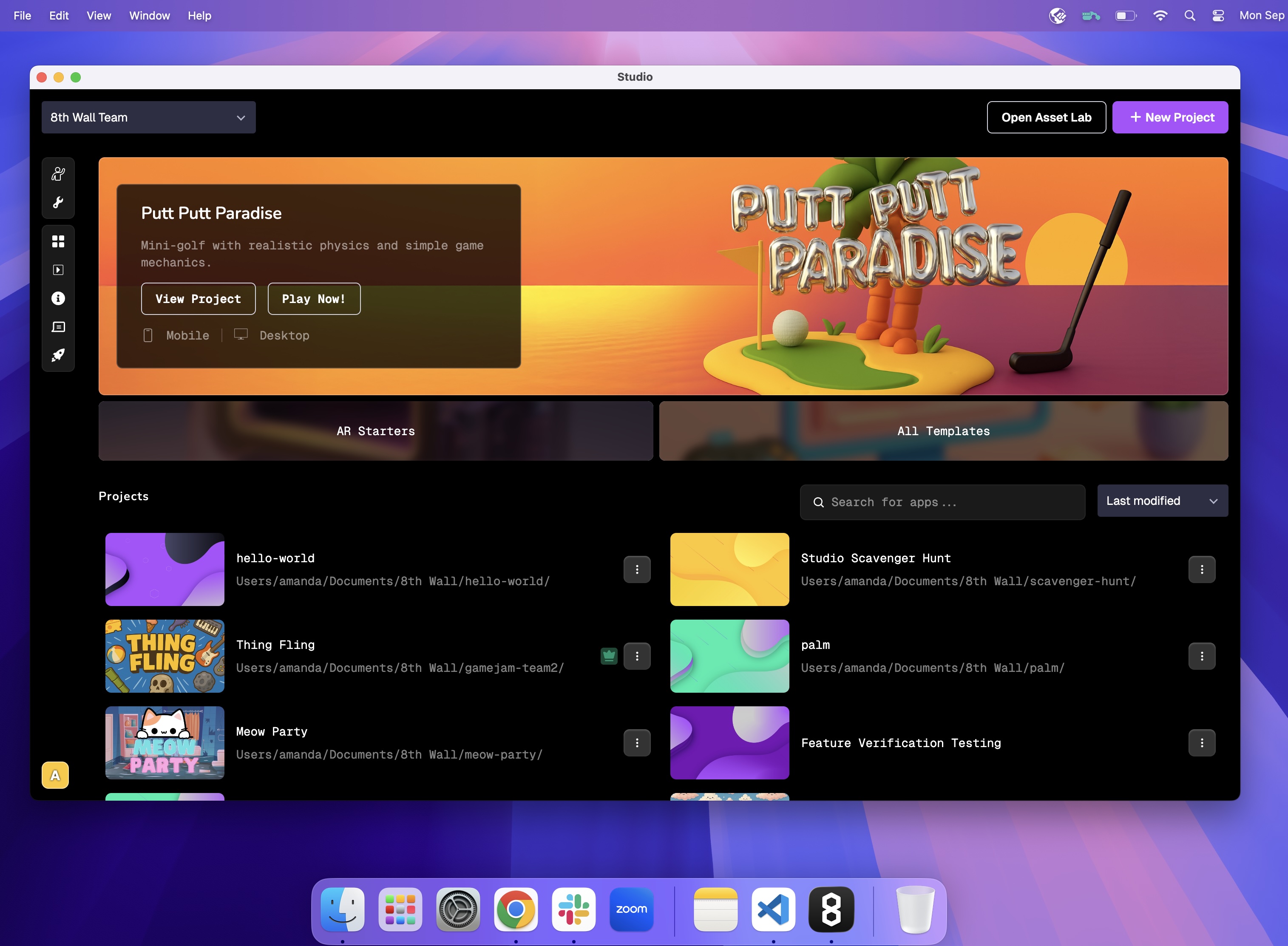
---
# onPaused() | 8th Wall
[Skip to main content](https://www.8thwall.com/docs/api/engine/camerapipelinemodule/onpaused/#__docusaurus_skipToContent_fallback)
On this page
`onPaused: ()`
Description[](https://www.8thwall.com/docs/api/engine/camerapipelinemodule/onpaused/#description "Direct link to Description")
--------------------------------------------------------------------------------------------------------------------------------
`onPaused()` is called when [`XR8.pause()`](https://www.8thwall.com/docs/api/engine/xr8/pause/)
is called.
Parameters[](https://www.8thwall.com/docs/api/engine/camerapipelinemodule/onpaused/#parameters "Direct link to Parameters")
-----------------------------------------------------------------------------------------------------------------------------
None
Example[](https://www.8thwall.com/docs/api/engine/camerapipelinemodule/onpaused/#example "Direct link to Example")
--------------------------------------------------------------------------------------------------------------------
XR8.addCameraPipelineModule({ name: 'mycamerapipelinemodule', onPaused: () => { console.log('pausing application') },})
* [Description](https://www.8thwall.com/docs/api/engine/camerapipelinemodule/onpaused/#description)
* [Parameters](https://www.8thwall.com/docs/api/engine/camerapipelinemodule/onpaused/#parameters)
* [Example](https://www.8thwall.com/docs/api/engine/camerapipelinemodule/onpaused/#example)
---
# onProcessCpu() | 8th Wall
[Skip to main content](https://www.8thwall.com/docs/api/engine/camerapipelinemodule/onprocesscpu/#__docusaurus_skipToContent_fallback)
On this page
`onProcessCpu: ({ framework, frameStartResult, processGpuResult })`
Description[](https://www.8thwall.com/docs/api/engine/camerapipelinemodule/onprocesscpu/#description "Direct link to Description")
------------------------------------------------------------------------------------------------------------------------------------
`onProcessCpu()` is called to read results of GPU processing and return usable data. Called with `{ frameStartResult, processGpuResult }`. Data returned by modules in [`onProcessGpu`](https://www.8thwall.com/docs/api/engine/camerapipelinemodule/onprocessgpu/)
will be present as `processGpu.modulename` where the name is given by module.name = "modulename".
| Parameter | Description |
| --- | --- |
| framework | The framework bindings for this module for dispatching events. |
| frameStartResult | The data that was provided at the beginning of a frame. |
| processGpuResult | Data returned by all installed modules during onProcessGpu. |
Returns[](https://www.8thwall.com/docs/api/engine/camerapipelinemodule/onprocesscpu/#returns "Direct link to Returns")
------------------------------------------------------------------------------------------------------------------------
Any data that you wish to provide to [`onUpdate`](https://www.8thwall.com/docs/api/engine/camerapipelinemodule/onupdate/)
should be returned. It will be provided to that method as `processCpuResult.modulename`
Example[](https://www.8thwall.com/docs/api/engine/camerapipelinemodule/onprocesscpu/#example "Direct link to Example")
------------------------------------------------------------------------------------------------------------------------
XR8.addCameraPipelineModule({ name: 'mycamerapipelinemodule', onProcessCpu: ({ frameStartResult, processGpuResult }) => { const GLctx = frameStartResult.GLctx const { cameraTexture } = frameStartResult const { camerapixelarray, mycamerapipelinemodule } = processGpuResult // Do something interesting with mycamerapipelinemodule.gpuDataA and mycamerapipelinemodule.gpuDataB ... // These fields will be provided to onUpdate return {cpuDataA, cpuDataB} },})
* [Description](https://www.8thwall.com/docs/api/engine/camerapipelinemodule/onprocesscpu/#description)
* [Returns](https://www.8thwall.com/docs/api/engine/camerapipelinemodule/onprocesscpu/#returns)
* [Example](https://www.8thwall.com/docs/api/engine/camerapipelinemodule/onprocesscpu/#example)
---
# onRemove() | 8th Wall
[Skip to main content](https://www.8thwall.com/docs/api/engine/camerapipelinemodule/onremove/#__docusaurus_skipToContent_fallback)
On this page
`onRemove: ({framework})`
Description[](https://www.8thwall.com/docs/api/engine/camerapipelinemodule/onremove/#description "Direct link to Description")
--------------------------------------------------------------------------------------------------------------------------------
`onRemove` is called when a module is removed from the pipeline.
Parameters[](https://www.8thwall.com/docs/api/engine/camerapipelinemodule/onremove/#parameters "Direct link to Parameters")
-----------------------------------------------------------------------------------------------------------------------------
| Parameter | Description |
| --- | --- |
| framework | The framework bindings for this module for dispatching events. |
* [Description](https://www.8thwall.com/docs/api/engine/camerapipelinemodule/onremove/#description)
* [Parameters](https://www.8thwall.com/docs/api/engine/camerapipelinemodule/onremove/#parameters)
---
# onStart() | 8th Wall
[Skip to main content](https://www.8thwall.com/docs/api/engine/camerapipelinemodule/onstart/#__docusaurus_skipToContent_fallback)
On this page
`onStart: ({ canvas, GLctx, computeCtx, isWebgl2, orientation, videoWidth, videoHeight, canvasWidth, canvasHeight, config })`
Description[](https://www.8thwall.com/docs/api/engine/camerapipelinemodule/onstart/#description "Direct link to Description")
-------------------------------------------------------------------------------------------------------------------------------
`onStart()` is called when XR starts.
Parameters[](https://www.8thwall.com/docs/api/engine/camerapipelinemodule/onstart/#parameters "Direct link to Parameters")
----------------------------------------------------------------------------------------------------------------------------
| Parameter | Description |
| --- | --- |
| canvas | The canvas that backs GPU processing and user display. |
| GLctx | The drawing canvas's `WebGLRenderingContext` or `WebGL2RenderingContext`. |
| computeCtx | The compute canvas's `WebGLRenderingContext` or `WebGL2RenderingContext`. |
| isWebgl2 | True if `GLctx` is a `WebGL2RenderingContext`. |
| orientation | The rotation of the UI from portrait, in degrees (-90, 0, 90, 180). |
| videoWidth | The width of the camera feed, in pixels. |
| videoHeight | The height of the camera feed, in pixels. |
| canvasWidth | The width of the `GLctx` canvas, in pixels. |
| canvasHeight | The height of the `GLctx` canvas, in pixels. |
| config | The configuration parameters that were passed to [`XR8.run()`](https://www.8thwall.com/docs/api/engine/xr8/)
. |
Example[](https://www.8thwall.com/docs/api/engine/camerapipelinemodule/onstart/#example "Direct link to Example")
-------------------------------------------------------------------------------------------------------------------
XR8.addCameraPipelineModule({ name: 'mycamerapipelinemodule', onStart: ({canvasWidth, canvasHeight}) => { // Get the three.js scene. This was created by XR8.Threejs.pipelineModule().onStart(). The // reason we can access it here now is because 'mycamerapipelinemodule' was installed after // XR8.Threejs.pipelineModule(). const {scene, camera} = XR8.Threejs.xrScene() // Add some objects to the scene and set the starting camera position. myInitXrScene({scene, camera}) // Sync the xr controller's 6DoF position and camera paremeters with our scene. XR8.XrController.updateCameraProjectionMatrix({ origin: camera.position, facing: camera.quaternion, }) },})
* [Description](https://www.8thwall.com/docs/api/engine/camerapipelinemodule/onstart/#description)
* [Parameters](https://www.8thwall.com/docs/api/engine/camerapipelinemodule/onstart/#parameters)
* [Example](https://www.8thwall.com/docs/api/engine/camerapipelinemodule/onstart/#example)
---
# XR8.XrPermissions.permissions() | 8th Wall
[Skip to main content](https://www.8thwall.com/docs/api/engine/xrpermissions/permissions/#__docusaurus_skipToContent_fallback)
On this page
Enumeration
Description[](https://www.8thwall.com/docs/api/engine/xrpermissions/permissions/#description "Direct link to Description")
----------------------------------------------------------------------------------------------------------------------------
Permissions that can be required by a pipeline module.
Properties[](https://www.8thwall.com/docs/api/engine/xrpermissions/permissions/#properties "Direct link to Properties")
-------------------------------------------------------------------------------------------------------------------------
| Property | Value | Description |
| --- | --- | --- |
| CAMERA | `'camera'` | Require camera. |
| DEVICE\_MOTION | `'devicemotion'` | Require accelerometer. |
| DEVICE\_ORIENTATION | `'deviceorientation'` | Require gyro. |
| DEVICE\_GPS | `'geolocation'` | Require GPS location. |
| MICROPHONE | `'microphone'` | Require microphone. |
Example[](https://www.8thwall.com/docs/api/engine/xrpermissions/permissions/#example "Direct link to Example")
----------------------------------------------------------------------------------------------------------------
XR8.addCameraPipelineModule({ name: 'request-gyro', requiredPermissions: () => ([XR8.XrPermissions.permissions().DEVICE_ORIENTATION]),})
* [Description](https://www.8thwall.com/docs/api/engine/xrpermissions/permissions/#description)
* [Properties](https://www.8thwall.com/docs/api/engine/xrpermissions/permissions/#properties)
* [Example](https://www.8thwall.com/docs/api/engine/xrpermissions/permissions/#example)
---
# Changelog | 8th Wall
[Skip to main content](https://www.8thwall.com/docs/api/studio/changelog/#__docusaurus_skipToContent_fallback)
On this page
2.2.0 (October 24, 2025)[](https://www.8thwall.com/docs/api/studio/changelog/#2.2.0 "Direct link to 2.2.0 (October 24, 2025)")
--------------------------------------------------------------------------------------------------------------------------------
### New Features[](https://www.8thwall.com/docs/api/studio/changelog/#new-features "Direct link to New Features")
* Add physics collider rotational offsets
### Features and Enhancements[](https://www.8thwall.com/docs/api/studio/changelog/#features-and-enhancements "Direct link to Features and Enhancements")
* Fix directional light shadow angle when following camera
2.1.0 (October 16, 2025)[](https://www.8thwall.com/docs/api/studio/changelog/#2.1.0 "Direct link to 2.1.0 (October 16, 2025)")
--------------------------------------------------------------------------------------------------------------------------------
### New Features[](https://www.8thwall.com/docs/api/studio/changelog/#new-features-1 "Direct link to New Features")
* Add effect manager API to update sky and fog (`world.effects`)
### Fixes and Enhancements[](https://www.8thwall.com/docs/api/studio/changelog/#fixes-and-enhancements "Direct link to Fixes and Enhancements")
* Updated type definition for schema/data in component remove callback
* Add animation events to event-ids
* Fix duplicate observer callbacks on `add()` for prefab instances
* Fixed issue with mouse inputs causing pointer lock
* Fixed issue where `ScaleAnimation` was incorrectly offsetting colliders
2.0.1 (September 25, 2025)[](https://www.8thwall.com/docs/api/studio/changelog/#2.0.1 "Direct link to 2.0.1 (September 25, 2025)")
------------------------------------------------------------------------------------------------------------------------------------
### Fixes and Enhancements[](https://www.8thwall.com/docs/api/studio/changelog/#fixes-and-enhancements-1 "Direct link to Fixes and Enhancements")
* Fixed an issue with physics where dynamic objects wouldn’t come fully to rest
* Fixed a crash that could occur after repeatedly changing physics collider scale
* Corrected particle emission directions
* Made particle effects framerate independent
* Increased reliability of the desktop app simulator
* Fixed a UI issue causing incorrect offset placement on elements
2.0.0 (September 10, 2025)[](https://www.8thwall.com/docs/api/studio/changelog/#2.0.0 "Direct link to 2.0.0 (September 10, 2025)")
------------------------------------------------------------------------------------------------------------------------------------
The all-new Studio Runtime 2.0 comes with a rebuilt physics engine. Some physics behaviors are different as a result. View the [2.0 upgrade guide](http://8th.io/v2upgradeguide)
for instructions and tips to ensure a smooth migration.
### Breaking Changes[](https://www.8thwall.com/docs/api/studio/changelog/#breaking-changes "Direct link to Breaking Changes")
* Removed properties from `ecs.Collider`:
* `rollingFriction`
* `spinningFriction`
* Changed matrix update mode: `manual` by default, which is more optimized. If modifying three.js objects directly, calling `world.three.notifyChanged()` is required on each changed object, or go back to the original behavior with `world.three.setMatrixUpdateMode('auto')`
* In 2.0, some of the new Physics engine’s underlying calculations differ for properties like friction, restitution, and damping. See the [upgrade guide](http://8th.io/v2upgradeguide)
for more details.
### New Features[](https://www.8thwall.com/docs/api/studio/changelog/#new-features-2 "Direct link to New Features")
* We added a new `type` property (required) to `ecs.Collider` to allow for determining if and how physics simulation should apply to the object. Previously, a mass value above 0 determined if a collider was Dynamic or not (0 mass = Static), and Kinematic colliders were not supported.
* Allowed values: `ColliderType.Static`, `ColliderType.Kinematic`, `ColliderType.Dynamic`
* Kinematic colliders are not affected by physics forces, but can have motion and can affect other dynamic bodies through collisions
* See [Collider API documentation](https://www.8thwall.com/docs/api/studio/ecs/collider/)
for details and use cases
### Fixes and Enhancements[](https://www.8thwall.com/docs/api/studio/changelog/#fixes-and-enhancements-2 "Direct link to Fixes and Enhancements")
* Enabled stricter typescript checking on by default at build time to improve error reporting
1.1.0 (August 29, 2025)[](https://www.8thwall.com/docs/api/studio/changelog/#1.1.0 "Direct link to 1.1.0 (August 29, 2025)")
------------------------------------------------------------------------------------------------------------------------------
* Exported additional constants for XR events
* Fixed face mesh not being rendered as configured with Face AR camera
* Fixed behavior for disabled colliders
* Fixed corrupted shape being applied to auto colliders
1.0.1 (August 25, 2025)[](https://www.8thwall.com/docs/api/studio/changelog/#1.0.1 "Direct link to 1.0.1 (August 25, 2025)")
------------------------------------------------------------------------------------------------------------------------------
* Ensured physics boolean types are exposed as `true`/`false`, not `1`/`0`
* Exported `GpsPointer`
1.0.0 (August 6, 2025)[](https://www.8thwall.com/docs/api/studio/changelog/#1.0.0 "Direct link to 1.0.0 (August 6, 2025)")
----------------------------------------------------------------------------------------------------------------------------
* Initial versioned release
* [2.2.0 (October 24, 2025)](https://www.8thwall.com/docs/api/studio/changelog/#2.2.0)
* [New Features](https://www.8thwall.com/docs/api/studio/changelog/#new-features)
* [Features and Enhancements](https://www.8thwall.com/docs/api/studio/changelog/#features-and-enhancements)
* [2.1.0 (October 16, 2025)](https://www.8thwall.com/docs/api/studio/changelog/#2.1.0)
* [New Features](https://www.8thwall.com/docs/api/studio/changelog/#new-features-1)
* [Fixes and Enhancements](https://www.8thwall.com/docs/api/studio/changelog/#fixes-and-enhancements)
* [2.0.1 (September 25, 2025)](https://www.8thwall.com/docs/api/studio/changelog/#2.0.1)
* [Fixes and Enhancements](https://www.8thwall.com/docs/api/studio/changelog/#fixes-and-enhancements-1)
* [2.0.0 (September 10, 2025)](https://www.8thwall.com/docs/api/studio/changelog/#2.0.0)
* [Breaking Changes](https://www.8thwall.com/docs/api/studio/changelog/#breaking-changes)
* [New Features](https://www.8thwall.com/docs/api/studio/changelog/#new-features-2)
* [Fixes and Enhancements](https://www.8thwall.com/docs/api/studio/changelog/#fixes-and-enhancements-2)
* [1.1.0 (August 29, 2025)](https://www.8thwall.com/docs/api/studio/changelog/#1.1.0)
* [1.0.1 (August 25, 2025)](https://www.8thwall.com/docs/api/studio/changelog/#1.0.1)
* [1.0.0 (August 6, 2025)](https://www.8thwall.com/docs/api/studio/changelog/#1.0.0)
---
# XR8.XrController.hitTest() | 8th Wall
[Skip to main content](https://www.8thwall.com/docs/api/engine/xrcontroller/hittest/#__docusaurus_skipToContent_fallback)
On this page
`XrController.hitTest(X, Y, includedTypes = [])`
Description[](https://www.8thwall.com/docs/api/engine/xrcontroller/hittest/#description "Direct link to Description")
-----------------------------------------------------------------------------------------------------------------------
Estimate the 3D position of a point on the camera feed. X and Y are specified as numbers between 0 and 1, where (0, 0) is the upper left corner and (1, 1) is the lower right corner of the camera feed as rendered in the camera that was specified by [`XR8.XrController.updateCameraProjectionMatrix()`](https://www.8thwall.com/docs/api/engine/xrcontroller/updatecameraprojectionmatrix/)
. Multiple 3d position estimates may be returned for a single hit test based on the source of data being used to estimate the position. The data source that was used to estimate the position is indicated by the `hitTest.type`.
Parameters[](https://www.8thwall.com/docs/api/engine/xrcontroller/hittest/#parameters "Direct link to Parameters")
--------------------------------------------------------------------------------------------------------------------
| Parameter | Type | Description |
| --- | --- | --- |
| X | `Number` | Value between 0 and 1 that represents the horizontal position on camera feed from left to right. |
| Y | `Number` | Value between 0 and 1 that represents the vertical position on camera feed from top to bottom. |
| includedTypes | `[String]` | List that should contain `'FEATURE_POINT'`. |
Returns[](https://www.8thwall.com/docs/api/engine/xrcontroller/hittest/#returns "Direct link to Returns")
-----------------------------------------------------------------------------------------------------------
An array of estimated 3D positions from the hit test:
`[{ type, position, rotation, distance }]`
| Parameter | Type | Description |
| --- | --- | --- |
| type | `String` | One of `'FEATURE_POINT'`, `'ESTIMATED_SURFACE'`, `'DETECTED_SURFACE'`, or `'UNSPECIFIED'` |
| position | `{x, y, z}` | The estimated 3D position of the queried point on the camera feed. |
| rotation | `{x, y, z, w}` | The estimated 3D rotation of the queried point on the camera feed. |
| distance | `Number` | The estimated distance from the device of the queried point on the camera feed. |
Example[](https://www.8thwall.com/docs/api/engine/xrcontroller/hittest/#example "Direct link to Example")
-----------------------------------------------------------------------------------------------------------
const hitTestHandler = (e) => { const x = e.touches[0].clientX / window.innerWidth const y = e.touches[0].clientY / window.innerHeight const hitTestResults = XR8.XrController.hitTest(x, y, ['FEATURE_POINT'])}
* [Description](https://www.8thwall.com/docs/api/engine/xrcontroller/hittest/#description)
* [Parameters](https://www.8thwall.com/docs/api/engine/xrcontroller/hittest/#parameters)
* [Returns](https://www.8thwall.com/docs/api/engine/xrcontroller/hittest/#returns)
* [Example](https://www.8thwall.com/docs/api/engine/xrcontroller/hittest/#example)
---
# XR8.clearCameraPipelineModules() | 8th Wall
[Skip to main content](https://www.8thwall.com/docs/api/engine/xr8/clearcamerapipelinemodules/#__docusaurus_skipToContent_fallback)
On this page
`XR8.clearCameraPipelineModules()`
Description[](https://www.8thwall.com/docs/api/engine/xr8/clearcamerapipelinemodules/#description "Direct link to Description")
---------------------------------------------------------------------------------------------------------------------------------
Remove all camera pipeline modules from the camera loop.
Parameters[](https://www.8thwall.com/docs/api/engine/xr8/clearcamerapipelinemodules/#parameters "Direct link to Parameters")
------------------------------------------------------------------------------------------------------------------------------
None
Returns[](https://www.8thwall.com/docs/api/engine/xr8/clearcamerapipelinemodules/#returns "Direct link to Returns")
---------------------------------------------------------------------------------------------------------------------
None
Example[](https://www.8thwall.com/docs/api/engine/xr8/clearcamerapipelinemodules/#example "Direct link to Example")
---------------------------------------------------------------------------------------------------------------------
XR8.clearCameraPipelineModules()
* [Description](https://www.8thwall.com/docs/api/engine/xr8/clearcamerapipelinemodules/#description)
* [Parameters](https://www.8thwall.com/docs/api/engine/xr8/clearcamerapipelinemodules/#parameters)
* [Returns](https://www.8thwall.com/docs/api/engine/xr8/clearcamerapipelinemodules/#returns)
* [Example](https://www.8thwall.com/docs/api/engine/xr8/clearcamerapipelinemodules/#example)
---
# XR8.addCameraPipelineModules() | 8th Wall
[Skip to main content](https://www.8thwall.com/docs/api/engine/xr8/addcamerapipelinemodules/#__docusaurus_skipToContent_fallback)
On this page
`XR8.addCameraPipelineModules([ modules ])`
Description[](https://www.8thwall.com/docs/api/engine/xr8/addcamerapipelinemodules/#description "Direct link to Description")
-------------------------------------------------------------------------------------------------------------------------------
Add multiple camera pipeline modules. This is a convenience method that calls [`XR8.addCameraPipelineModule()`](https://www.8thwall.com/docs/api/engine/xr8/addcamerapipelinemodule/)
in order on each element of the input array.
Parameters[](https://www.8thwall.com/docs/api/engine/xr8/addcamerapipelinemodules/#parameters "Direct link to Parameters")
----------------------------------------------------------------------------------------------------------------------------
| Parameter | Type | Description |
| --- | --- | --- |
| modules | `[Object]` | An array of camera pipeline modules. |
Returns[](https://www.8thwall.com/docs/api/engine/xr8/addcamerapipelinemodules/#returns "Direct link to Returns")
-------------------------------------------------------------------------------------------------------------------
None
Example[](https://www.8thwall.com/docs/api/engine/xr8/addcamerapipelinemodules/#example "Direct link to Example")
-------------------------------------------------------------------------------------------------------------------
const onxrloaded = () => { XR8.addCameraPipelineModules([ // Add camera pipeline modules. // Existing pipeline modules. XR8.GlTextureRenderer.pipelineModule(), // Draws the camera feed. ]) // Request camera permissions and run the camera. XR8.run({canvas: document.getElementById('camerafeed')})}// Wait until the XR javascript has loaded before making XR calls.window.XR8 ? onxrloaded() : window.addEventListener('xrloaded', onxrloaded)
* [Description](https://www.8thwall.com/docs/api/engine/xr8/addcamerapipelinemodules/#description)
* [Parameters](https://www.8thwall.com/docs/api/engine/xr8/addcamerapipelinemodules/#parameters)
* [Returns](https://www.8thwall.com/docs/api/engine/xr8/addcamerapipelinemodules/#returns)
* [Example](https://www.8thwall.com/docs/api/engine/xr8/addcamerapipelinemodules/#example)
---
# XR8.XrController.pipelineModule() | 8th Wall
[Skip to main content](https://www.8thwall.com/docs/api/engine/xrcontroller/pipelinemodule/#__docusaurus_skipToContent_fallback)
On this page
`XR8.XrController.pipelineModule()`
Description[](https://www.8thwall.com/docs/api/engine/xrcontroller/pipelinemodule/#description "Direct link to Description")
------------------------------------------------------------------------------------------------------------------------------
Creates a camera pipeline module that, when installed, receives callbacks on when the camera has started, camera proessing events, and other state changes. These are used to calculate the camera's position.
Parameters[](https://www.8thwall.com/docs/api/engine/xrcontroller/pipelinemodule/#parameters "Direct link to Parameters")
---------------------------------------------------------------------------------------------------------------------------
None
Returns[](https://www.8thwall.com/docs/api/engine/xrcontroller/pipelinemodule/#returns "Direct link to Returns")
------------------------------------------------------------------------------------------------------------------
Return value is an object made available to [`onUpdate`](https://www.8thwall.com/docs/legacy/api/camerapipelinemodule/onupdate/)
as:
`processCpuResult.reality: { rotation, position, intrinsics, trackingStatus, trackingReason, worldPoints, realityTexture, lighting }`
| Property | Type | Description |
| --- | --- | --- |
| rotation | `{w, x, y, z}` | The orientation (quaternion) of the camera in the scene. |
| position | `{x, y, z}` | The position of the camera in the scene. |
| intrinsics | `[Number]` | A 16 dimensional column-major 4x4 projection matrix that gives the scene camera the same field of view as the rendered camera feed. |
| trackingStatus | `String` | One of `'LIMITED'` or `'NORMAL'`. |
| trackingReason | `String` | One of `'UNSPECIFIED'` or`'INITIALIZING'`. |
| worldPoints | `[{id, confidence, position: {x, y, z}}]` | An array of detected points in the world at their location in the scene. Only filled if `XrController` is configured to return world points and `trackingReason != 'INITIALIZING'`. |
| realityTexture | [`WebGLTexture`](https://developer.mozilla.org/en-US/docs/Web/API/WebGLTexture) | The texture containing camera feed data. |
| lighting | `{exposure, temperature}` | Exposure of the lighting in your environment. Note: `temperature` has not yet been implemented. |
Dispatched Events[](https://www.8thwall.com/docs/api/engine/xrcontroller/pipelinemodule/#dispatched-events "Direct link to Dispatched Events")
------------------------------------------------------------------------------------------------------------------------------------------------
**trackingStatus**: Fires when `XrController` starts and tracking status or reason changes.
`reality.trackingstatus : { status, reason }`
| Property | Type | Description |
| --- | --- | --- |
| status | `String` | One of `'LIMITED'` or `'NORMAL'`. |
| reason | `String` | One of `'INITIALIZING'` or `'UNDEFINED'`. |
**imageloading**: Fires when detection image loading begins.
`imageloading.detail : { imageTargets: {name, type, metadata} }`
| Property | Type | Description |
| --- | --- | --- |
| name | `String` | The image's name. |
| type | `String` | One of `'FLAT'`, `'CYLINDRICAL'`, `'CONICAL'`. |
| metadata | `Object` | User metadata. |
**imagescanning**: Fires when all detection images have been loaded and scanning has begun.
`imagescanning.detail : { imageTargets: {name, type, metadata, geometry} }`
| Property | Type | Description |
| --- | --- | --- |
| name | `String` | The image's name. |
| type | `String` | One of `'FLAT'`, `'CYLINDRICAL'`, `'CONICAL'`. |
| metadata | `Object` | User metadata. |
| geometry | `Object` | Object containing geometry data. If type=FLAT: `{scaledWidth, scaledHeight}`, else if type=CYLINDRICAL or type=CONICAL: `{height, radiusTop, radiusBottom, arcStartRadians, arcLengthRadians}` |
If type = `FLAT`, geometry:
| Property | Type | Description |
| --- | --- | --- |
| scaledWidth | `Number` | The width of the image in the scene, when multiplied by scale. |
| scaledHeight | `Number` | The height of the image in the scene, when multiplied by scale. |
If type= `CYLINDRICAL` or `CONICAL`, geometry:
| Property | Type | Description |
| --- | --- | --- |
| height | `Number` | Height of the curved target. |
| radiusTop | `Number` | Radius of the curved target at the top. |
| radiusBottom | `Number` | Radius of the curved target at the bottom. |
| arcStartRadians | `Number` | Starting angle in radians. |
| arcLengthRadians | `Number` | Central angle in radians. |
**imagefound**: Fires when an image target is first found.
`imagefound.detail : { name, type, position, rotation, scale, scaledWidth, scaledHeight, height, radiusTop, radiusBottom, arcStartRadians, arcLengthRadians }`
| Property | Type | Description |
| --- | --- | --- |
| name | `String` | The image's name. |
| type | `Number` | One of `'FLAT'`, `'CYLINDRICAL'`, `'CONICAL'`.\` |
| position | `{x, y, z}` | The 3d position of the located image. |
| rotation | `{w, x, y, z}` | The 3d local orientation of the located image. |
| scale | `Number` | A scale factor that should be applied to object attached to this image. |
If type = `FLAT`:
| Property | Type | Description |
| --- | --- | --- |
| scaledWidth | `Number` | The width of the image in the scene, when multiplied by scale. |
| scaledHeight | `Number` | The height of the image in the scene, when multiplied by scale. |
If type= `CYLINDRICAL` or `CONICAL`:
| Property | Type | Description |
| --- | --- | --- |
| height | `Number` | Height of the curved target. |
| radiusTop | `Number` | Radius of the curved target at the top. |
| radiusBottom | `Number` | Radius of the curved target at the bottom. |
| arcStartRadians | `Number` | Starting angle in radians. |
| arcLengthRadians | `Number` | Central angle in radians. |
**imageupdated**: Fires when an image target changes position, rotation or scale.
`imageupdated.detail : { name, type, position, rotation, scale, scaledWidth, scaledHeight, height, radiusTop, radiusBottom, arcStartRadians, arcLengthRadians }`
| Property | Type | Description |
| --- | --- | --- |
| name | `String` | The image's name. |
| type | `Number` | One of `'FLAT'`, `'CYLINDRICAL'`, `'CONICAL'`.\` |
| position | `{x, y, z}` | The 3d position of the located image. |
| rotation | `{w, x, y, z}` | The 3d local orientation of the located image. |
| scale | `Number` | A scale factor that should be applied to object attached to this image. |
If type = `FLAT`:
| Property | Type | Description |
| --- | --- | --- |
| scaledWidth | `Number` | The width of the image in the scene, when multiplied by scale. |
| scaledHeight | `Number` | The height of the image in the scene, when multiplied by scale. |
If type= `CYLINDRICAL` or `CONICAL`:
| Property | Type | Description |
| --- | --- | --- |
| height | `Number` | Height of the curved target. |
| radiusTop | `Number` | Radius of the curved target at the top. |
| radiusBottom | `Number` | Radius of the curved target at the bottom. |
| arcStartRadians | `Number` | Starting angle in radians. |
| arcLengthRadians | `Number` | Central angle in radians. |
**imagelost**: Fires when an image target is no longer being tracked.
`imagelost.detail : { name, type, position, rotation, scale, scaledWidth, scaledHeight, height, radiusTop, radiusBottom, arcStartRadians, arcLengthRadians }`
| Property | Type | Description |
| --- | --- | --- |
| name | `String` | The image's name. |
| type | `Number` | One of `'FLAT'`, `'CYLINDRICAL'`, `'CONICAL'`.\` |
| position | `{x, y, z}` | The 3d position of the located image. |
| rotation | `{w, x, y, z}` | The 3d local orientation of the located image. |
| scale | `Number` | A scale factor that should be applied to object attached to this image. |
If type = `FLAT`:
| Property | Type | Description |
| --- | --- | --- |
| scaledWidth | `Number` | The width of the image in the scene, when multiplied by scale. |
| scaledHeight | `Number` | The height of the image in the scene, when multiplied by scale. |
If type= `CYLINDRICAL` or `CONICAL`:
| Property | Type | Description |
| --- | --- | --- |
| height | `Number` | Height of the curved target. |
| radiusTop | `Number` | Radius of the curved target at the top. |
| radiusBottom | `Number` | Radius of the curved target at the bottom. |
| arcStartRadians | `Number` | Starting angle in radians. |
| arcLengthRadians | `Number` | Central angle in radians. |
**meshfound**: Fires when a mesh is first found either after start or after a recenter().
`xrmeshfound.detail : { id, position, rotation, geometry }`
| Property | Type | Description |
| --- | --- | --- |
| id | `String` | An id for this mesh that is stable within a session |
| position | `{x, y, z}` | The 3d position of the located mesh. |
| rotation | `{w, x, y, z}` | The 3d local orientation (quaternion) of the located mesh. |
| geometry | `{index, attributes}` | An object containing raw mesh geometry data. Attributes contain position and color attributes. |
`geometry` is an object with the following properties:
| Property | Type | Description |
| --- | --- | --- |
| index | `Uint32Array` | The vertices of the mesh where 3 contiguous vertices make up a triangle. |
| attributes | `[{name: 'position', array: Float32Array(), itemSize: 3}, {name: 'color', array: Float32Array(), itemSize: 3}]` | The raw mesh geometry data. |
**meshupdated**: Fires when a the **first** mesh we found changes position or rotation.
`meshupdated.detail : { id, position, rotation }`
| Property | Type | Description |
| --- | --- | --- |
| id | `String` | An id for this mesh that is stable within a session |
| position | `{x, y, z}` | The 3d position of the located mesh. |
| rotation | `{w, x, y, z}` | The 3d local orientation (quaternion) of the located mesh. |
**meshlost**: Fires when recenter is called.
`xrmeshlost.detail : { id }`
| Property | Type | Description |
| --- | --- | --- |
| id | `String` | An id for this mesh that is stable within a session |
**projectwayspotscanning**: Fires when all Project Locations have been loaded for scanning.
`projectwayspotscanning.detail : { wayspots: [] }`
| Property | Type | Description |
| --- | --- | --- |
| wayspots | `[Object]` | An array objects containing Location information. |
`wayspots` is an array of objects with the following properties:
| Property | Type | Description |
| --- | --- | --- |
| id | `String` | An id for this Project Location that is stable within a session |
| name | `String` | Project Location name. |
| imageUrl | `String` | URL to a representative image for this Project Location. |
| title | `String` | Project Location title. |
| lat | `Number` | Latitude of this Project Location. |
| lng | `Number` | Longitude of this Project Location. |
**projectwayspotfound**: Fires when a Project Location is first found.
`projectwayspotfound.detail : { name, position, rotation }`
| Property | Type | Description |
| --- | --- | --- |
| name | `String` | The Project Location name. |
| position | `{x, y, z}` | The 3d position of the located Project Location. |
| rotation | `{w, x, y, z}` | The 3d local orientation (quaternion) of the located Project Location. |
**projectwayspotupdated**: Fires when a Project Location changes position or rotation.
`projectwayspotupdated.detail : { name, position, rotation }`
| Property | Type | Description |
| --- | --- | --- |
| name | `String` | The Project Location name. |
| position | `{x, y, z}` | The 3d position of the located Project Location. |
| rotation | `{w, x, y, z}` | The 3d local orientation (quaternion) of the located Project Location. |
**projectwayspotlost**: Fires when a Project Location is no longer being tracked.
`projectwayspotlost.detail : { name, position, rotation }`
| Property | Type | Description |
| --- | --- | --- |
| name | `String` | The Project Location name. |
| position | `{x, y, z}` | The 3d position of the located Project Location. |
| rotation | `{w, x, y, z}` | The 3d local orientation (quaternion) of the located Project Location. |
Example - adding pipeline module[](https://www.8thwall.com/docs/api/engine/xrcontroller/pipelinemodule/#example---adding-pipeline-module "Direct link to Example - adding pipeline module")
---------------------------------------------------------------------------------------------------------------------------------------------------------------------------------------------
XR8.addCameraPipelineModule(XR8.XrController.pipelineModule())
Example - dispatched events[](https://www.8thwall.com/docs/api/engine/xrcontroller/pipelinemodule/#example---dispatched-events "Direct link to Example - dispatched events")
------------------------------------------------------------------------------------------------------------------------------------------------------------------------------
const logEvent = ({name, detail}) => { console.log(`Handling event ${name}, got detail, ${JSON.stringify(detail)}`)}XR8.addCameraPipelineModule({ name: 'eventlogger', listeners: [ {event: 'reality.imageloading', process: logEvent}, {event: 'reality.imagescanning', process: logEvent}, {event: 'reality.imagefound', process: logEvent}, {event: 'reality.imageupdated', process: logEvent}, {event: 'reality.imagelost', process: logEvent}, ],})
* [Description](https://www.8thwall.com/docs/api/engine/xrcontroller/pipelinemodule/#description)
* [Parameters](https://www.8thwall.com/docs/api/engine/xrcontroller/pipelinemodule/#parameters)
* [Returns](https://www.8thwall.com/docs/api/engine/xrcontroller/pipelinemodule/#returns)
* [Dispatched Events](https://www.8thwall.com/docs/api/engine/xrcontroller/pipelinemodule/#dispatched-events)
* [Example - adding pipeline module](https://www.8thwall.com/docs/api/engine/xrcontroller/pipelinemodule/#example---adding-pipeline-module)
* [Example - dispatched events](https://www.8thwall.com/docs/api/engine/xrcontroller/pipelinemodule/#example---dispatched-events)
---
# XR8.XrDevice.deviceEstimate() | 8th Wall
[Skip to main content](https://www.8thwall.com/docs/api/engine/xrdevice/deviceestimate/#__docusaurus_skipToContent_fallback)
On this page
`XR8.XrDevice.deviceEstimate()`
Description[](https://www.8thwall.com/docs/api/engine/xrdevice/deviceestimate/#description "Direct link to Description")
--------------------------------------------------------------------------------------------------------------------------
Returns an estimate of the user's device (e.g. make / model) based on user agent string and other factors. This information is only an estimate, and should not be assumed to be complete or reliable.
Parameters[](https://www.8thwall.com/docs/api/engine/xrdevice/deviceestimate/#parameters "Direct link to Parameters")
-----------------------------------------------------------------------------------------------------------------------
None
Returns[](https://www.8thwall.com/docs/api/engine/xrdevice/deviceestimate/#returns "Direct link to Returns")
--------------------------------------------------------------------------------------------------------------
An object: `{ locale, os, osVersion, manufacturer, model }`
| Property | Description |
| --- | --- |
| locale | The user's locale. |
| os | The device's operating system. |
| osVersion | The device's operating system version. |
| manufacturer | The device's manufacturer. |
| model | The device's model. |
* [Description](https://www.8thwall.com/docs/api/engine/xrdevice/deviceestimate/#description)
* [Parameters](https://www.8thwall.com/docs/api/engine/xrdevice/deviceestimate/#parameters)
* [Returns](https://www.8thwall.com/docs/api/engine/xrdevice/deviceestimate/#returns)
---
# XR8.XrDevice.incompatibleReasonDetails() | 8th Wall
[Skip to main content](https://www.8thwall.com/docs/api/engine/xrdevice/incompatiblereasondetails/#__docusaurus_skipToContent_fallback)
On this page
`XR8.XrDevice.incompatibleReasonDetails({ allowedDevices })`
Description[](https://www.8thwall.com/docs/api/engine/xrdevice/incompatiblereasondetails/#description "Direct link to Description")
-------------------------------------------------------------------------------------------------------------------------------------
Returns extra details about the reasons why the device and browser are incompatible. This information should only be used as a hint to help with further error handling. These should not be assumed to be complete or reliable. This will only contain entries if [`XR8.XrDevice.isDeviceBrowserCompatible()`](https://www.8thwall.com/docs/api/engine/xrdevice/isdevicebrowsercompatible/)
returns false.
Parameters[](https://www.8thwall.com/docs/api/engine/xrdevice/incompatiblereasondetails/#parameters "Direct link to Parameters")
----------------------------------------------------------------------------------------------------------------------------------
| Parameter | Description |
| --- | --- |
| allowedDevices \[Optional\] | Supported device classes, a value in [`XR8.XrConfig.device()`](https://www.8thwall.com/docs/api/engine/)
. |
Returns[](https://www.8thwall.com/docs/api/engine/xrdevice/incompatiblereasondetails/#returns "Direct link to Returns")
-------------------------------------------------------------------------------------------------------------------------
An object: `{ inAppBrowser, inAppBrowserType }`
| Property | Description |
| --- | --- |
| inAppBrowser | The name of the in-app browser detected (e.g. `'Twitter'`) |
| inAppBrowserType | A string that helps describe how to handle the in-app browser. |
* [Description](https://www.8thwall.com/docs/api/engine/xrdevice/incompatiblereasondetails/#description)
* [Parameters](https://www.8thwall.com/docs/api/engine/xrdevice/incompatiblereasondetails/#parameters)
* [Returns](https://www.8thwall.com/docs/api/engine/xrdevice/incompatiblereasondetails/#returns)
---
# XR8.XrController.recenter() | 8th Wall
[Skip to main content](https://www.8thwall.com/docs/api/engine/xrcontroller/recenter/#__docusaurus_skipToContent_fallback)
On this page
`XR8.XrController.recenter()`
Description[](https://www.8thwall.com/docs/api/engine/xrcontroller/recenter/#description "Direct link to Description")
------------------------------------------------------------------------------------------------------------------------
Repositions the camera to the origin / facing direction specified by [`XR8.XrController.updateCameraProjectionMatrix()`](https://www.8thwall.com/docs/api/engine/xrcontroller/updatecameraprojectionmatrix/)
and restart tracking.
Parameters[](https://www.8thwall.com/docs/api/engine/xrcontroller/recenter/#parameters "Direct link to Parameters")
---------------------------------------------------------------------------------------------------------------------
None
Returns[](https://www.8thwall.com/docs/api/engine/xrcontroller/recenter/#returns "Direct link to Returns")
------------------------------------------------------------------------------------------------------------
None
* [Description](https://www.8thwall.com/docs/api/engine/xrcontroller/recenter/#description)
* [Parameters](https://www.8thwall.com/docs/api/engine/xrcontroller/recenter/#parameters)
* [Returns](https://www.8thwall.com/docs/api/engine/xrcontroller/recenter/#returns)
---
# XR8.XrDevice.IncompatibilityReasons | 8th Wall
[Skip to main content](https://www.8thwall.com/docs/api/engine/xrdevice/incompatibilityreasons/#__docusaurus_skipToContent_fallback)
On this page
Enumeration
Description[](https://www.8thwall.com/docs/api/engine/xrdevice/incompatibilityreasons/#description "Direct link to Description")
----------------------------------------------------------------------------------------------------------------------------------
The possible reasons for why a device and browser may not be compatible with 8th Wall Web.
Properties[](https://www.8thwall.com/docs/api/engine/xrdevice/incompatibilityreasons/#properties "Direct link to Properties")
-------------------------------------------------------------------------------------------------------------------------------
| Property | Value | Description |
| --- | --- | --- |
| UNSPECIFIED | `0` | The incompatible reason is not specified. |
| UNSUPPORTED\_OS | `1` | The estimated operating system is not supported. |
| UNSUPPORTED\_BROWSER | `2` | The estimated browser is not supported. |
| MISSING\_DEVICE\_ORIENTATION | `3` | The browser does not support device orientation events. |
| MISSING\_USER\_MEDIA | `4` | The browser does not support user media acccess. |
| MISSING\_WEB\_ASSEMBLY | `5` | The browser does not support web assembly. |
* [Description](https://www.8thwall.com/docs/api/engine/xrdevice/incompatibilityreasons/#description)
* [Properties](https://www.8thwall.com/docs/api/engine/xrdevice/incompatibilityreasons/#properties)
---
# XR8.XrDevice.isDeviceBrowserCompatible() | 8th Wall
[Skip to main content](https://www.8thwall.com/docs/api/engine/xrdevice/isdevicebrowsercompatible/#__docusaurus_skipToContent_fallback)
On this page
`XR8.XrDevice.isDeviceBrowserCompatible({ allowedDevices })`
Description[](https://www.8thwall.com/docs/api/engine/xrdevice/isdevicebrowsercompatible/#description "Direct link to Description")
-------------------------------------------------------------------------------------------------------------------------------------
Returns an estimate of whether the user's device and browser is compatible with 8th Wall Web. If this returns false, [`XR8.XrDevice.incompatibleReasons()`](https://www.8thwall.com/docs/api/engine/xrdevice/incompatiblereasons/)
will return reasons about why the device and browser are not supported.
Parameters[](https://www.8thwall.com/docs/api/engine/xrdevice/isdevicebrowsercompatible/#parameters "Direct link to Parameters")
----------------------------------------------------------------------------------------------------------------------------------
| Parameter | Description |
| --- | --- |
| allowedDevices \[Optional\] | Supported device classes, a value in [`XR8.XrConfig.device()`](https://www.8thwall.com/docs/api/engine/)
. |
Returns[](https://www.8thwall.com/docs/api/engine/xrdevice/isdevicebrowsercompatible/#returns "Direct link to Returns")
-------------------------------------------------------------------------------------------------------------------------
True or false.
Example[](https://www.8thwall.com/docs/api/engine/xrdevice/isdevicebrowsercompatible/#example "Direct link to Example")
-------------------------------------------------------------------------------------------------------------------------
XR8.XrDevice.isDeviceBrowserCompatible({allowedDevices: XR8.XrConfig.device().MOBILE})
* [Description](https://www.8thwall.com/docs/api/engine/xrdevice/isdevicebrowsercompatible/#description)
* [Parameters](https://www.8thwall.com/docs/api/engine/xrdevice/isdevicebrowsercompatible/#parameters)
* [Returns](https://www.8thwall.com/docs/api/engine/xrdevice/isdevicebrowsercompatible/#returns)
* [Example](https://www.8thwall.com/docs/api/engine/xrdevice/isdevicebrowsercompatible/#example)
---
# XR8.XrController.updateCameraProjectionMatrix() | 8th Wall
[Skip to main content](https://www.8thwall.com/docs/api/engine/xrcontroller/updatecameraprojectionmatrix/#__docusaurus_skipToContent_fallback)
On this page
`XR8.XrController.updateCameraProjectionMatrix({ cam, origin, facing })`
Description[](https://www.8thwall.com/docs/api/engine/xrcontroller/updatecameraprojectionmatrix/#description "Direct link to Description")
--------------------------------------------------------------------------------------------------------------------------------------------
Reset the scene's display geometry and the camera's starting position in the scene. The display geometry is needed to properly overlay the position of objects in the virtual scene on top of their corresponding position in the camera image. The starting position specifies where the camera will be placed and facing at the start of a session.
Parameters[](https://www.8thwall.com/docs/api/engine/xrcontroller/updatecameraprojectionmatrix/#parameters "Direct link to Parameters")
-----------------------------------------------------------------------------------------------------------------------------------------
| Parameter | Type | Default | Description |
| --- | --- | --- | --- |
| cam \[Optional\] | `{pixelRectWidth, pixelRectHeight, nearClipPlane, farClipPlane}` | `{nearClipPlane: 0.01, farClipPlane: 1000.0}` | The camera configuration. |
| origin \[Optional\] | `{x, y, z}` | `{x: 0, y: 2, z: 0}` | The starting position of the camera in the scene. |
| facing \[Optional\] | `{w, x, y, z}` | `{w: 1, x: 0, y: 0, z: 0}` | The starting direction (quaternion) of the camera in the scene. |
`cam` has the following parameters:
| Parameter | Type | Description |
| --- | --- | --- |
| pixelRectWidth | `Number` | The width of the canvas that displays the camera feed. |
| pixelRectHeight | `Number` | The height of the canvas that displays the camera feed. |
| nearClipPlane | `Number` | The closest distance to the camera at which scene objects are visible. |
| farClipPlane | `Number` | The farthest distance to the camera at which scene objects are visible. |
Returns[](https://www.8thwall.com/docs/api/engine/xrcontroller/updatecameraprojectionmatrix/#returns "Direct link to Returns")
--------------------------------------------------------------------------------------------------------------------------------
None
Example[](https://www.8thwall.com/docs/api/engine/xrcontroller/updatecameraprojectionmatrix/#example "Direct link to Example")
--------------------------------------------------------------------------------------------------------------------------------
XR8.XrController.updateCameraProjectionMatrix({ origin: { x: 1, y: 4, z: 0 }, facing: { w: 0.9856, x: 0, y: 0.169, z: 0 }})
* [Description](https://www.8thwall.com/docs/api/engine/xrcontroller/updatecameraprojectionmatrix/#description)
* [Parameters](https://www.8thwall.com/docs/api/engine/xrcontroller/updatecameraprojectionmatrix/#parameters)
* [Returns](https://www.8thwall.com/docs/api/engine/xrcontroller/updatecameraprojectionmatrix/#returns)
* [Example](https://www.8thwall.com/docs/api/engine/xrcontroller/updatecameraprojectionmatrix/#example)
---
# Guides | 8th Wall
[Skip to main content](https://www.8thwall.com/docs/quickstart/guides/#__docusaurus_skipToContent_fallback)
On this page
Explore tutorials and walkthroughs to help you get started and go further with 8th Wall.
* * *
Interactive Guides[](https://www.8thwall.com/docs/quickstart/guides/#interactive-guides "Direct link to Interactive Guides")
------------------------------------------------------------------------------------------------------------------------------
These hands-on guides live directly inside of 8th Wall and walk you through building real projects using Studio.
### Hello World
Learn how to navigate the Studio interface, create your first project, and explore key tools and features.
[Start Guide →](https://www.8thwall.com/8thwall/hello-world)

### Hello World Effects
Tap to grow cacti! Learn raycasting, object spawning, custom components, and 3D model imports.
[Start Guide →](https://www.8thwall.com/8thwall/hello-world-effects)

### Hello VPS
Build a Location AR project using Niantic VPS. Anchor content to real-world places and test your scene.
[Start Guide →](https://www.8thwall.com/8thwall/hello-vps)
* * *
Community Guides[](https://www.8thwall.com/docs/quickstart/guides/#community-guides "Direct link to Community Guides")
------------------------------------------------------------------------------------------------------------------------
A growing collection of written tutorials from the 8th Wall developer community.
[Browse Community Guides →](https://www.8thwall.com/tutorials/guides)
* [Interactive Guides](https://www.8thwall.com/docs/quickstart/guides/#interactive-guides)
* [Community Guides](https://www.8thwall.com/docs/quickstart/guides/#community-guides)
---
# Limits and Quotas | 8th Wall
[Skip to main content](https://www.8thwall.com/docs/studio/guides/modules/backend-services/backend-functions/limits-and-quotas/#__docusaurus_skipToContent_fallback)
On this page
The following limits and quotas currently apply to back-end functions:
Route Limits[](https://www.8thwall.com/docs/studio/guides/modules/backend-services/backend-functions/limits-and-quotas/#route-limits "Direct link to Route Limits")
---------------------------------------------------------------------------------------------------------------------------------------------------------------------
* Max Routes per module: 32
* Max Routes per project: 64
note
Each backend function counts as 1 route attached to the underlying gateway for your app. Each Proxy route also counts towards this limit.
Function Timeout[](https://www.8thwall.com/docs/studio/guides/modules/backend-services/backend-functions/limits-and-quotas/#function-timeout "Direct link to Function Timeout")
---------------------------------------------------------------------------------------------------------------------------------------------------------------------------------
Backend functions are limited to a **maximum execution time of 10 seconds**. If you exceed this limit, the function will time out with an error.
Package Support[](https://www.8thwall.com/docs/studio/guides/modules/backend-services/backend-functions/limits-and-quotas/#package-support "Direct link to Package Support")
------------------------------------------------------------------------------------------------------------------------------------------------------------------------------
NPM package installation is currently not supported. At this time you have access to all Node.js core modules.
* [Route Limits](https://www.8thwall.com/docs/studio/guides/modules/backend-services/backend-functions/limits-and-quotas/#route-limits)
* [Function Timeout](https://www.8thwall.com/docs/studio/guides/modules/backend-services/backend-functions/limits-and-quotas/#function-timeout)
* [Package Support](https://www.8thwall.com/docs/studio/guides/modules/backend-services/backend-functions/limits-and-quotas/#package-support)
---
# XR8.initialize() | 8th Wall
[Skip to main content](https://www.8thwall.com/docs/api/engine/xr8/initialize/#__docusaurus_skipToContent_fallback)
On this page
`XR8.initialize()`
Description[](https://www.8thwall.com/docs/api/engine/xr8/initialize/#description "Direct link to Description")
-----------------------------------------------------------------------------------------------------------------
Returns a promise that is fulfilled when the AR Engine's WebAssembly is initialized.
Parameters[](https://www.8thwall.com/docs/api/engine/xr8/initialize/#parameters "Direct link to Parameters")
--------------------------------------------------------------------------------------------------------------
None
Returns[](https://www.8thwall.com/docs/api/engine/xr8/initialize/#returns "Direct link to Returns")
-----------------------------------------------------------------------------------------------------
None
Example[](https://www.8thwall.com/docs/api/engine/xr8/initialize/#example "Direct link to Example")
-----------------------------------------------------------------------------------------------------
XR8.initialize().then(() => console.log(XR8.version())
* [Description](https://www.8thwall.com/docs/api/engine/xr8/initialize/#description)
* [Parameters](https://www.8thwall.com/docs/api/engine/xr8/initialize/#parameters)
* [Returns](https://www.8thwall.com/docs/api/engine/xr8/initialize/#returns)
* [Example](https://www.8thwall.com/docs/api/engine/xr8/initialize/#example)
---
# XR8.XrController.configure() | 8th Wall
[Skip to main content](https://www.8thwall.com/docs/api/engine/xrcontroller/configure/#__docusaurus_skipToContent_fallback)
On this page
`XrController.configure({ disableWorldTracking, enableLighting, enableWorldPoints, enableVps, imageTargets: [], leftHandedAxes, mirroredDisplay, projectWayspots, scale })`
Description[](https://www.8thwall.com/docs/api/engine/xrcontroller/configure/#description "Direct link to Description")
-------------------------------------------------------------------------------------------------------------------------
Configures the processing performed by `XrController` (some settings may have performance implications).
Parameters[](https://www.8thwall.com/docs/api/engine/xrcontroller/configure/#parameters "Direct link to Parameters")
----------------------------------------------------------------------------------------------------------------------
| Parameter | Type | Default | Description |
| --- | --- | --- | --- |
| disableWorldTracking \[Optional\] | `Boolean` | `false` | If true, turn off SLAM tracking for efficiency. This needs to be done **BEFORE** [`XR8.run()`](https://www.8thwall.com/docs/legacy/api/xr8/run/)
is called. |
| enableLighting \[Optional\] | `Boolean` | `false` | If true, `lighting` will be provided by [`XR8.XrController.pipelineModule()`](https://www.8thwall.com/docs/api/engine/xrcontroller/pipelinemodule/)
as `processCpuResult.reality.lighting` |
| enableWorldPoints \[Optional\] | `Boolean` | `false` | If true, `worldPoints` will be provided by [`XR8.XrController.pipelineModule()`](https://www.8thwall.com/docs/api/engine/xrcontroller/pipelinemodule/)
as `processCpuResult.reality.worldPoints`. |
| enableVps \[Optional\] | `Boolean` | `false` | If true, look for Project Locations and a mesh. The mesh that is returned has no relation to Project Locations and will be returned even if no Project Locations are configured. Enabling VPS overrides settings for `scale` and `disableWorldTracking`. |
| imageTargets \[Optional\] | `Array` | | List of names of the image target to detect. Can be modified at runtime. Note: All currently active image targets will be replaced with the ones specified in this list. |
| leftHandedAxes \[Optional\] | `Boolean` | `false` | If true, use left-handed coordinates. |
| mirroredDisplay \[Optional\] | `Boolean` | `false` | If true, flip left and right in the output. |
| projectWayspots \[Optional\] | `Array` | `[]` | Subset of Project Locations names to exclusively localize against. If an empty array is passed, we will localize all nearby Project Locations. |
| scale \[Optional\] | `String` | `responsive` | Either `responsive` or `absolute`. `responsive` will return values so that the camera on frame 1 is at the origin defined via [`XR8.XrController.updateCameraProjectionMatrix()`](https://www.8thwall.com/docs/api/engine/xrcontroller/updatecameraprojectionmatrix/)
. `absolute` will return the camera, image targets, etc in meters. When using `absolute` the x-position, z-position, and rotation of the starting pose will respect the parameters set in [`XR8.XrController.updateCameraProjectionMatrix()`](https://www.8thwall.com/docs/api/engine/xrcontroller/updatecameraprojectionmatrix/)
once scale has been estimated. The y-position will depend on the camera's physical height from the ground plane. |
**IMPORTANT:** `disableWorldTracking: true` needs to be set **BEFORE** both [`XR8.XrController.pipelineModule()`](https://www.8thwall.com/docs/api/engine/xrcontroller/pipelinemodule/)
and [`XR8.run()`](https://www.8thwall.com/docs/legacy/api/xr8/run/)
are called and cannot be modifed while the engine is running.
Returns[](https://www.8thwall.com/docs/api/engine/xrcontroller/configure/#returns "Direct link to Returns")
-------------------------------------------------------------------------------------------------------------
None
Example[](https://www.8thwall.com/docs/api/engine/xrcontroller/configure/#example "Direct link to Example")
-------------------------------------------------------------------------------------------------------------
XR8.XrController.configure({enableLighting: true, disableWorldTracking: false, scale: 'absolute'})
Example - Enable VPS[](https://www.8thwall.com/docs/api/engine/xrcontroller/configure/#example---enable-vps "Direct link to Example - Enable VPS")
----------------------------------------------------------------------------------------------------------------------------------------------------
XR8.XrController.configure({enableVps: true})
Example - Disable world tracking[](https://www.8thwall.com/docs/api/engine/xrcontroller/configure/#example---disable-world-tracking "Direct link to Example - Disable world tracking")
----------------------------------------------------------------------------------------------------------------------------------------------------------------------------------------
// Disable world tracking (SLAM)XR8.XrController.configure({disableWorldTracking: true})// Open the camera and start running the camera run loopXR8.run({canvas: document.getElementById('camerafeed')})
Example - Change active image target set[](https://www.8thwall.com/docs/api/engine/xrcontroller/configure/#example---change-active-image-target-set "Direct link to Example - Change active image target set")
----------------------------------------------------------------------------------------------------------------------------------------------------------------------------------------------------------------
XR8.XrController.configure({imageTargets: ['image-target1', 'image-target2', 'image-target3']})
* [Description](https://www.8thwall.com/docs/api/engine/xrcontroller/configure/#description)
* [Parameters](https://www.8thwall.com/docs/api/engine/xrcontroller/configure/#parameters)
* [Returns](https://www.8thwall.com/docs/api/engine/xrcontroller/configure/#returns)
* [Example](https://www.8thwall.com/docs/api/engine/xrcontroller/configure/#example)
* [Example - Enable VPS](https://www.8thwall.com/docs/api/engine/xrcontroller/configure/#example---enable-vps)
* [Example - Disable world tracking](https://www.8thwall.com/docs/api/engine/xrcontroller/configure/#example---disable-world-tracking)
* [Example - Change active image target set](https://www.8thwall.com/docs/api/engine/xrcontroller/configure/#example---change-active-image-target-set)
---
# XR8.XrDevice.incompatibleReasons() | 8th Wall
[Skip to main content](https://www.8thwall.com/docs/api/engine/xrdevice/incompatiblereasons/#__docusaurus_skipToContent_fallback)
On this page
`XR8.XrDevice.incompatibleReasons({ allowedDevices })`
Description[](https://www.8thwall.com/docs/api/engine/xrdevice/incompatiblereasons/#description "Direct link to Description")
-------------------------------------------------------------------------------------------------------------------------------
Returns an array of [`XR8.XrDevice.IncompatibilityReasons`](https://www.8thwall.com/docs/api/engine/xrdevice/incompatibilityreasons/)
why the device the device and browser are not supported. This will only contain entries if [`XR8.XrDevice.isDeviceBrowserCompatible()`](https://www.8thwall.com/docs/api/engine/xrdevice/isdevicebrowsercompatible/)
returns false.
Parameters[](https://www.8thwall.com/docs/api/engine/xrdevice/incompatiblereasons/#parameters "Direct link to Parameters")
----------------------------------------------------------------------------------------------------------------------------
| Parameter | Description |
| --- | --- |
| allowedDevices \[Optional\] | Supported device classes, a value in [`XR8.XrConfig.device()`](https://www.8thwall.com/docs/api/engine/)
. |
Returns[](https://www.8thwall.com/docs/api/engine/xrdevice/incompatiblereasons/#returns "Direct link to Returns")
-------------------------------------------------------------------------------------------------------------------
Returns an array of [`XR8.XrDevice.IncompatibilityReasons`](https://www.8thwall.com/docs/api/engine/xrdevice/incompatibilityreasons/)
.
Example[](https://www.8thwall.com/docs/api/engine/xrdevice/incompatiblereasons/#example "Direct link to Example")
-------------------------------------------------------------------------------------------------------------------
const reasons = XR8.XrDevice.incompatibleReasons()for (let reason of reasons) { switch (reason) { case XR8.XrDevice.IncompabilityReasons.UNSUPPORTED_OS: // Handle unsupported os error messaging. break; case XR8.XrDevice.IncompabilityReasons.UNSUPPORTED_BROWSER: // Handle unsupported browser break; ...}
* [Description](https://www.8thwall.com/docs/api/engine/xrdevice/incompatiblereasons/#description)
* [Parameters](https://www.8thwall.com/docs/api/engine/xrdevice/incompatiblereasons/#parameters)
* [Returns](https://www.8thwall.com/docs/api/engine/xrdevice/incompatiblereasons/#returns)
* [Example](https://www.8thwall.com/docs/api/engine/xrdevice/incompatiblereasons/#example)
---
# XR8.XrPermissions | 8th Wall
[Skip to main content](https://www.8thwall.com/docs/api/engine/xrpermissions/#__docusaurus_skipToContent_fallback)
On this page
Description[](https://www.8thwall.com/docs/api/engine/xrpermissions/#description "Direct link to Description")
----------------------------------------------------------------------------------------------------------------
Utilities for specifying permissions required by a pipeline module.
Modules can indicate what browser capabilities they require that may need permissions requests. These can be used by the framework to request appropriate permissions if absent, or to create components that request the appropriate permissions before running XR.
Properties[](https://www.8thwall.com/docs/api/engine/xrpermissions/#properties "Direct link to Properties")
-------------------------------------------------------------------------------------------------------------
| Property | Type | Description |
| --- | --- | --- |
| [permissions()](https://www.8thwall.com/docs/api/engine/xrpermissions/permissions/) | Enum | List of permissions that can be specified as required by a pipeline module. |
Example[](https://www.8thwall.com/docs/api/engine/xrpermissions/#example "Direct link to Example")
----------------------------------------------------------------------------------------------------
XR8.addCameraPipelineModule({ name: 'request-gyro', requiredPermissions: () => ([XR8.XrPermissions.permissions().DEVICE_ORIENTATION]),})
* [Description](https://www.8thwall.com/docs/api/engine/xrpermissions/#description)
* [Properties](https://www.8thwall.com/docs/api/engine/xrpermissions/#properties)
* [Example](https://www.8thwall.com/docs/api/engine/xrpermissions/#example)
---
# XR8 | 8th Wall
[Skip to main content](https://www.8thwall.com/docs/api/engine/xr8/#__docusaurus_skipToContent_fallback)
On this page
Description[](https://www.8thwall.com/docs/api/engine/xr8/#description "Direct link to Description")
------------------------------------------------------------------------------------------------------
Entry point for 8th Wall's Javascript API
Functions[](https://www.8thwall.com/docs/api/engine/xr8/#functions "Direct link to Functions")
------------------------------------------------------------------------------------------------
| Function | Description |
| --- | --- |
| [addCameraPipelineModule](https://www.8thwall.com/docs/api/engine/xr8/addcamerapipelinemodule/) | Adds a module to the camera pipeline that will receive event callbacks for each stage in the camera pipeline. |
| [addCameraPipelineModules](https://www.8thwall.com/docs/api/engine/xr8/addcamerapipelinemodules/) | Add multiple camera pipeline modules. This is a convenience method that calls [addCameraPipelineModule](https://www.8thwall.com/docs/api/engine/xr8/addcamerapipelinemodule/)
in order on each element of the input array. |
| [clearCameraPipelineModules](https://www.8thwall.com/docs/api/engine/xr8/clearcamerapipelinemodules/) | Remove all camera pipeline modules from the camera loop. |
| [initialize](https://www.8thwall.com/docs/api/engine/xr8/initialize/) | Returns a promise that is fulfilled when the AR Engine's WebAssembly is initialized. |
| [isInitialized](https://www.8thwall.com/docs/api/engine/xr8/isinitialized/) | Indicates whether or not the AR Engine's WebAssembly is initialized. |
| [isPaused](https://www.8thwall.com/docs/api/engine/xr8/ispaused/) | Indicates whether or not the XR session is paused. |
| [pause](https://www.8thwall.com/docs/api/engine/xr8/pause/) | Pause the current XR session. While paused, the camera feed is stopped and device motion is not tracked. |
| [resume](https://www.8thwall.com/docs/api/engine/xr8/resume/) | Resume the current XR session. |
| [removeCameraPipelineModule](https://www.8thwall.com/docs/api/engine/xr8/removecamerapipelinemodule/) | Removes a module from the camera pipeline. |
| [removeCameraPipelineModules](https://www.8thwall.com/docs/api/engine/xr8/removecamerapipelinemodules/) | Remove multiple camera pipeline modules. This is a convenience method that calls [removeCameraPipelineModule](https://www.8thwall.com/docs/api/engine/xr8/removecamerapipelinemodule/)
in order on each element of the input array. |
| [requiredPermissions](https://www.8thwall.com/docs/api/engine/xr8/requiredpermissions/) | Return a list of permissions required by the application. |
| run | Open the camera and start running the camera run loop. |
| [runPreRender](https://www.8thwall.com/docs/api/engine/xr8/runprerender/) | Executes all lifecycle updates that should happen before rendering. |
| [runPostRender](https://www.8thwall.com/docs/api/engine/xr8/runpostrender/) | Executes all lifecycle updates that should happen after rendering. |
| [stop](https://www.8thwall.com/docs/api/engine/xr8/stop/) | Stop the current XR session. While stopped, the camera feed is closed and device motion is not tracked. |
| [version](https://www.8thwall.com/docs/api/engine/xr8/version/) | Get the 8th Wall Web engine version. |
Events[](https://www.8thwall.com/docs/api/engine/xr8/#events "Direct link to Events")
---------------------------------------------------------------------------------------
| Event Emitted | Description |
| --- | --- |
| xrloaded | This event is emitted once `XR8` has loaded. |
* [Description](https://www.8thwall.com/docs/api/engine/xr8/#description)
* [Functions](https://www.8thwall.com/docs/api/engine/xr8/#functions)
* [Events](https://www.8thwall.com/docs/api/engine/xr8/#events)
---
# XR8.removeCameraPipelineModules() | 8th Wall
[Skip to main content](https://www.8thwall.com/docs/api/engine/xr8/removecamerapipelinemodules/#__docusaurus_skipToContent_fallback)
On this page
`XR8.removeCameraPipelineModules([ moduleNames ])`
Description[](https://www.8thwall.com/docs/api/engine/xr8/removecamerapipelinemodules/#description "Direct link to Description")
----------------------------------------------------------------------------------------------------------------------------------
Remove multiple camera pipeline modules. This is a convenience method that calls [`XR8.removeCameraPipelineModule()`](https://www.8thwall.com/docs/api/engine/xr8/removecamerapipelinemodule/)
in order on each element of the input array.
Parameters[](https://www.8thwall.com/docs/api/engine/xr8/removecamerapipelinemodules/#parameters "Direct link to Parameters")
-------------------------------------------------------------------------------------------------------------------------------
| Parameter | Type | Description |
| --- | --- | --- |
| moduleNames | `[String] or [Object]` | An array of objects with a name property, or a name strings of modules. |
Returns[](https://www.8thwall.com/docs/api/engine/xr8/removecamerapipelinemodules/#returns "Direct link to Returns")
----------------------------------------------------------------------------------------------------------------------
None
Example[](https://www.8thwall.com/docs/api/engine/xr8/removecamerapipelinemodules/#example "Direct link to Example")
----------------------------------------------------------------------------------------------------------------------
XR8.removeCameraPipelineModules(['threejsrenderer', 'reality'])
* [Description](https://www.8thwall.com/docs/api/engine/xr8/removecamerapipelinemodules/#description)
* [Parameters](https://www.8thwall.com/docs/api/engine/xr8/removecamerapipelinemodules/#parameters)
* [Returns](https://www.8thwall.com/docs/api/engine/xr8/removecamerapipelinemodules/#returns)
* [Example](https://www.8thwall.com/docs/api/engine/xr8/removecamerapipelinemodules/#example)
---
# XR8.pause() | 8th Wall
[Skip to main content](https://www.8thwall.com/docs/api/engine/xr8/pause/#__docusaurus_skipToContent_fallback)
On this page
`XR8.pause()`
Description[](https://www.8thwall.com/docs/api/engine/xr8/pause/#description "Direct link to Description")
------------------------------------------------------------------------------------------------------------
Pause the current XR session. While paused, device motion is not tracked.
Parameters[](https://www.8thwall.com/docs/api/engine/xr8/pause/#parameters "Direct link to Parameters")
---------------------------------------------------------------------------------------------------------
None
Returns[](https://www.8thwall.com/docs/api/engine/xr8/pause/#returns "Direct link to Returns")
------------------------------------------------------------------------------------------------
None
Example[](https://www.8thwall.com/docs/api/engine/xr8/pause/#example "Direct link to Example")
------------------------------------------------------------------------------------------------
// Call XR8.pause() / XR8.resume() when the button is pressed.document.getElementById('pause').addEventListener( 'click', () => { if (!XR8.isPaused()) { XR8.pause() } else { XR8.resume() } }, true)
* [Description](https://www.8thwall.com/docs/api/engine/xr8/pause/#description)
* [Parameters](https://www.8thwall.com/docs/api/engine/xr8/pause/#parameters)
* [Returns](https://www.8thwall.com/docs/api/engine/xr8/pause/#returns)
* [Example](https://www.8thwall.com/docs/api/engine/xr8/pause/#example)
---
# XR8.isPaused() | 8th Wall
[Skip to main content](https://www.8thwall.com/docs/api/engine/xr8/ispaused/#__docusaurus_skipToContent_fallback)
On this page
`XR8.isPaused()`
Description[](https://www.8thwall.com/docs/api/engine/xr8/ispaused/#description "Direct link to Description")
---------------------------------------------------------------------------------------------------------------
Indicates whether or not the XR session is paused.
Parameters[](https://www.8thwall.com/docs/api/engine/xr8/ispaused/#parameters "Direct link to Parameters")
------------------------------------------------------------------------------------------------------------
None
Returns[](https://www.8thwall.com/docs/api/engine/xr8/ispaused/#returns "Direct link to Returns")
---------------------------------------------------------------------------------------------------
True if the XR session is paused, false otherwise.
Example[](https://www.8thwall.com/docs/api/engine/xr8/ispaused/#example "Direct link to Example")
---------------------------------------------------------------------------------------------------
// Call XR8.pause() / XR8.resume() when the button is pressed.document.getElementById('pause').addEventListener( 'click', () => { if (!XR8.isPaused()) { XR8.pause() } else { XR8.resume() } }, true)
* [Description](https://www.8thwall.com/docs/api/engine/xr8/ispaused/#description)
* [Parameters](https://www.8thwall.com/docs/api/engine/xr8/ispaused/#parameters)
* [Returns](https://www.8thwall.com/docs/api/engine/xr8/ispaused/#returns)
* [Example](https://www.8thwall.com/docs/api/engine/xr8/ispaused/#example)
---
# XR8.isInitialized() | 8th Wall
[Skip to main content](https://www.8thwall.com/docs/api/engine/xr8/isinitialized/#__docusaurus_skipToContent_fallback)
On this page
`XR8.isInitialized()`
Description[](https://www.8thwall.com/docs/api/engine/xr8/isinitialized/#description "Direct link to Description")
--------------------------------------------------------------------------------------------------------------------
Indicates whether or not the AR Engine's WebAssembly is initialized.
Parameters[](https://www.8thwall.com/docs/api/engine/xr8/isinitialized/#parameters "Direct link to Parameters")
-----------------------------------------------------------------------------------------------------------------
None
Returns[](https://www.8thwall.com/docs/api/engine/xr8/isinitialized/#returns "Direct link to Returns")
--------------------------------------------------------------------------------------------------------
A Boolean indicating whether or not the AR Engine's WebAssembly is initialized.
Example[](https://www.8thwall.com/docs/api/engine/xr8/isinitialized/#example "Direct link to Example")
--------------------------------------------------------------------------------------------------------
if (XR8.isInitialized()) { console.log(XR8.version())}
* [Description](https://www.8thwall.com/docs/api/engine/xr8/isinitialized/#description)
* [Parameters](https://www.8thwall.com/docs/api/engine/xr8/isinitialized/#parameters)
* [Returns](https://www.8thwall.com/docs/api/engine/xr8/isinitialized/#returns)
* [Example](https://www.8thwall.com/docs/api/engine/xr8/isinitialized/#example)
---
# Build and Land | 8th Wall
[Skip to main content](https://www.8thwall.com/docs/quickstart/development/build-land/#__docusaurus_skipToContent_fallback)
Click **Build** to save your work and initiate a new cloud build of your project.

info
The simulator and connected devices will automatically reload once the build completes.
Once satisfied with your changes, **Land** the updated code into Studio's integrated source control.
When the Land button is green, it indicates that there are changes in the project that have not yet been landed into source control.
After clicking land, you will be prompted to enter a brief message describing the changes made. Enter a message then click **Land**:
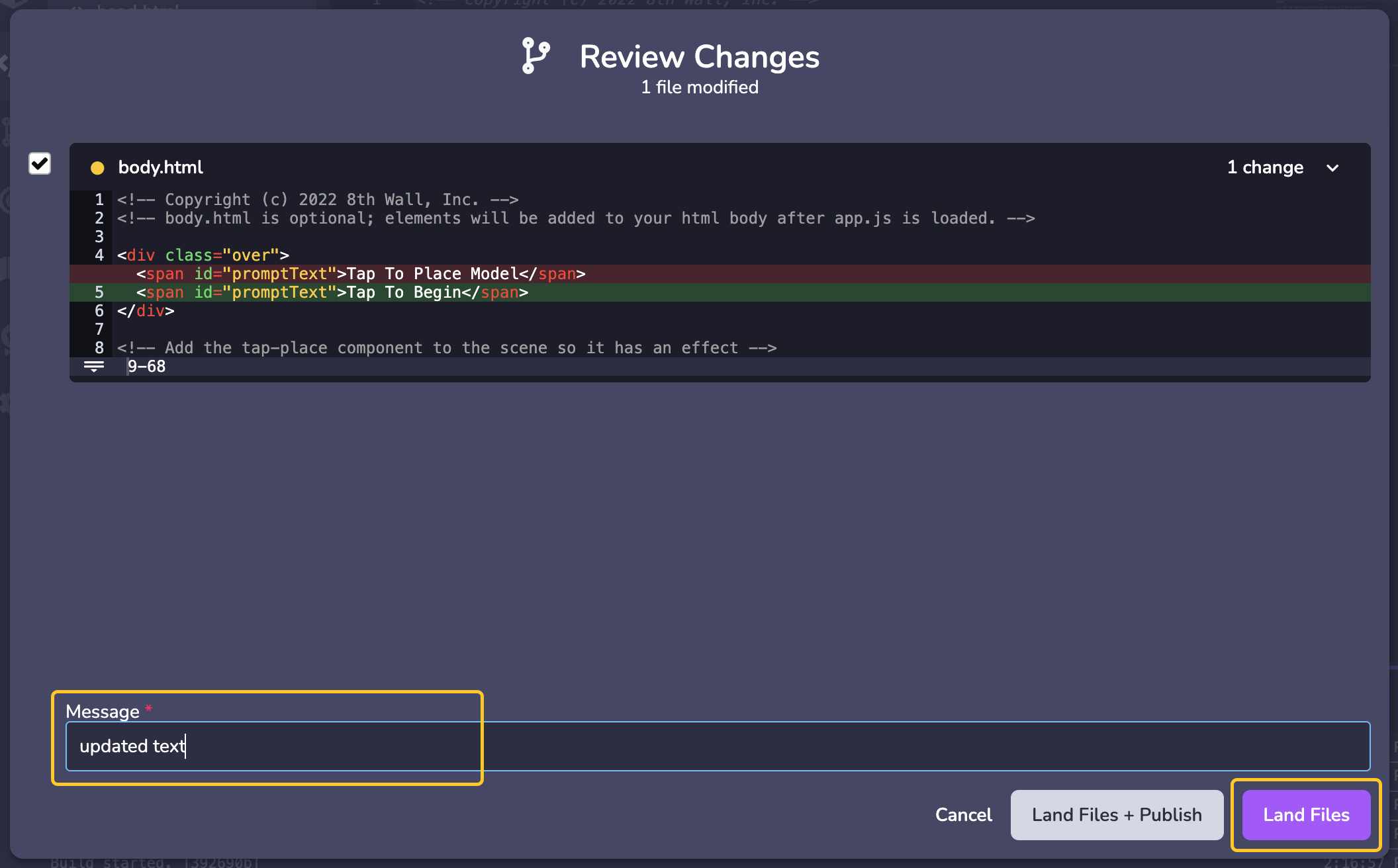
---
# Simulator | 8th Wall
[Skip to main content](https://www.8thwall.com/docs/quickstart/development/simulator/#__docusaurus_skipToContent_fallback)
On this page
When you go to play your scene - it connects a Simulator instance. The simulator will remotely reflect changes made in the Viewport.
The Simulator lets you test and view project changes across different device viewport sizes and simulated real-world environments without needing to leave Studio. The Simulator works by running the 8th Wall AR Engine in realtime on top of the included collection of pre-recorded AR sequences. You may open as many Simulator instances as you want, allowing you to test project changes across a diverse range of scenarios. The Simulator has a number of playback controls and convenience features like:
* Play bar, scrubber and in/out handles: Allow you to set up loop points, giving you granular control over the selected sequence.
* Recenter button (lower right): Recenters the camera feed to its origin. NOTE: Recenter is also called each time the sequence loops and each time a new sequence is selected.
* Refresh button (top right): Refreshes the page, retaining cached content. Holding SHIFT and clicking the refresh button will perform a full reload, ignoring any cached content.
You can simulate your experience across a range of different AR sequences that let you test Face Effects, Hand Tracking, World Effects, Absolute Scale, Shared AR, and more. An AR sequence includes both video recording data and device gyroscope or orientation recorded data so that you can simulate AR. Use the bottom left Sequence Selection menu to change the AR sequence. You can use the carousel to switch between options in the sequence category. Pausing the sequence only pauses the video, allowing you to test changes at the same frame. Drag the playback handles to set in/out loop points.
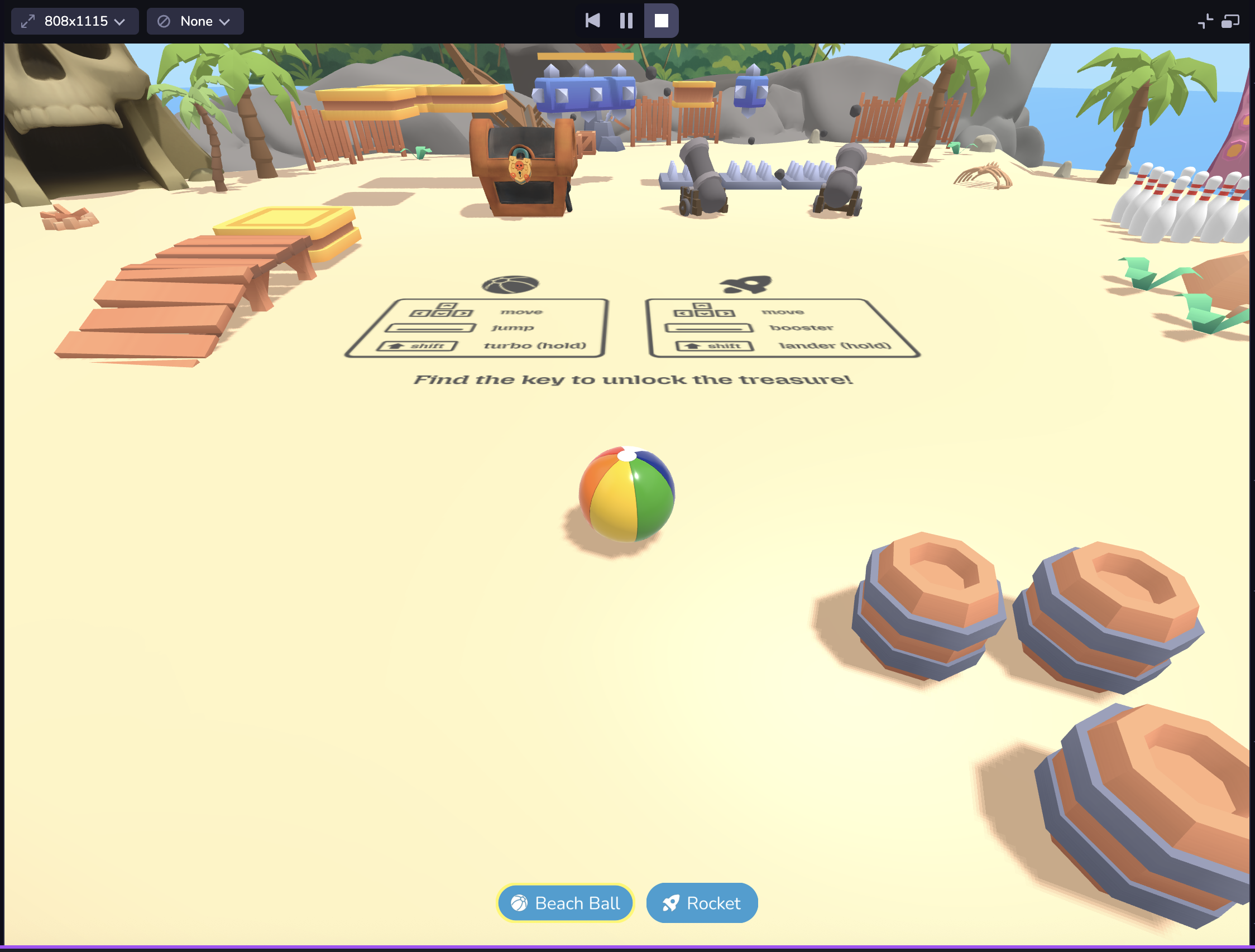
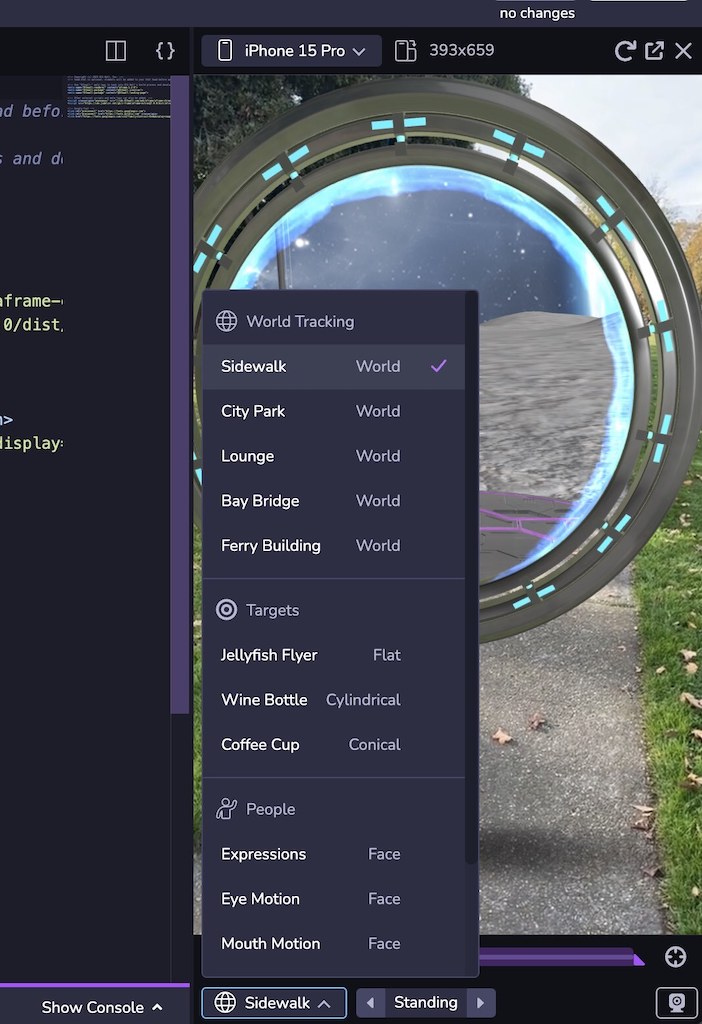
Live View follows the same logic as your project's camera configuration, allowing you to simulate your project using the feed from your desktop instead of a pre-recorded AR sequence. For example, if your project uses Face Effects and you have the Studio project open on desktop, it will open your desktop camera. Note: Live View in the Simulator may prompt you to enable camera, microphone, or location permissions depending on what is enabled in your project. Click Allow for permission prompts in order to see your experience in Live View.
Your project might look different on different devices due to differences in the mobile web viewport size. Or you may want to see your project in both landscape and portrait mode. At the top left of the Simulator, you can choose from a set of common device viewport sizes, change the orientation, or use responsive mode to adjust to a custom size. You can also double click the edges of the Simulator panel to automatically fit the Simulator to the width of the selected device viewport. **Note: Dimensions are presented in CSS logical pixels (AKA viewport dimensions), not physical device pixels. When selecting a device from the selector, only the viewport dimensions will be updated, not the user agent of the client.**
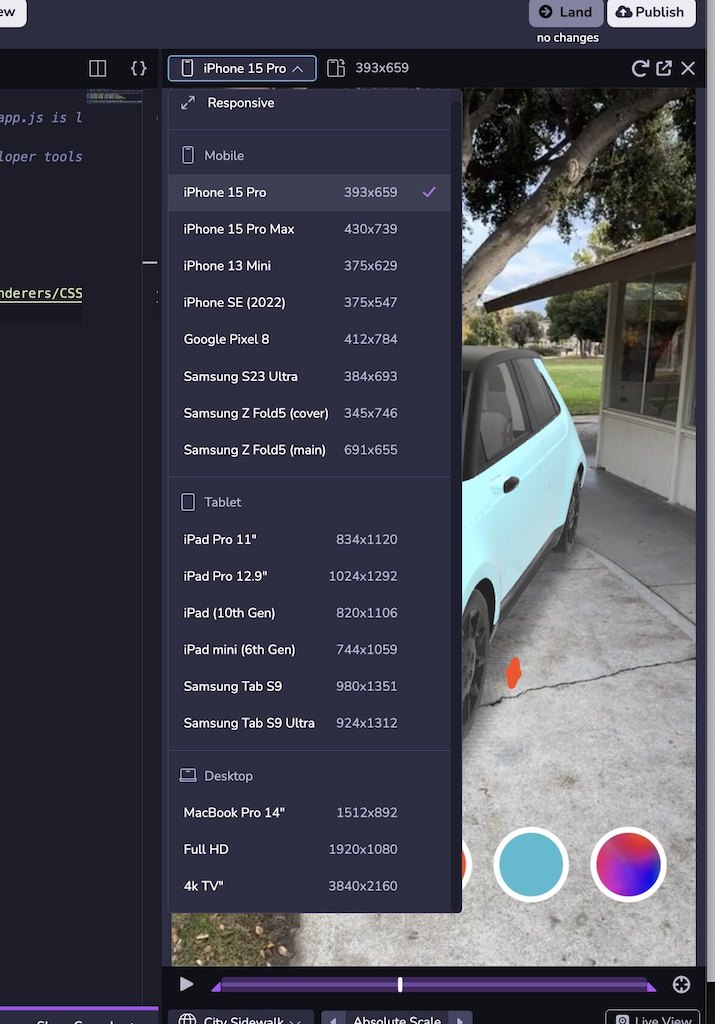
Connect a Device[](https://www.8thwall.com/docs/quickstart/development/simulator/#connect-a-device "Direct link to Connect a Device")
---------------------------------------------------------------------------------------------------------------------------------------
1. At the bottom the Studio window, click the **Connect Device** button.
2. Scan the QR code with your mobile device to open a web browser and open a live preview of the project.

**Note**: The "Preview" QR code is a **temporary, one-time use QR code** only meant for use by the developer while actively working on the project. This QR code takes you to a private, development URL, and isn't accessible by others. To share your work with others, please see the section below on **Publishing your project**.
* [Connect a Device](https://www.8thwall.com/docs/quickstart/development/simulator/#connect-a-device)
---
# View the public project | 8th Wall
[Skip to main content](https://www.8thwall.com/docs/quickstart/development/view-project/#__docusaurus_skipToContent_fallback)
1. Go back to the Project Dashboard in the left navigation. In the **QR 8.code** section, the public project URL will be displayed along with both an **8th.io** shortlink and associated QR code.
2. Scan the QR code with your mobile device to view the public project.

---
# Publish your project | 8th Wall
[Skip to main content](https://www.8thwall.com/docs/quickstart/development/publish/#__docusaurus_skipToContent_fallback)
The final step is to **publish** your updated and landed project code using 8th Wall's Built-in Hosting. This allows the project to be viewed publicly by anyone on the internet.
1. In the top right of the Studio window, click **Publish**
2. In the **Publish Project** modal, you will see a list of commits (one for each version of code you have landed into source control) as well as the Development, Staging and Public URLs for the project. Select top radio button in the **Public** column to deploy the latest/newest version of code to the project's Public URL, then click **Publish**:
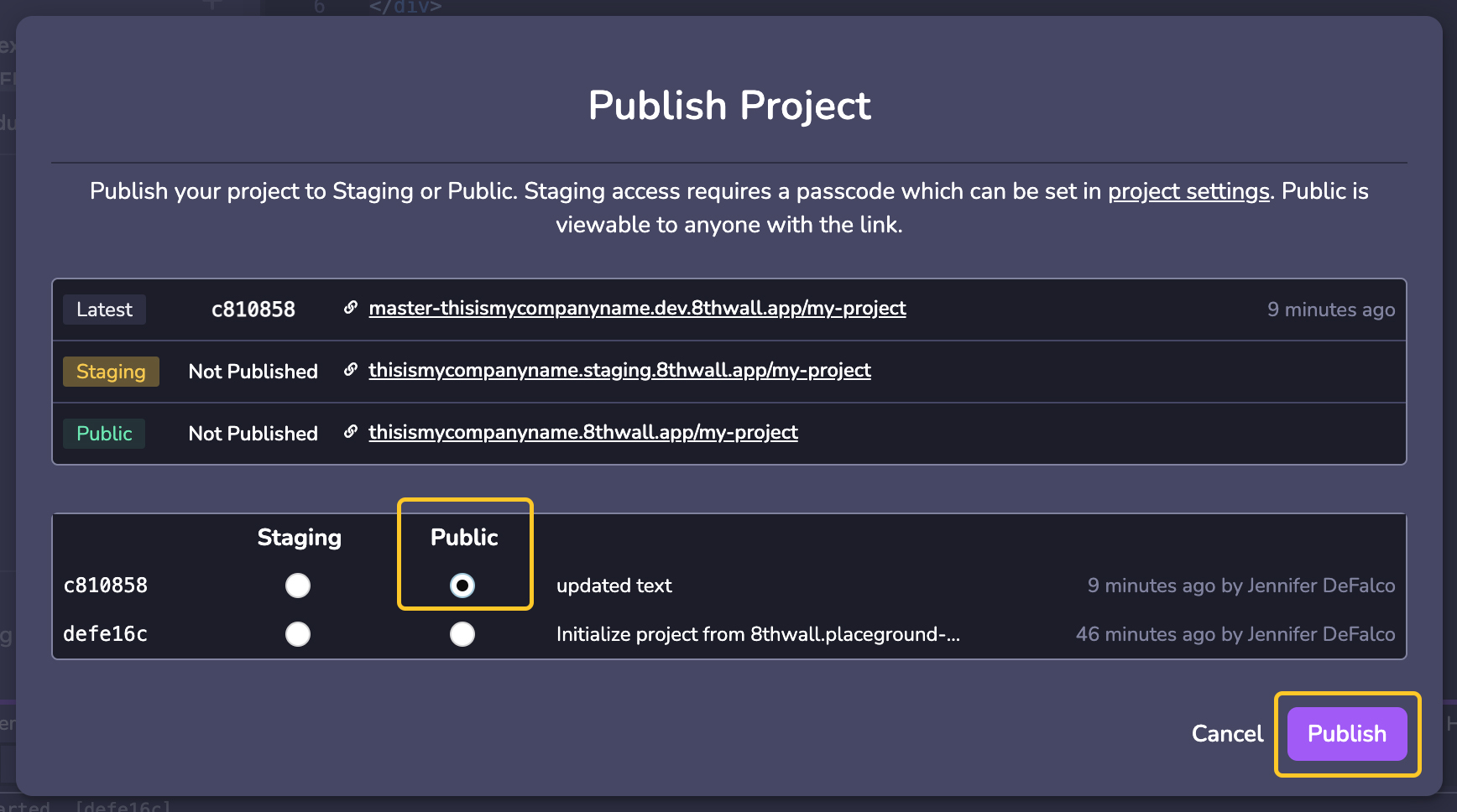
3. Complete the publish process by giving your project a title, description and cover image. This info will appear on your Featured Project Page and as a preview when you share on social platforms and messaging apps.
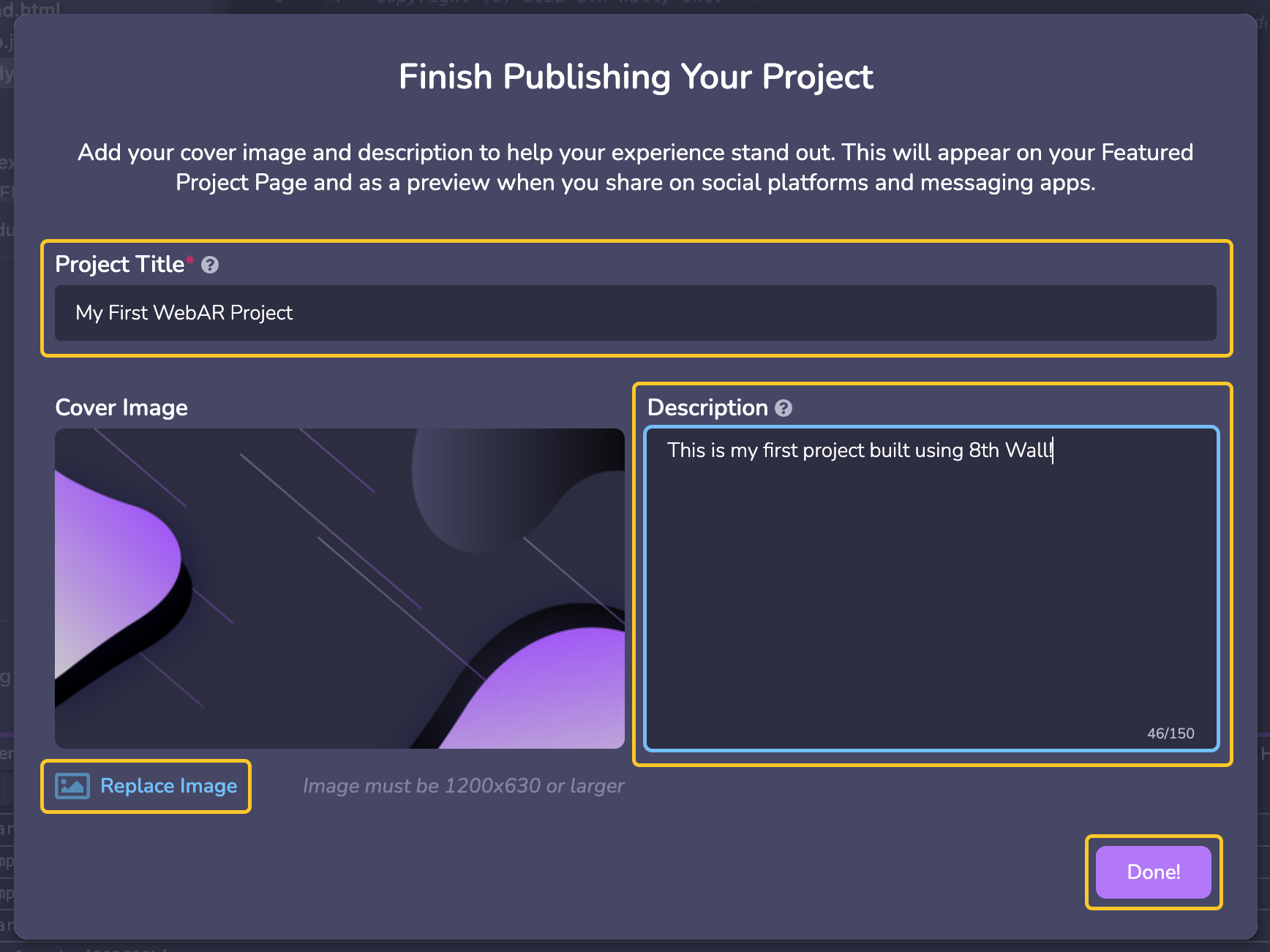
---
# XR8.removeCameraPipelineModule() | 8th Wall
[Skip to main content](https://www.8thwall.com/docs/api/engine/xr8/removecamerapipelinemodule/#__docusaurus_skipToContent_fallback)
On this page
`XR8.removeCameraPipelineModule(moduleName)`
Description[](https://www.8thwall.com/docs/api/engine/xr8/removecamerapipelinemodule/#description "Direct link to Description")
---------------------------------------------------------------------------------------------------------------------------------
Removes a module from the camera pipeline.
Parameters[](https://www.8thwall.com/docs/api/engine/xr8/removecamerapipelinemodule/#parameters "Direct link to Parameters")
------------------------------------------------------------------------------------------------------------------------------
| Parameter | Type | Description |
| --- | --- | --- |
| moduleName | `String` | The name of a module. |
Returns[](https://www.8thwall.com/docs/api/engine/xr8/removecamerapipelinemodule/#returns "Direct link to Returns")
---------------------------------------------------------------------------------------------------------------------
None
Example[](https://www.8thwall.com/docs/api/engine/xr8/removecamerapipelinemodule/#example "Direct link to Example")
---------------------------------------------------------------------------------------------------------------------
XR8.removeCameraPipelineModule('reality')
* [Description](https://www.8thwall.com/docs/api/engine/xr8/removecamerapipelinemodule/#description)
* [Parameters](https://www.8thwall.com/docs/api/engine/xr8/removecamerapipelinemodule/#parameters)
* [Returns](https://www.8thwall.com/docs/api/engine/xr8/removecamerapipelinemodule/#returns)
* [Example](https://www.8thwall.com/docs/api/engine/xr8/removecamerapipelinemodule/#example)
---
# XR8.resume() | 8th Wall
[Skip to main content](https://www.8thwall.com/docs/api/engine/xr8/resume/#__docusaurus_skipToContent_fallback)
On this page
`XR8.resume()`
Description[](https://www.8thwall.com/docs/api/engine/xr8/resume/#description "Direct link to Description")
-------------------------------------------------------------------------------------------------------------
Resume the current XR session after it has been paused.
Parameters[](https://www.8thwall.com/docs/api/engine/xr8/resume/#parameters "Direct link to Parameters")
----------------------------------------------------------------------------------------------------------
None
Returns[](https://www.8thwall.com/docs/api/engine/xr8/resume/#returns "Direct link to Returns")
-------------------------------------------------------------------------------------------------
None
Example[](https://www.8thwall.com/docs/api/engine/xr8/resume/#example "Direct link to Example")
-------------------------------------------------------------------------------------------------
// Call XR8.pause() / XR8.resume() when the button is pressed.document.getElementById('pause').addEventListener( 'click', () => { if (!XR8.isPaused()) { XR8.pause() } else { XR8.resume() } }, true)
* [Description](https://www.8thwall.com/docs/api/engine/xr8/resume/#description)
* [Parameters](https://www.8thwall.com/docs/api/engine/xr8/resume/#parameters)
* [Returns](https://www.8thwall.com/docs/api/engine/xr8/resume/#returns)
* [Example](https://www.8thwall.com/docs/api/engine/xr8/resume/#example)
---
# XR8.requiredPermissions() | 8th Wall
[Skip to main content](https://www.8thwall.com/docs/api/engine/xr8/requiredpermissions/#__docusaurus_skipToContent_fallback)
On this page
`XR8.requiredPermissions()`
Description[](https://www.8thwall.com/docs/api/engine/xr8/requiredpermissions/#description "Direct link to Description")
--------------------------------------------------------------------------------------------------------------------------
Return a list of permissions required by the application.
Parameters[](https://www.8thwall.com/docs/api/engine/xr8/requiredpermissions/#parameters "Direct link to Parameters")
-----------------------------------------------------------------------------------------------------------------------
None
Returns[](https://www.8thwall.com/docs/api/engine/xr8/requiredpermissions/#returns "Direct link to Returns")
--------------------------------------------------------------------------------------------------------------
A list of [`XR8.XrPermissions.permissions()`](https://www.8thwall.com/docs/api/engine/xrpermissions/permissions/)
.
Example[](https://www.8thwall.com/docs/api/engine/xr8/requiredpermissions/#example "Direct link to Example")
--------------------------------------------------------------------------------------------------------------
if (XR8.XrPermissions) { const permissions = XR8.XrPermissions.permissions() const requiredPermissions = XR8.requiredPermissions() if (!requiredPermissions.has(permissions.DEVICE_ORIENTATION)) { return }}
* [Description](https://www.8thwall.com/docs/api/engine/xr8/requiredpermissions/#description)
* [Parameters](https://www.8thwall.com/docs/api/engine/xr8/requiredpermissions/#parameters)
* [Returns](https://www.8thwall.com/docs/api/engine/xr8/requiredpermissions/#returns)
* [Example](https://www.8thwall.com/docs/api/engine/xr8/requiredpermissions/#example)
---
# XR8.XrController | 8th Wall
[Skip to main content](https://www.8thwall.com/docs/api/engine/xrcontroller/#__docusaurus_skipToContent_fallback)
On this page
Prerequisites[](https://www.8thwall.com/docs/api/engine/xrcontroller/#prerequisites "Direct link to Prerequisites")
---------------------------------------------------------------------------------------------------------------------
The active Camera must be a World AR Camera, and the `slam` chunk must be loaded. This is on by default.
Description[](https://www.8thwall.com/docs/api/engine/xrcontroller/#description "Direct link to Description")
---------------------------------------------------------------------------------------------------------------
`XrController` provides 6DoF camera tracking and interfaces for configuring tracking.
Functions[](https://www.8thwall.com/docs/api/engine/xrcontroller/#functions "Direct link to Functions")
---------------------------------------------------------------------------------------------------------
| Function | Description |
| --- | --- |
| [configure](https://www.8thwall.com/docs/api/engine/xrcontroller/configure/) | Configures what processing is performed by `XrController` (may have performance implications). |
| [hitTest](https://www.8thwall.com/docs/api/engine/xrcontroller/hittest/) | Estimate the 3D position of a point on the camera feed. |
| [pipelineModule](https://www.8thwall.com/docs/api/engine/xrcontroller/pipelinemodule/) | Creates a camera pipeline module that, when installed, receives callbacks on when the camera has started, camera proessing events, and other state changes. These are used to calculate the camera's position. |
| [recenter](https://www.8thwall.com/docs/api/engine/xrcontroller/recenter/) | Repositions the camera to the origin / facing direction specified by updateCameraProjectionMatrix and restart tracking. |
| [updateCameraProjectionMatrix](https://www.8thwall.com/docs/api/engine/xrcontroller/updatecameraprojectionmatrix/) | Reset the scene's display geometry and the camera's starting position in the scene. The display geometry is needed to properly overlay the position of objects in the virtual scene on top of their corresponding position in the camera image. The starting position specifies where the camera will be placed and facing at the start of a session. |
* [Prerequisites](https://www.8thwall.com/docs/api/engine/xrcontroller/#prerequisites)
* [Description](https://www.8thwall.com/docs/api/engine/xrcontroller/#description)
* [Functions](https://www.8thwall.com/docs/api/engine/xrcontroller/#functions)
---
# XR8.XrDevice | 8th Wall
[Skip to main content](https://www.8thwall.com/docs/api/engine/xrdevice/#__docusaurus_skipToContent_fallback)
On this page
Description[](https://www.8thwall.com/docs/api/engine/xrdevice/#description "Direct link to Description")
-----------------------------------------------------------------------------------------------------------
Provides information about device compatibility and characteristics.
Properties[](https://www.8thwall.com/docs/api/engine/xrdevice/#properties "Direct link to Properties")
--------------------------------------------------------------------------------------------------------
| Property | Type | Description |
| --- | --- | --- |
| [IncompatibilityReasons](https://www.8thwall.com/docs/api/engine/xrdevice/incompatibilityreasons/) | Enum | The possible reasons for why a device and browser may not be compatible with 8th Wall Web. |
Functions[](https://www.8thwall.com/docs/api/engine/xrdevice/#functions "Direct link to Functions")
-----------------------------------------------------------------------------------------------------
| Function | Description |
| --- | --- |
| [deviceEstimate](https://www.8thwall.com/docs/api/engine/xrdevice/deviceestimate/) | Returns an estimate of the user's device (e.g. make / model) based on user agent string and other factors. This information is only an estimate, and should not be assumed to be complete or reliable. |
| [incompatibleReasons](https://www.8thwall.com/docs/api/engine/xrdevice/incompatiblereasons/) | Returns an array of [`XR8.XrDevice.IncompatibilityReasons`](https://www.8thwall.com/docs/api/engine/xrdevice/incompatibilityreasons/)
why the device the device and browser are not supported. This will only contain entries if [`XR8.XrDevice.isDeviceBrowserCompatible()`](https://www.8thwall.com/docs/api/engine/xrdevice/isdevicebrowsercompatible/)
returns false. |
| [incompatibleReasonDetails](https://www.8thwall.com/docs/api/engine/xrdevice/incompatiblereasondetails/) | Returns extra details about the reasons why the device and browser are incompatible. This information should only be used as a hint to help with further error handling. These should not be assumed to be complete or reliable. This will only contain entries if [`XR8.XrDevice.isDeviceBrowserCompatible()`](https://www.8thwall.com/docs/api/engine/xrdevice/isdevicebrowsercompatible/)
returns false. |
| [isDeviceBrowserCompatible](https://www.8thwall.com/docs/api/engine/xrdevice/isdevicebrowsercompatible/) | Returns an estimate of whether the user's device and browser is compatible with 8th Wall Web. If this returns false, [`XR8.XrDevice.incompatibleReasons()`](https://www.8thwall.com/docs/api/engine/xrdevice/incompatiblereasons/)
will return reasons about why the device and browser are not supported. |
* [Description](https://www.8thwall.com/docs/api/engine/xrdevice/#description)
* [Properties](https://www.8thwall.com/docs/api/engine/xrdevice/#properties)
* [Functions](https://www.8thwall.com/docs/api/engine/xrdevice/#functions)
---
# Image Target Events | 8th Wall
[Skip to main content](https://www.8thwall.com/docs/api/studio/events/xr/image-targets/#__docusaurus_skipToContent_fallback)
On this page
Types[](https://www.8thwall.com/docs/api/studio/events/xr/image-targets/#types "Direct link to Types")
--------------------------------------------------------------------------------------------------------
### ImagePropertiesObject[](https://www.8thwall.com/docs/api/studio/events/xr/image-targets/#ImagePropertiesObject "Direct link to ImagePropertiesObject")
`ImagePropertiesObject` is an object with the following properties:
| Property | Type | Description |
| --- | --- | --- |
| width | `Number` | Width of the image target. |
| height | `Number` | Height of the image target. |
| originalWidth | `Number` | Width of the uploaded image. |
| originalHeight | `Number` | Height of the uploaded image. |
| isRotated | `boolean` | Whether the image target has been rotated. |
### ImageLoadingObject[](https://www.8thwall.com/docs/api/studio/events/xr/image-targets/#ImageLoadingObject "Direct link to ImageLoadingObject")
`ImageLoadingObject` is an object with the following properties:
| Property | Type | Description |
| --- | --- | --- |
| name | `String` | The image's name. |
| type | `String` | One of `FLAT`, `CYLINDRICAL`, `CONICAL`. |
| metadata | `Object` | User metadata. |
### ImageScanningObject[](https://www.8thwall.com/docs/api/studio/events/xr/image-targets/#ImageScanningObject "Direct link to ImageScanningObject")
`ImageScanningObject` is an object with the following properties:
| Property | Type | Description |
| --- | --- | --- |
| name | `String` | The image's name. |
| type | `String` | One of `FLAT`, `CYLINDRICAL`, `CONICAL`. |
| metadata | `Object` | User metadata. |
| geometry | `Object` | Object containing geometry data. If type=FLAT: `{scaledWidth, scaledHeight}`, else if type=CYLINDRICAL or type=CONICAL: `{height, radiusTop, radiusBottom, arcStartRadians, arcLengthRadians}` |
Events[](https://www.8thwall.com/docs/api/studio/events/xr/image-targets/#events "Direct link to Events")
-----------------------------------------------------------------------------------------------------------
### REALITY\_IMAGE\_FOUND[](https://www.8thwall.com/docs/api/studio/events/xr/image-targets/#reality_image_found "Direct link to REALITY_IMAGE_FOUND")
This event is emitted when an image target is first found.
#### Properties[](https://www.8thwall.com/docs/api/studio/events/xr/image-targets/#properties "Direct link to Properties")
| Property | Type | Description |
| --- | --- | --- |
| name | `String` | The image's name. |
| type | `String` | One of `FLAT`, `CYLINDRICAL`, `CONICAL`. |
| position | `{x, y, z}` | The 3d position of the located image. |
| rotation | `{w, x, y, z}` | The 3d local orientation of the located image. |
| scale | `Number` | A scale factor that should be applied to object attached to this image. |
| properties | [`ImagePropertiesObject`](https://www.8thwall.com/docs/api/studio/events/xr/image-targets/#ImagePropertiesObject) | Additional image target properties. |
| scaledWidth | `Number` | **Only applicable to `FLAT`**. The width of the image in the scene, when multiplied by scale. |
| scaledHeight | `Number` | **Only applicable to `FLAT`**. The height of the image in the scene, when multiplied by scale. |
| height | `Number` | **Only applicable to `CYLINDRICAL` or `CONICAL`**. Height of the curved target. |
| radiusTop | `Number` | **Only applicable to `CYLINDRICAL` or `CONICAL`**. Radius of the curved target at the top. |
| radiusBottom | `Number` | **Only applicable to `CYLINDRICAL` or `CONICAL`**. Radius of the curved target at the bottom. |
| arcStartRadians | `Number` | **Only applicable to `CYLINDRICAL` or `CONICAL`**. Starting angle in radians. |
| arcLengthRadians | `Number` | **Only applicable to `CYLINDRICAL` or `CONICAL`**. Central angle in radians. |
#### Example[](https://www.8thwall.com/docs/api/studio/events/xr/image-targets/#example "Direct link to Example")
* .listen
* .onEvent
* .addEventListener
Show Context
defineState('initial-state').initial().listen(world.events.globalId, ecs.events.REALITY_IMAGE_FOUND, (event) => { console.log('Image found: ', event.data.name)})
### REALITY\_IMAGE\_LOADING[](https://www.8thwall.com/docs/api/studio/events/xr/image-targets/#reality_image_loading "Direct link to REALITY_IMAGE_LOADING")
This event is emitted when detection image loading begins.
#### Properties[](https://www.8thwall.com/docs/api/studio/events/xr/image-targets/#properties-1 "Direct link to Properties")
| Property | Type | Description |
| --- | --- | --- |
| imageTargets | `Array` | The list of image targets. |
#### Example[](https://www.8thwall.com/docs/api/studio/events/xr/image-targets/#example-1 "Direct link to Example")
* .listen
* .onEvent
* .addEventListener
Show Context
defineState('initial-state').initial().listen(world.events.globalId, ecs.events.REALITY_IMAGE_LOADING, (event) => { event.data.imageTargets.forEach(({name, type, metadata, geometry}) => { console.log('Loading: ', name) })})
### REALITY\_IMAGE\_LOST[](https://www.8thwall.com/docs/api/studio/events/xr/image-targets/#reality_image_lost "Direct link to REALITY_IMAGE_LOST")
This event is emitted when an image target is no longer being tracked.
#### Properties[](https://www.8thwall.com/docs/api/studio/events/xr/image-targets/#properties-2 "Direct link to Properties")
| Property | Type | Description |
| --- | --- | --- |
| name | `String` | The image's name. |
| type | `String` | One of `FLAT`, `CYLINDRICAL`, `CONICAL`. |
| position | `{x, y, z}` | The 3d position of the located image. |
| rotation | `{w, x, y, z}` | The 3d local orientation of the located image. |
| scale | `Number` | A scale factor that should be applied to object attached to this image. |
| properties | [`ImagePropertiesObject`](https://www.8thwall.com/docs/api/studio/events/xr/image-targets/#ImagePropertiesObject) | Additional image target properties. |
| scaledWidth | `Number` | **Only applicable to `FLAT`**. The width of the image in the scene, when multiplied by scale. |
| scaledHeight | `Number` | **Only applicable to `FLAT`**. The height of the image in the scene, when multiplied by scale. |
| height | `Number` | **Only applicable to `CYLINDRICAL` or `CONICAL`**. Height of the curved target. |
| radiusTop | `Number` | **Only applicable to `CYLINDRICAL` or `CONICAL`**. Radius of the curved target at the top. |
| radiusBottom | `Number` | **Only applicable to `CYLINDRICAL` or `CONICAL`**. Radius of the curved target at the bottom. |
| arcStartRadians | `Number` | **Only applicable to `CYLINDRICAL` or `CONICAL`**. Starting angle in radians. |
| arcLengthRadians | `Number` | **Only applicable to `CYLINDRICAL` or `CONICAL`**. Central angle in radians. |
#### Example[](https://www.8thwall.com/docs/api/studio/events/xr/image-targets/#example-2 "Direct link to Example")
* .listen
* .onEvent
* .addEventListener
Show Context
defineState('initial-state').initial().listen(world.events.globalId, ecs.events.REALITY_IMAGE_LOST, (event) => { console.log('Image lost: ', event.data.name)})
### REALITY\_IMAGE\_SCANNING[](https://www.8thwall.com/docs/api/studio/events/xr/image-targets/#reality_image_scanning "Direct link to REALITY_IMAGE_SCANNING")
This event is emitted when all detection images have been loaded and scanning has begun.
#### Properties[](https://www.8thwall.com/docs/api/studio/events/xr/image-targets/#properties-3 "Direct link to Properties")
| Property | Type | Description |
| --- | --- | --- |
| imageTargets | `Array` | The list of image targets. |
#### Example[](https://www.8thwall.com/docs/api/studio/events/xr/image-targets/#example-3 "Direct link to Example")
* .listen
* .onEvent
* .addEventListener
Show Context
defineState('initial-state').initial().listen(world.events.globalId, ecs.events.REALITY_IMAGE_SCANNING, (event) => { event.data.imageTargets.forEach(({name, type, metadata, geometry}) => { console.log('Scanning: ', name) })})
### REALITY\_IMAGE\_UPDATED[](https://www.8thwall.com/docs/api/studio/events/xr/image-targets/#reality_image_updated "Direct link to REALITY_IMAGE_UPDATED")
This event is emitted when an image target changes position, rotation or scale.
#### Properties[](https://www.8thwall.com/docs/api/studio/events/xr/image-targets/#properties-4 "Direct link to Properties")
| Property | Type | Description |
| --- | --- | --- |
| name | `String` | The image's name. |
| type | `String` | One of `FLAT`, `CYLINDRICAL`, `CONICAL`. |
| position | `{x, y, z}` | The 3d position of the located image. |
| rotation | `{w, x, y, z}` | The 3d local orientation of the located image. |
| scale | `Number` | A scale factor that should be applied to object attached to this image. |
| properties | [`ImagePropertiesObject`](https://www.8thwall.com/docs/api/studio/events/xr/image-targets/#ImagePropertiesObject) | Additional image target properties. |
| scaledWidth | `Number` | **Only applicable to `FLAT`**. The width of the image in the scene, when multiplied by scale. |
| scaledHeight | `Number` | **Only applicable to `FLAT`**. The height of the image in the scene, when multiplied by scale. |
| height | `Number` | **Only applicable to `CYLINDRICAL` or `CONICAL`**. Height of the curved target. |
| radiusTop | `Number` | **Only applicable to `CYLINDRICAL` or `CONICAL`**. Radius of the curved target at the top. |
| radiusBottom | `Number` | **Only applicable to `CYLINDRICAL` or `CONICAL`**. Radius of the curved target at the bottom. |
| arcStartRadians | `Number` | **Only applicable to `CYLINDRICAL` or `CONICAL`**. Starting angle in radians. |
| arcLengthRadians | `Number` | **Only applicable to `CYLINDRICAL` or `CONICAL`**. Central angle in radians. |
#### Example[](https://www.8thwall.com/docs/api/studio/events/xr/image-targets/#example-4 "Direct link to Example")
* .listen
* .onEvent
* .addEventListener
Show Context
defineState('initial-state').initial().listen(world.events.globalId, ecs.events.REALITY_IMAGE_UPDATED, (event) => { console.log('Image updated: ', event.data.position, event.data.rotation)})
* [Types](https://www.8thwall.com/docs/api/studio/events/xr/image-targets/#types)
* [ImagePropertiesObject](https://www.8thwall.com/docs/api/studio/events/xr/image-targets/#ImagePropertiesObject)
* [ImageLoadingObject](https://www.8thwall.com/docs/api/studio/events/xr/image-targets/#ImageLoadingObject)
* [ImageScanningObject](https://www.8thwall.com/docs/api/studio/events/xr/image-targets/#ImageScanningObject)
* [Events](https://www.8thwall.com/docs/api/studio/events/xr/image-targets/#events)
* [REALITY\_IMAGE\_FOUND](https://www.8thwall.com/docs/api/studio/events/xr/image-targets/#reality_image_found)
* [REALITY\_IMAGE\_LOADING](https://www.8thwall.com/docs/api/studio/events/xr/image-targets/#reality_image_loading)
* [REALITY\_IMAGE\_LOST](https://www.8thwall.com/docs/api/studio/events/xr/image-targets/#reality_image_lost)
* [REALITY\_IMAGE\_SCANNING](https://www.8thwall.com/docs/api/studio/events/xr/image-targets/#reality_image_scanning)
* [REALITY\_IMAGE\_UPDATED](https://www.8thwall.com/docs/api/studio/events/xr/image-targets/#reality_image_updated)
---
# World Effects Events | 8th Wall
[Skip to main content](https://www.8thwall.com/docs/api/studio/events/xr/world/#__docusaurus_skipToContent_fallback)
On this page
Events[](https://www.8thwall.com/docs/api/studio/events/xr/world/#events "Direct link to Events")
---------------------------------------------------------------------------------------------------
### REALITY\_TRACKING\_STATUS[](https://www.8thwall.com/docs/api/studio/events/xr/world/#reality_tracking_status "Direct link to REALITY_TRACKING_STATUS")
This event is emitted by World Effects when the engine starts and tracking status or reason changes.
#### Properties[](https://www.8thwall.com/docs/api/studio/events/xr/world/#properties "Direct link to Properties")
| Property | Type | Description |
| --- | --- | --- |
| status | `String` | One of `LIMITED` or `NORMAL`. |
| reason | `String` | One of `INITIALIZING` or `UNDEFINED`. |
#### Example[](https://www.8thwall.com/docs/api/studio/events/xr/world/#example "Direct link to Example")
* .listen
* .onEvent
* .addEventListener
Show Context
defineState('initial-state').initial().listen(world.events.globalId, ecs.events.REALITY_TRACKING_STATUS, (event) => { console.log('Tracking status: ', event.data.status)})
* [Events](https://www.8thwall.com/docs/api/studio/events/xr/world/#events)
* [REALITY\_TRACKING\_STATUS](https://www.8thwall.com/docs/api/studio/events/xr/world/#reality_tracking_status)
---
# Input Events | 8th Wall
[Skip to main content](https://www.8thwall.com/docs/api/studio/events/input/#__docusaurus_skipToContent_fallback)
On this page
Description[](https://www.8thwall.com/docs/api/studio/events/input/#description "Direct link to Description")
---------------------------------------------------------------------------------------------------------------
This library includes events that correspond to different types of input.
Types[](https://www.8thwall.com/docs/api/studio/events/input/#types "Direct link to Types")
---------------------------------------------------------------------------------------------
### Position[](https://www.8thwall.com/docs/api/studio/events/input/#position "Direct link to Position")
| Property | Type | Description |
| --- | --- | --- |
| x | integer | The x-coordinate on the screen, normalized between 0 and 1. |
| y | integer | The y-coordinate on the screen, normalized between 0 and 1. |
### UIHoverEvent[](https://www.8thwall.com/docs/api/studio/events/input/#uihoverevent "Direct link to UIHoverEvent")
| Property | Type | Description |
| --- | --- | --- |
| x | integer | The x-coordinate on the screen, normalized between 0 and 1. |
| y | integer | The y-coordinate on the screen, normalized between 0 and 1. |
| targets | eid\[\] | The target UI element(s) |
### TouchEvent[](https://www.8thwall.com/docs/api/studio/events/input/#touchevent "Direct link to TouchEvent")
| Property | Type | Description |
| --- | --- | --- |
| pointerId | integer | unique ID for the pointer, provided by the browser. |
| position | Position | Touched position coordinates on the screen, normalized between 0 and 1. |
| worldPosition | Vector3 | The position where the touchedEvent hit in the world. _only available on `SCREEN_TOUCH_START`._ |
| target | eid | eid if initially touched object |
| start | Position | The position coordinates where the touch event started on the screen, normalized between 0 and 1. |
| change | Position | The position coordinates where touch since the last change on the screen, normalized between 0 and 1. |
### GestureEvent[](https://www.8thwall.com/docs/api/studio/events/input/#gestureevent "Direct link to GestureEvent")
| Property | Type | Description |
| --- | --- | --- |
| touchCount | integer | The number of points contributing to the gesture. |
| position | Position | Touched position coordinates on the screen, normalized between 0 and 1. |
| startPosition | Position | The position coordinates where the event started, normalized between 0 and 1. |
| positionChange | Position | The position coordinates since the last change, normalized between 0 and 1. |
| spread | float | The average position between pointers from the center point. |
| startSpread | float | The first spread emitted in start. |
| spreadChange | float | The spread value since the last change. |
| nextTouchCount | integer | On end, the number of pointers involved in the following gesture |
### GamepadEvent[](https://www.8thwall.com/docs/api/studio/events/input/#gamepadevent "Direct link to GamepadEvent")
| Property | Type | Description |
| --- | --- | --- |
| gamepad | [Gamepad](https://developer.mozilla.org/en-US/docs/Web/API/Gamepad) | The gamepad object |
Events[](https://www.8thwall.com/docs/api/studio/events/input/#events "Direct link to Events")
------------------------------------------------------------------------------------------------
### UI\_CLICK[](https://www.8thwall.com/docs/api/studio/events/input/#ui_click "Direct link to UI_CLICK")
Emitted when both the press (`UI_PRESSED`) and release (`UI_RELEASED`) occur on the same UI element. This event represents a complete click or tap gesture. It is dispatched on the element where both interactions overlapped and is typically used for confirming user intention, such as activating a button or triggering an action. The event will be dispatched on the lowest common ancestor of the start (pressed) and end (released) eids. Mouse movement does not affect click events.
Event payload is type `Position`.
#### Example[](https://www.8thwall.com/docs/api/studio/events/input/#example "Direct link to Example")
* .listen
* .onEvent
* .addEventListener
Show Context
defineState('initial-state').initial().listen(eid, ecs.input.UI_CLICK, (event) => { console.log('UI click: ', event.data.x, event.data.y)})
### UI\_PRESSED[](https://www.8thwall.com/docs/api/studio/events/input/#ui_pressed "Direct link to UI_PRESSED")
Emitted when the user initiates a touch or pointer-down interaction on a UI element. It is dispatched only on the exact element that was directly pressed and does not bubble to parent elements. This event is useful for triggering immediate visual feedback or interaction states (such as button highlights or animations) at the start of user input.
Event payload is type `TouchEvent`.
#### Example[](https://www.8thwall.com/docs/api/studio/events/input/#example-1 "Direct link to Example")
* .listen
* .onEvent
* .addEventListener
Show Context
defineState('initial-state').initial().listen(eid, ecs.input.UI_PRESSED, (event) => { console.log('UI pressed: ', event.data.position)})
### UI\_RELEASED[](https://www.8thwall.com/docs/api/studio/events/input/#ui_released "Direct link to UI_RELEASED")
Emitted when the pointer is lifted after a `UI_PRESSED`. It is always dispatched on the same UI element that was initially pressed, regardless of where the pointer is released. This allows developers to respond to the completion of a press interaction, even if the pointer moved away from the original target.
Event payload is type `TouchEvent`.
#### Example[](https://www.8thwall.com/docs/api/studio/events/input/#example-2 "Direct link to Example")
* .listen
* .onEvent
* .addEventListener
Show Context
defineState('initial-state').initial().listen(eid, ecs.input.UI_RELEASED, (event) => { console.log('UI released: ', event.data.position)})
### UI\_HOVER\_START[](https://www.8thwall.com/docs/api/studio/events/input/#ui_hover_start "Direct link to UI_HOVER_START")
Emits when the mouse begins hovering over a UI element.
Event payload is type `HoverEvent`.
#### Example[](https://www.8thwall.com/docs/api/studio/events/input/#example-3 "Direct link to Example")
* .listen
* .onEvent
* .addEventListener
Show Context
defineState('initial-state').initial().listen(eid, ecs.input.UI_HOVER_START, (event) => { console.log('UI hover start: ', event.data.x, event.data.y)})
### UI\_HOVER\_END[](https://www.8thwall.com/docs/api/studio/events/input/#ui_hover_end "Direct link to UI_HOVER_END")
Emits when the mouse stops hovering over a UI element.
Event payload is type `HoverEvent`.
#### Example[](https://www.8thwall.com/docs/api/studio/events/input/#example-4 "Direct link to Example")
* .listen
* .onEvent
* .addEventListener
Show Context
defineState('initial-state').initial().listen(eid, ecs.input.UI_HOVER_END, (event) => { console.log('UI hover end: ', event.data.x, event.data.y)})
note
* Multiple touch points can be active simultaneously.
* Only one touch gesture (single or multitouch) will be recognized as active at a time.
info
If a touch event has a target, it will be emitted on that target and propagate up to its parent elements and eventually to the global level. This means a touch listener on a parent object will capture events from all its child elements.
### SCREEN\_TOUCH\_START[](https://www.8thwall.com/docs/api/studio/events/input/#screen_touch_start "Direct link to SCREEN_TOUCH_START")
Emits when the user initially touches or clicks the screen or target object.
Event payload is type `TouchEvent`.
#### Example[](https://www.8thwall.com/docs/api/studio/events/input/#example-5 "Direct link to Example")
* .listen
* .onEvent
* .addEventListener
Show Context
defineState('initial-state').initial().listen(eid, ecs.input.SCREEN_TOUCH_START, (event) => { console.log('Screen touch start: ', event.data.position)})
### SCREEN\_TOUCH\_MOVE[](https://www.8thwall.com/docs/api/studio/events/input/#screen_touch_move "Direct link to SCREEN_TOUCH_MOVE")
Event payload is type `TouchEvent`.
Emits when the user clicks and drags or moves their finger on the screen.
#### Example[](https://www.8thwall.com/docs/api/studio/events/input/#example-6 "Direct link to Example")
* .listen
* .onEvent
* .addEventListener
Show Context
defineState('initial-state').initial().listen(eid, ecs.input.SCREEN_TOUCH_MOVE, (event) => { console.log('Screen touch move: ', event.data.position)})
### SCREEN\_TOUCH\_END[](https://www.8thwall.com/docs/api/studio/events/input/#screen_touch_end "Direct link to SCREEN_TOUCH_END")
Emits when the user stops clicking or lift the finger off the screen.
Event payload is type `TouchEvent`.
#### Example[](https://www.8thwall.com/docs/api/studio/events/input/#example-7 "Direct link to Example")
* .listen
* .onEvent
* .addEventListener
Show Context
defineState('initial-state').initial().listen(eid, ecs.input.SCREEN_TOUCH_END, (event) => { console.log('Screen touch end: ', event.data.position)})
info
Gesture events are emitted when the user makes a "gesture" on the phone screen. A gesture is any action that requires multiple fingers. If the user starts with a "'zoom" action (2 fingers moving away from each other) then adds another finger to the screen then the "zoom" gesture will end and a new one will start with 3 fingers.
### GESTURE\_START[](https://www.8thwall.com/docs/api/studio/events/input/#gesture_start "Direct link to GESTURE_START")
Emits when the user stops clicking or lift the finger off the screen.
Event payload is type `GestureEvent`.
#### Example[](https://www.8thwall.com/docs/api/studio/events/input/#example-8 "Direct link to Example")
* .listen
* .onEvent
* .addEventListener
Show Context
defineState('initial-state').initial().listen(eid, ecs.input.GESTURE_START, (event) => { console.log('Gesture start: ', event.data.touchCount, event.data.position)})
### GESTURE\_MOVE[](https://www.8thwall.com/docs/api/studio/events/input/#gesture_move "Direct link to GESTURE_MOVE")
Emits when the user moves their finger(s) on the screen.
Event payload is type `GestureEvent`.
#### Example[](https://www.8thwall.com/docs/api/studio/events/input/#example-9 "Direct link to Example")
* .listen
* .onEvent
* .addEventListener
Show Context
defineState('initial-state').initial().listen(eid, ecs.input.GESTURE_MOVE, (event) => { console.log('Gesture move: ', event.data.touchCount, event.data.position)})
### GESTURE\_END[](https://www.8thwall.com/docs/api/studio/events/input/#gesture_end "Direct link to GESTURE_END")
Emits when the number of fingers change from an previous gesture check.
Event payload is type `GestureEvent`.
#### Example[](https://www.8thwall.com/docs/api/studio/events/input/#example-10 "Direct link to Example")
* .listen
* .onEvent
* .addEventListener
Show Context
defineState('initial-state').initial().listen(eid, ecs.input.GESTURE_END, (event) => { console.log('Gesture end: ', event.data.touchCount, event.data.position)})
### GAMEPAD\_CONNECTED[](https://www.8thwall.com/docs/api/studio/events/input/#gamepad_connected "Direct link to GAMEPAD_CONNECTED")
Emits when a gamepad is connected to the device.
Event payload is type `GamepadEvent`.
#### Example[](https://www.8thwall.com/docs/api/studio/events/input/#example-11 "Direct link to Example")
* .listen
* .onEvent
* .addEventListener
Show Context
defineState('initial-state').initial().listen(eid, ecs.input.GAMEPAD_CONNECTED, (event) => { console.log('Gamepad connected: ', event.data.gamepad)})
### GAMEPAD\_DISCONNECTED[](https://www.8thwall.com/docs/api/studio/events/input/#gamepad_disconnected "Direct link to GAMEPAD_DISCONNECTED")
Emits when a gamepad is disconnected from the device.
Event payload is type `GamepadEvent`.
#### Example[](https://www.8thwall.com/docs/api/studio/events/input/#example-12 "Direct link to Example")
* .listen
* .onEvent
* .addEventListener
Show Context
defineState('initial-state').initial().listen(eid, ecs.input.GAMEPAD_DISCONNECTED, (event) => { console.log('Gamepad disconnected: ', event.data.gamepad)})
* [Description](https://www.8thwall.com/docs/api/studio/events/input/#description)
* [Types](https://www.8thwall.com/docs/api/studio/events/input/#types)
* [Position](https://www.8thwall.com/docs/api/studio/events/input/#position)
* [UIHoverEvent](https://www.8thwall.com/docs/api/studio/events/input/#uihoverevent)
* [TouchEvent](https://www.8thwall.com/docs/api/studio/events/input/#touchevent)
* [GestureEvent](https://www.8thwall.com/docs/api/studio/events/input/#gestureevent)
* [GamepadEvent](https://www.8thwall.com/docs/api/studio/events/input/#gamepadevent)
* [Events](https://www.8thwall.com/docs/api/studio/events/input/#events)
* [UI\_CLICK](https://www.8thwall.com/docs/api/studio/events/input/#ui_click)
* [UI\_PRESSED](https://www.8thwall.com/docs/api/studio/events/input/#ui_pressed)
* [UI\_RELEASED](https://www.8thwall.com/docs/api/studio/events/input/#ui_released)
* [UI\_HOVER\_START](https://www.8thwall.com/docs/api/studio/events/input/#ui_hover_start)
* [UI\_HOVER\_END](https://www.8thwall.com/docs/api/studio/events/input/#ui_hover_end)
* [SCREEN\_TOUCH\_START](https://www.8thwall.com/docs/api/studio/events/input/#screen_touch_start)
* [SCREEN\_TOUCH\_MOVE](https://www.8thwall.com/docs/api/studio/events/input/#screen_touch_move)
* [SCREEN\_TOUCH\_END](https://www.8thwall.com/docs/api/studio/events/input/#screen_touch_end)
* [GESTURE\_START](https://www.8thwall.com/docs/api/studio/events/input/#gesture_start)
* [GESTURE\_MOVE](https://www.8thwall.com/docs/api/studio/events/input/#gesture_move)
* [GESTURE\_END](https://www.8thwall.com/docs/api/studio/events/input/#gesture_end)
* [GAMEPAD\_CONNECTED](https://www.8thwall.com/docs/api/studio/events/input/#gamepad_connected)
* [GAMEPAD\_DISCONNECTED](https://www.8thwall.com/docs/api/studio/events/input/#gamepad_disconnected)
---
# Clone a template | 8th Wall
[Skip to main content](https://www.8thwall.com/docs/quickstart/getting-started/clone-template/#__docusaurus_skipToContent_fallback)
After creating a project, select a template to clone. You will be presented with a few Project Templates to help you get started, including gaming-oriented and AR-oriented templates. These project templates showcase different functionalities, and can be easily modified by swapping in your own assets. Create a project using one of the available templates or create a project from the Empty template.
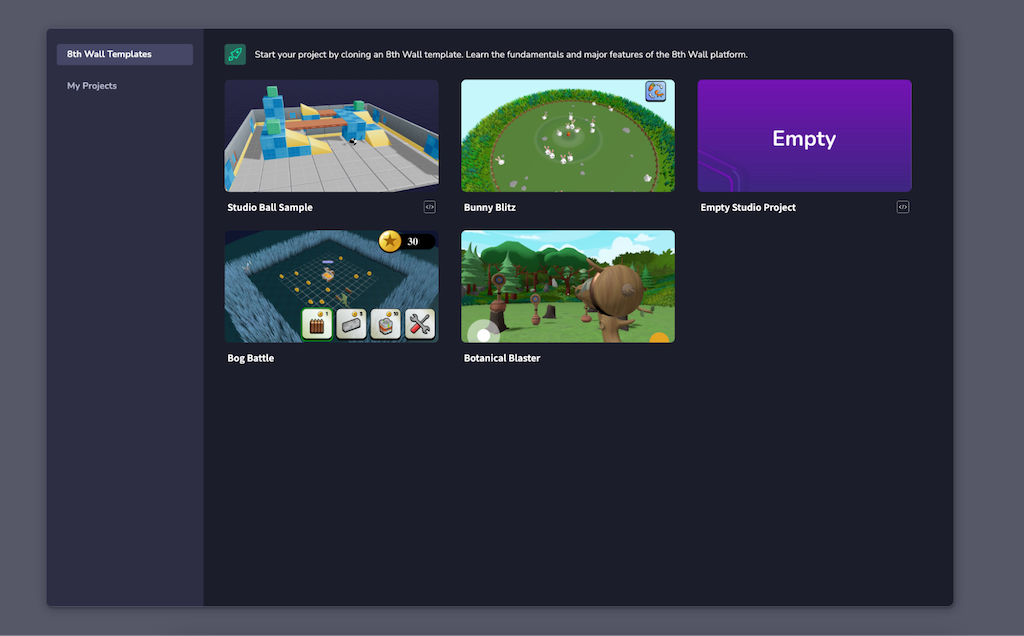
When your project has loaded everything it needs for you to begin, you can start creating.
---
# Create an account | 8th Wall
[Skip to main content](https://www.8thwall.com/docs/quickstart/getting-started/create-account/#__docusaurus_skipToContent_fallback)
**8th Wall's is now available to everyone for free, no credit card required.**
1. Click **Create for Free** on [8thwall.com](https://8thwall.com/)
, or go to [https://8thwall.com/get-started](https://8thwall.com/get-started)
2. Create your account by entering your Name, Email and Password or use a social login. Accept the 8th Wall [Terms and Conditions](https://www.8thwall.com/terms)
and click **Continue**.

3. Confirm your email address. An email will be sent with a verification code. Enter the verification code and click **Confirm**.

---
# Create a new project | 8th Wall
[Skip to main content](https://www.8thwall.com/docs/quickstart/getting-started/create-project/#__docusaurus_skipToContent_fallback)
1. From the logged-in Homepage or Workspace Dashboard, click "New Project"

2. Select the workspace for this project if you are a member of more than one workspace.
3. Enter the Project URL.
warning
The project URL is used to generate the default project URL as well as the Featured Project page URL (if activated). **It cannot be changed**. To change a project URL, you will need to clone the project and specify a new URL.

4. Click **Create**.
---
# Browse sample projects | 8th Wall
[Skip to main content](https://www.8thwall.com/docs/quickstart/getting-started/sample-projects/#__docusaurus_skipToContent_fallback)
On this page
8th Wall offers a collection of ready-to-use sample projects created by both the 8th Wall team and the developer community. These projects serve as references and starting points to help you quickly build and launch your own 3D and AR experiences using 8th Wall’s platform. Explore these examples to accelerate your development process, learn best practices, and spark new ideas.
The 8th Wall Project Library features a wide selection of sample projects and reusable modules.
For each sample project, you can:
* View the source code to learn best practices
* Preview the experience in 3D or WebAR directly in your browser
* Clone projects or fork modules into your own workspace for easy customization
tip
Use the **All projects** dropdown in the top right corner of the library to filter for 8th Wall and Community sample projects.
8th Wall Sample Projects[](https://www.8thwall.com/docs/quickstart/getting-started/sample-projects/#8th-wall-sample-projects "Direct link to 8th Wall Sample Projects")
-------------------------------------------------------------------------------------------------------------------------------------------------------------------------
8th Wall Sample Projects are developed and maintained by the 8th Wall team. These projects demonstrate core features of the platform and follow recommended best practices, providing a solid foundation for your own experiences.
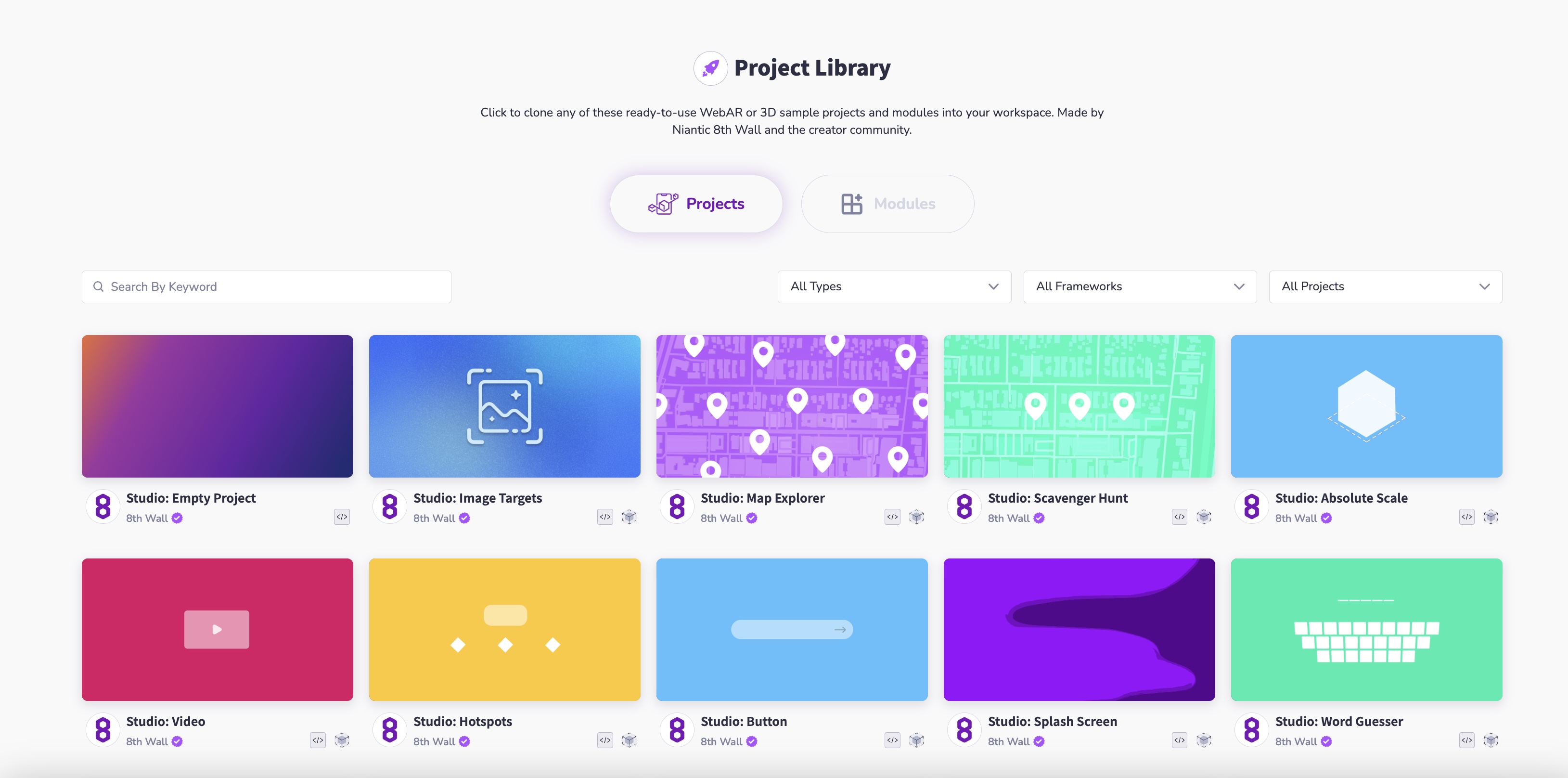
Community Sample Projects[](https://www.8thwall.com/docs/quickstart/getting-started/sample-projects/#community-sample-projects "Direct link to Community Sample Projects")
----------------------------------------------------------------------------------------------------------------------------------------------------------------------------
Community Sample Projects are contributed by developers from the global 8th Wall community. These projects offer additional inspiration and insights but are not maintained by the 8th Wall team. If you experience any issues or have questions about a community project, please reach out directly to the project creator.
To browse Community Sample Projects, use the dropdown in the top right corner of the Project Library and select **Community Projects**.
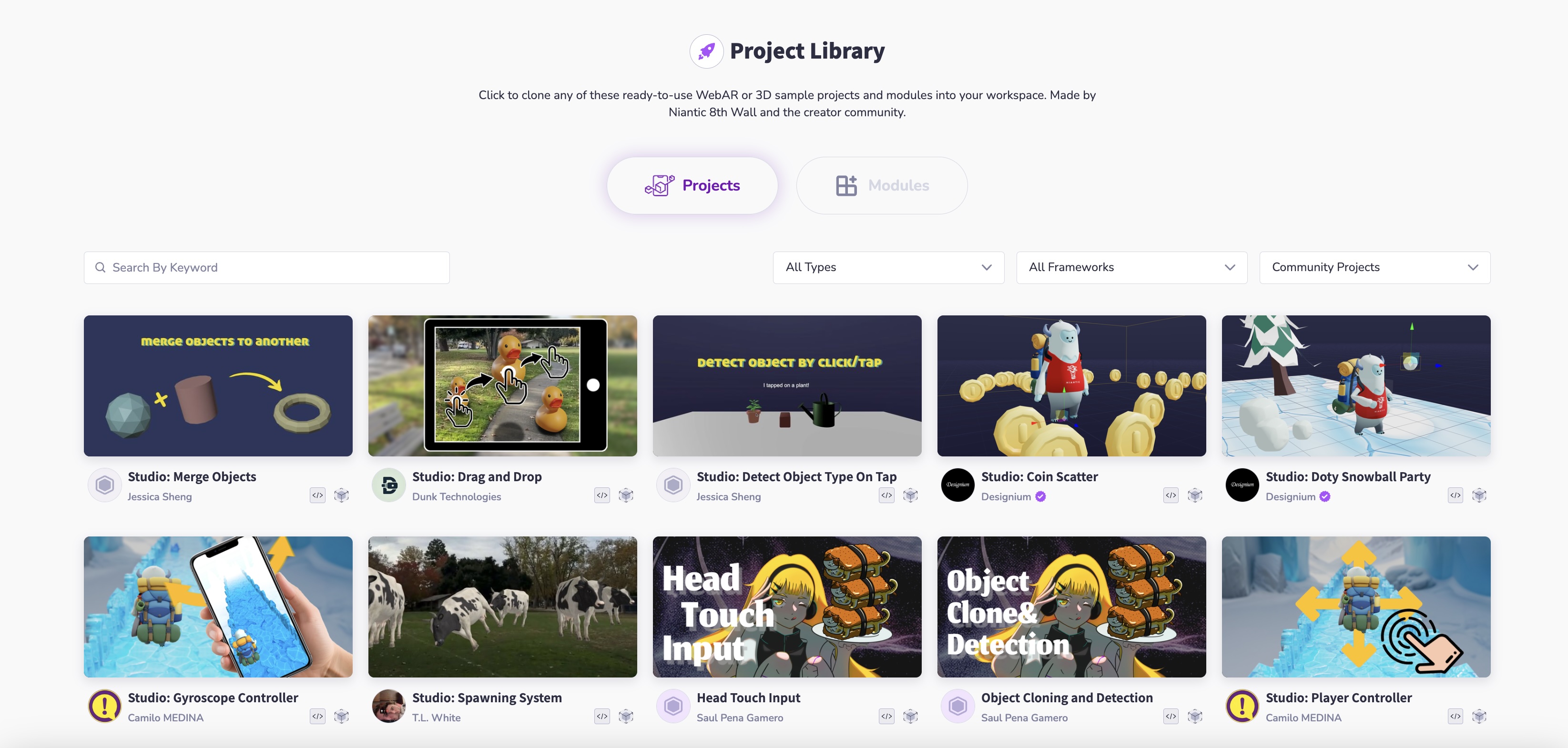
* [8th Wall Sample Projects](https://www.8thwall.com/docs/quickstart/getting-started/sample-projects/#8th-wall-sample-projects)
* [Community Sample Projects](https://www.8thwall.com/docs/quickstart/getting-started/sample-projects/#community-sample-projects)
---
# Making Changes | 8th Wall
[Skip to main content](https://www.8thwall.com/docs/quickstart/development/making-changes/#__docusaurus_skipToContent_fallback)
On this page
If this is your first time opening Studio, see the documentation on [navigating the interface](https://www.8thwall.com/docs/studio/getting-started/navigate-interface/)
.
Adding Entities[](https://www.8thwall.com/docs/quickstart/development/making-changes/#adding-entities "Direct link to Adding Entities")
-----------------------------------------------------------------------------------------------------------------------------------------
Add new objects to your space by clicking the **+** button above the scene hierarchy.
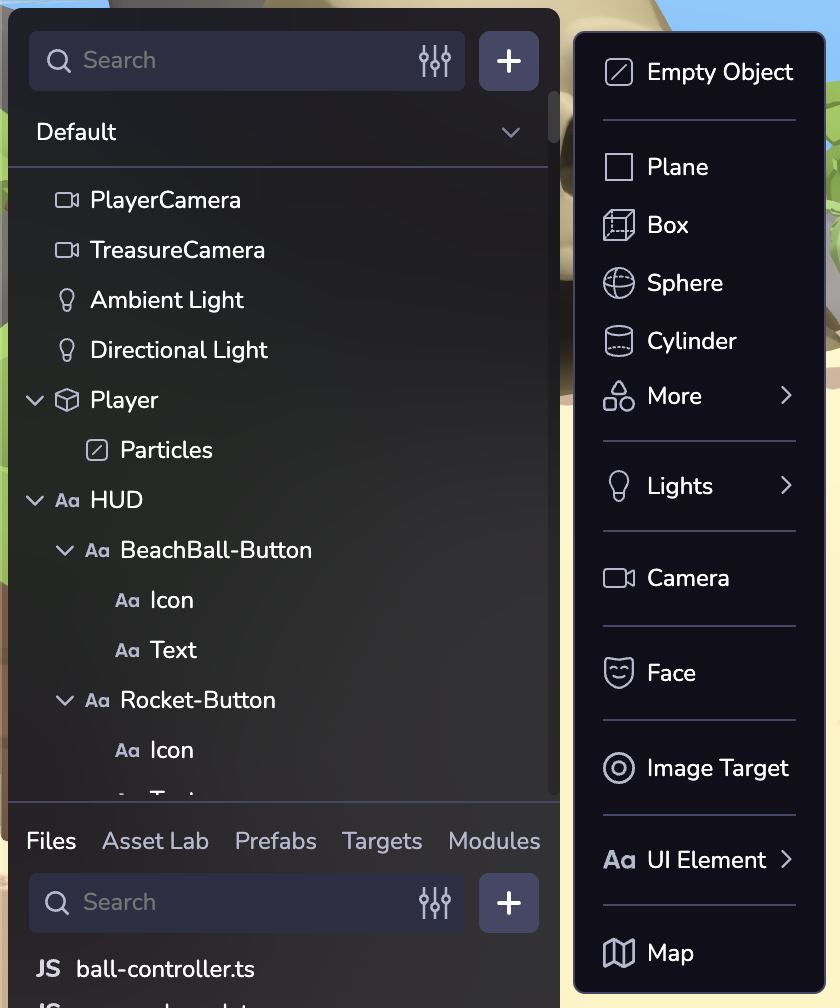
Position, Rotate, Scale[](https://www.8thwall.com/docs/quickstart/development/making-changes/#position-rotate-scale "Direct link to Position, Rotate, Scale")
---------------------------------------------------------------------------------------------------------------------------------------------------------------
Use the top toolbar to change the position, rotation, or scale of a selected object, or to undo and redo edits.
Inspector Panel[](https://www.8thwall.com/docs/quickstart/development/making-changes/#inspector-panel "Direct link to Inspector Panel")
-----------------------------------------------------------------------------------------------------------------------------------------
Inspect and configure an entity and its components. Learn more about entities and components in [Overview](https://www.8thwall.com/docs/studio/essentials/overview/)
.
By default every entity displays a Transform component in the Inspector. Different types of entities may display different components, for example a Primitive will display a Mesh component with configurable options like geometry shape settings, materials, textures, etc.
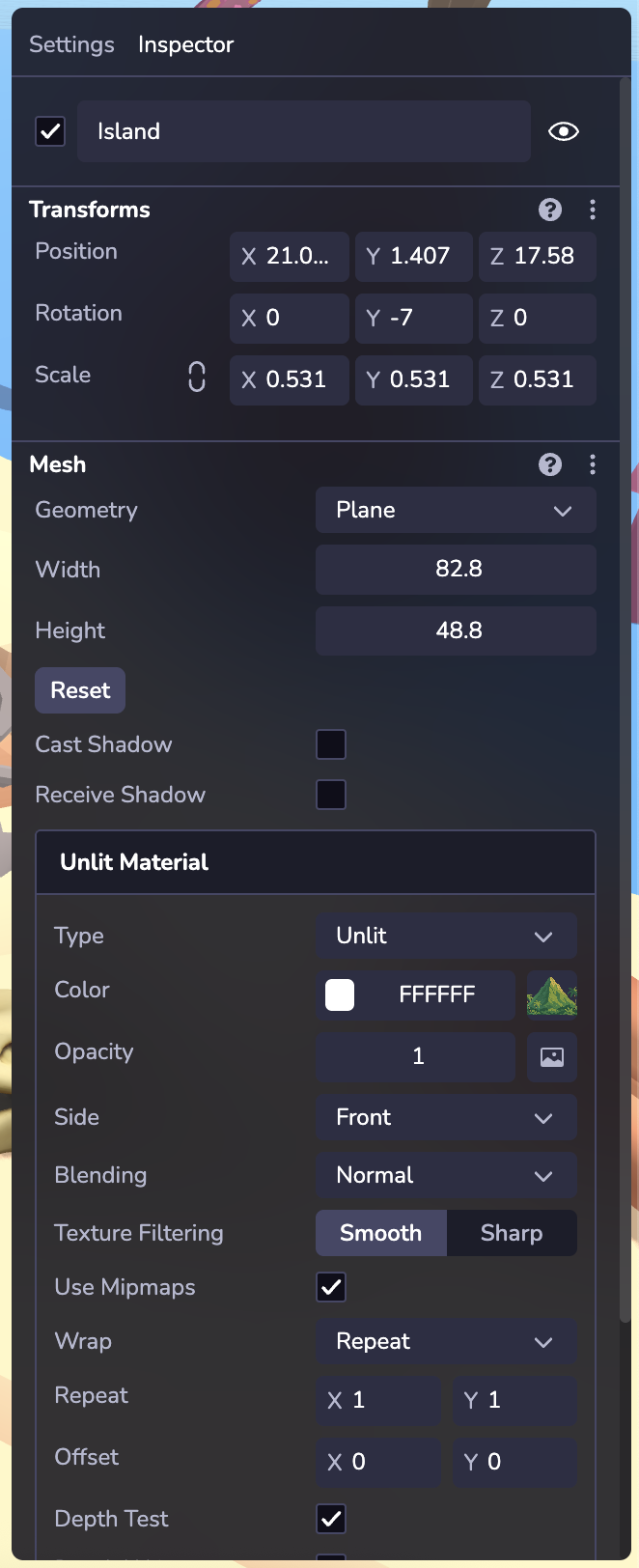
* [Adding Entities](https://www.8thwall.com/docs/quickstart/development/making-changes/#adding-entities)
* [Position, Rotate, Scale](https://www.8thwall.com/docs/quickstart/development/making-changes/#position-rotate-scale)
* [Inspector Panel](https://www.8thwall.com/docs/quickstart/development/making-changes/#inspector-panel)
---
# Requirements | 8th Wall
[Skip to main content](https://www.8thwall.com/docs/quickstart/getting-started/requirements/#__docusaurus_skipToContent_fallback)
On this page
8th Wall Branding[](https://www.8thwall.com/docs/quickstart/getting-started/requirements/#8th-wall-branding "Direct link to 8th Wall Branding")
-------------------------------------------------------------------------------------------------------------------------------------------------
1. The Default Splash Screen is displayed at the beginning of each experience or game created using the 8th Wall. It cannot be customized.
2. All projects must display the [Powered by 8th Wall](https://8th.io/poweredby)
badge on the loading page of the game or experience.
tip
To remove the Default Splash Screen and Powered by 8th Wall badge from your project, [purchase a White Label subscription](https://www.8thwall.com/docs/account/projects/white-label/)
from the project dashboard. Please refer to the [Pricing Page](https://8thwall.com/pricing)
for more details on White Label subscriptions.
| Default Splash Screen | Loading Screen |
| --- | --- |
|  |  |
Browser Requirements[](https://www.8thwall.com/docs/quickstart/getting-started/requirements/#browser-requirements "Direct link to Browser Requirements")
----------------------------------------------------------------------------------------------------------------------------------------------------------
info
8th Wall Web experiences must be viewed via **https**. This is **required** by browsers for **camera access**.
Mobile browsers require the following functionality to support 8th Wall Web experiences:
* **WebGL** (canvas.getContext('webgl') || canvas.getContext('webgl2'))
* **getUserMedia** (navigator.mediaDevices.getUserMedia - **only needed if AR is enabled**)
* **deviceorientation** (window.DeviceOrientationEvent - **only needed if SLAM/VPS is enabled**)
* **Web-Assembly/WASM** (window.WebAssembly)
This translates to the following compatibility for iOS and Android devices:
* iOS:
* **Safari** (iOS 11+)
* **Apps** that use **SFSafariViewController** web views (iOS 13+)
* Apple added getUserMedia() support to SFSafariViewController in iOS 13. 8th Wall works within iOS 13 apps that use SFSafariViewController web views.
* Examples: Twitter, Slack, Discord, Gmail, Hangouts, and more.
* **Apps/Browsers** that use **WKWebView** web views (iOS 14.3+)
* Examples:
* Chrome
* Firefox
* Microsoft Edge
* Facebook
* Facebook Messenger
* Instagram
* and more...
* Android:
* **Browsers** known to natively support the features required for WebAR:
* **Chrome**
* **Firefox**
* **Samsung Internet**
* **Microsoft Edge**
* **Apps** using Web Views known to support the features required for WebAR:
* Twitter, WhatsApp, Slack, Gmail, Hangouts, Reddit, LinkedIn, and more.
* [8th Wall Branding](https://www.8thwall.com/docs/quickstart/getting-started/requirements/#8th-wall-branding)
* [Browser Requirements](https://www.8thwall.com/docs/quickstart/getting-started/requirements/#browser-requirements)
---
# Create a free workspace | 8th Wall
[Skip to main content](https://www.8thwall.com/docs/quickstart/getting-started/create-workspace/#__docusaurus_skipToContent_fallback)
1. Enter a Workspace Name. This value is for display purposes only and doesn't impact any URLs associated with your workspace.
2. Enter a Workspace URL. Pick something relevant for your workspace name, such as the name of your company. The workspace URL will be used as the default **sub-domain** for **all** 8th Wall hosted projects in your account (e.g. **mycompany**.8thwall.app/project-name). This value will also be used in your Public Profile page URL (e.g. [www.8thwall.com/mycompany](http://www.8thwall.com/mycompany)
).
warning
**You can not change your Workspace URL later.** However, if you want to connect custom domains to your 8th Wall hosted projects to override the default URL, please see [here](https://www.8thwall.com/docs/account/projects/connected-domains/)
.

---
# Entity | 8th Wall
[Skip to main content](https://www.8thwall.com/docs/api/studio/entity/#__docusaurus_skipToContent_fallback)
On this page
Description[](https://www.8thwall.com/docs/api/studio/entity/#description "Direct link to Description")
---------------------------------------------------------------------------------------------------------
This class represents an individual entity in the 8th Wall Studio scene graph, offering component access, state control, and hierarchical operations.
Properties[](https://www.8thwall.com/docs/api/studio/entity/#properties "Direct link to Properties")
------------------------------------------------------------------------------------------------------
| Property | Type | Description |
| --- | --- | --- |
| eid | Eid | Unique identifier for this entity. |
Component Methods[](https://www.8thwall.com/docs/api/studio/entity/#component-methods "Direct link to Component Methods")
---------------------------------------------------------------------------------------------------------------------------
### get[](https://www.8thwall.com/docs/api/studio/entity/#get "Direct link to get")
Access the current data for a component on this entity.
entity.get(component: RootAttribute) // -> ReadData
### has[](https://www.8thwall.com/docs/api/studio/entity/#has "Direct link to has")
Check if a component exists on this entity.
entity.has(component: RootAttribute) // -> boolean
### set[](https://www.8thwall.com/docs/api/studio/entity/#set "Direct link to set")
Apply data to a component on this entity.
entity.set(component: RootAttribute, data: ReadData) // -> void
### remove[](https://www.8thwall.com/docs/api/studio/entity/#remove "Direct link to remove")
Remove a component from this entity.
entity.remove(component: RootAttribute) // -> void
### reset[](https://www.8thwall.com/docs/api/studio/entity/#reset "Direct link to reset")
Reset a component on this entity to its default value.
entity.reset(component: RootAttribute) // -> void
State Methods[](https://www.8thwall.com/docs/api/studio/entity/#state-methods "Direct link to State Methods")
---------------------------------------------------------------------------------------------------------------
### hide[](https://www.8thwall.com/docs/api/studio/entity/#hide "Direct link to hide")
Hide this entity.
entity.hide() // -> void
### show[](https://www.8thwall.com/docs/api/studio/entity/#show "Direct link to show")
Show this entity if hidden.
entity.show() // -> void
### isHidden[](https://www.8thwall.com/docs/api/studio/entity/#ishidden "Direct link to isHidden")
Check if the entity is currently hidden.
entity.isHidden() // -> boolean
### disable[](https://www.8thwall.com/docs/api/studio/entity/#disable "Direct link to disable")
Disable this entity.
entity.disable() // -> void
### enable[](https://www.8thwall.com/docs/api/studio/entity/#enable "Direct link to enable")
Enable this entity.
entity.enable() // -> void
### isDisabled[](https://www.8thwall.com/docs/api/studio/entity/#isdisabled "Direct link to isDisabled")
Check if the entity is currently disabled.
entity.isDisabled() // -> boolean
### delete[](https://www.8thwall.com/docs/api/studio/entity/#delete "Direct link to delete")
Delete this entity from the world.
entity.delete() // -> void
### isDeleted[](https://www.8thwall.com/docs/api/studio/entity/#isdeleted "Direct link to isDeleted")
Check if the entity has been deleted.
entity.isDeleted() // -> boolean
Hierarchy Methods[](https://www.8thwall.com/docs/api/studio/entity/#hierarchy-methods "Direct link to Hierarchy Methods")
---------------------------------------------------------------------------------------------------------------------------
### setParent[](https://www.8thwall.com/docs/api/studio/entity/#setparent "Direct link to setParent")
Set this entity’s parent.
entity.setParent(parent: Eid | undefined | null) // -> void
### getChildren[](https://www.8thwall.com/docs/api/studio/entity/#getchildren "Direct link to getChildren")
Get this entity’s children.
entity.getChildren() // -> Generator
### getParent[](https://www.8thwall.com/docs/api/studio/entity/#getparent "Direct link to getParent")
Get this entity’s parent.
entity.getParent() // -> Eid | undefined
### addChild[](https://www.8thwall.com/docs/api/studio/entity/#addchild "Direct link to addChild")
Make another entity a child of this one.
entity.addChild(child: Eid) // -> void
* [Description](https://www.8thwall.com/docs/api/studio/entity/#description)
* [Properties](https://www.8thwall.com/docs/api/studio/entity/#properties)
* [Component Methods](https://www.8thwall.com/docs/api/studio/entity/#component-methods)
* [get](https://www.8thwall.com/docs/api/studio/entity/#get)
* [has](https://www.8thwall.com/docs/api/studio/entity/#has)
* [set](https://www.8thwall.com/docs/api/studio/entity/#set)
* [remove](https://www.8thwall.com/docs/api/studio/entity/#remove)
* [reset](https://www.8thwall.com/docs/api/studio/entity/#reset)
* [State Methods](https://www.8thwall.com/docs/api/studio/entity/#state-methods)
* [hide](https://www.8thwall.com/docs/api/studio/entity/#hide)
* [show](https://www.8thwall.com/docs/api/studio/entity/#show)
* [isHidden](https://www.8thwall.com/docs/api/studio/entity/#ishidden)
* [disable](https://www.8thwall.com/docs/api/studio/entity/#disable)
* [enable](https://www.8thwall.com/docs/api/studio/entity/#enable)
* [isDisabled](https://www.8thwall.com/docs/api/studio/entity/#isdisabled)
* [delete](https://www.8thwall.com/docs/api/studio/entity/#delete)
* [isDeleted](https://www.8thwall.com/docs/api/studio/entity/#isdeleted)
* [Hierarchy Methods](https://www.8thwall.com/docs/api/studio/entity/#hierarchy-methods)
* [setParent](https://www.8thwall.com/docs/api/studio/entity/#setparent)
* [getChildren](https://www.8thwall.com/docs/api/studio/entity/#getchildren)
* [getParent](https://www.8thwall.com/docs/api/studio/entity/#getparent)
* [addChild](https://www.8thwall.com/docs/api/studio/entity/#addchild)
---
# XR8.runPreRender() | 8th Wall
[Skip to main content](https://www.8thwall.com/docs/api/engine/xr8/runprerender/#__docusaurus_skipToContent_fallback)
On this page
`XR8.runPreRender( timestamp )`
Description[](https://www.8thwall.com/docs/api/engine/xr8/runprerender/#description "Direct link to Description")
-------------------------------------------------------------------------------------------------------------------
Executes all lifecycle updates that should happen before rendering.
**IMPORTANT**: Make sure that [`onStart`](https://www.8thwall.com/docs/api/engine/camerapipelinemodule/onstart/)
has been called before calling `XR8.runPreRender()` / `XR8.runPostRender()`.
Parameters[](https://www.8thwall.com/docs/api/engine/xr8/runprerender/#parameters "Direct link to Parameters")
----------------------------------------------------------------------------------------------------------------
| Parameter | Type | Description |
| --- | --- | --- |
| timestamp | `Number` | The current time, in milliseconds. |
Returns[](https://www.8thwall.com/docs/api/engine/xr8/runprerender/#returns "Direct link to Returns")
-------------------------------------------------------------------------------------------------------
None
Example[](https://www.8thwall.com/docs/api/engine/xr8/runprerender/#example "Direct link to Example")
-------------------------------------------------------------------------------------------------------
// Implement A-Frame components tick() methodfunction tick() { // Check device compatibility and run any necessary view geometry updates and draw the camera feed. ... // Run XR lifecycle methods XR8.runPreRender(Date.now()) }
* [Description](https://www.8thwall.com/docs/api/engine/xr8/runprerender/#description)
* [Parameters](https://www.8thwall.com/docs/api/engine/xr8/runprerender/#parameters)
* [Returns](https://www.8thwall.com/docs/api/engine/xr8/runprerender/#returns)
* [Example](https://www.8thwall.com/docs/api/engine/xr8/runprerender/#example)
---
# Terms for AI Tools | 8th Wall
[Skip to main content](https://www.8thwall.com/docs/studio/ai-terms/#__docusaurus_skipToContent_fallback)
8th Wall provides 8th Wall AI Tools that generate AI Outputs based on your AI Inputs, and while you own these AI Outputs, they may not be unique. You're responsible for ensuring your AI Inputs comply with these Terms and Conditions, validating all AI Outputs before use, and accepting that 8th Wall doesn't guarantee accuracy or completeness of AI-generated content. These Terms apply to all 8th Wall AI Tools— including, without limitation, 8th Wall Agent, Asset Lab, and any associated chat or orchestration features.
a. Subject to this Agreement, 8th Wall provides access to 8th Wall AI Tools. 8th Wall AI Tools may utilize Third Party Services to generate AI Output in response to your AI Input. You acknowledge that we may share the AI Input with such Third Party Services in connection with generating the AI Output. We may use the AI Input and AI Output to train, refine, and develop the 8th Wall AI Tools and otherwise improve the Platform, including (where applicable) in accordance with our Privacy Policy.
b. Content Ownership. As between the parties and to the extent permitted by applicable law, you own all AI Input and 8th Wall does not claim ownership over your AI Output; provided, however, that 8th Wall does not represent or warrant that the AI Output is protectable by any intellectual property rights or that the AI Output does not incorporate, infringe or misappropriate the intellectual property or proprietary rights of any third party. You acknowledge and accept that due to the nature of artificial intelligence generally, AI Output may not be unique and other users may receive similar AI Outputs from the 8th Wall AI Tools. Furthermore, Licensee shall, and hereby does, grant to 8th Wall a license to use, reproduce, prepare derivative works of, display, perform, and distribute your AI Output for the purpose of making that AI Output accessible to all 8th Wall users, as well as all other rights necessary to use and exercise all rights in that AI Output in connection with 8th Wall’s business, including without limitation for promoting and redistributing and part or all of the AI Output (and derivative works thereof) in any media formats and through any media channels.
c. Your responsibility. You represent and warrant that your Input will comply with applicable law and these Terms and Conditions, including the Acceptable Use Policy. You acknowledge and accept that due to the probabilistic nature of machine learning, use of the 8th Wall AI Tools may in some situations result in inaccurate or incomplete Output. 8TH WALL DOES NOT WARRANT OR GUARANTEE THAT THE AI OUTPUT WILL BE ACCURATE, COMPLETE OR RESPONSIVE TO YOUR AI INPUT OR REQUIREMENTS. You are solely responsible for reviewing and validating any AI Output generated by 8th Wall AI Tools before use and ensuring that such use complies with applicable law and these Terms of Service. 8th Wall is not liable for any decisions made based on these Outputs. The AI Output generated by 8th Wall AI Tools may include suggestions, edits, or new files that modify your existing code, scenes, or project assets. You are solely responsible for reviewing, testing, and validating any such changes before deploying or publishing them.
d. Third Party Services. By accessing and using the Platform, you agree to comply with the terms and policies of the Third Party Services, which are not controlled by 8th Wall and are not considered part of the Platform. You acknowledge and accept that the terms and policies of such Third Party Services may retain certain rights to use your AI Inputs and AI Outputs. It is your responsibility to review and adhere to these terms, and 8th Wall disclaims any responsibility for Third Party Services or any AI Output generated therefrom. You acknowledge and agree that your use of such Third Party Services and AI Output is at your own risk.
e. AI chat and other Agent functions.8th Wall may provide one or more AI chat functionalities, an AI that responds to user requests with generated replies, powered by Third Party Services. By using these functions, you hereby consent and authorize 8th Wall to share any information you provide with Third Party Services to the minimum extent required to complete your request. YOU, NOT 8TH WALL, SHALL BE SOLELY RESPONSIBLE FOR YOUR USE OF THESE FUNCTIONS. YOU ACKNOWLEDGE AND AGREE THAT ANY CONDUCT YOU ENGAGE IN AS A RESULT OF THE INFORMATION PROVIDED BY THE AI CHAT OR ANY OTHER THIRD PARTY SERVICE MADE AVAILABLE THROUGH 8TH WALL IS AT YOUR OWN RISK. YOU AGREE THAT 8TH WALL WILL NOT BE HELD LIABLE TO YOU OR ANY THIRD PARTY FOR THE AI CHAT PROVIDING INACCURATE INFORMATION TO YOU.
---
# effects | 8th Wall
[Skip to main content](https://www.8thwall.com/docs/api/studio/world/effects/#__docusaurus_skipToContent_fallback)
On this page
Description[](https://www.8thwall.com/docs/api/studio/world/effects/#description "Direct link to Description")
----------------------------------------------------------------------------------------------------------------
This library includes functions to update world effects like the skybox and fog.
Types[](https://www.8thwall.com/docs/api/studio/world/effects/#types "Direct link to Types")
----------------------------------------------------------------------------------------------
type NoFog = {type: 'none'}type LinearFog = { type: 'linear' near: number far: number color: string}type ExponentialFog = { type: 'exponential' density: number color: string}type Fog = NoFog | LinearFog | ExponentialFog
type Color = {type: 'color', color?: string}type GradientStyle = 'linear' | 'radial'type Gradient = { type: 'gradient' style?: GradientStyle colors?: string[]}type Image = {type: 'image', src?: T}type NoSky = {type: 'none'}type Sky = Color | Gradient | Image | NoSky
Functions[](https://www.8thwall.com/docs/api/studio/world/effects/#functions "Direct link to Functions")
----------------------------------------------------------------------------------------------------------
### setFog[](https://www.8thwall.com/docs/api/studio/world/effects/#setfog "Direct link to setFog")
Set the active fog.
world.effects.setFog(fog: Fog) => void
#### Example[](https://www.8thwall.com/docs/api/studio/world/effects/#example "Direct link to Example")
world.effects.setFog({type: 'linear', far: 1000, near: 0.1, color: 'ffffff'})
### getFog[](https://www.8thwall.com/docs/api/studio/world/effects/#getfog "Direct link to getFog")
Get the active fog.
world.effects.getFog() => Fog | undefined
### setSky[](https://www.8thwall.com/docs/api/studio/world/effects/#setsky "Direct link to setSky")
Set the active sky.
world.effects.setSky(sky: Sky) => void
#### Example[](https://www.8thwall.com/docs/api/studio/world/effects/#example-1 "Direct link to Example")
world.effects.setSky({type: 'color', color: 'ffffff'})
### getSky[](https://www.8thwall.com/docs/api/studio/world/effects/#getsky "Direct link to getSky")
Get the active sky.
world.effects.getSky() => Sky | undefined
* [Description](https://www.8thwall.com/docs/api/studio/world/effects/#description)
* [Types](https://www.8thwall.com/docs/api/studio/world/effects/#types)
* [Functions](https://www.8thwall.com/docs/api/studio/world/effects/#functions)
* [setFog](https://www.8thwall.com/docs/api/studio/world/effects/#setfog)
* [getFog](https://www.8thwall.com/docs/api/studio/world/effects/#getfog)
* [setSky](https://www.8thwall.com/docs/api/studio/world/effects/#setsky)
* [getSky](https://www.8thwall.com/docs/api/studio/world/effects/#getsky)
---
# spaces | 8th Wall
[Skip to main content](https://www.8thwall.com/docs/api/studio/world/spaces/#__docusaurus_skipToContent_fallback)
On this page
Description[](https://www.8thwall.com/docs/api/studio/world/spaces/#description "Direct link to Description")
---------------------------------------------------------------------------------------------------------------
This library includes functions to work with Spaces.
Functions[](https://www.8thwall.com/docs/api/studio/world/spaces/#functions "Direct link to Functions")
---------------------------------------------------------------------------------------------------------
### loadSpace[](https://www.8thwall.com/docs/api/studio/world/spaces/#loadspace "Direct link to loadSpace")
Loads a Space specified by an ID or a name. The newly loaded Space will replace the old Space as the active Space. The old Space’s (and any included Spaces) objects will be despawned, and the new Spaces (and any included Spaces) will be spawned. Will throw an error if there is no match or multiple matches with the given ID or name.
world.spaces.loadSpace(idOrName: string) // -> void
### listSpaces[](https://www.8thwall.com/docs/api/studio/world/spaces/#listspaces "Direct link to listSpaces")
Returns all Space’s SpaceData.
world.spaces.listSpaces() // -> SpaceData[] | undefined
### getActiveSpace[](https://www.8thwall.com/docs/api/studio/world/spaces/#getactivespace "Direct link to getActiveSpace")
Returns the active Space’s SpaceData.
world.spaces.getActiveSpace() // -> SpaceData | undefined
SpaceData[](https://www.8thwall.com/docs/api/studio/world/spaces/#spacedata "Direct link to SpaceData")
---------------------------------------------------------------------------------------------------------
| Property | Type | Description |
| --- | --- | --- |
| name | string | The space name. Must be unique |
| id | string | The space id |
| spawned | boolean | Indicates if the space is currently spawned |
* [Description](https://www.8thwall.com/docs/api/studio/world/spaces/#description)
* [Functions](https://www.8thwall.com/docs/api/studio/world/spaces/#functions)
* [loadSpace](https://www.8thwall.com/docs/api/studio/world/spaces/#loadspace)
* [listSpaces](https://www.8thwall.com/docs/api/studio/world/spaces/#listspaces)
* [getActiveSpace](https://www.8thwall.com/docs/api/studio/world/spaces/#getactivespace)
* [SpaceData](https://www.8thwall.com/docs/api/studio/world/spaces/#spacedata)
---
# time | 8th Wall
[Skip to main content](https://www.8thwall.com/docs/api/studio/world/time/#__docusaurus_skipToContent_fallback)
On this page
Description[](https://www.8thwall.com/docs/api/studio/world/time/#description "Direct link to Description")
-------------------------------------------------------------------------------------------------------------
This library includes properties and functions that handle time management.
Properties[](https://www.8thwall.com/docs/api/studio/world/time/#properties "Direct link to Properties")
----------------------------------------------------------------------------------------------------------
### world.time.elapsed[](https://www.8thwall.com/docs/api/studio/world/time/#worldtimeelapsed "Direct link to world.time.elapsed")
The number of milliseconds the world has been running for, excluding time spent while the world was paused.
### world.time.delta[](https://www.8thwall.com/docs/api/studio/world/time/#worldtimedelta "Direct link to world.time.delta")
The number of milliseconds since the previous frame, excluding time jumps due to being paused.
### world.time.absolute[](https://www.8thwall.com/docs/api/studio/world/time/#worldtimeabsolute "Direct link to world.time.absolute")
The number of milliseconds that have elapsed since the world was created.
### world.time.absoluteDelta[](https://www.8thwall.com/docs/api/studio/world/time/#worldtimeabsolutedelta "Direct link to world.time.absoluteDelta")
The number of milliseconds since the last frame, including large jumps of time if the world is resuming after being paused.
Functions[](https://www.8thwall.com/docs/api/studio/world/time/#functions "Direct link to Functions")
-------------------------------------------------------------------------------------------------------
### setTimeout[](https://www.8thwall.com/docs/api/studio/world/time/#settimeout "Direct link to setTimeout")
Executes a function once after a specified delay.
world.time.setTimeout(callback: function, delay: number) // -> Timeout
### clearTimeout[](https://www.8thwall.com/docs/api/studio/world/time/#cleartimeout "Direct link to clearTimeout")
Stops a previously set timeout or interval, preventing the specified function from executing if the delay hasn’t yet passed.
world.time.clearTimeout(timeout: Timeout) // -> void
### setInterval[](https://www.8thwall.com/docs/api/studio/world/time/#setinterval "Direct link to setInterval")
Executes a function repeatedly at specified time intervals.
world.time.setInterval(callback: function, interval: number) // -> Interval
* [Description](https://www.8thwall.com/docs/api/studio/world/time/#description)
* [Properties](https://www.8thwall.com/docs/api/studio/world/time/#properties)
* [world.time.elapsed](https://www.8thwall.com/docs/api/studio/world/time/#worldtimeelapsed)
* [world.time.delta](https://www.8thwall.com/docs/api/studio/world/time/#worldtimedelta)
* [world.time.absolute](https://www.8thwall.com/docs/api/studio/world/time/#worldtimeabsolute)
* [world.time.absoluteDelta](https://www.8thwall.com/docs/api/studio/world/time/#worldtimeabsolutedelta)
* [Functions](https://www.8thwall.com/docs/api/studio/world/time/#functions)
* [setTimeout](https://www.8thwall.com/docs/api/studio/world/time/#settimeout)
* [clearTimeout](https://www.8thwall.com/docs/api/studio/world/time/#cleartimeout)
* [setInterval](https://www.8thwall.com/docs/api/studio/world/time/#setinterval)
---
# General Events | 8th Wall
[Skip to main content](https://www.8thwall.com/docs/api/studio/events/general/#__docusaurus_skipToContent_fallback)
On this page
Events[](https://www.8thwall.com/docs/api/studio/events/general/#events "Direct link to Events")
--------------------------------------------------------------------------------------------------
### ACTIVE\_SPACE\_CHANGE[](https://www.8thwall.com/docs/api/studio/events/general/#active_space_change "Direct link to ACTIVE_SPACE_CHANGE")
Emitted on the [world.events.globalId](https://www.8thwall.com/docs/api/studio/world/events/#properties)
when the world loads a Space (no promise of the Space being loaded).
#### Properties[](https://www.8thwall.com/docs/api/studio/events/general/#properties "Direct link to Properties")
None.
#### Example[](https://www.8thwall.com/docs/api/studio/events/general/#example "Direct link to Example")
* .listen
* .onEvent
* .addEventListener
Show Context
defineState('initial-state').initial().listen(world.events.globalId, ecs.events.ACTIVE_SPACE_CHANGE, () => { console.log('Active space change')})
### LOCATION\_SPAWNED[](https://www.8thwall.com/docs/api/studio/events/general/#location_spawned "Direct link to LOCATION_SPAWNED")
Emitted on the map eid and [world.events.globalId](https://www.8thwall.com/docs/api/studio/world/events/#properties)
when a VPS Location is spawned on the map.
#### Properties[](https://www.8thwall.com/docs/api/studio/events/general/#properties-1 "Direct link to Properties")
| Property | Type | Description |
| --- | --- | --- |
| id | string | The unique identifier for the location |
| imageUrl | string | The location image |
| title | string | The location title |
| lat | number | Latitude of the location |
| lng | number | Longitude of the location |
| mapPoint | Eid | The spawned map point entity to parent your content under |
#### Example (Global)[](https://www.8thwall.com/docs/api/studio/events/general/#example-global "Direct link to Example (Global)")
* .listen
* .onEvent
* .addEventListener
Show Context
defineState('initial-state').initial().listen(eid, ecs.events.LOCATION_SPAWNED, (event) => { console.log('Location spawned: ', event.data.lat, event.data.lng)})
* [Events](https://www.8thwall.com/docs/api/studio/events/general/#events)
* [ACTIVE\_SPACE\_CHANGE](https://www.8thwall.com/docs/api/studio/events/general/#active_space_change)
* [LOCATION\_SPAWNED](https://www.8thwall.com/docs/api/studio/events/general/#location_spawned)
---
# VPS Events | 8th Wall
[Skip to main content](https://www.8thwall.com/docs/api/studio/events/xr/vps/#__docusaurus_skipToContent_fallback)
On this page
Types[](https://www.8thwall.com/docs/api/studio/events/xr/vps/#types "Direct link to Types")
----------------------------------------------------------------------------------------------
### LocationObject[](https://www.8thwall.com/docs/api/studio/events/xr/vps/#LocationObject "Direct link to LocationObject")
| Property | Type | Description |
| --- | --- | --- |
| id | `String` | An id for this Project Location that is stable within a session |
| name | `String` | Project Location name. |
| imageUrl | `String` | URL to a representative image for this Project Location. |
| title | `String` | Project Location title. |
| lat | `Number` | Latitude of this Project Location. |
| lng | `Number` | Longitude of this Project Location. |
### PositionAttributeObject[](https://www.8thwall.com/docs/api/studio/events/xr/vps/#PositionAttributeObject "Direct link to PositionAttributeObject")
| Property | Type | Description |
| --- | --- | --- |
| name | `String` | The object name |
| array | `Float32Array()` | The raw mesh geometry data. |
| itemSize | `Integer` | The number of items in the object |
### ColorAttributeObject[](https://www.8thwall.com/docs/api/studio/events/xr/vps/#ColorAttributeObject "Direct link to ColorAttributeObject")
| Property | Type | Description |
| --- | --- | --- |
| name | `String` | The object name |
| array | `Float32Array()` | The raw mesh geometry data. |
| itemSize | `Integer` | The number of items in the object |
### GeometryObject[](https://www.8thwall.com/docs/api/studio/events/xr/vps/#GeometryObject "Direct link to GeometryObject")
| Property | Type | Description |
| --- | --- | --- |
| index | `String` | An id for this mesh that is stable within a session. |
| attributes | `[`[`PositionAttributeObject`](https://www.8thwall.com/docs/api/studio/events/xr/vps/#PositionAttributeObject)
`,` [`ColorAttributeObject`](https://www.8thwall.com/docs/api/studio/events/xr/vps/#ColorAttributeObject)
`]` | The raw mesh geometry data. |
Events[](https://www.8thwall.com/docs/api/studio/events/xr/vps/#events "Direct link to Events")
-------------------------------------------------------------------------------------------------
### REALITY\_LOCATION\_FOUND[](https://www.8thwall.com/docs/api/studio/events/xr/vps/#reality_location_found "Direct link to REALITY_LOCATION_FOUND")
This event is emitted when a Project Location is first found.
#### Properties[](https://www.8thwall.com/docs/api/studio/events/xr/vps/#properties "Direct link to Properties")
| Property | Type | Description |
| --- | --- | --- |
| name | `String` | The Project Location name. |
| position | `{x, y, z}` | The 3d position of the located Project Location. |
| rotation | `{w, x, y, z}` | The 3d local orientation (quaternion) of the located Project Location. |
#### Example[](https://www.8thwall.com/docs/api/studio/events/xr/vps/#example "Direct link to Example")
* .listen
* .onEvent
* .addEventListener
Show Context
defineState('initial-state').initial().listen(world.events.globalId, ecs.events.REALITY_LOCATION_FOUND, (event) => { console.log('Location found: ', event.data.name)})
### REALITY\_LOCATION\_LOST[](https://www.8thwall.com/docs/api/studio/events/xr/vps/#reality_location_lost "Direct link to REALITY_LOCATION_LOST")
This event is emitted when a Project Location is no longer being tracked.
#### Properties[](https://www.8thwall.com/docs/api/studio/events/xr/vps/#properties-1 "Direct link to Properties")
| Property | Type | Description |
| --- | --- | --- |
| name | `String` | The Project Location name. |
| position | `{x, y, z}` | The 3d position of the located Project Location. |
| rotation | `{w, x, y, z}` | The 3d local orientation (quaternion) of the located Project Location. |
#### Example[](https://www.8thwall.com/docs/api/studio/events/xr/vps/#example-1 "Direct link to Example")
* .listen
* .onEvent
* .addEventListener
Show Context
defineState('initial-state').initial().listen(world.events.globalId, ecs.events.REALITY_LOCATION_LOST, (event) => { console.log('Location lost: ', event.data.name)})
### REALITY\_LOCATION\_SCANNING[](https://www.8thwall.com/docs/api/studio/events/xr/vps/#reality_location_scanning "Direct link to REALITY_LOCATION_SCANNING")
This event is emitted when all Project Locations have been loaded for scanning.
#### Properties[](https://www.8thwall.com/docs/api/studio/events/xr/vps/#properties-2 "Direct link to Properties")
| Property | Type | Description |
| --- | --- | --- |
| locations | `Array` | An array of objects containing Location information |
#### Example[](https://www.8thwall.com/docs/api/studio/events/xr/vps/#example-2 "Direct link to Example")
* .listen
* .onEvent
* .addEventListener
Show Context
defineState('initial-state').initial().listen(world.events.globalId, ecs.events.REALITY_LOCATION_SCANNING, (event) => { console.log('Locations scanning: ', event.data.locations)})
### REALITY\_MESH\_FOUND[](https://www.8thwall.com/docs/api/studio/events/xr/vps/#reality_mesh_found "Direct link to REALITY_MESH_FOUND")
This event is emitted when a mesh is first found either after start or after a `recenter()`.
#### Properties[](https://www.8thwall.com/docs/api/studio/events/xr/vps/#properties-3 "Direct link to Properties")
| Property | Type | Description |
| --- | --- | --- |
| id | `String` | An id for this mesh that is stable within a session. |
| position | `{x, y, z}` | The 3d position of the located Project Location. |
| rotation | `{w, x, y, z}` | The 3d local orientation (quaternion) of the located Project Location. |
| geometry | [`GeometryObject`](https://www.8thwall.com/docs/api/studio/events/xr/vps/#GeometryObject) | An object containing raw mesh geometry data. Attributes contain position and color attributes. |
#### Example[](https://www.8thwall.com/docs/api/studio/events/xr/vps/#example-3 "Direct link to Example")
* .listen
* .onEvent
* .addEventListener
Show Context
defineState('initial-state').initial().listen(world.events.globalId, ecs.events.REALITY_MESH_FOUND, (event) => { console.log('Mesh found: ', event.data.id)})
### REALITY\_MESH\_LOST[](https://www.8thwall.com/docs/api/studio/events/xr/vps/#reality_mesh_lost "Direct link to REALITY_MESH_LOST")
This event is emitted when `recenter()` is called.
#### Properties[](https://www.8thwall.com/docs/api/studio/events/xr/vps/#properties-4 "Direct link to Properties")
| Property | Type | Description |
| --- | --- | --- |
| id | `String` | An id for this mesh that is stable within a session. |
#### Example[](https://www.8thwall.com/docs/api/studio/events/xr/vps/#example-4 "Direct link to Example")
* .listen
* .onEvent
* .addEventListener
Show Context
defineState('initial-state').initial().listen(world.events.globalId, ecs.events.REALITY_MESH_LOST, (event) => { console.log('Mesh lost: ', event.data.id)})
* [Types](https://www.8thwall.com/docs/api/studio/events/xr/vps/#types)
* [LocationObject](https://www.8thwall.com/docs/api/studio/events/xr/vps/#LocationObject)
* [PositionAttributeObject](https://www.8thwall.com/docs/api/studio/events/xr/vps/#PositionAttributeObject)
* [ColorAttributeObject](https://www.8thwall.com/docs/api/studio/events/xr/vps/#ColorAttributeObject)
* [GeometryObject](https://www.8thwall.com/docs/api/studio/events/xr/vps/#GeometryObject)
* [Events](https://www.8thwall.com/docs/api/studio/events/xr/vps/#events)
* [REALITY\_LOCATION\_FOUND](https://www.8thwall.com/docs/api/studio/events/xr/vps/#reality_location_found)
* [REALITY\_LOCATION\_LOST](https://www.8thwall.com/docs/api/studio/events/xr/vps/#reality_location_lost)
* [REALITY\_LOCATION\_SCANNING](https://www.8thwall.com/docs/api/studio/events/xr/vps/#reality_location_scanning)
* [REALITY\_MESH\_FOUND](https://www.8thwall.com/docs/api/studio/events/xr/vps/#reality_mesh_found)
* [REALITY\_MESH\_LOST](https://www.8thwall.com/docs/api/studio/events/xr/vps/#reality_mesh_lost)
---
# Camera Events | 8th Wall
[Skip to main content](https://www.8thwall.com/docs/api/studio/events/camera/#__docusaurus_skipToContent_fallback)
On this page
Camera events are emitted on the [world.events.globalId](https://www.8thwall.com/docs/api/studio/world/events/#properties)
.
Events[](https://www.8thwall.com/docs/api/studio/events/camera/#events "Direct link to Events")
-------------------------------------------------------------------------------------------------
### ACTIVE\_CAMERA\_CHANGE[](https://www.8thwall.com/docs/api/studio/events/camera/#active_camera_change "Direct link to ACTIVE_CAMERA_CHANGE")
Emitted when the active camera changes.
#### Properties[](https://www.8thwall.com/docs/api/studio/events/camera/#properties "Direct link to Properties")
| Property | Type | Description |
| --- | --- | --- |
| camera | Camera | The active camera |
#### Example[](https://www.8thwall.com/docs/api/studio/events/camera/#example "Direct link to Example")
* .listen
* .onEvent
* .addEventListener
Show Context
defineState('initial-state').initial().listen(world.events.globalId, ecs.CameraEvents.ACTIVE_CAMERA_CHANGE, (event) => { console.log('Active camera changed to: ', event.data.camera)})
### ACTIVE\_CAMERA\_EID\_CHANGE[](https://www.8thwall.com/docs/api/studio/events/camera/#active_camera_eid_change "Direct link to ACTIVE_CAMERA_EID_CHANGE")
Emitted when the active camera eid changes.
#### Properties[](https://www.8thwall.com/docs/api/studio/events/camera/#properties-1 "Direct link to Properties")
| Property | Type | Description |
| --- | --- | --- |
| eid | eid | eid of the active camera |
#### Example[](https://www.8thwall.com/docs/api/studio/events/camera/#example-1 "Direct link to Example")
* .listen
* .onEvent
* .addEventListener
Show Context
defineState('initial-state').initial().listen(world.events.globalId, ecs.CameraEvents.ACTIVE_CAMERA_EID_CHANGE, (event) => { console.log('Active camera eid changed to: ', event.data.eid)})
### XR\_CAMERA\_EDIT[](https://www.8thwall.com/docs/api/studio/events/camera/#xr_camera_edit "Direct link to XR_CAMERA_EDIT")
Emitted when any XR attribute is changed on the active camera.
#### Properties[](https://www.8thwall.com/docs/api/studio/events/camera/#properties-2 "Direct link to Properties")
| Property | Type | Description |
| --- | --- | --- |
| camera | Camera | The active camera |
#### Example[](https://www.8thwall.com/docs/api/studio/events/camera/#example-2 "Direct link to Example")
* .listen
* .onEvent
* .addEventListener
Show Context
defineState('initial-state').initial().listen(world.events.globalId, ecs.CameraEvents.XR_CAMERA_EDIT, (event) => { console.log('XR camera edited: ', event.data.camera)})
### XR\_CAMERA\_STOP[](https://www.8thwall.com/docs/api/studio/events/camera/#xr_camera_stop "Direct link to XR_CAMERA_STOP")
Emitted when the XR camera stops.
#### Properties[](https://www.8thwall.com/docs/api/studio/events/camera/#properties-3 "Direct link to Properties")
None.
#### Example[](https://www.8thwall.com/docs/api/studio/events/camera/#example-3 "Direct link to Example")
* .listen
* .onEvent
* .addEventListener
Show Context
defineState('initial-state').initial().listen(world.events.globalId, ecs.CameraEvents.XR_CAMERA_STOP, () => { console.log('XR camera stopped')})
* [Events](https://www.8thwall.com/docs/api/studio/events/camera/#events)
* [ACTIVE\_CAMERA\_CHANGE](https://www.8thwall.com/docs/api/studio/events/camera/#active_camera_change)
* [ACTIVE\_CAMERA\_EID\_CHANGE](https://www.8thwall.com/docs/api/studio/events/camera/#active_camera_eid_change)
* [XR\_CAMERA\_EDIT](https://www.8thwall.com/docs/api/studio/events/camera/#xr_camera_edit)
* [XR\_CAMERA\_STOP](https://www.8thwall.com/docs/api/studio/events/camera/#xr_camera_stop)
---
# Asset Events | 8th Wall
[Skip to main content](https://www.8thwall.com/docs/api/studio/events/assets/#__docusaurus_skipToContent_fallback)
On this page
Asset events are emitted on the asset entity and bubble up to the [world.events.globalId](https://www.8thwall.com/docs/api/studio/world/events/#properties)
.
3D Model[](https://www.8thwall.com/docs/api/studio/events/assets/#3d-model "Direct link to 3D Model")
-------------------------------------------------------------------------------------------------------
### GLTF\_MODEL\_LOADED[](https://www.8thwall.com/docs/api/studio/events/assets/#gltf_model_loaded "Direct link to GLTF_MODEL_LOADED")
Emitted when a model has loaded
#### Properties[](https://www.8thwall.com/docs/api/studio/events/assets/#properties "Direct link to Properties")
| Property | Type | Description |
| --- | --- | --- |
| model | [Group](https://threejs.org/docs/#api/en/objects/Group) | The three.js Group |
#### Example[](https://www.8thwall.com/docs/api/studio/events/assets/#example "Direct link to Example")
* .listen
* .onEvent
* .addEventListener
Show Context
defineState('initial-state').initial().listen(eid, ecs.events.GLTF_MODEL_LOADED, (event) => { console.log('Model loaded: ', event.data.model)})
### GLTF\_ANIMATION\_FINISHED[](https://www.8thwall.com/docs/api/studio/events/assets/#gltf_animation_finished "Direct link to GLTF_ANIMATION_FINISHED")
Emitted when all loops of an animation clip have finished.
#### Properties[](https://www.8thwall.com/docs/api/studio/events/assets/#properties-1 "Direct link to Properties")
| Property | Type | Description |
| --- | --- | --- |
| name | string | The name of the animation |
#### Example[](https://www.8thwall.com/docs/api/studio/events/assets/#example-1 "Direct link to Example")
* .listen
* .onEvent
* .addEventListener
Show Context
defineState('initial-state').initial().listen(eid, ecs.events.GLTF_ANIMATION_FINISHED, (event) => { console.log('Animation finished: ', event.data.name)})
### GLTF\_ANIMATION\_LOOP[](https://www.8thwall.com/docs/api/studio/events/assets/#gltf_animation_loop "Direct link to GLTF_ANIMATION_LOOP")
Emitted when a single loop of the animation clip has finished.
#### Properties[](https://www.8thwall.com/docs/api/studio/events/assets/#properties-2 "Direct link to Properties")
| Property | Type | Description |
| --- | --- | --- |
| name | string | The name of the animation |
#### Example[](https://www.8thwall.com/docs/api/studio/events/assets/#example-2 "Direct link to Example")
* .listen
* .onEvent
* .addEventListener
Show Context
defineState('initial-state').initial().listen(eid, ecs.events.GLTF_ANIMATION_LOOP, (event) => { console.log('Animation loop: ', event.data.name)})
Gaussian Splat[](https://www.8thwall.com/docs/api/studio/events/assets/#gaussian-splat "Direct link to Gaussian Splat")
-------------------------------------------------------------------------------------------------------------------------
### SPLAT\_MODEL\_LOADED[](https://www.8thwall.com/docs/api/studio/events/assets/#splat_model_loaded "Direct link to SPLAT_MODEL_LOADED")
Emitted when a Splat has loaded
#### Properties[](https://www.8thwall.com/docs/api/studio/events/assets/#properties-3 "Direct link to Properties")
| Property | Type | Description |
| --- | --- | --- |
| model | [Object3D](https://threejs.org/docs/#api/en/core/Object3D) | The three.js Object3D |
#### Example[](https://www.8thwall.com/docs/api/studio/events/assets/#example-3 "Direct link to Example")
* .listen
* .onEvent
* .addEventListener
Show Context
defineState('initial-state').initial().listen(eid, ecs.events.SPLAT_MODEL_LOADED, (event) => { console.log('Splat loaded: ', event.data.model)})
Audio[](https://www.8thwall.com/docs/api/studio/events/assets/#audio "Direct link to Audio")
----------------------------------------------------------------------------------------------
### AUDIO\_CAN\_PLAY\_THROUGH[](https://www.8thwall.com/docs/api/studio/events/assets/#audio_can_play_through "Direct link to AUDIO_CAN_PLAY_THROUGH")
Emitted when an entity has the capability to play Audio.
#### Properties[](https://www.8thwall.com/docs/api/studio/events/assets/#properties-4 "Direct link to Properties")
None.
#### Example[](https://www.8thwall.com/docs/api/studio/events/assets/#example-4 "Direct link to Example")
* .listen
* .onEvent
* .addEventListener
Show Context
defineState('initial-state').initial().listen(eid, ecs.events.AUDIO_CAN_PLAY_THROUGH, () => { console.log('Ready to play audio')})
### AUDIO\_END[](https://www.8thwall.com/docs/api/studio/events/assets/#audio_end "Direct link to AUDIO_END")
Emitted when audio has finished playing on an entity.
#### Properties[](https://www.8thwall.com/docs/api/studio/events/assets/#properties-5 "Direct link to Properties")
None.
#### Example[](https://www.8thwall.com/docs/api/studio/events/assets/#example-5 "Direct link to Example")
* .listen
* .onEvent
* .addEventListener
Show Context
defineState('initial-state').initial().listen(eid, ecs.events.AUDIO_END, () => { console.log('Finished playing audio')})
Video[](https://www.8thwall.com/docs/api/studio/events/assets/#video "Direct link to Video")
----------------------------------------------------------------------------------------------
### VIDEO\_CAN\_PLAY\_THROUGH[](https://www.8thwall.com/docs/api/studio/events/assets/#video_can_play_through "Direct link to VIDEO_CAN_PLAY_THROUGH")
Emitted when an entity has the capability to play the video.
#### Properties[](https://www.8thwall.com/docs/api/studio/events/assets/#properties-6 "Direct link to Properties")
| Property | Type | Description |
| --- | --- | --- |
| src | string | The video source |
#### Example[](https://www.8thwall.com/docs/api/studio/events/assets/#example-6 "Direct link to Example")
* .listen
* .onEvent
* .addEventListener
Show Context
defineState('initial-state').initial().listen(eid, ecs.events.VIDEO_CAN_PLAY_THROUGH, (event) => { console.log('Ready to play video: ', event.data.src)})
### VIDEO\_END[](https://www.8thwall.com/docs/api/studio/events/assets/#video_end "Direct link to VIDEO_END")
Emitted when the video has finished playing on an entity.
#### Properties[](https://www.8thwall.com/docs/api/studio/events/assets/#properties-7 "Direct link to Properties")
| Property | Type | Description |
| --- | --- | --- |
| src | string | The video source |
#### Example[](https://www.8thwall.com/docs/api/studio/events/assets/#example-7 "Direct link to Example")
* .listen
* .onEvent
* .addEventListener
Show Context
defineState('initial-state').initial().listen(eid, ecs.events.VIDEO_END, (event) => { console.log('Finished playing video: ', event.data.src)})
* [3D Model](https://www.8thwall.com/docs/api/studio/events/assets/#3d-model)
* [GLTF\_MODEL\_LOADED](https://www.8thwall.com/docs/api/studio/events/assets/#gltf_model_loaded)
* [GLTF\_ANIMATION\_FINISHED](https://www.8thwall.com/docs/api/studio/events/assets/#gltf_animation_finished)
* [GLTF\_ANIMATION\_LOOP](https://www.8thwall.com/docs/api/studio/events/assets/#gltf_animation_loop)
* [Gaussian Splat](https://www.8thwall.com/docs/api/studio/events/assets/#gaussian-splat)
* [SPLAT\_MODEL\_LOADED](https://www.8thwall.com/docs/api/studio/events/assets/#splat_model_loaded)
* [Audio](https://www.8thwall.com/docs/api/studio/events/assets/#audio)
* [AUDIO\_CAN\_PLAY\_THROUGH](https://www.8thwall.com/docs/api/studio/events/assets/#audio_can_play_through)
* [AUDIO\_END](https://www.8thwall.com/docs/api/studio/events/assets/#audio_end)
* [Video](https://www.8thwall.com/docs/api/studio/events/assets/#video)
* [VIDEO\_CAN\_PLAY\_THROUGH](https://www.8thwall.com/docs/api/studio/events/assets/#video_can_play_through)
* [VIDEO\_END](https://www.8thwall.com/docs/api/studio/events/assets/#video_end)
---
# Physics Events | 8th Wall
[Skip to main content](https://www.8thwall.com/docs/api/studio/events/physics/#__docusaurus_skipToContent_fallback)
On this page
Events[](https://www.8thwall.com/docs/api/studio/events/physics/#events "Direct link to Events")
--------------------------------------------------------------------------------------------------
### COLLISION\_START\_EVENT[](https://www.8thwall.com/docs/api/studio/events/physics/#collision_start_event "Direct link to COLLISION_START_EVENT")
Emitted when the entity has started colliding with another entity.
#### Properties[](https://www.8thwall.com/docs/api/studio/events/physics/#properties "Direct link to Properties")
| Property | Type | Description |
| --- | --- | --- |
| other | eid | The eid of the colliding entity |
#### Example[](https://www.8thwall.com/docs/api/studio/events/physics/#example "Direct link to Example")
* .listen
* .onEvent
* .addEventListener
Show Context
defineState('initial-state').initial().listen(eid, ecs.physics.COLLISION_START_EVENT, (event) => { console.log('Collided with', event.data.other)})
### COLLISION\_END\_EVENT[](https://www.8thwall.com/docs/api/studio/events/physics/#collision_end_event "Direct link to COLLISION_END_EVENT")
Emitted when the entity has stopped colliding with another entity.
#### Properties[](https://www.8thwall.com/docs/api/studio/events/physics/#properties-1 "Direct link to Properties")
| Property | Type | Description |
| --- | --- | --- |
| other | eid | The eid of the colliding entity |
#### Example[](https://www.8thwall.com/docs/api/studio/events/physics/#example-1 "Direct link to Example")
* .listen
* .onEvent
* .addEventListener
Show Context
defineState('initial-state').initial().listen(eid, ecs.physics.COLLISION_END_EVENT, (event) => { console.log('Stopped colliding with', event.data.other)})
### UPDATE\_EVENT[](https://www.8thwall.com/docs/api/studio/events/physics/#update_event "Direct link to UPDATE_EVENT")
Emitted on the [world.events.globalId](https://www.8thwall.com/docs/api/studio/world/events/#properties)
immediately after the physics update before rendering.
#### Properties[](https://www.8thwall.com/docs/api/studio/events/physics/#properties-2 "Direct link to Properties")
None.
#### Example[](https://www.8thwall.com/docs/api/studio/events/physics/#example-2 "Direct link to Example")
* .listen
* .onEvent
* .addEventListener
Show Context
defineState('initial-state').initial().listen(world.events.globalId, ecs.physics.UPDATE_EVENT, () => { console.log('Physics update')})
* [Events](https://www.8thwall.com/docs/api/studio/events/physics/#events)
* [COLLISION\_START\_EVENT](https://www.8thwall.com/docs/api/studio/events/physics/#collision_start_event)
* [COLLISION\_END\_EVENT](https://www.8thwall.com/docs/api/studio/events/physics/#collision_end_event)
* [UPDATE\_EVENT](https://www.8thwall.com/docs/api/studio/events/physics/#update_event)
---
# XR Events | 8th Wall
[Skip to main content](https://www.8thwall.com/docs/api/studio/events/xr/#__docusaurus_skipToContent_fallback)
On this page
XR events are forwarded from the 8th Wall engine. They are emitted on the camera entity and bubble up to the [world.events.globalId](https://www.8thwall.com/docs/api/studio/world/events/#properties)
.
See the lifecycle events for [World Effects](https://www.8thwall.com/docs/api/studio/events/xr/world/)
, [Face Effects](https://www.8thwall.com/docs/api/studio/events/xr/face/)
, [Image Targets](https://www.8thwall.com/docs/api/studio/events/xr/image-targets/)
, and [VPS](https://www.8thwall.com/docs/api/studio/events/xr/vps/)
.
Events[](https://www.8thwall.com/docs/api/studio/events/xr/#events "Direct link to Events")
---------------------------------------------------------------------------------------------
### REALITY\_READY[](https://www.8thwall.com/docs/api/studio/events/xr/#reality_ready "Direct link to REALITY_READY")
This event is emitted when 8th Wall Web has initialized and at least one frame has been successfully processed. This is the recommended time at which any permissions/loading UI should be hidden.
#### Properties[](https://www.8thwall.com/docs/api/studio/events/xr/#properties "Direct link to Properties")
None.
#### Example[](https://www.8thwall.com/docs/api/studio/events/xr/#example "Direct link to Example")
* .listen
* .onEvent
* .addEventListener
Show Context
defineState('initial-state').initial().listen(world.events.globalId, ecs.events.REALITY_READY, () => { console.log('Reality ready')})
* [Events](https://www.8thwall.com/docs/api/studio/events/xr/#events)
* [REALITY\_READY](https://www.8thwall.com/docs/api/studio/events/xr/#reality_ready)
---
# Media Recorder Events | 8th Wall
[Skip to main content](https://www.8thwall.com/docs/api/studio/events/media-recorder/#__docusaurus_skipToContent_fallback)
On this page
Description[](https://www.8thwall.com/docs/api/studio/events/media-recorder/#description "Direct link to Description")
------------------------------------------------------------------------------------------------------------------------
This Media Recorder allows you to capure screenshots and record video of your Studio project at runtime.
Media Recorder events are emitted on the [world.events.globalId](https://www.8thwall.com/docs/api/studio/world/events/#properties)
.
Events[](https://www.8thwall.com/docs/api/studio/events/media-recorder/#events "Direct link to Events")
---------------------------------------------------------------------------------------------------------
### RECORDER\_SCREENSHOT\_READY[](https://www.8thwall.com/docs/api/studio/events/media-recorder/#recorder_screenshot_ready "Direct link to RECORDER_SCREENSHOT_READY")
Emitted when screenshot is ready.
#### Properties[](https://www.8thwall.com/docs/api/studio/events/media-recorder/#properties "Direct link to Properties")
| Property | Type | Description |
| --- | --- | --- |
| blob | Blob | The JPEG image blob of the screenshot |
#### Example[](https://www.8thwall.com/docs/api/studio/events/media-recorder/#example "Direct link to Example")
* .listen
* .onEvent
* .addEventListener
Show Context
defineState('initial-state').initial().listen(world.events.globalId, ecs.events.RECORDER_SCREENSHOT_READY, (event) => { console.log('Screenshot blob: ', event.data.blob)})
### RECORDER\_VIDEO\_STARTED[](https://www.8thwall.com/docs/api/studio/events/media-recorder/#recorder_video_started "Direct link to RECORDER_VIDEO_STARTED")
Emitted when recording has started.
#### Properties[](https://www.8thwall.com/docs/api/studio/events/media-recorder/#properties-1 "Direct link to Properties")
None.
#### Example[](https://www.8thwall.com/docs/api/studio/events/media-recorder/#example-1 "Direct link to Example")
* .listen
* .onEvent
* .addEventListener
Show Context
defineState('initial-state').initial().listen(world.events.globalId, ecs.events.RECORDER_VIDEO_STARTED, () => { console.log('Recording started')})
### RECORDER\_VIDEO\_STOPPED[](https://www.8thwall.com/docs/api/studio/events/media-recorder/#recorder_video_stopped "Direct link to RECORDER_VIDEO_STOPPED")
Emitted when recording has stopped.
#### Properties[](https://www.8thwall.com/docs/api/studio/events/media-recorder/#properties-2 "Direct link to Properties")
None.
#### Example[](https://www.8thwall.com/docs/api/studio/events/media-recorder/#example-2 "Direct link to Example")
* .listen
* .onEvent
* .addEventListener
Show Context
defineState('initial-state').initial().listen(world.events.globalId, ecs.events.RECORDER_VIDEO_STARTED, () => { console.log('Recording stopped')})
### RECORDER\_VIDEO\_ERROR[](https://www.8thwall.com/docs/api/studio/events/media-recorder/#recorder_video_error "Direct link to RECORDER_VIDEO_ERROR")
Emitted when there is an error.
#### Properties[](https://www.8thwall.com/docs/api/studio/events/media-recorder/#properties-3 "Direct link to Properties")
| Property | Type | Description |
| --- | --- | --- |
| message | string | The error message |
| name | string | The error name |
| stack | string | The error stack trace |
#### Example[](https://www.8thwall.com/docs/api/studio/events/media-recorder/#example-3 "Direct link to Example")
* .listen
* .onEvent
* .addEventListener
Show Context
defineState('initial-state').initial().listen(world.events.globalId, ecs.events.RECORDER_VIDEO_ERROR, (event) => { console.log('Recorder error: ', event.data.message)})
### RECORDER\_VIDEO\_READY[](https://www.8thwall.com/docs/api/studio/events/media-recorder/#recorder_video_ready "Direct link to RECORDER_VIDEO_READY")
Emitted when recording has completed and video is ready.
#### Properties[](https://www.8thwall.com/docs/api/studio/events/media-recorder/#properties-4 "Direct link to Properties")
| Property | Type | Description |
| --- | --- | --- |
| videoBlob | Blob | The recorded video blob |
#### Example[](https://www.8thwall.com/docs/api/studio/events/media-recorder/#example-4 "Direct link to Example")
* .listen
* .onEvent
* .addEventListener
Show Context
defineState('initial-state').initial().listen(world.events.globalId, ecs.events.RECORDER_VIDEO_READY, (event) => { console.log('Video ready: ', event.data.videoBlob)})
### RECORDER\_PREVIEW\_READY[](https://www.8thwall.com/docs/api/studio/events/media-recorder/#recorder_preview_ready "Direct link to RECORDER_PREVIEW_READY")
Emitted when a previewable, but not sharing-optimized, video is ready (Android/Desktop only).
#### Properties[](https://www.8thwall.com/docs/api/studio/events/media-recorder/#properties-5 "Direct link to Properties")
| Property | Type | Description |
| --- | --- | --- |
| videoBlob | Blob | The preview video blob |
#### Example[](https://www.8thwall.com/docs/api/studio/events/media-recorder/#example-5 "Direct link to Example")
* .listen
* .onEvent
* .addEventListener
Show Context
defineState('initial-state').initial().listen(world.events.globalId, ecs.events.RECORDER_PREVIEW_READY, (event) => { console.log('Preview ready: ', event.data.videoBlob)})
### RECORDER\_FINALIZE\_PROGRESS[](https://www.8thwall.com/docs/api/studio/events/media-recorder/#recorder_finalize_progress "Direct link to RECORDER_FINALIZE_PROGRESS")
Emitted when the media recorder is making progress in the final export (Android/Desktop only).
#### Properties[](https://www.8thwall.com/docs/api/studio/events/media-recorder/#properties-6 "Direct link to Properties")
| Property | Type | Description |
| --- | --- | --- |
| progress | number | Finalization progress (0 to 1) |
#### Example[](https://www.8thwall.com/docs/api/studio/events/media-recorder/#example-6 "Direct link to Example")
* .listen
* .onEvent
* .addEventListener
Show Context
defineState('initial-state').initial().listen(world.events.globalId, ecs.events.RECORDER_FINALIZE_PROGRESS, (event) => { console.log('Finalize progress: ', event.data.progress * 100)})
### RECORDER\_PROCESS\_FRAME[](https://www.8thwall.com/docs/api/studio/events/media-recorder/#recorder_process_frame "Direct link to RECORDER_PROCESS_FRAME")
#### Properties[](https://www.8thwall.com/docs/api/studio/events/media-recorder/#properties-7 "Direct link to Properties")
| Property | Type | Description |
| --- | --- | --- |
| frame | ImageData | The processed video frame |
| timestamp | number | The timestamp of the frame (ms) |
#### Example[](https://www.8thwall.com/docs/api/studio/events/media-recorder/#example-7 "Direct link to Example")
* .listen
* .onEvent
* .addEventListener
Show Context
defineState('initial-state').initial().listen(world.events.globalId, ecs.events.RECORDER_PROCESS_FRAME, (event) => { console.log('Process frame: ', event.data.timestamp, event.data.frame)})
* [Description](https://www.8thwall.com/docs/api/studio/events/media-recorder/#description)
* [Events](https://www.8thwall.com/docs/api/studio/events/media-recorder/#events)
* [RECORDER\_SCREENSHOT\_READY](https://www.8thwall.com/docs/api/studio/events/media-recorder/#recorder_screenshot_ready)
* [RECORDER\_VIDEO\_STARTED](https://www.8thwall.com/docs/api/studio/events/media-recorder/#recorder_video_started)
* [RECORDER\_VIDEO\_STOPPED](https://www.8thwall.com/docs/api/studio/events/media-recorder/#recorder_video_stopped)
* [RECORDER\_VIDEO\_ERROR](https://www.8thwall.com/docs/api/studio/events/media-recorder/#recorder_video_error)
* [RECORDER\_VIDEO\_READY](https://www.8thwall.com/docs/api/studio/events/media-recorder/#recorder_video_ready)
* [RECORDER\_PREVIEW\_READY](https://www.8thwall.com/docs/api/studio/events/media-recorder/#recorder_preview_ready)
* [RECORDER\_FINALIZE\_PROGRESS](https://www.8thwall.com/docs/api/studio/events/media-recorder/#recorder_finalize_progress)
* [RECORDER\_PROCESS\_FRAME](https://www.8thwall.com/docs/api/studio/events/media-recorder/#recorder_process_frame)
---
# XR8.stop() | 8th Wall
[Skip to main content](https://www.8thwall.com/docs/api/engine/xr8/stop/#__docusaurus_skipToContent_fallback)
On this page
`XR8.stop()`
Description[](https://www.8thwall.com/docs/api/engine/xr8/stop/#description "Direct link to Description")
-----------------------------------------------------------------------------------------------------------
While stopped, the camera feed is closed and device motion is not tracked. Must call `XR8.run()` to restart after the engine is stopped.
Parameters[](https://www.8thwall.com/docs/api/engine/xr8/stop/#parameters "Direct link to Parameters")
--------------------------------------------------------------------------------------------------------
None
Returns[](https://www.8thwall.com/docs/api/engine/xr8/stop/#returns "Direct link to Returns")
-----------------------------------------------------------------------------------------------
None
Example[](https://www.8thwall.com/docs/api/engine/xr8/stop/#example "Direct link to Example")
-----------------------------------------------------------------------------------------------
XR8.stop()
* [Description](https://www.8thwall.com/docs/api/engine/xr8/stop/#description)
* [Parameters](https://www.8thwall.com/docs/api/engine/xr8/stop/#parameters)
* [Returns](https://www.8thwall.com/docs/api/engine/xr8/stop/#returns)
* [Example](https://www.8thwall.com/docs/api/engine/xr8/stop/#example)
---
# XR8.version() | 8th Wall
[Skip to main content](https://www.8thwall.com/docs/api/engine/xr8/version/#__docusaurus_skipToContent_fallback)
On this page
`XR8.version()`
Description[](https://www.8thwall.com/docs/api/engine/xr8/version/#description "Direct link to Description")
--------------------------------------------------------------------------------------------------------------
Get the 8th Wall Web engine version.
Parameters[](https://www.8thwall.com/docs/api/engine/xr8/version/#parameters "Direct link to Parameters")
-----------------------------------------------------------------------------------------------------------
None
Returns[](https://www.8thwall.com/docs/api/engine/xr8/version/#returns "Direct link to Returns")
--------------------------------------------------------------------------------------------------
A string indicating the 8th Wall Web engine version.
Example[](https://www.8thwall.com/docs/api/engine/xr8/version/#example "Direct link to Example")
--------------------------------------------------------------------------------------------------
console.log(XR8.version())
* [Description](https://www.8thwall.com/docs/api/engine/xr8/version/#description)
* [Parameters](https://www.8thwall.com/docs/api/engine/xr8/version/#parameters)
* [Returns](https://www.8thwall.com/docs/api/engine/xr8/version/#returns)
* [Example](https://www.8thwall.com/docs/api/engine/xr8/version/#example)
---
# Installation & Setup | 8th Wall
[Skip to main content](https://www.8thwall.com/docs/studio/app/installation/#__docusaurus_skipToContent_fallback)
On this page
Public Beta
The **8th Wall desktop app is in Public Beta** and functionality may change in a future release. Your feedback is appreciated and we have a [dedicated support forum for the desktop app beta users](https://forum.8thwall.com/c/desktop-beta/17)
–please report any issues you encounter or suggestions here.
Download and Install[](https://www.8thwall.com/docs/studio/app/installation/#download-and-install "Direct link to Download and Install")
------------------------------------------------------------------------------------------------------------------------------------------
To install the 8th Wall desktop app:
* Go to [8thwall.com/download](https://8thwall.com/download)
* Select your platform:
* **Apple Silicon**
* **Intel**
* **Windows**
* Install the application by opening the `.dmg` or `.exe.` file and dragging the app to your Applications folder. On Windows, you will need to click through the Unknown Publisher warning.
* Open the 8th Wall app and log in with your 8th Wall or Google credentials.
When you launch the app for the first time, it might prompt you to give it access to some of your file system locations or allow its connections through the firewall. Accept those requests to help the 8th Wall app set up projects locally and to give it the ability to fetch resources from cloud servers.
When you open the 8th Wall desktop app, you’ll start in the app’s hub view where you can explore and access your projects, switch workspaces, and access local development preferences. You can also access quick links to resources like the project library, docs, and community forum.

Code Editor Preferences[](https://www.8thwall.com/docs/studio/app/installation/#code-editor-preferences "Direct link to Code Editor Preferences")
---------------------------------------------------------------------------------------------------------------------------------------------------
8th Wall desktop app allows you to work with your preferred local code editor like VSCode or Cursor. After initial sign in, you will be prompted to select your preferred code editing application. You can also change this at any time by selecting your account icon (bottom left of the hub) and selecting **Preferences**.
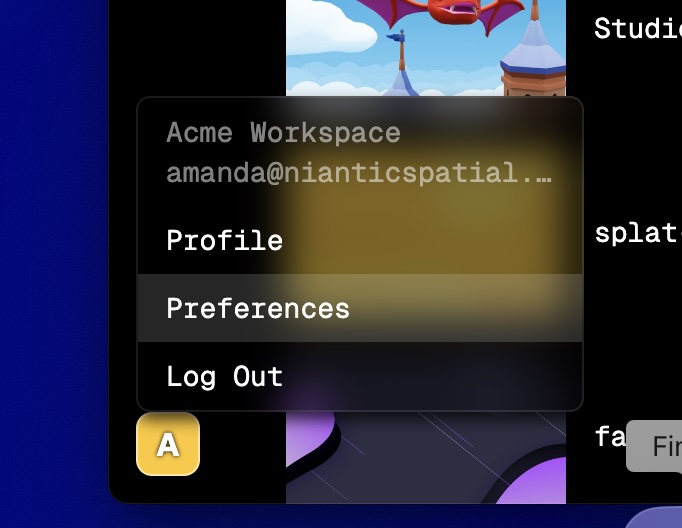 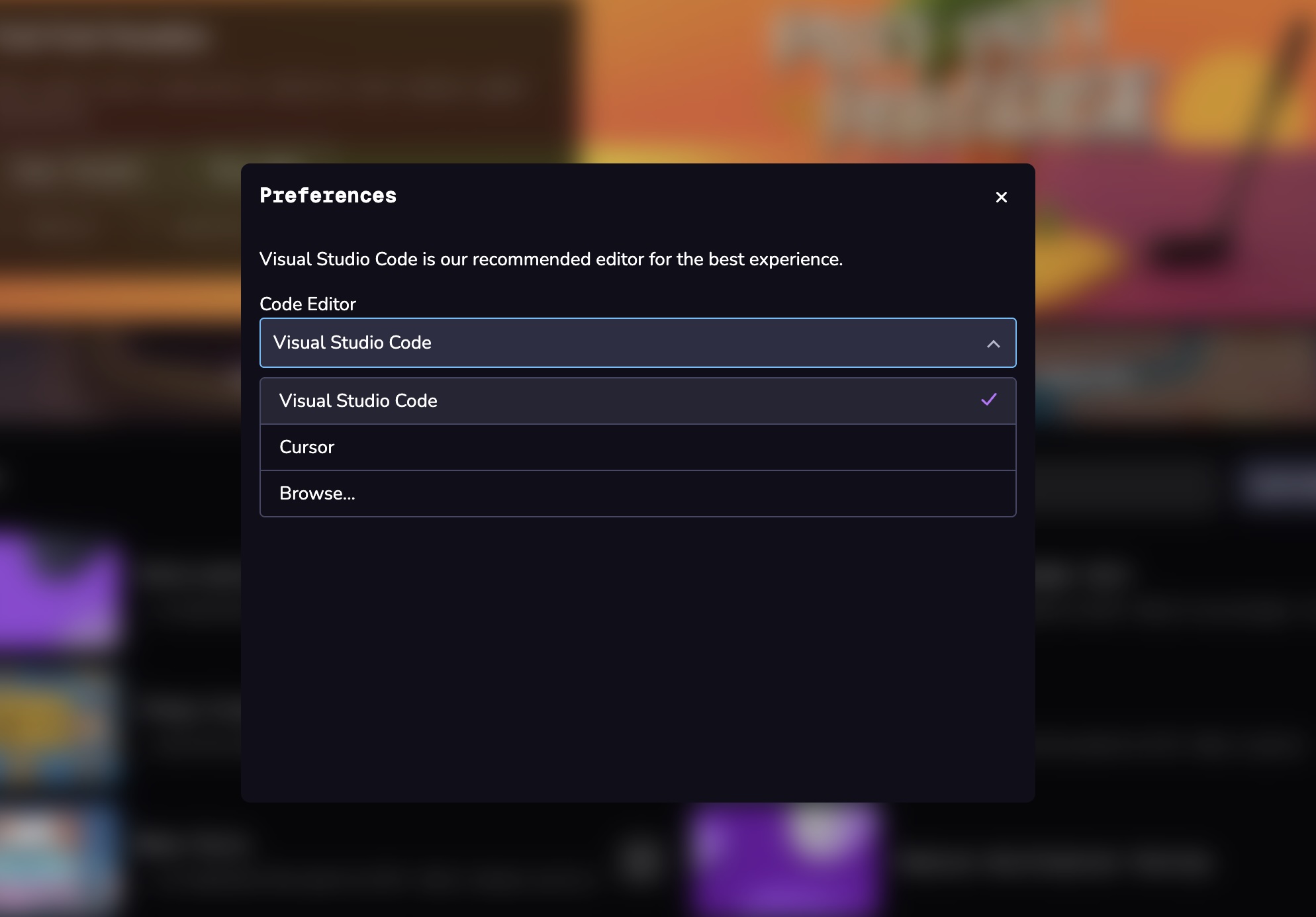
* [Download and Install](https://www.8thwall.com/docs/studio/app/installation/#download-and-install)
* [Code Editor Preferences](https://www.8thwall.com/docs/studio/app/installation/#code-editor-preferences)
---
# Face Effects Events | 8th Wall
[Skip to main content](https://www.8thwall.com/docs/api/studio/events/xr/face/#__docusaurus_skipToContent_fallback)
On this page
Types[](https://www.8thwall.com/docs/api/studio/events/xr/face/#types "Direct link to Types")
-----------------------------------------------------------------------------------------------
### TransformObject[](https://www.8thwall.com/docs/api/studio/events/xr/face/#TransformObject "Direct link to TransformObject")
| Property | Type | Description |
| --- | --- | --- |
| position | `{x, y, z}` | The 3d position of the located face. |
| rotation | `{w, x, y, z}` | The 3d local orientation of the located face. |
| scale | `Number` | A scale factor that should be applied to objects attached to this face. |
| scaledWidth | `Number` | Approximate width of the head in the scene when multiplied by scale. |
| scaledHeight | `Number` | Approximate height of the head in the scene when multiplied by scale. |
| scaledDepth | `Number` | Approximate depth of the head in the scene when multiplied by scale. |
Events[](https://www.8thwall.com/docs/api/studio/events/xr/face/#events "Direct link to Events")
--------------------------------------------------------------------------------------------------
### FACE\_LOADING[](https://www.8thwall.com/docs/api/studio/events/xr/face/#face_loading "Direct link to FACE_LOADING")
This event is emitted by Face Effects when loading begins for additional face AR resources.
#### Properties[](https://www.8thwall.com/docs/api/studio/events/xr/face/#properties "Direct link to Properties")
| Property | Type | Description |
| --- | --- | --- |
| maxDetections | `Number` | The maximum number of faces that can be simultaneously processed. |
| pointsPerDetection | `Number` | Number of vertices that will be extracted per face. |
| indices | `[{a, b, c}]` | Indexes into the vertices array that form the triangles of the requested mesh, as specified with meshGeometry on configure. |
| uvs | `[{u, v}]` | uv positions into a texture map corresponding to the returned vertex points. |
#### Example[](https://www.8thwall.com/docs/api/studio/events/xr/face/#example "Direct link to Example")
* .listen
* .onEvent
* .addEventListener
Show Context
defineState('initial-state').initial().listen(world.events.globalId, ecs.events.FACE_LOADING, (event) => { console.log('Face loading')})
### FACE\_SCANNING[](https://www.8thwall.com/docs/api/studio/events/xr/face/#face_scanning "Direct link to FACE_SCANNING")
This event is emitted by Face Effects when all face AR resources have been loaded and scanning has begun.
#### Properties[](https://www.8thwall.com/docs/api/studio/events/xr/face/#properties-1 "Direct link to Properties")
| Property | Type | Description |
| --- | --- | --- |
| maxDetections | `Number` | The maximum number of faces that can be simultaneously processed. |
| pointsPerDetection | `Number` | Number of vertices that will be extracted per face. |
| indices | `[{a, b, c}]` | Indexes into the vertices array that form the triangles of the requested mesh, as specified with meshGeometry on configure. |
| uvs | `[{u, v}]` | uv positions into a texture map corresponding to the returned vertex points. |
#### Example[](https://www.8thwall.com/docs/api/studio/events/xr/face/#example-1 "Direct link to Example")
* .listen
* .onEvent
* .addEventListener
Show Context
defineState('initial-state').initial().listen(world.events.globalId, ecs.events.FACE_SCANNING, (event) => { console.log('Face scanning')})
### FACE\_FOUND[](https://www.8thwall.com/docs/api/studio/events/xr/face/#face_found "Direct link to FACE_FOUND")
This event is emitted by Face Effects when a face is first found.
#### Properties[](https://www.8thwall.com/docs/api/studio/events/xr/face/#properties-2 "Direct link to Properties")
| Property | Type | Description |
| --- | --- | --- |
| id | `Number` | A numerical id of the located face |
| transform | [`TransformObject`](https://www.8thwall.com/docs/api/studio/events/xr/face/#TransformObject) | Transform information of the located face. |
| vertices | `[{x, y, z}]` | Position of face points, relative to transform. |
| normals | `[{x, y, z}]` | Normal direction of vertices, relative to transform. |
| attachmentPoints | `{ name, position: {x,y,z} }` | See [`XR8.FaceController.AttachmentPoints`](https://www.8thwall.com/docs/api/facecontroller/attachmentpoints/)
for list of available attachment points. `position` is relative to the transform. |
| uvsInCameraFrame | `[{u, v}]` | The list of uv positions in the camera frame corresponding to the returned vertex points. |
#### Example[](https://www.8thwall.com/docs/api/studio/events/xr/face/#example-2 "Direct link to Example")
* .listen
* .onEvent
* .addEventListener
Show Context
defineState('initial-state').initial().listen(world.events.globalId, ecs.events.FACE_FOUND, (event) => { console.log('Face found')})
### FACE\_UPDATED[](https://www.8thwall.com/docs/api/studio/events/xr/face/#face_updated "Direct link to FACE_UPDATED")
This event is emitted by Face Effects when faces are subsequently found.
#### Properties[](https://www.8thwall.com/docs/api/studio/events/xr/face/#properties-3 "Direct link to Properties")
| Property | Type | Description |
| --- | --- | --- |
| id | `Number` | A numerical id of the located face |
| transform | [`TransformObject`](https://www.8thwall.com/docs/api/studio/events/xr/face/#TransformObject) | Transform information of the located face. |
| vertices | `[{x, y, z}]` | Position of face points, relative to transform. |
| normals | `[{x, y, z}]` | Normal direction of vertices, relative to transform. |
| attachmentPoints | `{ name, position: {x,y,z} }` | See [`XR8.FaceController.AttachmentPoints`](https://www.8thwall.com/docs/api/facecontroller/attachmentpoints/)
for list of available attachment points. `position` is relative to the transform. |
| uvsInCameraFrame | `[{u, v}]` | The list of uv positions in the camera frame corresponding to the returned vertex points. |
#### Example[](https://www.8thwall.com/docs/api/studio/events/xr/face/#example-3 "Direct link to Example")
* .listen
* .onEvent
* .addEventListener
Show Context
defineState('initial-state').initial().listen(world.events.globalId, ecs.events.FACE_UPDATED, (event) => { console.log('Face updated: ', event.data.transform)})
### FACE\_LOST[](https://www.8thwall.com/docs/api/studio/events/xr/face/#face_lost "Direct link to FACE_LOST")
This event is emitted by Face Effects when a face is no longer being tracked.
#### Properties[](https://www.8thwall.com/docs/api/studio/events/xr/face/#properties-4 "Direct link to Properties")
| Property | Type | Description |
| --- | --- | --- |
| id | `Number` | A numerical id of the face that was lost. |
#### Example[](https://www.8thwall.com/docs/api/studio/events/xr/face/#example-4 "Direct link to Example")
* .listen
* .onEvent
* .addEventListener
Show Context
defineState('initial-state').initial().listen(world.events.globalId, ecs.events.FACE_LOST, (event) => { console.log('Face lost')})
### FACE\_BLINKED[](https://www.8thwall.com/docs/api/studio/events/xr/face/#face_blinked "Direct link to FACE_BLINKED")
This event is emitted by Face Effects when a tracked face's eyes blink.
#### Properties[](https://www.8thwall.com/docs/api/studio/events/xr/face/#properties-5 "Direct link to Properties")
| Property | Type | Description |
| --- | --- | --- |
| id | `Number` | A numerical id of the located face |
#### Example[](https://www.8thwall.com/docs/api/studio/events/xr/face/#example-5 "Direct link to Example")
* .listen
* .onEvent
* .addEventListener
Show Context
defineState('initial-state').initial().listen(world.events.globalId, ecs.events.FACE_BLINKED, (event) => { console.log('Blinked')})
### FACE\_INTERPUPILLARY\_DISTANCE[](https://www.8thwall.com/docs/api/studio/events/xr/face/#face_interpupillary_distance "Direct link to FACE_INTERPUPILLARY_DISTANCE")
This event is emitted by Face Effects when a tracked face's distance in millimeters between the centers of each pupil is first detected.
#### Properties[](https://www.8thwall.com/docs/api/studio/events/xr/face/#properties-6 "Direct link to Properties")
| Property | Type | Description |
| --- | --- | --- |
| id | `Number` | A numerical id of the located face. |
| interpupillaryDistance | `Number` | Approximate distance in millimeters between the centers of each pupil. |
#### Example[](https://www.8thwall.com/docs/api/studio/events/xr/face/#example-6 "Direct link to Example")
* .listen
* .onEvent
* .addEventListener
Show Context
defineState('initial-state').initial().listen(world.events.globalId, ecs.events.FACE_INTERPUPILLARY_DISTANCE, (event) => { console.log('Interpupillary distance: ', event.data.interpupillaryDistance)})
### FACE\_LEFT\_EYEBROW\_LOWERED[](https://www.8thwall.com/docs/api/studio/events/xr/face/#face_left_eyebrow_lowered "Direct link to FACE_LEFT_EYEBROW_LOWERED")
This event is emitted by Face Effects when a tracked face's distance in millimeters between the centers of each pupil is first detected.
#### Properties[](https://www.8thwall.com/docs/api/studio/events/xr/face/#properties-7 "Direct link to Properties")
| Property | Type | Description |
| --- | --- | --- |
| id | `Number` | A numerical id of the located face. |
#### Example[](https://www.8thwall.com/docs/api/studio/events/xr/face/#example-7 "Direct link to Example")
* .listen
* .onEvent
* .addEventListener
Show Context
defineState('initial-state').initial().listen(world.events.globalId, ecs.events.FACE_LEFT_EYEBROW_LOWERED, (event) => { console.log('Left eyebrow lowered')})
### FACE\_LEFT\_EYEBROW\_RAISED[](https://www.8thwall.com/docs/api/studio/events/xr/face/#face_left_eyebrow_raised "Direct link to FACE_LEFT_EYEBROW_RAISED")
This event is emitted by Face Effects when a tracked face's left eyebrow is raised from its initial position when the face was found.
#### Properties[](https://www.8thwall.com/docs/api/studio/events/xr/face/#properties-8 "Direct link to Properties")
| Property | Type | Description |
| --- | --- | --- |
| id | `Number` | A numerical id of the located face. |
#### Example[](https://www.8thwall.com/docs/api/studio/events/xr/face/#example-8 "Direct link to Example")
* .listen
* .onEvent
* .addEventListener
Show Context
defineState('initial-state').initial().listen(world.events.globalId, ecs.events.FACE_LEFT_EYEBROW_RAISED, (event) => { console.log('Left eyebrow raised')})
### FACE\_LEFT\_EYE\_CLOSED[](https://www.8thwall.com/docs/api/studio/events/xr/face/#face_left_eye_closed "Direct link to FACE_LEFT_EYE_CLOSED")
This event is emitted by Face Effects when a tracked face's left eye closes.
#### Properties[](https://www.8thwall.com/docs/api/studio/events/xr/face/#properties-9 "Direct link to Properties")
| Property | Type | Description |
| --- | --- | --- |
| id | `Number` | A numerical id of the located face. |
#### Example[](https://www.8thwall.com/docs/api/studio/events/xr/face/#example-9 "Direct link to Example")
* .listen
* .onEvent
* .addEventListener
Show Context
defineState('initial-state').initial().listen(world.events.globalId, ecs.events.FACE_LEFT_EYE_CLOSED, (event) => { console.log('Left eye closed')})
### FACE\_LEFT\_EYE\_OPENED[](https://www.8thwall.com/docs/api/studio/events/xr/face/#face_left_eye_opened "Direct link to FACE_LEFT_EYE_OPENED")
This event is emitted by Face Effects when a tracked face's left eye opens.
#### Properties[](https://www.8thwall.com/docs/api/studio/events/xr/face/#properties-10 "Direct link to Properties")
| Property | Type | Description |
| --- | --- | --- |
| id | `Number` | A numerical id of the located face. |
#### Example[](https://www.8thwall.com/docs/api/studio/events/xr/face/#example-10 "Direct link to Example")
* .listen
* .onEvent
* .addEventListener
Show Context
defineState('initial-state').initial().listen(world.events.globalId, ecs.events.FACE_LEFT_EYE_OPENED, (event) => { console.log('Left eye opened')})
### FACE\_LEFT\_EYE\_WINKED[](https://www.8thwall.com/docs/api/studio/events/xr/face/#face_left_eye_winked "Direct link to FACE_LEFT_EYE_WINKED")
This event is emitted by Face Effects when a tracked face's left eye closes and opens within 750ms while the right eye remains open.
#### Properties[](https://www.8thwall.com/docs/api/studio/events/xr/face/#properties-11 "Direct link to Properties")
| Property | Type | Description |
| --- | --- | --- |
| id | `Number` | A numerical id of the located face. |
#### Example[](https://www.8thwall.com/docs/api/studio/events/xr/face/#example-11 "Direct link to Example")
* .listen
* .onEvent
* .addEventListener
Show Context
defineState('initial-state').initial().listen(world.events.globalId, ecs.events.FACE_LEFT_EYE_WINKED, (event) => { console.log('Left eye winked')})
### FACE\_MOUTH\_CLOSED[](https://www.8thwall.com/docs/api/studio/events/xr/face/#face_mouth_closed "Direct link to FACE_MOUTH_CLOSED")
This event is emitted by Face Effects when a tracked face's mouth closes.
#### Properties[](https://www.8thwall.com/docs/api/studio/events/xr/face/#properties-12 "Direct link to Properties")
| Property | Type | Description |
| --- | --- | --- |
| id | `Number` | A numerical id of the located face. |
#### Example[](https://www.8thwall.com/docs/api/studio/events/xr/face/#example-12 "Direct link to Example")
* .listen
* .onEvent
* .addEventListener
Show Context
defineState('initial-state').initial().listen(world.events.globalId, ecs.events.FACE_MOUTH_CLOSED, (event) => { console.log('Mouth closed')})
### FACE\_MOUTH\_OPENED[](https://www.8thwall.com/docs/api/studio/events/xr/face/#face_mouth_opened "Direct link to FACE_MOUTH_OPENED")
This event is emitted by Face Effects when a tracked face's mouth opens.
#### Properties[](https://www.8thwall.com/docs/api/studio/events/xr/face/#properties-13 "Direct link to Properties")
| Property | Type | Description |
| --- | --- | --- |
| id | `Number` | A numerical id of the located face. |
#### Example[](https://www.8thwall.com/docs/api/studio/events/xr/face/#example-13 "Direct link to Example")
* .listen
* .onEvent
* .addEventListener
Show Context
defineState('initial-state').initial().listen(world.events.globalId, ecs.events.FACE_MOUTH_OPENED, (event) => { console.log('Mouth opened')})
### FACE\_RIGHT\_EYEBROW\_LOWERED[](https://www.8thwall.com/docs/api/studio/events/xr/face/#face_right_eyebrow_lowered "Direct link to FACE_RIGHT_EYEBROW_LOWERED")
This event is emitted by Face Effects when a tracked face's right eyebrow is lowered to its initial position when the face was found.
#### Properties[](https://www.8thwall.com/docs/api/studio/events/xr/face/#properties-14 "Direct link to Properties")
| Property | Type | Description |
| --- | --- | --- |
| id | `Number` | A numerical id of the located face. |
#### Example[](https://www.8thwall.com/docs/api/studio/events/xr/face/#example-14 "Direct link to Example")
* .listen
* .onEvent
* .addEventListener
Show Context
defineState('initial-state').initial().listen(world.events.globalId, ecs.events.FACE_RIGHT_EYEBROW_LOWERED, (event) => { console.log('Right eyebrow lowered')})
### FACE\_RIGHT\_EYEBROW\_RAISED[](https://www.8thwall.com/docs/api/studio/events/xr/face/#face_right_eyebrow_raised "Direct link to FACE_RIGHT_EYEBROW_RAISED")
This event is emitted by Face Effects when a tracked face's right eyebrow is raised from its initial position when the face was found.
#### Properties[](https://www.8thwall.com/docs/api/studio/events/xr/face/#properties-15 "Direct link to Properties")
| Property | Type | Description |
| --- | --- | --- |
| id | `Number` | A numerical id of the located face. |
#### Example[](https://www.8thwall.com/docs/api/studio/events/xr/face/#example-15 "Direct link to Example")
* .listen
* .onEvent
* .addEventListener
Show Context
defineState('initial-state').initial().listen(world.events.globalId, ecs.events.FACE_RIGHT_EYEBROW_RAISED, (event) => { console.log('Right eyebrow raised')})
### FACE\_RIGHT\_EYE\_CLOSED[](https://www.8thwall.com/docs/api/studio/events/xr/face/#face_right_eye_closed "Direct link to FACE_RIGHT_EYE_CLOSED")
This event is emitted by Face Effects when a tracked face's right eye closes.
#### Properties[](https://www.8thwall.com/docs/api/studio/events/xr/face/#properties-16 "Direct link to Properties")
| Property | Type | Description |
| --- | --- | --- |
| id | `Number` | A numerical id of the located face. |
#### Example[](https://www.8thwall.com/docs/api/studio/events/xr/face/#example-16 "Direct link to Example")
* .listen
* .onEvent
* .addEventListener
Show Context
defineState('initial-state').initial().listen(world.events.globalId, ecs.events.FACE_RIGHT_EYE_CLOSED, (event) => { console.log('Right eye closed')})
### FACE\_RIGHT\_EYE\_OPENED[](https://www.8thwall.com/docs/api/studio/events/xr/face/#face_right_eye_opened "Direct link to FACE_RIGHT_EYE_OPENED")
This event is emitted by Face Effects when a tracked face's right eye opens.
#### Properties[](https://www.8thwall.com/docs/api/studio/events/xr/face/#properties-17 "Direct link to Properties")
| Property | Type | Description |
| --- | --- | --- |
| id | `Number` | A numerical id of the located face. |
#### Example[](https://www.8thwall.com/docs/api/studio/events/xr/face/#example-17 "Direct link to Example")
* .listen
* .onEvent
* .addEventListener
Show Context
defineState('initial-state').initial().listen(world.events.globalId, ecs.events.FACE_RIGHT_EYE_OPENED, (event) => { console.log('Right eye opened')})
### FACE\_RIGHT\_EYE\_WINKED[](https://www.8thwall.com/docs/api/studio/events/xr/face/#face_right_eye_winked "Direct link to FACE_RIGHT_EYE_WINKED")
This event is emitted by Face Effects when a tracked face's right eye closes and opens within 750ms while the left eye remains open.
#### Properties[](https://www.8thwall.com/docs/api/studio/events/xr/face/#properties-18 "Direct link to Properties")
| Property | Type | Description |
| --- | --- | --- |
| id | `Number` | A numerical id of the located face. |
#### Example[](https://www.8thwall.com/docs/api/studio/events/xr/face/#example-18 "Direct link to Example")
* .listen
* .onEvent
* .addEventListener
Show Context
defineState('initial-state').initial().listen(world.events.globalId, ecs.events.FACE_RIGHT_EYE_WINKED, (event) => { console.log('Right eye winked')})
### FACE\_EAR\_POINT\_FOUND[](https://www.8thwall.com/docs/api/studio/events/xr/face/#face_ear_point_found "Direct link to FACE_EAR_POINT_FOUND")
This event is emitted by Face Effects when an ear point is found.
#### Properties[](https://www.8thwall.com/docs/api/studio/events/xr/face/#properties-19 "Direct link to Properties")
| Property | Type | Description |
| --- | --- | --- |
| id | `Number` | A numerical id of the located face |
| point | `String` | Ear point name. One of the following: `leftLobe`, `leftCanal`, `leftHelix`, `rightLobe`, `rightCanal`, `rightHelix` |
#### Example[](https://www.8thwall.com/docs/api/studio/events/xr/face/#example-19 "Direct link to Example")
* .listen
* .onEvent
* .addEventListener
Show Context
defineState('initial-state').initial().listen(world.events.globalId, ecs.events.FACE_EAR_POINT_FOUND, (event) => { console.log('Ear point found: ', event.data.point)})
### FACE\_EAR\_POINT\_LOST[](https://www.8thwall.com/docs/api/studio/events/xr/face/#face_ear_point_lost "Direct link to FACE_EAR_POINT_LOST")
This event is emitted by Face Effects when an ear point is lost.
#### Properties[](https://www.8thwall.com/docs/api/studio/events/xr/face/#properties-20 "Direct link to Properties")
| Property | Type | Description |
| --- | --- | --- |
| id | `Number` | A numerical id of the located face |
| point | `String` | Ear point name. One of the following: `leftLobe`, `leftCanal`, `leftHelix`, `rightLobe`, `rightCanal`, `rightHelix` |
#### Example[](https://www.8thwall.com/docs/api/studio/events/xr/face/#example-20 "Direct link to Example")
* .listen
* .onEvent
* .addEventListener
Show Context
defineState('initial-state').initial().listen(world.events.globalId, ecs.events.FACE_EAR_POINT_LOST, (event) => { console.log('Ear point lost: ', event.data.point)})
* [Types](https://www.8thwall.com/docs/api/studio/events/xr/face/#types)
* [TransformObject](https://www.8thwall.com/docs/api/studio/events/xr/face/#TransformObject)
* [Events](https://www.8thwall.com/docs/api/studio/events/xr/face/#events)
* [FACE\_LOADING](https://www.8thwall.com/docs/api/studio/events/xr/face/#face_loading)
* [FACE\_SCANNING](https://www.8thwall.com/docs/api/studio/events/xr/face/#face_scanning)
* [FACE\_FOUND](https://www.8thwall.com/docs/api/studio/events/xr/face/#face_found)
* [FACE\_UPDATED](https://www.8thwall.com/docs/api/studio/events/xr/face/#face_updated)
* [FACE\_LOST](https://www.8thwall.com/docs/api/studio/events/xr/face/#face_lost)
* [FACE\_BLINKED](https://www.8thwall.com/docs/api/studio/events/xr/face/#face_blinked)
* [FACE\_INTERPUPILLARY\_DISTANCE](https://www.8thwall.com/docs/api/studio/events/xr/face/#face_interpupillary_distance)
* [FACE\_LEFT\_EYEBROW\_LOWERED](https://www.8thwall.com/docs/api/studio/events/xr/face/#face_left_eyebrow_lowered)
* [FACE\_LEFT\_EYEBROW\_RAISED](https://www.8thwall.com/docs/api/studio/events/xr/face/#face_left_eyebrow_raised)
* [FACE\_LEFT\_EYE\_CLOSED](https://www.8thwall.com/docs/api/studio/events/xr/face/#face_left_eye_closed)
* [FACE\_LEFT\_EYE\_OPENED](https://www.8thwall.com/docs/api/studio/events/xr/face/#face_left_eye_opened)
* [FACE\_LEFT\_EYE\_WINKED](https://www.8thwall.com/docs/api/studio/events/xr/face/#face_left_eye_winked)
* [FACE\_MOUTH\_CLOSED](https://www.8thwall.com/docs/api/studio/events/xr/face/#face_mouth_closed)
* [FACE\_MOUTH\_OPENED](https://www.8thwall.com/docs/api/studio/events/xr/face/#face_mouth_opened)
* [FACE\_RIGHT\_EYEBROW\_LOWERED](https://www.8thwall.com/docs/api/studio/events/xr/face/#face_right_eyebrow_lowered)
* [FACE\_RIGHT\_EYEBROW\_RAISED](https://www.8thwall.com/docs/api/studio/events/xr/face/#face_right_eyebrow_raised)
* [FACE\_RIGHT\_EYE\_CLOSED](https://www.8thwall.com/docs/api/studio/events/xr/face/#face_right_eye_closed)
* [FACE\_RIGHT\_EYE\_OPENED](https://www.8thwall.com/docs/api/studio/events/xr/face/#face_right_eye_opened)
* [FACE\_RIGHT\_EYE\_WINKED](https://www.8thwall.com/docs/api/studio/events/xr/face/#face_right_eye_winked)
* [FACE\_EAR\_POINT\_FOUND](https://www.8thwall.com/docs/api/studio/events/xr/face/#face_ear_point_found)
* [FACE\_EAR\_POINT\_LOST](https://www.8thwall.com/docs/api/studio/events/xr/face/#face_ear_point_lost)
---
# Using the 8th Wall App | 8th Wall
[Skip to main content](https://www.8thwall.com/docs/studio/app/introduction/#__docusaurus_skipToContent_fallback)
On this page
Public Beta
The **8th Wall desktop app is in Public Beta** and functionality may change in a future release. Your feedback is appreciated and we have a [dedicated support forum for the desktop app beta users](https://forum.8thwall.com/c/desktop-beta/17)
–please report any issues you encounter or suggestions here.
After initial login to 8th Wall via the desktop app, you will see existing projects you’ve created in the hub view. If you are a member of multiple workspaces you can switch the workspace using the drop down in top left of the hub. To create a new Project, click the **New Project** button at the top right of the hub.

Projects[](https://www.8thwall.com/docs/studio/app/introduction/#projects "Direct link to Projects")
------------------------------------------------------------------------------------------------------
In the Studio hub view, you can move, delete, and find projects using the Project Actions menu `(...)`:
* **Reveal in finder**: opens your local file browser to project’s location
* **Remove from disk**: deletes your project’s local files (the project will remain available on web as of its last cloud build)
* **Change disk location**: opens your file browser to select a new folder location for your project to move to
* **Project settings**: opens your project settings on the web for actions like renaming the project, creating a description or changing the cover image, and more.
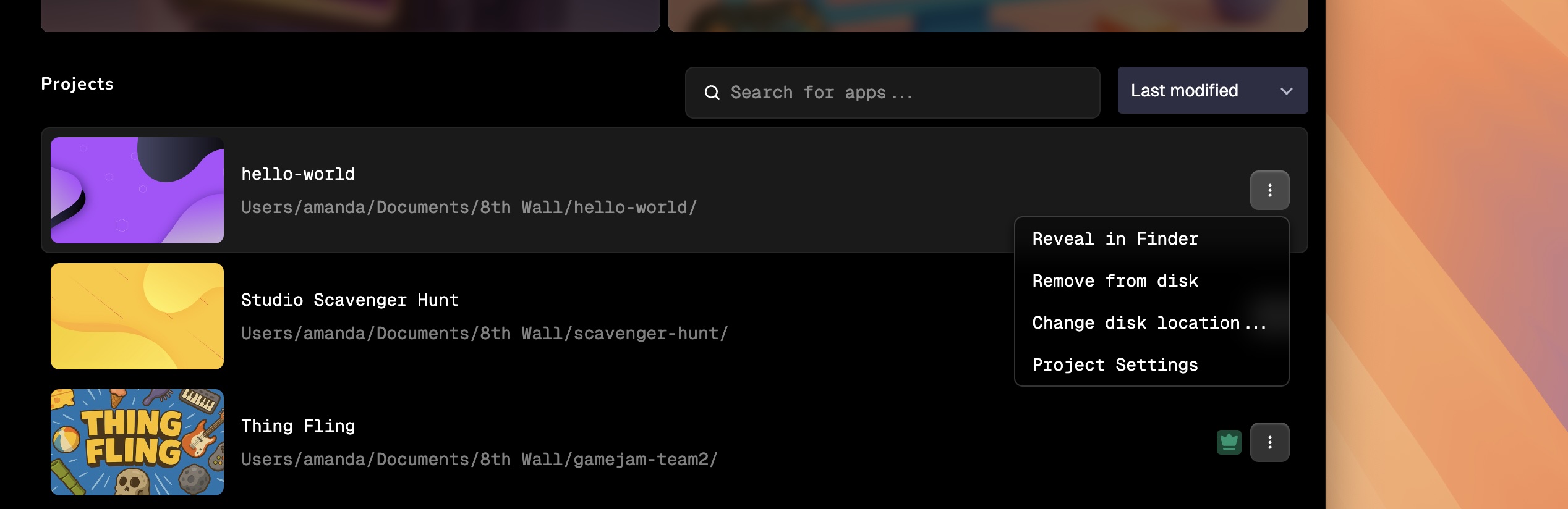
Project Structure[](https://www.8thwall.com/docs/studio/app/introduction/#project-structure "Direct link to Project Structure")
---------------------------------------------------------------------------------------------------------------------------------
When you create or open a project for the first time, a local version of the project is added on your machine within `~/Documents/8th Wall/`. By default, the 8th Wall folder is created within your Documents folder, but you can change this by moving the 8th Wall folder to another location if preferred.
The folder created for your project will include certain files and folders by default. The `src` folder mirrors the Project file directory you see in Studio. This folder is a directory within your project's file structure where you store files like component scripts, as well as assets like images, fonts, sounds, or other media that your project needs.
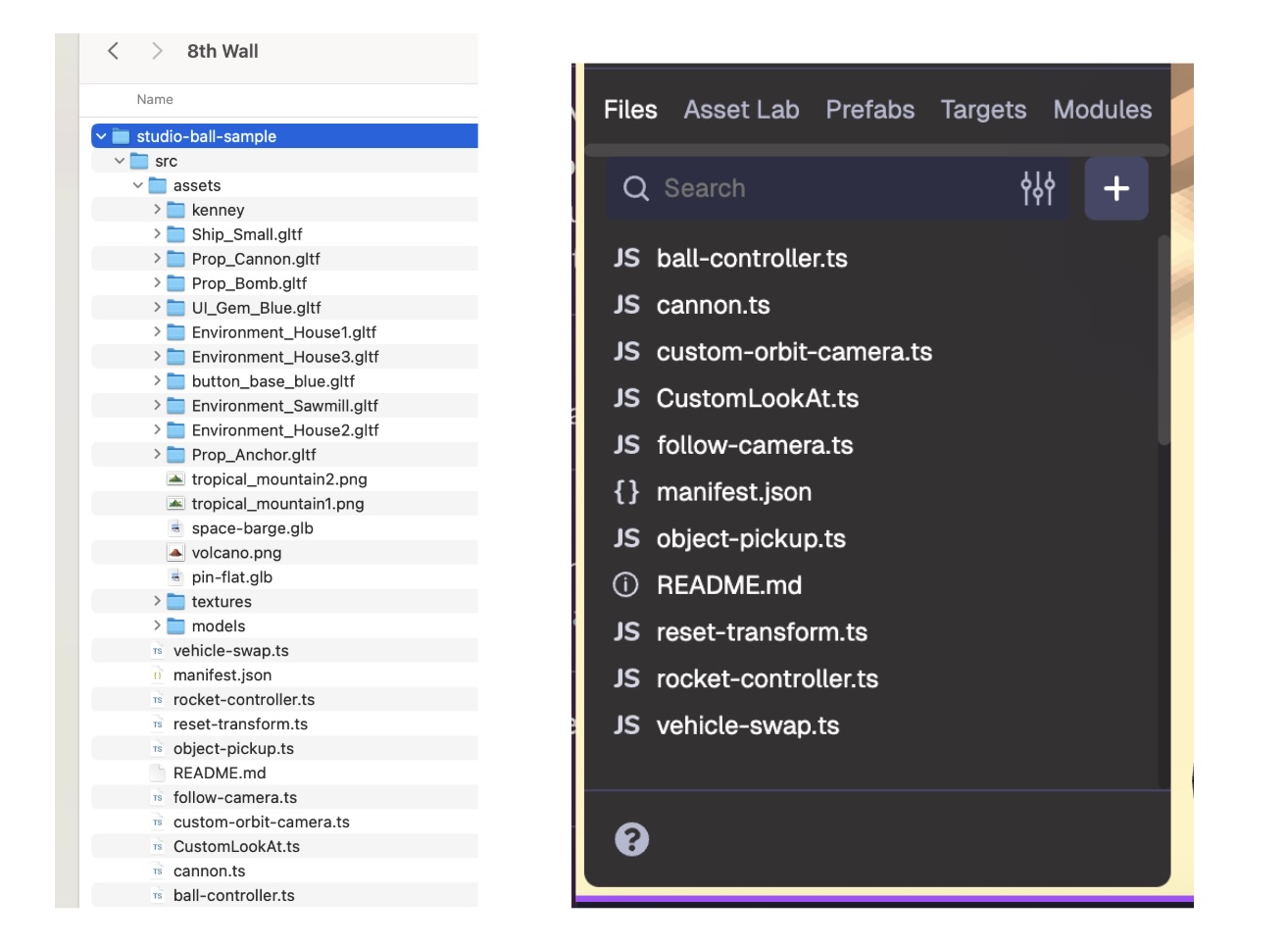
info
Do not attempt to copy these files to another server, your project will not run as expected. To publish and share your experience, you must use 8th Wall’s build and hosting process.
The desktop app listens for changes to your local directory in real time. For example, if you use VSCode to update a project’s `component.ts` file, as soon as you save the file, you should see the updated file appear in Studio.
Similarly, you can work within 3D modeling tools like Blender and Maya and save asset changes directly to your 8th Wall project. This enables you to work across different programs and create a single streamlined pipeline, so your workflow stays intact from start to finish.
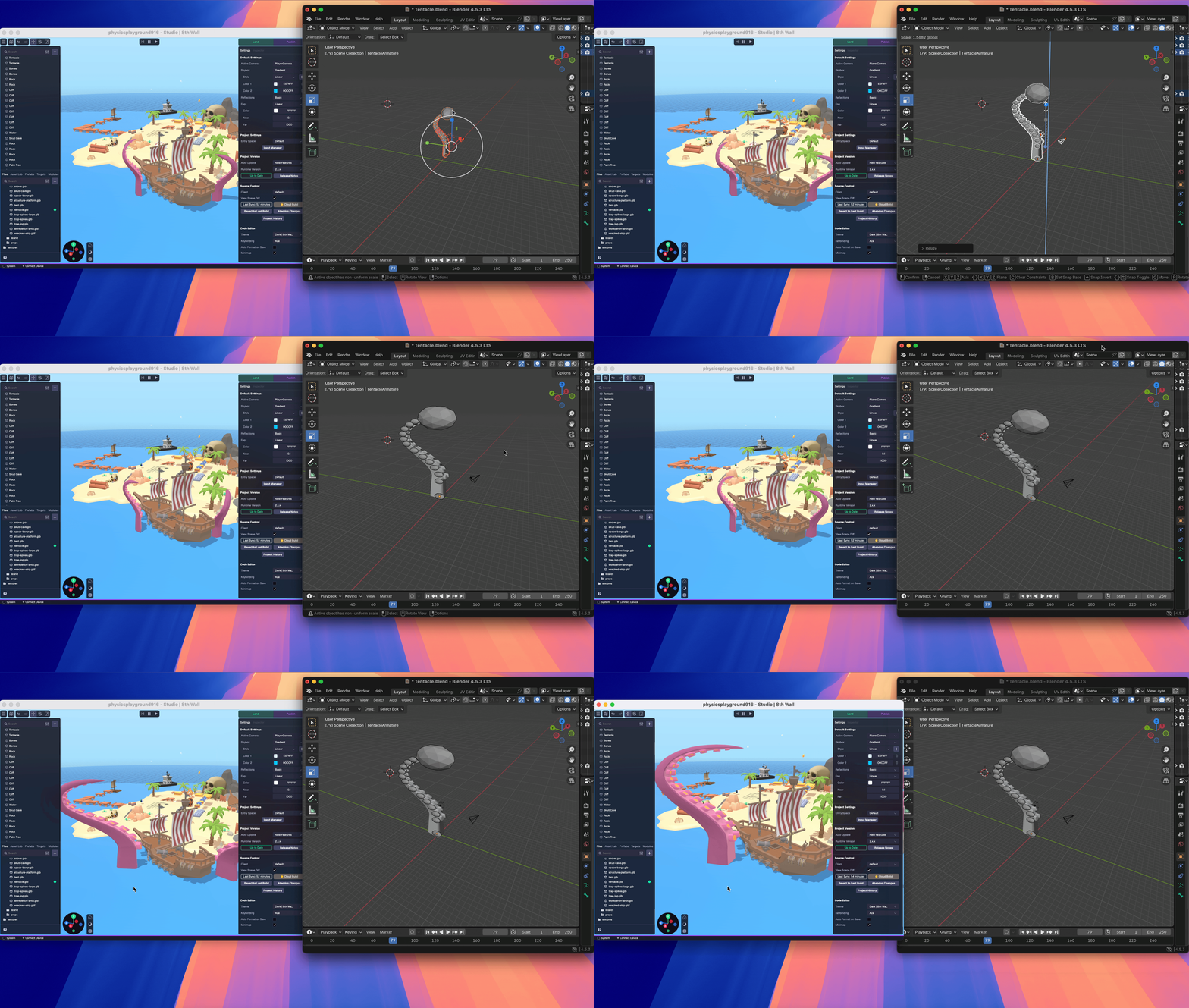
Source Control[](https://www.8thwall.com/docs/studio/app/introduction/#source-control "Direct link to Source Control")
------------------------------------------------------------------------------------------------------------------------
There are some important differences to note when using the desktop version of Studio versus the web version.
First, you will not see a **Build** button on the top right nav bar like you see in Studio on web. This is because Studio on desktop automatically saves changes as you go and does not need to use cloud servers to compile your changes and rebuild your project.
When you want to sync your project changes to the cloud, you can access the **Cloud Build** function in the Project Settings under **Source Control**. For example, you may want to switch to the web version of Studio to continue working. You can select the Cloud Build button to sync your latest changes, and then find those changes on the web version of Studio. Learn more about Source Control functionality [here](https://www.8thwall.com/docs/studio/getting-started/build-land/)
.
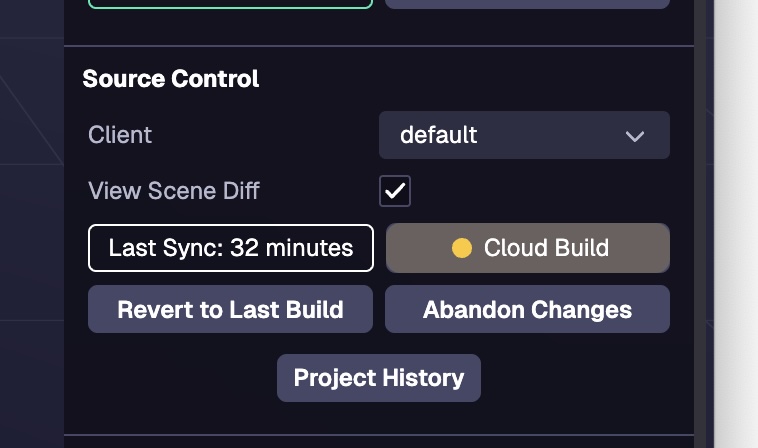
* [Projects](https://www.8thwall.com/docs/studio/app/introduction/#projects)
* [Project Structure](https://www.8thwall.com/docs/studio/app/introduction/#project-structure)
* [Source Control](https://www.8thwall.com/docs/studio/app/introduction/#source-control)
---
# Troubleshooting | 8th Wall
[Skip to main content](https://www.8thwall.com/docs/studio/app/troubleshooting/#__docusaurus_skipToContent_fallback)
On this page
Public Beta
The **8th Wall desktop app is in Public Beta** and functionality may change in a future release. Your feedback is appreciated and we have a [dedicated support forum for the desktop app beta users](https://forum.8thwall.com/c/desktop-beta/17)
–please report any issues you encounter or suggestions here.
Limitations[](https://www.8thwall.com/docs/studio/app/troubleshooting/#limitations "Direct link to Limitations")
------------------------------------------------------------------------------------------------------------------
* Project directories can not be hosted on an external server, they must use 8th Wall’s build and hosting process.
Known Issues[](https://www.8thwall.com/docs/studio/app/troubleshooting/#known-issues "Direct link to Known Issues")
---------------------------------------------------------------------------------------------------------------------
* Modules are not supported at this time.
* Modifying asset bundles is not supported at this time.
* Projects cannot be set up or opened if the name of the project matches an existing project that was previously set up. This scenario may happen if you are a member of multiple workspaces with different projects that share the same name.
* External (shared) projects cannot be opened in the desktop app. Learn more about external project sharing [here](https://www.8thwall.com/docs/account/projects/project-sharing/)
.
* Switching clients while the simulator is running will cause the simulator to infinitely hang in the "Initializing" state. You can close the project and reopen it if you enter this state.
Reload[](https://www.8thwall.com/docs/studio/app/troubleshooting/#reload "Direct link to Reload")
---------------------------------------------------------------------------------------------------
You can relead and force reload the 8th Wall Desktop App from the **View** menu or using keyboard shortcuts.
* [Limitations](https://www.8thwall.com/docs/studio/app/troubleshooting/#limitations)
* [Known Issues](https://www.8thwall.com/docs/studio/app/troubleshooting/#known-issues)
* [Reload](https://www.8thwall.com/docs/studio/app/troubleshooting/#reload)
---
# XR8.runPostRender() | 8th Wall
[Skip to main content](https://www.8thwall.com/docs/api/engine/xr8/runpostrender/#__docusaurus_skipToContent_fallback)
On this page
`XR8.runPostRender()`
Description[](https://www.8thwall.com/docs/api/engine/xr8/runpostrender/#description "Direct link to Description")
--------------------------------------------------------------------------------------------------------------------
Executes all lifecycle updates that should happen after rendering.
**IMPORTANT**: Make sure that [`onStart`](https://www.8thwall.com/docs/api/engine/camerapipelinemodule/onstart/)
has been called before calling `XR8.runPreRender()` / `XR8.runPostRender()`.
Parameters[](https://www.8thwall.com/docs/api/engine/xr8/runpostrender/#parameters "Direct link to Parameters")
-----------------------------------------------------------------------------------------------------------------
None
Returns[](https://www.8thwall.com/docs/api/engine/xr8/runpostrender/#returns "Direct link to Returns")
--------------------------------------------------------------------------------------------------------
None
Example[](https://www.8thwall.com/docs/api/engine/xr8/runpostrender/#example "Direct link to Example")
--------------------------------------------------------------------------------------------------------
// Implement A-Frame components tock() methodfunction tock() { // Check whether XR is initialized ... // Run XR lifecycle methods XR8.runPostRender()}
* [Description](https://www.8thwall.com/docs/api/engine/xr8/runpostrender/#description)
* [Parameters](https://www.8thwall.com/docs/api/engine/xr8/runpostrender/#parameters)
* [Returns](https://www.8thwall.com/docs/api/engine/xr8/runpostrender/#returns)
* [Example](https://www.8thwall.com/docs/api/engine/xr8/runpostrender/#example)
---
# Generate Animated Characters | 8th Wall
[Skip to main content](https://www.8thwall.com/docs/studio/asset-lab/generate-characters/#__docusaurus_skipToContent_fallback)
On this page
Asset Lab currently supports rigging and animating **humanoid bipedal** 3D character models.
To generate a rigged and animated character model, you must first generate a 3D character model in an T-pose, from multiple images, to use as input.
Step 1: Generate Image Inputs[](https://www.8thwall.com/docs/studio/asset-lab/generate-characters/#step-1-generate-image-inputs "Direct link to Step 1: Generate Image Inputs")
---------------------------------------------------------------------------------------------------------------------------------------------------------------------------------
It is required to use GPT-Image-1 for generating image inputs for Animated characters. See [Generate Images](https://www.8thwall.com/docs/studio/asset-lab/generate-models/)
for more details.
Use **GPT-Image-1** to generate multi-view character images in a T-pose:
1. Front view
2. Right, left, and back views
Then click **Send to 3D Model**.
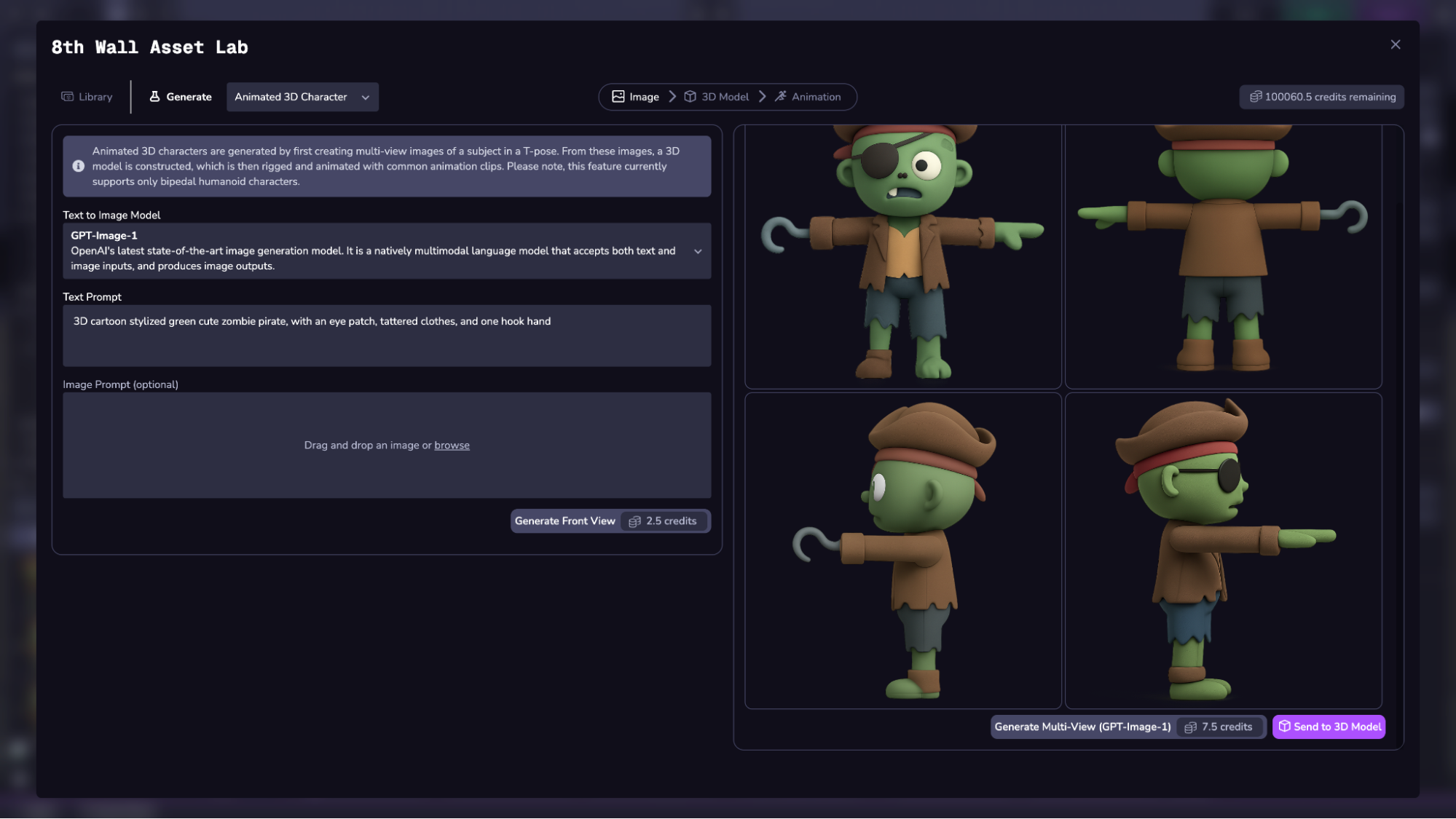
Step 2: Generate 3D Model[](https://www.8thwall.com/docs/studio/asset-lab/generate-characters/#step-2-generate-3d-model "Direct link to Step 2: Generate 3D Model")
---------------------------------------------------------------------------------------------------------------------------------------------------------------------
Select a supported 3D generation model. See [Generate 3D Models](https://www.8thwall.com/docs/studio/asset-lab/generate-models/)
for more details.
Select the Generate button to process the request.
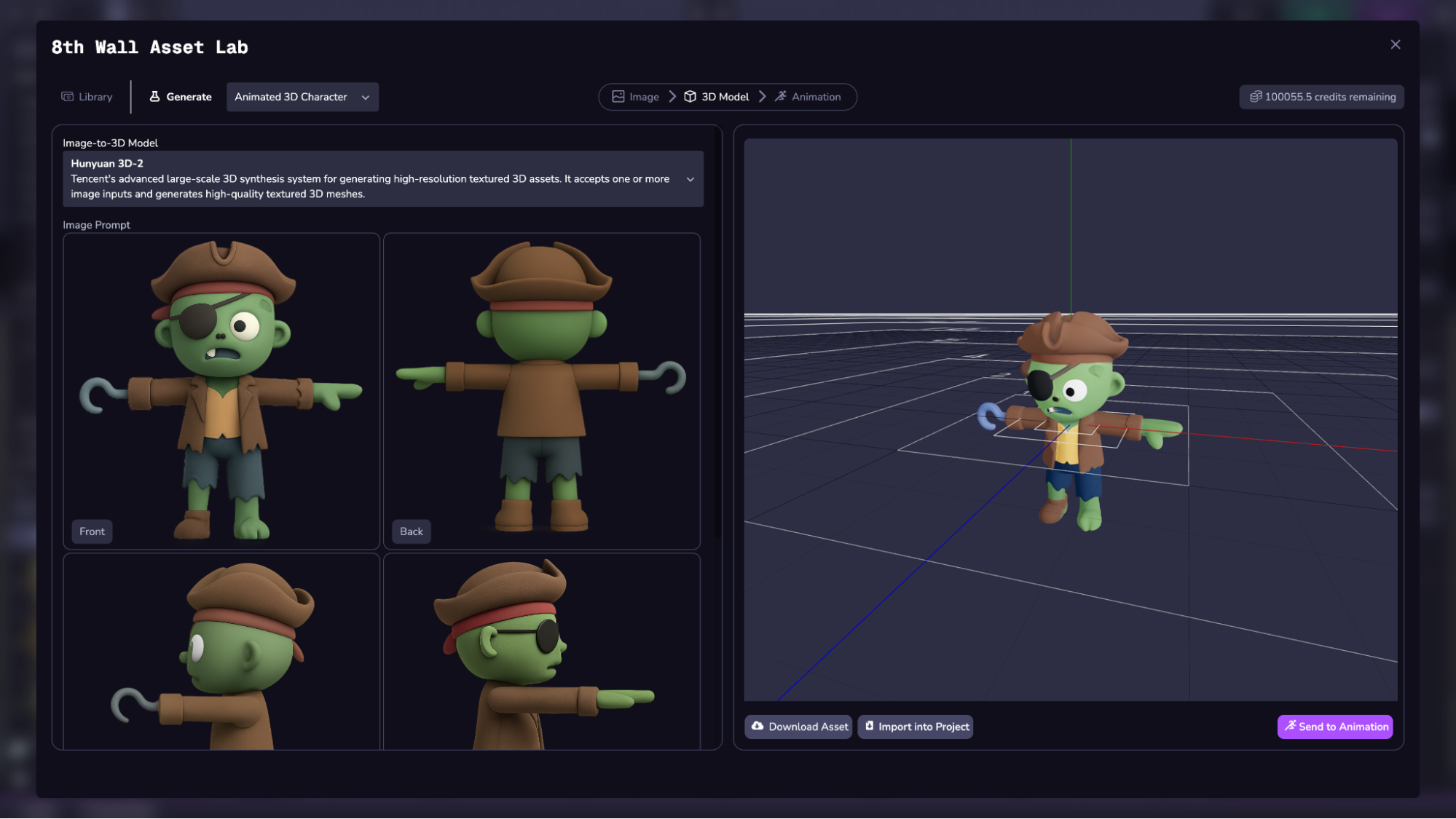
Once complete, click **Send to Animation**.
Step 3: Rig and Animate[](https://www.8thwall.com/docs/studio/asset-lab/generate-characters/#step-3-rig-and-animate "Direct link to Step 3: Rig and Animate")
---------------------------------------------------------------------------------------------------------------------------------------------------------------
Currently supports rigging via **Meshy**. Input must be a bipedal humanoid with clearly defined limbs.
Returns the following animation clips:
* Walk
* Run
* Idle
* Jump
* Attack
* Death
* Zombie Walk
* Dance
Click **Rig + Animate** to process (may take up to 2 minutes).
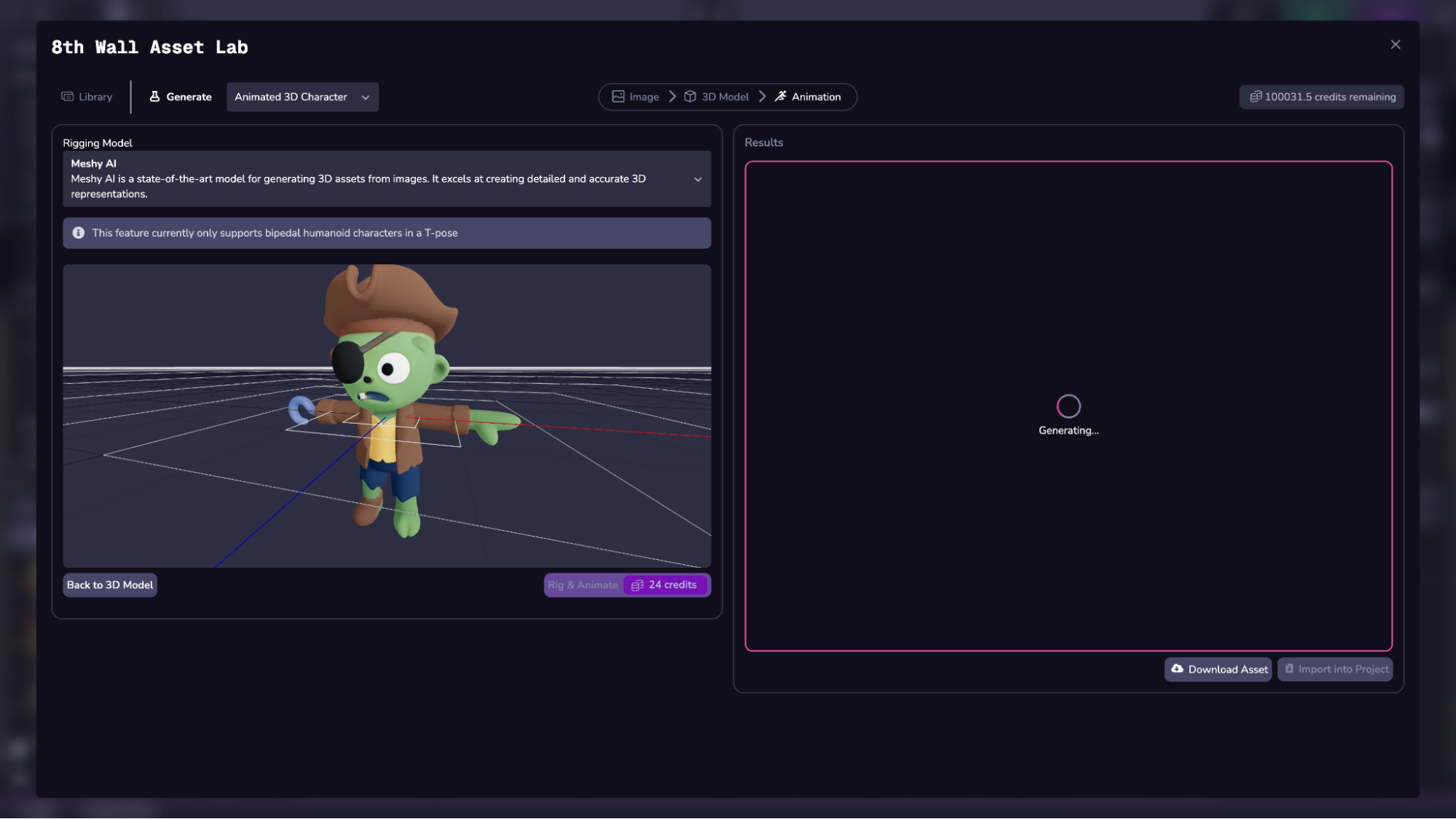
Step 4: Import into Project[](https://www.8thwall.com/docs/studio/asset-lab/generate-characters/#step-4-import-into-project "Direct link to Step 4: Import into Project")
---------------------------------------------------------------------------------------------------------------------------------------------------------------------------
Use the import or download buttons to save your rigged model.
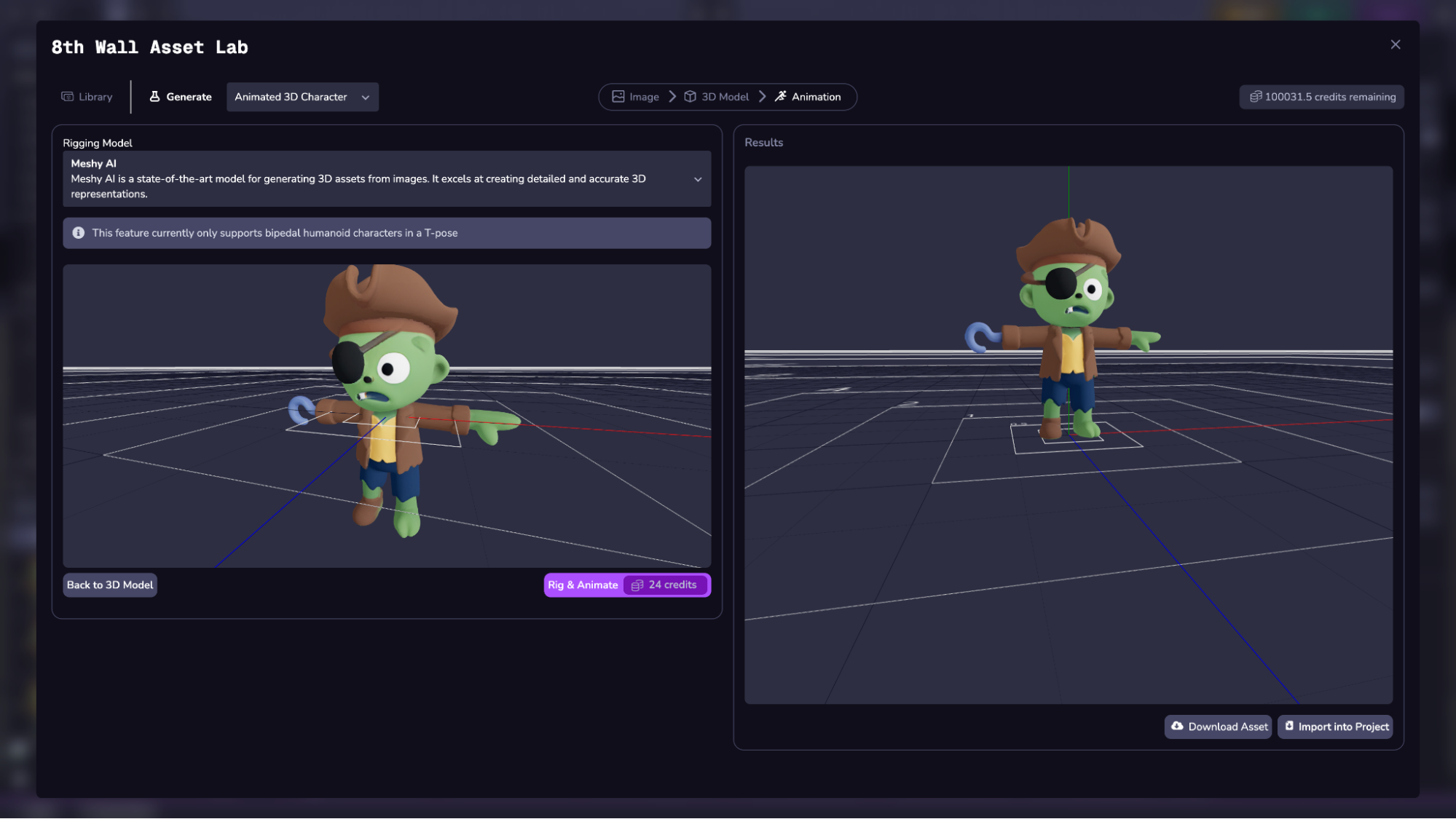
Filter for **Animated Characters** in the Library to find them.
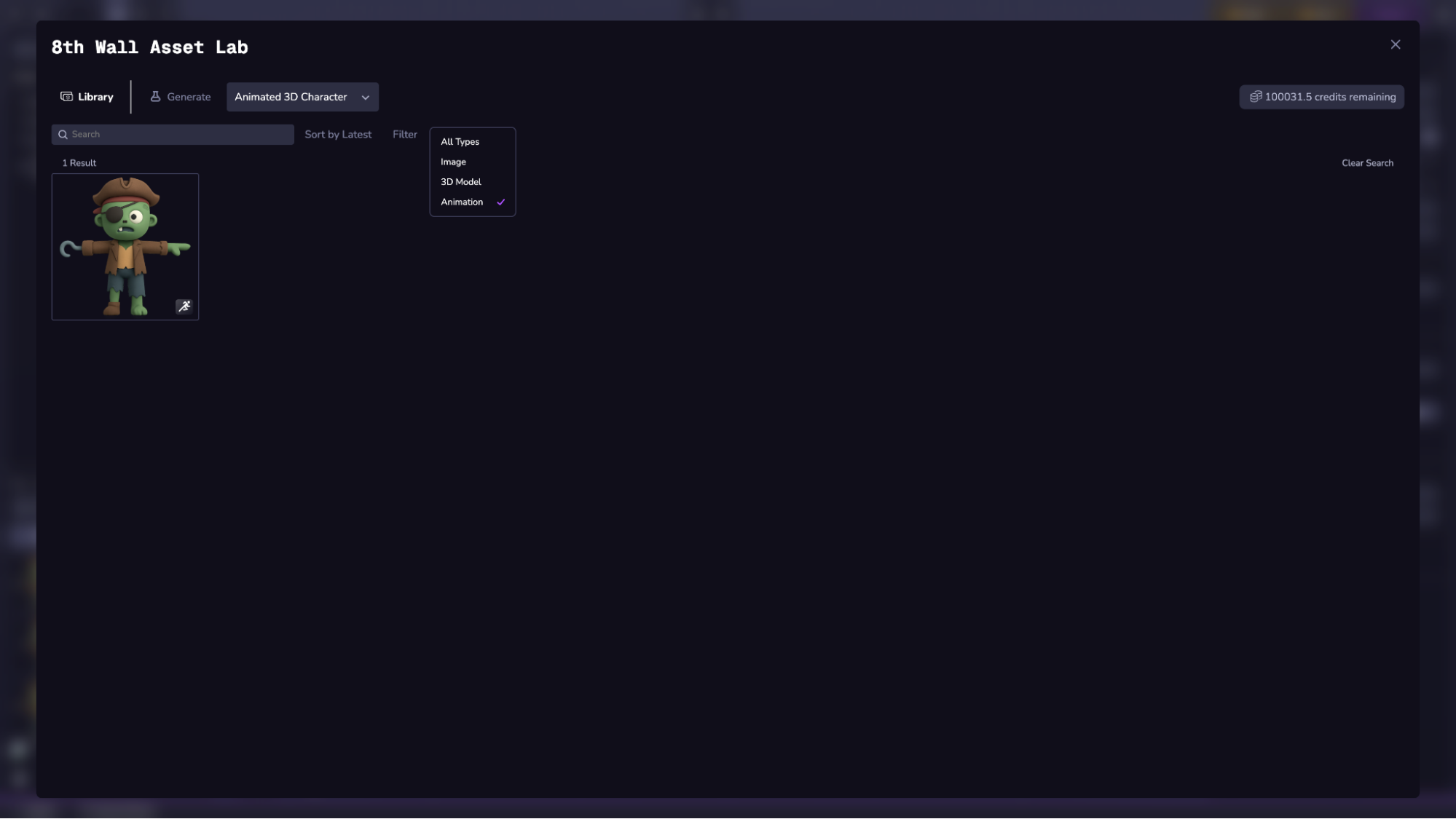
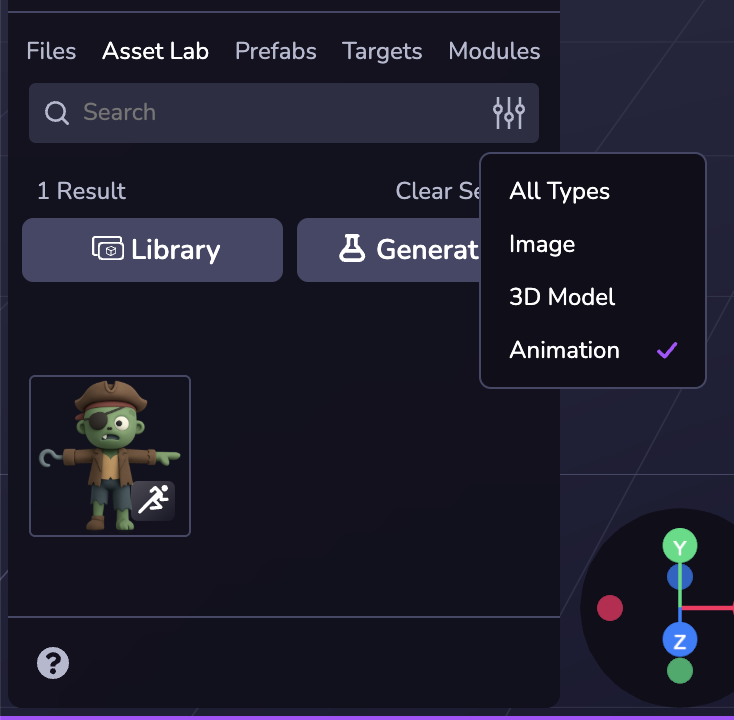
* [Step 1: Generate Image Inputs](https://www.8thwall.com/docs/studio/asset-lab/generate-characters/#step-1-generate-image-inputs)
* [Step 2: Generate 3D Model](https://www.8thwall.com/docs/studio/asset-lab/generate-characters/#step-2-generate-3d-model)
* [Step 3: Rig and Animate](https://www.8thwall.com/docs/studio/asset-lab/generate-characters/#step-3-rig-and-animate)
* [Step 4: Import into Project](https://www.8thwall.com/docs/studio/asset-lab/generate-characters/#step-4-import-into-project)
---
# Generate 3D Models | 8th Wall
[Skip to main content](https://www.8thwall.com/docs/studio/asset-lab/generate-models/#__docusaurus_skipToContent_fallback)
On this page
To generate a 3D model (`.glb` format), you must first generate an image or multiple images to use as input. 3D models are generated from either a single image or multi-view image set.
This process works best with individual subjects like objects or buildings, not entire scenes.
Step 1: Generate Image Inputs[](https://www.8thwall.com/docs/studio/asset-lab/generate-models/#step-1-generate-image-inputs "Direct link to Step 1: Generate Image Inputs")
-----------------------------------------------------------------------------------------------------------------------------------------------------------------------------
Begin by selecting a model using the dropdown menu.
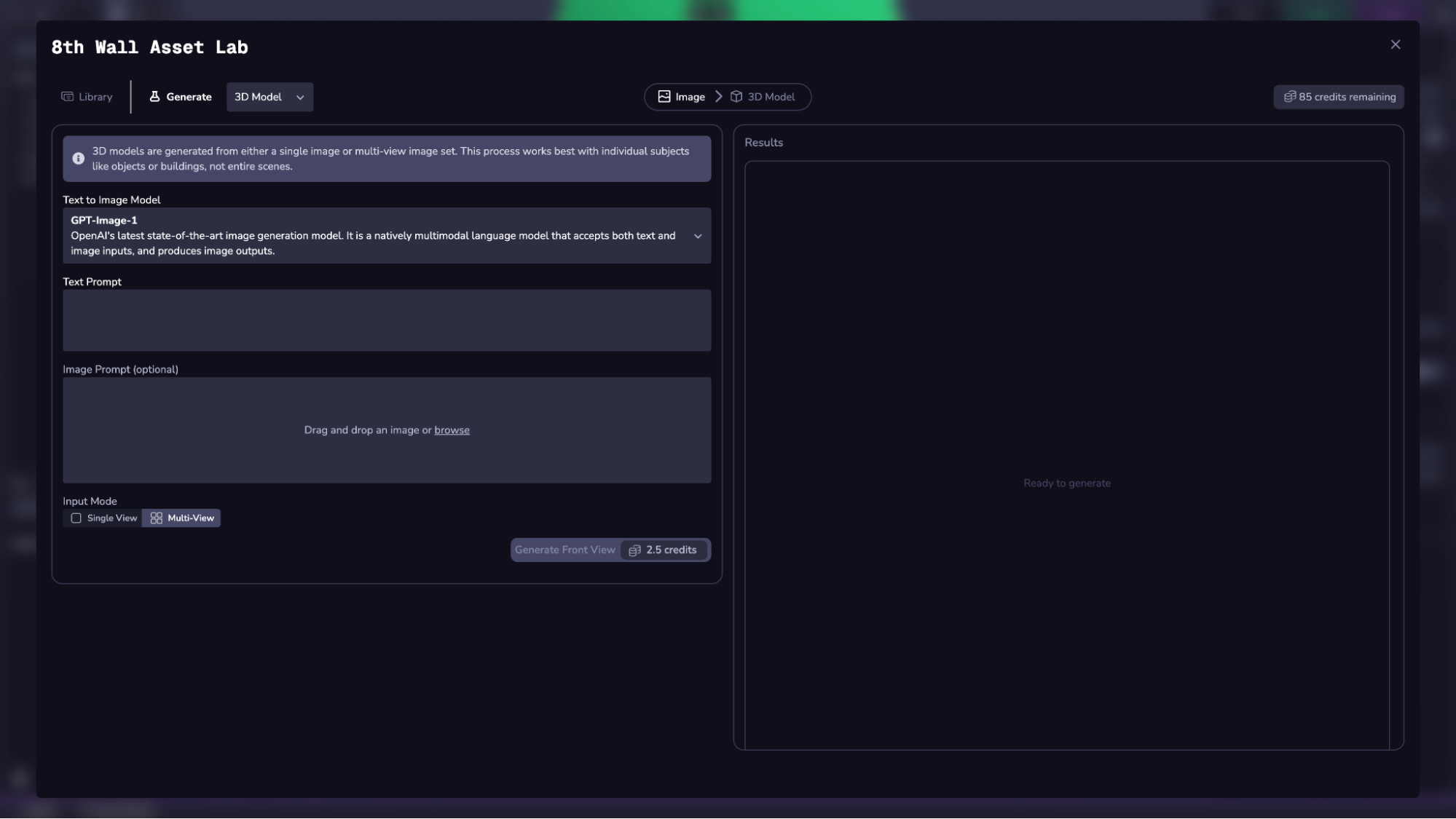
Each model has different strengths, as well as a different credit price per request (displayed in the Generate button near the bottom). See credit price doc for full list of prices.
Depending on which model you select to generate an image, you will have different input options. See Image Generation workflow for more details on available models and inputs.
Use the toggle to generate either a single image (best for simple symmetrical objects) or the front view in multi image set (best for more complex or asymmetrical objects)
If you select Single View, you generate one image of the object at a ¾ view.
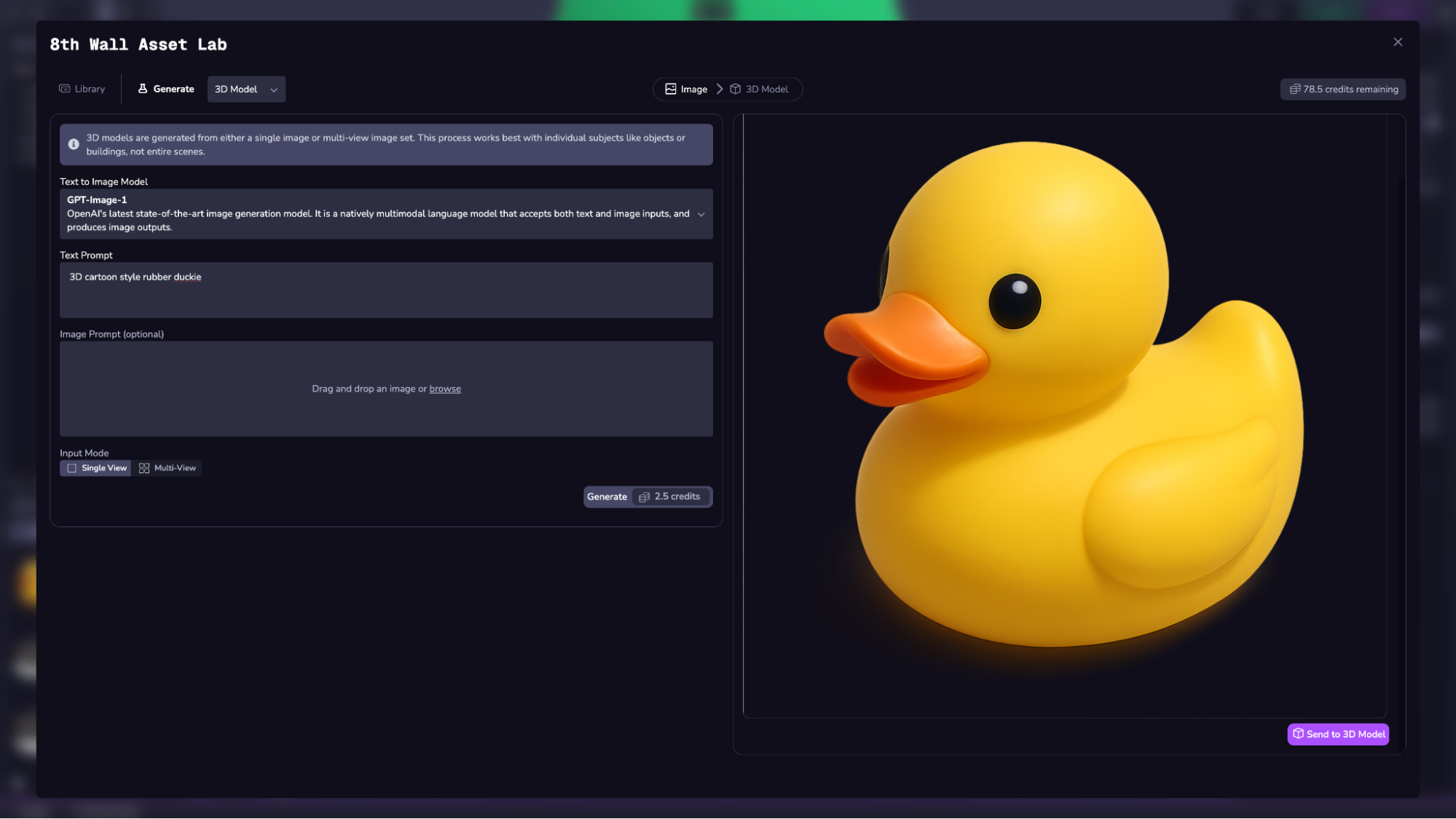
If you select Multi-View, you will first generate a view of the “front” of your object. If you are satisfied with the result, you can then generate the “right”, “left”, and “back” views of the same object using the Generate Multi-View button. For this step, it is required to use GPT-image-1.
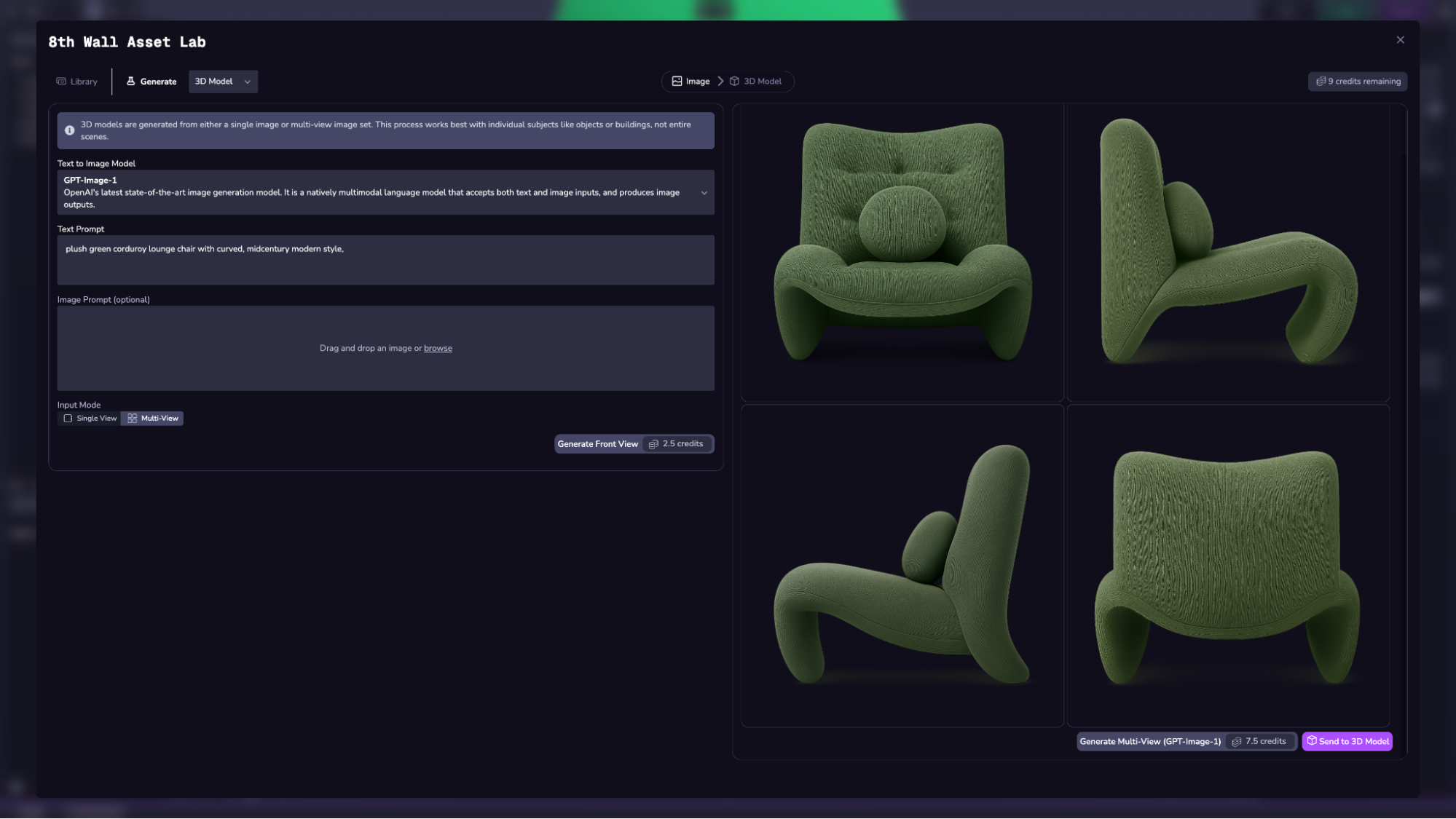
Once you are satisfied with your image inputs, you can click the “Send to 3D Model” button in the bottom right to move to the next step.
Step 2: Generate 3D Model[](https://www.8thwall.com/docs/studio/asset-lab/generate-models/#step-2-generate-3d-model "Direct link to Step 2: Generate 3D Model")
-----------------------------------------------------------------------------------------------------------------------------------------------------------------
Select your desired model and adjust parameters as needed.
### Supported Models[](https://www.8thwall.com/docs/studio/asset-lab/generate-models/#supported-models "Direct link to Supported Models")
**Trellis**
Large-scale model by Microsoft for high-quality textured meshes.
Inputs:
* Single or multi-view images
* Shape Guidance (0–10)
* Detail Guidance (1–10)
* Mesh Simplification (0.9–0.98)
* Texture size: 512x512 or 1024x1024
**Hunyuan 3D-2**
Tencent’s high-res asset generator.
Inputs:
* Single or multi-view images
* Speed (Standard or Turbo)
* Guidance (0–20)
* Shape Detail (1–1024)
**Hunyuan 3D-2 Mini**
Lower-resource variant of Hunyuan 3D-2.
Inputs:
* Single images only
* Speed (Standard or Turbo)
* Guidance (0–20)
* Shape Detail (1–1024)
Each model has different strengths, as well as a different credit price per request (displayed in the Generate button near the bottom). See credit price doc for full list of prices.
_Select the Generate button to begin._
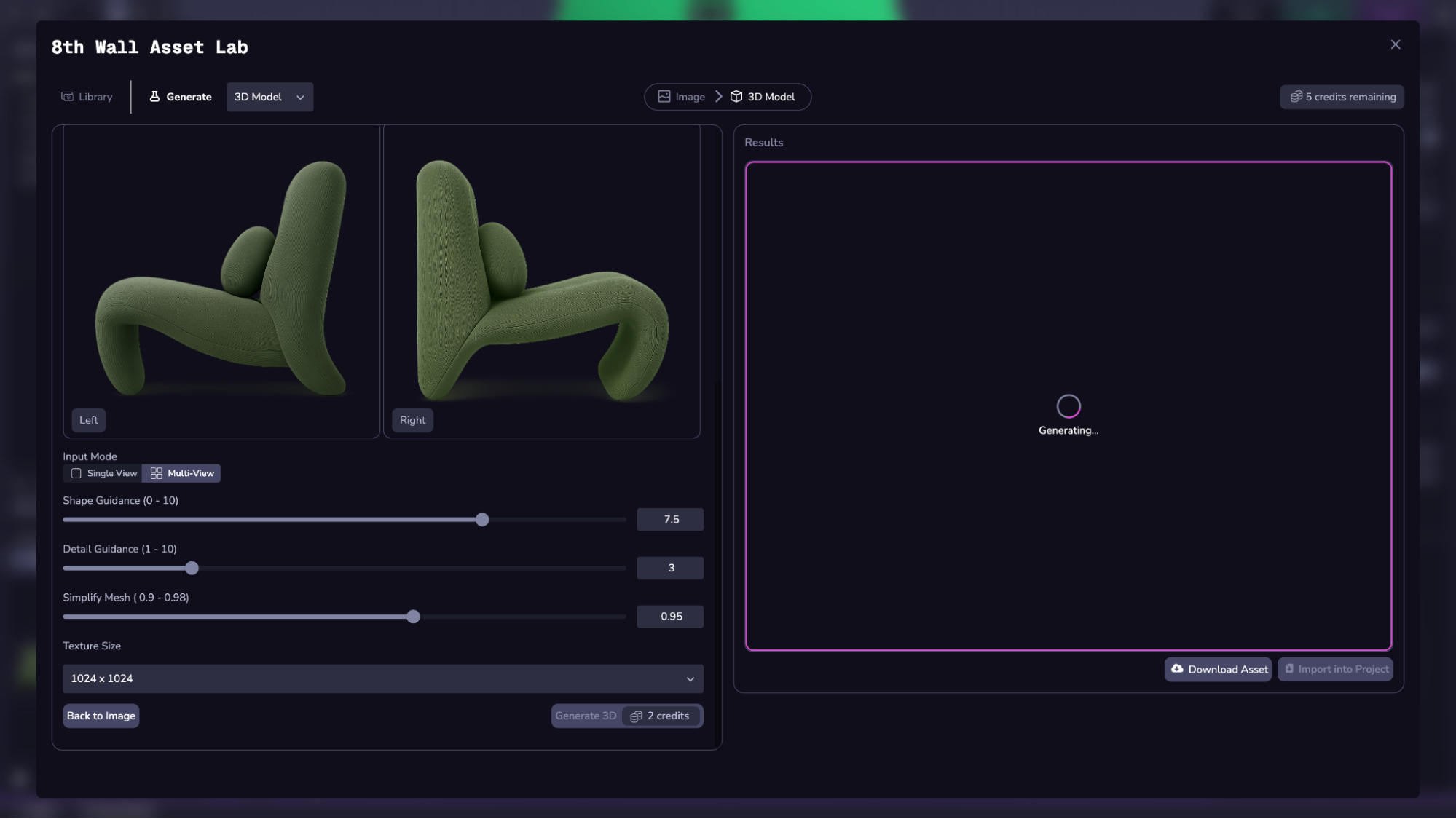
Step 3: Import into Project or Download[](https://www.8thwall.com/docs/studio/asset-lab/generate-models/#step-3-import-into-project-or-download "Direct link to Step 3: Import into Project or Download")
-----------------------------------------------------------------------------------------------------------------------------------------------------------------------------------------------------------
Use the buttons at the bottom to import or download your 3D model.
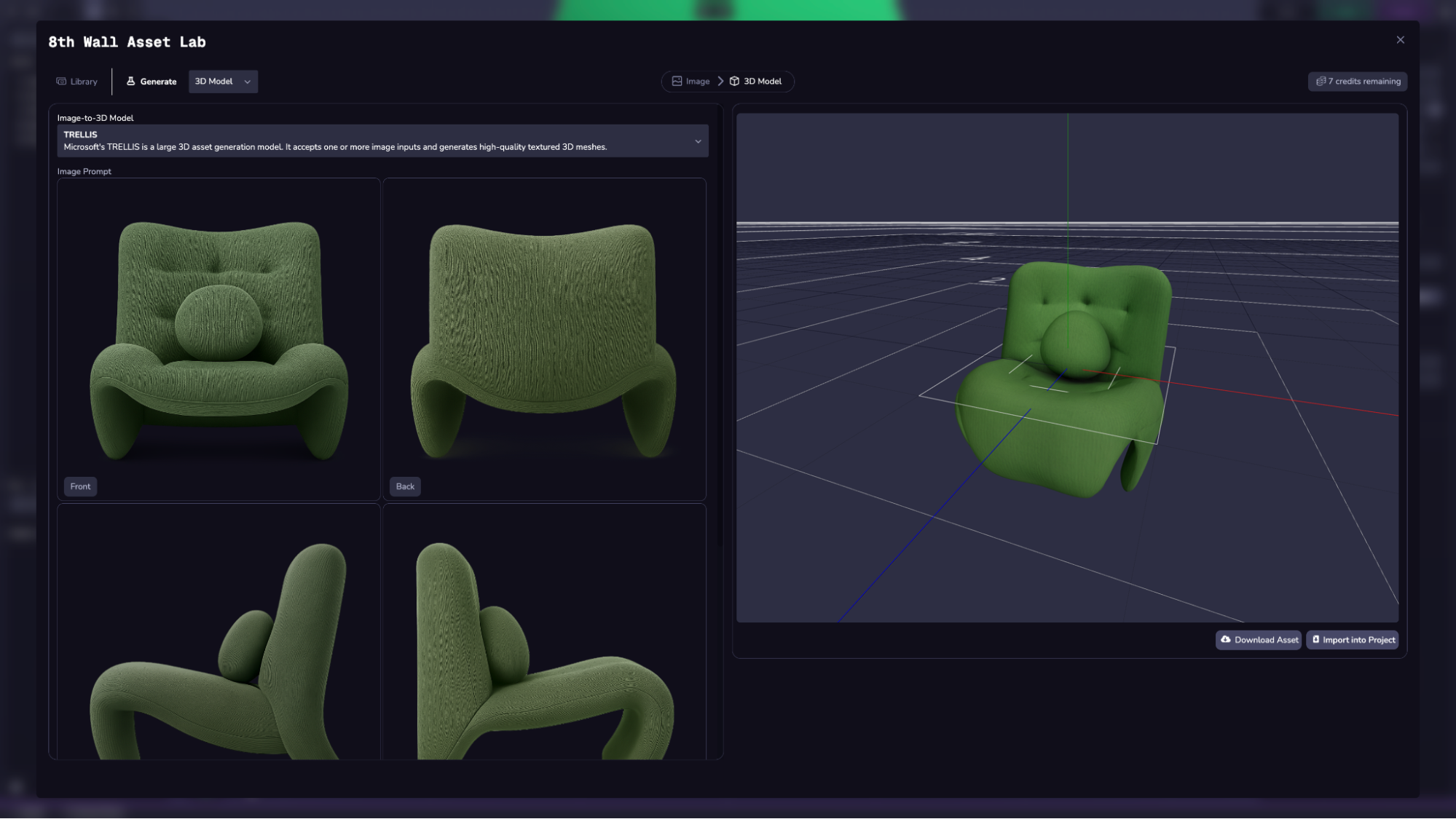
You can access all of the assets generated from users in your workspace from the Library, available in the left tab of the full screen Asset Lab or in the left side panel tab in Studio. Use the filter option to display 3D models only.
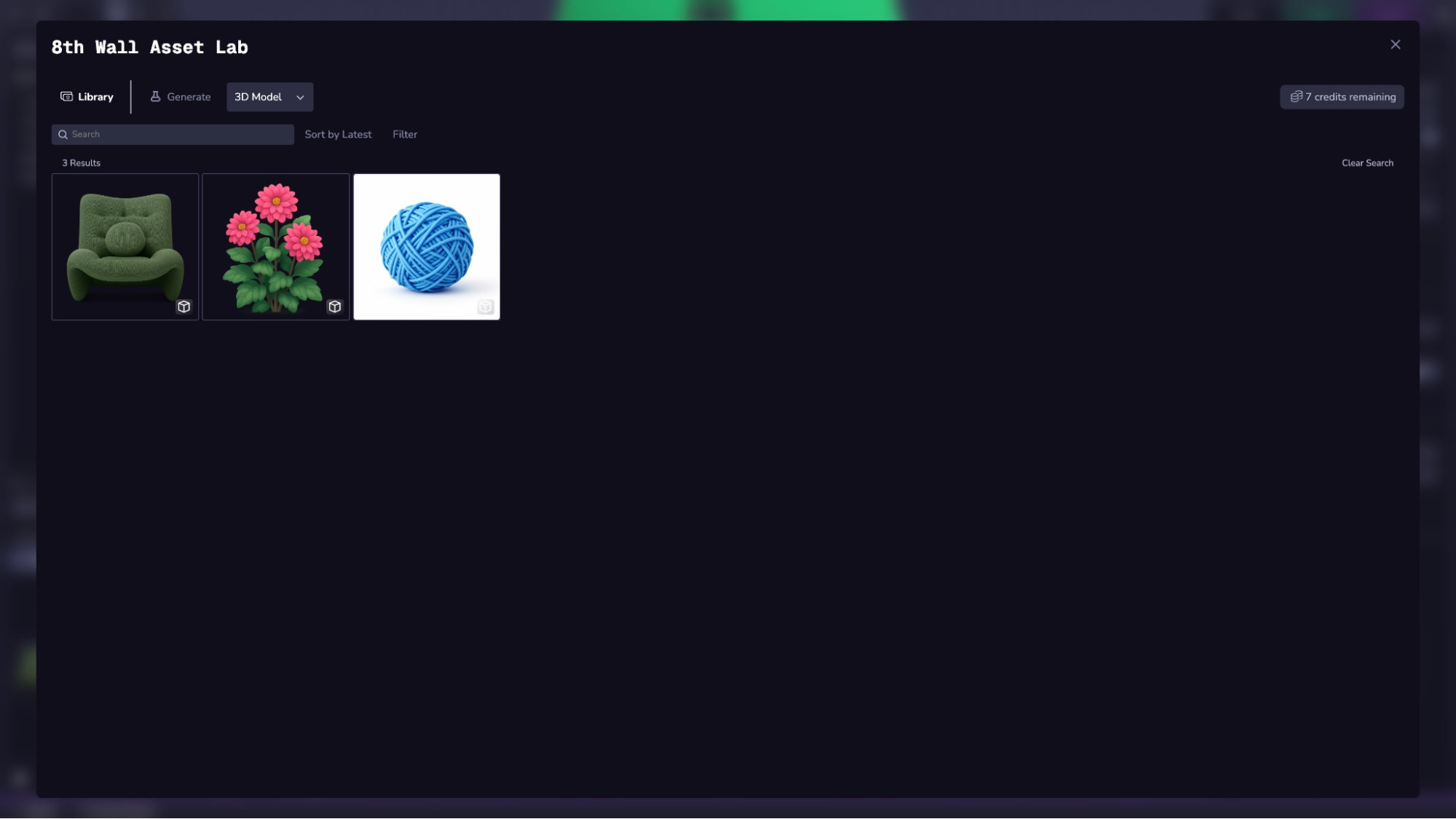
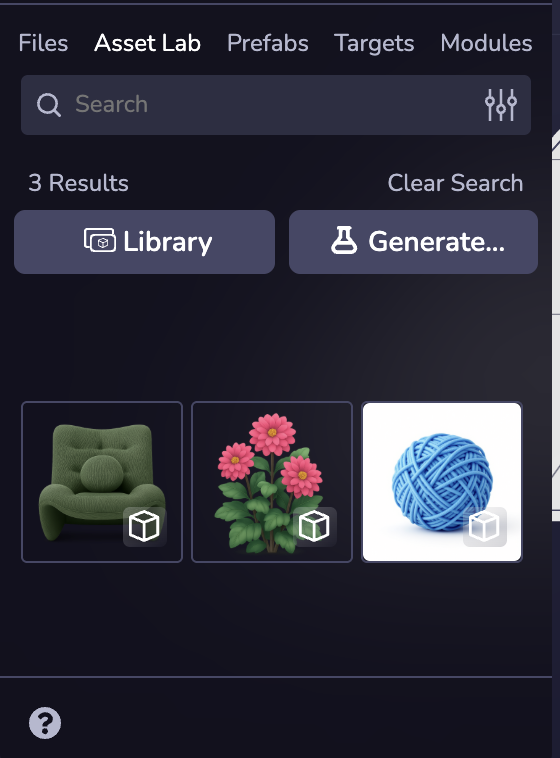
* [Step 1: Generate Image Inputs](https://www.8thwall.com/docs/studio/asset-lab/generate-models/#step-1-generate-image-inputs)
* [Step 2: Generate 3D Model](https://www.8thwall.com/docs/studio/asset-lab/generate-models/#step-2-generate-3d-model)
* [Supported Models](https://www.8thwall.com/docs/studio/asset-lab/generate-models/#supported-models)
* [Step 3: Import into Project or Download](https://www.8thwall.com/docs/studio/asset-lab/generate-models/#step-3-import-into-project-or-download)
---
# input | 8th Wall
[Skip to main content](https://www.8thwall.com/docs/api/studio/world/input/#__docusaurus_skipToContent_fallback)
On this page
Description[](https://www.8thwall.com/docs/api/studio/world/input/#description "Direct link to Description")
--------------------------------------------------------------------------------------------------------------
This library includes functions that handle input management.
Functions[](https://www.8thwall.com/docs/api/studio/world/input/#functions "Direct link to Functions")
--------------------------------------------------------------------------------------------------------
### disablePointerLockRequest[](https://www.8thwall.com/docs/api/studio/world/input/#disablepointerlockrequest "Direct link to disablePointerLockRequest")
Disables the pointer lock request on click.
world.input.disablePointerLockRequest() // -> void
### enablePointerLockRequest[](https://www.8thwall.com/docs/api/studio/world/input/#enablepointerlockrequest "Direct link to enablePointerLockRequest")
Request a pointer lock from the user when the screen is clicked.
world.input.enablePointerLockRequest() // -> void
### getAction[](https://www.8thwall.com/docs/api/studio/world/input/#getaction "Direct link to getAction")
Returns > 0 if the action was triggered. Value is usually from 0 to 1. The exception is mouse velocity and scroll which is uncapped.
world.input.getAction(actionName: string) // -> number
### getActiveMap[](https://www.8thwall.com/docs/api/studio/world/input/#getactivemap "Direct link to getActiveMap")
Get the active action map.
world.input.getActiveMap() // -> string (Name of the active action map)
### setActiveMap[](https://www.8thwall.com/docs/api/studio/world/input/#setactivemap "Direct link to setActiveMap")
Sets the active action map. The default action map's name is 'default'.
world.input.setActiveMap(mapName: string) // -> void
### getAxis[](https://www.8thwall.com/docs/api/studio/world/input/#getaxis "Direct link to getAxis")
Returns the value of the axis of the gamepadIdx.
world.input.getAxis(gamepadIdx?: number) // -> number[]
### getButton[](https://www.8thwall.com/docs/api/studio/world/input/#getbutton "Direct link to getButton")
Returns true while the virtual button identified by buttonName is held down.
world.input.getAxis(input: number, gamepadIdx?: number) // -> boolean
### getButtonDown[](https://www.8thwall.com/docs/api/studio/world/input/#getbuttondown "Direct link to getButtonDown")
Returns true during the frame the user pressed down the button mapped to the index.
world.input.getAxis(input: number, gamepadIdx?: number) // -> boolean
### getButtonUp[](https://www.8thwall.com/docs/api/studio/world/input/#getbuttonup "Direct link to getButtonUp")
Returns true the first frame the user releases the button.
world.input.getAxis(input: number, gamepadIdx?: number) // -> boolean
### getGamepads[](https://www.8thwall.com/docs/api/studio/world/input/#getgamepads "Direct link to getGamepads")
Returns all gamepads connected to the device.
world.input.getGamepads() // -> Gamepad[]
### getKey[](https://www.8thwall.com/docs/api/studio/world/input/#getkey "Direct link to getKey")
Returns true while the user holds down the key identified by name.
world.input.getKey(code: string) // -> boolean
### getKeyDown[](https://www.8thwall.com/docs/api/studio/world/input/#getkeydown "Direct link to getKeyDown")
Returns true during the frame the user starts pressing down the key identified by name.
world.input.getKeyDown(code: string) // -> boolean
### getKeyUp[](https://www.8thwall.com/docs/api/studio/world/input/#getkeyup "Direct link to getKeyUp")
Returns true during the frame the user releases the key identified by name.
world.input.getKeyUp(code: string) // -> boolean
### getMouseButton[](https://www.8thwall.com/docs/api/studio/world/input/#getmousebutton "Direct link to getMouseButton")
Returns true while the user holds down the mouse button identified by button number.
| Number | Mouse Button |
| --- | --- |
| 0 | Left Click |
| 1 | Right Click |
| 2 | Middle Click |
world.input.getMouseButton(index: number) // -> boolean
### getMouseDown[](https://www.8thwall.com/docs/api/studio/world/input/#getmousedown "Direct link to getMouseDown")
Returns true during the frame the user starts pressing down on the mouse button.
world.input.getMouseDown(index: number) // -> boolean
### getMouseUp[](https://www.8thwall.com/docs/api/studio/world/input/#getmouseup "Direct link to getMouseUp")
Returns true during the frame the user releases the mouse button.
world.input.getMouseUp(index: number) // -> boolean
### getMousePosition[](https://www.8thwall.com/docs/api/studio/world/input/#getmouseposition "Direct link to getMousePosition")
Returns the clientX and clientY coordinates of the mouse.
world.input.getMousePosition() // -> [number, number]
### getMouseVelocity[](https://www.8thwall.com/docs/api/studio/world/input/#getmousevelocity "Direct link to getMouseVelocity")
Returns the x and y velocity of the mouse.
world.input.getMouseVelocity() // -> [number, number]
### getMouseScroll[](https://www.8thwall.com/docs/api/studio/world/input/#getmousescroll "Direct link to getMouseScroll")
Return the x and y velocity of mouse scroll.
world.input.getMouseScroll() // -> [number, number]
### getTouch[](https://www.8thwall.com/docs/api/studio/world/input/#gettouch "Direct link to getTouch")
Returns true while the screen is being touched. If an identifier is provided, returns true only if that specific touch is active.
world.input.getTouch(identifier?: number) // -> boolean
### getTouchDown[](https://www.8thwall.com/docs/api/studio/world/input/#gettouchdown "Direct link to getTouchDown")
Returns true during the frame a touch begins. If an identifier is provided, returns true only when that specific touch begins.
world.input.getTouchDown(identifier?: number) // -> boolean
### getTouchUp[](https://www.8thwall.com/docs/api/studio/world/input/#gettouchup "Direct link to getTouchUp")
Returns true during the frame a touch ends. If an identifier is provided, returns true only when that specific touch ends.
world.input.getTouchUp(identifier?: number) // -> boolean
### getTouchIds[](https://www.8thwall.com/docs/api/studio/world/input/#gettouchids "Direct link to getTouchIds")
Returns an array of active touch identifiers. Each identifier represents a distinct touch point currently on the screen.
world.input.getTouchIds() // -> number[]
* [Description](https://www.8thwall.com/docs/api/studio/world/input/#description)
* [Functions](https://www.8thwall.com/docs/api/studio/world/input/#functions)
* [disablePointerLockRequest](https://www.8thwall.com/docs/api/studio/world/input/#disablepointerlockrequest)
* [enablePointerLockRequest](https://www.8thwall.com/docs/api/studio/world/input/#enablepointerlockrequest)
* [getAction](https://www.8thwall.com/docs/api/studio/world/input/#getaction)
* [getActiveMap](https://www.8thwall.com/docs/api/studio/world/input/#getactivemap)
* [setActiveMap](https://www.8thwall.com/docs/api/studio/world/input/#setactivemap)
* [getAxis](https://www.8thwall.com/docs/api/studio/world/input/#getaxis)
* [getButton](https://www.8thwall.com/docs/api/studio/world/input/#getbutton)
* [getButtonDown](https://www.8thwall.com/docs/api/studio/world/input/#getbuttondown)
* [getButtonUp](https://www.8thwall.com/docs/api/studio/world/input/#getbuttonup)
* [getGamepads](https://www.8thwall.com/docs/api/studio/world/input/#getgamepads)
* [getKey](https://www.8thwall.com/docs/api/studio/world/input/#getkey)
* [getKeyDown](https://www.8thwall.com/docs/api/studio/world/input/#getkeydown)
* [getKeyUp](https://www.8thwall.com/docs/api/studio/world/input/#getkeyup)
* [getMouseButton](https://www.8thwall.com/docs/api/studio/world/input/#getmousebutton)
* [getMouseDown](https://www.8thwall.com/docs/api/studio/world/input/#getmousedown)
* [getMouseUp](https://www.8thwall.com/docs/api/studio/world/input/#getmouseup)
* [getMousePosition](https://www.8thwall.com/docs/api/studio/world/input/#getmouseposition)
* [getMouseVelocity](https://www.8thwall.com/docs/api/studio/world/input/#getmousevelocity)
* [getMouseScroll](https://www.8thwall.com/docs/api/studio/world/input/#getmousescroll)
* [getTouch](https://www.8thwall.com/docs/api/studio/world/input/#gettouch)
* [getTouchDown](https://www.8thwall.com/docs/api/studio/world/input/#gettouchdown)
* [getTouchUp](https://www.8thwall.com/docs/api/studio/world/input/#gettouchup)
* [getTouchIds](https://www.8thwall.com/docs/api/studio/world/input/#gettouchids)
---
# events | 8th Wall
[Skip to main content](https://www.8thwall.com/docs/api/studio/world/events/#__docusaurus_skipToContent_fallback)
On this page
Description[](https://www.8thwall.com/docs/api/studio/world/events/#description "Direct link to Description")
---------------------------------------------------------------------------------------------------------------
This library includes functions that handle event management.
Properties[](https://www.8thwall.com/docs/api/studio/world/events/#properties "Direct link to Properties")
------------------------------------------------------------------------------------------------------------
| Property | Description |
| --- | --- |
| globalId | Used to dispatch/listen for events globally. |
Functions[](https://www.8thwall.com/docs/api/studio/world/events/#functions "Direct link to Functions")
---------------------------------------------------------------------------------------------------------
### addListener[](https://www.8thwall.com/docs/api/studio/world/events/#addlistener "Direct link to addListener")
Registers a component to listen to an event.
world.events.addListener(target: eid, name: string, listener: function) -> void
### removeListener[](https://www.8thwall.com/docs/api/studio/world/events/#removelistener "Direct link to removeListener")
Un-registers an existing listener
world.events.removeListener(target: eid, name: string, listener: function) -> void
### dispatch[](https://www.8thwall.com/docs/api/studio/world/events/#dispatch "Direct link to dispatch")
Used to emit events that the listeners can listen to.
world.events.dispatch(target: eid, name: string, data: object /* (optional) */) -> void
* [Description](https://www.8thwall.com/docs/api/studio/world/events/#description)
* [Properties](https://www.8thwall.com/docs/api/studio/world/events/#properties)
* [Functions](https://www.8thwall.com/docs/api/studio/world/events/#functions)
* [addListener](https://www.8thwall.com/docs/api/studio/world/events/#addlistener)
* [removeListener](https://www.8thwall.com/docs/api/studio/world/events/#removelistener)
* [dispatch](https://www.8thwall.com/docs/api/studio/world/events/#dispatch)
---
# three | 8th Wall
[Skip to main content](https://www.8thwall.com/docs/api/studio/world/three/#__docusaurus_skipToContent_fallback)
On this page
Description[](https://www.8thwall.com/docs/api/studio/world/three/#description "Direct link to Description")
--------------------------------------------------------------------------------------------------------------
This library provides an interface to the rendering engine.
Properties[](https://www.8thwall.com/docs/api/studio/world/three/#properties "Direct link to Properties")
-----------------------------------------------------------------------------------------------------------
| Property | Type | Description |
| --- | --- | --- |
| scene | Three | Entry point for three.js API. |
| renderer | WebGLRenderer | The three.js renderer. |
| activeCamera | Camera | Handle to the active camera. |
| entityToObject | `Map` | Map of entities to three.js objects. |
Functions[](https://www.8thwall.com/docs/api/studio/world/three/#functions "Direct link to Functions")
--------------------------------------------------------------------------------------------------------
### entityToObject[](https://www.8thwall.com/docs/api/studio/world/three/#entitytoobject "Direct link to entityToObject")
Retrieves the corresponding three.js Object3D for a given entity.
world.three.entityToObject.get(eid: Eid) // -> Object3D
* [Description](https://www.8thwall.com/docs/api/studio/world/three/#description)
* [Properties](https://www.8thwall.com/docs/api/studio/world/three/#properties)
* [Functions](https://www.8thwall.com/docs/api/studio/world/three/#functions)
* [entityToObject](https://www.8thwall.com/docs/api/studio/world/three/#entitytoobject)
---
# camera | 8th Wall
[Skip to main content](https://www.8thwall.com/docs/api/studio/world/camera/#__docusaurus_skipToContent_fallback)
On this page
Description[](https://www.8thwall.com/docs/api/studio/world/camera/#description "Direct link to Description")
---------------------------------------------------------------------------------------------------------------
This library includes functions that handle the Camera.
Functions[](https://www.8thwall.com/docs/api/studio/world/camera/#functions "Direct link to Functions")
---------------------------------------------------------------------------------------------------------
### getActiveEid[](https://www.8thwall.com/docs/api/studio/world/camera/#getactiveeid "Direct link to getActiveEid")
Get the active camera.
world.camera.getActiveEid() // -> eid
### setActiveEid[](https://www.8thwall.com/docs/api/studio/world/camera/#setactiveeid "Direct link to setActiveEid")
Set the active camera.
world.camera.setActiveEid(eid) // -> void
* [Description](https://www.8thwall.com/docs/api/studio/world/camera/#description)
* [Functions](https://www.8thwall.com/docs/api/studio/world/camera/#functions)
* [getActiveEid](https://www.8thwall.com/docs/api/studio/world/camera/#getactiveeid)
* [setActiveEid](https://www.8thwall.com/docs/api/studio/world/camera/#setactiveeid)
---
# Asset Lab | 8th Wall
[Skip to main content](https://www.8thwall.com/docs/studio/asset-lab/#__docusaurus_skipToContent_fallback)
On this page
Asset Lab is an AI-powered suite of features for generating assets in 8th Wall Studio. It is designed to streamline workflows for generating images, 3D models, and animated characters for use in Studio projects.
### Key Features[](https://www.8thwall.com/docs/studio/asset-lab/#key-features "Direct link to Key Features")
* Use-case optimized workflows for generating different asset types
* Integration with industry-leading AI models
* Easy project import
* Workspace-level generated asset library & credit balance
Generate Assets[](https://www.8thwall.com/docs/studio/asset-lab/#generate-assets "Direct link to Generate Assets")
--------------------------------------------------------------------------------------------------------------------
1. Click on the **Asset Lab** tab on the left panel in Studio.
2. Click the `Generate…` button to select a workflow.
3. Follow the steps based on your selected workflow.
The steps of your selected workflow will be displayed at the top.
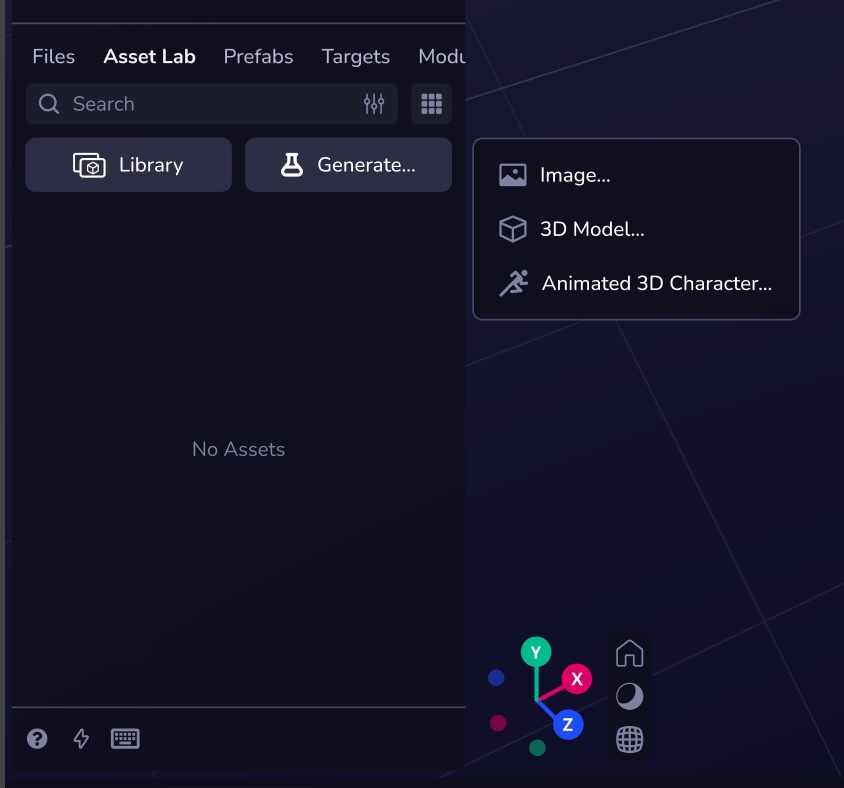
* [Key Features](https://www.8thwall.com/docs/studio/asset-lab/#key-features)
* [Generate Assets](https://www.8thwall.com/docs/studio/asset-lab/#generate-assets)
---
# Credits | 8th Wall
[Skip to main content](https://www.8thwall.com/docs/studio/asset-lab/credits/#__docusaurus_skipToContent_fallback)
On this page
Credits are required to use AI-powered asset generation in Studio. Each action consumes a specific number of credits based on the model or service being used. All accounts start with a pool of free credits upon signup, and additional credits can be purchased via a subscription—or soon via top-up—through your Account page.
You can purchase a credit subscription or top off from your [Account Settings](https://www.8thwall.com/docs/account/settings/manage-credits/)
.
Text to Image[](https://www.8thwall.com/docs/studio/asset-lab/credits/#text-to-image "Direct link to Text to Image")
----------------------------------------------------------------------------------------------------------------------
| Model | Credit Price |
| --- | --- |
| FLUX.1 \[schnell\] | 0.25 / image |
| FLUX1.1 \[pro\] | 2 credits / image |
| FLUX.1 Kontext \[pro\] | 2 credits / image |
| Stable image core | 2 credits / image |
| GPT-Image-1 | 2.5 credits / image |
3D Model Generation[](https://www.8thwall.com/docs/studio/asset-lab/credits/#3d-model-generation "Direct link to 3D Model Generation")
----------------------------------------------------------------------------------------------------------------------------------------
### Single-Image to 3D[](https://www.8thwall.com/docs/studio/asset-lab/credits/#single-image-to-3d "Direct link to Single-Image to 3D")
| Model | Credit Price |
| --- | --- |
| TRELLIS | 2 credits / model |
| Hunyuan-3d-2 \[mini turbo\] | 24 credits / model |
| Hunyuan-3d-2 \[mini\] | 30 credits / model |
| Hunyuan-3d-2 \[turbo\] | 42 credits / model |
| Hunyuan-3d-2 | 48 credits / model |
| Hunyuan-3D-2.1 | 90 credits / model |
### Multi-Image to 3D[](https://www.8thwall.com/docs/studio/asset-lab/credits/#multi-image-to-3d "Direct link to Multi-Image to 3D")
| Model | Credit Price |
| --- | --- |
| TRELLIS | 2 credits / model |
| Hunyuan-3d-2 turbo | 4.5 credits / model |
| Hunyuan-3d-2 | 5 credits / model |
Other Features[](https://www.8thwall.com/docs/studio/asset-lab/credits/#other-features "Direct link to Other Features")
-------------------------------------------------------------------------------------------------------------------------
| Feature | Description | Credit Price |
| --- | --- | --- |
| Native App Export | Android APK | 2 credits / export |
| Animated Character | Meshy AI (8 included animations) | 24 credits / model |
* [Text to Image](https://www.8thwall.com/docs/studio/asset-lab/credits/#text-to-image)
* [3D Model Generation](https://www.8thwall.com/docs/studio/asset-lab/credits/#3d-model-generation)
* [Single-Image to 3D](https://www.8thwall.com/docs/studio/asset-lab/credits/#single-image-to-3d)
* [Multi-Image to 3D](https://www.8thwall.com/docs/studio/asset-lab/credits/#multi-image-to-3d)
* [Other Features](https://www.8thwall.com/docs/studio/asset-lab/credits/#other-features)
---
# Generate Images | 8th Wall
[Skip to main content](https://www.8thwall.com/docs/studio/asset-lab/generate-images/#__docusaurus_skipToContent_fallback)
On this page
Step 1: Generate Image(s)[](https://www.8thwall.com/docs/studio/asset-lab/generate-images/#step-1-generate-images "Direct link to Step 1: Generate Image(s)")
---------------------------------------------------------------------------------------------------------------------------------------------------------------
Begin by selecting a model from the dropdown menu.
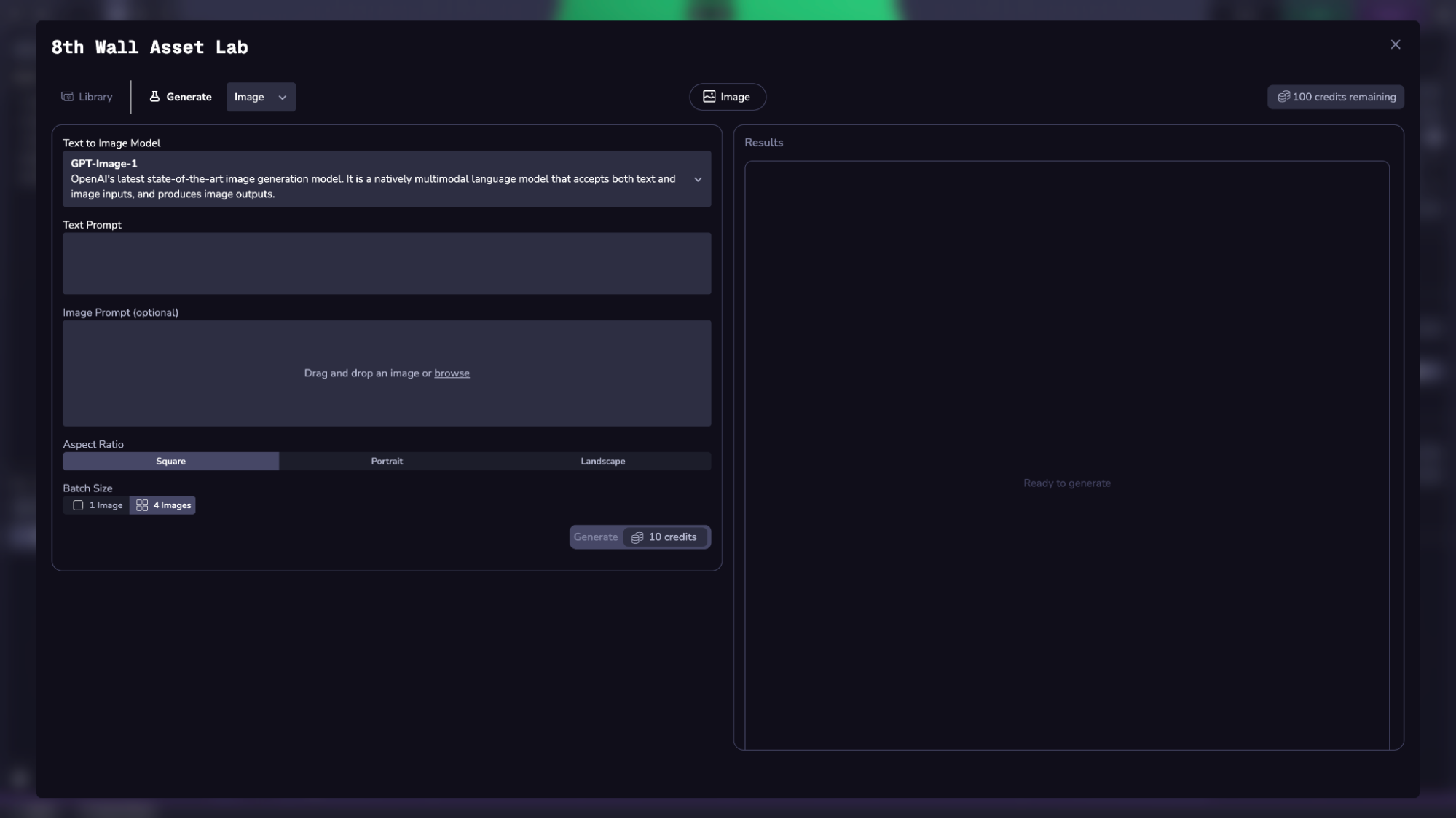
Each model has unique strengths and credit costs. See the [Credit Prices](https://www.8thwall.com/docs/account/settings/manage-credits/)
section for full pricing details.
### Supported Models[](https://www.8thwall.com/docs/studio/asset-lab/generate-images/#supported-models "Direct link to Supported Models")
**Stable Image Core** Stability AI’s core model for fast, high-quality generation. Inputs:
* Text prompt
* Negative prompt (optional)
* Aspect ratio (default: square)
* Batch size (1 or 4)
**FLUX1.1 \[pro\]** Improved version of FLUX.1 with enhanced fidelity and composition. Inputs:
* Text prompt
* Aspect ratio (default: square)
* Batch size (1 or 4)
**FLUX Kontext \[pro\]** Supports both text and reference image inputs. Inputs:
* Text prompt
* Image prompt
* Aspect ratio (default: square)
* Batch size (1 or 4)
**GPT-Image-1** OpenAI’s latest multimodal image model. Inputs:
* Text prompt
* Image prompt (optional)
* Aspect ratio (default: square)
* Batch size (1 or 4)
_Select the Generate button to process the request._
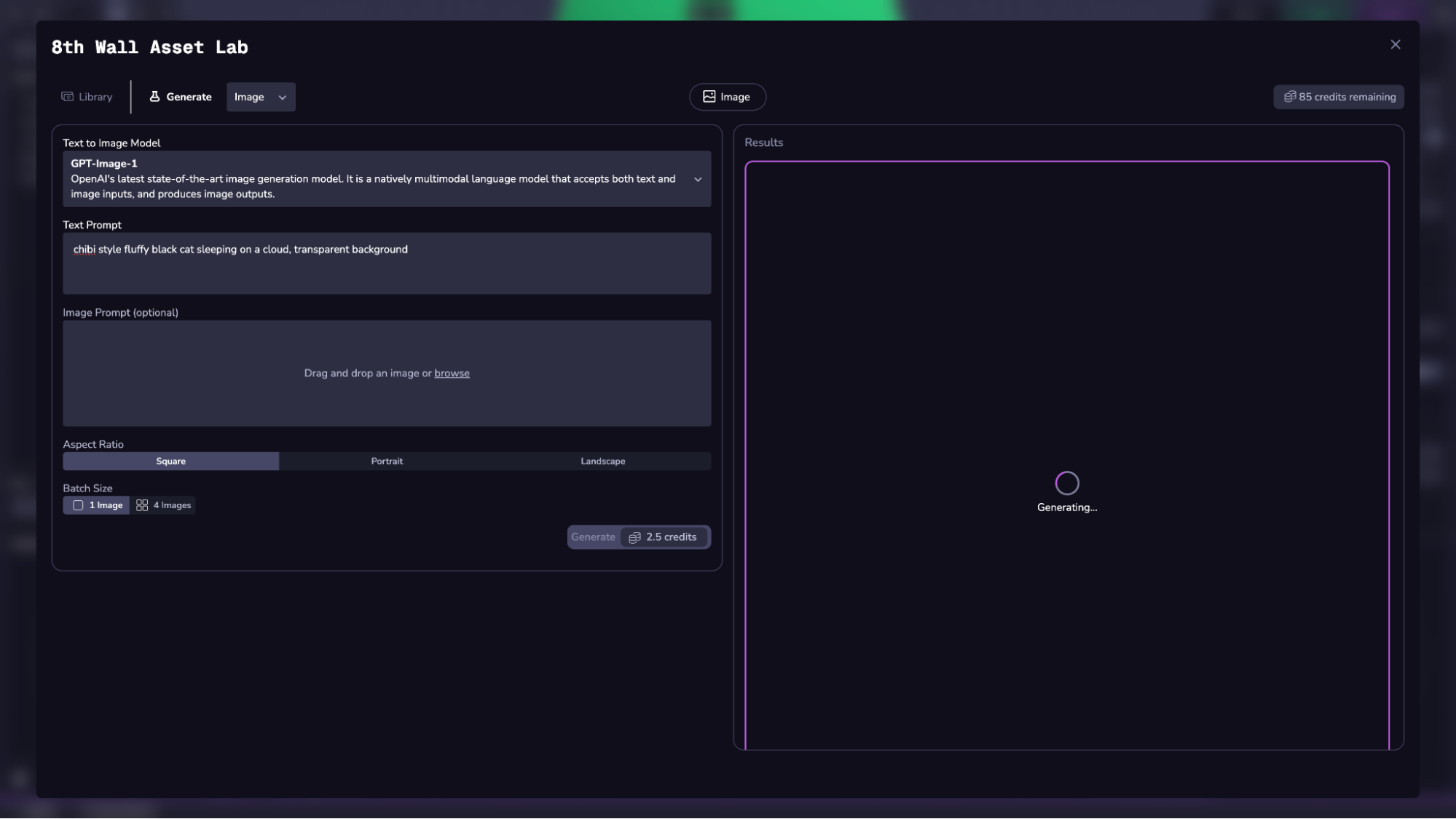
Step 2: Import into Project or Download[](https://www.8thwall.com/docs/studio/asset-lab/generate-images/#step-2-import-into-project-or-download "Direct link to Step 2: Import into Project or Download")
-----------------------------------------------------------------------------------------------------------------------------------------------------------------------------------------------------------
Use the buttons at the bottom to import or download all images.
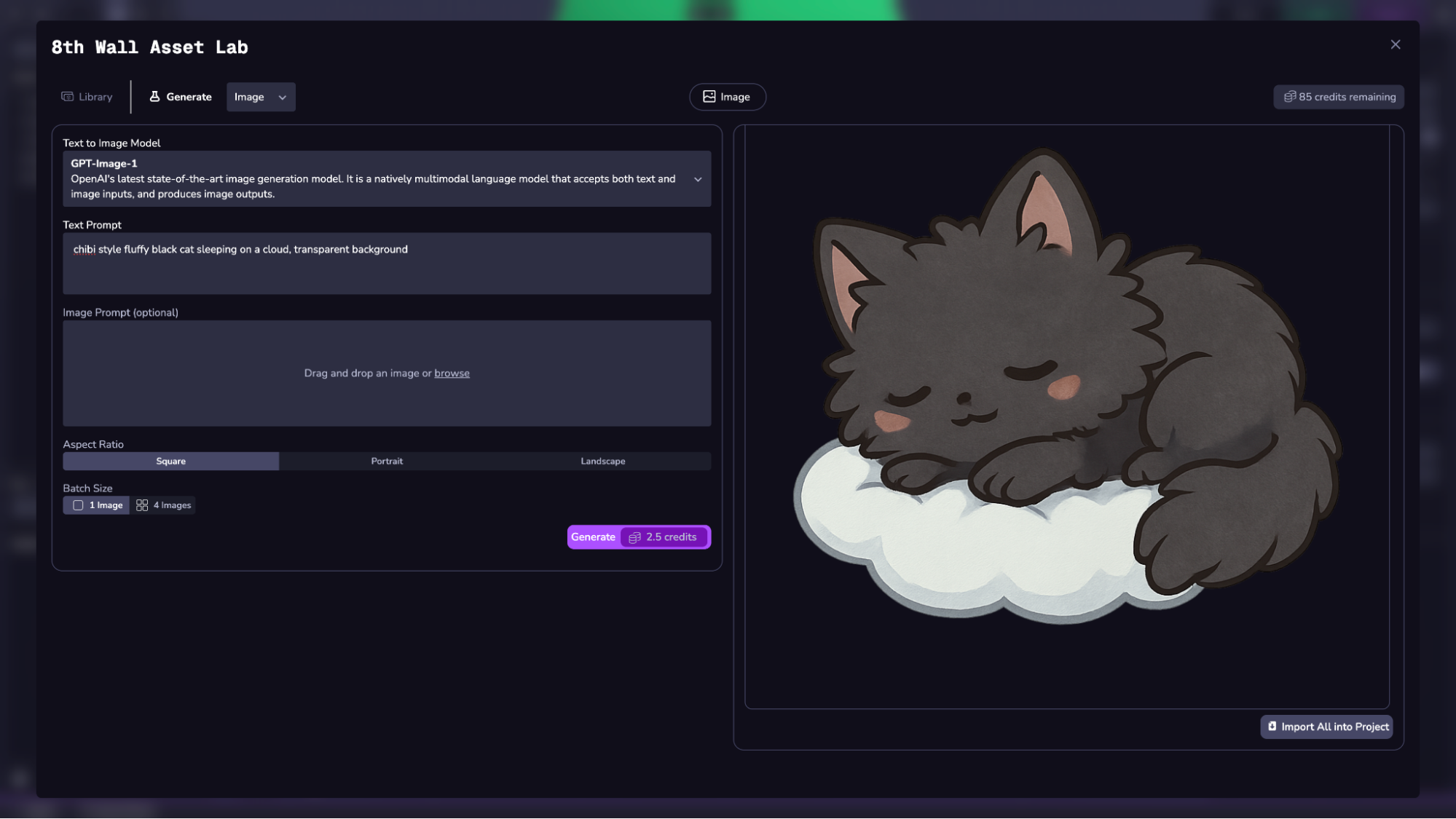
Access all assets from your workspace in the **Library**, available in the Studio sidebar or full-screen Asset Lab.
* [Step 1: Generate Image(s)](https://www.8thwall.com/docs/studio/asset-lab/generate-images/#step-1-generate-images)
* [Supported Models](https://www.8thwall.com/docs/studio/asset-lab/generate-images/#supported-models)
* [Step 2: Import into Project or Download](https://www.8thwall.com/docs/studio/asset-lab/generate-images/#step-2-import-into-project-or-download)
---
# Asset Library | 8th Wall
[Skip to main content](https://www.8thwall.com/docs/studio/asset-lab/library/#__docusaurus_skipToContent_fallback)
In the Asset Lab Library:
* Access all workspace-generated assets
* Check your Credit balance displayed top right
* Filter by type: Images, 3D Models, Animated Characters
* Use search and sort tools to organize
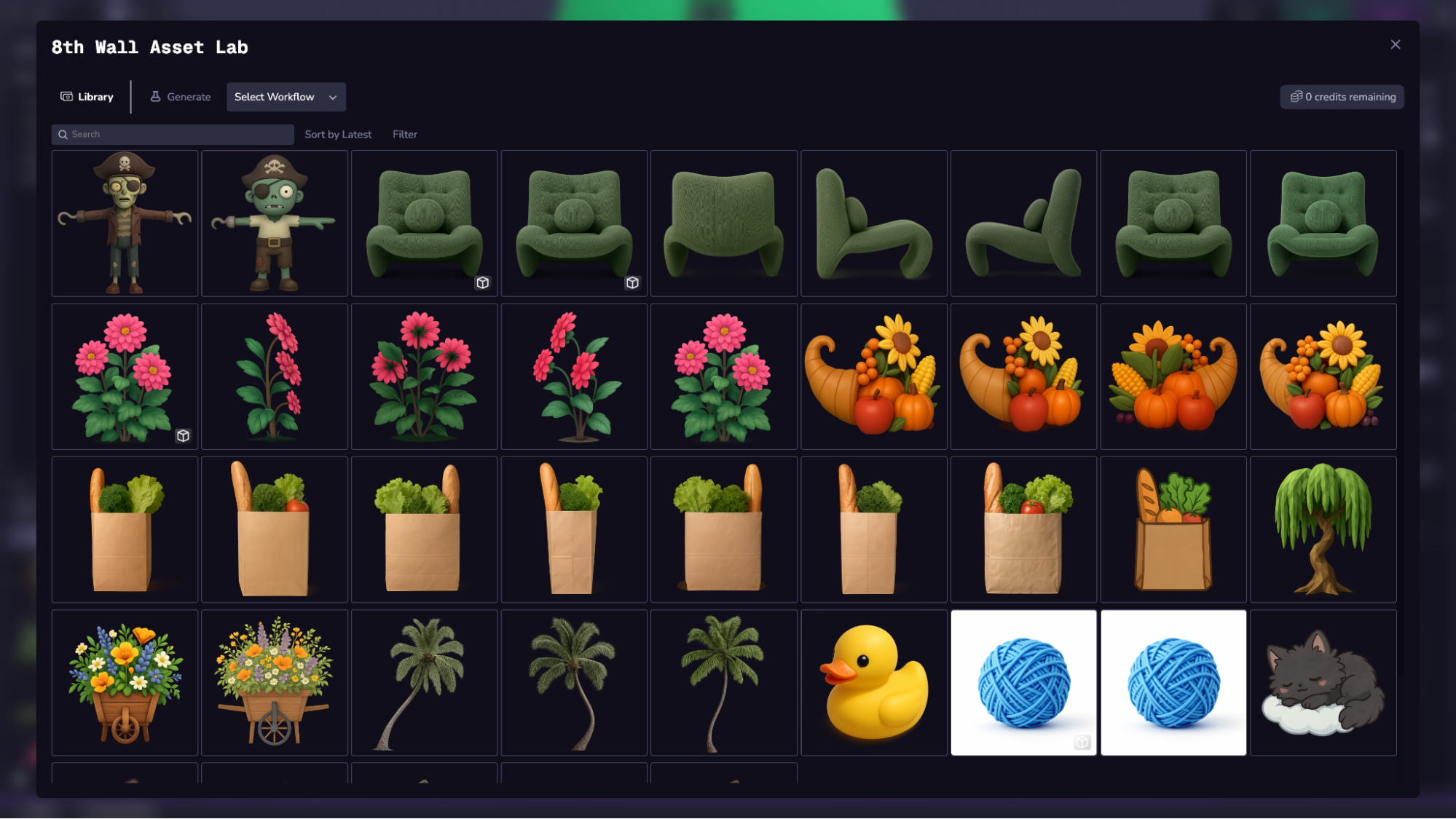
Click on an asset for metadata:
* Prompt used
* User who submitted
* Model used
* Credit cost
Available actions:
* **Send to Workflow** – Reuse asset as input
* **Download** – Save locally
* **Remix** – Adjust input settings
* **Import** – Add to project’s asset folder
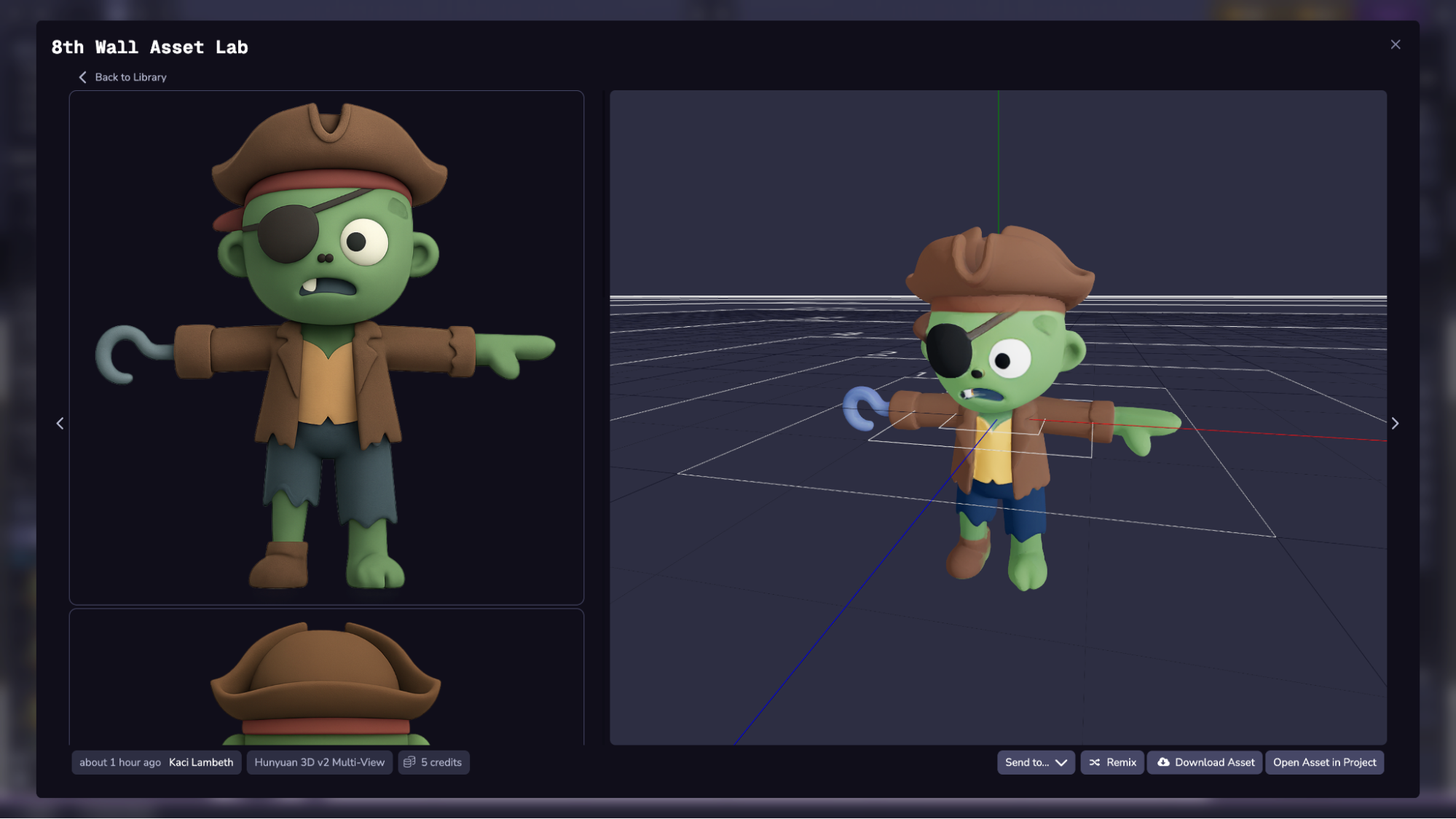
---
# audio | 8th Wall
[Skip to main content](https://www.8thwall.com/docs/api/studio/world/audio/#__docusaurus_skipToContent_fallback)
On this page
Description[](https://www.8thwall.com/docs/api/studio/world/audio/#description "Direct link to Description")
--------------------------------------------------------------------------------------------------------------
This library includes functions that handle audio playback.
Functions[](https://www.8thwall.com/docs/api/studio/world/audio/#functions "Direct link to Functions")
--------------------------------------------------------------------------------------------------------
### mute[](https://www.8thwall.com/docs/api/studio/world/audio/#mute "Direct link to mute")
Mute scene audio.
world.audio.mute() // -> void
### unmute[](https://www.8thwall.com/docs/api/studio/world/audio/#unmute "Direct link to unmute")
Unmute scene audio.
world.audio.unmute() // -> void
### pause[](https://www.8thwall.com/docs/api/studio/world/audio/#pause "Direct link to pause")
Pause scene audio.
world.audio.pause() // -> void
### play[](https://www.8thwall.com/docs/api/studio/world/audio/#play "Direct link to play")
Play scene audio.
world.audio.play() // -> void
### setVolume[](https://www.8thwall.com/docs/api/studio/world/audio/#setvolume "Direct link to setVolume")
Set volume of scene audio. **The parameter should be a value between 0 and 1.**
world.audio.setVolume(newVolume: number) // -> void
* [Description](https://www.8thwall.com/docs/api/studio/world/audio/#description)
* [Functions](https://www.8thwall.com/docs/api/studio/world/audio/#functions)
* [mute](https://www.8thwall.com/docs/api/studio/world/audio/#mute)
* [unmute](https://www.8thwall.com/docs/api/studio/world/audio/#unmute)
* [pause](https://www.8thwall.com/docs/api/studio/world/audio/#pause)
* [play](https://www.8thwall.com/docs/api/studio/world/audio/#play)
* [setVolume](https://www.8thwall.com/docs/api/studio/world/audio/#setvolume)
---
# transform | 8th Wall
[Skip to main content](https://www.8thwall.com/docs/api/studio/world/transform/#__docusaurus_skipToContent_fallback)
On this page
Description[](https://www.8thwall.com/docs/api/studio/world/transform/#description "Direct link to Description")
------------------------------------------------------------------------------------------------------------------
This library includes functions for working with Transforms.
Functions[](https://www.8thwall.com/docs/api/studio/world/transform/#functions "Direct link to Functions")
------------------------------------------------------------------------------------------------------------
### getLocalPosition[](https://www.8thwall.com/docs/api/studio/world/transform/#getlocalposition "Direct link to getLocalPosition")
Returns the local position of the given entity.
world.transform.getLocalPosition(eid: Eid, out?: Vec3): Vec3
### getLocalTransform[](https://www.8thwall.com/docs/api/studio/world/transform/#getlocaltransform "Direct link to getLocalTransform")
Returns the local transform matrix of the given entity.
world.transform.getLocalTransform(eid: Eid, out?: Mat4): Mat4
### getWorldPosition[](https://www.8thwall.com/docs/api/studio/world/transform/#getworldposition "Direct link to getWorldPosition")
Returns the world position of the given entity.
world.transform.getWorldPosition(eid: Eid, out?: Vec3): Vec3
### getWorldTransform[](https://www.8thwall.com/docs/api/studio/world/transform/#getworldtransform "Direct link to getWorldTransform")
Returns the world transform matrix of the given entity.
world.transform.getWorldTransform(eid: Eid, out?: Mat4): Mat4
### setLocalPosition[](https://www.8thwall.com/docs/api/studio/world/transform/#setlocalposition "Direct link to setLocalPosition")
Sets the local position of the given entity.
world.transform.setLocalPosition(eid: Eid, position: Vec3Source): void
### setLocalTransform[](https://www.8thwall.com/docs/api/studio/world/transform/#setlocaltransform "Direct link to setLocalTransform")
Sets the local transform matrix of the given entity.
world.transform.setLocalTransform(eid: Eid, mat4: Mat4): void
### setWorldPosition[](https://www.8thwall.com/docs/api/studio/world/transform/#setworldposition "Direct link to setWorldPosition")
Sets the world position of the given entity.
world.transform.setWorldPosition(eid: Eid, position: Vec3Source): void
### setWorldTransform[](https://www.8thwall.com/docs/api/studio/world/transform/#setworldtransform "Direct link to setWorldTransform")
Sets the world transform matrix of the given entity.
world.transform.setWorldTransform(eid: Eid, mat4: Mat4): void
### getWorldQuaternion[](https://www.8thwall.com/docs/api/studio/world/transform/#getworldquaternion "Direct link to getWorldQuaternion")
Returns the world quaternion of the given entity.
world.transform.getWorldQuaternion(eid: Eid, out?: Quat): Quat
### setWorldQuaternion[](https://www.8thwall.com/docs/api/studio/world/transform/#setworldquaternion "Direct link to setWorldQuaternion")
Sets the world quaternion of the given entity.
world.transform.setWorldQuaternion(eid: Eid, rotation: QuatSource): void
### translateSelf[](https://www.8thwall.com/docs/api/studio/world/transform/#translateself "Direct link to translateSelf")
Translates the entity in its own local space using partial Vec3Source input.
world.transform.translateSelf(eid: Eid, translation: Partial): void
### translateLocal[](https://www.8thwall.com/docs/api/studio/world/transform/#translatelocal "Direct link to translateLocal")
Translates the entity in its parent's local space using partial Vec3Source input.
world.transform.translateLocal(eid: Eid, translation: Partial): void
### translateWorld[](https://www.8thwall.com/docs/api/studio/world/transform/#translateworld "Direct link to translateWorld")
Translates the entity in world space using partial Vec3Source input.
world.transform.translateWorld(eid: Eid, translation: Partial): void
### rotateSelf[](https://www.8thwall.com/docs/api/studio/world/transform/#rotateself "Direct link to rotateSelf")
Rotates the entity around its own axes using a quaternion.
world.transform.rotateSelf(eid: Eid, rotation: QuatSource): void
### rotateLocal[](https://www.8thwall.com/docs/api/studio/world/transform/#rotatelocal "Direct link to rotateLocal")
Rotates the entity relative to its local space using a quaternion.
world.transform.rotateLocal(eid: Eid, rotation: QuatSource): void
### lookAt[](https://www.8thwall.com/docs/api/studio/world/transform/#lookat "Direct link to lookAt")
Orients the entity to face another entity.
world.transform.lookAt(eid: Eid, other: Eid): void
### lookAtLocal[](https://www.8thwall.com/docs/api/studio/world/transform/#lookatlocal "Direct link to lookAtLocal")
Orients the entity to face a position in local space.
world.transform.lookAtLocal(eid: Eid, position: Vec3Source): void
### lookAtWorld[](https://www.8thwall.com/docs/api/studio/world/transform/#lookatworld "Direct link to lookAtWorld")
Orients the entity to face a position in world space.
world.transform.lookAtWorld(eid: Eid, position: Vec3Source): void
* [Description](https://www.8thwall.com/docs/api/studio/world/transform/#description)
* [Functions](https://www.8thwall.com/docs/api/studio/world/transform/#functions)
* [getLocalPosition](https://www.8thwall.com/docs/api/studio/world/transform/#getlocalposition)
* [getLocalTransform](https://www.8thwall.com/docs/api/studio/world/transform/#getlocaltransform)
* [getWorldPosition](https://www.8thwall.com/docs/api/studio/world/transform/#getworldposition)
* [getWorldTransform](https://www.8thwall.com/docs/api/studio/world/transform/#getworldtransform)
* [setLocalPosition](https://www.8thwall.com/docs/api/studio/world/transform/#setlocalposition)
* [setLocalTransform](https://www.8thwall.com/docs/api/studio/world/transform/#setlocaltransform)
* [setWorldPosition](https://www.8thwall.com/docs/api/studio/world/transform/#setworldposition)
* [setWorldTransform](https://www.8thwall.com/docs/api/studio/world/transform/#setworldtransform)
* [getWorldQuaternion](https://www.8thwall.com/docs/api/studio/world/transform/#getworldquaternion)
* [setWorldQuaternion](https://www.8thwall.com/docs/api/studio/world/transform/#setworldquaternion)
* [translateSelf](https://www.8thwall.com/docs/api/studio/world/transform/#translateself)
* [translateLocal](https://www.8thwall.com/docs/api/studio/world/transform/#translatelocal)
* [translateWorld](https://www.8thwall.com/docs/api/studio/world/transform/#translateworld)
* [rotateSelf](https://www.8thwall.com/docs/api/studio/world/transform/#rotateself)
* [rotateLocal](https://www.8thwall.com/docs/api/studio/world/transform/#rotatelocal)
* [lookAt](https://www.8thwall.com/docs/api/studio/world/transform/#lookat)
* [lookAtLocal](https://www.8thwall.com/docs/api/studio/world/transform/#lookatlocal)
* [lookAtWorld](https://www.8thwall.com/docs/api/studio/world/transform/#lookatworld)
---
# world | 8th Wall
[Skip to main content](https://www.8thwall.com/docs/api/studio/world/#__docusaurus_skipToContent_fallback)
On this page
Description[](https://www.8thwall.com/docs/api/studio/world/#description "Direct link to Description")
--------------------------------------------------------------------------------------------------------
This library includes properties and functions related to the World.
Properties[](https://www.8thwall.com/docs/api/studio/world/#properties "Direct link to Properties")
-----------------------------------------------------------------------------------------------------
| Property | Type | Description |
| --- | --- | --- |
| allEntities | Set | Set of all scene entities. |
Functions[](https://www.8thwall.com/docs/api/studio/world/#functions "Direct link to Functions")
--------------------------------------------------------------------------------------------------
### createEntity[](https://www.8thwall.com/docs/api/studio/world/#createentity "Direct link to createEntity")
Create a new entity. Optionally specify a prefab entity or prefab name to spawn a instance of that prefab.
world.createEntity(prefabOrPrefabName?: Eid | string) // -> eid
### deleteEntity[](https://www.8thwall.com/docs/api/studio/world/#deleteentity "Direct link to deleteEntity")
Delete an existing entity.
world.deleteEntity(eid) // -> void
### getChildren[](https://www.8thwall.com/docs/api/studio/world/#getchildren "Direct link to getChildren")
Get children of an entity.
world.getChildren(eid) // -> Generator
### getParent[](https://www.8thwall.com/docs/api/studio/world/#getparent "Direct link to getParent")
Get the parent of an entity.
world.getParent(eid) // -> eid
### setParent[](https://www.8thwall.com/docs/api/studio/world/#setparent "Direct link to setParent")
Set the parent of an entity.
world.setParent(eid, parent: eid) // -> void
### getWorldTransform[](https://www.8thwall.com/docs/api/studio/world/#getworldtransform "Direct link to getWorldTransform")
Get the world transform of an entity. **Copies the worldTransform of the target into the second parameter.**
world.getWorldTransform(eid, transform: Mat4) // -> void
### setTransform[](https://www.8thwall.com/docs/api/studio/world/#settransform "Direct link to setTransform")
Set transform of an entity.
world.setTransform(eid, transform: Mat4) // -> void
### setPosition[](https://www.8thwall.com/docs/api/studio/world/#setposition "Direct link to setPosition")
Set position of an entity.
world.setPosition(eid, x: number, y: number, z: number) // -> void
### setQuaternion[](https://www.8thwall.com/docs/api/studio/world/#setquaternion "Direct link to setQuaternion")
Set rotation of an entity.
world.setQuaternion(eid, x: number, y: number, z: number, w: number) // -> void
### setScale[](https://www.8thwall.com/docs/api/studio/world/#setscale "Direct link to setScale")
Set scale of an entity.
world.setScale(eid, x: number, y: number, z: number) // -> void
### normalizeQuaternion[](https://www.8thwall.com/docs/api/studio/world/#normalizequaternion "Direct link to normalizeQuaternion")
Normalizes an entity's quaternion.
world.normalizeQuaternion(eid) // -> void
### getInstanceEntity[](https://www.8thwall.com/docs/api/studio/world/#getinstanceentity "Direct link to getInstanceEntity")
Get the corresponding instance entity from a prefab instance hierarchy given the root instance, and a source prefab or prefab child entity.
world.getInstanceEntity(prefabInstance: Eid, prefabSourceEntity: Eid) // -> Eid
### raycast[](https://www.8thwall.com/docs/api/studio/world/#raycast "Direct link to raycast")
Perform a Raycast from a position and direction.
world.raycast(origin: Vec3, direction: Vec3, near: number = 0, far: number = Infinity) // -> IntersectionResult[]
### raycastFrom[](https://www.8thwall.com/docs/api/studio/world/#raycastfrom "Direct link to raycastFrom")
Perform a Raycast from an entity's position and forward direction.
world.raycastFrom(eid: Eid, near: number = 0, far: number = Infinity) // -> IntersectionResult[]
IntersectionResult[](https://www.8thwall.com/docs/api/studio/world/#intersectionresult "Direct link to IntersectionResult")
-----------------------------------------------------------------------------------------------------------------------------
| Property | Type | Description |
| --- | --- | --- |
| eid? | Eid | The eid of the object that was hit. |
| point | Vec3 | The location in World Space where the intersection occurred. |
| distance | number | The distance between the starting location and the hit location. |
| threeData | Intersection | The three.js intersection data. |
* [Description](https://www.8thwall.com/docs/api/studio/world/#description)
* [Properties](https://www.8thwall.com/docs/api/studio/world/#properties)
* [Functions](https://www.8thwall.com/docs/api/studio/world/#functions)
* [createEntity](https://www.8thwall.com/docs/api/studio/world/#createentity)
* [deleteEntity](https://www.8thwall.com/docs/api/studio/world/#deleteentity)
* [getChildren](https://www.8thwall.com/docs/api/studio/world/#getchildren)
* [getParent](https://www.8thwall.com/docs/api/studio/world/#getparent)
* [setParent](https://www.8thwall.com/docs/api/studio/world/#setparent)
* [getWorldTransform](https://www.8thwall.com/docs/api/studio/world/#getworldtransform)
* [setTransform](https://www.8thwall.com/docs/api/studio/world/#settransform)
* [setPosition](https://www.8thwall.com/docs/api/studio/world/#setposition)
* [setQuaternion](https://www.8thwall.com/docs/api/studio/world/#setquaternion)
* [setScale](https://www.8thwall.com/docs/api/studio/world/#setscale)
* [normalizeQuaternion](https://www.8thwall.com/docs/api/studio/world/#normalizequaternion)
* [getInstanceEntity](https://www.8thwall.com/docs/api/studio/world/#getinstanceentity)
* [raycast](https://www.8thwall.com/docs/api/studio/world/#raycast)
* [raycastFrom](https://www.8thwall.com/docs/api/studio/world/#raycastfrom)
* [IntersectionResult](https://www.8thwall.com/docs/api/studio/world/#intersectionresult)
---
# Studio Events Reference | 8th Wall
[Skip to main content](https://www.8thwall.com/docs/api/studio/events/#__docusaurus_skipToContent_fallback)
On this page
Events are a core part of building dynamic and interactive experiences in Studio. This reference outlines the different types of events you can listen for in your projects.
Event Categories[](https://www.8thwall.com/docs/api/studio/events/#event-categories "Direct link to Event Categories")
------------------------------------------------------------------------------------------------------------------------
* [XR Events](https://www.8thwall.com/docs/api/studio/events/xr/)
: Events emitted by 8th Wall camera pipeline modules like `reality` and `facecontroller`, covering things like Image Target tracking, VPS location spawning, and Face detection.
* [Asset Events](https://www.8thwall.com/docs/api/studio/events/assets/)
: Events related to assets, such as asset loading and playback events.
* [Camera Events](https://www.8thwall.com/docs/api/studio/events/camera/)
: Events related to camera state changes, including active camera switches, XR camera attribute edits, and active camera entity changes.
* [General Events](https://www.8thwall.com/docs/api/studio/events/general/)
: Core world-level events triggered within Studio experiences, such as an active space change.
* [Input Events](https://www.8thwall.com/docs/api/studio/events/input/)
: Events triggered by user interactions, including touch, gesture, and UI click events. Covers both simple taps and complex multi-touch gestures.
* [Physics Events](https://www.8thwall.com/docs/api/studio/events/physics/)
: Events emitted when physical interactions occur between entities, such as collisions starting or ending.
* * *
Each event section provides:
* A description of when the event is emitted
* Properties (if any) passed with the event
* Code examples showing how to listen for the event globally or on specific entities
* [Event Categories](https://www.8thwall.com/docs/api/studio/events/#event-categories)
---
# xr | 8th Wall
[Skip to main content](https://www.8thwall.com/docs/api/studio/world/xr/#__docusaurus_skipToContent_fallback)
On this page
Description[](https://www.8thwall.com/docs/api/studio/world/xr/#description "Direct link to Description")
-----------------------------------------------------------------------------------------------------------
This library includes functions to capture images and videos within your Studio project. Also see [Media Recorder Events](https://www.8thwall.com/docs/api/studio/events/media-recorder/)
.
Functions[](https://www.8thwall.com/docs/api/studio/world/xr/#functions "Direct link to Functions")
-----------------------------------------------------------------------------------------------------
### startMediaRecorder[](https://www.8thwall.com/docs/api/studio/world/xr/#startmediarecorder "Direct link to startMediaRecorder")
Start recording.
world.xr.startMediaRecorder: () => void
### stopMediaRecorder[](https://www.8thwall.com/docs/api/studio/world/xr/#stopmediarecorder "Direct link to stopMediaRecorder")
Stop recording.
world.xr.stopMediaRecorder: () => void
### takeScreenshot[](https://www.8thwall.com/docs/api/studio/world/xr/#takescreenshot "Direct link to takeScreenshot")
Take a screenshot. Returns a Promise that when resolved, provides a buffer containing the JPEG compressed image. When rejected, an error message is provided.
world.xr.takeScreenshot: () => Promise
* [Description](https://www.8thwall.com/docs/api/studio/world/xr/#description)
* [Functions](https://www.8thwall.com/docs/api/studio/world/xr/#functions)
* [startMediaRecorder](https://www.8thwall.com/docs/api/studio/world/xr/#startmediarecorder)
* [stopMediaRecorder](https://www.8thwall.com/docs/api/studio/world/xr/#stopmediarecorder)
* [takeScreenshot](https://www.8thwall.com/docs/api/studio/world/xr/#takescreenshot)
---
# Introduction | 8th Wall
[Skip to main content](https://www.8thwall.com/docs/studio/#__docusaurus_skipToContent_fallback)
New Pricing
8th Wall's is available to everyone for free, no credit card required. See the [pricing page](https://www.8thwall.com/pricing)
for more details.
8th Wall Studio is designed to empower creators to build the next generation of immersive XR experiences—right in the web browser. With Studio, you can easily create engaging WebAR experiences, interactive 3D games, and more in real-time, then deploy them seamlessly across mobile devices, desktops, and advanced headsets.
Studio presents a complete solution to create, collaborate and publish WebAR, WebVR experiences and 3D games that run directly in a web browser–no app required.
Studio is a browser based tool with no software download required. To use Studio, [login to your existing 8th Wall account](https://www.8thwall.com/login)
, or [create a new account](https://www.8thwall.com/get-started)
if you don't already have one.
---
# Custom Components | 8th Wall
[Skip to main content](https://www.8thwall.com/docs/studio/essentials/custom-components/#__docusaurus_skipToContent_fallback)
On this page
Introduction[](https://www.8thwall.com/docs/studio/essentials/custom-components/#introduction "Direct link to Introduction")
------------------------------------------------------------------------------------------------------------------------------
Custom Components are used to add custom game logic to your entities.
Creating a Custom Component[](https://www.8thwall.com/docs/studio/essentials/custom-components/#creating-a-custom-component "Direct link to Creating a Custom Component")
---------------------------------------------------------------------------------------------------------------------------------------------------------------------------
To create a custom Component, follow these steps:
1. In the File browser, click the plus button (+).
2. Click "New file" → "New Component file", and give it a name (File extension optional).
1. A new Component file will be generated, TypeScript by default, in your project.
2. The new Component file will include the boilerplate code required to register the custom Component.
Registering a Custom Component[](https://www.8thwall.com/docs/studio/essentials/custom-components/#registering-a-custom-component "Direct link to Registering a Custom Component")
------------------------------------------------------------------------------------------------------------------------------------------------------------------------------------
The following code is an example of how a newly created Custom Component will appear in the Code Editor:
### Example[](https://www.8thwall.com/docs/studio/essentials/custom-components/#example "Direct link to Example")
// This is a component file. You can use this file to define a custom component for your project.// This component will appear as a custom component in the editor.import * as ecs from '@8thwall/ecs' // This is how you access the ecs library.ecs.registerComponent({ name: 'Custom Component', // schema: { // }, // schemaDefaults: { // }, // data: { // }, // add: (world, component) => { // }, // tick: (world, component) => { // }, // remove: (world, component) => { // }, // stateMachine: ({world, eid, schemaAttribute, dataAttribute}) => { // ecs.defineState('default').initial() // },})
From this example, you can add [schema](https://www.8thwall.com/docs/studio/essentials/schema/)
, [a state machine](https://www.8thwall.com/docs/studio/essentials/state-machines/)
, or [lifecycle callbacks](https://www.8thwall.com/docs/studio/essentials/component-lifecycle/)
warning
Component names starting with ‘debug-’ are reserved for internal debugging purposes and **will not display in the editor.**
* [Introduction](https://www.8thwall.com/docs/studio/essentials/custom-components/#introduction)
* [Creating a Custom Component](https://www.8thwall.com/docs/studio/essentials/custom-components/#creating-a-custom-component)
* [Registering a Custom Component](https://www.8thwall.com/docs/studio/essentials/custom-components/#registering-a-custom-component)
* [Example](https://www.8thwall.com/docs/studio/essentials/custom-components/#example)
---
# Component Functions | 8th Wall
[Skip to main content](https://www.8thwall.com/docs/studio/essentials/component-functions/#__docusaurus_skipToContent_fallback)
On this page
Introduction[](https://www.8thwall.com/docs/studio/essentials/component-functions/#introduction "Direct link to Introduction")
--------------------------------------------------------------------------------------------------------------------------------
Components can be added, modified, and removed at runtime. Built-in components and custom components use the same interface for managing component data.
Referencing a Custom Component[](https://www.8thwall.com/docs/studio/essentials/component-functions/#referencing-a-custom-component "Direct link to Referencing a Custom Component")
--------------------------------------------------------------------------------------------------------------------------------------------------------------------------------------
The following example shows how to share a reference to a custom component between different code files.
tip
Make sure you export the Component **before** attempting to import or use it anywhere.
/custom-component.ts
import * as ecs from '@8thwall/ecs'const CustomComponent = ecs.registerComponent({ ...})export {CustomComponent}
/another-component.ts
import * as ecs from '@8thwall/ecs'import {CustomComponent} from './custom-component'ecs.registerComponent({ name: 'Another Custom Component', stateMachine: ({world, eid, schemaAttribute, dataAttribute}) => { ecs.defineState('default') .initial() .onEnter(() => { const entity = world.createEntity() CustomComponent.set(world, entity, { displayName: 'Jini' }) }) },})
Functions[](https://www.8thwall.com/docs/studio/essentials/component-functions/#functions "Direct link to Functions")
-----------------------------------------------------------------------------------------------------------------------
Component functions allow you to perform different actions on a component and its data in relation to an entity.
### Get[](https://www.8thwall.com/docs/studio/essentials/component-functions/#get "Direct link to Get")
Returns a read-only reference.
#### Example
ecs.CylinderGeometry.get(world, component.eid)
### Set[](https://www.8thwall.com/docs/studio/essentials/component-functions/#set "Direct link to Set")
Ensures the component exists on the entity, then assigns the (optional) data to the component.
#### Example
ecs.CylinderGeometry.set(world, component.eid, { radius: 1, height: 1})
### Mutate[](https://www.8thwall.com/docs/studio/essentials/component-functions/#mutate "Direct link to Mutate")
Perform an update to the component within a callback function. Return `true` to indicate no changes made.
#### Example
ecs.CylinderGeometry.mutate(world, component.eid, (cursor) => { cursor.radius += 1; cursor.height *= 2; return false;})
### Remove[](https://www.8thwall.com/docs/studio/essentials/component-functions/#remove "Direct link to Remove")
Removes the component from the entity.
#### Example
ecs.CylinderGeometry.remove(world, component.eid)
### Has[](https://www.8thwall.com/docs/studio/essentials/component-functions/#has "Direct link to Has")
Returns `true` if the component is present on the entity.
#### Example
ecs.CylinderGeometry.has(world, component.eid)
### Reset[](https://www.8thwall.com/docs/studio/essentials/component-functions/#reset "Direct link to Reset")
Adds, or resets the component to its default state.
#### Example
ecs.CylinderGeometry.reset(world, component.eid)
### Advanced Functions[](https://www.8thwall.com/docs/studio/essentials/component-functions/#advanced-functions "Direct link to Advanced Functions")
#### Cursor[](https://www.8thwall.com/docs/studio/essentials/component-functions/#cursor "Direct link to Cursor")
Returns a mutable reference. Cursors are reused so only one cursor for each component can exist at a time.
##### Example
ecs.CylinderGeometry.cursor(world, component.eid)
#### Acquire[](https://www.8thwall.com/docs/studio/essentials/component-functions/#acquire "Direct link to Acquire")
Same behavior as cursor, but commit must be called after the cursor is done being used.
##### Example
ecs.CylinderGeometry.acquire(world, component.eid)
#### Commit[](https://www.8thwall.com/docs/studio/essentials/component-functions/#commit "Direct link to Commit")
Called after acquire. An optional third argument determines whether the cursor was mutated or not.
##### Example
ecs.CylinderGeometry.commit(world, component.eid)ecs.CylinderGeometry.commit(world, component.eid, false)
#### Dirty[](https://www.8thwall.com/docs/studio/essentials/component-functions/#dirty "Direct link to Dirty")
Mark the entity as having been mutated. Only needed in a specific case where systems are mutating data.
##### Example
ecs.CylinderGeometry.dirty(world, component.eid)
* [Introduction](https://www.8thwall.com/docs/studio/essentials/component-functions/#introduction)
* [Referencing a Custom Component](https://www.8thwall.com/docs/studio/essentials/component-functions/#referencing-a-custom-component)
* [Functions](https://www.8thwall.com/docs/studio/essentials/component-functions/#functions)
---
# Best Practices | 8th Wall
[Skip to main content](https://www.8thwall.com/docs/studio/essentials/best-practices/#__docusaurus_skipToContent_fallback)
On this page
Common issues and Best Practices to follow when creating custom Components.
Stale References[](https://www.8thwall.com/docs/studio/essentials/best-practices/#stale-references "Direct link to Stale References")
---------------------------------------------------------------------------------------------------------------------------------------
When your component is passed `(world, component)` to add, tick, or remove callbacks, it is not always safe to reference `component` in a nested function and use it after the callback has returned.
### Incorrect Example[](https://www.8thwall.com/docs/studio/essentials/best-practices/#incorrect-example "Direct link to Incorrect Example")
ecs.registerComponent({ name: 'age-counter', data: { age: ecs.i32, interval: ecs.i32,}, add: (world, component) => { const interval = world.time.setInterval(() => { // This is not safe because we're accessing data after some amount of time // has passed, it's not guaranteed to still be valid. component.data.age += 1}, 1000) // This is safe because we're assigning to data within the add function component.data.interval = interval}, tick: (world, component) => { console.log('I am', component.data.age, 'seconds old')}, remove: (world, component) => { world.time.clearTimeout(component.data.interval)}})
### Correct Example[](https://www.8thwall.com/docs/studio/essentials/best-practices/#correct-example "Direct link to Correct Example")
ecs.registerComponent({ name: 'age-counter', data: { age: ecs.i32, interval: ecs.i32, }, add: (world, component) => { const {eid, dataAttribute} = component const interval = world.time.setInterval(() => { // This is safe because we're re-acquiring a cursor at the time we need it, // instead of using a stale cursor from before. const data = dataAttribute.cursor(eid) data.age += 1 }, 1000) component.data.interval = interval},tick: (world, component) => {console.log('I am', component.data.age, 'seconds old')},remove: (world, component) => {// world.time.clearTimeout(component.data.interval)}})
In the example above, dataAttribute is used as a stable method to access the component’s data within a nested function. This ensures that data remains valid and up-to-date even when the function is called asynchronously.
Additionally, the eid variable is destructured rather than accessing component.eid directly because component.eid can change depending on which entity is receiving the callback. Using a destructured variable avoids potential stale references.
Of the arguments passed to component callbacks, here is the validity of each:
warning
Always destructure eid before use instead of accessing component.eid, as directly accessing component.eid can lead to stale references.
| context | Changes after callback exits? | Can be used in a nested function? | Lifetime |
| --- | --- | --- | --- |
| world | ❌ No | ✅ Yes | Experience Lifetime |
| eid | ✅ Yes | ✅ Yes | Entity Lifetime |
| schema & data | ✅ Yes | ❌ No | Top level of Callback |
| schemaAttribute & dataAttribute | ❌ No | ✅ Yes | Entity Lifetime |
Invalidated Cursors[](https://www.8thwall.com/docs/studio/essentials/best-practices/#invalidated-cursors "Direct link to Invalidated Cursors")
------------------------------------------------------------------------------------------------------------------------------------------------
Cursor objects act as interfaces for reading and writing data in the ECS state. Each time a cursor is requested for a component, the same cursor instance is reused, but it points to a different location in memory. As a result, a cursor reference can become invalid, meaning it may no longer point to the expected data.
### Incorrect Example[](https://www.8thwall.com/docs/studio/essentials/best-practices/#incorrect-example-1 "Direct link to Incorrect Example")
const cursor1 = MyComponent.get(world, entity1)console.log(cursor1.name) // 'entity1'const cursor2 = MyComponent.get(world, entity2)console.log(cursor2.name) // 'entity2'// Unexpected bugs may occur if using cursor1 after another access of the componentconsole.log(cursor1.name) // 'entity2'console.log(cursor1 === cursor2) // 'true' - it's the same object, just initialized differently each time
Dangling Listeners[](https://www.8thwall.com/docs/studio/essentials/best-practices/#dangling-listeners "Direct link to Dangling Listeners")
---------------------------------------------------------------------------------------------------------------------------------------------
Avoid assuming that any object or component will persist indefinitely. As your project evolves or new features are introduced, it’s important to ensure that your component logic is robust, including properly cleaning up event listeners.
State Machines are a great way of managing and cleaning up Event Listeners.
### Correct Example[](https://www.8thwall.com/docs/studio/essentials/best-practices/#correct-example-1 "Direct link to Correct Example")
ecs.registerComponent({ name: 'Game Manager', schema: { // Add data that can be configured on the component. scoreDisplay: ecs.eid, // how many coins you've collected }, schemaDefaults: { // Add defaults for the schema fields. }, data: { // Add data that cannot be configured outside of the component. score: ecs.i32, // The integer value of the score }, stateMachine: ({world, eid, schemaAttribute, dataAttribute}) => { // Add score event const coinCollect = () => { const data = dataAttribute.cursor(eid) data.score += 1 ecs.Ui.set(world, schemaAttribute.get(eid).scoreDisplay, { text: data.score.toString(), }) } ecs.defineState('default').initial().onEnter(() => { world.events.addListener(world.events.globalId, 'coinCollect', coinCollect) }).onExit(() => { world.events.removeListener(world.events.globalId, 'coinCollect', coinCollect) }) },})
* [Stale References](https://www.8thwall.com/docs/studio/essentials/best-practices/#stale-references)
* [Incorrect Example](https://www.8thwall.com/docs/studio/essentials/best-practices/#incorrect-example)
* [Correct Example](https://www.8thwall.com/docs/studio/essentials/best-practices/#correct-example)
* [Invalidated Cursors](https://www.8thwall.com/docs/studio/essentials/best-practices/#invalidated-cursors)
* [Incorrect Example](https://www.8thwall.com/docs/studio/essentials/best-practices/#incorrect-example-1)
* [Dangling Listeners](https://www.8thwall.com/docs/studio/essentials/best-practices/#dangling-listeners)
* [Correct Example](https://www.8thwall.com/docs/studio/essentials/best-practices/#correct-example-1)
---
# Component Lifecycle | 8th Wall
[Skip to main content](https://www.8thwall.com/docs/studio/essentials/component-lifecycle/#__docusaurus_skipToContent_fallback)
On this page
Introduction[](https://www.8thwall.com/docs/studio/essentials/component-lifecycle/#introduction "Direct link to Introduction")
--------------------------------------------------------------------------------------------------------------------------------
Lifecyle events can be used to trigger Component behavior on add, tick, or remove.
Example[](https://www.8thwall.com/docs/studio/essentials/component-lifecycle/#example "Direct link to Example")
-----------------------------------------------------------------------------------------------------------------
const MyComponent = ecs.registerComponent({ name: 'My Component', add: (world, component) => { console.log('My component was added to', component.eid) }, tick: (world, component) => { console.log('My tick function is running on', component.eid) }, remove: (world, component) => { console.log('My component was removed from', component.eid) },})
Methods[](https://www.8thwall.com/docs/studio/essentials/component-lifecycle/#methods "Direct link to Methods")
-----------------------------------------------------------------------------------------------------------------
| Method | Description |
| --- | --- |
| add | Called once when the Component is initialized. Used to set up initial state and instantiate variables |
| remove | Called when the Component is removed from the entity or when the entity is detached from the scene. Used to undo all previous modifications to the entity. |
| tick | Called on each render loop or tick of the scene. Used for continuous changes or checks. |
### Parameters[](https://www.8thwall.com/docs/studio/essentials/component-lifecycle/#parameters "Direct link to Parameters")
| Property | Type | Description |
| --- | --- | --- |
| world | [World](https://www.8thwall.com/docs/api/studio/world/) | Reference to the World. |
| component | [ComponentObject](https://www.8thwall.com/docs/studio/essentials/component-lifecycle/#componentobject) | Reference to the current Component. |
### ComponentObject[](https://www.8thwall.com/docs/studio/essentials/component-lifecycle/#componentobject "Direct link to ComponentObject")
warning
Use schemaAttribute or dataAttribute instead of eid, schema, or data properties in asynchronous contexts like timers or event handlers.
| Property | Type | Description |
| --- | --- | --- |
| eid | eid | The Entity ID of the current Component |
| schema | Cursor | Reference to the current Entity's schema |
| schemaAttribute | ComponentObject | Reference to the current Component's schema in World Scope. |
| data | Cursor | Reference to the current Entity's data |
| dataAttribute | ComponentObject | Reference to the current Component's data in World Scope. |
* [Introduction](https://www.8thwall.com/docs/studio/essentials/component-lifecycle/#introduction)
* [Example](https://www.8thwall.com/docs/studio/essentials/component-lifecycle/#example)
* [Methods](https://www.8thwall.com/docs/studio/essentials/component-lifecycle/#methods)
* [Parameters](https://www.8thwall.com/docs/studio/essentials/component-lifecycle/#parameters)
* [ComponentObject](https://www.8thwall.com/docs/studio/essentials/component-lifecycle/#componentobject)
---
# Schema | 8th Wall
[Skip to main content](https://www.8thwall.com/docs/studio/essentials/schema/#__docusaurus_skipToContent_fallback)
On this page
A Component Schema defines the data contained by a Component. When you define a schema, you'll provide an object containing key/value pairs where the key is the name of the property, and the value is an [ECS type](https://www.8thwall.com/docs/api/studio/ecs/#types)
that specifies the kind of data that property will hold.
info
Currently, **storing dynamically sized objects or lists isn’t supported**. We’re actively exploring this feature and [**would love to hear about your specific use cases**](https://forum.8thwall.com/)
.
The following data types are useful for creating Schema properties on a Custom Component or references to a specific type.
| Type | Description |
| --- | --- |
| ecs.eid | Entity Reference |
| ecs.f32 | 32-bit floating-point number |
| ecs.f64 | 64-bit floating-point number |
| ecs.i32 | 32-bit integer |
| ecs.ui8 | 8-bit unsigned integer |
| ecs.ui32 | 32-bit unsigned integer |
| ecs.string | String |
| ecs.boolean | Boolean |
Example[](https://www.8thwall.com/docs/studio/essentials/schema/#example "Direct link to Example")
----------------------------------------------------------------------------------------------------
The following example shows a Custom Component's schema.
schema: { target: ecs.eid, // Unique entity reference for the NPC (Entity ID) speed: ecs.f32, // Movement speed of the NPC (32-bit float) strength: ecs.f64, // Strength level for the NPC (64-bit float) level: ecs.i32, // Character level of the NPC (32-bit integer) armor: ecs.ui8, // Armor rating of the NPC (0-255, 8-bit unsigned integer) experience: ecs.ui32, // Experience points of the NPC (32-bit unsigned integer) guildName: ecs.string, // Name of the Guild NPC belongs to. (String) isHostile: ecs.boolean // Boolean indicating if the NPC is hostile to the player (Boolean)}
Defaults can be provided, but are not required. If defaults are not provided, numbers will default to `0`, booleans will default to `false`, strings will default to `''`, and entity references will default to unset. There is no way to set a default for an entity reference at the component level.
schemaDefaults: { speed: 3.14, strength: 5.8, level: 10, armor: 255, experience: 12, guildName: 'Niantic Crew' isHostile: false}
Custom Editor Fields[](https://www.8thwall.com/docs/studio/essentials/schema/#custom-editor-fields "Direct link to Custom Editor Fields")
-------------------------------------------------------------------------------------------------------------------------------------------
Display and functionality of your components in the entity editor can be customized in various ways. This is all done using comments inside the schema where fields are marked `// @`.
### Labels[](https://www.8thwall.com/docs/studio/essentials/schema/#labels "Direct link to Labels")
Sometimes labels in the editor need to be more descriptive than their names in code.
schema: { // @label Foo bar: ecs.eid,},
### Asset References[](https://www.8thwall.com/docs/studio/essentials/schema/#asset-references "Direct link to Asset References")
If you need to reference an asset in the project.
schema: { // @asset yetiModel: ecs.string,}
### Min & Max[](https://www.8thwall.com/docs/studio/essentials/schema/#min--max "Direct link to Min & Max")
If you need to clamp values from going over a certain amount when changed in the interface. _Does not affect changes to the variable at runtime._
schema: { // @min 0 // @max 128 goldCoins: ecs.i32,}
### Conditions[](https://www.8thwall.com/docs/studio/essentials/schema/#conditions "Direct link to Conditions")
Properties can be set to only show depending on the values of other properties.
schema: { // 'from' will only show if autoFrom set false: autoFrom: ecs.boolean, // @condition autoFrom=false from: ecs.f32, // 'easingFunction' will show if either easeIn or easeOut set: easeIn: ecs.boolean, easeOut: ecs.boolean, // @condition easeIn=true|easeOut=true easingFunction: ecs.string, // 'targetX' only shows if no target set: target: ecs.eid, // @condition target=null targetX: ecs.f32,}
### Enumerations[](https://www.8thwall.com/docs/studio/essentials/schema/#enumerations "Direct link to Enumerations")
String properties can be limited to a set list:
schema: { // @enum Quadratic, Cubic, Quartic, Quintic, Sinusoidal, Exponential easingFunction: ecs.string,}
### Groups[](https://www.8thwall.com/docs/studio/essentials/schema/#groups "Direct link to Groups")
Certain groups of properties can be instructed to be treated specially in the editor. Groups are configured as follows:
* The start and end of the group is marked with // @group start … and // @group end
* Conditions can be applied to the whole group with // @group condition
* Two kinds of group currently supported: vector3 and color
#### Labels[](https://www.8thwall.com/docs/studio/essentials/schema/#labels-1 "Direct link to Labels")
Custom labels can still be used for individual fields:
schema: { // @group start orient:vector3 // @label Pitch orientPitch: ecs.f32, // @label Yaw orientYaw: ecs.f32, // @label Roll orientRoll: ecs.f32, // @group end}
#### Vector3[](https://www.8thwall.com/docs/studio/essentials/schema/#vector3 "Direct link to Vector3")
Groups of properties that represent 3D vectors can be indicated as follows:
schema: { autoFrom: ecs.boolean, // @group start from:vector3 // @group condition autoFrom=false fromX: ecs.f32, fromY: ecs.f32, fromZ: ecs.f32, // @group end}
#### Color[](https://www.8thwall.com/docs/studio/essentials/schema/#color "Direct link to Color")
Colors can be indicated as in the following example:
schema: { // @group start background:color bgRed: ecs.f32, bgGreen: ecs.f32, bgBlue: ecs.f32, // @group end}
Data[](https://www.8thwall.com/docs/studio/essentials/schema/#data "Direct link to Data")
-------------------------------------------------------------------------------------------
Data is similar to Schema, however there are two notable differences.
1. Data can **not** be read or written outside the Component it is defined in.
2. Data does **not** have default values, however they can be set in the 'add' lifecycle method for similar functionality.
Cursors[](https://www.8thwall.com/docs/studio/essentials/schema/#cursors "Direct link to Cursors")
----------------------------------------------------------------------------------------------------
A Cursor is a reference to another Component's schema attached to an entity. You can think of it like a pointer or handle that allows you to read or write properties.
However, keep in mind:
* Cursors can become stale if used asynchronously (e.g., inside setTimeout, or delayed callbacks). Use schemaAttribute and dataAttribute instead in these cases.
* Cursors provide live access to the data on an entity, which means modifying a cursor directly changes the value in the world.
* [Example](https://www.8thwall.com/docs/studio/essentials/schema/#example)
* [Custom Editor Fields](https://www.8thwall.com/docs/studio/essentials/schema/#custom-editor-fields)
* [Labels](https://www.8thwall.com/docs/studio/essentials/schema/#labels)
* [Asset References](https://www.8thwall.com/docs/studio/essentials/schema/#asset-references)
* [Min & Max](https://www.8thwall.com/docs/studio/essentials/schema/#min--max)
* [Conditions](https://www.8thwall.com/docs/studio/essentials/schema/#conditions)
* [Enumerations](https://www.8thwall.com/docs/studio/essentials/schema/#enumerations)
* [Groups](https://www.8thwall.com/docs/studio/essentials/schema/#groups)
* [Data](https://www.8thwall.com/docs/studio/essentials/schema/#data)
* [Cursors](https://www.8thwall.com/docs/studio/essentials/schema/#cursors)
---
# Requirements | 8th Wall
[Skip to main content](https://www.8thwall.com/docs/studio/getting-started/requirements/#__docusaurus_skipToContent_fallback)
On this page
Web Browser[](https://www.8thwall.com/docs/studio/getting-started/requirements/#web-browser "Direct link to Web Browser")
---------------------------------------------------------------------------------------------------------------------------
Mobile browsers require the following functionality to support 8th Wall Web experiences:
* WebGL (`canvas.getContext('webgl') || canvas.getContext('webgl2')`)
* getUserMedia (`navigator.mediaDevices.getUserMedia`)
* deviceorientation (`window.DeviceOrientationEvent` - _only needed if SLAM is enabled_)
* Web-Assembly / WASM (`window.WebAssembly`)
**NOTE:** 8th Wall Web experiences must be viewed via **https**. **This is required by browsers for camera access.**
### iOS[](https://www.8thwall.com/docs/studio/getting-started/requirements/#ios "Direct link to iOS")
* **Safari** (iOS 11+)
* **Apps** that use SFSafariViewController web views (iOS 13+)
* Apple added `getUserMedia()` support to SFSafariViewController in iOS 13. 8th Wall works within iOS 13 apps that use SFSafariViewController web views.
* Examples: Twitter, Slack, Discord, Gmail, Hangouts, and more.
* **Apps/Browsers** that use WKWebView web views (iOS 14.3+)
### Android[](https://www.8thwall.com/docs/studio/getting-started/requirements/#android "Direct link to Android")
* **Browsers** known to natively support the features required for WebAR:
* Chrome
* Firefox
* Samsung Internet
* Microsoft Edge
* **Apps** using Web Views known to support the features required for WebAR:
* Twitter, WhatsApp, Slack, Gmail, Hangouts, Reddit, LinkedIn, and more.
Engine[](https://www.8thwall.com/docs/studio/getting-started/requirements/#engine "Direct link to Engine")
------------------------------------------------------------------------------------------------------------
* **VPS** requires engine v27.4.7+
* [Web Browser](https://www.8thwall.com/docs/studio/getting-started/requirements/#web-browser)
* [iOS](https://www.8thwall.com/docs/studio/getting-started/requirements/#ios)
* [Android](https://www.8thwall.com/docs/studio/getting-started/requirements/#android)
* [Engine](https://www.8thwall.com/docs/studio/getting-started/requirements/#engine)
---
# Create a Project | 8th Wall
[Skip to main content](https://www.8thwall.com/docs/studio/getting-started/create-project/#__docusaurus_skipToContent_fallback)
1. From the logged-in Homepage or Workspace Dashboard, click "New Project"
 2. Select the workspace for this project if you are a member of more than one workspace.
3. Enter the Project URL.
warning
The project URL is used to generate the default project URL as well as the Featured Project page URL (if activated). **It cannot be changed**. To change a project URL, you will need to clone the project and specify a new URL.

4. Click **Create**.
5. **Select a Template**: When you open the new project, you will be presented with a few Project Templates to help you get started, including gaming-oriented and AR-oriented templates. These project templates showcase different functionalities, and can be easily modified by swapping in your own assets. Create a project using one of the available templates or create a project from the Empty template.

When your project has loaded everything it needs for you to begin, you can start creating.
---
# CustomPropertyAnimation | 8th Wall
[Skip to main content](https://www.8thwall.com/docs/api/studio/ecs/animation/custom-property-animation/#__docusaurus_skipToContent_fallback)
On this page
Description[](https://www.8thwall.com/docs/api/studio/ecs/animation/custom-property-animation/#description "Direct link to Description")
------------------------------------------------------------------------------------------------------------------------------------------
This component creates an animation on an entity.
Properties[](https://www.8thwall.com/docs/api/studio/ecs/animation/custom-property-animation/#properties "Direct link to Properties")
---------------------------------------------------------------------------------------------------------------------------------------
| Property | Type | Default | Description |
| --- | --- | --- | --- |
| attribute | `string` | `''` | Selected attribute to animate (e.g. position, scale, material) |
| property | `string` | `''` | Individual property to animate (e.g. x, y, or z for a vector attribute) |
| target | `eid` | `undefined` | The target object to animate. If not specified, the animation is run on the object that the component is attached to. |
| from | `number` | `0` | The starting state of the animation |
| to | `number` | `0` | The ending state of the animation |
| autoFrom | `boolean` | `false` | If enabled, ignore `'from'` property and animate from the state of the object at the start of the animation |
| duration | `number` | `1000` | Length of time that the animation runs in milliseconds |
| loop | `boolean` | `true` | If enabled, repeat the animation |
| reverse | `boolean` | `false` | Whether to play in reverse, if loop set |
| easeIn | `boolean` | `false` | If enabled, easing function will be applied over time instead of straight interpolation |
| easeOut | `boolean` | `false` | If enabled, easing function will be applied over time instead of straight interpolation |
| easingFunction | `string` | `''` | Allowed values: `'Quadratic'`, `'Cubic'`, `'Quartic'`, `'Quintic'`, `'Sinusoidal'`, `'Exponential'`, `'Circular'`, `'Elastic'`, `'Back'`, `'Bounce'` |
Functions[](https://www.8thwall.com/docs/api/studio/ecs/animation/custom-property-animation/#functions "Direct link to Functions")
------------------------------------------------------------------------------------------------------------------------------------
### Get[](https://www.8thwall.com/docs/api/studio/ecs/animation/custom-property-animation/#get "Direct link to Get")
Returns a read-only reference.
#### Example
ecs.CustomPropertyAnimation.get(world, component.eid)
### Set[](https://www.8thwall.com/docs/api/studio/ecs/animation/custom-property-animation/#set "Direct link to Set")
Ensures the component exists on the entity, then assigns the (optional) data to the component.
#### Example
ecs.CustomPropertyAnimation.set(world, component.eid, { attribute: 'attribute', property: 'property', from: 0, to: 0, autoFrom: false, duration: 1000, loop: false, reverse: false, easeIn: false, easeOut: false, easingFunction: 'Cubic'})
### Mutate[](https://www.8thwall.com/docs/api/studio/ecs/animation/custom-property-animation/#mutate "Direct link to Mutate")
Perform an update to the component within a callback function. Return `true` to indicate no changes made.
#### Example
ecs.CustomPropertyAnimation.mutate(world, component.eid, (cursor) => { cursor.duration = 1000; cursor.loop = true; return false;})
### Remove[](https://www.8thwall.com/docs/api/studio/ecs/animation/custom-property-animation/#remove "Direct link to Remove")
Removes the component from the entity.
#### Example
ecs.CustomPropertyAnimation.remove(world, component.eid)
### Has[](https://www.8thwall.com/docs/api/studio/ecs/animation/custom-property-animation/#has "Direct link to Has")
Returns `true` if the component is present on the entity.
#### Example
ecs.CustomPropertyAnimation.has(world, component.eid)
### Reset[](https://www.8thwall.com/docs/api/studio/ecs/animation/custom-property-animation/#reset "Direct link to Reset")
Adds, or resets the component to its default state.
#### Example
ecs.CustomPropertyAnimation.reset(world, component.eid)
### Advanced Functions[](https://www.8thwall.com/docs/api/studio/ecs/animation/custom-property-animation/#advanced-functions "Direct link to Advanced Functions")
#### Cursor[](https://www.8thwall.com/docs/api/studio/ecs/animation/custom-property-animation/#cursor "Direct link to Cursor")
Returns a mutable reference. Cursors are reused so only one cursor for each component can exist at a time.
##### Example
ecs.CustomPropertyAnimation.cursor(world, component.eid)
#### Acquire[](https://www.8thwall.com/docs/api/studio/ecs/animation/custom-property-animation/#acquire "Direct link to Acquire")
Same behavior as cursor, but commit must be called after the cursor is done being used.
##### Example
ecs.CustomPropertyAnimation.acquire(world, component.eid)
#### Commit[](https://www.8thwall.com/docs/api/studio/ecs/animation/custom-property-animation/#commit "Direct link to Commit")
Called after acquire. An optional third argument determines whether the cursor was mutated or not.
##### Example
ecs.CustomPropertyAnimation.commit(world, component.eid)ecs.CustomPropertyAnimation.commit(world, component.eid, false)
#### Dirty[](https://www.8thwall.com/docs/api/studio/ecs/animation/custom-property-animation/#dirty "Direct link to Dirty")
Mark the entity as having been mutated. Only needed in a specific case where systems are mutating data.
##### Example
ecs.CustomPropertyAnimation.dirty(world, component.eid)
* [Description](https://www.8thwall.com/docs/api/studio/ecs/animation/custom-property-animation/#description)
* [Properties](https://www.8thwall.com/docs/api/studio/ecs/animation/custom-property-animation/#properties)
* [Functions](https://www.8thwall.com/docs/api/studio/ecs/animation/custom-property-animation/#functions)
---
# CustomVec3Animation | 8th Wall
[Skip to main content](https://www.8thwall.com/docs/api/studio/ecs/animation/custom-vec3-animation/#__docusaurus_skipToContent_fallback)
On this page
Description[](https://www.8thwall.com/docs/api/studio/ecs/animation/custom-vec3-animation/#description "Direct link to Description")
--------------------------------------------------------------------------------------------------------------------------------------
This component creates an animation on an entity.
Properties[](https://www.8thwall.com/docs/api/studio/ecs/animation/custom-vec3-animation/#properties "Direct link to Properties")
-----------------------------------------------------------------------------------------------------------------------------------
| Property | Type | Default | Description |
| --- | --- | --- | --- |
| attribute | `string` | `''` | Selected attribute to animate (e.g. position, scale, material) |
| target | `eid` | `undefined` | The target object to animate. If not specified, the animation is run on the object that the component is attached to. |
| fromX | `number` | `0` | The starting X position for the animation |
| fromY | `number` | `0` | The starting Y position for the animation |
| fromZ | `number` | `0` | The starting Z position for the animation |
| toX | `number` | `0` | The ending X position for the animation |
| toY | `number` | `0` | The ending Y position for the animation |
| toZ | `number` | `0` | The ending Z position for the animation |
| autoFrom | `boolean` | `false` | If enabled, ignore `from` property and animate from the state of the object at the start of the animation |
| duration | `number` | `1000` | Length of time that the animation runs in milliseconds |
| loop | `boolean` | `true` | If enabled, repeat the animation |
| reverse | `boolean` | `false` | Whether to play in reverse, if loop set |
| easeIn | `boolean` | `false` | If enabled, easing function will be applied over time instead of straight interpolation |
| easeOut | `boolean` | `false` | If enabled, easing function will be applied over time instead of straight interpolation |
| easingFunction | `string` | `''` | Allowed values: `'Quadratic'`, `'Cubic'`, `'Quartic'`, `'Quintic'`, `'Sinusoidal'`, `'Exponential'`, `'Circular'`, `'Elastic'`, `'Back'`, `'Bounce'` |
### Get[](https://www.8thwall.com/docs/api/studio/ecs/animation/custom-vec3-animation/#get "Direct link to Get")
Returns a read-only reference.
#### Example
ecs.CustomVec3Animation.get(world, component.eid)
### Set[](https://www.8thwall.com/docs/api/studio/ecs/animation/custom-vec3-animation/#set "Direct link to Set")
Ensures the component exists on the entity, then assigns the (optional) data to the component.
#### Example
ecs.CustomVec3Animation.set(world, component.eid, { attribute: 'position', fromX: 0, fromY: 0, fromZ: 0, toX: 0, toY: 0, toZ: 0, autoFrom: false, duration: 1000, loop: false, reverse: false, easeIn: false, easeOut: false, easingFunction: 'Cubic'})
### Mutate[](https://www.8thwall.com/docs/api/studio/ecs/animation/custom-vec3-animation/#mutate "Direct link to Mutate")
Perform an update to the component within a callback function. Return `true` to indicate no changes made.
#### Example
ecs.CustomVec3Animation.mutate(world, component.eid, (cursor) => { cursor.duration = 1000; cursor.loop = true; return false;})
### Remove[](https://www.8thwall.com/docs/api/studio/ecs/animation/custom-vec3-animation/#remove "Direct link to Remove")
Removes the component from the entity.
#### Example
ecs.CustomVec3Animation.remove(world, component.eid)
### Has[](https://www.8thwall.com/docs/api/studio/ecs/animation/custom-vec3-animation/#has "Direct link to Has")
Returns `true` if the component is present on the entity.
#### Example
ecs.CustomVec3Animation.has(world, component.eid)
### Reset[](https://www.8thwall.com/docs/api/studio/ecs/animation/custom-vec3-animation/#reset "Direct link to Reset")
Adds, or resets the component to its default state.
#### Example
ecs.CustomVec3Animation.reset(world, component.eid)
### Advanced Functions[](https://www.8thwall.com/docs/api/studio/ecs/animation/custom-vec3-animation/#advanced-functions "Direct link to Advanced Functions")
#### Cursor[](https://www.8thwall.com/docs/api/studio/ecs/animation/custom-vec3-animation/#cursor "Direct link to Cursor")
Returns a mutable reference. Cursors are reused so only one cursor for each component can exist at a time.
##### Example
ecs.CustomVec3Animation.cursor(world, component.eid)
#### Acquire[](https://www.8thwall.com/docs/api/studio/ecs/animation/custom-vec3-animation/#acquire "Direct link to Acquire")
Same behavior as cursor, but commit must be called after the cursor is done being used.
##### Example
ecs.CustomVec3Animation.acquire(world, component.eid)
#### Commit[](https://www.8thwall.com/docs/api/studio/ecs/animation/custom-vec3-animation/#commit "Direct link to Commit")
Called after acquire. An optional third argument determines whether the cursor was mutated or not.
##### Example
ecs.CustomVec3Animation.commit(world, component.eid)ecs.CustomVec3Animation.commit(world, component.eid, false)
#### Dirty[](https://www.8thwall.com/docs/api/studio/ecs/animation/custom-vec3-animation/#dirty "Direct link to Dirty")
Mark the entity as having been mutated. Only needed in a specific case where systems are mutating data.
##### Example
ecs.CustomVec3Animation.dirty(world, component.eid)
* [Description](https://www.8thwall.com/docs/api/studio/ecs/animation/custom-vec3-animation/#description)
* [Properties](https://www.8thwall.com/docs/api/studio/ecs/animation/custom-vec3-animation/#properties)
---
# FollowAnimation | 8th Wall
[Skip to main content](https://www.8thwall.com/docs/api/studio/ecs/animation/follow-animation/#__docusaurus_skipToContent_fallback)
On this page
Description[](https://www.8thwall.com/docs/api/studio/ecs/animation/follow-animation/#description "Direct link to Description")
---------------------------------------------------------------------------------------------------------------------------------
This component creates an animation on an entity.
Properties[](https://www.8thwall.com/docs/api/studio/ecs/animation/follow-animation/#properties "Direct link to Properties")
------------------------------------------------------------------------------------------------------------------------------
| Property | Type | Default | Description |
| --- | --- | --- | --- |
| target | `eid` | `undefined` | The target object to animate. If not specified, the animation is run on the object that the component is attached to. |
| minDistance | `number` | `0` | Minimum distance to maintain when following (in meters) |
| maxDistance | `number` | `0` | Maximum distance to maintain when following (in meters) |
| elasticity | `number` | `1` | Proportion of distance to move (per second) when target is outside of min/max distance (0 never moves, 1 is instantaneous) |
Functions[](https://www.8thwall.com/docs/api/studio/ecs/animation/follow-animation/#functions "Direct link to Functions")
---------------------------------------------------------------------------------------------------------------------------
### Get[](https://www.8thwall.com/docs/api/studio/ecs/animation/follow-animation/#get "Direct link to Get")
Returns a read-only reference.
#### Example
ecs.FollowAnimation.get(world, component.eid)
### Set[](https://www.8thwall.com/docs/api/studio/ecs/animation/follow-animation/#set "Direct link to Set")
Ensures the component exists on the entity, then assigns the (optional) data to the component.
#### Example
ecs.FollowAnimation.set(world, component.eid, { minDistance: 0, maxDistance: 0, elasticity: 1})
### Mutate[](https://www.8thwall.com/docs/api/studio/ecs/animation/follow-animation/#mutate "Direct link to Mutate")
Perform an update to the component within a callback function. Return `true` to indicate no changes made.
#### Example
ecs.FollowAnimation.mutate(world, component.eid, (cursor) => { cursor.minDistance = 5; cursor.elasticity = 0.5; return false;})
### Remove[](https://www.8thwall.com/docs/api/studio/ecs/animation/follow-animation/#remove "Direct link to Remove")
Removes the component from the entity.
#### Example
ecs.FollowAnimation.remove(world, component.eid)
### Has[](https://www.8thwall.com/docs/api/studio/ecs/animation/follow-animation/#has "Direct link to Has")
Returns `true` if the component is present on the entity.
#### Example
ecs.FollowAnimation.has(world, component.eid)
### Reset[](https://www.8thwall.com/docs/api/studio/ecs/animation/follow-animation/#reset "Direct link to Reset")
Adds, or resets the component to its default state.
#### Example
ecs.FollowAnimation.reset(world, component.eid)
### Advanced Functions[](https://www.8thwall.com/docs/api/studio/ecs/animation/follow-animation/#advanced-functions "Direct link to Advanced Functions")
#### Cursor[](https://www.8thwall.com/docs/api/studio/ecs/animation/follow-animation/#cursor "Direct link to Cursor")
Returns a mutable reference. Cursors are reused so only one cursor for each component can exist at a time.
##### Example
ecs.FollowAnimation.cursor(world, component.eid)
#### Acquire[](https://www.8thwall.com/docs/api/studio/ecs/animation/follow-animation/#acquire "Direct link to Acquire")
Same behavior as cursor, but commit must be called after the cursor is done being used.
##### Example
ecs.FollowAnimation.acquire(world, component.eid)
#### Commit[](https://www.8thwall.com/docs/api/studio/ecs/animation/follow-animation/#commit "Direct link to Commit")
Called after acquire. An optional third argument determines whether the cursor was mutated or not.
##### Example
ecs.FollowAnimation.commit(world, component.eid)ecs.FollowAnimation.commit(world, component.eid, false)
#### Dirty[](https://www.8thwall.com/docs/api/studio/ecs/animation/follow-animation/#dirty "Direct link to Dirty")
Mark the entity as having been mutated. Only needed in a specific case where systems are mutating data.
##### Example
ecs.FollowAnimation.dirty(world, component.eid)
* [Description](https://www.8thwall.com/docs/api/studio/ecs/animation/follow-animation/#description)
* [Properties](https://www.8thwall.com/docs/api/studio/ecs/animation/follow-animation/#properties)
* [Functions](https://www.8thwall.com/docs/api/studio/ecs/animation/follow-animation/#functions)
---
# PositionAnimation | 8th Wall
[Skip to main content](https://www.8thwall.com/docs/api/studio/ecs/animation/position-animation/#__docusaurus_skipToContent_fallback)
On this page
Description[](https://www.8thwall.com/docs/api/studio/ecs/animation/position-animation/#description "Direct link to Description")
-----------------------------------------------------------------------------------------------------------------------------------
This component creates an animation on an entity.
Properties[](https://www.8thwall.com/docs/api/studio/ecs/animation/position-animation/#properties "Direct link to Properties")
--------------------------------------------------------------------------------------------------------------------------------
| Property | Type | Default | Description |
| --- | --- | --- | --- |
| target | `eid` | `undefined` | The target object to animate. If not specified, the animation is run on the object that the component is attached to. |
| fromX | `number` | `0` | The starting X coordinate for the animation |
| fromY | `number` | `0` | The starting Y coordinate for the animation |
| fromZ | `number` | `0` | The starting Z coordinate for the animation |
| toX | `number` | `0` | The target X coordinate for the animation |
| toY | `number` | `0` | The target Y coordinate for the animation |
| toZ | `number` | `0` | The target Z coordinate for the animation |
| autoFrom | `boolean` | `false` | If enabled, ignore `'fromX/Y/Z'` properties and animate from the state of the object at the start of the animation |
| duration | `number` | `1000` | Length of time that the animation runs in milliseconds |
| loop | `boolean` | `true` | If enabled, repeat the animation |
| reverse | `boolean` | `false` | Whether to play in reverse, if loop set |
| easeIn | `boolean` | `false` | If enabled, easing function will be applied over time instead of straight interpolation |
| easeOut | `boolean` | `false` | If enabled, easing function will be applied over time instead of straight interpolation |
| easingFunction | `string` | `''` | Allowed values: `'Quadratic'`, `'Cubic'`, `'Quartic'`, `'Quintic'`, `'Sinusoidal'`, `'Exponential'`, `'Circular'`, `'Elastic'`, `'Back'`, `'Bounce'` |
Functions[](https://www.8thwall.com/docs/api/studio/ecs/animation/position-animation/#functions "Direct link to Functions")
-----------------------------------------------------------------------------------------------------------------------------
### Get[](https://www.8thwall.com/docs/api/studio/ecs/animation/position-animation/#get "Direct link to Get")
Returns a read-only reference.
#### Example
ecs.PositionAnimation.get(world, component.eid)
### Set[](https://www.8thwall.com/docs/api/studio/ecs/animation/position-animation/#set "Direct link to Set")
Ensures the component exists on the entity, then assigns the (optional) data to the component.
#### Example
ecs.PositionAnimation.set(world, component.eid, { fromX: 0, fromY: 0, fromZ: 0, toX: 0, toY: 0, toZ: 0, autoFrom: false, duration: 1000, loop: true, reverse: false, easeIn: false, easeOut: false, easingFunction: 'Quadratic'})
### Mutate[](https://www.8thwall.com/docs/api/studio/ecs/animation/position-animation/#mutate "Direct link to Mutate")
Perform an update to the component within a callback function. Return `true` to indicate no changes made.
#### Example
ecs.PositionAnimation.mutate(world, component.eid, (cursor) => { cursor.toX = 10; cursor.toY = 5; cursor.duration = 2000; return false;})
### Remove[](https://www.8thwall.com/docs/api/studio/ecs/animation/position-animation/#remove "Direct link to Remove")
Removes the component from the entity.
#### Example
ecs.PositionAnimation.remove(world, component.eid)
### Has[](https://www.8thwall.com/docs/api/studio/ecs/animation/position-animation/#has "Direct link to Has")
Returns `true` if the component is present on the entity.
#### Example
ecs.PositionAnimation.has(world, component.eid)
### Reset[](https://www.8thwall.com/docs/api/studio/ecs/animation/position-animation/#reset "Direct link to Reset")
Adds, or resets the component to its default state.
#### Example
ecs.PositionAnimation.reset(world, component.eid)
### Advanced Functions[](https://www.8thwall.com/docs/api/studio/ecs/animation/position-animation/#advanced-functions "Direct link to Advanced Functions")
#### Cursor[](https://www.8thwall.com/docs/api/studio/ecs/animation/position-animation/#cursor "Direct link to Cursor")
Returns a mutable reference. Cursors are reused so only one cursor for each component can exist at a time.
##### Example
ecs.PositionAnimation.cursor(world, component.eid)
#### Acquire[](https://www.8thwall.com/docs/api/studio/ecs/animation/position-animation/#acquire "Direct link to Acquire")
Same behavior as cursor, but commit must be called after the cursor is done being used.
##### Example
ecs.PositionAnimation.acquire(world, component.eid)
#### Commit[](https://www.8thwall.com/docs/api/studio/ecs/animation/position-animation/#commit "Direct link to Commit")
Called after acquire. An optional third argument determines whether the cursor was mutated or not.
##### Example
ecs.PositionAnimation.commit(world, component.eid)ecs.PositionAnimation.commit(world, component.eid, false)
#### Dirty[](https://www.8thwall.com/docs/api/studio/ecs/animation/position-animation/#dirty "Direct link to Dirty")
Mark the entity as having been mutated. Only needed in a specific case where systems are mutating data.
##### Example
ecs.PositionAnimation.dirty(world, component.eid)
* [Description](https://www.8thwall.com/docs/api/studio/ecs/animation/position-animation/#description)
* [Properties](https://www.8thwall.com/docs/api/studio/ecs/animation/position-animation/#properties)
* [Functions](https://www.8thwall.com/docs/api/studio/ecs/animation/position-animation/#functions)
---
# LookAtAnimation | 8th Wall
[Skip to main content](https://www.8thwall.com/docs/api/studio/ecs/animation/look-at-animation/#__docusaurus_skipToContent_fallback)
On this page
Description[](https://www.8thwall.com/docs/api/studio/ecs/animation/look-at-animation/#description "Direct link to Description")
----------------------------------------------------------------------------------------------------------------------------------
This component creates an animation on an entity.
Properties[](https://www.8thwall.com/docs/api/studio/ecs/animation/look-at-animation/#properties "Direct link to Properties")
-------------------------------------------------------------------------------------------------------------------------------
| Property | Type | Default | Description |
| --- | --- | --- | --- |
| target | `eid` | `undefined` | The target object to track |
| targetX | `number` | `0` | The target x position (if no target is specified) |
| targetY | `number` | `0` | The target y position (if no target is specified) |
| targetZ | `number` | `0` | The target z position (if no target is specified) |
| lockX | `boolean` | `false` | Whether to lock the rotation on the relative x-axis when looking at the target |
| lockY | `boolean` | `false` | Whether to lock the rotation on the relative y-axis when looking at the target |
Functions[](https://www.8thwall.com/docs/api/studio/ecs/animation/look-at-animation/#functions "Direct link to Functions")
----------------------------------------------------------------------------------------------------------------------------
### Get[](https://www.8thwall.com/docs/api/studio/ecs/animation/look-at-animation/#get "Direct link to Get")
Returns a read-only reference.
#### Example
ecs.LookAtAnimation.get(world, component.eid)
### Set[](https://www.8thwall.com/docs/api/studio/ecs/animation/look-at-animation/#set "Direct link to Set")
Ensures the component exists on the entity, then assigns the (optional) data to the component.
#### Example
ecs.LookAtAnimation.set(world, component.eid, { targetX: 0, targetY: 0, targetZ: 0})
### Mutate[](https://www.8thwall.com/docs/api/studio/ecs/animation/look-at-animation/#mutate "Direct link to Mutate")
Perform an update to the component within a callback function. Return `true` to indicate no changes made.
#### Example
ecs.LookAtAnimation.mutate(world, component.eid, (cursor) => { cursor.targetX = 10; cursor.targetY = 5; return false;})
### Remove[](https://www.8thwall.com/docs/api/studio/ecs/animation/look-at-animation/#remove "Direct link to Remove")
Removes the component from the entity.
#### Example
ecs.LookAtAnimation.remove(world, component.eid)
### Has[](https://www.8thwall.com/docs/api/studio/ecs/animation/look-at-animation/#has "Direct link to Has")
Returns `true` if the component is present on the entity.
#### Example
ecs.LookAtAnimation.has(world, component.eid)
### Reset[](https://www.8thwall.com/docs/api/studio/ecs/animation/look-at-animation/#reset "Direct link to Reset")
Adds, or resets the component to its default state.
#### Example
ecs.LookAtAnimation.reset(world, component.eid)
### Advanced Functions[](https://www.8thwall.com/docs/api/studio/ecs/animation/look-at-animation/#advanced-functions "Direct link to Advanced Functions")
#### Cursor[](https://www.8thwall.com/docs/api/studio/ecs/animation/look-at-animation/#cursor "Direct link to Cursor")
Returns a mutable reference. Cursors are reused so only one cursor for each component can exist at a time.
##### Example
ecs.LookAtAnimation.cursor(world, component.eid)
#### Acquire[](https://www.8thwall.com/docs/api/studio/ecs/animation/look-at-animation/#acquire "Direct link to Acquire")
Same behavior as cursor, but commit must be called after the cursor is done being used.
##### Example
ecs.LookAtAnimation.acquire(world, component.eid)
#### Commit[](https://www.8thwall.com/docs/api/studio/ecs/animation/look-at-animation/#commit "Direct link to Commit")
Called after acquire. An optional third argument determines whether the cursor was mutated or not.
##### Example
ecs.LookAtAnimation.commit(world, component.eid)ecs.LookAtAnimation.commit(world, component.eid, false)
#### Dirty[](https://www.8thwall.com/docs/api/studio/ecs/animation/look-at-animation/#dirty "Direct link to Dirty")
Mark the entity as having been mutated. Only needed in a specific case where systems are mutating data.
##### Example
ecs.LookAtAnimation.dirty(world, component.eid)
* [Description](https://www.8thwall.com/docs/api/studio/ecs/animation/look-at-animation/#description)
* [Properties](https://www.8thwall.com/docs/api/studio/ecs/animation/look-at-animation/#properties)
* [Functions](https://www.8thwall.com/docs/api/studio/ecs/animation/look-at-animation/#functions)
---
# RotateAnimation | 8th Wall
[Skip to main content](https://www.8thwall.com/docs/api/studio/ecs/animation/rotate-animation/#__docusaurus_skipToContent_fallback)
On this page
Description[](https://www.8thwall.com/docs/api/studio/ecs/animation/rotate-animation/#description "Direct link to Description")
---------------------------------------------------------------------------------------------------------------------------------
This component creates an animation on an entity.
Properties[](https://www.8thwall.com/docs/api/studio/ecs/animation/rotate-animation/#properties "Direct link to Properties")
------------------------------------------------------------------------------------------------------------------------------
| Property | Type | Default | Description |
| --- | --- | --- | --- |
| target | `eid` | `undefined` | The target object to animate. If not specified, the animation is run on the object that the component is attached to. |
| fromX | `number` | `0` | The starting X coordinate for the animation |
| fromY | `number` | `0` | The starting Y coordinate for the animation |
| fromZ | `number` | `0` | The starting Z coordinate for the animation |
| toX | `number` | `0` | The target X coordinate for the animation |
| toY | `number` | `0` | The target Y coordinate for the animation |
| toZ | `number` | `0` | The target Z coordinate for the animation |
| autoFrom | `boolean` | `false` | If enabled, ignore `fromX/Y/Z` properties and animate from the state of the object at the start of the animation |
| duration | `number` | `1000` | Length of time that the animation runs in milliseconds |
| loop | `boolean` | `true` | If enabled, repeat the animation |
| reverse | `boolean` | `false` | Whether to play in reverse, if loop set |
| easeIn | `boolean` | `false` | If enabled, easing function will be applied over time instead of straight interpolation |
| easeOut | `boolean` | `false` | If enabled, easing function will be applied over time instead of straight interpolation |
| easingFunction | `string` | `''` | Allowed values: `'Quadratic'`, `'Cubic'`, `'Quartic'`, `'Quintic'`, `'Sinusoidal'`, `'Exponential'`, `'Circular'`, `'Elastic'`, `'Back'`, `'Bounce'` |
| shortestPath | `boolean` | `true` | If enabled, The animation will take the shortest path to completion |
Functions[](https://www.8thwall.com/docs/api/studio/ecs/animation/rotate-animation/#functions "Direct link to Functions")
---------------------------------------------------------------------------------------------------------------------------
### Get[](https://www.8thwall.com/docs/api/studio/ecs/animation/rotate-animation/#get "Direct link to Get")
Returns a read-only reference.
#### Example
ecs.RotateAnimation.get(world, component.eid)
### Set[](https://www.8thwall.com/docs/api/studio/ecs/animation/rotate-animation/#set "Direct link to Set")
Ensures the component exists on the entity, then assigns the (optional) data to the component.
#### Example
ecs.RotateAnimation.set(world, component.eid, { fromX: 0, fromY: 0, fromZ: 0, toX: 0, toY: 0, toZ: 0, autoFrom: false, duration: 1000, loop: true, reverse: false, easeIn: false, easeOut: false, easingFunction: 'Quadratic'})
### Mutate[](https://www.8thwall.com/docs/api/studio/ecs/animation/rotate-animation/#mutate "Direct link to Mutate")
Perform an update to the component within a callback function. Return `true` to indicate no changes made.
#### Example
ecs.RotateAnimation.mutate(world, component.eid, (cursor) => { cursor.toZ = 90; cursor.duration = 1500; return false;})
### Remove[](https://www.8thwall.com/docs/api/studio/ecs/animation/rotate-animation/#remove "Direct link to Remove")
Removes the component from the entity.
#### Example
ecs.RotateAnimation.remove(world, component.eid)
### Has[](https://www.8thwall.com/docs/api/studio/ecs/animation/rotate-animation/#has "Direct link to Has")
Returns `true` if the component is present on the entity.
#### Example
ecs.RotateAnimation.has(world, component.eid)
### Reset[](https://www.8thwall.com/docs/api/studio/ecs/animation/rotate-animation/#reset "Direct link to Reset")
Adds, or resets the component to its default state.
#### Example
ecs.RotateAnimation.reset(world, component.eid)
### Advanced Functions[](https://www.8thwall.com/docs/api/studio/ecs/animation/rotate-animation/#advanced-functions "Direct link to Advanced Functions")
#### Cursor[](https://www.8thwall.com/docs/api/studio/ecs/animation/rotate-animation/#cursor "Direct link to Cursor")
Returns a mutable reference. Cursors are reused so only one cursor for each component can exist at a time.
##### Example
ecs.RotateAnimation.cursor(world, component.eid)
#### Acquire[](https://www.8thwall.com/docs/api/studio/ecs/animation/rotate-animation/#acquire "Direct link to Acquire")
Same behavior as cursor, but commit must be called after the cursor is done being used.
##### Example
ecs.RotateAnimation.acquire(world, component.eid)
#### Commit[](https://www.8thwall.com/docs/api/studio/ecs/animation/rotate-animation/#commit "Direct link to Commit")
Called after acquire. An optional third argument determines whether the cursor was mutated or not.
##### Example
ecs.RotateAnimation.commit(world, component.eid)ecs.RotateAnimation.commit(world, component.eid, false)
#### Dirty[](https://www.8thwall.com/docs/api/studio/ecs/animation/rotate-animation/#dirty "Direct link to Dirty")
Mark the entity as having been mutated. Only needed in a specific case where systems are mutating data.
##### Example
ecs.RotateAnimation.dirty(world, component.eid)
* [Description](https://www.8thwall.com/docs/api/studio/ecs/animation/rotate-animation/#description)
* [Properties](https://www.8thwall.com/docs/api/studio/ecs/animation/rotate-animation/#properties)
* [Functions](https://www.8thwall.com/docs/api/studio/ecs/animation/rotate-animation/#functions)
---
# Build and Land | 8th Wall
[Skip to main content](https://www.8thwall.com/docs/studio/getting-started/build-land/#__docusaurus_skipToContent_fallback)
Click **Build** to save your work and initiate a new cloud build of your project.

Once satisfied with your changes, **Land** the updated code into Studio's integrated source control.
When the Land button is green, it indicates that there are changes in the project that have not yet been landed into source control.
After clicking land, you will be prompted to enter a brief message describing the changes made. Enter a message then click **Land**:
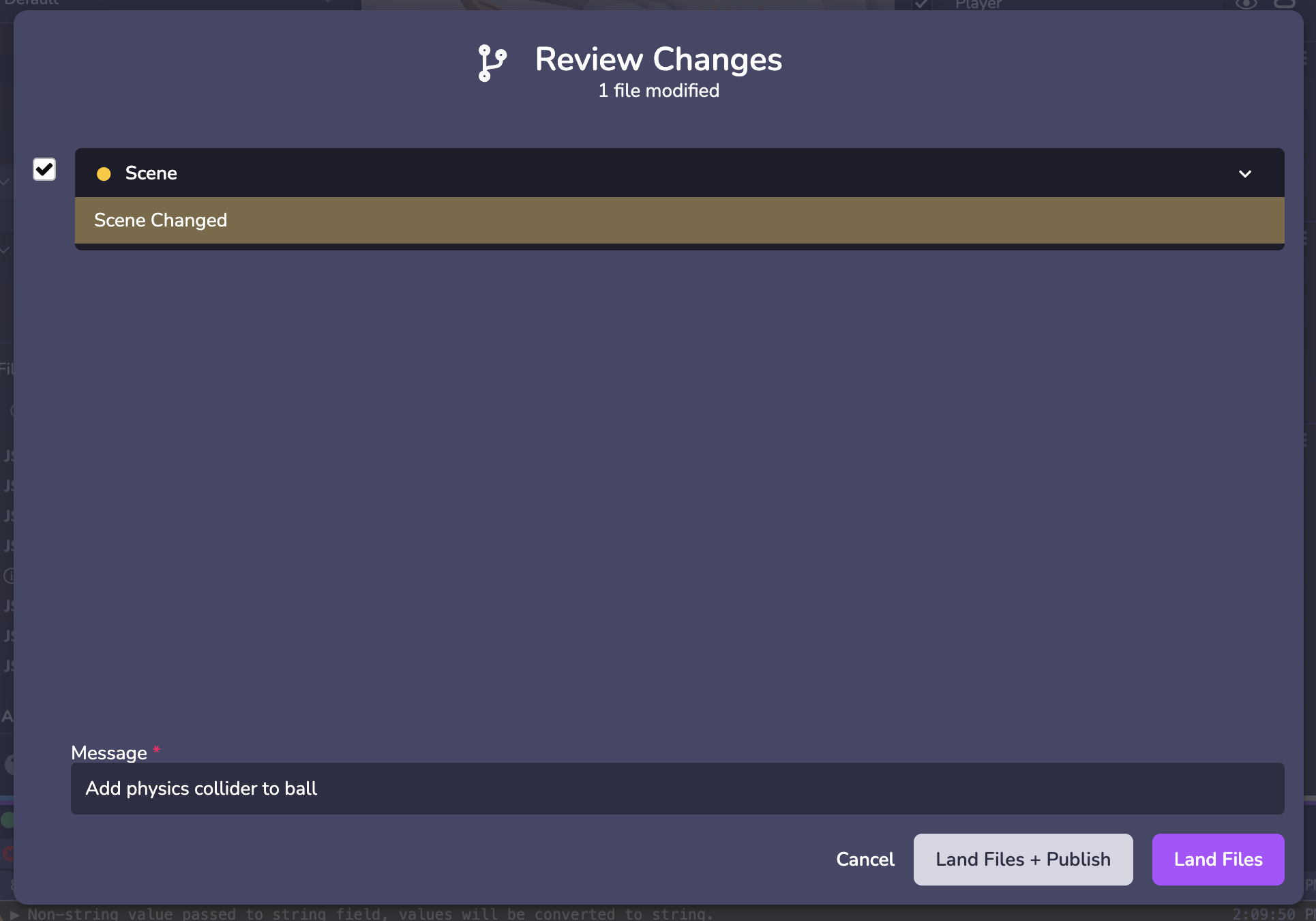
---
# Making Changes | 8th Wall
[Skip to main content](https://www.8thwall.com/docs/studio/getting-started/making-changes/#__docusaurus_skipToContent_fallback)
On this page
If this is your first time opening Studio, see the documentation on [navigating the interface](https://www.8thwall.com/docs/studio/getting-started/navigate-interface/)
.
Adding Entities[](https://www.8thwall.com/docs/studio/getting-started/making-changes/#adding-entities "Direct link to Adding Entities")
-----------------------------------------------------------------------------------------------------------------------------------------
Add new objects to your space by clicking the **+** button above the scene hierarchy.

Position, Rotate, Scale[](https://www.8thwall.com/docs/studio/getting-started/making-changes/#position-rotate-scale "Direct link to Position, Rotate, Scale")
---------------------------------------------------------------------------------------------------------------------------------------------------------------
Use the top toolbar to change the position, rotation, or scale of a selected object, or to undo and redo edits.

Inspector Panel[](https://www.8thwall.com/docs/studio/getting-started/making-changes/#inspector-panel "Direct link to Inspector Panel")
-----------------------------------------------------------------------------------------------------------------------------------------
Inspect and configure an entity and its components. Learn more about entities and components in [Overview](https://www.8thwall.com/docs/studio/essentials/overview/)
.
By default every entity displays a Transform component in the Inspector. Different types of entities may display different components, for example a Primitive will display a Mesh component with configurable options like geometry shape settings, materials, textures, etc.

* [Adding Entities](https://www.8thwall.com/docs/studio/getting-started/making-changes/#adding-entities)
* [Position, Rotate, Scale](https://www.8thwall.com/docs/studio/getting-started/making-changes/#position-rotate-scale)
* [Inspector Panel](https://www.8thwall.com/docs/studio/getting-started/making-changes/#inspector-panel)
---
# View the public project | 8th Wall
[Skip to main content](https://www.8thwall.com/docs/studio/getting-started/view-project/#__docusaurus_skipToContent_fallback)
1. Navigate to the Project Dashboard. From Studio, you can click the hamburger menu in the top left corner. In the **QR 8.code** section of the Project Dashboard, the public project URL will be displayed along with both an **8th.io** shortlink and associated QR code.
2. Scan the QR code with your mobile device to view the public project.

---
# Publish your project | 8th Wall
[Skip to main content](https://www.8thwall.com/docs/studio/getting-started/publish/#__docusaurus_skipToContent_fallback)
The final step is to **publish** your updated and landed project code using 8th Wall's Built-in Hosting. This allows the project to be viewed publicly by anyone on the internet.
1. In the top right of the Studio window, click **Publish**

2. In the **Publish Project** modal, you will see a list of commits (one for each version of code you have landed into source control) as well as the Development, Staging and Public URLs for the project. Select top radio button in the **Public** column to deploy the latest/newest version of code to the project's Public URL, then click **Publish**:
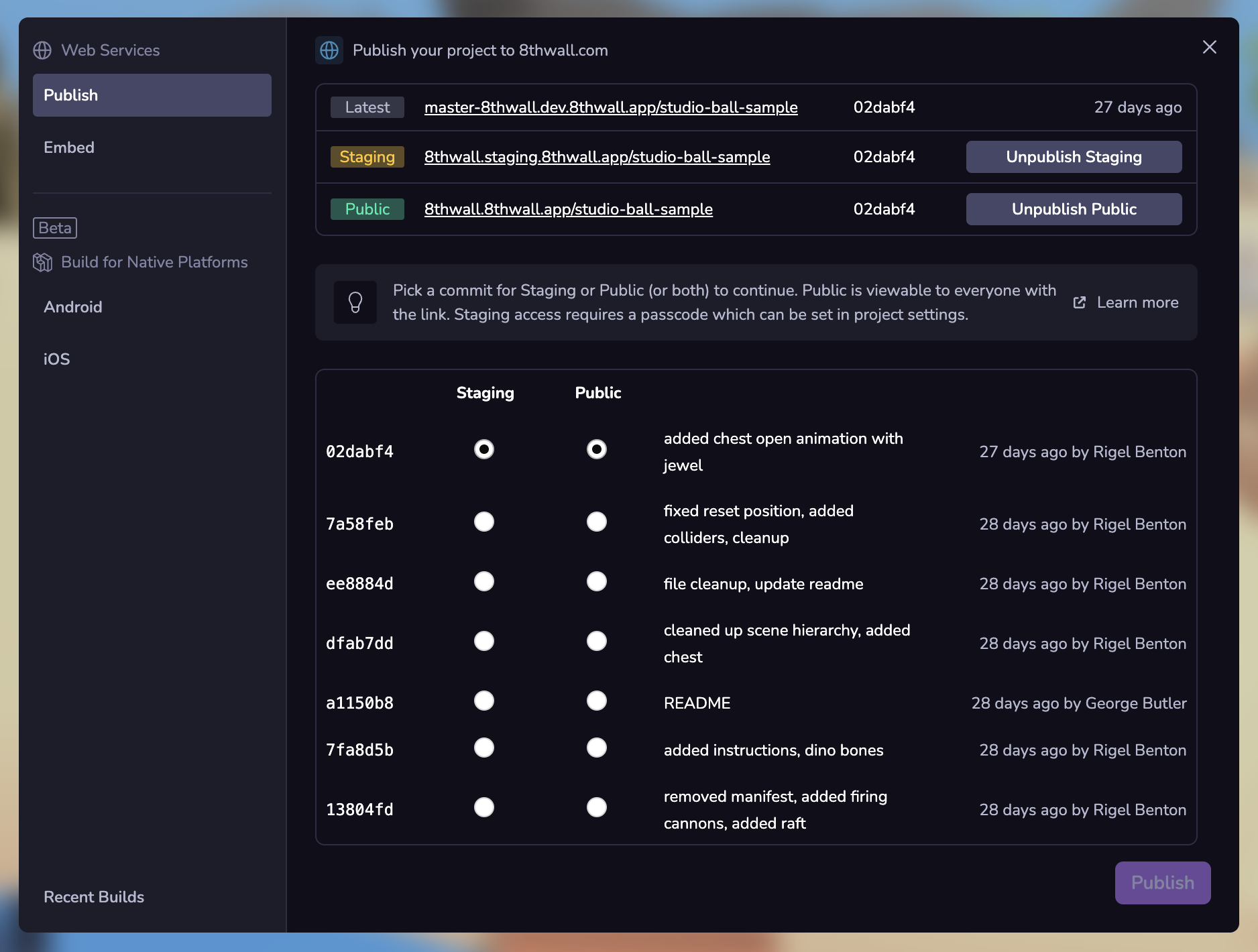
3. Complete the publish process by giving your project a title, description and cover image. This info will appear on your Featured Project Page and as a preview when you share on social platforms and messaging apps.
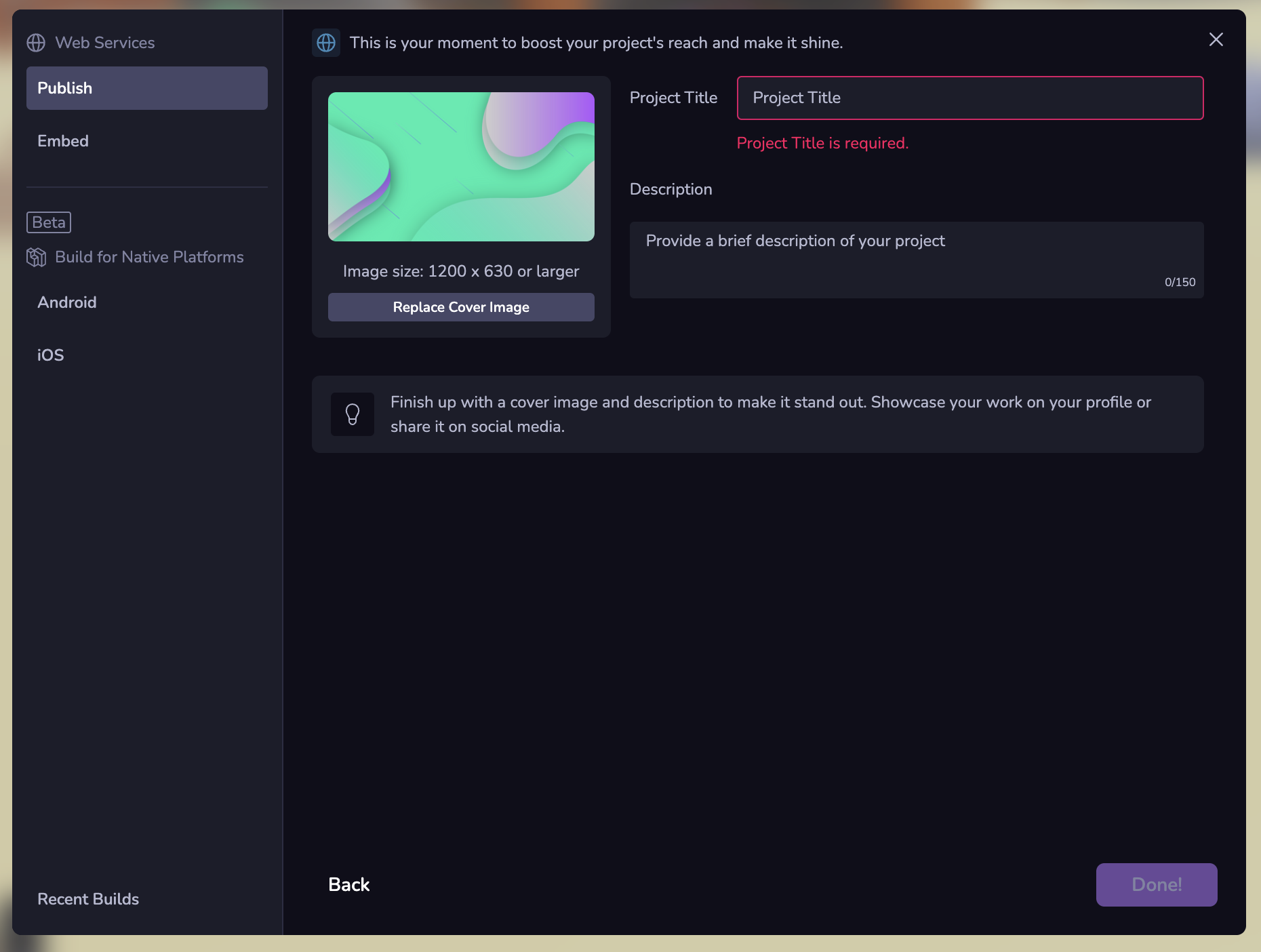
---
# PlaneGeometry | 8th Wall
[Skip to main content](https://www.8thwall.com/docs/api/studio/ecs/geometry/plane-geometry/#__docusaurus_skipToContent_fallback)
On this page
Description[](https://www.8thwall.com/docs/api/studio/ecs/geometry/plane-geometry/#description "Direct link to Description")
------------------------------------------------------------------------------------------------------------------------------
This component establishes geometry on an entity.
Properties[](https://www.8thwall.com/docs/api/studio/ecs/geometry/plane-geometry/#properties "Direct link to Properties")
---------------------------------------------------------------------------------------------------------------------------
| Property | Type | Default | Description |
| --- | --- | --- | --- |
| width | `number` | `0` | Width of the plane |
| height | `number` | `0` | Height of the plane |
Functions[](https://www.8thwall.com/docs/api/studio/ecs/geometry/plane-geometry/#functions "Direct link to Functions")
------------------------------------------------------------------------------------------------------------------------
### Get[](https://www.8thwall.com/docs/api/studio/ecs/geometry/plane-geometry/#get "Direct link to Get")
Returns a read-only reference.
#### Example
ecs.PlaneGeometry.get(world, component.eid)
### Set[](https://www.8thwall.com/docs/api/studio/ecs/geometry/plane-geometry/#set "Direct link to Set")
Ensures the component exists on the entity, then assigns the (optional) data to the component.
#### Example
ecs.PlaneGeometry.set(world, component.eid, { width: 1, height: 1})
### Mutate[](https://www.8thwall.com/docs/api/studio/ecs/geometry/plane-geometry/#mutate "Direct link to Mutate")
Perform an update to the component within a callback function. Return `true` to indicate no changes made.
#### Example
ecs.PlaneGeometry.mutate(world, component.eid, (cursor) => { cursor.width += 1; cursor.height *= 2; return false;})
### Remove[](https://www.8thwall.com/docs/api/studio/ecs/geometry/plane-geometry/#remove "Direct link to Remove")
Removes the component from the entity.
#### Example
ecs.PlaneGeometry.remove(world, component.eid)
### Has[](https://www.8thwall.com/docs/api/studio/ecs/geometry/plane-geometry/#has "Direct link to Has")
Returns `true` if the component is present on the entity.
#### Example
ecs.PlaneGeometry.has(world, component.eid)
### Reset[](https://www.8thwall.com/docs/api/studio/ecs/geometry/plane-geometry/#reset "Direct link to Reset")
Adds, or resets the component to its default state.
#### Example
ecs.PlaneGeometry.reset(world, component.eid)
### Advanced Functions[](https://www.8thwall.com/docs/api/studio/ecs/geometry/plane-geometry/#advanced-functions "Direct link to Advanced Functions")
#### Cursor[](https://www.8thwall.com/docs/api/studio/ecs/geometry/plane-geometry/#cursor "Direct link to Cursor")
Returns a mutable reference. Cursors are reused so only one cursor for each component can exist at a time.
##### Example
ecs.PlaneGeometry.cursor(world, component.eid)
#### Acquire[](https://www.8thwall.com/docs/api/studio/ecs/geometry/plane-geometry/#acquire "Direct link to Acquire")
Same behavior as cursor, but commit must be called after the cursor is done being used.
##### Example
ecs.PlaneGeometry.acquire(world, component.eid)
#### Commit[](https://www.8thwall.com/docs/api/studio/ecs/geometry/plane-geometry/#commit "Direct link to Commit")
Called after acquire. An optional third argument determines whether the cursor was mutated or not.
##### Example
ecs.PlaneGeometry.commit(world, component.eid)ecs.PlaneGeometry.commit(world, component.eid, false)
#### Dirty[](https://www.8thwall.com/docs/api/studio/ecs/geometry/plane-geometry/#dirty "Direct link to Dirty")
Mark the entity as having been mutated. Only needed in a specific case where systems are mutating data.
##### Example
ecs.PlaneGeometry.dirty(world, component.eid)
* [Description](https://www.8thwall.com/docs/api/studio/ecs/geometry/plane-geometry/#description)
* [Properties](https://www.8thwall.com/docs/api/studio/ecs/geometry/plane-geometry/#properties)
* [Functions](https://www.8thwall.com/docs/api/studio/ecs/geometry/plane-geometry/#functions)
---
# assets | 8th Wall
[Skip to main content](https://www.8thwall.com/docs/api/studio/ecs/assets/#__docusaurus_skipToContent_fallback)
On this page
Description[](https://www.8thwall.com/docs/api/studio/ecs/assets/#description "Direct link to Description")
-------------------------------------------------------------------------------------------------------------
This library includes functions that handle asset management.
Types[](https://www.8thwall.com/docs/api/studio/ecs/assets/#types "Direct link to Types")
-------------------------------------------------------------------------------------------
### AssetRequest[](https://www.8thwall.com/docs/api/studio/ecs/assets/#assetrequest "Direct link to AssetRequest")
| Parameter | Type | Description |
| --- | --- | --- |
| id | eid | Unused |
| url | string | The url of the asset |
### AssetStatistics[](https://www.8thwall.com/docs/api/studio/ecs/assets/#assetstatistics "Direct link to AssetStatistics")
| Parameter | Type | Description |
| --- | --- | --- |
| pending | number | The number of pending assets |
| complete | number | The number of assets that have completed loading |
| total | number | The total number of assets to be loaded |
### Asset[](https://www.8thwall.com/docs/api/studio/ecs/assets/#asset "Direct link to Asset")
| Parameter | Type | Description |
| --- | --- | --- |
| data | blob | Asset data |
| remoteUrl | string | Where the data was fetched from |
| localUrl | string | url constructed from data |
Functions[](https://www.8thwall.com/docs/api/studio/ecs/assets/#functions "Direct link to Functions")
-------------------------------------------------------------------------------------------------------
### load[](https://www.8thwall.com/docs/api/studio/ecs/assets/#load "Direct link to load")
Load an asset
ecs.assets.load(assetRequest: AssetRequest) // -> Promise
### clear[](https://www.8thwall.com/docs/api/studio/ecs/assets/#clear "Direct link to clear")
Clears the request asset from loaded assets.
ecs.assets.clear(assetRequest: AssetRequest) // -> Promise
### getStatistics[](https://www.8thwall.com/docs/api/studio/ecs/assets/#getstatistics "Direct link to getStatistics")
Gets statistics related to loading assets.
ecs.assets.getStatistics() // -> AssetStatistics
* [Description](https://www.8thwall.com/docs/api/studio/ecs/assets/#description)
* [Types](https://www.8thwall.com/docs/api/studio/ecs/assets/#types)
* [AssetRequest](https://www.8thwall.com/docs/api/studio/ecs/assets/#assetrequest)
* [AssetStatistics](https://www.8thwall.com/docs/api/studio/ecs/assets/#assetstatistics)
* [Asset](https://www.8thwall.com/docs/api/studio/ecs/assets/#asset)
* [Functions](https://www.8thwall.com/docs/api/studio/ecs/assets/#functions)
* [load](https://www.8thwall.com/docs/api/studio/ecs/assets/#load)
* [clear](https://www.8thwall.com/docs/api/studio/ecs/assets/#clear)
* [getStatistics](https://www.8thwall.com/docs/api/studio/ecs/assets/#getstatistics)
---
# PolyhedronGeometry | 8th Wall
[Skip to main content](https://www.8thwall.com/docs/api/studio/ecs/geometry/polyhedron-geometry/#__docusaurus_skipToContent_fallback)
On this page
Description[](https://www.8thwall.com/docs/api/studio/ecs/geometry/polyhedron-geometry/#description "Direct link to Description")
-----------------------------------------------------------------------------------------------------------------------------------
This component establishes geometry on an entity.
Properties[](https://www.8thwall.com/docs/api/studio/ecs/geometry/polyhedron-geometry/#properties "Direct link to Properties")
--------------------------------------------------------------------------------------------------------------------------------
| Property | Type | Default | Description |
| --- | --- | --- | --- |
| radius | `number` | `0` | Radius of the polyhedron |
| faces | `number` | `0` | Number of flat surfaces that make up the entity |
Functions[](https://www.8thwall.com/docs/api/studio/ecs/geometry/polyhedron-geometry/#functions "Direct link to Functions")
-----------------------------------------------------------------------------------------------------------------------------
### Get[](https://www.8thwall.com/docs/api/studio/ecs/geometry/polyhedron-geometry/#get "Direct link to Get")
Returns a read-only reference.
#### Example
ecs.PolyhedronGeometry.get(world, component.eid)
### Set[](https://www.8thwall.com/docs/api/studio/ecs/geometry/polyhedron-geometry/#set "Direct link to Set")
Ensures the component exists on the entity, then assigns the (optional) data to the component.
#### Example
ecs.PolyhedronGeometry.set(world, component.eid, { radius: 1})
### Mutate[](https://www.8thwall.com/docs/api/studio/ecs/geometry/polyhedron-geometry/#mutate "Direct link to Mutate")
Perform an update to the component within a callback function. Return `true` to indicate no changes made.
#### Example
ecs.PolyhedronGeometry.mutate(world, component.eid, (cursor) => { cursor.radius += 1; return false;})
### Remove[](https://www.8thwall.com/docs/api/studio/ecs/geometry/polyhedron-geometry/#remove "Direct link to Remove")
Removes the component from the entity.
#### Example
ecs.PolyhedronGeometry.remove(world, component.eid)
### Has[](https://www.8thwall.com/docs/api/studio/ecs/geometry/polyhedron-geometry/#has "Direct link to Has")
Returns `true` if the component is present on the entity.
#### Example
ecs.PolyhedronGeometry.has(world, component.eid)
### Reset[](https://www.8thwall.com/docs/api/studio/ecs/geometry/polyhedron-geometry/#reset "Direct link to Reset")
Adds, or resets the component to its default state.
#### Example
ecs.PolyhedronGeometry.reset(world, component.eid)
### Advanced Functions[](https://www.8thwall.com/docs/api/studio/ecs/geometry/polyhedron-geometry/#advanced-functions "Direct link to Advanced Functions")
#### Cursor[](https://www.8thwall.com/docs/api/studio/ecs/geometry/polyhedron-geometry/#cursor "Direct link to Cursor")
Returns a mutable reference. Cursors are reused so only one cursor for each component can exist at a time.
##### Example
ecs.PolyhedronGeometry.cursor(world, component.eid)
#### Acquire[](https://www.8thwall.com/docs/api/studio/ecs/geometry/polyhedron-geometry/#acquire "Direct link to Acquire")
Same behavior as cursor, but commit must be called after the cursor is done being used.
##### Example
ecs.PolyhedronGeometry.acquire(world, component.eid)
#### Commit[](https://www.8thwall.com/docs/api/studio/ecs/geometry/polyhedron-geometry/#commit "Direct link to Commit")
Called after acquire. An optional third argument determines whether the cursor was mutated or not.
##### Example
ecs.PolyhedronGeometry.commit(world, component.eid)ecs.PolyhedronGeometry.commit(world, component.eid, false)
#### Dirty[](https://www.8thwall.com/docs/api/studio/ecs/geometry/polyhedron-geometry/#dirty "Direct link to Dirty")
Mark the entity as having been mutated. Only needed in a specific case where systems are mutating data.
##### Example
ecs.PolyhedronGeometry.dirty(world, component.eid)
* [Description](https://www.8thwall.com/docs/api/studio/ecs/geometry/polyhedron-geometry/#description)
* [Properties](https://www.8thwall.com/docs/api/studio/ecs/geometry/polyhedron-geometry/#properties)
* [Functions](https://www.8thwall.com/docs/api/studio/ecs/geometry/polyhedron-geometry/#functions)
---
# ScaleAnimation | 8th Wall
[Skip to main content](https://www.8thwall.com/docs/api/studio/ecs/animation/scale-animation/#__docusaurus_skipToContent_fallback)
On this page
Description[](https://www.8thwall.com/docs/api/studio/ecs/animation/scale-animation/#description "Direct link to Description")
--------------------------------------------------------------------------------------------------------------------------------
This component creates an animation on an entity.
Properties[](https://www.8thwall.com/docs/api/studio/ecs/animation/scale-animation/#properties "Direct link to Properties")
-----------------------------------------------------------------------------------------------------------------------------
| Property | Type | Default | Description |
| --- | --- | --- | --- |
| target | `eid` | `undefined` | The target object to animate. If not specified, the animation is run on the object that the component is attached to. |
| fromX | `number` | `0` | The starting X rotation for the animation |
| fromY | `number` | `0` | The starting Y rotation for the animation |
| fromZ | `number` | `0` | The starting Z rotation for the animation |
| toX | `number` | `0` | The target X rotation for the animation |
| toY | `number` | `0` | The target Y rotation for the animation |
| toZ | `number` | `0` | The target Z rotation for the animation |
| autoFrom | `boolean` | `false` | If enabled, ignore `from` property and animate from the state of the object at the start of the animation |
| duration | `number` | `1000` | Length of time that the animation runs in milliseconds |
| loop | `boolean` | `true` | If enabled, repeat the animation |
| reverse | `boolean` | `false` | Whether to play in reverse, if loop set |
| easeIn | `boolean` | `false` | If enabled, easing function will be applied over time instead of straight interpolation |
| easeOut | `boolean` | `false` | If enabled, easing function will be applied over time instead of straight interpolation |
| easingFunction | `string` | `''` | Allowed values: `'Quadratic'`, `'Cubic'`, `'Quartic'`, `'Quintic'`, `'Sinusoidal'`, `'Exponential'`, `'Circular'`, `'Elastic'`, `'Back'`, `'Bounce'` |
Functions[](https://www.8thwall.com/docs/api/studio/ecs/animation/scale-animation/#functions "Direct link to Functions")
--------------------------------------------------------------------------------------------------------------------------
### Get[](https://www.8thwall.com/docs/api/studio/ecs/animation/scale-animation/#get "Direct link to Get")
Returns a read-only reference.
#### Example
ecs.ScaleAnimation.get(world, component.eid)
### Set[](https://www.8thwall.com/docs/api/studio/ecs/animation/scale-animation/#set "Direct link to Set")
Ensures the component exists on the entity, then assigns the (optional) data to the component.
#### Example
ecs.ScaleAnimation.set(world, component.eid, { fromX: 0, fromY: 0, fromZ: 0, toX: 0, toY: 0, toZ: 0, autoFrom: false, duration: 1000, loop: true, reverse: false, easeIn: false, easeOut: false, easingFunction: 'Quadratic'})
### Mutate[](https://www.8thwall.com/docs/api/studio/ecs/animation/scale-animation/#mutate "Direct link to Mutate")
Perform an update to the component within a callback function. Return `true` to indicate no changes made.
#### Example
ecs.ScaleAnimation.mutate(world, component.eid, (cursor) => { cursor.toX = 2; cursor.toY = 2; cursor.toZ = 2; cursor.duration = 2000; return false;})
### Remove[](https://www.8thwall.com/docs/api/studio/ecs/animation/scale-animation/#remove "Direct link to Remove")
Removes the component from the entity.
#### Example
ecs.ScaleAnimation.remove(world, component.eid)
### Has[](https://www.8thwall.com/docs/api/studio/ecs/animation/scale-animation/#has "Direct link to Has")
Returns `true` if the component is present on the entity.
#### Example
ecs.ScaleAnimation.has(world, component.eid)
### Reset[](https://www.8thwall.com/docs/api/studio/ecs/animation/scale-animation/#reset "Direct link to Reset")
Adds, or resets the component to its default state.
#### Example
ecs.ScaleAnimation.reset(world, component.eid)
### Advanced Functions[](https://www.8thwall.com/docs/api/studio/ecs/animation/scale-animation/#advanced-functions "Direct link to Advanced Functions")
#### Cursor[](https://www.8thwall.com/docs/api/studio/ecs/animation/scale-animation/#cursor "Direct link to Cursor")
Returns a mutable reference. Cursors are reused so only one cursor for each component can exist at a time.
##### Example
ecs.ScaleAnimation.cursor(world, component.eid)
#### Acquire[](https://www.8thwall.com/docs/api/studio/ecs/animation/scale-animation/#acquire "Direct link to Acquire")
Same behavior as cursor, but commit must be called after the cursor is done being used.
##### Example
ecs.ScaleAnimation.acquire(world, component.eid)
#### Commit[](https://www.8thwall.com/docs/api/studio/ecs/animation/scale-animation/#commit "Direct link to Commit")
Called after acquire. An optional third argument determines whether the cursor was mutated or not.
##### Example
ecs.ScaleAnimation.commit(world, component.eid)ecs.ScaleAnimation.commit(world, component.eid, false)
#### Dirty[](https://www.8thwall.com/docs/api/studio/ecs/animation/scale-animation/#dirty "Direct link to Dirty")
Mark the entity as having been mutated. Only needed in a specific case where systems are mutating data.
##### Example
ecs.ScaleAnimation.dirty(world, component.eid)
* [Description](https://www.8thwall.com/docs/api/studio/ecs/animation/scale-animation/#description)
* [Properties](https://www.8thwall.com/docs/api/studio/ecs/animation/scale-animation/#properties)
* [Functions](https://www.8thwall.com/docs/api/studio/ecs/animation/scale-animation/#functions)
---
# Audio | 8th Wall
[Skip to main content](https://www.8thwall.com/docs/api/studio/ecs/audio/#__docusaurus_skipToContent_fallback)
On this page
Description[](https://www.8thwall.com/docs/api/studio/ecs/audio/#description "Direct link to Description")
------------------------------------------------------------------------------------------------------------
This component allows entities to play sounds.
Properties[](https://www.8thwall.com/docs/api/studio/ecs/audio/#properties "Direct link to Properties")
---------------------------------------------------------------------------------------------------------
| Property | Type | Default | Description |
| --- | --- | --- | --- |
| url | `string` | `''` | Source URL for the audio |
| volume | `number` | `1` | How loud the audio will be played. A value between 0 and 1. |
| loop | `boolean` | `false` | Whether the audio restarts after it finishes |
| paused | `boolean` | `false` | Whether the audio is currently paused |
| pitch | `number` | `1` | The factor used to change the audio's pitch. 1 is the default pitch. |
| positional | `boolean` | `false` | Whether the audio is placed in 3D space |
| refDistance | `number` | `1` | **Only applied if positional is true.** The value indicating at what distance the volume from this source will start reducing as the listener moves away. Must be a non-negative value. |
| distanceModel | `string` | `'inverse'` | **Only applied if positional is true.** The algorithm used to reduce volume as the distance increases between this audio source and the listener. Allowed values: `'linear'`, `'inverse'`, `'exponential'`. |
| rolloffFactor | `number` | `1` | **Only applied if positional is true.** How quickly volume is reduced as distance increases between this audio source and the listener. The acceptable range of values changes depending on the distanceModel, shown by the following: linear: 0 to 1, inverse: 0 to Infinity, exponential: 0 to Infinity |
| maxDistance | `number` | `10000` | **Only applied if positional is true** and distanceModel is `'linear'`. The max distance between this audio source and the listener. Volume is not reduced after this point. Must be a positive value. |
Functions[](https://www.8thwall.com/docs/api/studio/ecs/audio/#functions "Direct link to Functions")
------------------------------------------------------------------------------------------------------
### Get[](https://www.8thwall.com/docs/api/studio/ecs/audio/#get "Direct link to Get")
Returns a read-only reference.
#### Example
ecs.Audio.get(world, component.eid)
### Set[](https://www.8thwall.com/docs/api/studio/ecs/audio/#set "Direct link to Set")
Ensures the component exists on the entity, then assigns the (optional) data to the component.
#### Example
ecs.Audio.set(world, component.eid, { url: '', volume: 1, loop: false, paused: false, pitch: 1, positional: false, refDistance: 1, distanceModel: 'inverse', rolloffFactor: 1, maxDistance: 10000})
### Mutate[](https://www.8thwall.com/docs/api/studio/ecs/audio/#mutate "Direct link to Mutate")
Perform an update to the component within a callback function. Return `true` to indicate no changes made.
#### Example
ecs.Audio.mutate(world, component.eid, (cursor) => { cursor.volume = 0.5; cursor.loop = true; return false;})
### Remove[](https://www.8thwall.com/docs/api/studio/ecs/audio/#remove "Direct link to Remove")
Removes the component from the entity.
#### Example
ecs.Audio.remove(world, component.eid)
### Has[](https://www.8thwall.com/docs/api/studio/ecs/audio/#has "Direct link to Has")
Returns `true` if the component is present on the entity.
#### Example
ecs.Audio.has(world, component.eid)
### Reset[](https://www.8thwall.com/docs/api/studio/ecs/audio/#reset "Direct link to Reset")
Adds, or resets the component to its default state.
#### Example
ecs.Audio.reset(world, component.eid)
### Advanced Functions[](https://www.8thwall.com/docs/api/studio/ecs/audio/#advanced-functions "Direct link to Advanced Functions")
#### Cursor[](https://www.8thwall.com/docs/api/studio/ecs/audio/#cursor "Direct link to Cursor")
Returns a mutable reference. Cursors are reused so only one cursor for each component can exist at a time.
##### Example
ecs.Audio.cursor(world, component.eid)
#### Acquire[](https://www.8thwall.com/docs/api/studio/ecs/audio/#acquire "Direct link to Acquire")
Same behavior as cursor, but commit must be called after the cursor is done being used.
##### Example
ecs.Audio.acquire(world, component.eid)
#### Commit[](https://www.8thwall.com/docs/api/studio/ecs/audio/#commit "Direct link to Commit")
Called after acquire. An optional third argument determines whether the cursor was mutated or not.
##### Example
ecs.Audio.commit(world, component.eid)ecs.Audio.commit(world, component.eid, false)
#### Dirty[](https://www.8thwall.com/docs/api/studio/ecs/audio/#dirty "Direct link to Dirty")
Mark the entity as having been mutated. Only needed in a specific case where systems are mutating data.
##### Example
ecs.Audio.dirty(world, component.eid)
* [Description](https://www.8thwall.com/docs/api/studio/ecs/audio/#description)
* [Properties](https://www.8thwall.com/docs/api/studio/ecs/audio/#properties)
* [Functions](https://www.8thwall.com/docs/api/studio/ecs/audio/#functions)
---
# FlyController | 8th Wall
[Skip to main content](https://www.8thwall.com/docs/api/studio/ecs/fly-controller/#__docusaurus_skipToContent_fallback)
On this page
Description[](https://www.8thwall.com/docs/api/studio/ecs/fly-controller/#description "Direct link to Description")
---------------------------------------------------------------------------------------------------------------------
This component lets you control the object and move freely around the space
Properties[](https://www.8thwall.com/docs/api/studio/ecs/fly-controller/#properties "Direct link to Properties")
------------------------------------------------------------------------------------------------------------------
| Property | Type | Default | Description |
| --- | --- | --- | --- |
| verticalSensitivity | `number` | `1` | Input sensitivity vertically |
| horizontalSensitivity | `number` | `1` | Input sensitivity horizontally |
| moveSpeedX | `number` | `10` | Movement speed of the x axis |
| moveSpeedY | `number` | `10` | Movement speed of the y axis |
| moveSpeedZ | `number` | `10` | Movement speed of the z axis |
| invertedX | `boolean` | `false` | Whether X input is inverted |
| invertedY | `boolean` | `false` | Whether Y input is inverted |
Functions[](https://www.8thwall.com/docs/api/studio/ecs/fly-controller/#functions "Direct link to Functions")
---------------------------------------------------------------------------------------------------------------
### Get[](https://www.8thwall.com/docs/api/studio/ecs/fly-controller/#get "Direct link to Get")
Returns a read-only reference.
#### Example
ecs.FlyController.get(world, component.eid)
### Set[](https://www.8thwall.com/docs/api/studio/ecs/fly-controller/#set "Direct link to Set")
Ensures the component exists on the entity, then assigns the (optional) data to the component.
#### Example
ecs.FlyController.set(world, component.eid, { verticalSensitivity: 1, horizontalSensitivity: 1, moveSpeedX: 10, moveSpeedY: 10, moveSpeedZ: 10, invertedX: false, invertedY: false})
### Mutate[](https://www.8thwall.com/docs/api/studio/ecs/fly-controller/#mutate "Direct link to Mutate")
Perform an update to the component within a callback function. Return `true` to indicate no changes made.
#### Example
ecs.FlyController.mutate(world, component.eid, (cursor) => { cursor.verticalSensitivity = 2; cursor.horizontalSensitivity = 2; return false;})
### Remove[](https://www.8thwall.com/docs/api/studio/ecs/fly-controller/#remove "Direct link to Remove")
Removes the component from the entity.
#### Example
ecs.FlyController.remove(world, component.eid)
### Has[](https://www.8thwall.com/docs/api/studio/ecs/fly-controller/#has "Direct link to Has")
Returns `true` if the component is present on the entity.
#### Example
ecs.FlyController.has(world, component.eid)
### Reset[](https://www.8thwall.com/docs/api/studio/ecs/fly-controller/#reset "Direct link to Reset")
Adds, or resets the component to its default state.
#### Example
ecs.FlyController.reset(world, component.eid)
### Advanced Functions[](https://www.8thwall.com/docs/api/studio/ecs/fly-controller/#advanced-functions "Direct link to Advanced Functions")
#### Cursor[](https://www.8thwall.com/docs/api/studio/ecs/fly-controller/#cursor "Direct link to Cursor")
Returns a mutable reference. Cursors are reused so only one cursor for each component can exist at a time.
##### Example
ecs.FlyController.cursor(world, component.eid)
#### Acquire[](https://www.8thwall.com/docs/api/studio/ecs/fly-controller/#acquire "Direct link to Acquire")
Same behavior as cursor, but commit must be called after the cursor is done being used.
##### Example
ecs.FlyController.acquire(world, component.eid)
#### Commit[](https://www.8thwall.com/docs/api/studio/ecs/fly-controller/#commit "Direct link to Commit")
Called after acquire. An optional third argument determines whether the cursor was mutated or not.
##### Example
ecs.FlyController.commit(world, component.eid)ecs.FlyController.commit(world, component.eid, false)
#### Dirty[](https://www.8thwall.com/docs/api/studio/ecs/fly-controller/#dirty "Direct link to Dirty")
Mark the entity as having been mutated. Only needed in a specific case where systems are mutating data.
##### Example
ecs.FlyController.dirty(world, component.eid)
* [Description](https://www.8thwall.com/docs/api/studio/ecs/fly-controller/#description)
* [Properties](https://www.8thwall.com/docs/api/studio/ecs/fly-controller/#properties)
* [Functions](https://www.8thwall.com/docs/api/studio/ecs/fly-controller/#functions)
---
# Collider | 8th Wall
[Skip to main content](https://www.8thwall.com/docs/api/studio/ecs/collider/#__docusaurus_skipToContent_fallback)
On this page
Description[](https://www.8thwall.com/docs/api/studio/ecs/collider/#description "Direct link to Description")
---------------------------------------------------------------------------------------------------------------
This component establishes a physics collider on an entity.
ColliderShape[](https://www.8thwall.com/docs/api/studio/ecs/collider/#collidershape "Direct link to ColliderShape")
---------------------------------------------------------------------------------------------------------------------
| Type | Description |
| --- | --- |
| Box | Box |
| Sphere | Sphere |
| Plane | Plane |
| Capsule | Capsule |
| Cone | Cone |
| Cylinder | Cylinder |
ColliderType[](https://www.8thwall.com/docs/api/studio/ecs/collider/#collidertype "Direct link to ColliderType")
------------------------------------------------------------------------------------------------------------------
| Type | Description |
| --- | --- |
| Static | Applies to an object that does not move under simulation and behaves as if it has infinite mass |
| Dynamic | Applies to a fully simulated, real-life object affected by forces, gravity, and collisions. |
| Kinematic | Applies to an object whose motion is not affected by forces but is entirely controlled programmatically by the user. Unlike static bodies, kinematic bodies can move and can affect other dynamic bodies through collisions. |
Properties[](https://www.8thwall.com/docs/api/studio/ecs/collider/#properties "Direct link to Properties")
------------------------------------------------------------------------------------------------------------
| Property | Type | Default | Description |
| --- | --- | --- | --- |
| type | `ecs.ColliderType` | `ecs.ColliderType.Static` | Supported types include static, dynamic, and kinematic |
| shape | `ecs.ColliderShape` | `ecs.ColliderShape.Box` | Supported shape types include geometries and auto generated shapes from meshes |
| width | `number` | `0` | Width of Box or Plane shapes |
| height | `number` | `0` | Height of Box, Plane, Capsule, Cone, or Cylinder shapes |
| depth | `number` | `0` | Depth of Box shape |
| radius | `number` | `0` | Radius of Sphere, Capsule, Cone, or Cylinder shapes |
| mass | `number` | `0` | Mass of the entity |
| eventOnly | `boolean` | `false` | Determines if the object should only dispatch collision events, and not physically respond |
| gravityFactor | `number` | `1` | Factor of which to scale the world’s gravity |
| lockXAxis | `boolean` | `false` | Disables rotation on the X Axis |
| lockYAxis | `boolean` | `false` | Disables rotation on the Y Axis |
| lockZAxis | `boolean` | `false` | Disables rotation on the Z Axis |
| friction | `number` | `0.5` | The amount of contact friction on the entity |
| restitution | `number` | `0` | The bounciness of the entity, negative values absorb impact |
| linearDamping | `number` | `0` | The amount of air resistance while moving |
| angularDamping | `number` | `0` | The amount of air resistance while rotating |
| lockXPosition | `boolean` | `false` | Prevents movement of the collider along the X-axis |
| lockYPosition | `boolean` | `false` | Prevents movement of the collider along the Y-axis |
| lockZPosition | `boolean` | `false` | Prevents movement of the collider along the Z-axis |
| highPrecision | `boolean` | `false` | Enables continuous collision detection to increase precision of collision events |
| offsetX | `number` | `0` | Local X offset of the collider shape from the object origin |
| offsetY | `number` | `0` | Local Y offset of the collider shape from the object origin |
| offsetZ | `number` | `0` | Local Z offset of the collider shape from the object origin |
| offsetQuaternionX | `number` | `0` | Quaterion X offset of the collider shape from the object orientation |
| offsetQuaternionY | `number` | `0` | Quaterion Y offset of the collider shape from the object orientation |
| offsetQuaternionZ | `number` | `0` | Quaterion Z offset of the collider shape from the object orientation |
| offsetQuaternionW | `number` | `1` | Quaterion W offset of the collider shape from the object orientation |
Functions[](https://www.8thwall.com/docs/api/studio/ecs/collider/#functions "Direct link to Functions")
---------------------------------------------------------------------------------------------------------
### Get[](https://www.8thwall.com/docs/api/studio/ecs/collider/#get "Direct link to Get")
Returns a read-only reference.
#### Example
ecs.Collider.get(world, component.eid)
### Set[](https://www.8thwall.com/docs/api/studio/ecs/collider/#set "Direct link to Set")
Ensures the component exists on the entity, then assigns the (optional) data to the component.
#### Example
ecs.Collider.set(world, component.eid, { shape: ecs.ColliderShape.Sphere, type: ecs.ColliderType.Static, radius: 1, mass: 0, eventOnly: false, gravityFactory: 1, lockXAxis: false, lockYAxis: false, lockZAxis: false, friction: 0.5, restitution: 0, linearDamping: 0, angularDamping: 0})
### Mutate[](https://www.8thwall.com/docs/api/studio/ecs/collider/#mutate "Direct link to Mutate")
Perform an update to the component within a callback function. Return `true` to indicate no changes made.
#### Example
ecs.Collider.mutate(world, component.eid, (cursor) => { cursor.mass = 5; cursor.friction = 0.8; return false;})
### Remove[](https://www.8thwall.com/docs/api/studio/ecs/collider/#remove "Direct link to Remove")
Removes the component from the entity.
#### Example
ecs.Collider.remove(world, component.eid)
### Has[](https://www.8thwall.com/docs/api/studio/ecs/collider/#has "Direct link to Has")
Returns `true` if the component is present on the entity.
#### Example
ecs.Collider.has(world, component.eid)
### Reset[](https://www.8thwall.com/docs/api/studio/ecs/collider/#reset "Direct link to Reset")
Adds, or resets the component to its default state.
#### Example
ecs.Collider.reset(world, component.eid)
### Advanced Functions[](https://www.8thwall.com/docs/api/studio/ecs/collider/#advanced-functions "Direct link to Advanced Functions")
#### Cursor[](https://www.8thwall.com/docs/api/studio/ecs/collider/#cursor "Direct link to Cursor")
Returns a mutable reference. Cursors are reused so only one cursor for each component can exist at a time.
##### Example
ecs.Collider.cursor(world, component.eid)
#### Acquire[](https://www.8thwall.com/docs/api/studio/ecs/collider/#acquire "Direct link to Acquire")
Same behavior as cursor, but commit must be called after the cursor is done being used.
##### Example
ecs.Collider.acquire(world, component.eid)
#### Commit[](https://www.8thwall.com/docs/api/studio/ecs/collider/#commit "Direct link to Commit")
Called after acquire. An optional third argument determines whether the cursor was mutated or not.
##### Example
ecs.Collider.commit(world, component.eid)ecs.Collider.commit(world, component.eid, false)
#### Dirty[](https://www.8thwall.com/docs/api/studio/ecs/collider/#dirty "Direct link to Dirty")
Mark the entity as having been mutated. Only needed in a specific case where systems are mutating data.
##### Example
ecs.Collider.dirty(world, component.eid)
* [Description](https://www.8thwall.com/docs/api/studio/ecs/collider/#description)
* [ColliderShape](https://www.8thwall.com/docs/api/studio/ecs/collider/#collidershape)
* [ColliderType](https://www.8thwall.com/docs/api/studio/ecs/collider/#collidertype)
* [Properties](https://www.8thwall.com/docs/api/studio/ecs/collider/#properties)
* [Functions](https://www.8thwall.com/docs/api/studio/ecs/collider/#functions)
---
# CircleGeometry | 8th Wall
[Skip to main content](https://www.8thwall.com/docs/api/studio/ecs/geometry/circle-geometry/#__docusaurus_skipToContent_fallback)
On this page
Description[](https://www.8thwall.com/docs/api/studio/ecs/geometry/circle-geometry/#description "Direct link to Description")
-------------------------------------------------------------------------------------------------------------------------------
This component establishes geometry on an entity.
Properties[](https://www.8thwall.com/docs/api/studio/ecs/geometry/circle-geometry/#properties "Direct link to Properties")
----------------------------------------------------------------------------------------------------------------------------
| Property | Type | Default | Description |
| --- | --- | --- | --- |
| radius | `number` | `0` | Radius of the circle |
### Get[](https://www.8thwall.com/docs/api/studio/ecs/geometry/circle-geometry/#get "Direct link to Get")
Returns a read-only reference.
#### Example
ecs.CircleGeometry.get(world, component.eid)
### Set[](https://www.8thwall.com/docs/api/studio/ecs/geometry/circle-geometry/#set "Direct link to Set")
Ensures the component exists on the entity, then assigns the (optional) data to the component.
#### Example
ecs.CircleGeometry.set(world, component.eid, { radius: 1})
### Mutate[](https://www.8thwall.com/docs/api/studio/ecs/geometry/circle-geometry/#mutate "Direct link to Mutate")
Perform an update to the component within a callback function. Return `true` to indicate no changes made.
#### Example
ecs.CircleGeometry.mutate(world, component.eid, (cursor) => { cursor.radius += 1; return false;})
### Remove[](https://www.8thwall.com/docs/api/studio/ecs/geometry/circle-geometry/#remove "Direct link to Remove")
Removes the component from the entity.
#### Example
ecs.CircleGeometry.remove(world, component.eid)
### Has[](https://www.8thwall.com/docs/api/studio/ecs/geometry/circle-geometry/#has "Direct link to Has")
Returns `true` if the component is present on the entity.
#### Example
ecs.CircleGeometry.has(world, component.eid)
### Reset[](https://www.8thwall.com/docs/api/studio/ecs/geometry/circle-geometry/#reset "Direct link to Reset")
Adds, or resets the component to its default state.
#### Example
ecs.CircleGeometry.reset(world, component.eid)
### Advanced Functions[](https://www.8thwall.com/docs/api/studio/ecs/geometry/circle-geometry/#advanced-functions "Direct link to Advanced Functions")
#### Cursor[](https://www.8thwall.com/docs/api/studio/ecs/geometry/circle-geometry/#cursor "Direct link to Cursor")
Returns a mutable reference. Cursors are reused so only one cursor for each component can exist at a time.
##### Example
ecs.CircleGeometry.cursor(world, component.eid)
#### Acquire[](https://www.8thwall.com/docs/api/studio/ecs/geometry/circle-geometry/#acquire "Direct link to Acquire")
Same behavior as cursor, but commit must be called after the cursor is done being used.
##### Example
ecs.CircleGeometry.acquire(world, component.eid)
#### Commit[](https://www.8thwall.com/docs/api/studio/ecs/geometry/circle-geometry/#commit "Direct link to Commit")
Called after acquire. An optional third argument determines whether the cursor was mutated or not.
##### Example
ecs.CircleGeometry.commit(world, component.eid)ecs.CircleGeometry.commit(world, component.eid, false)
#### Dirty[](https://www.8thwall.com/docs/api/studio/ecs/geometry/circle-geometry/#dirty "Direct link to Dirty")
Mark the entity as having been mutated. Only needed in a specific case where systems are mutating data.
##### Example
ecs.CircleGeometry.dirty(world, component.eid)
* [Description](https://www.8thwall.com/docs/api/studio/ecs/geometry/circle-geometry/#description)
* [Properties](https://www.8thwall.com/docs/api/studio/ecs/geometry/circle-geometry/#properties)
---
# BoxGeometry | 8th Wall
[Skip to main content](https://www.8thwall.com/docs/api/studio/ecs/geometry/box-geometry/#__docusaurus_skipToContent_fallback)
On this page
Description[](https://www.8thwall.com/docs/api/studio/ecs/geometry/box-geometry/#description "Direct link to Description")
----------------------------------------------------------------------------------------------------------------------------
This component establishes geometry on an entity.
Properties[](https://www.8thwall.com/docs/api/studio/ecs/geometry/box-geometry/#properties "Direct link to Properties")
-------------------------------------------------------------------------------------------------------------------------
| Property | Type | Default | Description |
| --- | --- | --- | --- |
| width | `number` | `0` | Width of the box |
| height | `number` | `0` | Height of the box |
| depth | `number` | `0` | Depth of the box |
Functions[](https://www.8thwall.com/docs/api/studio/ecs/geometry/box-geometry/#functions "Direct link to Functions")
----------------------------------------------------------------------------------------------------------------------
### Get[](https://www.8thwall.com/docs/api/studio/ecs/geometry/box-geometry/#get "Direct link to Get")
Returns a read-only reference.
#### Example
ecs.BoxGeometry.get(world, component.eid)
### Set[](https://www.8thwall.com/docs/api/studio/ecs/geometry/box-geometry/#set "Direct link to Set")
Ensures the component exists on the entity, then assigns the (optional) data to the component.
#### Example
ecs.BoxGeometry.set(world, component.eid, { width: 1, height: 2, depth: 1})
### Mutate[](https://www.8thwall.com/docs/api/studio/ecs/geometry/box-geometry/#mutate "Direct link to Mutate")
Perform an update to the component within a callback function. Return `true` to indicate no changes made.
#### Example
ecs.BoxGeometry.mutate(world, component.eid, (cursor) => { cursor.width += 1; cursor.height *= 2; return false;})
### Remove[](https://www.8thwall.com/docs/api/studio/ecs/geometry/box-geometry/#remove "Direct link to Remove")
Removes the component from the entity.
#### Example
ecs.BoxGeometry.remove(world, component.eid)
### Has[](https://www.8thwall.com/docs/api/studio/ecs/geometry/box-geometry/#has "Direct link to Has")
Returns `true` if the component is present on the entity.
#### Example
ecs.BoxGeometry.has(world, component.eid)
### Reset[](https://www.8thwall.com/docs/api/studio/ecs/geometry/box-geometry/#reset "Direct link to Reset")
Adds, or resets the component to its default state.
#### Example
ecs.BoxGeometry.reset(world, component.eid)
### Advanced Functions[](https://www.8thwall.com/docs/api/studio/ecs/geometry/box-geometry/#advanced-functions "Direct link to Advanced Functions")
#### Cursor[](https://www.8thwall.com/docs/api/studio/ecs/geometry/box-geometry/#cursor "Direct link to Cursor")
Returns a mutable reference. Cursors are reused so only one cursor for each component can exist at a time.
##### Example
ecs.BoxGeometry.cursor(world, component.eid)
#### Acquire[](https://www.8thwall.com/docs/api/studio/ecs/geometry/box-geometry/#acquire "Direct link to Acquire")
Same behavior as cursor, but commit must be called after the cursor is done being used.
##### Example
ecs.BoxGeometry.acquire(world, component.eid)
#### Commit[](https://www.8thwall.com/docs/api/studio/ecs/geometry/box-geometry/#commit "Direct link to Commit")
Called after acquire. An optional third argument determines whether the cursor was mutated or not.
##### Example
ecs.BoxGeometry.commit(world, component.eid)ecs.BoxGeometry.commit(world, component.eid, false)
#### Dirty[](https://www.8thwall.com/docs/api/studio/ecs/geometry/box-geometry/#dirty "Direct link to Dirty")
Mark the entity as having been mutated. Only needed in a specific case where systems are mutating data.
##### Example
ecs.BoxGeometry.dirty(world, component.eid)
* [Description](https://www.8thwall.com/docs/api/studio/ecs/geometry/box-geometry/#description)
* [Properties](https://www.8thwall.com/docs/api/studio/ecs/geometry/box-geometry/#properties)
* [Functions](https://www.8thwall.com/docs/api/studio/ecs/geometry/box-geometry/#functions)
---
# CapsuleGeometry | 8th Wall
[Skip to main content](https://www.8thwall.com/docs/api/studio/ecs/geometry/capsule-geometry/#__docusaurus_skipToContent_fallback)
On this page
Description[](https://www.8thwall.com/docs/api/studio/ecs/geometry/capsule-geometry/#description "Direct link to Description")
--------------------------------------------------------------------------------------------------------------------------------
This component establishes geometry on an entity.
Properties[](https://www.8thwall.com/docs/api/studio/ecs/geometry/capsule-geometry/#properties "Direct link to Properties")
-----------------------------------------------------------------------------------------------------------------------------
| Property | Type | Default | Description |
| --- | --- | --- | --- |
| radius | `number` | `0` | Radius of the capsule |
| height | `number` | `0` | Height of the capsule |
Functions[](https://www.8thwall.com/docs/api/studio/ecs/geometry/capsule-geometry/#functions "Direct link to Functions")
--------------------------------------------------------------------------------------------------------------------------
### Get[](https://www.8thwall.com/docs/api/studio/ecs/geometry/capsule-geometry/#get "Direct link to Get")
Returns a read-only reference.
#### Example
ecs.CapsuleGeometry.get(world, component.eid)
### Set[](https://www.8thwall.com/docs/api/studio/ecs/geometry/capsule-geometry/#set "Direct link to Set")
Ensures the component exists on the entity, then assigns the (optional) data to the component.
#### Example
ecs.CapsuleGeometry.set(world, component.eid, { radius: 1, height: 1})
### Mutate[](https://www.8thwall.com/docs/api/studio/ecs/geometry/capsule-geometry/#mutate "Direct link to Mutate")
Perform an update to the component within a callback function. Return `true` to indicate no changes made.
#### Example
ecs.CapsuleGeometry.mutate(world, component.eid, (cursor) => { cursor.radius += 1; cursor.height *= 2; return false;})
### Remove[](https://www.8thwall.com/docs/api/studio/ecs/geometry/capsule-geometry/#remove "Direct link to Remove")
Removes the component from the entity.
#### Example
ecs.CapsuleGeometry.remove(world, component.eid)
### Has[](https://www.8thwall.com/docs/api/studio/ecs/geometry/capsule-geometry/#has "Direct link to Has")
Returns `true` if the component is present on the entity.
#### Example
ecs.CapsuleGeometry.has(world, component.eid)
### Reset[](https://www.8thwall.com/docs/api/studio/ecs/geometry/capsule-geometry/#reset "Direct link to Reset")
Adds, or resets the component to its default state.
#### Example
ecs.CapsuleGeometry.reset(world, component.eid)
### Advanced Functions[](https://www.8thwall.com/docs/api/studio/ecs/geometry/capsule-geometry/#advanced-functions "Direct link to Advanced Functions")
#### Cursor[](https://www.8thwall.com/docs/api/studio/ecs/geometry/capsule-geometry/#cursor "Direct link to Cursor")
Returns a mutable reference. Cursors are reused so only one cursor for each component can exist at a time.
##### Example
ecs.CapsuleGeometry.cursor(world, component.eid)
#### Acquire[](https://www.8thwall.com/docs/api/studio/ecs/geometry/capsule-geometry/#acquire "Direct link to Acquire")
Same behavior as cursor, but commit must be called after the cursor is done being used.
##### Example
ecs.CapsuleGeometry.acquire(world, component.eid)
#### Commit[](https://www.8thwall.com/docs/api/studio/ecs/geometry/capsule-geometry/#commit "Direct link to Commit")
Called after acquire. An optional third argument determines whether the cursor was mutated or not.
##### Example
ecs.CapsuleGeometry.commit(world, component.eid)ecs.CapsuleGeometry.commit(world, component.eid, false)
#### Dirty[](https://www.8thwall.com/docs/api/studio/ecs/geometry/capsule-geometry/#dirty "Direct link to Dirty")
Mark the entity as having been mutated. Only needed in a specific case where systems are mutating data.
##### Example
ecs.CapsuleGeometry.dirty(world, component.eid)
* [Description](https://www.8thwall.com/docs/api/studio/ecs/geometry/capsule-geometry/#description)
* [Properties](https://www.8thwall.com/docs/api/studio/ecs/geometry/capsule-geometry/#properties)
* [Functions](https://www.8thwall.com/docs/api/studio/ecs/geometry/capsule-geometry/#functions)
---
# Disabled | 8th Wall
[Skip to main content](https://www.8thwall.com/docs/api/studio/ecs/disabled/#__docusaurus_skipToContent_fallback)
On this page
Description[](https://www.8thwall.com/docs/api/studio/ecs/disabled/#description "Direct link to Description")
---------------------------------------------------------------------------------------------------------------
This component disables the entity that it is attached to.
Properties[](https://www.8thwall.com/docs/api/studio/ecs/disabled/#properties "Direct link to Properties")
------------------------------------------------------------------------------------------------------------
None
Functions[](https://www.8thwall.com/docs/api/studio/ecs/disabled/#functions "Direct link to Functions")
---------------------------------------------------------------------------------------------------------
### Get[](https://www.8thwall.com/docs/api/studio/ecs/disabled/#get "Direct link to Get")
Returns a read-only reference.
#### Example
ecs.Disabled.get(world, component.eid)
### Set[](https://www.8thwall.com/docs/api/studio/ecs/disabled/#set "Direct link to Set")
Ensures the component exists on the entity, then assigns the (optional) data to the component.
#### Example
ecs.Disabled.set(world, component.eid, {})
### Mutate[](https://www.8thwall.com/docs/api/studio/ecs/disabled/#mutate "Direct link to Mutate")
Perform an update to the component within a callback function. Return `true` to indicate no changes made.
#### Example
ecs.Disabled.mutate(world, component.eid, (cursor) => { return false})
### Remove[](https://www.8thwall.com/docs/api/studio/ecs/disabled/#remove "Direct link to Remove")
Removes the component from the entity.
#### Example
ecs.Disabled.remove(world, component.eid)
### Has[](https://www.8thwall.com/docs/api/studio/ecs/disabled/#has "Direct link to Has")
Returns `true` if the component is present on the entity.
#### Example
ecs.Disabled.has(world, component.eid)
### Reset[](https://www.8thwall.com/docs/api/studio/ecs/disabled/#reset "Direct link to Reset")
Adds, or resets the component to its default state.
#### Example
ecs.Disabled.reset(world, component.eid)
### Advanced Functions[](https://www.8thwall.com/docs/api/studio/ecs/disabled/#advanced-functions "Direct link to Advanced Functions")
#### Cursor[](https://www.8thwall.com/docs/api/studio/ecs/disabled/#cursor "Direct link to Cursor")
Returns a mutable reference. Cursors are reused so only one cursor for each component can exist at a time.
##### Example
ecs.Disabled.cursor(world, component.eid)
#### Acquire[](https://www.8thwall.com/docs/api/studio/ecs/disabled/#acquire "Direct link to Acquire")
Same behavior as cursor, but commit must be called after the cursor is done being used.
##### Example
ecs.Disabled.acquire(world, component.eid)
#### Commit[](https://www.8thwall.com/docs/api/studio/ecs/disabled/#commit "Direct link to Commit")
Called after acquire. An optional third argument determines whether the cursor was mutated or not.
##### Example
ecs.Disabled.commit(world, component.eid)ecs.Disabled.commit(world, component.eid, false)
#### Dirty[](https://www.8thwall.com/docs/api/studio/ecs/disabled/#dirty "Direct link to Dirty")
Mark the entity as having been mutated. Only needed in a specific case where systems are mutating data.
##### Example
ecs.Disabled.dirty(world, component.eid)
* [Description](https://www.8thwall.com/docs/api/studio/ecs/disabled/#description)
* [Properties](https://www.8thwall.com/docs/api/studio/ecs/disabled/#properties)
* [Functions](https://www.8thwall.com/docs/api/studio/ecs/disabled/#functions)
---
# ConeGeometry | 8th Wall
[Skip to main content](https://www.8thwall.com/docs/api/studio/ecs/geometry/cone-geometry/#__docusaurus_skipToContent_fallback)
On this page
Description[](https://www.8thwall.com/docs/api/studio/ecs/geometry/cone-geometry/#description "Direct link to Description")
-----------------------------------------------------------------------------------------------------------------------------
This component establishes geometry on an entity.
Properties[](https://www.8thwall.com/docs/api/studio/ecs/geometry/cone-geometry/#properties "Direct link to Properties")
--------------------------------------------------------------------------------------------------------------------------
| Property | Type | Default | Description |
| --- | --- | --- | --- |
| radius | `number` | `0` | Radius of the cone |
| height | `number` | `0` | Height of the cone |
Functions[](https://www.8thwall.com/docs/api/studio/ecs/geometry/cone-geometry/#functions "Direct link to Functions")
-----------------------------------------------------------------------------------------------------------------------
### Get[](https://www.8thwall.com/docs/api/studio/ecs/geometry/cone-geometry/#get "Direct link to Get")
Returns a read-only reference.
#### Example
ecs.ConeGeometry.get(world, component.eid)
### Set[](https://www.8thwall.com/docs/api/studio/ecs/geometry/cone-geometry/#set "Direct link to Set")
Ensures the component exists on the entity, then assigns the (optional) data to the component.
#### Example
ecs.ConeGeometry.set(world, component.eid, { radius: 1, height: 1})
### Mutate[](https://www.8thwall.com/docs/api/studio/ecs/geometry/cone-geometry/#mutate "Direct link to Mutate")
Perform an update to the component within a callback function. Return `true` to indicate no changes made.
#### Example
ecs.ConeGeometry.mutate(world, component.eid, (cursor) => { cursor.radius += 1; cursor.height *= 2; return false;})
### Remove[](https://www.8thwall.com/docs/api/studio/ecs/geometry/cone-geometry/#remove "Direct link to Remove")
Removes the component from the entity.
#### Example
ecs.ConeGeometry.remove(world, component.eid)
### Has[](https://www.8thwall.com/docs/api/studio/ecs/geometry/cone-geometry/#has "Direct link to Has")
Returns `true` if the component is present on the entity.
#### Example
ecs.ConeGeometry.has(world, component.eid)
### Reset[](https://www.8thwall.com/docs/api/studio/ecs/geometry/cone-geometry/#reset "Direct link to Reset")
Adds, or resets the component to its default state.
#### Example
ecs.ConeGeometry.reset(world, component.eid)
### Advanced Functions[](https://www.8thwall.com/docs/api/studio/ecs/geometry/cone-geometry/#advanced-functions "Direct link to Advanced Functions")
#### Cursor[](https://www.8thwall.com/docs/api/studio/ecs/geometry/cone-geometry/#cursor "Direct link to Cursor")
Returns a mutable reference. Cursors are reused so only one cursor for each component can exist at a time.
##### Example
ecs.ConeGeometry.cursor(world, component.eid)
#### Acquire[](https://www.8thwall.com/docs/api/studio/ecs/geometry/cone-geometry/#acquire "Direct link to Acquire")
Same behavior as cursor, but commit must be called after the cursor is done being used.
##### Example
ecs.ConeGeometry.acquire(world, component.eid)
#### Commit[](https://www.8thwall.com/docs/api/studio/ecs/geometry/cone-geometry/#commit "Direct link to Commit")
Called after acquire. An optional third argument determines whether the cursor was mutated or not.
##### Example
ecs.ConeGeometry.commit(world, component.eid)ecs.ConeGeometry.commit(world, component.eid, false)
#### Dirty[](https://www.8thwall.com/docs/api/studio/ecs/geometry/cone-geometry/#dirty "Direct link to Dirty")
Mark the entity as having been mutated. Only needed in a specific case where systems are mutating data.
##### Example
ecs.ConeGeometry.dirty(world, component.eid)
* [Description](https://www.8thwall.com/docs/api/studio/ecs/geometry/cone-geometry/#description)
* [Properties](https://www.8thwall.com/docs/api/studio/ecs/geometry/cone-geometry/#properties)
* [Functions](https://www.8thwall.com/docs/api/studio/ecs/geometry/cone-geometry/#functions)
---
# FaceAttachment | 8th Wall
[Skip to main content](https://www.8thwall.com/docs/api/studio/ecs/face-attachment/#__docusaurus_skipToContent_fallback)
On this page
Description[](https://www.8thwall.com/docs/api/studio/ecs/face-attachment/#description "Direct link to Description")
----------------------------------------------------------------------------------------------------------------------
This component causes the entity's transform to follow the specified face attachment tracked in XR. It will show and hide the entity as the face is found or lost
Properties[](https://www.8thwall.com/docs/api/studio/ecs/face-attachment/#properties "Direct link to Properties")
-------------------------------------------------------------------------------------------------------------------
| Property | Type | Default | Description |
| --- | --- | --- | --- |
| point | `string` | `'forehead'` | The specified face attachment that is being tracked |
Functions[](https://www.8thwall.com/docs/api/studio/ecs/face-attachment/#functions "Direct link to Functions")
----------------------------------------------------------------------------------------------------------------
### Get[](https://www.8thwall.com/docs/api/studio/ecs/face-attachment/#get "Direct link to Get")
Returns a read-only reference.
#### Example
ecs.FaceAttachment.get(world, component.eid)
### Set[](https://www.8thwall.com/docs/api/studio/ecs/face-attachment/#set "Direct link to Set")
Ensures the component exists on the entity, then assigns the (optional) data to the component.
#### Example
ecs.FaceAttachment.set(world, component.eid, { point: 'forehead'})
### Mutate[](https://www.8thwall.com/docs/api/studio/ecs/face-attachment/#mutate "Direct link to Mutate")
Perform an update to the component within a callback function. Return `true` to indicate no changes made.
#### Example
ecs.FaceAttachment.mutate(world, component.eid, (cursor) => { cursor.point = 'rightEyebrowInner'; return false;})
### Remove[](https://www.8thwall.com/docs/api/studio/ecs/face-attachment/#remove "Direct link to Remove")
Removes the component from the entity.
#### Example
ecs.FaceAttachment.remove(world, component.eid)
### Has[](https://www.8thwall.com/docs/api/studio/ecs/face-attachment/#has "Direct link to Has")
Returns `true` if the component is present on the entity.
#### Example
ecs.FaceAttachment.has(world, component.eid)
### Reset[](https://www.8thwall.com/docs/api/studio/ecs/face-attachment/#reset "Direct link to Reset")
Adds, or resets the component to its default state.
#### Example
ecs.FaceAttachment.reset(world, component.eid)
### Advanced Functions[](https://www.8thwall.com/docs/api/studio/ecs/face-attachment/#advanced-functions "Direct link to Advanced Functions")
#### Cursor[](https://www.8thwall.com/docs/api/studio/ecs/face-attachment/#cursor "Direct link to Cursor")
Returns a mutable reference. Cursors are reused so only one cursor for each component can exist at a time.
##### Example
ecs.FaceAttachment.cursor(world, component.eid)
#### Acquire[](https://www.8thwall.com/docs/api/studio/ecs/face-attachment/#acquire "Direct link to Acquire")
Same behavior as cursor, but commit must be called after the cursor is done being used.
##### Example
ecs.FaceAttachment.acquire(world, component.eid)
#### Commit[](https://www.8thwall.com/docs/api/studio/ecs/face-attachment/#commit "Direct link to Commit")
Called after acquire. An optional third argument determines whether the cursor was mutated or not.
##### Example
ecs.FaceAttachment.commit(world, component.eid)ecs.FaceAttachment.commit(world, component.eid, false)
#### Dirty[](https://www.8thwall.com/docs/api/studio/ecs/face-attachment/#dirty "Direct link to Dirty")
Mark the entity as having been mutated. Only needed in a specific case where systems are mutating data.
##### Example
ecs.FaceAttachment.dirty(world, component.eid)
* [Description](https://www.8thwall.com/docs/api/studio/ecs/face-attachment/#description)
* [Properties](https://www.8thwall.com/docs/api/studio/ecs/face-attachment/#properties)
* [Functions](https://www.8thwall.com/docs/api/studio/ecs/face-attachment/#functions)
---
# CylinderGeometry | 8th Wall
[Skip to main content](https://www.8thwall.com/docs/api/studio/ecs/geometry/cylinder-geometry/#__docusaurus_skipToContent_fallback)
On this page
Description[](https://www.8thwall.com/docs/api/studio/ecs/geometry/cylinder-geometry/#description "Direct link to Description")
---------------------------------------------------------------------------------------------------------------------------------
This component establishes geometry on an entity.
Properties[](https://www.8thwall.com/docs/api/studio/ecs/geometry/cylinder-geometry/#properties "Direct link to Properties")
------------------------------------------------------------------------------------------------------------------------------
| Property | Type | Default | Description |
| --- | --- | --- | --- |
| radius | `number` | `0` | Radius of the cylinder |
| height | `number` | `0` | Height of the cylinder |
Functions[](https://www.8thwall.com/docs/api/studio/ecs/geometry/cylinder-geometry/#functions "Direct link to Functions")
---------------------------------------------------------------------------------------------------------------------------
### Get[](https://www.8thwall.com/docs/api/studio/ecs/geometry/cylinder-geometry/#get "Direct link to Get")
Returns a read-only reference.
#### Example
ecs.CylinderGeometry.get(world, component.eid)
### Set[](https://www.8thwall.com/docs/api/studio/ecs/geometry/cylinder-geometry/#set "Direct link to Set")
Ensures the component exists on the entity, then assigns the (optional) data to the component.
#### Example
ecs.CylinderGeometry.set(world, component.eid, { radius: 1, height: 1})
### Mutate[](https://www.8thwall.com/docs/api/studio/ecs/geometry/cylinder-geometry/#mutate "Direct link to Mutate")
Perform an update to the component within a callback function. Return `true` to indicate no changes made.
#### Example
ecs.CylinderGeometry.mutate(world, component.eid, (cursor) => { cursor.radius += 1; cursor.height *= 2; return false;})
### Remove[](https://www.8thwall.com/docs/api/studio/ecs/geometry/cylinder-geometry/#remove "Direct link to Remove")
Removes the component from the entity.
#### Example
ecs.CylinderGeometry.remove(world, component.eid)
### Has[](https://www.8thwall.com/docs/api/studio/ecs/geometry/cylinder-geometry/#has "Direct link to Has")
Returns `true` if the component is present on the entity.
#### Example
ecs.CylinderGeometry.has(world, component.eid)
### Reset[](https://www.8thwall.com/docs/api/studio/ecs/geometry/cylinder-geometry/#reset "Direct link to Reset")
Adds, or resets the component to its default state.
#### Example
ecs.CylinderGeometry.reset(world, component.eid)
### Advanced Functions[](https://www.8thwall.com/docs/api/studio/ecs/geometry/cylinder-geometry/#advanced-functions "Direct link to Advanced Functions")
#### Cursor[](https://www.8thwall.com/docs/api/studio/ecs/geometry/cylinder-geometry/#cursor "Direct link to Cursor")
Returns a mutable reference. Cursors are reused so only one cursor for each component can exist at a time.
##### Example
ecs.CylinderGeometry.cursor(world, component.eid)
#### Acquire[](https://www.8thwall.com/docs/api/studio/ecs/geometry/cylinder-geometry/#acquire "Direct link to Acquire")
Same behavior as cursor, but commit must be called after the cursor is done being used.
##### Example
ecs.CylinderGeometry.acquire(world, component.eid)
#### Commit[](https://www.8thwall.com/docs/api/studio/ecs/geometry/cylinder-geometry/#commit "Direct link to Commit")
Called after acquire. An optional third argument determines whether the cursor was mutated or not.
##### Example
ecs.CylinderGeometry.commit(world, component.eid)ecs.CylinderGeometry.commit(world, component.eid, false)
#### Dirty[](https://www.8thwall.com/docs/api/studio/ecs/geometry/cylinder-geometry/#dirty "Direct link to Dirty")
Mark the entity as having been mutated. Only needed in a specific case where systems are mutating data.
##### Example
ecs.CylinderGeometry.dirty(world, component.eid)
* [Description](https://www.8thwall.com/docs/api/studio/ecs/geometry/cylinder-geometry/#description)
* [Properties](https://www.8thwall.com/docs/api/studio/ecs/geometry/cylinder-geometry/#properties)
* [Functions](https://www.8thwall.com/docs/api/studio/ecs/geometry/cylinder-geometry/#functions)
---
# Face | 8th Wall
[Skip to main content](https://www.8thwall.com/docs/api/studio/ecs/face/#__docusaurus_skipToContent_fallback)
On this page
Description[](https://www.8thwall.com/docs/api/studio/ecs/face/#description "Direct link to Description")
-----------------------------------------------------------------------------------------------------------
This component causes the entity's transform to follow a face tracked in XR. It will show and hide the entity as the face is found or lost.
Properties[](https://www.8thwall.com/docs/api/studio/ecs/face/#properties "Direct link to Properties")
--------------------------------------------------------------------------------------------------------
| Property | Type | Default | Description |
| --- | --- | --- | --- |
| id | `number` | `1` | The id of the face that is currently being tracked out of the number of faces tracked, specified by the active camera |
Functions[](https://www.8thwall.com/docs/api/studio/ecs/face/#functions "Direct link to Functions")
-----------------------------------------------------------------------------------------------------
### Get[](https://www.8thwall.com/docs/api/studio/ecs/face/#get "Direct link to Get")
Returns a read-only reference.
#### Example
ecs.Face.get(world, component.eid)
### Set[](https://www.8thwall.com/docs/api/studio/ecs/face/#set "Direct link to Set")
Ensures the component exists on the entity, then assigns the (optional) data to the component.
#### Example
ecs.Face.set(world, component.eid, { id: 1, addAttachmentState: false})
### Mutate[](https://www.8thwall.com/docs/api/studio/ecs/face/#mutate "Direct link to Mutate")
Perform an update to the component within a callback function. Return `true` to indicate no changes made.
#### Example
ecs.Face.mutate(world, component.eid, (cursor) => { cursor.id = 1; cursor.addAttachmentState = true; return false;})
### Remove[](https://www.8thwall.com/docs/api/studio/ecs/face/#remove "Direct link to Remove")
Removes the component from the entity.
#### Example
ecs.Face.remove(world, component.eid)
### Has[](https://www.8thwall.com/docs/api/studio/ecs/face/#has "Direct link to Has")
Returns `true` if the component is present on the entity.
#### Example
ecs.Face.has(world, component.eid)
### Reset[](https://www.8thwall.com/docs/api/studio/ecs/face/#reset "Direct link to Reset")
Adds, or resets the component to its default state.
#### Example
ecs.Face.reset(world, component.eid)
### Advanced Functions[](https://www.8thwall.com/docs/api/studio/ecs/face/#advanced-functions "Direct link to Advanced Functions")
#### Cursor[](https://www.8thwall.com/docs/api/studio/ecs/face/#cursor "Direct link to Cursor")
Returns a mutable reference. Cursors are reused so only one cursor for each component can exist at a time.
##### Example
ecs.Face.cursor(world, component.eid)
#### Acquire[](https://www.8thwall.com/docs/api/studio/ecs/face/#acquire "Direct link to Acquire")
Same behavior as cursor, but commit must be called after the cursor is done being used.
##### Example
ecs.Face.acquire(world, component.eid)
#### Commit[](https://www.8thwall.com/docs/api/studio/ecs/face/#commit "Direct link to Commit")
Called after acquire. An optional third argument determines whether the cursor was mutated or not.
##### Example
ecs.Face.commit(world, component.eid)ecs.Face.commit(world, component.eid, false)
#### Dirty[](https://www.8thwall.com/docs/api/studio/ecs/face/#dirty "Direct link to Dirty")
Mark the entity as having been mutated. Only needed in a specific case where systems are mutating data.
##### Example
ecs.Face.dirty(world, component.eid)
* [Description](https://www.8thwall.com/docs/api/studio/ecs/face/#description)
* [Properties](https://www.8thwall.com/docs/api/studio/ecs/face/#properties)
* [Functions](https://www.8thwall.com/docs/api/studio/ecs/face/#functions)
---
# Camera | 8th Wall
[Skip to main content](https://www.8thwall.com/docs/api/studio/ecs/camera/#__docusaurus_skipToContent_fallback)
On this page
Description[](https://www.8thwall.com/docs/api/studio/ecs/camera/#description "Direct link to Description")
-------------------------------------------------------------------------------------------------------------
This component allows the user to view the world through the entity.
Properties[](https://www.8thwall.com/docs/api/studio/ecs/camera/#properties "Direct link to Properties")
----------------------------------------------------------------------------------------------------------
| Property | Type | Default | Description |
| --- | --- | --- | --- |
| type | `string` | `'perspective'` | Type of projection used for rendering. Allowed values: `'perspective'`, `'orthogonal'`. Only relevant when `xrCameraType` is set to `'3dOnly'`. |
| nearClip | `number` | `0.1` | The distance from the camera of the near clip plane, i.e. the closest distance to the camera at which scene objects are visible. |
| farClip | `number` | `2000` | The distance from the camera of the far clip plane, i.e. the farthest distance to the camera at which scene objects are visible. |
| zoom | `number` | `1` | Zoom factor of the camera. Only relevant when `xrCameraType` is set to `'3dOnly'`. |
| fov | `number` | `80` | Field of view, in degrees. Only relevant when `xrCameraType` is set to `'3dOnly'` and `type` is set to `'perspective'`. |
| left | `number` | `-1` | Camera frustum left plane. Only relevant when `xrCameraType` is set to `'3dOnly'` and `type` is set to `'orthogonal'`. |
| right | `number` | `1` | Camera frustum right plane. Only relevant when `xrCameraType` is set to `'3dOnly'` and `type` is set to `'orthogonal'`. |
| top | `number` | `1` | Camera frustum top plane. Only relevant when `xrCameraType` is set to `'3dOnly'` and `type` is set to `'orthogonal'`. |
| bottom | `number` | `-1` | Camera frustum bottom plane. Only relevant when `xrCameraType` is set to `'3dOnly'` and `type` is set to `'orthogonal'`. |
| direction | `string` | `'front'` | Whether to use either `'front'` or `'back'` camera for AR. Only relevant for `'world'` or `'face'` camera. Must set to `'back'` to enable SLAM tracking. |
| xrCameraType | `string` | `'3dOnly'` | Type of camera to use. Allowed values: `'world'`, `'face'`, `'3dOnly'`. |
| uvType | `string` | `'standard'` | Specifies which uvs are returned in the facescanning and faceloading events. Allowed values: `'standard'`, `'projected'`. Only relevant when `xrCameraType` is set to `'face'`. |
| leftHandedAxes | `boolean` | `false` | If true, use left-handed coordinates: X-right, Y-up, and Z-forward. Otherwise, X-left, Y-up, and Z-forward. |
| disableWorldTracking | `boolean` | `false` | If true, turn off SLAM tracking for efficiency. Must be set to false to enable VPS. |
| enableLighting | `boolean` | `false` | If true, return an estimate of lighting information |
| scale | `string` | `'responsive'` | Allowed values: `'responsive'`, `'absolute'`. `'responsive'` will return values so that the camera on frame 1 is at the origin defined via [XR8.XrController.updateCameraProjectionMatrix()](https://www.8thwall.com/docs/api/xrcontroller/updatecameraprojectionmatrix/)
. `'absolute'` will return the camera, image targets, etc in meters. When using `'absolute'`, the x-position, z-position, and rotation of the starting pose will respect the parameters set in [XR8.XrController.updateCameraProjectionMatrix()](https://www.8thwall.com/docs/api/xrcontroller/updatecameraprojectionmatrix/)
once scale has been estimated. The y-position will depend on the camera's physical height from the ground plane. Must be set to `'responsive'` to enable VPS. |
| enableWorldPoints | `boolean` | `false` | If true, return the map points used for tracking |
| enableVps | `boolean` | `false` | If true, look for Project Locations and a mesh. The mesh that is returned has no relation to Project Locations and will be returned even if no Project Locations are configured. Must enable responsive scale and world tracking to enabled VPS. Only relevant when xrCameraType is set to `'world'` |
| mirroredDisplay | `boolean` | `false` | If true, flip the rendering left-right |
| meshGeometryFace | `boolean` | `false` | Whether to show face mesh geometry. Only relevant when xrCameraType is set to `'face'`. |
| meshGeometryEyes | `boolean` | `false` | Whether to show eye mesh geometry. Only relevant when xrCameraType is set to `'face'`. |
| meshGeometryIris | `boolean` | `false` | Whether to show iris mesh geometry. Only relevant when xrCameraType is set to `'face'`. |
| meshGeometryMouth | `boolean` | `false` | Whether to show mouth mesh geometry. Only relevant when xrCameraType is set to `'face'`. |
| enableEars | `boolean` | `false` | If true, runs ear detection simultaneously with Face Effects and returns ear attachment points. Only relevant when xrCameraType is set to `'face'`. |
| maxDetections | `number` | `1` | The maximum number of faces to detect. Allowed values: 1, 2, or 3. Only relevant when xrCameraType is set to `'face'`. |
Functions[](https://www.8thwall.com/docs/api/studio/ecs/camera/#functions "Direct link to Functions")
-------------------------------------------------------------------------------------------------------
### Get[](https://www.8thwall.com/docs/api/studio/ecs/camera/#get "Direct link to Get")
Returns a read-only reference.
#### Example
ecs.Camera.get(world, component.eid)
### Set[](https://www.8thwall.com/docs/api/studio/ecs/camera/#set "Direct link to Set")
Ensures the component exists on the entity, then assigns the (optional) data to the component.
#### Example
ecs.Camera.set(world, component.eid, { scale: 'responsive', nearClip: 0.1, farClip: 1000, meshGeometryFace: true, meshGeometryEyes: false, meshGeometryIris: false, meshGeometryMouth: false, maxDetections: 1, enableEars: false})
### Mutate[](https://www.8thwall.com/docs/api/studio/ecs/camera/#mutate "Direct link to Mutate")
Perform an update to the component within a callback function. Return `true` to indicate no changes made.
#### Example
ecs.Camera.mutate(world, component.eid, (cursor) => { cursor.scale = 'absolute'; cursor.nearClip = 0.5; return false;})
### Remove[](https://www.8thwall.com/docs/api/studio/ecs/camera/#remove "Direct link to Remove")
Removes the component from the entity.
#### Example
ecs.Camera.remove(world, component.eid)
### Has[](https://www.8thwall.com/docs/api/studio/ecs/camera/#has "Direct link to Has")
Returns `true` if the component is present on the entity.
#### Example
ecs.Camera.has(world, component.eid)
### Reset[](https://www.8thwall.com/docs/api/studio/ecs/camera/#reset "Direct link to Reset")
Adds, or resets the component to its default state.
#### Example
ecs.Camera.reset(world, component.eid)
### Advanced Functions[](https://www.8thwall.com/docs/api/studio/ecs/camera/#advanced-functions "Direct link to Advanced Functions")
#### Cursor[](https://www.8thwall.com/docs/api/studio/ecs/camera/#cursor "Direct link to Cursor")
Returns a mutable reference. Cursors are reused so only one cursor for each component can exist at a time.
##### Example
ecs.Camera.cursor(world, component.eid)
#### Acquire[](https://www.8thwall.com/docs/api/studio/ecs/camera/#acquire "Direct link to Acquire")
Same behavior as cursor, but commit must be called after the cursor is done being used.
##### Example
ecs.Camera.acquire(world, component.eid)
#### Commit[](https://www.8thwall.com/docs/api/studio/ecs/camera/#commit "Direct link to Commit")
Called after acquire. An optional third argument determines whether the cursor was mutated or not.
##### Example
ecs.Camera.commit(world, component.eid)ecs.Camera.commit(world, component.eid, false)
#### Dirty[](https://www.8thwall.com/docs/api/studio/ecs/camera/#dirty "Direct link to Dirty")
Mark the entity as having been mutated. Only needed in a specific case where systems are mutating data.
##### Example
ecs.Camera.dirty(world, component.eid)
* [Description](https://www.8thwall.com/docs/api/studio/ecs/camera/#description)
* [Properties](https://www.8thwall.com/docs/api/studio/ecs/camera/#properties)
* [Functions](https://www.8thwall.com/docs/api/studio/ecs/camera/#functions)
---
# RingGeometry | 8th Wall
[Skip to main content](https://www.8thwall.com/docs/api/studio/ecs/geometry/ring-geometry/#__docusaurus_skipToContent_fallback)
On this page
Description[](https://www.8thwall.com/docs/api/studio/ecs/geometry/ring-geometry/#description "Direct link to Description")
-----------------------------------------------------------------------------------------------------------------------------
This component establishes geometry on an entity.
Properties[](https://www.8thwall.com/docs/api/studio/ecs/geometry/ring-geometry/#properties "Direct link to Properties")
--------------------------------------------------------------------------------------------------------------------------
| Property | Type | Default | Description |
| --- | --- | --- | --- |
| innerRadius | `number` | `0` | Radius of the inner hole of the ring |
| outerRadius | `number` | `0` | Radius of the outer edge of the ring |
Functions[](https://www.8thwall.com/docs/api/studio/ecs/geometry/ring-geometry/#functions "Direct link to Functions")
-----------------------------------------------------------------------------------------------------------------------
### Get[](https://www.8thwall.com/docs/api/studio/ecs/geometry/ring-geometry/#get "Direct link to Get")
Returns a read-only reference.
#### Example
ecs.RingGeometry.get(world, component.eid)
### Set[](https://www.8thwall.com/docs/api/studio/ecs/geometry/ring-geometry/#set "Direct link to Set")
Ensures the component exists on the entity, then assigns the (optional) data to the component.
#### Example
ecs.RingGeometry.set(world, component.eid, { innerRadius: 1, outerRadius: 1})
### Mutate[](https://www.8thwall.com/docs/api/studio/ecs/geometry/ring-geometry/#mutate "Direct link to Mutate")
Perform an update to the component within a callback function. Return `true` to indicate no changes made.
#### Example
ecs.RingGeometry.mutate(world, component.eid, (cursor) => { cursor.innerRadius += 0.5; cursor.outerRadius += 1; return false;})
### Remove[](https://www.8thwall.com/docs/api/studio/ecs/geometry/ring-geometry/#remove "Direct link to Remove")
Removes the component from the entity.
#### Example
ecs.RingGeometry.remove(world, component.eid)
### Has[](https://www.8thwall.com/docs/api/studio/ecs/geometry/ring-geometry/#has "Direct link to Has")
Returns `true` if the component is present on the entity.
#### Example
ecs.RingGeometry.has(world, component.eid)
### Reset[](https://www.8thwall.com/docs/api/studio/ecs/geometry/ring-geometry/#reset "Direct link to Reset")
Adds, or resets the component to its default state.
#### Example
ecs.RingGeometry.reset(world, component.eid)
### Advanced Functions[](https://www.8thwall.com/docs/api/studio/ecs/geometry/ring-geometry/#advanced-functions "Direct link to Advanced Functions")
#### Cursor[](https://www.8thwall.com/docs/api/studio/ecs/geometry/ring-geometry/#cursor "Direct link to Cursor")
Returns a mutable reference. Cursors are reused so only one cursor for each component can exist at a time.
##### Example
ecs.RingGeometry.cursor(world, component.eid)
#### Acquire[](https://www.8thwall.com/docs/api/studio/ecs/geometry/ring-geometry/#acquire "Direct link to Acquire")
Same behavior as cursor, but commit must be called after the cursor is done being used.
##### Example
ecs.RingGeometry.acquire(world, component.eid)
#### Commit[](https://www.8thwall.com/docs/api/studio/ecs/geometry/ring-geometry/#commit "Direct link to Commit")
Called after acquire. An optional third argument determines whether the cursor was mutated or not.
##### Example
ecs.RingGeometry.commit(world, component.eid)ecs.RingGeometry.commit(world, component.eid, false)
#### Dirty[](https://www.8thwall.com/docs/api/studio/ecs/geometry/ring-geometry/#dirty "Direct link to Dirty")
Mark the entity as having been mutated. Only needed in a specific case where systems are mutating data.
##### Example
ecs.RingGeometry.dirty(world, component.eid)
* [Description](https://www.8thwall.com/docs/api/studio/ecs/geometry/ring-geometry/#description)
* [Properties](https://www.8thwall.com/docs/api/studio/ecs/geometry/ring-geometry/#properties)
* [Functions](https://www.8thwall.com/docs/api/studio/ecs/geometry/ring-geometry/#functions)
---
# SphereGeometry | 8th Wall
[Skip to main content](https://www.8thwall.com/docs/api/studio/ecs/geometry/sphere-geometry/#__docusaurus_skipToContent_fallback)
On this page
Description[](https://www.8thwall.com/docs/api/studio/ecs/geometry/sphere-geometry/#description "Direct link to Description")
-------------------------------------------------------------------------------------------------------------------------------
This component establishes geometry on an entity.
Properties[](https://www.8thwall.com/docs/api/studio/ecs/geometry/sphere-geometry/#properties "Direct link to Properties")
----------------------------------------------------------------------------------------------------------------------------
| Property | Type | Default | Description |
| --- | --- | --- | --- |
| radius | `number` | `0` | Radius of the sphere |
Functions[](https://www.8thwall.com/docs/api/studio/ecs/geometry/sphere-geometry/#functions "Direct link to Functions")
-------------------------------------------------------------------------------------------------------------------------
### Get[](https://www.8thwall.com/docs/api/studio/ecs/geometry/sphere-geometry/#get "Direct link to Get")
Returns a read-only reference.
#### Example
ecs.SphereGeometry.get(world, component.eid)
### Set[](https://www.8thwall.com/docs/api/studio/ecs/geometry/sphere-geometry/#set "Direct link to Set")
Ensures the component exists on the entity, then assigns the (optional) data to the component.
#### Example
ecs.SphereGeometry.set(world, component.eid, { radius: 1})
### Mutate[](https://www.8thwall.com/docs/api/studio/ecs/geometry/sphere-geometry/#mutate "Direct link to Mutate")
Perform an update to the component within a callback function. Return `true` to indicate no changes made.
#### Example
ecs.SphereGeometry.mutate(world, component.eid, (cursor) => { cursor.radius += 1; return false;})
### Remove[](https://www.8thwall.com/docs/api/studio/ecs/geometry/sphere-geometry/#remove "Direct link to Remove")
Removes the component from the entity.
#### Example
ecs.SphereGeometry.remove(world, component.eid)
### Has[](https://www.8thwall.com/docs/api/studio/ecs/geometry/sphere-geometry/#has "Direct link to Has")
Returns `true` if the component is present on the entity.
#### Example
ecs.SphereGeometry.has(world, component.eid)
### Reset[](https://www.8thwall.com/docs/api/studio/ecs/geometry/sphere-geometry/#reset "Direct link to Reset")
Adds, or resets the component to its default state.
#### Example
ecs.SphereGeometry.reset(world, component.eid)
### Advanced Functions[](https://www.8thwall.com/docs/api/studio/ecs/geometry/sphere-geometry/#advanced-functions "Direct link to Advanced Functions")
#### Cursor[](https://www.8thwall.com/docs/api/studio/ecs/geometry/sphere-geometry/#cursor "Direct link to Cursor")
Returns a mutable reference. Cursors are reused so only one cursor for each component can exist at a time.
##### Example
ecs.SphereGeometry.cursor(world, component.eid)
#### Acquire[](https://www.8thwall.com/docs/api/studio/ecs/geometry/sphere-geometry/#acquire "Direct link to Acquire")
Same behavior as cursor, but commit must be called after the cursor is done being used.
##### Example
ecs.SphereGeometry.acquire(world, component.eid)
#### Commit[](https://www.8thwall.com/docs/api/studio/ecs/geometry/sphere-geometry/#commit "Direct link to Commit")
Called after acquire. An optional third argument determines whether the cursor was mutated or not.
##### Example
ecs.SphereGeometry.commit(world, component.eid)ecs.SphereGeometry.commit(world, component.eid, false)
#### Dirty[](https://www.8thwall.com/docs/api/studio/ecs/geometry/sphere-geometry/#dirty "Direct link to Dirty")
Mark the entity as having been mutated. Only needed in a specific case where systems are mutating data.
##### Example
ecs.SphereGeometry.dirty(world, component.eid)
* [Description](https://www.8thwall.com/docs/api/studio/ecs/geometry/sphere-geometry/#description)
* [Properties](https://www.8thwall.com/docs/api/studio/ecs/geometry/sphere-geometry/#properties)
* [Functions](https://www.8thwall.com/docs/api/studio/ecs/geometry/sphere-geometry/#functions)
---
# Overview | 8th Wall
[Skip to main content](https://www.8thwall.com/docs/studio/essentials/overview/#__docusaurus_skipToContent_fallback)
On this page
Introduction[](https://www.8thwall.com/docs/studio/essentials/overview/#introduction "Direct link to Introduction")
---------------------------------------------------------------------------------------------------------------------
8th Wall Studio utilizes an Entity Component System (ECS) architecture to manage entities and their behaviors.
An entity exists within a space, which is owned by a world. The world represents the overarching environment or context, while spaces group entities together. For example, a world could contain a game level, with spaces organizing different areas or scenes. Entities within each space can have components such as position, rotation, scale, health, geometry, and material. Each component defines a distinct characteristic or behavior of the entity, enabling modular control over its attributes.
World[](https://www.8thwall.com/docs/studio/essentials/overview/#world "Direct link to World")
------------------------------------------------------------------------------------------------
A World is the container for all spaces/entities, and exposes APIs for [audio](https://www.8thwall.com/docs/api/studio/world/audio/)
, [events](https://www.8thwall.com/docs/api/studio/world/events/)
, [3D transforms](https://www.8thwall.com/docs/api/studio/world/transform/)
, and more.
Space[](https://www.8thwall.com/docs/studio/essentials/overview/#space "Direct link to Space")
------------------------------------------------------------------------------------------------
A Space is a group of Entities. It also contains global settings for features like fog, skybox, and included spaces that are activated when the space is loaded. See more in [Spaces](https://www.8thwall.com/docs/studio/guides/spaces/)
.
Entities[](https://www.8thwall.com/docs/studio/essentials/overview/#entities "Direct link to Entities")
---------------------------------------------------------------------------------------------------------
Entities are 3D objects that form the backbone of any game or simulation in 8th Wall Studio. An entity by itself has no behavior or appearance; it simply acts as a container to which components can be attached. Entities are represented by a unique 64-bit integer called an Entity ID or eid. See more in [Entities](https://www.8thwall.com/docs/studio/guides/entities/)
.
Components[](https://www.8thwall.com/docs/studio/essentials/overview/#components "Direct link to Components")
---------------------------------------------------------------------------------------------------------------
Components are the building blocks that give entities their functionality. While an entity represents a blank object, in 8th Wall Studio, you can use built-in Components or create your own custom Components to define unique behaviors for your game. Components might define visual appearance, physical properties, input handling, or custom game logic. By combining multiple Components, you can create complex entities with rich behavior.
Relationships[](https://www.8thwall.com/docs/studio/essentials/overview/#relationships "Direct link to Relationships")
------------------------------------------------------------------------------------------------------------------------
Entities and components work together in a hierarchical manner. By composing entities out of different components, you can build diverse and complex game objects without the need for rigid inheritance structures.
* [Introduction](https://www.8thwall.com/docs/studio/essentials/overview/#introduction)
* [World](https://www.8thwall.com/docs/studio/essentials/overview/#world)
* [Space](https://www.8thwall.com/docs/studio/essentials/overview/#space)
* [Entities](https://www.8thwall.com/docs/studio/essentials/overview/#entities)
* [Components](https://www.8thwall.com/docs/studio/essentials/overview/#components)
* [Relationships](https://www.8thwall.com/docs/studio/essentials/overview/#relationships)
---
# ecs | 8th Wall
[Skip to main content](https://www.8thwall.com/docs/api/studio/ecs/#__docusaurus_skipToContent_fallback)
On this page
Properties[](https://www.8thwall.com/docs/api/studio/ecs/#properties "Direct link to Properties")
---------------------------------------------------------------------------------------------------
### Types[](https://www.8thwall.com/docs/api/studio/ecs/#types "Direct link to Types")
info
Currently, **storing dynamically sized objects or lists isn’t supported**. We’re actively exploring this feature and [**would love to hear about your specific use cases**](https://forum.8thwall.com/)
.
The following data types are useful for creating Schema properties on a Custom Component or references to a specific type.
| Type | Description |
| --- | --- |
| ecs.eid | Entity Reference |
| ecs.f32 | 32-bit floating-point number |
| ecs.f64 | 64-bit floating-point number |
| ecs.i32 | 32-bit integer |
| ecs.ui8 | 8-bit unsigned integer |
| ecs.ui32 | 32-bit unsigned integer |
| ecs.string | String |
| ecs.boolean | Boolean |
Functions[](https://www.8thwall.com/docs/api/studio/ecs/#functions "Direct link to Functions")
------------------------------------------------------------------------------------------------
### registerComponent[](https://www.8thwall.com/docs/api/studio/ecs/#registercomponent "Direct link to registerComponent")
Registers a component with the ECS.
ecs.registerComponent({ name: string, schema: Schema, data: Schema, schemaDefaults: Object, add: function remove: function, tick: function}) // -> Component Handle
#### State[](https://www.8thwall.com/docs/api/studio/ecs/#state "Direct link to State")
| Parameter | Type | Description |
| --- | --- | --- |
| triggers (Required) | `Record` | Name of the next states that this state and transition to and the triggers to do so. |
| onEnter | function | Function called before the state is entered. |
| onExit | function | Function called before the state is entered. |
#### Trigger[](https://www.8thwall.com/docs/api/studio/ecs/#trigger "Direct link to Trigger")
##### EventTrigger[](https://www.8thwall.com/docs/api/studio/ecs/#eventtrigger "Direct link to EventTrigger")
| Parameter | Type | Description |
| --- | --- | --- |
| type (Required) | constant: 'event' | A constant to indicate the type of the trigger |
| event (Required) | string | The event type that triggers this |
| target | eid | The entity you want this trigger to change state for |
| beforeTransition | (event) => boolean | A function that run before the transition, if the result is truthy then the transition will terminate and the state will not change |
##### TimeoutTrigger[](https://www.8thwall.com/docs/api/studio/ecs/#timeouttrigger "Direct link to TimeoutTrigger")
| Parameter | Type | Description |
| --- | --- | --- |
| type (Required) | constant: 'timeout' | A constant to indicate the type of the trigger |
| timeout (Required) | number | The number of milliseconds before the transition |
### createStateMachine[](https://www.8thwall.com/docs/api/studio/ecs/#createstatemachine "Direct link to createStateMachine")
Create a state machine.
ecs.createStateMachine(world, owner, {initialState: string, states: Record}) // -> State Machine ID
### deleteStateMachine[](https://www.8thwall.com/docs/api/studio/ecs/#deletestatemachine "Direct link to deleteStateMachine")
Delete a state machine.
ecs.deleteStateMachine(world, machineId) // -> void
### defineState[](https://www.8thwall.com/docs/api/studio/ecs/#definestate "Direct link to defineState")
Define a state.
ecs.defineState(name: string) // -> State
#### initial[](https://www.8thwall.com/docs/api/studio/ecs/#initial "Direct link to initial")
Mark this state as the initial state of the state machine
ecs.defineState(name).initial() // -> void
#### onEnter[](https://www.8thwall.com/docs/api/studio/ecs/#onenter "Direct link to onEnter")
Set a callback to run when entering this state.
ecs.defineState(name).onEnter(callback) // -> void
#### onEvent[](https://www.8thwall.com/docs/api/studio/ecs/#onevent "Direct link to onEvent")
##### Event[](https://www.8thwall.com/docs/api/studio/ecs/#event "Direct link to Event")
| Parameter | Type | Description |
| --- | --- | --- |
| target | eid | the entity you want this trigger to change state for |
| beforeTransition | (event) => boolean | Function that run before the transition, if the result is truthy then the transition will terminate and the state will not change |
Trigger a transition to the next state when an event is received.
ecs.defineState(name).onEvent(event: string, nextState: string | State, args: EventObject) // -> void
#### onExit[](https://www.8thwall.com/docs/api/studio/ecs/#onexit "Direct link to onExit")
Set a callback to run when exiting this state.
ecs.defineState(name).onExit(callback) // -> void
#### wait[](https://www.8thwall.com/docs/api/studio/ecs/#wait "Direct link to wait")
Wait before transitioning state.
ecs.defineState(name).wait(waitTime: number, nextState: string | State) // -> void
### defineSystem[](https://www.8thwall.com/docs/api/studio/ecs/#definesystem "Direct link to defineSystem")
Define a system.
ecs.defineSystem([terms]: string[], behavior: function) // -> System
### defineQuery[](https://www.8thwall.com/docs/api/studio/ecs/#definequery "Direct link to defineQuery")
Define a query.
ecs.defineQuery([terms: string]) // -> callback
### getAttribute[](https://www.8thwall.com/docs/api/studio/ecs/#getattribute "Direct link to getAttribute")
Built-in components are also exposed as a property of ecs.
ecs.getAttribute(attributeName: string) // -> the attribute that has been registered with that name.
### listAttributes[](https://www.8thwall.com/docs/api/studio/ecs/#listattributes "Direct link to listAttributes")
Returns a list of attributes.
ecs.listAttributes() // -> string[]
### getBehaviors[](https://www.8thwall.com/docs/api/studio/ecs/#getbehaviors "Direct link to getBehaviors")
Returns a list of registered behaviors.
ecs.getBehaviors() // -> function[]
### registerBehavior[](https://www.8thwall.com/docs/api/studio/ecs/#registerbehavior "Direct link to registerBehavior")
Register a function that runs on the world every tick.
ecs.registerBehavior(behavior: function) // -> void
### unregisterBehavior[](https://www.8thwall.com/docs/api/studio/ecs/#unregisterbehavior "Direct link to unregisterBehavior")
Deactivate a behavior.
ecs.unregisterBehavior(behavior: function) // -> void
* [Properties](https://www.8thwall.com/docs/api/studio/ecs/#properties)
* [Types](https://www.8thwall.com/docs/api/studio/ecs/#types)
* [Functions](https://www.8thwall.com/docs/api/studio/ecs/#functions)
* [registerComponent](https://www.8thwall.com/docs/api/studio/ecs/#registercomponent)
* [createStateMachine](https://www.8thwall.com/docs/api/studio/ecs/#createstatemachine)
* [deleteStateMachine](https://www.8thwall.com/docs/api/studio/ecs/#deletestatemachine)
* [defineState](https://www.8thwall.com/docs/api/studio/ecs/#definestate)
* [defineSystem](https://www.8thwall.com/docs/api/studio/ecs/#definesystem)
* [defineQuery](https://www.8thwall.com/docs/api/studio/ecs/#definequery)
* [getAttribute](https://www.8thwall.com/docs/api/studio/ecs/#getattribute)
* [listAttributes](https://www.8thwall.com/docs/api/studio/ecs/#listattributes)
* [getBehaviors](https://www.8thwall.com/docs/api/studio/ecs/#getbehaviors)
* [registerBehavior](https://www.8thwall.com/docs/api/studio/ecs/#registerbehavior)
* [unregisterBehavior](https://www.8thwall.com/docs/api/studio/ecs/#unregisterbehavior)
---
# GltfModel | 8th Wall
[Skip to main content](https://www.8thwall.com/docs/api/studio/ecs/gltf-model/#__docusaurus_skipToContent_fallback)
On this page
Description[](https://www.8thwall.com/docs/api/studio/ecs/gltf-model/#description "Direct link to Description")
-----------------------------------------------------------------------------------------------------------------
This component establishes custom geometry on an entity.
Properties[](https://www.8thwall.com/docs/api/studio/ecs/gltf-model/#properties "Direct link to Properties")
--------------------------------------------------------------------------------------------------------------
| Property | Type | Default | Description |
| --- | --- | --- | --- |
| url | `string` | `''` | The source URL |
| animationClip | `string` | `''` | The name of the animationClip attached to the model to play. The Wildcard `*` is also accepted, and will set the model to play through every animation. |
| loop | `boolean` | `false` | Whether the animation clip restarts after it finishes playing or not |
| paused | `boolean` | `false` | Whether the animation clip is paused |
| time | `number` | `0` | Time in seconds of animationClip to jump to |
| timeScale | `number` | `1` | Scaling factor for the time. 0 causes the animation to pause. Negative values cause the animation to play backwards. |
| reverse | `boolean` | `false` | If set, the animation will play in reverse when it finishes playing forward (together counts as one loop iteration) |
| repetitions | `number` | `0` | If set along with ‘loop’, the number of times the loop will be repeated (-1 means loop forever) |
| crossFadeDuration | `number` | `0` | The time in seconds that will be spent blending between animations when a new animation is started (and an existing animation is playing) |
Functions[](https://www.8thwall.com/docs/api/studio/ecs/gltf-model/#functions "Direct link to Functions")
-----------------------------------------------------------------------------------------------------------
### Get[](https://www.8thwall.com/docs/api/studio/ecs/gltf-model/#get "Direct link to Get")
Returns a read-only reference.
#### Example
ecs.GltfModel.get(world, component.eid)
### Set[](https://www.8thwall.com/docs/api/studio/ecs/gltf-model/#set "Direct link to Set")
Ensures the component exists on the entity, then assigns the (optional) data to the component.
#### Example
ecs.GltfModel.set(world, component.eid, { url: './assets/doty.glb', animationClip: 'idle', loop: false, paused: false, time: 0, timeScale: 1, reverse: false, repetitions: -1, crossFadeDuration: 0})
### Mutate[](https://www.8thwall.com/docs/api/studio/ecs/gltf-model/#mutate "Direct link to Mutate")
Perform an update to the component within a callback function. Return `true` to indicate no changes made.
#### Example
ecs.GltfModel.mutate(world, component.eid, (cursor) => { cursor.timeScale = 0.5; cursor.loop = true; return false;})
### Remove[](https://www.8thwall.com/docs/api/studio/ecs/gltf-model/#remove "Direct link to Remove")
Removes the component from the entity.
#### Example
ecs.GltfModel.remove(world, component.eid)
### Has[](https://www.8thwall.com/docs/api/studio/ecs/gltf-model/#has "Direct link to Has")
Returns `true` if the component is present on the entity.
#### Example
ecs.GltfModel.has(world, component.eid)
### Reset[](https://www.8thwall.com/docs/api/studio/ecs/gltf-model/#reset "Direct link to Reset")
Adds, or resets the component to its default state.
#### Example
ecs.GltfModel.reset(world, component.eid)
### Advanced Functions[](https://www.8thwall.com/docs/api/studio/ecs/gltf-model/#advanced-functions "Direct link to Advanced Functions")
#### Cursor[](https://www.8thwall.com/docs/api/studio/ecs/gltf-model/#cursor "Direct link to Cursor")
Returns a mutable reference. Cursors are reused so only one cursor for each component can exist at a time.
##### Example
ecs.GltfModel.cursor(world, component.eid)
#### Acquire[](https://www.8thwall.com/docs/api/studio/ecs/gltf-model/#acquire "Direct link to Acquire")
Same behavior as cursor, but commit must be called after the cursor is done being used.
##### Example
ecs.GltfModel.acquire(world, component.eid)
#### Commit[](https://www.8thwall.com/docs/api/studio/ecs/gltf-model/#commit "Direct link to Commit")
Called after acquire. An optional third argument determines whether the cursor was mutated or not.
##### Example
ecs.GltfModel.commit(world, component.eid)ecs.GltfModel.commit(world, component.eid, false)
#### Dirty[](https://www.8thwall.com/docs/api/studio/ecs/gltf-model/#dirty "Direct link to Dirty")
Mark the entity as having been mutated. Only needed in a specific case where systems are mutating data.
##### Example
ecs.GltfModel.dirty(world, component.eid)
* [Description](https://www.8thwall.com/docs/api/studio/ecs/gltf-model/#description)
* [Properties](https://www.8thwall.com/docs/api/studio/ecs/gltf-model/#properties)
* [Functions](https://www.8thwall.com/docs/api/studio/ecs/gltf-model/#functions)
---
# TorusGeometry | 8th Wall
[Skip to main content](https://www.8thwall.com/docs/api/studio/ecs/geometry/torus-geometry/#__docusaurus_skipToContent_fallback)
On this page
Description[](https://www.8thwall.com/docs/api/studio/ecs/geometry/torus-geometry/#description "Direct link to Description")
------------------------------------------------------------------------------------------------------------------------------
This component establishes geometry on an entity.
Properties[](https://www.8thwall.com/docs/api/studio/ecs/geometry/torus-geometry/#properties "Direct link to Properties")
---------------------------------------------------------------------------------------------------------------------------
| Property | Type | Default | Description |
| --- | --- | --- | --- |
| radius | `number` | `0` | Radius of the torus |
| tubeRadius | `number` | `0` | Inner radius of the torus |
Functions[](https://www.8thwall.com/docs/api/studio/ecs/geometry/torus-geometry/#functions "Direct link to Functions")
------------------------------------------------------------------------------------------------------------------------
### Get[](https://www.8thwall.com/docs/api/studio/ecs/geometry/torus-geometry/#get "Direct link to Get")
Returns a read-only reference.
#### Example
ecs.TorusGeometry.get(world, component.eid)
### Set[](https://www.8thwall.com/docs/api/studio/ecs/geometry/torus-geometry/#set "Direct link to Set")
Ensures the component exists on the entity, then assigns the (optional) data to the component.
#### Example
ecs.TorusGeometry.set(world, component.eid, { radius: 1})
### Mutate[](https://www.8thwall.com/docs/api/studio/ecs/geometry/torus-geometry/#mutate "Direct link to Mutate")
Perform an update to the component within a callback function. Return `true` to indicate no changes made.
#### Example
ecs.TorusGeometry.mutate(world, component.eid, (cursor) => { cursor.radius += 1; return false;})
### Remove[](https://www.8thwall.com/docs/api/studio/ecs/geometry/torus-geometry/#remove "Direct link to Remove")
Removes the component from the entity.
#### Example
ecs.TorusGeometry.remove(world, component.eid)
### Has[](https://www.8thwall.com/docs/api/studio/ecs/geometry/torus-geometry/#has "Direct link to Has")
Returns `true` if the component is present on the entity.
#### Example
ecs.TorusGeometry.has(world, component.eid)
### Reset[](https://www.8thwall.com/docs/api/studio/ecs/geometry/torus-geometry/#reset "Direct link to Reset")
Adds, or resets the component to its default state.
#### Example
ecs.TorusGeometry.reset(world, component.eid)
### Advanced Functions[](https://www.8thwall.com/docs/api/studio/ecs/geometry/torus-geometry/#advanced-functions "Direct link to Advanced Functions")
#### Cursor[](https://www.8thwall.com/docs/api/studio/ecs/geometry/torus-geometry/#cursor "Direct link to Cursor")
Returns a mutable reference. Cursors are reused so only one cursor for each component can exist at a time.
##### Example
ecs.TorusGeometry.cursor(world, component.eid)
#### Acquire[](https://www.8thwall.com/docs/api/studio/ecs/geometry/torus-geometry/#acquire "Direct link to Acquire")
Same behavior as cursor, but commit must be called after the cursor is done being used.
##### Example
ecs.TorusGeometry.acquire(world, component.eid)
#### Commit[](https://www.8thwall.com/docs/api/studio/ecs/geometry/torus-geometry/#commit "Direct link to Commit")
Called after acquire. An optional third argument determines whether the cursor was mutated or not.
##### Example
ecs.TorusGeometry.commit(world, component.eid)ecs.TorusGeometry.commit(world, component.eid, false)
#### Dirty[](https://www.8thwall.com/docs/api/studio/ecs/geometry/torus-geometry/#dirty "Direct link to Dirty")
Mark the entity as having been mutated. Only needed in a specific case where systems are mutating data.
##### Example
ecs.TorusGeometry.dirty(world, component.eid)
* [Description](https://www.8thwall.com/docs/api/studio/ecs/geometry/torus-geometry/#description)
* [Properties](https://www.8thwall.com/docs/api/studio/ecs/geometry/torus-geometry/#properties)
* [Functions](https://www.8thwall.com/docs/api/studio/ecs/geometry/torus-geometry/#functions)
---
# Hidden | 8th Wall
[Skip to main content](https://www.8thwall.com/docs/api/studio/ecs/hidden/#__docusaurus_skipToContent_fallback)
On this page
Description[](https://www.8thwall.com/docs/api/studio/ecs/hidden/#description "Direct link to Description")
-------------------------------------------------------------------------------------------------------------
This component hides the entity that it is attached to.
Properties[](https://www.8thwall.com/docs/api/studio/ecs/hidden/#properties "Direct link to Properties")
----------------------------------------------------------------------------------------------------------
None
Functions[](https://www.8thwall.com/docs/api/studio/ecs/hidden/#functions "Direct link to Functions")
-------------------------------------------------------------------------------------------------------
### Get[](https://www.8thwall.com/docs/api/studio/ecs/hidden/#get "Direct link to Get")
Returns a read-only reference.
#### Example
ecs.Hidden.get(world, component.eid)
### Set[](https://www.8thwall.com/docs/api/studio/ecs/hidden/#set "Direct link to Set")
Ensures the component exists on the entity, then assigns the (optional) data to the component.
#### Example
ecs.Hidden.set(world, component.eid, {})
### Mutate[](https://www.8thwall.com/docs/api/studio/ecs/hidden/#mutate "Direct link to Mutate")
Perform an update to the component within a callback function. Return `true` to indicate no changes made.
#### Example
ecs.Hidden.mutate(world, component.eid, (cursor) => { return false})
### Remove[](https://www.8thwall.com/docs/api/studio/ecs/hidden/#remove "Direct link to Remove")
Removes the component from the entity.
#### Example
ecs.Hidden.remove(world, component.eid)
### Has[](https://www.8thwall.com/docs/api/studio/ecs/hidden/#has "Direct link to Has")
Returns `true` if the component is present on the entity.
#### Example
ecs.Hidden.has(world, component.eid)
### Reset[](https://www.8thwall.com/docs/api/studio/ecs/hidden/#reset "Direct link to Reset")
Adds, or resets the component to its default state.
#### Example
ecs.Hidden.reset(world, component.eid)
### Advanced Functions[](https://www.8thwall.com/docs/api/studio/ecs/hidden/#advanced-functions "Direct link to Advanced Functions")
#### Cursor[](https://www.8thwall.com/docs/api/studio/ecs/hidden/#cursor "Direct link to Cursor")
Returns a mutable reference. Cursors are reused so only one cursor for each component can exist at a time.
##### Example
ecs.Hidden.cursor(world, component.eid)
#### Acquire[](https://www.8thwall.com/docs/api/studio/ecs/hidden/#acquire "Direct link to Acquire")
Same behavior as cursor, but commit must be called after the cursor is done being used.
##### Example
ecs.Hidden.acquire(world, component.eid)
#### Commit[](https://www.8thwall.com/docs/api/studio/ecs/hidden/#commit "Direct link to Commit")
Called after acquire. An optional third argument determines whether the cursor was mutated or not.
##### Example
ecs.Hidden.commit(world, component.eid)ecs.Hidden.commit(world, component.eid, false)
#### Dirty[](https://www.8thwall.com/docs/api/studio/ecs/hidden/#dirty "Direct link to Dirty")
Mark the entity as having been mutated. Only needed in a specific case where systems are mutating data.
##### Example
ecs.Hidden.dirty(world, component.eid)
* [Description](https://www.8thwall.com/docs/api/studio/ecs/hidden/#description)
* [Properties](https://www.8thwall.com/docs/api/studio/ecs/hidden/#properties)
* [Functions](https://www.8thwall.com/docs/api/studio/ecs/hidden/#functions)
---
# Help & Support | 8th Wall
[Skip to main content](https://www.8thwall.com/docs/studio/help-support/#__docusaurus_skipToContent_fallback)
**Need help?** 8th Wall is here to help you succeed.
Forum
-----
[](https://forum.8thwall.com/)
Join the [Forum](https://forum.8thwall.com/)
to ask questions and get support from 8th Wall and the community.
Discord
-------
[](https://8th.io/discord)
Join the [Discord](https://8th.io/discord)
to connect with the community and get advice on innovating with 8th Wall.
Tutorials
---------
[](https://www.8thwall.com/tutorials)
Watch [tutorials](https://www.8thwall.com/tutorials)
to master Studio development with helpful tips from our support team.
Report a Bug
------------
[](https://www.8thwall.com/projects)
Report a Bug feature within the Studio interface, using the � button on the bottom left.
---
# MapPoint | 8th Wall
[Skip to main content](https://www.8thwall.com/docs/api/studio/ecs/map-point/#__docusaurus_skipToContent_fallback)
On this page
Description[](https://www.8thwall.com/docs/api/studio/ecs/map-point/#description "Direct link to Description")
----------------------------------------------------------------------------------------------------------------
This component represents an anchored point on the map.
Properties[](https://www.8thwall.com/docs/api/studio/ecs/map-point/#properties "Direct link to Properties")
-------------------------------------------------------------------------------------------------------------
| Property | Type | Default | Description |
| --- | --- | --- | --- |
| latitude | `number` | `37.7955281` | The latitude of the map point |
| longitude | `number` | `-122.3934225` | The longitude of the map point |
| meters | `number` | `33.33` | Map meters per Transform unit for children of the map point |
Functions[](https://www.8thwall.com/docs/api/studio/ecs/map-point/#functions "Direct link to Functions")
----------------------------------------------------------------------------------------------------------
### Get[](https://www.8thwall.com/docs/api/studio/ecs/map-point/#get "Direct link to Get")
Returns a read-only reference.
#### Example
ecs.MapPoint.get(world, component.eid)
### Set[](https://www.8thwall.com/docs/api/studio/ecs/map-point/#set "Direct link to Set")
Ensures the component exists on the entity, then assigns the (optional) data to the component.
#### Example
ecs.MapPoint.set(world, component.eid, { latitude: 37.7955281, longitude: -122.3934225, meters: 33.33, minScale: false})
### Mutate[](https://www.8thwall.com/docs/api/studio/ecs/map-point/#mutate "Direct link to Mutate")
Perform an update to the component within a callback function. Return `true` to indicate no changes made.
#### Example
ecs.MapPoint.mutate(world, component.eid, (cursor) => { cursor.latitude = 37.4419; cursor.longitude = -122.1430; return false;})
### Remove[](https://www.8thwall.com/docs/api/studio/ecs/map-point/#remove "Direct link to Remove")
Removes the component from the entity.
#### Example
ecs.MapPoint.remove(world, component.eid)
### Has[](https://www.8thwall.com/docs/api/studio/ecs/map-point/#has "Direct link to Has")
Returns `true` if the component is present on the entity.
#### Example
ecs.MapPoint.has(world, component.eid)
### Reset[](https://www.8thwall.com/docs/api/studio/ecs/map-point/#reset "Direct link to Reset")
Adds, or resets the component to its default state.
#### Example
ecs.MapPoint.reset(world, component.eid)
### Advanced Functions[](https://www.8thwall.com/docs/api/studio/ecs/map-point/#advanced-functions "Direct link to Advanced Functions")
#### Cursor[](https://www.8thwall.com/docs/api/studio/ecs/map-point/#cursor "Direct link to Cursor")
Returns a mutable reference. Cursors are reused so only one cursor for each component can exist at a time.
##### Example
ecs.MapPoint.cursor(world, component.eid)
#### Acquire[](https://www.8thwall.com/docs/api/studio/ecs/map-point/#acquire "Direct link to Acquire")
Same behavior as cursor, but commit must be called after the cursor is done being used.
##### Example
ecs.MapPoint.acquire(world, component.eid)
#### Commit[](https://www.8thwall.com/docs/api/studio/ecs/map-point/#commit "Direct link to Commit")
Called after acquire. An optional third argument determines whether the cursor was mutated or not.
##### Example
ecs.MapPoint.commit(world, component.eid)ecs.MapPoint.commit(world, component.eid, false)
#### Dirty[](https://www.8thwall.com/docs/api/studio/ecs/map-point/#dirty "Direct link to Dirty")
Mark the entity as having been mutated. Only needed in a specific case where systems are mutating data.
##### Example
ecs.MapPoint.dirty(world, component.eid)
* [Description](https://www.8thwall.com/docs/api/studio/ecs/map-point/#description)
* [Properties](https://www.8thwall.com/docs/api/studio/ecs/map-point/#properties)
* [Functions](https://www.8thwall.com/docs/api/studio/ecs/map-point/#functions)
---
# Material | 8th Wall
[Skip to main content](https://www.8thwall.com/docs/api/studio/ecs/material/basic-material/#__docusaurus_skipToContent_fallback)
On this page
Description[](https://www.8thwall.com/docs/api/studio/ecs/material/basic-material/#description "Direct link to Description")
------------------------------------------------------------------------------------------------------------------------------
This component creates a standard [PBR](https://learn.microsoft.com/en-us/azure/remote-rendering/overview/features/pbr-materials)
material on an entity with geometry.
Properties[](https://www.8thwall.com/docs/api/studio/ecs/material/basic-material/#properties "Direct link to Properties")
---------------------------------------------------------------------------------------------------------------------------
| Property | Type | Default | Description |
| --- | --- | --- | --- |
| r | `number` | `0` | Red channel value of the material. A value between 0 and 255. |
| g | `number` | `0` | Green channel value of the material. A value between 0 and 255. |
| b | `number` | `0` | Blue channel value of the material. A value between 0 and 255. |
| textureSrc | `string` | `''` | The color map source, modulated by color (if set) |
| roughness | `number` | `0.5` | How rough the material appears. A value between 0 and 1. |
| roughnessMap | `string` | `''` | This texture map resource, affects how rough the material appears |
| metalness | `number` | `0.5` | How metallic the material appears. A value between 0 and 1. |
| metalnessMap | `string` | `''` | This texture resource affects how metal the material appears |
| normalScale | `number` | `1` | How much the normal map (if set) affects the material. A value between 0 and 1. |
| normalMap | `string` | `''` | Normal map source of the texture |
| opacity | `number` | `1` | Overall alpha/transparency of the material. A value between 0 and 1. |
| opacityMap | `string` | `''` | Alpha/transparency mapped via a texture resource |
| emissiveIntensity | `number` | `0` | Overall intensity of the emissive map. A value between 0 and 1. |
| emissiveMap | `string` | `''` | Emissive strength mapped as a texture resource. Modulated by emissive color and intensity. |
| emissiveR | `number` | `0` | Red channel emissive color of the material. A value between 0 and 255. |
| emissiveG | `number` | `0` | Green channel emissive color of the material. A value between 0 and 255. |
| emissiveB | `number` | `0` | Blue channel emissive color of the material. A value between 0 and 255. |
| side | `string` | `'front'` | Which sides of faces will be rendered. Allowed values: `'front'`, `'back'`, `'double'`. |
| blending | `string` | `'normal'` | Blending to use when displaying objects with this material. Allowed values: `'no'`, `'normal'`, `'additive'`, `'subtractive'`, `'multiply'`. |
| repeatX | `number` | `1` | How many times a texture is repeated across a material on the X axis |
| repeatY | `number` | `1` | How many times a texture is repeated across a material on the Y axis |
| offsetX | `number` | `0` | How much a texture is offset across a material on the X axis |
| offsetY | `number` | `0` | How much a texture is offset across a material on the Y axis |
| depthTest | `boolean` | `true` | Whether to test depth when rendering this material |
| depthWrite | `boolean` | `true` | Whether rendering this material impacts the depth buffer |
| wireframe | `boolean` | `false` | Render geometry as wireframe |
| forceTransparent | `boolean` | `false` | Whether to force the alpha channel to render as transparent |
| mipmaps | `boolean` | `true` | Whether to generate mipmaps for textures |
| textureFiltering | `string` | `'smooth'` | Texture filtering mode. Allowed values: `'smooth'` or `'sharp'`. |
| wrap | `string` | `'repeat'` | Wrapping mode for textures. Allowed values: `'clamp'`, `'repeat'`, `'mirroredRepeat'`. |
Functions[](https://www.8thwall.com/docs/api/studio/ecs/material/basic-material/#functions "Direct link to Functions")
------------------------------------------------------------------------------------------------------------------------
### Get[](https://www.8thwall.com/docs/api/studio/ecs/material/basic-material/#get "Direct link to Get")
Returns a read-only reference.
#### Example
ecs.Material.get(world, component.eid)
### Set[](https://www.8thwall.com/docs/api/studio/ecs/material/basic-material/#set "Direct link to Set")
Ensures the component exists on the entity, then assigns the (optional) data to the component.
#### Example
ecs.Material.set(world, component.eid, { r: 255, g: 0, b: 0})
### Mutate[](https://www.8thwall.com/docs/api/studio/ecs/material/basic-material/#mutate "Direct link to Mutate")
Perform an update to the component within a callback function. Return `true` to indicate no changes made.
#### Example
ecs.Material.mutate(world, component.eid, (cursor) => { cursor.roughness = 0.8; cursor.wireframe = true; return false;})
### Remove[](https://www.8thwall.com/docs/api/studio/ecs/material/basic-material/#remove "Direct link to Remove")
Removes the component from the entity.
#### Example
ecs.Material.remove(world, component.eid)
### Has[](https://www.8thwall.com/docs/api/studio/ecs/material/basic-material/#has "Direct link to Has")
Returns `true` if the component is present on the entity.
#### Example
ecs.Material.has(world, component.eid)
### Reset[](https://www.8thwall.com/docs/api/studio/ecs/material/basic-material/#reset "Direct link to Reset")
Adds, or resets the component to its default state.
#### Example
ecs.Material.reset(world, component.eid)
### Advanced Functions[](https://www.8thwall.com/docs/api/studio/ecs/material/basic-material/#advanced-functions "Direct link to Advanced Functions")
#### Cursor[](https://www.8thwall.com/docs/api/studio/ecs/material/basic-material/#cursor "Direct link to Cursor")
Returns a mutable reference. Cursors are reused so only one cursor for each component can exist at a time.
##### Example
ecs.Material.cursor(world, component.eid)
#### Acquire[](https://www.8thwall.com/docs/api/studio/ecs/material/basic-material/#acquire "Direct link to Acquire")
Same behavior as cursor, but commit must be called after the cursor is done being used.
##### Example
ecs.Material.acquire(world, component.eid)
#### Commit[](https://www.8thwall.com/docs/api/studio/ecs/material/basic-material/#commit "Direct link to Commit")
Called after acquire. An optional third argument determines whether the cursor was mutated or not.
##### Example
ecs.Material.commit(world, component.eid)ecs.Material.commit(world, component.eid, false)
#### Dirty[](https://www.8thwall.com/docs/api/studio/ecs/material/basic-material/#dirty "Direct link to Dirty")
Mark the entity as having been mutated. Only needed in a specific case where systems are mutating data.
##### Example
ecs.Material.dirty(world, component.eid)
* [Description](https://www.8thwall.com/docs/api/studio/ecs/material/basic-material/#description)
* [Properties](https://www.8thwall.com/docs/api/studio/ecs/material/basic-material/#properties)
* [Functions](https://www.8thwall.com/docs/api/studio/ecs/material/basic-material/#functions)
---
# GpsPointer | 8th Wall
[Skip to main content](https://www.8thwall.com/docs/api/studio/ecs/gps-pointer/#__docusaurus_skipToContent_fallback)
On this page
Description[](https://www.8thwall.com/docs/api/studio/ecs/gps-pointer/#description "Direct link to Description")
------------------------------------------------------------------------------------------------------------------
This component controls how the entity is rotated according GPS inputs.
Properties[](https://www.8thwall.com/docs/api/studio/ecs/gps-pointer/#properties "Direct link to Properties")
---------------------------------------------------------------------------------------------------------------
| Property | Type | Default | Description |
| --- | --- | --- | --- |
| faceGpsDirection | `boolean` | `true` | If enabled, the object this is attached to will rotate to face the direction in which the center of the map is moving |
| idleClip | `string` | `''` | If specified, the selected animation clip will be triggered on the entity when below a walking speed threshold of 2km/h |
| walkClip | `string` | `''` | If specified, the selected animation clip will be triggered on the entity once above a walking speed threshold of 2km/h |
| runClip | `string` | `''` | If specified, the selected animation clip will be triggered on the entity once above a running speed threshold of 8km/h |
| driveClip | `string` | `''` | If specified, the selected animation clip will be triggered on the entity once above a driving speed threshold of 25km/h |
Functions[](https://www.8thwall.com/docs/api/studio/ecs/gps-pointer/#functions "Direct link to Functions")
------------------------------------------------------------------------------------------------------------
### Get[](https://www.8thwall.com/docs/api/studio/ecs/gps-pointer/#get "Direct link to Get")
Returns a read-only reference.
#### Example
ecs.GpsPointer.get(world, component.eid)
### Set[](https://www.8thwall.com/docs/api/studio/ecs/gps-pointer/#set "Direct link to Set")
Ensures the component exists on the entity, then assigns the (optional) data to the component.
#### Example
ecs.GpsPointer.set(world, component.eid, { faceGpsDirection: true})
### Mutate[](https://www.8thwall.com/docs/api/studio/ecs/gps-pointer/#mutate "Direct link to Mutate")
Perform an update to the component within a callback function. Return `true` to indicate no changes made.
#### Example
ecs.GpsPointer.mutate(world, component.eid, (cursor) => { cursor.faceGpsDirection = false; return false;})
### Remove[](https://www.8thwall.com/docs/api/studio/ecs/gps-pointer/#remove "Direct link to Remove")
Removes the component from the entity.
#### Example
ecs.GpsPointer.remove(world, component.eid)
### Has[](https://www.8thwall.com/docs/api/studio/ecs/gps-pointer/#has "Direct link to Has")
Returns `true` if the component is present on the entity.
#### Example
ecs.GpsPointer.has(world, component.eid)
### Reset[](https://www.8thwall.com/docs/api/studio/ecs/gps-pointer/#reset "Direct link to Reset")
Adds, or resets the component to its default state.
#### Example
ecs.GpsPointer.reset(world, component.eid)
### Advanced Functions[](https://www.8thwall.com/docs/api/studio/ecs/gps-pointer/#advanced-functions "Direct link to Advanced Functions")
#### Cursor[](https://www.8thwall.com/docs/api/studio/ecs/gps-pointer/#cursor "Direct link to Cursor")
Returns a mutable reference. Cursors are reused so only one cursor for each component can exist at a time.
##### Example
ecs.GpsPointer.cursor(world, component.eid)
#### Acquire[](https://www.8thwall.com/docs/api/studio/ecs/gps-pointer/#acquire "Direct link to Acquire")
Same behavior as cursor, but commit must be called after the cursor is done being used.
##### Example
ecs.GpsPointer.acquire(world, component.eid)
#### Commit[](https://www.8thwall.com/docs/api/studio/ecs/gps-pointer/#commit "Direct link to Commit")
Called after acquire. An optional third argument determines whether the cursor was mutated or not.
##### Example
ecs.GpsPointer.commit(world, component.eid)ecs.GpsPointer.commit(world, component.eid, false)
#### Dirty[](https://www.8thwall.com/docs/api/studio/ecs/gps-pointer/#dirty "Direct link to Dirty")
Mark the entity as having been mutated. Only needed in a specific case where systems are mutating data.
##### Example
ecs.GpsPointer.dirty(world, component.eid)
* [Description](https://www.8thwall.com/docs/api/studio/ecs/gps-pointer/#description)
* [Properties](https://www.8thwall.com/docs/api/studio/ecs/gps-pointer/#properties)
* [Functions](https://www.8thwall.com/docs/api/studio/ecs/gps-pointer/#functions)
---
# Map | 8th Wall
[Skip to main content](https://www.8thwall.com/docs/api/studio/ecs/map/#__docusaurus_skipToContent_fallback)
On this page
Description[](https://www.8thwall.com/docs/api/studio/ecs/map/#description "Direct link to Description")
----------------------------------------------------------------------------------------------------------
This component represents the overall map configuration.
Properties[](https://www.8thwall.com/docs/api/studio/ecs/map/#properties "Direct link to Properties")
-------------------------------------------------------------------------------------------------------
| Property | Type | Default | Description |
| --- | --- | --- | --- |
| latitude | `number` | `37.7955281` | The latitude of the map's center |
| longitude | `number` | `-122.3934225` | The longitude of the map's center |
| radius | `number` | `500` | The radius of the map view, in meters |
| spawnLocations | `boolean` | `false` | If enabled, map points will spawn at every VPS activated location |
| useGps | `boolean` | `true` | If enabled, map will poll GPS and update latitude and longitude automatically at runtime |
Functions[](https://www.8thwall.com/docs/api/studio/ecs/map/#functions "Direct link to Functions")
----------------------------------------------------------------------------------------------------
### Get[](https://www.8thwall.com/docs/api/studio/ecs/map/#get "Direct link to Get")
Returns a read-only reference.
#### Example
ecs.Map.get(world, component.eid)
### Set[](https://www.8thwall.com/docs/api/studio/ecs/map/#set "Direct link to Set")
Ensures the component exists on the entity, then assigns the (optional) data to the component.
#### Example
ecs.Map.set(world, component.eid, { latitude: 37.7955281, longitude: -122.3934225, radius: 500, spawnLocations: false, useGPS: true})
### Mutate[](https://www.8thwall.com/docs/api/studio/ecs/map/#mutate "Direct link to Mutate")
Perform an update to the component within a callback function. Return `true` to indicate no changes made.
#### Example
ecs.Map.mutate(world, component.eid, (cursor) => { cursor.latitude = 37.4419; cursor.longitude = -122.1430; return false;})
### Remove[](https://www.8thwall.com/docs/api/studio/ecs/map/#remove "Direct link to Remove")
Removes the component from the entity.
#### Example
ecs.Map.remove(world, component.eid)
### Has[](https://www.8thwall.com/docs/api/studio/ecs/map/#has "Direct link to Has")
Returns `true` if the component is present on the entity.
#### Example
ecs.Map.has(world, component.eid)
### Reset[](https://www.8thwall.com/docs/api/studio/ecs/map/#reset "Direct link to Reset")
Adds, or resets the component to its default state.
#### Example
ecs.Map.reset(world, component.eid)
### Advanced Functions[](https://www.8thwall.com/docs/api/studio/ecs/map/#advanced-functions "Direct link to Advanced Functions")
#### Cursor[](https://www.8thwall.com/docs/api/studio/ecs/map/#cursor "Direct link to Cursor")
Returns a mutable reference. Cursors are reused so only one cursor for each component can exist at a time.
##### Example
ecs.Map.cursor(world, component.eid)
#### Acquire[](https://www.8thwall.com/docs/api/studio/ecs/map/#acquire "Direct link to Acquire")
Same behavior as cursor, but commit must be called after the cursor is done being used.
##### Example
ecs.Map.acquire(world, component.eid)
#### Commit[](https://www.8thwall.com/docs/api/studio/ecs/map/#commit "Direct link to Commit")
Called after acquire. An optional third argument determines whether the cursor was mutated or not.
##### Example
ecs.Map.commit(world, component.eid)ecs.Map.commit(world, component.eid, false)
#### Dirty[](https://www.8thwall.com/docs/api/studio/ecs/map/#dirty "Direct link to Dirty")
Mark the entity as having been mutated. Only needed in a specific case where systems are mutating data.
##### Example
ecs.Map.dirty(world, component.eid)
* [Description](https://www.8thwall.com/docs/api/studio/ecs/map/#description)
* [Properties](https://www.8thwall.com/docs/api/studio/ecs/map/#properties)
* [Functions](https://www.8thwall.com/docs/api/studio/ecs/map/#functions)
---
# HiderMaterial | 8th Wall
[Skip to main content](https://www.8thwall.com/docs/api/studio/ecs/material/hider-material/#__docusaurus_skipToContent_fallback)
On this page
Description[](https://www.8thwall.com/docs/api/studio/ecs/material/hider-material/#description "Direct link to Description")
------------------------------------------------------------------------------------------------------------------------------
This component creates a material that hides any objects behind it.
Properties[](https://www.8thwall.com/docs/api/studio/ecs/material/hider-material/#properties "Direct link to Properties")
---------------------------------------------------------------------------------------------------------------------------
None.
Functions[](https://www.8thwall.com/docs/api/studio/ecs/material/hider-material/#functions "Direct link to Functions")
------------------------------------------------------------------------------------------------------------------------
### Get[](https://www.8thwall.com/docs/api/studio/ecs/material/hider-material/#get "Direct link to Get")
Returns a read-only reference.
#### Example
ecs.HiderMaterial.get(world, component.eid)
### Set[](https://www.8thwall.com/docs/api/studio/ecs/material/hider-material/#set "Direct link to Set")
Ensures the component exists on the entity, then assigns the (optional) data to the component.
#### Example
ecs.HiderMaterial.set(world, component.eid, {})
### Mutate[](https://www.8thwall.com/docs/api/studio/ecs/material/hider-material/#mutate "Direct link to Mutate")
Perform an update to the component within a callback function. Return `true` to indicate no changes made.
#### Example
ecs.HiderMaterial.mutate(world, component.eid, (cursor) => { return false;})
### Remove[](https://www.8thwall.com/docs/api/studio/ecs/material/hider-material/#remove "Direct link to Remove")
Removes the component from the entity.
#### Example
ecs.HiderMaterial.remove(world, component.eid)
### Has[](https://www.8thwall.com/docs/api/studio/ecs/material/hider-material/#has "Direct link to Has")
Returns `true` if the component is present on the entity.
#### Example
ecs.HiderMaterial.has(world, component.eid)
### Reset[](https://www.8thwall.com/docs/api/studio/ecs/material/hider-material/#reset "Direct link to Reset")
Adds, or resets the component to its default state.
#### Example
ecs.HiderMaterial.reset(world, component.eid)
### Advanced Functions[](https://www.8thwall.com/docs/api/studio/ecs/material/hider-material/#advanced-functions "Direct link to Advanced Functions")
#### Cursor[](https://www.8thwall.com/docs/api/studio/ecs/material/hider-material/#cursor "Direct link to Cursor")
Returns a mutable reference. Cursors are reused so only one cursor for each component can exist at a time.
##### Example
ecs.HiderMaterial.cursor(world, component.eid)
#### Acquire[](https://www.8thwall.com/docs/api/studio/ecs/material/hider-material/#acquire "Direct link to Acquire")
Same behavior as cursor, but commit must be called after the cursor is done being used.
##### Example
ecs.HiderMaterial.acquire(world, component.eid)
#### Commit[](https://www.8thwall.com/docs/api/studio/ecs/material/hider-material/#commit "Direct link to Commit")
Called after acquire. An optional third argument determines whether the cursor was mutated or not.
##### Example
ecs.HiderMaterial.commit(world, component.eid)ecs.HiderMaterial.commit(world, component.eid, false)
#### Dirty[](https://www.8thwall.com/docs/api/studio/ecs/material/hider-material/#dirty "Direct link to Dirty")
Mark the entity as having been mutated. Only needed in a specific case where systems are mutating data.
##### Example
ecs.HiderMaterial.dirty(world, component.eid)
* [Description](https://www.8thwall.com/docs/api/studio/ecs/material/hider-material/#description)
* [Properties](https://www.8thwall.com/docs/api/studio/ecs/material/hider-material/#properties)
* [Functions](https://www.8thwall.com/docs/api/studio/ecs/material/hider-material/#functions)
---
# Light | 8th Wall
[Skip to main content](https://www.8thwall.com/docs/api/studio/ecs/light/#__docusaurus_skipToContent_fallback)
On this page
Description[](https://www.8thwall.com/docs/api/studio/ecs/light/#description "Direct link to Description")
------------------------------------------------------------------------------------------------------------
This component makes an entity emit light.
Properties[](https://www.8thwall.com/docs/api/studio/ecs/light/#properties "Direct link to Properties")
---------------------------------------------------------------------------------------------------------
| Property | Type | Default | Description |
| --- | --- | --- | --- |
| type | `string` | `''` | Allowed values: `'directional'`, `'point'`, `'ambient'`, `'spot'`, `'area'` |
| castShadow | `boolean` | `true` | If the light source should cast shadows |
| intensity | `number` | `0.5` | The light's intensity, or strength |
| r | `number` | `255` | The amount of red the light emits. A value between 0 and 255. |
| g | `number` | `255` | The amount of green the light emits. A value between 0 and 255. |
| b | `number` | `255` | The amount of blue the light emits. A value between 0 and 255. |
| colorMap | `string` | `''` | The color map source |
| shadowBias | `number` | `-0.005` | How much to add or subtract from the normalized depth when deciding whether a surface is in shadow |
| shadowNormalBias | `number` | `0` | How much the position used to query the shadow map is offset along the object normal |
| shadowRadius | `number` | `1` | The radius of the shadow |
| shadowAutoUpdate | `boolean` | `true` | Should the shadow be automatically calculated and updated |
| shadowBlurSamples | `number` | `8` | The amount of samples to use when calculating the Virtual Shadow Map |
| shadowMapSizeHeight | `number` | `1024` | The height of the Shadow Map. Values **must** be powers of 2. |
| shadowMapSizeWidth | `number` | `1024` | The width of the Shadow Map. Values **must** be powers of 2. |
| shadowCameraNear | `number` | `0.5` | Camera frustum near-pane for calculating shadows |
| shadowCameraFar | `number` | `200` | Camera frustum far-pane for calculating shadows |
| shadowCameraLeft | `number` | `-50` | Camera frustum left-pane for calculating shadows |
| shadowCameraRight | `number` | `50` | Camera frustum right-pane for calculating shadows |
| shadowCameraBottom | `number` | `-50` | Camera frustum bottom-pane for calculating shadows |
| shadowCameraTop | `number` | `50` | Camera frustum top-pane for calculating shadows |
| targetX | `number` | `0` | The target X coordinate of the light (Directional only) |
| targetY | `number` | `0` | The target Y coordinate of the light (Directional only) |
| targetZ | `number` | `0` | The target Z coordinate of the light (Directional only) |
| width | `number` | `10` | Width of the light source (Area only) |
| height | `number` | `10` | Height of the light source (Area only) |
| penumbra | `number` | `0` | Percent of the spotlight cone that is attenuated due to penumbra. Accepted values between 0 and 1. (Spot only) |
| decay | `number` | `2` | The amount the light dims along the distance of the light |
| angle | `number` | `Math.PI / 3` | Maximum extent of the spotlight, in radians, from its direction. Should be no more than Math.PI / 2. |
| followCamera | `boolean` | `true` | Whether the light should follow where the camera is moving (Directional only) |
| distance | `number` | `0` | When distance is zero, light will attenuate according to inverse-square law to infinite distance. When distance is non-zero, light will attenuate according to inverse-square law until near the distance cutoff, where it will then attenuate quickly and smoothly to 0. Inherently, cutoffs are not physically correct. |
Functions[](https://www.8thwall.com/docs/api/studio/ecs/light/#functions "Direct link to Functions")
------------------------------------------------------------------------------------------------------
### Get[](https://www.8thwall.com/docs/api/studio/ecs/light/#get "Direct link to Get")
Returns a read-only reference.
#### Example
ecs.Light.get(world, component.eid)
### Set[](https://www.8thwall.com/docs/api/studio/ecs/light/#set "Direct link to Set")
Ensures the component exists on the entity, then assigns the (optional) data to the component.
#### Example
ecs.Light.set(world, component.eid, { type: 'directional', castShadow: true, intensity: 0.5, r: 255, g: 255, b: 255, shadowBias: -0.005, shadowNormalBias: 0, shadowRadius: 1, shadowAutoUpdate: true, shadowBlurSamples: 8, shadowMapSizeHeight: 1024, shadowMapSizeWidth: 1024, shadowCameraNear: 0.5, shadowCameraFar: 200, shadowCameraLeft: -50, shadowCameraRight: 50, shadowCameraBottom: -50, shadowCameraTop: 50, targetX: 0, targetY: 0, targetZ: 0})
### Mutate[](https://www.8thwall.com/docs/api/studio/ecs/light/#mutate "Direct link to Mutate")
Perform an update to the component within a callback function. Return `true` to indicate no changes made.
#### Example
ecs.Light.mutate(world, component.eid, (cursor) => { cursor.intensity = 1.0; cursor.castShadow = false; return false;})
### Remove[](https://www.8thwall.com/docs/api/studio/ecs/light/#remove "Direct link to Remove")
Removes the component from the entity.
#### Example
ecs.Light.remove(world, component.eid)
### Has[](https://www.8thwall.com/docs/api/studio/ecs/light/#has "Direct link to Has")
Returns `true` if the component is present on the entity.
#### Example
ecs.Light.has(world, component.eid)
### Reset[](https://www.8thwall.com/docs/api/studio/ecs/light/#reset "Direct link to Reset")
Adds, or resets the component to its default state.
#### Example
ecs.Light.reset(world, component.eid)
### Advanced Functions[](https://www.8thwall.com/docs/api/studio/ecs/light/#advanced-functions "Direct link to Advanced Functions")
#### Cursor[](https://www.8thwall.com/docs/api/studio/ecs/light/#cursor "Direct link to Cursor")
Returns a mutable reference. Cursors are reused so only one cursor for each component can exist at a time.
##### Example
ecs.Light.cursor(world, component.eid)
#### Acquire[](https://www.8thwall.com/docs/api/studio/ecs/light/#acquire "Direct link to Acquire")
Same behavior as cursor, but commit must be called after the cursor is done being used.
##### Example
ecs.Light.acquire(world, component.eid)
#### Commit[](https://www.8thwall.com/docs/api/studio/ecs/light/#commit "Direct link to Commit")
Called after acquire. An optional third argument determines whether the cursor was mutated or not.
##### Example
ecs.Light.commit(world, component.eid)ecs.Light.commit(world, component.eid, false)
#### Dirty[](https://www.8thwall.com/docs/api/studio/ecs/light/#dirty "Direct link to Dirty")
Mark the entity as having been mutated. Only needed in a specific case where systems are mutating data.
##### Example
ecs.Light.dirty(world, component.eid)
* [Description](https://www.8thwall.com/docs/api/studio/ecs/light/#description)
* [Properties](https://www.8thwall.com/docs/api/studio/ecs/light/#properties)
* [Functions](https://www.8thwall.com/docs/api/studio/ecs/light/#functions)
---
# ShadowMaterial | 8th Wall
[Skip to main content](https://www.8thwall.com/docs/api/studio/ecs/material/shadow-material/#__docusaurus_skipToContent_fallback)
On this page
Description[](https://www.8thwall.com/docs/api/studio/ecs/material/shadow-material/#description "Direct link to Description")
-------------------------------------------------------------------------------------------------------------------------------
This component creates a material that only renders shadows on an entity with geometry.
Properties[](https://www.8thwall.com/docs/api/studio/ecs/material/shadow-material/#properties "Direct link to Properties")
----------------------------------------------------------------------------------------------------------------------------
| Property | Type | Default | Description |
| --- | --- | --- | --- |
| r | `number` | `0` | Red channel value of the material. A value between 0 and 255. |
| g | `number` | `0` | Green channel value of the material. A value between 0 and 255. |
| b | `number` | `0` | Blue channel value of the material. A value between 0 and 255. |
| opacity | `number` | `0.4` | Overall alpha/transparency of the material. A value between 0 and 1. |
| side | `string` | `'front'` | Which sides of faces will be rendered. Allowed values: `'front'`, `'back'`, `'double'`. |
| depthTest | `boolean` | `true` | Whether to test depth when rendering this material |
| depthWrite | `boolean` | `true` | Whether rendering this material impacts the depth buffer |
Functions[](https://www.8thwall.com/docs/api/studio/ecs/material/shadow-material/#functions "Direct link to Functions")
-------------------------------------------------------------------------------------------------------------------------
### Get[](https://www.8thwall.com/docs/api/studio/ecs/material/shadow-material/#get "Direct link to Get")
Returns a read-only reference.
#### Example
ecs.ShadowMaterial.get(world, component.eid)
### Set[](https://www.8thwall.com/docs/api/studio/ecs/material/shadow-material/#set "Direct link to Set")
Ensures the component exists on the entity, then assigns the (optional) data to the component.
#### Example
ecs.ShadowMaterial.set(world, component.eid, { r: 0, g: 0, b: 0, opacity: 0.5})
### Mutate[](https://www.8thwall.com/docs/api/studio/ecs/material/shadow-material/#mutate "Direct link to Mutate")
Perform an update to the component within a callback function. Return `true` to indicate no changes made.
#### Example
ecs.ShadowMaterial.mutate(world, component.eid, (cursor) => { cursor.opacity = 0.5; cursor.r = 128; cursor.g = 128; cursor.b = 128; return false;})
### Remove[](https://www.8thwall.com/docs/api/studio/ecs/material/shadow-material/#remove "Direct link to Remove")
Removes the component from the entity.
#### Example
ecs.ShadowMaterial.remove(world, component.eid)
### Has[](https://www.8thwall.com/docs/api/studio/ecs/material/shadow-material/#has "Direct link to Has")
Returns `true` if the component is present on the entity.
#### Example
ecs.ShadowMaterial.has(world, component.eid)
### Reset[](https://www.8thwall.com/docs/api/studio/ecs/material/shadow-material/#reset "Direct link to Reset")
Adds, or resets the component to its default state.
#### Example
ecs.ShadowMaterial.reset(world, component.eid)
### Advanced Functions[](https://www.8thwall.com/docs/api/studio/ecs/material/shadow-material/#advanced-functions "Direct link to Advanced Functions")
#### Cursor[](https://www.8thwall.com/docs/api/studio/ecs/material/shadow-material/#cursor "Direct link to Cursor")
Returns a mutable reference. Cursors are reused so only one cursor for each component can exist at a time.
##### Example
ecs.ShadowMaterial.cursor(world, component.eid)
#### Acquire[](https://www.8thwall.com/docs/api/studio/ecs/material/shadow-material/#acquire "Direct link to Acquire")
Same behavior as cursor, but commit must be called after the cursor is done being used.
##### Example
ecs.ShadowMaterial.acquire(world, component.eid)
#### Commit[](https://www.8thwall.com/docs/api/studio/ecs/material/shadow-material/#commit "Direct link to Commit")
Called after acquire. An optional third argument determines whether the cursor was mutated or not.
##### Example
ecs.ShadowMaterial.commit(world, component.eid)ecs.ShadowMaterial.commit(world, component.eid, false)
#### Dirty[](https://www.8thwall.com/docs/api/studio/ecs/material/shadow-material/#dirty "Direct link to Dirty")
Mark the entity as having been mutated. Only needed in a specific case where systems are mutating data.
##### Example
ecs.ShadowMaterial.dirty(world, component.eid)
* [Description](https://www.8thwall.com/docs/api/studio/ecs/material/shadow-material/#description)
* [Properties](https://www.8thwall.com/docs/api/studio/ecs/material/shadow-material/#properties)
* [Functions](https://www.8thwall.com/docs/api/studio/ecs/material/shadow-material/#functions)
---
# MapTheme | 8th Wall
[Skip to main content](https://www.8thwall.com/docs/api/studio/ecs/map-theme/#__docusaurus_skipToContent_fallback)
On this page
Description[](https://www.8thwall.com/docs/api/studio/ecs/map-theme/#description "Direct link to Description")
----------------------------------------------------------------------------------------------------------------
This component represents the visual theme of the map.
Properties[](https://www.8thwall.com/docs/api/studio/ecs/map-theme/#properties "Direct link to Properties")
-------------------------------------------------------------------------------------------------------------
| Property | Type | Default | Description |
| --- | --- | --- | --- |
| landColor | `string` | `'#AEC988'` | Color of land as a hexadecimal code |
| landOpacity | `number` | `1` | Opacity range of land (0.0 - 1.0) |
| landVisibility | `boolean` | `true` | Visibility of land |
| buildingColor | `string` | `'#EFEFEA'` | Color of buildings as a hexadecimal code |
| buildingOpacity | `number` | `0.4` | Opacity range of buildings (0.0 - 1.0) |
| buildingMinMeters | `number` | `6` | Min height of buildings in meters |
| buildingMaxMeters | `number` | `6` | Max height of buildings in meters |
| buildingVisibility | `boolean` | `true` | Visibility of buildings |
| buildingBase | `number` | `0.014` | Height of the bottom of buildings, offset from land |
| parkColor | `string` | `'#80B063'` | Color of parks as a hexadecimal code |
| parkOpacity | `number` | `1` | Opacity range of parks (0.0 - 1.0) |
| parkVisibility | `boolean` | `true` | Visibility of park as a checkbox |
| parkBase | `number` | `0.002` | Height of the park, offset from land |
| parkingColor | `string` | `'#84A172'` | Color of parking lots as a hexadecimal code |
| parkingOpacity | `number` | `1` | Opacity range of parking lots (0.0 - 1.0) |
| parkingVisibility | `boolean` | `true` | Visibility of parking lots |
| parkingBase | `number` | `0.008` | Height of parking lots, offset from land |
| transitColor | `string` | `'#F9F8C7'` | Color of transit lines as a hexadecimal code |
| transitOpacity | `number` | `1` | Opacity range of transit lines (0.0 - 1.0) |
| transitVisibility | `boolean` | `true` | Visibility of transit lines |
| transitMeters | `number` | `8` | Width in meters of transit lines |
| transitBase | `number` | `0.012` | Height of transit lines, offset from land |
| transitMin | `number` | `0` | Minimum mapping system unit width of transit lines, when zooming out |
| roadColor | `string` | `'#DCE1DE'` | Color of roads as a hexadecimal code |
| roadOpacity | `number` | `1` | Opacity range of roads (0.0 - 1.0) |
| roadVisibility | `boolean` | `true` | Visibility of roads |
| roadSMeters | `number` | `2` | Width in meters of S Roads |
| roadMMeters | `number` | `4` | Width in meters of M Roads |
| roadLMeters | `number` | `8` | Width in meters of L Roads |
| roadXLMeters | `number` | `32` | Width in meters of XL Roads |
| roadSMin | `number` | `0` | Minimum mapping system unit width of S roads, when zooming out |
| roadMMin | `number` | `0` | Minimum mapping system unit width of M roads, when zooming out |
| roadLMin | `number` | `0` | Minimum mapping system unit width of L roads, when zooming out |
| roadXLMin | `number` | `0` | Minimum mapping system unit width of XL roads, when zooming out |
| roadBase | `number` | `0.01` | Height of roads, offset from land |
| sandColor | `string` | `'#AC92A6'` | Color of sand as a hexadecimal code |
| sandOpacity | `number` | `1` | Opacity range of sand (0.0 - 1.0) |
| sandVisibility | `boolean` | `true` | Visibility of sand |
| sandBase | `number` | `0.004` | Height of sand, offset from land |
| waterColor | `string` | `'#A0D3D3'` | Color of waterways as a hexadecimal code |
| waterOpacity | `number` | `1` | Opacity range of waterways (0.0 - 1.0) |
| waterVisibility | `boolean` | `true` | Visibility of waterways |
| waterMeters | `number` | `6` | Width in meters of waterways |
| waterBase | `number` | `0.006` | Height of waterways, offset from land |
| waterMin | `number` | `0` | Minimum mapping system unit width of waterways, when zooming out |
| lod | `number` | `1` | Level of detail. LOD higher than 1 will render less tile data (lower detail), while LOD lower than 1 will render more tile data (higher detail). LOD should be greater than 0. |
Functions[](https://www.8thwall.com/docs/api/studio/ecs/map-theme/#functions "Direct link to Functions")
----------------------------------------------------------------------------------------------------------
### Get[](https://www.8thwall.com/docs/api/studio/ecs/map-theme/#get "Direct link to Get")
Returns a read-only reference.
#### Example
ecs.MapTheme.get(world, component.eid)
### Set[](https://www.8thwall.com/docs/api/studio/ecs/map-theme/#set "Direct link to Set")
Ensures the component exists on the entity, then assigns the (optional) data to the component.
#### Example
ecs.MapTheme.set(world, component.eid, { landColor: '#AEC988', buildingColor: '#EFEFEA', parkColor: '#80B063', buildingOpacity: 0.4, buildingMinMeters: 6, buildingMaxMeters: 50})
### Mutate[](https://www.8thwall.com/docs/api/studio/ecs/map-theme/#mutate "Direct link to Mutate")
Perform an update to the component within a callback function. Return `true` to indicate no changes made.
#### Example
ecs.MapTheme.mutate(world, component.eid, (cursor) => { cursor.buildingColor = '#FFFFFF'; cursor.transitColor = '#000000'; return false;})
### Remove[](https://www.8thwall.com/docs/api/studio/ecs/map-theme/#remove "Direct link to Remove")
Removes the component from the entity.
#### Example
ecs.MapTheme.remove(world, component.eid)
### Has[](https://www.8thwall.com/docs/api/studio/ecs/map-theme/#has "Direct link to Has")
Returns `true` if the component is present on the entity.
#### Example
ecs.MapTheme.has(world, component.eid)
### Reset[](https://www.8thwall.com/docs/api/studio/ecs/map-theme/#reset "Direct link to Reset")
Adds, or resets the component to its default state.
#### Example
ecs.MapTheme.reset(world, component.eid)
### Advanced Functions[](https://www.8thwall.com/docs/api/studio/ecs/map-theme/#advanced-functions "Direct link to Advanced Functions")
#### Cursor[](https://www.8thwall.com/docs/api/studio/ecs/map-theme/#cursor "Direct link to Cursor")
Returns a mutable reference. Cursors are reused so only one cursor for each component can exist at a time.
##### Example
ecs.MapTheme.cursor(world, component.eid)
#### Acquire[](https://www.8thwall.com/docs/api/studio/ecs/map-theme/#acquire "Direct link to Acquire")
Same behavior as cursor, but commit must be called after the cursor is done being used.
##### Example
ecs.MapTheme.acquire(world, component.eid)
#### Commit[](https://www.8thwall.com/docs/api/studio/ecs/map-theme/#commit "Direct link to Commit")
Called after acquire. An optional third argument determines whether the cursor was mutated or not.
##### Example
ecs.MapTheme.commit(world, component.eid)ecs.MapTheme.commit(world, component.eid, false)
#### Dirty[](https://www.8thwall.com/docs/api/studio/ecs/map-theme/#dirty "Direct link to Dirty")
Mark the entity as having been mutated. Only needed in a specific case where systems are mutating data.
##### Example
ecs.MapTheme.dirty(world, component.eid)
* [Description](https://www.8thwall.com/docs/api/studio/ecs/map-theme/#description)
* [Properties](https://www.8thwall.com/docs/api/studio/ecs/map-theme/#properties)
* [Functions](https://www.8thwall.com/docs/api/studio/ecs/map-theme/#functions)
---
# math | 8th Wall
[Skip to main content](https://www.8thwall.com/docs/api/studio/ecs/math/#__docusaurus_skipToContent_fallback)
On this page
Description[](https://www.8thwall.com/docs/api/studio/ecs/math/#description "Direct link to Description")
-----------------------------------------------------------------------------------------------------------
This library includes types and functions to handle different types of math.
Compatibility[](https://www.8thwall.com/docs/api/studio/ecs/math/#compatibility "Direct link to Compatibility")
-----------------------------------------------------------------------------------------------------------------
The types in `ecs.math` represent widely followed paradigms and can be bridged easily to other libraries.
### three.js[](https://www.8thwall.com/docs/api/studio/ecs/math/#threejs "Direct link to three.js")
The types in `ecs.math` can be converted to and from the corresponding three.js math types `THREE.Vector3`, `THREE.Quaternion`, and `THREE.Matrix4` by following the examples below.
const {mat4, quat, vec3} = ecs.math// Vec3 <--> THREE.Vector3const v3js = new THREE.Vector3()const v = vec3.zero()v3js.copy(v) // Set a THREE.Vector3 from a Vec3.v.setFrom(v3js) // Set a Vec3 from a THREE.Vector3.const v2 = vec3.from(v3js) // Create new Vec3 from a THREE.Vector3.// Quat <--> THREE.Quaternionconst q3js = new THREE.Quaternion()const q = quat.zero()q3js.copy(q) // Set a THREE.Quaternion from a Quat.q.setFrom(q3js) // Set a Quat from a THREE.Quaternion.const q2 = quat.from(q3js) // Create new Quat from a THREE.Quaternion.// Mat4 <--> THREE.Matrix4const m3js = new THREE.Matrix4()const m = mat4.i()m3js.fromArray(m.data()) // Set a THREE.Matrix4 from a Mat4.m.set(m3js.elements) // Set a Mat4 from a THREE.Matrix4.const m2 = mat4.of(m3js.elements) // Create a new Mat4 from a THREE.Matrix4
* [Description](https://www.8thwall.com/docs/api/studio/ecs/math/#description)
* [Compatibility](https://www.8thwall.com/docs/api/studio/ecs/math/#compatibility)
* [three.js](https://www.8thwall.com/docs/api/studio/ecs/math/#threejs)
---
# UnlitMaterial | 8th Wall
[Skip to main content](https://www.8thwall.com/docs/api/studio/ecs/material/unlit-material/#__docusaurus_skipToContent_fallback)
On this page
Description[](https://www.8thwall.com/docs/api/studio/ecs/material/unlit-material/#description "Direct link to Description")
------------------------------------------------------------------------------------------------------------------------------
This component creates a material unaffected by lighting or shadows on an entity with geometry.
Properties[](https://www.8thwall.com/docs/api/studio/ecs/material/unlit-material/#properties "Direct link to Properties")
---------------------------------------------------------------------------------------------------------------------------
| Property | Type | Default | Description |
| --- | --- | --- | --- |
| r | `number` | `0` | Red channel value of the material. A value between 0 and 255. |
| g | `number` | `0` | Green channel value of the material. A value between 0 and 255. |
| b | `number` | `0` | Blue channel value of the material. A value between 0 and 255. |
| textureSrc | `string` | `''` | The color map source, modulated by color (if set) |
| opacity | `number` | `1` | Overall alpha/transparency of the material. A value between 0 and 1. |
| side | `string` | `'front'` | Which sides of faces will be rendered. Allowed values: `'front'`, `'back'`, or `'double'`. |
| opacityMap | `string` | `''` | Alpha/transparency mapped via a texture resource |
| blending | `string` | `'normal'` | Blending to use when displaying objects with this material. Allowed values: `'no'`, `'normal'`, `'additive'`, `'subtractive'`, `'multiply'`. |
| repeatX | `number` | `1` | How many times a texture is repeated across a material on the X axis |
| repeatY | `number` | `1` | How many times a texture is repeated across a material on the Y axis |
| offsetX | `number` | `0` | How much a texture is offset across a material on the X axis |
| offsetY | `number` | `0` | How much a texture is offset across a material on the Y axis |
| wrap | `string` | `'repeat'` | Wrapping mode for textures. Allowed values: `'clamp'`, `'repeat'`, `'mirroredRepeat'`. |
| depthTest | `boolean` | `true` | Whether to test depth when rendering this material |
| depthWrite | `boolean` | `true` | Whether rendering this material impacts the depth buffer |
| wireframe | `boolean` | `false` | Render geometry as wireframe |
| forceTransparent | `boolean` | `false` | Whether to force the alpha channel to render as transparent |
| textureFiltering | `string` | `'smooth'` | Texture filtering mode. Allowed values: `'smooth'`, `'sharp'`. |
| mipmaps | `boolean` | `true` | Whether to generate mipmaps for textures |
Functions[](https://www.8thwall.com/docs/api/studio/ecs/material/unlit-material/#functions "Direct link to Functions")
------------------------------------------------------------------------------------------------------------------------
### Get[](https://www.8thwall.com/docs/api/studio/ecs/material/unlit-material/#get "Direct link to Get")
Returns a read-only reference.
#### Example
ecs.UnlitMaterial.get(world, component.eid)
### Set[](https://www.8thwall.com/docs/api/studio/ecs/material/unlit-material/#set "Direct link to Set")
Ensures the component exists on the entity, then assigns the (optional) data to the component.
#### Example
ecs.UnlitMaterial.set(world, component.eid, { color: '#FFFFFF', opacity: 1, side: 'double'})
### Mutate[](https://www.8thwall.com/docs/api/studio/ecs/material/unlit-material/#mutate "Direct link to Mutate")
Perform an update to the component within a callback function. Return `true` to indicate no changes made.
#### Example
ecs.UnlitMaterial.mutate(world, component.eid, (cursor) => { cursor.opacity = 0.5; cursor.color = '#808080'; return false;})
### Remove[](https://www.8thwall.com/docs/api/studio/ecs/material/unlit-material/#remove "Direct link to Remove")
Removes the component from the entity.
#### Example
ecs.UnlitMaterial.remove(world, component.eid)
### Has[](https://www.8thwall.com/docs/api/studio/ecs/material/unlit-material/#has "Direct link to Has")
Returns `true` if the component is present on the entity.
#### Example
ecs.UnlitMaterial.has(world, component.eid)
### Reset[](https://www.8thwall.com/docs/api/studio/ecs/material/unlit-material/#reset "Direct link to Reset")
Adds, or resets the component to its default state.
#### Example
ecs.UnlitMaterial.reset(world, component.eid)
### Advanced Functions[](https://www.8thwall.com/docs/api/studio/ecs/material/unlit-material/#advanced-functions "Direct link to Advanced Functions")
#### Cursor[](https://www.8thwall.com/docs/api/studio/ecs/material/unlit-material/#cursor "Direct link to Cursor")
Returns a mutable reference. Cursors are reused so only one cursor for each component can exist at a time.
##### Example
ecs.UnlitMaterial.cursor(world, component.eid)
#### Acquire[](https://www.8thwall.com/docs/api/studio/ecs/material/unlit-material/#acquire "Direct link to Acquire")
Same behavior as cursor, but commit must be called after the cursor is done being used.
##### Example
ecs.UnlitMaterial.acquire(world, component.eid)
#### Commit[](https://www.8thwall.com/docs/api/studio/ecs/material/unlit-material/#commit "Direct link to Commit")
Called after acquire. An optional third argument determines whether the cursor was mutated or not.
##### Example
ecs.UnlitMaterial.commit(world, component.eid)ecs.UnlitMaterial.commit(world, component.eid, false)
#### Dirty[](https://www.8thwall.com/docs/api/studio/ecs/material/unlit-material/#dirty "Direct link to Dirty")
Mark the entity as having been mutated. Only needed in a specific case where systems are mutating data.
##### Example
ecs.UnlitMaterial.dirty(world, component.eid)
* [Description](https://www.8thwall.com/docs/api/studio/ecs/material/unlit-material/#description)
* [Properties](https://www.8thwall.com/docs/api/studio/ecs/material/unlit-material/#properties)
* [Functions](https://www.8thwall.com/docs/api/studio/ecs/material/unlit-material/#functions)
---
# OrbitControls | 8th Wall
[Skip to main content](https://www.8thwall.com/docs/api/studio/ecs/orbit-controls/#__docusaurus_skipToContent_fallback)
On this page
Description[](https://www.8thwall.com/docs/api/studio/ecs/orbit-controls/#description "Direct link to Description")
---------------------------------------------------------------------------------------------------------------------
This component lets you orbit around an entity with constraints
Properties[](https://www.8thwall.com/docs/api/studio/ecs/orbit-controls/#properties "Direct link to Properties")
------------------------------------------------------------------------------------------------------------------
| Property | Type | Default | Description |
| --- | --- | --- | --- |
| speed | `number` | `5` | How fast the camera moves |
| maxAngularSpeed | `number` | `10` | Max rotation speed of the camera |
| maxZoomSpeed | `number` | `10` | Max zoom speed for the camera |
| distanceMin | `number` | `5` | Minimum distance between the focused entity and the camera |
| distanceMax | `number` | `20` | Maximum distance between the focused entity and the camera |
| pitchAngleMin | `number` | `-90` | Minimum pitch angle |
| pitchAngleMax | `number` | `90` | Maximum pitch angle |
| constrainYaw | `boolean` | `false` | Whether to constrain yaw |
| yawAngleMin | `number` | `0` | Minimum yaw angle |
| yawAngleMax | `number` | `0` | Maximum yaw angle |
| inertiaFactor | `number` | `0.3` | Inertia factor for camera movement |
| invertedX | `boolean` | `false` | Whether controls for moving on x-axis are inverted |
| invertedY | `boolean` | `false` | Whether controls for moving on y-axis are inverted |
| invertedZoom | `boolean` | `false` | Whether controls for zooming in and out are inverted |
| controllerSupport | `boolean` | `false` | Whether to support controllers via the input-manager |
| verticalSensitivity | `number` | `1` | Input sensitivity vertically |
| horizontalSensitivity | `number` | `1` | Input sensitivity horizontally |
| focusEntity | `eid` | `undefined` | Focus subject for the orbit camera |
Functions[](https://www.8thwall.com/docs/api/studio/ecs/orbit-controls/#functions "Direct link to Functions")
---------------------------------------------------------------------------------------------------------------
### Get[](https://www.8thwall.com/docs/api/studio/ecs/orbit-controls/#get "Direct link to Get")
Returns a read-only reference.
#### Example
ecs.OrbitControls.get(world, component.eid)
### Set[](https://www.8thwall.com/docs/api/studio/ecs/orbit-controls/#set "Direct link to Set")
Ensures the component exists on the entity, then assigns the (optional) data to the component.
#### Example
ecs.OrbitControls.set(world, component.eid, { speed: 5, maxAngularSpeed: 10, maxZoomSpeed: 10, distanceMin: 5, distanceMax: 20, pitchAngleMin: -90, pitchAngleMax: 90, constrainYaw: false, yawAngleMin: 0, yawAngleMax: 0, inertiaFactor: 0.3, invertedX: false, invertedY: false, invertedZoom: false, controllerSupport: false, verticalSensitivity: 1, horizontalSensitivity: 1, focusEntity: undefined})
### Mutate[](https://www.8thwall.com/docs/api/studio/ecs/orbit-controls/#mutate "Direct link to Mutate")
Perform an update to the component within a callback function. Return `true` to indicate no changes made.
#### Example
ecs.OrbitControls.mutate(world, component.eid, (cursor) => { cursor.speed = 2; cursor.maxAngularSpeed = 3; return false;})
### Remove[](https://www.8thwall.com/docs/api/studio/ecs/orbit-controls/#remove "Direct link to Remove")
Removes the component from the entity.
#### Example
ecs.OrbitControls.remove(world, component.eid)
### Has[](https://www.8thwall.com/docs/api/studio/ecs/orbit-controls/#has "Direct link to Has")
Returns `true` if the component is present on the entity.
#### Example
ecs.OrbitControls.has(world, component.eid)
### Reset[](https://www.8thwall.com/docs/api/studio/ecs/orbit-controls/#reset "Direct link to Reset")
Adds, or resets the component to its default state.
#### Example
ecs.OrbitControls.reset(world, component.eid)
### Advanced Functions[](https://www.8thwall.com/docs/api/studio/ecs/orbit-controls/#advanced-functions "Direct link to Advanced Functions")
#### Cursor[](https://www.8thwall.com/docs/api/studio/ecs/orbit-controls/#cursor "Direct link to Cursor")
Returns a mutable reference. Cursors are reused so only one cursor for each component can exist at a time.
##### Example
ecs.OrbitControls.cursor(world, component.eid)
#### Acquire[](https://www.8thwall.com/docs/api/studio/ecs/orbit-controls/#acquire "Direct link to Acquire")
Same behavior as cursor, but commit must be called after the cursor is done being used.
##### Example
ecs.OrbitControls.acquire(world, component.eid)
#### Commit[](https://www.8thwall.com/docs/api/studio/ecs/orbit-controls/#commit "Direct link to Commit")
Called after acquire. An optional third argument determines whether the cursor was mutated or not.
##### Example
ecs.OrbitControls.commit(world, component.eid)ecs.OrbitControls.commit(world, component.eid, false)
#### Dirty[](https://www.8thwall.com/docs/api/studio/ecs/orbit-controls/#dirty "Direct link to Dirty")
Mark the entity as having been mutated. Only needed in a specific case where systems are mutating data.
##### Example
ecs.OrbitControls.dirty(world, component.eid)
* [Description](https://www.8thwall.com/docs/api/studio/ecs/orbit-controls/#description)
* [Properties](https://www.8thwall.com/docs/api/studio/ecs/orbit-controls/#properties)
* [Functions](https://www.8thwall.com/docs/api/studio/ecs/orbit-controls/#functions)
---
# vec2 | 8th Wall
[Skip to main content](https://www.8thwall.com/docs/api/studio/ecs/math/vec2/#__docusaurus_skipToContent_fallback)
On this page
Interface representing a 2D vector. A 2D vector is represented by (x, y) coordinates and can represent a point in a plane, a directional vector, or other types of data with three ordered dimensions. Vec2 objects are created with the ecs.math.vec2 Vec2Factory, or through operations on other Vec2 objects.
Source[](https://www.8thwall.com/docs/api/studio/ecs/math/vec2/#source "Direct link to Source")
-------------------------------------------------------------------------------------------------
The Vec2Source interface represents any object that has x and y properties and hence can be used as a data source to create a Vec2. In addition, Vec2Source can be used as an argument to Vec2 algorithms, meaning that any object with {x: number, y: number} properties can be used.
Properties[](https://www.8thwall.com/docs/api/studio/ecs/math/vec2/#properties "Direct link to Properties")
-------------------------------------------------------------------------------------------------------------
Vec2Source has the following enumerable properties:
`readonly x: number` Access the x component of the vector.
`readonly y: number` Access the y component of the vector.
Factory[](https://www.8thwall.com/docs/api/studio/ecs/math/vec2/#factory "Direct link to Factory")
----------------------------------------------------------------------------------------------------
### from[](https://www.8thwall.com/docs/api/studio/ecs/math/vec2/#from "Direct link to from")
Create a Vec2 from a Vec2, or another object with x, y properties.
ecs.math.vec2.from({x, y}: {x: number, y: number}) // -> vec2
### one[](https://www.8thwall.com/docs/api/studio/ecs/math/vec2/#one "Direct link to one")
Create a vec2 where all elements are set to one. This is equivalent to `vec2.from({x: 1, y: 1})`.
ecs.math.vec2.one() // -> vec2
### scale[](https://www.8thwall.com/docs/api/studio/ecs/math/vec2/#scale "Direct link to scale")
Create a vec2 with all elements set to the scale value s. This is equivalent to `vec2.from({x: s, y: s})`.
ecs.math.vec2.scale(s: number) // -> vec2
### xy[](https://www.8thwall.com/docs/api/studio/ecs/math/vec2/#xy "Direct link to xy")
Create a Vec2 from x, y values. This is equivalent to `vec2.from({x, y})`.
ecs.math.vec2.xy(x: number, y: number) // -> vec2
### zero[](https://www.8thwall.com/docs/api/studio/ecs/math/vec2/#zero "Direct link to zero")
Create a vec2 where all elements are set to zero. This is equivalent to `vec2.from({x: 0, y: 0})`.
ecs.math.vec2.zero() // -> vec2
Immutable[](https://www.8thwall.com/docs/api/studio/ecs/math/vec2/#immutable "Direct link to Immutable")
----------------------------------------------------------------------------------------------------------
The following methods perform computations based on the current value of a Vec2 but do not modify its contents. Methods that return Vec2 types return new objects. Immutable APIs are typically safer, more readable, and less error-prone than mutable APIs, but may be inefficient in situations where thousands of objects are allocated each frame.
note
If garbage collection impacts performance, consider using the Mutable API described below.
### clone[](https://www.8thwall.com/docs/api/studio/ecs/math/vec2/#clone "Direct link to clone")
Create a new vector with the same components as this vector.
existingVec2.clone() // -> vec2
### cross[](https://www.8thwall.com/docs/api/studio/ecs/math/vec2/#cross "Direct link to cross")
Compute the cross-product of this vector and another vector. For 2D vectors, the cross-product is the size of the z component of the 3D cross-product of the two vectors with 0 as the z component.
existingVec2.cross(v: Vec2Source) // -> number
### distanceTo[](https://www.8thwall.com/docs/api/studio/ecs/math/vec2/#distanceto "Direct link to distanceTo")
Compute the Euclidean distance between this vector and another vector.
existingVec2.distanceTo(v: Vec2Source) // -> number
### divide[](https://www.8thwall.com/docs/api/studio/ecs/math/vec2/#divide "Direct link to divide")
Element-wise vector division.
existingVec2.divide(v: Vec2Source) // -> vec2
### dot[](https://www.8thwall.com/docs/api/studio/ecs/math/vec2/#dot "Direct link to dot")
Compute the dot product of this vector and another vector.
existingVec2.dot(v: Vec2Source) // -> number
### equals[](https://www.8thwall.com/docs/api/studio/ecs/math/vec2/#equals "Direct link to equals")
Check whether two vectors are equal, with a specified floating point tolerance.
existingVec2.equals(v: Vec2Source, tolerance: number) // -> boolean
### length[](https://www.8thwall.com/docs/api/studio/ecs/math/vec2/#length "Direct link to length")
Length of the vector.
existingVec2.length() // -> number
### minus[](https://www.8thwall.com/docs/api/studio/ecs/math/vec2/#minus "Direct link to minus")
Subtract a vector from this vector.
existingVec2.minus(v: Vec2Source) // -> vec2
### mix[](https://www.8thwall.com/docs/api/studio/ecs/math/vec2/#mix "Direct link to mix")
Compute a linear interpolation between this vector and another vector v with a factor t such that the result is thisVec \* (1 - t) + v \* t. The factor t should be between zero and 1.
existingVec2.mix(v: Vec2Source, t: number) // -> vec2
### normalize[](https://www.8thwall.com/docs/api/studio/ecs/math/vec2/#normalize "Direct link to normalize")
Return a new vector with the same direction as this vector, but with a length of 1.
existingVec2.normalize() // -> vec2
### plus[](https://www.8thwall.com/docs/api/studio/ecs/math/vec2/#plus "Direct link to plus")
Add two vectors together.
existingVec2.plus(v: Vec2Source) // -> vec2
### scale[](https://www.8thwall.com/docs/api/studio/ecs/math/vec2/#scale-1 "Direct link to scale")
Multiply the vector by a scalar.
existingVec2.scale(s: number) // -> vec2
### times[](https://www.8thwall.com/docs/api/studio/ecs/math/vec2/#times "Direct link to times")
Element-wise vector multiplication.
existingVec2.times(v: Vec2Source) // -> vec2
Mutable[](https://www.8thwall.com/docs/api/studio/ecs/math/vec2/#mutable "Direct link to Mutable")
----------------------------------------------------------------------------------------------------
The following methods perform computations based on the current value of a Vec2 and modify its contents in place. They are parallel to methods in the mutable API above. Methods that return Vec2 types return a reference to the current object for convenient method chaining. Mutable APIs can be more performant than Immutable APIs, but are typically less safe, less readable, and more error-prone.
### setDivide[](https://www.8thwall.com/docs/api/studio/ecs/math/vec2/#setdivide "Direct link to setDivide")
Element-wise vector division. Store the result in this Vec2 and return this Vec2 for chaining.
existingVec2.setDivide(v: Vec2Source) // -> vec2
### setMinus[](https://www.8thwall.com/docs/api/studio/ecs/math/vec2/#setminus "Direct link to setMinus")
Subtract a vector from this vector. Store the result in this Vec2 and return this Vec2 for chaining.
existingVec2.setMinus(v: Vec2Source) // -> vec2
### setMix[](https://www.8thwall.com/docs/api/studio/ecs/math/vec2/#setmix "Direct link to setMix")
Compute a linear interpolation between this vector and another vector v with a factor t such that the result is thisVec \* (1 - t) + v \* t. The factor t should be between 0 and 1. Store the result in this Vec2 and return this Vec2 for chaining.
existingVec2.setMix(v: Vec2Source, t: number) // -> vec2
### setNormalize[](https://www.8thwall.com/docs/api/studio/ecs/math/vec2/#setnormalize "Direct link to setNormalize")
Set the vector to be a version of itself with the same direction but with length 1. Store the result in this Vec2 and return this Vec2 for chaining.
existingVec2.setNormalize() // -> vec2
### setPlus[](https://www.8thwall.com/docs/api/studio/ecs/math/vec2/#setplus "Direct link to setPlus")
Add two vectors together. Store the result in this Vec2 and return this Vec2 for chaining.
existingVec2.setPlus(v: Vec2Source) // -> vec2
### setScale[](https://www.8thwall.com/docs/api/studio/ecs/math/vec2/#setscale "Direct link to setScale")
Multiply the vector by a scalar. Store the result in this Vec2 and return this Vec2 for chaining.
existingVec2.setScale(s: number) // -> vec2
### setTimes[](https://www.8thwall.com/docs/api/studio/ecs/math/vec2/#settimes "Direct link to setTimes")
Element-wise vector multiplication. Store the result in this Vec2 and return this Vec2 for chaining.
existingVec2.setTimes(v: Vec2Source) // -> vec2
### setX[](https://www.8thwall.com/docs/api/studio/ecs/math/vec2/#setx "Direct link to setX")
Set the Vec2's x component. Store the result in this Vec2 and return this Vec2 for chaining.
existingVec2.setX(v: number) // -> vec2
### setY[](https://www.8thwall.com/docs/api/studio/ecs/math/vec2/#sety "Direct link to setY")
Set the Vec2's y component. Store the result in this Vec2 and return this Vec2 for chaining.
existingVec2.setY(v: number) // -> vec2
### Set[](https://www.8thwall.com/docs/api/studio/ecs/math/vec2/#set "Direct link to Set")
The following methods set the value of the current Vec2 object without regard to its current content, replacing whatever was there before.
### makeOne[](https://www.8thwall.com/docs/api/studio/ecs/math/vec2/#makeone "Direct link to makeOne")
Set the Vec2 to be all ones. Store the result in this Vec2 and return this Vec2 for chaining.
existingVec2.makeOne() // -> vec2
### makeScale[](https://www.8thwall.com/docs/api/studio/ecs/math/vec2/#makescale "Direct link to makeScale")
Set the Vec2 to have all components set to the scale value s. Store the result in this Vec2 and return this Vec2 for chaining.
existingVec2.makeScale(s: number) // -> vec2
### makeZero[](https://www.8thwall.com/docs/api/studio/ecs/math/vec2/#makezero "Direct link to makeZero")
Set the Vec2 to be all zeros. Store the result in this Vec2 and return this Vec2 for chaining.
existingVec2.makeZero() // -> vec2
### setFrom[](https://www.8thwall.com/docs/api/studio/ecs/math/vec2/#setfrom "Direct link to setFrom")
Set this Vec2 to have the same value as another Vec2 or another object with x and y properties. Store the result in this Vec2 and return this Vec2 for chaining.
existingVec2.setFrom(source: Vec2Source) // -> vec2
### setXy[](https://www.8thwall.com/docs/api/studio/ecs/math/vec2/#setxy "Direct link to setXy")
Set the Vec2's x and y components. Store the result in this Vec2 and return this Vec2 for chaining.
existingVec2.setXy(x: number, y: number) // -> vec2
* [Source](https://www.8thwall.com/docs/api/studio/ecs/math/vec2/#source)
* [Properties](https://www.8thwall.com/docs/api/studio/ecs/math/vec2/#properties)
* [Factory](https://www.8thwall.com/docs/api/studio/ecs/math/vec2/#factory)
* [from](https://www.8thwall.com/docs/api/studio/ecs/math/vec2/#from)
* [one](https://www.8thwall.com/docs/api/studio/ecs/math/vec2/#one)
* [scale](https://www.8thwall.com/docs/api/studio/ecs/math/vec2/#scale)
* [xy](https://www.8thwall.com/docs/api/studio/ecs/math/vec2/#xy)
* [zero](https://www.8thwall.com/docs/api/studio/ecs/math/vec2/#zero)
* [Immutable](https://www.8thwall.com/docs/api/studio/ecs/math/vec2/#immutable)
* [clone](https://www.8thwall.com/docs/api/studio/ecs/math/vec2/#clone)
* [cross](https://www.8thwall.com/docs/api/studio/ecs/math/vec2/#cross)
* [distanceTo](https://www.8thwall.com/docs/api/studio/ecs/math/vec2/#distanceto)
* [divide](https://www.8thwall.com/docs/api/studio/ecs/math/vec2/#divide)
* [dot](https://www.8thwall.com/docs/api/studio/ecs/math/vec2/#dot)
* [equals](https://www.8thwall.com/docs/api/studio/ecs/math/vec2/#equals)
* [length](https://www.8thwall.com/docs/api/studio/ecs/math/vec2/#length)
* [minus](https://www.8thwall.com/docs/api/studio/ecs/math/vec2/#minus)
* [mix](https://www.8thwall.com/docs/api/studio/ecs/math/vec2/#mix)
* [normalize](https://www.8thwall.com/docs/api/studio/ecs/math/vec2/#normalize)
* [plus](https://www.8thwall.com/docs/api/studio/ecs/math/vec2/#plus)
* [scale](https://www.8thwall.com/docs/api/studio/ecs/math/vec2/#scale-1)
* [times](https://www.8thwall.com/docs/api/studio/ecs/math/vec2/#times)
* [Mutable](https://www.8thwall.com/docs/api/studio/ecs/math/vec2/#mutable)
* [setDivide](https://www.8thwall.com/docs/api/studio/ecs/math/vec2/#setdivide)
* [setMinus](https://www.8thwall.com/docs/api/studio/ecs/math/vec2/#setminus)
* [setMix](https://www.8thwall.com/docs/api/studio/ecs/math/vec2/#setmix)
* [setNormalize](https://www.8thwall.com/docs/api/studio/ecs/math/vec2/#setnormalize)
* [setPlus](https://www.8thwall.com/docs/api/studio/ecs/math/vec2/#setplus)
* [setScale](https://www.8thwall.com/docs/api/studio/ecs/math/vec2/#setscale)
* [setTimes](https://www.8thwall.com/docs/api/studio/ecs/math/vec2/#settimes)
* [setX](https://www.8thwall.com/docs/api/studio/ecs/math/vec2/#setx)
* [setY](https://www.8thwall.com/docs/api/studio/ecs/math/vec2/#sety)
* [Set](https://www.8thwall.com/docs/api/studio/ecs/math/vec2/#set)
* [makeOne](https://www.8thwall.com/docs/api/studio/ecs/math/vec2/#makeone)
* [makeScale](https://www.8thwall.com/docs/api/studio/ecs/math/vec2/#makescale)
* [makeZero](https://www.8thwall.com/docs/api/studio/ecs/math/vec2/#makezero)
* [setFrom](https://www.8thwall.com/docs/api/studio/ecs/math/vec2/#setfrom)
* [setXy](https://www.8thwall.com/docs/api/studio/ecs/math/vec2/#setxy)
---
# ImageTarget | 8th Wall
[Skip to main content](https://www.8thwall.com/docs/api/studio/ecs/image-target/#__docusaurus_skipToContent_fallback)
On this page
Description[](https://www.8thwall.com/docs/api/studio/ecs/image-target/#description "Direct link to Description")
-------------------------------------------------------------------------------------------------------------------
This component causes an entity's transform to follow an image in XR. It will show and hide itself as the image is found or lost.
Properties[](https://www.8thwall.com/docs/api/studio/ecs/image-target/#properties "Direct link to Properties")
----------------------------------------------------------------------------------------------------------------
| Property | Type | Default | Description |
| --- | --- | --- | --- |
| name | `string` | `''` | The unique name of the image target in the workspace to track |
Functions[](https://www.8thwall.com/docs/api/studio/ecs/image-target/#functions "Direct link to Functions")
-------------------------------------------------------------------------------------------------------------
### Get[](https://www.8thwall.com/docs/api/studio/ecs/image-target/#get "Direct link to Get")
Returns a read-only reference.
#### Example
ecs.ImageTarget.get(world, component.eid)
### Set[](https://www.8thwall.com/docs/api/studio/ecs/image-target/#set "Direct link to Set")
Ensures the component exists on the entity, then assigns the (optional) data to the component.
#### Example
ecs.ImageTarget.set(world, component.eid, { name: ''})
### Mutate[](https://www.8thwall.com/docs/api/studio/ecs/image-target/#mutate "Direct link to Mutate")
Perform an update to the component within a callback function. Return `true` to indicate no changes made.
#### Example
ecs.ImageTarget.mutate(world, component.eid, (cursor) => { cursor.name = 'target'; return false;})
### Remove[](https://www.8thwall.com/docs/api/studio/ecs/image-target/#remove "Direct link to Remove")
Removes the component from the entity.
#### Example
ecs.ImageTarget.remove(world, component.eid)
### Has[](https://www.8thwall.com/docs/api/studio/ecs/image-target/#has "Direct link to Has")
Returns `true` if the component is present on the entity.
#### Example
ecs.ImageTarget.has(world, component.eid)
### Reset[](https://www.8thwall.com/docs/api/studio/ecs/image-target/#reset "Direct link to Reset")
Adds, or resets the component to its default state.
#### Example
ecs.ImageTarget.reset(world, component.eid)
### Advanced Functions[](https://www.8thwall.com/docs/api/studio/ecs/image-target/#advanced-functions "Direct link to Advanced Functions")
#### Cursor[](https://www.8thwall.com/docs/api/studio/ecs/image-target/#cursor "Direct link to Cursor")
Returns a mutable reference. Cursors are reused so only one cursor for each component can exist at a time.
##### Example
ecs.ImageTarget.cursor(world, component.eid)
#### Acquire[](https://www.8thwall.com/docs/api/studio/ecs/image-target/#acquire "Direct link to Acquire")
Same behavior as cursor, but commit must be called after the cursor is done being used.
##### Example
ecs.ImageTarget.acquire(world, component.eid)
#### Commit[](https://www.8thwall.com/docs/api/studio/ecs/image-target/#commit "Direct link to Commit")
Called after acquire. An optional third argument determines whether the cursor was mutated or not.
##### Example
ecs.ImageTarget.commit(world, component.eid)ecs.ImageTarget.commit(world, component.eid, false)
#### Dirty[](https://www.8thwall.com/docs/api/studio/ecs/image-target/#dirty "Direct link to Dirty")
Mark the entity as having been mutated. Only needed in a specific case where systems are mutating data.
##### Example
ecs.ImageTarget.dirty(world, component.eid)
* [Description](https://www.8thwall.com/docs/api/studio/ecs/image-target/#description)
* [Properties](https://www.8thwall.com/docs/api/studio/ecs/image-target/#properties)
* [Functions](https://www.8thwall.com/docs/api/studio/ecs/image-target/#functions)
---
# mat4 | 8th Wall
[Skip to main content](https://www.8thwall.com/docs/api/studio/ecs/math/mat4/#__docusaurus_skipToContent_fallback)
On this page
The Mat4 interface represents a 4x4 matrix, stored as a 16-element array in column-major order. This type of matrix is commonly used in 3D geometry to represent transformations, including position, rotation, and scale (also known as a TRS matrix). These matrices are essential for defining the position, orientation, and size of objects in a 3D scene.
Certain matrices, such as TRS matrices, have efficiently computable inverses. In these cases, Mat4 allows for the inverse to be calculated in constant time, making it O(1) operation. Mat4 objects are created using the ecs.math.mat4 factory (Mat4Factory) or through operations on existing Mat4 instances.
Factory[](https://www.8thwall.com/docs/api/studio/ecs/math/mat4/#factory "Direct link to Factory")
----------------------------------------------------------------------------------------------------
### i[](https://www.8thwall.com/docs/api/studio/ecs/math/mat4/#i "Direct link to i")
Identity matrix
ecs.math.mat4.i() // -> mat4
### of[](https://www.8thwall.com/docs/api/studio/ecs/math/mat4/#of "Direct link to of")
Creates a matrix with directly specified data, using column-major order. Optional inverse can be provided. If not provided, the inverse will be calculated automatically if the matrix is invertible. Attempting to calculate the inverse for a non-invertible matrix will throw an error.
ecs.math.mat4.of(data: number[], inverseData?: number[]) // -> mat4
### r[](https://www.8thwall.com/docs/api/studio/ecs/math/mat4/#r "Direct link to r")
Creates a rotation matrix from a quaternion.
ecs.math.mat4.r(q: QuatSource) // -> mat4
### rows[](https://www.8thwall.com/docs/api/studio/ecs/math/mat4/#rows "Direct link to rows")
Creates a matrix using specified row data. You can also optionally provide inverse row data. Both dataRows and inverseDataRows should be arrayed, each containing four numbers. If the inverse is not provided, it will be computed automatically if the matrix is invertible.
danger
Attempting to calculate the inverse for a non-invertible matrix will throw an error.
ecs.math.mat4.rows(dataRows: number[][], inverseDataRows?: number[][]) // -> mat4
### s[](https://www.8thwall.com/docs/api/studio/ecs/math/mat4/#s "Direct link to s")
Creates a scale matrix. Specify the scale factors along the x, y, and z axes.
ecs.math.mat4.s(x: number, y: number, z: number) // -> mat4
### t[](https://www.8thwall.com/docs/api/studio/ecs/math/mat4/#t "Direct link to t")
Creates a translation matrix. Specify the translation offsets along the x, y, and z axes.
ecs.math.mat4.t(x: number, y: number, z: number) // -> mat4
### tr[](https://www.8thwall.com/docs/api/studio/ecs/math/mat4/#tr "Direct link to tr")
Creates a combined translation and rotation matrix using a translation vector and a quaternion for the rotation.
ecs.math.mat4.tr(t: Vec3Source, r: QuatSource) // -> mat4
### trs[](https://www.8thwall.com/docs/api/studio/ecs/math/mat4/#trs "Direct link to trs")
Creates a combined translation, rotation, and scale matrix. Use a translation vector, a quaternion for rotation, and scale factors for x, y, and z axes.
ecs.math.mat4.trs(t: Vec3Source, r: QuatSource, s: Vec3Source) // -> mat4
Immutable[](https://www.8thwall.com/docs/api/studio/ecs/math/mat4/#immutable "Direct link to Immutable")
----------------------------------------------------------------------------------------------------------
The following methods perform computations using the current value of a Mat4 without altering its contents. Methods that return Mat4 types generate new instances. While immutable APIs are generally safer, more readable, and reduce errors compared to mutable APIs, they may be less efficient in scenarios where thousands of objects are created each frame.
note
If garbage collection becomes a performance issue, consider using the Mutable API.
### clone[](https://www.8thwall.com/docs/api/studio/ecs/math/mat4/#clone "Direct link to clone")
Create a new matrix with the same components as this matrix.
ecs.math.mat4.clone() // -> mat4
### data[](https://www.8thwall.com/docs/api/studio/ecs/math/mat4/#data "Direct link to data")
Get the raw data of the matrix, in column-major order.
ecs.math.mat4.data() // -> number[]
### decomposeTrs[](https://www.8thwall.com/docs/api/studio/ecs/math/mat4/#decomposetrs "Direct link to decomposeTrs")
Decompose the matrix into its translation, rotation, and scale components, assuming it was formed by a translation, rotation, and scale in that order. If ‘target’ is supplied, the result will be stored in ‘target’ and ‘target’ will be returned. Otherwise, a new {t, r, s} object will be created and returned.
ecs.math.mat4.decomposeTrs(target?: {t: Vec3, r: Quat, s: Vec3}) // -> {t: Vec3, r: Quat, s: Vec3}
### determinant[](https://www.8thwall.com/docs/api/studio/ecs/math/mat4/#determinant "Direct link to determinant")
Compute the determinant of the matrix.
ecs.math.mat4.determinant() // -> number
### equals[](https://www.8thwall.com/docs/api/studio/ecs/math/mat4/#equals "Direct link to equals")
Check whether two matrices are equal, with a specified floating point tolerance.
ecs.math.mat4.equals(m: Mat4, tolerance: number) // -> boolean
### inv[](https://www.8thwall.com/docs/api/studio/ecs/math/mat4/#inv "Direct link to inv")
Invert the matrix or throw if the matrix is not invertible. Because Mat4 stores precomputed inverse, this operation is O(1).
ecs.math.mat4.inv() // -> mat4
### inverseData[](https://www.8thwall.com/docs/api/studio/ecs/math/mat4/#inversedata "Direct link to inverseData")
Get the raw data of the inverse matrix, in column-major order, or null if the matrix is not invertible.
ecs.math.mat4.inverseData() // -> number[] | null
### lookAt[](https://www.8thwall.com/docs/api/studio/ecs/math/mat4/#lookat "Direct link to lookAt")
Get a matrix with the same position and scale as this matrix, but with the rotation set to look at the target.
ecs.math.mat4.lookAt(target: Vec3Source, up: Vec3Source) // -> mat4
### scale[](https://www.8thwall.com/docs/api/studio/ecs/math/mat4/#scale "Direct link to scale")
Multiply the matrix by a scalar.
danger
Scaling by 0 throws an error.
ecs.math.mat4.scale(s: number) // -> mat4
### transpose[](https://www.8thwall.com/docs/api/studio/ecs/math/mat4/#transpose "Direct link to transpose")
Get the transpose of the matrix.
ecs.math.mat4.transpose() // -> mat4
### times[](https://www.8thwall.com/docs/api/studio/ecs/math/mat4/#times "Direct link to times")
Multiply the matrix by another matrix.
ecs.math.mat4.times(m: Mat4) // -> mat4
### timesVec[](https://www.8thwall.com/docs/api/studio/ecs/math/mat4/#timesvec "Direct link to timesVec")
Multiply the matrix by a vector using homogeneous coordinates.
ecs.math.mat4.timesVec(v: Vec3Source, target?: Vec3) // -> vec3
Mutable[](https://www.8thwall.com/docs/api/studio/ecs/math/mat4/#mutable "Direct link to Mutable")
----------------------------------------------------------------------------------------------------
The following methods compute results based on the current value of a Mat4 and modify its contents directly. They mirror the methods in the Immutable API described earlier. Methods returning Mat4 types provide a reference to the same object, allowing for method chaining. While mutable APIs can offer better performance than immutable ones, they tend to be less safe, less readable, and more prone to errors.
note
If code is unlikely to be executed frequently within a single frame, consider using the Immutable API for better code safety and clarity.
### setInv[](https://www.8thwall.com/docs/api/studio/ecs/math/mat4/#setinv "Direct link to setInv")
Invert the matrix or throw if the matrix is not invertible. Because Mat4 stores precomputed inverse, this operation is O(1). Store the result in this Mat4 and return this Mat4 for chaining.
existingMat4.setInv() // -> mat4
### setLookAt[](https://www.8thwall.com/docs/api/studio/ecs/math/mat4/#setlookat "Direct link to setLookAt")
Set the matrix rotation to look at the target, keeping translation and scale unchanged. Store the result in this Mat4 and return this Mat4 for chaining.
existingMat4.setLookAt(target: Vec3Source, up: Vec3Source) // -> mat4
### setPremultiply[](https://www.8thwall.com/docs/api/studio/ecs/math/mat4/#setpremultiply "Direct link to setPremultiply")
Sets this matrix the result of m times this matrix. Store the result in this Mat4 and return this Mat4 for chaining.
existingMat4.setPremultiply(m: Mat4) // -> mat4
### setScale[](https://www.8thwall.com/docs/api/studio/ecs/math/mat4/#setscale "Direct link to setScale")
Multiply each element of the matrix by a scaler. Scaling by 0 throws an error. Store the result in this Mat4 and return this Mat4 for chaining.
existingMat4.setScale(s: number) // -> mat4
### setTimes[](https://www.8thwall.com/docs/api/studio/ecs/math/mat4/#settimes "Direct link to setTimes")
Set the matrix to the result of this matrix times m. Store the result in this Mat4 and return this Mat4 for chaining.
existingMat4.setTimes(target: Mat4Source) // -> mat4
### setTranspose[](https://www.8thwall.com/docs/api/studio/ecs/math/mat4/#settranspose "Direct link to setTranspose")
Set the matrix to its transpose. Store the result in this Mat4 and return this Mat4 for chaining.
existingMat4.setTranspose() // -> mat4
Set[](https://www.8thwall.com/docs/api/studio/ecs/math/mat4/#set "Direct link to Set")
----------------------------------------------------------------------------------------
The following methods set the value of the current Mat4 object without regard to its current content, replacing whatever was there before.
### makeI[](https://www.8thwall.com/docs/api/studio/ecs/math/mat4/#makei "Direct link to makeI")
Set the matrix to the identity matrix. Store the result in this Mat4 and return this Mat4 for chaining.
existingMat4.makeI() // -> mat4
### makeR[](https://www.8thwall.com/docs/api/studio/ecs/math/mat4/#maker "Direct link to makeR")
Set this matrix to a rotation matrix from the specified quaternion. Store the result in this Mat4 and return this Mat4 for chaining.
existingMat4.makeR(r: QuatSource) // -> mat4
### makeRows[](https://www.8thwall.com/docs/api/studio/ecs/math/mat4/#makerows "Direct link to makeRows")
Create a matrix with specified row data and optionally specified inverse row data. dataRows and inverseDataRows should be four arrays, each with four numbers. If the inverse is not specified, it will be computed if the matrix is invertible.
danger
If the matrix is not invertible, calling inv() will throw an error.
existingMat4.makeRows(rowData: number[][], inverseRowData?: number[][]) // -> mat4
### makeS[](https://www.8thwall.com/docs/api/studio/ecs/math/mat4/#makes "Direct link to makeS")
Set this matrix to a scale matrix from the specified vector. No element of the vector should be zero. Store the result in this Mat4 and return this Mat4 for chaining.
existingMat4.makeS(s: Vec3Source) // -> mat4
### makeT[](https://www.8thwall.com/docs/api/studio/ecs/math/mat4/#maket "Direct link to makeT")
Set this matrix to a translation matrix from the specified vector. Store the result in this Mat4 and return this Mat4 for chaining.
existingMat4.makeT(s: Vec3Source) // -> mat4
### makeTr[](https://www.8thwall.com/docs/api/studio/ecs/math/mat4/#maketr "Direct link to makeTr")
Set this matrix to a translation and rotation matrix from the specified vector and quaternion. Store the result in this Mat4 and return this Mat4 for chaining.
existingMat4.makeTr(t: Vec3Source, r: QuatSource) // -> mat4
### makeTrs[](https://www.8thwall.com/docs/api/studio/ecs/math/mat4/#maketrs "Direct link to makeTrs")
Set this matrix to a translation, rotation, and scale matrix from the specified vectors and quaternion. Store the result in this Mat4 and return this Mat4 for chaining.
existingMat4.makeTrs(t: Vec3Source, r: QuatSource, s: Vec3Source) // -> mat4
### set[](https://www.8thwall.com/docs/api/studio/ecs/math/mat4/#set-1 "Direct link to set")
Sets the value of the matrix and inverse to the provided values. If no inverse is provided, one will be computed if possible. If the matrix is not invertible, calling inv() will throw an error. Store the result in this Mat4 and return this Mat4 for chaining.
existingMat4.set(data: number[], inverseData?: number[]) // -> mat4
* [Factory](https://www.8thwall.com/docs/api/studio/ecs/math/mat4/#factory)
* [i](https://www.8thwall.com/docs/api/studio/ecs/math/mat4/#i)
* [of](https://www.8thwall.com/docs/api/studio/ecs/math/mat4/#of)
* [r](https://www.8thwall.com/docs/api/studio/ecs/math/mat4/#r)
* [rows](https://www.8thwall.com/docs/api/studio/ecs/math/mat4/#rows)
* [s](https://www.8thwall.com/docs/api/studio/ecs/math/mat4/#s)
* [t](https://www.8thwall.com/docs/api/studio/ecs/math/mat4/#t)
* [tr](https://www.8thwall.com/docs/api/studio/ecs/math/mat4/#tr)
* [trs](https://www.8thwall.com/docs/api/studio/ecs/math/mat4/#trs)
* [Immutable](https://www.8thwall.com/docs/api/studio/ecs/math/mat4/#immutable)
* [clone](https://www.8thwall.com/docs/api/studio/ecs/math/mat4/#clone)
* [data](https://www.8thwall.com/docs/api/studio/ecs/math/mat4/#data)
* [decomposeTrs](https://www.8thwall.com/docs/api/studio/ecs/math/mat4/#decomposetrs)
* [determinant](https://www.8thwall.com/docs/api/studio/ecs/math/mat4/#determinant)
* [equals](https://www.8thwall.com/docs/api/studio/ecs/math/mat4/#equals)
* [inv](https://www.8thwall.com/docs/api/studio/ecs/math/mat4/#inv)
* [inverseData](https://www.8thwall.com/docs/api/studio/ecs/math/mat4/#inversedata)
* [lookAt](https://www.8thwall.com/docs/api/studio/ecs/math/mat4/#lookat)
* [scale](https://www.8thwall.com/docs/api/studio/ecs/math/mat4/#scale)
* [transpose](https://www.8thwall.com/docs/api/studio/ecs/math/mat4/#transpose)
* [times](https://www.8thwall.com/docs/api/studio/ecs/math/mat4/#times)
* [timesVec](https://www.8thwall.com/docs/api/studio/ecs/math/mat4/#timesvec)
* [Mutable](https://www.8thwall.com/docs/api/studio/ecs/math/mat4/#mutable)
* [setInv](https://www.8thwall.com/docs/api/studio/ecs/math/mat4/#setinv)
* [setLookAt](https://www.8thwall.com/docs/api/studio/ecs/math/mat4/#setlookat)
* [setPremultiply](https://www.8thwall.com/docs/api/studio/ecs/math/mat4/#setpremultiply)
* [setScale](https://www.8thwall.com/docs/api/studio/ecs/math/mat4/#setscale)
* [setTimes](https://www.8thwall.com/docs/api/studio/ecs/math/mat4/#settimes)
* [setTranspose](https://www.8thwall.com/docs/api/studio/ecs/math/mat4/#settranspose)
* [Set](https://www.8thwall.com/docs/api/studio/ecs/math/mat4/#set)
* [makeI](https://www.8thwall.com/docs/api/studio/ecs/math/mat4/#makei)
* [makeR](https://www.8thwall.com/docs/api/studio/ecs/math/mat4/#maker)
* [makeRows](https://www.8thwall.com/docs/api/studio/ecs/math/mat4/#makerows)
* [makeS](https://www.8thwall.com/docs/api/studio/ecs/math/mat4/#makes)
* [makeT](https://www.8thwall.com/docs/api/studio/ecs/math/mat4/#maket)
* [makeTr](https://www.8thwall.com/docs/api/studio/ecs/math/mat4/#maketr)
* [makeTrs](https://www.8thwall.com/docs/api/studio/ecs/math/mat4/#maketrs)
* [set](https://www.8thwall.com/docs/api/studio/ecs/math/mat4/#set-1)
---
# vec3 | 8th Wall
[Skip to main content](https://www.8thwall.com/docs/api/studio/ecs/math/vec3/#__docusaurus_skipToContent_fallback)
On this page
Interface representing a 3D vector. A 3D vector is represented by (x, y, z) coordinates and can represent a point in space, a directional vector, or other types of data with three ordered dimensions. 3D vectors can be multiplied by 4x4 matrices (Mat4) using homogeneous coordinate math, enabling efficient 3D geometry computation. Vec3 objects are created with the ecs.math.vec3 Vec3Factory, or through operations on other Vec3 objects.
Source[](https://www.8thwall.com/docs/api/studio/ecs/math/vec3/#source "Direct link to Source")
-------------------------------------------------------------------------------------------------
The Vec3Source interface represents any object that has x, y, and z properties and hence can be used as a data source to create a Vec3. In addition, Vec3Source can be used as an argument to Vec3 algorithms, meaning that any object with {x: number, y: number, z: number} properties can be used.
Properties[](https://www.8thwall.com/docs/api/studio/ecs/math/vec3/#properties "Direct link to Properties")
-------------------------------------------------------------------------------------------------------------
Vec3 has the following enumerable properties:
`readonly x: number` Access the x component of the vector.
`readonly y: number` Access the y component of the vector.
`readonly z: number` Access the z component of the vector.
Factory[](https://www.8thwall.com/docs/api/studio/ecs/math/vec3/#factory "Direct link to Factory")
----------------------------------------------------------------------------------------------------
### from[](https://www.8thwall.com/docs/api/studio/ecs/math/vec3/#from "Direct link to from")
Create a Vec3 from a Vec3, or another object with x, y properties.
ecs.math.vec3.from({x, y, z}: {x: number, y: number, z: number}) // -> vec3
### one[](https://www.8thwall.com/docs/api/studio/ecs/math/vec3/#one "Direct link to one")
Create a vec3 where all elements are set to one. This is equivalent to `vec3.from({x: 1, y: 1, z: 1})`.
ecs.math.vec3.one() // -> vec3
### scale[](https://www.8thwall.com/docs/api/studio/ecs/math/vec3/#scale "Direct link to scale")
Create a vec3 with all elements set to the scale value s. This is equivalent to `vec3.from({x: s, y: s, z: s})`.
ecs.math.vec3.scale(s: number) // -> vec3
### xyz[](https://www.8thwall.com/docs/api/studio/ecs/math/vec3/#xyz "Direct link to xyz")
Create a Vec3 from x, y, z values. This is equivalent to `vec3.from({x, y, z})`.
ecs.math.vec3.xyz(x: number, y: number, z: number) // -> vec3
### zero[](https://www.8thwall.com/docs/api/studio/ecs/math/vec3/#zero "Direct link to zero")
Create a vec3 where all elements are set to zero. This is equivalent to `vec3.from({x: 0, y: 0, z: 0})`.
ecs.math.vec3.zero() // -> vec3
Immutable[](https://www.8thwall.com/docs/api/studio/ecs/math/vec3/#immutable "Direct link to Immutable")
----------------------------------------------------------------------------------------------------------
The following methods perform computations based on the current value of a Vec3 but do not modify its contents. Methods that return Vec3 types return new objects. Immutable APIs are typically safer, more readable, and less error-prone than mutable APIs, but may be inefficient in situations where thousands of objects are allocated each frame.
note
If garbage collection impacts performance, consider using the Mutable API described below.
### clone[](https://www.8thwall.com/docs/api/studio/ecs/math/vec3/#clone "Direct link to clone")
Create a new vector with the same components as this vector.
existingVec3.clone() // -> vec3
### cross[](https://www.8thwall.com/docs/api/studio/ecs/math/vec3/#cross "Direct link to cross")
Compute the cross-product of this vector and another vector.
existingVec3.cross(v: Vec3Source) // -> vec3
### data[](https://www.8thwall.com/docs/api/studio/ecs/math/vec3/#data "Direct link to data")
Access the vector as a homogeneous array (four dimensions).
existingVec3.data() // -> number[]
### distanceTo[](https://www.8thwall.com/docs/api/studio/ecs/math/vec3/#distanceto "Direct link to distanceTo")
Compute the Euclidean distance between this vector and another vector.
existingVec3.distanceTo(v: Vec3Source) // -> number
### divide[](https://www.8thwall.com/docs/api/studio/ecs/math/vec3/#divide "Direct link to divide")
Element-wise vector division.
existingVec3.divide(v: Vec3Source) // -> vec3
### dot[](https://www.8thwall.com/docs/api/studio/ecs/math/vec3/#dot "Direct link to dot")
Compute the dot product of this vector and another vector.
existingVec3.dot(v: Vec3Source) // -> number
### equals[](https://www.8thwall.com/docs/api/studio/ecs/math/vec3/#equals "Direct link to equals")
Check whether two vectors are equal, with a specified floating point tolerance.
existingVec3.equals(v: Vec3Source, tolerance: number) // -> boolean
### length[](https://www.8thwall.com/docs/api/studio/ecs/math/vec3/#length "Direct link to length")
Length of the vector.
existingVec3.length() // -> number
### minus[](https://www.8thwall.com/docs/api/studio/ecs/math/vec3/#minus "Direct link to minus")
Subtract a vector from this vector.
existingVec3.minus(v: Vec3Source) // -> vec3
### mix[](https://www.8thwall.com/docs/api/studio/ecs/math/vec3/#mix "Direct link to mix")
Compute a linear interpolation between this vector and another vector v with a factor t such that the result is thisVec \* (1 - t) + v \* t. The factor t should be between zero and 1.
existingVec3.mix(v: Vec3Source, t: number) // -> vec3
### normalize[](https://www.8thwall.com/docs/api/studio/ecs/math/vec3/#normalize "Direct link to normalize")
Return a new vector with the same direction as this vector, but with a length of 1.
existingVec3.normalize() // -> vec3
### plus[](https://www.8thwall.com/docs/api/studio/ecs/math/vec3/#plus "Direct link to plus")
Add two vectors together.
existingVec3.plus(v: Vec3Source) // -> vec3
### scale[](https://www.8thwall.com/docs/api/studio/ecs/math/vec3/#scale-1 "Direct link to scale")
Multiply the vector by a scalar.
existingVec3.scale(s: number) // -> vec3
### times[](https://www.8thwall.com/docs/api/studio/ecs/math/vec3/#times "Direct link to times")
Element-wise vector multiplication.
existingVec3.times(v: Vec3Source) // -> vec3
Mutable[](https://www.8thwall.com/docs/api/studio/ecs/math/vec3/#mutable "Direct link to Mutable")
----------------------------------------------------------------------------------------------------
The following methods perform computations based on the current value of a Vec3 and modify its contents in place. They are parallel to methods in the mutable API above. Methods that return Vec3 types return a reference to the current object for convenient method chaining. Mutable APIs can be more performant than Immutable APIs, but are typically less safe, less readable, and more error-prone.
### SetCross[](https://www.8thwall.com/docs/api/studio/ecs/math/vec3/#setcross "Direct link to SetCross")
Compute the cross-product of this vector and another vector. Store the result in this Vec3 and return this Vec3 for chaining.
existingVec3.setCross(v: Vec3Source) // -> vec3
### setDivide[](https://www.8thwall.com/docs/api/studio/ecs/math/vec3/#setdivide "Direct link to setDivide")
Element-wise vector division. Store the result in this Vec3 and return this Vec3 for chaining.
existingVec3.setDivide(v: Vec3Source) // -> vec3
### setMinus[](https://www.8thwall.com/docs/api/studio/ecs/math/vec3/#setminus "Direct link to setMinus")
Subtract a vector from this vector. Store the result in this Vec3 and return this Vec3 for chaining.
existingVec3.setMinus(v: Vec3Source) // -> vec3
### setMix[](https://www.8thwall.com/docs/api/studio/ecs/math/vec3/#setmix "Direct link to setMix")
Compute a linear interpolation between this vector and another vector v with a factor t such that the result is thisVec \* (1 - t) + v \* t. The factor t should be between 0 and 1. Store the result in this Vec3 and return this Vec3 for chaining.
existingVec3.setMix(v: Vec3Source, t: number) // -> vec3
### setNormalize[](https://www.8thwall.com/docs/api/studio/ecs/math/vec3/#setnormalize "Direct link to setNormalize")
Set the vector to be a version of itself with the same direction but with length 1. Store the result in this Vec3 and return this Vec3 for chaining.
existingVec3.setNormalize() // -> vec3
### setPlus[](https://www.8thwall.com/docs/api/studio/ecs/math/vec3/#setplus "Direct link to setPlus")
Add two vectors together. Store the result in this Vec3 and return this Vec3 for chaining.
existingVec3.setPlus(v: Vec3Source) // -> vec3
### setScale[](https://www.8thwall.com/docs/api/studio/ecs/math/vec3/#setscale "Direct link to setScale")
Multiply the vector by a scalar. Store the result in this Vec3 and return this Vec3 for chaining.
existingVec3.setScale(s: number) // -> vec3
### setTimes[](https://www.8thwall.com/docs/api/studio/ecs/math/vec3/#settimes "Direct link to setTimes")
Element-wise vector multiplication. Store the result in this Vec3 and return this Vec3 for chaining.
existingVec3.setTimes(v: Vec3Source) // -> vec3
### setX[](https://www.8thwall.com/docs/api/studio/ecs/math/vec3/#setx "Direct link to setX")
Set the Vec3's x component. Store the result in this Vec3 and return this Vec3 for chaining.
existingVec3.setX(v: number) // -> vec3
### setY[](https://www.8thwall.com/docs/api/studio/ecs/math/vec3/#sety "Direct link to setY")
Set the Vec3's y component. Store the result in this Vec3 and return this Vec3 for chaining.
existingVec3.setY(v: number) // -> vec3
### setZ[](https://www.8thwall.com/docs/api/studio/ecs/math/vec3/#setz "Direct link to setZ")
Set the Vec3's z component. Store the result in this Vec3 and return this Vec3 for chaining.
existingVec3.setZ(v: number) // -> vec3
### Set[](https://www.8thwall.com/docs/api/studio/ecs/math/vec3/#set "Direct link to Set")
The following methods set the value of the current Vec3 object without regard to its current content, replacing whatever was there before.
### makeOne[](https://www.8thwall.com/docs/api/studio/ecs/math/vec3/#makeone "Direct link to makeOne")
Set the Vec3 to be all ones. Store the result in this Vec3 and return this Vec3 for chaining.
existingVec3.makeOne() // -> vec3
### makeScale[](https://www.8thwall.com/docs/api/studio/ecs/math/vec3/#makescale "Direct link to makeScale")
Set the Vec3 to have all components set to the scale value s. Store the result in this Vec3 and return this Vec3 for chaining.
existingVec3.makeScale(s: number) // -> vec3
### makeZero[](https://www.8thwall.com/docs/api/studio/ecs/math/vec3/#makezero "Direct link to makeZero")
Set the Vec3 to be all zeros. Store the result in this Vec3 and return this Vec3 for chaining.
existingVec3.makeZero() // -> vec3
### setFrom[](https://www.8thwall.com/docs/api/studio/ecs/math/vec3/#setfrom "Direct link to setFrom")
Set this Vec3 to have the same value as another Vec3 or another object with x and y, and z properties. Store the result in this Vec3 and return this Vec3 for chaining.
existingVec3.setFrom(source: Vec3Source) // -> vec3
### setXyz[](https://www.8thwall.com/docs/api/studio/ecs/math/vec3/#setxyz "Direct link to setXyz")
Set the Vec3's x, y, and z components. Store the result in this Vec3 and return this Vec3 for chaining.
existingVec3.setXyz(x: number, y: number, z: number) // -> vec3
* [Source](https://www.8thwall.com/docs/api/studio/ecs/math/vec3/#source)
* [Properties](https://www.8thwall.com/docs/api/studio/ecs/math/vec3/#properties)
* [Factory](https://www.8thwall.com/docs/api/studio/ecs/math/vec3/#factory)
* [from](https://www.8thwall.com/docs/api/studio/ecs/math/vec3/#from)
* [one](https://www.8thwall.com/docs/api/studio/ecs/math/vec3/#one)
* [scale](https://www.8thwall.com/docs/api/studio/ecs/math/vec3/#scale)
* [xyz](https://www.8thwall.com/docs/api/studio/ecs/math/vec3/#xyz)
* [zero](https://www.8thwall.com/docs/api/studio/ecs/math/vec3/#zero)
* [Immutable](https://www.8thwall.com/docs/api/studio/ecs/math/vec3/#immutable)
* [clone](https://www.8thwall.com/docs/api/studio/ecs/math/vec3/#clone)
* [cross](https://www.8thwall.com/docs/api/studio/ecs/math/vec3/#cross)
* [data](https://www.8thwall.com/docs/api/studio/ecs/math/vec3/#data)
* [distanceTo](https://www.8thwall.com/docs/api/studio/ecs/math/vec3/#distanceto)
* [divide](https://www.8thwall.com/docs/api/studio/ecs/math/vec3/#divide)
* [dot](https://www.8thwall.com/docs/api/studio/ecs/math/vec3/#dot)
* [equals](https://www.8thwall.com/docs/api/studio/ecs/math/vec3/#equals)
* [length](https://www.8thwall.com/docs/api/studio/ecs/math/vec3/#length)
* [minus](https://www.8thwall.com/docs/api/studio/ecs/math/vec3/#minus)
* [mix](https://www.8thwall.com/docs/api/studio/ecs/math/vec3/#mix)
* [normalize](https://www.8thwall.com/docs/api/studio/ecs/math/vec3/#normalize)
* [plus](https://www.8thwall.com/docs/api/studio/ecs/math/vec3/#plus)
* [scale](https://www.8thwall.com/docs/api/studio/ecs/math/vec3/#scale-1)
* [times](https://www.8thwall.com/docs/api/studio/ecs/math/vec3/#times)
* [Mutable](https://www.8thwall.com/docs/api/studio/ecs/math/vec3/#mutable)
* [SetCross](https://www.8thwall.com/docs/api/studio/ecs/math/vec3/#setcross)
* [setDivide](https://www.8thwall.com/docs/api/studio/ecs/math/vec3/#setdivide)
* [setMinus](https://www.8thwall.com/docs/api/studio/ecs/math/vec3/#setminus)
* [setMix](https://www.8thwall.com/docs/api/studio/ecs/math/vec3/#setmix)
* [setNormalize](https://www.8thwall.com/docs/api/studio/ecs/math/vec3/#setnormalize)
* [setPlus](https://www.8thwall.com/docs/api/studio/ecs/math/vec3/#setplus)
* [setScale](https://www.8thwall.com/docs/api/studio/ecs/math/vec3/#setscale)
* [setTimes](https://www.8thwall.com/docs/api/studio/ecs/math/vec3/#settimes)
* [setX](https://www.8thwall.com/docs/api/studio/ecs/math/vec3/#setx)
* [setY](https://www.8thwall.com/docs/api/studio/ecs/math/vec3/#sety)
* [setZ](https://www.8thwall.com/docs/api/studio/ecs/math/vec3/#setz)
* [Set](https://www.8thwall.com/docs/api/studio/ecs/math/vec3/#set)
* [makeOne](https://www.8thwall.com/docs/api/studio/ecs/math/vec3/#makeone)
* [makeScale](https://www.8thwall.com/docs/api/studio/ecs/math/vec3/#makescale)
* [makeZero](https://www.8thwall.com/docs/api/studio/ecs/math/vec3/#makezero)
* [setFrom](https://www.8thwall.com/docs/api/studio/ecs/math/vec3/#setfrom)
* [setXyz](https://www.8thwall.com/docs/api/studio/ecs/math/vec3/#setxyz)
---
# Shadow | 8th Wall
[Skip to main content](https://www.8thwall.com/docs/api/studio/ecs/shadow/#__docusaurus_skipToContent_fallback)
On this page
Description[](https://www.8thwall.com/docs/api/studio/ecs/shadow/#description "Direct link to Description")
-------------------------------------------------------------------------------------------------------------
This component controls how the entity handles shadows.
Properties[](https://www.8thwall.com/docs/api/studio/ecs/shadow/#properties "Direct link to Properties")
----------------------------------------------------------------------------------------------------------
| Property | Type | Default | Description |
| --- | --- | --- | --- |
| castShadow | `boolean` | `false` | Indicates if an entity can cast shadows |
| receiveShadow | `boolean` | `false` | Indicates if an entity can receive shadows |
Functions[](https://www.8thwall.com/docs/api/studio/ecs/shadow/#functions "Direct link to Functions")
-------------------------------------------------------------------------------------------------------
### Get[](https://www.8thwall.com/docs/api/studio/ecs/shadow/#get "Direct link to Get")
Returns a read-only reference.
#### Example
ecs.Shadow.get(world, component.eid)
### Set[](https://www.8thwall.com/docs/api/studio/ecs/shadow/#set "Direct link to Set")
Ensures the component exists on the entity, then assigns the (optional) data to the component.
#### Example
ecs.Shadow.set(world, component.eid, { castShadow: false, receiveShadow: false})
### Mutate[](https://www.8thwall.com/docs/api/studio/ecs/shadow/#mutate "Direct link to Mutate")
Perform an update to the component within a callback function. Return `true` to indicate no changes made.
#### Example
ecs.Shadow.mutate(world, component.eid, (cursor) => { cursor.castShadow = true; cursor.receiveShadow = true; return false;})
### Remove[](https://www.8thwall.com/docs/api/studio/ecs/shadow/#remove "Direct link to Remove")
Removes the component from the entity.
#### Example
ecs.Shadow.remove(world, component.eid)
### Has[](https://www.8thwall.com/docs/api/studio/ecs/shadow/#has "Direct link to Has")
Returns `true` if the component is present on the entity.
#### Example
ecs.Shadow.has(world, component.eid)
### Reset[](https://www.8thwall.com/docs/api/studio/ecs/shadow/#reset "Direct link to Reset")
Adds, or resets the component to its default state.
#### Example
ecs.Shadow.reset(world, component.eid)
### Advanced Functions[](https://www.8thwall.com/docs/api/studio/ecs/shadow/#advanced-functions "Direct link to Advanced Functions")
#### Cursor[](https://www.8thwall.com/docs/api/studio/ecs/shadow/#cursor "Direct link to Cursor")
Returns a mutable reference. Cursors are reused so only one cursor for each component can exist at a time.
##### Example
ecs.Shadow.cursor(world, component.eid)
#### Acquire[](https://www.8thwall.com/docs/api/studio/ecs/shadow/#acquire "Direct link to Acquire")
Same behavior as cursor, but commit must be called after the cursor is done being used.
##### Example
ecs.Shadow.acquire(world, component.eid)
#### Commit[](https://www.8thwall.com/docs/api/studio/ecs/shadow/#commit "Direct link to Commit")
Called after acquire. An optional third argument determines whether the cursor was mutated or not.
##### Example
ecs.Shadow.commit(world, component.eid)ecs.Shadow.commit(world, component.eid, false)
#### Dirty[](https://www.8thwall.com/docs/api/studio/ecs/shadow/#dirty "Direct link to Dirty")
Mark the entity as having been mutated. Only needed in a specific case where systems are mutating data.
##### Example
ecs.Shadow.dirty(world, component.eid)
* [Description](https://www.8thwall.com/docs/api/studio/ecs/shadow/#description)
* [Properties](https://www.8thwall.com/docs/api/studio/ecs/shadow/#properties)
* [Functions](https://www.8thwall.com/docs/api/studio/ecs/shadow/#functions)
---
# World Tracking Issues | 8th Wall
[Skip to main content](https://www.8thwall.com/docs/studio/troubleshooting/world-tracking-issues/#__docusaurus_skipToContent_fallback)
On this page
Introduction[](https://www.8thwall.com/docs/studio/troubleshooting/world-tracking-issues/#introduction "Direct link to Introduction")
---------------------------------------------------------------------------------------------------------------------------------------
I'm experiencing issues with World Tracking.
Why does this happen?[](https://www.8thwall.com/docs/studio/troubleshooting/world-tracking-issues/#why-does-this-happen "Direct link to Why does this happen?")
-----------------------------------------------------------------------------------------------------------------------------------------------------------------
8th Wall’s World Tracking relies on real time analysis of the device camera feed, identifying **feature points** which are unique, trackable details used to determine where the "floor" or **ground plane** is.
It is **floor based only**, continuously recalculating a single horizontal plane (**Y = 0**) from the most stable set of feature points visible at any moment. If the surface is too uniform or lacks distinct features, tracking can be lost or the floor may be redefined incorrectly.
Unlike ARKit or ARCore, which can track multiple surfaces, 8th Wall detects and updates one ground plane dynamically. The **feature detection pipeline operates in grayscale**, using contrast and texture differences between light and dark areas rather than color. High contrast, detail rich surfaces work best, while smooth, low contrast ones, regardless of color, provide poor results.
Common causes of poor tracking include
* Repetitive patterns such as brick walls, wood planks, or floor tiles
* Low grayscale contrast such as plain carpets, smooth concrete, or single color floors
* Shiny, reflective, or translucent surfaces
* Rapid camera movement or motion blur
* Sudden lighting changes
* Multiple surfaces in view such as a table and floor together
* Tight or cluttered spaces with limited open area
How do I fix it?[](https://www.8thwall.com/docs/studio/troubleshooting/world-tracking-issues/#how-do-i-fix-it "Direct link to How do I fix it?")
--------------------------------------------------------------------------------------------------------------------------------------------------
1. **Choose a feature rich surface**
* Use surfaces with irregular patterns and varied light and dark contrast such as cracks in concrete, grass, gravel, or patterned rugs.
2. **Avoid repeating patterns**
* Similar looking elements like bricks or planks can confuse detection.
3. **Ensure good lighting**
* Use even lighting without glare or heavy shadows.
4. **Minimize rapid camera movement**
* Move slowly, especially at startup, to establish stable tracking.
5. **Keep only one surface in view**
* Frame the target surface without other horizontal planes intruding.
6. **Give AR content enough space**
* Use an area large enough for your content, free of close obstacles.
7. **Re scan if needed**
* Point the camera at a feature rich surface for a few seconds or call `XR8.XrController.recenter()` to reset tracking.
How do I improve the End User Experience?[](https://www.8thwall.com/docs/studio/troubleshooting/world-tracking-issues/#how-do-i-improve-the-end-user-experience "Direct link to How do I improve the End User Experience?")
-----------------------------------------------------------------------------------------------------------------------------------------------------------------------------------------------------------------------------
1. **Add a Re Center Button**
* Lets users reset tracking to the current camera view, helpful if they started on a poor surface, without reloading the page.
2. **Position content fully above Y = 0**
* Ensure models sit entirely above the ground plane. Adjust pivot points or reposition models so no part appears below the floor.
* [Introduction](https://www.8thwall.com/docs/studio/troubleshooting/world-tracking-issues/#introduction)
* [Why does this happen?](https://www.8thwall.com/docs/studio/troubleshooting/world-tracking-issues/#why-does-this-happen)
* [How do I fix it?](https://www.8thwall.com/docs/studio/troubleshooting/world-tracking-issues/#how-do-i-fix-it)
* [How do I improve the End User Experience?](https://www.8thwall.com/docs/studio/troubleshooting/world-tracking-issues/#how-do-i-improve-the-end-user-experience)
---
# Position | 8th Wall
[Skip to main content](https://www.8thwall.com/docs/api/studio/ecs/position/#__docusaurus_skipToContent_fallback)
On this page
Description[](https://www.8thwall.com/docs/api/studio/ecs/position/#description "Direct link to Description")
---------------------------------------------------------------------------------------------------------------
This component controls how the entity is positioned, **in local space**.
Properties[](https://www.8thwall.com/docs/api/studio/ecs/position/#properties "Direct link to Properties")
------------------------------------------------------------------------------------------------------------
| Property | Type | Default | Description |
| --- | --- | --- | --- |
| x | `number` | `0` | Negative X axis extends left. Positive X Axis extends right. |
| y | `number` | `0` | Negative Y axis extends down. Positive Y Axis extends up. |
| z | `number` | `0` | Negative Z axis extends in. Positive Z Axis extends out. |
Functions[](https://www.8thwall.com/docs/api/studio/ecs/position/#functions "Direct link to Functions")
---------------------------------------------------------------------------------------------------------
### Get[](https://www.8thwall.com/docs/api/studio/ecs/position/#get "Direct link to Get")
Returns a read-only reference.
#### Example
ecs.Position.get(world, component.eid)
### Set[](https://www.8thwall.com/docs/api/studio/ecs/position/#set "Direct link to Set")
Ensures the component exists on the entity, then assigns the (optional) data to the component.
#### Example
ecs.Position.set(world, component.eid, { x: 0, y: 0, z: 0})
### Mutate[](https://www.8thwall.com/docs/api/studio/ecs/position/#mutate "Direct link to Mutate")
Perform an update to the component within a callback function. Return `true` to indicate no changes made.
#### Example
ecs.Position.mutate(world, component.eid, (cursor) => { cursor.x = 2; cursor.y = 2; cursor.z = 2; return false;})
### Remove[](https://www.8thwall.com/docs/api/studio/ecs/position/#remove "Direct link to Remove")
Removes the component from the entity.
#### Example
ecs.Position.remove(world, component.eid)
### Has[](https://www.8thwall.com/docs/api/studio/ecs/position/#has "Direct link to Has")
Returns `true` if the component is present on the entity.
#### Example
ecs.Position.has(world, component.eid)
### Reset[](https://www.8thwall.com/docs/api/studio/ecs/position/#reset "Direct link to Reset")
Adds, or resets the component to its default state.
#### Example
ecs.Position.reset(world, component.eid)
### Advanced Functions[](https://www.8thwall.com/docs/api/studio/ecs/position/#advanced-functions "Direct link to Advanced Functions")
#### Cursor[](https://www.8thwall.com/docs/api/studio/ecs/position/#cursor "Direct link to Cursor")
Returns a mutable reference. Cursors are reused so only one cursor for each component can exist at a time.
##### Example
ecs.Position.cursor(world, component.eid)
#### Acquire[](https://www.8thwall.com/docs/api/studio/ecs/position/#acquire "Direct link to Acquire")
Same behavior as cursor, but commit must be called after the cursor is done being used.
##### Example
ecs.Position.acquire(world, component.eid)
#### Commit[](https://www.8thwall.com/docs/api/studio/ecs/position/#commit "Direct link to Commit")
Called after acquire. An optional third argument determines whether the cursor was mutated or not.
##### Example
ecs.Position.commit(world, component.eid)ecs.Position.commit(world, component.eid, false)
#### Dirty[](https://www.8thwall.com/docs/api/studio/ecs/position/#dirty "Direct link to Dirty")
Mark the entity as having been mutated. Only needed in a specific case where systems are mutating data.
##### Example
ecs.Position.dirty(world, component.eid)
* [Description](https://www.8thwall.com/docs/api/studio/ecs/position/#description)
* [Properties](https://www.8thwall.com/docs/api/studio/ecs/position/#properties)
* [Functions](https://www.8thwall.com/docs/api/studio/ecs/position/#functions)
---
# ParticleEmitter | 8th Wall
[Skip to main content](https://www.8thwall.com/docs/api/studio/ecs/particle-emitter/#__docusaurus_skipToContent_fallback)
On this page
Description[](https://www.8thwall.com/docs/api/studio/ecs/particle-emitter/#description "Direct link to Description")
-----------------------------------------------------------------------------------------------------------------------
This component makes an entity emit particles.
Properties[](https://www.8thwall.com/docs/api/studio/ecs/particle-emitter/#properties "Direct link to Properties")
--------------------------------------------------------------------------------------------------------------------
| Property | Type | Default | Description |
| --- | --- | --- | --- |
| stopped | `boolean` | `false` | Playback state of the emitter |
| emitterLife | `number` | `1` | The lifetime of the emitter in seconds |
| particlesPerShot | `number` | `1` | Particles per emission |
| emitDelay | `number` | `1` | The time between particle emissions |
| minimumLifespan | `number` | `1` | Minimum lifetime range for each particle |
| maximumLifespan | `number` | `10` | Maximum lifetime range for each particle |
| mass | `number` | `1` | Mass of each particle |
| gravity | `number` | `0` | Gravity factor of each particle |
| scale | `number` | `1` | Uniform scale of each particle |
| forceX | `number` | `0` | Force applied to each particle in the X direction |
| forceY | `number` | `0` | Force applied to each particle in the Y direction |
| forceZ | `number` | `0` | Force applied to each particle in the Z direction |
| spread | `number` | `0` | Area and direction that each particles spawns relative to its origin |
| radialVelocity | `number` | `0` | Amount of radial velocity applied to each particle |
| spawnAreaType | `string` | `'point'` | Allowed values: `'point'`, `'box'` and `'sphere'` |
| spawnAreaWidth | `number` | `0` | Width of the spawn area box (Box only) |
| spawnAreaHeight | `number` | `0` | Height of the spawn area box (Box only) |
| spawnAreaDepth | `number` | `0` | Depth of the spawn area box (Box only) |
| spawnAreaRadius | `number` | `0` | Radius of the spawn area sphere (Sphere only) |
| boundingZoneType | `string` | `''` | Allowed values: `'none'`, `'box'`, `'sphere'` |
| boundingZoneWidth | `number` | `0` | Width of the bounding zone (Box only) |
| boundingZoneHeight | `number` | `0` | Height of the bounding zone (Box only) |
| boundingZoneDepth | `number` | `0` | Depth of the bounding zone (Box only) |
| boundingZoneRadius | `number` | `0` | Radius of the bounding zone (Sphere only) |
| resourceType | `string` | `'none'` | Allowed values: `'sprite'`, `'model'` |
| resourceUrl | `string` | `''` | URL of the resource |
| blendingMode | `string` | `''` | Allowed values: `'none'`, `'normal'`, `'add'`, `'multiply'`, `'subtract'` |
| animateColor | `boolean` | `false` | Determines if color should be animated |
| colorStart | `string` | `''` | The starting color of each particle |
| colorEnd | `string` | `''` | The ending color of each particle |
| randomDrift | `boolean` | `false` | Enable randomized drifting for each particle |
| randomDriftRange | `number` | `0` | Determines the randomized drift range and speed of each particle |
| collisions | `boolean` | `false` | Determines if particles should respond to physics collisions |
Functions[](https://www.8thwall.com/docs/api/studio/ecs/particle-emitter/#functions "Direct link to Functions")
-----------------------------------------------------------------------------------------------------------------
### Get[](https://www.8thwall.com/docs/api/studio/ecs/particle-emitter/#get "Direct link to Get")
Returns a read-only reference.
#### Example
ecs.ParticleEmitter.get(world, component.eid)
### Set[](https://www.8thwall.com/docs/api/studio/ecs/particle-emitter/#set "Direct link to Set")
Ensures the component exists on the entity, then assigns the (optional) data to the component.
#### Example
ecs.ParticleEmitter.set(world, component.eid, { stopped: false, emitterLife: 0, particlesPerShot: 20, emitDelay: 0.1, minimumLifespan: 1, maximumLifespan: 1, mass: 1, gravity: 0.2, scale: 0.2, forceX: 5, forceY: 12, forceZ: 5, spread: 360})
### Mutate[](https://www.8thwall.com/docs/api/studio/ecs/particle-emitter/#mutate "Direct link to Mutate")
Perform an update to the component within a callback function. Return `true` to indicate no changes made.
#### Example
ecs.ParticleEmitter.mutate(world, component.eid, (cursor) => { cursor.emitDelay = 0.05; cursor.particlesPerShot = 50; return false;})
### Remove[](https://www.8thwall.com/docs/api/studio/ecs/particle-emitter/#remove "Direct link to Remove")
Removes the component from the entity.
#### Example
ecs.ParticleEmitter.remove(world, component.eid)
### Has[](https://www.8thwall.com/docs/api/studio/ecs/particle-emitter/#has "Direct link to Has")
Returns `true` if the component is present on the entity.
#### Example
ecs.ParticleEmitter.has(world, component.eid)
### Reset[](https://www.8thwall.com/docs/api/studio/ecs/particle-emitter/#reset "Direct link to Reset")
Adds, or resets the component to its default state.
#### Example
ecs.ParticleEmitter.reset(world, component.eid)
### Advanced Functions[](https://www.8thwall.com/docs/api/studio/ecs/particle-emitter/#advanced-functions "Direct link to Advanced Functions")
#### Cursor[](https://www.8thwall.com/docs/api/studio/ecs/particle-emitter/#cursor "Direct link to Cursor")
Returns a mutable reference. Cursors are reused so only one cursor for each component can exist at a time.
##### Example
ecs.ParticleEmitter.cursor(world, component.eid)
#### Acquire[](https://www.8thwall.com/docs/api/studio/ecs/particle-emitter/#acquire "Direct link to Acquire")
Same behavior as cursor, but commit must be called after the cursor is done being used.
##### Example
ecs.ParticleEmitter.acquire(world, component.eid)
#### Commit[](https://www.8thwall.com/docs/api/studio/ecs/particle-emitter/#commit "Direct link to Commit")
Called after acquire. An optional third argument determines whether the cursor was mutated or not.
##### Example
ecs.ParticleEmitter.commit(world, component.eid)ecs.ParticleEmitter.commit(world, component.eid, false)
#### Dirty[](https://www.8thwall.com/docs/api/studio/ecs/particle-emitter/#dirty "Direct link to Dirty")
Mark the entity as having been mutated. Only needed in a specific case where systems are mutating data.
##### Example
ecs.ParticleEmitter.dirty(world, component.eid)
* [Description](https://www.8thwall.com/docs/api/studio/ecs/particle-emitter/#description)
* [Properties](https://www.8thwall.com/docs/api/studio/ecs/particle-emitter/#properties)
* [Functions](https://www.8thwall.com/docs/api/studio/ecs/particle-emitter/#functions)
---
# Persistent | 8th Wall
[Skip to main content](https://www.8thwall.com/docs/api/studio/ecs/persistent/#__docusaurus_skipToContent_fallback)
On this page
Description[](https://www.8thwall.com/docs/api/studio/ecs/persistent/#description "Direct link to Description")
-----------------------------------------------------------------------------------------------------------------
This component marks the entity it is attached to as Persistent, which means it will not be despawned when unmounting the Space (switching Spaces). Can only be set on root objects.
Properties[](https://www.8thwall.com/docs/api/studio/ecs/persistent/#properties "Direct link to Properties")
--------------------------------------------------------------------------------------------------------------
None
Functions[](https://www.8thwall.com/docs/api/studio/ecs/persistent/#functions "Direct link to Functions")
-----------------------------------------------------------------------------------------------------------
### Get[](https://www.8thwall.com/docs/api/studio/ecs/persistent/#get "Direct link to Get")
Returns a read-only reference.
#### Example
ecs.Persistent.get(world, component.eid)
### Set[](https://www.8thwall.com/docs/api/studio/ecs/persistent/#set "Direct link to Set")
Ensures the component exists on the entity, then assigns the (optional) data to the component.
#### Example
ecs.Persistent.set(world, component.eid, {})
### Mutate[](https://www.8thwall.com/docs/api/studio/ecs/persistent/#mutate "Direct link to Mutate")
Perform an update to the component within a callback function. Return `true` to indicate no changes made.
#### Example
ecs.Persistent.mutate(world, component.eid, (cursor) => { return false})
### Remove[](https://www.8thwall.com/docs/api/studio/ecs/persistent/#remove "Direct link to Remove")
Removes the component from the entity.
#### Example
ecs.Persistent.remove(world, component.eid)
### Has[](https://www.8thwall.com/docs/api/studio/ecs/persistent/#has "Direct link to Has")
Returns `true` if the component is present on the entity.
#### Example
ecs.Persistent.has(world, component.eid)
### Reset[](https://www.8thwall.com/docs/api/studio/ecs/persistent/#reset "Direct link to Reset")
Adds, or resets the component to its default state.
#### Example
ecs.Persistent.reset(world, component.eid)
### Advanced Functions[](https://www.8thwall.com/docs/api/studio/ecs/persistent/#advanced-functions "Direct link to Advanced Functions")
#### Cursor[](https://www.8thwall.com/docs/api/studio/ecs/persistent/#cursor "Direct link to Cursor")
Returns a mutable reference. Cursors are reused so only one cursor for each component can exist at a time.
##### Example
ecs.Persistent.cursor(world, component.eid)
#### Acquire[](https://www.8thwall.com/docs/api/studio/ecs/persistent/#acquire "Direct link to Acquire")
Same behavior as cursor, but commit must be called after the cursor is done being used.
##### Example
ecs.Persistent.acquire(world, component.eid)
#### Commit[](https://www.8thwall.com/docs/api/studio/ecs/persistent/#commit "Direct link to Commit")
Called after acquire. An optional third argument determines whether the cursor was mutated or not.
##### Example
ecs.Persistent.commit(world, component.eid)ecs.Persistent.commit(world, component.eid, false)
#### Dirty[](https://www.8thwall.com/docs/api/studio/ecs/persistent/#dirty "Direct link to Dirty")
Mark the entity as having been mutated. Only needed in a specific case where systems are mutating data.
##### Example
ecs.Persistent.dirty(world, component.eid)
* [Description](https://www.8thwall.com/docs/api/studio/ecs/persistent/#description)
* [Properties](https://www.8thwall.com/docs/api/studio/ecs/persistent/#properties)
* [Functions](https://www.8thwall.com/docs/api/studio/ecs/persistent/#functions)
---
# Scale | 8th Wall
[Skip to main content](https://www.8thwall.com/docs/api/studio/ecs/scale/#__docusaurus_skipToContent_fallback)
On this page
Description[](https://www.8thwall.com/docs/api/studio/ecs/scale/#description "Direct link to Description")
------------------------------------------------------------------------------------------------------------
This component controls how the entity is scaled.
Properties[](https://www.8thwall.com/docs/api/studio/ecs/scale/#properties "Direct link to Properties")
---------------------------------------------------------------------------------------------------------
| Property | Type | Default | Description |
| --- | --- | --- | --- |
| x | `number` | `1` | Scaling factor in the X direction |
| y | `number` | `1` | Scaling factor in the Y direction |
| z | `number` | `1` | Scaling factor in the Z direction |
Functions[](https://www.8thwall.com/docs/api/studio/ecs/scale/#functions "Direct link to Functions")
------------------------------------------------------------------------------------------------------
### Get[](https://www.8thwall.com/docs/api/studio/ecs/scale/#get "Direct link to Get")
Returns a read-only reference.
#### Example
ecs.Scale.get(world, component.eid)
### Set[](https://www.8thwall.com/docs/api/studio/ecs/scale/#set "Direct link to Set")
Ensures the component exists on the entity, then assigns the (optional) data to the component.
#### Example
ecs.Scale.set(world, component.eid, { x: 0, y: 0, z: 0})
### Mutate[](https://www.8thwall.com/docs/api/studio/ecs/scale/#mutate "Direct link to Mutate")
Perform an update to the component within a callback function. Return `true` to indicate no changes made.
#### Example
ecs.Scale.mutate(world, component.eid, (cursor) => { cursor.x = 2; cursor.y = 2; cursor.z = 2; return false;})
### Remove[](https://www.8thwall.com/docs/api/studio/ecs/scale/#remove "Direct link to Remove")
Removes the component from the entity.
#### Example
ecs.Scale.remove(world, component.eid)
### Has[](https://www.8thwall.com/docs/api/studio/ecs/scale/#has "Direct link to Has")
Returns `true` if the component is present on the entity.
#### Example
ecs.Scale.has(world, component.eid)
### Reset[](https://www.8thwall.com/docs/api/studio/ecs/scale/#reset "Direct link to Reset")
Adds, or resets the component to its default state.
#### Example
ecs.Scale.reset(world, component.eid)
### Advanced Functions[](https://www.8thwall.com/docs/api/studio/ecs/scale/#advanced-functions "Direct link to Advanced Functions")
#### Cursor[](https://www.8thwall.com/docs/api/studio/ecs/scale/#cursor "Direct link to Cursor")
Returns a mutable reference. Cursors are reused so only one cursor for each component can exist at a time.
##### Example
ecs.Scale.cursor(world, component.eid)
#### Acquire[](https://www.8thwall.com/docs/api/studio/ecs/scale/#acquire "Direct link to Acquire")
Same behavior as cursor, but commit must be called after the cursor is done being used.
##### Example
ecs.Scale.acquire(world, component.eid)
#### Commit[](https://www.8thwall.com/docs/api/studio/ecs/scale/#commit "Direct link to Commit")
Called after acquire. An optional third argument determines whether the cursor was mutated or not.
##### Example
ecs.Scale.commit(world, component.eid)ecs.Scale.commit(world, component.eid, false)
#### Dirty[](https://www.8thwall.com/docs/api/studio/ecs/scale/#dirty "Direct link to Dirty")
Mark the entity as having been mutated. Only needed in a specific case where systems are mutating data.
##### Example
ecs.Scale.dirty(world, component.eid)
* [Description](https://www.8thwall.com/docs/api/studio/ecs/scale/#description)
* [Properties](https://www.8thwall.com/docs/api/studio/ecs/scale/#properties)
* [Functions](https://www.8thwall.com/docs/api/studio/ecs/scale/#functions)
---
# Quaternion | 8th Wall
[Skip to main content](https://www.8thwall.com/docs/api/studio/ecs/quaternion/#__docusaurus_skipToContent_fallback)
On this page
Description[](https://www.8thwall.com/docs/api/studio/ecs/quaternion/#description "Direct link to Description")
-----------------------------------------------------------------------------------------------------------------
This component controls how the entity is rotated.
Properties[](https://www.8thwall.com/docs/api/studio/ecs/quaternion/#properties "Direct link to Properties")
--------------------------------------------------------------------------------------------------------------
| Property | Type | Default | Description |
| --- | --- | --- | --- |
| x | `number` | `0` | x coordinate |
| y | `number` | `0` | y coordinate |
| z | `number` | `0` | z coordinate |
| w | `number` | `1` | w coordinate |
Functions[](https://www.8thwall.com/docs/api/studio/ecs/quaternion/#functions "Direct link to Functions")
-----------------------------------------------------------------------------------------------------------
### Get[](https://www.8thwall.com/docs/api/studio/ecs/quaternion/#get "Direct link to Get")
Returns a read-only reference.
#### Example
ecs.Quaternion.get(world, component.eid)
### Set[](https://www.8thwall.com/docs/api/studio/ecs/quaternion/#set "Direct link to Set")
Ensures the component exists on the entity, then assigns the (optional) data to the component.
#### Example
ecs.Quaternion.set(world, component.eid, { x: 0, y: 0, z: 0, w: 0})
### Mutate[](https://www.8thwall.com/docs/api/studio/ecs/quaternion/#mutate "Direct link to Mutate")
Perform an update to the component within a callback function. Return `true` to indicate no changes made.
#### Example
ecs.Quaternion.mutate(world, component.eid, (cursor) => { cursor.x = 1; cursor.y = 1; cursor.z = 1; cursor.w = 1; return false;})
### Remove[](https://www.8thwall.com/docs/api/studio/ecs/quaternion/#remove "Direct link to Remove")
Removes the component from the entity.
#### Example
ecs.Quaternion.remove(world, component.eid)
### Has[](https://www.8thwall.com/docs/api/studio/ecs/quaternion/#has "Direct link to Has")
Returns `true` if the component is present on the entity.
#### Example
ecs.Quaternion.has(world, component.eid)
### Reset[](https://www.8thwall.com/docs/api/studio/ecs/quaternion/#reset "Direct link to Reset")
Adds, or resets the component to its default state.
#### Example
ecs.Quaternion.reset(world, component.eid)
### Advanced Functions[](https://www.8thwall.com/docs/api/studio/ecs/quaternion/#advanced-functions "Direct link to Advanced Functions")
#### Cursor[](https://www.8thwall.com/docs/api/studio/ecs/quaternion/#cursor "Direct link to Cursor")
Returns a mutable reference. Cursors are reused so only one cursor for each component can exist at a time.
##### Example
ecs.Quaternion.cursor(world, component.eid)
#### Acquire[](https://www.8thwall.com/docs/api/studio/ecs/quaternion/#acquire "Direct link to Acquire")
Same behavior as cursor, but commit must be called after the cursor is done being used.
##### Example
ecs.Quaternion.acquire(world, component.eid)
#### Commit[](https://www.8thwall.com/docs/api/studio/ecs/quaternion/#commit "Direct link to Commit")
Called after acquire. An optional third argument determines whether the cursor was mutated or not.
##### Example
ecs.Quaternion.commit(world, component.eid)ecs.Quaternion.commit(world, component.eid, false)
#### Dirty[](https://www.8thwall.com/docs/api/studio/ecs/quaternion/#dirty "Direct link to Dirty")
Mark the entity as having been mutated. Only needed in a specific case where systems are mutating data.
##### Example
ecs.Quaternion.dirty(world, component.eid)
* [Description](https://www.8thwall.com/docs/api/studio/ecs/quaternion/#description)
* [Properties](https://www.8thwall.com/docs/api/studio/ecs/quaternion/#properties)
* [Functions](https://www.8thwall.com/docs/api/studio/ecs/quaternion/#functions)
---
# Physics | 8th Wall
[Skip to main content](https://www.8thwall.com/docs/api/studio/ecs/physics/#__docusaurus_skipToContent_fallback)
On this page
Description[](https://www.8thwall.com/docs/api/studio/ecs/physics/#description "Direct link to Description")
--------------------------------------------------------------------------------------------------------------
This library has methods for applying physics and setting Colliders on Entities.
Functions[](https://www.8thwall.com/docs/api/studio/ecs/physics/#functions "Direct link to Functions")
--------------------------------------------------------------------------------------------------------
### applyForce[](https://www.8thwall.com/docs/api/studio/ecs/physics/#applyforce "Direct link to applyForce")
You can directly apply forces (linear and angular) to any entity with a physics collider. These forces are applied in the next physics simulation update, which takes place at regular intervals. The function accepts a 3D vector to define the force direction and magnitude.
ecs.physics.applyForce(world, eid, forceX, forceY, forceZ) // -> void
### applyImpulse[](https://www.8thwall.com/docs/api/studio/ecs/physics/#applyimpulse "Direct link to applyImpulse")
This function is used to apply a one-time impulse force to a physics collider, altering its velocity based on the given impulse vector. This method is useful for events that require a quick, single action response, such as jumping, punching, or a sudden push.
ecs.physics.applyImpulse(world, eid, impulseX, impulseY, impulseZ) // -> void
### applyTorque[](https://www.8thwall.com/docs/api/studio/ecs/physics/#applytorque "Direct link to applyTorque")
You can directly apply forces (linear and angular) to any entity with a physics collider. These forces are applied in the next physics simulation update, which takes place at regular intervals. The function accepts a 3D vector to define the force direction and magnitude.
ecs.physics.applyTorque(world, eid, torqueX, torqueY, torqueZ) // -> void
### getWorldGravity[](https://www.8thwall.com/docs/api/studio/ecs/physics/#getworldgravity "Direct link to getWorldGravity")
This is a simple getter function that returns the current force of gravity applied to every object in the scene. The return value might change depending on the time the function was executed.
ecs.physics.getWorldGravity(world) // -> number
### registerConvexShape[](https://www.8thwall.com/docs/api/studio/ecs/physics/#registerconvexshape "Direct link to registerConvexShape")
Register a convex shape.
ecs.physics.registerConvexShape(world, vertices) // -> eid of the registered shape
### getAngularVelocity[](https://www.8thwall.com/docs/api/studio/ecs/physics/#getangularvelocity "Direct link to getAngularVelocity")
Get the angular velocity of an entity.
ecs.physics.getAngularVelocity(world, eid) // -> {x: number, y: number, z: number}
### setAngularVelocity[](https://www.8thwall.com/docs/api/studio/ecs/physics/#setangularvelocity "Direct link to setAngularVelocity")
Set the angular velocity of an entity.
ecs.physics.setAngularVelocity(world, eid) // -> {x: number, y: number, z: number}
### getLinearVelocity[](https://www.8thwall.com/docs/api/studio/ecs/physics/#getlinearvelocity "Direct link to getLinearVelocity")
Get the linear velocity of an entity.
ecs.physics.getLinearVelocity(world, eid) // -> {x: number, y: number, z: number}
### setLinearVelocity[](https://www.8thwall.com/docs/api/studio/ecs/physics/#setlinearvelocity "Direct link to setLinearVelocity")
Set the linear velocity of an entity.
ecs.physics.setLinearVelocity(world, eid, velocityX, velocityY, velocityZ) // -> void
### getWorldGravity[](https://www.8thwall.com/docs/api/studio/ecs/physics/#getworldgravity-1 "Direct link to getWorldGravity")
Get the world gravity.
ecs.physics.getWorldGravity(world, gravity) // -> number
### setWorldGravity[](https://www.8thwall.com/docs/api/studio/ecs/physics/#setworldgravity "Direct link to setWorldGravity")
Set the world gravity.
ecs.physics.setWorldGravity(world, gravity) // -> void
### unregisterConvexShape[](https://www.8thwall.com/docs/api/studio/ecs/physics/#unregisterconvexshape "Direct link to unregisterConvexShape")
Unregister a convex shape.
ecs.physics.unregisterConvexShape(world, id) // -> void
* [Description](https://www.8thwall.com/docs/api/studio/ecs/physics/#description)
* [Functions](https://www.8thwall.com/docs/api/studio/ecs/physics/#functions)
* [applyForce](https://www.8thwall.com/docs/api/studio/ecs/physics/#applyforce)
* [applyImpulse](https://www.8thwall.com/docs/api/studio/ecs/physics/#applyimpulse)
* [applyTorque](https://www.8thwall.com/docs/api/studio/ecs/physics/#applytorque)
* [getWorldGravity](https://www.8thwall.com/docs/api/studio/ecs/physics/#getworldgravity)
* [registerConvexShape](https://www.8thwall.com/docs/api/studio/ecs/physics/#registerconvexshape)
* [getAngularVelocity](https://www.8thwall.com/docs/api/studio/ecs/physics/#getangularvelocity)
* [setAngularVelocity](https://www.8thwall.com/docs/api/studio/ecs/physics/#setangularvelocity)
* [getLinearVelocity](https://www.8thwall.com/docs/api/studio/ecs/physics/#getlinearvelocity)
* [setLinearVelocity](https://www.8thwall.com/docs/api/studio/ecs/physics/#setlinearvelocity)
* [getWorldGravity](https://www.8thwall.com/docs/api/studio/ecs/physics/#getworldgravity-1)
* [setWorldGravity](https://www.8thwall.com/docs/api/studio/ecs/physics/#setworldgravity)
* [unregisterConvexShape](https://www.8thwall.com/docs/api/studio/ecs/physics/#unregisterconvexshape)
---
# Splat | 8th Wall
[Skip to main content](https://www.8thwall.com/docs/api/studio/ecs/splat/#__docusaurus_skipToContent_fallback)
On this page
Description[](https://www.8thwall.com/docs/api/studio/ecs/splat/#description "Direct link to Description")
------------------------------------------------------------------------------------------------------------
This component establishes a Gaussian Splat on an entity.
Properties[](https://www.8thwall.com/docs/api/studio/ecs/splat/#properties "Direct link to Properties")
---------------------------------------------------------------------------------------------------------
| Property | Type | Default | Description |
| --- | --- | --- | --- |
| url | `string` | `''` | Source for the Splat in SPZ format |
| skybox | `boolean` | `false` | Whether the skybox of the splat is visible |
Functions[](https://www.8thwall.com/docs/api/studio/ecs/splat/#functions "Direct link to Functions")
------------------------------------------------------------------------------------------------------
### Get[](https://www.8thwall.com/docs/api/studio/ecs/splat/#get "Direct link to Get")
Returns a read-only reference.
#### Example
ecs.Splat.get(world, component.eid)
### Set[](https://www.8thwall.com/docs/api/studio/ecs/splat/#set "Direct link to Set")
Ensures the component exists on the entity, then assigns the (optional) data to the component.
#### Example
ecs.Splat.set(world, component.eid, { url: './assets/splat.spz'})
### Mutate[](https://www.8thwall.com/docs/api/studio/ecs/splat/#mutate "Direct link to Mutate")
Perform an update to the component within a callback function. Return `true` to indicate no changes made.
#### Example
ecs.Splat.mutate(world, component.eid, (cursor) => { cursor.url = './assets/new_splat.spz'; return false;})
### Remove[](https://www.8thwall.com/docs/api/studio/ecs/splat/#remove "Direct link to Remove")
Removes the component from the entity.
#### Example
ecs.Splat.remove(world, component.eid)
### Has[](https://www.8thwall.com/docs/api/studio/ecs/splat/#has "Direct link to Has")
Returns `true` if the component is present on the entity.
#### Example
ecs.Splat.has(world, component.eid)
### Reset[](https://www.8thwall.com/docs/api/studio/ecs/splat/#reset "Direct link to Reset")
Adds, or resets the component to its default state.
#### Example
ecs.Splat.reset(world, component.eid)
### Advanced Functions[](https://www.8thwall.com/docs/api/studio/ecs/splat/#advanced-functions "Direct link to Advanced Functions")
#### Cursor[](https://www.8thwall.com/docs/api/studio/ecs/splat/#cursor "Direct link to Cursor")
Returns a mutable reference. Cursors are reused so only one cursor for each component can exist at a time.
##### Example
ecs.Splat.cursor(world, component.eid)
#### Acquire[](https://www.8thwall.com/docs/api/studio/ecs/splat/#acquire "Direct link to Acquire")
Same behavior as cursor, but commit must be called after the cursor is done being used.
##### Example
ecs.Splat.acquire(world, component.eid)
#### Commit[](https://www.8thwall.com/docs/api/studio/ecs/splat/#commit "Direct link to Commit")
Called after acquire. An optional third argument determines whether the cursor was mutated or not.
##### Example
ecs.Splat.commit(world, component.eid)ecs.Splat.commit(world, component.eid, false)
#### Dirty[](https://www.8thwall.com/docs/api/studio/ecs/splat/#dirty "Direct link to Dirty")
Mark the entity as having been mutated. Only needed in a specific case where systems are mutating data.
##### Example
ecs.Splat.dirty(world, component.eid)
* [Description](https://www.8thwall.com/docs/api/studio/ecs/splat/#description)
* [Properties](https://www.8thwall.com/docs/api/studio/ecs/splat/#properties)
* [Functions](https://www.8thwall.com/docs/api/studio/ecs/splat/#functions)
---
# VideoControls | 8th Wall
[Skip to main content](https://www.8thwall.com/docs/api/studio/ecs/video-controls/#__docusaurus_skipToContent_fallback)
On this page
Description[](https://www.8thwall.com/docs/api/studio/ecs/video-controls/#description "Direct link to Description")
---------------------------------------------------------------------------------------------------------------------
This component allows entities to control video playback on textures applied to materials. It is automatically added when a video is set through the Studio configurator. If the video is added programmatically, this component must be added manually to enable playback controls.
Properties[](https://www.8thwall.com/docs/api/studio/ecs/video-controls/#properties "Direct link to Properties")
------------------------------------------------------------------------------------------------------------------
| Property | Type | Default | Description |
| --- | --- | --- | --- |
| volume | `number` | `1` | How loud the video will be played. A value between 0 and 1. |
| loop | `boolean` | `false` | Whether the video restarts after it finishes |
| paused | `boolean` | `false` | Whether the video is currently paused |
| speed | `number` | `1` | The playback speed of the video. Also affects the pitch of the audio. |
| positional | `boolean` | `false` | Whether the video's audio is played positionally |
| refDistance | `number` | `1` | **Only applied if positional is true.** The distance at which the audio begins to diminish in volume. Must be a non-negative value. |
| distanceModel | `string` | `'inverse'` | **Only applied if positional is true.** The algorithm used to reduce volume as the distance increases between this video source and the listener. Allowed values: `'linear'`, `'inverse'`, `'exponential'` |
| rolloffFactor | `number` | `1` | **Only applied if positional is true.** How quickly volume is reduced as distance increases. The acceptable range varies depending on the distanceModel: linear: 0–1, inverse: 0–∞, exponential: 0–∞ |
| maxDistance | `number` | `10000` | **Only applied if positional is true** and distanceModel is `'linear'`. Beyond this distance, the volume will not reduce further. Must be a positive value. |
Functions[](https://www.8thwall.com/docs/api/studio/ecs/video-controls/#functions "Direct link to Functions")
---------------------------------------------------------------------------------------------------------------
### Get[](https://www.8thwall.com/docs/api/studio/ecs/video-controls/#get "Direct link to Get")
Returns a read-only reference.
#### Example
ecs.VideoControls.get(world, component.eid)
### Set[](https://www.8thwall.com/docs/api/studio/ecs/video-controls/#set "Direct link to Set")
Ensures the component exists on the entity, then assigns the (optional) data to the component.
#### Example
ecs.VideoControls.set(world, component.eid, { url: './assets/video.mp4', volume: 1, loop: false, paused: false, speed: 1, positional: false, refDistance: 1, distanceModel: 'inverse', rolloffFactor: 1, maxDistance: 10000})
### Mutate[](https://www.8thwall.com/docs/api/studio/ecs/video-controls/#mutate "Direct link to Mutate")
Perform an update to the component within a callback function. Return `true` to indicate no changes made.
#### Example
ecs.VideoControls.mutate(world, component.eid, (cursor) => { cursor.volume = 0.5; cursor.loop = true; return false;})
### Remove[](https://www.8thwall.com/docs/api/studio/ecs/video-controls/#remove "Direct link to Remove")
Removes the component from the entity.
#### Example
ecs.VideoControls.remove(world, component.eid)
### Has[](https://www.8thwall.com/docs/api/studio/ecs/video-controls/#has "Direct link to Has")
Returns `true` if the component is present on the entity.
#### Example
ecs.VideoControls.has(world, component.eid)
### Reset[](https://www.8thwall.com/docs/api/studio/ecs/video-controls/#reset "Direct link to Reset")
Adds, or resets the component to its default state.
#### Example
ecs.VideoControls.reset(world, component.eid)
### Advanced Functions[](https://www.8thwall.com/docs/api/studio/ecs/video-controls/#advanced-functions "Direct link to Advanced Functions")
#### Cursor[](https://www.8thwall.com/docs/api/studio/ecs/video-controls/#cursor "Direct link to Cursor")
Returns a mutable reference. Cursors are reused so only one cursor for each component can exist at a time.
##### Example
ecs.VideoControls.cursor(world, component.eid)
#### Acquire[](https://www.8thwall.com/docs/api/studio/ecs/video-controls/#acquire "Direct link to Acquire")
Same behavior as cursor, but commit must be called after the cursor is done being used.
##### Example
ecs.VideoControls.acquire(world, component.eid)
#### Commit[](https://www.8thwall.com/docs/api/studio/ecs/video-controls/#commit "Direct link to Commit")
Called after acquire. An optional third argument determines whether the cursor was mutated or not.
##### Example
ecs.VideoControls.commit(world, component.eid)ecs.VideoControls.commit(world, component.eid, false)
#### Dirty[](https://www.8thwall.com/docs/api/studio/ecs/video-controls/#dirty "Direct link to Dirty")
Mark the entity as having been mutated. Only needed in a specific case where systems are mutating data.
##### Example
ecs.VideoControls.dirty(world, component.eid)
* [Description](https://www.8thwall.com/docs/api/studio/ecs/video-controls/#description)
* [Properties](https://www.8thwall.com/docs/api/studio/ecs/video-controls/#properties)
* [Functions](https://www.8thwall.com/docs/api/studio/ecs/video-controls/#functions)
---
# Ui | 8th Wall
[Skip to main content](https://www.8thwall.com/docs/api/studio/ecs/ui/#__docusaurus_skipToContent_fallback)
On this page
Description[](https://www.8thwall.com/docs/api/studio/ecs/ui/#description "Direct link to Description")
---------------------------------------------------------------------------------------------------------
This component establishes a User Interface in relation to the entity.
Properties[](https://www.8thwall.com/docs/api/studio/ecs/ui/#properties "Direct link to Properties")
------------------------------------------------------------------------------------------------------
| Property | Type | Default | Description |
| --- | --- | --- | --- |
| type | `string` | `'overlay'` | Allowed values: `'overlay'` , `'3d'` |
| font | `string` | `'Nunito'` | Font to use |
| fontSize | `number` | `16` | Size of the text |
| position | `string` | `'static'` | Allowed values: `'static'`, `'relative'`, `'absolute'` |
| opacity | `number` | `1` | Overall opacity of the object |
| backgroundOpacity | `number` | `-1` | Opacity of the background. -1 is interpreted as 0 if there is no image, and 1 if there is an image. |
| backgroundSize | `string` | `'contain'` | Sets the size of the background image. Allowed values: `'stretch'`, `'contain'`, `'cover'`, `'nineSlice'`. |
| background | `string` | `'#ffffff'` | Background color |
| borderColor | `string` | `'#000000'` | Color of the border |
| color | `string` | `'#ffffff'` | Foreground (text) color |
| text | `string` | `''` | Text content of the object |
| image | `string` | `''` | Image resource |
| fixedSize | `boolean` | `false` | Determines if size is fixed |
| width | `string` | `'100'` | Width of the object |
| height | `string` | `'100'` | Height of the object |
| top | `string` | `''` | Vertical position from top border |
| left | `string` | `''` | Horizontal position from left border |
| bottom | `string` | `''` | Vertical position from bottom border |
| right | `string` | `''` | Horizontal position from right border |
| borderRadius | `number` | `0` | Rounds all corners of the element |
| borderRadiusTopLeft | `string` | `''` | Rounds the top left corner of the element |
| borderRadiusTopRight | `string` | `''` | Rounds the top right corner of the element |
| borderRadiusBottomLeft | `string` | `''` | Rounds the bottom left corner of the element |
| borderRadiusBottomRight | `string` | `''` | Rounds the bottom right corner of the element |
| alignContent | `string` | `'flex-start'` | Distribution of space between content items. Allowed values: `'flex-start'`, `'center'`, `'flex-end'`, `'stretch'`, `'space-between'`, `'space-around'`. |
| alignItems | `string` | `'flex-start'` | Alignment of items on the cross axis. Allowed values: `'flex-start'`, `'center'`, `'flex-end'`, `'stretch'`, `'baseline'`. |
| alignSelf | `string` | `''` | Alignment of an individual flex item. Allowed values: `'auto'`, `'flex-start'`, `'center'`, `'flex-end'`, `'stretch'`, `'baseline'`. |
| borderWidth | `number` | `0` | Width of the border |
| columnGap | `string` | `''` | Gap between columns |
| direction | `string` | `'ltr'` | Text direction. Allowed values: `'inherit'`, `'ltr'`, `'rtl'`. |
| display | `string` | `''` | Display type of the element. Allowed values: `'flex'`, `'none'`. |
| flex | `number` | `0` | Flex grow, shrink, and basis shorthand |
| flexBasis | `string` | `''` | Initial main size of a flex item |
| flexDirection | `string` | `'row'` | Direction of flex items in the container. Allowed values: `'column'`, `'column-reverse'`, `'row'`, `'row-reverse'`. |
| flexGrow | `number` | `0` | Defines the ability for a flex item to grow |
| flexShrink | `number` | `0` | Defines the ability for a flex item to shrink |
| flexWrap | `string` | `'nowrap'` | Whether flex items wrap. Allowed values: `'no-wrap'`, `'wrap'`, `'wrap-reverse'`. |
| gap | `string` | `''` | Gap between flex items |
| justifyContent | `string` | `'flex-start'` | Alignment of items on the main axis. Allowed values: `'flex-start'`, `'center'`, `'flex-end'`, `'space-between'`, `'space-around'`, `'space-evenly'`. |
| margin | `string` | `''` | Margin for all sides around the element |
| marginBottom | `string` | `''` | Bottom margin |
| marginLeft | `string` | `''` | Left margin |
| marginRight | `string` | `''` | Right margin |
| marginTop | `string` | `''` | Top margin |
| maxHeight | `string` | `''` | Maximum height of the element |
| maxWidth | `string` | `''` | Maximum width of the element |
| minHeight | `string` | `''` | Minimum height of the element |
| minWidth | `string` | `''` | Minimum width of the element |
| overflow | `string` | `''` | How content that exceeds the element’s size is handled. Allowed values: `'visible'`, `'hidden'`, `'scroll'`. |
| padding | `string` | `''` | Padding for all sides inside the element |
| paddingBottom | `string` | `''` | Bottom padding |
| paddingLeft | `string` | `''` | Left padding |
| paddingRight | `string` | `''` | Right padding |
| paddingTop | `string` | `''` | Top padding |
| rowGap | `string` | `''` | Gap between rows |
| textAlign | `string` | `'center'` | Alignment of text within the element. Allowed values: `'left'`, `'right'`, `'center'`, `'justify'`. |
| stackingOrder | `number` | `0` | Determines the rendering order of UI elements. Elements with higher values are drawn above those with lower values. A value of 0 uses the default behavior, rendering elements according to their order in the scene hierarchy |
| ignoreRaycast | `boolean` | `false` | Determines whether the UI element should respond to user interactions like clicks or taps |
| nineSliceBorderTop | `string` | `'0'` | Size of the top border used in nine-slice scaling. Defines how much of the top portion is preserved without scaling. |
| nineSliceBorderBottom | `string` | `'0'` | Size of the bottom border used in nine-slice scaling. Defines how much of the bottom portion is preserved without scaling. |
| nineSliceBorderLeft | `string` | `'0'` | Size of the left border used in nine-slice scaling. Defines how much of the left portion is preserved without scaling. |
| nineSliceBorderRight | `string` | `'0'` | Size of the right border used in nine-slice scaling. Defines how much of the right portion is preserved without scaling. |
| nineSliceScaleFactor | `number` | `1` | Multiplier applied to the scaled center area in nine-slice backgrounds. Allows finer control over the scaling of the center portion. |
| verticalTextAlign | `string` | `'start'` | Vertical alignment of the text within the element |
Functions[](https://www.8thwall.com/docs/api/studio/ecs/ui/#functions "Direct link to Functions")
---------------------------------------------------------------------------------------------------
### Get[](https://www.8thwall.com/docs/api/studio/ecs/ui/#get "Direct link to Get")
Returns a read-only reference.
#### Example
ecs.Ui.get(world, component.eid)
### Set[](https://www.8thwall.com/docs/api/studio/ecs/ui/#set "Direct link to Set")
Ensures the component exists on the entity, then assigns the (optional) data to the component.
#### Example
ecs.Ui.set(world, component.eid, { type: 'overlay', background: '#FFFFFF'})
### Mutate[](https://www.8thwall.com/docs/api/studio/ecs/ui/#mutate "Direct link to Mutate")
Perform an update to the component within a callback function. Return `true` to indicate no changes made.
#### Example
ecs.Ui.mutate(world, component.eid, (cursor) => { cursor.opacity = 0.5; cursor.text = 'Hello World!'; cursor.width = 150; return false;})
### Remove[](https://www.8thwall.com/docs/api/studio/ecs/ui/#remove "Direct link to Remove")
Removes the component from the entity.
#### Example
ecs.Ui.remove(world, component.eid)
### Has[](https://www.8thwall.com/docs/api/studio/ecs/ui/#has "Direct link to Has")
Returns `true` if the component is present on the entity.
#### Example
ecs.Ui.has(world, component.eid)
### Reset[](https://www.8thwall.com/docs/api/studio/ecs/ui/#reset "Direct link to Reset")
Adds, or resets the component to its default state.
#### Example
ecs.Ui.reset(world, component.eid)
### Advanced Functions[](https://www.8thwall.com/docs/api/studio/ecs/ui/#advanced-functions "Direct link to Advanced Functions")
#### Cursor[](https://www.8thwall.com/docs/api/studio/ecs/ui/#cursor "Direct link to Cursor")
Returns a mutable reference. Cursors are reused so only one cursor for each component can exist at a time.
##### Example
ecs.Ui.cursor(world, component.eid)
#### Acquire[](https://www.8thwall.com/docs/api/studio/ecs/ui/#acquire "Direct link to Acquire")
Same behavior as cursor, but commit must be called after the cursor is done being used.
##### Example
ecs.Ui.acquire(world, component.eid)
#### Commit[](https://www.8thwall.com/docs/api/studio/ecs/ui/#commit "Direct link to Commit")
Called after acquire. An optional third argument determines whether the cursor was mutated or not.
##### Example
ecs.Ui.commit(world, component.eid)ecs.Ui.commit(world, component.eid, false)
#### Dirty[](https://www.8thwall.com/docs/api/studio/ecs/ui/#dirty "Direct link to Dirty")
Mark the entity as having been mutated. Only needed in a specific case where systems are mutating data.
##### Example
ecs.Ui.dirty(world, component.eid)
* [Description](https://www.8thwall.com/docs/api/studio/ecs/ui/#description)
* [Properties](https://www.8thwall.com/docs/api/studio/ecs/ui/#properties)
* [Functions](https://www.8thwall.com/docs/api/studio/ecs/ui/#functions)
---
# VideoMaterial | 8th Wall
[Skip to main content](https://www.8thwall.com/docs/api/studio/ecs/material/video-material/#__docusaurus_skipToContent_fallback)
On this page
Description[](https://www.8thwall.com/docs/api/studio/ecs/material/video-material/#description "Direct link to Description")
------------------------------------------------------------------------------------------------------------------------------
This component allows the user to add a video texture to the entity.
Properties[](https://www.8thwall.com/docs/api/studio/ecs/material/video-material/#properties "Direct link to Properties")
---------------------------------------------------------------------------------------------------------------------------
| Property | Type | Default | Description |
| --- | --- | --- | --- |
| r | `number` | `0` | Red channel value of the material. A value between 0 and 255. |
| g | `number` | `0` | Green channel value of the material. A value between 0 and 255. |
| b | `number` | `0` | Blue channel value of the material. A value between 0 and 255. |
| textureSrc | `string` | `''` | The color map source, modulated by color (if set) |
| opacity | `number` | `1` | Overall alpha/transparency of the material. A value between 0 and 1. |
Functions[](https://www.8thwall.com/docs/api/studio/ecs/material/video-material/#functions "Direct link to Functions")
------------------------------------------------------------------------------------------------------------------------
### Get[](https://www.8thwall.com/docs/api/studio/ecs/material/video-material/#get "Direct link to Get")
Returns a read-only reference.
#### Example
ecs.UnlitMaterial.get(world, component.eid)
### Set[](https://www.8thwall.com/docs/api/studio/ecs/material/video-material/#set "Direct link to Set")
Ensures the component exists on the entity, then assigns the (optional) data to the component.
#### Example
ecs.UnlitMaterial.set(world, component.eid, { r: 0, g: 0, b: 0, textureSrc: '', opacity: 1})
### Mutate[](https://www.8thwall.com/docs/api/studio/ecs/material/video-material/#mutate "Direct link to Mutate")
Perform an update to the component within a callback function. Return `true` to indicate no changes made.
#### Example
ecs.UnlitMaterial.mutate(world, component.eid, (cursor) => { cursor.r = 255; cursor.g = 255; cursor.b = 255; cursor.textureSrc = 'assets/my-video.mp4'; cursor.opacity = 0.5; return false;})
### Remove[](https://www.8thwall.com/docs/api/studio/ecs/material/video-material/#remove "Direct link to Remove")
Removes the component from the entity.
#### Example
ecs.UnlitMaterial.remove(world, component.eid)
### Has[](https://www.8thwall.com/docs/api/studio/ecs/material/video-material/#has "Direct link to Has")
Returns `true` if the component is present on the entity.
#### Example
ecs.UnlitMaterial.has(world, component.eid)
### Reset[](https://www.8thwall.com/docs/api/studio/ecs/material/video-material/#reset "Direct link to Reset")
Adds, or resets the component to its default state.
#### Example
ecs.UnlitMaterial.reset(world, component.eid)
### Advanced Functions[](https://www.8thwall.com/docs/api/studio/ecs/material/video-material/#advanced-functions "Direct link to Advanced Functions")
#### Cursor[](https://www.8thwall.com/docs/api/studio/ecs/material/video-material/#cursor "Direct link to Cursor")
Returns a mutable reference. Cursors are reused so only one cursor for each component can exist at a time.
##### Example
ecs.UnlitMaterial.cursor(world, component.eid)
#### Acquire[](https://www.8thwall.com/docs/api/studio/ecs/material/video-material/#acquire "Direct link to Acquire")
Same behavior as cursor, but commit must be called after the cursor is done being used.
##### Example
ecs.UnlitMaterial.acquire(world, component.eid)
#### Commit[](https://www.8thwall.com/docs/api/studio/ecs/material/video-material/#commit "Direct link to Commit")
Called after acquire. An optional third argument determines whether the cursor was mutated or not.
##### Example
ecs.UnlitMaterial.commit(world, component.eid)ecs.UnlitMaterial.commit(world, component.eid, false)
#### Dirty[](https://www.8thwall.com/docs/api/studio/ecs/material/video-material/#dirty "Direct link to Dirty")
Mark the entity as having been mutated. Only needed in a specific case where systems are mutating data.
##### Example
ecs.UnlitMaterial.dirty(world, component.eid)
* [Description](https://www.8thwall.com/docs/api/studio/ecs/material/video-material/#description)
* [Properties](https://www.8thwall.com/docs/api/studio/ecs/material/video-material/#properties)
* [Functions](https://www.8thwall.com/docs/api/studio/ecs/material/video-material/#functions)
---
# Changes Not Appearing | 8th Wall
[Skip to main content](https://www.8thwall.com/docs/studio/troubleshooting/changes-not-appearing/#__docusaurus_skipToContent_fallback)
On this page
Introduction[](https://www.8thwall.com/docs/studio/troubleshooting/changes-not-appearing/#introduction "Direct link to Introduction")
---------------------------------------------------------------------------------------------------------------------------------------
When viewing my project in the Simulator I see my changes, however when I visit the link I still see the default scene / old changes.
Why does this happen?[](https://www.8thwall.com/docs/studio/troubleshooting/changes-not-appearing/#why-does-this-happen "Direct link to Why does this happen?")
-----------------------------------------------------------------------------------------------------------------------------------------------------------------
Likely you've forgotten to land your changes. Landing is a pre-requisite for others to sync your changes or to publish changes. Publishing is the only way for your changes to get to Staging or Production.
How do I fix it?[](https://www.8thwall.com/docs/studio/troubleshooting/changes-not-appearing/#how-do-i-fix-it "Direct link to How do I fix it?")
--------------------------------------------------------------------------------------------------------------------------------------------------
1. Build
2. Land
3. Publish to Staging or Production.
 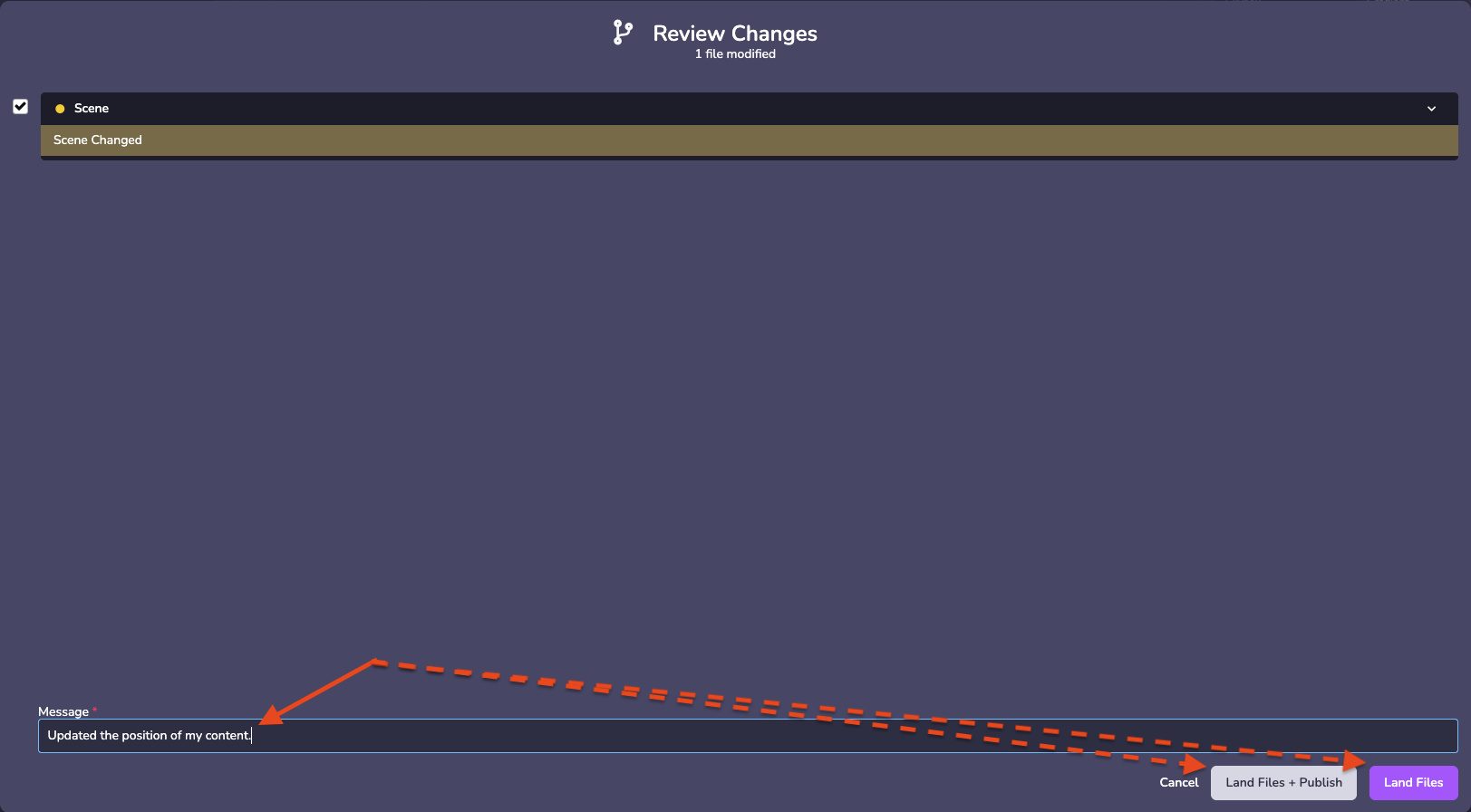 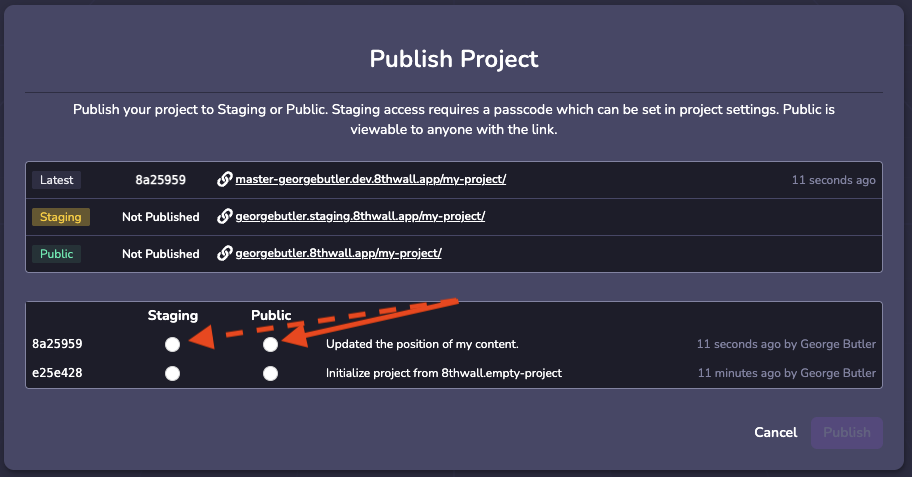
* [Introduction](https://www.8thwall.com/docs/studio/troubleshooting/changes-not-appearing/#introduction)
* [Why does this happen?](https://www.8thwall.com/docs/studio/troubleshooting/changes-not-appearing/#why-does-this-happen)
* [How do I fix it?](https://www.8thwall.com/docs/studio/troubleshooting/changes-not-appearing/#how-do-i-fix-it)
---
# quat | 8th Wall
[Skip to main content](https://www.8thwall.com/docs/api/studio/ecs/math/quat/#__docusaurus_skipToContent_fallback)
On this page
Interface representing a quaternion. A quaternion is represented by (x, y, z, w) coordinates and represents a 3D rotation. Quaternions can be converted to and from 4x4 rotation matrices with the interfaces in Mat4. Quaternion objects are created with the ecs.math.quat QuatFactory, or through operations on other Quat objects.
Source[](https://www.8thwall.com/docs/api/studio/ecs/math/quat/#source "Direct link to Source")
-------------------------------------------------------------------------------------------------
The QuatSource interface represents any object that has x, y, z, and w properties and hence can be used as a data source to create a Quat. In addition, QuatSource can be used as an argument to Quat algorithms, meaning that any object with {x: number, y: number, z: number, w: number} properties can be used.
Properties[](https://www.8thwall.com/docs/api/studio/ecs/math/quat/#properties "Direct link to Properties")
-------------------------------------------------------------------------------------------------------------
Quat has the following enumerable properties:
`readonly x: number` Access the x component of the quaternion.
`readonly y: number` Access the y component of the quaternion.
`readonly z: number` Access the z component of the quaternion.
`readonly w: number` Access the w component of the quaternion.
Factory[](https://www.8thwall.com/docs/api/studio/ecs/math/quat/#factory "Direct link to Factory")
----------------------------------------------------------------------------------------------------
### axisAngle[](https://www.8thwall.com/docs/api/studio/ecs/math/quat/#axisangle "Direct link to axisAngle")
Create a Quat from an axis-angle representation. The direction of the aa vector gives the axis of rotation, and the magnitude of the vector gives the angle, in radians. For example, quat.axisAngle(vec3.up().scale(Math.PI / 2)) represents a 90-degree rotation about the y-axis and is equivalent to quat.yDegrees(90). If a target is supplied, the result will be stored in the target and the target will be returned. Otherwise, a new Quat will be created and returned.
ecs.math.quat.axisAngle(aa: Vec3Source, target?: Quat) // -> quat
### from[](https://www.8thwall.com/docs/api/studio/ecs/math/quat/#from "Direct link to from")
Create a Quat from an object with x, y, z, w properties.
ecs.math.quat.from({x, y, z, w}: {x: number, y: number, z: number, w: number}) // -> quat
### lookAt[](https://www.8thwall.com/docs/api/studio/ecs/math/quat/#lookat "Direct link to lookAt")
Create a Quat representing the rotation required for an object positioned at ‘eye’ to look at an object positioned at ‘target,’ with the given ‘up vector.
ecs.math.quat.lookAt(eye: Vec3Source, target: Vec3Source, up: Vec3Source) // -> quat
### pitchYawRollDegrees[](https://www.8thwall.com/docs/api/studio/ecs/math/quat/#pitchyawrolldegrees "Direct link to pitchYawRollDegrees")
Construct a quaternion from a pitch / yaw / roll representation, also known as YXZ Euler angles. Rotation is specified in degrees.
ecs.math.quat.pitchYawRollDegrees(v: Vec3Source) // -> quat
### pitchYawRollRadians[](https://www.8thwall.com/docs/api/studio/ecs/math/quat/#pitchyawrollradians "Direct link to pitchYawRollRadians")
Construct a quaternion from a pitch / yaw / roll representation, also known as YXZ Euler angles. Rotation is specified in radians.
ecs.math.quat.pitchYawRollRadians(v: Vec3Source) // -> quat
### xDegrees[](https://www.8thwall.com/docs/api/studio/ecs/math/quat/#xdegrees "Direct link to xDegrees")
Create a Quat which represents a rotation about the x-axis. Rotation is specified in degrees.
ecs.math.quat.xDegrees(degrees: number) // -> quat
### xRadians[](https://www.8thwall.com/docs/api/studio/ecs/math/quat/#xradians "Direct link to xRadians")
Create a Quat which represents a rotation about the x-axis. Rotation is specified in radians.
ecs.math.quat.xRadians(radians: number) // -> quat
### xyzw[](https://www.8thwall.com/docs/api/studio/ecs/math/quat/#xyzw "Direct link to xyzw")
Create a Quat from x, y, z, w values.
ecs.math.quat.xyzw(x: number, y: number, z: number, w: number) // -> quat
### yDegrees[](https://www.8thwall.com/docs/api/studio/ecs/math/quat/#ydegrees "Direct link to yDegrees")
Create a Quat which represents a rotation about the y-axis. Rotation is specified in degrees.
ecs.math.quat.yDegrees(degrees: number) // -> quat
### yRadians[](https://www.8thwall.com/docs/api/studio/ecs/math/quat/#yradians "Direct link to yRadians")
Create a Quat which represents a rotation about the y-axis. Rotation is specified in radians.
ecs.math.quat.yRadians(radians: number) // -> quat
### zDegrees[](https://www.8thwall.com/docs/api/studio/ecs/math/quat/#zdegrees "Direct link to zDegrees")
Create a Quat which represents a rotation about the z-axis. Rotation is specified in degrees.
ecs.math.quat.zDegrees(degrees: number) // -> quat
### zRadians[](https://www.8thwall.com/docs/api/studio/ecs/math/quat/#zradians "Direct link to zRadians")
Create a Quat which represents a rotation about the z-axis. Rotation is specified in radians.
ecs.math.quat.zRadians(radians: number) // -> quat
### zero[](https://www.8thwall.com/docs/api/studio/ecs/math/quat/#zero "Direct link to zero")
Create a Quat which represents a zero rotation.
ecs.math.quat.zero() // -> quat
Immutable[](https://www.8thwall.com/docs/api/studio/ecs/math/quat/#immutable "Direct link to Immutable")
----------------------------------------------------------------------------------------------------------
The following methods perform calculations using the current value of a Quat without modifying its contents. Methods that return Quat types create new instances. While immutable APIs are generally safer, more readable, and reduce the likelihood of errors, they can become inefficient when a large number of objects are allocated per frame.
note
If garbage collection impacts performance, consider using the Mutable API described below.
### axisAngle[](https://www.8thwall.com/docs/api/studio/ecs/math/quat/#axisangle-1 "Direct link to axisAngle")
Convert the quaternion to an axis-angle representation. The direction of the vector gives the axis of rotation, and the magnitude of the vector gives the angle, in radians. If ‘target’ is supplied, the result will be stored in ‘target’ and ‘target’ will be returned. Otherwise, a new Vec3 will be created and returned.
existingQuat.axisAngle(target?: Vec3) // -> vec3
### clone[](https://www.8thwall.com/docs/api/studio/ecs/math/quat/#clone "Direct link to clone")
Create a new quaternion with the same components as this quaternion.
existingQuat.clone() // -> quat
### conjugate[](https://www.8thwall.com/docs/api/studio/ecs/math/quat/#conjugate "Direct link to conjugate")
Return the rotational conjugate of this quaternion. The conjugate of a quaternion represents the same rotation in the opposite direction about the rotational axis.
existingQuat.conjugate() // -> quat
### data[](https://www.8thwall.com/docs/api/studio/ecs/math/quat/#data "Direct link to data")
Access the quaternion as an array of \[x, y, z, w\].
ecs.math.quat.data() // -> number[]
### degreesTo[](https://www.8thwall.com/docs/api/studio/ecs/math/quat/#degreesto "Direct link to degreesTo")
Angle between two quaternions, in degrees.
existingQuat.degreesTo(target: QuatSource) // -> number
### delta[](https://www.8thwall.com/docs/api/studio/ecs/math/quat/#delta "Direct link to delta")
Compute the quaternion required to rotate this quaternion to the target quaternion.
existingQuat.delta(target: QuatSource) // -> quat
### dot[](https://www.8thwall.com/docs/api/studio/ecs/math/quat/#dot "Direct link to dot")
Compute the dot product of this quaternion with another quaternion.
existingQuat.dot(target: QuatSource) // -> number
### equals[](https://www.8thwall.com/docs/api/studio/ecs/math/quat/#equals "Direct link to equals")
Check whether two quaternions are equal, with a specified floating point tolerance.
existingQuat.equals(q: QuatSource, tolerance: number) // -> boolean
### inv[](https://www.8thwall.com/docs/api/studio/ecs/math/quat/#inv "Direct link to inv")
Compute the quaternion which multiplies this quaternion to get a zero rotation quaternion.
existingQuat.inv() // -> quat
### negate[](https://www.8thwall.com/docs/api/studio/ecs/math/quat/#negate "Direct link to negate")
Negate all components of this quaternion. The result is a quaternion representing the same rotation as this quaternion.
existingQuat.negate() // -> quat
### normalize[](https://www.8thwall.com/docs/api/studio/ecs/math/quat/#normalize "Direct link to normalize")
Get the normalized version of this quaternion with a length of 1.
existingQuat.normalize() // -> quat
### pitchYawRollRadians[](https://www.8thwall.com/docs/api/studio/ecs/math/quat/#pitchyawrollradians-1 "Direct link to pitchYawRollRadians")
Convert the quaternion to pitch, yaw, and roll angles in radians.
ecs.math.quat.pitchYawRollRadians(target?: Vec3) // -> vec3
### pitchYawRollDegrees[](https://www.8thwall.com/docs/api/studio/ecs/math/quat/#pitchyawrolldegrees-1 "Direct link to pitchYawRollDegrees")
Convert the quaternion to pitch, yaw, and roll angles in degrees.
ecs.math.quat.pitchYawRollDegrees(target?: Vec3) // -> vec3
### plus[](https://www.8thwall.com/docs/api/studio/ecs/math/quat/#plus "Direct link to plus")
Add two quaternions together.
ecs.math.quat.plus(q: QuatSource) // -> quat
### radiansTo[](https://www.8thwall.com/docs/api/studio/ecs/math/quat/#radiansto "Direct link to radiansTo")
Angle between two quaternions, in radians.
existingQuat.radiansTo(target: QuatSource) // -> number
### slerp[](https://www.8thwall.com/docs/api/studio/ecs/math/quat/#slerp "Direct link to slerp")
Spherical interpolation between two quaternions given a provided interpolation value. If the interpolation is set to 0, then it will return this quaternion. If the interpolation is set to 1, then it will return the target quaternion.
ecs.math.quat.slerp(target: QuatSource, t: number) // -> quat
### times[](https://www.8thwall.com/docs/api/studio/ecs/math/quat/#times "Direct link to times")
Multiply two quaternions together.
existingQuat.times(q: QuatSource) // -> quat
### timesVec[](https://www.8thwall.com/docs/api/studio/ecs/math/quat/#timesvec "Direct link to timesVec")
Multiply the quaternion by a vector. This is equivalent to converting the quaternion to a rotation matrix and multiplying the matrix by the vector.
ecs.math.quat.times(v: Vec3Source, target?: Vec3) // -> vec3
Mutable[](https://www.8thwall.com/docs/api/studio/ecs/math/quat/#mutable "Direct link to Mutable")
----------------------------------------------------------------------------------------------------
The following methods perform calculations using the current value of a Quat and modify it directly. These methods correspond to those in the Immutable API above. When returning Quat types, they provide a reference to the same object, allowing for method chaining. While mutable APIs can offer better performance than immutable ones, they tend to be less safe, less readable, and more prone to errors. If the code is unlikely to be called frequently within a single frame, consider using the Immutable API for improved safety and clarity.
### setConjugate[](https://www.8thwall.com/docs/api/studio/ecs/math/quat/#setconjugate "Direct link to setConjugate")
Set this quaternion to its rotational conjugate. The conjugate of a quaternion represents the same rotation in the opposite direction about the rotational axis. Store the result in this Quat and return this Quat for chaining.
existingQuat.setConjugate() // -> quat
### setDelta[](https://www.8thwall.com/docs/api/studio/ecs/math/quat/#setdelta "Direct link to setDelta")
Compute the quaternion required to rotate this quaternion to the target quaternion. Store the result in this Quat and return this Quat for chaining.
existingQuat.setDelta(target: QuatSource) // -> quat
### setInv[](https://www.8thwall.com/docs/api/studio/ecs/math/quat/#setinv "Direct link to setInv")
Set this to the quaternion which multiplies this quaternion to get a zero rotation quaternion. Store the result in this Quat and return this Quat for chaining.
existingQuat.setInv() // -> quat
### setNegate[](https://www.8thwall.com/docs/api/studio/ecs/math/quat/#setnegate "Direct link to setNegate")
Negate all components of this quaternion. The result is a quaternion representing the same rotation as this quaternion. Store the result in this Quat and return this Quat for chaining.
existingQuat.setNegate() // -> quat
### setNormalize[](https://www.8thwall.com/docs/api/studio/ecs/math/quat/#setnormalize "Direct link to setNormalize")
Get the normalized version of this quaternion with a length of 1. Store the result in this Quat and return this Quat for chaining.
existingQuat.setNormalize() // -> quat
### setPlus[](https://www.8thwall.com/docs/api/studio/ecs/math/quat/#setplus "Direct link to setPlus")
Add this quaternion to another quaternion. Store the result in this Quat and return this Quat for chaining.
existingQuat.setPlus(q: QuatSource) // -> quat
### setPremultiply[](https://www.8thwall.com/docs/api/studio/ecs/math/quat/#setpremultiply "Direct link to setPremultiply")
Set this quaternion as the result of q times this quaternion. Store the result in this Quat and return this Quat for chaining.
existingQuat.setPremultiply(q: QuatSource) // -> quat
### setRotateToward[](https://www.8thwall.com/docs/api/studio/ecs/math/quat/#setrotatetoward "Direct link to setRotateToward")
Rotate this quaternion towards the target quaternion by a given number of radians, clamped to the target. Store the result in this Quat and return this Quat for chaining.
existingQuat.setRotateToward(target: QuatSource, radians: number) // -> quat
### setSlerp[](https://www.8thwall.com/docs/api/studio/ecs/math/quat/#setslerp "Direct link to setSlerp")
Spherical interpolation between two quaternions given a provided interpolation value. If the interpolation is set to 0, then it will return this quaternion. If the interpolation is set to 1, then it will return the target quaternion. Store the result in this Quat and return this Quat for chaining.
existingQuat.setSlerp(target: QuatSource, t: number) // -> quat
### setTimes[](https://www.8thwall.com/docs/api/studio/ecs/math/quat/#settimes "Direct link to setTimes")
Multiply two quaternions together. Store the result in this Quat and return this Quat for chaining.
existingQuat.setTimes(target: QuatSource) // -> quat
Set[](https://www.8thwall.com/docs/api/studio/ecs/math/quat/#set "Direct link to Set")
----------------------------------------------------------------------------------------
The following methods set the value of the current Quat object without regard to its current content, replacing whatever was there before.
### makeAxisAngle[](https://www.8thwall.com/docs/api/studio/ecs/math/quat/#makeaxisangle "Direct link to makeAxisAngle")
Set a Quat from an axis-angle representation. The direction of the vector gives the axis of rotation, and the magnitude of the vector gives the angle, in radians. Store the result in this Quat and return this Quat for chaining.
existingQuat.makeAxisAngle(aa: Vec3Source) // -> quat
### makePitchYawRollRadians[](https://www.8thwall.com/docs/api/studio/ecs/math/quat/#makepitchyawrollradians "Direct link to makePitchYawRollRadians")
Set the quaternion to a rotation specified by pitch, yaw, and roll angles in radians. Store the result in this Quat and return this Quat for chaining.
existingQuat.makePitchYawRollRadians(v: Vec3Source) // -> quat
### makeLookAt[](https://www.8thwall.com/docs/api/studio/ecs/math/quat/#makelookat "Direct link to makeLookAt")
Set the quaternion to a rotation that would cause the eye to look at the target with the given-up vector. Store the result in this Quat and return this Quat for chaining.
existingQuat.makeLookAt(eye: Vec3Source, target: Vec3Source, up: Vec3Source) // -> quat
### makePitchYawRollDegrees[](https://www.8thwall.com/docs/api/studio/ecs/math/quat/#makepitchyawrolldegrees "Direct link to makePitchYawRollDegrees")
Set the quaternion to a rotation specified by pitch, yaw, and roll angles in degrees. Store the result in this Quat and return this Quat for chaining.
existingQuat.makePitchYawRollDegrees(v: Vec3Source) // -> quat
### makeXDegrees[](https://www.8thwall.com/docs/api/studio/ecs/math/quat/#makexdegrees "Direct link to makeXDegrees")
Set the quaternion to a rotation about the x-axis (pitch) in degrees. Store the result in this Quat and return this Quat for chaining.
existingQuat.makeXDegrees(degrees: number) // -> quat
### makeXRadians[](https://www.8thwall.com/docs/api/studio/ecs/math/quat/#makexradians "Direct link to makeXRadians")
Set the quaternion to a rotation about the x-axis (pitch) in radians. Store the result in this Quat and return this Quat for chaining.
existingQuat.makeXRadians(radians: number) // -> quat
### makeYDegrees[](https://www.8thwall.com/docs/api/studio/ecs/math/quat/#makeydegrees "Direct link to makeYDegrees")
Set the quaternion to a rotation about the y-axis (yaw) in degrees. Store the result in this Quat and return this Quat for chaining.
existingQuat.makeYDegrees(degrees: number) // -> quat
### makeYRadians[](https://www.8thwall.com/docs/api/studio/ecs/math/quat/#makeyradians "Direct link to makeYRadians")
Set the quaternion to a rotation about the y-axis (yaw) in radians. Store the result in this Quat and return this Quat for chaining.
existingQuat.makeYRadians(radians: number) // -> quat
### makeZDegrees[](https://www.8thwall.com/docs/api/studio/ecs/math/quat/#makezdegrees "Direct link to makeZDegrees")
Set the quaternion to a rotation about the z-axis (roll) in degrees. Store the result in this Quat and return this Quat for chaining.
existingQuat.makeZDegrees(degrees: number) // -> quat
### makeZRadians[](https://www.8thwall.com/docs/api/studio/ecs/math/quat/#makezradians "Direct link to makeZRadians")
Set the quaternion to a rotation about the z-axis (roll) in radians. Store the result in this Quat and return this Quat for chaining.
existingQuat.makeZRadians(radians: number) // -> quat
### makeZero[](https://www.8thwall.com/docs/api/studio/ecs/math/quat/#makezero "Direct link to makeZero")
Set the quaternion to a zero rotation. Store the result in this Quat and return this Quat for chaining.
existingQuat.makeZero() // -> quat
### setFrom[](https://www.8thwall.com/docs/api/studio/ecs/math/quat/#setfrom "Direct link to setFrom")
Set this quaternion to the value in another quaternion. Store the result in this Quat and return this Quat for chaining.
existingQuat.setFrom(q: QuatSource) // -> quat
### setXyzw[](https://www.8thwall.com/docs/api/studio/ecs/math/quat/#setxyzw "Direct link to setXyzw")
Set the quaternion to the specified x, y, z, and w values. Store the result in this Quat and return this Quat for chaining.
existingQuat.setXyzw(x: number, y: number, z: number, w: number) // -> quat
* [Source](https://www.8thwall.com/docs/api/studio/ecs/math/quat/#source)
* [Properties](https://www.8thwall.com/docs/api/studio/ecs/math/quat/#properties)
* [Factory](https://www.8thwall.com/docs/api/studio/ecs/math/quat/#factory)
* [axisAngle](https://www.8thwall.com/docs/api/studio/ecs/math/quat/#axisangle)
* [from](https://www.8thwall.com/docs/api/studio/ecs/math/quat/#from)
* [lookAt](https://www.8thwall.com/docs/api/studio/ecs/math/quat/#lookat)
* [pitchYawRollDegrees](https://www.8thwall.com/docs/api/studio/ecs/math/quat/#pitchyawrolldegrees)
* [pitchYawRollRadians](https://www.8thwall.com/docs/api/studio/ecs/math/quat/#pitchyawrollradians)
* [xDegrees](https://www.8thwall.com/docs/api/studio/ecs/math/quat/#xdegrees)
* [xRadians](https://www.8thwall.com/docs/api/studio/ecs/math/quat/#xradians)
* [xyzw](https://www.8thwall.com/docs/api/studio/ecs/math/quat/#xyzw)
* [yDegrees](https://www.8thwall.com/docs/api/studio/ecs/math/quat/#ydegrees)
* [yRadians](https://www.8thwall.com/docs/api/studio/ecs/math/quat/#yradians)
* [zDegrees](https://www.8thwall.com/docs/api/studio/ecs/math/quat/#zdegrees)
* [zRadians](https://www.8thwall.com/docs/api/studio/ecs/math/quat/#zradians)
* [zero](https://www.8thwall.com/docs/api/studio/ecs/math/quat/#zero)
* [Immutable](https://www.8thwall.com/docs/api/studio/ecs/math/quat/#immutable)
* [axisAngle](https://www.8thwall.com/docs/api/studio/ecs/math/quat/#axisangle-1)
* [clone](https://www.8thwall.com/docs/api/studio/ecs/math/quat/#clone)
* [conjugate](https://www.8thwall.com/docs/api/studio/ecs/math/quat/#conjugate)
* [data](https://www.8thwall.com/docs/api/studio/ecs/math/quat/#data)
* [degreesTo](https://www.8thwall.com/docs/api/studio/ecs/math/quat/#degreesto)
* [delta](https://www.8thwall.com/docs/api/studio/ecs/math/quat/#delta)
* [dot](https://www.8thwall.com/docs/api/studio/ecs/math/quat/#dot)
* [equals](https://www.8thwall.com/docs/api/studio/ecs/math/quat/#equals)
* [inv](https://www.8thwall.com/docs/api/studio/ecs/math/quat/#inv)
* [negate](https://www.8thwall.com/docs/api/studio/ecs/math/quat/#negate)
* [normalize](https://www.8thwall.com/docs/api/studio/ecs/math/quat/#normalize)
* [pitchYawRollRadians](https://www.8thwall.com/docs/api/studio/ecs/math/quat/#pitchyawrollradians-1)
* [pitchYawRollDegrees](https://www.8thwall.com/docs/api/studio/ecs/math/quat/#pitchyawrolldegrees-1)
* [plus](https://www.8thwall.com/docs/api/studio/ecs/math/quat/#plus)
* [radiansTo](https://www.8thwall.com/docs/api/studio/ecs/math/quat/#radiansto)
* [slerp](https://www.8thwall.com/docs/api/studio/ecs/math/quat/#slerp)
* [times](https://www.8thwall.com/docs/api/studio/ecs/math/quat/#times)
* [timesVec](https://www.8thwall.com/docs/api/studio/ecs/math/quat/#timesvec)
* [Mutable](https://www.8thwall.com/docs/api/studio/ecs/math/quat/#mutable)
* [setConjugate](https://www.8thwall.com/docs/api/studio/ecs/math/quat/#setconjugate)
* [setDelta](https://www.8thwall.com/docs/api/studio/ecs/math/quat/#setdelta)
* [setInv](https://www.8thwall.com/docs/api/studio/ecs/math/quat/#setinv)
* [setNegate](https://www.8thwall.com/docs/api/studio/ecs/math/quat/#setnegate)
* [setNormalize](https://www.8thwall.com/docs/api/studio/ecs/math/quat/#setnormalize)
* [setPlus](https://www.8thwall.com/docs/api/studio/ecs/math/quat/#setplus)
* [setPremultiply](https://www.8thwall.com/docs/api/studio/ecs/math/quat/#setpremultiply)
* [setRotateToward](https://www.8thwall.com/docs/api/studio/ecs/math/quat/#setrotatetoward)
* [setSlerp](https://www.8thwall.com/docs/api/studio/ecs/math/quat/#setslerp)
* [setTimes](https://www.8thwall.com/docs/api/studio/ecs/math/quat/#settimes)
* [Set](https://www.8thwall.com/docs/api/studio/ecs/math/quat/#set)
* [makeAxisAngle](https://www.8thwall.com/docs/api/studio/ecs/math/quat/#makeaxisangle)
* [makePitchYawRollRadians](https://www.8thwall.com/docs/api/studio/ecs/math/quat/#makepitchyawrollradians)
* [makeLookAt](https://www.8thwall.com/docs/api/studio/ecs/math/quat/#makelookat)
* [makePitchYawRollDegrees](https://www.8thwall.com/docs/api/studio/ecs/math/quat/#makepitchyawrolldegrees)
* [makeXDegrees](https://www.8thwall.com/docs/api/studio/ecs/math/quat/#makexdegrees)
* [makeXRadians](https://www.8thwall.com/docs/api/studio/ecs/math/quat/#makexradians)
* [makeYDegrees](https://www.8thwall.com/docs/api/studio/ecs/math/quat/#makeydegrees)
* [makeYRadians](https://www.8thwall.com/docs/api/studio/ecs/math/quat/#makeyradians)
* [makeZDegrees](https://www.8thwall.com/docs/api/studio/ecs/math/quat/#makezdegrees)
* [makeZRadians](https://www.8thwall.com/docs/api/studio/ecs/math/quat/#makezradians)
* [makeZero](https://www.8thwall.com/docs/api/studio/ecs/math/quat/#makezero)
* [setFrom](https://www.8thwall.com/docs/api/studio/ecs/math/quat/#setfrom)
* [setXyzw](https://www.8thwall.com/docs/api/studio/ecs/math/quat/#setxyzw)
---
# State Machines | 8th Wall
[Skip to main content](https://www.8thwall.com/docs/studio/essentials/state-machines/#__docusaurus_skipToContent_fallback)
On this page
Introduction[](https://www.8thwall.com/docs/studio/essentials/state-machines/#introduction "Direct link to Introduction")
---------------------------------------------------------------------------------------------------------------------------
State Machines are designed to simplify state management.
A state machine is made up of three main components:
* States
* State Groups
* Triggers
A state machine is always in exactly one state at a time, and will transition between states when certain conditions (defined by the triggers) are met. State groups are a convenient way to bundle shared logic between multiple states, but the groups are not states themselves.
Example[](https://www.8thwall.com/docs/studio/essentials/state-machines/#example "Direct link to Example")
------------------------------------------------------------------------------------------------------------
ecs.registerComponent({ name: 'Jump On Touch', stateMachine: ({world, entity, defineState}) => { const idle = defineState('idle').initial().onEnter(() => { console.log('Entering idle state') }).onEvent(ecs.input.SCREEN_TOUCH_START, 'jumping') const jumping = defineState('jumping').onEnter(() => { console.log('Entering jumping state') ecs.physics.applyImpulse(world, entity.eid, 0, 5, 0) }).onTick(() => { console.log('In jumping state') }).wait(2000, 'idle') },})
Defining a State Machine[](https://www.8thwall.com/docs/studio/essentials/state-machines/#defining-a-state-machine "Direct link to Defining a State Machine")
---------------------------------------------------------------------------------------------------------------------------------------------------------------
When creating a state machine inside a component, your function is called with the following:
### Properties[](https://www.8thwall.com/docs/studio/essentials/state-machines/#properties "Direct link to Properties")
| Property | Type | Description |
| --- | --- | --- |
| world | World | Reference to the World. |
| eid | eid | The Entity ID of the current Component |
| entity | Entity | The Entity instance of the current Component |
| defineState | function | A function to define states on the state machine |
| defineStateGroup | function | A function to define groups on the state machine |
| schemaAttribute | WorldAttribute | Reference to the current Component's schema in World Scope. |
| dataAttribute | WorldAttribute | Reference to the current Component's data in World Scope. |
The following code is an example of how to define an empty state machine:
ecs.registerComponent({ ... stateMachine: ({world, entity, defineState}) => { // Define states here },})
State[](https://www.8thwall.com/docs/studio/essentials/state-machines/#state "Direct link to State")
------------------------------------------------------------------------------------------------------
A state is the fundamental atomic unit of a state machine. After defining the possible states of your state machine, you can move between States by defining triggers.
### Defining a State[](https://www.8thwall.com/docs/studio/essentials/state-machines/#defining-a-state "Direct link to Defining a State")
The following code is an example of how to define a new State inside a state machine within a component.
ecs.registerComponent({ ... stateMachine: ({world, entity, defineState}) => { const foo = defineState('foo') ... }})
tip
State functions are “fluent,” meaning they return the same instance of the State, allowing you to chain multiple function calls in a single statement.
### .initial()[](https://www.8thwall.com/docs/studio/essentials/state-machines/#initial "Direct link to .initial()")
Mark this state as the first active state when the state machine is created.
defineState('myCustomState').initial()
### .onEnter()[](https://www.8thwall.com/docs/studio/essentials/state-machines/#onenter "Direct link to .onEnter()")
Set a callback to run when entering this state.
defineState('myCustomState').onEnter(() => { // Do something})
### .onTick()[](https://www.8thwall.com/docs/studio/essentials/state-machines/#ontick "Direct link to .onTick()")
Set a callback to run every frame while this state is active.
defineState('myCustomState').onTick(() => { // Do something})
### .onExit()[](https://www.8thwall.com/docs/studio/essentials/state-machines/#onexit "Direct link to .onExit()")
Set a callback to run when exiting this state.
defineState('myCustomState').onExit(() => { // Do something})
### .onEvent()[](https://www.8thwall.com/docs/studio/essentials/state-machines/#onevent "Direct link to .onEvent()")
Transition to a new state when a specific event is received.
| Parameter | Type | Description |
| --- | --- | --- |
| event (Required) | string | The name of the event to listen for |
| nextState (Required) | string or State | The state to transition to when the event occurs |
| options (Optional) | object | Additional options |
#### Options[](https://www.8thwall.com/docs/studio/essentials/state-machines/#options "Direct link to Options")
| Parameter | Type | Description |
| --- | --- | --- |
| target | eid | The entity expected to receive the event (defaults to the current entity) |
| where | (event) => boolean | An optional condition to check before transitioning; if false, the transition will not occur |
defineState('myCustomState').onEvent( ecs.input.SCREEN_TOUCH_START, 'other', { target: world.events.globalId, where: (event) => event.data.position.y > 0.5 })
### .wait()[](https://www.8thwall.com/docs/studio/essentials/state-machines/#wait "Direct link to .wait()")
Transition to a new state after a set amount of time.
| Parameter | Type | Description |
| --- | --- | --- |
| timeout | number | The duration in milliseconds before transitioning |
| nextState | string or State | The next state to transition to |
defineState('myCustomState').wait(1000, 'myOtherCustomState')
### .onTrigger()[](https://www.8thwall.com/docs/studio/essentials/state-machines/#ontrigger "Direct link to .onTrigger()")
Transition to a new state when a TriggerHandle (defined with `ecs.defineTrigger()`) is triggered.
| Parameter | Type | Description |
| --- | --- | --- |
| handle | TriggerHandle | The handle that will cause a transition when manually activated |
| nextState | string or State | The next state to transition to |
const toOther = ecs.defineTrigger()defineState('example').onTrigger(toOther, 'other')...toOther.trigger()
### .listen()[](https://www.8thwall.com/docs/studio/essentials/state-machines/#listen "Direct link to .listen()")
Register an event listener that will be automatically added when the state is entered, and removed on exit.
| Parameter | Type | Description |
| --- | --- | --- |
| target | eid or () => eid | The entity that is expected to receive an event |
| name | string | The event to listen for |
| listener | (event) => void | The function to call when the event is dispatched |
const handleCollision = (event) => { console.log('Collided with', event.data.other)}defineState('example').listen(eid, ecs.physics.COLLISION_START_EVENT, handleCollision)
State Groups[](https://www.8thwall.com/docs/studio/essentials/state-machines/#state-groups "Direct link to State Groups")
---------------------------------------------------------------------------------------------------------------------------
A state group is a way to define behavior and triggers that apply to a list of states. State groups are not states themselves, and cannot be transitioned into directly. Instead, when any state in the group is active, the group’s behavior and triggers are also active.
### Defining a State Group[](https://www.8thwall.com/docs/studio/essentials/state-machines/#defining-a-state-group "Direct link to Defining a State Group")
| Parameter | Type | Description |
| --- | --- | --- |
| substates (Optional) | Array of string or State | The list of states that make up this group; excluding this parameter is equivalent to listing all states |
const fizz = defineState('fizz')const buzz = defineState('buzz')const fizzBuzz = defineStateGroup([fizz, 'buzz'])
tip
State Group functions are “fluent,” meaning they return the same instance of the State Group, allowing you to chain multiple function calls in a single statement.
### .onEnter()[](https://www.8thwall.com/docs/studio/essentials/state-machines/#onenter-1 "Direct link to .onEnter()")
Set a callback to run when entering this group.
defineStateGroup(['a', 'b']).onEnter(() => { // Do something})
### .onTick()[](https://www.8thwall.com/docs/studio/essentials/state-machines/#ontick-1 "Direct link to .onTick()")
Set a callback to run every frame while this group is active.
defineStateGroup(['a', 'b']).onTick(() => { // Do something})
### .onExit()[](https://www.8thwall.com/docs/studio/essentials/state-machines/#onexit-1 "Direct link to .onExit()")
Set a callback to run when exiting this group.
defineStateGroup(['a', 'b']).onTick(() => { // Do something})
### .onEvent()[](https://www.8thwall.com/docs/studio/essentials/state-machines/#onevent-1 "Direct link to .onEvent()")
Transition to a new state when a specific event is received.
| Parameter | Type | Description |
| --- | --- | --- |
| event (Required) | string | The name of the event to listen for |
| nextState (Required) | string or State | The state to transition to when the event occurs |
| options (Optional) | object | Additional options |
#### Options[](https://www.8thwall.com/docs/studio/essentials/state-machines/#options-1 "Direct link to Options")
| Parameter | Type | Description |
| --- | --- | --- |
| target | eid | The entity expected to receive the event (defaults to the current entity) |
| where | (event) => boolean | An optional condition to check before transitioning; if false, the transition will not occur |
defineStateGroup(['a', 'b']).onEvent( ecs.input.SCREEN_TOUCH_START, 'other', { target: world.events.globalId, where: (event) => event.data.position.y > 0.5 })
### .wait()[](https://www.8thwall.com/docs/studio/essentials/state-machines/#wait-1 "Direct link to .wait()")
Transition to a new state after a set amount of time.
| Parameter | Type | Description |
| --- | --- | --- |
| timeout | number | The duration in milliseconds before transitioning |
| nextState | string or State | The next state to transition to |
defineStateGroup(['a', 'b']).wait(1000, 'c')
### .onTrigger()[](https://www.8thwall.com/docs/studio/essentials/state-machines/#ontrigger-1 "Direct link to .onTrigger()")
Transition to a new state when a TriggerHandle (defined with `ecs.defineTrigger()`) is triggered.
| Parameter | Type | Description |
| --- | --- | --- |
| handle | TriggerHandle | The handle that will cause a transition when manually activated |
| nextState | string or State | The next state to transition to |
const toC = ecs.defineTrigger()defineStateGroup(['a', 'b']).onTrigger(toC, 'c')...toC.trigger()
### .listen()[](https://www.8thwall.com/docs/studio/essentials/state-machines/#listen-1 "Direct link to .listen()")
Register an event listener that will be automatically added when the state group is entered, and removed on exit.
| Parameter | Type | Description |
| --- | --- | --- |
| target | eid or () => eid | The entity that is expected to receive an event |
| name | string | The event to listen for |
| listener | (event) => void | The function to call when the event is dispatched |
const handleCollision = (event) => { console.log('collided with', event.data.other)}defineStateGroup(['a', 'b']).listen(eid, ecs.physics.COLLISION_START_EVENT, handleCollision)
Custom Triggers[](https://www.8thwall.com/docs/studio/essentials/state-machines/#custom-triggers "Direct link to Custom Triggers")
------------------------------------------------------------------------------------------------------------------------------------
You can define a custom trigger that can be invoked at any time to cause a transition.
const go = ecs.defineTrigger()const stopped = defineState('stopped').onTick(() => { if (world.input.getAction('start-going')) { go.trigger() }}).onTrigger(go, 'going')const going = defineState('going')
* [Introduction](https://www.8thwall.com/docs/studio/essentials/state-machines/#introduction)
* [Example](https://www.8thwall.com/docs/studio/essentials/state-machines/#example)
* [Defining a State Machine](https://www.8thwall.com/docs/studio/essentials/state-machines/#defining-a-state-machine)
* [Properties](https://www.8thwall.com/docs/studio/essentials/state-machines/#properties)
* [State](https://www.8thwall.com/docs/studio/essentials/state-machines/#state)
* [Defining a State](https://www.8thwall.com/docs/studio/essentials/state-machines/#defining-a-state)
* [.initial()](https://www.8thwall.com/docs/studio/essentials/state-machines/#initial)
* [.onEnter()](https://www.8thwall.com/docs/studio/essentials/state-machines/#onenter)
* [.onTick()](https://www.8thwall.com/docs/studio/essentials/state-machines/#ontick)
* [.onExit()](https://www.8thwall.com/docs/studio/essentials/state-machines/#onexit)
* [.onEvent()](https://www.8thwall.com/docs/studio/essentials/state-machines/#onevent)
* [.wait()](https://www.8thwall.com/docs/studio/essentials/state-machines/#wait)
* [.onTrigger()](https://www.8thwall.com/docs/studio/essentials/state-machines/#ontrigger)
* [.listen()](https://www.8thwall.com/docs/studio/essentials/state-machines/#listen)
* [State Groups](https://www.8thwall.com/docs/studio/essentials/state-machines/#state-groups)
* [Defining a State Group](https://www.8thwall.com/docs/studio/essentials/state-machines/#defining-a-state-group)
* [.onEnter()](https://www.8thwall.com/docs/studio/essentials/state-machines/#onenter-1)
* [.onTick()](https://www.8thwall.com/docs/studio/essentials/state-machines/#ontick-1)
* [.onExit()](https://www.8thwall.com/docs/studio/essentials/state-machines/#onexit-1)
* [.onEvent()](https://www.8thwall.com/docs/studio/essentials/state-machines/#onevent-1)
* [.wait()](https://www.8thwall.com/docs/studio/essentials/state-machines/#wait-1)
* [.onTrigger()](https://www.8thwall.com/docs/studio/essentials/state-machines/#ontrigger-1)
* [.listen()](https://www.8thwall.com/docs/studio/essentials/state-machines/#listen-1)
* [Custom Triggers](https://www.8thwall.com/docs/studio/essentials/state-machines/#custom-triggers)
---
# Events | 8th Wall
[Skip to main content](https://www.8thwall.com/docs/studio/guides/events/#__docusaurus_skipToContent_fallback)
On this page
Introduction[](https://www.8thwall.com/docs/studio/guides/events/#introduction "Direct link to Introduction")
---------------------------------------------------------------------------------------------------------------
Events are how entities can communicate with each other through a flexible listener and dispatch system.
Event Listeners[](https://www.8thwall.com/docs/studio/guides/events/#event-listeners "Direct link to Event Listeners")
------------------------------------------------------------------------------------------------------------------------
##### Listener[](https://www.8thwall.com/docs/studio/guides/events/#listener "Direct link to Listener")
| Property | Type | Description |
| --- | --- | --- |
| target | eid | Entity the event was dispatched on. |
| currentTarget | eid | Entity the event was listened on. |
| name | string | Name of the event. |
| data | any | Event custom data |
### Creating Event Listeners[](https://www.8thwall.com/docs/studio/guides/events/#creating-event-listeners "Direct link to Creating Event Listeners")
#### addListener[](https://www.8thwall.com/docs/studio/guides/events/#addlistener "Direct link to addListener")
world.events.addListener(target, name, listener)
##### Parameters[](https://www.8thwall.com/docs/studio/guides/events/#parameters "Direct link to Parameters")
tip
It's possible to create global event listeners by using `world.events.globalId` as the target.
| Property | Type | Description |
| --- | --- | --- |
| target | eid | Reference to the target entity. |
| name | string | Name of the event to listen for. |
| listener | [Listener](https://www.8thwall.com/docs/studio/guides/events/#listener) | The callback function for when an event is triggered |
### Creating Event Handlers[](https://www.8thwall.com/docs/studio/guides/events/#creating-event-handlers "Direct link to Creating Event Handlers")
When adding event listeners to entities, it’s crucial to set up handlers correctly to ensure they function as intended, especially when components are added to multiple entities. Improper handler creation can lead to stale references and unexpected behavior.
Suppose you’re creating a handler for an NPC entity that listens for a damaged event. The handler should update some schema and data values when the event occurs.
#### Incorrect Example[](https://www.8thwall.com/docs/studio/guides/events/#incorrect-example "Direct link to Incorrect Example")
import * as ecs from '@8thwall/ecs'import { addCleanup, doCleanup } from './cleanup'ecs.registerComponent({ name: 'npc', schema: { isInjured: ecs.boolean, }, data: { bpm: ecs.f32, }, add: (world, component) => { // Incorrect handler creation const damagedHandler = (e) => { component.schema.isInjured = true component.data.bpm += 30 } world.events.addListener(component.eid, 'damaged', damagedHandler) const cleanup = () => { world.events.removeListener(component.eid, 'damaged', damagedHandler) } addCleanup(component, cleanup) }, remove: (world, component) => { doCleanup(component) },})
In this example:
* The handler damagedHandler directly references `component.schema` and `component.data`.
* If the component is added to multiple entities, the component reference inside the handler becomes stale.
* This can cause the handler to operate on incorrect data, leading to bugs.
#### Correct Example[](https://www.8thwall.com/docs/studio/guides/events/#correct-example "Direct link to Correct Example")
To ensure the handler operates on the correct entity data, pass the component’s `dataAttribute` and `schemaAttribute` to the handler and use them to fetch cursors inside the handler.
import * as ecs from '@8thwall/ecs'import { addCleanup, doCleanup } from './cleanup'// Function to create the damaged handlerconst createDamagedHandler = (dataAttribute, schemaAttribute) => (e) => { const dataCursor = dataAttribute.cursor(e.target) const schemaCursor = schemaAttribute.cursor(e.target) schemaCursor.isInjured = true dataCursor.bpm += 30}ecs.registerComponent({ name: 'npc', schema: { isInjured: ecs.boolean, }, data: { bpm: ecs.f32, }, add: (world, component) => { // Correct handler creation const damagedHandler = createDamagedHandler(component.dataAttribute, component.schemaAttribute) world.events.addListener(component.eid, 'damaged', damagedHandler) const cleanup = () => { world.events.removeListener(component.eid, 'damaged', damagedHandler) } addCleanup(component, cleanup) }, remove: (world, component) => { doCleanup(component) },})
### Removing Event Listeners[](https://www.8thwall.com/docs/studio/guides/events/#removing-event-listeners "Direct link to Removing Event Listeners")
#### removeListener[](https://www.8thwall.com/docs/studio/guides/events/#removelistener "Direct link to removeListener")
world.events.removeListener(target, name, listener)
##### Parameters[](https://www.8thwall.com/docs/studio/guides/events/#parameters-1 "Direct link to Parameters")
| Property | Type | Description |
| --- | --- | --- |
| target | eid | Reference to the target entity. |
| name | string | Name of the event to listen for. |
| listener | [Listener](https://www.8thwall.com/docs/studio/guides/events/#listener) | The callback function for when an event is triggered |
Event Dispatchers[](https://www.8thwall.com/docs/studio/guides/events/#event-dispatchers "Direct link to Event Dispatchers")
------------------------------------------------------------------------------------------------------------------------------
### Dispatching Custom Events[](https://www.8thwall.com/docs/studio/guides/events/#dispatching-custom-events "Direct link to Dispatching Custom Events")
#### Dispatch[](https://www.8thwall.com/docs/studio/guides/events/#dispatch "Direct link to Dispatch")
info
When an event happens on an entity, it first runs the handlers on it, then on its parent, then all the way up on other ancestors.
world.events.dispatch(eidOfEnemy, "attack", {damage: 10})
Cleaning Up Listeners[](https://www.8thwall.com/docs/studio/guides/events/#cleaning-up-listeners "Direct link to Cleaning Up Listeners")
------------------------------------------------------------------------------------------------------------------------------------------
danger
Always ensure listeners are properly removed to avoid memory leaks.
When a component is deleted, its event listeners are not automatically cleaned up, so you must remove them manually.
* [Introduction](https://www.8thwall.com/docs/studio/guides/events/#introduction)
* [Event Listeners](https://www.8thwall.com/docs/studio/guides/events/#event-listeners)
* [Creating Event Listeners](https://www.8thwall.com/docs/studio/guides/events/#creating-event-listeners)
* [Creating Event Handlers](https://www.8thwall.com/docs/studio/guides/events/#creating-event-handlers)
* [Removing Event Listeners](https://www.8thwall.com/docs/studio/guides/events/#removing-event-listeners)
* [Event Dispatchers](https://www.8thwall.com/docs/studio/guides/events/#event-dispatchers)
* [Dispatching Custom Events](https://www.8thwall.com/docs/studio/guides/events/#dispatching-custom-events)
* [Cleaning Up Listeners](https://www.8thwall.com/docs/studio/guides/events/#cleaning-up-listeners)
---
# Backend Services | 8th Wall
[Skip to main content](https://www.8thwall.com/docs/studio/guides/modules/backend-services/#__docusaurus_skipToContent_fallback)
8th Wall Studio now supports two powerful new features: Backend Proxies and Backend Functions.
These tools bring new capabilities to 8th Wall Studio, equipping developers to handle backend logic and integrate external services directly into their WebAR and web games.
---
# Backend Functions | 8th Wall
[Skip to main content](https://www.8thwall.com/docs/studio/guides/modules/backend-services/backend-functions/#__docusaurus_skipToContent_fallback)
Backend Functions allow you to build game logic with secure, server-side functionality directly within 8th Wall Studio. This section of the documentation will focus specifically on the Backend Function functionality provided by the module system.
---
# iOS | 8th Wall
[Skip to main content](https://www.8thwall.com/docs/studio/native-app-export/iOS/#__docusaurus_skipToContent_fallback)
On this page
Exporting to iOS[](https://www.8thwall.com/docs/studio/native-app-export/iOS/#exporting-to-ios "Direct link to Exporting to iOS")
-----------------------------------------------------------------------------------------------------------------------------------
1. **Open your Studio project**. Ensure the project meets the [requirement criteria](https://www.8thwall.com/docs/studio/native-app-export/#requirements)
.
2. Click **Publish**. Under **Export**, select **iOS**.
3. **Customize your app build:**
* **Display Name**: The name shown on the iOS home screen
* **(Optional)** Upload an **App Icon** (1024x1024 or larger)
4. **Complete Apple Configuration:** In this step, you’ll configure the signing credentials required to build and run your iOS app. You must select one or both signing types: Development or Distribution, and upload the corresponding certificate and provisioning profile for each. All of these steps should be completed without leaving the Native App Export flow in Studio.
* **Bundle Identifier**: A unique string, e.g. `com.mycompany.myapp` this string must match Apple developer account settings in order to upload the app for distribution/testing
* **Signing Type**:
i. **Apple Development** – Use this option if you want to build and test your app on registered devices during development.
1. **Generate a Certificate Signing Request (CSR)** a. In Studio, click _Add New Certificate_ and then _Create Certificate Signing Request._
2. **Create a development certificate** a. Log in to your [Apple Developer Account](https://developer.apple.com/account/resources/certificates/add)
. b. Use the certificate signing request to create an Apple Development or iOS Development certificate, then download it. c. Reference: [Apple: Create a development certificate](https://developer.apple.com/help/account/certificates/create-a-development-certificate)
.
3. **Upload the certificate** a. In Studio, upload the development certificate under _Upload Certificate._
4. **Create a provisioning profile** a. In your Apple Developer Account, create an iOS App Development provisioning profile. b. Associate it with the correct development certificate and App Identifier (you may need to create one first). i. To create an App ID, go to [Apple: Create an App ID](https://developer.apple.com/account/resources/identifiers/add/bundleId)
and choose App IDs. Then select _App_. Then write the Description and Bundle ID for it.
* Some teams prefer to use a wildcard Bundle ID for use during development, as this lets you share the same App ID and provisioning profile between different apps. To do so, choose **Description = Wildcard Development** and **Bundle ID = Explicit** with a value of `com.mycompany.*`. c. Reference: [Apple: Create a development provisioning profile](https://developer.apple.com/help/account/provisioning-profiles/create-a-development-provisioning-profile)
.
5. **Upload the development provisioning profile** a. In Studio, upload the development provisioning profile under _Upload Provisioning Profile._
ii. **Apple Distribution** – Use this option when preparing your app for release via TestFlight, the App Store, or enterprise distribution.
1. **Generate a Certificate Signing Request (CSR)** a. In Studio, click _Add New Certificate_ and then _Create Certificate Signing Request._
2. **Create a distribution certificate** a. Log in to your Apple Developer Account. b. Use the certificate signing request to create an Apple Distribution certificate (or iOS Distribution – App Store Connect and Ad Hoc), then download it. c. Reference: [Apple: Certificate overview](https://developer.apple.com/help/account/certificates/certificates-overview)
.
3. **Upload the certificate** a. In Studio, upload the distribution certificate under _Upload Certificate._
4. **Create a provisioning profile** a. In your Apple Developer Account, create an App Store (for TestFlight/App Store release) or Ad Hoc (for limited device distribution) provisioning profile. b. Associate it with the correct distribution certificate and App Identifier (you may need to create one first). i. Unlike for development, for distribution you should create an App ID just for this app, not a Wildcard Bundle ID. c. Reference: [Apple: Create a distribution provisioning profile](https://developer.apple.com/help/account/provisioning-profiles/create-an-app-store-provisioning-profile)
.
5. **Upload the distribution provisioning profile** a. In Studio, upload the distribution provisioning profile under _Upload Provisioning Profile._
* Once you’ve uploaded the necessary certificates and provisioning profiles for Development and/or Distribution, click **Save** to confirm your Apple signing setup.
5. **Configure Permissions (Optional):** Indicate the sensor permissions your app may need to function properly, and optionally set custom text for the permission prompt. This step is required to successfully submit your app to the app store.
* **Camera**: Select if the application uses any of the device’s camera (like for Face Effects or World Effects)
* **Location**: Select if the application uses GPS location (like for VPS)
* **Microphone**: Select if the application uses the device’s microphone (like for Media Recorder, or voice interaction)
6. Once your basic app information is filled in, Apple configuration is complete, and permissions are set, click **Continue** to finalize the build configuration.
* * *
Finalizing Build Settings[](https://www.8thwall.com/docs/studio/native-app-export/iOS/#finalizing-build-settings "Direct link to Finalizing Build Settings")
--------------------------------------------------------------------------------------------------------------------------------------------------------------
Now you'll define how your app is packaged:
* **Version**: Use semantic versioning (e.g. 1.0.0) ([Semantic Versioning](https://semver.org/)
)
* **Orientation**:
* Portrait: Keeps the app fixed in a vertical position, even when the device is turned.
* Landscape Left: Displays the app horizontally with the device turned so the left side is down.
* Landscape Right: Displays the app horizontally with the device turned so the right side is down.
* Auto Rotate: Allows the app to follow the device's physical rotation, switching between vertical and horizontal views automatically.
* Auto Rotate (Landscape Only): Adjusts the app's position based on device rotation but restricts it to horizontal views only.
* **Status Bar**:
* Yes: Displays the default system status bar over the application.
* No: Hides the default system status bar.
* **Build Mode**:
* Static Bundle: Full self-contained build (note: apps that use AR features still require an internet connection, even if they are a Static Bundle)
* Live Reload: Pulls updates from Studio as your project is updated
* **Environment**: Select from Dev, Latest, Staging, or Production
* **Signing Type**:
* Development: Select this option when you are building and testing your app during development. It allows you to run the app on registered devices using your development provisioning profile and certificates.
* Distribution: Select this option when you are preparing your app for release, whether for TestFlight, the App Store, or enterprise/internal distribution. This uses your distribution provisioning profile and certificates to ensure the app can be installed and trusted on end users’ devices.
7. When everything is set, click **Build** to generate your app package.
8. Once the build is complete, download the `.ipa` file using the download links provided in the build summary.
* * *
Publishing to the App Store[](https://www.8thwall.com/docs/studio/native-app-export/iOS/#publishing-to-the-app-store "Direct link to Publishing to the App Store")
--------------------------------------------------------------------------------------------------------------------------------------------------------------------
Once your export is complete, you’re ready to publish your app to the App Store using the IPA (iOS App Store Package). When you’re ready to share your app with others or release it, you’ll use Apple’s App Store Connect and either TestFlight (for beta testing) or App Store distribution. The high-level process is:
1. **Prepare an App Store Connect record**: Log in to App Store Connect (with your Apple Developer account) and create an App entry if you haven’t already. In the App Store Connect dashboard, go to _My Apps_ and click the “+” to add a new app. Choose iOS as the platform, enter your app name, select the correct Bundle ID (as configured in your 8th Wall project), and provide a SKU and primary language, then _Create_ the app.
2. **Upload the .ipa using Transporter**: Ensure the .ipa is signed with your Distribution certificate and provisioning profile (App Store distribution). Apple does not accept development-signed builds for TestFlight/App Store distribution. On a Mac, the easiest upload method is Apple’s Transporter app. Install Transporter from the Mac App Store, open it and sign in with your Apple ID (Developer account). Then click the “+” and add your .ipa file (or drag the .ipa into Transporter) and click _Deliver_ to upload. Transporter will validate the file and submit it to App Store Connect. (You can also upload builds via Xcode’s Archive Organizer or the `altool` command.)
3. **Enable TestFlight testing (if needed)**: Once the build appears in App Store Connect (under your app’s TestFlight tab), you can distribute it to testers.
* Internal testing: up to 100 members, assign builds immediately.
* External testing: up to 10,000 users, requires Beta App Review.
4. **App Store submission**: To release the app to the public App Store, go to the app’s App Store page in App Store Connect. Fill in all required metadata: screenshots, description, category, pricing, privacy policy URL, etc. Attach the uploaded build, then click _Submit for Review_. Apple will then perform a full review of the app.
🔗 [Apple: Upload your app to App Store Connect](https://developer.apple.com/help/app-store-connect/manage-builds/upload-builds/#:~:text=After%20adding%20an%20app%20to,testing%20%2C%20or%20%2075)
* * *
Installing Directly on an iOS Device[](https://www.8thwall.com/docs/studio/native-app-export/iOS/#installing-directly-on-an-ios-device "Direct link to Installing Directly on an iOS Device")
-----------------------------------------------------------------------------------------------------------------------------------------------------------------------------------------------
To install a development-signed `.ipa` (e.g. from 8th Wall) onto an iPhone or iPad for testing, you need to sideload it using Apple’s tools:
1. **Verify provisioning**: Ensure the device’s UDID is included in the app’s provisioning profile. A development or Ad Hoc `.ipa` will only install on devices registered in that profile. If not, you’ll need to add your device to the provisioning profile and then reupload your provisioning profile on the Complete Apple Configuration page under Apple Development and then regenerate the `.ipa` app signed with the profile that contains your device.
2. **Install on device**: a. **Using Xcode**: On macOS, connect your iOS device via USB (and tap “Trust” if prompted on the device). Launch Xcode and go to _Window > Devices and Simulators._ Select your iPhone/iPad from the left device list. (Make sure Developer Mode is enabled on the device for iOS 16+; otherwise, iOS will block running the app.) Install the `.ipa` using Xcode: Drag and drop the `.ipa` file onto the “Installed Apps” section of your device’s panel in Xcode’s Devices window. Xcode will copy the app to the device and verify it. After a moment, the app icon should appear on your device.
b. **Using Apple Configurator 2**: This is a free Mac app from Apple which can be used to install the `.ipa`. Open Configurator, connect your device, then choose _Actions > Add > Apps > Choose from my Mac…_ and select the `.ipa` file. This will deploy the app to the device in a similar way.
c. **Using Music (formerly iTunes)**: Open the Music app, connect your device, select your device in the left sidebar, and then drag and drop the `.ipa` file onto the main window. After a moment, the app should appear on your device. Note that it may not be on your first page — if you don’t see it, scroll through your app homepages.
3. **Trust the developer certificate**: If the app was signed with an enterprise or development certificate, you may need to manually trust it on the device before it will run. On the iPhone/iPad, go to _Settings > General > VPN & Device Management_ (or _Profiles & Device Management_ on older iOS) and find the profile for the app’s developer. Tap _Trust \[Developer\]_ and confirm to trust the certificate. This step is not needed for App Store/TestFlight apps, but may be required for direct installs.
4. **Launch the app**: Now open the app on your device. The app should launch if the profile and certificate are valid and the device is in Developer Mode (for iOS 16+). If you get an error like “integrity could not be verified,” it usually means the device is not provisioned, the app is not properly signed, or Developer Mode is off. Once properly installed and trusted, the development build will run on your physical device.
* [Exporting to iOS](https://www.8thwall.com/docs/studio/native-app-export/iOS/#exporting-to-ios)
* [Finalizing Build Settings](https://www.8thwall.com/docs/studio/native-app-export/iOS/#finalizing-build-settings)
* [Publishing to the App Store](https://www.8thwall.com/docs/studio/native-app-export/iOS/#publishing-to-the-app-store)
* [Installing Directly on an iOS Device](https://www.8thwall.com/docs/studio/native-app-export/iOS/#installing-directly-on-an-ios-device)
---
# Embed | 8th Wall
[Skip to main content](https://www.8thwall.com/docs/studio/native-app-export/embed/#__docusaurus_skipToContent_fallback)
On this page
Embedding an 8th Wall project in an iFrame[](https://www.8thwall.com/docs/studio/native-app-export/embed/#embedding-an-8th-wall-project-in-an-iframe "Direct link to Embedding an 8th Wall project in an iFrame")
-------------------------------------------------------------------------------------------------------------------------------------------------------------------------------------------------------------------
1. **Open your Studio project**.
2. Click **Publish**. Under the **Publish** section in the top left, select **Embed**.
3. **Customize your embed:**
* **Embed Type:** Select the type of embed you want to create - you can choose either a simple iFrame or a full HTML page.
4. Click **Copy** to copy the embed code to your clipboard.
5. Paste the embed code into your website source code. You can also customize the embed code to your needs.
* * *
Publishing your 8th Wall project to gaming platforms[](https://www.8thwall.com/docs/studio/native-app-export/embed/#publishing-your-8th-wall-project-to-gaming-platforms "Direct link to Publishing your 8th Wall project to gaming platforms")
-------------------------------------------------------------------------------------------------------------------------------------------------------------------------------------------------------------------------------------------------
8th Wall iFrames are compatible with and can be published to many gaming platforms.
### Itch.io[](https://www.8thwall.com/docs/studio/native-app-export/embed/#itchio "Direct link to Itch.io")
1. Download the **Full HTML** embed code.
2. Log in to [Itch.io](https://itch.io/)
and [create a new project](https://itch.io/game/new)
.
3. Fill in the project details:
* Under **Kind of project**, select **HTML**.
* Under **Uploads**, select **Upload files**. Upload the `index.html` file that you downloaded in Step 1. Check the **This file will be played in the browser** checkbox.
* Under **Embed options**, choose the appropriate sizing for your project.
4. Finish configuring your game and publish it.
### Viverse[](https://www.8thwall.com/docs/studio/native-app-export/embed/#viverse "Direct link to Viverse")
1. Download the **Full HTML** embed code. Make a `.zip` file of this `index.html` file.
2. Sign in to [Viverse](https://viverse.com/)
and [go to Viverse Studio](https://studio.viverse.com/)
.
3. Under **Upload Your Own Build**, click **Upload**.
4. Click **Create New World**.
5. Enter the **Name** and **Description** for your project, then click **Create**.
6. Click **Content Versions**.
7. Under **New Version**, click **Select File**. Upload the `.zip` file you created in Step 1, then click **Upload**.
8. Under **iframe Support for Preview**, click **Apply iframe Settings** and enable all permissions that your project requires.
* Note that Viverse will put the iFrame that you downloaded from 8th Wall in it's own iFrame, and both the Viverse and 8th Wall iFrames will need to grant a permission which your project requires.
9. Finish configuring your game and publish it.
### Game Jolt[](https://www.8thwall.com/docs/studio/native-app-export/embed/#game-jolt "Direct link to Game Jolt")
1. Download the **Full HTML** embed code. Make a `.zip` file of this `index.html` file.
2. Sign in to [Game Jolt](https://gamejolt.com/)
and [go to Game Jolt Store](https://gamejolt.com/games)
.
3. Click **Add Your Game**.
4. Enter the project details and click **Save & Next**.
5. On your game dashboard, under **Packages**, click **Add Package**.
6. Under **Edit package**, click **New Release**.
7. Click **Upload Browser Build**. Upload the `.zip` file you created in Step 1.
8. Configure your game dimensions, or select **Fit to screen?** if you want the game to fit the screen.
9. Finish configuring your game and publish it.
### GamePix[](https://www.8thwall.com/docs/studio/native-app-export/embed/#gamepix "Direct link to GamePix")
Important
GamePix does not allow games with external links. This means to publish your game there, you must [purchase a White Label Subscription](https://8th.io/nae-white-label)
to remove the 8th Wall branding and Default Splash Screen.
1. Download the **Full HTML** embed code. Make a `.zip` file of this `index.html` file.
2. Sign up for a [GamePix Developer Account](https://partners.gamepix.com/join-us?t=developer)
and go to the [GamePix Dashboard](https://my.gamepix.com/dashboard)
.
3. Click **Create New Game**.
4. Enter the game details and click **Create**.
5. Under **Info**, select **HTML5-JS** under **Game Engine**.
6. Under **Build**, click **Browse File**. Upload the `.zip` file you created in Step 1.
7. Finish configuring your game and publish it.
### Newgrounds[](https://www.8thwall.com/docs/studio/native-app-export/embed/#newgrounds "Direct link to Newgrounds")
1. Download the **Full HTML** embed code. Make a `.zip` file of this `index.html` file.
2. Sign up for a [Newgrounds account](https://www.newgrounds.com/)
.
3. Click the arrow in the top right corner and select **Game (swf, HTML5)**
4. Under **Submission File(s)**, click **Upload File**. Upload the `.zip` file you created in Step 1.
5. Configure your game dimensions and check **Touchscreen friendly**
6. Finish configuring your game and publish it.
### Y8[](https://www.8thwall.com/docs/studio/native-app-export/embed/#y8 "Direct link to Y8")
1. Download the **Full HTML** embed code. Make a `.zip` file of this `index.html` file.
2. Log into [Y8](https://www.y8.com/upload)
.
3. Make sure you have verified your email, then [create a free Y8 Storage Account](https://account.y8.com/storage_account)
.
4. Under **Game**, choose **Zip** and then **HTML5**.
5. Click **Choose File**. Upload the `.zip` file you created in Step 1. If you have not created a Storage Account it will fail. If that happens, click **Create Storage Account** to create one, then refresh the **Upload Your Content to Y8** page and try again.
6. Finish configuring your game and publish it.
### Poki[](https://www.8thwall.com/docs/studio/native-app-export/embed/#poki "Direct link to Poki")
1. Go to the [Poki Developer Portal](https://developers.poki.com/share)
.
2. Fill in your project details, using the link to your 8th Wall experience (e.g. [https://8w.8thwall.app/my-project](https://8w.8thwall.app/my-project)
) under **Link to your game**.
3. Click **Share your game**.
### Kongregate[](https://www.8thwall.com/docs/studio/native-app-export/embed/#kongregate "Direct link to Kongregate")
1. Email the Kongregate team at [bd@kongregate.com](mailto:bd@kongregate.com)
. Include the link to your 8th Wall experience (e.g. [https://8w.8thwall.app/my-project](https://8w.8thwall.app/my-project)
) in your email.
### Armor Games[](https://www.8thwall.com/docs/studio/native-app-export/embed/#armor-games "Direct link to Armor Games")
1. Email the Armor Games team at [mygame@armorgames.com](mailto:mygame@armorgames.com)
. Include the link to your 8th Wall experience (e.g. [https://8w.8thwall.app/my-project](https://8w.8thwall.app/my-project)
) in your email.
### Addicting Games[](https://www.8thwall.com/docs/studio/native-app-export/embed/#addicting-games "Direct link to Addicting Games")
1. Download the **Full HTML** embed code. Make a `.zip` file of this `index.html` file.
2. Email the Addicting Games team at [games@addictinggames.com](mailto:games@addictinggames.com)
. Include the `.zip` file you created in Step 1 in your email, as well as all of the other information they request in the [Addicting Games Developer Center](https://www.addictinggames.com/about/upload#Send)
.
### Lagged[](https://www.8thwall.com/docs/studio/native-app-export/embed/#lagged "Direct link to Lagged")
1. Email the Lagged team at [contact@lagged.com](mailto:contact@lagged.com)
. Include the link to your 8th Wall experience (e.g. [https://8w.8thwall.app/my-project](https://8w.8thwall.app/my-project)
) in your email.
2. Once you are approved, you can [sign up for a Lagged account](https://lagged.dev/signup)
using the **Invite Code** they provide you and upload your game.
* [Embedding an 8th Wall project in an iFrame](https://www.8thwall.com/docs/studio/native-app-export/embed/#embedding-an-8th-wall-project-in-an-iframe)
* [Publishing your 8th Wall project to gaming platforms](https://www.8thwall.com/docs/studio/native-app-export/embed/#publishing-your-8th-wall-project-to-gaming-platforms)
* [Itch.io](https://www.8thwall.com/docs/studio/native-app-export/embed/#itchio)
* [Viverse](https://www.8thwall.com/docs/studio/native-app-export/embed/#viverse)
* [Game Jolt](https://www.8thwall.com/docs/studio/native-app-export/embed/#game-jolt)
* [GamePix](https://www.8thwall.com/docs/studio/native-app-export/embed/#gamepix)
* [Newgrounds](https://www.8thwall.com/docs/studio/native-app-export/embed/#newgrounds)
* [Y8](https://www.8thwall.com/docs/studio/native-app-export/embed/#y8)
* [Poki](https://www.8thwall.com/docs/studio/native-app-export/embed/#poki)
* [Kongregate](https://www.8thwall.com/docs/studio/native-app-export/embed/#kongregate)
* [Armor Games](https://www.8thwall.com/docs/studio/native-app-export/embed/#armor-games)
* [Addicting Games](https://www.8thwall.com/docs/studio/native-app-export/embed/#addicting-games)
* [Lagged](https://www.8thwall.com/docs/studio/native-app-export/embed/#lagged)
---
# Android | 8th Wall
[Skip to main content](https://www.8thwall.com/docs/studio/native-app-export/android/#__docusaurus_skipToContent_fallback)
On this page
Exporting to Android[](https://www.8thwall.com/docs/studio/native-app-export/android/#exporting-to-android "Direct link to Exporting to Android")
---------------------------------------------------------------------------------------------------------------------------------------------------
1. **Open your Studio project**. Ensure the project meets the [requirement criteria](https://www.8thwall.com/docs/studio/native-app-export/#requirements)
.
2. Click **Publish**. Under **Export**, select **Android**.
3. **Customize your app build:**
* **Display Name:** The name shown on the Android home screen
* **Bundle Identifier:** A unique string, e.g. `com.mycompany.myapp`
* **(Optional)** Upload an **App Icon** (1024x1024)
4. Once your basic app info is filled in, click **Continue** to finalize the build configuration.
* * *
Finalizing Build Settings[](https://www.8thwall.com/docs/studio/native-app-export/android/#finalizing-build-settings "Direct link to Finalizing Build Settings")
------------------------------------------------------------------------------------------------------------------------------------------------------------------
Now you'll define how your app is packaged:
* **Version:** Use semantic versioning (e.g. `1.0.0`)
* **Orientation:**
* **Portrait:** Keeps the app fixed in a vertical position, even when the device is turned.
* **Landscape Left:** Displays the app horizontally with the device turned so the left side is down.
* **Landscape Right:** Displays the app horizontally with the device turned so the right side is down.
* **Auto Rotate:** Allows the app to follow the device's physical rotation, switching between vertical and horizontal views automatically.
* **Auto Rotate (Landscape Only):** Adjusts the app's position based on device rotation but restricts it to horizontal views only.
* **Status Bar:**
* **Yes:** Displays the default system status bar over the application.
* **No:** Hides the default system status bar.
* **Build Type:**
* **APK (Android Package):** Direct install files for testing or side-loading
* **AAB (Android App Bundle):** Required for Google Play publishing
* **Build Mode:**
* **Live Reload:** Pulls updates from Studio as your project is updated
* **Static Bundle:** Full self-contained build
* **Environment:** Select from `Dev`, `Latest`, `Staging`, or `Production`
When everything is set, click **Build** to generate your app package.
> Once the build is complete, download the `.apk` or `.aab` file using the download links provided in the build summary.
* * *
Publishing to the Google Play Store[](https://www.8thwall.com/docs/studio/native-app-export/android/#publishing-to-the-google-play-store "Direct link to Publishing to the Google Play Store")
------------------------------------------------------------------------------------------------------------------------------------------------------------------------------------------------
Once your export is complete, you’re ready to publish your app to the Play Store using the **AAB (Android App Bundle)**:
### Why AAB?[](https://www.8thwall.com/docs/studio/native-app-export/android/#why-aab "Direct link to Why AAB?")
Google has required AAB format for all new apps since August 2021—AAB helps optimize delivery by generating device-specific APKs and reducing app size.
### Upload to Google Play Console[](https://www.8thwall.com/docs/studio/native-app-export/android/#upload-to-google-play-console "Direct link to Upload to Google Play Console")
1. Log into [Play Console](https://play.google.com/console)
and enroll in Play App Signing if needed
2. Navigate to **“Create app”** → fill in name, language, free/paid status
3. Go to **Test & Release** → **Production** (or internal/beta track). Click **Create new release**, and then upload your .aab file by dragging it onto the **Drop app bundles here to upload** section.
4. Complete store listing, privacy policy, content ratings, and target regions
5. Review and roll out your release
🔗 [Check full upload docs here: Upload your app to the Play Console](https://developer.android.com/studio/publish)
* * *
Installing Directly on an Android Device[](https://www.8thwall.com/docs/studio/native-app-export/android/#installing-directly-on-an-android-device "Direct link to Installing Directly on an Android Device")
---------------------------------------------------------------------------------------------------------------------------------------------------------------------------------------------------------------
### Installing on a Physical Android Device[](https://www.8thwall.com/docs/studio/native-app-export/android/#installing-on-a-physical-android-device "Direct link to Installing on a Physical Android Device")
1. Enable **“install unknown apps”** for your browser or file manager
2. Transfer the APK via USB, email, or cloud storage
3. Open the APK from your device and tap **Install**
**For command-line method:**
adb install path/to/app.apk
### Installing on an Android Emulator[](https://www.8thwall.com/docs/studio/native-app-export/android/#installing-on-an-android-emulator "Direct link to Installing on an Android Emulator")
1. Set up an emulator in Android Studio’s AVD Manager.
2. Run the emulator.
3. Drag and drop the APK from your computer onto the emulator to install.
In terminal:
adb install path/to/app.apk
* [Exporting to Android](https://www.8thwall.com/docs/studio/native-app-export/android/#exporting-to-android)
* [Finalizing Build Settings](https://www.8thwall.com/docs/studio/native-app-export/android/#finalizing-build-settings)
* [Publishing to the Google Play Store](https://www.8thwall.com/docs/studio/native-app-export/android/#publishing-to-the-google-play-store)
* [Why AAB?](https://www.8thwall.com/docs/studio/native-app-export/android/#why-aab)
* [Upload to Google Play Console](https://www.8thwall.com/docs/studio/native-app-export/android/#upload-to-google-play-console)
* [Installing Directly on an Android Device](https://www.8thwall.com/docs/studio/native-app-export/android/#installing-directly-on-an-android-device)
* [Installing on a Physical Android Device](https://www.8thwall.com/docs/studio/native-app-export/android/#installing-on-a-physical-android-device)
* [Installing on an Android Emulator](https://www.8thwall.com/docs/studio/native-app-export/android/#installing-on-an-android-emulator)
---
# Release Notes | 8th Wall
[Skip to main content](https://www.8thwall.com/docs/studio/release-notes/#__docusaurus_skipToContent_fallback)
On this page
October 2025 \[Update 3\][](https://www.8thwall.com/docs/studio/release-notes/#version-2025-october-24 "Direct link to October 2025 [Update 3]")
--------------------------------------------------------------------------------------------------------------------------------------------------
October 24, 2025
### New Features[](https://www.8thwall.com/docs/studio/release-notes/#new-features "Direct link to New Features")
Runtime 2.2.0 adds physics collider rotational offsets, and other fixes/enhancements. Read the full release notes [here](https://www.8thwall.com/docs/api/studio/changelog/#2.2.0)
.
October 2025 \[Update 2\][](https://www.8thwall.com/docs/studio/release-notes/#version-2025-october-16 "Direct link to October 2025 [Update 2]")
--------------------------------------------------------------------------------------------------------------------------------------------------
October 16, 2025
### New Features[](https://www.8thwall.com/docs/studio/release-notes/#new-features-1 "Direct link to New Features")
Runtime 2.1.0 introduces an API for skybox and fog, and other fixes/enhancements. Read the full release notes [here](https://www.8thwall.com/docs/api/studio/changelog/#2.1.0)
.
October 2025 \[Update 1\][](https://www.8thwall.com/docs/studio/release-notes/#version-2025-october-10 "Direct link to October 2025 [Update 1]")
--------------------------------------------------------------------------------------------------------------------------------------------------
October 10, 2025
### New Features[](https://www.8thwall.com/docs/studio/release-notes/#new-features-2 "Direct link to New Features")
Desktop App
* Added support for Windows. Download [here](https://www.8thwall.com/download)
.
Native App Export
* Added iFrame embed options with a copyable code snippet in the Publish flow. Learn more [here](https://www.8thwall.com/blog/post/196857049250/embedding-made-easy-iframe-support-in-8th-walls-publish-flow)
.
### Fixes and Enhancements[](https://www.8thwall.com/docs/studio/release-notes/#fixes-and-enhancements "Direct link to Fixes and Enhancements")
Desktop App
* Fixed issue where the 8th Wall desktop app on Mac would sometimes stall at initial playback
* The desktop app now supports translations based on user language preferences
Native App Export
* Introduced a configuration option to include or remove the status bar in iOS Native App Export builds
General
* Markdown files will open in preview mode by default (Studio Web)
September 2025 \[Update 3\][](https://www.8thwall.com/docs/studio/release-notes/#version-2025-september-25 "Direct link to September 2025 [Update 3]")
--------------------------------------------------------------------------------------------------------------------------------------------------------
September 25, 2025
### Fixes and Enhancements[](https://www.8thwall.com/docs/studio/release-notes/#fixes-and-enhancements-1 "Direct link to Fixes and Enhancements")
Physics
* Fixed issue preventing dynamic objects from reaching complete rest
* Fixed crash after repeated collider scale changes
Particles
* Fixed incorrect emission directions
* Ensured particle effects are framerate independent
Desktop App
* Increased reliability of simulator
UI
* Fixed issue causing incorrect offset placement on UI elements
September 2025 \[Update 2\][](https://www.8thwall.com/docs/studio/release-notes/#version-2025-september-17 "Direct link to September 2025 [Update 2]")
--------------------------------------------------------------------------------------------------------------------------------------------------------
September 17, 2025
### New Features[](https://www.8thwall.com/docs/studio/release-notes/#new-features-3 "Direct link to New Features")
Desktop App
* [The 8th Wall Desktop App is here](http://8th.io/desktopappblog)
. Now in Public Beta for macOS, with Windows coming soon, the Desktop App brings the speed of local development together with the collaboration of the cloud. [Learn more](https://www.8thwall.com/docs/studio/app/)
and [download now](https://www.8thwall.com/download)
.

September 2025 \[Update 1\][](https://www.8thwall.com/docs/studio/release-notes/#version-2025-september-9 "Direct link to September 2025 [Update 1]")
-------------------------------------------------------------------------------------------------------------------------------------------------------
September 9, 2025
### New Features[](https://www.8thwall.com/docs/studio/release-notes/#new-features-4 "Direct link to New Features")
Physics Upgrade
* The all-new Studio Runtime 2.0.0 comes with a [rebuilt physics engine](https://8th.io/v2update)
that’s faster, smoother, and ready for whatever you throw at it.
* Some physics behaviors are different as a result for properties like Friction, Restitution, and Damping. View the [upgrade guide](https://8th.io/v2upgradeguide)
for a smooth transition to 2.0.
* Kinematic Colliders: Added Kinematic option to Collider types. Allows for objects to have scripted or animated movement, while also allowing physics collision interactions.
Native App Export
* Export your 3D or XR experience as an iOS app and increase your reach by publishing to both the web and iOS app store.
### Fixes and Enhancements[](https://www.8thwall.com/docs/studio/release-notes/#fixes-and-enhancements-2 "Direct link to Fixes and Enhancements")
Prefabs
* Fixed issue where colliders on nested prefab objects would not generate properly.
Native App Export
* Updated the Android SDK target for Android Native App Export from API Level 34 to API Level 36 to ensure compliance with Google Play distribution requirements (apps must target API Level 35+).
* Fixed an issue where particle effects and custom fonts did not render correctly in Static Bundle build mode for Android Native App Export.
General
* Updated video autoplay behavior so videos with audio will autoplay as muted. Video audio will automatically unmute once a user interaction has occurred.
* Enabled stricter typescript checking at build time to improve error reporting.
* Now within Studio, you will automatically be notified of newly released updates.
August 2025 \[Update 3\][](https://www.8thwall.com/docs/studio/release-notes/#version-2025-august-29 "Direct link to August 2025 [Update 3]")
-----------------------------------------------------------------------------------------------------------------------------------------------
August 29, 2025
### New Features[](https://www.8thwall.com/docs/studio/release-notes/#new-features-5 "Direct link to New Features")
Runtime Versioning
* Studio projects can run on a specific version, which can be updated in Settings. Pin your project to a fixed runtime for predictability, or opt in to automatic minor updates and bug fixes to always stay current.
### Fixes and Enhancements[](https://www.8thwall.com/docs/studio/release-notes/#fixes-and-enhancements-3 "Direct link to Fixes and Enhancements")
Asset Lab
* Previous asset generation steps now populate when sending assets from Library to generate workflows
* Retry multiple multi-view angles at once during image generation step for 3D model and Animated Character workflows
Face
* Fixed face mesh not being rendered as configured with Face AR camera
Physics
* Fixed corrupted shape being applied to auto colliders
August 2025 \[Update 2\][](https://www.8thwall.com/docs/studio/release-notes/#version-2025-august-19 "Direct link to August 2025 [Update 2]")
-----------------------------------------------------------------------------------------------------------------------------------------------
August 19, 2025
### New Features[](https://www.8thwall.com/docs/studio/release-notes/#new-features-6 "Direct link to New Features")
Billing
* Added one-time credit top-ups
General
* Added Camera Preview Widget
### Fixes and Enhancements[](https://www.8thwall.com/docs/studio/release-notes/#fixes-and-enhancements-4 "Direct link to Fixes and Enhancements")
Billing
* Added Stripe Billing Portal to manage subscriptions, billing info, and invoices
Image Targets
* Fixed an issue preventing curved image targets from being updated
Asset Lab
* Allow for re-generating a single image during multi-view image generation for 3D model and Animated Character workflows
General
* Fixed an issue preventing some users from signing up with Google
August 2025 \[Update 1\][](https://www.8thwall.com/docs/studio/release-notes/#version-2025-august-6 "Direct link to August 2025 [Update 1]")
----------------------------------------------------------------------------------------------------------------------------------------------
August 6, 2025
### Fixes and Enhancements[](https://www.8thwall.com/docs/studio/release-notes/#fixes-and-enhancements-5 "Direct link to Fixes and Enhancements")
General
* Improved the usability and organization of the camera component
* Fixed issue where Fog would not appear when enabled in configurator
* Fixed mouse pointer lock issue affecting the Fly Controls component in Studio
Asset Lab
* Added UI support for background opacity for images generated with Image-GPT-1
UI Elements
* Fixed artifact appearing on UI elements with transparent images on some iOS devices Particles
* Fixed GLTF particles not displaying Prefabs
* Fix prefab children collider updates
July 2025 \[Update 4\][](https://www.8thwall.com/docs/studio/release-notes/#version-2025-july-29 "Direct link to July 2025 [Update 4]")
-----------------------------------------------------------------------------------------------------------------------------------------
July 29, 2025
### New Features[](https://www.8thwall.com/docs/studio/release-notes/#new-features-7 "Direct link to New Features")
Asset Lab
* Added controls to optimize generated 3D models
UI Elements
* Added stacking order configuration to manage overlapping elements
### Fixes and Enhancements[](https://www.8thwall.com/docs/studio/release-notes/#fixes-and-enhancements-6 "Direct link to Fixes and Enhancements")
UI Elements
* Improved handling of sort order among sibling elements
* UI element groups are now flattened into a single layer
Transforms
* Added `getWorldQuaternion` and `setWorldQuaternion` to world.transform
Physics
* Enabled high precision mode for dynamic colliders
Materials
* Added texture filtering with mipmap support
Splats
* Added support for spz v3
Asset Lab
* Added option to select assets from Library for use as inputs within image, 3D model, and animated character workflows
July 2025 \[Update 3\][](https://www.8thwall.com/docs/studio/release-notes/#version-2025-july-22 "Direct link to July 2025 [Update 3]")
-----------------------------------------------------------------------------------------------------------------------------------------
July 22, 2025
### New Features[](https://www.8thwall.com/docs/studio/release-notes/#new-features-8 "Direct link to New Features")
Input Manager
* Added Screen Touch binding to Input Manager.
### Fixes and Enhancements[](https://www.8thwall.com/docs/studio/release-notes/#fixes-and-enhancements-7 "Direct link to Fixes and Enhancements")
Asset Lab
* Added support for user-uploaded images for 3D model generation workflow.
* Updated Animated Character workflow to support single-image to 3D generations.
* Added support for user-uploaded 3D models for Animated Character workflow.
XR
* Fixed issue where initial flashing would occur during the camera permissions as scene objects were loaded.
Native App Export
* Updated user agent string for Native Android apps to more accurately reflect the platform and device.
* Fixed an issue with touch events behaving unexpectedly in Native Android applications.
July 2025 \[Update 2\][](https://www.8thwall.com/docs/studio/release-notes/#version-2025-july-15 "Direct link to July 2025 [Update 2]")
-----------------------------------------------------------------------------------------------------------------------------------------
July 15, 2025
### New Features[](https://www.8thwall.com/docs/studio/release-notes/#new-features-9 "Direct link to New Features")
Spaces
* Added Fog configuration to Space Settings.
### Fixes and Enhancements[](https://www.8thwall.com/docs/studio/release-notes/#fixes-and-enhancements-8 "Direct link to Fixes and Enhancements")
UI Elements
* Added ignoreRaycast option.
Asset Lab
* Added ability to preview animation clips in Animated Character workflow.
XR
* Fixed invalid app key error when reloading XR camera.
July 2025 \[Update 1\][](https://www.8thwall.com/docs/studio/release-notes/#version-2025-july-07 "Direct link to July 2025 [Update 1]")
-----------------------------------------------------------------------------------------------------------------------------------------
July 7, 2025
### New Features[](https://www.8thwall.com/docs/studio/release-notes/#new-features-10 "Direct link to New Features")
Asset Lab
* Added support for Hunyuan3D-2.1 Image-to-3D generation model.
* Added support for Flux Schnell Image generation model.
Native App Export
* Enabled support for various device orientations.
* Added configuration options for device status bar.
* Added support for multi-touch.
### Fixes and Enhancements[](https://www.8thwall.com/docs/studio/release-notes/#fixes-and-enhancements-9 "Direct link to Fixes and Enhancements")
General
* Fixed issue where camera set to focus on moving objects was not updating correctly.
Prefabs
* Fix various prefab runtime issues.
* Fixed issue where Prefab children components were not getting deleted correctly.
* Made style updates to better highlight overridden components and changes.
* Fixed issue where Prefab children components were not getting deleted correctly.
UI Elements
* Fixed issue with Images stretching when set to “Contain”.
Asset Lab
* Fix library loading timeouts.
Particles
* Fixed issue where particles would incorrectly fallback to using cube primitives when no primitive was set.
Materials
* Improved performance of GLTF video materials.
Mesh
* Fixed issue where adding a collider to certain GLBs would cause the object to disappear in Studio’s viewport.
Native App Export
* Improved UI scaling consistency on Android apps.
* Fixed intermittent issues when opening or closing Android apps.
Simulator
* Fixed an issue where the simulator would initialize twice on open.
June 2025 \[Update 3\][](https://www.8thwall.com/docs/studio/release-notes/#version-2025-june-11 "Direct link to June 2025 [Update 3]")
-----------------------------------------------------------------------------------------------------------------------------------------
June 11, 2025
### New Features[](https://www.8thwall.com/docs/studio/release-notes/#new-features-11 "Direct link to New Features")
Asset Lab
* Generate images, 3D models, and animated and rigged characters with our new Asset Lab and easily add these to your scene.
Native App Export
* Export your 3D or XR experience as an Android app and increase your reach but publishing to both the web and app stores.
**Fixes & Enhancements**
General
* Removed Live Sync optional setting for more streamlined playback behavior.
* Updated the Studio’s Playback and Build controls for better ease of use.
June 2025 \[Update 2\][](https://www.8thwall.com/docs/studio/release-notes/#version-2025-june-09 "Direct link to June 2025 [Update 2]")
-----------------------------------------------------------------------------------------------------------------------------------------
June 9, 2025
### New Features[](https://www.8thwall.com/docs/studio/release-notes/#new-features-12 "Direct link to New Features")
UI Elements
* Hover Events are now supported for UI Elements.
Materials
* Added API for working with Video Textures at runtime.
**Fixes & Enhancements**
UI Elements
* Fixed an issue causing UI elements to persist when using `display: none`.
Animations
* Bug fixed for animations transitions.
June 2025 \[Update 1\][](https://www.8thwall.com/docs/studio/release-notes/#version-2025-june-02 "Direct link to June 2025 [Update 1]")
-----------------------------------------------------------------------------------------------------------------------------------------
June 2, 2025
### New Features[](https://www.8thwall.com/docs/studio/release-notes/#new-features-13 "Direct link to New Features")
Prefabs
* We've added support for Prefabs in Studio for creating reusable, customizable game templates that streamline and scale your development, and optimize performance.
* See our [Prefabs Guide](https://www.8thwall.com/docs/studio/guides/prefabs/)
to get Started.
General
* Videos are now supported as material texture maps. Note: New VideoMaterial override will override all glTF materials, like HiderMaterial and VideoMaterial.
May 2025 \[Update 2\][](https://www.8thwall.com/docs/studio/release-notes/#version-2025-may-29 "Direct link to May 2025 [Update 2]")
--------------------------------------------------------------------------------------------------------------------------------------
May 29, 2025
### New Features[](https://www.8thwall.com/docs/studio/release-notes/#new-features-14 "Direct link to New Features")
UI Elements Events
* We've introduced UI events for working UI Elements like Buttons. (i.e. Pressed, Released, Selected, Disabled)
* UI Events now have dedicated strings.
* See more in the Events section of the API Documentation.
Lights
* We've introduced a new Light type called "Area Light" which emits light from a rectangular primitive.
### Fixes and Enhancements[](https://www.8thwall.com/docs/studio/release-notes/#fixes-and-enhancements-10 "Direct link to Fixes and Enhancements")
Audio
* Fixed issue where multiple audio entities would not spawn correctly.
May 2025 \[Update 1\][](https://www.8thwall.com/docs/studio/release-notes/#version-2025-may-05 "Direct link to May 2025 [Update 1]")
--------------------------------------------------------------------------------------------------------------------------------------
May 5, 2025
### New Features[](https://www.8thwall.com/docs/studio/release-notes/#new-features-15 "Direct link to New Features")
Scene Reflections
* Added capabilities to set a reflections map on a space. This reflection map affects the lighting setup of your scene and alters what reflective materials show. See the new Reflections setting in the Space Settings Panel.
**Fixes & Enhancements**
General
* Added new "required" directive for setting fields on Custom components to be required. The `@required` directive for Custom Components will throw an error if the condition is not met at Build.
April 2025 \[Update 2\][](https://www.8thwall.com/docs/studio/release-notes/#version-2025-april-29 "Direct link to April 2025 [Update 2]")
--------------------------------------------------------------------------------------------------------------------------------------------
April 29, 2025
### New Features[](https://www.8thwall.com/docs/studio/release-notes/#new-features-16 "Direct link to New Features")
Materials
* Added a new setting for Texture wrapping in the Materials configurator.
April 2025 \[Update 1\][](https://www.8thwall.com/docs/studio/release-notes/#version-2025-april-9 "Direct link to April 2025 [Update 1]")
-------------------------------------------------------------------------------------------------------------------------------------------
April 9, 2025
### New Features[](https://www.8thwall.com/docs/studio/release-notes/#new-features-17 "Direct link to New Features")
Image Targets
* **Image Targets are now supported in 8th Wall Studio!** Developers can now anchor AR content to images in the real world, enabling a new range of creative and educational experiences.
### Fixes and Enhancements[](https://www.8thwall.com/docs/studio/release-notes/#fixes-and-enhancements-11 "Direct link to Fixes and Enhancements")
Input
* `input.getMousePosition()` now returns `clientX/Y` instead of `screenX/Y` for improved alignment with viewport coordinates.
* Added new `ecs.input.UI_CLICK` event for improved UI interaction tracking.
Transforms
* Added transform utility functions to world.transform.
Raycasting
* Added new raycasting functions: `raycast()` and `raycastFrom()` for more flexible and precise interaction with 3D objects.
UI
* Updates to the Studio UI system interface for a more intuitive development experience.
General
* Fixed bug where `world.spaces` could not be accessed in `add` callbacks.
* Fixed issue with ear attachments not appearing in the viewport when enabled.
March 2025 \[Update 1\][](https://www.8thwall.com/docs/studio/release-notes/#version-2025-March-5 "Direct link to March 2025 [Update 1]")
-------------------------------------------------------------------------------------------------------------------------------------------
March 5, 2025
### Fixes and Enhancements[](https://www.8thwall.com/docs/studio/release-notes/#fixes-and-enhancements-12 "Direct link to Fixes and Enhancements")
General
* Added location spawned event
Shadow
* Smart shadow camera frustum
Animations
* Bug fix for position/rotation animations
* Fixed animation stall when swapping models
Assets
* Fixed bug where settings are stale in asset load
* Fixed race condition in UI image asset loading
February 2025 \[Update 1\][](https://www.8thwall.com/docs/studio/release-notes/#version-2025-february-13 "Direct link to February 2025 [Update 1]")
-----------------------------------------------------------------------------------------------------------------------------------------------------
February 13, 2025
### New Features[](https://www.8thwall.com/docs/studio/release-notes/#new-features-18 "Direct link to New Features")
Niantic Maps for Web
* Connecting experiences to the real world Maps are key to building location-based experiences, and now, with Niantic Maps for Web available directly in 8th Wall Studio, adding them to your workflow is seamless. With Niantic Maps in Studio, Studio developers now have access to the same technology Niantic uses to power our most popular real-world games, allowing you to root your AR experiences in real-world locations, assist in discovering location-based experiences, and act as an aggregator of real-world AR experiences. Maps are now fully integrated into Studio’s Scene Hierarchy, allowing you to drop maps into your projects with just a click—no extra API setup needed.
Spaces
* Spaces now gives you the ability to build and manage multiple distinct areas within a single project. You can think of Spaces like scenes or environments in other gaming engines or design tools. Simply put, Spaces are 3D frames where you can place assets, lighting, cameras, and game interactions. A Space (also called a Scene) contains all of your entities.
January 2025 \[Update 3\][](https://www.8thwall.com/docs/studio/release-notes/#version-2025-january-31 "Direct link to January 2025 [Update 3]")
--------------------------------------------------------------------------------------------------------------------------------------------------
January 31, 2025
### Fixes and Enhancements[](https://www.8thwall.com/docs/studio/release-notes/#fixes-and-enhancements-13 "Direct link to Fixes and Enhancements")
General
* General bug fixes to improve performance of scene loading, Splat loading, and working in Live Sync Mode
January 2025 \[Update 2\][](https://www.8thwall.com/docs/studio/release-notes/#version-2025-january-23 "Direct link to January 2025 [Update 2]")
--------------------------------------------------------------------------------------------------------------------------------------------------
January 23, 2025
### Fixes and Enhancements[](https://www.8thwall.com/docs/studio/release-notes/#fixes-and-enhancements-14 "Direct link to Fixes and Enhancements")
UI Elements
* Added 9-slice stretch configuration for Background Size (3D UI Elements only)
* Added Border Radius configuration
General
* Fixed bug where colorspace was not accurately reflected for UI Elements
Physics
* Adds a toggle for the physics system, it will skip the system on every tick, it also works as an optimization when physics are not in use.
January 2025 \[Update 1\][](https://www.8thwall.com/docs/studio/release-notes/#version-2025-january-15 "Direct link to January 2025 [Update 1]")
--------------------------------------------------------------------------------------------------------------------------------------------------
January 15, 2025
### Fixes and Enhancements[](https://www.8thwall.com/docs/studio/release-notes/#fixes-and-enhancements-15 "Direct link to Fixes and Enhancements")
Light
* Added `spot` light type
Shadow
* Receive Shadow configuration is moved to the Mesh component
Math
* Added `Mat4.decomposeT`
* Added `Mat4.decomposeR`
* Added `Mat4.decomposeS`
December 2024 \[Update 1\][](https://www.8thwall.com/docs/studio/release-notes/#version-2024-december-09 "Direct link to December 2024 [Update 1]")
-----------------------------------------------------------------------------------------------------------------------------------------------------
December 9, 2024
### Fixes and Enhancements[](https://www.8thwall.com/docs/studio/release-notes/#fixes-and-enhancements-16 "Direct link to Fixes and Enhancements")
VPS
* Added the ability to hide the Location asset from displaying in the Viewport
UI
* Fixed custom font display issues
Audio
* Added the ability to get and set audio clip progress
VPS
* Added `location` to VPS event data with the eid of the relevant Location entity
November 2024 \[Update 2\][](https://www.8thwall.com/docs/studio/release-notes/#version-2024-november-11 "Direct link to November 2024 [Update 2]")
-----------------------------------------------------------------------------------------------------------------------------------------------------
November 11, 2024
### Fixes and Enhancements[](https://www.8thwall.com/docs/studio/release-notes/#fixes-and-enhancements-17 "Direct link to Fixes and Enhancements")
General
* Improved behavior for `ecs.Disabled`
* Improved performance with raycasting
VPS
* Fix bug with LocationMeshes getting hidden in Viewport during Live Sync
Lighting
* support "follow camera" for directional light
November 2024 \[Update 1\][](https://www.8thwall.com/docs/studio/release-notes/#version-2024-november-05 "Direct link to November 2024 [Update 1]")
-----------------------------------------------------------------------------------------------------------------------------------------------------
November 5, 2024
### Fixes and Enhancements[](https://www.8thwall.com/docs/studio/release-notes/#fixes-and-enhancements-18 "Direct link to Fixes and Enhancements")
General
* Added ability to disable entities and their components in a scene for better control and optimized runtime performance.
* Added new capability to create a new client project version from a previous commit version. Access this functionality using the Project History view in Studio’s Scene Settings.
Audio
* Added audio loading and playback finished events for easier audio playback management and control: `ecs.events.AUDIO_CAN_PLAY_THROUGH`, `ecs.events.AUDIO_END` events
Assets
* Added function for seeing status of asset loading: `ecs.assets.getStatistics`
UI
* Added function for image stretching as part of a UI element: `Ui.set({backgroundSize: ‘contain/cover/stretch’})`
October 2024 \[Update 3\][](https://www.8thwall.com/docs/studio/release-notes/#version-2024-october-29 "Direct link to October 2024 [Update 3]")
--------------------------------------------------------------------------------------------------------------------------------------------------
October 29th, 2024
### New Features[](https://www.8thwall.com/docs/studio/release-notes/#new-features-19 "Direct link to New Features")
Backend Services
* Backend Functions and Backend Proxies are now supported in 8th Wall Studio!
October 2024 \[Update 2\][](https://www.8thwall.com/docs/studio/release-notes/#version-2024-october-24 "Direct link to October 2024 [Update 2]")
--------------------------------------------------------------------------------------------------------------------------------------------------
October 24, 2024
### New Features[](https://www.8thwall.com/docs/studio/release-notes/#new-features-20 "Direct link to New Features")
VPS
* **VPS is now supported in 8th Wall Studio!** Developers can now create location-based WebAR experiences by connecting AR content to real-world locations.
### Fixes and Enhancements[](https://www.8thwall.com/docs/studio/release-notes/#fixes-and-enhancements-19 "Direct link to Fixes and Enhancements")
3D Models
* Added support for playing all animation clips on a gltf model
UI
* Added ability to set opacity of UI elements.
October 2024 \[Update 1\][](https://www.8thwall.com/docs/studio/release-notes/#version-2024-october-18 "Direct link to October 2024 [Update 1]")
--------------------------------------------------------------------------------------------------------------------------------------------------
October 18, 2024
### Fixes and Enhancements[](https://www.8thwall.com/docs/studio/release-notes/#fixes-and-enhancements-20 "Direct link to Fixes and Enhancements")
Events
* Added `ecs.events.SPLAT_MODEL_LOADED` event.
Physics
* Added [getLinearVelocity()](https://www.8thwall.com/docs/api/studio/ecs/physics/#getlinearvelocity)
function.
Primitives
* Added polyhedron primitive, replacing tetrahedron.
* Added Torus primitive.
September 2024 \[Update 2\][](https://www.8thwall.com/docs/studio/release-notes/#version-2024-september-30 "Direct link to September 2024 [Update 2]")
--------------------------------------------------------------------------------------------------------------------------------------------------------
September 30, 2024
### New Features[](https://www.8thwall.com/docs/studio/release-notes/#new-features-21 "Direct link to New Features")
3D Models
* Support for uploading and converting FBX-format 3D assets.
* Support for previewing and configuring your 3D Models. With our updated Asset Previewer you can check your model in different lighting settings, adjust the pivot point, change mesh compression settings, update scale, inspect included materials, and more.
Materials
* Materials can be edited and saved on the asset preview. Changes will be reflected on the asset and scene.
UI
* Support for custom fonts with TTF file upload capability.
* Fine-tune elements such as color, borders, text, opacity, and more. The UI builder also allows you to combine multiple 2D elements on a single canvas to create compound 2D graphics and interfaces. Edit and modify these elements in real-time within the Studio Viewport, with changes instantly reflected in the Simulator.
### Fixes and Enhancements[](https://www.8thwall.com/docs/studio/release-notes/#fixes-and-enhancements-21 "Direct link to Fixes and Enhancements")
Particles
* Updated Particle component with additional configuration options and easier-to-use defaults
Physics
* applyImpulse api, alternative to apply force for game development. Good for actions like jumping, punching, pushing quickly, etc.
* Simple runtime getter function for querying the current gravity setting.
September 2024 \[Update 1\][](https://www.8thwall.com/docs/studio/release-notes/#version-2024-september-11 "Direct link to September 2024 [Update 1]")
--------------------------------------------------------------------------------------------------------------------------------------------------------
September 11, 2024
### Fixes and Enhancements[](https://www.8thwall.com/docs/studio/release-notes/#fixes-and-enhancements-22 "Direct link to Fixes and Enhancements")
State Machine
* Improved capabilities and expanded API for working with State Machines and Events. Check out the [State Machine](https://www.8thwall.com/docs/studio/essentials/state-machines/)
documentation to learn more.
August 2024 \[Update 5\][](https://www.8thwall.com/docs/studio/release-notes/#version-2024-august-29 "Direct link to August 2024 [Update 5]")
-----------------------------------------------------------------------------------------------------------------------------------------------
August 29, 2024
### Fixes and Enhancements[](https://www.8thwall.com/docs/studio/release-notes/#fixes-and-enhancements-23 "Direct link to Fixes and Enhancements")
Particles
* Fixed an issue where particle spawning position was not correctly set for child entities.
August 2024 \[Update 4\][](https://www.8thwall.com/docs/studio/release-notes/#version-2024-august-26 "Direct link to August 2024 [Update 4]")
-----------------------------------------------------------------------------------------------------------------------------------------------
August 26, 2024
### New Features[](https://www.8thwall.com/docs/studio/release-notes/#new-features-22 "Direct link to New Features")
Splats
* **Gaussian Splatting support in Studio is here!** Using the Niantic Scaniverse app, you can easily create and export splats as an `.SPZ` file. Once uploaded to 8th Wall Studio, splats can be seamlessly integrated into your projects, serving as the foundation for hyper-realistic 3D experiences.
### Fixes and Enhancements[](https://www.8thwall.com/docs/studio/release-notes/#fixes-and-enhancements-24 "Direct link to Fixes and Enhancements")
Animations
* Fixed issue where non-looping animations did not complete at the correct position.
Assets
* Improved support for previewing assets and changing asset settings.
Audio
* Updated audio lifecycle APIs (play, pause, mute, unmute)
Primitives
* Support for Hider materials for primitive objects that let you obscure or hide objects within a scene.
* Support for Unlit materials for primitive objects that ignore lighting conditions.
* Fixed issue with cylinder colliders not matching the primitive shape
August 2024 \[Update 3\][](https://www.8thwall.com/docs/studio/release-notes/#version-2024-august-15 "Direct link to August 2024 [Update 3]")
-----------------------------------------------------------------------------------------------------------------------------------------------
August 15, 2024
### Fixes and Enhancements[](https://www.8thwall.com/docs/studio/release-notes/#fixes-and-enhancements-25 "Direct link to Fixes and Enhancements")
Events
* Fixed an issue where event listeners were being skipped or removed in certain scenarios.
UI
* Fixed an issue where fonts could not be changed.
* Fixed performance issues with loading and rendering UI elements.
Docs
* Added information on common issues and best practices to follow when scripting [Custom Components](https://www.8thwall.com/docs/studio/essentials/best-practices/)
August 2024 \[Update 2\][](https://www.8thwall.com/docs/studio/release-notes/#version-2024-august-08 "Direct link to August 2024 [Update 2]")
-----------------------------------------------------------------------------------------------------------------------------------------------
August 8, 2024
### Fixes and Enhancements[](https://www.8thwall.com/docs/studio/release-notes/#fixes-and-enhancements-26 "Direct link to Fixes and Enhancements")
Input Manager
* Fixed an issue where mobile browser swipes/dragging behaviors were not controlled.
* Added ability to control and access pointer lock, improving game control inputs.
Physics
* Fixed a timing issue that created incorrect physics behaviors.
Rendering
* Corrected an issue that caused materials to look washed out.
UI
* Added ability to hide UI Elements in the scene, enabling more dynamic UI behaviors.
August 2024 \[Update 1\][](https://www.8thwall.com/docs/studio/release-notes/#version-2024-august-01 "Direct link to August 2024 [Update 1]")
-----------------------------------------------------------------------------------------------------------------------------------------------
August 1, 2024
### New Features[](https://www.8thwall.com/docs/studio/release-notes/#new-features-23 "Direct link to New Features")
Animation
* Added events and configuration controls to support GLTF models with pre-baked animations - see [3D Model guide](https://www.8thwall.com/docs/studio/guides/models/)
Hierarchy
* Added ability to multi-select and move objects using Command/Ctrl keys.
* Added ability to range-select objects using Shift key.
Physics
* Added a gravity factor for physics and colliders to support more configurable physics effects - see [Physics guide](https://www.8thwall.com/docs/studio/guides/physics/)
.
Primitives
* Added RingGeometry primitive type - see [Primitives guide](https://www.8thwall.com/docs/studio/guides/models/#primitives)
Viewport
* Added Right Click context menu for selected objects.
* Added transform snapping when holding the Shift key.
### Fixes and Enhancements[](https://www.8thwall.com/docs/studio/release-notes/#fixes-and-enhancements-27 "Direct link to Fixes and Enhancements")
Assets
* Fixed issue where new files could not be added and assets could not be moved.
Camera
* Fixed bug where Near/Far Clip setting was not functional.
Input Manager
* Fixed issue where left / right arrow keys were swapped.
Simulator
* Simulator can now be resized.
UI
* Fixed bug that prevented Font size changes for UI Elements.
Viewport
* 3D Models dragged into the Viewport will now snap to the cursor’s current position.
Misc
* Various UI usability improvements.
* Improvements to copying and pasting objects.
June 2024 \[Update 1\][](https://www.8thwall.com/docs/studio/release-notes/#version-2024-june-18 "Direct link to June 2024 [Update 1]")
-----------------------------------------------------------------------------------------------------------------------------------------
June 18, 2024
### New Features[](https://www.8thwall.com/docs/studio/release-notes/#new-features-24 "Direct link to New Features")
Initial release of 8th Wall Studio! Hello World!
* Key updates for include initial systems and editor tooling for physics, animations, player inputs, cameras, lighting, particles, audio, 3D models, materials, meshes and much more. See the Studio documentation for more information on these systems.
* [October 2025 \[Update 3\]](https://www.8thwall.com/docs/studio/release-notes/#version-2025-october-24)
* [October 2025 \[Update 2\]](https://www.8thwall.com/docs/studio/release-notes/#version-2025-october-16)
* [October 2025 \[Update 1\]](https://www.8thwall.com/docs/studio/release-notes/#version-2025-october-10)
* [September 2025 \[Update 3\]](https://www.8thwall.com/docs/studio/release-notes/#version-2025-september-25)
* [September 2025 \[Update 2\]](https://www.8thwall.com/docs/studio/release-notes/#version-2025-september-17)
* [September 2025 \[Update 1\]](https://www.8thwall.com/docs/studio/release-notes/#version-2025-september-9)
* [August 2025 \[Update 3\]](https://www.8thwall.com/docs/studio/release-notes/#version-2025-august-29)
* [August 2025 \[Update 2\]](https://www.8thwall.com/docs/studio/release-notes/#version-2025-august-19)
* [August 2025 \[Update 1\]](https://www.8thwall.com/docs/studio/release-notes/#version-2025-august-6)
* [July 2025 \[Update 4\]](https://www.8thwall.com/docs/studio/release-notes/#version-2025-july-29)
* [July 2025 \[Update 3\]](https://www.8thwall.com/docs/studio/release-notes/#version-2025-july-22)
* [July 2025 \[Update 2\]](https://www.8thwall.com/docs/studio/release-notes/#version-2025-july-15)
* [July 2025 \[Update 1\]](https://www.8thwall.com/docs/studio/release-notes/#version-2025-july-07)
* [June 2025 \[Update 3\]](https://www.8thwall.com/docs/studio/release-notes/#version-2025-june-11)
* [June 2025 \[Update 2\]](https://www.8thwall.com/docs/studio/release-notes/#version-2025-june-09)
* [June 2025 \[Update 1\]](https://www.8thwall.com/docs/studio/release-notes/#version-2025-june-02)
* [May 2025 \[Update 2\]](https://www.8thwall.com/docs/studio/release-notes/#version-2025-may-29)
* [May 2025 \[Update 1\]](https://www.8thwall.com/docs/studio/release-notes/#version-2025-may-05)
* [April 2025 \[Update 2\]](https://www.8thwall.com/docs/studio/release-notes/#version-2025-april-29)
* [April 2025 \[Update 1\]](https://www.8thwall.com/docs/studio/release-notes/#version-2025-april-9)
* [March 2025 \[Update 1\]](https://www.8thwall.com/docs/studio/release-notes/#version-2025-March-5)
* [February 2025 \[Update 1\]](https://www.8thwall.com/docs/studio/release-notes/#version-2025-february-13)
* [January 2025 \[Update 3\]](https://www.8thwall.com/docs/studio/release-notes/#version-2025-january-31)
* [January 2025 \[Update 2\]](https://www.8thwall.com/docs/studio/release-notes/#version-2025-january-23)
* [January 2025 \[Update 1\]](https://www.8thwall.com/docs/studio/release-notes/#version-2025-january-15)
* [December 2024 \[Update 1\]](https://www.8thwall.com/docs/studio/release-notes/#version-2024-december-09)
* [November 2024 \[Update 2\]](https://www.8thwall.com/docs/studio/release-notes/#version-2024-november-11)
* [November 2024 \[Update 1\]](https://www.8thwall.com/docs/studio/release-notes/#version-2024-november-05)
* [October 2024 \[Update 3\]](https://www.8thwall.com/docs/studio/release-notes/#version-2024-october-29)
* [October 2024 \[Update 2\]](https://www.8thwall.com/docs/studio/release-notes/#version-2024-october-24)
* [October 2024 \[Update 1\]](https://www.8thwall.com/docs/studio/release-notes/#version-2024-october-18)
* [September 2024 \[Update 2\]](https://www.8thwall.com/docs/studio/release-notes/#version-2024-september-30)
* [September 2024 \[Update 1\]](https://www.8thwall.com/docs/studio/release-notes/#version-2024-september-11)
* [August 2024 \[Update 5\]](https://www.8thwall.com/docs/studio/release-notes/#version-2024-august-29)
* [August 2024 \[Update 4\]](https://www.8thwall.com/docs/studio/release-notes/#version-2024-august-26)
* [August 2024 \[Update 3\]](https://www.8thwall.com/docs/studio/release-notes/#version-2024-august-15)
* [August 2024 \[Update 2\]](https://www.8thwall.com/docs/studio/release-notes/#version-2024-august-08)
* [August 2024 \[Update 1\]](https://www.8thwall.com/docs/studio/release-notes/#version-2024-august-01)
* [June 2024 \[Update 1\]](https://www.8thwall.com/docs/studio/release-notes/#version-2024-june-18)
---
# Writing Backend Code | 8th Wall
[Skip to main content](https://www.8thwall.com/docs/studio/guides/modules/backend-services/backend-functions/writing-backend-code/#__docusaurus_skipToContent_fallback)
On this page
Overview[](https://www.8thwall.com/docs/studio/guides/modules/backend-services/backend-functions/writing-backend-code/#overview "Direct link to Overview")
------------------------------------------------------------------------------------------------------------------------------------------------------------
Backend function code executes in a serverless environment associated with your 8th Wall account. All backend functions must export a top level **async method** called `handler`, which is the entry point into the backend function.
Example entry file code:
const handler = async (event: any) => { // Custom backend code goes here return { body: JSON.stringify({ myResponse, }), }}export { handler,}
Client Method[](https://www.8thwall.com/docs/studio/guides/modules/backend-services/backend-functions/writing-backend-code/#client-method "Direct link to Client Method")
---------------------------------------------------------------------------------------------------------------------------------------------------------------------------
When you create a backend function, a client method is automatically created for you. This client method is a wrapper around `fetch`, meaning you can pass the same arguments to this function as you would with a normal `fetch` call. See [Fetch API](https://developer.mozilla.org/en-US/docs/Web/API/Window/fetch)
for more details.
This client method is how you send requests from module client code to the backend function.
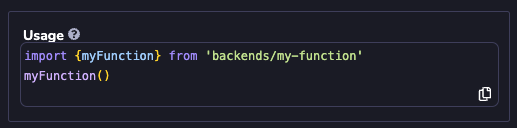
Function Event Parameters[](https://www.8thwall.com/docs/studio/guides/modules/backend-services/backend-functions/writing-backend-code/#function-event-parameters "Direct link to Function Event Parameters")
---------------------------------------------------------------------------------------------------------------------------------------------------------------------------------------------------------------
The handler method is invoked with an `event` object each time the client method is called. `event` has the following properties:
| Property | Type | Description |
| --- | --- | --- |
| path | string | The URL path passed to the client method (`'/getUser/foo'` , `'/checkAnswer'`, etc). |
| body | string | Call `JSON.parse(event.body)` to get transform the body into an object. |
| httpMethod | string | The HTTP method used to call the backend function. One of `'GET'`, `'PUT'`, `'POST'`, `'PATCH'`, `'DELETE'`. |
| queryStringParameters | Record | Key/value pairs containg the query string parameters from the request. |
| headers | Record | Key/value pairs containing request headers. |
Return Object[](https://www.8thwall.com/docs/studio/guides/modules/backend-services/backend-functions/writing-backend-code/#return-object "Direct link to Return Object")
---------------------------------------------------------------------------------------------------------------------------------------------------------------------------
All properties are optional.
| Property | Type | Description |
| --- | --- | --- |
| statusCode | number | The status code of the response. Default is `200`. |
| headers | Record | The headers associated with the response. |
| body | string | The `JSON.stringify()`'d body object associated with the response. |
Error Handling[](https://www.8thwall.com/docs/studio/guides/modules/backend-services/backend-functions/writing-backend-code/#error-handling "Direct link to Error Handling")
------------------------------------------------------------------------------------------------------------------------------------------------------------------------------
If the backend function throws an uncaught exception, the function will return `statusCode: 500` with an error object in the response body.
If you **own** the module and are **in development mode**, the error object will contain `name`, `message` and `stack`:
`{error: {name: string, message: string, stack: string}}`
Example:
{ "error": { "name": "TypeError", "message": "Cannot read properties of undefined (reading 'foo')", "stack": "TypeError: Cannot read properties of undefined (reading 'foo')\n at call (webpack:///src/index.ts:8:24)\n ... }}
For **non-development mode**, the error object will not contain a `name` or `stack` property and the `message` will be a generic "Internal Server Error".
Pinning Targets[](https://www.8thwall.com/docs/studio/guides/modules/backend-services/backend-functions/writing-backend-code/#pinning-targets "Direct link to Pinning Targets")
---------------------------------------------------------------------------------------------------------------------------------------------------------------------------------
Please refer to [https://www.8thwall.com/docs/guides/modules/pinning-targets/](https://www.8thwall.com/docs/guides/modules/pinning-targets/)
for full details on module pinning targets.
When pinning to a `Version`, **Allowed Updates** must be set to `None`
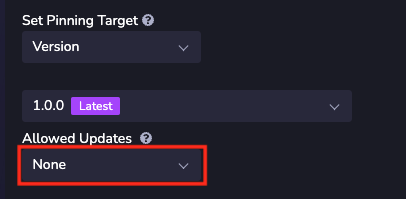
When pinning to a `Commit`, select a specific commit. `Latest` is not supported.
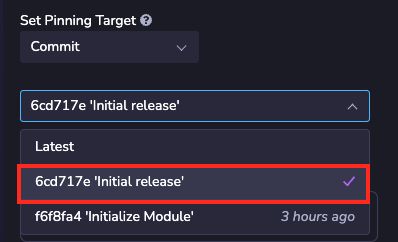
* [Overview](https://www.8thwall.com/docs/studio/guides/modules/backend-services/backend-functions/writing-backend-code/#overview)
* [Client Method](https://www.8thwall.com/docs/studio/guides/modules/backend-services/backend-functions/writing-backend-code/#client-method)
* [Function Event Parameters](https://www.8thwall.com/docs/studio/guides/modules/backend-services/backend-functions/writing-backend-code/#function-event-parameters)
* [Return Object](https://www.8thwall.com/docs/studio/guides/modules/backend-services/backend-functions/writing-backend-code/#return-object)
* [Error Handling](https://www.8thwall.com/docs/studio/guides/modules/backend-services/backend-functions/writing-backend-code/#error-handling)
* [Pinning Targets](https://www.8thwall.com/docs/studio/guides/modules/backend-services/backend-functions/writing-backend-code/#pinning-targets)
---
# Environment Variables | 8th Wall
[Skip to main content](https://www.8thwall.com/docs/studio/guides/modules/backend-services/backend-functions/environment-variables/#__docusaurus_skipToContent_fallback)
On this page
Environment variables allow you to keep sensitive information associated with your module safe. For example, they allow you to store and pass authentication credentials without exposing them directly in your code.
Create Environment Variables[](https://www.8thwall.com/docs/studio/guides/modules/backend-services/backend-functions/environment-variables/#create-environment-variables "Direct link to Create Environment Variables")
-------------------------------------------------------------------------------------------------------------------------------------------------------------------------------------------------------------------------
1. Select the back-end function within your module.
2. Click "New Environment Variable".

3. Define a Key (variable name)
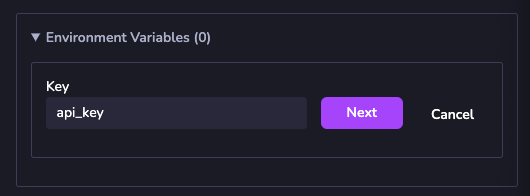
4. Define a Label - this is the display name of the key that will be displayed to project using the module containing the backend function.
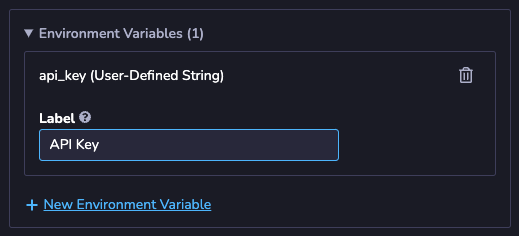
Access Environment Variable in Code[](https://www.8thwall.com/docs/studio/guides/modules/backend-services/backend-functions/environment-variables/#access-environment-variable-in-code "Direct link to Access Environment Variable in Code")
----------------------------------------------------------------------------------------------------------------------------------------------------------------------------------------------------------------------------------------------
Environment variables can be accessed in your code as `process.env.`
### Example:[](https://www.8thwall.com/docs/studio/guides/modules/backend-services/backend-functions/environment-variables/#example "Direct link to Example:")
const API_KEY = process.env.api_key
* [Create Environment Variables](https://www.8thwall.com/docs/studio/guides/modules/backend-services/backend-functions/environment-variables/#create-environment-variables)
* [Access Environment Variable in Code](https://www.8thwall.com/docs/studio/guides/modules/backend-services/backend-functions/environment-variables/#access-environment-variable-in-code)
* [Example:](https://www.8thwall.com/docs/studio/guides/modules/backend-services/backend-functions/environment-variables/#example)
---
# Native App Export | 8th Wall
[Skip to main content](https://www.8thwall.com/docs/studio/native-app-export/#__docusaurus_skipToContent_fallback)
On this page
Beta Feature
Native App Export is currently in Beta and limited to **Android & iOS** builds. Support for desktop and headsets is coming soon.
Native App Export enables you to package your Studio project as a standalone application.
Requirements[](https://www.8thwall.com/docs/studio/native-app-export/#requirements "Direct link to Requirements")
-------------------------------------------------------------------------------------------------------------------
Whether building for iOS or Android, ensure your project has been successfully built for the web at least once before attempting to export.
### iOS[](https://www.8thwall.com/docs/studio/native-app-export/#ios "Direct link to iOS")
Native export for iOS is available for AR & 3D projects. Your application **will not** support:
* Push notifications
* In-app purchases
### Android[](https://www.8thwall.com/docs/studio/native-app-export/#android "Direct link to Android")
Native export for Android is only available for non-AR, 3D-only projects. Your project **must not** use:
* Camera or AR features
* GPS
* Virtual or physical keyboards
* Push notifications
* In-app purchases
* Video textures
* MediaRecorder API
* CSS
* [Requirements](https://www.8thwall.com/docs/studio/native-app-export/#requirements)
* [iOS](https://www.8thwall.com/docs/studio/native-app-export/#ios)
* [Android](https://www.8thwall.com/docs/studio/native-app-export/#android)
---
# HTML | 8th Wall
[Skip to main content](https://www.8thwall.com/docs/studio/native-app-export/html/#__docusaurus_skipToContent_fallback)
On this page
Exporting an HTML5 Bundle[](https://www.8thwall.com/docs/studio/native-app-export/html/#exporting-an-html5-bundle "Direct link to Exporting an HTML5 Bundle")
---------------------------------------------------------------------------------------------------------------------------------------------------------------
Important
At the moment, AR experiences are not yet provided via HTML5 export. Your project must use 3D cameras in order to function properly.
1. HTML5 export is currently only available for paid accounts. Please review the [Account Settings](https://www.8thwall.com/docs/account/settings/)
information for more details.
2. **Open your Studio project**.
3. Click **Publish**. Under the **Export** section, select **HTML5**.
4. Select an environment to build your bundle from.
5. Click **Build** to generate your HTML5 bundle.
> Once the build is complete, download the `.zip` file using the download links provided in the build summary.
* * *
Publishing your 8th Wall project to gaming platforms[](https://www.8thwall.com/docs/studio/native-app-export/html/#publishing-your-8th-wall-project-to-gaming-platforms "Direct link to Publishing your 8th Wall project to gaming platforms")
------------------------------------------------------------------------------------------------------------------------------------------------------------------------------------------------------------------------------------------------
Since 8th Wall HTML5 bundles are fully contained builds, they can be self hosted or published to many gaming platforms.
### Self-Host[](https://www.8thwall.com/docs/studio/native-app-export/html/#self-host "Direct link to Self-Host")
note
The HTML5 bundle can be self hosted or deployed in many different ways. The instructions below is just one example using `npm`. For more comprehensive information on self hosting, check out this [guide](https://github.com/mikeroyal/Self-Hosting-Guide)
.
1. Download the `.zip` bundle, then unzip the file.
2. If you do not already have `npm` installed, follow the instructions on this [page](https://docs.npmjs.com/downloading-and-installing-node-js-and-npm)
to set it up.
3. Run `npm install --global http-server` to install the [http-server](https://www.npmjs.com/package/http-server)
npm package as a global CLI tool.
4. Run `http-server `
1. Example: `http-server /Users/John/Downloads/my-project`
5. There should be some logs that list a series of local URLs like:
Available on: http://127.0.0.1:8080 http://192.168.20.43:8080 http://172.29.29.159:8080
6. Open one of the URLs in your web browser.
### Itch.io[](https://www.8thwall.com/docs/studio/native-app-export/html/#itchio "Direct link to Itch.io")
1. Download the `.zip` bundle.
2. Log in to [Itch.io](https://itch.io/)
and [create a new project](https://itch.io/game/new)
.
3. Fill in the project details:
* Under **Kind of project**, select **HTML**.
* Under **Uploads**, select **Upload files**. Upload the `.zip` file that you downloaded in Step 1. Check the **This file will be played in the browser** checkbox.
* Under **Embed options**, choose the appropriate sizing for your project.
4. Finish configuring your game and publish it.
### Viverse[](https://www.8thwall.com/docs/studio/native-app-export/html/#viverse "Direct link to Viverse")
1. Sign in to [Viverse](https://viverse.com/)
and [go to Viverse Studio](https://studio.viverse.com/)
.
2. Under **Upload Your Own Build**, click **Upload**.
3. Click **Create New World**.
4. Enter the **Name** and **Description** for your project, then click **Create**.
5. Click **Content Versions**.
6. Under **New Version**, click **Select File**. Upload the `.zip` file that you downloaded in Step 1, then click **Upload**.
7. Under **iframe Support for Preview**, click **Apply iframe Settings** and enable all permissions that your project requires.
* Note that Viverse will put your project downloaded from 8th Wall in it's own iFrame, and the Viverse iFrame will need to grant a permission which your project requires.
8. Finish configuring your game and publish it.
### Game Jolt[](https://www.8thwall.com/docs/studio/native-app-export/html/#game-jolt "Direct link to Game Jolt")
1. Sign in to [Game Jolt](https://gamejolt.com/)
and [go to Game Jolt Store](https://gamejolt.com/games)
.
2. Click **Add Your Game**.
3. Enter the project details and click **Save & Next**.
4. On your game dashboard, under **Packages**, click **Add Package**.
5. Under **Edit package**, click **New Release**.
6. Click **Upload Browser Build**. Upload the `.zip` file that you downloaded in Step 1.
7. Configure your game dimensions, or select **Fit to screen?** if you want the game to fit the screen.
8. Finish configuring your game and publish it.
### GamePix[](https://www.8thwall.com/docs/studio/native-app-export/html/#gamepix "Direct link to GamePix")
Important
GamePix does not allow games with external links. Make sure your project does NOT make network calls outside of the bundle.
1. Download the **Full HTML** embed code.\\
2. Sign up for a [GamePix Developer Account](https://partners.gamepix.com/join-us?t=developer)
and go to the [GamePix Dashboard](https://my.gamepix.com/dashboard)
.
3. Click **Create New Game**.
4. Enter the game details and click **Create**.
5. Under **Info**, select **HTML5-JS** under **Game Engine**.
6. Under **Build**, click **Browse File**. Upload the `.zip` file you downloaded earlier.
7. Finish configuring your game and publish it.
### Newgrounds[](https://www.8thwall.com/docs/studio/native-app-export/html/#newgrounds "Direct link to Newgrounds")
1. Download the **Full HTML** embed code. Make a `.zip` file of this `index.html` file.
2. Sign up for a [Newgrounds account](https://www.newgrounds.com/)
.
3. Click the arrow in the top right corner and select **Game (swf, HTML5)**
4. Under **Submission File(s)**, click **Upload File**. Upload the `.zip` file you downloaded earlier.
5. Configure your game dimensions and check **Touchscreen friendly**
6. Finish configuring your game and publish it.
### Y8[](https://www.8thwall.com/docs/studio/native-app-export/html/#y8 "Direct link to Y8")
1. Download the **Full HTML** embed code. Make a `.zip` file of this `index.html` file.
2. Log into [Y8](https://www.y8.com/upload)
.
3. Make sure you have verified your email, then [create a free Y8 Storage Account](https://account.y8.com/storage_account)
.
4. Under **Game**, choose **Zip** and then **HTML5**.
5. Click **Choose File**. Upload the `.zip` file you downloaded earlier. If you have not created a Storage Account it will fail. If that happens, click **Create Storage Account** to create one, then refresh the **Upload Your Content to Y8** page and try again.
6. Finish configuring your game and publish it.
### Poki[](https://www.8thwall.com/docs/studio/native-app-export/html/#poki "Direct link to Poki")
1. Go to the [Poki Developer Portal](https://developers.poki.com/share)
.
2. Fill in your project details, using the link to your hosted project under **Link to your game**.
3. Click **Share your game**.
### Kongregate[](https://www.8thwall.com/docs/studio/native-app-export/html/#kongregate "Direct link to Kongregate")
1. Email the Kongregate team at [bd@kongregate.com](mailto:bd@kongregate.com)
. Include the link to your hosted project in your email.
### Armor Games[](https://www.8thwall.com/docs/studio/native-app-export/html/#armor-games "Direct link to Armor Games")
1. Email the Armor Games team at [mygame@armorgames.com](mailto:mygame@armorgames.com)
. Include the link to your hosted project in your email.
### Addicting Games[](https://www.8thwall.com/docs/studio/native-app-export/html/#addicting-games "Direct link to Addicting Games")
1. Download the **Full HTML** embed code.
2. Email the Addicting Games team at [games@addictinggames.com](mailto:games@addictinggames.com)
. Include the `.zip` file in your email, as well as all of the other information they request in the [Addicting Games Developer Center](https://www.addictinggames.com/about/upload#Send)
.
### Lagged[](https://www.8thwall.com/docs/studio/native-app-export/html/#lagged "Direct link to Lagged")
1. Email the Lagged team at [contact@lagged.com](mailto:contact@lagged.com)
. Include the link to your hosted project in your email.
2. Once you are approved, you can [sign up for a Lagged account](https://lagged.dev/signup)
using the **Invite Code** they provide you and upload your game.
### Discord[](https://www.8thwall.com/docs/studio/native-app-export/html/#discord "Direct link to Discord")
#### Sample Project[](https://www.8thwall.com/docs/studio/native-app-export/html/#sample-project "Direct link to Sample Project")
As a starting point to use the Discord Embedded SDK with your project, you can try out our sample project.
1. Navigate to [https://www.8thwall.com/8thwall/discord-activity-example](https://www.8thwall.com/8thwall/discord-activity-example)
and clone the project to your workspace.
2. Follow the steps in [Exporting an HTML5 Bundle](https://www.8thwall.com/docs/studio/native-app-export/html/#exporting-an-html5-bundle)
3. Download the `.zip` to a location of your choosing.
#### Discord Developer Set Up[](https://www.8thwall.com/docs/studio/native-app-export/html/#discord-developer-set-up "Direct link to Discord Developer Set Up")
In order to run a web client in Discord, you'll need to set up an account and create an app in the developer hub.
1. Create a Discord Account and navigate to [https://discord.com/developers/applications](https://discord.com/developers/applications)
2. Create a new application by clicking the Button in the top right corner
1. Enter a name for the application and accept the terms of service
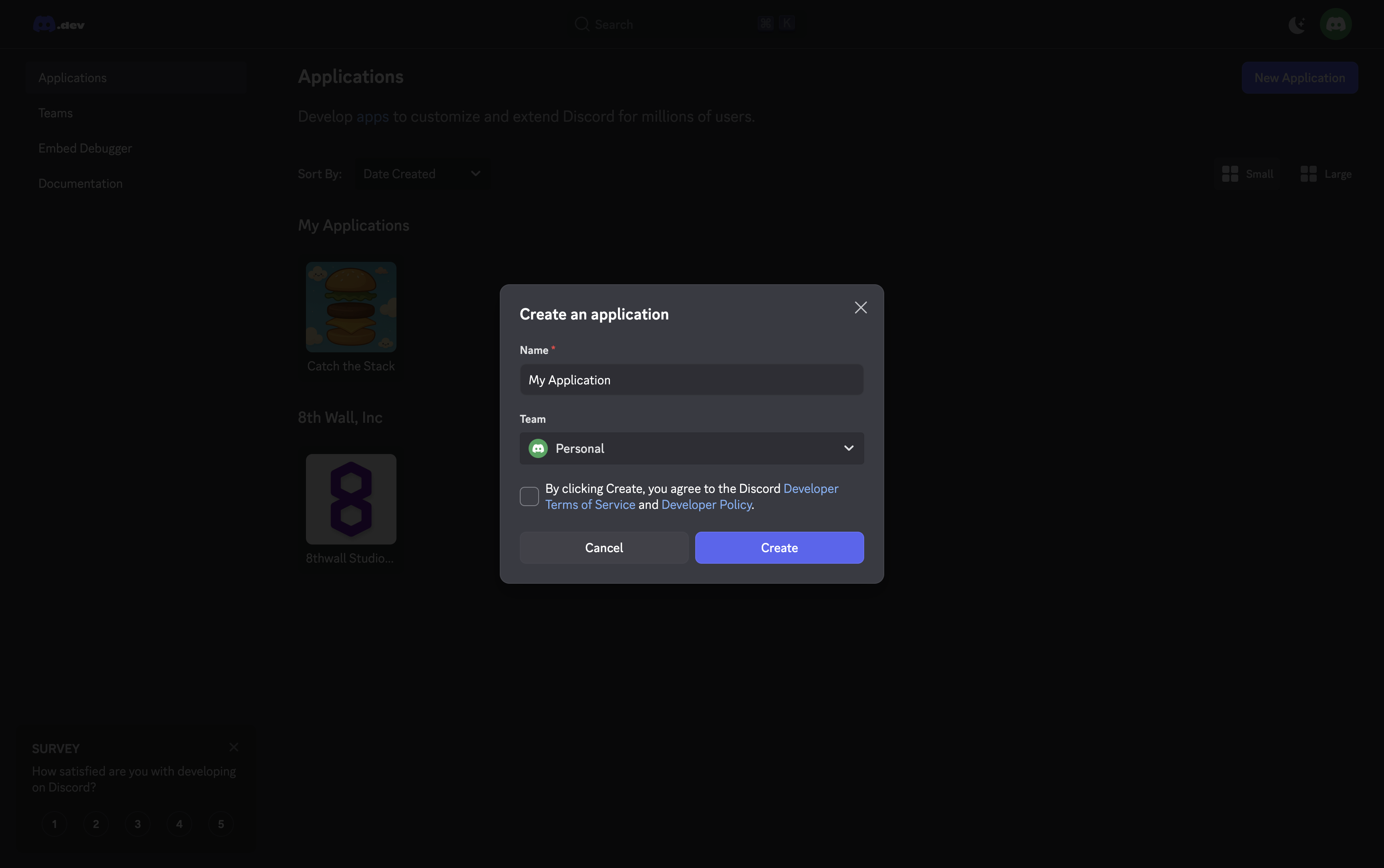
3. Go to the **OAuth2** page, under the **Settings** section:
1. Add `http://127.0.0.1` as a redirect URI for testing.
2. Save the `Client ID` somewhere secure.
3. Click "Reset Secret" to retrieve the `Client Secret` and store it somewhere safe.
4. Press "Save" to keep your settings.
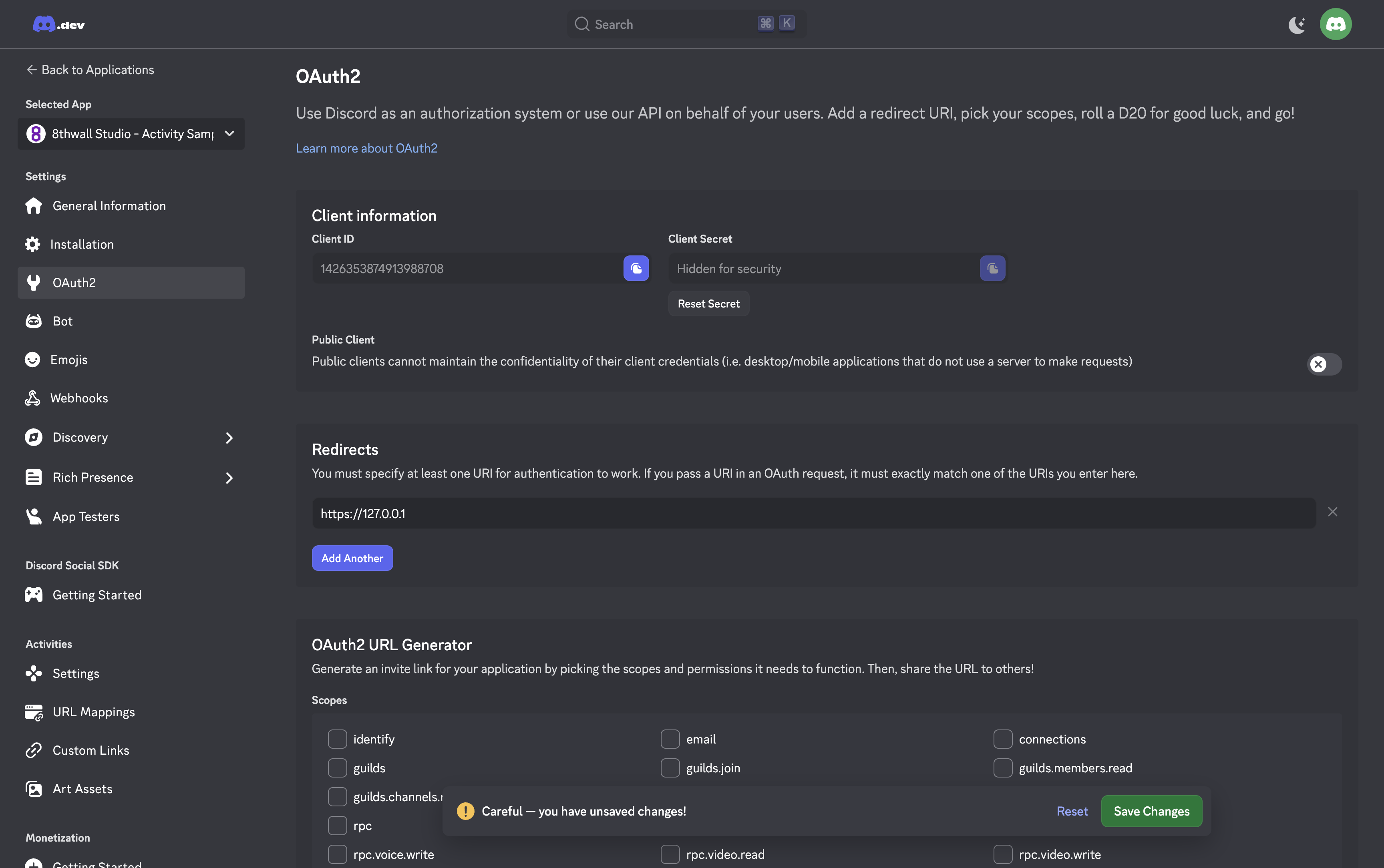
4. Navigate to the **URL Mappings** page, under the **Activities** section:
1. Add a temporary target to the root mapping like `127.0.0.1:8888`. This will be replaced later with your public URL, but it's required to enable Activities in the next step.
5. Go to the **Settings** page, under the **Activities** section:
1. Toggle **Enable Activities** and accept the app launcher agreement.
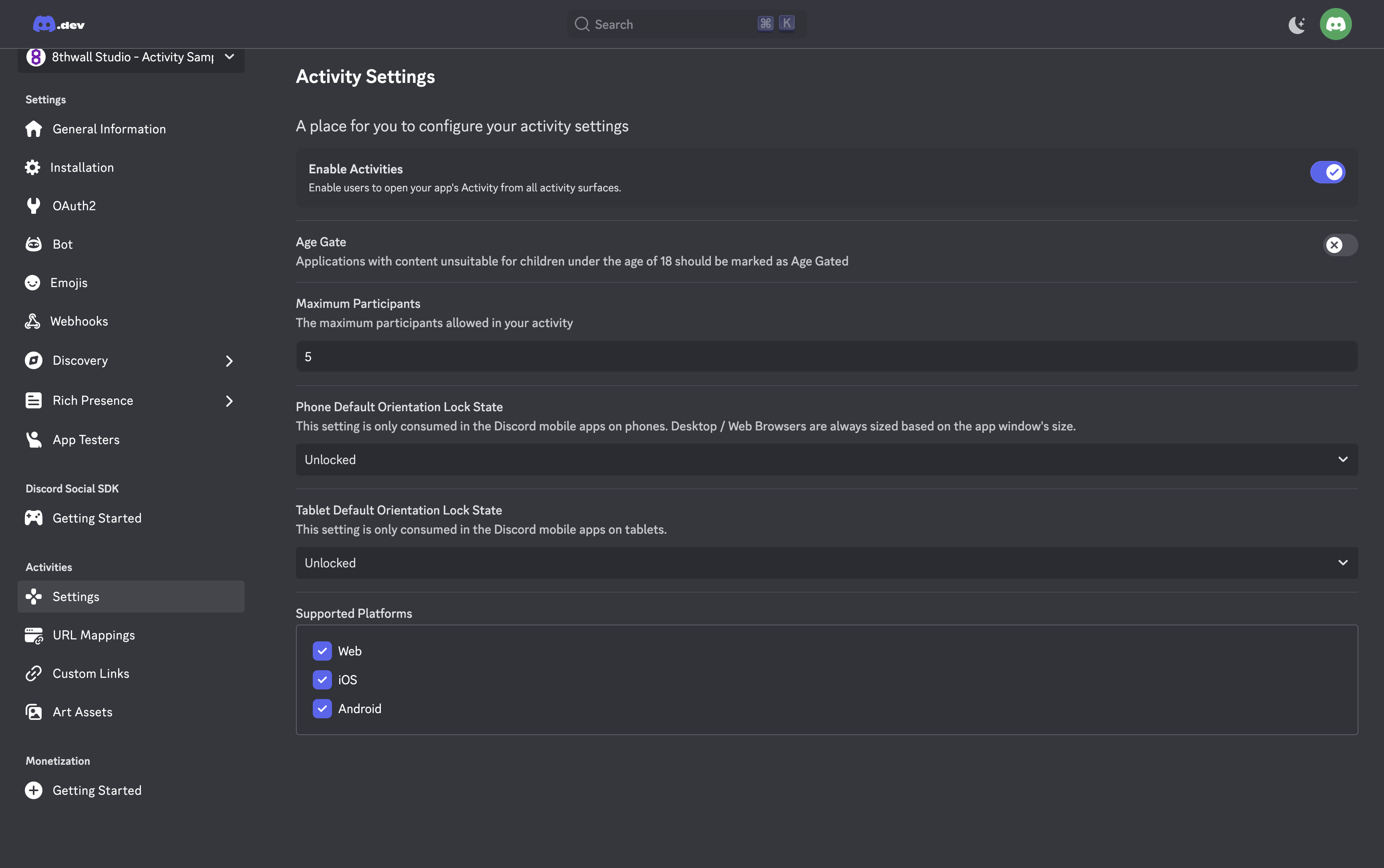
6. Then, go to the **Installation** tab, under the **Settings** section:
1. Copy the link from the **Install Link** panel and open it in your browser.
2. Install the application to make it accessible in any server or DM.
#### Launching an Application[](https://www.8thwall.com/docs/studio/native-app-export/html/#launching-an-application "Direct link to Launching an Application")
1. Set up the example server code at [https://github.com/8thwall/discord-activity-example](https://github.com/8thwall/discord-activity-example)
1. `git clone https://github.com/8thwall/discord-activity-example`
2. Run `npm install`
3. Unzip the `.zip` downloaded earlier containing the frontend of the project.
4. Create a `.env` file in the root of the repo, and fill it out with the details from the Discord Developer Portal:
DISCORD_CLIENT_ID=XXXXXXXXXXDISCORD_CLIENT_SECRET=XXXXXXXXXXDISCORD_CLIENT_HOST_PATH=/path/to/unzipped/folder
5. Enter `npm start` to start the server.
2. Use `cloudflared` to create a tunnel, so the project will be publicly accessible over the internet.
1. `brew install cloudflared` to download the `cloudflared` CLI tool
2. Run `cloudflared tunnel --url http://localhost:8888`.
3. Make note of the URL that was generated.
Example:
2025-10-11T03:05:16Z INF +--------------------------------------------------------------------------------------------+2025-10-11T03:05:16Z INF | Your quick Tunnel has been created! Visit it at (it may take some time to be reachable): |2025-10-11T03:05:16Z INF | https://sporting-follow-audit-href.trycloudflare.com |2025-10-11T03:05:16Z INF +--------------------------------------------------------------------------------------------+
4. Open the `cloudflared` URL in your browser to make sure the project loads.
3. Update your Discord application settings:
1. Open the Discord Developer Portal and navigate to your application
2. Go to **URL Mappings** under the **Activities** section
3. Replace the temporary target with your `cloudflared` URL for the **Root Mapping**
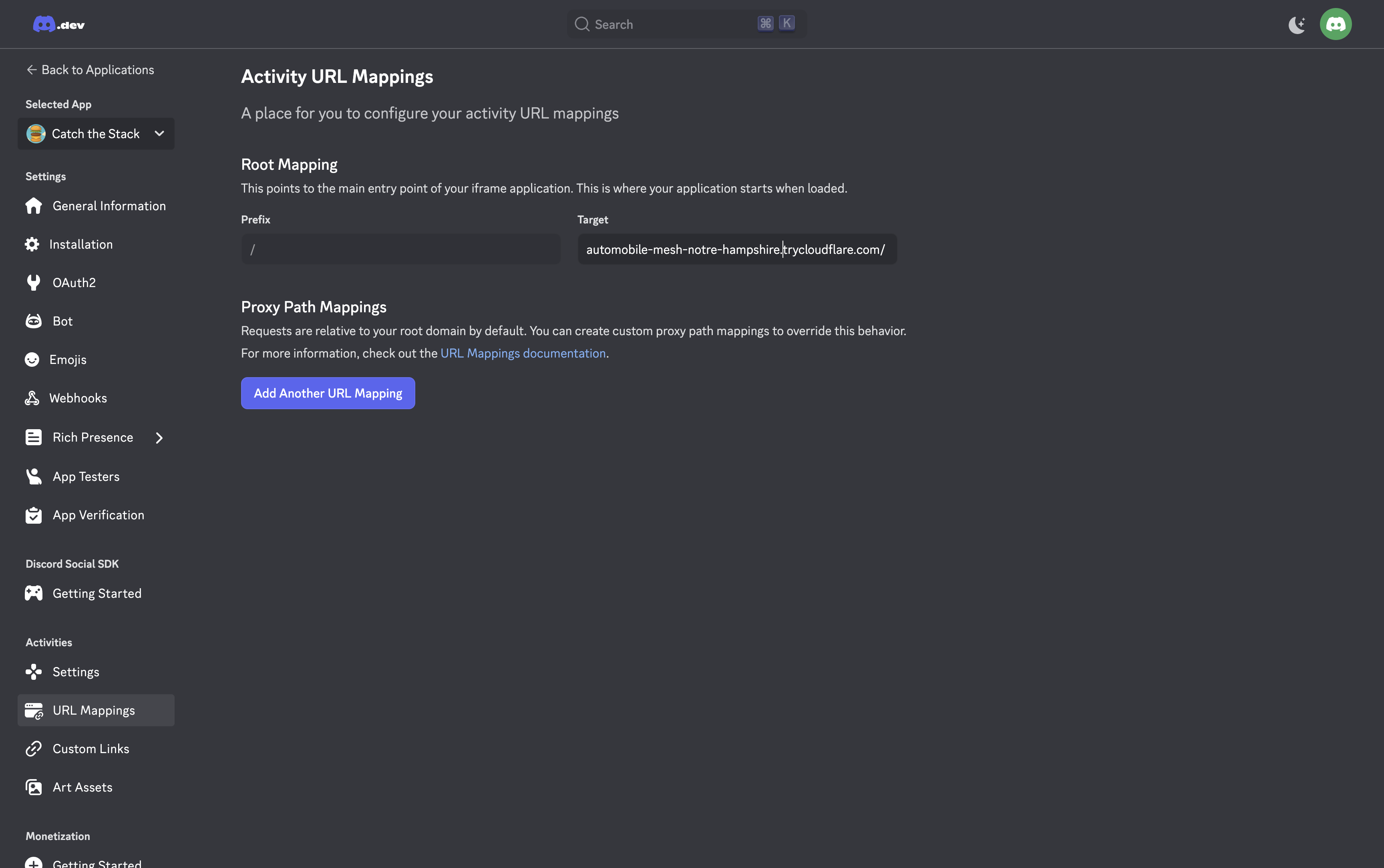
4. Test your Discord Activity:
1. Open Discord and navigate to any DM or server
2. Click the activities icon (game controller) in the voice channel controls
3. Find and click your application in the **Apps & Commands** panel
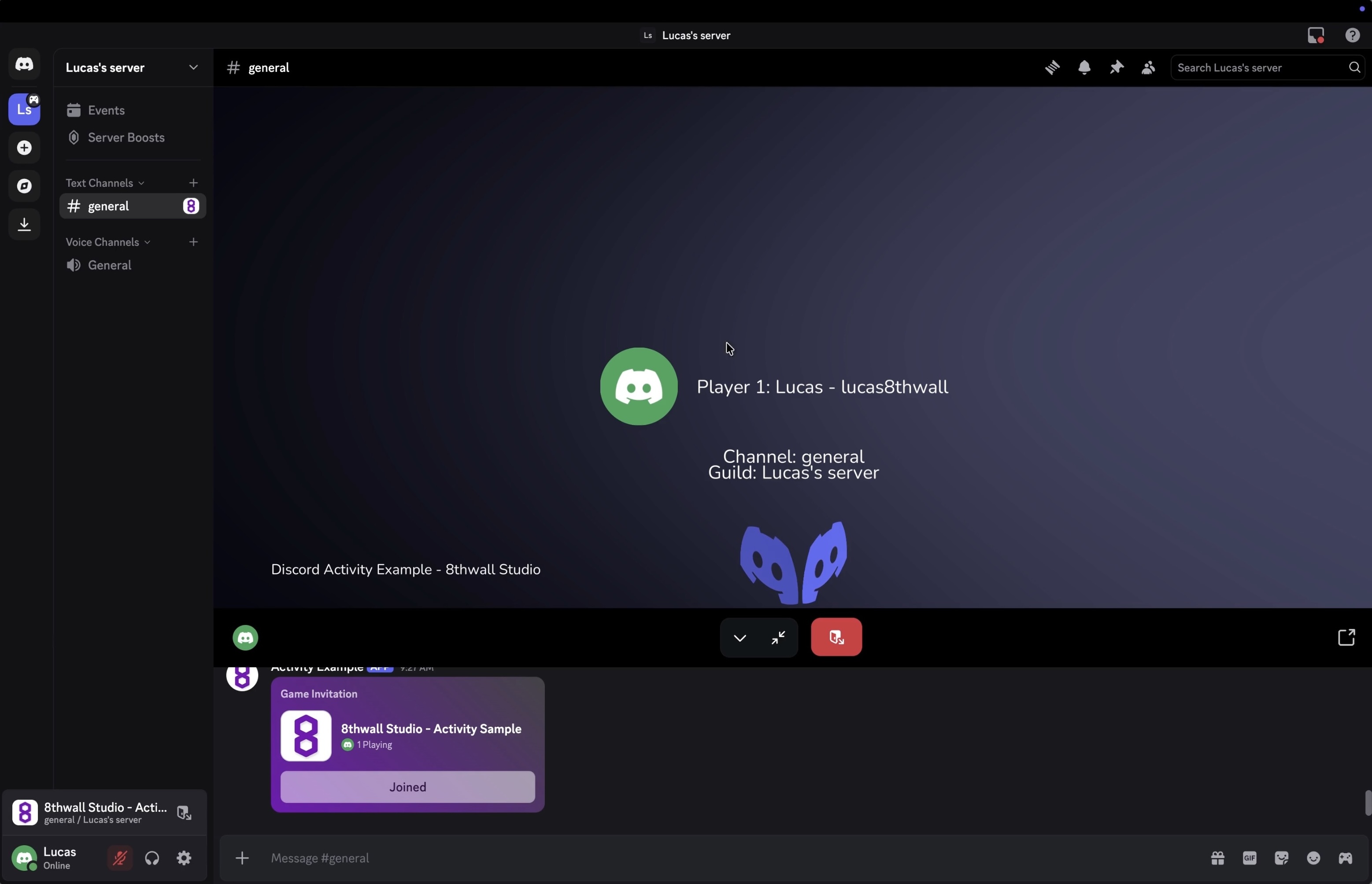
* [Exporting an HTML5 Bundle](https://www.8thwall.com/docs/studio/native-app-export/html/#exporting-an-html5-bundle)
* [Publishing your 8th Wall project to gaming platforms](https://www.8thwall.com/docs/studio/native-app-export/html/#publishing-your-8th-wall-project-to-gaming-platforms)
* [Self-Host](https://www.8thwall.com/docs/studio/native-app-export/html/#self-host)
* [Itch.io](https://www.8thwall.com/docs/studio/native-app-export/html/#itchio)
* [Viverse](https://www.8thwall.com/docs/studio/native-app-export/html/#viverse)
* [Game Jolt](https://www.8thwall.com/docs/studio/native-app-export/html/#game-jolt)
* [GamePix](https://www.8thwall.com/docs/studio/native-app-export/html/#gamepix)
* [Newgrounds](https://www.8thwall.com/docs/studio/native-app-export/html/#newgrounds)
* [Y8](https://www.8thwall.com/docs/studio/native-app-export/html/#y8)
* [Poki](https://www.8thwall.com/docs/studio/native-app-export/html/#poki)
* [Kongregate](https://www.8thwall.com/docs/studio/native-app-export/html/#kongregate)
* [Armor Games](https://www.8thwall.com/docs/studio/native-app-export/html/#armor-games)
* [Addicting Games](https://www.8thwall.com/docs/studio/native-app-export/html/#addicting-games)
* [Lagged](https://www.8thwall.com/docs/studio/native-app-export/html/#lagged)
* [Discord](https://www.8thwall.com/docs/studio/native-app-export/html/#discord)
---
# Simulator | 8th Wall
[Skip to main content](https://www.8thwall.com/docs/studio/getting-started/simulator/#__docusaurus_skipToContent_fallback)
On this page
Overview[](https://www.8thwall.com/docs/studio/getting-started/simulator/#overview "Direct link to Overview")
---------------------------------------------------------------------------------------------------------------
Launch the simulator to play your scene. You can make edits to the entities in your space and see those immediately reflected in the simulator. The simulator also lets you test and view project changes across different device viewport sizes and simulated real-world environments without needing to leave Studio.


AR Simulator[](https://www.8thwall.com/docs/studio/getting-started/simulator/#ar-simulator "Direct link to AR Simulator")
---------------------------------------------------------------------------------------------------------------------------
If you're developing AR, you can access a collection of pre-recorded camera sequences. The AR Simulator has a number of playback controls and convenience features like:
* Play bar, scrubber and in/out handles: Allow you to set up loop points, giving you granular control over the selected sequence.
* Recenter button (lower right): Recenters the camera feed to its origin. NOTE: Recenter is also called each time the sequence loops and each time a new sequence is selected.
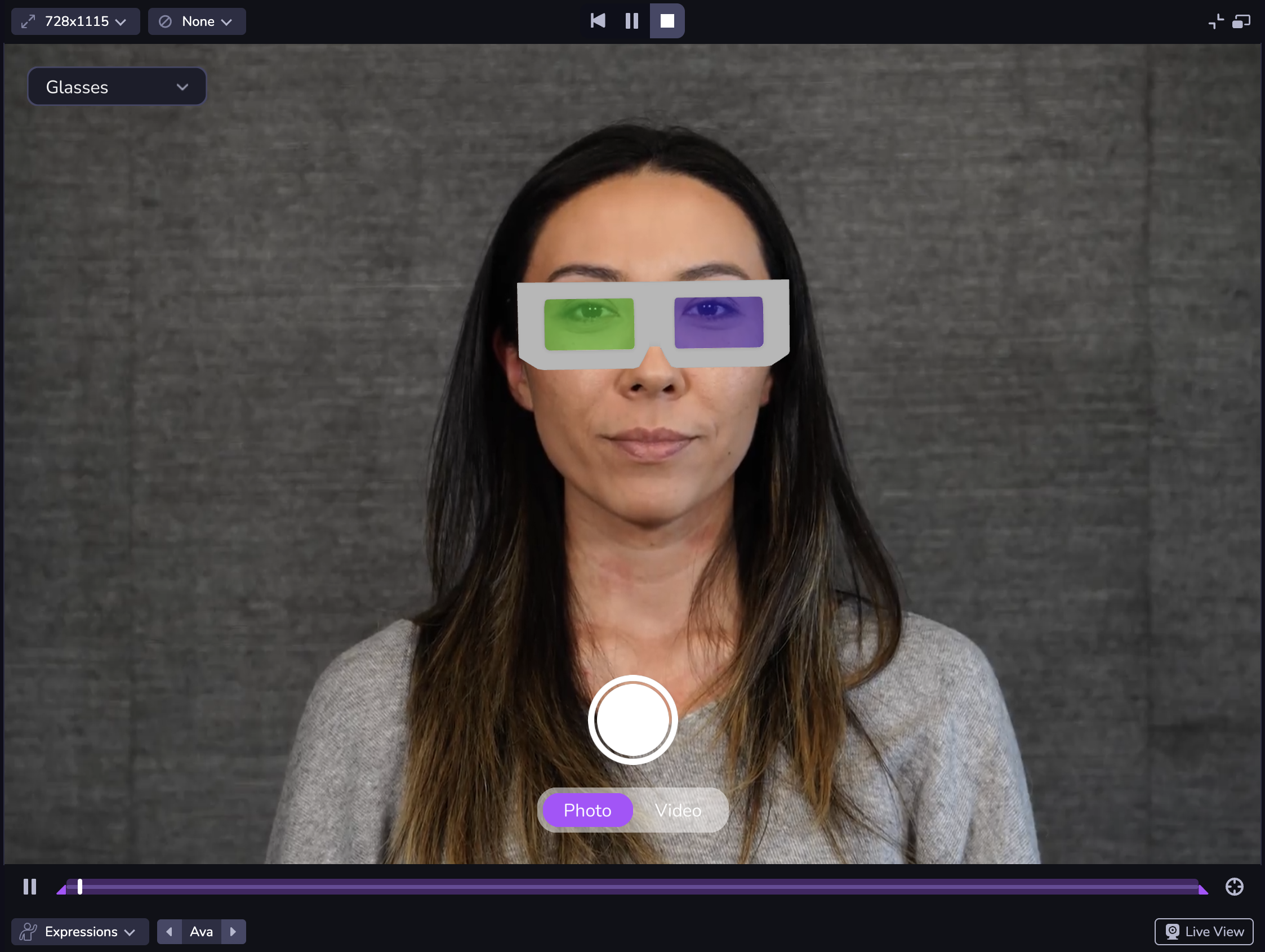
Use the bottom left Sequence Selection menu to change the AR sequence. You can use the carousel to switch between options in the sequence category. Pausing the sequence only pauses the video, allowing you to test changes at the same frame. Drag the playback handles to set in/out loop points.
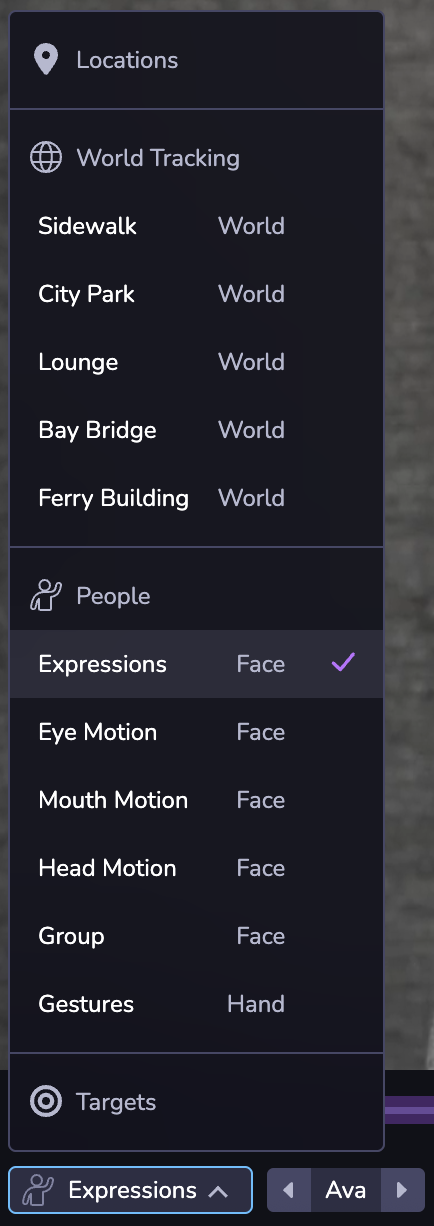
The camera button the bottom right corner opens Live View, which follows the same logic as your project's camera configuration. Live View allows you to simulate your project using the feed from your desktop instead of a pre-recorded AR sequence. For example, if your project uses Face Effects and you have the Studio project open on desktop, it will open your desktop camera.
note
Live View in the Simulator may prompt you to enable camera, microphone, or location permissions depending on what is enabled in your project. Click Allow for permission prompts in order to see your experience in Live View.
Your project might look different on different devices due to differences in the mobile web viewport size. Or you may want to see your project in both landscape and portrait mode. At the top left of the Simulator, you can choose from a set of common device viewport sizes, change the orientation, or use responsive mode to adjust to a custom size. You can also double click the edges of the Simulator panel to automatically fit the Simulator to the width of the selected device viewport. **Note: Dimensions are presented in CSS logical pixels (AKA viewport dimensions), not physical device pixels. When selecting a device from the selector, only the viewport dimensions will be updated, not the user agent of the client.**
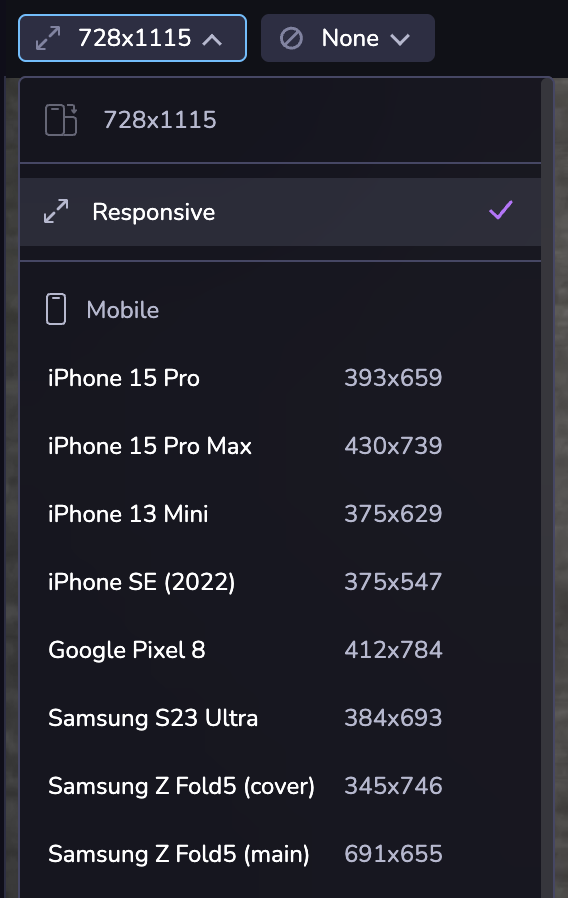
You can also simulate specific GPS coordinates if you're developing a location or map-based experience.
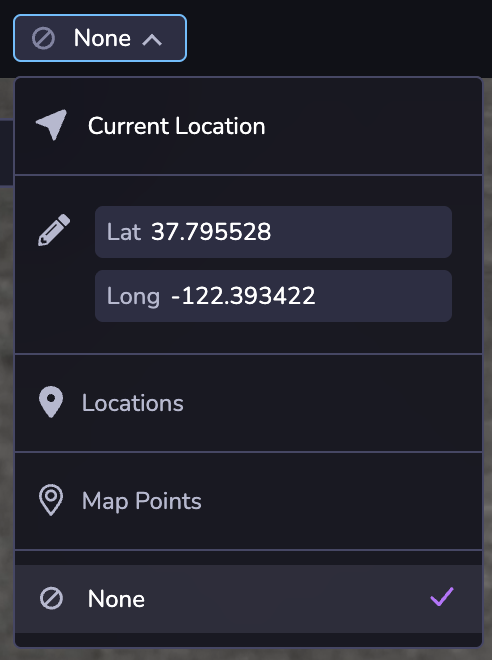
* [Overview](https://www.8thwall.com/docs/studio/getting-started/simulator/#overview)
* [AR Simulator](https://www.8thwall.com/docs/studio/getting-started/simulator/#ar-simulator)
---
# Creating Backend Functions | 8th Wall
[Skip to main content](https://www.8thwall.com/docs/studio/guides/modules/backend-services/backend-functions/creating-backend-functions/#__docusaurus_skipToContent_fallback)
info
Backend Functions run within the context of 8th Wall's Module System. For full Module documentation please [see here](https://www.8thwall.com/docs/guides/modules/overview/)
. This section of the documentation will focus specifically on the Backend Function functionality provided by the module system.
Modules can be created from the Workspace page (Modules Tab) or directly within a Studio project. To create a Module with a Backend Function directly in Studio, please follow these steps:
1. In the Studio Editor, select the Modulese tab in the left panel and click "+ New Module"

2. Select the "Create New Module" tab and give your new module a Module ID. This value will be used to later reference your module in project code. It cannot be changed after creation.
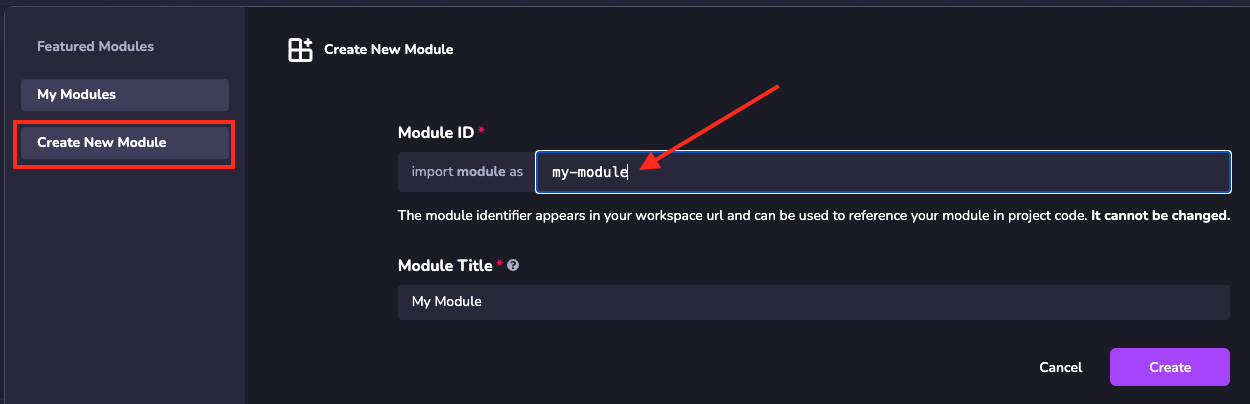
3. Add a backend to the module: File explorer -> select the Modules tab -> right click on Backends -> select New Backend config.
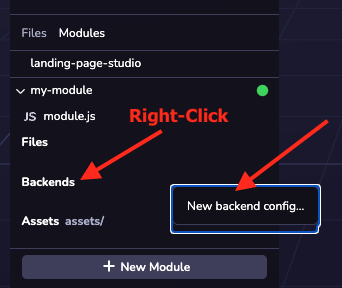
4. In the New Backend wizard, select the desired type of backend (Function, in this case), give it a Title and Description. The file-name of the backend will be automatically generated based on Title and is how you will reference the backend within module code.
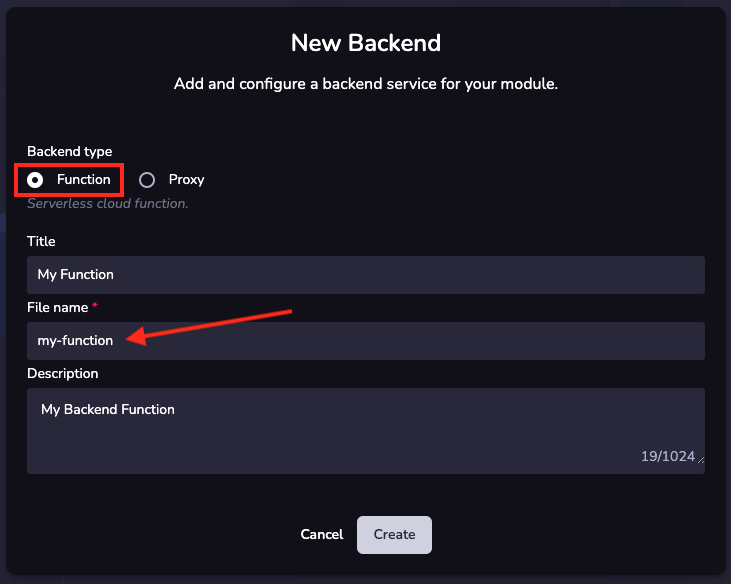
5. Set an Entry Path for your backend code. This is the file where your backend code entry point will live.
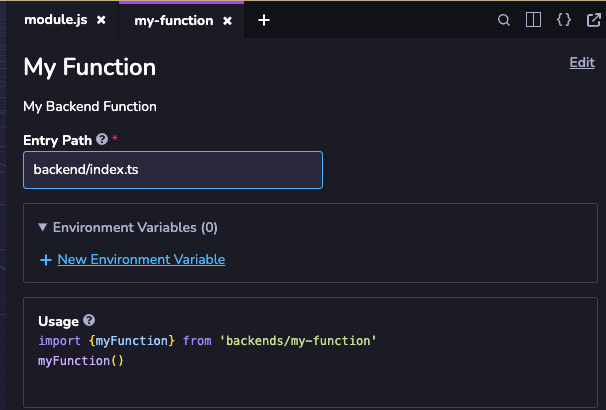
6. Create a file with the same path/name as defined in the Entry Path step above. Right-click Files -> New File -> Empty File:
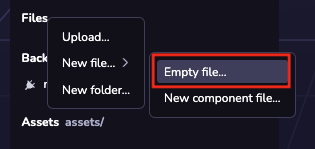
Type or paste in the name that matches your Entry Path:

Result:
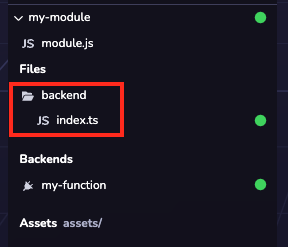
info
The backend function must export an **async method** called `handler`. Please refer to the [Writing Backend Code](https://www.8thwall.com/docs/studio/guides/modules/backend-services/backend-functions/writing-backend-code/)
documentation for more details.
Example:
const handler = async (event: any) => { // Custom backend code goes here return { body: JSON.stringify({ myResponse, }), }}export { handler,}
---
# Face | 8th Wall
[Skip to main content](https://www.8thwall.com/docs/studio/guides/xr/face/#__docusaurus_skipToContent_fallback)
On this page
Introduction[](https://www.8thwall.com/docs/studio/guides/xr/face/#introduction "Direct link to Introduction")
----------------------------------------------------------------------------------------------------------------
Face effects allow you to create filters, effects, and trigger behaviors based on face detection events.
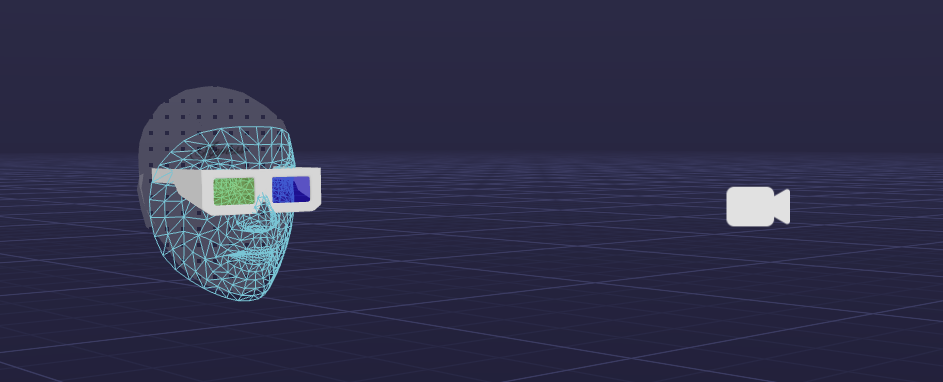
Enabling Face Effects[](https://www.8thwall.com/docs/studio/guides/xr/face/#enabling-face-effects "Direct link to Enabling Face Effects")
-------------------------------------------------------------------------------------------------------------------------------------------
To enable face effects in your project, follow these steps:
1. Select the Camera in your scene
2. Set the Type to "Face"
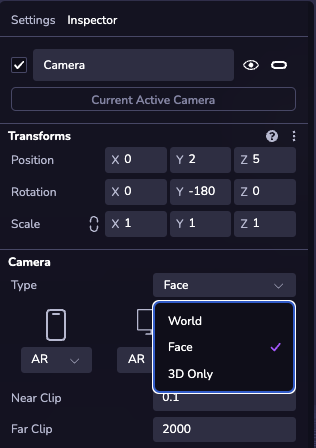
3. (Optional) Add a “Face” object to your scene hierarchy to visualize spatial face effects.
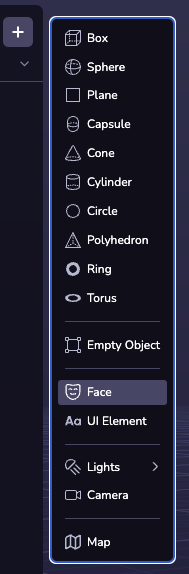
* [Introduction](https://www.8thwall.com/docs/studio/guides/xr/face/#introduction)
* [Enabling Face Effects](https://www.8thwall.com/docs/studio/guides/xr/face/#enabling-face-effects)
---
# Image Targets | 8th Wall
[Skip to main content](https://www.8thwall.com/docs/studio/guides/xr/image-targets/#__docusaurus_skipToContent_fallback)
On this page
Introduction[](https://www.8thwall.com/docs/studio/guides/xr/image-targets/#introduction "Direct link to Introduction")
-------------------------------------------------------------------------------------------------------------------------
Image Targets allow you to set a flat, cylindrical or conical shape as a trigger or marker to overlay AR content.
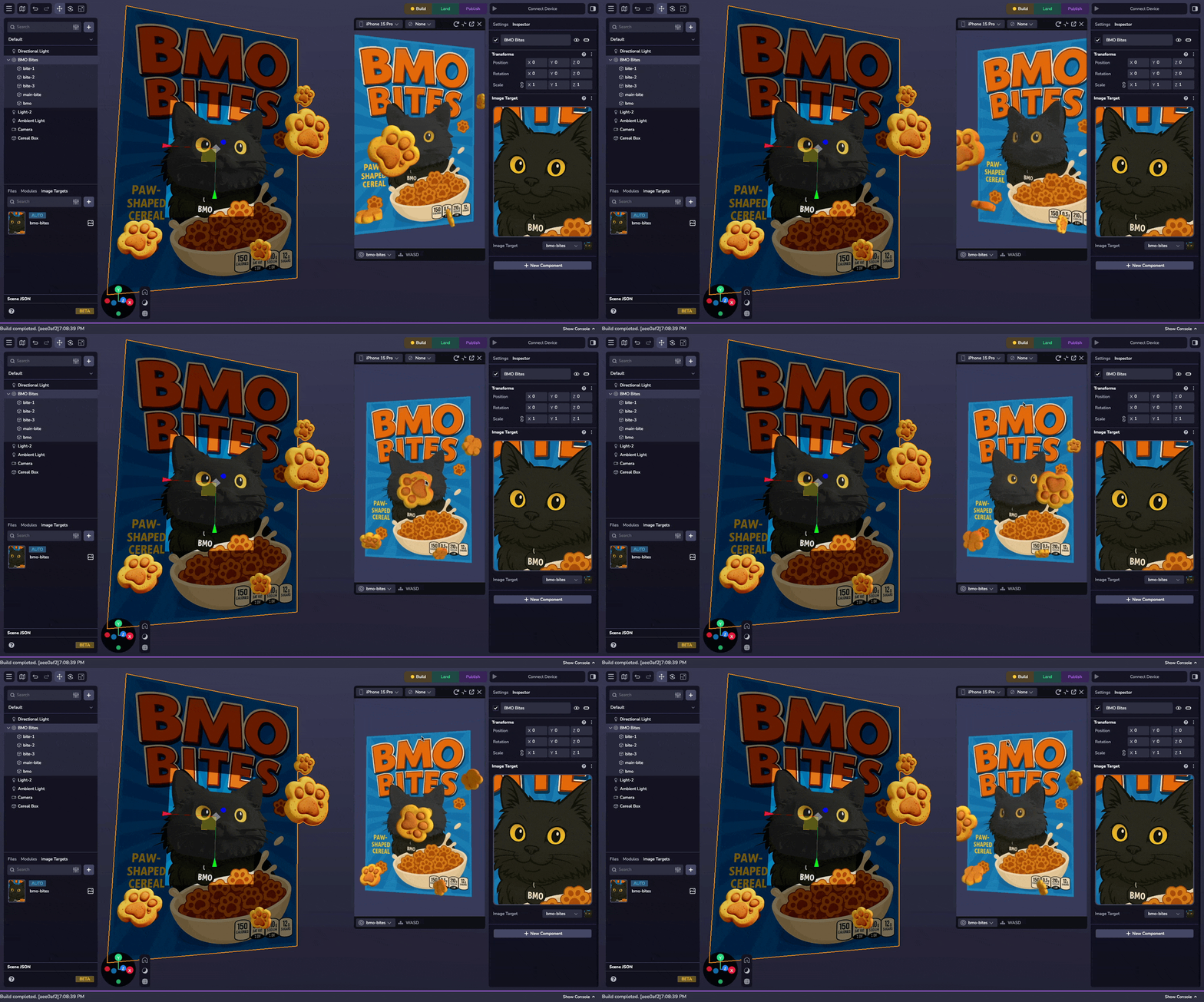
* * *
Enabling Image Targets[](https://www.8thwall.com/docs/studio/guides/xr/image-targets/#enabling-image-targets "Direct link to Enabling Image Targets")
-------------------------------------------------------------------------------------------------------------------------------------------------------
To enable image targets in your project, you must use a World camera.
1. Select the **Camera** in your scene
2. Set the **Type** to `World`
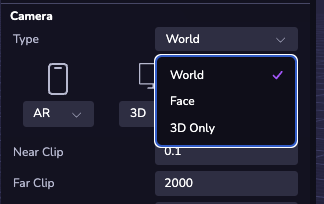
* * *
Adding Image Targets[](https://www.8thwall.com/docs/studio/guides/xr/image-targets/#adding-image-targets "Direct link to Adding Image Targets")
-------------------------------------------------------------------------------------------------------------------------------------------------
### Upload the Image Target[](https://www.8thwall.com/docs/studio/guides/xr/image-targets/#upload-the-image-target "Direct link to Upload the Image Target")
Locate the **Image Targets** panel at the bottom left of the Studio Interface. Click on the **( + )** to add a flat, cylindrical, or conical image target.
### Configuring the Image Target[](https://www.8thwall.com/docs/studio/guides/xr/image-targets/#configuring-the-image-target "Direct link to Configuring the Image Target")
Customize the image target's tracking region and metadata.
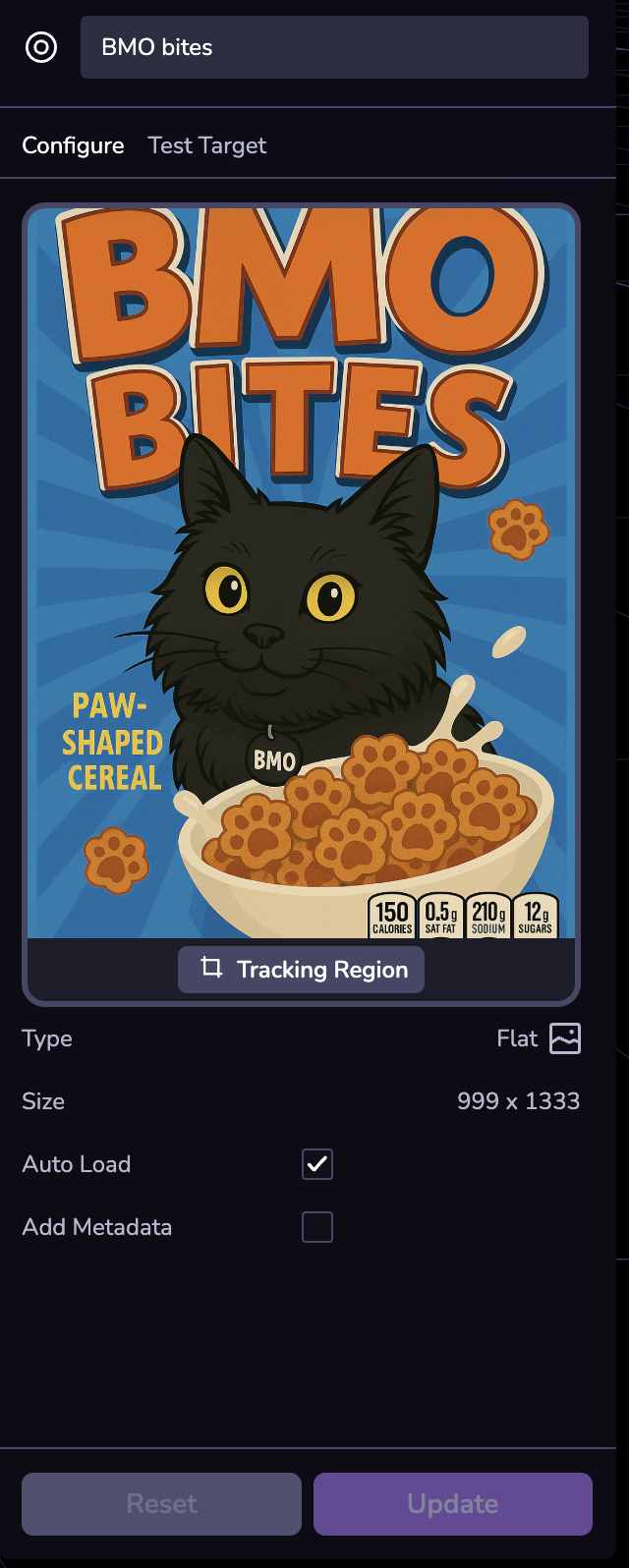
### Testing the Image Target[](https://www.8thwall.com/docs/studio/guides/xr/image-targets/#testing-the-image-target "Direct link to Testing the Image Target")
Scan the QR code to test the quality and tracking of your uploaded image target.
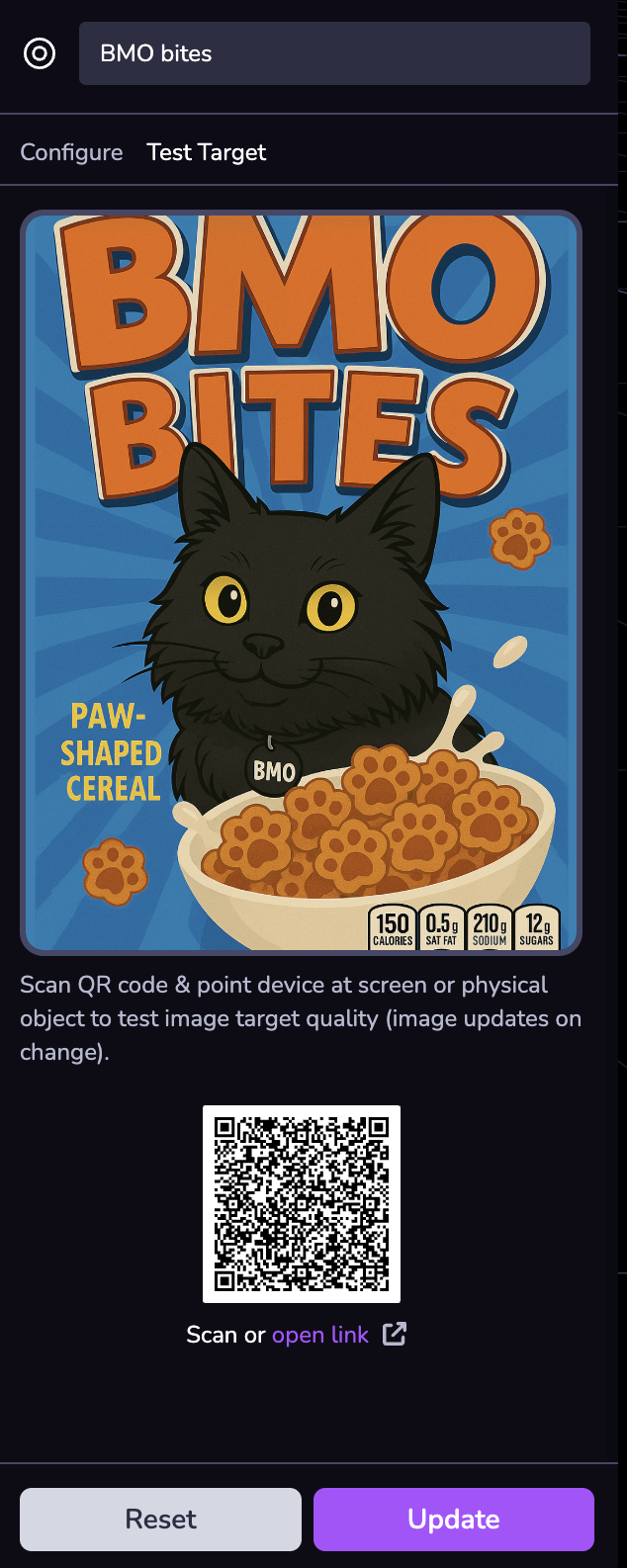
### Adding the Image Target Entity[](https://www.8thwall.com/docs/studio/guides/xr/image-targets/#adding-the-image-target-entity "Direct link to Adding the Image Target Entity")
You can add an image target to your scene by creating an **Image Target** entity.
To do this, click **( + )** in the Scene Hierarchy and select **Image Target**.
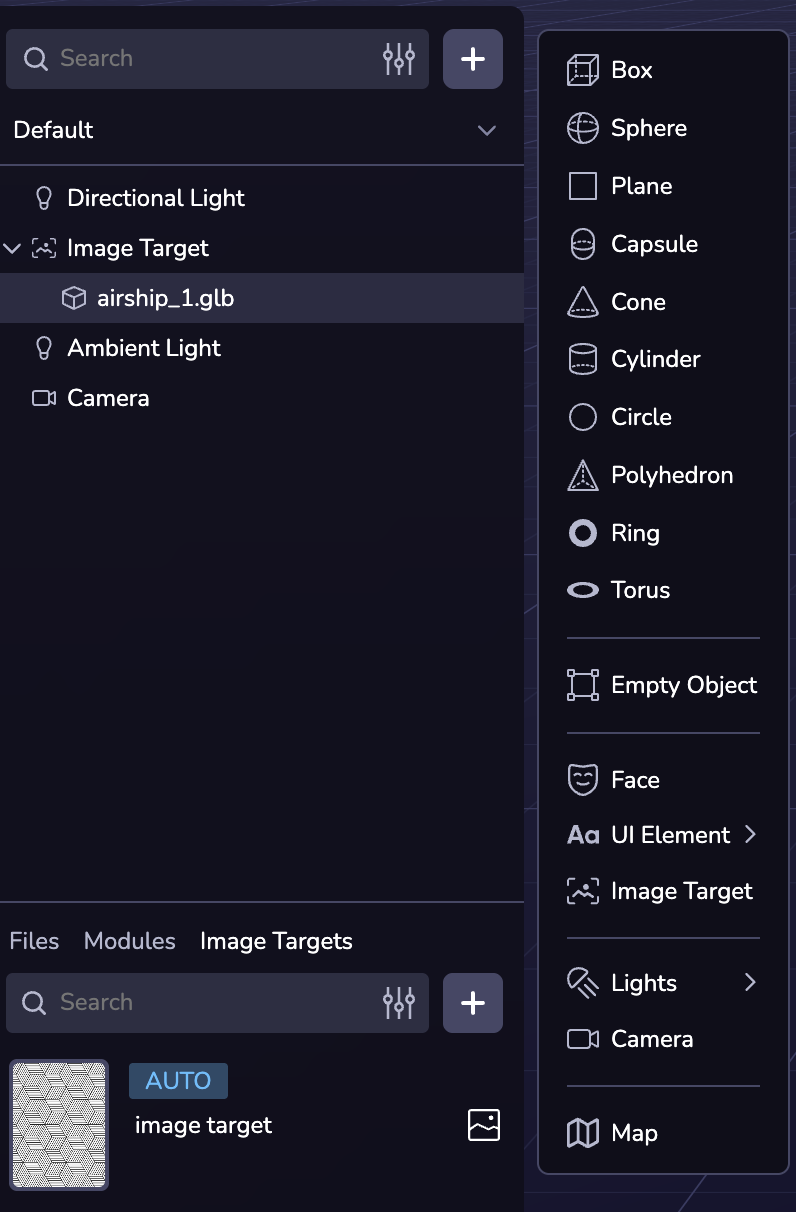
### Linking the Image Target[](https://www.8thwall.com/docs/studio/guides/xr/image-targets/#linking-the-image-target "Direct link to Linking the Image Target")
Link the image target entity to an uploaded image target.
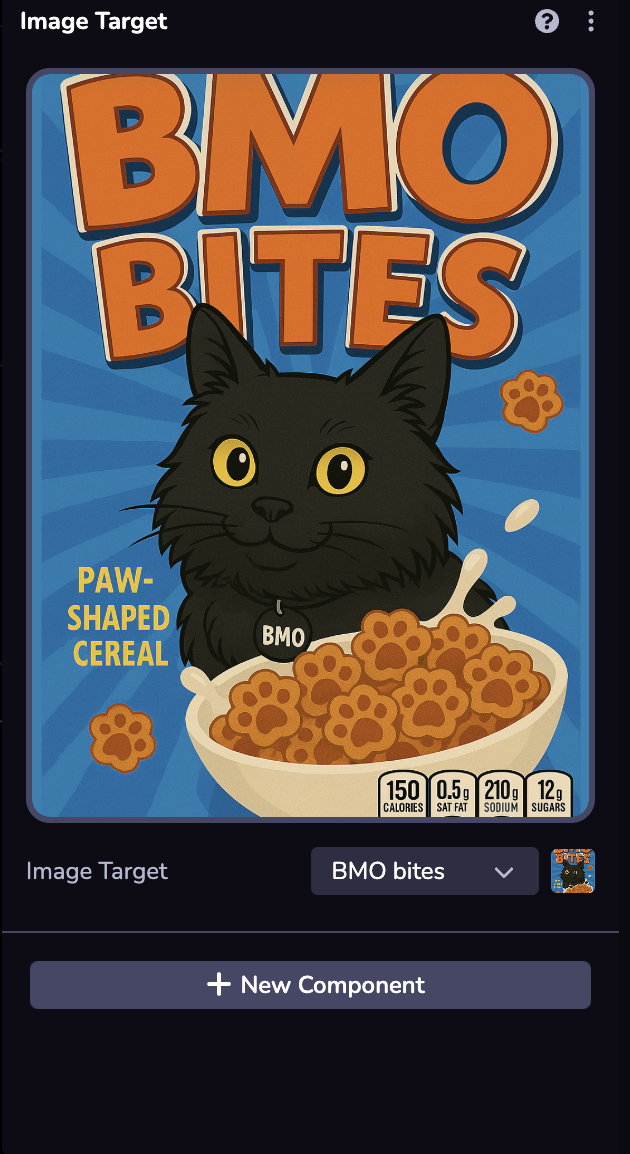
* * *
Using Image Targets[](https://www.8thwall.com/docs/studio/guides/xr/image-targets/#using-image-targets "Direct link to Using Image Targets")
----------------------------------------------------------------------------------------------------------------------------------------------
When you add an image target to your project, an image target mesh will appear so that you can align and position other 3D content against the image target.
* * *
Simulating Image Targets[](https://www.8thwall.com/docs/studio/guides/xr/image-targets/#simulating-image-targets "Direct link to Simulating Image Targets")
-------------------------------------------------------------------------------------------------------------------------------------------------------------
Studio’s **Simulator** allows you to test your image target experience remotely by simulating movement using **WASD** controls.
### Using the Simulator with Image Targets[](https://www.8thwall.com/docs/studio/guides/xr/image-targets/#using-the-simulator-with-image-targets "Direct link to Using the Simulator with Image Targets")
To simulate movement and content placement around an image target added to your scene:
1. Make sure your **Camera Settings** are set to **World**
2. Press **Play** to open the Simulator
3. Use the **Simulator environment options** (bottom left selector) to find your desired Image Target
4. Use the **WASD keyboard shortcuts** to simulate movement. _(You must first click on the Simulator panel before using the keyboard)_
**Movement Keys:**
* `W` = Forward
* `A` = Left
* `S` = Backward
* `D` = Right
* `Q` = Up
* `E` = Down
Moving around the image target with WASD will trigger the **Image Found** event to simulate successful image target tracking.
* [Introduction](https://www.8thwall.com/docs/studio/guides/xr/image-targets/#introduction)
* [Enabling Image Targets](https://www.8thwall.com/docs/studio/guides/xr/image-targets/#enabling-image-targets)
* [Adding Image Targets](https://www.8thwall.com/docs/studio/guides/xr/image-targets/#adding-image-targets)
* [Upload the Image Target](https://www.8thwall.com/docs/studio/guides/xr/image-targets/#upload-the-image-target)
* [Configuring the Image Target](https://www.8thwall.com/docs/studio/guides/xr/image-targets/#configuring-the-image-target)
* [Testing the Image Target](https://www.8thwall.com/docs/studio/guides/xr/image-targets/#testing-the-image-target)
* [Adding the Image Target Entity](https://www.8thwall.com/docs/studio/guides/xr/image-targets/#adding-the-image-target-entity)
* [Linking the Image Target](https://www.8thwall.com/docs/studio/guides/xr/image-targets/#linking-the-image-target)
* [Using Image Targets](https://www.8thwall.com/docs/studio/guides/xr/image-targets/#using-image-targets)
* [Simulating Image Targets](https://www.8thwall.com/docs/studio/guides/xr/image-targets/#simulating-image-targets)
* [Using the Simulator with Image Targets](https://www.8thwall.com/docs/studio/guides/xr/image-targets/#using-the-simulator-with-image-targets)
---
# World | 8th Wall
[Skip to main content](https://www.8thwall.com/docs/studio/guides/xr/world/#__docusaurus_skipToContent_fallback)
On this page
Introduction[](https://www.8thwall.com/docs/studio/guides/xr/world/#introduction "Direct link to Introduction")
-----------------------------------------------------------------------------------------------------------------
World effects allow you to create experiences that interact with the real world environment.
Enabling World Effects[](https://www.8thwall.com/docs/studio/guides/xr/world/#enabling-world-effects "Direct link to Enabling World Effects")
-----------------------------------------------------------------------------------------------------------------------------------------------
To enable world effects in your project, follow these steps:
1. Select the Camera in your scene.
2. Set the Type to "World."
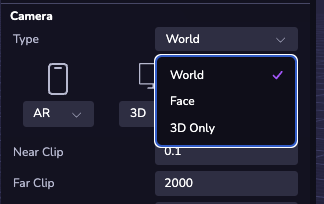
3. (Optional) Add a Plane with a Shadow component to represent the ground.
info
The ground level in your scene is defined as 0 on the Y-axis, relative to the camera feed.
* [Introduction](https://www.8thwall.com/docs/studio/guides/xr/world/#introduction)
* [Enabling World Effects](https://www.8thwall.com/docs/studio/guides/xr/world/#enabling-world-effects)
---
# VPS | 8th Wall
[Skip to main content](https://www.8thwall.com/docs/studio/guides/xr/vps/#__docusaurus_skipToContent_fallback)
On this page
Introduction[](https://www.8thwall.com/docs/studio/guides/xr/vps/#introduction "Direct link to Introduction")
---------------------------------------------------------------------------------------------------------------
With Niantic’s Visual Positioning System (VPS), developers can create rich Location AR experiences that overlay virtual content on the physical world. WebAR content can be anchored to real-world locations, enabling virtual objects to interact with their physical surroundings. This makes the AR experience feel more personal, meaningful, and immersive, and gives users new reasons to explore the world around them.
In Studio, there are several tools and features that support you in building Location AR (or VPS-enabled) experiences.
* **Geospatial Browser**: Search, preview, and select from different locations that are VPS-enabled using the Geospatial Browser. More detail in the Using Geospatial Browser section below.
* **Locations in Studio**: In the Scene Hierarchy, “Locations” are a type of entity that allow for real-world based content positioning and configuration, when objects are added as child objects. These location assets serve as a visual guide to accurately position content, effects, and interactions about your scene, or can be used as texture/3D model, included as an asset in the scene. More detail in the Developing Location AR Experiences below.
* **Location AR Simulator**: In the Simulator options menu, you can select the Location added to your project, and you can view and move about your location AR experience as it plays. More detail in the Simulating Location AR Experiences below.
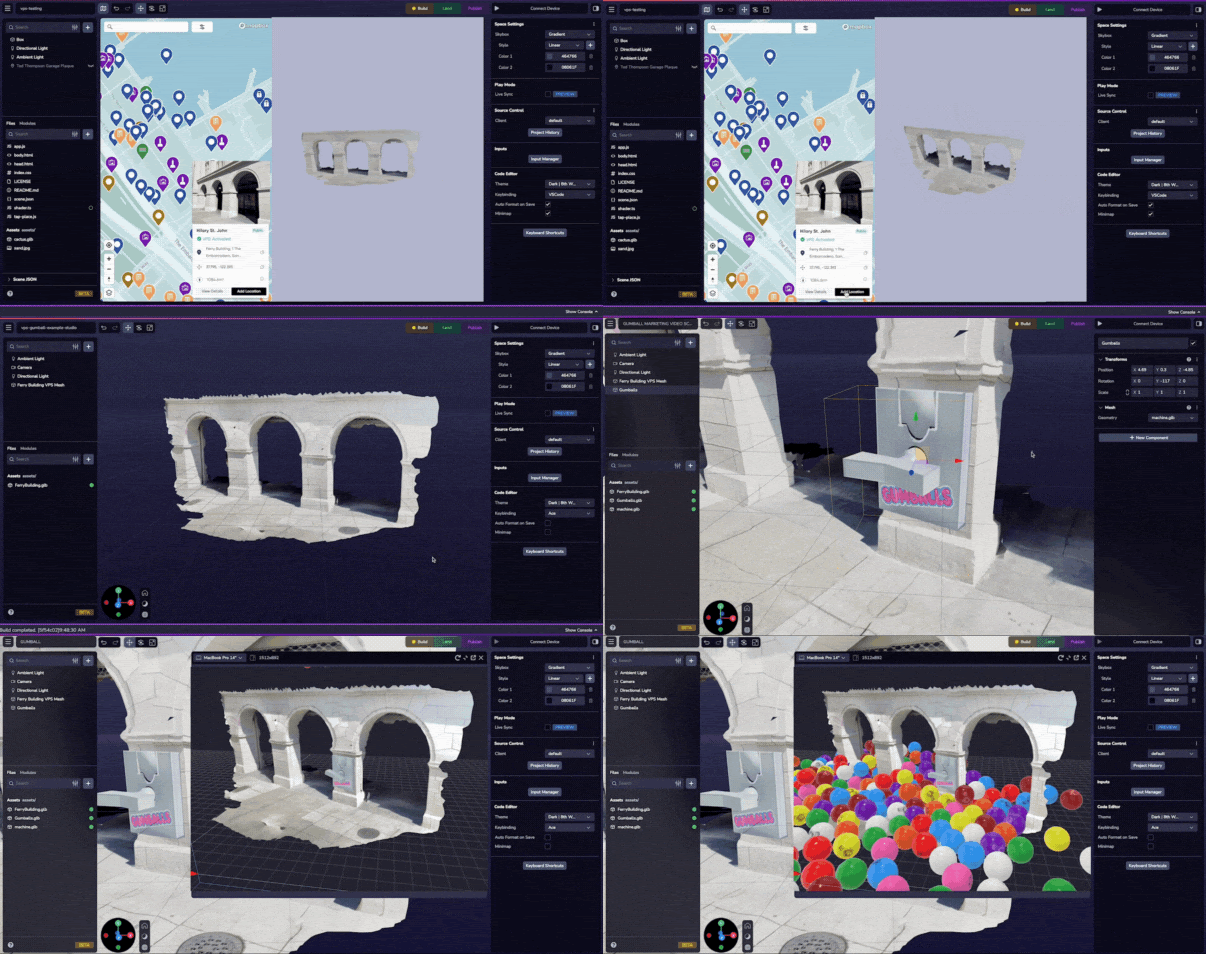
For creating new locations where you want to enable Location AR, we recommend developers use the **Scaniverse App**. More detail on using Scaniverse and requesting new locations for VPS-enablement can be found in the Creating New VPS-enabled Locations section below.
Using the Geospatial Browser[](https://www.8thwall.com/docs/studio/guides/xr/vps/#using-the-geospatial-browser "Direct link to Using the Geospatial Browser")
---------------------------------------------------------------------------------------------------------------------------------------------------------------
What sets Niantic VPS apart is its growing global map over over 600,000 VPS-activated locations, curated from millions of scans community-submitted from Niantic’s developers and players. These human-centric locations are optimized for high-fidelity interactions and immersive AR experiences. Each location’s mesh is created by combining dozens of individual scans to form a detailed, high-quality 3D model. And with new locations added weekly, the map is constantly expanding. Use the Geospatial Browser available within Studio to search these locations.
The Geospatial Browser (GSB) can be accessed from within your Project by selecting the map icon at the top right of the Viewport. Using the expanded GSB you can search to find VPS-activated Locations. Selecting a VPS-activated location will display the 3D mesh of the location so you can verify you have selected the correct location and add it to your project.
info
**By default, ALL locations whether VPS-activated or pending VPS activation will show up when initially searching within the Geospatial Browser. Use the Filter option > Status if you want to hide locations that are not yet activated.**
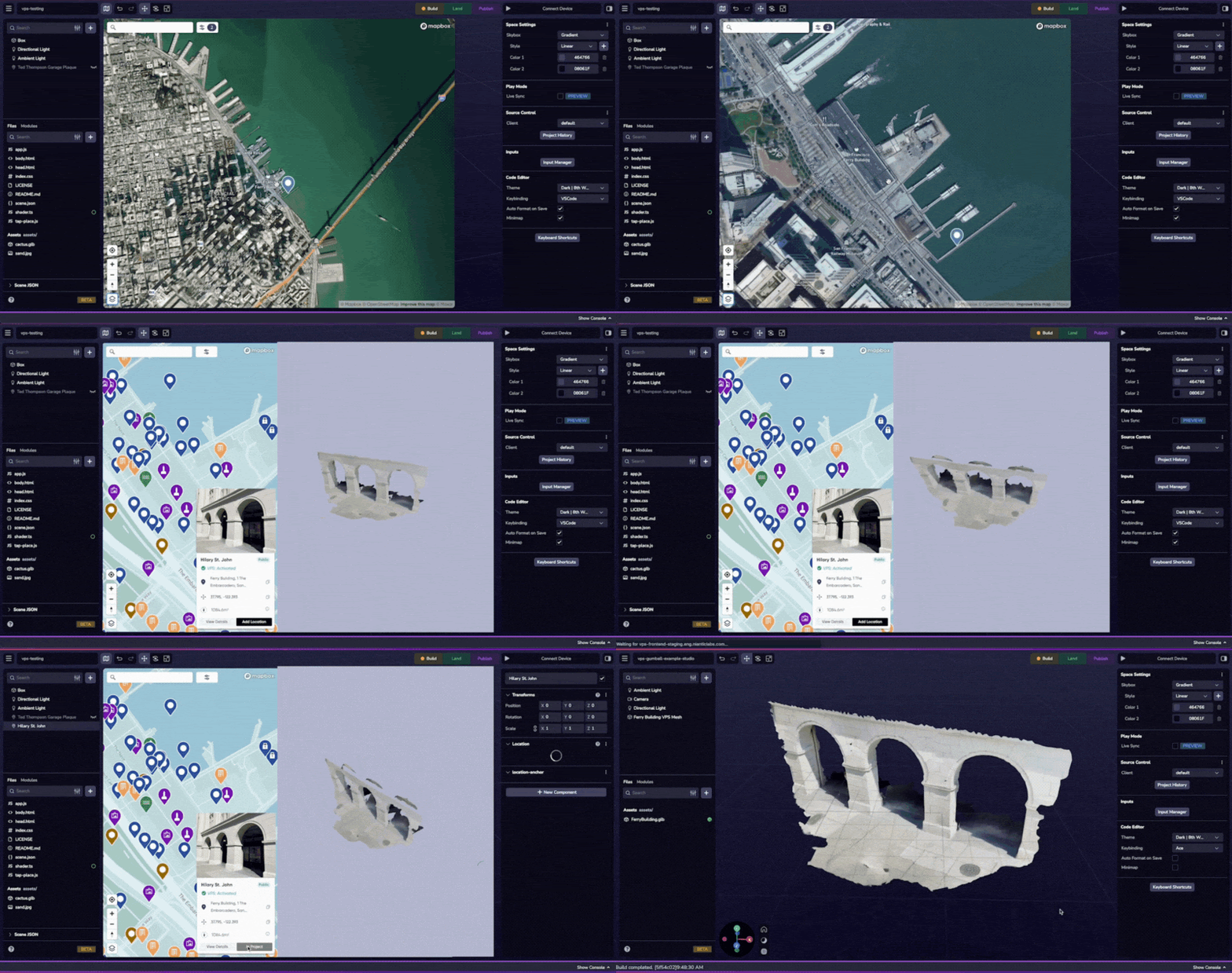
If the location you'd like to use in your project is not available as a VPS Location, you can create the location by following the instructions in the Create New Location section.
Select Add Location in the detail view to add the location to your project.
### Location Filtering[](https://www.8thwall.com/docs/studio/guides/xr/vps/#location-filtering "Direct link to Location Filtering")
In the Geospatial Browser you will see different search filters you can apply, like size (Playable area, Category, and VPS Status).
**Status**: Refers to the Location's ability to localize at any time. After a Location has been VPS activated, Niantic provides a quality rating in the Geospatial browser: Fair Quality or Good Quality. Locations with several scans in all types of lighting tend to have a higher quality. By default, ALL locations whether VPS-activated or pending activation will show up when initially searching within the Geospatial Browser. Use the Status filter options if you want to hide locations that are not yet activated.
Note: Quality rating is an automated process and may not reflect the actual performance of the Location. The best way to determine quality is to try it out yourself.
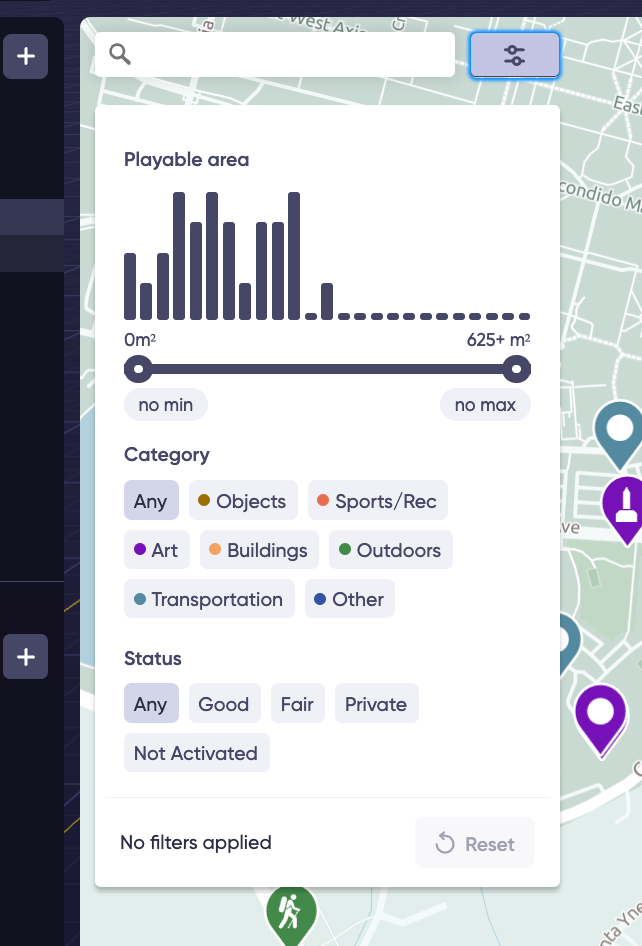
### Location Details[](https://www.8thwall.com/docs/studio/guides/xr/vps/#location-details "Direct link to Location Details")
When selecting a Location in the Geospatial Browser, you can learn more about its VPS Quality rating, as well as if its a Publicly Available Location versus Pending.
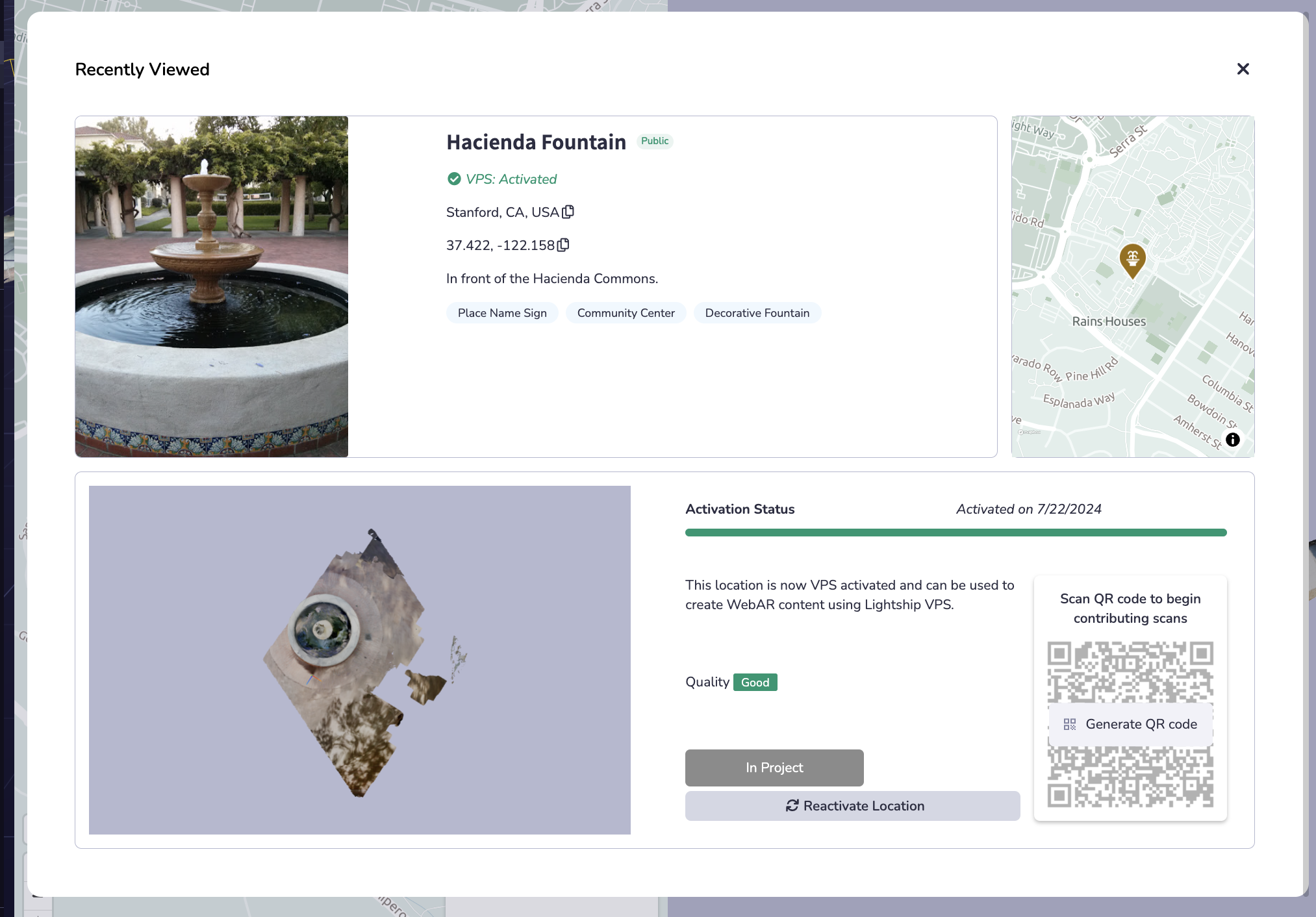
**Type**: In the Geospatial Browser, you will see three different types of Locations.
| Type | Icon | Description |
| --- | --- | --- |
| Public |  | "Public" Locations have been approved by Niantic's Trust & Safety team and have met the required criteria of safety and public accessibility. These Locations may be used in published projects. |
| Pending |  | "Pending" Locations are being reviewed by Niantic's Trust & Safety team to determine if they meet the required criteria of safety and public accessibility. **This process can take up to 2 business days.** Pending Locations can be scanned and activated while waiting for the review to complete. |
| Rejected |  | "Rejected" Locations may have failed Niantic's Trust & Safety review, be a duplicate of an existing or previously rejected Locations, or may not be allowed by Niantic for another reason. These Locations cannot be added to projects. |
| Test |  | "Test" Locations are only accessible to your Workspace by scanning the location using Niantic's Wayfarer app. Test Locations are intended for use during development and may not be included in a published project. |
For questions or issues related to creating VPS Locations, or to check the status of existing and existing Location, please contact [support@nianticspatial.com](mailto:support@nianticspatial.com)
**Location Status**: In the Geospatial Browser, you will see five different statuses for VPS Locations:
In the Geospatial Browser, you will see five different statuses for VPS Locations:
| Status | Icon | Description |
| --- | --- | --- |
| Not Activated |  | Locations with a status of 'Not Activated' have not had any scans submitted for the location. A minimum of 10 viable scans must be submitted for the location before you will be able to request activation. After one scan is submitted the Location status will change to 'Scanning'. |
| Scanning |  | Locations with a status of 'Scanning' have had at least one scan submitted for the location. A minimum of 10 viable scans must be submitted for the location before you will be able to request activation. |
| Processing |  | Locations with a status of 'Processing' have had an activation request submitted and will display the 'Processing' status until the activation process has completed. **Typically, an activation request is completed within 4 hours. You will receive and email when the process is complete.** |
| Active |  | Locations with a status of 'Active' are available to be used in projects to create WebAR content using VPS for Web. |
| Failed |  | Locations with a status of 'Failed' encountered an issue during the activation process. This could be a result of a number of factors, such as poor suitability of the location for VPS, insufficient scans, or corrupt data. Unfortunately this means that this Location cannot be used to create WebAR content using VPS. We encourage you to find a new Location to use in your 8th Wall project. |
For questions or issues related to Location scanning, activating or status, please contact [support@nianticspatial.com](mailto://support@nianticspatial.com)
**Alignment Warning**: The unaligned warning can happen for various reasons and means localization against the mesh can not be guaranteed. Although the mesh may work well for localization, the warning indicates the mesh is experimental and should be used at your own risk. Note: All test scans are unaligned. If the location you'd like to use in your project is not available as a VPS Location, you can create the location by following the instructions in the Create New Location section.
Developing VPS Experiences[](https://www.8thwall.com/docs/studio/guides/xr/vps/#developing-vps-experiences "Direct link to Developing VPS Experiences")
---------------------------------------------------------------------------------------------------------------------------------------------------------
When you add a VPS-activated Location to your project you will see the Location appear in your Scene Hierarchy. Once you have a Location in your project, you can inspect the details of that location using the right panel. A location mesh will appear so that you can align and position other 3D content against the location.
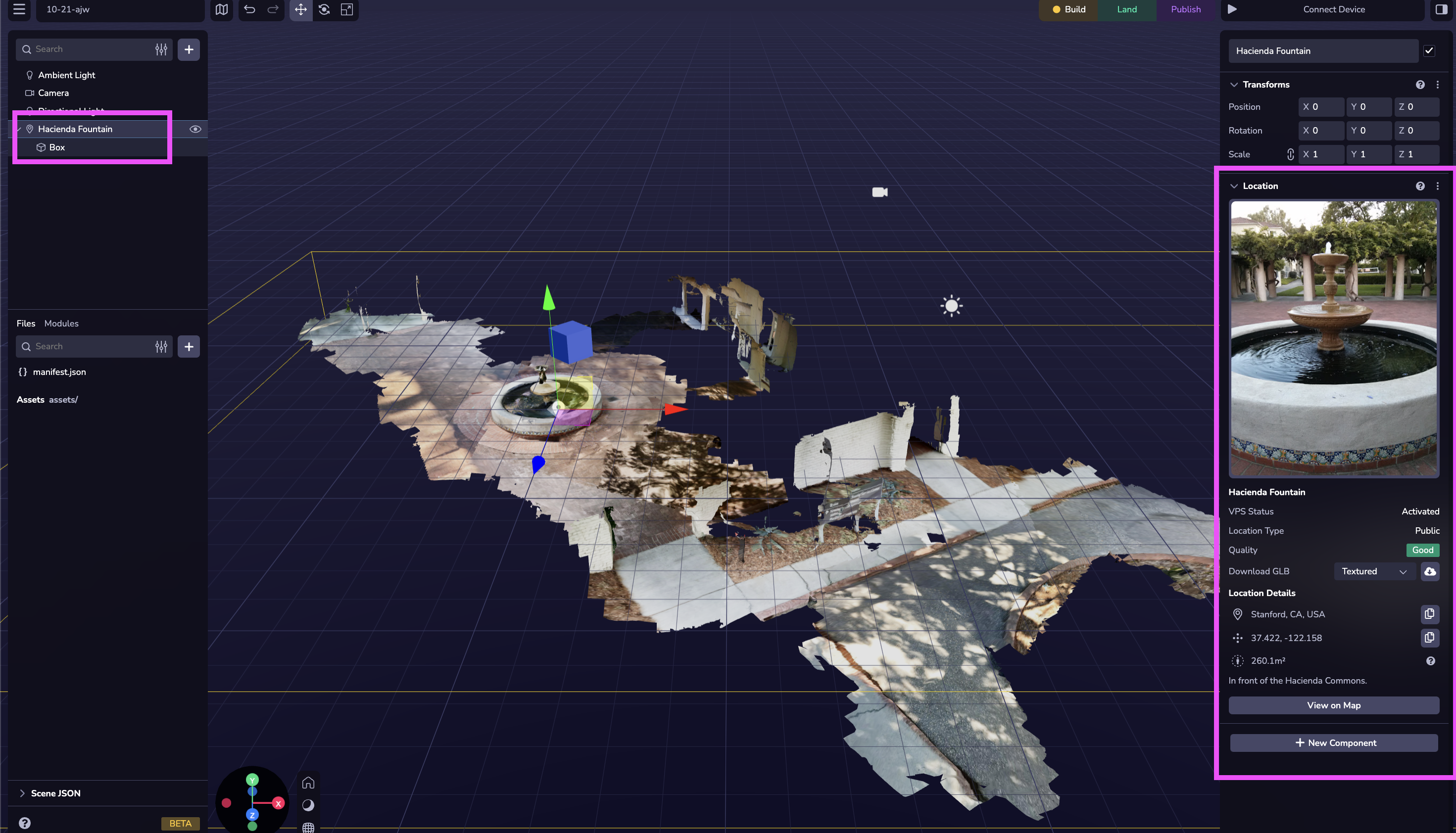
Location Entities[](https://www.8thwall.com/docs/studio/guides/xr/vps/#location-entities "Direct link to Location Entities")
------------------------------------------------------------------------------------------------------------------------------
info
**In order for objects in the scene to be properly aligned to the location after localization, the objects must be added as children to the Location Entity.**
Locations are a unique type of entity within Studio. These locations come with a visual 3D mesh in the Viewport for the purposes of content placement and testing, but do not actually add a mesh asset into your project.
In the Inspector view you can see Location details like Status, Type, Quality, Identifiers, and the available corresponding GLB mesh asset for download. More on using Location GLB file below.
Other entities can be added as child objects to a Location object. For any content that should only appear after localization, you must add it as a child entity.
warning
**Studio’s default components, like Mesh, Physics Colliders, etc., will not be compatible with the Location entity. Do not try to add them to the Location entity directly as you may experience runtime issues with VPS-enablement, localization, or content interactions.**
### Location GLB[](https://www.8thwall.com/docs/studio/guides/xr/vps/#location-glb "Direct link to Location GLB")
A Location object gives you the option to download a GLB file (mesh) directly which you can bring into your scene as an asset. You might use the asset to set up occluders, create overlay texture effects, or create physics layers. The GLB download function gives you the option to download with a texture or without.
warning
**Some VPS-enabled locations with a large surface area, may have very large GLB file sizes, over 50 MB. This can be problematic for performance especially when there are many other assets or large assets in the scene. Be mindful of the file size of the GLB download when using it as an asset within the project.**
In some cases you may want to bring the GLB into a third party 3D editing tool like Maya or Blender.
**IMPORTANT: The origin of this 3D model is the origin of the Location. Do not reset the origin or your content will not be aligned.**
Location Events[](https://www.8thwall.com/docs/studio/guides/xr/vps/#location-events "Direct link to Location Events")
------------------------------------------------------------------------------------------------------------------------
8th Wall emits events at various stages in the Project Location lifecycle (e.g. scanning, found, updated, lost, etc). Please see [the API reference](https://www.8thwall.com/docs/api/studio/events/xr/vps/)
for specific instructions on handling these events in your web application.
Enabling Location AR for End Users[](https://www.8thwall.com/docs/studio/guides/xr/vps/#enabling-location-ar-for-end-users "Direct link to Enabling Location AR for End Users")
---------------------------------------------------------------------------------------------------------------------------------------------------------------------------------
In order to enable VPS to run, your Camera’s settings must be updated.
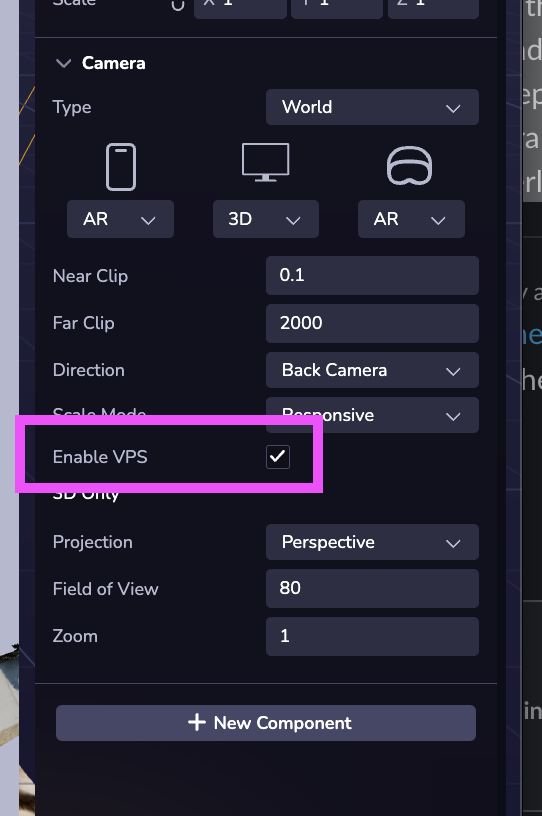
Simulating Location AR Experiences[](https://www.8thwall.com/docs/studio/guides/xr/vps/#simulating-location-ar-experiences "Direct link to Simulating Location AR Experiences")
---------------------------------------------------------------------------------------------------------------------------------------------------------------------------------
With the Simulator in Studio, you can test your experiences remotely without ever leaving your desktop. Studio's Simulator allows you to simulate movement within your scene using simple WASD and orbit controls to see how WebAR elements interact with the real-world environment and ensure everything works as expected before deployment. This capability reduces iteration time and makes refining the experience easier.
warning
**When refreshing the Simulator on a Location, you may see a white screen. If this happens you will need to refresh again to get back to the Location view.**
### Using the Simulator with VPS-Enabled Locations[](https://www.8thwall.com/docs/studio/guides/xr/vps/#using-the-simulator-with-vps-enabled-locations "Direct link to Using the Simulator with VPS-Enabled Locations")
To Simulate movement and content placement at a Location added to your scene:
1. Make sure your Camera Settings are set to World with VPS enabled. See Camera settings for VPS above.
2. Press Play to open the Simulator
3. Use the Simulator environment options (bottom left selector) to find your desired Project Location.
4. To Simulate VPS, use the Location Found event to simulate successful localization. IMPORTANT: child objects of the Location entity you are simulating will NOT appear until the Location Found event is fired. You can use other Location & Mesh Events to simulate other scenarios (like Location Lost). For more information on VPS events see the Location Events API section.
5. Non-Manual Localization (de-selecting Manual Events) is not supported in the Simulator at this time, but is coming soon.
6. Both WASD keyboard shortcuts and Orbit controls are available to simulate movement. You must first click on the Simulator panel, and then you can use the Keyboard shortcuts and orbit controller.
* W = Forward
* A = Left
* S = Backward
* D = Right
* Q = Up
* E = Down
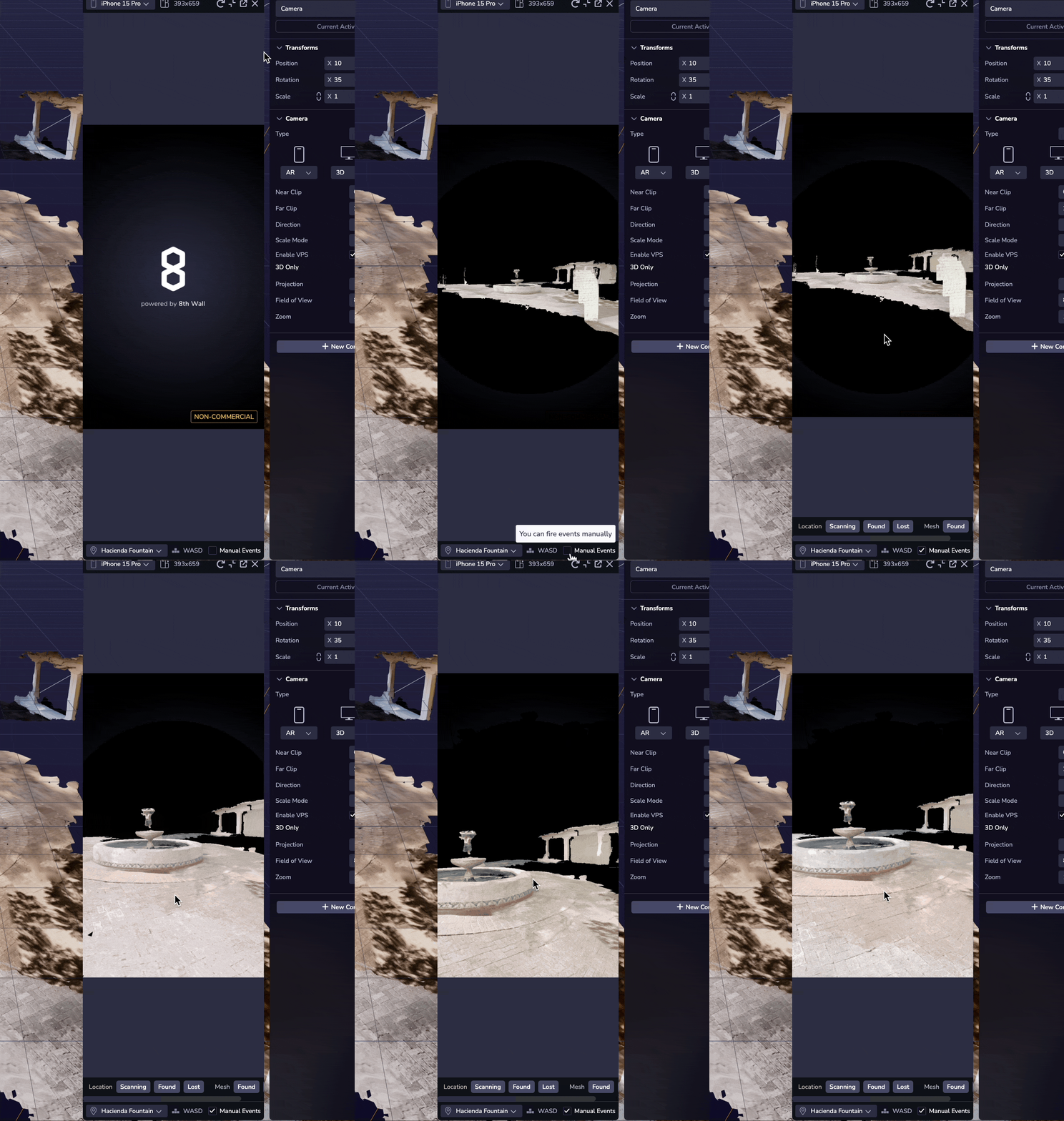
warning
**For certain locations you may not see the Location appear in the Simulator. Some VPS meshes are offset far from the origin, and or out of view initially in the Simulator. Use the Orbit controls to move around to find your Location mesh in the case where you see a black screen. For additional tips, tricks and known issues see the VPS Known Issues and FAQ section below.**
Create New VPS-Enabled Locations[](https://www.8thwall.com/docs/studio/guides/xr/vps/#create-new-vps-enabled-locations "Direct link to Create New VPS-Enabled Locations")
---------------------------------------------------------------------------------------------------------------------------------------------------------------------------
1. Click on an open spot on the map to select where you’d like to create a new VPS Location. See VPS Location Requirements to learn more about choosing a good spot to create a VPS Location.
2. Click the Create Public Location to start the location creation process. Public Locations are accessible to all developers and people using their projects. When adding a new Public Location, please consider the following guidelines:
* Public Locations should be permanent physical, tangible, and identifiable places or objects.
* Public Locations should be safe and publicly accessible by pedestrians.
* Make sure to include accurate information in the title, description, and photo to help your users find the location.
info
Workspaces on the **Pro plan** will also have the option to **Create Private Location**. Private Locations will only be visible and accessible to your workspace and its projects. Private Locations are a premium feature for developers that need to create special access-controlled or temporary VPS experiences.
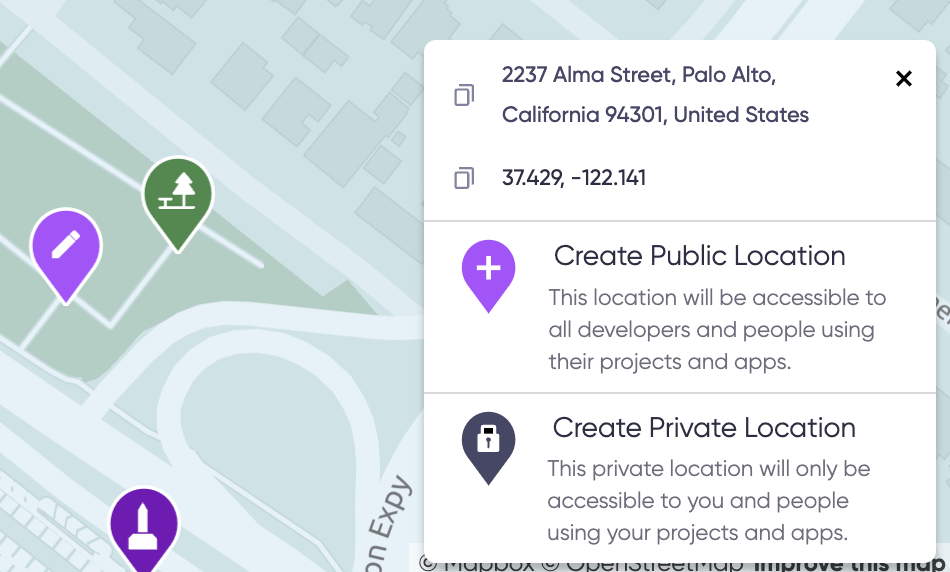
3. **Check for Duplicates**: Before creating a new Location, you are required to check that your Location doesn't already exist. Compare your desired Location to others already on the map to ensure that you are not creating a duplicate. If this is not a duplicate Location, you must check the **My Location is not a duplicate** box and click on the **Next** button to continue.
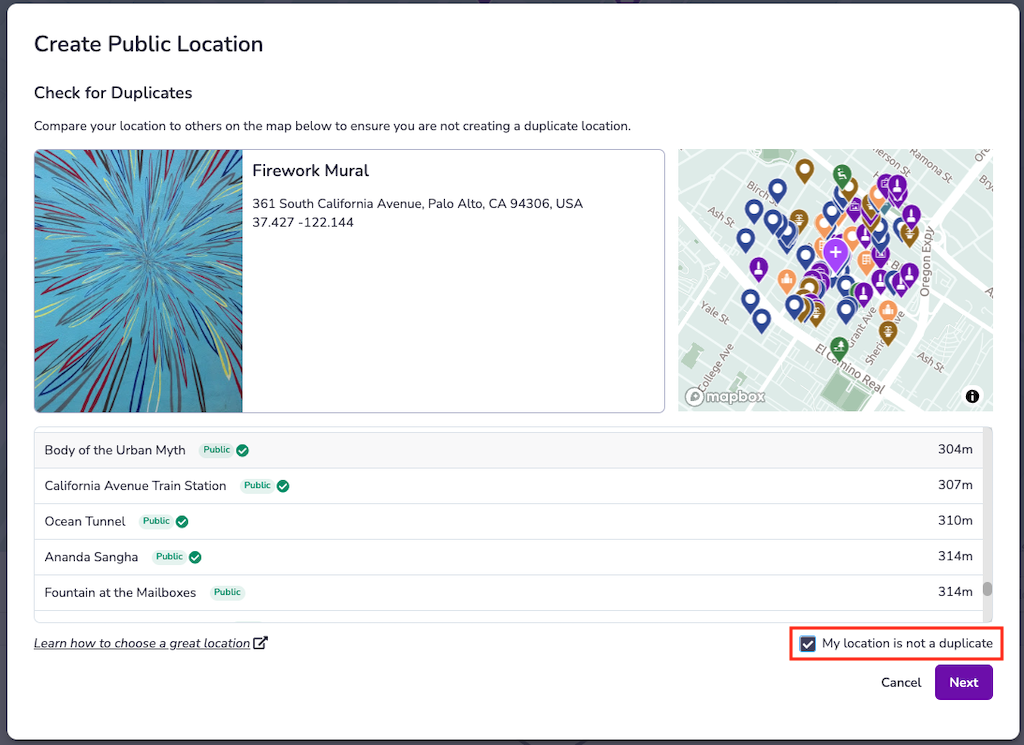
4. **Add Location Information**: Location metadata will be visible to developers using the Geospatial Browser and can be visible to end-users. Remember that Niantic's Trust & Safety team uses the information you provide to determine whether the Location meets our criteria to be made publicly available. Once you have added the following information for the Location you are trying to create, click on the **Submit** button:
* Title (125 characters)
* Description (250 characters)
* Category (1 or more)
* Image (if available)
5. Use Scaniverse iOS App to complete the Location Creation process.
Scaniverse for Niantic Developers[](https://www.8thwall.com/docs/studio/guides/xr/vps/#scaniverse-for-niantic-developers "Direct link to Scaniverse for Niantic Developers")
------------------------------------------------------------------------------------------------------------------------------------------------------------------------------
Scaniverse for Niantic Developers seamlessly integrates the Geospatial Browser (GSB) with the award-winning scanning experience in Scaniverse. This significantly streamlines developer workflows around browsing the map, adding locations, and of course scanning:
* We’ve made the Geospatial Browser (GSB) mobile-friendly so that it can be effectively used within a Scaniverse to browse the map, inspect locations, add locations, and request VPS activation.
* Simplified login flow using a simple QR code code that links Scaniverse with your 8th Wall account.
* We have adopted Scaniverse’s existing UI to power creation and uploading of scans
* We’ve enabled testing localization at VPS-activated locations within Scaniverse
* We’ve integrated our latest improvements to map filtering to make it easier than ever to find the location(s) you are looking for
### Linking Scaniverse with the Geospatial Browser (GSB)[](https://www.8thwall.com/docs/studio/guides/xr/vps/#linking-scaniverse-with-the-geospatial-browser "Direct link to Linking Scaniverse with the Geospatial Browser (GSB)")
**Prerequisite**: Install Scaniverse from the iOS [App Store](https://apps.apple.com/us/app/scaniverse-3d-scanner/id1541433223)
. Support for Android devices is coming soon.
1. Log in to your 8th Wall account on your desktop. Open the **Geospatial Browser (GSB)**, select any location on the map, and then select **View Details**. In the bottom right corner of the location details card, press **Generate QR Code**. A QR code will be displayed.
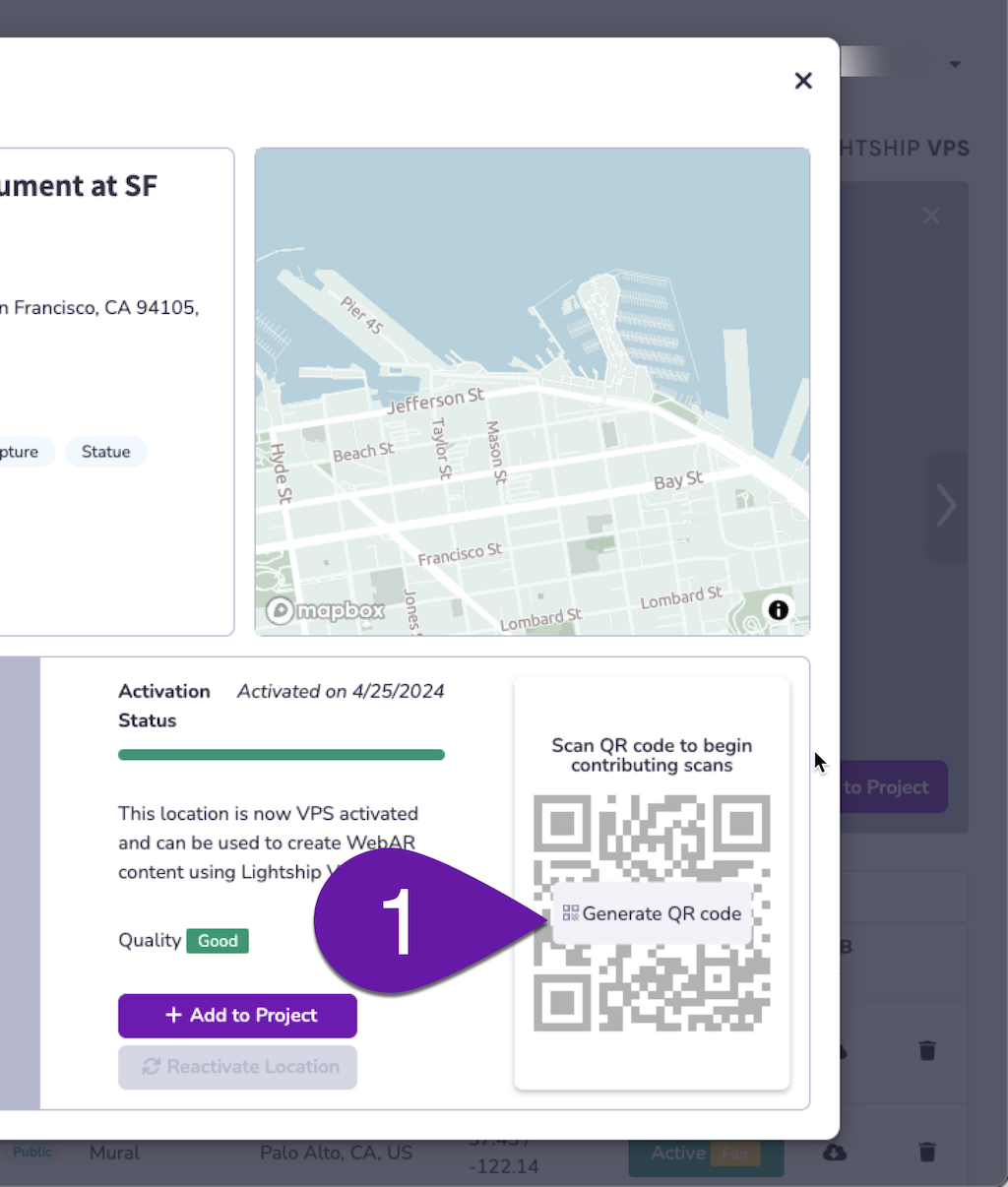
2. Scan the **QR code** with your Camera app. Open the Camera app on your phone, point it at the QR code.
3. Tap on the **Scaniverse** link that appears. This will link Scaniverse with your 8th Wall developer account. This only needs to be done once.
info
**Make sure to allow [www.8thwall.com](http://www.8thwall.com/)
to use your current location when prompted; this is required for proper operation of the GSB interface.**
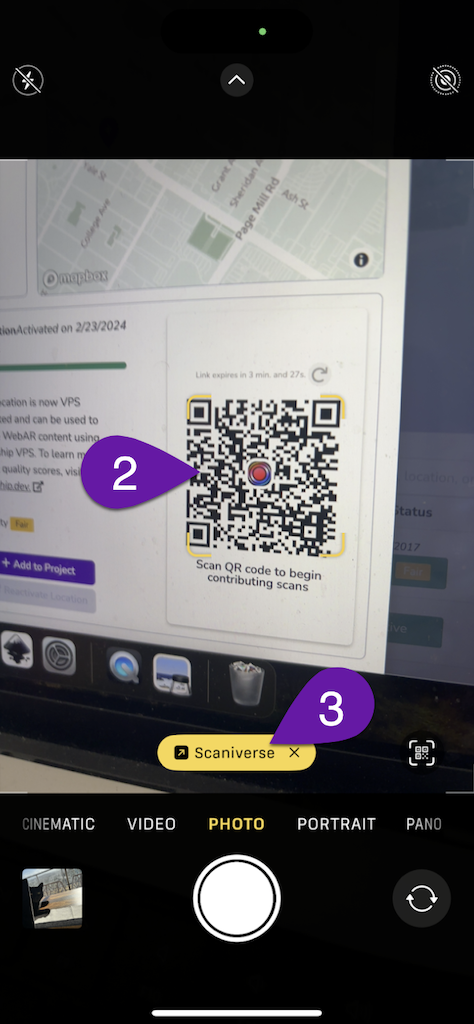
4. Once you have linked Scaniverse to GSB, you will be able to return to the GSB screen at any time by tapping the **GSB button** in the bottom ribbon of the Scaniverse app. Note that you may unlink Scaniverse from GSB at any time by going to the **Settings** menu and toggling off the **Niantic Developer Mode** option.
5. All of the scans you have taken outside of Niantic Developer Mode will remain accessible when linking/unlinking Scaniverse with GSB.
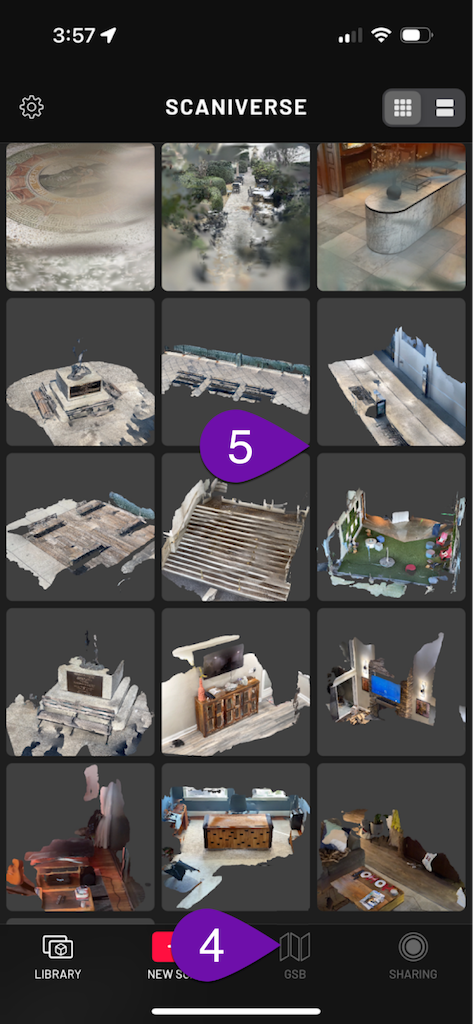
### Browsing the GSB Map in Scaniverse[](https://www.8thwall.com/docs/studio/guides/xr/vps/#browsing-the-gsb-map-in-scaniverse "Direct link to Browsing the GSB Map in Scaniverse")
1. Tapping on the **Person** icon will allow you to select your 8th Wall Workspace.
2. Tapping on the **Upload** button will allow you to select location scans to upload. Note that only scans that originate from Niantic Developer Mode (using the Add Scans or Test Scan options) can be uploaded to Niantic for VPS activation purposes.
3. Tapping on the **Plus** button will allow you to create new locations and test scans.
4. Tapping the **Layers** button will toggle on the satellite view of the map.
5. Tapping the **Reticule** button will center the map on your location.
6. Tapping the **Compass** button will return the map to its default, north-up orientation.
7. The **Controls** button will allow you to apply filters to the locations that appear on the map based on their size, category, or activation status.
8. The **Magnifying Glass** button will allow you to search the map.
9. Tapping on the **X** button will close the GSB and return you to the Scaniverse home screen.
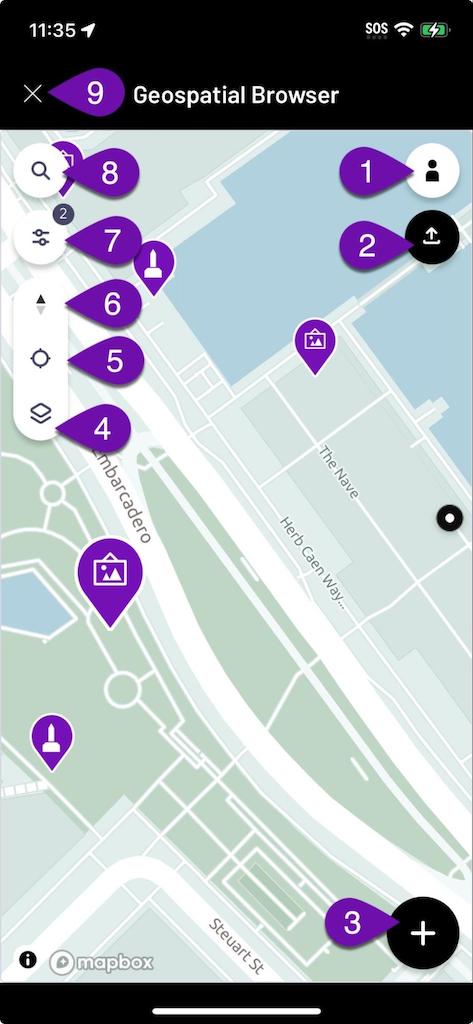
10. Selecting a location on the map will bring up a **Preview** screen, which can be tapped for more details.
11. If you’ve selected a VPS-activated location, you can tap the **Test VPS** button to verify that localization works.
12. To create a scan to add to a particular location, tap the **Add Scans** button of the respective location. Note that you must be near the location in order for the Add Scans option to be available.
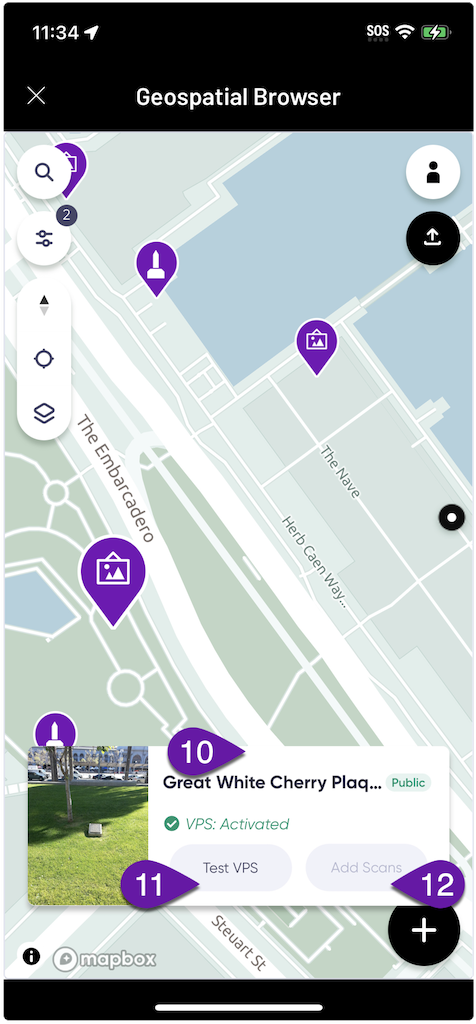
### Creating and Uploading Scans[](https://www.8thwall.com/docs/studio/guides/xr/vps/#creating-and-uploading-scans "Direct link to Creating and Uploading Scans")
1. The **Record** button is used to start and stop the scanning process.
2. The **Pause** button can be used to temporarily suspend the scanning process if desired.
3. The **Time** display indicates the duration of the current scan. A minimum length of 15 seconds is required for a scan to be viable for upload for VPS development purposes. A scan length of 30-60 seconds is ideal (scans in excess of 60 seconds are split into multiple pieces for processing purposes).
4. Tapping on the **X** button will return you to the Scaniverse home screen.
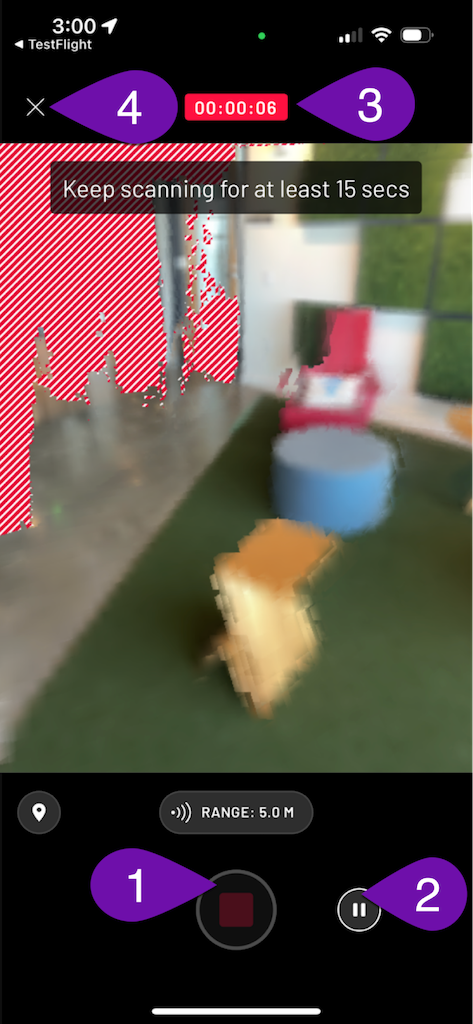
5. When you have completed a scan, you will be able to inspect a **Preview Mesh** of the scene that you captured.
6. If you are happy with your scan you may choose to upload it immediately by pressing the **Upload Scan** button.
7. You may also elect to **Upload Later** if you’d like to use a WiFi connection (recommended).
8. If you are not happy with your scan, you can discard it by pressing the **Delete** button.
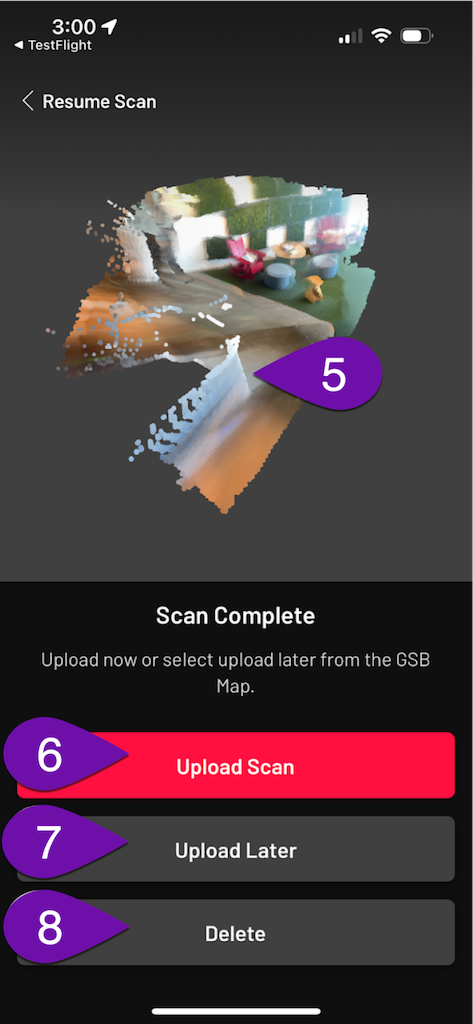
On the Map page, select a VPS Location to add a scan to a public Location (1), or select Scan to add a test scan to your workspace (2).
Processing scans can take 15-30 minutes. Once processed, scans will populate in the Geospatial Browser.
Issues related to scanning or processing should be directed to [support@nianticspatial.com](mailto:support@nianticspatial.com)
.
Scanning Technique[](https://www.8thwall.com/docs/studio/guides/xr/vps/#scanning-technique "Direct link to Scanning Technique")
---------------------------------------------------------------------------------------------------------------------------------
Scanned VPS-activated locations should be no larger than a 10-meter diameter around the location. For example, a typical statue would work as a VPS-activated Location. An entire building, however, would not. One face or doorway/entrance into a building might work. We recommend sticking with smaller areas to start (e.g. a desk, statue, or mural).
Before scanning, be aware of your surroundings and ensure you have the right to access the location you are scanning.
1. Check the area to be scanned and the surroundings of the scanned object to determine if there are any obstacles and to select a scanning route. It is necessary to plan the route you intend to use for scanning before starting the procedure.
2. Make sure your camera is in focus. Camera shake can negatively affect 3D reconstruction. Keep your phone as close to your side as possible to avoid blurring. Walk around the object you are scanning instead of standing in one location and moving your phone.
3. Walk at a slow and natural stroll pace. Move slowly and smoothly during scanning. Sudden changes of direction are a definite no-no. Move slowly and smoothly with your feet on the ground. If you are scanning in a darker setting, it’s even more important to move slowly and smoothly. Move the phone with you while you are moving (think crab walk).
4. VPS Location should always be the focal point. In order for us to build the map, it's important to focus on the VPS Location and capture the full 360° orbit of it. If it is not safe or not possible to get 360° coverage, capture as much as you can.
5. Vary your distance/angles (0-10m or 0-35ft). In order for the 3D map to work well in different scenarios, it’s important that we capture the environment around the Location and have a variety of different scans. It’s important to vary your distance and angles while scanning the Location.
Video of recommended VPS Location scanning technique:
#### Things to avoid while scanning[](https://www.8thwall.com/docs/studio/guides/xr/vps/#things-to-avoid-while-scanning "Direct link to Things to avoid while scanning")
1. Avoid scanning while the surroundings are not safe, e.g. in the middle of the road, or in a playground with children.
2. Avoid scanning while the Location is too far away (>10m or 35ft) or too big to focus your camera on.
3. Avoid scanning while you are casually taking a walk or jogging. It is important to keep the Location as your focal point at all times.
4. Avoid pointing your phone at very bright objects such as a fluorescent light or the sun.
5. Avoid not moving or moving too fast while scanning. Abrupt motions will cause offsets in the reconstruction.
6. Avoid scanning if your phone gets too hot. If the temperature of the device rises too high, the performance of the device will be greatly reduced, which will negatively affect the scan.
7. Avoid uploading any scans that look incomplete or not representative of what you're trying to scan.
VPS Known Issues & FAQ[](https://www.8thwall.com/docs/studio/guides/xr/vps/#vps-known-issues--faq "Direct link to VPS Known Issues & FAQ")
----------------------------------------------------------------------------------------------------------------------------------------------
### VPS in Studio Known Issues:[](https://www.8thwall.com/docs/studio/guides/xr/vps/#vps-in-studio-known-issues "Direct link to VPS in Studio Known Issues:")
* For certain locations you may not see the Location appear initially in the Simulator. Some VPS meshes are offset far from the origin, and out of view initially in the Simulator. Use the Orbit controls or WASD keyboard shortcuts to move around to find your Location mesh in the case where you see a black screen. View more details in the Simulating Location AR Experiences section.
* When refreshing the Simulator on a Location, you may see a white screen. If this happens you can refresh a second time to get back to the Location view. View more details in the Simulating Location AR Experiences section.
* For some VPS-enabled locations, usually ones that are large in surface area, the corresponding GLB mesh file size may be very large, over 50 MB. This can be problematic for performance especially when there are many other assets or large assets in the scene. Be mindful of the file size of the GLB download when using it as an asset within the project. View more details in the Developing VPS Experiences section.
* Currently, the Scaniverse Create Location workflow is only available on iOS. Android is coming soon. View more details in the Create New VPS-Enabled Locations section.
#### What is Lightship VPS?[](https://www.8thwall.com/docs/studio/guides/xr/vps/#what-is-lightship-vps "Direct link to What is Lightship VPS?")
Lightship VPS (Visual Positioning System) is a cloud service that enables applications to localize a user's device at real-world locations, enabling users to interact with persistent AR content and powering new immersive experiences. VPS determines the device's position and orientation (pose) by referencing map data that exists in Niantic's cloud.
#### How does VPS work?[](https://www.8thwall.com/docs/studio/guides/xr/vps/#how-does-vps-work "Direct link to How does VPS work?")
When a device makes a call to the VPS service, the service receives a query image from the user's device along with their rough location (from GPS) as inputs and attempts to localize them using the map(s) that exist at that location. If localization is successful, then the service returns the device's position and orientation (pose) corresponding with the timestamp of the image that was transmitted. Because there is a time delay between when a VPS query image is captured and when a response is received from the VPS service, the device needs to have a motion tracking system in order to stay accurately localized while moving. When the VPS service returns a pose estimate to the device, the difference in pose from the device's tracking system is added to the localization response so that VPS can “keep up” with how the device moved while waiting for the server’s response to the VPS query.
#### What is a scan?[](https://www.8thwall.com/docs/studio/guides/xr/vps/#what-is-a-scan "Direct link to What is a scan?")
AR scans from players, developers, and surveyors are the fundamental ingredient used to create the Niantic Map: Niantic’s 3D map of the world. AR scans are recorded and uploaded using Niantic's AR scanning framework, which is a module used inside Pokemon Go, Ingress, and the Wayfarer App. Each AR scan consists of a series of video frames with supporting data from accelerometers and GPS sensors that construct a 3D model of the world from multiple 2D images. AR scans are used by Niantic to build maps and meshes of real-world locations.
#### What is a map?[](https://www.8thwall.com/docs/studio/guides/xr/vps/#what-is-a-map "Direct link to What is a map?")
In VPS parlance, a map is the data artifact that is used to localize your device when the VPS API is called. A map can be thought of as a function that takes a query image as input and then returns position and orientation (pose) as output. The map that corresponds to a given location is created from the scans that were uploaded at that location. VPS maps are not human-readable.
#### What is a mesh?[](https://www.8thwall.com/docs/studio/guides/xr/vps/#what-is-a-mesh "Direct link to What is a mesh?")
In VPS parlance, a mesh is a 3D model of a real-world location or object. Meshes provide a detailed representation of a physical space or object, and are useful for understanding what a location looks like, as a reference for authoring AR content, and for creating physics and occlusion effects. Like maps, meshes that correspond to a given location are created from the scans that were uploaded at that location. Meshes are both human- and machine-readable.
#### Where can I use VPS?[](https://www.8thwall.com/docs/studio/guides/xr/vps/#where-can-i-use-vps "Direct link to Where can I use VPS?")
VPS is available at over 150,000 real-world locations, with more locations being added every day. In order for a location to be available on VPS, a sufficient amount of AR scan data must be uploaded at that location and the VPS activation process must be completed. Developers can add new locations to the map and request VPS activation of fully scanned locations using the Geospatial Browser.
#### How does VPS activation work?[](https://www.8thwall.com/docs/studio/guides/xr/vps/#how-does-vps-activation-work "Direct link to How does VPS activation work?")
For a location to be eligible for VPS activation, it must have at least 10 scans uploaded that pass minimum quality checks, and the time difference between the oldest and newest scans at the location must be at least 5 hours. These requirements ensure that the resulting maps and meshes are of sufficient quality and capture enough variation such that users will be able to localize reliably. The VPS activation process runs on Niantic's AR mapping infrastructure and involves many complex steps. From the pool of eligible scans at the location, an algorithm selects most of the scans to use for building maps and meshes, and the remaining handful for validation and measuring localization quality. The activation process for a location runs on Niantic servers and usually takes 1-2 hours to complete.
#### Can I find my scans after VPS activation is done?[](https://www.8thwall.com/docs/studio/guides/xr/vps/#can-i-find-my-scans-after-vps-activation-is-done "Direct link to Can I find my scans after VPS activation is done?")
During the activation process, the maps and meshes created from the uploaded scans are fused together in order to incorporate as much information as possible. The final product, which is used by developers to author content and by users to localize, consists of scans from many different sources. Scan data are mixed together to create a more comprehensive representation of the location, so there is not a one-to-one relationship between the scans that are uploaded at a location and the maps and meshes that area created once it is VPS-activated.
#### Can I add more scans to a location that's already activated?[](https://www.8thwall.com/docs/studio/guides/xr/vps/#can-i-add-more-scans-to-a-location-thats-already-activated "Direct link to Can I add more scans to a location that's already activated?")
In some cases, developers may wish to add additional scans to a location that was previously activated in order to improve the quality and the coverage of the location's maps and meshes. In order for a Location to be eligible for "reactivation," it must have had at least 5 additional scans uploaded since the last time it was activated. Importantly, it is not yet possible to add new scans to an existing fused map, rather, the process of reactivating requires a new fused map to be built that incorporates the new scans in the context of the existing ones.
#### How do I request VPS activation of a new location?[](https://www.8thwall.com/docs/studio/guides/xr/vps/#how-do-i-request-vps-activation-of-a-new-location "Direct link to How do I request VPS activation of a new location?")
Once a location has enough scans uploaded to meet the VPS activation requirements (at least 10 total scans with at least a 5-hour time difference between the oldest and newest scans), developers can request VPS activation by selecting the location in the Wayfarer App or the Geospatial Browser and pressing the “activate” button. This will add the location to the activation queue. Typically, an activation request is completed within 2 hours. Developers also have the option to request reactivation of an existing location once 5 additional scans are uploaded.
#### Does VPS work at night or in poor weather conditions?[](https://www.8thwall.com/docs/studio/guides/xr/vps/#does-vps-work-at-night-or-in-poor-weather-conditions "Direct link to Does VPS work at night or in poor weather conditions?")
VPS works best when there is good visibility. In order to maximize the likelihood of successful VPS-powered experiences, it is best to upload many AR scans that cover a wide swath of different conditions (e.g. different times of day, different weather conditions, etc.). For example, if you are building an experience in a location that gets a lot of rain, having some scans from a rainy day is very helpful.
#### Do AR scanning and VPS require phones with LiDAR sensors?[](https://www.8thwall.com/docs/studio/guides/xr/vps/#do-ar-scanning-and-vps-require-phones-with-lidar-sensors "Direct link to Do AR scanning and VPS require phones with LiDAR sensors?")
AR scanning and VPS do not require LiDAR.
* [Introduction](https://www.8thwall.com/docs/studio/guides/xr/vps/#introduction)
* [Using the Geospatial Browser](https://www.8thwall.com/docs/studio/guides/xr/vps/#using-the-geospatial-browser)
* [Location Filtering](https://www.8thwall.com/docs/studio/guides/xr/vps/#location-filtering)
* [Location Details](https://www.8thwall.com/docs/studio/guides/xr/vps/#location-details)
* [Developing VPS Experiences](https://www.8thwall.com/docs/studio/guides/xr/vps/#developing-vps-experiences)
* [Location Entities](https://www.8thwall.com/docs/studio/guides/xr/vps/#location-entities)
* [Location GLB](https://www.8thwall.com/docs/studio/guides/xr/vps/#location-glb)
* [Location Events](https://www.8thwall.com/docs/studio/guides/xr/vps/#location-events)
* [Enabling Location AR for End Users](https://www.8thwall.com/docs/studio/guides/xr/vps/#enabling-location-ar-for-end-users)
* [Simulating Location AR Experiences](https://www.8thwall.com/docs/studio/guides/xr/vps/#simulating-location-ar-experiences)
* [Using the Simulator with VPS-Enabled Locations](https://www.8thwall.com/docs/studio/guides/xr/vps/#using-the-simulator-with-vps-enabled-locations)
* [Create New VPS-Enabled Locations](https://www.8thwall.com/docs/studio/guides/xr/vps/#create-new-vps-enabled-locations)
* [Scaniverse for Niantic Developers](https://www.8thwall.com/docs/studio/guides/xr/vps/#scaniverse-for-niantic-developers)
* [Linking Scaniverse with the Geospatial Browser (GSB)](https://www.8thwall.com/docs/studio/guides/xr/vps/#linking-scaniverse-with-the-geospatial-browser)
* [Browsing the GSB Map in Scaniverse](https://www.8thwall.com/docs/studio/guides/xr/vps/#browsing-the-gsb-map-in-scaniverse)
* [Creating and Uploading Scans](https://www.8thwall.com/docs/studio/guides/xr/vps/#creating-and-uploading-scans)
* [Scanning Technique](https://www.8thwall.com/docs/studio/guides/xr/vps/#scanning-technique)
* [VPS Known Issues & FAQ](https://www.8thwall.com/docs/studio/guides/xr/vps/#vps-known-issues--faq)
* [VPS in Studio Known Issues:](https://www.8thwall.com/docs/studio/guides/xr/vps/#vps-in-studio-known-issues)
---
# Navigating the Interface | 8th Wall
[Skip to main content](https://www.8thwall.com/docs/studio/getting-started/navigate-interface/#__docusaurus_skipToContent_fallback)
On this page
Studio features a rich editor interface made up of a number of different tools and views, each of which are essential when developing your project.
The sections below showcase the main Studio editor interface elements, with the fundamental features highlighted.
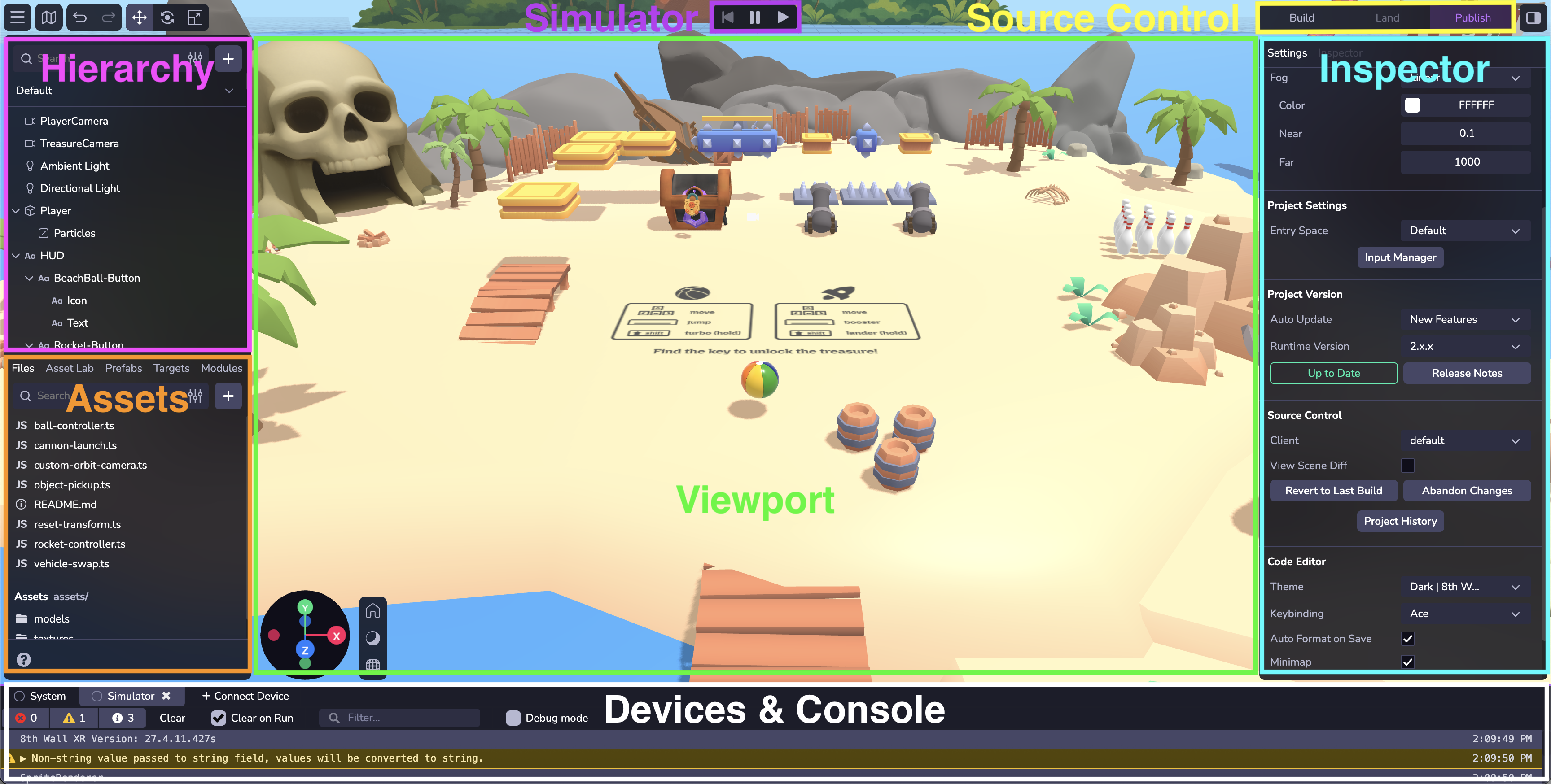
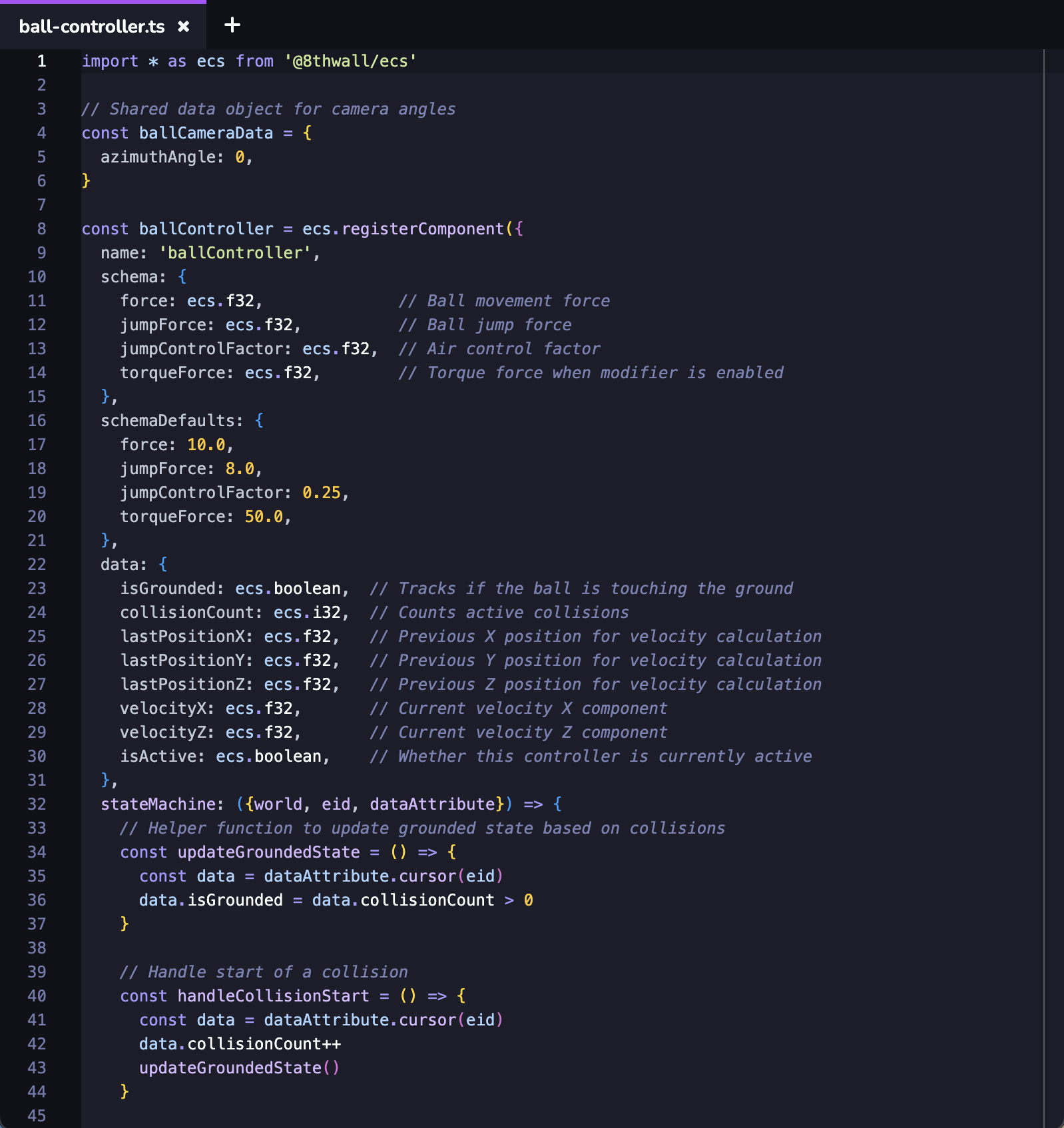
Hierarchy[](https://www.8thwall.com/docs/studio/getting-started/navigate-interface/#hierarchy "Direct link to Hierarchy")
---------------------------------------------------------------------------------------------------------------------------
View the entities and objects included in the space, and change their nesting. You can reparent or unparent the object by clicking and dragging it to another position in the hierarchy. Right click to duplicate or delete objects. Add new objects to your space. Search and filter for different objects.
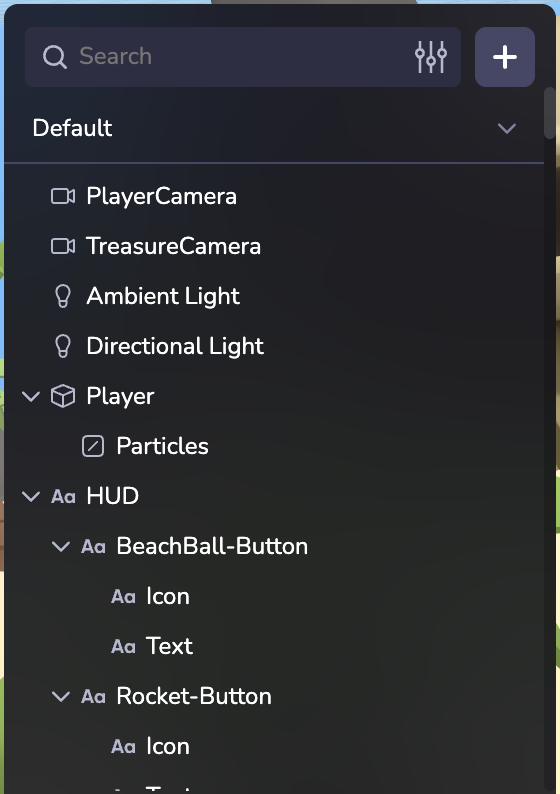
Assets[](https://www.8thwall.com/docs/studio/getting-started/navigate-interface/#assets "Direct link to Assets")
------------------------------------------------------------------------------------------------------------------
Files & Assets can be managed from the lower left panel.
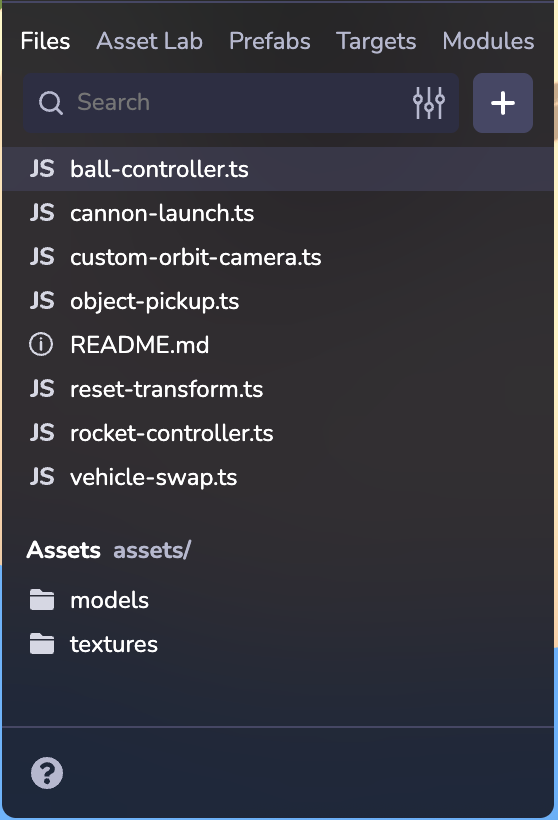
### Files[](https://www.8thwall.com/docs/studio/getting-started/navigate-interface/#files "Direct link to Files")
Upload your own 3D models, 2D images, audio files, custom scripts and more. Create folders and drag files to reorganize their placement. You can also drag and drop an asset into the Viewport or the Hierarchy to add the entity into your scene. To learn more about using and optimizing 3D Modules in GLB/GLTF format please see [Your 3D Models on the Web](https://www.8thwall.com/docs/legacy/guides/your-3d-models-on-the-web/)
.
### Asset Lab[](https://www.8thwall.com/docs/studio/getting-started/navigate-interface/#asset-lab "Direct link to Asset Lab")
Generate images, 3D models, and animated and rigged characters with Asset Lab and access your Asset Lab library to easily import assets to your project. [Learn more about Asset Lab](https://www.8thwall.com/docs/studio/asset-lab/)
.
### Prefabs[](https://www.8thwall.com/docs/studio/getting-started/navigate-interface/#prefabs "Direct link to Prefabs")
Create reusable, customizable game templates that streamline and scale your development. [Learn more about Prefabs](https://www.8thwall.com/docs/studio/guides/prefabs/)
.
### Targets[](https://www.8thwall.com/docs/studio/getting-started/navigate-interface/#targets "Direct link to Targets")
Upload and manage project Image Targets. [Learn more about Image Targets](https://www.8thwall.com/docs/studio/guides/xr/image-targets/)
.
### Modules[](https://www.8thwall.com/docs/studio/getting-started/navigate-interface/#modules "Direct link to Modules")
8th Wall Modules is a powerful 8th Wall feature designed to dramatically increase the efficiency of project development. 8th Wall Modules allow you to save and reuse components (code, assets, files) within your Workspace and also find and import 8th Wall created Modules into your project. [Learn more about 8th Wall Modules](https://www.8thwall.com/docs/studio/guides/modules/)
.
Viewport[](https://www.8thwall.com/docs/studio/getting-started/navigate-interface/#viewport "Direct link to Viewport")
------------------------------------------------------------------------------------------------------------------------
Add, position, update, and work with objects and lighting in the space. Use the lower perspective gizmo to change the view of the scene, change lighting and shadow visibility, and switch from orthographic to perspective view. Use the top toolbar to change the position, rotation, or scale of a selected object, or to undo and redo edits.
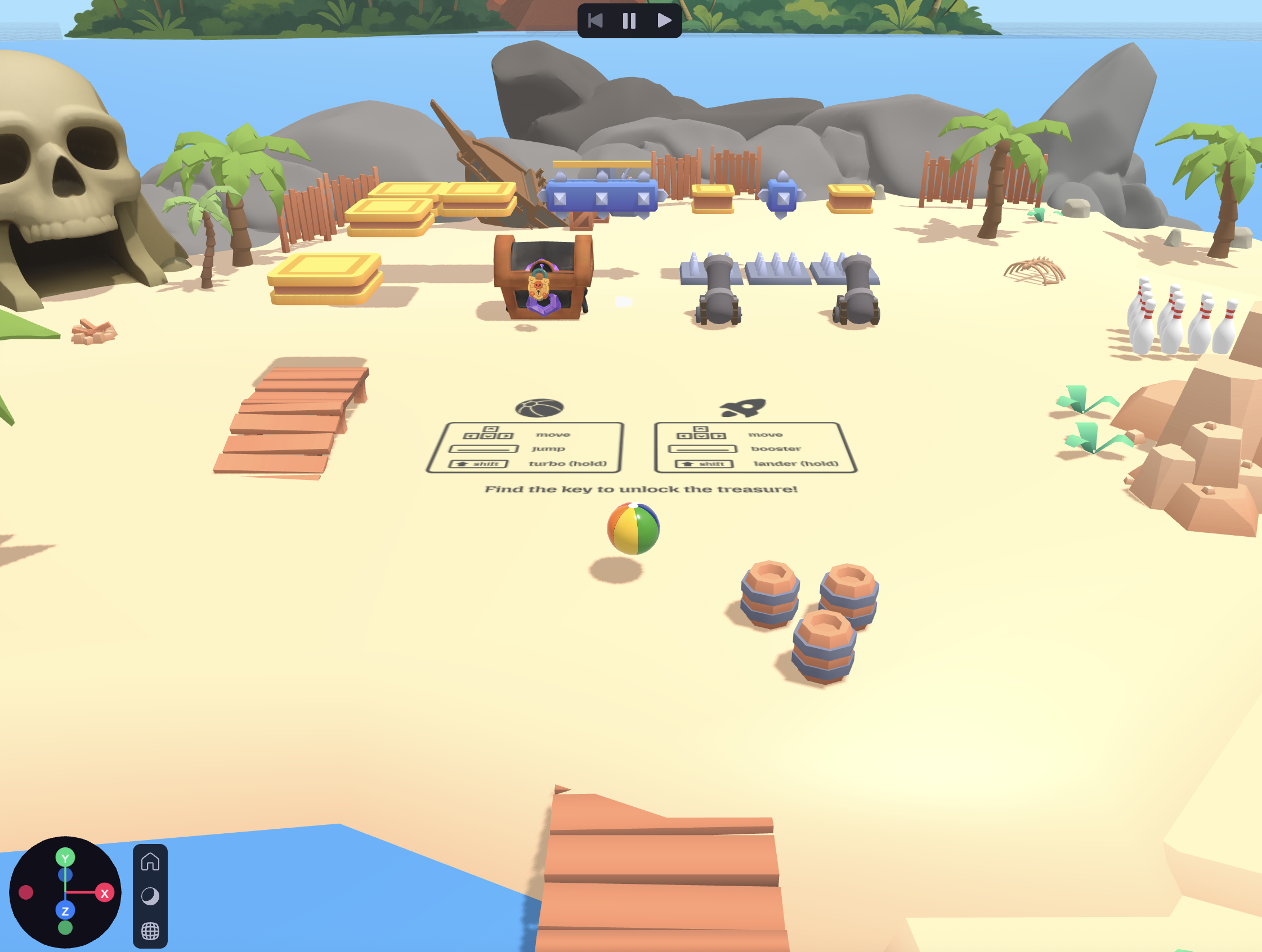
### Shortcuts[](https://www.8thwall.com/docs/studio/getting-started/navigate-interface/#shortcuts "Direct link to Shortcuts")
| Function | Keyboard Shortcut |
| --- | --- |
| Camera Orbit | ⌥ Left Click+Drag |
| Camera Pan | ⌥ Right Click+Drag, Right Click+Drag, Middle Click+Drag |
| Camera Zoom | Scroll Wheel |
| Focus on Selected Object | F |
| Translate | W |
| Rotate | E |
| Scale | R |
| Hide/Show UI Layer | ⌘\\ |
| Delete Object | Delete |
| Duplicate | ⌘D |
| Copy Object | ⌘C |
| Paste Object | ⌘V |
| Undo | ⌘Z |
| Redo | ⌘⇧Z, ⌘Y |
Simulator[](https://www.8thwall.com/docs/studio/getting-started/navigate-interface/#simulator "Direct link to Simulator")
---------------------------------------------------------------------------------------------------------------------------
Launch the simulator to play your scene. You can make edits to the entities in your space and see those immediately reflected in the simulator. The simulator also lets you test and view project changes across different device viewport sizes and simulated real-world environments without needing to leave Studio.


If you're developing AR, you can access a collection of pre-recorded camera sequences. The AR Simulator has a number of playback controls and convenience features like:
* Play bar, scrubber and in/out handles: Allow you to set up loop points, giving you granular control over the selected sequence.
* Recenter button (lower right): Recenters the camera feed to its origin. NOTE: Recenter is also called each time the sequence loops and each time a new sequence is selected.
Launch Toolbar[](https://www.8thwall.com/docs/studio/getting-started/navigate-interface/#launch-toolbar "Direct link to Launch Toolbar")
------------------------------------------------------------------------------------------------------------------------------------------
Studio will automatically save your progress as you work on a project, however, key stages in development can be marked by manually building your project, landing your changes as commits, and publishing your project.

**Build**: Click Build to save your work and initiate a new cloud build of your project.
**Land or Sync**: Once satisfied with your changes, land the updated code into Studio's integrated source control. At the top-right of the Studio window, click Land. The button will be green, indicating that there are changes in your project that have not yet been landed into source control. "Sync" indicates that your project is not up to date with the latest landed changes in source control (example: another team member has landed project changes into the source control).

**Publish**: The final step is to publish your updated and landed project code using 8th Wall's Built-in Hosting. Public allows the project to be viewed publicly by anyone on the internet. Staging allows those with a passcode to view your project.

Once you are ready to publish your project you will need a description and cover image. To learn more about featuring a project for public viewing please see the [Publish your project](https://www.8thwall.com/docs/studio/getting-started/publish/)
section.
Settings & Inspector[](https://www.8thwall.com/docs/studio/getting-started/navigate-interface/#settings-inspector "Direct link to Settings & Inspector")
----------------------------------------------------------------------------------------------------------------------------------------------------------
View and configure object-specific components, as well as adjust overall settings for the editor.
### Space Settings[](https://www.8thwall.com/docs/studio/getting-started/navigate-interface/#space-settings "Direct link to Space Settings")
When **no entity is selected** you will see general settings for your project.
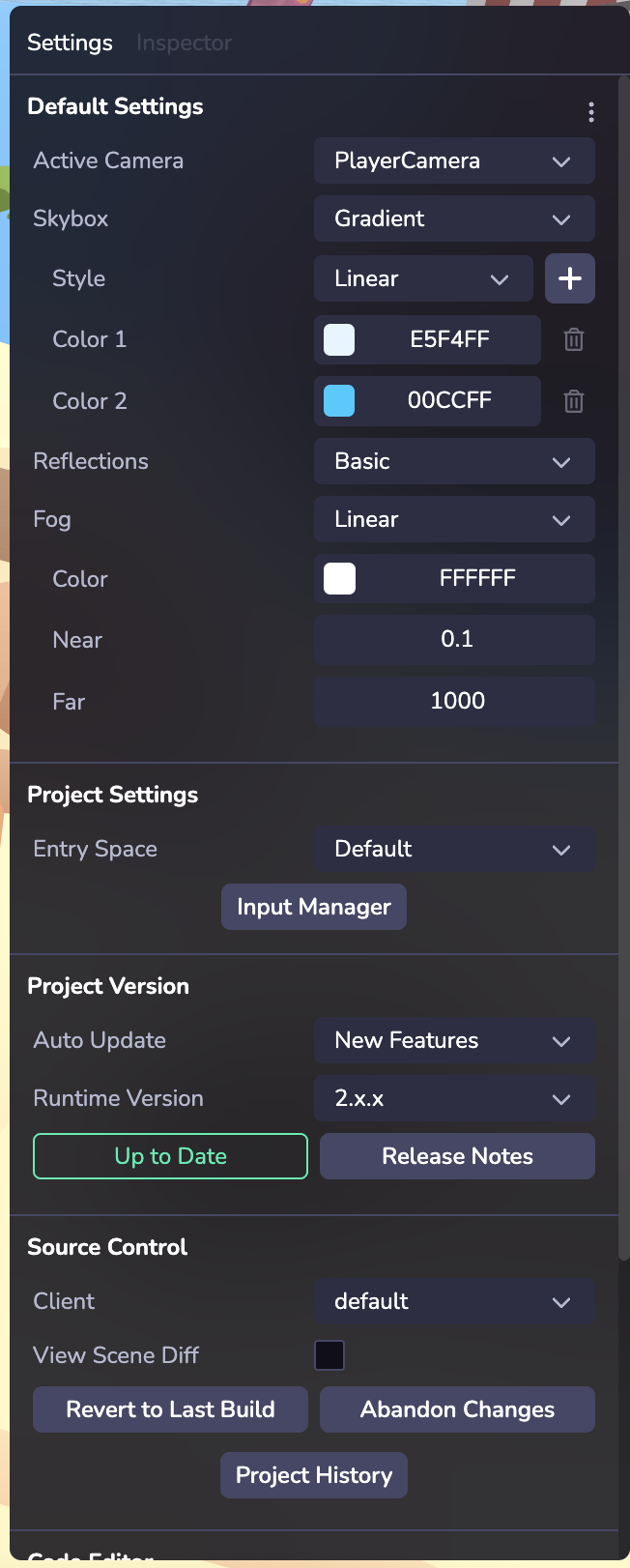
#### Default Settings[](https://www.8thwall.com/docs/studio/getting-started/navigate-interface/#default-settings "Direct link to Default Settings")
Style your Space with settings like Skybox and Fog. Skyboxes are a wrapper around your entire scene that shows what the world looks like beyond your geometry. If your project is configured to use AR on an AR-compatible device, (see [XR](https://www.8thwall.com/docs/studio/guides/xr/world/)
) the Skybox will not be rendered.
#### Project Settings[](https://www.8thwall.com/docs/studio/getting-started/navigate-interface/#project-settings "Direct link to Project Settings")
If you have multiple Spaces, select which one is the entry space.
Use the Input Manager to set up experiences that work across different devices inputs like keyboards, gamepad controls, trackpads, and touch screen actions. Create your event action and set up a mapping (or binding) to different inputs. [Learn more the Input system](https://www.8thwall.com/docs/studio/guides/input/)
#### Project Version[](https://www.8thwall.com/docs/studio/getting-started/navigate-interface/#project-version "Direct link to Project Version")
Studio projects can run on a specific runtime version, which can be selected here. Pin your project to a fixed runtime for predictability, or opt in to automatic minor updates and bug fixes to always stay current.
#### Source Control[](https://www.8thwall.com/docs/studio/getting-started/navigate-interface/#source-control "Direct link to Source Control")
Manage different versions of your project and change history. Creating a new client creates a new version of your project which can be helpful for testing changes without affecting your main version. You can also access a history of the project’s previous Landed changes by selecting the Project History function.
#### Code Editor[](https://www.8thwall.com/docs/studio/getting-started/navigate-interface/#code-editor "Direct link to Code Editor")
Choose from different usability settings like light/dark modes, keybindings, and code save settings.
### Inspector[](https://www.8thwall.com/docs/studio/getting-started/navigate-interface/#inspector "Direct link to Inspector")
Inspect and configure an entity and its components. Learn more about entities and components in [Overview](https://www.8thwall.com/docs/studio/essentials/overview/)
.
By default every entity displays a Transform component in the Inspector. Different types of entities may display different components, for example a Primitive will display a Mesh component with configurable options like geometry shape settings, materials, textures, etc.
#### Components[](https://www.8thwall.com/docs/studio/getting-started/navigate-interface/#components "Direct link to Components")
You can add a component using the "+ New Component" button. There are several types of built-in components in Studio, including Physics, Lighting, Audio, Animations, and more. Custom components can also be added - [Learn more about Custom Components](https://www.8thwall.com/docs/studio/essentials/custom-components/)
. Once set up, your custom component will appear in the Custom category. Click the three dots to remove a component.
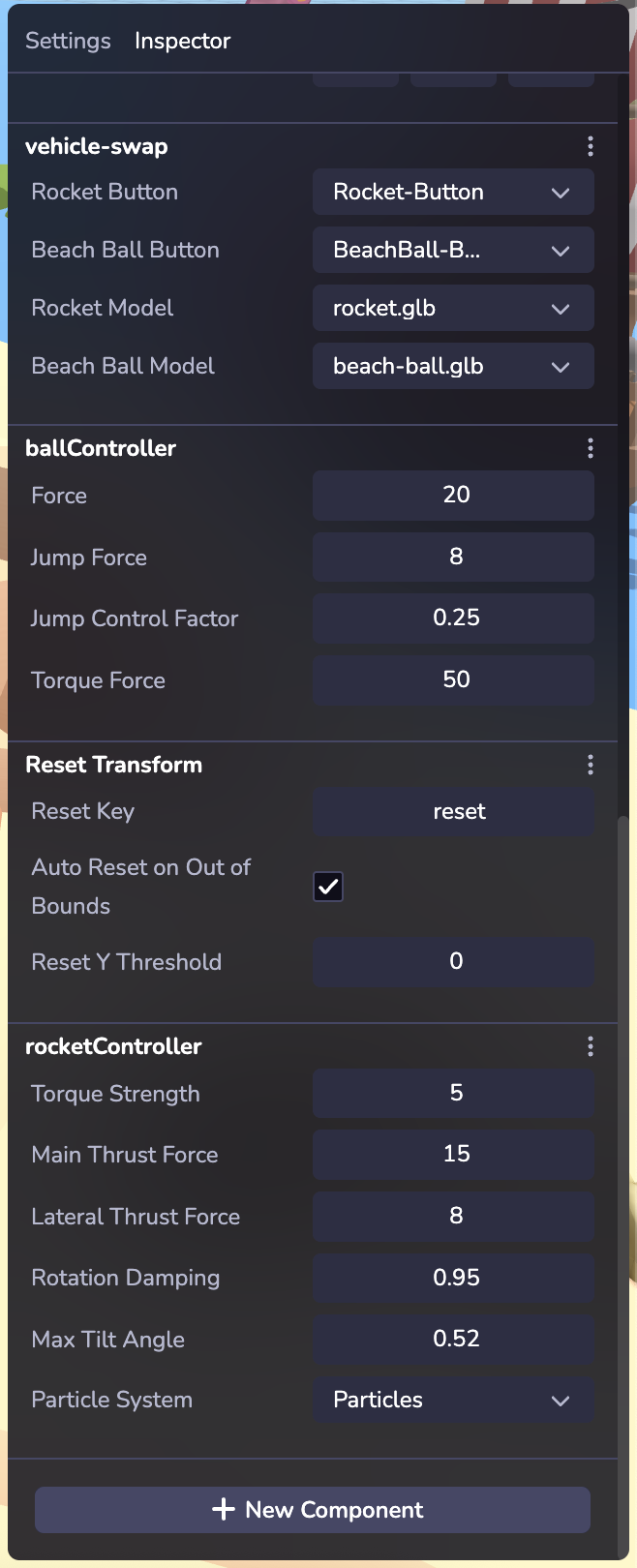
Devices & Console[](https://www.8thwall.com/docs/studio/getting-started/navigate-interface/#devices--console "Direct link to Devices & Console")
--------------------------------------------------------------------------------------------------------------------------------------------------
### Connect Device[](https://www.8thwall.com/docs/studio/getting-started/navigate-interface/#connect-device "Direct link to Connect Device")
tip
Testing your project on multiple devices ensures that users will see a consistent experience across a variety of screen sizes and platforms.
Instantly preview projects on mobile, desktop, or headset device or in another browser window as you develop via link/QR code.
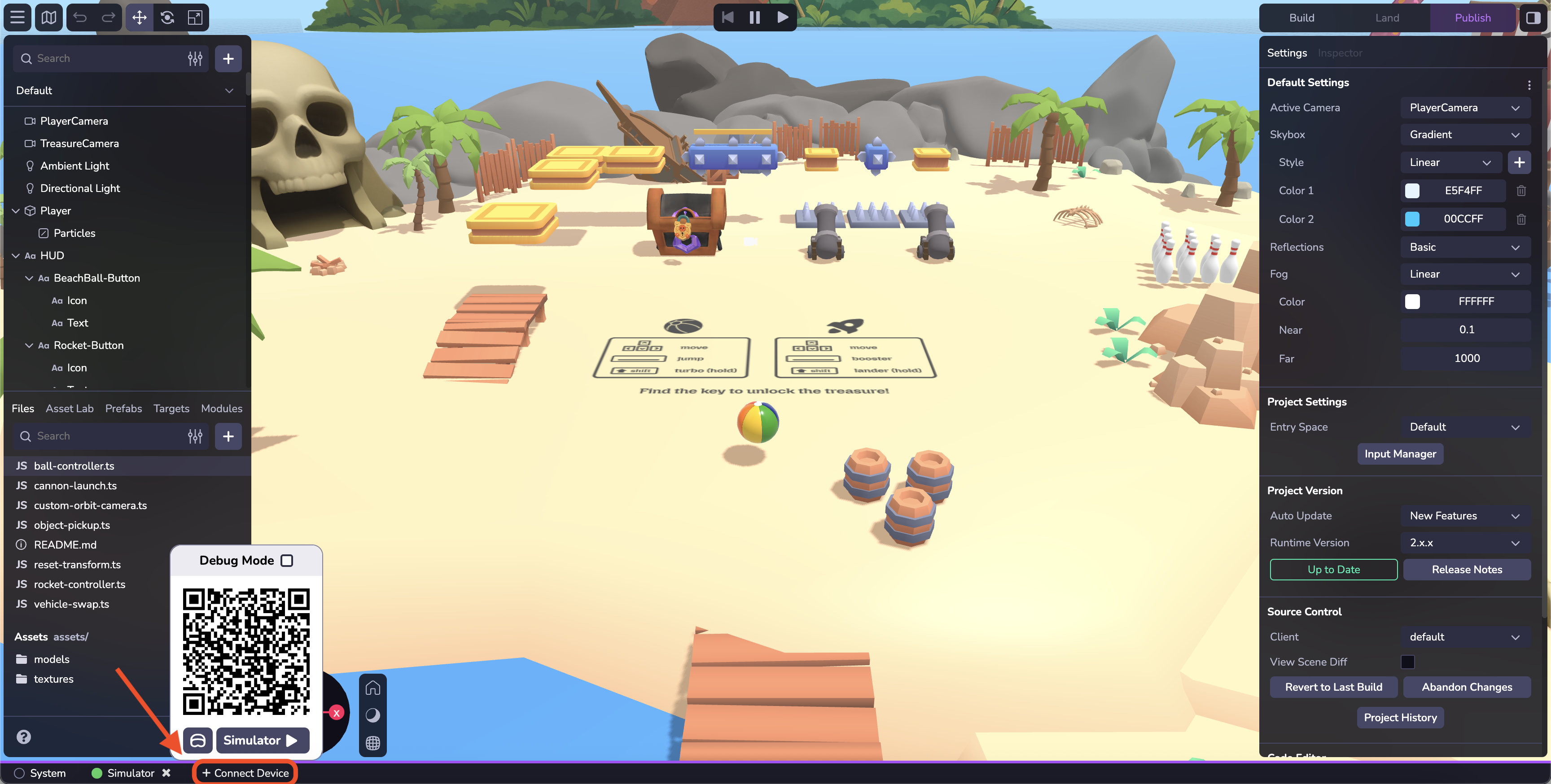
* At the bottom of the Studio interfact, click the Connect Device button.
* Scan the QR code with your mobile device to open a web browser and test your project. Or click on the QR code to open a new tab on your desktop browser.
* When the page loads, if your project uses WebAR, you'll be prompted for access to motion and orientation sensors (on some devices) and the camera (all devices). Click Allow for all permission prompts. You will be taken to the private development URL for the project.
* Note: The "Preview" QR code is a temporary, one-time use QR code only meant for use by the developer while actively developing in Studio. This QR code takes you to a private, development URL, and isn't accessible by others. To share your work with others, please see the section below on Publishing your project.
* Click the headset icon to generate a link for a headset device.
### Console[](https://www.8thwall.com/docs/studio/getting-started/navigate-interface/#console "Direct link to Console")
Debug your project build actions and runtime. Debug Mode is an advanced Studio feature that provides logging, performance information, and enhanced visualizations directly on your device.
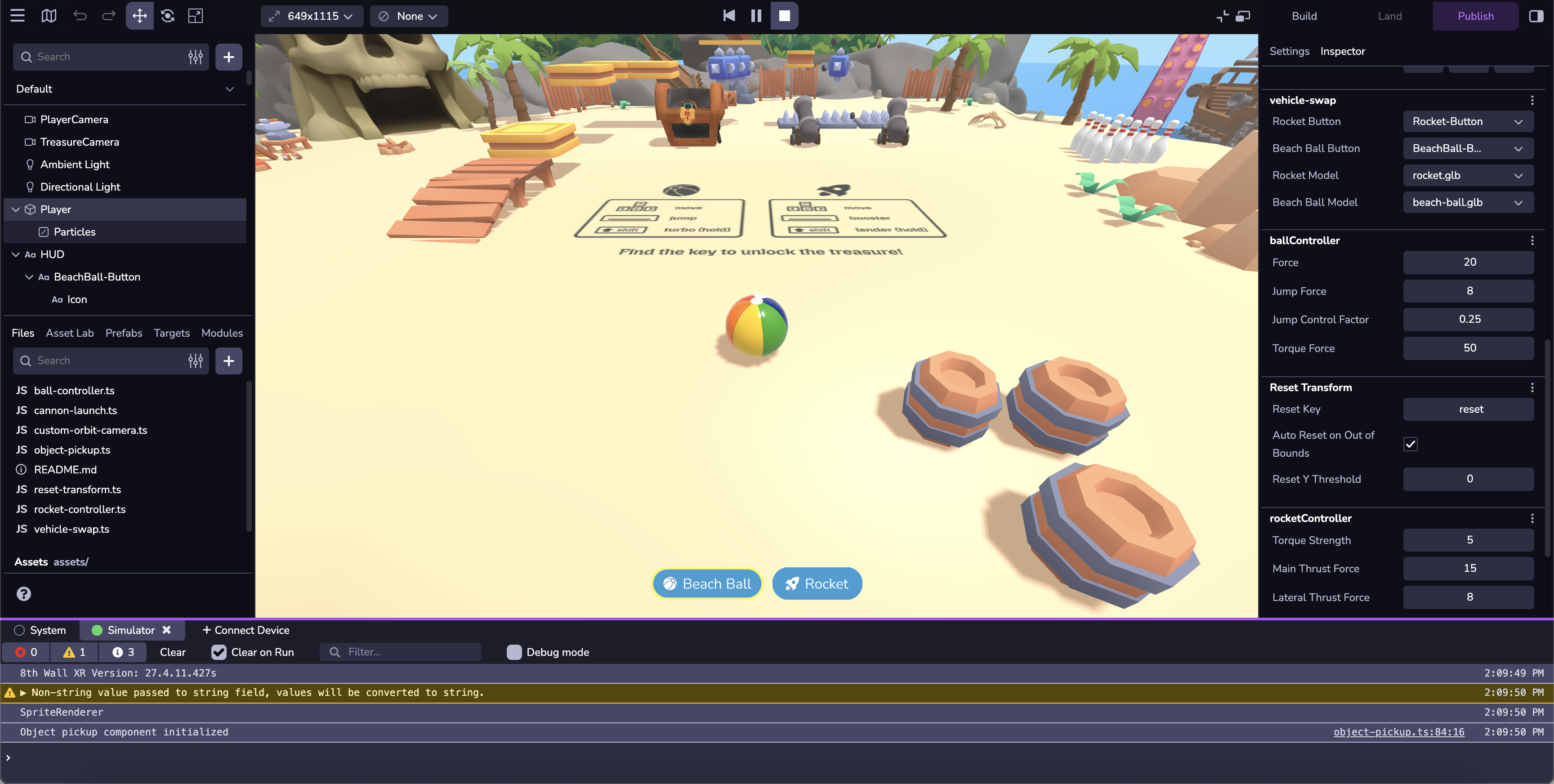
Code Editor[](https://www.8thwall.com/docs/studio/getting-started/navigate-interface/#code-editor-1 "Direct link to Code Editor")
-----------------------------------------------------------------------------------------------------------------------------------
The 8th Wall Code Editor equips developers with a set of coding tools to create, collaborate and publish web-based XR content. Our powerful IDE includes the code editor, integrated source control, commit history, live preview, wireless remote debugging and push-button hosting on a global CDN. Other Code Editor features include:
* Intellisense
* Command Palette
* Code Peek
* Light/Dark Themes

* [Hierarchy](https://www.8thwall.com/docs/studio/getting-started/navigate-interface/#hierarchy)
* [Assets](https://www.8thwall.com/docs/studio/getting-started/navigate-interface/#assets)
* [Files](https://www.8thwall.com/docs/studio/getting-started/navigate-interface/#files)
* [Asset Lab](https://www.8thwall.com/docs/studio/getting-started/navigate-interface/#asset-lab)
* [Prefabs](https://www.8thwall.com/docs/studio/getting-started/navigate-interface/#prefabs)
* [Targets](https://www.8thwall.com/docs/studio/getting-started/navigate-interface/#targets)
* [Modules](https://www.8thwall.com/docs/studio/getting-started/navigate-interface/#modules)
* [Viewport](https://www.8thwall.com/docs/studio/getting-started/navigate-interface/#viewport)
* [Shortcuts](https://www.8thwall.com/docs/studio/getting-started/navigate-interface/#shortcuts)
* [Simulator](https://www.8thwall.com/docs/studio/getting-started/navigate-interface/#simulator)
* [Launch Toolbar](https://www.8thwall.com/docs/studio/getting-started/navigate-interface/#launch-toolbar)
* [Settings & Inspector](https://www.8thwall.com/docs/studio/getting-started/navigate-interface/#settings-inspector)
* [Space Settings](https://www.8thwall.com/docs/studio/getting-started/navigate-interface/#space-settings)
* [Inspector](https://www.8thwall.com/docs/studio/getting-started/navigate-interface/#inspector)
* [Devices & Console](https://www.8thwall.com/docs/studio/getting-started/navigate-interface/#devices--console)
* [Connect Device](https://www.8thwall.com/docs/studio/getting-started/navigate-interface/#connect-device)
* [Console](https://www.8thwall.com/docs/studio/getting-started/navigate-interface/#console)
* [Code Editor](https://www.8thwall.com/docs/studio/getting-started/navigate-interface/#code-editor-1)
---
# Global Behaviors | 8th Wall
[Skip to main content](https://www.8thwall.com/docs/studio/guides/global-behaviors/#__docusaurus_skipToContent_fallback)
On this page
Introduction[](https://www.8thwall.com/docs/studio/guides/global-behaviors/#introduction "Direct link to Introduction")
-------------------------------------------------------------------------------------------------------------------------
A behavior is a function that runs on the World every tick. Compared to Components, which only operate on a single Entity at a time, a behavior can use queries to enumerate matching entities and operate on them as a group.
Defining a Behavior[](https://www.8thwall.com/docs/studio/guides/global-behaviors/#defining-a-behavior "Direct link to Defining a Behavior")
----------------------------------------------------------------------------------------------------------------------------------------------
The following code is an example of how to define a custom Behavior:
const behavior = (world) => { if (world.time.elapsed % 5000 - world.time.delta < 0) { const eid = world.createEntity() Enemy.set(world, eid, {health: 100}) }}
Registering a Behavior[](https://www.8thwall.com/docs/studio/guides/global-behaviors/#registering-a-behavior "Direct link to Registering a Behavior")
-------------------------------------------------------------------------------------------------------------------------------------------------------
The following code is an example of how to register a custom Behavior:
ecs.registerBehavior(behavior)
Deactivating a Behavior[](https://www.8thwall.com/docs/studio/guides/global-behaviors/#deactivating-a-behavior "Direct link to Deactivating a Behavior")
----------------------------------------------------------------------------------------------------------------------------------------------------------
The following code is an example of how to deactivate a custom Behavior:
ecs.unregisterBehavior(behavior)
Behavior Query[](https://www.8thwall.com/docs/studio/guides/global-behaviors/#behavior-query "Direct link to Behavior Query")
-------------------------------------------------------------------------------------------------------------------------------
Behaviors can run queries, which return lists of entity IDs.
const query = ecs.defineQuery([Enemy, Health])const enemyDieBehavior = (world) => { const enemies = query(world) for (const enemyId of enemies) { if (Health.get(world, enemyId).hp <= 0) { world.destroyEntity(enemyId) } }}ecs.registerBehavior(enemyDieBehavior)
Systems[](https://www.8thwall.com/docs/studio/guides/global-behaviors/#systems "Direct link to Systems")
----------------------------------------------------------------------------------------------------------
Behaviors can also be structured as Systems, which run on entities that match specific queries and allow for efficient data access.
tip
This approach improves performance because data like “enemy” and “health” are pre-fetched, making iteration faster.
const enemyDieSystem = ecs.defineSystem([Enemy, Health], (world, eid, [enemy, health]) => { if (health.hp <= 0) { world.destroyEntity(eid) } })ecs.registerBehavior(enemyDieSystem)
* [Introduction](https://www.8thwall.com/docs/studio/guides/global-behaviors/#introduction)
* [Defining a Behavior](https://www.8thwall.com/docs/studio/guides/global-behaviors/#defining-a-behavior)
* [Registering a Behavior](https://www.8thwall.com/docs/studio/guides/global-behaviors/#registering-a-behavior)
* [Deactivating a Behavior](https://www.8thwall.com/docs/studio/guides/global-behaviors/#deactivating-a-behavior)
* [Behavior Query](https://www.8thwall.com/docs/studio/guides/global-behaviors/#behavior-query)
* [Systems](https://www.8thwall.com/docs/studio/guides/global-behaviors/#systems)
---
# Animation | 8th Wall
[Skip to main content](https://www.8thwall.com/docs/studio/guides/animation/#__docusaurus_skipToContent_fallback)
On this page
Introduction[](https://www.8thwall.com/docs/studio/guides/animation/#introduction "Direct link to Introduction")
------------------------------------------------------------------------------------------------------------------
This section provides guidance for setting up custom animations on entities. These are animations that transform some element of the entity over time, such as position, scale, or a property of some component on the entity. Note: This section deals with creating animations in Studio and working with Studio’s core animation system–if you’re looking for guidance on working with a GLTF model file's built-in animations see the [Models guide](https://www.8thwall.com/docs/studio/guides/models/)
.
Components are provided for procedural animation, and can be split into two types:
1. Transition
2. Relationship
Transition Animations[](https://www.8thwall.com/docs/studio/guides/animation/#transition-animations "Direct link to Transition Animations")
---------------------------------------------------------------------------------------------------------------------------------------------
These animations transition an object from one state to another over time. There will be a 'from' and 'to' state, and the animation can either finish or be set to loop.
### Position Animation[](https://www.8thwall.com/docs/studio/guides/animation/#position-animation "Direct link to Position Animation")
Animate the position of a target object.
See [Position Animation Component](https://www.8thwall.com/docs/api/studio/ecs/animation/position-animation/)
API.
### Scale Animation[](https://www.8thwall.com/docs/studio/guides/animation/#scale-animation "Direct link to Scale Animation")
Animate the scale vector of a target object.
See [Scale Animation Component](https://www.8thwall.com/docs/api/studio/ecs/animation/scale-animation/)
API.
### Rotate Animation[](https://www.8thwall.com/docs/studio/guides/animation/#rotate-animation "Direct link to Rotate Animation")
Animate the rotation of a target object.
See [Rotate Animation Component](https://www.8thwall.com/docs/api/studio/ecs/animation/rotate-animation/)
API.
### Custom Vec3 Animation[](https://www.8thwall.com/docs/studio/guides/animation/#custom-vec3-animation "Direct link to Custom Vec3 Animation")
Animate the named 3D vector attribute on a target object.
See [Custom Vec3 Animation Component](https://www.8thwall.com/docs/api/studio/ecs/animation/custom-vec3-animation/)
API.
### Custom Property Animation[](https://www.8thwall.com/docs/studio/guides/animation/#custom-property-animation "Direct link to Custom Property Animation")
Animate a single number property on the attributes of a target object.
See [Custom Property Animation Component](https://www.8thwall.com/docs/api/studio/ecs/animation/custom-property-animation/)
API.
Relationship Animations[](https://www.8thwall.com/docs/studio/guides/animation/#relationship-animations "Direct link to Relationship Animations")
---------------------------------------------------------------------------------------------------------------------------------------------------
These are animations that express a relationship between an object and a target. When running, they maintain that relationship for the object that they are attached to.
### Follow Animation[](https://www.8thwall.com/docs/studio/guides/animation/#follow-animation "Direct link to Follow Animation")
Maintain distance to a given target or point.
See [Follow Animation Component](https://www.8thwall.com/docs/api/studio/ecs/animation/follow-animation/)
API.
### Look At Animation[](https://www.8thwall.com/docs/studio/guides/animation/#look-at-animation "Direct link to Look At Animation")
Maintain orientation to face a given target or point.
See [Look At Animation Component](https://www.8thwall.com/docs/api/studio/ecs/animation/look-at-animation/)
API.
Adding an Animation[](https://www.8thwall.com/docs/studio/guides/animation/#adding-an-animation "Direct link to Adding an Animation")
---------------------------------------------------------------------------------------------------------------------------------------
Animations can be added to the entity via the editor or in code. Adding them in the editor is done via the "New Component" button:
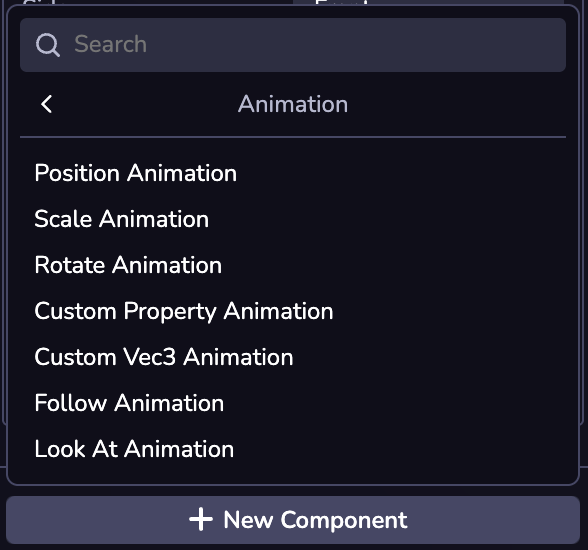
Animations can also be added via code, using the component’s import name.
* [Introduction](https://www.8thwall.com/docs/studio/guides/animation/#introduction)
* [Transition Animations](https://www.8thwall.com/docs/studio/guides/animation/#transition-animations)
* [Position Animation](https://www.8thwall.com/docs/studio/guides/animation/#position-animation)
* [Scale Animation](https://www.8thwall.com/docs/studio/guides/animation/#scale-animation)
* [Rotate Animation](https://www.8thwall.com/docs/studio/guides/animation/#rotate-animation)
* [Custom Vec3 Animation](https://www.8thwall.com/docs/studio/guides/animation/#custom-vec3-animation)
* [Custom Property Animation](https://www.8thwall.com/docs/studio/guides/animation/#custom-property-animation)
* [Relationship Animations](https://www.8thwall.com/docs/studio/guides/animation/#relationship-animations)
* [Follow Animation](https://www.8thwall.com/docs/studio/guides/animation/#follow-animation)
* [Look At Animation](https://www.8thwall.com/docs/studio/guides/animation/#look-at-animation)
* [Adding an Animation](https://www.8thwall.com/docs/studio/guides/animation/#adding-an-animation)
---
# Input | 8th Wall
[Skip to main content](https://www.8thwall.com/docs/studio/guides/input/#__docusaurus_skipToContent_fallback)
On this page
Introduction[](https://www.8thwall.com/docs/studio/guides/input/#introduction "Direct link to Introduction")
--------------------------------------------------------------------------------------------------------------
This section explains how to set up inputs for your project. Inputs refer to the various methods through which users interact with the application. Currently, the supported input methods include touch, keyboard, mouse, and gamepad.
See [world.input](https://www.8thwall.com/docs/api/studio/world/input/)
for api.
Input Manager[](https://www.8thwall.com/docs/studio/guides/input/#input-manager "Direct link to Input Manager")
-----------------------------------------------------------------------------------------------------------------
In Studio, there are Inputs and Actions - the Input Manager sets up the mapping in between them. An action is an abstraction over the source of input(s) it receives. They are most useful for representing input as "logical" concepts (e.g. "jump") rather than as "physical" inputs (e.g. "space bar on keyboard pressed").
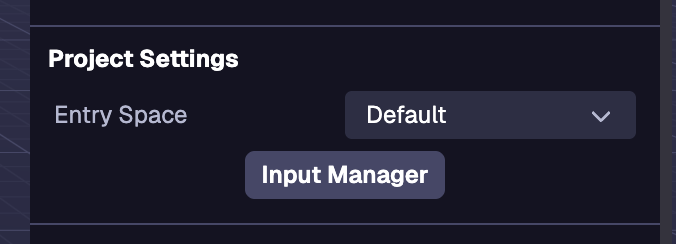
### Action Maps[](https://www.8thwall.com/docs/studio/guides/input/#action-maps "Direct link to Action Maps")
You can manage Action Maps via the Input Manager in the Space Settings (the default state of the Inspector when no entity is selected).
#### Adding an Action Map[](https://www.8thwall.com/docs/studio/guides/input/#adding-an-action-map "Direct link to Adding an Action Map")
Action Map are sets of actions that can be swapped programmatically. To create a new action map click on the action map dropdown then click on Create New Action Map. Then type in the name of the action map and save it. Action Maps can be renamed, duplicated, and deleted. The default action map can only be duplicated.
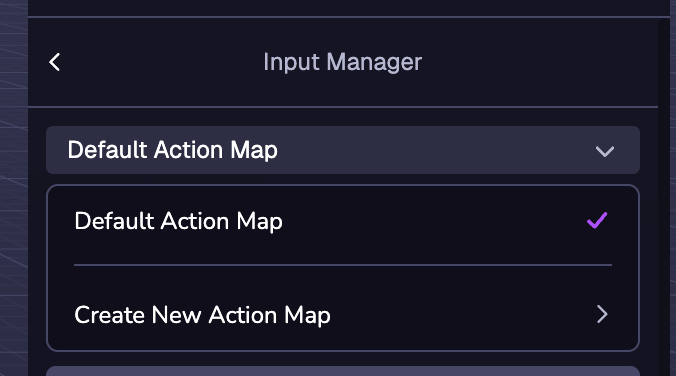
info
The currently selected Action Map is the Action Map that will be active by default.
#### Action Map Templates[](https://www.8thwall.com/docs/studio/guides/input/#action-map-templates "Direct link to Action Map Templates")
When Create New Action Map is selected, several action map templates will appear. The Fly Controller and Orbit Controls templates are used for their respective components.
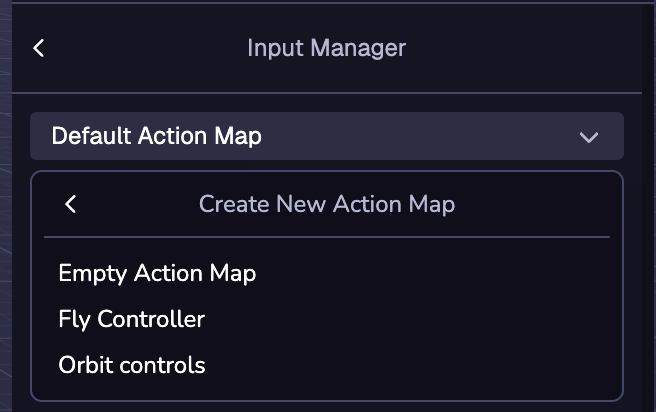
### Adding an Action[](https://www.8thwall.com/docs/studio/guides/input/#adding-an-action "Direct link to Adding an Action")
Actions are an abstraction layer to user inputs. To add a Action to the Action Map, click the (+) New Action button then type in the name for your Action.
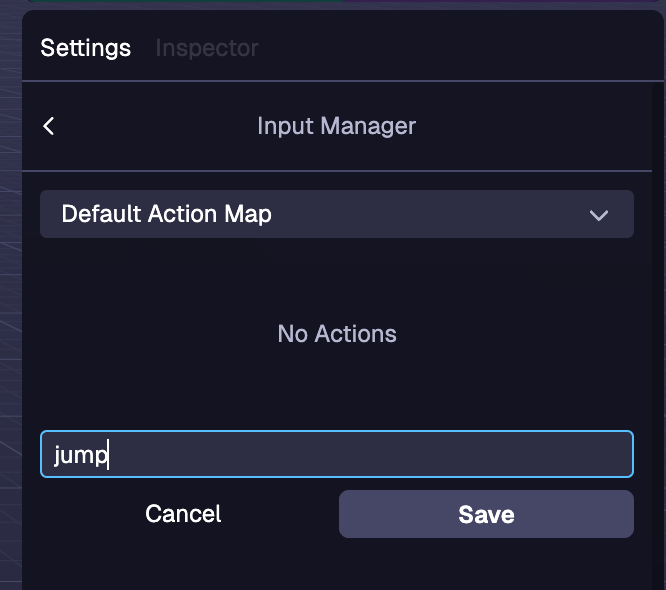
### Binding to an Action[](https://www.8thwall.com/docs/studio/guides/input/#binding-to-an-action "Direct link to Binding to an Action")
Bindings are how inputs can be associated with an action. To add a binding click the Add Binding button and select the input you want to bind to the action in the dropdown. There are Bindings for many types of inputs including keyboard, mouse and gamepad. Multiple input bindings can be mapped to a single action. To delete a binding, click the trash bin next to the binding you want to delete.
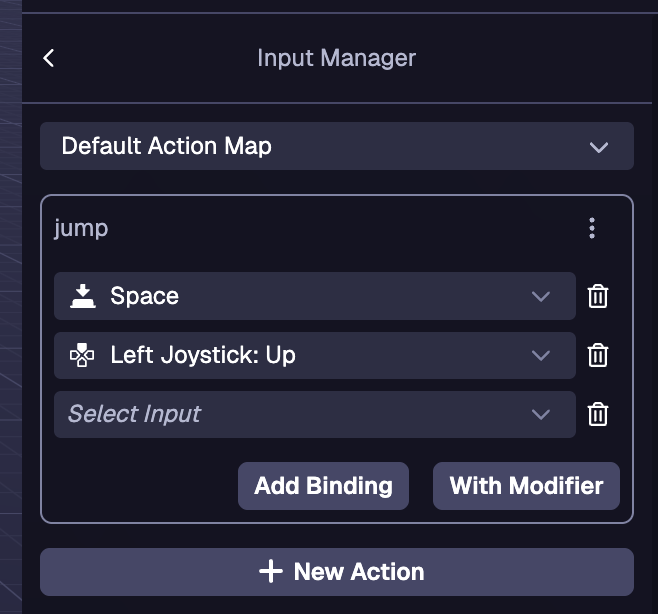
### Action Modifiers[](https://www.8thwall.com/docs/studio/guides/input/#action-modifiers "Direct link to Action Modifiers")
Modifiers are an additional input you can assign to a binding in order activate the action. To create a Binding with an modifier, click the With Modifier button. The modifier is selected with the first dropdown and the binding is selected with the second dropdown.
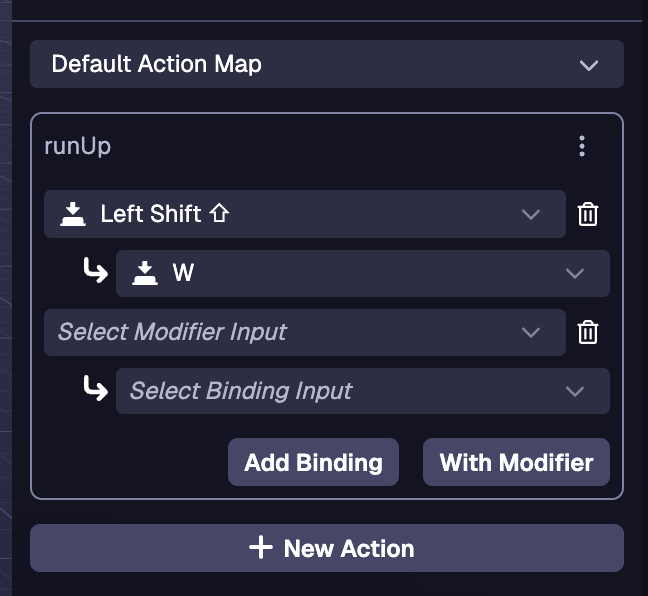
Examples[](https://www.8thwall.com/docs/studio/guides/input/#examples "Direct link to Examples")
--------------------------------------------------------------------------------------------------
### Detecting an action in tick[](https://www.8thwall.com/docs/studio/guides/input/#detecting-an-action-in-tick "Direct link to Detecting an action in tick")
ecs.registerComponent({ name: 'player-controller', tick: (world, component) => { if (world.input.getAction('jump')) { // Handle jump logic here } },})
### Detecting an action in a state machine[](https://www.8thwall.com/docs/studio/guides/input/#detecting-an-action-in-a-state-machine "Direct link to Detecting an action in a state machine")
stateMachine: ({world, eid, schemaAttribute, dataAttribute}) => { ecs.defineState('default').initial().onTick(() => { if (world.input.getAction('jump')) { // Handle jump logic here } })}
### Switching between action maps[](https://www.8thwall.com/docs/studio/guides/input/#switching-between-action-maps "Direct link to Switching between action maps")
info
When setting a new action map, the new map does not get activated till the next tick.
#### In tick[](https://www.8thwall.com/docs/studio/guides/input/#in-tick "Direct link to In tick")
tick: (world, component) => { if (world.input.getAction('menu')) { world.input.setActiveMap(world.input.getActiveMap() === 'player' ? 'menu' : 'player') return } if (world.input.getAction('jump')) { // Handle jump logic here }}
#### In a state machine[](https://www.8thwall.com/docs/studio/guides/input/#in-a-state-machine "Direct link to In a state machine")
stateMachine: ({world, eid, schemaAttribute, dataAttribute}) => { const switchMap = ecs.defineTrigger() ecs.defineState('default') .initial() .onEnter(() => { world.input.setActiveMap('player') }) .onTick(() => { if (world.input.getAction('menu')) { switchMap.trigger() return } // Handle movement logic here }).onTrigger(switchMap, 'menu') ecs.defineState('menu').onEnter(() => { world.input.setActiveMap('menu') }).onTick(() => { if (world.input.getAction('menu')) { switchMap.trigger() return } // Handle menu logic here }).onTrigger(switchMap, 'default')}
* [Introduction](https://www.8thwall.com/docs/studio/guides/input/#introduction)
* [Input Manager](https://www.8thwall.com/docs/studio/guides/input/#input-manager)
* [Action Maps](https://www.8thwall.com/docs/studio/guides/input/#action-maps)
* [Adding an Action](https://www.8thwall.com/docs/studio/guides/input/#adding-an-action)
* [Binding to an Action](https://www.8thwall.com/docs/studio/guides/input/#binding-to-an-action)
* [Action Modifiers](https://www.8thwall.com/docs/studio/guides/input/#action-modifiers)
* [Examples](https://www.8thwall.com/docs/studio/guides/input/#examples)
* [Detecting an action in tick](https://www.8thwall.com/docs/studio/guides/input/#detecting-an-action-in-tick)
* [Detecting an action in a state machine](https://www.8thwall.com/docs/studio/guides/input/#detecting-an-action-in-a-state-machine)
* [Switching between action maps](https://www.8thwall.com/docs/studio/guides/input/#switching-between-action-maps)
---
# Lighting | 8th Wall
[Skip to main content](https://www.8thwall.com/docs/studio/guides/lighting/#__docusaurus_skipToContent_fallback)
On this page
Introduction[](https://www.8thwall.com/docs/studio/guides/lighting/#introduction "Direct link to Introduction")
-----------------------------------------------------------------------------------------------------------------
Lighting plays a crucial role in enhancing the visual appeal of any scene. It adds depth, realism, and atmosphere, making experiences more immersive, engaging, and visually compelling. Whether you’re aiming for a highly realistic look or a stylized one, lighting can make a significant difference in how your scene feels and interacts with users.
Adding a Light[](https://www.8thwall.com/docs/studio/guides/lighting/#adding-a-light "Direct link to Adding a Light")
-----------------------------------------------------------------------------------------------------------------------
Lights and shadows can be added to an entity through the Studio interface or via code. In Studio, you can do this by clicking the (+) button in the Hierarchy or by selecting “New Component” in the Inspector for a chosen entity. Both Light and Shadow components offer various settings for customization.
#### Types of Lights[](https://www.8thwall.com/docs/studio/guides/lighting/#types-of-lights "Direct link to Types of Lights")
**Directional:** A light that gets emitted in a specific direction. This light will behave as though it is infinitely far away and the rays produced from it are all parallel. The common use case for this is to simulate daylight; the sun is far enough away that its position can be considered to be infinite, and all light rays coming from it are parallel.
**Point:** A light that radiates in all directions from a single point. A common example is replicating light from a bare lightbulb.
**Ambient:** This light uniformly illuminates all objects in the scene, creating global illumination.
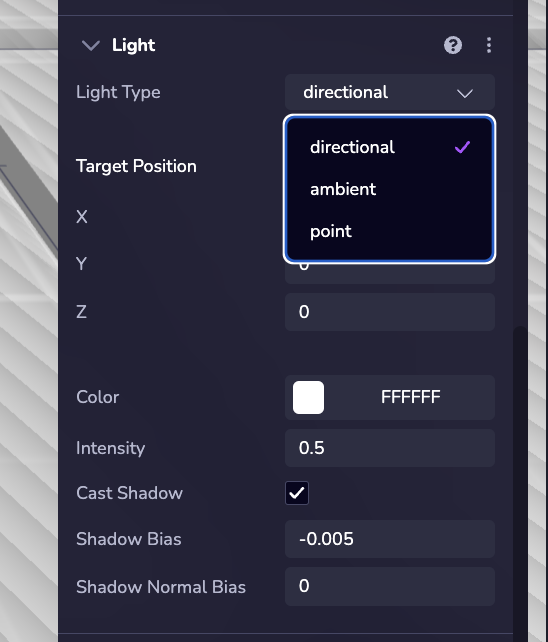
### Example[](https://www.8thwall.com/docs/studio/guides/lighting/#example "Direct link to Example")
The following example demonstrates how to assign a Light to an entity at runtime:
ecs.Light.set(world, component.eid, { type: 'point'})
Adding Shadows[](https://www.8thwall.com/docs/studio/guides/lighting/#adding-shadows "Direct link to Adding Shadows")
-----------------------------------------------------------------------------------------------------------------------
**Objects in the scene won’t cast or receive shadows by default.** To enable shadows, add the Shadow component to the object and configure its properties accordingly.
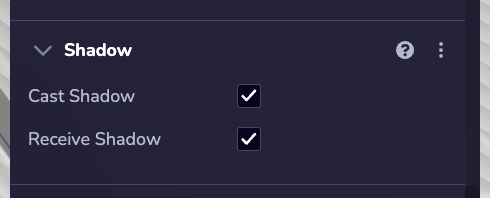
### Example[](https://www.8thwall.com/docs/studio/guides/lighting/#example-1 "Direct link to Example")
The following example shows how to set a Shadow on an entity at runtime.
ecs.Shadow.set(world, component.eid, { castShadow: true, receiveShadow: true})
* [Introduction](https://www.8thwall.com/docs/studio/guides/lighting/#introduction)
* [Adding a Light](https://www.8thwall.com/docs/studio/guides/lighting/#adding-a-light)
* [Example](https://www.8thwall.com/docs/studio/guides/lighting/#example)
* [Adding Shadows](https://www.8thwall.com/docs/studio/guides/lighting/#adding-shadows)
* [Example](https://www.8thwall.com/docs/studio/guides/lighting/#example-1)
---
# Entities | 8th Wall
[Skip to main content](https://www.8thwall.com/docs/studio/guides/entities/#__docusaurus_skipToContent_fallback)
On this page
Introduction[](https://www.8thwall.com/docs/studio/guides/entities/#introduction "Direct link to Introduction")
-----------------------------------------------------------------------------------------------------------------
An entity by itself has no behavior or appearance; it simply acts as a container to which components can be attached.
Creating an Entity[](https://www.8thwall.com/docs/studio/guides/entities/#creating-an-entity "Direct link to Creating an Entity")
-----------------------------------------------------------------------------------------------------------------------------------
The following code shows how to create a new entity without any components
### Example[](https://www.8thwall.com/docs/studio/guides/entities/#example "Direct link to Example")
import * as ecs from '@8thwall/ecs'const eid = world.createEntity()
Deleting an Entity[](https://www.8thwall.com/docs/studio/guides/entities/#deleting-an-entity "Direct link to Deleting an Entity")
-----------------------------------------------------------------------------------------------------------------------------------
The following code shows how to delete an existing entity given its id:
### Example[](https://www.8thwall.com/docs/studio/guides/entities/#example-1 "Direct link to Example")
import * as ecs from '@8thwall/ecs'world.deleteEntity(eid)
Adding Components to an Entity[](https://www.8thwall.com/docs/studio/guides/entities/#adding-components-to-an-entity "Direct link to Adding Components to an Entity")
-----------------------------------------------------------------------------------------------------------------------------------------------------------------------
The following code shows how to add a built-in component to an entity at runtime.
### Example[](https://www.8thwall.com/docs/studio/guides/entities/#example-2 "Direct link to Example")
const box = world.createEntity()ecs.BoxGeometry.set(world, box, { width: 1, height: 1, depth: 1,})ecs.Material.set(world, box, { r: 255, g: 255, b: 255,})
Create and Modify Relationships[](https://www.8thwall.com/docs/studio/guides/entities/#create-and-modify-relationships "Direct link to Create and Modify Relationships")
--------------------------------------------------------------------------------------------------------------------------------------------------------------------------
The following code shows how you can use built-in helper methods to create or change relationships between entities.
### Example[](https://www.8thwall.com/docs/studio/guides/entities/#example-3 "Direct link to Example")
// Entities are automatically a child of World.const foo = world.createEntity()const bar = world.createEntity()// Set foo to be a child of bar.world.setParent(foo, bar)// Get the parent of bar. (returns an eid where <= 0 is undefined)world.getParent(bar)// Get the children of foo. (returns a Generator)world.getChildren(foo)
Helper Functions[](https://www.8thwall.com/docs/studio/guides/entities/#helper-functions "Direct link to Helper Functions")
-----------------------------------------------------------------------------------------------------------------------------
There are a number of helper functions for interacting with an entity's transform.
tip
Entities are positioned relative to their parent. The `getWorldTransform()` function retrieves the object’s transform in world space, accounting for all parent transforms.
world.setScale(eid, 1, 1, 1)world.setPosition(eid, 1, 1, 1)world.setQuaternion(eid, 0, 0, 0, 1)world.normalizeQuaternion(eid)const tempMatrix = ecs.math.mat4.i()world.getWorldTransform(eid1, tempMatrix)world.setTransform(eid2, tempMatrix)
* [Introduction](https://www.8thwall.com/docs/studio/guides/entities/#introduction)
* [Creating an Entity](https://www.8thwall.com/docs/studio/guides/entities/#creating-an-entity)
* [Example](https://www.8thwall.com/docs/studio/guides/entities/#example)
* [Deleting an Entity](https://www.8thwall.com/docs/studio/guides/entities/#deleting-an-entity)
* [Example](https://www.8thwall.com/docs/studio/guides/entities/#example-1)
* [Adding Components to an Entity](https://www.8thwall.com/docs/studio/guides/entities/#adding-components-to-an-entity)
* [Example](https://www.8thwall.com/docs/studio/guides/entities/#example-2)
* [Create and Modify Relationships](https://www.8thwall.com/docs/studio/guides/entities/#create-and-modify-relationships)
* [Example](https://www.8thwall.com/docs/studio/guides/entities/#example-3)
* [Helper Functions](https://www.8thwall.com/docs/studio/guides/entities/#helper-functions)
---
# Time | 8th Wall
[Skip to main content](https://www.8thwall.com/docs/studio/guides/time/#__docusaurus_skipToContent_fallback)
On this page
Introduction[](https://www.8thwall.com/docs/studio/guides/time/#introduction "Direct link to Introduction")
-------------------------------------------------------------------------------------------------------------
This section provides everything you need to manage time within the world, from tracking elapsed runtime and frame intervals to setting up single or repeating actions. Learn how to use built-in timing functions to create responsive and well-timed interactions in your experience.
world.time.elapsed[](https://www.8thwall.com/docs/studio/guides/time/#worldtimeelapsed "Direct link to world.time.elapsed")
-----------------------------------------------------------------------------------------------------------------------------
The number of milliseconds the world has been running for, excluding time spent while the world was paused.
world.time.delta[](https://www.8thwall.com/docs/studio/guides/time/#worldtimedelta "Direct link to world.time.delta")
-----------------------------------------------------------------------------------------------------------------------
The number of milliseconds since the previous frame, excluding time jumps due to being paused.
world.time.absolute[](https://www.8thwall.com/docs/studio/guides/time/#worldtimeabsolute "Direct link to world.time.absolute")
--------------------------------------------------------------------------------------------------------------------------------
The number of milliseconds that have elapsed since the world was created.
world.time.absoluteDelta[](https://www.8thwall.com/docs/studio/guides/time/#worldtimeabsolutedelta "Direct link to world.time.absoluteDelta")
-----------------------------------------------------------------------------------------------------------------------------------------------
The number of milliseconds since the last frame, including large jumps of time if the world is resuming after being paused.
Timers[](https://www.8thwall.com/docs/studio/guides/time/#timers "Direct link to Timers")
-------------------------------------------------------------------------------------------
Executes a function once after a specified delay.
### Starting a Timer[](https://www.8thwall.com/docs/studio/guides/time/#starting-a-timer "Direct link to Starting a Timer")
const timeout = world.time.setTimeout(() => { console.log('1000 ms have passed!')}, 1000)
### Clearing a Timer[](https://www.8thwall.com/docs/studio/guides/time/#clearing-a-timer "Direct link to Clearing a Timer")
world.time.clearTimeout(timeout)
Intervals[](https://www.8thwall.com/docs/studio/guides/time/#intervals "Direct link to Intervals")
----------------------------------------------------------------------------------------------------
Repeatedly executes a function at specified time intervals.
### Setting an Interval[](https://www.8thwall.com/docs/studio/guides/time/#setting-an-interval "Direct link to Setting an Interval")
const interval = world.time.setInterval(() => { console.log('Another 1000 ms have passed!')}, 1000)
### Clearing an Interval[](https://www.8thwall.com/docs/studio/guides/time/#clearing-an-interval "Direct link to Clearing an Interval")
world.time.clearTimeout(interval)
* [Introduction](https://www.8thwall.com/docs/studio/guides/time/#introduction)
* [world.time.elapsed](https://www.8thwall.com/docs/studio/guides/time/#worldtimeelapsed)
* [world.time.delta](https://www.8thwall.com/docs/studio/guides/time/#worldtimedelta)
* [world.time.absolute](https://www.8thwall.com/docs/studio/guides/time/#worldtimeabsolute)
* [world.time.absoluteDelta](https://www.8thwall.com/docs/studio/guides/time/#worldtimeabsolutedelta)
* [Timers](https://www.8thwall.com/docs/studio/guides/time/#timers)
* [Starting a Timer](https://www.8thwall.com/docs/studio/guides/time/#starting-a-timer)
* [Clearing a Timer](https://www.8thwall.com/docs/studio/guides/time/#clearing-a-timer)
* [Intervals](https://www.8thwall.com/docs/studio/guides/time/#intervals)
* [Setting an Interval](https://www.8thwall.com/docs/studio/guides/time/#setting-an-interval)
* [Clearing an Interval](https://www.8thwall.com/docs/studio/guides/time/#clearing-an-interval)
---
# Camera | 8th Wall
[Skip to main content](https://www.8thwall.com/docs/studio/guides/camera/#__docusaurus_skipToContent_fallback)
On this page
Introduction[](https://www.8thwall.com/docs/studio/guides/camera/#introduction "Direct link to Introduction")
---------------------------------------------------------------------------------------------------------------
This section provides guidance on setting up the Camera. The Camera component system allows you to create and control the camera view.
Adding a Camera[](https://www.8thwall.com/docs/studio/guides/camera/#adding-a-camera "Direct link to Adding a Camera")
------------------------------------------------------------------------------------------------------------------------
A camera is provided by default in a new Studio project, however you can also add a Camera to a scene using the + Object dropdown on the Space Hierarchy. Additionally, a camera can be added to an entity via Studio’s Add Component interface or in code.
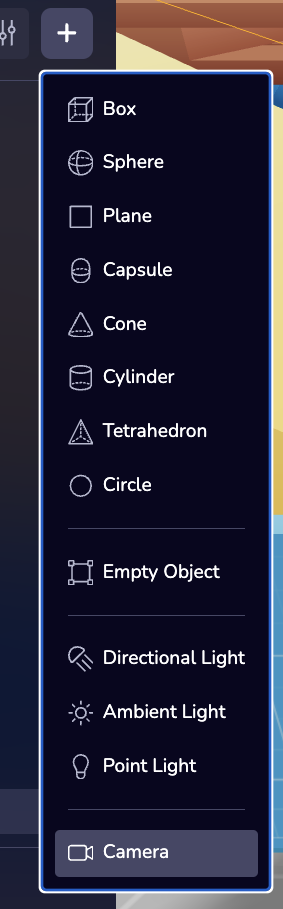
Changing the Active Camera[](https://www.8thwall.com/docs/studio/guides/camera/#changing-the-active-camera "Direct link to Changing the Active Camera")
---------------------------------------------------------------------------------------------------------------------------------------------------------
Click the _Set Active Camera_ button on the Camera's properties.
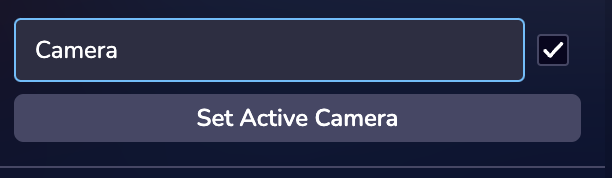
Changing the Camera Type[](https://www.8thwall.com/docs/studio/guides/camera/#changing-the-camera-type "Direct link to Changing the Camera Type")
---------------------------------------------------------------------------------------------------------------------------------------------------
There are three types of Cameras in Studio: 3D only, Face, and World. Each of these camera types will have different settings. A Face or a World Camera is necessary for AR experiences. **To learn more about building AR experiences see the XR guides section.**
* [Introduction](https://www.8thwall.com/docs/studio/guides/camera/#introduction)
* [Adding a Camera](https://www.8thwall.com/docs/studio/guides/camera/#adding-a-camera)
* [Changing the Active Camera](https://www.8thwall.com/docs/studio/guides/camera/#changing-the-active-camera)
* [Changing the Camera Type](https://www.8thwall.com/docs/studio/guides/camera/#changing-the-camera-type)
---
# Particles | 8th Wall
[Skip to main content](https://www.8thwall.com/docs/studio/guides/particles/#__docusaurus_skipToContent_fallback)
On this page
Introduction[](https://www.8thwall.com/docs/studio/guides/particles/#introduction "Direct link to Introduction")
------------------------------------------------------------------------------------------------------------------
Particles are a powerful tool for adding dynamic, eye-catching effects to any scene. They bring life and movement, creating everything from realistic environmental elements like smoke, fire, and rain to stylized effects like magic, sparks, or explosions. Whether used subtly or dramatically, particles enhance the atmosphere and interactivity of a scene, making experiences more captivating and visually rich.
Adding Particles[](https://www.8thwall.com/docs/studio/guides/particles/#adding-particles "Direct link to Adding Particles")
------------------------------------------------------------------------------------------------------------------------------
Particles can be added to the entity via the Studio interface or in code. Adding them in Studio is done via the "New Component" button.
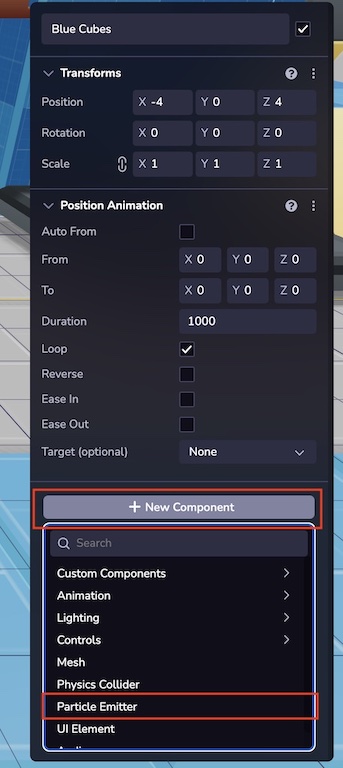 
### Example[](https://www.8thwall.com/docs/studio/guides/particles/#example "Direct link to Example")
The following example shows how to add a ParticleEmitter to an entity at runtime.
ecs.ParticleEmitter.set(world, component.eid, { stopped: false, emitterLife: 10, particlesPerShot: 5, emitDelay: 1, minimumLifespan: 1, maximumLifespan: 3, mass: 1, gravity: 1, scale: 1, forceX: 0, forceY: 60, forceZ: 0, spread: 120, radialVelocity: 0, spawnAreaType: 'point', resourceType: 'model', resourceUrl: 'https://static.8thwall.app/assets/Moon-lowpoly-v3-yg6nmdc1uj.glb',})
Emission[](https://www.8thwall.com/docs/studio/guides/particles/#emission "Direct link to Emission")
------------------------------------------------------------------------------------------------------
Emission attributes define the way particles are placed into the world and some of the global attributes that affect every particle equally.
* **Stopped:** If checked, the emitter will not emit.
* **Emitter Life:** Defines the lifetime of the emitter.
* **Particles Per Shot:** How many particles are placed every time the emitter fires.
* **Emit Delay:** Delay between emissions in seconds.
* **Lifespan:** Sets a range representing the time particles remain in the scene before despawning.
* **Mass:** The mass of each particle, only relevant when simulating physics.
* **Gravity:** Adds a force downwards that makes particles fall.
* **Forces:** Simple forces in the X, Y and Z relative axes that are applied to every particle.
* **Spread:** Is the angle the particles move in relation to the emitter.
* **Radial Velocity:** If set above 0, the emitter velocity type will change to radial. Radial Velocity is calculated relative to the observer and vectorial forces are influenced by radial force.
### Spawn Area Type[](https://www.8thwall.com/docs/studio/guides/particles/#spawn-area-type "Direct link to Spawn Area Type")
Spawn areas change the starting coordinate of the particles.
* **Point:** Spawn is set to the coordinates of the emitter.
* **Box:** Defines a box using width, height and depth.
* **Sphere:** Defines a spawn area of a sphere with a defined radius.
note
These spawn areas won't work properly if dimensions are set to 0.
### Bounding Zone Type[](https://www.8thwall.com/docs/studio/guides/particles/#bounding-zone-type "Direct link to Bounding Zone Type")
Bounding boxes dictate the spatial boundaries within which particles are generated.
* **Box:** Defines a box using width, height and depth.
* **Sphere:** Defines a spawn area of a sphere with a defined radius.
note
These bounding zones won't work properly if dimensions are set to 0 or negative. If using Spawn Area, the bounding zone needs to occupy a bigger volume than the Spawn Area.
### Resource Type[](https://www.8thwall.com/docs/studio/guides/particles/#resource-type "Direct link to Resource Type")
This system is able to render glb assets and simple sprites. Choose a model for 3D or sprite for 2D sprites. Use a publicly accessible URL to load the asset to the emitter.
* **Sprites:** They have blending options that work similarly to basic Photoshop layer effects. These are very handy when creating visual effects like fire, stars or smoke.
* **Model:** 3D models with particle behavior. Useful for creating volumetric effects.
### Simulation[](https://www.8thwall.com/docs/studio/guides/particles/#simulation "Direct link to Simulation")
These parameters will affect the way particles behave on their own after being placed in the world.
* **Color:** If sprites are set as a resource type, then sprites can change color. Input a hex value of the starting and ending color for them to shift gradually.
* **Random Drift:** Particles will randomly drift in accordance with the random drift range parameter.
* **Collision:** If particles get near each other, an opposite force will be applied between them.
Examples[](https://www.8thwall.com/docs/studio/guides/particles/#examples "Direct link to Examples")
------------------------------------------------------------------------------------------------------
### Starting Particles[](https://www.8thwall.com/docs/studio/guides/particles/#starting-particles "Direct link to Starting Particles")
ecs.ParticleEmitter.mutate(world, component.eid, (cursor) => { cursor.stopped = false})
### Stopping Particles[](https://www.8thwall.com/docs/studio/guides/particles/#stopping-particles "Direct link to Stopping Particles")
ecs.ParticleEmitter.mutate(world, component.eid, (cursor) => { cursor.stopped = true})
### Emitting Models[](https://www.8thwall.com/docs/studio/guides/particles/#emitting-models "Direct link to Emitting Models")
ecs.ParticleEmitter.set(world, component.eid, { stopped: false, resourceType: 'model', resourceUrl: 'assets/robot.glb',})
* [Introduction](https://www.8thwall.com/docs/studio/guides/particles/#introduction)
* [Adding Particles](https://www.8thwall.com/docs/studio/guides/particles/#adding-particles)
* [Example](https://www.8thwall.com/docs/studio/guides/particles/#example)
* [Emission](https://www.8thwall.com/docs/studio/guides/particles/#emission)
* [Spawn Area Type](https://www.8thwall.com/docs/studio/guides/particles/#spawn-area-type)
* [Bounding Zone Type](https://www.8thwall.com/docs/studio/guides/particles/#bounding-zone-type)
* [Resource Type](https://www.8thwall.com/docs/studio/guides/particles/#resource-type)
* [Simulation](https://www.8thwall.com/docs/studio/guides/particles/#simulation)
* [Examples](https://www.8thwall.com/docs/studio/guides/particles/#examples)
* [Starting Particles](https://www.8thwall.com/docs/studio/guides/particles/#starting-particles)
* [Stopping Particles](https://www.8thwall.com/docs/studio/guides/particles/#stopping-particles)
* [Emitting Models](https://www.8thwall.com/docs/studio/guides/particles/#emitting-models)
---
# Materials | 8th Wall
[Skip to main content](https://www.8thwall.com/docs/studio/guides/materials/#__docusaurus_skipToContent_fallback)
On this page
Introduction[](https://www.8thwall.com/docs/studio/guides/materials/#introduction "Direct link to Introduction")
------------------------------------------------------------------------------------------------------------------
This section explains how to use materials in Studio.
Material Types[](https://www.8thwall.com/docs/studio/guides/materials/#material-types "Direct link to Material Types")
------------------------------------------------------------------------------------------------------------------------
### Material or Standard Material[](https://www.8thwall.com/docs/studio/guides/materials/#material-or-standard-material "Direct link to Material or Standard Material")
A standard [PBR](https://learn.microsoft.com/en-us/azure/remote-rendering/overview/features/pbr-materials)
material.
View properties [here](https://www.8thwall.com/docs/api/studio/ecs/material/basic-material/)
.
### Unlit Material[](https://www.8thwall.com/docs/studio/guides/materials/#unlit-material "Direct link to Unlit Material")
Material unaffected by lighting or shadows. Color remains consistent, no Physical Based Rendering (PBR) support.
View properties [here](https://www.8thwall.com/docs/api/studio/ecs/material/unlit-material/)
.
Material Properties[](https://www.8thwall.com/docs/studio/guides/materials/#material-properties "Direct link to Material Properties")
---------------------------------------------------------------------------------------------------------------------------------------
Materials can be configured either through code or directly within the Mesh component in the editor.
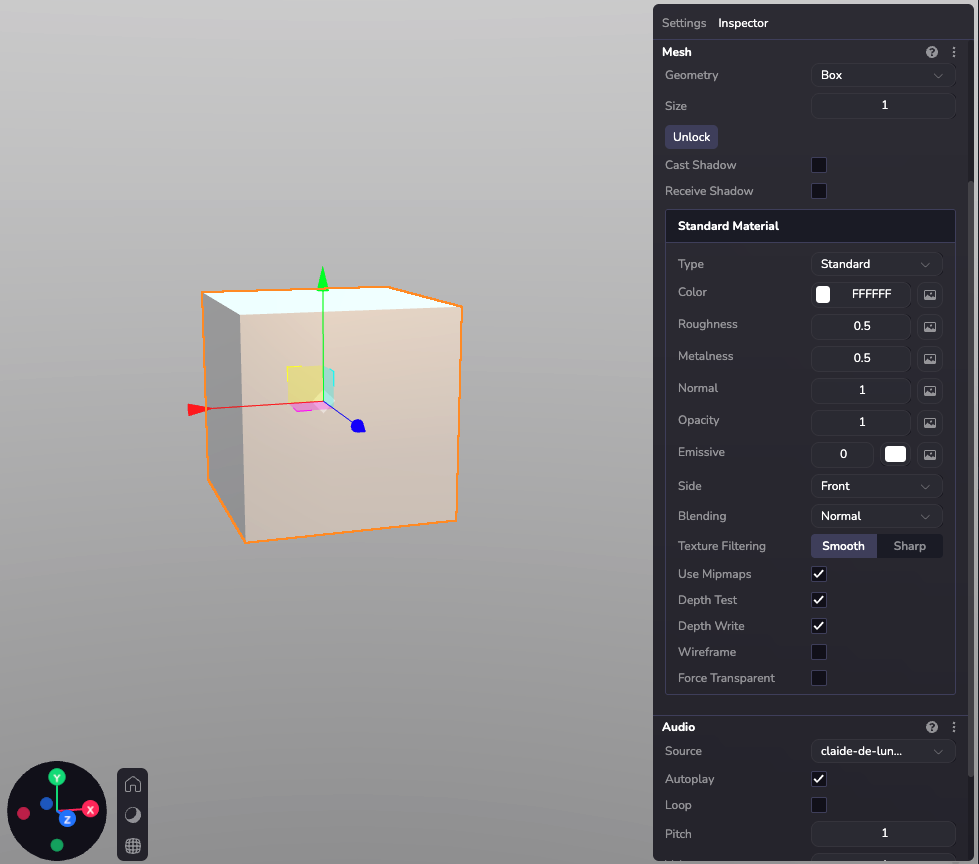
### Configuring materials through code[](https://www.8thwall.com/docs/studio/guides/materials/#configuring-materials-through-code "Direct link to Configuring materials through code")
ecs.Material.set(world, component.eid, { r: 255, g: 128, b: 64, roughness: 0.5, metalness: 0.8, opacity: 1.0, side: "front"})ecs.UnlitMaterial.set(world, component.eid, { r: 255, g: 0, b: 128, opacity: 1.0, side: "double"})
### Load a texture[](https://www.8thwall.com/docs/studio/guides/materials/#load-a-texture "Direct link to Load a texture")
Loading a texture requires an asset or an independent url that serves an image. You can visit the API section on Material and Unlit Material to find out more about the different types of texture maps supported.
import * as ecs from '@8thwall/ecs'ecs.registerComponent({ name: 'apply-texture-to-material', schema: { // @asset myTexture: ecs.string, }, add: (world, component) => { const { myTexture } = component.schemaAttribute.get(component.eid) ecs.assets.load({ url: myTexture }) .then((result) => { ecs.Material.set(world, component.eid, { r: 255, g: 128, b: 64, textureSrc: `${result.remoteUrl}`, roughness: 0.5, metalness: 0.8, opacity: 1.0, side: "back" }) }) .catch((error) => { console.error('Failed to load texture:', error) }) }})
Special Materials[](https://www.8thwall.com/docs/studio/guides/materials/#special-materials "Direct link to Special Materials")
---------------------------------------------------------------------------------------------------------------------------------
### Shadow Material[](https://www.8thwall.com/docs/studio/guides/materials/#shadow-material "Direct link to Shadow Material")
Material that only renders when a shadow is casted onto it.
Note: For this to work, you need three settings turned on:
1. Enable "cast shadows" on the lights
2. Enable "receive shadows" on the shadow material object
3. The object casting the shadow (red ball in the image below) needs to cast shadows as well.
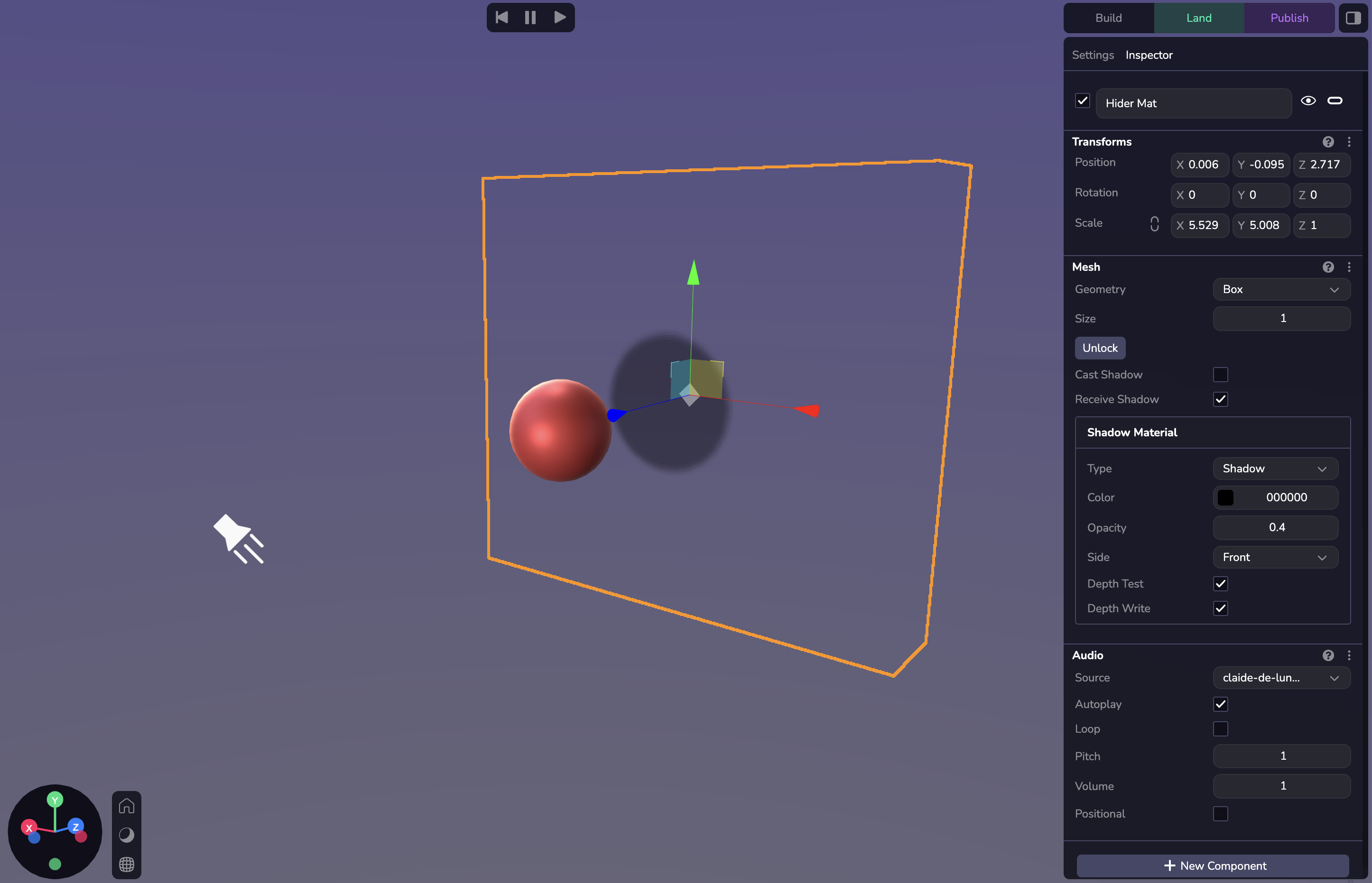
ecs.ShadowMaterial.set(world, component.eid, {r: 0, g: 250, b: 0, opacity: 1, side: 'front', depthTest: true, depthWrite: true})
### Hider Material[](https://www.8thwall.com/docs/studio/guides/materials/#hider-material "Direct link to Hider Material")
Material that hides any objects behind it.
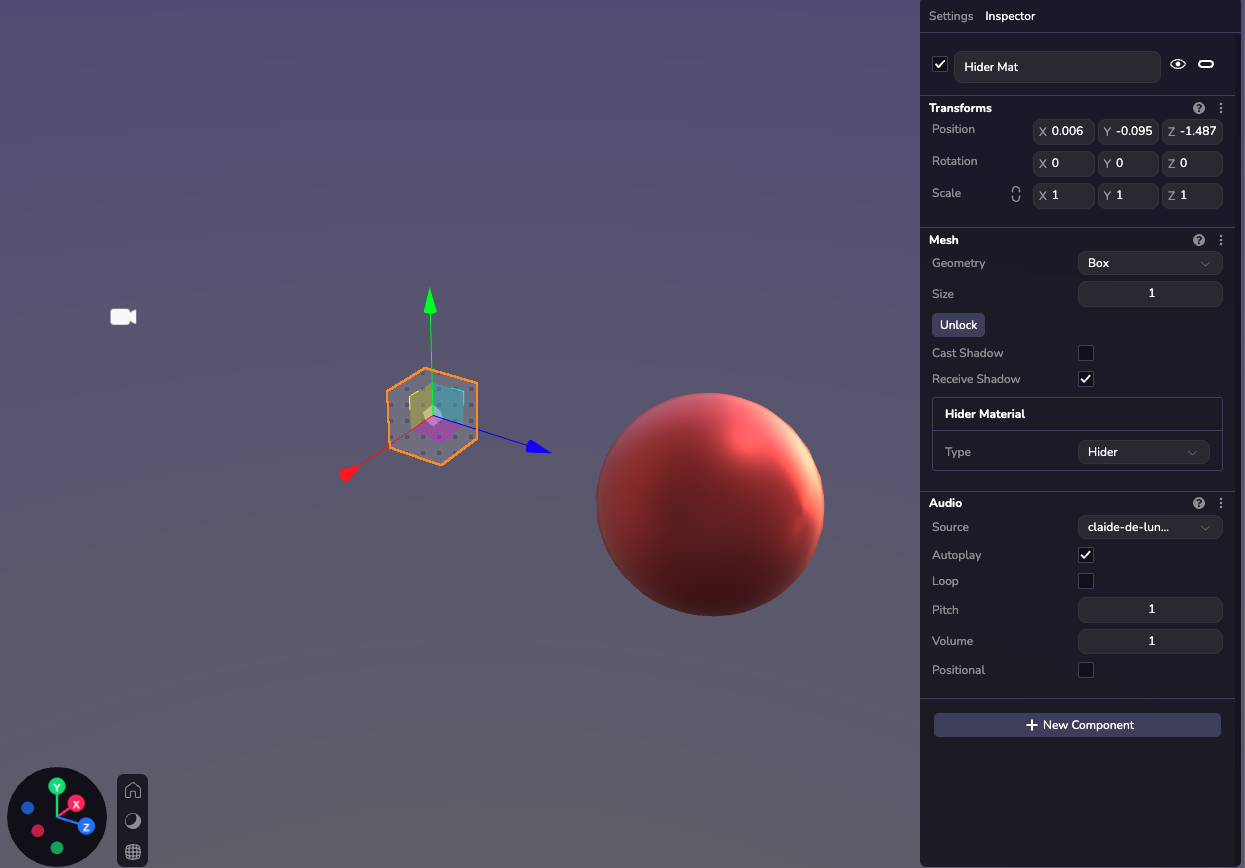
Camera perspective at runtime:
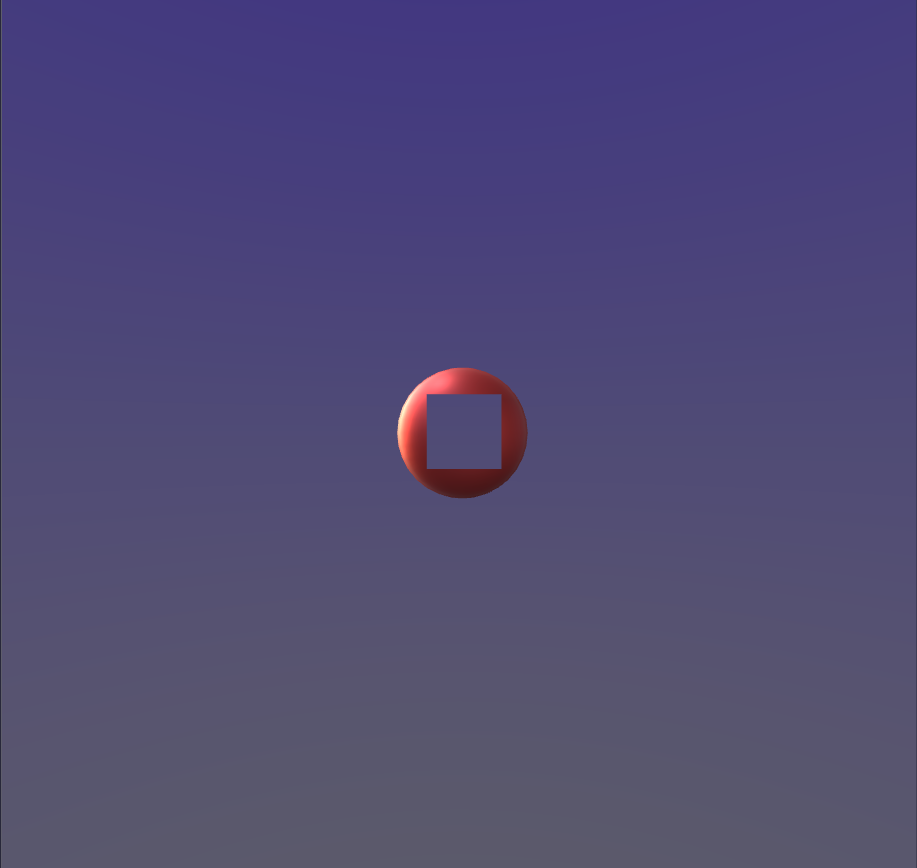
ecs.HiderMaterial.set(world, component.eid)
* [Introduction](https://www.8thwall.com/docs/studio/guides/materials/#introduction)
* [Material Types](https://www.8thwall.com/docs/studio/guides/materials/#material-types)
* [Material or Standard Material](https://www.8thwall.com/docs/studio/guides/materials/#material-or-standard-material)
* [Unlit Material](https://www.8thwall.com/docs/studio/guides/materials/#unlit-material)
* [Material Properties](https://www.8thwall.com/docs/studio/guides/materials/#material-properties)
* [Configuring materials through code](https://www.8thwall.com/docs/studio/guides/materials/#configuring-materials-through-code)
* [Load a texture](https://www.8thwall.com/docs/studio/guides/materials/#load-a-texture)
* [Special Materials](https://www.8thwall.com/docs/studio/guides/materials/#special-materials)
* [Shadow Material](https://www.8thwall.com/docs/studio/guides/materials/#shadow-material)
* [Hider Material](https://www.8thwall.com/docs/studio/guides/materials/#hider-material)
---
# Audio | 8th Wall
[Skip to main content](https://www.8thwall.com/docs/studio/guides/audio/#__docusaurus_skipToContent_fallback)
On this page
Introduction[](https://www.8thwall.com/docs/studio/guides/audio/#introduction "Direct link to Introduction")
--------------------------------------------------------------------------------------------------------------
Audio is essential for creating a fully immersive experience in any scene. It adds depth, emotion, and atmosphere, making interactions more engaging and memorable. Whether you’re aiming for realistic soundscapes or stylized audio effects, well-crafted audio design significantly enhances the impact and mood of your scene, drawing users deeper into the experience.
See the [World](https://www.8thwall.com/docs/api/studio/world/audio/)
and [Audio Component](https://www.8thwall.com/docs/api/studio/ecs/audio/)
APIs for properties and functions.
Adding Audio[](https://www.8thwall.com/docs/studio/guides/audio/#adding-audio "Direct link to Adding Audio")
--------------------------------------------------------------------------------------------------------------
Audio can be added to the entity via the Studio interface or in code. Adding them in Studio is done via the 'New Component' button. The Audio component features various play settings.
#### Supported Formats[](https://www.8thwall.com/docs/studio/guides/audio/#supported-formats "Direct link to Supported Formats")
Studio supports the following audio file types: .mp3, .m4a, .wav, .ogg, and .aac
#### Types of Audio[](https://www.8thwall.com/docs/studio/guides/audio/#types-of-audio "Direct link to Types of Audio")
**Global:** A sound that plays throughout the world with no changes in volume.
**Positional:** A sound that plays at a certain position in the world and changes volume based on distance.
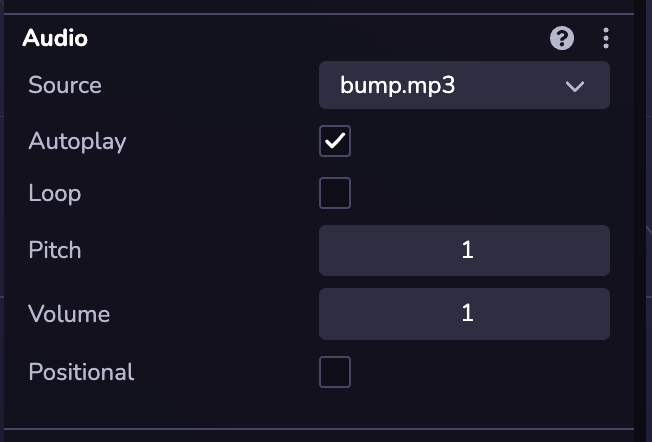
### Playing a Sound Effect[](https://www.8thwall.com/docs/studio/guides/audio/#playing-a-sound-effect "Direct link to Playing a Sound Effect")
It's likely you will want sound effects in your game. In order to play a sound an Audio component must be attached to an entity. Following this you can create an entity for the purpose of playing the sound effect, and clean it up once it's done.
/sound-effect.ts
import * as ecs from '@8thwall/ecs'const SoundEffectComponent = ecs.registerComponent({ name: 'Sound Effect', stateMachine: ({world, eid, schemaAttribute, dataAttribute}) => { ecs.defineState('default') .initial() .onEnter(() => { ecs.Audio.set(world, eid, { url: 'assets/blaster.mp3', volume: 1, loop: false, paused: false, positional: true, refDistance: 1, distanceModel: 'Inverse', rolloffFactor: 1, }) }) .listen(eid, ecs.events.AUDIO_END, () => { world.deleteEntity(eid) }) },})export {SoundEffectComponent}
/sound-effect-on-click.ts
import * as ecs from '@8thwall/ecs'import {SoundEffectComponent} from './sound-effect'ecs.registerComponent({ name: 'Play Sound Effect on Click', stateMachine: ({world, eid, schemaAttribute, dataAttribute}) => { ecs.defineState('default') .initial() .listen(eid, ecs.input.SCREEN_TOUCH_START, () => { const ent = world.createEntity() SoundEffectComponent.set(world, ent) }) },})
* [Introduction](https://www.8thwall.com/docs/studio/guides/audio/#introduction)
* [Adding Audio](https://www.8thwall.com/docs/studio/guides/audio/#adding-audio)
* [Playing a Sound Effect](https://www.8thwall.com/docs/studio/guides/audio/#playing-a-sound-effect)
---
# Maps | 8th Wall
[Skip to main content](https://www.8thwall.com/docs/studio/guides/maps/#__docusaurus_skipToContent_fallback)
On this page
Introduction[](https://www.8thwall.com/docs/studio/guides/maps/#introduction "Direct link to Introduction")
-------------------------------------------------------------------------------------------------------------
Map objects provide interactive, real-world 3D maps for integrating geospatial data into AR and 3D experiences. They allow you to anchor content to specific real-world locations.
The feature includes built-in terrain, cityscapes, and real-world structures, enabling accurate placement of virtual objects within a mapped environment. This functionality supports location-based applications, including Visual Positioning System (VPS) experiences and real-world AR interactions.
Adding a Map[](https://www.8thwall.com/docs/studio/guides/maps/#adding-a-map "Direct link to Adding a Map")
-------------------------------------------------------------------------------------------------------------
You can add a map to your scene by creating a Map entity. To do this, click ( + ) in the Scene Hierarchy and select Map.
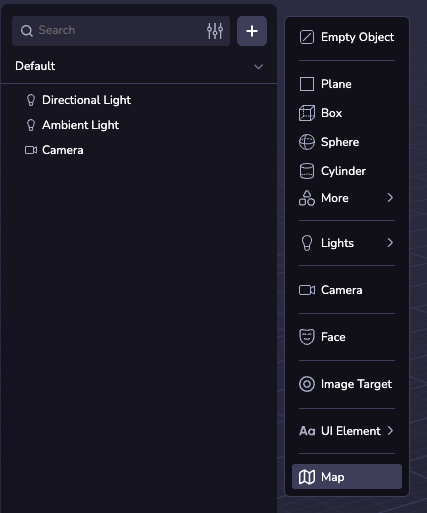
Map Configurations[](https://www.8thwall.com/docs/studio/guides/maps/#map-configurations "Direct link to Map Configurations")
-------------------------------------------------------------------------------------------------------------------------------
### Center and Radius[](https://www.8thwall.com/docs/studio/guides/maps/#center-and-radius "Direct link to Center and Radius")
By default, the map center is set to the device’s GPS location. If needed, you can manually configure the latitude, longitude, and radius to specify a custom location.
You can select the “Use GPS” checkbox to use the device GPS at runtime.
### Map Themes[](https://www.8thwall.com/docs/studio/guides/maps/#map-themes "Direct link to Map Themes")
You can customize the map’s appearance by selecting from 20 preset themes. Alternatively, you can adjust individual properties to create a custom theme.
### Features[](https://www.8thwall.com/docs/studio/guides/maps/#features "Direct link to Features")
The map is made up of the following layers:
* Land: The base of the map, areas where there are no other features.
* Building: Buildings on the map. These can rise above the map.
* Park: Green spaces (natural and man-made).
* Parking: Parking lots.
* Transit: Railroad lines and other transit platforms (e.g. train or ferry).
* Road: Roads of various sizes.
* Sand: Beaches and deserts.
* Water: Bodies of water and waterways.
These can each be toggled and customized using the Map inspector. For the full list of configurable properties, see the [`MapTheme` API reference](https://www.8thwall.com/docs/api/studio/ecs/map-theme/)
.
Map Points[](https://www.8thwall.com/docs/studio/guides/maps/#map-points "Direct link to Map Points")
-------------------------------------------------------------------------------------------------------
Map points are objects anchored to a specified latitude and longitude. By adding an asset as a child of a map point, you can lock it to the latitude and longitude of the map point, where it will move and scale as the Map's coordinates and radius change.
You can create a single map point by clicking "New Map Point" in the Inspector Panel and specifying the latitude and longitude. You can also select a VPS Location as the coordinate source.
If you check the "Spawn Locations" checkbox, Studio will procedurally generate a map point at every VPS location in the world. See the [Map Explorer sample project](https://www.8thwall.com/8thwall/map-explorer)
for an example of how to spawn custom entities on each visible POI.
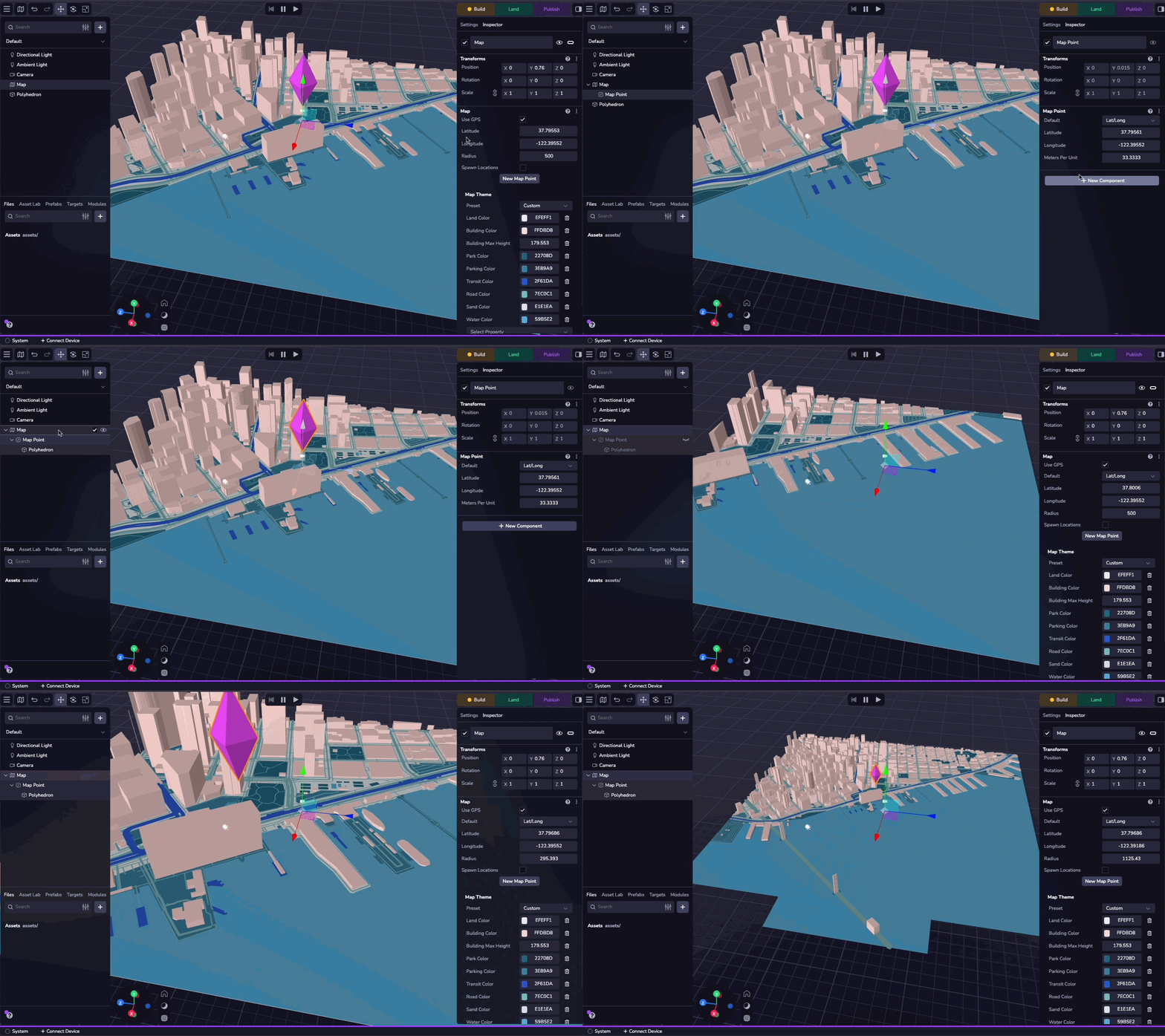
Simulator[](https://www.8thwall.com/docs/studio/guides/maps/#simulator "Direct link to Simulator")
----------------------------------------------------------------------------------------------------
You can test your map experience using the Simulator. The second dropdown at the top of the window allows you to change the simulated latitude and longitude, enabling you to test your experience in different locations. You can also navigate to any location or map point in your project.
Selecting "None" in the dropdown simulates the absence of location data.
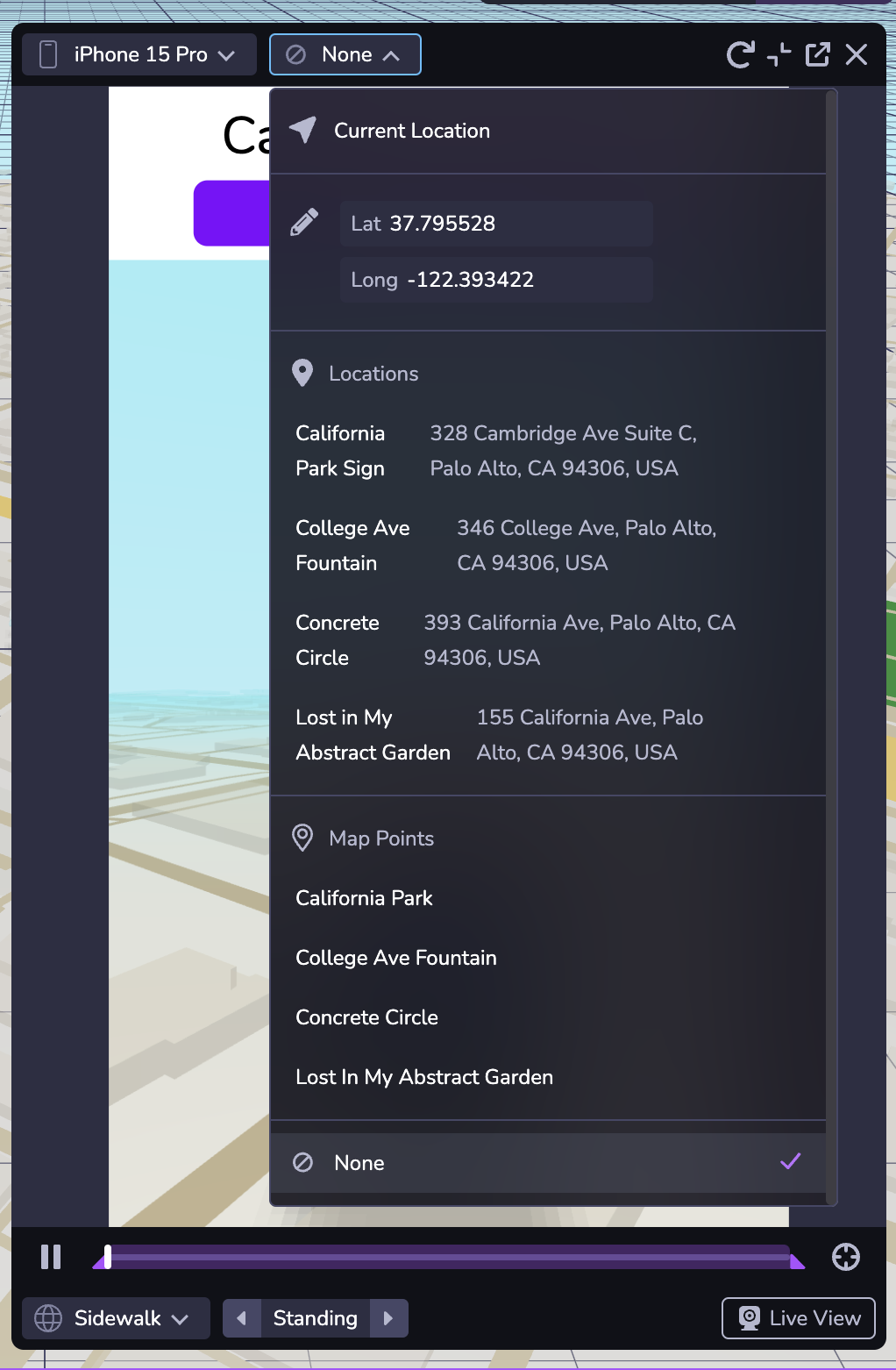
* [Introduction](https://www.8thwall.com/docs/studio/guides/maps/#introduction)
* [Adding a Map](https://www.8thwall.com/docs/studio/guides/maps/#adding-a-map)
* [Map Configurations](https://www.8thwall.com/docs/studio/guides/maps/#map-configurations)
* [Center and Radius](https://www.8thwall.com/docs/studio/guides/maps/#center-and-radius)
* [Map Themes](https://www.8thwall.com/docs/studio/guides/maps/#map-themes)
* [Features](https://www.8thwall.com/docs/studio/guides/maps/#features)
* [Map Points](https://www.8thwall.com/docs/studio/guides/maps/#map-points)
* [Simulator](https://www.8thwall.com/docs/studio/guides/maps/#simulator)
---
# Spaces | 8th Wall
[Skip to main content](https://www.8thwall.com/docs/studio/guides/spaces/#__docusaurus_skipToContent_fallback)
On this page
Introduction[](https://www.8thwall.com/docs/studio/guides/spaces/#introduction "Direct link to Introduction")
---------------------------------------------------------------------------------------------------------------
A Space is a way to organize Entities and make global configuration. Creating immersive WebXR games and experiences often requires multiple environments, transitions, and structured Spaces for different parts of the user journey. Spaces now gives you the ability to build and manage multiple distinct areas within a single project. You can think of Spaces like scenes or environments in other gaming engines or design tools. Simply put, Spaces are 3D frames where you can place assets, lighting, cameras, and game interactions.
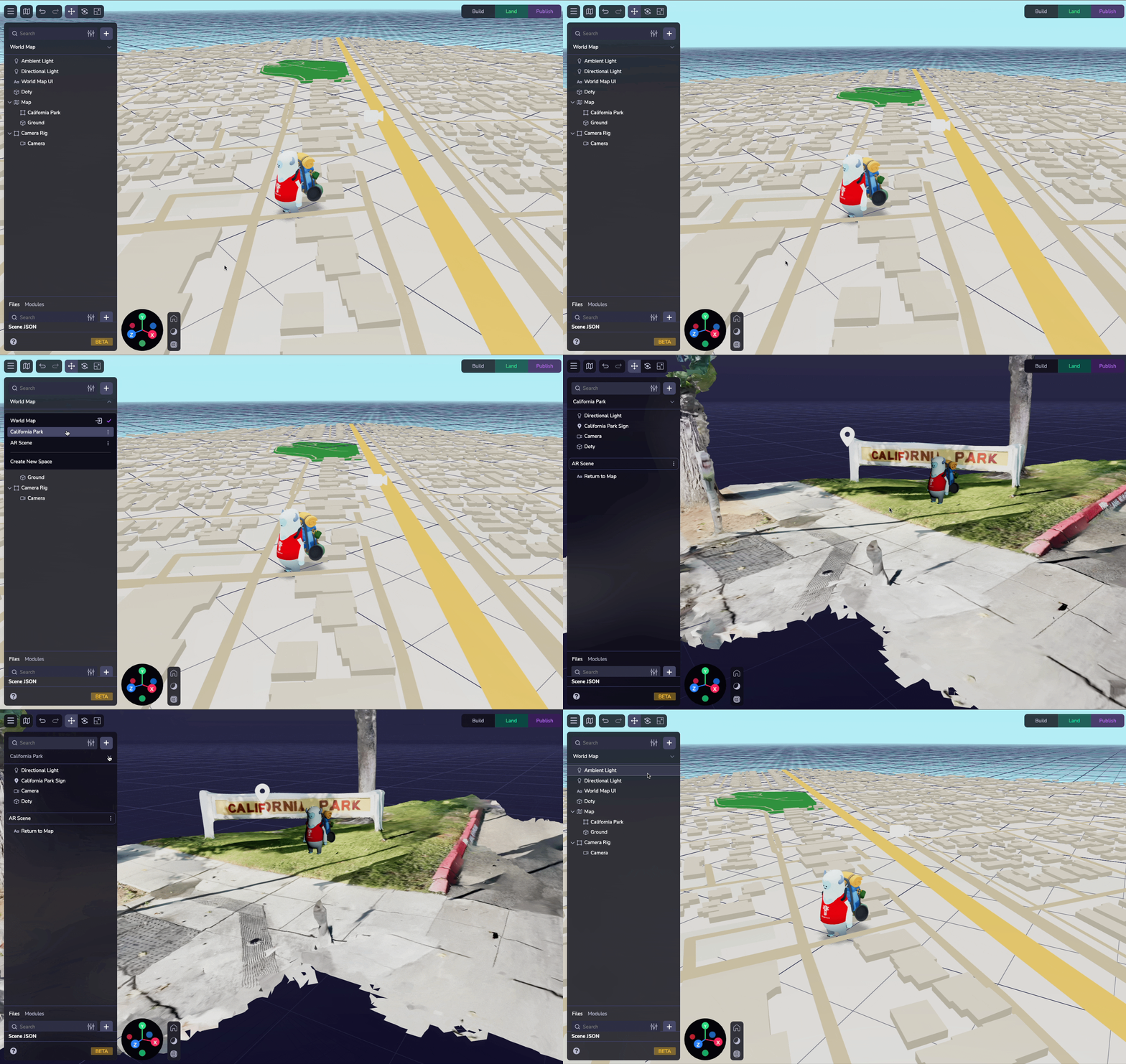
Adding a Space[](https://www.8thwall.com/docs/studio/guides/spaces/#adding-a-space "Direct link to Adding a Space")
---------------------------------------------------------------------------------------------------------------------
When you start a new project in 8th Wall Studio, you’ll see a default Space with a Camera and a Light. Adding a new Space is simple—just select the dropdown at the top of the Hierarchy Panel, name your Space, and start designing.
Note: Spaces were introduced in our 2025-February-13 release. Projects created before this release will be spaceless, but you can set up Spaces using the Space dropdown at the top of the Hierarchy. All entities in the project will now be designated to the created Space.
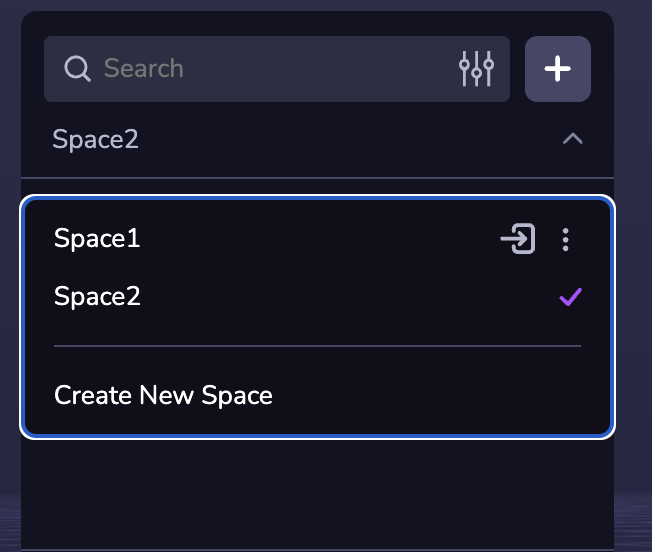
Included Spaces[](https://www.8thwall.com/docs/studio/guides/spaces/#included-spaces "Direct link to Included Spaces")
------------------------------------------------------------------------------------------------------------------------
You can specify a Space to include other Spaces. Including a Space means all of its objects will be loaded when the Space that includes it is loaded. You can add additional Spaces to your active Space using the Space configurator in the Settings tab of the Inspector.
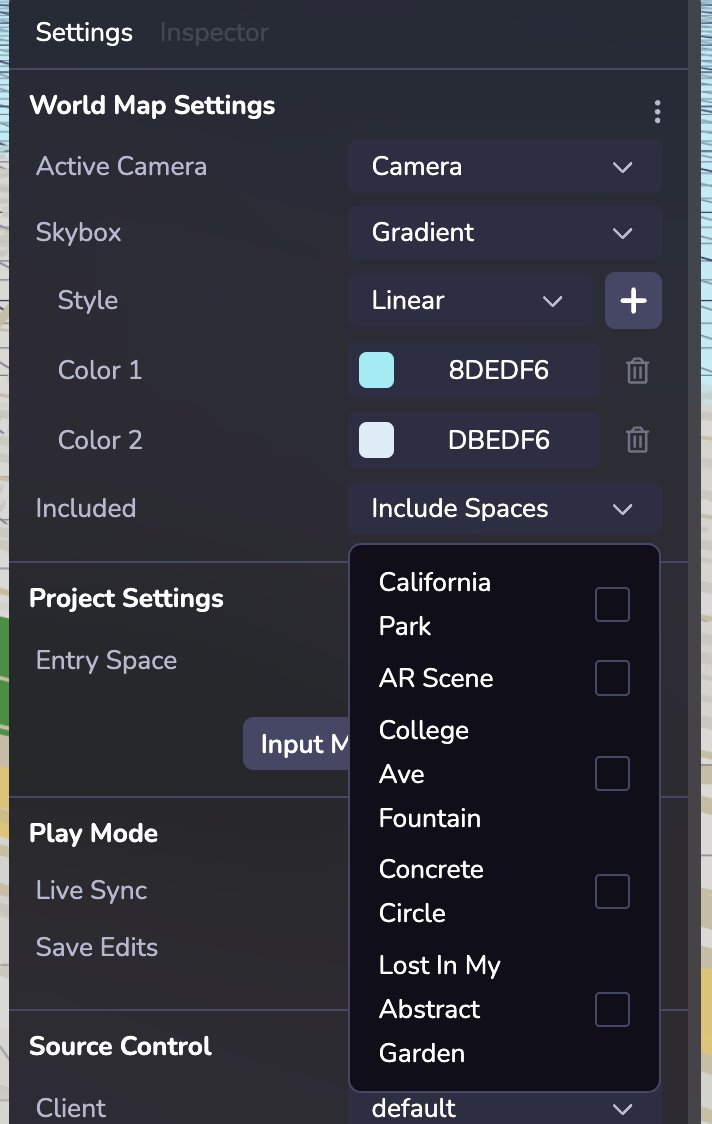
Notes:
* Including an additional Space means that all objects from that Space and any Space it includes (and so on).
* When switching between two Spaces, included Space(s) that are shared between the two will not have their objects despawned and respawned.
Loading a Space[](https://www.8thwall.com/docs/studio/guides/spaces/#loading-a-space "Direct link to Loading a Space")
------------------------------------------------------------------------------------------------------------------------
A newly loaded Space will replace the old Space as the active Space. world.spaces.loadSpace loads a Space specified by an ID or a name. The old Space’s (and any included Spaces) objects will be despawned, and the new Spaces (and any included Spaces) will be spawned.
Loading a Space will set the object to its initial state. If you reload a previously loaded Space, all previous runtime updates will be cleared.
Ephemeral objects will also remain loaded when switching between Spaces. To unload ephemeral objects on Space changes, parent the ephemeral objects to a graph object.
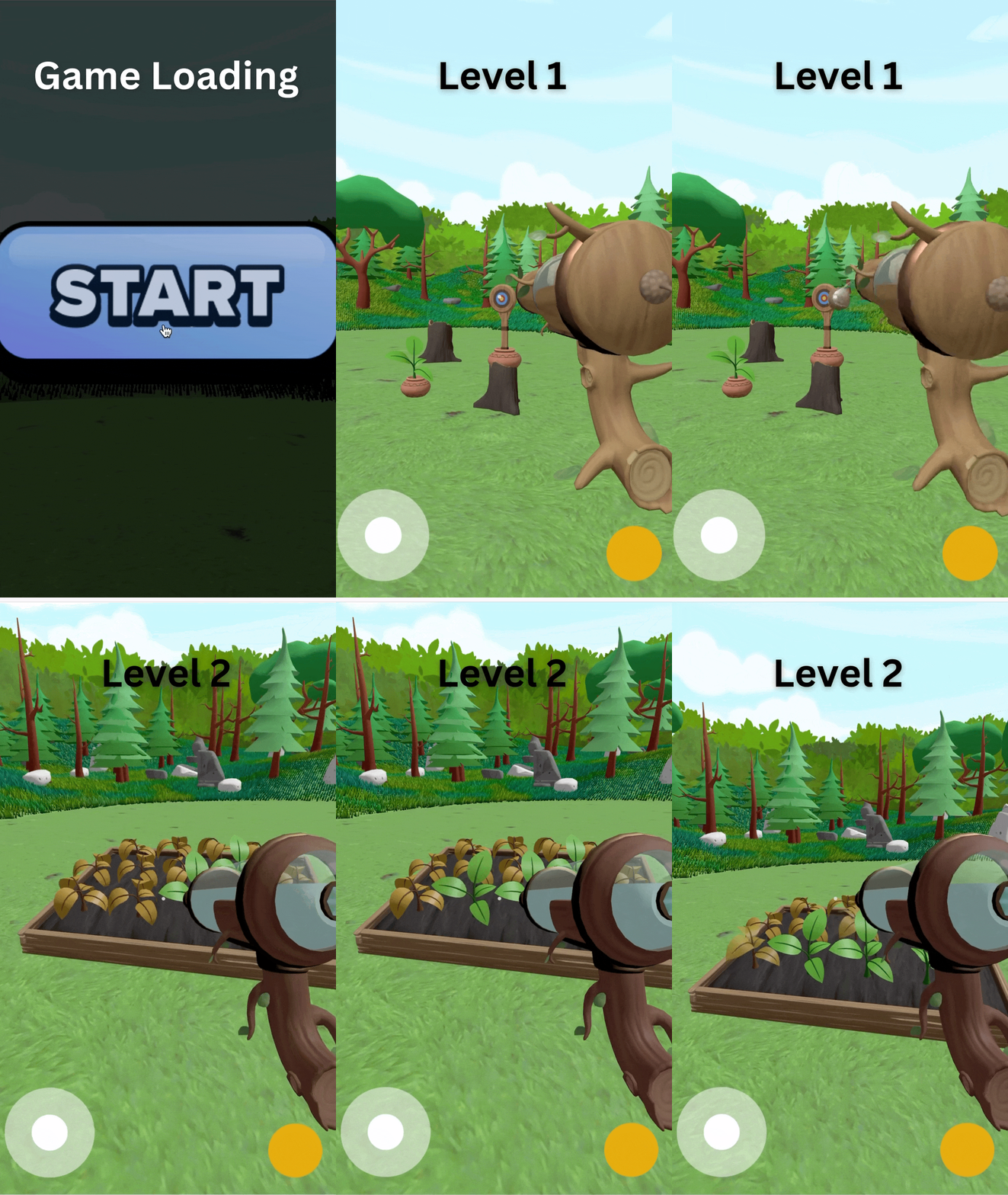
Persistent Objects[](https://www.8thwall.com/docs/studio/guides/spaces/#persistent-objects "Direct link to Persistent Objects")
---------------------------------------------------------------------------------------------------------------------------------
You can easily set up objects to be preserved between Spaces. For example, you may have a main character object that should move between levels. Using the Persistence toggle in the object's Inspector or the Persistent component or use ecs.Persistent to designate that object to remain loaded as a new Space is loaded.
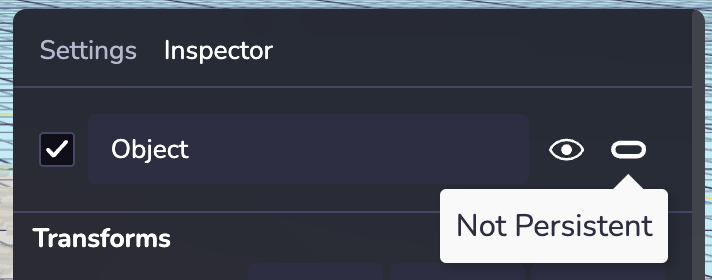
Note: Persistence should only be set on root level objects. Reparenting persistent objects to other objects in runtime might lead to unexpected behaviors in Live Sync.
Space Settings[](https://www.8thwall.com/docs/studio/guides/spaces/#space-settings "Direct link to Space Settings")
---------------------------------------------------------------------------------------------------------------------
In the Settings tab of the Inspector, you can configure a particular Space’s Active Camera and Skybox, and you can configure the Entry Space (or default starting Space) in the Project Settings section.
Active Camera: The active camera of a Space can be any camera object in that Space or in any Space that it includes.
Skybox: Style your Space’s Skybox. Skyboxes are a wrapper around your entire Space that shows what the world looks like beyond your geometry. If your project is configured to use AR on an AR-compatible device, the Skybox will not be rendered.
Entry Space: You can quickly set up an Entry Space (or default starting Space) in the Project Settings section (right panel).
Simulating the Active Space in Live Sync Mode[](https://www.8thwall.com/docs/studio/guides/spaces/#simulating-the-active-space-in-live-sync-mode "Direct link to Simulating the Active Space in Live Sync Mode")
------------------------------------------------------------------------------------------------------------------------------------------------------------------------------------------------------------------
Live Sync Mode (in the Settings right panel) allows for easily modular testing of the active Space. When Live Sync is enabled, the inline Simulator will load whatever Space is currently active in the Hierarchy.
Notes:
* Opening a simulator instance in a new window (using the New Tab link) or using the pop-out mode of the Simulator will load the Entry Space regardless of Live Sync being enabled.
* Switching Spaces in the Hierarchy dropdown will change what Space is loaded in the Simulator in Live Sync mode.
* If Save Edits is on, any edits in the Viewport will be preserved between Space changes. If Save Edits is off, switching Spaces will reset the edits.
* [Introduction](https://www.8thwall.com/docs/studio/guides/spaces/#introduction)
* [Adding a Space](https://www.8thwall.com/docs/studio/guides/spaces/#adding-a-space)
* [Included Spaces](https://www.8thwall.com/docs/studio/guides/spaces/#included-spaces)
* [Loading a Space](https://www.8thwall.com/docs/studio/guides/spaces/#loading-a-space)
* [Persistent Objects](https://www.8thwall.com/docs/studio/guides/spaces/#persistent-objects)
* [Space Settings](https://www.8thwall.com/docs/studio/guides/spaces/#space-settings)
* [Simulating the Active Space in Live Sync Mode](https://www.8thwall.com/docs/studio/guides/spaces/#simulating-the-active-space-in-live-sync-mode)
---
# Physics | 8th Wall
[Skip to main content](https://www.8thwall.com/docs/studio/guides/physics/#__docusaurus_skipToContent_fallback)
On this page
Introduction[](https://www.8thwall.com/docs/studio/guides/physics/#introduction "Direct link to Introduction")
----------------------------------------------------------------------------------------------------------------
Studio has a built-in physics system intended for handling robust and dynamic interactions in your scene.
Adding Colliders[](https://www.8thwall.com/docs/studio/guides/physics/#adding-colliders "Direct link to Adding Colliders")
----------------------------------------------------------------------------------------------------------------------------
note
* Colliders can be nested in some configurations, but not others. For example, a static collider inside a dynamic collider, or two nested dynamic colliders, could misbehave.
* Unless you have a Geometry component that is also a valid Collider Shape, you’ll need to specify a shape manually. For example there isn’t a supported matching collider for the tetrahedron primitive.
* GLTF model collider generation for complex models might affect performance.
### Example[](https://www.8thwall.com/docs/studio/guides/physics/#example "Direct link to Example")
The following example shows how to add a collider to an entity at runtime.
ecs.Collider.set(world, component.eid, { shape: ecs.ColliderShape.Sphere, type: ecs.ColliderType.Dynamic, radius: 1, mass: 1, eventOnly: false, lockXAxis: false, lockYAxis: false, lockZAxis: false, friction: 0.5, restitution: 0.5, linearDamping: 0, angularDamping: 0,})
Static vs Dynamic vs Kinematic Collider Types[](https://www.8thwall.com/docs/studio/guides/physics/#static-vs-dynamic-vs-kinematic-collider-types "Direct link to Static vs Dynamic vs Kinematic Collider Types")
-------------------------------------------------------------------------------------------------------------------------------------------------------------------------------------------------------------------
In physics simulation, colliders define the physical shape of an object for collision detection. These can be Static, Dynamic, or Kinematic depending on how they interact with forces and the environment.
* **Static:** A collider that does not respond to external forces or physics simulations. It remains fixed in place, making it ideal for immovable objects like walls, floors, or terrain.
* **Dynamic:** A collider that does respond to external forces such as gravity, collisions, or impulses. It’s suitable for moving objects like players, enemies, or debris.
* **Kinematic:** A collider whose motion is not affected by forces but is entirely controlled programmatically by the user. Unlike static bodies, kinematic bodies can move and can affect other dynamic bodies through collisions.
### Event Only[](https://www.8thwall.com/docs/studio/guides/physics/#event-only "Direct link to Event Only")
The `eventOnly` setting converts a collider into a trigger area—it no longer blocks or reacts to physical objects but instead emits enter and exit events when other physics bodies interact with it.
Functions[](https://www.8thwall.com/docs/studio/guides/physics/#functions "Direct link to Functions")
-------------------------------------------------------------------------------------------------------
You can directly apply forces (linear and angular) to any entity with a physics collider. These forces are applied in the next physics simulation update, which takes place at regular intervals. The function accepts a 3D vector to define the force direction and magnitude.
### Velocity[](https://www.8thwall.com/docs/studio/guides/physics/#velocity "Direct link to Velocity")
#### Linear[](https://www.8thwall.com/docs/studio/guides/physics/#linear "Direct link to Linear")
ecs.physics.setLinearVelocity(world, component.eid, forceX, forceY, forceZ)
#### Angular[](https://www.8thwall.com/docs/studio/guides/physics/#angular "Direct link to Angular")
ecs.physics.setAngularVelocity(world, component.eid, forceX, forceY, forceZ)
### Force & Torque[](https://www.8thwall.com/docs/studio/guides/physics/#force--torque "Direct link to Force & Torque")
#### Force[](https://www.8thwall.com/docs/studio/guides/physics/#force "Direct link to Force")
ecs.physics.applyForce(world, component.eid, forceX, forceY, forceZ)
#### Torque[](https://www.8thwall.com/docs/studio/guides/physics/#torque "Direct link to Torque")
ecs.physics.applyTorque(world, component.eid, torqueX, torqueY, torqueZ)
### Impulse[](https://www.8thwall.com/docs/studio/guides/physics/#impulse "Direct link to Impulse")
tip
This function is used to apply a one-time impulse force to a physics collider, altering its velocity based on the given impulse vector. This method is useful for events that require a quick, single action response, such as jumping, punching, or a sudden push.
ecs.physics.applyImpulse(world, component.eid, impulseX, impulseY, impulseZ)
### Gravity[](https://www.8thwall.com/docs/studio/guides/physics/#gravity "Direct link to Gravity")
#### Gravity Factor[](https://www.8thwall.com/docs/studio/guides/physics/#gravity-factor "Direct link to Gravity Factor")
In each scene, gravity acts as a constant force known as “World Gravity.” This force affects every collider in the scene that is set to dynamic. To customize how World Gravity impacts an individual collider, we provide an attribute called “Gravity Factor.”
#### Set World Gravity[](https://www.8thwall.com/docs/studio/guides/physics/#set-world-gravity "Direct link to Set World Gravity")
ecs.physics.setWorldGravity(world, gravity)
* [Introduction](https://www.8thwall.com/docs/studio/guides/physics/#introduction)
* [Adding Colliders](https://www.8thwall.com/docs/studio/guides/physics/#adding-colliders)
* [Example](https://www.8thwall.com/docs/studio/guides/physics/#example)
* [Static vs Dynamic vs Kinematic Collider Types](https://www.8thwall.com/docs/studio/guides/physics/#static-vs-dynamic-vs-kinematic-collider-types)
* [Event Only](https://www.8thwall.com/docs/studio/guides/physics/#event-only)
* [Functions](https://www.8thwall.com/docs/studio/guides/physics/#functions)
* [Velocity](https://www.8thwall.com/docs/studio/guides/physics/#velocity)
* [Force & Torque](https://www.8thwall.com/docs/studio/guides/physics/#force--torque)
* [Impulse](https://www.8thwall.com/docs/studio/guides/physics/#impulse)
* [Gravity](https://www.8thwall.com/docs/studio/guides/physics/#gravity)
---
# Prefabs | 8th Wall
[Skip to main content](https://www.8thwall.com/docs/studio/guides/prefabs/#__docusaurus_skipToContent_fallback)
On this page
Introduction[](https://www.8thwall.com/docs/studio/guides/prefabs/#introduction "Direct link to Introduction")
----------------------------------------------------------------------------------------------------------------
Prefabs are reusable collections of entities from which you can create multiple copies. They are stored within the expanse file but can be surfaced however you wish. There’s also a convenient API for working with Prefabs in the ECS. Prefabs in Studio have the following features:
1. Prefab components can be shared across instances
2. Inherited components can be overridden on a per-instance basis
3. A prefab instance can contain instances of other prefabs
4. Prefabs are runtime accessible and modifiable
Using Prefabs[](https://www.8thwall.com/docs/studio/guides/prefabs/#using-prefabs "Direct link to Using Prefabs")
-------------------------------------------------------------------------------------------------------------------
In Studio, you can set up and customize Prefabs quickly using the “Make Prefab” right click option on an entity or by dragging it into the Prefab tab of the lower left file directory. Within the Prefabs tab, you can easily edit your Prefab and its components, update its hierarchy, create duplicates–the same way as you would work with objects in the space hierarchy.
Prefab hierarchies are created in the same way as entity hierarchies. If you want to visually inspect and edit your Prefab’s details in an isolated view, just double click it or right click to open the Prefab Editor which lets you make design edits directly to the source. Updates made to the source will automatically be previewable across all instances of the Prefab in the scene.
Ready to work with your new Prefab in your scene? Simply drag and drop the Prefab into your scene viewport or space hierarchy to create a Prefab instance. There are two key concepts to note when working with Prefab and their instances: **Inheritance** and **Overrides**.
### Inheritance[](https://www.8thwall.com/docs/studio/guides/prefabs/#inheritance "Direct link to Inheritance")
Entities can inherit components from prefabs. After adding a Prefab instance in your space, any configurations you make later to the Prefab source will be automatically "inherited" by the instance. Changes to the prefab at runtime will also apply to prefab instances. Inherited components are only stored in one place, and shared across instances. This can be useful for static data that's shared across instances, such as material data, textures or meshes.
info
The physics collider component is not inheritable at runtime.
### Overriding[](https://www.8thwall.com/docs/studio/guides/prefabs/#overriding "Direct link to Overriding")
When an instance inherits a component from a Prefab, it can be overridden with component values specific to the instance. To override a component (ex. material, animation, custom component script, etc) simply add or change it on the instance. By overriding a component on a Prefab instance it will remain overridden moving forward. Meaning that future changes you make to the same component in its Prefab source will not be inherited.
#### Resetting Overrides[](https://www.8thwall.com/docs/studio/guides/prefabs/#resetting-overrides "Direct link to Resetting Overrides")
If you want to reset an overridden component back to the Prefab’s inherited value, you can right click the component in the Inspector and select "Reset Prefab Overrides". This will remove the override and revert the component back to the Prefab's original value.
Runtime Instances[](https://www.8thwall.com/docs/studio/guides/prefabs/#runtime-instances "Direct link to Runtime Instances")
-------------------------------------------------------------------------------------------------------------------------------
Studio’s game engine lets you direct Prefabs at runtime with minimal code. You can programmatically generate new instances in real time based on existing Prefabs, and you can make Prefab instance changes and edits at runtime. You can also query for all the sub-entities of Prefab instances at runtime in case you need to make changes to different instances that were dynamically generated.
### Instantiate a Prefab[](https://www.8thwall.com/docs/studio/guides/prefabs/#instantiate-a-prefab "Direct link to Instantiate a Prefab")
Create a new instance of prefab using a prefab name or EID. Prefab Instances can be used like any other Entity. A Prefab Instance will have its position set to zero on Instatiation
#### Using Prefab Name[](https://www.8thwall.com/docs/studio/guides/prefabs/#using-prefab-name "Direct link to Using Prefab Name")
ecs.registerComponent({ name: 'Spawn Prefab by Name', stateMachine: ({world, eid, schemaAttribute, dataAttribute}) => { ecs.defineState('default') .initial() .listen(eid, ecs.input.SCREEN_TOUCH_START, (e) => { const newInstance = world.createEntity("Human") }) },})
#### Using Prefab EID[](https://www.8thwall.com/docs/studio/guides/prefabs/#using-prefab-eid "Direct link to Using Prefab EID")
ecs.registerComponent({ name: 'Spawn Prefab by EID', schema: { prefabToSpawn: ecs.eid, }, stateMachine: ({world, eid, schemaAttribute, dataAttribute}) => { ecs.defineState('default') .initial() .listen(eid, ecs.input.SCREEN_TOUCH_START, (e) => { const {prefabToSpawn} = schemaAttribute.get(eid) if (prefabToSpawn) { const newInstance = world.createEntity(prefabToSpawn) }) },})
* [Introduction](https://www.8thwall.com/docs/studio/guides/prefabs/#introduction)
* [Using Prefabs](https://www.8thwall.com/docs/studio/guides/prefabs/#using-prefabs)
* [Inheritance](https://www.8thwall.com/docs/studio/guides/prefabs/#inheritance)
* [Overriding](https://www.8thwall.com/docs/studio/guides/prefabs/#overriding)
* [Runtime Instances](https://www.8thwall.com/docs/studio/guides/prefabs/#runtime-instances)
* [Instantiate a Prefab](https://www.8thwall.com/docs/studio/guides/prefabs/#instantiate-a-prefab)
---
# Splats | 8th Wall
[Skip to main content](https://www.8thwall.com/docs/studio/guides/splats/#__docusaurus_skipToContent_fallback)
On this page
Introduction[](https://www.8thwall.com/docs/studio/guides/splats/#introduction "Direct link to Introduction")
---------------------------------------------------------------------------------------------------------------
Gaussian splatting allows you to capture the essence of a real-world scene using just your smartphone and render it as a fully immersive 3D model, viewable in WebAR. This technique revolutionizes how we bring real-world objects and places into digital experiences by using splats instead of traditional meshes.
How is it different from a mesh?
Unlike meshes that rely on connected polygons and textures, Gaussian splats are composed of millions of tiny, independent “splats” or blobs. These splats combine to create a vibrant, 360-degree immersive 3D model, capturing intricate real-world details and textures.
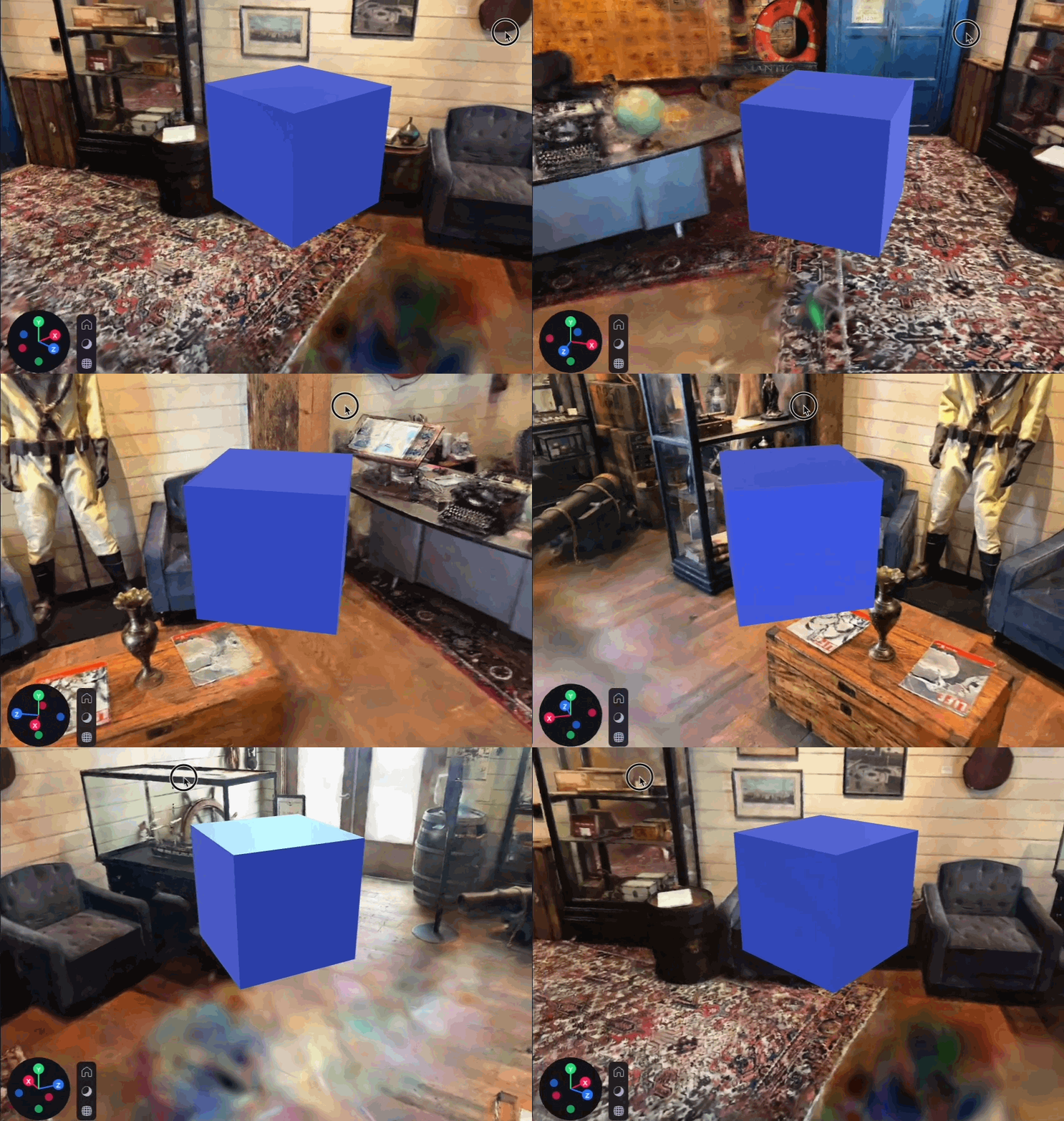
Creating Splats using Scaniverse[](https://www.8thwall.com/docs/studio/guides/splats/#creating-splats-using-scaniverse "Direct link to Creating Splats using Scaniverse")
---------------------------------------------------------------------------------------------------------------------------------------------------------------------------
Capturing Gaussian splats is effortless with the Niantic Scaniverse™ app. Simply use your phone to capture a scene, review the splat, and edit it on any of your devices. This accessibility allows anyone to create highly detailed 3D models without needing specialized equipment or powerful computers.
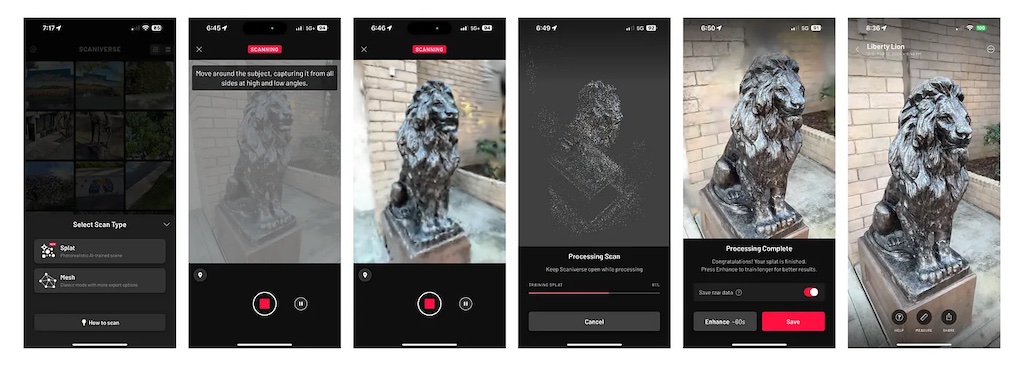
Exporting Splats from Scaniverse[](https://www.8thwall.com/docs/studio/guides/splats/#exporting-splats-from-scaniverse "Direct link to Exporting Splats from Scaniverse")
---------------------------------------------------------------------------------------------------------------------------------------------------------------------------
Once you’ve captured and edited your splat, exporting it as a .SPZ file is quick and easy through Niantic Scaniverse™. After capturing and editing:
1. Select Share.
2. Choose Export Model.
3. Select .SPZ format.
4. Save the file to your device.
note
Currently, only .SPZ splats are supported.

Importing Splats[](https://www.8thwall.com/docs/studio/guides/splats/#importing-splats "Direct link to Importing Splats")
---------------------------------------------------------------------------------------------------------------------------
8th Wall Studio makes it simple to import .SPZ splats.
* Drag the file into the Files/Assets section of left pane.
* Alternatively, use the (+) button to upload the file.
Once imported, your splats seamlessly integrate into your projects, allowing you to create hyper-realistic, immersive 3D experiences.
note
Importing a splat may take 1-2 minutes, and files are limited to 100 MB in size.
danger
Large splats are likely to heavily affect performance.
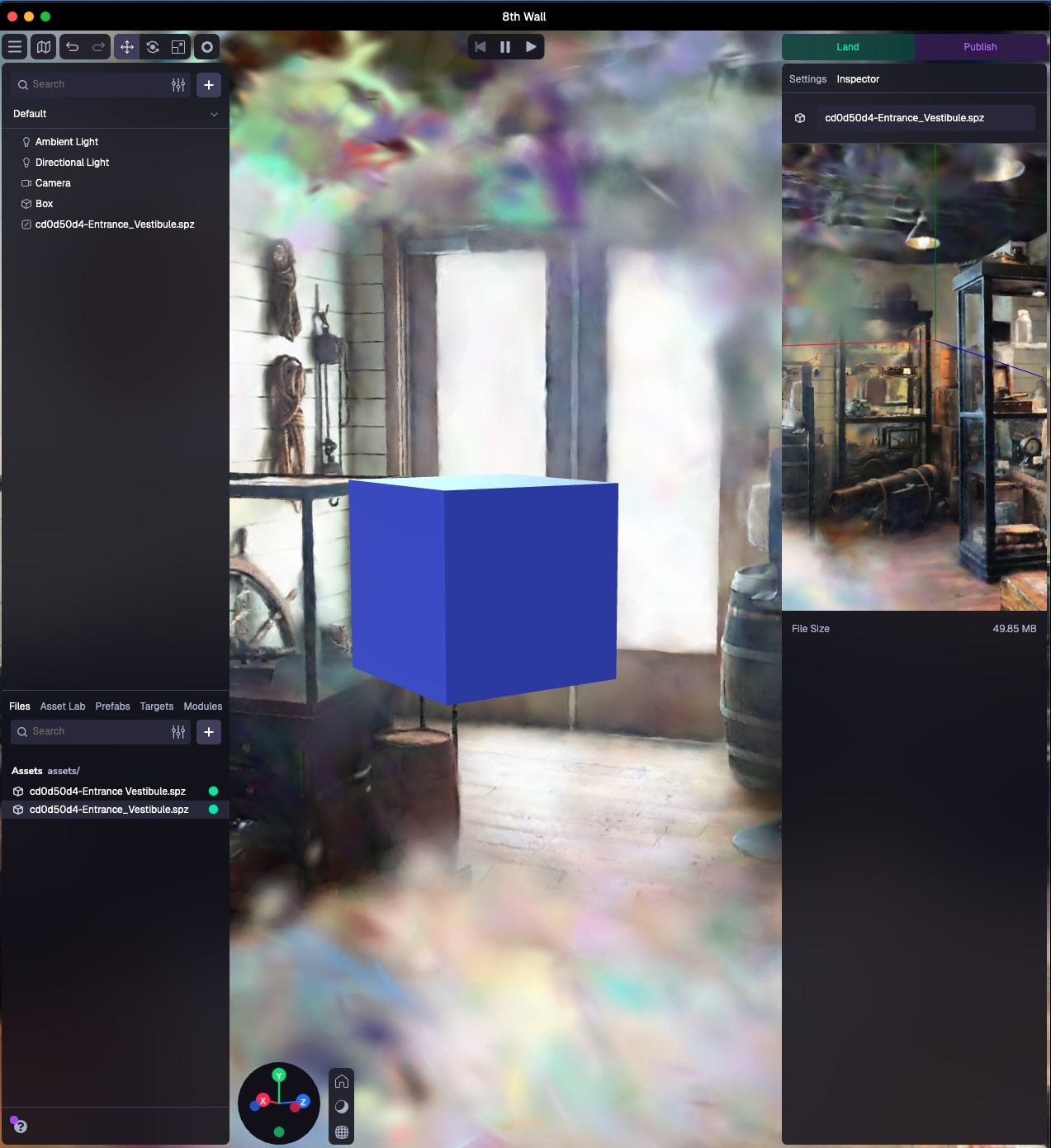
Using Splats[](https://www.8thwall.com/docs/studio/guides/splats/#using-splats "Direct link to Using Splats")
---------------------------------------------------------------------------------------------------------------
Splats are a powerful tool when combined with other 3D objects, ground planes, and physics colliders, creating dynamic XR experiences that connect deeply to the real world. Whether for virtual tours of popular locations or as backdrops for interactive games, splats help bring your creative visions to life with realism and immersion.
Limitations[](https://www.8thwall.com/docs/studio/guides/splats/#limitations "Direct link to Limitations")
------------------------------------------------------------------------------------------------------------
While Gaussian splats provide exceptional visual fidelity, they come with some limitations:
* Rendering splats can be demanding on the CPU and GPU. Large file sizes, multiple splats, and uncropped splats can negatively impact performance. Cropping and editing within the Scaniverse app is recommended to optimize splats before importing them into Studio.
* Editing or cropping splats in 8th Wall Studio is not yet supported. Always finalize edits in Scaniverse™ before importing the .SPZ file into Studio.
* Currently, splat assets do not interact with lights or cast shadows.
* Splats are not compatible with the orthographic camera at this time.
* [Introduction](https://www.8thwall.com/docs/studio/guides/splats/#introduction)
* [Creating Splats using Scaniverse](https://www.8thwall.com/docs/studio/guides/splats/#creating-splats-using-scaniverse)
* [Exporting Splats from Scaniverse](https://www.8thwall.com/docs/studio/guides/splats/#exporting-splats-from-scaniverse)
* [Importing Splats](https://www.8thwall.com/docs/studio/guides/splats/#importing-splats)
* [Using Splats](https://www.8thwall.com/docs/studio/guides/splats/#using-splats)
* [Limitations](https://www.8thwall.com/docs/studio/guides/splats/#limitations)
---
# Models | 8th Wall
[Skip to main content](https://www.8thwall.com/docs/studio/guides/models/#__docusaurus_skipToContent_fallback)
On this page
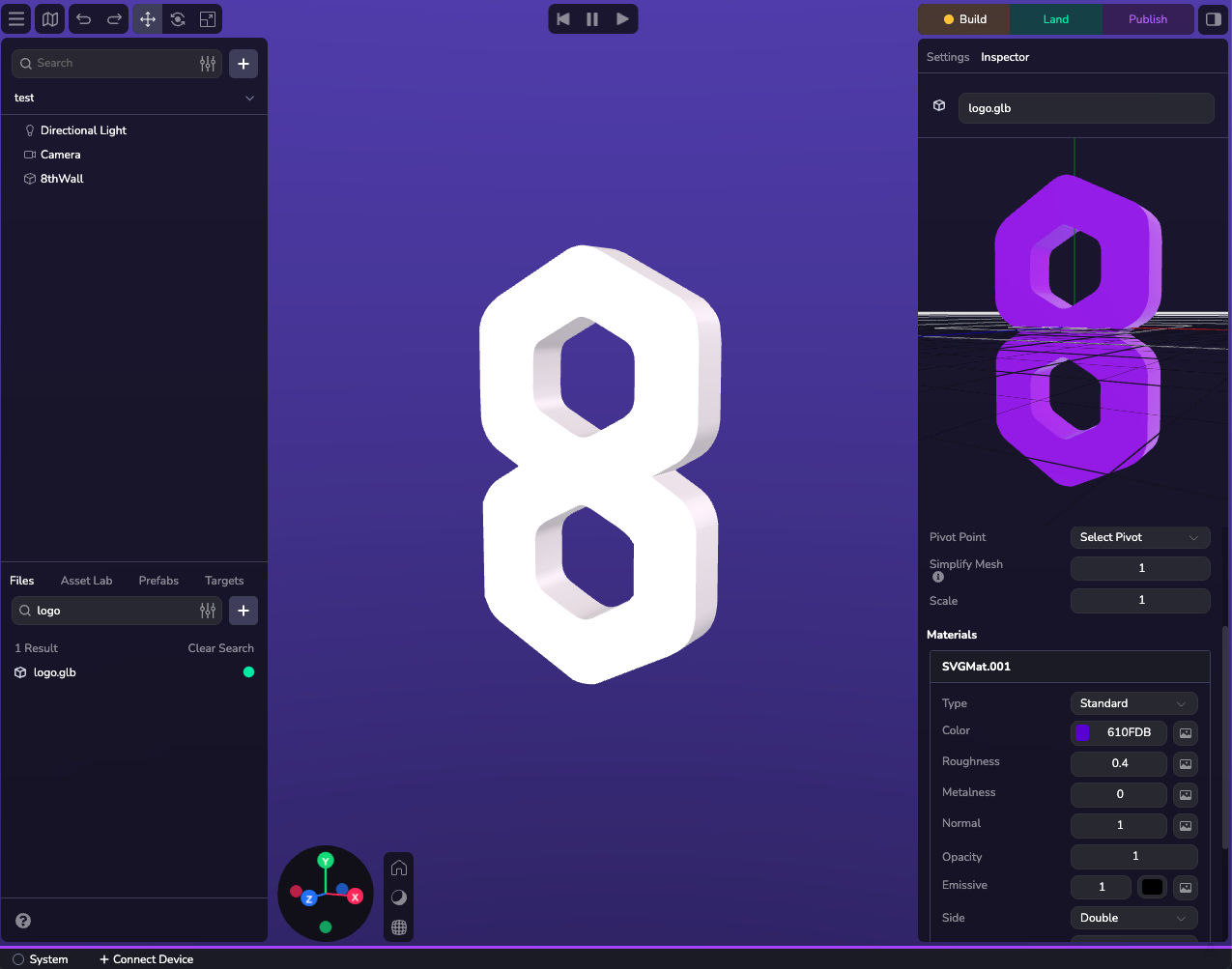
Introduction[](https://www.8thwall.com/docs/studio/guides/models/#introduction "Direct link to Introduction")
---------------------------------------------------------------------------------------------------------------
Studio supports multiple 3D model formats for your entities, with each entity using one model type at a time. You can work with simple primitives for basic shapes, or import GLB, FBX, and GLTF bundles when you need more detailed, high-end representations. The built-in asset editor lets you modify and fine-tune your models directly in the engine, so you can iterate quickly without switching tools.
note
While Studio UI's mesh component configures primitives, meshes, and Gaussian splats through a unified interface, each type uses a distinct component programmatically.
Primitives[](https://www.8thwall.com/docs/studio/guides/models/#primitives "Direct link to Primitives")
---------------------------------------------------------------------------------------------------------
Primitives are used to represent volumes, simple objects or used as placeholders for future game assets. Studio includes several built-in primitives such as spheres, boxes, and planes that can be quickly customized and positioned within the editor. Primitives have materials that can also be modified dynamically at runtime.
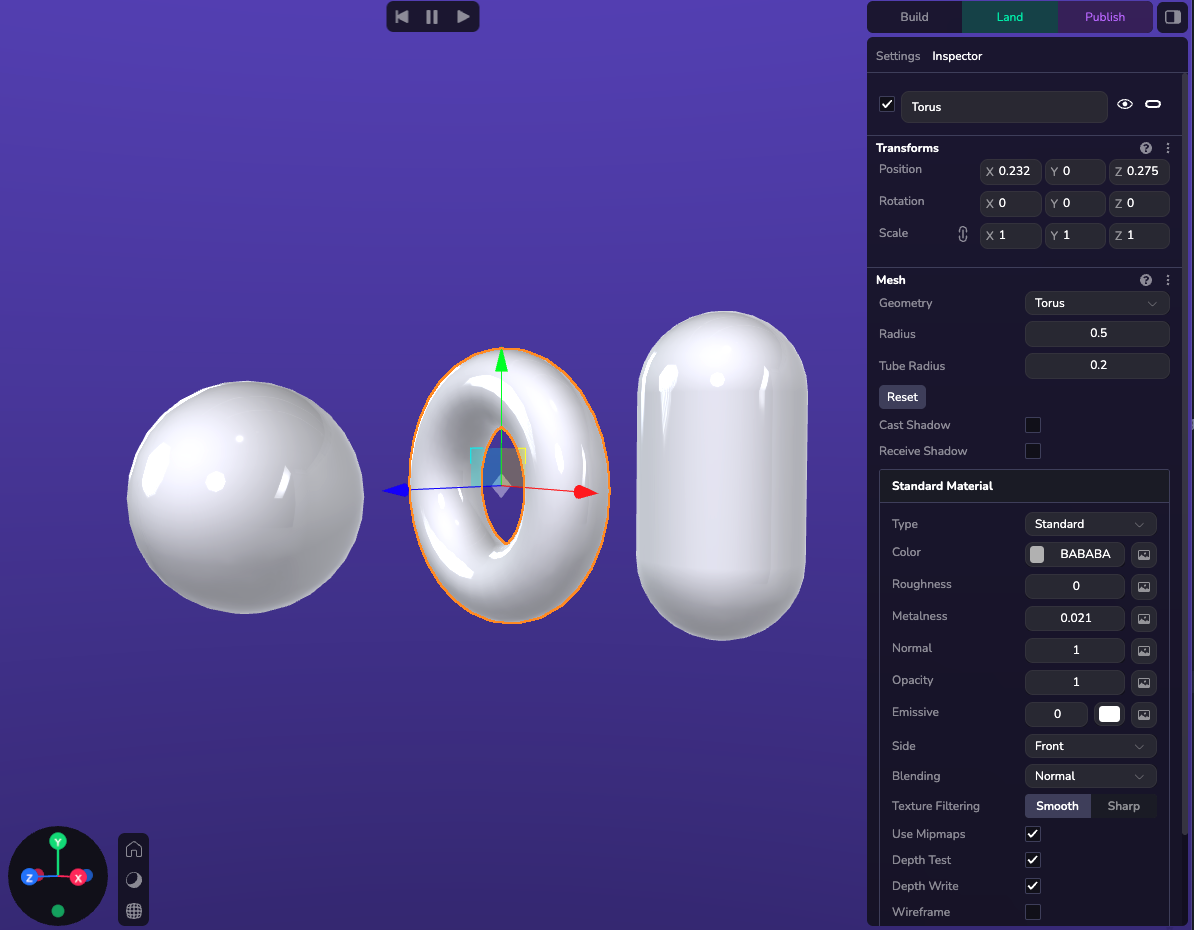
The following built-in Primitives are available:
| Type | Attributes |
| --- | --- |
| Sphere | `{radius}` |
| Box | `{width, height, depth}` |
| Plane | `{width, height}` |
| Capsule | `{radius, height}` |
| Cone | `{radius, height}` |
| Cylinder | `{radius, height}` |
| Polyhedron | `{radius}` |
| Circle | `{radius}` |
| Ring | `{innerRadius, outerRadius}` |
| Torus | `{radius, tubeRadius}` |
Adding a Primitive[](https://www.8thwall.com/docs/studio/guides/models/#adding-a-primitive "Direct link to Adding a Primitive")
---------------------------------------------------------------------------------------------------------------------------------
A 3D Model can be added to the entity via the Studio interface via the Mesh component, or in code. Adding them in Studio is done via the (+) button on the Hierarchy or by adding geometry to a Custom Component on the entity.
### Example[](https://www.8thwall.com/docs/studio/guides/models/#example "Direct link to Example")
ecs.SphereGeometry.set(world, eid, {radius: 5})
GLTF Component[](https://www.8thwall.com/docs/studio/guides/models/#gltf-component "Direct link to GLTF Component")
---------------------------------------------------------------------------------------------------------------------
### Supported Formats[](https://www.8thwall.com/docs/studio/guides/models/#supported-formats "Direct link to Supported Formats")
#### GLTF and GLB[](https://www.8thwall.com/docs/studio/guides/models/#gltf-and-glb "Direct link to GLTF and GLB")
GLTF and GLB models are supported and ideal when working with 3D on the web.
#### Asset Bundle[](https://www.8thwall.com/docs/studio/guides/models/#asset-bundle "Direct link to Asset Bundle")
While most GLBs can be dragged and dropped into studio, sometimes GLTF files require multiples file uploads. To handle this process we use an asset bundle. To upload a new asset into your project, on the lower part of the left panel select the file tab and click the plus icon. Choose the new asset option and then drag and drop all your files.
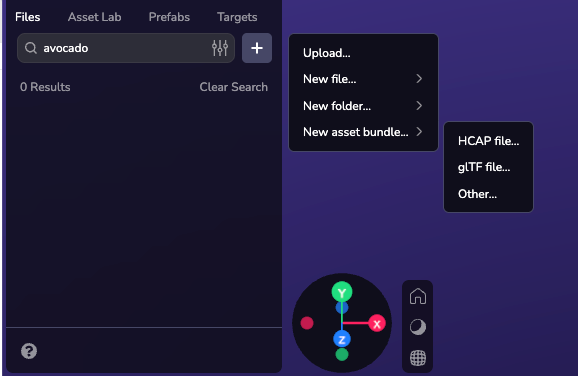
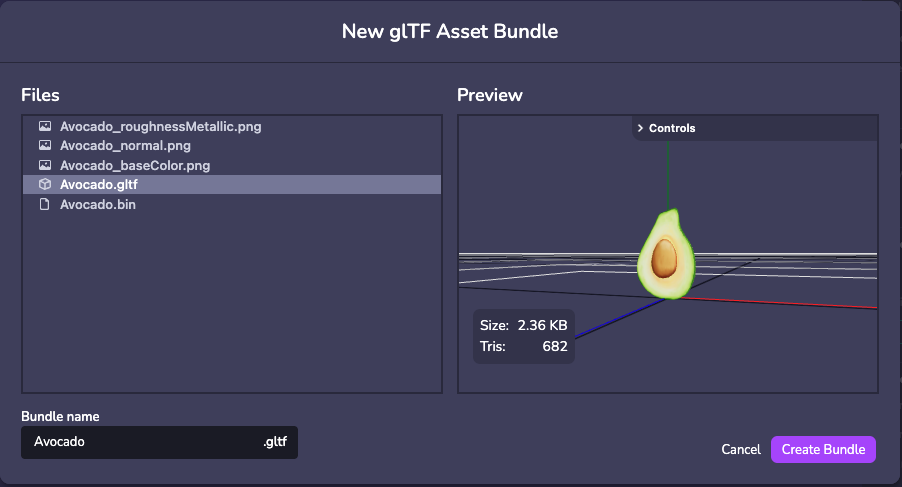
#### FBX[](https://www.8thwall.com/docs/studio/guides/models/#fbx "Direct link to FBX")
FBX upload is supported however, 8th Wall Studio requires models to be converted to GLB after upload. **Ensure that textures are embedded in the FBX file before converting to GLB.**
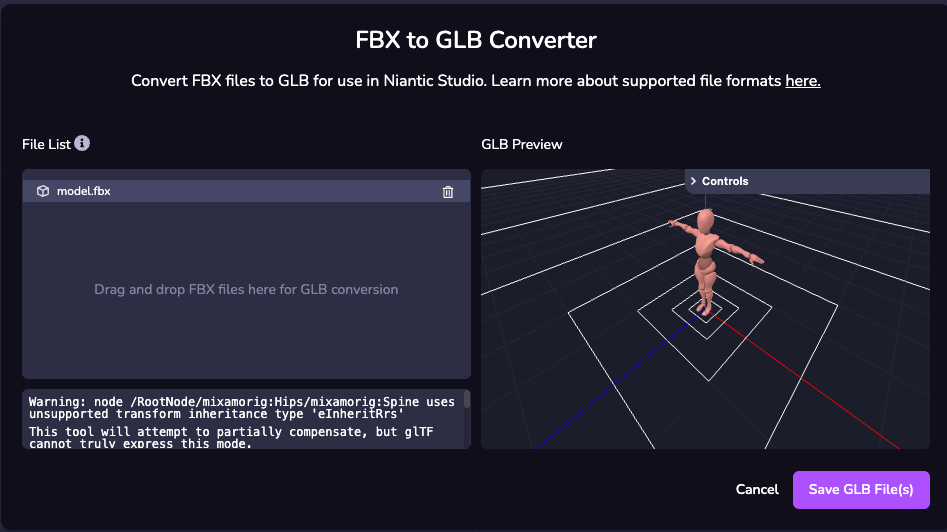
### Setting a Model[](https://www.8thwall.com/docs/studio/guides/models/#setting-a-model "Direct link to Setting a Model")
The following example shows how to set a GLTF or GLB on a entity at runtime.
info
This method requires that you select your custom model from the component properties, once the component is applied to your entity
import * as ecs from '@8thwall/ecs'ecs.registerComponent({ name: 'loaded-model', schema: { // @asset model: ecs.string, }, add: (world, component) => { ecs.GltfModel.set(world, eid, { url: component.schema.model, }) }})
### Setting Model Properties[](https://www.8thwall.com/docs/studio/guides/models/#setting-model-properties "Direct link to Setting Model Properties")
#### Model Properties[](https://www.8thwall.com/docs/studio/guides/models/#model-properties "Direct link to Model Properties")
View properties [here](https://www.8thwall.com/docs/api/studio/ecs/gltf-model/)
.
#### Example[](https://www.8thwall.com/docs/studio/guides/models/#example-1 "Direct link to Example")
The following example shows how to set a Model on an entity at runtime.
import * as ecs from '@8thwall/ecs'ecs.registerComponent({ name: 'loaded-model', schema: { // @asset model: ecs.string, }, add: (world, component) => { ecs.GltfModel.set(world, eid, { url: component.schema.model, animationClip: 'clip1', loop: true, paused: false, time: 0, timeScale: 1, }) }})
Models and Physics[](https://www.8thwall.com/docs/studio/guides/models/#models-and-physics "Direct link to Models and Physics")
---------------------------------------------------------------------------------------------------------------------------------
### Primitives[](https://www.8thwall.com/docs/studio/guides/models/#primitives "Direct link to Primitives")
Colliders represent physical entities in the simulation step, with attributes that directly affect their behavior. Most primitives have collider shapes that match their exact volume, making it simple to spawn a primitive like a cube and add physics interactions.
### Models[](https://www.8thwall.com/docs/studio/guides/models/#models-1 "Direct link to Models")
You can generate a custom collider from your 3D model that approximates its shape and size. For best results, use the simplest collider shape that meets your needs. Most of the time this can be done using a primitive instead.
danger
Custom collider generation may fail due to variations in model complexity, size, and quality. If this happens, use primitives (one or multiple) to approximate your desired shape, or export a clean .glb file from a 3D modeling tool like Blender.
For more information visit the physics guide [here](https://www.8thwall.com/docs/studio/guides/physics/)
* [Introduction](https://www.8thwall.com/docs/studio/guides/models/#introduction)
* [Primitives](https://www.8thwall.com/docs/studio/guides/models/#primitives)
* [Adding a Primitive](https://www.8thwall.com/docs/studio/guides/models/#adding-a-primitive)
* [Example](https://www.8thwall.com/docs/studio/guides/models/#example)
* [GLTF Component](https://www.8thwall.com/docs/studio/guides/models/#gltf-component)
* [Supported Formats](https://www.8thwall.com/docs/studio/guides/models/#supported-formats)
* [Setting a Model](https://www.8thwall.com/docs/studio/guides/models/#setting-a-model)
* [Setting Model Properties](https://www.8thwall.com/docs/studio/guides/models/#setting-model-properties)
* [Models and Physics](https://www.8thwall.com/docs/studio/guides/models/#models-and-physics)
* [Primitives](https://www.8thwall.com/docs/studio/guides/models/#primitives)
* [Models](https://www.8thwall.com/docs/studio/guides/models/#models-1)
---
# Video | 8th Wall
[Skip to main content](https://www.8thwall.com/docs/studio/guides/video/#__docusaurus_skipToContent_fallback)
On this page
Introduction[](https://www.8thwall.com/docs/studio/guides/video/#introduction "Direct link to Introduction")
--------------------------------------------------------------------------------------------------------------
This section provides everything you need to work with videos in Studio. By default, all video textures and UI videos default to **muted autoplay**. To customize video behavior, use [`VideoControls`](https://www.8thwall.com/docs/api/studio/ecs/video-controls/)
.
Adding Videos[](https://www.8thwall.com/docs/studio/guides/video/#adding-videos "Direct link to Adding Videos")
-----------------------------------------------------------------------------------------------------------------
To apply a video texture to an entity, select a video from your assets from any texture map dropdown.
Video textures can only be applied to Standard and Unlit Materials for primitives. For GLB entities, video textures can applied using Video Material, which will override all of the model's color maps.
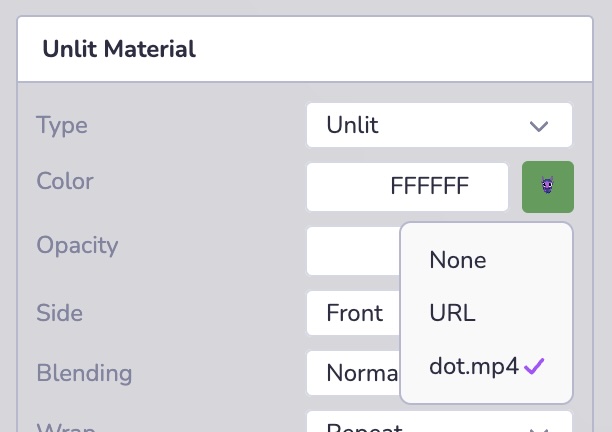
* [Introduction](https://www.8thwall.com/docs/studio/guides/video/#introduction)
* [Adding Videos](https://www.8thwall.com/docs/studio/guides/video/#adding-videos)
---
# UI | 8th Wall
[Skip to main content](https://www.8thwall.com/docs/studio/guides/ui/#__docusaurus_skipToContent_fallback)
On this page
Introduction[](https://www.8thwall.com/docs/studio/guides/ui/#introduction "Direct link to Introduction")
-----------------------------------------------------------------------------------------------------------
8th Wall Studio offers a built-in UI system for creating interactive, user-friendly interfaces within your experience. The UI component provides a variety of building blocks with configurable properties ranging from text and images to flexible layout and customizable styling.
Adding UI Elements[](https://www.8thwall.com/docs/studio/guides/ui/#adding-ui-elements "Direct link to Adding UI Elements")
-----------------------------------------------------------------------------------------------------------------------------
You can introduce UI elements through several methods:
* **New Primitive:** Use the (+) option in the Hierarchy to add presets.
* **Add Component:** Attach UI elements on an existing entity.
* **Scripting:** Programmatically add elements using the API.
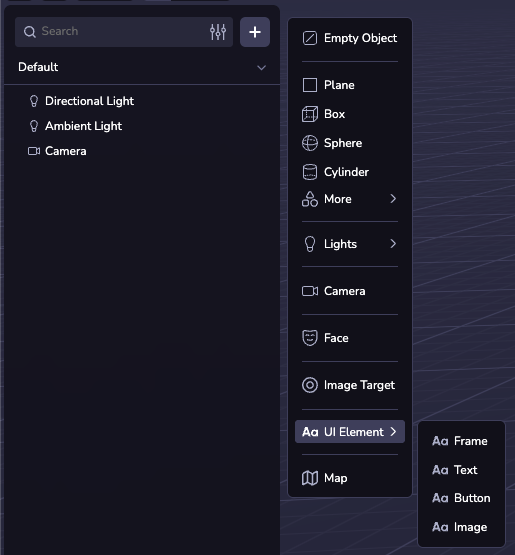
note
The (+) menu options are all presets of the same UI component, and can all be configured the same using the UI inspector.
### 3D UI[](https://www.8thwall.com/docs/studio/guides/ui/#3d-ui "Direct link to 3D UI")
3D UI elements integrate seamlessly into your 3D scene, allowing for spatially interactive displays. They can be positioned in the world with the transform inspector and require a width and height in world pixels (1/100th of a world unit), e.g. `'500'`. A child UI element's position is entirely determined by layout properties on it and its parent.
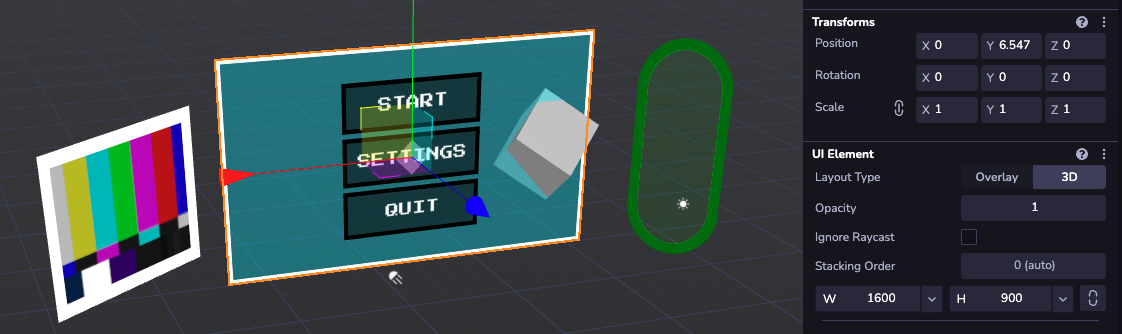
### Overlay UI[](https://www.8thwall.com/docs/studio/guides/ui/#overlay-ui "Direct link to Overlay UI")
For screen-anchored UI, overlay elements offer fixed positioning on top of the canvas. Size and positioning can be specified in display pixels (e.g. `'125'`) or percentages (e.g. `'30%'`). The transfrom of top-level overlay UI elements is purely for organization in the viewport; their position on-screen is controlled with `position: 'absolute'`. Like with 3D, child elements are positioned relative to their parent.
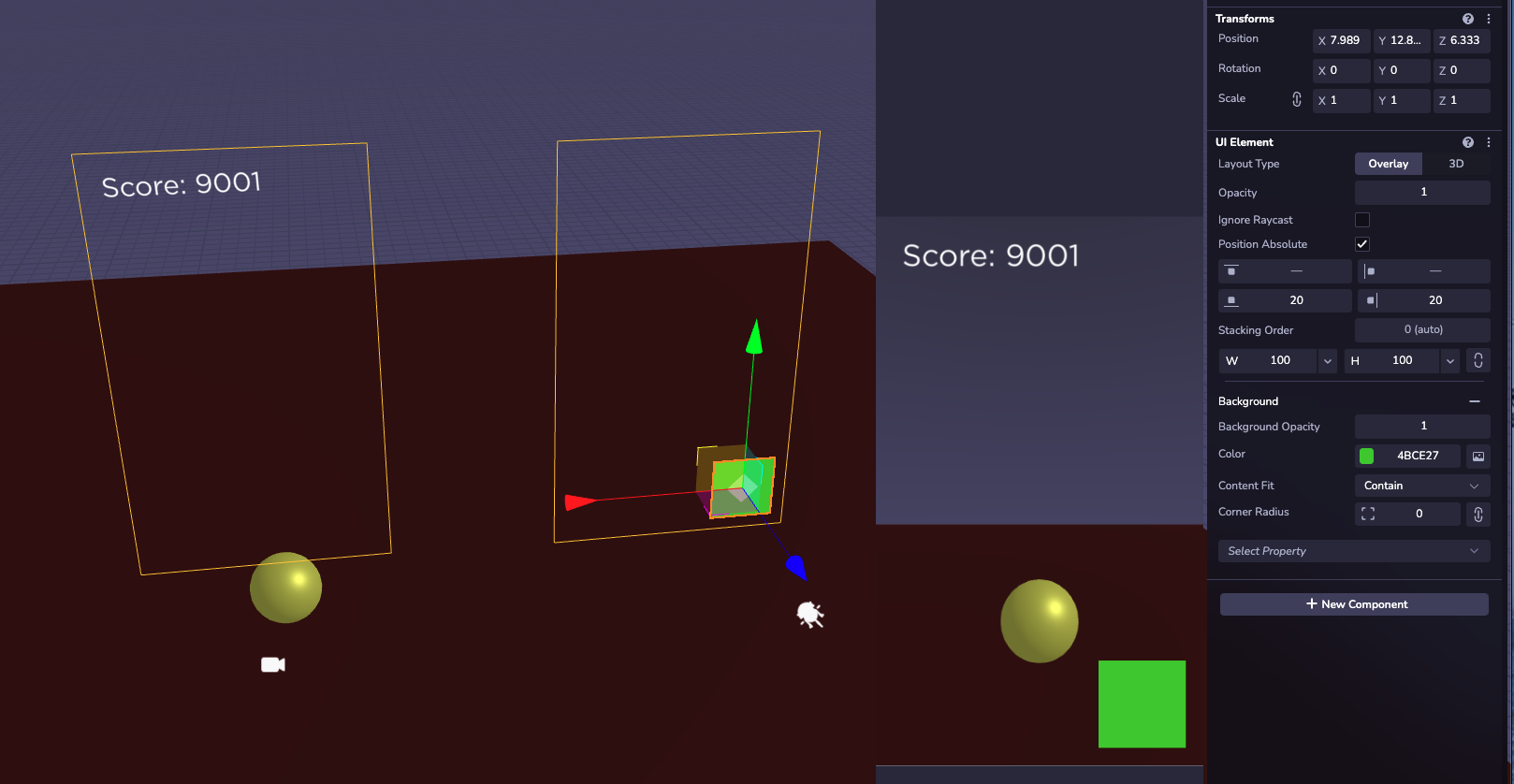
Properties[](https://www.8thwall.com/docs/studio/guides/ui/#properties "Direct link to Properties")
-----------------------------------------------------------------------------------------------------
The UI component comes with many configurable properties. In the viewport inspector, they are grouped by category and are not always visible. To add a section, click the 'Select Property' dropdown at the bottom of the configurator. For the full list of individual properties that can be specified at runtime in code, see the [`Ui` API Documentation](https://www.8thwall.com/docs/api/studio/ecs/ui/)
.
### Layout[](https://www.8thwall.com/docs/studio/guides/ui/#layout "Direct link to Layout")
Use the layout configurator to control how child elements are positioned. The various alignment properties allow for dynamic menus that can handle changing content and screen size. The order in which children will appear is determined by their order in the hierarchy. UI children that are set to 'Position Absolute' will be fixed relative to the parent, ignoring its layout configuration.
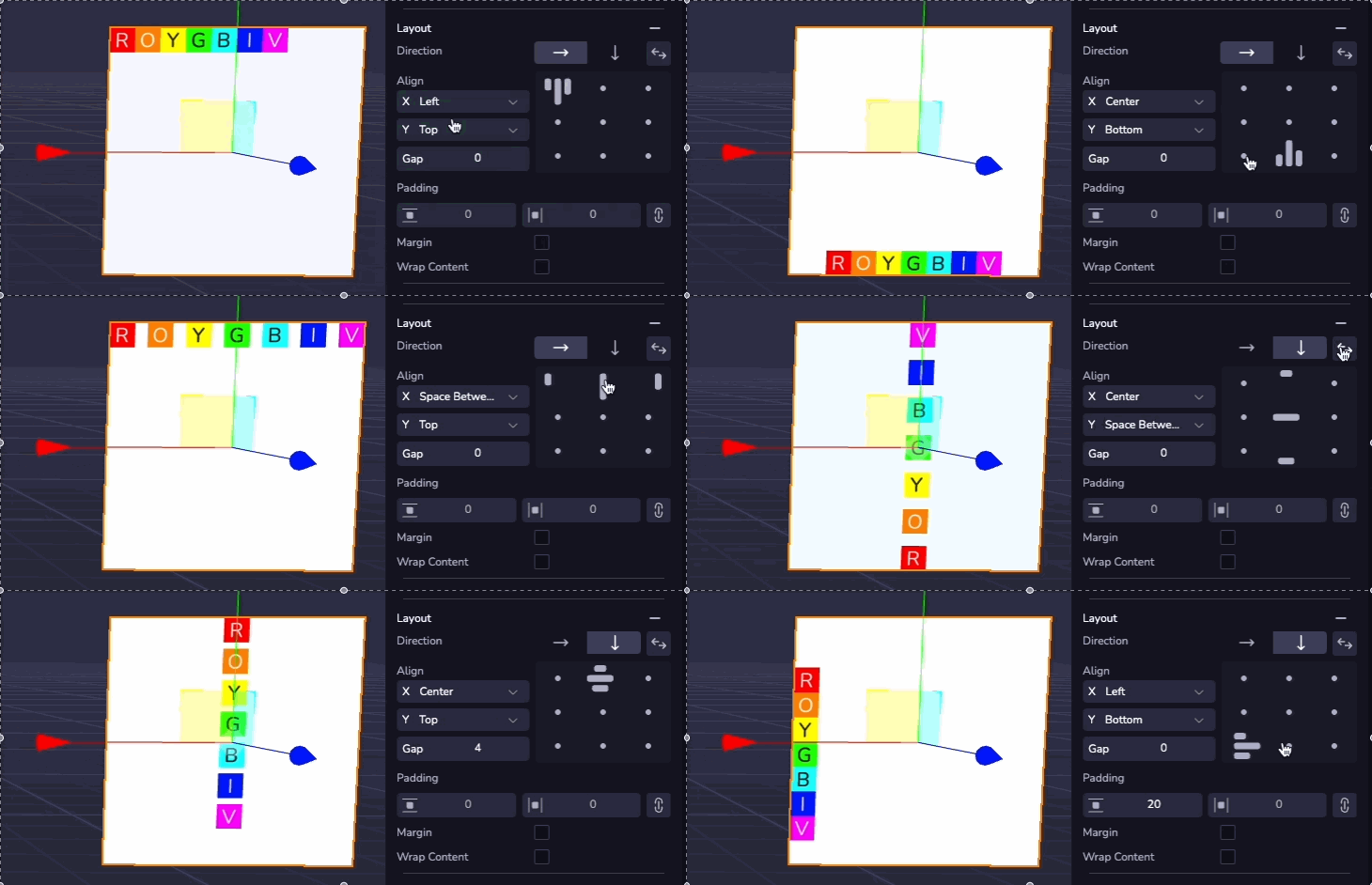
### Text[](https://www.8thwall.com/docs/studio/guides/ui/#text "Direct link to Text")
Text can be added to any UI element. The text section allows you to configure the content, font, size, color, and alignment. Text that exceeds the width of the element will automatically wrap to a new line.
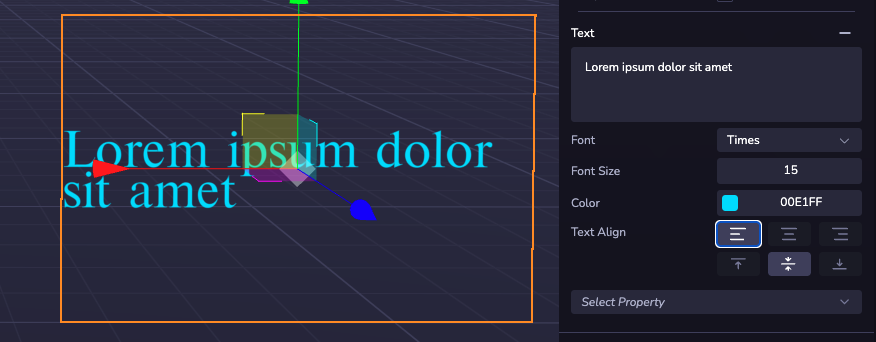
### Background & Border[](https://www.8thwall.com/docs/studio/guides/ui/#background--border "Direct link to Background & Border")
The visual style of a UI element is controlled by the Background section and Border section. Here, colors and transparency can be configured, and an image can be applied from a web URL or project assets.
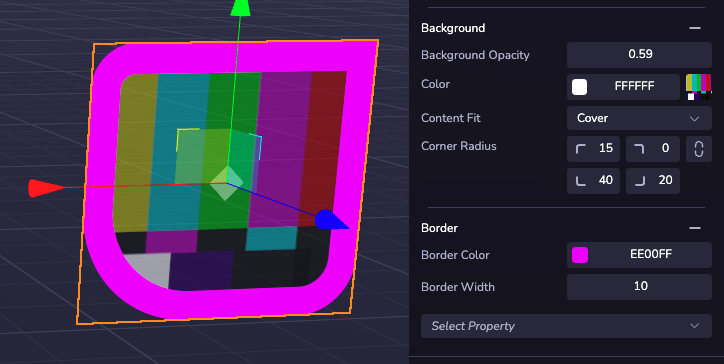
Interaction[](https://www.8thwall.com/docs/studio/guides/ui/#interaction "Direct link to Interaction")
--------------------------------------------------------------------------------------------------------
You can create functional buttons using a custom component with an event listener. UI elements support click/tap events as well as hover states. See the [Input Events API Documentation](https://www.8thwall.com/docs/api/studio/events/input/)
for a comprehensive list of supported events and example code. These work with overlay and 3D UI elements.
A click will only fire on the top-most element at the pointer location. Layering is controlled by hierarchy order, with later siblings appearing on top of earlier ones. For precise control, use the 'Stacking Order' option at the top of the configurator to arrange groups of UI elements in a custom order.
Enable the 'Ignore Raycast' property on decorative, invisible, or full-screen layout-only frames to prevent them from blocking user input from reaching interactable elements that may lie underneath.
Fonts[](https://www.8thwall.com/docs/studio/guides/ui/#fonts "Direct link to Fonts")
--------------------------------------------------------------------------------------
### Default Fonts[](https://www.8thwall.com/docs/studio/guides/ui/#default-fonts "Direct link to Default Fonts")
A selection of built-in fonts are available for use in any 8th Wall project.
#### Nunito[](https://www.8thwall.com/docs/studio/guides/ui/#nunito "Direct link to Nunito")

#### Akidenz Grotesk[](https://www.8thwall.com/docs/studio/guides/ui/#akidenz-grotesk "Direct link to Akidenz Grotesk")

#### Baskerville[](https://www.8thwall.com/docs/studio/guides/ui/#baskerville "Direct link to Baskerville")

#### Futura[](https://www.8thwall.com/docs/studio/guides/ui/#futura "Direct link to Futura")

#### Gotham[](https://www.8thwall.com/docs/studio/guides/ui/#gotham "Direct link to Gotham")

#### Helvetica[](https://www.8thwall.com/docs/studio/guides/ui/#helvetica "Direct link to Helvetica")

#### Nanum Pen Script[](https://www.8thwall.com/docs/studio/guides/ui/#nanum-pen-script "Direct link to Nanum Pen Script")

#### Press Start 2P[](https://www.8thwall.com/docs/studio/guides/ui/#press-start-2p "Direct link to Press Start 2P")

#### Times[](https://www.8thwall.com/docs/studio/guides/ui/#times "Direct link to Times")

#### Inconsolata[](https://www.8thwall.com/docs/studio/guides/ui/#inconsolata "Direct link to Inconsolata")

### Custom Fonts[](https://www.8thwall.com/docs/studio/guides/ui/#custom-fonts "Direct link to Custom Fonts")
You can also upload custom fonts via TTF files to use in your UI Elements. Upload font files to your assets to make them automatically available for any UI in your project.
* [Introduction](https://www.8thwall.com/docs/studio/guides/ui/#introduction)
* [Adding UI Elements](https://www.8thwall.com/docs/studio/guides/ui/#adding-ui-elements)
* [3D UI](https://www.8thwall.com/docs/studio/guides/ui/#3d-ui)
* [Overlay UI](https://www.8thwall.com/docs/studio/guides/ui/#overlay-ui)
* [Properties](https://www.8thwall.com/docs/studio/guides/ui/#properties)
* [Layout](https://www.8thwall.com/docs/studio/guides/ui/#layout)
* [Text](https://www.8thwall.com/docs/studio/guides/ui/#text)
* [Background & Border](https://www.8thwall.com/docs/studio/guides/ui/#background--border)
* [Interaction](https://www.8thwall.com/docs/studio/guides/ui/#interaction)
* [Fonts](https://www.8thwall.com/docs/studio/guides/ui/#fonts)
* [Default Fonts](https://www.8thwall.com/docs/studio/guides/ui/#default-fonts)
* [Custom Fonts](https://www.8thwall.com/docs/studio/guides/ui/#custom-fonts)
---
# Modules | 8th Wall
[Skip to main content](https://www.8thwall.com/docs/studio/guides/modules/#__docusaurus_skipToContent_fallback)
On this page
Introduction[](https://www.8thwall.com/docs/studio/guides/modules/#introduction "Direct link to Introduction")
----------------------------------------------------------------------------------------------------------------
Modules allow for the distribution and consumption of universally compatible code. For full Module documentation please [see here](https://www.8thwall.com/docs/guides/modules/overview/)
.
* [Introduction](https://www.8thwall.com/docs/studio/guides/modules/#introduction)
---
# XR | 8th Wall
[Skip to main content](https://www.8thwall.com/docs/studio/guides/xr/#__docusaurus_skipToContent_fallback)
On this page
8th Wall's World Tracking and Face Effects are available to use visually within Studio. Image Targets, Sky Segmentation, VPS, & Hand Tracking are coming soon.
There are three types of Cameras in Studio: 3D only, Face, and World. Each of these camera types will have different settings. A Face or World Camera is necessary for AR experiences. To learn more about creating and managing a Camera in your scene please see the [Camera](https://www.8thwall.com/docs/studio/guides/camera/)
section.
Studio provides tooling for working with XR in your project. For working with World Effects, Studio provides 6DoF camera tracking and interfaces for configuring tracking. With Face Effects, Studio provides a Face Mesh component to support configuring and testing your effect, as well as setting up facial attachment points. A Face mesh component can be added via (+) button on the Hierarchy. Studio also provides tooling for previewing XR experiences – see the Simulator section for learning more about testing your XR project.
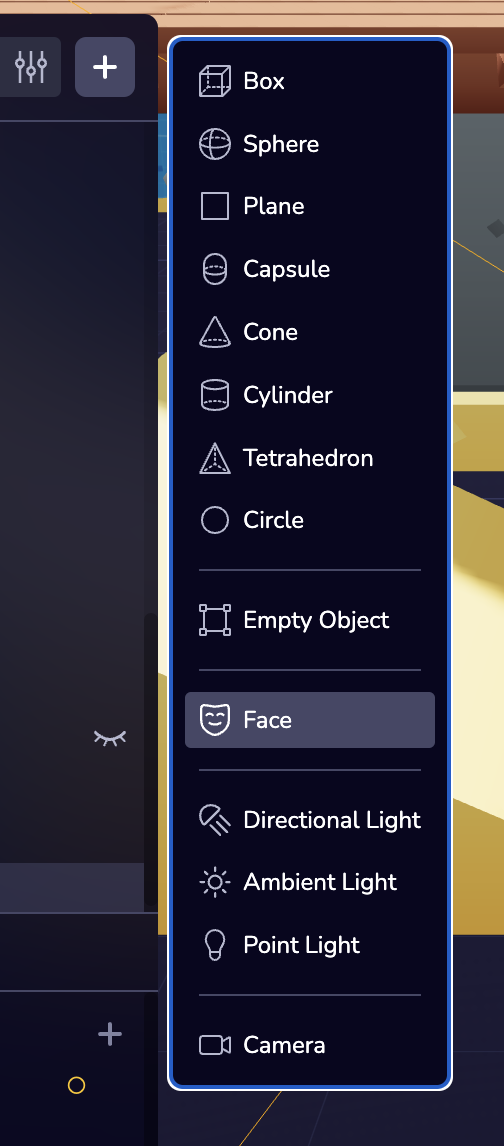
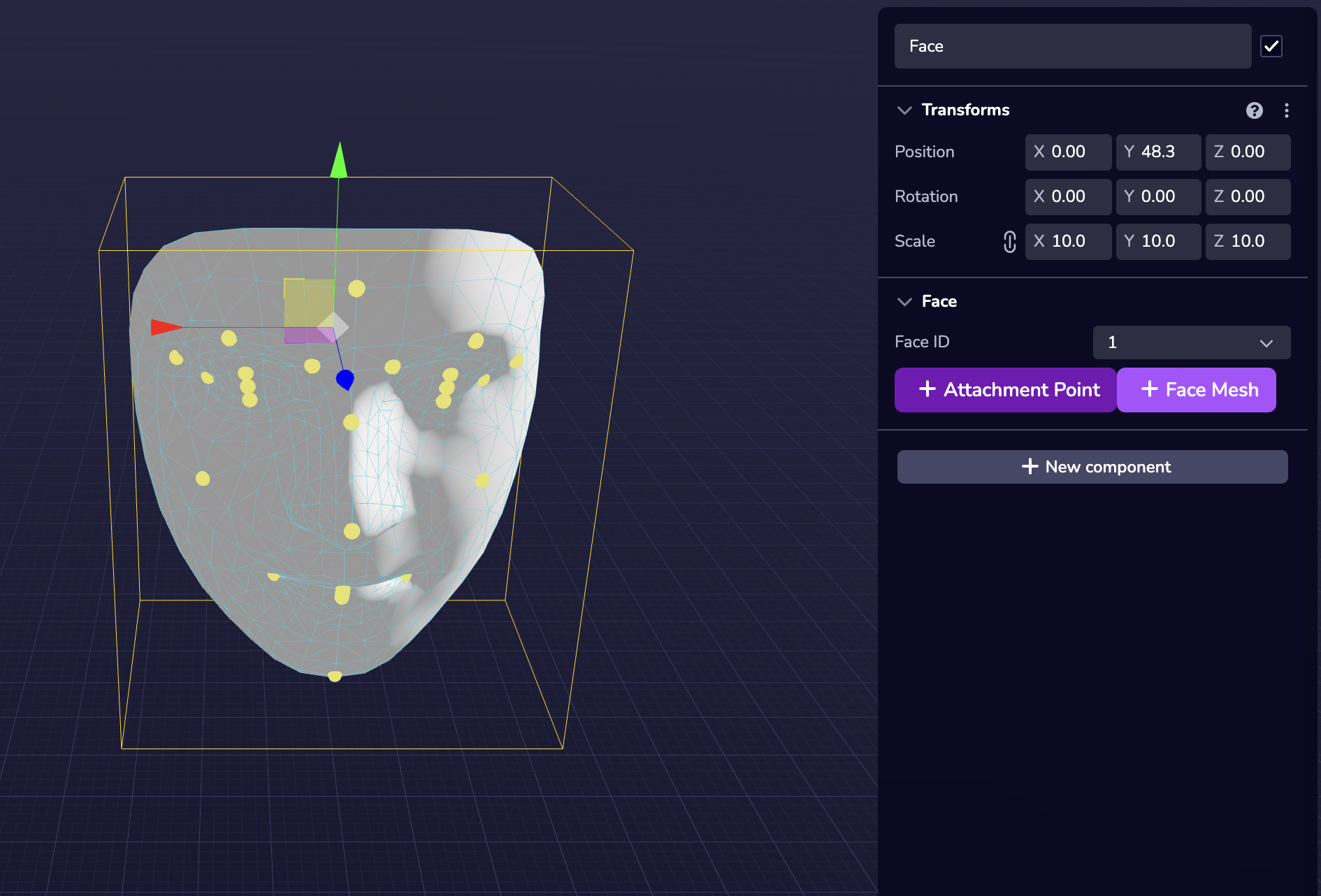
When previewing Face Effects in Studio, the face camera is placed at the origin (0, 0, 0) while the face anchor is placed in front of the face camera as seen in the screenshot below.
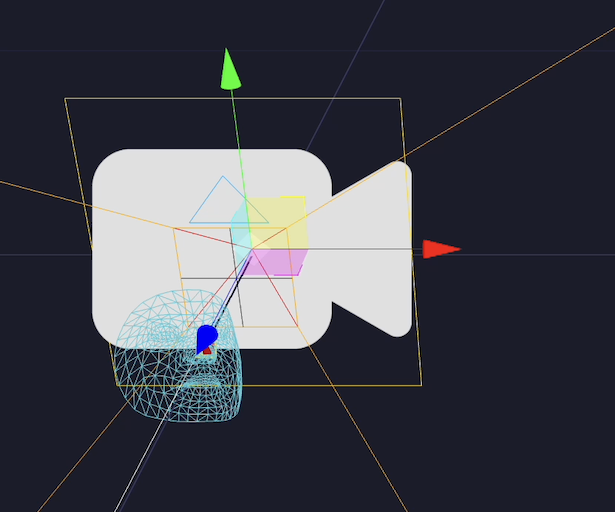
XR API Reference[](https://www.8thwall.com/docs/studio/guides/xr/#xr-api-reference "Direct link to XR API Reference")
-----------------------------------------------------------------------------------------------------------------------
Please refer to the [Camera](https://www.8thwall.com/docs/api/studio/ecs/camera/)
component APIs that define camera behavior.
* [XR API Reference](https://www.8thwall.com/docs/studio/guides/xr/#xr-api-reference)
---
# スタジオAPI | 8th Wall
[本文へスキップ](https://www.8thwall.com/docs/ja/api/studio/#__docusaurus_skipToContent_fallback)
Studio API は、Studio で構造化されたダイナミックなエクスペリエンスを構築するために必要なすべてを提供します。
Studio APIには以下が含まれる:
* [**Entity-Component System (ECS)**](https://www.8thwall.com/docs/ja/api/studio/ecs/)
- Studio\* の ECS アーキテクチャを使用するための API で、実行時にエンティ ティやコンポーネントを作成、変更、整理できます。
* [**World**](https://www.8thwall.com/docs/ja/api/studio/world/)
- エンティティ階層、トランスフォーム、スペースなど、シーングラフ全体を管理するためのコア関数とユーティリティ。 ワールドは、プロジェクト内のすべてのスペース、エンティティ、クエリ、オブザーバのコンテナです。
* [**Events**](https://www.8thwall.com/docs/ja/api/studio/events/)
- Studio 内で実行時イベントを送信し、それに応答するための豊富なシステム。
Studio APIを使用して、プレイヤーの入力、世界の変化、リアルタイムのインタラクションに反応する、没入感のあるステートフルなエクスペリエンスを作成できます。
---
# Simulador | 8th Wall
[Ir al contenido principal](https://www.8thwall.com/docs/es/studio/getting-started/simulator/#__docusaurus_skipToContent_fallback)
En esta página
Descripción general[](https://www.8thwall.com/docs/es/studio/getting-started/simulator/#descripci%C3%B3n-general "Enlace directo a Descripción general")
----------------------------------------------------------------------------------------------------------------------------------------------------------
Inicia el simulador para reproducir tu escena. Puede realizar modificaciones en las entidades de su espacio y verlas reflejadas inmediatamente en el simulador. El simulador también te permite probar y ver los cambios del proyecto en diferentes tamaños de pantalla y simula entornos reales sin necesidad de salir de Studio.
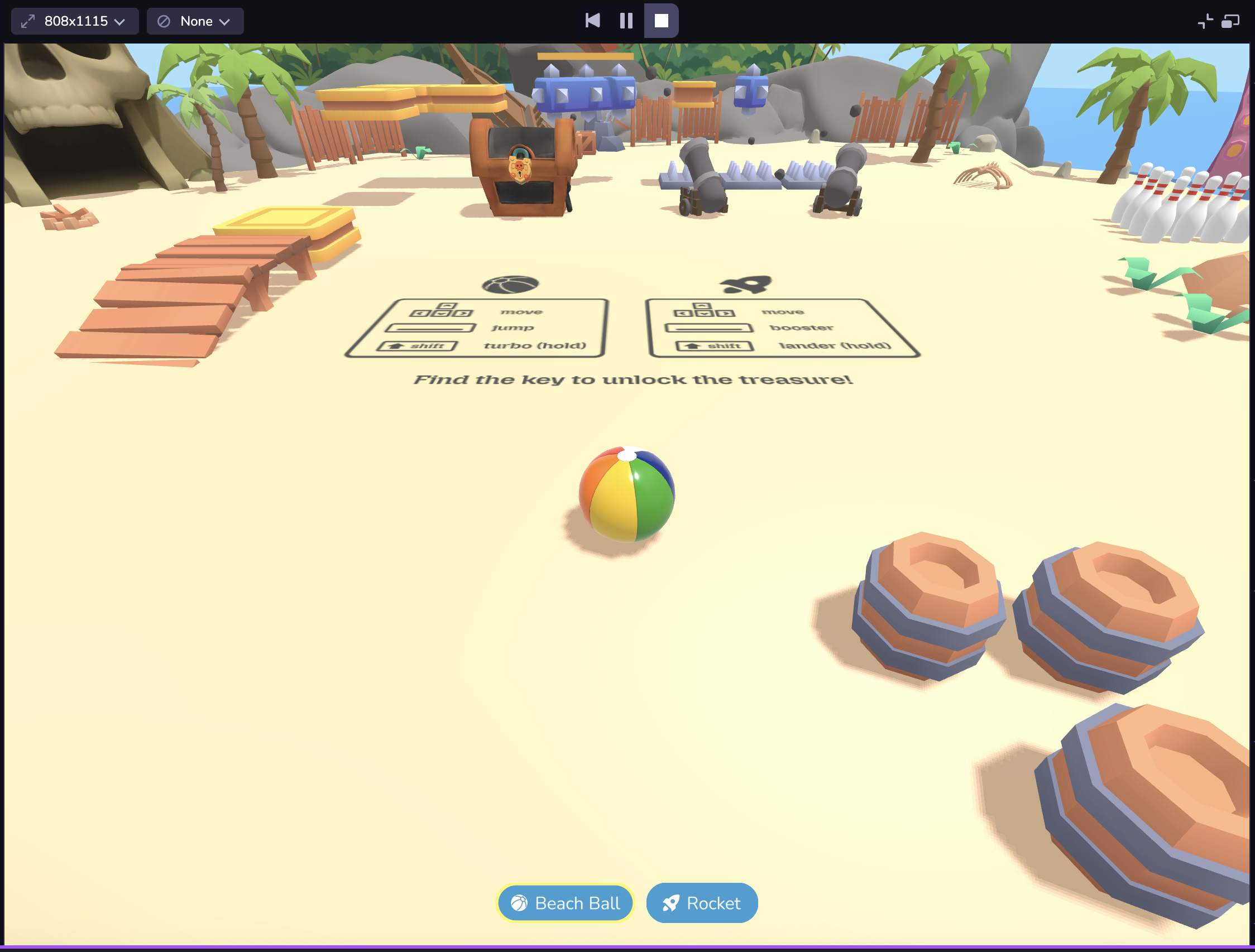
Simulador RA[](https://www.8thwall.com/docs/es/studio/getting-started/simulator/#simulador-ra "Enlace directo a Simulador RA")
--------------------------------------------------------------------------------------------------------------------------------
Si estás desarrollando RA, puedes acceder a una colección de secuencias de cámara pregrabadas. El simulador de realidad aumentada dispone de una serie de controles de reproducción y funciones prácticas, como :
* Barra de reproducción, scrubber y tiradores de entrada/salida: Le permiten establecer puntos de bucle, lo que le proporciona un control granular sobre la secuencia seleccionada.
* Botón de recentrado (abajo a la derecha): Recentra la alimentación de la cámara a su origen. NOTA: También se llama a Recenter en cada vez que la secuencia hace un bucle y cada vez que se selecciona una nueva secuencia.
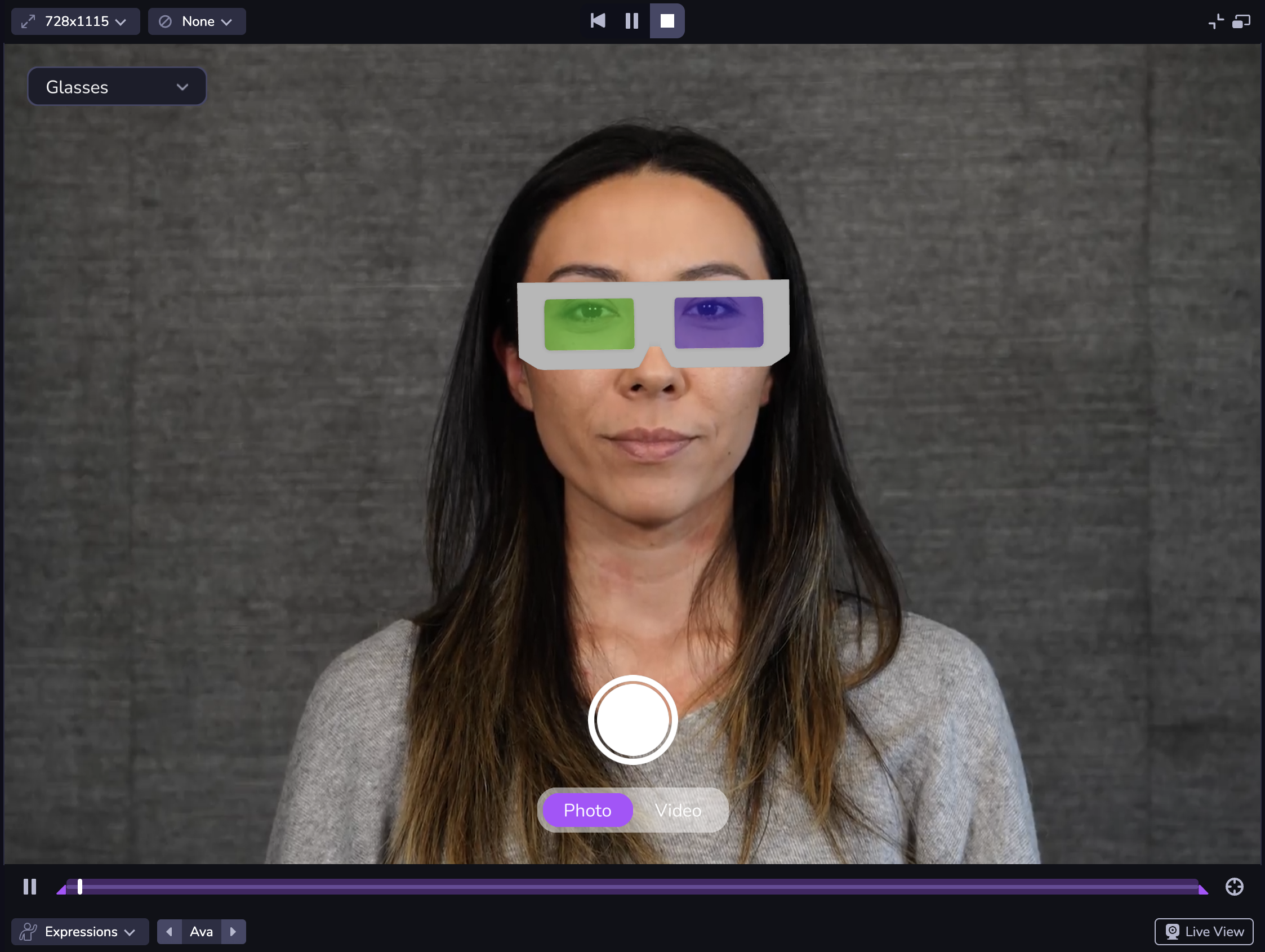
Utilice el menú de selección de secuencia de la parte inferior izquierda para cambiar la secuencia AR. Puede utilizar el carrusel para cambiar entre las opciones de la categoría de secuencia. La pausa de la secuencia sólo detiene el vídeo, permitiéndole probar los cambios en el mismo fotograma. Arrastra los tiradores de reproducción para establecer puntos de bucle de entrada/salida.
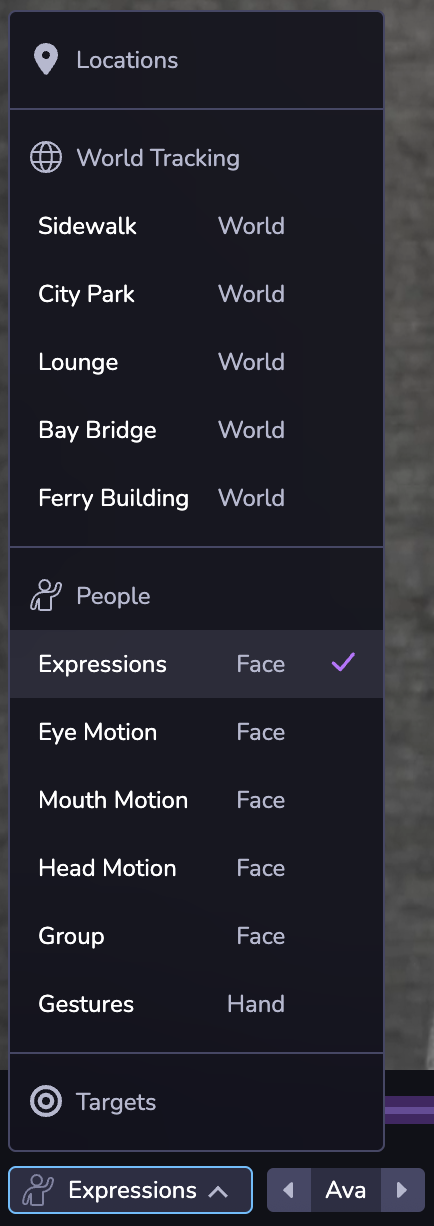
El botón de la cámara de la esquina inferior derecha abre la Vista en Directo, que sigue la misma lógica que la configuración de la cámara de tu proyecto. Live View le permite simular su proyecto utilizando la alimentación de su escritorio en lugar de una secuencia AR pregrabada. Por ejemplo, si su proyecto utiliza Efectos faciales y tiene el proyecto Studio abierto en el escritorio, se abrirá su cámara de escritorio .
nota
La Vista en Directo en el Simulador puede pedirle que habilite los permisos de cámara, micrófono o ubicación dependiendo de lo que esté habilitado en su proyecto. Haga clic en Permitir para acceder a los avisos de permiso y poder ver su experiencia en Live View.
Su proyecto puede tener un aspecto diferente en distintos dispositivos debido a las diferencias en el tamaño de la ventana gráfica de la web móvil . O puede que quieras ver tu proyecto tanto en modo horizontal como vertical. En la parte superior izquierda de del simulador, puede elegir entre un conjunto de tamaños de vista de dispositivo comunes, cambiar la orientación de o utilizar el modo de respuesta para ajustarse a un tamaño personalizado. También puede hacer doble clic en los bordes del panel Simulador para ajustar automáticamente el Simulador a la anchura del dispositivo seleccionado viewport. **Nota: Las dimensiones se presentan en píxeles lógicos CSS (dimensiones de la ventana gráfica), no en píxeles del dispositivo físico . Al seleccionar un dispositivo en el selector, sólo se actualizarán las dimensiones de la ventana gráfica , no el agente de usuario del cliente.**
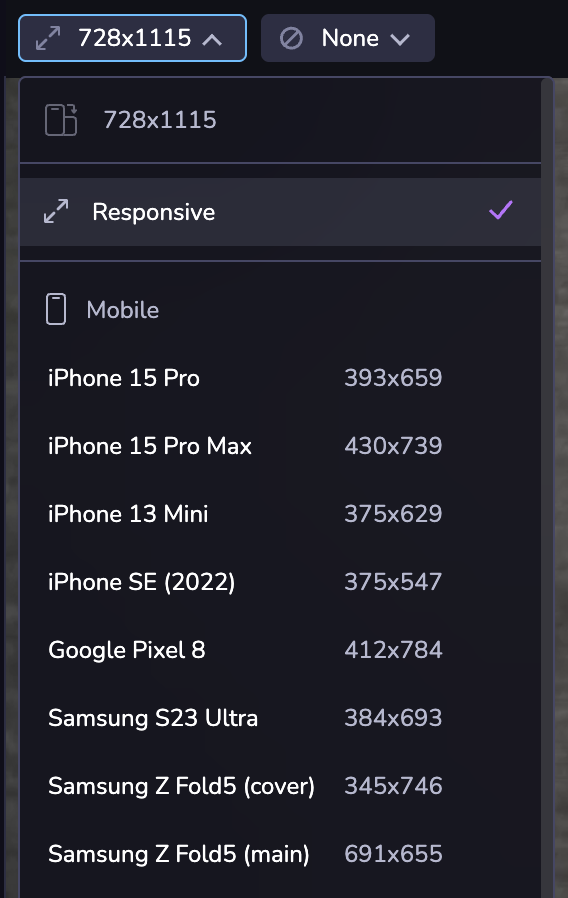
También puede simular coordenadas GPS específicas si está desarrollando una experiencia basada en la ubicación o en mapas.
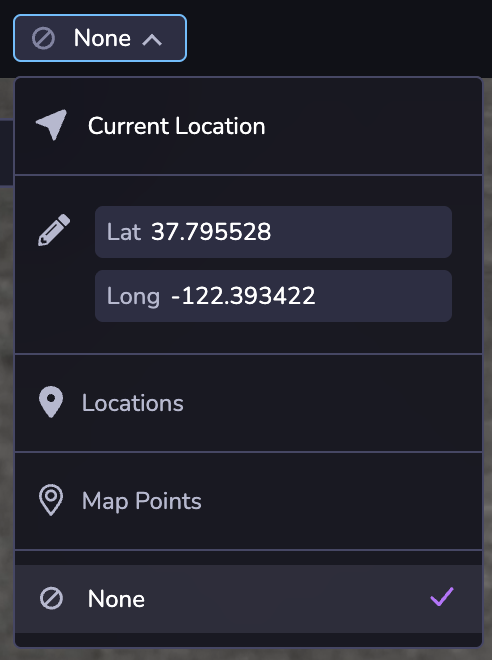
* [Descripción general](https://www.8thwall.com/docs/es/studio/getting-started/simulator/#descripci%C3%B3n-general)
* [Simulador RA](https://www.8thwall.com/docs/es/studio/getting-started/simulator/#simulador-ra)
---
# Animación | 8th Wall
[Ir al contenido principal](https://www.8thwall.com/docs/es/studio/guides/animation/#__docusaurus_skipToContent_fallback)
En esta página
Introducción[](https://www.8thwall.com/docs/es/studio/guides/animation/#introducci%C3%B3n "Enlace directo a Introducción")
----------------------------------------------------------------------------------------------------------------------------
Esta sección proporciona una guía para configurar animaciones personalizadas en las entidades. Son animaciones que transforman algún elemento de la entidad a lo largo del tiempo, como la posición, la escala o una propiedad de algún componente de la entidad. Nota: Esta sección trata de la creación de animaciones en Studio y del trabajo con el sistema de animación principal de Studio. Si desea obtener información sobre cómo trabajar con las animaciones integradas en un archivo de modelo GLTF, consulte la [Guía de modelos](https://www.8thwall.com/docs/es/studio/guides/models/)
.
Los componentes se proporcionan para la animación procedimental, y se pueden dividir en dos tipos:
1. Transición
2. Relación
Animaciones de transición[](https://www.8thwall.com/docs/es/studio/guides/animation/#animaciones-de-transici%C3%B3n "Enlace directo a Animaciones de transición")
-------------------------------------------------------------------------------------------------------------------------------------------------------------------
Estas animaciones hacen que un objeto pase de un estado a otro a lo largo del tiempo. Habrá un estado 'desde' y 'hasta', y la animación puede terminar o establecerse en bucle.
### Posición Animación[](https://www.8thwall.com/docs/es/studio/guides/animation/#posici%C3%B3n-animaci%C3%B3n "Enlace directo a Posición Animación")
Animar la posición de un objeto de destino.
Véase [Componente de animación de posición](https://www.8thwall.com/docs/es/api/studio/ecs/animation/position-animation/)
API.
### Animación a escala[](https://www.8thwall.com/docs/es/studio/guides/animation/#animaci%C3%B3n-a-escala "Enlace directo a Animación a escala")
Animar el vector de escala de un objeto de destino.
Véase [Componente de animación a escala](https://www.8thwall.com/docs/es/api/studio/ecs/animation/scale-animation/)
API.
### Girar animación[](https://www.8thwall.com/docs/es/studio/guides/animation/#girar-animaci%C3%B3n "Enlace directo a Girar animación")
Animar la rotación de un objeto de destino.
Véase la API [Rotar componente de animación](https://www.8thwall.com/docs/es/api/studio/ecs/animation/rotate-animation/)
.
### Animación Vec3 personalizada[](https://www.8thwall.com/docs/es/studio/guides/animation/#animaci%C3%B3n-vec3-personalizada "Enlace directo a Animación Vec3 personalizada")
Anima el atributo vectorial 3D nombrado en un objeto de destino.
Véase la API [Custom Vec3 Animation Component](https://www.8thwall.com/docs/es/api/studio/ecs/animation/custom-vec3-animation/)
.
### Animación de propiedades personalizadas[](https://www.8thwall.com/docs/es/studio/guides/animation/#animaci%C3%B3n-de-propiedades-personalizadas "Enlace directo a Animación de propiedades personalizadas")
Animar una sola propiedad numérica en los atributos de un objeto de destino.
Véase la API [Custom Property Animation Component](https://www.8thwall.com/docs/es/api/studio/ecs/animation/custom-property-animation/)
.
Animaciones de relaciones[](https://www.8thwall.com/docs/es/studio/guides/animation/#animaciones-de-relaciones "Enlace directo a Animaciones de relaciones")
--------------------------------------------------------------------------------------------------------------------------------------------------------------
Son animaciones que expresan una relación entre un objeto y un objetivo. Cuando están en funcionamiento, mantienen esa relación para el objeto al que están unidos.
### Seguir la animación[](https://www.8thwall.com/docs/es/studio/guides/animation/#seguir-la-animaci%C3%B3n "Enlace directo a Seguir la animación")
Mantener la distancia a un objetivo o punto determinado.
Véase la API [Follow Animation Component](https://www.8thwall.com/docs/es/api/studio/ecs/animation/follow-animation/)
.
### Mira la animación[](https://www.8thwall.com/docs/es/studio/guides/animation/#mira-la-animaci%C3%B3n "Enlace directo a Mira la animación")
Mantener la orientación para enfrentarse a un objetivo o punto determinado.
Véase la API [Look At Animation Component](https://www.8thwall.com/docs/es/api/studio/ecs/animation/look-at-animation/)
.
Añadir una animación[](https://www.8thwall.com/docs/es/studio/guides/animation/#a%C3%B1adir-una-animaci%C3%B3n "Enlace directo a Añadir una animación")
---------------------------------------------------------------------------------------------------------------------------------------------------------
Las animaciones pueden añadirse a la entidad a través del editor o en código. Para añadirlos en el editor, pulse el botón "Nuevo componente":
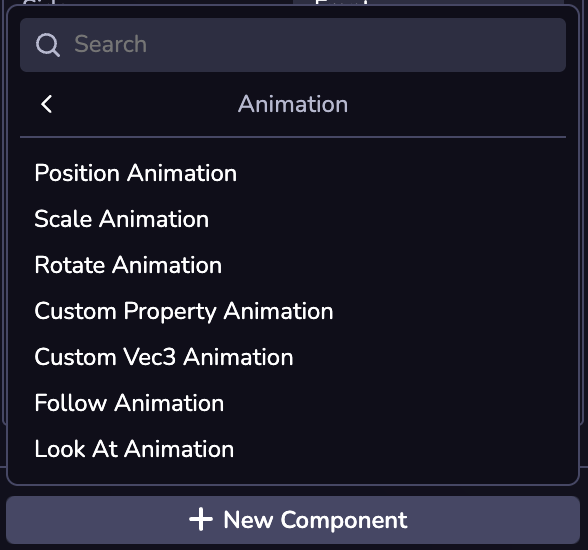
Las animaciones también pueden añadirse mediante código, utilizando el nombre de importación del componente.
* [Introducción](https://www.8thwall.com/docs/es/studio/guides/animation/#introducci%C3%B3n)
* [Animaciones de transición](https://www.8thwall.com/docs/es/studio/guides/animation/#animaciones-de-transici%C3%B3n)
* [Posición Animación](https://www.8thwall.com/docs/es/studio/guides/animation/#posici%C3%B3n-animaci%C3%B3n)
* [Animación a escala](https://www.8thwall.com/docs/es/studio/guides/animation/#animaci%C3%B3n-a-escala)
* [Girar animación](https://www.8thwall.com/docs/es/studio/guides/animation/#girar-animaci%C3%B3n)
* [Animación Vec3 personalizada](https://www.8thwall.com/docs/es/studio/guides/animation/#animaci%C3%B3n-vec3-personalizada)
* [Animación de propiedades personalizadas](https://www.8thwall.com/docs/es/studio/guides/animation/#animaci%C3%B3n-de-propiedades-personalizadas)
* [Animaciones de relaciones](https://www.8thwall.com/docs/es/studio/guides/animation/#animaciones-de-relaciones)
* [Seguir la animación](https://www.8thwall.com/docs/es/studio/guides/animation/#seguir-la-animaci%C3%B3n)
* [Mira la animación](https://www.8thwall.com/docs/es/studio/guides/animation/#mira-la-animaci%C3%B3n)
* [Añadir una animación](https://www.8thwall.com/docs/es/studio/guides/animation/#a%C3%B1adir-una-animaci%C3%B3n)
---
# Navegar por la interfaz | 8th Wall
[Ir al contenido principal](https://www.8thwall.com/docs/es/studio/getting-started/navigate-interface/#__docusaurus_skipToContent_fallback)
En esta página
Studio cuenta con una rica interfaz de edición compuesta por varias herramientas y vistas diferentes, cada una de ellas de que son esenciales a la hora de desarrollar tu proyecto.
Las secciones siguientes muestran los principales elementos de la interfaz del editor de Studio, con las características fundamentales resaltadas.
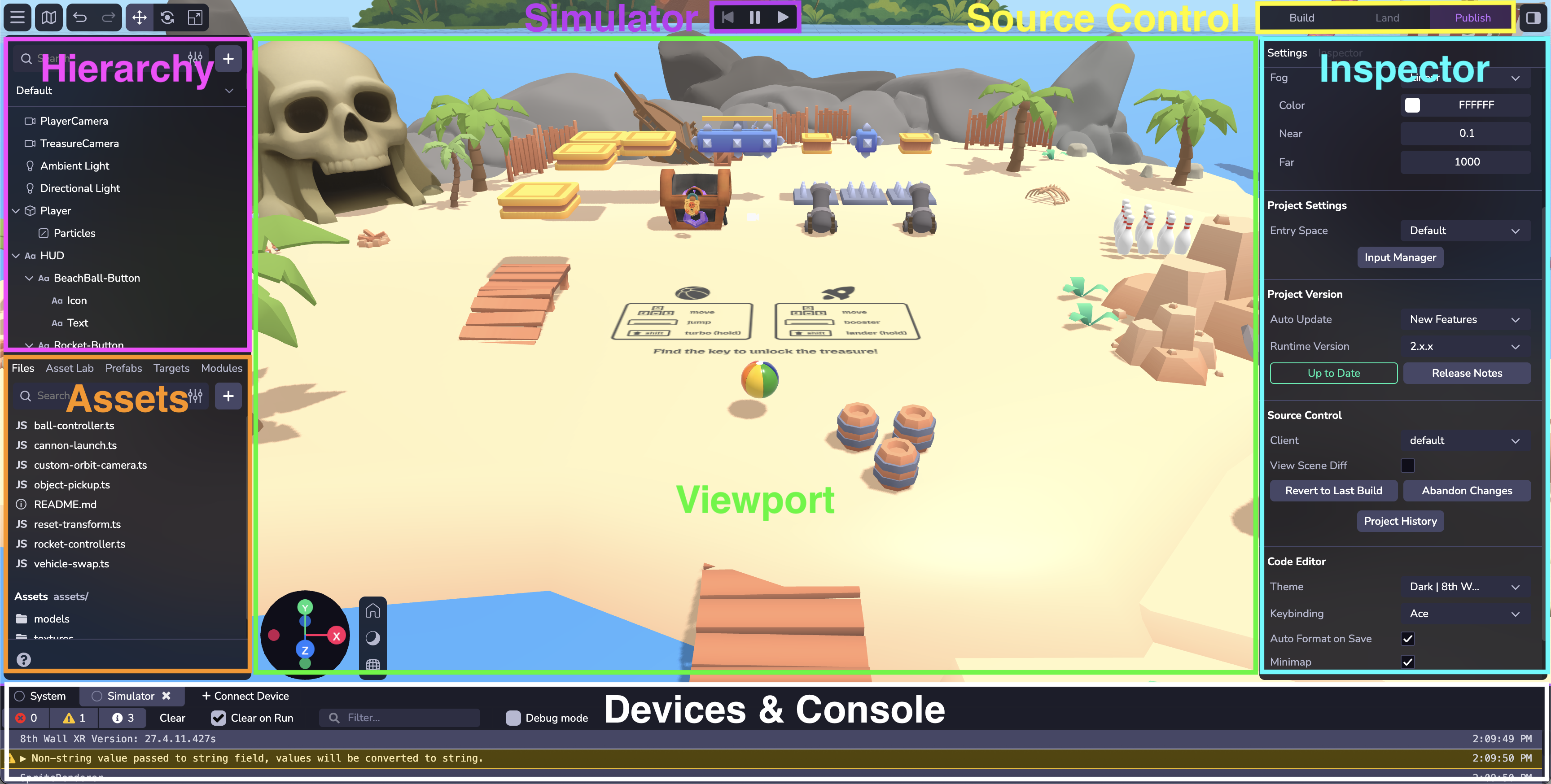
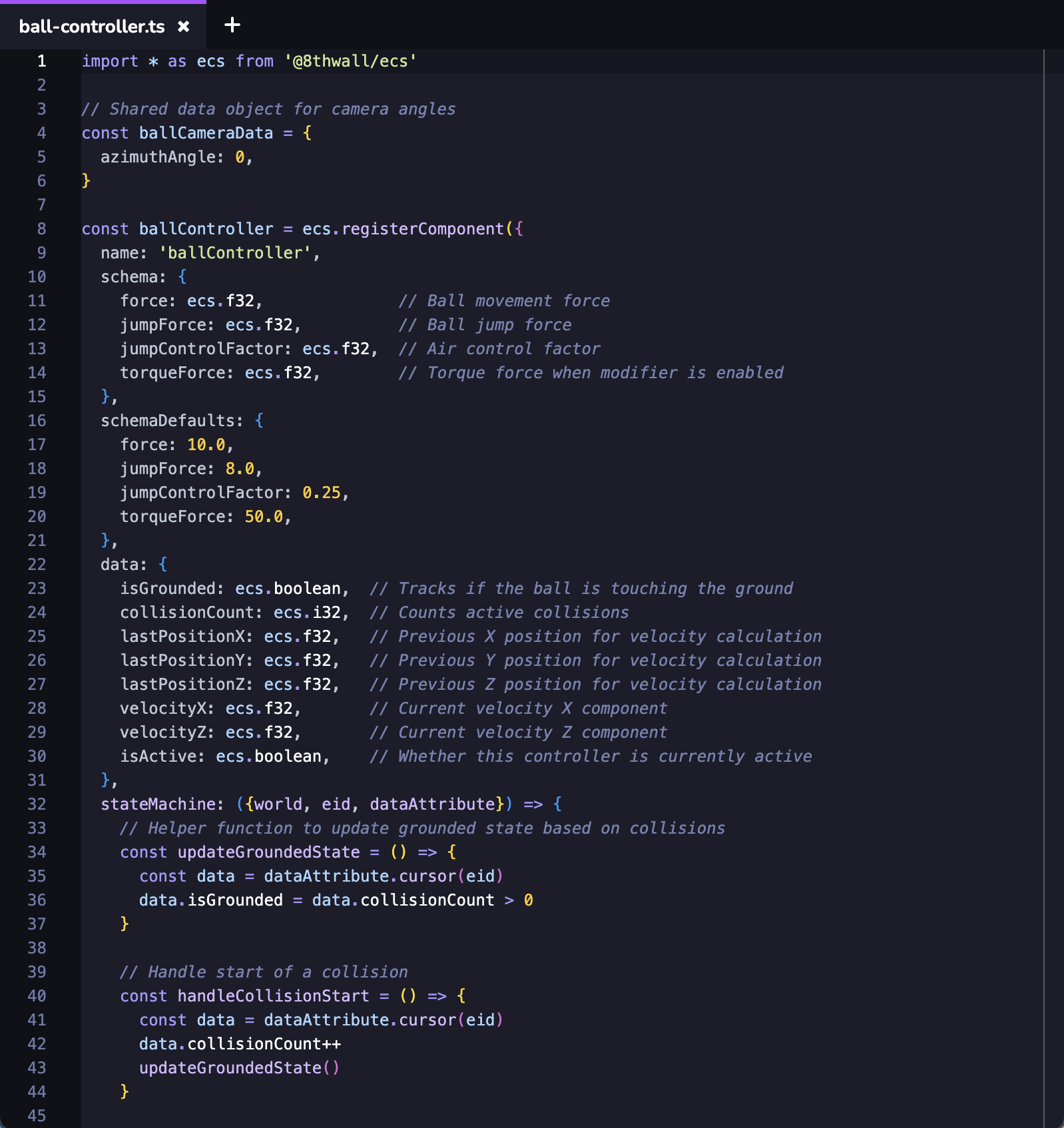
Jerarquía[](https://www.8thwall.com/docs/es/studio/getting-started/navigate-interface/#hierarchy "Enlace directo a Jerarquía")
--------------------------------------------------------------------------------------------------------------------------------
Visualice las entidades y objetos incluidos en el espacio, y modifique su anidamiento. Puede reasignar o desasignar el objeto en haciendo clic en él y arrastrándolo a otra posición de la jerarquía. Haga clic con el botón derecho del ratón para duplicar o eliminar objetos. Añade nuevos objetos a tu espacio. Búsqueda y filtrado de diferentes objetos.
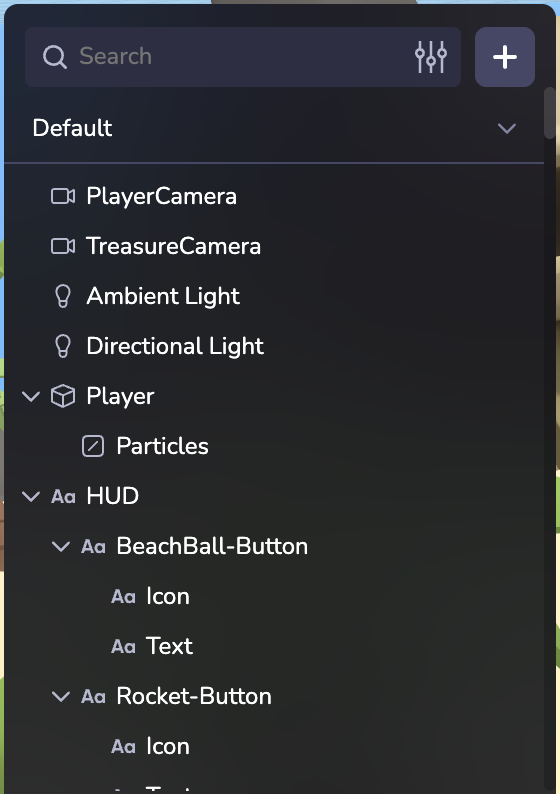
Activos[](https://www.8thwall.com/docs/es/studio/getting-started/navigate-interface/#assets "Enlace directo a Activos")
-------------------------------------------------------------------------------------------------------------------------
Los archivos y activos pueden gestionarse desde el panel inferior izquierdo.
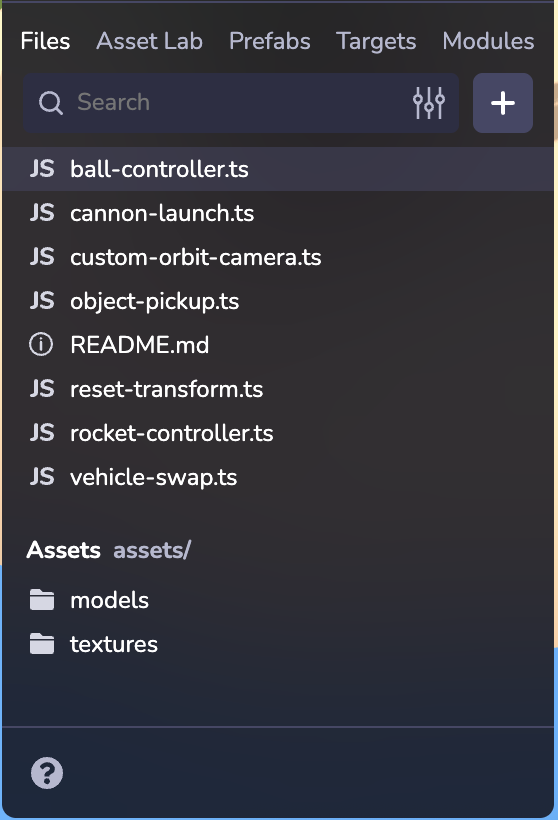
### Archivos[](https://www.8thwall.com/docs/es/studio/getting-started/navigate-interface/#files "Enlace directo a Archivos")
Cargue sus propios modelos 3D, imágenes 2D, archivos de audio , scripts personalizados y mucho más. Crea carpetas y arrastra archivos para reorganizar su ubicación. Usted puede también arrastrar y soltar un activo en el Viewport o la Jerarquía para agregar la entidad en su escena. Para obtener más información sobre el uso y la optimización de módulos 3D en formato GLB/GLTF, consulte Sus modelos 3D en la web en .
### Laboratorio de activos[](https://www.8thwall.com/docs/es/studio/getting-started/navigate-interface/#asset-lab "Enlace directo a Laboratorio de activos")
Genere imágenes, modelos 3D y personajes animados y riggeados con Asset Lab y acceda a su biblioteca de Asset Lab para importar fácilmente activos a su proyecto. [Más información sobre Asset Lab](https://www.8thwall.com/docs/es/studio/asset-lab/)
.
### Prefabricados[](https://www.8thwall.com/docs/es/studio/getting-started/navigate-interface/#prefabs "Enlace directo a Prefabricados")
Cree plantillas de juego reutilizables y personalizables que agilicen y amplíen su desarrollo. [Más información sobre prefabricados](https://www.8thwall.com/docs/es/studio/guides/prefabs/)
.
### Objetivos[](https://www.8thwall.com/docs/es/studio/getting-started/navigate-interface/#targets "Enlace directo a Objetivos")
Cargar y gestionar los objetivos de imagen del proyecto. [Más información sobre objetivos de imagen](https://www.8thwall.com/docs/es/studio/guides/xr/image-targets/)
.
### Módulos[](https://www.8thwall.com/docs/es/studio/getting-started/navigate-interface/#modules "Enlace directo a Módulos")
8th Wall Modules es una potente función de 8th Wall diseñada para aumentar drásticamente la eficacia del desarrollo de proyectos en . Los módulos de 8th Wall le permiten guardar y reutilizar componentes (código, activos, archivos) dentro de su espacio de trabajo y también encontrar e importar módulos creados por 8th Wall en su proyecto. [Más información sobre los módulos de 8ª pared](https://www.8thwall.com/docs/es/studio/guides/modules/)
.
Ventana[](https://www.8thwall.com/docs/es/studio/getting-started/navigate-interface/#viewport "Enlace directo a Ventana")
---------------------------------------------------------------------------------------------------------------------------
Añada, coloque, actualice y trabaje con objetos e iluminación en el espacio. Utilice el dispositivo de perspectiva inferior para cambiar la vista de la escena, modificar la iluminación y la visibilidad de las sombras, y pasar de la vista ortográfica a la vista en perspectiva. Utilice la barra de herramientas superior para cambiar la posición, rotación o escala de un objeto seleccionado, o para deshacer y rehacer ediciones.
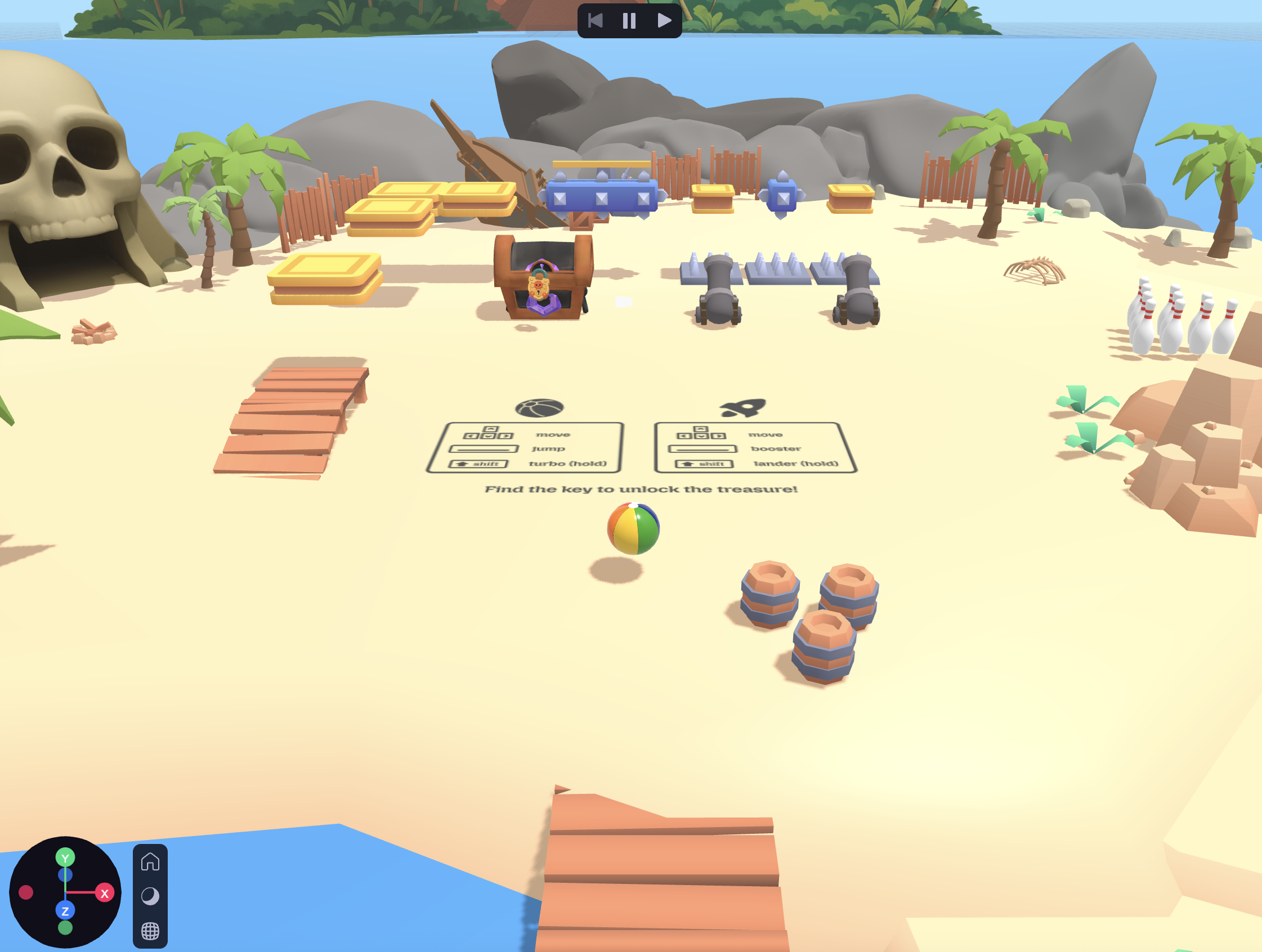
### Atajos[](https://www.8thwall.com/docs/es/studio/getting-started/navigate-interface/#shortcuts "Enlace directo a Atajos")
| Función | Atajo de teclado |
| --- | --- |
| Órbita de la cámara | ⌥ Clic izquierdo + arrastrar |
| Panorámica de la cámara | ⌥ Clic derecho+arrastrar, Clic derecho+arrastrar, Clic central+arrastrar. |
| Zoom de la cámara | Rueda de desplazamiento |
| Centrarse en el objeto seleccionado | F |
| Traducir | W |
| Gire | E |
| Escala | R |
| Ocultar/Mostrar capa de interfaz de usuario | ⌘\\ |
| Borrar objeto | Borrar |
| Duplicar | ⌘D |
| Copiar objeto | ⌘C |
| Pegar objeto | ⌘V |
| Deshacer | ⌘Z |
| Rehacer | ⌘⇧Z, ⌘Y |
Simulador[](https://www.8thwall.com/docs/es/studio/getting-started/navigate-interface/#simulator "Enlace directo a Simulador")
--------------------------------------------------------------------------------------------------------------------------------
Inicia el simulador para reproducir tu escena. Puede realizar modificaciones en las entidades de su espacio y verlas reflejadas inmediatamente en el simulador. El simulador también te permite probar y ver los cambios del proyecto en diferentes tamaños de pantalla y simula entornos reales sin necesidad de salir de Studio.


Si estás desarrollando RA, puedes acceder a una colección de secuencias de cámara pregrabadas. El simulador de realidad aumentada dispone de una serie de controles de reproducción y funciones prácticas, como :
* Barra de reproducción, scrubber y tiradores de entrada/salida: Le permiten establecer puntos de bucle, lo que le proporciona un control granular sobre la secuencia seleccionada.
* Botón de recentrado (abajo a la derecha): Recentra la alimentación de la cámara a su origen. NOTA: También se llama a Recenter en cada vez que la secuencia hace un bucle y cada vez que se selecciona una nueva secuencia.
Iniciar barra de herramientas[](https://www.8thwall.com/docs/es/studio/getting-started/navigate-interface/#launch-toolbar "Enlace directo a Iniciar barra de herramientas")
-----------------------------------------------------------------------------------------------------------------------------------------------------------------------------
Studio guardará automáticamente tu progreso a medida que trabajas en un proyecto, sin embargo, las etapas clave en el desarrollo de pueden marcarse construyendo manualmente tu proyecto, aterrizando tus cambios como commits, y publicando tu proyecto.

**Construir**: Haz clic en Construir para guardar tu trabajo e iniciar una nueva compilación en la nube de tu proyecto.
**Aterrizar o sincronizar**: Una vez que estés satisfecho con los cambios, aterriza el código actualizado en el control de código fuente integrado de Studio . En la parte superior derecha de la ventana Estudio, haz clic en Aterrizar. El botón será de color verde, indicando que hay cambios en su proyecto que aún no se han aterrizado en el control de código fuente. "Sync" indica que su proyecto no está actualizado con los últimos cambios aterrizados en el control de fuentes (ejemplo: otro miembro del equipo ha aterrizado cambios del proyecto en el control de fuentes).
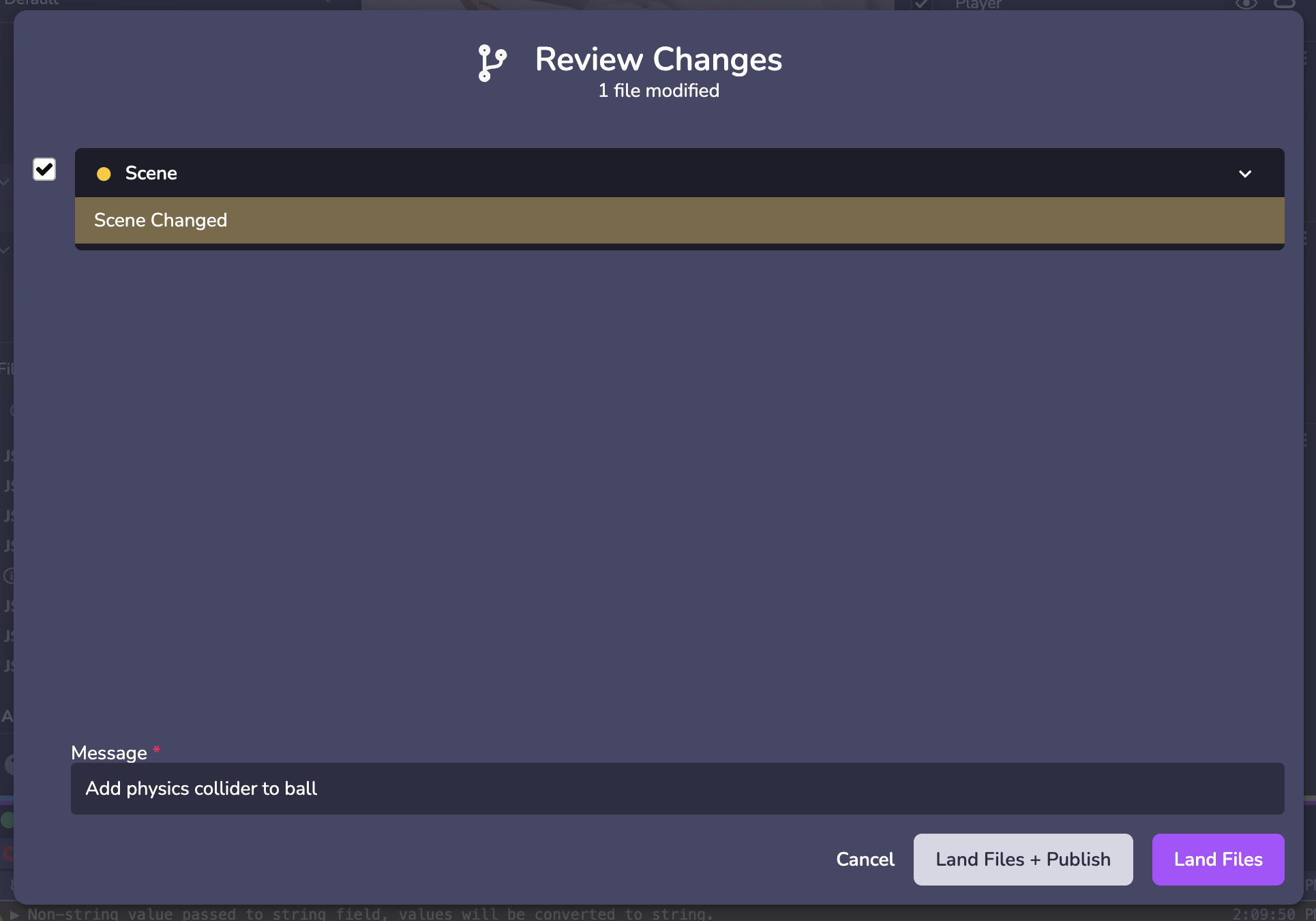
**Publicar**: El paso final es publicar el código actualizado y aterrizado de su proyecto utilizando el alojamiento incorporado de 8th Wall en . Público permite que el proyecto sea visto públicamente por cualquier persona en Internet. Staging permite ver su proyecto a quienes dispongan de un código de acceso.
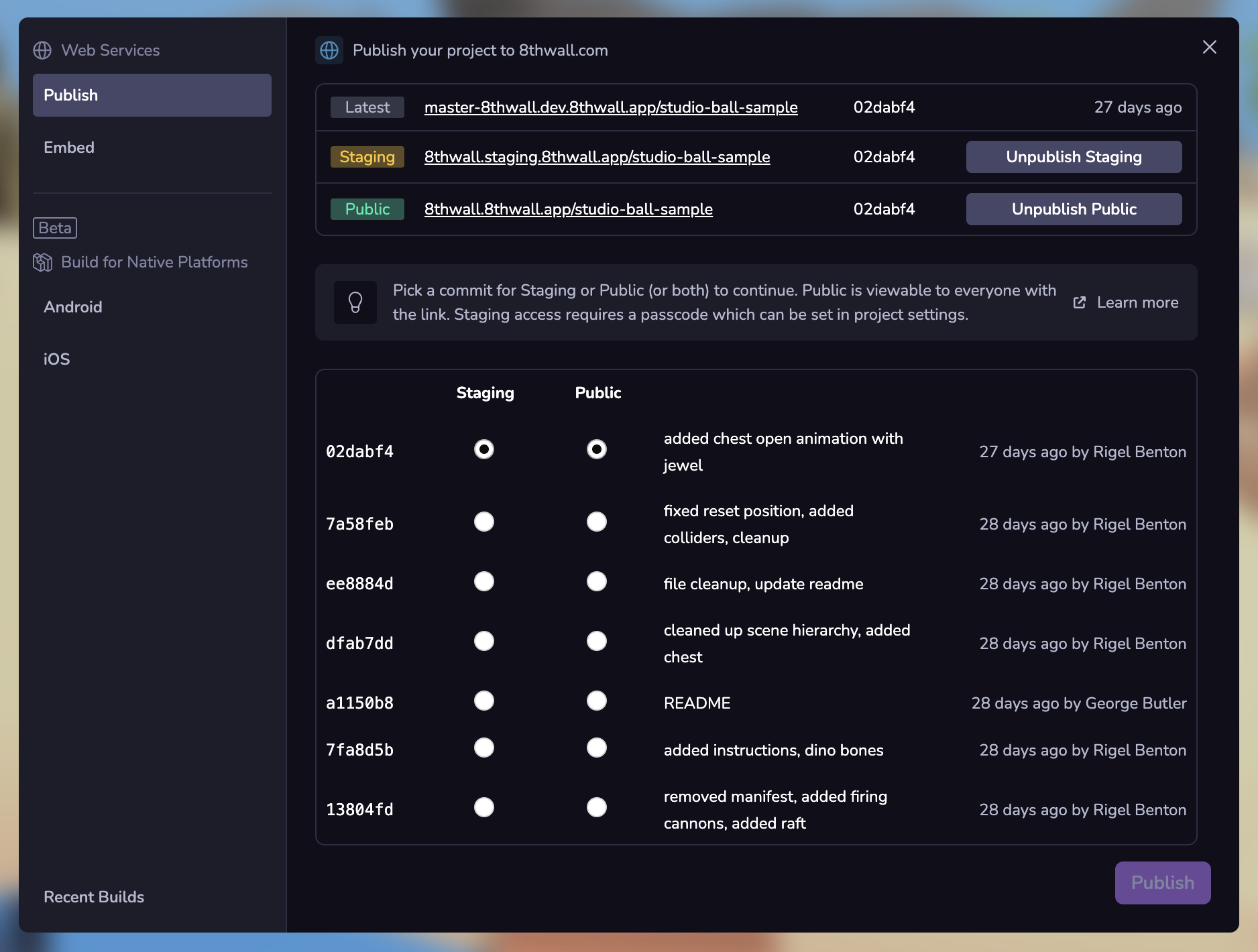
Cuando esté listo para publicar su proyecto, necesitará una descripción y una imagen de portada. Para obtener más información sobre cómo presentar un proyecto para su visualización pública, consulte la sección [Publique su proyecto](https://www.8thwall.com/docs/es/studio/getting-started/publish/)
.
Ajustes e inspector[](https://www.8thwall.com/docs/es/studio/getting-started/navigate-interface/#settings-inspector "Enlace directo a Ajustes e inspector")
-------------------------------------------------------------------------------------------------------------------------------------------------------------
Visualice y configure los componentes específicos de cada objeto, así como los ajustes generales del editor.
### Ajustes de espacio[](https://www.8thwall.com/docs/es/studio/getting-started/navigate-interface/#space-settings "Enlace directo a Ajustes de espacio")
Cuando **no se selecciona ninguna entidad** verá los ajustes generales de su proyecto.
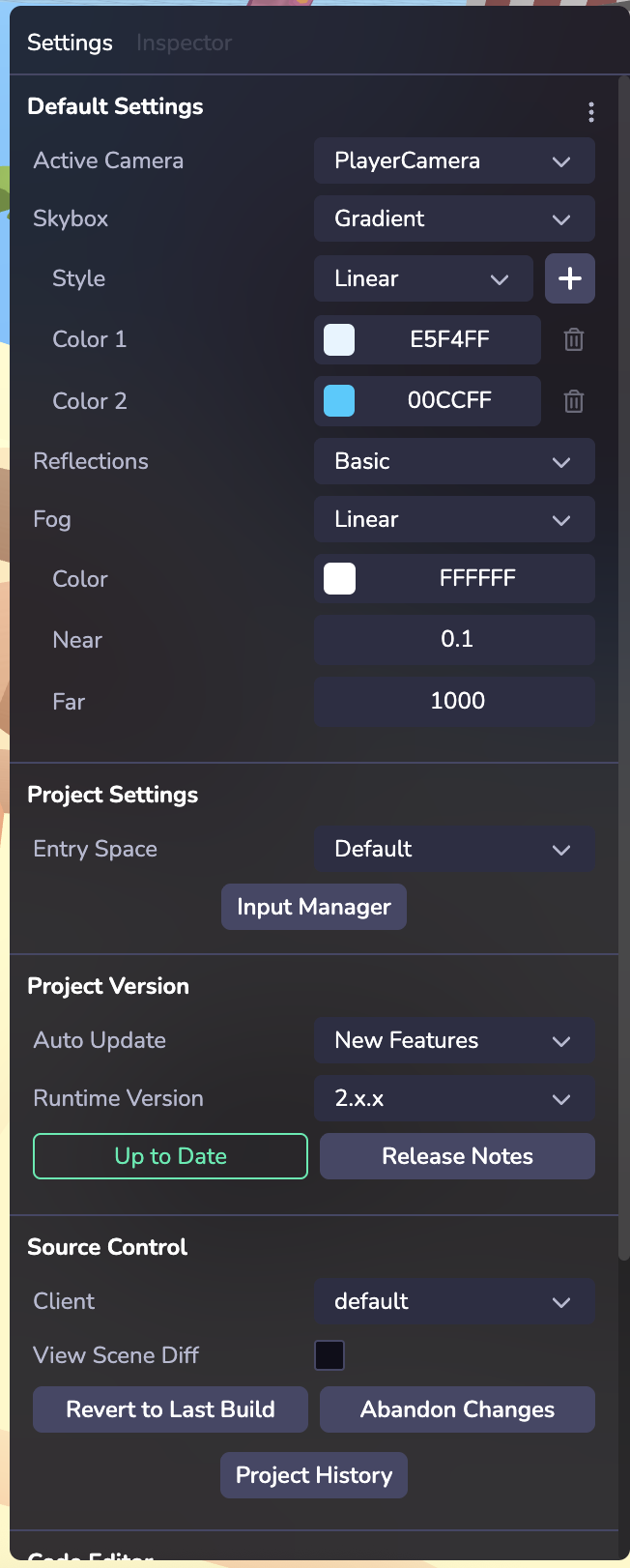
#### Ajustes por defecto[](https://www.8thwall.com/docs/es/studio/getting-started/navigate-interface/#default-settings "Enlace directo a Ajustes por defecto")
Dale estilo a tu espacio con ajustes como Skybox y Niebla. Los Skyboxes son una envoltura alrededor de toda tu escena que muestra el aspecto del mundo más allá de tu geometría. Si su proyecto está configurado para usar AR en un dispositivo compatible con AR, (ver [XR](https://www.8thwall.com/docs/es/studio/guides/xr/world/)
) el Skybox no será renderizado.
#### Configuración del proyecto[](https://www.8thwall.com/docs/es/studio/getting-started/navigate-interface/#project-settings "Enlace directo a Configuración del proyecto")
Si tiene varios Espacios, seleccione cuál es el espacio de entrada.
Utiliza el Gestor de entradas para configurar experiencias que funcionen con entradas de distintos dispositivos, como teclados , controles de gamepad, trackpads y acciones de pantalla táctil. Cree su acción de evento y establezca en una asignación (o vinculación) a diferentes entradas. [Más información sobre el sistema de entrada](https://www.8thwall.com/docs/es/studio/guides/input/)
#### Versión del proyecto[](https://www.8thwall.com/docs/es/studio/getting-started/navigate-interface/#project-version "Enlace directo a Versión del proyecto")
Los proyectos de Studio pueden ejecutarse en una versión de tiempo de ejecución específica, que puede seleccionarse aquí. Vincule su proyecto a un tiempo de ejecución fijo para mayor previsibilidad, u opte por actualizaciones menores y correcciones de errores automáticas para mantenerse siempre al día.
#### Control de fuentes[](https://www.8thwall.com/docs/es/studio/getting-started/navigate-interface/#source-control "Enlace directo a Control de fuentes")
Gestione las distintas versiones de su proyecto y el historial de cambios. La creación de un nuevo cliente crea una nueva versión de su proyecto que puede ser útil para probar cambios sin afectar a su versión principal . También puede acceder a un historial de los cambios anteriores del proyecto Landed seleccionando la función Historial del proyecto.
#### Editor de código[](https://www.8thwall.com/docs/es/studio/getting-started/navigate-interface/#code-editor "Enlace directo a Editor de código")
Elige entre distintos ajustes de usabilidad, como los modos de luz/oscuridad, las combinaciones de teclas y los ajustes de guardado de código.
### Inspector[](https://www.8thwall.com/docs/es/studio/getting-started/navigate-interface/#inspector "Enlace directo a Inspector")
Inspeccionar y configurar una entidad y sus componentes. Más información sobre entidades y componentes en [Visión general](https://www.8thwall.com/docs/es/studio/essentials/overview/)
.
Por defecto, cada entidad muestra un componente Transformar en el Inspector. Diferentes tipos de entidades pueden mostrar diferentes componentes, por ejemplo una Primitiva mostrará un componente de Malla con opciones configurables como ajustes de forma de geometría, materiales, texturas, etc.
#### Componentes[](https://www.8thwall.com/docs/es/studio/getting-started/navigate-interface/#components "Enlace directo a Componentes")
Puede añadir un componente utilizando el botón "+ Nuevo componente". En Studio hay varios tipos de componentes integrados en , como física, iluminación, audio y animaciones, entre otros. También se pueden añadir componentes personalizados\* [Más información sobre los componentes personalizados](https://www.8thwall.com/docs/es/studio/essentials/custom-components/)
. Una vez configurado, su componente personalizadoaparecerá en la categoría Personalizado. Haga clic en los tres puntos para eliminar un componente.
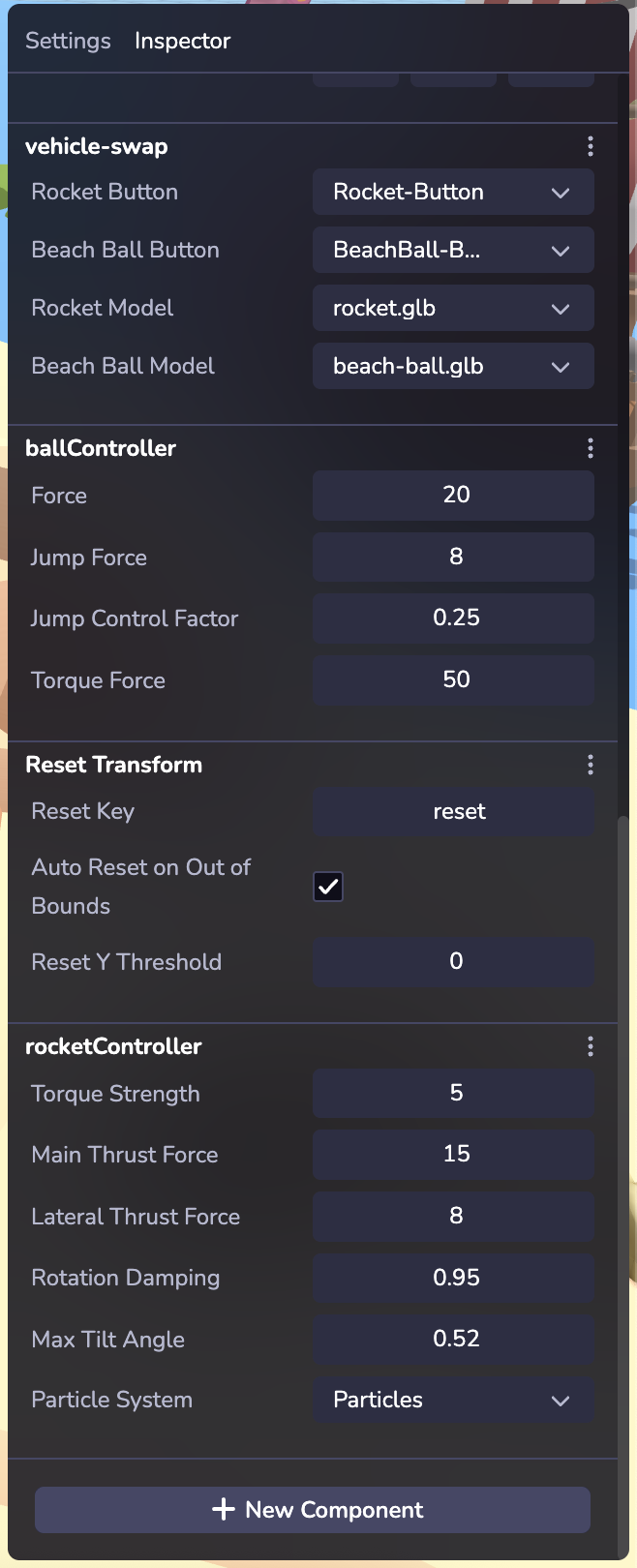
Dispositivos y consola[](https://www.8thwall.com/docs/es/studio/getting-started/navigate-interface/#devices--console "Enlace directo a Dispositivos y consola")
-----------------------------------------------------------------------------------------------------------------------------------------------------------------
### Conectar dispositivo[](https://www.8thwall.com/docs/es/studio/getting-started/navigate-interface/#connect-device "Enlace directo a Conectar dispositivo")
consejo
Probar el proyecto en varios dispositivos garantiza que los usuarios disfruten de una experiencia coherente en y en distintos tamaños de pantalla y plataformas.
Previsualice instantáneamente proyectos en dispositivos móviles, de sobremesa o auriculares o en otra ventana del navegador mientras desarrolla mediante enlace/código QR.
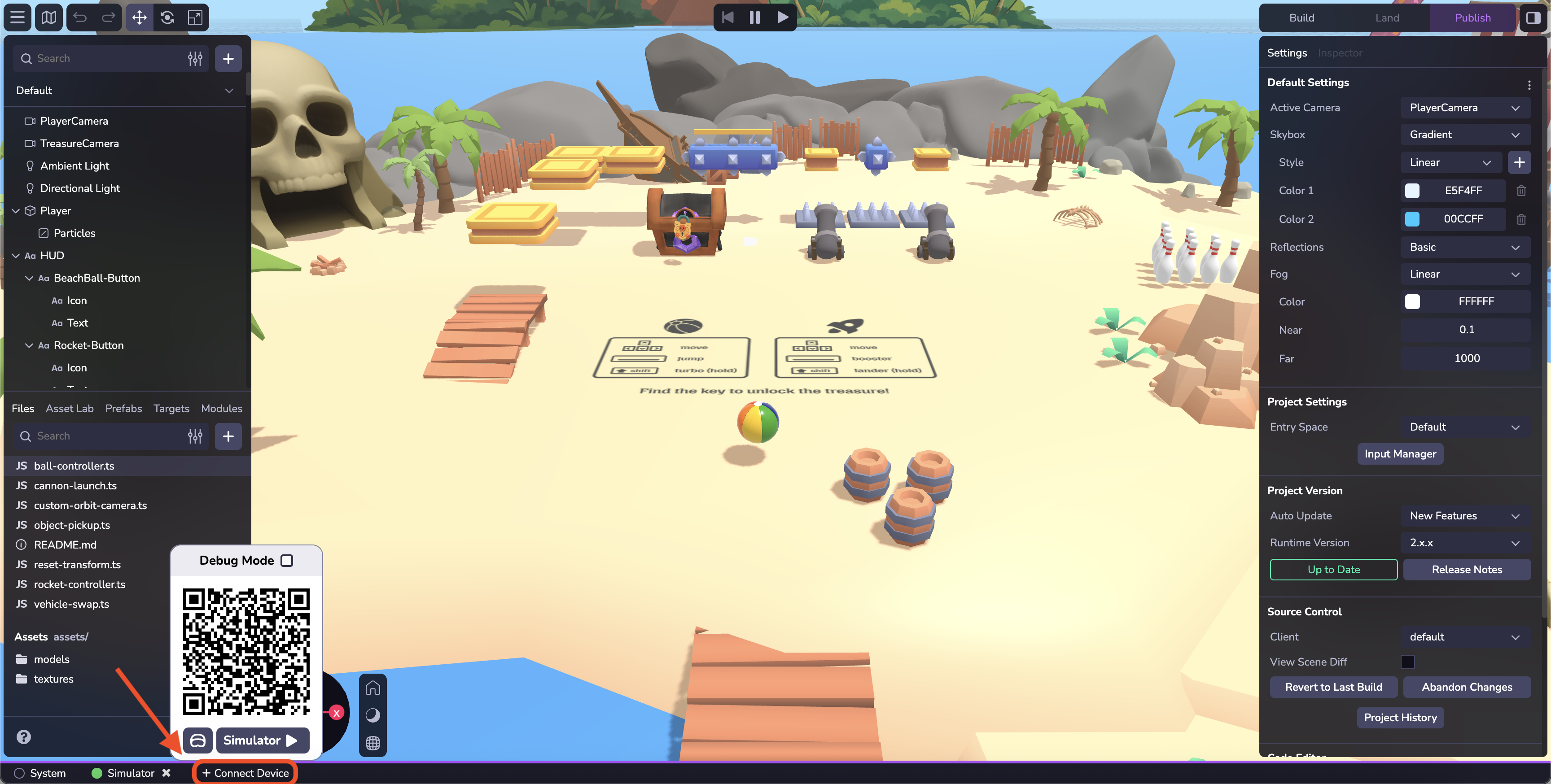
* En la parte inferior de la interfaz de Studio, haz clic en el botón Conectar dispositivo.
* Escanee el código QR con su dispositivo móvil para abrir un navegador web y probar su proyecto. O haga clic en el código QR para abrir una nueva pestaña en su navegador de escritorio.
* Cuando se carga la página, si tu proyecto utiliza WebAR, se te pedirá acceso a los sensores de movimiento y orientación (en algunos dispositivos) y a la cámara (todos los dispositivos). Haga clic en Permitir para todas las solicitudes de permiso . Accederá a la URL de desarrollo privado del proyecto.
* Nota: El código QR "Preview" es un código QR temporal, de un solo uso destinado únicamente al uso por parte del desarrollador mientras desarrolla activamente en Studio. Este código QR te lleva a una URL privada y de desarrollo, y no es accesible para otros. Para compartir su trabajo con los demás, , consulte la sección siguiente sobre Publicación de su proyecto.
* Haz clic en el icono de auriculares para generar un enlace para un dispositivo de auriculares.
### Consola[](https://www.8thwall.com/docs/es/studio/getting-started/navigate-interface/#console "Enlace directo a Consola")
Depura las acciones de compilación y ejecución de tu proyecto. El modo de depuración es una función avanzada de Studio que proporciona registros en , información sobre el rendimiento y visualizaciones mejoradas directamente en el dispositivo.
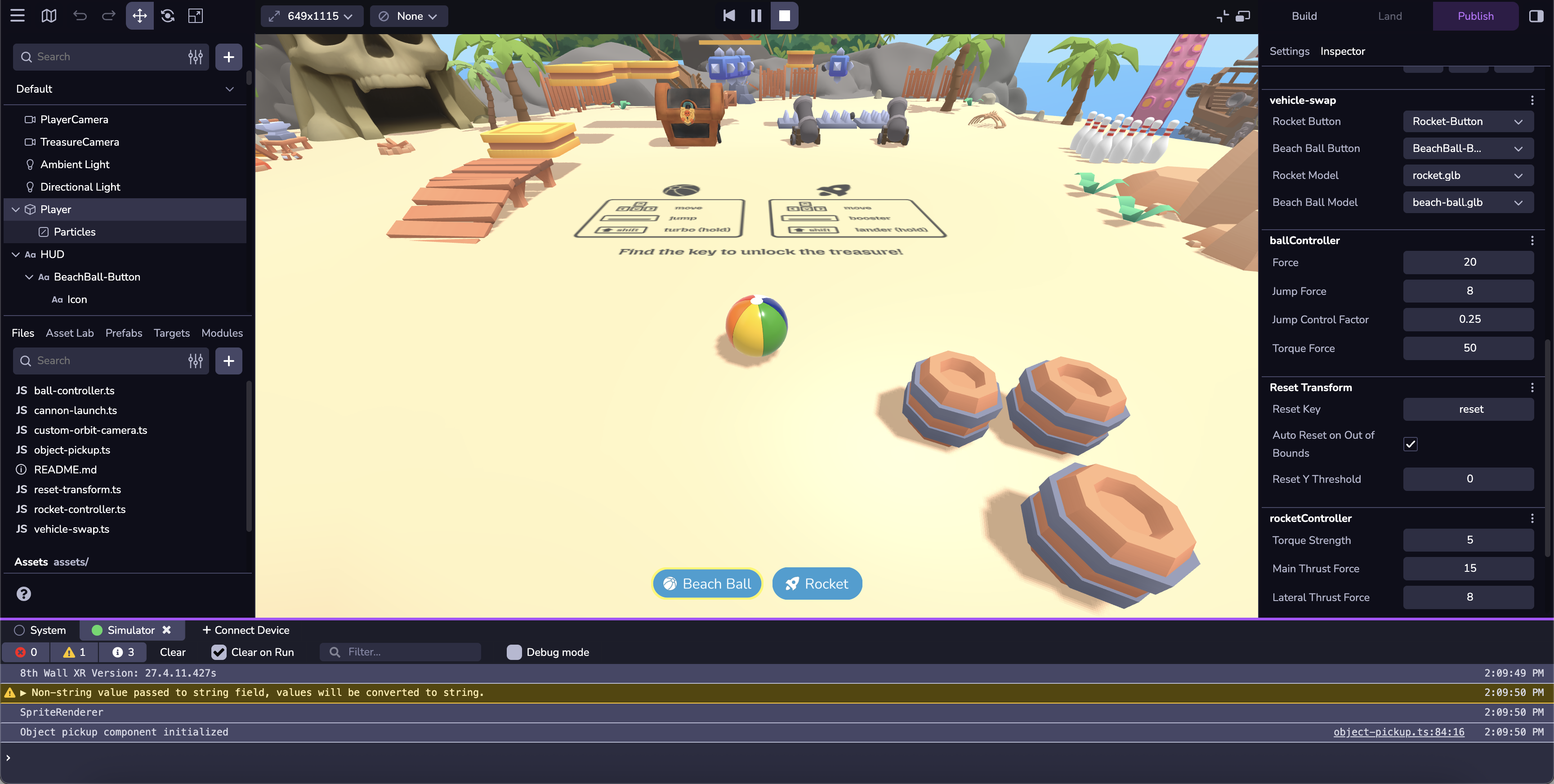
Editor de código[](https://www.8thwall.com/docs/es/studio/getting-started/navigate-interface/#code-editor-1 "Enlace directo a Editor de código")
--------------------------------------------------------------------------------------------------------------------------------------------------
El editor de código de 8th Wall equipa a los desarrolladores con un conjunto de herramientas de codificación para crear, colaborar y publicar en contenidos XR basados en web. Nuestro potente IDE incluye el editor de código, control de código fuente integrado, historial de confirmaciones , vista previa en directo, depuración remota inalámbrica y alojamiento mediante pulsador en una CDN global. Otras funciones del Editor de código son:
* Intellisense
* Paleta de comandos
* Código Peek
* Temas claros/oscuros

* [Jerarquía](https://www.8thwall.com/docs/es/studio/getting-started/navigate-interface/#hierarchy)
* [Activos](https://www.8thwall.com/docs/es/studio/getting-started/navigate-interface/#assets)
* [Archivos](https://www.8thwall.com/docs/es/studio/getting-started/navigate-interface/#files)
* [Laboratorio de activos](https://www.8thwall.com/docs/es/studio/getting-started/navigate-interface/#asset-lab)
* [Prefabricados](https://www.8thwall.com/docs/es/studio/getting-started/navigate-interface/#prefabs)
* [Objetivos](https://www.8thwall.com/docs/es/studio/getting-started/navigate-interface/#targets)
* [Módulos](https://www.8thwall.com/docs/es/studio/getting-started/navigate-interface/#modules)
* [Ventana](https://www.8thwall.com/docs/es/studio/getting-started/navigate-interface/#viewport)
* [Atajos](https://www.8thwall.com/docs/es/studio/getting-started/navigate-interface/#shortcuts)
* [Simulador](https://www.8thwall.com/docs/es/studio/getting-started/navigate-interface/#simulator)
* [Iniciar barra de herramientas](https://www.8thwall.com/docs/es/studio/getting-started/navigate-interface/#launch-toolbar)
* [Ajustes e inspector](https://www.8thwall.com/docs/es/studio/getting-started/navigate-interface/#settings-inspector)
* [Ajustes de espacio](https://www.8thwall.com/docs/es/studio/getting-started/navigate-interface/#space-settings)
* [Inspector](https://www.8thwall.com/docs/es/studio/getting-started/navigate-interface/#inspector)
* [Dispositivos y consola](https://www.8thwall.com/docs/es/studio/getting-started/navigate-interface/#devices--console)
* [Conectar dispositivo](https://www.8thwall.com/docs/es/studio/getting-started/navigate-interface/#connect-device)
* [Consola](https://www.8thwall.com/docs/es/studio/getting-started/navigate-interface/#console)
* [Editor de código](https://www.8thwall.com/docs/es/studio/getting-started/navigate-interface/#code-editor-1)
---
# Aide et assistance | 8th Wall
[Skip to main content](https://www.8thwall.com/docs/fr/studio/help-support/#__docusaurus_skipToContent_fallback)
\*\*Vous avez besoin d'aide ? 8th Wall est là pour vous aider à réussir.
Forum
-----
[](https://forum.8thwall.com/)
Rejoignez le [forum](https://forum.8thwall.com/)
pour poser des questions et obtenir le soutien de 8th Wall et de la communauté.
Discord
-------
[](https://8th.io/discord)
Rejoignez le [Discord](https://8th.io/discord)
pour vous connecter à la communauté et obtenir des conseils sur l'innovation avec 8th Wall.
Tutoriels
---------
[](https://www.8thwall.com/tutorials)
Regardez des [tutoriels](https://www.8thwall.com/tutorials)
pour maîtriser le développement de Studio grâce aux conseils utiles de notre équipe d'assistance.
Signaler un bogue
-----------------
[](https://www.8thwall.com/projects)
Signaler un bogue dans l'interface de Studio, en utilisant le bouton � en bas à gauche.
---
# Máquinas de estado | 8th Wall
[Ir al contenido principal](https://www.8thwall.com/docs/es/studio/essentials/state-machines/#__docusaurus_skipToContent_fallback)
En esta página
Introducción[](https://www.8thwall.com/docs/es/studio/essentials/state-machines/#introducci%C3%B3n "Enlace directo a Introducción")
-------------------------------------------------------------------------------------------------------------------------------------
Las Máquinas de Estado están diseñadas para simplificar la gestión de estados.
Una máquina de estados consta de tres componentes principales:
* Estados
* Grupos estatales
* Disparadores
Una máquina de estados siempre está en un solo estado a la vez y pasa de un estado a otro cuando se cumplen determinadas condiciones (definidas por los activadores). Los grupos de estados son una forma práctica de agrupar la lógica compartida entre varios estados, pero los grupos no son estados en sí mismos.
Ejemplo[](https://www.8thwall.com/docs/es/studio/essentials/state-machines/#ejemplo "Enlace directo a Ejemplo")
-----------------------------------------------------------------------------------------------------------------
ecs.registerComponent({ name: 'Jump On Touch', stateMachine: ({world, entity, defineState}) => { const idle = defineState('idle').initial().onEnter(() => { console.log('Entrando en estado idle') }).onEvent(ecs.input.SCREEN_TOUCH_START, 'jumping') const jumping = defineState('jumping').onEnter(() => { console.log('Entrando en estado de salto') ecs.physics.applyImpulse(world, entity.eid, 0, 5, 0) }).onTick(() => { console.log('En estado de salto') }).wait(2000, 'idle') },})
Definición de una máquina de estados[](https://www.8thwall.com/docs/es/studio/essentials/state-machines/#definici%C3%B3n-de-una-m%C3%A1quina-de-estados "Enlace directo a Definición de una máquina de estados")
------------------------------------------------------------------------------------------------------------------------------------------------------------------------------------------------------------------
Al crear una máquina de estados dentro de un componente, se llama a su función con lo siguiente:
### Propiedades[](https://www.8thwall.com/docs/es/studio/essentials/state-machines/#propiedades "Enlace directo a Propiedades")
| Propiedad | Tipo | Descripción |
| --- | --- | --- |
| mundo | Mundo | Referencia al mundo. |
| eid | eid | ID de entidad del componente actual |
| entidad | Entidad | La instancia de la entidad del componente actual |
| definirEstado | función | Una función para definir estados en la máquina de estados |
| defineGrupoEstado | función | Una función para definir grupos en la máquina de estados |
| esquemaAtributo | AtributoMundo | Referencia al esquema del componente actual en el ámbito mundial. |
| dataAttribute | AtributoMundo | Referencia a los datos del componente actual en World Scope. |
El siguiente código es un ejemplo de cómo definir una máquina de estados vacía:
ecs.registerComponent({ ... stateMachine: ({world, entity, defineState}) => { // Define estados aquí },})
Estado[](https://www.8thwall.com/docs/es/studio/essentials/state-machines/#estado "Enlace directo a Estado")
--------------------------------------------------------------------------------------------------------------
Un estado es la unidad atómica fundamental de una máquina de estados. Después de definir los posibles estados de tu máquina de estados, puedes moverte entre ellos definiendo disparadores.
### Definir un Estado[](https://www.8thwall.com/docs/es/studio/essentials/state-machines/#definir-un-estado "Enlace directo a Definir un Estado")
El siguiente código es un ejemplo de cómo definir un nuevo Estado dentro de una máquina de estados dentro de un componente.
ecs.registerComponent({ ... stateMachine: ({world, entity, defineState}) => { const foo = defineEstado('foo') ... }})
consejo
Las funciones de estado son "fluidas", es decir, devuelven la misma instancia del estado, lo que permite encadenar varias llamadas a funciones en una única sentencia.
### .inicial()[](https://www.8thwall.com/docs/es/studio/essentials/state-machines/#inicial "Enlace directo a .inicial()")
Marca este estado como el primer estado activo cuando se crea la máquina de estados.
defineEstado('miEstadoPersonalizado').inicial()
### .onEnter()[](https://www.8thwall.com/docs/es/studio/essentials/state-machines/#onenter "Enlace directo a .onEnter()")
Establece una llamada de retorno que se ejecutará al entrar en este estado.
defineState('miEstadoPersonalizado').onEnter(() => { // Haz algo})
### .onTick()[](https://www.8thwall.com/docs/es/studio/essentials/state-machines/#ontick "Enlace directo a .onTick()")
Establece una llamada de retorno para que se ejecute en cada fotograma mientras este estado esté activo.
defineState('myCustomState').onTick(() => { // Haz algo})
### .onExit()[](https://www.8thwall.com/docs/es/studio/essentials/state-machines/#onexit "Enlace directo a .onExit()")
Establece una llamada de retorno que se ejecutará al salir de este estado.
defineState('myCustomState').onExit(() => { // Haz algo})
### .onEvent()[](https://www.8thwall.com/docs/es/studio/essentials/state-machines/#onevent "Enlace directo a .onEvent()")
Transición a un nuevo estado cuando se recibe un evento específico.
| Parámetro | Tipo | Descripción |
| --- | --- | --- |
| evento (Obligatorio) | cadena | El nombre del evento a escuchar |
| nextState (Obligatorio) | cadena o Estado | Estado al que se pasa cuando se produce el suceso |
| opciones (Opcional) | objeto | Opciones adicionales |
#### Opciones[](https://www.8thwall.com/docs/es/studio/essentials/state-machines/#opciones "Enlace directo a Opciones")
| Parámetro | Tipo | Descripción |
| --- | --- | --- |
| objetivo | eid | La entidad que se espera que reciba el evento (por defecto es la entidad actual) |
| donde | (evento) => booleano | Condición opcional que se comprobará antes de realizar la transición; si es falsa, la transición no se producirá. |
defineState('myCustomState').onEvent( ecs.input.SCREEN_TOUCH_START, 'other', { target: world.events.globalId, where: (event) => event.data.position.y > 0.5 })
### .wait()[](https://www.8thwall.com/docs/es/studio/essentials/state-machines/#wait "Enlace directo a .wait()")
Transición a un nuevo estado tras un tiempo determinado.
| Parámetro | Tipo | Descripción |
| --- | --- | --- |
| tiempo de espera | número | La duración en milisegundos antes de la transición |
| nextState | cadena o Estado | Siguiente estado de transición |
defineEstado('miEstadoPersonalizado').wait(1000, 'miOtroEstadoPersonalizado')
### .onTrigger()[](https://www.8thwall.com/docs/es/studio/essentials/state-machines/#ontrigger "Enlace directo a .onTrigger()")
Transición a un nuevo estado cuando se activa un TriggerHandle (definido con `ecs.defineTrigger()`).
| Parámetro | Tipo | Descripción |
| --- | --- | --- |
| asa | TriggerHandle | La manilla que provocará una transición cuando se active manualmente |
| nextState | cadena o Estado | Siguiente estado de transición |
const toOther = ecs.defineTrigger()defineState('ejemplo').onTrigger(toOther, 'otro')...toOther.trigger()
### .listen()[](https://www.8thwall.com/docs/es/studio/essentials/state-machines/#listen "Enlace directo a .listen()")
Registra un receptor de eventos que se añadirá automáticamente al entrar en el estado y se eliminará al salir.
| Parámetro | Tipo | Descripción |
| --- | --- | --- |
| objetivo | eid o () => eid | La entidad que se espera que reciba un evento |
| nombre | cadena | El acontecimiento a tener en cuenta |
| oyente | (evento) => void | La función a la que se llamará cuando se envíe el evento |
const handleCollision = (event) => { console.log('Colisionó con', event.data.other)}defineState('ejemplo').listen(eid, ecs.physics.COLLISION_START_EVENT, handleCollision)
Grupos estatales[](https://www.8thwall.com/docs/es/studio/essentials/state-machines/#grupos-estatales "Enlace directo a Grupos estatales")
--------------------------------------------------------------------------------------------------------------------------------------------
Un grupo de estados es una forma de definir comportamientos y disparadores que se aplican a una lista de estados. Los grupos estatales no son Estados propiamente dichos y no se puede pasar directamente a ellos. En cambio, cuando cualquier estado del grupo está activo, el comportamiento y los activadores del grupo también lo están.
### Definición de un grupo de Estados[](https://www.8thwall.com/docs/es/studio/essentials/state-machines/#definici%C3%B3n-de-un-grupo-de-estados "Enlace directo a Definición de un grupo de Estados")
| Parámetro | Tipo | Descripción |
| --- | --- | --- |
| subestados (Opcional) | Matriz de cadena o Estado | La lista de estados que componen este grupo; excluir este parámetro equivale a listar todos los estados |
const fizz = defineEstado('fizz')const buzz = defineEstado('buzz')const fizzBuzz = defineEstadoGrupo([fizz, 'buzz'])
consejo
Las funciones de grupo de estados son "fluidas", es decir, devuelven la misma instancia del grupo de estados, lo que permite encadenar varias llamadas a funciones en una única sentencia.
### .onEnter()[](https://www.8thwall.com/docs/es/studio/essentials/state-machines/#onenter-1 "Enlace directo a .onEnter()")
Establece una llamada de retorno para que se ejecute al entrar en este grupo.
defineStateGroup(['a', 'b']).onEnter(() => { // Haz algo})
### .onTick()[](https://www.8thwall.com/docs/es/studio/essentials/state-machines/#ontick-1 "Enlace directo a .onTick()")
Establece una llamada de retorno para que se ejecute en cada fotograma mientras este grupo esté activo.
defineStateGroup(['a', 'b']).onTick(() => { // Haz algo})
### .onExit()[](https://www.8thwall.com/docs/es/studio/essentials/state-machines/#onexit-1 "Enlace directo a .onExit()")
Establece una llamada de retorno que se ejecutará al salir de este grupo.
defineStateGroup(['a', 'b']).onTick(() => { // Haz algo})
### .onEvent()[](https://www.8thwall.com/docs/es/studio/essentials/state-machines/#onevent-1 "Enlace directo a .onEvent()")
Transición a un nuevo estado cuando se recibe un evento específico.
| Parámetro | Tipo | Descripción |
| --- | --- | --- |
| evento (Obligatorio) | cadena | El nombre del evento a escuchar |
| nextState (Obligatorio) | cadena o Estado | Estado al que se pasa cuando se produce el suceso |
| opciones (Opcional) | objeto | Opciones adicionales |
#### Opciones[](https://www.8thwall.com/docs/es/studio/essentials/state-machines/#opciones-1 "Enlace directo a Opciones")
| Parámetro | Tipo | Descripción |
| --- | --- | --- |
| objetivo | eid | La entidad que se espera que reciba el evento (por defecto es la entidad actual) |
| donde | (evento) => booleano | Condición opcional que se comprobará antes de realizar la transición; si es falsa, la transición no se producirá. |
defineStateGroup(['a', 'b']).onEvent( ecs.input.SCREEN_TOUCH_START, 'other', { target: world.events.globalId, where: (event) => event.data.position.y > 0.5 })
### .wait()[](https://www.8thwall.com/docs/es/studio/essentials/state-machines/#wait-1 "Enlace directo a .wait()")
Transición a un nuevo estado tras un tiempo determinado.
| Parámetro | Tipo | Descripción |
| --- | --- | --- |
| tiempo de espera | número | La duración en milisegundos antes de la transición |
| nextState | cadena o Estado | Siguiente estado de transición |
defineEstadoGrupo(['a', 'b']).espera(1000, 'c')
### .onTrigger()[](https://www.8thwall.com/docs/es/studio/essentials/state-machines/#ontrigger-1 "Enlace directo a .onTrigger()")
Transición a un nuevo estado cuando se activa un TriggerHandle (definido con `ecs.defineTrigger()`).
| Parámetro | Tipo | Descripción |
| --- | --- | --- |
| asa | TriggerHandle | La manilla que provocará una transición cuando se active manualmente |
| nextState | cadena o Estado | Siguiente estado de transición |
const toC = ecs.defineTrigger()defineStateGroup(['a', 'b']).onTrigger(toC, 'c')...toC.trigger()
### .listen()[](https://www.8thwall.com/docs/es/studio/essentials/state-machines/#listen-1 "Enlace directo a .listen()")
Registra un receptor de eventos que se añadirá automáticamente al entrar en el grupo de estados y se eliminará al salir.
| Parámetro | Tipo | Descripción |
| --- | --- | --- |
| objetivo | eid o () => eid | La entidad que se espera que reciba un evento |
| nombre | cadena | El acontecimiento a tener en cuenta |
| oyente | (evento) => void | La función a la que se llamará cuando se envíe el evento |
const handleCollision = (event) => { console.log('colisionó con', event.data.other)}defineStateGroup(['a', 'b']).listen(eid, ecs.physics.COLLISION_START_EVENT, handleCollision)
Activadores personalizados[](https://www.8thwall.com/docs/es/studio/essentials/state-machines/#activadores-personalizados "Enlace directo a Activadores personalizados")
--------------------------------------------------------------------------------------------------------------------------------------------------------------------------
Puede definir un activador personalizado que pueda invocarse en cualquier momento para provocar una transición.
const go = ecs.defineTrigger()const parado = defineState('parado').onTick(() => { if (world.input.getAction('inicio-marcha')) { go.trigger() }}).onTrigger(go, 'going')const going = defineState('going')
* [Introducción](https://www.8thwall.com/docs/es/studio/essentials/state-machines/#introducci%C3%B3n)
* [Ejemplo](https://www.8thwall.com/docs/es/studio/essentials/state-machines/#ejemplo)
* [Definición de una máquina de estados](https://www.8thwall.com/docs/es/studio/essentials/state-machines/#definici%C3%B3n-de-una-m%C3%A1quina-de-estados)
* [Propiedades](https://www.8thwall.com/docs/es/studio/essentials/state-machines/#propiedades)
* [Estado](https://www.8thwall.com/docs/es/studio/essentials/state-machines/#estado)
* [Definir un Estado](https://www.8thwall.com/docs/es/studio/essentials/state-machines/#definir-un-estado)
* [.inicial()](https://www.8thwall.com/docs/es/studio/essentials/state-machines/#inicial)
* [.onEnter()](https://www.8thwall.com/docs/es/studio/essentials/state-machines/#onenter)
* [.onTick()](https://www.8thwall.com/docs/es/studio/essentials/state-machines/#ontick)
* [.onExit()](https://www.8thwall.com/docs/es/studio/essentials/state-machines/#onexit)
* [.onEvent()](https://www.8thwall.com/docs/es/studio/essentials/state-machines/#onevent)
* [.wait()](https://www.8thwall.com/docs/es/studio/essentials/state-machines/#wait)
* [.onTrigger()](https://www.8thwall.com/docs/es/studio/essentials/state-machines/#ontrigger)
* [.listen()](https://www.8thwall.com/docs/es/studio/essentials/state-machines/#listen)
* [Grupos estatales](https://www.8thwall.com/docs/es/studio/essentials/state-machines/#grupos-estatales)
* [Definición de un grupo de Estados](https://www.8thwall.com/docs/es/studio/essentials/state-machines/#definici%C3%B3n-de-un-grupo-de-estados)
* [.onEnter()](https://www.8thwall.com/docs/es/studio/essentials/state-machines/#onenter-1)
* [.onTick()](https://www.8thwall.com/docs/es/studio/essentials/state-machines/#ontick-1)
* [.onExit()](https://www.8thwall.com/docs/es/studio/essentials/state-machines/#onexit-1)
* [.onEvent()](https://www.8thwall.com/docs/es/studio/essentials/state-machines/#onevent-1)
* [.wait()](https://www.8thwall.com/docs/es/studio/essentials/state-machines/#wait-1)
* [.onTrigger()](https://www.8thwall.com/docs/es/studio/essentials/state-machines/#ontrigger-1)
* [.listen()](https://www.8thwall.com/docs/es/studio/essentials/state-machines/#listen-1)
* [Activadores personalizados](https://www.8thwall.com/docs/es/studio/essentials/state-machines/#activadores-personalizados)
---
# Notes de mise à jour | 8th Wall
[Skip to main content](https://www.8thwall.com/docs/fr/studio/release-notes/#__docusaurus_skipToContent_fallback)
Sur cette page
Octobre 2025 \[Mise à jour 3\][](https://www.8thwall.com/docs/fr/studio/release-notes/#version-2025-october-24 "Lien direct vers Octobre 2025 [Mise à jour 3]")
-----------------------------------------------------------------------------------------------------------------------------------------------------------------
24 octobre 2025
### Nouvelles fonctionnalités[](https://www.8thwall.com/docs/fr/studio/release-notes/#nouvelles-fonctionnalit%C3%A9s "Lien direct vers Nouvelles fonctionnalités")
Runtime 2.2.0 ajoute les décalages de rotation des collisionneurs physiques, et d'autres corrections/améliorations. Lisez les notes de version complètes de [ici](https://www.8thwall.com/docs/fr/api/studio/changelog/#2.2.0)
.
Octobre 2025 \[Mise à jour 2\][](https://www.8thwall.com/docs/fr/studio/release-notes/#version-2025-october-16 "Lien direct vers Octobre 2025 [Mise à jour 2]")
-----------------------------------------------------------------------------------------------------------------------------------------------------------------
16 octobre 2025
### Nouvelles fonctionnalités[](https://www.8thwall.com/docs/fr/studio/release-notes/#nouvelles-fonctionnalit%C3%A9s-1 "Lien direct vers Nouvelles fonctionnalités")
Le Runtime 2.1.0 introduit une API pour la boîte à ciel et le brouillard, ainsi que d'autres corrections/améliorations. Lisez les notes de version complètes de [ici](https://www.8thwall.com/docs/fr/api/studio/changelog/#2.1.0)
.
Octobre 2025 \[Mise à jour 1\][](https://www.8thwall.com/docs/fr/studio/release-notes/#version-2025-october-10 "Lien direct vers Octobre 2025 [Mise à jour 1]")
-----------------------------------------------------------------------------------------------------------------------------------------------------------------
10 octobre 2025
### Nouvelles fonctionnalités[](https://www.8thwall.com/docs/fr/studio/release-notes/#nouvelles-fonctionnalit%C3%A9s-2 "Lien direct vers Nouvelles fonctionnalités")
Application de bureau
* Ajout de la prise en charge de Windows. Télécharger [ici](https://www.8thwall.com/download)
.
Exportation d'applications natives
* Ajout d'options d'intégration iFrame avec un extrait de code copiable dans le flux de publication. Pour en savoir plus [ici](https://www.8thwall.com/blog/post/196857049250/embedding-made-easy-iframe-support-in-8th-walls-publish-flow)
.
### Corrections et améliorations[](https://www.8thwall.com/docs/fr/studio/release-notes/#corrections-et-am%C3%A9liorations "Lien direct vers Corrections et améliorations")
Application de bureau
* Correction d'un problème où l'application de bureau 8th Wall sur Mac se bloquait parfois lors de la lecture initiale.
* L'application de bureau prend désormais en charge les traductions basées sur les préférences linguistiques de l'utilisateur.
Exportation d'applications natives
* Introduction d'une option de configuration permettant d'inclure ou de supprimer la barre d'état dans les versions d'exportation des applications natives iOS.
Général
* Les fichiers Markdown s'ouvrent par défaut en mode prévisualisation (Studio Web)
Septembre 2025 \[Mise à jour 3\][](https://www.8thwall.com/docs/fr/studio/release-notes/#version-2025-september-25 "Lien direct vers Septembre 2025 [Mise à jour 3]")
-----------------------------------------------------------------------------------------------------------------------------------------------------------------------
25 septembre 2025
### Corrections et améliorations[](https://www.8thwall.com/docs/fr/studio/release-notes/#corrections-et-am%C3%A9liorations-1 "Lien direct vers Corrections et améliorations")
Physique
* Correction d'un problème empêchant les objets dynamiques d'atteindre le repos complet
* Correction d'un plantage après des changements d'échelle répétés du collisionneur
Particules
* Correction des directions d'émission incorrectes
* Les effets de particules sont indépendants du framerate.
Application de bureau
* Fiabilité accrue du simulateur
UI
* Correction d'un problème entraînant un placement incorrect des décalages sur les éléments de l'interface utilisateur
Septembre 2025 \[Mise à jour 2\][](https://www.8thwall.com/docs/fr/studio/release-notes/#version-2025-september-17 "Lien direct vers Septembre 2025 [Mise à jour 2]")
-----------------------------------------------------------------------------------------------------------------------------------------------------------------------
17 septembre 2025
### Nouvelles fonctionnalités[](https://www.8thwall.com/docs/fr/studio/release-notes/#nouvelles-fonctionnalit%C3%A9s-3 "Lien direct vers Nouvelles fonctionnalités")
Application de bureau
* [L'application de bureau 8th Wall est ici](http://8th.io/desktopappblog)
. Désormais en bêta publique pour macOS, et bientôt pour Windows, l'application Desktop apporte la rapidité du développement local et la collaboration du cloud. [En savoir plus](https://www.8thwall.com/docs/studio/app/)
et [Télécharger maintenant](https://www.8thwall.com/download)
.
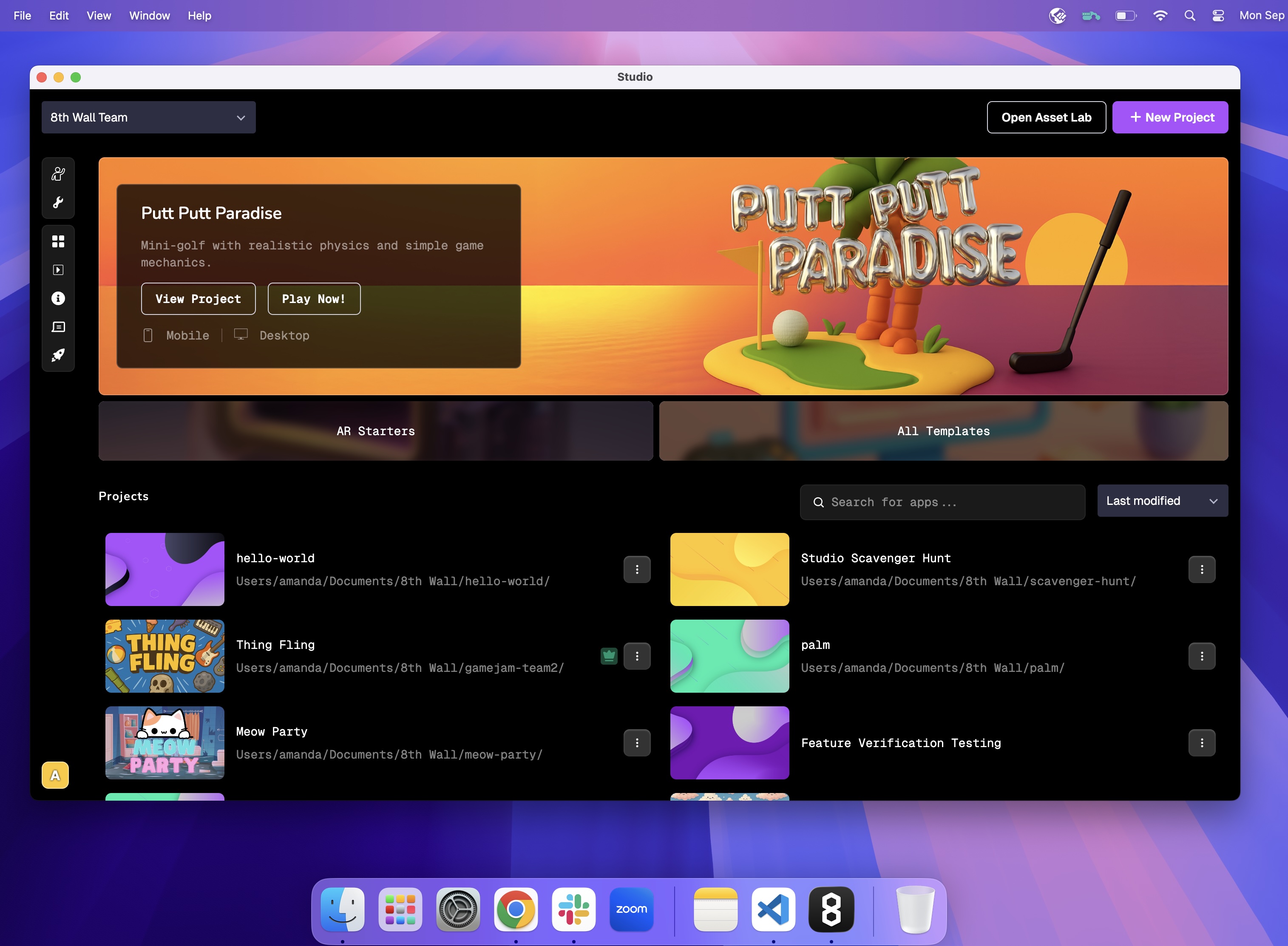
Septembre 2025 \[Mise à jour 1\][](https://www.8thwall.com/docs/fr/studio/release-notes/#version-2025-september-9 "Lien direct vers Septembre 2025 [Mise à jour 1]")
----------------------------------------------------------------------------------------------------------------------------------------------------------------------
9 septembre 2025
### Nouvelles fonctionnalités[](https://www.8thwall.com/docs/fr/studio/release-notes/#nouvelles-fonctionnalit%C3%A9s-4 "Lien direct vers Nouvelles fonctionnalités")
Amélioration de la physique
* Le tout nouveau Studio Runtime 2.0.0 est doté d'un \[moteur physique reconstruit\] ([https://8th.io/v2update](https://8th.io/v2update)
) plus rapide, plus fluide et prêt à faire face à toutes les situations.
* Certains comportements physiques sont donc différents pour des propriétés telles que le frottement, la restitution et l'amortissement. Consultez le \[guide de mise à jour\] ([https://8th.io/v2upgradeguide](https://8th.io/v2upgradeguide)
) pour une transition en douceur vers la version 2.0.
* Collisionneurs cinématiques : Ajout d'une option cinématique aux types de collisionneurs. Permet aux objets d'avoir des mouvements scriptés ou animés, tout en autorisant les interactions avec les collisions physiques.
Exportation d'applications natives
* Exportez votre expérience 3D ou XR en tant qu'application iOS et augmentez votre portée en la publiant à la fois sur le web et dans la boutique d'applications iOS.
### Corrections et améliorations[](https://www.8thwall.com/docs/fr/studio/release-notes/#corrections-et-am%C3%A9liorations-2 "Lien direct vers Corrections et améliorations")
Préfabriqués
* Correction d'un problème où les collisions sur les objets préfabriqués imbriqués ne se généraient pas correctement.
Exportation d'applications natives
* Mise à jour de la cible du SDK Android pour l'exportation d'applications natives Android du niveau API 34 au niveau API 36 afin d'assurer la conformité avec les exigences de distribution de Google Play (les applications doivent cibler le niveau API 35+).
* Correction d'un problème où les effets de particules et les polices personnalisées ne s'affichaient pas correctement dans le mode de construction Static Bundle pour Android Native App Export.
Général
* Mise à jour du comportement de la lecture automatique des vidéos afin que les vidéos avec audio se lisent automatiquement en sourdine. Le son de la vidéo sera automatiquement rétabli dès qu'une interaction avec l'utilisateur aura eu lieu.
* Activation d'une vérification plus stricte des scripts au moment de la construction afin d'améliorer les rapports d'erreur.
* Désormais, dans Studio, vous serez automatiquement informé des nouvelles mises à jour.
Août 2025 \[Mise à jour 3\][](https://www.8thwall.com/docs/fr/studio/release-notes/#version-2025-august-29 "Lien direct vers Août 2025 [Mise à jour 3]")
----------------------------------------------------------------------------------------------------------------------------------------------------------
29 août 2025
### Nouvelles fonctionnalités[](https://www.8thwall.com/docs/fr/studio/release-notes/#nouvelles-fonctionnalit%C3%A9s-5 "Lien direct vers Nouvelles fonctionnalités")
Version d'exécution
* Les projets Studio peuvent être exécutés avec une version spécifique, qui peut être mise à jour dans les paramètres. Fixez la durée d'exécution de votre projet pour plus de prévisibilité, ou optez pour des mises à jour mineures et des corrections de bogues automatiques pour rester toujours à la page.
### Corrections et améliorations[](https://www.8thwall.com/docs/fr/studio/release-notes/#corrections-et-am%C3%A9liorations-3 "Lien direct vers Corrections et améliorations")
Laboratoire des actifs
* Les étapes précédentes de génération d'actifs s'affichent désormais lors de l'envoi d'actifs à partir de la bibliothèque pour générer des flux de travail.
* Réessayer plusieurs angles de vue en même temps pendant l'étape de génération d'images pour les flux de travail des modèles 3D et des personnages animés
Visage
* Correction du maillage du visage qui n'est pas rendu tel que configuré avec la caméra Face AR
Physique
* Correction de l'application d'une forme corrompue aux collisionneurs automatiques
Août 2025 \[Mise à jour 2\][](https://www.8thwall.com/docs/fr/studio/release-notes/#version-2025-august-19 "Lien direct vers Août 2025 [Mise à jour 2]")
----------------------------------------------------------------------------------------------------------------------------------------------------------
19 août 2025
### Nouvelles fonctionnalités[](https://www.8thwall.com/docs/fr/studio/release-notes/#nouvelles-fonctionnalit%C3%A9s-6 "Lien direct vers Nouvelles fonctionnalités")
Facturation
* Ajout de rechargements de crédit en une seule fois
Général
* Ajout d'un widget de prévisualisation de l'appareil photo
### Corrections et améliorations[](https://www.8thwall.com/docs/fr/studio/release-notes/#corrections-et-am%C3%A9liorations-4 "Lien direct vers Corrections et améliorations")
Facturation
* Ajout d'un portail de facturation Stripe pour gérer les abonnements, les informations de facturation et les factures.
Cibles d'image
* Correction d'un problème empêchant la mise à jour des cibles des images courbes
Laboratoire des actifs
* Permettre la re-génération d'une seule image lors de la génération d'images multi-vues pour les flux de travail des modèles 3D et des personnages animés
Général
* Correction d'un problème empêchant certains utilisateurs de s'inscrire auprès de Google
Août 2025 \[Mise à jour 1\][](https://www.8thwall.com/docs/fr/studio/release-notes/#version-2025-august-6 "Lien direct vers Août 2025 [Mise à jour 1]")
---------------------------------------------------------------------------------------------------------------------------------------------------------
6 août 2025
### Corrections et améliorations[](https://www.8thwall.com/docs/fr/studio/release-notes/#corrections-et-am%C3%A9liorations-5 "Lien direct vers Corrections et améliorations")
Général
* Amélioration de la convivialité et de l'organisation de la composante "appareil photo".
* Correction d'un problème où le brouillard n'apparaissait pas lorsqu'il était activé dans le configurateur
* Correction du problème de verrouillage du pointeur de la souris affectant le composant Fly Controls dans Studio
Laboratoire des actifs
* Ajout de la prise en charge de l'opacité de l'arrière-plan pour les images générées avec Image-GPT-1
Éléments de l'interface utilisateur
* Correction de l'artefact apparaissant sur les éléments de l'interface utilisateur avec des images transparentes sur certains appareils iOS Particles
* Correction des particules GLTF qui ne s'affichent pas sur Prefabs
* Correction des mises à jour du collisionneur pour les enfants des préfabriqués
Juillet 2025 \[Mise à jour 4\][](https://www.8thwall.com/docs/fr/studio/release-notes/#version-2025-july-29 "Lien direct vers Juillet 2025 [Mise à jour 4]")
--------------------------------------------------------------------------------------------------------------------------------------------------------------
29 juillet 2025
### Nouvelles fonctionnalités[](https://www.8thwall.com/docs/fr/studio/release-notes/#nouvelles-fonctionnalit%C3%A9s-7 "Lien direct vers Nouvelles fonctionnalités")
Laboratoire des actifs
* Ajout de contrôles pour optimiser les modèles 3D générés
Éléments de l'interface utilisateur
* Ajout de la configuration de l'ordre d'empilement pour gérer les éléments qui se chevauchent
### Corrections et améliorations[](https://www.8thwall.com/docs/fr/studio/release-notes/#corrections-et-am%C3%A9liorations-6 "Lien direct vers Corrections et améliorations")
Éléments de l'interface utilisateur
* Amélioration de la gestion de l'ordre de tri des éléments frères
* Les groupes d'éléments de l'interface utilisateur sont désormais aplatis en une seule couche
Transformations
* Ajout de `getWorldQuaternion` et `setWorldQuaternion` à world.transform
Physique
* Activation du mode haute précision pour les collisionneurs dynamiques
Matériaux
* Ajout du filtrage des textures avec support mipmap
Éclaboussures
* Ajout de la prise en charge de spz v3
Laboratoire des actifs
* Ajout d'une option permettant de sélectionner des actifs dans la bibliothèque pour les utiliser en tant qu'entrées dans les flux de production d'images, de modèles 3D et de personnages animés.
Juillet 2025 \[Mise à jour 3\][](https://www.8thwall.com/docs/fr/studio/release-notes/#version-2025-july-22 "Lien direct vers Juillet 2025 [Mise à jour 3]")
--------------------------------------------------------------------------------------------------------------------------------------------------------------
22 juillet 2025
### Nouvelles fonctionnalités[](https://www.8thwall.com/docs/fr/studio/release-notes/#nouvelles-fonctionnalit%C3%A9s-8 "Lien direct vers Nouvelles fonctionnalités")
Gestionnaire des entrées
* Ajout d'une liaison Screen Touch dans le gestionnaire d'entrées.
### Corrections et améliorations[](https://www.8thwall.com/docs/fr/studio/release-notes/#corrections-et-am%C3%A9liorations-7 "Lien direct vers Corrections et améliorations")
Laboratoire des actifs
* Ajout de la prise en charge des images chargées par l'utilisateur pour le flux de travail de génération de modèles 3D.
* Mise à jour du flux de travail pour les personnages animés afin de prendre en charge les générations d'images uniques en 3D.
* Ajout de la prise en charge des modèles 3D téléchargés par l'utilisateur pour le flux de travail des personnages animés.
XR
* Correction d'un problème où le clignotement initial se produisait pendant les permissions de la caméra lorsque les objets de la scène étaient chargés.
Exportation d'applications natives
* Mise à jour de la chaîne de l'agent utilisateur pour les applications natives Android afin de mieux refléter la plateforme et l'appareil.
* Correction d'un problème de comportement inattendu des événements tactiles dans les applications Android natives.
Juillet 2025 \[Mise à jour 2\][](https://www.8thwall.com/docs/fr/studio/release-notes/#version-2025-july-15 "Lien direct vers Juillet 2025 [Mise à jour 2]")
--------------------------------------------------------------------------------------------------------------------------------------------------------------
15 juillet 2025
### Nouvelles fonctionnalités[](https://www.8thwall.com/docs/fr/studio/release-notes/#nouvelles-fonctionnalit%C3%A9s-9 "Lien direct vers Nouvelles fonctionnalités")
Espaces
* Ajout de la configuration du brouillard dans les paramètres de l'espace.
### Corrections et améliorations[](https://www.8thwall.com/docs/fr/studio/release-notes/#corrections-et-am%C3%A9liorations-8 "Lien direct vers Corrections et améliorations")
Éléments de l'interface utilisateur
* Ajout de l'option ignoreRaycast.
Laboratoire des actifs
* Ajout de la possibilité de prévisualiser les clips d'animation dans le flux de travail des personnages animés.
XR
* Correction de l'erreur de clé d'application invalide lors du rechargement de l'appareil photo XR.
Juillet 2025 \[Mise à jour 1\][](https://www.8thwall.com/docs/fr/studio/release-notes/#version-2025-july-07 "Lien direct vers Juillet 2025 [Mise à jour 1]")
--------------------------------------------------------------------------------------------------------------------------------------------------------------
7 juillet 2025
### Nouvelles fonctionnalités[](https://www.8thwall.com/docs/fr/studio/release-notes/#nouvelles-fonctionnalit%C3%A9s-10 "Lien direct vers Nouvelles fonctionnalités")
Laboratoire des actifs
* Ajout de la prise en charge du modèle de génération d'images en 3D Hunyuan3D-2.1.
* Ajout de la prise en charge du modèle de génération d'images Flux Schnell.
Exportation d'applications natives
* Prise en charge activée pour diverses orientations de périphérique.
* Ajout d'options de configuration pour la barre d'état de l'appareil.
* Ajout de la prise en charge du multi-touches.
### Corrections et améliorations[](https://www.8thwall.com/docs/fr/studio/release-notes/#corrections-et-am%C3%A9liorations-9 "Lien direct vers Corrections et améliorations")
Général
* Correction du problème où la caméra réglée pour se concentrer sur le déplacement d'objets ne se mettait pas à jour correctement.
Préfabriqués
* Correction de divers problèmes d'exécution des préfabriqués.
* Correction d'un problème où les composants des enfants de la préfabrication n'étaient pas supprimés correctement.
* Les mises à jour de style ont été faites pour mieux mettre en évidence les composants et les changements remplacés.
* Correction d'un problème où les composants des enfants de la préfabrication n'étaient pas supprimés correctement.
Éléments de l'interface utilisateur
* Correction d'un problème d'étirement des images lorsqu'elles sont définies sur "Container".
Laboratoire des actifs
* Correction des délais de chargement de la bibliothèque.
Particules
* Correction du problème où les particules ne pouvaient pas être remplacées par des primitives cubes lorsqu'aucune primitive n'était définie.
Matériaux
* Amélioration des performances du matériel vidéo du GLTF.
Maille
* Correction du problème où l'ajout d'un collision à certains GLB faisait disparaître l'objet dans la fenêtre d'affichage du Studio.
Exportation d'applications natives
* Amélioration de la cohérence de mise à l'échelle de l'interface utilisateur sur les applications Android.
* Correction de problèmes intermittents lors de l'ouverture ou de la fermeture des applications Android.
Simulateur
* Correction d'un problème où le simulateur s'initialisait deux fois à l'ouverture.
Juin 2025 \[Mise à jour 3\][](https://www.8thwall.com/docs/fr/studio/release-notes/#version-2025-june-11 "Lien direct vers Juin 2025 [Mise à jour 3]")
--------------------------------------------------------------------------------------------------------------------------------------------------------
11 juin 2025
### Nouvelles fonctionnalités[](https://www.8thwall.com/docs/fr/studio/release-notes/#nouvelles-fonctionnalit%C3%A9s-11 "Lien direct vers Nouvelles fonctionnalités")
Laboratoire des actifs
* Générez des images, des modèles 3D et des personnages animés et riggés avec notre nouveau laboratoire d'actifs et ajoutez-les facilement à votre scène.
Exportation d'applications natives
* Exportez votre expérience 3D ou XR en tant qu'application Android et augmentez votre portée en la publiant à la fois sur le web et dans les magasins d'applications.
**Corrections et améliorations**
Général
* Suppression du paramètre optionnel Live Sync pour une lecture plus rationnelle.
* Mise à jour des commandes de lecture et de construction du studio pour une plus grande facilité d'utilisation.
Juin 2025 \[Mise à jour 2\][](https://www.8thwall.com/docs/fr/studio/release-notes/#version-2025-june-09 "Lien direct vers Juin 2025 [Mise à jour 2]")
--------------------------------------------------------------------------------------------------------------------------------------------------------
9 juin 2025
### Nouvelles fonctionnalités[](https://www.8thwall.com/docs/fr/studio/release-notes/#nouvelles-fonctionnalit%C3%A9s-12 "Lien direct vers Nouvelles fonctionnalités")
Éléments de l'interface utilisateur
* Les événements de survol sont désormais pris en charge pour les éléments de l'interface utilisateur.
Matériaux
* Ajout d'une API pour travailler avec les textures vidéo au moment de l'exécution.
**Corrections et améliorations**
Éléments de l'interface utilisateur
* Correction d'un problème provoquant la persistance des éléments de l'interface utilisateur lors de l'utilisation de `display : none`.
Animations
* Correction d'un bug dans les transitions des animations.
Juin 2025 \[Mise à jour 1\][](https://www.8thwall.com/docs/fr/studio/release-notes/#version-2025-june-02 "Lien direct vers Juin 2025 [Mise à jour 1]")
--------------------------------------------------------------------------------------------------------------------------------------------------------
2 juin 2025
### Nouvelles fonctionnalités[](https://www.8thwall.com/docs/fr/studio/release-notes/#nouvelles-fonctionnalit%C3%A9s-13 "Lien direct vers Nouvelles fonctionnalités")
Préfabriqués
* Nous avons ajouté la prise en charge des Prefabs dans Studio pour créer des modèles de jeu réutilisables et personnalisables qui rationalisent et adaptent votre développement et optimisent les performances.
* Consultez notre [Guide des préfabriqués](https://www.8thwall.com/docs/fr/studio/guides/prefabs/)
pour commencer.
Général
* Les vidéos sont désormais prises en charge en tant que cartes de texture matérielle. Note : Le nouveau VideoMaterial override tous les matériaux glTF, comme HiderMaterial et VideoMaterial.
Mai 2025 \[Mise à jour 2\][](https://www.8thwall.com/docs/fr/studio/release-notes/#version-2025-may-29 "Lien direct vers Mai 2025 [Mise à jour 2]")
-----------------------------------------------------------------------------------------------------------------------------------------------------
29 mai 2025
### Nouvelles fonctionnalités[](https://www.8thwall.com/docs/fr/studio/release-notes/#nouvelles-fonctionnalit%C3%A9s-14 "Lien direct vers Nouvelles fonctionnalités")
Événements des éléments de l'interface utilisateur
* Nous avons introduit des événements d'interface utilisateur pour les éléments d'interface utilisateur tels que les boutons. (c'est-à-dire Pressé, Libéré, Sélectionné, Désactivé)
* Les événements de l'interface utilisateur ont désormais des chaînes de caractères dédiées.
* Pour en savoir plus, consultez la section Événements de la documentation de l'API.
Lumières
* Nous avons introduit un nouveau type de lumière appelé "Area Light" qui émet de la lumière à partir d'une primitive rectangulaire.
### Corrections et améliorations[](https://www.8thwall.com/docs/fr/studio/release-notes/#corrections-et-am%C3%A9liorations-10 "Lien direct vers Corrections et améliorations")
Audio
* Correction d'un problème où plusieurs entités audio n'apparaissaient pas correctement.
Mai 2025 \[Mise à jour 1\][](https://www.8thwall.com/docs/fr/studio/release-notes/#version-2025-may-05 "Lien direct vers Mai 2025 [Mise à jour 1]")
-----------------------------------------------------------------------------------------------------------------------------------------------------
5 mai 2025
### Nouvelles fonctionnalités[](https://www.8thwall.com/docs/fr/studio/release-notes/#nouvelles-fonctionnalit%C3%A9s-15 "Lien direct vers Nouvelles fonctionnalités")
Réflexions sur la scène
* Ajout de la possibilité de définir une carte de réflexion sur un espace. Cette carte de réflexion affecte la configuration de l'éclairage de votre scène et modifie l'affichage des matériaux réfléchissants. Voir le nouveau paramètre Réflexions dans le panneau Paramètres de l'espace.
**Corrections et améliorations**
Général
* Ajout d'une nouvelle directive "required" pour rendre obligatoires les champs des composants personnalisés. La directive `@required` pour les composants personnalisés génère une erreur si la condition n'est pas remplie lors de la construction.
Avril 2025 \[Mise à jour 2\][](https://www.8thwall.com/docs/fr/studio/release-notes/#version-2025-april-29 "Lien direct vers Avril 2025 [Mise à jour 2]")
-----------------------------------------------------------------------------------------------------------------------------------------------------------
29 avril 2025
### Nouvelles fonctionnalités[](https://www.8thwall.com/docs/fr/studio/release-notes/#nouvelles-fonctionnalit%C3%A9s-16 "Lien direct vers Nouvelles fonctionnalités")
Matériaux
* Ajout d'un nouveau paramètre pour l'habillage des textures dans le configurateur de matériaux.
Avril 2025 \[Mise à jour 1\][](https://www.8thwall.com/docs/fr/studio/release-notes/#version-2025-april-9 "Lien direct vers Avril 2025 [Mise à jour 1]")
----------------------------------------------------------------------------------------------------------------------------------------------------------
9 avril 2025
### Nouvelles fonctionnalités[](https://www.8thwall.com/docs/fr/studio/release-notes/#nouvelles-fonctionnalit%C3%A9s-17 "Lien direct vers Nouvelles fonctionnalités")
Cibles d'image
* \*\*Les développeurs peuvent désormais ancrer le contenu AR aux images du monde réel, ce qui permet une nouvelle gamme d'expériences créatives et éducatives.
### Corrections et améliorations[](https://www.8thwall.com/docs/fr/studio/release-notes/#corrections-et-am%C3%A9liorations-11 "Lien direct vers Corrections et améliorations")
Entrée
* `input.getMousePosition()` renvoie maintenant `clientX/Y` au lieu de `screenX/Y` pour un meilleur alignement avec les coordonnées du viewport.
* Ajout d'un nouvel événement `ecs.input.UI_CLICK` pour améliorer le suivi des interactions avec l'interface utilisateur.
Transformations
* Ajout de fonctions utilitaires de transformation dans world.transform.
Radiodiffusion
* Ajout de nouvelles fonctions de raycasting : `raycast()` et `raycastFrom()` pour une interaction plus flexible et plus précise avec les objets 3D.
UI
* Mise à jour de l'interface système Studio UI pour une expérience de développement plus intuitive.
Général
* Correction d'un bug où `world.spaces` ne pouvait pas être accédé dans les callbacks `add`.
* Correction d'un problème avec les pièces jointes d'oreille qui n'apparaissaient pas dans la fenêtre de visualisation lorsqu'elles étaient activées.
Mars 2025 \[Mise à jour 1\][](https://www.8thwall.com/docs/fr/studio/release-notes/#version-2025-March-5 "Lien direct vers Mars 2025 [Mise à jour 1]")
--------------------------------------------------------------------------------------------------------------------------------------------------------
5 mars 2025
### Corrections et améliorations[](https://www.8thwall.com/docs/fr/studio/release-notes/#corrections-et-am%C3%A9liorations-12 "Lien direct vers Corrections et améliorations")
Général
* Ajout d'un événement de spawned de l'emplacement
Ombre
* Frustum de la caméra à ombre intelligente
Animations
* Correction de bogues pour les animations de position/rotation
* Correction du blocage de l'animation lors du changement de modèle
Actifs
* Correction d'un bug où les paramètres étaient périmés lors du chargement des actifs
* Correction d'un problème de concurrence dans le chargement des images de l'interface utilisateur
Février 2025 \[Mise à jour 1\][](https://www.8thwall.com/docs/fr/studio/release-notes/#version-2025-february-13 "Lien direct vers Février 2025 [Mise à jour 1]")
------------------------------------------------------------------------------------------------------------------------------------------------------------------
13 février 2025
### Nouvelles fonctionnalités[](https://www.8thwall.com/docs/fr/studio/release-notes/#nouvelles-fonctionnalit%C3%A9s-18 "Lien direct vers Nouvelles fonctionnalités")
Cartes Niantic pour le Web
* Relier les expériences au monde réel Les cartes sont essentielles à la création d'expériences basées sur la localisation. Désormais, grâce aux cartes Niantic pour le Web disponibles directement dans 8th Wall Studio, vous pouvez les ajouter à votre flux de travail en toute transparence. Avec Niantic Maps in Studio, les développeurs de Studio ont désormais accès à la même technologie que celle utilisée par Niantic pour alimenter nos jeux les plus populaires dans le monde réel, ce qui vous permet d'ancrer vos expériences de RA dans des lieux réels, de faciliter la découverte d'expériences basées sur la localisation et d'agir comme un agrégateur d'expériences de RA dans le monde réel. Les cartes sont désormais entièrement intégrées à la hiérarchie des scènes de Studio, ce qui vous permet d'insérer des cartes dans vos projets d'un simple clic - aucune configuration API supplémentaire n'est nécessaire.
Espaces
* Spaces vous permet désormais de construire et de gérer plusieurs zones distinctes au sein d'un même projet. Vous pouvez considérer les espaces comme des scènes ou des environnements dans d'autres moteurs de jeu ou outils de conception. Pour faire simple, les espaces sont des cadres 3D dans lesquels vous pouvez placer des actifs, des éclairages, des caméras et des interactions de jeu. Un espace (également appelé scène) contient toutes vos entités.
Janvier 2025 \[Mise à jour 3\][](https://www.8thwall.com/docs/fr/studio/release-notes/#version-2025-january-31 "Lien direct vers Janvier 2025 [Mise à jour 3]")
-----------------------------------------------------------------------------------------------------------------------------------------------------------------
31 janvier 2025
### Corrections et améliorations[](https://www.8thwall.com/docs/fr/studio/release-notes/#corrections-et-am%C3%A9liorations-13 "Lien direct vers Corrections et améliorations")
Général
* Correction de bugs généraux pour améliorer les performances du chargement des scènes, du chargement des splats et du travail en mode Live Sync.
Janvier 2025 \[Mise à jour 2\][](https://www.8thwall.com/docs/fr/studio/release-notes/#version-2025-january-23 "Lien direct vers Janvier 2025 [Mise à jour 2]")
-----------------------------------------------------------------------------------------------------------------------------------------------------------------
23 janvier 2025
### Corrections et améliorations[](https://www.8thwall.com/docs/fr/studio/release-notes/#corrections-et-am%C3%A9liorations-14 "Lien direct vers Corrections et améliorations")
Éléments de l'interface utilisateur
* Ajout d'une configuration d'étirement à 9 tranches pour la taille de l'arrière-plan (éléments d'interface utilisateur 3D uniquement)
* Ajout de la configuration du rayon de la frontière
Général
* Correction d'un bug où l'espace colorimétrique n'était pas correctement reflété pour les éléments de l'interface utilisateur.
Physique
* Ajoute un interrupteur pour le système physique, il sautera le système à chaque tick, il fonctionne également comme une optimisation lorsque la physique n'est pas utilisée.
Janvier 2025 \[Mise à jour 1\][](https://www.8thwall.com/docs/fr/studio/release-notes/#version-2025-january-15 "Lien direct vers Janvier 2025 [Mise à jour 1]")
-----------------------------------------------------------------------------------------------------------------------------------------------------------------
15 janvier 2025
### Corrections et améliorations[](https://www.8thwall.com/docs/fr/studio/release-notes/#corrections-et-am%C3%A9liorations-15 "Lien direct vers Corrections et améliorations")
Lumière
* Ajout du type de lumière `spot`.
Ombre
* La configuration de la réception de l'ombre est déplacée vers le composant Mesh.
Mathématiques
* Ajouté `Mat4.decomposeT`
* Ajouté `Mat4.decomposeR`
* Ajouté `Mat4.decomposeS`
Décembre 2024 \[Mise à jour 1\][](https://www.8thwall.com/docs/fr/studio/release-notes/#version-2024-december-09 "Lien direct vers Décembre 2024 [Mise à jour 1]")
--------------------------------------------------------------------------------------------------------------------------------------------------------------------
9 décembre 2024
### Corrections et améliorations[](https://www.8thwall.com/docs/fr/studio/release-notes/#corrections-et-am%C3%A9liorations-16 "Lien direct vers Corrections et améliorations")
VPS
* Ajout de la possibilité de masquer l'affichage de l'élément Localisation dans la fenêtre de visualisation.
UI
* Correction des problèmes d'affichage des polices personnalisées
Audio
* Ajout de la possibilité d'obtenir et de définir la progression des clips audio
VPS
* Ajout de `location` aux données d'événements VPS avec l'eid de l'entité Location concernée
Novembre 2024 \[Mise à jour 2\][](https://www.8thwall.com/docs/fr/studio/release-notes/#version-2024-november-11 "Lien direct vers Novembre 2024 [Mise à jour 2]")
--------------------------------------------------------------------------------------------------------------------------------------------------------------------
11 novembre 2024
### Corrections et améliorations[](https://www.8thwall.com/docs/fr/studio/release-notes/#corrections-et-am%C3%A9liorations-17 "Lien direct vers Corrections et améliorations")
Général
* Amélioration du comportement de `ecs.Disabled`.
* Amélioration des performances avec le raycasting
VPS
* Correction d'un bug avec les LocationMeshes cachés dans la fenêtre de visualisation pendant la synchronisation en direct.
Eclairage
* Prise en charge de la "caméra suiveuse" pour la lumière directionnelle
Novembre 2024 \[Mise à jour 1\][](https://www.8thwall.com/docs/fr/studio/release-notes/#version-2024-november-05 "Lien direct vers Novembre 2024 [Mise à jour 1]")
--------------------------------------------------------------------------------------------------------------------------------------------------------------------
5 novembre 2024
### Corrections et améliorations[](https://www.8thwall.com/docs/fr/studio/release-notes/#corrections-et-am%C3%A9liorations-18 "Lien direct vers Corrections et améliorations")
Général
* Ajout de la possibilité de désactiver les entités et leurs composants dans une scène pour un meilleur contrôle et une optimisation des performances d'exécution.
* Ajout d'une nouvelle capacité à créer une nouvelle version du projet client à partir d'une version précédente. Cette fonctionnalité est accessible à partir de la vue Historique du projet dans les Paramètres de scène de Studio.
Audio
* Ajout d'événements de chargement et de fin de lecture audio pour faciliter la gestion et le contrôle de la lecture audio : événements `ecs.events.AUDIO_CAN_PLAY_THROUGH`, `ecs.events.AUDIO_END`.
Actifs
* Ajout d'une fonction permettant de connaître l'état de chargement des actifs : `ecs.assets.getStatistics`.
UI
* Ajout d'une fonction permettant d'étirer une image dans le cadre d'un élément d'interface utilisateur : `Ui.set({backgroundSize : 'contain/cover/stretch'})`
Octobre 2024 \[Mise à jour 3\][](https://www.8thwall.com/docs/fr/studio/release-notes/#version-2024-october-29 "Lien direct vers Octobre 2024 [Mise à jour 3]")
-----------------------------------------------------------------------------------------------------------------------------------------------------------------
29 octobre 2024
### Nouvelles fonctionnalités[](https://www.8thwall.com/docs/fr/studio/release-notes/#nouvelles-fonctionnalit%C3%A9s-19 "Lien direct vers Nouvelles fonctionnalités")
Services backend
* Les fonctions backend et les proxies backend sont désormais prises en charge dans 8th Wall Studio !
Octobre 2024 \[Mise à jour 2\][](https://www.8thwall.com/docs/fr/studio/release-notes/#version-2024-october-24 "Lien direct vers Octobre 2024 [Mise à jour 2]")
-----------------------------------------------------------------------------------------------------------------------------------------------------------------
24 octobre 2024
### Nouvelles fonctionnalités[](https://www.8thwall.com/docs/fr/studio/release-notes/#nouvelles-fonctionnalit%C3%A9s-20 "Lien direct vers Nouvelles fonctionnalités")
VPS
* \*\*Les développeurs peuvent désormais créer des expériences WebAR basées sur la localisation en connectant le contenu AR à des lieux réels.
### Corrections et améliorations[](https://www.8thwall.com/docs/fr/studio/release-notes/#corrections-et-am%C3%A9liorations-19 "Lien direct vers Corrections et améliorations")
Modèles 3D
* Ajout d'un support pour la lecture de tous les clips d'animation sur un modèle gltf
UI
* Ajout de la possibilité de définir l'opacité des éléments de l'interface utilisateur.
Octobre 2024 \[Mise à jour 1\][](https://www.8thwall.com/docs/fr/studio/release-notes/#version-2024-october-18 "Lien direct vers Octobre 2024 [Mise à jour 1]")
-----------------------------------------------------------------------------------------------------------------------------------------------------------------
18 octobre 2024
### Corrections et améliorations[](https://www.8thwall.com/docs/fr/studio/release-notes/#corrections-et-am%C3%A9liorations-20 "Lien direct vers Corrections et améliorations")
Evénements
* Ajout de l'événement `ecs.events.SPLAT_MODEL_LOADED`.
Physique
* Ajout de la fonction [getLinearVelocity()](https://www.8thwall.com/docs/fr/api/studio/ecs/physics/#getlinearvelocity)
.
Primitives
* Ajout d'une primitive polyèdre, remplaçant le tétraèdre.
* Ajout de la primitive Torus.
Septembre 2024 \[Mise à jour 2\][](https://www.8thwall.com/docs/fr/studio/release-notes/#version-2024-september-30 "Lien direct vers Septembre 2024 [Mise à jour 2]")
-----------------------------------------------------------------------------------------------------------------------------------------------------------------------
30 septembre 2024
### Nouvelles fonctionnalités[](https://www.8thwall.com/docs/fr/studio/release-notes/#nouvelles-fonctionnalit%C3%A9s-21 "Lien direct vers Nouvelles fonctionnalités")
Modèles 3D
* Prise en charge du téléchargement et de la conversion des ressources 3D au format FBX.
* Prise en charge de la prévisualisation et de la configuration de vos modèles 3D. Avec notre Asset Previewer mis à jour, vous pouvez vérifier votre modèle dans différents paramètres d'éclairage, ajuster le point de pivot, modifier les paramètres de compression du maillage, mettre à jour l'échelle, inspecter les matériaux inclus, et bien d'autres choses encore.
Matériaux
* Les matériaux peuvent être modifiés et enregistrés dans l'aperçu des actifs. Les modifications seront répercutées sur le bien et la scène.
UI
* Prise en charge des polices personnalisées avec possibilité de téléchargement de fichiers TTF.
* Affinez les éléments tels que la couleur, les bordures, le texte, l'opacité, etc. Le constructeur d'interface utilisateur vous permet également de combiner plusieurs éléments 2D sur un seul canevas afin de créer des graphiques et des interfaces 2D composés. Editez et modifiez ces éléments en temps réel dans la fenêtre de visualisation du studio, les changements étant instantanément répercutés dans le simulateur.
### Corrections et améliorations[](https://www.8thwall.com/docs/fr/studio/release-notes/#corrections-et-am%C3%A9liorations-21 "Lien direct vers Corrections et améliorations")
Particules
* Mise à jour du composant Particle avec des options de configuration supplémentaires et des valeurs par défaut plus faciles à utiliser
Physique
* applyImpulse api, alternative à l'application de la force pour le développement de jeux. Bon pour les actions telles que sauter, donner un coup de poing, pousser rapidement, etc.
* Fonction d'obtention simple pour l'exécution, permettant d'interroger le paramètre de gravité actuel.
Septembre 2024 \[Mise à jour 1\][](https://www.8thwall.com/docs/fr/studio/release-notes/#version-2024-september-11 "Lien direct vers Septembre 2024 [Mise à jour 1]")
-----------------------------------------------------------------------------------------------------------------------------------------------------------------------
11 septembre 2024
### Corrections et améliorations[](https://www.8thwall.com/docs/fr/studio/release-notes/#corrections-et-am%C3%A9liorations-22 "Lien direct vers Corrections et améliorations")
Machine à états
* Amélioration des capacités et extension de l'API pour travailler avec les machines d'état et les événements. Consultez la documentation [State Machine](https://www.8thwall.com/docs/fr/studio/essentials/state-machines/)
pour en savoir plus.
Août 2024 \[Mise à jour 5\][](https://www.8thwall.com/docs/fr/studio/release-notes/#version-2024-august-29 "Lien direct vers Août 2024 [Mise à jour 5]")
----------------------------------------------------------------------------------------------------------------------------------------------------------
29 août 2024
### Corrections et améliorations[](https://www.8thwall.com/docs/fr/studio/release-notes/#corrections-et-am%C3%A9liorations-23 "Lien direct vers Corrections et améliorations")
Particules
* Correction d'un problème où la position de frai des particules n'était pas correctement définie pour les entités enfants.
Août 2024 \[Mise à jour 4\][](https://www.8thwall.com/docs/fr/studio/release-notes/#version-2024-august-26 "Lien direct vers Août 2024 [Mise à jour 4]")
----------------------------------------------------------------------------------------------------------------------------------------------------------
26 août 2024
### Nouvelles fonctionnalités[](https://www.8thwall.com/docs/fr/studio/release-notes/#nouvelles-fonctionnalit%C3%A9s-22 "Lien direct vers Nouvelles fonctionnalités")
Éclaboussures
* \*\*En utilisant l'application Niantic Scaniverse, vous pouvez facilement créer et exporter des splats dans un fichier `.SPZ`. Une fois téléchargés dans 8th Wall Studio, les splats peuvent être intégrés de manière transparente dans vos projets, servant de base à des expériences 3D hyperréalistes.
### Corrections et améliorations[](https://www.8thwall.com/docs/fr/studio/release-notes/#corrections-et-am%C3%A9liorations-24 "Lien direct vers Corrections et améliorations")
Animations
* Correction d'un problème où les animations sans boucle ne se terminaient pas à la bonne position.
Actifs
* Amélioration de la prise en charge de la prévisualisation des actifs et de la modification des paramètres des actifs.
Audio
* Mise à jour des API de cycle de vie audio (lecture, pause, sourdine, rétablissement du son)
Primitives
* Prise en charge des matériaux de dissimulation pour les objets primitifs qui vous permettent d'obscurcir ou de cacher des objets dans une scène.
* Prise en charge des matériaux non éclairés pour les objets primitifs qui ignorent les conditions d'éclairage.
* Correction d'un problème avec les collisionneurs de cylindres qui ne correspondaient pas à la forme primitive
Août 2024 \[Mise à jour 3\][](https://www.8thwall.com/docs/fr/studio/release-notes/#version-2024-august-15 "Lien direct vers Août 2024 [Mise à jour 3]")
----------------------------------------------------------------------------------------------------------------------------------------------------------
15 août 2024
### Corrections et améliorations[](https://www.8thwall.com/docs/fr/studio/release-notes/#corrections-et-am%C3%A9liorations-25 "Lien direct vers Corrections et améliorations")
Evénements
* Correction d'un problème où les auditeurs d'événements étaient ignorés ou supprimés dans certains scénarios.
UI
* Correction d'un problème où les polices ne pouvaient pas être modifiées.
* Correction des problèmes de performance lors du chargement et du rendu des éléments de l'interface utilisateur.
Docs
* Ajout d'informations sur les problèmes courants et les meilleures pratiques à suivre lors de la création de scripts [Custom Components](https://www.8thwall.com/docs/fr/studio/essentials/best-practices/)
Août 2024 \[Mise à jour 2\][](https://www.8thwall.com/docs/fr/studio/release-notes/#version-2024-august-08 "Lien direct vers Août 2024 [Mise à jour 2]")
----------------------------------------------------------------------------------------------------------------------------------------------------------
8 août 2024
### Corrections et améliorations[](https://www.8thwall.com/docs/fr/studio/release-notes/#corrections-et-am%C3%A9liorations-26 "Lien direct vers Corrections et améliorations")
Gestionnaire des entrées
* Correction d'un problème où les comportements de glissement et de déplacement des navigateurs mobiles n'étaient pas contrôlés.
* Ajout de la possibilité de contrôler et d'accéder au verrouillage du pointeur, ce qui permet d'améliorer les entrées de contrôle du jeu.
Physique
* Correction d'un problème de timing qui créait des comportements physiques incorrects.
Rendu
* Correction d'un problème qui donnait aux matériaux un aspect délavé.
UI
* Ajout de la possibilité de masquer les éléments de l'interface utilisateur dans la scène, ce qui permet d'obtenir des comportements plus dynamiques de l'interface utilisateur.
Août 2024 \[Mise à jour 1\][](https://www.8thwall.com/docs/fr/studio/release-notes/#version-2024-august-01 "Lien direct vers Août 2024 [Mise à jour 1]")
----------------------------------------------------------------------------------------------------------------------------------------------------------
1er août 2024
### Nouvelles fonctionnalités[](https://www.8thwall.com/docs/fr/studio/release-notes/#nouvelles-fonctionnalit%C3%A9s-23 "Lien direct vers Nouvelles fonctionnalités")
Animation
* Ajout d'événements et de contrôles de configuration pour prendre en charge les modèles GLTF avec des animations pré-cuisinées - voir [Guide des modèles 3D](https://www.8thwall.com/docs/fr/studio/guides/models/)
Hiérarchie
* Ajout de la possibilité de multi-sélectionner et de déplacer des objets à l'aide des touches Commande/Ctrl.
* Ajout de la possibilité de sélectionner des objets à l'aide de la touche Shift.
Physique
* Ajout d'un facteur de gravité pour la physique et les collisionneurs afin de supporter des effets physiques plus configurables - voir [Physics guide](https://www.8thwall.com/docs/fr/studio/guides/physics/)
.
Primitives
* Ajout du type primitif RingGeometry - voir [Primitives guide](https://www.8thwall.com/docs/fr/studio/guides/models/#primitives)
Fenêtre de visualisation
* Ajout d'un menu contextuel de clic droit pour les objets sélectionnés.
* Ajout de l'accrochage de la transformation lorsque l'on maintient la touche Shift.
### Corrections et améliorations[](https://www.8thwall.com/docs/fr/studio/release-notes/#corrections-et-am%C3%A9liorations-27 "Lien direct vers Corrections et améliorations")
Actifs
* Correction d'un problème qui empêchait l'ajout de nouveaux fichiers et le déplacement d'actifs.
Appareil photo
* Correction d'un bug où le réglage du clip proche/lointain n'était pas fonctionnel.
Gestionnaire des entrées
* Correction d'un problème d'inversion des touches de direction gauche/droite.
Simulateur
* Le simulateur peut maintenant être redimensionné.
UI
* Correction d'un bug qui empêchait de modifier la taille de la police pour les éléments de l'interface utilisateur.
Fenêtre de visualisation
* Les modèles 3D glissés dans la fenêtre de visualisation s'accrochent désormais à la position actuelle du curseur.
Divers
* Diverses améliorations de l'interface utilisateur.
* Amélioration du copier-coller d'objets.
Juin 2024 \[Mise à jour 1\][](https://www.8thwall.com/docs/fr/studio/release-notes/#version-2024-june-18 "Lien direct vers Juin 2024 [Mise à jour 1]")
--------------------------------------------------------------------------------------------------------------------------------------------------------
18 juin 2024
### Nouvelles fonctionnalités[](https://www.8thwall.com/docs/fr/studio/release-notes/#nouvelles-fonctionnalit%C3%A9s-24 "Lien direct vers Nouvelles fonctionnalités")
Première version de 8th Wall Studio ! Bonjour le monde !
* Les principales mises à jour concernent les systèmes initiaux et les outils d'édition pour la physique, les animations, les entrées des joueurs, les caméras, l'éclairage, les particules, l'audio, les modèles 3D, les matériaux, les maillages et bien plus encore. Voir la documentation de Studio pour plus d'informations sur ces systèmes.
* [Octobre 2025 \[Mise à jour 3\]](https://www.8thwall.com/docs/fr/studio/release-notes/#version-2025-october-24)
* [Octobre 2025 \[Mise à jour 2\]](https://www.8thwall.com/docs/fr/studio/release-notes/#version-2025-october-16)
* [Octobre 2025 \[Mise à jour 1\]](https://www.8thwall.com/docs/fr/studio/release-notes/#version-2025-october-10)
* [Septembre 2025 \[Mise à jour 3\]](https://www.8thwall.com/docs/fr/studio/release-notes/#version-2025-september-25)
* [Septembre 2025 \[Mise à jour 2\]](https://www.8thwall.com/docs/fr/studio/release-notes/#version-2025-september-17)
* [Septembre 2025 \[Mise à jour 1\]](https://www.8thwall.com/docs/fr/studio/release-notes/#version-2025-september-9)
* [Août 2025 \[Mise à jour 3\]](https://www.8thwall.com/docs/fr/studio/release-notes/#version-2025-august-29)
* [Août 2025 \[Mise à jour 2\]](https://www.8thwall.com/docs/fr/studio/release-notes/#version-2025-august-19)
* [Août 2025 \[Mise à jour 1\]](https://www.8thwall.com/docs/fr/studio/release-notes/#version-2025-august-6)
* [Juillet 2025 \[Mise à jour 4\]](https://www.8thwall.com/docs/fr/studio/release-notes/#version-2025-july-29)
* [Juillet 2025 \[Mise à jour 3\]](https://www.8thwall.com/docs/fr/studio/release-notes/#version-2025-july-22)
* [Juillet 2025 \[Mise à jour 2\]](https://www.8thwall.com/docs/fr/studio/release-notes/#version-2025-july-15)
* [Juillet 2025 \[Mise à jour 1\]](https://www.8thwall.com/docs/fr/studio/release-notes/#version-2025-july-07)
* [Juin 2025 \[Mise à jour 3\]](https://www.8thwall.com/docs/fr/studio/release-notes/#version-2025-june-11)
* [Juin 2025 \[Mise à jour 2\]](https://www.8thwall.com/docs/fr/studio/release-notes/#version-2025-june-09)
* [Juin 2025 \[Mise à jour 1\]](https://www.8thwall.com/docs/fr/studio/release-notes/#version-2025-june-02)
* [Mai 2025 \[Mise à jour 2\]](https://www.8thwall.com/docs/fr/studio/release-notes/#version-2025-may-29)
* [Mai 2025 \[Mise à jour 1\]](https://www.8thwall.com/docs/fr/studio/release-notes/#version-2025-may-05)
* [Avril 2025 \[Mise à jour 2\]](https://www.8thwall.com/docs/fr/studio/release-notes/#version-2025-april-29)
* [Avril 2025 \[Mise à jour 1\]](https://www.8thwall.com/docs/fr/studio/release-notes/#version-2025-april-9)
* [Mars 2025 \[Mise à jour 1\]](https://www.8thwall.com/docs/fr/studio/release-notes/#version-2025-March-5)
* [Février 2025 \[Mise à jour 1\]](https://www.8thwall.com/docs/fr/studio/release-notes/#version-2025-february-13)
* [Janvier 2025 \[Mise à jour 3\]](https://www.8thwall.com/docs/fr/studio/release-notes/#version-2025-january-31)
* [Janvier 2025 \[Mise à jour 2\]](https://www.8thwall.com/docs/fr/studio/release-notes/#version-2025-january-23)
* [Janvier 2025 \[Mise à jour 1\]](https://www.8thwall.com/docs/fr/studio/release-notes/#version-2025-january-15)
* [Décembre 2024 \[Mise à jour 1\]](https://www.8thwall.com/docs/fr/studio/release-notes/#version-2024-december-09)
* [Novembre 2024 \[Mise à jour 2\]](https://www.8thwall.com/docs/fr/studio/release-notes/#version-2024-november-11)
* [Novembre 2024 \[Mise à jour 1\]](https://www.8thwall.com/docs/fr/studio/release-notes/#version-2024-november-05)
* [Octobre 2024 \[Mise à jour 3\]](https://www.8thwall.com/docs/fr/studio/release-notes/#version-2024-october-29)
* [Octobre 2024 \[Mise à jour 2\]](https://www.8thwall.com/docs/fr/studio/release-notes/#version-2024-october-24)
* [Octobre 2024 \[Mise à jour 1\]](https://www.8thwall.com/docs/fr/studio/release-notes/#version-2024-october-18)
* [Septembre 2024 \[Mise à jour 2\]](https://www.8thwall.com/docs/fr/studio/release-notes/#version-2024-september-30)
* [Septembre 2024 \[Mise à jour 1\]](https://www.8thwall.com/docs/fr/studio/release-notes/#version-2024-september-11)
* [Août 2024 \[Mise à jour 5\]](https://www.8thwall.com/docs/fr/studio/release-notes/#version-2024-august-29)
* [Août 2024 \[Mise à jour 4\]](https://www.8thwall.com/docs/fr/studio/release-notes/#version-2024-august-26)
* [Août 2024 \[Mise à jour 3\]](https://www.8thwall.com/docs/fr/studio/release-notes/#version-2024-august-15)
* [Août 2024 \[Mise à jour 2\]](https://www.8thwall.com/docs/fr/studio/release-notes/#version-2024-august-08)
* [Août 2024 \[Mise à jour 1\]](https://www.8thwall.com/docs/fr/studio/release-notes/#version-2024-august-01)
* [Juin 2024 \[Mise à jour 1\]](https://www.8thwall.com/docs/fr/studio/release-notes/#version-2024-june-18)
---
# iOS | 8th Wall
[Skip to main content](https://www.8thwall.com/docs/fr/studio/native-app-export/iOS/#__docusaurus_skipToContent_fallback)
Sur cette page
Exportation vers iOS[](https://www.8thwall.com/docs/fr/studio/native-app-export/iOS/#exportation-vers-ios "Lien direct vers Exportation vers iOS")
----------------------------------------------------------------------------------------------------------------------------------------------------
1. **Ouvrez votre projet Studio**. S'assurer que le projet répond aux \[critères d'exigence\] (/studio/native-app-export/#requirements).
2. Cliquez sur **Publier**. Sous **Export**, sélectionnez **iOS**.
3. **Personnalisez votre application:**
* **Nom d'affichage** : Le nom affiché sur l'écran d'accueil d'iOS
* **(Facultatif)** Télécharger une **icône d'application** (1024x1024 ou plus)
4. **Terminer la configuration Apple:** Dans cette étape, vous allez configurer les identifiants de signature nécessaires à la création et à l'exécution de votre application iOS. Vous devez sélectionner un type de signature ou les deux : Développement ou Distribution, et télécharger le certificat et le profil de provisionnement correspondants pour chacun d'eux. Toutes ces étapes doivent être réalisées sans quitter le flux d'exportation de l'application native dans Studio.
* **Bundle Identifier** : Une chaîne unique, par exemple `com.mycompany.myapp` cette chaîne doit correspondre aux paramètres du compte développeur d'Apple afin de télécharger l'application pour distribution/test.
* **Type de signature** :
i. **Développement Apple** - Utilisez cette option si vous souhaitez créer et tester votre application sur des appareils enregistrés pendant le développement.
1. **Générer une demande de signature de certificat (CSR)** a. Dans Studio, cliquez sur _Add New Certificate_, puis sur _Create Certificate Signing Request_.
2. **Créer un certificat de développement** a. Connectez-vous à votre \[compte de développeur Apple\] ([https://developer.apple.com/account/resources/certificates/add](https://developer.apple.com/account/resources/certificates/add)
). b. Utilisez la demande de signature de certificat pour créer un certificat Apple Development ou iOS Development, puis téléchargez-le. c. Référence : [Apple : Créer un certificat de développement](https://developer.apple.com/help/account/certificates/create-a-development-certificate)
.
3. **Télécharger le certificat** a. Dans Studio, téléchargez le certificat de développement sous _Upload Certificate._
4. **Créer un profil de provisionnement** a. Dans votre compte Apple Developer, créez un profil de provisionnement pour le développement d'applications iOS. b. Associez-le au certificat de développement et à l'identifiant d'application corrects (vous devrez peut-être d'abord en créer un). i. Pour créer un App ID, allez sur [Apple : Create an App ID](https://developer.apple.com/account/resources/identifiers/add/bundleId)
et choisissez App IDs. Sélectionnez ensuite _App_. Rédigez ensuite la description et l'identifiant de l'offre groupée.
* Certaines équipes préfèrent utiliser un identifiant d'ensemble de caractères génériques pendant le développement, car cela permet de partager le même identifiant d'application et le même profil de provisionnement entre différentes applications. Pour ce faire, choisissez **Description = Wildcard Development** et **Bundle ID = Explicit** avec la valeur `com.mycompany.*`. c. Référence : [Apple : Créer un profil de provisionnement de développement](https://developer.apple.com/help/account/provisioning-profiles/create-a-development-provisioning-profile)
.
5. **Télécharger le profil de provisionnement du développement** a. Dans Studio, téléchargez le profil de développement sous _Upload Provisioning Profile._.
ii. **Distribution Apple** - Utilisez cette option lorsque vous préparez votre application pour une diffusion via TestFlight, l'App Store ou une distribution d'entreprise.
1. **Générer une demande de signature de certificat (CSR)** a. Dans Studio, cliquez sur _Add New Certificate_, puis sur _Create Certificate Signing Request_.
2. **Créer un certificat de distribution** a. Connectez-vous à votre compte de développeur Apple. b. Utilisez la demande de signature de certificat pour créer un certificat Apple Distribution (ou iOS Distribution - App Store Connect et Ad Hoc), puis téléchargez-le. c. Référence : [Apple : Certificate overview](https://developer.apple.com/help/account/certificates/certificates-overview)
.
3. **Télécharger le certificat** a. Dans Studio, téléchargez le certificat de distribution sous _Upload Certificate._
4. **Créer un profil de provisionnement** a. Dans votre compte Apple Developer, créez un profil de provisionnement App Store (pour les versions TestFlight/App Store) ou Ad Hoc (pour une distribution limitée d'appareils). b. Associez-le au certificat de distribution et à l'identifiant d'application corrects (il peut être nécessaire d'en créer un au préalable). i. Contrairement à ce qui se passe pour le développement, pour la distribution vous devez créer un App ID uniquement pour cette application, et non pas un Wildcard Bundle ID. c. Référence : [Apple : Créer un profil d'approvisionnement de distribution](https://developer.apple.com/help/account/provisioning-profiles/create-an-app-store-provisioning-profile)
.
5. **Télécharger le profil de provisionnement de la distribution** a. Dans Studio, téléchargez le profil de provisionnement de la distribution sous _Upload Provisioning Profile._
* Une fois que vous avez téléchargé les certificats et les profils de provisionnement nécessaires pour le développement et/ou la distribution, cliquez sur **Save** pour confirmer votre configuration de signature Apple.
5. **Configurer les autorisations (facultatif):** Indiquez les autorisations de capteur dont votre application peut avoir besoin pour fonctionner correctement, et définissez éventuellement un texte personnalisé pour l'invite d'autorisation. Cette étape est nécessaire pour soumettre avec succès votre application à l'App Store.
* **Caméra** : Sélectionnez si l'application utilise l'un des appareils photo de l'appareil (comme pour les effets de visage ou les effets de monde).
* **Localisation** : Sélectionnez si l'application utilise la localisation GPS (comme pour le VPS).
* **Microphone** : Sélectionnez cette option si l'application utilise le microphone de l'appareil (comme pour l'enregistreur multimédia ou l'interaction vocale).
6. Une fois que les informations de base de votre application sont remplies, que la configuration Apple est complète et que les permissions sont définies, cliquez sur **Continuer** pour finaliser la configuration de la construction.
* * *
Finalisation des paramètres de construction[](https://www.8thwall.com/docs/fr/studio/native-app-export/iOS/#finalisation-des-param%C3%A8tres-de-construction "Lien direct vers Finalisation des paramètres de construction")
------------------------------------------------------------------------------------------------------------------------------------------------------------------------------------------------------------------------------
Vous allez maintenant définir la façon dont votre application est emballée :
* **Version** : Utiliser le versionnement sémantique (par exemple 1.0.0) ([Versionnement sémantique](https://semver.org/)
)
* **Orientation** :
* Portrait : Maintient l'application en position verticale, même lorsque l'appareil est tourné.
* Paysage gauche : affiche l'application horizontalement, l'appareil étant tourné de manière à ce que le côté gauche soit en bas.
* Paysage à droite : Affiche l'application horizontalement, l'appareil étant tourné de manière à ce que le côté droit soit en bas.
* Rotation automatique : Permet à l'application de suivre la rotation physique de l'appareil, en passant automatiquement de l'affichage vertical à l'affichage horizontal.
* Rotation automatique (paysage uniquement) : Ajuste la position de l'application en fonction de la rotation de l'appareil, mais la limite aux vues horizontales uniquement.
* **Status Bar** :
* Oui : affiche la barre d'état du système par défaut sur l'application.
* Non : masque la barre d'état du système par défaut.
* **Mode de construction**:
* Ensemble statique : Construction autonome complète (note : les applications qui utilisent des fonctionnalités AR nécessitent toujours une connexion internet, même s'il s'agit d'un Static Bundle).
* Live Reload : Imprime les mises à jour de Studio au fur et à mesure que votre projet est mis à jour.
* **Environnement** : Sélectionnez Dev, Latest, Staging ou Production.
* **Type de signature** :
* Développement : Sélectionnez cette option lorsque vous construisez et testez votre application pendant le développement. Il vous permet d'exécuter l'application sur des appareils enregistrés à l'aide de votre profil de développement et de vos certificats.
* Distribution : Sélectionnez cette option lorsque vous préparez votre application pour une diffusion, que ce soit pour TestFlight, l'App Store ou une distribution interne ou d'entreprise. Elle utilise votre profil de distribution et vos certificats pour s'assurer que l'application peut être installée et approuvée sur les appareils des utilisateurs finaux.
7. Lorsque tout est prêt, cliquez sur **Build** pour générer votre paquet d'applications.
8. Une fois la compilation terminée, téléchargez le fichier `.ipa` en utilisant les liens de téléchargement fournis dans le résumé de la compilation.
* * *
Publier sur l'App Store[](https://www.8thwall.com/docs/fr/studio/native-app-export/iOS/#publier-sur-lapp-store "Lien direct vers Publier sur l'App Store")
------------------------------------------------------------------------------------------------------------------------------------------------------------
Une fois l'exportation terminée, vous êtes prêt à publier votre application sur l'App Store à l'aide de l'IPA (iOS App Store Package). Lorsque vous êtes prêt à partager votre application avec d'autres personnes ou à la publier, vous devez utiliser l'App Store Connect d'Apple et soit TestFlight (pour les tests bêta), soit la distribution dans l'App Store. Le processus de haut niveau est le suivant :
1. **Préparez un enregistrement App Store Connect** : Connectez-vous à App Store Connect (avec votre compte Apple Developer) et créez une entrée App si vous ne l'avez pas encore fait. Dans le tableau de bord App Store Connect, allez dans _Mes applications_ et cliquez sur le "+" pour ajouter une nouvelle application. Choisissez iOS comme plateforme, entrez le nom de votre application, sélectionnez l'identifiant d'offre groupée correct (tel que configuré dans votre projet 8th Wall), et fournissez une UGS et une langue principale, puis _Créez_ l'application.
2. **Téléchargez le fichier .ipa à l'aide de Transporter** : Assurez-vous que le fichier .ipa est signé avec votre certificat de distribution et votre profil de provisionnement (distribution App Store). Apple n'accepte pas les versions signées par les développeurs pour la distribution TestFlight/App Store. Sur un Mac, la méthode de téléchargement la plus simple est l'application Transporter d'Apple. Installez Transporter depuis le Mac App Store, ouvrez-le et connectez-vous avec votre identifiant Apple (compte développeur). Cliquez ensuite sur le "+" et ajoutez votre fichier .ipa (ou faites glisser le .ipa dans Transporter) et cliquez sur _Deliver_ pour le télécharger. Transporter validera le fichier et le soumettra à App Store Connect. (Vous pouvez également télécharger des builds via l'Archive Organizer de Xcode ou la commande `altool`).
3. **Activez les tests TestFlight (si nécessaire)** : Une fois que le build apparaît dans App Store Connect (sous l'onglet TestFlight de votre application), vous pouvez le distribuer aux testeurs.
* Tests internes : jusqu'à 100 membres, attribution immédiate de la version.
* Tests externes : jusqu'à 10 000 utilisateurs, nécessite un examen bêta de l'application.
4. **Soumission à l'App Store** : Pour publier l'application dans l'App Store public, allez sur la page App Store de l'application dans App Store Connect. Remplissez toutes les métadonnées requises : captures d'écran, description, catégorie, prix, URL de la politique de confidentialité, etc. Joignez la version téléchargée, puis cliquez sur _Submit for Review_. Apple procédera alors à un examen complet de l'application.
🔗 [Apple : Téléchargez votre application sur App Store Connect](https://developer.apple.com/help/app-store-connect/manage-builds/upload-builds/#:~:text=After%20adding%20an%20app%20to,testing%20%2C%20or%20%2075)
* * *
Installation directe sur un appareil iOS[](https://www.8thwall.com/docs/fr/studio/native-app-export/iOS/#installation-directe-sur-un-appareil-ios "Lien direct vers Installation directe sur un appareil iOS")
----------------------------------------------------------------------------------------------------------------------------------------------------------------------------------------------------------------
Pour installer un fichier `.ipa` signé par les développeurs (par exemple, de 8th Wall) sur un iPhone ou un iPad à des fins de test, vous devez le charger de manière latérale à l'aide des outils d'Apple :
1. **Vérifier le provisionnement** : Assurez-vous que l'UDID de l'appareil est inclus dans le profil de provisionnement de l'application. Un `.ipa` de développement ou ad hoc ne s'installera que sur les appareils enregistrés dans ce profil. Si ce n'est pas le cas, vous devrez ajouter votre appareil au profil de provisionnement, puis télécharger à nouveau votre profil de provisionnement sur la page Configuration complète d'Apple, sous Développement Apple, puis régénérer l'application `.ipa` signée avec le profil qui contient votre appareil.
2. **Installer sur le périphérique** : a. **En utilisant Xcode** : Sur macOS, connectez votre appareil iOS via USB (et appuyez sur "Trust" si l'appareil vous le demande). Lancez Xcode et allez dans _Fenêtre > Appareils et simulateurs_ Sélectionnez votre iPhone/iPad dans la liste de gauche. (Assurez-vous que le mode développeur est activé sur l'appareil pour iOS 16+ ; sinon, iOS bloquera l'exécution de l'application). Installez le fichier `.ipa` en utilisant Xcode : Glissez-déposez le fichier `.ipa` dans la section "Apps installées" du panneau de votre appareil dans la fenêtre Appareils de Xcode. Xcode copiera l'application sur l'appareil et la vérifiera. Après quelques instants, l'icône de l'application devrait apparaître sur votre appareil.
b. **En utilisant Apple Configurator 2** : Il s'agit d'une application Mac gratuite d'Apple qui peut être utilisée pour installer le fichier `.ipa`. Ouvrez le Configurateur, connectez votre appareil, puis choisissez _Actions > Ajouter > Apps > Choisir dans mon Mac…_ et sélectionnez le fichier `.ipa`. L'application sera ainsi déployée sur l'appareil de la même manière.
c. **En utilisant Music (anciennement iTunes)** : Ouvrez l'application Musique, connectez votre appareil, sélectionnez votre appareil dans la barre latérale gauche, puis faites glisser le fichier `.ipa` dans la fenêtre principale. Après quelques instants, l'application devrait apparaître sur votre appareil. Si vous ne la voyez pas, faites défiler les pages d'accueil de vos applications.
3. **Faites confiance au certificat du développeur** : Si l'application a été signée avec un certificat d'entreprise ou de développement, il se peut que vous deviez l'approuver manuellement sur l'appareil avant qu'elle ne s'exécute. Sur l'iPhone/iPad, allez dans _Réglages > Général > VPN et gestion des appareils_ (ou _Profils et gestion des appareils_ sur les anciens iOS) et trouvez le profil du développeur de l'application. Appuyez sur _Confiance \[Développeur\]_ et confirmez la confiance accordée au certificat. Cette étape n'est pas nécessaire pour les applications App Store/TestFlight, mais peut l'être pour les installations directes.
4. **Lancez l'application** : Ouvrez l'application sur votre appareil. L'application devrait se lancer si le profil et le certificat sont valides et si l'appareil est en mode développeur (pour iOS 16+). Si vous obtenez une erreur du type "l'intégrité n'a pas pu être vérifiée", cela signifie généralement que l'appareil n'est pas provisionné, que l'application n'est pas correctement signée ou que le mode développeur est désactivé. Une fois correctement installée et approuvée, la version de développement s'exécutera sur votre appareil physique.
* [Exportation vers iOS](https://www.8thwall.com/docs/fr/studio/native-app-export/iOS/#exportation-vers-ios)
* [Finalisation des paramètres de construction](https://www.8thwall.com/docs/fr/studio/native-app-export/iOS/#finalisation-des-param%C3%A8tres-de-construction)
* [Publier sur l'App Store](https://www.8thwall.com/docs/fr/studio/native-app-export/iOS/#publier-sur-lapp-store)
* [Installation directe sur un appareil iOS](https://www.8thwall.com/docs/fr/studio/native-app-export/iOS/#installation-directe-sur-un-appareil-ios)
---
# Les changements n'apparaissent pas | 8th Wall
[Skip to main content](https://www.8thwall.com/docs/fr/studio/troubleshooting/changes-not-appearing/#__docusaurus_skipToContent_fallback)
Sur cette page
Introduction[](https://www.8thwall.com/docs/fr/studio/troubleshooting/changes-not-appearing/#introduction "Lien direct vers Introduction")
--------------------------------------------------------------------------------------------------------------------------------------------
Lorsque je visualise mon projet dans le simulateur, je vois mes modifications, mais lorsque je visite le lien, je vois toujours la scène par défaut / les anciennes modifications.
Pourquoi cela se produit-il ?[](https://www.8thwall.com/docs/fr/studio/troubleshooting/changes-not-appearing/#pourquoi-cela-se-produit-il- "Lien direct vers Pourquoi cela se produit-il ?")
----------------------------------------------------------------------------------------------------------------------------------------------------------------------------------------------
Il est probable que vous ayez oublié d'enregistrer vos modifications. L'atterrissage est une condition préalable pour que d'autres puissent synchroniser vos modifications ou les publier. La publication est le seul moyen pour que vos modifications soient transférées vers Staging ou Production.
Comment le réparer ?[](https://www.8thwall.com/docs/fr/studio/troubleshooting/changes-not-appearing/#comment-le-r%C3%A9parer- "Lien direct vers Comment le réparer ?")
------------------------------------------------------------------------------------------------------------------------------------------------------------------------
1. Construire
2. Terre
3. Publier en phase de production ou en production.
 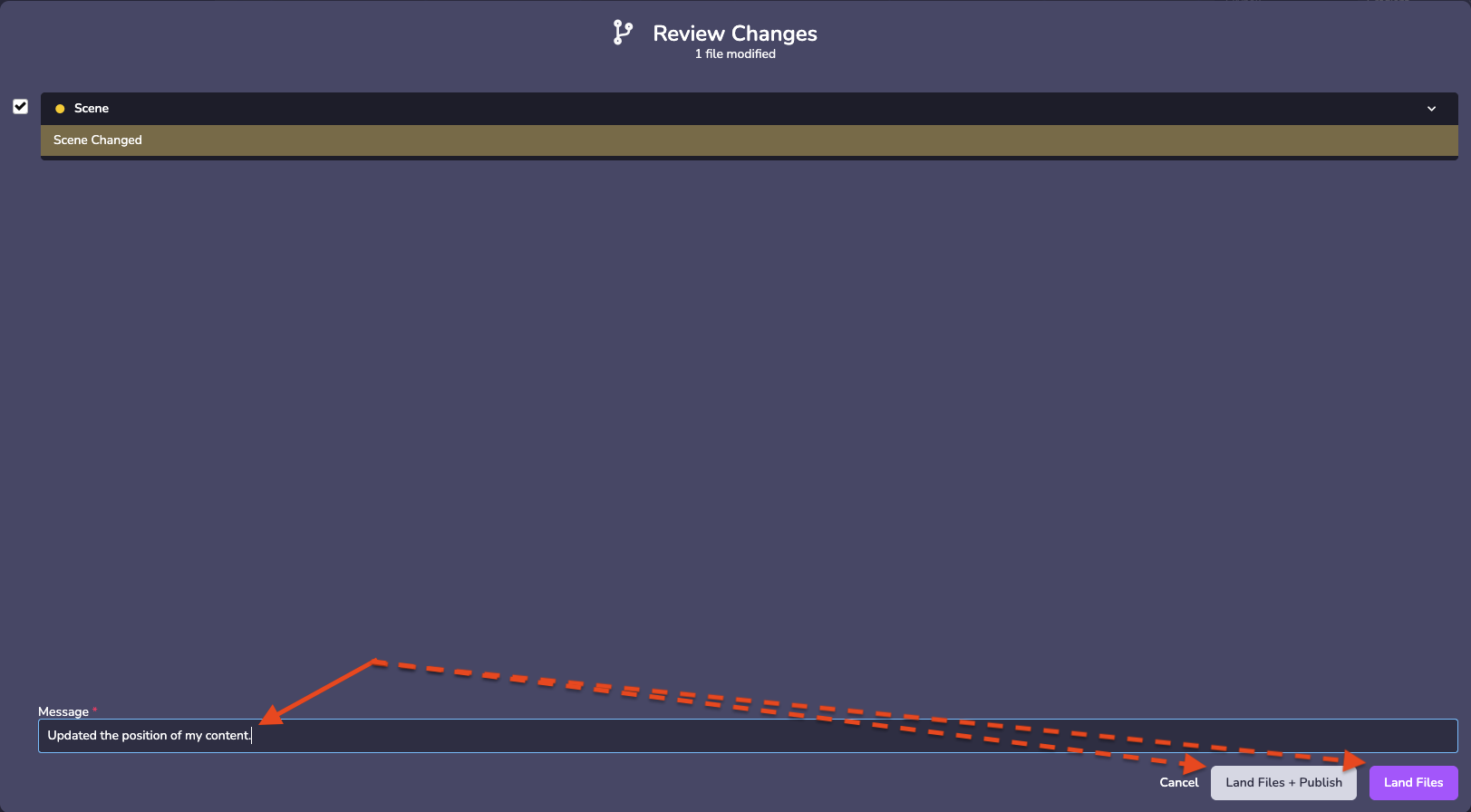 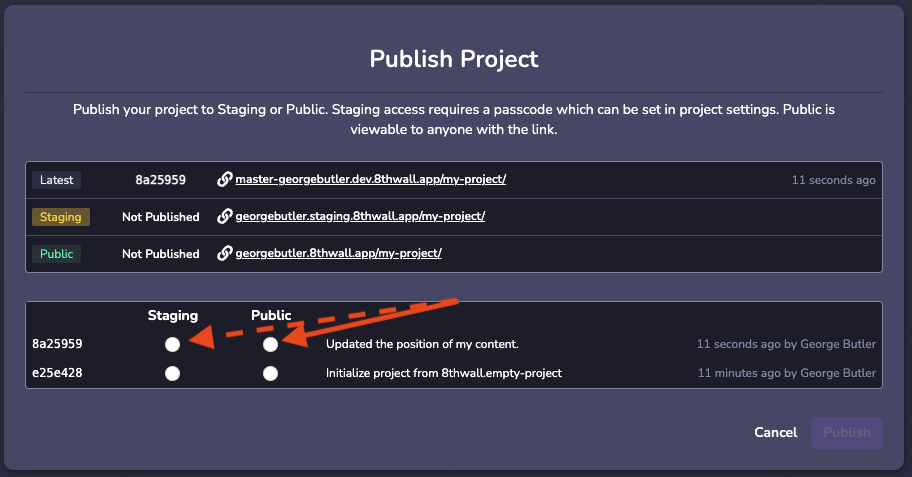
* [Introduction](https://www.8thwall.com/docs/fr/studio/troubleshooting/changes-not-appearing/#introduction)
* [Pourquoi cela se produit-il ?](https://www.8thwall.com/docs/fr/studio/troubleshooting/changes-not-appearing/#pourquoi-cela-se-produit-il-)
* [Comment le réparer ?](https://www.8thwall.com/docs/fr/studio/troubleshooting/changes-not-appearing/#comment-le-r%C3%A9parer-)
---
# Audio | 8th Wall
[Ir al contenido principal](https://www.8thwall.com/docs/es/studio/guides/audio/#__docusaurus_skipToContent_fallback)
En esta página
Introducción[](https://www.8thwall.com/docs/es/studio/guides/audio/#introducci%C3%B3n "Enlace directo a Introducción")
------------------------------------------------------------------------------------------------------------------------
El audio es esencial para crear una experiencia de inmersión total en cualquier escena. Añade profundidad, emoción y atmósfera, lo que hace que las interacciones sean más atractivas y memorables. Ya se trate de paisajes sonoros realistas o de efectos de audio estilizados, un diseño de audio bien elaborado mejora significativamente el impacto y el ambiente de la escena, atrayendo a los usuarios a una experiencia más profunda.
Consulte las API [World](https://www.8thwall.com/docs/es/api/studio/world/audio/)
y [Audio Component](https://www.8thwall.com/docs/es/api/studio/ecs/audio/)
para conocer las propiedades y funciones.
Añadir audio[](https://www.8thwall.com/docs/es/studio/guides/audio/#a%C3%B1adir-audio "Enlace directo a Añadir audio")
------------------------------------------------------------------------------------------------------------------------
El audio puede añadirse a la entidad a través de la interfaz de Studio o en código. En Studio se añaden mediante el botón "Nuevo componente". El componente Audio ofrece varios ajustes de reproducción.
#### Formatos admitidos[](https://www.8thwall.com/docs/es/studio/guides/audio/#formatos-admitidos "Enlace directo a Formatos admitidos")
Studio admite los siguientes tipos de archivos de audio: .mp3, .m4a, .wav, .ogg y .aac
#### Tipos de audio[](https://www.8thwall.com/docs/es/studio/guides/audio/#tipos-de-audio "Enlace directo a Tipos de audio")
**Global:** Un sonido que se reproduce en todo el mundo sin cambios de volumen.
**Posicional:** Sonido que se reproduce en una posición determinada del mundo y cambia de volumen en función de la distancia.
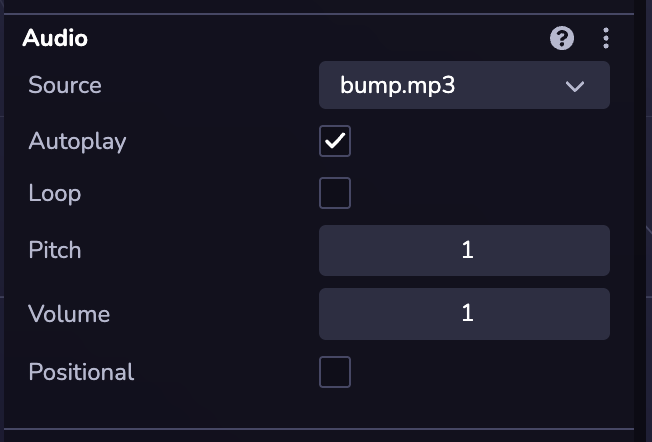
### Reproducir un efecto de sonido[](https://www.8thwall.com/docs/es/studio/guides/audio/#reproducir-un-efecto-de-sonido "Enlace directo a Reproducir un efecto de sonido")
Es probable que quieras efectos de sonido en tu juego. Para reproducir un sonido, un componente Audio debe estar unido a una entidad. A continuación, puede crear una entidad con el fin de reproducir el efecto de sonido, y limpiarlo una vez que haya terminado.
/sound-effect.ts
import * as ecs from '@8thwall/ecs'const SoundEffectComponent = ecs.registerComponent({ name: 'Efecto Sonido', stateMachine: ({world, eid, schemaAttribute, dataAttribute}) => { ecs.defineState('default') .initial() .onEnter(() => { ecs.Audio.set(world, eid, { url: 'assets/blaster.mp3', volume: 1, loop: false, paused: false, positional: true, refDistance: 1, distanceModel: 'Inverse', rolloffFactor: 1, }) }) .listen(eid, ecs.events.AUDIO_END, () => { world.deleteEntity(eid) }) },})export {SoundEffectComponent}
/sound-effect-on-click.ts
import * as ecs from '@8thwall/ecs'import {SoundEffectComponent} from './sound-effect'ecs.registerComponent({ name: 'Reproducir efecto de sonido al hacer clic', stateMachine: ({world, eid, schemaAttribute, dataAttribute}) => { ecs.defineState('default') .initial() .listen(eid, ecs.input.SCREEN_TOUCH_START, () => { const ent = world.createEntity() SoundEffectComponent.set(world, ent) }) },})
* [Introducción](https://www.8thwall.com/docs/es/studio/guides/audio/#introducci%C3%B3n)
* [Añadir audio](https://www.8thwall.com/docs/es/studio/guides/audio/#a%C3%B1adir-audio)
* [Reproducir un efecto de sonido](https://www.8thwall.com/docs/es/studio/guides/audio/#reproducir-un-efecto-de-sonido)
---
# Comportamientos globales | 8th Wall
[Ir al contenido principal](https://www.8thwall.com/docs/es/studio/guides/global-behaviors/#__docusaurus_skipToContent_fallback)
En esta página
Introducción[](https://www.8thwall.com/docs/es/studio/guides/global-behaviors/#introducci%C3%B3n "Enlace directo a Introducción")
-----------------------------------------------------------------------------------------------------------------------------------
Un comportamiento es una función que se ejecuta en el Mundo cada tick. En comparación con los Componentes, que sólo operan sobre una única Entidad a la vez, un comportamiento puede utilizar consultas para enumerar entidades coincidentes y operar sobre ellas como un grupo.
Definir un comportamiento[](https://www.8thwall.com/docs/es/studio/guides/global-behaviors/#definir-un-comportamiento "Enlace directo a Definir un comportamiento")
---------------------------------------------------------------------------------------------------------------------------------------------------------------------
El siguiente código es un ejemplo de cómo definir un comportamiento personalizado:
const behavior = (world) => { if (world.time.elapsed % 5000 - world.time.delta < 0) { const eid = world.createEntity() Enemy.set(world, eid, {health: 100}) }}
Registrar un comportamiento[](https://www.8thwall.com/docs/es/studio/guides/global-behaviors/#registrar-un-comportamiento "Enlace directo a Registrar un comportamiento")
---------------------------------------------------------------------------------------------------------------------------------------------------------------------------
El siguiente código es un ejemplo de cómo registrar un comportamiento personalizado:
ecs.registerBehavior(behavior)
Desactivar un comportamiento[](https://www.8thwall.com/docs/es/studio/guides/global-behaviors/#desactivar-un-comportamiento "Enlace directo a Desactivar un comportamiento")
------------------------------------------------------------------------------------------------------------------------------------------------------------------------------
El siguiente código es un ejemplo de cómo desactivar un comportamiento personalizado:
ecs.unregisterBehavior(behavior)
Consulta de comportamiento[](https://www.8thwall.com/docs/es/studio/guides/global-behaviors/#consulta-de-comportamiento "Enlace directo a Consulta de comportamiento")
------------------------------------------------------------------------------------------------------------------------------------------------------------------------
Los comportamientos pueden ejecutar consultas, que devuelven listas de ID de entidades.
const query = ecs.defineQuery([Enemy, Health])const enemyDieBehavior = (world) => { const enemies = query(world) for (const enemyId of enemies) { if (Health.get(world, enemyId).hp <= 0) { world.destroyEntity(enemyId) } }}ecs.registerBehavior(enemyDieBehavior)
Sistemas[](https://www.8thwall.com/docs/es/studio/guides/global-behaviors/#sistemas "Enlace directo a Sistemas")
------------------------------------------------------------------------------------------------------------------
Los comportamientos también pueden estructurarse como Sistemas, que se ejecutan en entidades que coinciden con consultas específicas y permiten un acceso eficaz a los datos.
consejo
Este enfoque mejora el rendimiento porque los datos como "enemigo" y "salud" están preconfigurados, lo que hace que la iteración sea más rápida.
const enemyDieSystem = ecs.defineSystem([Enemy, Health], (world, eid, [enemy, health]) => { if (health.hp <= 0) { world.destroyEntity(eid) } })ecs.registerBehavior(enemyDieSystem)
* [Introducción](https://www.8thwall.com/docs/es/studio/guides/global-behaviors/#introducci%C3%B3n)
* [Definir un comportamiento](https://www.8thwall.com/docs/es/studio/guides/global-behaviors/#definir-un-comportamiento)
* [Registrar un comportamiento](https://www.8thwall.com/docs/es/studio/guides/global-behaviors/#registrar-un-comportamiento)
* [Desactivar un comportamiento](https://www.8thwall.com/docs/es/studio/guides/global-behaviors/#desactivar-un-comportamiento)
* [Consulta de comportamiento](https://www.8thwall.com/docs/es/studio/guides/global-behaviors/#consulta-de-comportamiento)
* [Sistemas](https://www.8thwall.com/docs/es/studio/guides/global-behaviors/#sistemas)
---
# Exportation d'applications natives | 8th Wall
[Skip to main content](https://www.8thwall.com/docs/fr/studio/native-app-export/#__docusaurus_skipToContent_fallback)
Sur cette page
Beta Fonctionnalité
L'exportation d'applications natives est actuellement en version bêta et limitée aux versions **Android et iOS**. La prise en charge des ordinateurs de bureau et des casques sera bientôt assurée.
Native App Export vous permet d'emballer votre projet Studio en tant qu'application autonome.
Exigences[](https://www.8thwall.com/docs/fr/studio/native-app-export/#requirements "Lien direct vers Exigences")
------------------------------------------------------------------------------------------------------------------
Que ce soit pour iOS ou Android, assurez-vous que votre projet a été réalisé avec succès pour le web au moins une fois avant d'essayer de l'exporter.
### iOS[](https://www.8thwall.com/docs/fr/studio/native-app-export/#ios "Lien direct vers iOS")
L'exportation native pour iOS est disponible pour les projets AR et 3D. Votre candidature **ne supportera pas** :
* Notifications push
* Achats in-app
### Android[](https://www.8thwall.com/docs/fr/studio/native-app-export/#android "Lien direct vers Android")
L'exportation native pour Android n'est disponible que pour les projets 3D non AR. Votre projet **ne doit pas** utiliser :
* Fonctionnalités de la caméra ou de la réalité augmentée
* GPS
* Claviers virtuels ou physiques
* Notifications push
* Achats in-app
* Textures vidéo
* API MediaRecorder
* CSS
* [Exigences](https://www.8thwall.com/docs/fr/studio/native-app-export/#requirements)
* [iOS](https://www.8thwall.com/docs/fr/studio/native-app-export/#ios)
* [Android](https://www.8thwall.com/docs/fr/studio/native-app-export/#android)
---
# Beleuchtung | 8th Wall
[Zum Hauptinhalt springen](https://www.8thwall.com/docs/de/studio/guides/lighting/#__docusaurus_skipToContent_fallback)
Auf dieser Seite
Einführung[](https://www.8thwall.com/docs/de/studio/guides/lighting/#einf%C3%BChrung "Direkter Link zu Einführung")
---------------------------------------------------------------------------------------------------------------------
Die Beleuchtung spielt eine entscheidende Rolle bei der Verbesserung der visuellen Attraktivität jeder Szene. Sie verleiht dem Spiel mehr Tiefe, Realismus und Atmosphäre und macht das Erlebnis noch intensiver, fesselnder und visuell ansprechender. Unabhängig davon, ob Sie ein sehr realistisches oder ein stilisiertes Aussehen anstreben, kann die Beleuchtung einen erheblichen Einfluss darauf haben, wie sich Ihre Szene anfühlt und wie sie auf den Benutzer wirkt.
Hinzufügen einer Leuchte[](https://www.8thwall.com/docs/de/studio/guides/lighting/#hinzuf%C3%BCgen-einer-leuchte "Direkter Link zu Hinzufügen einer Leuchte")
---------------------------------------------------------------------------------------------------------------------------------------------------------------
Lichter und Schatten können einem Objekt über die Studio-Schnittstelle oder über Code hinzugefügt werden. In Studio können Sie dies tun, indem Sie in der Hierarchie auf die Schaltfläche (+) klicken oder im Inspektor für eine ausgewählte Entität "Neue Komponente" auswählen. Sowohl die Licht- als auch die Schattenkomponente bieten verschiedene Einstellungsmöglichkeiten zur individuellen Anpassung.
#### Arten von Lichtern[](https://www.8thwall.com/docs/de/studio/guides/lighting/#arten-von-lichtern "Direkter Link zu Arten von Lichtern")
**Gerichtetes Licht:** Ein Licht, das in eine bestimmte Richtung ausgestrahlt wird. Dieses Licht verhält sich so, als ob es unendlich weit entfernt wäre und die von ihm ausgehenden Strahlen alle parallel verlaufen. Die Sonne ist weit genug entfernt, dass ihre Position als unendlich angesehen werden kann, und alle von ihr ausgehenden Lichtstrahlen sind parallel.
**Punkt:** Ein Licht, das von einem einzigen Punkt aus in alle Richtungen strahlt. Ein gängiges Beispiel ist die Nachbildung von Licht aus einer nackten Glühbirne.
**Ambient:** Dieses Licht beleuchtet alle Objekte in der Szene gleichmäßig und erzeugt eine globale Beleuchtung.
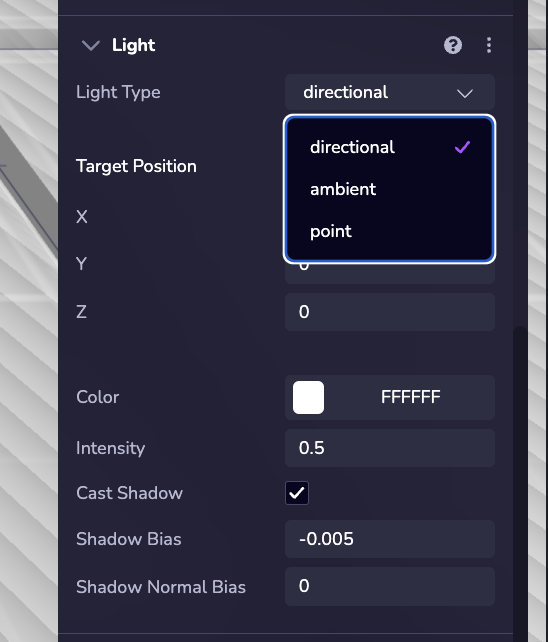
### Beispiel[](https://www.8thwall.com/docs/de/studio/guides/lighting/#beispiel "Direkter Link zu Beispiel")
Das folgende Beispiel zeigt, wie man einer Entität zur Laufzeit ein Licht zuweist:
ecs.Light.set(world, component.eid, { type: 'point'})
Hinzufügen von Schatten[](https://www.8thwall.com/docs/de/studio/guides/lighting/#hinzuf%C3%BCgen-von-schatten "Direkter Link zu Hinzufügen von Schatten")
------------------------------------------------------------------------------------------------------------------------------------------------------------
\*\*Um Schatten zu aktivieren, fügen Sie dem Objekt die Komponente Schatten hinzu und konfigurieren Sie seine Eigenschaften entsprechend.
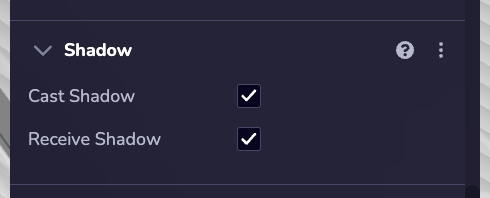
### Beispiel[](https://www.8thwall.com/docs/de/studio/guides/lighting/#beispiel-1 "Direkter Link zu Beispiel")
Das folgende Beispiel zeigt, wie man einen Schatten auf eine Entität zur Laufzeit setzt.
ecs.Shadow.set(world, component.eid, { castShadow: true, receiveShadow: true})
* [Einführung](https://www.8thwall.com/docs/de/studio/guides/lighting/#einf%C3%BChrung)
* [Hinzufügen einer Leuchte](https://www.8thwall.com/docs/de/studio/guides/lighting/#hinzuf%C3%BCgen-einer-leuchte)
* [Beispiel](https://www.8thwall.com/docs/de/studio/guides/lighting/#beispiel)
* [Hinzufügen von Schatten](https://www.8thwall.com/docs/de/studio/guides/lighting/#hinzuf%C3%BCgen-von-schatten)
* [Beispiel](https://www.8thwall.com/docs/de/studio/guides/lighting/#beispiel-1)
---
# Karten | 8th Wall
[Zum Hauptinhalt springen](https://www.8thwall.com/docs/de/studio/guides/maps/#__docusaurus_skipToContent_fallback)
Auf dieser Seite
Einführung[](https://www.8thwall.com/docs/de/studio/guides/maps/#einf%C3%BChrung "Direkter Link zu Einführung")
-----------------------------------------------------------------------------------------------------------------
Kartenobjekte bieten interaktive, reale 3D-Karten zur Integration von Geodaten in AR- und 3D-Erlebnisse. Sie ermöglichen es Ihnen, Inhalte an bestimmten realen Orten zu verankern.
Die Funktion umfasst integriertes Terrain, Stadtlandschaften und reale Strukturen, die eine genaue Platzierung virtueller Objekte in einer kartierten Umgebung ermöglichen. Diese Funktionalität unterstützt standortbezogene Anwendungen, einschließlich Visual Positioning System (VPS) und AR-Interaktionen in der realen Welt.
Hinzufügen einer Karte[](https://www.8thwall.com/docs/de/studio/guides/maps/#hinzuf%C3%BCgen-einer-karte "Direkter Link zu Hinzufügen einer Karte")
-----------------------------------------------------------------------------------------------------------------------------------------------------
Sie können eine Karte zu Ihrer Szene hinzufügen, indem Sie eine Kartenentität erstellen. Klicken Sie dazu in der Szenenhierarchie auf ( + ) und wählen Sie Zuordnen.
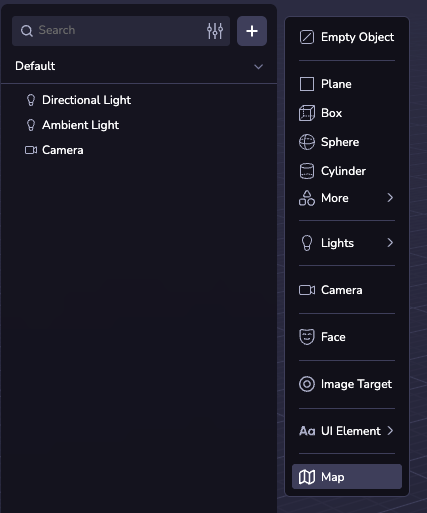
Karten-Konfigurationen[](https://www.8thwall.com/docs/de/studio/guides/maps/#karten-konfigurationen "Direkter Link zu Karten-Konfigurationen")
------------------------------------------------------------------------------------------------------------------------------------------------
### Zentrum und Radius[](https://www.8thwall.com/docs/de/studio/guides/maps/#zentrum-und-radius "Direkter Link zu Zentrum und Radius")
Das Kartenzentrum ist standardmäßig auf den GPS-Standort des Geräts eingestellt. Bei Bedarf können Sie den Breitengrad, Längengrad und Radius manuell konfigurieren, um einen benutzerdefinierten Standort festzulegen.
Sie können das Kontrollkästchen "GPS verwenden" aktivieren, um das GPS des Geräts zur Laufzeit zu verwenden.
### Themen der Karte[](https://www.8thwall.com/docs/de/studio/guides/maps/#themen-der-karte "Direkter Link zu Themen der Karte")
Sie können das Aussehen der Karte anpassen, indem Sie aus 20 voreingestellten Themen auswählen. Alternativ können Sie auch einzelne Eigenschaften anpassen, um ein benutzerdefiniertes Design zu erstellen.
### Eigenschaften[](https://www.8thwall.com/docs/de/studio/guides/maps/#eigenschaften "Direkter Link zu Eigenschaften")
Die Karte besteht aus den folgenden Ebenen:
* Land: Die Basis der Karte, Gebiete, in denen es keine anderen Merkmale gibt.
* Gebäude: Gebäude auf der Karte. Diese können sich über die Karte erheben.
* Park: Grünflächen (natürliche und künstliche).
* Parken: Parkplätze.
* Transit: Bahnlinien und andere Transitplattformen (z. B. Zug oder Fähre).
* Straße: Straßen in verschiedenen Größen.
* Sand: Strände und Wüsten.
* Wasser: Gewässer und Wasserstraßen.
Diese können mit Hilfe des Karteninspektors umgeschaltet und angepasst werden. Die vollständige Liste der konfigurierbaren Eigenschaften finden Sie in der [`MapTheme` API-Referenz](https://www.8thwall.com/docs/de/api/studio/ecs/map-theme/)
.
Karte Punkte[](https://www.8thwall.com/docs/de/studio/guides/maps/#karte-punkte "Direkter Link zu Karte Punkte")
------------------------------------------------------------------------------------------------------------------
Kartenpunkte sind Objekte, die an einem bestimmten Breiten- und Längengrad verankert sind. Indem Sie ein Asset als untergeordnetes Element eines Kartenpunkts hinzufügen, können Sie es an den Längen- und Breitengrad des Kartenpunkts binden, so dass es sich bewegt und skaliert, wenn sich die Koordinaten und der Radius der Karte ändern.
Sie können einen einzelnen Kartenpunkt erstellen, indem Sie im Inspektionsbereich auf "Neuer Kartenpunkt" klicken und den Breiten- und Längengrad angeben. Sie können auch einen VPS-Standort als Koordinatenquelle auswählen.
Wenn Sie das Kontrollkästchen "Spawn Locations" aktivieren, wird Studio prozedural einen Kartenpunkt an jedem VPS-Standort in der Welt erzeugen. Im \[Map Explorer-Beispielprojekt\] ([https://www.8thwall.com/8thwall/map-explorer](https://www.8thwall.com/8thwall/map-explorer)
) finden Sie ein Beispiel dafür, wie Sie benutzerdefinierte Objekte auf jedem sichtbaren POI erzeugen können.
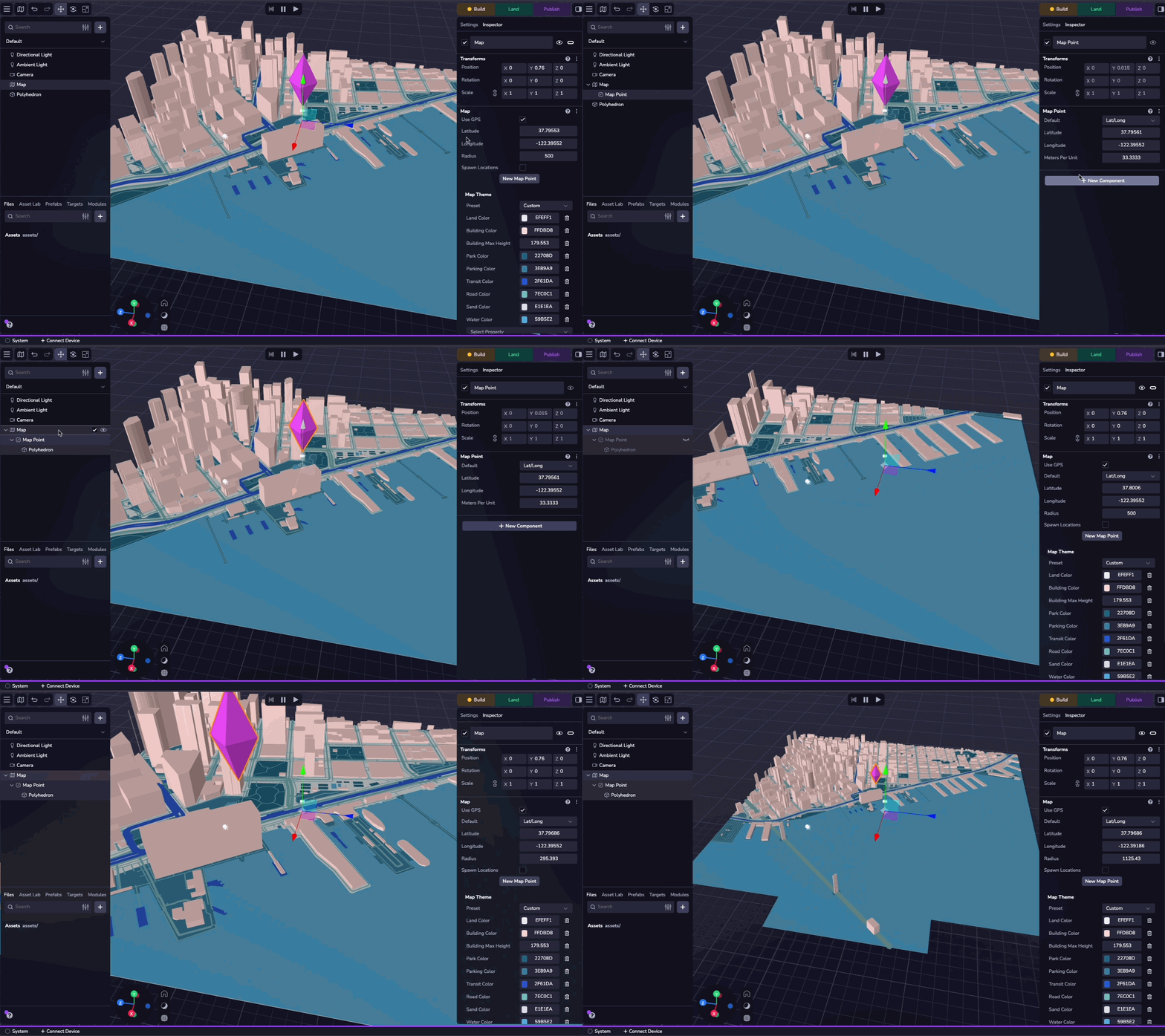
Simulator[](https://www.8thwall.com/docs/de/studio/guides/maps/#simulator "Direkter Link zu Simulator")
---------------------------------------------------------------------------------------------------------
Sie können Ihre Kartenerfahrung mit dem Simulator testen. In der zweiten Dropdown-Liste oben im Fenster können Sie den simulierten Breiten- und Längengrad ändern, so dass Sie Ihre Erfahrungen an verschiedenen Orten testen können. Sie können auch zu jedem Ort oder Kartenpunkt in Ihrem Projekt navigieren.
Die Auswahl von "Keine" in der Dropdown-Liste simuliert das Fehlen von Standortdaten.
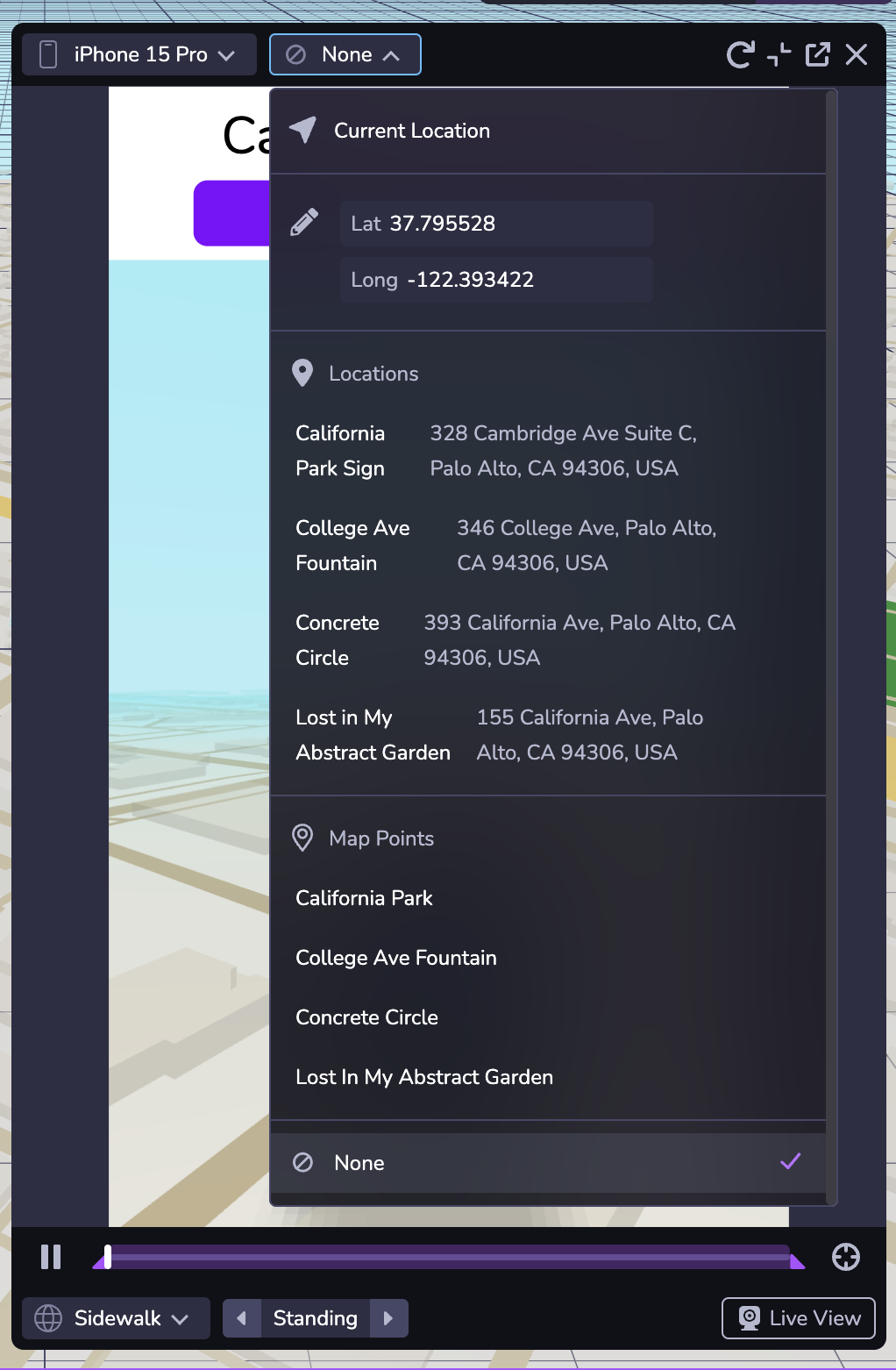
* [Einführung](https://www.8thwall.com/docs/de/studio/guides/maps/#einf%C3%BChrung)
* [Hinzufügen einer Karte](https://www.8thwall.com/docs/de/studio/guides/maps/#hinzuf%C3%BCgen-einer-karte)
* [Karten-Konfigurationen](https://www.8thwall.com/docs/de/studio/guides/maps/#karten-konfigurationen)
* [Zentrum und Radius](https://www.8thwall.com/docs/de/studio/guides/maps/#zentrum-und-radius)
* [Themen der Karte](https://www.8thwall.com/docs/de/studio/guides/maps/#themen-der-karte)
* [Eigenschaften](https://www.8thwall.com/docs/de/studio/guides/maps/#eigenschaften)
* [Karte Punkte](https://www.8thwall.com/docs/de/studio/guides/maps/#karte-punkte)
* [Simulator](https://www.8thwall.com/docs/de/studio/guides/maps/#simulator)
---
# Entitäten | 8th Wall
[Zum Hauptinhalt springen](https://www.8thwall.com/docs/de/studio/guides/entities/#__docusaurus_skipToContent_fallback)
Auf dieser Seite
Einführung[](https://www.8thwall.com/docs/de/studio/guides/entities/#einf%C3%BChrung "Direkter Link zu Einführung")
---------------------------------------------------------------------------------------------------------------------
Eine Entität an sich hat kein Verhalten oder Aussehen; sie fungiert lediglich als Container, an den Komponenten angehängt werden können.
Erstellen einer Entität[](https://www.8thwall.com/docs/de/studio/guides/entities/#erstellen-einer-entit%C3%A4t "Direkter Link zu Erstellen einer Entität")
------------------------------------------------------------------------------------------------------------------------------------------------------------
Der folgende Code zeigt, wie man eine neue Entität ohne Komponenten erstellt
### Beispiel[](https://www.8thwall.com/docs/de/studio/guides/entities/#beispiel "Direkter Link zu Beispiel")
import * as ecs from '@8thwall/ecs'const eid = world.createEntity()
Löschen einer Entität[](https://www.8thwall.com/docs/de/studio/guides/entities/#l%C3%B6schen-einer-entit%C3%A4t "Direkter Link zu Löschen einer Entität")
-----------------------------------------------------------------------------------------------------------------------------------------------------------
Der folgende Code zeigt, wie eine vorhandene Entität mit ihrer ID gelöscht werden kann:
### Beispiel[](https://www.8thwall.com/docs/de/studio/guides/entities/#beispiel-1 "Direkter Link zu Beispiel")
import * as ecs from '@8thwall/ecs'world.deleteEntity(eid)
Hinzufügen von Komponenten zu einer Entität[](https://www.8thwall.com/docs/de/studio/guides/entities/#hinzuf%C3%BCgen-von-komponenten-zu-einer-entit%C3%A4t "Direkter Link zu Hinzufügen von Komponenten zu einer Entität")
-----------------------------------------------------------------------------------------------------------------------------------------------------------------------------------------------------------------------------
Der folgende Code zeigt, wie man einer Entität zur Laufzeit eine eingebaute Komponente hinzufügt.
### Beispiel[](https://www.8thwall.com/docs/de/studio/guides/entities/#beispiel-2 "Direkter Link zu Beispiel")
const box = world.createEntity()ecs.BoxGeometry.set(world, box, { width: 1, height: 1, depth: 1,})ecs.Material.set(world, box, { r: 255, g: 255, b: 255,})
Erstellen und Ändern von Beziehungen[](https://www.8thwall.com/docs/de/studio/guides/entities/#erstellen-und-%C3%A4ndern-von-beziehungen "Direkter Link zu Erstellen und Ändern von Beziehungen")
---------------------------------------------------------------------------------------------------------------------------------------------------------------------------------------------------
Der folgende Code zeigt, wie Sie integrierte Hilfsmethoden verwenden können, um Beziehungen zwischen Entitäten zu erstellen oder zu ändern.
### Beispiel[](https://www.8thwall.com/docs/de/studio/guides/entities/#beispiel-3 "Direkter Link zu Beispiel")
// Entitäten sind automatisch ein Kind von World.const foo = world.createEntity()const bar = world.createEntity()// Setzt foo als Kind von bar.world.setParent(foo, bar)// Ermittelt das Elternteil von bar (gibt eine eid zurück, wobei <= 0 undefiniert ist)world.getParent(bar)// Ermittelt die Kinder von foo (gibt einen Generator zurück)world.getChildren(foo)
Hilfsfunktionen[](https://www.8thwall.com/docs/de/studio/guides/entities/#hilfsfunktionen "Direkter Link zu Hilfsfunktionen")
-------------------------------------------------------------------------------------------------------------------------------
Es gibt eine Reihe von Hilfsfunktionen für die Interaktion mit der Transformation einer Entität.
Tipp
Entitäten werden relativ zu ihren Eltern positioniert. Die Funktion `getWorldTransform()` ermittelt die Transformation des Objekts im Weltraum, wobei alle übergeordneten Transformationen berücksichtigt werden.
world.setScale(eid, 1, 1, 1)world.setPosition(eid, 1, 1, 1)world.setQuaternion(eid, 0, 0, 0, 1)world.normalizeQuaternion(eid)const tempMatrix = ecs.math.mat4.i()world.getWorldTransform(eid1, tempMatrix)world.setTransform(eid2, tempMatrix)
* [Einführung](https://www.8thwall.com/docs/de/studio/guides/entities/#einf%C3%BChrung)
* [Erstellen einer Entität](https://www.8thwall.com/docs/de/studio/guides/entities/#erstellen-einer-entit%C3%A4t)
* [Beispiel](https://www.8thwall.com/docs/de/studio/guides/entities/#beispiel)
* [Löschen einer Entität](https://www.8thwall.com/docs/de/studio/guides/entities/#l%C3%B6schen-einer-entit%C3%A4t)
* [Beispiel](https://www.8thwall.com/docs/de/studio/guides/entities/#beispiel-1)
* [Hinzufügen von Komponenten zu einer Entität](https://www.8thwall.com/docs/de/studio/guides/entities/#hinzuf%C3%BCgen-von-komponenten-zu-einer-entit%C3%A4t)
* [Beispiel](https://www.8thwall.com/docs/de/studio/guides/entities/#beispiel-2)
* [Erstellen und Ändern von Beziehungen](https://www.8thwall.com/docs/de/studio/guides/entities/#erstellen-und-%C3%A4ndern-von-beziehungen)
* [Beispiel](https://www.8thwall.com/docs/de/studio/guides/entities/#beispiel-3)
* [Hilfsfunktionen](https://www.8thwall.com/docs/de/studio/guides/entities/#hilfsfunktionen)
---
# Entrada | 8th Wall
[Ir al contenido principal](https://www.8thwall.com/docs/es/studio/guides/input/#__docusaurus_skipToContent_fallback)
En esta página
Introducción[](https://www.8thwall.com/docs/es/studio/guides/input/#introducci%C3%B3n "Enlace directo a Introducción")
------------------------------------------------------------------------------------------------------------------------
Esta sección explica cómo configurar las entradas para su proyecto. Las entradas se refieren a los distintos métodos a través de los cuales los usuarios interactúan con la aplicación. Actualmente, los métodos de entrada admitidos son el tacto, el teclado, el ratón y el gamepad.
Véase [world.input](https://www.8thwall.com/docs/es/api/studio/world/input/)
para la api.
Gestor de entradas[](https://www.8thwall.com/docs/es/studio/guides/input/#gestor-de-entradas "Enlace directo a Gestor de entradas")
-------------------------------------------------------------------------------------------------------------------------------------
En Studio, hay Entradas y Acciones - el Gestor de Entradas establece la correspondencia entre ellas. Una acción es una abstracción sobre la fuente de entrada(s) que recibe. Son más útiles para representar entradas como conceptos "lógicos" (por ejemplo, "saltar") que como entradas "físicas" (por ejemplo, "barra espaciadora del teclado pulsada").
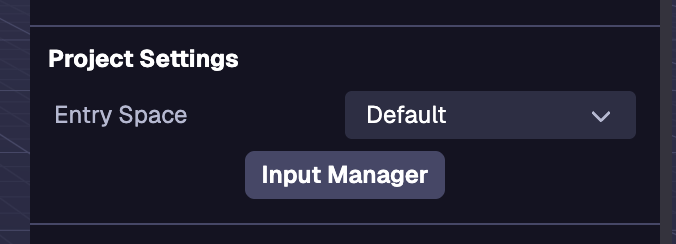
### Mapas de acción[](https://www.8thwall.com/docs/es/studio/guides/input/#mapas-de-acci%C3%B3n "Enlace directo a Mapas de acción")
Puede gestionar los Mapas de Acción a través del Gestor de Entradas en la Configuración del Espacio (el estado por defecto del Inspector cuando no hay ninguna entidad seleccionada).
#### Añadir un mapa de acción[](https://www.8thwall.com/docs/es/studio/guides/input/#a%C3%B1adir-un-mapa-de-acci%C3%B3n "Enlace directo a Añadir un mapa de acción")
Los mapas de acciones son conjuntos de acciones que pueden intercambiarse mediante programación. Para crear un nuevo mapa de acción, haga clic en el menú desplegable del mapa de acción y, a continuación, en Crear nuevo mapa de acción. A continuación, escribe el nombre del mapa de acción y guárdalo. Los mapas de acción pueden renombrarse, duplicarse y eliminarse. El mapa de acciones por defecto sólo puede duplicarse.
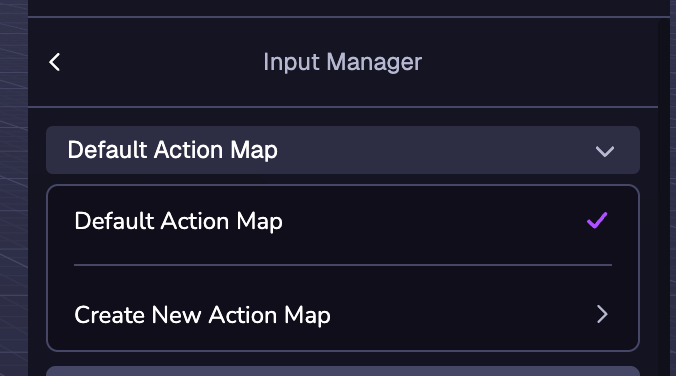
información
El Mapa de Acción actualmente seleccionado es el Mapa de Acción que estará activo por defecto.
#### Plantillas de mapas de acción[](https://www.8thwall.com/docs/es/studio/guides/input/#plantillas-de-mapas-de-acci%C3%B3n "Enlace directo a Plantillas de mapas de acción")
Al seleccionar Crear nuevo mapa de acción, aparecerán varias plantillas de mapas de acción. Las plantillas Fly Controller y Orbit Controls se utilizan para sus respectivos componentes.
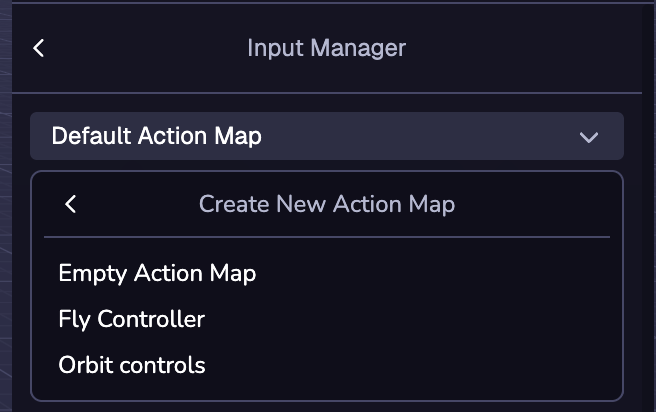
### Añadir una acción[](https://www.8thwall.com/docs/es/studio/guides/input/#a%C3%B1adir-una-acci%C3%B3n "Enlace directo a Añadir una acción")
Las acciones son una capa de abstracción de las entradas del usuario. Para añadir una acción al mapa de acciones, haga clic en el botón (+) Nueva acción y escriba el nombre de la acción.
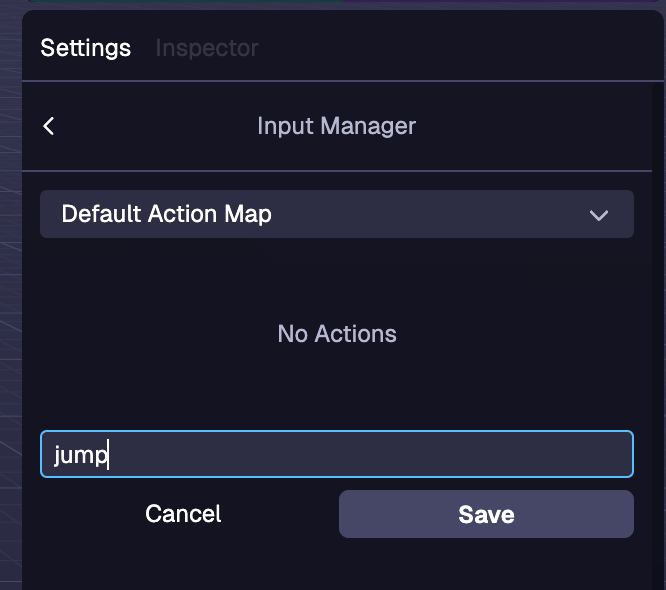
### Vinculación a una acción[](https://www.8thwall.com/docs/es/studio/guides/input/#vinculaci%C3%B3n-a-una-acci%C3%B3n "Enlace directo a Vinculación a una acción")
Los enlaces permiten asociar las entradas a una acción. Para añadir un enlace, haga clic en el botón Añadir enlace y seleccione la entrada que desea enlazar a la acción en el menú desplegable. Hay fijaciones para muchos tipos de entradas, como el teclado, el ratón y el gamepad. Se pueden asignar varias entradas a una misma acción. Para eliminar una encuadernación, haga clic en la papelera situada junto a la encuadernación que desea eliminar.
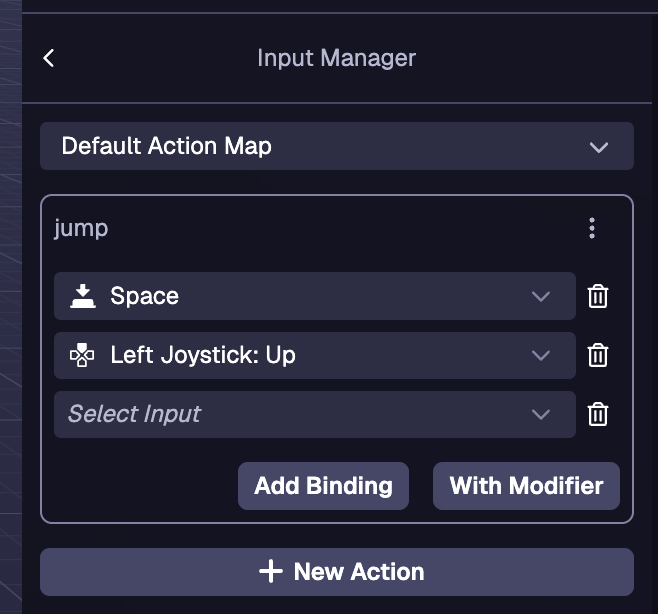
### Modificadores de acción[](https://www.8thwall.com/docs/es/studio/guides/input/#modificadores-de-acci%C3%B3n "Enlace directo a Modificadores de acción")
Los modificadores son una entrada adicional que se puede asignar a un enlace para activar la acción. Para crear un enlace con un modificador, haga clic en el botón Con modificador. El modificador se selecciona con el primer desplegable y la vinculación se selecciona con el segundo desplegable.
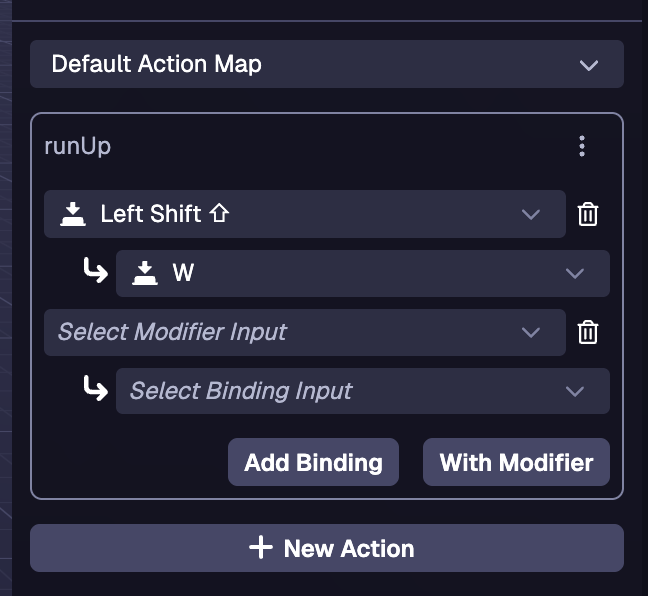
Ejemplos[](https://www.8thwall.com/docs/es/studio/guides/input/#ejemplos "Enlace directo a Ejemplos")
-------------------------------------------------------------------------------------------------------
### Detectar una acción en tick[](https://www.8thwall.com/docs/es/studio/guides/input/#detectar-una-acci%C3%B3n-en-tick "Enlace directo a Detectar una acción en tick")
ecs.registerComponent({ name: 'player-controller', tick: (world, component) => { if (world.input.getAction('jump')) { // Maneja la lógica de salto aquí } },})
### Detección de una acción en una máquina de estados[](https://www.8thwall.com/docs/es/studio/guides/input/#detecci%C3%B3n-de-una-acci%C3%B3n-en-una-m%C3%A1quina-de-estados "Enlace directo a Detección de una acción en una máquina de estados")
stateMachine: ({world, eid, schemaAttribute, dataAttribute}) => { ecs.defineState('default').initial().onTick(() => { if (world.input.getAction('jump')) { // Maneja la lógica de salto aquí } })}
### Pasar de un mapa de acción a otro[](https://www.8thwall.com/docs/es/studio/guides/input/#pasar-de-un-mapa-de-acci%C3%B3n-a-otro "Enlace directo a Pasar de un mapa de acción a otro")
información
Al establecer un nuevo mapa de acción, el nuevo mapa no se activa hasta el siguiente tick.
#### En garrapata[](https://www.8thwall.com/docs/es/studio/guides/input/#en-garrapata "Enlace directo a En garrapata")
tick: (mundo, componente) => { if (mundo.input.getAction('menu')) { world.input.setActiveMap(world.input.getActiveMap() === 'player' ? menu' : 'player') return } if (world.input.getAction('jump')) { // Maneja la lógica de salto aquí }}
#### En una máquina de estados[](https://www.8thwall.com/docs/es/studio/guides/input/#en-una-m%C3%A1quina-de-estados "Enlace directo a En una máquina de estados")
stateMachine: ({world, eid, schemaAttribute, dataAttribute}) => { const switchMap = ecs.defineTrigger() ecs.defineState('default') .initial() .onEnter(() => { world.input.setActiveMap('player') }) .onTick(() => { if (world.input.getAction('menu')) { switchMap.trigger() return } // Maneja la lógica del movimiento aquí }).onTrigger(switchMap, 'menu') ecs.defineState('menu').onEnter(() => { world.input.setActiveMap('menu') }).onTick(() => { if (world.input.getAction('menu')) { switchMap.trigger() return } // Maneja la lógica del menú aquí }).onTrigger(switchMap, 'default')}
* [Introducción](https://www.8thwall.com/docs/es/studio/guides/input/#introducci%C3%B3n)
* [Gestor de entradas](https://www.8thwall.com/docs/es/studio/guides/input/#gestor-de-entradas)
* [Mapas de acción](https://www.8thwall.com/docs/es/studio/guides/input/#mapas-de-acci%C3%B3n)
* [Añadir una acción](https://www.8thwall.com/docs/es/studio/guides/input/#a%C3%B1adir-una-acci%C3%B3n)
* [Vinculación a una acción](https://www.8thwall.com/docs/es/studio/guides/input/#vinculaci%C3%B3n-a-una-acci%C3%B3n)
* [Modificadores de acción](https://www.8thwall.com/docs/es/studio/guides/input/#modificadores-de-acci%C3%B3n)
* [Ejemplos](https://www.8thwall.com/docs/es/studio/guides/input/#ejemplos)
* [Detectar una acción en tick](https://www.8thwall.com/docs/es/studio/guides/input/#detectar-una-acci%C3%B3n-en-tick)
* [Detección de una acción en una máquina de estados](https://www.8thwall.com/docs/es/studio/guides/input/#detecci%C3%B3n-de-una-acci%C3%B3n-en-una-m%C3%A1quina-de-estados)
* [Pasar de un mapa de acción a otro](https://www.8thwall.com/docs/es/studio/guides/input/#pasar-de-un-mapa-de-acci%C3%B3n-a-otro)
---
# Kamera | 8th Wall
[Zum Hauptinhalt springen](https://www.8thwall.com/docs/de/studio/guides/camera/#__docusaurus_skipToContent_fallback)
Auf dieser Seite
Einführung[](https://www.8thwall.com/docs/de/studio/guides/camera/#einf%C3%BChrung "Direkter Link zu Einführung")
-------------------------------------------------------------------------------------------------------------------
Dieser Abschnitt enthält Anleitungen zum Einrichten der Kamera. Mit dem Komponentensystem Kamera können Sie die Kameraansicht erstellen und steuern.
Hinzufügen einer Kamera[](https://www.8thwall.com/docs/de/studio/guides/camera/#hinzuf%C3%BCgen-einer-kamera "Direkter Link zu Hinzufügen einer Kamera")
----------------------------------------------------------------------------------------------------------------------------------------------------------
Eine Kamera wird standardmäßig in einem neuen Studio-Projekt bereitgestellt, Sie können jedoch auch eine Kamera zu einer Szene hinzufügen, indem Sie das Dropdown-Menü + Objekt in der Raumhierarchie verwenden. Außerdem kann eine Kamera über die Studio-Schnittstelle "Komponente hinzufügen" oder im Code zu einer Entität hinzugefügt werden.

Ändern der aktiven Kamera[](https://www.8thwall.com/docs/de/studio/guides/camera/#%C3%A4ndern-der-aktiven-kamera "Direkter Link zu Ändern der aktiven Kamera")
----------------------------------------------------------------------------------------------------------------------------------------------------------------
Klicken Sie auf die Schaltfläche _Aktive Kamera einstellen_ in den Eigenschaften der Kamera.
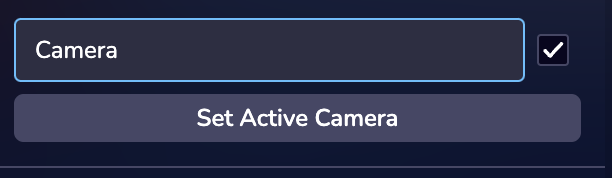
Ändern des Kameratyps[](https://www.8thwall.com/docs/de/studio/guides/camera/#%C3%A4ndern-des-kameratyps "Direkter Link zu Ändern des Kameratyps")
----------------------------------------------------------------------------------------------------------------------------------------------------
In Studio gibt es drei Arten von Kameras: Nur 3D, Gesicht und Welt. Für jeden dieser Kameratypen gibt es unterschiedliche Einstellungen. Für AR-Erlebnisse ist ein Gesicht oder eine Weltkamera erforderlich. **Weitere Informationen zur Erstellung von AR-Erlebnissen finden Sie im Abschnitt XR-Anleitungen**.
* [Einführung](https://www.8thwall.com/docs/de/studio/guides/camera/#einf%C3%BChrung)
* [Hinzufügen einer Kamera](https://www.8thwall.com/docs/de/studio/guides/camera/#hinzuf%C3%BCgen-einer-kamera)
* [Ändern der aktiven Kamera](https://www.8thwall.com/docs/de/studio/guides/camera/#%C3%A4ndern-der-aktiven-kamera)
* [Ändern des Kameratyps](https://www.8thwall.com/docs/de/studio/guides/camera/#%C3%A4ndern-des-kameratyps)
---
# Zeit | 8th Wall
[Zum Hauptinhalt springen](https://www.8thwall.com/docs/de/studio/guides/time/#__docusaurus_skipToContent_fallback)
Auf dieser Seite
Einführung[](https://www.8thwall.com/docs/de/studio/guides/time/#einf%C3%BChrung "Direkter Link zu Einführung")
-----------------------------------------------------------------------------------------------------------------
In diesem Abschnitt finden Sie alles, was Sie zur Verwaltung der Zeit in der Welt benötigen, von der Verfolgung der verstrichenen Laufzeit und der Bildintervalle bis zur Einrichtung einzelner oder sich wiederholender Aktionen. Erfahren Sie, wie Sie mit den integrierten Timing-Funktionen reaktionsschnelle und gut getimte Interaktionen in Ihrem Erlebnis erstellen können.
welt.zeit.verstrichen[](https://www.8thwall.com/docs/de/studio/guides/time/#weltzeitverstrichen "Direkter Link zu welt.zeit.verstrichen")
-------------------------------------------------------------------------------------------------------------------------------------------
Die Anzahl der Millisekunden, die die Welt gelaufen ist, ohne die Zeit, in der die Welt pausiert war.
welt.zeit.delta[](https://www.8thwall.com/docs/de/studio/guides/time/#weltzeitdelta "Direkter Link zu welt.zeit.delta")
-------------------------------------------------------------------------------------------------------------------------
Die Anzahl der Millisekunden seit dem vorherigen Frame, ohne Zeitsprünge aufgrund von Pausen.
welt.zeit.absolut[](https://www.8thwall.com/docs/de/studio/guides/time/#weltzeitabsolut "Direkter Link zu welt.zeit.absolut")
-------------------------------------------------------------------------------------------------------------------------------
Die Anzahl der Millisekunden, die seit der Erstellung der Welt verstrichen sind.
world.time.absoluteDelta[](https://www.8thwall.com/docs/de/studio/guides/time/#worldtimeabsolutedelta "Direkter Link zu world.time.absoluteDelta")
----------------------------------------------------------------------------------------------------------------------------------------------------
Die Anzahl der Millisekunden seit dem letzten Bild, einschließlich großer Zeitsprünge, wenn die Welt nach einer Unterbrechung fortgesetzt wird.
Zeitschaltuhren[](https://www.8thwall.com/docs/de/studio/guides/time/#zeitschaltuhren "Direkter Link zu Zeitschaltuhren")
---------------------------------------------------------------------------------------------------------------------------
Führt eine Funktion einmal nach einer bestimmten Verzögerung aus.
### Starten eines Timers[](https://www.8thwall.com/docs/de/studio/guides/time/#starten-eines-timers "Direkter Link zu Starten eines Timers")
const timeout = world.time.setTimeout(() => { console.log('1000 ms sind vergangen!')}, 1000)
### Löschen eines Timers[](https://www.8thwall.com/docs/de/studio/guides/time/#l%C3%B6schen-eines-timers "Direkter Link zu Löschen eines Timers")
world.time.clearTimeout(timeout)
Intervalle[](https://www.8thwall.com/docs/de/studio/guides/time/#intervalle "Direkter Link zu Intervalle")
------------------------------------------------------------------------------------------------------------
Führt eine Funktion in bestimmten Zeitabständen wiederholt aus.
### Einstellen eines Intervalls[](https://www.8thwall.com/docs/de/studio/guides/time/#einstellen-eines-intervalls "Direkter Link zu Einstellen eines Intervalls")
const interval = world.time.setInterval(() => { console.log('Weitere 1000 ms sind vergangen!')}, 1000)
### Löschen eines Intervalls[](https://www.8thwall.com/docs/de/studio/guides/time/#l%C3%B6schen-eines-intervalls "Direkter Link zu Löschen eines Intervalls")
world.time.clearTimeout(interval)
* [Einführung](https://www.8thwall.com/docs/de/studio/guides/time/#einf%C3%BChrung)
* [welt.zeit.verstrichen](https://www.8thwall.com/docs/de/studio/guides/time/#weltzeitverstrichen)
* [welt.zeit.delta](https://www.8thwall.com/docs/de/studio/guides/time/#weltzeitdelta)
* [welt.zeit.absolut](https://www.8thwall.com/docs/de/studio/guides/time/#weltzeitabsolut)
* [world.time.absoluteDelta](https://www.8thwall.com/docs/de/studio/guides/time/#worldtimeabsolutedelta)
* [Zeitschaltuhren](https://www.8thwall.com/docs/de/studio/guides/time/#zeitschaltuhren)
* [Starten eines Timers](https://www.8thwall.com/docs/de/studio/guides/time/#starten-eines-timers)
* [Löschen eines Timers](https://www.8thwall.com/docs/de/studio/guides/time/#l%C3%B6schen-eines-timers)
* [Intervalle](https://www.8thwall.com/docs/de/studio/guides/time/#intervalle)
* [Einstellen eines Intervalls](https://www.8thwall.com/docs/de/studio/guides/time/#einstellen-eines-intervalls)
* [Löschen eines Intervalls](https://www.8thwall.com/docs/de/studio/guides/time/#l%C3%B6schen-eines-intervalls)
---
# XR | 8th Wall
[Skip to main content](https://www.8thwall.com/docs/fr/studio/guides/xr/#__docusaurus_skipToContent_fallback)
Sur cette page
Le suivi du monde et les effets de visage de 8th Wall sont disponibles pour une utilisation visuelle dans Studio. Image Targets, Sky Segmentation, VPS, & Hand Tracking seront bientôt disponibles.
Il existe trois types de caméras dans Studio : 3D uniquement, visage et monde. Chacun de ces types d'appareil photo aura des réglages différents. Une caméra faciale ou mondiale est nécessaire pour les expériences de réalité augmentée. Pour en savoir plus sur la création et la gestion d'une caméra dans votre scène, veuillez consulter la section [Camera](https://www.8thwall.com/docs/fr/studio/guides/camera/)
.
Studio fournit des outils pour travailler avec XR dans votre projet. Pour travailler avec World Effects, Studio fournit un suivi de caméra 6DoF et des interfaces pour configurer le suivi. Avec Face Effects, Studio fournit un composant Face Mesh qui permet de configurer et de tester votre effet, ainsi que de définir les points d'attache du visage sur . Un composant de maillage de face peut être ajouté en cliquant sur le bouton (+) de la hiérarchie. Studio fournit également des outils de prévisualisation des expériences XR - voir la section Simulateur pour en savoir plus sur le test de votre projet XR à l'adresse .
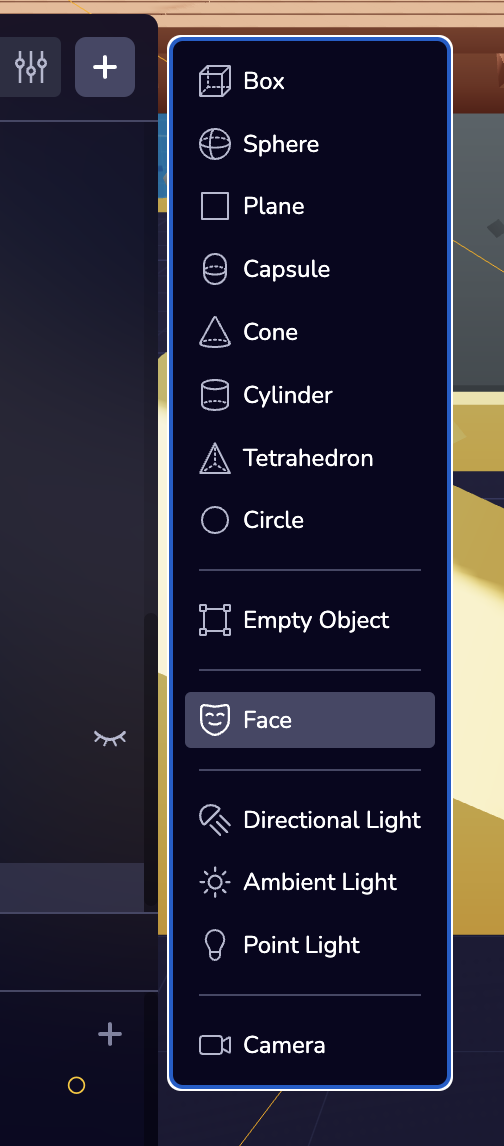
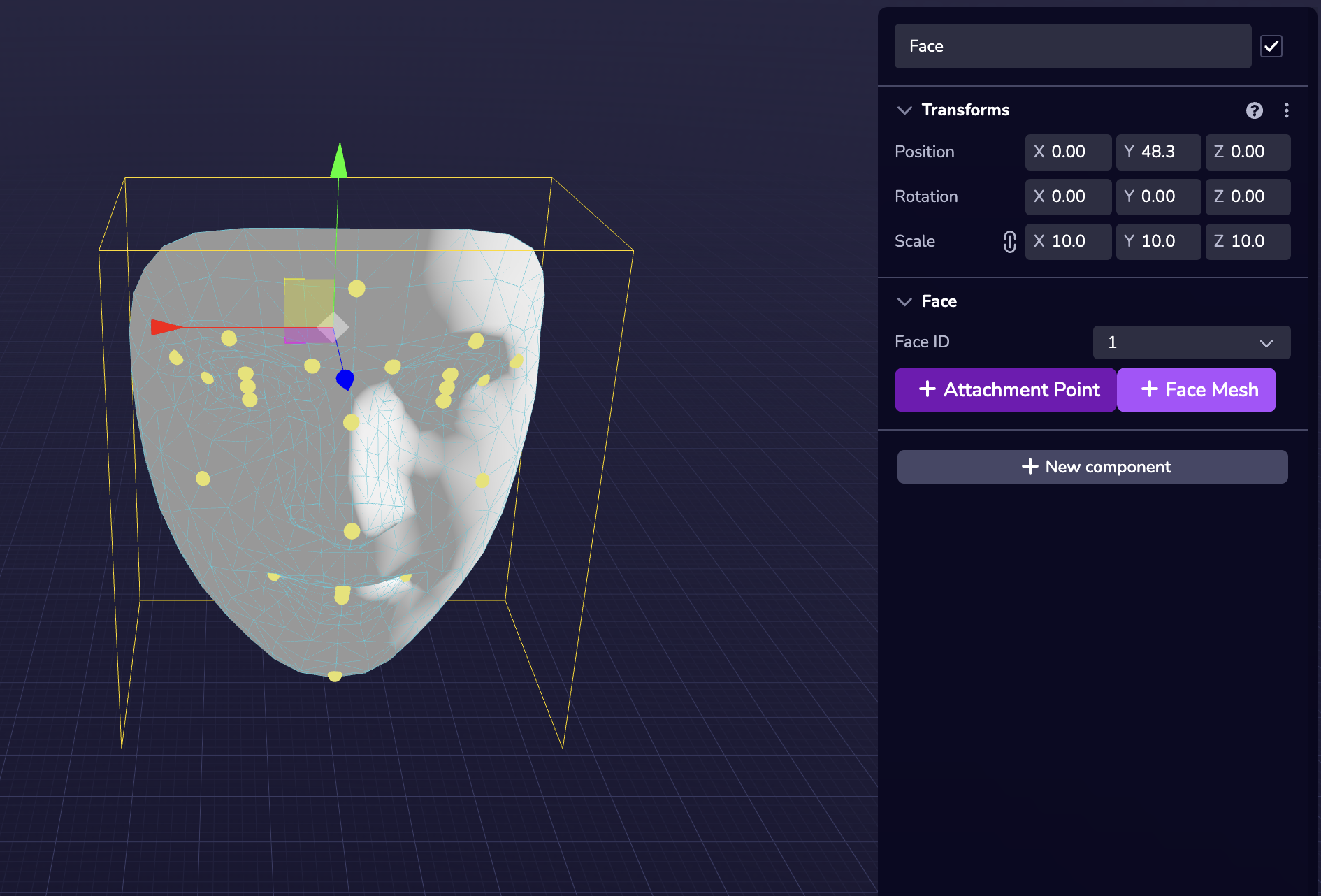
Lors de la prévisualisation des effets de visage dans Studio, la caméra de visage est placée à l'origine (0, 0, 0) tandis que l'ancre de visage est placée devant la caméra de visage comme le montre la capture d'écran ci-dessous.
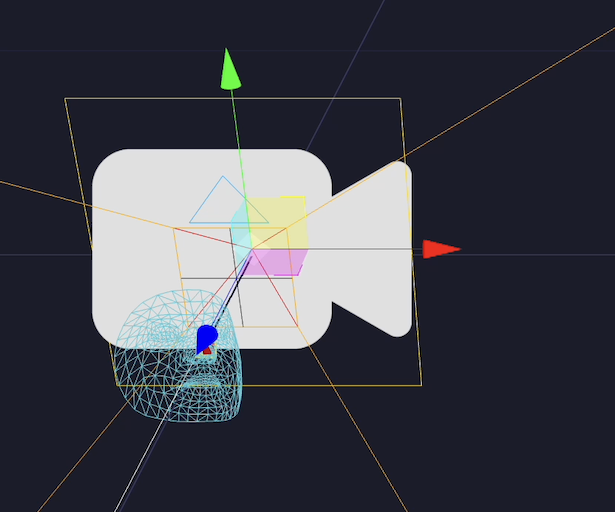
Référence API XR[](https://www.8thwall.com/docs/fr/studio/guides/xr/#xr-api-reference "Lien direct vers Référence API XR")
----------------------------------------------------------------------------------------------------------------------------
Veuillez vous référer aux API du composant [Camera](https://www.8thwall.com/docs/fr/api/studio/ecs/camera/)
qui définissent le comportement de la caméra.
* [Référence API XR](https://www.8thwall.com/docs/fr/studio/guides/xr/#xr-api-reference)
---
# Partikel | 8th Wall
[Zum Hauptinhalt springen](https://www.8thwall.com/docs/de/studio/guides/particles/#__docusaurus_skipToContent_fallback)
Auf dieser Seite
Einführung[](https://www.8thwall.com/docs/de/studio/guides/particles/#einf%C3%BChrung "Direkter Link zu Einführung")
----------------------------------------------------------------------------------------------------------------------
Partikel sind ein leistungsstarkes Werkzeug, um jeder Szene dynamische, auffällige Effekte hinzuzufügen. Sie sorgen für Leben und Bewegung und erzeugen alles, von realistischen Umgebungselementen wie Rauch, Feuer und Regen bis hin zu stilisierten Effekten wie Magie, Funken oder Explosionen. Ob subtil oder dramatisch eingesetzt, Partikel verstärken die Atmosphäre und Interaktivität einer Szene und machen das Erlebnis fesselnder und visuell reicher.
Hinzufügen von Partikeln[](https://www.8thwall.com/docs/de/studio/guides/particles/#hinzuf%C3%BCgen-von-partikeln "Direkter Link zu Hinzufügen von Partikeln")
----------------------------------------------------------------------------------------------------------------------------------------------------------------
Partikel können dem Objekt über die Studio-Schnittstelle oder im Code hinzugefügt werden. Das Hinzufügen von Komponenten in Studio erfolgt über die Schaltfläche "Neue Komponente".
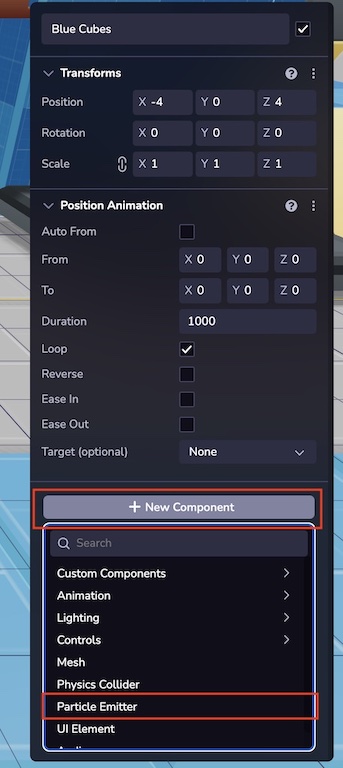 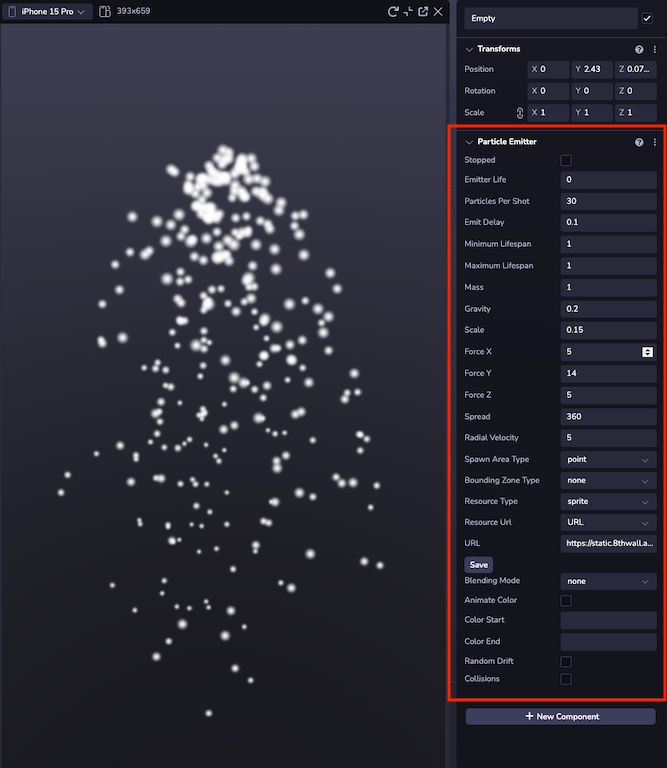
### Beispiel[](https://www.8thwall.com/docs/de/studio/guides/particles/#beispiel "Direkter Link zu Beispiel")
Das folgende Beispiel zeigt, wie man zur Laufzeit einen ParticleEmitter zu einer Entität hinzufügt.
ecs.ParticleEmitter.set(world, component.eid, { stopped: false, emitterLife: 10, particlesPerShot: 5, emitDelay: 1, minimumLifespan: 1, maximumLifespan: 3, mass: 1, gravity: 1, scale: 1, forceX: 0, forceY: 60, forceZ: 0, spread: 120, radialVelocity: 0, spawnAreaType: 'point', resourceType: 'model', resourceUrl: 'https://static.8thwall.app/assets/Moon-lowpoly-v3-yg6nmdc1uj.glb',})
Emission[](https://www.8thwall.com/docs/de/studio/guides/particles/#emission "Direkter Link zu Emission")
-----------------------------------------------------------------------------------------------------------
Emissionsattribute definieren die Art und Weise, wie Partikel in der Welt platziert werden und einige der globalen Attribute, die alle Partikel gleichermaßen betreffen.
* **Stopp:** Wenn diese Option aktiviert ist, wird der Sender nicht emittieren.
* **Lebensdauer des Strahlers:** Definiert die Lebensdauer des Strahlers.
* **Partikel pro Schuss:** Wie viele Partikel jedes Mal platziert werden, wenn der Emitter feuert.
* **Emissionsverzögerung:** Verzögerung zwischen den Emissionen in Sekunden.
* **Lebensdauer:** Legt einen Bereich fest, der die Zeit angibt, die Partikel in der Szene verbleiben, bevor sie despawnen.
* **Masse:** Die Masse der einzelnen Teilchen, nur relevant für die Simulation von Physik.
* **Schwerkraft:** Fügt eine nach unten gerichtete Kraft hinzu, die Teilchen fallen lässt.
* **Kräfte:** Einfache Kräfte in den relativen Achsen X, Y und Z, die auf jedes Teilchen einwirken.
* **Spread:** Ist der Winkel, in dem sich die Partikel im Verhältnis zum Emitter bewegen.
* **Radiale Geschwindigkeit:** Wenn der Wert größer als 0 ist, ändert sich der Typ der Emitter-Geschwindigkeit in radial. Die Radialgeschwindigkeit wird relativ zum Beobachter berechnet und die vektoriellen Kräfte werden durch die Radialkraft beeinflusst.
### Laichgebietstyp[](https://www.8thwall.com/docs/de/studio/guides/particles/#laichgebietstyp "Direkter Link zu Laichgebietstyp")
Spawnbereiche ändern die Startkoordinate der Partikel.
* **Punkt:** Spawn wird auf die Koordinaten des Emitters gesetzt.
* **Box:** Definiert einen Rahmen mit Breite, Höhe und Tiefe.
* **Sphere:** Definiert einen Spawn-Bereich einer Kugel mit einem bestimmten Radius.
Hinweis
Diese Spawnbereiche funktionieren nicht richtig, wenn die Abmessungen auf 0 gesetzt sind.
### Typ der Begrenzungszone[](https://www.8thwall.com/docs/de/studio/guides/particles/#typ-der-begrenzungszone "Direkter Link zu Typ der Begrenzungszone")
Bounding Boxes geben die räumlichen Grenzen vor, innerhalb derer die Partikel erzeugt werden.
* **Box:** Definiert einen Rahmen mit Breite, Höhe und Tiefe.
* **Sphere:** Definiert einen Spawn-Bereich einer Kugel mit einem bestimmten Radius.
Hinweis
Diese Begrenzungszonen funktionieren nicht richtig, wenn die Abmessungen auf 0 oder negativ eingestellt sind. Bei der Verwendung von Spawn Area muss die Bounding Zone ein größeres Volumen als die Spawn Area einnehmen.
### Ressourcentyp[](https://www.8thwall.com/docs/de/studio/guides/particles/#ressourcentyp "Direkter Link zu Ressourcentyp")
Dieses System ist in der Lage, Glb-Assets und einfache Sprites zu rendern. Wählen Sie ein Modell für 3D oder ein Sprite für 2D-Sprites. Verwenden Sie eine öffentlich zugängliche URL, um das Asset in den Emitter zu laden.
* **Sprites:** Sie haben Überblendungsoptionen, die ähnlich wie die grundlegenden Photoshop-Ebeneneffekte funktionieren. Diese sind sehr praktisch, um visuelle Effekte wie Feuer, Sterne oder Rauch zu erzeugen.
* **Modell:** 3D-Modelle mit Partikelverhalten. Nützlich für die Erstellung volumetrischer Effekte.
### Simulation[](https://www.8thwall.com/docs/de/studio/guides/particles/#simulation "Direkter Link zu Simulation")
Diese Parameter wirken sich darauf aus, wie sich die Partikel nach ihrer Platzierung in der Welt selbständig verhalten.
* **Farbe:** Wenn Sprites als Ressourcentyp festgelegt sind, können Sprites ihre Farbe ändern. Geben Sie einen Hexadezimalwert für die Anfangs- und Endfarbe ein, damit sie sich allmählich verschieben.
* **Zufallsdrift:** Die Partikel driften nach dem Zufallsprinzip entsprechend dem Parameter für den Zufallsdriftbereich.
* **Kollision:** Wenn sich Teilchen einander nähern, wird eine entgegengesetzte Kraft zwischen ihnen ausgeübt.
Beispiele[](https://www.8thwall.com/docs/de/studio/guides/particles/#beispiele "Direkter Link zu Beispiele")
--------------------------------------------------------------------------------------------------------------
### Startpartikel[](https://www.8thwall.com/docs/de/studio/guides/particles/#startpartikel "Direkter Link zu Startpartikel")
ecs.ParticleEmitter.mutate(world, component.eid, (cursor) => { cursor.stopped = false})
### Partikel aufhalten[](https://www.8thwall.com/docs/de/studio/guides/particles/#partikel-aufhalten "Direkter Link zu Partikel aufhalten")
ecs.ParticleEmitter.mutate(world, component.eid, (cursor) => { cursor.stopped = true})
### Emittierende Modelle[](https://www.8thwall.com/docs/de/studio/guides/particles/#emittierende-modelle "Direkter Link zu Emittierende Modelle")
ecs.ParticleEmitter.set(world, component.eid, { stopped: false, resourceType: 'model', resourceUrl: 'assets/robot.glb',})
* [Einführung](https://www.8thwall.com/docs/de/studio/guides/particles/#einf%C3%BChrung)
* [Hinzufügen von Partikeln](https://www.8thwall.com/docs/de/studio/guides/particles/#hinzuf%C3%BCgen-von-partikeln)
* [Beispiel](https://www.8thwall.com/docs/de/studio/guides/particles/#beispiel)
* [Emission](https://www.8thwall.com/docs/de/studio/guides/particles/#emission)
* [Laichgebietstyp](https://www.8thwall.com/docs/de/studio/guides/particles/#laichgebietstyp)
* [Typ der Begrenzungszone](https://www.8thwall.com/docs/de/studio/guides/particles/#typ-der-begrenzungszone)
* [Ressourcentyp](https://www.8thwall.com/docs/de/studio/guides/particles/#ressourcentyp)
* [Simulation](https://www.8thwall.com/docs/de/studio/guides/particles/#simulation)
* [Beispiele](https://www.8thwall.com/docs/de/studio/guides/particles/#beispiele)
* [Startpartikel](https://www.8thwall.com/docs/de/studio/guides/particles/#startpartikel)
* [Partikel aufhalten](https://www.8thwall.com/docs/de/studio/guides/particles/#partikel-aufhalten)
* [Emittierende Modelle](https://www.8thwall.com/docs/de/studio/guides/particles/#emittierende-modelle)
---
# Materialien | 8th Wall
[Zum Hauptinhalt springen](https://www.8thwall.com/docs/de/studio/guides/materials/#__docusaurus_skipToContent_fallback)
Auf dieser Seite
Einführung[](https://www.8thwall.com/docs/de/studio/guides/materials/#einf%C3%BChrung "Direkter Link zu Einführung")
----------------------------------------------------------------------------------------------------------------------
In diesem Abschnitt wird erklärt, wie Sie Materialien in Studio verwenden können.
Materialtypen[](https://www.8thwall.com/docs/de/studio/guides/materials/#materialtypen "Direkter Link zu Materialtypen")
--------------------------------------------------------------------------------------------------------------------------
### Material oder Standardmaterial[](https://www.8thwall.com/docs/de/studio/guides/materials/#material-oder-standardmaterial "Direkter Link zu Material oder Standardmaterial")
Ein Standard-\[PBR\]-Material ([https://learn.microsoft.com/en-us/azure/remote-rendering/overview/features/pbr-materials](https://learn.microsoft.com/en-us/azure/remote-rendering/overview/features/pbr-materials)
).
Eigenschaften anzeigen [hier](https://www.8thwall.com/docs/de/api/studio/ecs/material/basic-material/)
.
### Unbeleuchtetes Material[](https://www.8thwall.com/docs/de/studio/guides/materials/#unbeleuchtetes-material "Direkter Link zu Unbeleuchtetes Material")
Material unbeeinflusst von Licht und Schatten. Die Farbe bleibt konsistent, keine Unterstützung für Physical Based Rendering (PBR).
Eigenschaften anzeigen [hier](https://www.8thwall.com/docs/de/api/studio/ecs/material/unlit-material/)
.
Materialeigenschaften[](https://www.8thwall.com/docs/de/studio/guides/materials/#materialeigenschaften "Direkter Link zu Materialeigenschaften")
--------------------------------------------------------------------------------------------------------------------------------------------------
Materialien können entweder durch Code oder direkt in der Mesh-Komponente im Editor konfiguriert werden.
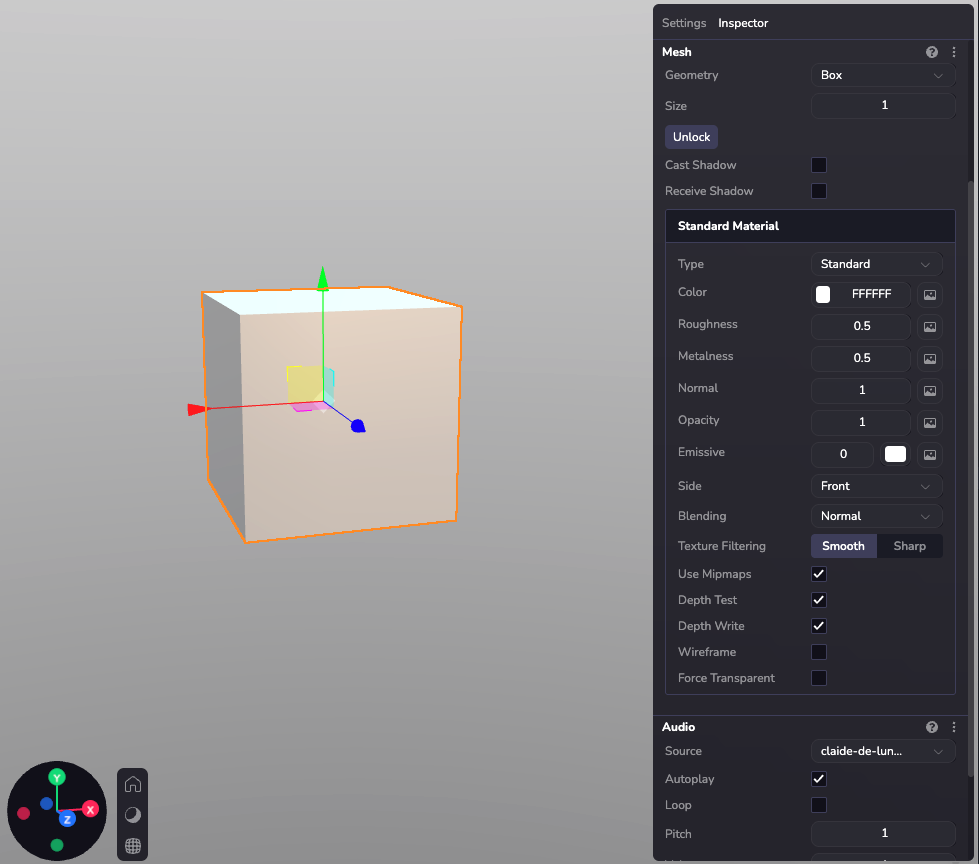
### Materialien durch Code konfigurieren[](https://www.8thwall.com/docs/de/studio/guides/materials/#materialien-durch-code-konfigurieren "Direkter Link zu Materialien durch Code konfigurieren")
ecs.Material.set(world, component.eid, { r: 255, g: 128, b: 64, roughness: 0.5, metalness: 0.8, opacity: 1.0, side: "front"})ecs.UnlitMaterial.set(world, component.eid, { r: 255, g: 0, b: 128, opacity: 1.0, side: "double"})
### Eine Textur laden[](https://www.8thwall.com/docs/de/studio/guides/materials/#eine-textur-laden "Direkter Link zu Eine Textur laden")
Das Laden einer Textur erfordert ein Asset oder eine unabhängige Url, die ein Bild bereitstellt. Im API-Abschnitt zu Material und Unlit Material finden Sie weitere Informationen zu den verschiedenen unterstützten Textur-Maps.
import * as ecs from '@8thwall/ecs'ecs.registerComponent({ name: 'apply-texture-to-material', schema: { // @asset myTexture: ecs.string, }, add: (world, component) => { const { myTexture } = component.schemaAttribute.get(component.eid) ecs.assets.load({ url: myTexture }) .then((result) => { ecs.Material.set(world, component.eid, { r: 255, g: 128, b: 64, textureSrc: `${result.remoteUrl}`, roughness: 0.5, metalness: 0.8, opacity: 1.0, side: "back" }) }) .catch((error) => { console.error('Failed to load texture:', error) }) }})
Besondere Materialien[](https://www.8thwall.com/docs/de/studio/guides/materials/#besondere-materialien "Direkter Link zu Besondere Materialien")
--------------------------------------------------------------------------------------------------------------------------------------------------
### Schatten-Material[](https://www.8thwall.com/docs/de/studio/guides/materials/#schatten-material "Direkter Link zu Schatten-Material")
Material, das nur gerendert wird, wenn ein Schatten auf es geworfen wird.
Hinweis: Damit dies funktioniert, müssen drei Einstellungen aktiviert sein:
1. Aktivieren Sie "Schattenwurf" auf den Lichtern
2. Aktivieren Sie "Schatten empfangen" für das Schattenmaterialobjekt
3. Das Objekt, das den Schatten wirft (roter Ball im Bild unten), muss ebenfalls Schatten werfen.
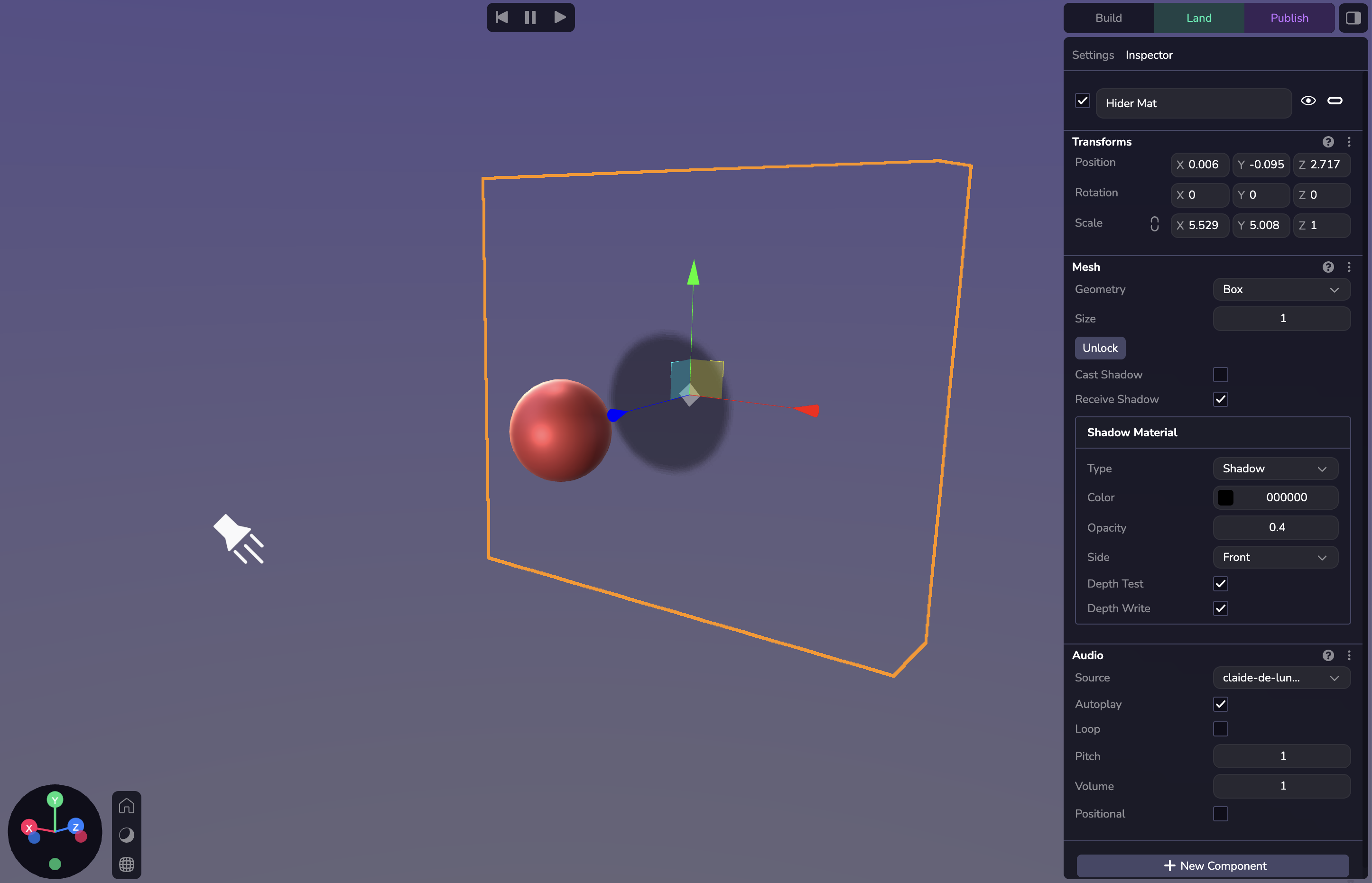
ecs.ShadowMaterial.set(world, component.eid, {r: 0, g: 250, b: 0, opacity: 1, side: 'front', depthTest: true, depthWrite: true})
### Versteckmaterial[](https://www.8thwall.com/docs/de/studio/guides/materials/#versteckmaterial "Direkter Link zu Versteckmaterial")
Material, das alle Objekte hinter sich verbirgt.
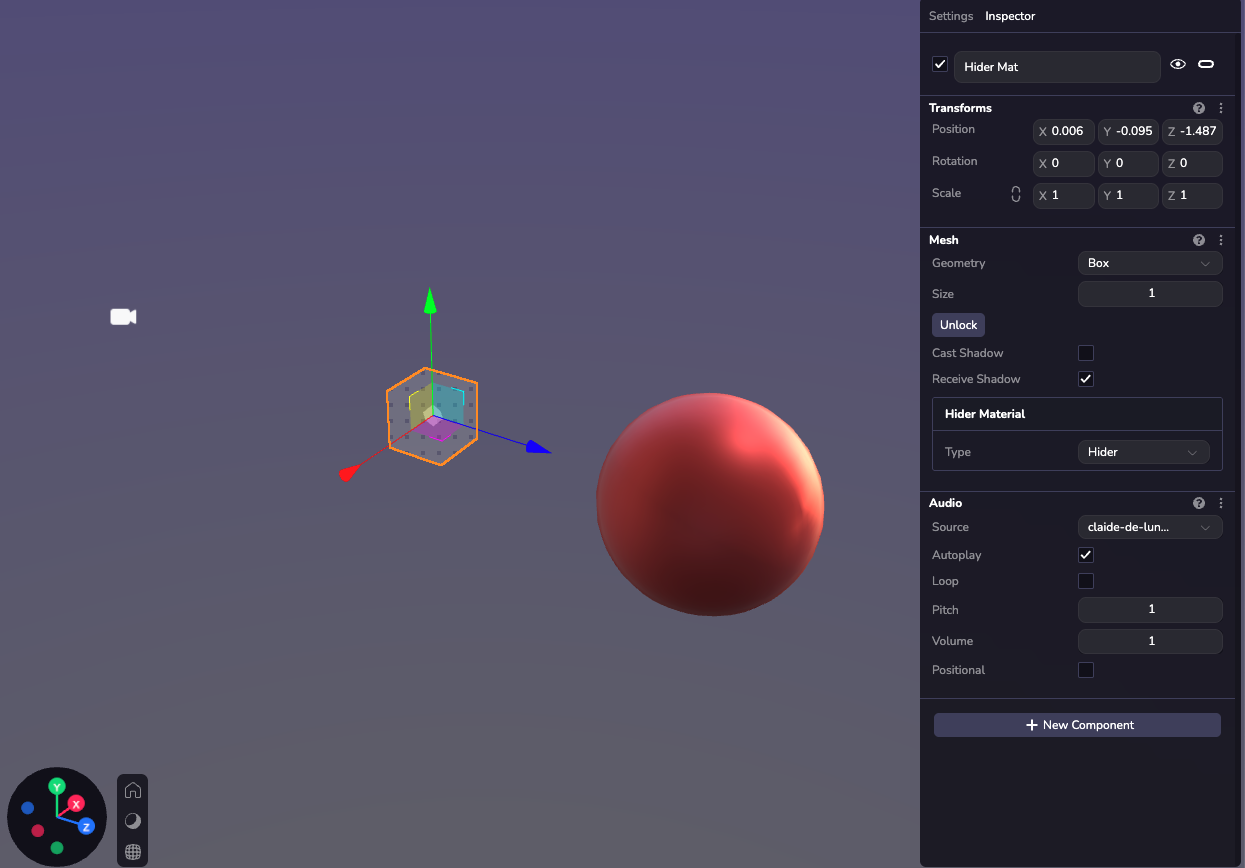
Kameraperspektive während der Laufzeit:
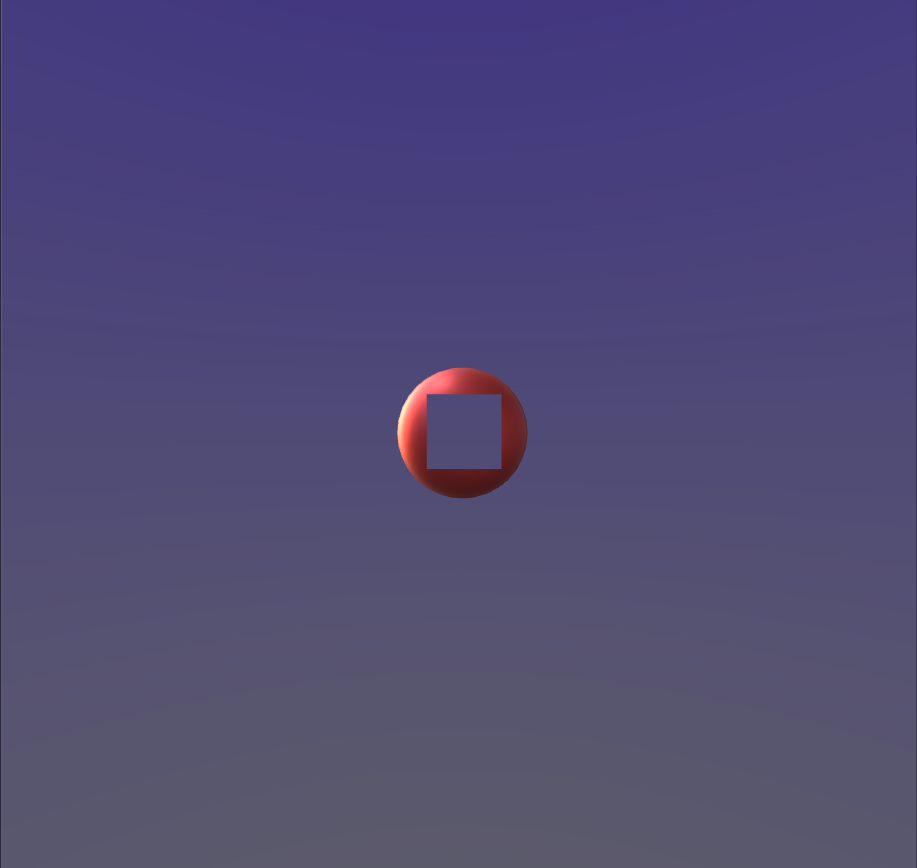
ecs.HiderMaterial.set(world, component.eid)
* [Einführung](https://www.8thwall.com/docs/de/studio/guides/materials/#einf%C3%BChrung)
* [Materialtypen](https://www.8thwall.com/docs/de/studio/guides/materials/#materialtypen)
* [Material oder Standardmaterial](https://www.8thwall.com/docs/de/studio/guides/materials/#material-oder-standardmaterial)
* [Unbeleuchtetes Material](https://www.8thwall.com/docs/de/studio/guides/materials/#unbeleuchtetes-material)
* [Materialeigenschaften](https://www.8thwall.com/docs/de/studio/guides/materials/#materialeigenschaften)
* [Materialien durch Code konfigurieren](https://www.8thwall.com/docs/de/studio/guides/materials/#materialien-durch-code-konfigurieren)
* [Eine Textur laden](https://www.8thwall.com/docs/de/studio/guides/materials/#eine-textur-laden)
* [Besondere Materialien](https://www.8thwall.com/docs/de/studio/guides/materials/#besondere-materialien)
* [Schatten-Material](https://www.8thwall.com/docs/de/studio/guides/materials/#schatten-material)
* [Versteckmaterial](https://www.8thwall.com/docs/de/studio/guides/materials/#versteckmaterial)
---
# Espaces | 8th Wall
[Skip to main content](https://www.8thwall.com/docs/fr/studio/guides/spaces/#__docusaurus_skipToContent_fallback)
Sur cette page
Introduction[](https://www.8thwall.com/docs/fr/studio/guides/spaces/#introduction "Lien direct vers Introduction")
--------------------------------------------------------------------------------------------------------------------
Un espace est un moyen d'organiser les entités et de procéder à une configuration globale. La création de jeux et d'expériences WebXR immersives nécessite souvent plusieurs environnements, transitions et espaces structurés pour les différentes parties du parcours de l'utilisateur. Spaces vous permet désormais de construire et de gérer plusieurs zones distinctes au sein d'un même projet. Vous pouvez considérer les espaces comme des scènes ou des environnements dans d'autres moteurs de jeu ou outils de conception. Pour faire simple, les espaces sont des cadres 3D dans lesquels vous pouvez placer des actifs, des éclairages, des caméras et des interactions de jeu.
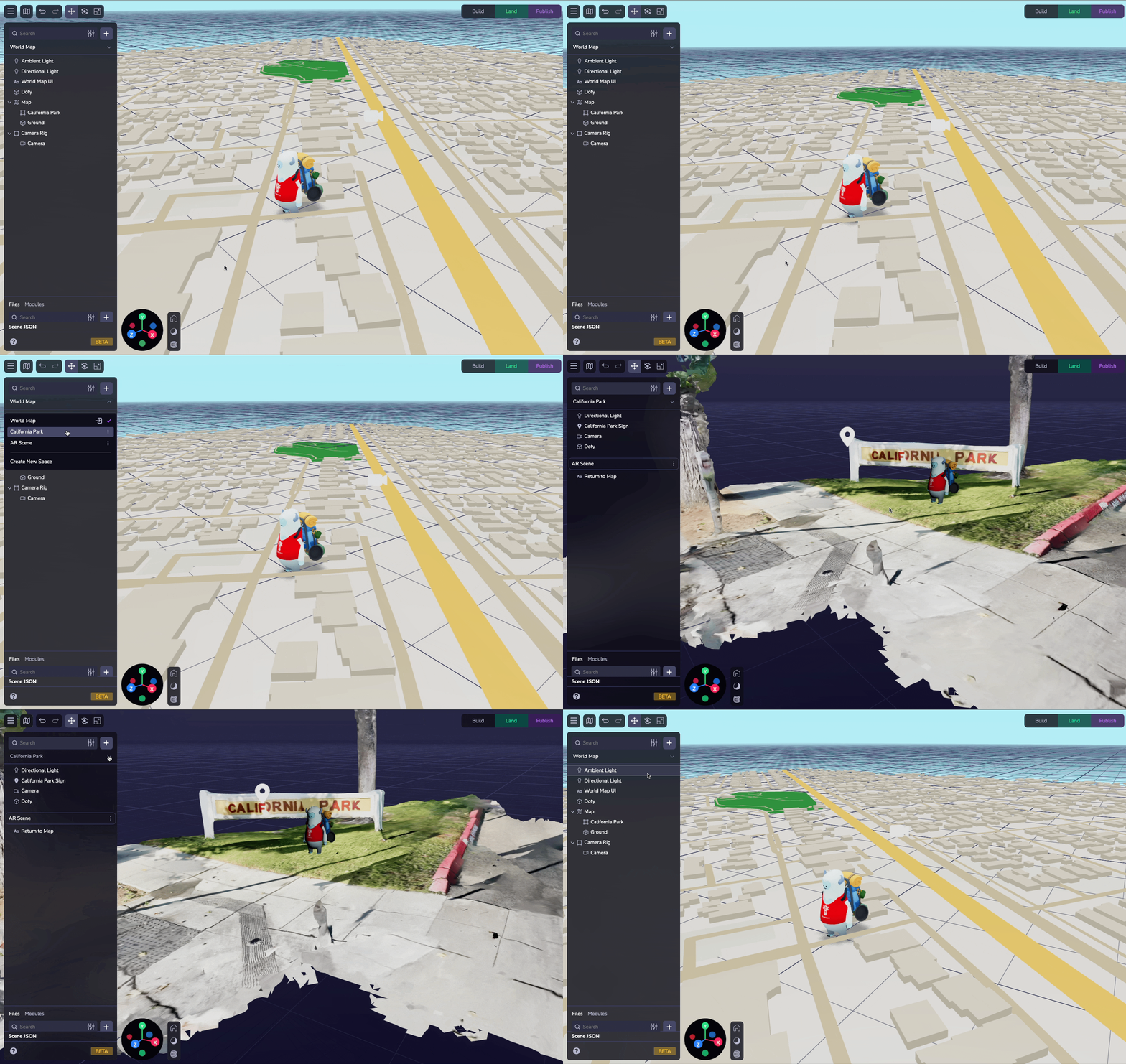
Ajouter un espace[](https://www.8thwall.com/docs/fr/studio/guides/spaces/#ajouter-un-espace "Lien direct vers Ajouter un espace")
-----------------------------------------------------------------------------------------------------------------------------------
Lorsque vous démarrez un nouveau projet dans 8th Wall Studio, vous verrez un espace par défaut avec une caméra et une lumière. L'ajout d'un nouvel espace est simple : il suffit de sélectionner le menu déroulant en haut du panneau de hiérarchie, de nommer l'espace et de commencer à le concevoir.
Note : Les espaces ont été introduits dans notre version 2025-février-13. Les projets créés avant cette version n'ont pas d'espace, mais vous pouvez créer des espaces en utilisant le menu déroulant Espace en haut de la hiérarchie. Toutes les entités du projet seront désormais désignées dans l'espace créé.
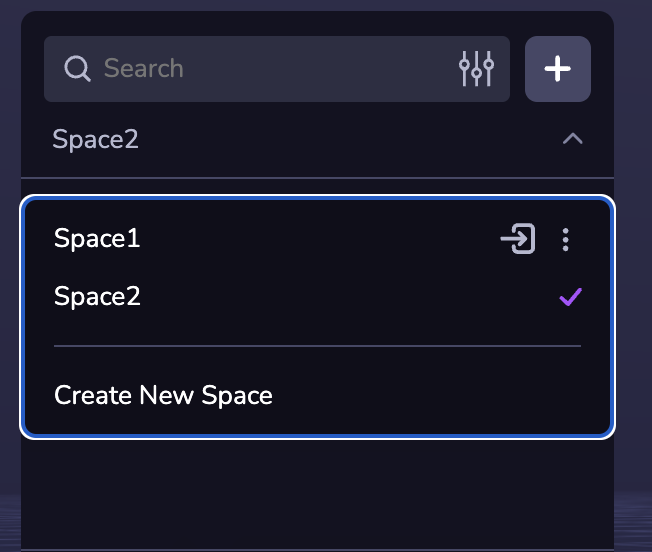
Espaces inclus[](https://www.8thwall.com/docs/fr/studio/guides/spaces/#espaces-inclus "Lien direct vers Espaces inclus")
--------------------------------------------------------------------------------------------------------------------------
Vous pouvez spécifier qu'un espace inclut d'autres espaces. L'inclusion d'un espace signifie que tous ses objets seront chargés lorsque l'espace qui l'inclut sera chargé. Vous pouvez ajouter des espaces supplémentaires à votre espace actif en utilisant le configurateur d'espace dans l'onglet Paramètres de l'inspecteur.
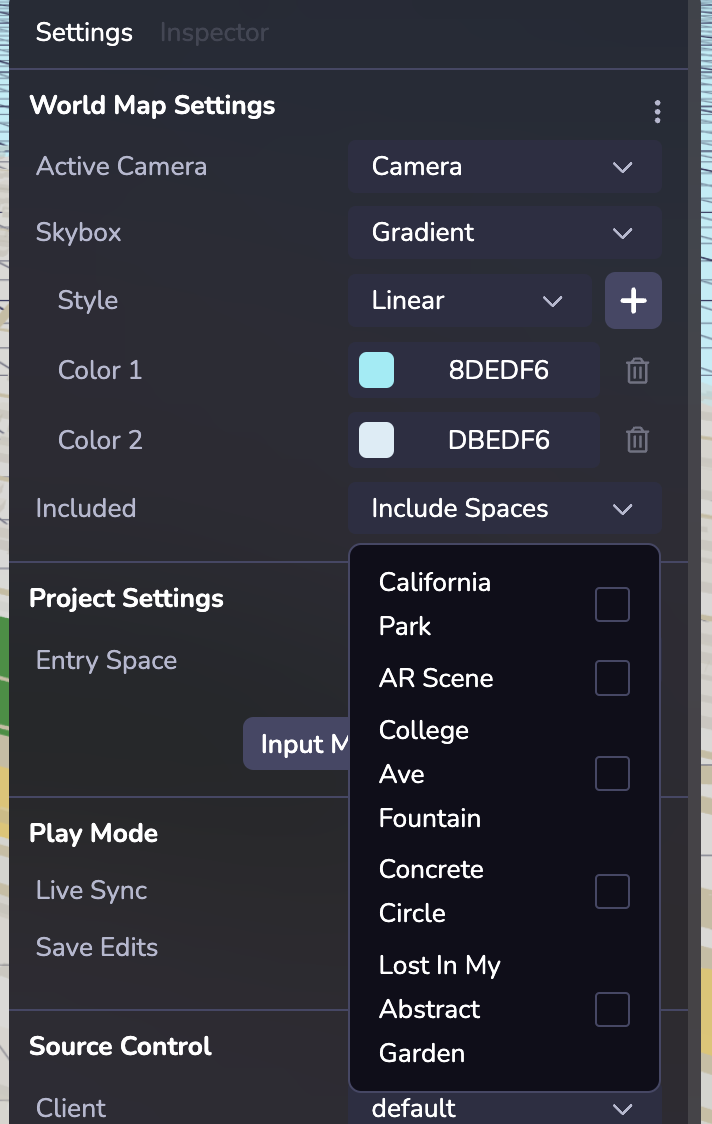
Notes :
* L'inclusion d'un espace supplémentaire signifie que tous les objets de cet espace et de tout espace qu'il inclut (et ainsi de suite).
* Lorsque vous passez d'un espace à l'autre, le ou les espaces inclus qui sont partagés entre les deux ne verront pas leurs objets désapparaître et réapparaître.
Chargement d'un espace[](https://www.8thwall.com/docs/fr/studio/guides/spaces/#chargement-dun-espace "Lien direct vers Chargement d'un espace")
-------------------------------------------------------------------------------------------------------------------------------------------------
Un nouvel espace chargé remplacera l'ancien espace en tant qu'espace actif. world.spaces.loadSpace charge un espace spécifié par un identifiant ou un nom. Les objets de l'ancien espace (et de tous les espaces inclus) seront supprimés et les nouveaux espaces (et tous les espaces inclus) seront créés.
Le chargement d'un espace met l'objet dans son état initial. Si vous rechargez un Espace précédemment chargé, toutes les mises à jour précédentes seront effacées.
Les objets éphémères restent également chargés lorsque l'on passe d'un espace à l'autre. Pour décharger les objets éphémères lors des modifications de l'espace, il faut les rattacher à un objet graphique.
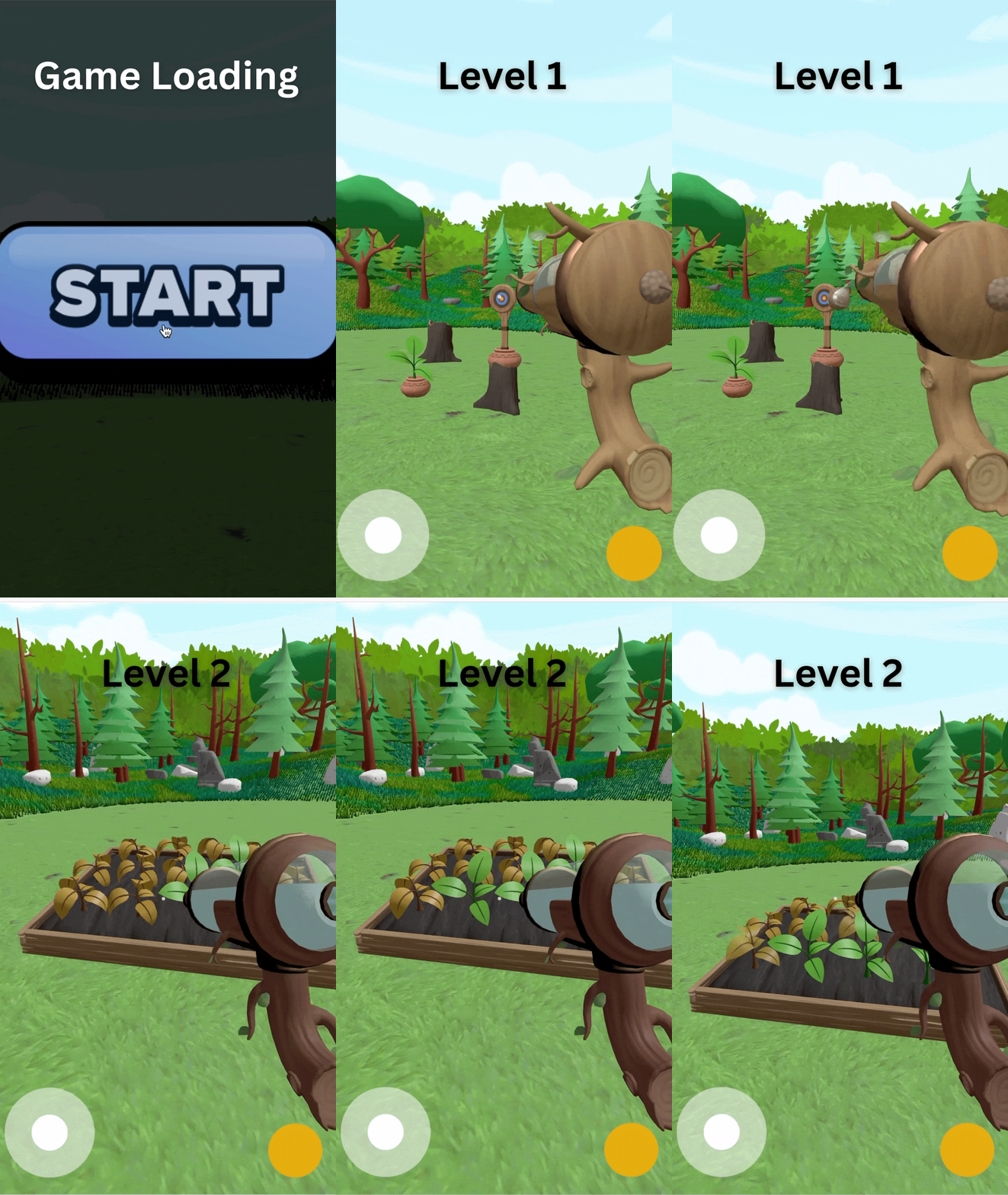
Objets persistants[](https://www.8thwall.com/docs/fr/studio/guides/spaces/#objets-persistants "Lien direct vers Objets persistants")
--------------------------------------------------------------------------------------------------------------------------------------
Vous pouvez facilement configurer des objets pour qu'ils soient conservés entre les Espaces. Par exemple, vous pouvez avoir un personnage principal qui doit se déplacer d'un niveau à l'autre. En utilisant la bascule de persistance dans l'inspecteur de l'objet ou le composant Persistant ou en utilisant ecs.Persistent pour désigner cet objet comme devant rester chargé lorsqu'un nouvel espace est chargé.
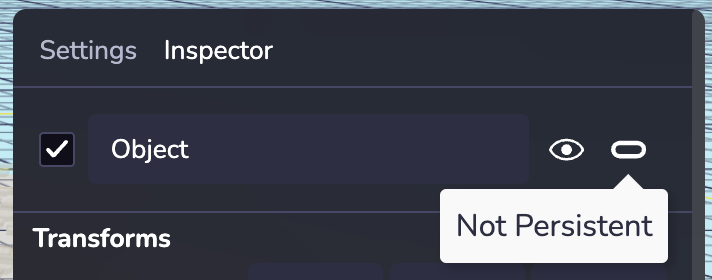
Remarque : la persistance ne doit être définie que pour les objets de niveau racine. Le transfert d'objets persistants vers d'autres objets en cours d'exécution peut entraîner des comportements inattendus dans Live Sync.
Réglages de l'espace[](https://www.8thwall.com/docs/fr/studio/guides/spaces/#r%C3%A9glages-de-lespace "Lien direct vers Réglages de l'espace")
------------------------------------------------------------------------------------------------------------------------------------------------
Dans l'onglet Paramètres de l'inspecteur, vous pouvez configurer la caméra active et la boîte à ciel d'un espace particulier, et vous pouvez configurer l'espace d'entrée (ou l'espace de départ par défaut) dans la section Paramètres du projet.
Caméra active : La caméra active d'un espace peut être n'importe quel objet caméra dans cet espace ou dans tout espace qu'il inclut.
Skybox : Modifiez la boîte à images de votre espace. Les boîtes à ciel sont une enveloppe autour de l'ensemble de l'espace qui montre à quoi ressemble le monde au-delà de la géométrie. Si votre projet est configuré pour utiliser la RA sur un appareil compatible avec la RA, la Skybox ne sera pas rendue.
Espace d'entrée : Vous pouvez rapidement définir un espace d'entrée (ou espace de départ par défaut) dans la section Paramètres du projet (panneau de droite).
Simulation de l'espace actif en mode Live Sync[](https://www.8thwall.com/docs/fr/studio/guides/spaces/#simulation-de-lespace-actif-en-mode-live-sync "Lien direct vers Simulation de l'espace actif en mode Live Sync")
-------------------------------------------------------------------------------------------------------------------------------------------------------------------------------------------------------------------------
Le mode Live Sync (dans le panneau de droite Settings) permet de tester facilement et de manière modulaire l'espace actif. Lorsque la synchronisation en direct est activée, le simulateur en ligne charge l'espace actuellement actif dans la hiérarchie.
Notes :
* L'ouverture d'une instance du simulateur dans une nouvelle fenêtre (à l'aide du lien Nouvel onglet) ou l'utilisation du mode pop-out du simulateur chargera l'espace d'entrée, que la synchronisation en direct soit activée ou non.
* Le fait de changer d'espace dans le menu déroulant de la hiérarchie modifie l'espace chargé dans le simulateur en mode Live Sync.
* Si l'option Sauvegarder les modifications est activée, toutes les modifications effectuées dans la fenêtre de visualisation seront conservées entre les changements d'espace. Si l'option Sauvegarder les modifications est désactivée, le fait de changer d'espace réinitialise les modifications.
* [Introduction](https://www.8thwall.com/docs/fr/studio/guides/spaces/#introduction)
* [Ajouter un espace](https://www.8thwall.com/docs/fr/studio/guides/spaces/#ajouter-un-espace)
* [Espaces inclus](https://www.8thwall.com/docs/fr/studio/guides/spaces/#espaces-inclus)
* [Chargement d'un espace](https://www.8thwall.com/docs/fr/studio/guides/spaces/#chargement-dun-espace)
* [Objets persistants](https://www.8thwall.com/docs/fr/studio/guides/spaces/#objets-persistants)
* [Réglages de l'espace](https://www.8thwall.com/docs/fr/studio/guides/spaces/#r%C3%A9glages-de-lespace)
* [Simulation de l'espace actif en mode Live Sync](https://www.8thwall.com/docs/fr/studio/guides/spaces/#simulation-de-lespace-actif-en-mode-live-sync)
---
# Physique | 8th Wall
[Skip to main content](https://www.8thwall.com/docs/fr/studio/guides/physics/#__docusaurus_skipToContent_fallback)
Sur cette page
Introduction[](https://www.8thwall.com/docs/fr/studio/guides/physics/#introduction "Lien direct vers Introduction")
---------------------------------------------------------------------------------------------------------------------
Studio dispose d'un système physique intégré destiné à gérer des interactions robustes et dynamiques dans votre scène.
Ajout de collisionneurs[](https://www.8thwall.com/docs/fr/studio/guides/physics/#ajout-de-collisionneurs "Lien direct vers Ajout de collisionneurs")
------------------------------------------------------------------------------------------------------------------------------------------------------
note
* Les collisionneurs peuvent être imbriqués dans certaines configurations, mais pas dans d'autres. Par exemple, un collisionneur statique à l'intérieur d'un collisionneur dynamique, ou deux collisionneurs dynamiques imbriqués, pourraient mal se comporter.
* À moins que vous ne disposiez d'un composant géométrique qui soit également une forme de collision valide, vous devrez spécifier une forme manuellement. Par exemple, il n'existe pas de collisionneur compatible avec la primitive tétraèdre.
* La génération de collisionneurs de modèles GLTF pour les modèles complexes peut affecter les performances. :: :
### Exemple[](https://www.8thwall.com/docs/fr/studio/guides/physics/#exemple "Lien direct vers Exemple")
L'exemple qui suit montre comment ajouter un collisionneur à une entité au moment de l'exécution.
ecs.Collider.set(world, component.eid, { shape : ecs.ColliderShape.Sphere, type : ecs.ColliderType.Dynamic, radius : 1, mass : 1, eventOnly : false, lockXAxis : false, lockYAxis : false, lockZAxis : false, friction : 0.5, restitution : 0.5, linearDamping : 0, angularDamping : 0,})
Types de collisionneurs statiques, dynamiques et cinématiques[](https://www.8thwall.com/docs/fr/studio/guides/physics/#types-de-collisionneurs-statiques-dynamiques-et-cin%C3%A9matiques "Lien direct vers Types de collisionneurs statiques, dynamiques et cinématiques")
----------------------------------------------------------------------------------------------------------------------------------------------------------------------------------------------------------------------------------------------------------------------------
Dans les simulations physiques, les collisionneurs définissent la forme physique d'un objet pour la détection des collisions. Ils peuvent être statiques, dynamiques ou cinématiques, selon la manière dont ils interagissent avec les forces et l'environnement.
* **Statique:** Un collisionneur qui ne réagit pas aux forces externes ou aux simulations de la physique. Il reste en place, ce qui le rend idéal pour les objets inamovibles tels que les murs, les sols ou les terrains.
* \*\*Dynamique : un collisionneur qui réagit aux forces externes telles que la gravité, les collisions ou les impulsions. Il convient aux objets mobiles tels que les joueurs, les ennemis ou les débris.
* **Kinematic:** Un collisionneur dont le mouvement n'est pas affecté par des forces, mais est entièrement contrôlé par l'utilisateur de manière programmatique. Contrairement aux corps statiques, les corps cinématiques peuvent se déplacer et affecter d'autres corps dynamiques par le biais de collisions.
### Événement seulement[](https://www.8thwall.com/docs/fr/studio/guides/physics/#%C3%A9v%C3%A9nement-seulement "Lien direct vers Événement seulement")
Le paramètre `eventOnly` convertit un collider en une zone de déclenchement - il ne bloque plus ou ne réagit plus aux objets physiques mais émet des événements d'entrée et de sortie lorsque d'autres corps physiques interagissent avec lui.
Fonctions[](https://www.8thwall.com/docs/fr/studio/guides/physics/#fonctions "Lien direct vers Fonctions")
------------------------------------------------------------------------------------------------------------
Vous pouvez appliquer directement des forces (linéaires et angulaires) à n'importe quelle entité dotée d'un collisionneur physique. Ces forces sont appliquées lors de la prochaine mise à jour de la simulation physique, qui a lieu à intervalles réguliers. La fonction accepte un vecteur 3D pour définir la direction et l'ampleur de la force.
### Vélocité[](https://www.8thwall.com/docs/fr/studio/guides/physics/#v%C3%A9locit%C3%A9 "Lien direct vers Vélocité")
#### Linéaire[](https://www.8thwall.com/docs/fr/studio/guides/physics/#lin%C3%A9aire "Lien direct vers Linéaire")
ecs.physics.setLinearVelocity(world, component.eid, forceX, forceY, forceZ)
#### Angulaire[](https://www.8thwall.com/docs/fr/studio/guides/physics/#angulaire "Lien direct vers Angulaire")
ecs.physics.setAngularVelocity(world, component.eid, forceX, forceY, forceZ)
### Force et couple[](https://www.8thwall.com/docs/fr/studio/guides/physics/#force-et-couple "Lien direct vers Force et couple")
#### La force[](https://www.8thwall.com/docs/fr/studio/guides/physics/#la-force "Lien direct vers La force")
ecs.physics.applyForce(world, component.eid, forceX, forceY, forceZ)
#### Couple[](https://www.8thwall.com/docs/fr/studio/guides/physics/#couple "Lien direct vers Couple")
ecs.physics.applyTorque(world, component.eid, torqueX, torqueY, torqueZ)
### Impulsion[](https://www.8thwall.com/docs/fr/studio/guides/physics/#impulsion "Lien direct vers Impulsion")
pointe
pointe
Cette fonction est utilisée pour appliquer une force d'impulsion unique à un collisionneur physique, en modifiant sa vitesse sur la base du vecteur d'impulsion donné. Cette méthode est utile pour les événements qui nécessitent une réaction rapide et unique, comme un saut, un coup de poing ou une poussée soudaine.
ecs.physics.applyImpulse(world, component.eid, impulseX, impulseY, impulseZ)
### Gravité[](https://www.8thwall.com/docs/fr/studio/guides/physics/#gravit%C3%A9 "Lien direct vers Gravité")
#### Facteur de gravité[](https://www.8thwall.com/docs/fr/studio/guides/physics/#facteur-de-gravit%C3%A9 "Lien direct vers Facteur de gravité")
Dans chaque scène, la gravité agit comme une force constante connue sous le nom de "gravité mondiale". Cette force affecte tous les collisionneurs de la scène qui sont définis comme dynamiques. Pour personnaliser l'impact de la gravité mondiale sur un collisionneur donné, nous fournissons un attribut appelé "facteur de gravité".
#### Définir la gravité du monde[](https://www.8thwall.com/docs/fr/studio/guides/physics/#d%C3%A9finir-la-gravit%C3%A9-du-monde "Lien direct vers Définir la gravité du monde")
ecs.physics.setWorldGravity(world, gravity)
* [Introduction](https://www.8thwall.com/docs/fr/studio/guides/physics/#introduction)
* [Ajout de collisionneurs](https://www.8thwall.com/docs/fr/studio/guides/physics/#ajout-de-collisionneurs)
* [Exemple](https://www.8thwall.com/docs/fr/studio/guides/physics/#exemple)
* [Types de collisionneurs statiques, dynamiques et cinématiques](https://www.8thwall.com/docs/fr/studio/guides/physics/#types-de-collisionneurs-statiques-dynamiques-et-cin%C3%A9matiques)
* [Événement seulement](https://www.8thwall.com/docs/fr/studio/guides/physics/#%C3%A9v%C3%A9nement-seulement)
* [Fonctions](https://www.8thwall.com/docs/fr/studio/guides/physics/#fonctions)
* [Vélocité](https://www.8thwall.com/docs/fr/studio/guides/physics/#v%C3%A9locit%C3%A9)
* [Force et couple](https://www.8thwall.com/docs/fr/studio/guides/physics/#force-et-couple)
* [Impulsion](https://www.8thwall.com/docs/fr/studio/guides/physics/#impulsion)
* [Gravité](https://www.8thwall.com/docs/fr/studio/guides/physics/#gravit%C3%A9)
---
# Modules | 8th Wall
[Skip to main content](https://www.8thwall.com/docs/fr/studio/guides/modules/#__docusaurus_skipToContent_fallback)
Sur cette page
Introduction[](https://www.8thwall.com/docs/fr/studio/guides/modules/#introduction "Lien direct vers Introduction")
---------------------------------------------------------------------------------------------------------------------
Les modules permettent la distribution et la consommation d'un code universellement compatible. Pour une documentation complète sur le module, veuillez [voir ici](https://www.8thwall.com/docs/guides/modules/overview/)
.
* [Introduction](https://www.8thwall.com/docs/fr/studio/guides/modules/#introduction)
---
# Vidéo | 8th Wall
[Skip to main content](https://www.8thwall.com/docs/fr/studio/guides/video/#__docusaurus_skipToContent_fallback)
Sur cette page
Introduction[](https://www.8thwall.com/docs/fr/studio/guides/video/#introduction "Lien direct vers Introduction")
-------------------------------------------------------------------------------------------------------------------
Cette section fournit tout ce dont vous avez besoin pour travailler avec des vidéos dans Studio. Par défaut, toutes les textures vidéo et les vidéos de l'interface utilisateur sont en mode **muted autoplay** (lecture automatique en sourdine). Pour personnaliser le comportement des vidéos, utilisez [`VideoControls`](https://www.8thwall.com/docs/fr/api/studio/ecs/video-controls/)
.
Ajout de vidéos[](https://www.8thwall.com/docs/fr/studio/guides/video/#ajout-de-vid%C3%A9os "Lien direct vers Ajout de vidéos")
---------------------------------------------------------------------------------------------------------------------------------
Pour appliquer une texture vidéo à une entité, sélectionnez une vidéo de vos ressources dans le menu déroulant de la carte de texture.
Les textures vidéo ne peuvent être appliquées qu'aux matériaux standard et non éclairés pour les primitives. Pour les entités GLB, les textures vidéo peuvent être appliquées à l'aide de Video Material, qui remplacera toutes les cartes de couleurs du modèle.
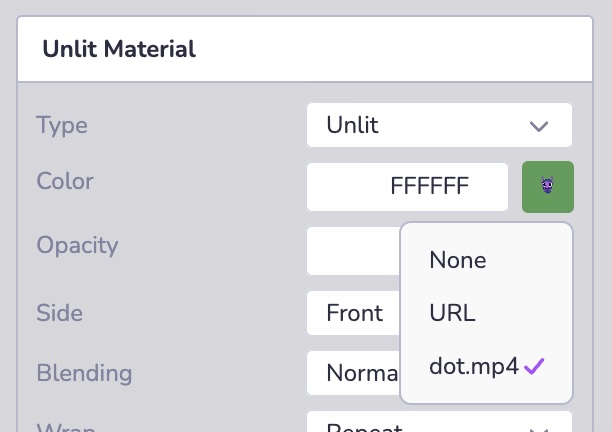
* [Introduction](https://www.8thwall.com/docs/fr/studio/guides/video/#introduction)
* [Ajout de vidéos](https://www.8thwall.com/docs/fr/studio/guides/video/#ajout-de-vid%C3%A9os)
---
# Préfabriqués | 8th Wall
[Skip to main content](https://www.8thwall.com/docs/fr/studio/guides/prefabs/#__docusaurus_skipToContent_fallback)
Sur cette page
Introduction[](https://www.8thwall.com/docs/fr/studio/guides/prefabs/#introduction "Lien direct vers Introduction")
---------------------------------------------------------------------------------------------------------------------
Les préfabriqués sont des collections réutilisables d'entités à partir desquelles vous pouvez créer plusieurs copies. Ils sont stockés dans le fichier de l'étendue mais peuvent être remontés à la surface comme vous le souhaitez. Il existe également une API pratique pour travailler avec les préfabriqués dans l'ECS. Les préfabriqués de Studio présentent les caractéristiques suivantes :
1. Les composants préfabriqués peuvent être partagés entre les instances
2. Les composants hérités peuvent être remplacés au cas par cas.
3. Une instance de préfabriqué peut contenir des instances d'autres préfabriqués
4. Les préfabriqués sont accessibles et modifiables en cours d'exécution.
Utilisation des préfabriqués[](https://www.8thwall.com/docs/fr/studio/guides/prefabs/#utilisation-des-pr%C3%A9fabriqu%C3%A9s "Lien direct vers Utilisation des préfabriqués")
-------------------------------------------------------------------------------------------------------------------------------------------------------------------------------
Dans Studio, vous pouvez configurer et personnaliser rapidement des préfabriqués en cliquant avec le bouton droit de la souris sur une entité ou en la faisant glisser dans l'onglet Préfabriqué du répertoire de fichiers situé en bas à gauche. Dans l'onglet Prefabs, vous pouvez facilement modifier votre Prefab et ses composants, mettre à jour sa hiérarchie, créer des doublons - de la même manière que vous travailleriez avec des objets dans la hiérarchie de l'espace.
Les hiérarchies préfabriquées sont créées de la même manière que les hiérarchies d'entités. Si vous souhaitez inspecter et modifier visuellement les détails de votre préfabriqué dans une vue isolée, il vous suffit de double-cliquer dessus ou de cliquer avec le bouton droit de la souris pour ouvrir l'éditeur de préfabriqué, qui vous permet d'apporter des modifications à la conception directement à partir de la source. Les mises à jour apportées à la source seront automatiquement prévisualisables dans toutes les instances du préfabriqué dans la scène.
Prêt à travailler avec votre nouveau préfabriqué dans votre scène ? Il suffit de glisser-déposer le préfabriqué dans la fenêtre de visualisation de la scène ou dans la hiérarchie de l'espace pour créer une instance de préfabriqué. Il y a deux concepts clés à noter lorsque l'on travaille avec les Prefab et leurs instances : **l'héritage** et **les surcharges**.
### Héritage[](https://www.8thwall.com/docs/fr/studio/guides/prefabs/#h%C3%A9ritage "Lien direct vers Héritage")
Les entités peuvent hériter des composants des préfabriqués. Après avoir ajouté une instance Prefab dans votre espace, toutes les configurations que vous ferez ultérieurement sur la source Prefab seront automatiquement "héritées" par l'instance. Les modifications apportées à la préfabrication lors de l'exécution s'appliquent également aux instances de la préfabrication. Les composants hérités ne sont stockés qu'à un seul endroit et sont partagés entre les instances. Cela peut s'avérer utile pour les données statiques partagées par plusieurs instances, telles que les données matérielles, les textures ou les maillages.
info
Le composant de collision physique n'est pas héritable au moment de l'exécution.
### Surpassement[](https://www.8thwall.com/docs/fr/studio/guides/prefabs/#surpassement "Lien direct vers Surpassement")
Lorsqu'une instance hérite d'un composant d'un Prefab, celui-ci peut être remplacé par des valeurs de composant spécifiques à l'instance. Pour remplacer un composant (ex. matériau, animation, script de composant personnalisé, etc.), il suffit de l'ajouter ou de le modifier dans l'instance. En surchargeant un composant sur une instance de préfabriqué, il restera surchargé à l'avenir. Cela signifie que les modifications futures que vous apporterez au même composant dans sa source Prefab ne seront pas héritées.
#### Réinitialisation des dérogations[](https://www.8thwall.com/docs/fr/studio/guides/prefabs/#r%C3%A9initialisation-des-d%C3%A9rogations "Lien direct vers Réinitialisation des dérogations")
Si vous souhaitez rétablir la valeur héritée d'un composant surchargé, vous pouvez cliquer avec le bouton droit de la souris sur le composant dans l'inspecteur et sélectionner "Réinitialiser les surcharges de la préfabrication". Cela supprimera l'annulation et ramènera le composant à la valeur originale du préfabriqué.
Instances d'exécution[](https://www.8thwall.com/docs/fr/studio/guides/prefabs/#instances-dex%C3%A9cution "Lien direct vers Instances d'exécution")
----------------------------------------------------------------------------------------------------------------------------------------------------
Le moteur de jeu de Studio vous permet de diriger les Prefabs au moment de l'exécution avec un minimum de code. Vous pouvez générer par programme de nouvelles instances en temps réel sur la base de préfabriqués existants, et vous pouvez modifier et éditer des instances de préfabriqués au moment de l'exécution. Vous pouvez également demander toutes les sous-entités des instances Prefab au moment de l'exécution, au cas où vous auriez besoin d'apporter des modifications à différentes instances générées dynamiquement.
### Instancier un préfabriqué[](https://www.8thwall.com/docs/fr/studio/guides/prefabs/#instancier-un-pr%C3%A9fabriqu%C3%A9 "Lien direct vers Instancier un préfabriqué")
Créer une nouvelle instance de préfabriqué en utilisant un nom de préfabriqué ou un EID. Les instances préfabriquées peuvent être utilisées comme n'importe quelle autre entité. La position d'une instance préfabriquée est fixée à zéro lors de l'installation.
#### Utilisation d'un nom préfabriqué[](https://www.8thwall.com/docs/fr/studio/guides/prefabs/#utilisation-dun-nom-pr%C3%A9fabriqu%C3%A9 "Lien direct vers Utilisation d'un nom préfabriqué")

ecs.registerComponent({ name : 'Spawn Prefab by Name', stateMachine : ({world, eid, schemaAttribute, dataAttribute}) => { ecs.defineState('default') .initial() .listen(eid, ecs.input.SCREEN_TOUCH_START, (e) => { const newInstance = world.createEntity("Human") }) },})
#### Utilisation de l'EID préfabriquée[](https://www.8thwall.com/docs/fr/studio/guides/prefabs/#utilisation-de-leid-pr%C3%A9fabriqu%C3%A9e "Lien direct vers Utilisation de l'EID préfabriquée")
ecs.registerComponent({ name : 'Spawn Prefab by EID', schema : { prefabToSpawn: ecs.eid, }, stateMachine : ({world, eid, schemaAttribute, dataAttribute}) => { ecs.defineState('default') .initial() .listen(eid, ecs.input.SCREEN_TOUCH_START, (e) => { const {prefabToSpawn} = schemaAttribute.get(eid) if (prefabToSpawn) { const newInstance = world.createEntity(prefabToSpawn) }) },})
* [Introduction](https://www.8thwall.com/docs/fr/studio/guides/prefabs/#introduction)
* [Utilisation des préfabriqués](https://www.8thwall.com/docs/fr/studio/guides/prefabs/#utilisation-des-pr%C3%A9fabriqu%C3%A9s)
* [Héritage](https://www.8thwall.com/docs/fr/studio/guides/prefabs/#h%C3%A9ritage)
* [Surpassement](https://www.8thwall.com/docs/fr/studio/guides/prefabs/#surpassement)
* [Instances d'exécution](https://www.8thwall.com/docs/fr/studio/guides/prefabs/#instances-dex%C3%A9cution)
* [Instancier un préfabriqué](https://www.8thwall.com/docs/fr/studio/guides/prefabs/#instancier-un-pr%C3%A9fabriqu%C3%A9)
---
# UI | 8th Wall
[Skip to main content](https://www.8thwall.com/docs/fr/studio/guides/ui/#__docusaurus_skipToContent_fallback)
Sur cette page
Introduction[](https://www.8thwall.com/docs/fr/studio/guides/ui/#introduction "Lien direct vers Introduction")
----------------------------------------------------------------------------------------------------------------
8th Wall Studio offre un système d'interface utilisateur intégré pour créer des interfaces interactives et conviviales au sein de votre expérience. Le composant UI fournit une variété de blocs de construction avec des propriétés configurables allant du texte et des images à une mise en page flexible et à un style personnalisable.
Ajout d'éléments d'interface utilisateur[](https://www.8thwall.com/docs/fr/studio/guides/ui/#ajout-d%C3%A9l%C3%A9ments-dinterface-utilisateur "Lien direct vers Ajout d'éléments d'interface utilisateur")
------------------------------------------------------------------------------------------------------------------------------------------------------------------------------------------------------------
Plusieurs méthodes permettent d'introduire des éléments d'interface utilisateur :
* **Nouvelle primitive:** Utilisez l'option (+) dans la hiérarchie pour ajouter des préréglages.
* **Add Component:** Attachez des éléments d'interface utilisateur à une entité existante.
* **Scripting:** Ajouter des éléments par programme à l'aide de l'API.
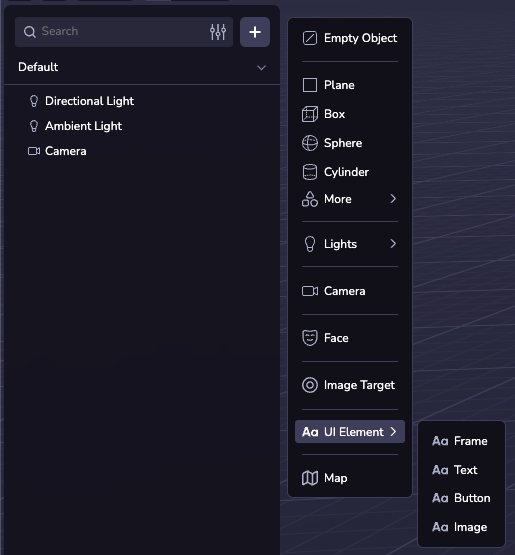
note
Les options de menu (+) sont toutes des préréglages du même composant d'interface utilisateur et peuvent être configurées de la même manière à l'aide de l'inspecteur d'interface utilisateur.
### INTERFACE UTILISATEUR 3D[](https://www.8thwall.com/docs/fr/studio/guides/ui/#interface-utilisateur-3d "Lien direct vers INTERFACE UTILISATEUR 3D")
Les éléments de l'interface utilisateur 3D s'intègrent de manière transparente dans votre scène 3D, ce qui permet des affichages interactifs dans l'espace. Ils peuvent être positionnés dans le monde avec l'inspecteur de transformation et nécessitent une largeur et une hauteur en pixels (1/100e d'unité mondiale), par exemple `'500'`. La position d'un élément d'interface utilisateur enfant est entièrement déterminée par les propriétés de mise en page de cet élément et de son parent.
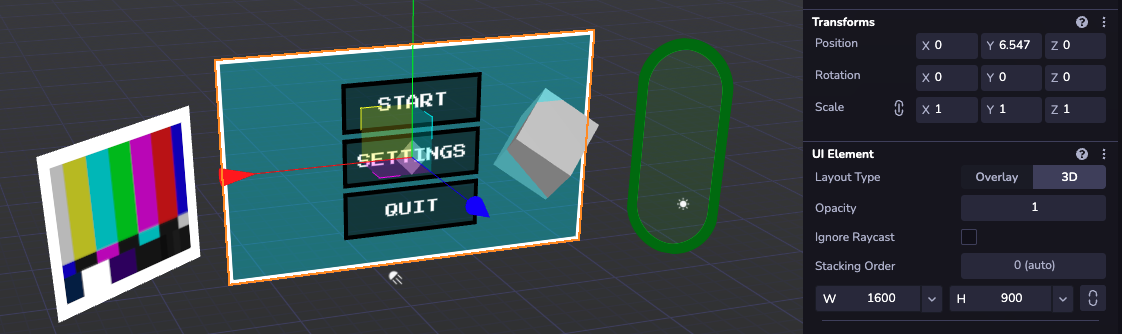
### Interface utilisateur superposée[](https://www.8thwall.com/docs/fr/studio/guides/ui/#interface-utilisateur-superpos%C3%A9e "Lien direct vers Interface utilisateur superposée")
Pour les interfaces utilisateur ancrées dans l'écran, les éléments superposés offrent un positionnement fixe au-dessus du canevas. La taille et le positionnement peuvent être spécifiés en pixels d'affichage (par exemple `'125'') ou en pourcentage (par exemple` '30%''). Le transfert des éléments de l'interface utilisateur de premier niveau est purement destiné à l'organisation dans la fenêtre de visualisation ; leur position à l'écran est contrôlée avec `position : 'absolute'` . Comme pour la 3D, les éléments enfants sont positionnés par rapport à leur parent.
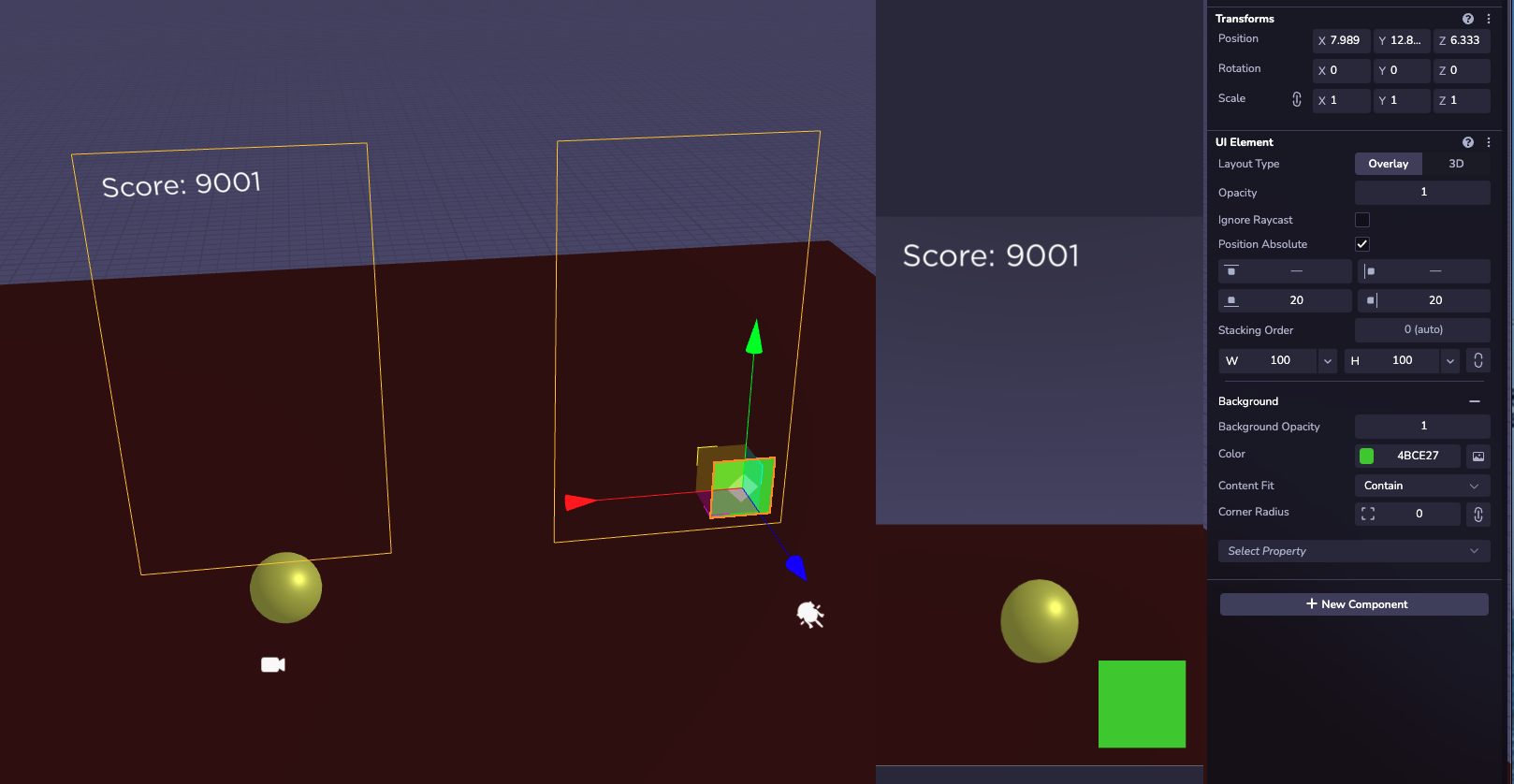
Propriétés[](https://www.8thwall.com/docs/fr/studio/guides/ui/#propri%C3%A9t%C3%A9s "Lien direct vers Propriétés")
--------------------------------------------------------------------------------------------------------------------
Le composant UI est doté de nombreuses propriétés configurables. Dans l'inspecteur de la fenêtre de visualisation, ils sont regroupés par catégorie et ne sont pas toujours visibles. Pour ajouter une section, cliquez sur le menu déroulant "Select Property" en bas du configurateur. Pour la liste complète des propriétés individuelles qui peuvent être spécifiées à l'exécution dans le code, voir la [`Ui` API Documentation](https://www.8thwall.com/docs/fr/api/studio/ecs/ui/)
.
### Mise en page[](https://www.8thwall.com/docs/fr/studio/guides/ui/#mise-en-page "Lien direct vers Mise en page")
Utilisez le configurateur de mise en page pour contrôler le positionnement des éléments enfants. Les différentes propriétés d'alignement permettent de créer des menus dynamiques capables de s'adapter aux changements de contenu et de taille d'écran. L'ordre d'apparition des enfants est déterminé par leur ordre dans la hiérarchie. Les enfants de l'interface utilisateur dont la position est définie sur "Position absolue" seront fixés par rapport au parent, sans tenir compte de la configuration de sa mise en page.
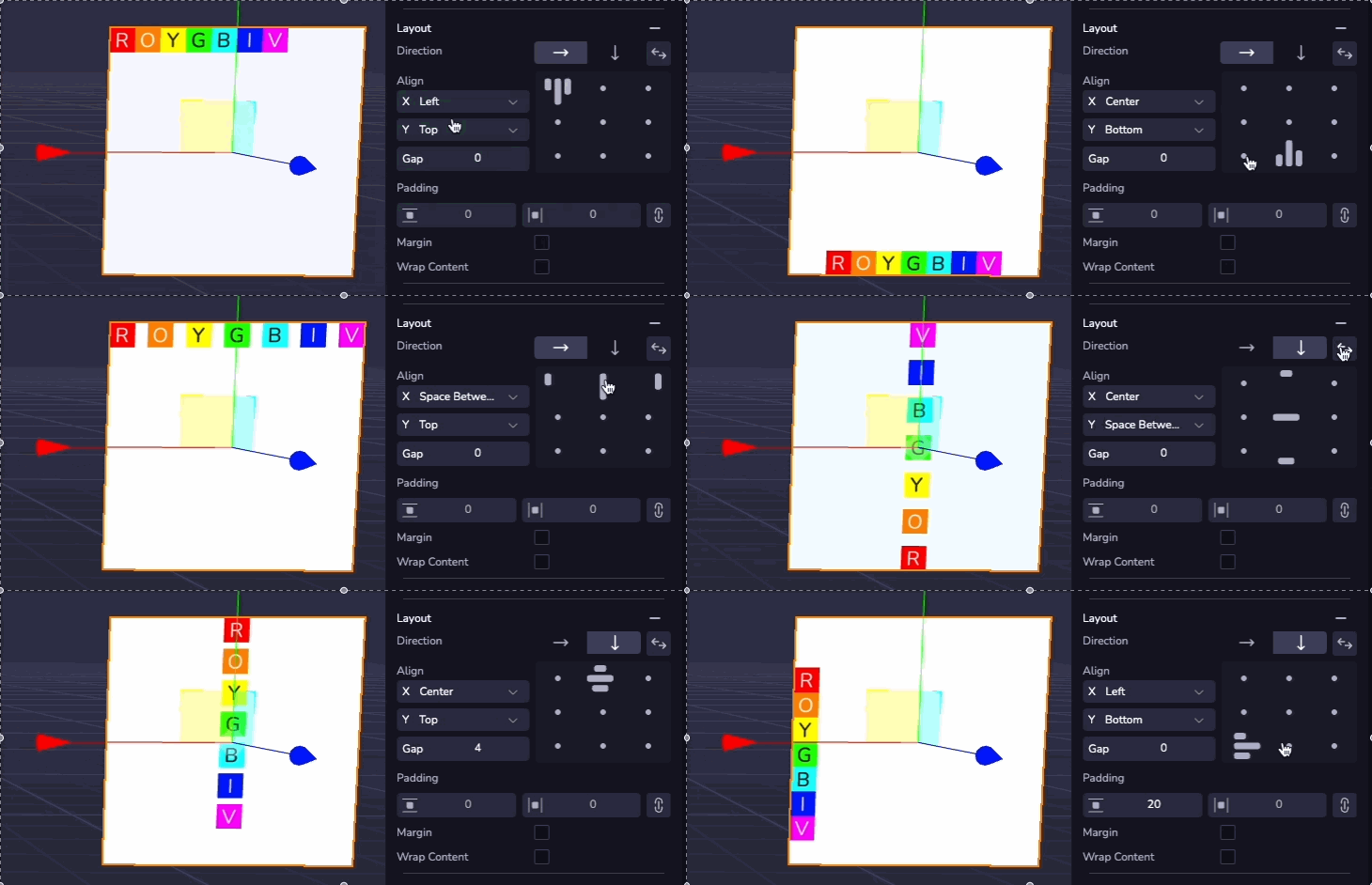
### Texte[](https://www.8thwall.com/docs/fr/studio/guides/ui/#texte "Lien direct vers Texte")
Le texte peut être ajouté à n'importe quel élément de l'interface utilisateur. La section texte permet de configurer le contenu, la police, la taille, la couleur et l'alignement. Le texte qui dépasse la largeur de l'élément sera automatiquement remplacé par une nouvelle ligne.
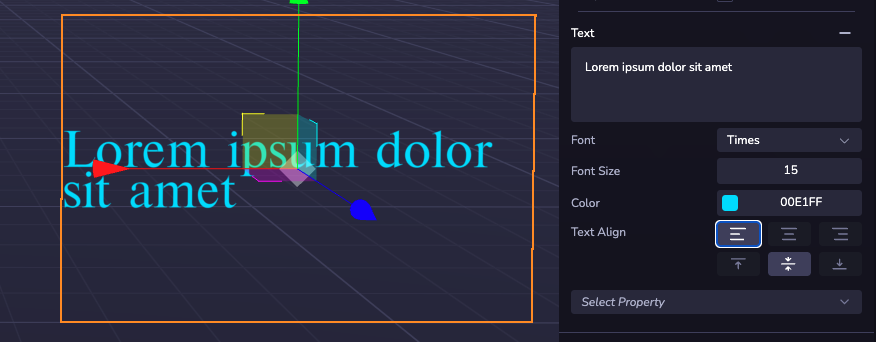
### Arrière-plan et bordure[](https://www.8thwall.com/docs/fr/studio/guides/ui/#arri%C3%A8re-plan-et-bordure "Lien direct vers Arrière-plan et bordure")
Le style visuel d'un élément de l'interface utilisateur est contrôlé par les sections Arrière-plan et Bordure. Ici, les couleurs et la transparence peuvent être configurées, et une image peut être appliquée à partir d'une URL web ou de ressources du projet.
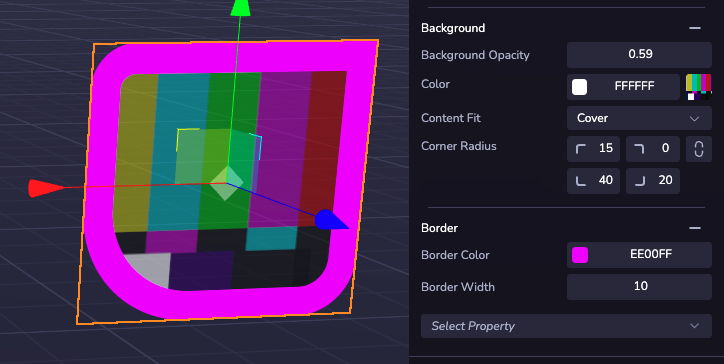
Interaction[](https://www.8thwall.com/docs/fr/studio/guides/ui/#interaction "Lien direct vers Interaction")
-------------------------------------------------------------------------------------------------------------
Vous pouvez créer des boutons fonctionnels à l'aide d'un composant personnalisé doté d'un récepteur d'événements. Les éléments de l'interface utilisateur prennent en charge les événements de clic et de pression ainsi que les états de survol. Voir la \[Documentation de l'API sur les événements d'entrée\] (/api/studio/events/input/) pour une liste complète des événements pris en charge et des exemples de code. Ils fonctionnent avec des éléments d'interface utilisateur superposés et en 3D.
Un clic ne se déclenche que sur l'élément le plus haut situé à l'emplacement du pointeur. La superposition est contrôlée par l'ordre hiérarchique, les frères et sœurs les plus récents apparaissant au-dessus des plus anciens. Pour un contrôle précis, utilisez l'option "Ordre d'empilement" en haut du configurateur pour disposer des groupes d'éléments de l'interface utilisateur dans un ordre personnalisé.
Activez la propriété "Ignore Raycast" sur les cadres décoratifs, invisibles ou en plein écran pour éviter qu'ils n'empêchent la saisie de l'utilisateur d'atteindre les éléments interactifs qui peuvent se trouver en dessous.
Polices de caractères[](https://www.8thwall.com/docs/fr/studio/guides/ui/#polices-de-caract%C3%A8res "Lien direct vers Polices de caractères")
------------------------------------------------------------------------------------------------------------------------------------------------
### Polices par défaut[](https://www.8thwall.com/docs/fr/studio/guides/ui/#polices-par-d%C3%A9faut "Lien direct vers Polices par défaut")
Une sélection de polices intégrées est disponible pour être utilisée dans n'importe quel projet 8th Wall.
#### Nunito[](https://www.8thwall.com/docs/fr/studio/guides/ui/#nunito "Lien direct vers Nunito")

#### Akidenz Grotesk[](https://www.8thwall.com/docs/fr/studio/guides/ui/#akidenz-grotesk "Lien direct vers Akidenz Grotesk")

#### Baskerville[](https://www.8thwall.com/docs/fr/studio/guides/ui/#baskerville "Lien direct vers Baskerville")

#### Futura[](https://www.8thwall.com/docs/fr/studio/guides/ui/#futura "Lien direct vers Futura")

#### Gotham[](https://www.8thwall.com/docs/fr/studio/guides/ui/#gotham "Lien direct vers Gotham")

#### Helvetica[](https://www.8thwall.com/docs/fr/studio/guides/ui/#helvetica "Lien direct vers Helvetica")

#### Nanum Pen Script[](https://www.8thwall.com/docs/fr/studio/guides/ui/#nanum-pen-script "Lien direct vers Nanum Pen Script")

#### Press Start 2P[](https://www.8thwall.com/docs/fr/studio/guides/ui/#press-start-2p "Lien direct vers Press Start 2P")

#### Times[](https://www.8thwall.com/docs/fr/studio/guides/ui/#times "Lien direct vers Times")

#### Inconsolata[](https://www.8thwall.com/docs/fr/studio/guides/ui/#inconsolata "Lien direct vers Inconsolata")

### Polices de caractères personnalisées[](https://www.8thwall.com/docs/fr/studio/guides/ui/#polices-de-caract%C3%A8res-personnalis%C3%A9es "Lien direct vers Polices de caractères personnalisées")
Vous pouvez également télécharger des polices personnalisées via des fichiers TTF pour les utiliser dans vos éléments d'interface utilisateur. Téléchargez des fichiers de polices dans vos ressources pour les rendre automatiquement disponibles pour toutes les interfaces utilisateur de votre projet.
* [Introduction](https://www.8thwall.com/docs/fr/studio/guides/ui/#introduction)
* [Ajout d'éléments d'interface utilisateur](https://www.8thwall.com/docs/fr/studio/guides/ui/#ajout-d%C3%A9l%C3%A9ments-dinterface-utilisateur)
* [INTERFACE UTILISATEUR 3D](https://www.8thwall.com/docs/fr/studio/guides/ui/#interface-utilisateur-3d)
* [Interface utilisateur superposée](https://www.8thwall.com/docs/fr/studio/guides/ui/#interface-utilisateur-superpos%C3%A9e)
* [Propriétés](https://www.8thwall.com/docs/fr/studio/guides/ui/#propri%C3%A9t%C3%A9s)
* [Mise en page](https://www.8thwall.com/docs/fr/studio/guides/ui/#mise-en-page)
* [Texte](https://www.8thwall.com/docs/fr/studio/guides/ui/#texte)
* [Arrière-plan et bordure](https://www.8thwall.com/docs/fr/studio/guides/ui/#arri%C3%A8re-plan-et-bordure)
* [Interaction](https://www.8thwall.com/docs/fr/studio/guides/ui/#interaction)
* [Polices de caractères](https://www.8thwall.com/docs/fr/studio/guides/ui/#polices-de-caract%C3%A8res)
* [Polices par défaut](https://www.8thwall.com/docs/fr/studio/guides/ui/#polices-par-d%C3%A9faut)
* [Polices de caractères personnalisées](https://www.8thwall.com/docs/fr/studio/guides/ui/#polices-de-caract%C3%A8res-personnalis%C3%A9es)
---
# Modèles | 8th Wall
[Skip to main content](https://www.8thwall.com/docs/fr/studio/guides/models/#__docusaurus_skipToContent_fallback)
Sur cette page

Introduction[](https://www.8thwall.com/docs/fr/studio/guides/models/#introduction "Lien direct vers Introduction")
--------------------------------------------------------------------------------------------------------------------
Studio prend en charge plusieurs formats de modèles 3D pour vos entités, chaque entité utilisant un type de modèle à la fois. Vous pouvez travailler avec des primitives simples pour les formes de base, ou importer des paquets GLB, FBX et GLTF lorsque vous avez besoin de représentations plus détaillées et haut de gamme. L'éditeur d'actifs intégré vous permet de modifier et d'affiner vos modèles directement dans le moteur, ce qui vous permet d'itérer rapidement sans changer d'outil.
note
Alors que le composant de maillage de Studio UI configure les primitives, les maillages et les splats gaussiens par le biais d'une interface unifiée, chaque type utilise un composant distinct au niveau programmatique.
Primitives[](https://www.8thwall.com/docs/fr/studio/guides/models/#primitives "Lien direct vers Primitives")
--------------------------------------------------------------------------------------------------------------
Les primitives sont utilisées pour représenter des volumes, des objets simples ou pour servir de supports à de futurs éléments du jeu. Studio comprend plusieurs primitives intégrées, telles que des sphères, des boîtes et des plans, qui peuvent être rapidement personnalisées et positionnées dans l'éditeur. Les primitives ont des matériaux qui peuvent également être modifiés dynamiquement au moment de l'exécution.

Les primitives intégrées suivantes sont disponibles :
| Type | Attributs |
| --- | --- |
| Sphère | `{radius}` |
| Boîte | `{width, height, depth}` |
| Avion | `{width, height}` |
| Capsule | `{radius, height}` |
| Cône | `{radius, height}` |
| Cylindre | `{radius, height}` |
| Polyèdre | `{radius}` |
| Cercle | `{radius}` |
| Anneau | `{innerRadius, outerRadius}` |
| Torus | `{radius, tubeRadius}` |
Ajouter une primitive[](https://www.8thwall.com/docs/fr/studio/guides/models/#ajouter-une-primitive "Lien direct vers Ajouter une primitive")
-----------------------------------------------------------------------------------------------------------------------------------------------
Un modèle 3D peut être ajouté à l'entité via l'interface Studio, par l'intermédiaire du composant Mesh, ou dans le code. Leur ajout dans Studio s'effectue via le bouton (+) de la hiérarchie ou en ajoutant la géométrie à un composant personnalisé sur l'entité.
### Exemple[](https://www.8thwall.com/docs/fr/studio/guides/models/#exemple "Lien direct vers Exemple")
ecs.SphereGeometry.set(world, eid, {radius: 5})
Composante GLTF[](https://www.8thwall.com/docs/fr/studio/guides/models/#composante-gltf "Lien direct vers Composante GLTF")
-----------------------------------------------------------------------------------------------------------------------------
### Formats pris en charge[](https://www.8thwall.com/docs/fr/studio/guides/models/#formats-pris-en-charge "Lien direct vers Formats pris en charge")
#### GLTF et GLB[](https://www.8thwall.com/docs/fr/studio/guides/models/#gltf-et-glb "Lien direct vers GLTF et GLB")
Les modèles GLTF et GLB sont pris en charge et sont idéaux pour travailler en 3D sur le web.
#### Ensemble d'actifs[](https://www.8thwall.com/docs/fr/studio/guides/models/#ensemble-dactifs "Lien direct vers Ensemble d'actifs")
Alors que la plupart des BGL peuvent être glissés et déposés dans le studio, les fichiers GLTF nécessitent parfois plusieurs téléchargements de fichiers. Pour gérer ce processus, nous utilisons une liasse d'actifs. Pour télécharger une nouvelle ressource dans votre projet, dans la partie inférieure du panneau de gauche, sélectionnez l'onglet "Fichier" et cliquez sur l'icône "Plus". Choisissez l'option "New Asset" et glissez-déposez tous vos fichiers.
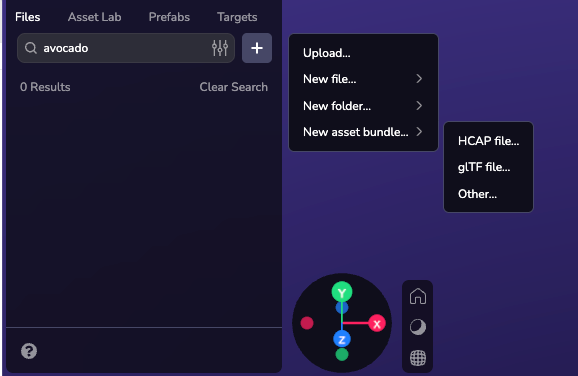
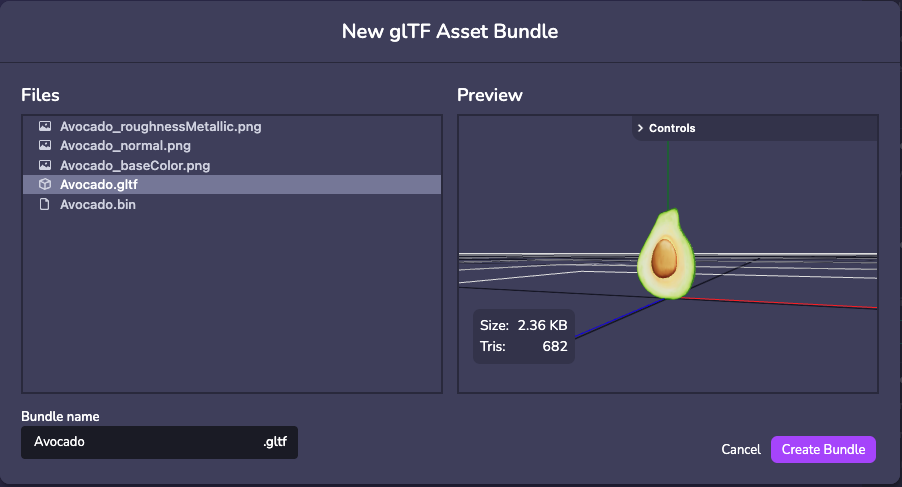
#### FBX[](https://www.8thwall.com/docs/fr/studio/guides/models/#fbx "Lien direct vers FBX")
Le téléchargement FBX est pris en charge, mais 8th Wall Studio exige que les modèles soient convertis en GLB après le téléchargement. \*\*Assurez-vous que les textures sont intégrées dans le fichier FBX avant de le convertir en GLB.
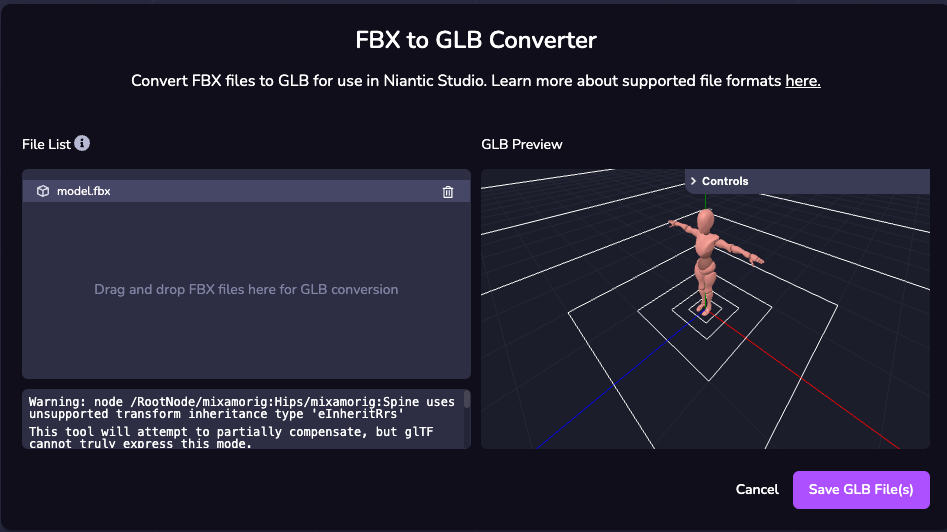
### Établissement d'un modèle[](https://www.8thwall.com/docs/fr/studio/guides/models/#%C3%A9tablissement-dun-mod%C3%A8le "Lien direct vers Établissement d'un modèle")
L'exemple suivant montre comment définir un GLTF ou un GLB sur une entité au moment de l'exécution.
info
Cette méthode exige que vous sélectionniez votre modèle personnalisé dans les propriétés du composant, une fois que le composant est appliqué à votre entité.
import * as ecs from '@8thwall/ecs'ecs.registerComponent({ name : 'loaded-model', schema : { // @asset model : ecs.string, }, add : (world, component) => { ecs.GltfModel.set(world, eid, { url: component.schema.model, }) }})
### Définition des propriétés du modèle[](https://www.8thwall.com/docs/fr/studio/guides/models/#d%C3%A9finition-des-propri%C3%A9t%C3%A9s-du-mod%C3%A8le "Lien direct vers Définition des propriétés du modèle")
#### Propriétés du modèle[](https://www.8thwall.com/docs/fr/studio/guides/models/#propri%C3%A9t%C3%A9s-du-mod%C3%A8le "Lien direct vers Propriétés du modèle")
Voir les propriétés [ici](https://www.8thwall.com/docs/fr/api/studio/ecs/gltf-model/)
.
#### Exemple[](https://www.8thwall.com/docs/fr/studio/guides/models/#exemple-1 "Lien direct vers Exemple")
L'exemple suivant montre comment définir un modèle sur une entité au moment de l'exécution.
import * as ecs from '@8thwall/ecs'ecs.registerComponent({ name : 'loaded-model', schema : { // @asset model : ecs.string, }, add : (world, component) => { ecs.GltfModel.set(world, eid, { url : component.schema.model, animationClip : 'clip1', loop : true, paused : false, time : 0, timeScale : 1, }) }})
Modèles et physique[](https://www.8thwall.com/docs/fr/studio/guides/models/#mod%C3%A8les-et-physique "Lien direct vers Modèles et physique")
----------------------------------------------------------------------------------------------------------------------------------------------
### Primitives[](https://www.8thwall.com/docs/fr/studio/guides/models/#primitives "Lien direct vers Primitives")
Les collisionneurs représentent des entités physiques dans l'étape de simulation, avec des attributs qui affectent directement leur comportement. La plupart des primitives ont des formes de collision qui correspondent à leur volume exact, ce qui facilite l'apparition d'une primitive comme un cube et l'ajout d'interactions physiques.
### Modèles[](https://www.8thwall.com/docs/fr/studio/guides/models/#mod%C3%A8les-1 "Lien direct vers Modèles")
Vous pouvez générer un collisionneur personnalisé à partir de votre modèle 3D, qui se rapproche de sa forme et de sa taille. Pour obtenir les meilleurs résultats, utilisez la forme de collisionneur la plus simple qui réponde à vos besoins. La plupart du temps, il est possible d'utiliser une primitive à la place.
danger
La génération de collisionneurs personnalisés peut échouer en raison de variations dans la complexité, la taille et la qualité du modèle. Dans ce cas, utilisez des primitives (une ou plusieurs) pour obtenir approximativement la forme souhaitée, ou exportez un fichier .glb propre à partir d'un outil de modélisation 3D tel que Blender.
Pour plus d'informations, consultez le guide de physique [ici](https://www.8thwall.com/docs/fr/studio/guides/physics/)
* [Introduction](https://www.8thwall.com/docs/fr/studio/guides/models/#introduction)
* [Primitives](https://www.8thwall.com/docs/fr/studio/guides/models/#primitives)
* [Ajouter une primitive](https://www.8thwall.com/docs/fr/studio/guides/models/#ajouter-une-primitive)
* [Exemple](https://www.8thwall.com/docs/fr/studio/guides/models/#exemple)
* [Composante GLTF](https://www.8thwall.com/docs/fr/studio/guides/models/#composante-gltf)
* [Formats pris en charge](https://www.8thwall.com/docs/fr/studio/guides/models/#formats-pris-en-charge)
* [Établissement d'un modèle](https://www.8thwall.com/docs/fr/studio/guides/models/#%C3%A9tablissement-dun-mod%C3%A8le)
* [Définition des propriétés du modèle](https://www.8thwall.com/docs/fr/studio/guides/models/#d%C3%A9finition-des-propri%C3%A9t%C3%A9s-du-mod%C3%A8le)
* [Modèles et physique](https://www.8thwall.com/docs/fr/studio/guides/models/#mod%C3%A8les-et-physique)
* [Primitives](https://www.8thwall.com/docs/fr/studio/guides/models/#primitives)
* [Modèles](https://www.8thwall.com/docs/fr/studio/guides/models/#mod%C3%A8les-1)
---
# Éclaboussures | 8th Wall
[Skip to main content](https://www.8thwall.com/docs/fr/studio/guides/splats/#__docusaurus_skipToContent_fallback)
Sur cette page
Introduction[](https://www.8thwall.com/docs/fr/studio/guides/splats/#introduction "Lien direct vers Introduction")
--------------------------------------------------------------------------------------------------------------------
Le splatting gaussien vous permet de capturer l'essence d'une scène du monde réel à l'aide de votre smartphone et de la restituer sous la forme d'un modèle 3D totalement immersif, visible dans WebAR. Cette technique révolutionne la manière dont nous intégrons les objets et les lieux du monde réel dans les expériences numériques en utilisant des éclaboussures au lieu des maillages traditionnels.
Quelle est la différence avec une maille ?
Contrairement aux maillages qui reposent sur des polygones et des textures connectés, les éclaboussures gaussiennes sont composées de millions de minuscules éclaboussures ou taches indépendantes. Ces éclaboussures se combinent pour créer un modèle 3D vibrant et immersif à 360 degrés, capturant les détails et les textures complexes du monde réel.
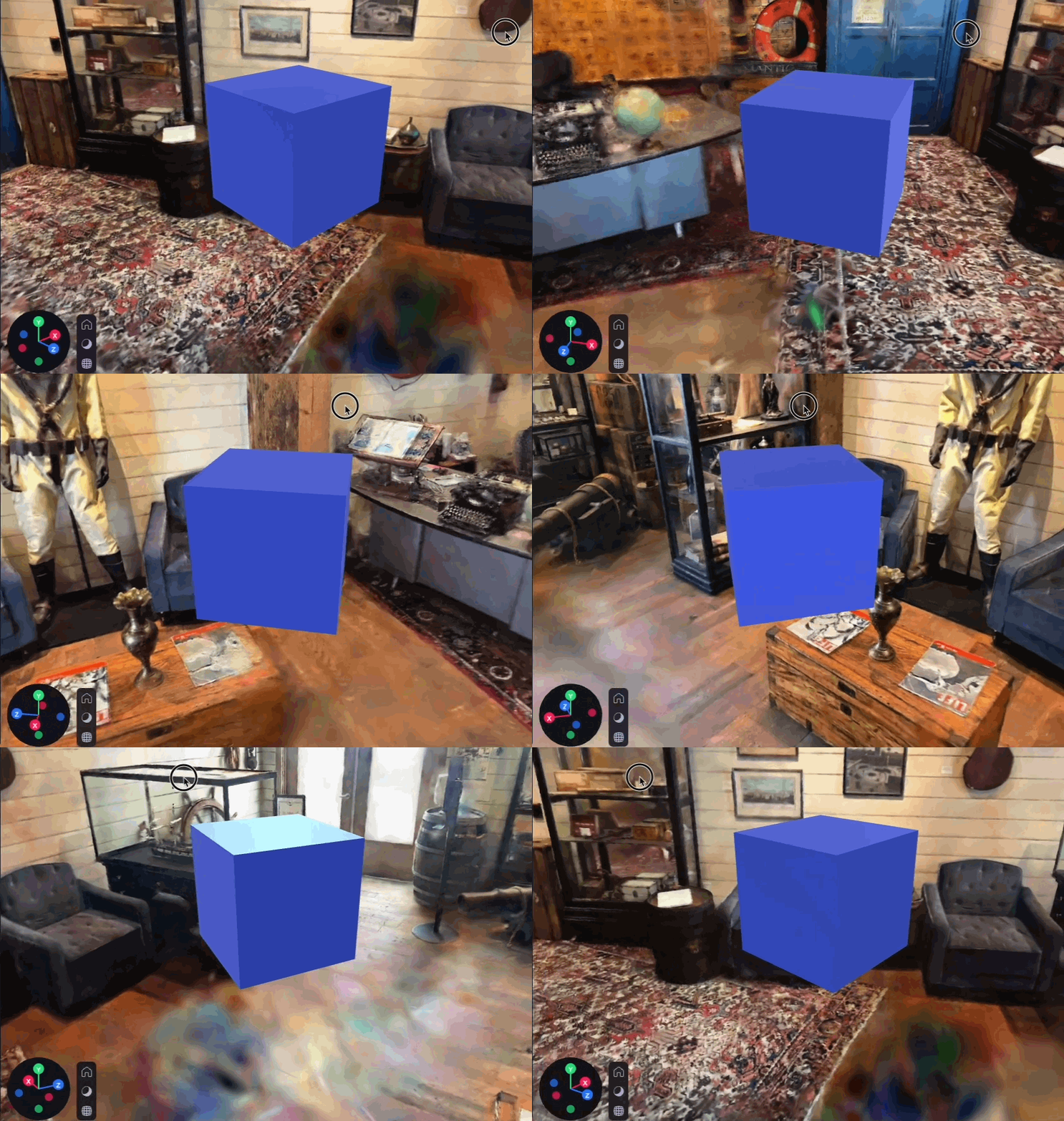
Création de splats à l'aide de Scaniverse[](https://www.8thwall.com/docs/fr/studio/guides/splats/#cr%C3%A9ation-de-splats-%C3%A0-laide-de-scaniverse "Lien direct vers Création de splats à l'aide de Scaniverse")
--------------------------------------------------------------------------------------------------------------------------------------------------------------------------------------------------------------------
Capturer des splats gaussiens se fait sans effort avec l'appli Niantic Scaniverse™. Il vous suffit d'utiliser votre téléphone pour capturer une scène, revoir le splat et le modifier sur n'importe lequel de vos appareils. Cette accessibilité permet à tout un chacun de créer des modèles 3D très détaillés sans avoir besoin d'équipement spécialisé ou d'ordinateurs puissants.
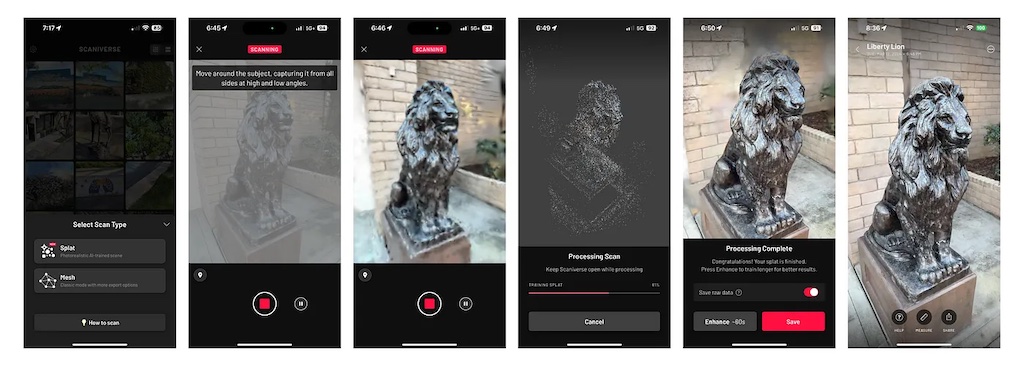
Exportation de splats à partir de Scaniverse[](https://www.8thwall.com/docs/fr/studio/guides/splats/#exportation-de-splats-%C3%A0-partir-de-scaniverse "Lien direct vers Exportation de splats à partir de Scaniverse")
-------------------------------------------------------------------------------------------------------------------------------------------------------------------------------------------------------------------------
Une fois que vous avez capturé et modifié votre splat, l'exporter en tant que fichier .SPZ est rapide et facile grâce à Niantic Scaniverse™. Après la capture et l'édition :
1. Sélectionnez Partager.
2. Sélectionnez Exporter le modèle.
3. Sélectionner le format .SPZ.
4. Enregistrez le fichier sur votre appareil.
note
Actuellement, seuls les splats .SPZ sont pris en charge.
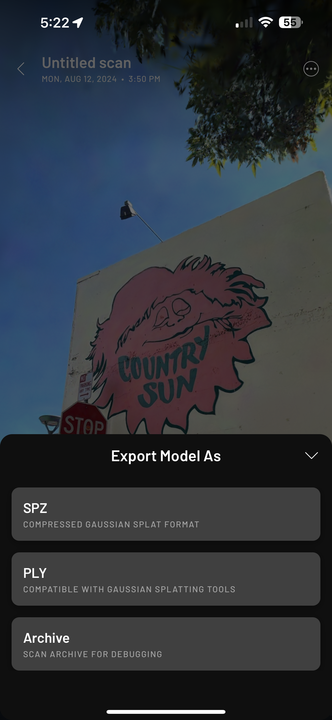
Importation de splats[](https://www.8thwall.com/docs/fr/studio/guides/splats/#importation-de-splats "Lien direct vers Importation de splats")
-----------------------------------------------------------------------------------------------------------------------------------------------
8th Wall Studio facilite l'importation de splats .SPZ.
* Faites glisser le fichier dans la section Fichiers/Assets du volet gauche.
* Vous pouvez également utiliser le bouton (+) pour télécharger le fichier.
Une fois importés, vos splats s'intègrent parfaitement à vos projets, vous permettant de créer des expériences 3D hyperréalistes et immersives.
note
L'importation d'un splat peut prendre 1 à 2 minutes et la taille des fichiers est limitée à 100 Mo.
danger
Les grandes éclaboussures sont susceptibles d'affecter fortement les performances.
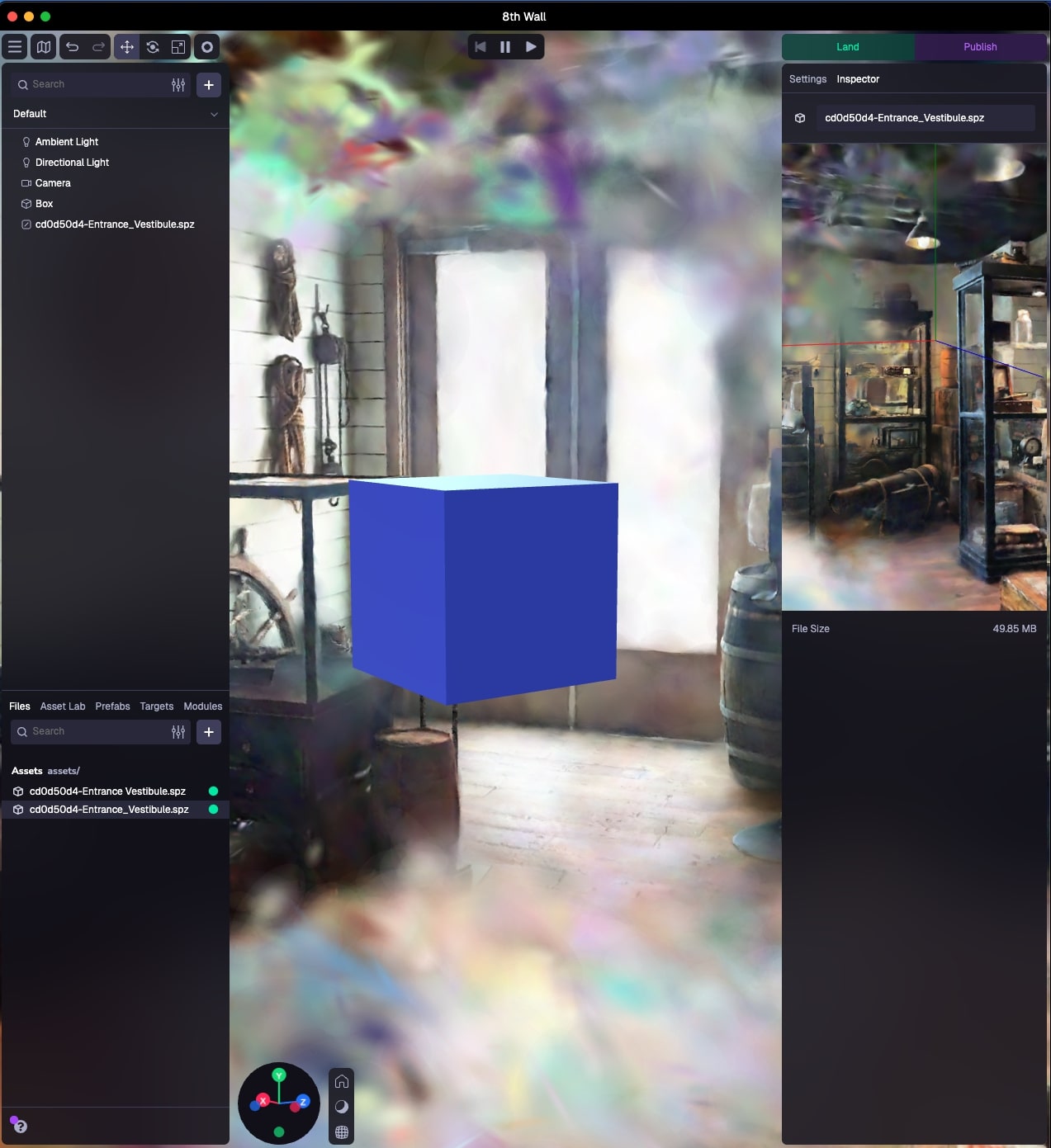
Utilisation des splats[](https://www.8thwall.com/docs/fr/studio/guides/splats/#utilisation-des-splats "Lien direct vers Utilisation des splats")
--------------------------------------------------------------------------------------------------------------------------------------------------
Les splats sont un outil puissant lorsqu'ils sont combinés avec d'autres objets 3D, des plans au sol et des collisionneurs physiques, créant ainsi des expériences XR dynamiques qui s'intègrent profondément dans le monde réel. Qu'il s'agisse de visites virtuelles de lieux populaires ou de décors pour des jeux interactifs, les splats permettent de donner vie à vos visions créatives avec réalisme et immersion.
Limites[](https://www.8thwall.com/docs/fr/studio/guides/splats/#limites "Lien direct vers Limites")
-----------------------------------------------------------------------------------------------------
Bien que les éclaboussures gaussiennes offrent une fidélité visuelle exceptionnelle, elles présentent certaines limites :
* Le rendu des splats peut être exigeant pour le CPU et le GPU. Les fichiers de grande taille, les splats multiples et les splats non recadrés peuvent avoir un impact négatif sur les performances. Il est recommandé de recadrer et d'éditer dans l'application Scaniverse pour optimiser les splats avant de les importer dans Studio.
* La modification ou le recadrage des éclaboussures dans 8th Wall Studio n'est pas encore pris en charge. Finalisez toujours les éditions dans Scaniverse™ avant d'importer le fichier .SPZ dans Studio.
* Actuellement, les objets splat n'interagissent pas avec les lumières et ne projettent pas d'ombres.
* Les splats ne sont pas compatibles avec la caméra orthographique pour le moment.
* [Introduction](https://www.8thwall.com/docs/fr/studio/guides/splats/#introduction)
* [Création de splats à l'aide de Scaniverse](https://www.8thwall.com/docs/fr/studio/guides/splats/#cr%C3%A9ation-de-splats-%C3%A0-laide-de-scaniverse)
* [Exportation de splats à partir de Scaniverse](https://www.8thwall.com/docs/fr/studio/guides/splats/#exportation-de-splats-%C3%A0-partir-de-scaniverse)
* [Importation de splats](https://www.8thwall.com/docs/fr/studio/guides/splats/#importation-de-splats)
* [Utilisation des splats](https://www.8thwall.com/docs/fr/studio/guides/splats/#utilisation-des-splats)
* [Limites](https://www.8thwall.com/docs/fr/studio/guides/splats/#limites)
---
# Intégrer | 8th Wall
[Skip to main content](https://www.8thwall.com/docs/fr/studio/native-app-export/embed/#__docusaurus_skipToContent_fallback)
Sur cette page
Intégrer un projet 8th Wall dans un iFrame[](https://www.8thwall.com/docs/fr/studio/native-app-export/embed/#int%C3%A9grer-un-projet-8th-wall-dans-un-iframe "Lien direct vers Intégrer un projet 8th Wall dans un iFrame")
-----------------------------------------------------------------------------------------------------------------------------------------------------------------------------------------------------------------------------
1. **Ouvrez votre projet Studio**.
2. Cliquez sur **Publier**. Dans la section **Publier** en haut à gauche, sélectionnez **Embed**.
3. **Personnalisez votre intégration:**
* **Type d'incorporation:** Sélectionnez le type d'incorporation que vous souhaitez créer - vous pouvez choisir entre une simple iFrame ou une page HTML complète.
4. Cliquez sur **Copier** pour copier le code d'intégration dans votre presse-papiers.
5. Collez le code d'intégration dans le code source de votre site web. Vous pouvez également personnaliser le code d'intégration en fonction de vos besoins.
* * *
Publier votre projet 8th Wall sur les plateformes de jeux[](https://www.8thwall.com/docs/fr/studio/native-app-export/embed/#publier-votre-projet-8th-wall-sur-les-plateformes-de-jeux "Lien direct vers Publier votre projet 8th Wall sur les plateformes de jeux")
---------------------------------------------------------------------------------------------------------------------------------------------------------------------------------------------------------------------------------------------------------------------
Les iFrames de 8th Wall sont compatibles avec de nombreuses plateformes de jeux et peuvent être publiées sur celles-ci.
### Itch.io[](https://www.8thwall.com/docs/fr/studio/native-app-export/embed/#itchio "Lien direct vers Itch.io")
1. Télécharger le code d'intégration **Full HTML**.
2. Connectez-vous à [Itch.io](https://itch.io/)
et [créez un nouveau projet](https://itch.io/game/new)
.
3. Complétez les détails du projet :
* Sous **Kind of project**, sélectionnez **HTML**.
* Sous **Transferts**, sélectionnez **Transferts de fichiers**. Téléchargez le fichier `index.html` que vous avez téléchargé à l'étape 1. Cochez la case **Ce fichier sera lu dans le navigateur**.
* Sous **Options d'encastrement**, choisissez la taille appropriée à votre projet.
4. Terminez la configuration de votre jeu et publiez-le.
### Viverse[](https://www.8thwall.com/docs/fr/studio/native-app-export/embed/#viverse "Lien direct vers Viverse")
1. Télécharger le code d'intégration **Full HTML**. Créez un fichier `.zip` de ce fichier `index.html`.
2. Connectez-vous à [Viverse](https://viverse.com/)
et [allez à Viverse Studio](https://studio.viverse.com/)
.
3. Sous **Télécharger votre propre construction**, cliquez sur **Télécharger**.
4. Cliquez sur **Créer un nouveau monde**.
5. Saisissez le **Nom** et la **Description** de votre projet, puis cliquez sur **Créer**.
6. Cliquez sur **Versions de contenu**.
7. Sous **Nouvelle version**, cliquez sur **Sélectionner un fichier**. Téléchargez le fichier `.zip` que vous avez créé à l'étape 1, puis cliquez sur **Upload**.
8. Sous **Support iframe pour l'aperçu**, cliquez sur **Appliquer les paramètres iframe** et activez toutes les autorisations requises par votre projet.
* Notez que Viverse placera l'iFrame que vous avez téléchargé de 8th Wall dans son propre iFrame, et les iFrames de Viverse et de 8th Wall devront accorder une permission que votre projet requiert.
9. Terminez la configuration de votre jeu et publiez-le.
### Jeu Jolt[](https://www.8thwall.com/docs/fr/studio/native-app-export/embed/#jeu-jolt "Lien direct vers Jeu Jolt")
1. Télécharger le code d'intégration **Full HTML**. Créez un fichier `.zip` de ce fichier `index.html`.
2. Connectez-vous à [Game Jolt](https://gamejolt.com/)
et [allez au magasin Game Jolt](https://gamejolt.com/games)
.
3. Cliquez sur **Ajouter votre jeu**.
4. Saisissez les détails du projet et cliquez sur **Save & Next**.
5. Sur le tableau de bord de votre jeu, sous **Packages**, cliquez sur **Add Package**.
6. Sous **Modifier le paquet**, cliquez sur **Nouvelle version**.
7. Cliquez sur **Upload Browser Build**. Téléchargez le fichier `.zip` que vous avez créé à l'étape 1.
8. Configurez les dimensions de votre jeu ou sélectionnez **Adapter à l'écran?** si vous voulez que le jeu s'adapte à l'écran.
9. Terminez la configuration de votre jeu et publiez-le.
### GamePix[](https://www.8thwall.com/docs/fr/studio/native-app-export/embed/#gamepix "Lien direct vers GamePix")
Important
GamePix n'autorise pas les jeux comportant des liens externes. Cela signifie que pour publier votre jeu sur ce site, vous devez \[acheter un abonnement en marque blanche\] ([https://8th.io/nae-white-label](https://8th.io/nae-white-label)
) pour supprimer l'image de marque de 8th Wall et l'écran de démarrage par défaut.
1. Télécharger le code d'intégration **Full HTML**. Créez un fichier `.zip` de ce fichier `index.html`.
2. Créez un \[compte développeur GamePix\] ([https://partners.gamepix.com/join-us?t=developer](https://partners.gamepix.com/join-us?t=developer)
) et accédez au \[tableau de bord GamePix\] ([https://my.gamepix.com/dashboard](https://my.gamepix.com/dashboard)
).
3. Cliquez sur **Créer un nouveau jeu**.
4. Entrez les détails du jeu et cliquez sur **Créer**.
5. Sous **Info**, sélectionnez **HTML5-JS** sous **Game Engine**.
6. Sous **Construction**, cliquez sur **Explorer le fichier**. Téléchargez le fichier `.zip` que vous avez créé à l'étape 1.
7. Terminez la configuration de votre jeu et publiez-le.
### Newgrounds[](https://www.8thwall.com/docs/fr/studio/native-app-export/embed/#newgrounds "Lien direct vers Newgrounds")
1. Télécharger le code d'intégration **Full HTML**. Créez un fichier `.zip` de ce fichier `index.html`.
2. Créez un [compte Newgrounds](https://www.newgrounds.com/)
.
3. Cliquez sur la flèche dans le coin supérieur droit et sélectionnez **Jeu (swf, HTML5)**.
4. Sous **Fichier(s) de soumission**, cliquez sur **Télécharger le fichier**. Téléchargez le fichier `.zip` que vous avez créé à l'étape 1.
5. Configurez les dimensions de votre jeu et vérifiez **Compatibilité avec les écrans tactiles**
6. Terminez la configuration de votre jeu et publiez-le.
### Y8[](https://www.8thwall.com/docs/fr/studio/native-app-export/embed/#y8 "Lien direct vers Y8")
1. Télécharger le code d'intégration **Full HTML**. Créez un fichier `.zip` de ce fichier `index.html`.
2. Connectez-vous à [Y8](https://www.y8.com/upload)
.
3. Assurez-vous d'avoir vérifié votre adresse e-mail, puis \[créez un compte de stockage Y8 gratuit\] ([https://account.y8.com/storage\_account](https://account.y8.com/storage_account)
).
4. Sous **Jeu**, choisissez **Zip** puis **HTML5**.
5. Cliquez sur **Choisir un fichier**. Téléchargez le fichier `.zip` que vous avez créé à l'étape 1. Si vous n'avez pas créé de compte de stockage, l'opération échouera. Si cela se produit, cliquez sur **Créer un compte de stockage** pour en créer un, puis actualisez la page **Télécharger votre contenu sur Y8** et réessayez.
6. Terminez la configuration de votre jeu et publiez-le.
### Poki[](https://www.8thwall.com/docs/fr/studio/native-app-export/embed/#poki "Lien direct vers Poki")
1. Va sur le \[Portail des développeurs Poki\] ([https://developers.poki.com/share](https://developers.poki.com/share)
).
2. Remplissez les détails de votre projet, en utilisant le lien vers votre expérience du 8e mur (par exemple [https://8w.8thwall.app/my-project](https://8w.8thwall.app/my-project)
) sous **Lien vers votre jeu**.
3. Cliquez sur **Partagez votre jeu**.
### Kongregate[](https://www.8thwall.com/docs/fr/studio/native-app-export/embed/#kongregate "Lien direct vers Kongregate")
1. Envoyez un courriel à l'équipe de Kongregate à [bd@kongregate.com](mailto:bd@kongregate.com)
. Incluez le lien vers votre expérience du 8e mur (par exemple, [https://8w.8thwall.app/my-project](https://8w.8thwall.app/my-project)
) dans votre courriel.
### Jeux d'armure[](https://www.8thwall.com/docs/fr/studio/native-app-export/embed/#jeux-darmure "Lien direct vers Jeux d'armure")
1. Envoyez un courriel à l'équipe d'Armor Games à [mygame@armorgames.com](mailto:mygame@armorgames.com)
. Incluez le lien vers votre expérience du 8e mur (par exemple, [https://8w.8thwall.app/my-project](https://8w.8thwall.app/my-project)
) dans votre courriel.
### Jeux addictifs[](https://www.8thwall.com/docs/fr/studio/native-app-export/embed/#jeux-addictifs "Lien direct vers Jeux addictifs")
1. Télécharger le code d'intégration **Full HTML**. Créez un fichier `.zip` de ce fichier `index.html`.
2. Envoyez un courriel à l'équipe d'Addicting Games à [games@addictinggames.com](mailto:games@addictinggames.com)
. Incluez le fichier `.zip` que vous avez créé à l'étape 1 dans votre e-mail, ainsi que toutes les autres informations demandées dans le \[Addicting Games Developer Center\] ([https://www.addictinggames.com/about/upload#Send](https://www.addictinggames.com/about/upload#Send)
).
### Décalé[](https://www.8thwall.com/docs/fr/studio/native-app-export/embed/#d%C3%A9cal%C3%A9 "Lien direct vers Décalé")
1. Envoyez un courriel à l'équipe de Lagged à [contact@lagged.com](mailto:contact@lagged.com)
. Incluez le lien vers votre expérience du 8e mur (par exemple, [https://8w.8thwall.app/my-project](https://8w.8thwall.app/my-project)
) dans votre courriel.
2. Une fois que vous êtes approuvé, vous pouvez [vous inscrire pour un compte Lagged](https://lagged.dev/signup)
en utilisant le **Code d'invitation** qu'ils vous fourniront et télécharger votre jeu.
* [Intégrer un projet 8th Wall dans un iFrame](https://www.8thwall.com/docs/fr/studio/native-app-export/embed/#int%C3%A9grer-un-projet-8th-wall-dans-un-iframe)
* [Publier votre projet 8th Wall sur les plateformes de jeux](https://www.8thwall.com/docs/fr/studio/native-app-export/embed/#publier-votre-projet-8th-wall-sur-les-plateformes-de-jeux)
* [Itch.io](https://www.8thwall.com/docs/fr/studio/native-app-export/embed/#itchio)
* [Viverse](https://www.8thwall.com/docs/fr/studio/native-app-export/embed/#viverse)
* [Jeu Jolt](https://www.8thwall.com/docs/fr/studio/native-app-export/embed/#jeu-jolt)
* [GamePix](https://www.8thwall.com/docs/fr/studio/native-app-export/embed/#gamepix)
* [Newgrounds](https://www.8thwall.com/docs/fr/studio/native-app-export/embed/#newgrounds)
* [Y8](https://www.8thwall.com/docs/fr/studio/native-app-export/embed/#y8)
* [Poki](https://www.8thwall.com/docs/fr/studio/native-app-export/embed/#poki)
* [Kongregate](https://www.8thwall.com/docs/fr/studio/native-app-export/embed/#kongregate)
* [Jeux d'armure](https://www.8thwall.com/docs/fr/studio/native-app-export/embed/#jeux-darmure)
* [Jeux addictifs](https://www.8thwall.com/docs/fr/studio/native-app-export/embed/#jeux-addictifs)
* [Décalé](https://www.8thwall.com/docs/fr/studio/native-app-export/embed/#d%C3%A9cal%C3%A9)
---
# HTML | 8th Wall
[Skip to main content](https://www.8thwall.com/docs/fr/studio/native-app-export/html/#__docusaurus_skipToContent_fallback)
Sur cette page
Exportation d'un ensemble HTML5[](https://www.8thwall.com/docs/fr/studio/native-app-export/html/#exporting-an-html5-bundle "Lien direct vers Exportation d'un ensemble HTML5")
--------------------------------------------------------------------------------------------------------------------------------------------------------------------------------
Important
Pour l'instant, les expériences de réalité augmentée ne sont pas encore fournies par l'exportation HTML5. Votre projet doit utiliser des caméras 3D pour fonctionner correctement.
1. L'exportation HTML5 n'est actuellement disponible que pour les comptes payants. Veuillez consulter les \[Paramètres du compte\] (/account/settings/) pour plus de détails.
2. **Ouvrez votre projet Studio**.
3. Cliquez sur **Publier**. Dans la section **Export**, sélectionnez **HTML5**.
4. Sélectionnez un environnement à partir duquel vous souhaitez créer votre paquet.
5. Cliquez sur **Construire** pour générer votre paquet HTML5.
> Une fois la compilation terminée, téléchargez le fichier `.zip` en utilisant les liens de téléchargement fournis dans le résumé de la compilation.
* * *
Publier votre projet 8th Wall sur les plateformes de jeux[](https://www.8thwall.com/docs/fr/studio/native-app-export/html/#publier-votre-projet-8th-wall-sur-les-plateformes-de-jeux "Lien direct vers Publier votre projet 8th Wall sur les plateformes de jeux")
--------------------------------------------------------------------------------------------------------------------------------------------------------------------------------------------------------------------------------------------------------------------
Comme les packs HTML5 de 8th Wall sont des constructions complètes, ils peuvent être auto-hébergés ou publiés sur de nombreuses plates-formes de jeu.
### Auto-hébergement[](https://www.8thwall.com/docs/fr/studio/native-app-export/html/#auto-h%C3%A9bergement "Lien direct vers Auto-hébergement")
note
L'offre groupée HTML5 peut être auto-hébergée ou déployée de différentes manières. Les instructions ci-dessous ne sont qu'un exemple d'utilisation de `npm`. Pour des informations plus complètes sur l'auto-hébergement, consultez ce [guide](https://github.com/mikeroyal/Self-Hosting-Guide)
.
1. Téléchargez le paquet `.zip`, puis décompressez le fichier.
2. Si vous n'avez pas encore installé `npm`, suivez les instructions de cette [page](https://docs.npmjs.com/downloading-and-installing-node-js-and-npm)
pour l'installer.
3. Lancez `npm install --global http-server` pour installer le paquet npm [http-server](https://www.npmjs.com/package/http-server)
en tant qu'outil CLI global.
4. Exécutez `http-server `.
1. Exemple : `http-server /Users/John/Downloads/mon-projet`
5. Il devrait y avoir des journaux qui listent une série d'URL locales comme :
Available on: http://127.0.0.1:8080 http://192.168.20.43:8080 http://172.29.29.159:8080
6. Ouvrez l'un des URL dans votre navigateur web.
### Itch.io[](https://www.8thwall.com/docs/fr/studio/native-app-export/html/#itchio "Lien direct vers Itch.io")
1. Téléchargez le paquet `.zip`.
2. Connectez-vous à [Itch.io](https://itch.io/)
et [créez un nouveau projet](https://itch.io/game/new)
.
3. Complétez les détails du projet :
* Sous **Kind of project**, sélectionnez **HTML**.
* Sous **Transferts**, sélectionnez **Transferts de fichiers**. Téléchargez le fichier `.zip` que vous avez téléchargé à l'étape 1. Cochez la case **Ce fichier sera lu dans le navigateur**.
* Sous **Options d'encastrement**, choisissez la taille appropriée à votre projet.
4. Terminez la configuration de votre jeu et publiez-le.
### Viverse[](https://www.8thwall.com/docs/fr/studio/native-app-export/html/#viverse "Lien direct vers Viverse")
1. Connectez-vous à [Viverse](https://viverse.com/)
et [allez à Viverse Studio](https://studio.viverse.com/)
.
2. Sous **Télécharger votre propre construction**, cliquez sur **Télécharger**.
3. Cliquez sur **Créer un nouveau monde**.
4. Saisissez le **Nom** et la **Description** de votre projet, puis cliquez sur **Créer**.
5. Cliquez sur **Versions de contenu**.
6. Sous **Nouvelle version**, cliquez sur **Sélectionner un fichier**. Téléchargez le fichier `.zip` que vous avez téléchargé à l'étape 1, puis cliquez sur **Upload**.
7. Sous **Support iframe pour l'aperçu**, cliquez sur **Appliquer les paramètres iframe** et activez toutes les autorisations requises par votre projet.
* Notez que Viverse placera votre projet téléchargé depuis 8th Wall dans son propre iFrame, et l'iFrame Viverse devra accorder une permission que votre projet requiert.
8. Terminez la configuration de votre jeu et publiez-le.
### Jeu Jolt[](https://www.8thwall.com/docs/fr/studio/native-app-export/html/#jeu-jolt "Lien direct vers Jeu Jolt")
1. Connectez-vous à [Game Jolt](https://gamejolt.com/)
et [allez au magasin Game Jolt](https://gamejolt.com/games)
.
2. Cliquez sur **Ajouter votre jeu**.
3. Saisissez les détails du projet et cliquez sur **Save & Next**.
4. Sur le tableau de bord de votre jeu, sous **Packages**, cliquez sur **Add Package**.
5. Sous **Modifier le paquet**, cliquez sur **Nouvelle version**.
6. Cliquez sur **Upload Browser Build**. Téléchargez le fichier `.zip` que vous avez téléchargé à l'étape 1.
7. Configurez les dimensions de votre jeu ou sélectionnez **Adapter à l'écran?** si vous voulez que le jeu s'adapte à l'écran.
8. Terminez la configuration de votre jeu et publiez-le.
### GamePix[](https://www.8thwall.com/docs/fr/studio/native-app-export/html/#gamepix "Lien direct vers GamePix")
Important
GamePix n'autorise pas les jeux comportant des liens externes. Assurez-vous que votre projet n'effectue PAS d'appels réseau en dehors du bundle.
1. Télécharger le **Code d'intégration HTML** complet.pdf
2. Créez un \[compte de développeur GamePix\] ([https://partners.gamepix.com/join-us?t=developer](https://partners.gamepix.com/join-us?t=developer)
) et accédez au \[tableau de bord GamePix\] ([https://my.gamepix.com/dashboard](https://my.gamepix.com/dashboard)
).
3. Cliquez sur **Créer un nouveau jeu**.
4. Entrez les détails du jeu et cliquez sur **Créer**.
5. Sous **Info**, sélectionnez **HTML5-JS** sous **Game Engine**.
6. Sous **Construction**, cliquez sur **Explorer le fichier**. Téléchargez le fichier `.zip` que vous avez téléchargé précédemment.
7. Terminez la configuration de votre jeu et publiez-le.
### Newgrounds[](https://www.8thwall.com/docs/fr/studio/native-app-export/html/#newgrounds "Lien direct vers Newgrounds")
1. Télécharger le code d'intégration **Full HTML**. Créez un fichier `.zip` de ce fichier `index.html`.
2. Créez un [compte Newgrounds](https://www.newgrounds.com/)
.
3. Cliquez sur la flèche dans le coin supérieur droit et sélectionnez **Jeu (swf, HTML5)**.
4. Sous **Fichier(s) de soumission**, cliquez sur **Télécharger le fichier**. Téléchargez le fichier `.zip` que vous avez téléchargé précédemment.
5. Configurez les dimensions de votre jeu et vérifiez **Compatibilité avec les écrans tactiles**
6. Terminez la configuration de votre jeu et publiez-le.
### Y8[](https://www.8thwall.com/docs/fr/studio/native-app-export/html/#y8 "Lien direct vers Y8")
1. Télécharger le code d'intégration **Full HTML**. Créez un fichier `.zip` de ce fichier `index.html`.
2. Connectez-vous à [Y8](https://www.y8.com/upload)
.
3. Assurez-vous d'avoir vérifié votre adresse e-mail, puis \[créez un compte de stockage Y8 gratuit\] ([https://account.y8.com/storage\_account](https://account.y8.com/storage_account)
).
4. Sous **Jeu**, choisissez **Zip** puis **HTML5**.
5. Cliquez sur **Choisir un fichier**. Téléchargez le fichier `.zip` que vous avez téléchargé précédemment. Si vous n'avez pas créé de compte de stockage, l'opération échouera. Si cela se produit, cliquez sur **Créer un compte de stockage** pour en créer un, puis actualisez la page **Télécharger votre contenu sur Y8** et réessayez.
6. Terminez la configuration de votre jeu et publiez-le.
### Poki[](https://www.8thwall.com/docs/fr/studio/native-app-export/html/#poki "Lien direct vers Poki")
1. Va sur le \[Portail des développeurs Poki\] ([https://developers.poki.com/share](https://developers.poki.com/share)
).
2. Remplissez les détails de votre projet, en utilisant le lien vers votre projet hébergé sous **Lien vers votre jeu**.
3. Cliquez sur **Partagez votre jeu**.
### Kongregate[](https://www.8thwall.com/docs/fr/studio/native-app-export/html/#kongregate "Lien direct vers Kongregate")
1. Envoyez un courriel à l'équipe de Kongregate à [bd@kongregate.com](mailto:bd@kongregate.com)
. Incluez le lien vers votre projet hébergé dans votre courriel.
### Jeux d'armure[](https://www.8thwall.com/docs/fr/studio/native-app-export/html/#jeux-darmure "Lien direct vers Jeux d'armure")
1. Envoyez un courriel à l'équipe d'Armor Games à [mygame@armorgames.com](mailto:mygame@armorgames.com)
. Incluez le lien vers votre projet hébergé dans votre courriel.
### Jeux addictifs[](https://www.8thwall.com/docs/fr/studio/native-app-export/html/#jeux-addictifs "Lien direct vers Jeux addictifs")
1. Télécharger le code d'intégration **Full HTML**.
2. Envoyez un courriel à l'équipe d'Addicting Games à [games@addictinggames.com](mailto:games@addictinggames.com)
. Incluez le fichier `.zip` dans votre e-mail, ainsi que toutes les autres informations demandées dans le \[Addicting Games Developer Center\] ([https://www.addictinggames.com/about/upload#Send](https://www.addictinggames.com/about/upload#Send)
).
### Décalé[](https://www.8thwall.com/docs/fr/studio/native-app-export/html/#d%C3%A9cal%C3%A9 "Lien direct vers Décalé")
1. Envoyez un courriel à l'équipe de Lagged à [contact@lagged.com](mailto:contact@lagged.com)
. Incluez le lien vers votre projet hébergé dans votre courriel.
2. Une fois que vous êtes approuvé, vous pouvez [vous inscrire pour un compte Lagged](https://lagged.dev/signup)
en utilisant le **Code d'invitation** qu'ils vous fourniront et télécharger votre jeu.
### Discord[](https://www.8thwall.com/docs/fr/studio/native-app-export/html/#discord "Lien direct vers Discord")
#### Exemple de projet[](https://www.8thwall.com/docs/fr/studio/native-app-export/html/#exemple-de-projet "Lien direct vers Exemple de projet")
Pour commencer à utiliser le Discord Embedded SDK dans votre projet, vous pouvez essayer notre exemple de projet.
1. Naviguez vers [https://www.8thwall.com/8thwall/discord-activity-example](https://www.8thwall.com/8thwall/discord-activity-example)
et clonez le projet dans votre espace de travail.
2. Suivez les étapes décrites dans [Exportation d'un ensemble HTML5](https://www.8thwall.com/docs/fr/studio/native-app-export/html/#exporting-an-html5-bundle)
3. Téléchargez le fichier `.zip` à l'endroit de votre choix.
#### Mise en place du développeur Discord[](https://www.8thwall.com/docs/fr/studio/native-app-export/html/#mise-en-place-du-d%C3%A9veloppeur-discord "Lien direct vers Mise en place du développeur Discord")
Pour utiliser un client web dans Discord, vous devez créer un compte et une application dans le hub des développeurs.
1. Créez un compte Discord et rendez-vous sur [https://discord.com/developers/applications](https://discord.com/developers/applications)
2. Créez une nouvelle application en cliquant sur le bouton situé dans le coin supérieur droit.
1. Saisissez un nom pour l'application et acceptez les conditions d'utilisation.
3. Allez sur la page **OAuth2**, dans la section **Paramètres** :
1. Ajouter `http://127.0.0.1` comme URI de redirection pour les tests.
2. Sauvegardez l'identifiant du client dans un endroit sûr.
3. Cliquez sur "Réinitialiser le secret" pour récupérer le `secret du client` et le conserver en lieu sûr.
4. Appuyez sur "Enregistrer" pour conserver vos paramètres.
4. Naviguez jusqu'à la page **URL Mappings**, sous la section **Activités** :
1. Ajoutez une cible temporaire au mappage de la racine comme `127.0.0.1:8888`. Elle sera remplacée ultérieurement par votre URL publique, mais elle est nécessaire pour activer les activités à l'étape suivante.
5. Allez sur la page **Paramètres**, dans la section **Activités** :
1. Activez **Activer les activités** et acceptez l'accord du lanceur d'applications.
6. Ensuite, allez dans l'onglet **Installation**, sous la section **Paramètres** :
1. Copiez le lien du panneau **Lien d'installation** et ouvrez-le dans votre navigateur.
2. Installer l'application pour la rendre accessible sur n'importe quel serveur ou DM.
#### Lancement d'une application[](https://www.8thwall.com/docs/fr/studio/native-app-export/html/#lancement-dune-application "Lien direct vers Lancement d'une application")
1. Configurer le code du serveur d'exemple à l'adresse [https://github.com/8thwall/discord-activity-example](https://github.com/8thwall/discord-activity-example)
1. `git clone https://github.com/8thwall/discord-activity-example`
2. Exécutez `npm install`
3. Décompressez le fichier `.zip` téléchargé précédemment et contenant le frontend du projet.
4. Créez un fichier `.env` à la racine du repo, et remplissez-le avec les détails du portail des développeurs Discord :
DISCORD_CLIENT_ID=XXXXXXXXXXDISCORD_CLIENT_SECRET=XXXXXXXXXXDISCORD_CLIENT_HOST_PATH=/path/to/unzipped/folder
5. Entrez `npm start` pour démarrer le serveur.
2. Utilisez `cloudflared` pour créer un tunnel, ainsi le projet sera accessible publiquement sur internet.
1. `brew install cloudflared` pour télécharger l'outil CLI `cloudflared`.
2. Exécutez `cloudflared tunnel --url http://localhost:8888`.
3. Notez l'URL qui a été générée.
Exemple :
2025-10-11T03:05:16Z INF +--------------------------------------------------------------------------------------------+2025-10-11T03:05:16Z INF | Your quick Tunnel has been created! Visit it at (it may take some time to be reachable): |2025-10-11T03:05:16Z INF | https://sporting-follow-audit-href.trycloudflare.com |2025-10-11T03:05:16Z INF +--------------------------------------------------------------------------------------------+
4. Ouvrez l'URL `cloudflared` dans votre navigateur pour vous assurer que le projet se charge.
3. Mettez à jour les paramètres de votre application Discord :
1. Ouvrez le portail des développeurs Discord et accédez à votre application.
2. Allez dans **URL Mappings** dans la section **Activités**.
3. Remplacez la cible temporaire par votre URL `cloudflared` pour le **Root Mapping**.
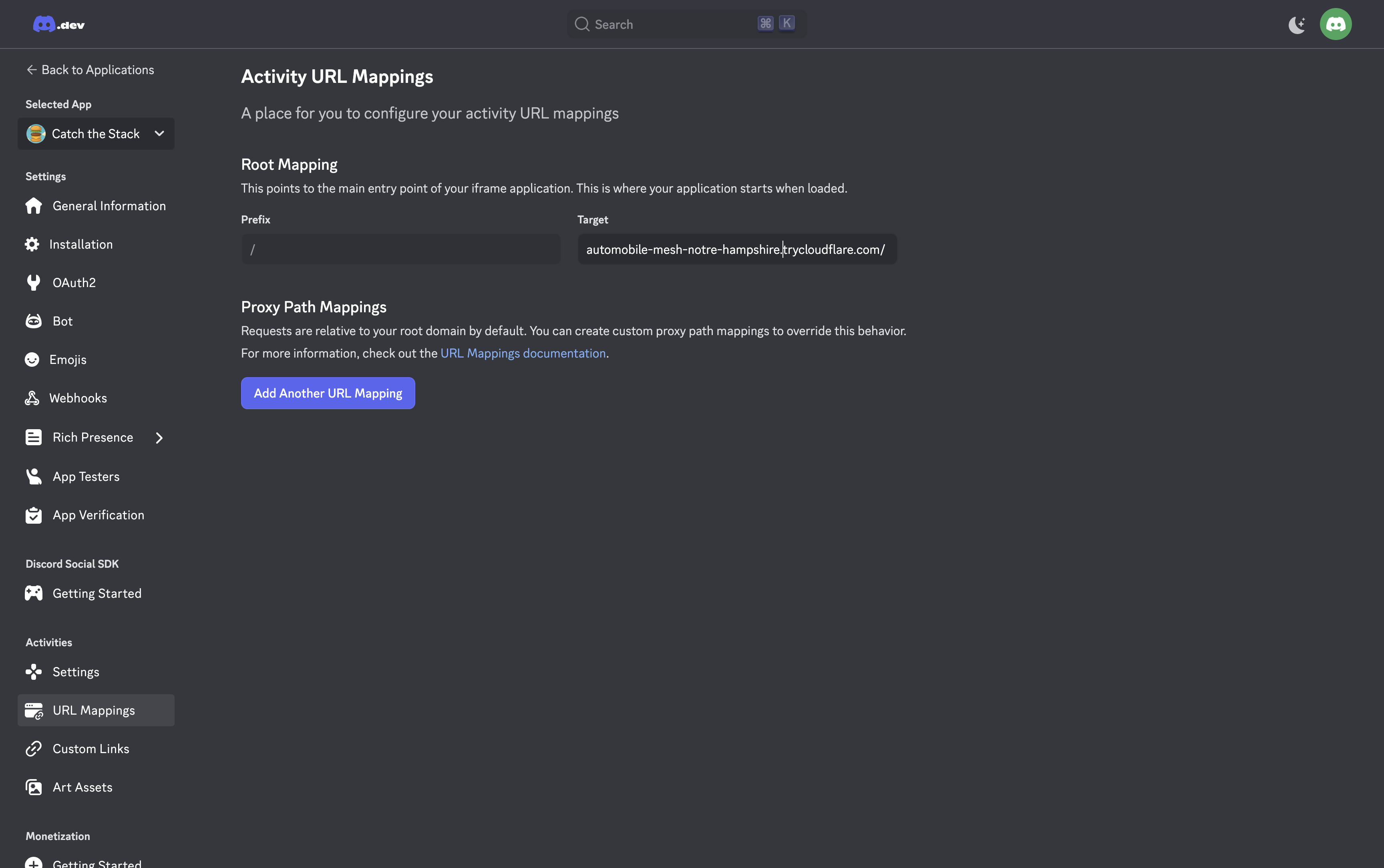
4. Testez votre activité Discord :
1. Ouvrez Discord et naviguez vers n'importe quel DM ou serveur.
2. Cliquez sur l'icône des activités (manette de jeu) dans les commandes du canal vocal.
3. Recherchez et cliquez sur votre application dans le panneau **Apps & Commands**.
* [Exportation d'un ensemble HTML5](https://www.8thwall.com/docs/fr/studio/native-app-export/html/#exporting-an-html5-bundle)
* [Publier votre projet 8th Wall sur les plateformes de jeux](https://www.8thwall.com/docs/fr/studio/native-app-export/html/#publier-votre-projet-8th-wall-sur-les-plateformes-de-jeux)
* [Auto-hébergement](https://www.8thwall.com/docs/fr/studio/native-app-export/html/#auto-h%C3%A9bergement)
* [Itch.io](https://www.8thwall.com/docs/fr/studio/native-app-export/html/#itchio)
* [Viverse](https://www.8thwall.com/docs/fr/studio/native-app-export/html/#viverse)
* [Jeu Jolt](https://www.8thwall.com/docs/fr/studio/native-app-export/html/#jeu-jolt)
* [GamePix](https://www.8thwall.com/docs/fr/studio/native-app-export/html/#gamepix)
* [Newgrounds](https://www.8thwall.com/docs/fr/studio/native-app-export/html/#newgrounds)
* [Y8](https://www.8thwall.com/docs/fr/studio/native-app-export/html/#y8)
* [Poki](https://www.8thwall.com/docs/fr/studio/native-app-export/html/#poki)
* [Kongregate](https://www.8thwall.com/docs/fr/studio/native-app-export/html/#kongregate)
* [Jeux d'armure](https://www.8thwall.com/docs/fr/studio/native-app-export/html/#jeux-darmure)
* [Jeux addictifs](https://www.8thwall.com/docs/fr/studio/native-app-export/html/#jeux-addictifs)
* [Décalé](https://www.8thwall.com/docs/fr/studio/native-app-export/html/#d%C3%A9cal%C3%A9)
* [Discord](https://www.8thwall.com/docs/fr/studio/native-app-export/html/#discord)
---
# Questions relatives à la traçabilité dans le monde | 8th Wall
[Skip to main content](https://www.8thwall.com/docs/fr/studio/troubleshooting/world-tracking-issues/#__docusaurus_skipToContent_fallback)
Sur cette page
Introduction[](https://www.8thwall.com/docs/fr/studio/troubleshooting/world-tracking-issues/#introduction "Lien direct vers Introduction")
--------------------------------------------------------------------------------------------------------------------------------------------
Je rencontre des problèmes avec le suivi mondial.
Pourquoi cela se produit-il ?[](https://www.8thwall.com/docs/fr/studio/troubleshooting/world-tracking-issues/#pourquoi-cela-se-produit-il- "Lien direct vers Pourquoi cela se produit-il ?")
----------------------------------------------------------------------------------------------------------------------------------------------------------------------------------------------
Le système 8th Wall's World Tracking s'appuie sur l'analyse en temps réel du flux de la caméra de l'appareil, identifiant les **points de caractéristiques** qui sont des détails uniques et traçables utilisés pour déterminer où se trouve le "sol" ou **plan de sol**.
Il est **basé uniquement sur le sol**, recalculant continuellement un plan horizontal unique (**Y = 0**) à partir de l'ensemble le plus stable de points caractéristiques visibles à tout moment. Si la surface est trop uniforme ou manque de caractéristiques distinctes, le suivi peut être perdu ou le sol peut être redéfini de manière incorrecte.
Contrairement à ARKit ou ARCore, qui peuvent suivre plusieurs surfaces, 8th Wall détecte et met à jour un plan de sol de manière dynamique. Le **processus de détection des caractéristiques fonctionne en niveaux de gris**, en utilisant les différences de contraste et de texture entre les zones claires et sombres plutôt que la couleur. Les surfaces à fort contraste et riches en détails donnent les meilleurs résultats, tandis que les surfaces lisses et peu contrastées, quelle que soit leur couleur, donnent des résultats médiocres.
Les causes courantes d'un mauvais suivi sont les suivantes
* Motifs répétitifs tels que murs de briques, planches de bois ou carreaux de sol
* Faible contraste de niveaux de gris, comme les moquettes unies, le béton lisse ou les sols d'une seule couleur.
* Surfaces brillantes, réfléchissantes ou translucides
* Mouvement rapide de la caméra ou flou de bougé
* Changements soudains d'éclairage
* Plusieurs surfaces en vue, par exemple une table et le sol ensemble
* Espaces étroits ou encombrés avec peu d'espace libre
Comment le réparer ?[](https://www.8thwall.com/docs/fr/studio/troubleshooting/world-tracking-issues/#comment-le-r%C3%A9parer- "Lien direct vers Comment le réparer ?")
------------------------------------------------------------------------------------------------------------------------------------------------------------------------
1. **Choisir une surface riche en fonctionnalités**
* Utilisez des surfaces aux motifs irréguliers et aux contrastes clairs et foncés variés, comme les fissures dans le béton, l'herbe, le gravier ou les tapis à motifs.
2. **Éviter les motifs répétitifs**
* Des éléments d'apparence similaire, tels que des briques ou des planches, peuvent perturber la détection.
3. **Assurer un bon éclairage**
* L'éclairage doit être uniforme, sans éblouissement ni ombres lourdes.
4. **Minimiser les mouvements rapides de la caméra**
* Déplacez-vous lentement, surtout au démarrage, afin d'établir un suivi stable.
5. **Ne garder qu'une seule surface en vue**
* Cadrer la surface cible sans que d'autres plans horizontaux n'interfèrent.
6. **Donner suffisamment d'espace au contenu AR**
* Utilisez un espace suffisamment grand pour votre contenu, sans obstacles proches.
7. **Re scan si nécessaire**
* Pointez la caméra sur une surface riche en caractéristiques pendant quelques secondes ou appelez `XR8.XrController.recenter()` pour réinitialiser le suivi.
Comment améliorer l'expérience de l'utilisateur final ?[](https://www.8thwall.com/docs/fr/studio/troubleshooting/world-tracking-issues/#comment-am%C3%A9liorer-lexp%C3%A9rience-de-lutilisateur-final- "Lien direct vers Comment améliorer l'expérience de l'utilisateur final ?")
------------------------------------------------------------------------------------------------------------------------------------------------------------------------------------------------------------------------------------------------------------------------------------
1. **Ajouter un bouton Re Center**
* Permet aux utilisateurs de réinitialiser le suivi à la vue actuelle de la caméra, ce qui est utile s'ils ont commencé sur une mauvaise surface, sans avoir à recharger la page.
2. **Positionner le contenu entièrement au-dessus de Y = 0**
* Veiller à ce que les modèles soient entièrement placés au-dessus du sol. Ajuster les points de pivot ou repositionner les modèles de manière à ce qu'aucune partie n'apparaisse sous le sol.
* [Introduction](https://www.8thwall.com/docs/fr/studio/troubleshooting/world-tracking-issues/#introduction)
* [Pourquoi cela se produit-il ?](https://www.8thwall.com/docs/fr/studio/troubleshooting/world-tracking-issues/#pourquoi-cela-se-produit-il-)
* [Comment le réparer ?](https://www.8thwall.com/docs/fr/studio/troubleshooting/world-tracking-issues/#comment-le-r%C3%A9parer-)
* [Comment améliorer l'expérience de l'utilisateur final ?](https://www.8thwall.com/docs/fr/studio/troubleshooting/world-tracking-issues/#comment-am%C3%A9liorer-lexp%C3%A9rience-de-lutilisateur-final-)
---
# Android | 8th Wall
[Skip to main content](https://www.8thwall.com/docs/fr/studio/native-app-export/android/#__docusaurus_skipToContent_fallback)
Sur cette page
Exportation vers Android[](https://www.8thwall.com/docs/fr/studio/native-app-export/android/#exportation-vers-android "Lien direct vers Exportation vers Android")
--------------------------------------------------------------------------------------------------------------------------------------------------------------------
1. **Ouvrez votre projet Studio**. S'assurer que le projet répond aux \[critères d'exigence\] (/studio/native-app-export/#requirements).
2. Cliquez sur **Publier**. Sous **Export**, sélectionnez **Android**.
3. **Personnalisez votre application:**
* **Nom d'affichage:** Le nom affiché sur l'écran d'accueil d'Android
* **Bundle Identifier:** Une chaîne unique, par exemple `com.mycompany.myapp`
* **(Optionnel)** Télécharger une **Icône d'application** (1024x1024)
4. Une fois que les informations de base de votre application sont remplies, cliquez sur **Continue** pour finaliser la configuration de la construction.
* * *
Finalisation des paramètres de construction[](https://www.8thwall.com/docs/fr/studio/native-app-export/android/#finalisation-des-param%C3%A8tres-de-construction "Lien direct vers Finalisation des paramètres de construction")
----------------------------------------------------------------------------------------------------------------------------------------------------------------------------------------------------------------------------------
Vous allez maintenant définir la façon dont votre application est emballée :
* **Version:** Utiliser une version sémantique (par exemple `1.0.0`)
* **Orientation:**
* **Portrait:** Maintient l'application en position verticale, même lorsque l'appareil est tourné.
* **Landscape Left:** Affiche l'application horizontalement avec l'appareil tourné de manière à ce que le côté gauche soit en bas.
* **Landscape Right:** Affiche l'application horizontalement avec l'appareil tourné vers le bas sur le côté droit.
* **Rotation automatique:** Permet à l'application de suivre la rotation physique de l'appareil, en passant automatiquement de l'affichage vertical à l'affichage horizontal.
* **Rotation automatique (paysage uniquement):** Ajuste la position de l'application en fonction de la rotation de l'appareil, mais la limite aux vues horizontales uniquement.
* **Status Bar:**
* **Oui:** Affiche la barre d'état du système par défaut sur l'application.
* **Non:** Masque la barre d'état du système par défaut.
* **Type de construction:**
* **APK (Android Package):** Fichiers d'installation directe pour les tests ou le chargement latéral.
* **AAB (Android App Bundle):** Requis pour la publication sur Google Play
* **Mode de construction:**
* **Live Reload:** Imprime les mises à jour de Studio au fur et à mesure que votre projet est mis à jour.
* **L'offre groupée statique:** Construction complète et autonome
* **Environnement:** Choisir parmi `Dev`, `Latest`, `Staging`, ou `Production`.
Lorsque tout est prêt, cliquez sur **Build** pour générer votre paquet d'applications.
> Une fois la compilation terminée, téléchargez le fichier `.apk` ou `.aab` en utilisant les liens de téléchargement fournis dans le résumé de la compilation.
* * *
Publication sur le Google Play Store[](https://www.8thwall.com/docs/fr/studio/native-app-export/android/#publication-sur-le-google-play-store "Lien direct vers Publication sur le Google Play Store")
--------------------------------------------------------------------------------------------------------------------------------------------------------------------------------------------------------
Une fois l'exportation terminée, vous êtes prêt à publier votre application sur le Play Store à l'aide du **AAB (Android App Bundle)** :
### Pourquoi l'USF ?[](https://www.8thwall.com/docs/fr/studio/native-app-export/android/#pourquoi-lusf- "Lien direct vers Pourquoi l'USF ?")
Google exige le format AAB pour toutes les nouvelles applications depuis août 2021. Le format AAB permet d'optimiser la diffusion en générant des APK spécifiques à l'appareil et en réduisant la taille de l'application.
### Télécharger vers Google Play Console[](https://www.8thwall.com/docs/fr/studio/native-app-export/android/#t%C3%A9l%C3%A9charger-vers-google-play-console "Lien direct vers Télécharger vers Google Play Console")
1. Se connecter à \[Play Console\] ([https://play.google.com/console](https://play.google.com/console)
) et s'inscrire à Play App Signing si nécessaire.
2. Naviguer vers **"Créer une application "** → remplir le nom, la langue, le statut gratuit/payant
3. Allez dans **Test & Release** → **Production** (ou piste interne/bêta). Cliquez sur **Create new release**, puis téléchargez votre fichier .aab en le faisant glisser dans la section **Drop app bundles here to upload**.
4. Liste complète des magasins, politique de confidentialité, classement des contenus et régions cibles
5. Révision et diffusion de la version
🔗 [Consultez les documents de téléchargement complets ici : Télécharger votre application sur la Play Console](https://developer.android.com/studio/publish)
* * *
Installation directe sur un appareil Android[](https://www.8thwall.com/docs/fr/studio/native-app-export/android/#installation-directe-sur-un-appareil-android "Lien direct vers Installation directe sur un appareil Android")
--------------------------------------------------------------------------------------------------------------------------------------------------------------------------------------------------------------------------------
### Installation sur un émulateur Android[](https://www.8thwall.com/docs/fr/studio/native-app-export/android/#installation-sur-un-%C3%A9mulateur-android "Lien direct vers Installation sur un émulateur Android")
1. Activez **"installer des applications inconnues "** pour votre navigateur ou votre gestionnaire de fichiers
2. Transférer l'APK par USB, courriel ou stockage en nuage
3. Ouvrez l'APK depuis votre appareil et appuyez sur **Installer**.
**Pour la méthode en ligne de commande:**
adb install path/to/app.apk
### Installation sur un appareil physique Android[](https://www.8thwall.com/docs/fr/studio/native-app-export/android/#installation-sur-un-appareil-physique-android "Lien direct vers Installation sur un appareil physique Android")
1. Configurez un émulateur dans le gestionnaire AVD d'Android Studio.
2. Lancer l'émulateur.
3. Glissez-déposez l'APK de votre ordinateur sur l'émulateur pour l'installer.
En terminal :
adb install path/to/app.apk
* [Exportation vers Android](https://www.8thwall.com/docs/fr/studio/native-app-export/android/#exportation-vers-android)
* [Finalisation des paramètres de construction](https://www.8thwall.com/docs/fr/studio/native-app-export/android/#finalisation-des-param%C3%A8tres-de-construction)
* [Publication sur le Google Play Store](https://www.8thwall.com/docs/fr/studio/native-app-export/android/#publication-sur-le-google-play-store)
* [Pourquoi l'USF ?](https://www.8thwall.com/docs/fr/studio/native-app-export/android/#pourquoi-lusf-)
* [Télécharger vers Google Play Console](https://www.8thwall.com/docs/fr/studio/native-app-export/android/#t%C3%A9l%C3%A9charger-vers-google-play-console)
* [Installation directe sur un appareil Android](https://www.8thwall.com/docs/fr/studio/native-app-export/android/#installation-directe-sur-un-appareil-android)
* [Installation sur un émulateur Android](https://www.8thwall.com/docs/fr/studio/native-app-export/android/#installation-sur-un-%C3%A9mulateur-android)
* [Installation sur un appareil physique Android](https://www.8thwall.com/docs/fr/studio/native-app-export/android/#installation-sur-un-appareil-physique-android)
---